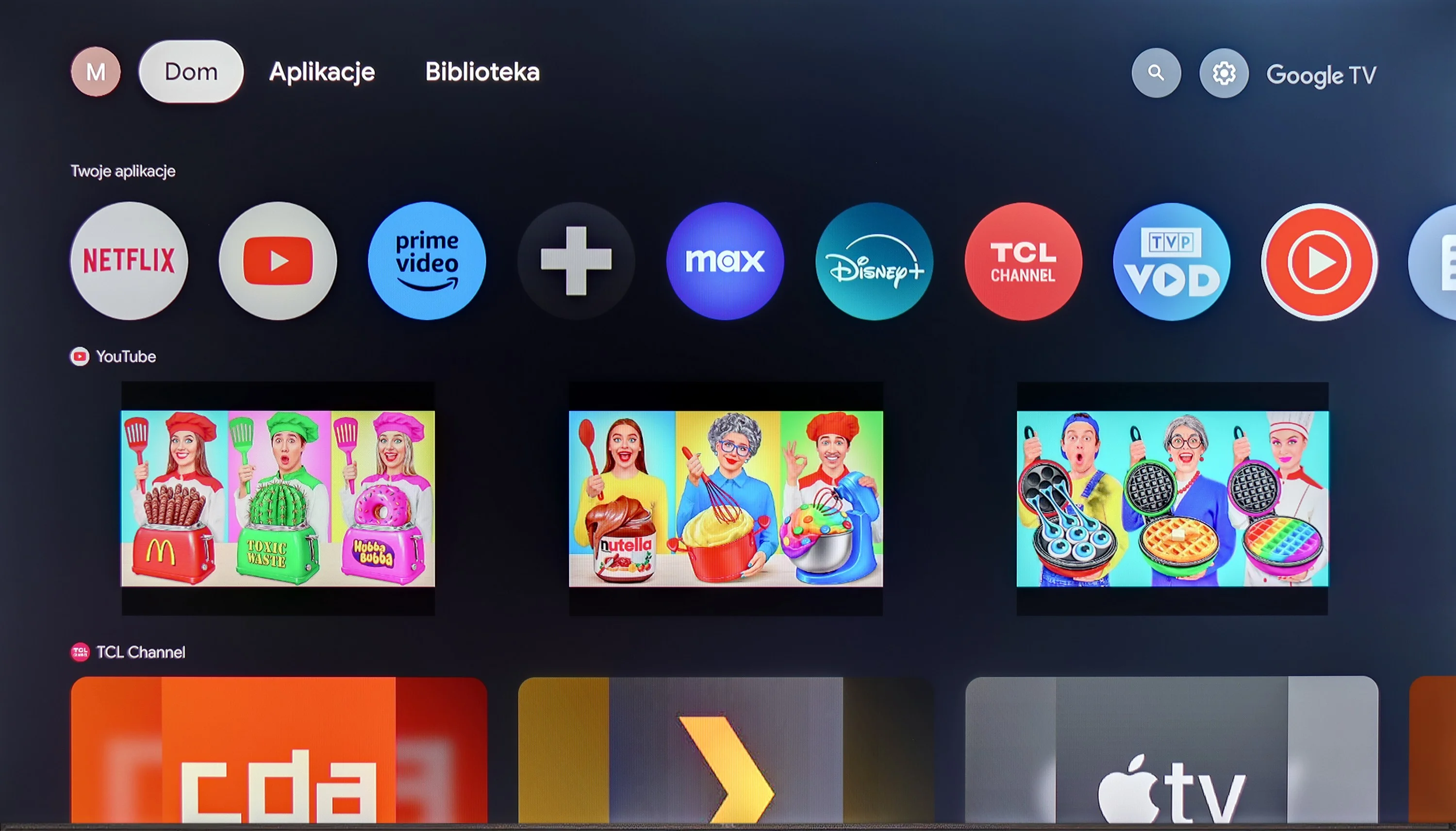
TCL P755 stands out primarily due to its Google TV system, which simplifies daily use of the television. It is easy to operate, runs smoothly, and provides access to numerous applications, while personalised recommendations help quickly find something to watch. Support for AirPlay and Windows Miracast allows for easy casting from other devices. All of this makes the television a good option as a home entertainment centre. When it comes to picture quality, P755 offers solid performance for its price. Dolby Vision makes HDR content look better – colours are vibrant and contrast sharper. The wide colour gamut results in an image that is rich and natural, which is evident when watching films. Additionally, the television has a high native contrast, which distinguishes it in this price range. For gamers, the P755 could also be an interesting option. Low input lag enables smooth gameplay, and games run responsively. Of course, the 60 Hz panel does not provide ideal fluidity, and the HGiG function does not work perfectly, but for occasional gaming, this model is adequate. However, it does come with some drawbacks. Low brightness means that the image in bright rooms may be less readable, and the viewing angles are quite average. Dithering can also be an issue, causing artefacts in darker scenes, especially when using the television as a monitor – the fonts on the screen are less legible. TCL P755 is a good choice for those looking for an affordable television with features. Dolby Vision, a wide colour gamut, and low input lag are the strengths of this model. Although brightness and viewing angles could be better, it offers a lot at this price and works well for everyday viewing or occasional gaming.
- Matching (Score) |
- Our verdict |
- TV appearance |
- Where to buy |
- Contrast and black detail |
- HDR effect quality |
- Factory color reproduction |
- Color reproduction after calibration |
- Smoothness of tonal transitions |
- Image scaling and smoothness of tonal transitions |
- Blur and motion smoothness |
- Console compatibility and gaming features |
- Input lag |
- Compatibility with PC |
- Viewing angles |
- Daytime performance |
- Panel details |
- TV features |
- Apps |
- Playing files from USB |
- Sound
TCL P755 vs Samsung OLED S95H (S99H) (QD-OLED)
 Direct comparison
P755
S99H / S95H

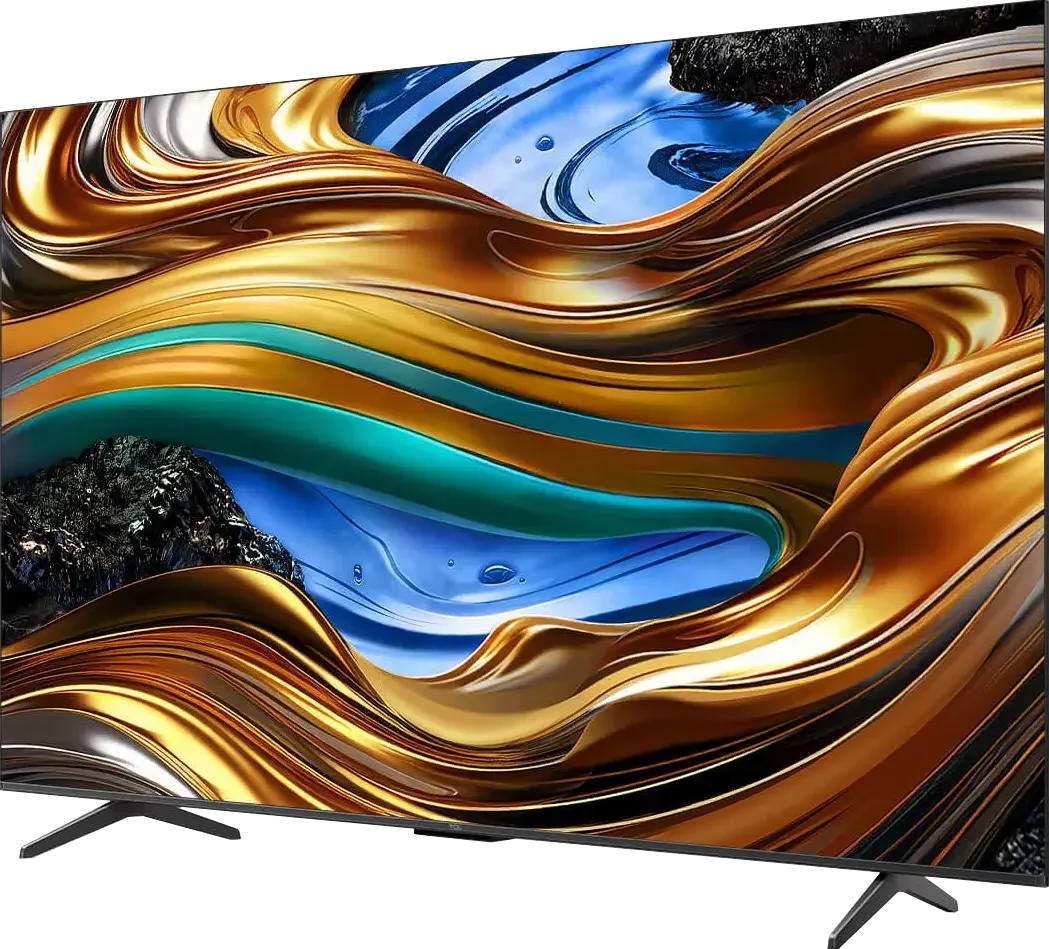
Panel type: LCD VA
Resolution: 3840x2160
System: Google TV
Model year: 2024
Complete the survey to find out the result
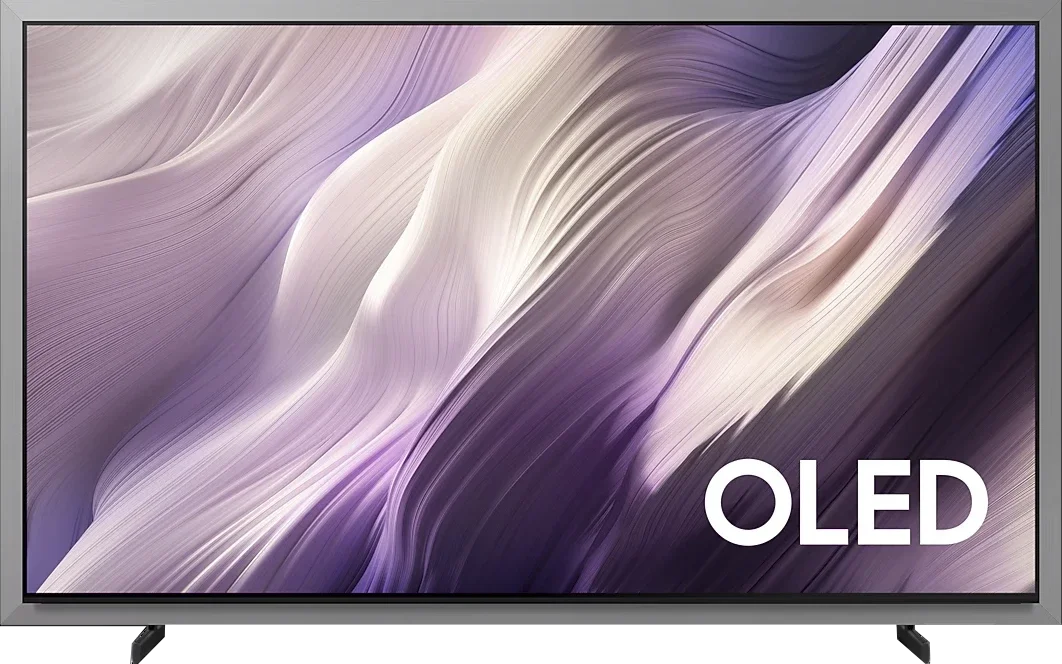
Panel type: QD-OLED
Resolution: 3840x2160
System: Tizen
Model year: 2026
Complete the survey to find out the result
Overall rating
5.8
9.0
 Movies and series in UHD quality
 5.9
9.7
 Classic TV, YouTube
 6.0
9.5
 Sports broadcasts (TV and apps)
 5.1
9.0
 Gaming on console
 6.8
9.9
 TV as a computer monitor
 2.5
8.8
 Watching in bright light
 3.8
8.0
 Utility functions
 7.3
7.8
 Apps
Apps 9.6
9.3
 Sound quality
 5.8
8.7
Complete the survey to find out what fits your preferences
Advantages

High native contrast
Support for advanced features for gamers
Advanced Google TV operating system
Low input lag
Support for all HDR formats
Support for all Dolby and DTS audio formats
Perfect OLED black levels
Reference HDR picture quality (after calibration)
Very high brightness (over 2800 nits in HDR!)
Richly saturated QD-OLED colours
Outstanding reflection suppression (matte coating)
Very good motion clarity (no smearing, up to 165Hz refresh rate)
Brilliant for gamers (4x HDMI 2.1, low input lag, Game Motion Plus)
Fast Tizen system with 7 years of support
Outstanding viewing angles
High build quality
Disadvantages

Low brightness
Average viewing angles
Incorrectly functioning HGiG mode
Poor font readability
No wall mount or One Connect included
Black takes on a cherry tint under strong light (a characteristic of QD-OLED panels)
No DTS:X (for Blu-ray fans)
Unusual design 😉
Our verdict
The Samsung S99H is probably the best OLED TV we've tested so far, and certainly Samsung's best OLED in many years. In terms of picture quality it's genuinely hard to find a weak point. Blacks are perfect, as befits an organic panel, and the HDR effect impresses with its brightness and colour saturation. The use of a QD-OLED panel delivers an image that in many scenes looks almost reference-grade. Virtually every parameter related to display quality performs excellently here. It's also hard to deny that the S99H is simply a device that's a pleasure to use every day. Tizen runs quickly, has access to all the major apps and is covered by seven years of update support. On top of that there are brilliant features for gamers, which translated into one of the highest scores in this category on our site. The S99H will therefore perform well in practically any conditions, whether we're watching films in the evening, following regular TV in a bright living room, or spending several hours playing on a console.
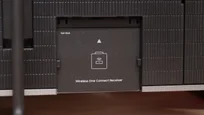
So is it the perfect TV? Not entirely. The design is, of course, the most controversial aspect. The unique look with its wide bezel means this TV is something you'll either love straight away or completely dislike, and that's purely a matter of personal taste. We can, however, judge the equipment, and in that respect Samsung has left something to be desired. In a model designed primarily for wall mounting there is no dedicated mounting bracket, nor a One Connect module. Granted, Samsung allows you to buy its wireless version, the Wireless One Connect, but for a product at this price point both items should, in our opinion, be included.
However, these are not flaws that should rule this model out. The Samsung S99H's main defence is its picture, and it is simply phenomenal. If we like its appearance and are looking for the best possible TV, it's hard to point to a better choice today. At the moment the Samsung S99H is the strongest contender for the title of best TV of 2026.
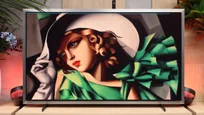
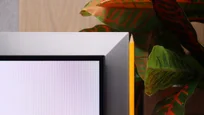
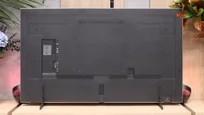
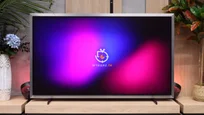
TV appearance



Contrast and black detail
6.1/10
10/10
Local dimming function: No
Contrast:


Result
5,650:1

Result
6,750:1

Result
5,850:1

Result
6,550:1

Result
6,100:1
Result
∞:1
Result
∞:1
Result
∞:1
Result
∞:1
Result
∞:1
Halo effect and black detail visibility:
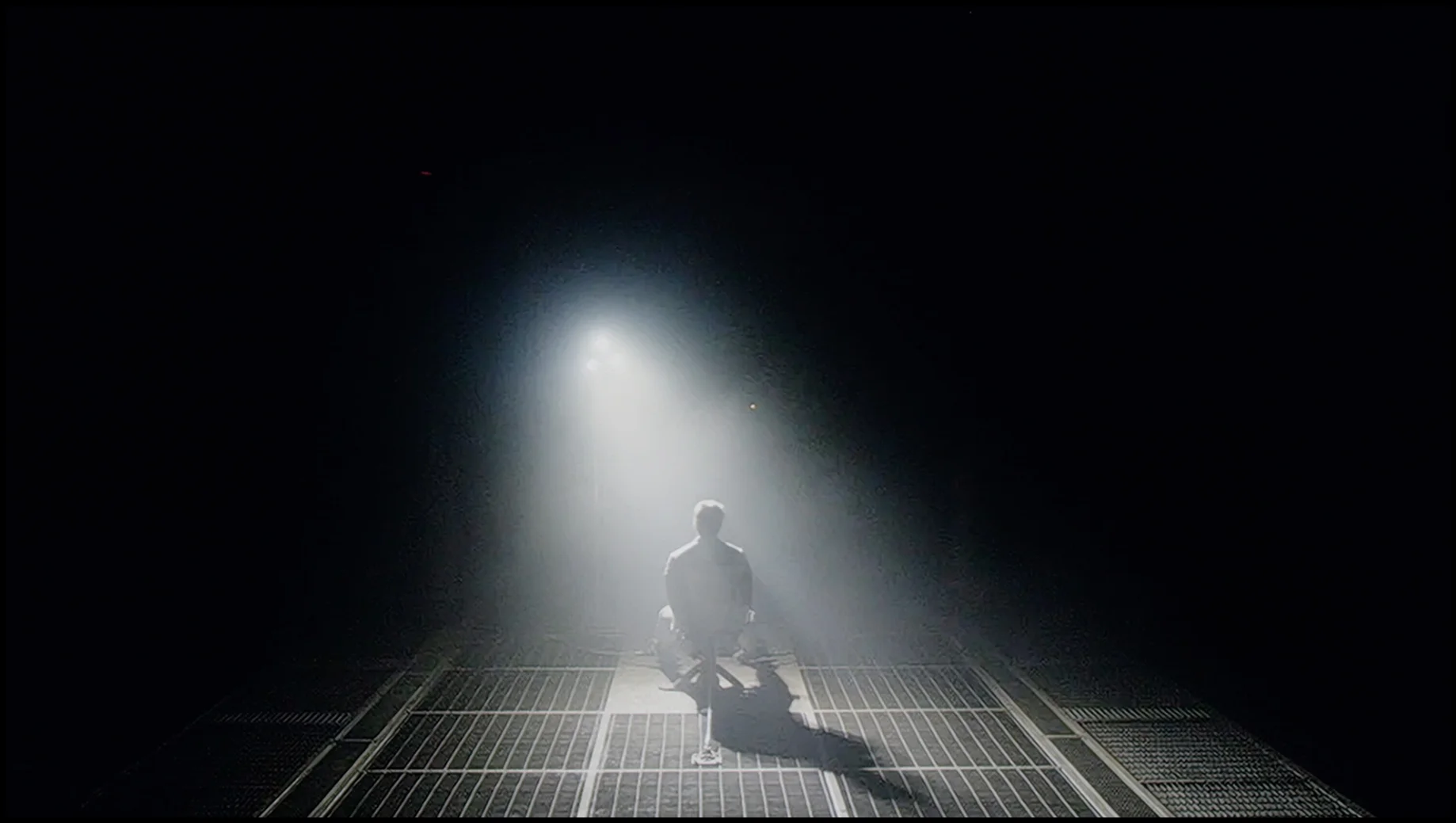
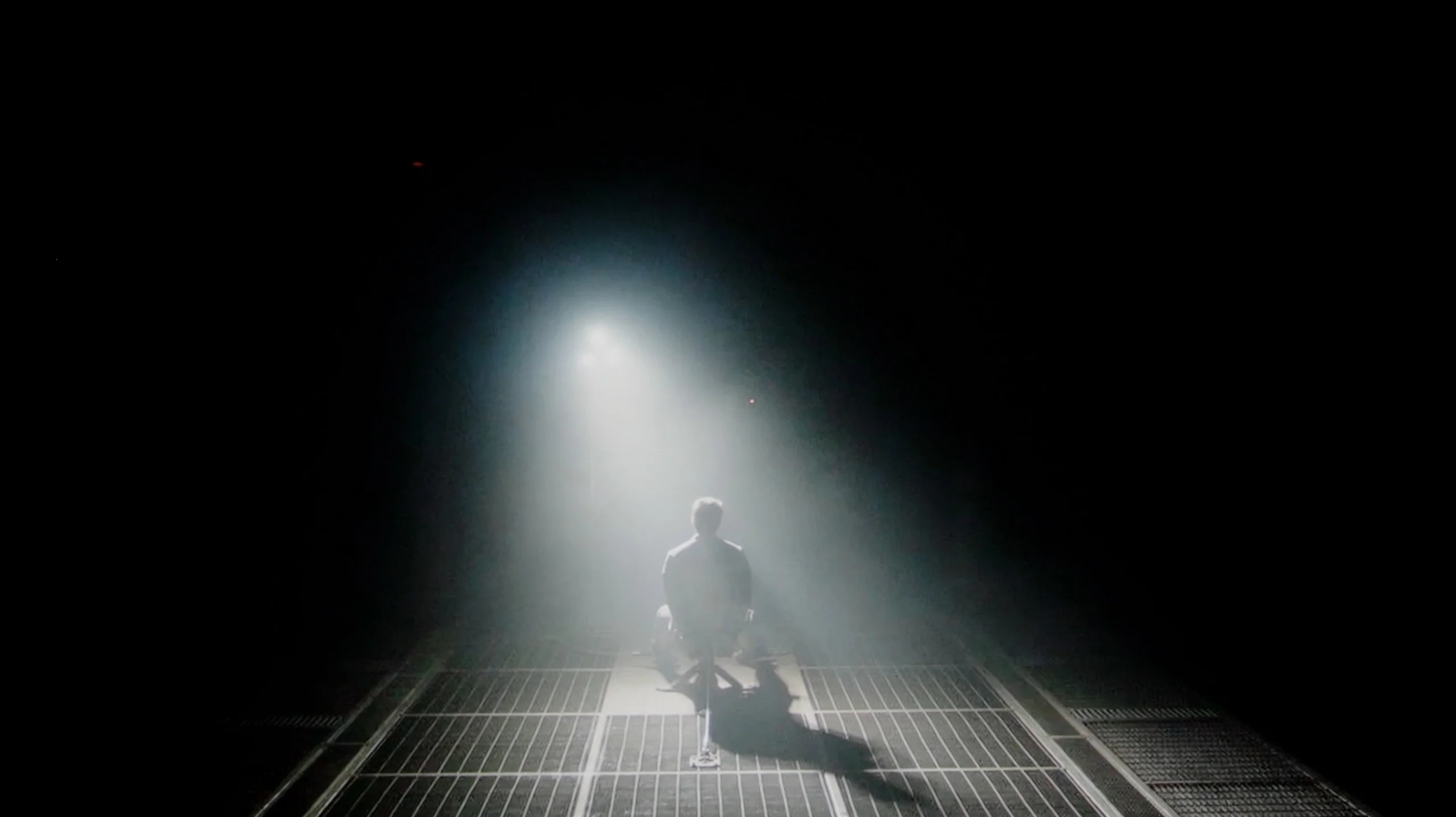
Check the visibility of bright lights on a dark background. Mini-LEDs often struggle with this. The photo does not compare black levels – that’s what the video below is for.
The video accurately shows differences in contrast and black levels between TVs, as well as potential issues: halo around bright objects or Mini-LED zone operation visible as brightness jumps.
TCL P755, equipped with a VA panel, offers very high contrast, which translates to deeper blacks and better detail representation in darker scenes than in the case of IPS/ADS panels. The panel in this model has an exceptionally high native contrast. In film mode, contrast is a strong point of the television, but the lack of local dimming technology means that blacks are not perfectly deep. They often take on shades of navy, which can be particularly noticeable in dark movie scenes. During the test with the film Sicario 2 , certain flaws were also noted in the form of uneven backlighting, which can distract from important details in the blacks, lowering the overall immersion in the scenes. However, it should be remembered that this comment refers to the sample we tested; nonetheless, it is worth bearing in mind that similar shortcomings may occur in other units.
As befits an OLED TV, the Samsung S99H delivers perfect black and virtually infinite contrast. Each pixel can switch off independently, so bright elements cause no blooming or halos, and black stays black even in the most demanding scenes. This gives the picture excellent depth and it looks great in films, series and games. Compared with Mini LED LCD TVs, the advantage is especially noticeable in dark shots with small bright details. Subtitles, stars, spotlights and tiny light sources retain full clarity and do not blend into the background. There is also none of the halo effect typical of local dimming, nor any dimming of bright elements just to preserve deep blacks. Importantly, in this respect it makes little difference whether we are talking about the QD-OLED panel or the Tandem WOLED version. In both cases we can count on the same fundamental advantages of organic display technology: perfect control of every pixel and excellent contrast regardless of the scene.
HDR effect quality
4.2/10
9.4/10
Luminance measurements in HDR:

Result
190 nit

Result
238 nit

Result
272 nit

Result
248 nit

Result
283 nit
Result
2837 nit
Result
2795 nit
Result
2592 nit
Result
2811 nit
Result
2271 nit
Scene from the movie “Pan” (about 2800 nits)
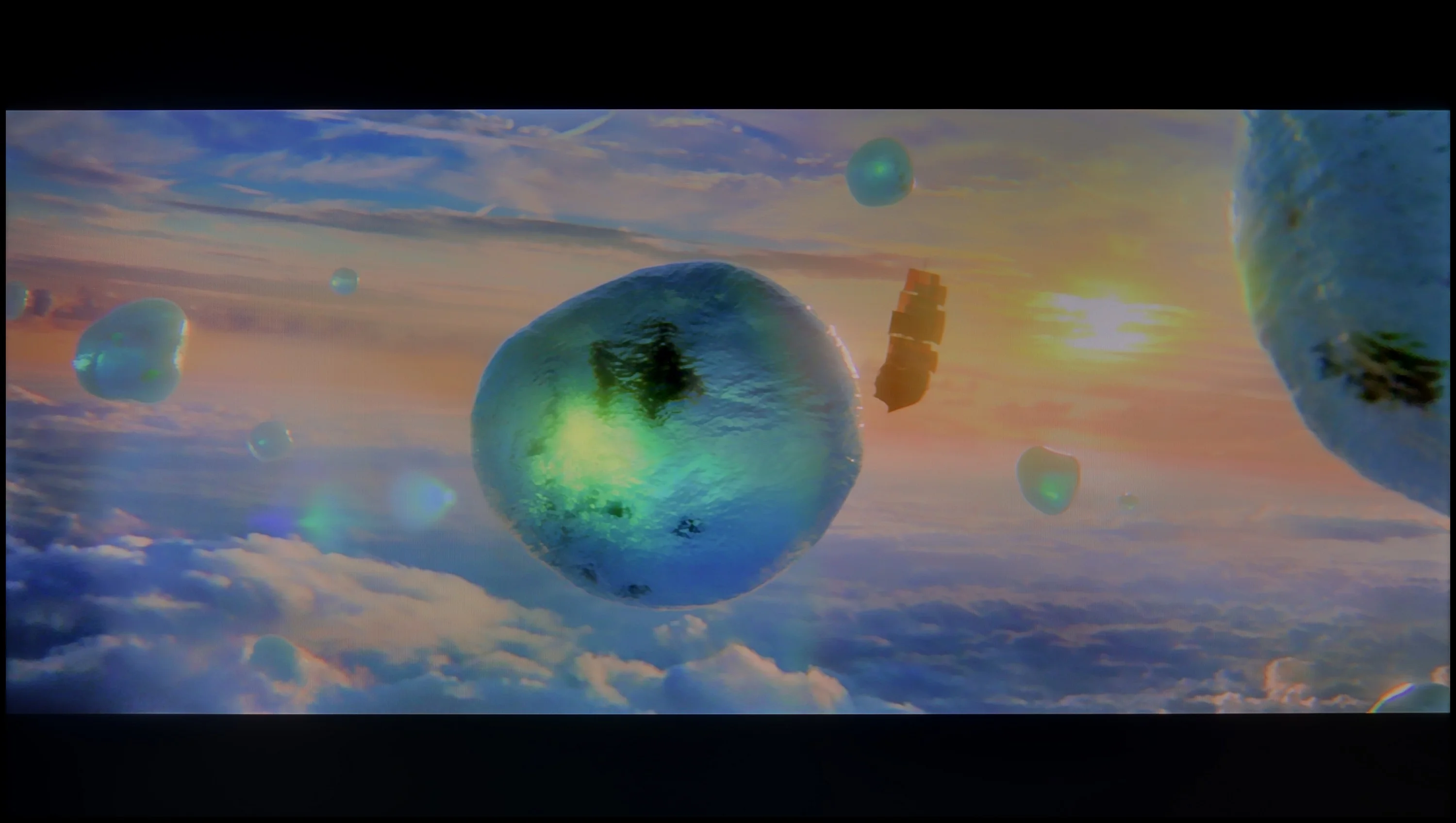

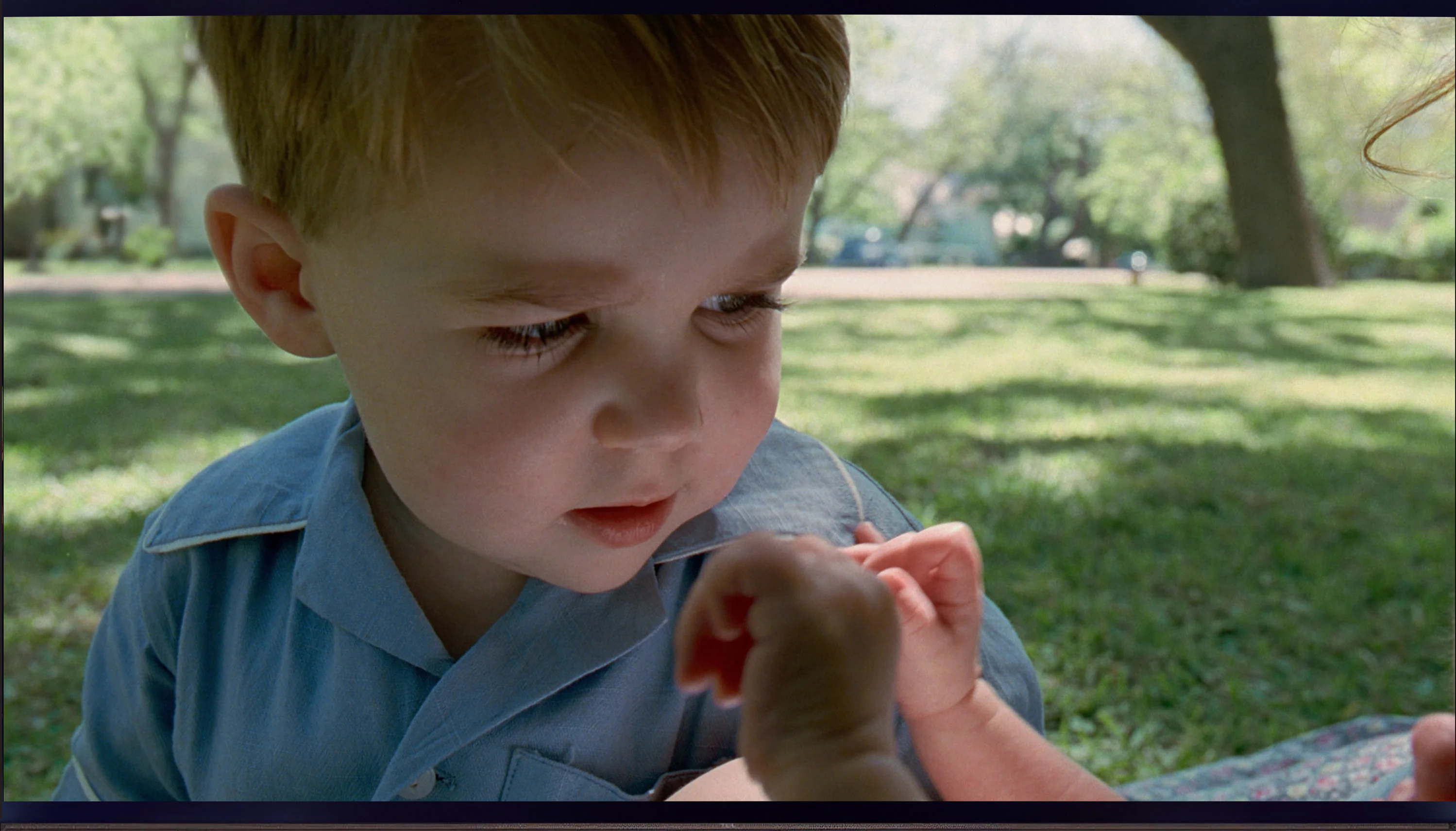
Scene from the movie “Billy Lynn” (about 1100 nits)


The photos show two HDR10 movies. 'Pan' is one of the brightest productions ever made, while 'Billy Lynn' (soldier) has brightness typical of streaming (Netflix, Prime, HBO MAX). Notice the intensity of effects and detail in whites.
Static HDR10


The photos present the visibility of white details in various HDR formats. They do not show brightness differences between TVs (these can be compared in the previous gallery).
Dynamic: Dolby Vision
Dynamic: HDR10+


The photos present the visibility of white details in various HDR formats. They do not show brightness differences between TVs (these can be compared in the previous gallery).
HDR luminance chart:
Samsung OLED S95H (S99H) (QD-OLED)
TCL P755
TCL P755 provides average HDR effect quality. The maximum brightness of the television is slightly below 300 nits. Such brightness limits the intensity of bright areas in HDR content. In practice, this means that bright elements may not be sufficiently pronounced, which affects the overall impression of contrast. However, the television offers a wide coverage of the DCI P3 colour gamut, reaching around 93%. As a result, colours are vibrant and saturated, significantly improving colour reproduction quality in HDR content. Despite the limited brightness, the wide colour range allows for richer and more realistic shades.
When it comes to brightness alone, the S99H is an astronomically bright TV. Its peak brightness in film scenes can exceed 2800 nits. Whatever the scene, you can count on powerful HDR effects that are almost blinding, exactly what you expect from a top-tier screen. It is the nature of OLED panels that they cannot sustain the same extreme brightness in very bright, full‑screen frames as they can with small highlights, but the results are still excellent. In a bright scene from the film The Meg, the sun still exceeded 2200 nits. That means the S99H managed to sustain higher brightness than most Mini LED displays on the market. In terms of brightness, the S99H is currently the best OLED TV we have tested.
Colour gamut coverage
The S99H also handles colour extremely well, which is a direct result of the QD-OLED panel used here. Whether the test scenarios were synthetic test patterns or measurements taken with film material playing in the background, the results remained at a very high level. The S99H easily covers almost 100% of the DCI-P3 gamut, and for the more demanding BT.2020 colour space it reaches nearly 90%. That is absolute top-tier performance. These results match what we have seen in the new SQD-Mini-LED screens, and in real film scenes even outperform RGB Mini LED displays.
Factory color reproduction
6.2/10
7.5/10

This gallery shows how colors change after professional TV calibration. If you notice the difference, we recommend ordering this service at SkalibrujTV.com.
Factory Mode
After calibration
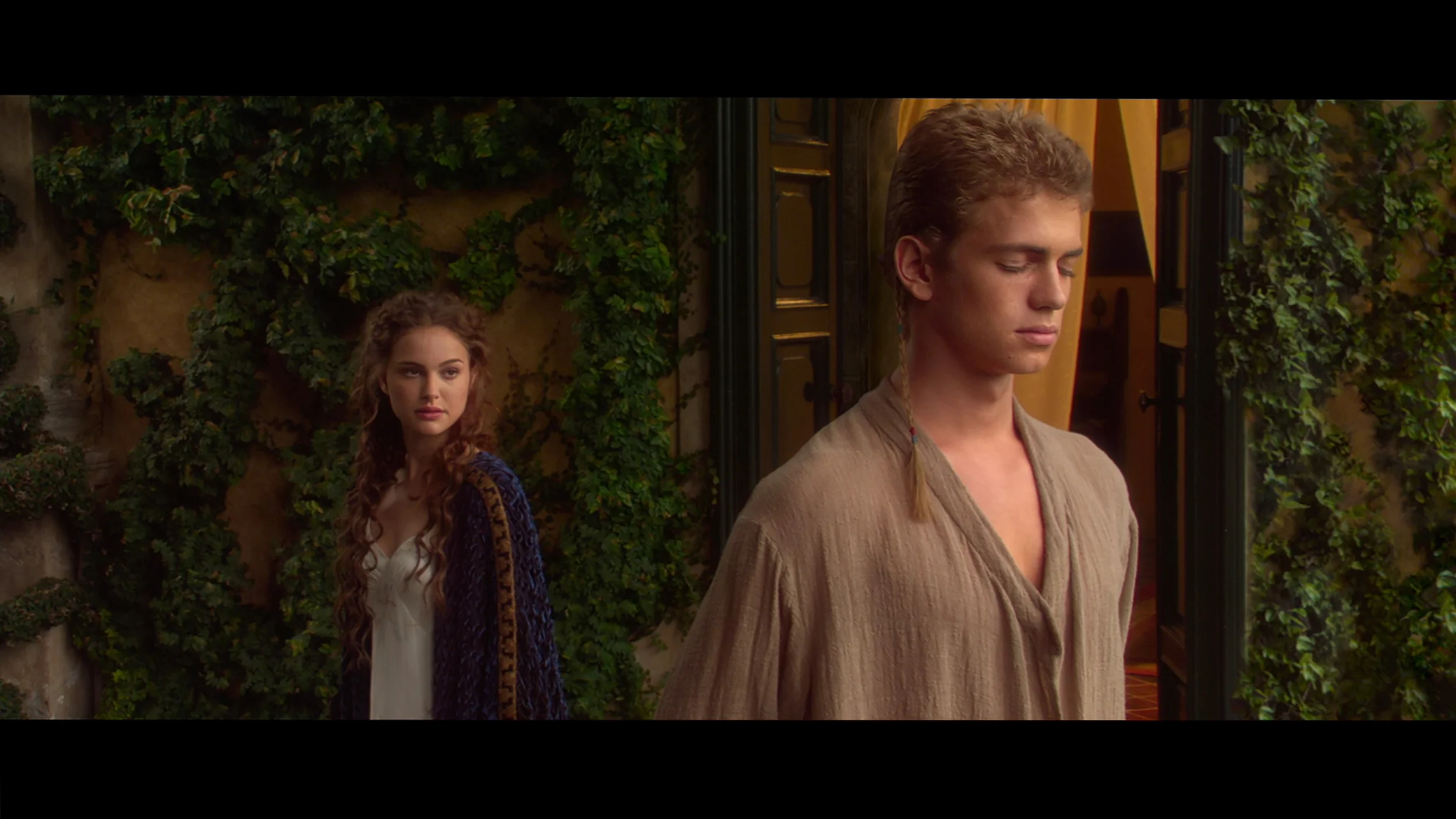
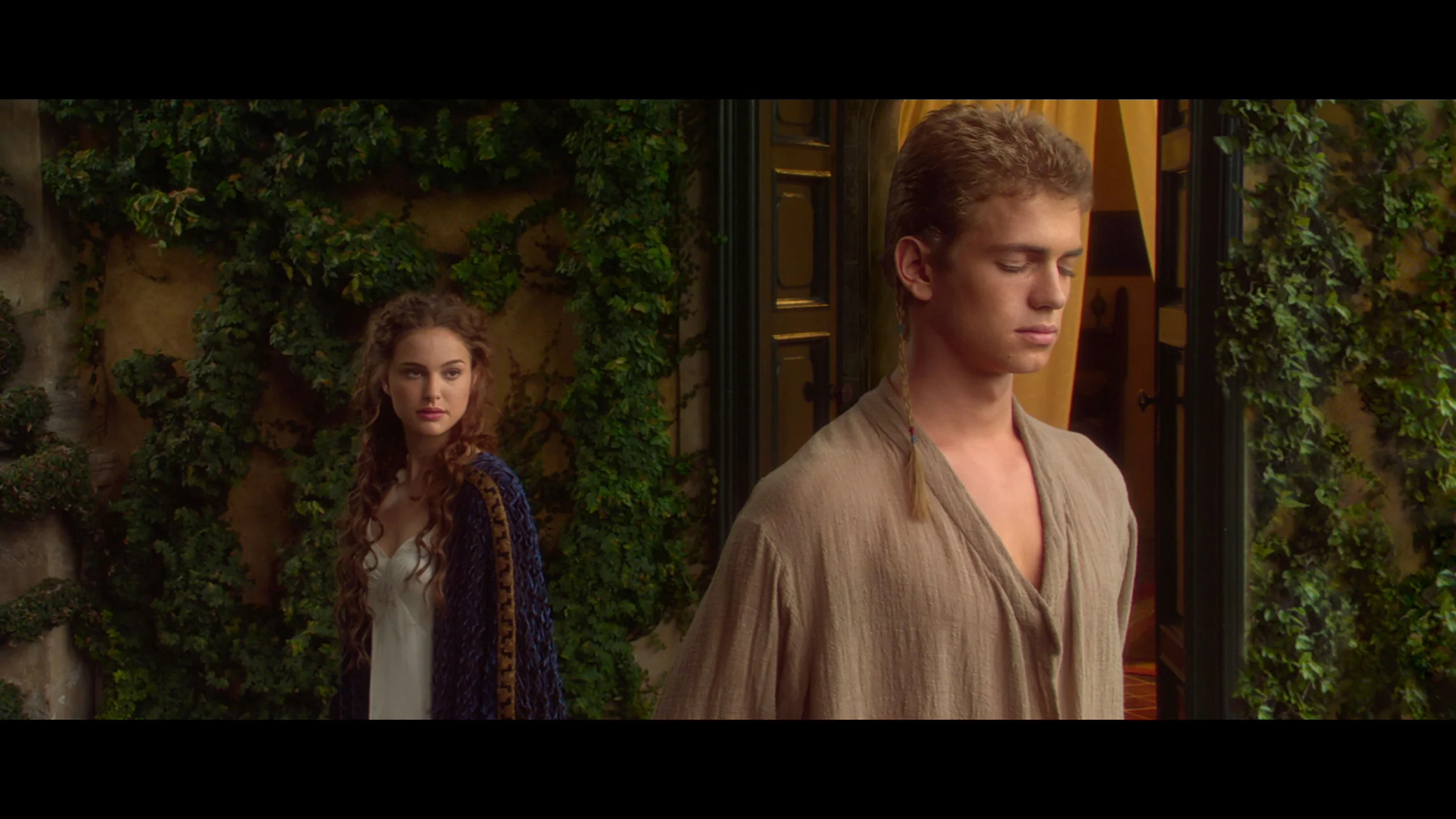
This gallery shows how colors change after professional TV calibration. If you notice the difference, we recommend ordering this service at SkalibrujTV.com.
Factory Mode
After calibration
The colour reproduction in the P755 in "Movie" mode, although it is the best factory setting, leaves much to be desired. The biggest problem is the white balance, where the graph clearly shows a spike in red and a drop in green. This leads to a shift in colours towards red, making the colours on the screen less natural and potentially looking incorrect, especially in scenes with a white or neutral background. This is confirmed by the "Colour Checker" test, which reveals that the colours are indeed skewed towards red, affecting the realism of the image and reducing the perception of colour depth. In terms of contrast, the gamma chart analysis shows considerable fluctuations, particularly in dark areas of the image, where values drop below the optimal level of 2.4. This results in darker areas being displayed brighter than they should be. Additionally, the EOTF curve, responsible for brightness reproduction, is slightly above the reference curve. The graph shows a slight boost in brightness to around 50%, followed by only a minor decrease. This leads to excessive brightness enhancement in the mid-tones of the image and may result in loss of detail and distortion in brighter scenes.
Samsung offers a whole host of picture modes and features, but as usual we recommend choosing Filmmaker Mode, especially if you want the most faithful rendering of the filmmakers' intent. Out of the box the TV is tuned very well, although it has minor shortcomings. These are mainly a slight drift in the white balance in SDR content and a slightly low gamma. As a result, in darker viewing conditions the picture can be a little too bright compared with the reference gamma of 2.4, which is the standard for watching films with the lights off. These are, of course, minor points, because overall colour reproduction remains at a very good level and the errors in the ColorChecker measurements are not large. However, we know that with a screen of the S99H's class you can, and arguably should, expect even more, which is why we carried out a professional calibration.
Color reproduction after calibration
7.6/10
9.6/10


The photos show how movies look on the TV. Pay attention to black detail visibility, colors, and shadow tint.
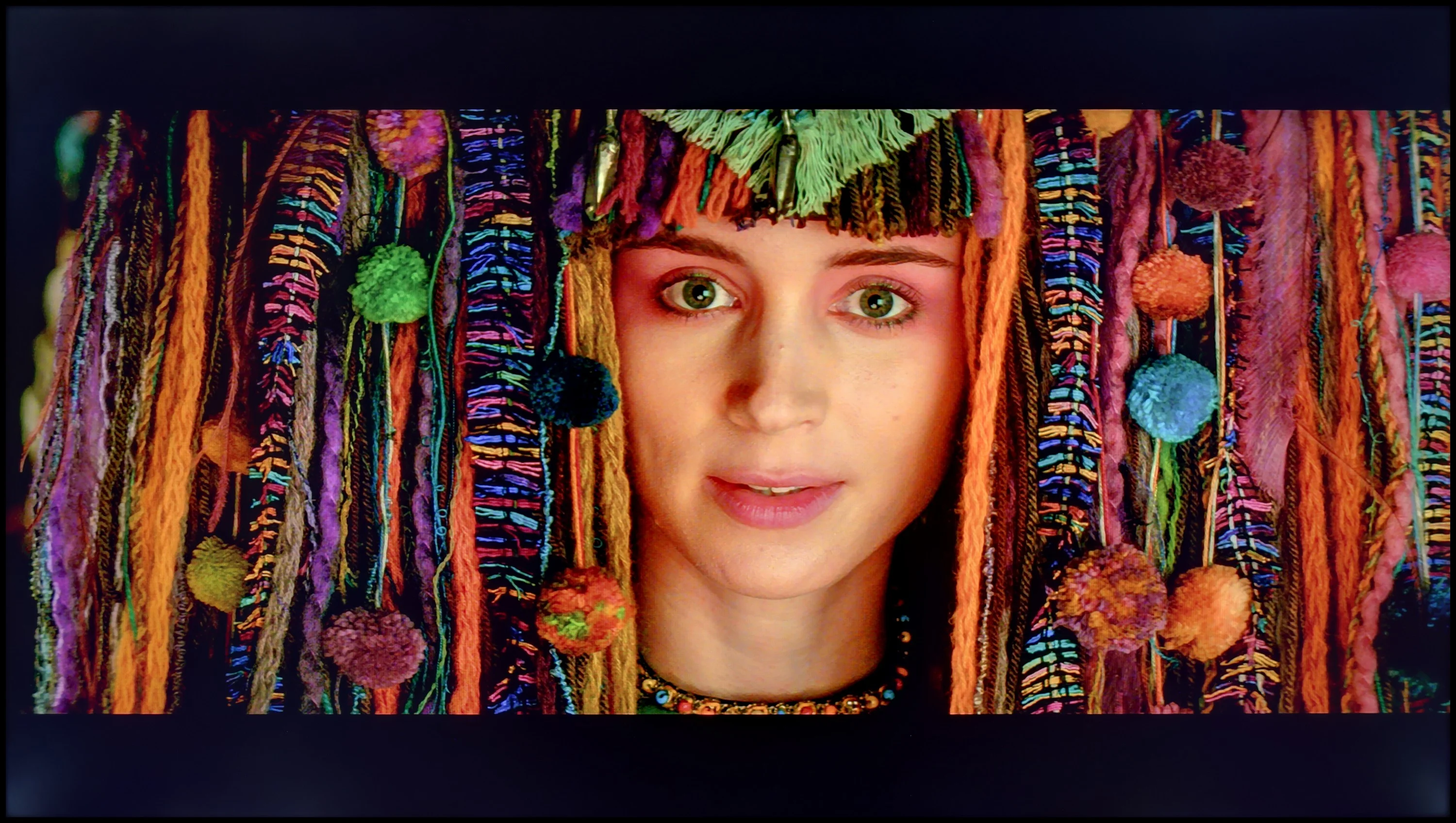

The photos show how movies look on the TV. Pay attention to black detail visibility, colors, and shadow tint.
After calibration, the colour reproduction on the television improves significantly when it comes to SDR content. The colour curves are now close to the ideal value, and the gamma is more stable. Although the drop at the beginning of the graph to value is still present, the overall accuracy of colour reproduction is much better. The "Colour Checker" test shows that most colour samples have errors below level 2, indicating improved colour fidelity. A few deviations are present, but generally, the colours are now more realistic and consistent with reality.
Calibration also brings improvement in HDR content. The white balance has been improved, resulting in a more natural colour reproduction. The EOTF curve, although now closer to the reference curve, still shows a slight boost in brightness at the beginning of the graph. This leads to minor distortions in very bright scenes, but the overall tonal quality and detail have been enhanced. Dynamic tone mapping works more effectively, improving image quality in bright areas and retaining more detail.
Although the device's picture does not achieve complete perfection, calibration brings significant improvement. After adjusting the settings, the television presents itself much better, offering a more realistic and accurate colour reproduction in SDR and HDR content. While some shortcomings can still be noticed, calibration effectively eliminates many previous issues, ensuring better image quality and more natural colours.
After professional calibration, FILMMAKER mode looks practically perfect. Because Samsung offers a rich set of advanced calibration features, we were able to fine-tune the colours to an almost perfect level. Above all, we managed to even out the white balance and the gamma curve, which resulted in noticeably improved contrast and proper image modelling. In this tuned picture profile there really isn't a single thing to criticise or call a flaw. After calibration, the S99H can deliver an essentially reference-quality image.
Smoothness of tonal transitions
7.5/10
9.6/10
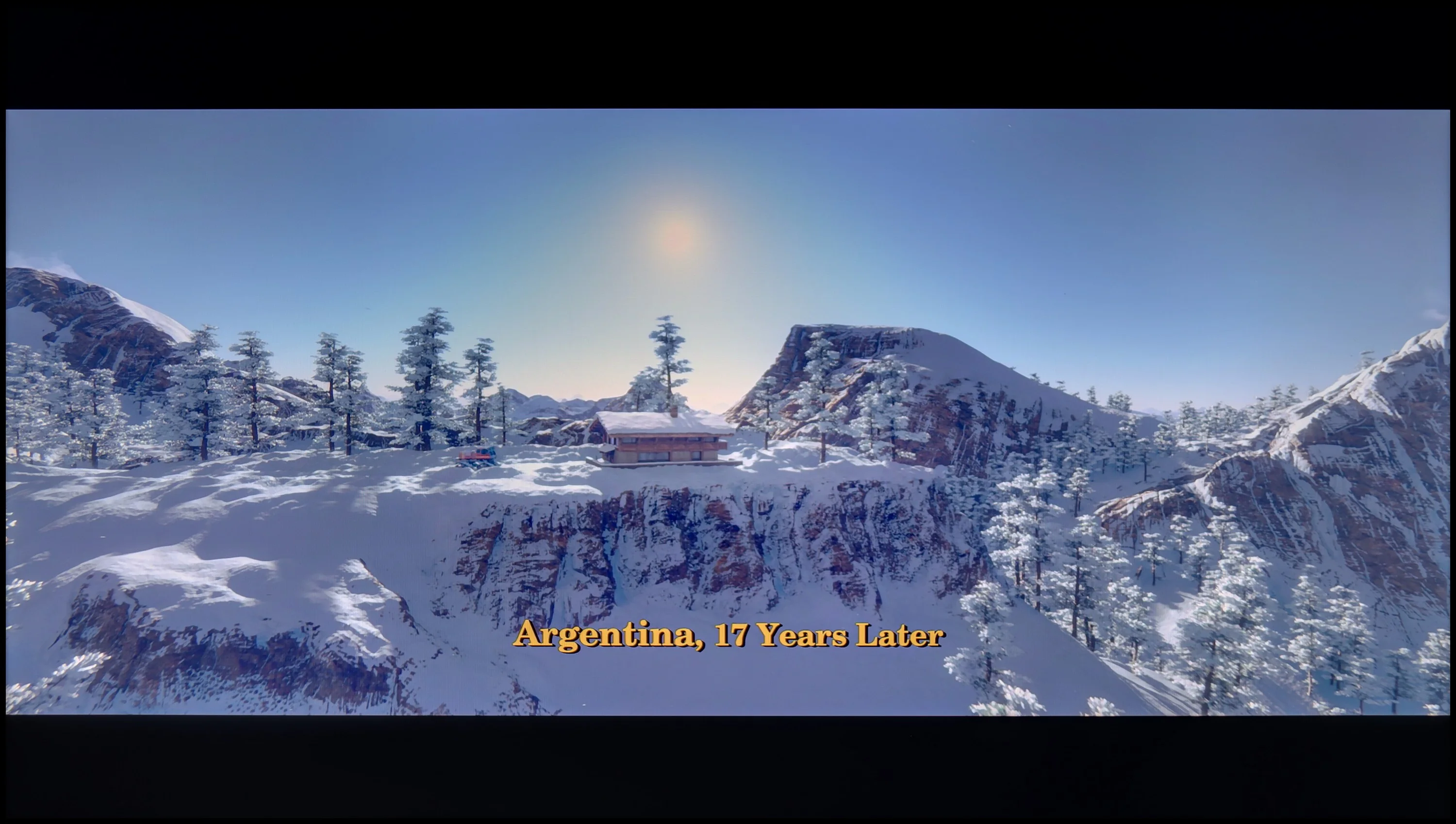

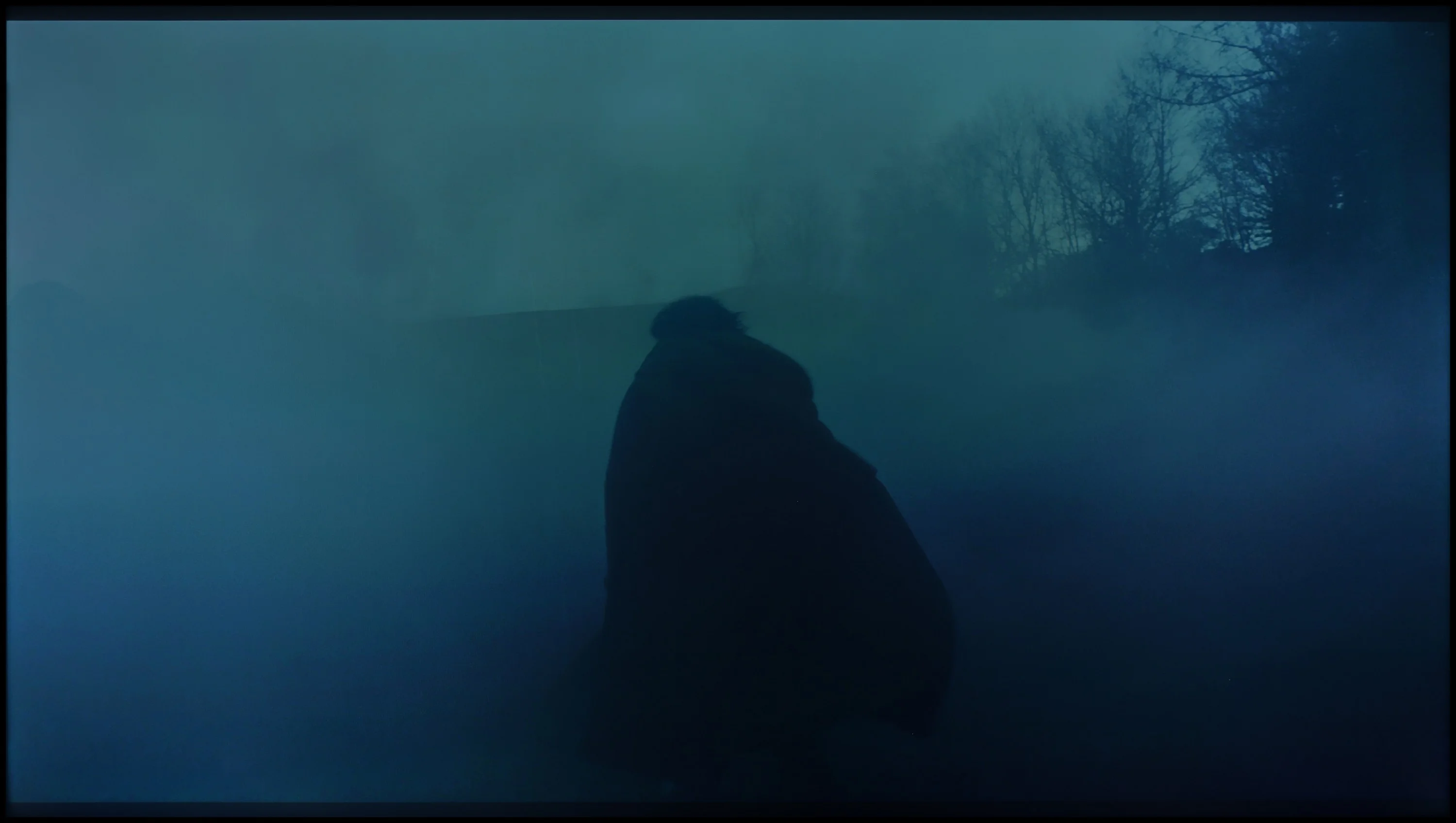
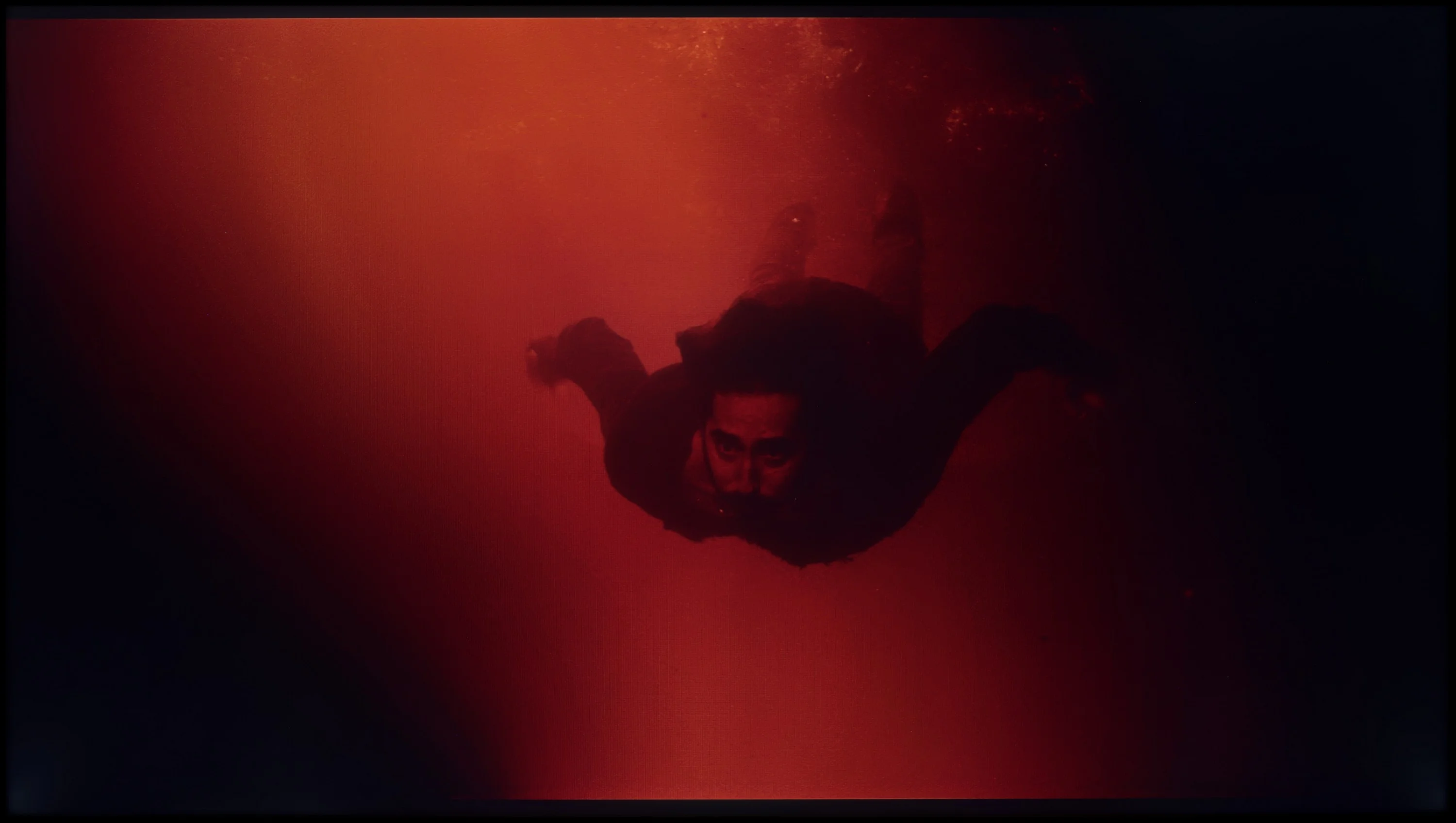
These are selected scenes that show smooth tonal transitions from one color to another. If you see distinct banding, it’s the TV panel’s fault.

These are selected scenes that show smooth tonal transitions from one color to another. If you see distinct banding, it’s the TV panel’s fault.
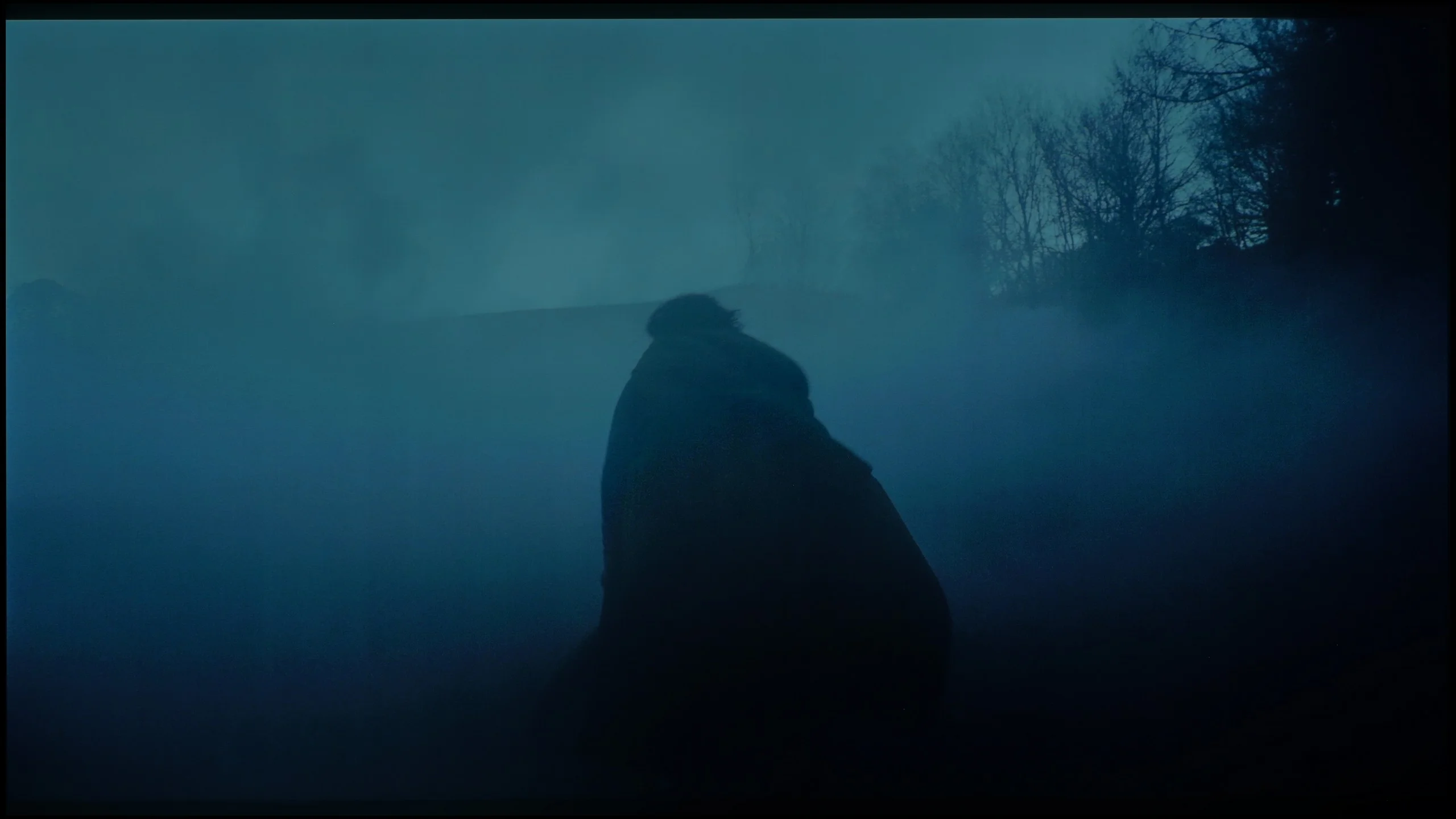
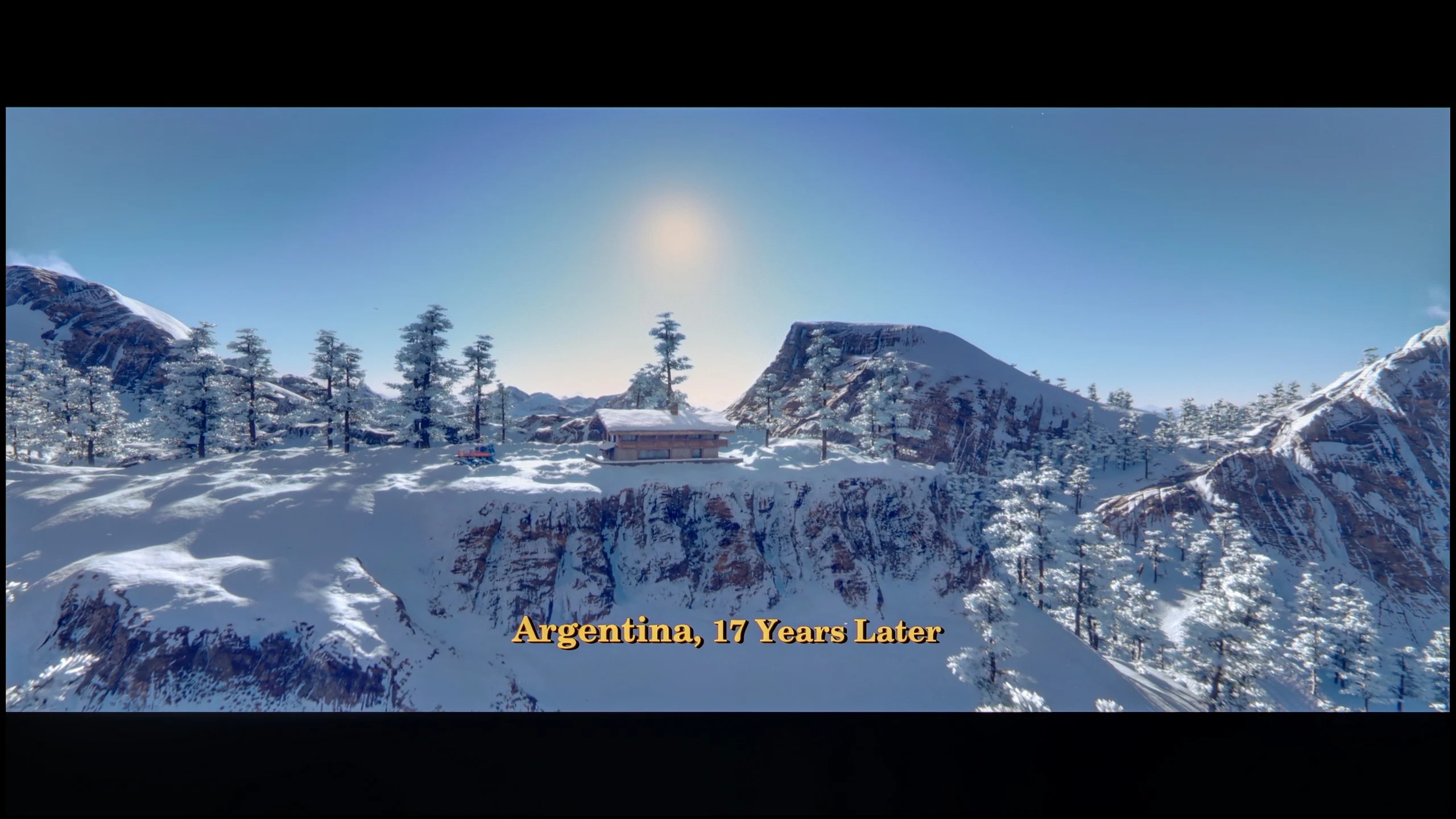
These are selected scenes that show smooth tonal transitions from one color to another. If you see distinct banding, it’s the TV panel’s fault.
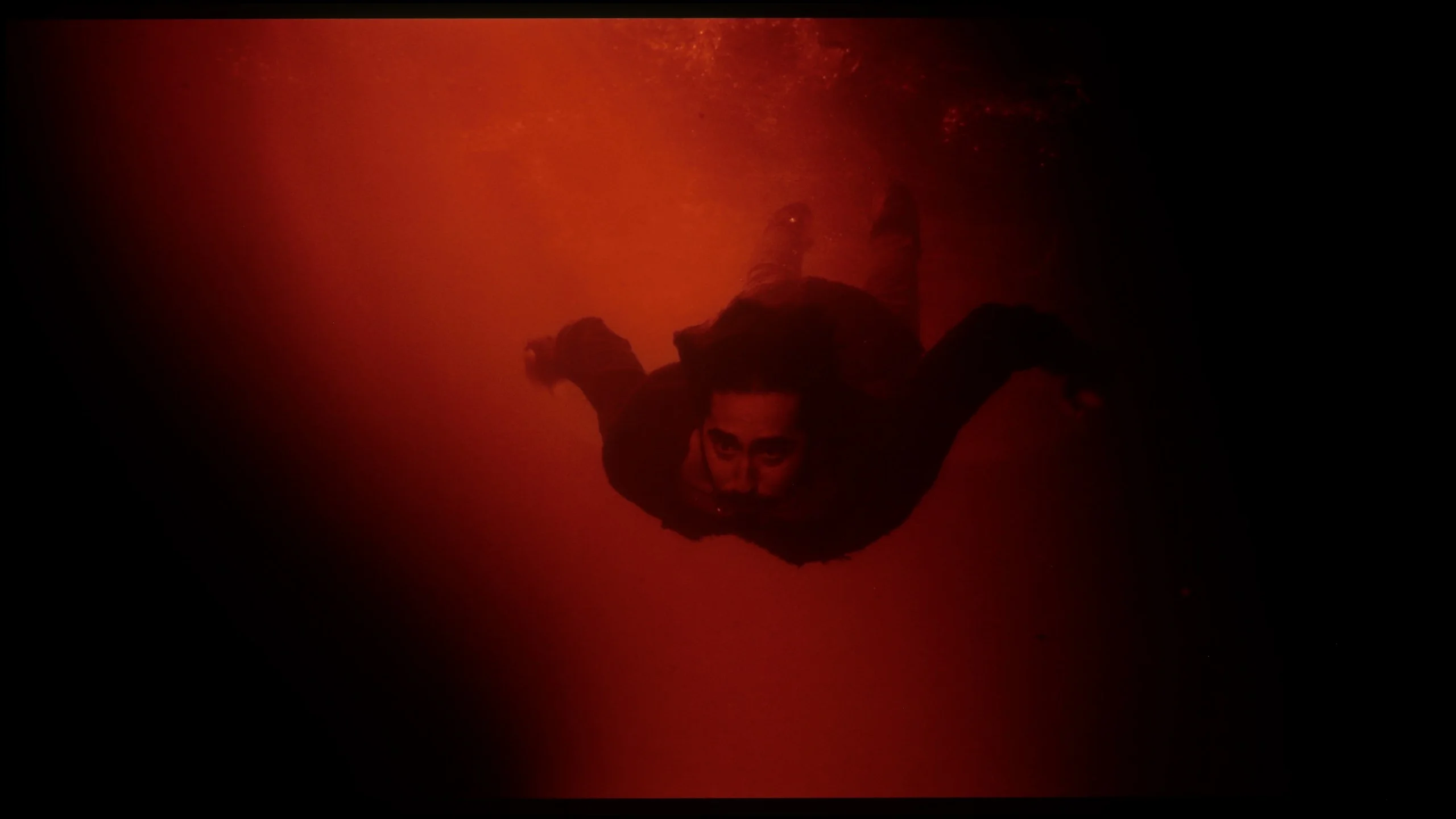
These are selected scenes that show smooth tonal transitions from one color to another. If you see distinct banding, it’s the TV panel’s fault.
In the case of high-quality content, TCL P755 offers decent fluidity in tonal transitions. Although there are slight imperfections in colour blending, especially in more complex gradients, these are typical for televisions in this price range. During testing in filmic scenes, these issues were noticeable at certain moments, but in most cases, one really has to pay close attention to spot these flaws. For the average user, they should not pose a significant problem in everyday use.
The smoothness of tonal transitions on the Samsung S99H is very good. It performs best in bright scenes, where successive shades blend very smoothly with no visible banding. In darker sections it is also good, although you can occasionally notice minor imperfections. In everyday viewing they are, however, practically unnoticeable. It is worth adding that this is one of the strengths of QD-OLED panels. Compared with WOLED panels, they handle near-black transitions much more easily, where competing panels from LG Display more often show posterization and uneven tonal gradation.
Image scaling and smoothness of tonal transitions
5.5/10
7.5/10


Smooth transition function
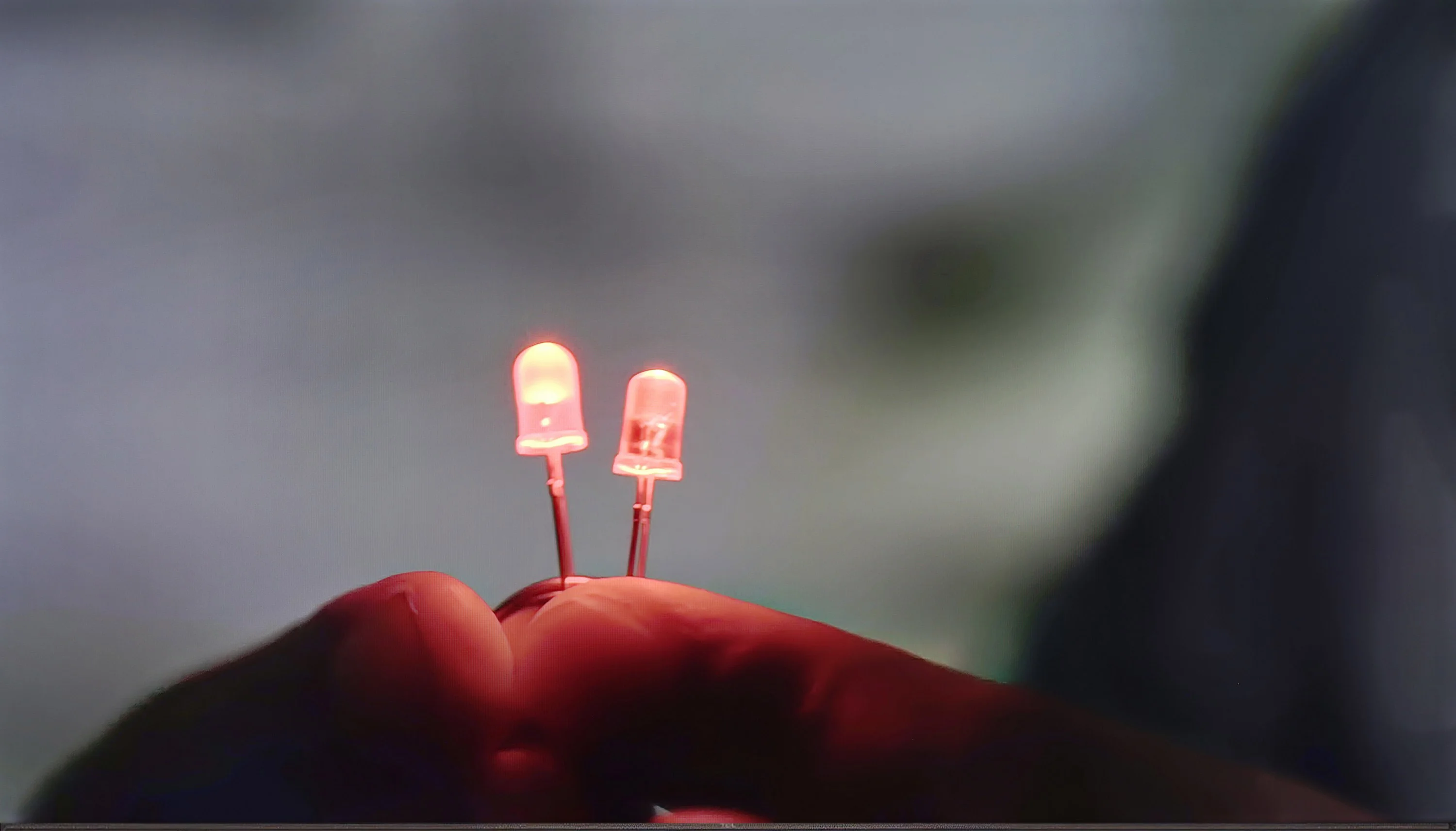
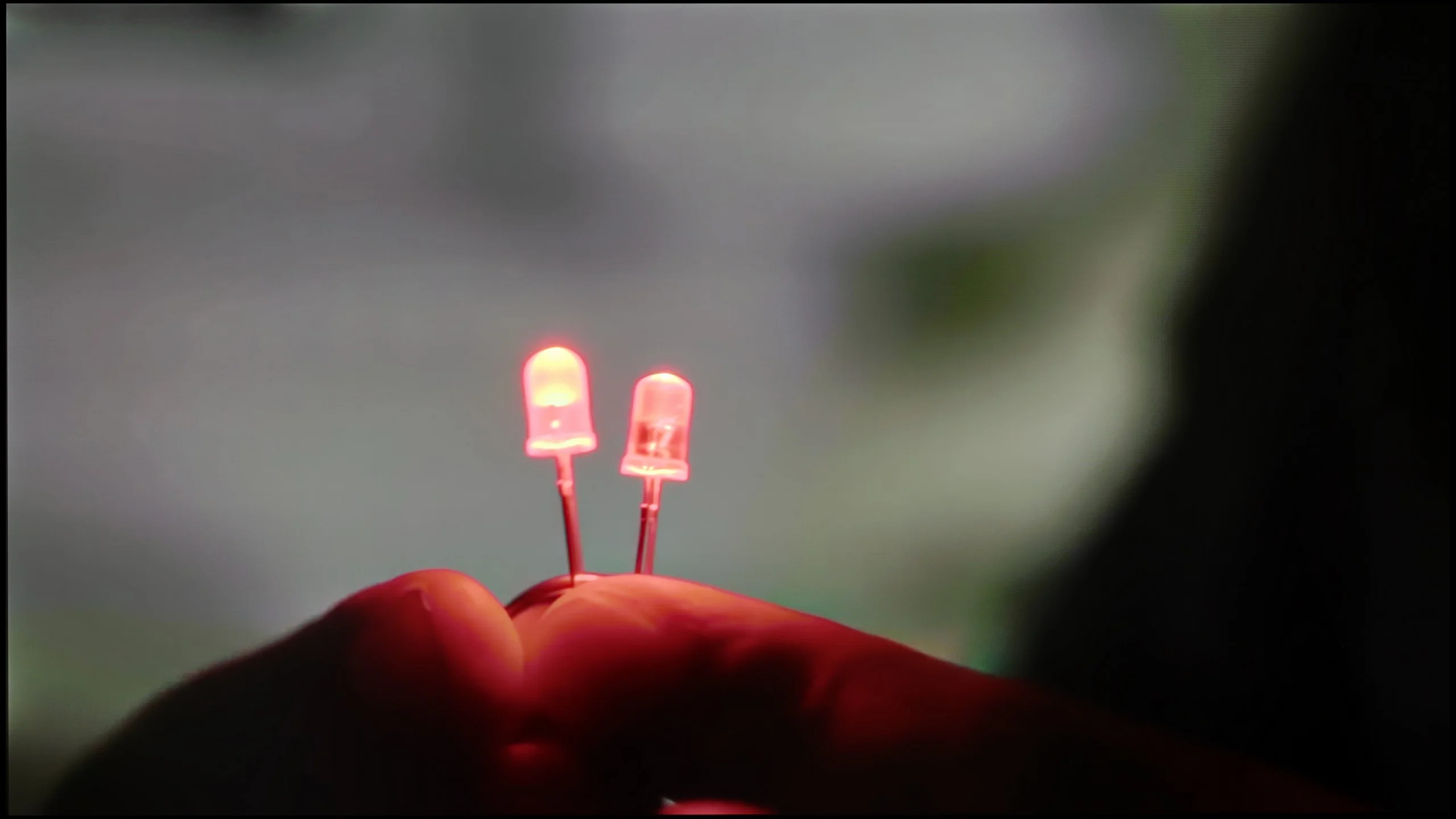
The match photo shows how the TV smooths weak tonal transitions in low-quality video.
Image scaling SD (576i)


The model photo shows how it handles upscaling of SD material.
The "Gradual Smoothing" function works quite well, effectively eliminating visible boundaries between different shades of the same colour. Thanks to it, tonal transitions are smoother. Unfortunately, this function is not available in HDR mode, which may affect the quality of tonal gradations in higher dynamic range materials.
When it comes to image scaling, the television does not perform at its best. There are noticeable edge cuts, particularly evident on the figure of the model and the branches of trees. The blurring of details in these areas affects the overall sharpness of the image. This may be noticeable when watching content in a lower resolution. Moreover, SD quality images are displayed with slight cropping at the top as well as the bottom.
The proprietary Samsung NQ4 Gen3 processor is responsible for upscaling and digital image processing. It handles upscaling lower-resolution material to 4K very well. The picture is clear without looking artificial or overly sharp. The only rather specific drawback appears with very old material recorded at 480p or below. In such cases the TV can slightly crop the edges of the picture.
The processor also copes quite well with artefacts visible in lower bit-rate material, for example heavily compressed YouTube videos. The noise reduction function effectively smooths the image and reduces posterisation, but it operates quite aggressively. It can remove not only unwanted artefacts but also some fine detail, and even natural film grain. Wanting to preserve the source material as faithfully as possible, we decided not to use it. However, if someone prefers a clean, as-smooth-as-possible picture over retaining every detail, it may prove useful.
Blur and motion smoothness
4.3/10
8.5/10
Blur (native resolution, maximum refresh rate):
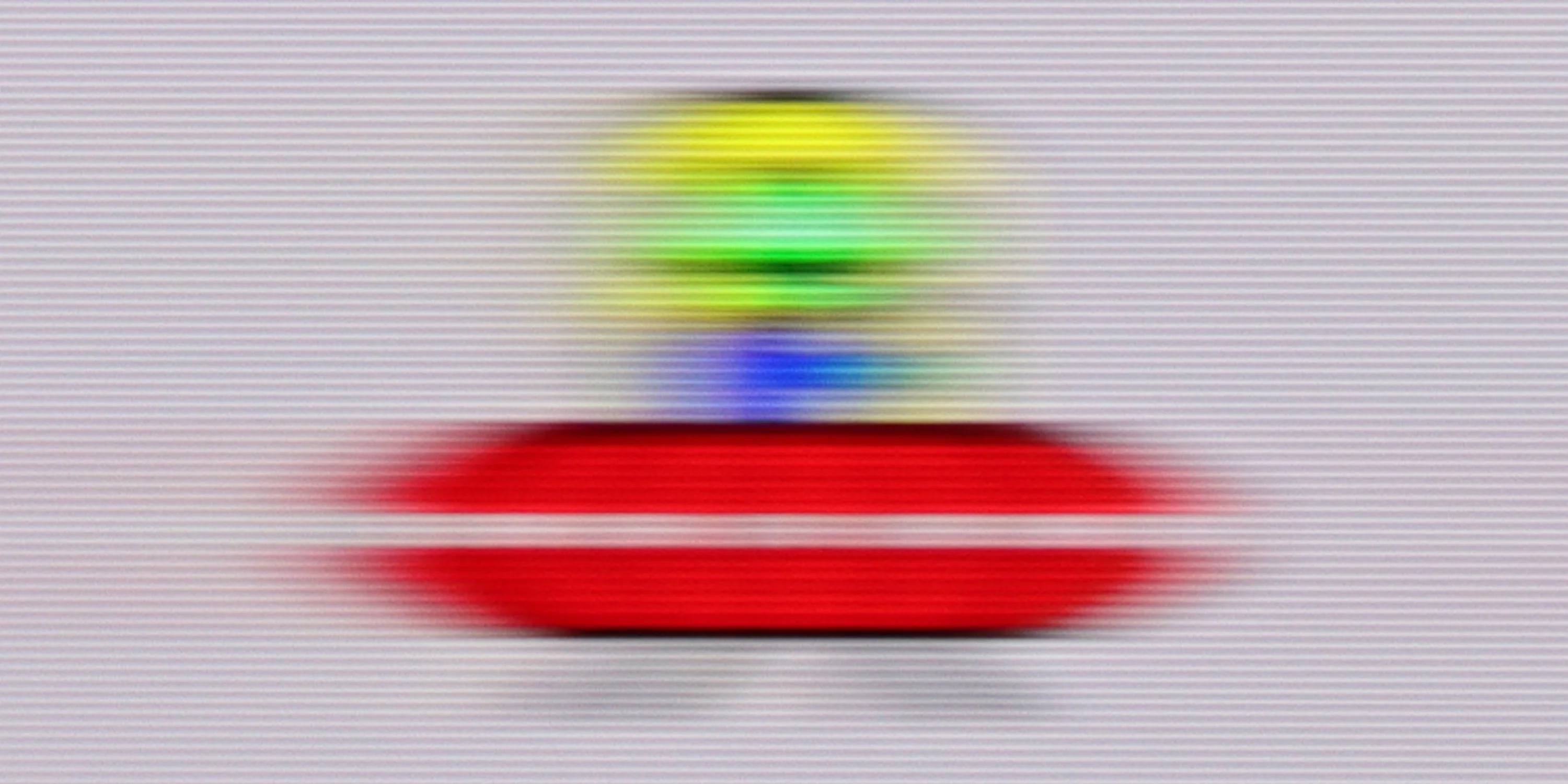
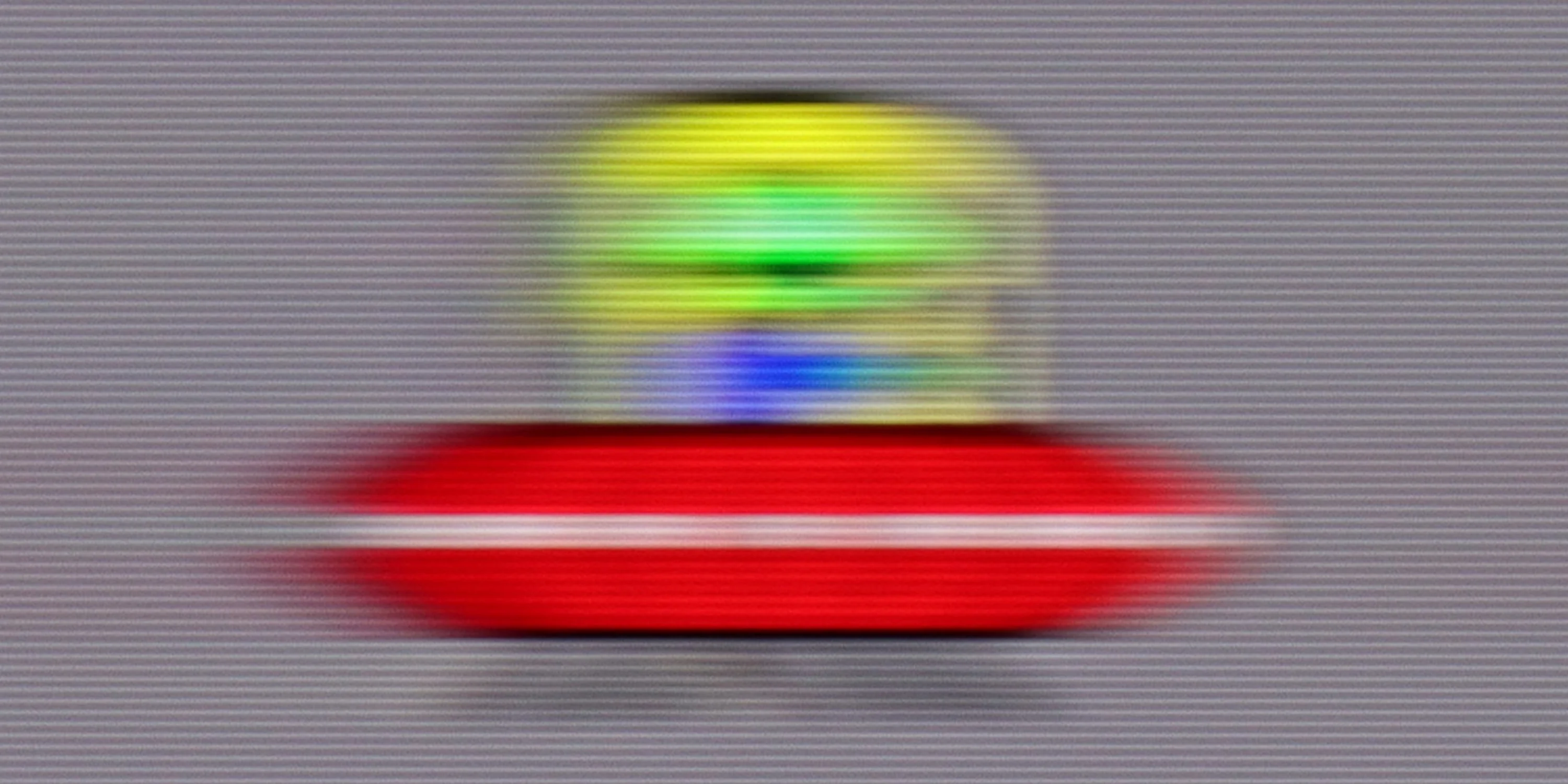
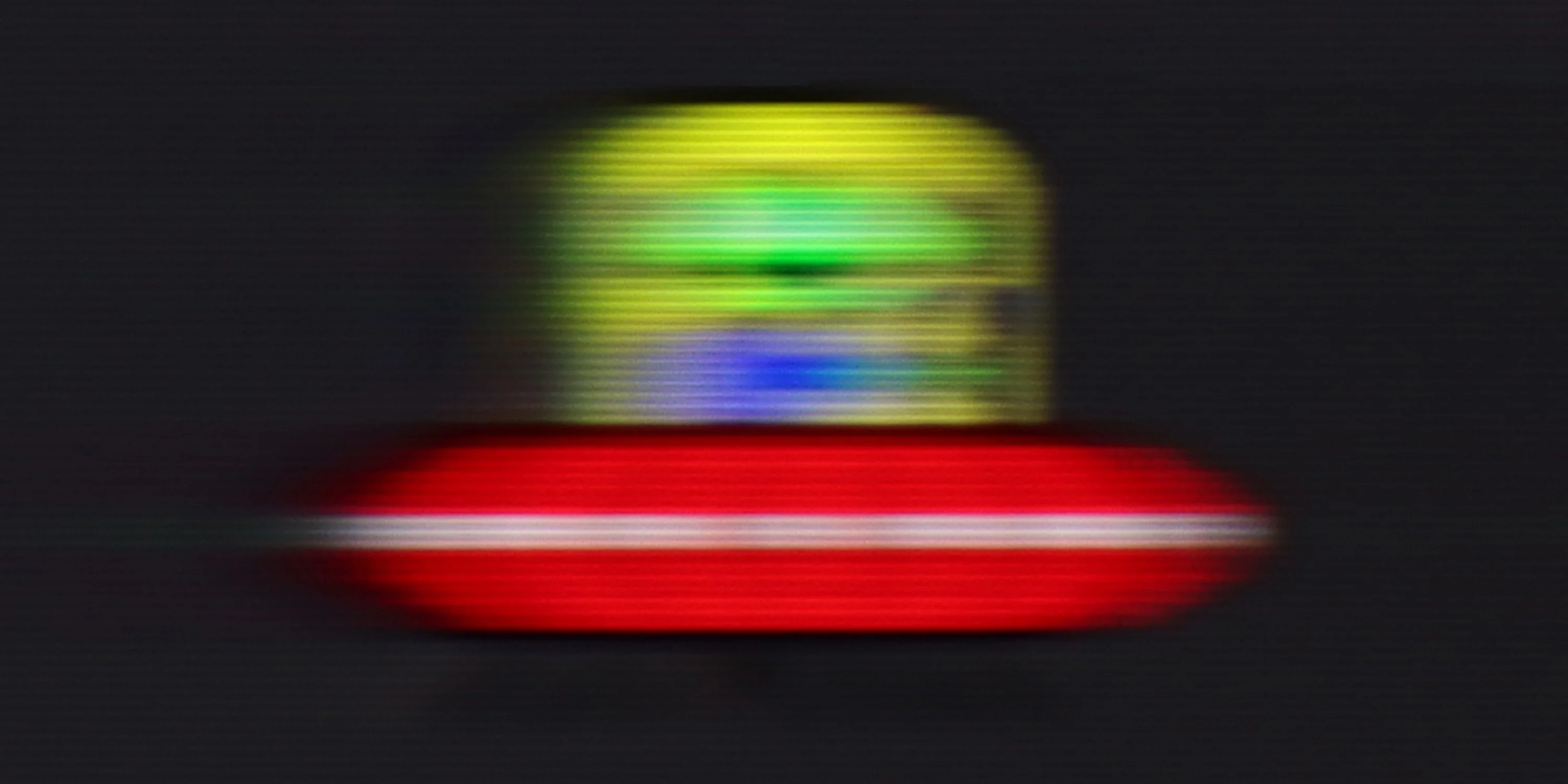



Blur (BFI function enabled):
Image flickers in this mode



Blur ():
Blur (4K@165Hz):



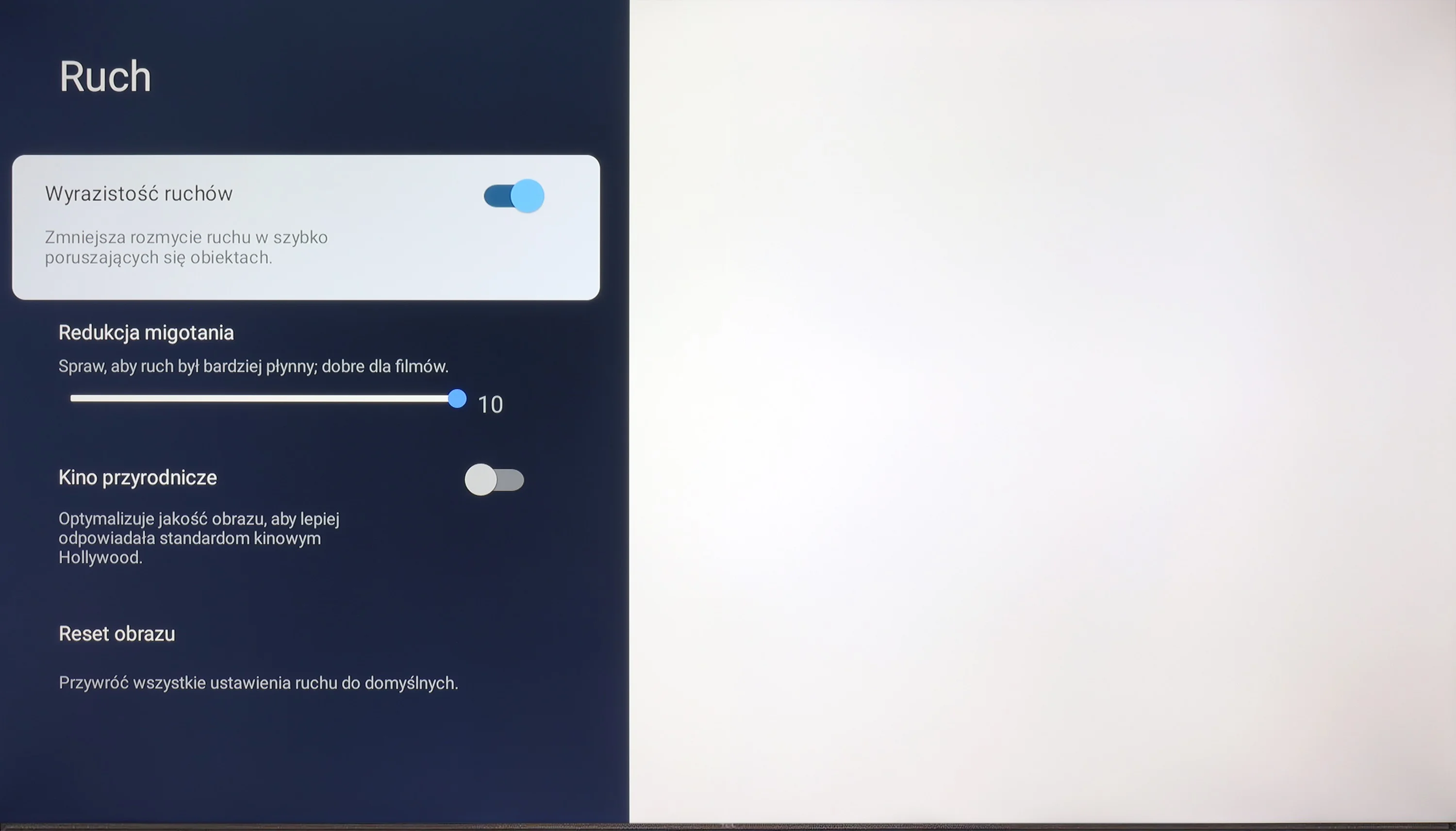
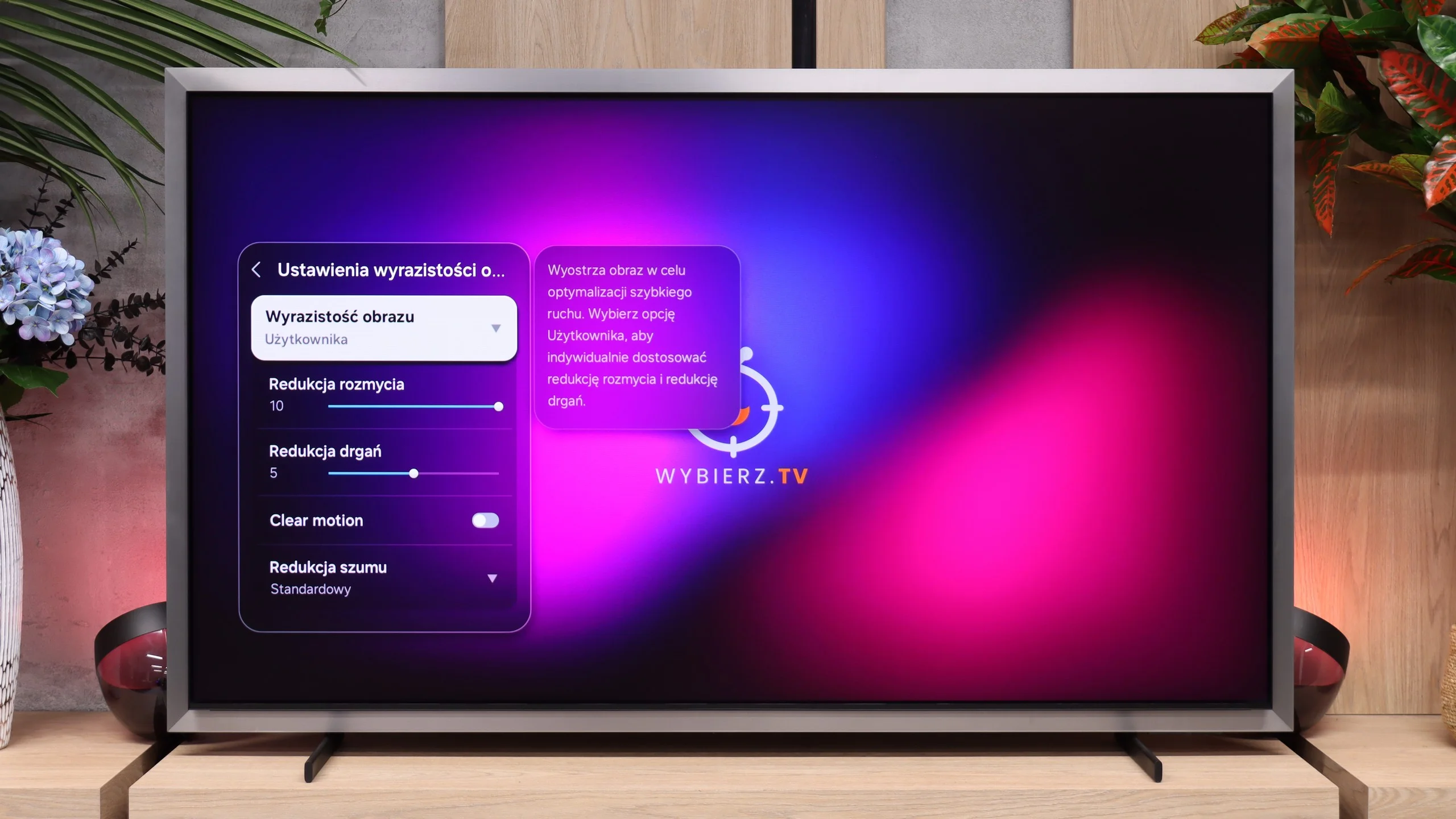
The television offers decent, although not perfect, results in terms of motion fluidity. For films, the television features a “Flicker Reduction” function that allows for motion fluidity adjustment on a scale from 1 to 10. With this option, we can customise the appearance of the image to a cinematic or more theatrical preference (with a slower or faster pace).
Another major advantage of organic OLED panels is their excellent motion handling. Thanks to the pixels' virtually instantaneous response time, the Samsung S99H exhibits virtually no motion blur. Fast-moving objects do not produce visible halos or trailing outlines, so the television performs very well for both watching sport and gaming. One characteristic of OLED screens compared with LCDs, however, is the way they render low-frame-rate material. With very slow camera movement the image can appear noticeably more 'choppy'. This can, however, be fairly effectively mitigated using a frame-interpolation system. Samsung lets you adjust judder reduction and blur reduction separately, so it's easy to find a compromise between smoother motion and preserving the cinematic character of the content.
Console compatibility and gaming features
5.3/10
9.6/10
- ALLM
- VRR
- VRR range48 - 60Hz48 - 165Hz
- Dolby Vision Game Mode
- Correct implementation of HGIG
- 1080p@120Hz
- 1440p@120Hz
- 4K@120Hz
- Game bar
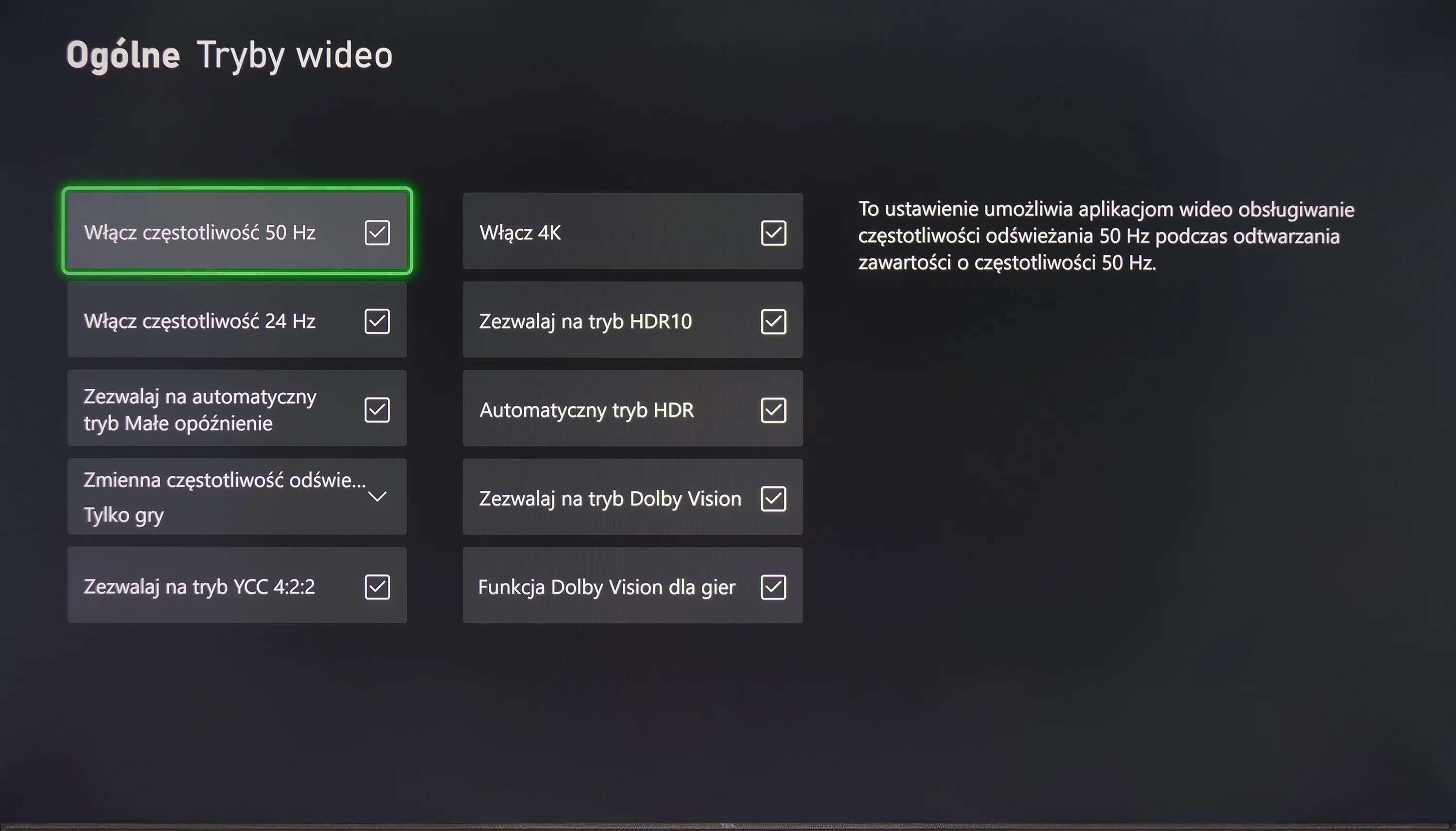
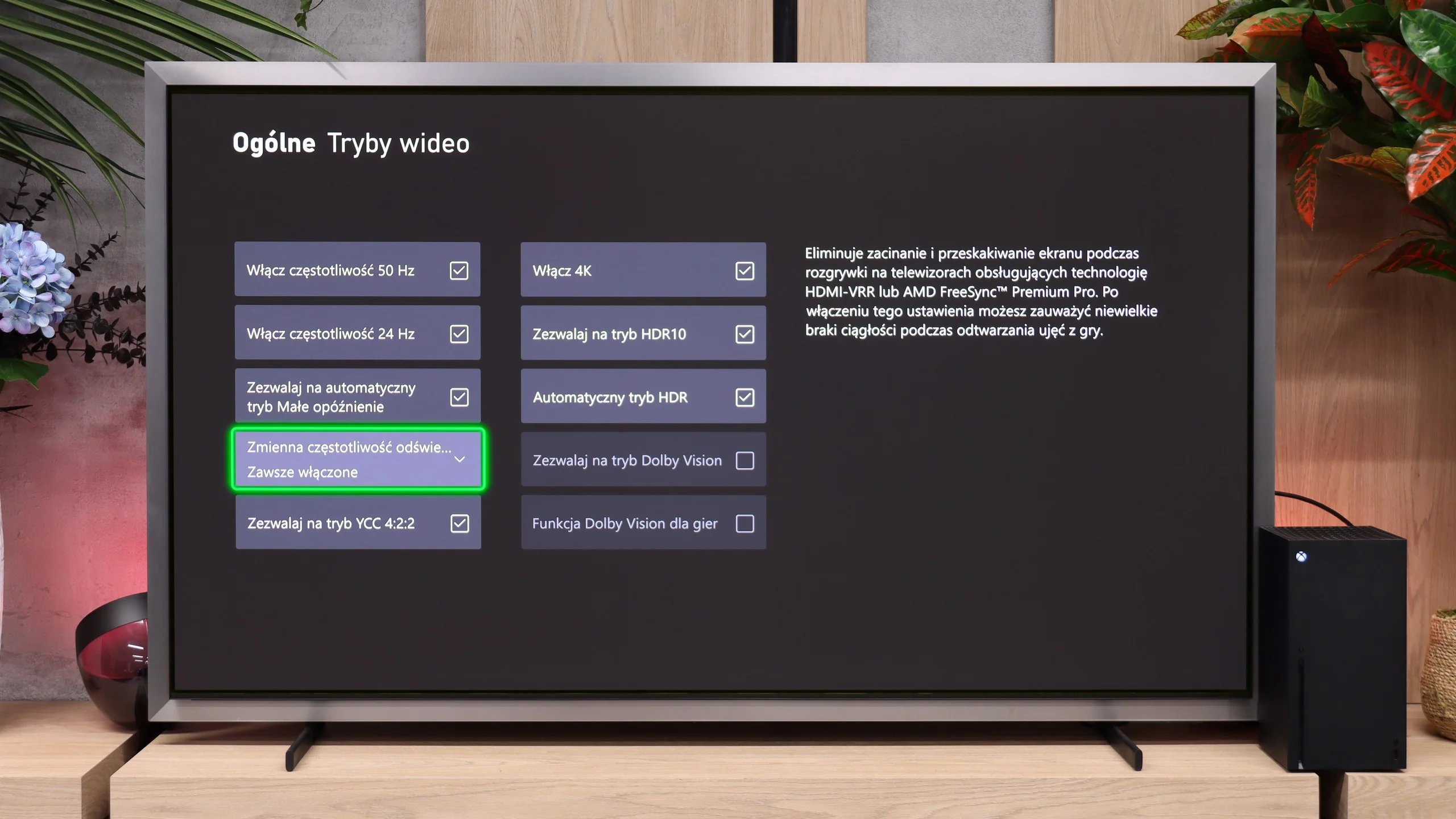
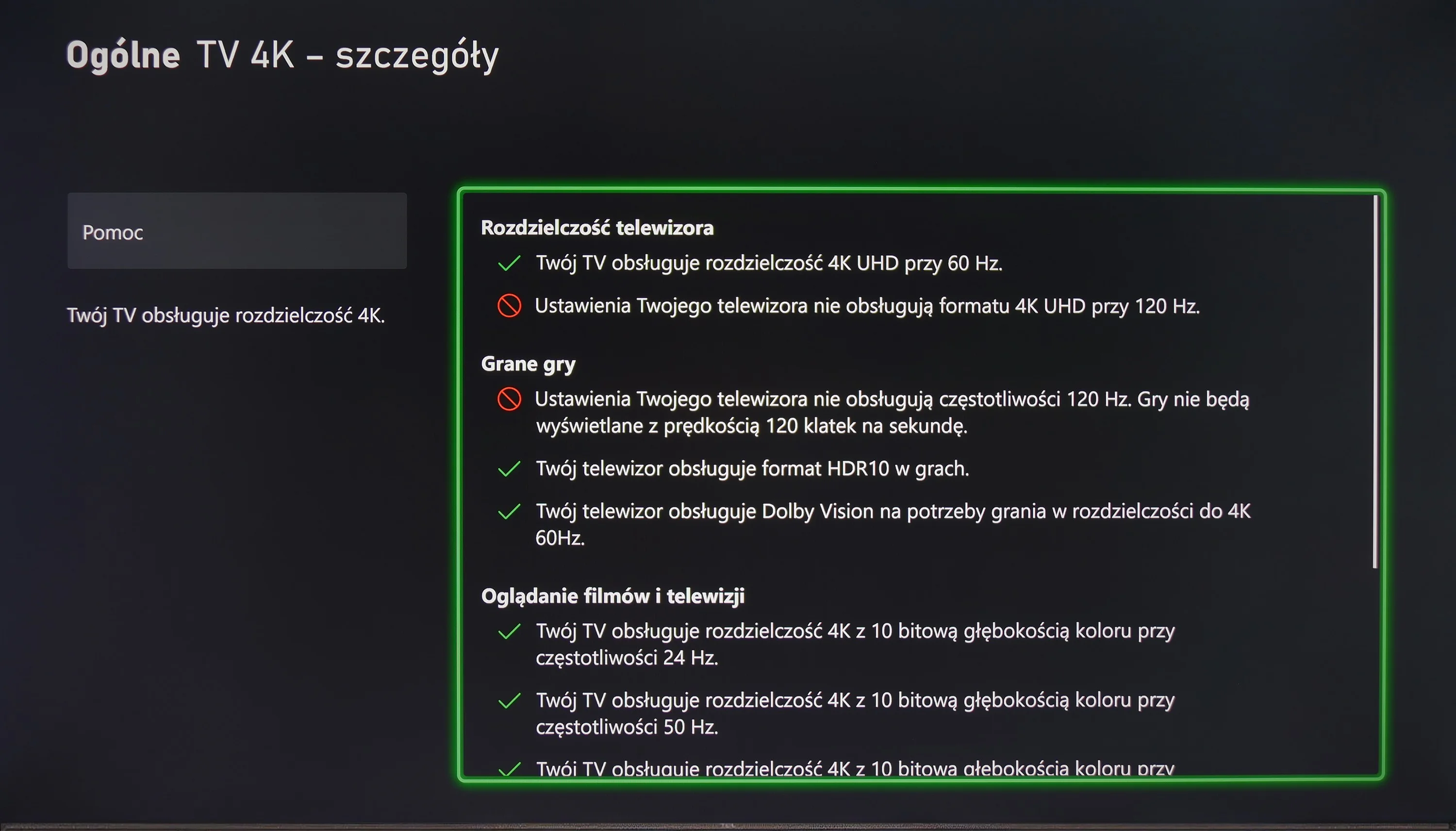
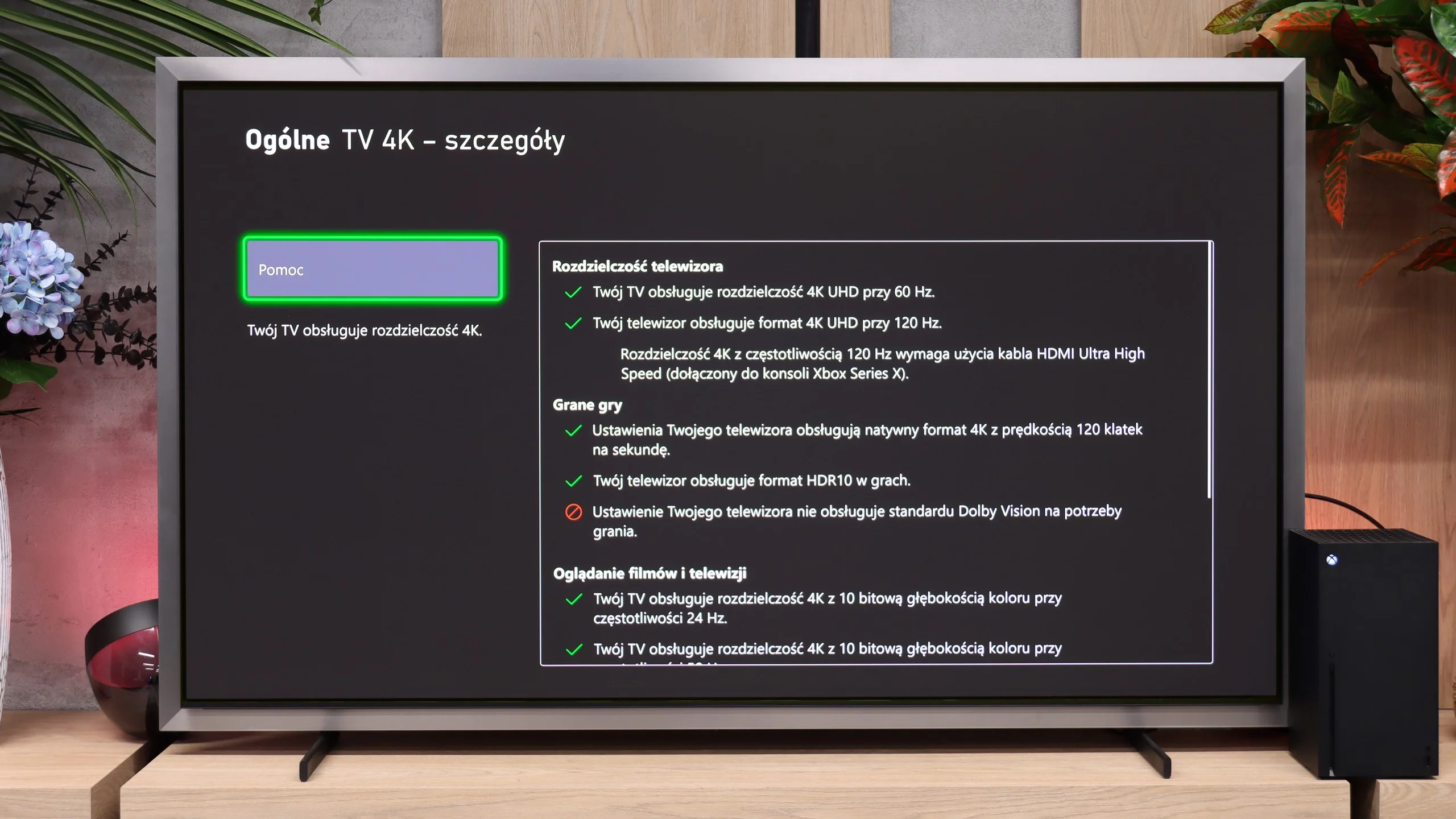
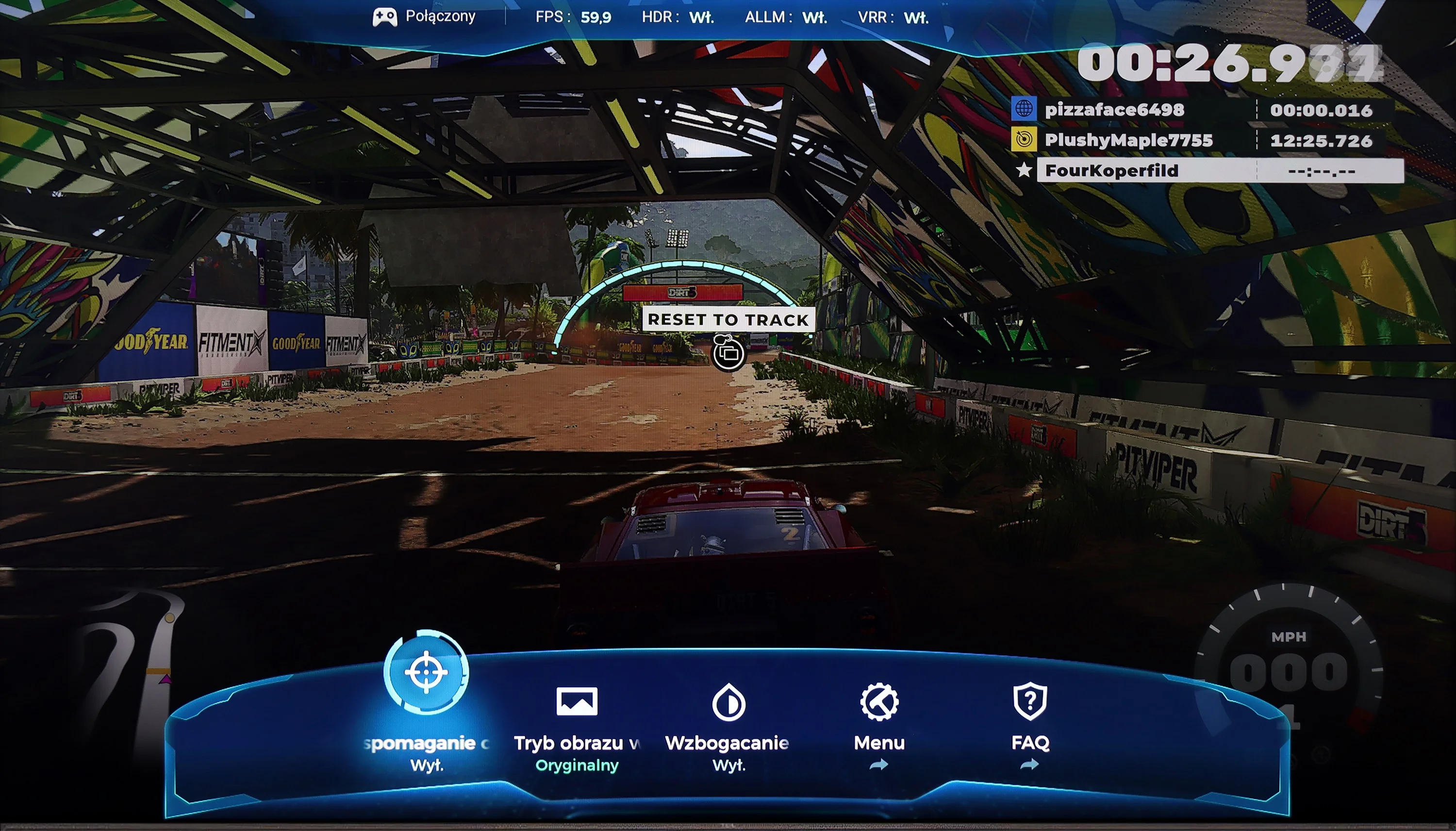
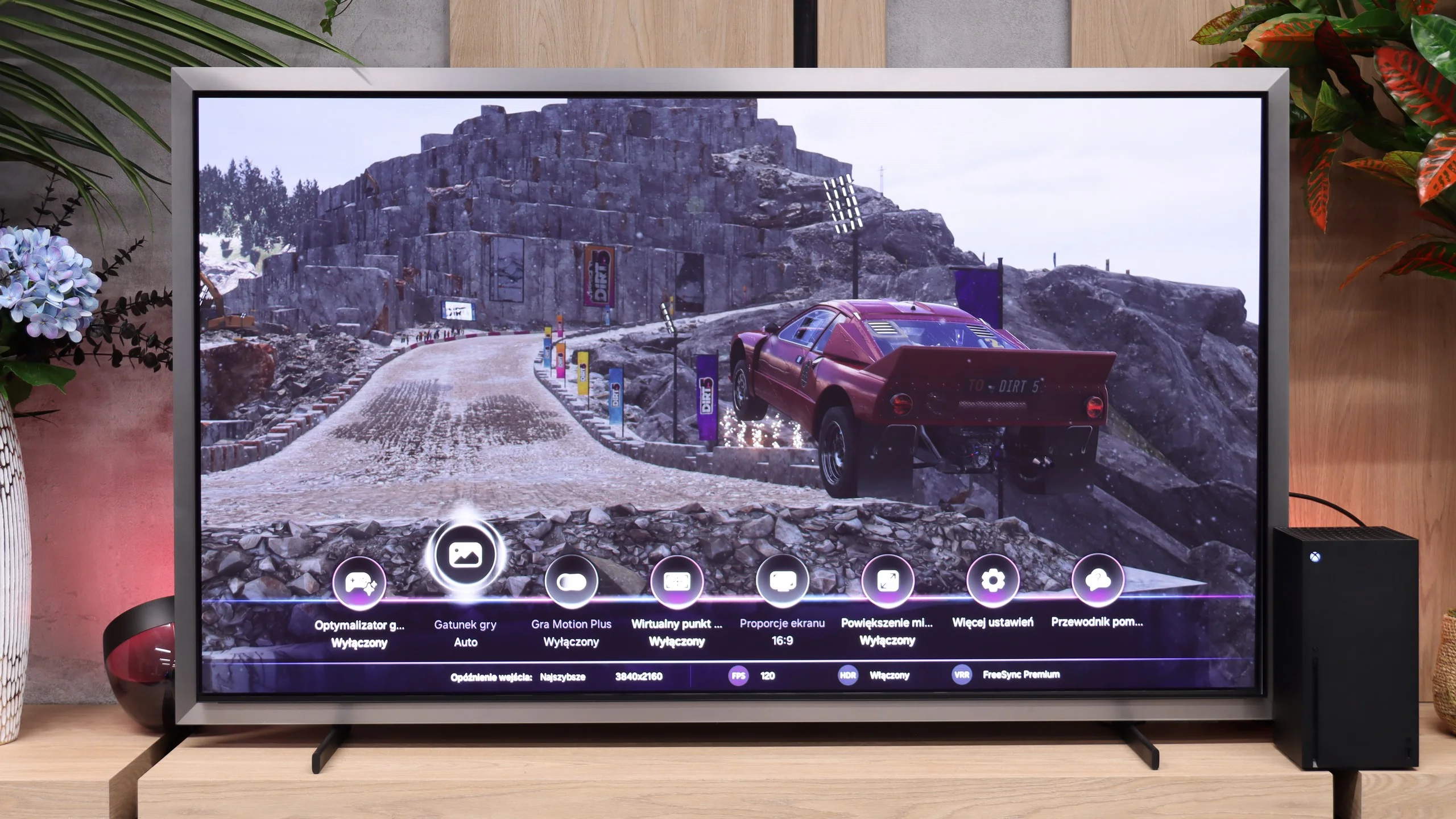
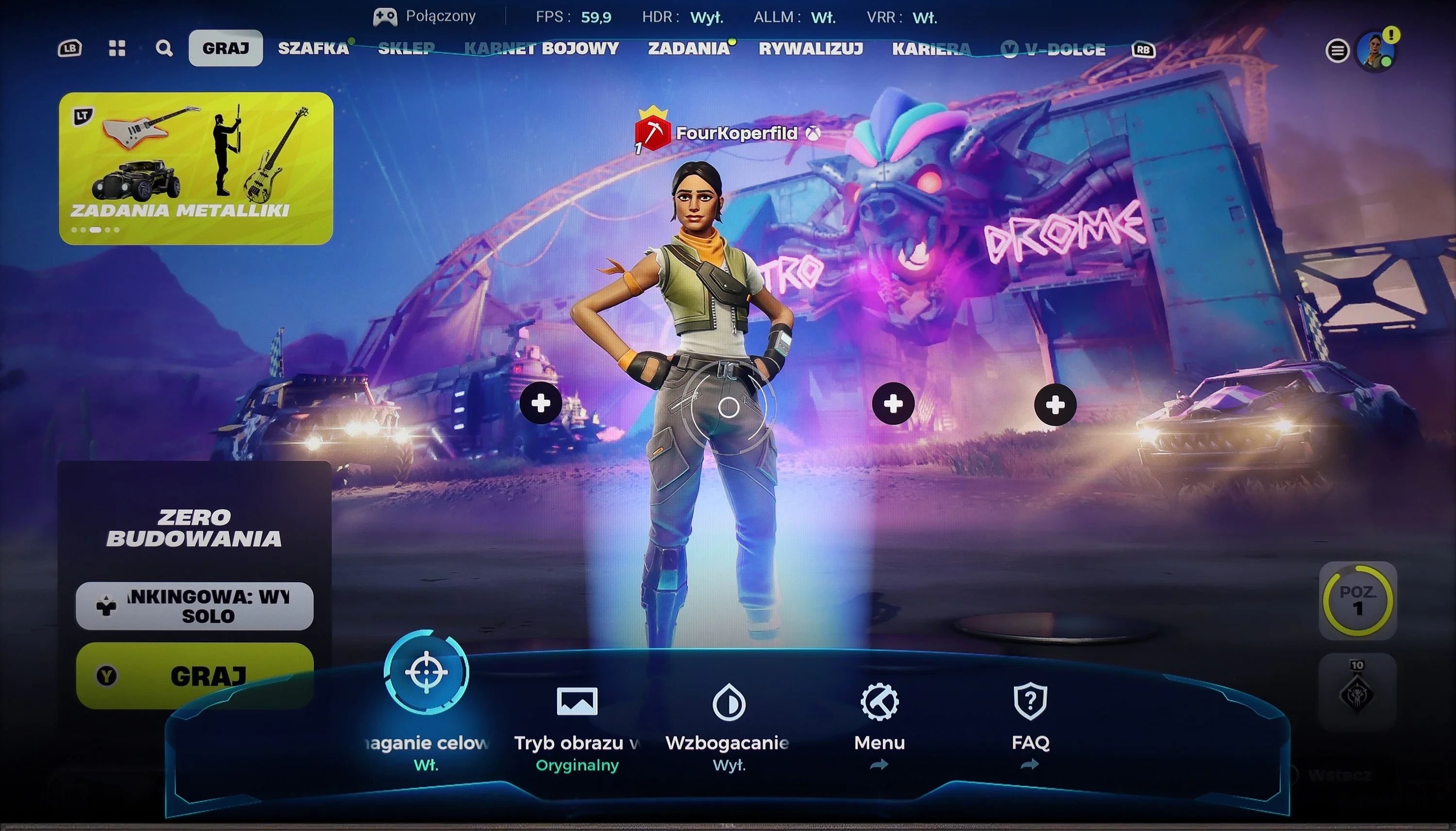
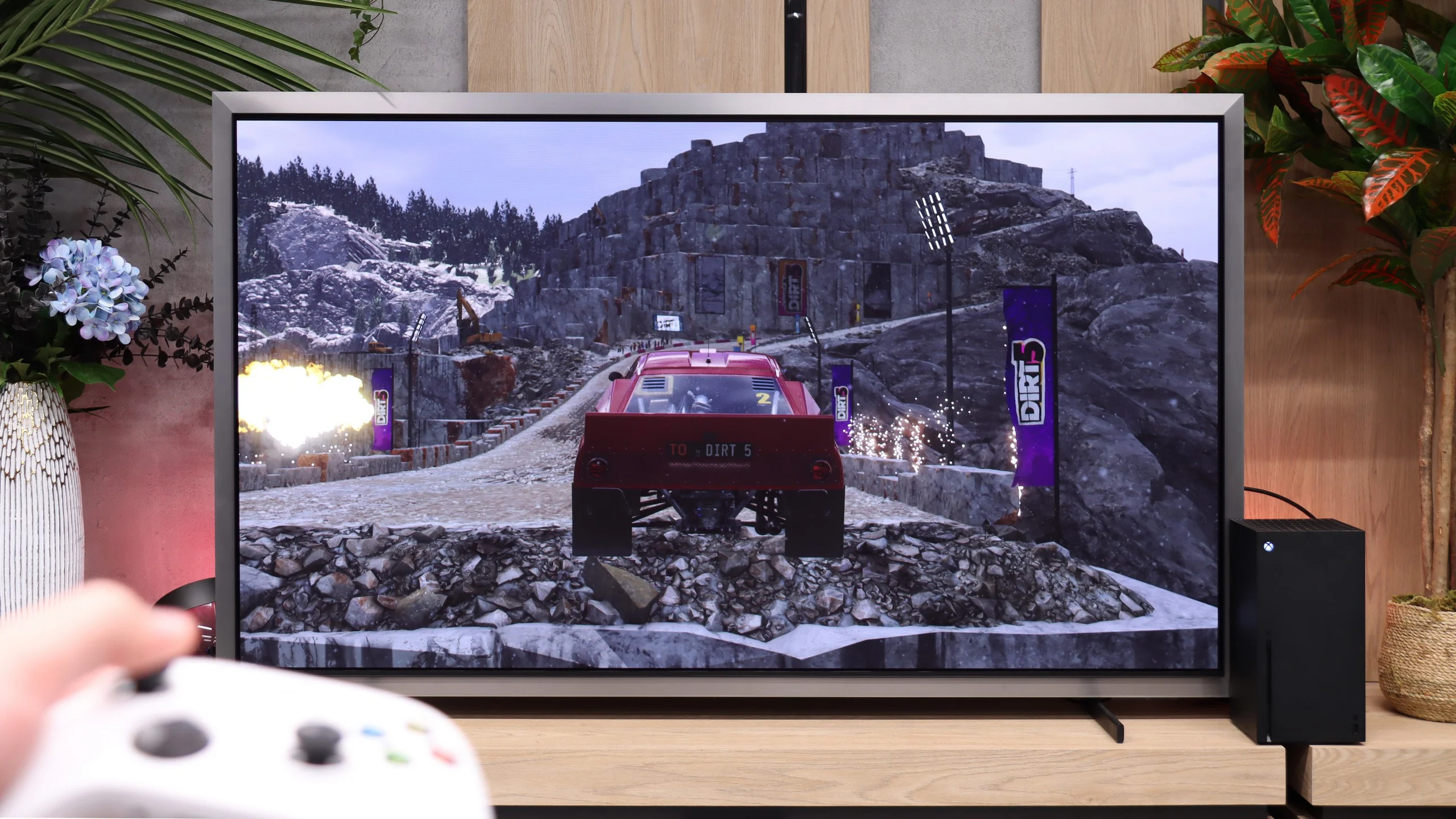
The device offers a range of features useful for gamers, such as ALLM (Auto Low Latency Mode), VRR (Variable Refresh Rate), Dolby Vision for gamers, and Game Bar. ALLM automatically switches the television to low latency mode, significantly improving response to commands from the controller and minimising input lag. VRR synchronises the screen refresh rate with the number of frames generated by the console, eliminating screen tearing and providing smoother gameplay. Dolby Vision for gamers enhances picture quality, offering better colour and contrast reproduction in games that support this format. The Game Bar feature allows quick access to game settings and monitoring of key parameters such as reaction time.
However, the television has certain limitations. The 60 Hz panel prevents the display of higher refresh rate signals at various resolutions, which may affect the smoothness of the image in dynamic games. Additionally, the lack of support for G-Sync technology for PC may impact gameplay quality on a computer. It is also worth noting that the HGiG mode, which aims to improve picture quality in HDR games, does not function correctly in this model, negatively affecting the visual experience in HDR-supported games.
The Samsung S99H is also a great TV for gamers. It offers almost every possible and useful feature... well, except for the obvious lack of Dolby Vision for the Xbox console. It's equipped with four full-bandwidth HDMI 2.1 ports that offer the full 48 Gbps. This lets you use VRR frame-rate synchronization and the automatic game mode (ALLM) without any problems. This year Samsung also has no issues properly supporting HGiG, so HDR setup on a console is quick and straightforward. Samsung's TVs are also known for interesting extras. In the Game Bar menu you'll find options to add an on-screen crosshair, enlarge the minimap or change the displayed image's aspect ratio (PC).
Particularly noteworthy is Samsung's Game Motion Plus feature. It's Samsung's proprietary motion-smoothing system that uses interpolation to increase smoothness in games. Input lag then rises to around 40 to 50 ms (depending on the strength of the setting), which is an excellent result compared with the competition. The system makes gameplay noticeably smoother. So if someone has their eye on a demanding game (e.g. GTA 6 😉) that runs on a console at only 30 frames per second, the S99H can display it much more smoothly than competing models.
Input lag
10/10
10/10
SDR
HDR
Dolby Vision
P755 offers exceptionally low input lag, which is a significant advantage for gamers. In every mode, whether SDR, HDR, or Dolby Vision, the television achieves impressive performance. In every resolution, the input lag is only 11 ms, well done! Even in Dolby mode, the television maintains the same low level of latency. Thanks to these achievements, the television provides remarkable responsiveness and excellent gaming experiences, with no noticeable delays.
Input lag is very low regardless of the selected refresh rate. At 120 Hz we measured about 5 ms, and at 60 Hz roughly 10 ms. When connected to a PC and set to 165 Hz, the values were even lower. The response to controller or mouse movement is almost instantaneous, so in this respect the Samsung S99H is suitable even for very fast-paced, demanding games.
Compatibility with PC
2.5/10
8.8/10
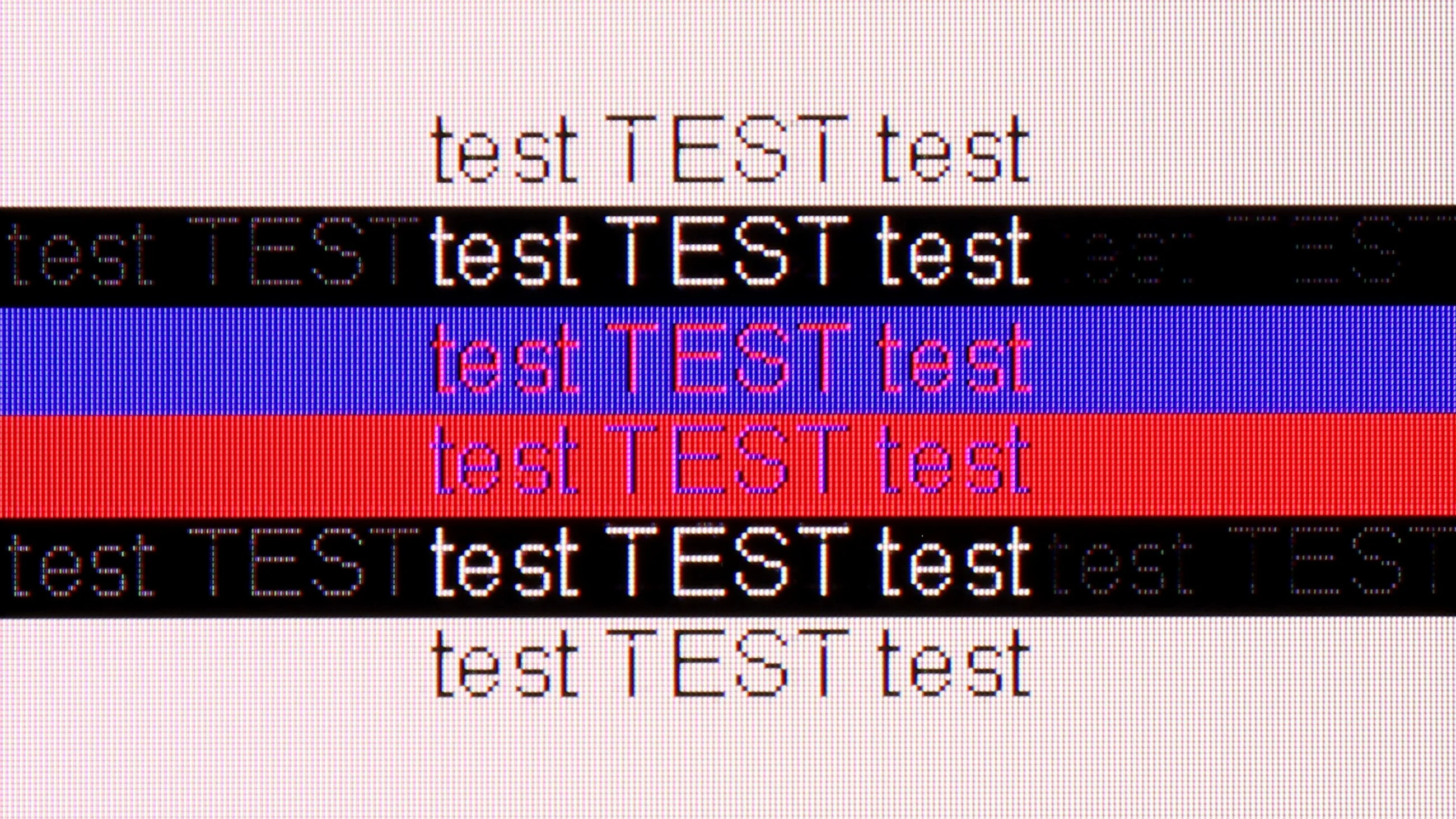
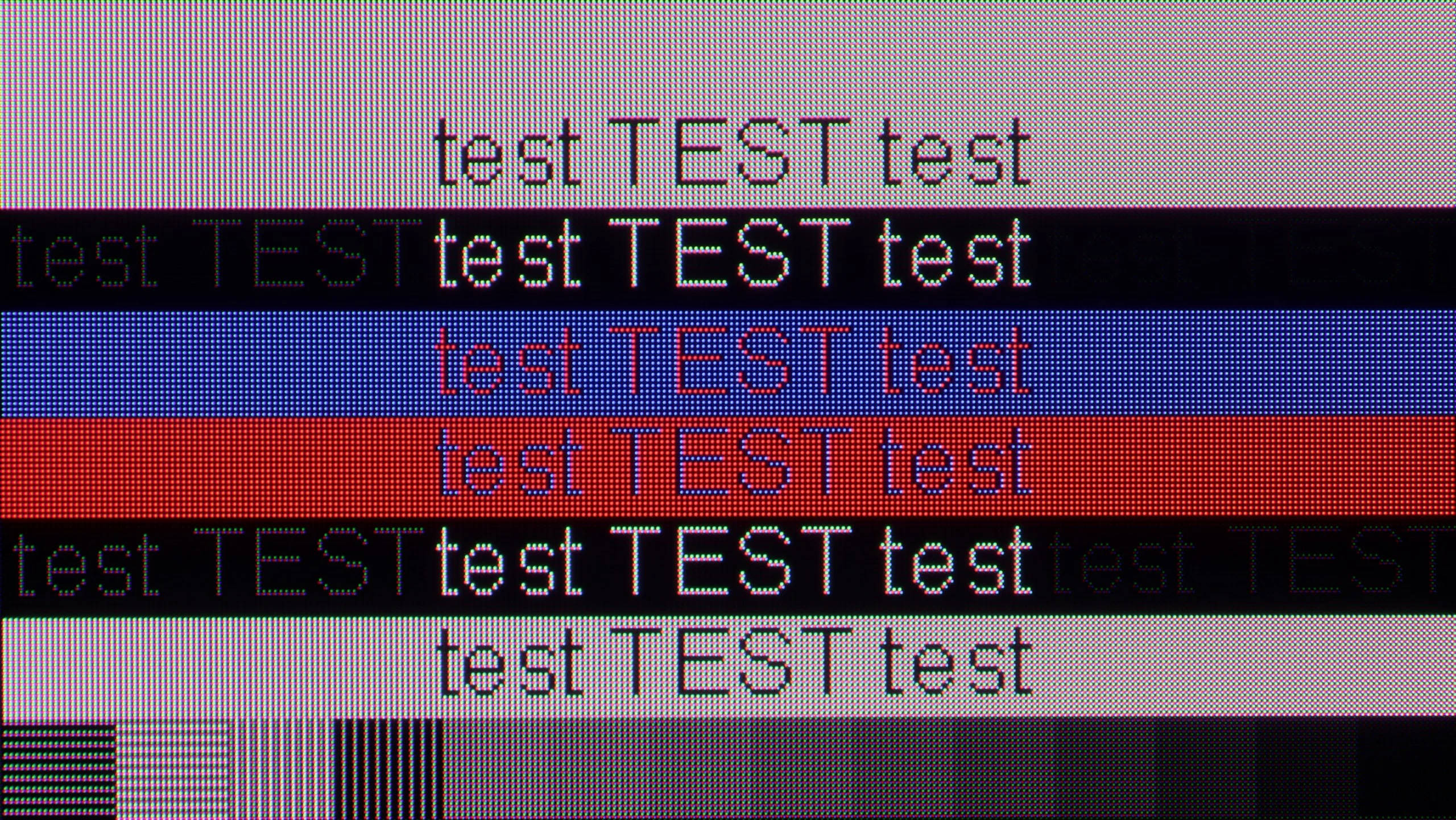
The photo shows the legibility of small fonts. Ideally, lines should be the same thickness on both light and dark text, with minimal pixel gaps.
When connecting the TCL P755 to a computer, the first thing you may notice is the support for chroma 4:4:4, which ensures correct colour reproduction in details, especially when working with text and graphics. Unfortunately, despite this support, the readability of fonts leaves much to be desired, particularly with dark text and shapes on a dark background. This issue arises from the limited resolution in darker shades, where the applied dithering makes the pixels resemble those known from Full HD. This is especially visible with small fonts, making comfortable office work on a large screen difficult. However, a positive aspect is the very low input lag of 12 ms, which means that the television performs well for occasional gaming on a computer, particularly in dynamic games. Ultimately, while the TCL P755 may be a decent choice for PC gaming, it may be disappointing for users expecting high text readability.
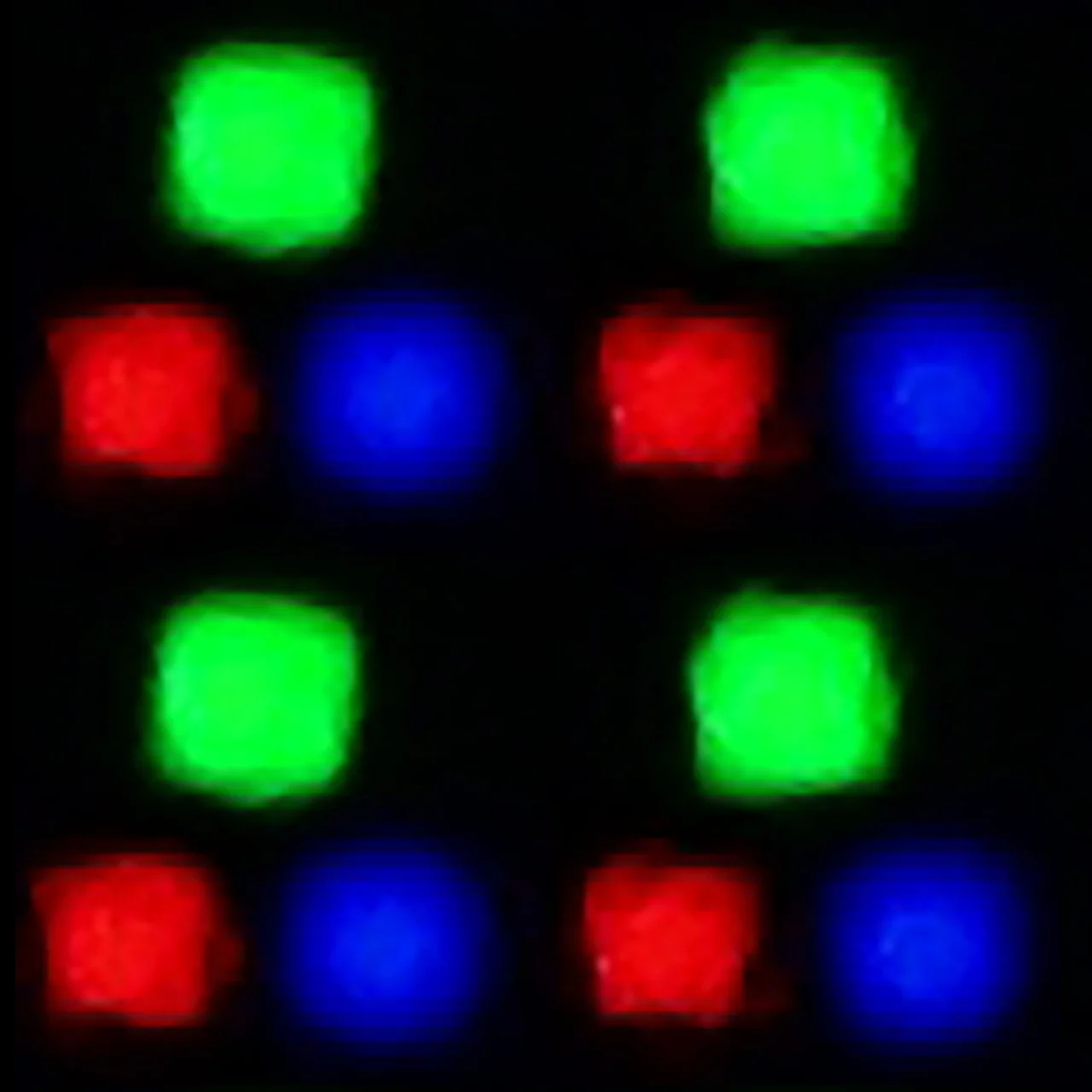
The S99H also works very well as a large monitor connected to a computer. This is mainly due to full support for frame synchronization: it offers both AMD FreeSync Premium Pro and seamless G-Sync compatibility for NVIDIA cards. In addition, the TV supports refresh rates up to 165 Hz, which is a very welcome touch for PC gamers. The only specific trait of QD-OLED panels remains the characteristic triangular subpixel arrangement. For that reason, the sharpness of very small text viewed from extremely close up is not perfect. However, given the size of the S99H, this TV is unlikely to end up sitting directly on anyone’s desk. When working or gaming from more than a metre away, the issue ceases to matter.
Viewing angles
3.2/10
9.9/10
P755, equipped with a VA panel, offers average viewing angles. In practice, this means that the brightness of the image significantly decreases when we view the screen at an angle. VA panels, although they provide better contrast and deeper blacks compared to IPS panels, have poorer properties in terms of viewing angles. IPS panels, known for their wider viewing angles, offer a more stable image from different angles, but usually at the cost of slightly lower contrast and black depth. Although the VA panel contributes to better contrast, the drop in brightness at an angle is noticeable and can affect viewing comfort in larger groups or from different positions in the room.
The viewing angles on the S99H are simply outstanding, thanks to the QD-OLED panel used. In this respect it is among the very best on the market. Even when looking at the screen from an extremely oblique angle, the picture remains perfectly clear, and the drop in brightness or colour saturation is negligible. This is a characteristic feature of QD-OLED panels and an advantage over traditional WOLED screens, whose viewing angles are a little worse.
Daytime performance
3.8/10
8/10
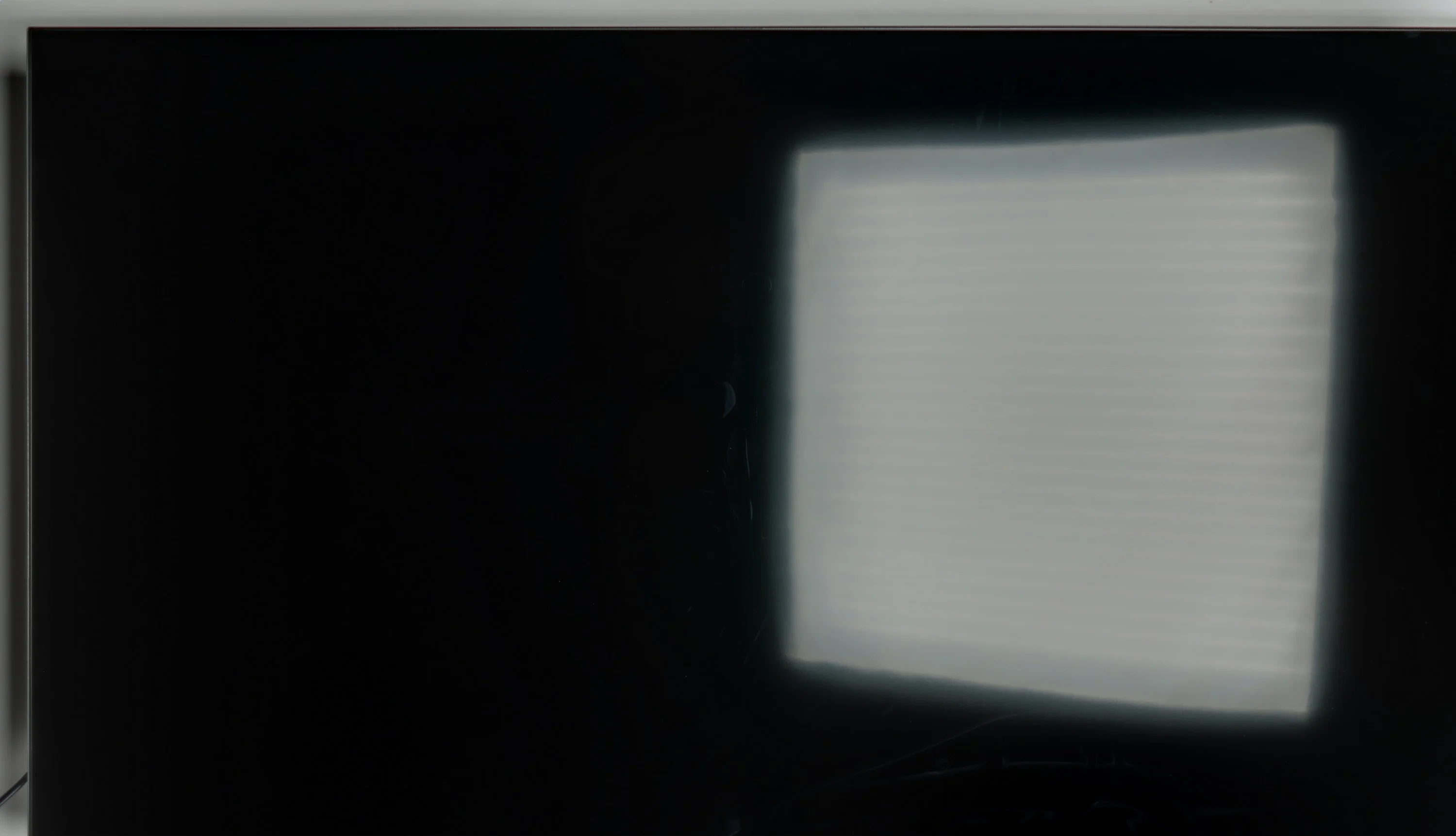
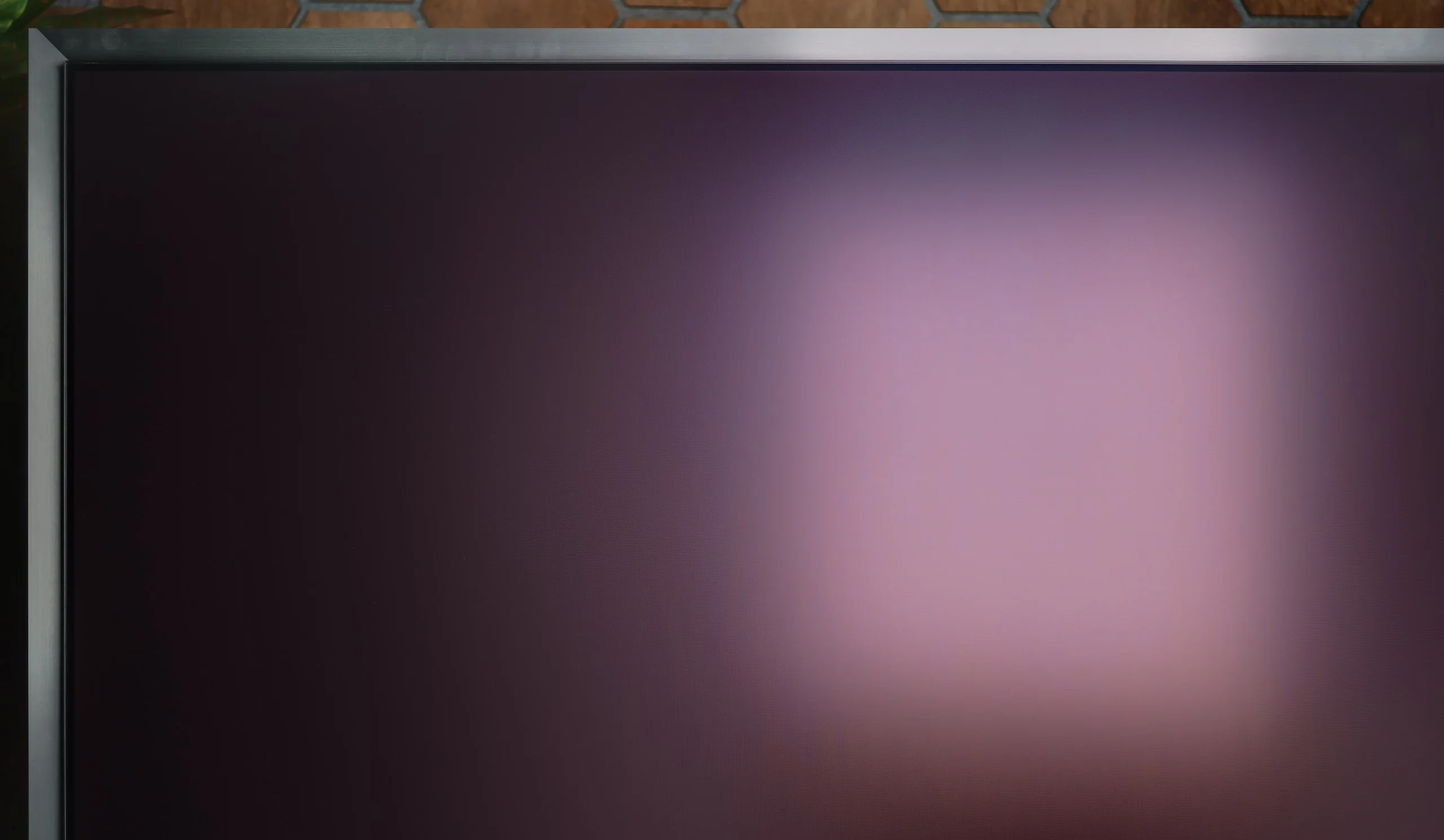
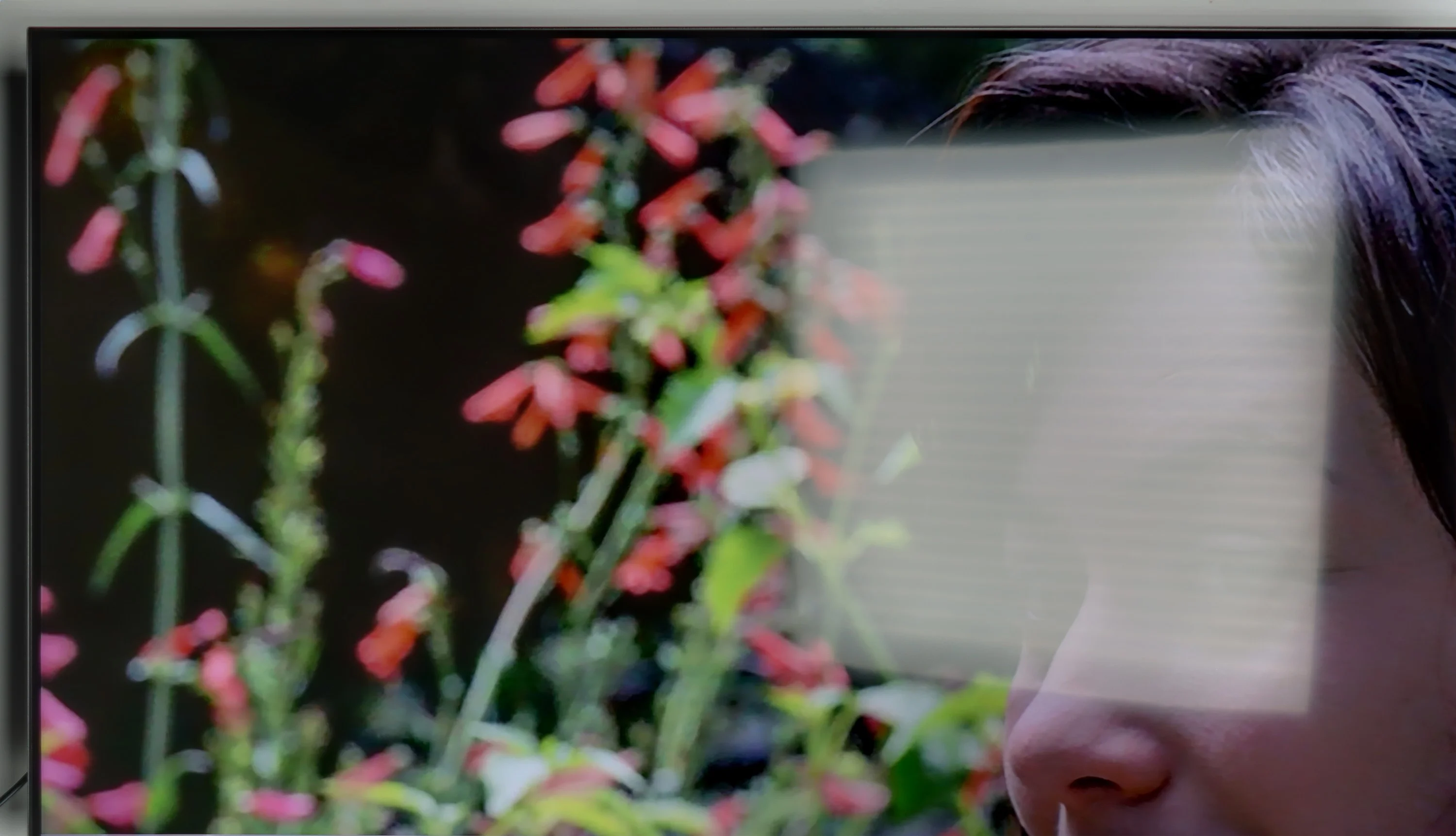
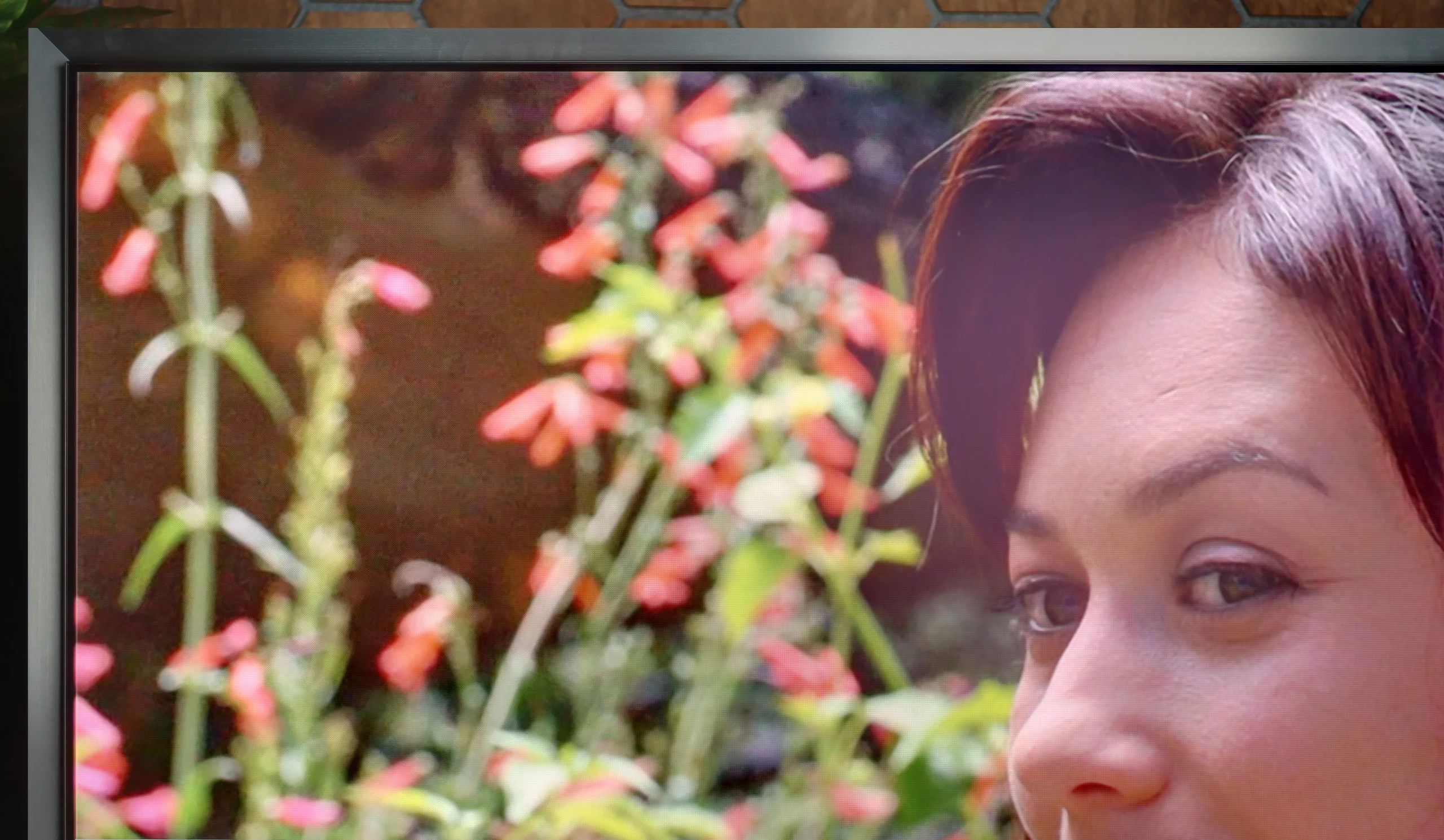
Panel brightness
Samsung OLED S95H (S99H) (QD-OLED): 851 cd/m2
TCL P755: 290 cd/m2
The TV, equipped with a satin finish, performs well in moderately lit daytime conditions. Its brightness in SDR mode is around 290 nits, which is an average value. Unfortunately, the television has poor reflection handling, meaning that reflections of light can be noticeable, especially in bright surroundings. Nevertheless, the television offers good black levels during the day, due to the use of a VA panel, which handles contrast better compared to IPS panels. In practice, this means that despite issues with reflections, the television can deliver a satisfying picture in daytime conditions, maintaining a decent level of black and contrast.
One of the key and most distinctive features of Samsung's OLEDs, including the S99H under review, is the matte screen coating. It is currently one of the best solutions on the market if you want to minimise reflections as much as possible. Whether the room has large windows or the lamps are on, any light glare is dispersed very effectively. This does, however, come at a price. Because of the matte finish and the characteristics of QD-OLED panels (which in bright surroundings can take on a slightly cherry tint), blacks lose some of their depth and richness during the day. It's worth noting, however, that this mainly occurs when very harsh light falls directly on the panel. Fortunately, the S99H is an extremely bright OLED TV, in this respect comparable with the best Mini LED screens on the market. Its average brightness in everyday SDR content reaches nearly 850 to 900 nits, so the TV will have no trouble coping even in a heavily sunlit living room.
Panel details
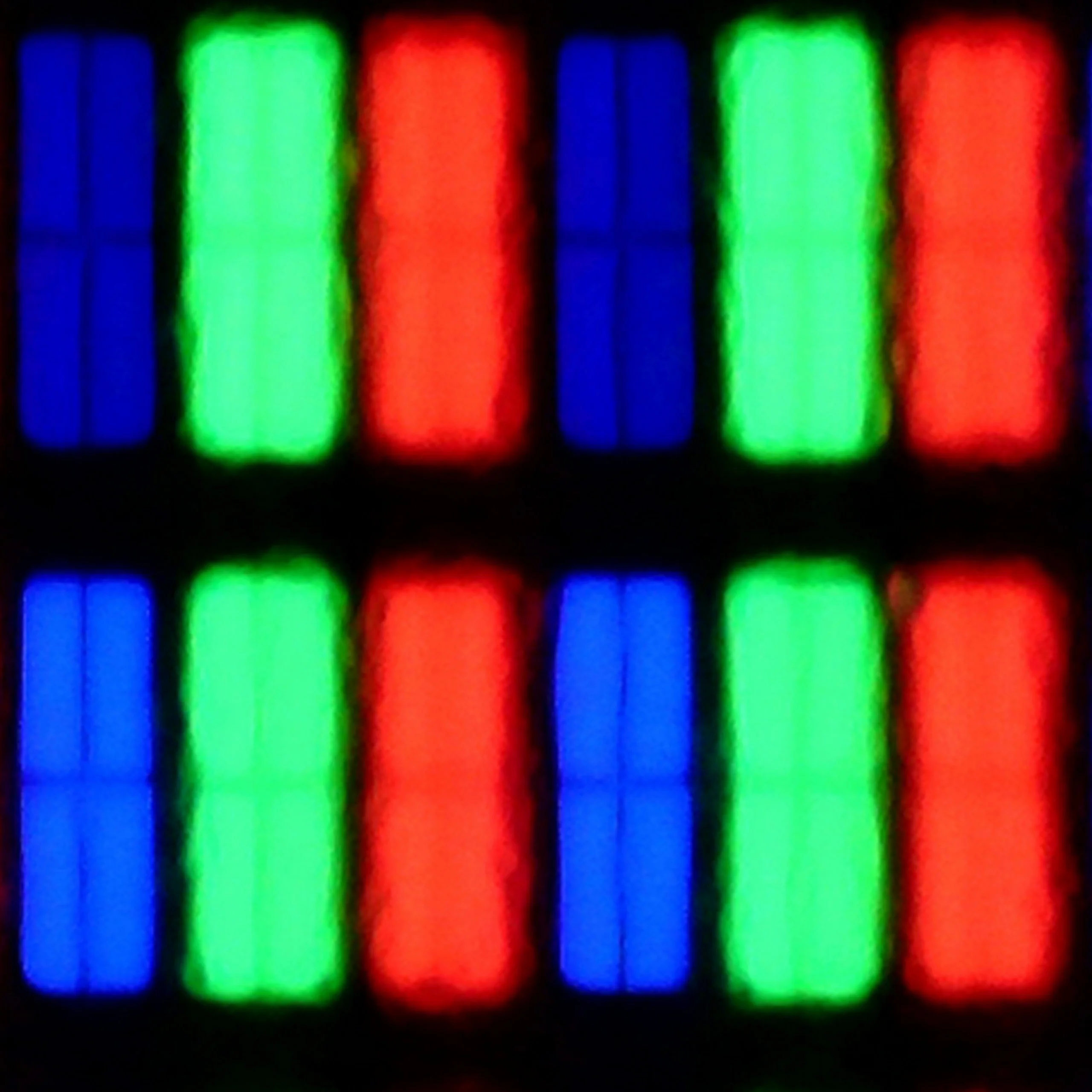
Subpixel Structure:
Panel uniformity and thermal imaging:


TCL P755
Samsung OLED S95H (S99H) (QD-OLED)
TV features
7.3/10
7.8/10
- SystemGoogle TVTizen
- System performanceAverageVery good
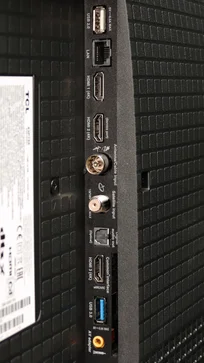
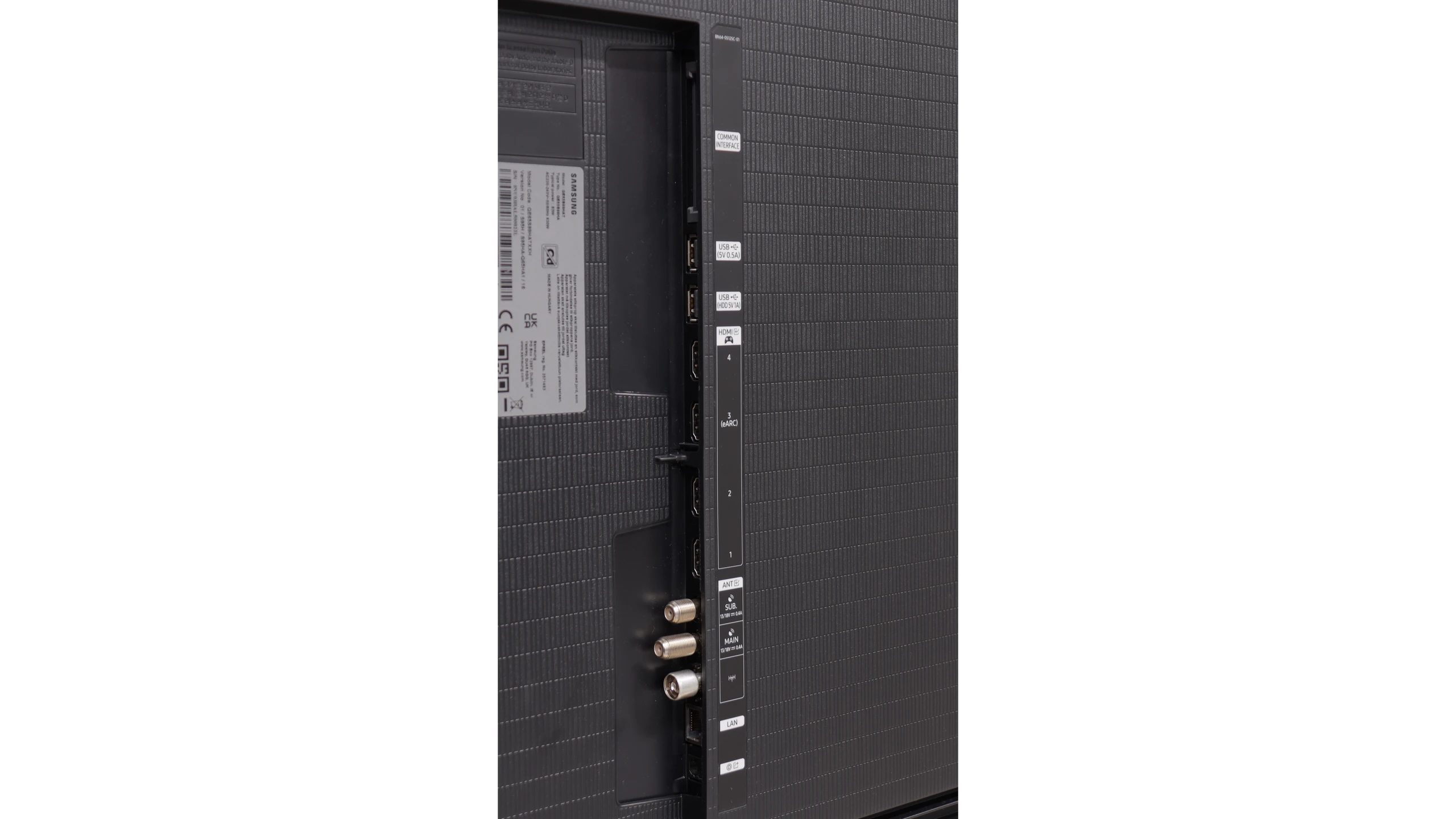
- HDMI inputs3 x HDMI 2.0, 0 x HDMI 2.10 x HDMI 2.0, 4 x HDMI 2.1 48Gbps
- Other inputsRCA (Chinch)
- OutputsToslink (Optical audio), eARC (HDMI), ARC (HDMI)Toslink (Optical audio), eARC (HDMI), ARC (HDMI)
- Network InterfacesWi-Fi 2.4GHz, Wi-Fi 5GHz, Ethernet (LAN) 100MbpsWi-Fi 2.4GHz, Wi-Fi 5GHz, Ethernet (LAN) 100Mbps
- TV receptionDVB-T, DVB-T2, DVB-S, DVB-S2, DVB-CDVB-T, DVB-T2, DVB-S, DVB-S2, DVB-C
Classic features:
- Recording to USB (terrestrial TV)
- Recording programming
- Picture in Picture (PiP)
- RF remote control (no need to aim)
- Backlit remote control
- Teletext
- Audio only mode
- Bluetooth headphones support
- Simultaneous Bluetooth headphones & TV audio
Smart features:
- AirPlay
- Screen mirroring (Windows Miracast)
- Voice search
- Voice search in native language
- Ability to connect a keyboard and mouse
Sound connection options
- HDMI audioeARC (HDMI), ARC (HDMI)eARC (HDMI), ARC (HDMI)
- Other audio outputsToslink (Optical audio)Toslink (Optical audio)
- Wireless audioBluetoothBluetooth
Supported audio formats (external HDMI eARC audio):
- Dolby Digital Plus 7.1
- Dolby True HD 7.1
- Dolby Atmos in Dolby Digital Plus (JOC)
- Dolby Atmos in Dolby True HD
- DTS:X in DTS-HD MA
- DTS-HD Master Audio
Senior accessibility
- Numeric keyboard on TV
- Font size adjustment
- Audio description
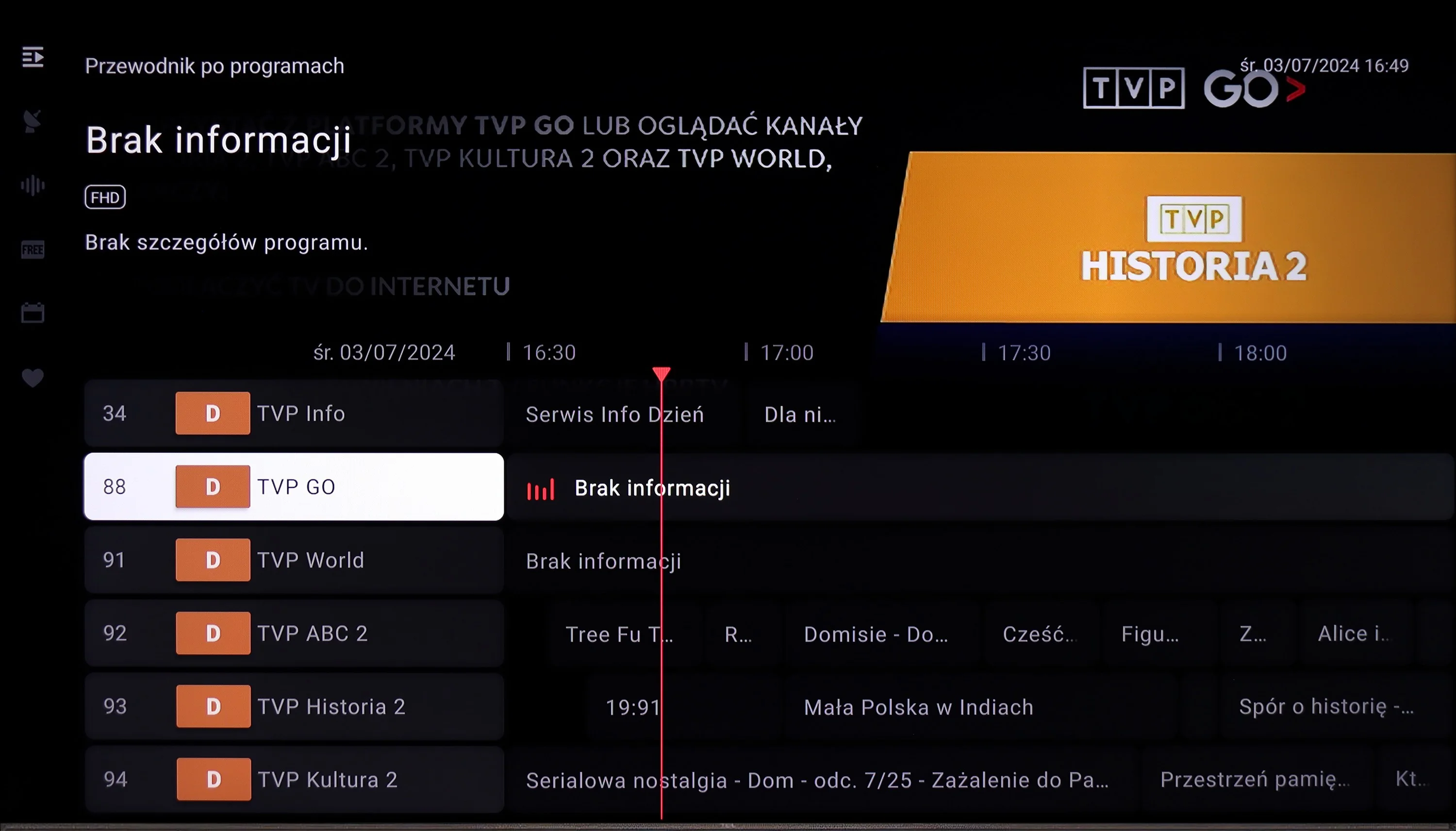
The device operates on the Google TV system, offering a wide range of features that enhance user comfort. Google TV, an extension of Android TV, provides personalised content recommendations based on watched programmes and user preferences. It allows easy access to popular streaming applications such as Netflix, YouTube, and Prime Video, as well as integration with the Google Play Store for additional apps. The system works with other Google devices, enabling control of the television using Google Assistant and integration with a smart home system.
In terms of connectivity, the television supports screen mirroring via Windows Miracast and AirPlay, allowing easy transmission of images from other devices. It also allows connection of a keyboard, mouse, and Bluetooth headphones, while simultaneously using headphones and the built-in speaker with separate volume control for both audio sources. The television remote operates on an RF basis, so there is no need to aim at the screen, although it is not backlit. Additionally, the television supports audio-only mode and teletext, although it lacks picture-in-picture (PiP) functionality.
Smart features: Tizen
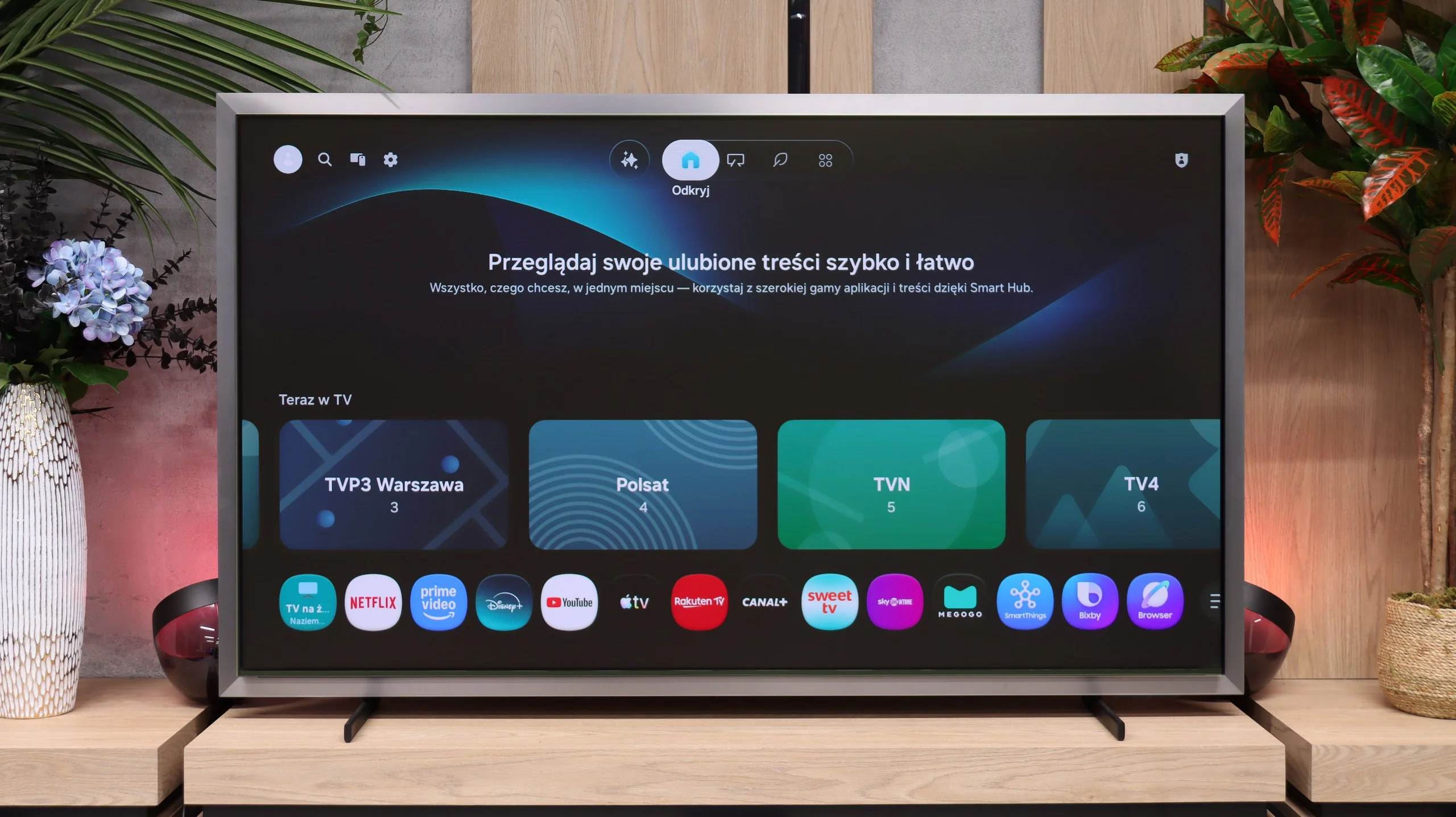
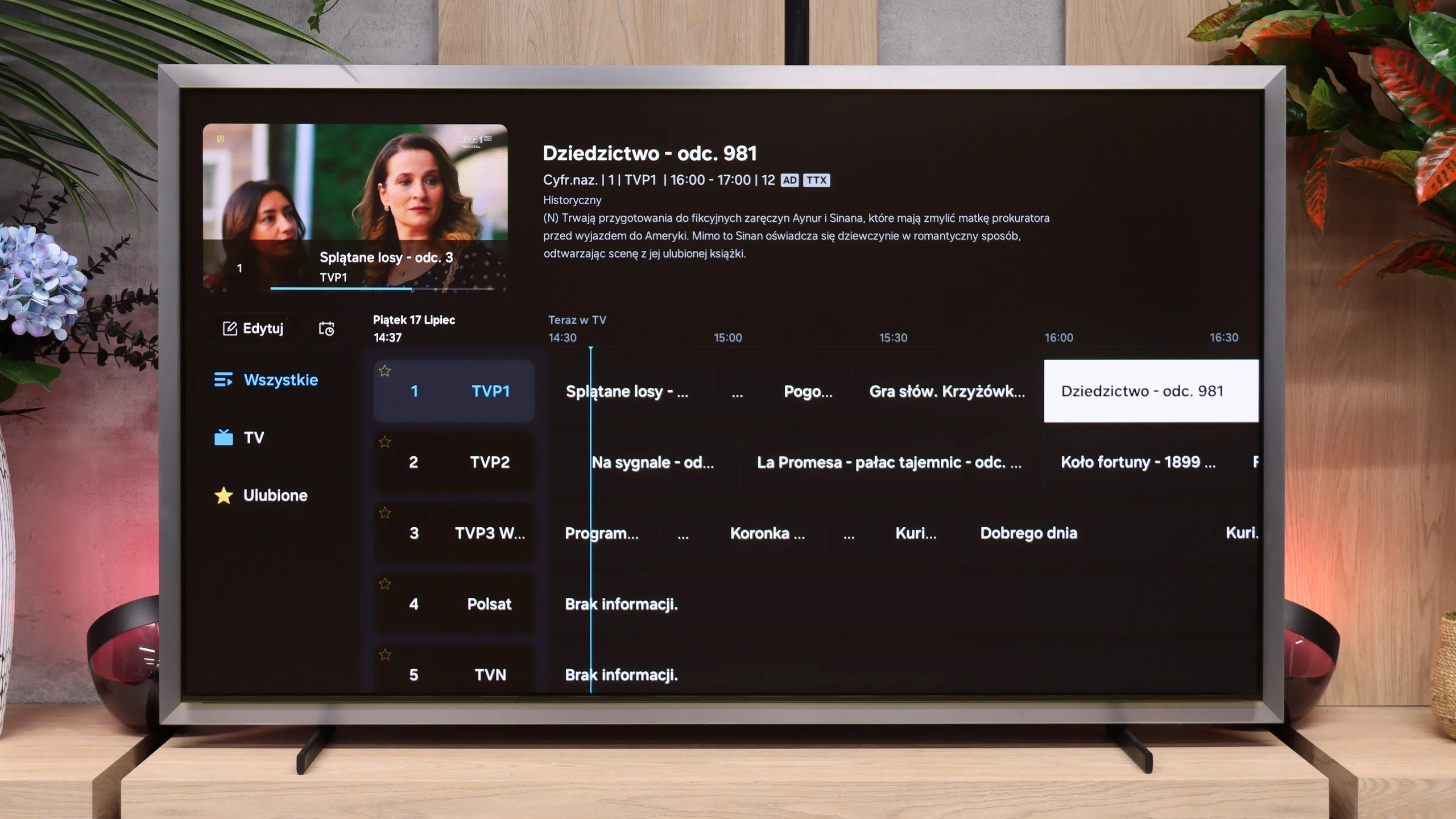
The Tizen system on the S99H runs exceptionally quickly and reliably. The wide support for wireless protocols deserves praise, with both Apple AirPlay and the recently added support for Chromecast included. It's hard to fault Tizen today when it comes to app availability. The catalogue covers all the most popular streaming services and in that respect is on a par with Google TV.
Art Mode
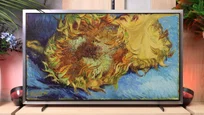
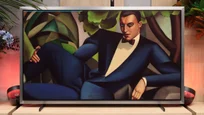
The S99H is Samsung's first OLED TV to be equipped with a dedicated Art Mode, previously known mainly from Samsung's The Frame series. This is quite a surprise, as most manufacturers of OLED TVs generally advise against long-term display of static images. Here the feature is officially promoted, which suggests Samsung is confident in the panel's resistance to permanent image retention. Unfortunately, access to the full library of artwork requires a paid subscription. However, there is a simple workaround: favourite pieces or personal photos can be uploaded to the TV's internal memory for free and set as the background in the dedicated app. It's worth adding that the device is fitted with an ambient light sensor that adjusts brightness and colour temperature so the displayed image most faithfully mimics a real canvas or print.
Daily use and the remote
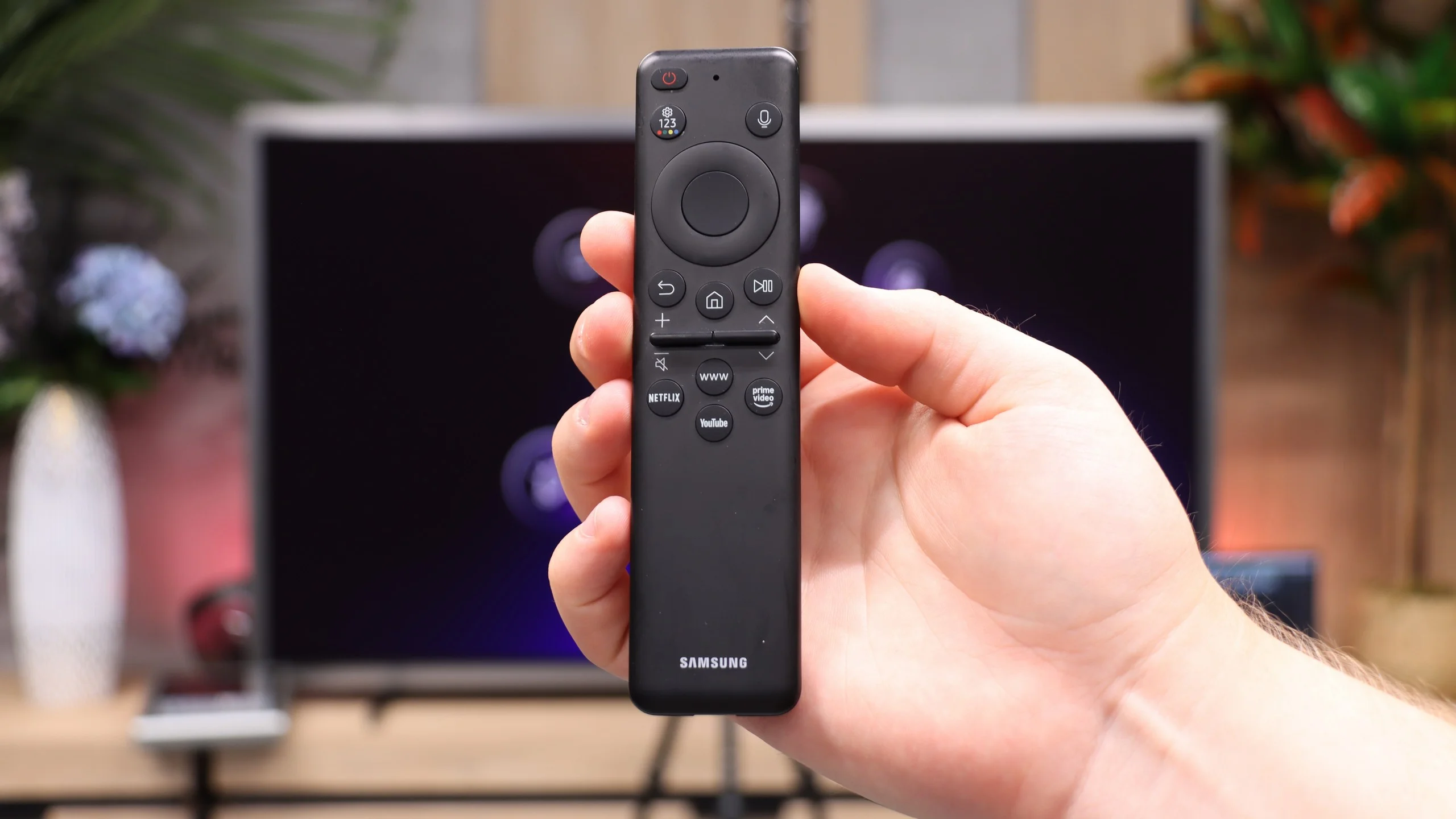
All the classic TV functions perform well on the S99H, although the interface may not appeal to older users. That's down to the minimalist remote, which lacks a traditional numeric keypad. An advantage of the Solar controller, however, is its universal remote function; it can be paired easily and used to control virtually any device connected to the TV, such as satellite set-top boxes, consoles and players.
Apps
9.6/10
9.3/10






















Playing files from USB
9.1/10
8.8/10
Supported photo formats:
Maximum photo resolution:
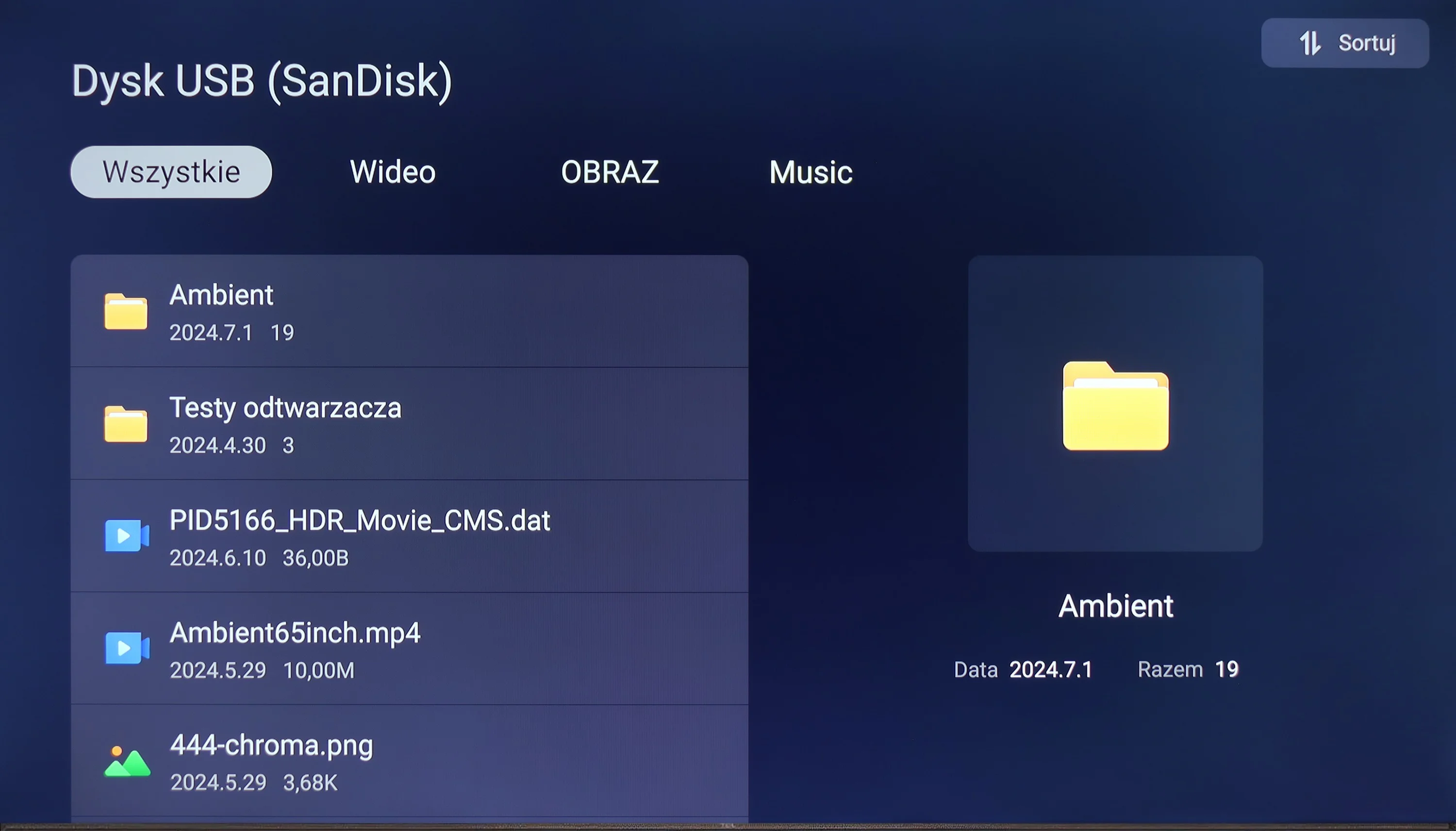
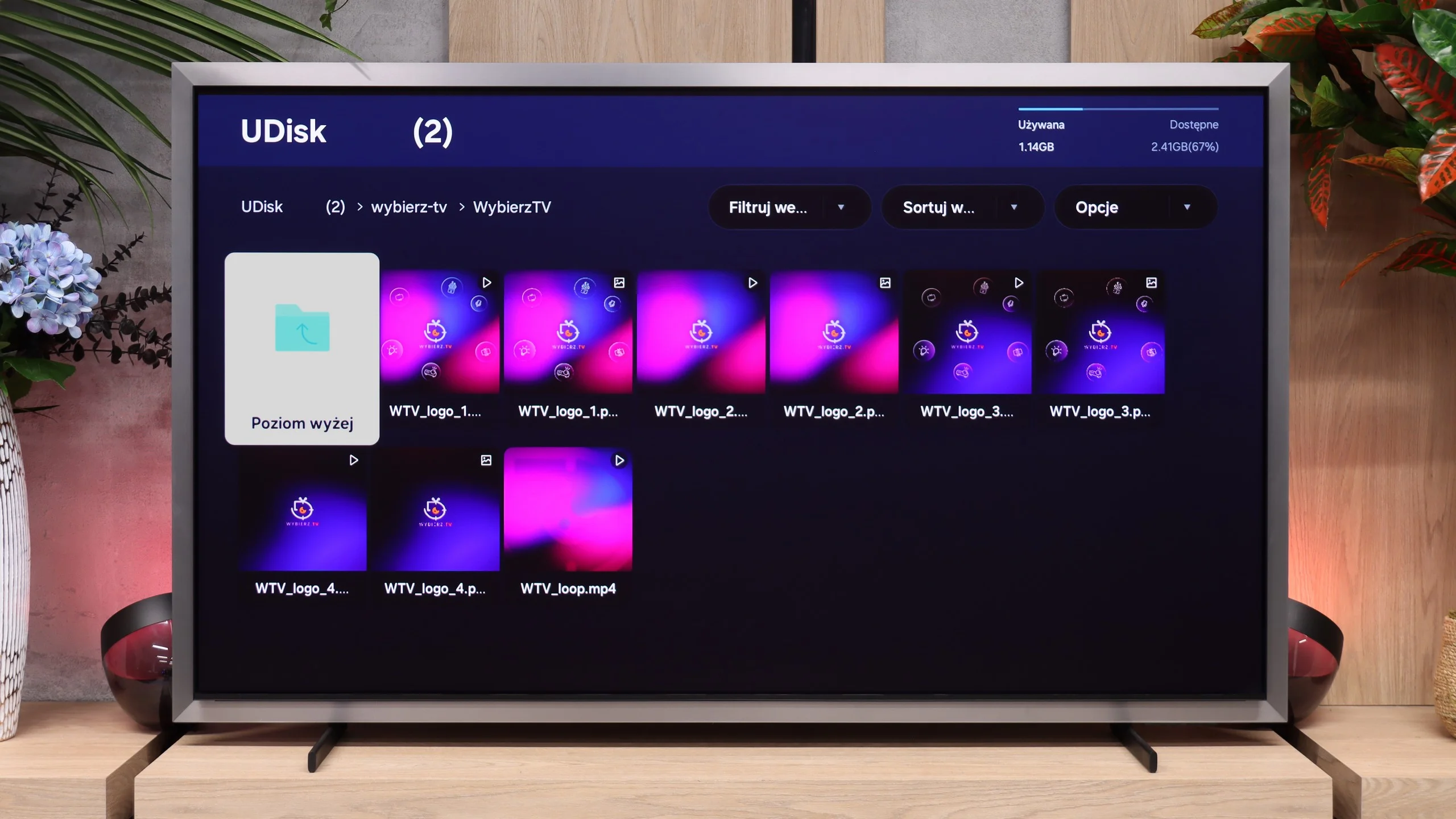
The television will play most files and video codecs, and with subtitles uploaded for the film, you can change the font size. The biggest downside here is the lack of support for less popular photo formats.
The built-in media player on the S99H works smoothly and quickly. The TV easily handles most popular video and audio formats, delivering smooth playback without stutters. The only real caveat is support for certain image formats stored on removable drives. The TV behaves rather oddly with files in Apple's HEIC format... although thumbnails in the browser display correctly, attempting to open an image at full size causes the interface to freeze. This appears to be a software bug that Samsung will likely fix in an upcoming update.
Sound
5.8/10
8.7/10
- Maximum volume-95dB
- Dolby Digital Plus 7.1
- Dolby True HD 7.1
- Dolby Atmos in Dolby Digital Plus (JOC)
- Dolby Atmos in Dolby True HD
- DTS:X in DTS-HD MA
- DTS-HD Master Audio
The sound quality in the television is rather average. The high tones are slightly distorted and can sound unclear, while the bass is almost non-existent. The sound is dominated by the mid tones, which makes the overall audio experience balanced, but lacking in fullness. On the plus side, it supports advanced audio codecs such as Dolby and DTS, improving compatibility with various audio sources and formats.
For such a slim design, the Samsung S99H sounds surprisingly good. At first we were surprised that such a flat screen could produce such a resonant sound. Importantly, there is even some bass, of course bearing in mind that we are talking about built-in TV speakers, not a dedicated home theatre. 😉 The TV easily supports Dolby Atmos decoding and Samsung’s own Q-Symphony system. This makes it simple to pair the screen with a Samsung soundbar (or the new speakers from the Studio series), so the built-in speakers work together with external audio. For everyday viewing and typical use, however, external audio equipment won’t be needed straight away. As is traditional for Samsung, there is no support for the DTS format. For people who rely solely on streaming that may not be a major loss, but for fans of physical media and Blu-ray discs it will be a noticeable drawback.
Sound Quality Test
No sound test video
Acoustic Measurements
No acoustic data
95dBC (Max)
75dBC
Reader comments
Comments are provided by the external service Disqus (Zeta Global). Once loaded, Disqus may set cookies and process data about your activity.
We will remember your choice on this device. Provider's privacy policy