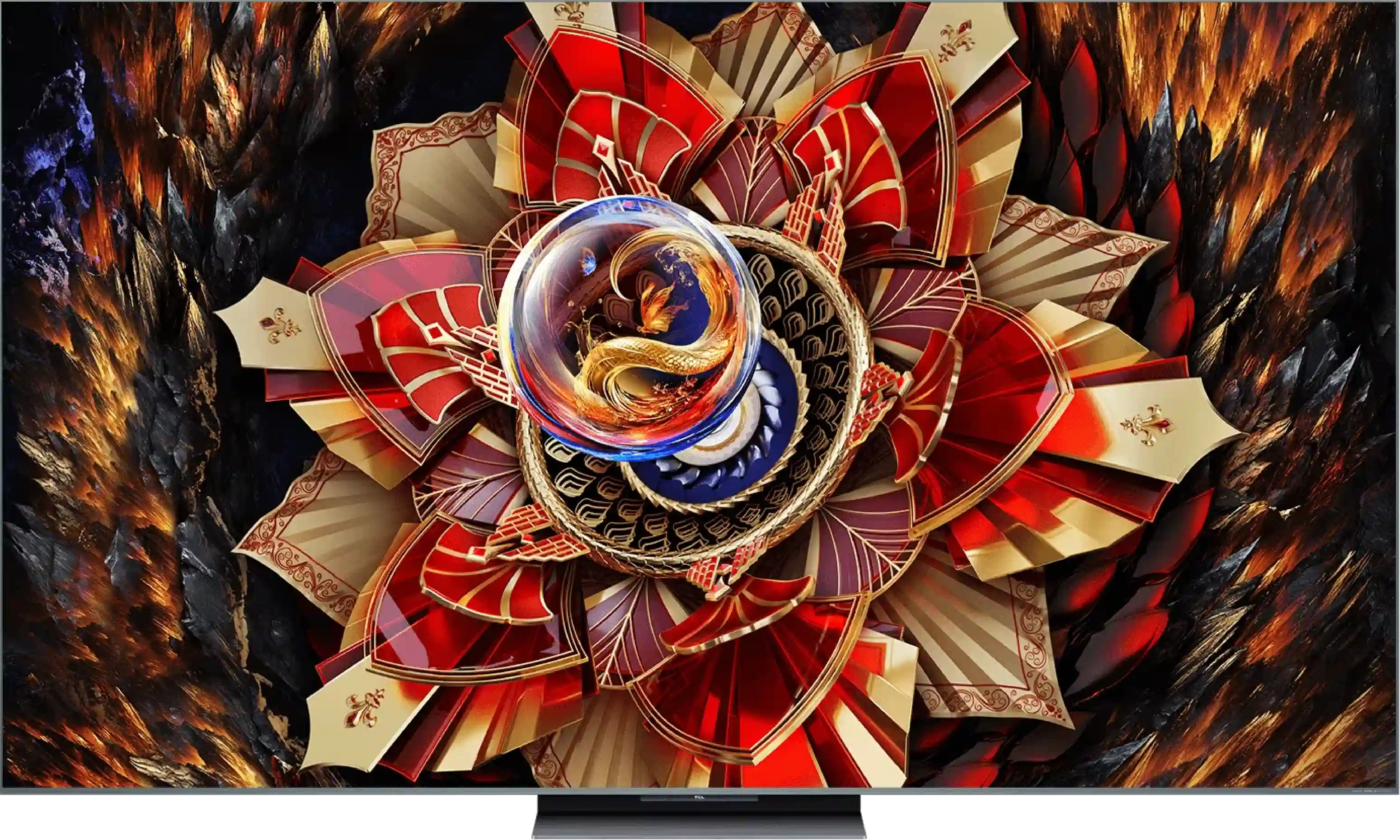
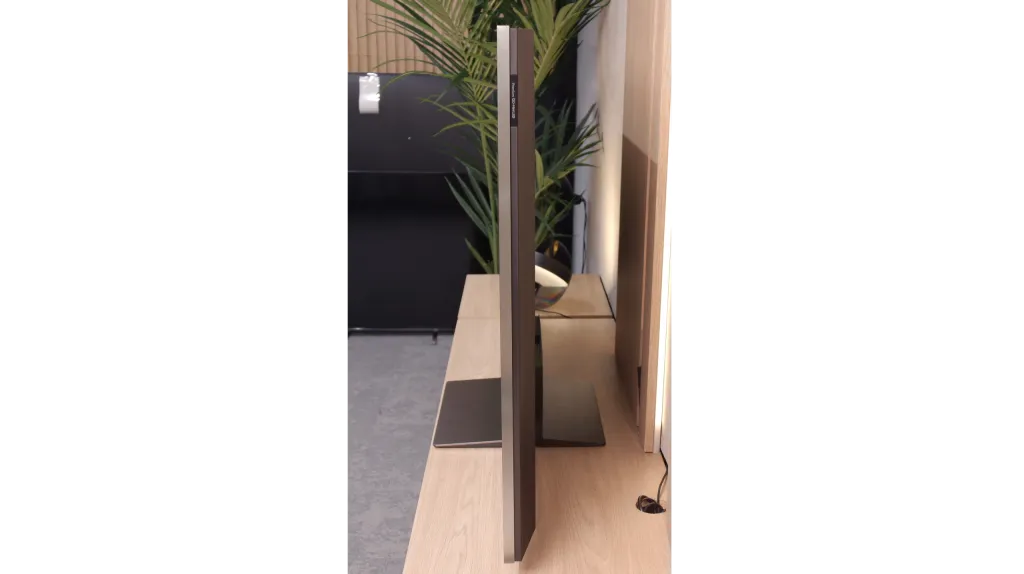
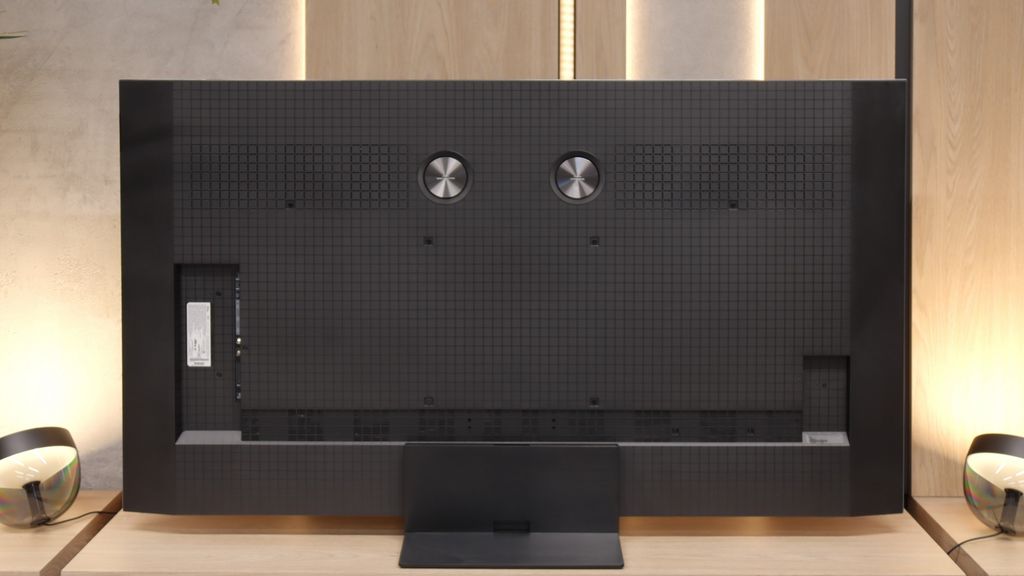
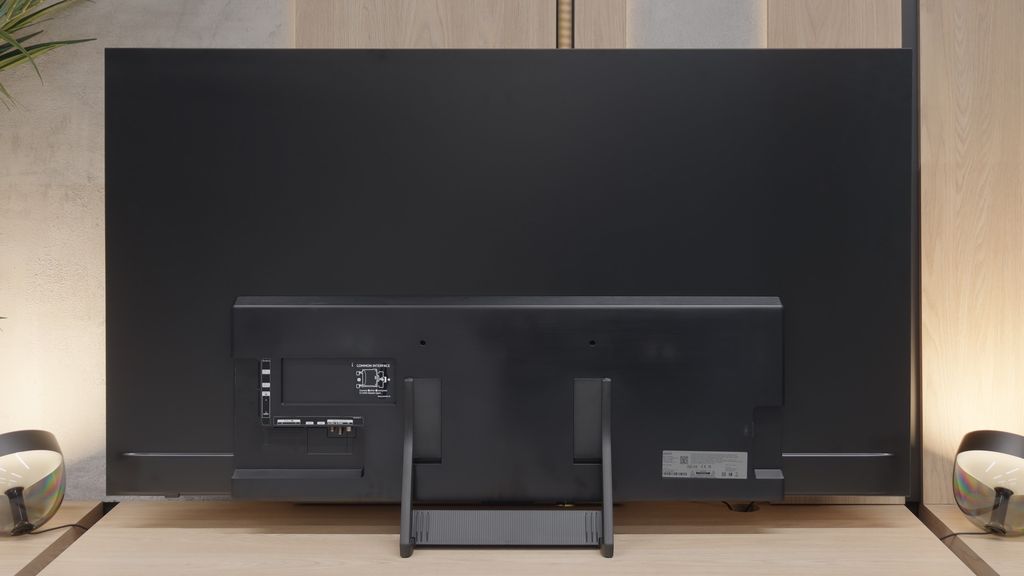
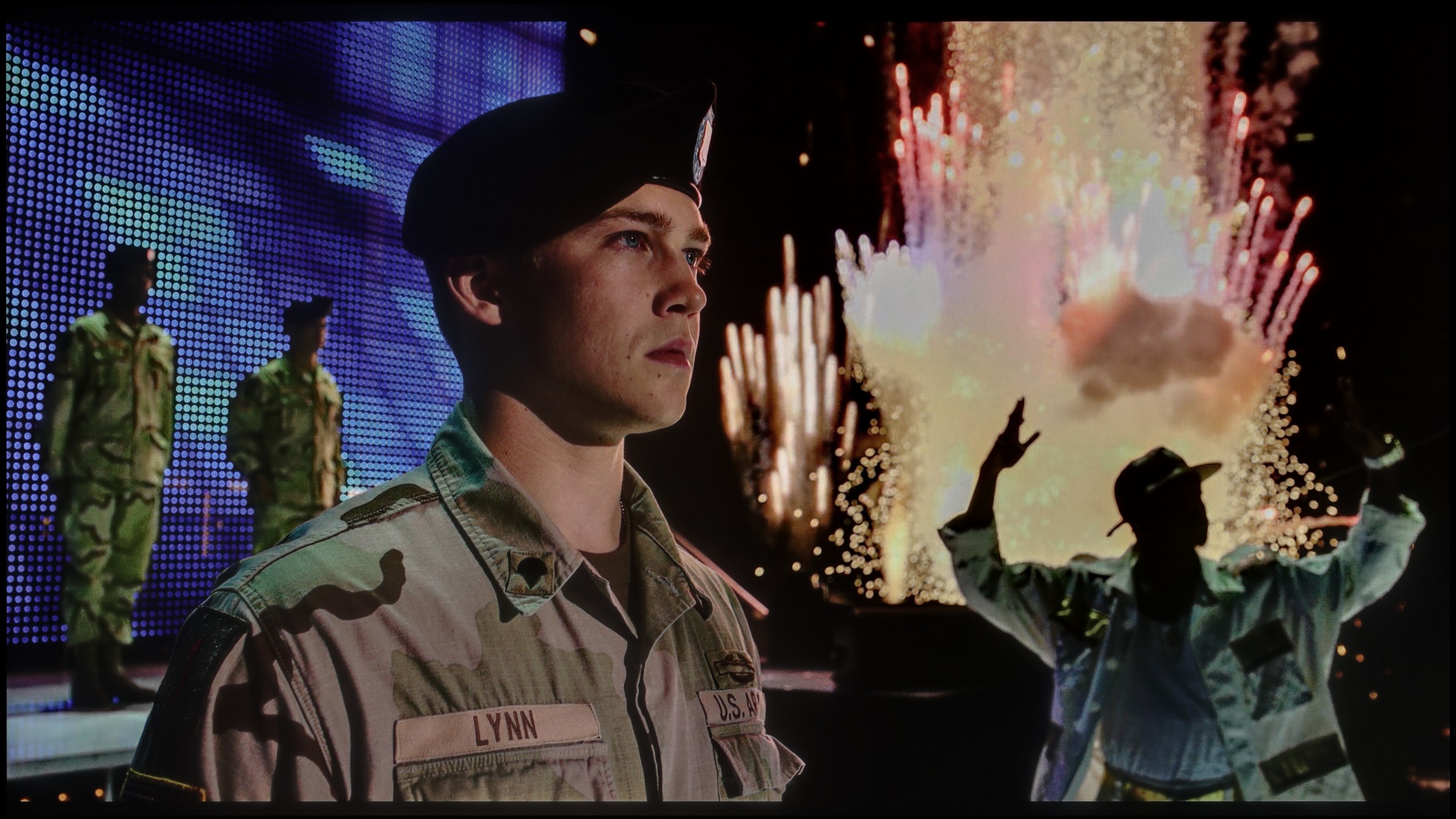
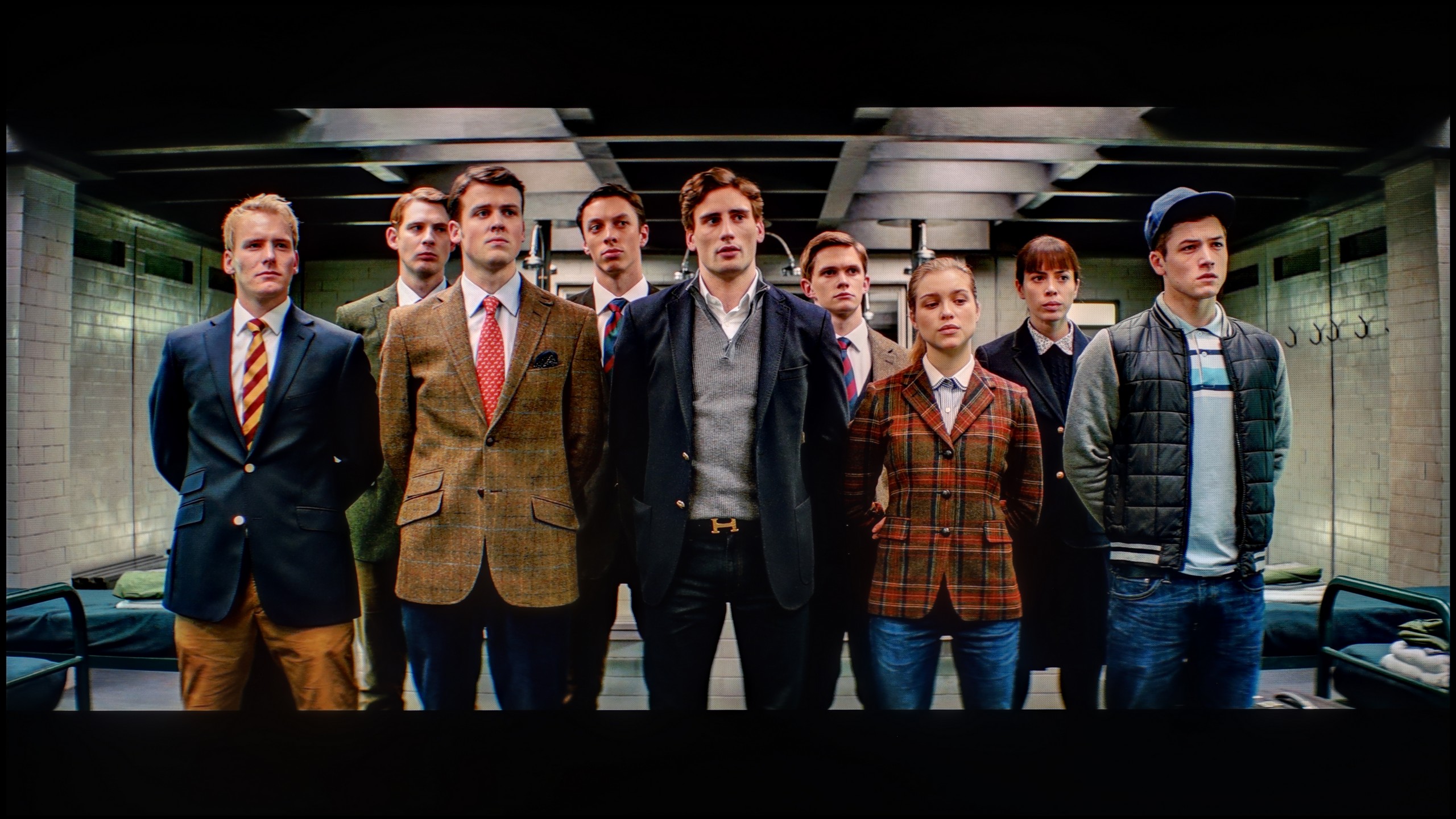
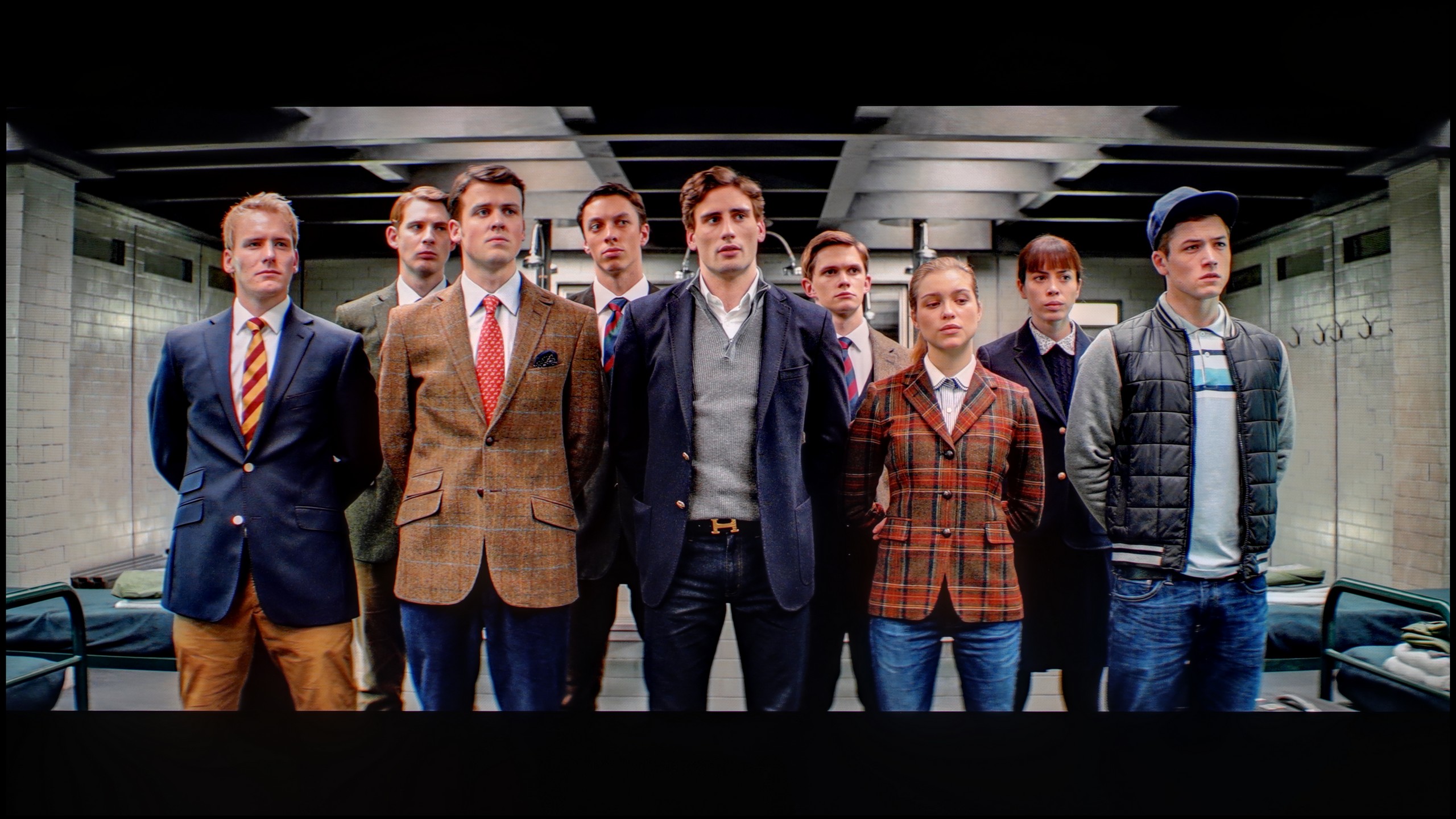
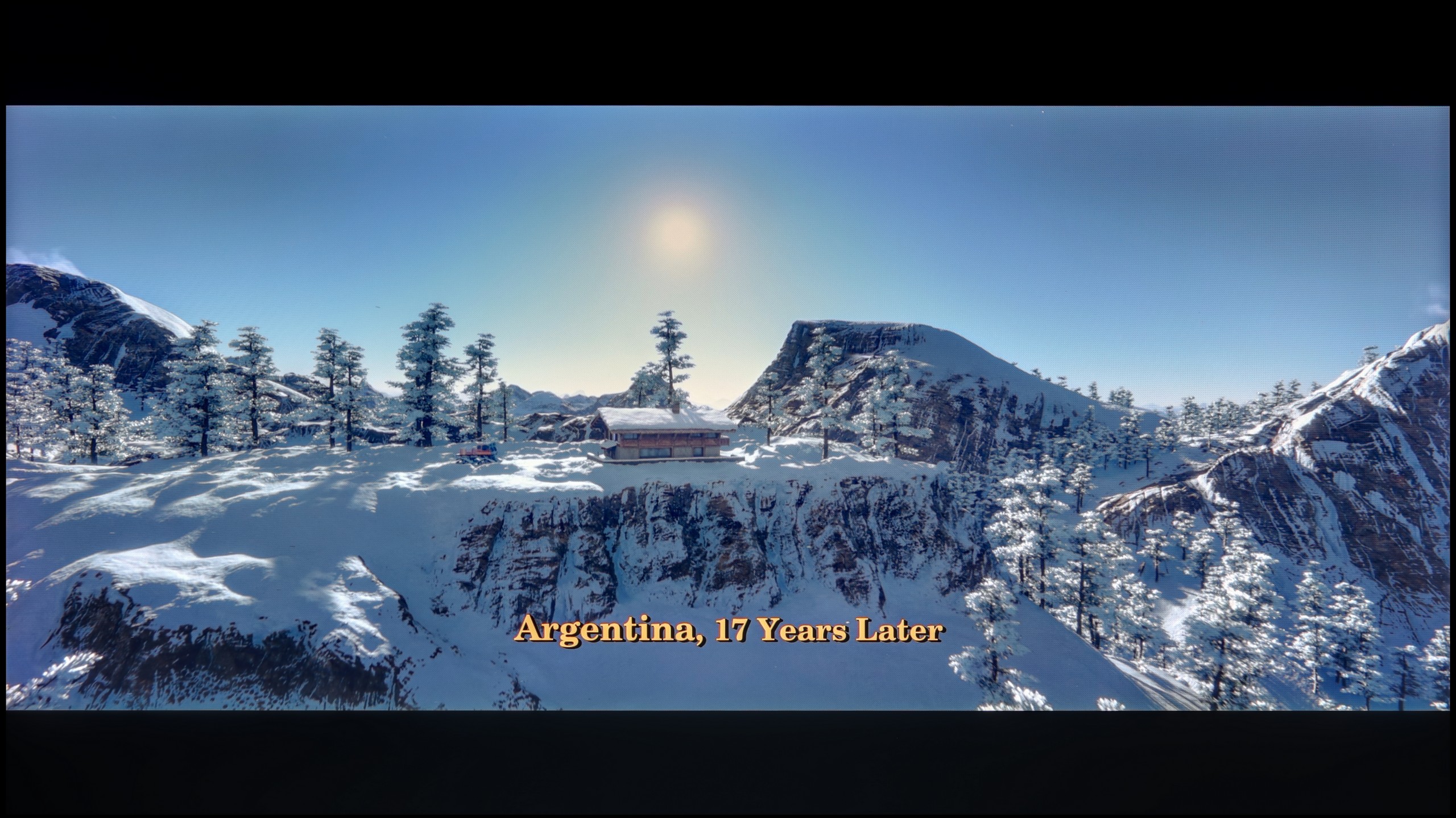
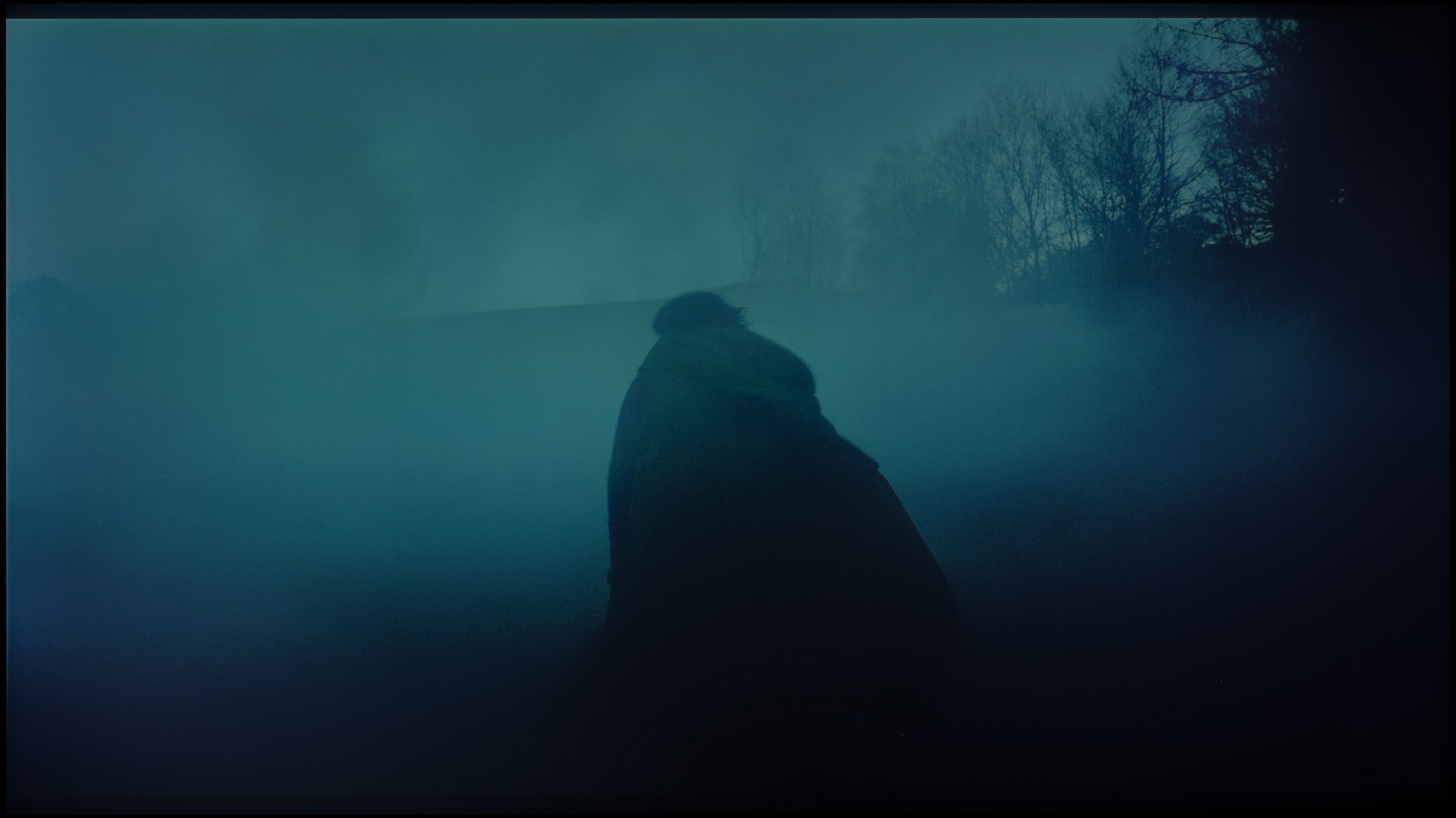
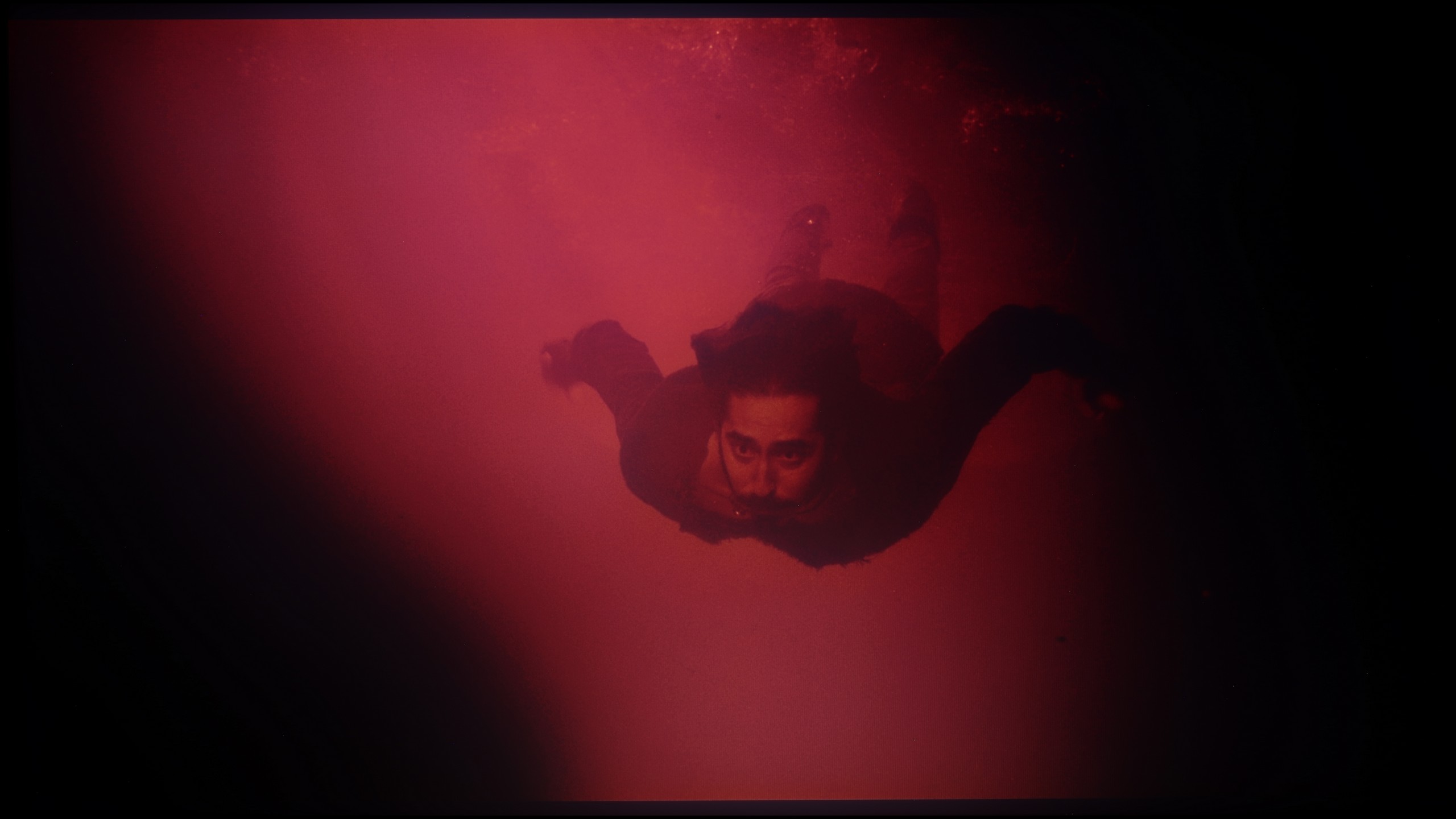
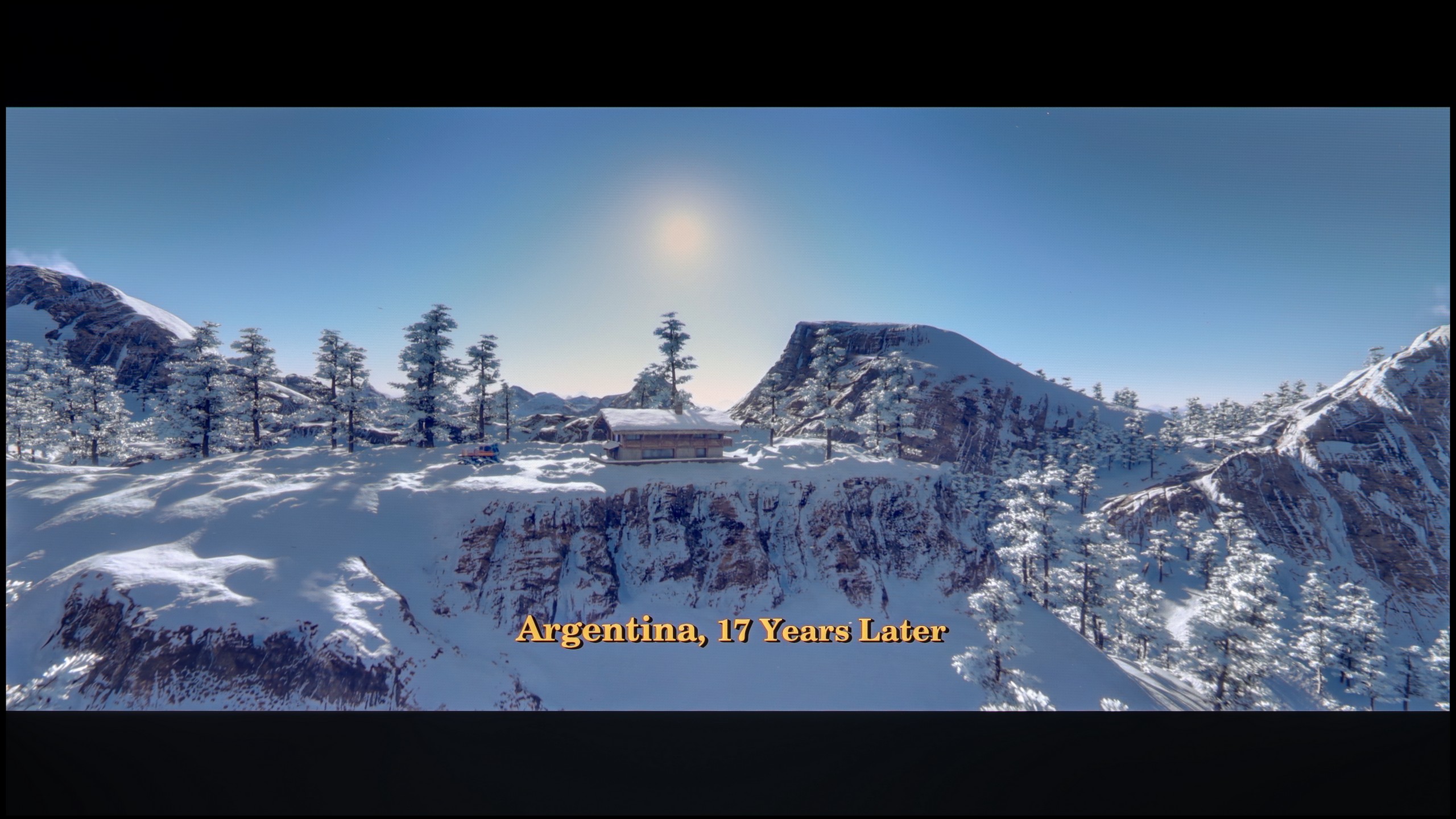
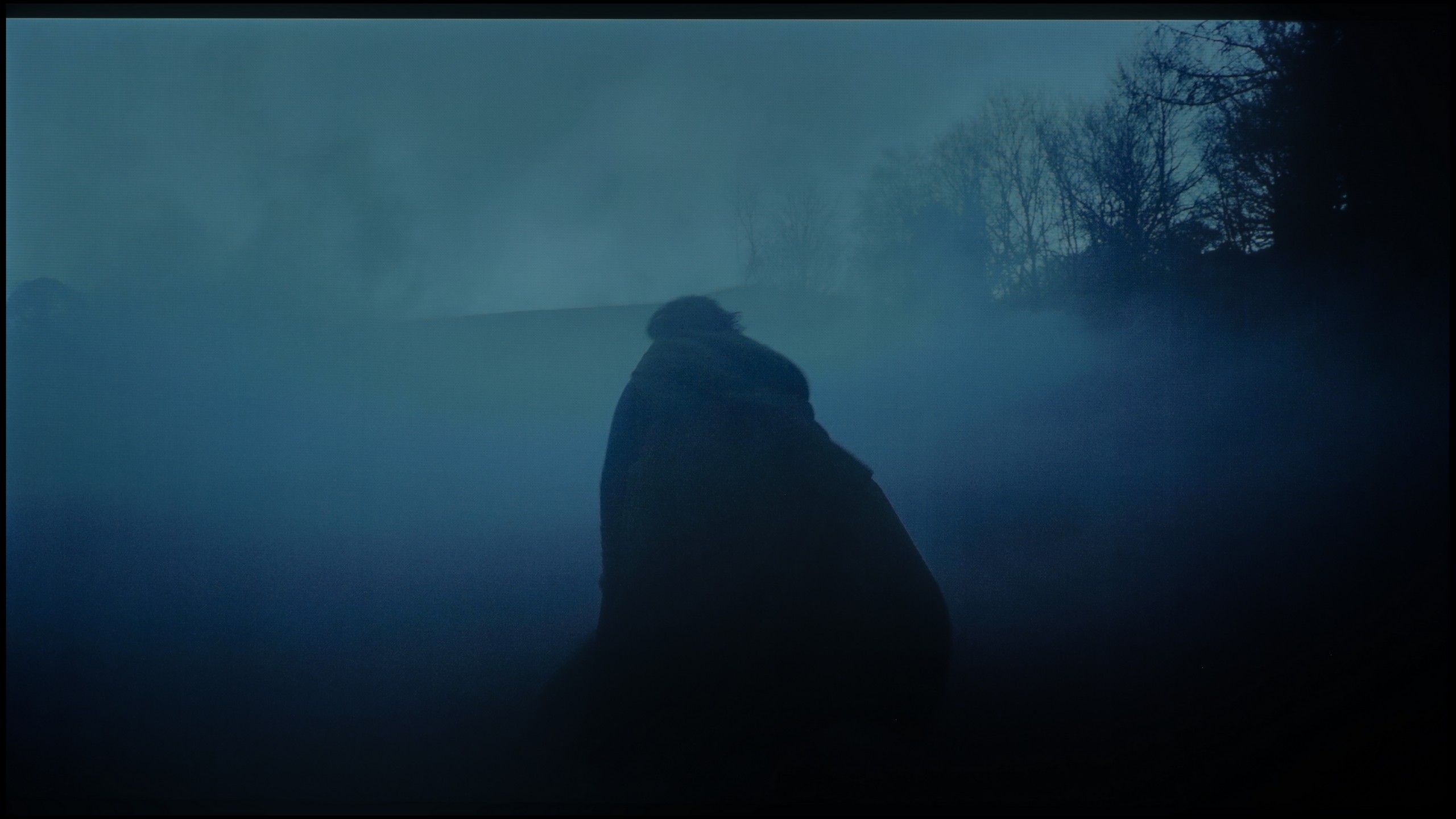
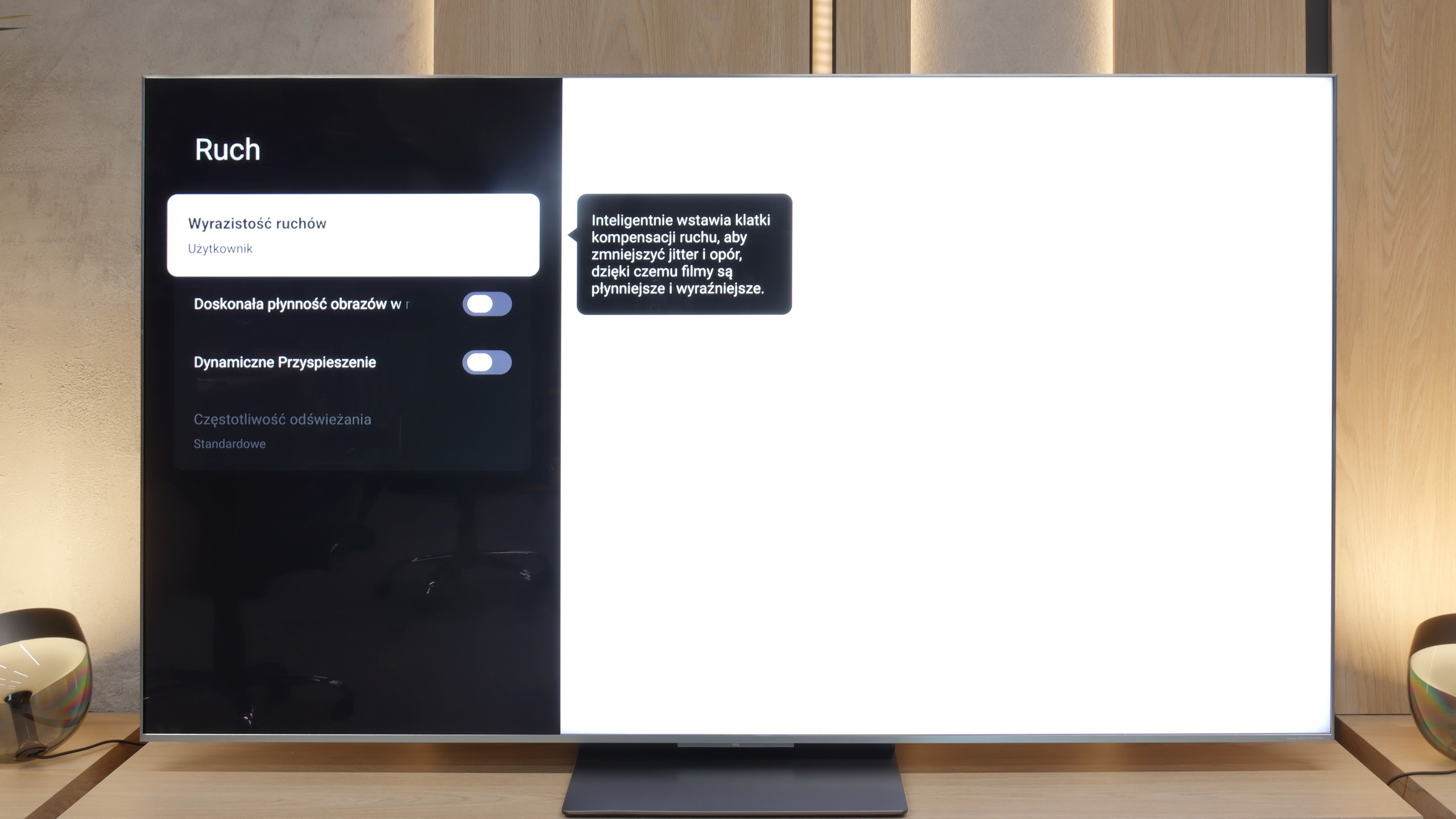
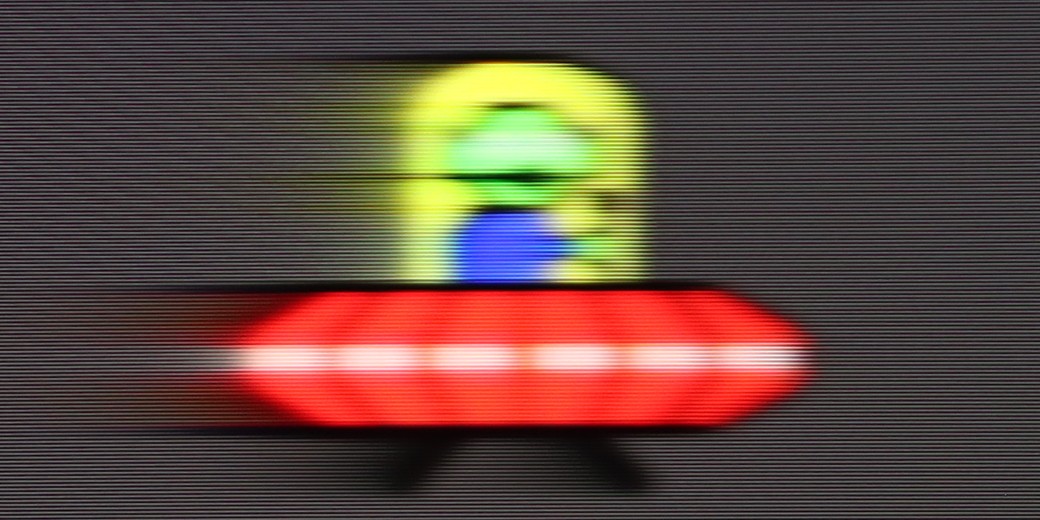
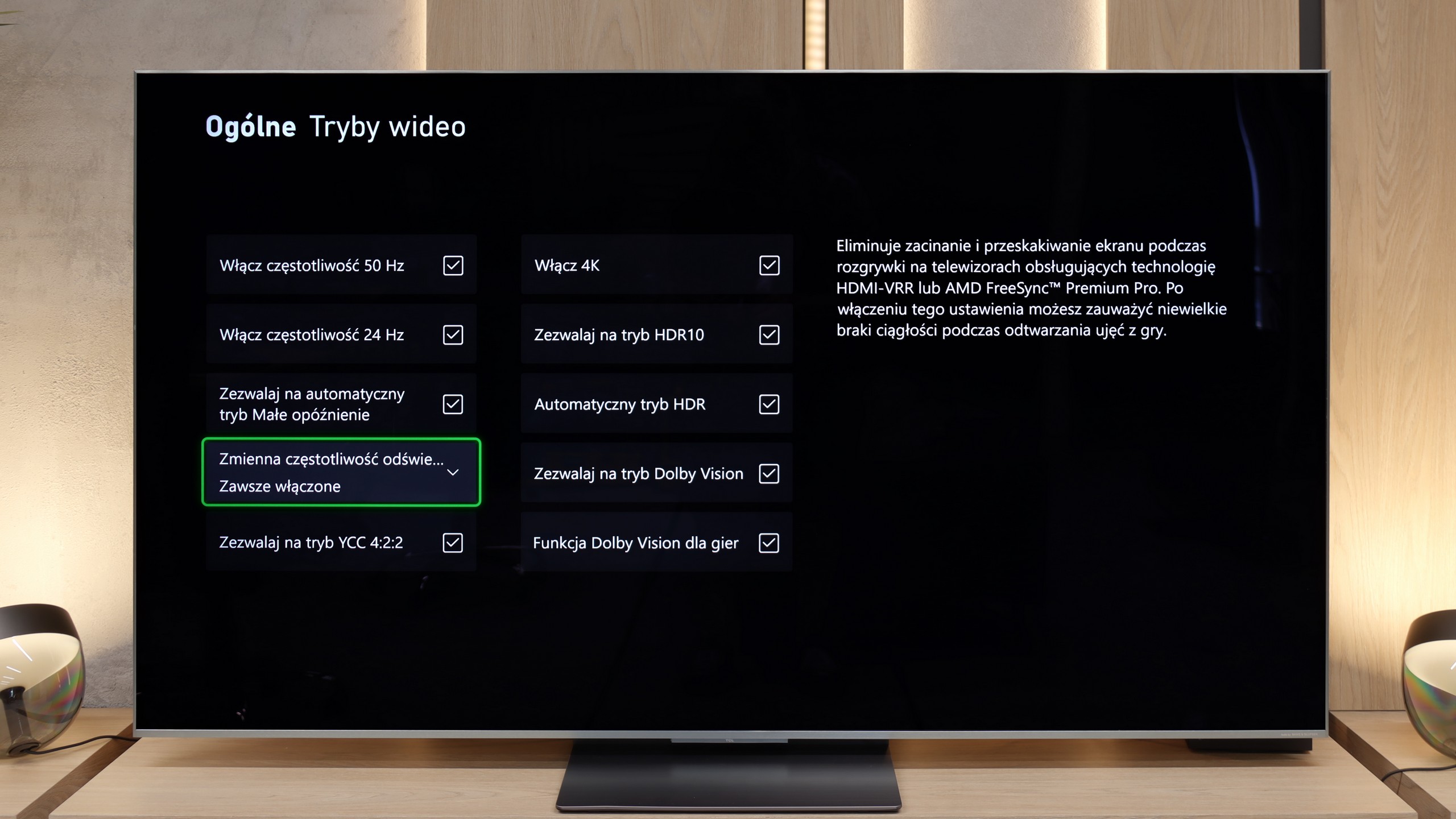
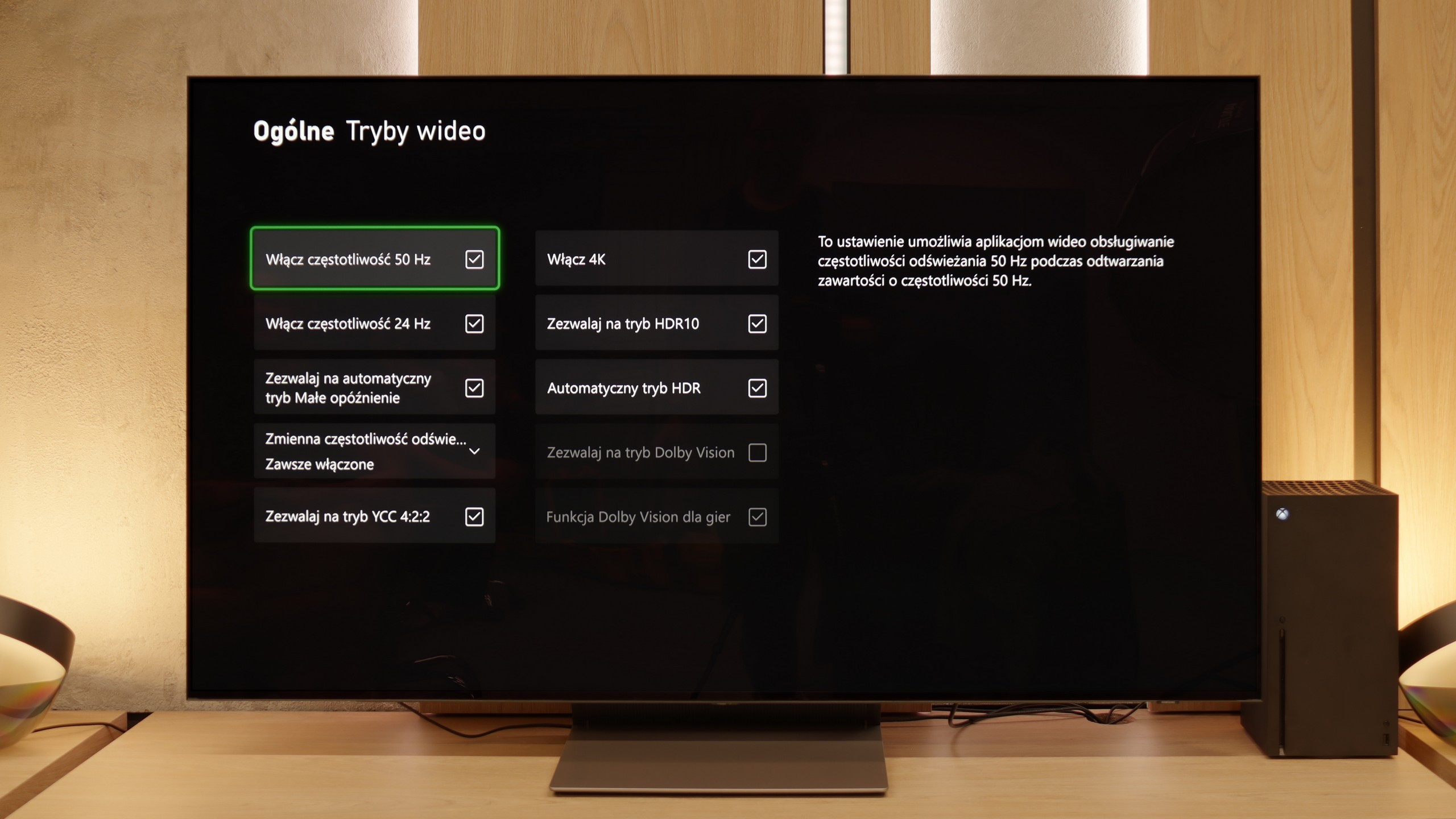
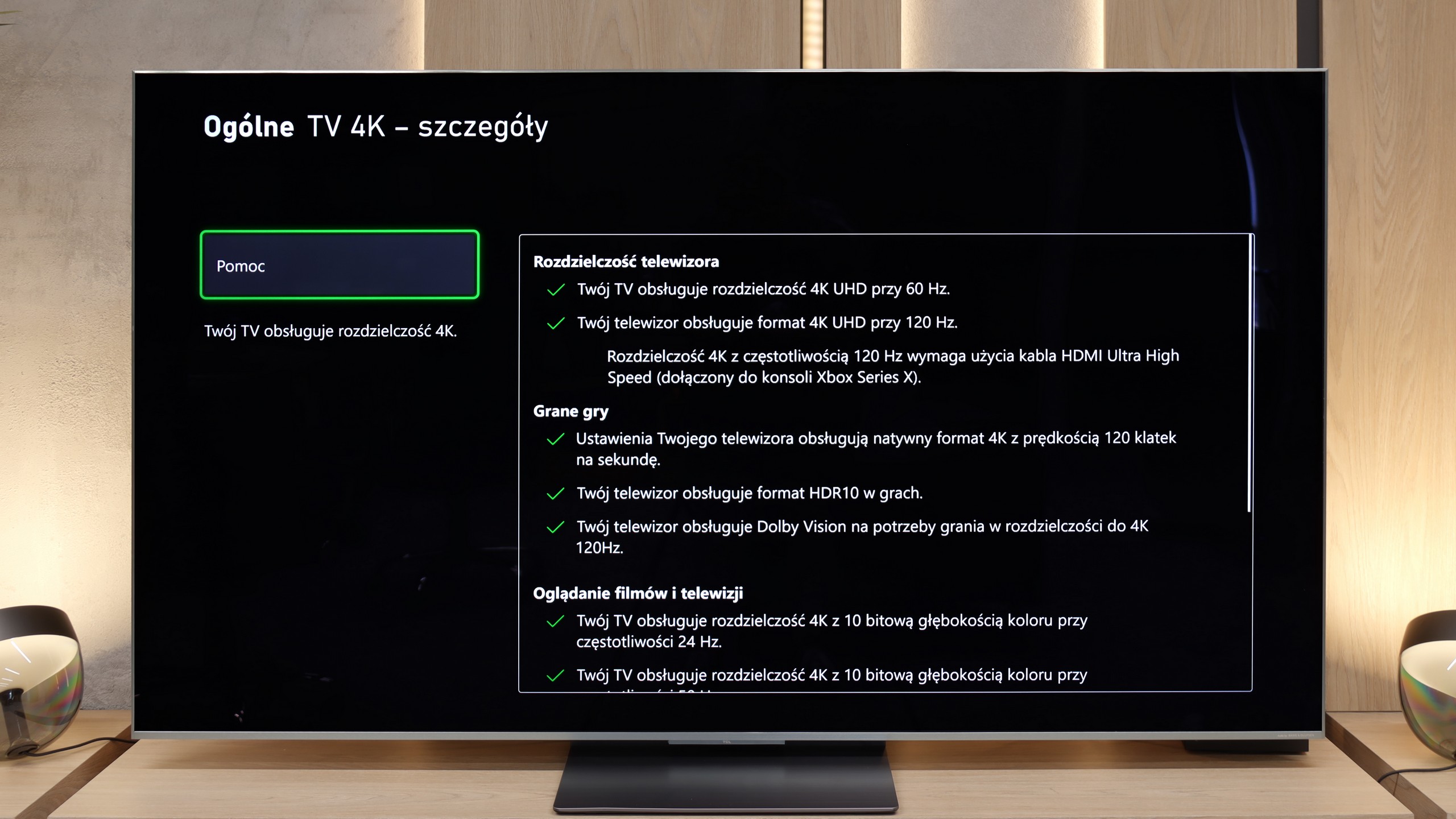
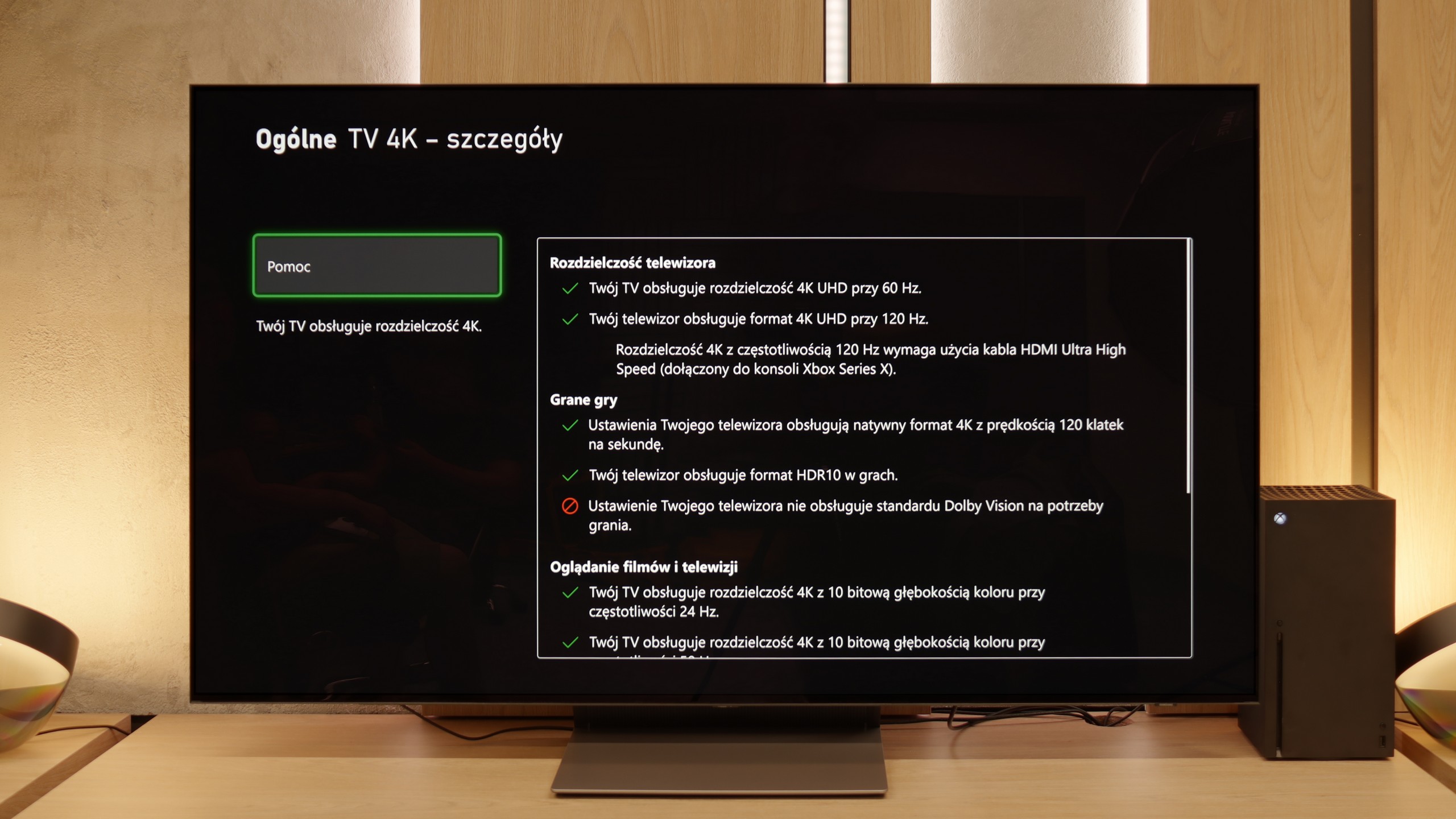
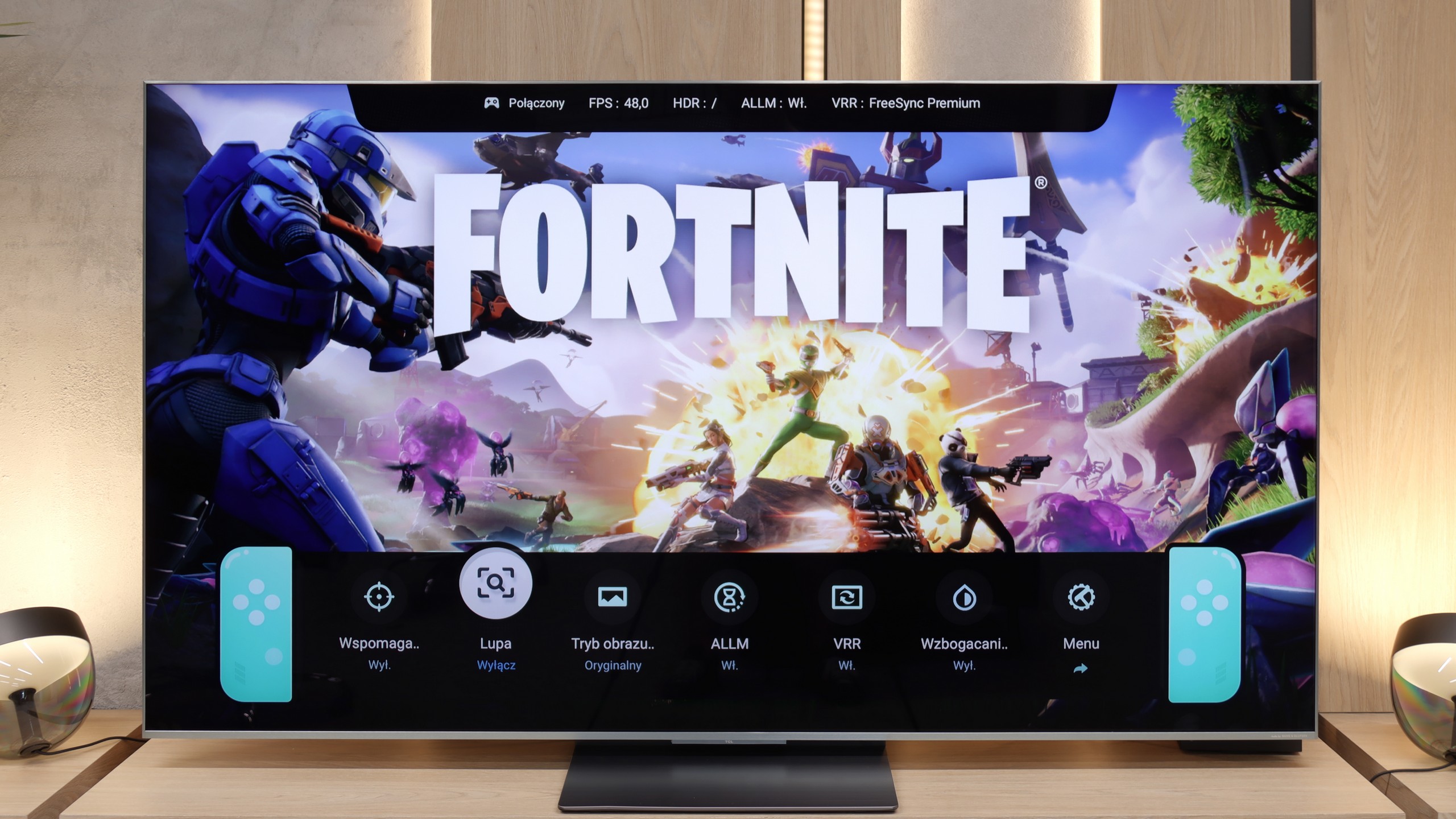
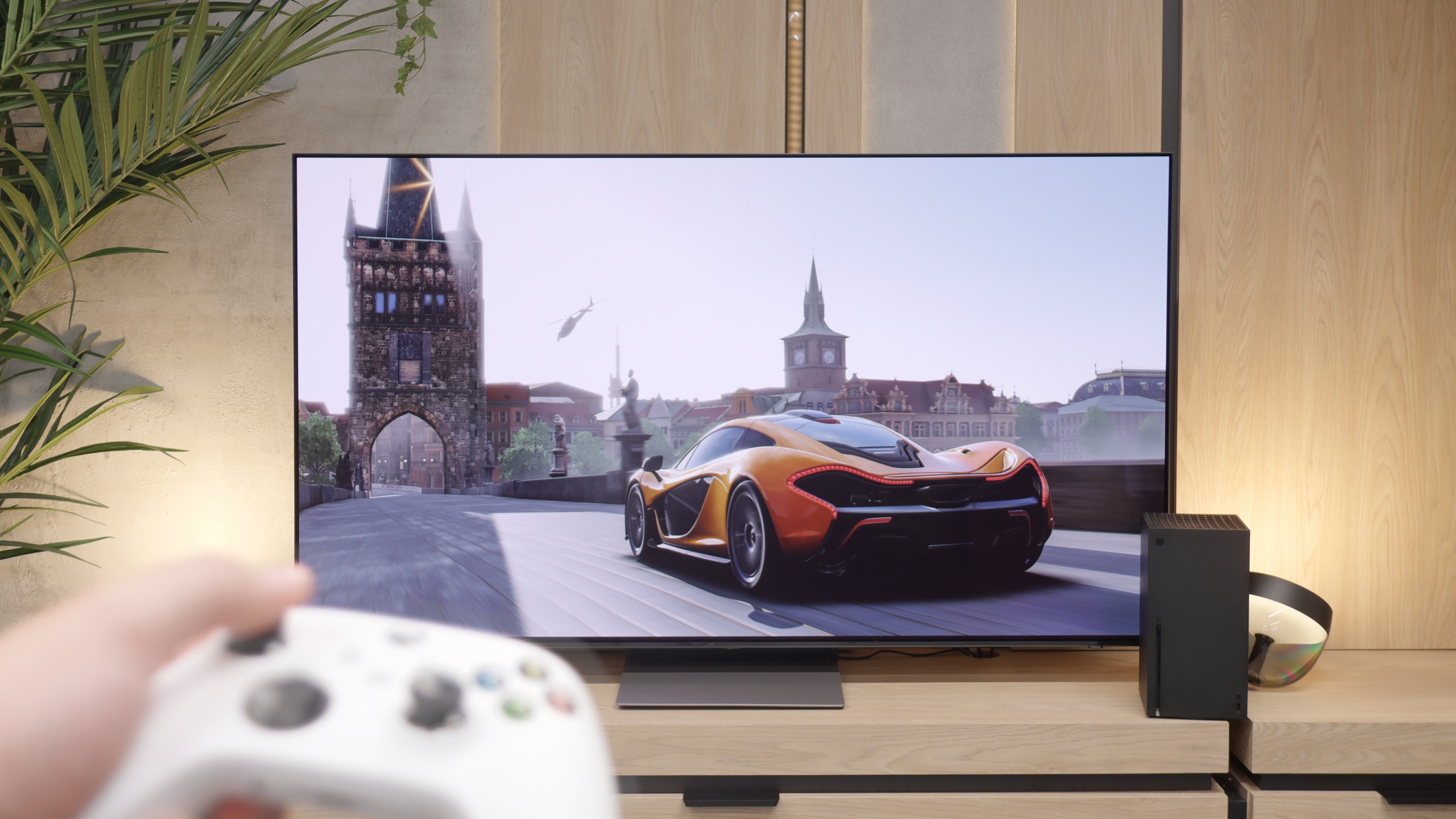
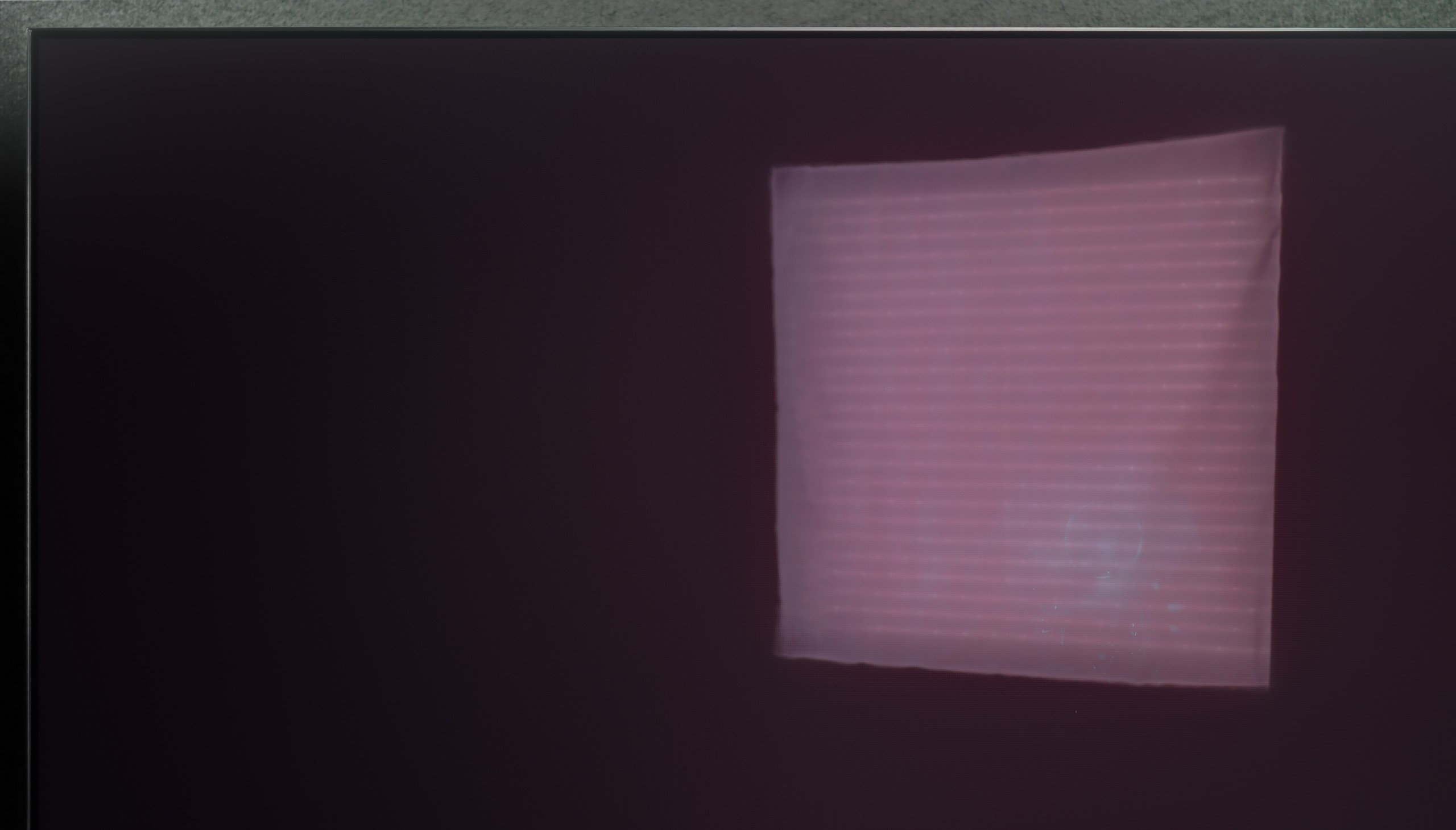
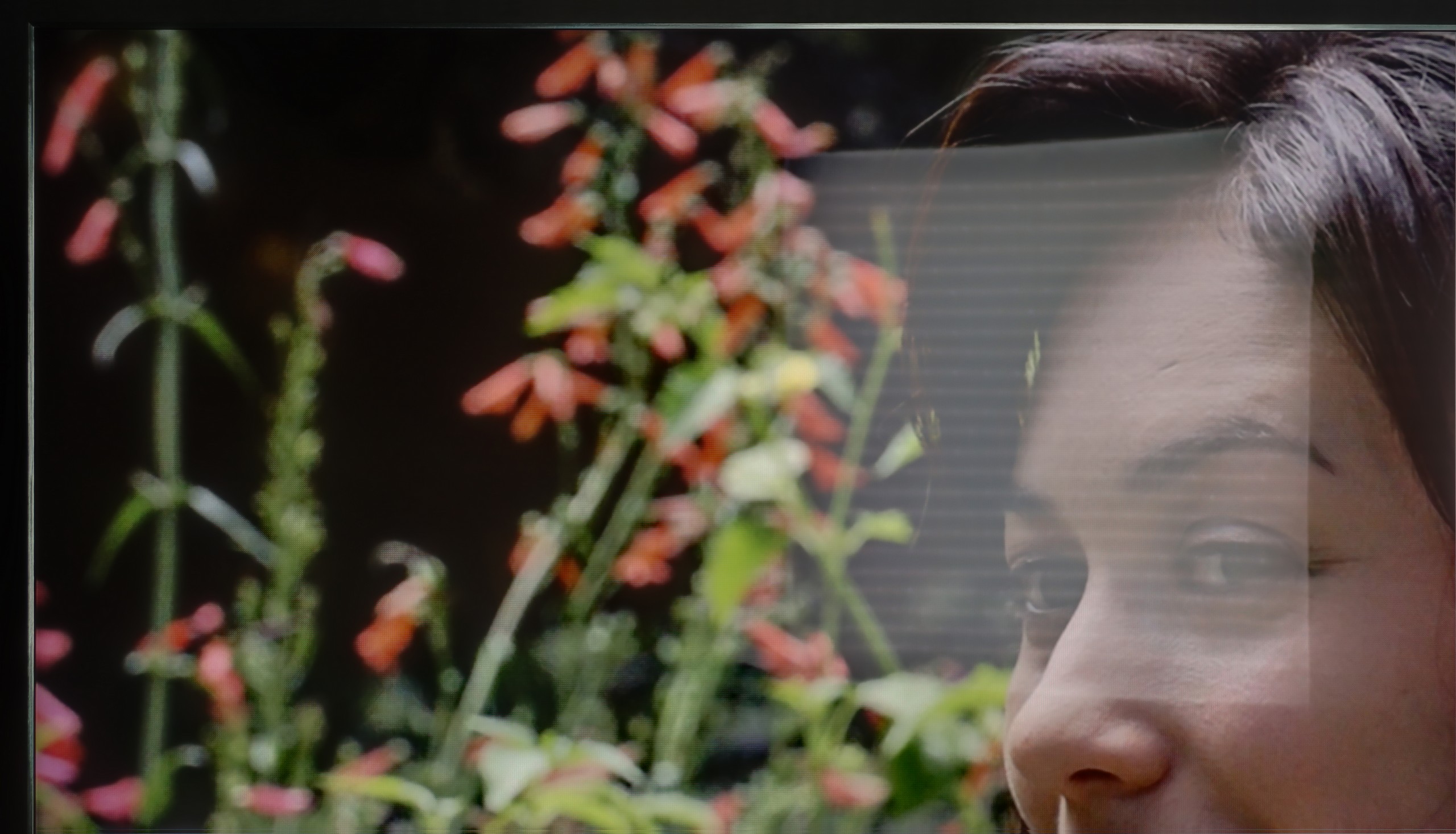
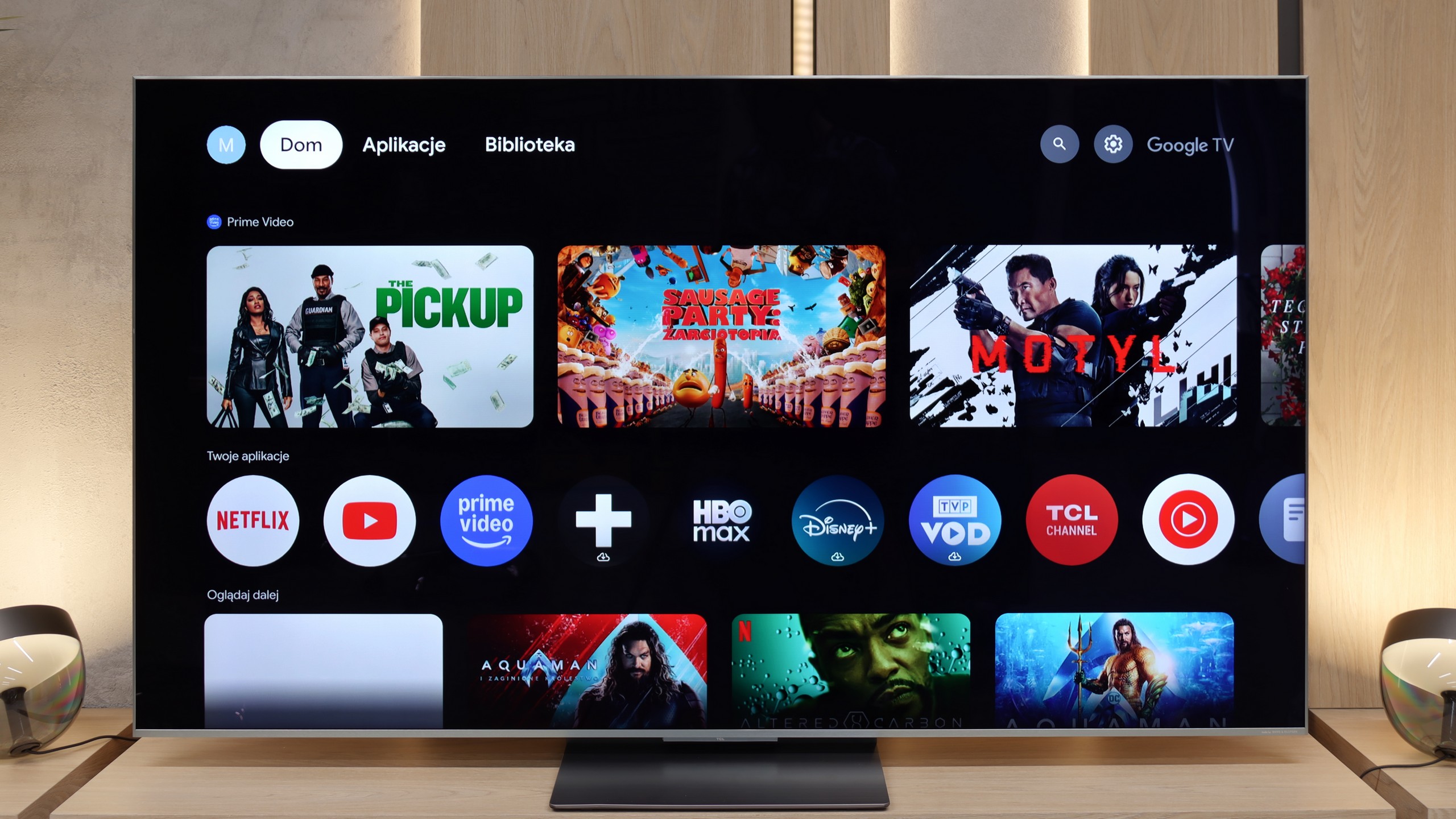
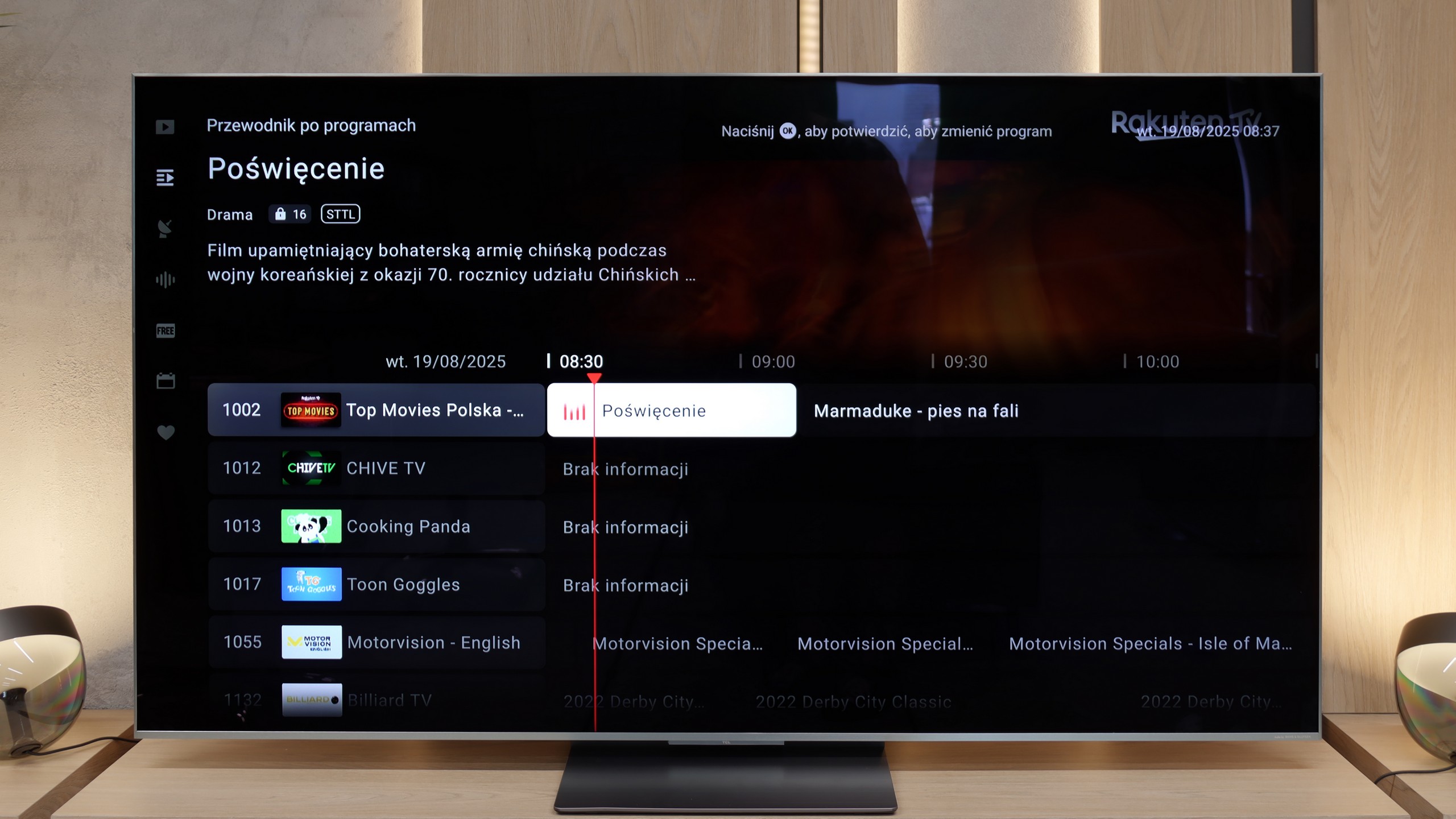
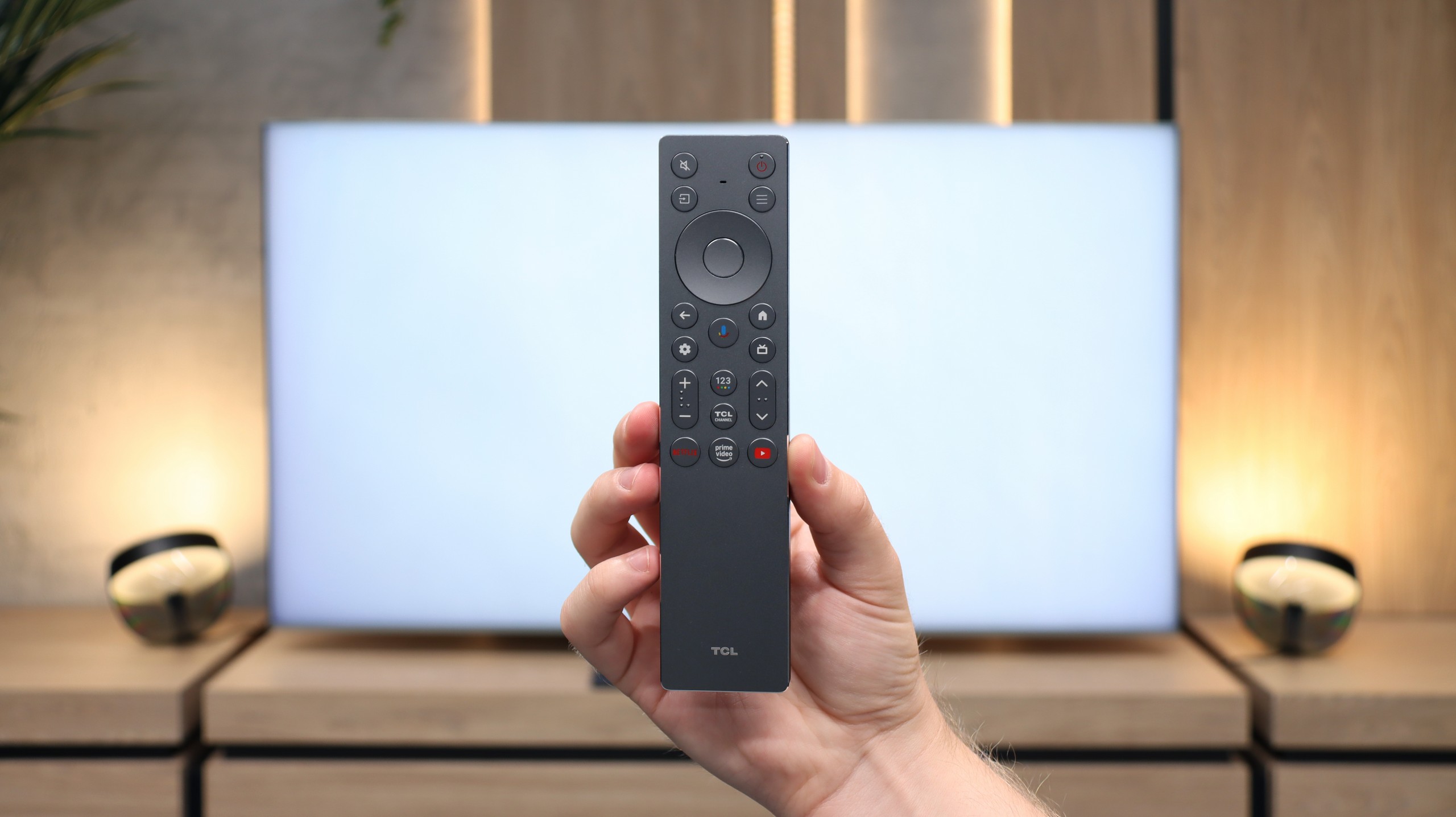
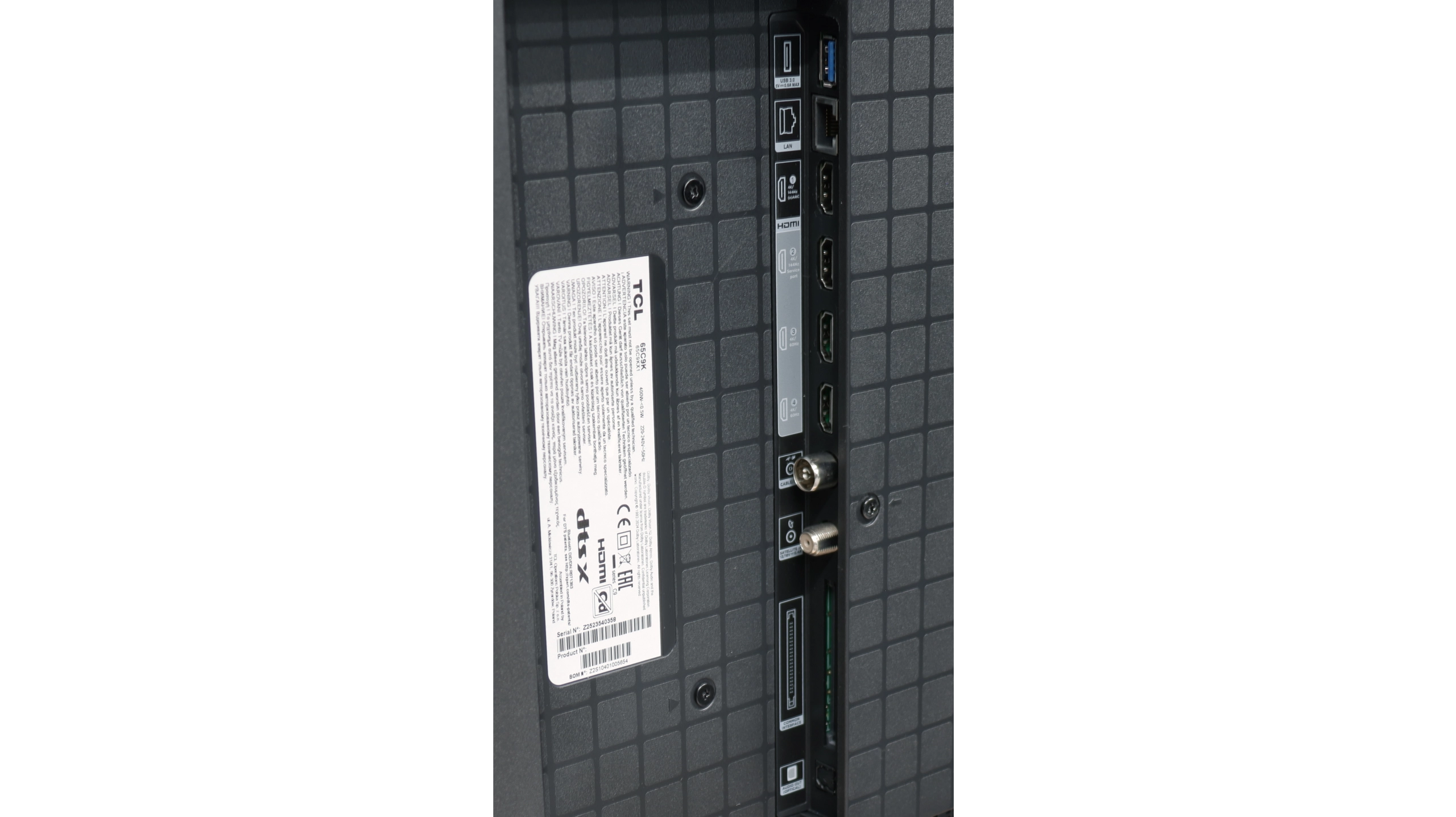
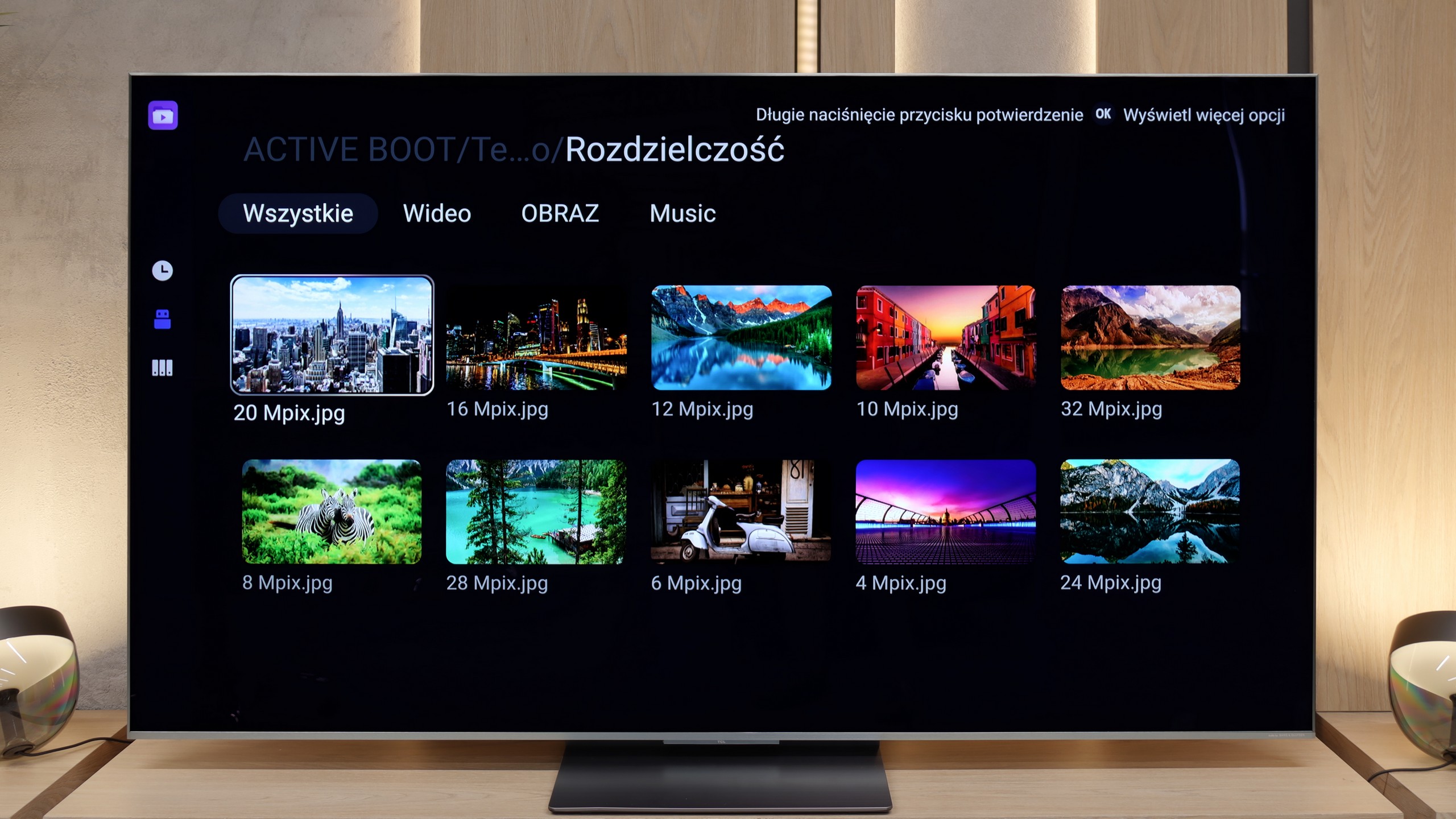
TCL C9K is a television that on paper looks like a showcase of the manufacturer's strength – thousands of Mini-LED zones, a WHVA panel, audio system from Bang & Olufsen, full support for HDR formats, gaming at 144 Hz, and even 288 Hz at lower resolutions. It is clear that TCL wanted to include absolutely everything it had best. And indeed – in many aspects, the C9K is capable of impressing. The brightness is enormous, HDR in large scenes can be stunning, motion fluidity and capabilities for gamers are at a top level, and the sound – considering it is built into the television – sounds really good. This is a device that can easily be regarded as a home entertainment hub. But there is also a downside. Managing brightness simply falters despite the incredible technical specifications – finer details often get lost in shadows or are blown out. And although synthetic tests of contrast and brightness perform excellently, the effect during everyday viewing of films and series is no longer so impressive.
In short: the C9K is a television full of contrasts – literally and metaphorically. It can deliver experiences similar to top screens, but it is still evident that TCL needs to work on software and optimisation. If someone is looking for a screen for gaming, sports, or spectacular blockbusters – they will be delighted. However, if they expect perfect representation of the director's vision and think they have managed to purchase an absolutely top model at half the price of the competition, they will unfortunately be disappointed. It's a shame, because the technological potential here is truly enormous – it just lacked a bit of common sense in its utilisation.
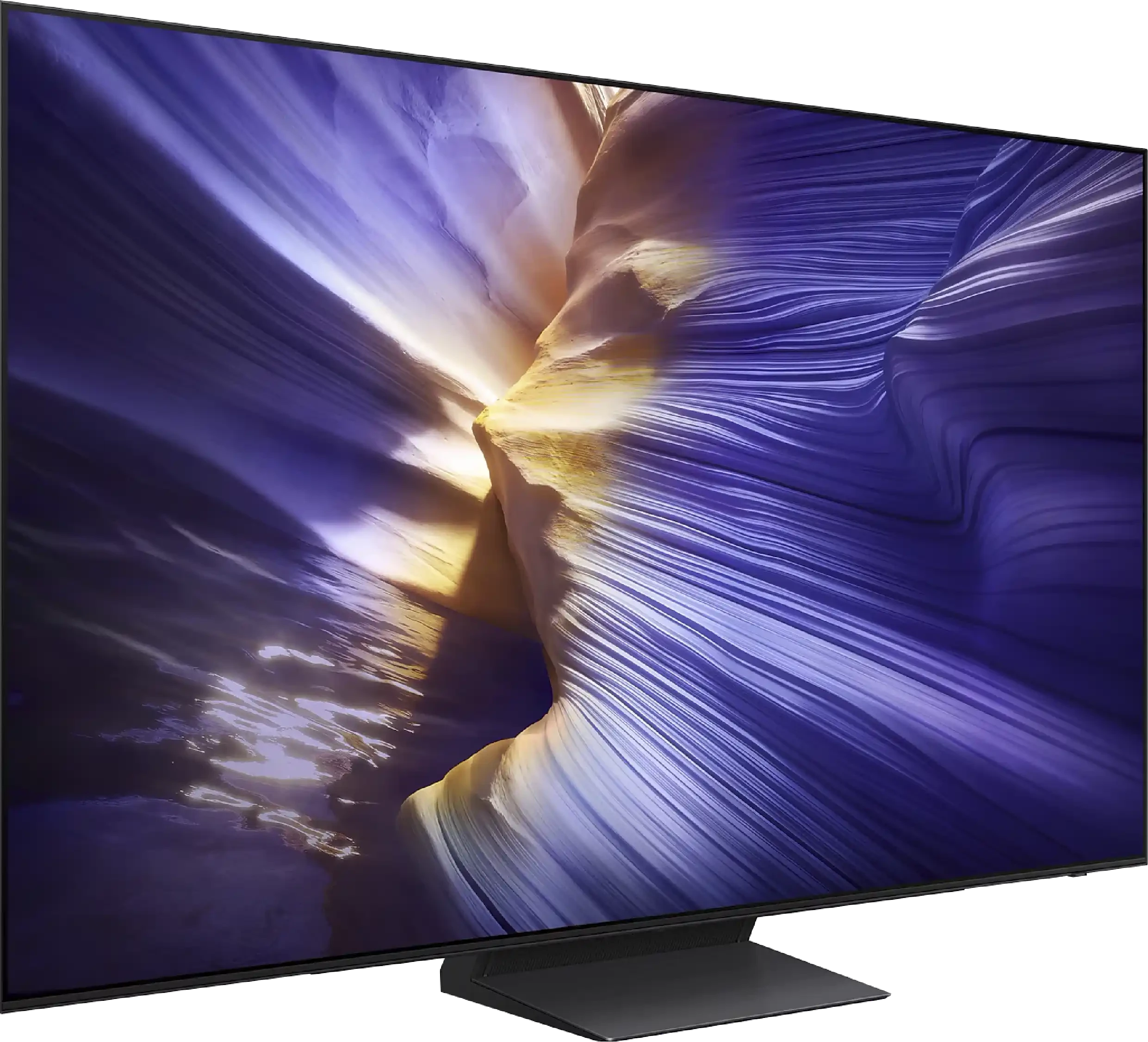
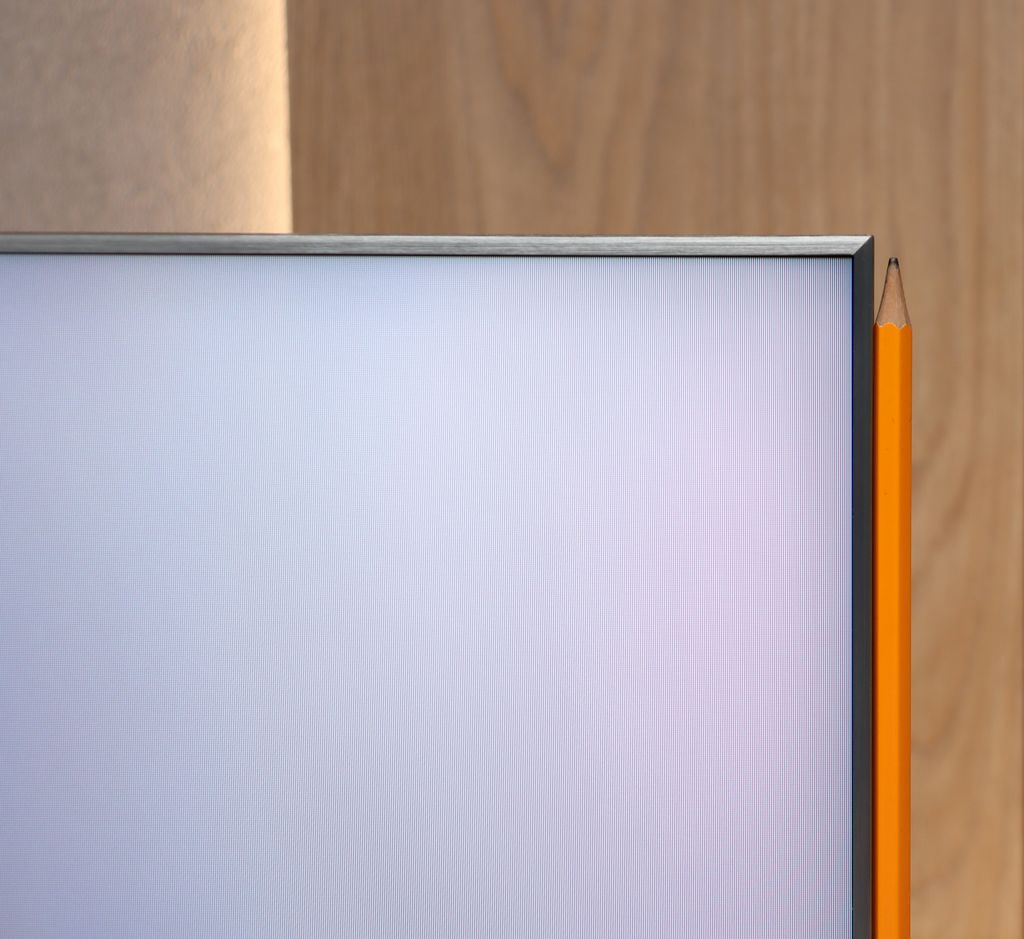
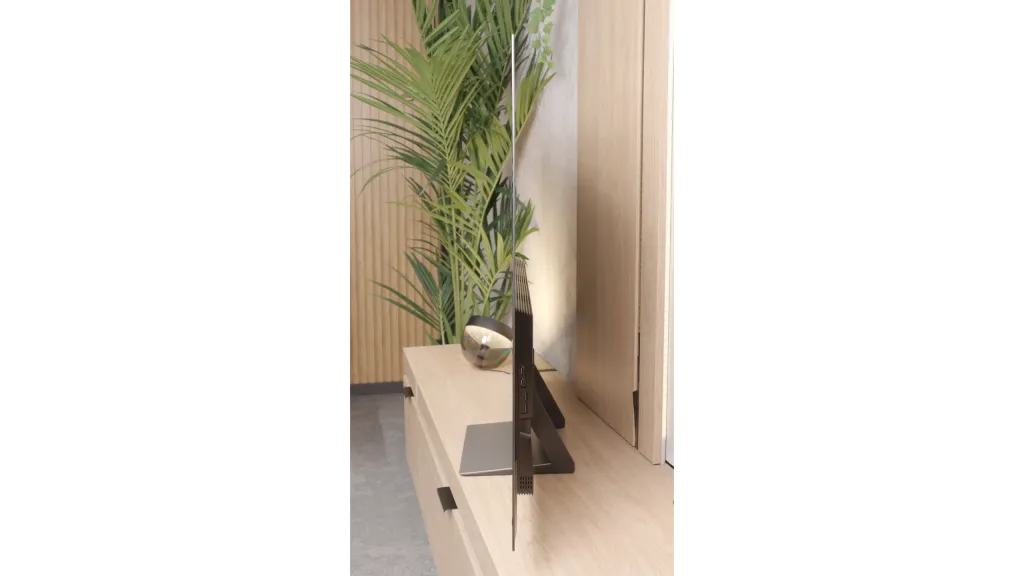
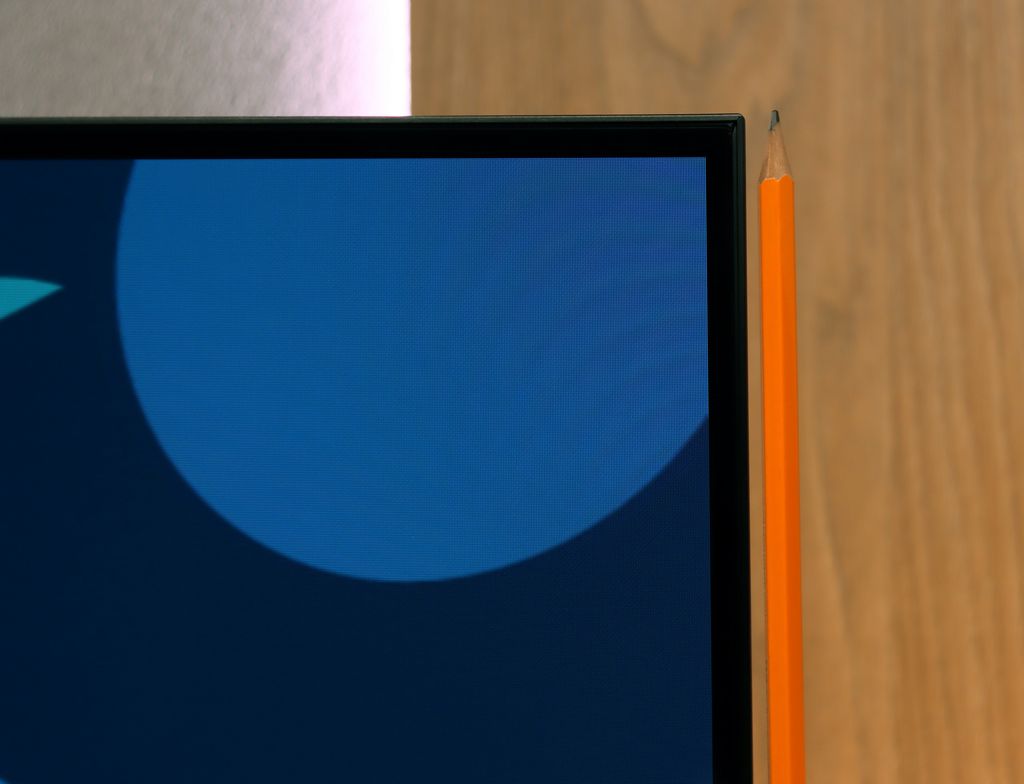
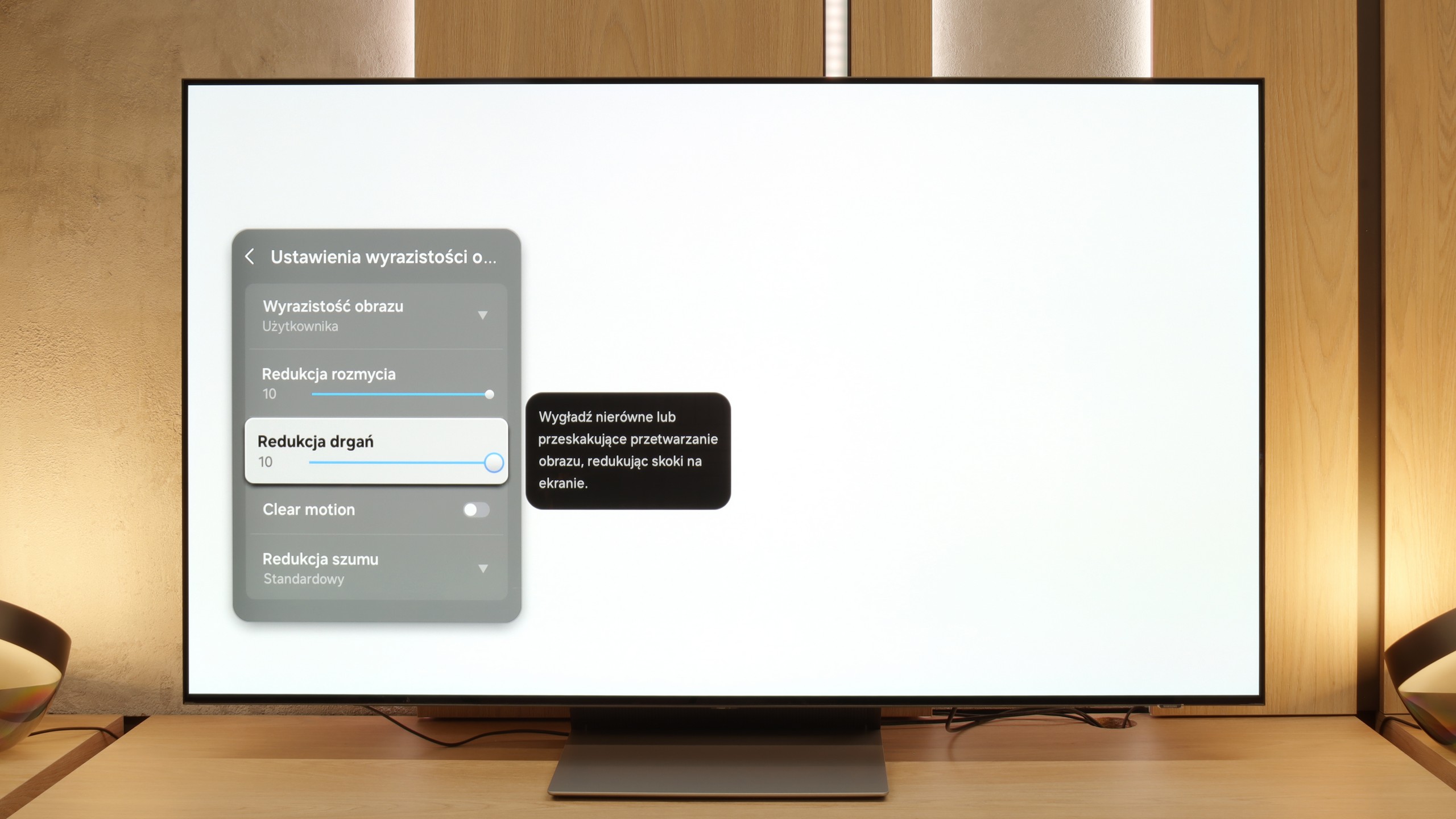
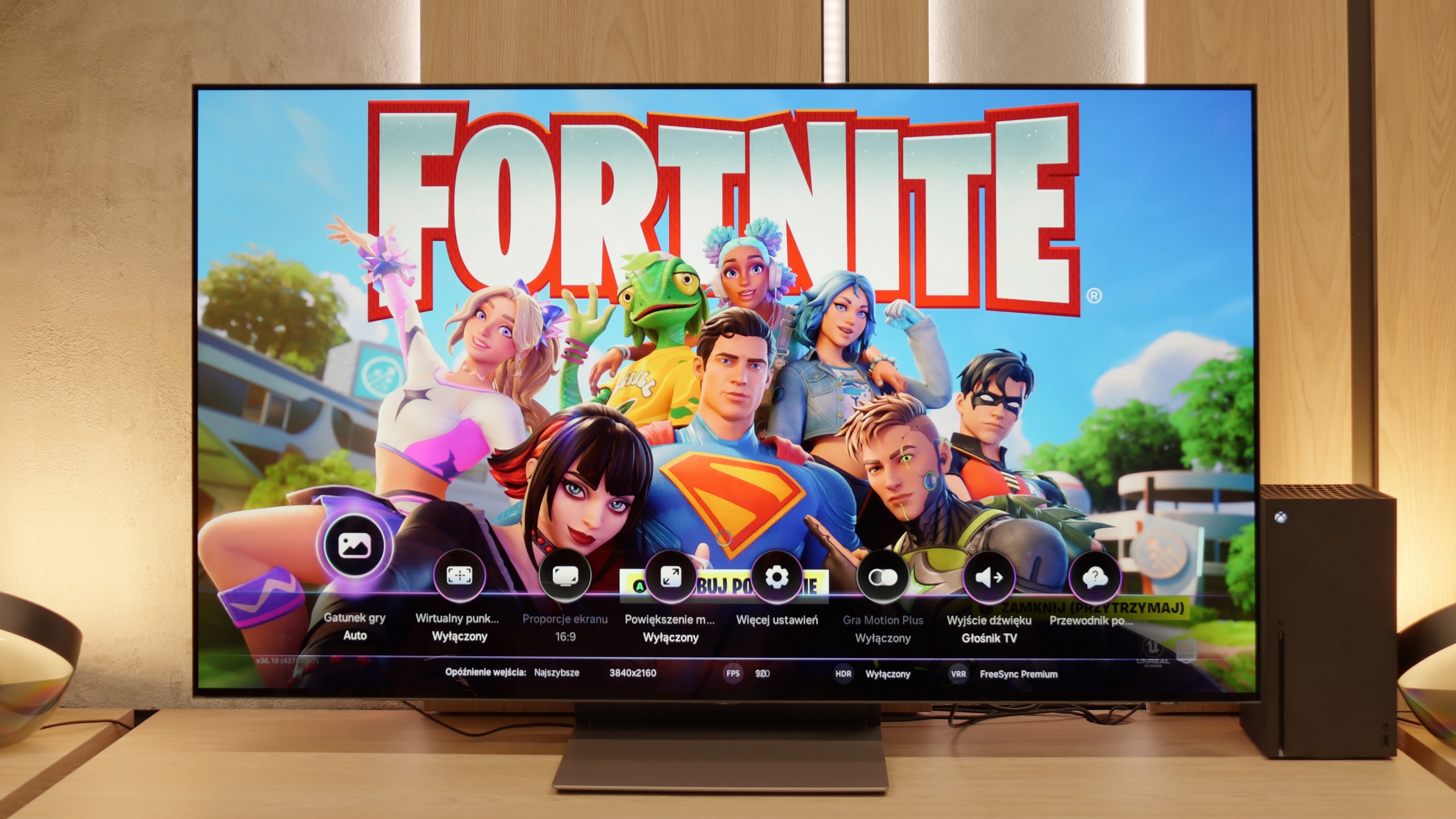
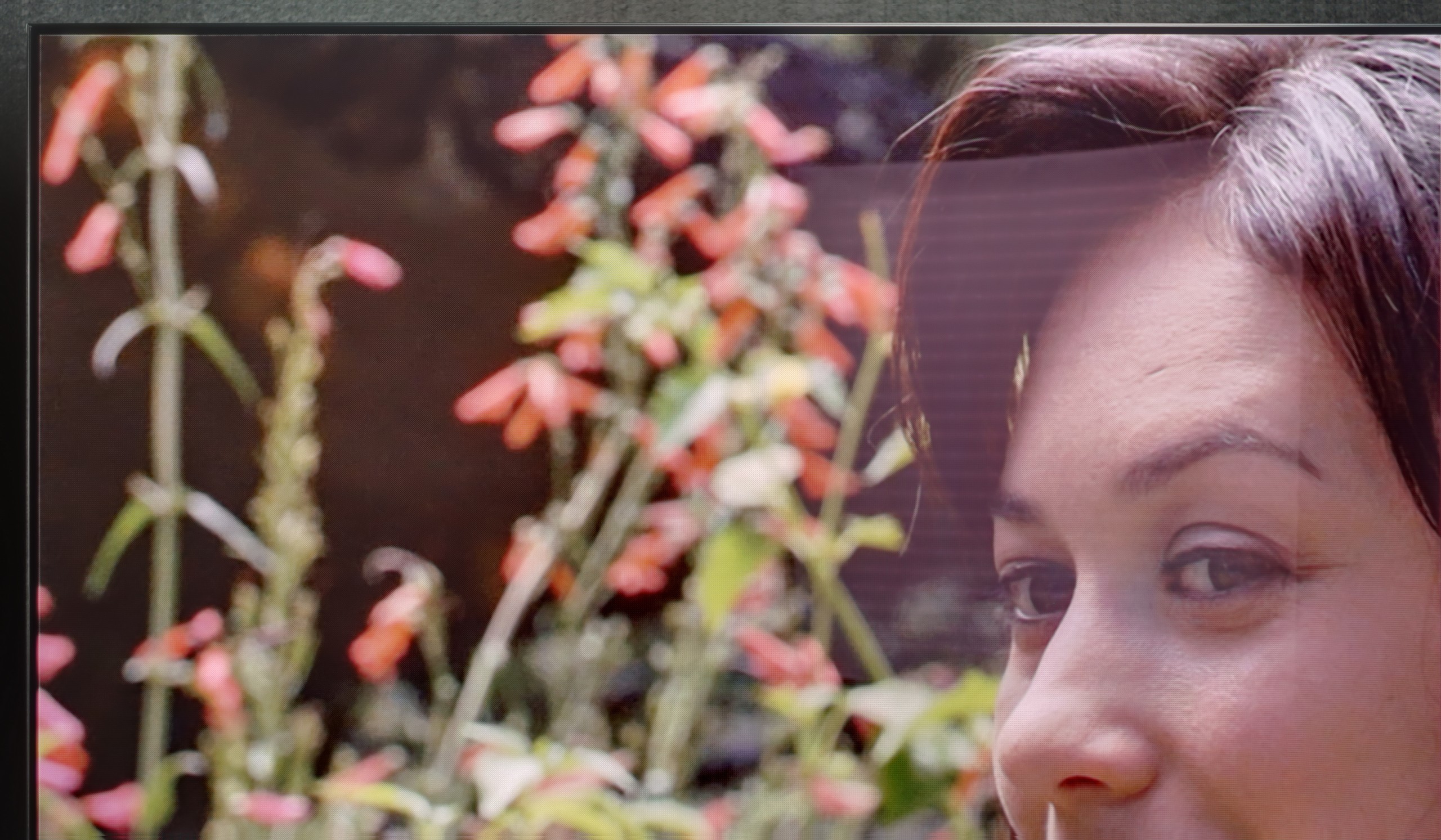
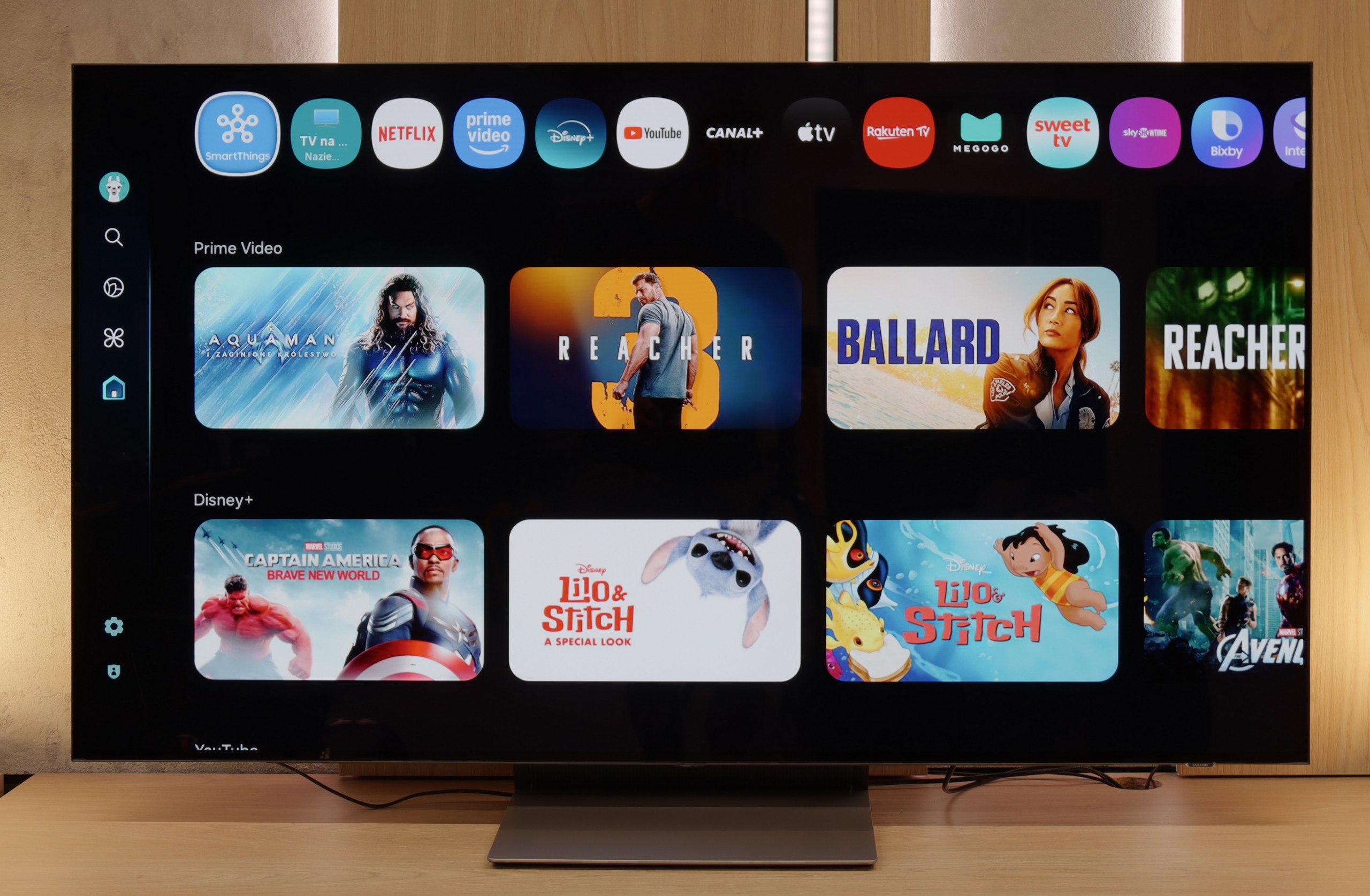
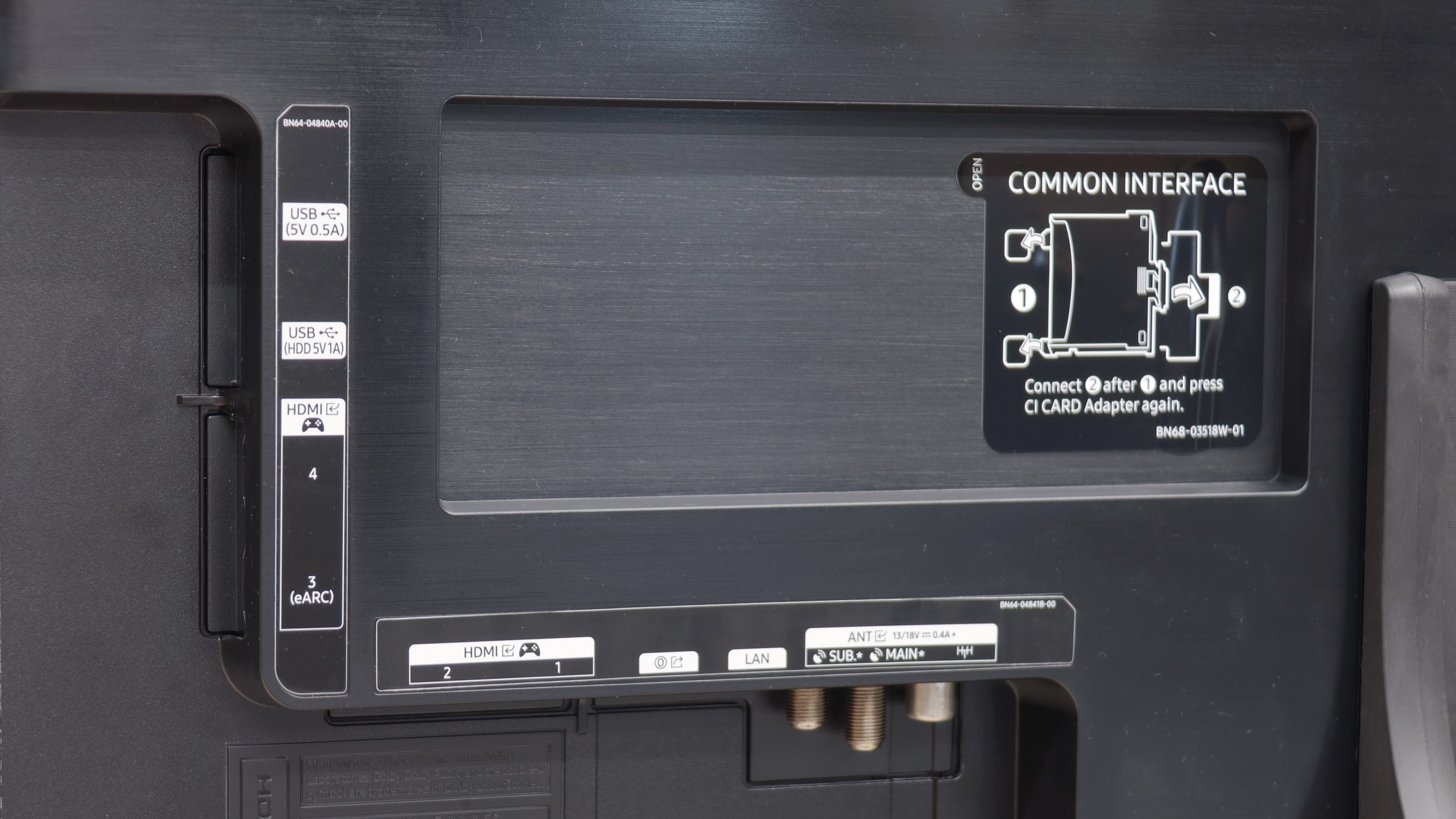
The Samsung S90F in the 65-inch version is a television that demonstrates the significant leap in quality that can be achieved with the use of a QD-OLED panel in a mid-range model. Compared to other variants, the S90F stands out as the best – it offers not only perfect blacks and infinite contrast like other options with a WOLED panel, but also noticeably higher brightness and a wider colour palette. This results in more impressive HDR, deeper colours, and smoother tonal transitions, which are impressive in both cinematic productions and in gaming or sports. In everyday use, it is an incredibly versatile television: it easily fits in as an entertainment hub in the living room, a large monitor for PC gaming, or simply a screen for evening film sessions. The Tizen system operates swiftly here, offering a wide selection of applications and integration with SmartThings, delighting those who like to have their smart home under control. Gamers receive a full suite of modern features: four full HDMI 2.1 ports, VRR, ALLM, a Game Bar with additional enhancements, and, most importantly, a remarkably low input lag. Additionally, there is the characteristic pixel response speed of OLEDs, which makes sports and games look simply outstanding. The S90F also defends itself in terms of design: slim bezels, an aesthetic finish, and a panel that resembles a sheet of glass all contribute to its appeal. The only significant limitation to keep in mind is the behaviour of blacks on QD-OLED panels in very challenging, heavily sunlit conditions. In such situations, it can slightly "light up," resembling a dark cherry colour rather than ideal black. However, in the evening, when most of us sit down for films or series – the problem disappears entirely. And then the S90F showcases its full capabilities, providing an image that can confidently be compared to televisions twice its price. This is precisely why the Samsung S90F in the 65-inch version can be called the most cost-effective OLED of 2025. It is a model that combines outstanding picture quality, versatility, and an affordable price in the mid-premium segment. If you are looking for a television that performs well in films, gaming, sports, and everyday viewing, yet you do not want to spend a fortune on absolute flagships – it is hard to find a better choice today.
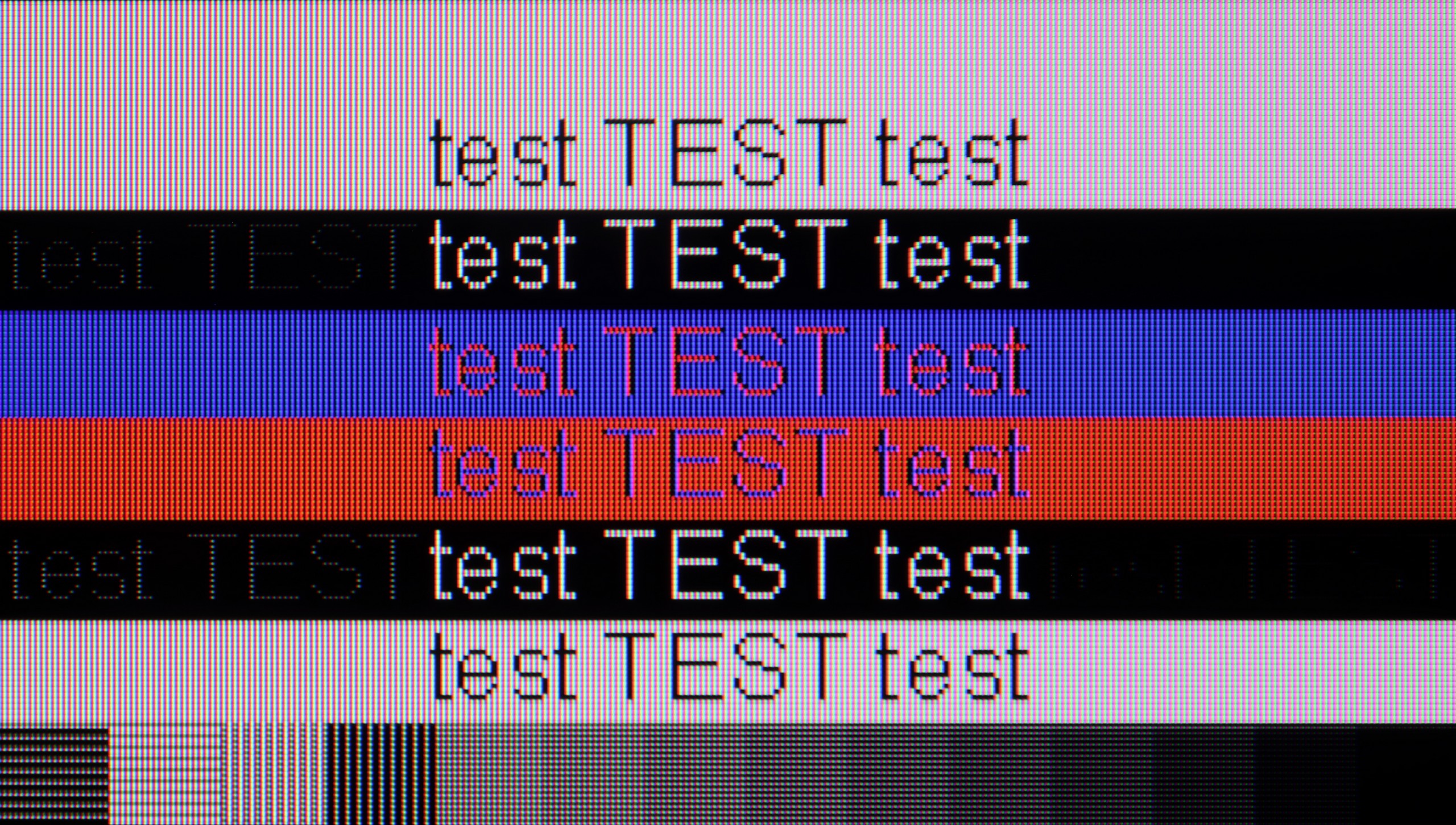
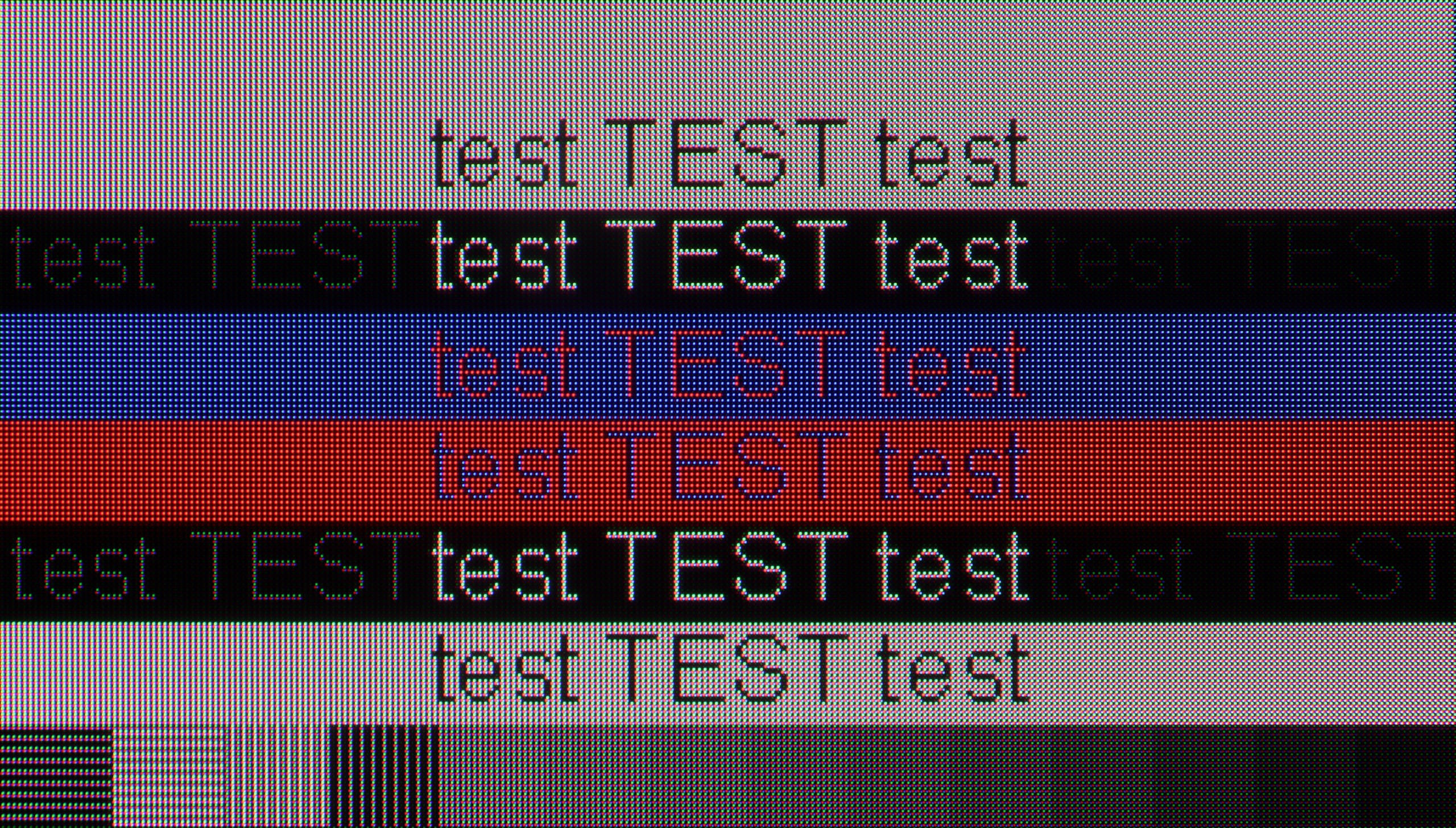
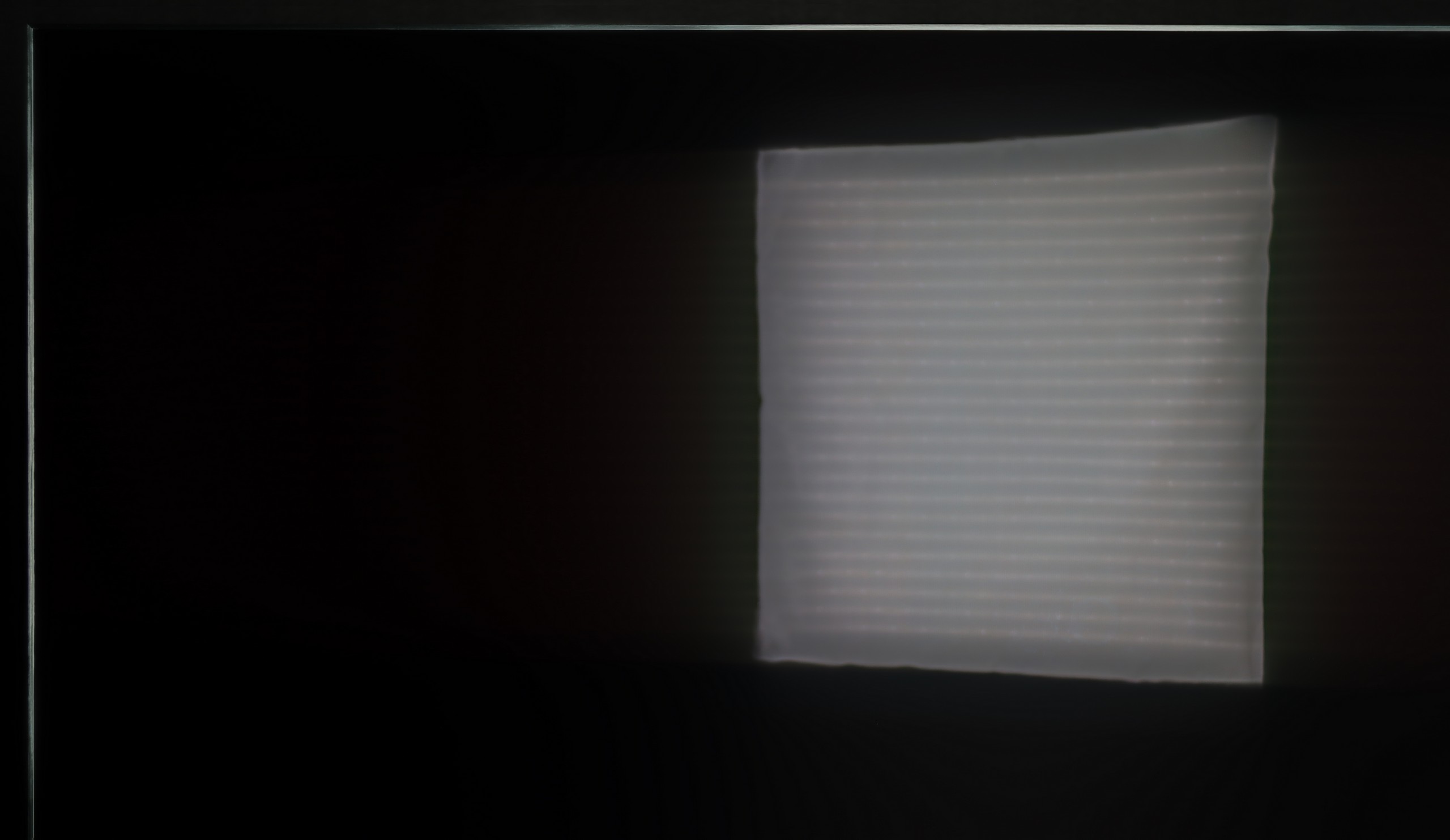
 Direct comparison