Classic TV Features
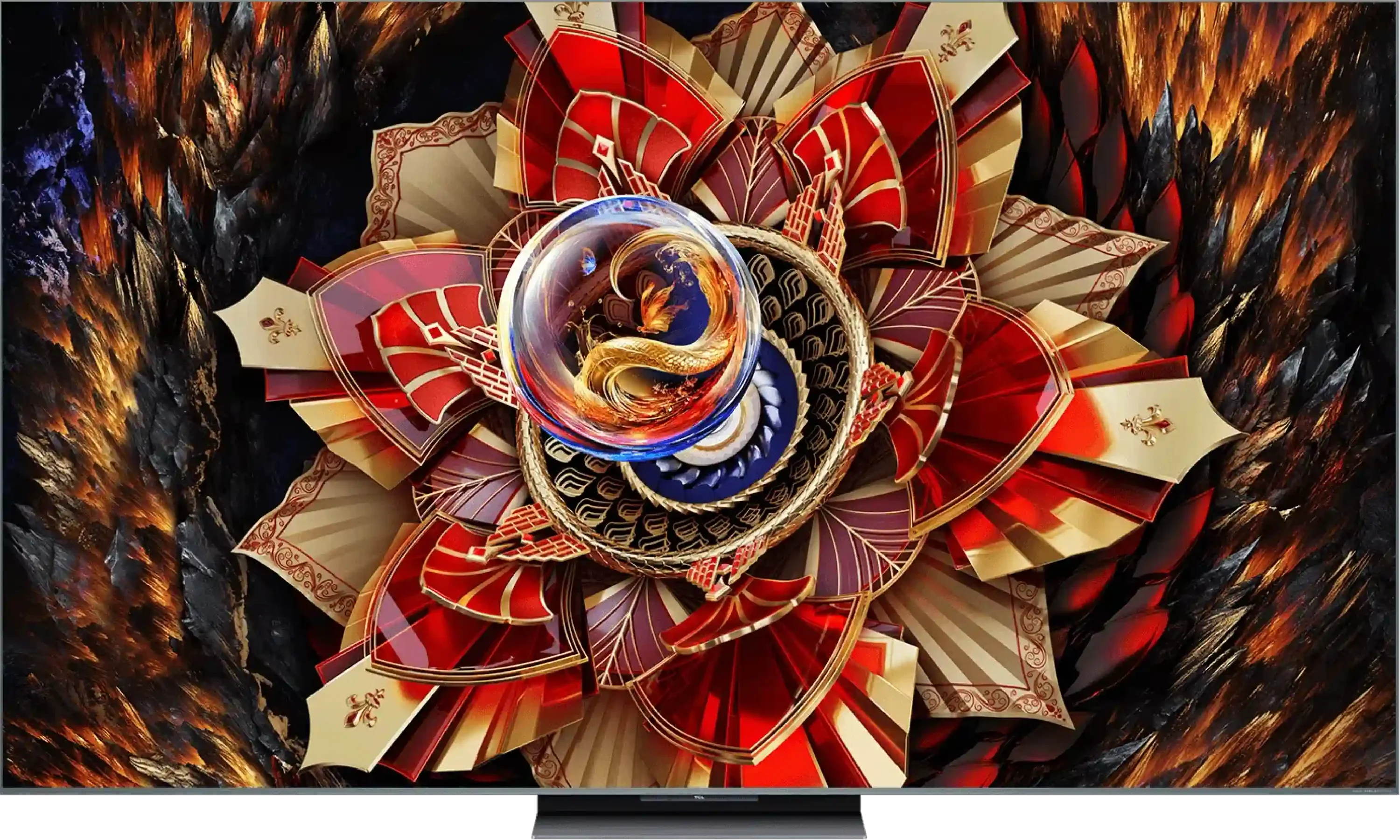
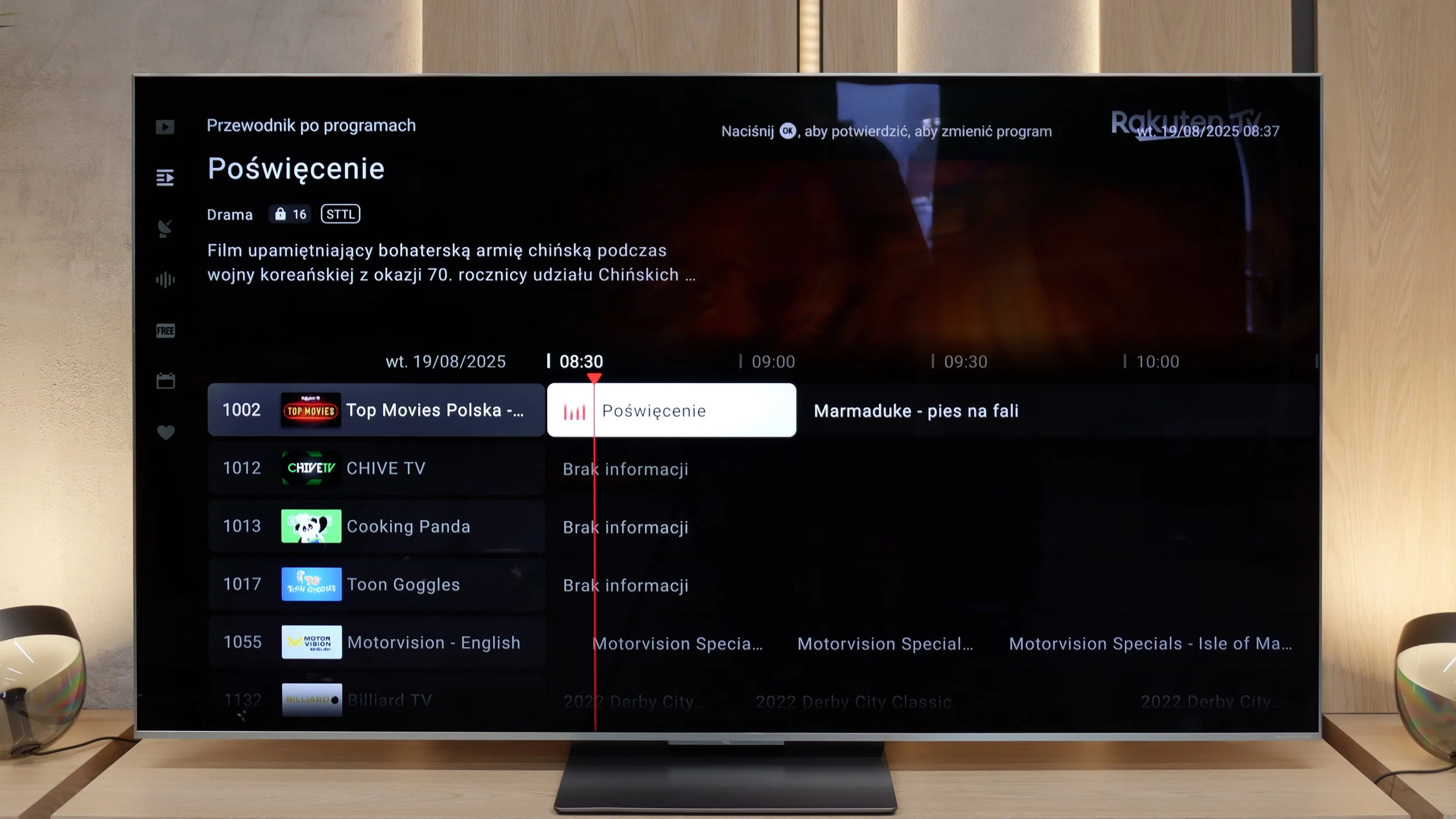
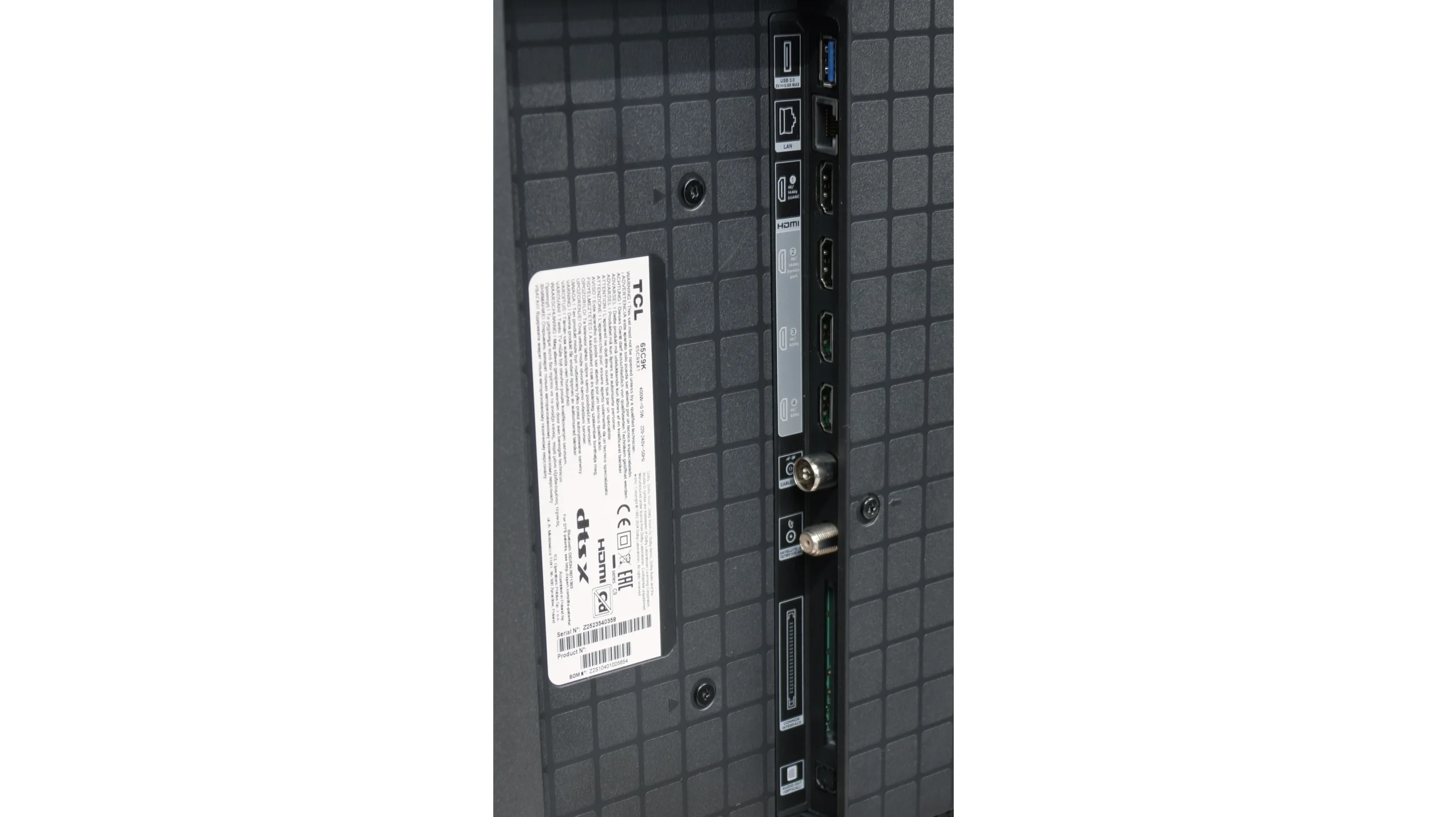
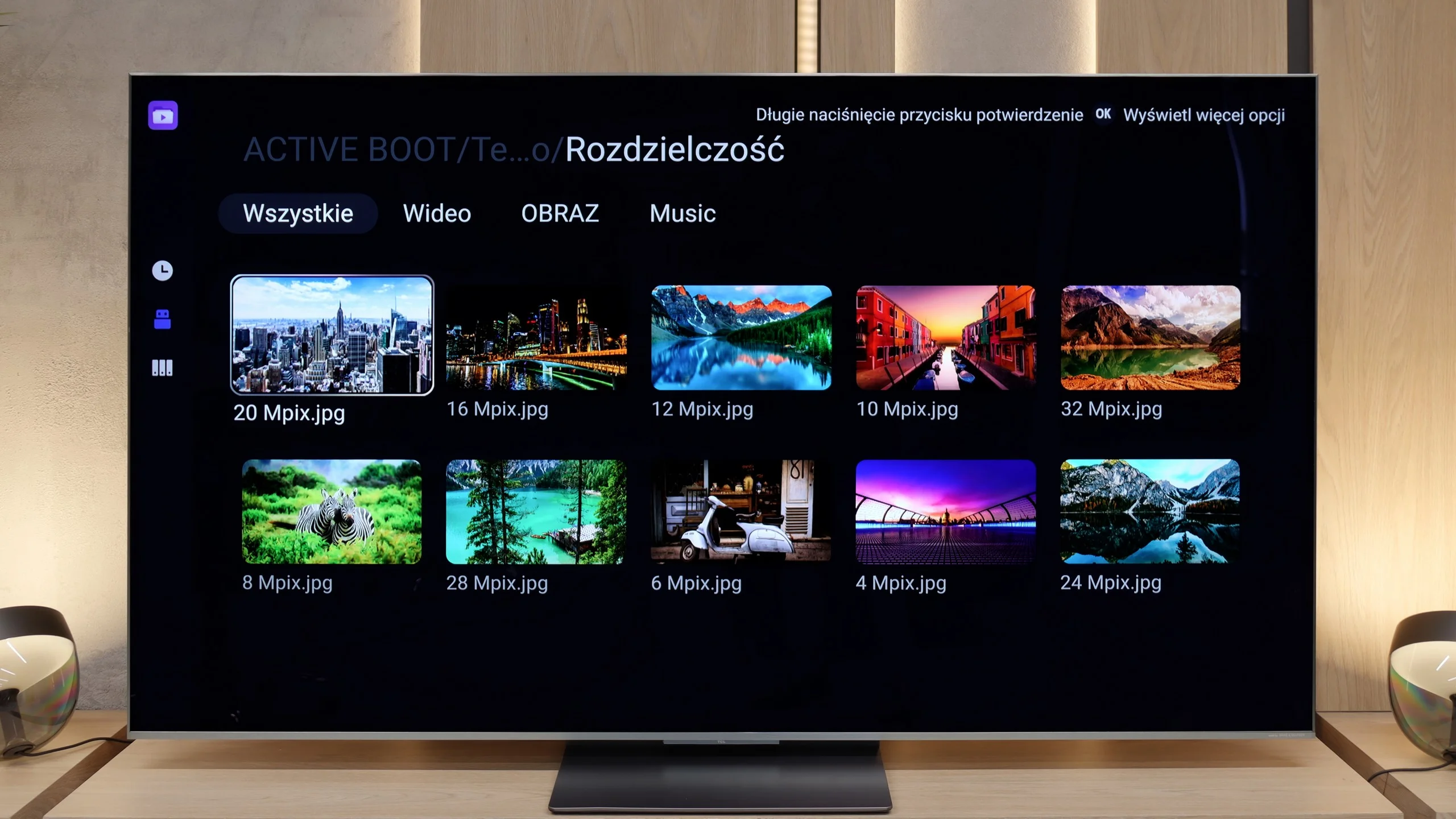
In terms of basic TV functions, the TCL C9K does not disappoint – it has everything that most users expect. The EPG guide operates smoothly, teletext is available, and pairing Bluetooth headphones, a mouse or a keyboard is trouble-free. However, it should be noted that in the Google TV system – as in other TCL models – there is a lack of more advanced options, such as recording programmes or picture-in-picture (PiP) mode. Some might find this insufficient, especially if they have used such features on competitors' devices. It is also worth mentioning that we only have one USB port available – sufficient to connect a drive with films or a USB stick, but if someone plans to use multiple drives, they might find this lacking.
Smart Features
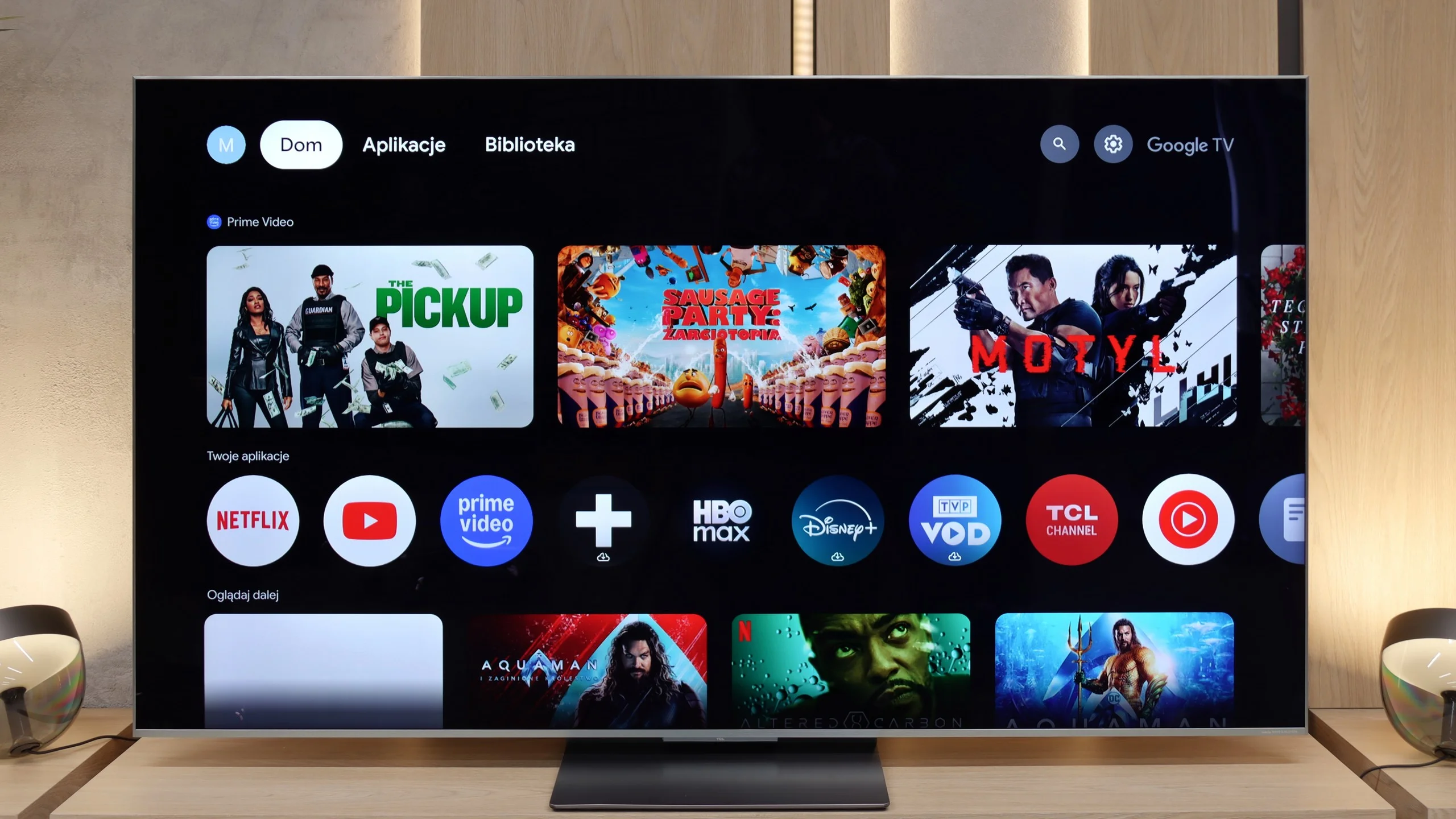
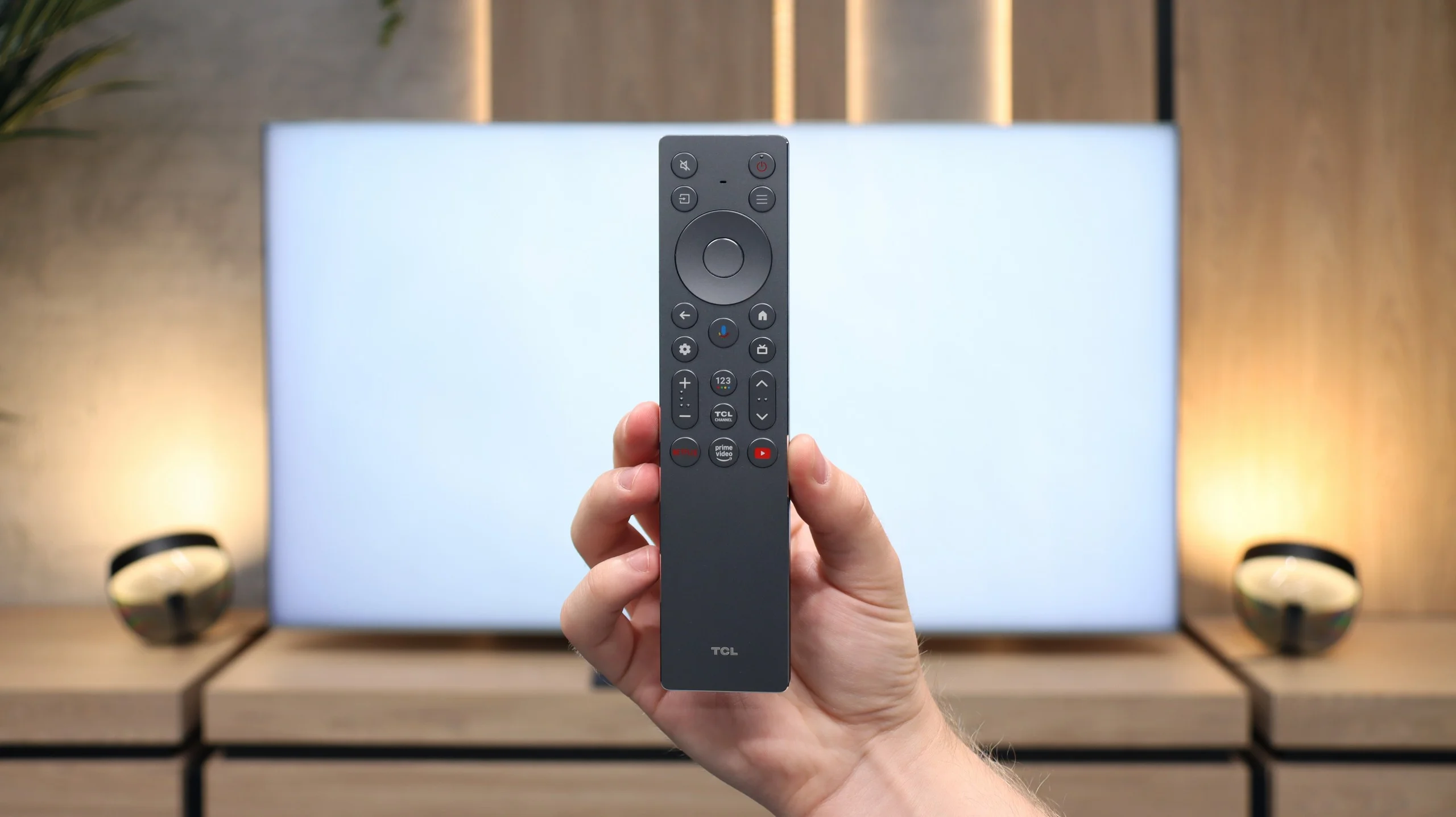
While in terms of classic solutions the TCL C9K does not stand out, it showcases its full potential in the realm of smart features. The Google TV system is currently the most popular platform, and it is easy to see why – the app library is huge. Netflix, YouTube, Disney+, HBO Max, Amazon Prime Video – all are readily available. Only those who are very attached to more closed ecosystems, such as Apple Music, will feel the absence. A significant advantage is the built-in voice assistant – it works quickly, understands natural commands, and allows convenient control of the television: from changing channels to opening applications, searching for content, or checking the weather. This is precisely where the TCL C9K demonstrates that a smart TV is more than just an "internet-enabled television" – it is a tool that genuinely enhances everyday use of the equipment.
Smart TV: webOS
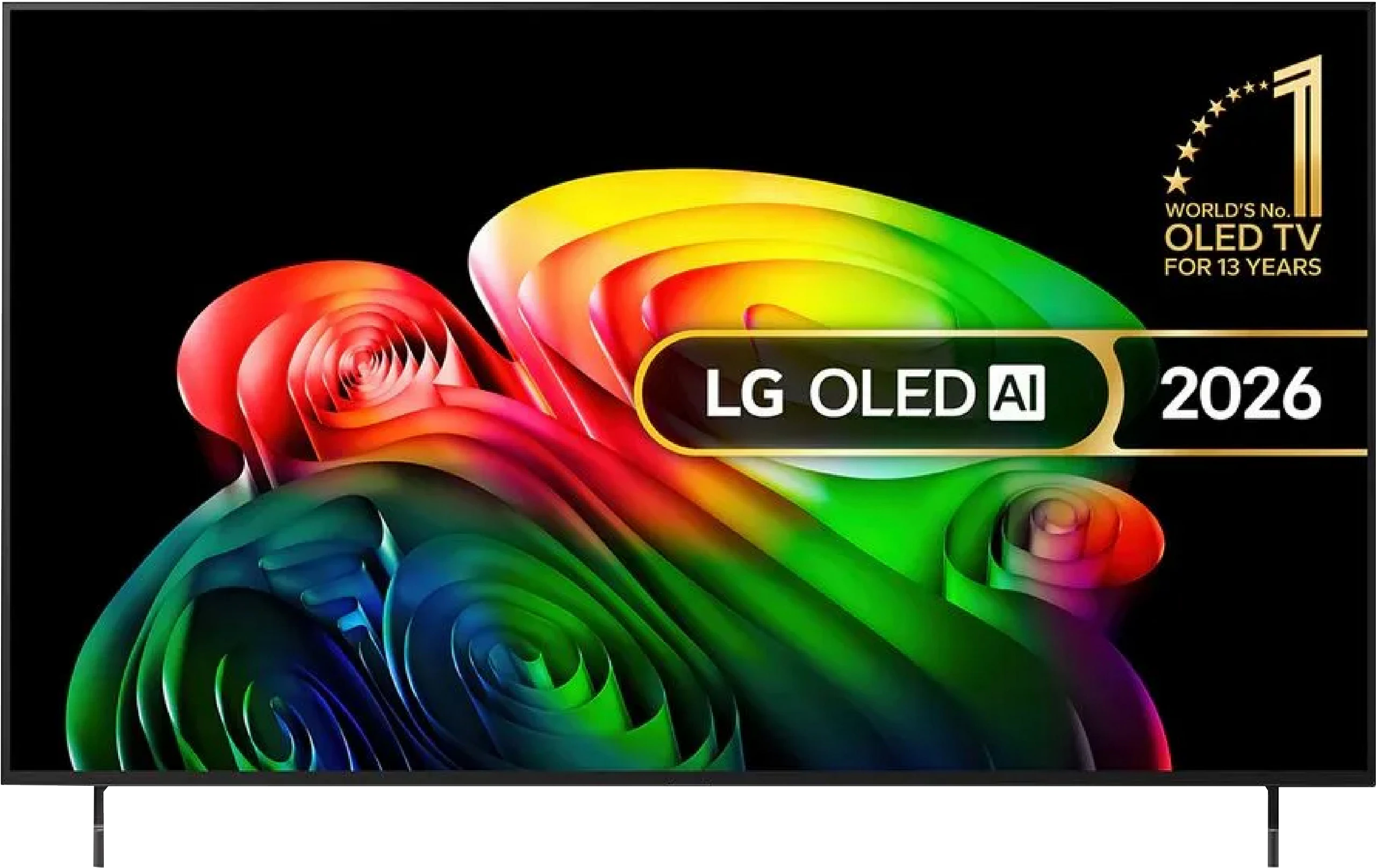
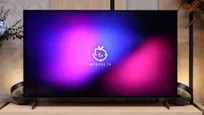
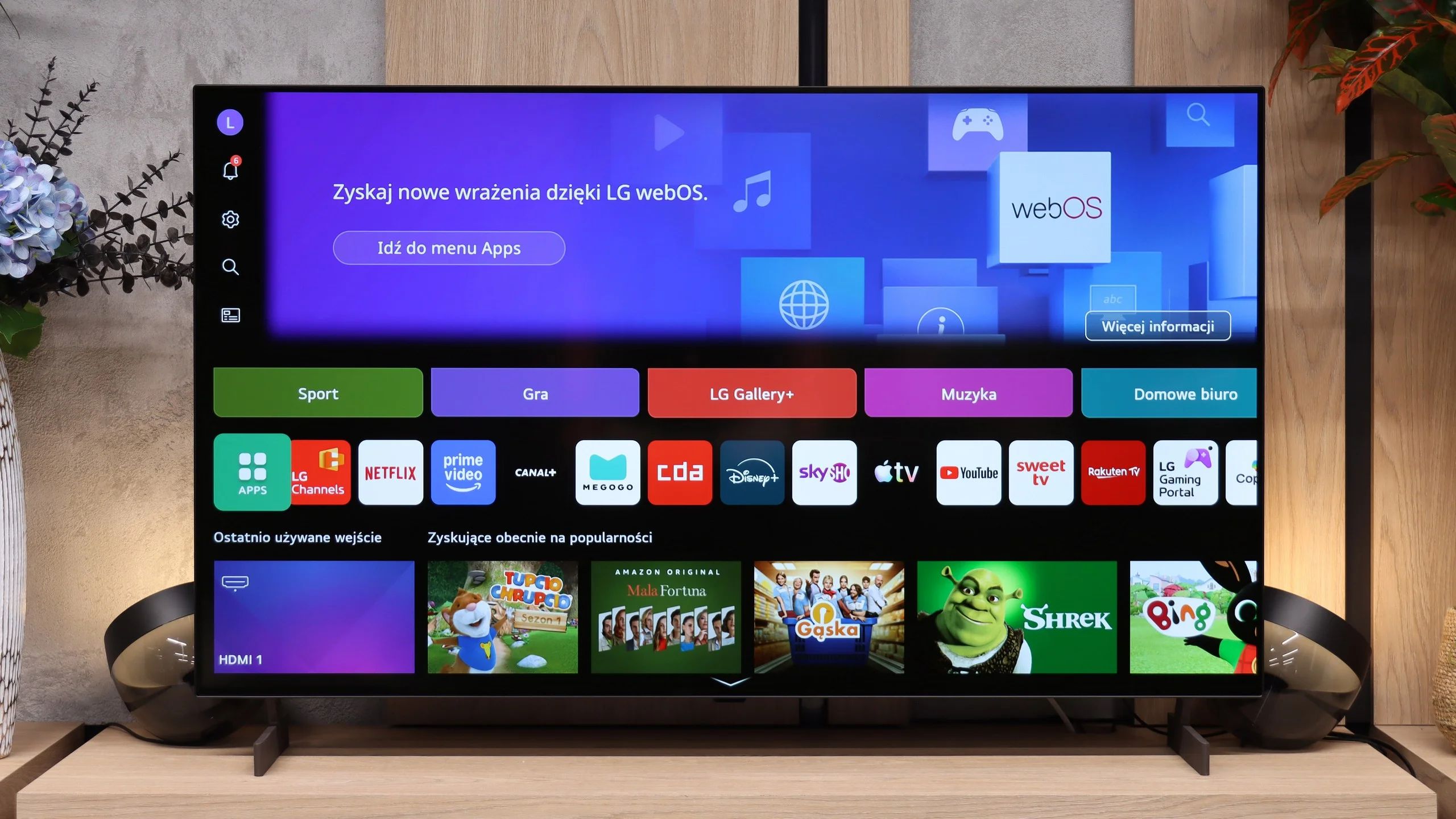
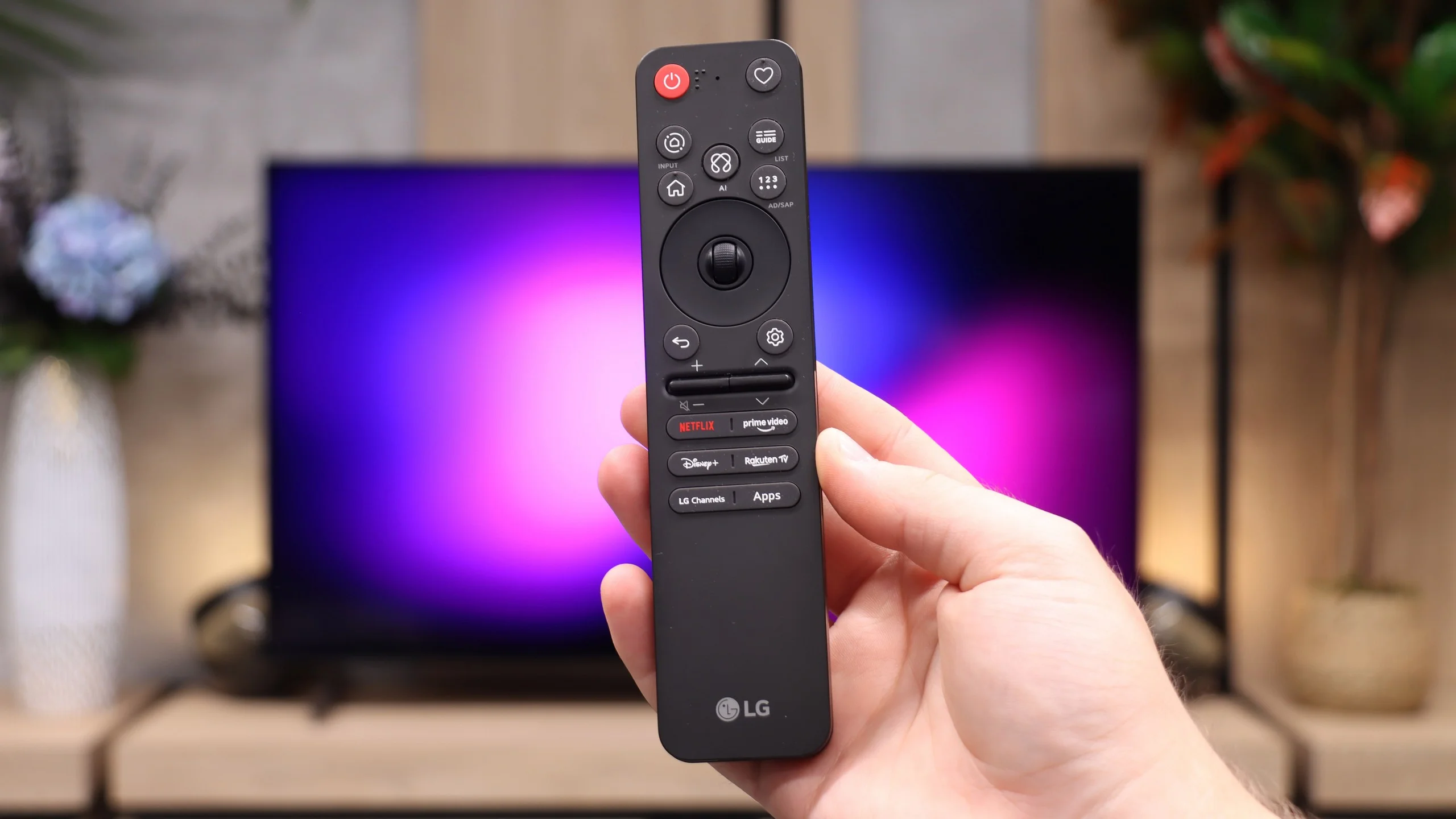
LG B6 uses webOS, LG’s proprietary platform. Its biggest advantage remains the way you control it. The supplied Magic Remote works much like a mouse; simply move your wrist to shift the cursor across the screen and point at the items you want. At first it may feel unusual, but it quickly proves very convenient, especially when typing text, selecting apps or navigating a complex menu. The remote itself is fairly minimalist and does not offer many traditional buttons, but cursor control largely makes up for that. On the other hand, if you do not want to wave your hand to enter letters, you can always speak the desired phrase into the remote and the AI voice assistant will suggest appropriate recommendations.
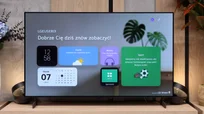
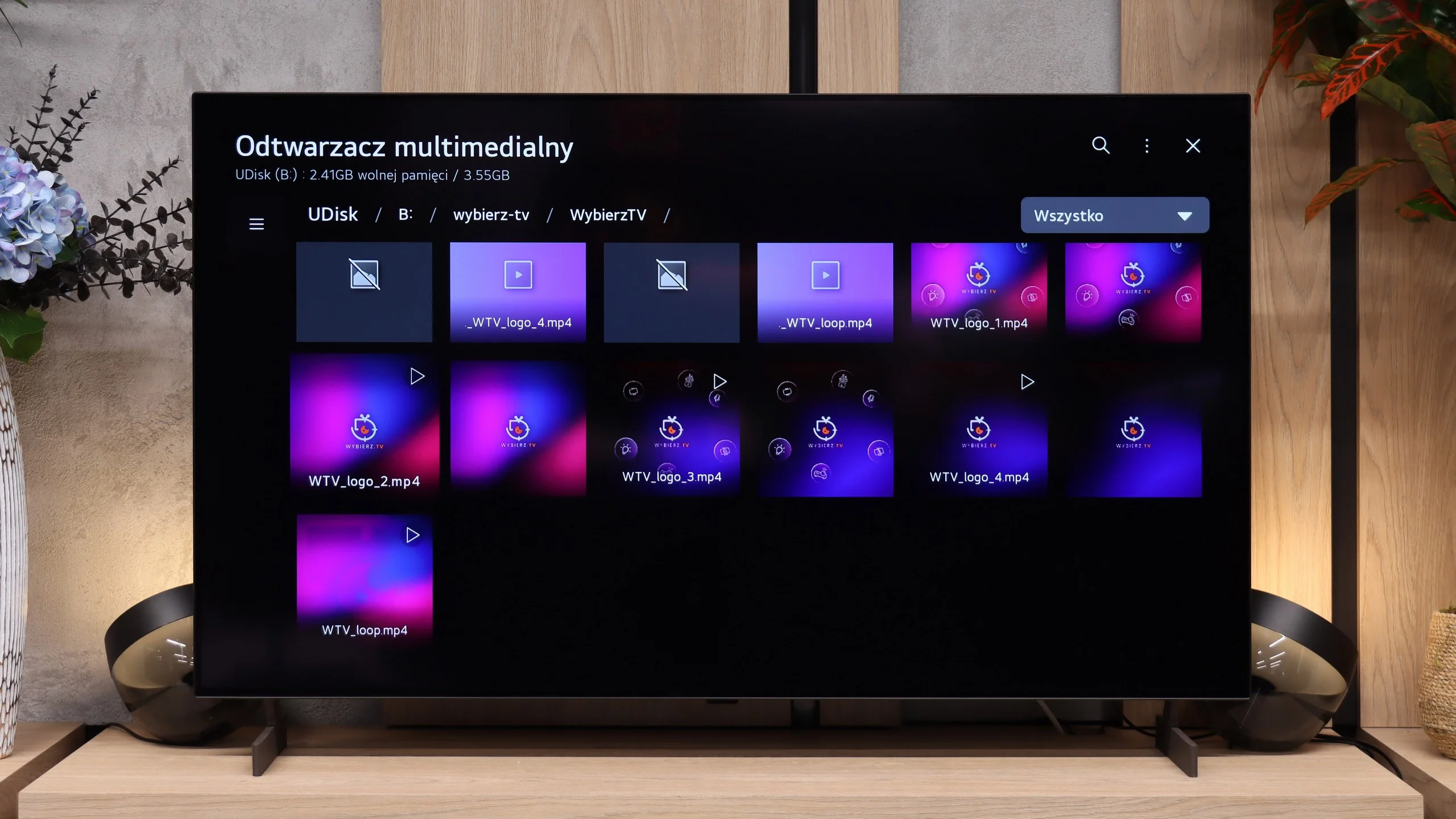
In terms of available apps it is hard to fault webOS. You will find virtually all the major streaming services here, as well as additional features such as AirPlay, screen mirroring and Chromecast. The TV therefore works well with both iPhones and Android devices. It is a shame, however, that the system does not run on the B6 as smoothly as on higher-end models. At times it can respond with a slight delay, and the home screen is heavily cluttered with recommendations, tiles and ads. That does not make webOS unusable, but it could certainly be more organised.
Classic features
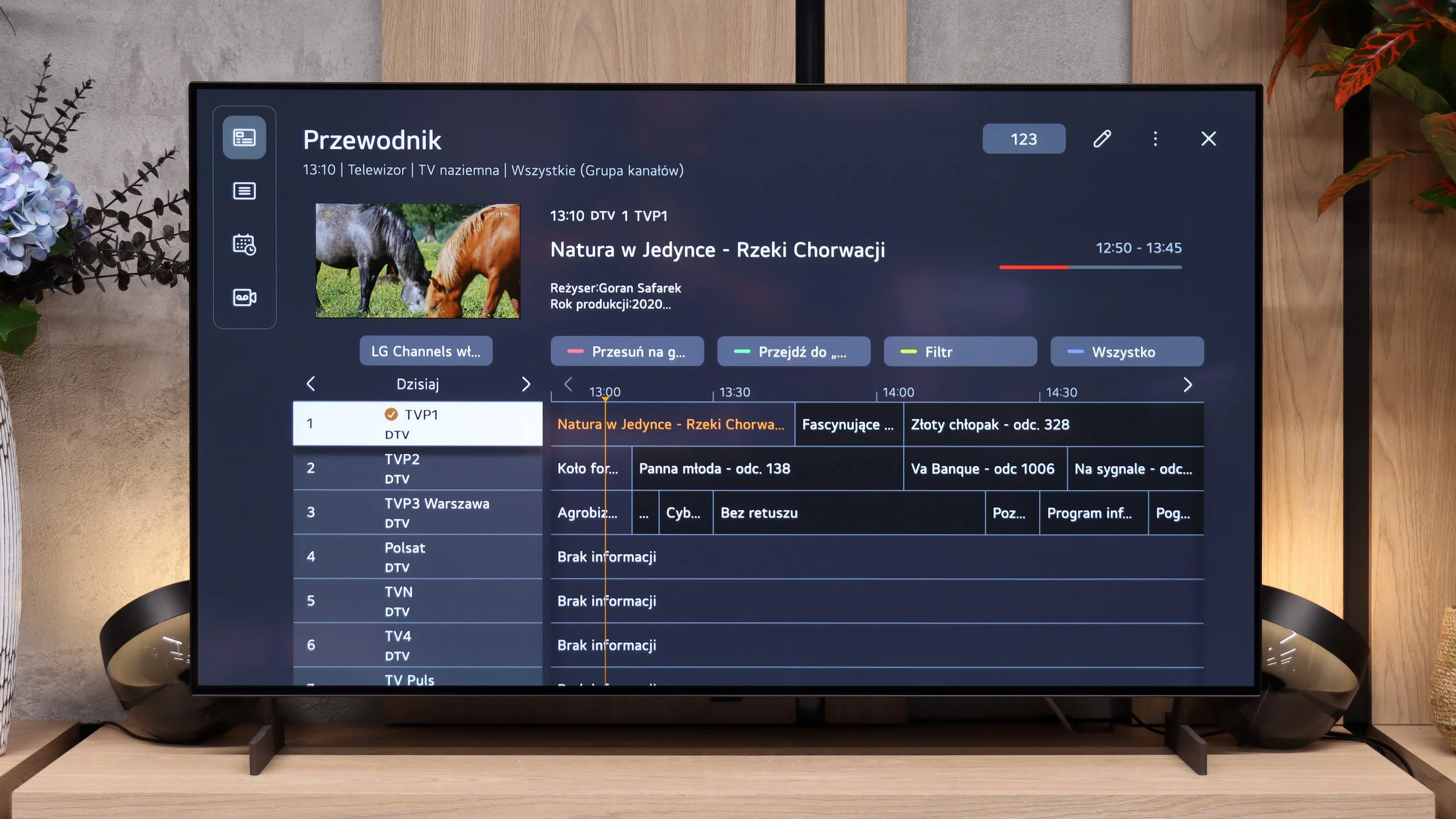
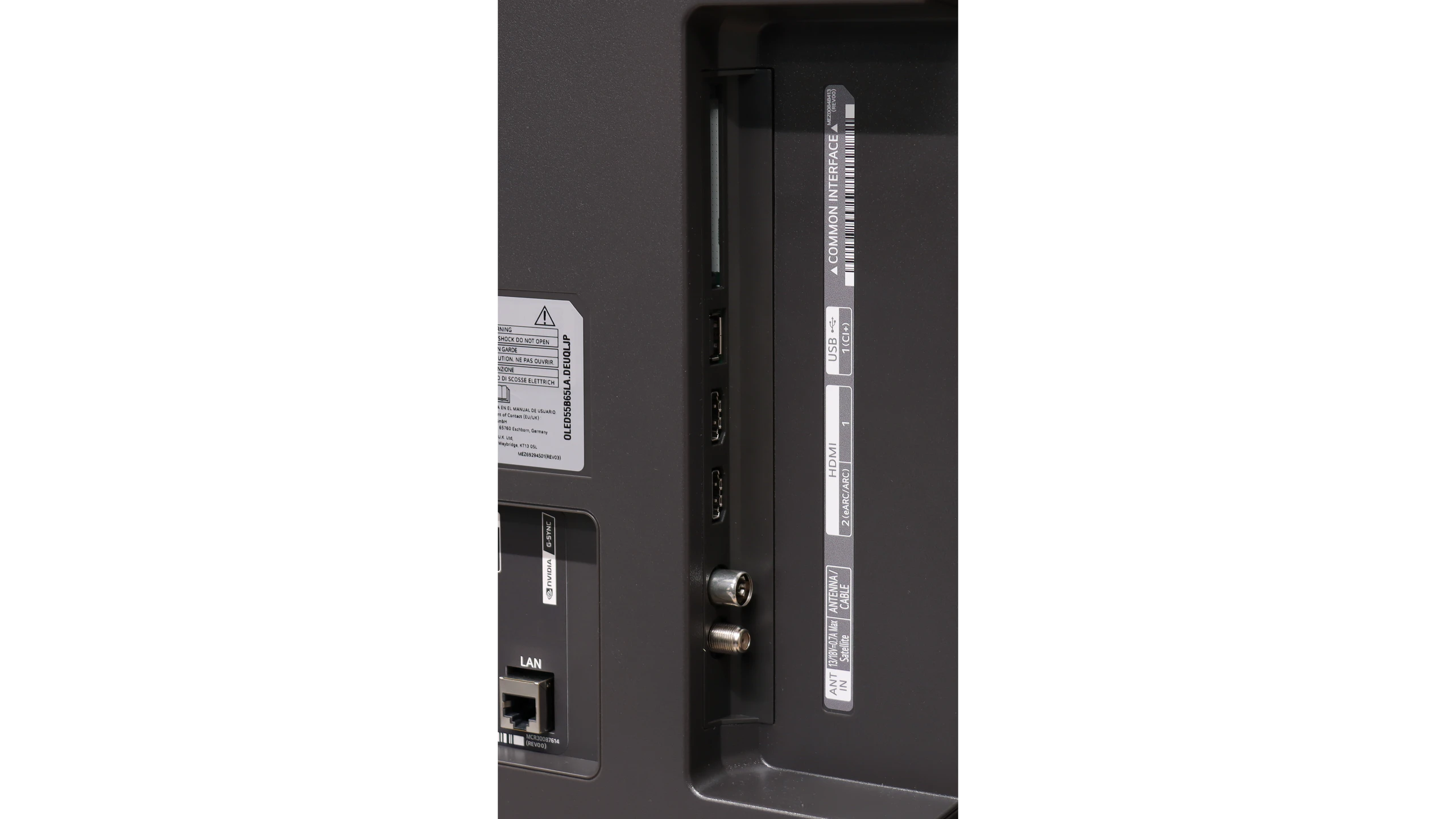
By contrast, the traditional TV features perform very well, features many manufacturers seem to be gradually forgetting. The LG B6 allows, among other things, recording programmes to a connected drive or USB storage. The PVR function also works with a scheduler, so a recording can be planned in advance from the TV guide. This comes in handy when you want to save an episode, a match or another event broadcast during your absence. There is also a clear channel guide and efficient handling of terrestrial, cable and satellite TV. For people who still regularly use traditional television, the B6 is therefore a relatively complete device, provided the lack of teletext does not bother you.
 Direct comparison