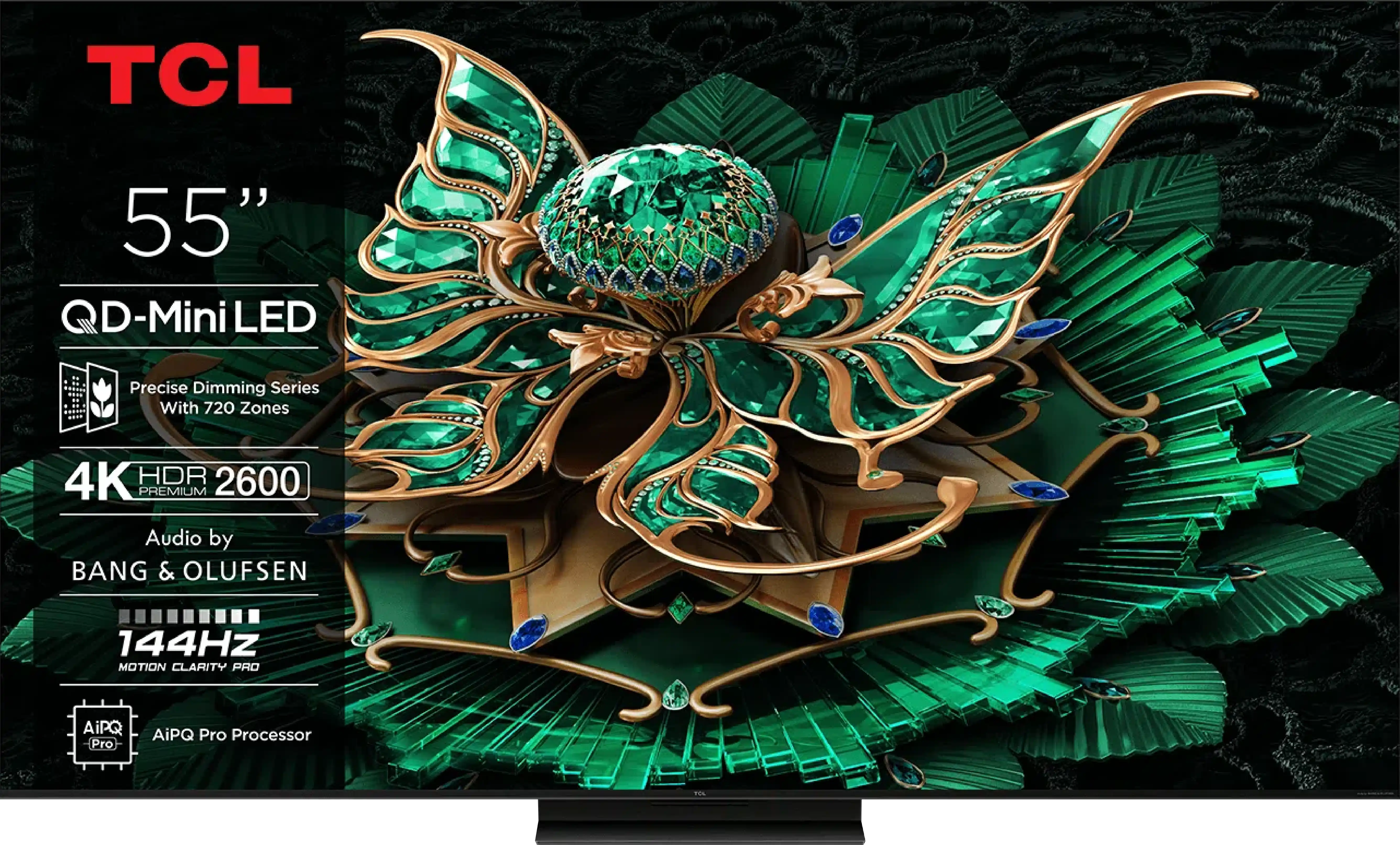
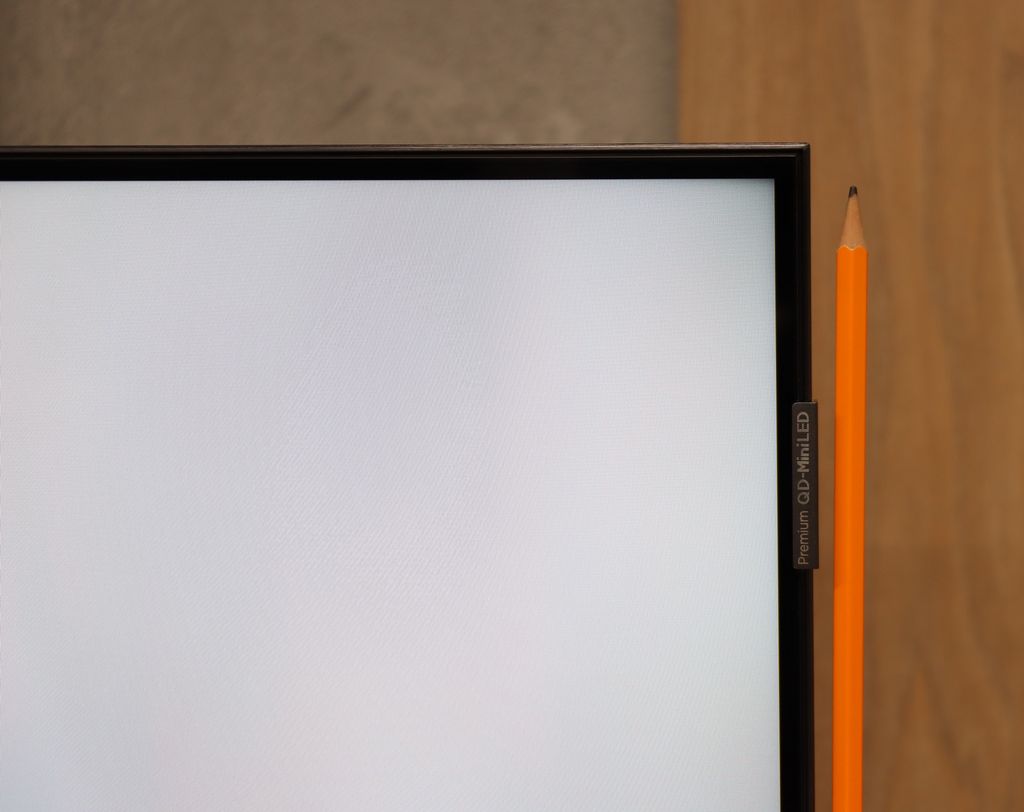
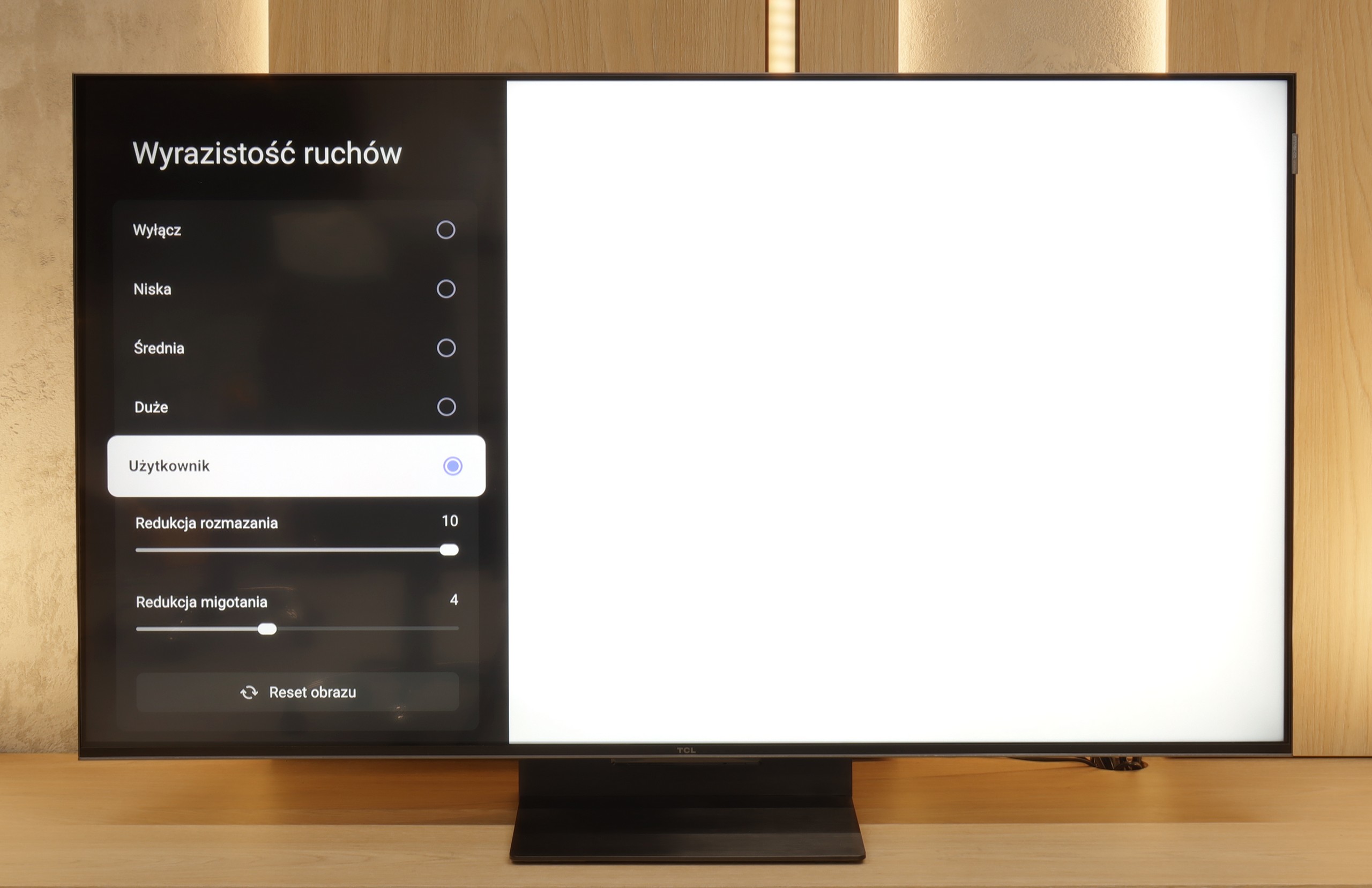
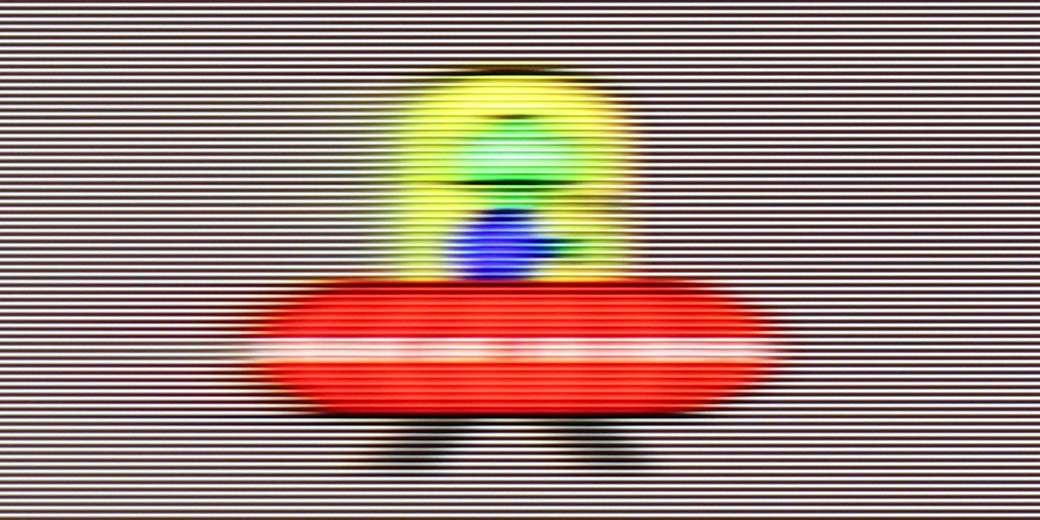
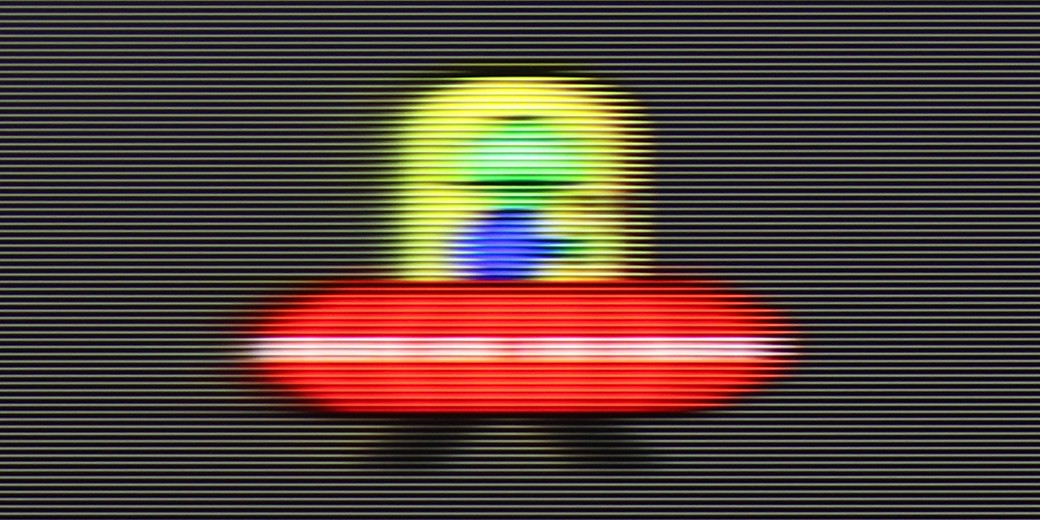
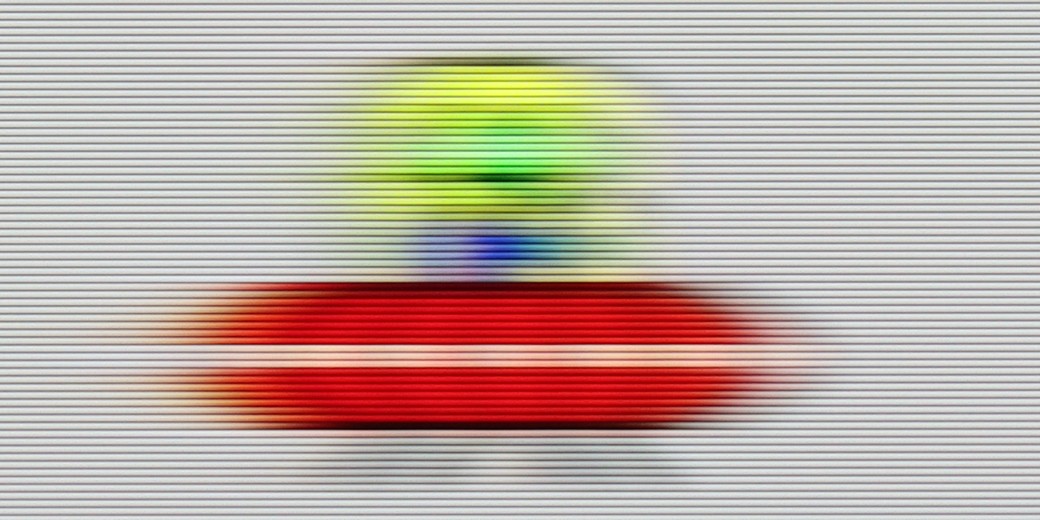
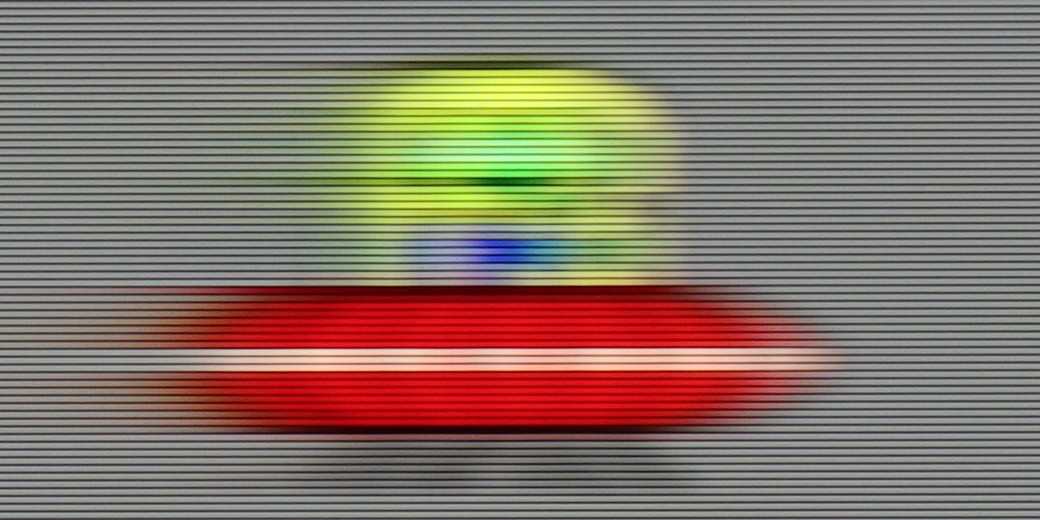
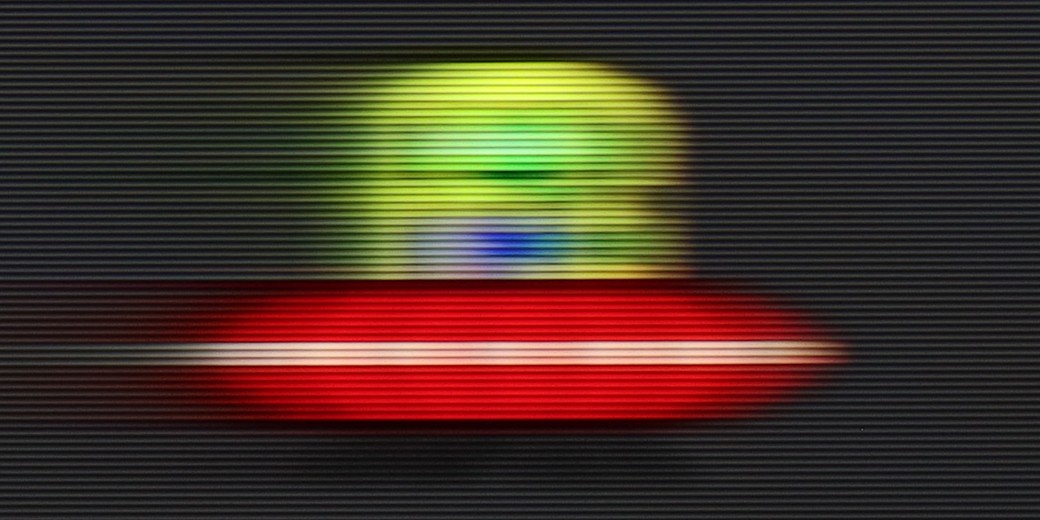
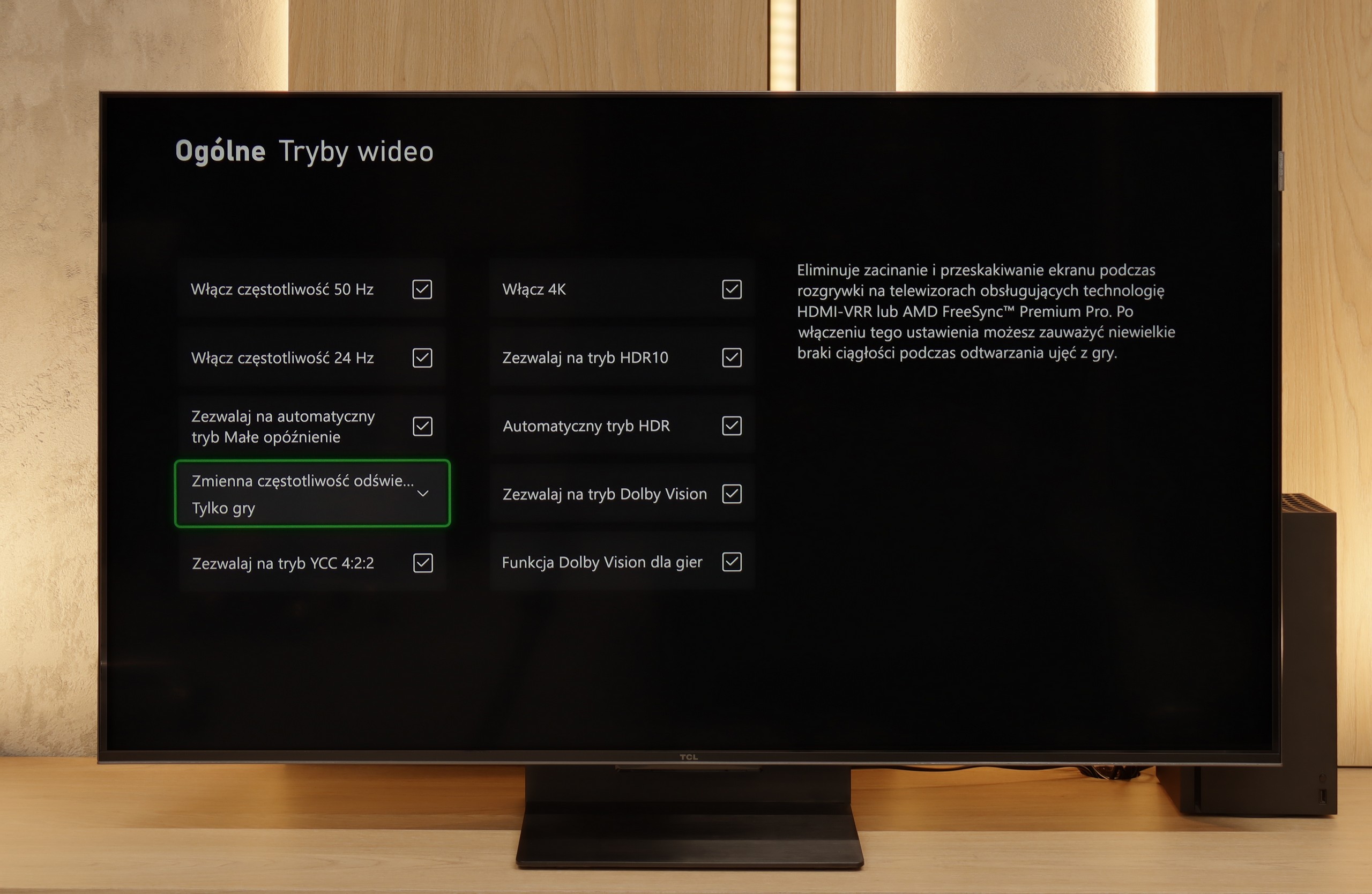
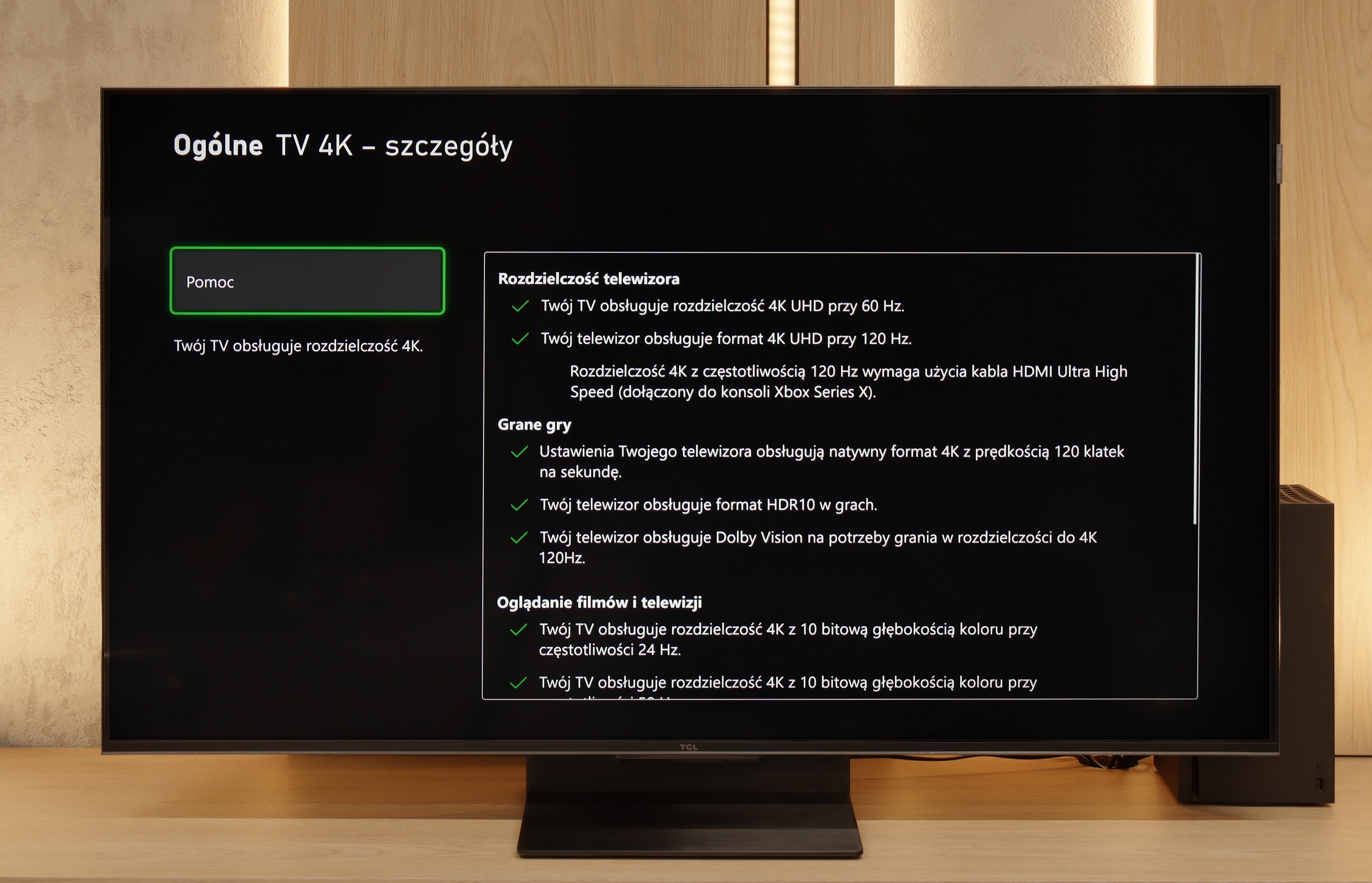
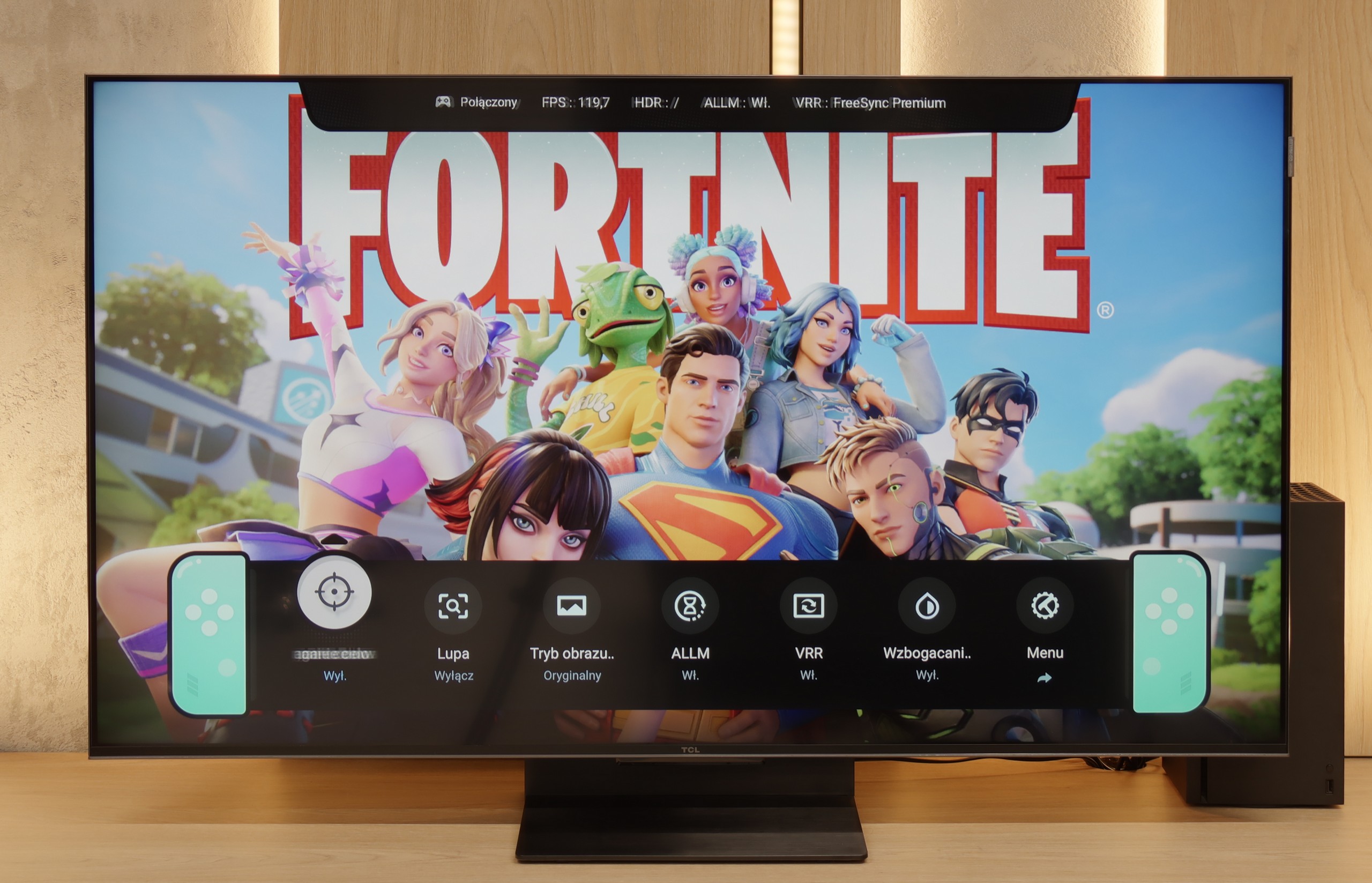
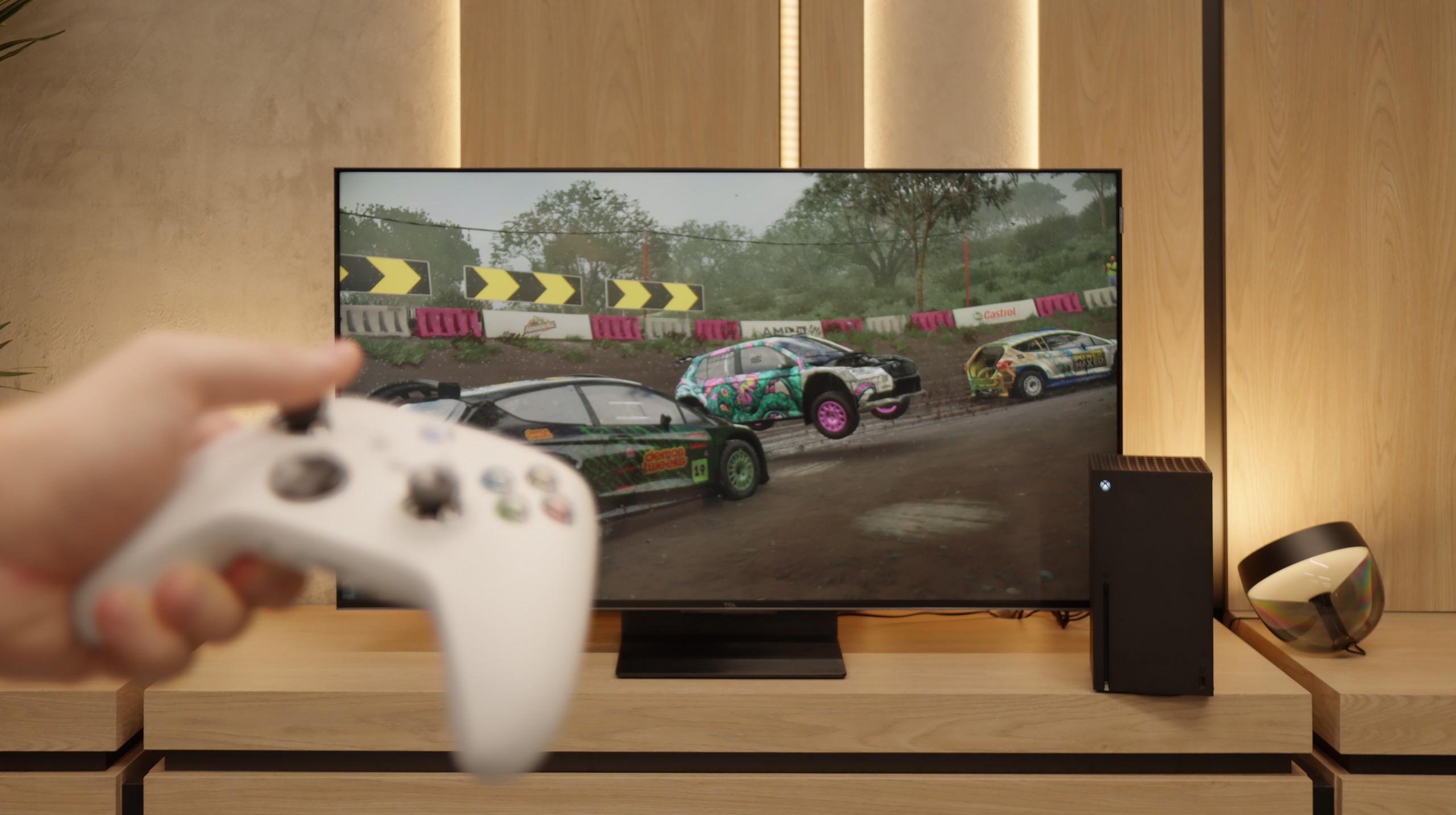
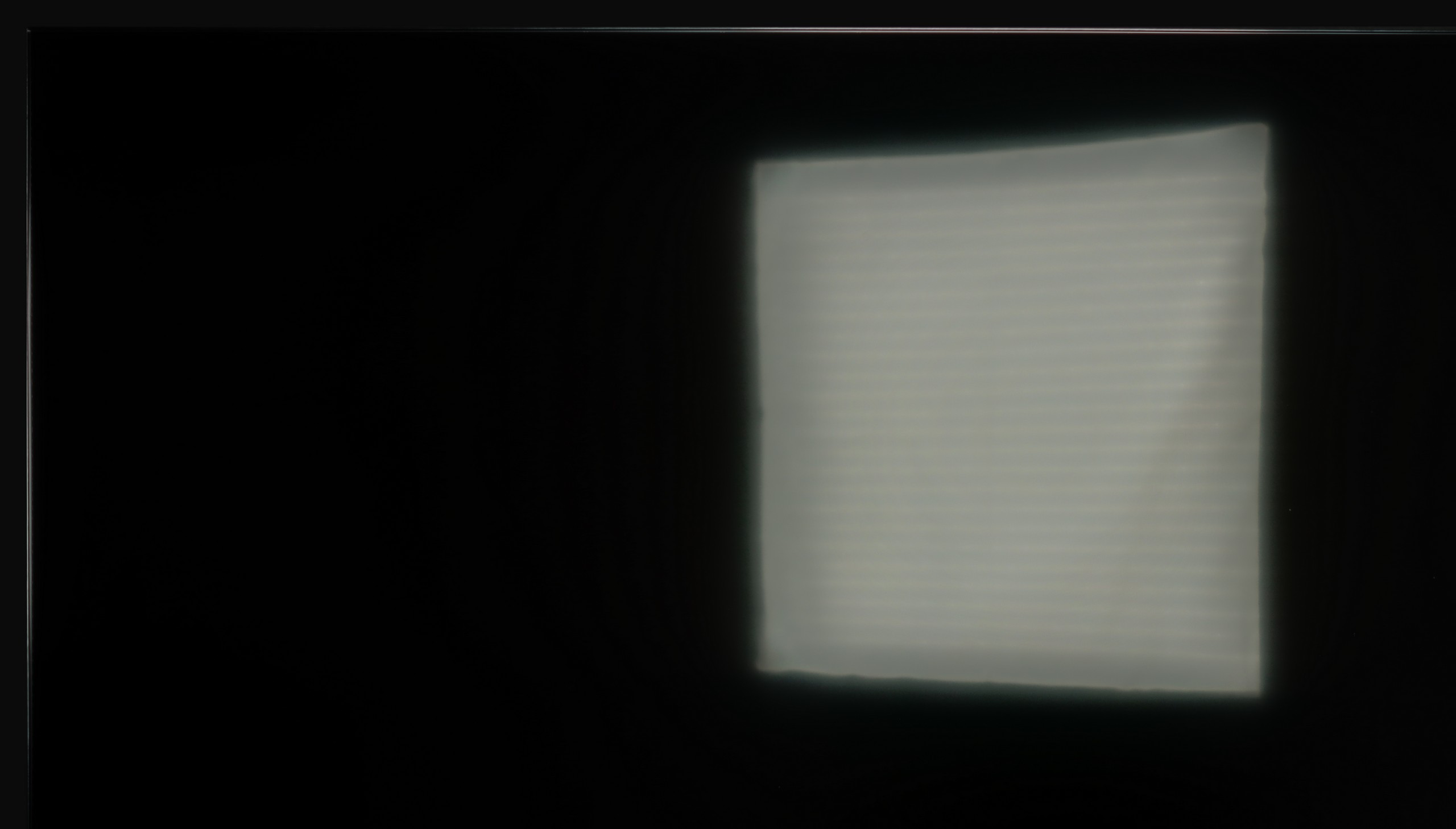
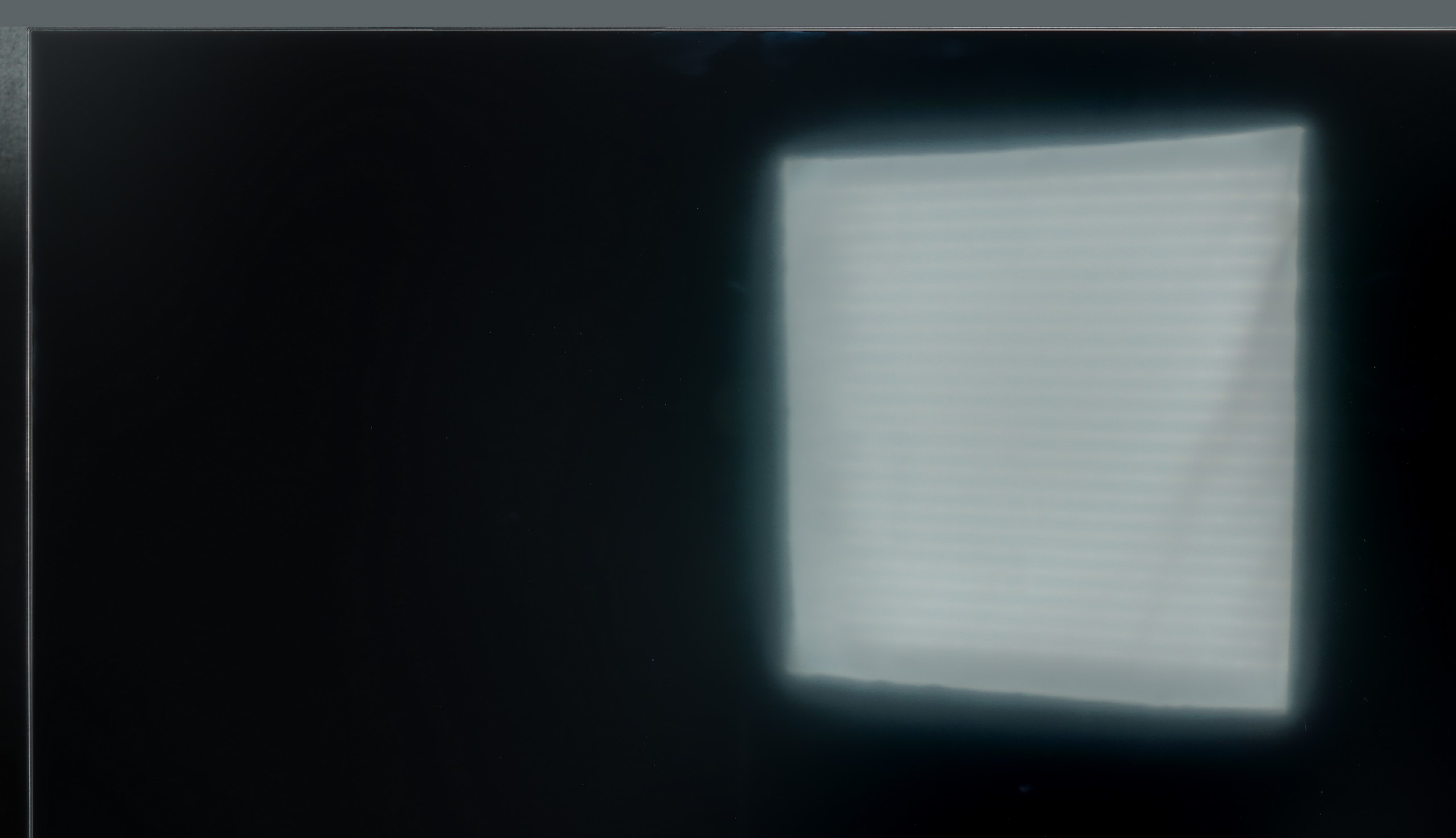
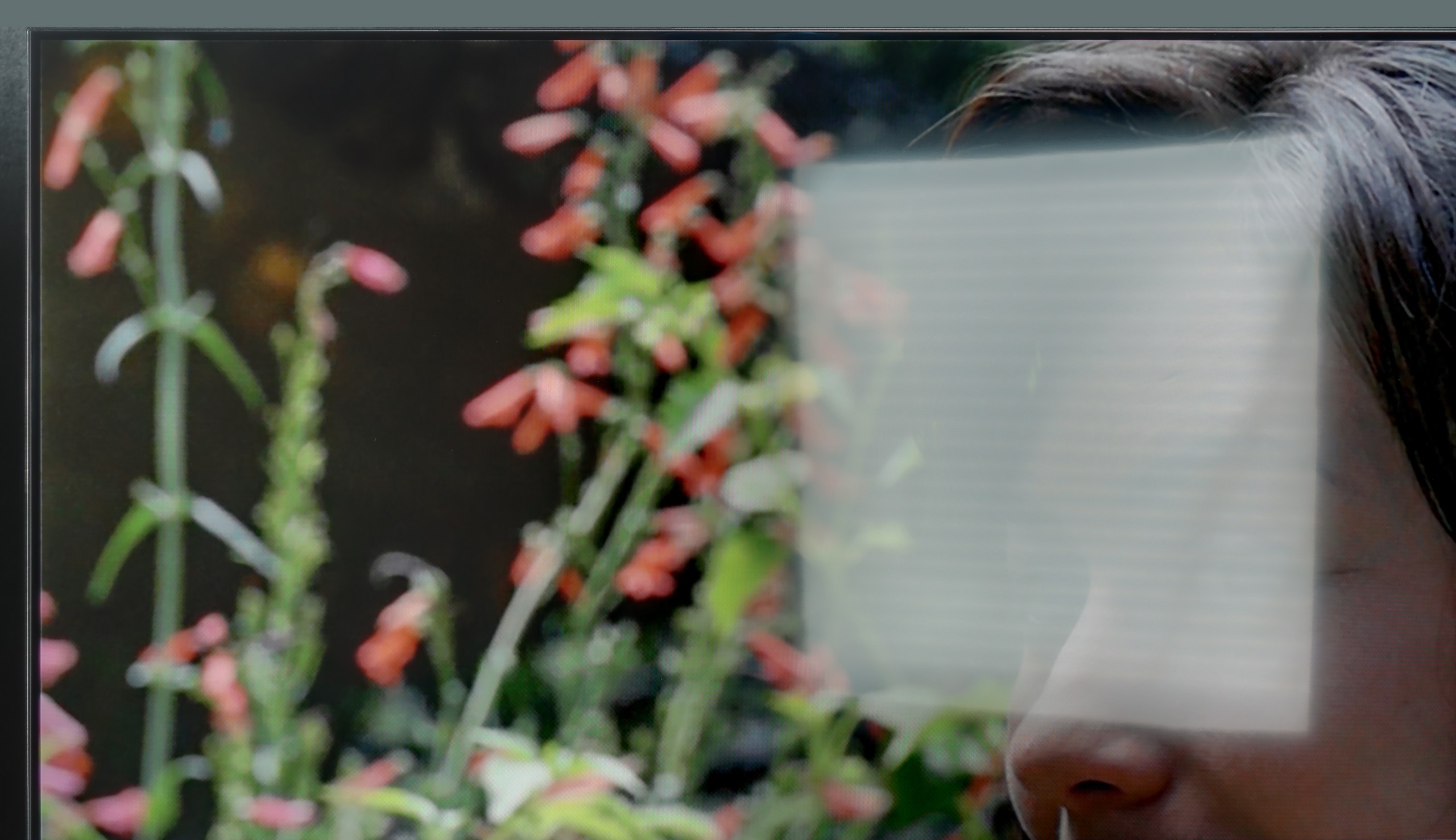
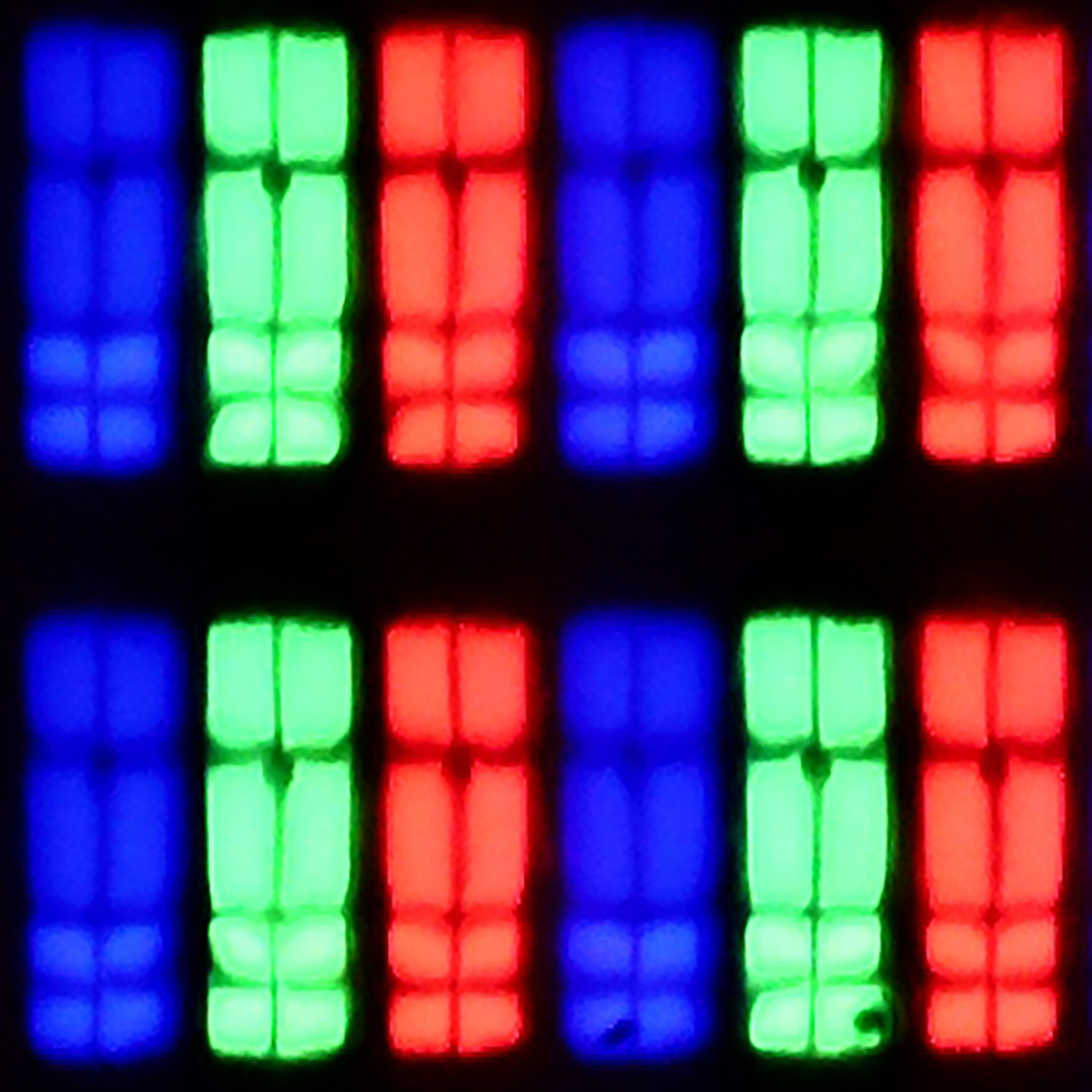
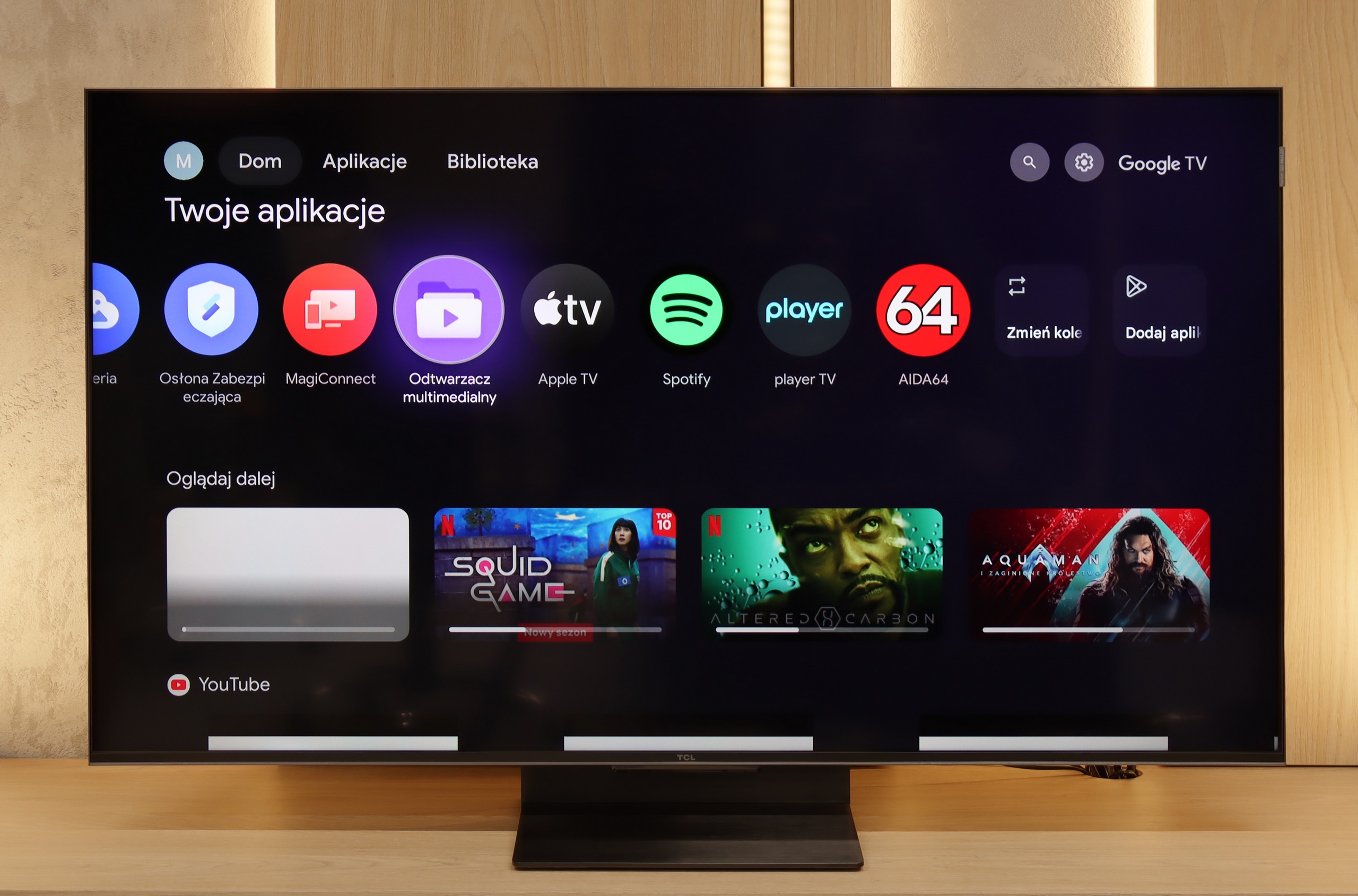
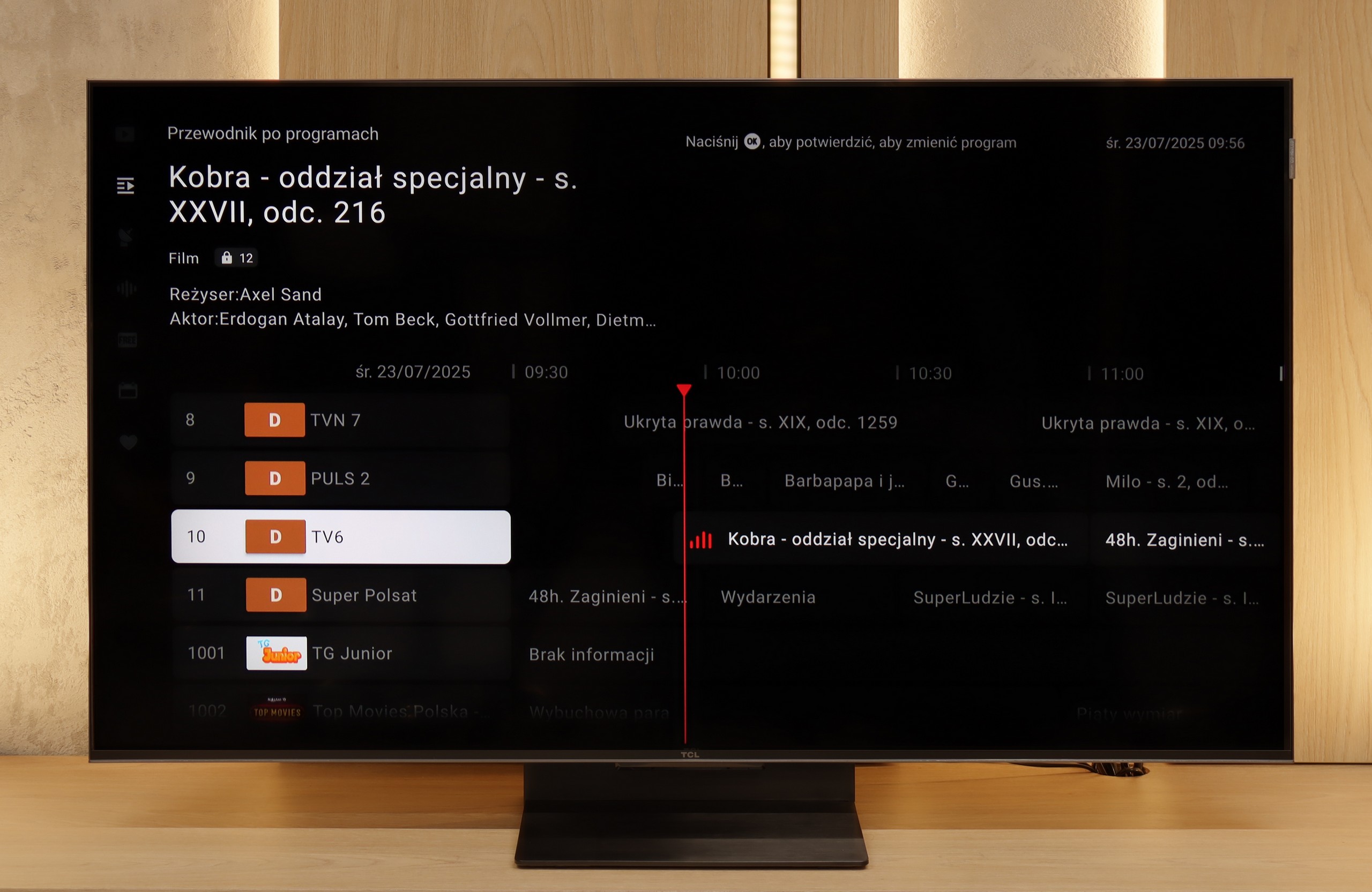
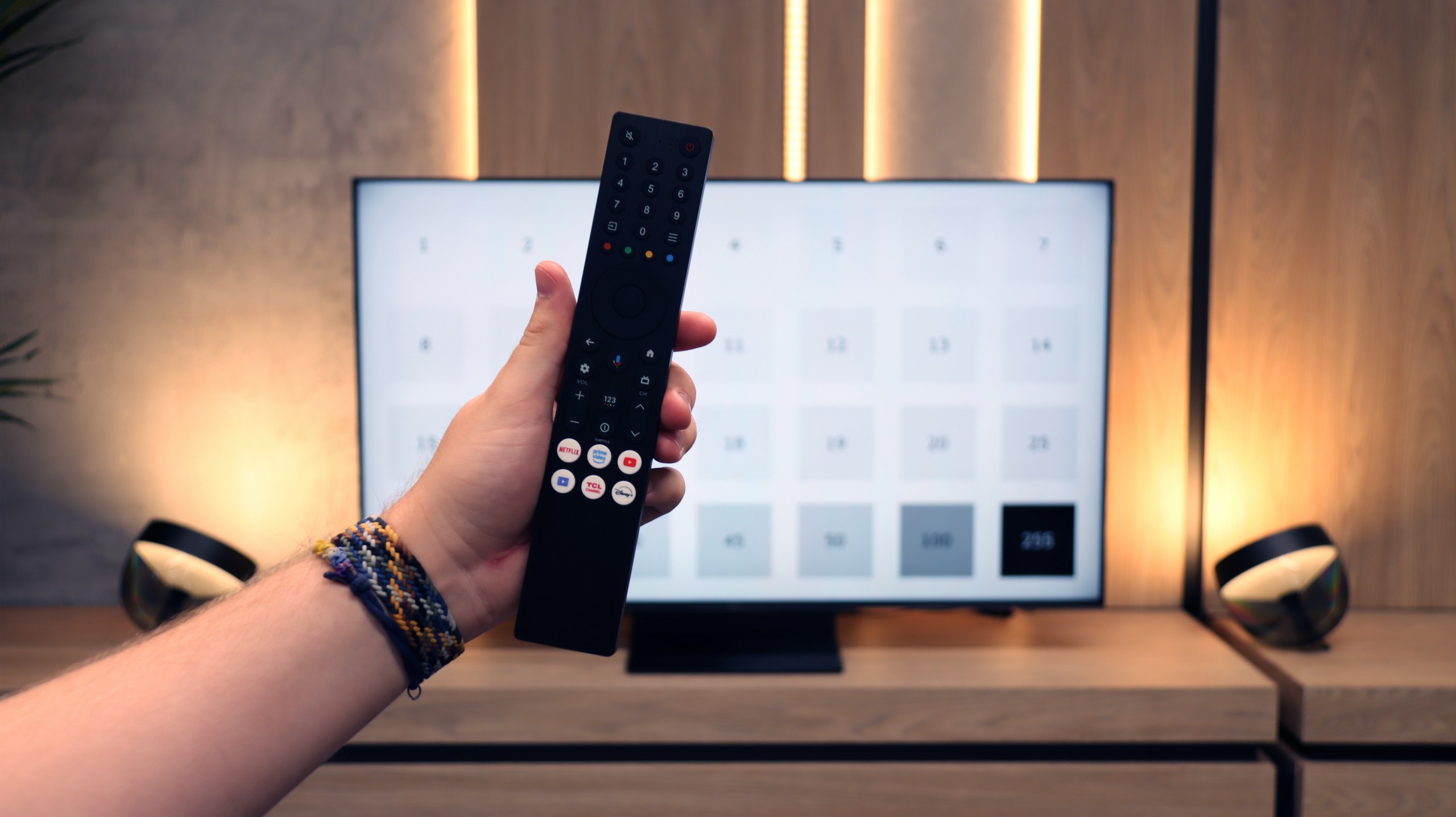
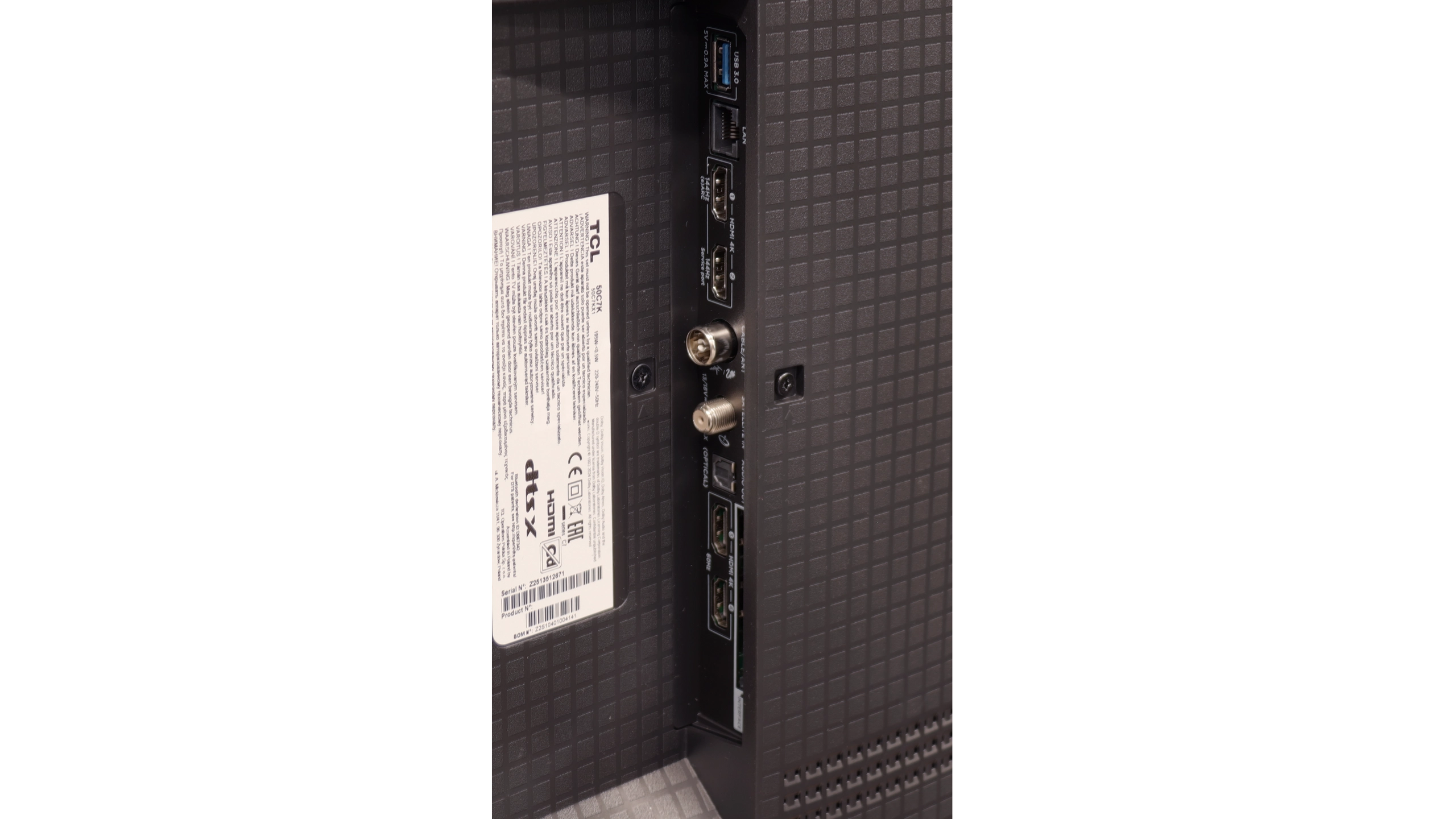
There are televisions that come in for testing and at first glance seem like just another "average" model. The TCL C7K looks just that way – without grand claims of revolution, without ambitions to dethrone OLEDs. Yet after spending a few days with this model, it's hard not to conclude that it's actually a well-made product. Its greatest strengths? Very good picture quality at a reasonable price. MiniLED combined with QLED filtering provides vibrant colours, high brightness, and contrast that really impresses in this class. Motion in sports or gaming looks smooth, and the presence of HDMI 2.1 and 144 Hz refresh rate makes gaming on this model a pure delight. Additionally, there's the Google TV system – it offers a vast range of possibilities: from voice control to AirPlay support, and access to all the most important applications.
Are there any drawbacks? Certainly. MiniLED still has its limitations, and in the most challenging cinematic scenes, compromises in dimming can be noticed. Google TV also doesn't always run perfectly smoothly. However, these are rather minor issues that don't overshadow the overall picture – which is indeed very positive. It's also worth highlighting the difference between versions. The 50-inch version we tested can surprise, but the 55–85 inch models perform significantly better – they have more lighting zones, even higher contrast quality, and better sound. So if you're considering purchasing the C7K, it's definitely worth opting for a larger size.
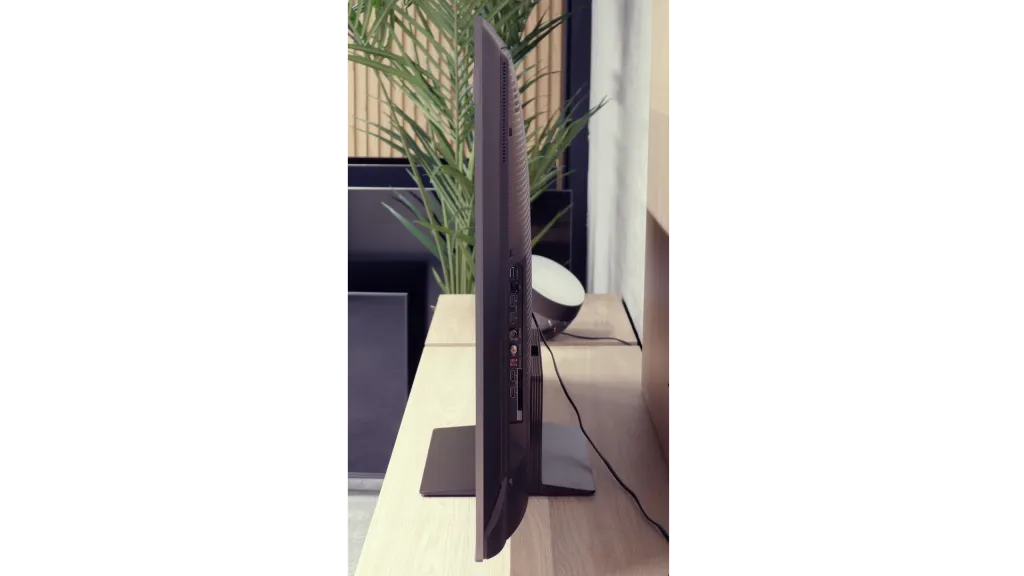
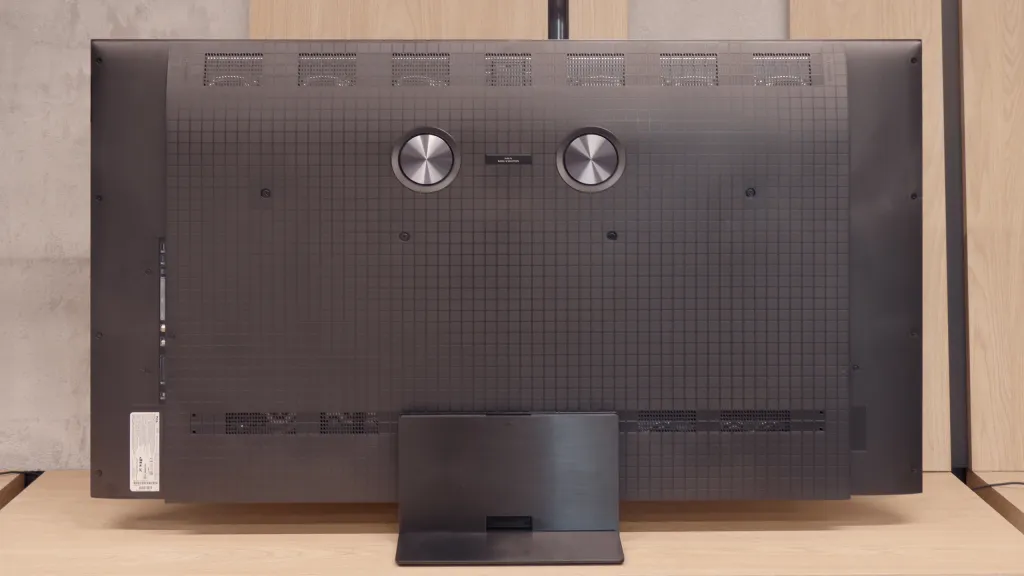
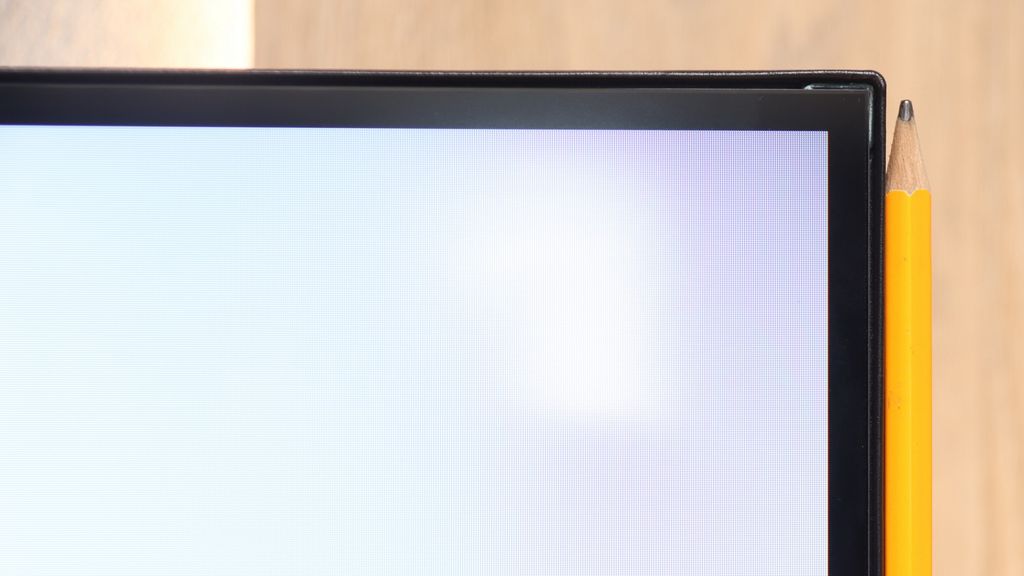
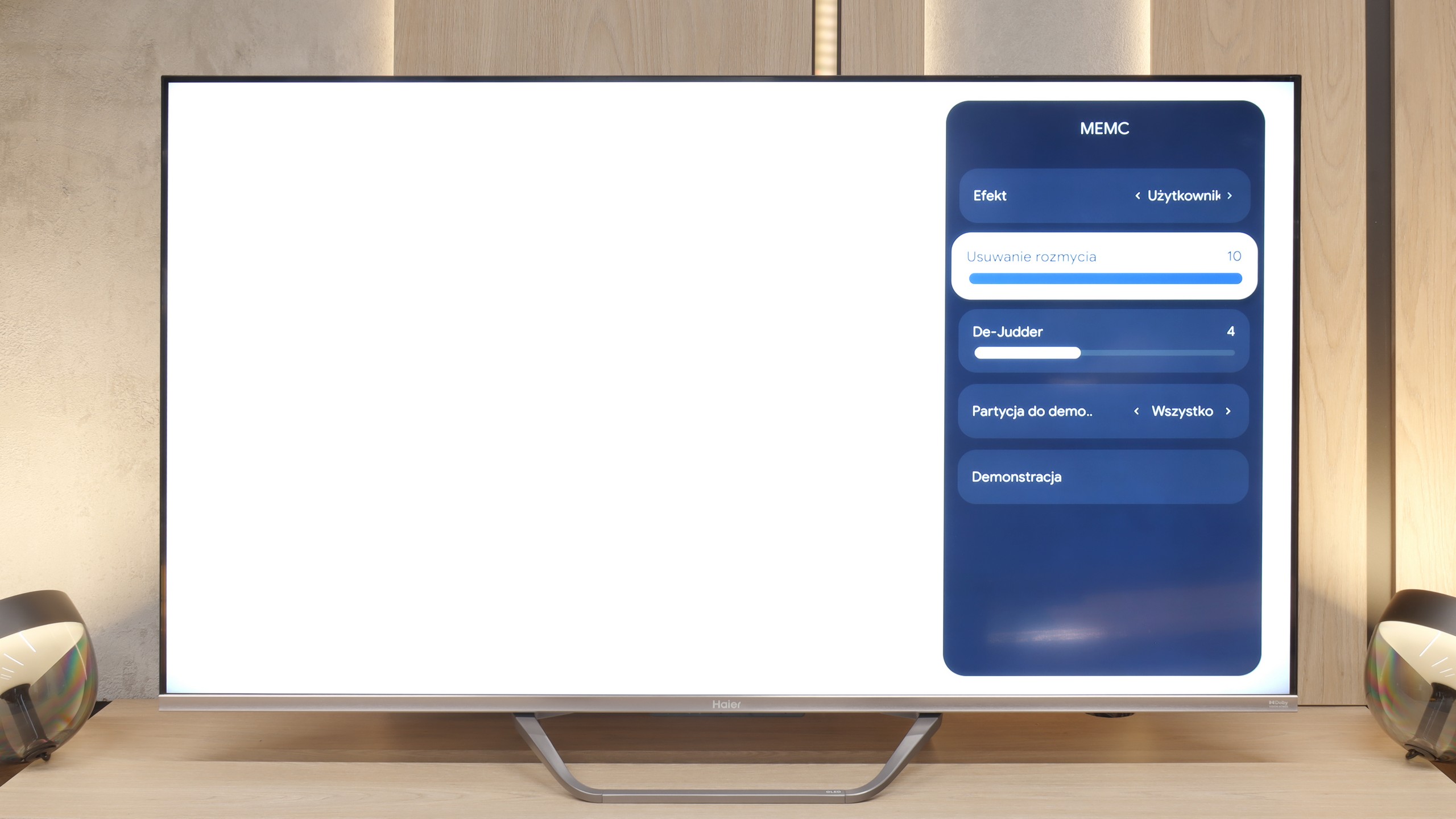
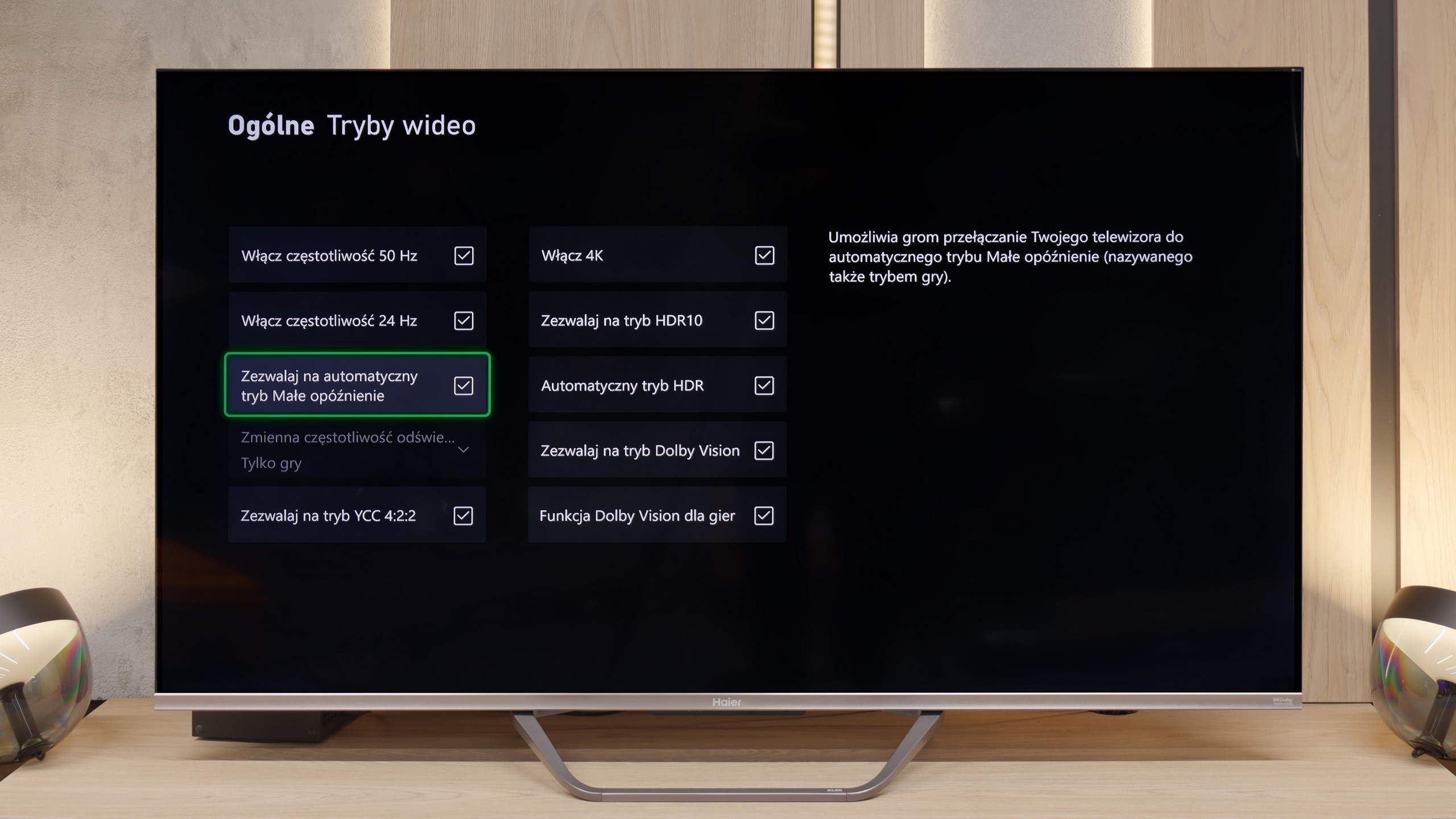
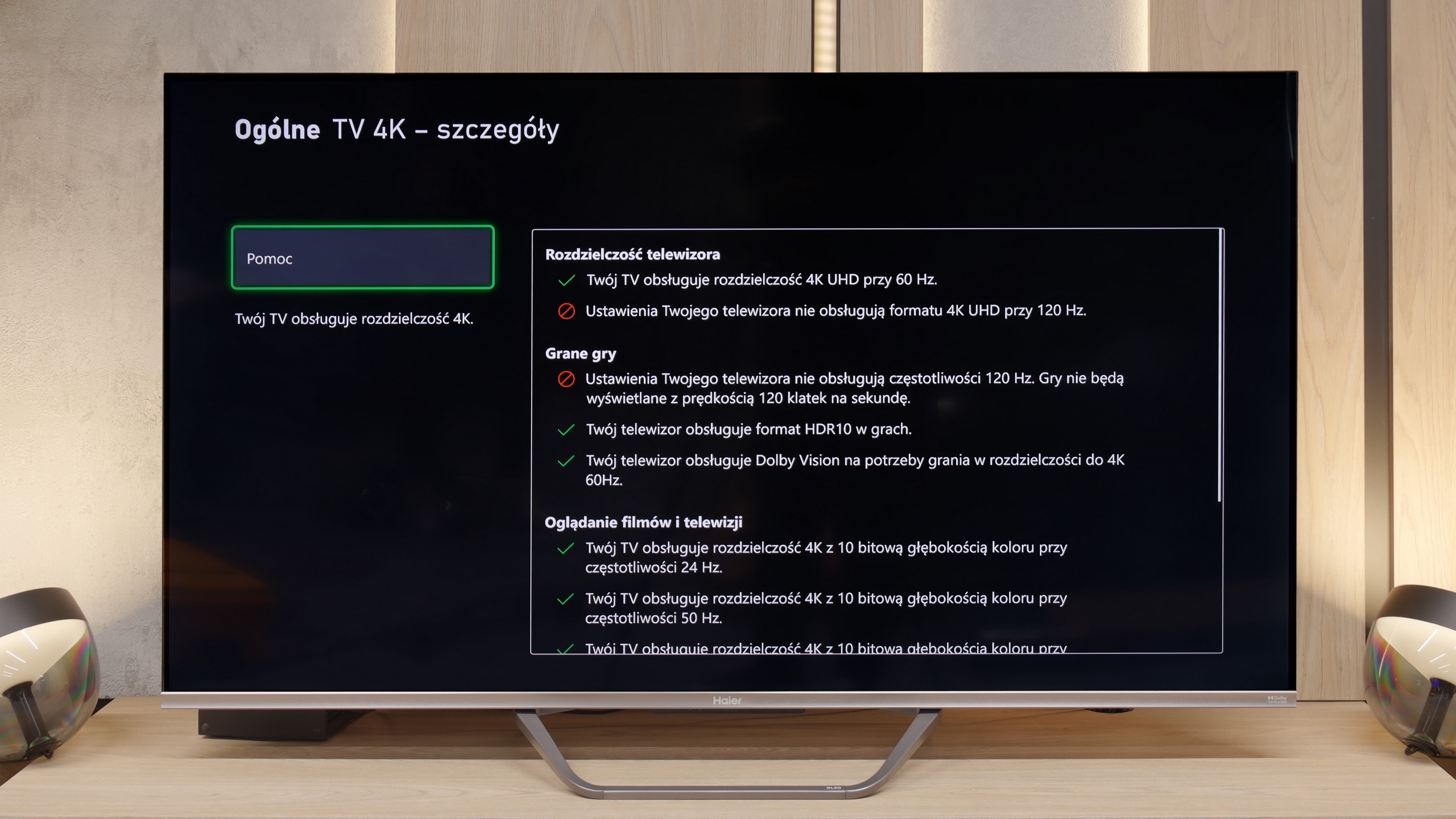
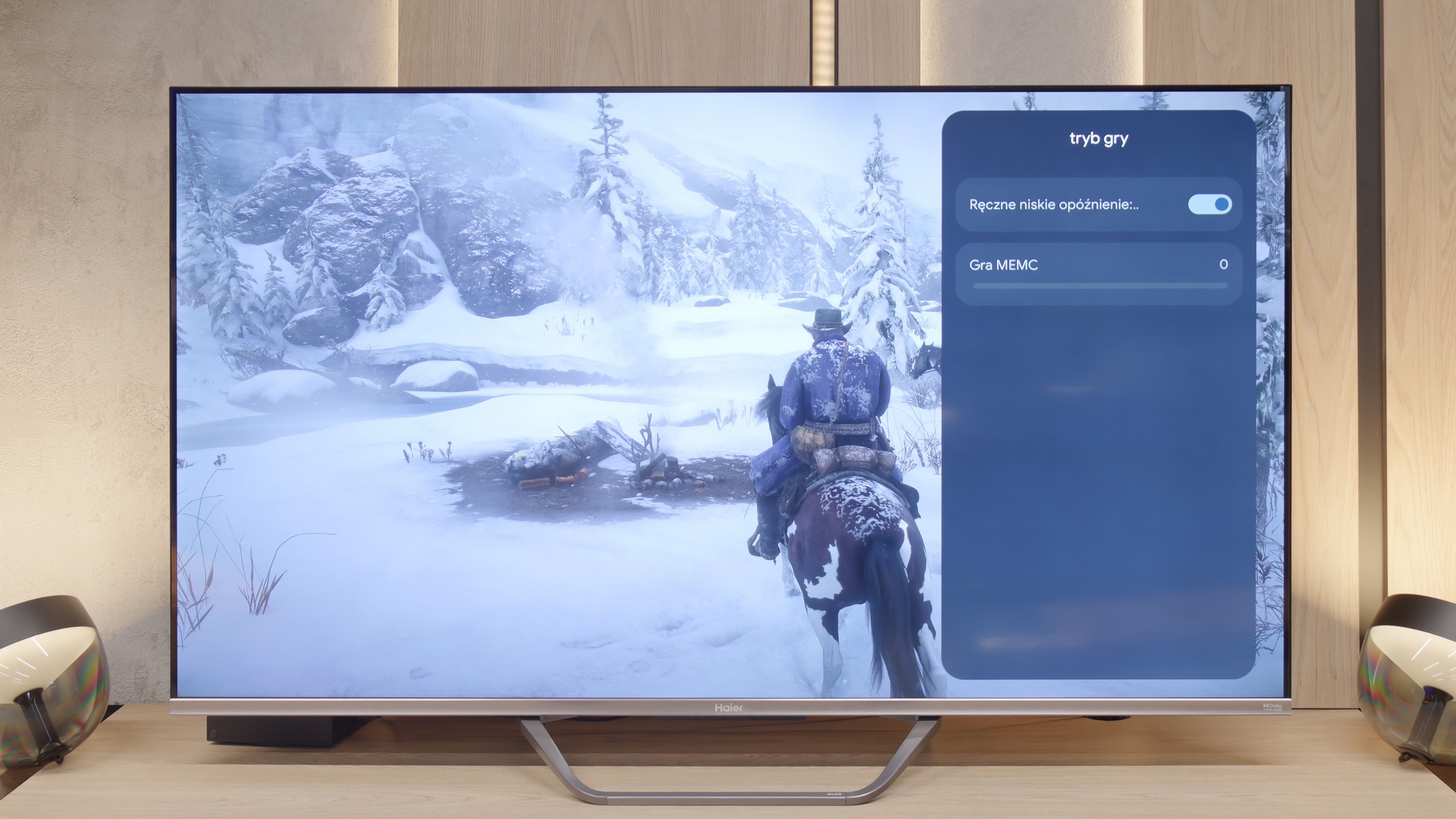
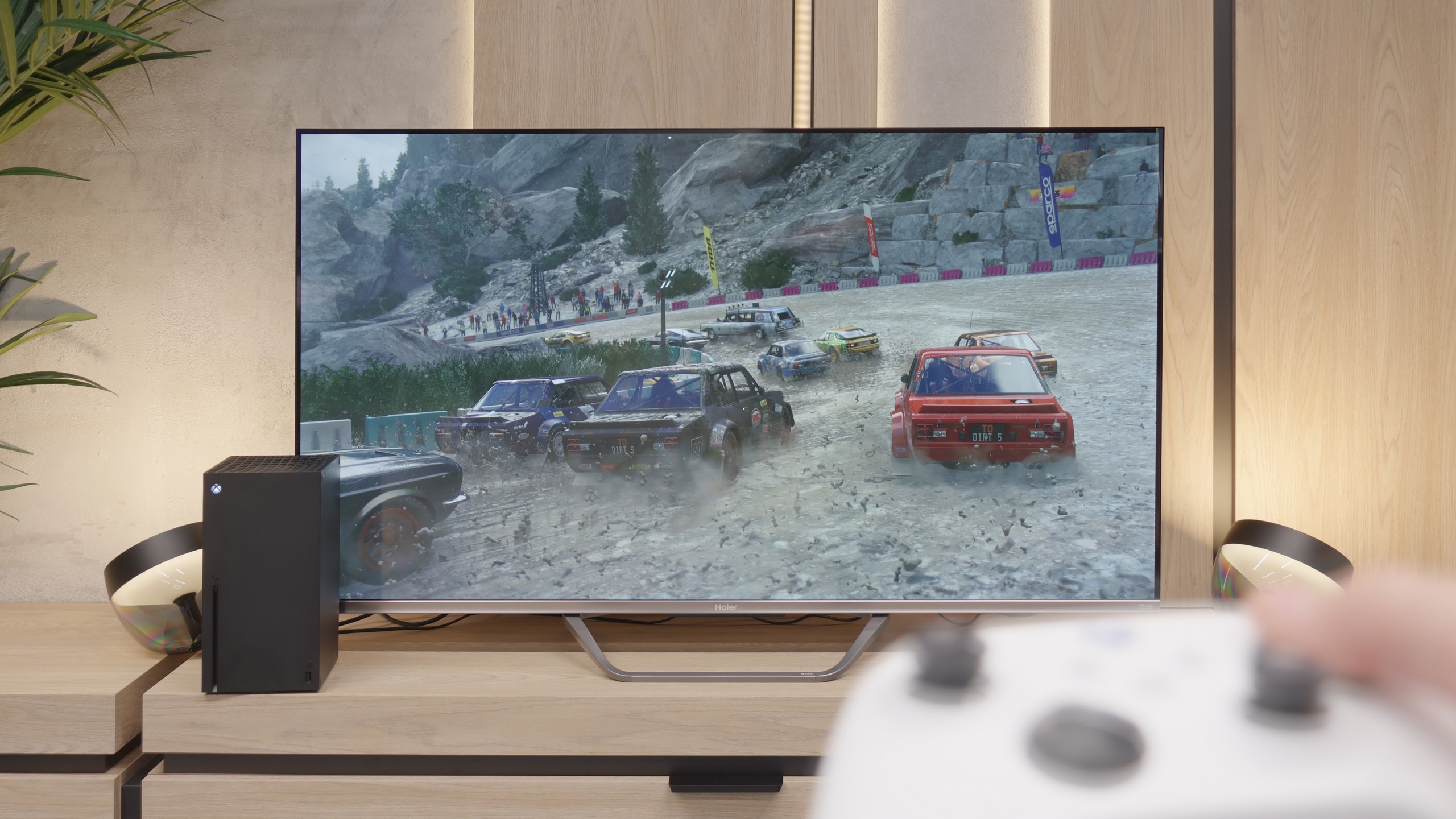
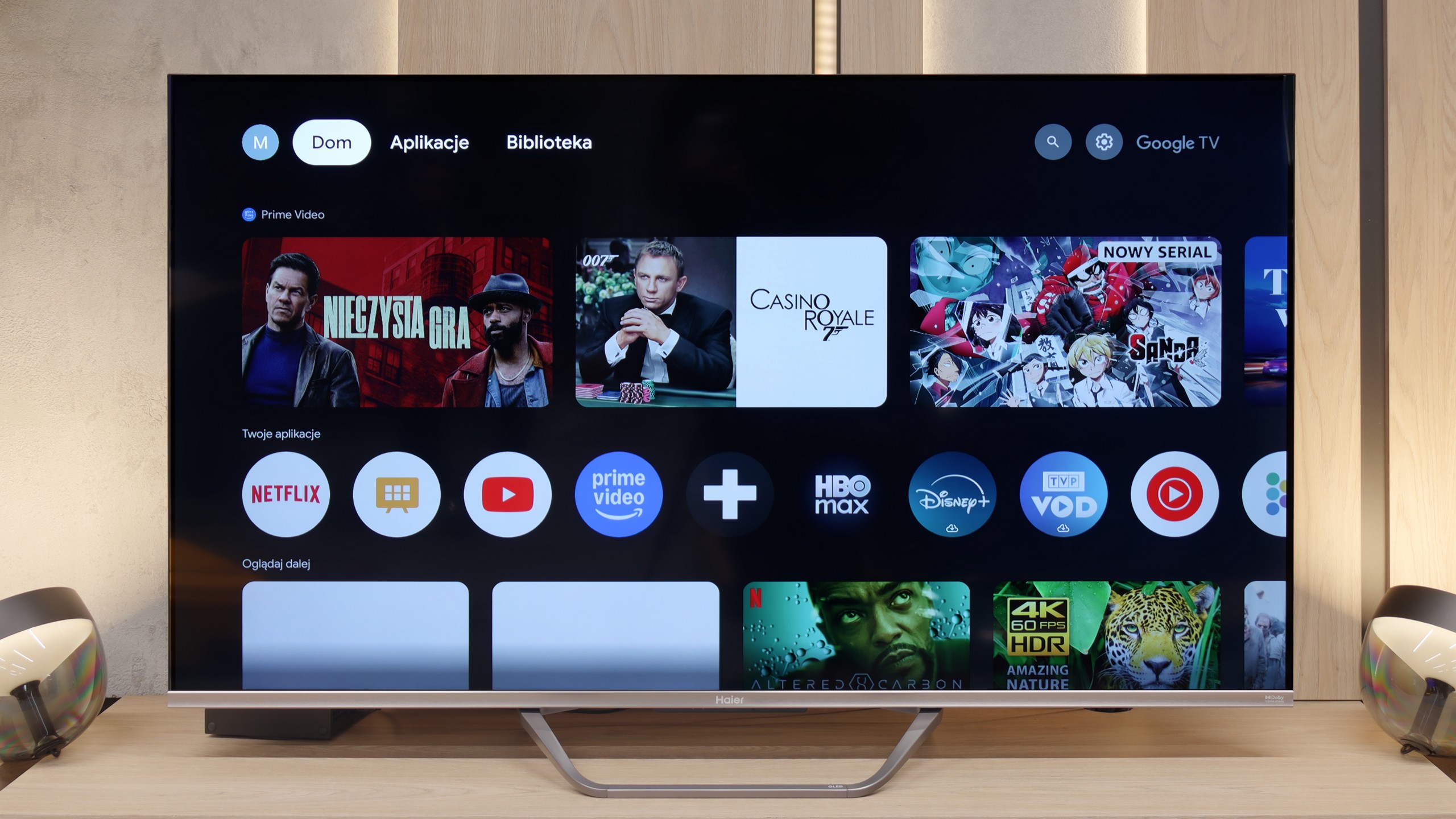
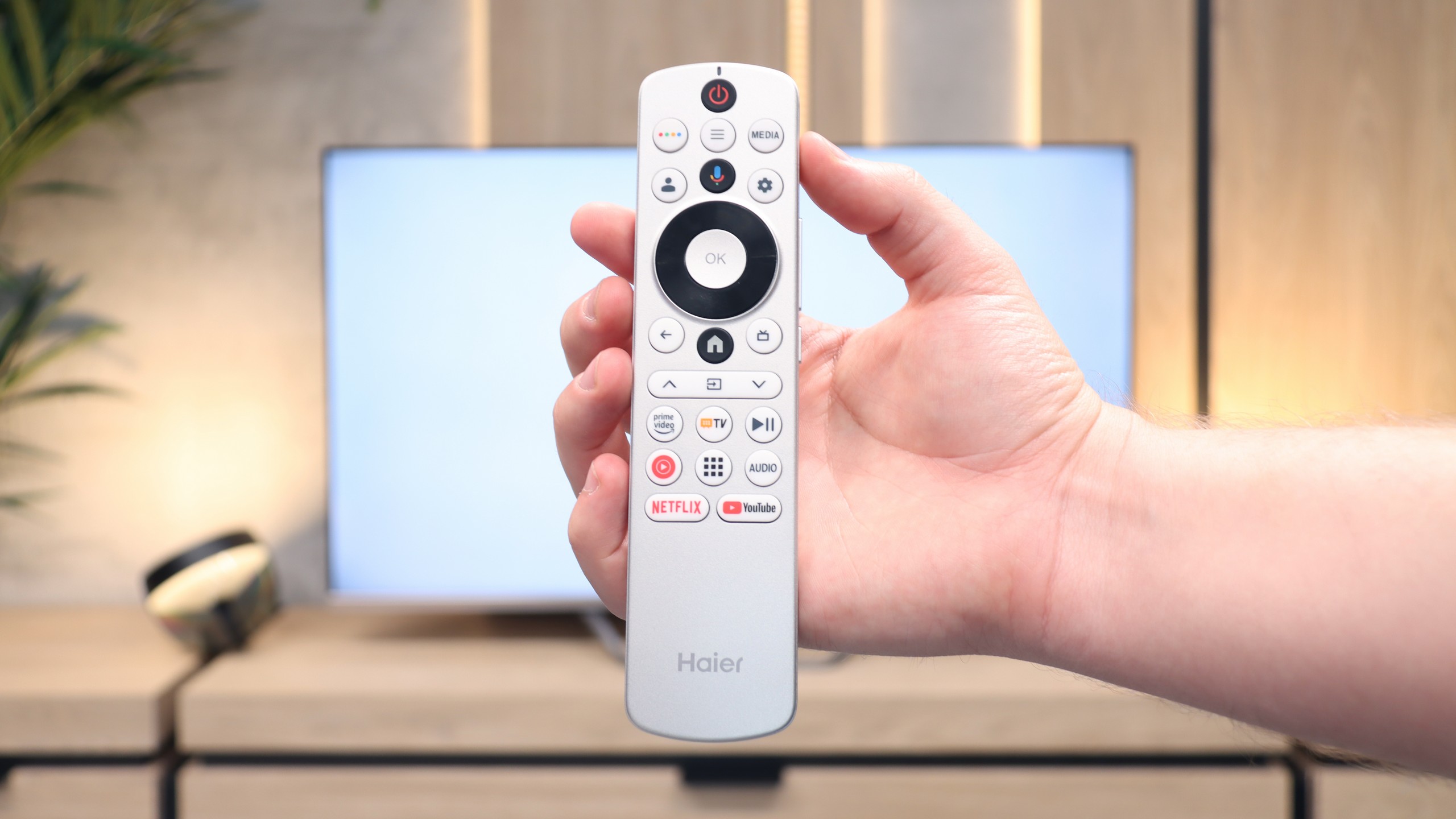
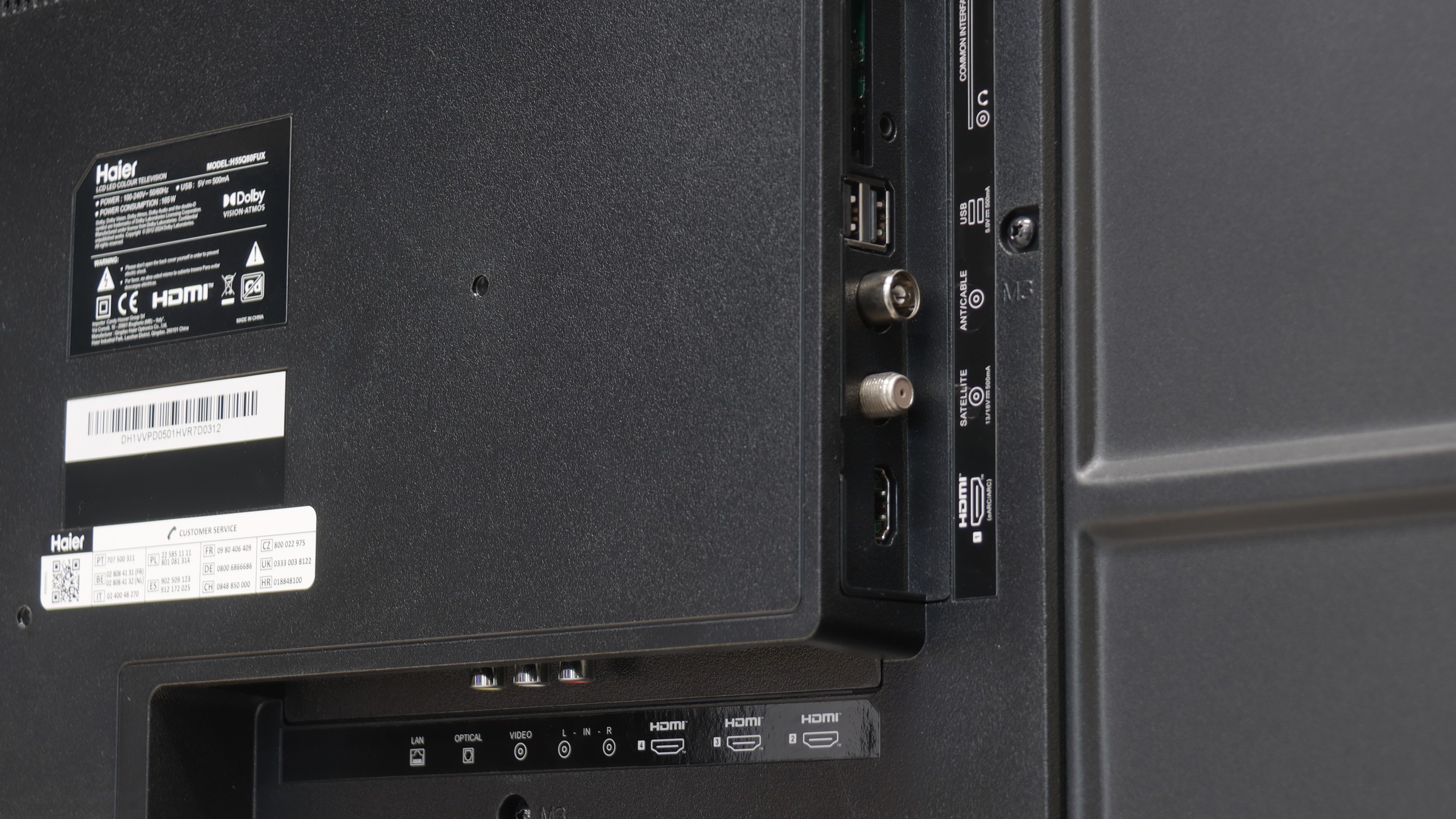
The Haier Q80FUX television is one of the most schizophrenic propositions we've had in our editorial office for a long time. On one hand, we have a solid piece of equipment here: a VA panel ensuring deep blacks, as expected in this segment, and a QLED quantum filter that can indeed produce vibrant, eye-catching colours. This is the foundation upon which a really competitive mid-range receiver could have been built. Unfortunately, all this matrix potential is systematically thwarted by the software, which represents a true millstone around the neck of this model. The Achilles' heel of the Q80FUX is its total capitulation when faced with HDR10 materials. The electronics seem to completely misunderstand how to interpret the signal, resulting in the brightest parts of the image being continuously blown out, turning them into a flat, milky patch. If we add the Google TV system to this, which, although functional, is unstable, full of bugs, and annoying shortcomings, we see a product that feels raw and clearly shows the manufacturer's lack of experience. Just when we thought we had written this model off, we discovered its surprising niche. Once connected to a console, the Q80FUX undergoes a transformation. It turns out that this television offers an impressively low input lag, fully supports VRR, and can handle a 120Hz signal in Full HD resolution. In the gaming world, where responsiveness is everything, these parameters put it in a very good light. So, we are dealing with a device of very narrow specialization. This is not a universal living room television – it lacks stability and above all, any correctness when handling films. Rather, it is a budget-friendly, large-format monitor for gamers, who can consciously forgive it all the software flaws in exchange for those few key attributes needed for consoles/PC at a relatively affordable price.
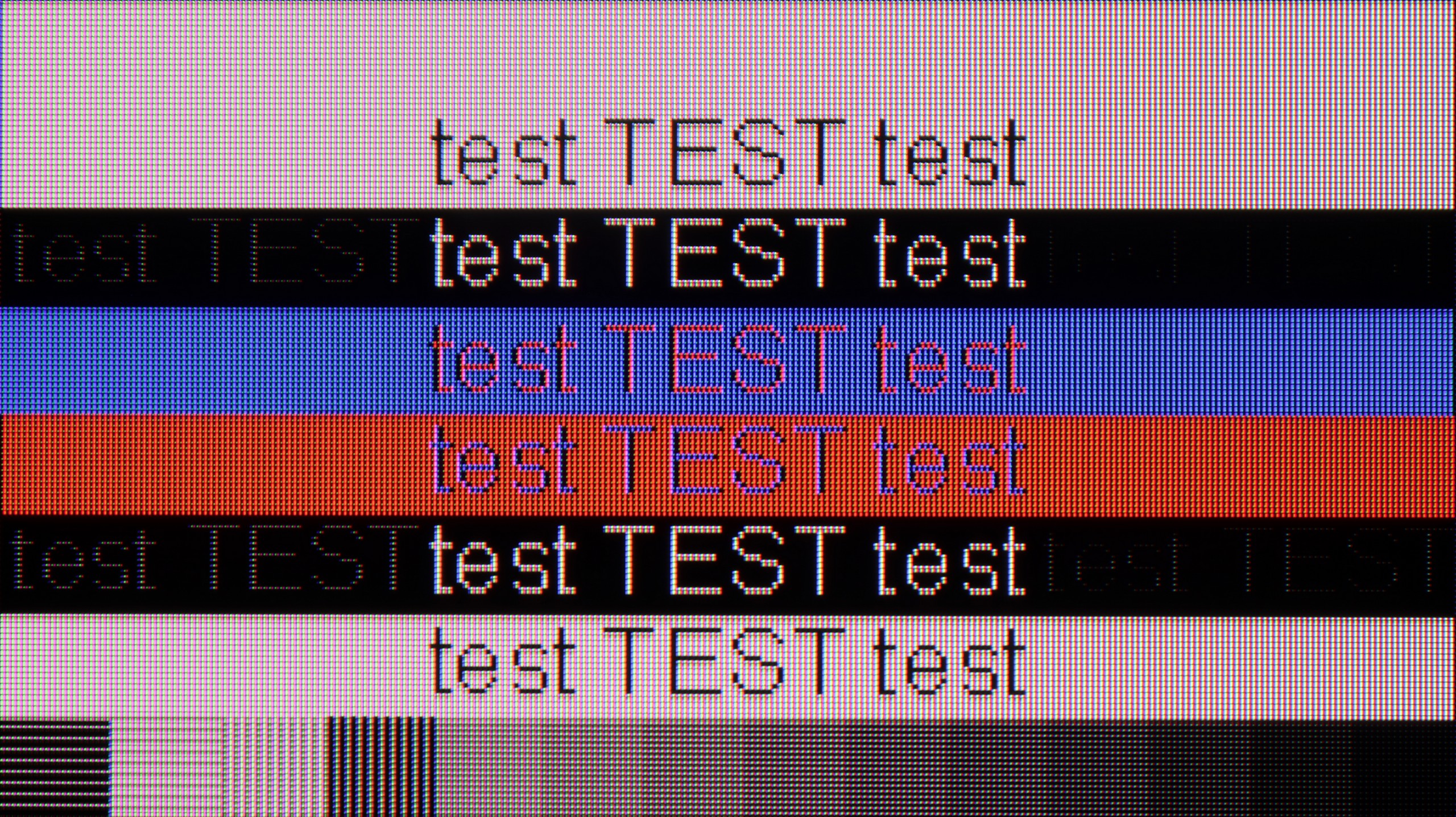
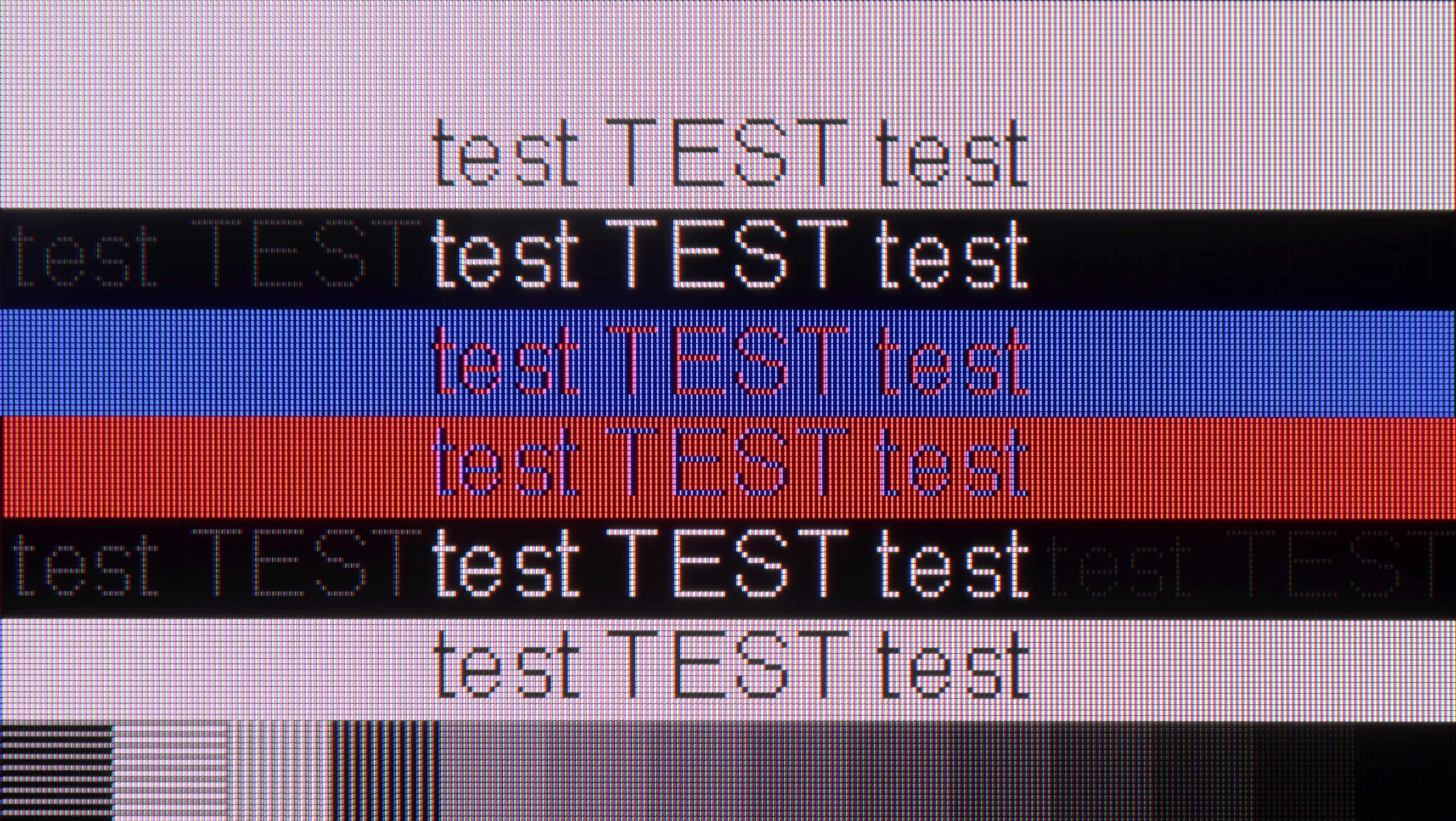
 Direct comparison