TCL C7K / QM7K 55"-85" vs Blaupunkt UGC5500S

Direct comparison

C7K / Q7C / MQLED85K / C79K / C71K / QM7K

Info

Available screen sizes: 55”65”75”85”98”

Available screen sizes: 43”50”55”65”75”

Panel type: LCD VA

Resolution: 3840x2160

System: Google TV

Model year: 2025

Complete the survey to find out the result

Panel type: LCD IPS

Resolution: 3840x2160

System: Google TV

Model year: 2025

Complete the survey to find out the result

Overall rating

7.4

5.0

  • Movies and series in UHD quality

    7.2

    4.2

  • Classic TV, YouTube

    6.9

    4.1

  • Sports broadcasts (TV and apps)

    6.8

    4.1

  • Gaming on console

    8.7

    5.4

  • TV as a computer monitor

    8.4

    6.0

  • Watching in bright light

    6.4

    4.0

  • Utility functions

    7.3

    5.1

  • Apps

    9.6

    9.6

  • Sound quality

    7.7

    6.0

Advantages

  • Very good black - VA panel with a large number of Mini-LED zones

  • High brightness in HDR - over 1000 nits

  • Great for gamers - HDMI 2.1, low input lag, VRR, ALLM, etc.

  • Good motion smoothness - 144Hz panel

  • Supports multiple HDR formats: HDR10, HDR10+, Dolby Vision

  • Google TV operating system with access to a vast application base

  • Pleasant sound from built-in speakers (6.2.2) Bang & Olufsen

  • Google TV system: a massive library of applications

  • Relatively low input lag

  • Good viewing angles: thanks to the IPS panel

  • Working with PC: exemplary font readability (Chroma 4:4:4)

  • Refresh rate: 120 Hz at Full HD resolution

  • Presence of a classic mini-jack output

  • Quite pleasant sound: clear and loud beyond the "budget" standard

Disadvantages

No like
  • Google TV can work with minor stutters

  • No USB recording and PiP function

  • Very weak black and contrast

  • HDR: low brightness (250 nits) and lack of real effect

  • System fluidity: sluggish operation and "dull" remote

  • Motion: complete lack of digital smoothers in the menu

  • Image processing: visible overscan and motion artifacts

Our verdict

There are televisions that come in for testing and at first glance seem like just another "average" model. The TCL C7K looks just that way – without grand claims of revolution, without ambitions to dethrone OLEDs. Yet after spending a few days with this model, it's hard not to conclude that it's actually a well-made product. Its greatest strengths? Very good picture quality at a reasonable price. MiniLED combined with QLED filtering provides vibrant colours, high brightness, and contrast that really impresses in this class. Motion in sports or gaming looks smooth, and the presence of HDMI 2.1 and 144 Hz refresh rate makes gaming on this model a pure delight. Additionally, there's the Google TV system – it offers a vast range of possibilities: from voice control to AirPlay support, and access to all the most important applications.

Are there any drawbacks? Certainly. MiniLED still has its limitations, and in the most challenging cinematic scenes, compromises in dimming can be noticed. Google TV also doesn't always run perfectly smoothly. However, these are rather minor issues that don't overshadow the overall picture – which is indeed very positive. It's also worth highlighting the difference between versions. The 50-inch version we tested can surprise, but the 55–85 inch models perform significantly better – they have more lighting zones, even higher contrast quality, and better sound. So if you're considering purchasing the C7K, it's definitely worth opting for a larger size.
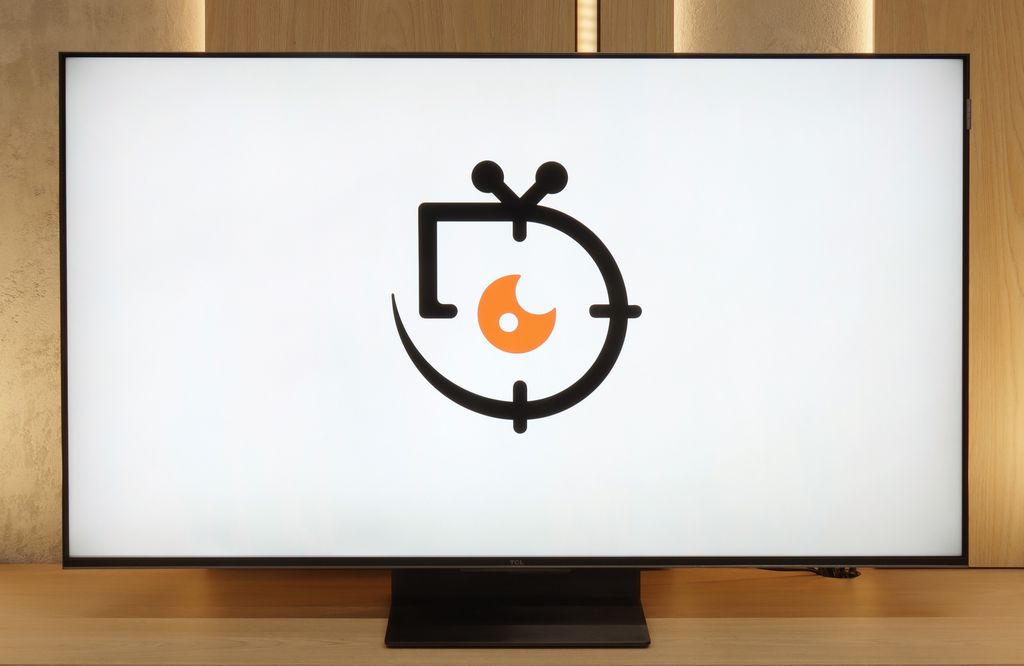
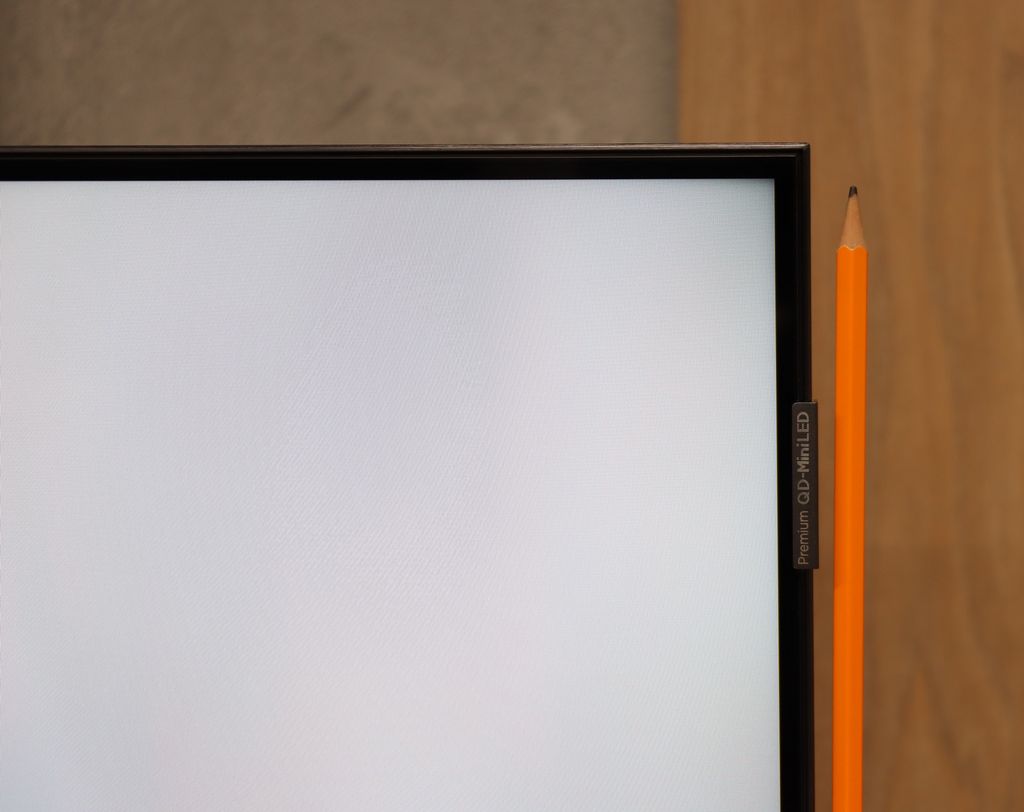
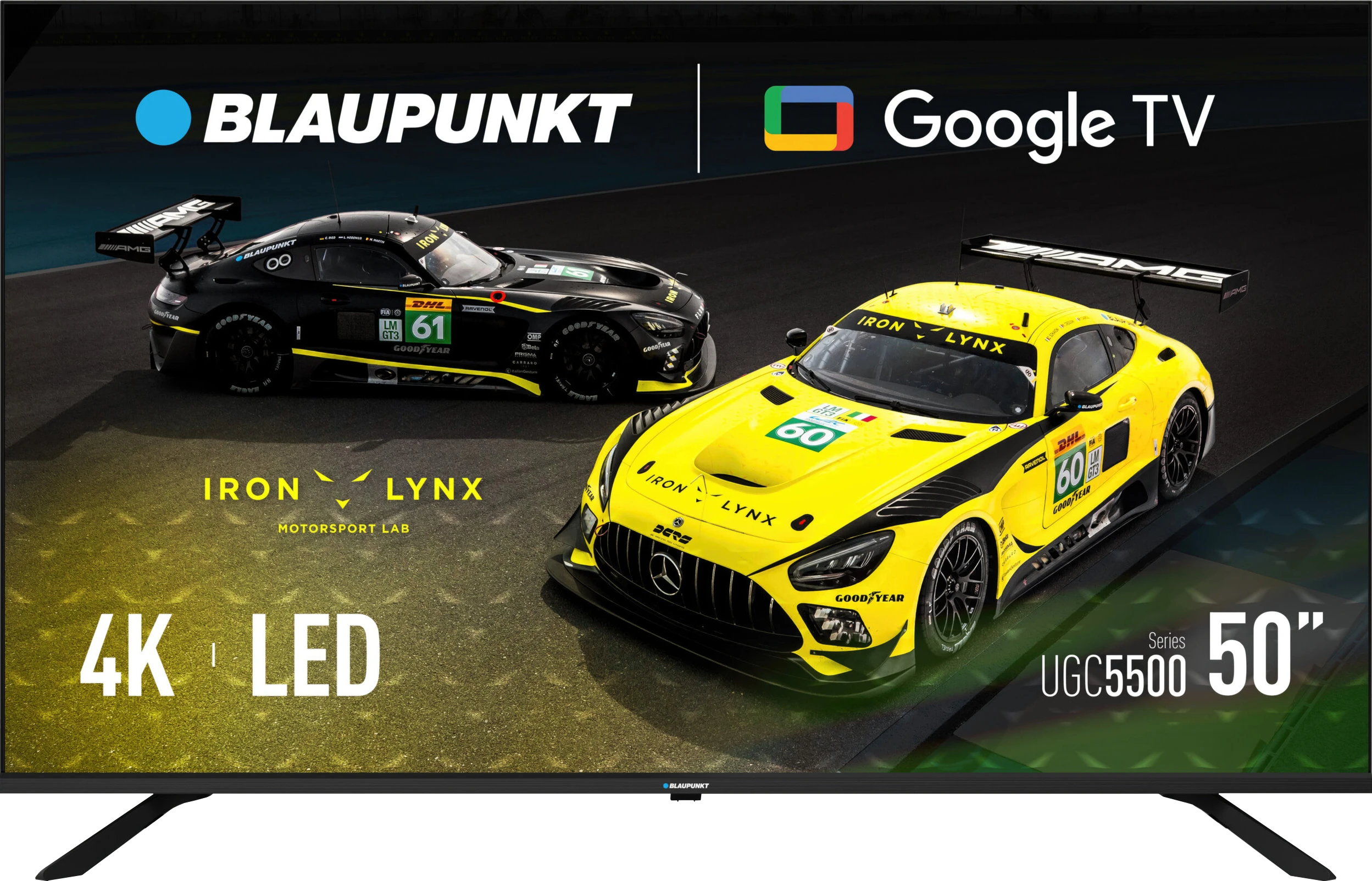
Blaupunkt UGC5500S is a textbook example of a very cheap television that has primarily two huge advantages: the Google TV system and an extremely low price. It is these two elements that make it an appealing option for many people. During testing, we also found a great alternative use for it, which is working with a computer. Thanks to the exemplary legibility of fonts and good viewing angles of the IPS matrix, Blaupunkt surprisingly performs well as an inexpensive monitor. However, one must be aware that this device is typically budget-friendly, and this cost-saving is evident in the image quality. The matrix is simply dim, making it difficult to excel in challenging lighting conditions, not to mention creating any real HDR effect. Additionally, despite good viewing angles, the black level on this model leaves much to be desired – in the evenings, it will be rather dark grey, which is a typical characteristic of the IPS technology used here. Viewed through the lens of price, this is a device that aims to compete in the market not based on image quality, but rather on the amount on the receipt. Blaupunkt UGC5500S will fit perfectly as an additional television in the home, equipment for the holiday home, or in a less important room where the image simply needs to be present, and we want to enjoy all the benefits and applications that Google TV offers.



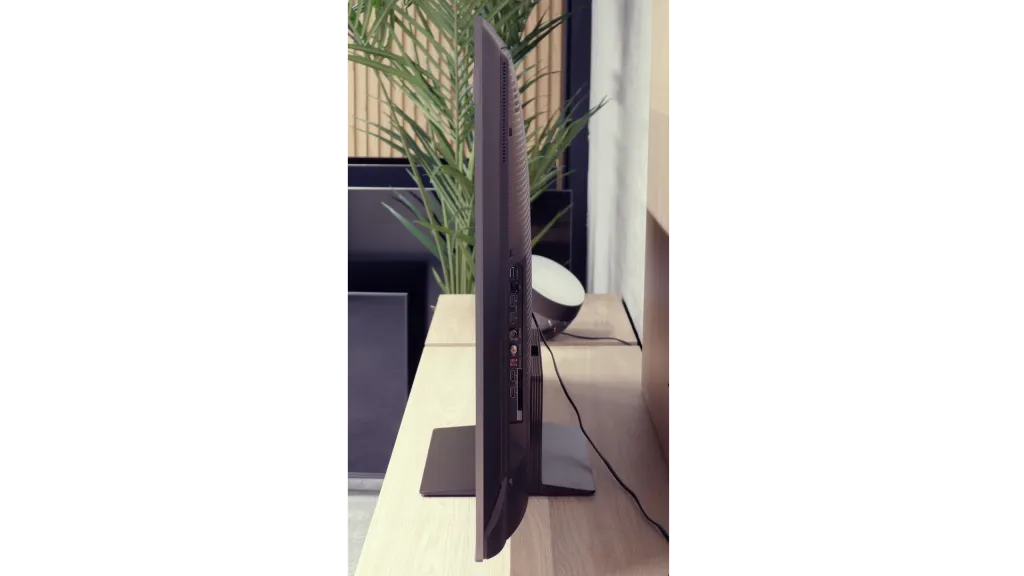
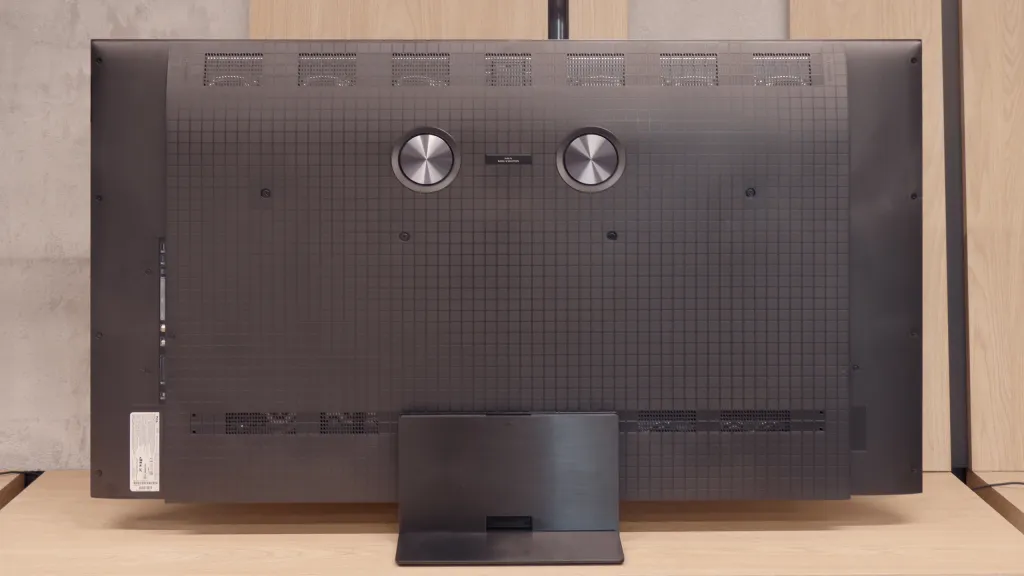
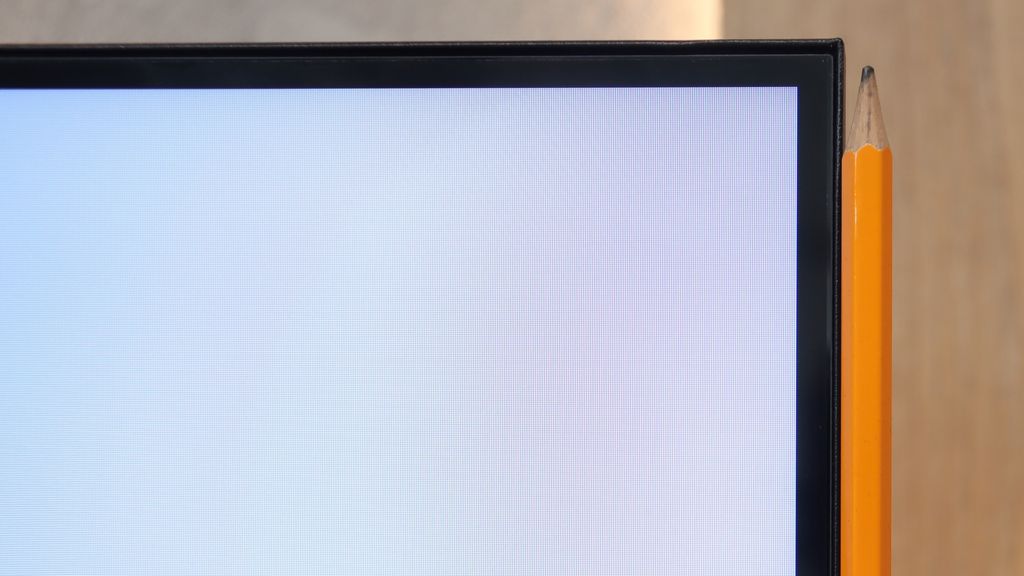
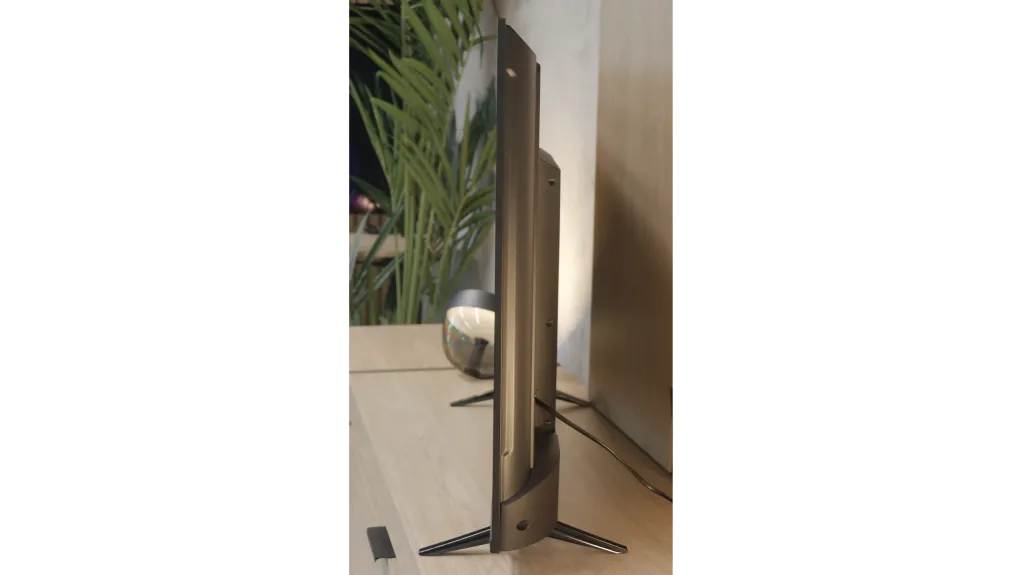
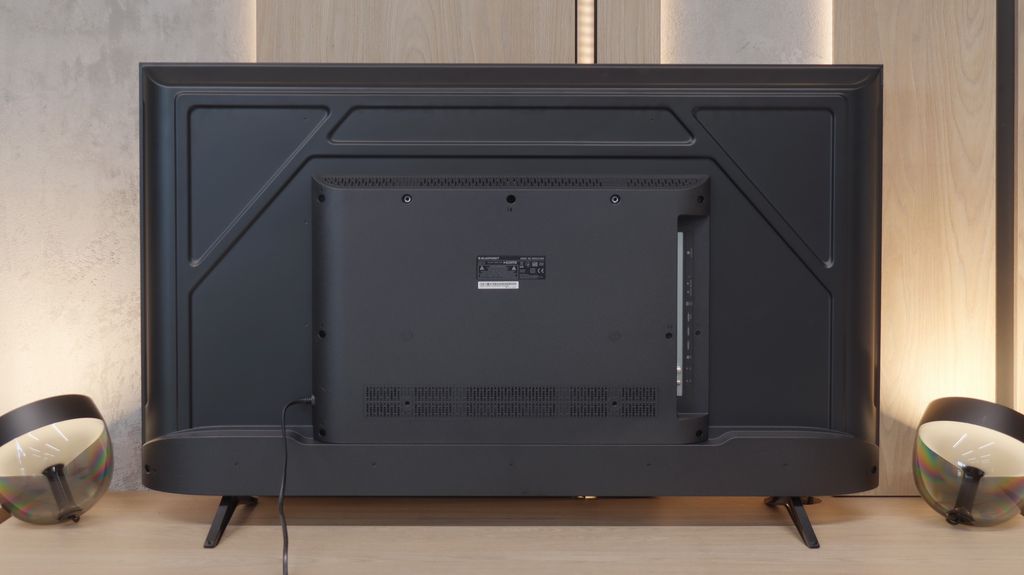
TV appearance

HDMI inputs
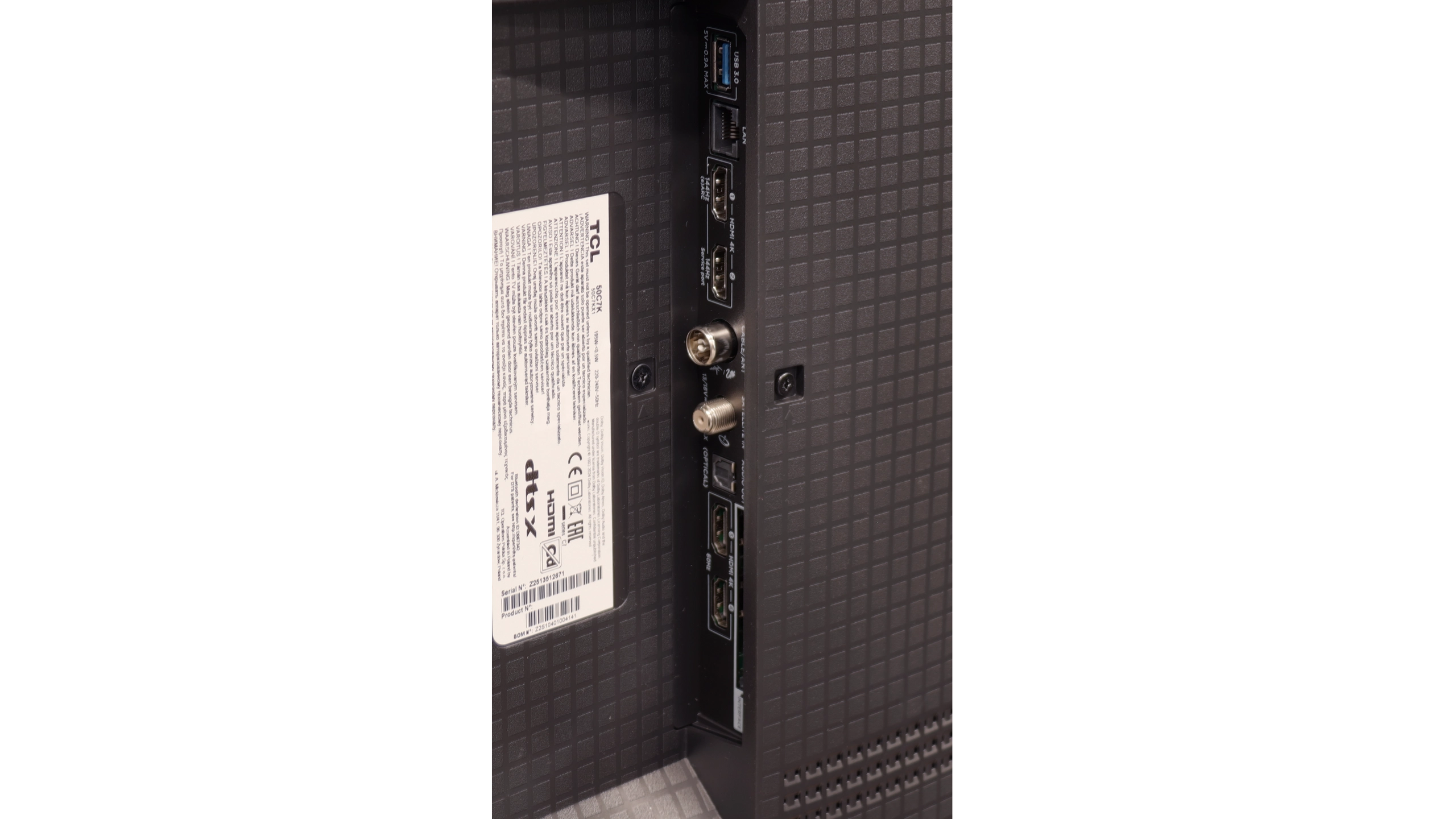
2 x HDMI 2.0, 2 x HDMI 2.1 (48Gbps)
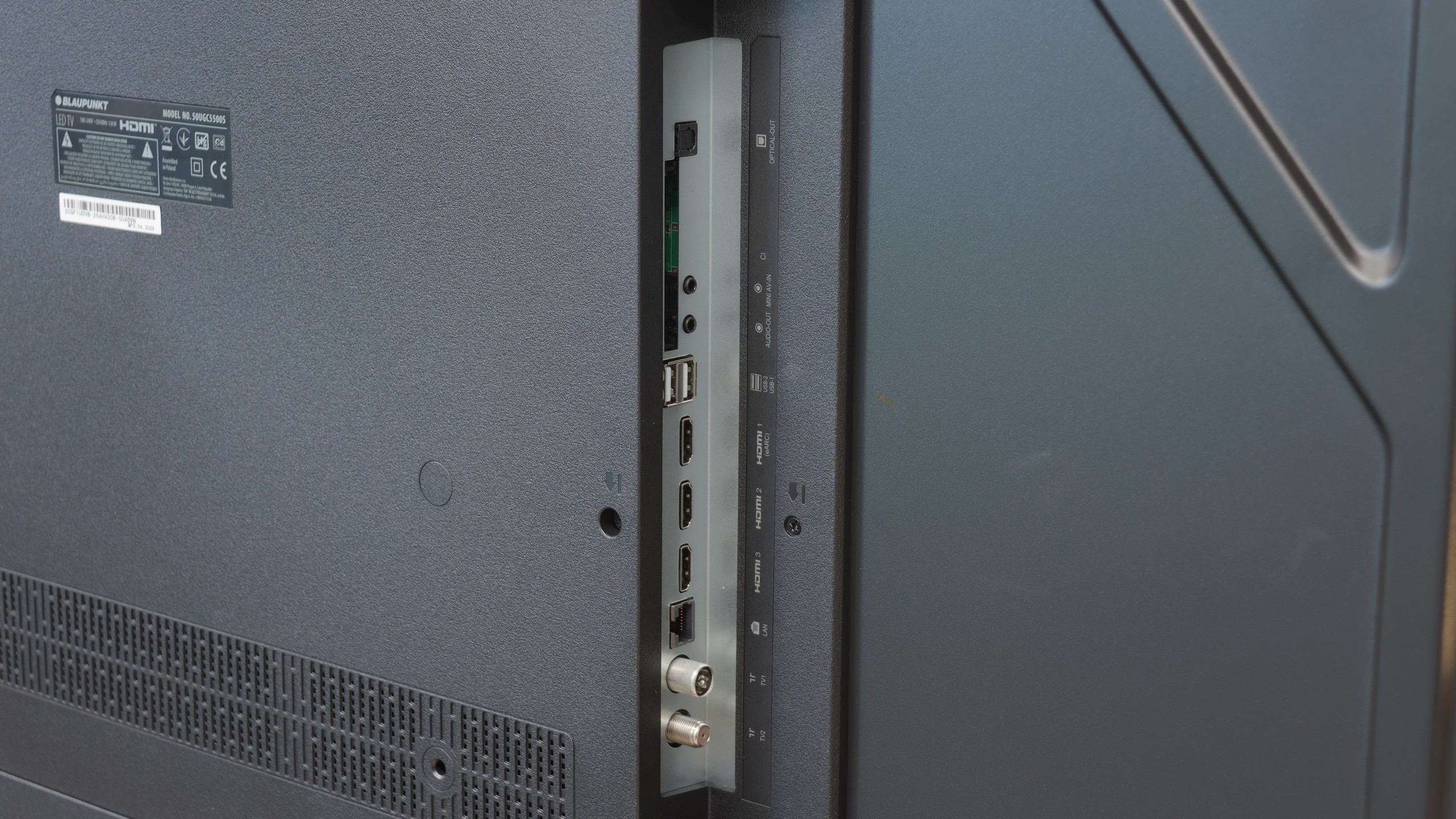
3 x HDMI 2.0, 0 x HDMI 2.1
Other inputs
RCA (Chinch)
Outputs
Toslink (Optical audio), eARC (HDMI), ARC (HDMI)
Toslink (Optical audio), eARC (HDMI), ARC (HDMI), Mini-Jack (Headphones)
Network Interfaces
Wi-Fi 2.4GHz, Wi-Fi 5GHz, Ethernet (LAN) 100Mbps
Build quality
Good
Average
Stand type
Central
Legs
Bezel color
Graphite
Graphite
Stand
Fixed
Fixed
Accessories
Stand
Stand

Contrast and black detail

8.1/10

2.2/10

Local dimming function: Yes, number of zones: 1008 (42 x 24)

Local dimming function: No

Contrast:

Review TCL C7K / QM7K 55"-85" Contrast and black detail

Result

256,000:1

Review TCL C7K / QM7K 55"-85" Contrast and black detail

Result

59,850:1

Review TCL C7K / QM7K 55"-85" Contrast and black detail

Result

22,200:1

Review TCL C7K / QM7K 55"-85" Contrast and black detail

Result

16,850:1

Review TCL C7K / QM7K 55"-85" Contrast and black detail

Result

11,400:1

Review Blaupunkt UGC5500S Contrast and black detail

Result

1,000:1

Review Blaupunkt UGC5500S Contrast and black detail

Result

1,100:1

Review Blaupunkt UGC5500S Contrast and black detail

Result

1,150:1

Review Blaupunkt UGC5500S Contrast and black detail

Result

1,100:1

Review Blaupunkt UGC5500S Contrast and black detail

Result

1,050:1

Halo effect and black detail visibility:

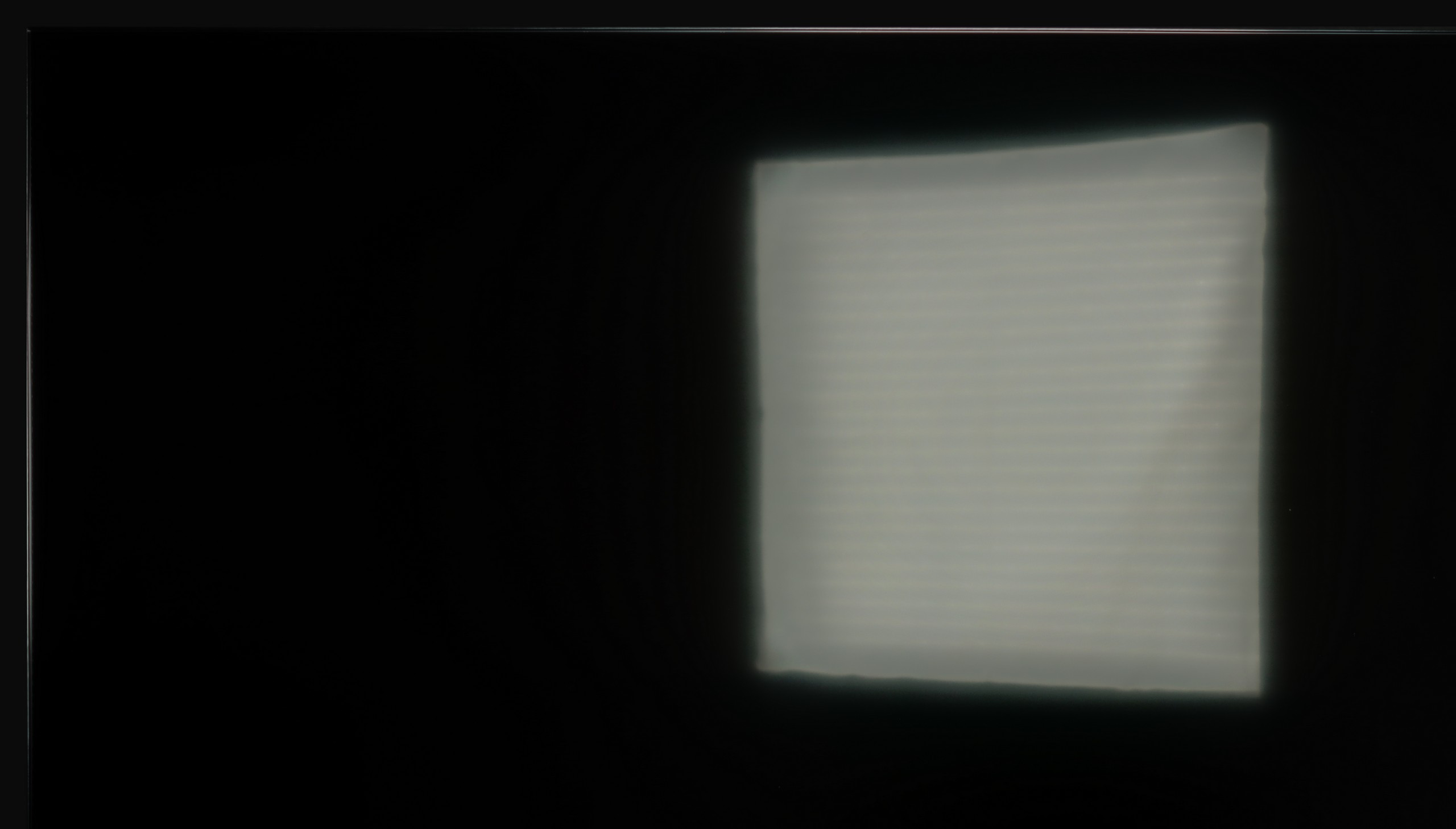
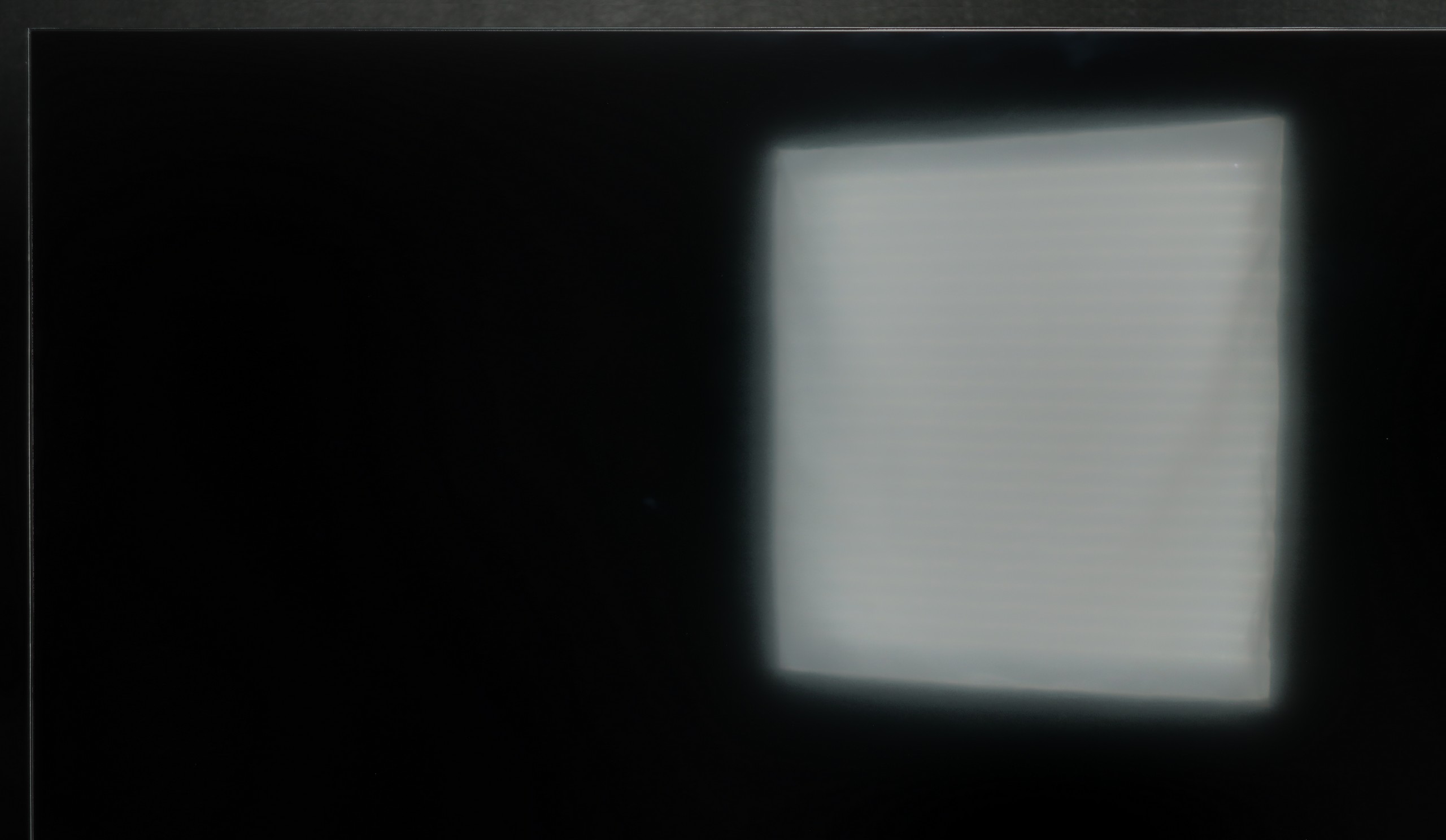
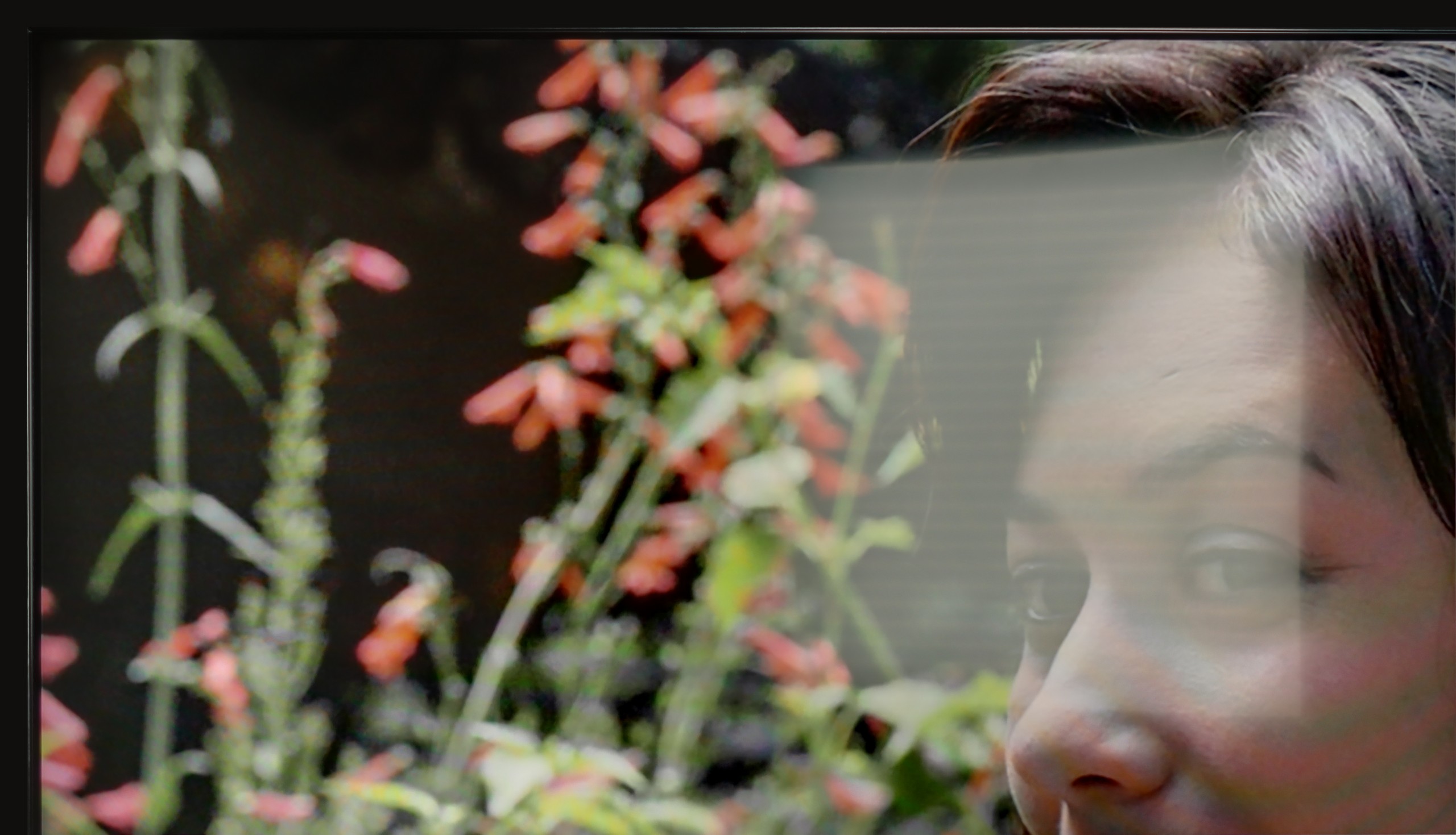
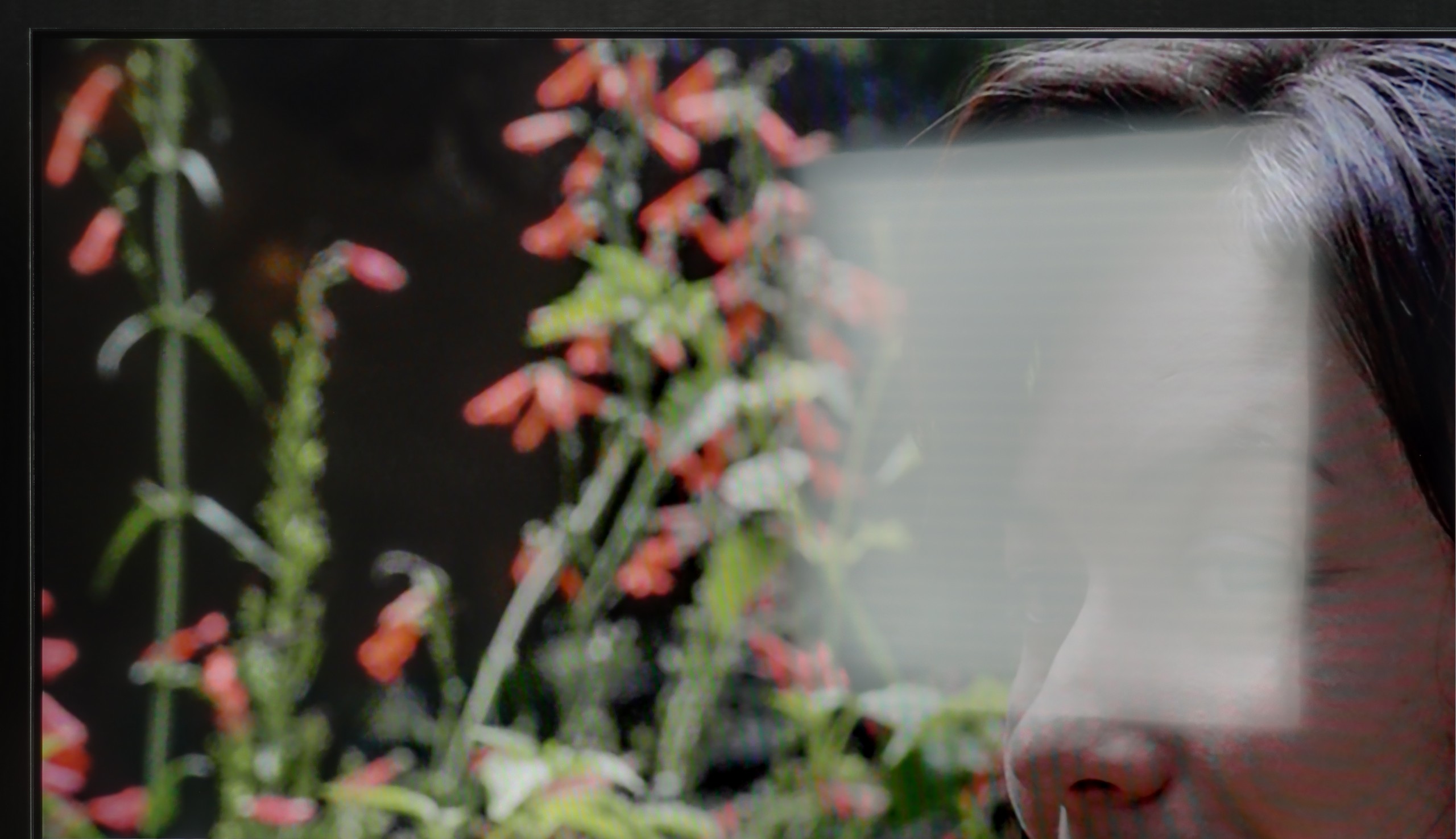
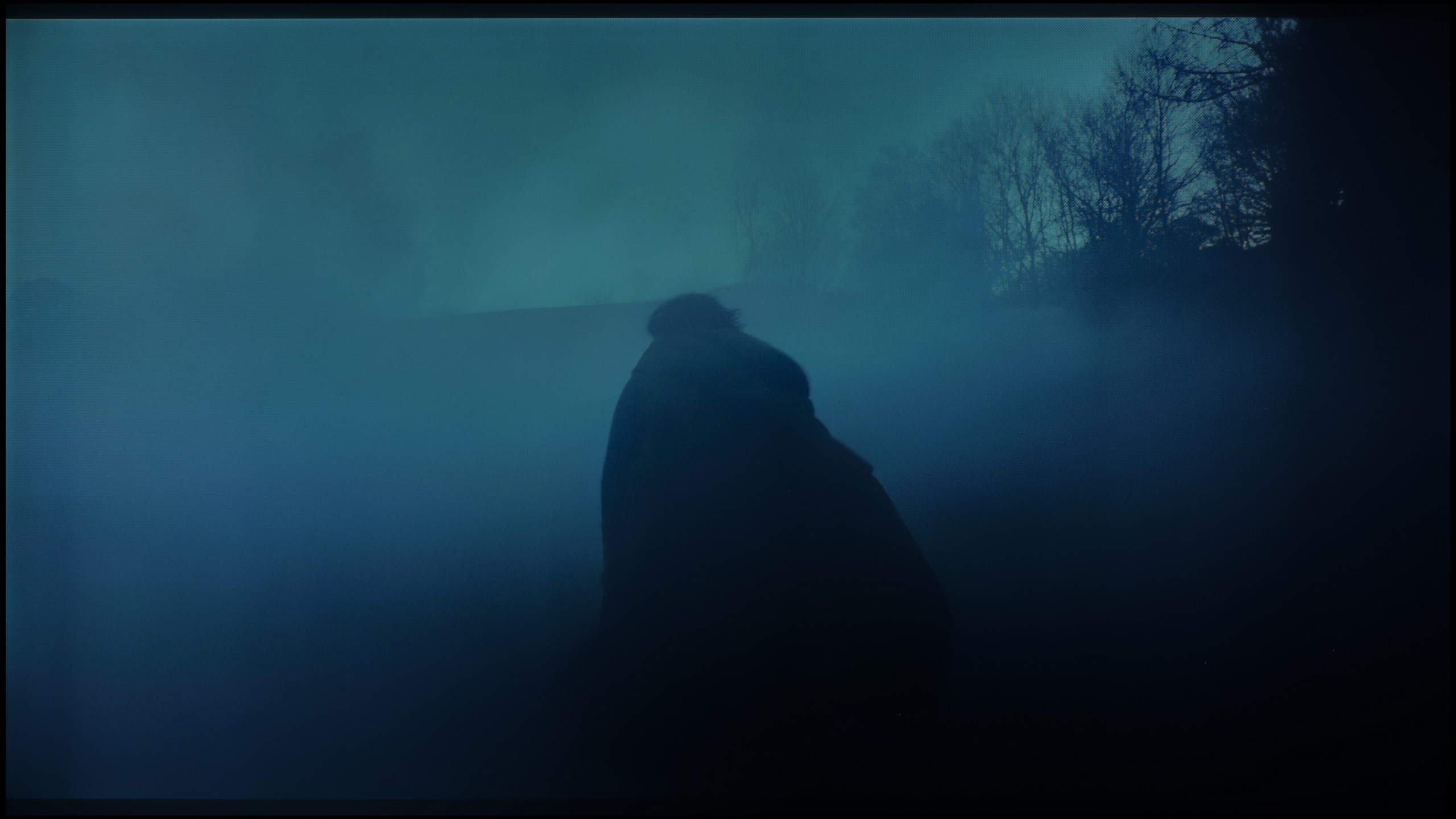
Check the visibility of bright lights on a dark background. Mini-LEDs often struggle with this. The photo does not compare black levels – that’s what the video below is for.

The video accurately shows differences in contrast and black levels between TVs, as well as potential issues: halo around bright objects or Mini-LED zone operation visible as brightness jumps.

The results of black and contrast tests in models ranging from 55 to 85 inches are very similar, which is why in the main part of the evaluation we refer to the 65-inch version. It is a natural phenomenon that larger sizes mean a greater number of local dimming zones, and in the case of 65 inches, we counted over 1000. The effect is very good – the contrast is at a high level and performs definitely better than in the smallest, 50-inch variant. Typical MiniLED limitations are still visible, such as the halo effect or slightly too aggressive dimming of the image, however, here they are less noticeable than in the smaller model.

For comparison, it is worth recalling that the 50-inch TCL C7K, despite surprising with the use of as many as 336 dimming zones, had difficulties managing the backlight in more complex scenes – overexposures or loss of detail occurred. In larger sizes, this problem does not completely disappear, but thanks to the greater number of zones, its impact on the perception of the image is less bothersome.

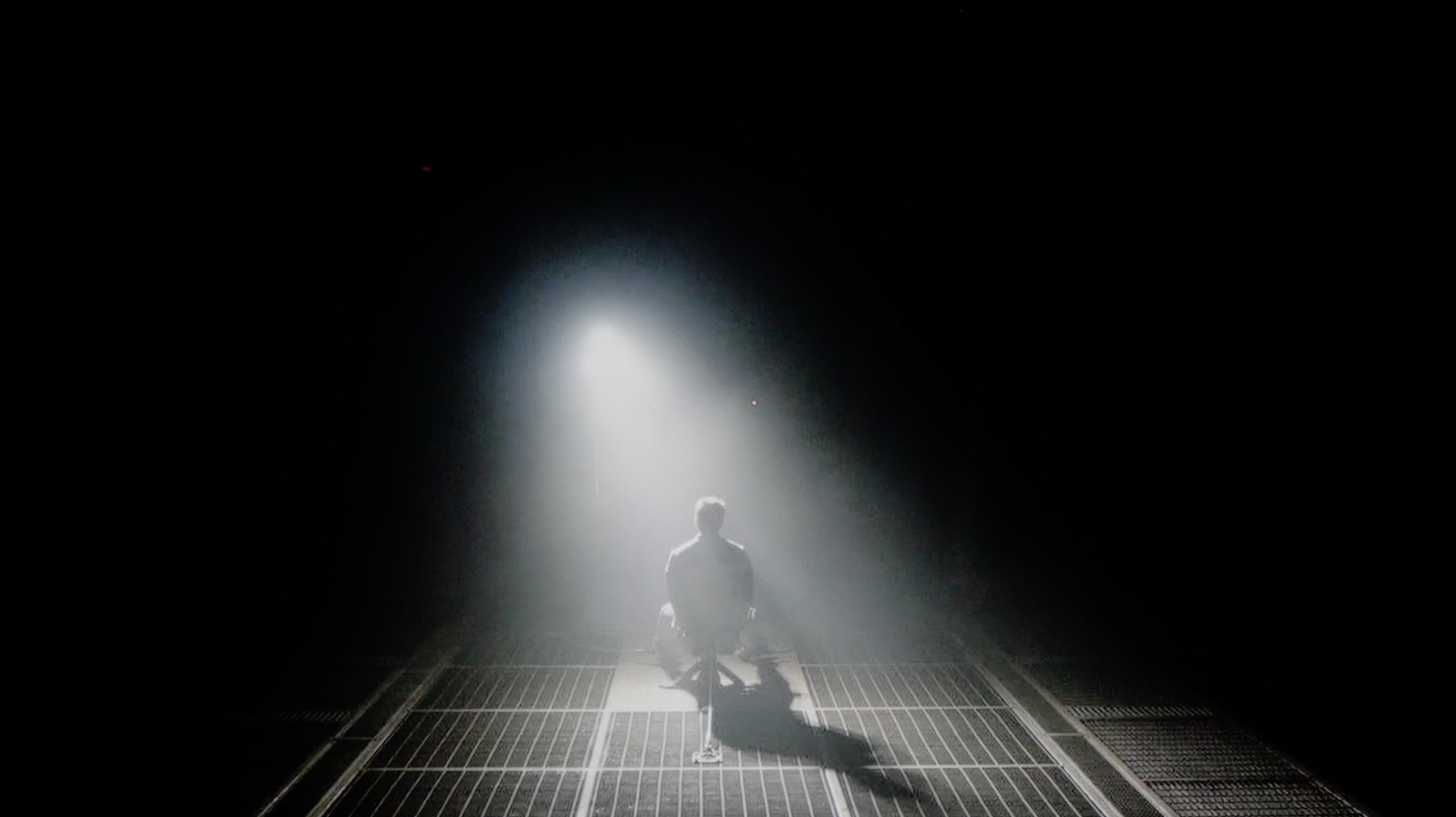
To put it bluntly: when it comes to blacks, it is simply very poor. Our measurements on test screens have only confirmed what we saw with the naked eye – a result around 1000:1 is disappointing nowadays, even in this price range. In cinematic conditions, this "black" simply does not exist. To be more specific, we fired up one of our favourite test scenes – a helicopter flyover in “Sicario 2” (you can see this in the video we’ve included below). Instead of a pitch-black, deep night, we got an image that is... navy blue. Everything that should be dark and mysterious on screen actually shines a dark blue. This is the price we pay for using an IPS panel. On one hand, we get fairly decent viewing angles, so if you’re watching television with the whole family from different angles, the picture doesn’t lose much saturation. On the other hand, if you plan to have evening screenings with the lights turned off, this lack of contrast will hit your eyes from the first minute.

HDR effect quality

6.2/10

3.8/10

Supported formats
HDR10, HDR10+, Dolby Vision, Dolby Vision IQ, HLG
HDR10, HLG
Color gamut coverage
DCI P3: 94.0%, Bt.2020: 73.5%
DCI P3: 81.8%, Bt.2020: 60.3%

Luminance measurements in HDR:

Review TCL C7K / QM7K 55"-85" Brightness measurement

Result

1108 nit

Review TCL C7K / QM7K 55"-85" Brightness measurement

Result

405 nit

Review TCL C7K / QM7K 55"-85" Brightness measurement

Result

865 nit

Review TCL C7K / QM7K 55"-85" Brightness measurement

Result

290 nit

Review TCL C7K / QM7K 55"-85" Brightness measurement

Result

848 nit

Review Blaupunkt UGC5500S Brightness measurement

Result

232 nit

Review Blaupunkt UGC5500S Brightness measurement

Result

245 nit

Review Blaupunkt UGC5500S Brightness measurement

Result

255 nit

Review Blaupunkt UGC5500S Brightness measurement

Result

238 nit

Review Blaupunkt UGC5500S Brightness measurement

Result

252 nit

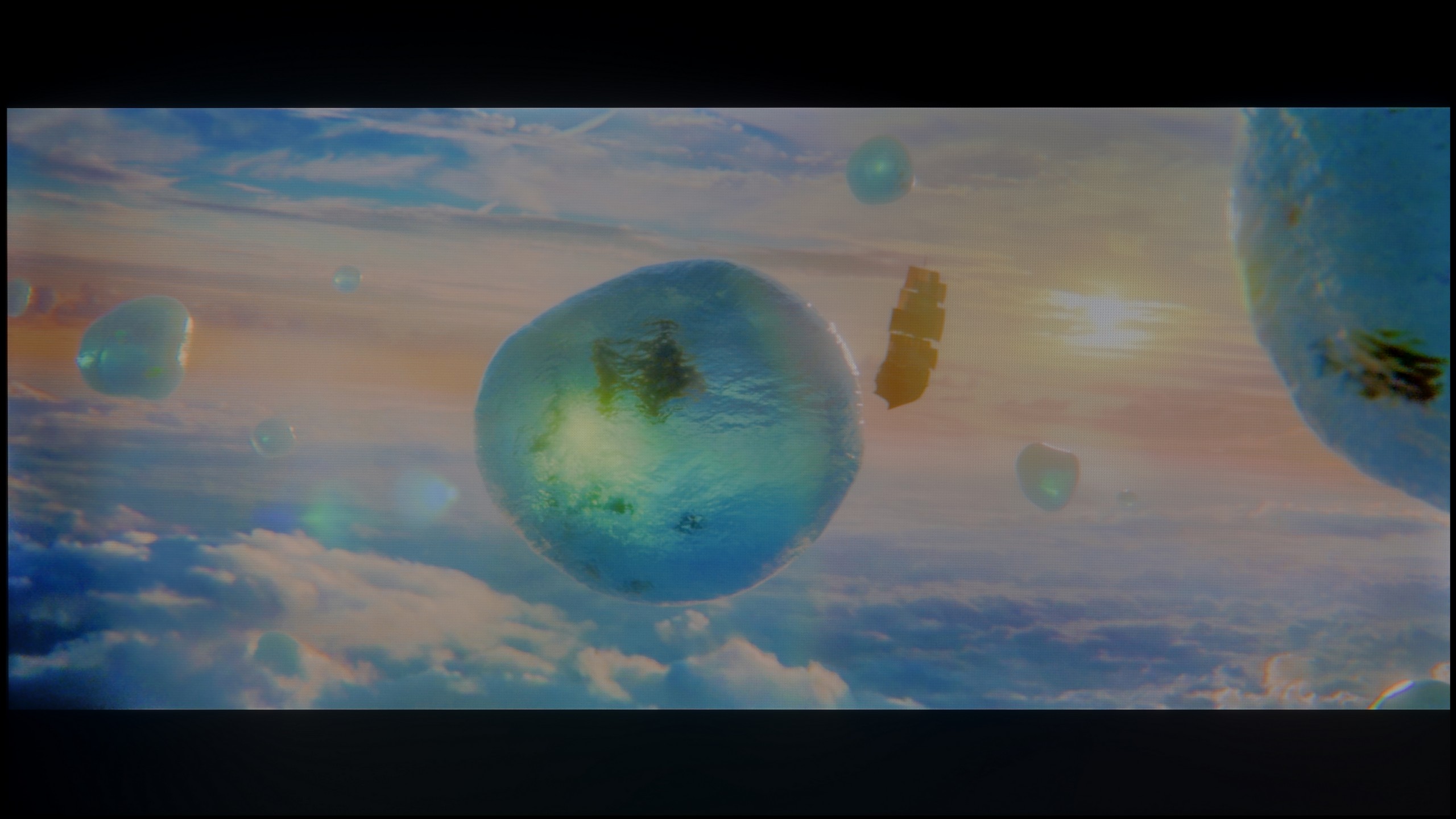
Scene from the movie “Pan” (about 2800 nits)

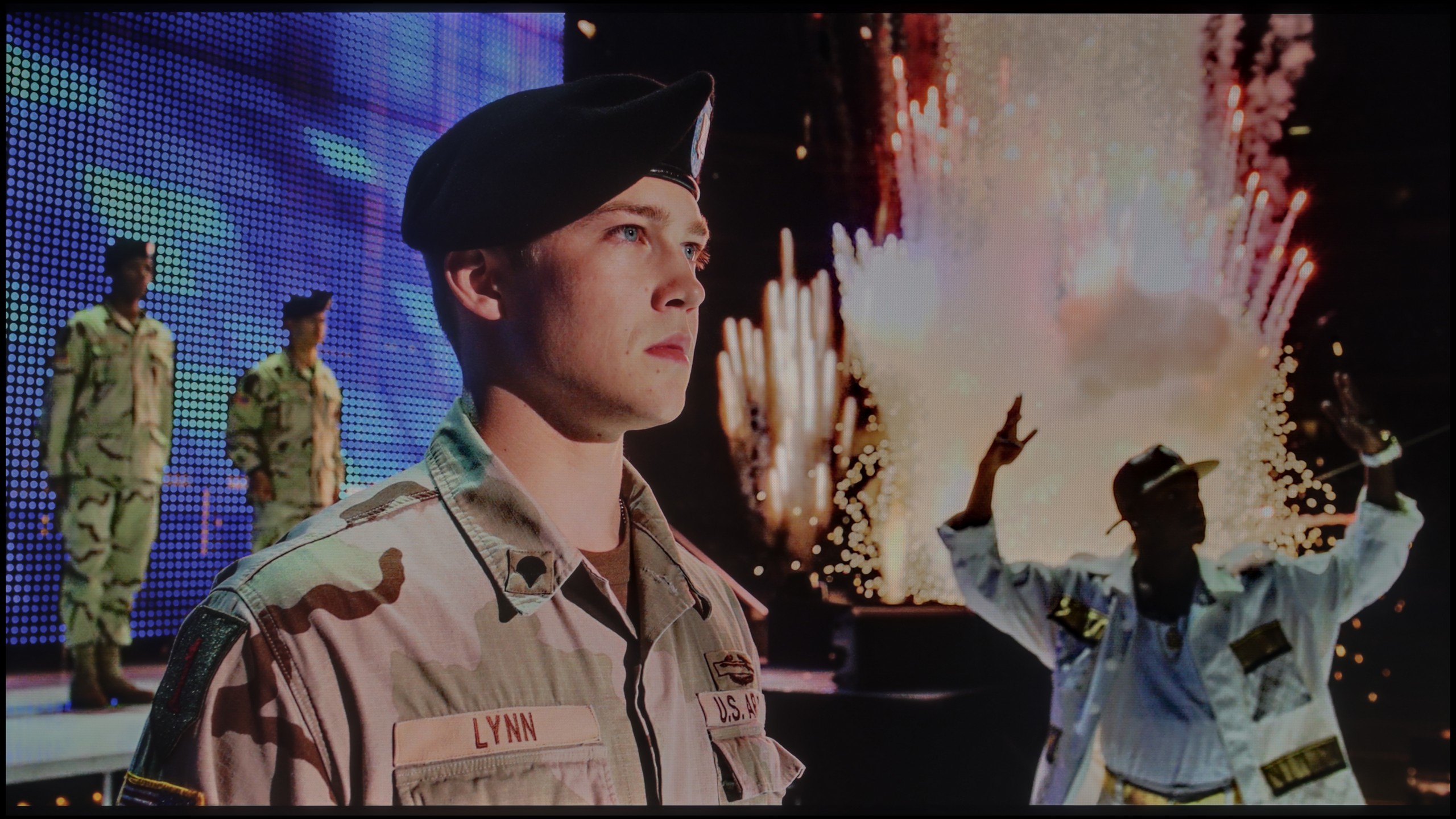
Scene from the movie “Billy Lynn” (about 1100 nits)

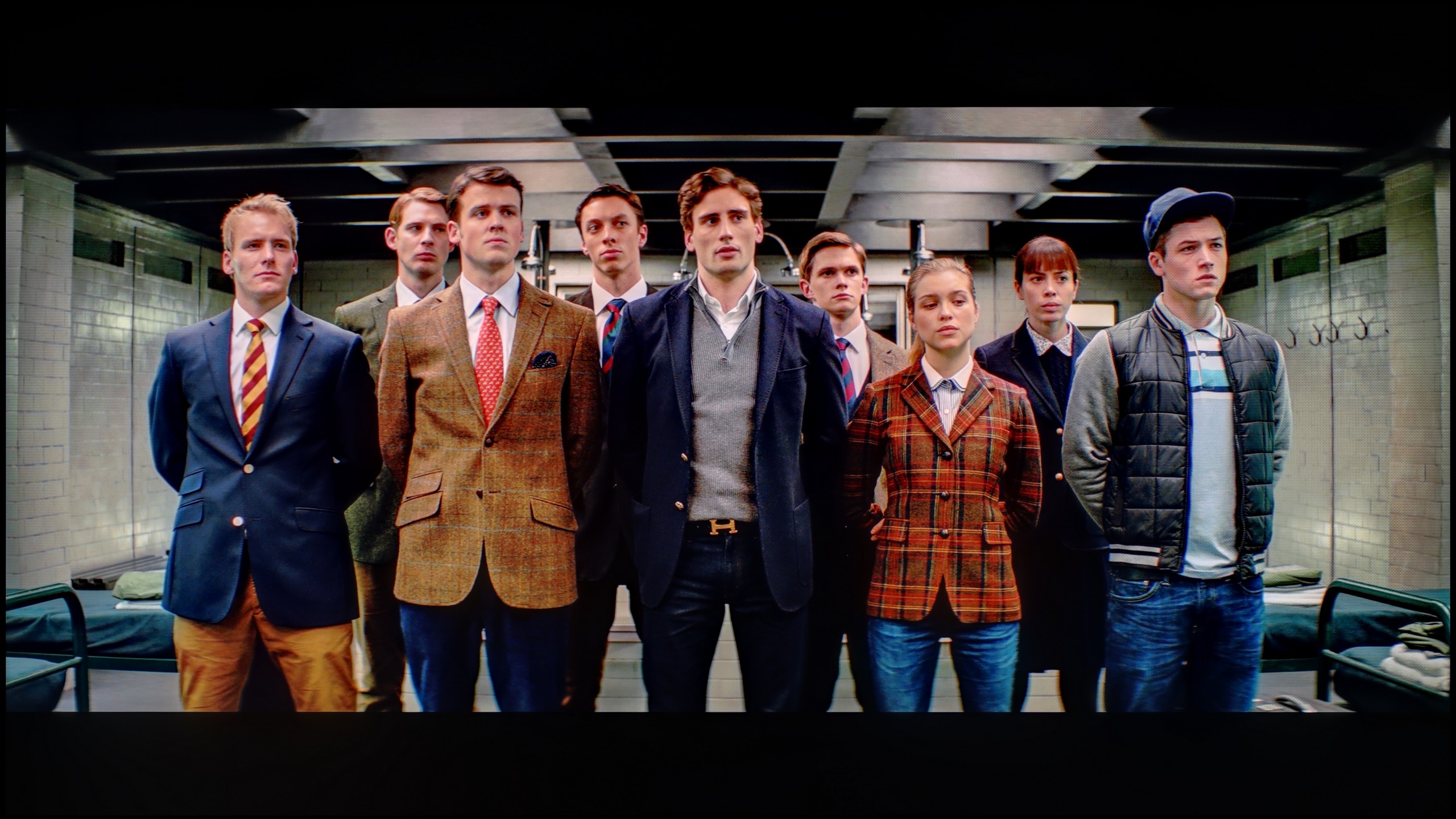
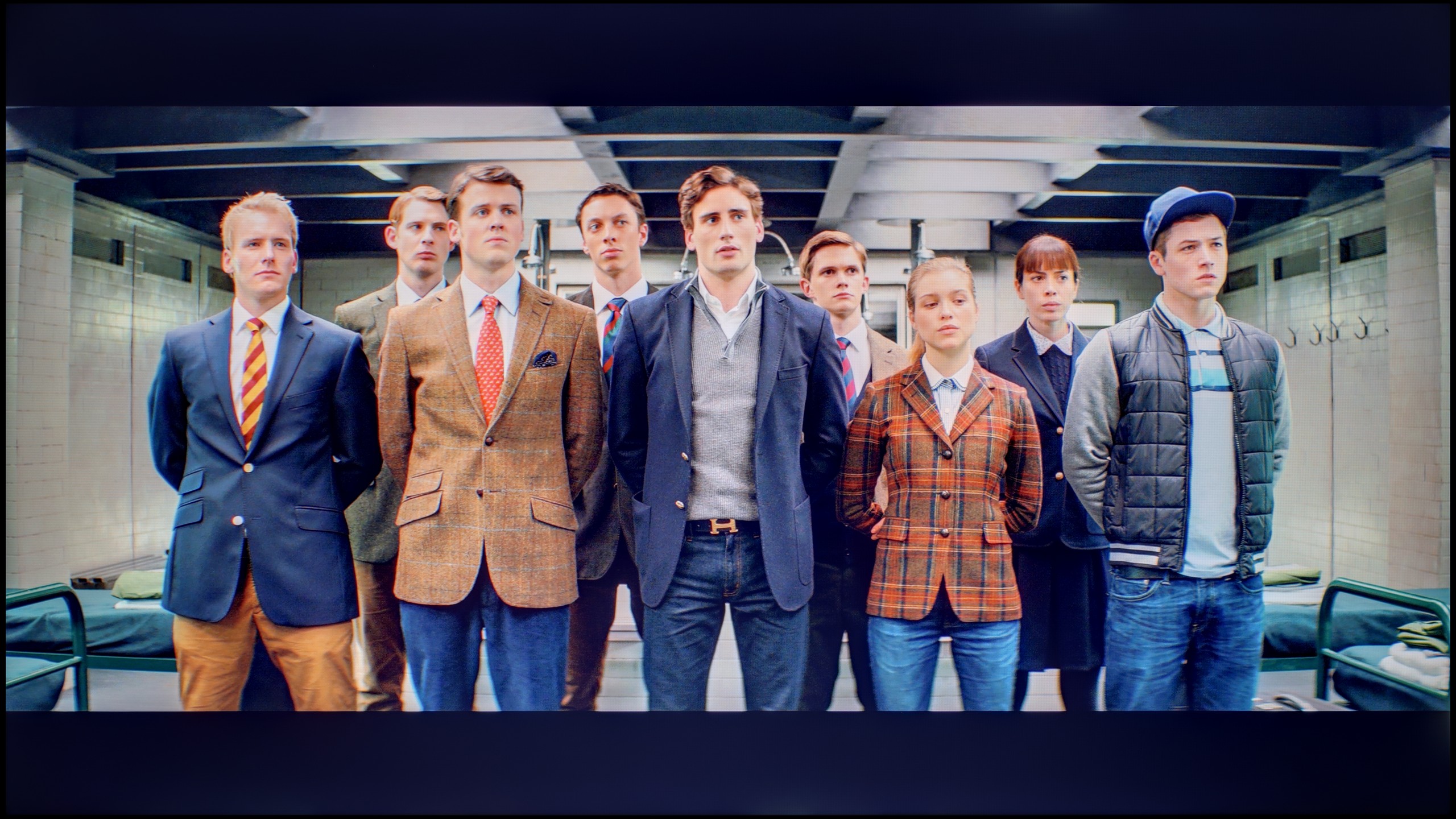
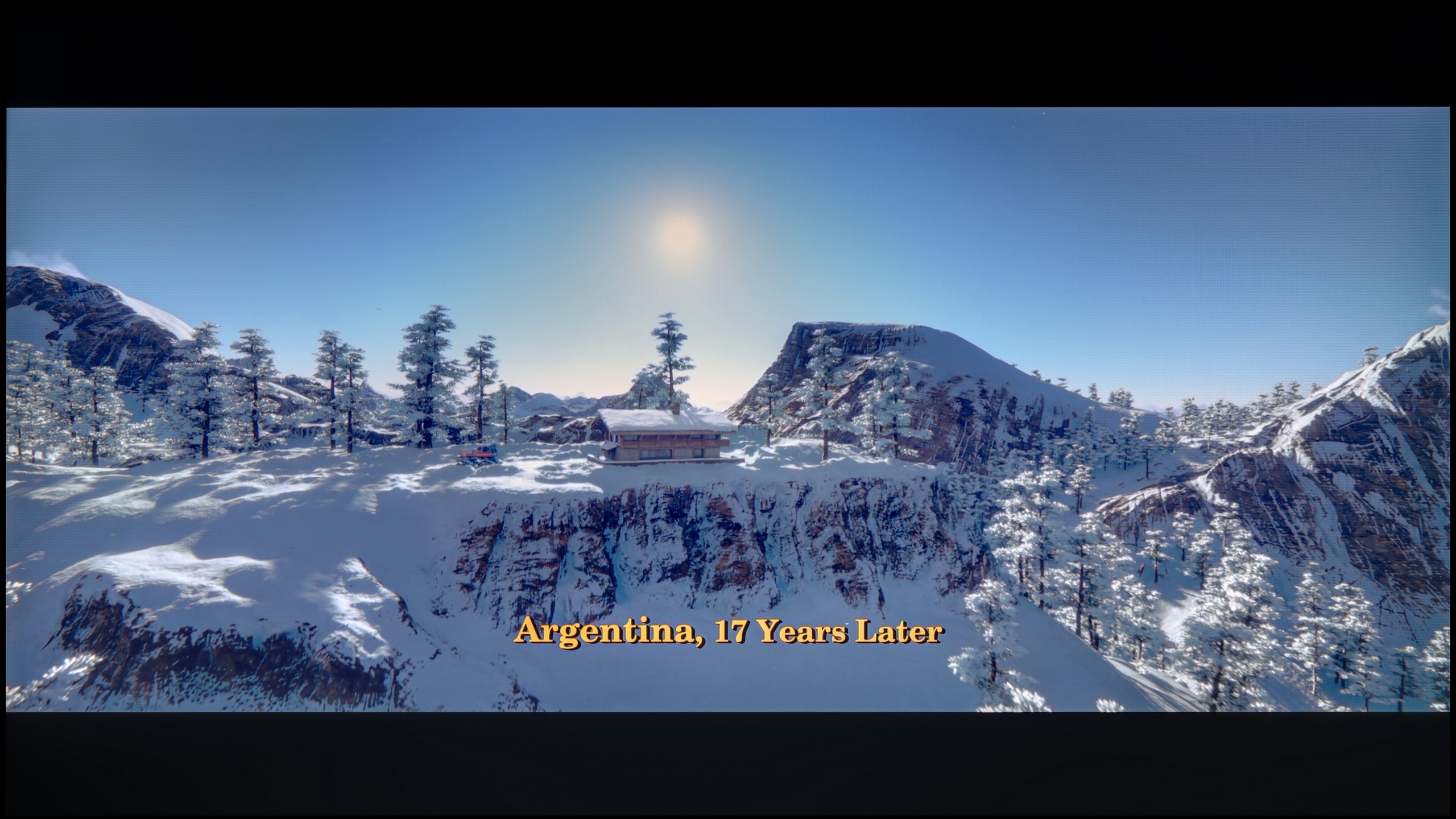
The photos show two HDR10 movies. 'Pan' is one of the brightest productions ever made, while 'Billy Lynn' (soldier) has brightness typical of streaming (Netflix, Prime, HBO MAX). Notice the intensity of effects and detail in whites.

Static HDR10

The photos present the visibility of white details in various HDR formats. They do not show brightness differences between TVs (these can be compared in the previous gallery).

HDR luminance chart:

Blaupunkt UGC5500S

TCL C7K / QM7K 55"-85"

In terms of brightness, the models ranging from 55 to 85 inches in the C7K series are truly impressive. Under the best testing conditions, the 65-inch screen reached over 1200 nits, which in practice means that the brightest scenes can shine with almost cinematic brilliance. These are not just dry numbers from measurements – during viewings, the white skies, explosions or reflections of light on water looked extraordinarily striking, often giving the impression that the television exceeded its price class. This is particularly effective in scenes with large areas of brightness, where the screen is filled with intense light – such as in sunlit shots or during dynamic action sequences. Viewers seeking strong HDR will definitely be satisfied.

However, scenes that require precise control of the backlighting – with small points of light on a dark background – prove to be more challenging. Here, the C7K, despite having over a thousand zones, still dims the brightness to maintain deep blacks. The effect is that in films like Sicario 2 or Life of Pi, some details, like a distant lantern or single reflections, can be less distinct or blend into the surroundings. This is a compromise inherent in MiniLED technology – it provides excellent image depth and blacks at a level that ordinary LCDs do not offer, but this comes at the cost of limited visibility of the finest lights.

Here, too, we will not mince words – if you are looking for a television strictly for cinematic experiences in HDR, you have come to the wrong place. The Blaupunkt UGC5500S is unfortunately not a machine designed for such challenges. This is primarily due to its very low brightness, which we measured during our tests. A result of around 250 nits on film scenes speaks for itself. It is simply too little to even talk about any real HDR effect. Quite frankly, everything displayed here in this format can be confidently regarded as a somewhat “enhanced” SDR mode. We expected this, as virtually every device in this price range falters in this area, but we feel obliged to warn you about it. Manufacturers love to boast about HDR compatibility with stickers on their boxes, but in reality, this format simply does not exist here – it lacks the “fuel” of brightness.

The situation is particularly difficult for Blaupunkt, as we are dealing with a panel that has a very basic coverage of the DCI-P3 colour palette, reaching only about 80%. You will not find any advanced coatings to extend these capabilities (such as quantum dots), which means that scenes that should ideally burst with richly saturated colours appear simply under-saturated on this screen. Therefore, we have a specific piece of advice for you: do not force the HDR mode on this model. If you have the option in the streaming app settings – simply turn it off. By sticking to the classic SDR mode, you can be sure that the television will not attempt to “enhance” something that it cannot handle hardware-wise.

Factory color reproduction

6/10

4.8/10

This gallery shows how colors change after professional TV calibration. If you notice the difference, we recommend ordering this service at SkalibrujTV.com.

Factory Mode

After calibration

This gallery shows how colors change after professional TV calibration. If you notice the difference, we recommend ordering this service at SkalibrujTV.com.

Factory Mode

After calibration

A new feature in TCL televisions for 2025 is the long-awaited Filmmaker mode, which until now could be found in most competing brands. This is great news, as this mode is considered the one that most accurately represents the original vision of the creators and is often recommended by enthusiasts of good picture quality. Unfortunately – as is often the case – the mere presence of it does not guarantee perfection. The Filmmaker mode in the TCL C7K is not without its flaws. One can point out the incorrect white balance, particularly the slight dominance of blue, which resulted in cool, somewhat greyish skin tones. But that was not the biggest issue. The main complaint was excessive brightness exposure, which was clearly visible on gamma and EOTF charts. The image was simply too bright, at times even overexposed, which affected not only the texture of the scenes but also the overall viewing experience. Some details were simply lost, and the entire image looked like someone had slightly overdone the brightness slider. As always, we decided to see what could be squeezed out of it after calibration. And that’s where it started to get really interesting…

We also took a close look at how Blaupunkt handles colours in movie mode, and here the matter is, in short, twofold. Once again, we need to clearly separate what we see in standard SDR format from what happens when HDR is turned on, as these are two entirely different worlds. Let’s start with the better side of the coin. If you plan to watch classic television, YouTube, or older films on this television, you can count on really reasonably well-tuned colours. In our test unit, the white balance in movie mode performed exceptionally well, which honestly surprised us. Of course, to avoid being overly optimistic, we did notice some shortcomings. Looking at the gamma charts, we observed that the processor struggles with appropriately dimming the image in its brightest areas. Additionally, there is quite a strong, at times excessively aggressive red saturation, which resulted in visible errors in reproducing certain shades. Nevertheless, in general terms, the image in SDR is simply solid and can be watched without a grimace on one’s face. Unfortunately, the charm disappears the moment we again enter the HDR world. Here, Blaupunkt behaves as if we suddenly switched it to shop mode, and in its worst version. The excess blue in the white balance is so significant that it is almost blinding, ruining any realism of the scene. Moreover, the television interprets brightness very loosely, which, when analysing the EOTF curve, clearly showed that for most of the time, the colours appear simply washed out and lacking in depth. This is, by the way, perfectly visible through the colour errors that become evident in this mode. Once again, we are left with the same conclusion: Blaupunkt in SDR mode looks significantly better and more natural than in HDR, which feels forced and lacking appropriate refinement.

Color reproduction after calibration

7.5/10

6.4/10

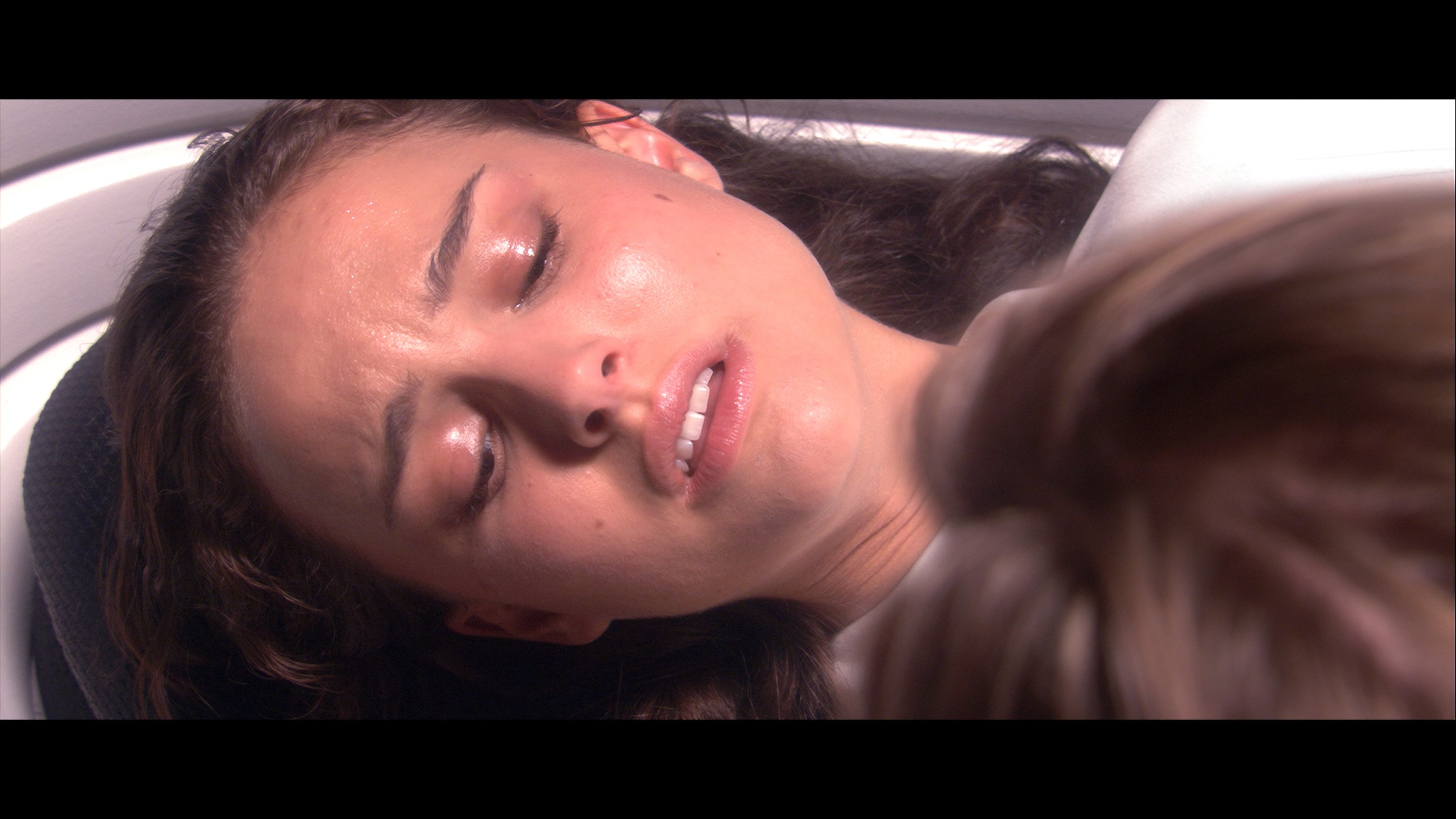
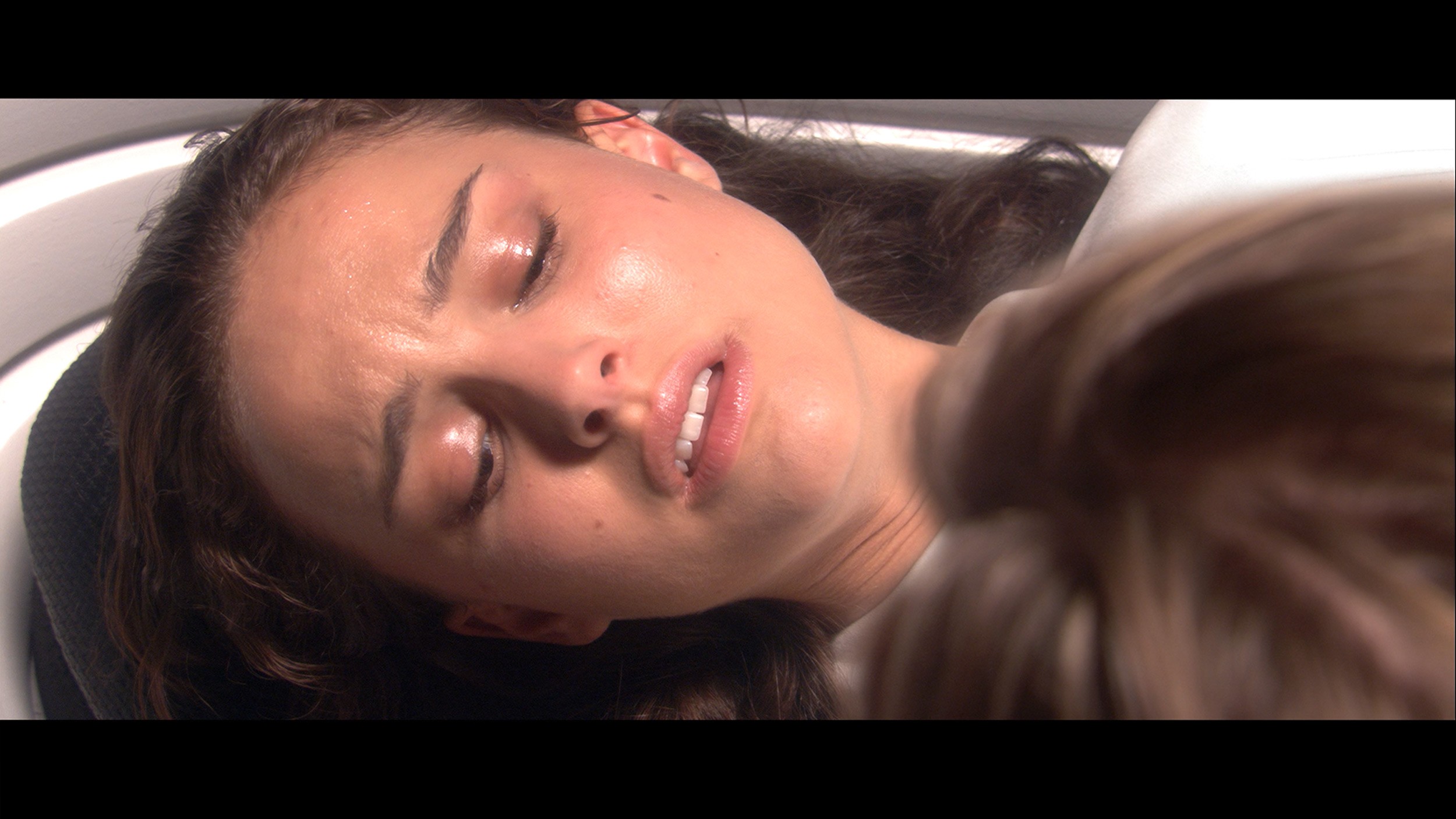
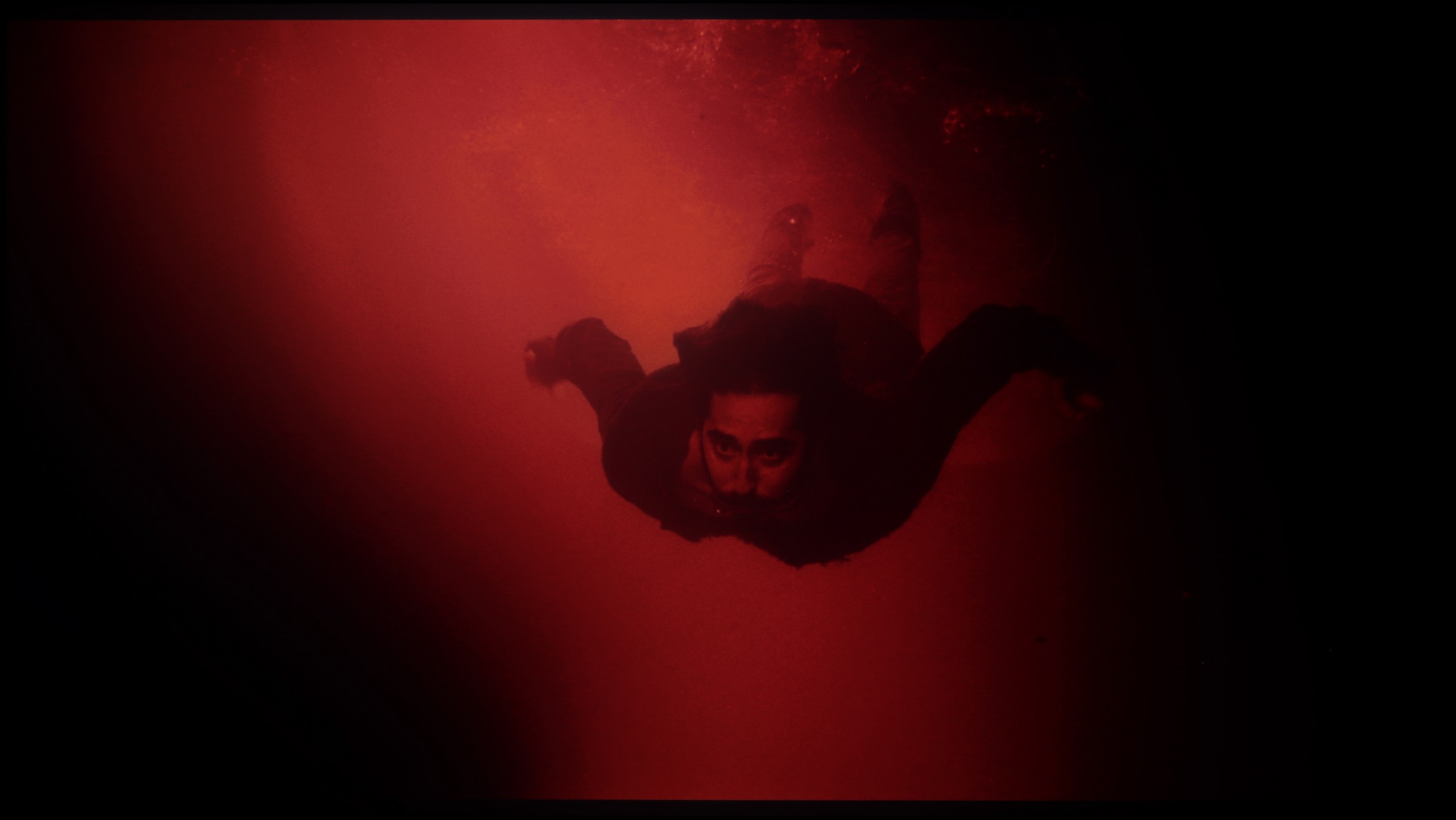
The photos show how movies look on the TV. Pay attention to black detail visibility, colors, and shadow tint.

The photos show how movies look on the TV. Pay attention to black detail visibility, colors, and shadow tint.

After calibration, the TCL C7K presented itself in a really good light, especially when it comes to SDR content. We managed to precisely tune the white balance, colour gamut, and brightness characteristics so that the colour errors on the ColorChecker palette fell below a value of 2. For the uninitiated – this is nearly a perfect result, indicating that the image closely resembles what the creators intended. Unfortunately, it looked worse with 4K HDR content. While we slightly managed to calm the white balance and correct its previous errors, it still shows that the TV has some “MiniLED traits”, particularly in brightness management. When we checked how the C7K copes with the EOTF curve on real film scenes, rather than just synthetic test patterns, it turned out that the screen still tends to slightly brighten the entire image. This affects the overall impression – the black loses some depth, and the image becomes less contrasty than it should be. Despite these minor shortcomings in HDR content, the overall reception of materials – especially in SDR – is truly very good. After calibration, the C7K is capable of displaying an image that can successfully compete with much more expensive models. Good colour tuning, natural skin tones, and pleasant brightness ensure that movie sessions and everyday content viewing are more than satisfactory.

It may sound like a joke – pulling out professional measuring equipment for a television costing around a thousand złotys / 250 dollars, but we wouldn’t be ourselves if we didn’t check it out. The question is: does such cheap equipment give us any room for manoeuvre when it comes to calibration? To your surprise, the answer is: yes, and very much so. In the Blaupunkt UGC5500S menu, we found surprisingly many options that allowed us to really work on the picture. These are not just empty sliders; they are specific tools that we could utilise using our measuring sensors and software. In SDR mode, the effects were visible to the naked eye. We successfully eliminated the problem we mentioned earlier – that excessive, almost artificial red saturation. We also fixed the issue of improper dimming in the brightest parts of the image. After calibration, the standard format image became significantly more balanced and simply correct. When it came to HDR, the situation was again more complicated. While we managed to 'tame' that aggressive blue tint in the white balance, it was clear that we were fighting somewhat in vain. Even after adjusting the settings, the television still tried to interfere with the image in its own way, as if the electronics knew better than us how the scene should look. Additionally, there is a hardware barrier that no slider can overcome – colours in HDR still remain under-saturated. This is simply due to the quality of the panel itself; it physically cannot produce the most vibrant colours. To sum up this topic: if any of you ask whether it is possible to calibrate a television for a 'thousand', we answer with full conviction: it is possible.

Smoothness of tonal transitions

8.6/10

6.4/10

These are selected scenes that show smooth tonal transitions from one color to another. If you see distinct banding, it’s the TV panel’s fault.

These are selected scenes that show smooth tonal transitions from one color to another. If you see distinct banding, it’s the TV panel’s fault.

These are selected scenes that show smooth tonal transitions from one color to another. If you see distinct banding, it’s the TV panel’s fault.

These are selected scenes that show smooth tonal transitions from one color to another. If you see distinct banding, it’s the TV panel’s fault.

TCL C7K performs very well with colour gradation – in most of the tested scenes, the tonal transitions were smooth, and the colours blended together without visible outlines or the artificial effect of “blobs”. In everyday use, it is difficult to find fault with anything – the picture looks natural, without irritating transitions or digital artefacts. Certain limitations only appear in very dark tones – particularly in a heavily muted grey palette, where the television may struggle to reproduce an ideal gradation. But this is absolutely understandable, as even many significantly more expensive models in this range simply falter. Fortunately, these situations are rare and do not significantly affect the overall impression.

Looking at our test photographs, it's really hard to criticise anything. Most of the colours in the attached images blend together almost perfectly, creating smooth gradients without noticeable "steps". And indeed, in most scenes where we captured these shots, it looked surprisingly good. However, the problem arises when we stop analysing still frames and simply start watching the films. In motion, the situation changes dramatically. During dynamic scenes on screen, artefacts begin to appear, which are a direct result of simply using a poor image processor here. Unfortunately, a static photo cannot convey this "jarring" of colours, but you must take our word for it: what looks clean and smooth in the picture can stand out harshly during the screening and is simply annoying. This is precisely why we have a rather low rating in this category.

Image scaling and smoothness of tonal transitions

5.5/10

2.5/10

Image without overscan on the SD signal
OK
No
Smooth transition function
OK
No

Smooth transition function

The match photo shows how the TV smooths weak tonal transitions in low-quality video.

Image scaling SD (576i)

The model photo shows how it handles upscaling of SD material.

The TCL C7K features a function that, according to the manufacturer, is designed to smooth out unwanted colour transitions – a sort of rescue for less successful tonal shifts. It's called "Gradual Smoothing" and... well, it sounds ambitious, but in practice, it works very poorly. Regardless of whether we set it to low or high, the difference is minimal. What's worse, the function can cut out elements from the image that should remain. Fortunately, the film grain remains untouched, so at least it doesn't smooth everything indiscriminately, but still – it's better to simply turn this option off.

When it comes to scaling lower resolution content, it’s much better. SD and HD materials look quite decent, although at times we had the impression that the image was losing sharpness and becoming too soft – as if something was detracting from its clarity. Fortunately, with very low sources (e.g. 576p), there was no overscan effect, meaning the image was not artificially cropped – everything fit on the screen as it should.

If you expect the processor in this model to magically "fix" the poor-quality signal from cable TV or old films from YouTube, we must disappoint you. The capabilities of this television end at absolutely basic upscaling, which is simply stretching the image to a higher resolution. It does this adequately in that the image is not blurry, but there's no mention of any intelligent sharpening or adding details here. Worse still, Blaupunkt is completely devoid of any features for reducing unwanted tonal transitions. If the material being watched has what is known as banding (that is, ugly "steps" instead of a smooth transition of colours, e.g., in the sky), this television will display it in all its glory. Additionally, the television has a tendency to slightly crop the edges of the image. Instead of displaying 100% of what the source sends, Blaupunkt slightly enlarges the frame, causing us to lose details at the very edges of the screen. In summary: in the category of digital "enhancing" of images, Blaupunkt simply performs poorly. We receive a raw, unprocessed signal, with all its flaws.

Blur and motion smoothness

8.1/10

3.7/10

Maximum refresh rate of the panel
144Hz
60Hz
Film motion smoothing option
OK
No
Blur reduction option
OK
No
BFI function 60Hz
Yes, 120Hz (double contours)
-
BFI function 120Hz
Yes, 120Hz
-
Brightness drop with BFI
31%
-%

Blur (native resolution, maximum refresh rate):

Blur (BFI function enabled):

Blur (4K@144Hz):

Blur ():

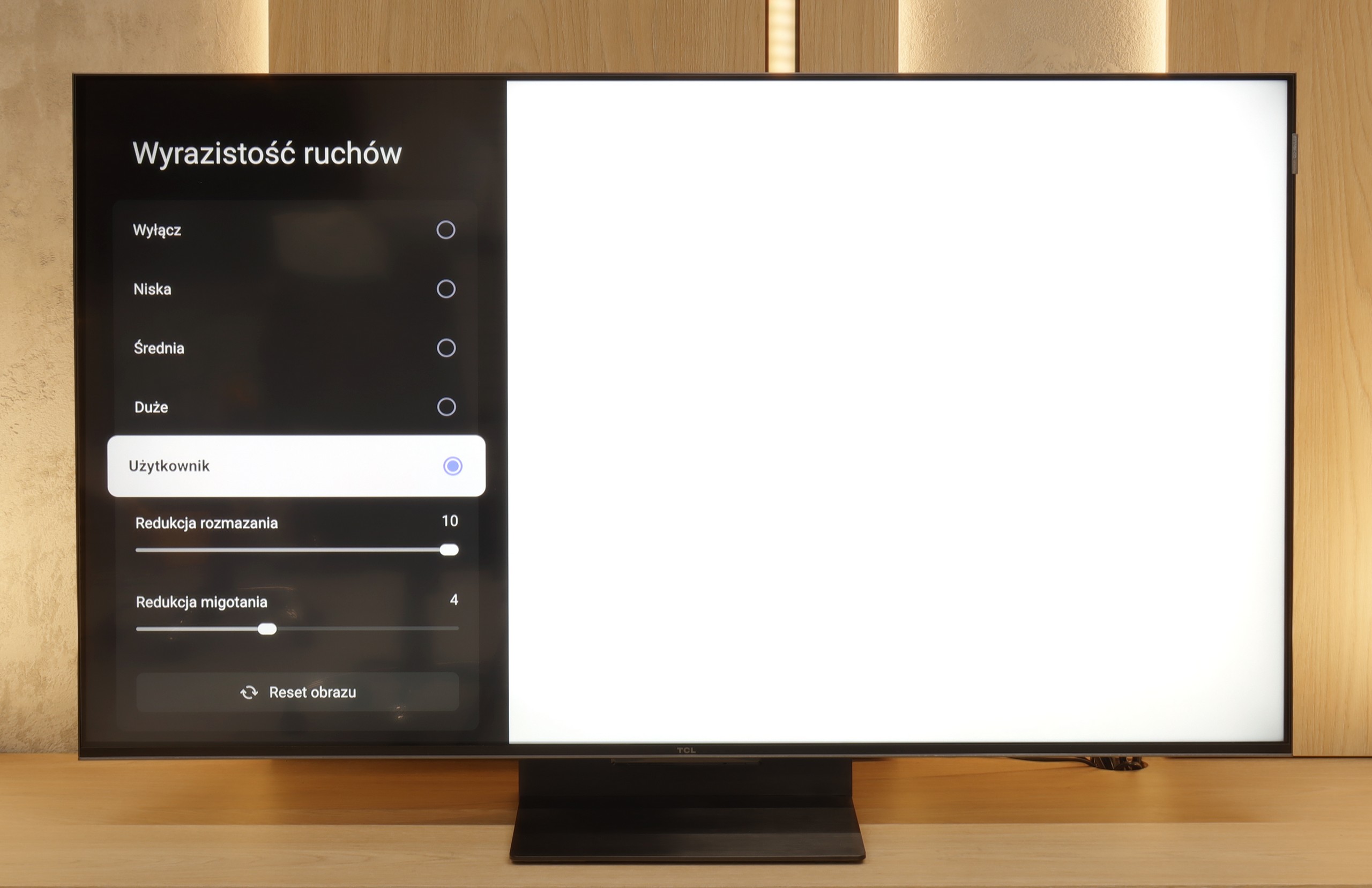
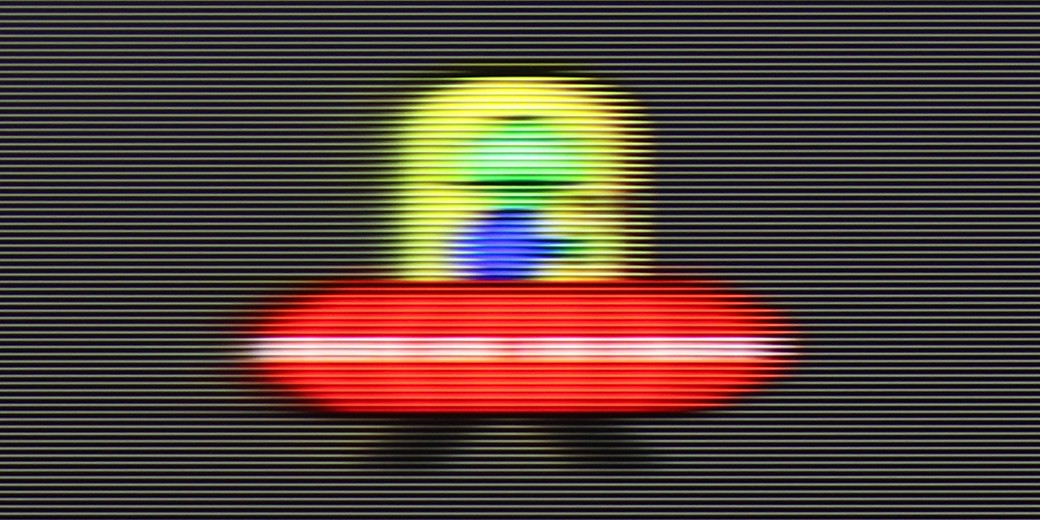
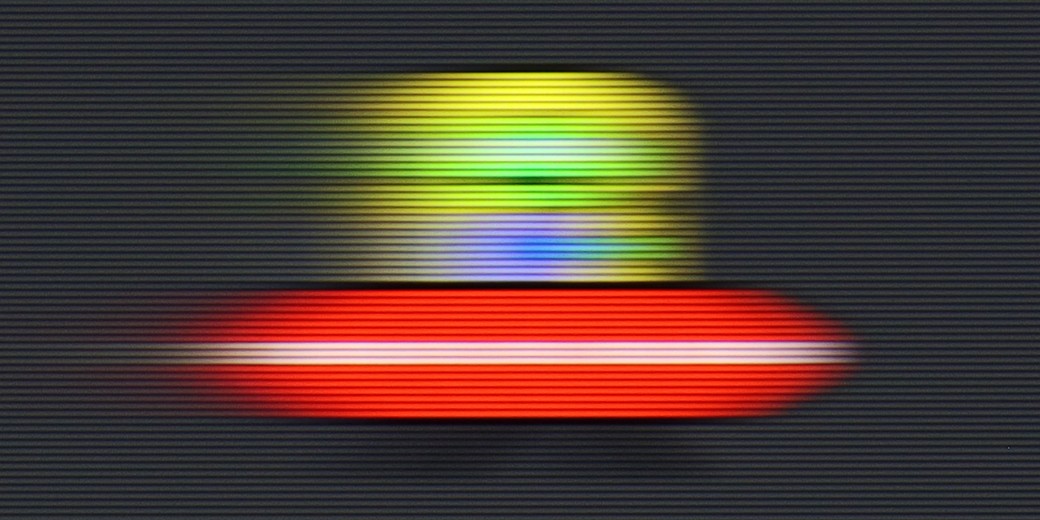
The TCL C7K handles motion smoothness really very well. The matrix used in it offers a refresh rate of 144 Hz, which in itself suggests that this television is something more than a regular "60 Hz" panel. What's more – if we connect the C7K to a computer and set the resolution to Full HD. But we will write more about this in the section for gamers and cooperation with PCs. Returning to everyday use – both sports and films look very good here. Thanks to the fast panel and well-functioning motion smoother, the C7K is great for watching matches, as well as for film screenings. In the menu, we find two sliders – blur reduction and flicker reduction – which allow you to adjust the smoothness effect to your own preferences. At lower settings, we get a more cinematic effect, with a slight choppy motion. At higher settings – the image becomes more theatrical, overly smooth. Everyone can set it to their liking.

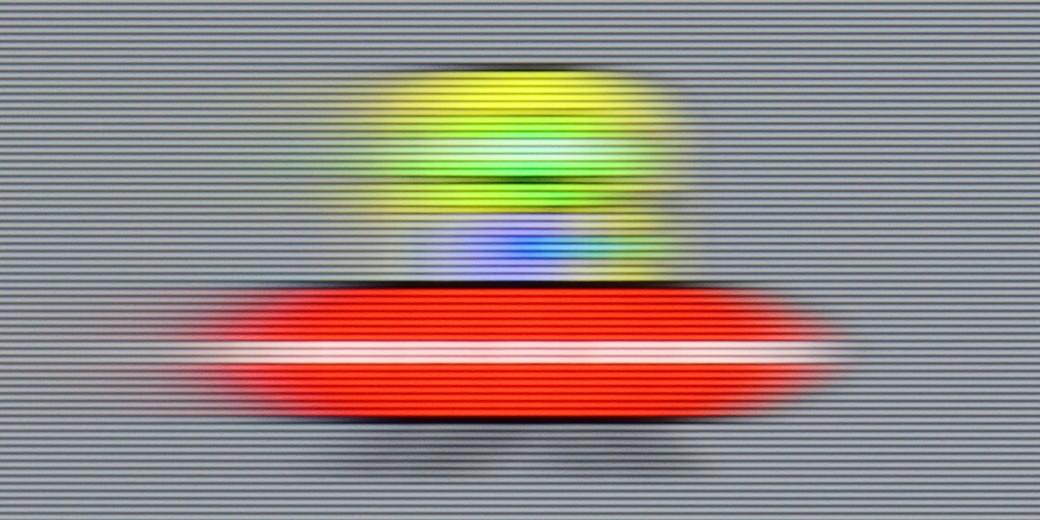
When it comes to motion fluidity, Blaupunkt has nothing to defend itself with. A 60 Hz panel at this price is standard, so none of us were expecting an impeccably sharp image in fast action scenes or during a match. However, the biggest drawback of this model is that you won't find any digital motion smoothers in the menu. The manufacturer has not given us any room for manoeuvre – nothing can be smoothed out or adjusted to our personal preferences. The image is always "raw," and we receive it exactly as the source transmits it. For fans of cinematic "jumping" of the image, this might be good, but the rest of us simply have to get used to the lack of any motion enhancement.

Console compatibility and gaming features

9.8/10

3.5/10

  • ALLM
    Yes
    Yes
  • VRR
    Yes
    No
  • VRR range
    48 - 240Hz
    No
  • Dolby Vision Game Mode
    Yes
    No
  • Correct implementation of HGIG
    Yes
    No
  • 1080p@120Hz
    Yes
    Yes
  • 1440p@120Hz
    Yes
    No
  • 4K@120Hz
    Yes
    No
  • Game bar
    Yes
    No

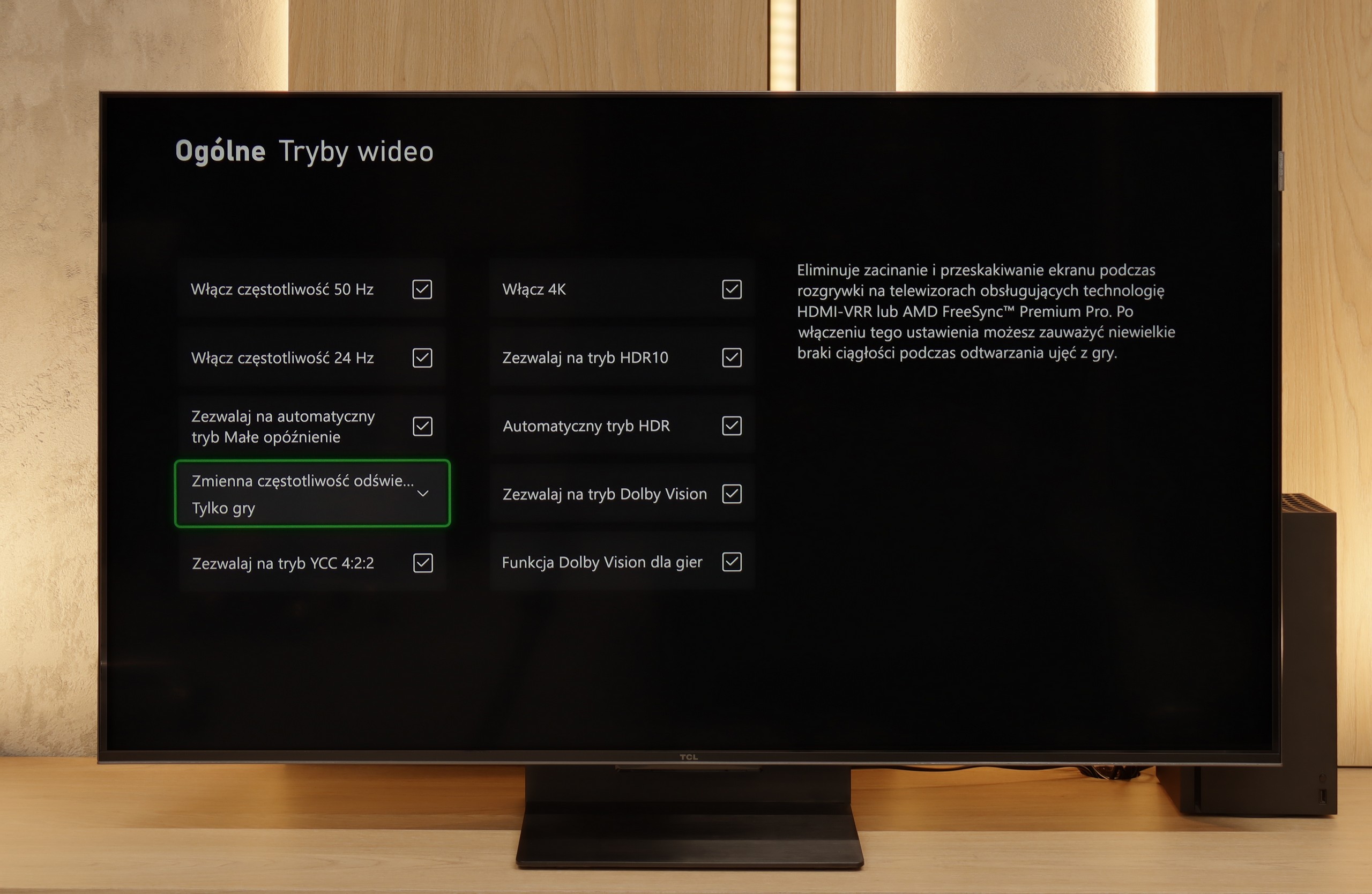
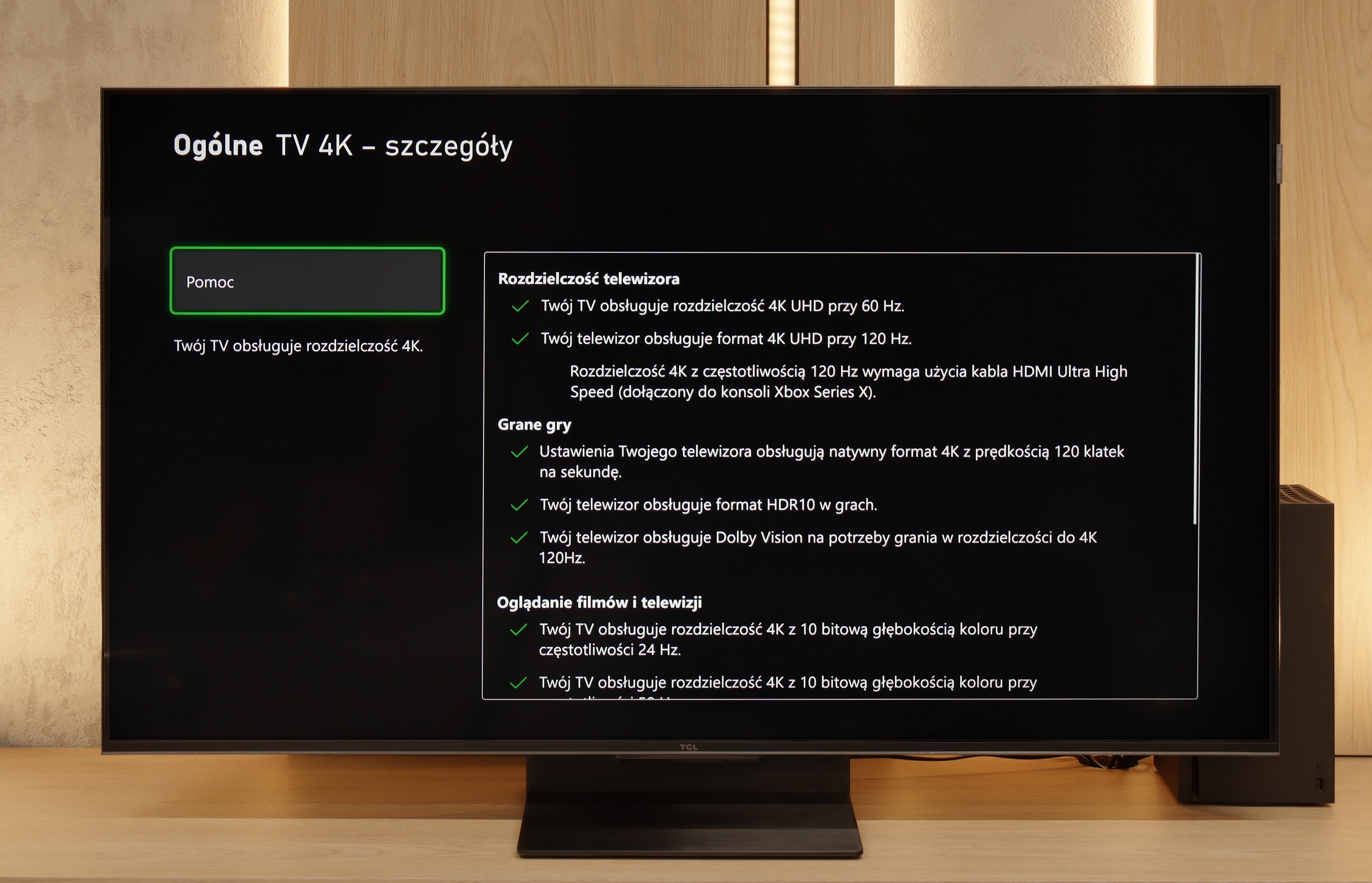
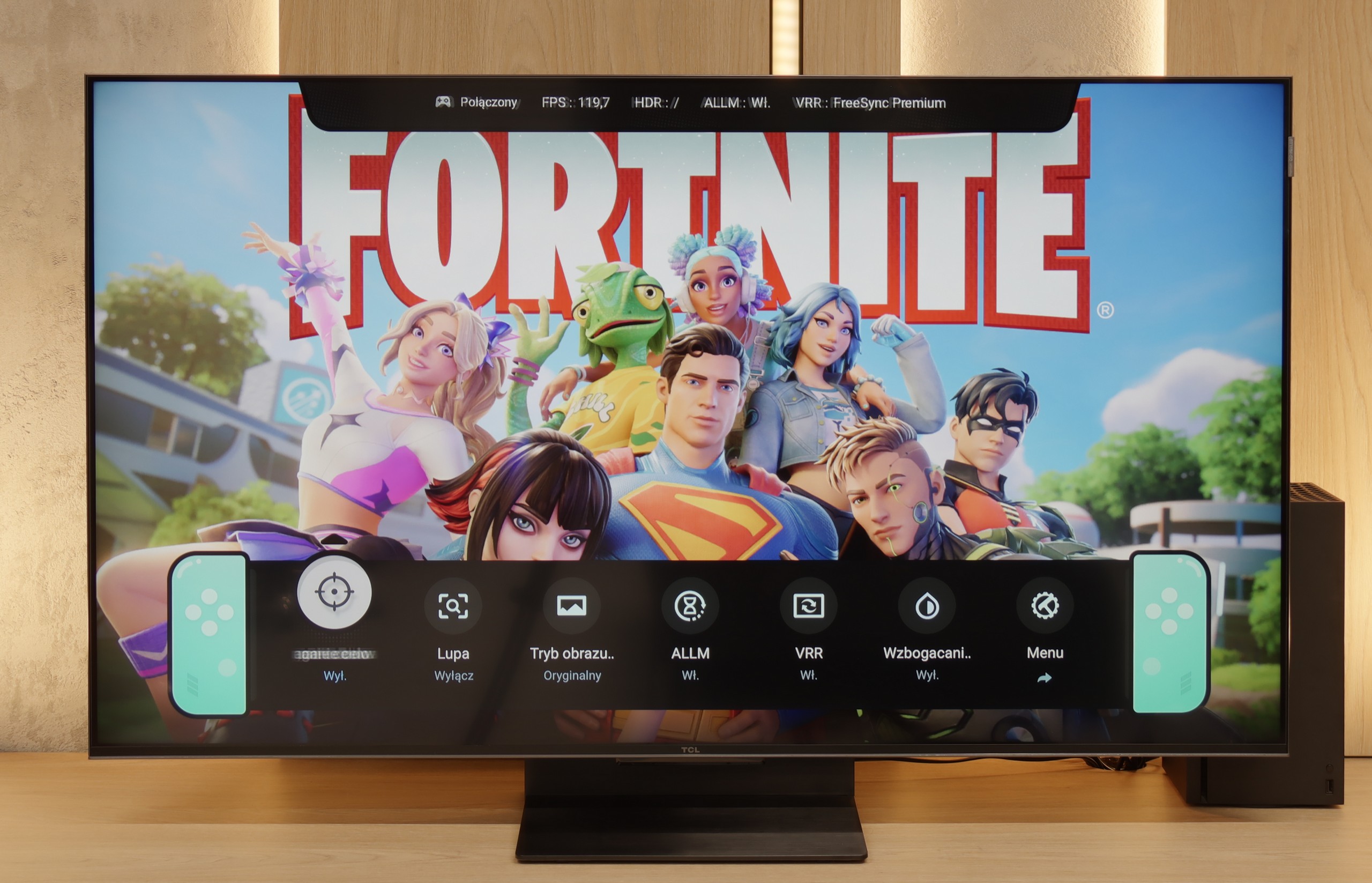
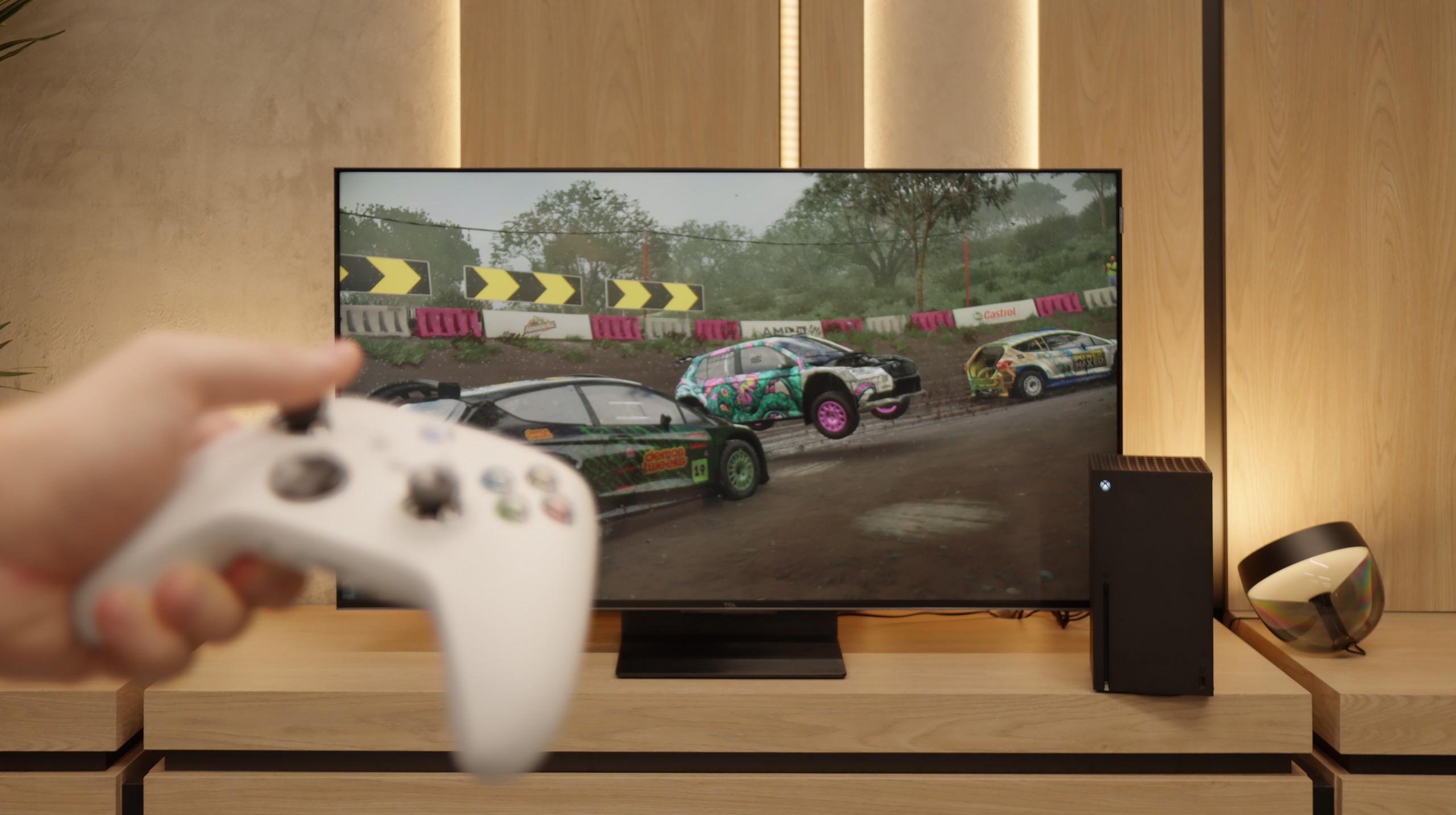
The TCL C7K is a television that on paper appears to be the dream equipment for gamers – and most importantly, it also holds up in practice. To start with the good news: there are two full-bandwidth HDMI 2.1 ports, so we can easily connect both a console and a computer, making full use of their capabilities. The panel itself supports a refresh rate of 144 Hz, which provides a significant advantage in fast-paced games. Additionally, it comes with a complete set of gaming features: VRR (Variable Refresh Rate), ALLM (Auto Low Latency Mode), and support for Dolby Vision in games. There is also an HGiG mode that allows for an HDR effect in line with the creators' intentions. GameBar, which is an information bar for gamers. It works quickly, looks clear (like a Nintendo console👌), and shows the most important information: the current frame rate, VRR status, and even HDR parameters.

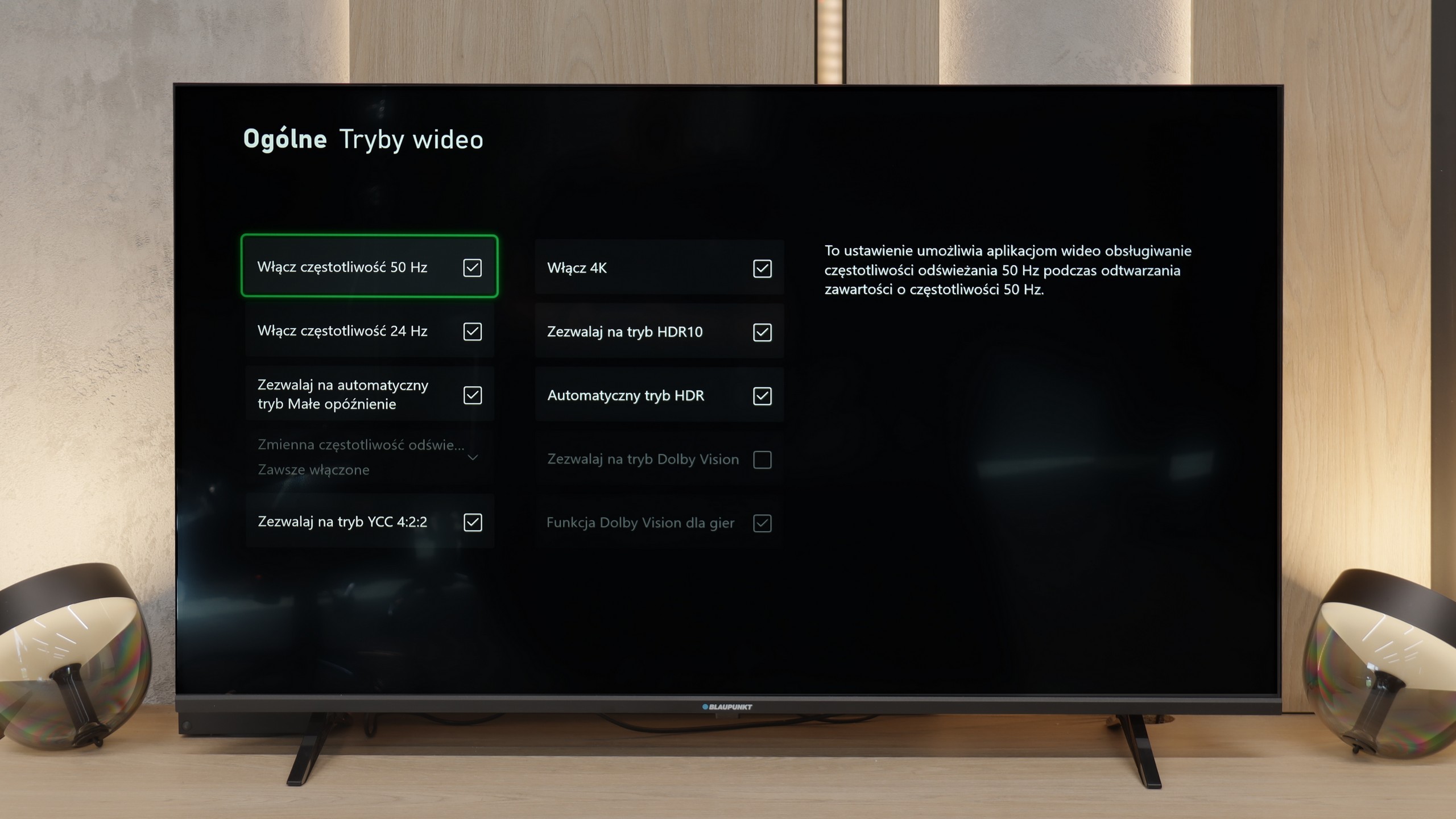
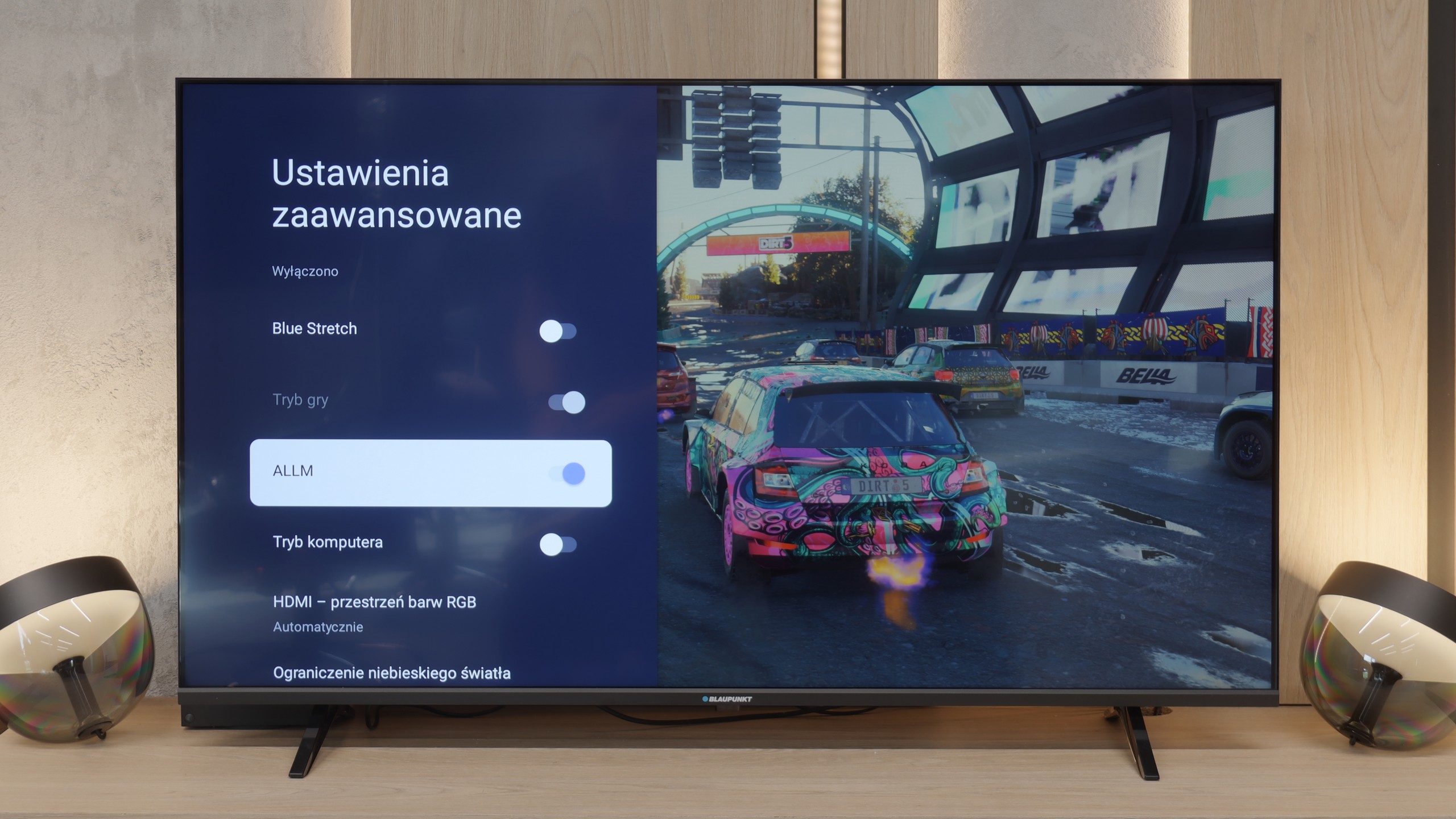
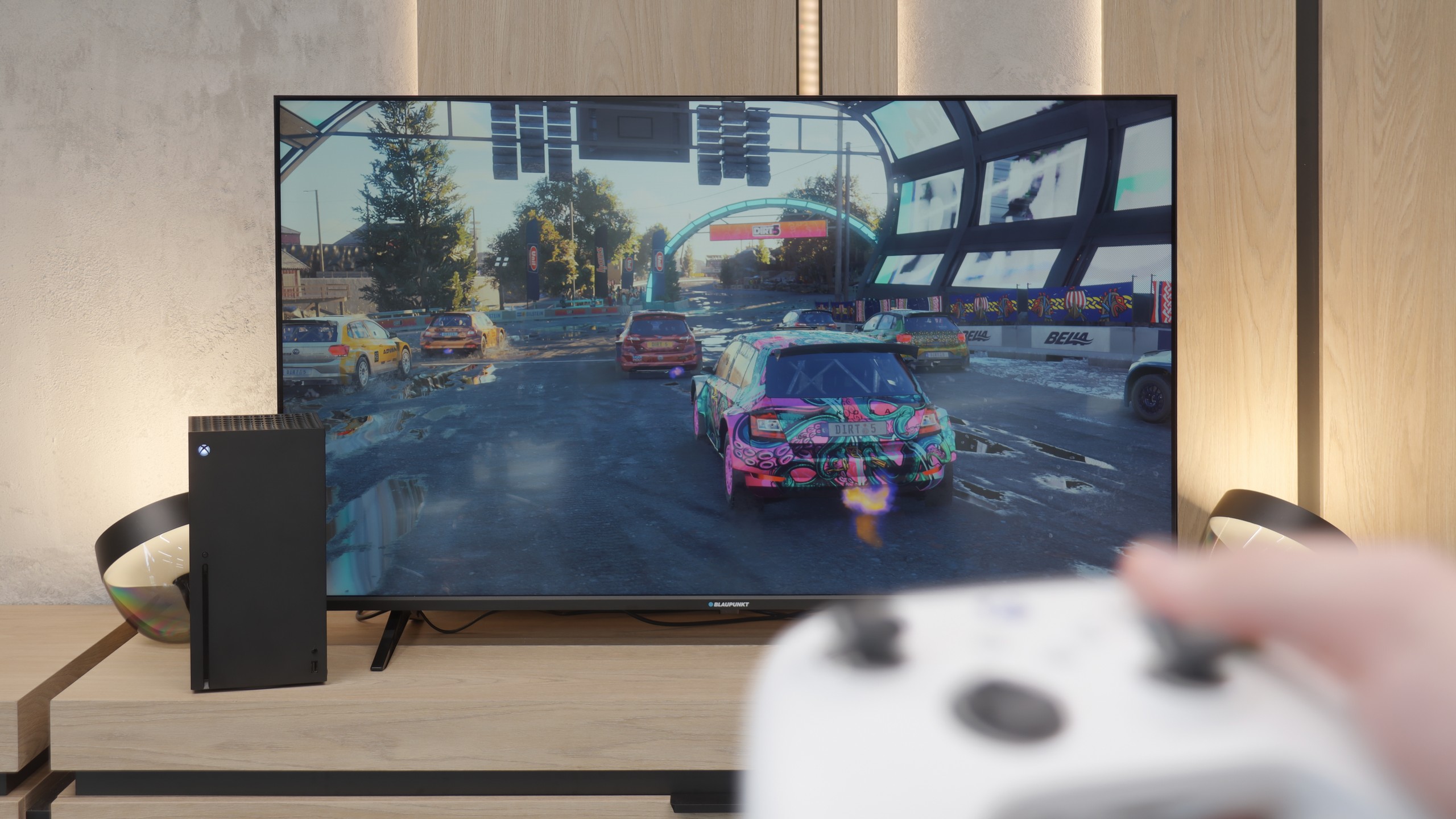
When it comes to gaming on the Blaupunkt, we weren't expecting miracles, and indeed – the list of features is not very long. However, there are two interesting points worth mentioning, as they might be significant for some of you at this price. The first plus is that the TV quickly detects the connected console. Thanks to the ALLM (Auto Low Latency Mode) feature, the device knows when you start gaming and automatically switches to low-latency mode. This is convenient because you don't have to fiddle with settings each time to prevent input lag from ruining the fun. The second point is a genuine surprise that caught us off guard. Although it has a 60 Hz panel, the Blaupunkt can display images at 120 Hz at Full HD resolution. Sure, you lose the details of 4K, but for those playing more dynamic, online shooters where smoothness is more important than resolution, this is a really nice and unexpected addition in such an inexpensive device. Besides these two points, you won't find anything more here. There are no advanced smoothness enhancement systems for gamers or extensive gaming menu bars. This is a simple screen for occasional gaming.

Input lag

9.6/10

8.6/10

SDR

1080p60
18 ms
36 ms
1080p120
12 ms
25 ms
2160p60
18 ms
13 ms
2160p120
12 ms

HDR

2160p60
18 ms
12 ms
2160p120
12 ms
4320p60

Dolby Vision

2160p60 DV
18 ms
2160p120 DV
12 ms

When it comes to delays, the C7K gives no reason to complain. In games at 120 Hz, the input lag is around 10 ms, meaning the television responds really quickly. Interestingly, even in Dolby Vision mode, the result is very similar, which is not always the standard. Well done, TCL. At 60 Hz, the lag obviously increases a bit, but that's completely normal and applies to practically every television with a 120 Hz refresh rate or higher. The most important thing is that everything still runs smoothly and there is no sense that something is not responding to our actions.

An important point for every gamer is, of course, input lag, which refers to how quickly the television responds to our movements on the controller. Here, Blaupunkt has something to brag about, although the results are quite specific. At 4K resolution, the lag is just 12 ms. That's an excellent result. With such low lag, gaming feels simply phenomenal, and the response is almost instantaneous. It is a pity, however, that the situation changes when switching to 1080p mode. Here, the input lag increases to about 30 ms. To be clear: this is still not a terrible result. For most people, it will be "more than acceptable," and during casual gaming, you probably won't even notice it. Nonetheless, it is a shame that such good parameters could not be maintained as we saw with full 4K. Nevertheless, in the overall assessment, as a budget screen for consoles, Blaupunkt performs quite admirably in this regard.

Compatibility with PC

8.4/10

6/10

Chroma 444 (max. resolution and refresh rate)
Yes
Yes
Font clarity
Good
Very Good
Readability of dark text and shapes
Good
Good
Input lag in PC mode (4K, max. refresh rate)
12ms
13ms
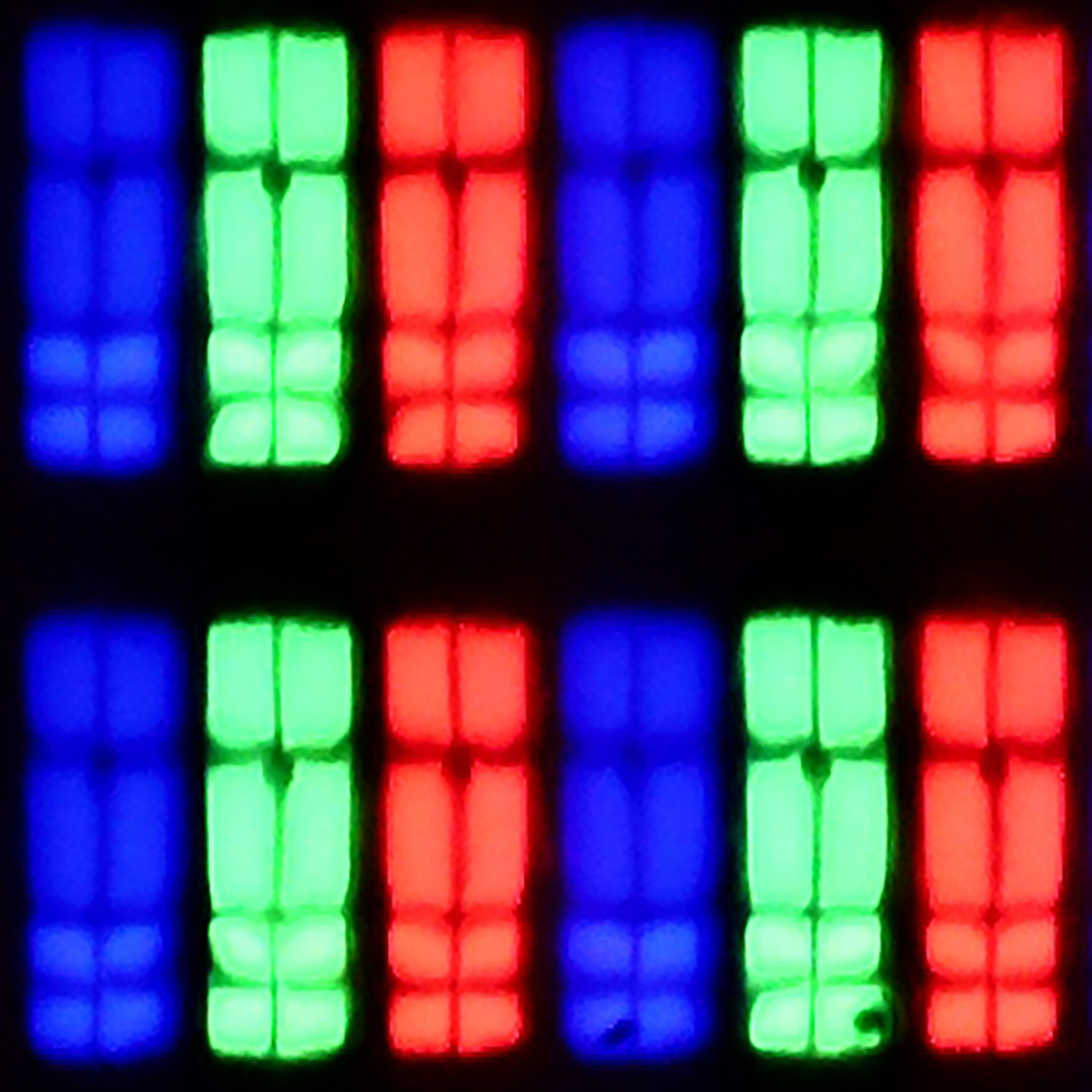
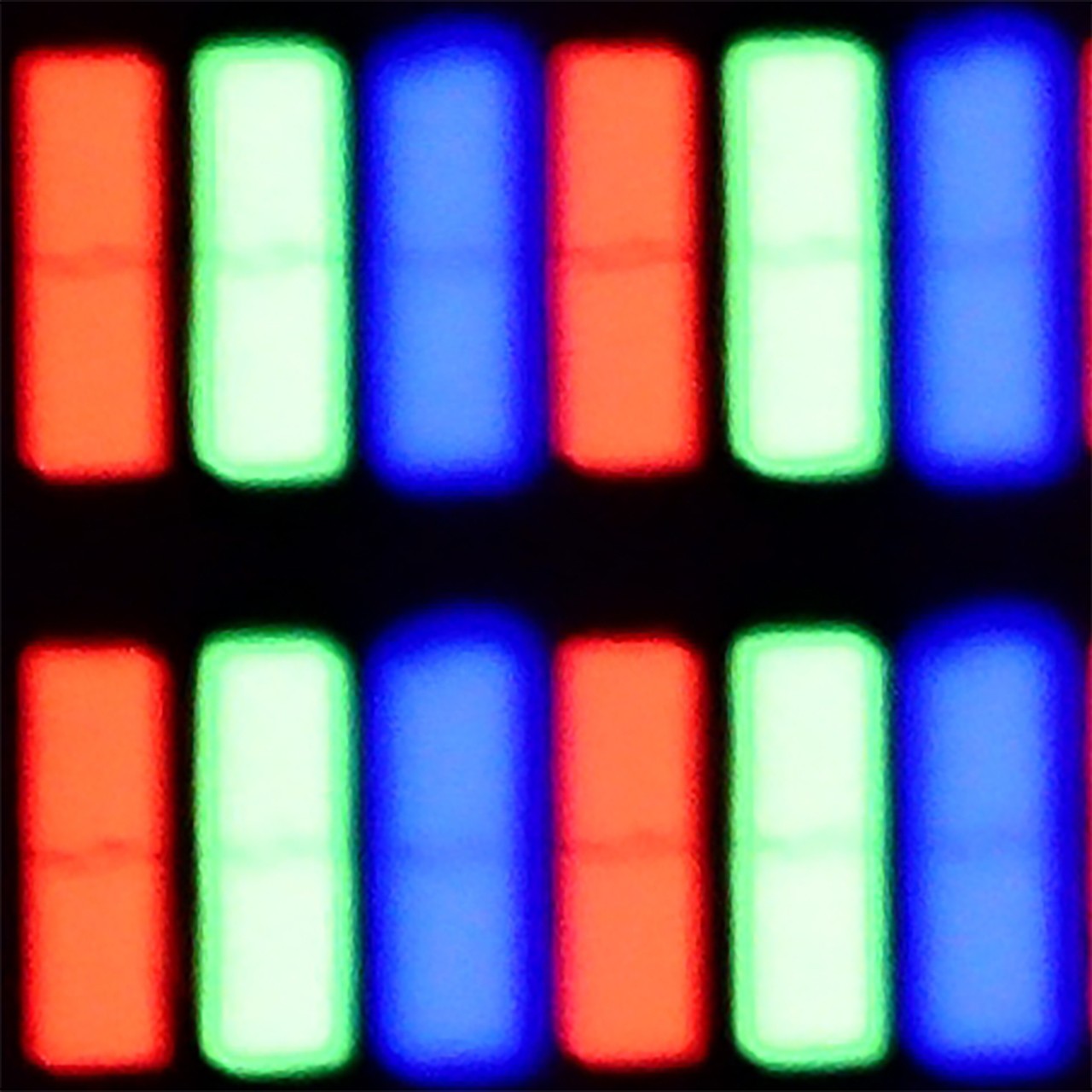
Matrix subpixel arrangement
BGR
RGB
Max refresh rate
144Hz
60Hz
G-Sync
Yes
No

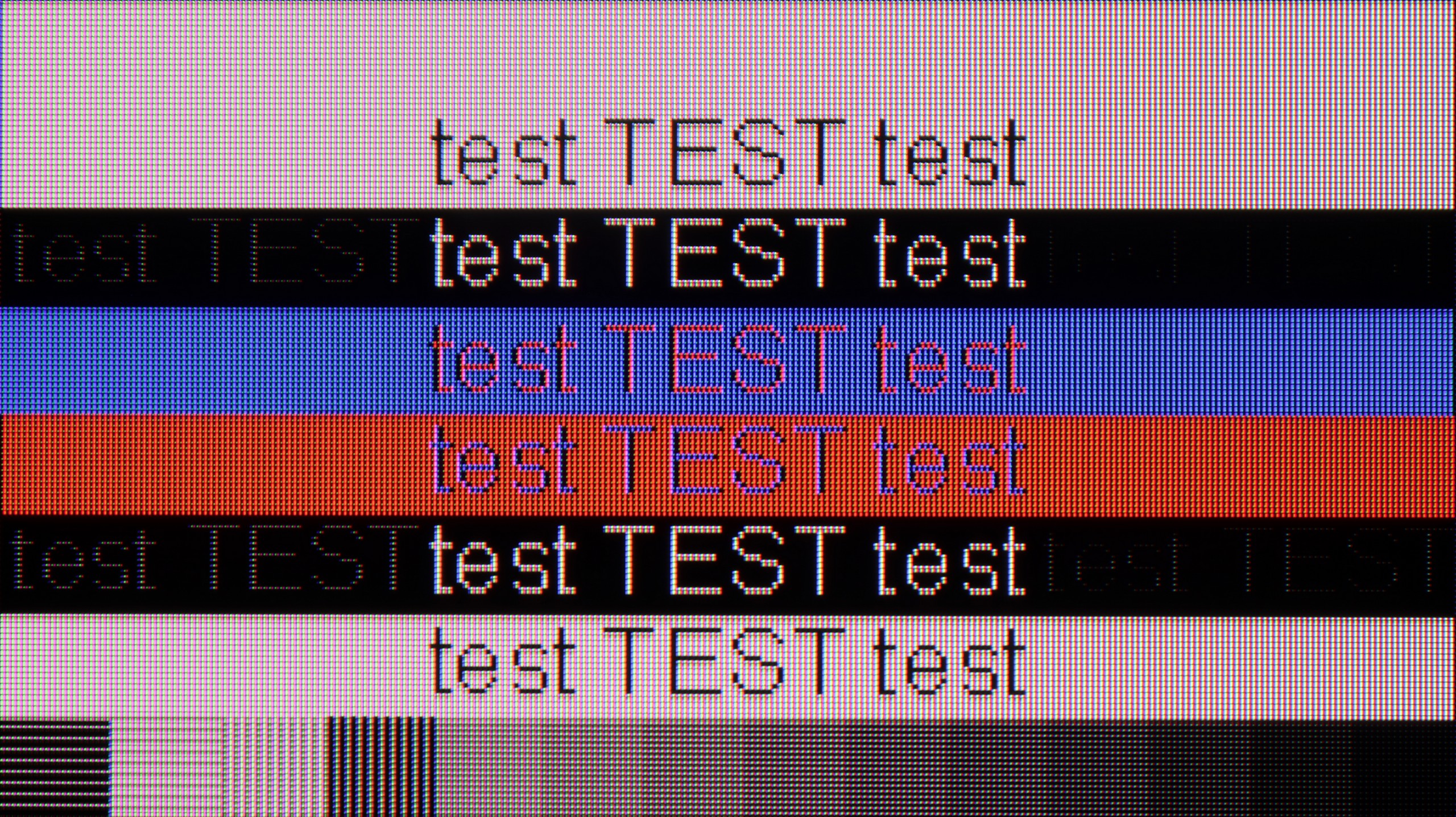
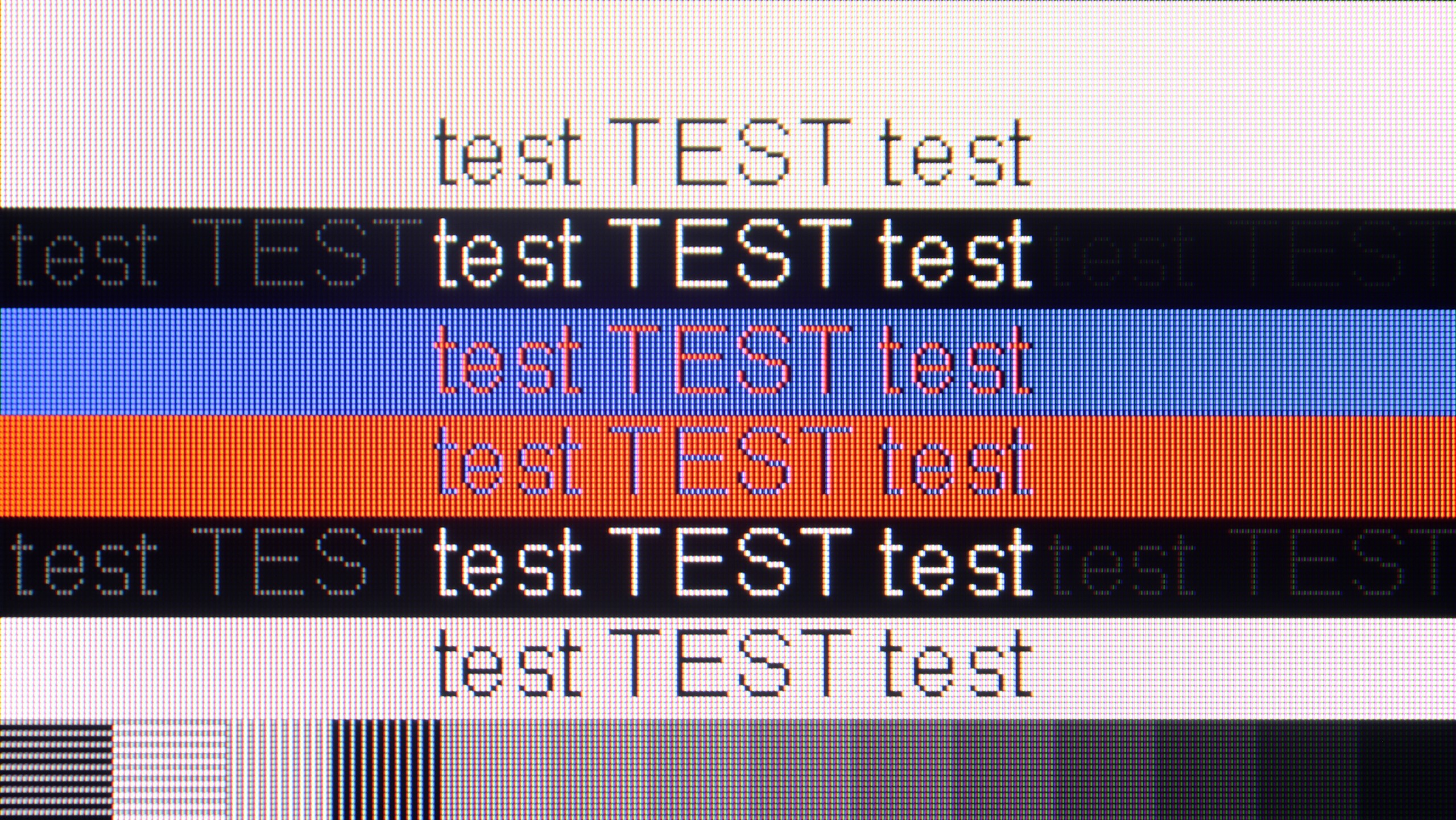
The photo shows the legibility of small fonts. Ideally, lines should be the same thickness on both light and dark text, with minimal pixel gaps.

If we intend to connect the C7K to a computer – especially for gaming – there is really a lot to play for. Here we have 4K at 144 Hz, which sounds great in itself, but if we lower the resolution, the TV can display even 280 Hz. In e-sports, where every fraction of a second counts, that really makes a difference. Added to this is support for G-Sync and FreeSync, so no matter what graphics card we have – the image will be smooth, without any stutters or tearing.

However, if we plan to place the C7K on a desk and use it like a monitor, it’s a bit less "rosy". True, it supports chroma 4:4:4, so fonts should be sharp, but with very dark letters, there is a slight blurring and dimming of edges. This is not something that immediately jumps out at you during gaming or watching, but when working with text – it can be distracting. In everyday use – rather without concern, but if we plan to place 50 inches a metre from our face, it's worth keeping this in mind.

If you plan to connect a computer to this television, it is absolutely crucial that you find and enable the PC compatibility option in the menu. Once you do that, magic happens – the implementation of Chroma 4:4:4 and font readability jumps to an exemplary level. The readability of text is simply excellent here. Of course, our editorial meticulousness would not allow us to pass by this equipment without taking a look "under the hood." During very specific tests with thin, dark text, we noticed that the horizontal and vertical matrix masks differ slightly in brightness levels. However, we want to reassure you: this phenomenon is so subtle that during normal use, such as writing emails or browsing the web, you would not be able to notice it with the naked eye. We maintain our opinion that as a monitor strictly for dynamic PC gaming, it is not the ideal choice (as we mentioned in the context of the 60 Hz refresh rate), but if any of you are wondering whether you can comfortably work on such a Blaupunkt – we answer: yes, it is absolutely possible.

Viewing angles

3/10

5/10

Brightness drop at an angle of 45 degrees
78%
71%

There are no surprises here – the C7K has classic viewing angles for a VA panel. That is: sitting directly opposite – it’s great. The colours look good, the contrast is strong, everything is in place. But just shifting slightly to the side and it starts to get worse – the picture loses saturation, the black becomes greyish and the overall impression diminishes somewhat. So if we are planning to watch together with several people or have a sofa that takes up half the living room – it’s worth seating everyone more centrally. You can watch from the side, but don’t expect miracles – it’s simply a characteristic of the VA panel.

It’s really very good here. Whether we were sitting directly in front or on the edge of the sofa, the colours did not lose their saturation. This is a big plus if you plan to watch matches or films with a larger group – no one will complain that the picture looks worse for them. Although IPS panels are known for their good angles, in this particular model, when viewed from a sharp angle, the picture noticeably loses brightness. Interestingly, the colour saturation remains intact, but the screen simply becomes darker. This is not something that disqualifies this television, but it’s worth knowing.

Daytime performance

6.4/10

4/10

Panel finish
Satin
Satin
Reflection suppression
Good
Decent
Black levels during daytime
Very Good
Good

Panel brightness

Blaupunkt UGC5500S: 245 cd/m2

TCL C7K / QM7K 55"-85": 529 cd/m2

Fortunately, the TCL C7K performs quite well in a bright room. The applied matrix has a satin finish that effectively suppresses reflections, meaning we don't have to worry about reflections from lamps or windows even on sunny days. Importantly, the colours maintain their intensity and do not wash out, as can happen with weaker matte panels. As for the brightness itself, the average for content like YouTube or regular television reaches just below 500 nits. This is not a record-breaking result – for example, the MQLED85 (C765) performs better in this regard. However, it should work without major issues for everyday viewing during the day, as long as we do not plan to place it opposite a south-facing window without curtains.

In terms of daytime performance, Blaupunkt is simply average. It all comes down to the low brightness of the panel, which – as we have mentioned, hovers around 250 nits. This is definitely too little for the screen to "break through" the strong light coming into the living room. As a result, under strong sunlight, the image loses clarity and appears somewhat washed-out. However, there is one bright spot in this category, the satin finish of the panel. Thanks to this, we do not have to deal with the mirror effect, which often means that instead of watching a film, we are seeing a reflection of our own sofa. The satin nicely diffuses reflections, which somewhat saves the situation. Nevertheless, we cannot cheat physics: while the coating bravely fights against reflections, the low brightness ultimately surrenders in the battle with sunlight. If you are planning a screening in the middle of the day in a very bright room, be prepared for the necessity of drawing the curtains.

Panel details

Backlight Type
Mini-LED QLED
White LED
Software version during testing
V8.0012T01-LF1V531.002396
RTM9.241015.007
Image processor
MT5896 2,5GB RAM
m7332 2GB RAM

Subpixel Structure:

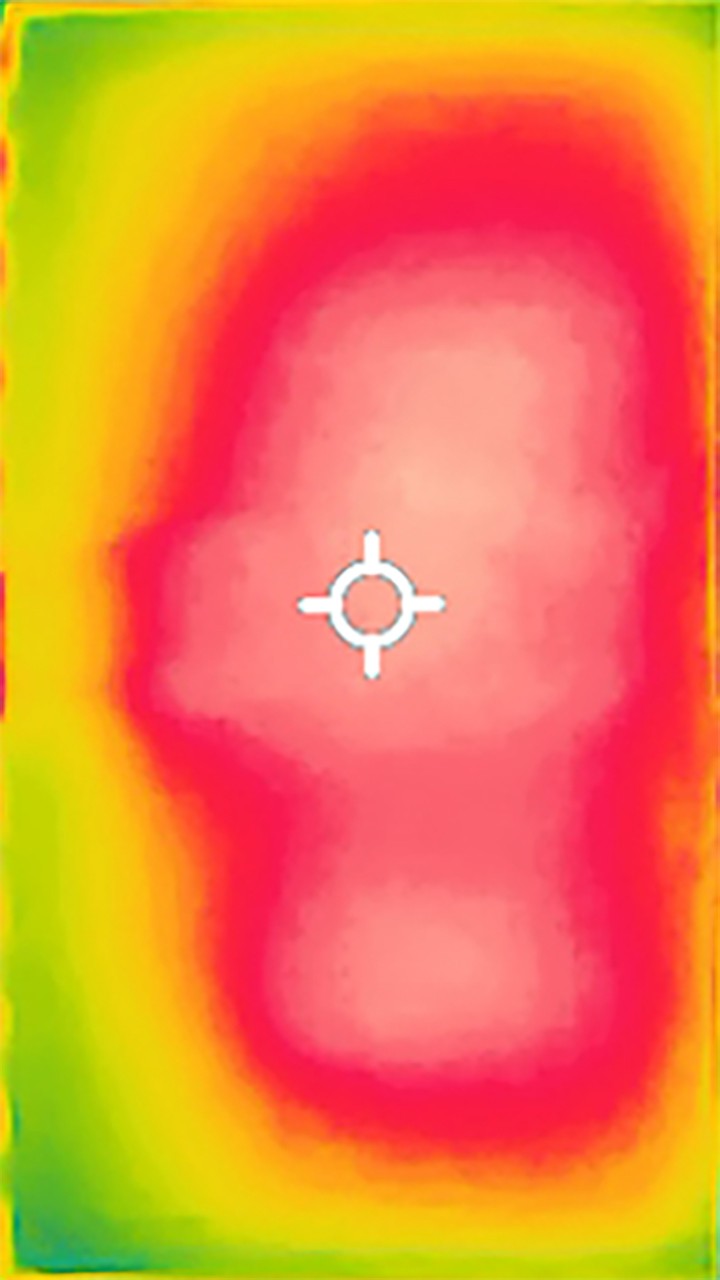
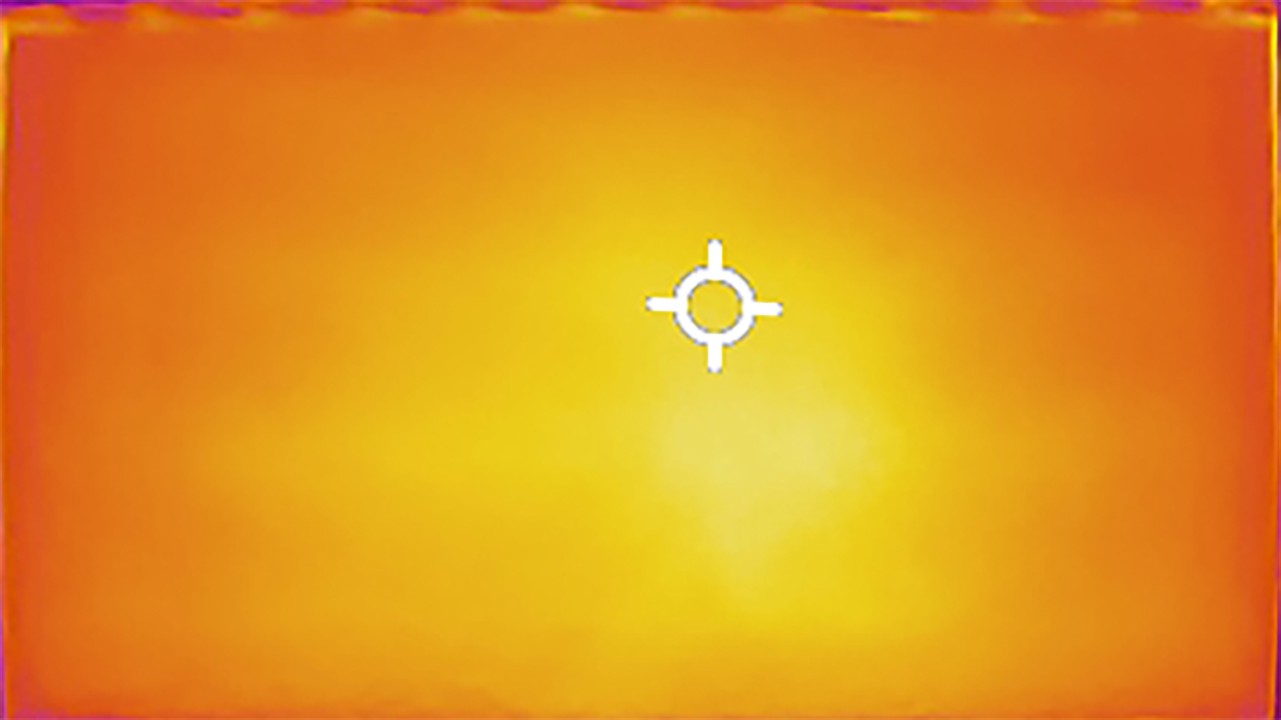
Panel uniformity and thermal imaging:

Review TCL C7K / QM7K 55"-85" TV Panel details
Review Blaupunkt UGC5500S TV Panel details
Review TCL C7K / QM7K 55"-85" TV Panel details
Review Blaupunkt UGC5500S TV Panel details

TCL C7K / QM7K 55"-85"

Blaupunkt UGC5500S

TV features

7.3/10

5.1/10

  • HDMI inputs
    2 x HDMI 2.0, 2 x HDMI 2.1 48Gbps
    3 x HDMI 2.0, 0 x HDMI 2.1
  • Other inputs
    RCA (Chinch)
  • Outputs
    Toslink (Optical audio), eARC (HDMI), ARC (HDMI)
    Toslink (Optical audio), eARC (HDMI), ARC (HDMI), Mini-Jack (Headphones)
  • Network Interfaces
    Wi-Fi 2.4GHz, Wi-Fi 5GHz, Ethernet (LAN) 100Mbps
    Wi-Fi 2.4GHz, Wi-Fi 5GHz, Ethernet (LAN) 100Mbps
  • TV reception
    DVB-T, DVB-T2, DVB-S, DVB-S2, DVB-C
    DVB-T, DVB-T2, DVB-S, DVB-S2, DVB-C

Classic features:

  • Recording to USB (terrestrial TV)
    No
    No
  • Recording programming
    No
    No
  • Picture in Picture (PiP)
    No
    No
  • RF remote control (no need to aim)
    Yes
    Yes
  • Backlit remote control
    No
    No
  • Teletext
    Yes
    No
  • Audio only mode
    Yes
    Yes
  • Bluetooth headphones support
    Yes
    Yes
  • Simultaneous Bluetooth headphones & TV audio
    Yes
    No

Smart features:

  • AirPlay
    Yes
    No
  • Screen mirroring (Windows Miracast)
    Yes
    Yes
  • Voice search
    Yes
    Yes
  • Voice search in native language
    Yes
    Yes
  • Ability to connect a keyboard and mouse
    Yes
    Yes
Review TCL C7K / QM7K 55"-85" TV features
Review Blaupunkt UGC5500S TV features

SmartTV: GoogleTV

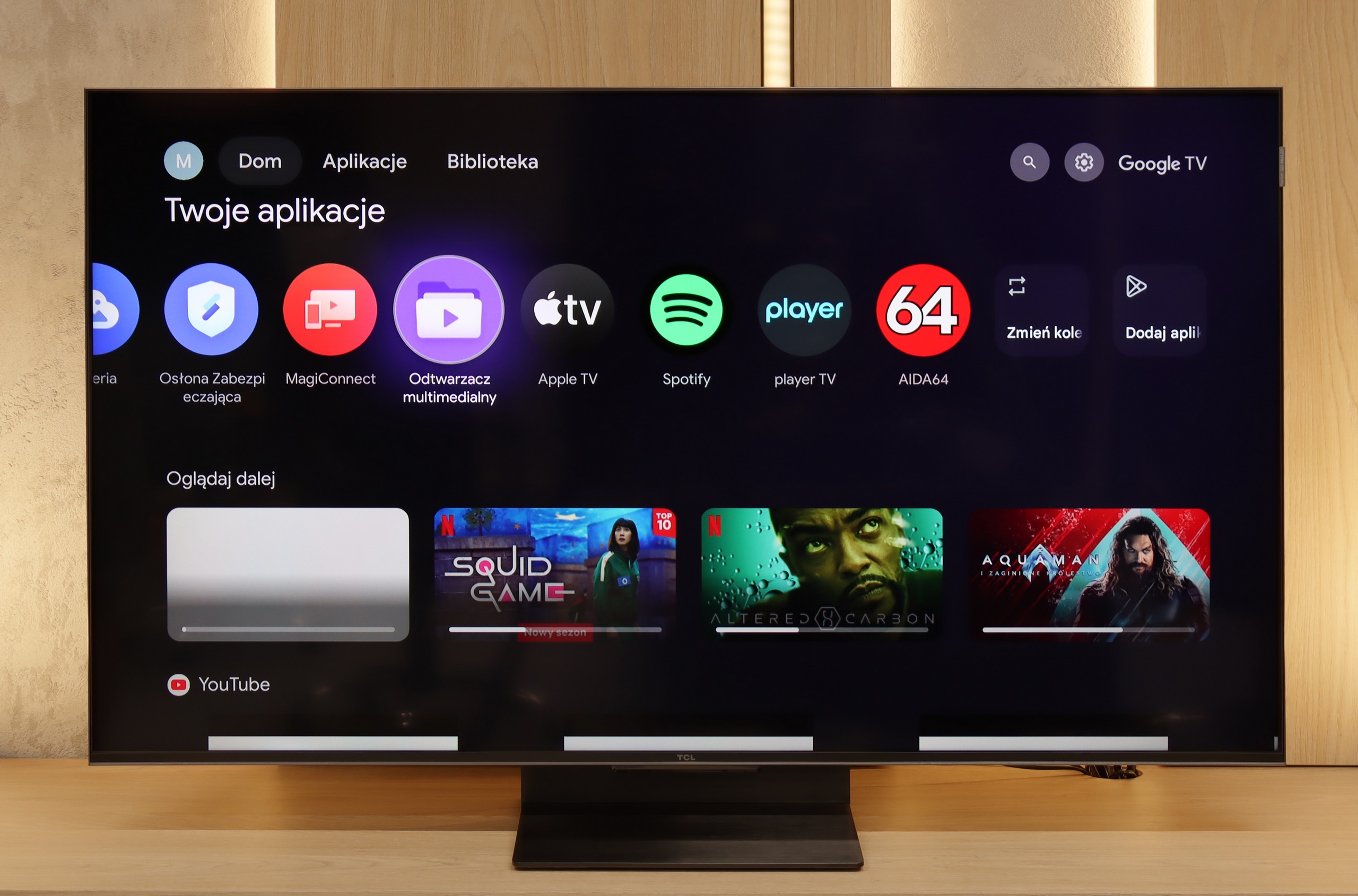
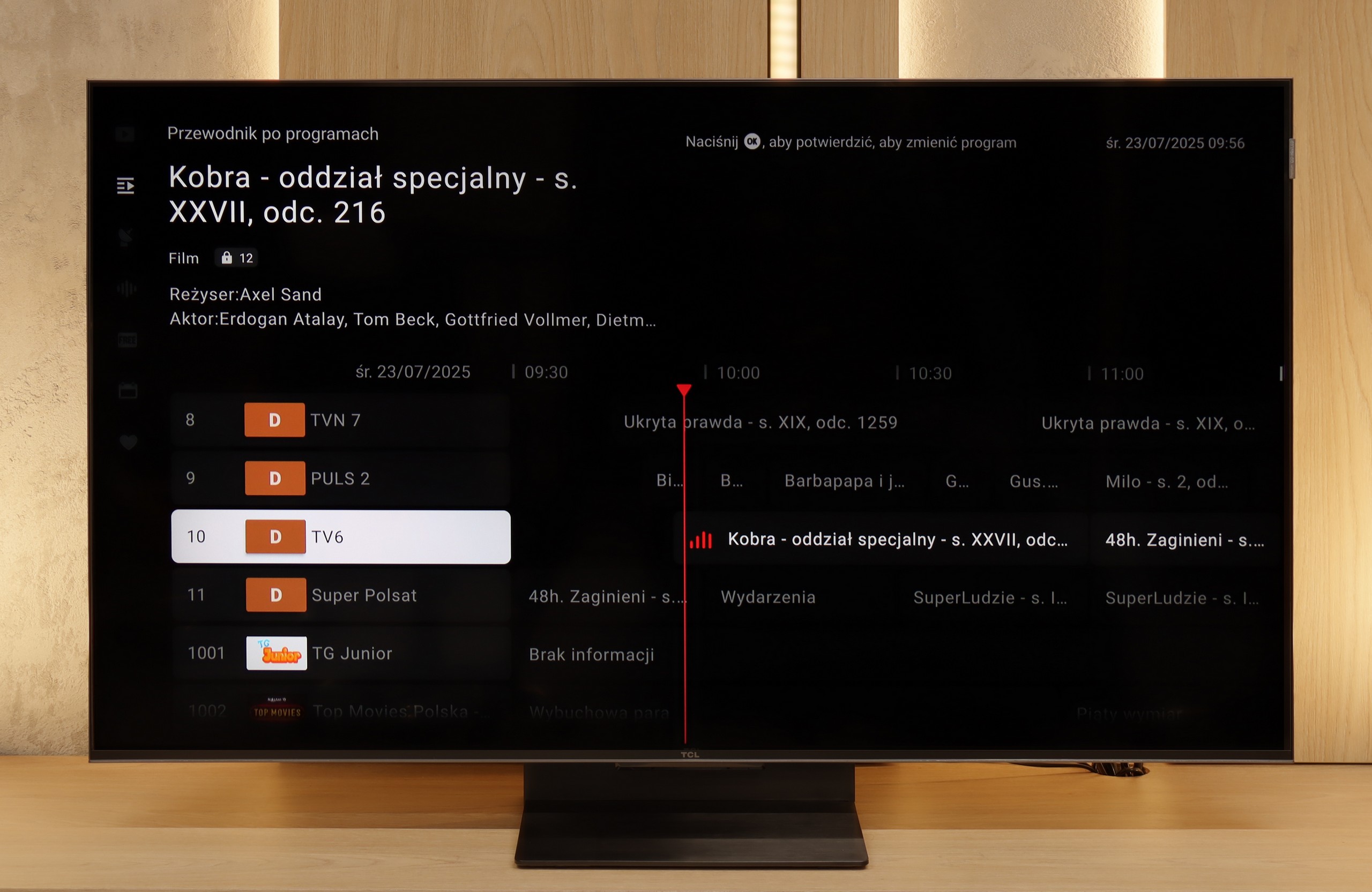
The greatest strength of the TCL C7K in everyday use is undoubtedly the Google TV system. Thanks to it, we have access to an almost endless library of apps, including some more niche ones that are often unavailable on other platforms. The built-in Google Assistant understands Polish, so we can easily ask what is on TV, what the weather is like, and even issue a few voice commands to control the television. The presence of Chromecast and AirPlay is also a plus, as they work seamlessly and make life easier.

User Features

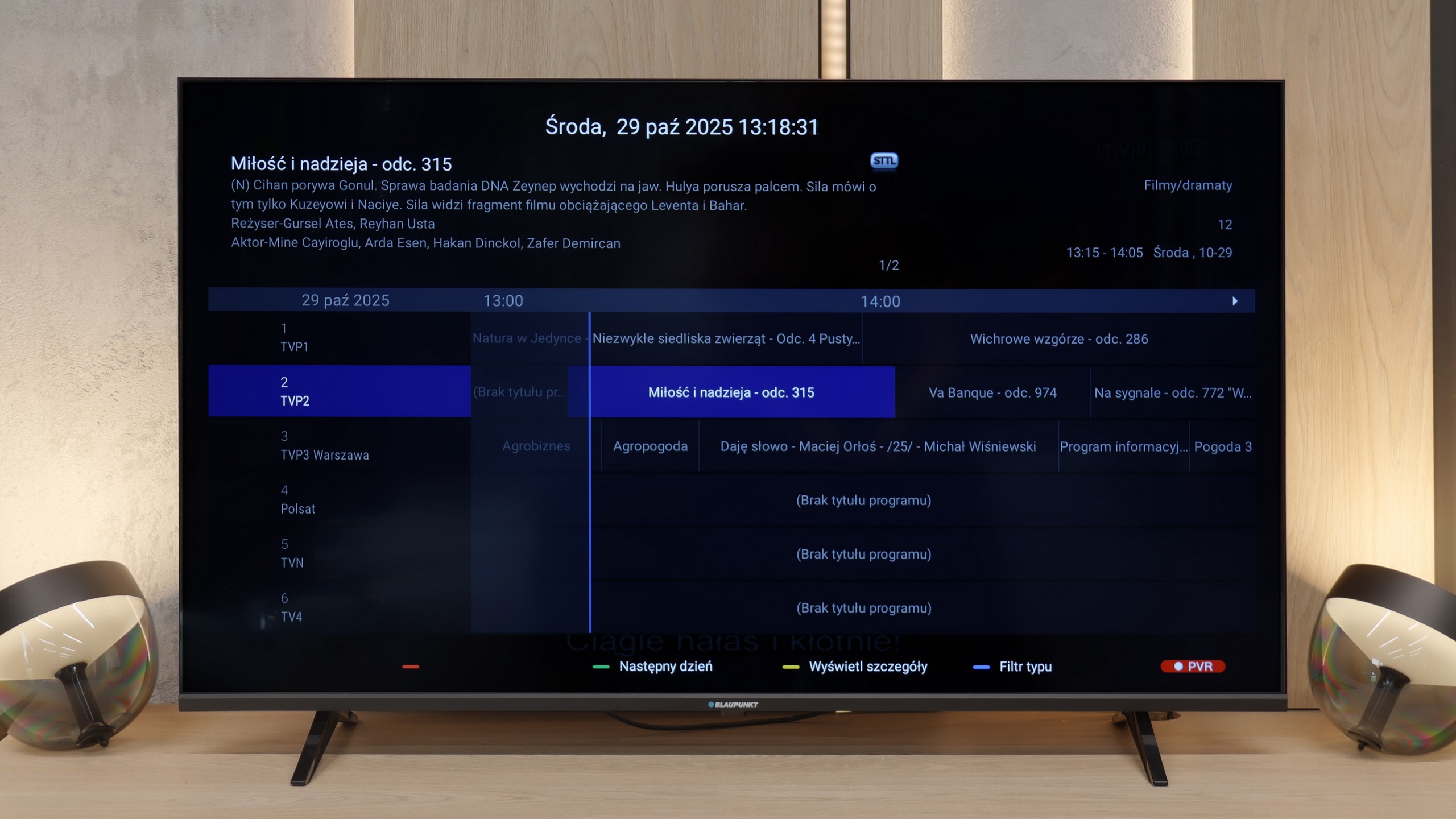
However, the classic features leave something to be desired. Here we will find the basics – teletext, EPG, or the option to connect headphones – but that's about it. There is a lack of USB recording functionality or picture-in-picture (PiP) mode, which can still be found with some competitors. It is also worth noting that Google TV in the TCL version can sometimes have oddly translated parts of the menu or minor errors in the interface. These are not things that interfere with everyday use, but those sensitive to details may notice them.

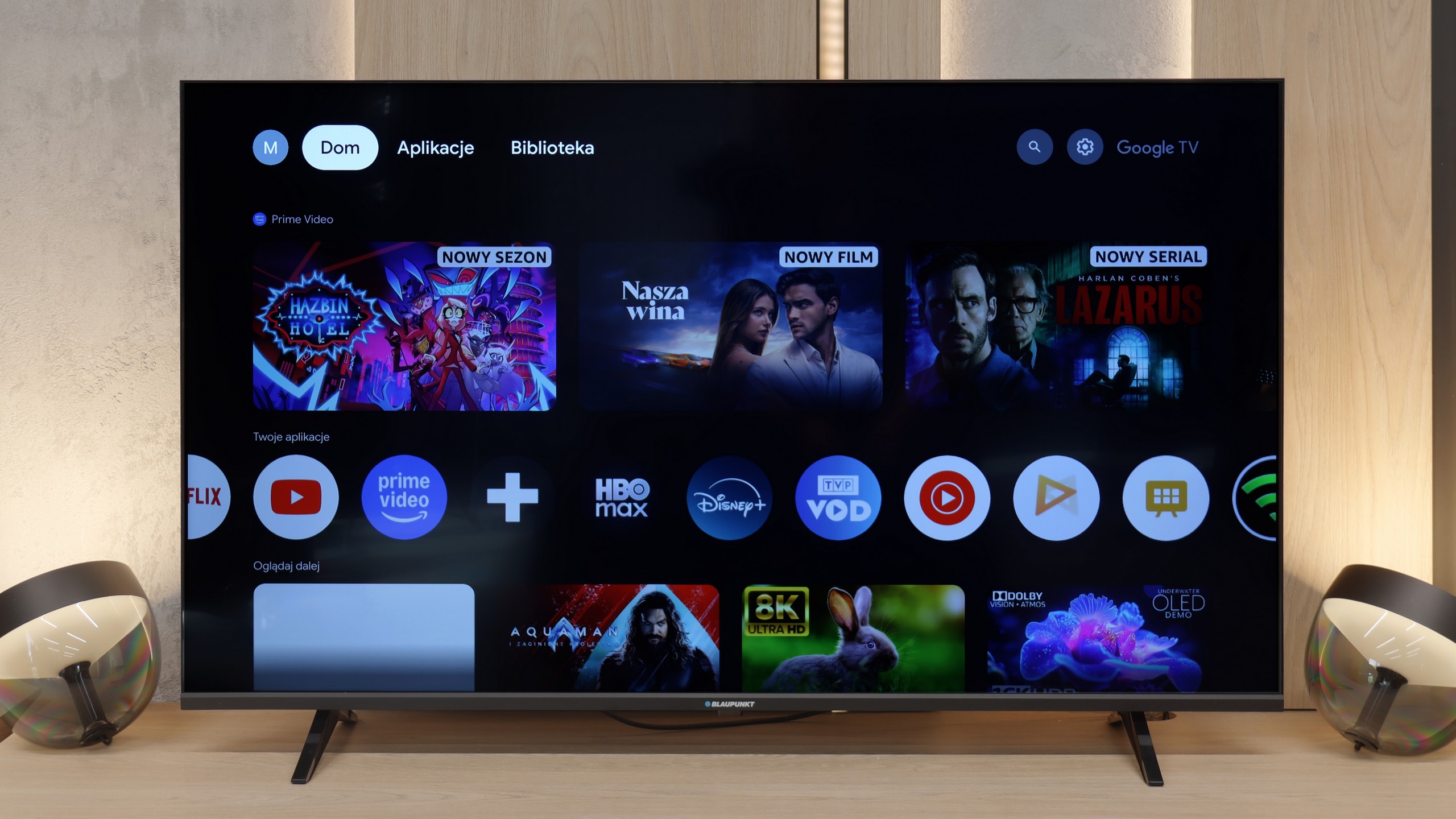
In terms of Smart TV functionality, the Blaupunkt UGC5500S is a classic example of a device where the system is both its greatest asset and its biggest flaw. On one hand, we have full Google TV here, which is a huge plus at this price point. We get access to a massive library of applications and basically all the functionality we know from brands that use this software. Nothing has been cut out forcibly, which is truly refreshing in such an inexpensive television. Unfortunately, we must honestly admit that in Blaupunkt's execution, this system simply works clumsily. This is a typical ailment of budget televisions with Google TV – the processor barely keeps up with the software. Navigation through the menu is not as smooth as we would like, and the remote can respond with a noticeable delay, giving the impression of being "dull." Of course, once you launch a specific application and start playing a movie, everything works stably, but just sifting through the interface requires a bit of patience.

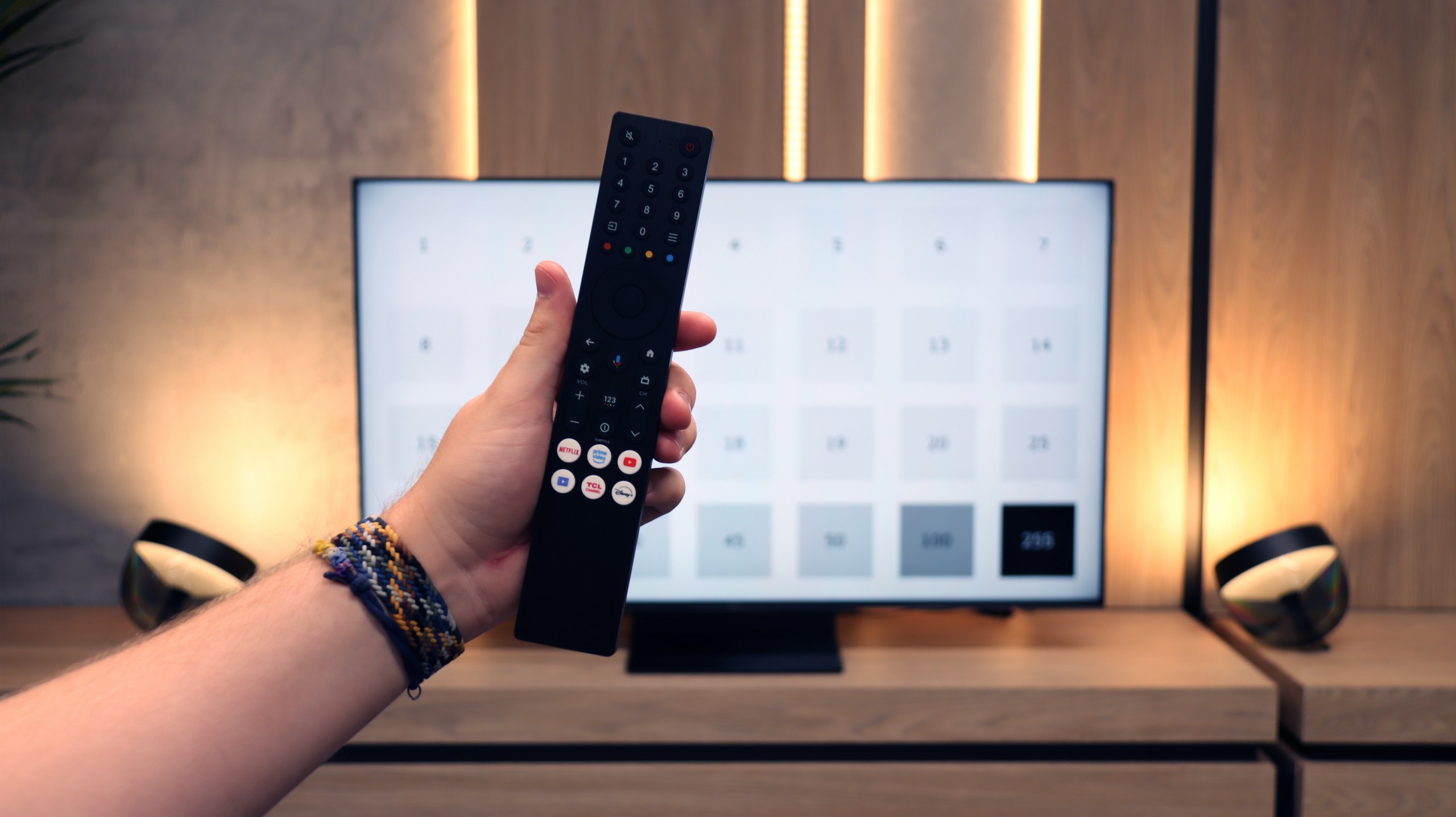
As for traditional television features, Blaupunkt doesn't offer anything extraordinary. It is a simple device for basic tasks. The remote control deserves a plus, as it features a classic numeric keypad, which is simply convenient for flipping through cable channels. We also have Bluetooth, so you can easily connect wireless headphones or a speaker. The television also has a physical mini-jack headphone output. At a time when manufacturers are mass removing this connection, the presence of a "jack" is a nod towards those with older audio equipment or simply those who prefer classic wired headphones. It's a little thing, but it’s appreciated.

Apps

9.6/10

9.6/10

OK
Disney_Plus
OK
Amazon_Prime_Video
OK
Player_TVN
OK
Polsat_Box_Go
OK
Canal_Plus_Online
OK
TVP_VOD
OK
Apple_TV_Plus
OK
SkyShowtime
OK
Rakuten
OK
CDA_Premium_Browser
OK
Spotify
OK
Tidal
OK
Netflix
OK
YouTube
OK
HBO_MAX
OK
Kodi
No
Apple_music
OK
Eleven_sports
No
Xbox Game Pass
OK
GeForce Now!
No
Amazon Luna
OK
Boosteroid
OK
Steam Link
OK
Disney_Plus
OK
Amazon_Prime_Video
OK
Player_TVN
OK
Polsat_Box_Go
OK
Canal_Plus_Online
OK
TVP_VOD
OK
Apple_TV_Plus
OK
SkyShowtime
OK
Rakuten
OK
CDA_Premium_Browser
OK
Spotify
OK
Tidal
OK
Netflix
OK
YouTube
OK
HBO_MAX
OK
Kodi
No
Apple_music
OK
Eleven_sports
No
Xbox Game Pass
OK
GeForce Now!
No
Amazon Luna
OK
Boosteroid
OK
Steam Link

Playing files from USB

9.2/10

9.3/10

Supported photo formats:

JPEG
Yes
Yes
HEIC
No
Yes
PNG
Yes
Yes
GIF
Yes
Yes
WebP
Yes
Yes
TIFF
No
No
BMP
Yes
Yes
SVG
No
No

Maximum photo resolution:

4 Mpix
Yes
Yes
6 Mpix
Yes
Yes
8 Mpix
Yes
Yes
10 Mpix
Yes
Yes
12 Mpix
Yes
Yes
16 Mpix
Yes
Yes
20 Mpix
Yes
Yes
24 Mpix
Yes
Yes
28 Mpix
Yes
Yes
32 Mpix
Yes
Yes

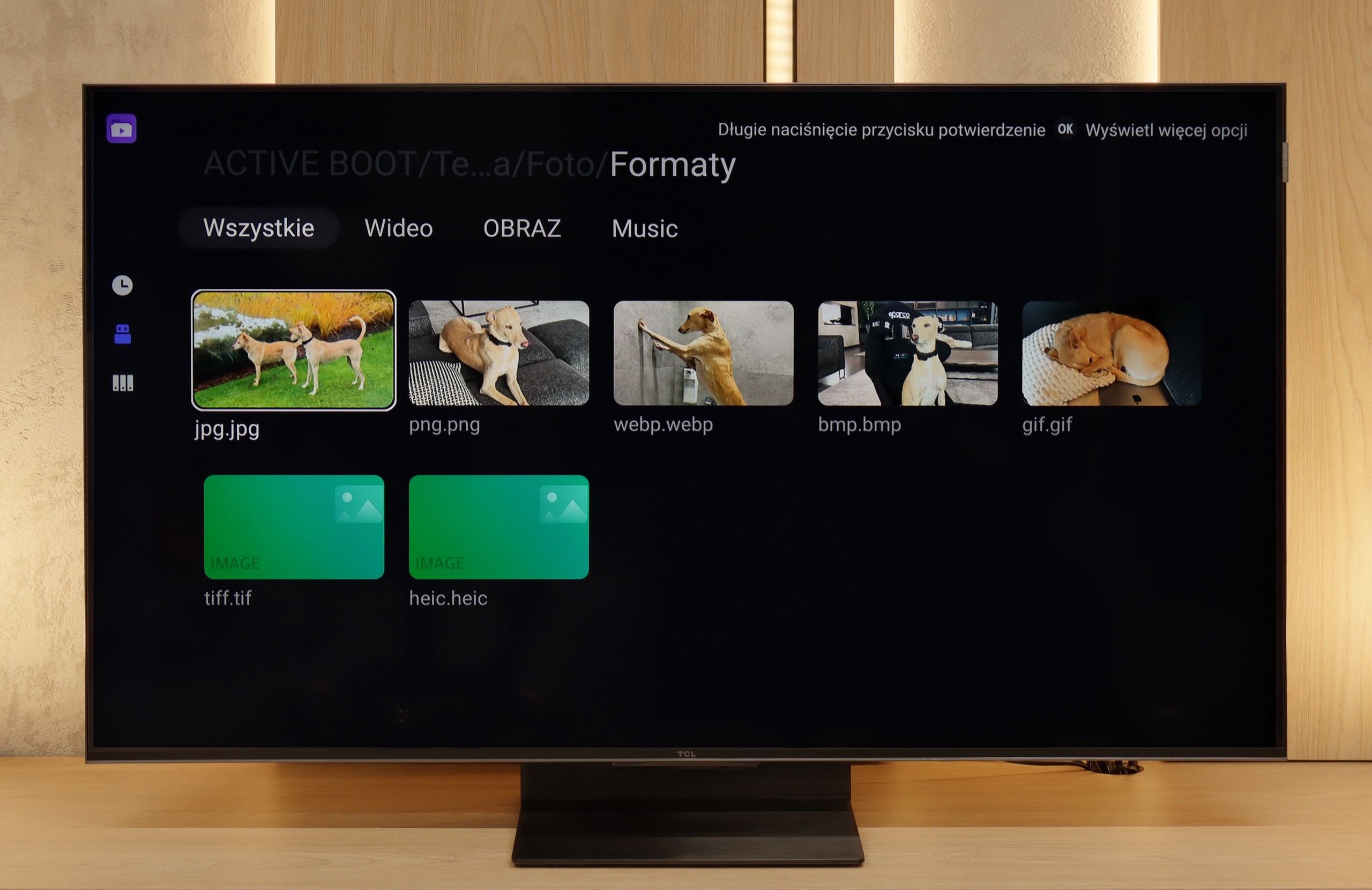
The built-in media player on the TCL C7K performs really very well. It supports most of the most popular audio and video formats, so if we want to quickly throw something on from a USB drive and play it, there shouldn't be any problem. Of course, as is often the case, you can find some minor shortcomings – not every exotic codec will work (Apple's HEIC), not all subtitles will be perfectly synchronised (txt.). However, the biggest advantage of this television comes to the rescue, which is Google TV. With access to the Google Play store, we can easily install an alternative player, such as VLC, and then no files will be daunting.

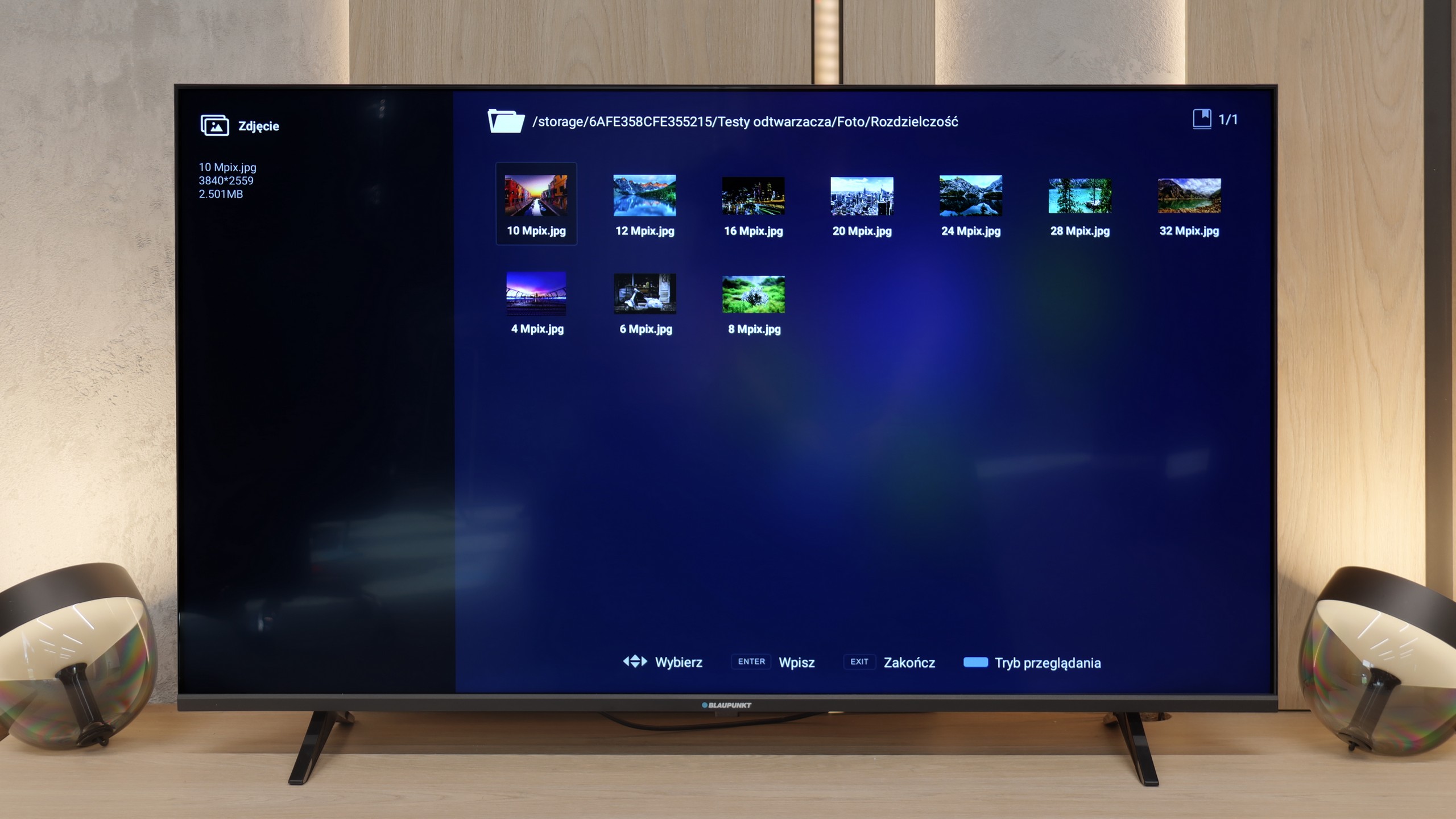
In terms of playing files from USB, Blaupunkt performs quite well. We checked several of the most popular formats, and basically everything important worked fine on the factory player. Therefore, you're not forced to immediately download additional software right after taking the television out of the box, as the equipment is simply self-sufficient from the start. Nevertheless, taking advantage of the charms of Google TV, we still recommend that you install something external, like VLC or Kodi. The factory player is adequate, but it is in these external applications that you will find the most configuration options, better subtitle support, or simply a more convenient interface. Since the system gives you such freedom, it is worth taking advantage of it to get as much as possible from your multimedia.

Sound

7.7/10

6/10

  • Maximum volume
    -
    85dB
  • Dolby Digital Plus 7.1
    Yes
    Yes
  • Dolby True HD 7.1
    No
    No
  • Dolby Atmos in Dolby Digital Plus (JOC)
    Yes
    Yes
  • Dolby Atmos in Dolby True HD
    No
    No
  • DTS:X in DTS-HD MA
    Yes
    No
  • DTS-HD Master Audio
    Yes
    No

In the larger versions of the C7K (from 55 inches upwards), the sound is even more impressive than in the smallest 50-inch variant. This is due to the greater number of built-in speakers and additional channels that allow for a fuller, more spacious sound. The bass becomes more pronounced, dialogues gain clarity, and the film effects can really fill the room.

It is worth mentioning the collaboration between TCL and the Bang & Olufsen brand, which appeared in the 2025 models. Even if we do not have a hundred percent certainty that original transducers from the Danish company are inside, the final effect surprises very positively. For a television without an additional soundbar, the larger C7K models deliver sound that can be enjoyed even during longer film screenings.

In terms of audio, Blaupunkt performs really well, especially considering that this is a typical budget television. It’s evident, or rather audible, that the brand has not forgotten its roots, and for such an inexpensive model, the sound is exceptionally good. Of course, there is a noticeable lack of bass, but the overall output is loud, and surprisingly clear. Most importantly for us – even at higher volumes, the sound is not heavily distorted, which is a rarity and a pleasant surprise at this price point.

Sound Quality Test

Acoustic Measurements

No acoustic data

85dBC (Max)

75dBC