The TCL C6K is a television for those who want to combine gaming and watching films with good contrast, while not spending a fortune. Thanks to the VA panel with Mini-LED backlighting, blacks are deep, and the contrast is high, making evening screenings truly impressive. Additionally, there is decent brightness, which combined with Dolby Vision allows films to take on a cinematic quality. The smoothness of the picture is also noteworthy – the 144Hz refresh rate works wonders for sports or dynamic games, and gamers receive a full package of extras: VRR, ALLM, HDMI 2.1, HGiG, and even a 240Hz mode on PC. On a daily basis, the television runs on Google TV, which offers a plethora of applications and the Gemini AI voice assistant, making it convenient and flexible to use. It’s also worth mentioning the sound – support for Dolby Atmos and DTS gives the impression that the device is ready not only for gaming. As is often the case, there are a few things that could be improved. The backlighting can lose details or illuminate blacks in challenging scenes, and Polish translations in the menu are sometimes so awkward that one has to ponder what they actually mean. Despite this, the overall performance stands out very well, and considering the price, the TCL C6K could be one of the more interesting choices for anyone looking for a versatile television for films, sports, and gaming. Especially when a good promotion comes along – and when TCL traditionally polishes the small details in updates.
- Matching (Score) |
- Our verdict |
- TV appearance |
- Where to buy |
- Contrast and black detail |
- HDR effect quality |
- Factory color reproduction |
- Color reproduction after calibration |
- Smoothness of tonal transitions |
- Image scaling and smoothness of tonal transitions |
- Blur and motion smoothness |
- Console compatibility and gaming features |
- Input lag |
- Compatibility with PC |
- Viewing angles |
- Daytime performance |
- Panel details |
- TV features |
- Apps |
- Playing files from USB |
- Sound
TCL C6K vs LG QNED80A6A (VA)
 Direct comparison
C6K / C69K / Q6C

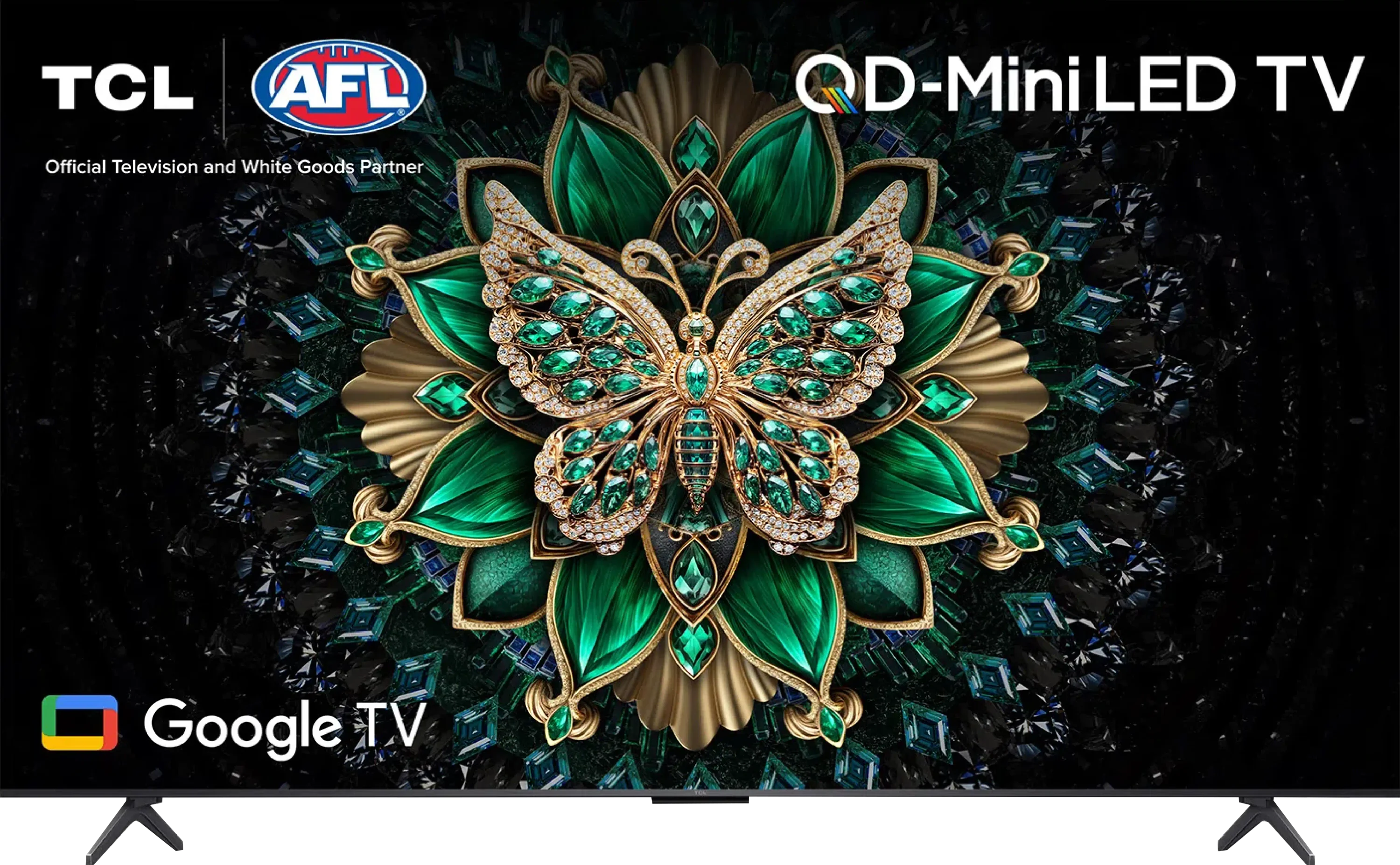
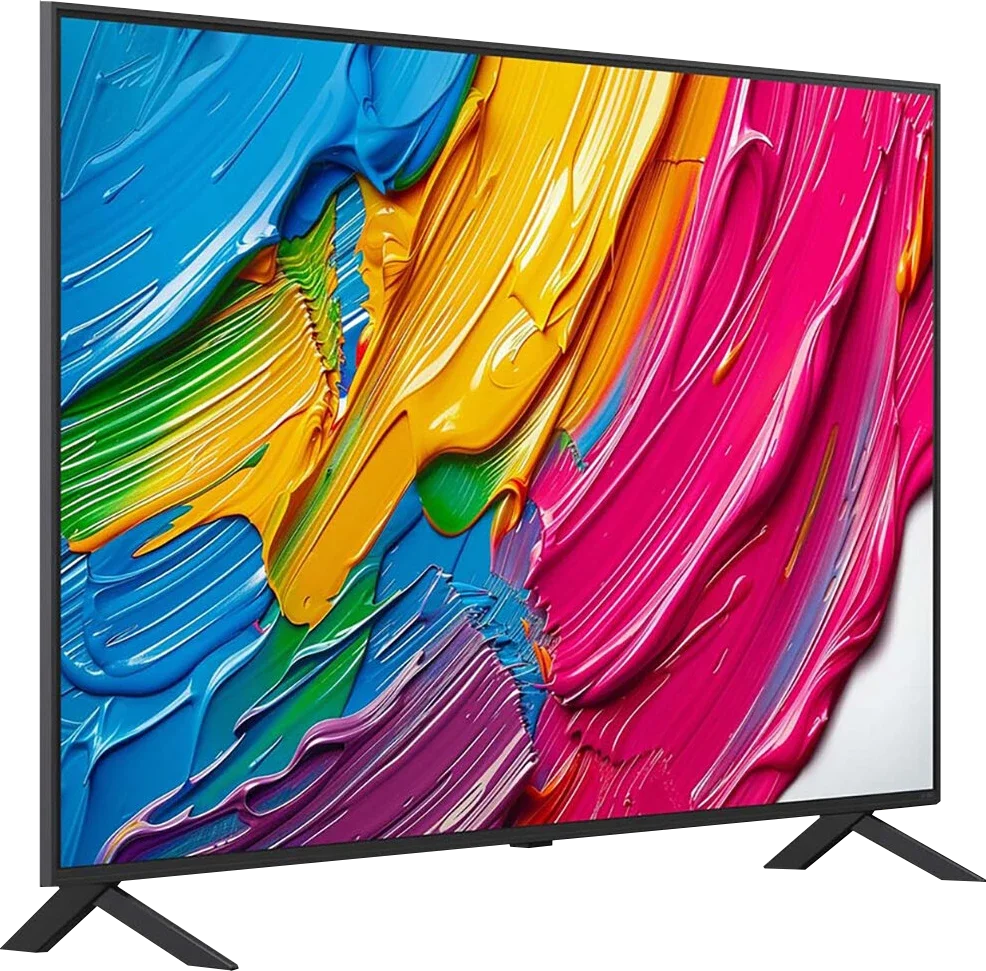
Panel type: LCD VA
Resolution: 3840x2160
System: Google TV
Model year: 2025
Complete the survey to find out the result
Panel type: LCD VA
Resolution: 3840x2160
System: WebOS
Model year: 2025
Complete the survey to find out the result
Overall rating
7.1
6.2
 Movies and series in UHD quality
 6.7
6.3
 Classic TV, YouTube
 6.6
6.5
 Sports broadcasts (TV and apps)
 6.3
5.5
 Gaming on console
 8.4
7.0
 TV as a computer monitor
 8.6
5.8
 Watching in bright light
 6.4
4.4
 Utility functions
 7.0
6.8
 Apps
Apps 9.6
9.1
 Sound quality
 6.5
6.0
Complete the survey to find out what fits your preferences
Advantages

Very good contrast and black: VA panel and MINI-LED backlighting
Good motion smoothness: High refresh rate of 144Hz
Not bad brightness of the panel
Many features for gamers: VRR, ALLM, HDMI 2.1, HGiG
Additional mode for PC gamers: 240Hz
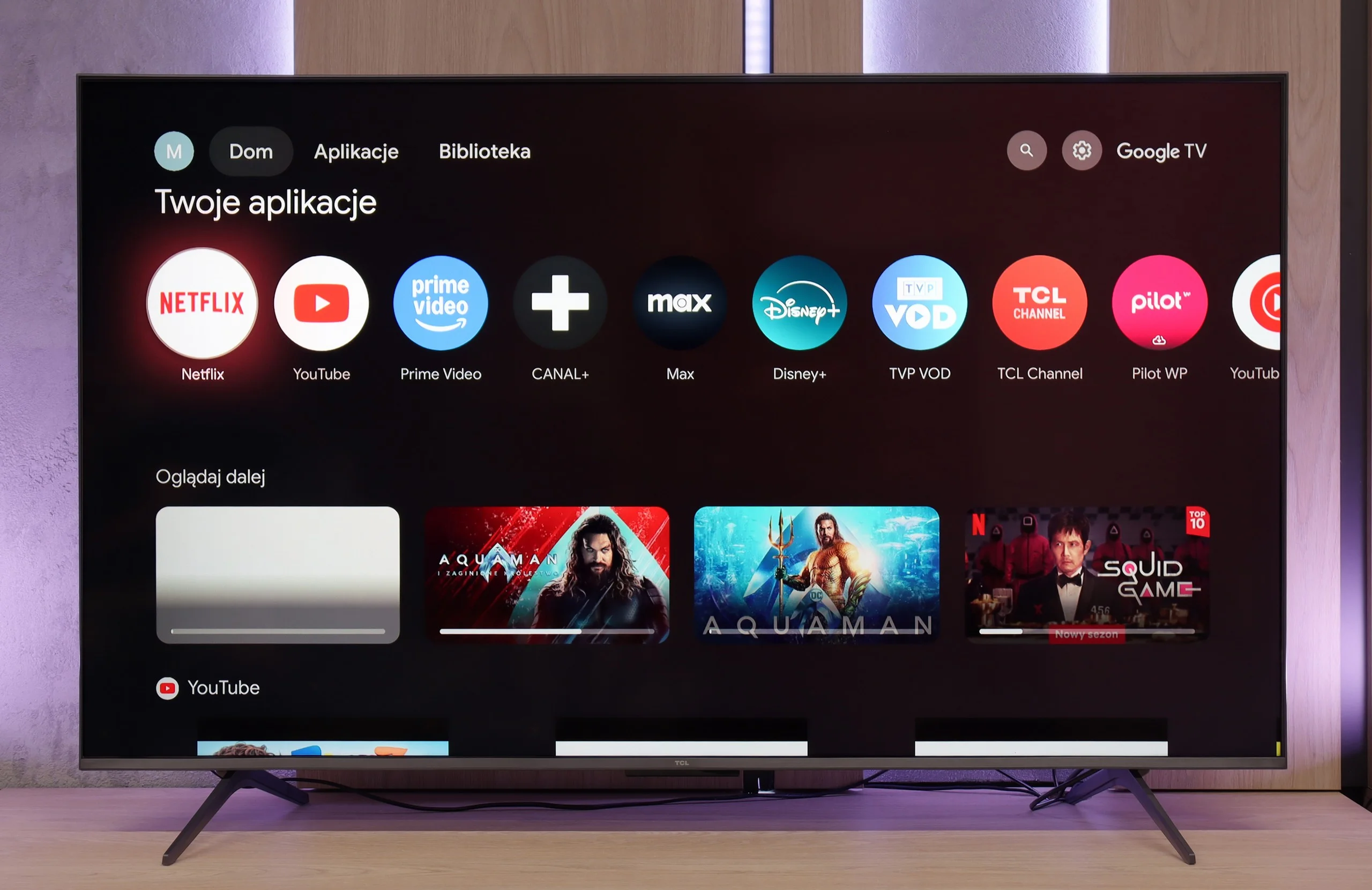
Google TV system with a wide selection of applications
Support for multiple HDR formats including Dolby Vision
Support for Dolby Atmos and DTS
Very attractive price
High native contrast (over 6000:1) providing deep blacks in movies
Excellent colour saturation (DCI-P3 colour gamut coverage above 90%) thanks to PFS technology (QNED).
Good detail reproduction in HDR
Outstanding WebOS 25 system – fast, intuitive and guaranteed updates
Magic remote included – cursor control
Effective upscaling and tone mapping smoothing function
Decent features for gamers (VRR, ALLM, HGiG), despite the 60Hz panel
Low input lag
Smooth tonal transitions – no visible "stepping" on colour gradients
Good font readability when connected to PC (sharp text).
Disadvantages

Managing the backlighting could be better
Language errors in the system
Narrow viewing angles – the picture loses quality when viewed from the side
Aggressive local dimming – in difficult scenes causes noticeable blooming.
60Hz panel
No support for Dolby Vision and HDR10+
Average brightness
Flat sound lacking bass – a soundbar is recommended
Our verdict
Looking at the QNED80A in the VA version as a whole, we are dealing with a television that has a very specific character. It is equipment that film lovers who enjoy evening screenings will appreciate, provided they... accept certain shortcomings. We get really solid blacks and contrast here, but we pay for it with narrow viewing angles. There’s no point in hiding it: this is a television for those who have their favourite spot in the middle of the sofa. Of course, you can feel some budget cuts here – the 60Hz panel and edge dimming, which sometimes struggles in challenging scenes, are elements that remind you this is not the top tier of televisions. However, LG cleverly compensates for these hardware deficiencies with excellent software. It is quite surprising how well this television manages to extract details in HDR or upscale lower quality material from cable – the processor does a great job here, making the picture appear more expensive than it actually is. If we add to this the excellent WebOS system and gaming features, which, despite the lack of 120Hz, perform admirably, we get a very successful screen for home cinema. It requires a certain understanding, but in return, it rewards you with a truly vibrant image at an affordable price.
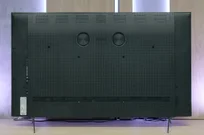
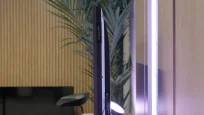
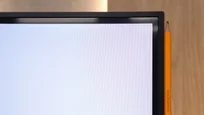
TV appearance
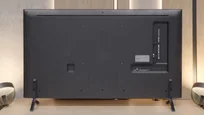
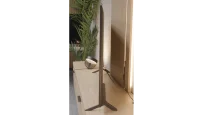

Contrast and black detail
7.3/10
6.3/10
Local dimming function: Yes, number of zones: 180 (10 x 18)
Local dimming function: Yes, number of zones: 6 (1 x 6)
Contrast:


Result
114,000:1

Result
17,300:1

Result
16,200:1

Result
9,900:1

Result
4,850:1
Result
24,550:1
Result
7,900:1
Result
22,150:1
Result
6,700:1
Result
5,550:1
Halo effect and black detail visibility:
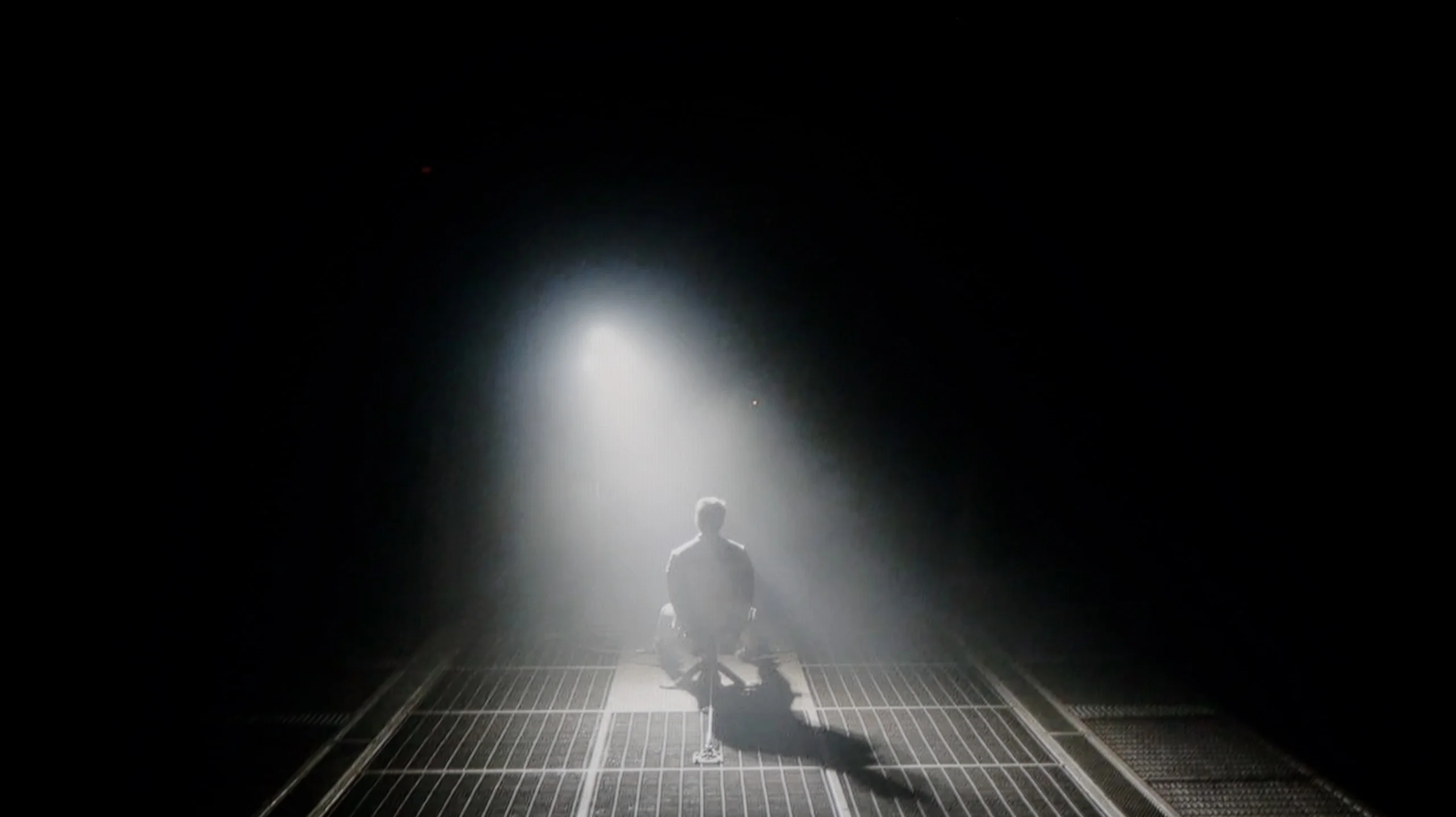
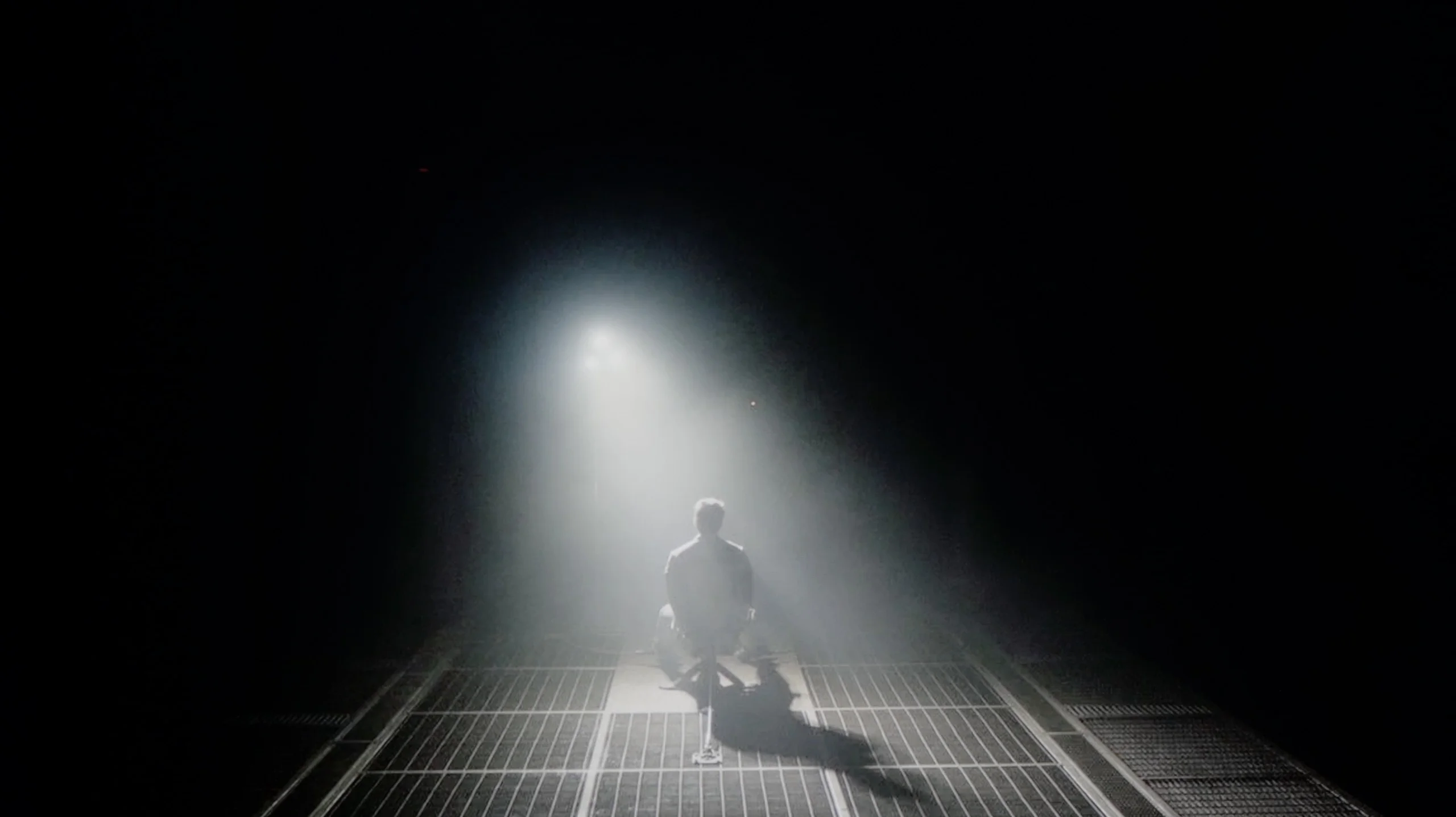
Check the visibility of bright lights on a dark background. Mini-LEDs often struggle with this. The photo does not compare black levels – that’s what the video below is for.
The video accurately shows differences in contrast and black levels between TVs, as well as potential issues: halo around bright objects or Mini-LED zone operation visible as brightness jumps.
The TCL C6K is based on a VA panel, more specifically an HVA manufactured by TCL CSOT, which in itself provides solid native contrast at a level of 6000–7000:1 without the use of local dimming. However, the real strength of this model lies in the Mini-LED backlighting that allows for the dimming of individual zones. In the tested 55-inch version, we counted around 180 of these zones, and with an increase in diagonal size, this number naturally grows. For a television in this price segment, the contrast is truly impressive. In simpler film scenes, such as segments from "Oblivion," it performs excellently, and shots completely bathed in black make a great impression. Of course, due to the nature of Mini-LED technology, it is not always possible to avoid issues – in more challenging frames with many bright details, halo effects may appear or some elements may be dimmed too much (regardless of local dimming settings). Nevertheless, contrast can be considered a strong point of the C6K.
The model we tested, with a 55-inch diagonal, is equipped with a VA panel. And here we have great news: this is a huge advantage over the IPS version if you care about deep blacks and a vivid picture. Our measurements showed that in typical movie scenes, the native contrast is really solid, exceeding values around 6000:1. In practice, this means that black is truly black, not grey, which works very well for occasional evening viewing and is not annoying. Interestingly, there were moments when our measurement devices indicated contrast levels of over 20,000:1. Where does such a jump come from? The LG QNED80A is equipped with a Local Dimming system. However, this is an edge-lit setup. This means that the television can dim vertical backlight strips where the image is supposed to be dark. In theory, this sounds great and indeed allows for better numbers in graphs than with a classic LCD screen. Unfortunately, practice can be brutal. The use of edge dimming is a double-edged sword that can spoil the film viewing experience in challenging scenes. An ideal example is the helicopter scene in the film Sicario 2. When there is a lot of black on the screen and small, bright points, the dimming system starts to work very aggressively and... not very precisely. You can clearly see how entire vertical strips of the screen brighten and dim, trying to keep up with the object. Instead of deep blacks, we then see a glow (blooming), which simply looks bad and detracts significant attention from the plot. Although the dimming system improves measurable contrast, in everyday use – especially with the lights off – its aggressive operation can be irritating. Often, a better solution may turn out to be... turning off this feature or setting it to minimum, to enjoy a stable, natural black of the VA panel itself.
HDR effect quality
4.9/10
4.6/10
Luminance measurements in HDR:

Result
612 nit

Result
202 nit

Result
424 nit

Result
144 nit

Result
587 nit
Result
354 nit
Result
335 nit
Result
354 nit
Result
301 nit
Result
271 nit
Scene from the movie “Pan” (about 2800 nits)
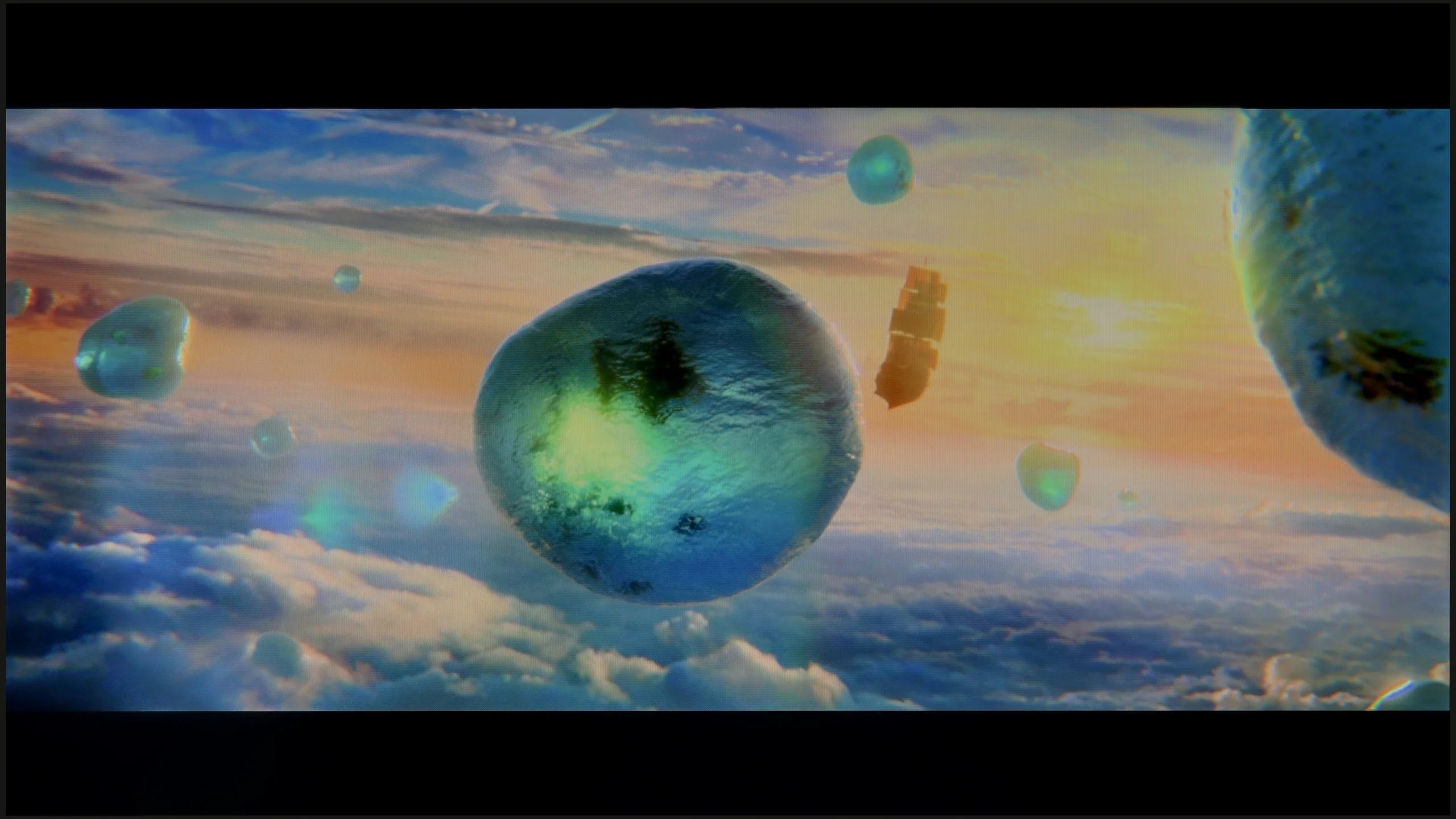
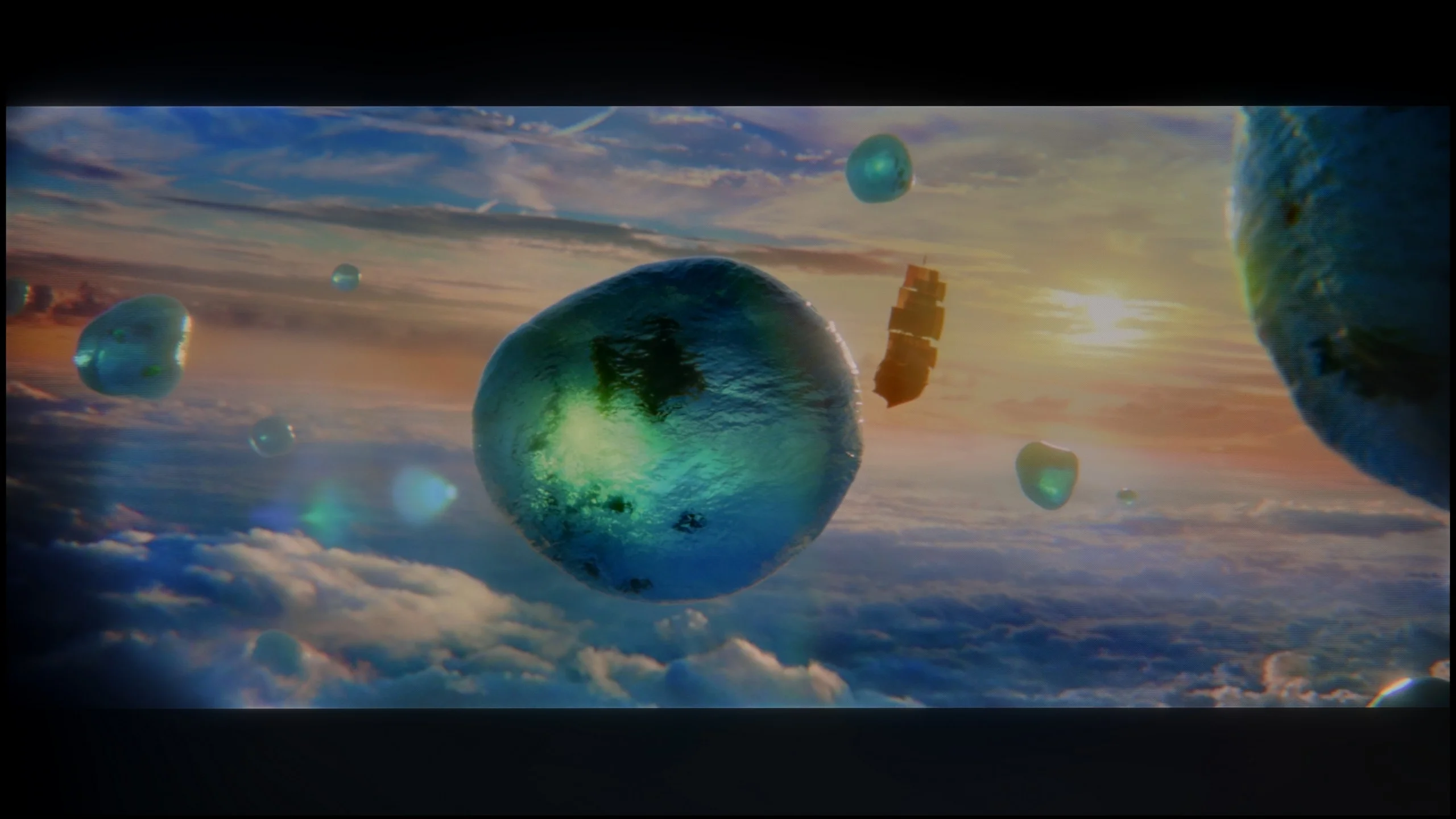
Scene from the movie “Billy Lynn” (about 1100 nits)
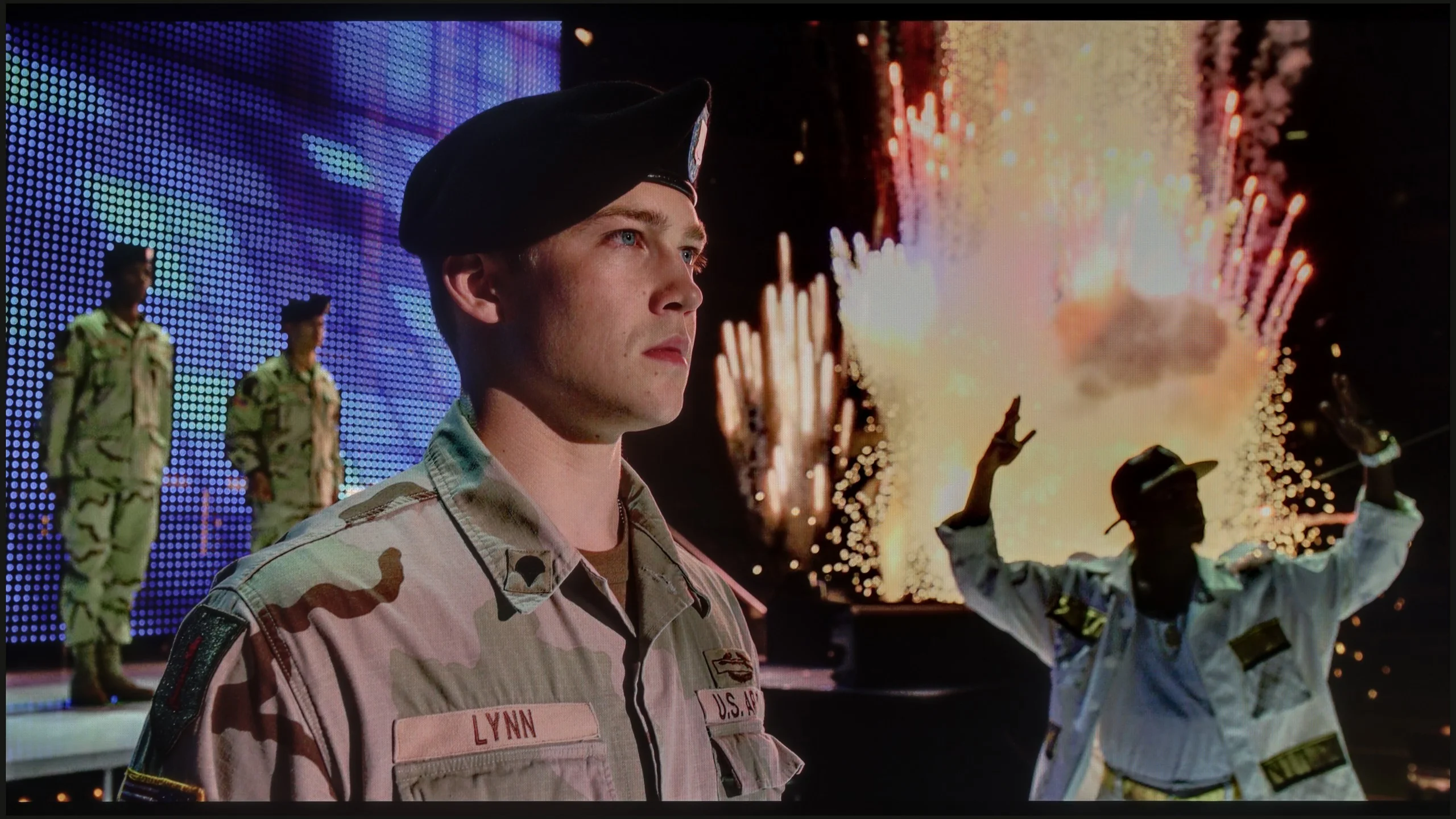
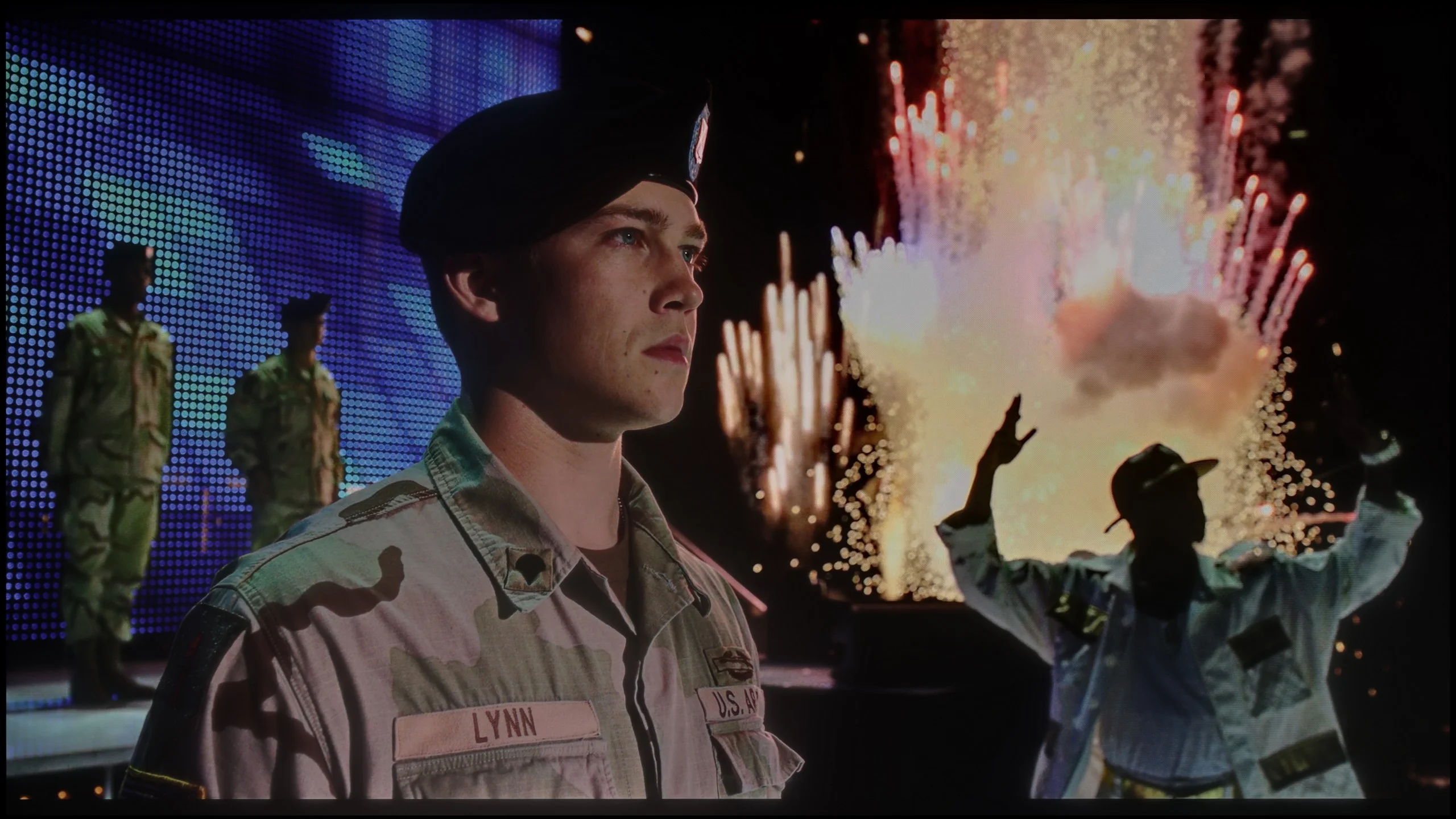
The photos show two HDR10 movies. 'Pan' is one of the brightest productions ever made, while 'Billy Lynn' (soldier) has brightness typical of streaming (Netflix, Prime, HBO MAX). Notice the intensity of effects and detail in whites.
Static HDR10


The photos present the visibility of white details in various HDR formats. They do not show brightness differences between TVs (these can be compared in the previous gallery).
HDR luminance chart:
LG QNED80A6A (VA)
TCL C6K
TCL C6K is a moderately bright television that can showcase its full potential under the best cinematic conditions – the maximum brightness is around 600 nits. In scenes with large, intense light sources, the HDR effect can be truly satisfying, providing a sense of cinematic sparkle. However, it is important to remember that when managing backlight zones, there are occasions where some elements are dimmed, and at times become barely visible. It is clear that there is a lack of proper algorithm optimisation here, although looking at the technical parameters in this price range, the overall construction performs exceedingly well.
Let's now talk about how this television shines. If you are expecting dazzling light effects, we need to temper your enthusiasm. The LG QNED80A is a moderately bright television. Our measurements in most movie scenes indicated values around 350-400 nits. This is not enough to speak of a full, cinematic HDR experience and the sense of that famous "high dynamism" offered by flagship products. However, brightness is not everything. Although the QNED80A is not a "light monster," it makes up for it in another crucial category: colours. This is where PFS technology comes into play, which LG marketers disguise under the name QNED/NanoCell. Thanks to this approach, the television offers a much wider colour palette than classic LCD designs. In our tests, coverage of the cinematic DCI-P3 palette reached a solid 93-94%. What does this mean for you? That even with lower brightness, when watching movies in HDR, colours will be vivid, deep, and appropriately saturated. The image is not washed out but rather juicy, which is a significant advantage in this price range.
Factory color reproduction
5/10
4.4/10


This gallery shows how colors change after professional TV calibration. If you notice the difference, we recommend ordering this service at SkalibrujTV.com.
Factory Mode
After calibration
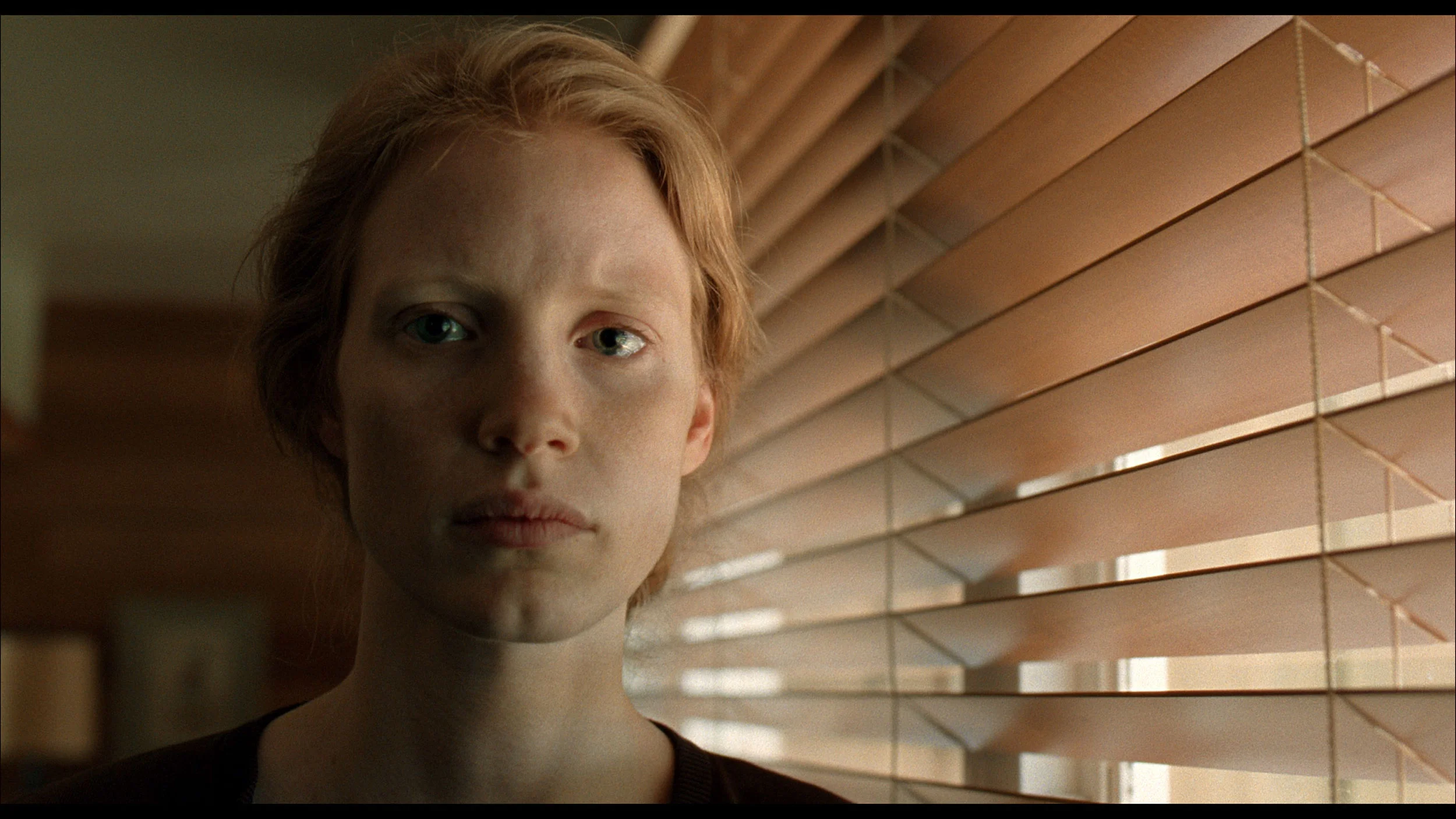
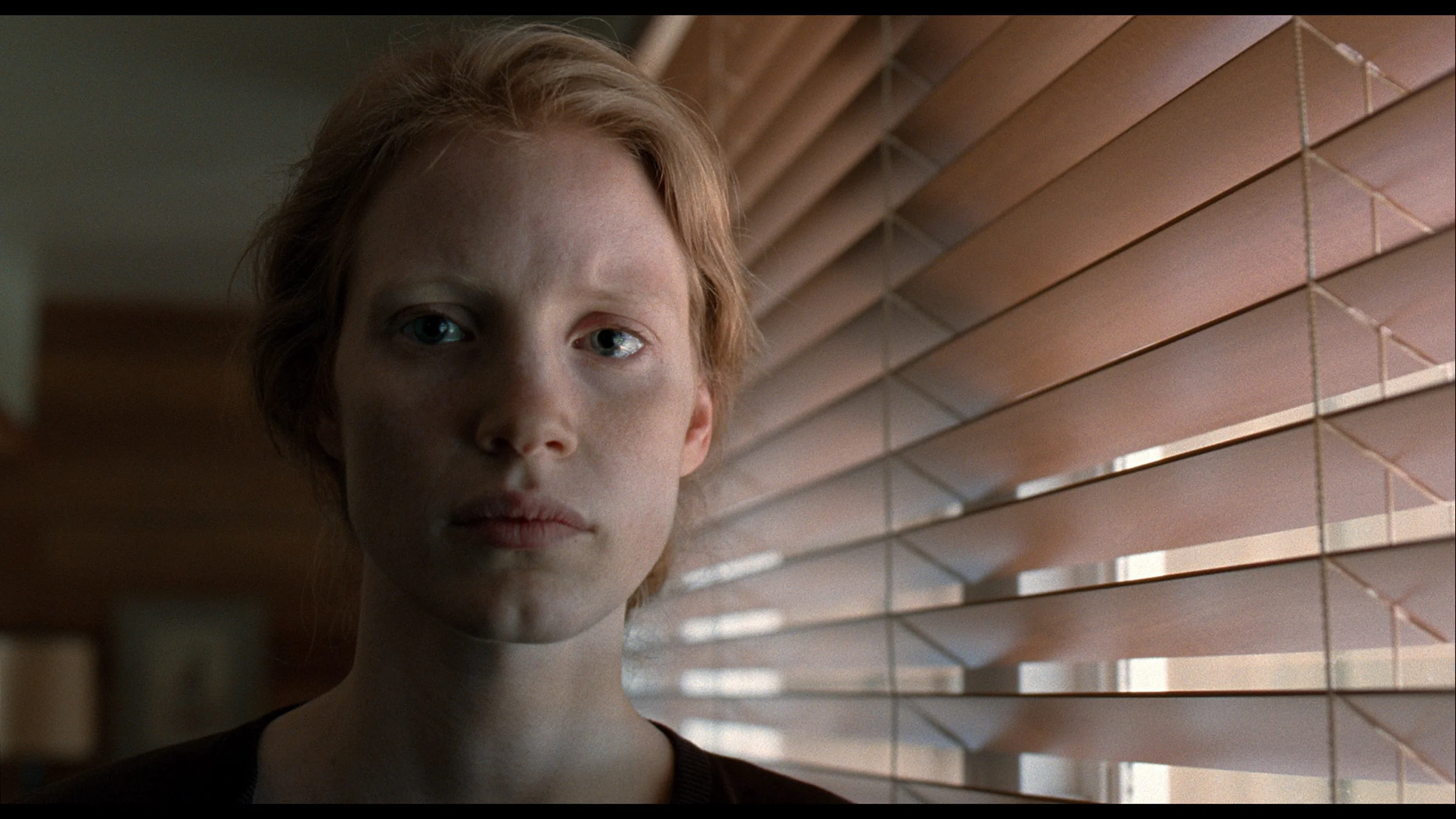
This gallery shows how colors change after professional TV calibration. If you notice the difference, we recommend ordering this service at SkalibrujTV.com.
Factory Mode
After calibration
In this year's TCL televisions, the Filmmaker mode has appeared, and it must be admitted that it is definitely the best choice straight out of the box. This is the mode we recommend for daily watching of films and series. Unfortunately, as is often the case, the best does not mean perfect. In the case of SDR content, the image was too warm, as the red was quite pronounced in the white balance. Conversely, with HDR content, we had the opposite impression – the image became cooler than it should have been due to an excess of blue. Additionally, the brightness characteristics sometimes led to overexposure. In practice, this resulted in quite noticeable errors in colour tests, which are difficult to accept in a mode advertised as "from the creators."
It might seem that since the QNED80A is one model, regardless of the version, it should offer the same picture. However, practice shows something completely different. Analyzing the variant with a VA panel in the best factory setting – that is, in Filmmaker Mode – we noticed a specific characteristic. This television, “out of the box,” serves us a picture with a clear dominance of red and a deficiency of blue. Overall, it is very warm, even hot. Many users may describe this as a picture that is “too cinematic,” leaning towards sepia. Additionally, there is the issue of the gamma curve – the television has a tendency to slightly artificially brighten scenes (gamma is too low), causing the picture to lose some depth. The good news is that these are not panel errors, but merely software issues. As always in our tests, we conducted professional calibration, which completely eliminated these shortcomings, restoring the natural white balance and correct saturation.
Color reproduction after calibration
7.5/10
7.5/10
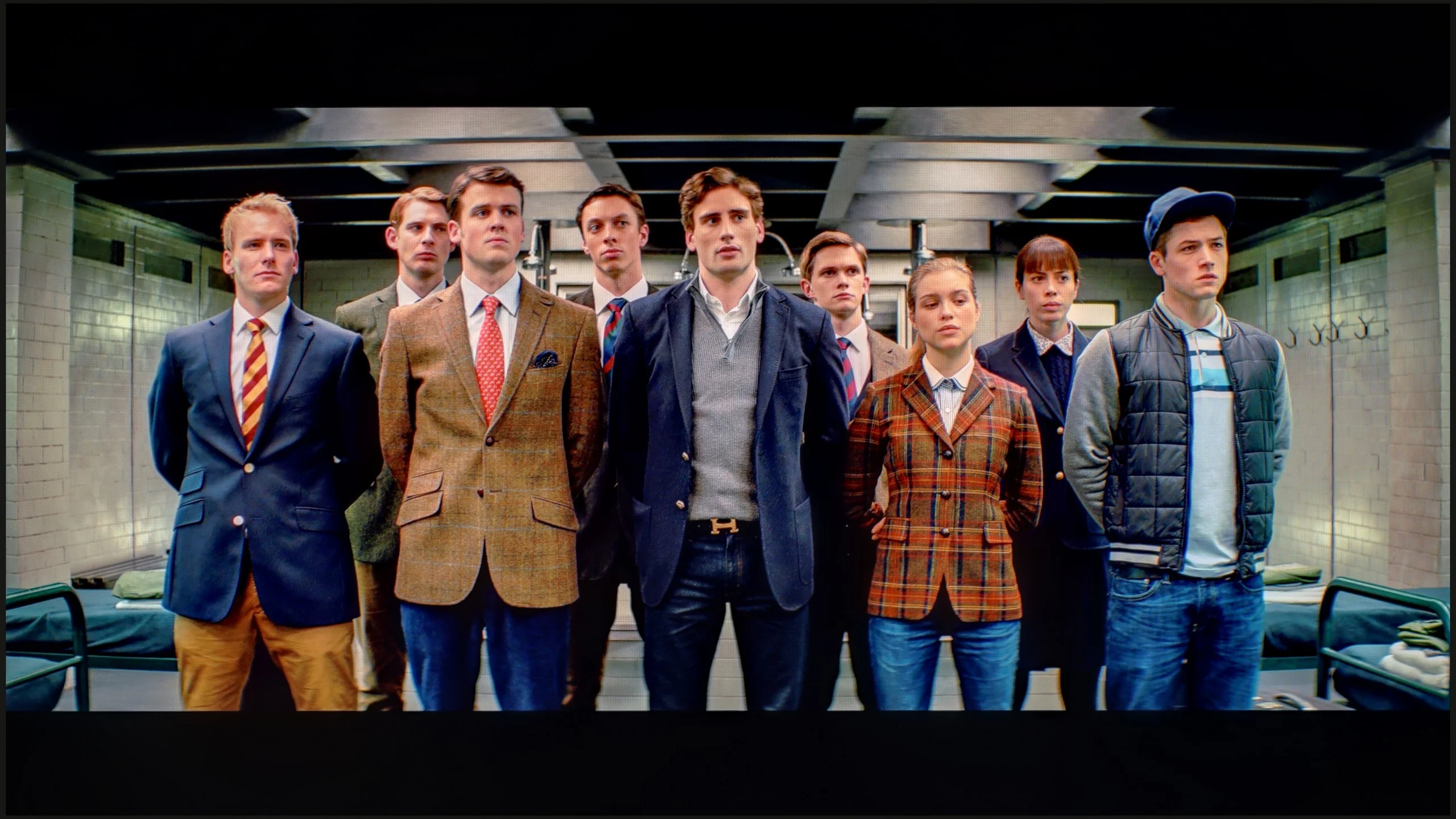
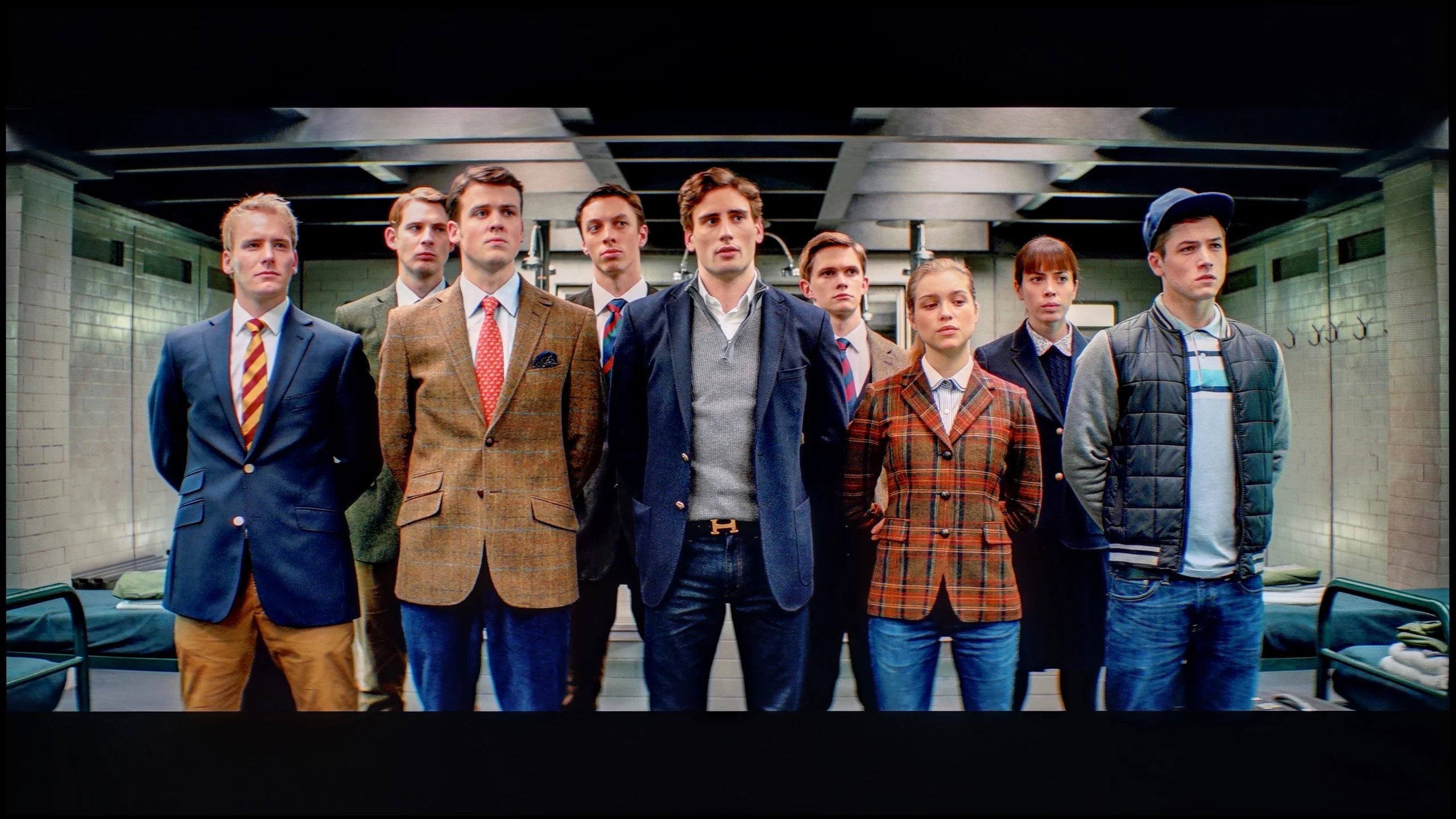
The photos show how movies look on the TV. Pay attention to black detail visibility, colors, and shadow tint.
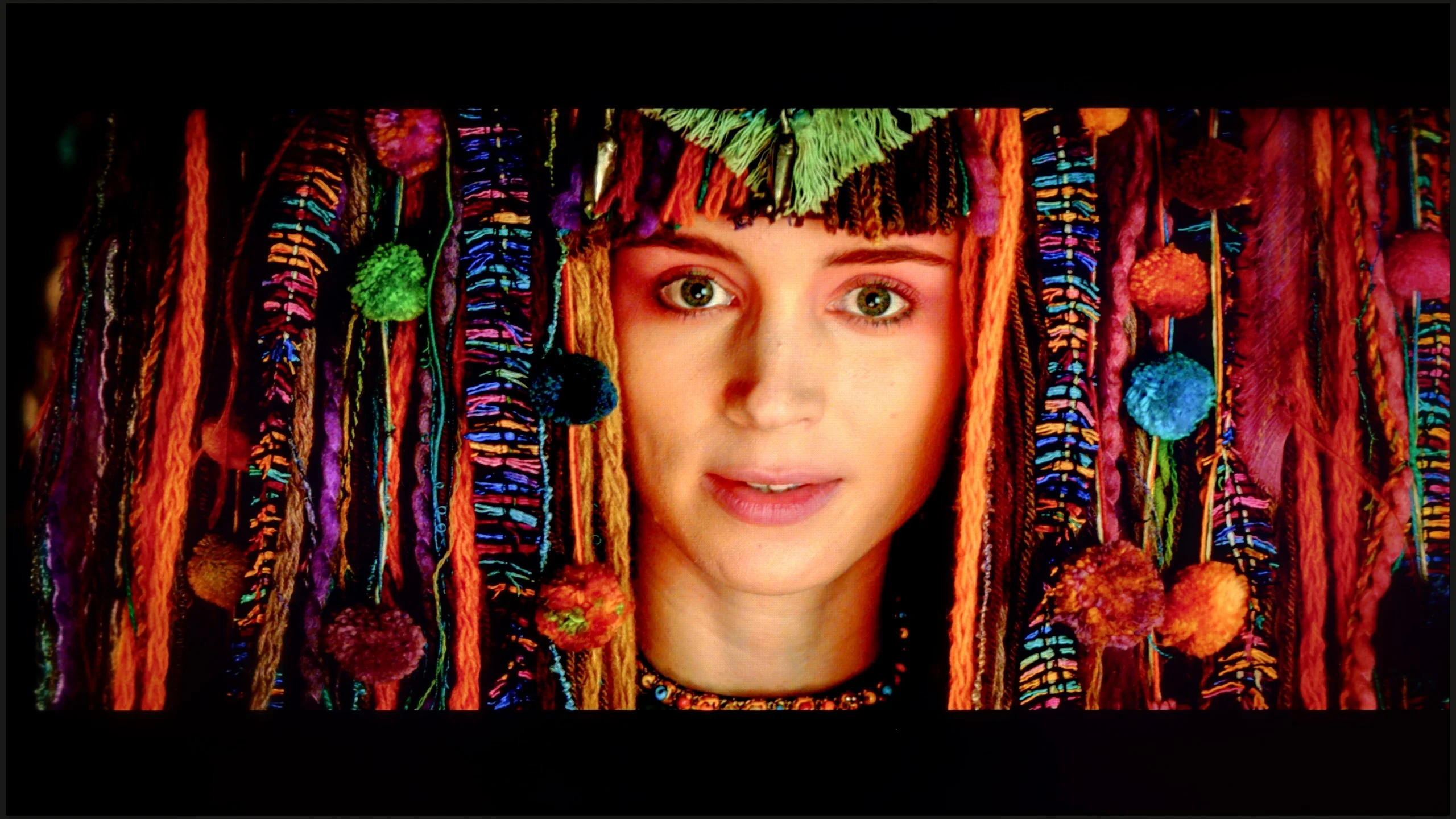
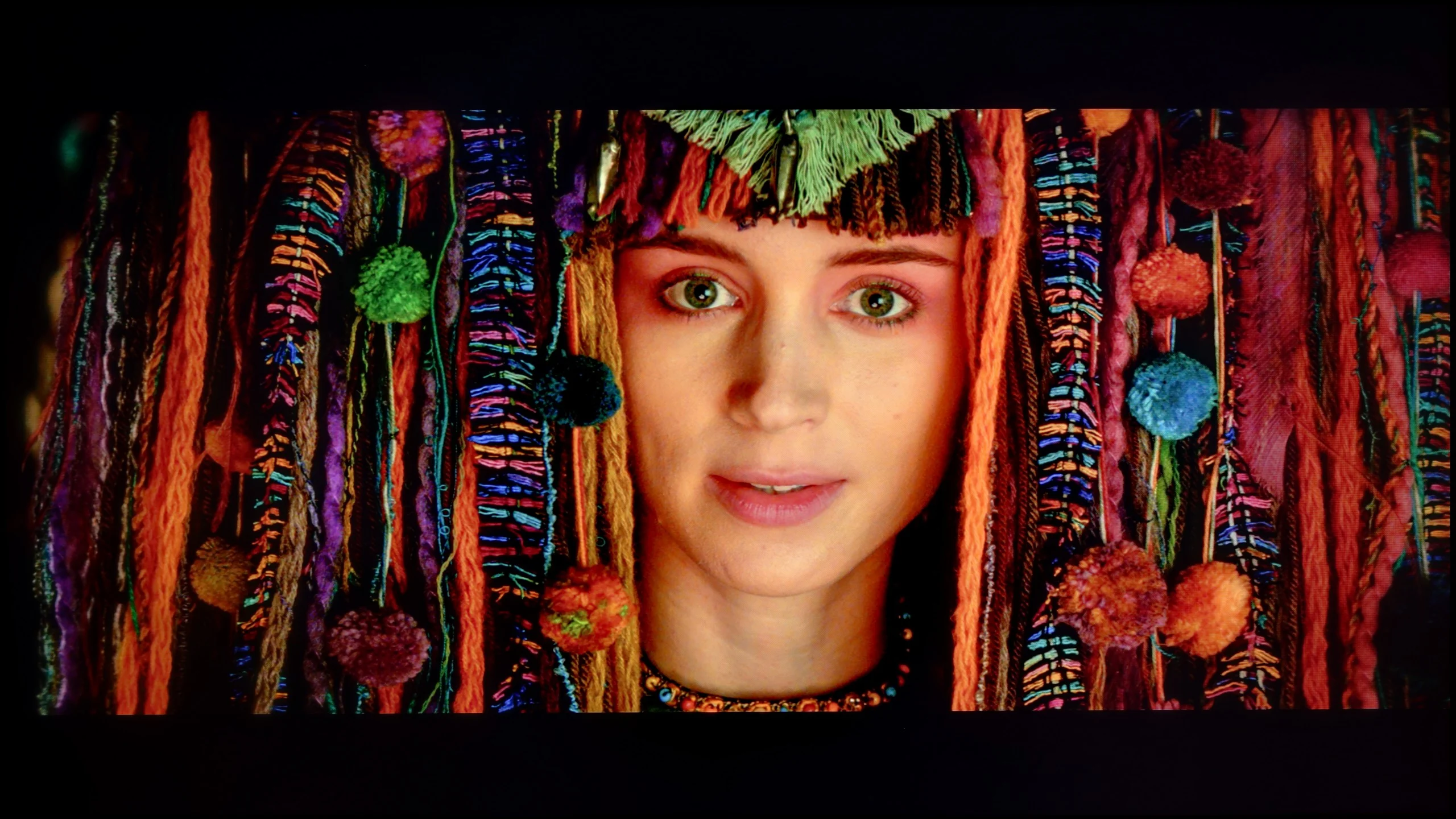
The photos show how movies look on the TV. Pay attention to black detail visibility, colors, and shadow tint.
Thanks to the white balance adjustment, it was possible to significantly reduce the C6K's tendency to distort colours, which translated into a very good final result. After calibration, we will no longer observe the effect of excessive warmth in SDR scenes or overly cooling the image in HDR. However, it is worth taking a closer look at the brightness characteristics. In SDR content, it is difficult to have major objections – the image looks really good, especially in older films, television programmes, or materials from YouTube. It fares much worse in the case of HDR content. An analysis of the EOTF curve suggests that everything is fine, but in practice (EOTF in films), the limitations of the design become apparent. The television tends to over-brighten the smallest parts of the frame, and in other situations, it can dim an entire scene too much. The effect of calibration is therefore evident, and in terms of colour, the C6K has gained quite a lot, but certain limitations arising from local dimming and, in fact, from its management by the C6K simply cannot be overcome.
Was it worth spending time on calibration? Definitely yes. We managed to tame the initial, too warm white balance and, most importantly, correct the gamma curve. The television stopped artificially brightening scenes, which gave the image depth. The greatest improvement is noticeable in SDR content, that is, while watching regular television, YouTube, or playing games without HDR. Here the QNED80A shows its class – colour reproduction errors (DeltaE) have dropped below a value of 2. In technical terms, this means that the errors are virtually unnoticeable to the human eye. The image in everyday use has simply become very attractive, natural, and correct. The difficulties begin with HDR content. Although we managed to improve the white balance, the EOTF curve graph (responsible for brightness at various levels) shows that the television still "interprets" the image in its own way. This stems from the nature of the edge-lit backlight with local dimming and the fact that LG gives the calibrator very little control over this parameter. In short: the television struggles to hide its hardware shortcomings, sometimes ignoring our commands. Nevertheless, the final image is significantly more accurate and pleasant to behold than with factory settings, even if it falls a bit short of studio perfection.
Smoothness of tonal transitions
9.5/10
9.2/10
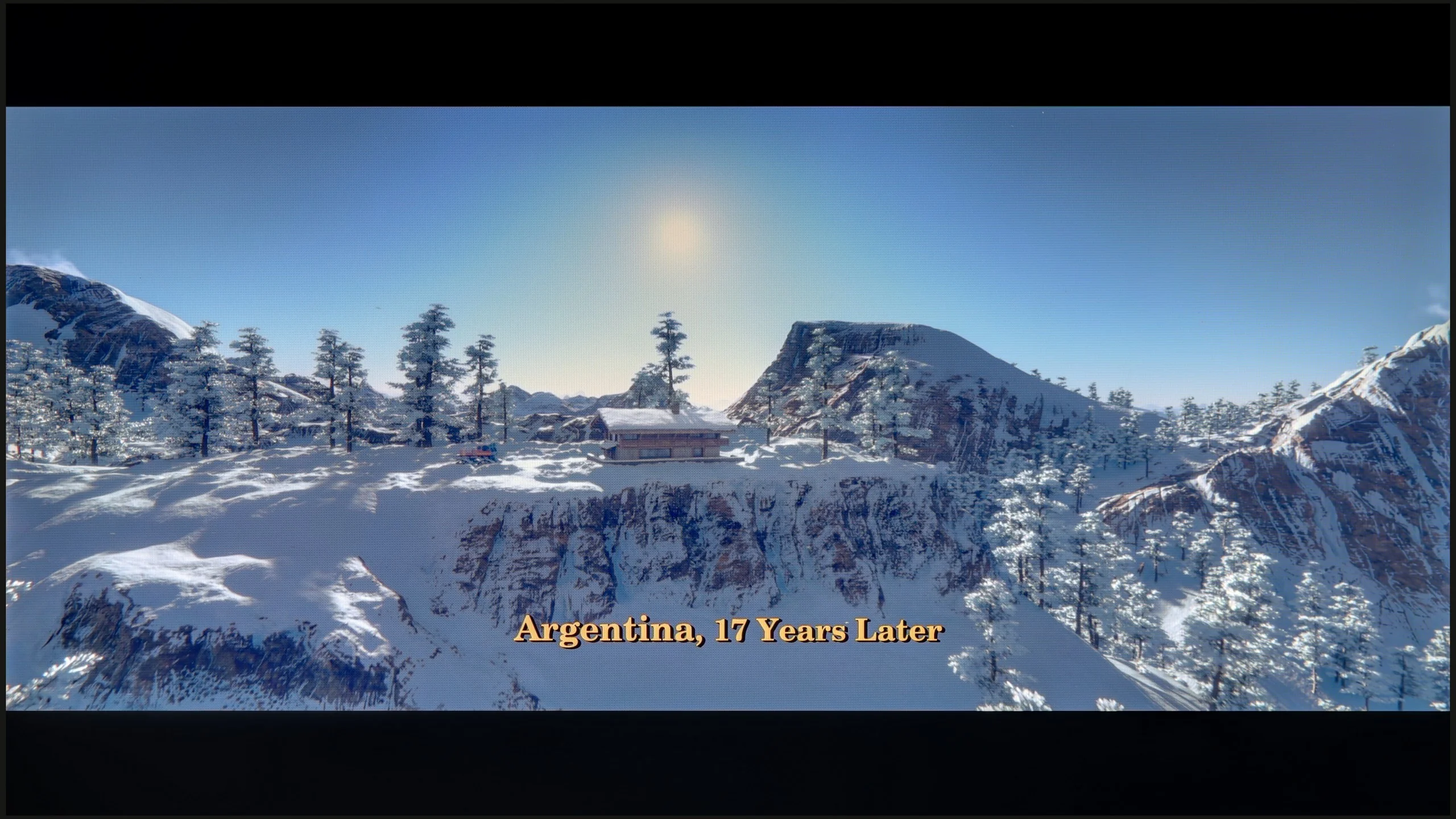
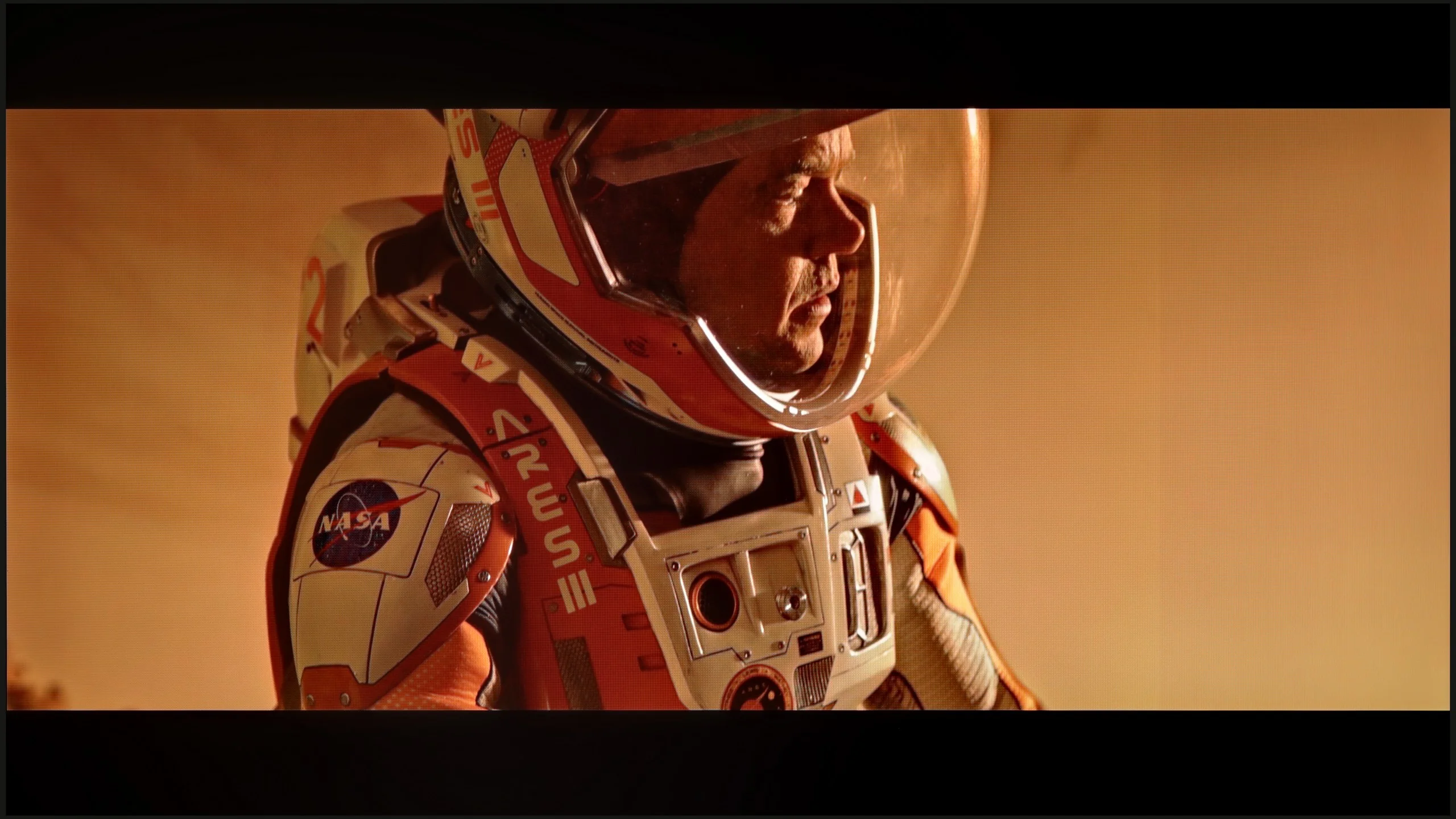
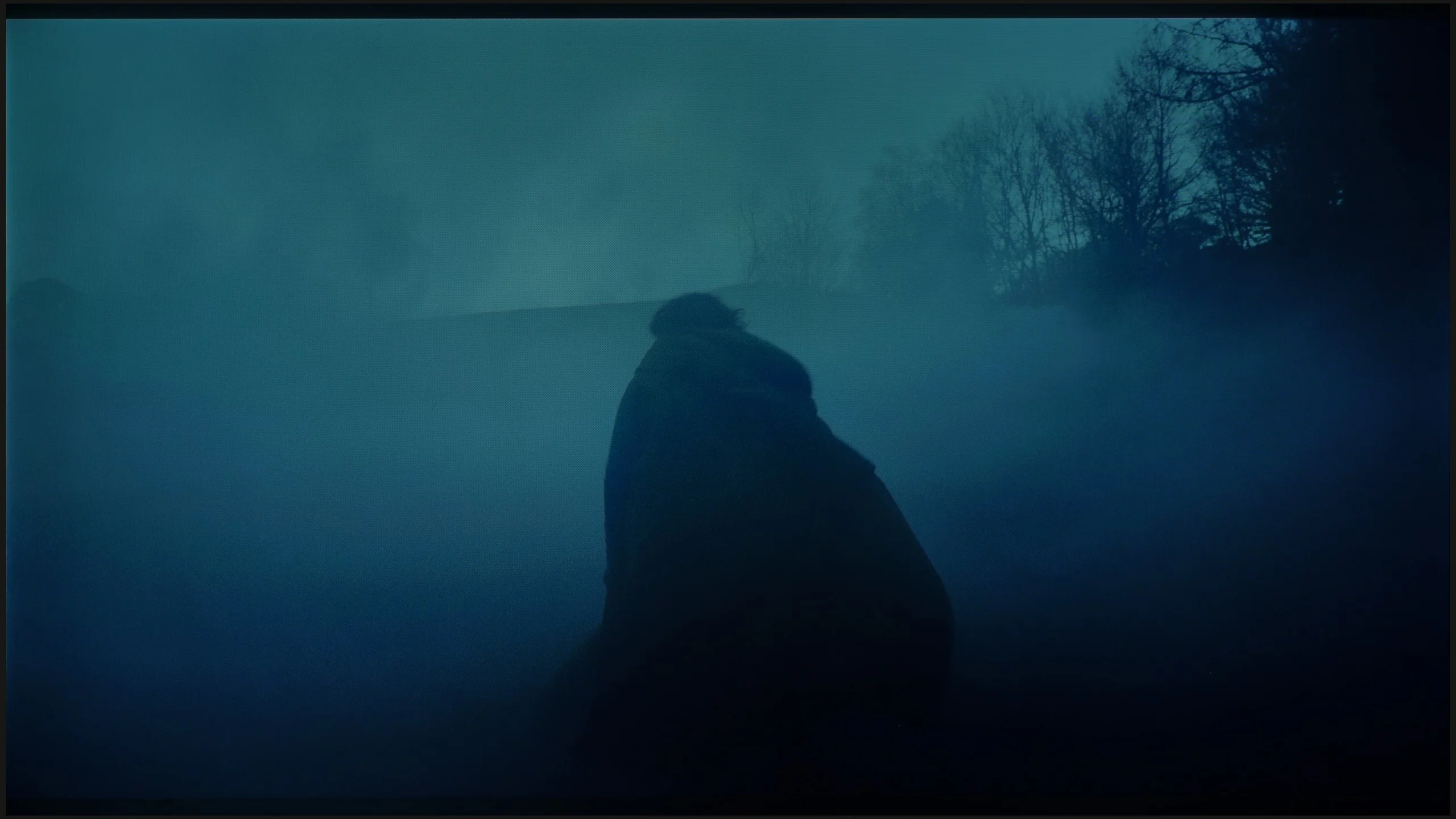
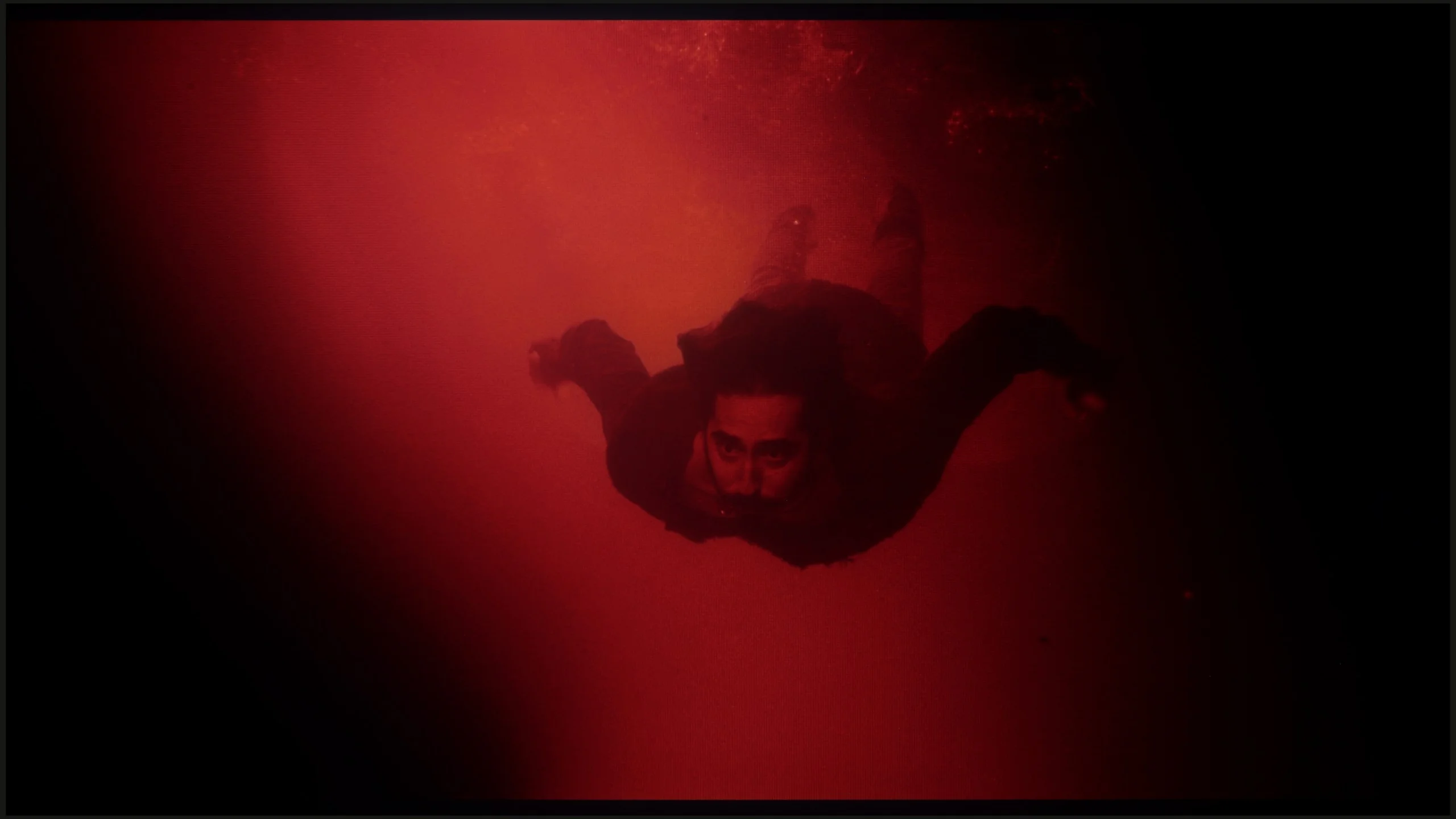
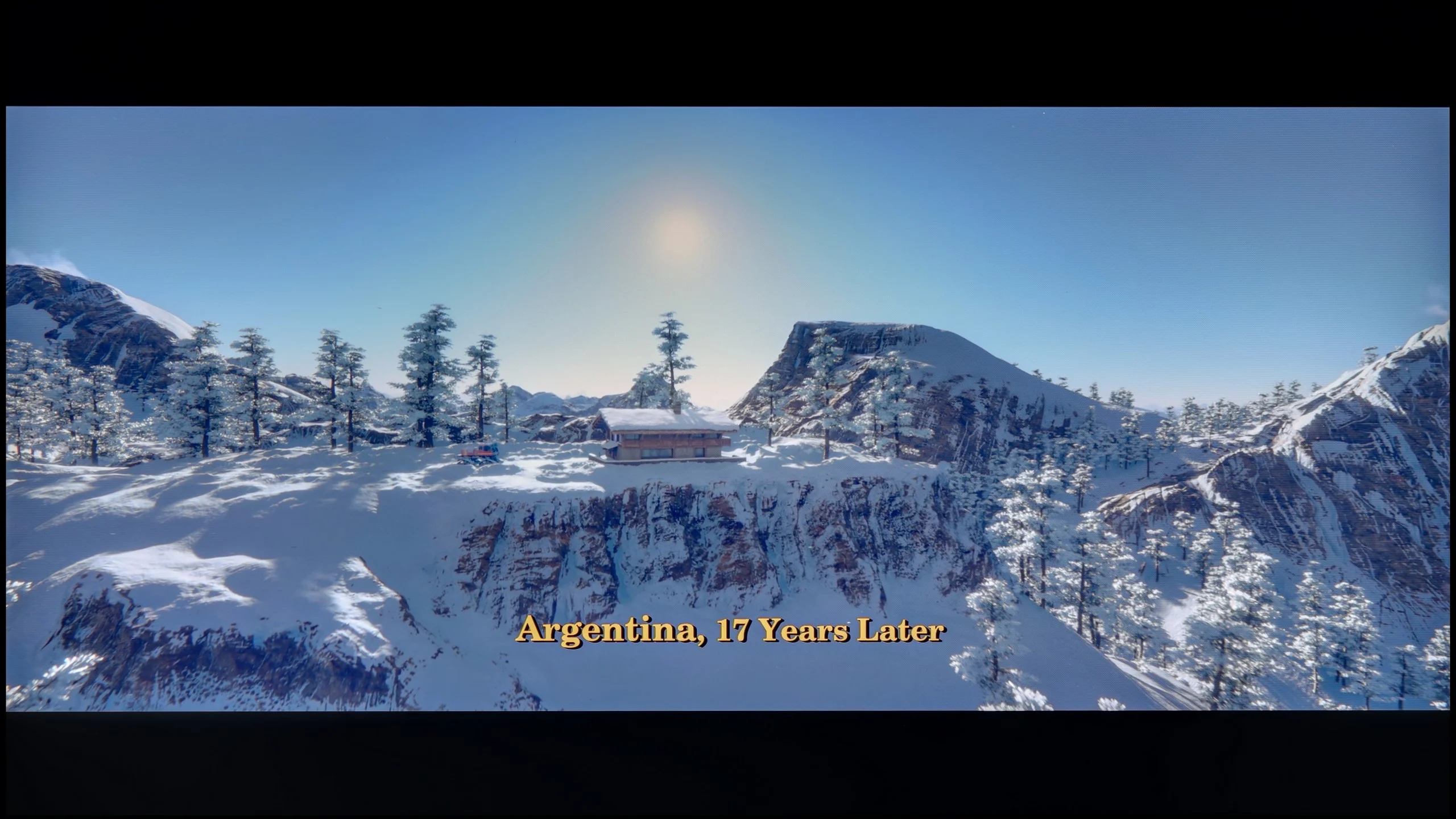
These are selected scenes that show smooth tonal transitions from one color to another. If you see distinct banding, it’s the TV panel’s fault.
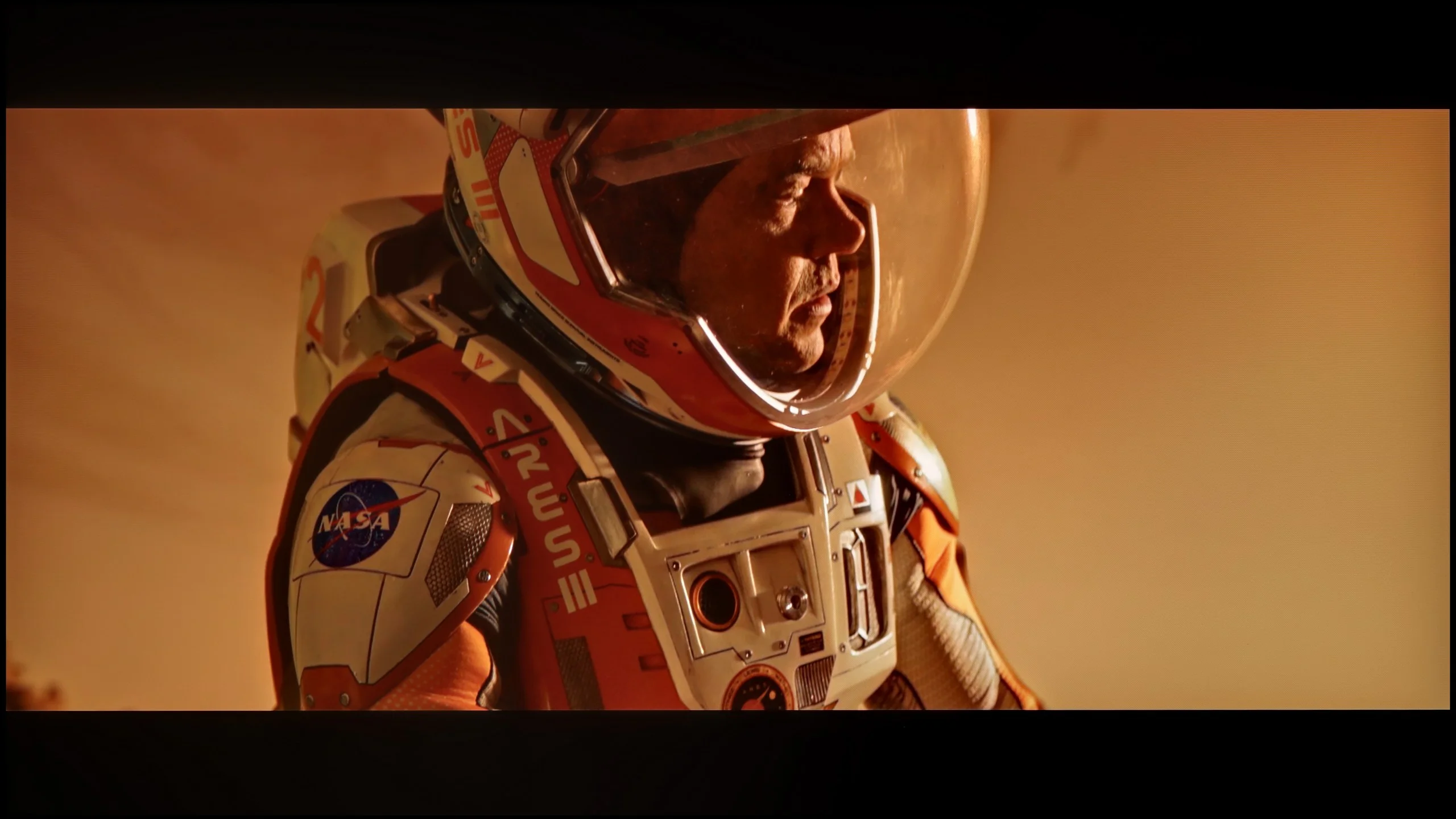
These are selected scenes that show smooth tonal transitions from one color to another. If you see distinct banding, it’s the TV panel’s fault.
These are selected scenes that show smooth tonal transitions from one color to another. If you see distinct banding, it’s the TV panel’s fault.
These are selected scenes that show smooth tonal transitions from one color to another. If you see distinct banding, it’s the TV panel’s fault.
The transitions between colours in the C6K are very smooth, and it is hard to fault any banding. The image looks natural, and any minor imperfections can only be noticed on bright test patterns – and that with really careful viewing. In everyday use, the effect is simply excellent, and one can confidently say that in this category, the C6K performs remarkably well.
We also have excellent news for those sensitive to digital artifacts. Regardless of which version of the panel you encounter, the LG QNED80A excels at gradation, meaning smooth colour transitions. In this price range, it is often the case that instead of a smooth transition (e.g., from light sky blue to navy), we see ugly, separated bands. Here, this problem is practically non-existent. In our tests, both in very bright areas of the image (like sunsets) and in challenging dark grey shades, the picture remained uniform and natural. We did not notice the irritating effect of "banding" or distinct lines connecting colours.
Image scaling and smoothness of tonal transitions
5/10
7/10


Smooth transition function
The match photo shows how the TV smooths weak tonal transitions in low-quality video.
Image scaling SD (576i)


The model photo shows how it handles upscaling of SD material.
TCL C6K performs quite well in terms of scaling. Lower quality materials look acceptable, and the absence of overscan issues means that the image is displayed in full, without cropping. However, one cannot expect miracles – very low-quality content will not gain a new life here, as the image processor has its limitations. On thin lines or details, there is a noticeable characteristic jerking, which reveals the lack of advanced image enhancement algorithms. It is also a pity that the C6K lacks the feature for smoothing tonal transitions – in older films or video materials, colour banding can be noticeable and can be distracting during longer viewing sessions.
In this category, the QNED80A proves to be a true "dark horse." It is an excellent, affordable television for those who frequently watch lower-quality content – for example, traditional cable TV. The processor used here handles upscaling, that is, enhancing low resolution to native 4K, exceptionally well. The image after processing is natural, smooth, and, most importantly, not overly jagged or artificially sharpened. In the menu, we also find a dedicated option for smoothing tonal transitions in low-quality content. This feature works really effectively, eliminating annoying "banding" of colours under heavy video compression. However, we must remain vigilant. Remember that we are not dealing with a top-tier processor known from flagship OLED models. In more challenging scenes, the system may struggle and introduce minor artefacts or distortions. Nonetheless, it is definitely worth giving this feature a chance, as in most cases the quality improvement is visibly apparent.
Blur and motion smoothness
7.3/10
4.8/10
Blur (native resolution, maximum refresh rate):
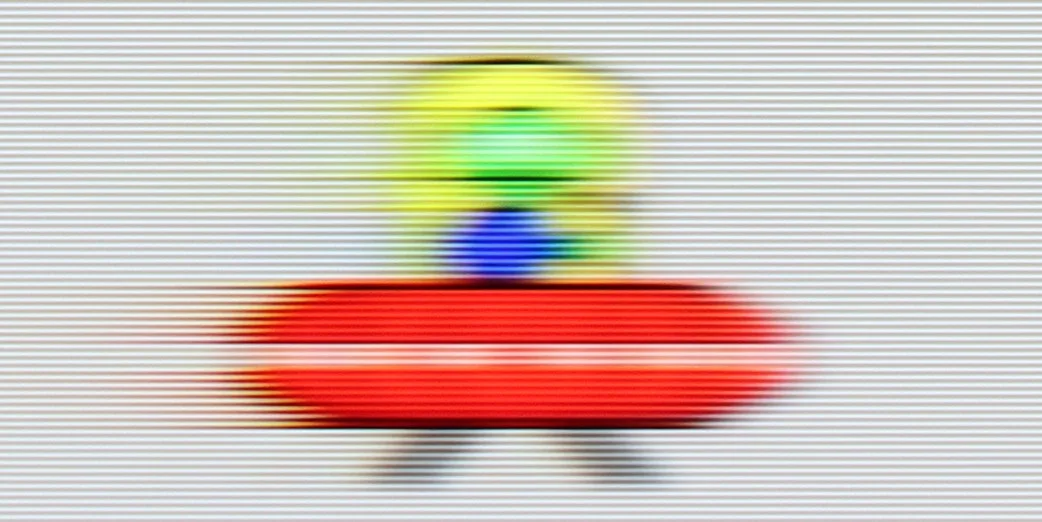
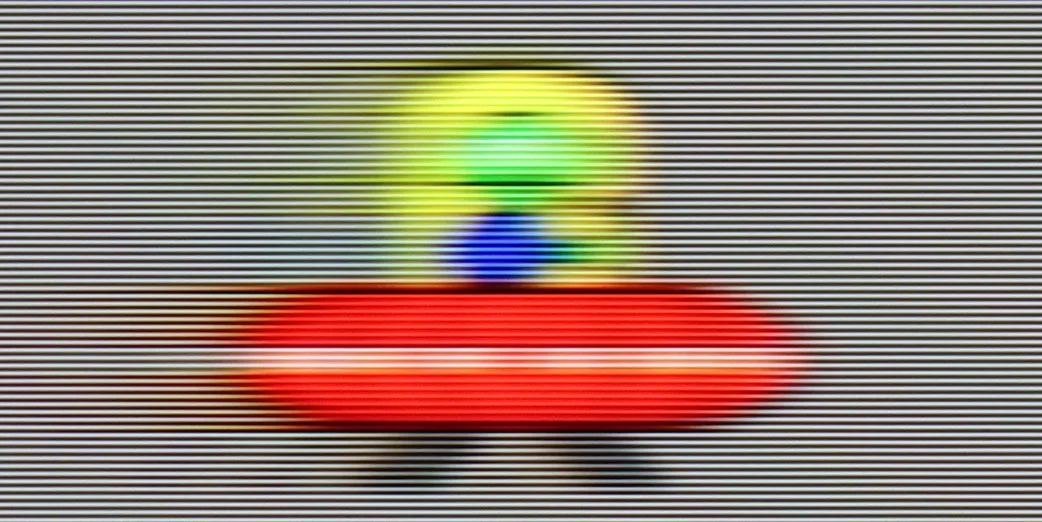
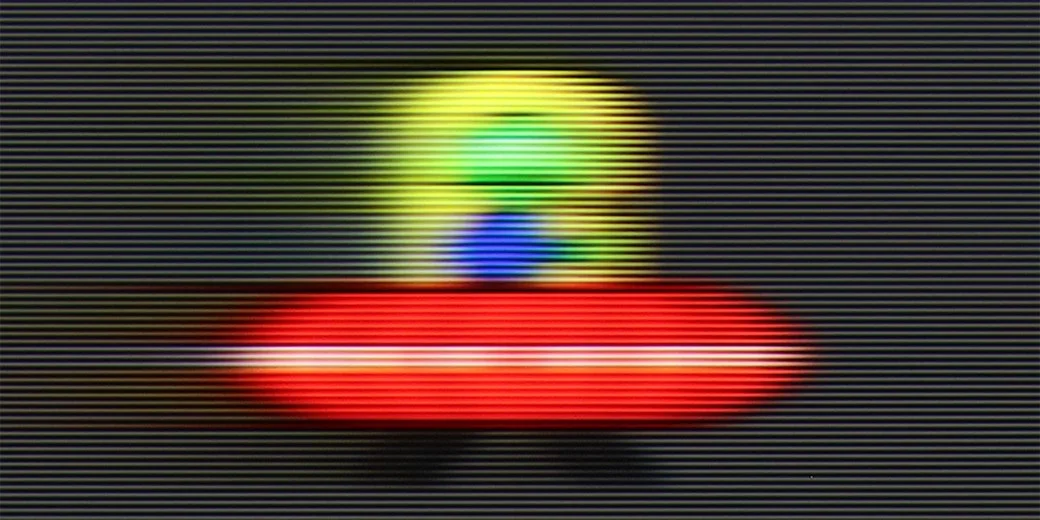
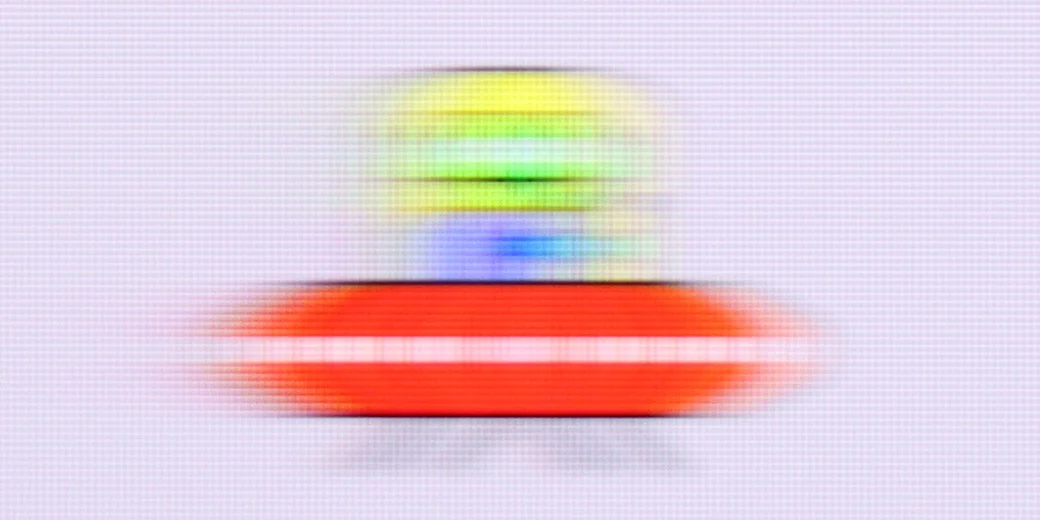
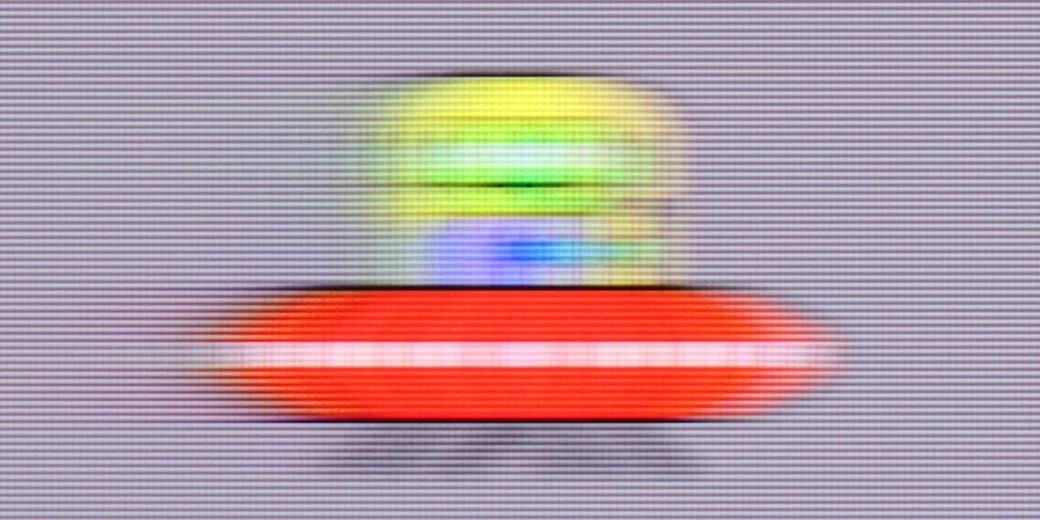
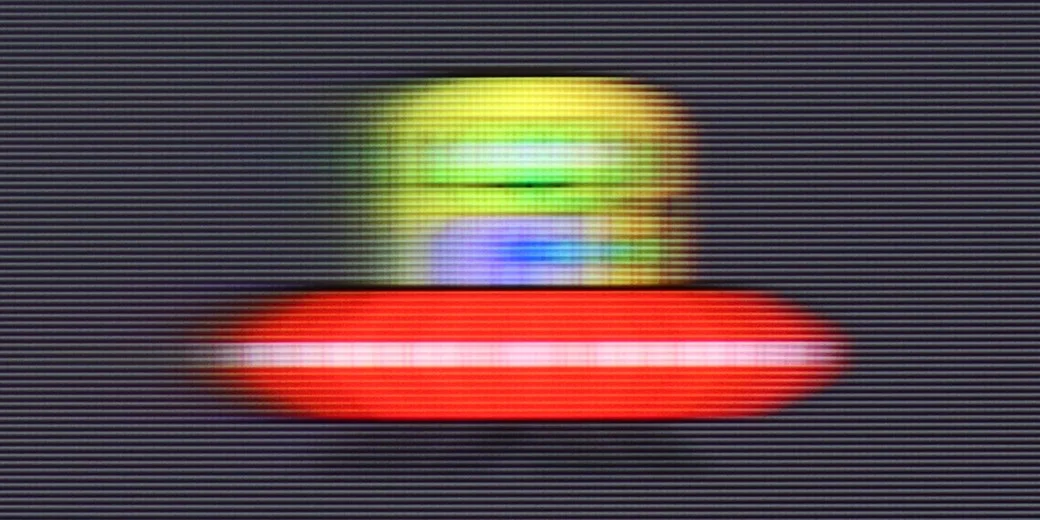
Blur (BFI function enabled):
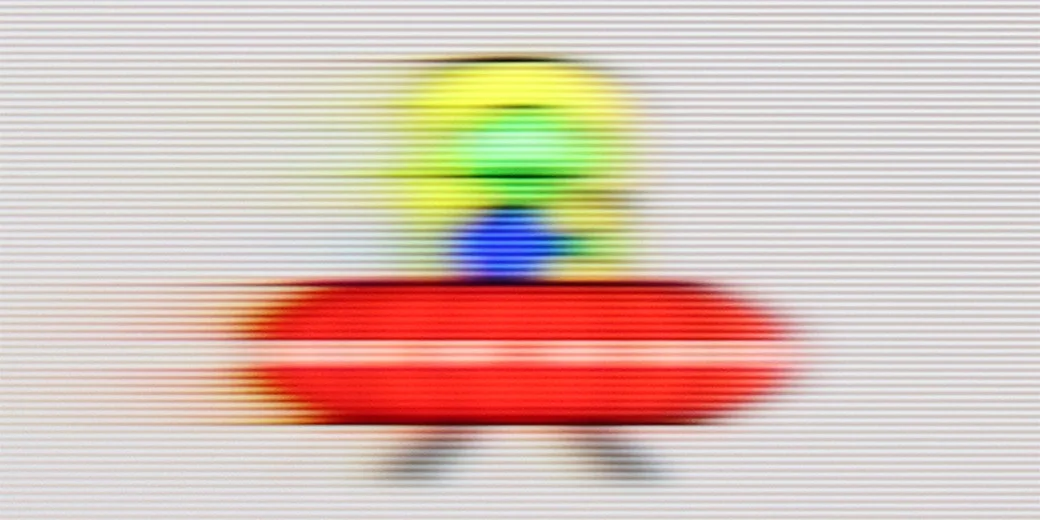
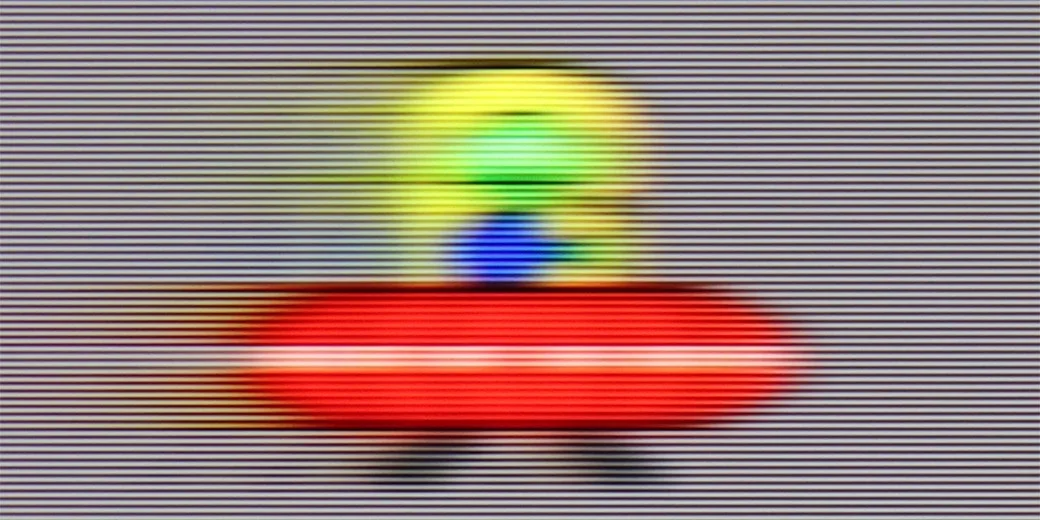
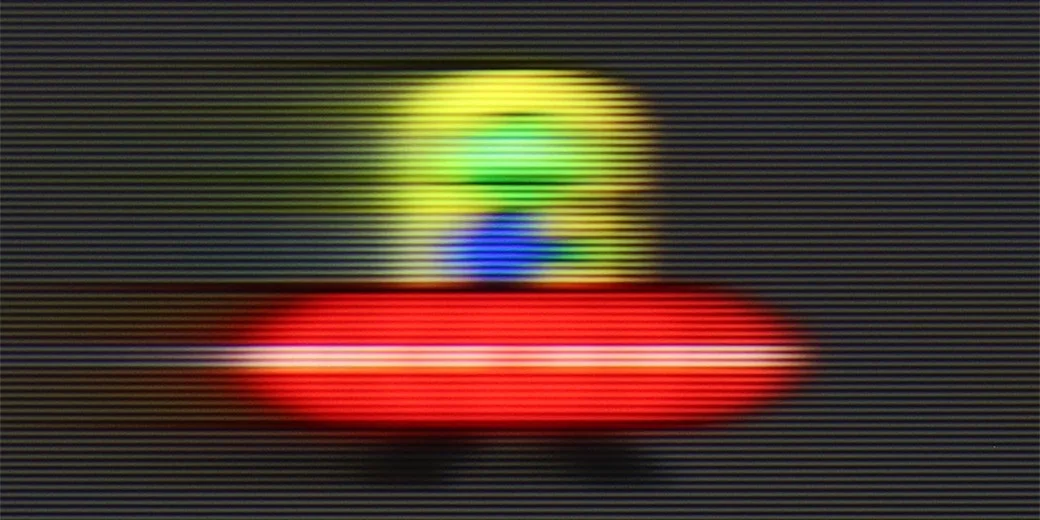
The TCL C6K utilises a 144 Hz panel, which is a significant advantage in this price range. This is an important step forward compared to the previous model, the C655 PRO, which only offered 60 Hz in 4K. The difference is especially noticeable when watching sports or gaming – the ball, players, or fast action in a game are shown more clearly and without losing details. Interestingly, the panel can also operate at 240 Hz, which the manufacturer does not mention in the official materials. We will return to this topic when discussing the PC gaming mode.
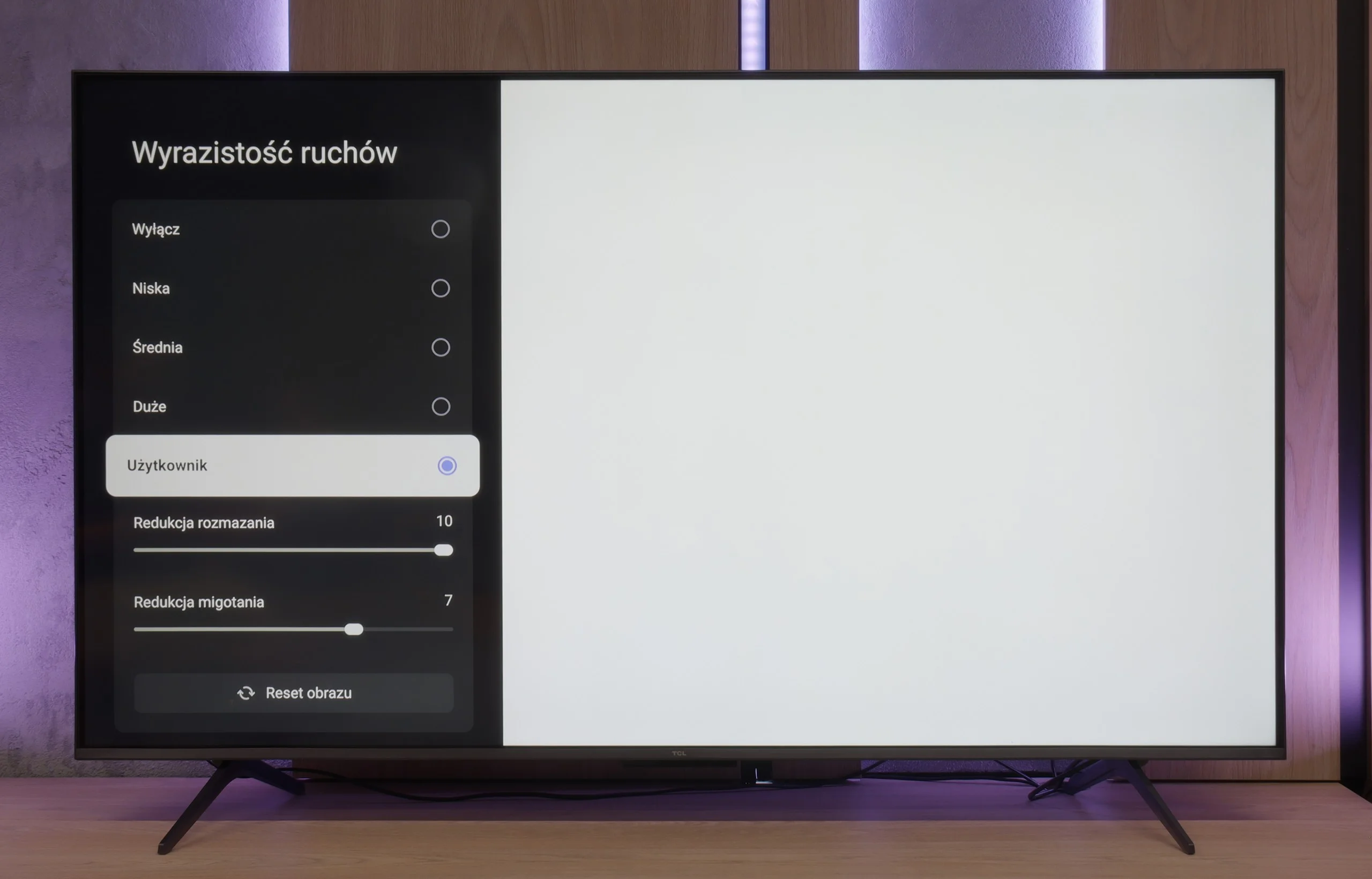
TCL has also added a feature for those watching films: "Motion Clarity", which allows users to adjust the image to their liking using two simple sliders. One can either keep the film frame visible or opt for a very smooth, almost theatrical effect. This way, everyone can find settings tailored to their taste.
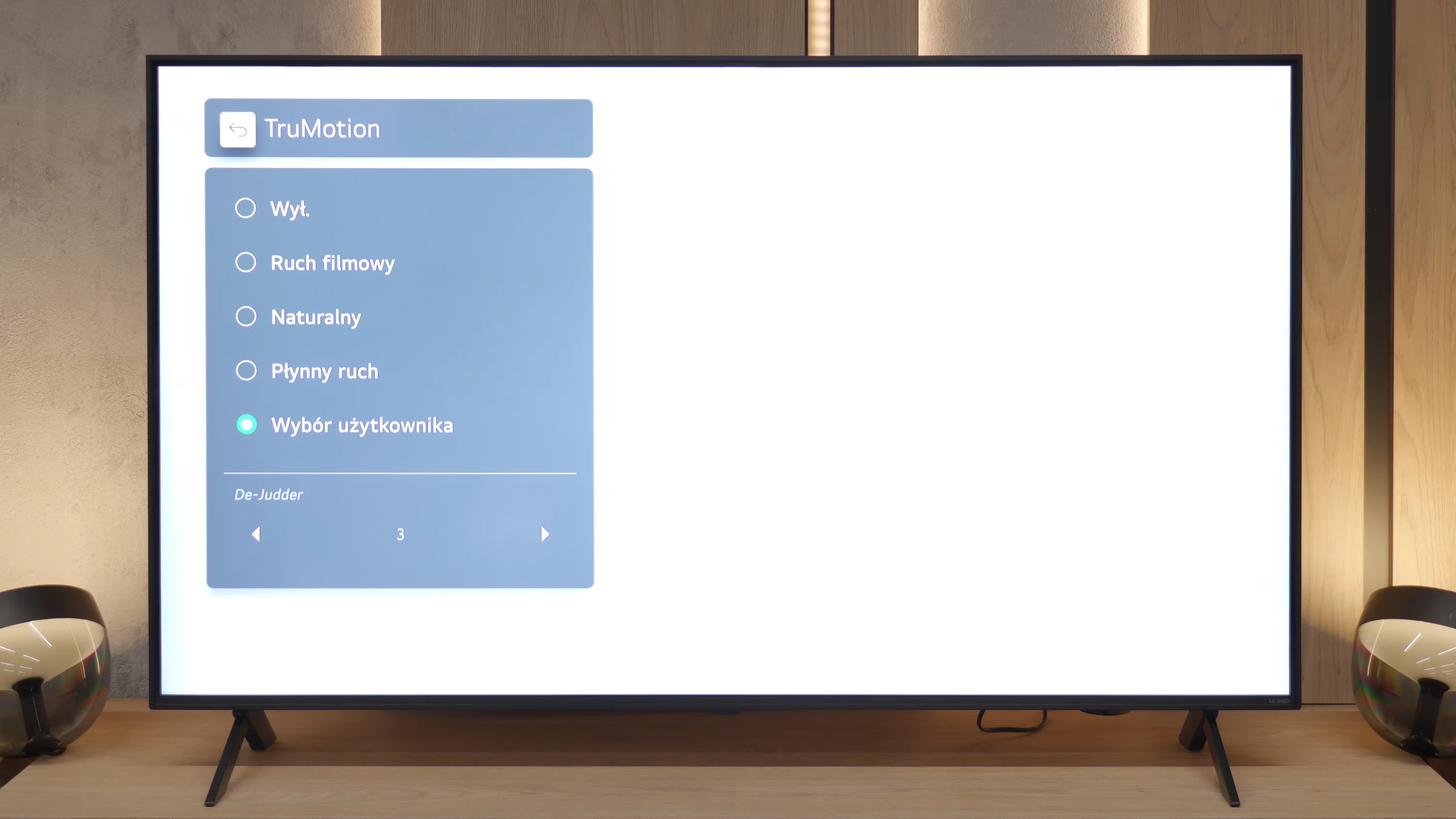
We move on to a matter that may be decisive for many. Unfortunately, here we must point out the biggest "Achilles' heel" of the QNED80A model. This television is equipped with a panel featuring a native refresh rate of 60Hz. There is no denying it – at this price, we expected more as we know that Chinese manufacturers can offer 120Hz screens for a similar price. Due to this parameter, dynamic scenes in sports or fast-paced games are not the strongest aspect of this display. Fortunately, LG has equipped the television with a proven motion smoothing system called TruMotion. It works quite effectively with film material (24 frames). We suggest playing around with the De-Judder slider – from our experience, setting it in the range of 2-4 provides the best compromise: the motion becomes smoother, yet still looks natural, without the artificial "television theatre" effect.
Console compatibility and gaming features
9.8/10
6/10
- ALLM
- VRR
- VRR range48 - 240Hz48 - 60Hz
- Dolby Vision Game Mode
- Correct implementation of HGIG
- 1080p@120Hz
- 1440p@120Hz
- 4K@120Hz
- Game bar
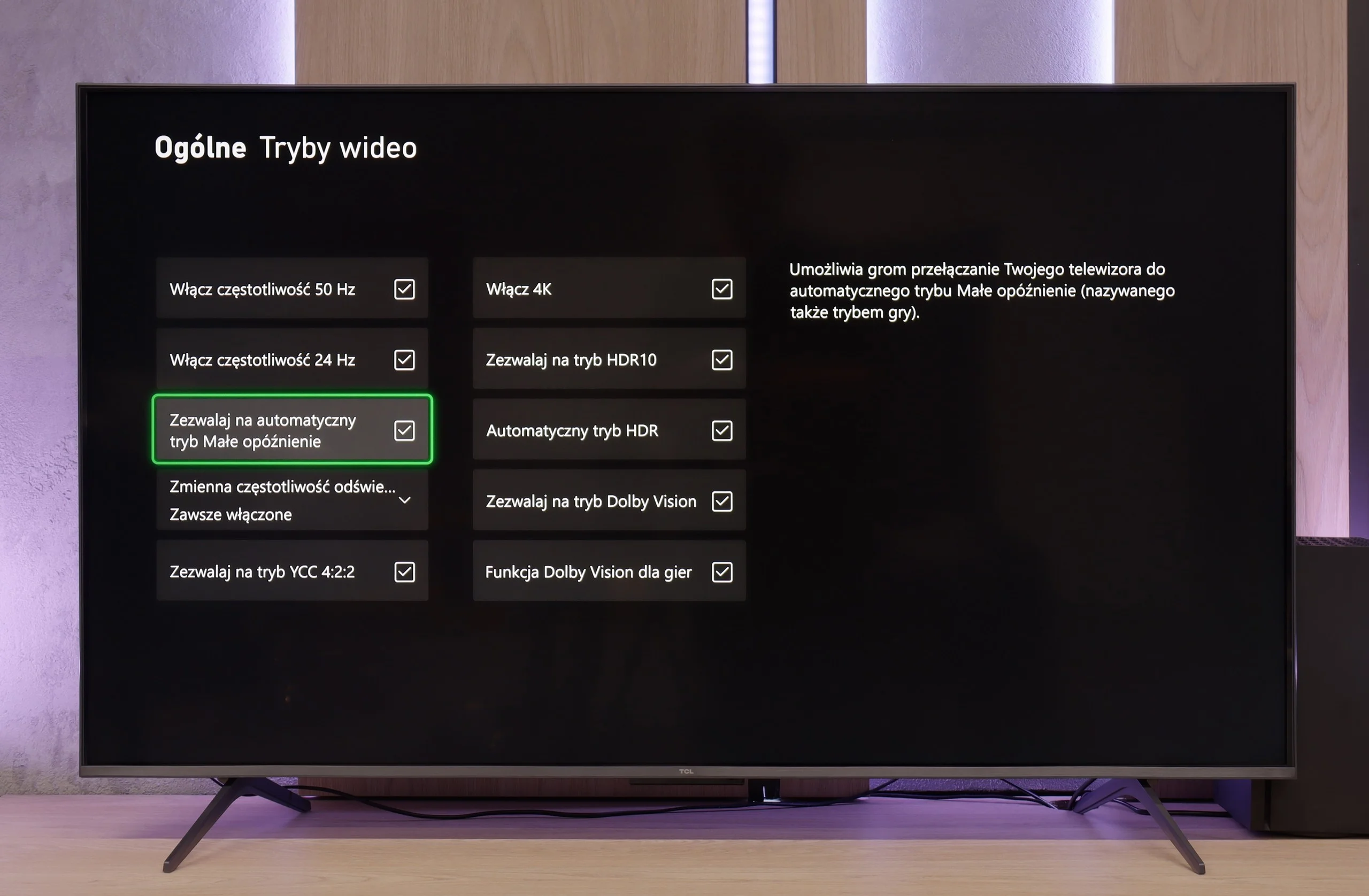
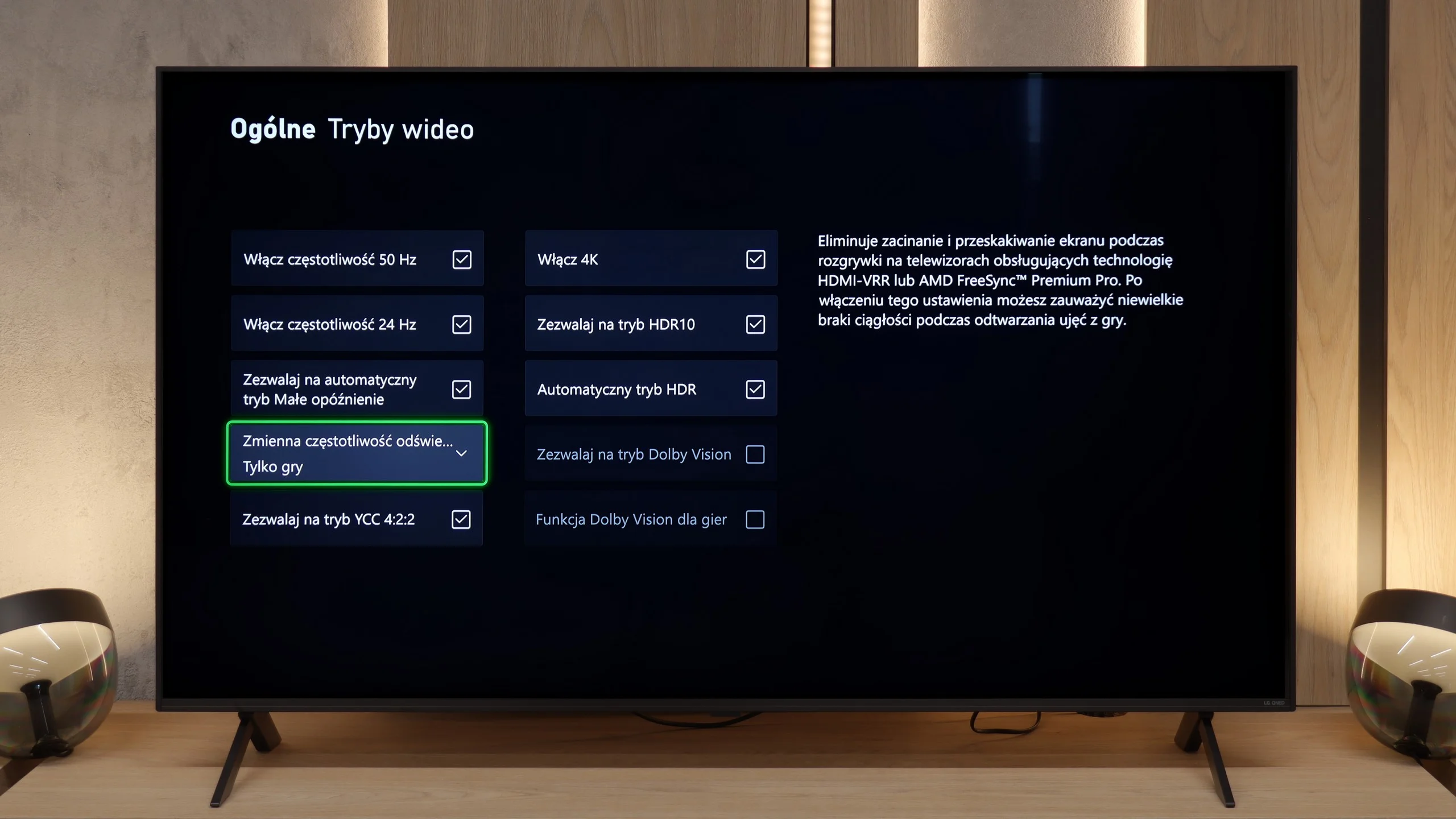
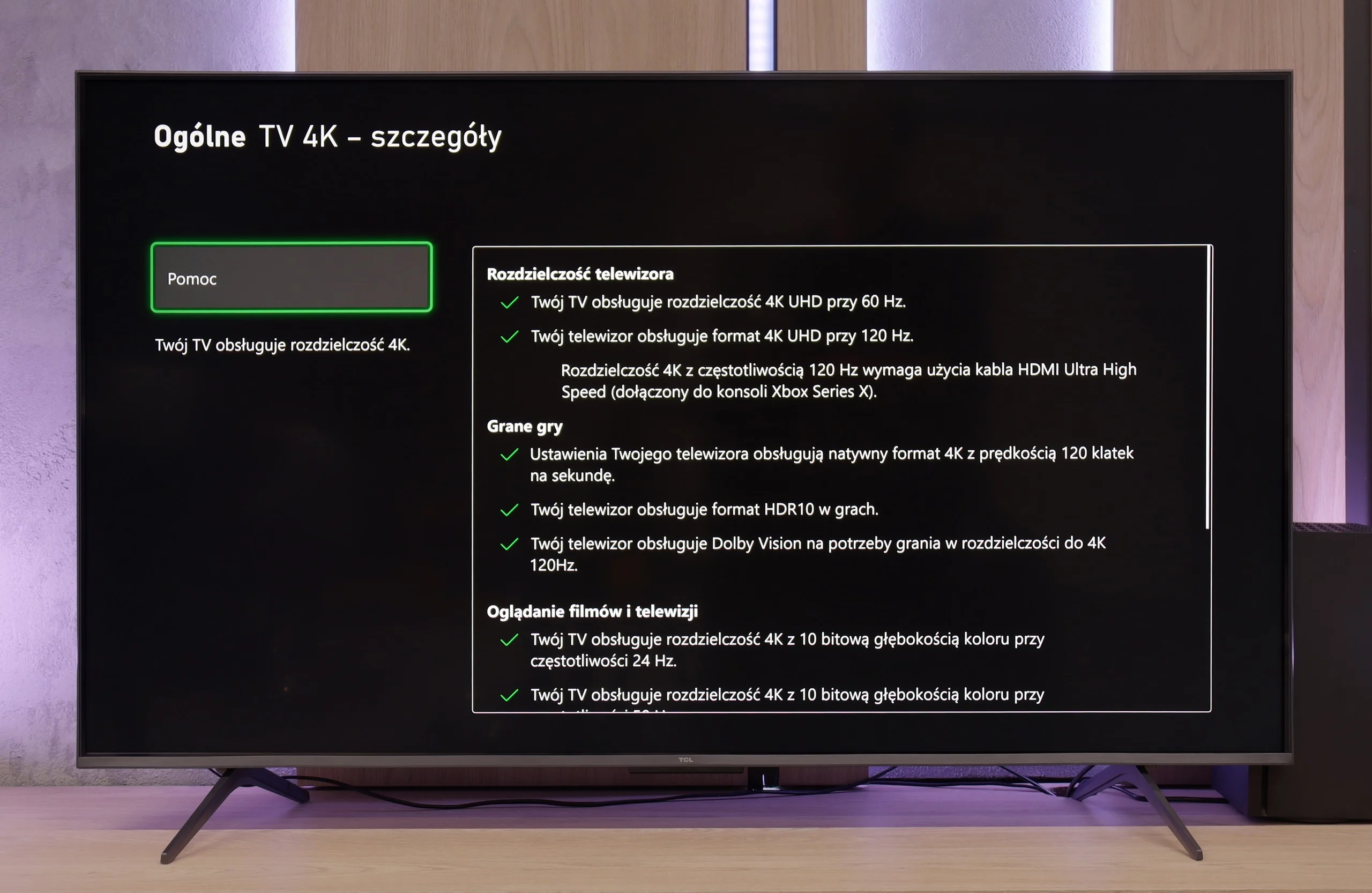
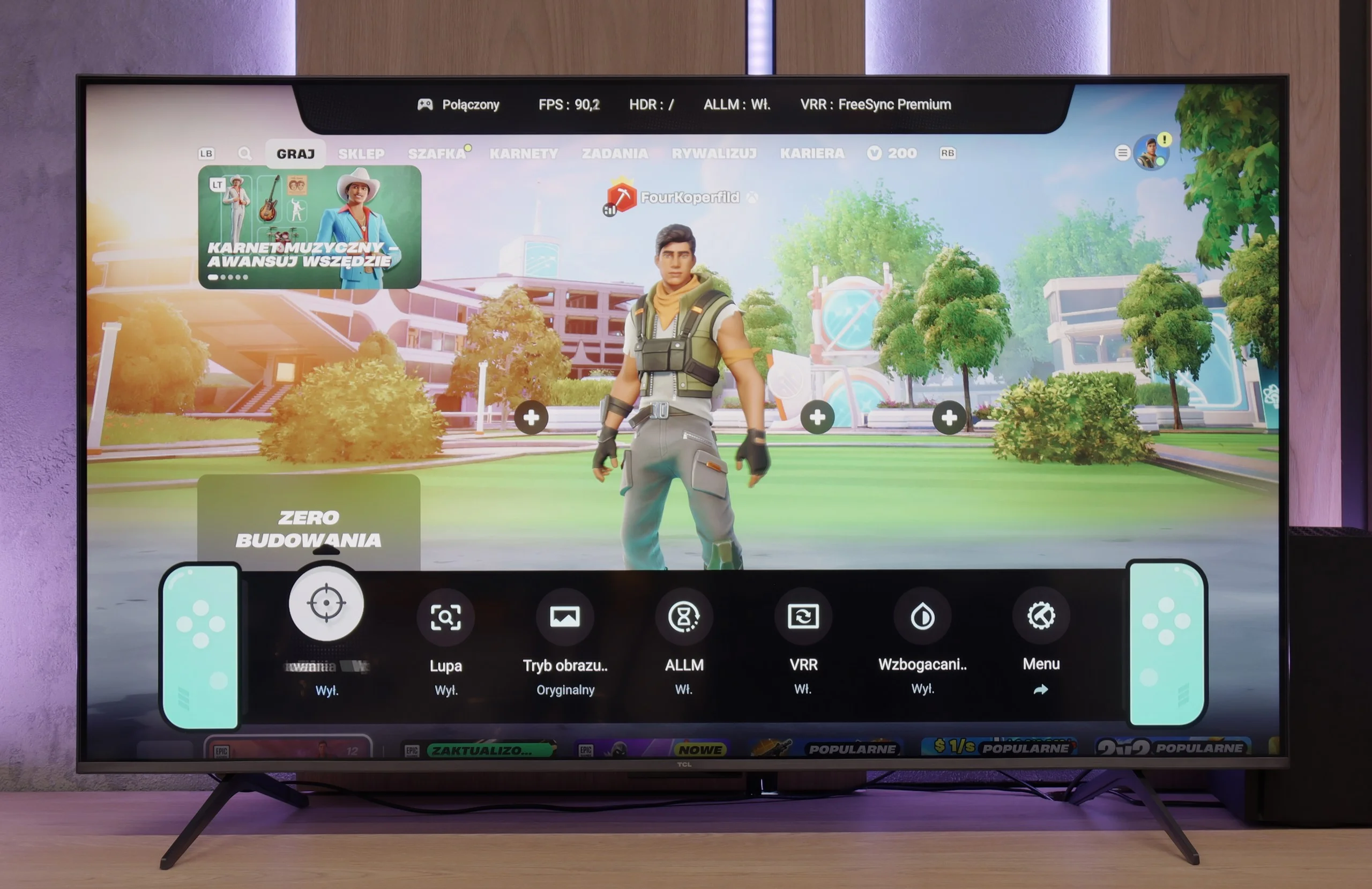
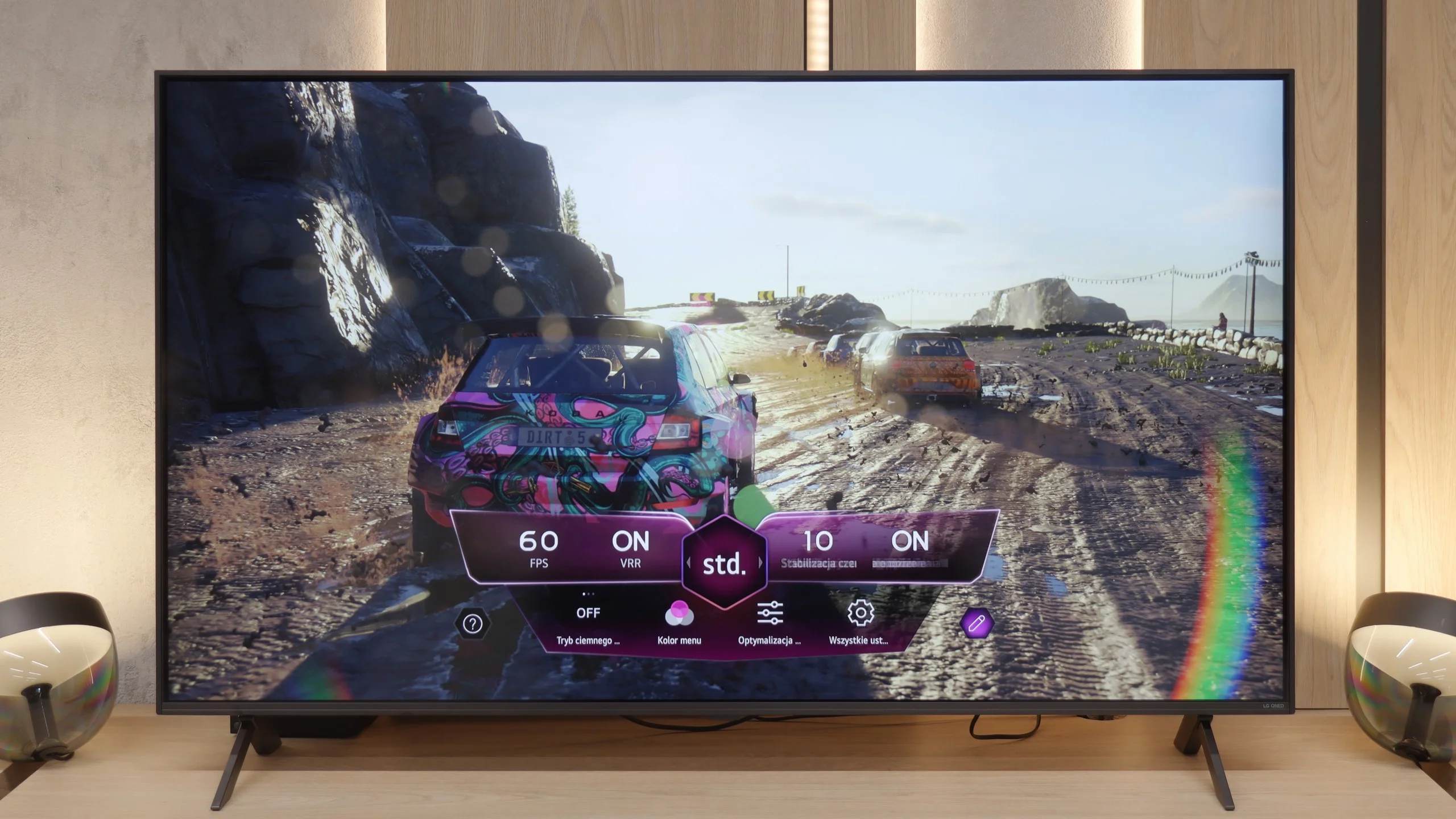
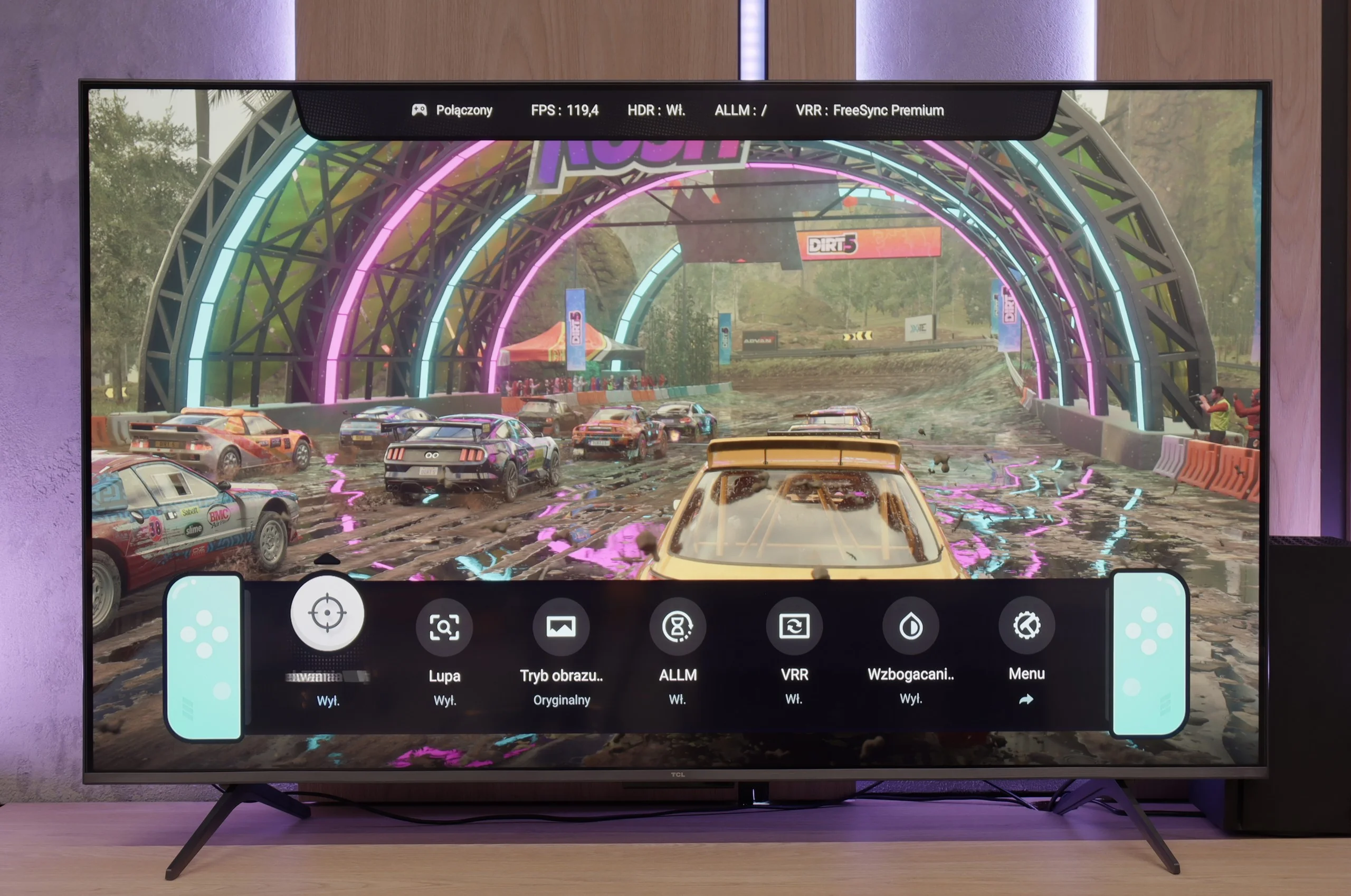
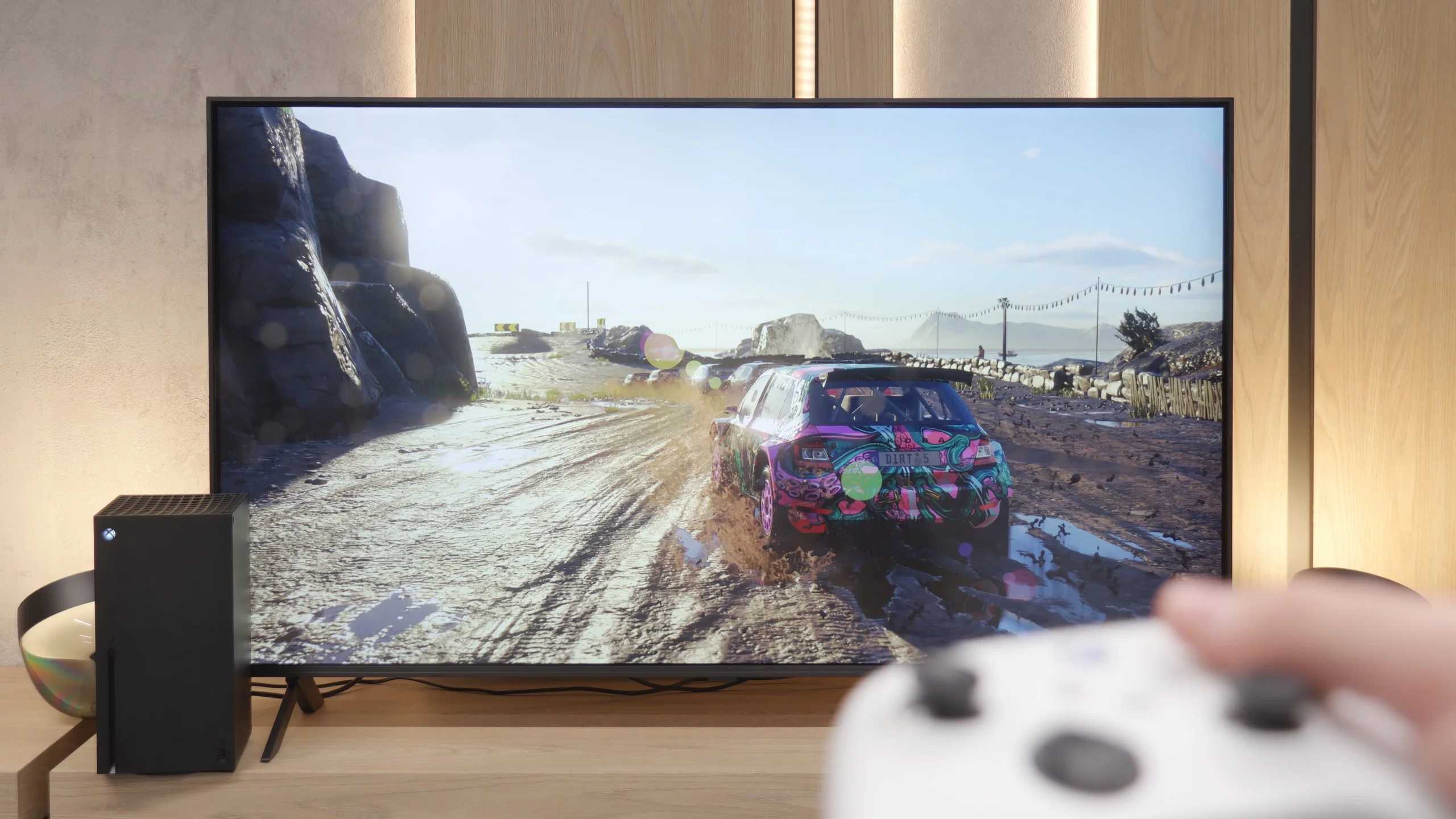
The TCL C6K is a television that can confidently be described as equipment designed with gamers in mind. Here we have 4K at 144 Hz, VRR support, automatic game mode (ALLM), and Dolby Vision Gaming. Additionally, there is a practical Game Bar, which is a panel with the most important settings easily accessible – useful when we want to quickly change something during gameplay (e.g. screen aspect ratio: Yes, it can be done!). The wide range of VRR is also noteworthy, reaching up to 240 Hz. However, this option is primarily for PC gamers who will drop the resolution below native 4K. At that point, the television can spread its wings and demonstrate extra fluidity, especially in fast-paced esports titles. In the case of consoles, we stick to the classic limit of 120 Hz, but the possibilities are still really broad. The only drawback might be slight ghosting, which can sometimes be seen in dynamic scenes. Apart from that, though, the C6K offers everything that gamers expect from a television.
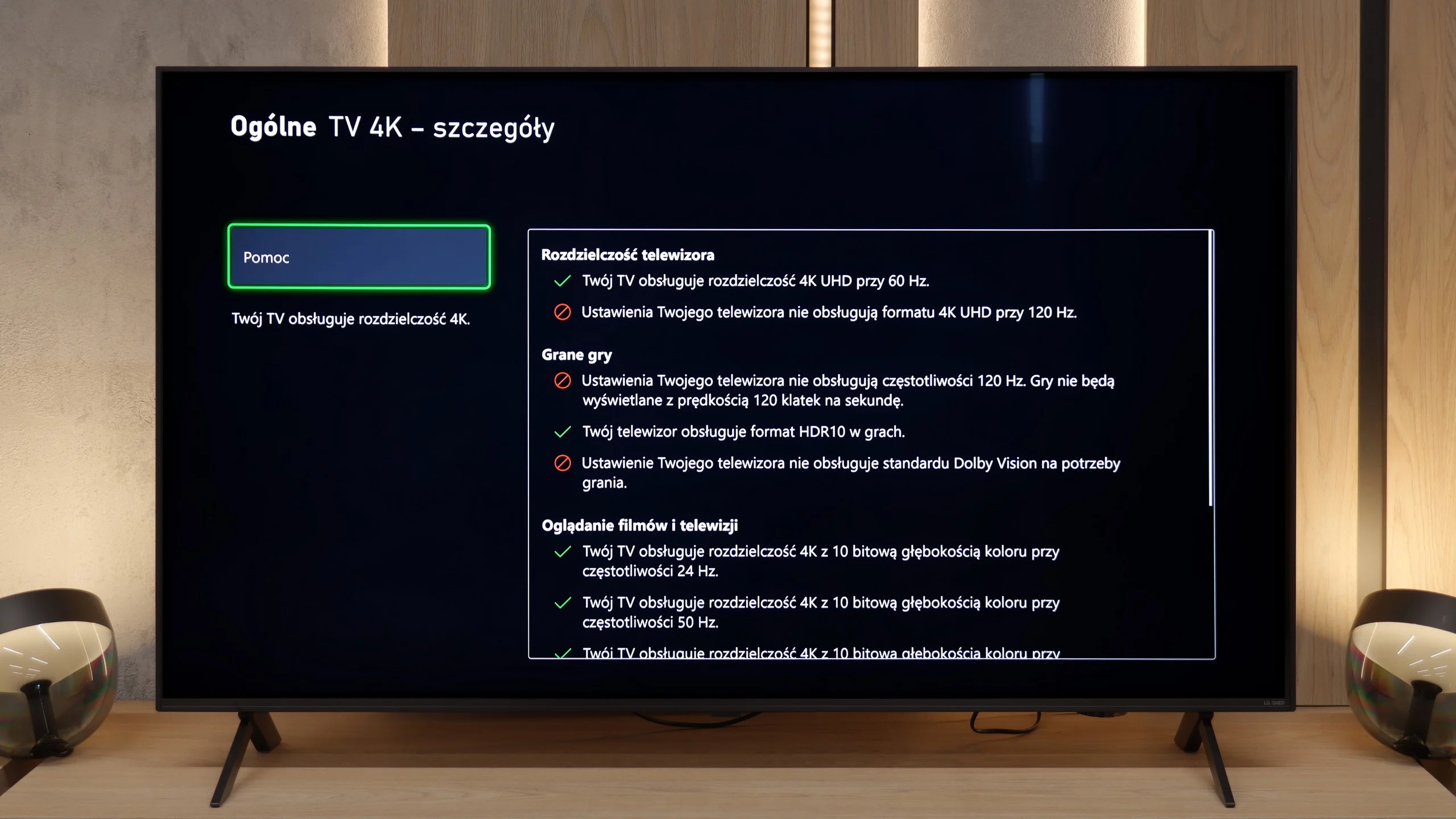
Now that we have established that the QNED80A is a television with a 60Hz panel, we must say it plainly: we will not be playing here at 120 frames per second at any resolution. Does this disqualify the equipment in the eyes of gamers? Not necessarily, especially those "casual" ones. LG has decided to sweeten this technical limitation by packing quite a few useful functions inside. We have support for VRR (variable refresh rate) in the range of 48-60Hz and automatic game mode ALLM, which instantly reduces input lag upon detection of a console. All of this is managed from a very convenient, purple Game Optimizer menu, which has already become LG's hallmark. A big plus goes to the manufacturer for consistency regarding HDR. Although the television does not support Dolby Vision in games on Xbox consoles, LG adds a well-implemented HGiG standard. Thanks to this, even on a moderately bright screen, playing in HDR is clear, and the details in shadows and highlights are accurately reproduced, rather than "cut off".
Input lag
9.7/10
9.8/10
SDR
HDR
Dolby Vision
In terms of input lag, the TCL C6K performs exceptionally well. With 120 Hz content, the latency is around 10 ms, and at times even less. This is a level at which the response is practically instantaneous, and it is difficult to find any issues. With 60 Hz materials, the result is around 18 ms – still a very good outcome, entirely sufficient for comfortable gaming.
At the end of the gaming section, let's take a look at how quickly the television responds to our commands. The input lag we measured in the QNED80A model is around 15 ms (at a 60Hz signal). While these may not be values that will revolutionise the market or impress professional e-sports players fighting for every millisecond, they are perfectly sufficient for the average console gamer. During tests in games, we did not notice any irritating "screen tearing" of the crosshair or delay between pressing a button on the controller and the response on the screen. The entertainment is smooth and comfortable, which is the most important thing in home gaming.
Compatibility with PC
8.6/10
5.8/10
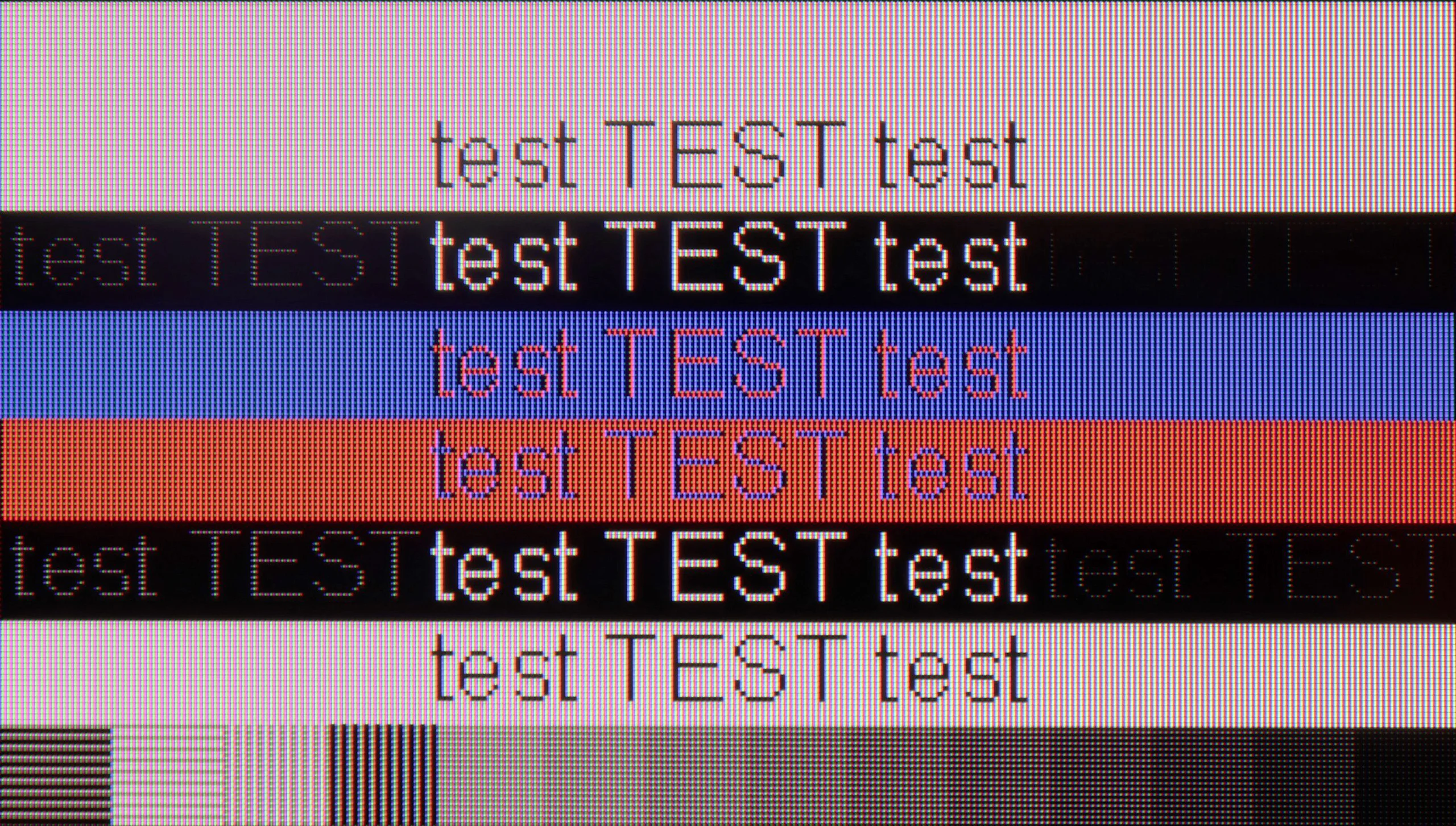
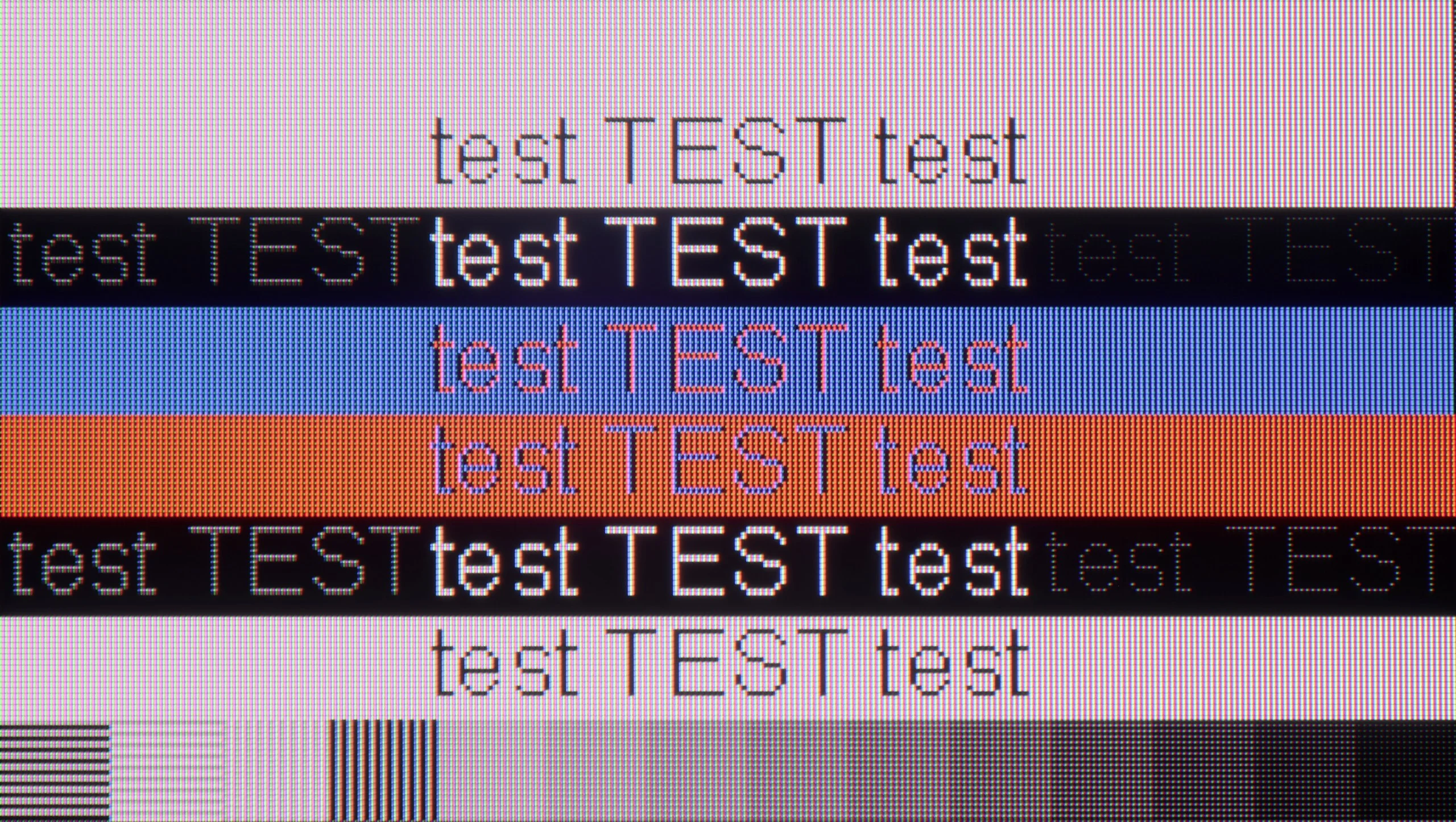
The photo shows the legibility of small fonts. Ideally, lines should be the same thickness on both light and dark text, with minimal pixel gaps.
After connecting to the TCL C6K computer, it performs wonderfully. At its native resolution, we have 4K at 144 Hz, and if we lower the resolution, it can even reach 240 Hz. Additionally, the television communicates well with Nvidia and AMD cards – it supports both G-Sync and FreeSync. It's also difficult to criticise for office work. Fonts are sharp and readable thanks to 4:4:4 chroma support, and any minor imperfections are so small that they simply go unnoticed during normal use.
Is the QNED80A suitable for connecting to a computer? In the case of the version with a VA panel, the answer is: absolutely. If you plan to use this television as a massive monitor for work, you will not be disappointed. The readability of the fonts is at a very high level – the text is sharp, clear and does not strain the eyes, which is not always a given with large screens. Additionally, there is the low input lag we mentioned earlier. This makes mouse work precise and you do not feel the characteristic "floating" of the cursor. Of course, due to the 60Hz refresh rate, it is not the ideal equipment for e-sports players gaming on PC, but for working with text, browsing the web, or occasional strategy gaming, it will perform excellently.
Viewing angles
3/10
3.2/10
In the TCL C6K, the viewing angles are typical for a VA panel. Sitting directly in front, the picture looks very good, but any shift to the side results in a noticeable drop in colour saturation and brightness. The difference is particularly evident in colourful scenes – the hues become washed out, and the contrast loses its depth. Compared to IPS panels, this is a clearly weaker performance, although the trade-off is better black levels and higher native contrast – “you win some, you lose some.”
By opting for the VA panel version, you must be aware of a certain compromise. You get something for something – we enjoy great blacks and contrast, but we pay for it with narrow viewing angles. This is a typical feature of this technology, and the QNED80A is no exception. If you sit perfectly in front of the screen – the picture will be razor sharp. However, it is enough to shift to the side of the sofa or step away to the kitchenette to notice a degradation in the image. Colours begin to lose saturation, becoming washed out, and the deep black that we praised starts to grey. Therefore, this variant of the television is best suited for individuals who have their favourite spot in the middle of the sofa and rarely watch TV in a large gathering spread across the entire living room.
Daytime performance
6.4/10
4.4/10
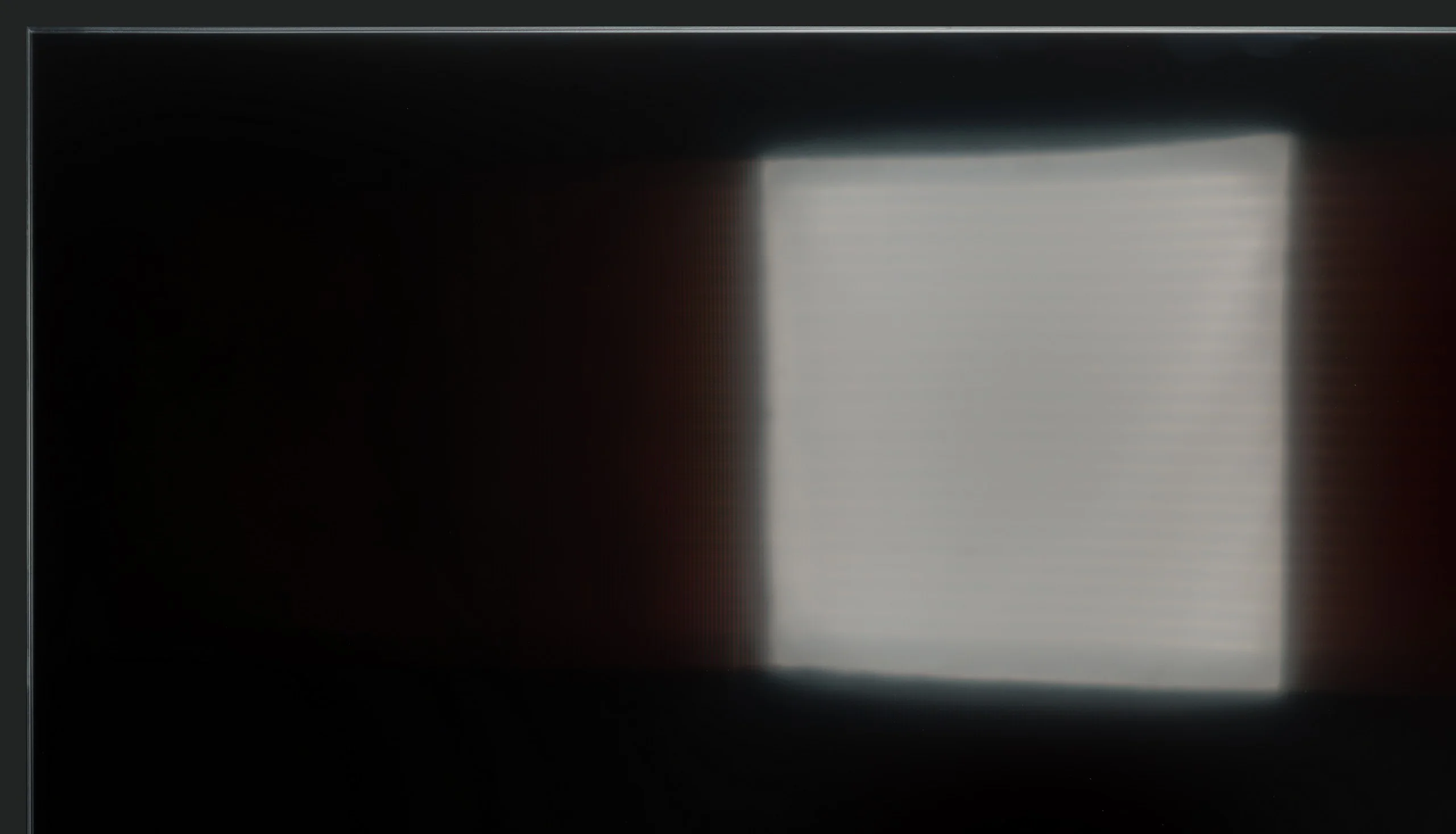
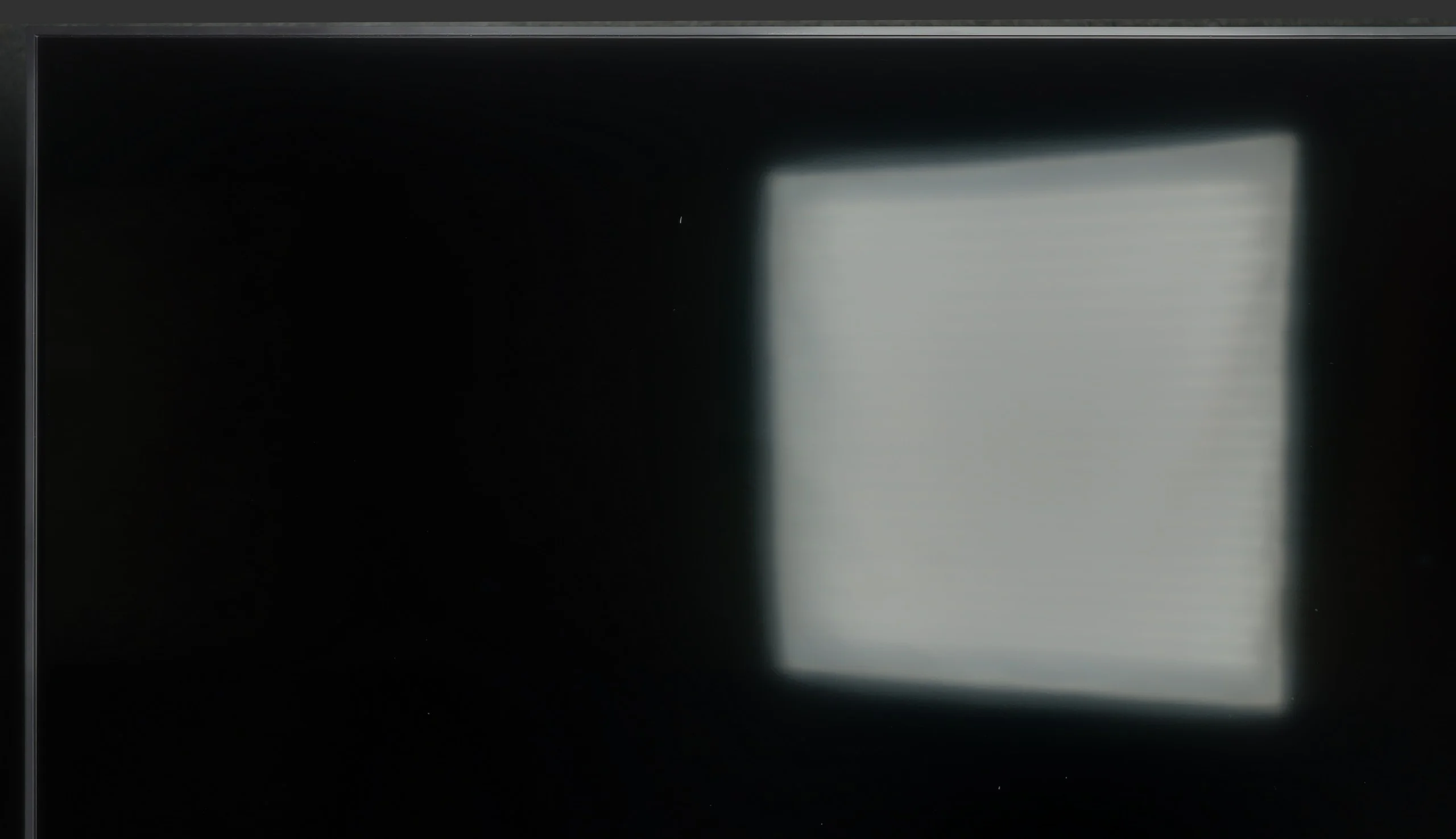
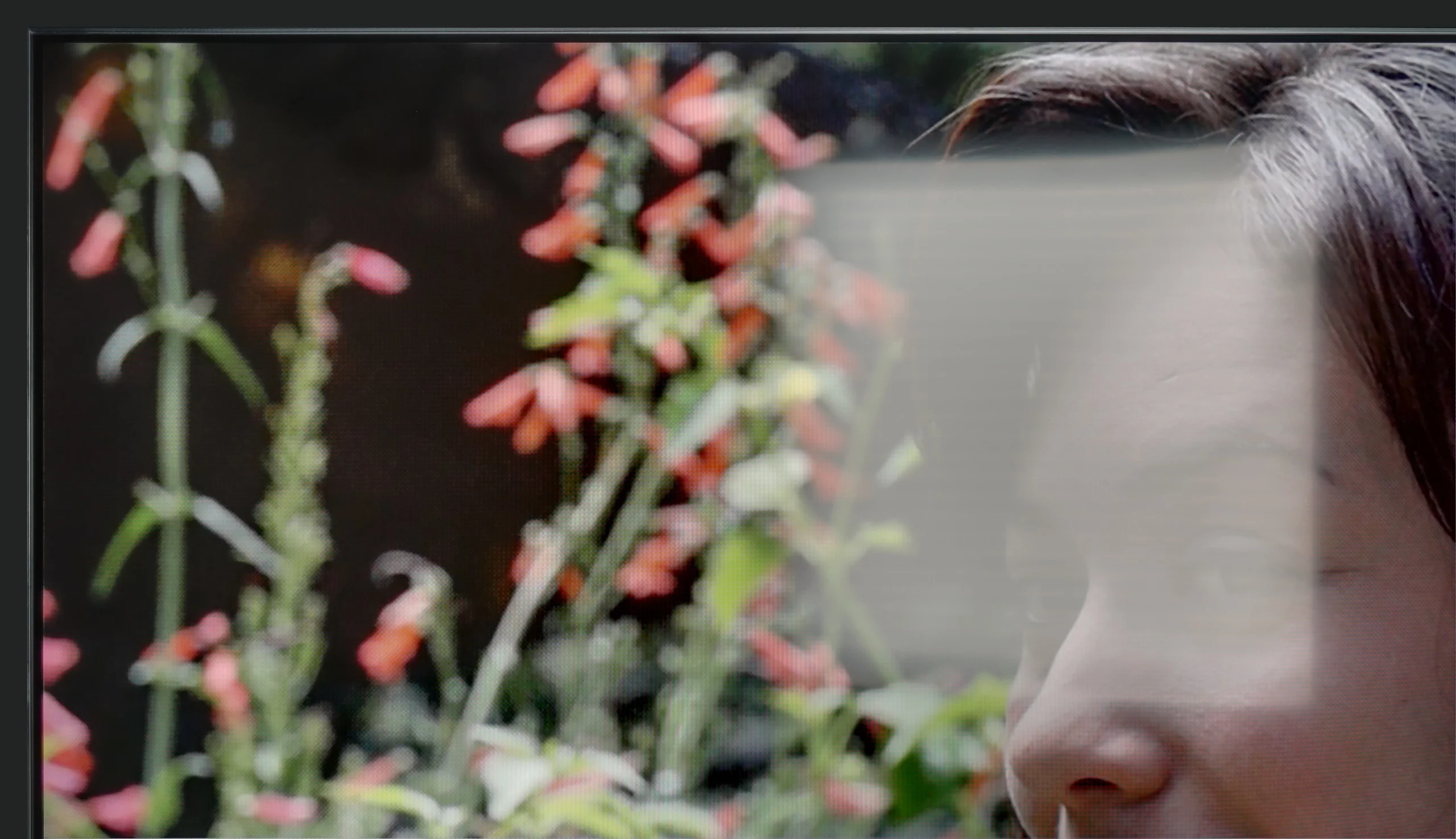
Panel brightness
LG QNED80A6A (VA): 280 cd/m2
TCL C6K: 532 cd/m2
TCL C6K performs quite well in bright lighting conditions. The panel offers decent brightness – in SDR content, it reaches around 550 nits, which allows for comfortable television viewing in a moderately lit living room, and even on days with strong light coming through the windows. This means that daytime viewing does not require complete darkening of the room. It's also worth noting that the screen coating does quite a good job of reducing reflections, so the television does not turn into a "mirror" even with strong lighting. However, this is not on the level of top models with more advanced anti-reflective coatings – in very challenging conditions, such as with large glazing, reflections will be noticeable.
How does the QNED80A perform when we don't have the curtains drawn? Let's put it bluntly: it is not the brightest television on the market, so if your living room resembles a glass greenhouse at noon, this screen may struggle to cut through the intense sunlight. For extremely challenging lighting conditions, we would suggest looking for something with higher brightness (e.g. Mini LED). However, the television defends itself with something else – the type of coating applied to the panel. The manufacturer opted for a satin finish (semi-matte) here. This is a great decision. Unlike glossy coatings that act like mirrors, this coating effectively suppresses and diffuses reflections of light. As a result, in typical, moderate lighting conditions, a standing lamp next to it or a window to the side will not be distracting, and the viewing experience will remain pleasant.
Panel details
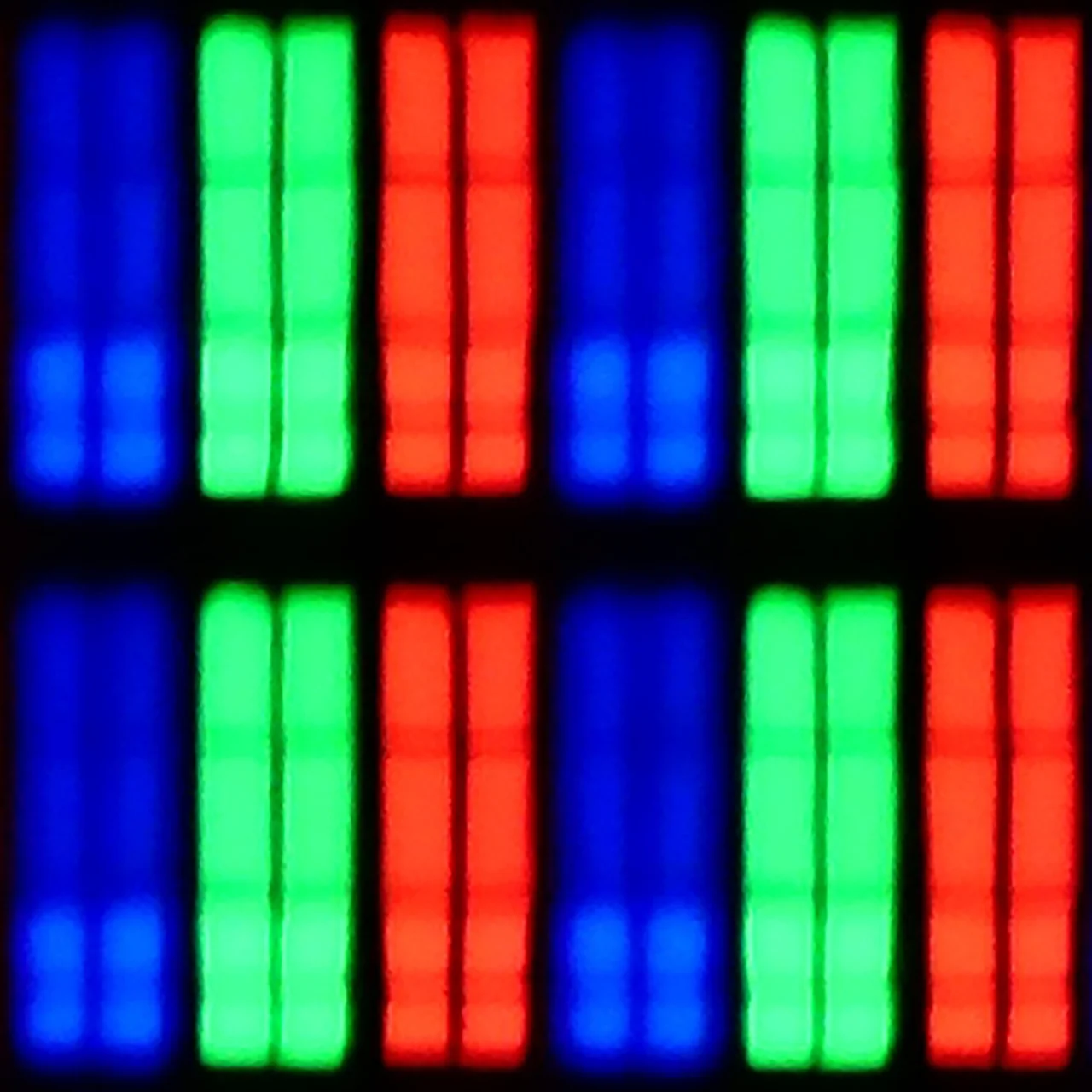
Subpixel Structure:
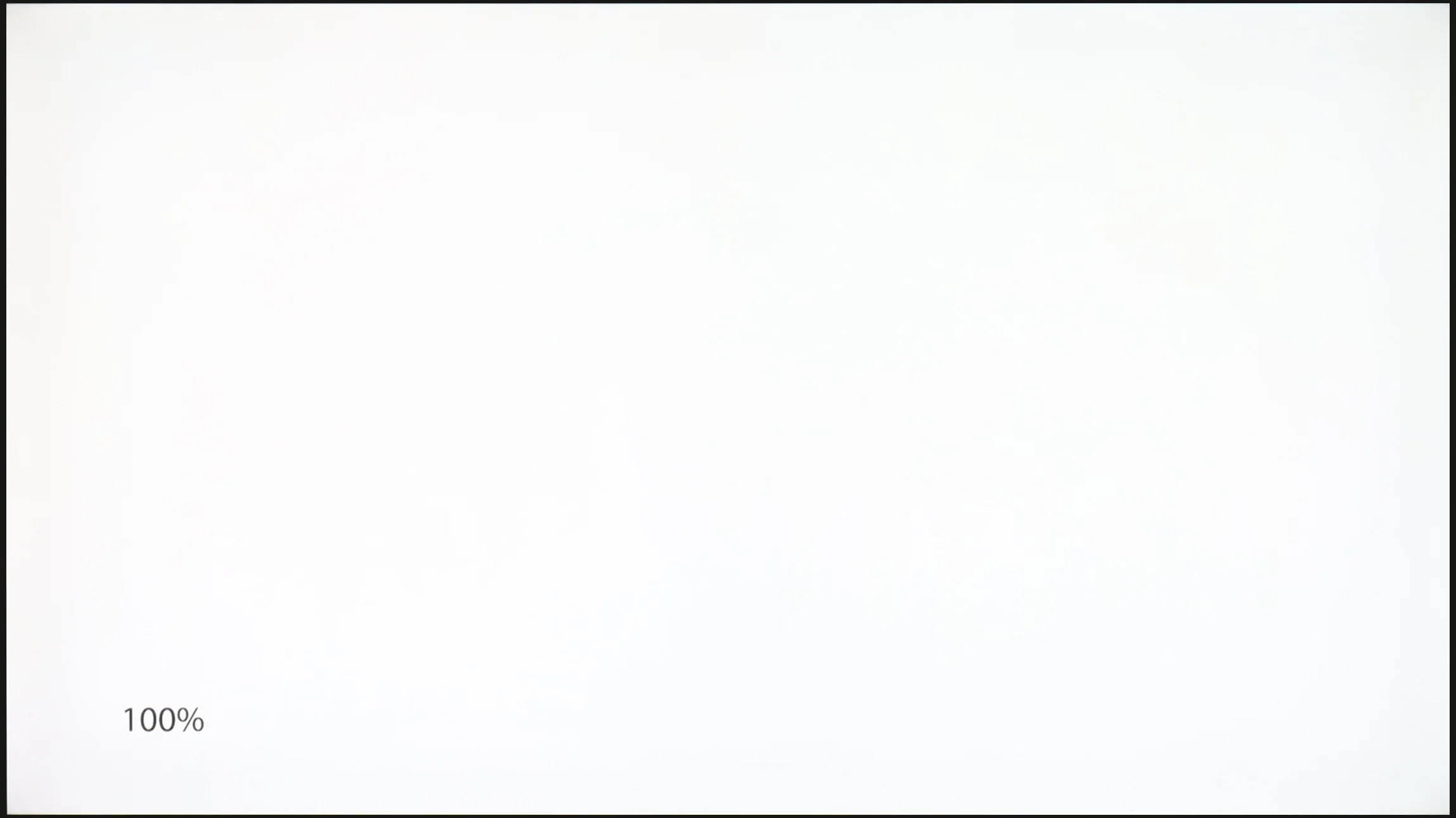
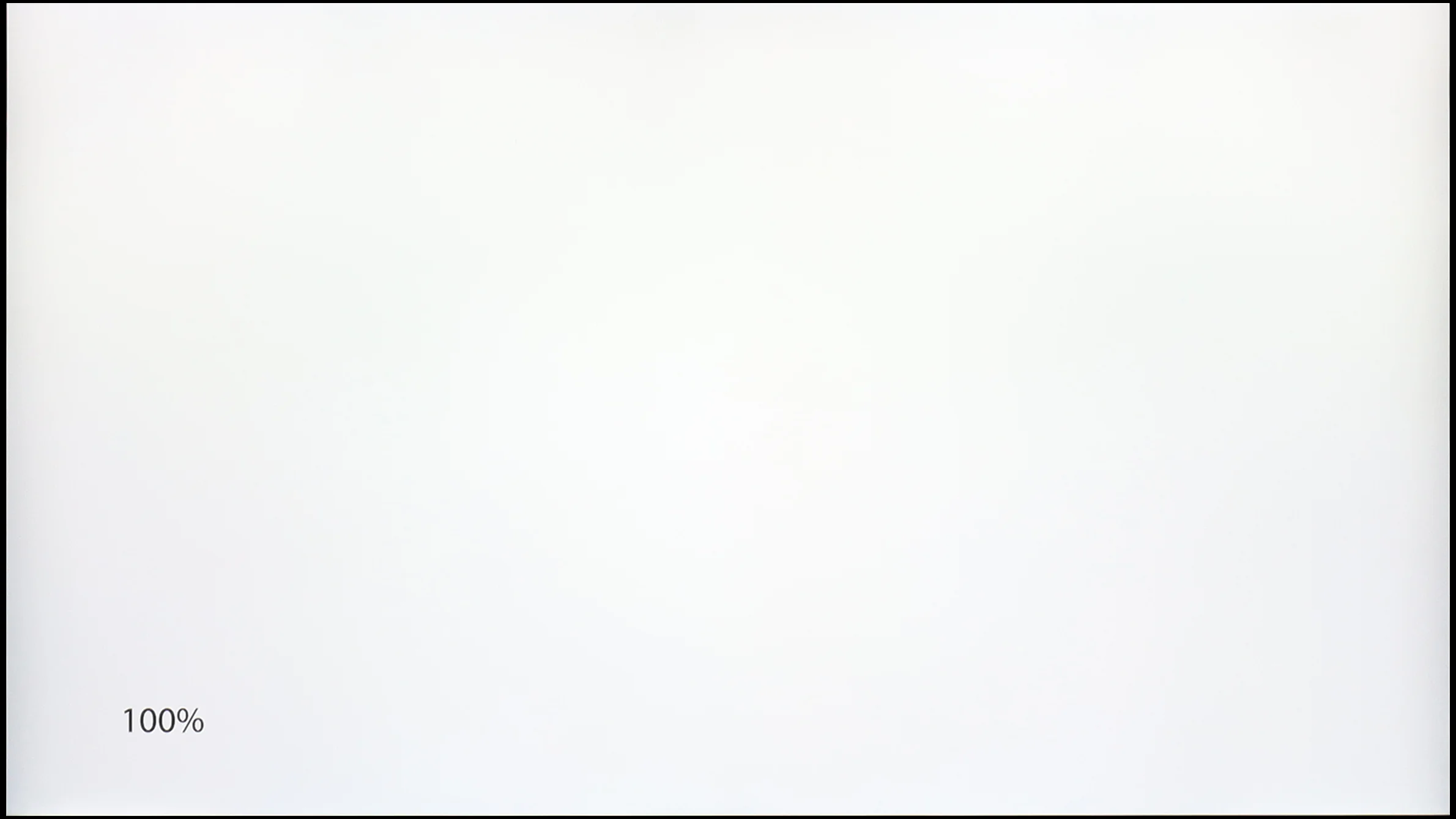
Panel uniformity and thermal imaging:
TCL C6K
LG QNED80A6A (VA)
TV features
7/10
6.8/10
- SystemGoogle TVWebOS
- System performanceDecentGood
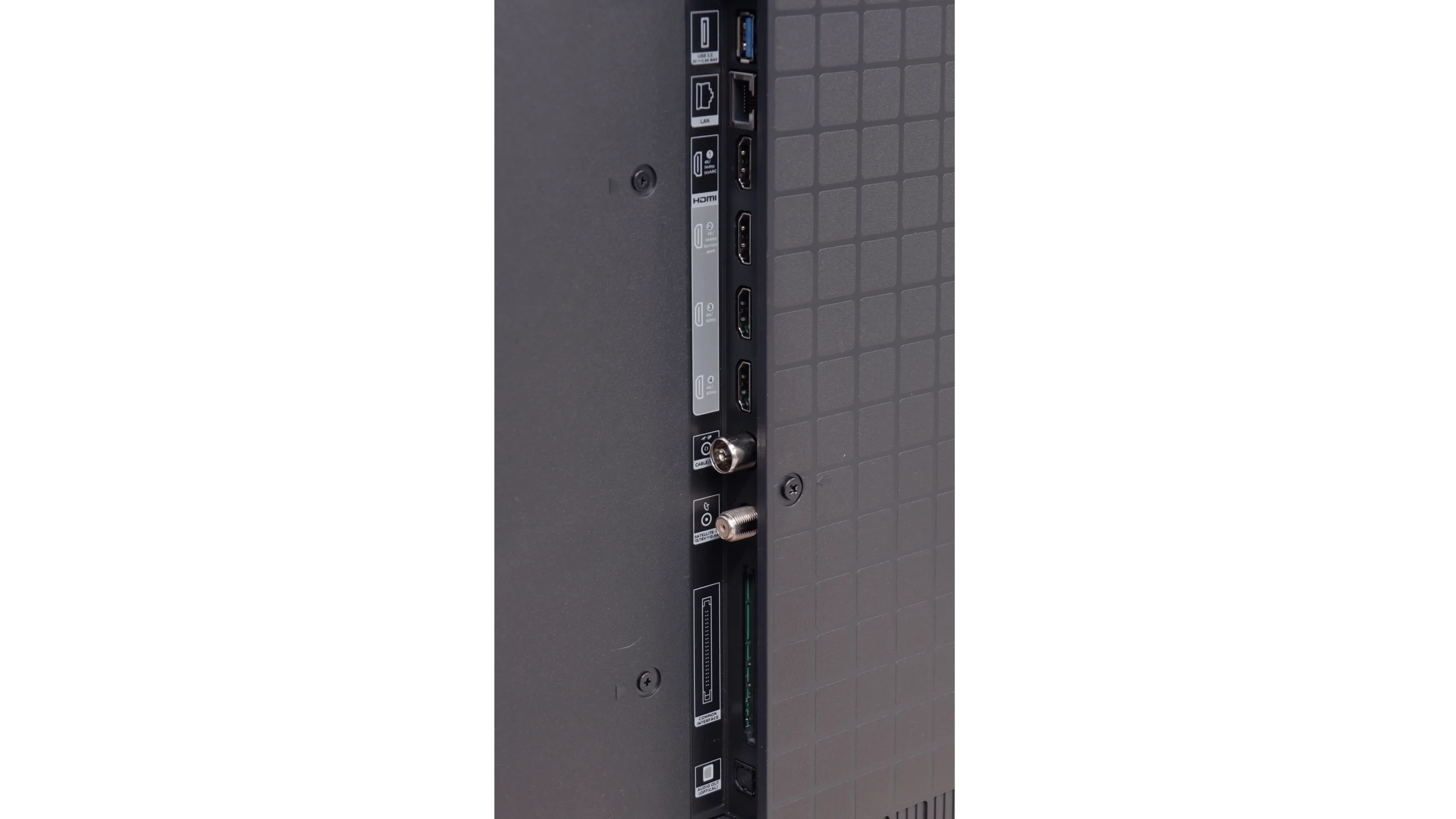
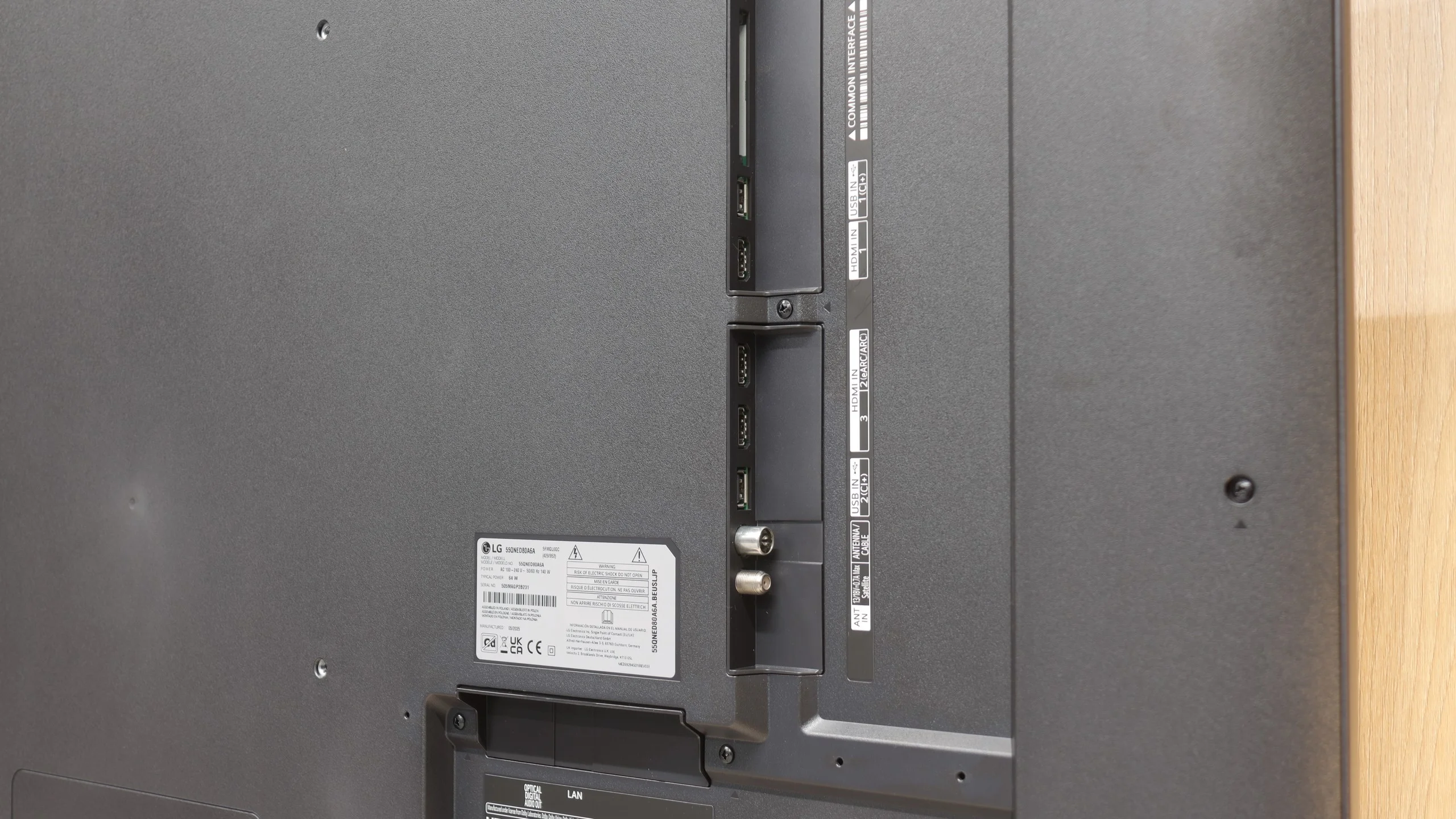
- HDMI inputs2 x HDMI 2.0, 2 x HDMI 2.1 48Gbps3 x HDMI 2.0, 0 x HDMI 2.1
- OutputsToslink (Optical audio), eARC (HDMI), ARC (HDMI)Toslink (Optical audio), eARC (HDMI), ARC (HDMI)
- Network InterfacesWi-Fi 2.4GHz, Wi-Fi 5GHz, Ethernet (LAN) 100MbpsWi-Fi 2.4GHz, Wi-Fi 5GHz, Ethernet (LAN) 100Mbps
- TV receptionDVB-T, DVB-T2, DVB-S, DVB-S2, DVB-CDVB-T, DVB-T2, DVB-S, DVB-S2, DVB-C
Classic features:
- Recording to USB (terrestrial TV)
- Recording programming
- Picture in Picture (PiP)
- RF remote control (no need to aim)
- Backlit remote control
- Teletext
- Audio only mode
- Bluetooth headphones support
- Simultaneous Bluetooth headphones & TV audio
Smart features:
- AirPlay
- Screen mirroring (Windows Miracast)
- Voice search
- Voice search in native language
- Ability to connect a keyboard and mouse
Sound connection options
- HDMI audioeARC (HDMI), ARC (HDMI)eARC (HDMI), ARC (HDMI)
- Other audio outputsToslink (Optical audio)Toslink (Optical audio)
- Wireless audioBluetoothBluetooth
Supported audio formats (external HDMI eARC audio):
- Dolby Digital Plus 7.1
- Dolby True HD 7.1
- Dolby Atmos in Dolby Digital Plus (JOC)
- Dolby Atmos in Dolby True HD
- DTS:X in DTS-HD MA
- DTS-HD Master Audio
Senior accessibility
- Numeric keyboard on TV
- Font size adjustment
- Audio description
Multimedia Features: Google TV
The strongest aspect of the TCL C6K is undoubtedly the Google TV system. It gives the television character and provides an edge over many competitors. We have a full package of services here – from support for popular streaming apps, to screen mirroring support, and even AirPlay, allowing iPhone users to feel right at home. Additionally, it features Google Assistant (recently with the Gemini AI version), which not only answers questions but also efficiently executes simple commands, such as changing channels or searching for content on VOD services. The system operates quite responsively, although one must mention a certain drawback – the awkward translations in the Polish menu can elicit a smile but sometimes require a moment of reflection to decipher what is actually meant.
Classic Features
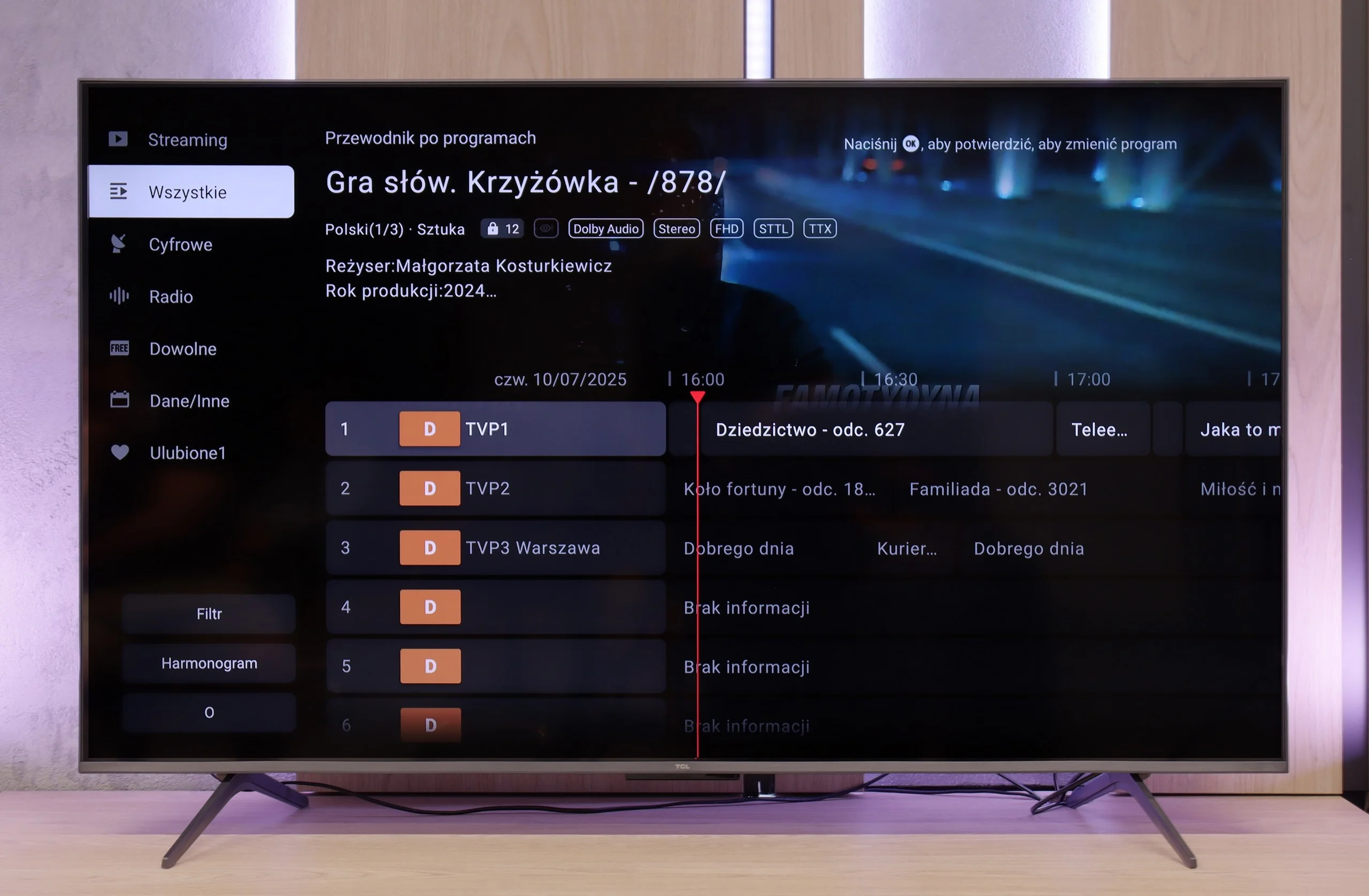
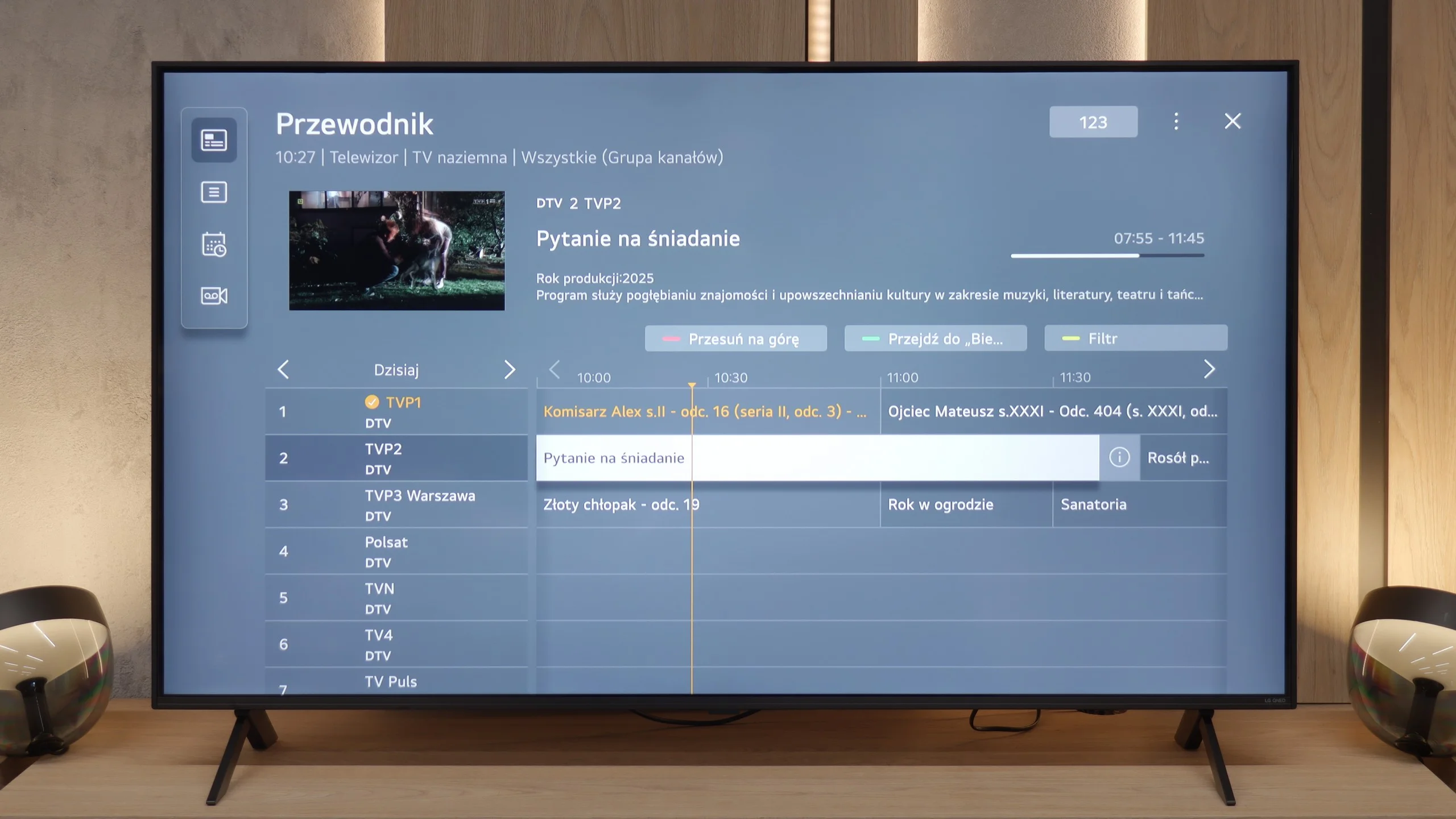
When it comes to classic television functions, the TCL C6K performs rather average. There is no USB recording or PiP mode, which may be disappointing for some. However, the manufacturer has not forgotten the basics – teletext television and a clear EPG are available, which still matter to some users. In everyday use, the Bluetooth support for external audio devices is also handy – a simple way to connect a speaker or headphones, which can be a practical solution for seniors. Besides that, it is hard to find elements here that would distinguish the C6K from its competitors – it is simply a solid, but standard package of basic functions.
Smart TV System and WebOS
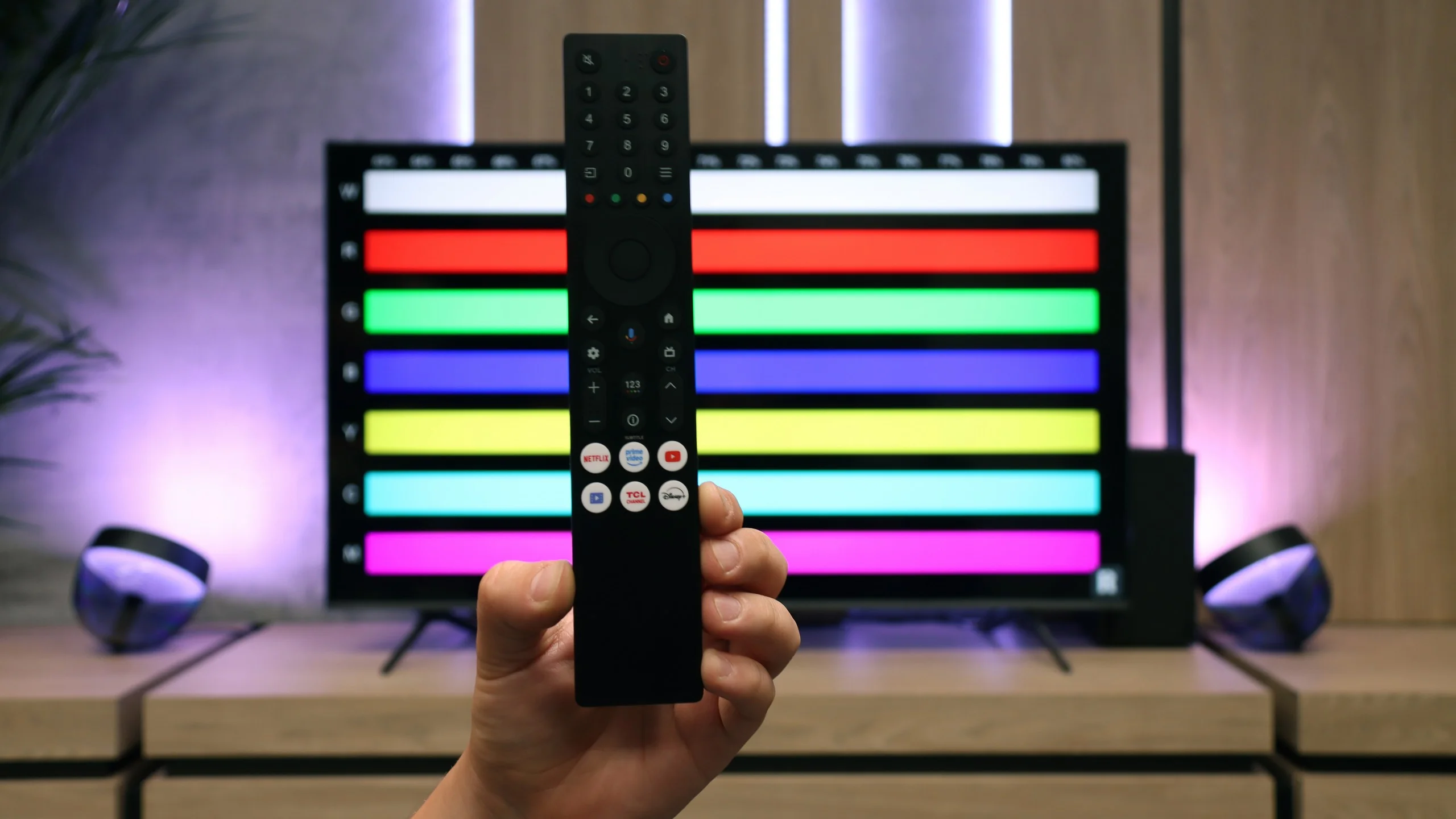
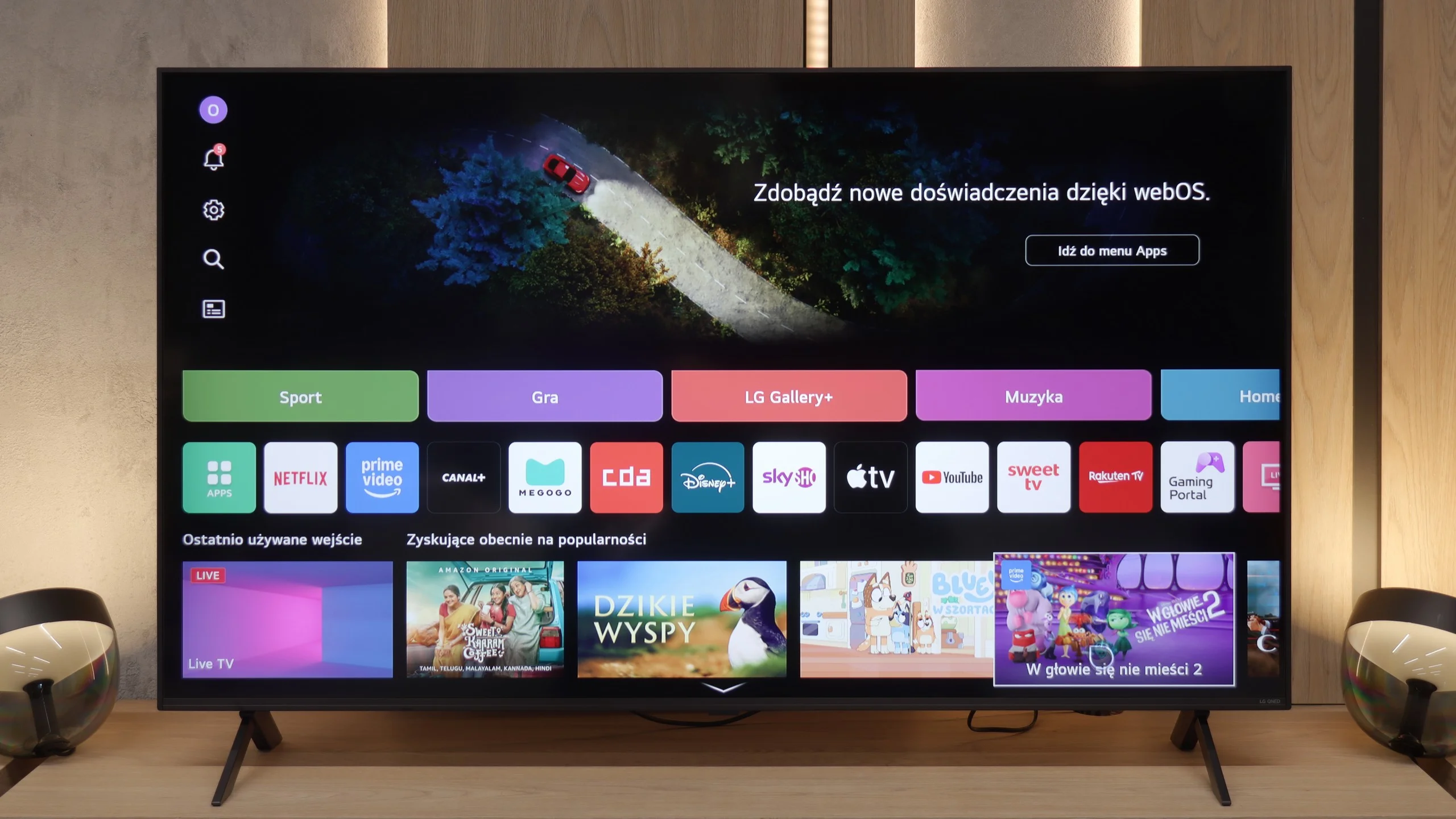
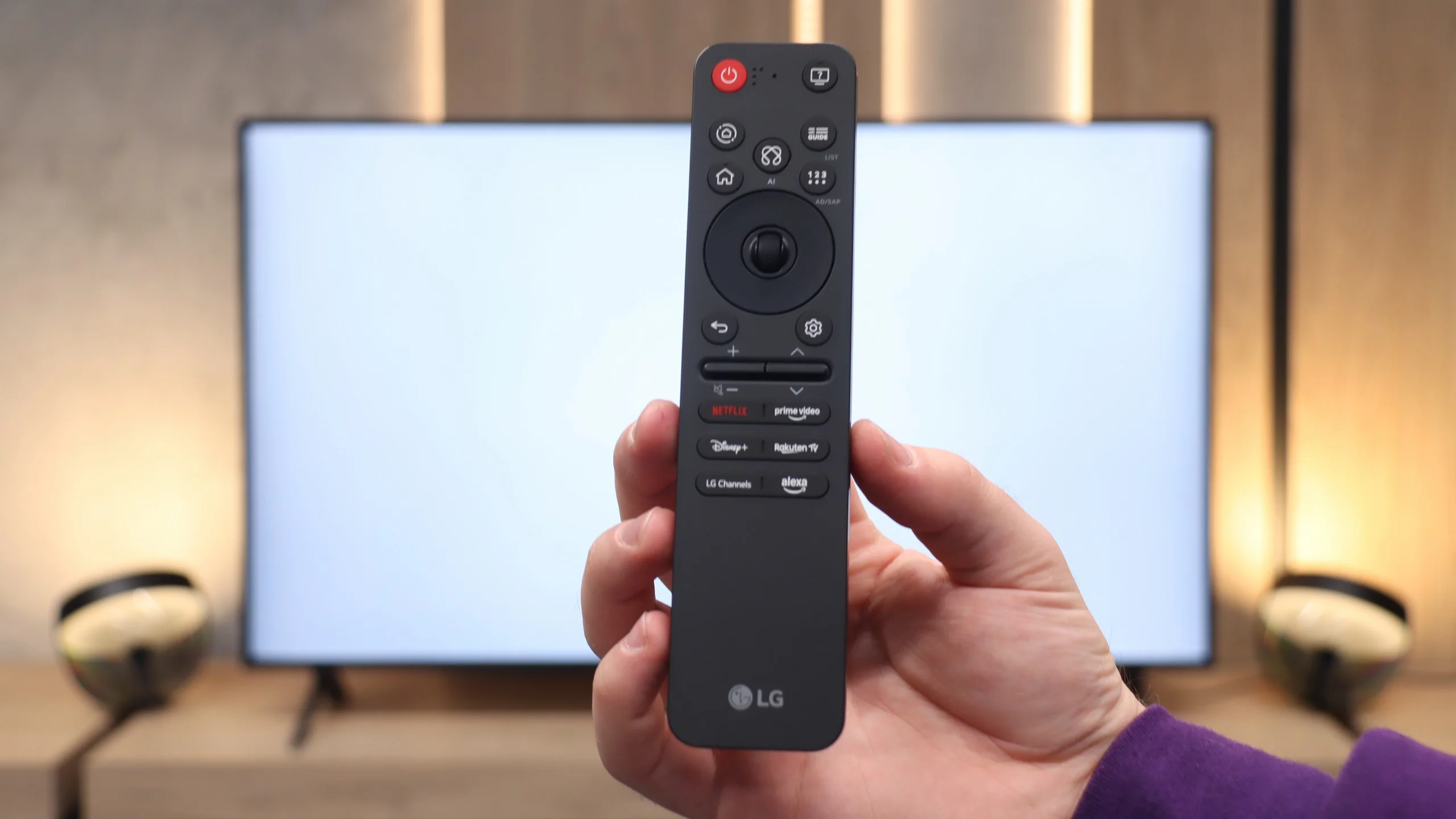
A significant advantage of LG televisions – even those in the lower or mid-price range – is that the manufacturer does not neglect them in terms of software. The QNED80A operates under the latest version of the WebOS system, which performed excellently during our tests. The interface was smooth, reacted quickly to commands, and most importantly – was very intuitive. Much of the credit goes to the famous Magic Remote controller, which functions like a computer mouse – we control the on-screen cursor with wrist movements. However, here you will encounter a surprise. In the 2025 model year, the controller underwent quite a drastic transformation. It has been minimised and slimmed down. Modern users will likely appreciate this change, as the remote fits well in the hand and looks more "premium". However, traditionalists may feel disappointed – the miniaturisation has come at a cost, including the removal of the classic numerical keypad, which may make it difficult to quickly switch channels.
Classic Functions and Multimedia
When it comes to so-called classic functions, the QNED80A does not strive to be a revolutionary device. It is simply a solid piece of equipment that does what it was designed for. There are no hidden "gimmicks" here, but we also did not find anything lacking. The traditional Teletext works flawlessly, and the wireless connectivity modules (such as Bluetooth and Wi-Fi) are stable and pair quickly with external devices, such as headphones or a soundbar. In this regard, the television simply does not throw any obstacles in the way – it works as we expect, not standing out in any particular way against the competition, but also not giving us any reasons to complain.
Apps
9.6/10
9.1/10






















Playing files from USB
8.9/10
8.2/10
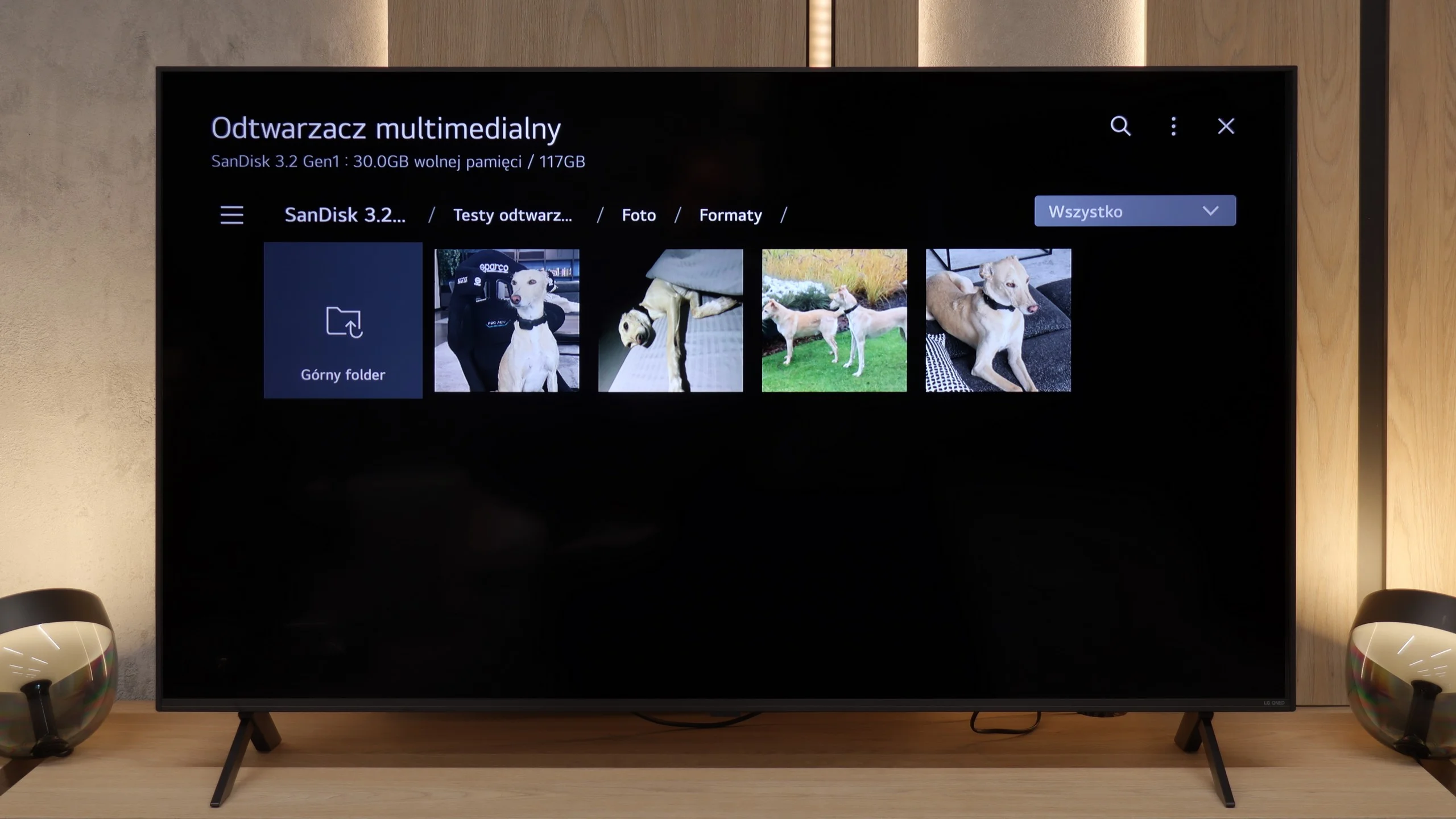
Supported photo formats:
Maximum photo resolution:
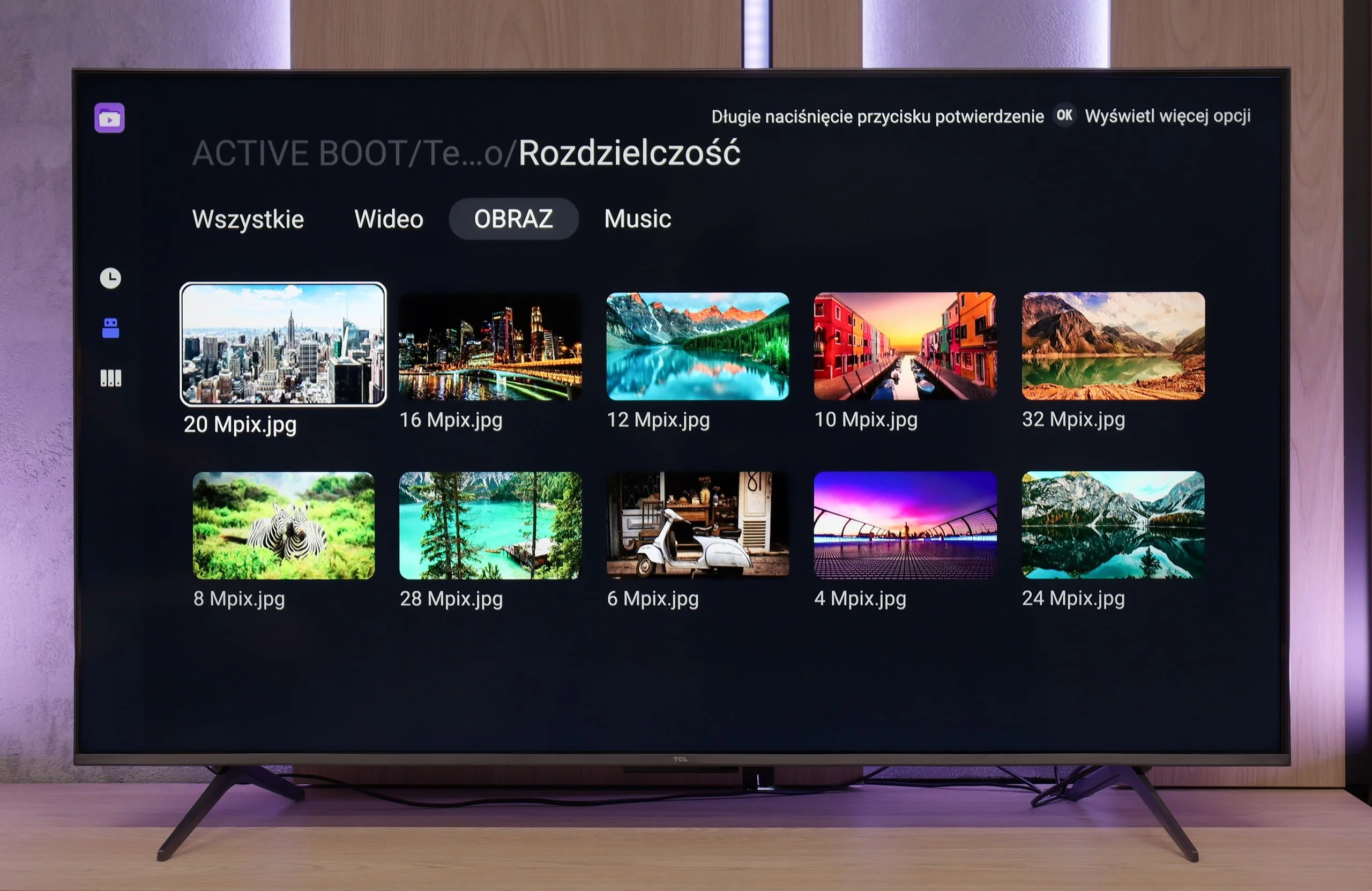
The built-in media player in the TCL C6K performs really well - almost all popular file formats work without significant issues. There are indeed minor exceptions, particularly with less common codecs or unconventional video file configurations, but in everyday use, this is rarely noticeable. The biggest advantage, however, is that the television runs on Google TV, which provides complete freedom in choosing additional software. If someone encounters a file that the standard player cannot handle, it's enough to install an alternative - such as VLC - and the problem disappears.
How does the QNED80A perform as a home multimedia centre? After connecting an external drive or USB stick, the television easily recognises and plays the vast majority of popular video and audio formats. One can confidently say that in daily use, you will rarely encounter a file that refuses to cooperate. However, we must draw attention to a certain catch arising from the software architecture. WebOS is a closed system. What does this mean for you? That if the built-in player struggles with an exotic format, we do not have a "lifeline". We cannot go to the store and download an external application like VLC that "plays everything", as is the case with Android or Google TV. The specific shortcomings we managed to catch mainly pertain to graphic files. The television does not support the HEIC format, which is standard on Apple devices (iPhone/iPad). Photographs with very high resolution (in the range of 20-28 Mpix) also proved problematic – when attempting to open them, the system often capitulated. It is worth keeping this in mind if you plan to view holiday photos directly from the drive.
Sound
6.5/10
6/10
- Maximum volume-81dB
- Dolby Digital Plus 7.1
- Dolby True HD 7.1
- Dolby Atmos in Dolby Digital Plus (JOC)
- Dolby Atmos in Dolby True HD
- DTS:X in DTS-HD MA
- DTS-HD Master Audio
In terms of audio, the TCL C6K performs quite well. The manufacturer has been boasting about its collaboration with the Onkyo brand for several years, and it indeed translates into sound quality. The sound is pleasant, with clear mid-tones and a fairly crisp top end, and overall it feels well-balanced. Of course, it can't replace a full-fledged soundbar, especially in terms of bass depth, but as far as built-in speakers in a television in this price segment go – it's really very good.
In terms of audio, the LG QNED80A does not try to enchant us. It simply sounds like... a typical flat TV. The installed speaker system with a total power of 20W may not be the strongest point of this design. If you expect a cinematic punch or depth, known from more expensive models equipped with subwoofers, you will feel a sense of disappointment. There is simply a lack of bass here, and the sound is rather flat. However, we must give this model credit in one aspect: the clarity of the transmission. When scenes based on conversations appear on the screen, the QNED80A performs quite adequately. The dialogues are clear, separated, and – importantly – undistorted. There is no crackling effect at higher volumes. It is sufficient for everyday television, but for movies, we definitely recommend purchasing at least a basic soundbar.
Sound Quality Test
No sound test video
Acoustic Measurements
No acoustic data
81dBC (Max)
75dBC
Reader comments
Comments are provided by the external service Disqus (Zeta Global). Once loaded, Disqus may set cookies and process data about your activity.
We will remember your choice on this device. Provider's privacy policy