TCL C655 PRO is an upgrade of the basic model from this series, and although the name may suggest only minor differences, the addition of "PRO" truly signifies much more. The biggest change, compared to its less advanced sibling, is the picture quality. The manufacturer has opted for the implementation of local dimming technology, which significantly improves black levels and contrast. The television is able to offer us a more refined image. As a result, TCL C655 PRO clearly outshines the more basic version in this regard. The applied QLED panel further enhances the coverage of a wide colour range, offering vibrant and saturated colours, which excel in both films and dynamic content, such as games. In the context of gaming, just like the basic version, TCL C655 PRO offers a host of useful features for gamers – including ALLM, VRR, and Game Bar – which greatly enhance the gaming experience. The television can also adjust the screen refresh rate to a lower resolution, meaning that despite supporting 4K at 60 Hz, in Full HD or 2K, one can enjoy smoother images at 120 Hz. In daily use, the Google TV operating system works excellently. The intuitive interface, personalised recommendations, and broad access to streaming applications, such as Netflix, YouTube, or Disney+, make the television enjoyable to use. This makes it easy to overlook the lack of recording functionality and picture-in-picture (PiP), which is not a major issue given the rich offering of applications. If we are willing to make that slight price difference, we definitely recommend TCL C655 in the PRO version.
- Matching (Score) |
- Our verdict |
- TV appearance |
- Where to buy |
- Contrast and black detail |
- HDR effect quality |
- Factory color reproduction |
- Color reproduction after calibration |
- Smoothness of tonal transitions |
- Image scaling and smoothness of tonal transitions |
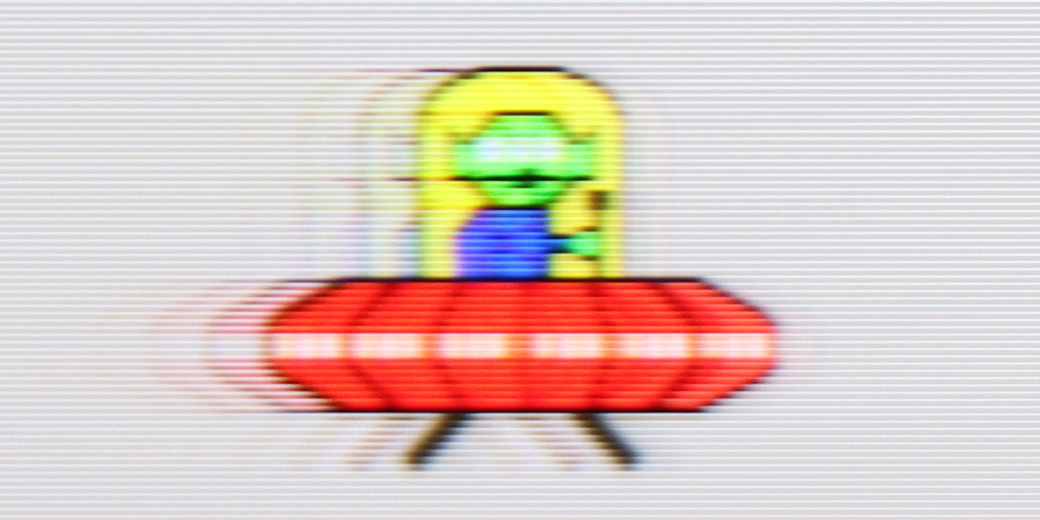
- Blur and motion smoothness |
- Console compatibility and gaming features |
- Input lag |
- Compatibility with PC |
- Viewing angles |
- Daytime performance |
- Panel details |
- TV features |
- Apps |
- Playing files from USB |
- Sound
TCL C655 Pro vs Hisense U7S Pro
 Direct comparison
U7S PRO / U77S PRO


Panel type: LCD VA
Resolution: 3840x2160
System: Google TV
Model year: 2024
Complete the survey to find out the result
Panel type: LCD VA
Resolution: 3840x2160
System: VIDAA
Model year: 2026
Complete the survey to find out the result
Overall rating
6.5
7.7
 Movies and series in UHD quality
 6.0
7.3
 Classic TV, YouTube
 6.0
7.1
 Sports broadcasts (TV and apps)
 5.3
6.8
 Gaming on console
 7.8
8.3
 TV as a computer monitor
 6.0
8.4
 Watching in bright light
 5.8
8.1
 Utility functions
 7.0
9.4
 Apps
Apps 9.6
7.7
 Sound quality
 6.6
7.8
Complete the survey to find out what fits your preferences
Advantages

High brightness
Deep blacks and contrast - Local Dimming technology
Google TV support with access to a variety of streaming apps
Features for gamers, such as ALLM, VRR, and Game Bar
Adaptive refresh rate 4K@60hz, 2K@120Hz, 1080p@120Hz
Very low input lag, even in Dolby Vision mode (13 ms)
Very high brightness: Over 2200 nits in HDR
Good black levels and contrast: VA panel (65") + 960 Mini-LED zones
QLED: Wide colour gamut coverage
Outstanding upscaling: Very good processing of weaker signals
Ideal for a bright living room: High brightness + matte display
Rich format support: Dolby Vision, HDR10+, Dolby Atmos, DTS:X
Powerful gaming features: 4x HDMI 2.1 (48 Gbps), up to 330 Hz, low input lag, Game Bar
Above-average sound: Built-in subwoofer + Devialet tuning
Remote: Solar panel, USB-C, backlighting, numeric keypad
Recording programmes to USB
Disadvantages

No content recording feature on USB and no picture-in-picture (PiP) option
Poor viewing angles due to the VA panel – the picture loses quality when viewed from the side
No support for HGiG format (consoles)
App deficiencies: Limited availability of some apps in the HomeOS / VIDAA system
Poor picture at an angle: additionally, the matte screen loses its ability to suppress reflections
Our verdict
The Hisense U7S Pro is undoubtedly a successful model, but it is designed for specific tasks. Its absolute domain is bright, sunlit living rooms. Thanks to its powerful brightness (over 2200 nits in HDR) and matte panel, you can count on a comfortable picture during the day – without squinting and battling reflections. This excellent performance during the day is matched by its rich features. We get great upscaling of lower quality content (e.g., traditional television), a brilliant remote control, and sound refined by the company Devialet. Importantly, this bright screen has also squeezed the maximum functionality for gamers. Here we have as many as four HDMI 2.1 ports, VRR, ALLM, and refresh rates of up to 330 Hz! All these features make it a true monster for consoles or PCs, as long as we forgive it for lacking support for the HGiG format. However, while the TV shines (or "mattifies"? 😉) during the day, certain compromises emerge at night. Although the screen received a significant upgrade in terms of the number of Mini-LED dimming zones compared to last year's model, there is no noticeable improvement in black quality in the new generation. Generally, it is good, but sometimes it feels like the algorithms do not quite manage such a large number of dimming points. It is clear that – like every Mini-LED – the U7S Pro will lose to OLEDs during nighttime viewing. Overall, however, it is still a very versatile, well-equipped television for everyday use. So if you are looking for a television that will provide you with satisfactory picture quality at any time of day, and at the same time you don't want to pay as much as for top-end models, this model will be an excellent choice.
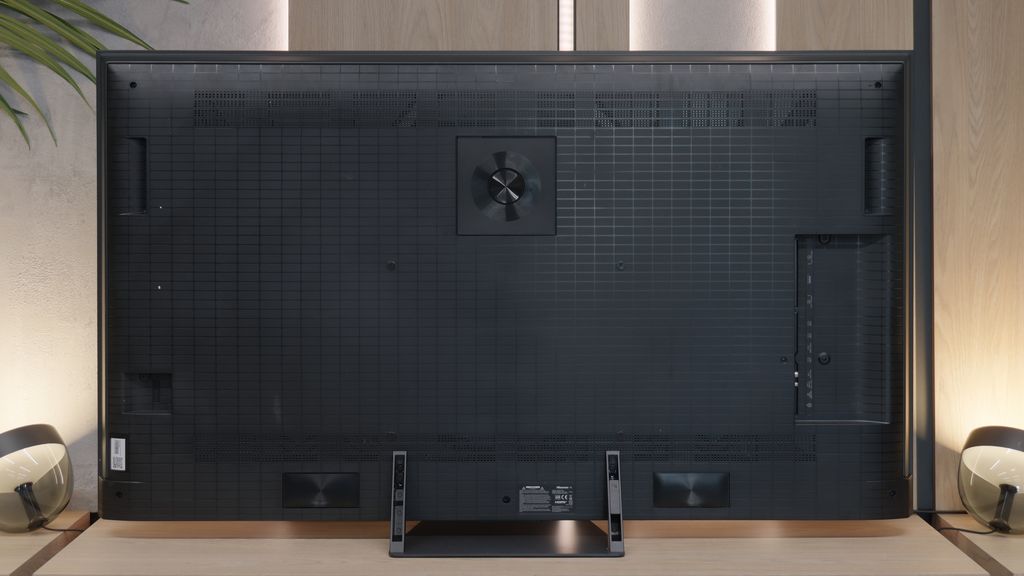
TV appearance



Contrast and black detail
7.1/10
7.5/10
Local dimming function: Yes, number of zones: 84 (12 x 7)
Local dimming function: Yes, number of zones: 960 (24 x 40)
Contrast:


Result
56,000:1

Result
15,850:1

Result
11,350:1

Result
7,100:1

Result
5,950:1
Result
346,350:1
Result
13,500:1
Result
19,050:1
Result
9,950:1
Result
6,450:1
Halo effect and black detail visibility:

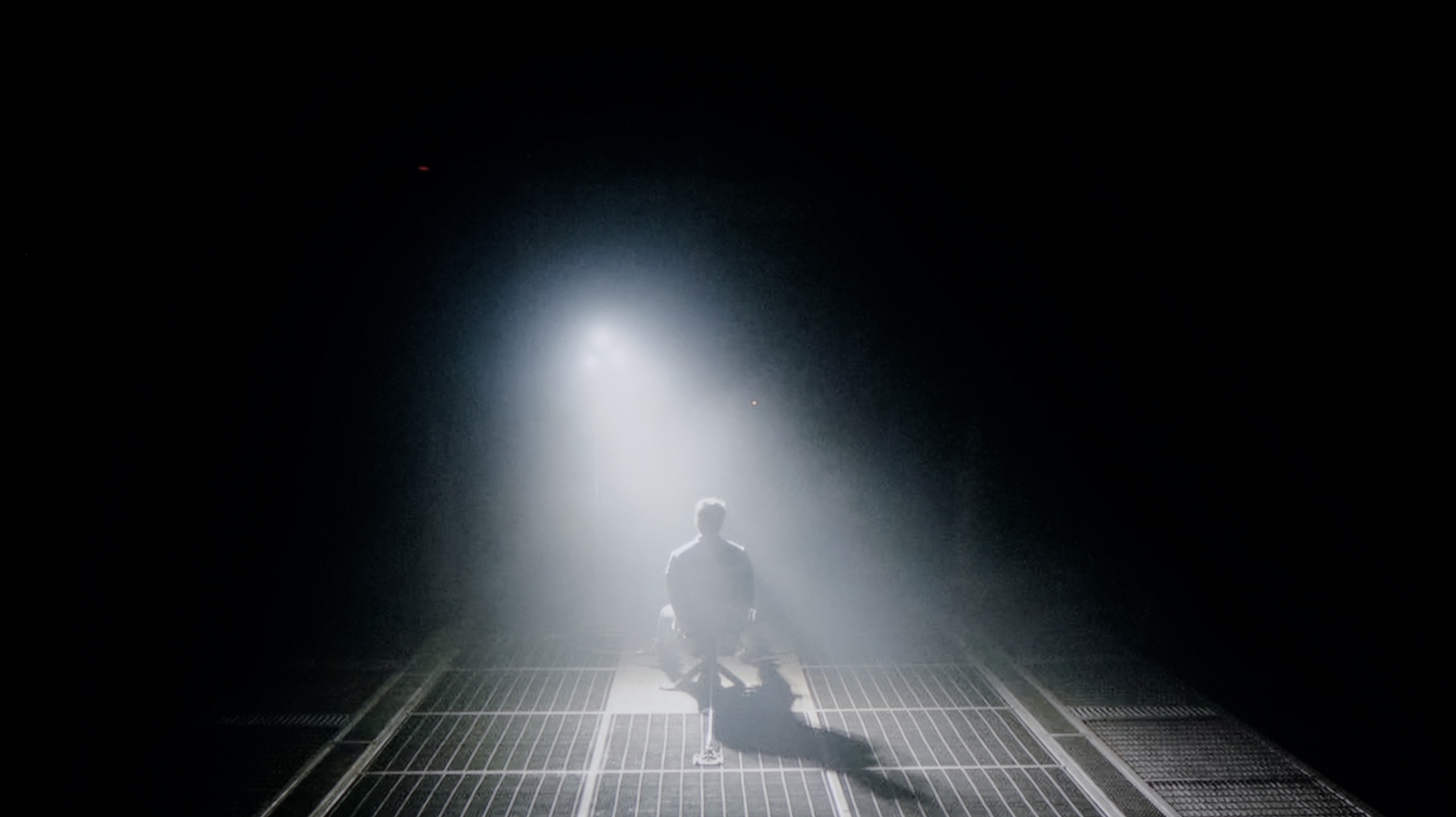
Check the visibility of bright lights on a dark background. Mini-LEDs often struggle with this. The photo does not compare black levels – that’s what the video below is for.
The video accurately shows differences in contrast and black levels between TVs, as well as potential issues: halo around bright objects or Mini-LED zone operation visible as brightness jumps.
The TCL 655 PRO television, equipped with a VA panel, delivers solid contrast; however, the key role in enhancing image quality is played by local dimming technology. The tested 55-inch variant features 84 backlight zones, which significantly improve contrast compared to the model without the "PRO" designation, and this effect is distinctly visible in the first three tested scenes. It is worth noting that larger versions of this television naturally have more zones, which translates to even better contrast. Of course, as with any LCD television, certain imperfections remain – particularly noticeable in the tested scenes 4 and 5, where smaller bright elements lose a lot of quality. Nevertheless, considering the price of the device, the TCL 655 PRO makes a strong impression and stands out well in the black and contrast category.
The U7S Pro in the 65" variant we tested uses a VA panel and has as many as 960 local dimming zones. Thanks to the combination of such a panel (which has a high native contrast) and a large number of zones, blacks here are truly very good. In dark scenes, watched with the lights slightly on, the effect can even resemble that of TVs with organic OLED panels – as our first test scene from the film Oblivion excellently demonstrated. Unfortunately, when more small, bright elements appear on a dark background, the local dimming algorithm starts to show its weaknesses. The contrast can clearly drop at that point, and a "halo" effect, which is a characteristic glow (known as blooming), can become visible around bright objects. However, this is a natural feature of Mini-LED TVs resulting from the physical limitations of this technology – there are many dimming zones, but there will always be fewer than independent pixels in an OLED, so it's physically impossible to completely overcome this. Interestingly, although the new U7S Pro model has nearly twice as many local dimming zones as last year's U7Q Pro, it has not made any significant improvement in this aspect in practice.
HDR effect quality
5.2/10
6.7/10
Luminance measurements in HDR:

Result
566 nit

Result
299 nit

Result
387 nit

Result
205 nit

Result
666 nit
Result
1041 nit
Result
458 nit
Result
1104 nit
Result
528 nit
Result
897 nit
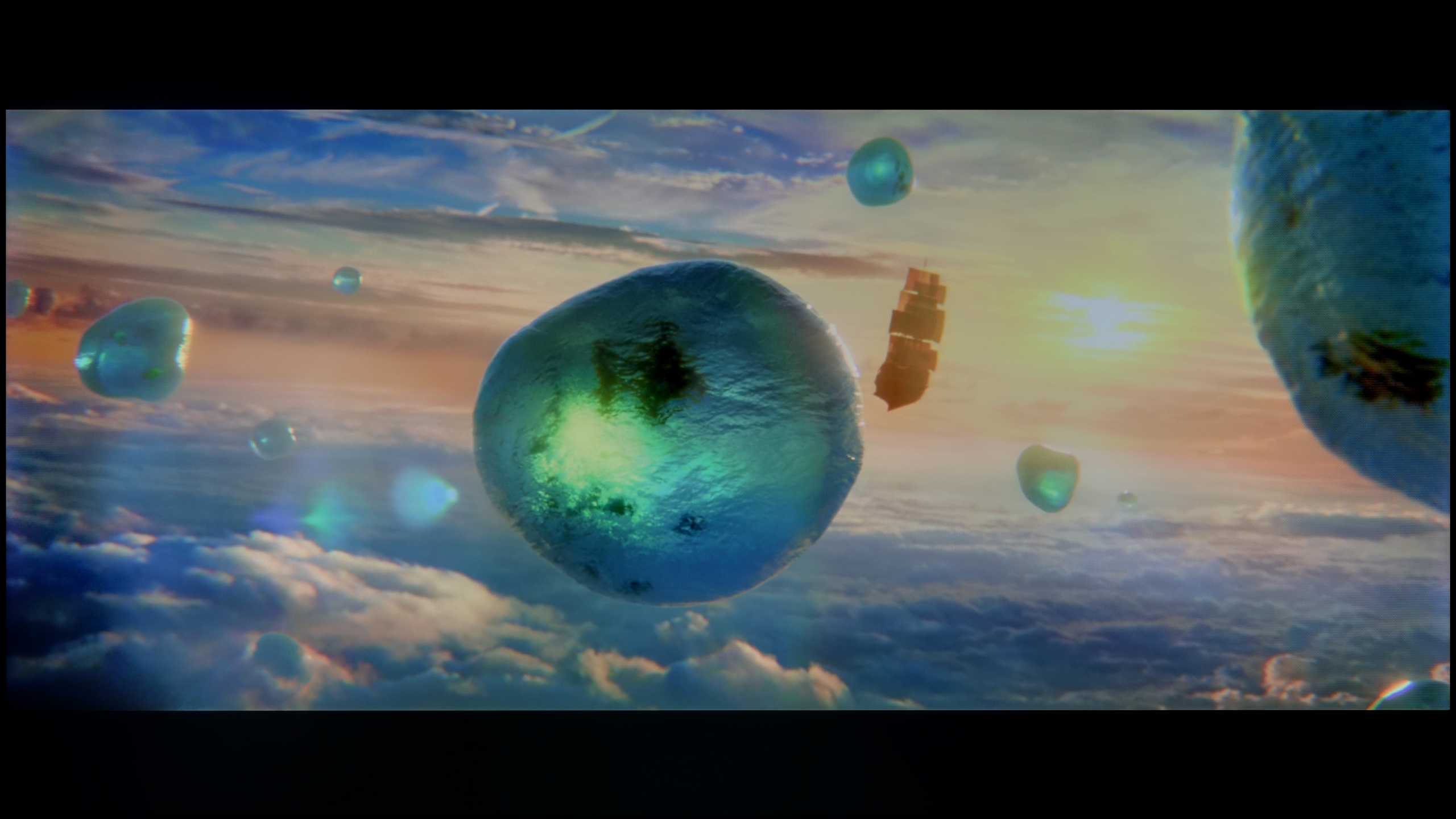
Scene from the movie “Pan” (about 2800 nits)

Scene from the movie “Billy Lynn” (about 1100 nits)

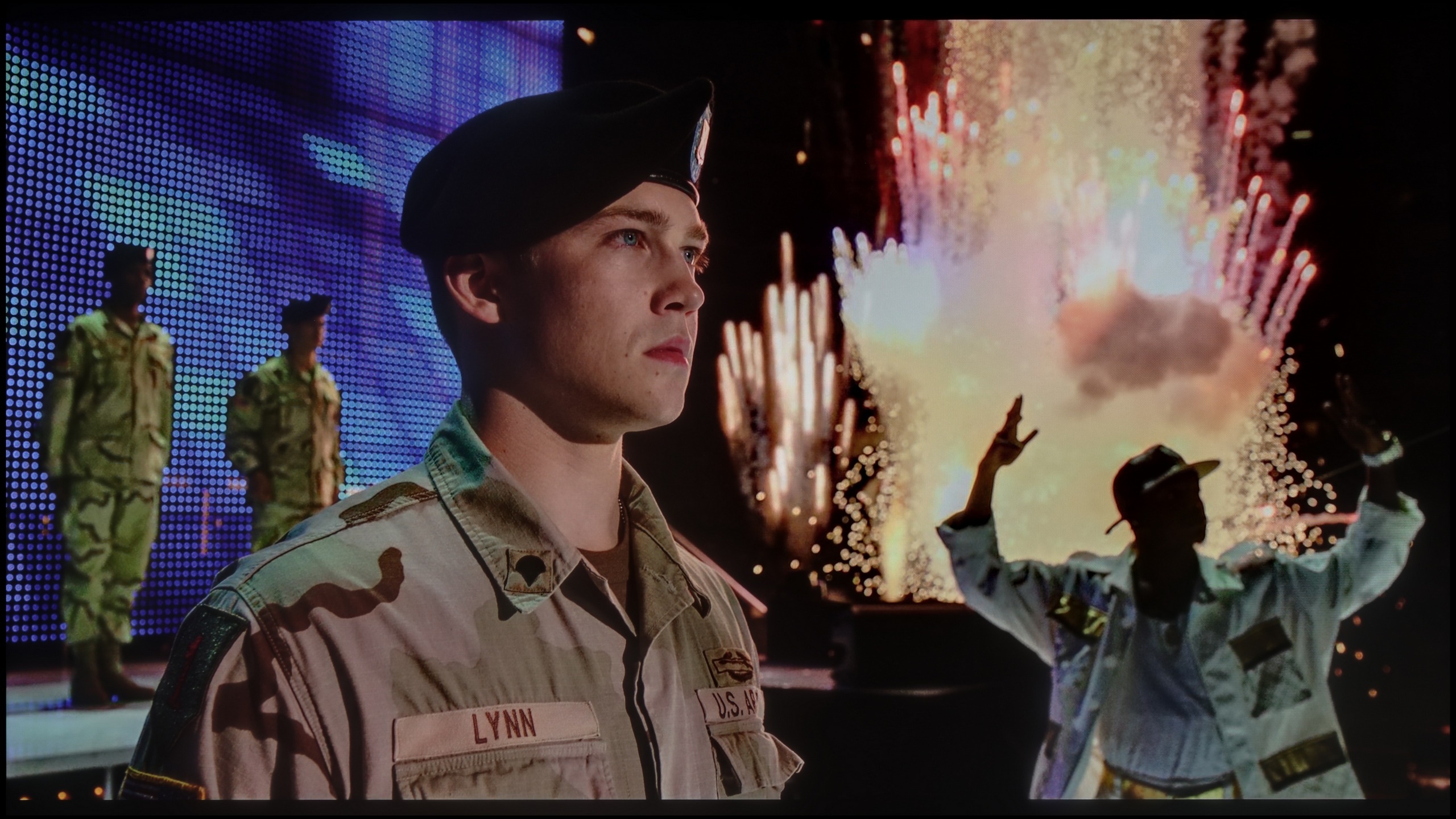
The photos show two HDR10 movies. 'Pan' is one of the brightest productions ever made, while 'Billy Lynn' (soldier) has brightness typical of streaming (Netflix, Prime, HBO MAX). Notice the intensity of effects and detail in whites.
Static HDR10


The photos present the visibility of white details in various HDR formats. They do not show brightness differences between TVs (these can be compared in the previous gallery).
Dynamic: Dolby Vision
Dynamic: Dolby Vision


The photos present the visibility of white details in various HDR formats. They do not show brightness differences between TVs (these can be compared in the previous gallery).
HDR luminance chart:
Hisense U7S Pro
TCL C655 Pro
In the HDR effect quality category, the television TCL 655 PRO demonstrates decent capabilities, achieving a peak brightness of 550 nits. This allows for enjoyment of the HDR effects, which is particularly evident in scenes such as the first from the film Life of Pi or the last frame from The Meg. Nevertheless, the limited number of dimming zones causes some issues. While in bright scenes the television performs better than its lower model, in more demanding scenes, such as the second and fourth scenes from Sicario 2, it struggles. The dimming algorithm aims to achieve deep blacks, but at the cost of brightness – resulting in a drop in brightness of even half during those moments. In these more challenging scenes with small elements, it is hard to find any praise, and the HDR effect resembles more of an SDR. Regardless, the colour gamut coverage deserves commendation, which, like in the version without the PRO suffix, is at a very good level.
Let's start with the fact that the U7S Pro is an impressively bright television – in calibrated mode, our measuring equipment indicated a staggering 2200 nits of peak brightness! This is an absolutely remarkable result, considering that this model is positioned rather as a mid-range option.
However, as we know, peak brightness on test patterns is one thing, and actual film scenes are another. Unfortunately, in real video materials, the backlight power clearly drops. Although in the most demanding moments, the television can still exceed the 1000-nit barrier – which is still an excellent result, perfectly aligned with the mastering standards of most HDR films – the real challenge comes from the aggressively tuned local dimming algorithms. Because of this, small, bright details such as stars or the moon in the night sky are noticeably dimmed. The television tries at all costs to maintain deep blacks, which is of course understandable, but unfortunately, this comes at the expense of the dynamics and brilliance of the HDR effect itself.
One must commend the colour reproduction. The new U7S Pro is a QLED design that provides very wide coverage of the colour palette. Unlike last year's model (U7Q Pro), this year's variant is a "true" QLED, rather than a solution based on a PFS filter. As a result, the colour saturation has clearly increased, and coverage of the most demanding BT.2020 colour space has surpassed the 81% barrier.
Factory color reproduction
3.8/10
4.7/10


This gallery shows how colors change after professional TV calibration. If you notice the difference, we recommend ordering this service at SkalibrujTV.com.
Factory Mode
After calibration


This gallery shows how colors change after professional TV calibration. If you notice the difference, we recommend ordering this service at SkalibrujTV.com.
Factory Mode
After calibration
Each of our television tests is conducted in film mode, which usually offers the best colour reproduction. Nonetheless, even this mode is not free from issues, as we noted in the model TCL 655 PRO.
In the case of HD content, the white balance distinctly shifts towards red, and this effect becomes particularly noticeable in a scene from Star Wars, where the white elements of the scenery take on a pink hue. For 4K HDR material, the situation is better, but there is a noticeable tendency to excessively emphasise the colour blue. As a result, the picture may appear artificially sharp, which proves to be uncomfortable for the eye over a longer period. The brightness characteristics also leave much to be desired. The Gamma graph indicates serious difficulties with excessive brightening, causing the overall presentation to appear washed out. Additionally, the EOTF curve reveals significant problems with reproducing very small elements – they are overly dimmed, as we detailed in the paragraph concerning HDR effects.
We tested the U7S Pro model – as we always do – in the best factory-calibrated picture mode, namely Filmmaker Mode. We can evaluate the displayed colours in two ways. The most disappointing was the profile designed for viewing SDR content, that is, traditional television, YouTube, and other less demanding materials. The picture was clearly yellowed, which turned out to be a direct consequence of a poorly set white balance. As our graphs show, there is a significant deficiency of the blue component, which drastically affected the overall colour temperature. This is clearly visible on the ColorChecker charts as well as on the graphs of the colour palette itself, where most samples leaned towards yellow. Fortunately, the factory HDR mode fared much better – there, the colour errors were around a Delta E value of 3, which is already a really solid result.
Color reproduction after calibration
7.8/10
7.5/10

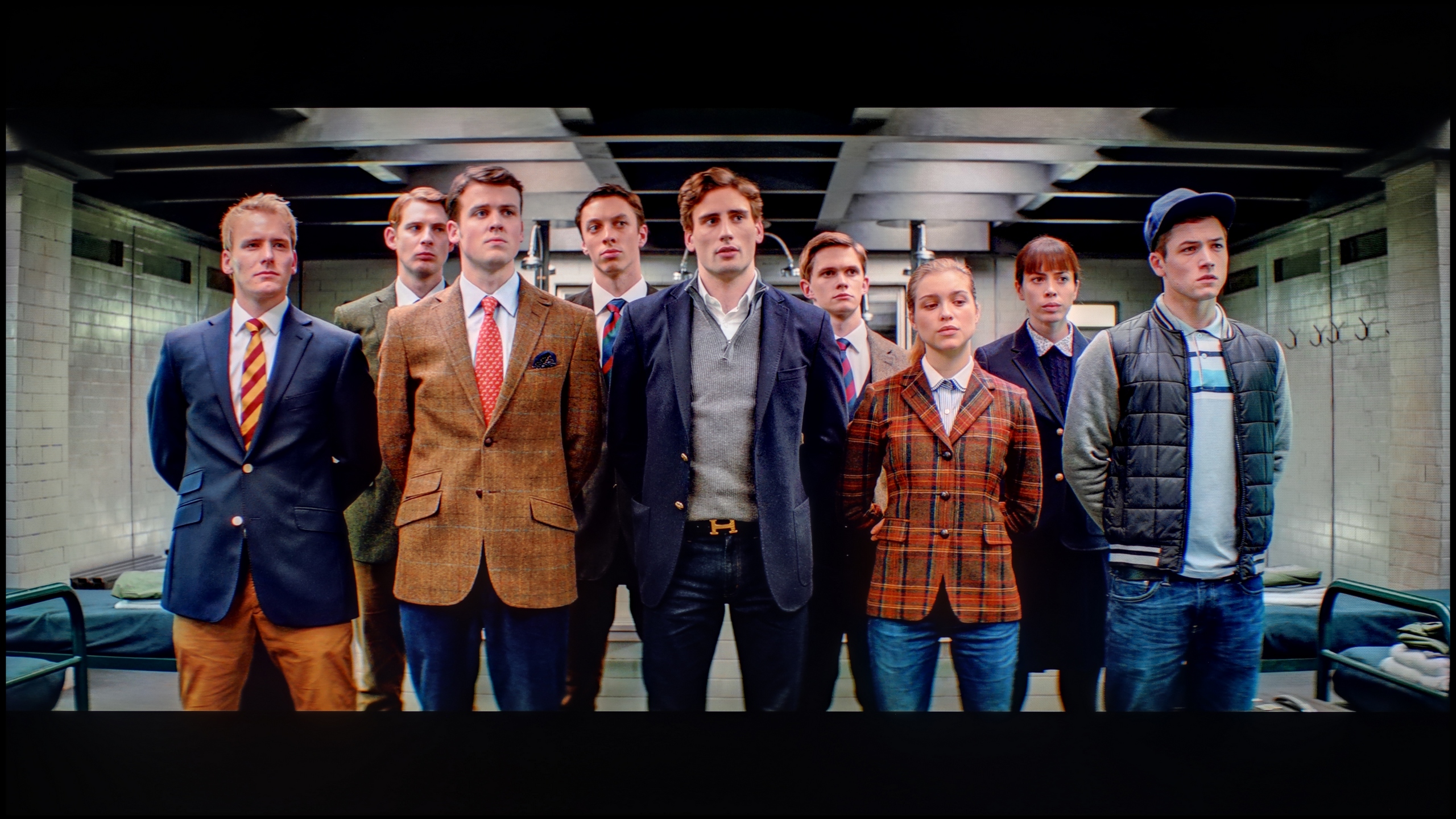
The photos show how movies look on the TV. Pay attention to black detail visibility, colors, and shadow tint.

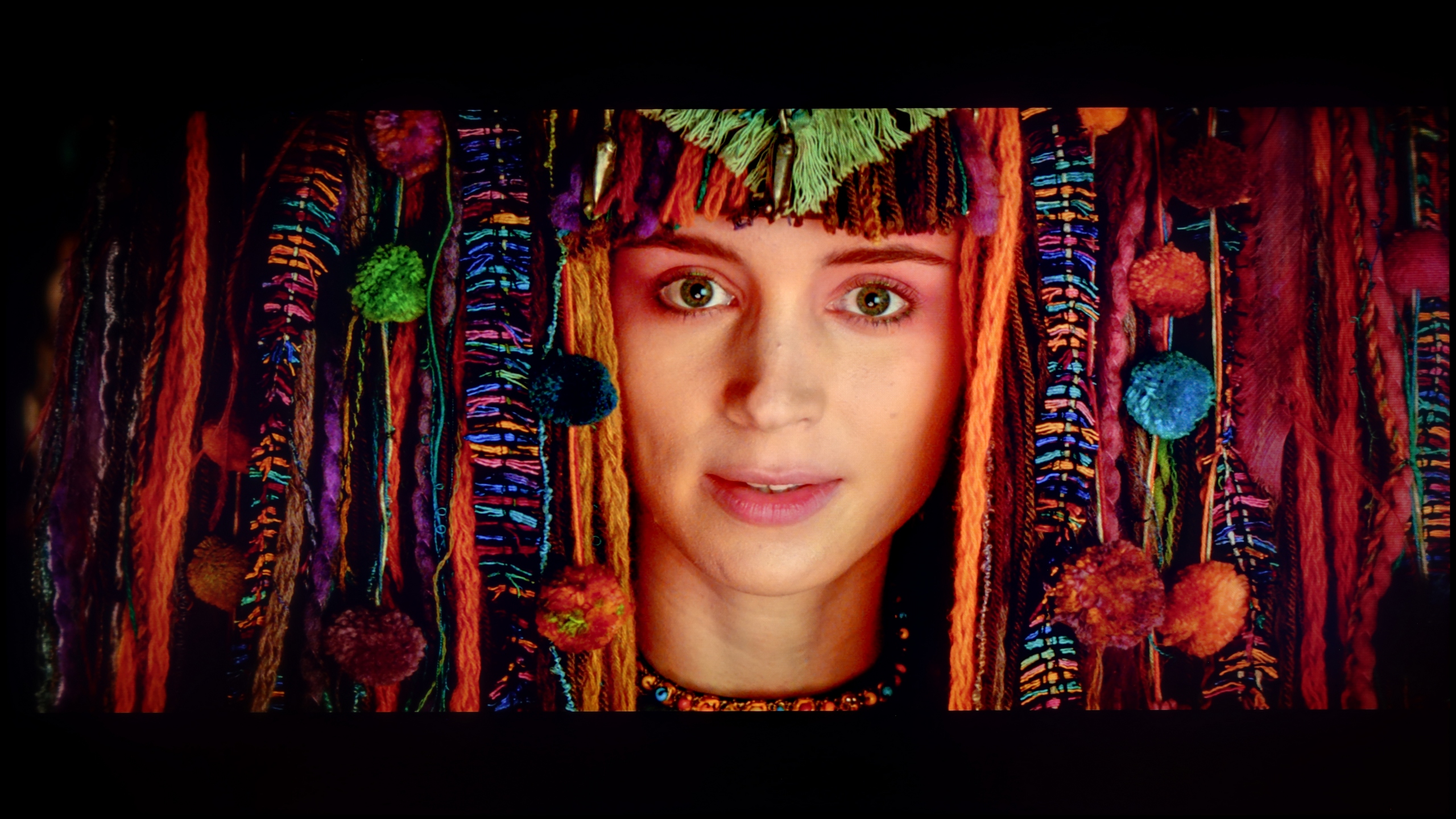
The photos show how movies look on the TV. Pay attention to black detail visibility, colors, and shadow tint.
After calibrating the television TCL 655 PRO, a noticeable improvement in white balance is evident, where the tendency for the screen to have an excessive pink hue has been completely eliminated, which was previously visible in the factory mode. The image has taken on more natural tones, especially in white and light elements, positively affecting the overall perception of the picture. Regarding brightness characteristics, the Gamma chart has also improved – the screen is no longer overly bright, which previously made the image appear washed out. However, there are still some issues with the EOTF curve, which are difficult to eliminate due to the design of the television and its limited number of backlight zones. These limitations prevent achieving perfect results in this regard. Nevertheless, despite this minor flaw, the overall effect after calibration is truly outstanding, providing high picture quality and very good colour reproduction.
We know, however, that the company Hisense is capable of much more – as previous generations have demonstrated – which is why we couldn't simply overlook the factory shortcomings of the U7S Pro model in everyday content. As is often the case, the television underwent professional calibration. The conclusions? This process brought about a colossal change. After manually adjusting the white balance and supplementing the deficiencies in the blue component, the annoying yellow tint disappeared as if by magic. White became naturally pure, and skin tones gained the appropriate, healthy hue. Importantly, calibration not only tamed the capricious SDR mode but also allowed us to extract the maximum potential from the panel, reducing average colour reproduction errors to levels nearly imperceptible to the human eye. The only thing we must criticise after the whole process is the very nature of the Mini-LED backlight and its specific interaction with the HDR signal. The aggressively tuned local dimming algorithms significantly interfere with the EOTF brightness curve. As a result, the backlight does not always work perfectly with the creator's intention – depending on the scene being viewed, the curve can noticeably deviate either above or below the reference, which at times disrupts the ideal dynamics of HDR imagery.
Smoothness of tonal transitions
4.8/10
9.5/10


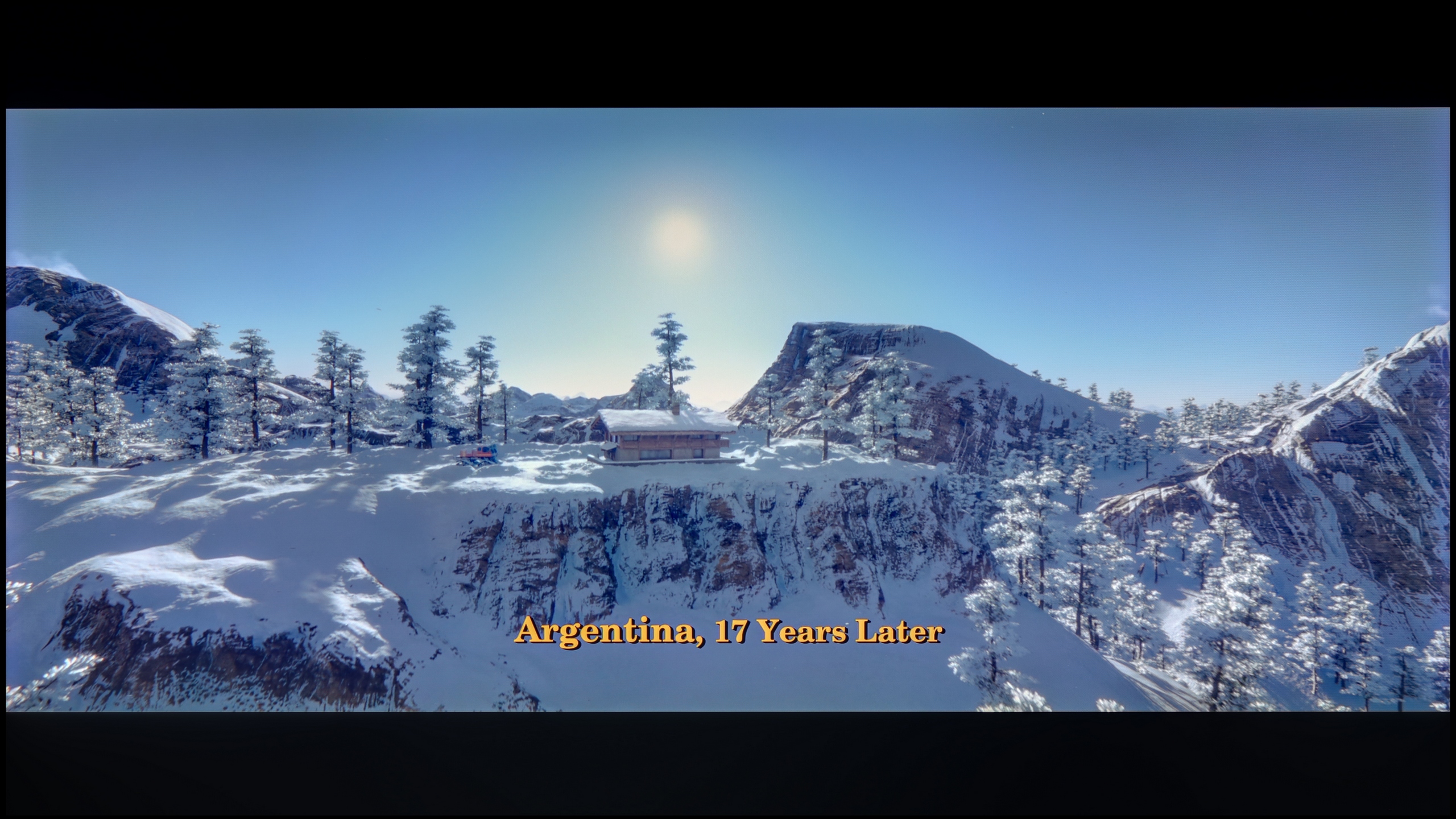
These are selected scenes that show smooth tonal transitions from one color to another. If you see distinct banding, it’s the TV panel’s fault.
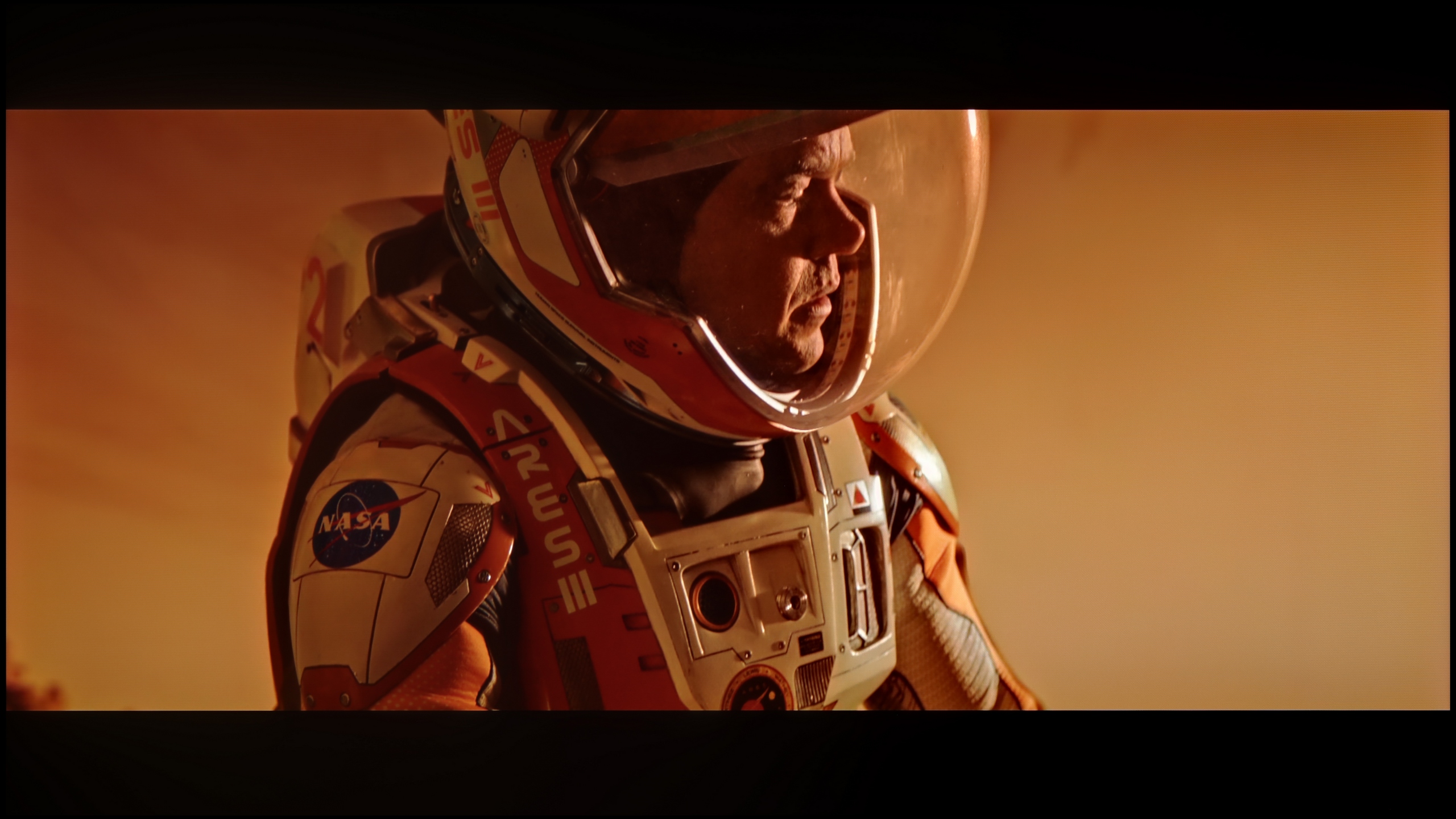
These are selected scenes that show smooth tonal transitions from one color to another. If you see distinct banding, it’s the TV panel’s fault.
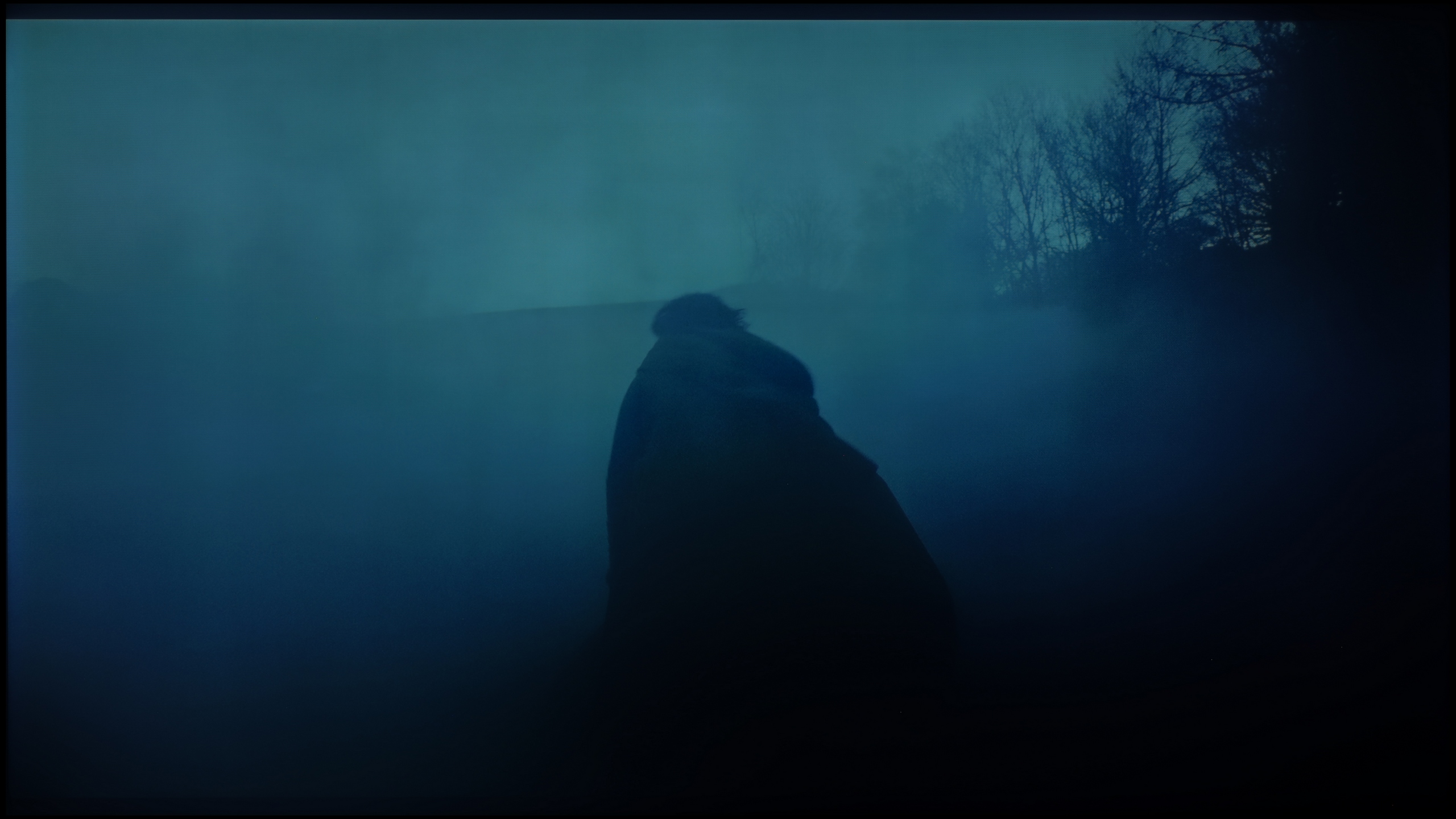
These are selected scenes that show smooth tonal transitions from one color to another. If you see distinct banding, it’s the TV panel’s fault.
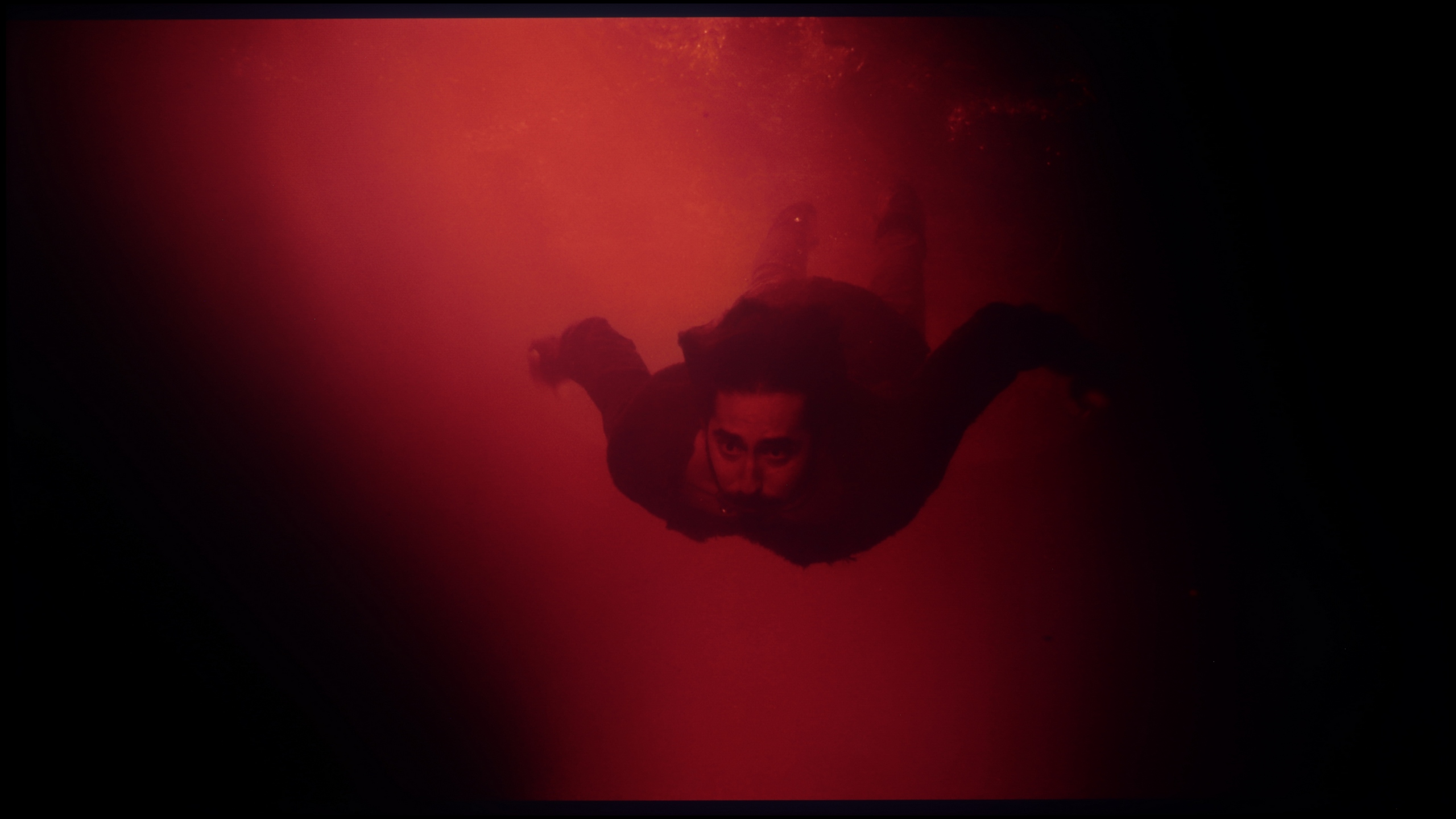
These are selected scenes that show smooth tonal transitions from one color to another. If you see distinct banding, it’s the TV panel’s fault.
The tonal transitions are really quite good and would deserve a high rating (8), however, the score has been clearly lowered for another reason - the image is artificially sharpened despite the "sharpness" setting being at 0. As a result, the image is unpleasant to look at.
Digital image processing has been a true hallmark of the Hisense company for some time now. In the U7S Pro model, we did not notice any serious issues with so-called color banding, or the posterisation effect. Individual shades transition almost perfectly and smoothly into one another, without the annoying effect of jagged edges or visible "steps" in the gradients.
Image scaling and smoothness of tonal transitions
5/10
7.8/10


Smooth transition function

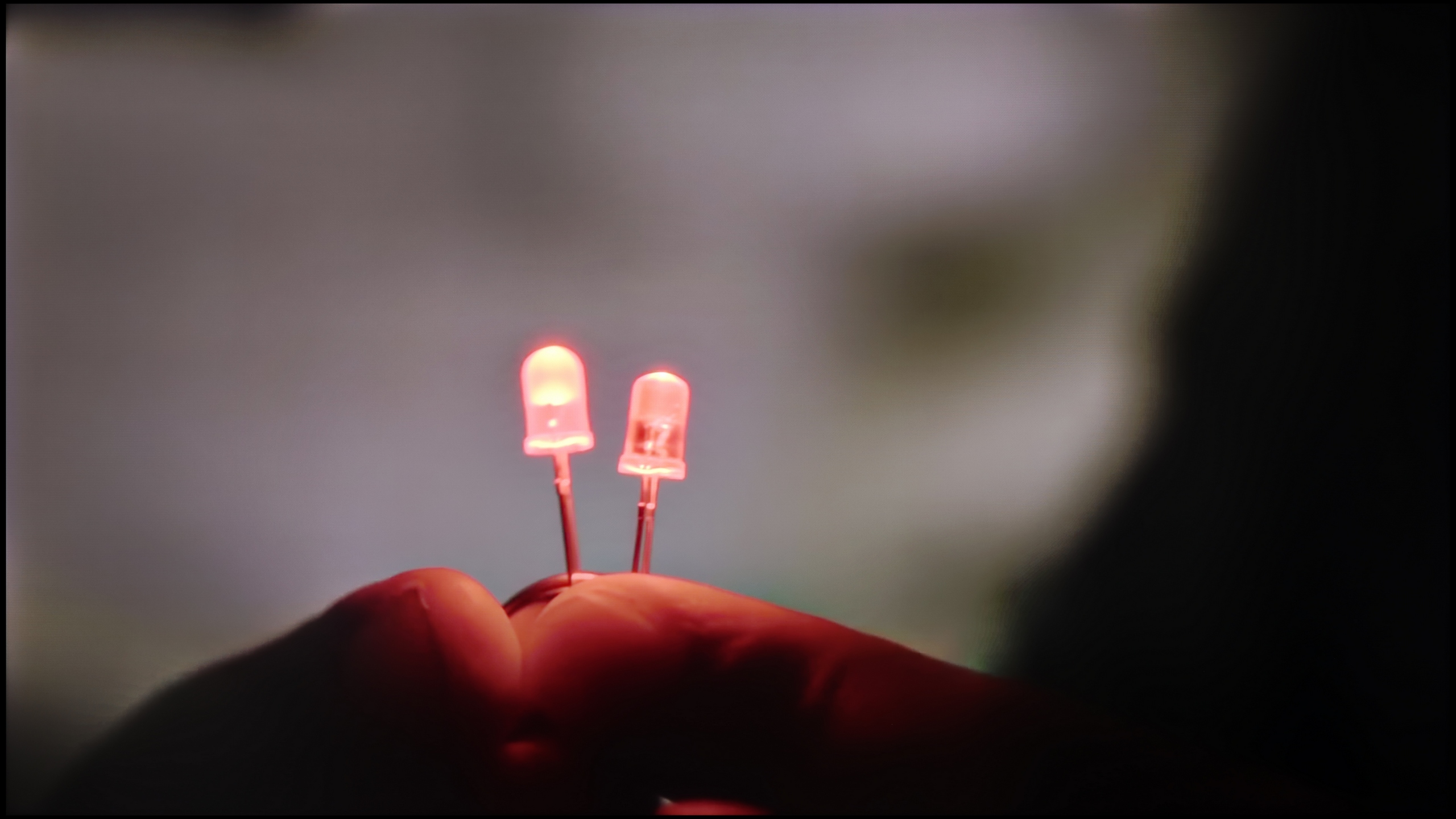
The match photo shows how the TV smooths weak tonal transitions in low-quality video.
Image scaling SD (576i)


The model photo shows how it handles upscaling of SD material.
The TCL 655 PRO television performs quite well with tonal transitions in lower quality materials. The "Gradual Smoothing" function at a low setting effectively smooths out tonal transitions, but this comes at the expense of losing some important details, such as the texture of objects. One positive aspect is that it does not negatively affect film grain, which helps maintain the natural appearance of the image.
In the context of digital processing, the television adds artificial sharpness. This may appeal to users who prefer a more vivid image. However, those who like a softer, subtler look may find this a drawback. Additionally, a downside is the cropping of the image due to overscan, which limits the field of view and trims the edges of the frame. This can be problematic in certain scenes - for example, news tickers.
The digital processing of lower quality signals is at a very high level here, thanks to the MediaTek Pentonic 800 processor used in the U7S Pro. The upscaling performance is equally impressive, meaning the television’s ability to enhance lower resolution signals to 4K. We did not notice any unnatural, sharp contours on the screen, and our test image featuring the model simply looked attractive.
Blur and motion smoothness
4.9/10
7.4/10

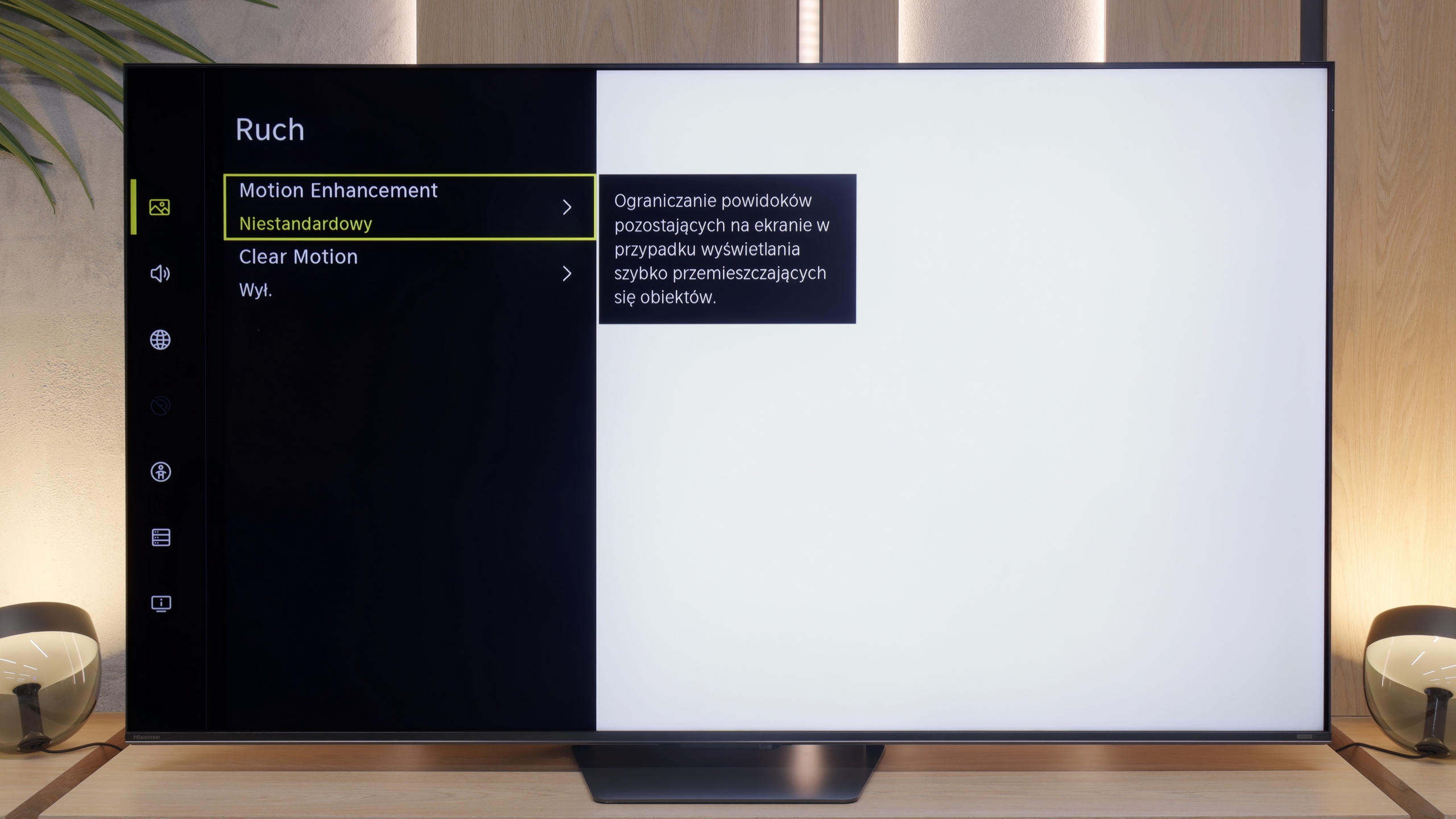
Blur (native resolution, maximum refresh rate):


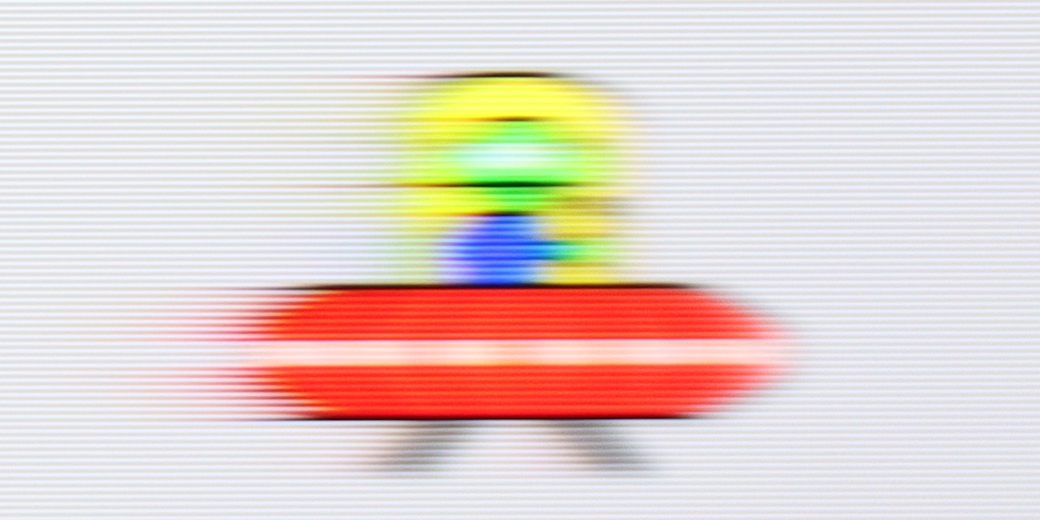
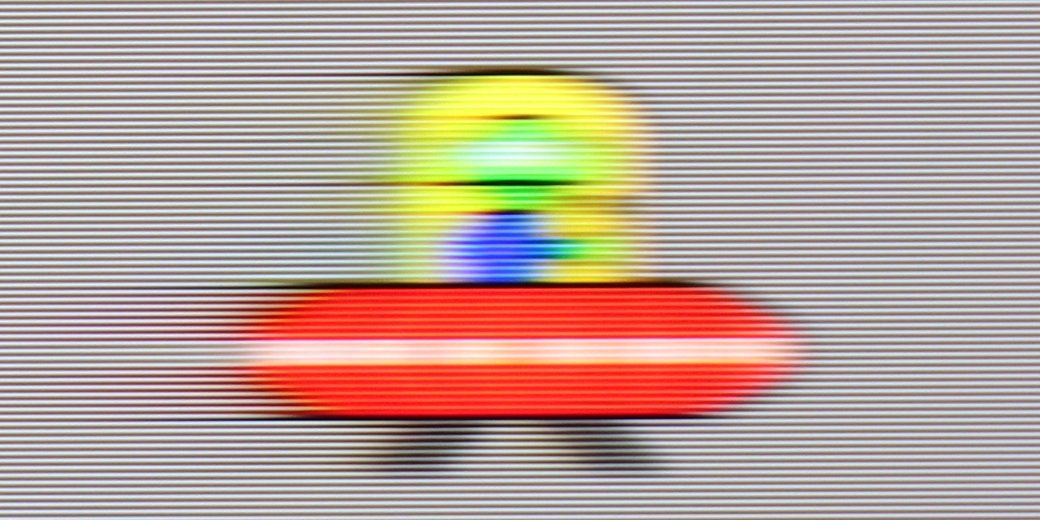
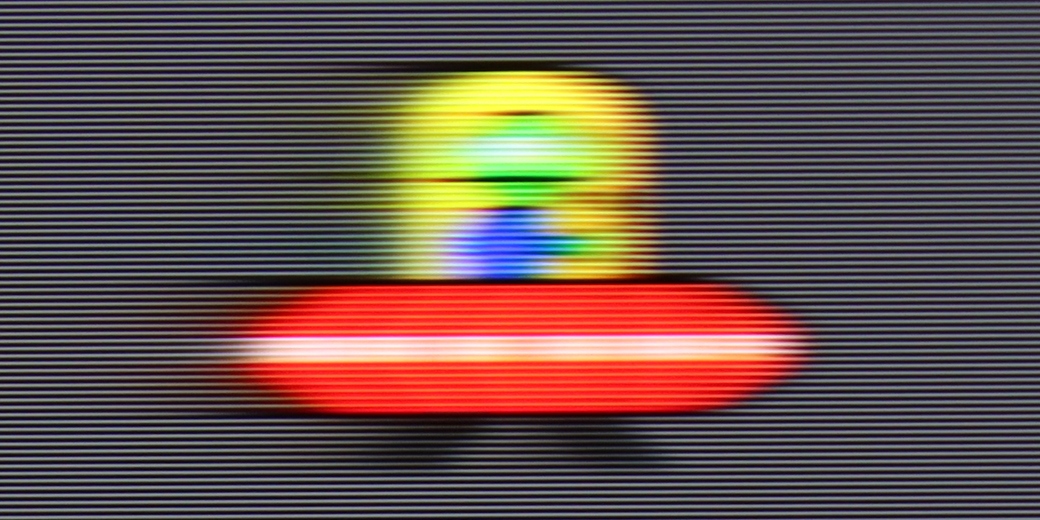
Blur (BFI function enabled):
Blur ():


Blur (1080P@330Hz):
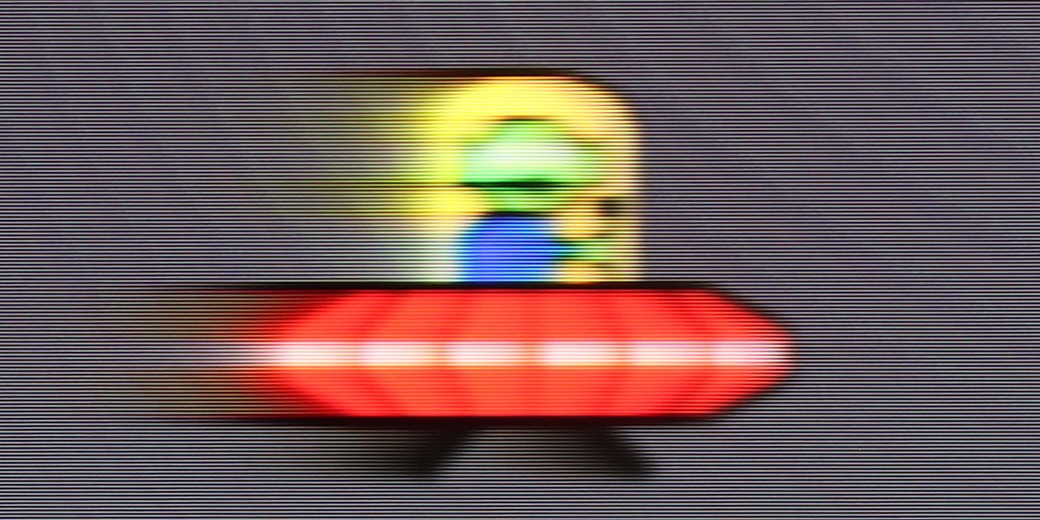
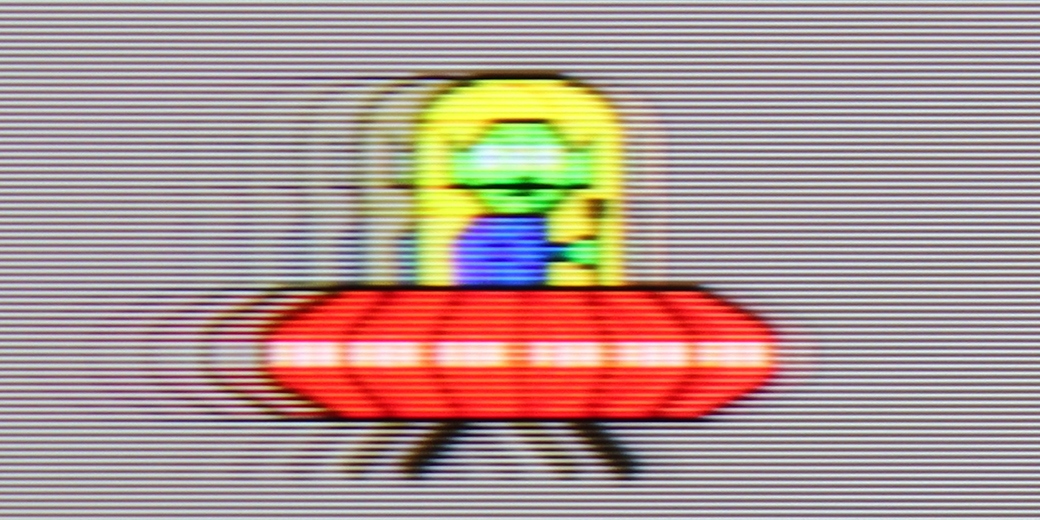
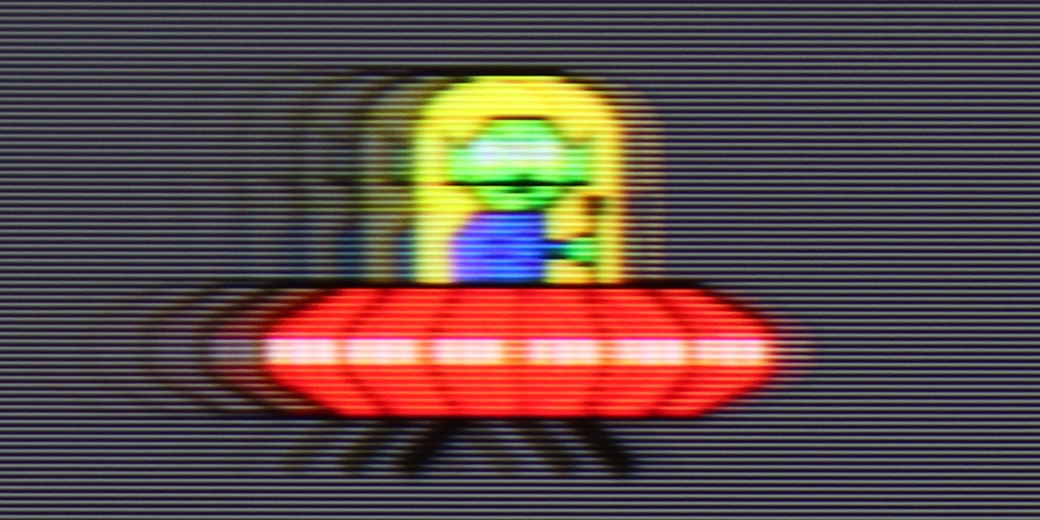
The TCL C655 PRO television is equipped with a 4K panel with a refresh rate of 60 Hz, making it best suited for watching films. Additionally, the "Flicker Reduction" feature allows users to adjust the smoothness of the image, giving them the choice between a smoother motion and a cinematic, frame-by-frame effect. Moreover, the television performs well with lower resolution materials, such as Full HD and 2K, offering a refresh rate of 120 Hz, which will certainly appeal to gamers who can enjoy a smoother picture at the expense of lower resolution.
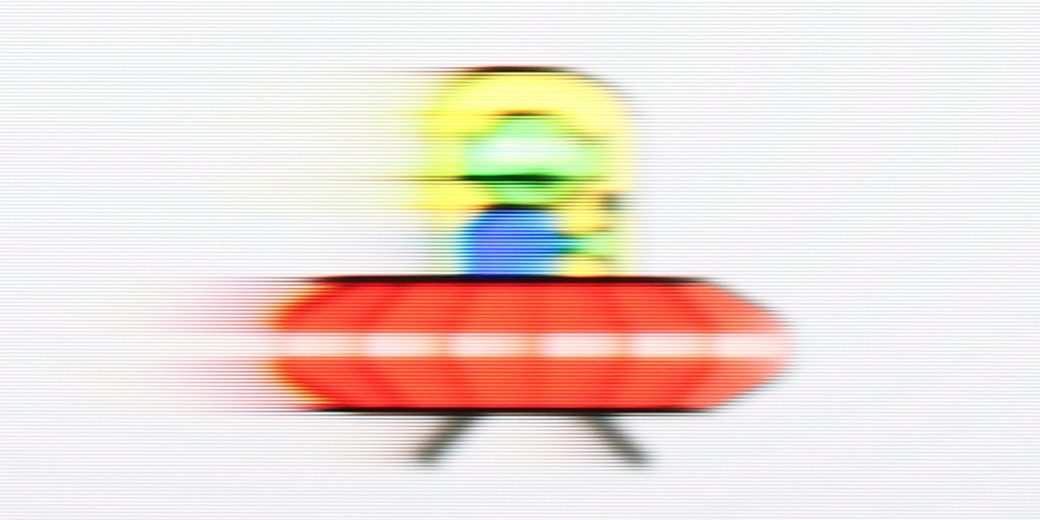
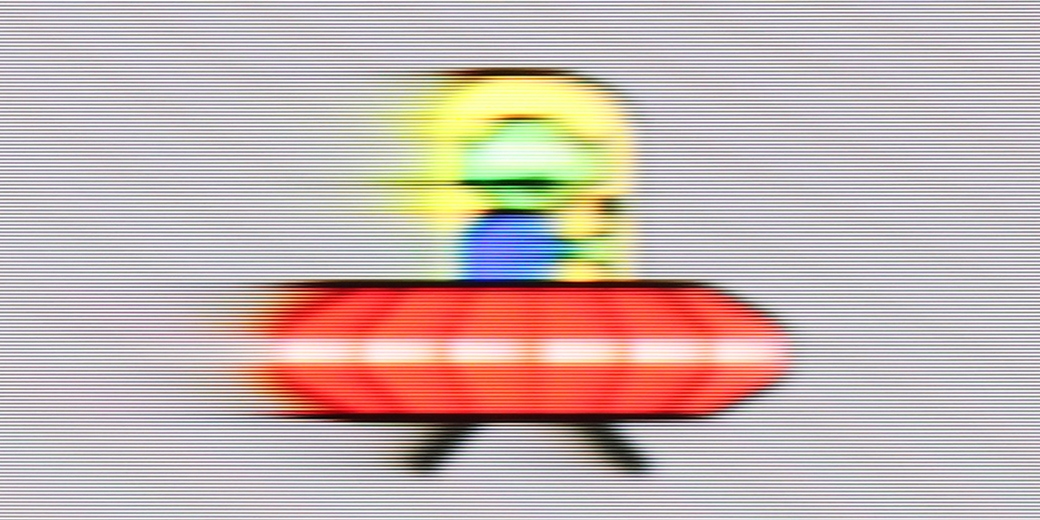
The Hisense U7S Pro uses a panel with a maximum refresh rate of 165 Hz in 4K, and in game mode, it can reach up to 330 Hz at Full HD resolution. However, it is important to remember that these highest figures do not significantly matter in everyday use, as most content is still limited to a maximum of 120 Hz (for example, when gaming on a console). Nevertheless, the television handles motion quite well and performs really decently for an LCD construction.
There is little to criticise about the fluidity itself. In the menu, we find a motion smoother called "Motion Enhancement", which hides two sliders: blur reduction and judder reduction. These allow for manual configuration of the smoother, which works well in both films and sports, effectively enhancing the raw television signal.
Console compatibility and gaming features
8/10
8.5/10
- ALLM
- VRR
- VRR range48 - 120Hz48 - 330Hz
- Dolby Vision Game Mode
- Correct implementation of HGIG
- 1080p@120Hz
- 1440p@120Hz
- 4K@120Hz
- Game bar

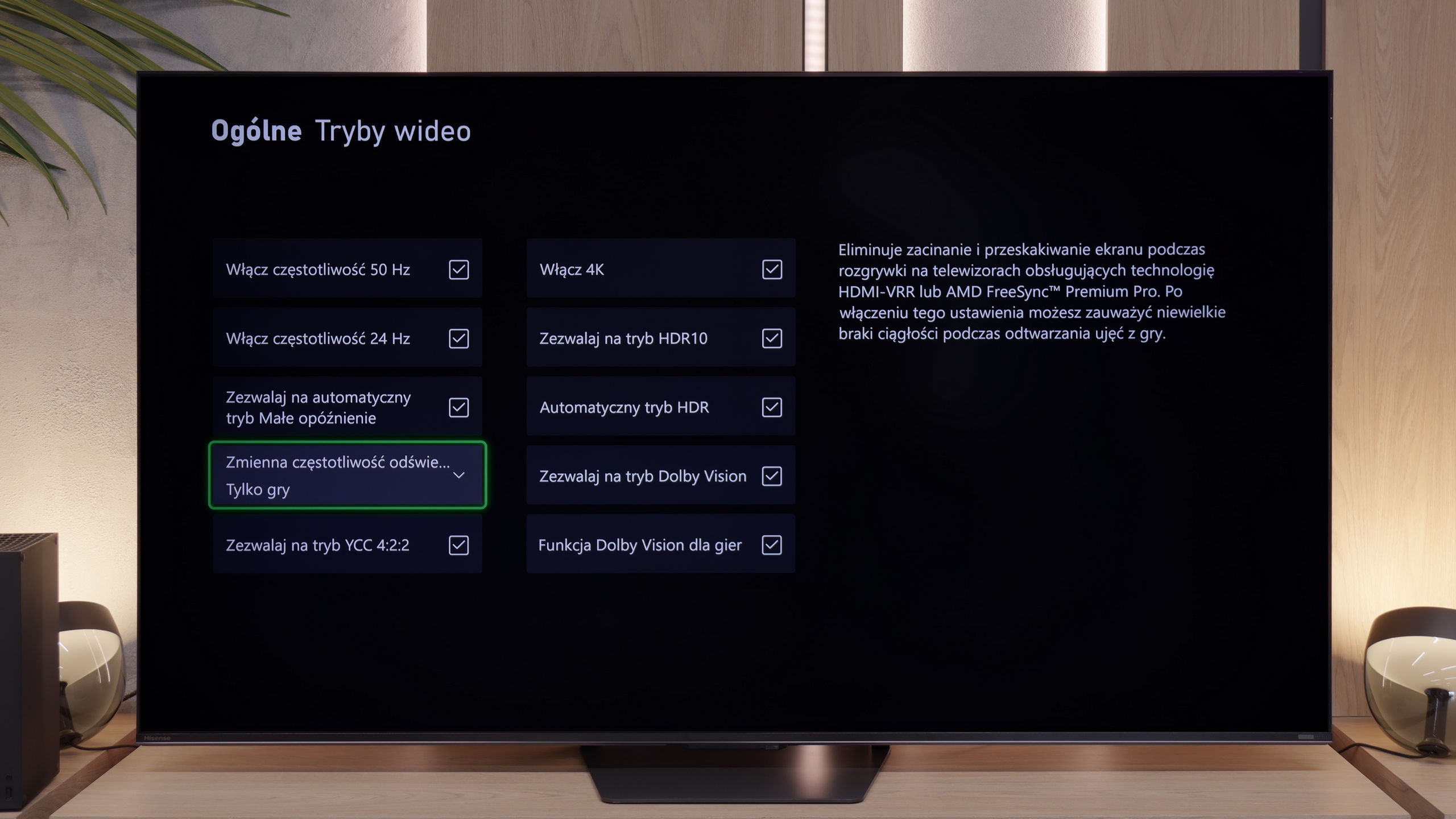

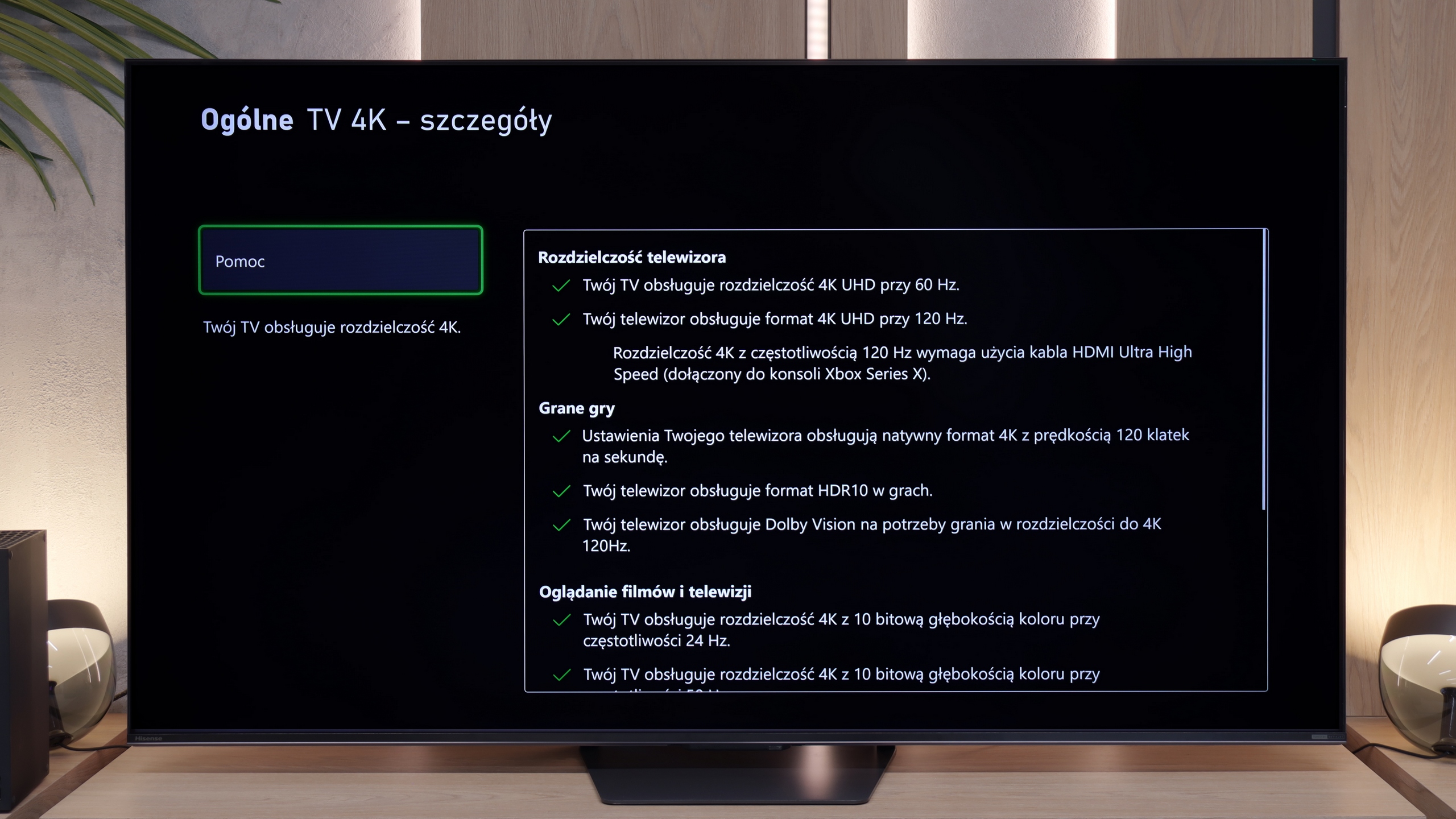

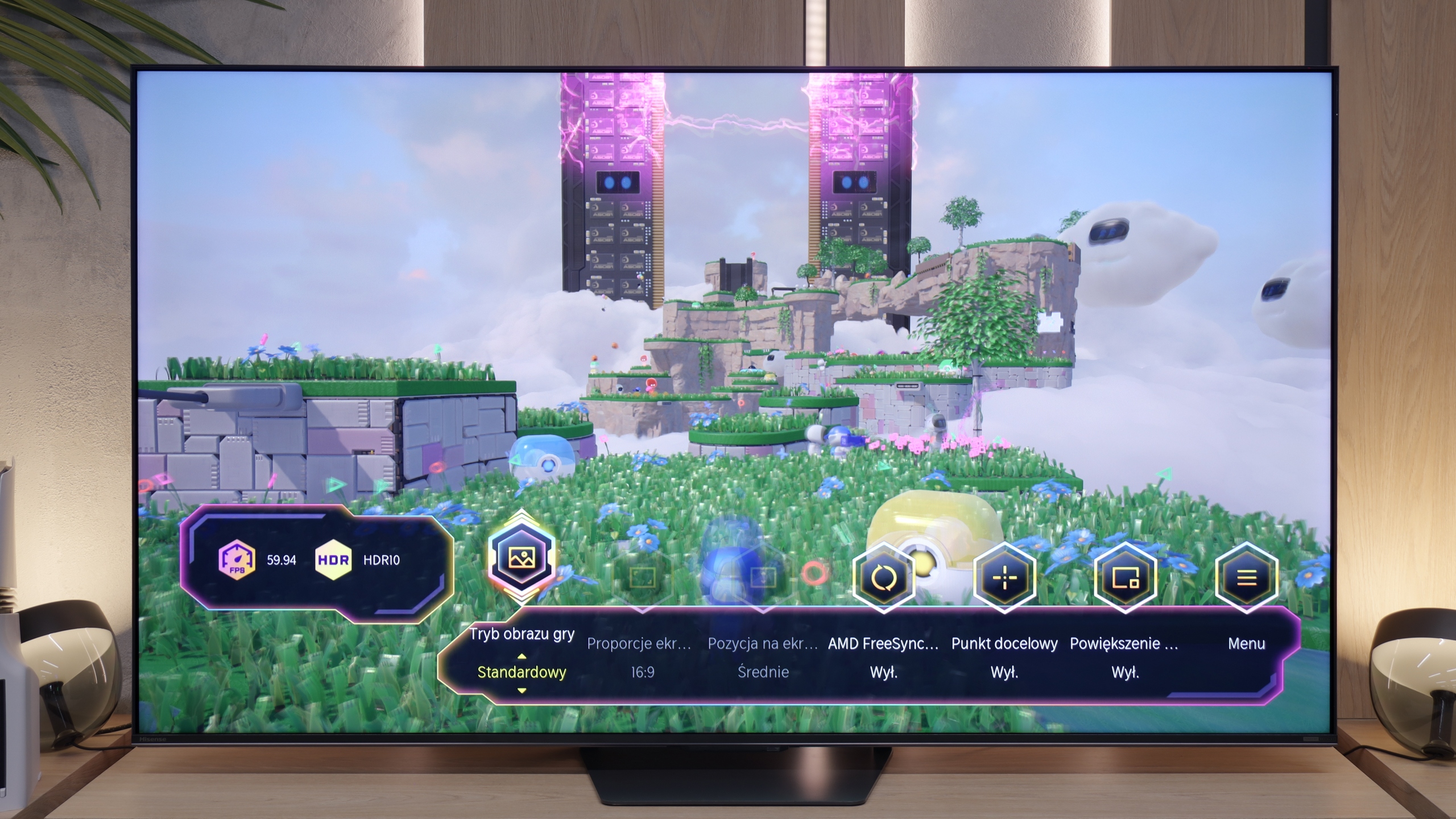

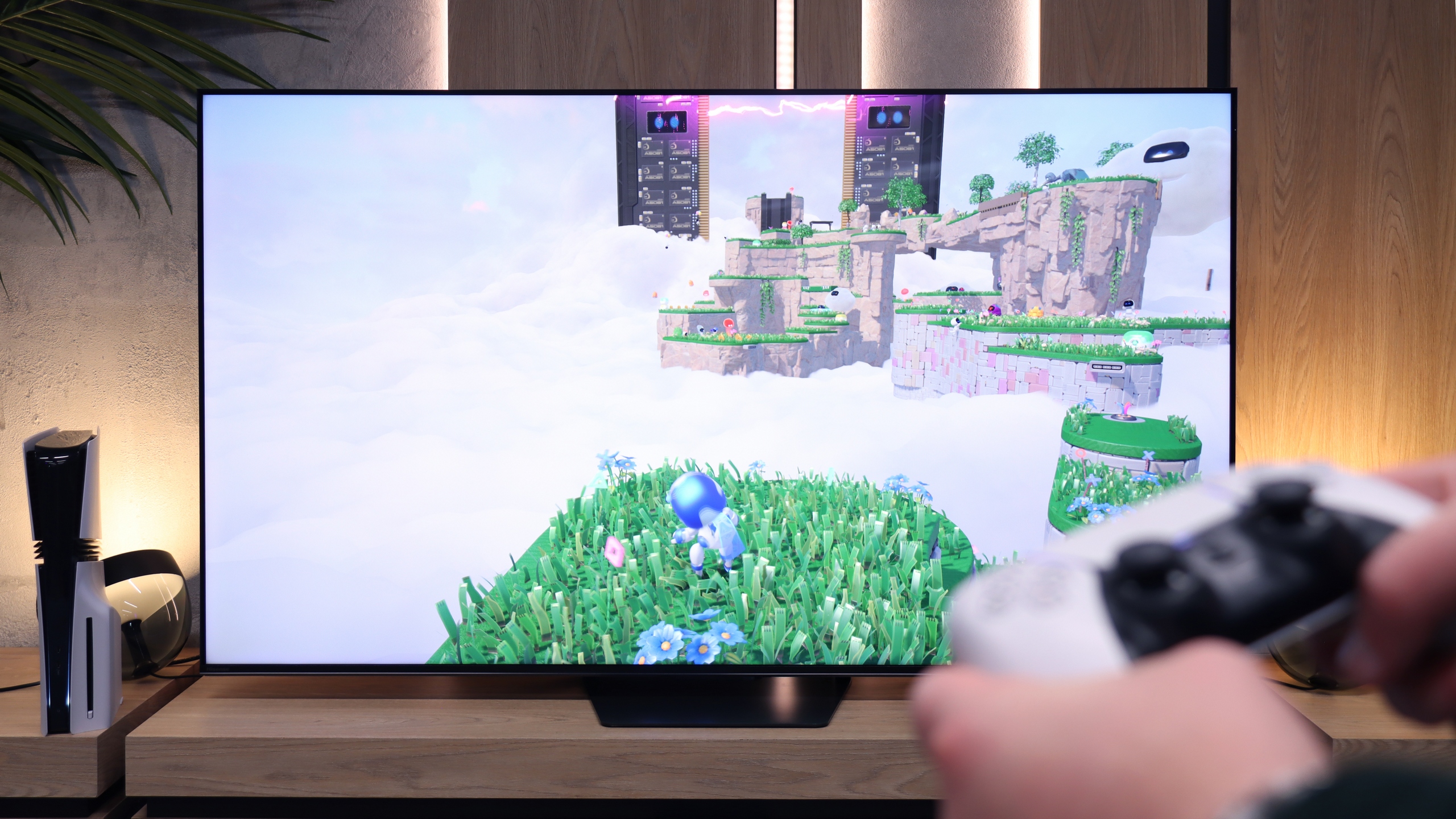
The TCL C655 PRO television offers an almost perfect set of features for gamers, supporting all the key technologies that significantly enhance the gaming experience. The ALLM feature automatically switches the television to low latency mode, resulting in improved responsiveness and minimal signal delay – particularly important in dynamic titles. VRR synchronises the screen refresh rate with the number of frames generated by the console, eliminating screen tearing and thus guaranteeing smoother gameplay.
Support for Dolby Vision in gaming mode allows for more detailed colour and contrast reproduction in games that support this format, while the Game Bar provides quick access to essential settings such as response time and latency level. Unfortunately, the model does not support 4K resolution at 120 Hz, which may disappoint the most demanding gamers. However, for those willing to forgo 4K, support for Full HD and 2K at 120 Hz delivers exceptionally smooth visuals, presenting an attractive alternative for enthusiasts of higher refresh rates.
If you plan to connect a console or PC to the U7S Pro, you will be more than satisfied – this television is excellent equipment for a gamer. Hisense has not spared any expense and has included as many as 4 HDMI 2.1 ports with full bandwidth of 48 Gbps. You won’t need to juggle cables as each port will handle the full set of features. We have an automatic game mode (ALLM) and VRR, which operates in a wide range from 48 Hz to an impressive 330 Hz. Of course, that 330 Hz is currently a gimmick for owners of powerful PCs, as consoles will be limited to 120 Hz, but it’s good to have that buffer for the future. The Game Bar also works very well during gaming. It’s a handy menu bar for gamers, where you can quickly change the picture mode, enable a crosshair in the centre of the screen, and even change the display aspect ratio to ultra-wide without having to exit to the main television settings, which will be appreciated by fans of PC simulators. The only downside worth mentioning is the improper implementation of the HGiG format in games. The issue is that the television ignores instructions from the console regarding the image generated in HDR10 and continues to forcefully interfere with the image it produces, trying to "enhance" it in its own way. This makes proper HDR configuration in the console menu (where you set brightness on symbols/checkerboard) somewhat difficult.
Input lag
10/10
9.7/10
SDR
HDR
Dolby Vision
The TCL C655 PRO television offers exceptional response times across all supported resolutions and refresh rates. Notably, it supports Dolby Vision with a response time of 13 ms, which is rarely seen in the competition. As a result, gamers can enjoy outstanding responsiveness even when using advanced HDR effects, significantly enhancing the gaming experience.
When it comes to delays, it's really good. Results below 10 ms for content at 120 Hz are excellent news because the response to the movement of the joystick or pressing a button on the pad is instantaneous. At the standard 60 Hz, the delay rises to around 18 ms – which is still so little that even the most passionate gamer won't be able to feel it. The only thing that one could nitpick about is playing with Dolby Vision enabled. Then the input lag can jump to around 30 ms. However, it must be honestly stated that these are still not values we could deem bad or that would prevent comfortable gameplay.
Compatibility with PC
6/10
8.4/10

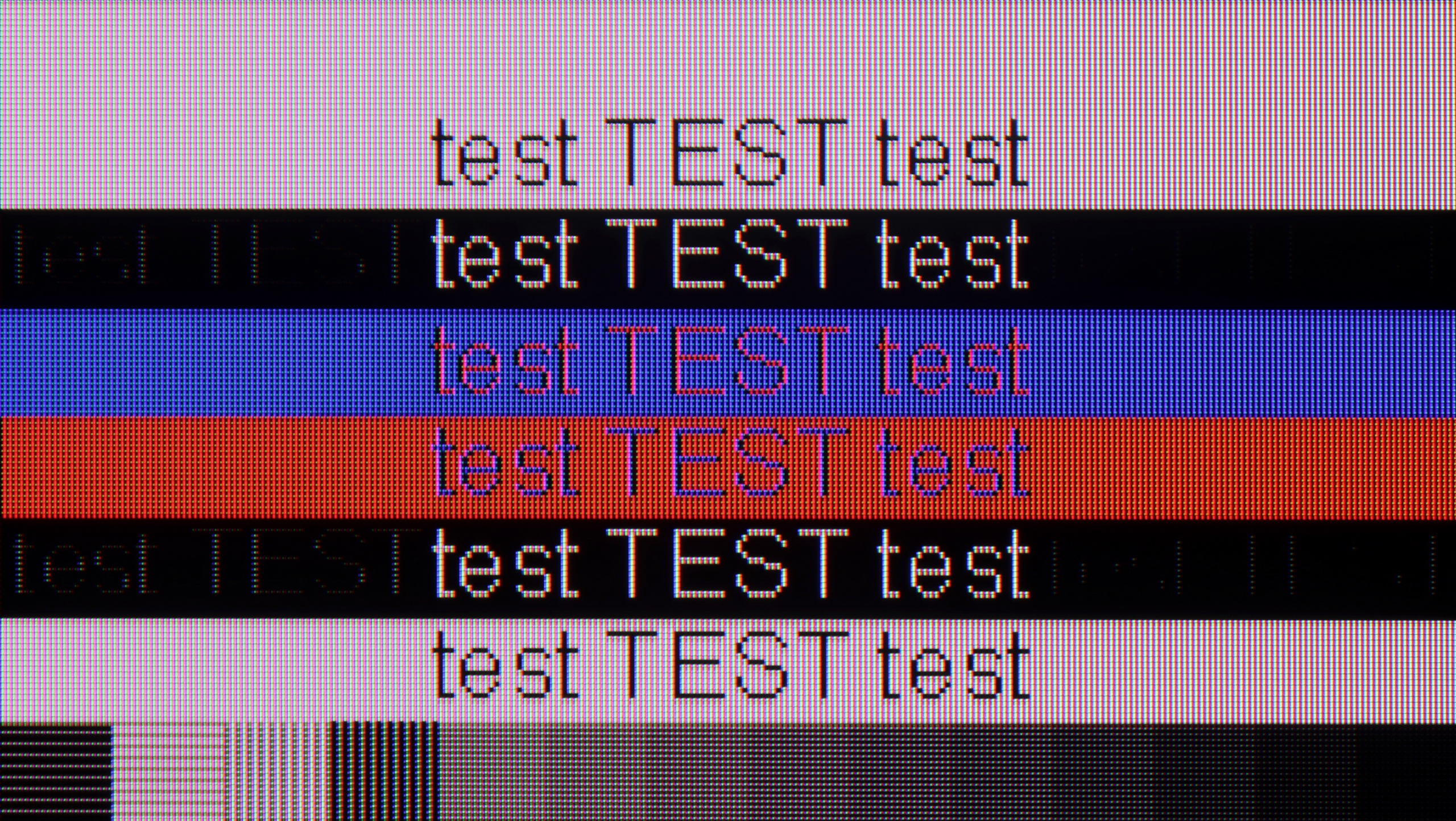
The photo shows the legibility of small fonts. Ideally, lines should be the same thickness on both light and dark text, with minimal pixel gaps.
Collaboration with a PC on the TCL C655 Pro television is quite good, especially thanks to support for 4:4:4 chroma, which ensures good readability of fonts. This is a significant advantage if the television is to serve as a monitor for office work, where precision in text display is crucial. Additionally, the low input lag provides smooth operation, which will be appreciated by both gamers and users who require quick responses to mouse or keyboard movements.
One minor flaw that can be noticed is the fact that in vertical lines, there is sometimes a drop of one pixel. This can make letters appear slightly interrupted, which in certain situations may somewhat reduce work comfort, although generally, this issue should not be very bothersome for less demanding users. The television does not support 120Hz at its maximum resolution, hence a lower rating compared to higher models. However, TCL has ensured that users can enjoy smooth gameplay at 120Hz at lower resolutions such as 2K and FullHD.
U7S Pro, as we have already mentioned, is great hardware for gamers – including those on PC. The television achieves a very high refresh rate of up to 165 Hz at 4K resolution, and when switched down to Full HD, it can even reach 330 Hz! These are values typically found in monitors rather than televisions! Moreover, the TV works seamlessly with Nvidia or AMD graphics cards thanks to G-Sync or FreeSync.
As for the readability of text on the desktop, it is quite good – the television supports full colour sampling (Chroma 4:4:4), so fonts should be sharp and clear. However, there is a little catch: text readability significantly deteriorates when the television operates in 165 Hz or 144 Hz mode. To fix this and achieve much better, sharper fonts, it's best to simply set the refresh rate in the Windows settings to 120 Hz.
Viewing angles
2.7/10
3.2/10
The viewing angles on the TCL C655 PRO, as is typical for VA panels, are quite limited. Compared to IPS panels, which maintain image quality regardless of the viewing angle, the VA panel in this model quickly loses contrast and colour saturation, even with a slight deviation from the axis. Watching at an angle causes blacks to appear greyer, while colours lose their depth and intensity. For this reason, the television is better suited for rooms where viewing takes place mainly straight on. It is not a television that is an ideal choice for large spaces where viewers may be seated at various angles.
Unfortunately, the U7S Pro does not offer the best viewing angles on the market. This is due to the VA panel used here, which, unlike IPS or ADS panels, is characterised by significantly greater image degradation when viewed from the side. Colours lose their saturation, and contrast clearly decreases. Interestingly, this feature applies not only to the panel itself but also to the external layer of the screen. The matte coating used here, when viewed at a steep angle, loses its "matte qualities" and starts to behave more like a glossy screen. Instead of diffusing light, it begins to reflect it more strongly, which can increase discomfort when used in a sunlit room. Therefore, to enjoy the best image quality and lack of reflections, it is best to sit directly in front of the screen as much as possible when using the U7S Pro.
Daytime performance
5.8/10
8.1/10


Panel brightness
Hisense U7S Pro: 903 cd/m2
TCL C655 Pro: 519 cd/m2
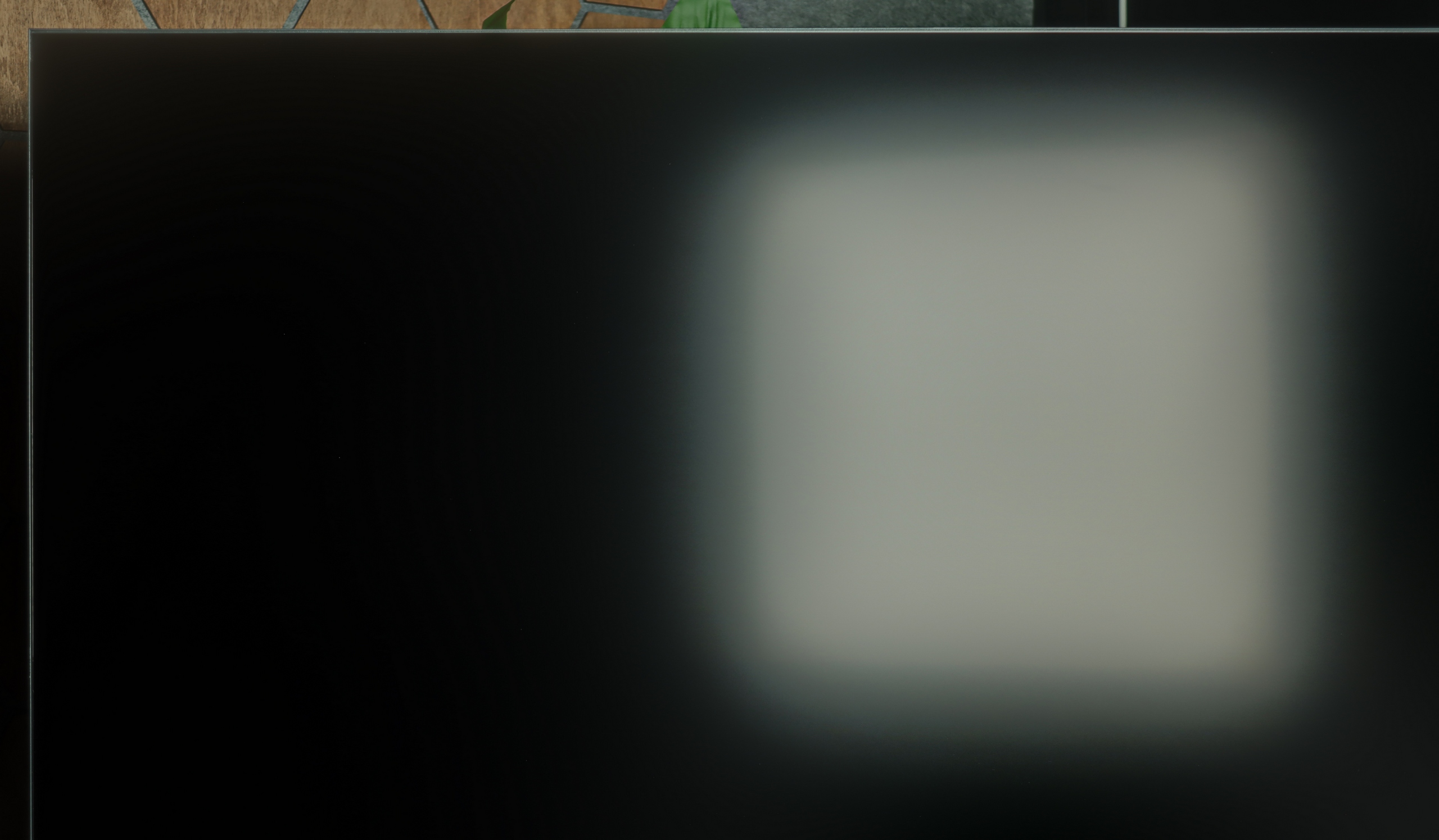
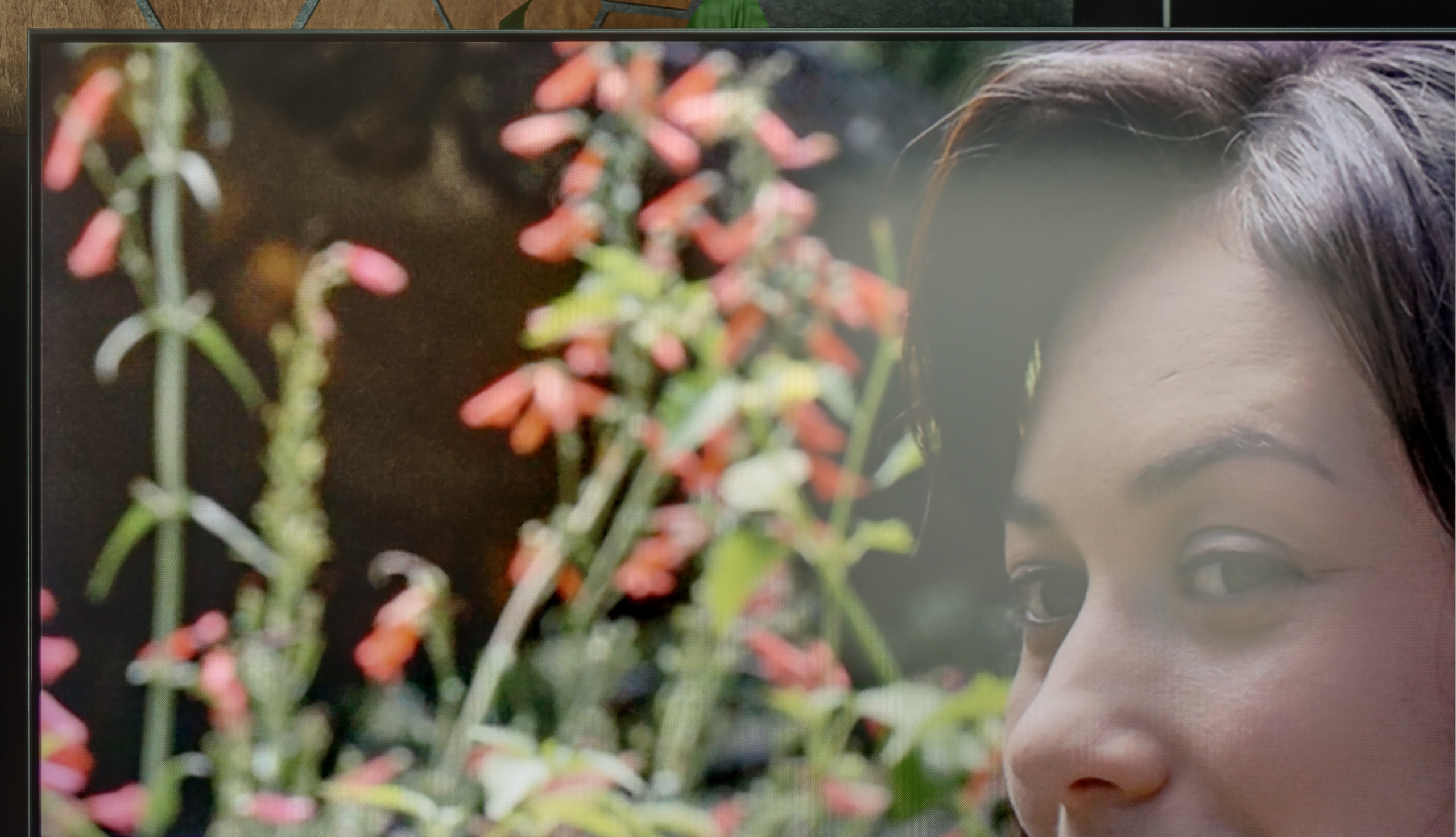
TCL C655 PRO offers quite decent brightness, reaching around 520 nits, which makes using the television during the day comfortable. Such brightness allows for good visibility of the image even in rooms with more sunlight. Although the television performs well in such conditions, the satin finish of the screen has only average capabilities to suppress reflections. In very bright environments, reflections may appear, which somewhat degrade the visibility of the image, particularly in scenes with lower contrast.
The U7S Pro performs very well in brightly sunlit living rooms, thanks to the new matte screen coating. In this year's model, it effectively reduces reflections from light coming directly in front of the television. Although it is not the deepest matte available on the market, it performs adequately in most scenarios. However, it is worth remembering the previously mentioned characteristic drawback: when we sit at an angle, the coating drastically loses its properties, and the screen starts to resemble a satin-gloss construction. Therefore, if we have windows positioned at an unfortunate angle, those sitting on the side of the sofa may struggle with noticeable reflections. Despite this minor inconvenience, the U7S Pro is still an excellent choice for a bright living room. Beyond the coating itself, its main advantage is its extreme brightness. In typical television content (SDR), the screen can achieve an average of 900 nits. This is an outstanding result that places this model at the forefront of the market.
Panel details
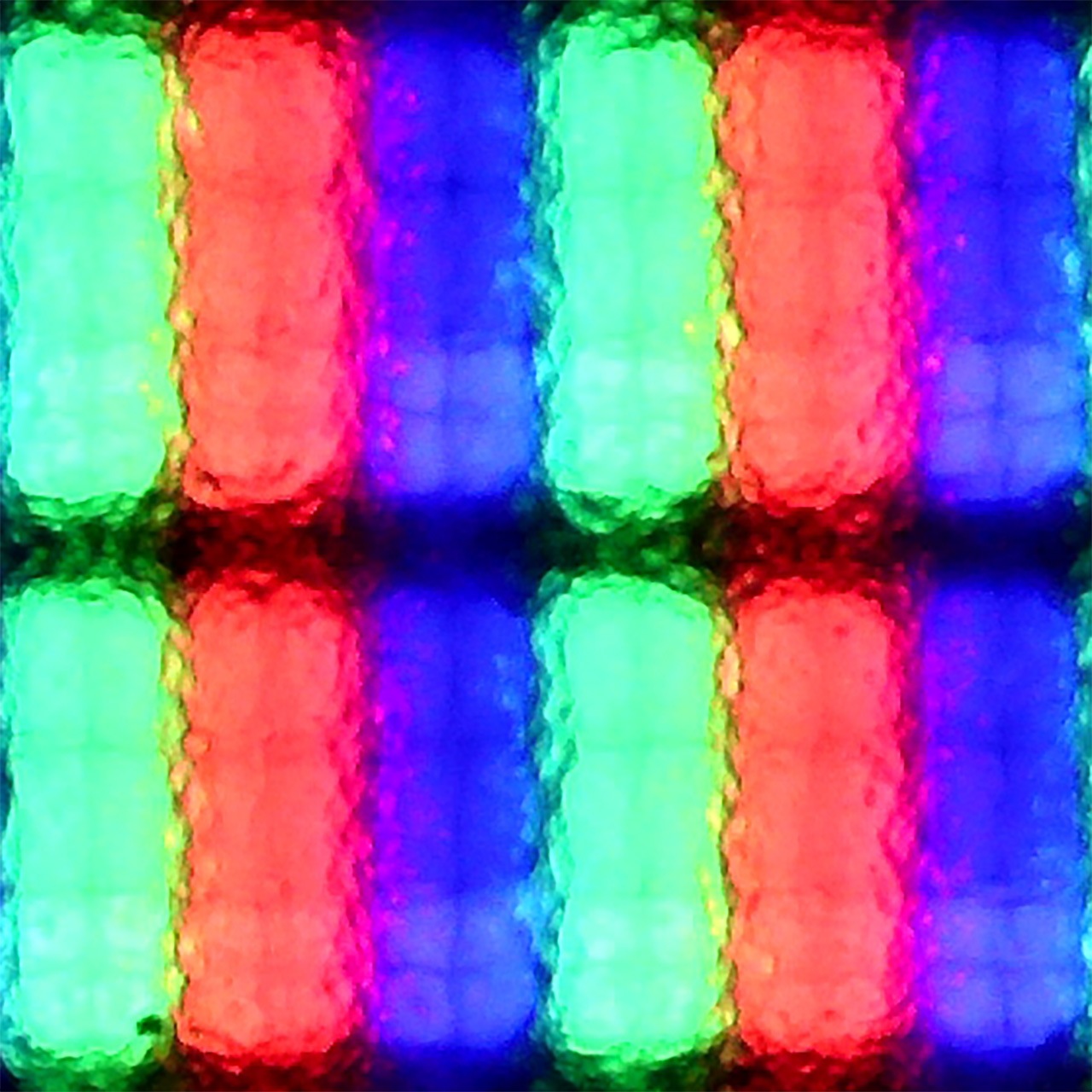
Subpixel Structure:

Panel uniformity and thermal imaging:
TCL C655 Pro
Hisense U7S Pro
TV features
7/10
9.4/10
- SystemGoogle TVVIDAA
- System performanceDecentGood
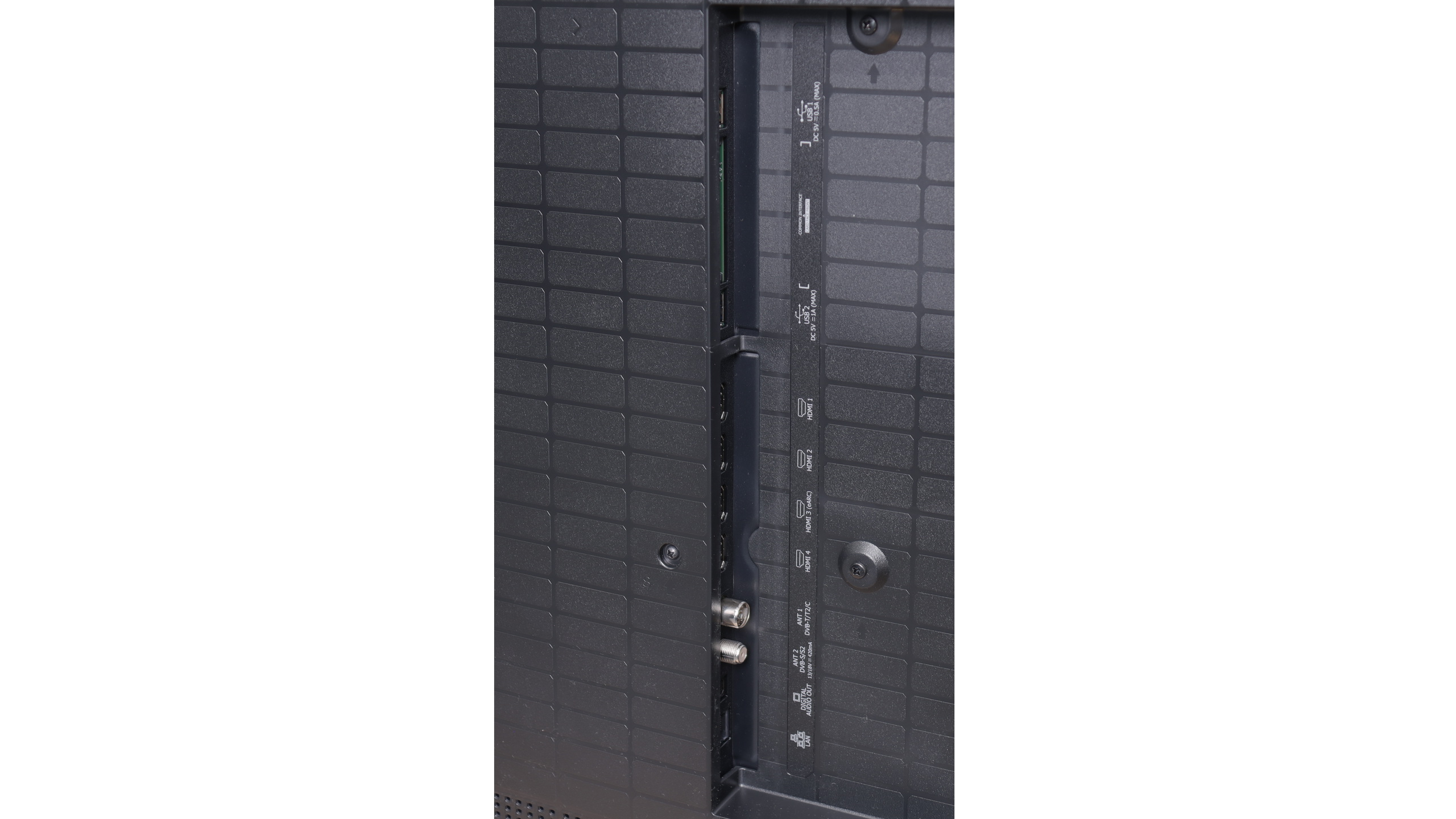
- HDMI inputs4 x HDMI 2.0, 0 x HDMI 2.10 x HDMI 2.0, 4 x HDMI 2.1 48Gbps
- Other inputsRCA (Chinch)
- OutputsToslink (Optical audio), eARC (HDMI), ARC (HDMI)Toslink (Optical audio), eARC (HDMI), ARC (HDMI)
- Network InterfacesWi-Fi 2.4GHz, Wi-Fi 5GHz, Ethernet (LAN) 100MbpsWi-Fi 2.4GHz, Wi-Fi 5GHz, Ethernet (LAN) 100Mbps
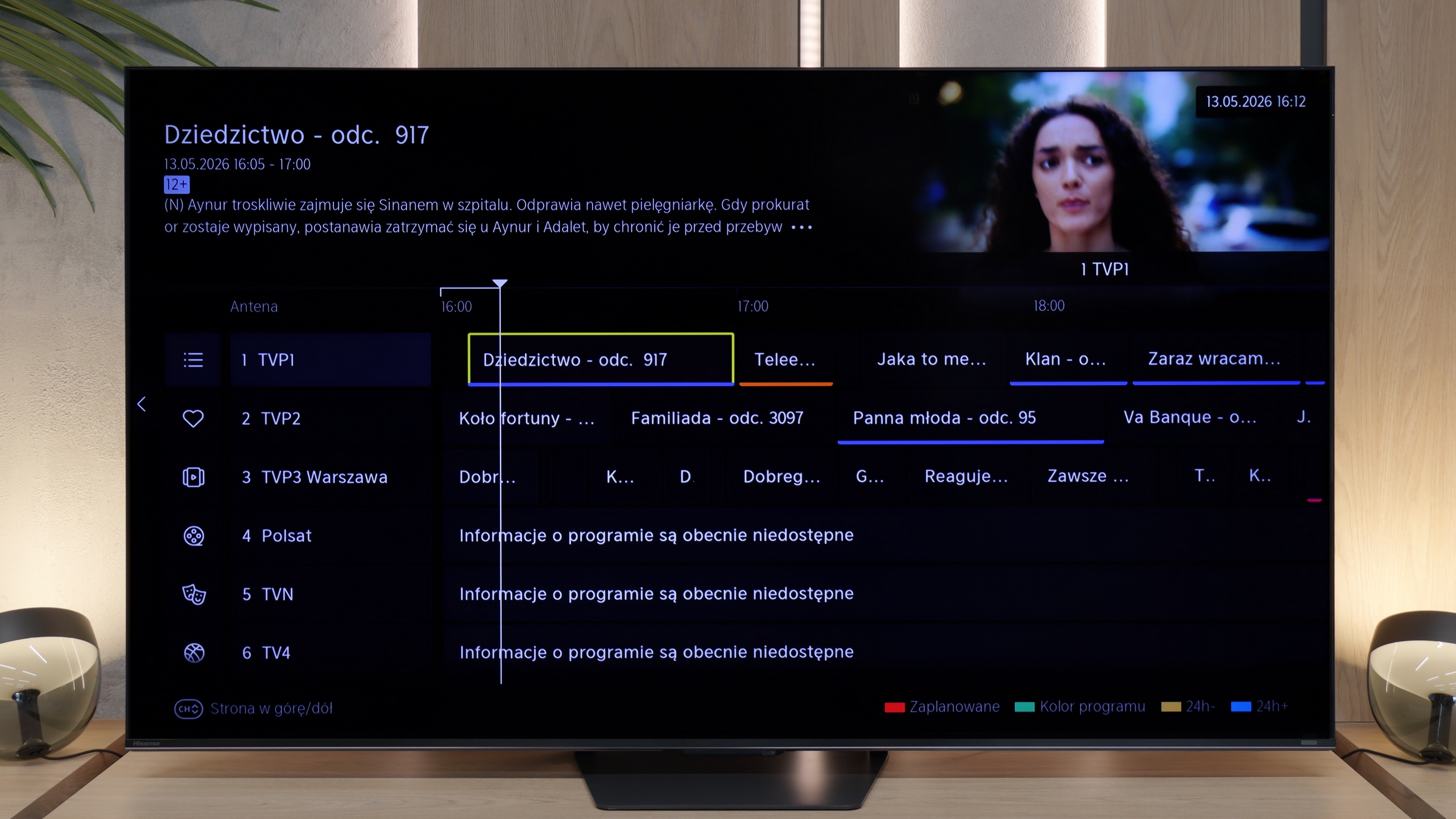
- TV receptionDVB-T, DVB-T2, DVB-S, DVB-S2, DVB-CDVB-T, DVB-T2, DVB-S, DVB-S2, DVB-C
Classic features:
- Recording to USB (terrestrial TV)
- Recording programming
- Picture in Picture (PiP)
- RF remote control (no need to aim)
- Backlit remote control
- Teletext
- Audio only mode
- Bluetooth headphones support
- Simultaneous Bluetooth headphones & TV audio
Smart features:
- AirPlay
- Screen mirroring (Windows Miracast)
- Voice search
- Voice search in native language
- Ability to connect a keyboard and mouse


Sound connection options
- HDMI audioeARC (HDMI), ARC (HDMI)eARC (HDMI), ARC (HDMI)
- Other audio outputsToslink (Optical audio)Toslink (Optical audio)
- Wireless audioBluetoothBluetooth
Supported audio formats (external HDMI eARC audio):
- Dolby Digital Plus 7.1
- Dolby True HD 7.1
- Dolby Atmos in Dolby Digital Plus (JOC)
- Dolby Atmos in Dolby True HD
- DTS:X in DTS-HD MA
- DTS-HD Master Audio
Senior accessibility
- Numeric keyboard on TV
- Font size adjustment
- Audio description
The TCL C655 PRO television operates on Google TV, which is an extension of the popular Android TV. Google TV offers personalised content recommendations based on viewed materials and user preferences, providing easy access to films, series, and applications. With its clear interface, navigation is straightforward, and access to the most popular streaming applications, such as Netflix, YouTube, Prime Video, and Disney+, allows for enjoyment of a wide range of content. The system also supports integration with the Google ecosystem, enabling control of the television using voice commands with Google Assistant and synchronisation with other smart home devices.
TCL C655 PRO offers additional features that enhance user comfort, such as support for Apple AirPlay, allowing for quick content streaming from Apple devices directly to the television screen. Furthermore, the ability to connect peripherals via Bluetooth – e.g. keyboards, mice, or headphones – makes usage even more convenient. Unfortunately, this model does not have the function to record content on USB or the picture-in-picture (PiP) option, which may be a disappointment for those accustomed to these conveniences in traditional television. Nevertheless, the TCL C655 PRO offers many modern solutions that facilitate everyday entertainment.
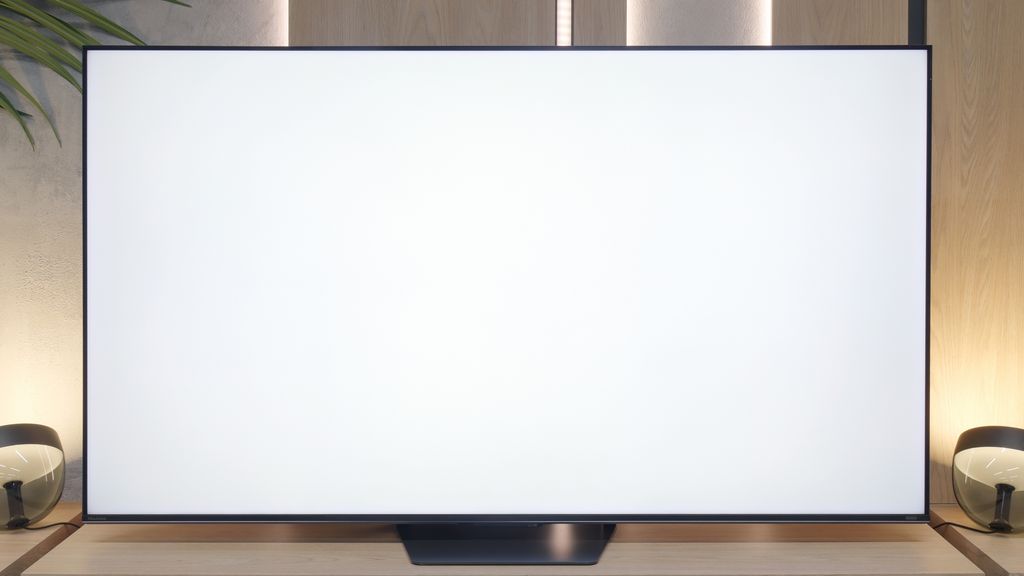
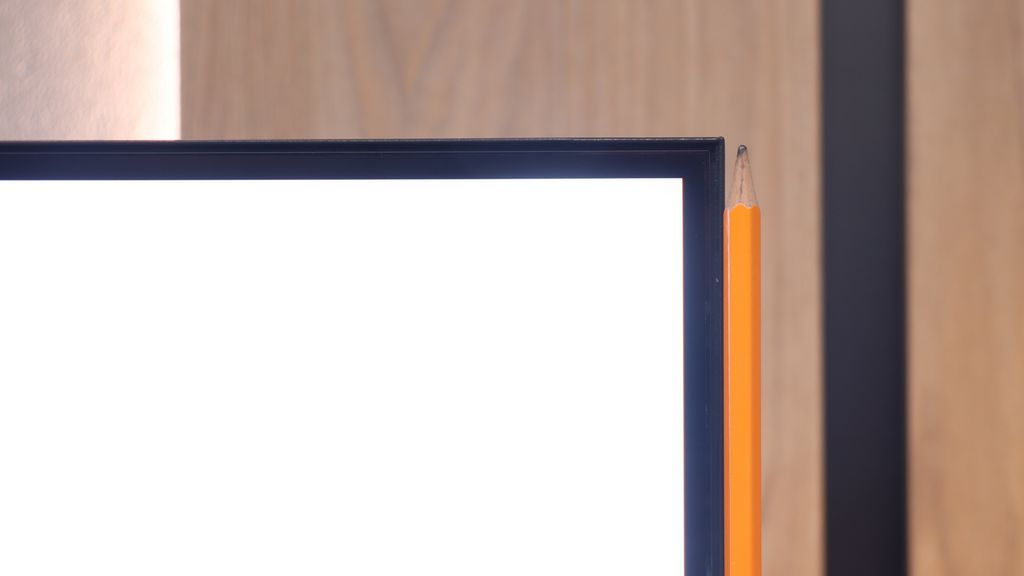
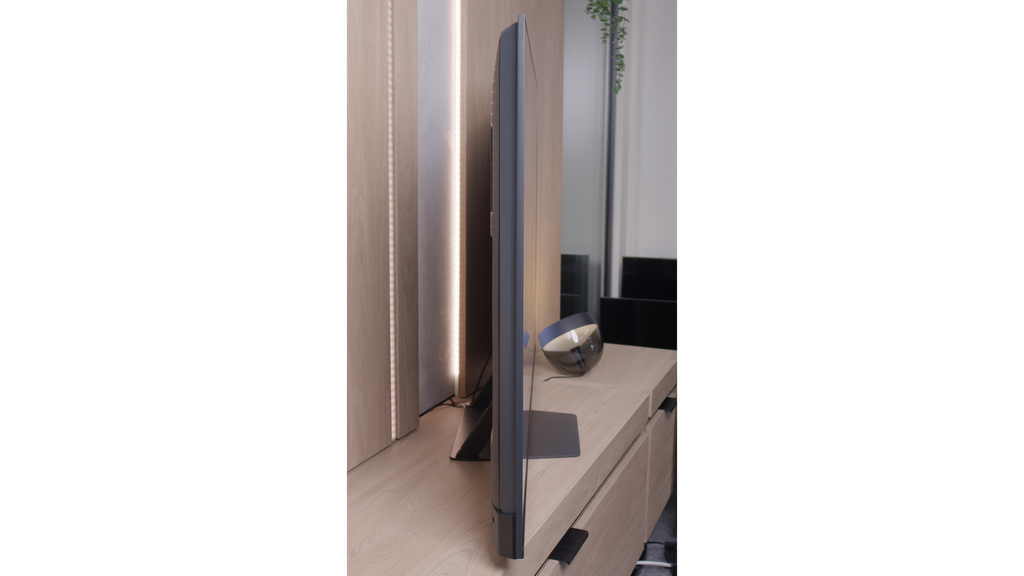
The design of the TCL C655 PRO television looks modern, with elegant and slim metal frames that add solidity and aesthetic appeal to the device. Overall, it looks very good and will certainly fit into most interiors. Although the frames are minimalist, the television itself is not among the thinnest on the market, especially in comparison to Korean competitors who often offer even slimmer designs.
SmartTV: Vidaa / HomeOS
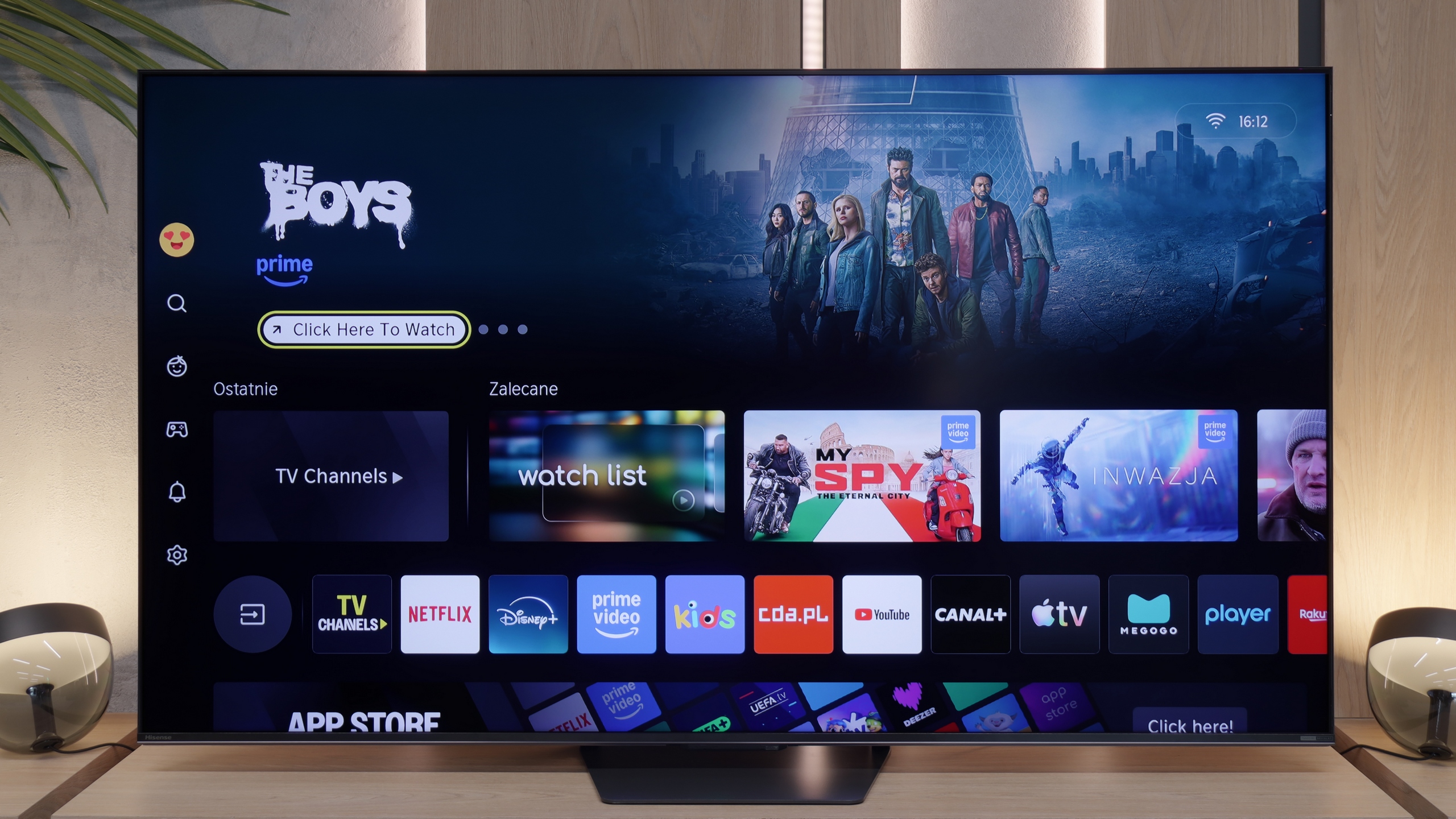
Hisense U7S Pro on our European market traditionally uses its proprietary system. This year, Vidaa underwent rebranding and changed its name to "HomeOS". When it comes to the appearance of the system itself, there are no major revolutions here – instead of purple accents, we simply have yellow ones. The system operates really smoothly and is very responsive. The television supports all typical Smart TV features, such as AirPlay, screen mirroring, and voice search. Interestingly, the new voice assistant is based on artificial intelligence, so its responses are mainly driven by AI. The only criticism that can be directed at the Vidaa system is that it does not offer the broadest library of applications. At least, this is the case as of the time of writing this review in May 2026. (The list of applications is at the bottom).
Television Features
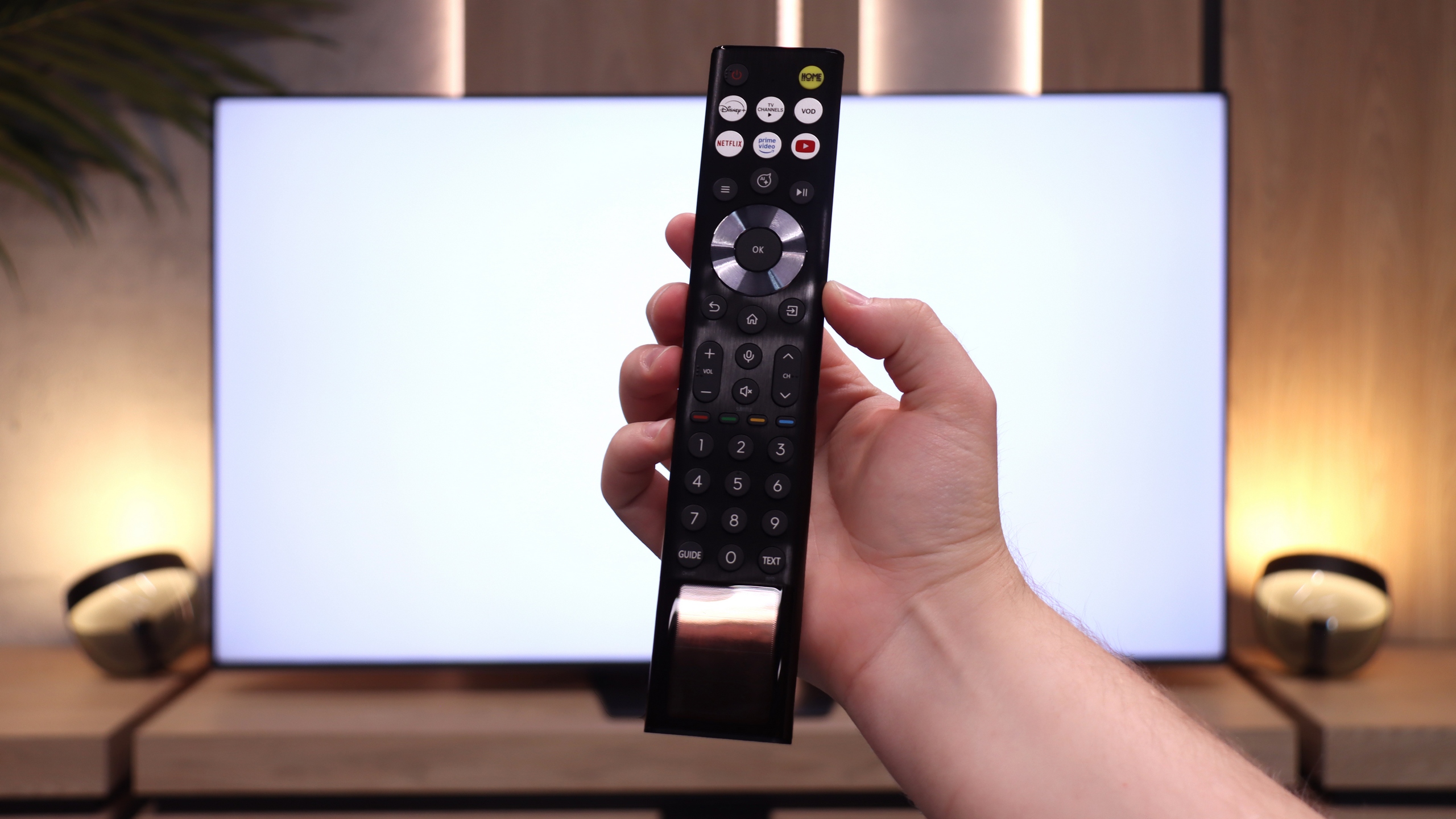
U7S Pro also performs well as a classic television for watching traditional TV, mainly thanks to the remote control with a physical numeric keypad, which we receive in the package. With it, you can easily and quickly enter the number of the station you are interested in. In the evenings, there is no need to click around blindly, as the operational part of the remote is backlit. Additionally, you don't have to worry about batteries – the remote is equipped with a solar panel, and if necessary, it can simply be charged via USB-C port. It is also worth adding that the HomeOS system (i.e., Vidaa) offers the ability to record programmes from the built-in tuner straight onto a connected USB flash drive or hard drive, as well as the option to schedule recordings. This is a significant advantage, as such a feature is already quite rarely encountered today, and it will certainly please those who use antenna TV.
Apps
9.6/10
7.7/10






















Playing files from USB
8.3/10
8.3/10
Supported photo formats:
Maximum photo resolution:

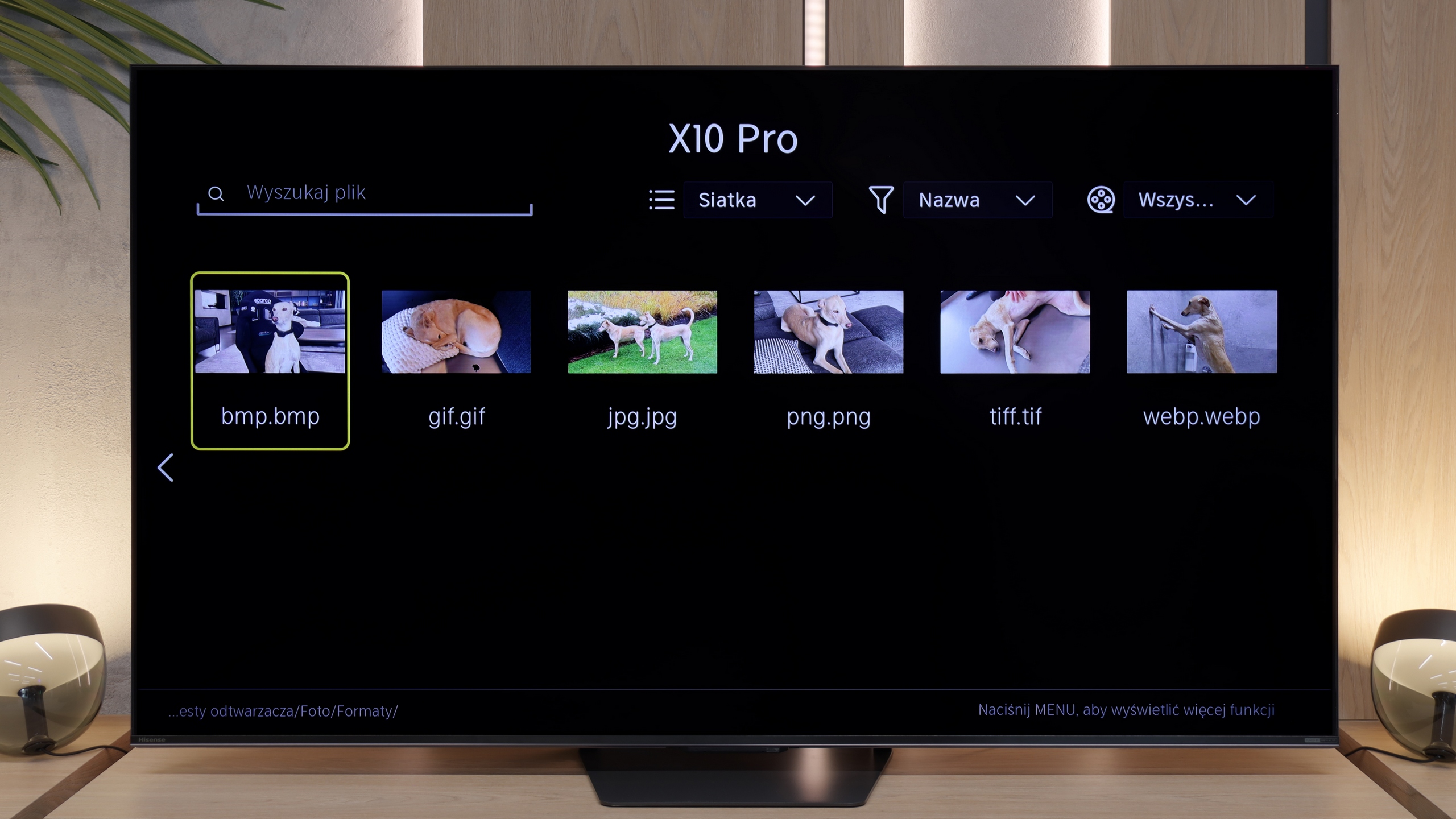
Thanks to the built-in player, the television is capable of playing most file formats found on external storage, making it a versatile tool for consuming multimedia. However, there may be certain limitations in handling some formats, which can be cumbersome for more demanding users. Fortunately, the Google TV system allows for the installation of other media players from Google Play, which helps to eliminate compatibility issues. This way, users have the opportunity to choose applications that best meet their needs, significantly enhancing the functionality of the television.
Playing files from a pendrive on the U7S Pro is not a major issue. The television handles the vast majority of photo, audio, or video files without any fuss. However, we have some reservations about the resolution of supported images – it is quite limited. It's worth keeping this in mind, as during testing, images with resolutions such as 12, 20, or 24 Mpix simply would not play from the built-in player.
Sound
6.6/10
7.8/10
- Maximum volume-85dB
- Dolby Digital Plus 7.1
- Dolby True HD 7.1
- Dolby Atmos in Dolby Digital Plus (JOC)
- Dolby Atmos in Dolby True HD
- DTS:X in DTS-HD MA
- DTS-HD Master Audio
The sound on the TCL C655 PRO television is quite good, thanks to the 2x15W audio system supported by a 20W subwoofer branded by Onkyo. This results in a fuller sound and deeper bass, positively affecting the overall audio quality. However, one should not get overly enthusiastic – the television cannot replace a dedicated soundbar, especially for more demanding users looking for cinema-quality audio.
The sound on the U7S Pro is really good, and certainly above average. Hisense has changed the design of the casing compared to the U7Q Pro model, and now at the back, we find a built-in subwoofer, which is a low-frequency speaker. Thanks to this, the bass is well audible. The Chinese manufacturer has heavily promoted its collaboration this year with engineers from Devialet, who were responsible for the audio tuning in this model. Proof of this is the aforementioned logo on the casing. The only thing we must criticise is the television's performance at full power. At maximum volume (set to 100%), the casing vibrates unpleasantly, and the annoying creaking of plastic is clearly audible. Fortunately, reducing the volume to around 80% completely eliminates this problem.
Sound Quality Test
No sound test video
Acoustic Measurements
No acoustic data
85dBC (Max)
75dBC