TCL C655 / C69B in larger sizes (55"+) is a QLED television from 2024 by a Chinese manufacturer, offered at a very attractive price. This model has many advantages that can satisfy a wide range of users. The first major plus is the Google TV operating system. In the TCL C655 / C69B and beyond, it provides a modern and intuitive interface along with support for voice commands in Polish thanks to Google Assistant. Easy access to popular streaming applications such as Netflix, YouTube, or Prime Video makes daily use of the television particularly convenient. Support for AirPlay and the ability to connect peripheral devices via Bluetooth enhance its versatility. A minor downside may be the lack of recording features and picture-in-picture (PiP), which may disappoint those accustomed to the full functionality of traditional television. Therefore, we recommend connecting an external decoder. As for gamers, the C655 / C69B, despite the lack of support for 4K resolution at 120 Hz, offers quite a lot. The television supports 120 Hz at lower resolutions (1080p and 1440p), so when smoothness of the image is more important than resolution, one can set the console to performance mode. As a gaming television, the C655 / C69B offers features such as ALLM (automatic low latency mode switching) and VRR (variable refresh rate), which provide smooth images and minimise lag. It is also worth mentioning Dolby Vision in game mode with low input lag. The picture quality in the TCL C655 / C69B is also quite good, especially considering its price. The television has a high native contrast due to the VA panel and wide coverage of the DCI-P3 colour palette thanks to quantum dot technology (QLED). Although the lack of local dimming (present in the C655 PRO version) sometimes affects the depth of black, in this price range, this model offers truly solid picture quality that should satisfy most users.
- Matching (Score) |
- Our verdict |
- TV appearance |
- Where to buy |
- Contrast and black detail |
- HDR effect quality |
- Factory color reproduction |
- Color reproduction after calibration |
- Smoothness of tonal transitions |
- Image scaling and smoothness of tonal transitions |
- Blur and motion smoothness |
- Console compatibility and gaming features |
- Input lag |
- Compatibility with PC |
- Viewing angles |
- Daytime performance |
- Panel details |
- TV features |
- Apps |
- Playing files from USB |
- Sound
TCL C655 / C69B (55"-85") vs Philips PUS7000
 Direct comparison
C655 / C69B

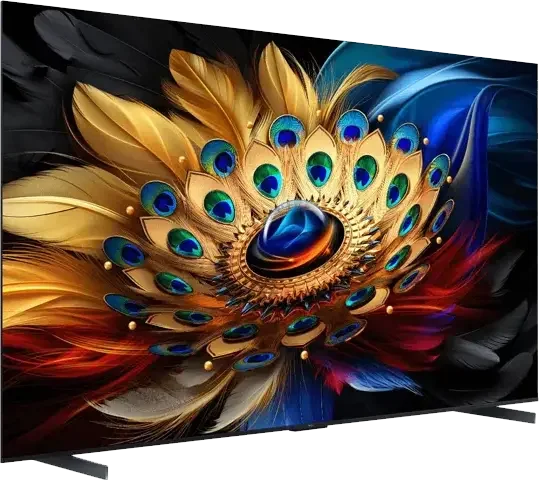
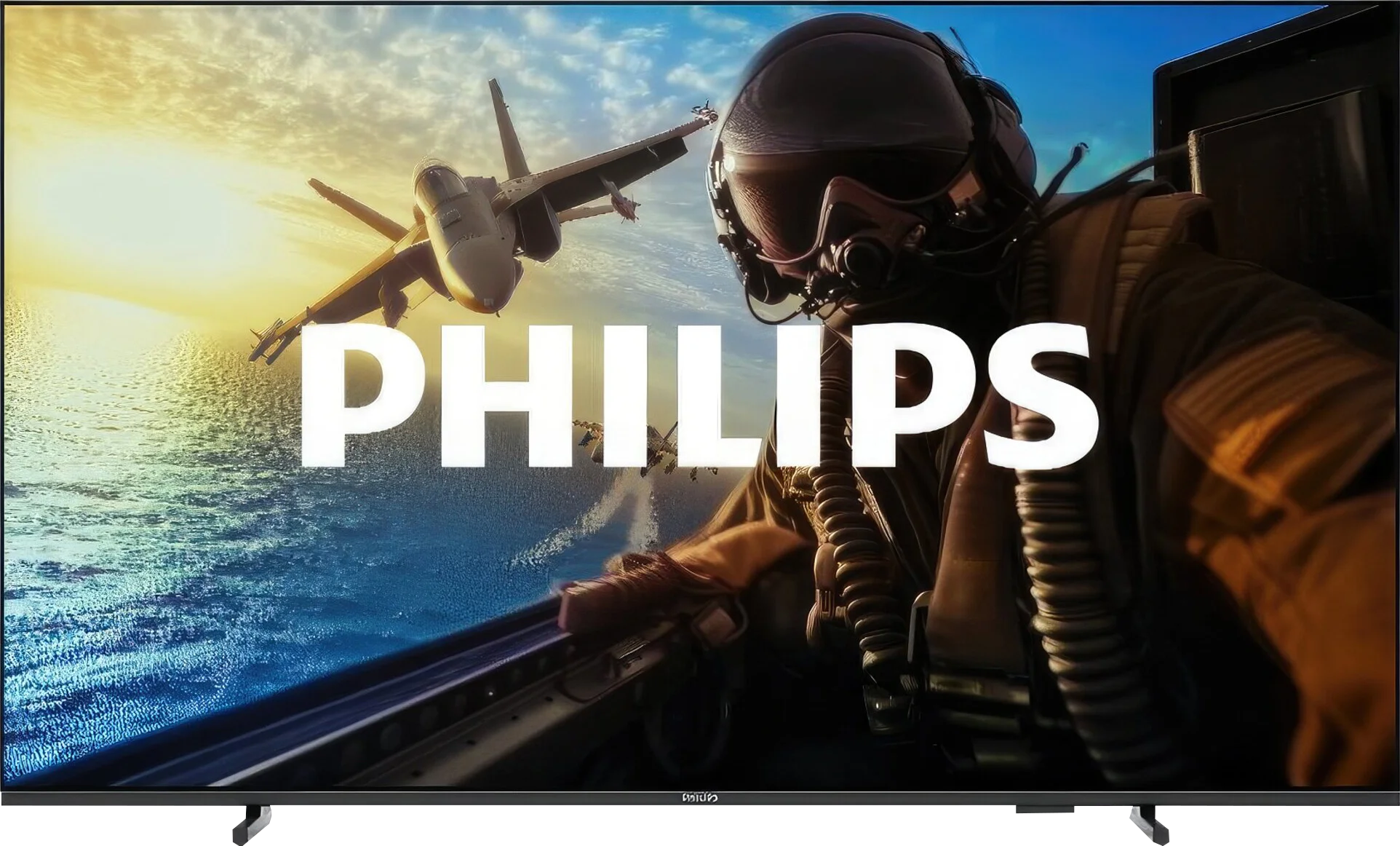
Panel type: LCD VA
Resolution: 3840x2160
System: Google TV
Model year: 2024
Complete the survey to find out the result
Panel type: LCD VA
Resolution: 3840x2160
System: Titan OS
Model year: 2025
Complete the survey to find out the result
Overall rating
6.3
5.3
 Movies and series in UHD quality
 5.7
4.8
 Classic TV, YouTube
 5.6
5.7
 Sports broadcasts (TV and apps)
 5.2
4.9
 Gaming on console
 7.7
6.5
 TV as a computer monitor
 6.0
5.8
 Watching in bright light
 5.6
3.5
 Utility functions
 6.5
5.0
 Apps
Apps 9.6
6.7
 Sound quality
 6.6
5.8
Complete the survey to find out what fits your preferences
Advantages

High brightness of 450 nits
High native contrast
Supports Google TV with access to many streaming applications
Features for gamers, such as ALLM, VRR, and Game Bar, as well as support for Dolby Vision in game mode
Very low input lag, even in Dolby Vision mode (13 ms)
Support for Apple AirPlay and the ability to connect devices via Bluetooth
Relatively low price
120/144Hz and HDMI 2.1 in the 98' variant *
Attractive price
High contrast of the VA panel
Very low input lag
Gaming features – presence of VRR, ALLM, and a dedicated Game Bar
Support for HDR10+
Quite decent image processing (for such a cheap television)
Good readability of fonts – works well as a large monitor
Backlit remote control with a numeric keypad
Disadvantages

Poor viewing angles resulting from the VA matrix – the image loses quality when viewed from the side
No recording function to USB and no picture-in-picture (PiP) option
Very low brightness – 200 nits
No Ambilight
Absence of any smoothness-enhancing features makes the image very "raw"
Titan OS system – the interface works slowly, and it lacks many popular applications
The remote works on infrared
Our verdict
If you are looking for a specific reason to buy the Philips PUS7000, it’s really just the price. This is a model that is primarily meant to be cheap, and it accomplishes that role perfectly. It could be a decent choice for someone who is still using an old Full HD screen and wants to finally upgrade to 4K without emptying their wallet. Interestingly, even though this is a "budget model at 60 Hz", Philips has not forgotten about gamers. We get VRR and ALLM, which, when connected to a console, really improves the experience and makes everything quite responsive. But... there’s the catch. The biggest issue with this television is its brightness, or rather the lack of it. 200 nits is a figure that makes the PUS7000 simply capitulate on a sunny day. The picture will be pale and unclear, despite having a high-contrast VA panel. HDR here is essentially just a label on the box. With such a dark panel, HDR content looks artificial and simply lacks the necessary punch, so it’s better to forget about it and stick with regular SDR. Is it worth buying? At this price, every manufacturer makes similar compromises, so the PUS7000 does not drastically lag behind other cheap screens. The question is whether you will get along with the Titan OS system, which is currently a bit raw and lacks many apps that are standard at the competition. With today’s prices, where Chinese brands like TCL and Hisense are churning out QLEDs and Mini-LEDs aplenty, the Philips PUS7000 is in for a really tough battle. If you value a known brand logo and a low price: you can go for it. However, if you’re looking for picture quality... it’s better to double-check your budget before making a purchase.
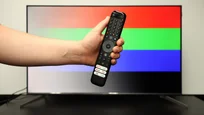
TV appearance


Contrast and black detail
6.1/10
5.9/10
Local dimming function: No
Local dimming function: No
Contrast:


Result
6,850:1

Result
6,750:1

Result
6,350:1

Result
6,750:1

Result
4,800:1
Result
5,950:1
Result
4,950:1
Result
5,500:1
Result
5,550:1
Result
5,150:1
Halo effect and black detail visibility:
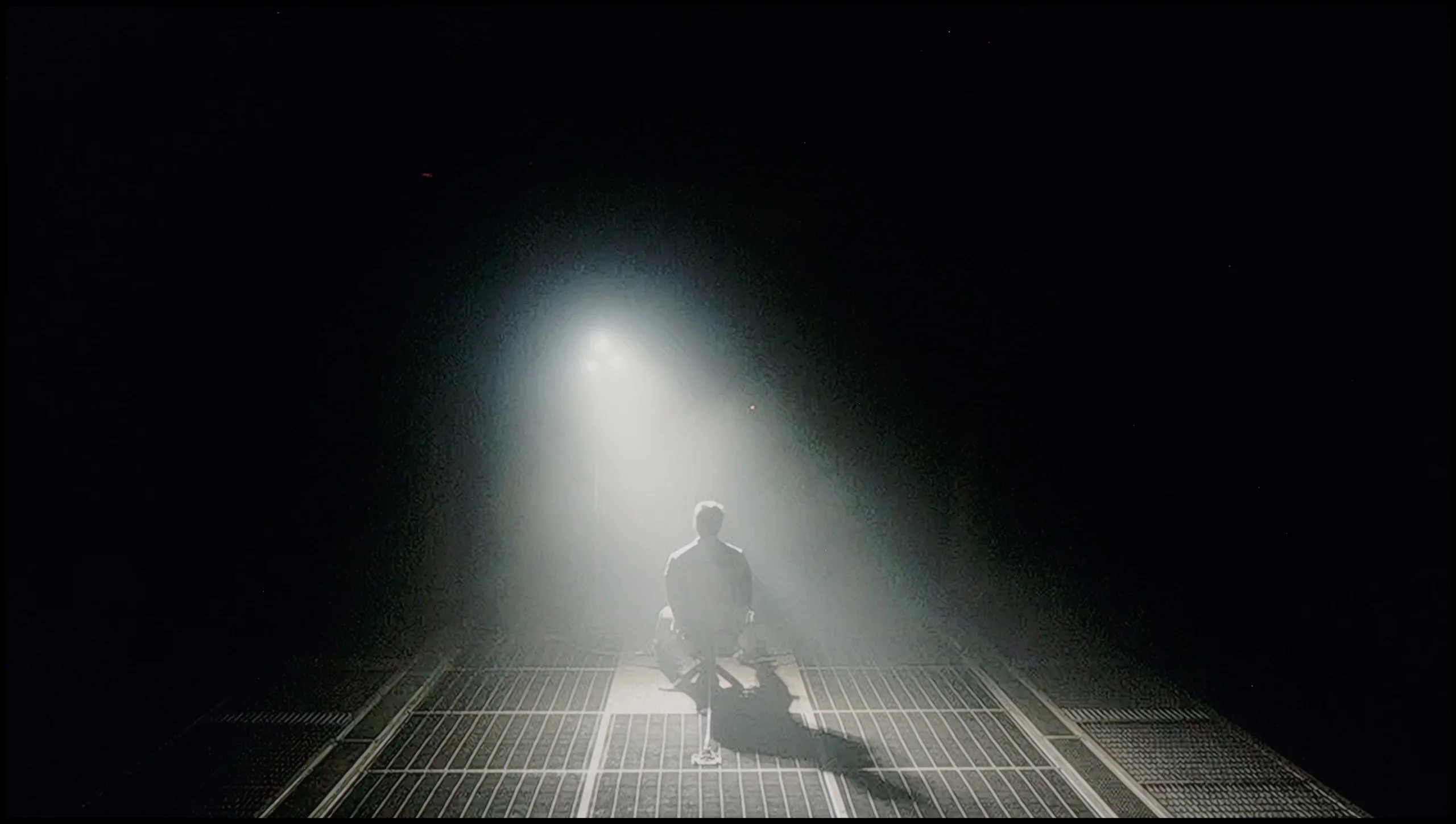
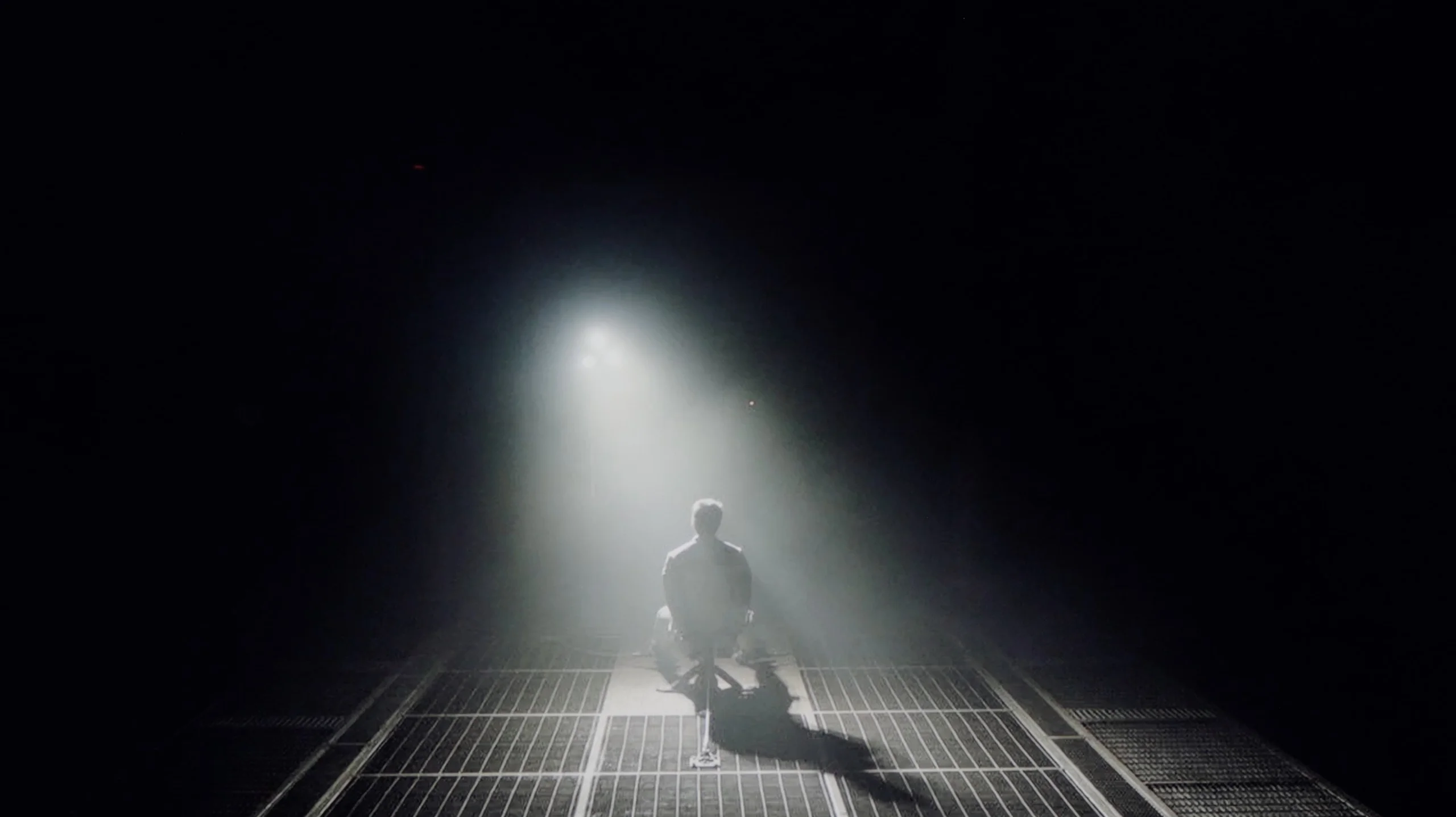
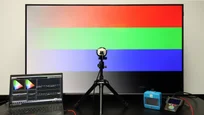
Check the visibility of bright lights on a dark background. Mini-LEDs often struggle with this. The photo does not compare black levels – that’s what the video below is for.
The video accurately shows differences in contrast and black levels between TVs, as well as potential issues: halo around bright objects or Mini-LED zone operation visible as brightness jumps.
The television TCL C655 / C69B is equipped with a VA panel, which offers above-average contrast, resulting in noticeably better black quality and image depth compared to IPS panels. However, the lack of local dimming technology, which is available in the model with the "Pro" suffix, negatively affects the quality of black levels. In certain scenes, such as in the film "Sicario 2", one can notice that black takes on a navy hue, thereby reducing the sense of immersion. Overall, the black levels are decent, but they could be better if the television were equipped with local dimming technology.
The model PUS7000 tested by us in the size of 55 inches has been equipped with a VA panel. This is of great importance for the quality of black, as in such budget constructions we will not find local dimming systems that could assist the screen in dark scenes. All the work thus rests on the panel itself, which, thanks to its characteristics, offers decent contrast at the level of 6000:1. In practice, this translates to significantly better experiences during evening viewing than in the case of competing televisions with IPS panels. The black here is better separated from bright elements, which means that dark parts of the image do not appear washed out, and details in the shadows remain visible. It is worth adding, however, that with the lights completely off, the black may slightly take on shades of navy blue and will not be as perfectly "pitch black" as in more expensive models. To mitigate this effect and improve the perception of depth, it is advisable to consider watching the television with light, additional lighting in the room. Usually, this issue was somewhat resolved by the well-known Ambilight system from Philips televisions, which optically increases contrast through a glow on the wall. Unfortunately, in the PUS7000 model, the manufacturer decided to look for savings, so we will not find this backlighting system here, which is standard in higher series, such as the PUS8000.
HDR effect quality
5.2/10
3.3/10
Luminance measurements in HDR:

Result
364 nit

Result
416 nit

Result
484 nit

Result
400 nit

Result
450 nit
Result
193 nit
Result
202 nit
Result
197 nit
Result
209 nit
Result
230 nit
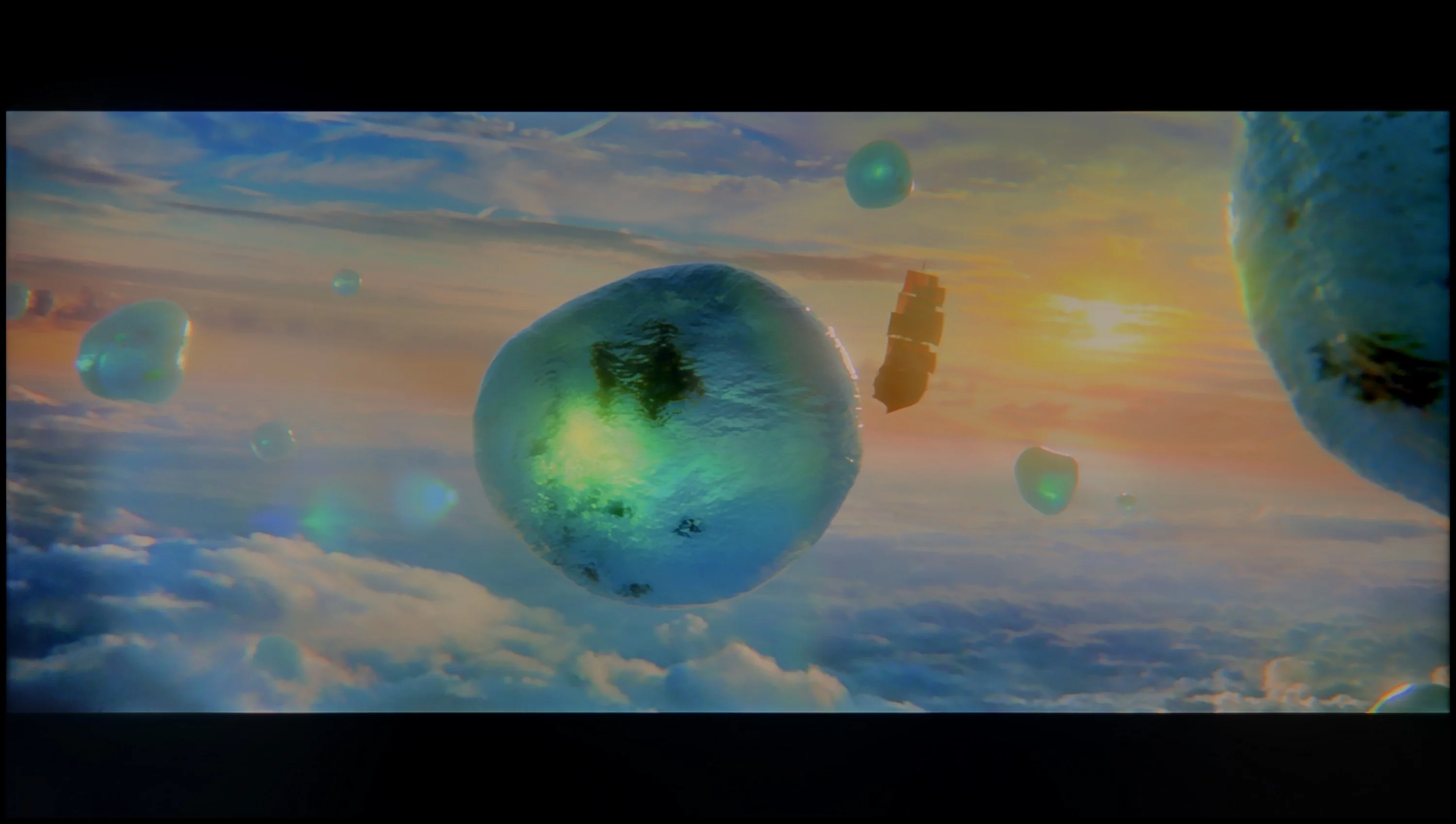
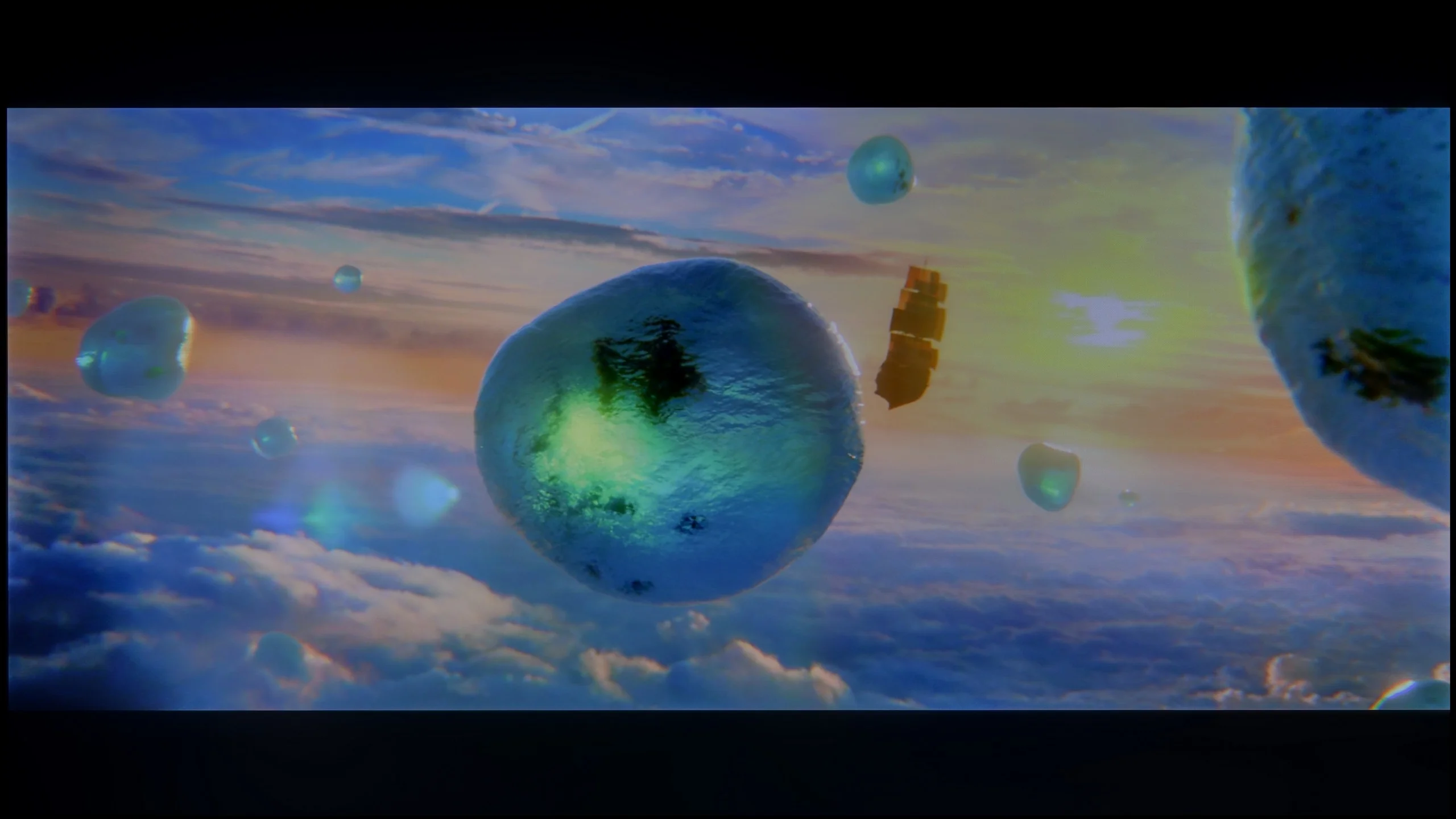
Scene from the movie “Pan” (about 2800 nits)
Scene from the movie “Billy Lynn” (about 1100 nits)
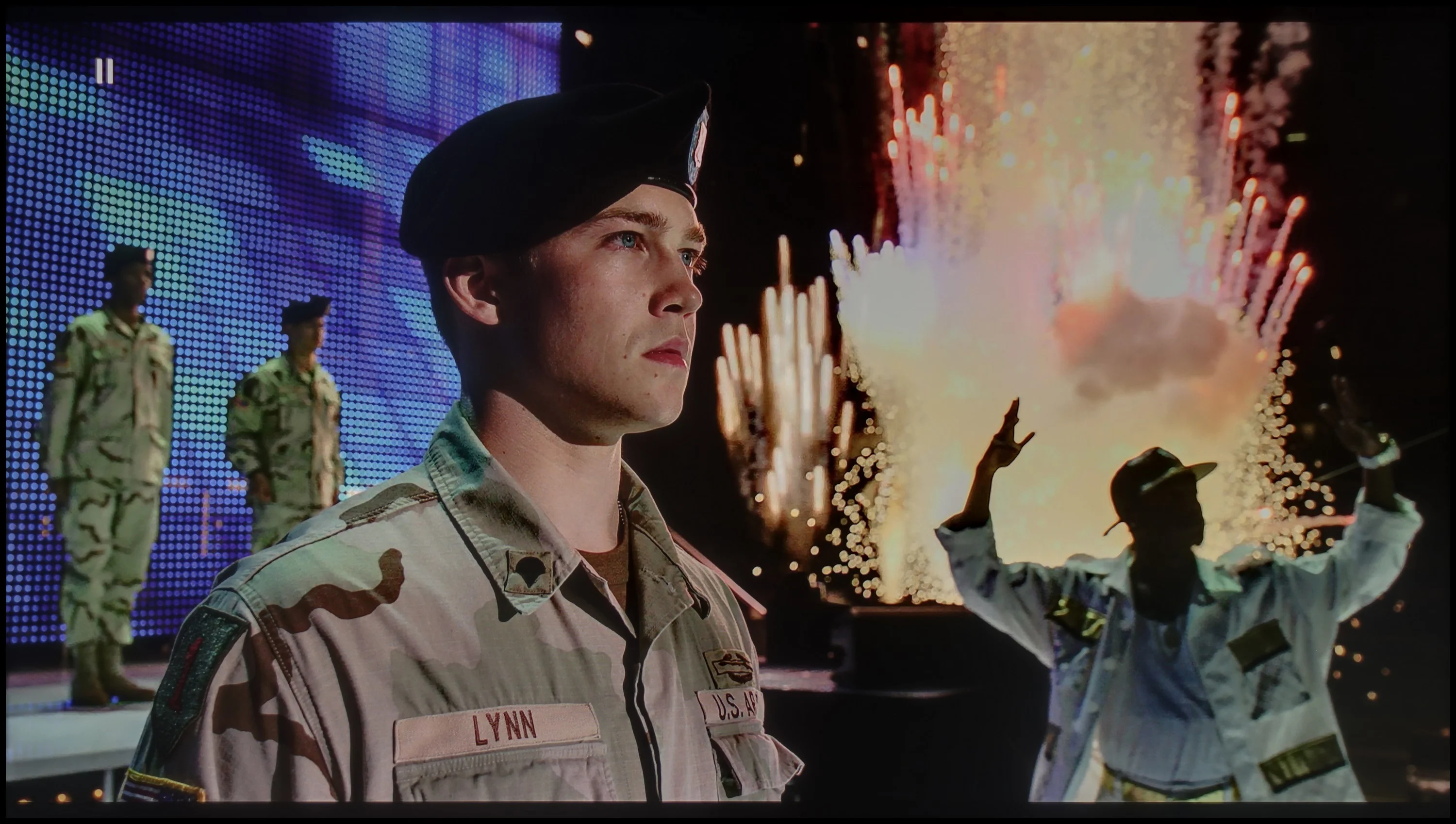
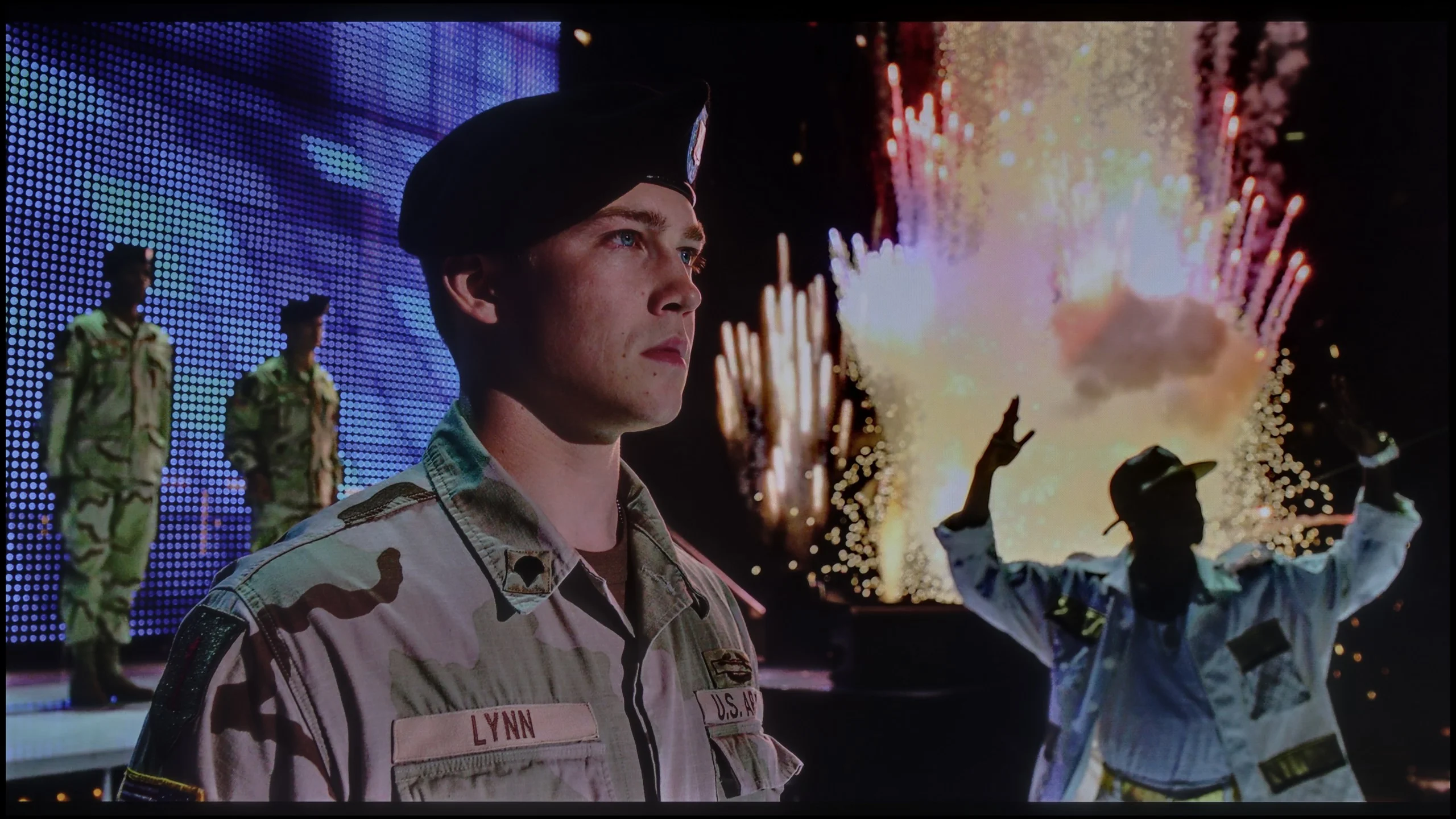
The photos show two HDR10 movies. 'Pan' is one of the brightest productions ever made, while 'Billy Lynn' (soldier) has brightness typical of streaming (Netflix, Prime, HBO MAX). Notice the intensity of effects and detail in whites.
Static HDR10


The photos present the visibility of white details in various HDR formats. They do not show brightness differences between TVs (these can be compared in the previous gallery).
Dynamic: Dolby Vision
Dynamic: HDR10+


The photos present the visibility of white details in various HDR formats. They do not show brightness differences between TVs (these can be compared in the previous gallery).
HDR luminance chart:
Philips PUS7000
TCL C655 / C69B (55"-85")
Generally speaking, the quality of the HDR effect on the TCL C655 / C69B looks quite promising. The average value in the test charts is around 450 nits, which already allows one to feel the light effects and better image dynamics. However, as previously mentioned, this effect may be partially subdued by slight differences in bright and dark colours, resulting from the lack of local dimming technology. However, the coverage of the DCI-P3 colour palette at 94% deserves high praise, and this is made possible by the use of a quantum dot (QLED) matrix. As a result, colours are vivid and accurately represented when watching HDR content.
Unfortunately, the PUS7000 is not suitable for watching HDR content. The screen is simply too dark. A brightness level of 200 nits is insufficient to properly display such a format. Even if a HDR signal message appears on the screen, the image will resemble a standard SDR recording. Therefore, it is better to stick with the latter format to avoid errors in displaying bright scenes, as discussed below. The situation is not improved by the fact that this is a classic LCD model without additional layers enhancing colours, such as QLED or PFS. As a result, colours in HDR may appear washed out. Ultimately, this gives a worse effect than in the standard SDR format, which is simply better suited to the capabilities of this panel.
Factory color reproduction
4.2/10
5.3/10
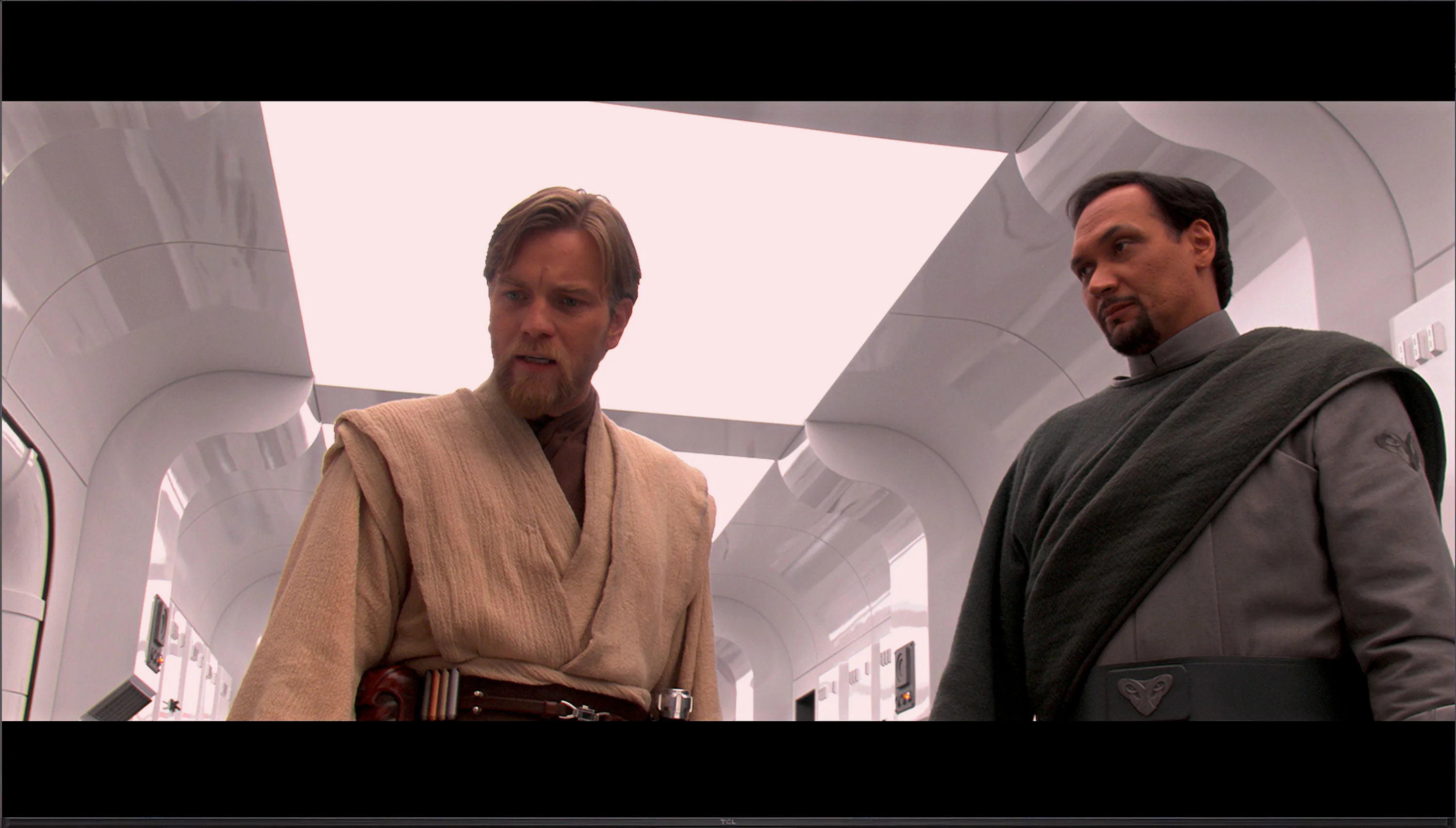
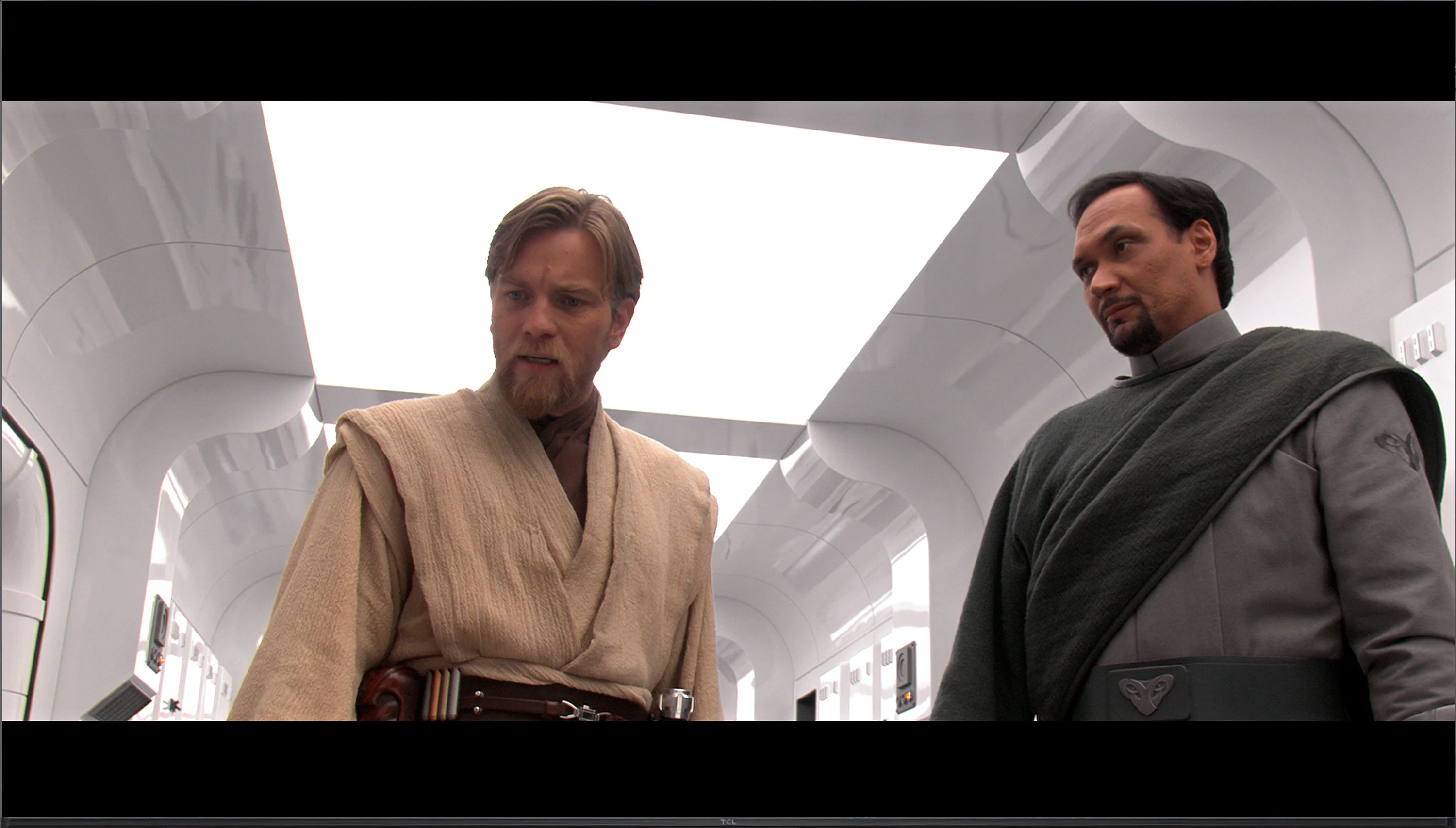
This gallery shows how colors change after professional TV calibration. If you notice the difference, we recommend ordering this service at SkalibrujTV.com.
Factory Mode
After calibration
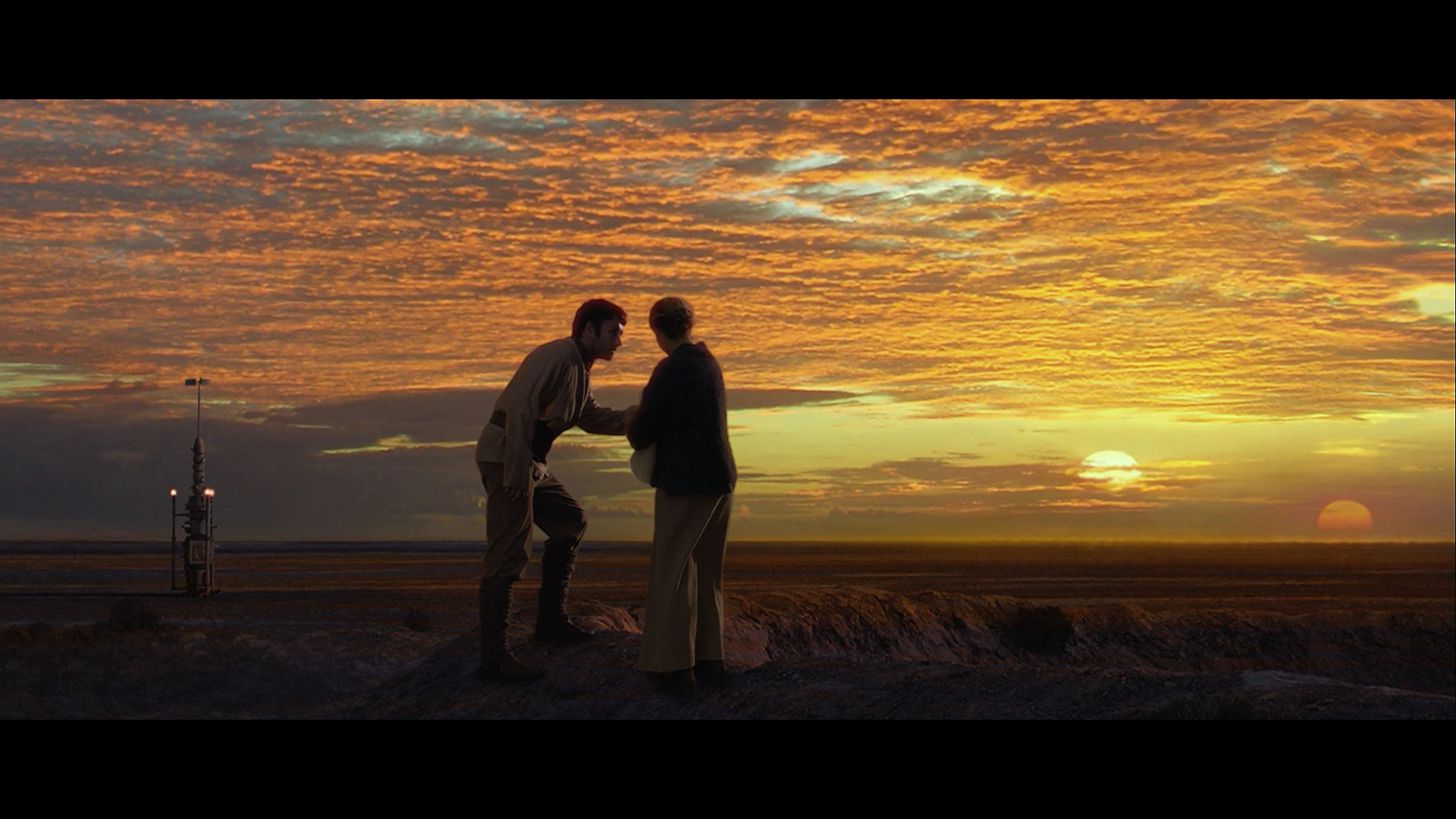
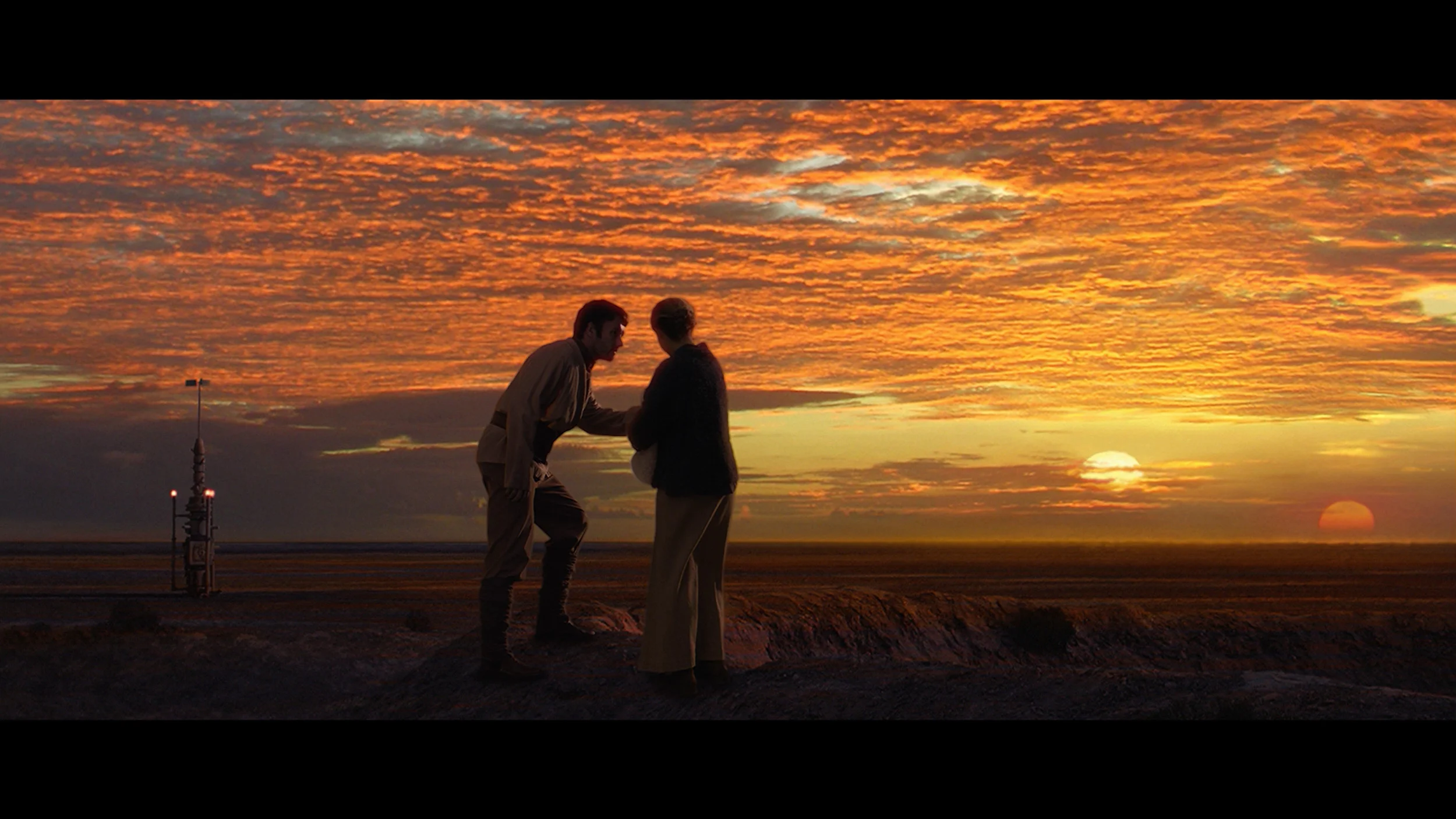
This gallery shows how colors change after professional TV calibration. If you notice the difference, we recommend ordering this service at SkalibrujTV.com.
Factory Mode
After calibration
The television TCL C655 / C69B offers a film mode that has been tested for colour reproduction quality. Although this mode is called film mode, it unfortunately has several errors that a director would surely not want to see when recording their work. Starting with image analysis, it is worth examining the white balance – both in HD and 4K HDR content, the white balance has significant errors. In both cases, the red colour dominates, causing the colours to be too warm, and the overall result takes on a pink or yellow tint. This can be seen in the image below from the film "Star Wars". The Colour Checker test confirms these errors – the colour samples veer into incorrect shades, affecting the overall colour fidelity. A less significant issue is the brightness characteristic. However, this is also not without its flaws. The gamma graph shows a strong peak at the beginning, causing the image to be excessively brightened, and the EOTF curve responsible for brightness in 4K HDR material also has substantial fluctuations – it is noticeable how the television tries to maintain the appropriate brightness, but it does not always succeed effectively.
We tested the television in movie mode, which theoretically should provide the best and most natural colours. And indeed, this mode is quite correct; however, after connecting the calibration equipment, its biggest flaw came to light. The PUS7000 has significant shortcomings in displaying red. Poorly tuned white balance and overly low saturation of this colour cause the image to appear too cool. As a result, one may get the impression that the displayed content is simply lacking in vibrant colours. The situation is worsened by the fact that both SDR and HDR content are excessively brightened. This is confirmed by the gamma curve and EOTF graphs, which show that the television displays the image brighter than it should. This causes scenes to lose their depth and may appear somewhat washed out. Fortunately, in the Philips menu, we find quite a few functions to improve these aspects, so we immediately proceeded to calibration to see what could be squeezed out of this screen.
Color reproduction after calibration
8/10
7/10
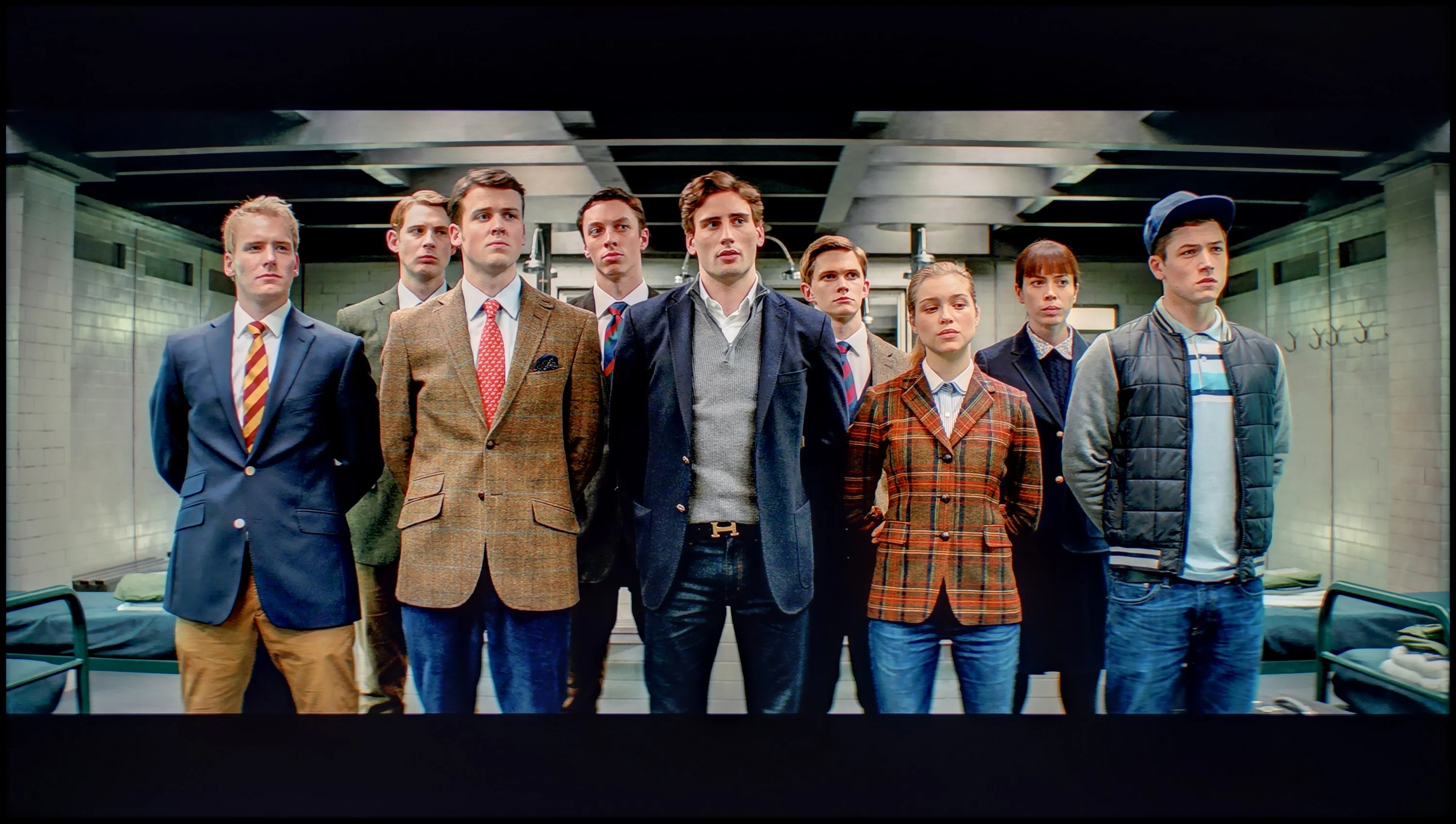
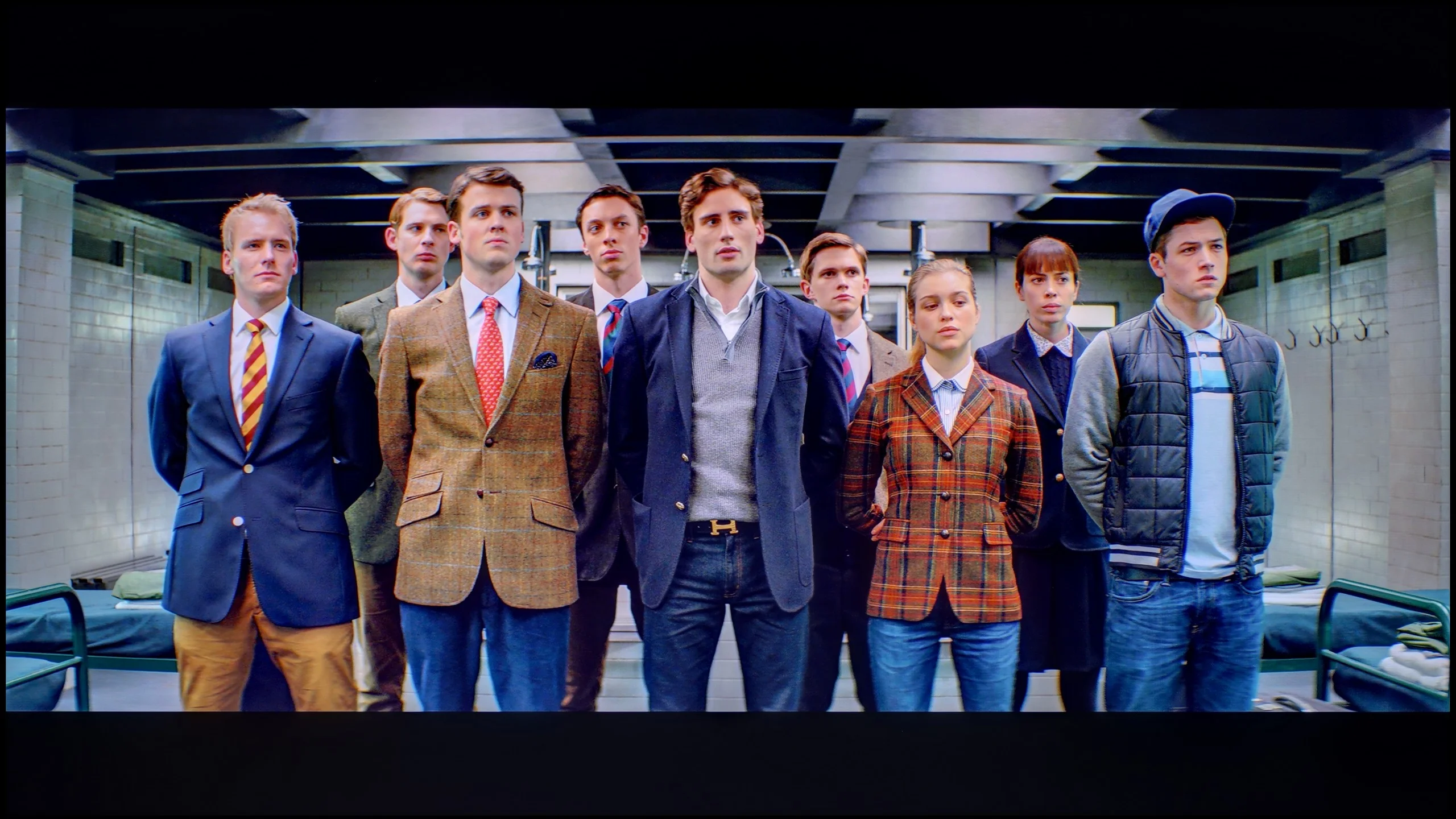
The photos show how movies look on the TV. Pay attention to black detail visibility, colors, and shadow tint.
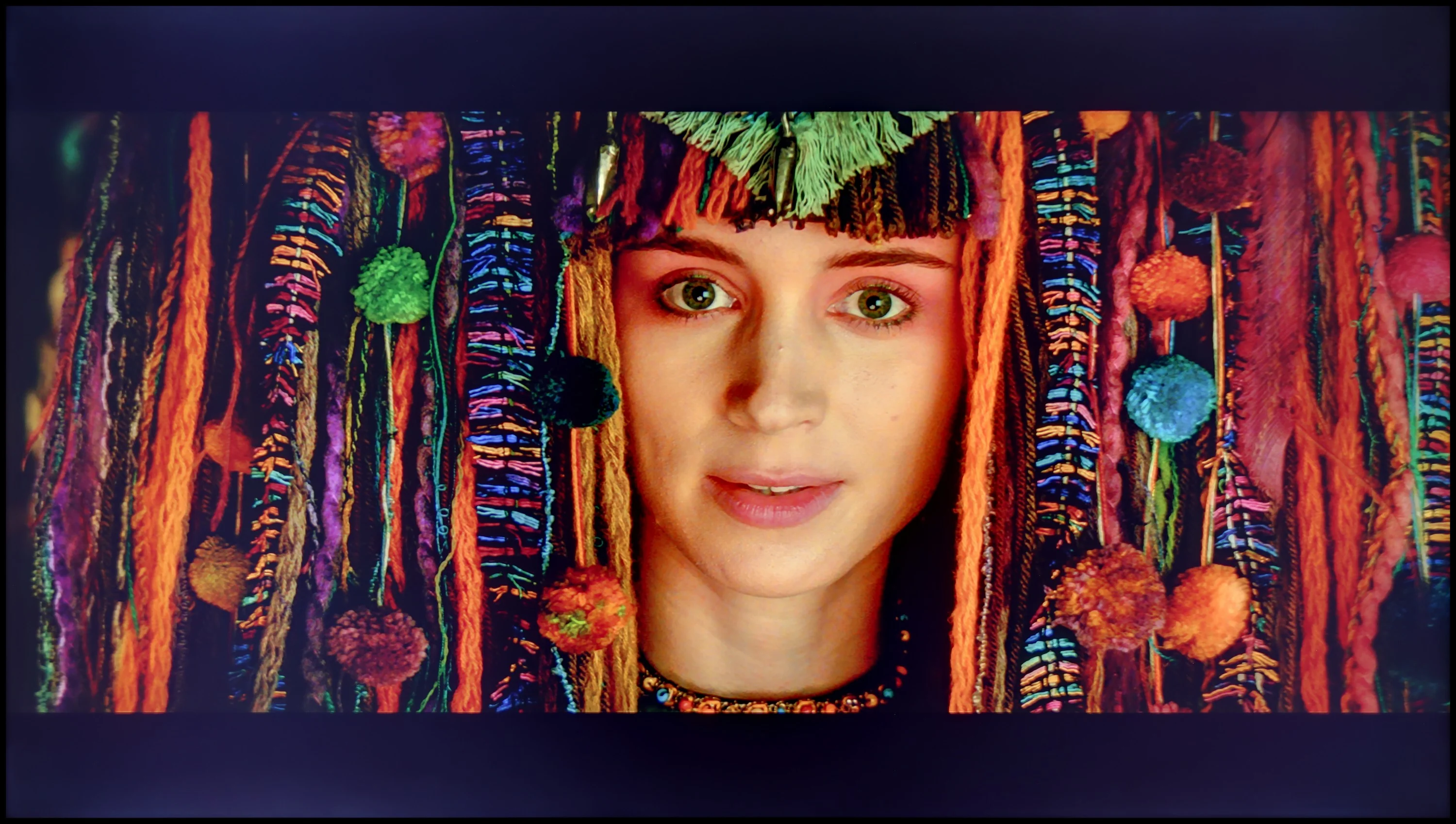

The photos show how movies look on the TV. Pay attention to black detail visibility, colors, and shadow tint.
After calibrating the television's film mode TCL C655 / C69B , the white balance has been adjusted, and the colours are presented as they should be – confirmed only by slight deviations in the Colour Checker test. The gamma is really quite accurate, which means the television should not have issues with brightness in low-resolution materials. Unfortunately, a similar EOTF characteristic is still visible, which is a natural phenomenon in televisions that do not have local dimming – they simply struggle to "shine" more in a given area of the screen. Despite this inherent limitation that cannot be bypassed, we recommend adjustment in the settings, as the overall colour presentation looks really very good.
After professional calibration, it is evident that the PUS7000 responds well to image adjustments. In this price range, this is not at all a given. The effects should be evaluated in two scenarios, depending on what content we plan to watch. SDR performs the best. After our adjustments, the picture looks really good. Most colour errors have fallen below level 3, which is the threshold at which distortions usually begin to be visible to the naked eye in measurements. Films, series, sports, and regular television look natural, without unpleasant deviations. If someone mainly watches classic channels or streams in HD quality, the difference after calibration will be noticeable immediately. However, it must be clearly stated that the PUS7000 is still not a television suited for reasonable HDR, and calibration changes very little in this regard. The reason lies in the hardware: the colours remain too unsaturated. The television lacks solutions to expand the colour gamut, such as PFS filters or a quantum dot layer, so the panel simply cannot display the intense colours required by HDR. This is most apparent in reds, which still look pale. This limitation cannot be bypassed with menu settings, as it stems from the design of the backlighting and the panel itself.
Smoothness of tonal transitions
4.5/10
6/10
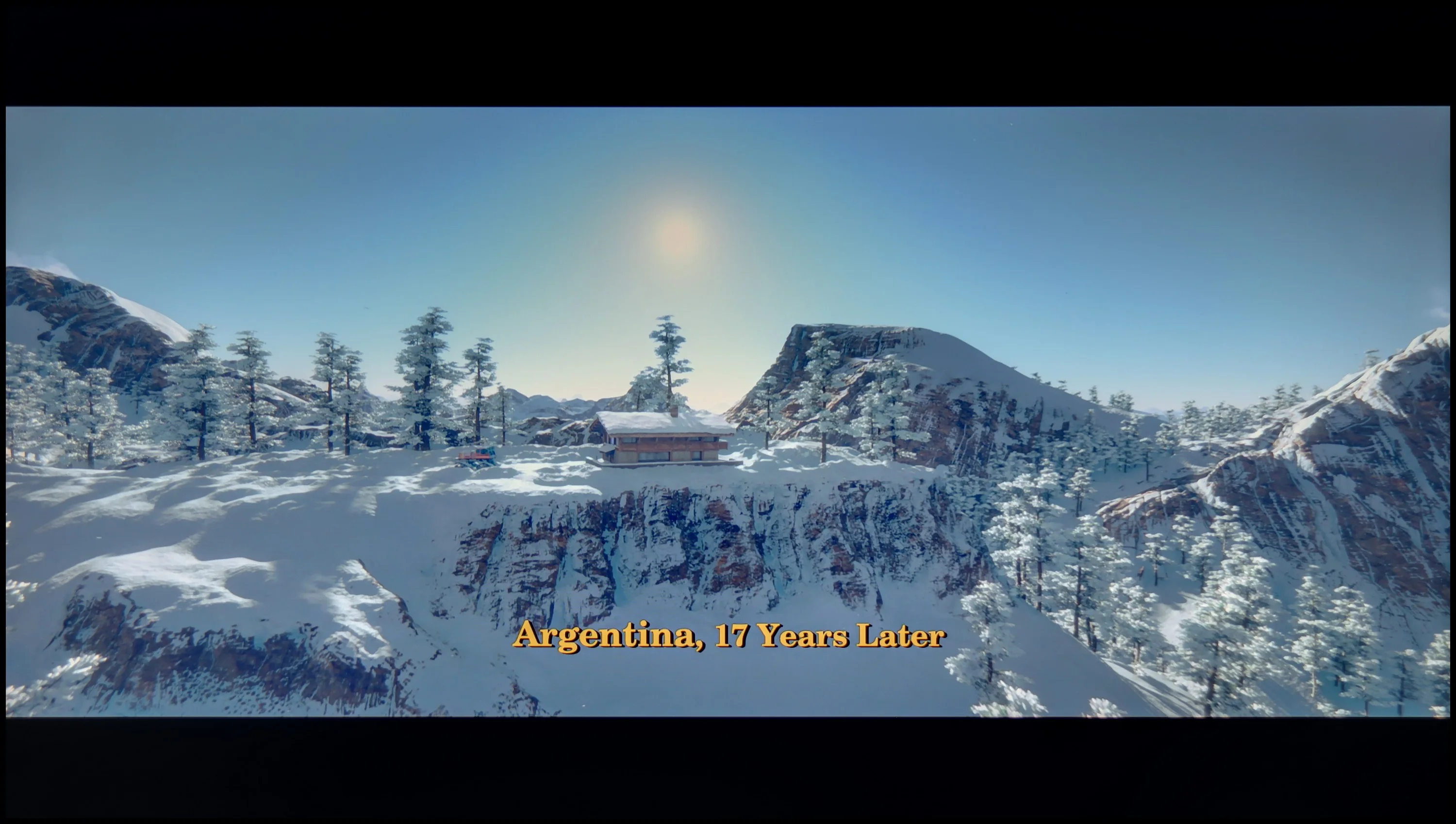

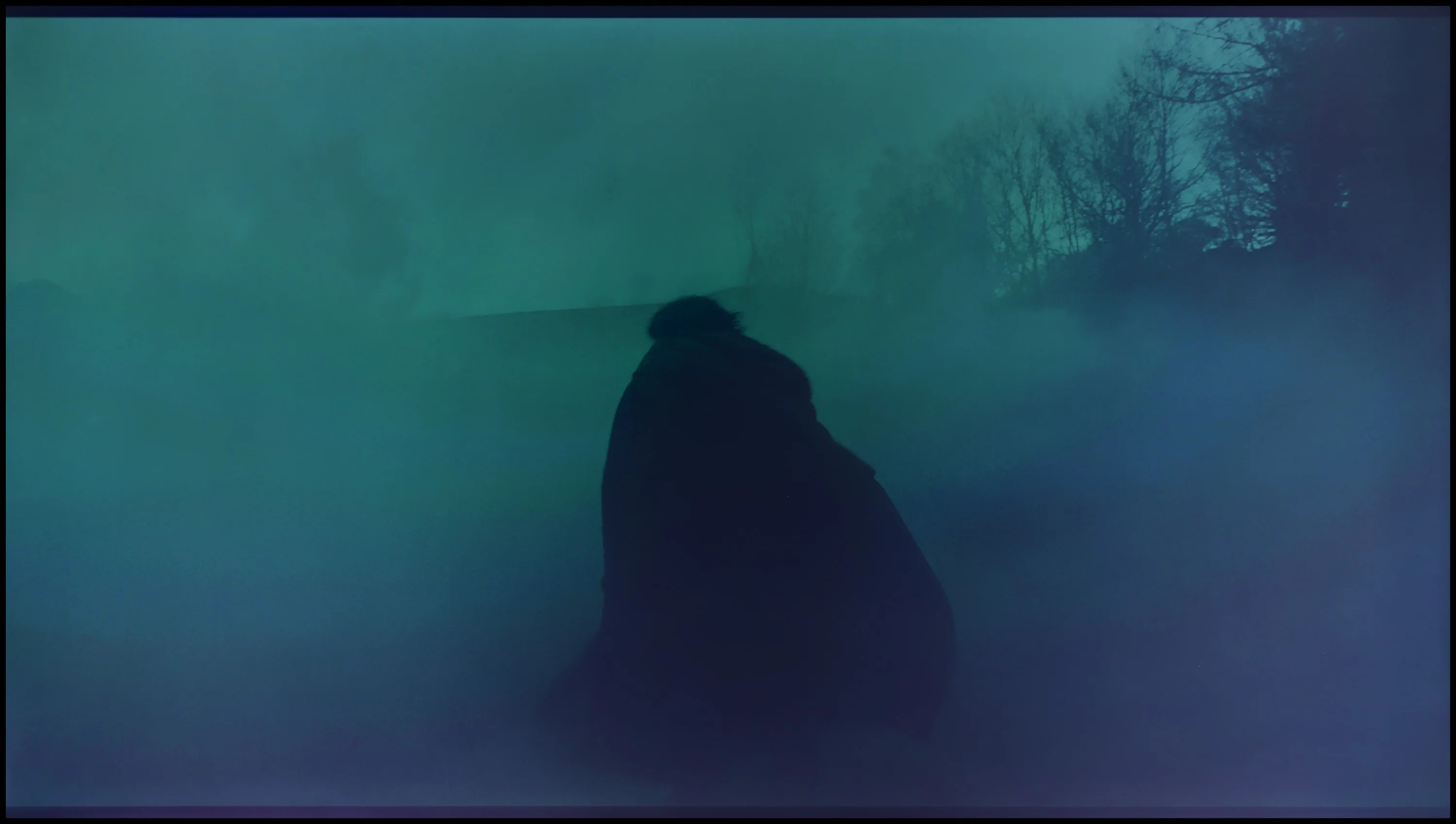
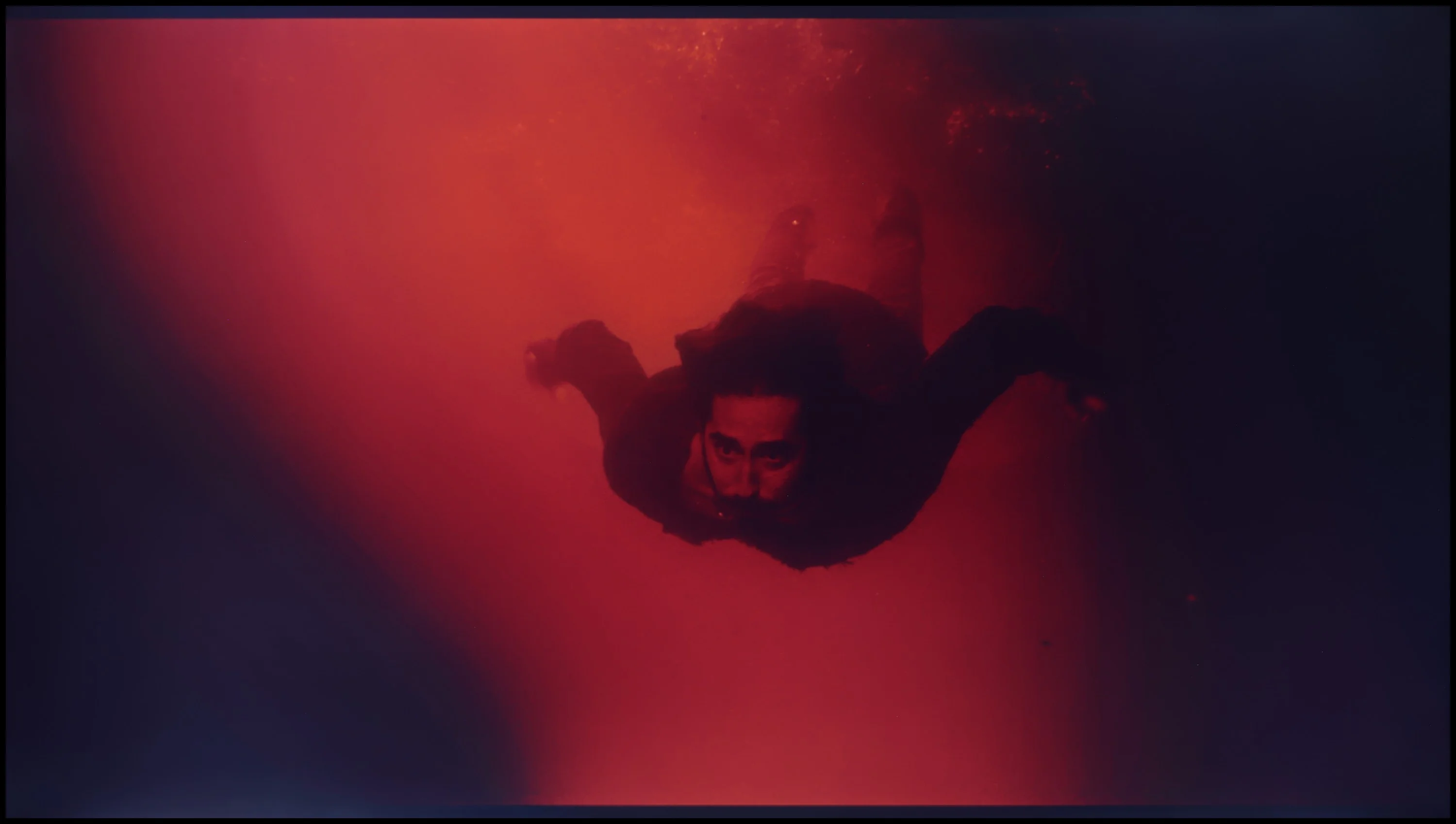
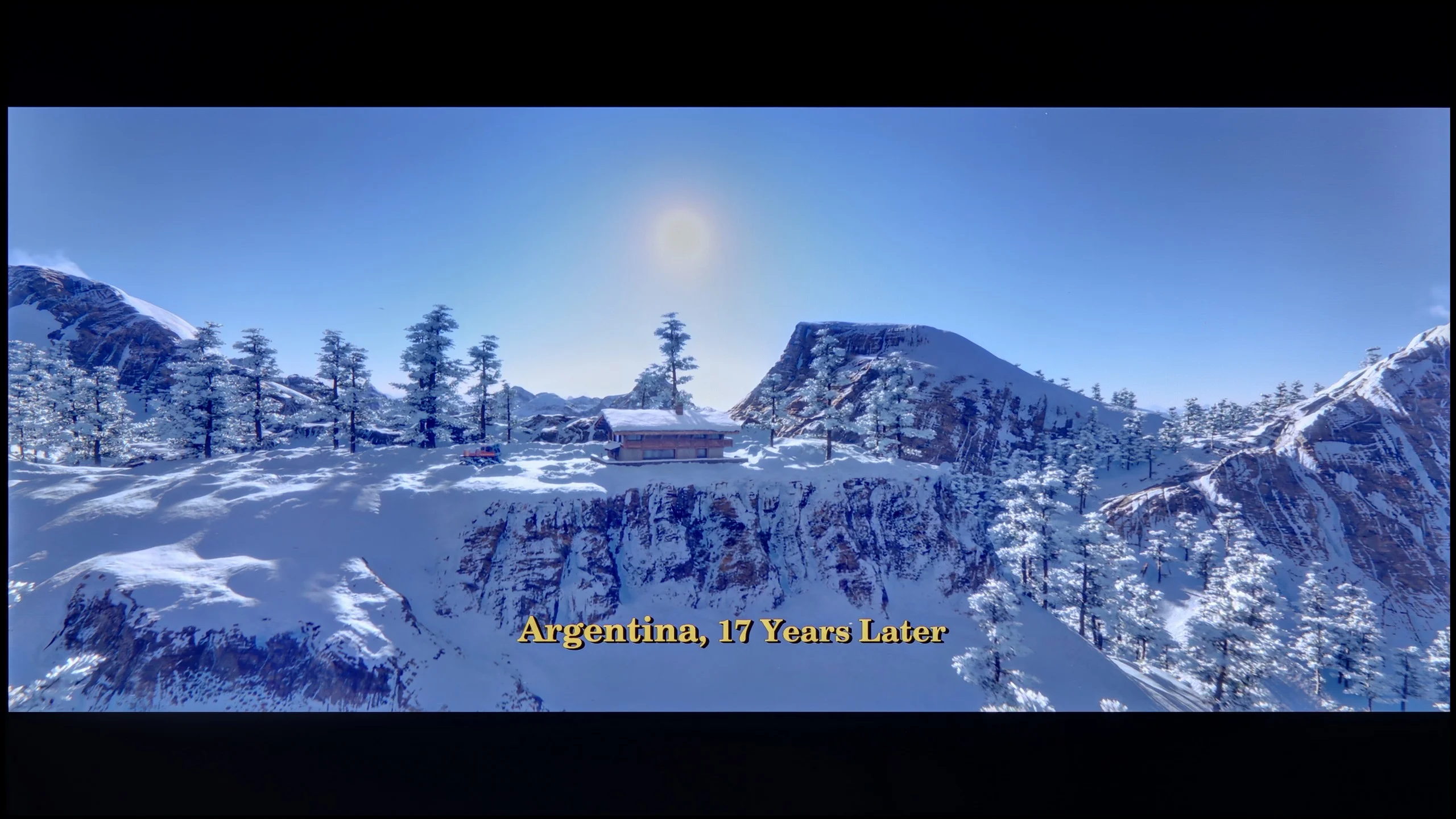
These are selected scenes that show smooth tonal transitions from one color to another. If you see distinct banding, it’s the TV panel’s fault.

These are selected scenes that show smooth tonal transitions from one color to another. If you see distinct banding, it’s the TV panel’s fault.
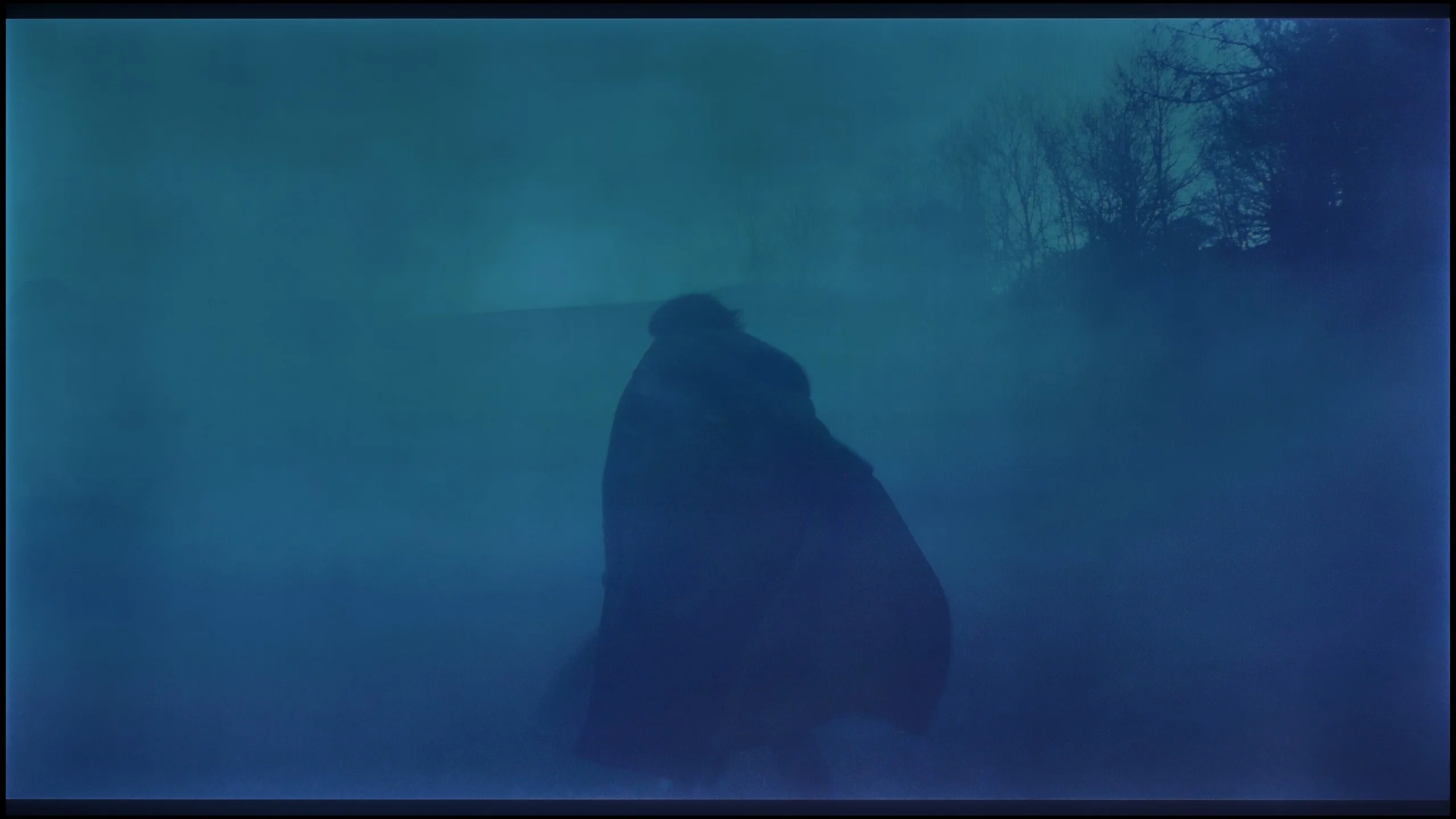
These are selected scenes that show smooth tonal transitions from one color to another. If you see distinct banding, it’s the TV panel’s fault.
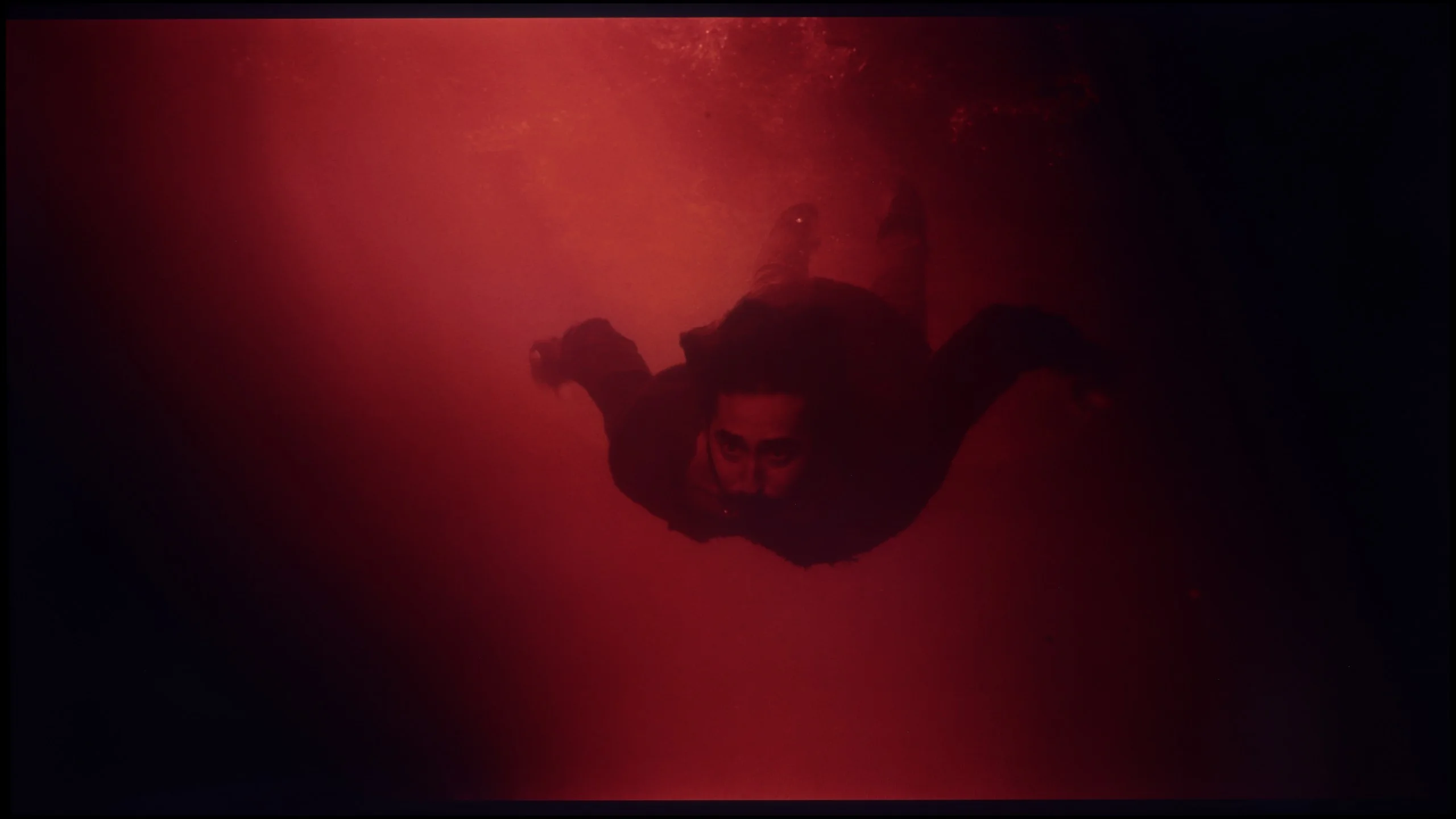
These are selected scenes that show smooth tonal transitions from one color to another. If you see distinct banding, it’s the TV panel’s fault.
The tonal transitions in TCL C655 / C69B are really quite good and would deserve a high rating; however, the score has been clearly lowered for another reason - the image is artificially sharpened despite the "sharpness" setting being on 0. As a result, viewing the image is unpleasant. While this may be unacceptable to purists, those who place less emphasis on perfect image reproduction might find this effect attractive.
In terms of colour gradation in bright scenes, the PUS7000 model performs surprisingly well. It is hard to have any significant reservations here. The colour transitions are natural and smooth, which means that on a bright background, there are no troubling bands or jumps between shades. When watching cheerful scenes, nothing should distract your attention from the screen. However, the situation changes dramatically when darker shades of grey or simply very dark colours appear on the screen. Unfortunately, at that point, quite strong 'stepping' of colours is visible. Instead of smooth transitions, we get clear cut-offs between individual tones. In dark, atmospheric films, this can be quite irritating and distract from the film itself, as the tonal transitions are not as clean as in the bright parts of the image.
Image scaling and smoothness of tonal transitions
5/10
6.5/10


Smooth transition function
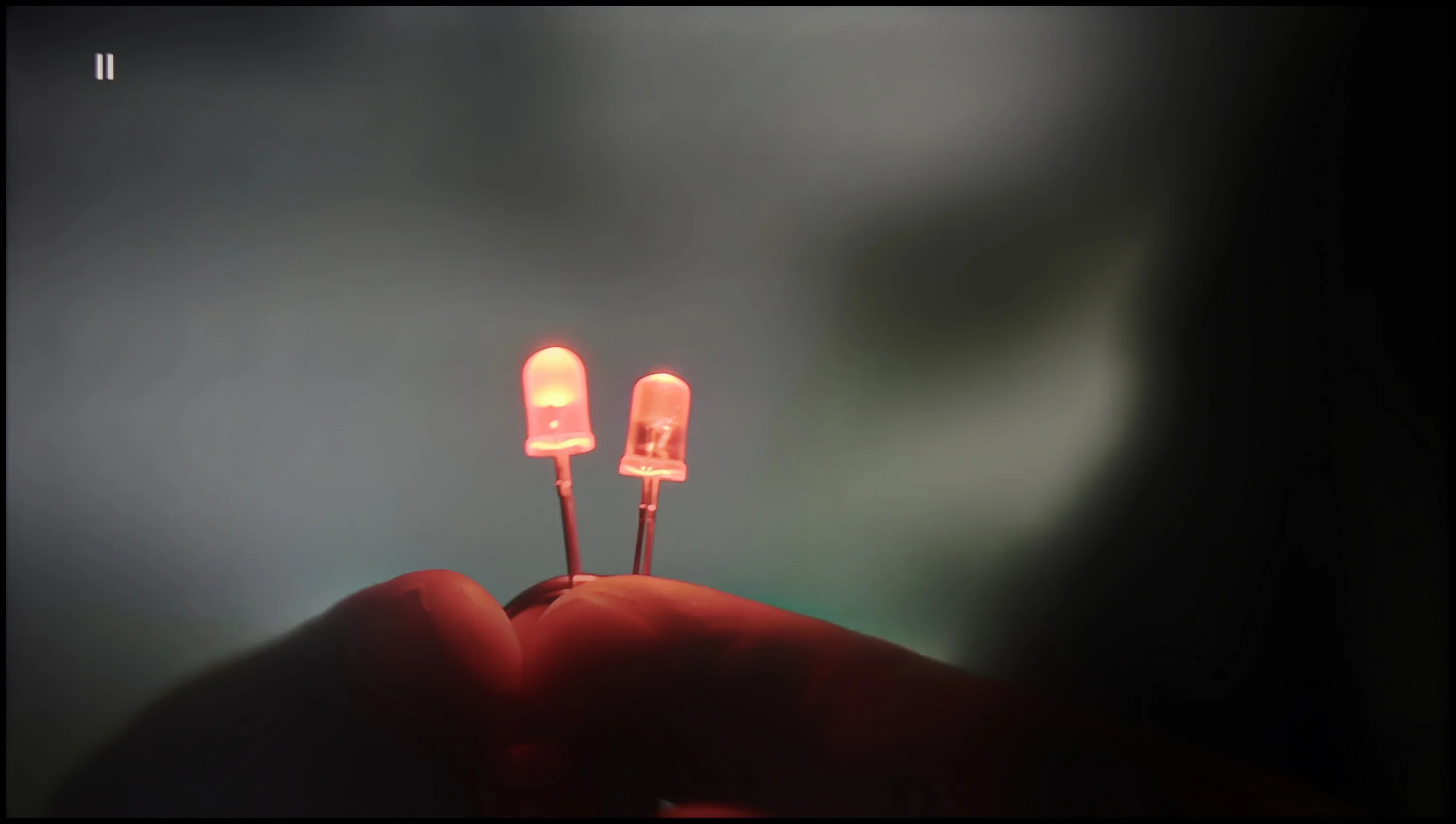
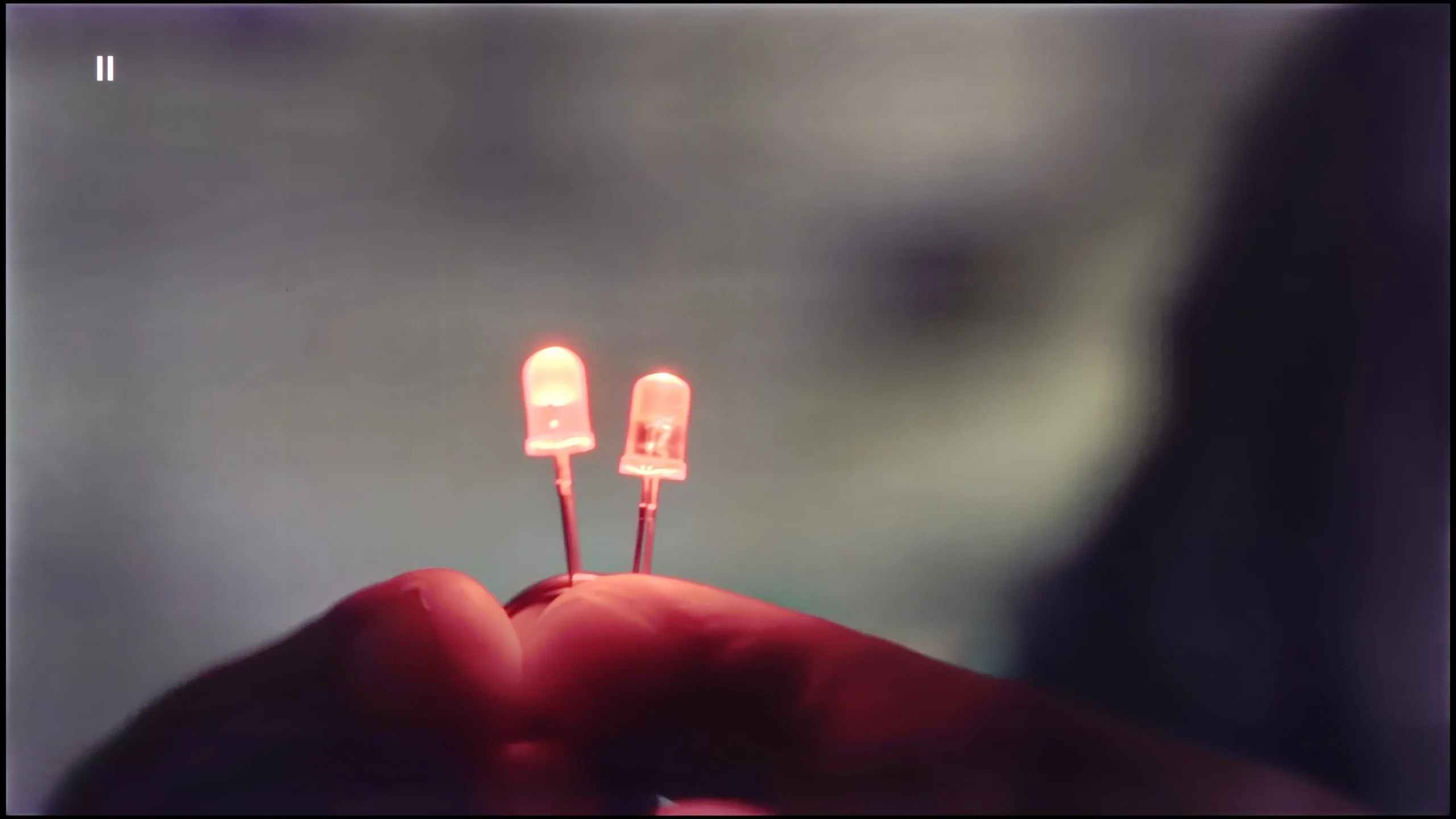
The match photo shows how the TV smooths weak tonal transitions in low-quality video.
Image scaling SD (576i)


The model photo shows how it handles upscaling of SD material.
The television TCL C655 / C69B handles tonal transitions fairly well in low-quality materials. The "Gradual Smoothing" feature at a low setting effectively smooths out tonal transitions; however, it simultaneously blurs significant details, such as the texture of objects. On the plus side, it does not negatively impact the film grain, allowing the natural appearance of the image to be preserved. As for digital processing, the television adds artificial sharpness, which may appeal to some users who prefer a sharpened image. However, for those who prefer a softer look, this could be a disadvantage. A notable downside is that the image has been quite significantly cropped due to what is known as overscan, which reduces the field of view and trims the edges of the image.
The PUS7000 handles digital image processing quite well. The distortion reduction feature deserves praise, as it effectively smooths out unwanted tonal transitions even at low settings. However, it has a drawback: if applied too aggressively, it can introduce undesirable artifacts on the screen. Therefore, it would be a good idea to experiment with this setting to find a happy medium between a smooth image and detail clarity.
The upscaling, or enhancing the quality of lower-resolution materials to 4K, is adequate. The image after processing is very "soft," which is typical for nearly all Philips televisions. The edges are plastic and smooth, making the image look cohesive. If it feels too soft for someone, the sharpness slider in the menu can always be adjusted to achieve a more pronounced effect.
Blur and motion smoothness
4.7/10
3.9/10
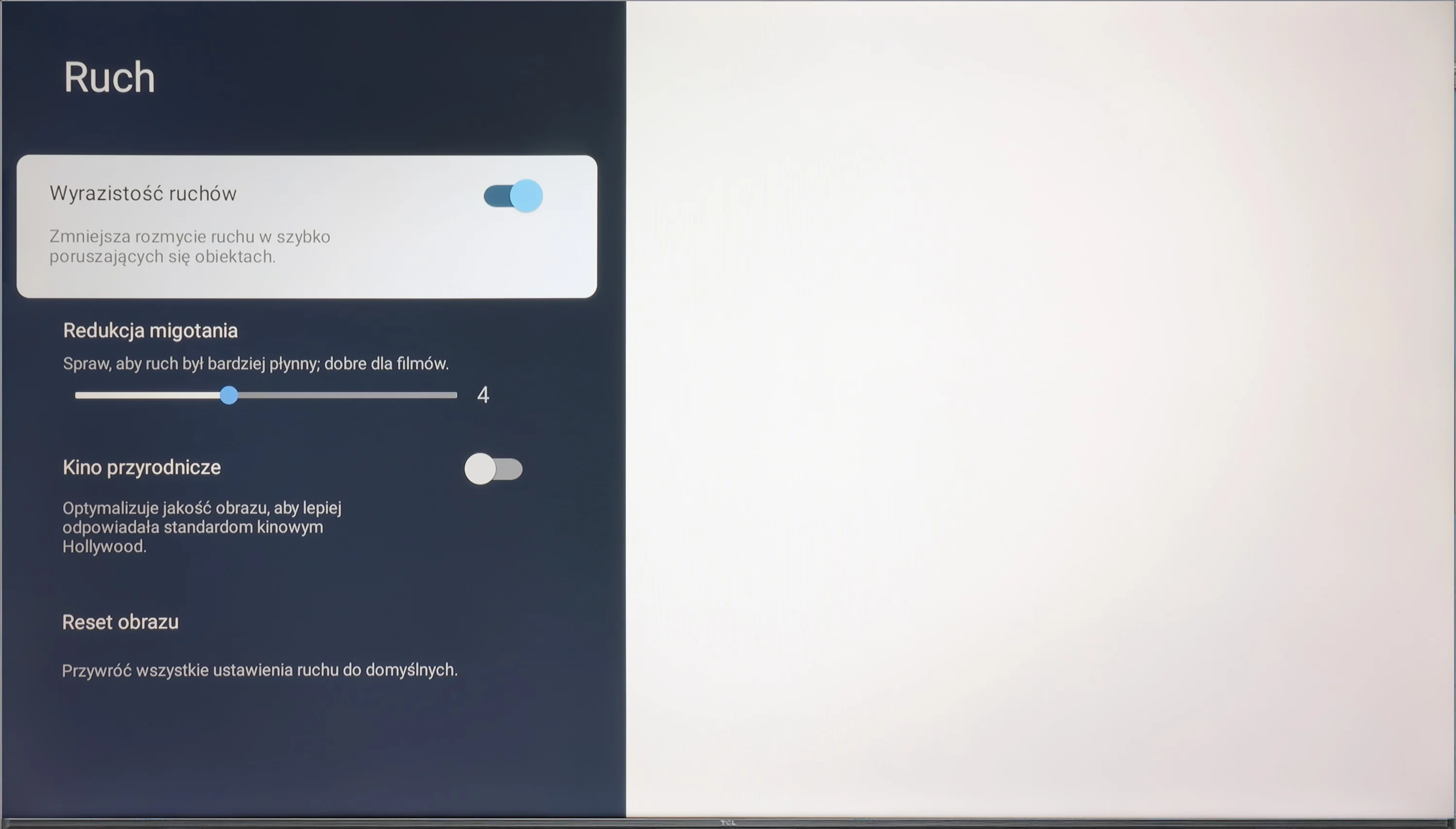
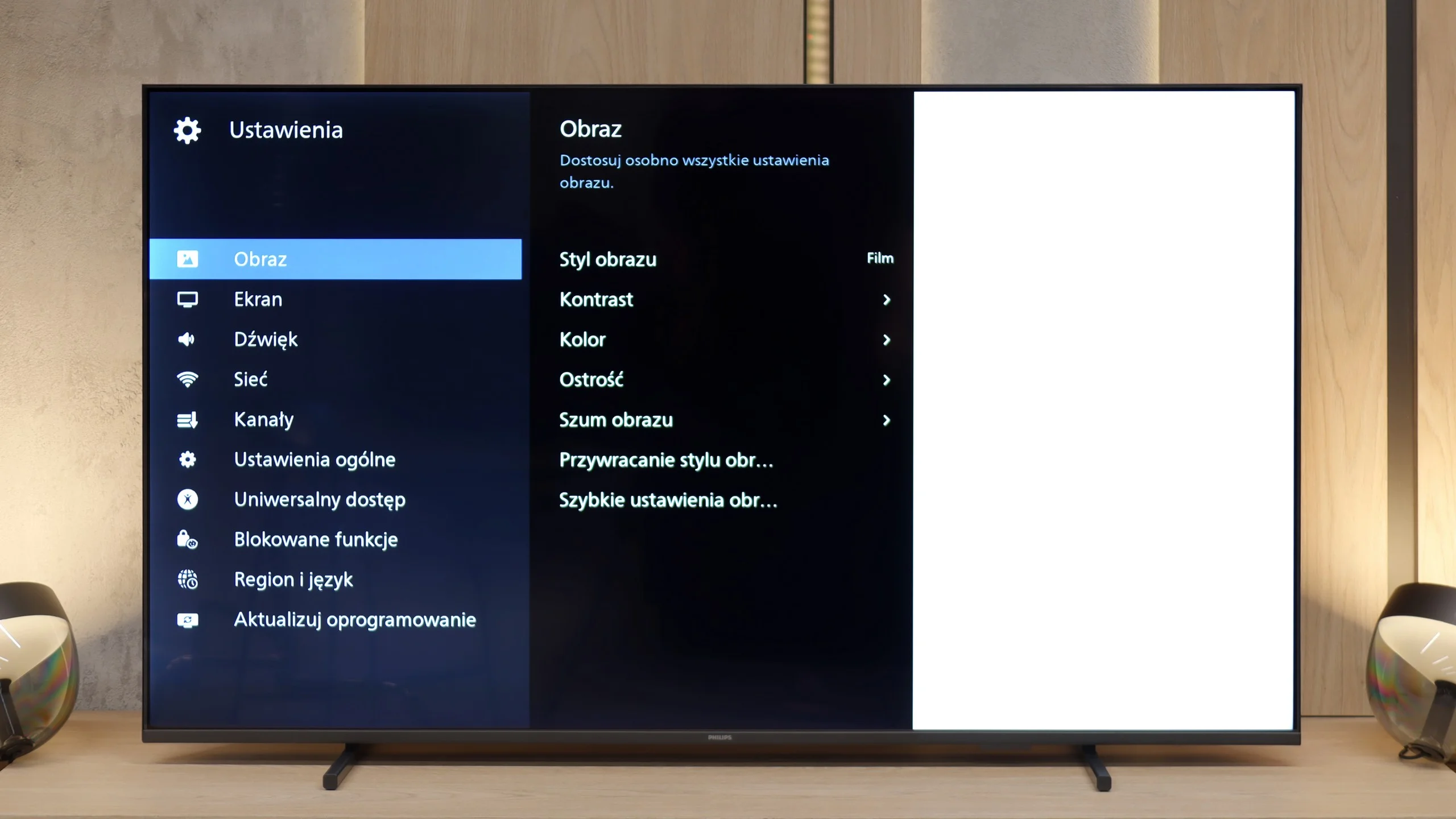
Blur (native resolution, maximum refresh rate):
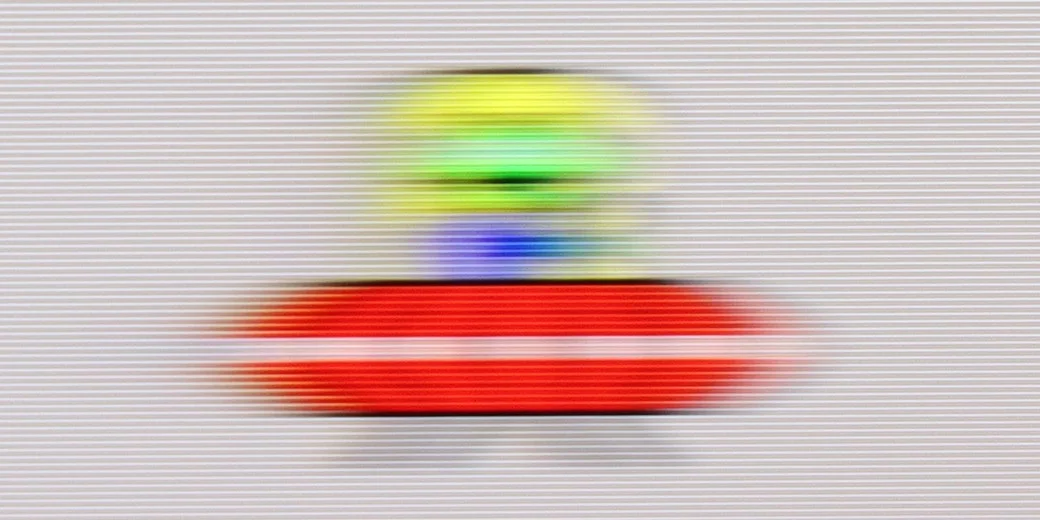
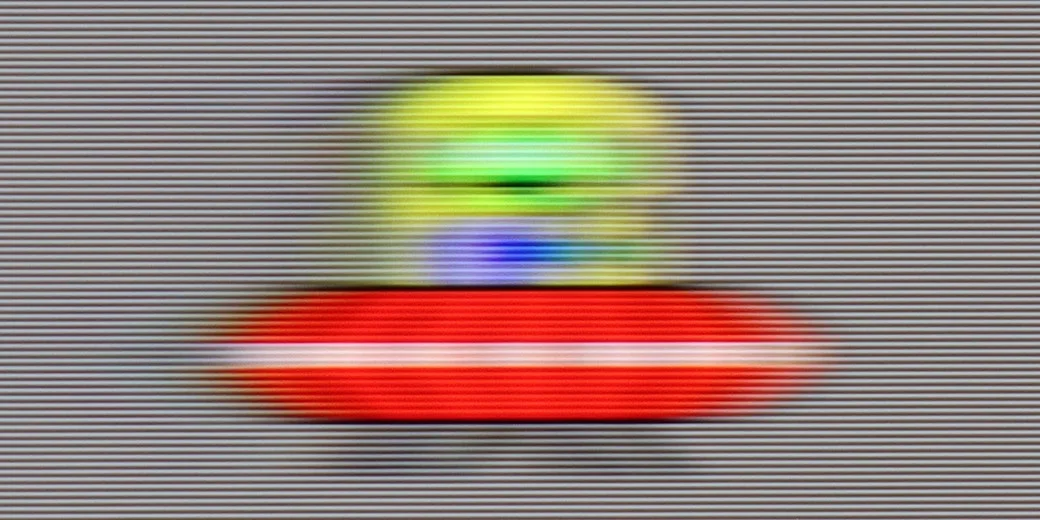
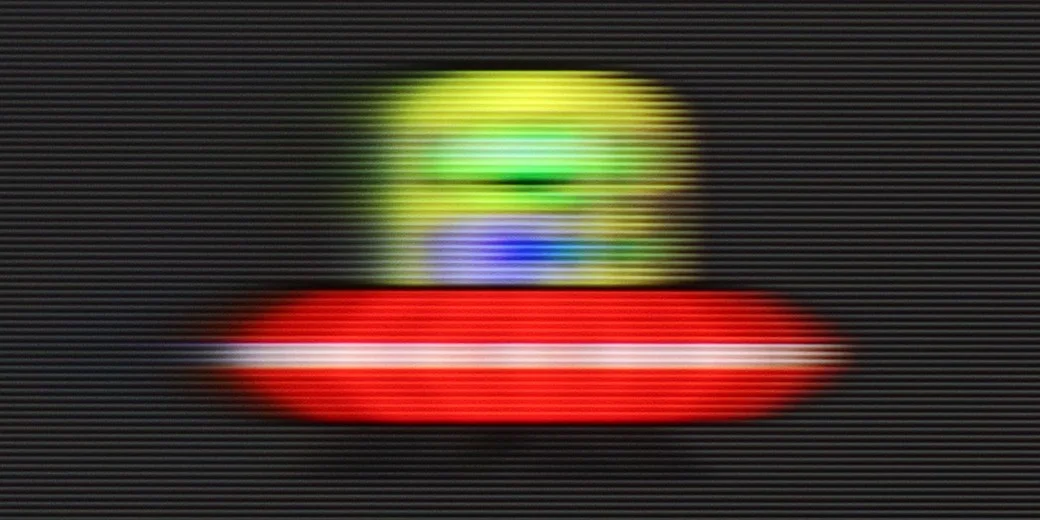
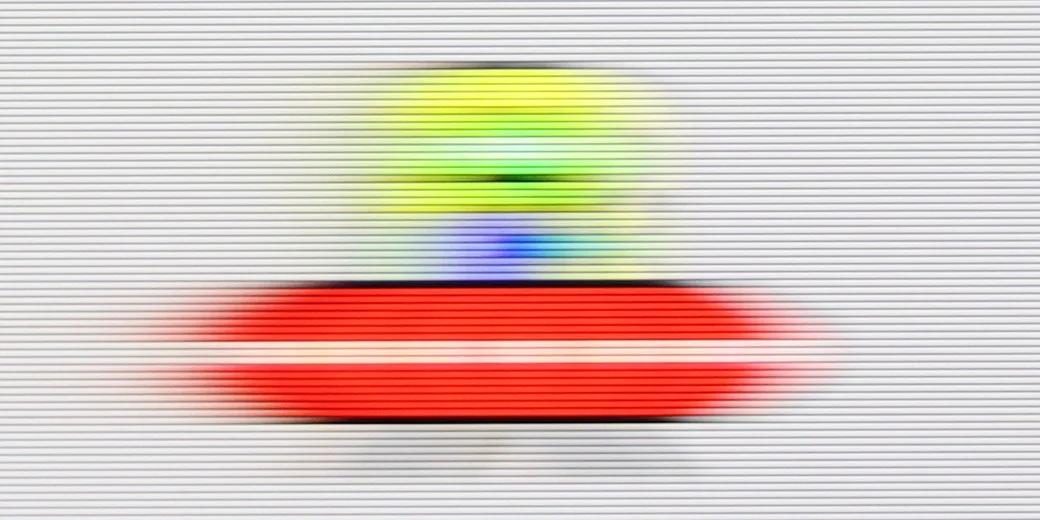
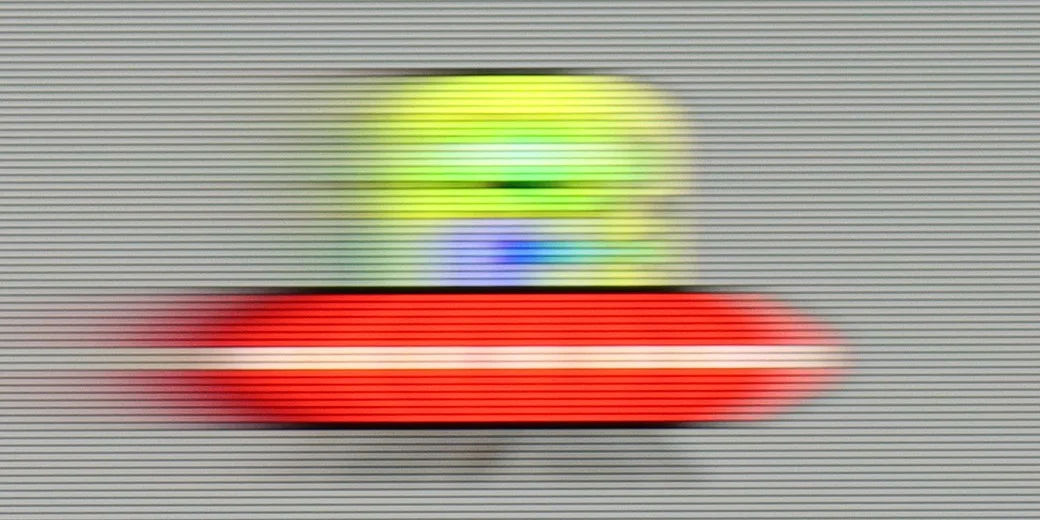
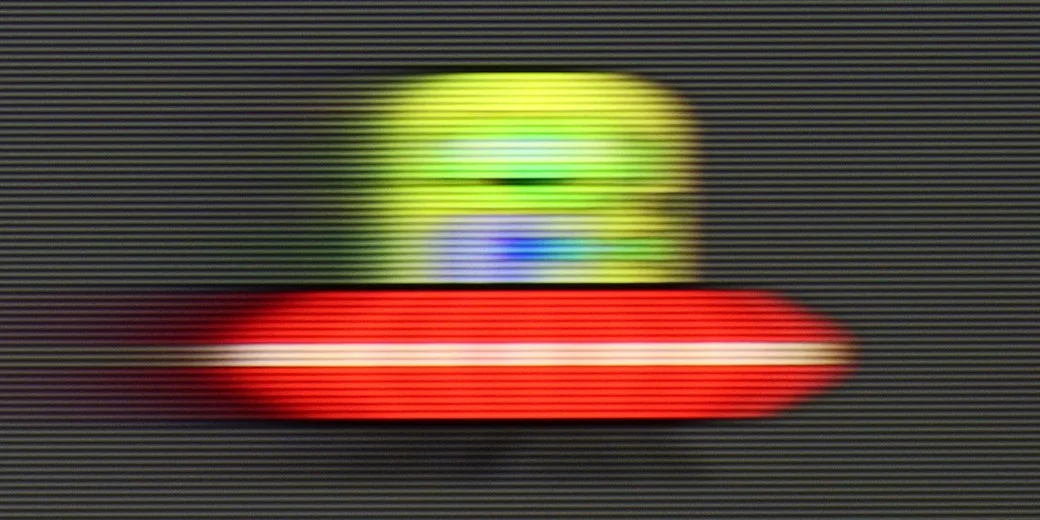
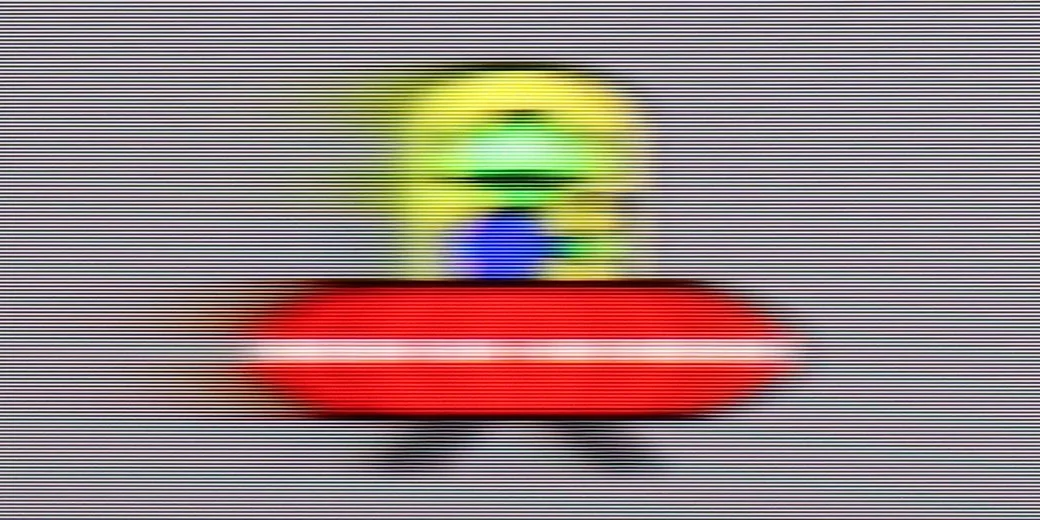
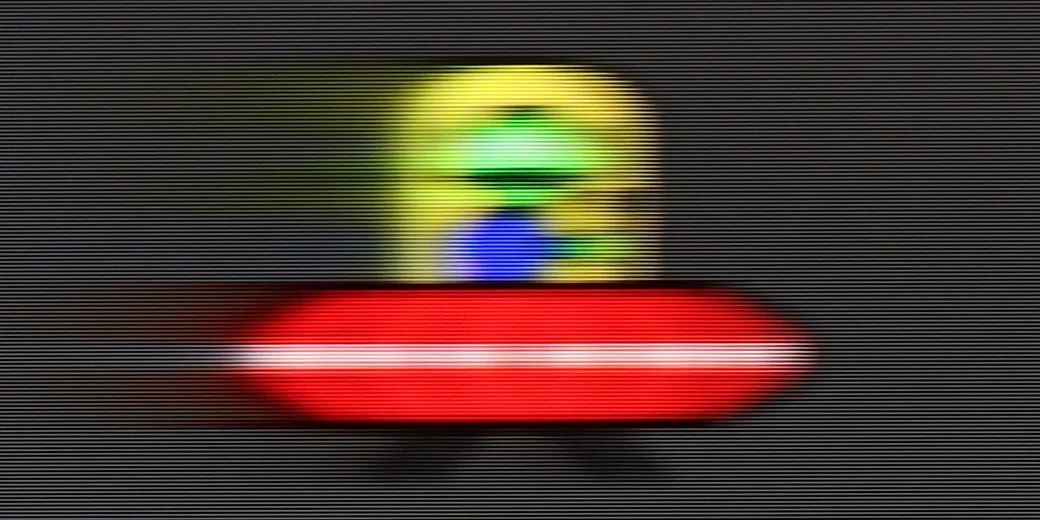
Blur (1080p 120Hz):

Blur ():
The television C655 / C69B is equipped with a 4K@60 Hz panel, which means it works best for watching films and less dynamic content. It also features a "Flicker Reduction" function that allows for the adjustment of image smoothness – the user can choose whether they prefer smoother motion or a more cinematic, frame-by-frame effect. The television can also adapt to lower resolutions, such as Full HD and 2K at 120 Hz, which will surely please gamers by offering a smoother image at the cost of resolution. It is worth noting that this feature is available in sizes from 55"+. Additionally, the largest variant, 98", is equipped with a 144Hz panel with full motion smoothing.
In this respect, we actually have no good news. It might seem that the biggest downside is the lack of a 120 Hz panel, but in this price range, that is actually the norm, and it is hard to expect anything more. However, the worst part is that the television does not have any features to improve motion smoothness. There is a lack of any supporting systems, both in films and in sports. We must come to terms with the fact that the image on the PUS7000 is processed "raw". This means that during dynamic scenes or fast camera movements, the motion can appear choppy or unclear. We do not have the option to enable any smoothers that would reduce this effect.
Console compatibility and gaming features
8/10
4.7/10
- ALLM
- VRR
- VRR range48 - 120Hz48 - 60Hz
- Dolby Vision Game Mode
- Correct implementation of HGIG
- 1080p@120Hz
- 1440p@120Hz
- 4K@120Hz
- Game bar
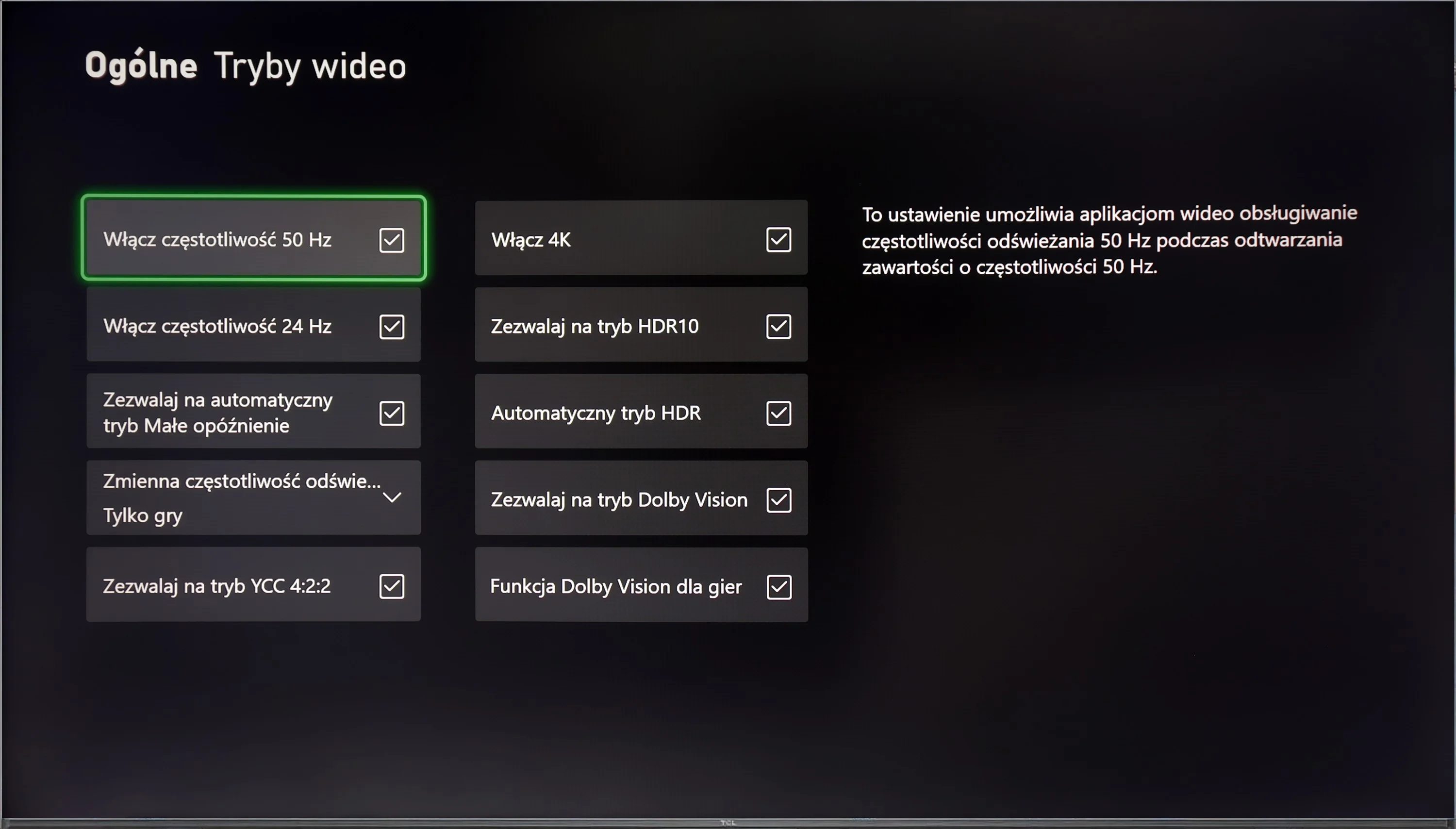
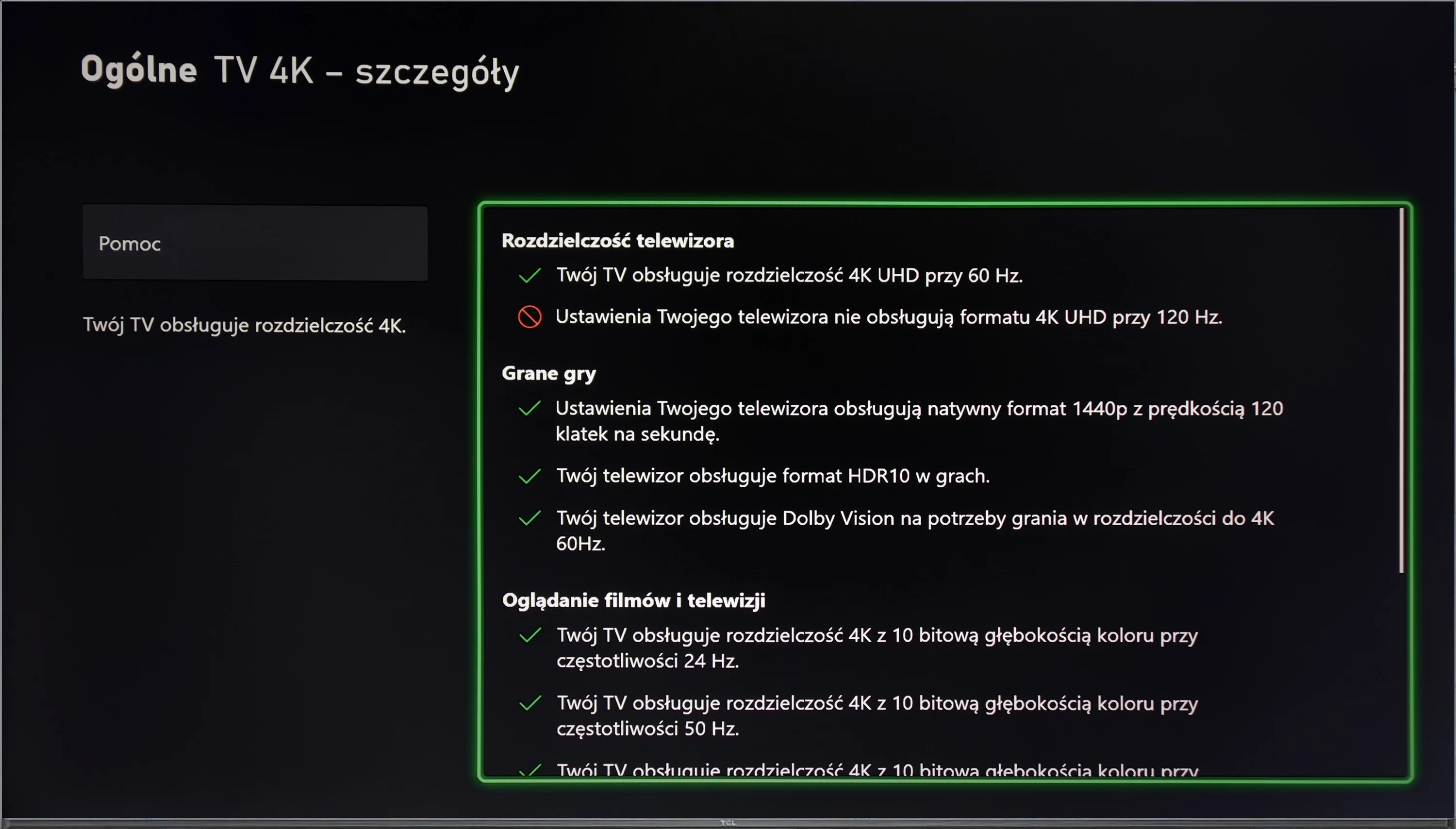
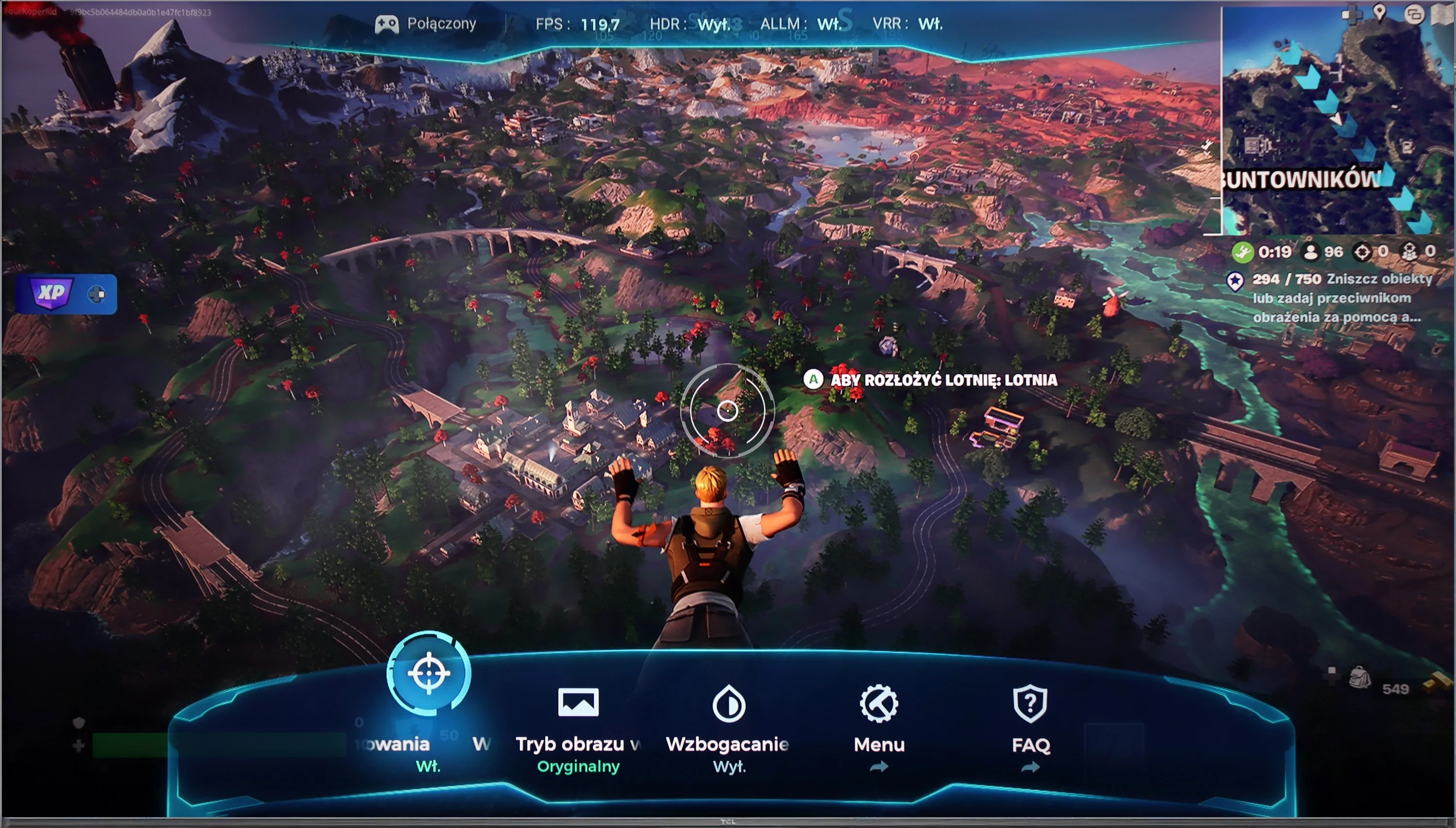
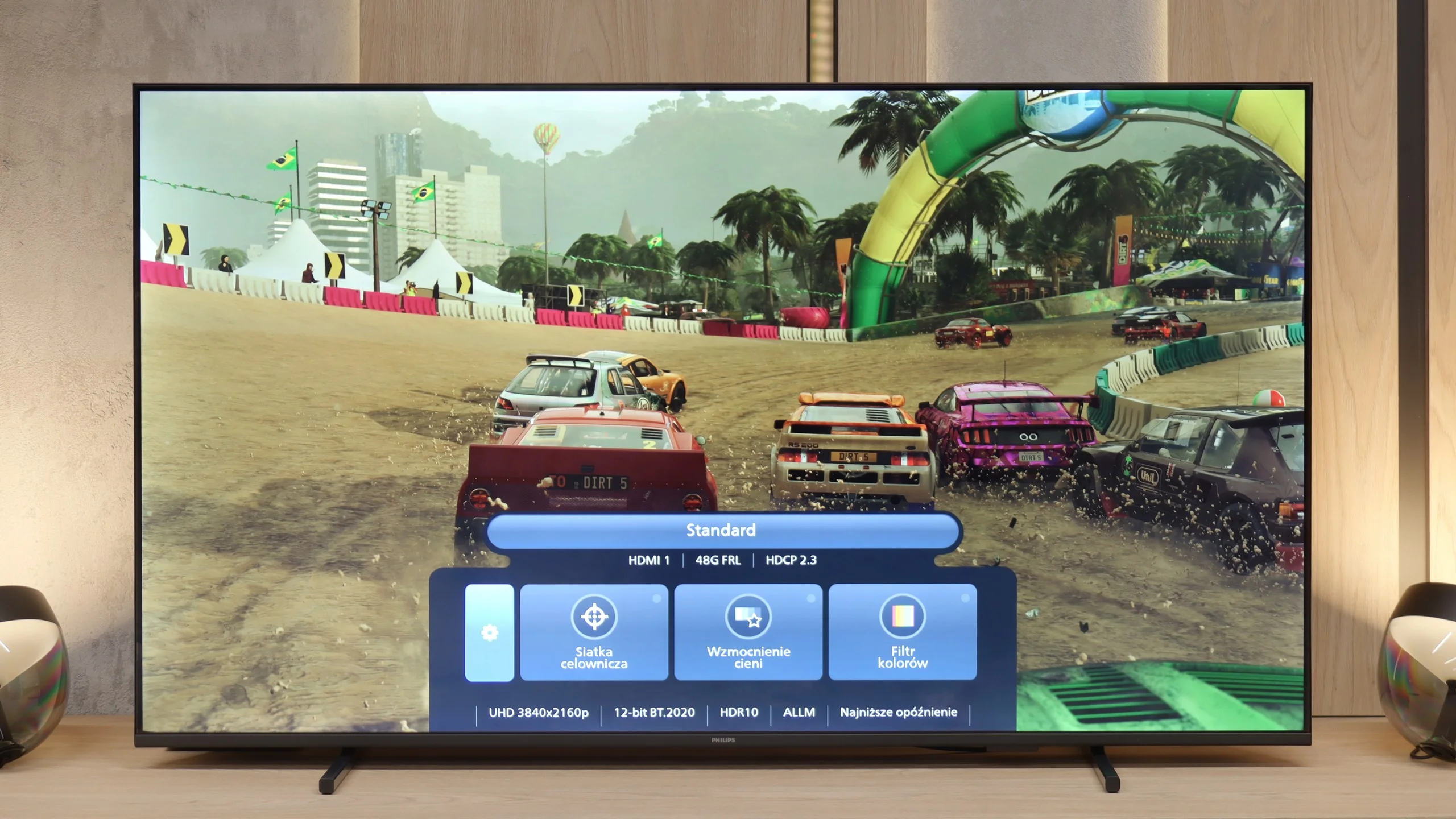
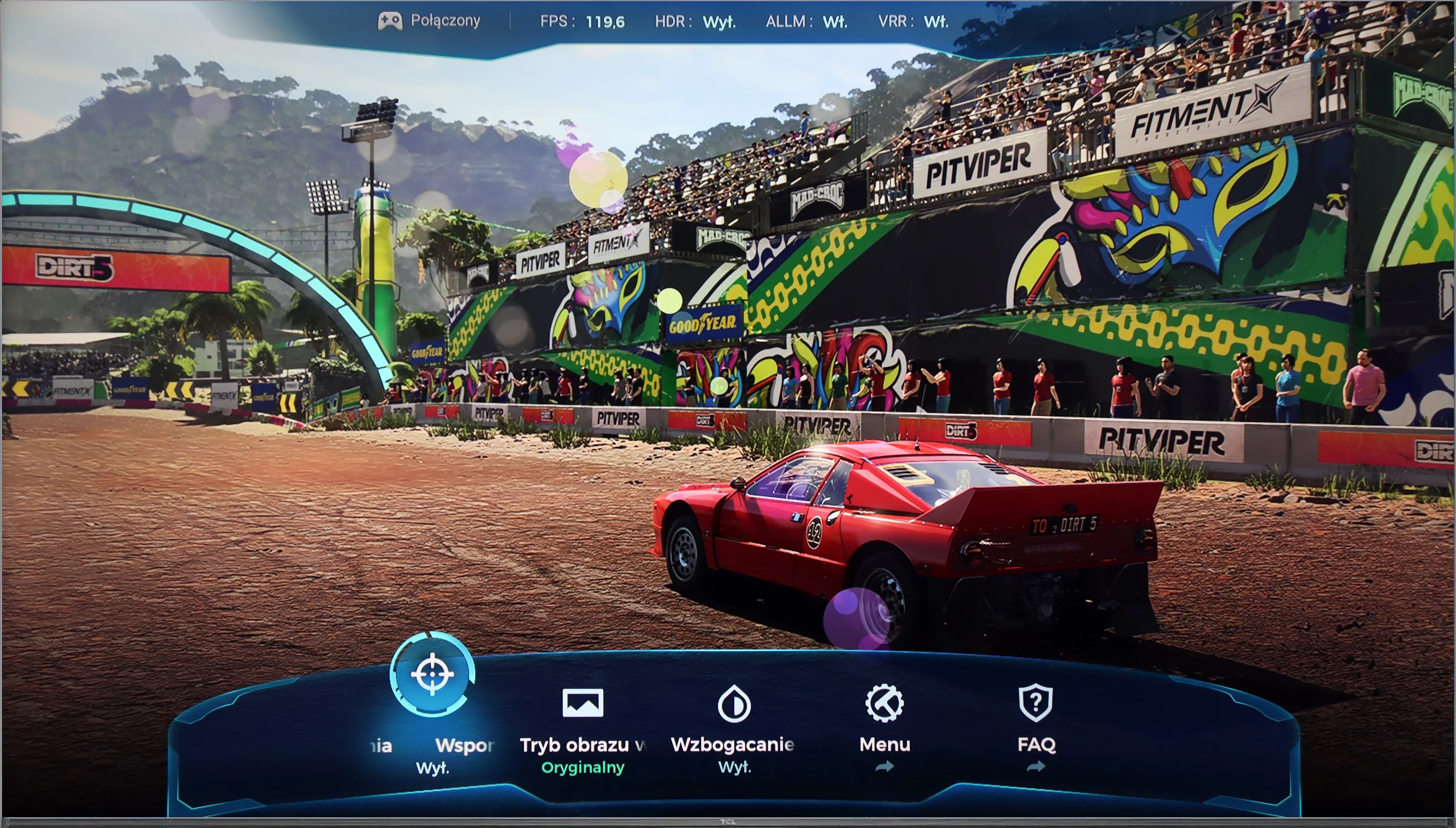
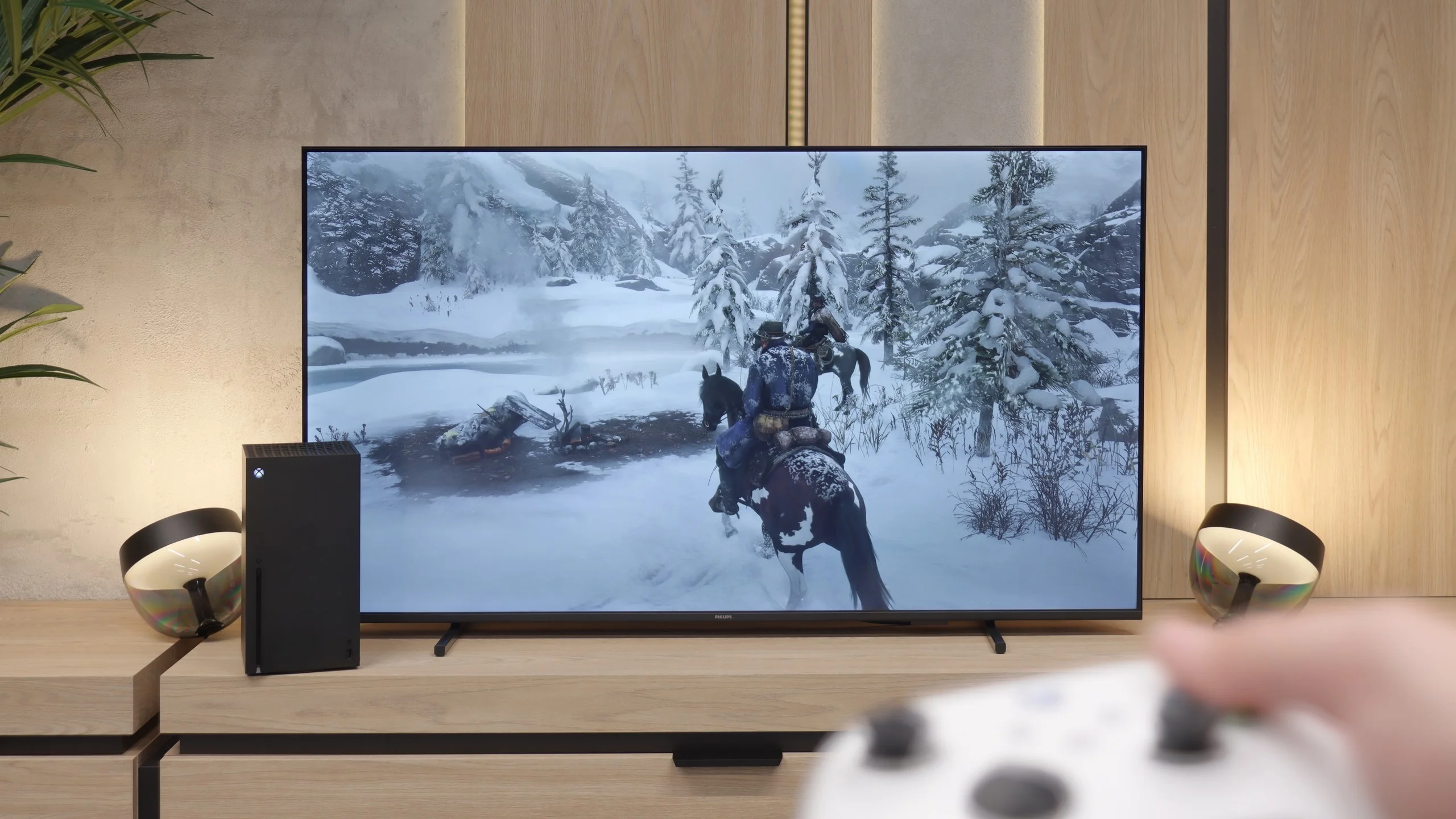
The TCL C655 / C69B television offers nearly the perfect set of features for gamers, supporting all the most important technologies. It has an ALLM feature that automatically switches the TV to low latency mode, significantly improving responsiveness and minimising signal lag, which is especially important during dynamic gameplay. The VRR feature allows the screen refresh rate to synchronise with the frame rate generated by the console, eliminating screen tearing and providing smoother gameplay.
The television also supports Dolby Vision in game mode, which ensures better colour and contrast rendering in games that support this format, and the Game Bar provides quick access to settings related to gameplay, such as response time, latency level, and other parameters. Unfortunately, the C655 / C69B does not support 4K resolution at 120 Hz (the exception here is the 98" variant), which may be disappointing for more demanding gamers who expect the highest fluidity of image in high-resolution games. However, if we can forgo 4K, the television offers support for Full HD and 2K at 120 Hz, providing a smoother image and is a great alternative for those who prefer a higher refresh rate at the expense of resolution.
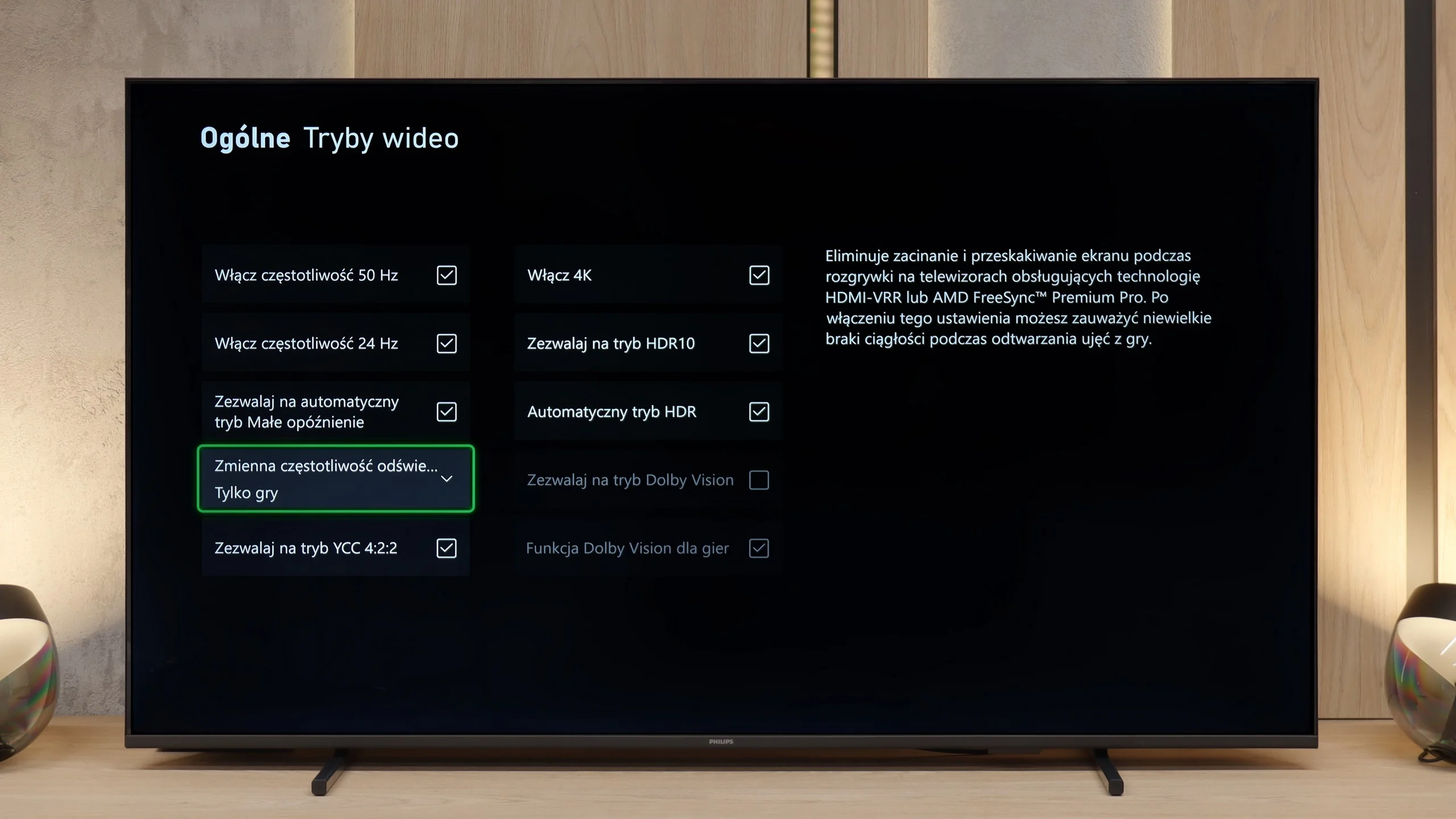
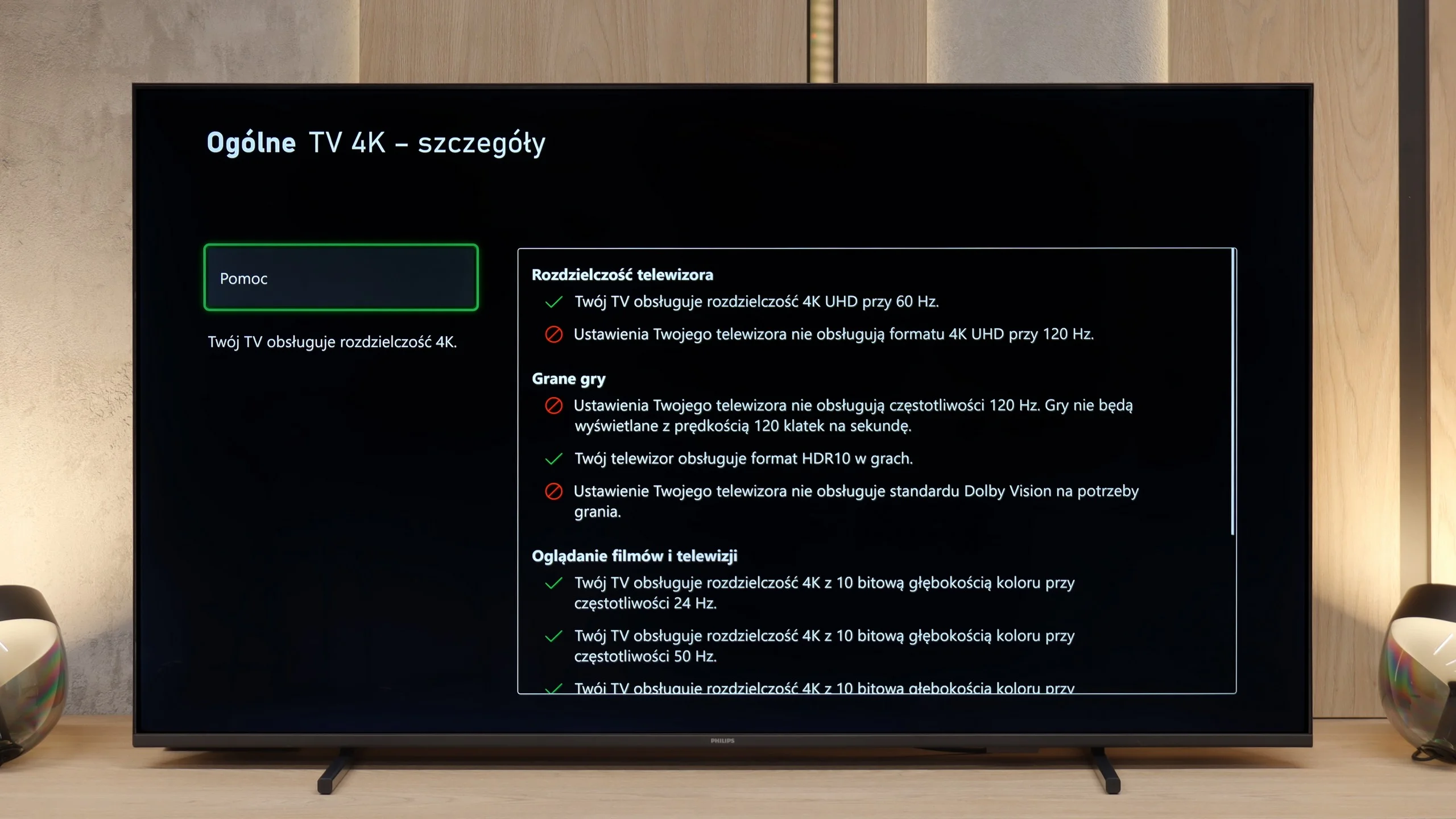
Although the PUS7000 is not marketed as a gaming television, it does not perform as poorly in this category as one might expect. While it is true that we won’t find support for 120 Hz refresh rates, which is understandable at this price point, the manufacturer has ensured several important features that genuinely enhance the gaming experience on consoles. The most important of these are the VRR and ALLM technologies. VRR is responsible for synchronising the screen with the number of frames generated by the console. This prevents the image from tearing and keeps it consistent even during sudden drops in frame rate while gaming. In contrast, ALLM is a solution that automatically switches the television to the lowest latency mode as soon as it detects a signal from the console. All these parameters are easily accessible thanks to the Game Bar feature. This is a special control panel for gamers that can be summoned on screen at any time. It allows for a quick preview of the current settings and connection status without interrupting gameplay, which is a very convenient solution.
Input lag
10/10
10/10
SDR
HDR
Dolby Vision
The TCL C655 / C69B television offers an exceptional response time across all supported resolutions and refresh rates. Of particular note is its support for Dolby Vision with a response time of 13 ms, which is rarely found among competitors. As a result, gamers can enjoy excellent responsiveness even when using advanced HDR effects, significantly enhancing the gaming experience.
Another advantage for gamers is the very low input lag of around 12 ms. In this price range, the result is impressive. The delay is so small that the response to controller movements feels instantaneous, and in practice, it's difficult to notice at all. Playing remains comfortable even in fast, dynamic titles where every millisecond counts. In this respect, the PUS7000 can keep up with significantly more expensive televisions.
Compatibility with PC
6/10
5.8/10
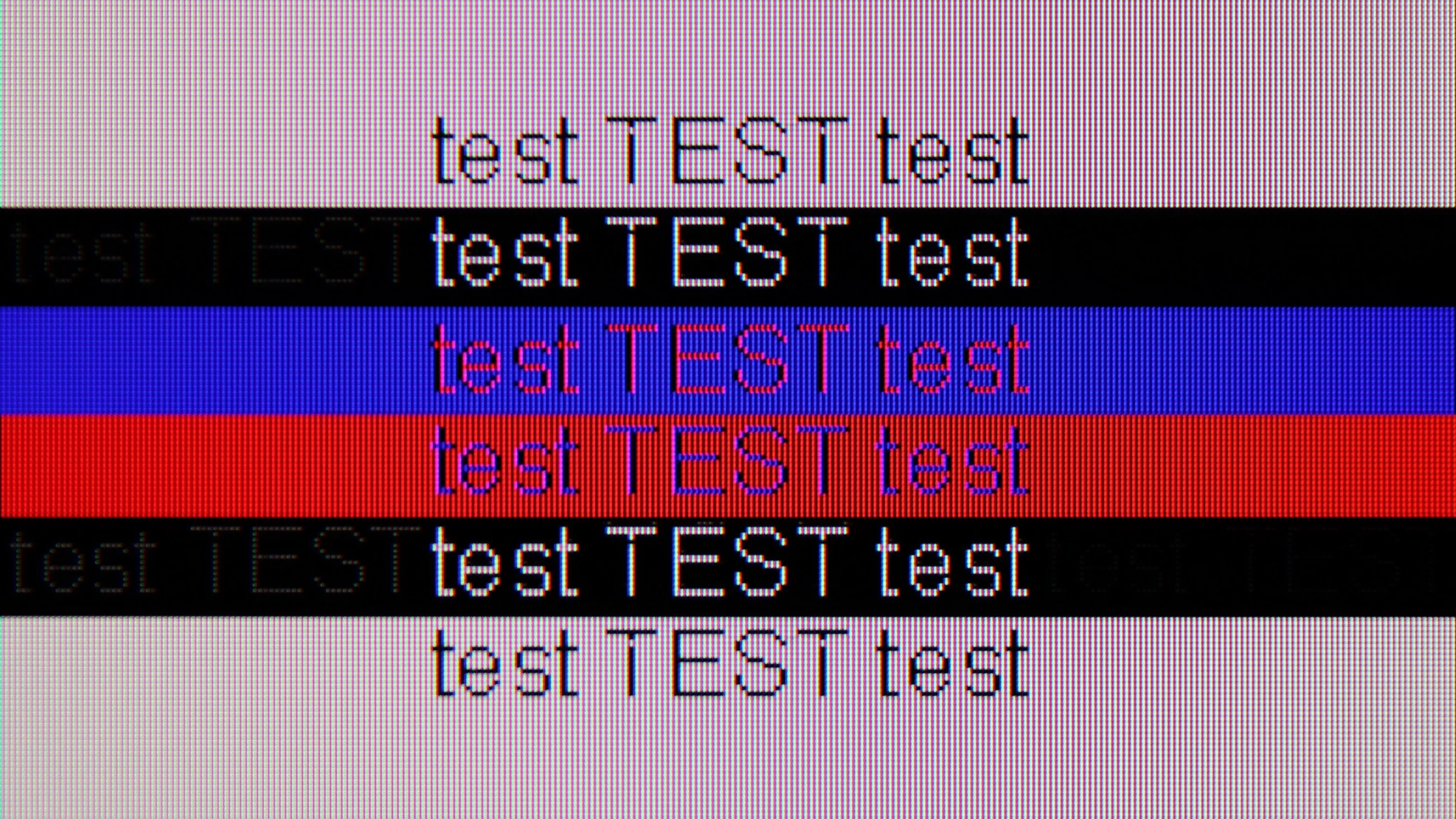
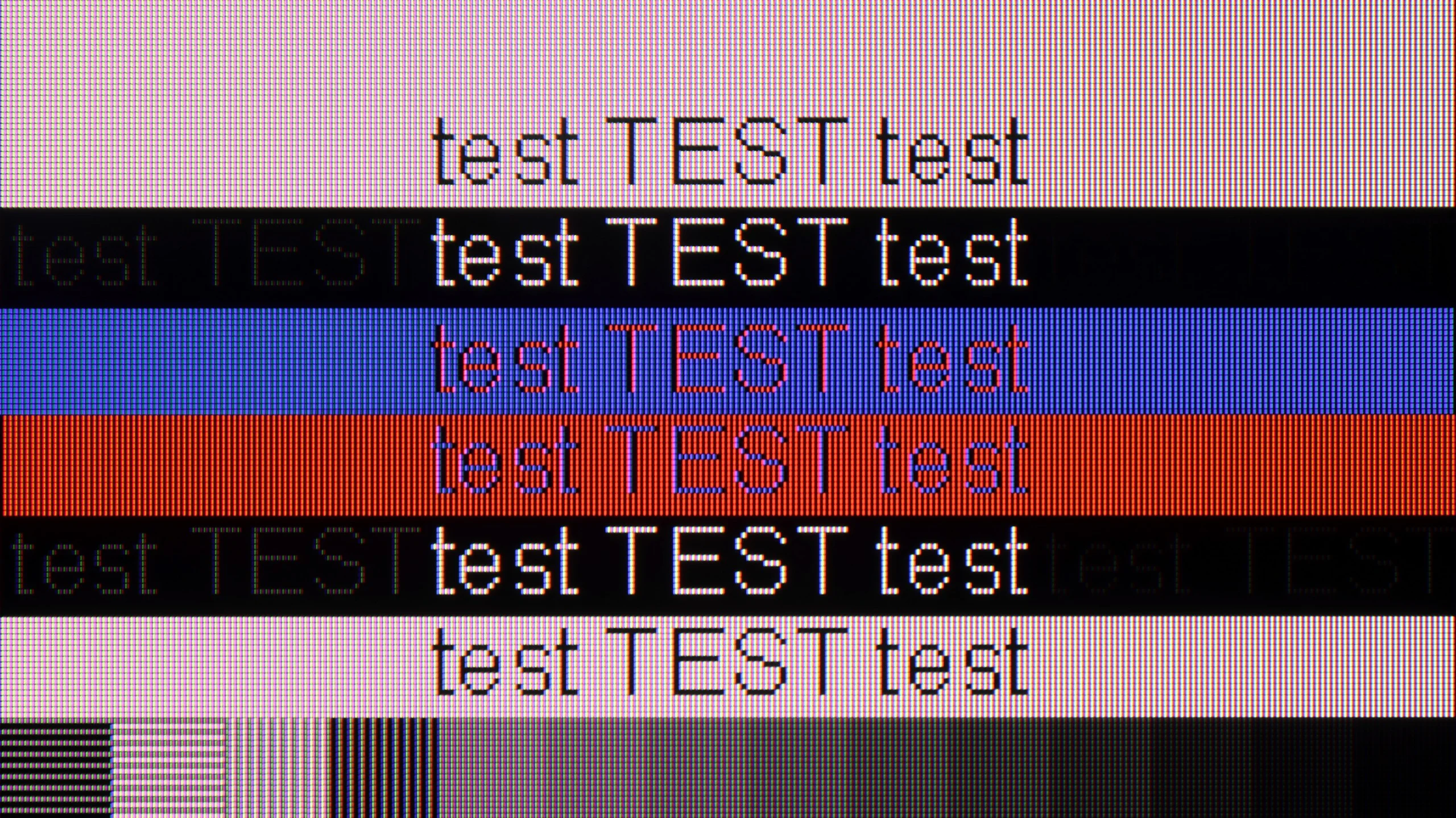
The photo shows the legibility of small fonts. Ideally, lines should be the same thickness on both light and dark text, with minimal pixel gaps.
Collaboration with a PC on the TCL C655 / C69B television proves to be quite good, especially thanks to the support for chroma 4:4:4, which guarantees good font readability. This is an important advantage if the television is to serve as a monitor for office work, where text display precision is crucial. Additionally, low input lag ensures smooth performance, which both gamers and users who need quick response to mouse or keyboard movements will appreciate. However, the television has a 60Hz panel for 4K resolution; nevertheless, TCL has ensured that users can enjoy smooth gameplay at 120Hz in 2K and Full HD.
One of the minor drawbacks that can be noticed is the fact that vertical lines sometimes exhibit the dropout of a single pixel. This can cause letters to appear slightly broken, which in certain situations may slightly reduce the comfort of work, although overall this issue should not be very bothersome for less demanding users.
When it comes to connecting a computer, the gaming possibilities are quite limited. The screen supports a maximum of 60 Hz and does not offer G-Sync technology, so it is not equipment for demanding PC gamers. However, the PUS7000 surprisingly performs well for text work. The readability of the fonts is at a very high level. The television correctly handles chroma subsampling 4:4:4. This means that every letter, regardless of its size or colour, is displayed sharply and without any distortion at the edges. As a result, office work or browsing the internet on this screen is simply comfortable and does not strain the eyes like some cheap panels that have trouble rendering fonts cleanly.
Viewing angles
2.5/10
3.1/10
The viewing angles of the C655 / C69B are rather poor, which is characteristic of VA panels. Compared to IPS panels, which offer significantly better viewing angles and a more uniform picture quality regardless of the viewer's position, the VA panel loses contrast and colours with even a slight deviation from the axis. Watching from the side results in noticeable image quality degradation – blacks become more faded, and colours lose their intensity. This is definitely not a television that will perform well in large rooms where viewers watch content from various angles.
The viewing angles in this model are poor, which is directly due to the use of a VA type panel. Although this panel provides decent contrast, as I mentioned earlier, it has one major drawback: it requires sitting directly in front of the screen. Just a slight shift to the side is enough for the colours to start losing saturation, and the image to become noticeably worse.
Daytime performance
5.6/10
3.5/10
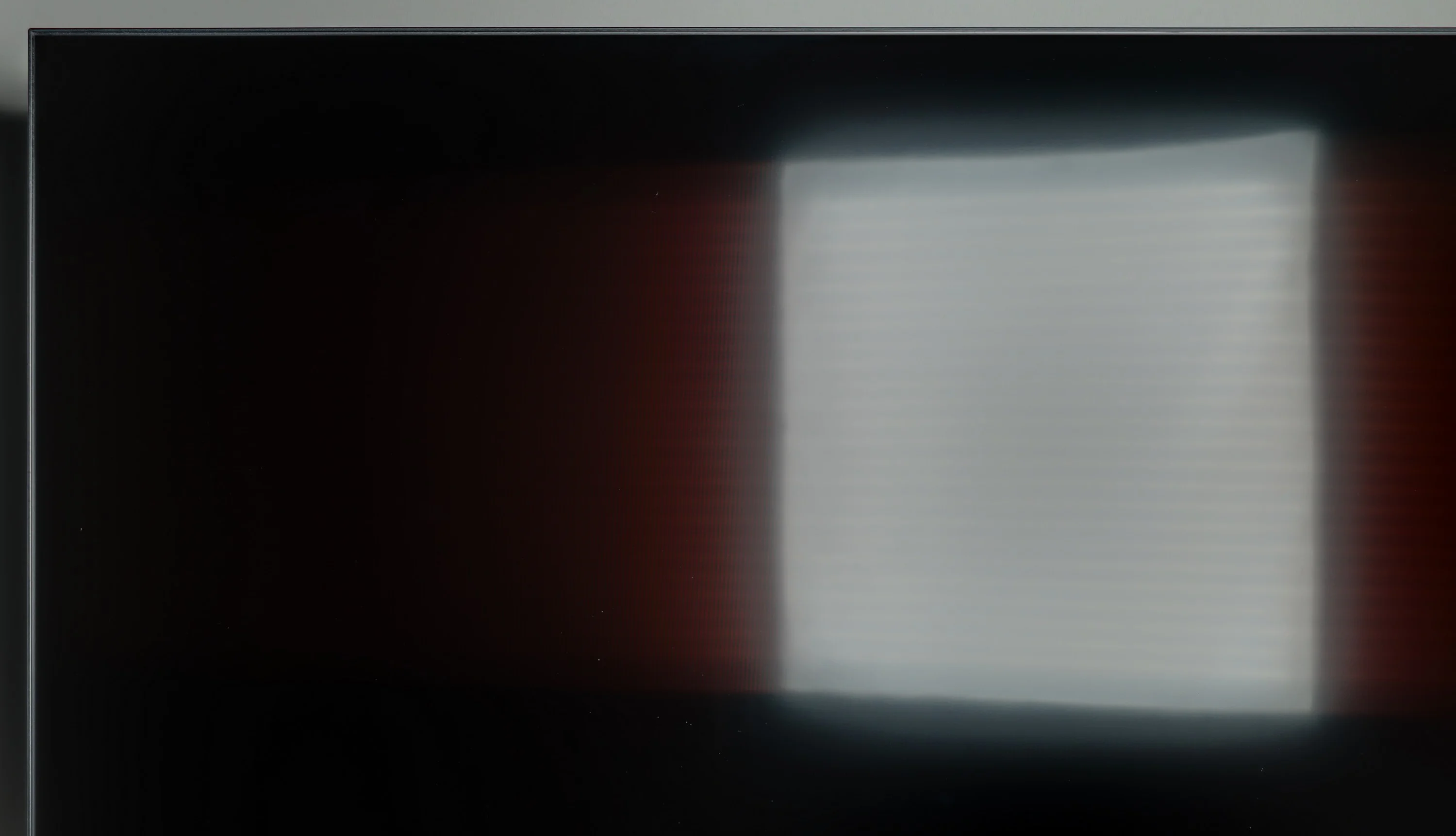
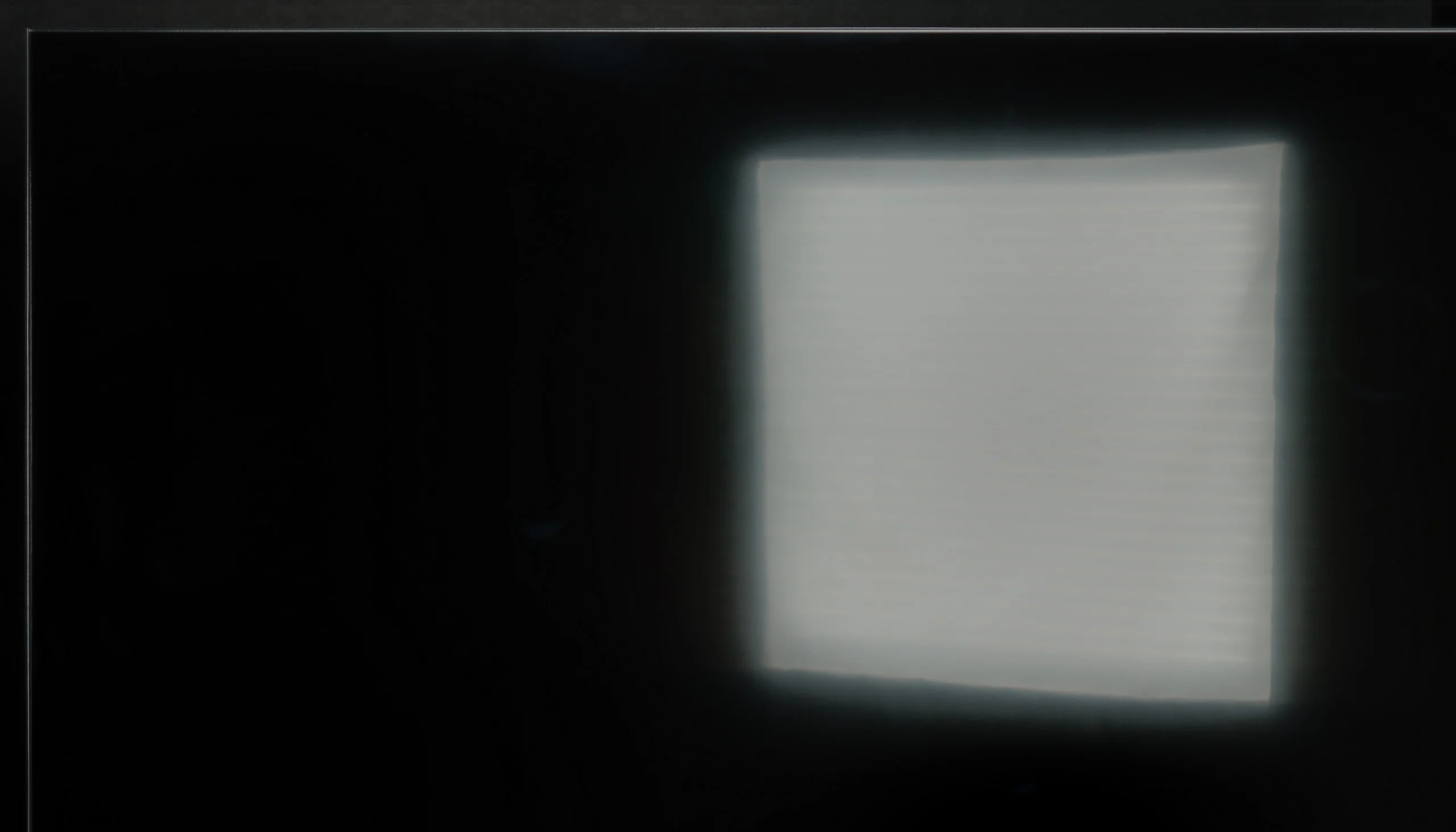
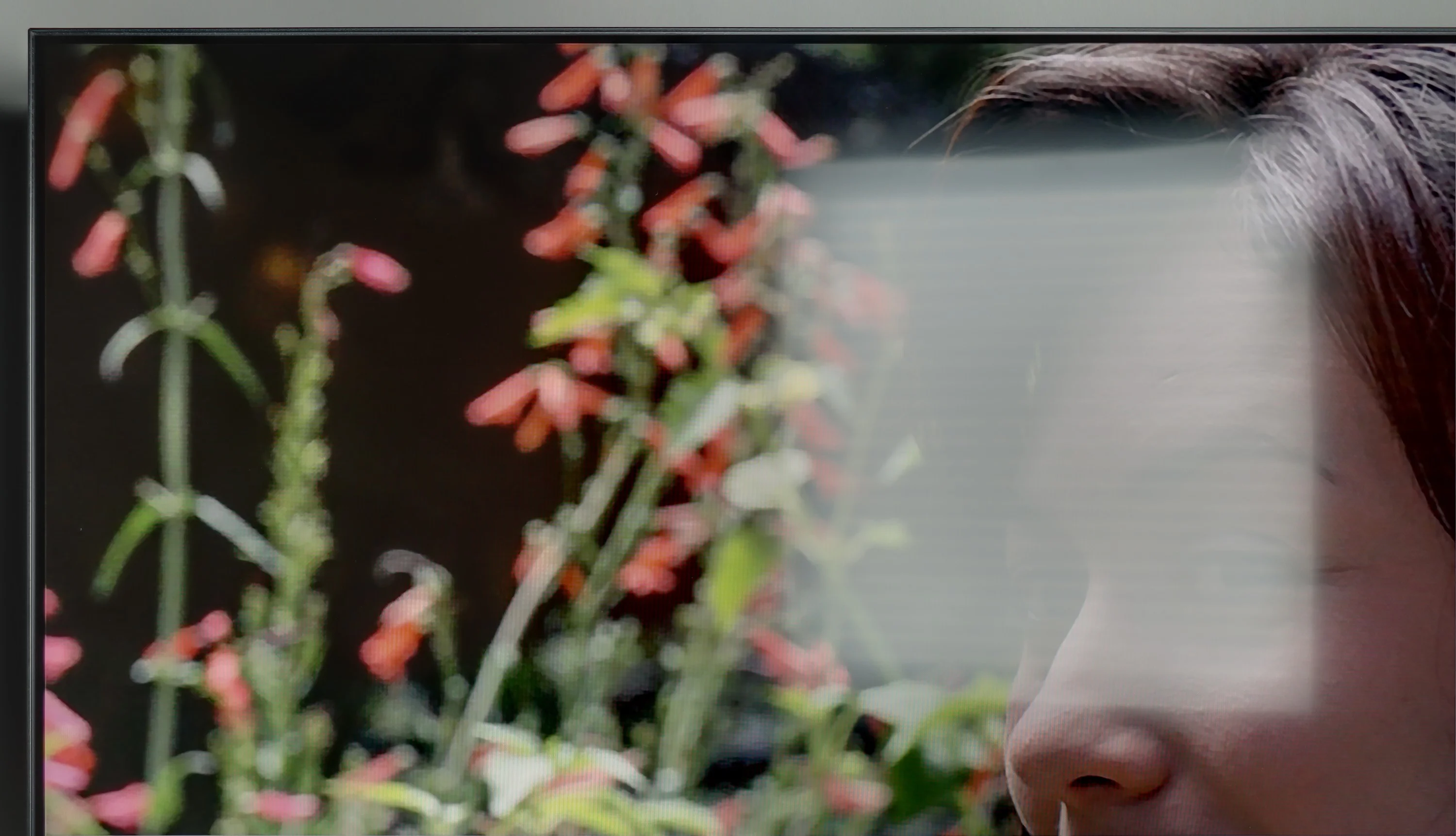
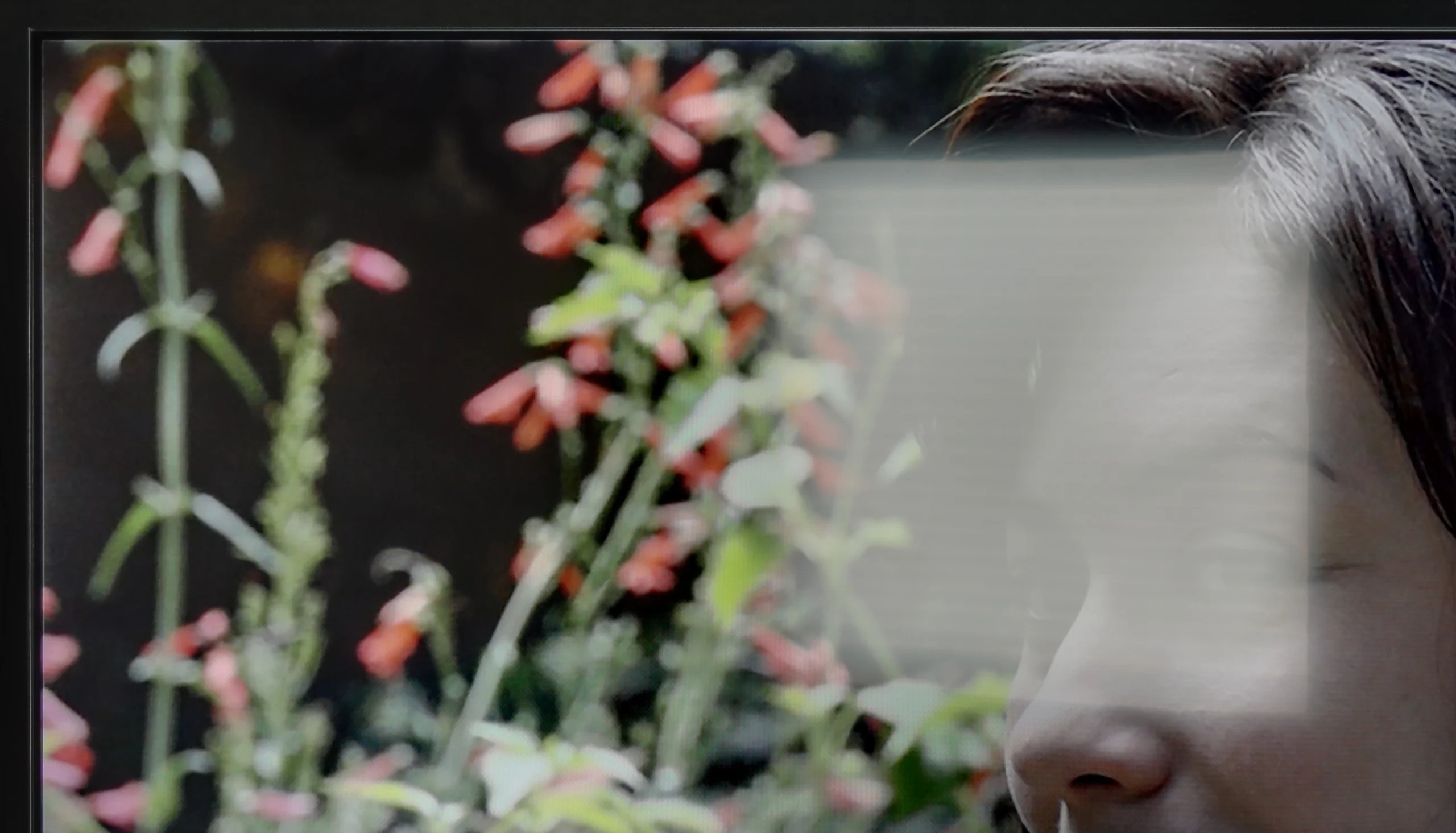
Panel brightness
Philips PUS7000: 202 cd/m2
TCL C655 / C69B (55"-85"): 484 cd/m2
Generally, TCL C655 / C69B offers quite good brightness at around 480 nits, which allows for comfortable use of the television during the day. This brightness is satisfactory and makes the picture easily visible even in strong sunlight. Unfortunately, the satin finish of the screen struggles to suppress reflections, which can affect the visibility of the image in very bright surroundings.
In a sunlit room, the PUS7000 performs poorly. This is all due to the fact that the panel is simply too dark. A brightness level of 200 nits is a very low score, which does not allow for comfortable viewing in bright daylight. On the positive side, the satin coating of the screen does quite well in reducing reflections. Thanks to this, reflections are not so prominent on the panel, but it is not enough to save the situation. The brightness of this model is too low to cut through strong sunlight, so in very bright rooms, the image will simply be rather unclear.
Panel details
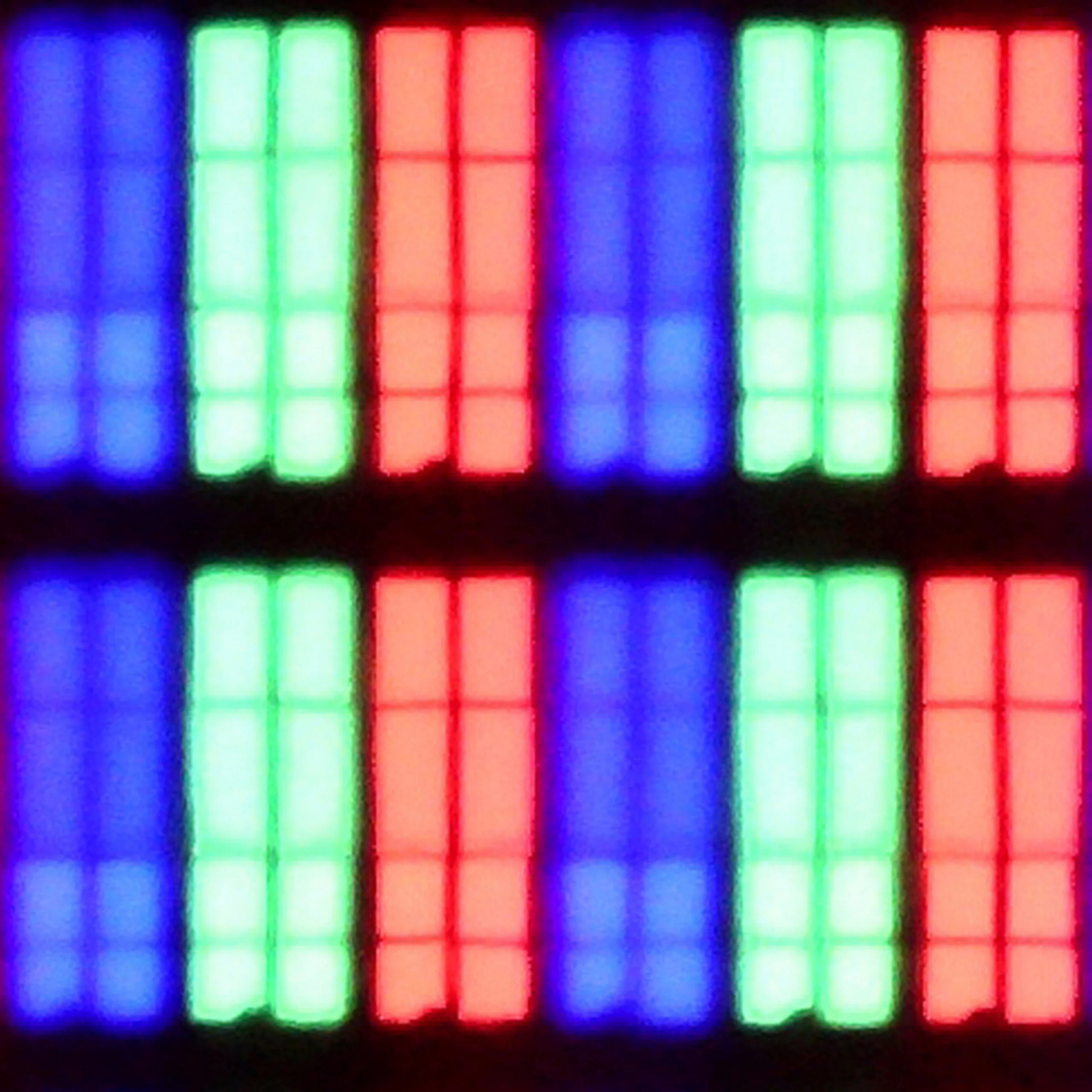
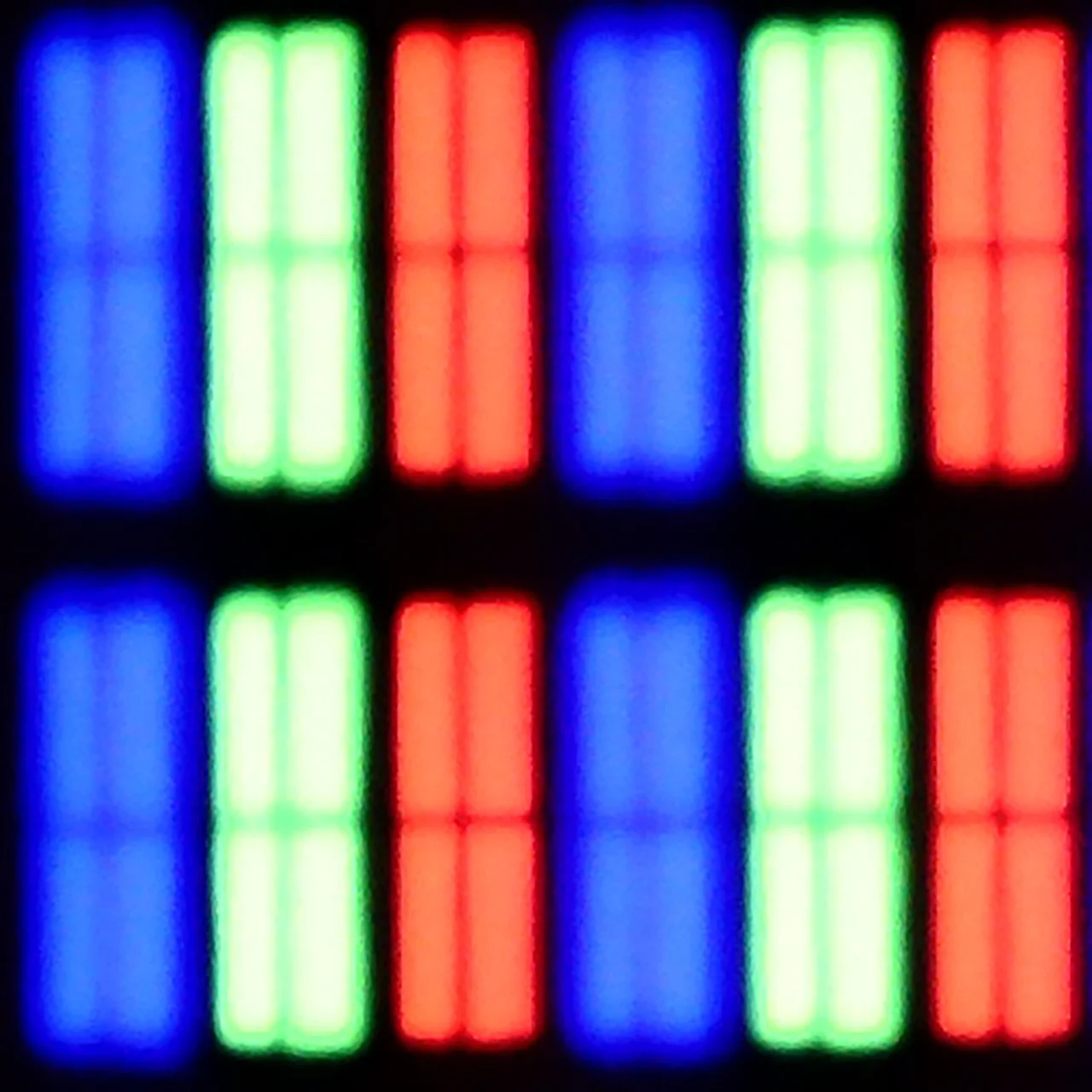
Subpixel Structure:
Panel uniformity and thermal imaging:


TCL C655 / C69B (55"-85")
Philips PUS7000
TV features
6.5/10
5/10
- SystemGoogle TVTitan OS
- System performanceDecentAverage
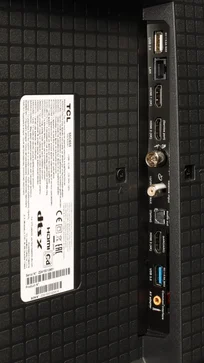
- HDMI inputs3 x HDMI 2.0, 0 x HDMI 2.13 x HDMI 2.0, 0 x HDMI 2.1
- Other inputsRCA (Chinch)
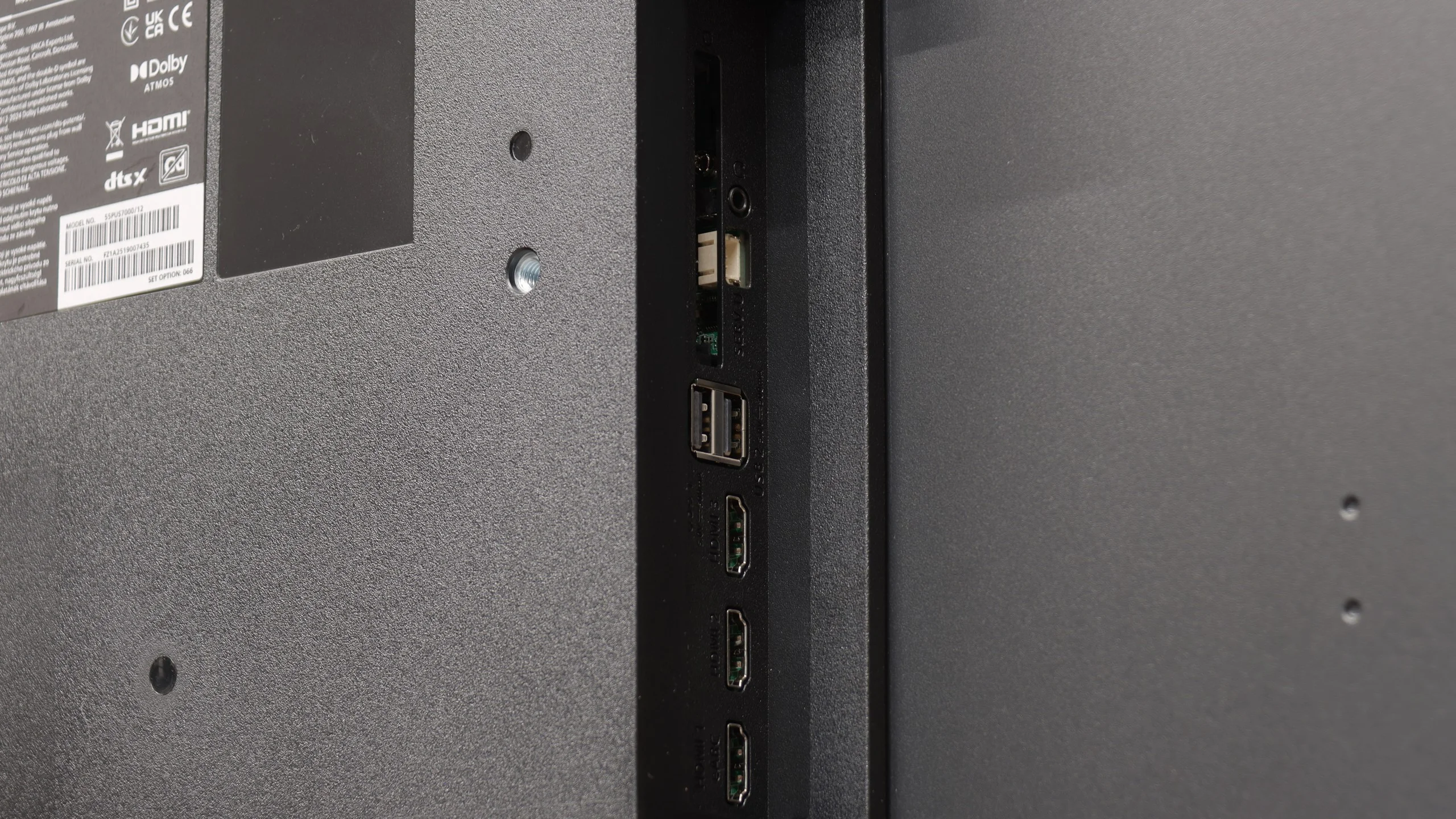
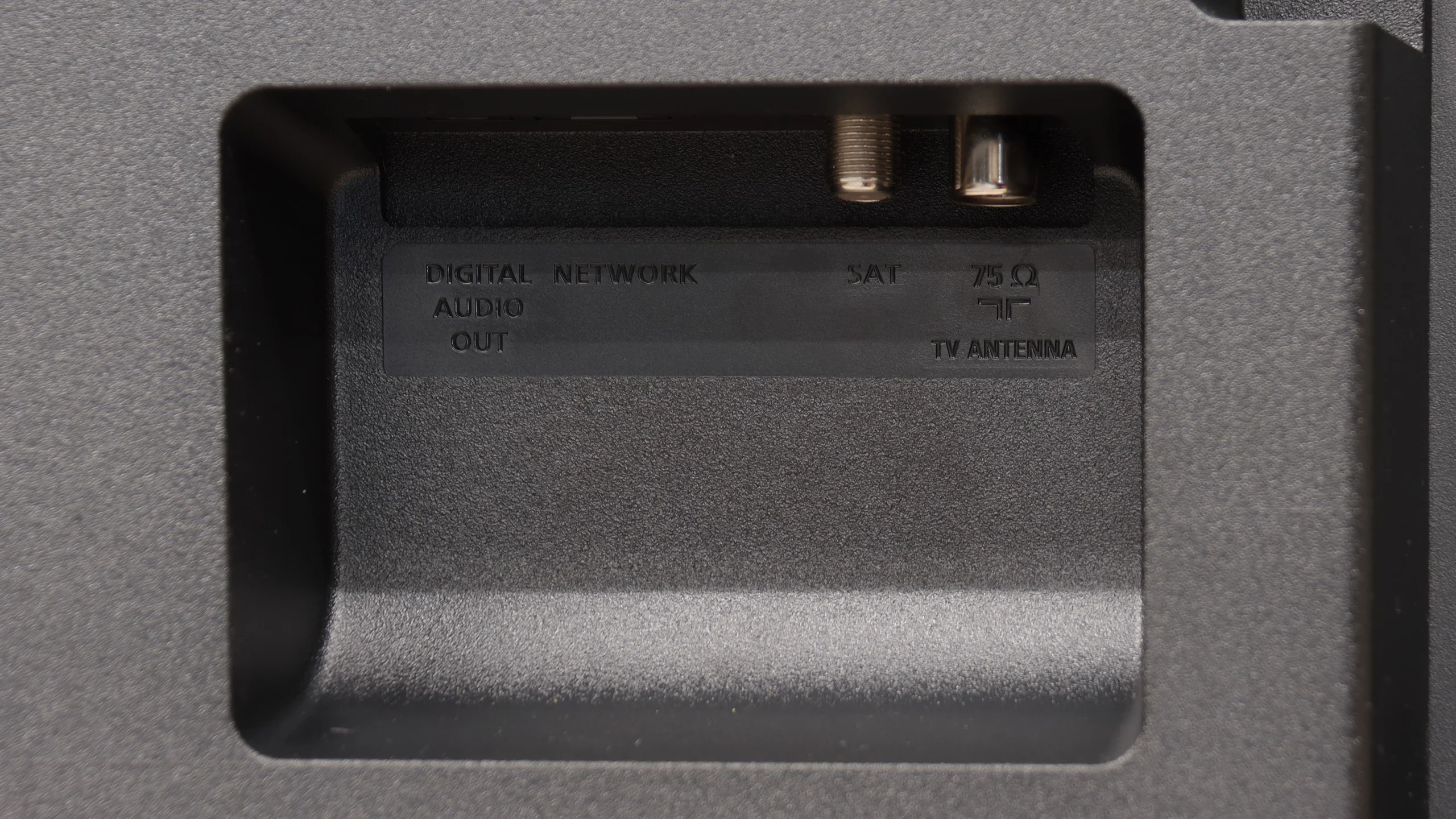
- OutputsToslink (Optical audio), eARC (HDMI), ARC (HDMI)Toslink (Optical audio), eARC (HDMI), ARC (HDMI), Mini-Jack (Headphones)
- Network InterfacesWi-Fi 2.4GHz, Wi-Fi 5GHz, Ethernet (LAN) 100MbpsWi-Fi 2.4GHz, Wi-Fi 5GHz, Ethernet (LAN) 100Mbps
- TV receptionDVB-T, DVB-T2, DVB-S, DVB-S2, DVB-CDVB-T, DVB-T2, DVB-S, DVB-S2, DVB-C
Classic features:
- Recording to USB (terrestrial TV)
- Recording programming
- Picture in Picture (PiP)
- RF remote control (no need to aim)
- Backlit remote control
- Teletext
- Audio only mode
- Bluetooth headphones support
- Simultaneous Bluetooth headphones & TV audio
Smart features:
- AirPlay
- Screen mirroring (Windows Miracast)
- Voice search
- Voice search in native language
- Ability to connect a keyboard and mouse
Sound connection options
- HDMI audioeARC (HDMI), ARC (HDMI)eARC (HDMI), ARC (HDMI)
- Other audio outputsToslink (Optical audio)Toslink (Optical audio), Mini-Jack (Headphones)
- Wireless audioBluetoothBluetooth
Supported audio formats (external HDMI eARC audio):
- Dolby Digital Plus 7.1
- Dolby True HD 7.1
- Dolby Atmos in Dolby Digital Plus (JOC)
- Dolby Atmos in Dolby True HD
- DTS:X in DTS-HD MA
- DTS-HD Master Audio
Senior accessibility
- Numeric keyboard on TV
- Font size adjustment
- Audio description
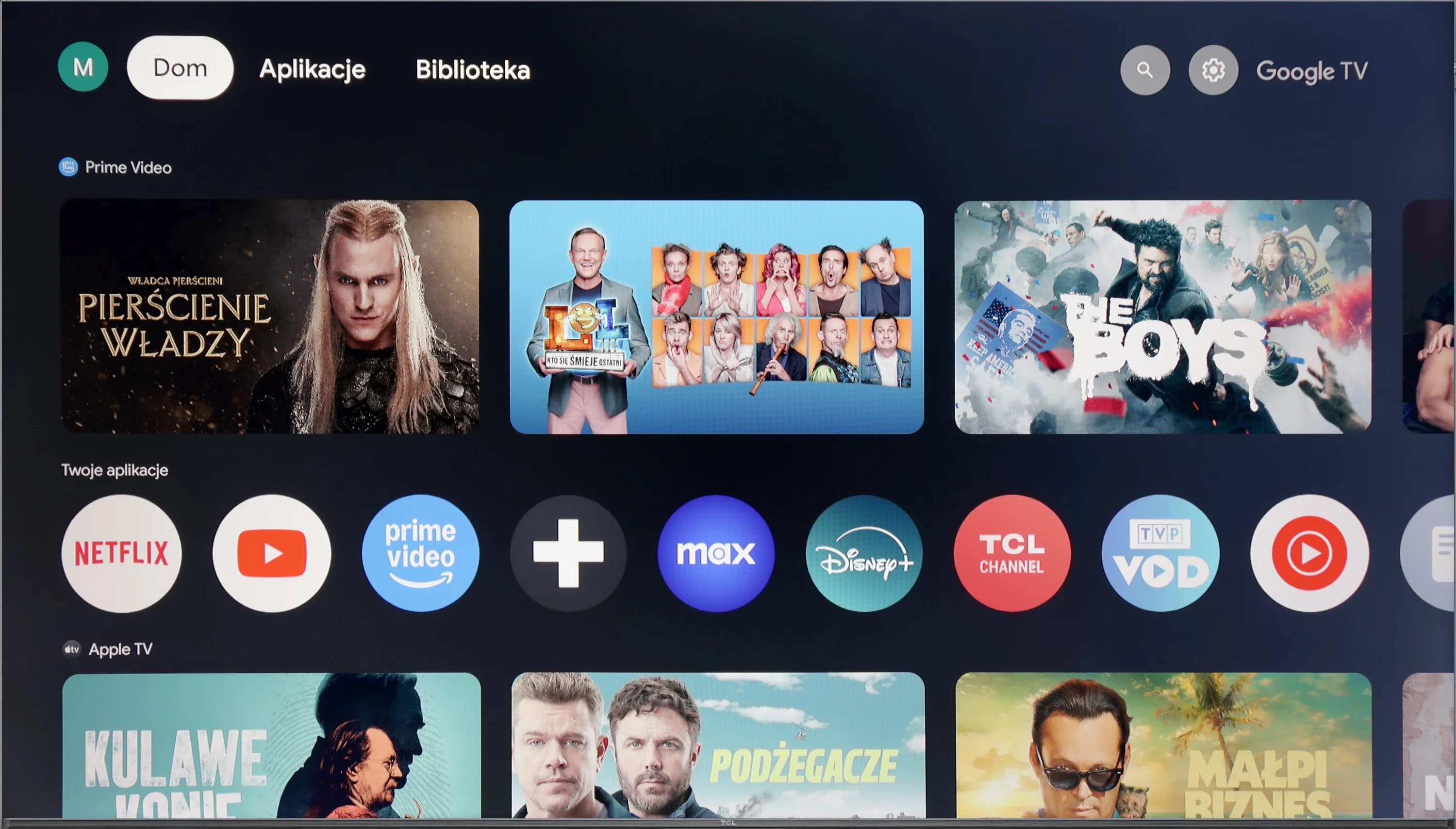
The TCL C655 / C69B television operates on the Google TV system, which is an extension of the popular Android TV. Google TV offers personalised content recommendations based on previously viewed materials and user preferences. The convenient and clear navigation in the interface makes it easy to find favourite films, series, and applications. This system supports the most popular streaming applications, such as Netflix, YouTube, Prime Video, and Disney+, providing users with access to a wide range of content. Google TV also supports integration with the Google ecosystem, allowing control of the television through voice commands using Google Assistant. Additionally, users can easily synchronise the television with other devices within the smart home framework.
The C655 / C69B television ensures everyday user convenience with features that facilitate connectivity and interaction with other devices. It supports Apple AirPlay, allowing for quick content streaming from Apple devices, such as iPhones or iPads, directly to the television screen. The ability to connect peripheral devices via Bluetooth, such as keyboards, mice, or headphones, further enhances user comfort. Unfortunately, the television does not offer content recording to USB or picture-in-picture (PiP) options, which may disappoint traditional television users who are accustomed to these features. The absence of these options means that the TCL C655 / C69B may not be the ideal solution for those expecting full functionality, especially regarding recording favourite programmes.
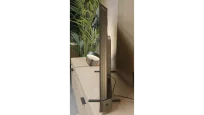
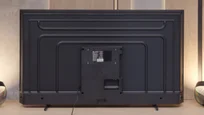
The TCL C655 / C69B presents a solid design. The television is not among the thinnest, and its bezels are not the narrowest, yet they look modern and aesthetically pleasing. The legs included in the set deserve special praise – they are metal, which adds stability, and they also offer adjustment capabilities, even for very narrow spacing. This makes it easy to fit the television with various types of TV stands, which is a practical convenience in many living rooms.
Titan OS System
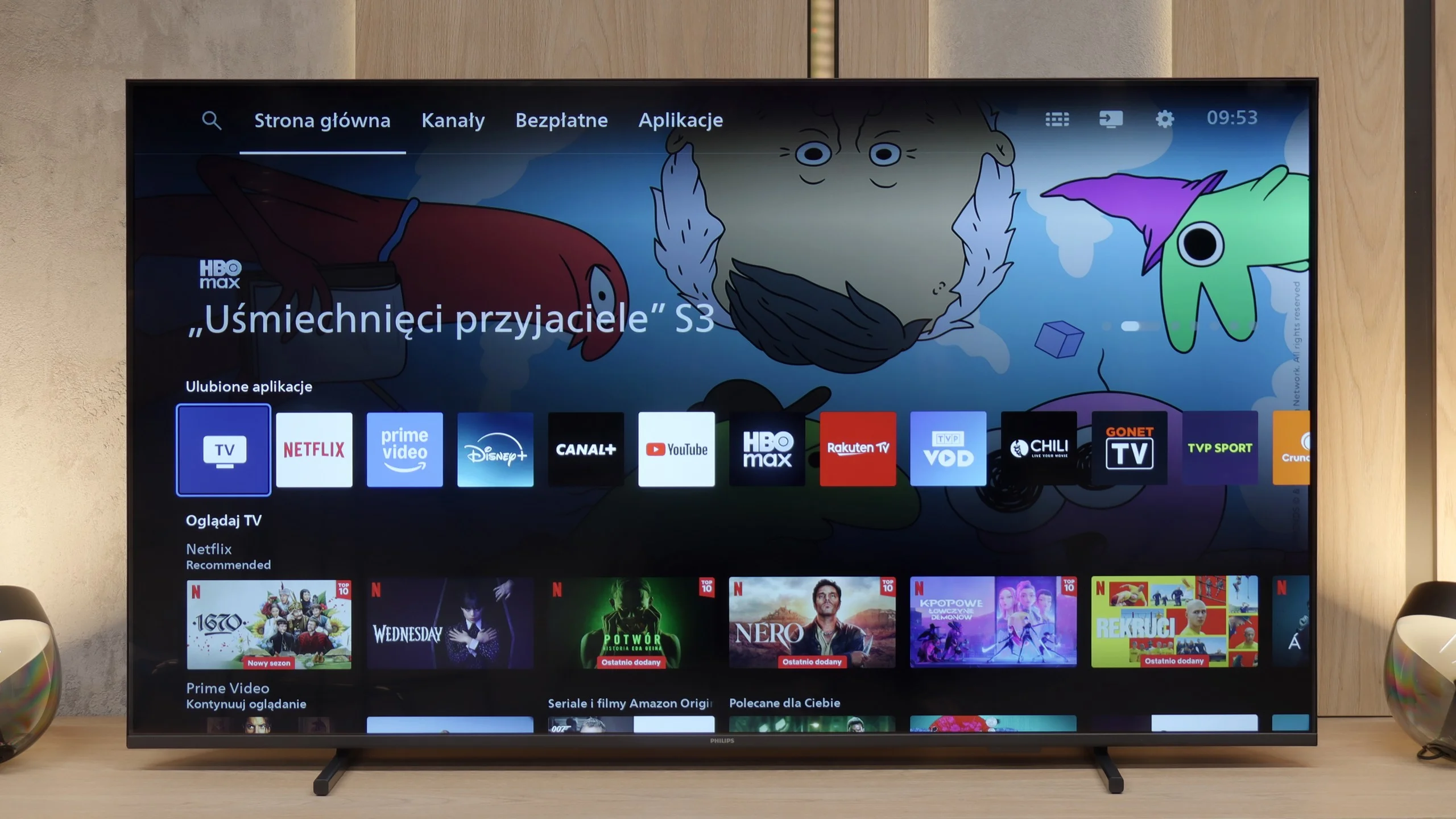
Titan OS is still quite a new operating system and unfortunately, this is noticeable in everyday use. Everything functions sluggishly and at times, clumsily. The response to commands from the remote is slow, which is further complicated by the fact that the device uses infrared connectivity instead of Bluetooth/RF. This means that we need to aim the remote quite precisely at the television for the system to respond at all. During testing, we still could not activate the screen mirroring feature with computers running Windows. Fortunately, transmitting images from Apple devices using the AirPlay function went smoothly. Another drawback of Titan OS is the very limited application library. The selection is significantly smaller than in systems like webOS or Tizen, not to mention Google TV, where the choice of programmes is nearly unlimited.
Classic Features
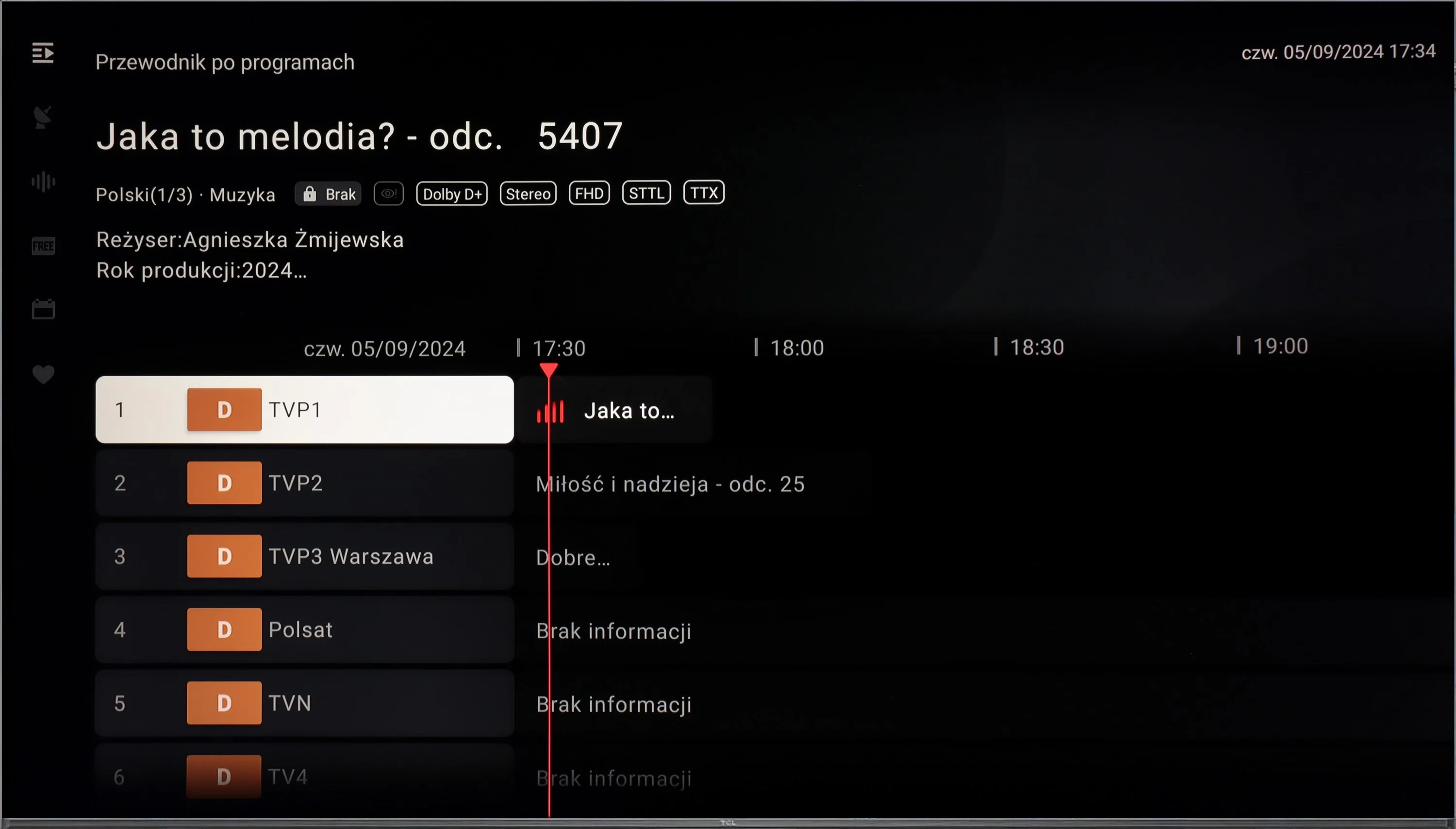
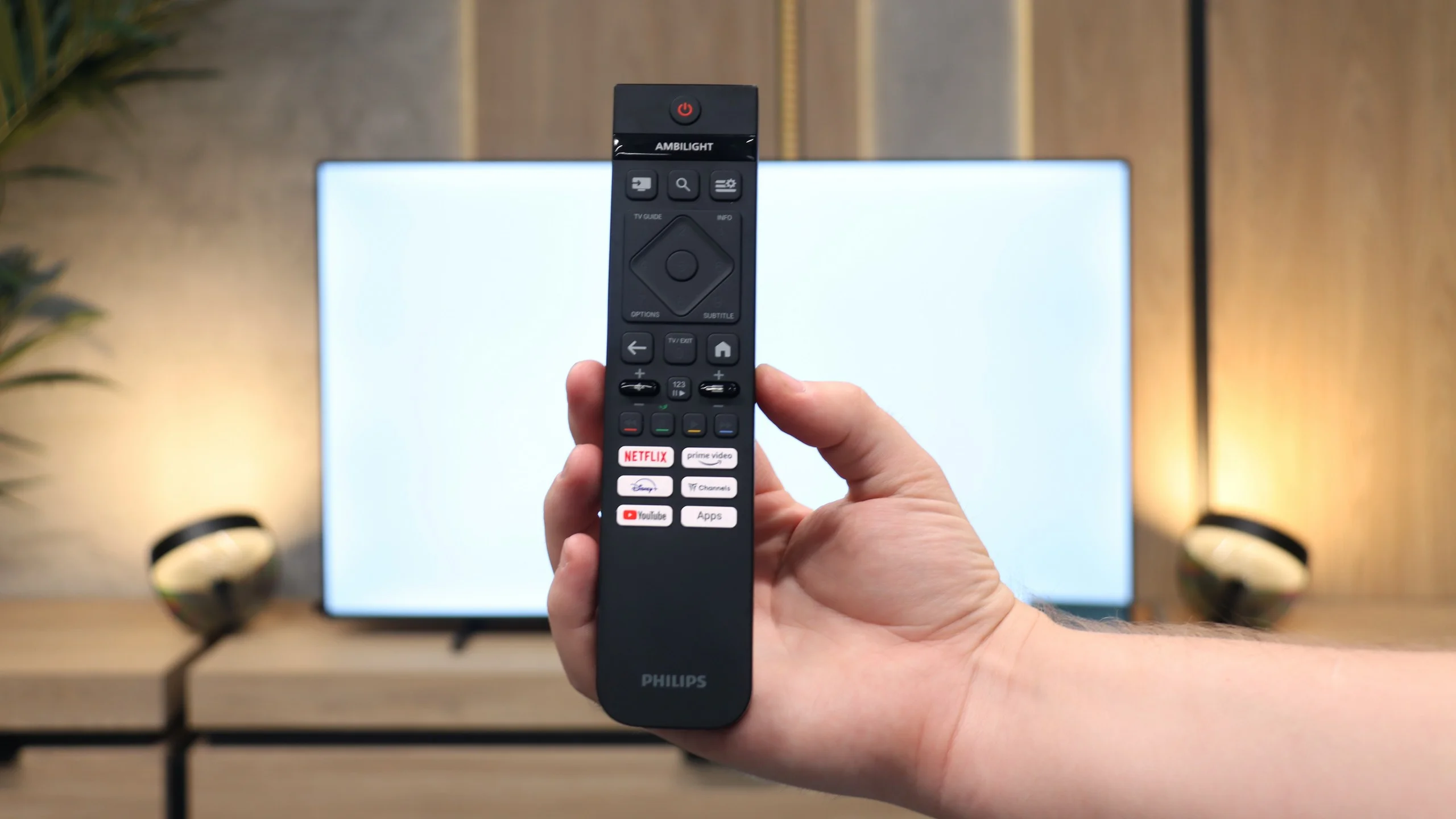
On the other hand, the PUS7000 could be a good choice for those who primarily watch traditional television. Here, we find a properly functioning teletext and a clear EPG interface, which is the electronic programme guide. The remote included in the package is backlit, which makes it much easier to operate after dark, and has standard numeric buttons for quick channel selection. An interesting feature is the presence of a classic jack headphone input. This is a rarely seen addition in new televisions, allowing for the connection of older home cinema systems or wired headphones without the need to purchase adapters.
Apps
9.6/10
6.7/10






















Playing files from USB
8.3/10
8.2/10
Supported photo formats:
Maximum photo resolution:
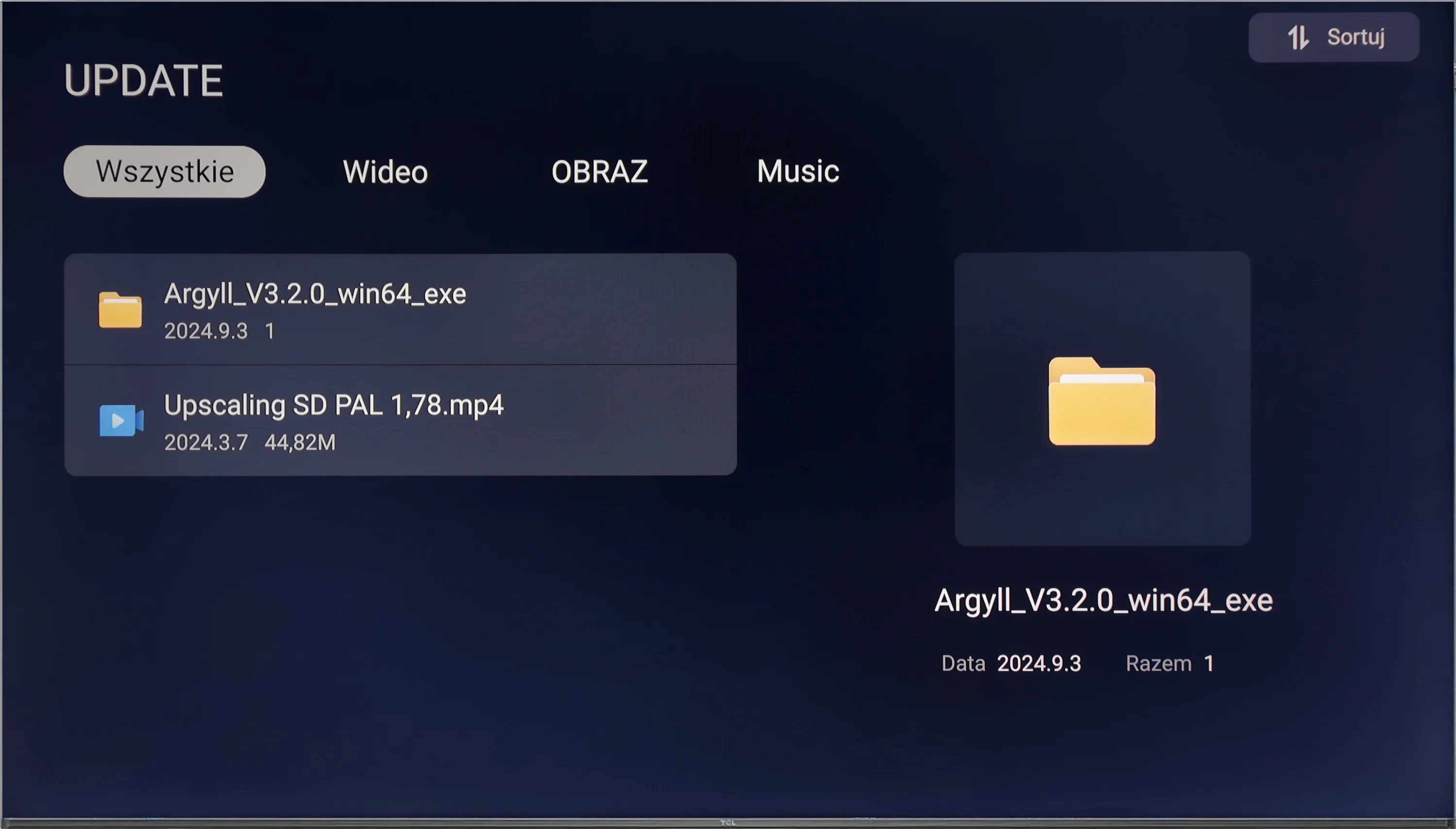
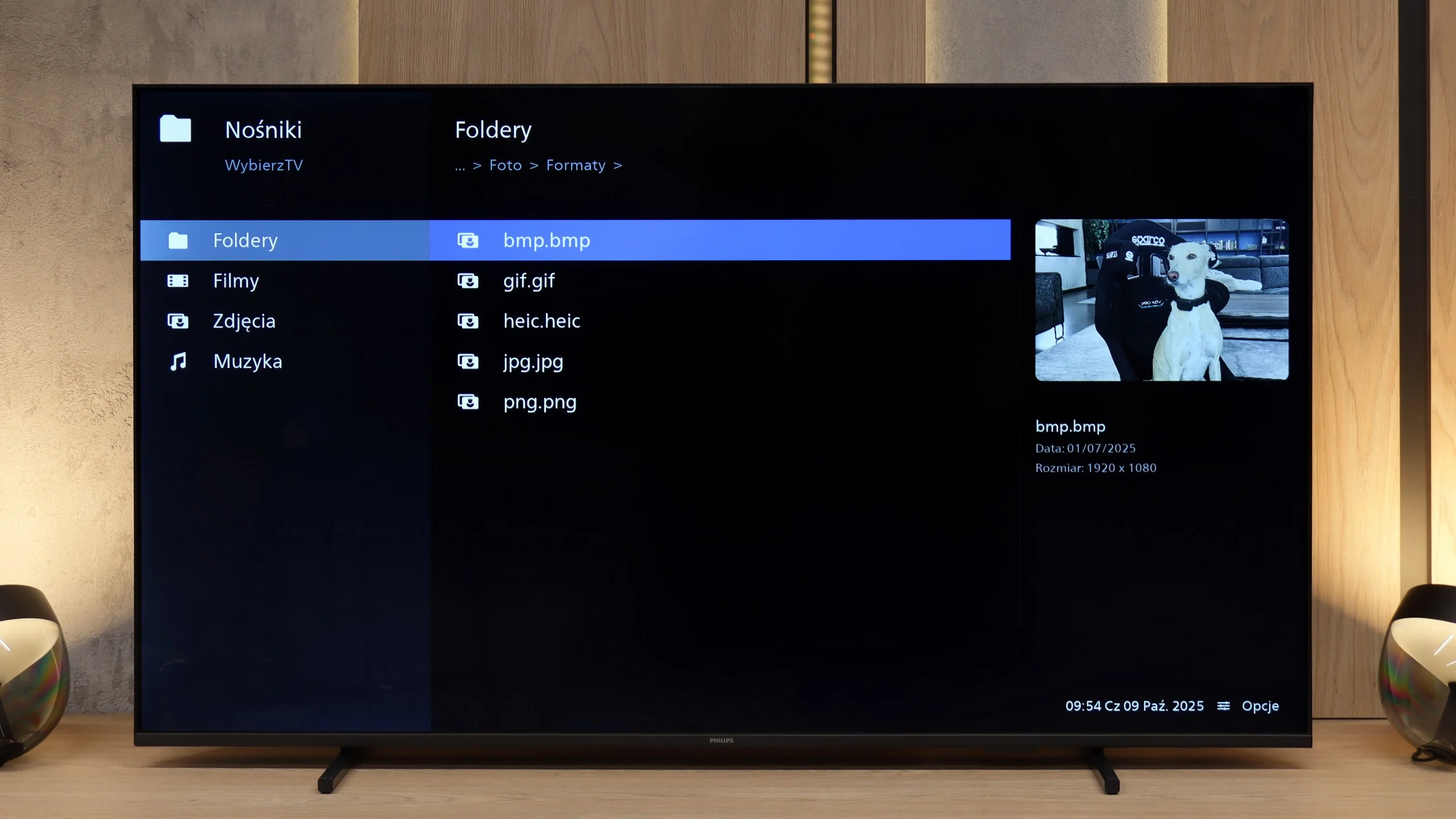
Thanks to its built-in player, the TCL C655 / C69B television is capable of playing most file formats stored on external memory devices, making it a versatile tool for consuming multimedia. However, there may be certain limitations in supporting some formats, which can be inconvenient for more demanding users. Fortunately, the Google TV system allows the installation of other multimedia players from Google Play, which eliminates compatibility issues. This enables users to choose applications that best meet their needs, significantly enhancing the functionality of the television.
The built-in media player works quite efficiently and handles most popular video formats without significant issues. The television easily reads subtitles from files and manages various audio formats, so those who keep movies on a hard drive or USB stick should not feel constrained. The only drawback concerns the photo browser - not everything functioned correctly, and some files, especially at selected resolutions, did not open at all.
Sound
6.6/10
5.8/10
- Maximum volume-81dB
- Dolby Digital Plus 7.1
- Dolby True HD 7.1
- Dolby Atmos in Dolby Digital Plus (JOC)
- Dolby Atmos in Dolby True HD
- DTS:X in DTS-HD MA
- DTS-HD Master Audio
The sound on the TCL C655 / C69B is surprisingly good, especially for this class of device. The 2x10W speakers combined with a 15W Onkyo subwoofer (for sizes 55"+) offer surprisingly good sound quality, including noticeable bass. The sound remains clear across the volume range, although the high frequencies could be a bit clearer. The support for DTS audio format is also a plus.
The sound quality is distinctly budget-level. It is sufficient for news and public affairs programmes, but when it comes to films and music, it quickly lacks depth and bass. It's hard to expect anything more at this price, so if better experiences are important to us, it's worth considering a soundbar or connecting external audio, even via the headphone output.
Sound Quality Test
No sound test video
Acoustic Measurements
No acoustic data
81dBC (Max)
75dBC
Reader comments
Comments are provided by the external service Disqus (Zeta Global). Once loaded, Disqus may set cookies and process data about your activity.
We will remember your choice on this device. Provider's privacy policy