TCL C655 / C69B in larger sizes (55"+) is a QLED television from 2024 by a Chinese manufacturer, offered at a very attractive price. This model has many advantages that can satisfy a wide range of users. The first major plus is the Google TV operating system. In the TCL C655 / C69B and beyond, it provides a modern and intuitive interface along with support for voice commands in Polish thanks to Google Assistant. Easy access to popular streaming applications such as Netflix, YouTube, or Prime Video makes daily use of the television particularly convenient. Support for AirPlay and the ability to connect peripheral devices via Bluetooth enhance its versatility. A minor downside may be the lack of recording features and picture-in-picture (PiP), which may disappoint those accustomed to the full functionality of traditional television. Therefore, we recommend connecting an external decoder. As for gamers, the C655 / C69B, despite the lack of support for 4K resolution at 120 Hz, offers quite a lot. The television supports 120 Hz at lower resolutions (1080p and 1440p), so when smoothness of the image is more important than resolution, one can set the console to performance mode. As a gaming television, the C655 / C69B offers features such as ALLM (automatic low latency mode switching) and VRR (variable refresh rate), which provide smooth images and minimise lag. It is also worth mentioning Dolby Vision in game mode with low input lag. The picture quality in the TCL C655 / C69B is also quite good, especially considering its price. The television has a high native contrast due to the VA panel and wide coverage of the DCI-P3 colour palette thanks to quantum dot technology (QLED). Although the lack of local dimming (present in the C655 PRO version) sometimes affects the depth of black, in this price range, this model offers truly solid picture quality that should satisfy most users.
- Matching (Score) |
- Our verdict |
- TV appearance |
- Where to buy |
- Contrast and black detail |
- HDR effect quality |
- Factory color reproduction |
- Color reproduction after calibration |
- Smoothness of tonal transitions |
- Image scaling and smoothness of tonal transitions |
- Blur and motion smoothness |
- Console compatibility and gaming features |
- Input lag |
- Compatibility with PC |
- Viewing angles |
- Daytime performance |
- Panel details |
- TV features |
- Apps |
- Playing files from USB |
- Sound
TCL C655 / C69B (55"-85") vs LG OLED B6
 Direct comparison
C655 / C69B

B65 / B6E / B6G
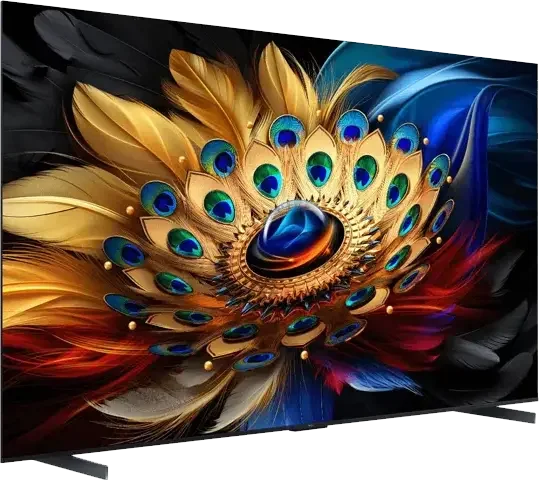
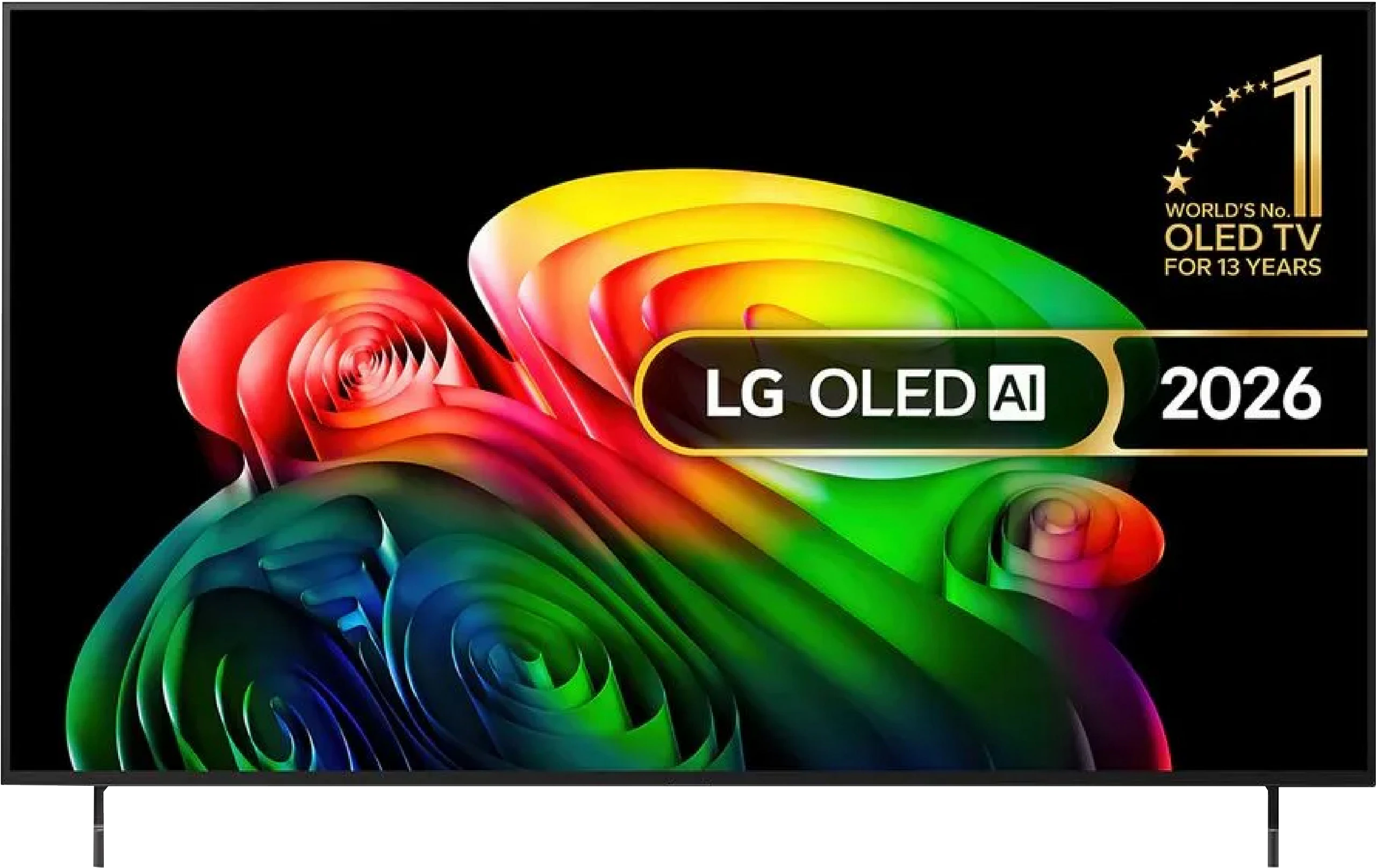
Panel type: LCD VA
Resolution: 3840x2160
System: Google TV
Model year: 2024
Complete the survey to find out the result
Panel type: WRGB OLED
Resolution: 3840x2160
System: WebOS
Model year: 2026
Complete the survey to find out the result
Overall rating
6.3
7.8
 Movies and series in UHD quality
 5.7
8.0
 Classic TV, YouTube
 5.6
8.8
 Sports broadcasts (TV and apps)
 5.2
8.6
 Gaming on console
 7.7
9.2
 TV as a computer monitor
 6.0
7.6
 Watching in bright light
 5.6
4.8
 Utility functions
 6.5
8.0
 Apps
Apps 9.6
9.1
 Sound quality
 6.6
6.7
Complete the survey to find out what fits your preferences
Advantages

High brightness of 450 nits
High native contrast
Supports Google TV with access to many streaming applications
Features for gamers, such as ALLM, VRR, and Game Bar, as well as support for Dolby Vision in game mode
Very low input lag, even in Dolby Vision mode (13 ms)
Support for Apple AirPlay and the ability to connect devices via Bluetooth
Relatively low price
120/144Hz and HDMI 2.1 in the 98' variant *
Perfect black levels and contrast, OLED panel
Very good HDR performance with Dolby Vision
Natural and accurate colours after calibration
Excellent motion clarity with no smearing (120 Hz)
4 HDMI 2.1 ports with full 48 Gb/s bandwidth
Very low input lag
VRR, G-Sync, FreeSync and proper HGiG support, offering a rich feature set for gamers
Feature-rich webOS with the Magic Remote
Wide viewing angles
Disadvantages

Poor viewing angles resulting from the VA matrix – the image loses quality when viewed from the side
No recording function to USB and no picture-in-picture (PiP) option
Inferior reflection suppression compared with its predecessor, a characteristic of the OLED SE panel
Average brightness, best suited to a room with controlled lighting
No DTS:X support, primarily a drawback for Blu-ray disc owners
The webOS system isn't the fastest here
Our verdict
The LG OLED B6 is a very successful continuation of the B series and a TV that makes a lot of sense as a first step into OLED. It doesn't try to compete with the most expensive models in every respect, but in the most important areas it still manages to deliver exactly what many people choose this technology for: perfect blacks, very high contrast and a picture that can simply look spectacular in films. Much of this is thanks to the new budget WOLED panel, the OLED SE. Thanks to it, LG's cheapest OLED is now noticeably brighter than a few years ago, and around 800 nits in HDR is a figure you can genuinely notice when watching. Highlights have more punch, the picture copes better with more demanding scenes, and combined with OLED blacks the whole thing can look really impressive. Films and series from streaming platforms look particularly good, especially those available in Dolby Vision. That's when the B6 makes the most of its capabilities and can deliver an image that will be a big step up for someone switching from a typical LCD TV.
However, this is not a model without compromises. Our biggest reservation concerns how the screen handles reflections. The lack of a classic polariser means the TV fares much worse when placed opposite a large window or a strong light source. Reflections are more noticeable than on other WOLED panels, and the blacks themselves lose some of their character in a bright room. In controlled conditions this won't be a problem, but for a very bright living room it's worth approaching this purchase a little more cautiously. The operation of webOS also leaves something to be desired. The system itself is still very good, with a rich app library, the convenient Magic Remote and essentially everything you would expect from a modern Smart TV. The problem is that on the B6 it does not always run as smoothly as it should. At times you can feel the new version of the system is more demanding and somewhat 'heavier' than before.
Despite these remarks the LG B6 still performs very well. It's a TV that delivers all the key advantages of OLED while not costing as much as the higher-end models. It makes the most sense when it's on a good deal, because then it can be one of the most interesting choices for people who want to enter the world of OLEDs without overpaying.
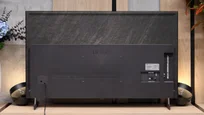
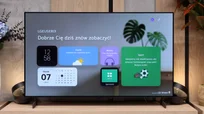
TV appearance

Contrast and black detail
6.1/10
10/10
Local dimming function: No
Contrast:


Result
6,850:1

Result
6,750:1

Result
6,350:1

Result
6,750:1

Result
4,800:1
Result
∞:1
Result
∞:1
Result
∞:1
Result
∞:1
Result
∞:1
Halo effect and black detail visibility:
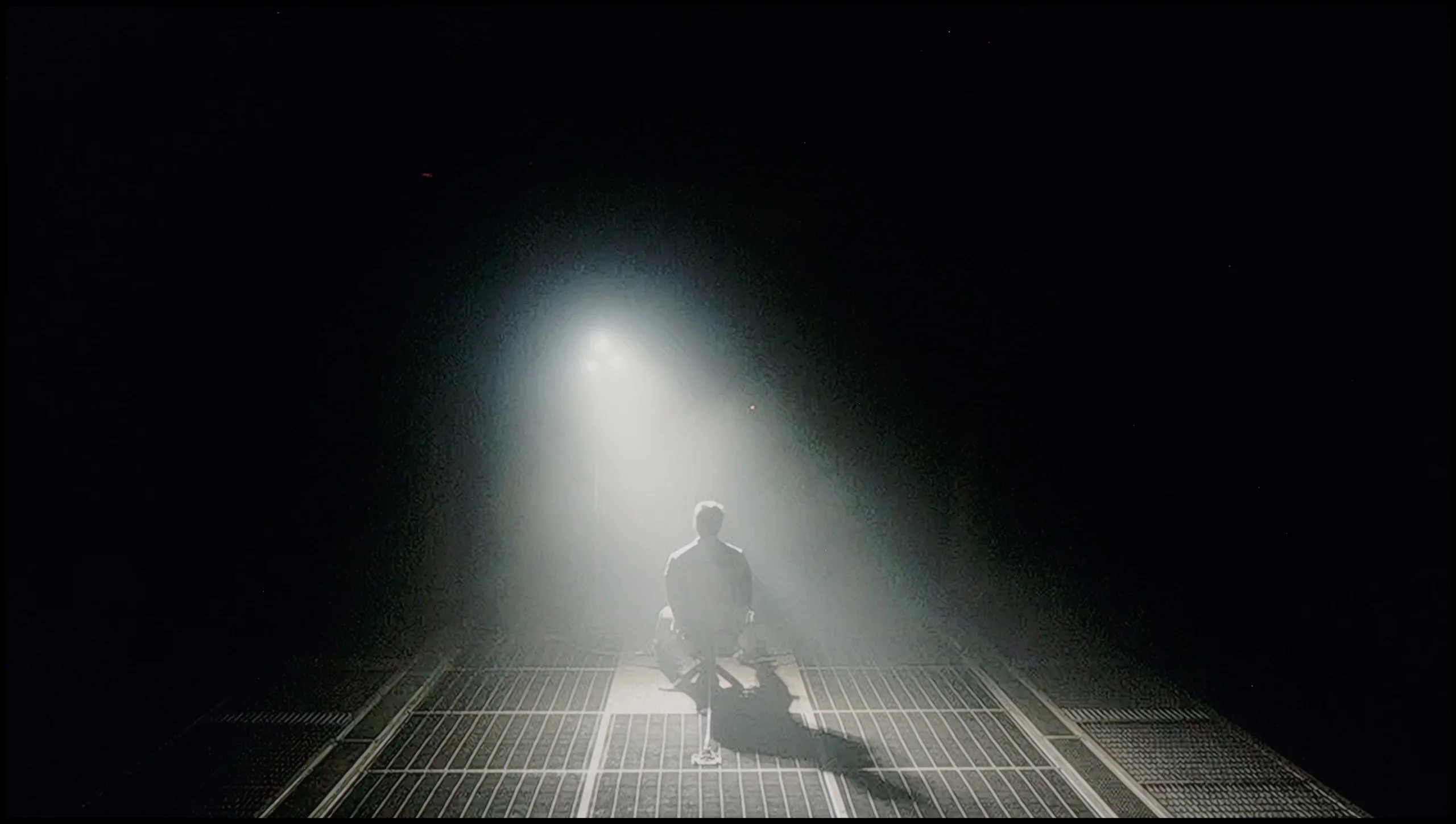
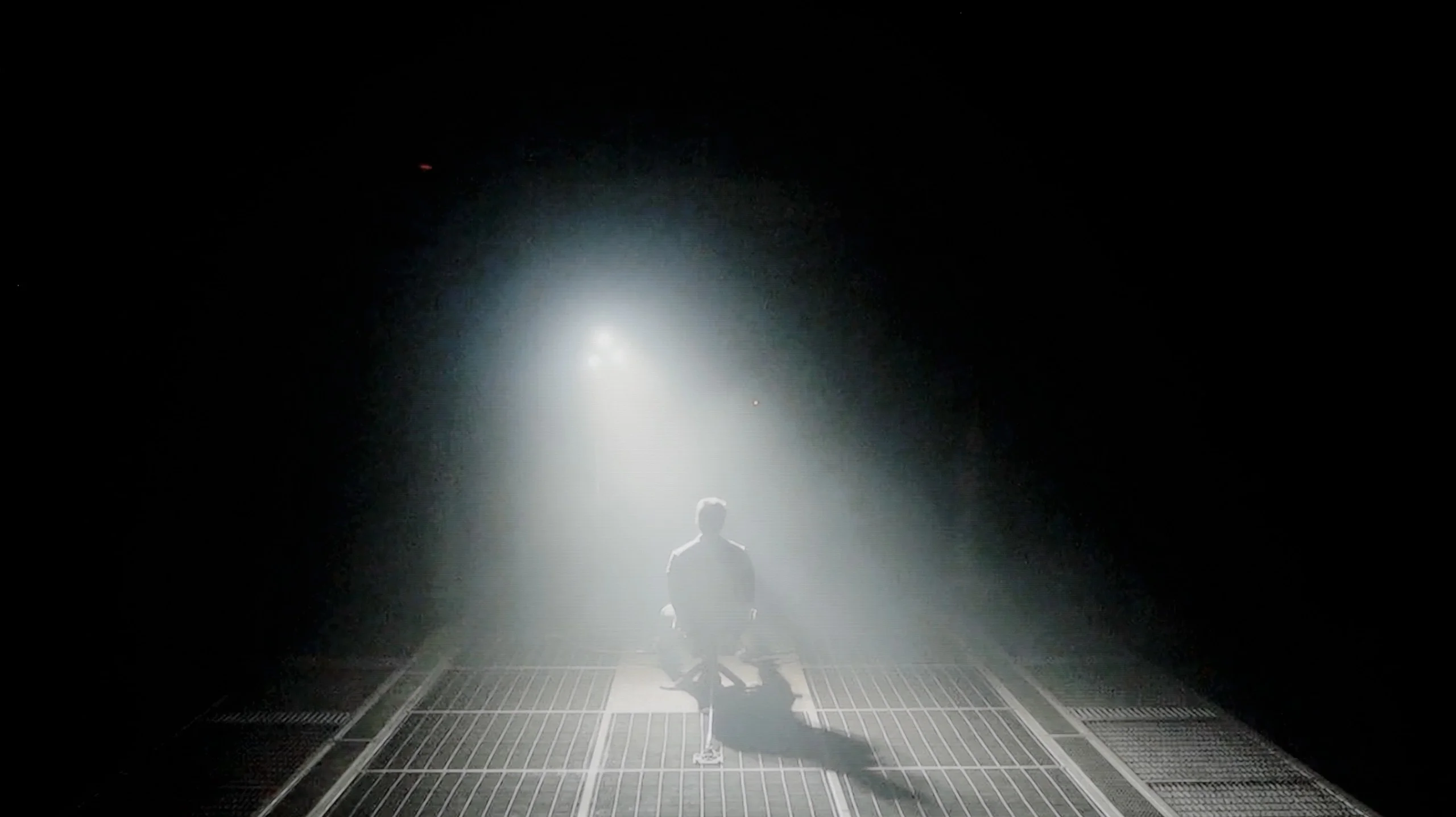
Check the visibility of bright lights on a dark background. Mini-LEDs often struggle with this. The photo does not compare black levels – that’s what the video below is for.
The video accurately shows differences in contrast and black levels between TVs, as well as potential issues: halo around bright objects or Mini-LED zone operation visible as brightness jumps.
The television TCL C655 / C69B is equipped with a VA panel, which offers above-average contrast, resulting in noticeably better black quality and image depth compared to IPS panels. However, the lack of local dimming technology, which is available in the model with the "Pro" suffix, negatively affects the quality of black levels. In certain scenes, such as in the film "Sicario 2", one can notice that black takes on a navy hue, thereby reducing the sense of immersion. Overall, the black levels are decent, but they could be better if the television were equipped with local dimming technology.
The blacks on the LG OLED B6 are perfect. That's no surprise, since we're dealing with an OLED (WOLED), but this is precisely where you can see why this technology still has so many fans. Each pixel can switch off individually, so in dark scenes there is no grey halo or blooming around bright elements. As a result, the image has excellent depth and can genuinely look three-dimensional. Shadow detail also performs well. Nothing melts into one dark blotch, and small elements remain visible even in more challenging scenes. In that respect the B6 simply demonstrates everything we love about OLED TVs.
HDR effect quality
5.2/10
6.2/10
Luminance measurements in HDR:

Result
364 nit

Result
416 nit

Result
484 nit

Result
400 nit

Result
450 nit
Result
734 nit
Result
734 nit
Result
804 nit
Result
757 nit
Result
355 nit
Scene from the movie “Pan” (about 2800 nits)
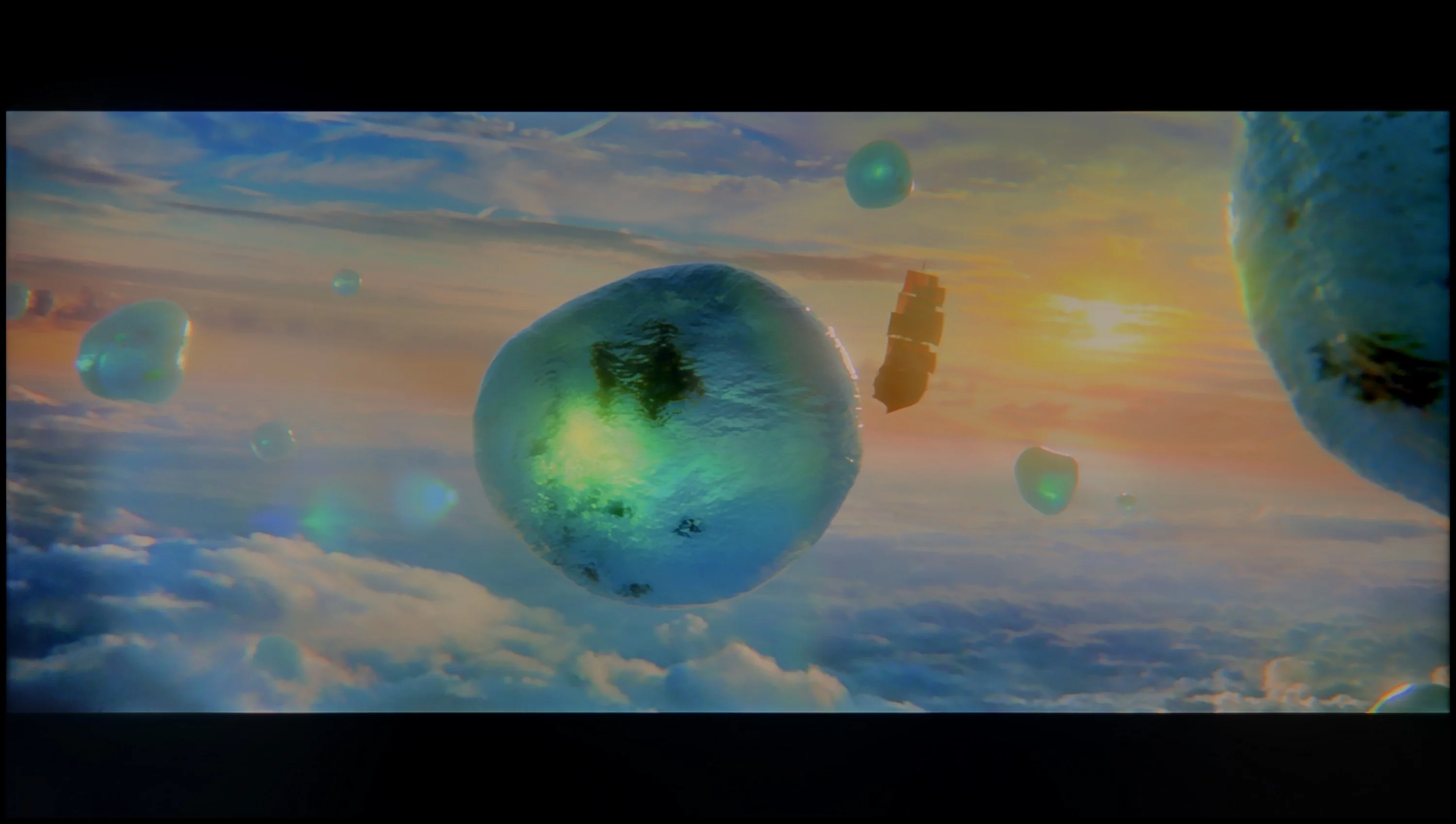
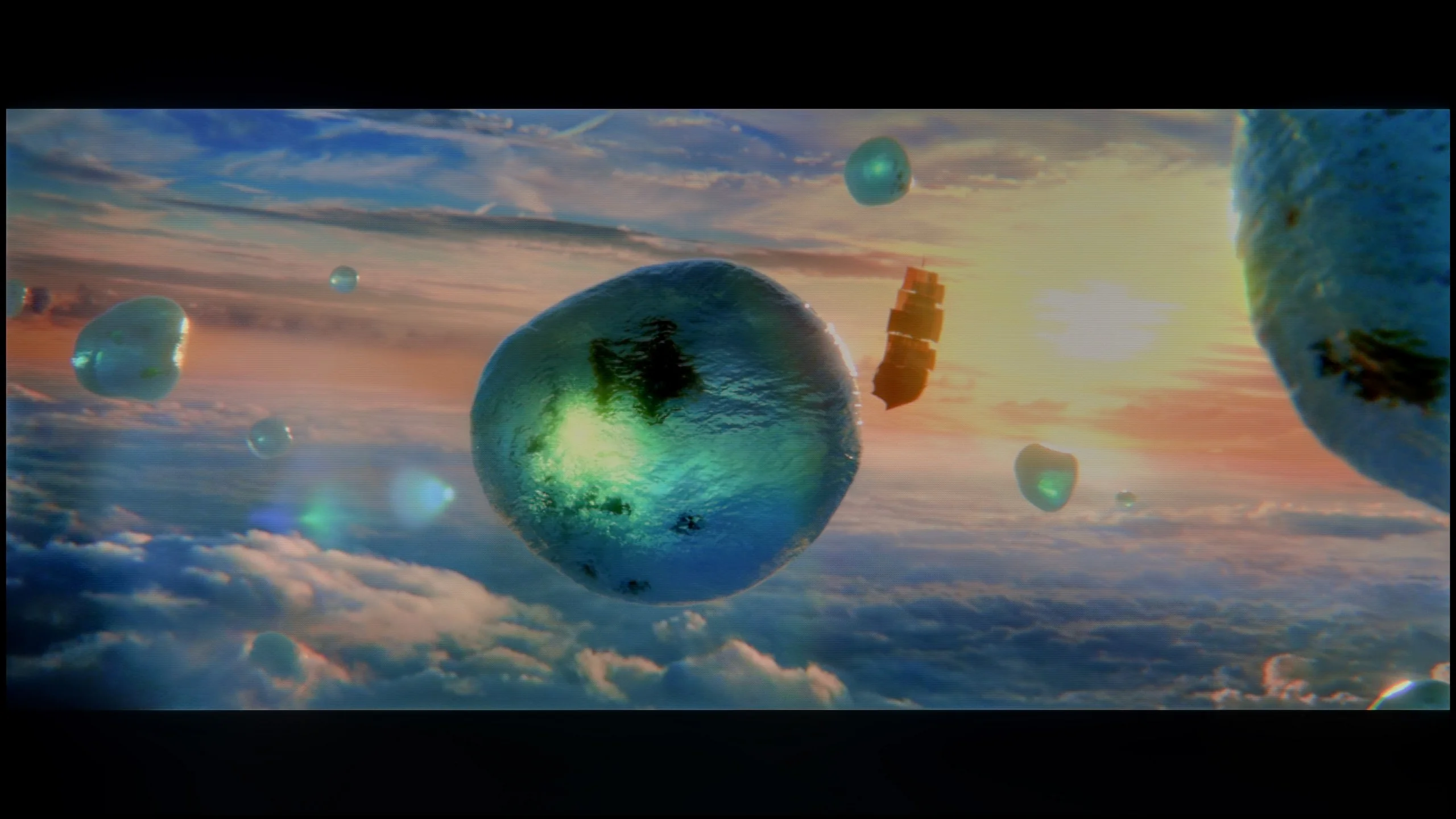
Scene from the movie “Billy Lynn” (about 1100 nits)
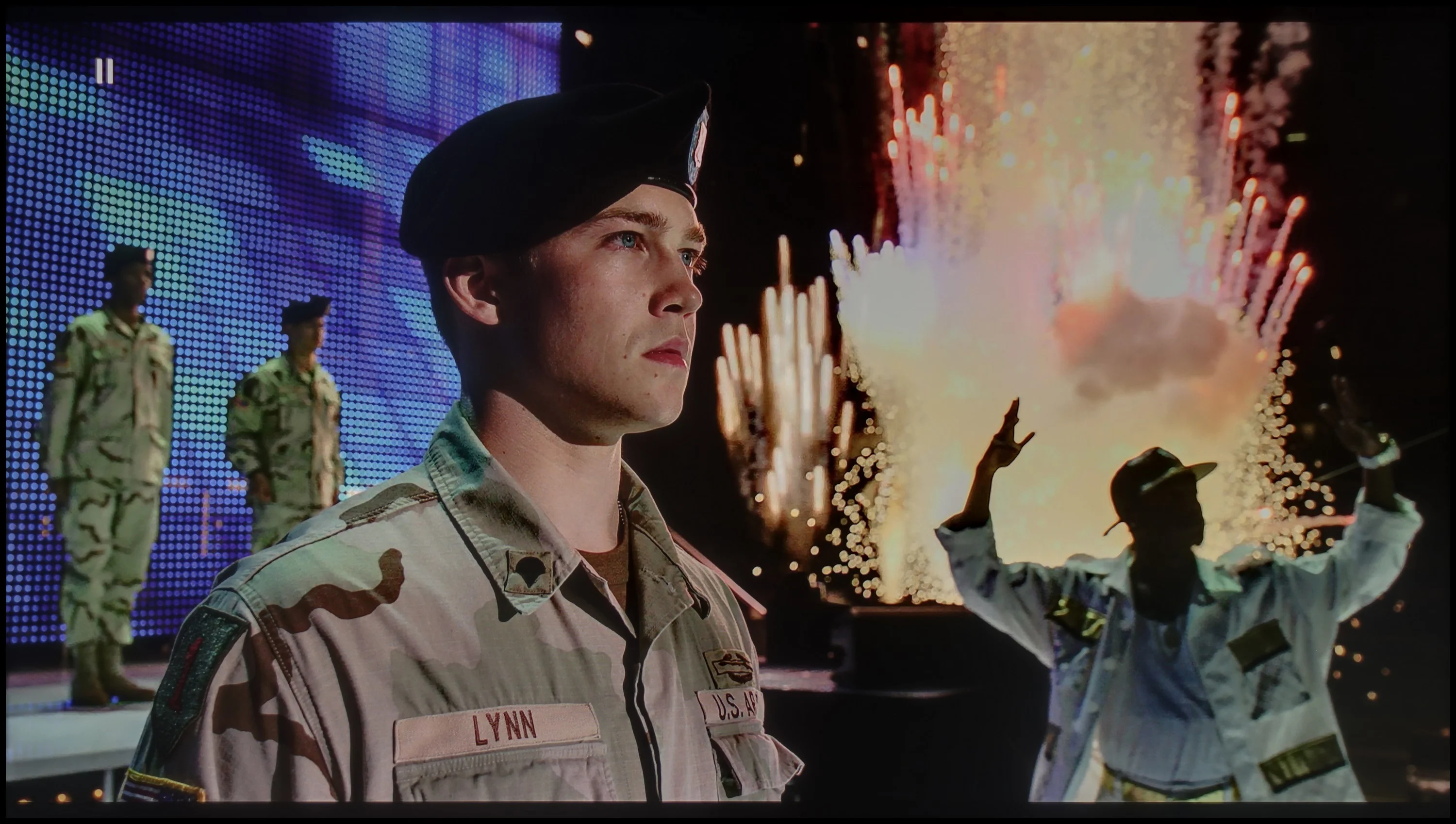
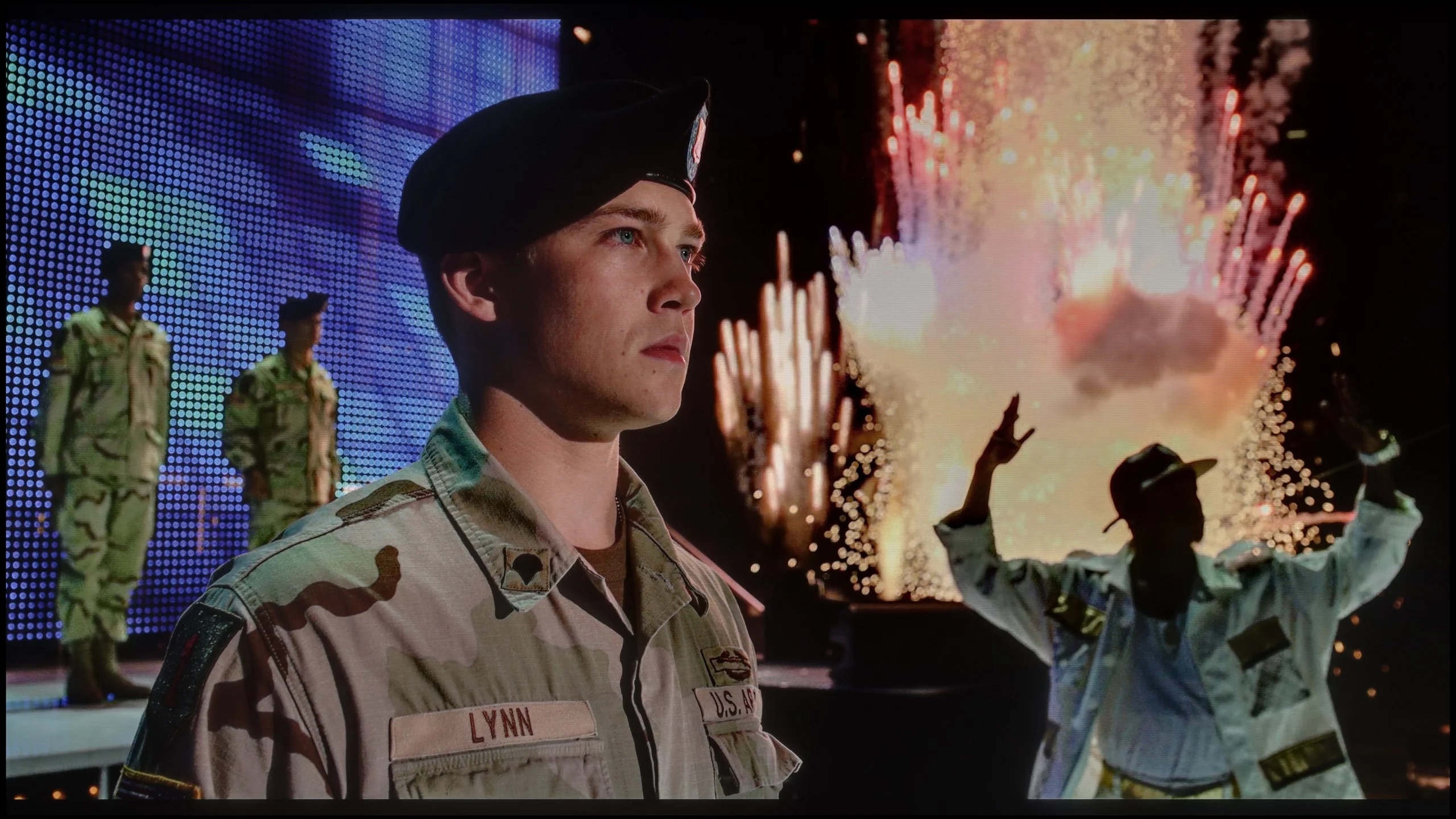
The photos show two HDR10 movies. 'Pan' is one of the brightest productions ever made, while 'Billy Lynn' (soldier) has brightness typical of streaming (Netflix, Prime, HBO MAX). Notice the intensity of effects and detail in whites.
Static HDR10


The photos present the visibility of white details in various HDR formats. They do not show brightness differences between TVs (these can be compared in the previous gallery).
Dynamic: Dolby Vision
Dynamic: Dolby Vision


The photos present the visibility of white details in various HDR formats. They do not show brightness differences between TVs (these can be compared in the previous gallery).
HDR luminance chart:
LG OLED B6
TCL C655 / C69B (55"-85")
Luminance of RGB colors
Generally speaking, the quality of the HDR effect on the TCL C655 / C69B looks quite promising. The average value in the test charts is around 450 nits, which already allows one to feel the light effects and better image dynamics. However, as previously mentioned, this effect may be partially subdued by slight differences in bright and dark colours, resulting from the lack of local dimming technology. However, the coverage of the DCI-P3 colour palette at 94% deserves high praise, and this is made possible by the use of a quantum dot (QLED) matrix. As a result, colours are vivid and accurately represented when watching HDR content.
The LG B6 is a moderately bright OLED. After calibration it reaches around 800 nits, roughly 200 nits more than last year’s B5. That’s down to the new, budget OLED SE panel from LG Display. In practice it simply gives a bit more headroom and makes HDR look fuller in many scenes than on last year’s lower‑end OLEDs. That does not mean the B6 has no limitations. In very bright shots, when a large part of the screen is strongly lit, brightness can fall below 400 nits. This behaviour is typical for OLED TVs, especially in this segment, and that’s where you see the biggest difference compared with more expensive models. Even so, we judge the B6’s results as genuinely solid. It’s still not a TV for breaking brightness records, but the HDR effect is strong enough that films truly feel like a step up from ordinary SDR. Colour gamut Using the OLED SE panel has had a slight impact on wide colour gamut coverage. Compared with last year’s model the results have fallen by a few percentage points. It covers roughly 96% of DCI‑P3 and about 71% of BT.2020. That doesn’t mean the colours on the LG B6 are weak. In most films and series they look lively, well saturated and simply pleasing to the eye. You only notice the difference in very bright, highly colourful scenes. Then colours lose some intensity compared with QD‑OLED panels. This stems from the WOLED panel structure. Besides red, green and blue subpixels it also uses a white subpixel, which helps to boost brightness. However, this comes at a price. At very high luminance some colour is effectively 'diluted' by the white light, so the saturation of certain colours can be slightly lower. In everyday use this isn’t a major issue, but in the most demanding scenes you can notice it.
Factory color reproduction
4.2/10
7.2/10
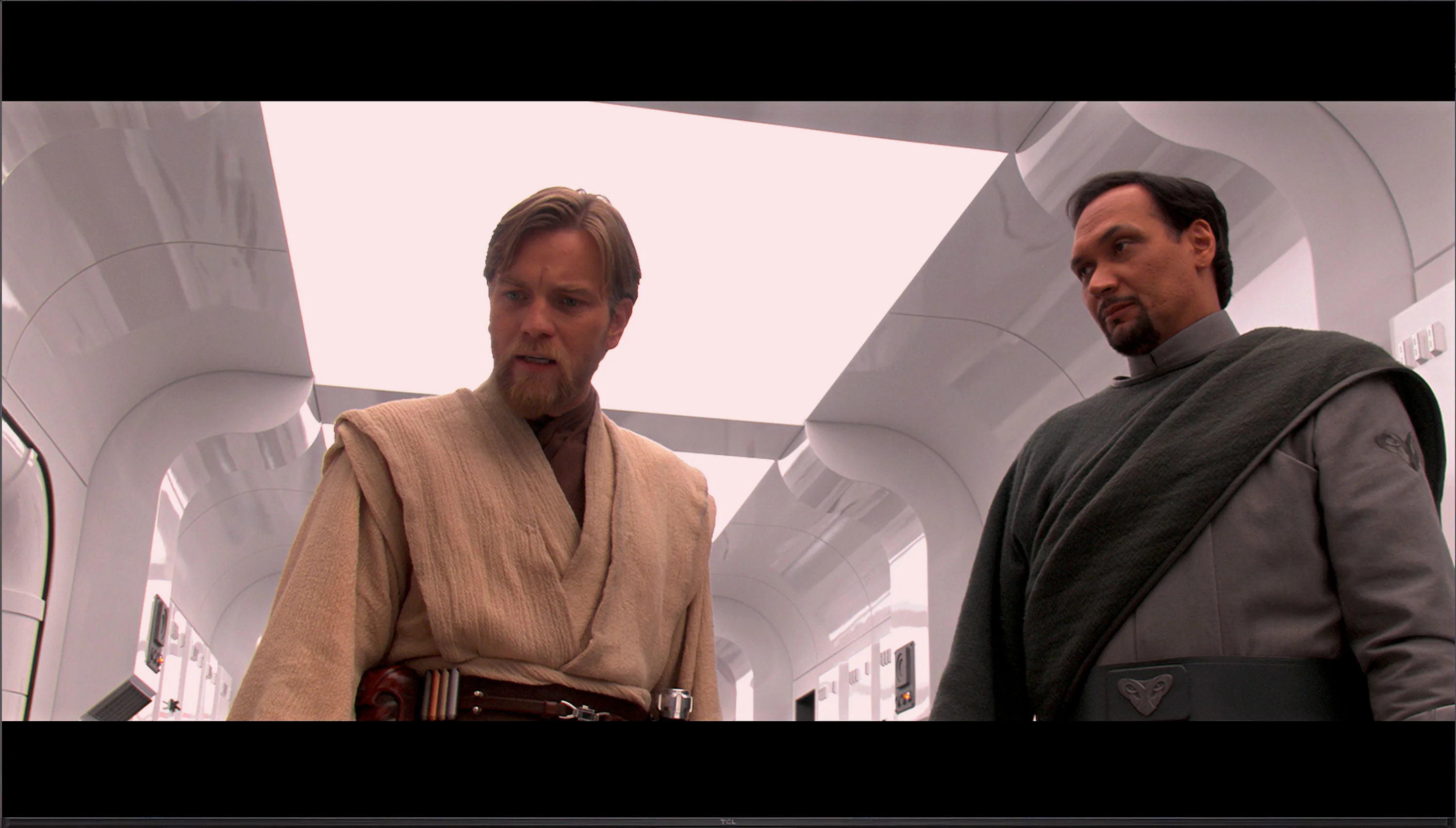
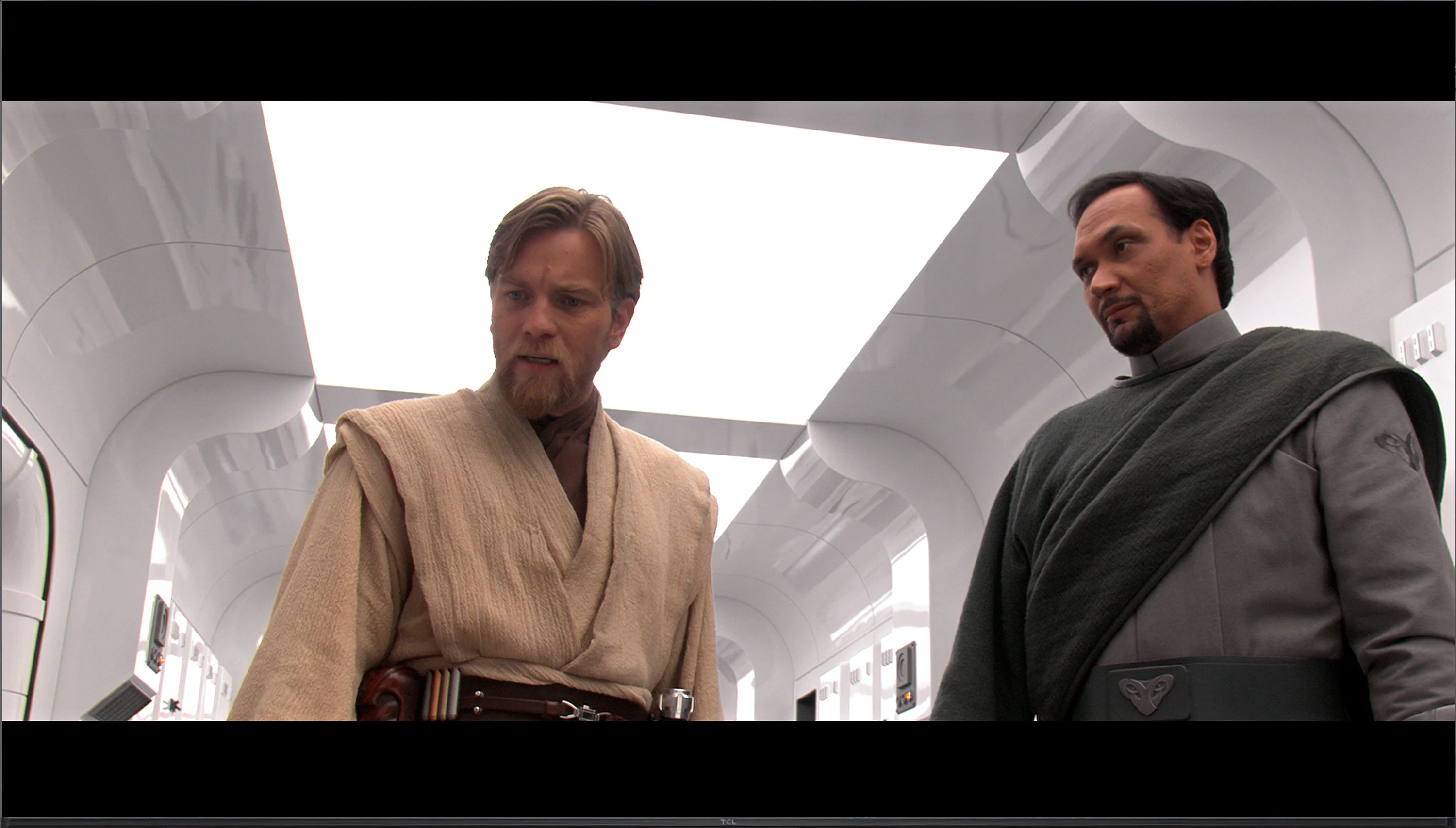
This gallery shows how colors change after professional TV calibration. If you notice the difference, we recommend ordering this service at SkalibrujTV.com.
Factory Mode
After calibration
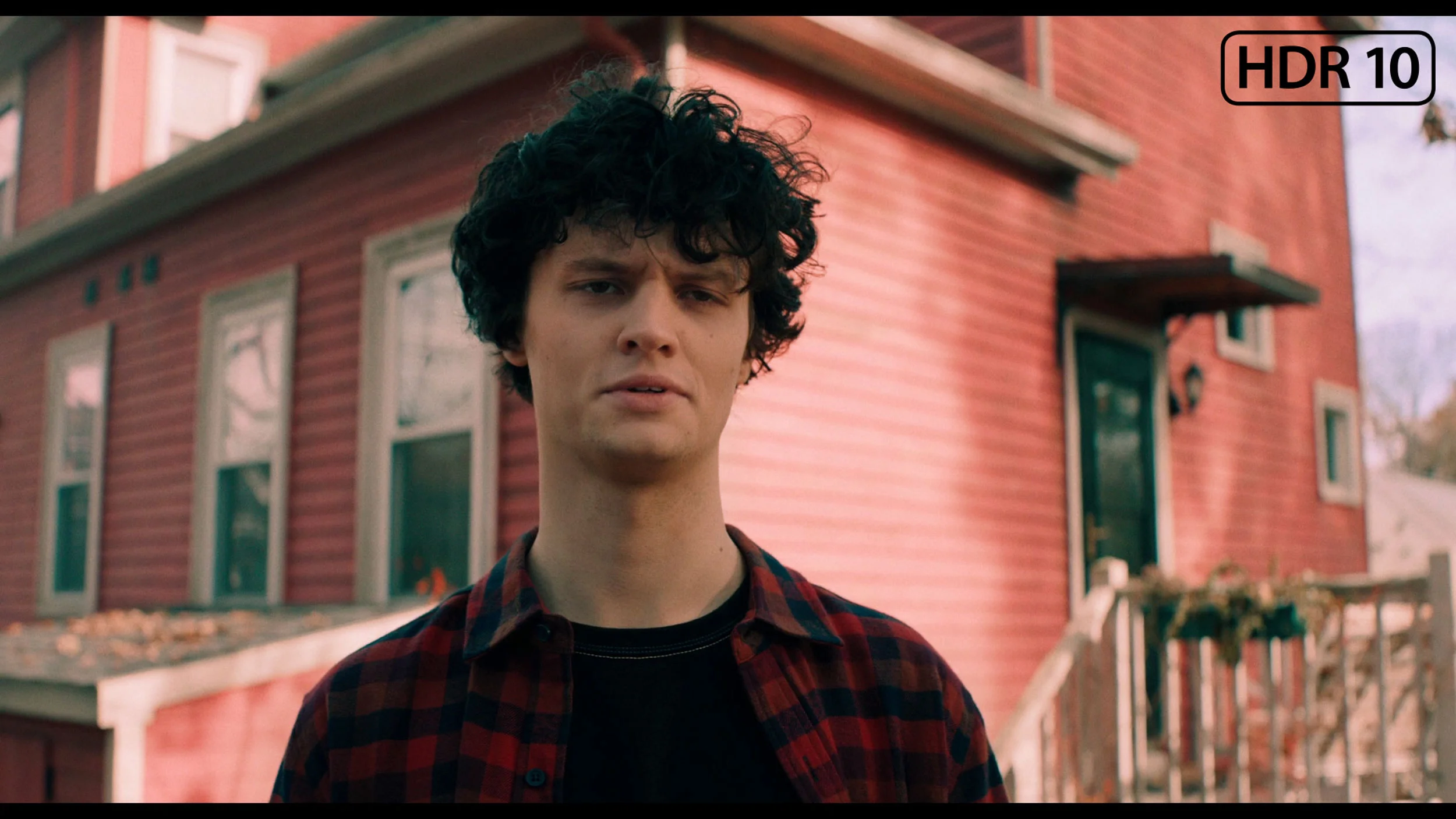
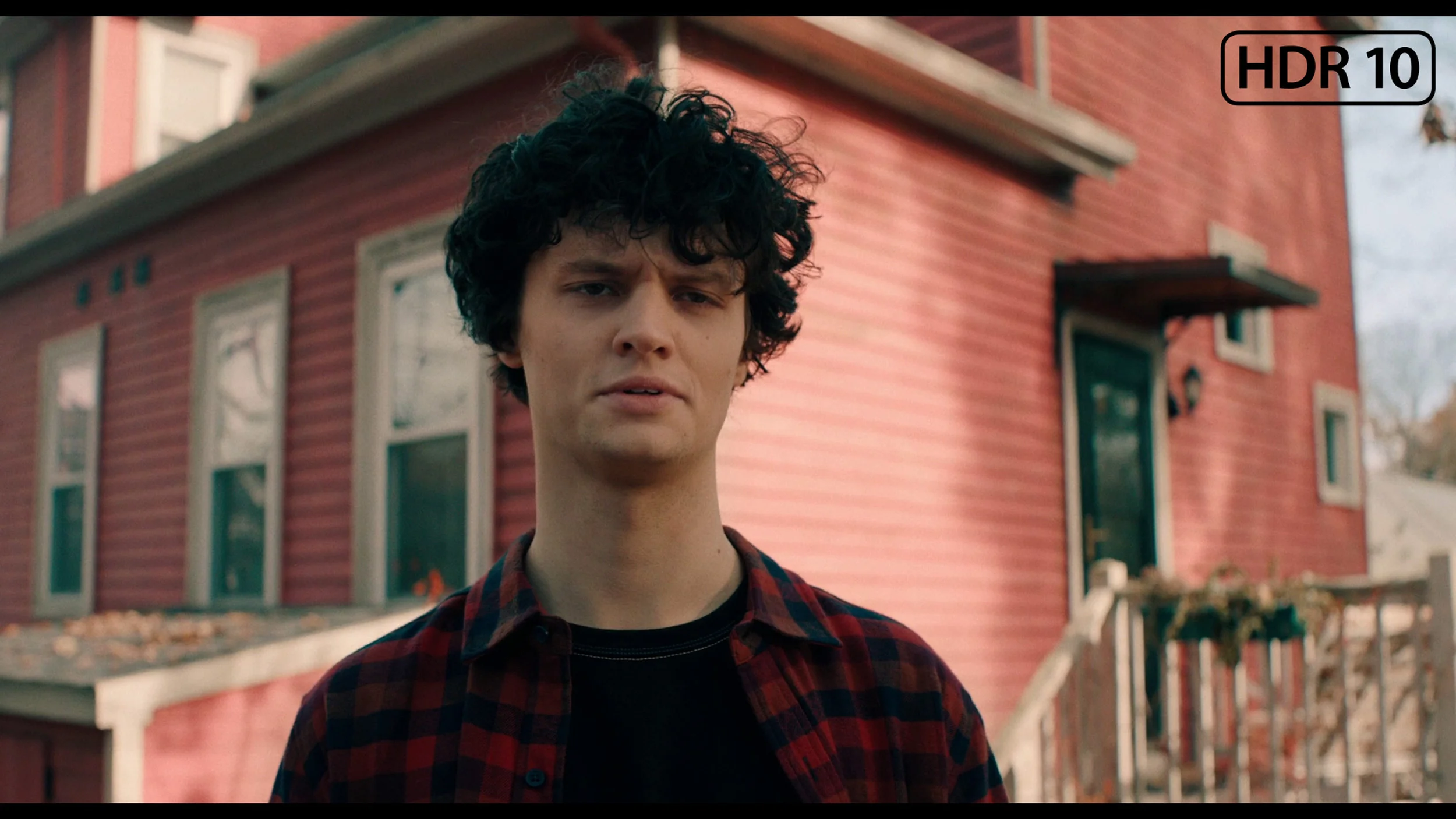
This gallery shows how colors change after professional TV calibration. If you notice the difference, we recommend ordering this service at SkalibrujTV.com.
Factory Mode
After calibration
The television TCL C655 / C69B offers a film mode that has been tested for colour reproduction quality. Although this mode is called film mode, it unfortunately has several errors that a director would surely not want to see when recording their work. Starting with image analysis, it is worth examining the white balance – both in HD and 4K HDR content, the white balance has significant errors. In both cases, the red colour dominates, causing the colours to be too warm, and the overall result takes on a pink or yellow tint. This can be seen in the image below from the film "Star Wars". The Colour Checker test confirms these errors – the colour samples veer into incorrect shades, affecting the overall colour fidelity. A less significant issue is the brightness characteristic. However, this is also not without its flaws. The gamma graph shows a strong peak at the beginning, causing the image to be excessively brightened, and the EOTF curve responsible for brightness in 4K HDR material also has substantial fluctuations – it is noticeable how the television tries to maintain the appropriate brightness, but it does not always succeed effectively.
We tested the LG B6 in Filmmaker Mode, the best picture setting available straight out of the box. ISF modes produce very similar results, but in our tests we always stick to Filmmaker Mode for better comparison with other TVs. Each of them is, in any case, a much better starting point than Vivid or Eco mode, where the picture is heavily boosted and noticeably less natural. On SDR material the factory settings perform really well. Colour errors are small, the gamma response is correct, and the picture during normal viewing looks natural and does not feel overly "pumped up". It's a bit worse with HDR. When such content is played you quickly see that the white balance hasn't been set perfectly. Too much blue and red gives the image a slightly pink tint. This is also confirmed by colour gamut measurements and the ColorChecker, where samples clearly shift in that direction. It's not a flaw that completely spoils the picture, but it is noticeable with HDR films. Therefore anyone who wants the most faithful image should consider calibration, which we cover further on in the review.
Color reproduction after calibration
8/10
9.2/10
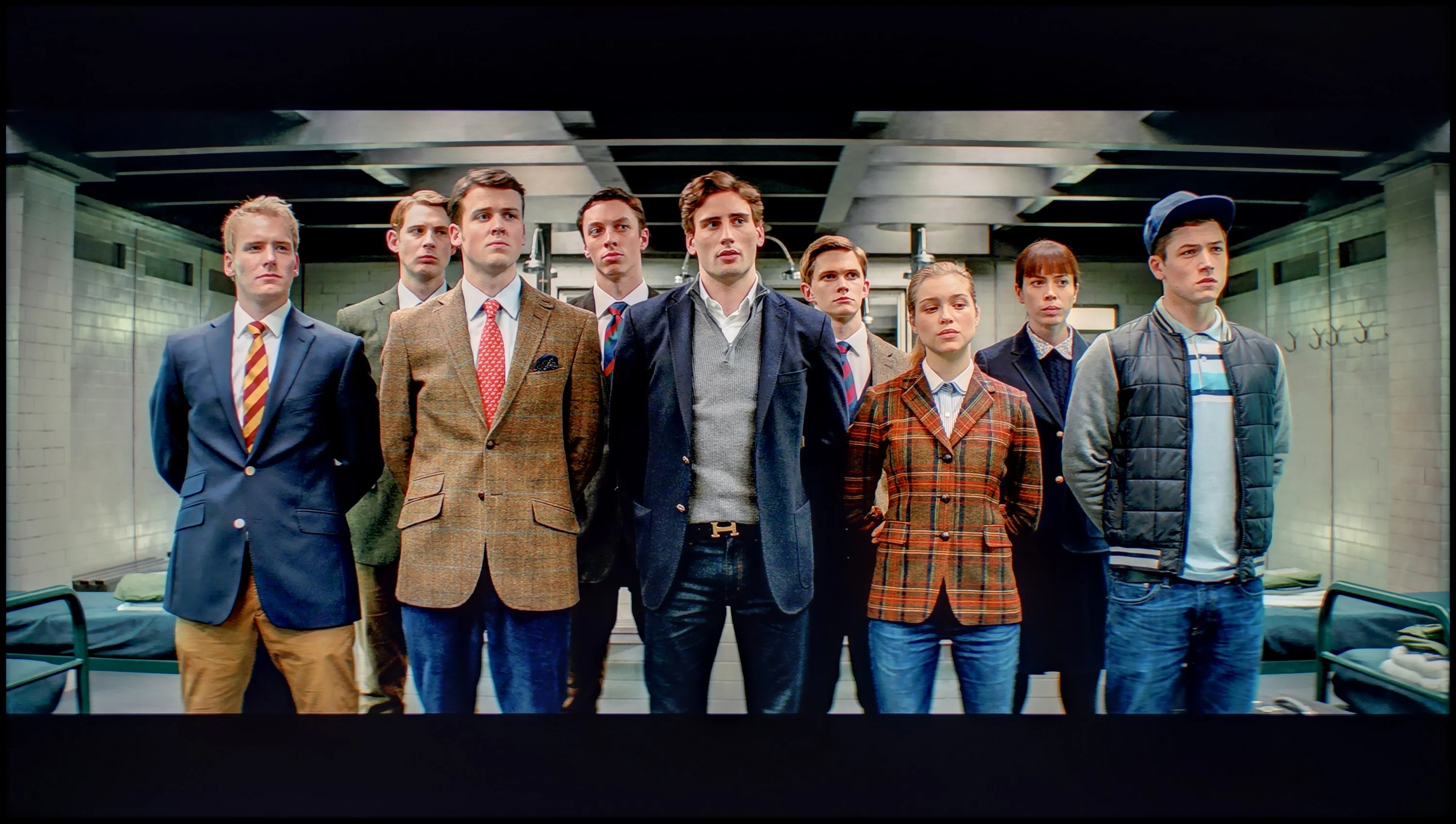
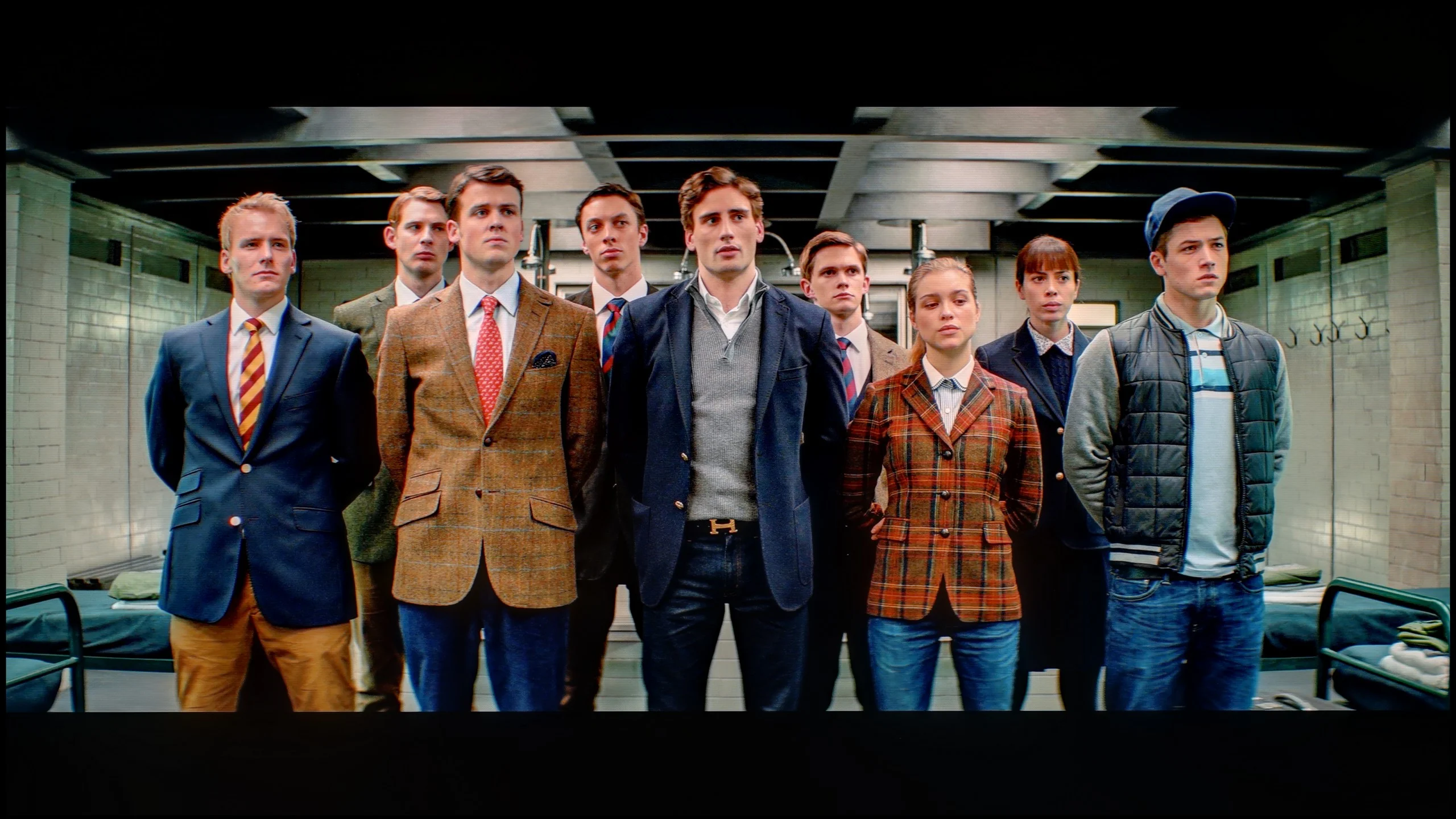
The photos show how movies look on the TV. Pay attention to black detail visibility, colors, and shadow tint.
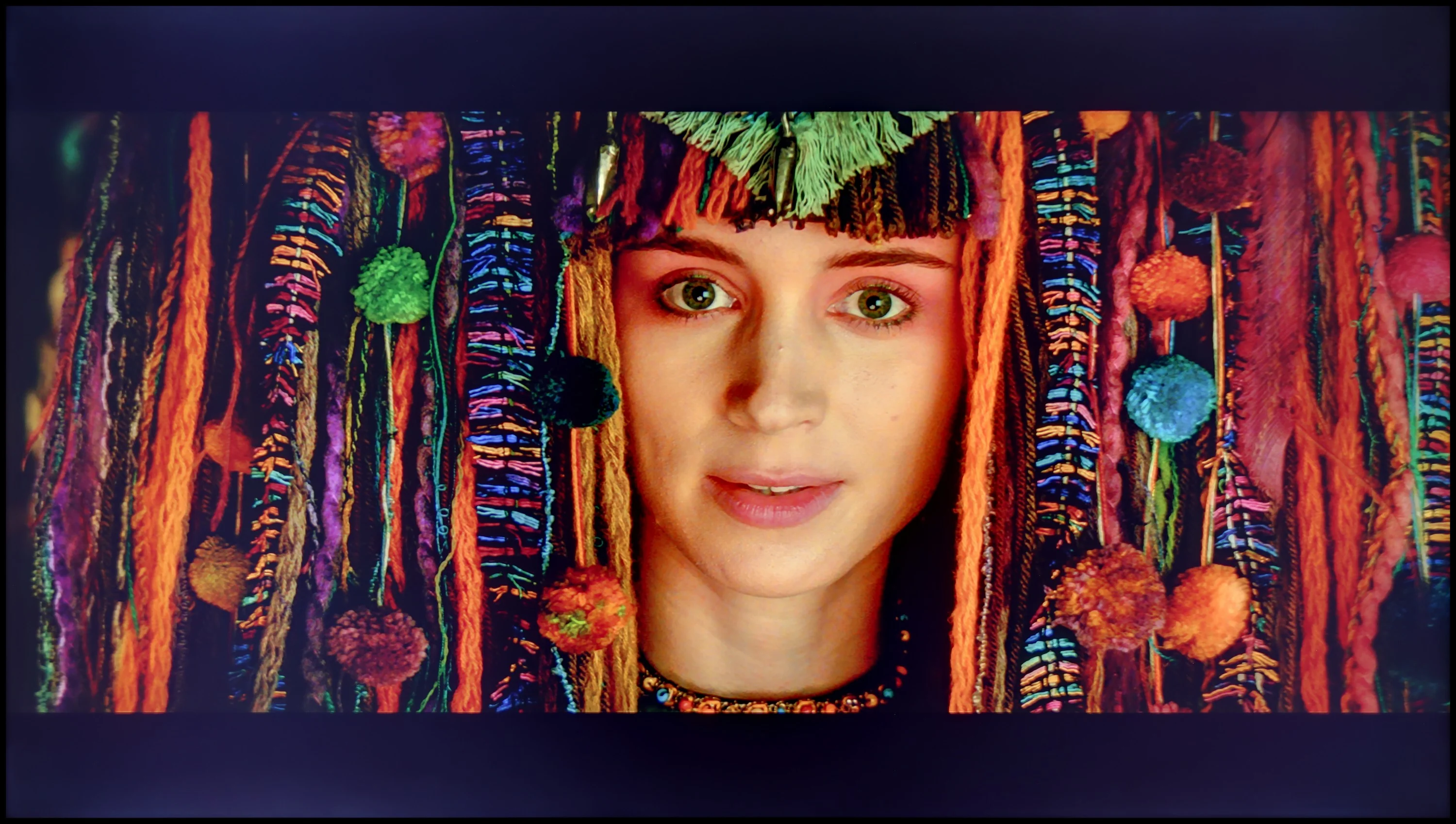
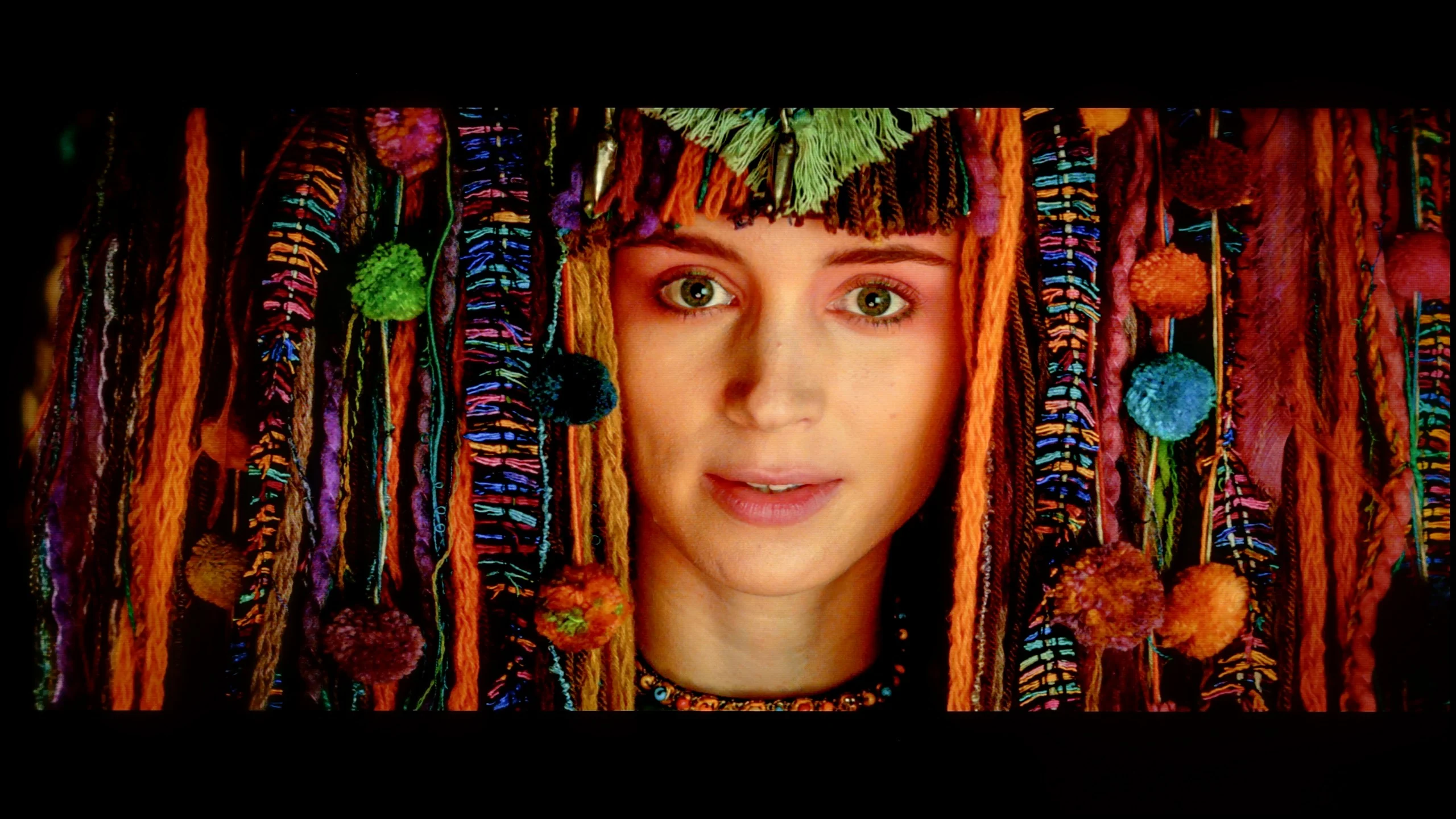
The photos show how movies look on the TV. Pay attention to black detail visibility, colors, and shadow tint.
After calibrating the television's film mode TCL C655 / C69B , the white balance has been adjusted, and the colours are presented as they should be – confirmed only by slight deviations in the Colour Checker test. The gamma is really quite accurate, which means the television should not have issues with brightness in low-resolution materials. Unfortunately, a similar EOTF characteristic is still visible, which is a natural phenomenon in televisions that do not have local dimming – they simply struggle to "shine" more in a given area of the screen. Despite this inherent limitation that cannot be bypassed, we recommend adjustment in the settings, as the overall colour presentation looks really very good.
During calibration, we concentrated mainly on HDR content, because that's where the factory settings needed the most correction. We did not, however, neglect SDR mode, which after adjustment was brought almost to perfection. Colours are very accurate, and brightness is controlled as it should be. The biggest improvement in HDR came from fixing the white balance. Removing the excess red and blue eliminated the pinkish tint, and the image became much more natural. Skin tones, whites and all colours that had previously shifted towards pink improved. After calibration most errors fell below a Delta E of 2–3, the threshold at which the average viewer stops noticing differences with the naked eye. So the LG B6 can deliver a very accurate picture, particularly for the manufacturer's entry-level OLED model.
Smoothness of tonal transitions
4.5/10
7.3/10
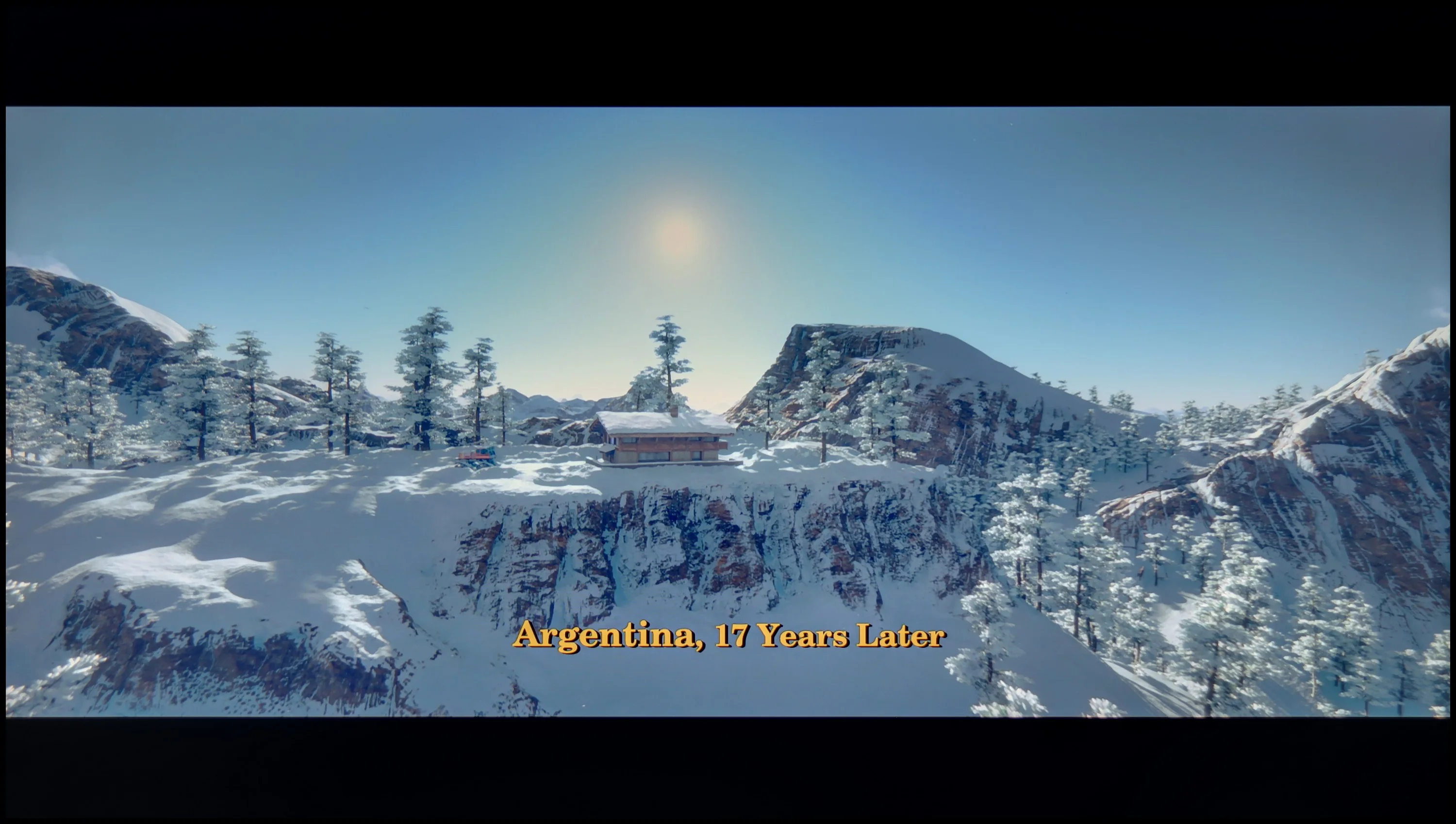

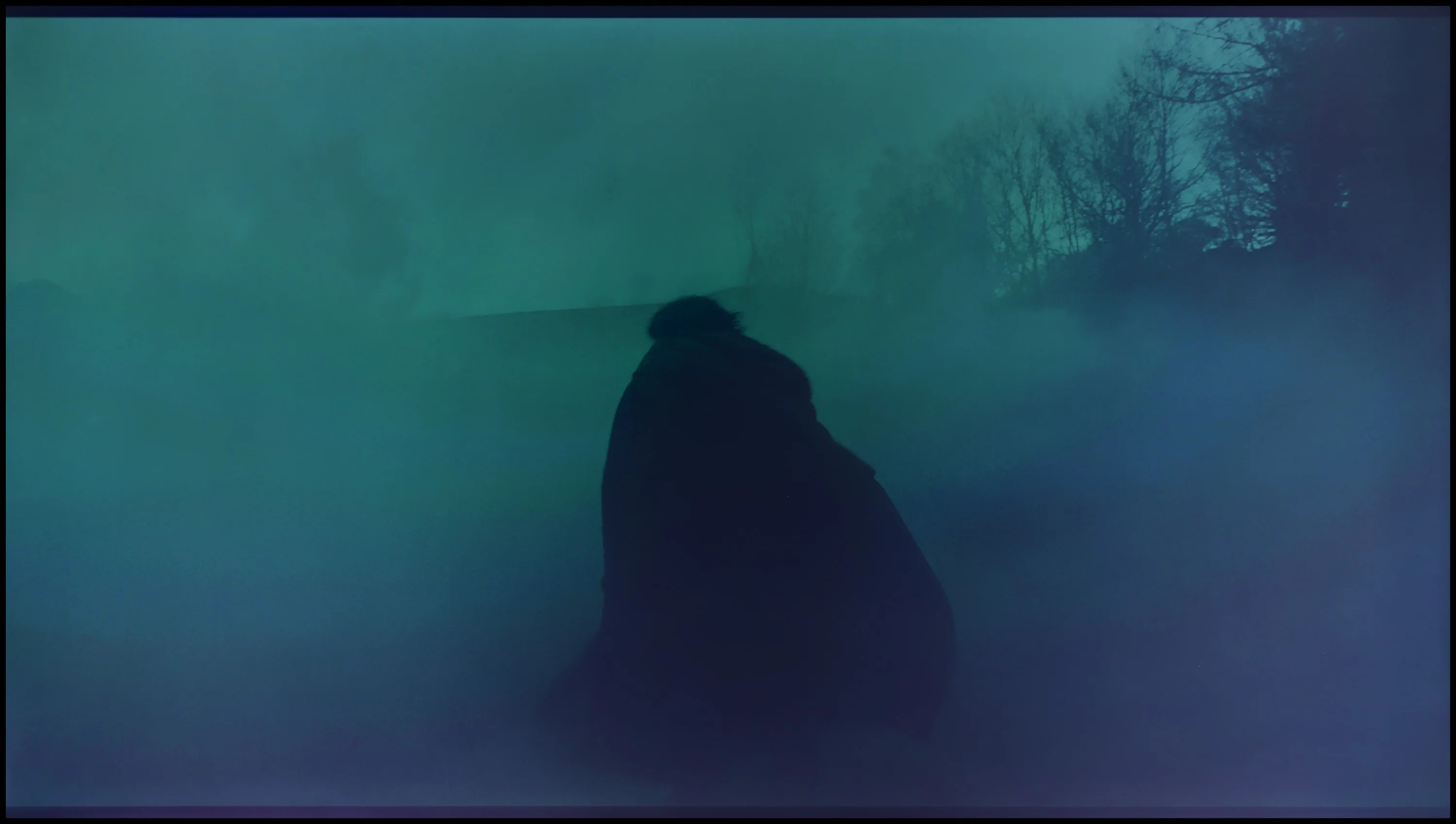
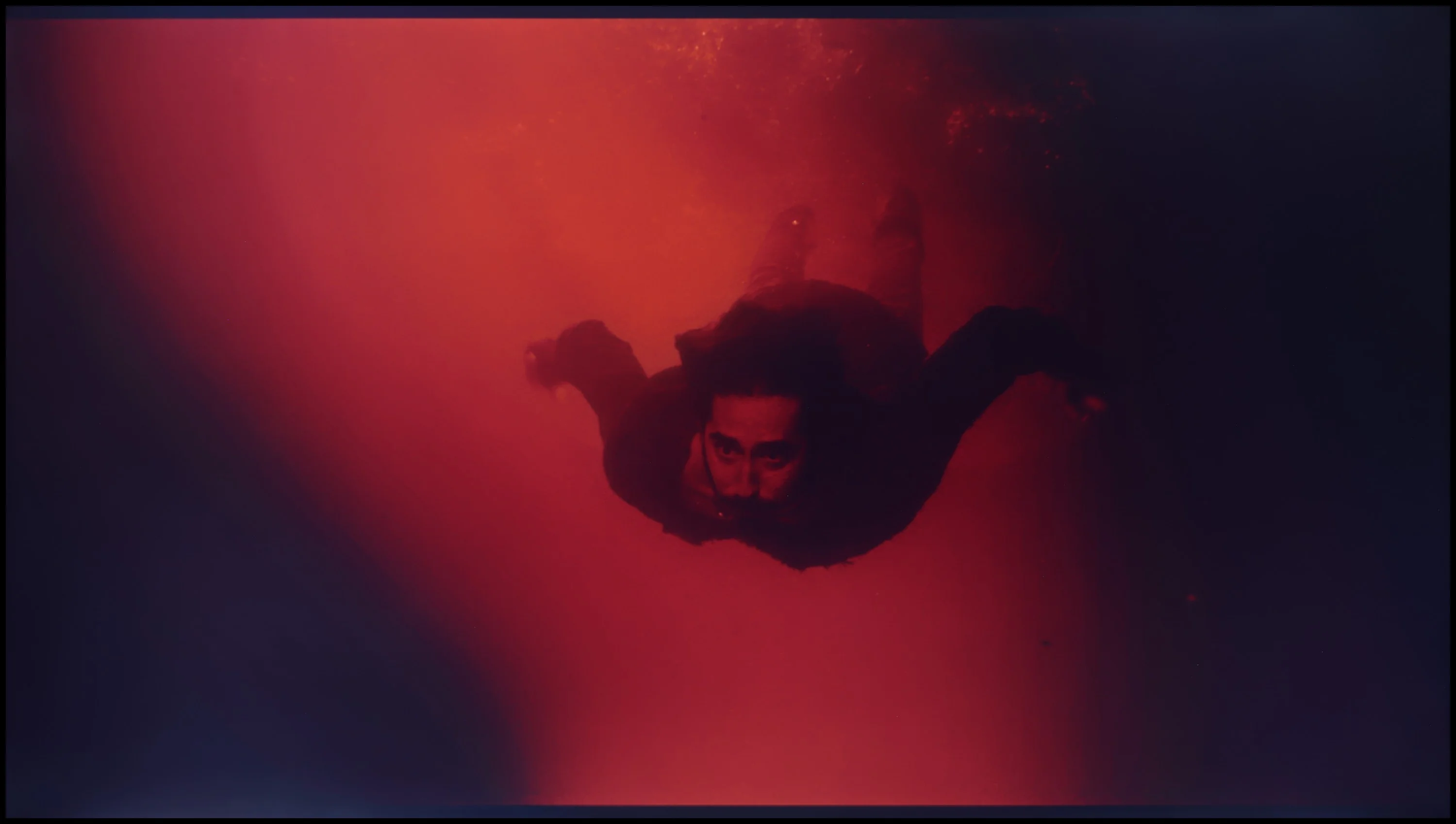
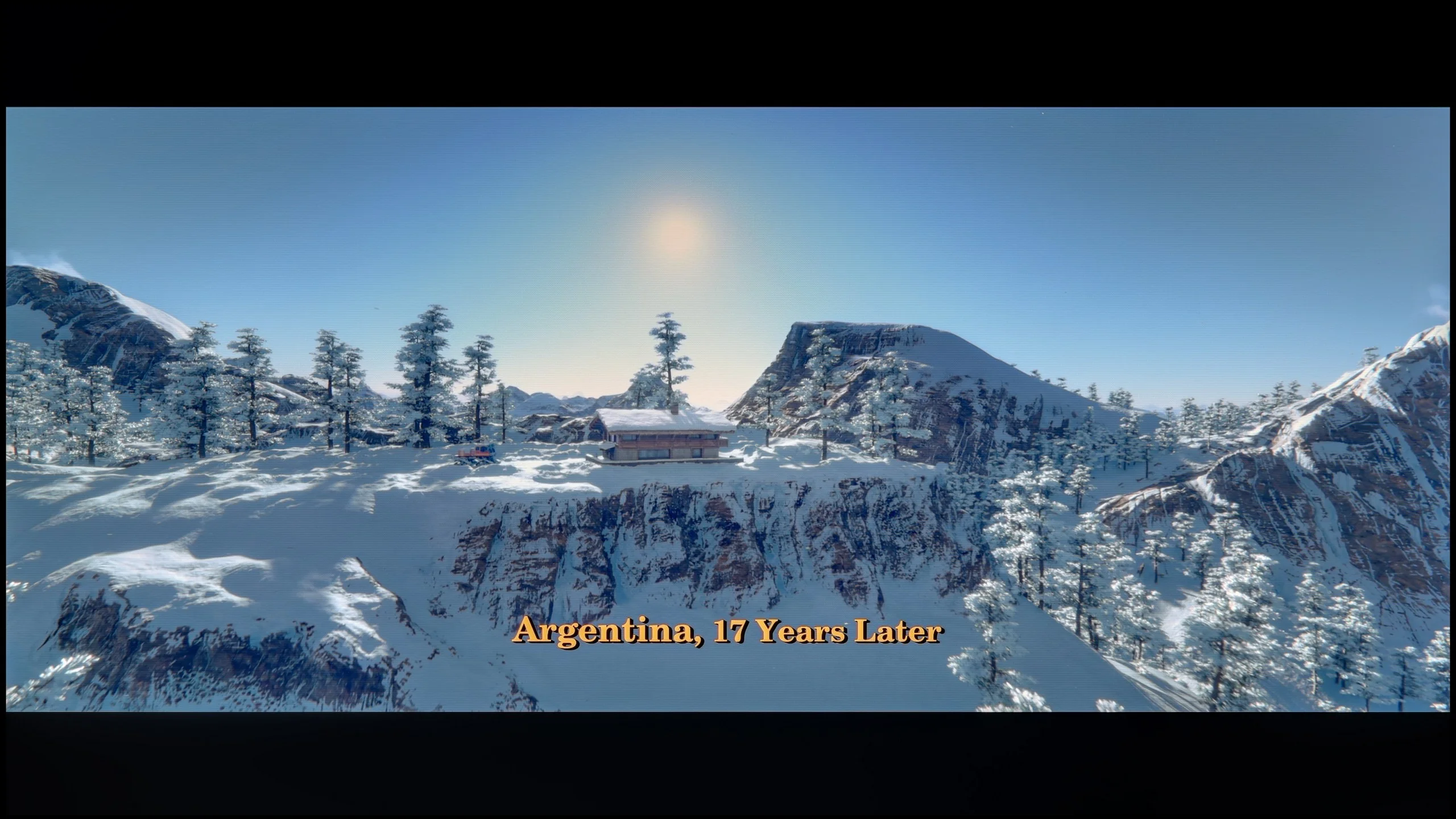
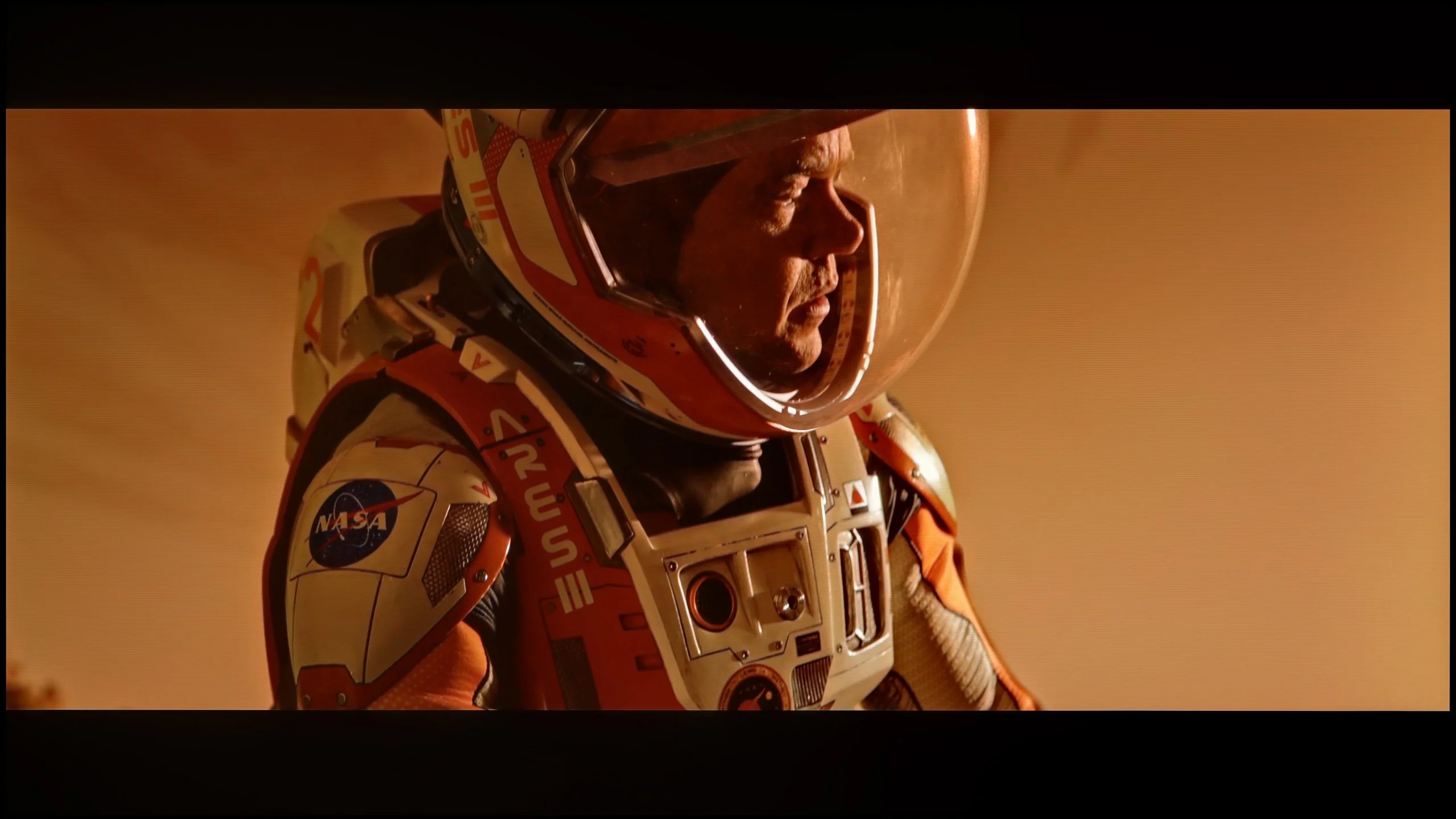
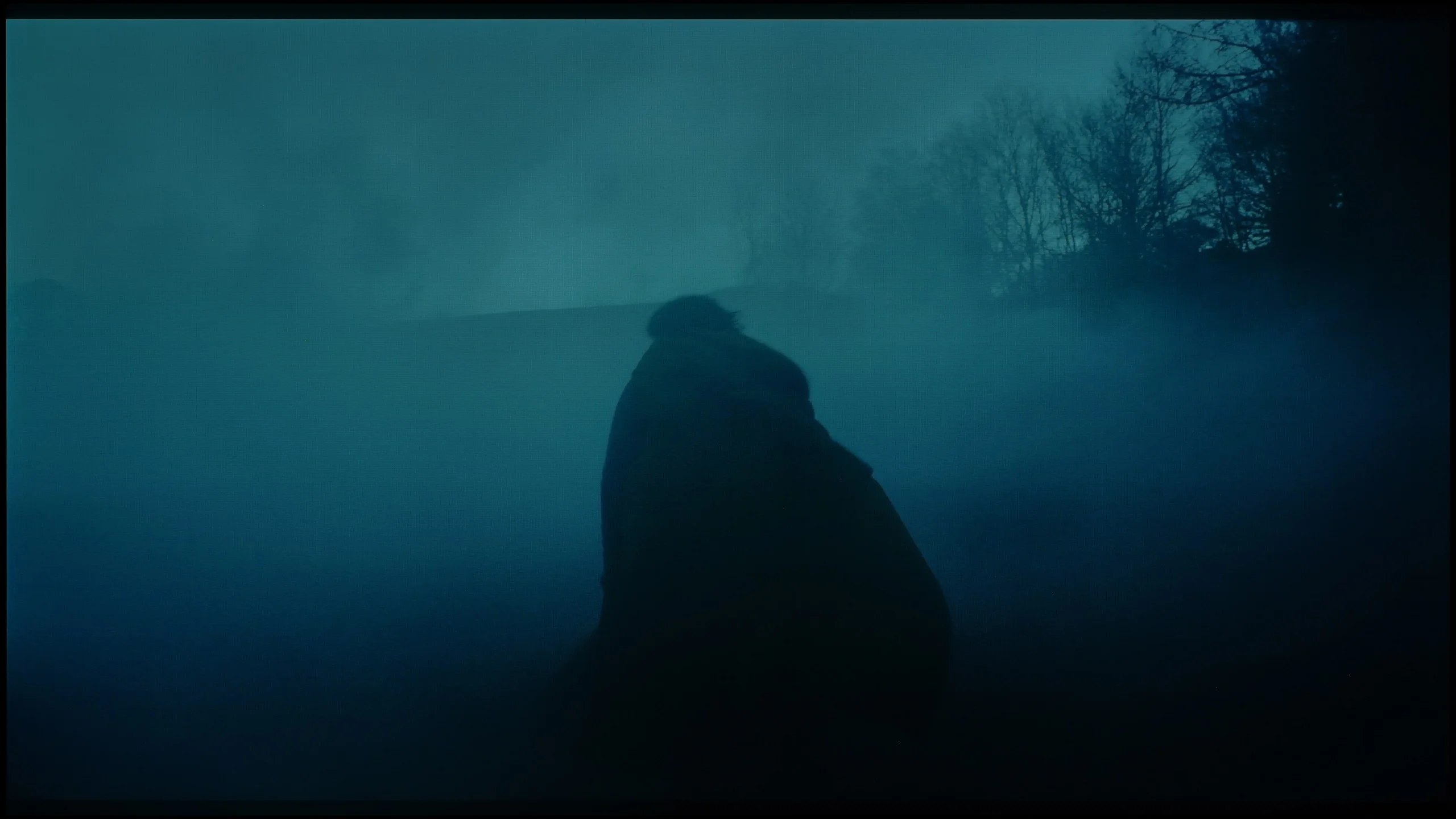
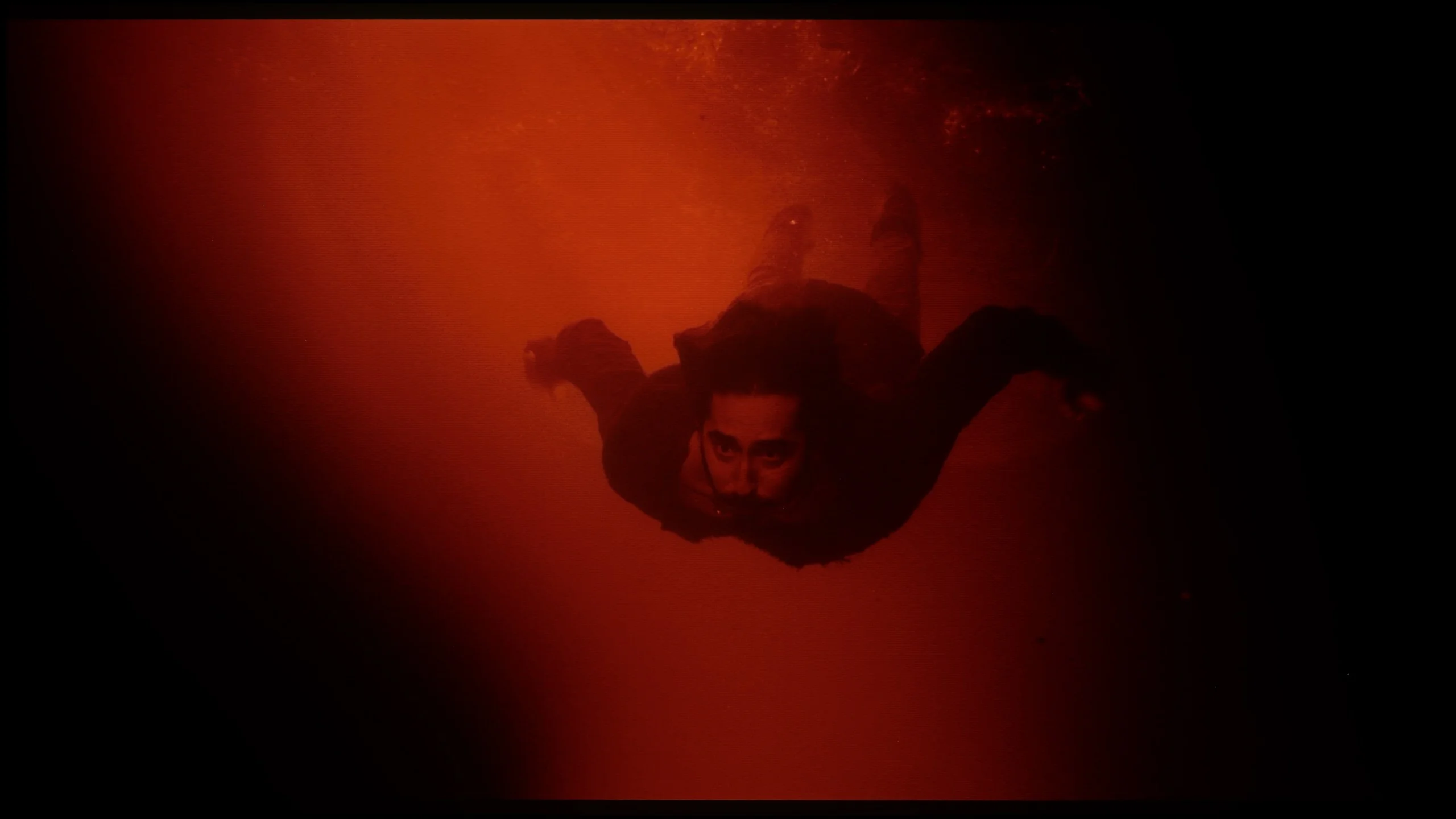
These are selected scenes that show smooth tonal transitions from one color to another. If you see distinct banding, it’s the TV panel’s fault.
These are selected scenes that show smooth tonal transitions from one color to another. If you see distinct banding, it’s the TV panel’s fault.
These are selected scenes that show smooth tonal transitions from one color to another. If you see distinct banding, it’s the TV panel’s fault.
These are selected scenes that show smooth tonal transitions from one color to another. If you see distinct banding, it’s the TV panel’s fault.
The tonal transitions in TCL C655 / C69B are really quite good and would deserve a high rating; however, the score has been clearly lowered for another reason - the image is artificially sharpened despite the "sharpness" setting being on 0. As a result, viewing the image is unpleasant. While this may be unacceptable to purists, those who place less emphasis on perfect image reproduction might find this effect attractive.
Tonal transitions on the LG B6 are quite good, although some limitations typical of WOLED panels are still evident. In most scenes colours move between shades smoothly, without noticeable banding or unwanted digital artefacts. However, it is not always perfect. Most issues appear in the dark parts of the image, where WOLED panels have struggled for years. This is partly due to the greater difficulty of controlling the panel at very low brightness and the specific design that uses a white subpixel. Compared with last year’s model there is a slight improvement, but it still does not match the level of the best QD-OLED TVs or more advanced LCD models.
Image scaling and smoothness of tonal transitions
5/10
8/10


Smooth transition function
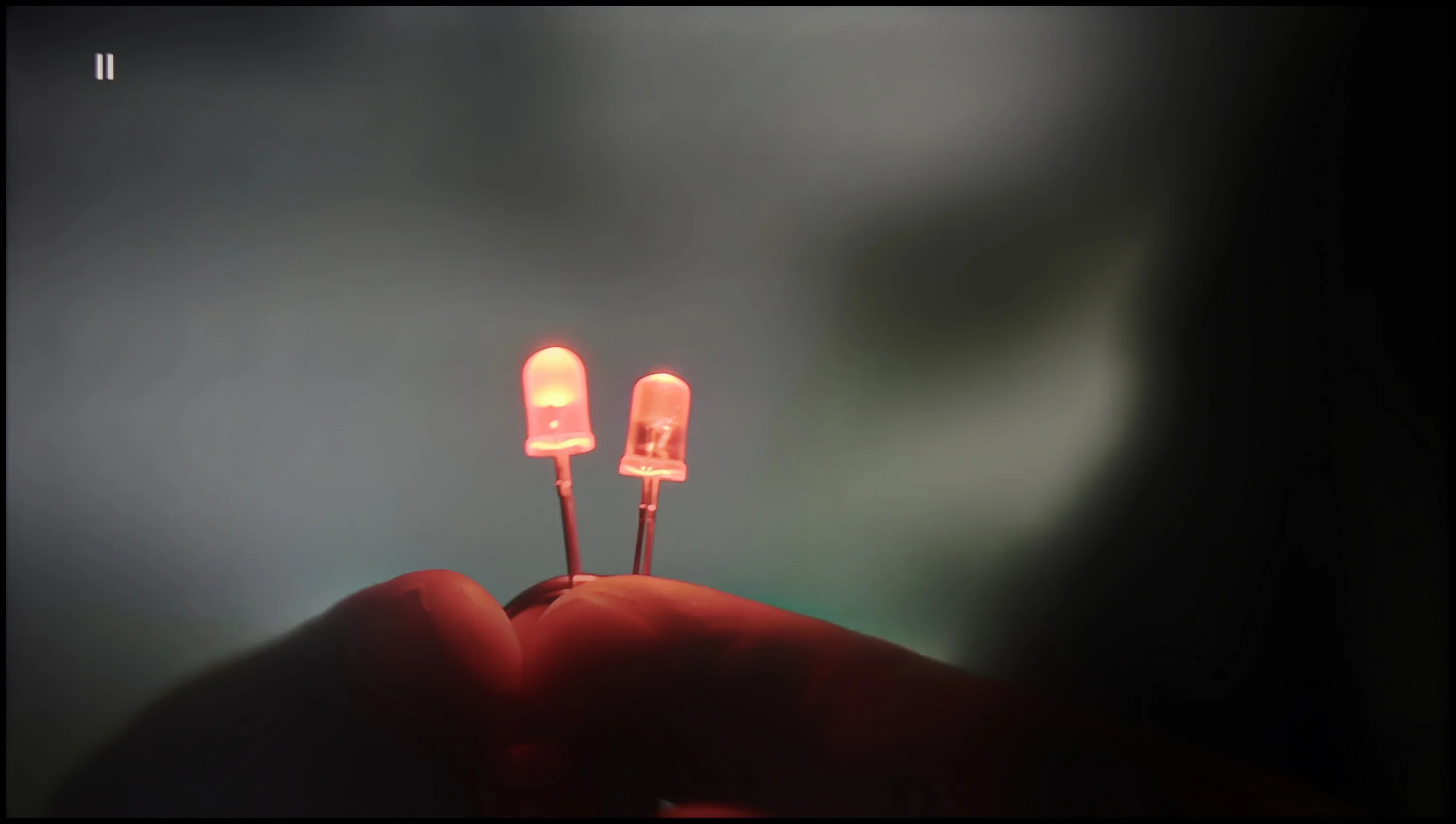
The match photo shows how the TV smooths weak tonal transitions in low-quality video.
Image scaling SD (576i)


The model photo shows how it handles upscaling of SD material.
The television TCL C655 / C69B handles tonal transitions fairly well in low-quality materials. The "Gradual Smoothing" feature at a low setting effectively smooths out tonal transitions; however, it simultaneously blurs significant details, such as the texture of objects. On the plus side, it does not negatively impact the film grain, allowing the natural appearance of the image to be preserved. As for digital processing, the television adds artificial sharpness, which may appeal to some users who prefer a sharpened image. However, for those who prefer a softer look, this could be a disadvantage. A notable downside is that the image has been quite significantly cropped due to what is known as overscan, which reduces the field of view and trims the edges of the image.
The LG B6 handles lower-quality material very well. This is largely thanks to effective digital image processing, which can mask some of the source’s imperfections without overly smoothing the whole scene. The "Smooth Gradation" function proves particularly useful. It noticeably reduces posterisation, especially in dark parts of the image. The safest choice remains the Low or Medium setting. The function still effectively smooths out unsightly tonal banding, but does not yet interfere too much with fine details. Purists can of course leave it switched off. Upscaling to 4K also performs very well. Full HD and 720p material retain a good amount of detail, and the image is neither overly sharpened nor heavily blurred. Some limitations only become apparent with very poor sources below 720p, where the smallest text and fine elements are not always perfectly sharp, but this applies to almost every other TV on the market.
Blur and motion smoothness
4.7/10
8.5/10
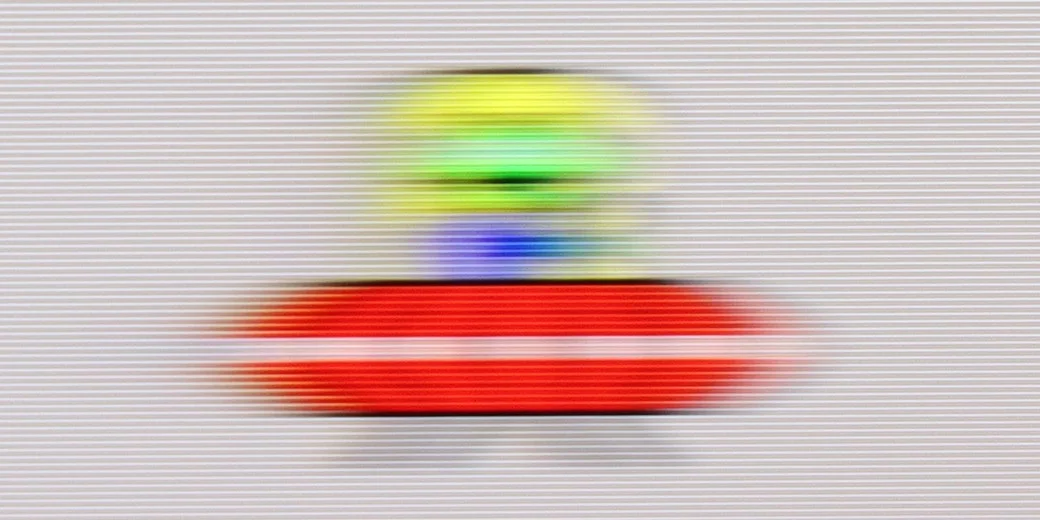
Blur (native resolution, maximum refresh rate):

Blur (BFI function enabled):
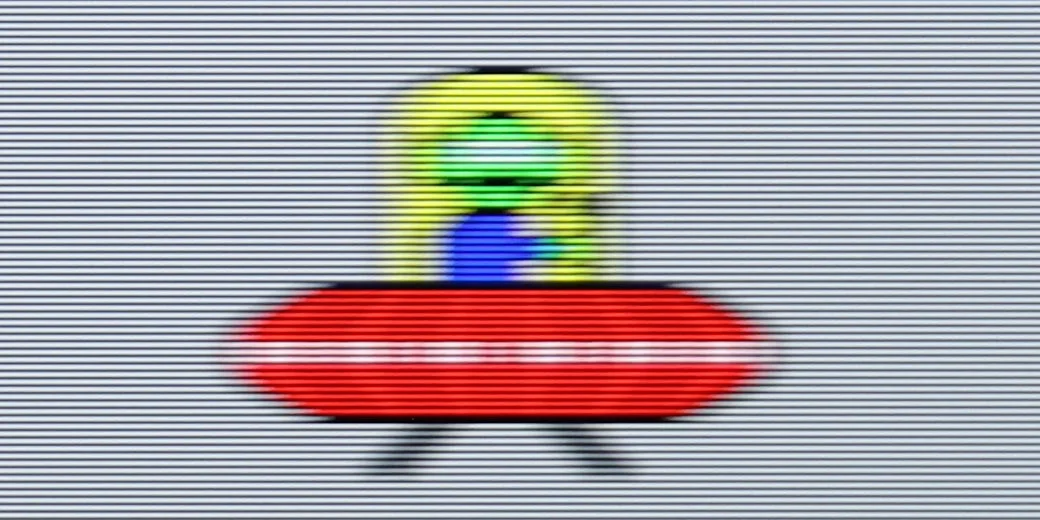
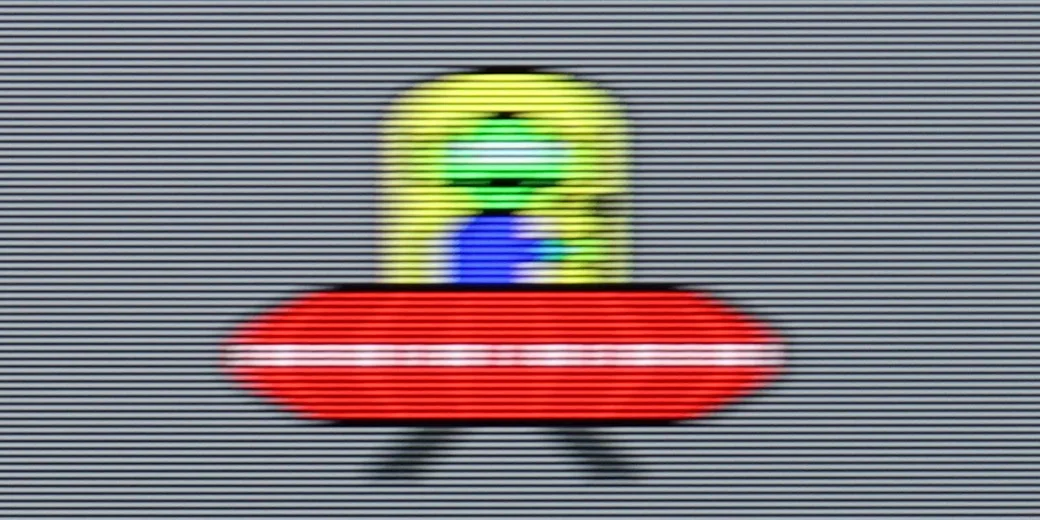
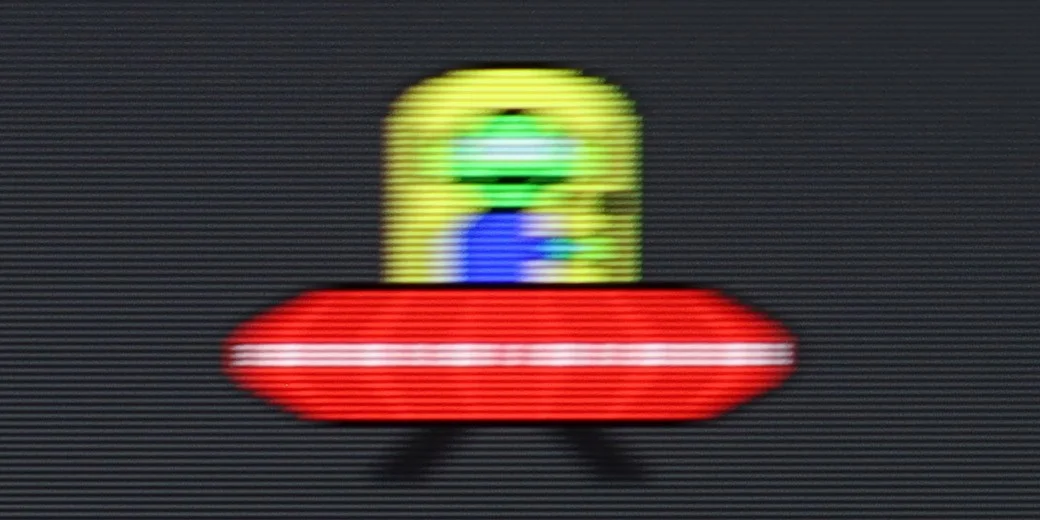
Blur (1080p 120Hz):
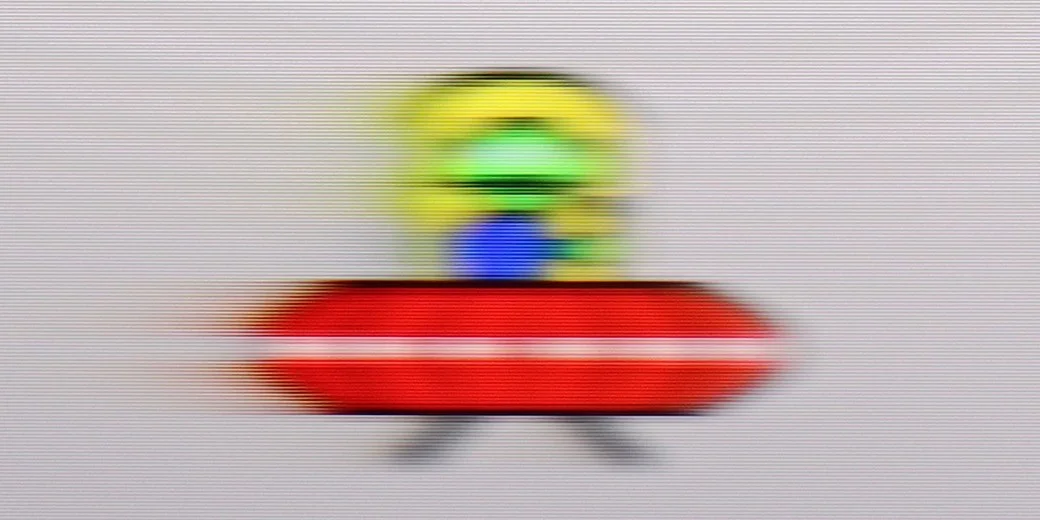
Blur ():
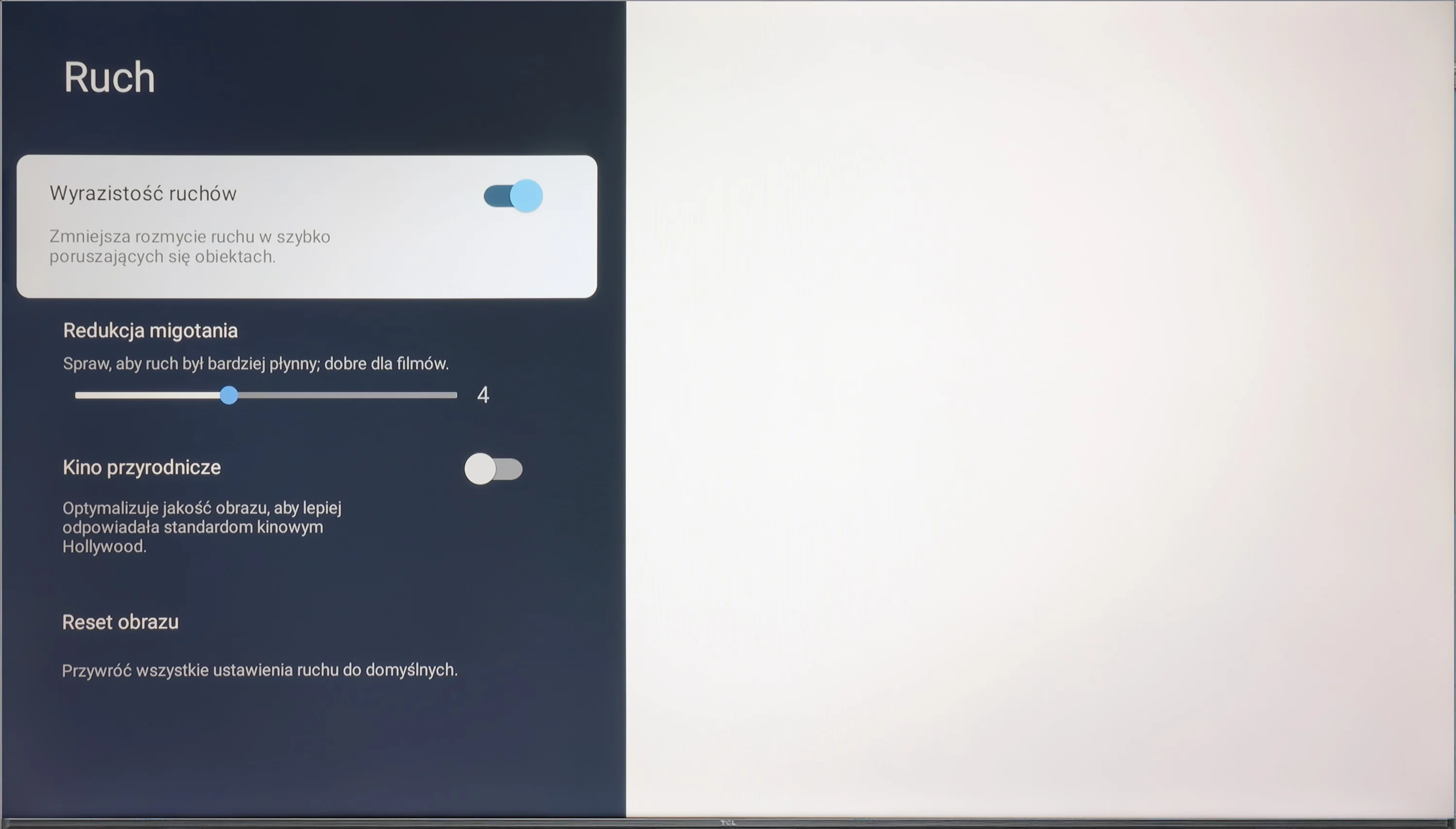
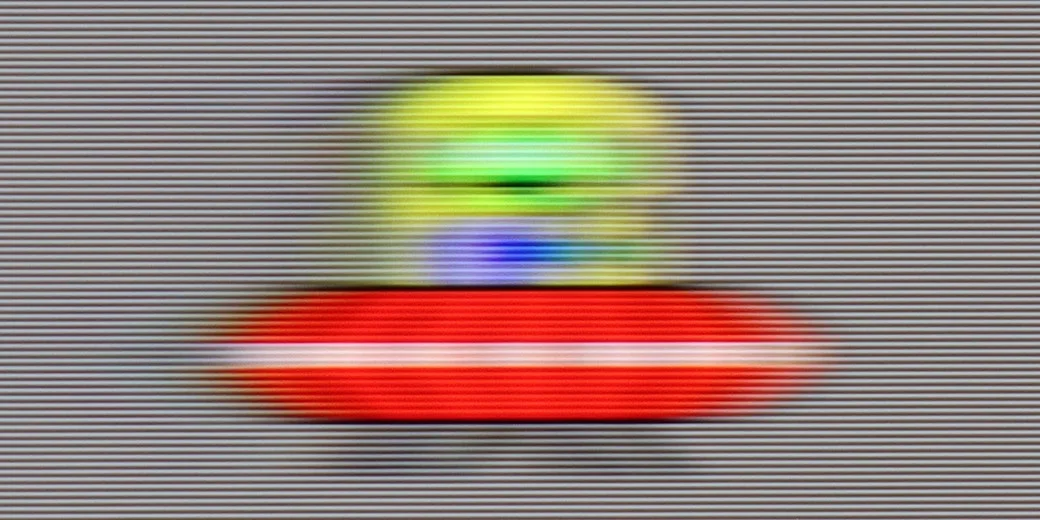
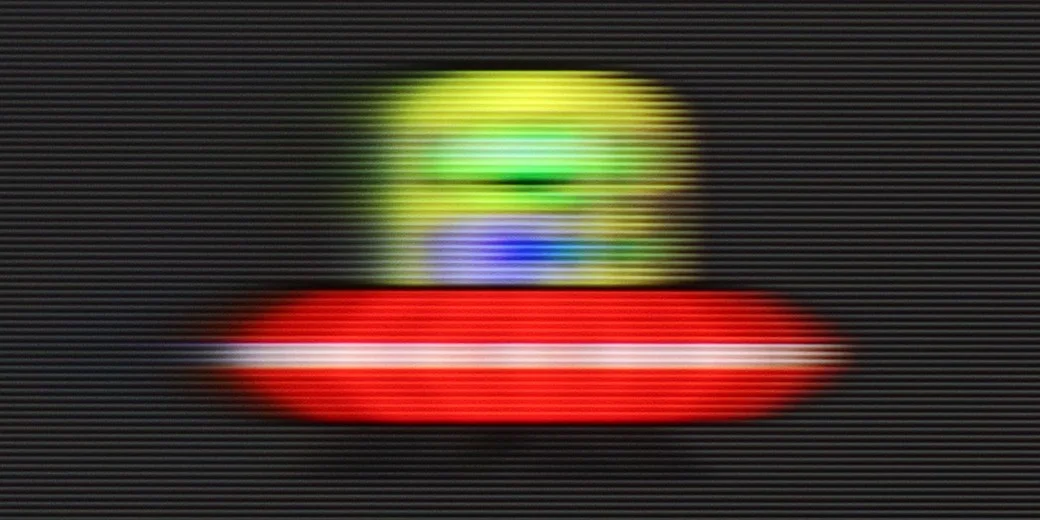
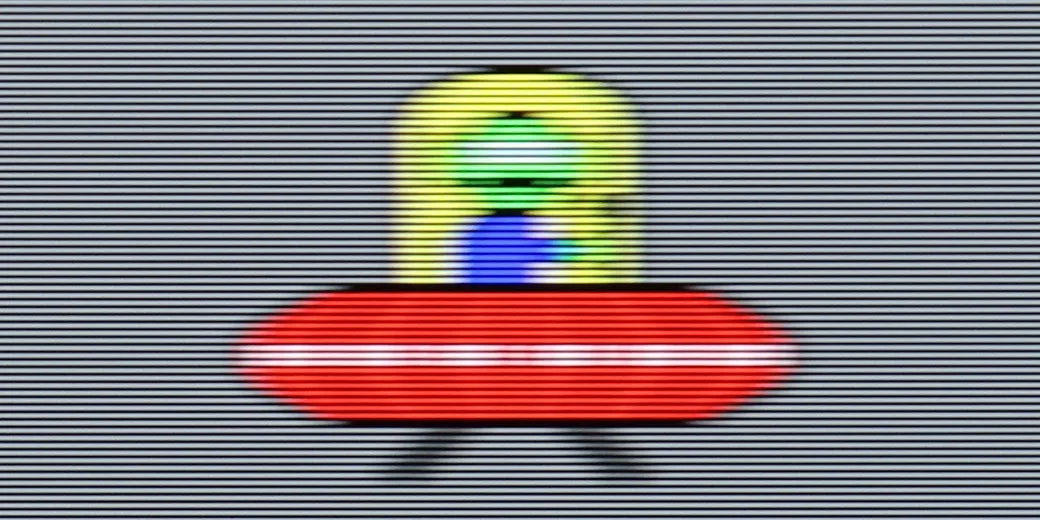
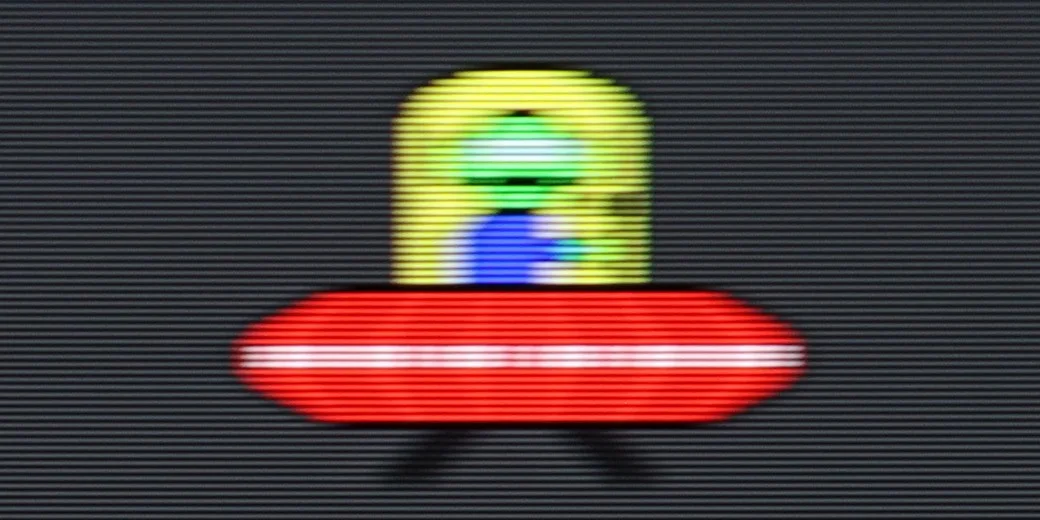
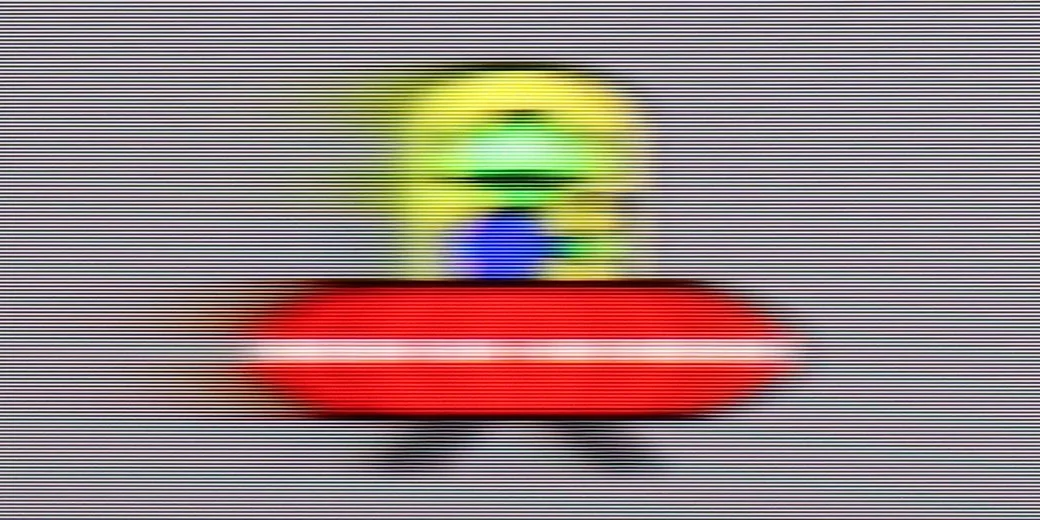
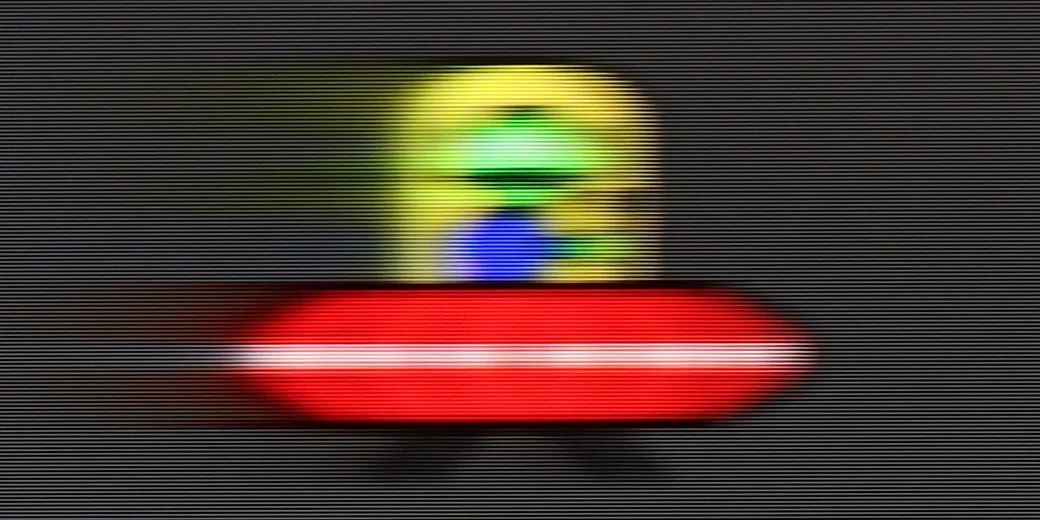
The television C655 / C69B is equipped with a 4K@60 Hz panel, which means it works best for watching films and less dynamic content. It also features a "Flicker Reduction" function that allows for the adjustment of image smoothness – the user can choose whether they prefer smoother motion or a more cinematic, frame-by-frame effect. The television can also adapt to lower resolutions, such as Full HD and 2K at 120 Hz, which will surely please gamers by offering a smoother image at the cost of resolution. It is worth noting that this feature is available in sizes from 55"+. Additionally, the largest variant, 98", is equipped with a 144Hz panel with full motion smoothing.
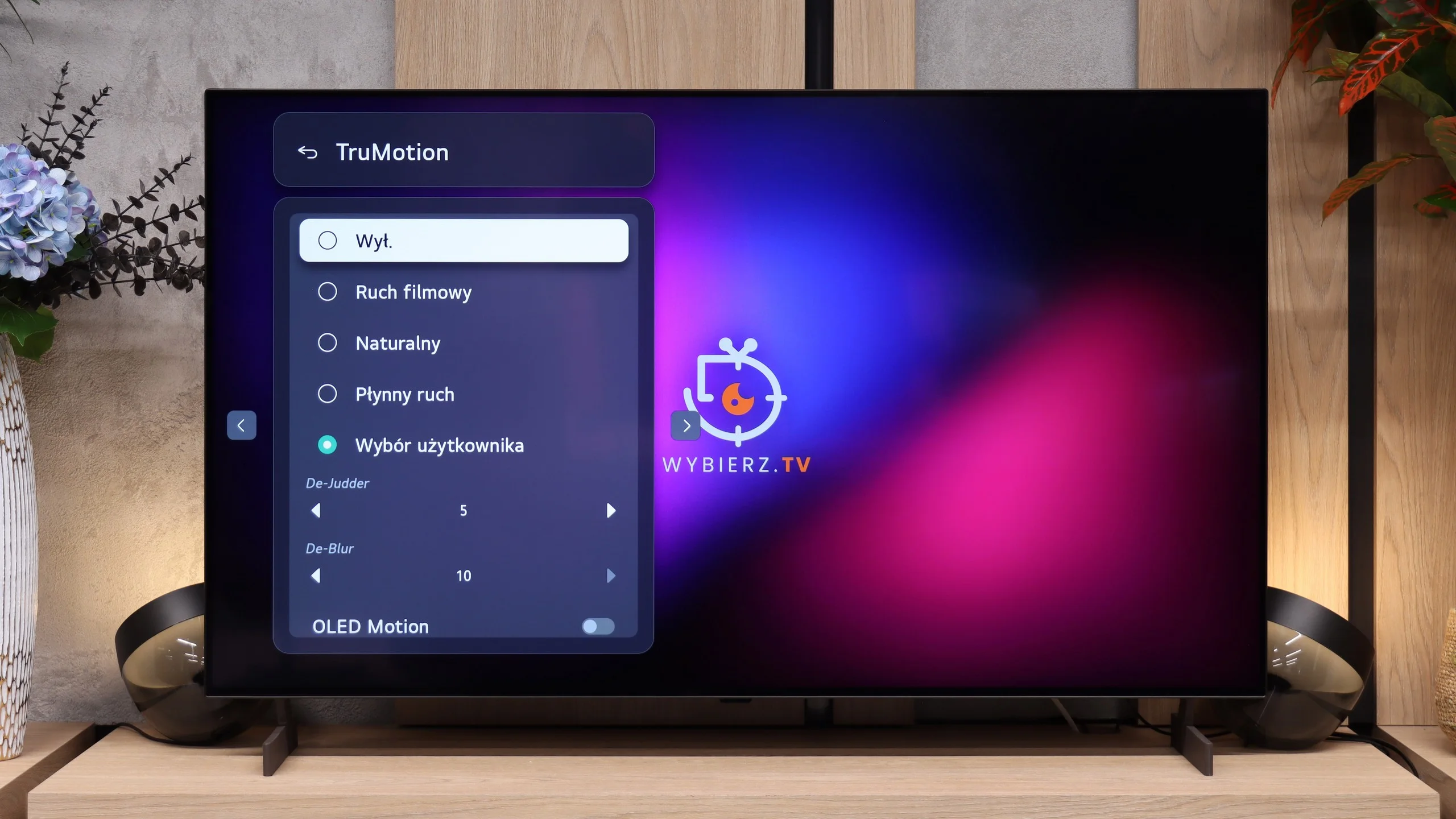
One of the biggest advantages of OLED panels is the very fast pixel response time. This keeps the picture sharp and free of the visible smearing often seen on LCD TVs. However, there is a downside. During slow camera pans motion can look choppier than on LCD screens, where some of that effect is naturally masked by the slower panel. Fortunately, on the LG B6 this can be easily mitigated using the TruMotion system. With the motion smoothing set correctly you can achieve smoother motion without giving the picture an exaggerated soap opera effect.
Console compatibility and gaming features
8/10
10/10
- ALLM
- VRR
- VRR range48 - 120Hz40 - 120Hz
- Dolby Vision Game Mode
- Correct implementation of HGIG
- 1080p@120Hz
- 1440p@120Hz
- 4K@120Hz
- Game bar
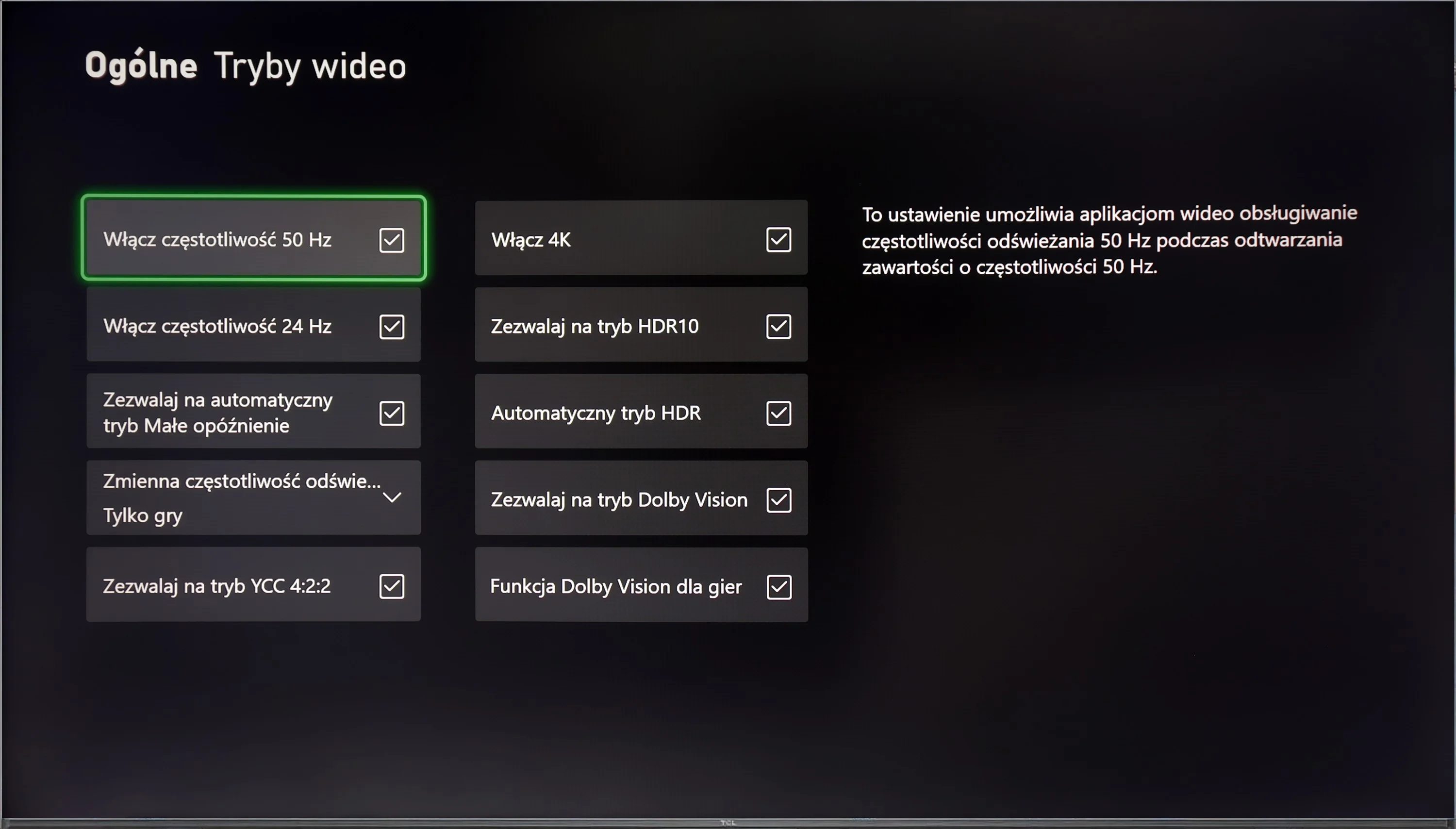
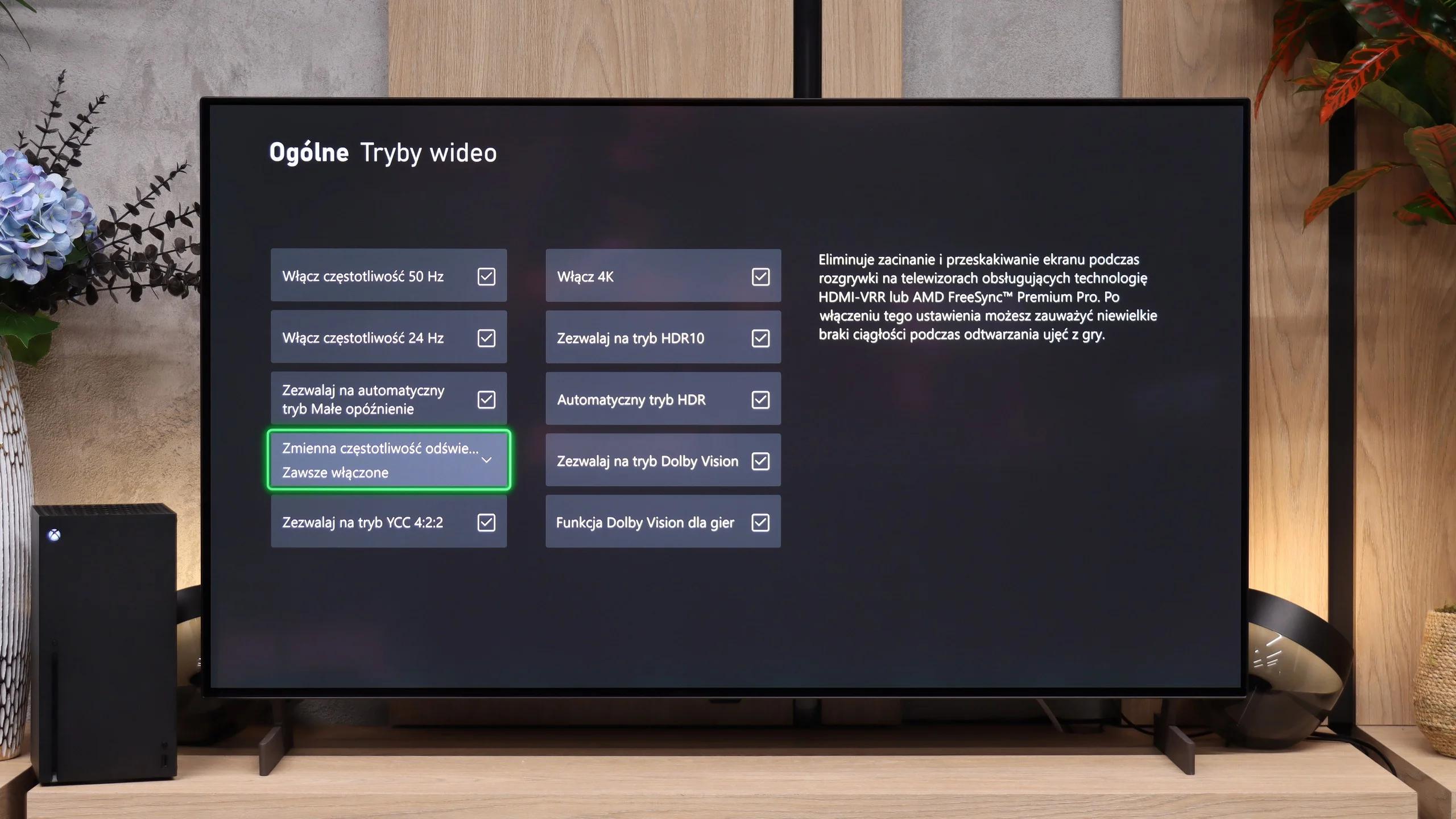
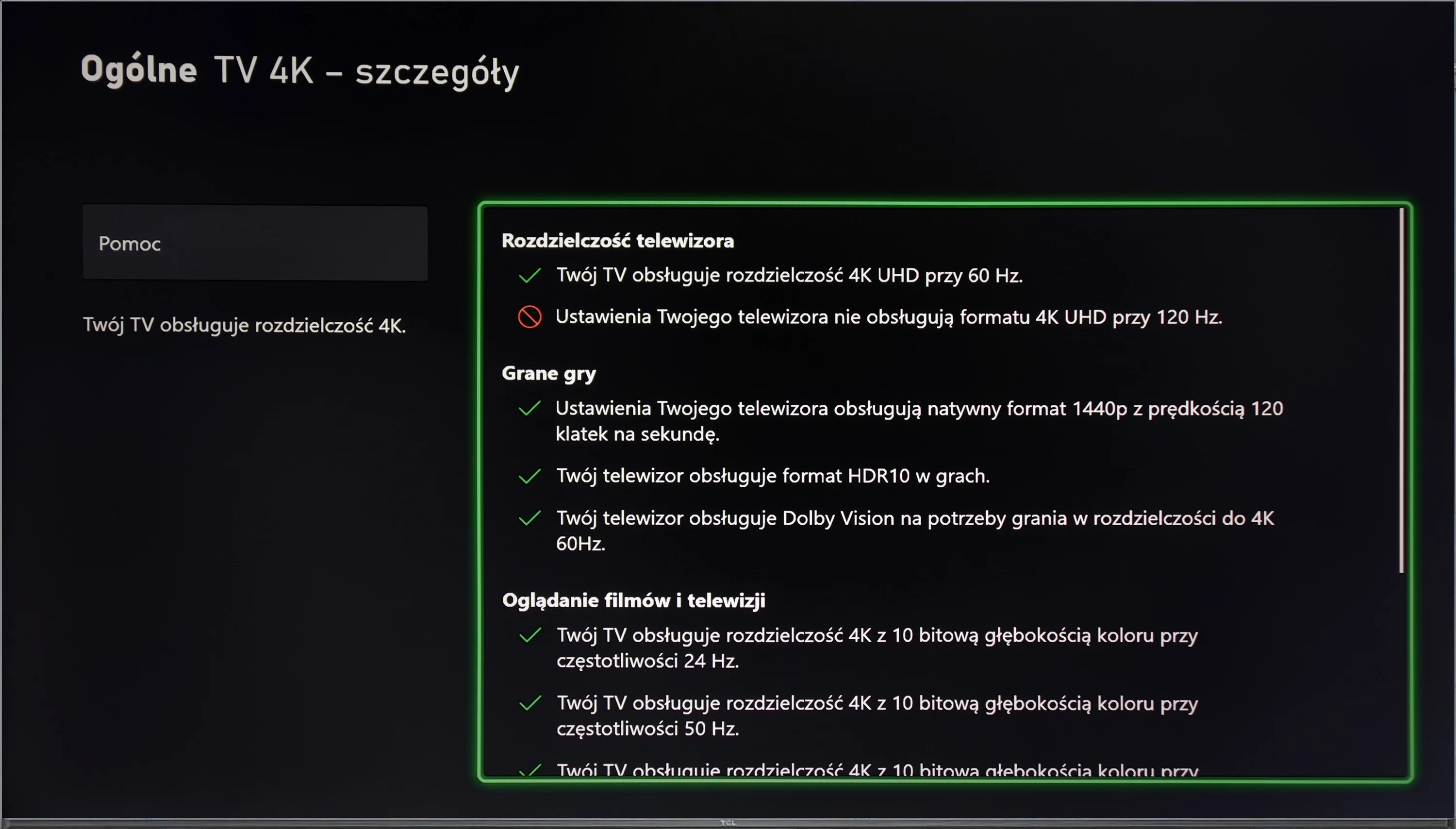
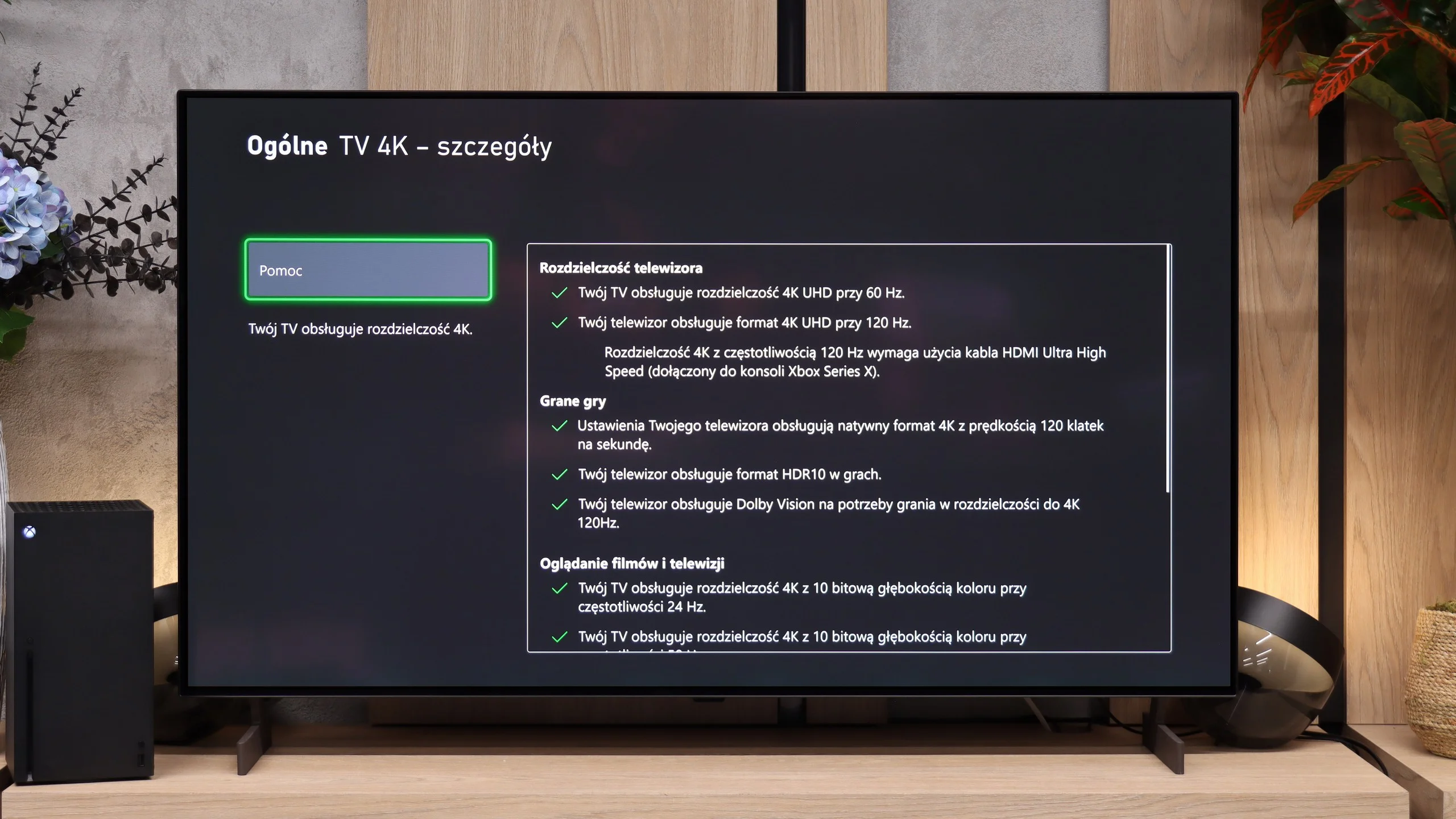
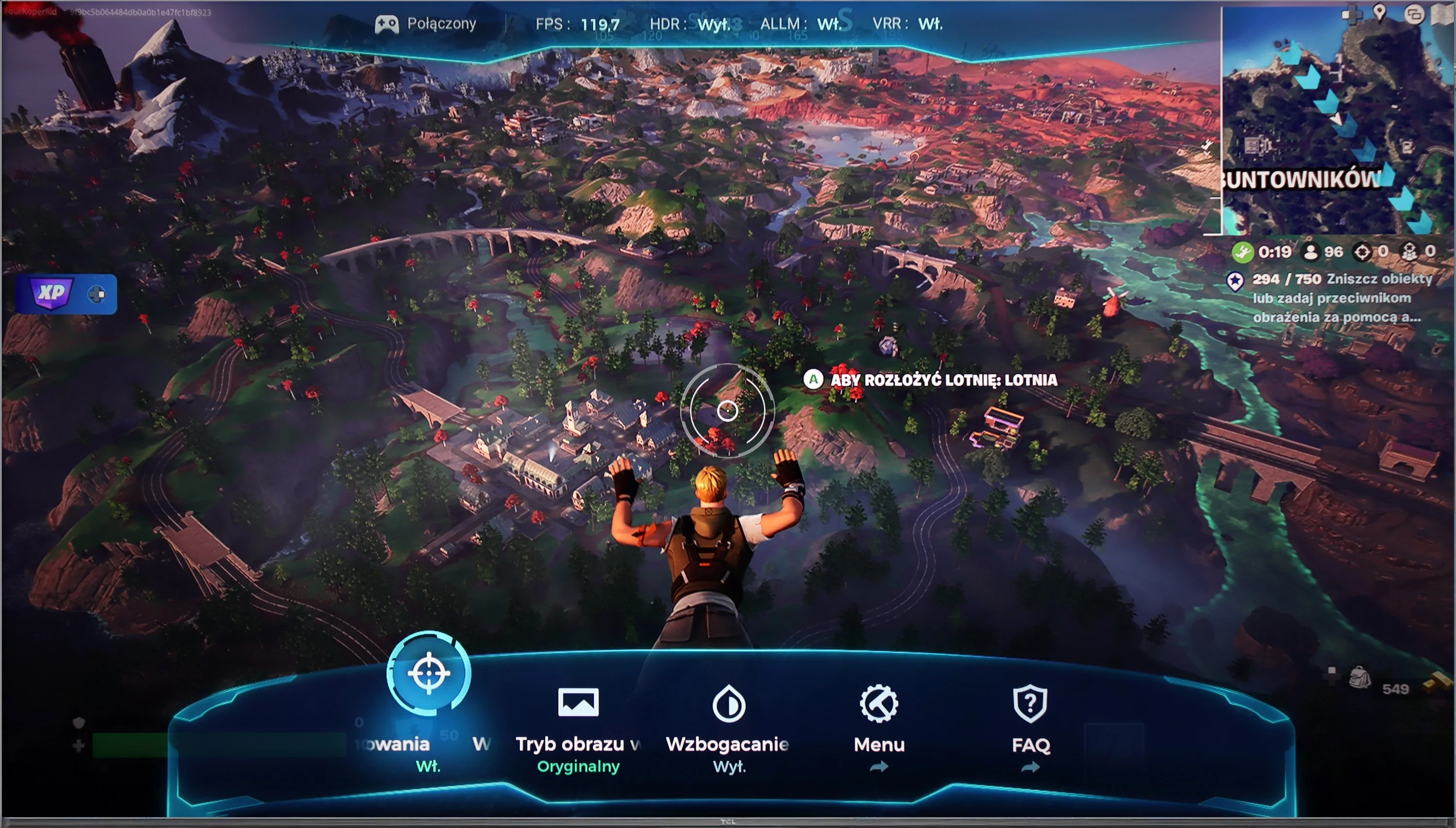
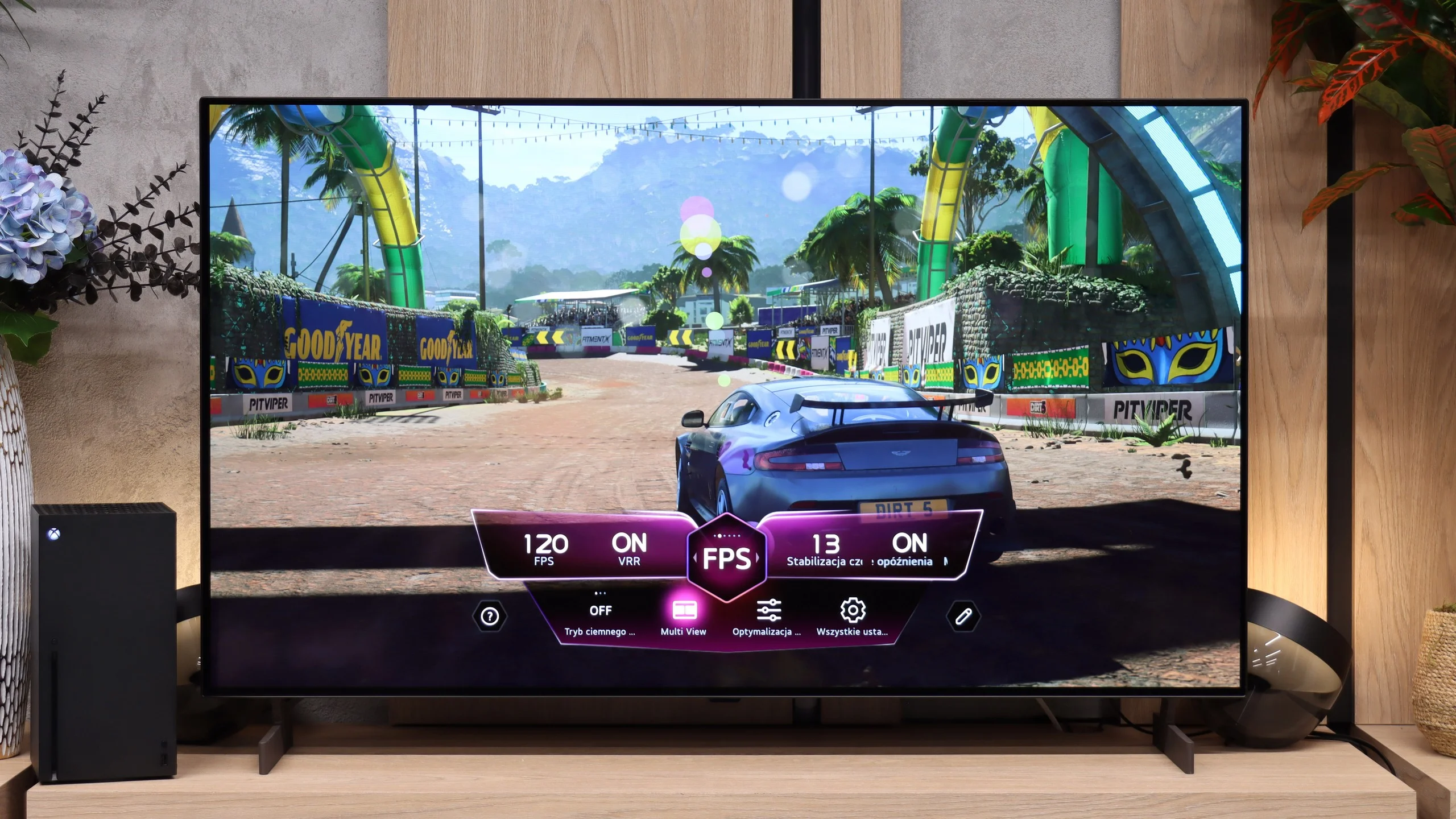
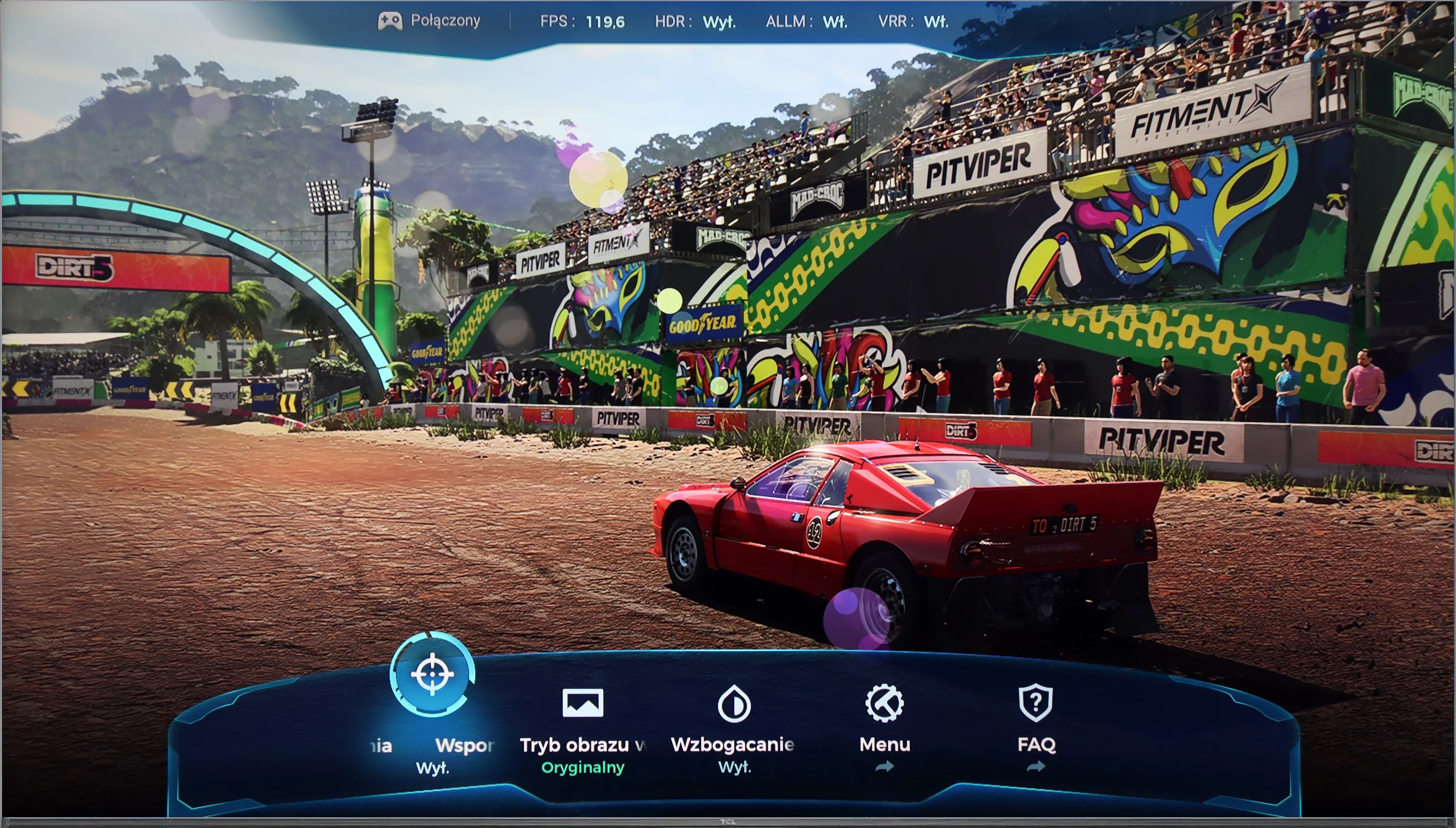
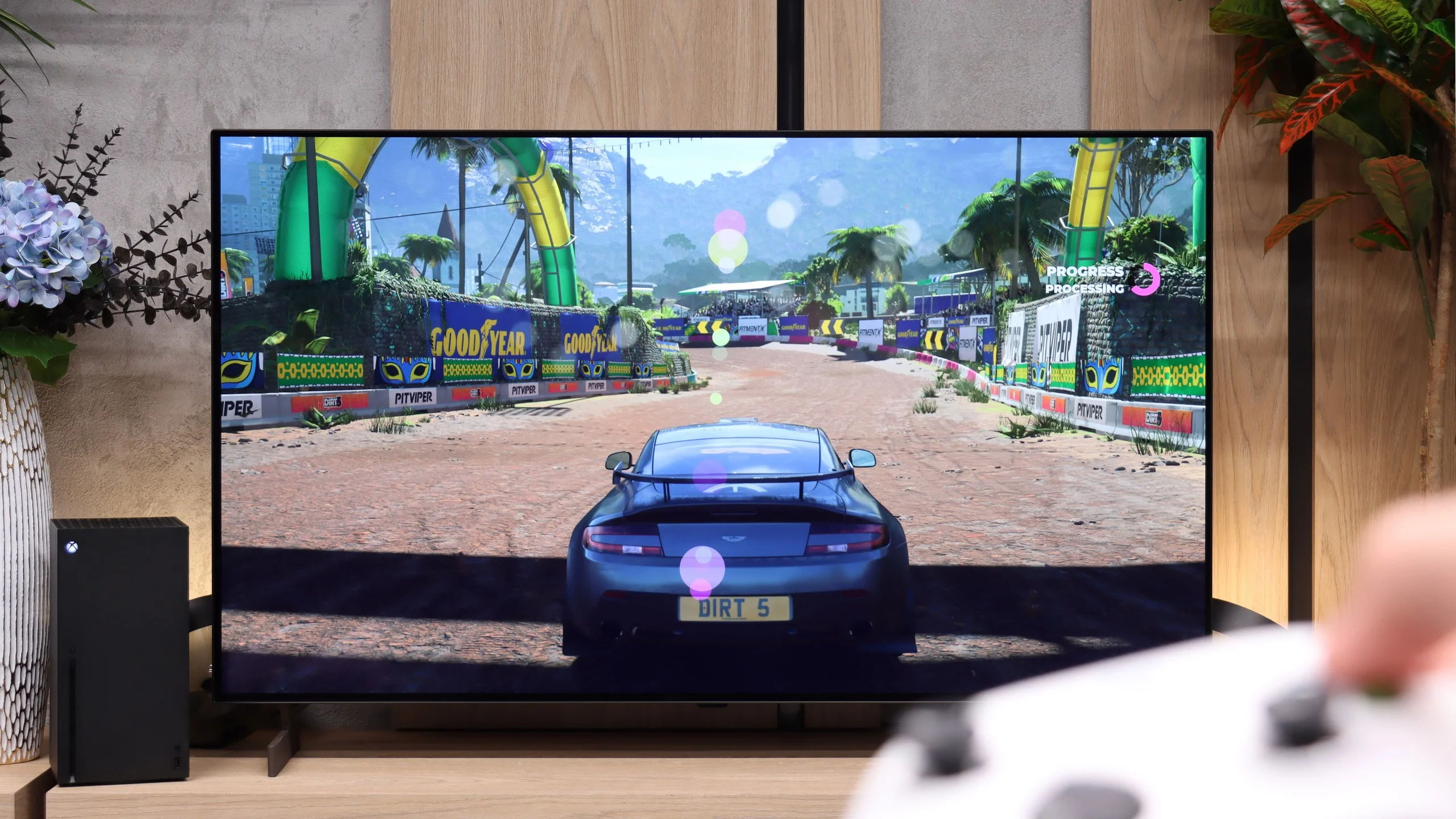
The TCL C655 / C69B television offers nearly the perfect set of features for gamers, supporting all the most important technologies. It has an ALLM feature that automatically switches the TV to low latency mode, significantly improving responsiveness and minimising signal lag, which is especially important during dynamic gameplay. The VRR feature allows the screen refresh rate to synchronise with the frame rate generated by the console, eliminating screen tearing and providing smoother gameplay.
The television also supports Dolby Vision in game mode, which ensures better colour and contrast rendering in games that support this format, and the Game Bar provides quick access to settings related to gameplay, such as response time, latency level, and other parameters. Unfortunately, the C655 / C69B does not support 4K resolution at 120 Hz (the exception here is the 98" variant), which may be disappointing for more demanding gamers who expect the highest fluidity of image in high-resolution games. However, if we can forgo 4K, the television offers support for Full HD and 2K at 120 Hz, providing a smoother image and is a great alternative for those who prefer a higher refresh rate at the expense of resolution.
LG OLED B6 has plenty to offer gamers; it’s simply a complete base for PS5, Xbox Series X/S or a capable PC. It has four full-size HDMI 2.1 ports with 48 Gbps bandwidth, so you can avoid irritating cable swapping when connecting several newer devices at once. It offers a full suite of synchronization technologies, from standard VRR to G-Sync and FreeSync. The screen synchronises the refresh rate seamlessly with the frame output from the console or graphics card. Of course it includes ALLM: the B6 automatically recognises when a game is running and immediately reduces latency to a minimum. HDR support is also excellent. The TV supports Dolby Vision, and a correctly implemented HGiG standard means that, after initial calibration in the console settings, the image won’t suffer from blown-out highlights or lost detail in bright areas. The cherry on the cake is the Game Bar. Instead of digging through the full menu during gameplay, a single click is enough to adjust shadow visibility, tweak selected parameters or simply check the current display mode. All of this makes the LG B6 an excellent choice for gamers.
Input lag
10/10
9.8/10
SDR
HDR
Dolby Vision
The TCL C655 / C69B television offers an exceptional response time across all supported resolutions and refresh rates. Of particular note is its support for Dolby Vision with a response time of 13 ms, which is rarely found among competitors. As a result, gamers can enjoy excellent responsiveness even when using advanced HDR effects, significantly enhancing the gaming experience.
Input lag in the LG B6 is very low. At 120 Hz it is about 5 ms, and at 60 Hz it rises to roughly 15 ms. Both results are good enough that most gamers won't notice any delay between their inputs and what happens on screen. Dolby Vision performs slightly worse, with input lag rising to around 25 ms. That's still not a bad result, but the most demanding Xbox gamers may already notice a difference compared with standard HDR.
Compatibility with PC
6/10
7.6/10
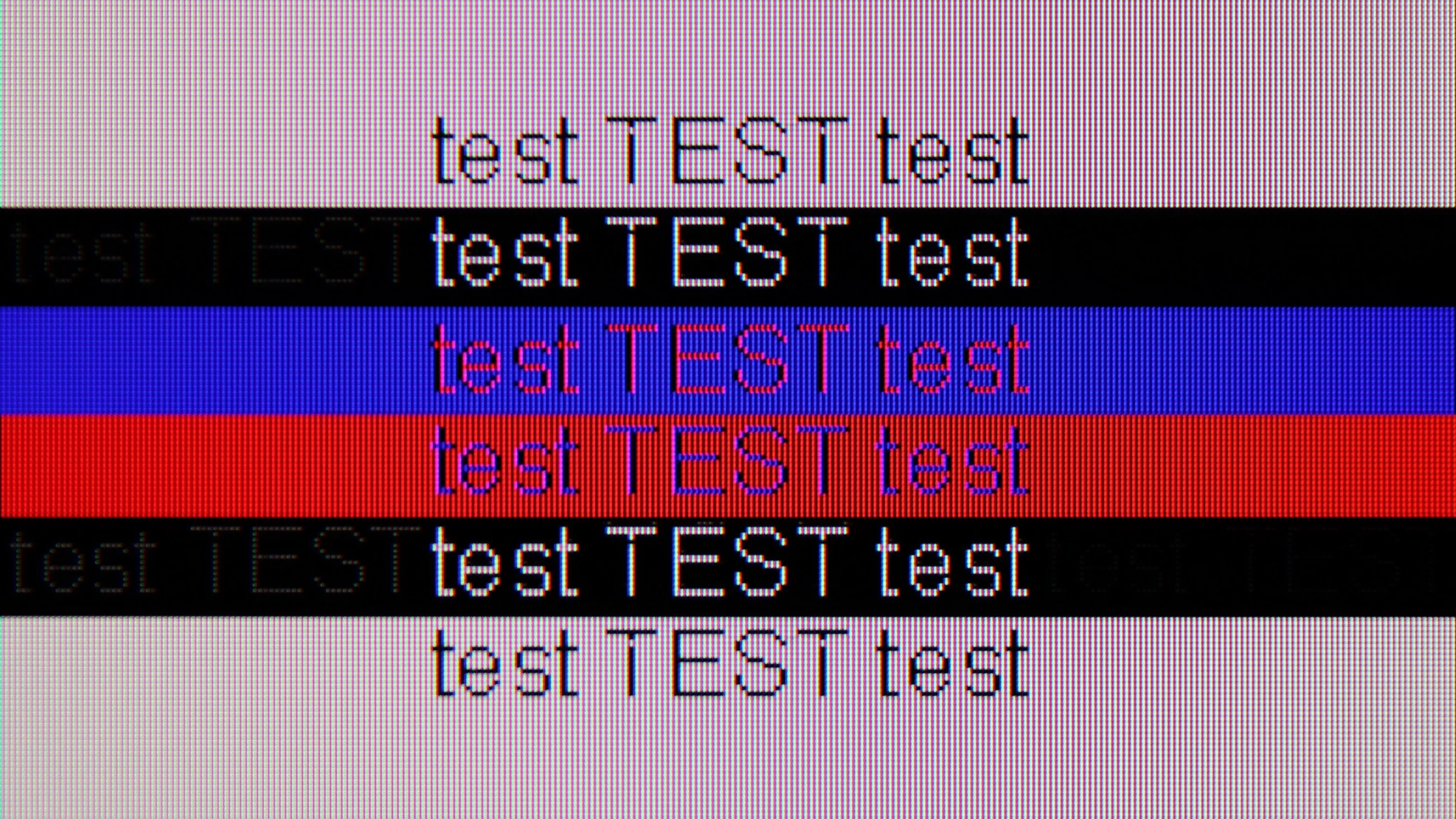
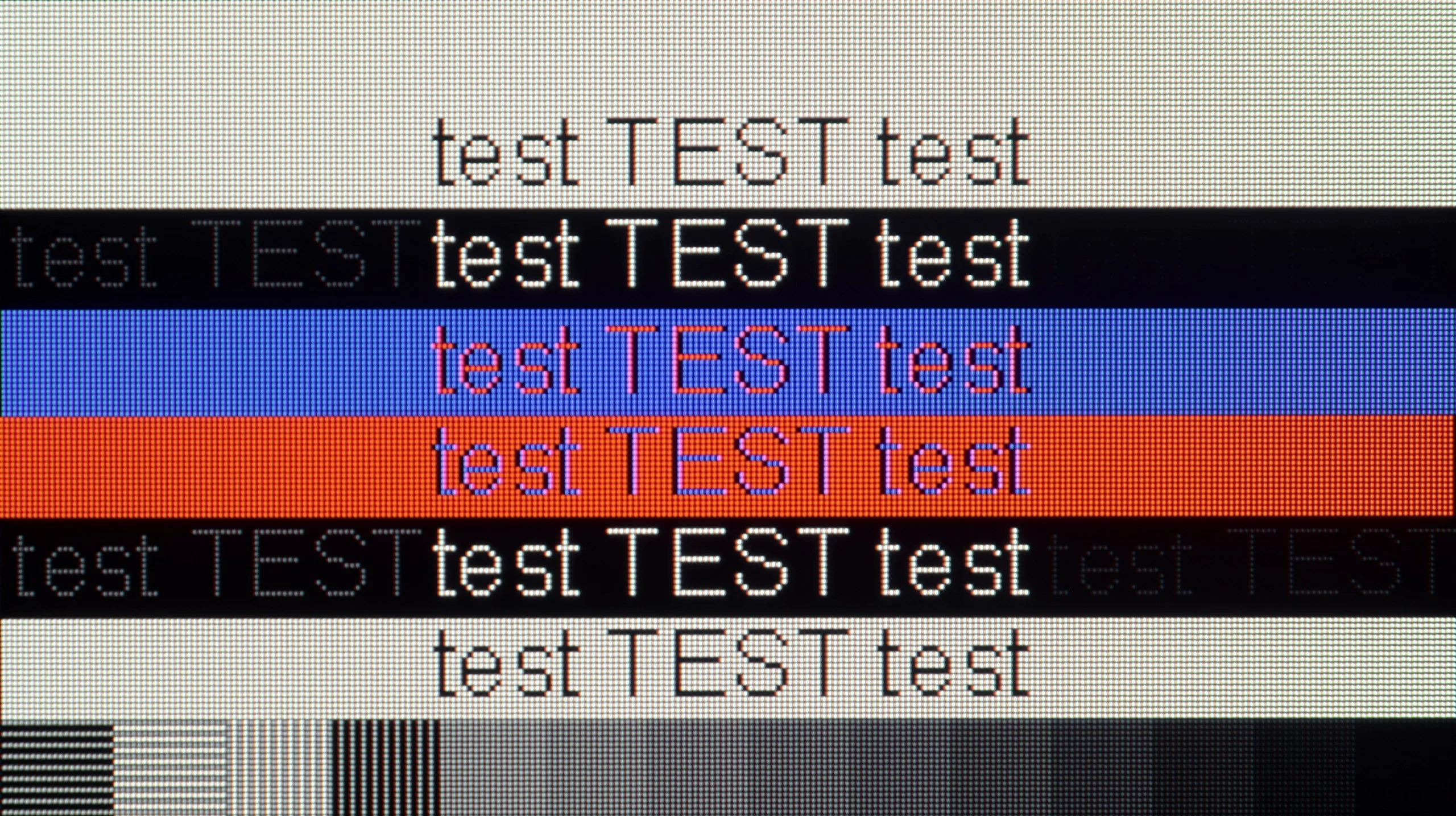
The photo shows the legibility of small fonts. Ideally, lines should be the same thickness on both light and dark text, with minimal pixel gaps.
Collaboration with a PC on the TCL C655 / C69B television proves to be quite good, especially thanks to the support for chroma 4:4:4, which guarantees good font readability. This is an important advantage if the television is to serve as a monitor for office work, where text display precision is crucial. Additionally, low input lag ensures smooth performance, which both gamers and users who need quick response to mouse or keyboard movements will appreciate. However, the television has a 60Hz panel for 4K resolution; nevertheless, TCL has ensured that users can enjoy smooth gameplay at 120Hz in 2K and Full HD.
One of the minor drawbacks that can be noticed is the fact that vertical lines sometimes exhibit the dropout of a single pixel. This can cause letters to appear slightly broken, which in certain situations may slightly reduce the comfort of work, although overall this issue should not be very bothersome for less demanding users.
The LG B6 also works very well as a computer monitor. Low input lag, support for VRR, G-Sync and FreeSync, and a high refresh rate mean there's little to criticise about it for gaming. Compared with more expensive models it only lacks additional modes with even higher refresh rates. In the best OLEDs and some LCD TVs you can now find even 240 or 330 Hz at lower resolutions. The B6 doesn't have that, but for most people it won't be a big loss.
The subpixel structure of the WOLED panel may be more significant. Because it uses four subpixels, small fonts in Windows are not perfectly sharp and you can sometimes see subtle coloured fringes around them. For occasional web browsing or general computer work this is unlikely to be a problem. However, anyone planning to buy a smaller variant, for example a 48-inch model, and use it as their primary monitor at their desk should bear that in mind.
Viewing angles
2.5/10
7.5/10
The viewing angles of the C655 / C69B are rather poor, which is characteristic of VA panels. Compared to IPS panels, which offer significantly better viewing angles and a more uniform picture quality regardless of the viewer's position, the VA panel loses contrast and colours with even a slight deviation from the axis. Watching from the side results in noticeable image quality degradation – blacks become more faded, and colours lose their intensity. This is definitely not a television that will perform well in large rooms where viewers watch content from various angles.
Viewing angles on the LG B6 are very good, which is typical for almost all OLED TVs. Even when viewed from a wide angle the image retains high colour saturation and does not noticeably lose brightness. In this respect, only models with QD-OLED panels really perform better. However, there is one thing worth mentioning. Some WOLED panels may show a slight greenish tint at very wide angles. This is not a rule. Some units exhibit this effect more, others hardly at all. It depends on the individual unit.
Daytime performance
5.6/10
4.8/10
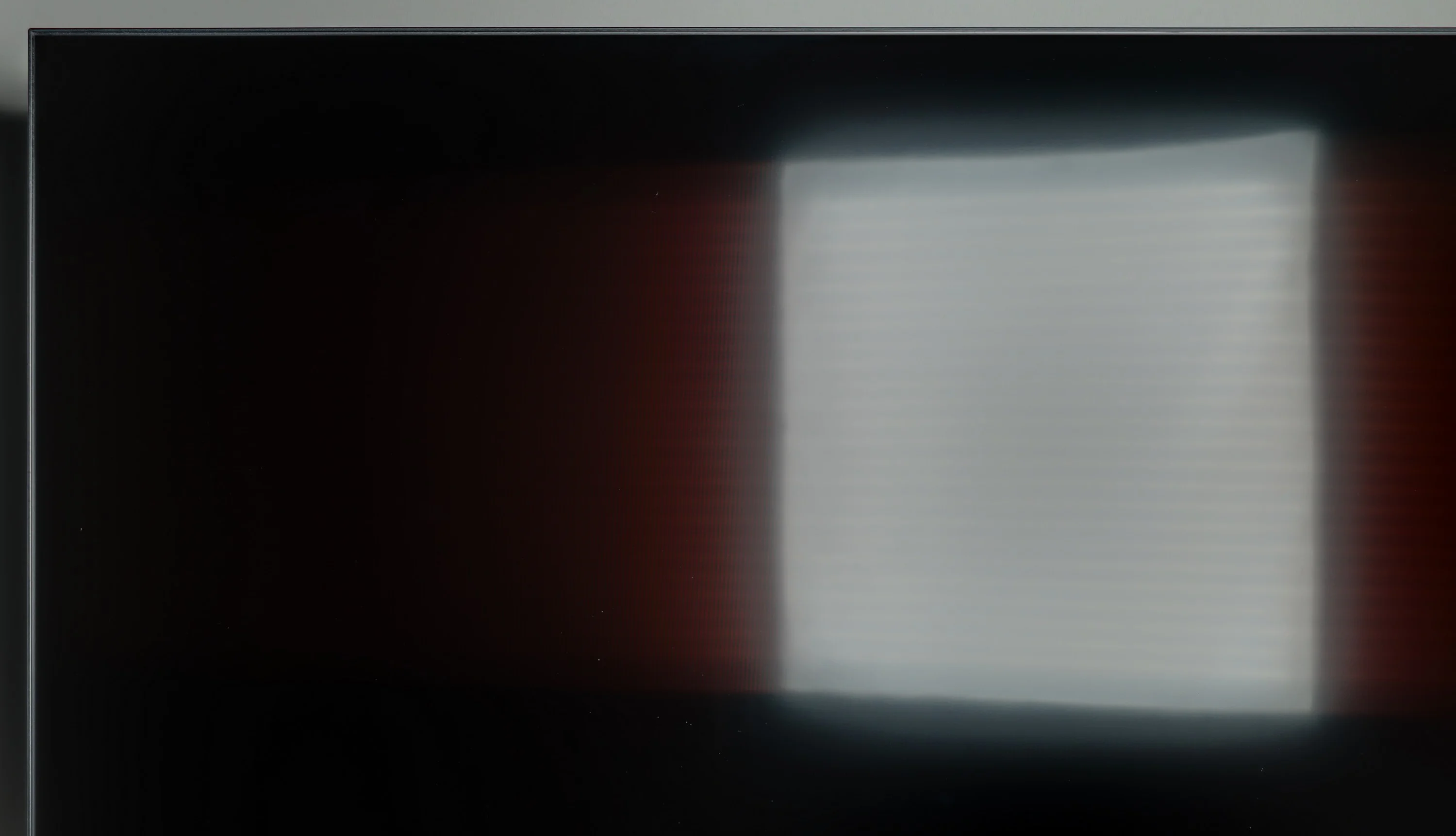
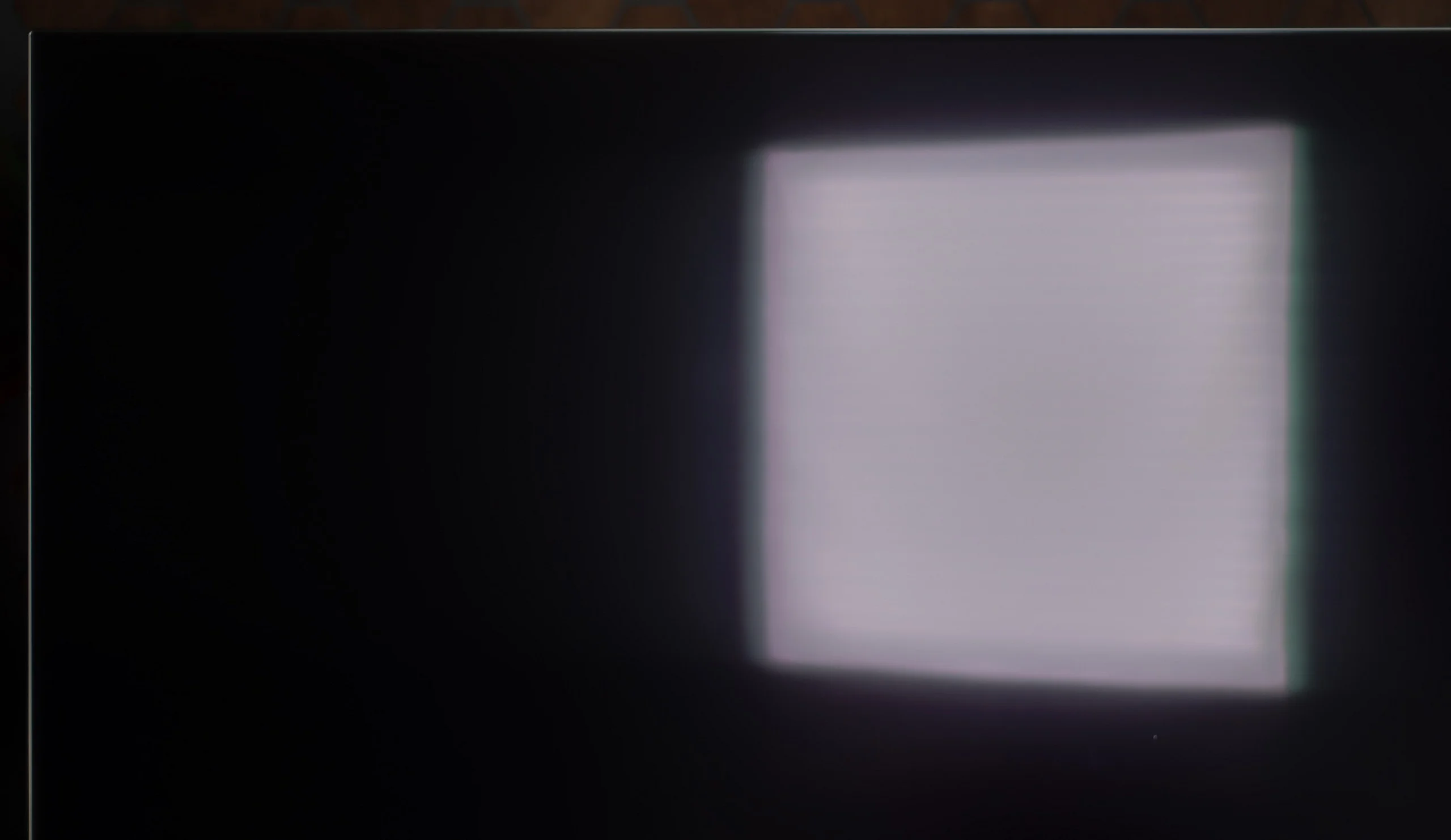
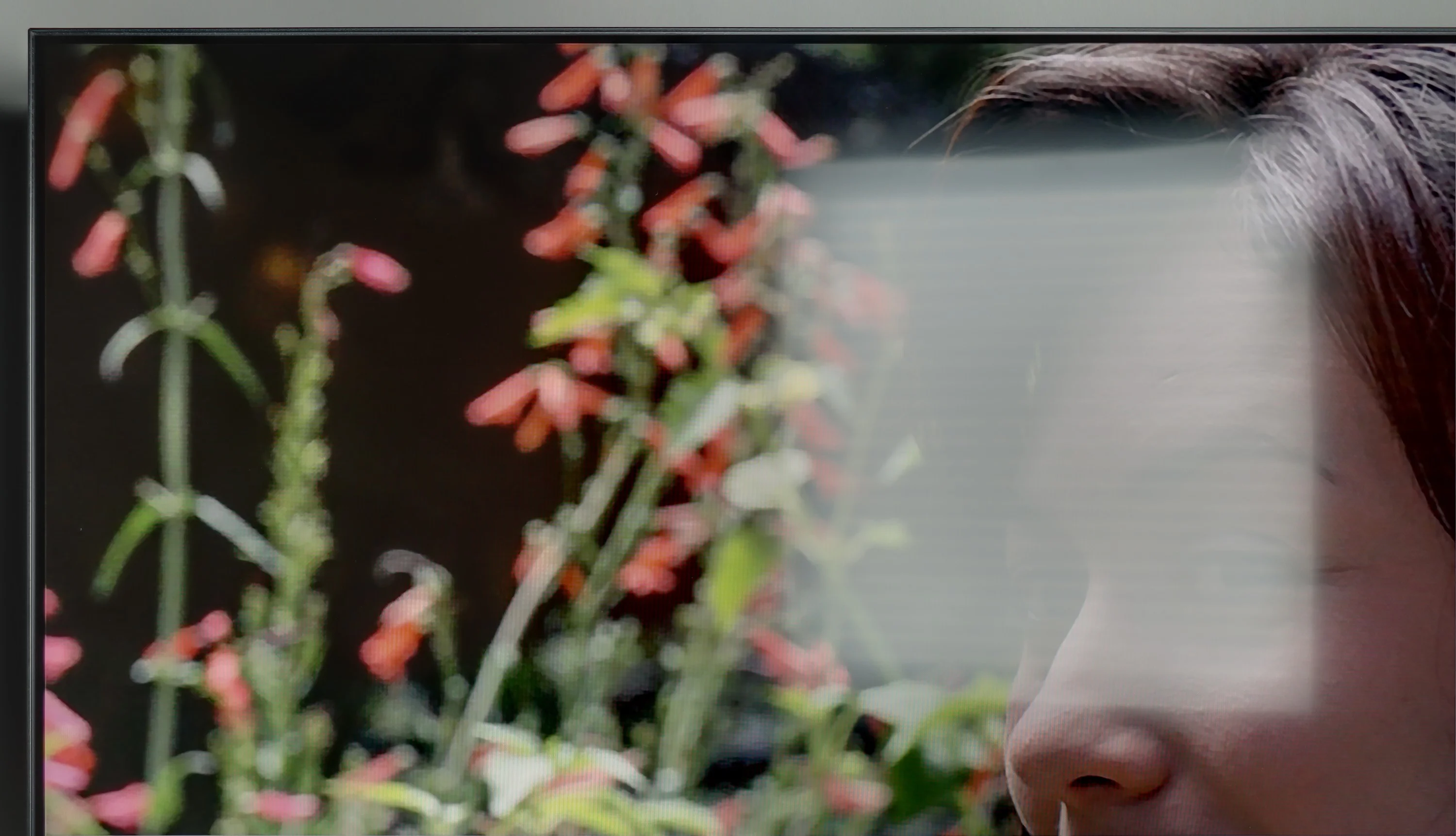
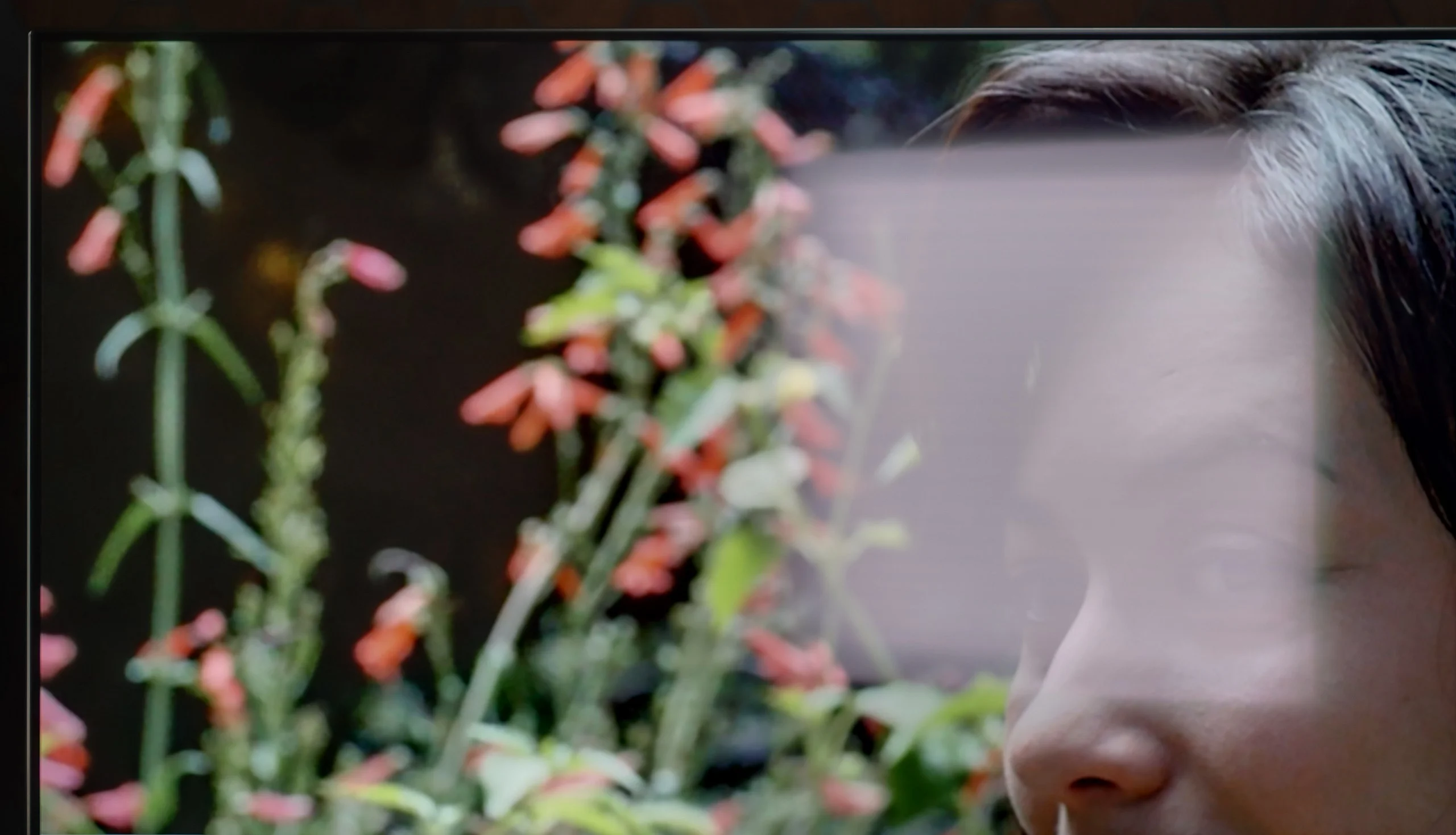
Panel brightness
LG OLED B6: 313 cd/m2
TCL C655 / C69B (55"-85"): 484 cd/m2
Generally, TCL C655 / C69B offers quite good brightness at around 480 nits, which allows for comfortable use of the television during the day. This brightness is satisfactory and makes the picture easily visible even in strong sunlight. Unfortunately, the satin finish of the screen struggles to suppress reflections, which can affect the visibility of the image in very bright surroundings.
In the case of the LG B6, one of the biggest changes comes from the new OLED SE panel. The TV is slightly brighter than its predecessor, but at the same time it is worse at dealing with direct reflections. The reason is a less effective polariser, so reflections from windows or lamps are less well suppressed and blacks in a bright room can look slightly lifted. LG tried to partially mask this effect with a satin screen coating. It does help to gently diffuse reflections, but it does not eliminate them as effectively as the solutions used previously. And in this respect the B series falls furthest behind the previous generation. By day the screen no longer looks as clean, and strong light sources can be clearly reflected on the panel. That does not, of course, mean the B6 is unsuitable for a bright living room. The higher screen brightness helps to cut through ambient light and during normal viewing the picture remains readable. The problem starts when there is a large window or a bright lamp opposite the TV. In those conditions the B6 does not perform at its best. It is therefore best suited to a room where you can at least partially control the light falling directly on the screen.
Panel details
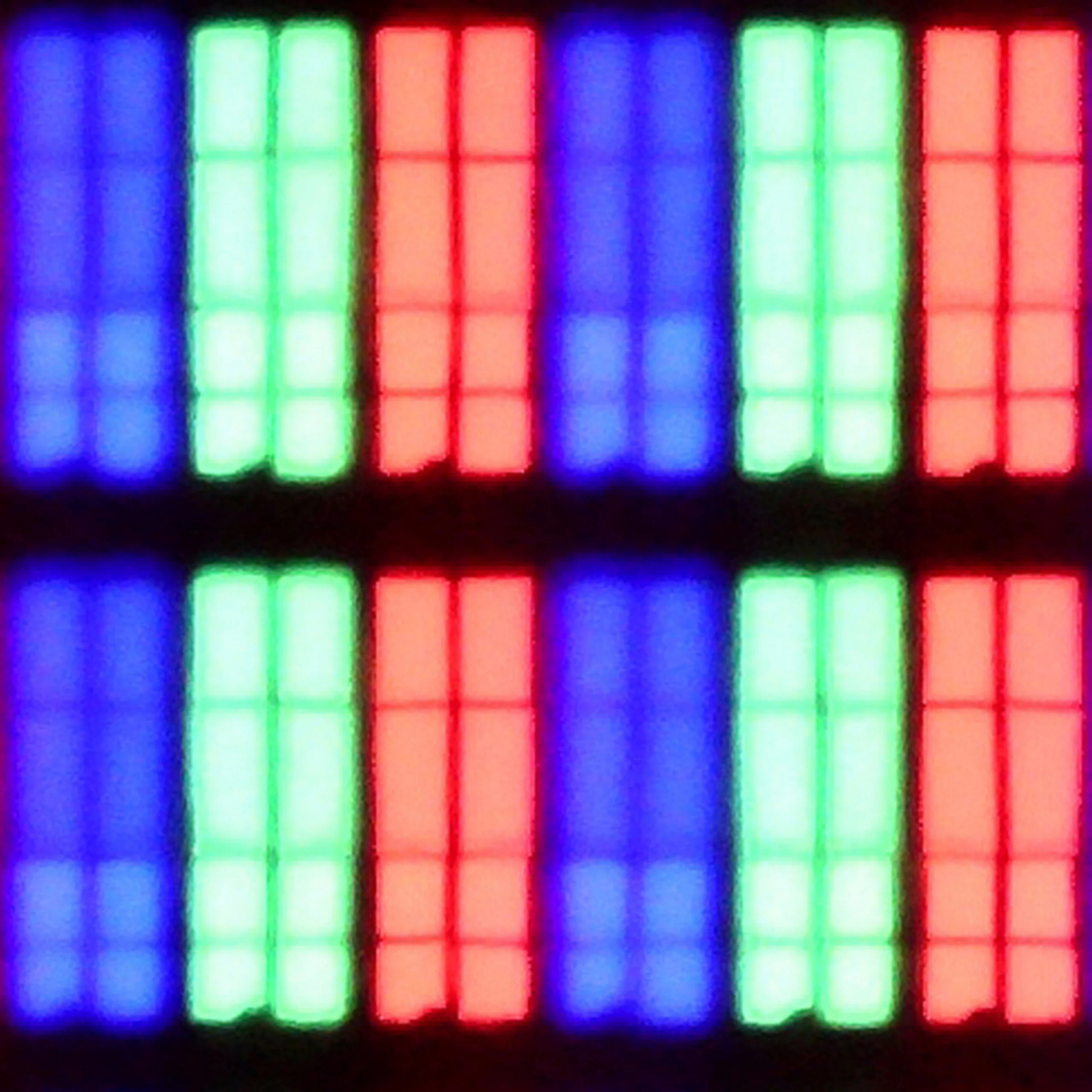
Subpixel Structure:
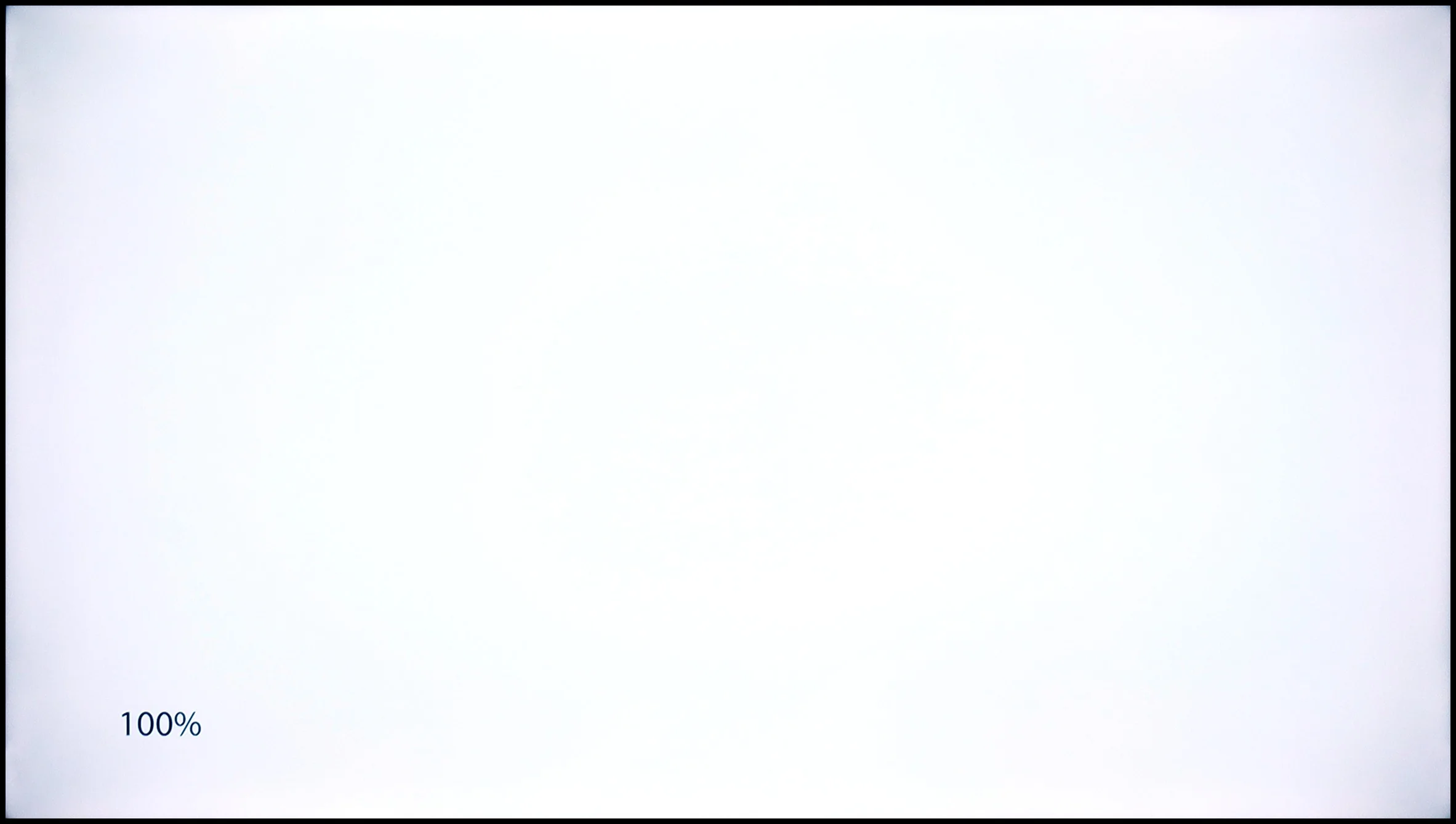
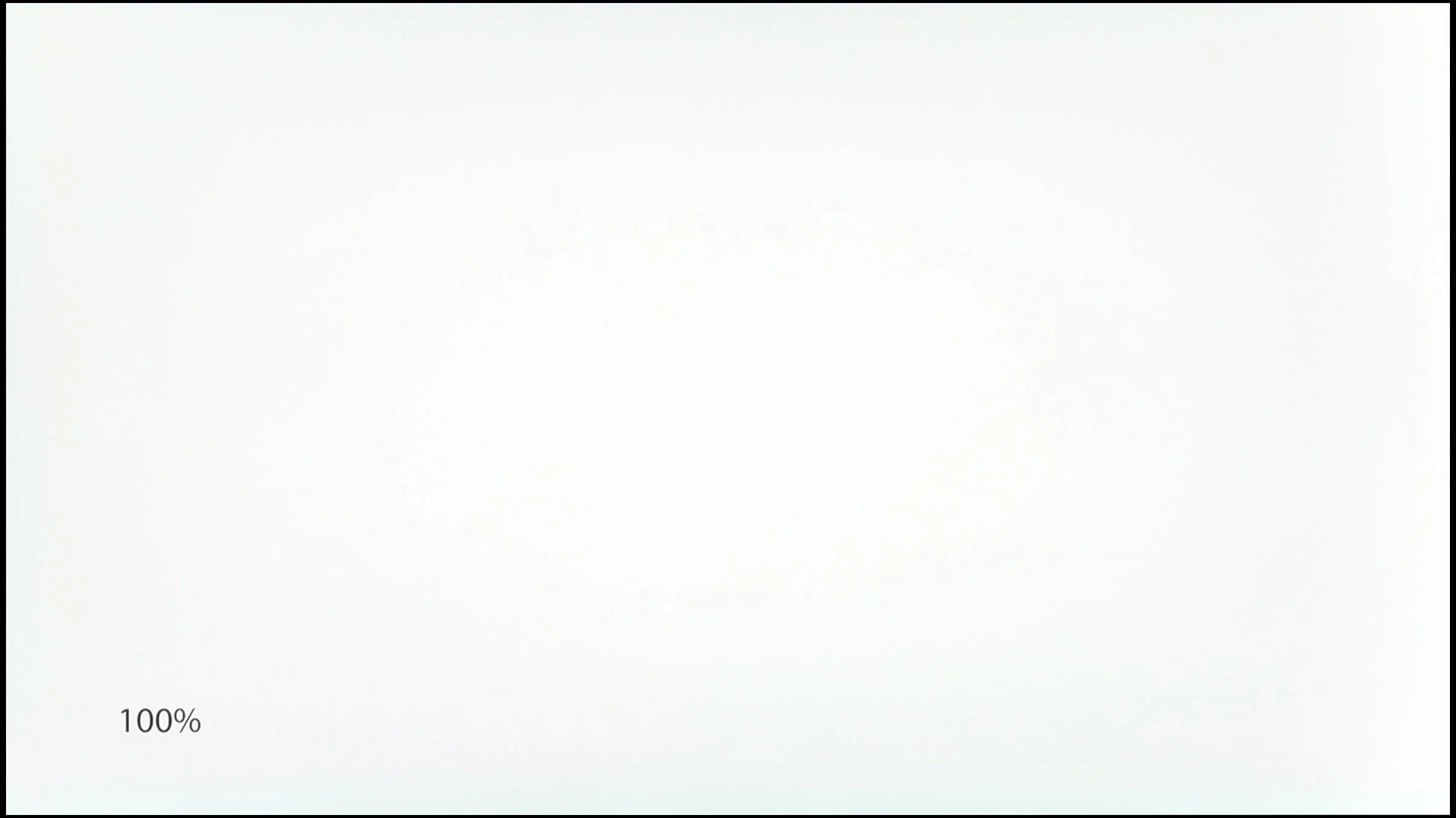
Panel uniformity and thermal imaging:
TCL C655 / C69B (55"-85")
LG OLED B6
TV features
6.5/10
8/10
- SystemGoogle TVWebOS
- System performanceDecentDecent
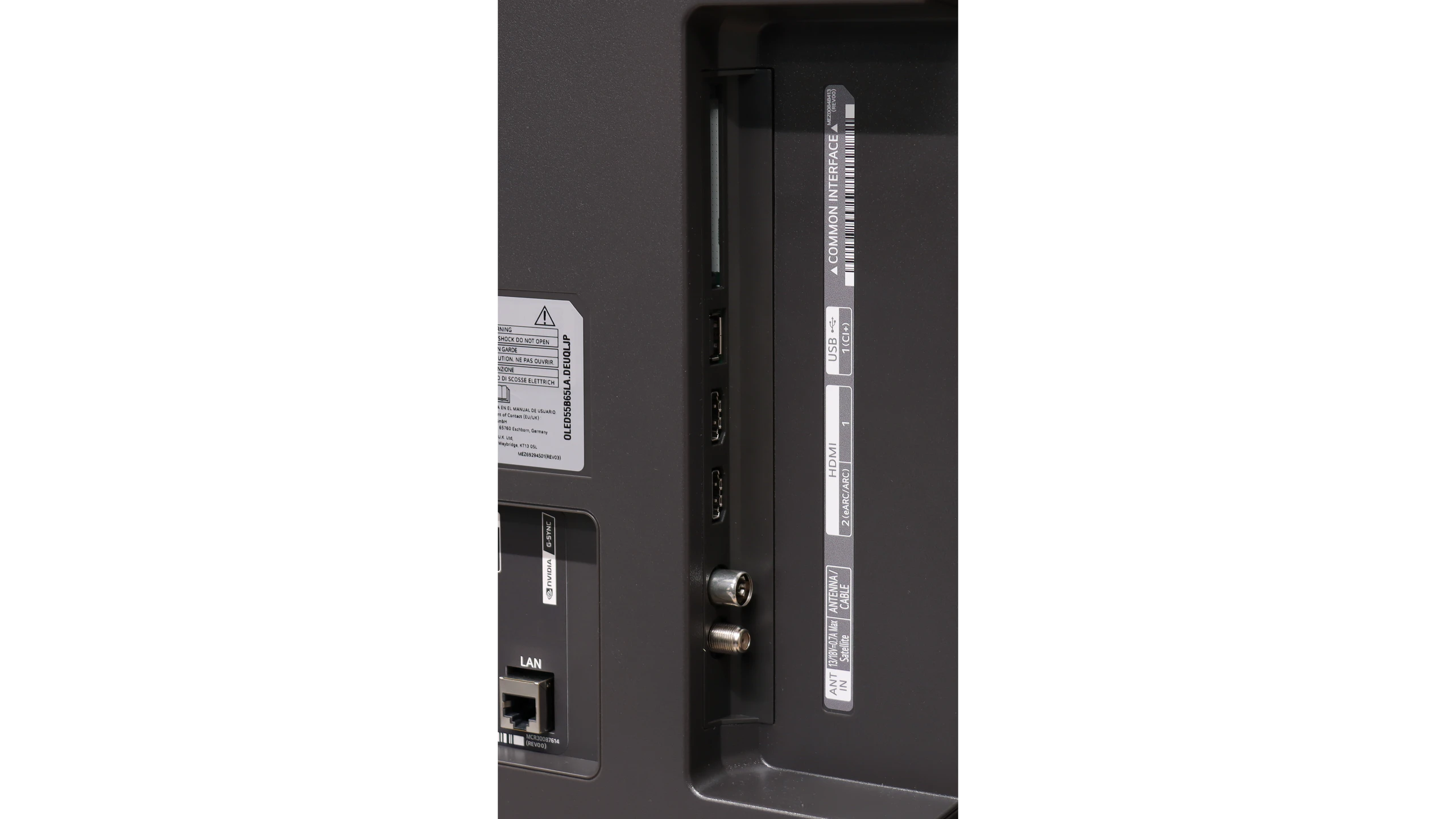
- HDMI inputs3 x HDMI 2.0, 0 x HDMI 2.10 x HDMI 2.0, 4 x HDMI 2.1 48Gbps
- Other inputsRCA (Chinch)
- OutputsToslink (Optical audio), eARC (HDMI), ARC (HDMI)Toslink (Optical audio), eARC (HDMI), ARC (HDMI)
- Network InterfacesWi-Fi 2.4GHz, Wi-Fi 5GHz, Ethernet (LAN) 100MbpsWi-Fi 2.4GHz, Wi-Fi 5GHz, Ethernet (LAN) 100Mbps
- TV receptionDVB-T, DVB-T2, DVB-S, DVB-S2, DVB-CDVB-T, DVB-T2, DVB-S, DVB-S2, DVB-C
Classic features:
- Recording to USB (terrestrial TV)
- Recording programming
- Picture in Picture (PiP)
- RF remote control (no need to aim)
- Backlit remote control
- Teletext
- Audio only mode
- Bluetooth headphones support
- Simultaneous Bluetooth headphones & TV audio
Smart features:
- AirPlay
- Screen mirroring (Windows Miracast)
- Voice search
- Voice search in native language
- Ability to connect a keyboard and mouse
Sound connection options
- HDMI audioeARC (HDMI), ARC (HDMI)eARC (HDMI), ARC (HDMI)
- Other audio outputsToslink (Optical audio)Toslink (Optical audio)
- Wireless audioBluetoothBluetooth
Supported audio formats (external HDMI eARC audio):
- Dolby Digital Plus 7.1
- Dolby True HD 7.1
- Dolby Atmos in Dolby Digital Plus (JOC)
- Dolby Atmos in Dolby True HD
- DTS:X in DTS-HD MA
- DTS-HD Master Audio
Senior accessibility
- Numeric keyboard on TV
- Font size adjustment
- Audio description
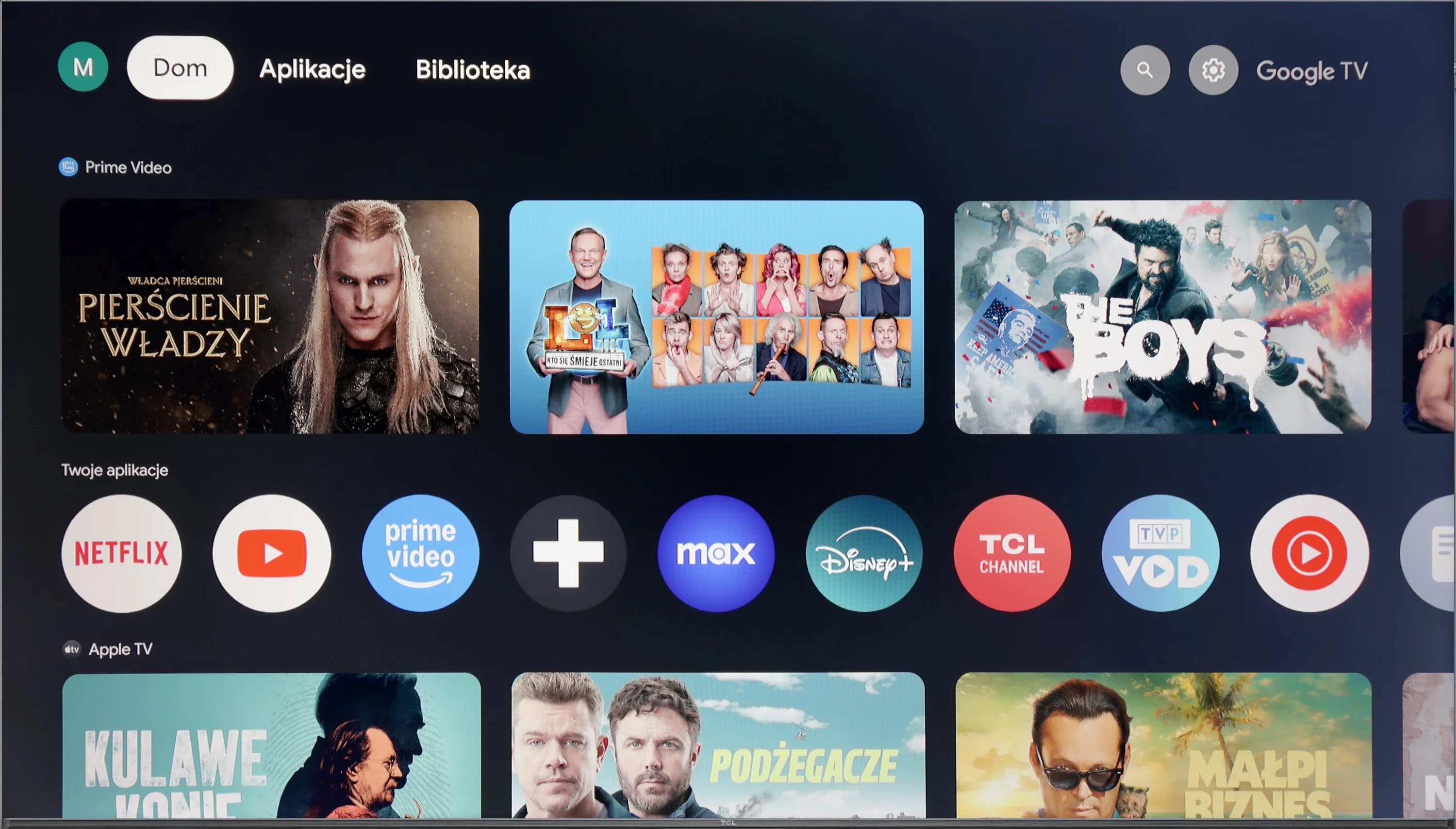
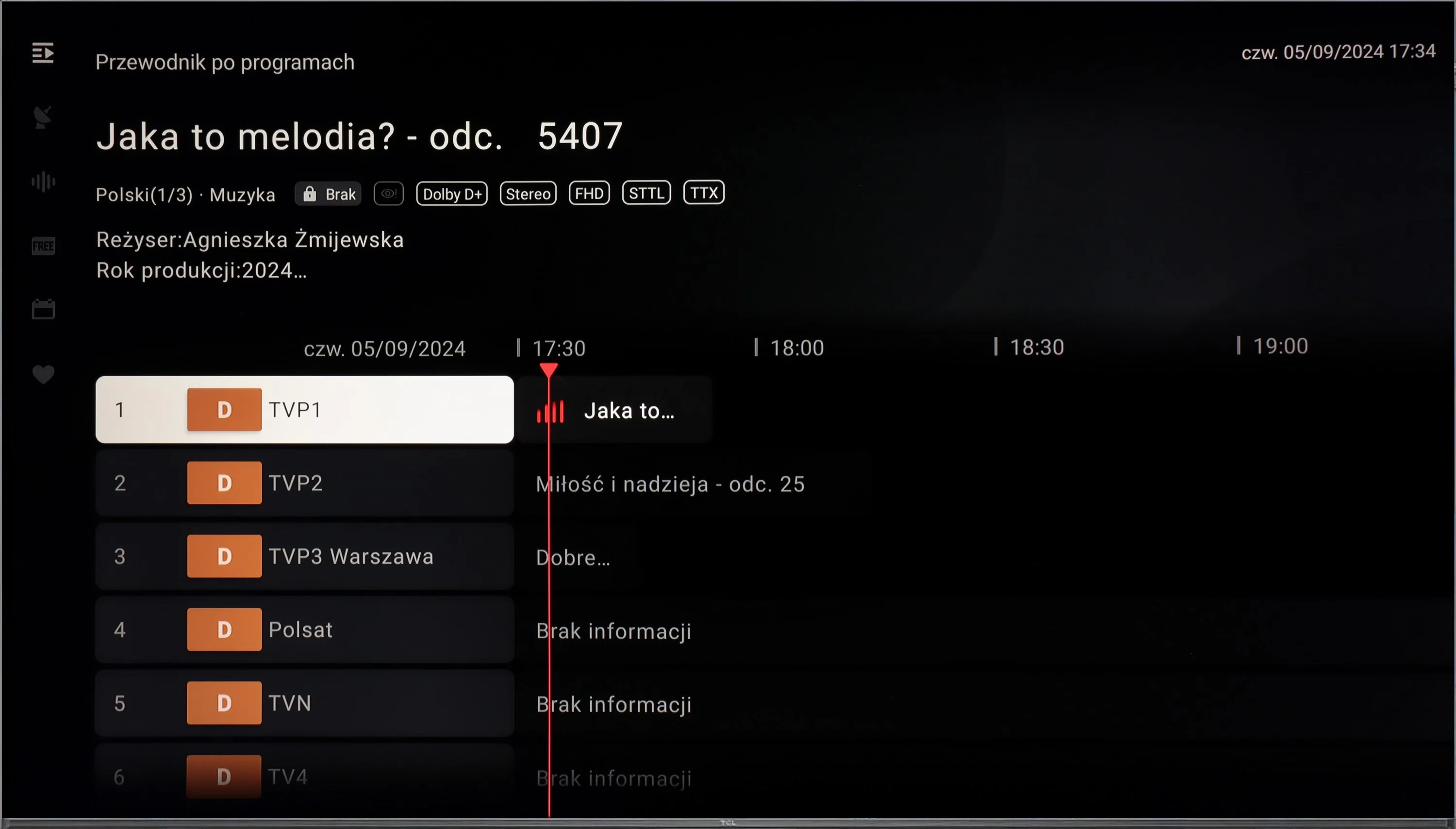
The TCL C655 / C69B television operates on the Google TV system, which is an extension of the popular Android TV. Google TV offers personalised content recommendations based on previously viewed materials and user preferences. The convenient and clear navigation in the interface makes it easy to find favourite films, series, and applications. This system supports the most popular streaming applications, such as Netflix, YouTube, Prime Video, and Disney+, providing users with access to a wide range of content. Google TV also supports integration with the Google ecosystem, allowing control of the television through voice commands using Google Assistant. Additionally, users can easily synchronise the television with other devices within the smart home framework.
The C655 / C69B television ensures everyday user convenience with features that facilitate connectivity and interaction with other devices. It supports Apple AirPlay, allowing for quick content streaming from Apple devices, such as iPhones or iPads, directly to the television screen. The ability to connect peripheral devices via Bluetooth, such as keyboards, mice, or headphones, further enhances user comfort. Unfortunately, the television does not offer content recording to USB or picture-in-picture (PiP) options, which may disappoint traditional television users who are accustomed to these features. The absence of these options means that the TCL C655 / C69B may not be the ideal solution for those expecting full functionality, especially regarding recording favourite programmes.
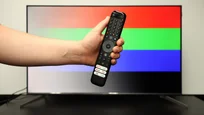
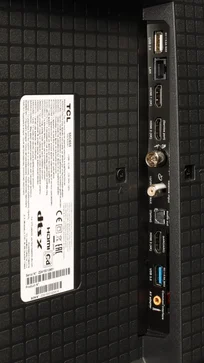
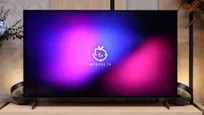
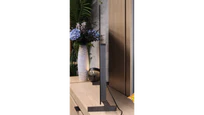
The TCL C655 / C69B presents a solid design. The television is not among the thinnest, and its bezels are not the narrowest, yet they look modern and aesthetically pleasing. The legs included in the set deserve special praise – they are metal, which adds stability, and they also offer adjustment capabilities, even for very narrow spacing. This makes it easy to fit the television with various types of TV stands, which is a practical convenience in many living rooms.
Smart TV: webOS
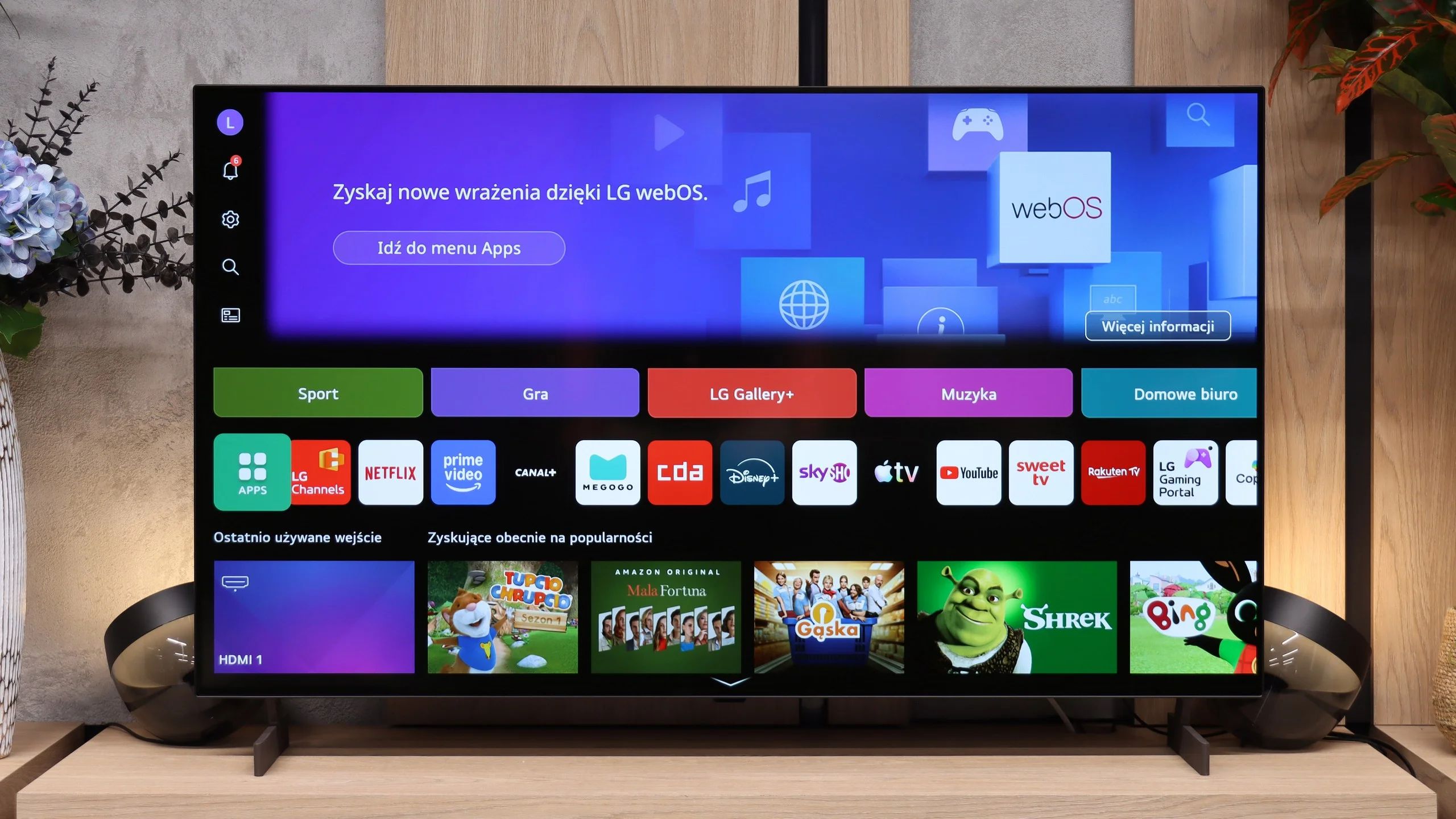
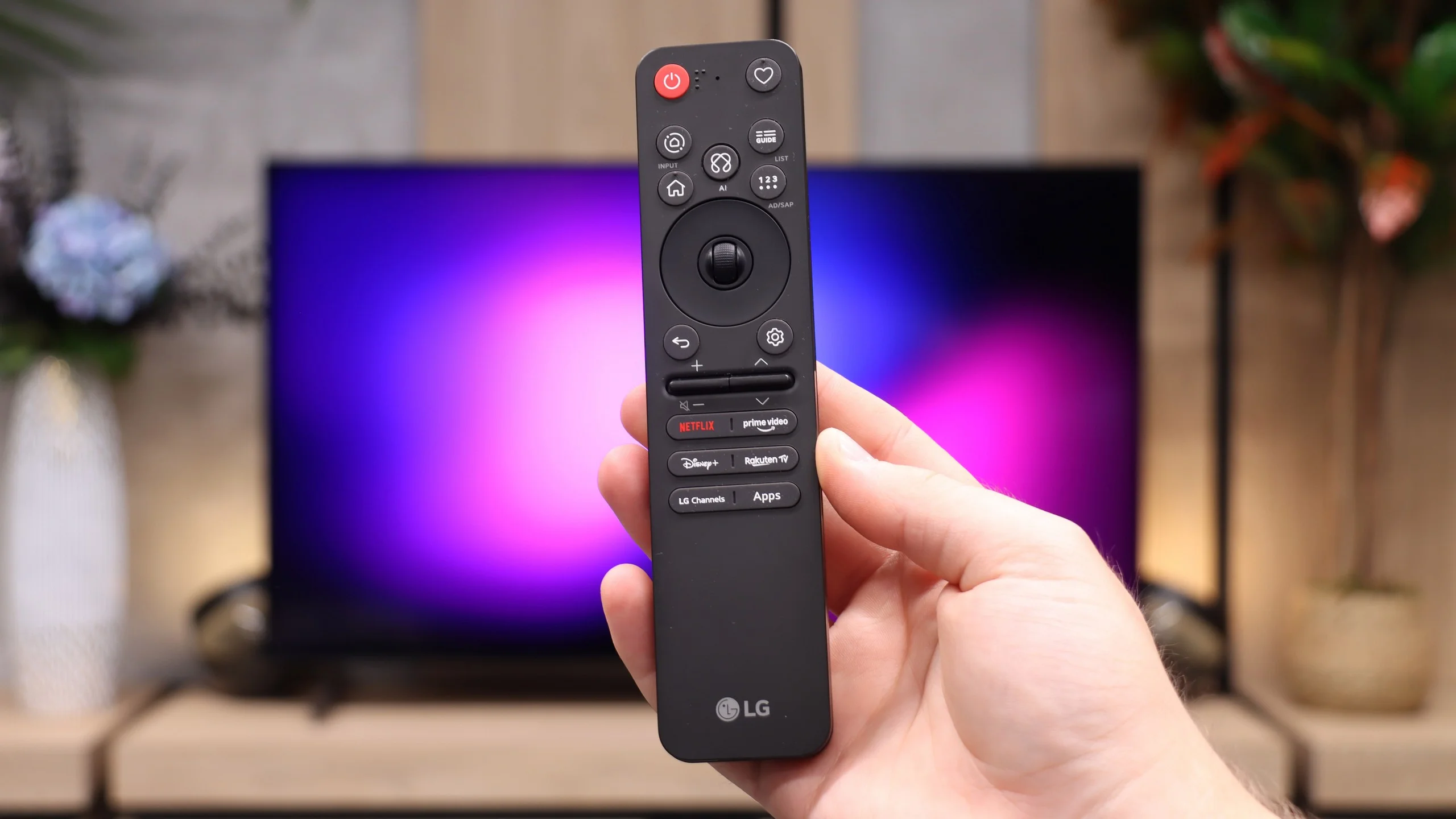
LG B6 uses webOS, LG’s proprietary platform. Its biggest advantage remains the way you control it. The supplied Magic Remote works much like a mouse; simply move your wrist to shift the cursor across the screen and point at the items you want. At first it may feel unusual, but it quickly proves very convenient, especially when typing text, selecting apps or navigating a complex menu. The remote itself is fairly minimalist and does not offer many traditional buttons, but cursor control largely makes up for that. On the other hand, if you do not want to wave your hand to enter letters, you can always speak the desired phrase into the remote and the AI voice assistant will suggest appropriate recommendations.
In terms of available apps it is hard to fault webOS. You will find virtually all the major streaming services here, as well as additional features such as AirPlay, screen mirroring and Chromecast. The TV therefore works well with both iPhones and Android devices. It is a shame, however, that the system does not run on the B6 as smoothly as on higher-end models. At times it can respond with a slight delay, and the home screen is heavily cluttered with recommendations, tiles and ads. That does not make webOS unusable, but it could certainly be more organised.
Classic features
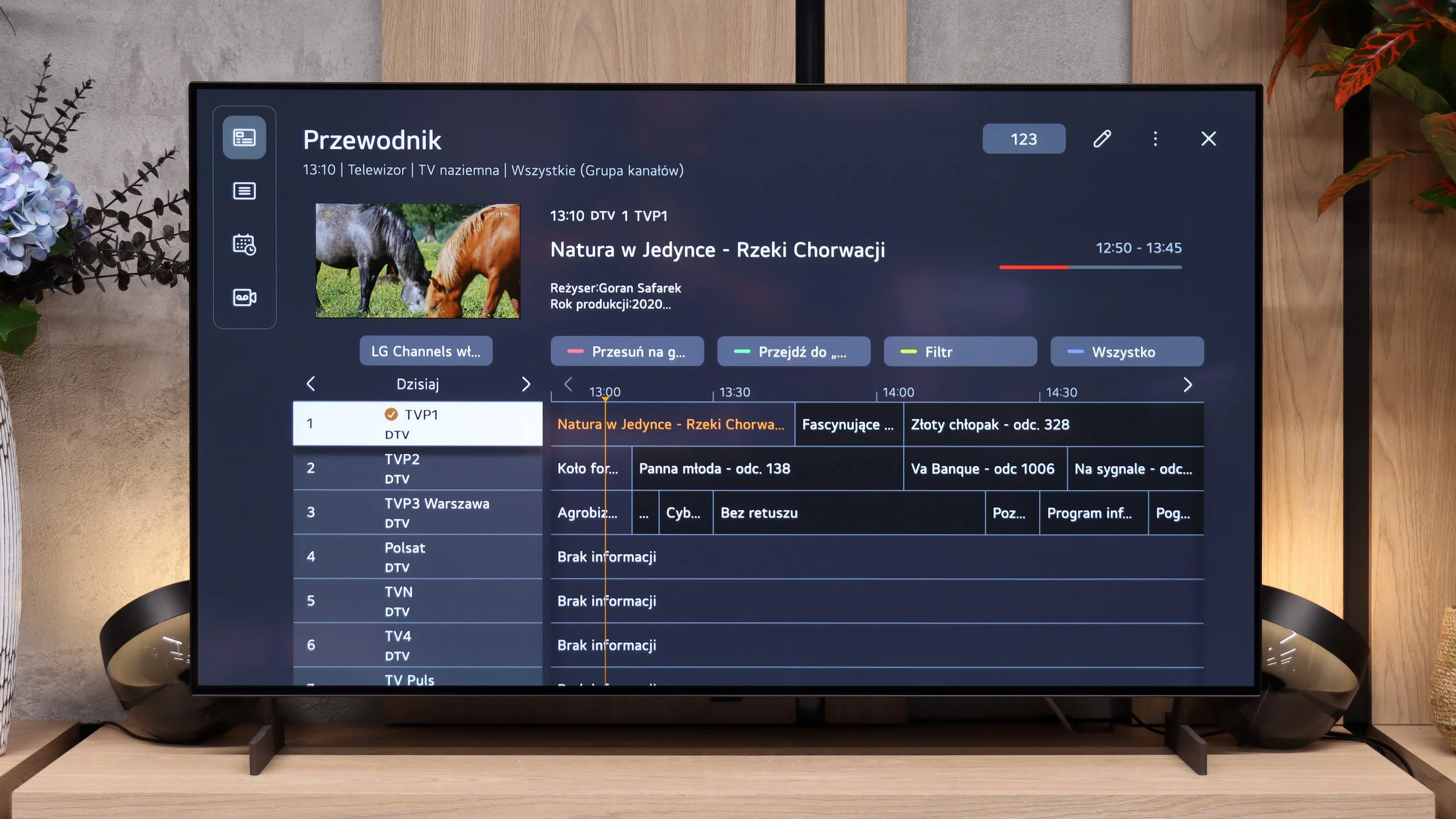
By contrast, the traditional TV features perform very well, features many manufacturers seem to be gradually forgetting. The LG B6 allows, among other things, recording programmes to a connected drive or USB storage. The PVR function also works with a scheduler, so a recording can be planned in advance from the TV guide. This comes in handy when you want to save an episode, a match or another event broadcast during your absence. There is also a clear channel guide and efficient handling of terrestrial, cable and satellite TV. For people who still regularly use traditional television, the B6 is therefore a relatively complete device, provided the lack of teletext does not bother you.
Apps
9.6/10
9.1/10






















Playing files from USB
8.3/10
9.1/10
Supported photo formats:
Maximum photo resolution:
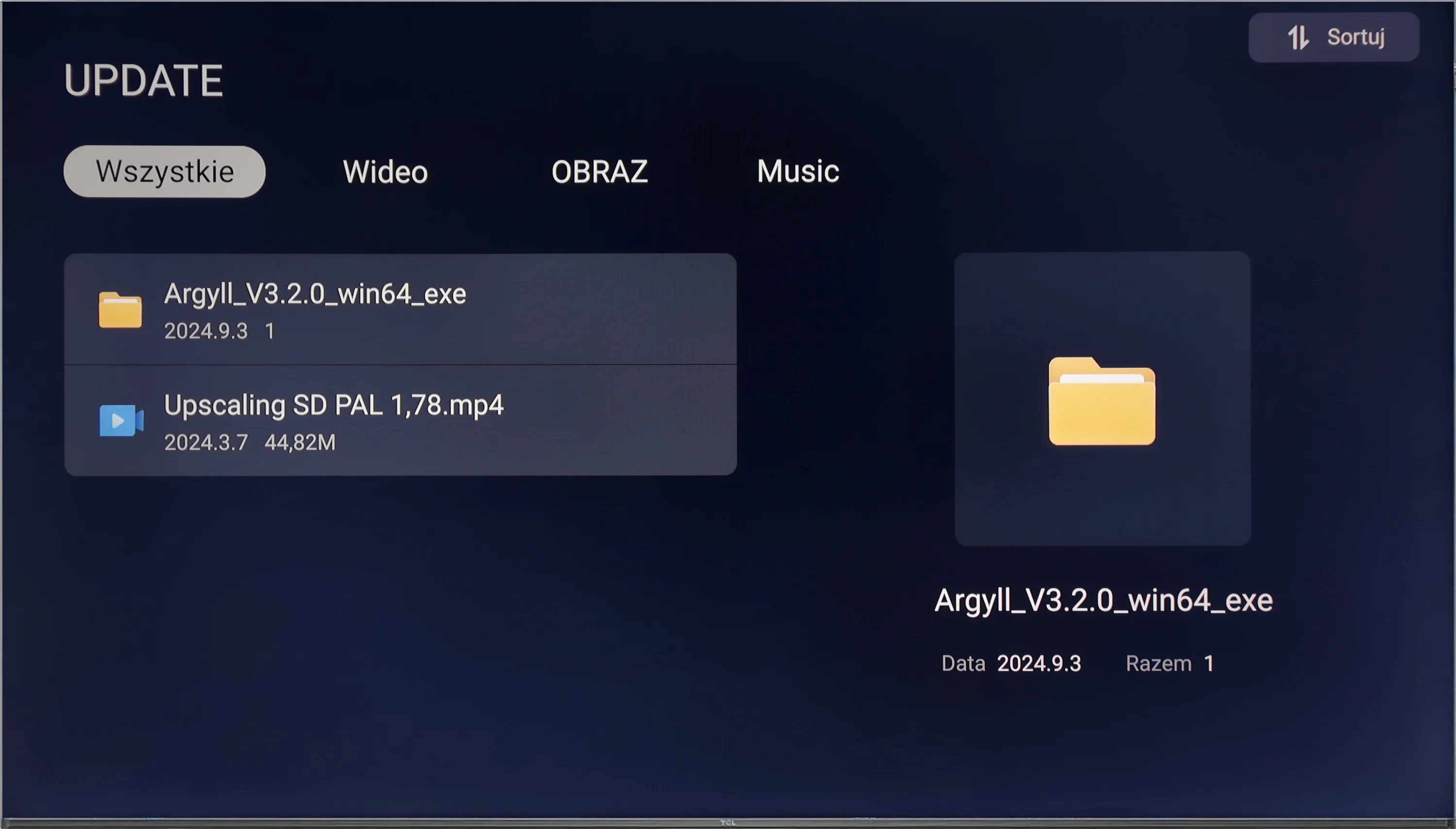
Thanks to its built-in player, the TCL C655 / C69B television is capable of playing most file formats stored on external memory devices, making it a versatile tool for consuming multimedia. However, there may be certain limitations in supporting some formats, which can be inconvenient for more demanding users. Fortunately, the Google TV system allows the installation of other multimedia players from Google Play, which eliminates compatibility issues. This enables users to choose applications that best meet their needs, significantly enhancing the functionality of the television.
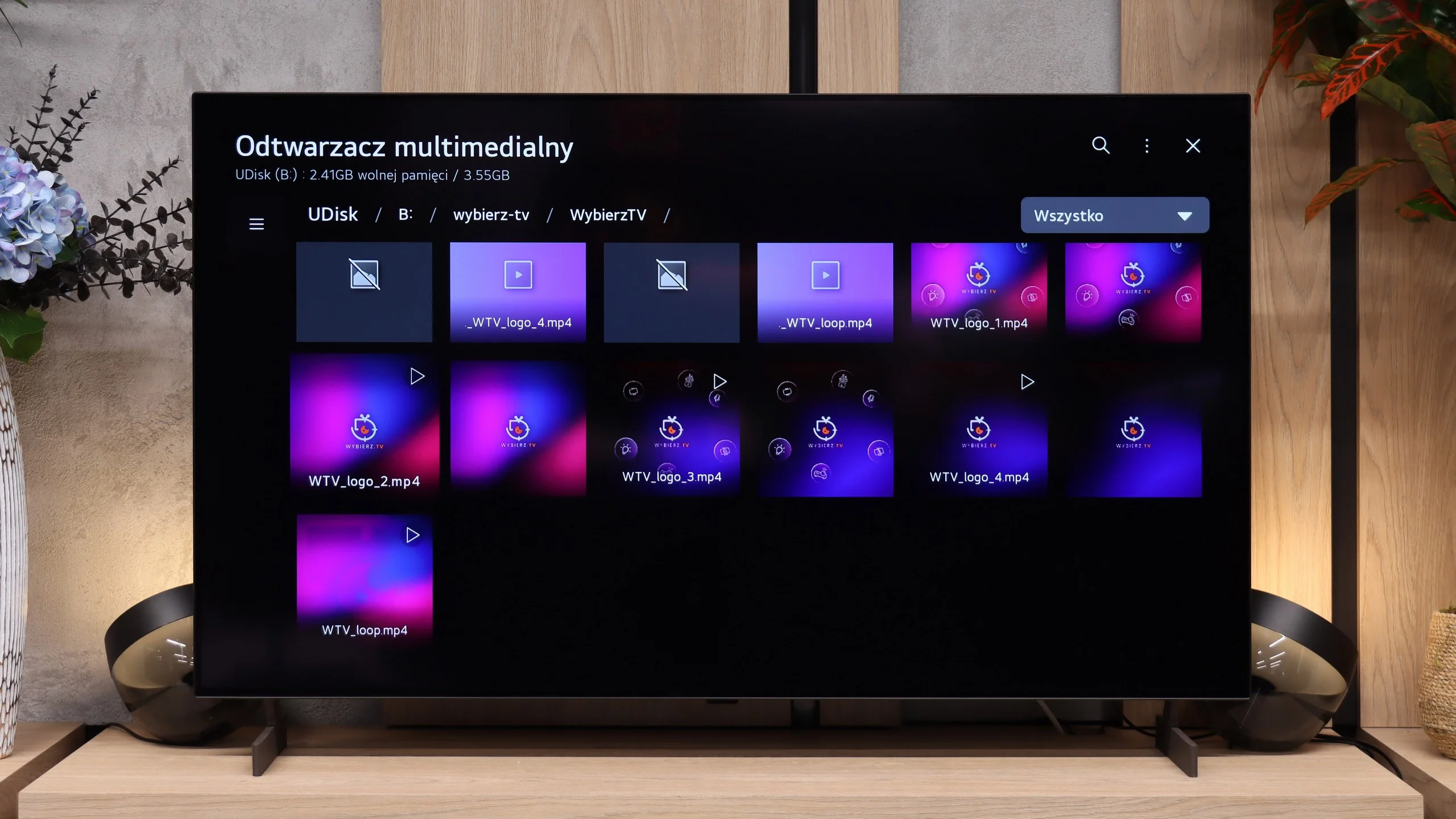
The LG B6's built-in player handles most common video files played from USB without much trouble. The TV also correctly supports subtitles and the most common audio formats, although it lacks DTS support. The situation is slightly worse for photos. The list of supported formats is rather limited and does not include, among others, HEIC, the format in which photos taken with an iPhone are saved by default. Such files therefore need to be converted to JPG beforehand, or you can simply use the AirPlay function.
Sound
6.6/10
6.7/10
- Maximum volume-87dB
- Dolby Digital Plus 7.1
- Dolby True HD 7.1
- Dolby Atmos in Dolby Digital Plus (JOC)
- Dolby Atmos in Dolby True HD
- DTS:X in DTS-HD MA
- DTS-HD Master Audio
The sound on the TCL C655 / C69B is surprisingly good, especially for this class of device. The 2x10W speakers combined with a 15W Onkyo subwoofer (for sizes 55"+) offer surprisingly good sound quality, including noticeable bass. The sound remains clear across the volume range, although the high frequencies could be a bit clearer. The support for DTS audio format is also a plus.
In terms of sound, the LG B6 performs very similarly to last year's model. It still uses a 2.0 speaker setup delivering 20 W, which is perfectly adequate for everyday viewing. Dialogue is clear and the sound isn't bad, but there is no soundstage, dynamics or bass you'd expect from higher-end models. The TV supports the Dolby Atmos spatial audio format, but lacks DTS:X. The main problem, however, isn't the speakers themselves but the settings. Compared with its predecessor, many of the options for tailoring the sound to your own preferences have disappeared. A few presets remain, including AI and Standard, but the ability to fine-tune the sound is much reduced compared with a year ago.
Sound Quality Test
No sound test video
Acoustic Measurements
No acoustic data
87dBC (Max)
75dBC
Reader comments
Comments are provided by the external service Disqus (Zeta Global). Once loaded, Disqus may set cookies and process data about your activity.
We will remember your choice on this device. Provider's privacy policy