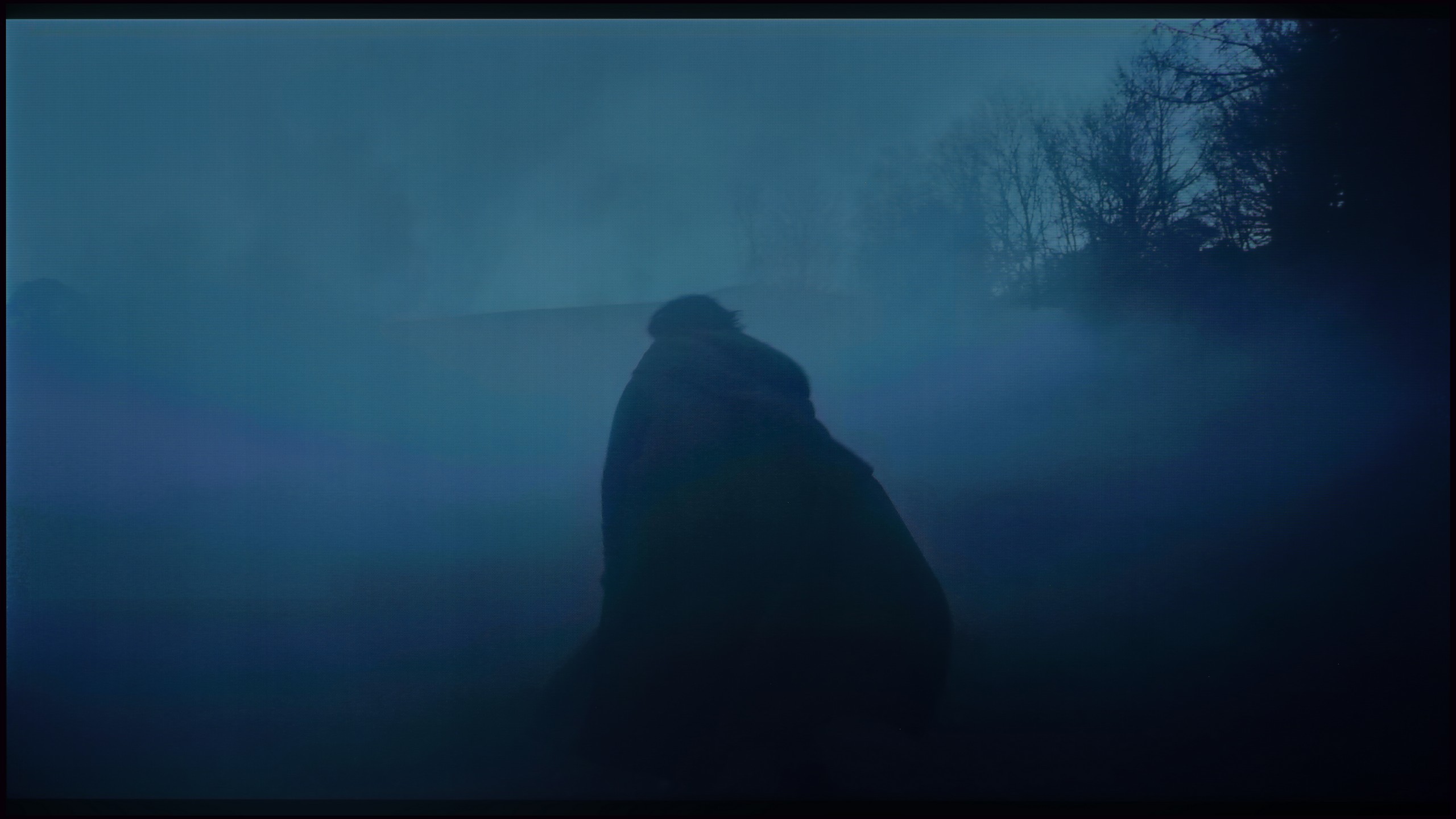
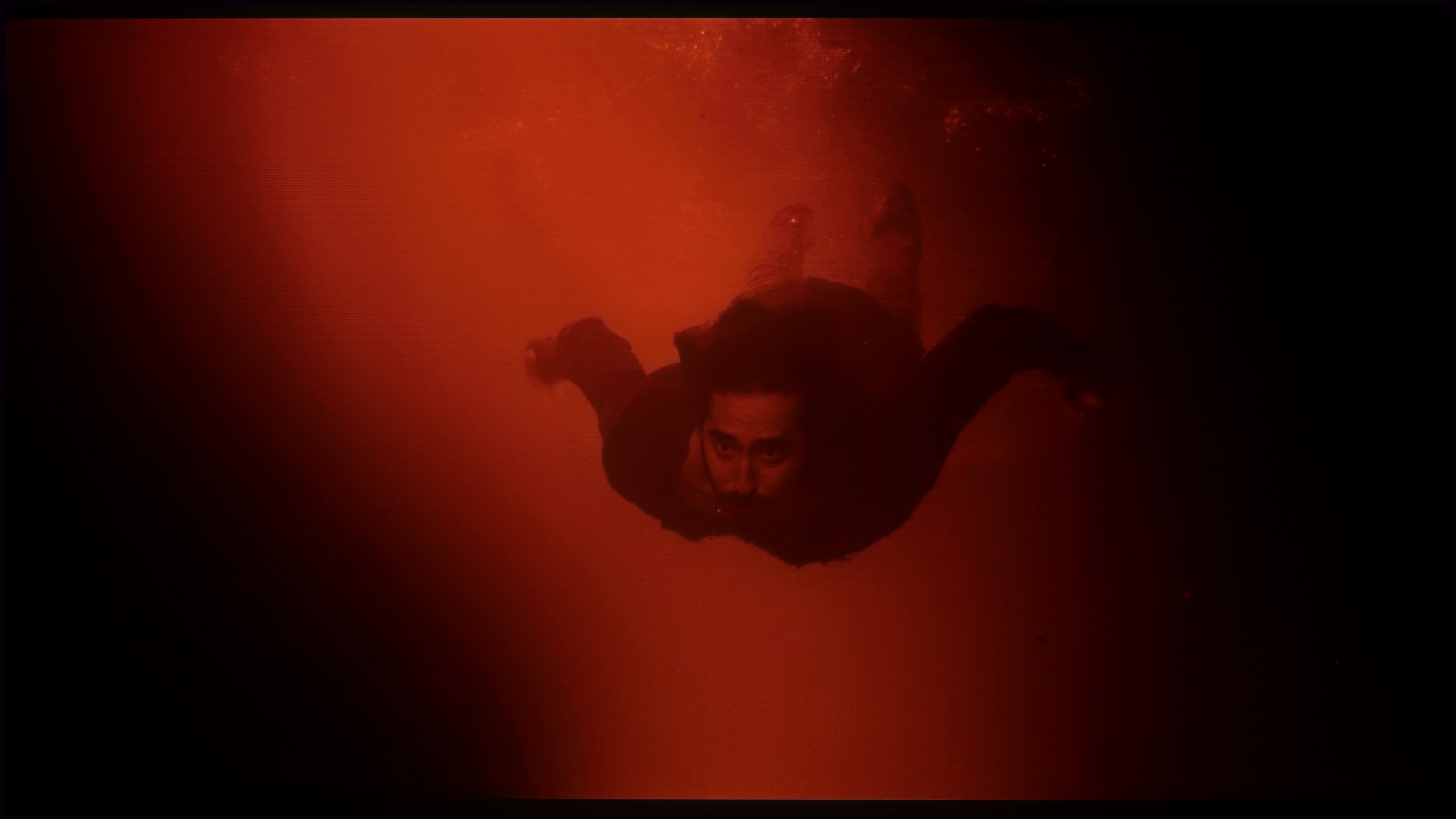
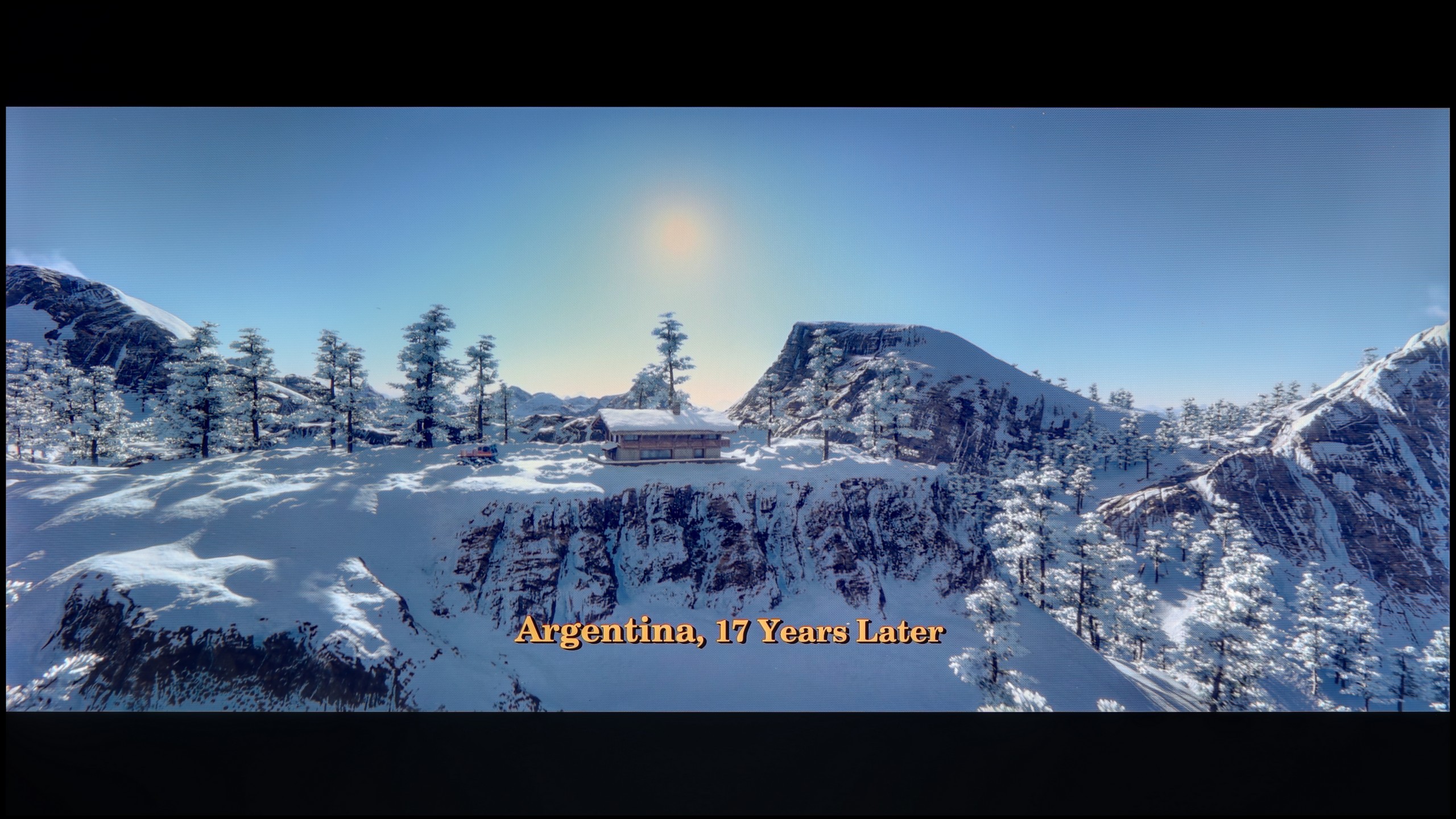
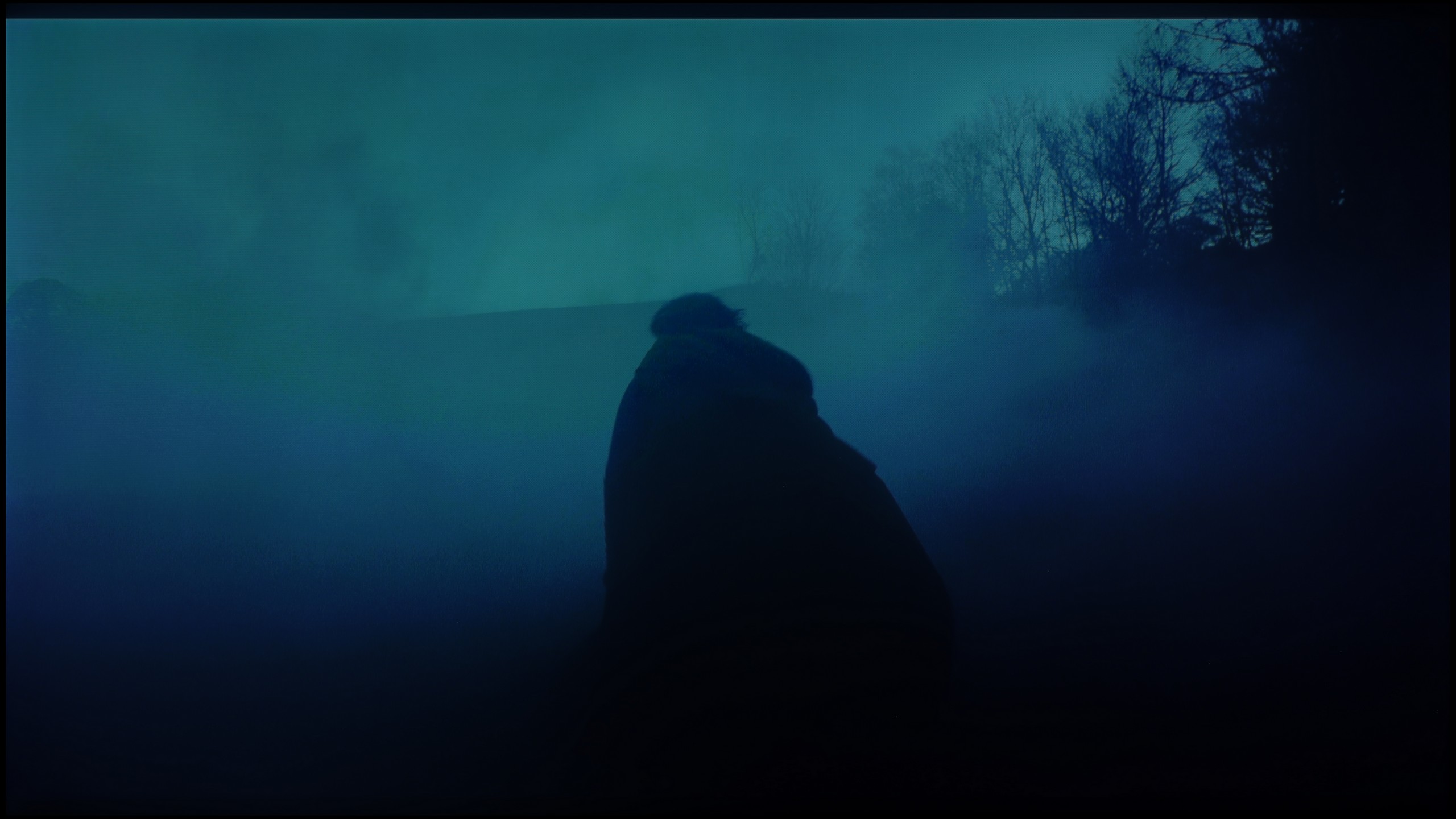
Sony Bravia 8 MK2 vs Xiaomi S Pro 2026

Direct comparison

Bravia 8 II / XR8M

Available screen sizes: 55”65”

Available screen sizes: 55”65”75”

Panel type: QD-OLED

Resolution: 3840x2160

System: Google TV

Model year: 2025

Complete the survey to find out the result

Resolution: 3840x2160

System: Google TV

Model year: 2025

Complete the survey to find out the result

Overall rating

8.5

7.2

  • Movies and series in UHD quality

    9.1

    6.7

  • Classic TV, YouTube

    9.4

    6.3

  • Sports broadcasts (TV and apps)

    9.0

    6.4

  • Gaming on console

    9.3

    7.7

  • TV as a computer monitor

    7.6

    8.6

  • Watching in bright light

    5.6

    7.4

  • Utility functions

    8.9

    7.2

  • Apps

    9.6

    9.6

  • Sound quality

    8.5

    7.1

Advantages

  • Amazing Contrast and Black Levels

  • High brightness in HDR content

  • Great motion fluidity: QD-OLED 120Hz panel

  • Many features for gamers VRR, ALLM, HGIG, GameBar

  • Top-notch digital image processing quality (XR Processor)

  • A multitude of apps on the GoogleTV system

  • Two remote controls included

  • Phenomenal sound with DTS audio and Dolby Atmos support

  • Good black levels and contrast (SDR)

  • Very high peak brightness (great for a bright living room)

  • Complete package for gamers (144 Hz panel, HDMI 2.1, VRR)

  • Extremely low input lag in SDR mode (below 10 ms)

  • Surprisingly good, powerful sound (Branded by Harman Kardon)

  • Support for Dolby Atmos and DTS:X

  • Rich Google TV system (with AirPlay and Chromecast)

  • Proper compatibility with PC (clear fonts and 288Hz mode)

  • Outstanding value for the offered specification

Disadvantages

No like
  • Only Two HDMI 2.1 Ports: One of the HDMI 2.1 ports is used for eARC (Soundbar)

  • Cherry Black Effect in Bright Light: The QD-OLED panel causes blacks to lose their depth in strong lighting

  • Average Brightness in SDR Mode (competition at this price can do a lot more)

  • No additional smoothness modes for PC gamers

  • Local dimming algorithms practically do not work in HDR content

  • Useless Dolby Vision Gaming mode (input lag approx. 100 ms)

  • Poorly implemented HGiG mode

  • Highly visible banding (colour banding) in dark scenes

  • Very poor upscaling and digital image processing

  • Google TV system can "struggle"

Our verdict

Sony Bravia 8 II is undoubtedly a worthy successor to the A95L – refined, incredibly versatile, and featuring several notable improvements over its predecessor. The quality of the picture, sound, and overall user experience place this model among the top premium televisions of 2025. It is equipment that can charm both cinema enthusiasts and demanding gamers. Among its greatest assets is the nearly perfect image, in which the XR processor subtly yet effectively enhances detail and smoothness without overdoing it in terms of interference with the original material. Additionally, there is the phenomenal Acoustic Surface sound, creating the impression that dialogues and effects come straight from the screen. Google TV operates very smoothly, offering an enormous selection of applications, and additional features – such as the ability to play in the cloud on a PlayStation console or access to Bravia Core – increase the device's value. There is also no shortage of low input lag, variable refresh rate, and full support for modern HDR formats.

Nonetheless, in this barrel of honey, there are a few spoonfuls of tar. The lack of refresh rates above 120 Hz, only two HDMI 2.1 ports, and average performance during the day are downsides that should not exist in a television of this class in 2025. And while for many these will not be flaws that negate the purchase, competition in the super premium segment is becoming increasingly stronger and more uncompromising. Will these shortcomings make it harder for the Bravia 8 II to compete for customers' wallets? That we leave to your judgment, the market… and the sales results. Regardless, the Bravia 8 II is a phenomenal product that would undoubtedly be hard to not recommend.
Is it worth buying the Xiaomi S Pro 2026? The answer to this question is quite complicated. Let's start with what is really great about this television. First of all, the Xiaomi S Pro 2026 has an excellent price-to-specification ratio. We get a Mini LED panel with very high brightness that performs exceptionally well in a sunlit living room. Additionally, it has a fast refresh rate of 144 Hz (and even 288 Hz) and a full package for gamers: two HDMI 2.1 ports, support for VRR, and remarkably low input lag (below 10 ms). If we mainly watch "regular" content and play games, this is truly a fantastic screen. Even the built-in 30W speakers are surprisingly good and support Dolby Atmos. Unfortunately, there is also a second, very problematic side to this model. In short: the software. We have the impression that Xiaomi has provided us with excellent "parts," but could not make them work together correctly. The biggest issue is the HDR mode – the primary reason for buying a television today. For unknown reasons, the television in HDR mode (HDR10, Dolby Vision) does not manage its dimming zones well. As a result, the black that should be deep becomes gray or navy blue, like in a standard LCD television. There are also other software faults such as the terrible implementation of HGiG or the fact that the Dolby Vision mode for gamers is useless due to the enormous input lag (100 ms). Additionally, the television has very poor capabilities for digital image processing. So how can this be summarised in terms of price? In its price range, the Xiaomi S Pro 2026 crushes the competition in terms of specifications. Other televisions at this price point are usually basic LCD models without dimming and often only with a 60 Hz panel. The question is therefore: what is more important to you? If you are simply looking for a very bright and inexpensive television for watching TV during the day and gaming, and you are willing to calibrate it – you will be very satisfied with it. However, if you are looking for a television to enjoy stunning HDR in films and games right out of the box, you will be terribly disappointed with this model. In that case, in our opinion, it is better to pay a bit extra for a basic OLED television or a more refined Mini-LED model from the competition.

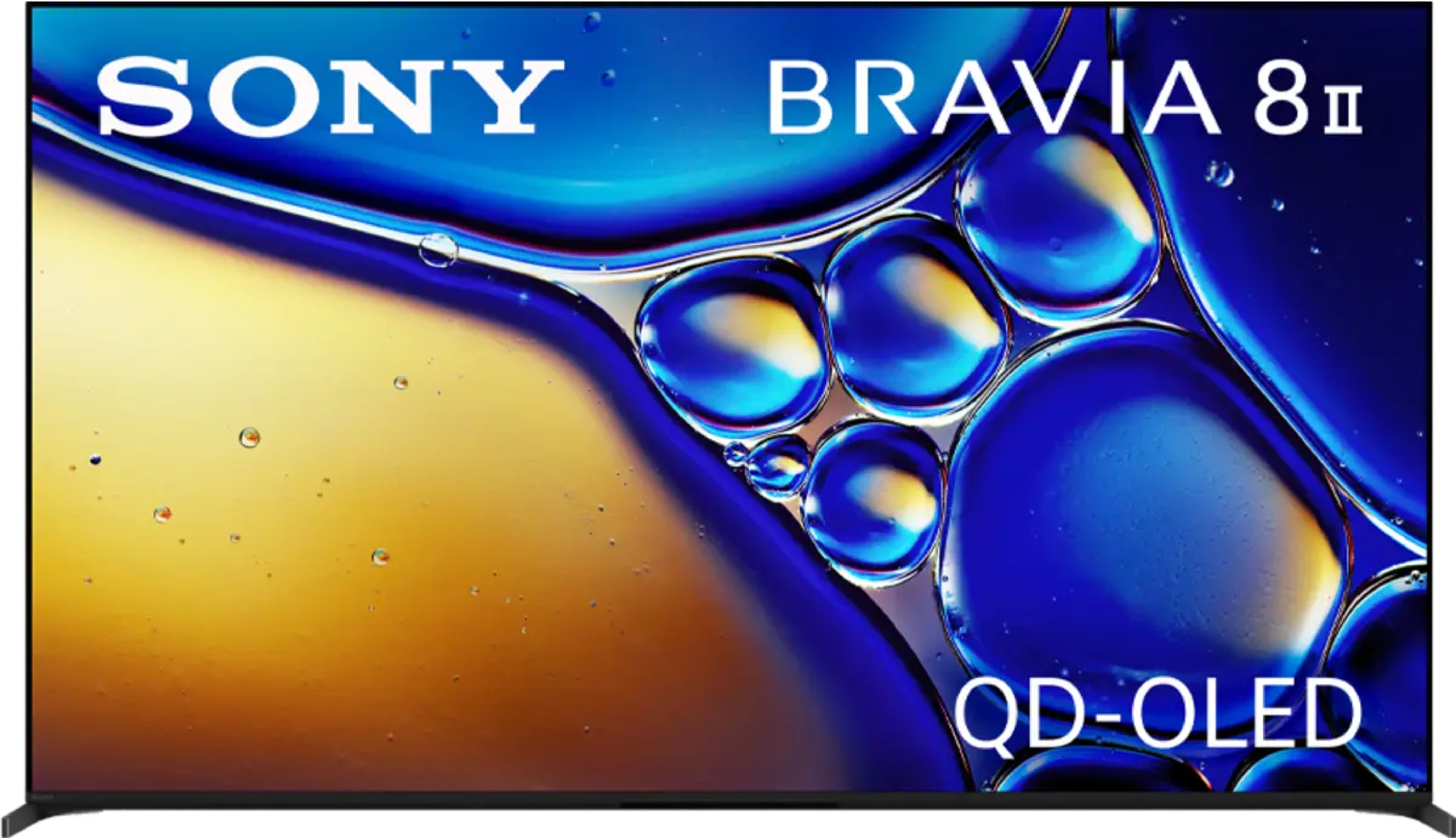
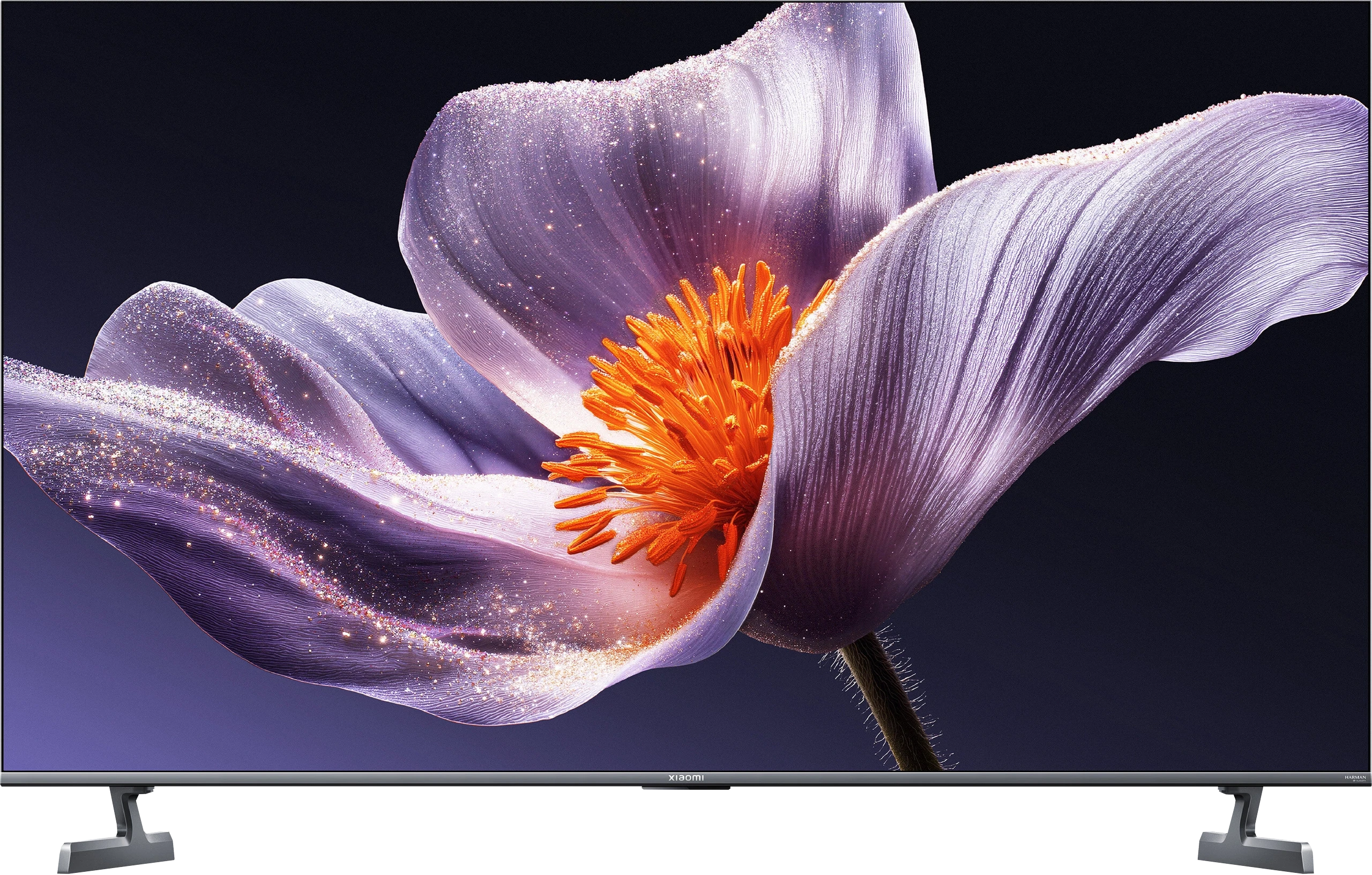
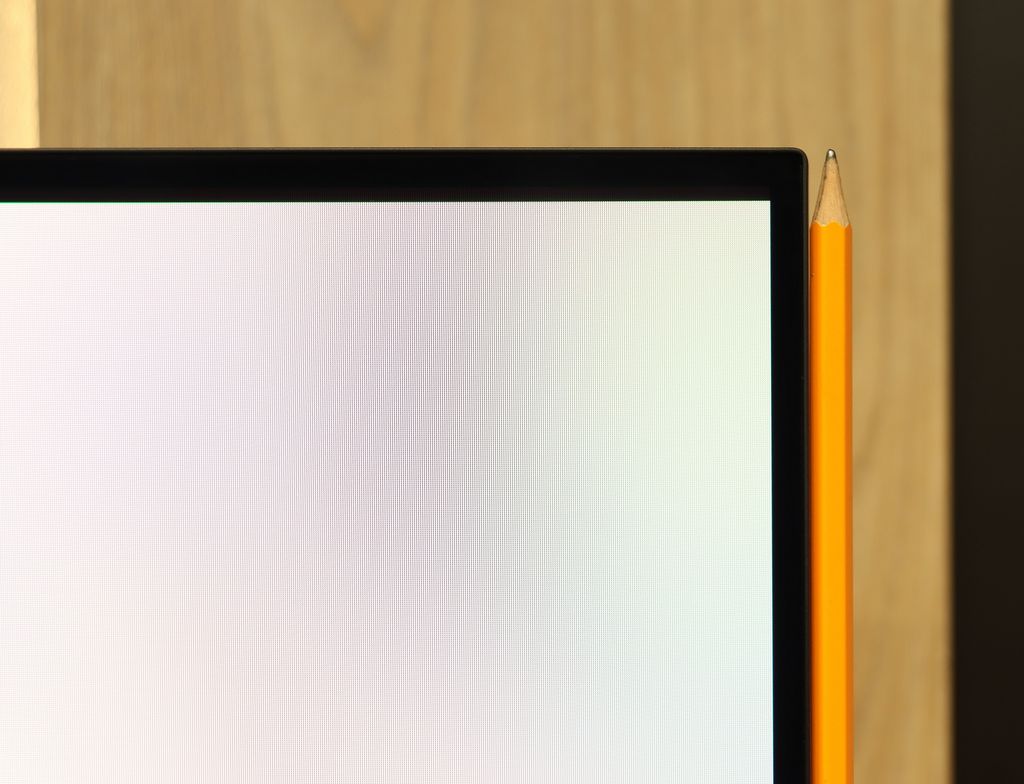
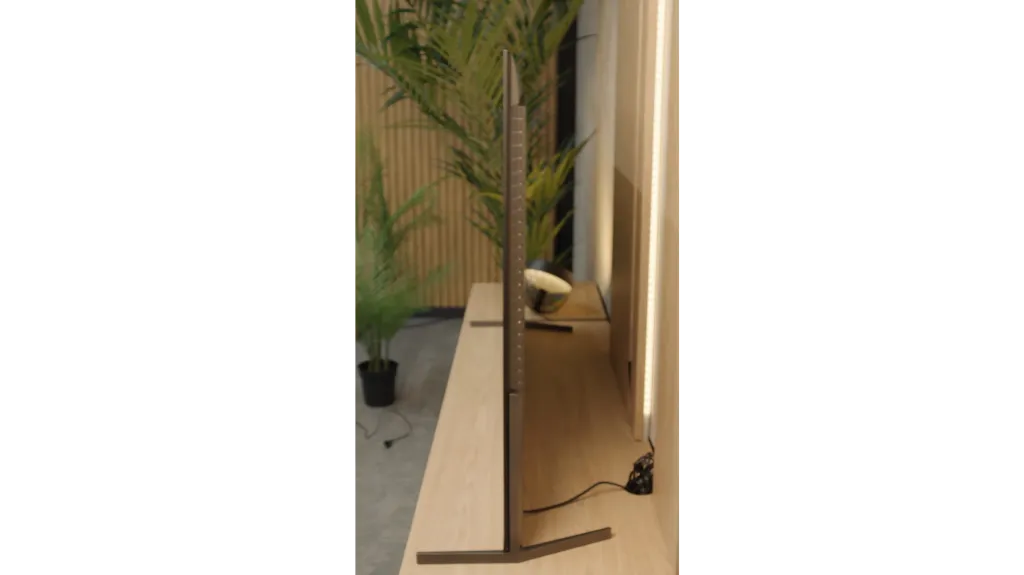
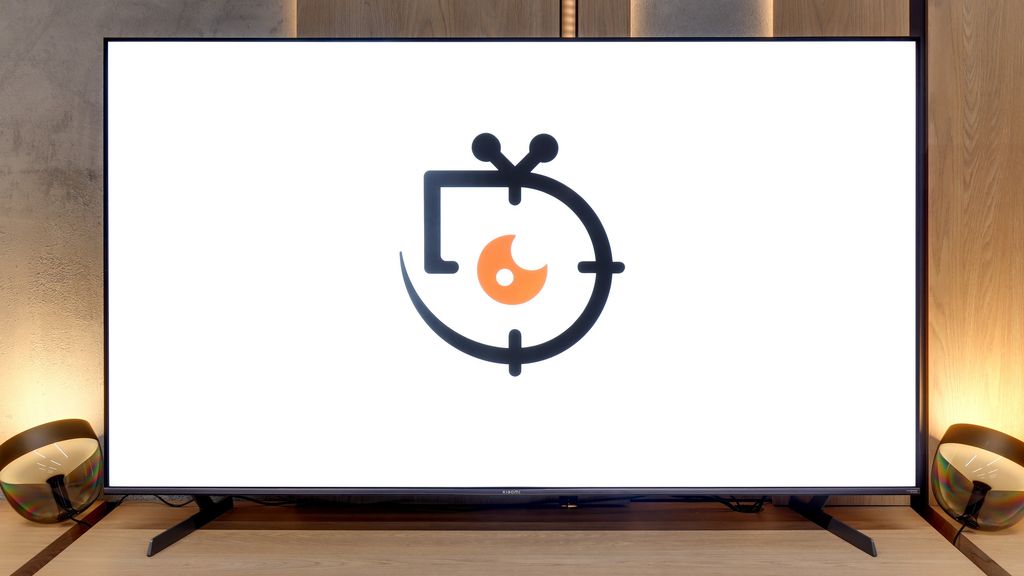
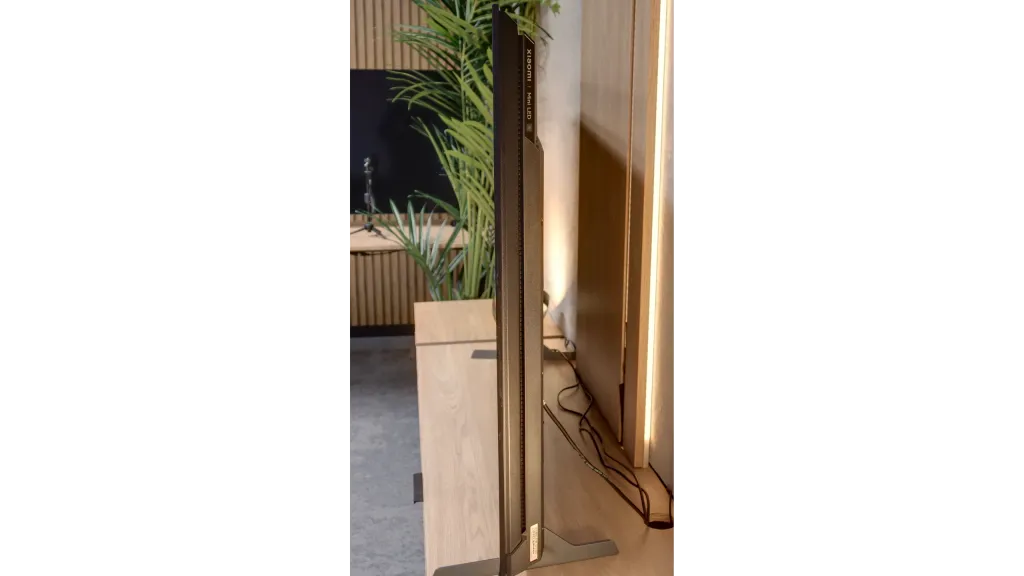
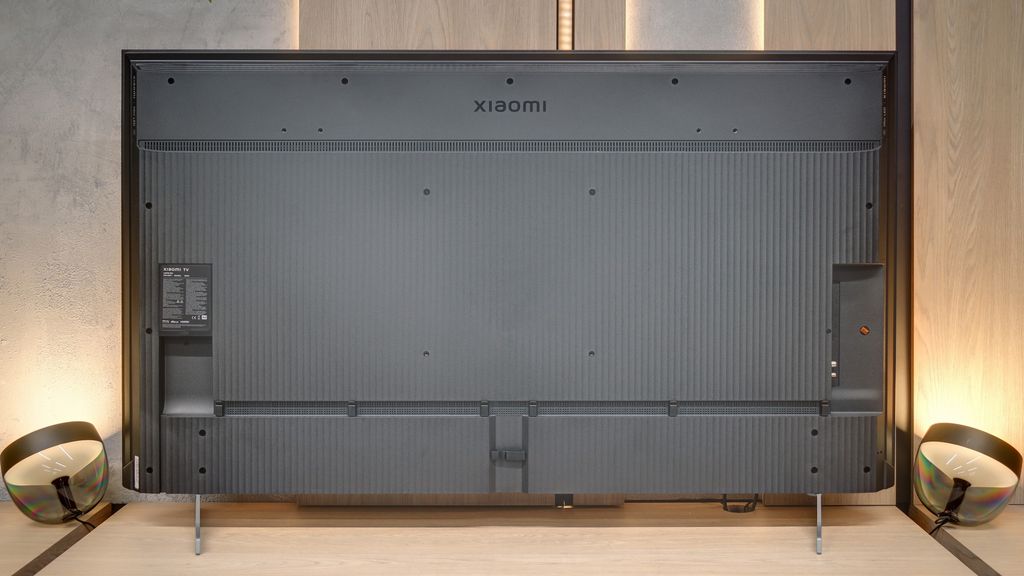
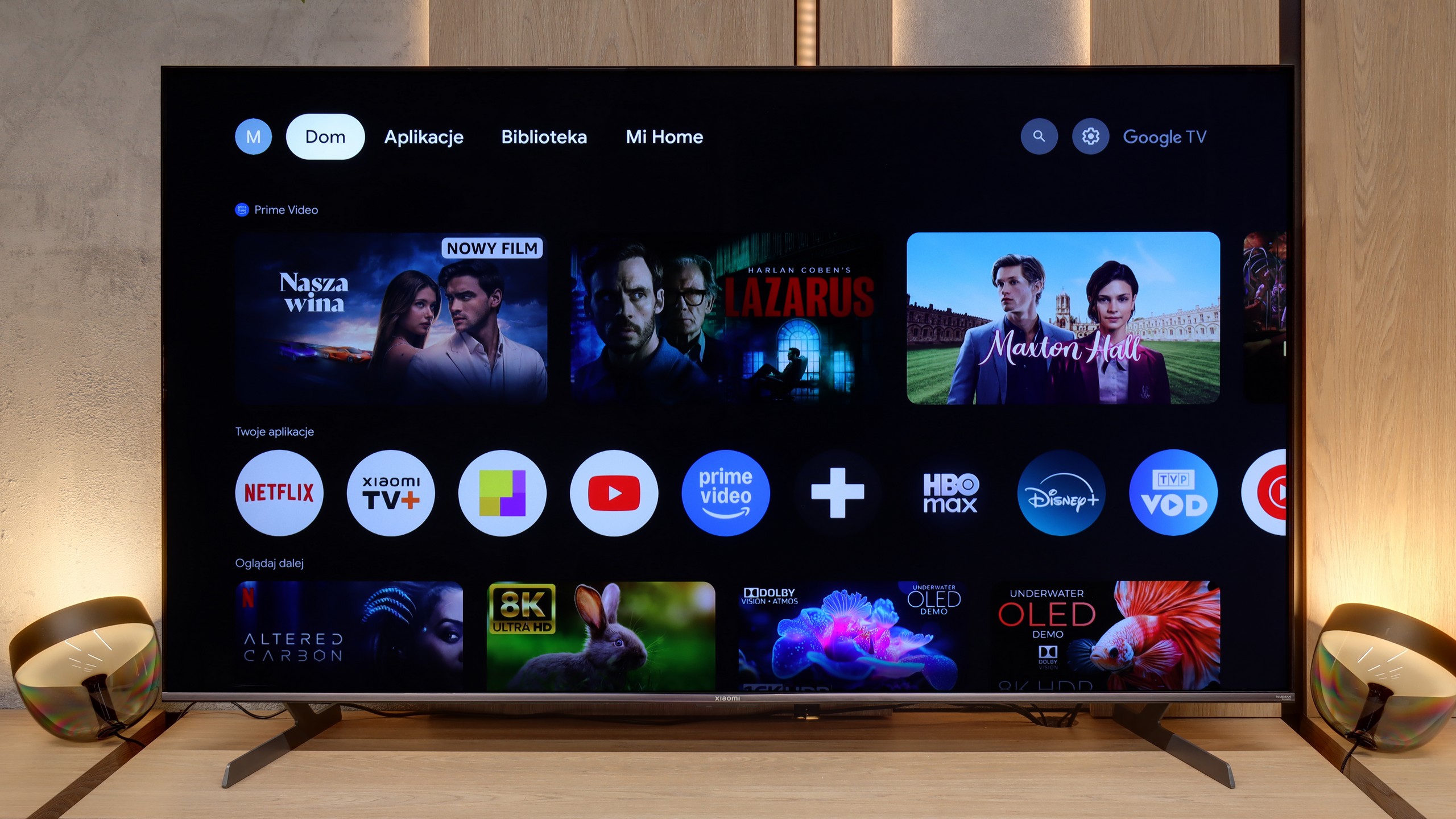
TV appearance

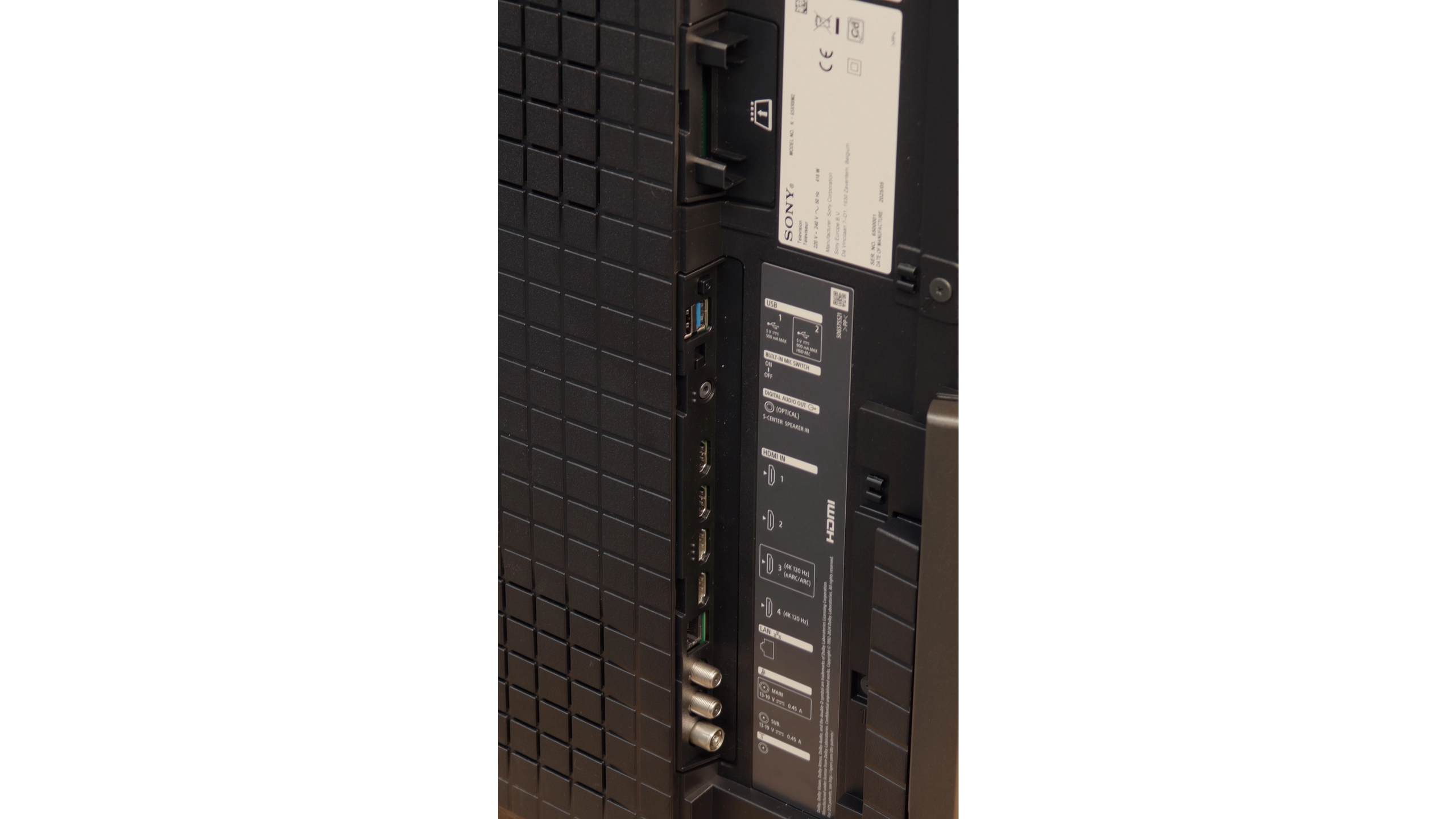
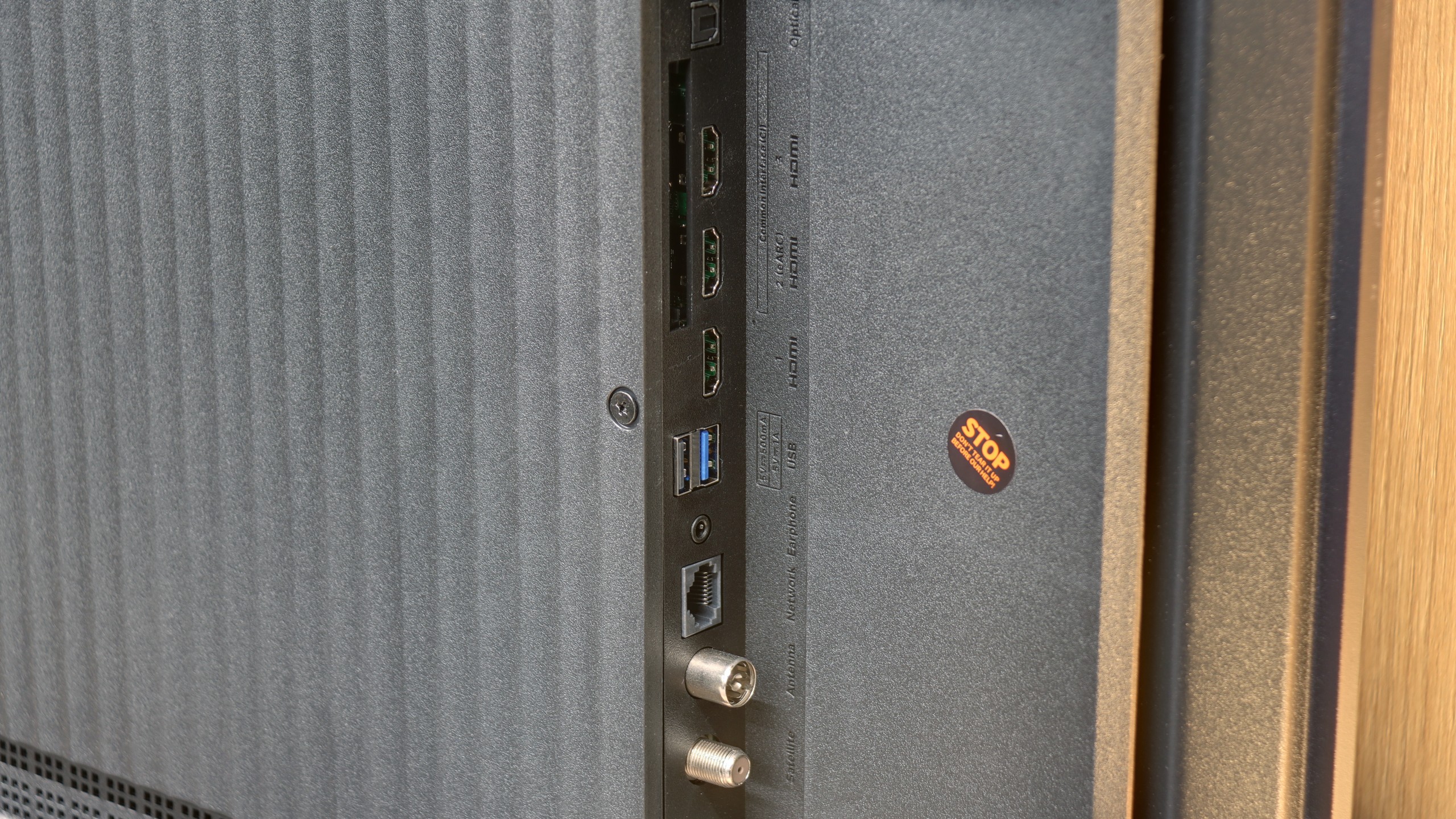
HDMI inputs
2 x HDMI 2.0, 2 x HDMI 2.1 (48Gbps)
1 x HDMI 2.0, 2 x HDMI 2.1 (48Gbps)
Other inputs
Outputs
Toslink (Optical audio), eARC (HDMI), ARC (HDMI)
Toslink (Optical audio), eARC (HDMI), ARC (HDMI), Mini-Jack (Headphones)
Network Interfaces
Wi-Fi 2.4GHz, Wi-Fi 5GHz, Ethernet (LAN) 100Mbps
Build quality
Premium
BuildQuality-Good
Stand type
Legs
Legs
Bezel color
Graphite
Graphite
Stand
Height adjustment
Fixed
Flat design
Yes
No
Accessories
Two remote controls, Stand
Stand

Contrast and black detail

10/10

7.4/10

Local dimming function: Yes, number of zones: 532 (28 x 19)

Contrast:

Review Sony Bravia 8 MK2 Contrast and black detail

Result

:1

Review Sony Bravia 8 MK2 Contrast and black detail

Result

:1

Review Sony Bravia 8 MK2 Contrast and black detail

Result

:1

Review Sony Bravia 8 MK2 Contrast and black detail

Result

:1

Review Sony Bravia 8 MK2 Contrast and black detail

Result

:1

Review Xiaomi S Pro 2026 Contrast and black detail

Result

1,001,650:1

Review Xiaomi S Pro 2026 Contrast and black detail

Result

52,600:1

Review Xiaomi S Pro 2026 Contrast and black detail

Result

17,900:1

Review Xiaomi S Pro 2026 Contrast and black detail

Result

17,200:1

Review Xiaomi S Pro 2026 Contrast and black detail

Result

10,150:1

Halo effect and black detail visibility:

Review Sony Bravia 8 MK2 Contrast and black detail
Review Xiaomi S Pro 2026 Contrast and black detail
Review Sony Bravia 8 MK2 Contrast and black detail
Review Xiaomi S Pro 2026 Contrast and black detail

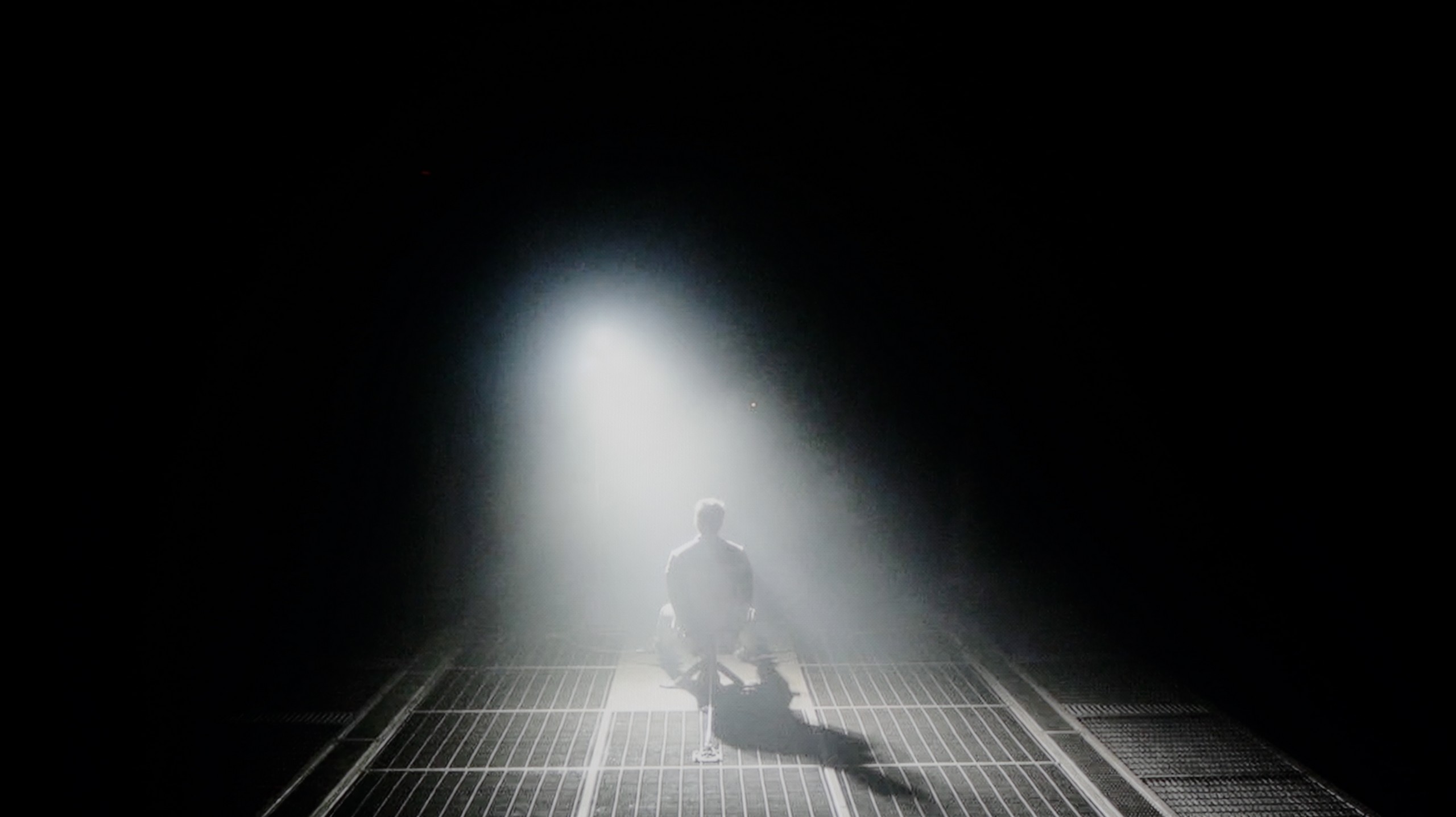
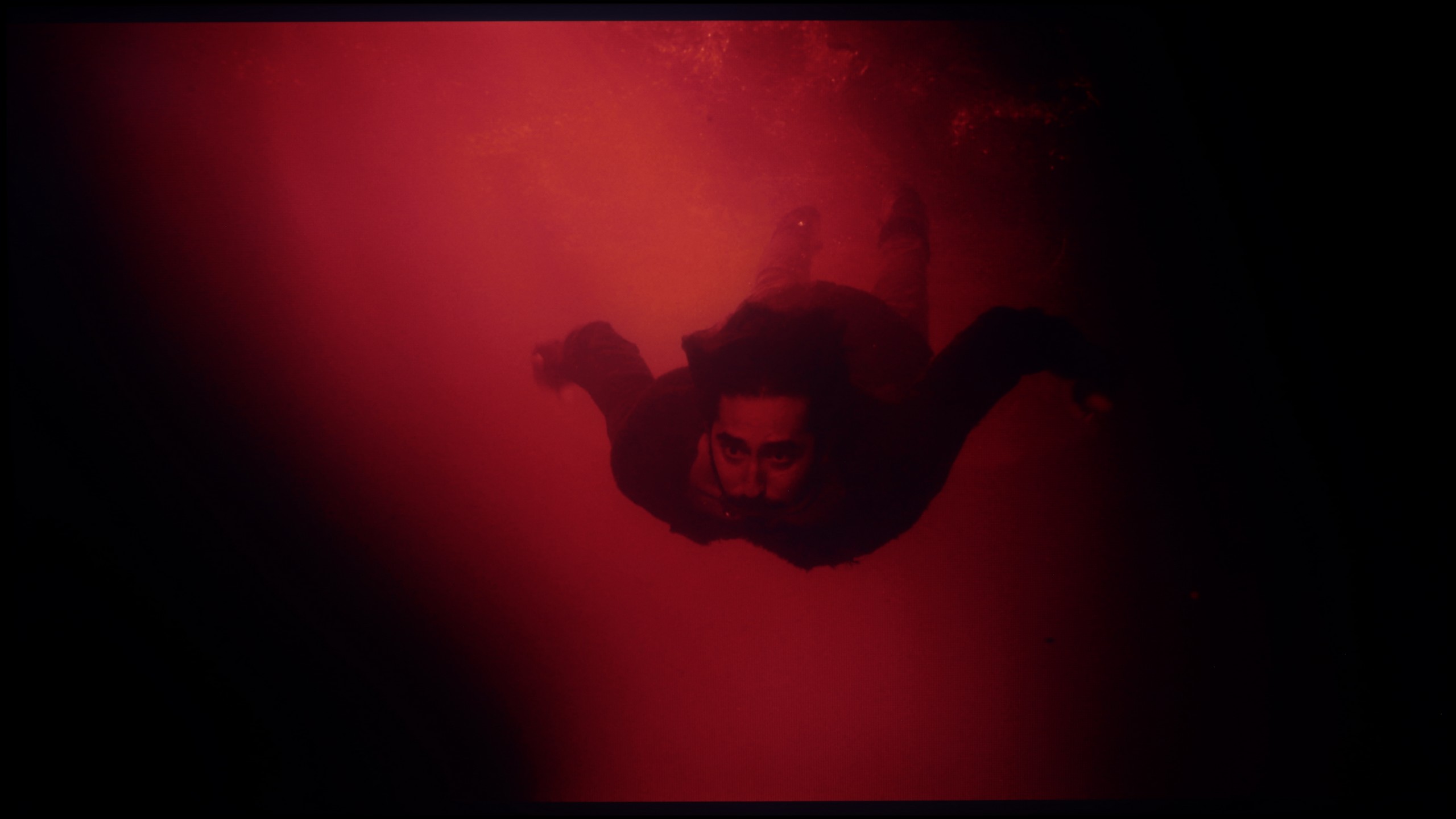
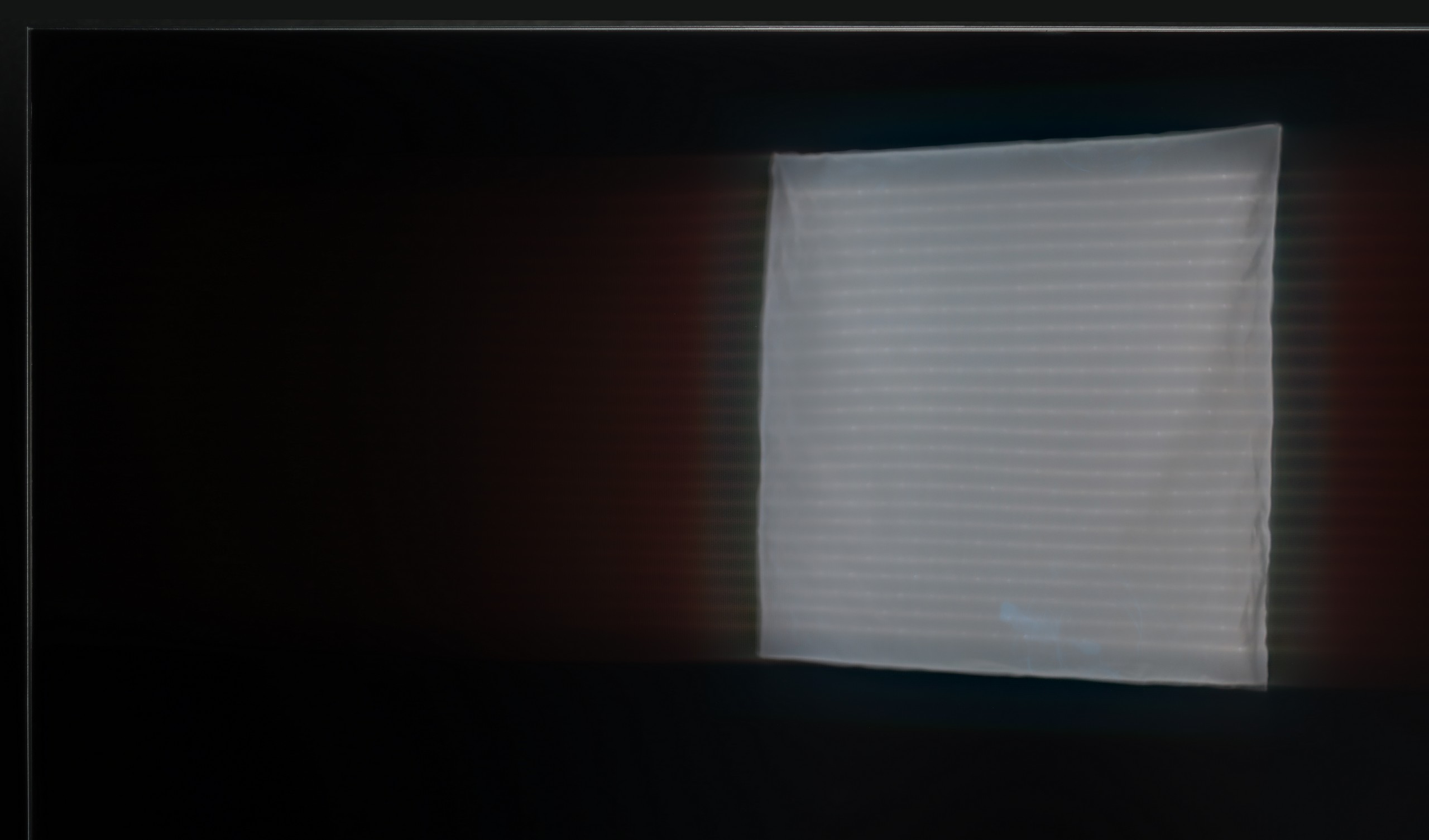
In terms of black levels and contrast, the Sony Bravia 8 II is absolutely top-notch – and I mean that in every sense of the word. Here we have a QD-OLED panel that naturally offers contrast close to infinity. This means that each pixel can completely turn off, resulting in truly black areas of the image, rather than dark grey or navy. The effect is particularly striking in cinema conditions when the lights in the room are dimmed – at that point, the picture takes on real depth and a filmic quality. The Bravia 8 II also impresses with its light separation in challenging scenes. Sample materials from films like Oblivion demonstrate how precisely the television can separate subtle light sources from the surrounding darkness – without blooming or blurring, which still occurs in the best LCD televisions (even the Bravia 9). Furthermore, bright elements maintain their full intensity even against absolute black. This not only creates a significant visual impact but also translates to better detail reproduction in high-contrast scenes, which is particularly important in HDR content.

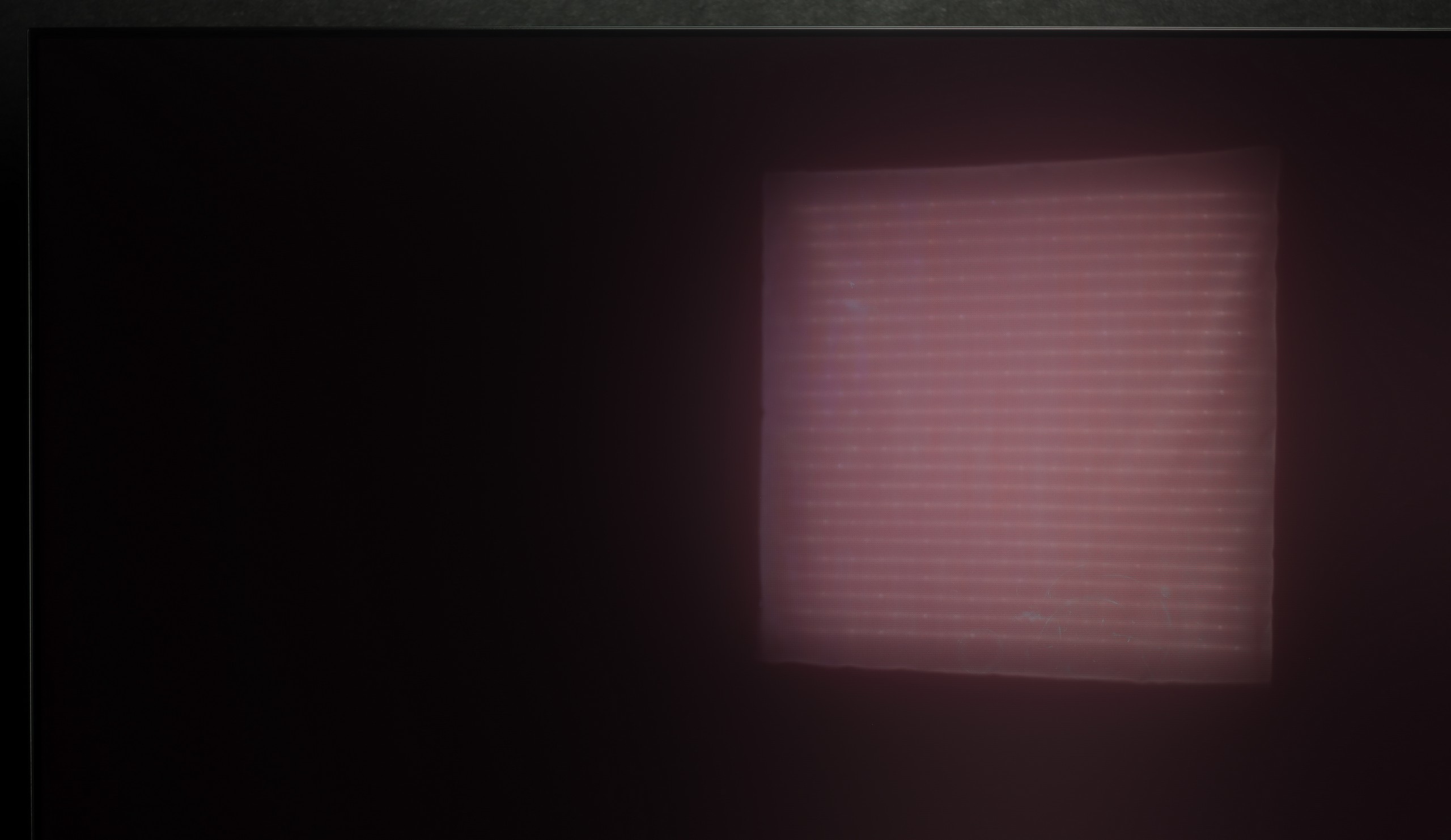
Let's get to the point, which is what is most important in the Mini LED panel: black levels and contrast. The Xiaomi S Pro 2026 is built on a VA matrix, which already promises deep blacks from the start. Adding to that is the Mini LED backlighting with a very large number of local dimming zones. In the 65-inch variant we tested, we counted as many as 532. This is a solid number that should provide precise control over the backlighting. It should be noted that this number is proportional to the size – by choosing the smaller 55-inch variant, there will be correspondingly fewer zones, and in larger models, more.

So, how does the black level perform on the S Pro 2026? The answer is complex.

Overall, it is really quite good, and we see a clear improvement compared to the problematic model from 2025. As you can see from our measurement charts, the results are sometimes spectacular. In most of the film scenes we measured in SDR (standard dynamic range), the contrast could be confidently described as very good and even comparable to designs three times as expensive. Well, it could be... and here we come to the paradox of this model. The issue is how the television manages the zones in scenarios other than SDR. As soon as we feed the television a higher-quality signal, such as an HDR series or Dolby Vision from streaming platforms (Netflix, HBO Max or Disney+), something strange happens. We have the undeniable impression that the television suddenly... forgets that it has been equipped with local dimming zones at all. As can be seen in our video below, the black levels in such scenes resemble more shades of dark grey or navy blue. Additionally, there is a subtle flickering of the entire screen. This is a level we would expect from televisions entirely devoid of a local dimming system. It seems that Xiaomi decided to fix one, but key, flaw of last year's 2025 model over the course of a year. And they succeeded – we no longer have the annoying "zone disco", the image is stable. It's just a shame that when consuming content of the highest quality (HDR), this entire advanced system becomes completely useless.

HDR effect quality

8.4/10

6.3/10

Supported formats
HDR10, Dolby Vision, HLG
HDR10, HDR10+, Dolby Vision, HLG
Color gamut coverage
DCI P3: 99.9%, Bt.2020: 89.3%
DCI P3: 93.6%, Bt.2020: 70.9%

Luminance measurements in HDR:

Review Sony Bravia 8 MK2 Brightness measurement

Result

1922 nit

Review Sony Bravia 8 MK2 Brightness measurement

Result

2034 nit

Review Sony Bravia 8 MK2 Brightness measurement

Result

1999 nit

Review Sony Bravia 8 MK2 Brightness measurement

Result

2026 nit

Review Sony Bravia 8 MK2 Brightness measurement

Result

770 nit

Review Xiaomi S Pro 2026 Brightness measurement

Result

809 nit

Review Xiaomi S Pro 2026 Brightness measurement

Result

526 nit

Review Xiaomi S Pro 2026 Brightness measurement

Result

1033 nit

Review Xiaomi S Pro 2026 Brightness measurement

Result

469 nit

Review Xiaomi S Pro 2026 Brightness measurement

Result

718 nit

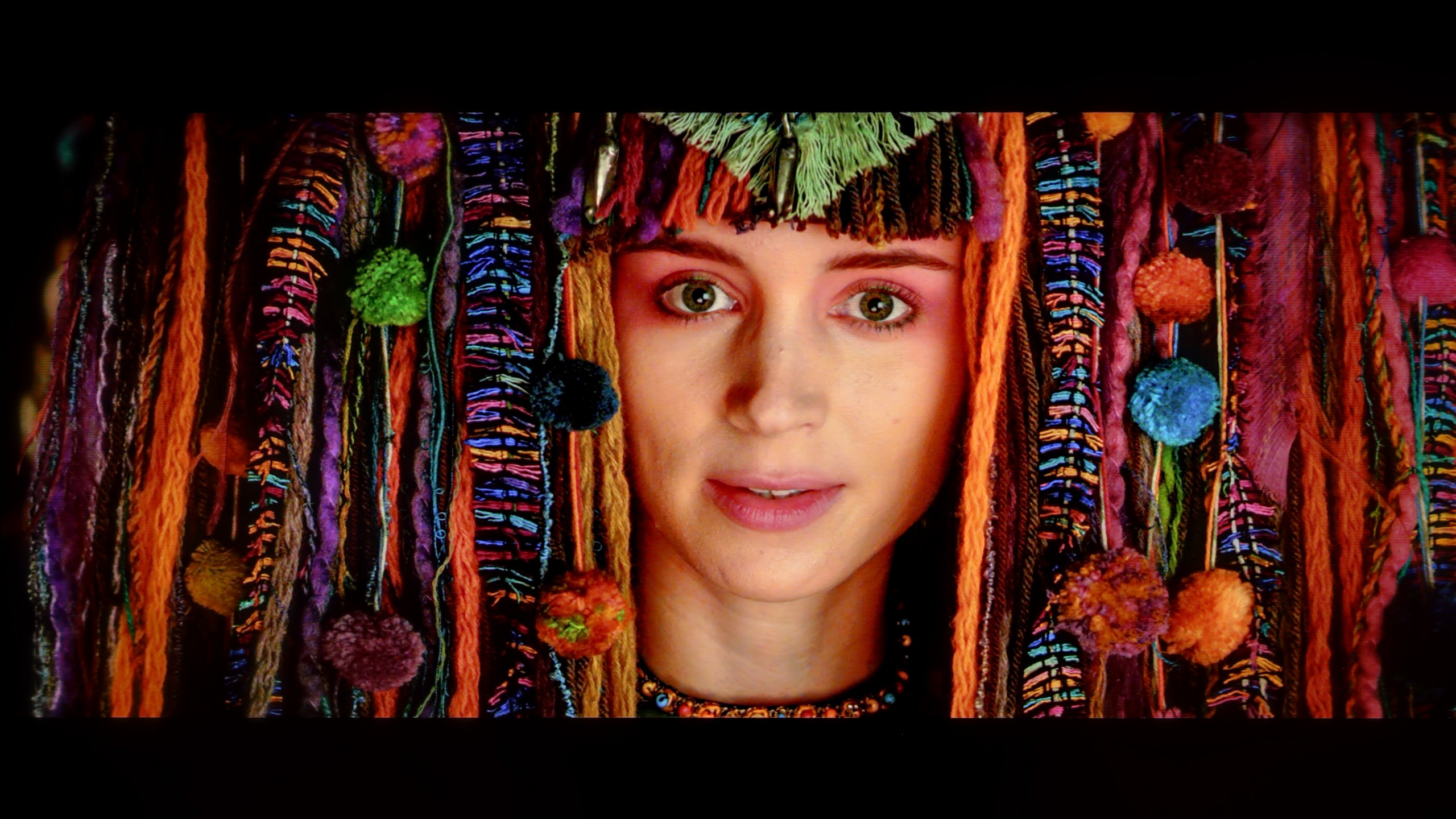
Scene from the movie “Pan” (about 2800 nits)

Review Sony Bravia 8 MK2 HDR effect quality
Review Xiaomi S Pro 2026 HDR effect quality

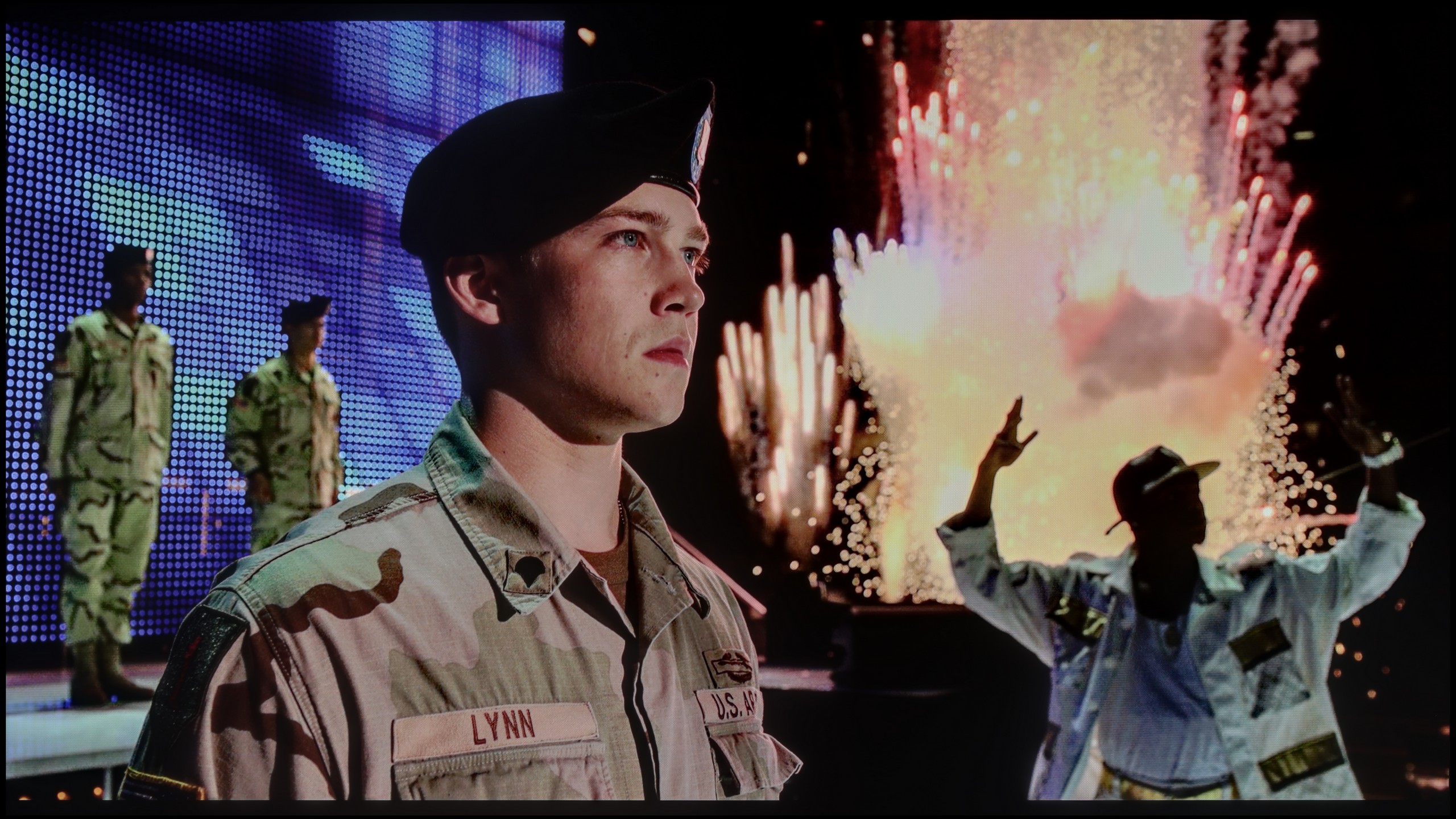
Scene from the movie “Billy Lynn” (about 1100 nits)

Review Sony Bravia 8 MK2 HDR effect quality
Review Xiaomi S Pro 2026 HDR effect quality

Static HDR10

Review Sony Bravia 8 MK2 HDR effect quality
Review Xiaomi S Pro 2026 HDR effect quality

Dynamic: Dolby Vision

Dynamic: Dolby Vision

Review Sony Bravia 8 MK2 HDR effect quality
Review Xiaomi S Pro 2026 HDR effect quality

HDR luminance chart:

Xiaomi S Pro 2026

HDR luminance

Sony Bravia 8 MK2

HDR luminance

Thanks to the new QD-OLED panel, the Sony Bravia 8 II can achieve astronomically high brightness levels of around 2000 nits, translating into nearly reference-quality for films and series recorded in HDR format. In test materials such as Life of Pi and Sicario 2, the effect is truly captivating – details in bright areas of the image remain perfectly visible, and night scenes enchant with depth and contrast. However, it is not perfect. Compared to its fiercest competitors, the Bravia 8 II shows a noticeable drop in brightness during full-screen, very bright scenes. When comparing maximum peak luminance with 100% white brightness in HDR mode, the Bravia 8 II appears even two or three times dimmer than LG G5 or Samsung S95F models. This was especially evident in a scene from the film The Meg – the screen became noticeably darker than in competing televisions. Despite this shortcoming, the results of the Bravia 8 II still place it among the top of the market. It deserves praise for its absolutely top-tier colour gamut coverage – nearly 100% DCI-P3 and close to 90% BT.2020. These parameters allow for fully extracting the potential of HDR content and providing experiences akin to those in a cinema within the comfort of home.

When it comes to HDR quality, the Xiaomi S Pro 2026 is undoubtedly a very bright television. On our synthetic measurement patterns, we were able to generate peak brightness of around 1400 nits. This result is not only very good but truly spectacular, considering the price of this model. However, as we always emphasise, for our editorial team, measurements and the experiences from the content viewed on a daily basis - from films and series - are more important. So let's analyse how the Xiaomi performs with film material. The result is, unfortunately, quite mixed. When very bright scenes appear on screen, the S Pro 2026 really shows its full potential and can achieve a real 800-1000 nits in bright elements. Moreover, even smaller objects can "burn" the eyes - in scenes from the film Sicario 2, small metal elements of the helicopter were truly vivid. The problem is that - and here the story comes full circle back to our contrast assessment - in such scenes we cannot count on absolutely cinematic black. In our opinion, this compromise is too great; high visibility of details in bright areas should not come at the cost of such a significant boost to black levels. And although the HDR effect itself can make a stunning impression here, it is essential to remember that when very challenging, mixed scenes appear on screen, we might feel a slight disappointment. Exactly the one we mentioned in the previous paragraph regarding issues with dimming in HDR mode. As a consolation, it is worth adding that the S Pro 2026 has been equipped with an additional PFS filter (similar in function to a QLED layer), which effectively broadens the colour gamut coverage. As a result, measurements showed DCI-P3 coverage reaching up to 94%. This gives us confidence that in most colourful scenes, the image will appear rich and appropriately saturated.

Factory color reproduction

8/10

4.1/10

Review Sony Bravia 8 MK2 Factory color reproduction
Review Xiaomi S Pro 2026 Factory color reproduction

Factory Mode

After calibration

Review Sony Bravia 8 MK2 Factory color reproduction
Review Xiaomi S Pro 2026 Factory color reproduction

Factory Mode

After calibration

Straight out of the box, the Bravia 8 II performs quite well. In the best IMAX® Enhanced mode, the television is able to render colours in a pleasant and natural way, although “good” doesn’t mean “best in class” here. The white balance definitely needs adjustment – skin tones tend to lean towards slightly pink/cool hues, both in SDR and HDR materials. We also noticed that the characteristic of the EOTF curve reveals a certain tendency to brighten the darkest parts of the image. This is probably due to the manufacturer’s desire to highlight as many details as possible even in deep shadows. Is this a good approach? It’s hard to say definitively, but we know one thing – it is not an ideal solution.

Of course, all our measurements were carried out in "Film" mode, which is typically the best and most accurate choice we get straight out of the box. It needs to be said plainly: although it is the best mode, it is still very far from ideal. Firstly, the television has a clear tendency to impart a cool, bluish tint to the image – this is due to a poorly set white balance. Additionally, there is the issue of how the S Pro 2026 manages its brightness straight out of the box, which results in an overly vivid image. These two flaws contribute to truly significant colourimetric errors (Delta E). In HDR content, they were able to exceed our anticipated error scale of "10" by twofold (meaning values close to 20). As a reminder – the threshold for perceivable error by the human eye is a Delta E value of around 3. Results at the level of 20 indicate that the image significantly deviates from what the director intended.

Color reproduction after calibration

9.2/10

7.2/10

Review Sony Bravia 8 MK2 Color reproduction after calibration
Review Xiaomi S Pro 2026 Color reproduction after calibration
Review Sony Bravia 8 MK2 Color reproduction after calibration
Review Xiaomi S Pro 2026 Color reproduction after calibration

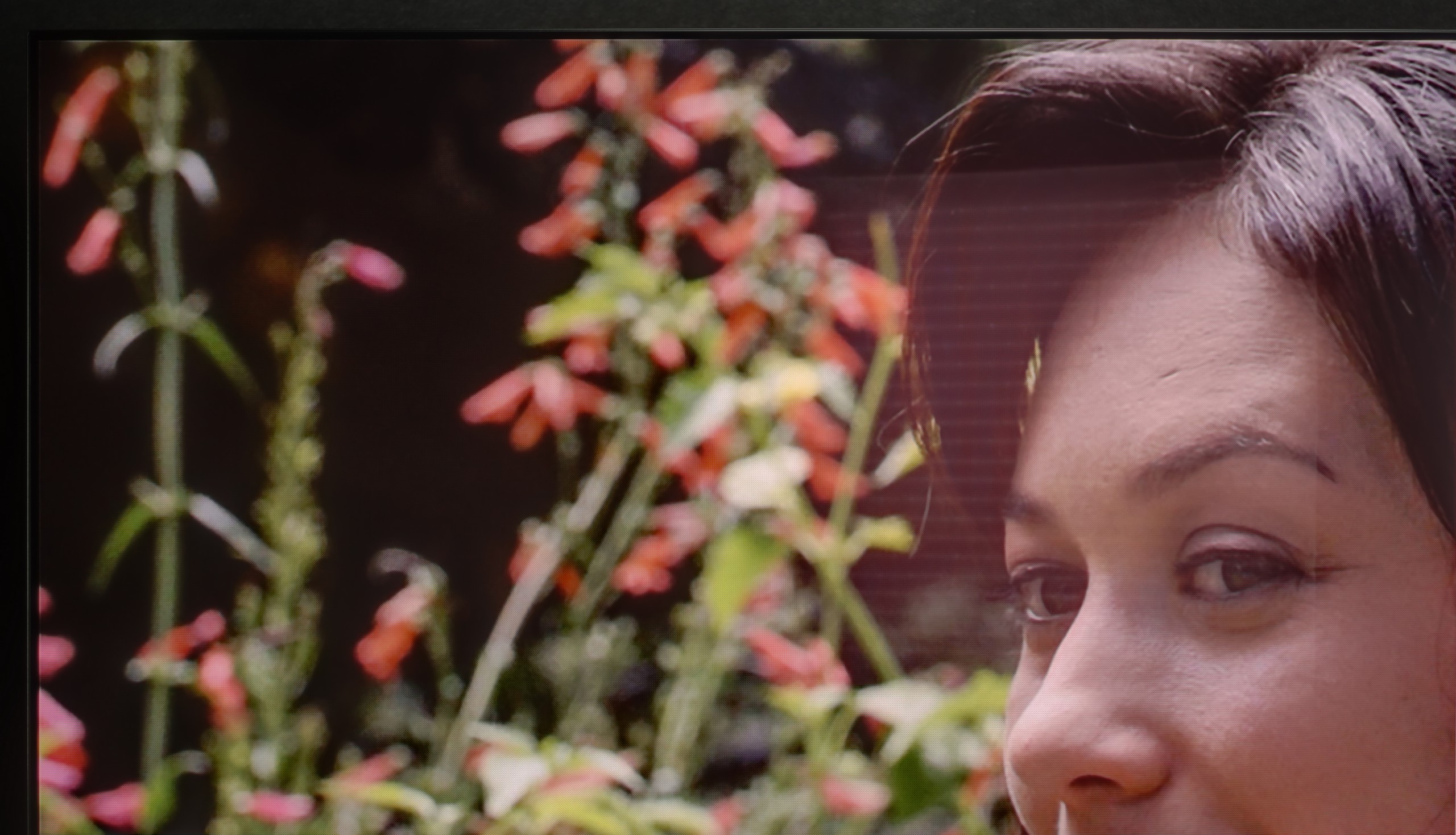
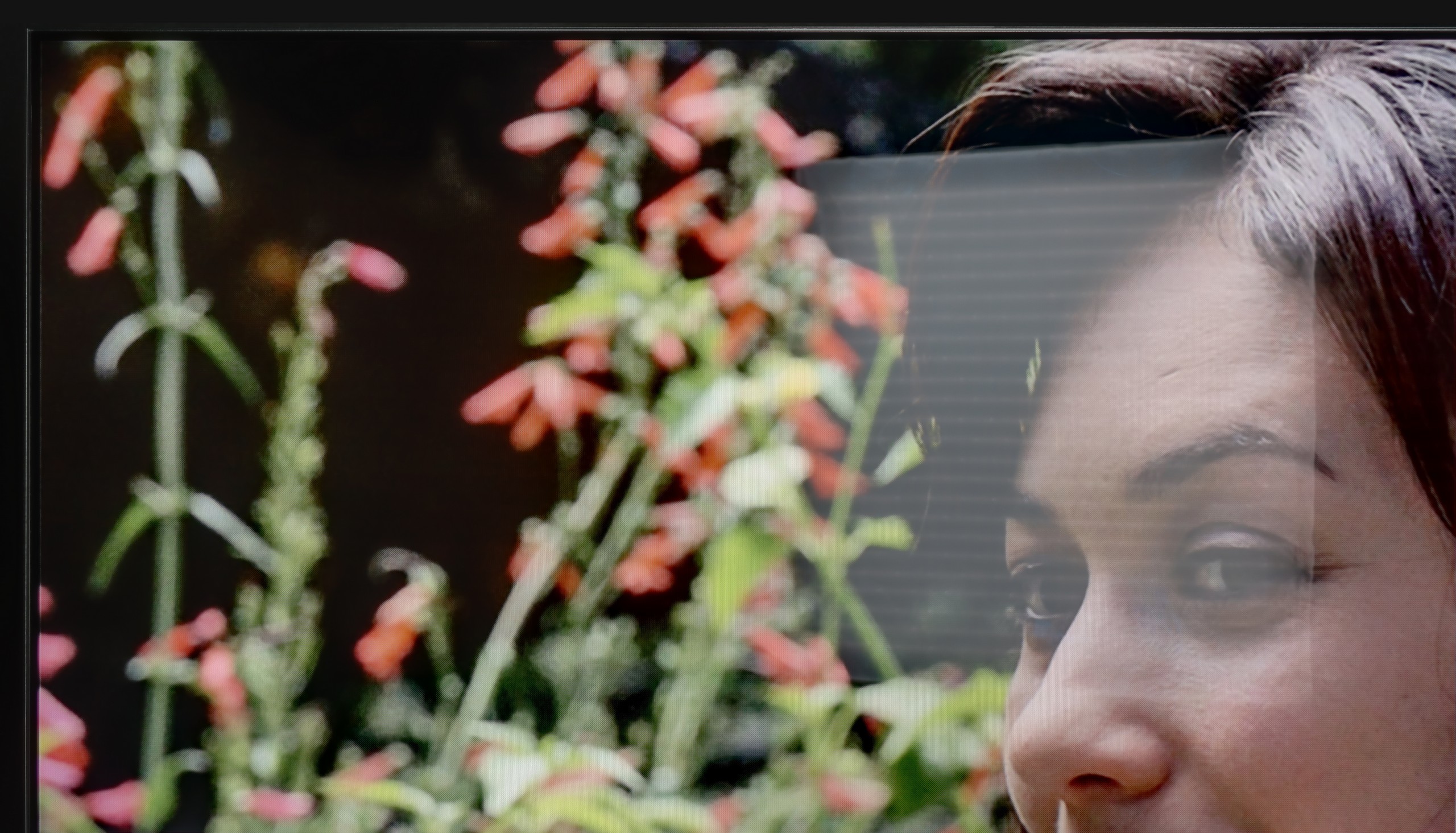
After calibration, the excessive cooling of the image caused by an overly strong boost of the blue colour was mainly eliminated. The reds have become deeper, and skin tones have taken on a natural, healthy appearance. The actors, who previously seemed "cold," now look much livelier and more convincing on screen. However, one thing has not changed – the analysis of the EOTF curve still shows that the Bravia 8 II has a tendency to brighten the darkest areas of the image. It is difficult to determine whether this is a deliberate method used by the manufacturer or a result of the panel and software design. In practice, this means that scenes which the creators intended to leave in deep darkness can reveal more details than anticipated. Despite this, the image quality after calibration is clearly improved – warm, natural colours and realistic skin tones make viewing on the Bravia 8 II simply more pleasant to the eye.

So how does the S Pro 2026 perform after our calibration procedure? We have to admit that after calibration, the television becomes a really very pleasant device for watching everyday content. As you can see in the graphs, in HD (SDR) materials, both white balance and gamma values have been brought to nearly perfection. Most importantly, colourimetric errors have become practically unnoticeable to the human eye. In this scenario, the S Pro 2026 is simply an excellent television that, after professional calibration, can provide a lot of enjoyment from watching. However, it is worth clearly noting – our efforts have not helped much in 4K HDR mode. Despite the calibration, the television still interprets the image quite strongly "in its own way," which is clearly visible in the measurement of the EOTF curve (brightness tracking). It’s a bit of a shame, as it shows that the problem lies not in the panel itself, but in the software. Underdeveloped image management algorithms in HDR content can, unfortunately, rule out this television for many more discerning users.

Smoothness of tonal transitions

8.5/10

6.9/10

Review Sony Bravia 8 MK2 Smoothness of tonal transitions
Review Xiaomi S Pro 2026 Smoothness of tonal transitions
Review Sony Bravia 8 MK2 Smoothness of tonal transitions
Review Xiaomi S Pro 2026 Smoothness of tonal transitions
Review Sony Bravia 8 MK2 Smoothness of tonal transitions
Review Xiaomi S Pro 2026 Smoothness of tonal transitions
Review Sony Bravia 8 MK2 Smoothness of tonal transitions
Review Xiaomi S Pro 2026 Smoothness of tonal transitions

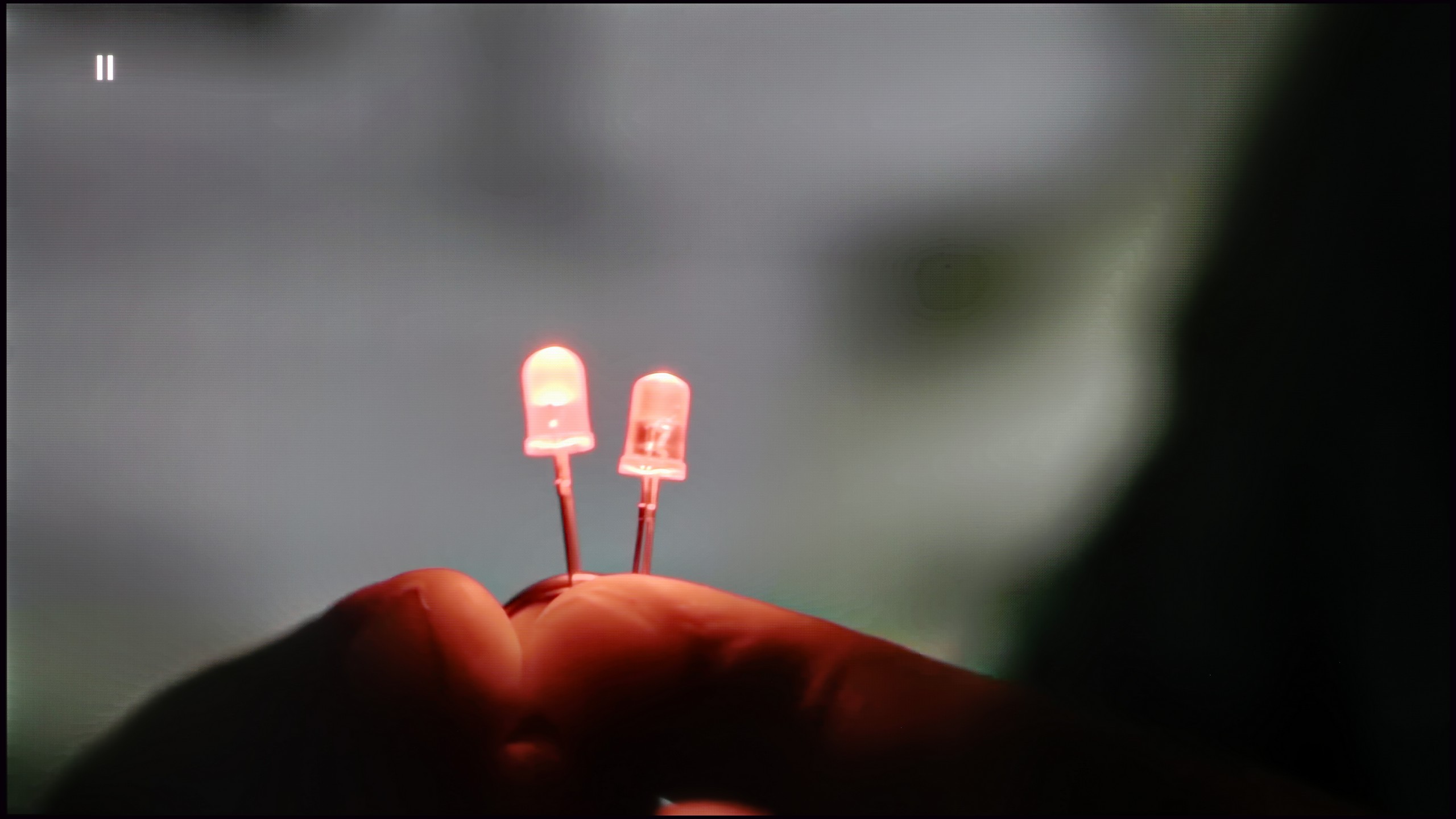
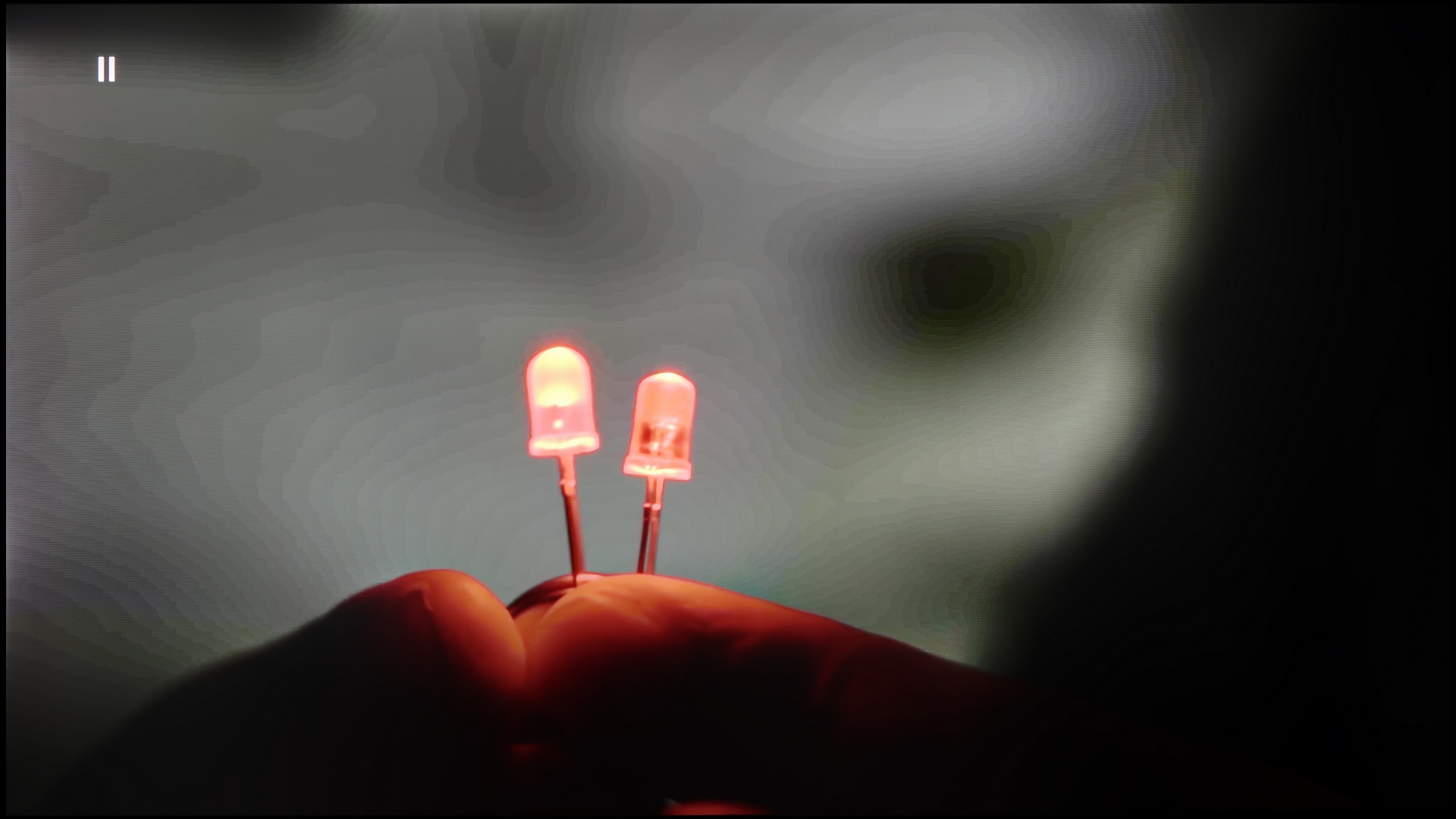
The fluidity of tonal transitions in the Sony Bravia 8 II can be described as very good, though with a clear distinction between light and dark materials. In scenes with high luminance, the television performs almost flawlessly – the gradation is smooth, free from visible bands or artifacts, and subtle colour transitions maintain full consistency. This is particularly evident in HDR materials, where bright skies or illuminated shots look nearly perfect – here, the rating could easily be 9.5/10.

The situation looks somewhat different in darker sequences. In night scenes or heavily shadowed ones, especially in test materials, slight issues with the fluidity of gradation can be noticed – transitions become less subtle. Although this is not a level that detracts from the viewing experience, a more discerning eye will catch the difference, especially when compared to absolutely top-tier models on the market. In this category, the rating rather hovers around 7.5/10.

Let us now turn to the analysis of tonal transitions, that is, the fluidity with which the television can render transitions between closely related shades. In the case of the Xiaomi S Pro 2026, the image that emerges from this is distinctly ambivalent. On the one hand, we have bright gradations. When scenes with a blue sky or other smooth transitions in the light areas of the image appear on the screen, the S Pro 2026 handles them exemplary. They look perfectly smooth, with no visible artefacts.

Unfortunately, the situation changes dramatically as soon as dark scenes take the stage on the screen. Frankly speaking – they look really poor. Instead of a smooth tonal transition in the darkness, the screen very clearly shows the joins of colours and unappealing "stepping" of the gradients. This is very noticeable in darker films or games and can effectively ruin the viewing experience.

Image scaling and smoothness of tonal transitions

8.5/10

4.5/10

Image without overscan on the SD signal
OK
No
Smooth transition function
OK
OK

Smooth transition function

Review Sony Bravia 8 MK2 Image scaling and smoothness of tonal transitions
Review Xiaomi S Pro 2026 Image scaling and smoothness of tonal transitions

Image without overscan on the SD signal

Review Sony Bravia 8 MK2 Image scaling and smoothness of tonal transitions
Review Xiaomi S Pro 2026 Image scaling and smoothness of tonal transitions

Upscaling and digital image processing are a true showcase of the capabilities of the Bravia 8 II. Sony has long been regarded as a master in this field, and here it only reaffirms its reputation. The proprietary XR processor can extract nearly the maximum from lower-resolution materials – whether it's television or an old DVD film, the image appears clearer, with more detail and better depth. Of course, if we feed it exceptionally low-quality material (like our archival photo with the Model), it won't work wonders, but in everyday viewing, it's hard to find fault with it.

The gentle gradation feature also performs excellently. In the "Medium" setting, it effectively smooths tonal transitions, eliminating banding in coloured and grey gradients, while not destroying the film grain or fine details in the image. It is this balance between subtlety and effectiveness that keeps Sony televisions among the best on the market in this category.

Let's start with the issue we raised in the previous paragraph: can the television actually fix the problem of dreadful tonal transitions in dark scenes? Theoretically, yes – in the menu, we find a feature with the promising name "Colour Contour Removal." Well, "theoretically." Unfortunately, in practice, this setting – regardless of which of the three power levels is chosen – yielded absolutely no real results. So we are dealing with a feature that, in practice, only exists in the menu. Moving on to the quality of upscaling (scaling the image from a lower resolution to 4K), unfortunately, we have more bad news for you. The S Pro 2026 performs very poorly at this task. Interestingly, the phenomenon of "overscan" (slight cropping of the image) is not a major issue here. The fact is that the television simply displays a very raw, unprocessed image. Its attempt to upscale the signal to a higher resolution looks simply lacklustre and lacks any form of "intelligent" improvement. There is no denying it – the entire digital image processing is the real Achilles' heel of this model.

Blur and motion smoothness

8.5/10

7.5/10

Maximum refresh rate of the panel
120Hz
144Hz
Film motion smoothing option
OK
OK
Blur reduction option
OK
OK
BFI function 60Hz
Yes, 60Hz (image flickers)
No
BFI function 120Hz
Yes, 120Hz
No
Brightness drop with BFI
49%
-%

Blur (native resolution, maximum refresh rate):

Blur (BFI function enabled):

Blur (MotionFlow 120Hz):

Blur (1080p@288Hz):

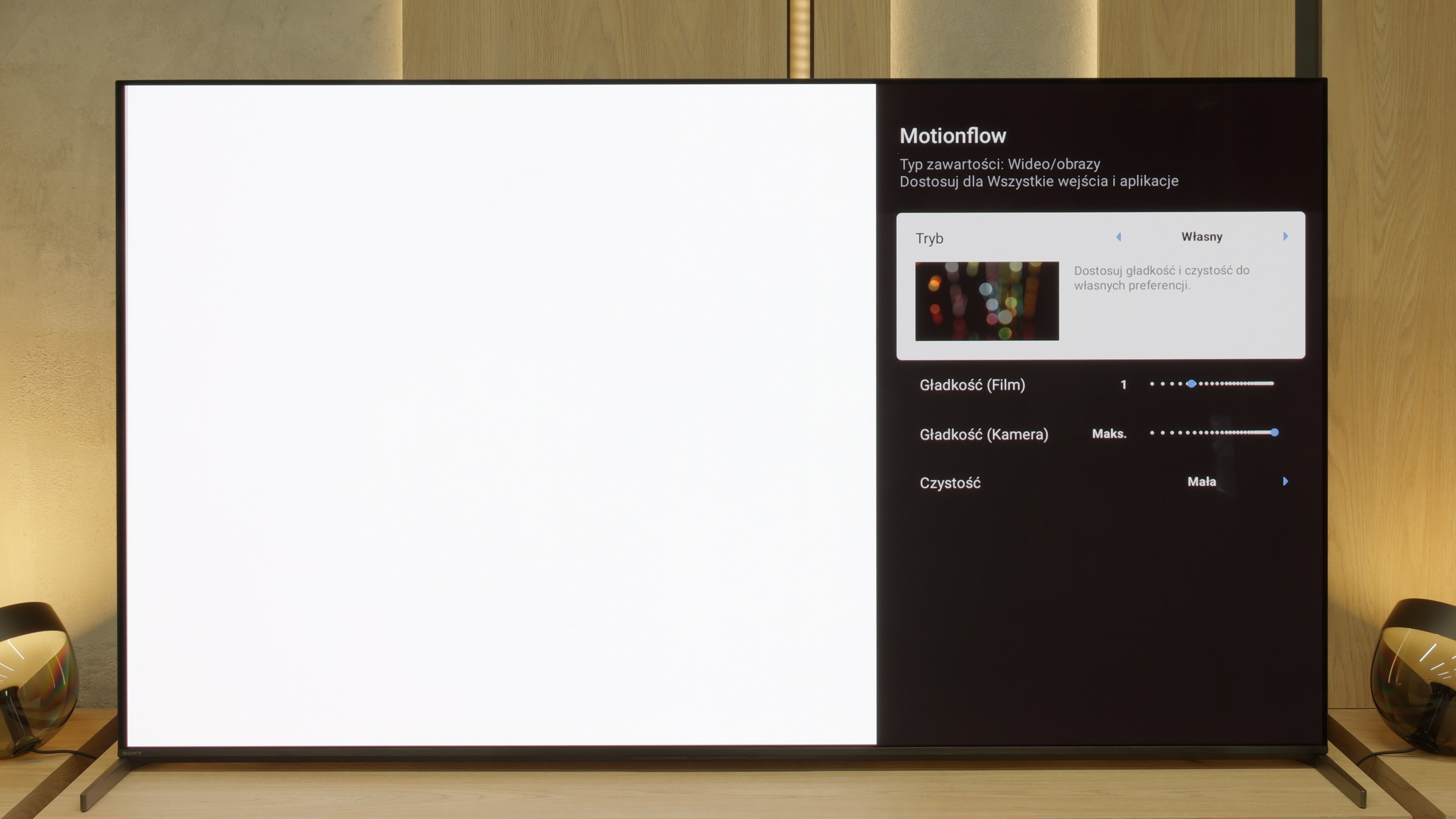
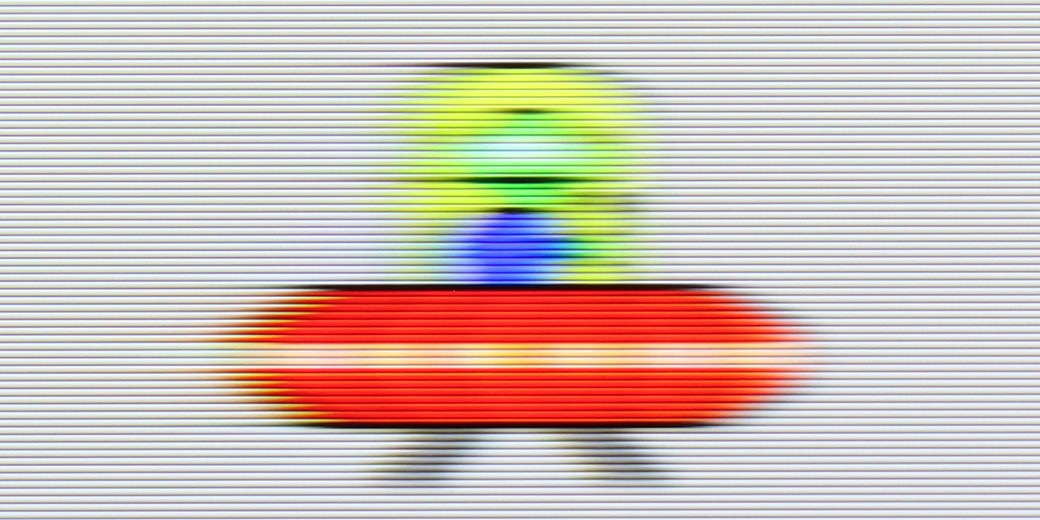
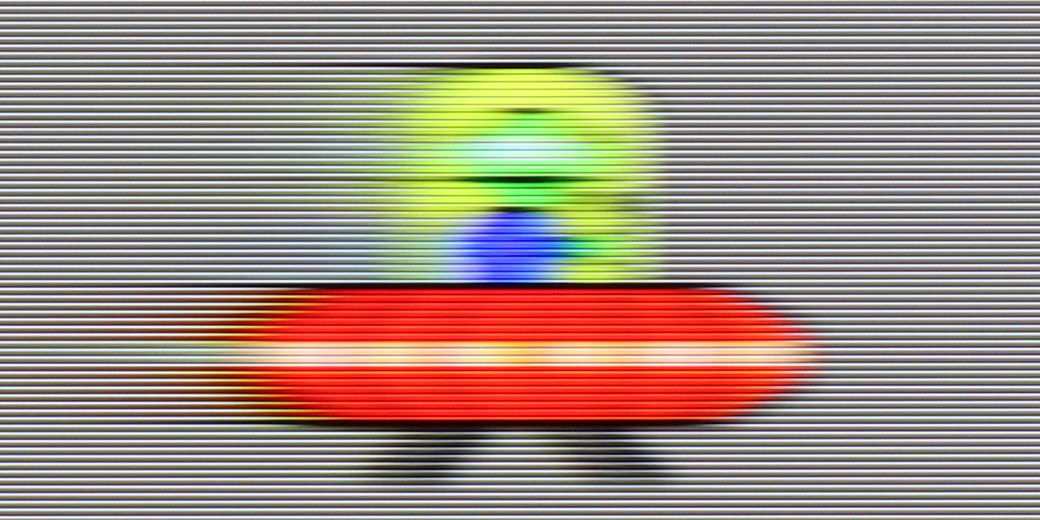
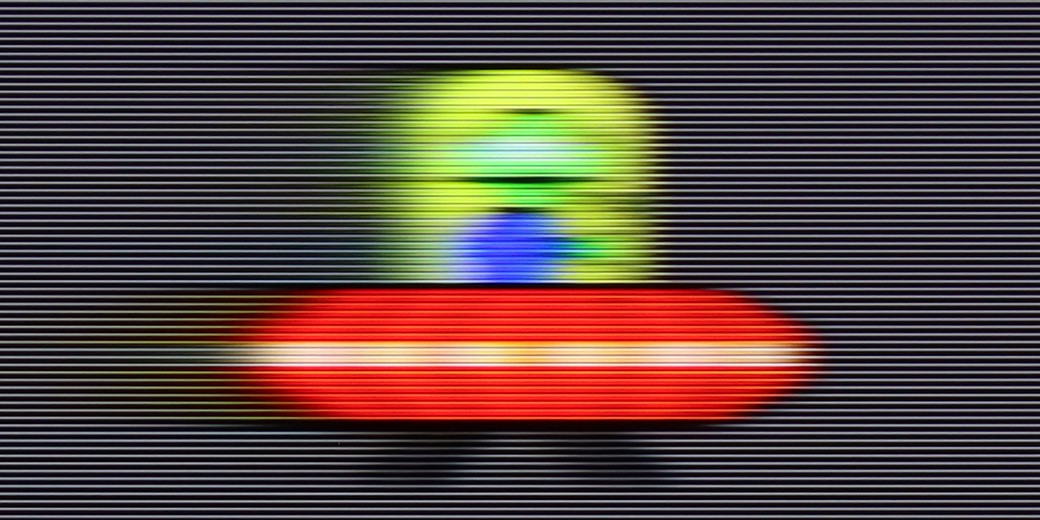
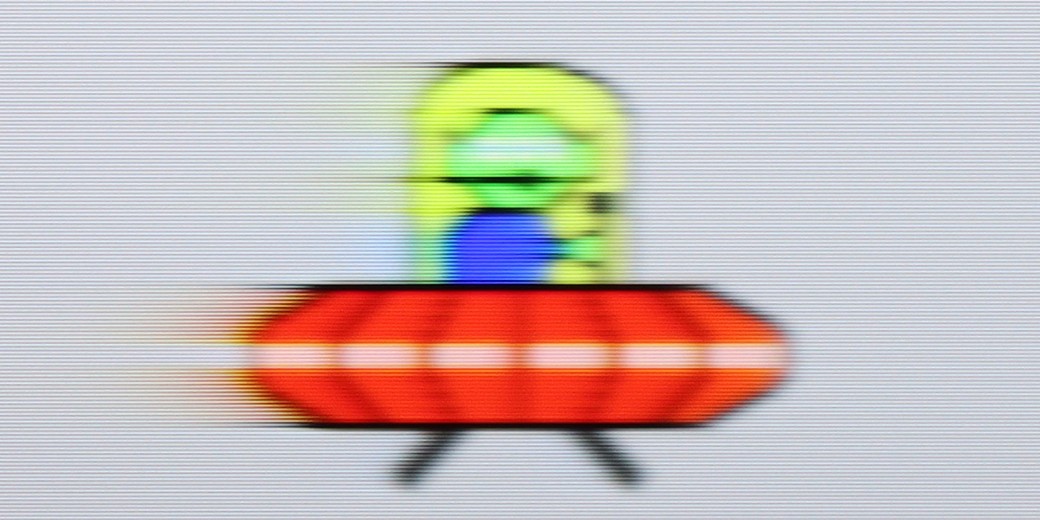
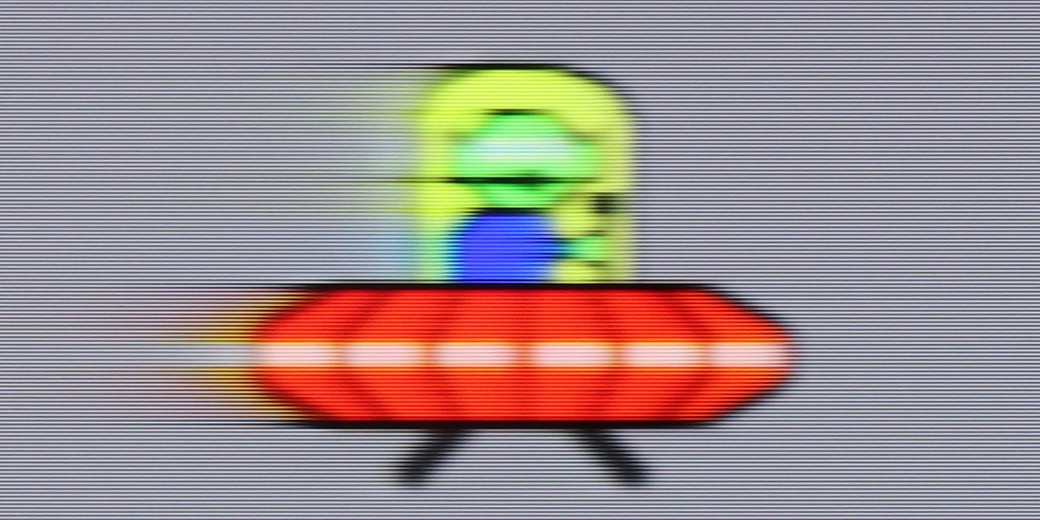
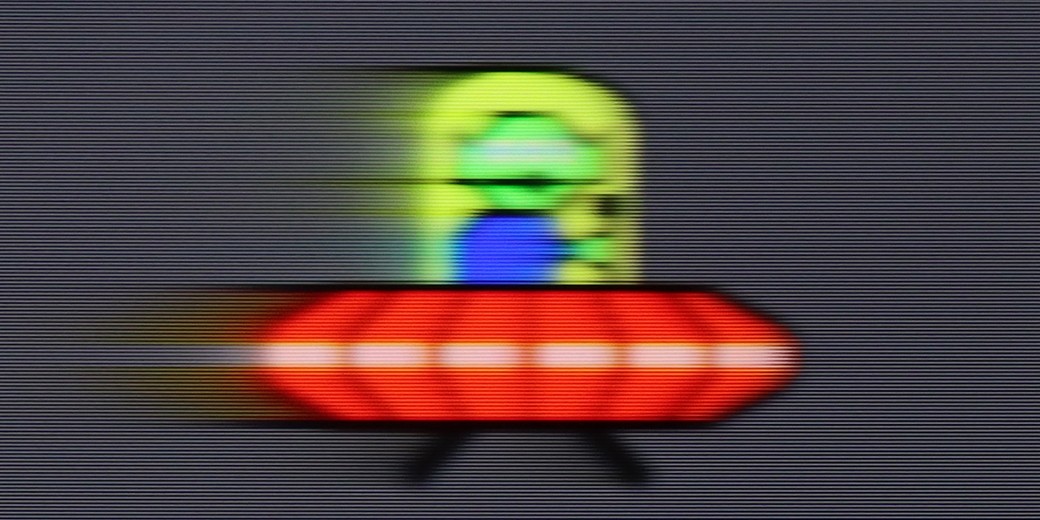
The smoothness of motion is practically a closed topic in the case of the Bravia 8 II. The OLED with a refresh rate of 120 Hz naturally provides a very clear, sharp image in dynamic scenes, so it's hard to complain about anything here. However, one of the best motion smoothing systems on the market truly deserves special praise. They allow precise adjustment of film smoothness to one’s own preferences – from gentle smoothing to almost a “theatrical” effect – without the risk of artificial jumps, tearing of the image, or annoying artifacts. This is one of those features that will be appreciated both during movie screenings and while watching sports.

On paper, the S Pro 2026 specification looks impressive. The television is equipped with a native 144 Hz panel, with the ability to display images at up to 288 Hz in a dedicated gaming mode. These are amazing results, but what interested us most, in the context of everyday use, was how the television handles motion blur and how the image looks at 120 Hz. After all, this is the frequency used by consoles like the PlayStation 5 and Xbox Series X/S, and it is desired by sports fans. Generally, the panel "holds up". The matrix is sufficiently fast to meet these challenges, and objects displayed at native 120Hz fluidity are shown correctly. As for the software, the television is equipped with motion smoothing technology; however, with a key caveat – it works only for input signals up to 60 Hz. This means it is primarily suitable for traditional television, films, and series. Thanks to this, we can adjust the fluidity of the image to our own preferences – from a very smooth, "theatrical" approach to setting the slider to "zero" and maintaining a fully cinematic character.

Console compatibility and gaming features

9.4/10

8.2/10

  • ALLM
    Yes
    Yes
  • VRR
    Yes
    Yes
  • VRR range
    48 - 120Hz
    48 - 144Hz
  • Dolby Vision Game Mode
    Yes
    Warning Yes, high input lag
  • Correct implementation of HGIG
    Yes
    No
  • 1080p@120Hz
    Yes
    Yes
  • 1440p@120Hz
    No
    Yes
  • 4K@120Hz
    Yes
    Yes
  • Game bar
    Yes
    Yes

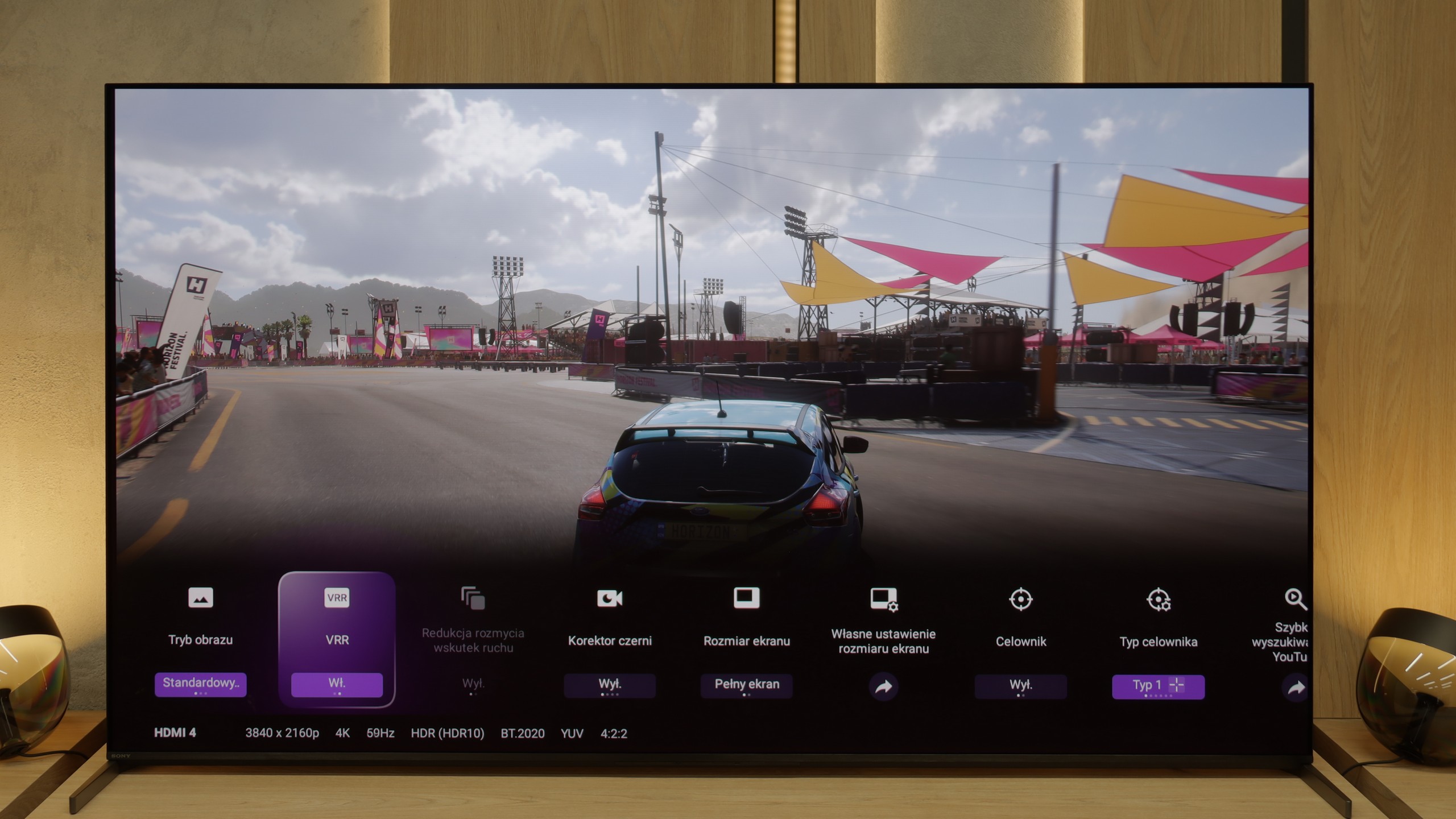
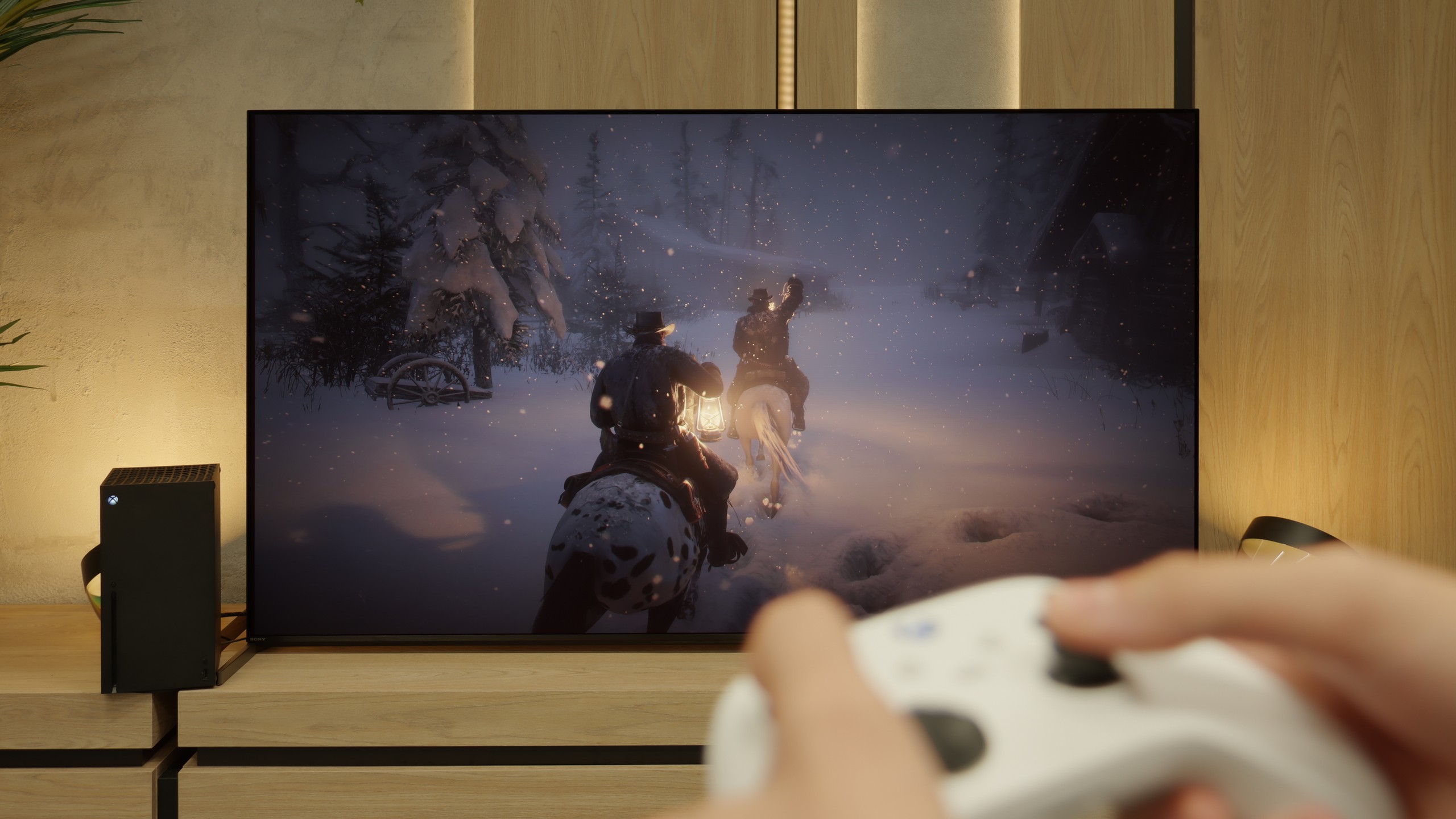
Sony has really learnt its lessons from previous years and in the Bravia 8 II has prepared a package of features for gamers that is hard to describe in any other way than "almost perfect". We have everything you'd expect from equipment of this class – VRR, ALLM, Dolby Vision Gaming mode, HGiG, and even a handy Game Bar that allows you to quickly preview parameters and change settings without leaving the game. It's also worth noting how smoothly and seamlessly these features work – no delays, no strange stutters. You simply start the game, and everything looks as it should. Unfortunately, there are a few "buts". The manufacturer still only provides us with two full-bandwidth HDMI ports, so if someone has a console, PC, and another device such as a soundbar connected via eARC, it becomes a hassle of switching cables. It is also surprising that there is no support for 1440p resolution at 120 Hz – particularly important for Xbox gamers. Overall, however – this is one of those televisions that can easily be placed in the centre of a gaming lounge and enjoyed without significant compromises.

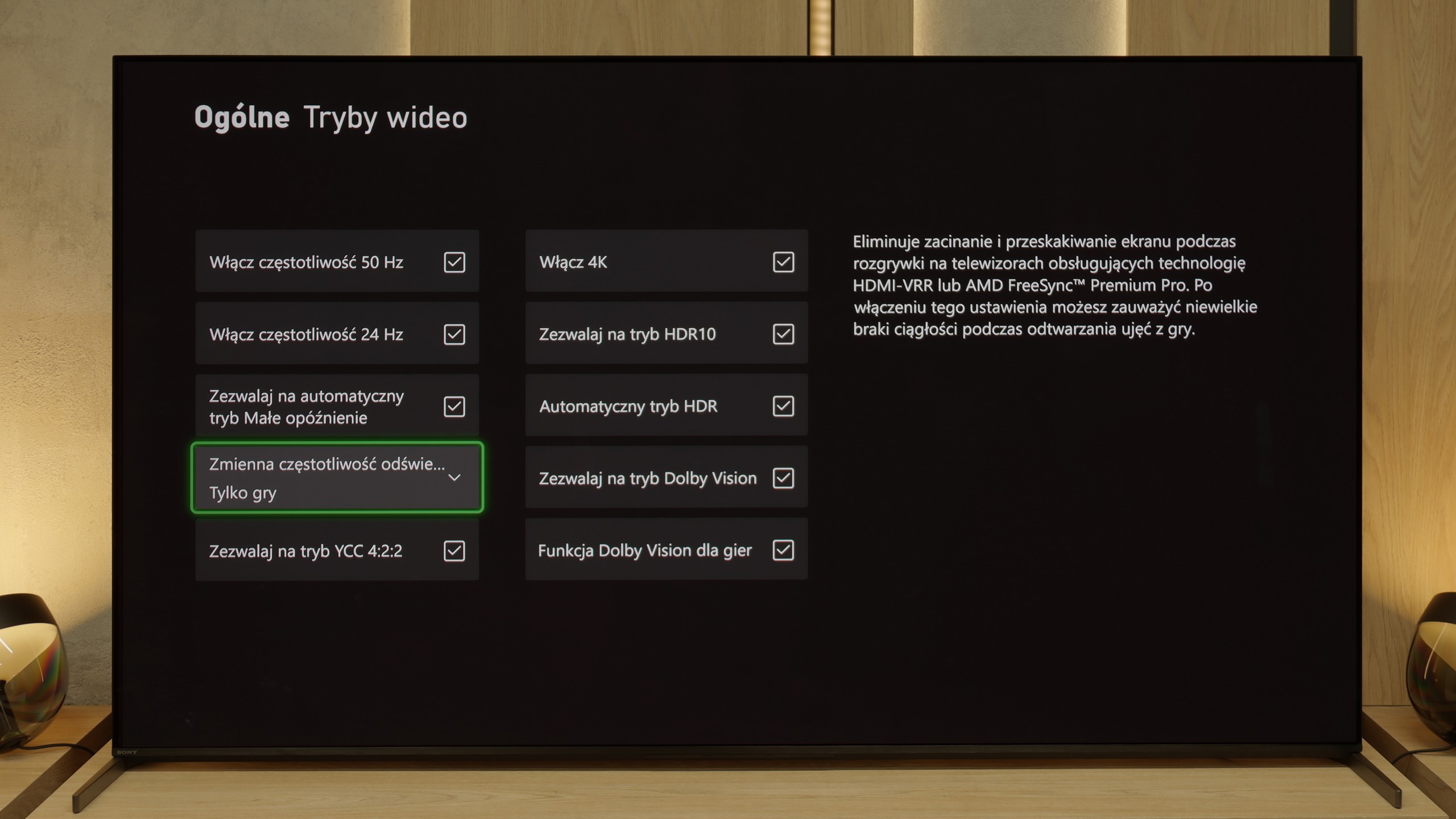
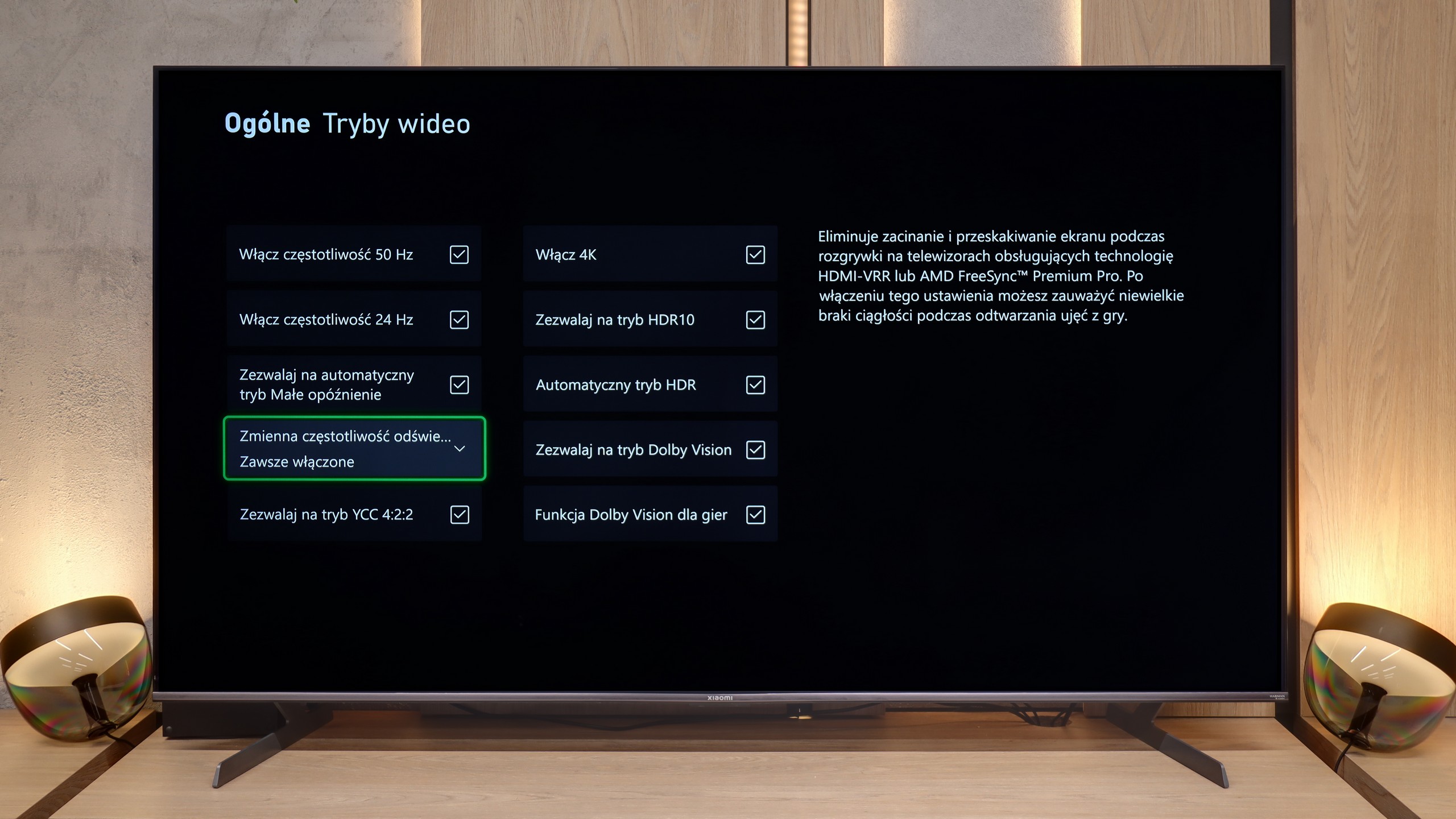
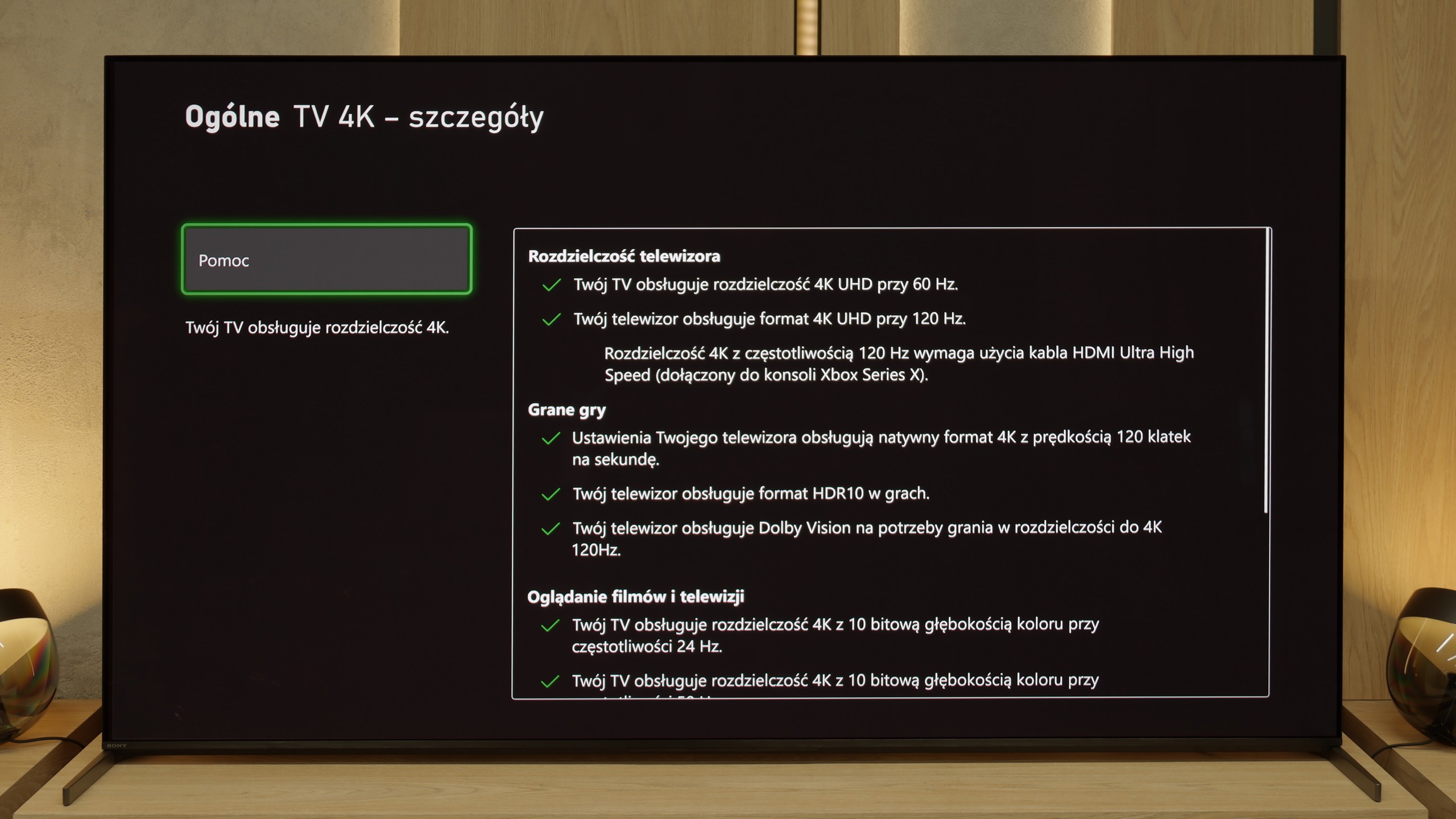
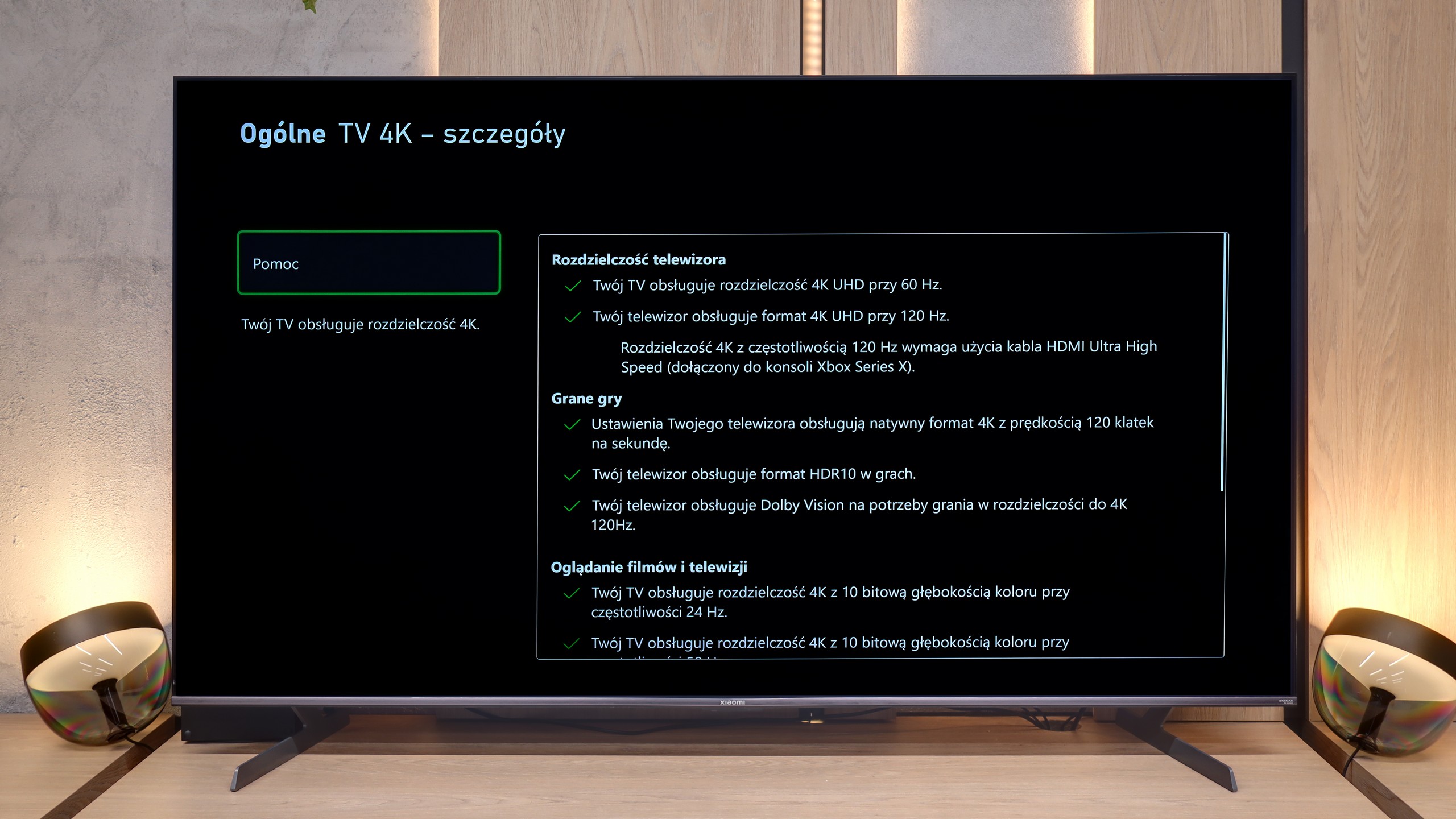
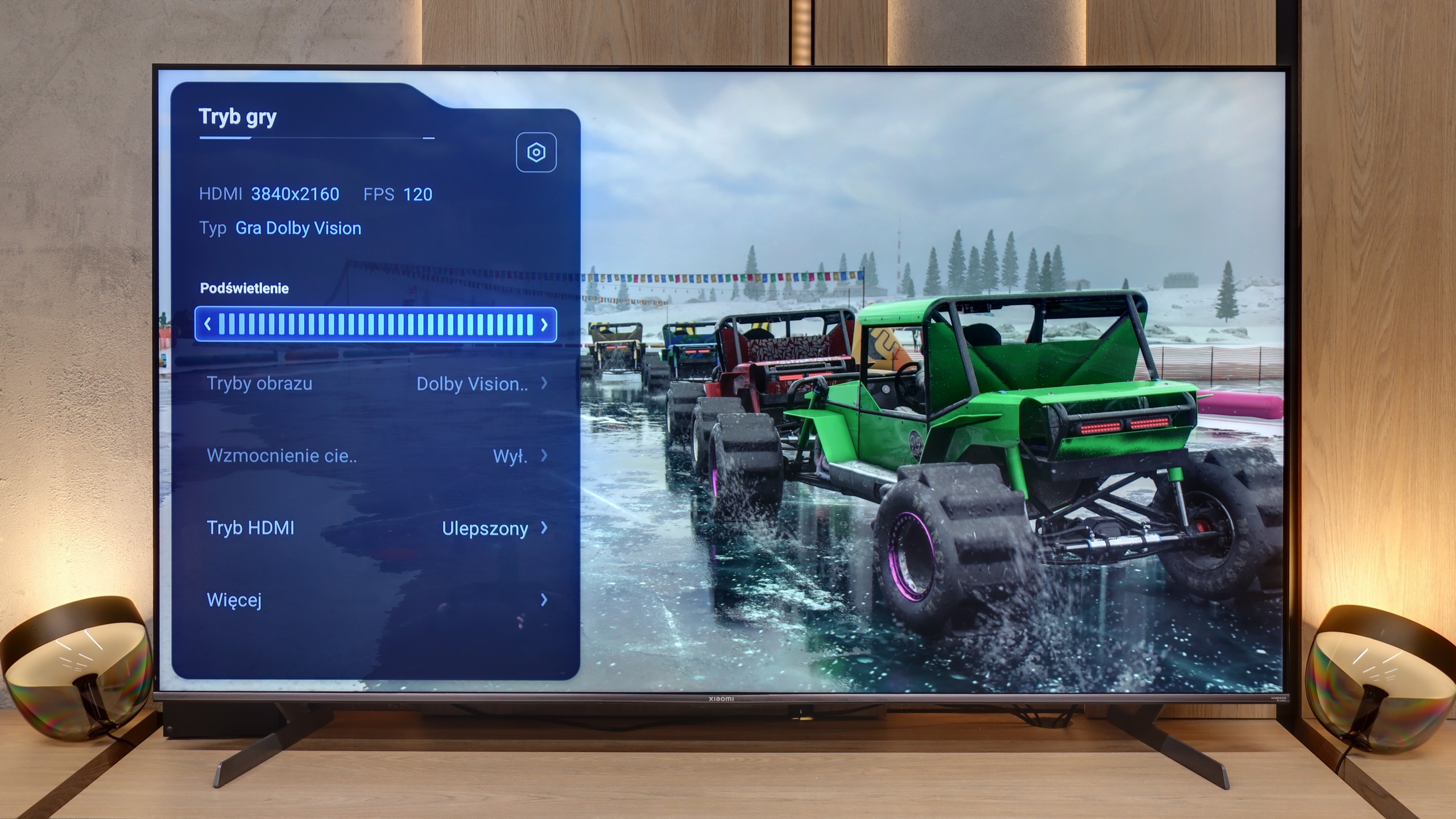
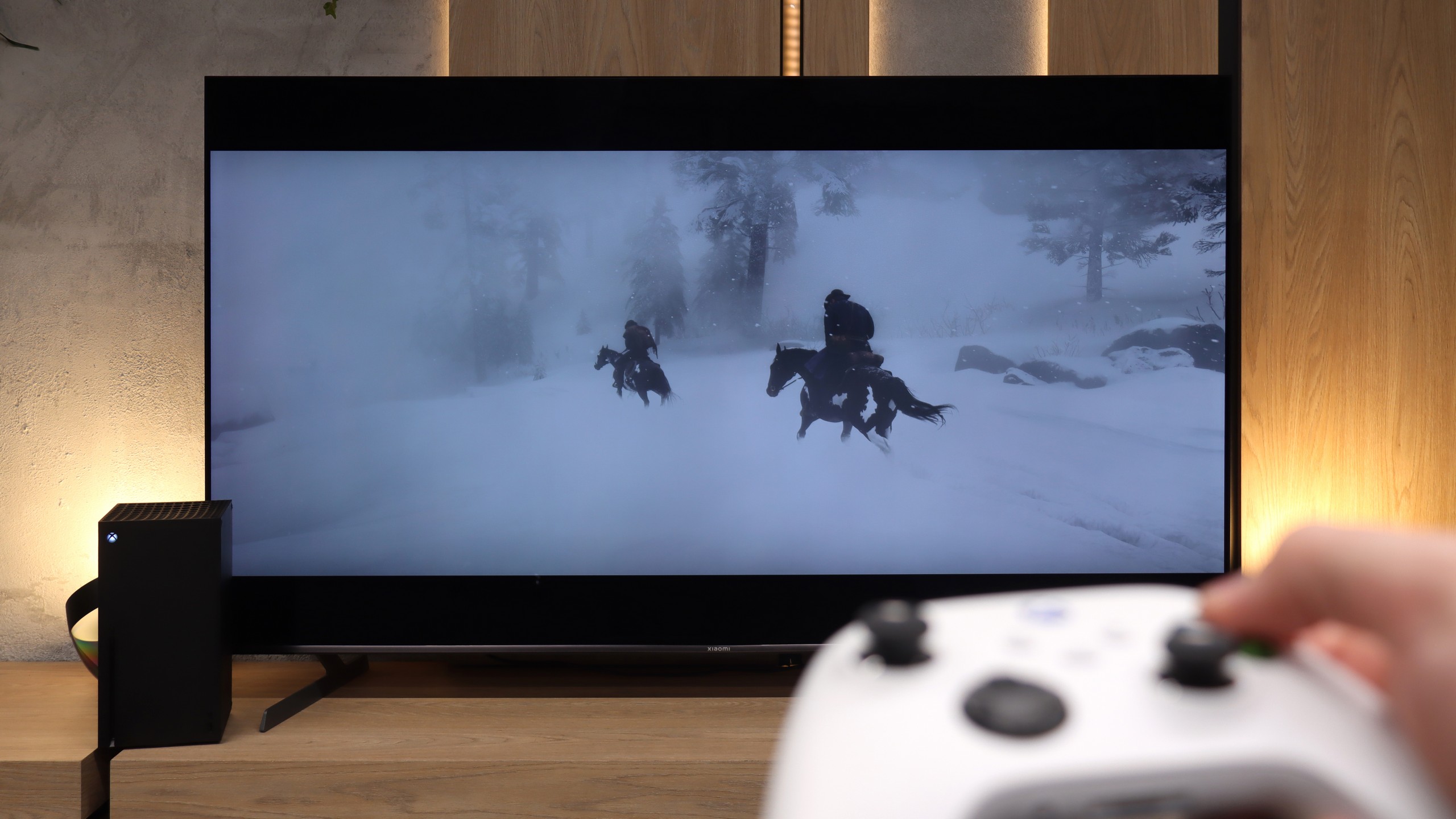
For gamers, the Xiaomi S Pro 2026 is almost an ideal proposition on paper. It is equipped with two HDMI 2.1 ports, which allow us to unlock (although these options are somewhat hidden in the menu) the full package of features: ALLM, VRR and, crucially, the ability to work in 4K at 144 Hz. This last feature should particularly please the owners of powerful PCs. The television also has something resembling a gamer panel – and although it's hard to call it a fully-fledged "Gamebar", it serves its purpose by displaying key information. It’s just a shame that in its default form, it obscures a relatively large portion of the screen.

The biggest issue we have with this model, however, concerns how the S Pro 2026 handles games in HDR mode. To put it bluntly: it doesn’t handle it well at all. Due to the television having a poorly implemented HGiG feature (the HDR tone mapping standard for games), it is very easy to "overexpose" the image during initial HDR calibration on the console. If someone is unaware of this software flaw and follows the on-screen instructions, they will simply set the image incorrectly, resulting in burnt-out details in the bright areas. Another major problem is the Dolby Vision mode for games. While it does work, it generates such a high input lag that it becomes noticeable in dynamic titles. (You can check all our lag measurements in the paragraph below). In summary: Generally speaking, this is a really very good screen for gamers, but with one small caveat. We would rather avoid using HDR mode on it – unless we decide to manually set the brightness bar on the console "by eye", completely ignoring the instructions from the console’s pictogram.

Input lag

9.8/10

8.5/10

SDR

1080p60
19 ms
17 ms
1080p120
10 ms
8 ms
2160p60
19 ms
17 ms
2160p120
10 ms
8 ms

HDR

2160p60
18 ms
17 ms
2160p120
9 ms
8 ms
4320p60

Dolby Vision

2160p60 DV
19 ms
110 ms
2160p120 DV
10 ms
77 ms

The input lag on the Bravia 8 II is a strong point that every gamer will appreciate. With 120 Hz content, the values hover around 10 ms, which places this television among the best – the response is nearly instantaneous, and control in dynamic games remains fully predictable. At 60 Hz, the lag time naturally doubles, but it still remains at a level that can be described as exemplary. Importantly, Sony has done an excellent job with the handling of Dolby Vision mode in games – it operates here exceptionally smoothly and quickly. This is a significant change compared to previous years when Dolby Vision Gaming on televisions of this brand could cause additional lag or minor issues with fluidity. It’s clear now that the manufacturer has refined this element to perfection.

We move on to one of the most important measurements for gamers, namely signal delay (input lag). Overall, the Xiaomi S Pro 2026 performs excellently here. Generally, in game mode, the lag is very low. With 120 Hz content (from consoles or PCs), we easily achieved results below 10 ms. These are truly outstanding results and, in practice, completely imperceptible for most people, even those very sensitive to lag. Unfortunately, there is one "but" that constitutes the biggest flaw of this model in gaming. This is concerning the Dolby Vision Gaming mode. When this mode is activated, input lag rises to an astronomical level of around 100 ms. At this value, the delay between our movements on the controller (we tested on an Xbox console) and what is displayed on the screen becomes really significant and irritating. Therefore, our recommendation is simple: we absolutely do not recommend using the Dolby Vision Gaming mode on this television.

Compatibility with PC

7.6/10

8.6/10

Chroma 444 (maximum resolution and refresh rate)
Yes
Yes
Font clarity
Good
Good
Readability of dark text and shapes
Very Good
Good
Input lag in PC mode (4K, maximum refresh rate)
10ms
8ms
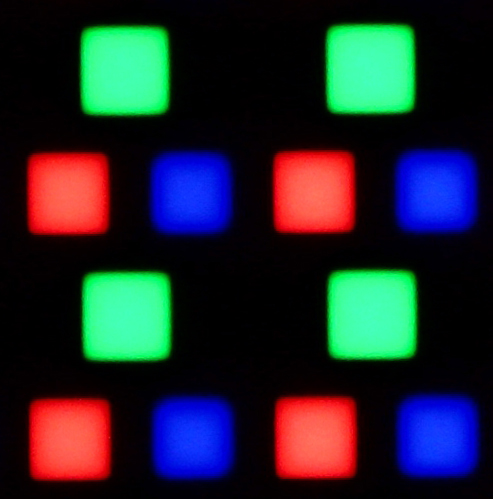
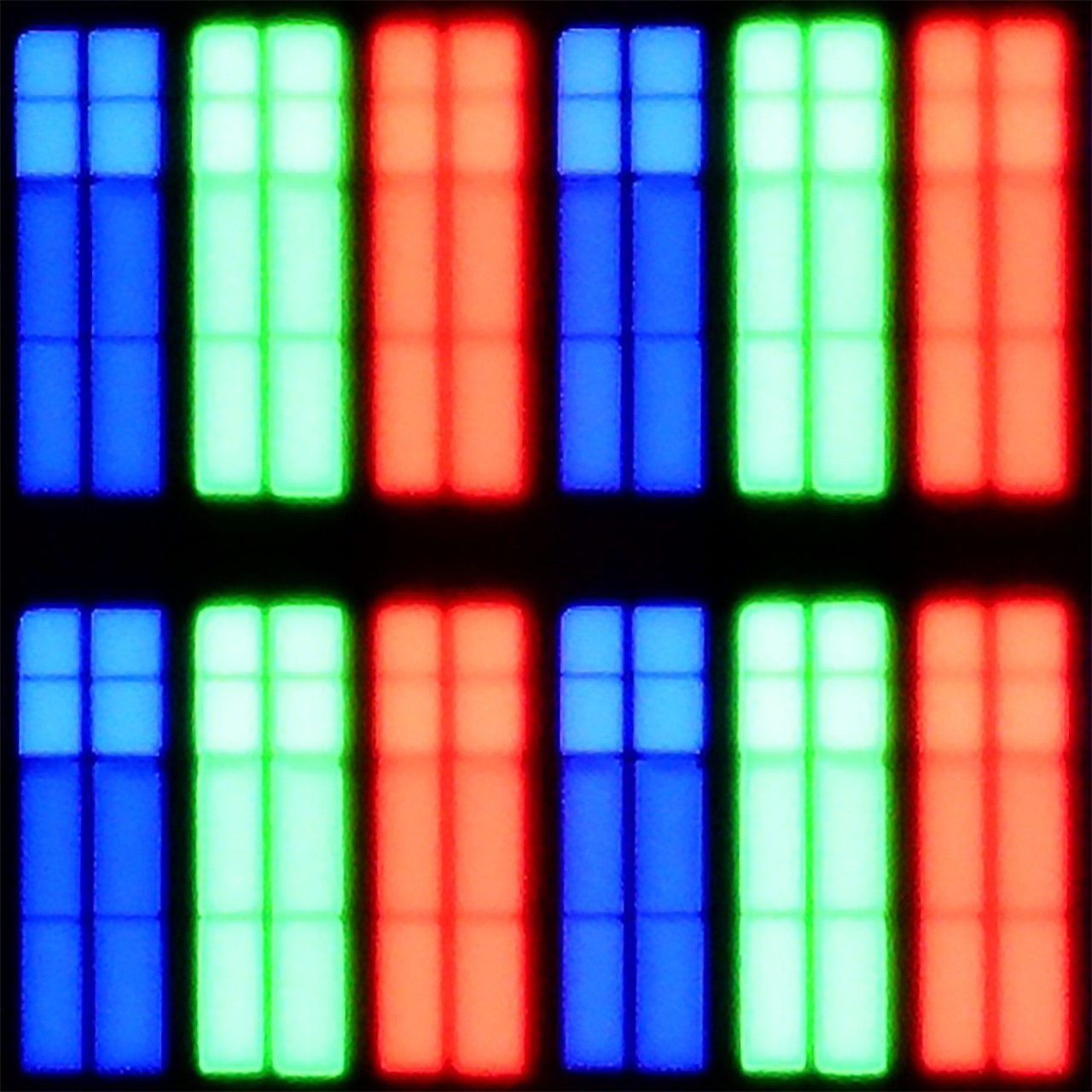
Matrix subpixel arrangement
RGB
BGR
Max refresh rate
120Hz
144Hz
G-Sync
Yes
Yes
Review Sony Bravia 8 MK2 Compatibility with PC
Review Xiaomi S Pro 2026 Compatibility with PC

Compared to last year's A95L, the Bravia 8 II has made a significant leap forward in terms of compatibility with PC computers. The support for 4:4:4 chroma works flawlessly, so text – both regular and very fine – remains sharp and clear. This means that working with documents, spreadsheets, or even editing photos does not strain the eyes and does not require fiddling with settings.

However, there is a certain sense of dissatisfaction. One would expect additional gaming mode with refresh rates above 120 Hz in a television of this class. After all, in the price segment this model occupies (and even in lower ones), 165 Hz and even 240 Hz are becoming increasingly common. This option is missing here, which may be a slight disappointment for some PC enthusiasts. Fortunately, thanks to its low input lag and support for G-Sync, the Bravia 8 II can still immerse players in PC gaming without feelings of delay or image tearing. It is equipment that performs well not only in the living room but also on the player's desk.

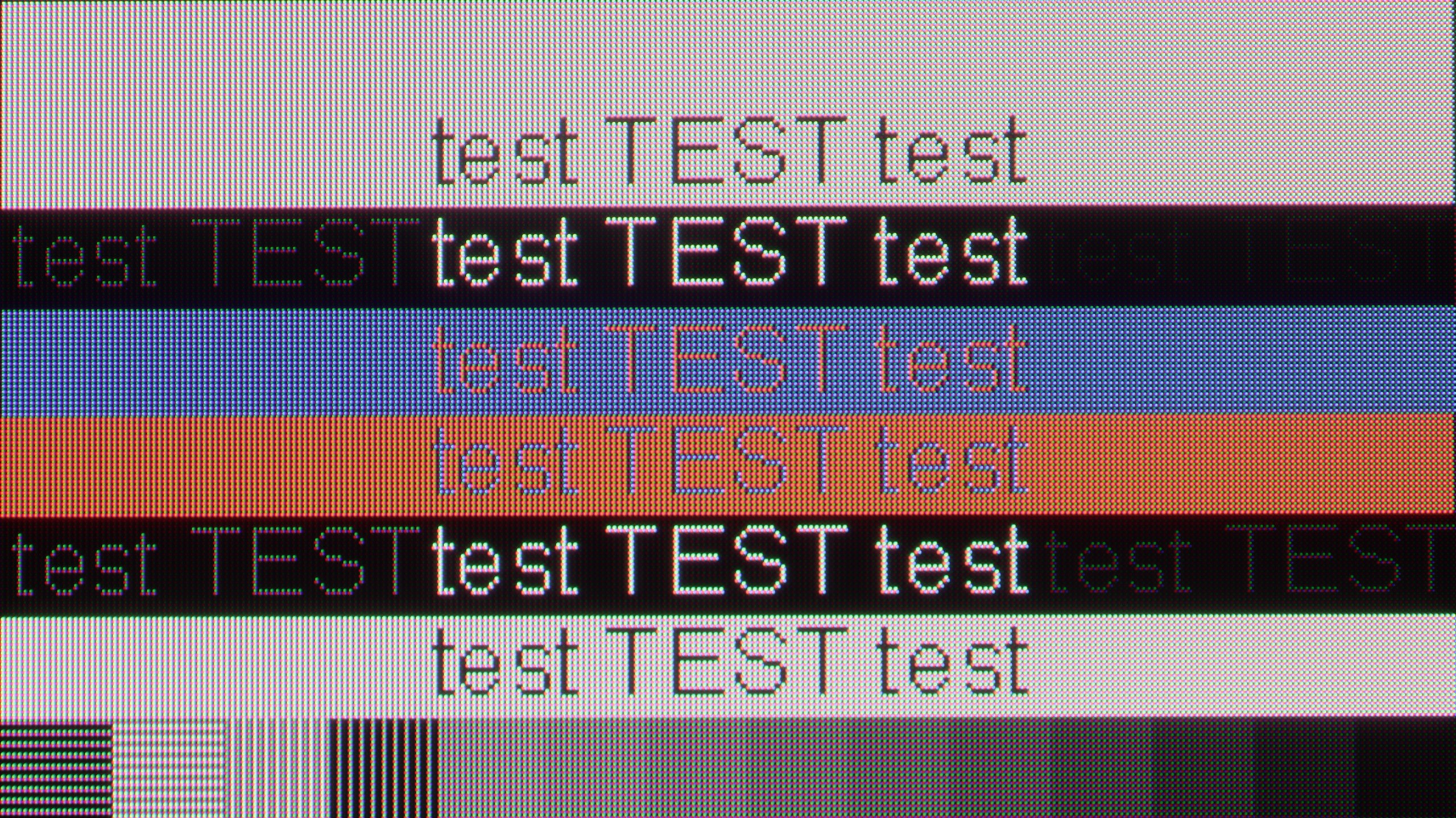
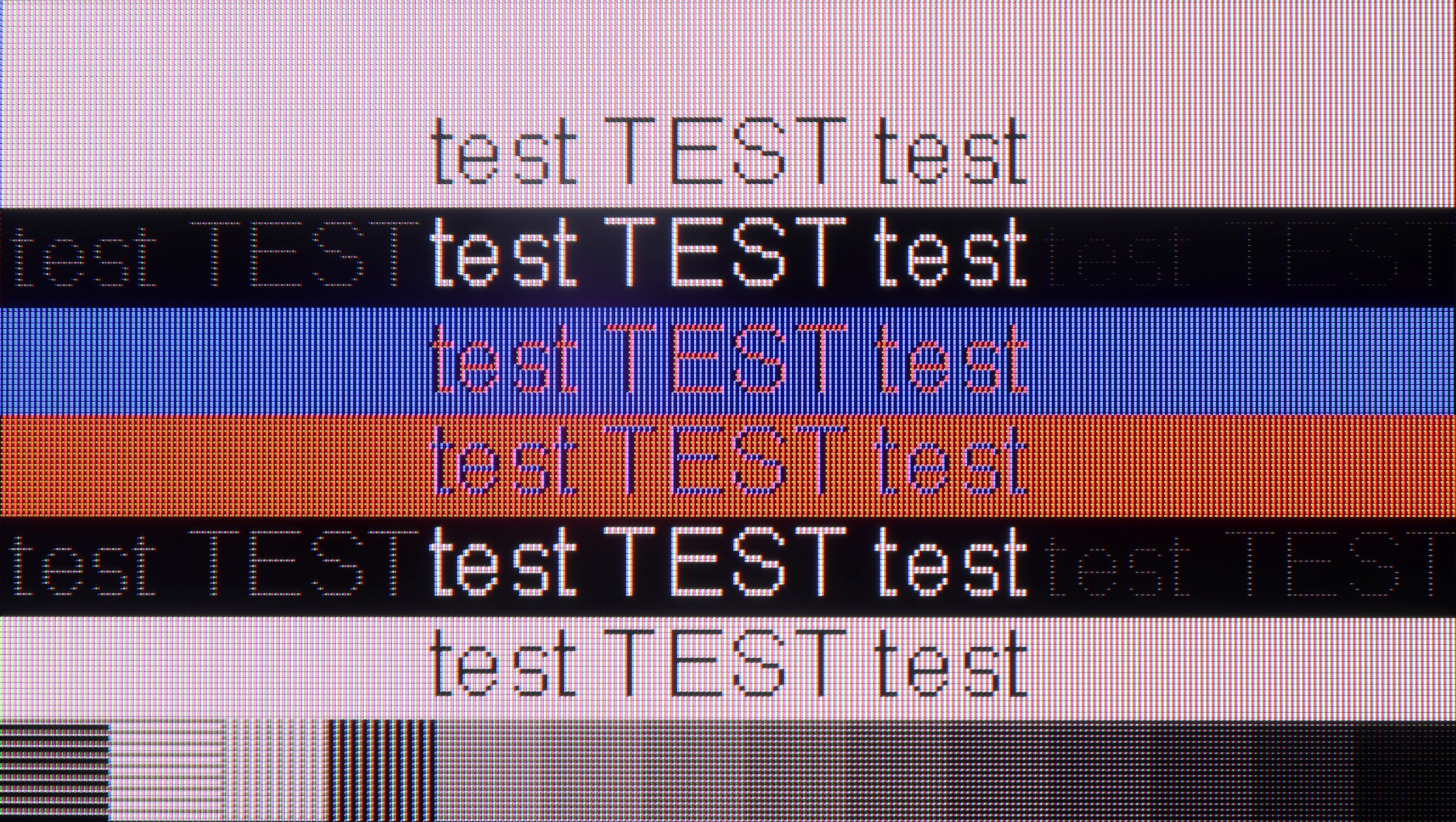
Generally, when it comes to gaming, the S Pro 2026 is a fantastic screen for PC owners. It offers a refresh rate of up to 288 Hz at Full HD resolution or a full 144 Hz at 4K. All of this, supported by technologies such as AMD FreeSync or G-Sync, really caters to very demanding gamers. And what about "desktop" work? Here we have good news. Although the displayed font may not be perfectly sharp (like on a dedicated PC monitor with an IPS panel), it is presented in a really pleasant and readable manner. This is due to the proper implementation of Chroma 4:4:4 sampling, which ensures that text is clear and there are no issues with coloured fringes.

Viewing angles

9.8/10

3.7/10

Brightness drop at an angle of 45 degrees
11%
66%

In this respect, the Bravia 8 II is at the absolute top of the market. Thanks to the use of a QD-OLED panel, the television maintains full colour depth and high contrast even when viewed from a large angle. This is a distinct advantage over constructions based on WOLED panels, which can slightly lose saturation and detail at more extreme viewer positions. Like its competitor, the Samsung S95F, the Bravia 8 II performs almost flawlessly in this category – regardless of whether we are watching a film from the sofa, from a chair nearby, or standing in the corner of the room, the image remains true to the original.

As for a television equipped with a VA panel, we must admit that the decrease in brightness when deviating from the screen's axis is relatively small in the Xiaomi S Pro 2026. However, one must remember the second, crucial aspect – colour saturation significantly degrades at angles. This is typical behaviour for televisions with VA panels that do not have additional coatings to widen viewing angles. Is this a downside of this television? Probably not. It's simply a characteristic, the price we have to pay for the key qualities of a VA panel in the form of its high native contrast.

Daytime performance

5.6/10

7.4/10

Panel finish
Glare
Glare
Reflection suppression
Good
Average
Black levels during daytime
Average
Very Good
Review Sony Bravia 8 MK2 Daytime performance
Review Xiaomi S Pro 2026 Daytime performance
Review Sony Bravia 8 MK2 Daytime performance
Review Xiaomi S Pro 2026 Daytime performance

Panel brightness

Average luminance SDR

Xiaomi S Pro 2026: 771 cd/m2

Sony Bravia 8 MK2: 419 cd/m2

For a television of this class, we expected a better performance. An average SDR brightness of around 400 nits is definitely too little to speak of great visibility in a sunlit living room. In very demanding lighting conditions, we will be forced to reach for curtains or… move the television to another location. As with every QD-OLED panel, the black levels during the day are not perfectly black – they have a slight cherry tint. Fortunately, this technology also has its advantages over WOLED panels – it effectively reduces reflections, making direct light glare less bothersome. Despite this advantage, the overall efficiency of the Bravia 8 II in a bright room should be assessed as average, particularly in the context of the high-class equipment to which this model belongs.

Due to its very high peak brightness, the Xiaomi S Pro 2026 performs exceptionally well in brightly lit rooms. In most scenarios, it is capable of "cutting through" even very strong room lighting. However, it should be noted that the matrix used here averages out in terms of reflecting light. This means that in darker areas of the image, or when the television is displaying a dark scene, direct reflections (e.g. the reflection of a window or lamp) may be annoying. Nevertheless, the S Pro 2026, as a television for a bright living room, will perform very well indeed, thanks to its tremendous brightness.

Panel details

Backlight Type
Mini-LED PFS LED
Software version during testing
112.632.050.1EUA
UKN1.240806.107.V816.0.25.6.6.ULBMIXM
Image processor
MT5897 6GB RAM
mt5896 2,5gb ram

Subpixel Structure:

Panel uniformity and thermal imaging:

Review Sony Bravia 8 MK2 TV Panel details
Review Xiaomi S Pro 2026 TV Panel details

Sony Bravia 8 MK2

Xiaomi S Pro 2026

TV features

8.9/10

7.2/10

  • HDMI inputs
    2 x HDMI 2.0, 2 x HDMI 2.1 48Gbps
    1 x HDMI 2.0, 2 x HDMI 2.1 48Gbps
  • Outputs
    Toslink (Optical audio), eARC (HDMI), ARC (HDMI)
    Toslink (Optical audio), eARC (HDMI), ARC (HDMI), Mini-Jack (Headphones)
  • Network Interfaces
    Wi-Fi 2.4GHz, Wi-Fi 5GHz, Ethernet (LAN) 100Mbps
    Wi-Fi 2.4GHz, Wi-Fi 5GHz, Ethernet (LAN) 100Mbps
  • TV reception
    DVB-T, DVB-T2, DVB-S, DVB-S2, DVB-C
    DVB-T, DVB-T2, DVB-S, DVB-S2, DVB-C

Classic features:

  • Recording to USB (terrestrial TV)
    Yes
    No
  • Recording programming
    Yes
    No
  • Picture in Picture (PiP)
    No
    No
  • RF remote control (no need to aim at the screen)
    Yes
    Yes
  • Backlit remote control
    No
    No
  • Teletext
    Yes
    Yes
  • Audio only mode
    Yes
    Yes
  • Bluetooth headphones support
    Yes
    Yes
  • Simultaneous Bluetooth headphones & TV audio
    Yes
    No

Smart features:

  • AirPlay
    Yes
    Yes
  • Screen mirroring (Windows Miracast)
    Yes
    Yes
  • Voice search
    Yes
    Yes
  • Voice search in native language
    Yes
    Yes
  • Ability to connect a keyboard and mouse
    Yes
    Yes
Review Sony Bravia 8 MK2 TV features
Review Xiaomi S Pro 2026 TV features

SONY Bravia 8 II – Features of the Television

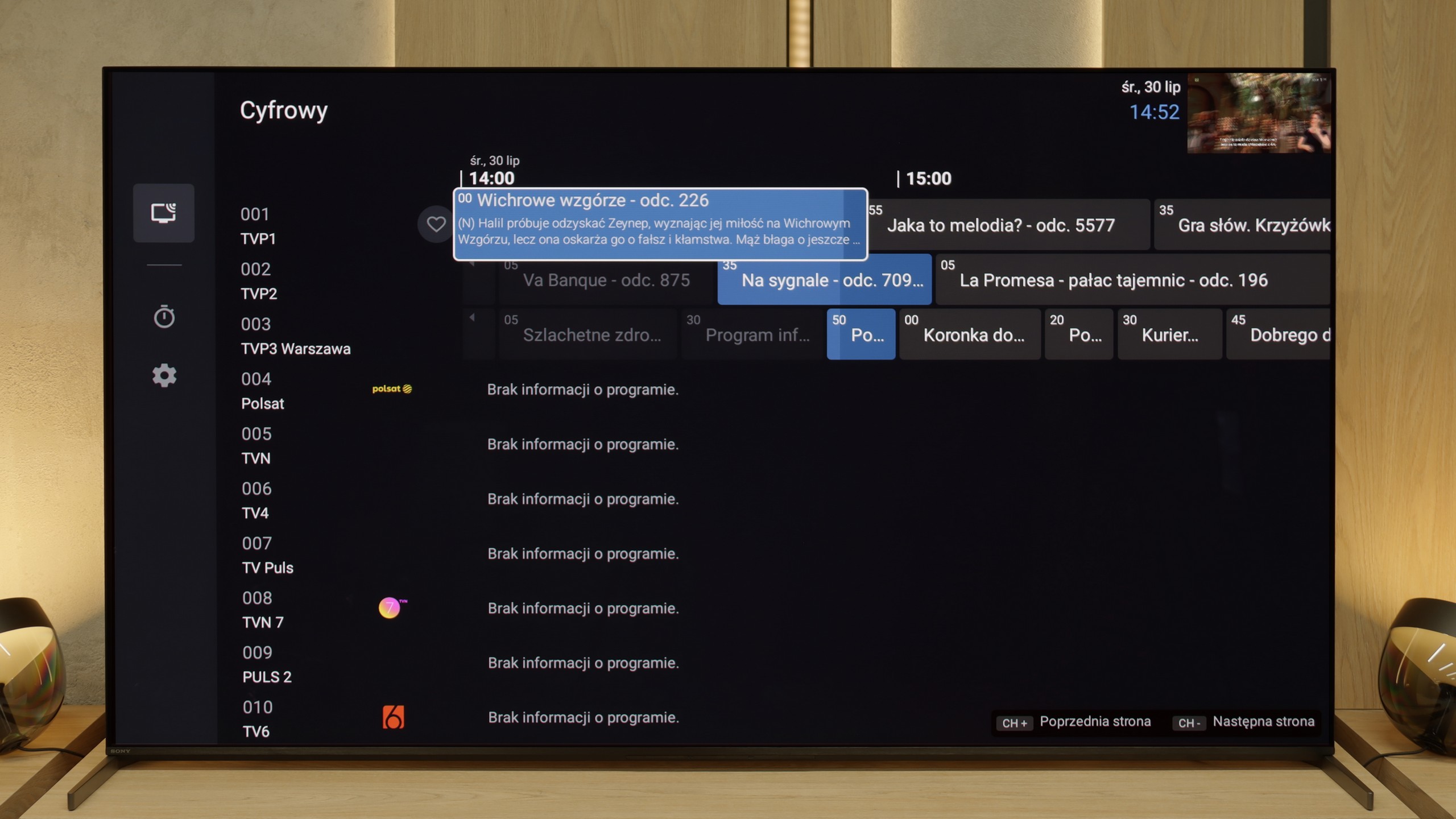
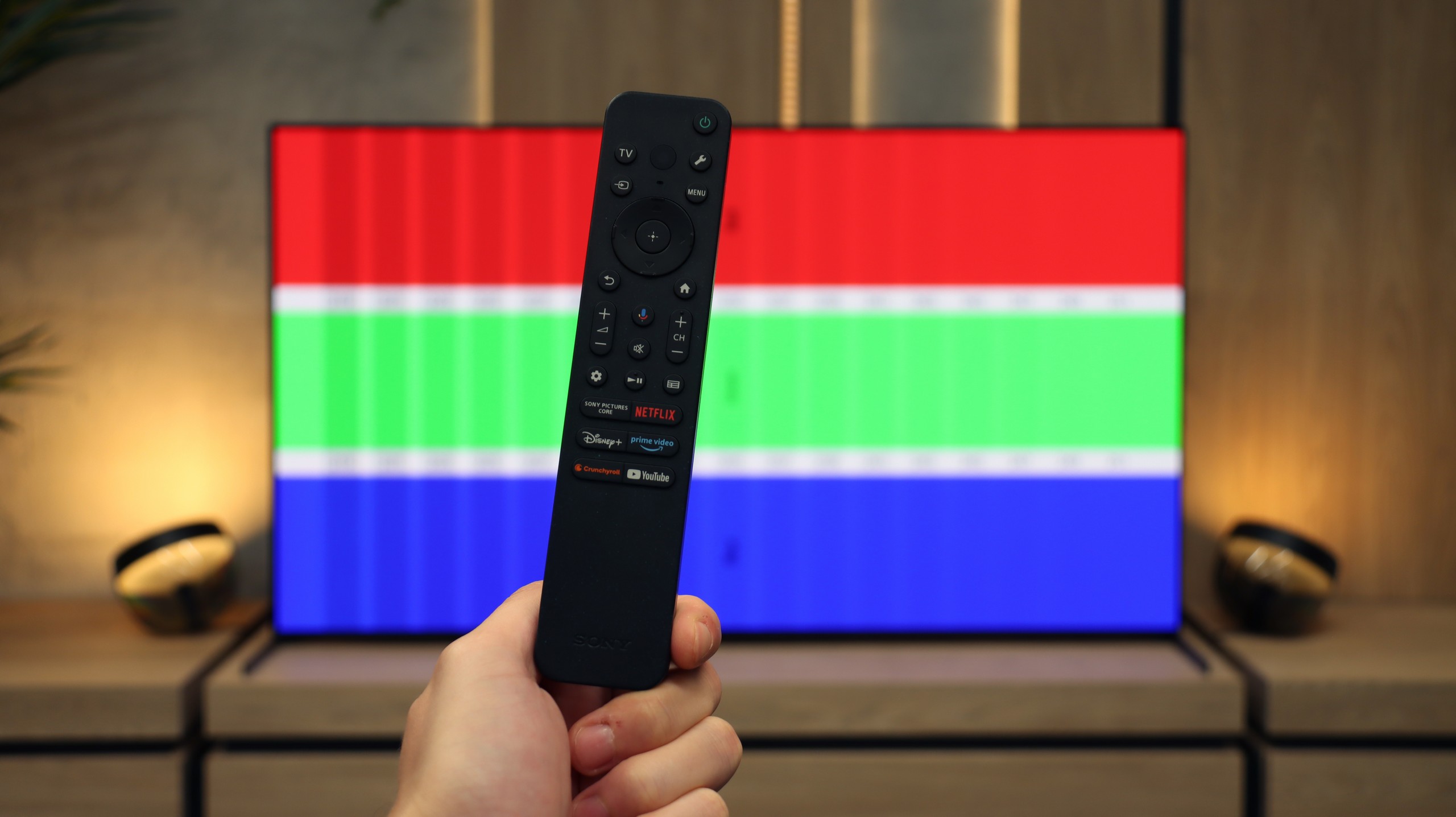
Bravia 8 II has a lot to offer to those who use a television in a traditional way. In the package, we receive two remote controls – one modern, minimalist "smart" and the other, traditional, numeric, designed for those who treat the television simply... like a television 😉. Sony also allows for programming and recording television broadcasts to external memory, e.g. a USB drive. Features such as EPG or teletext are hardly worth mentioning – they are obvious.

SONY Bravia 8 II – GoogleTV

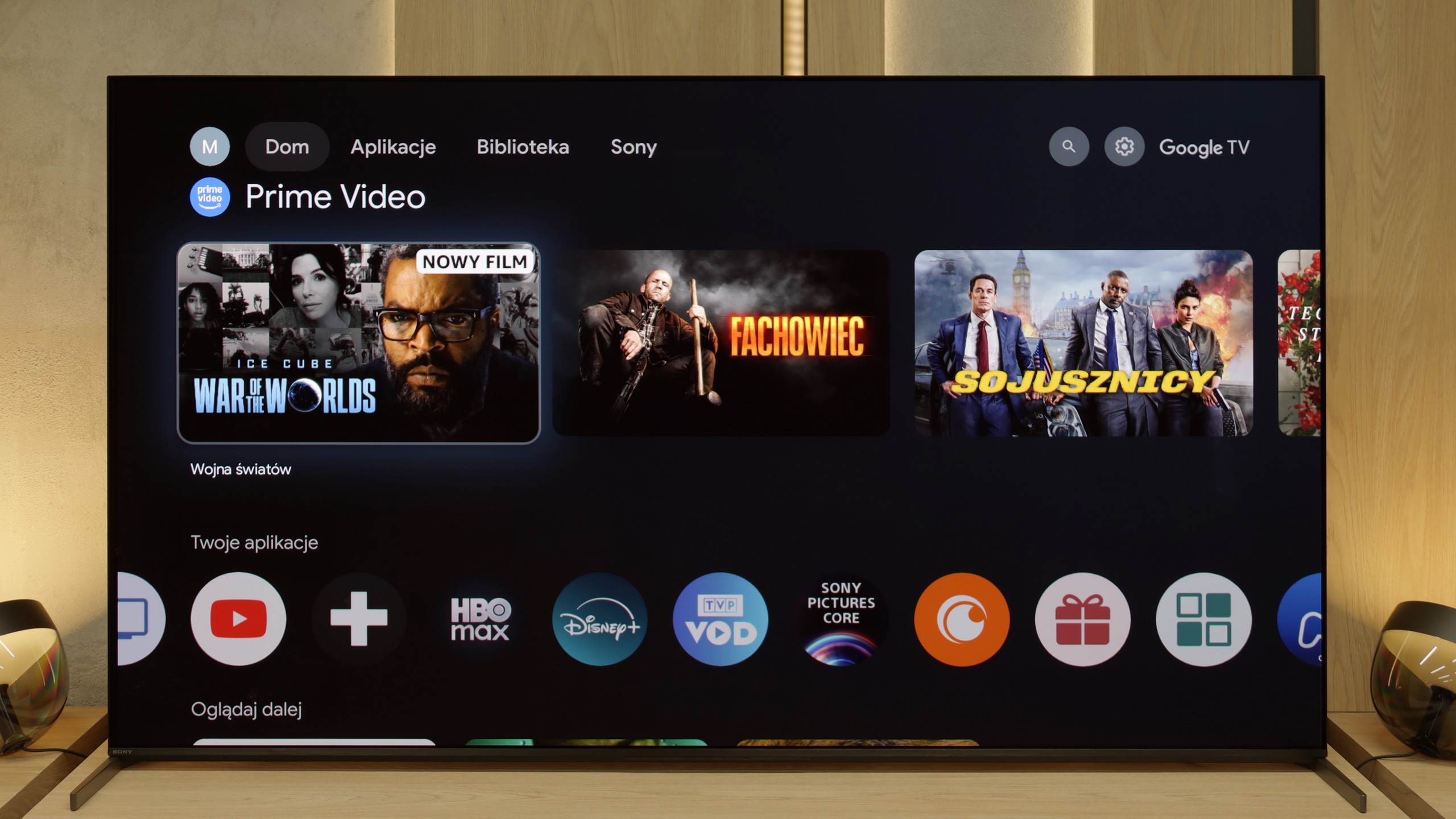
When it comes to smart functions, the biggest advantage is the Google TV system, which we believe Sony has refined the best on the market among all manufacturers. Although the system can be demanding in terms of hardware, it runs very smoothly on the Bravia 8 II. Google TV also offers a huge selection of applications, which is another strong point. There are also exclusive features that are hard to find with competitors – including the ability to play remotely on your own PlayStation console or access to the private film library Bravia Core, available exclusively on Sony televisions. In short – a complete package of possibilities.

Operating System (Google TV)

The enormous advantage of the Xiaomi S Pro 2026 is undoubtedly the presence of the Google TV system. This gives us access to a gigantic library of applications – we can find literally everything here, from leading VOD platforms to niche players. The system also offers a plethora of useful features, such as a built-in Chromecast, support for AirPlay and Screen Mirroring, as well as an efficiently functioning voice search. The Google TV system itself is great, but one must take a slight grain of salt with its implementation by Xiaomi. During our tests, it occasionally exhibited what could be described as a "breathlessness." Animations could stutter slightly, and the response to commands was not immediate. This is certainly not the level of fluidity that we are accustomed to with top-tier, significantly more expensive models equipped with more powerful processors.

Television Features and Connectivity

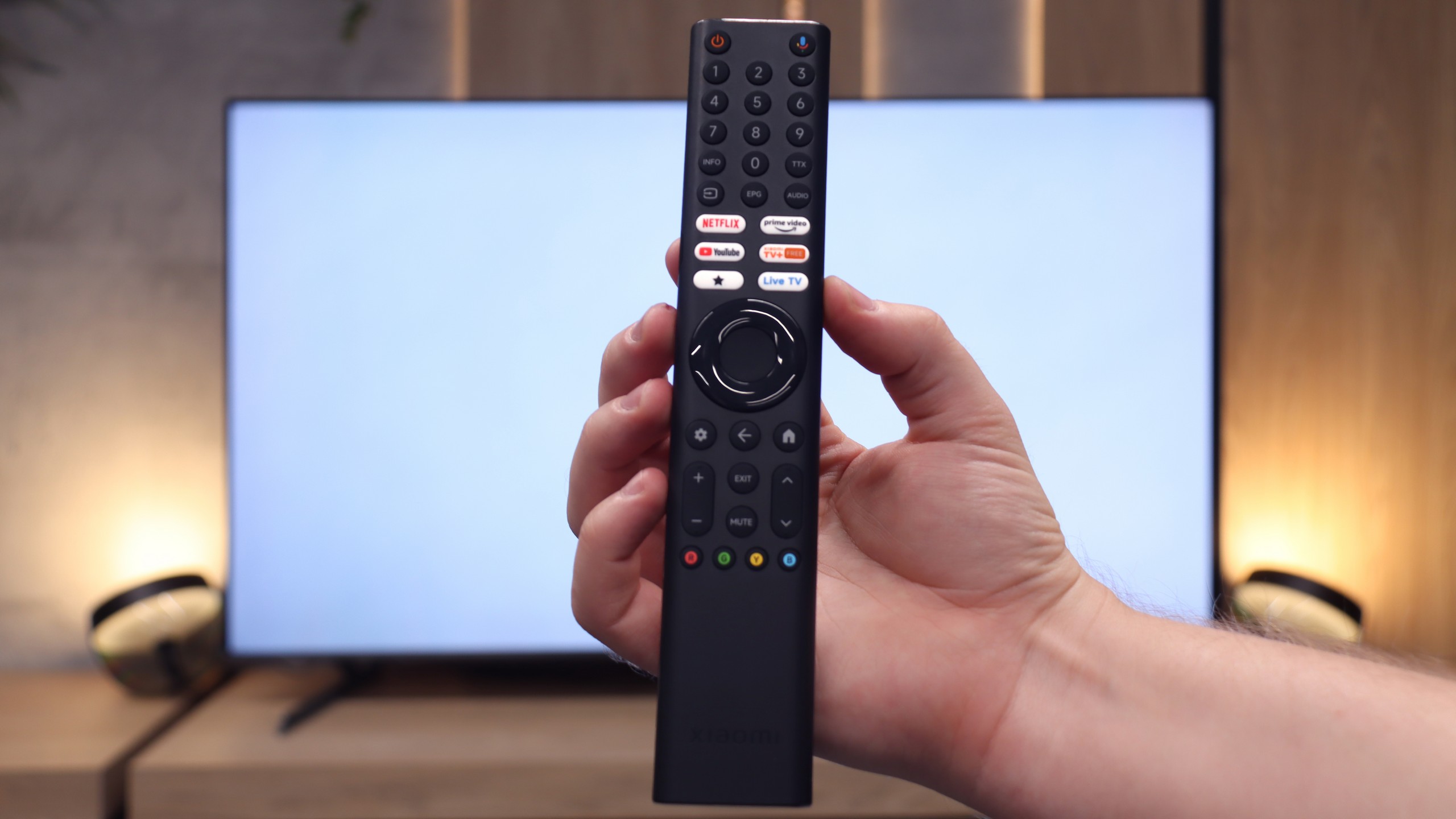
How does the S Pro 2026 perform as a "regular" television? Unfortunately, here we have less good news. In terms of traditional television viewing, we can only commend this model mainly for having a convenient remote control with a numeric keypad – which (surprisingly) is not a standard today. However, this is where the conveniences end. We will not find either USB recording functionality (PVR) or a PiP (Picture-in-Picture) option. On the plus side, we appreciate the extensive Bluetooth connectivity options. We were able to connect external devices to the television, such as wireless headphones, a keyboard, or a mouse, without any issues, which significantly simplifies operation.
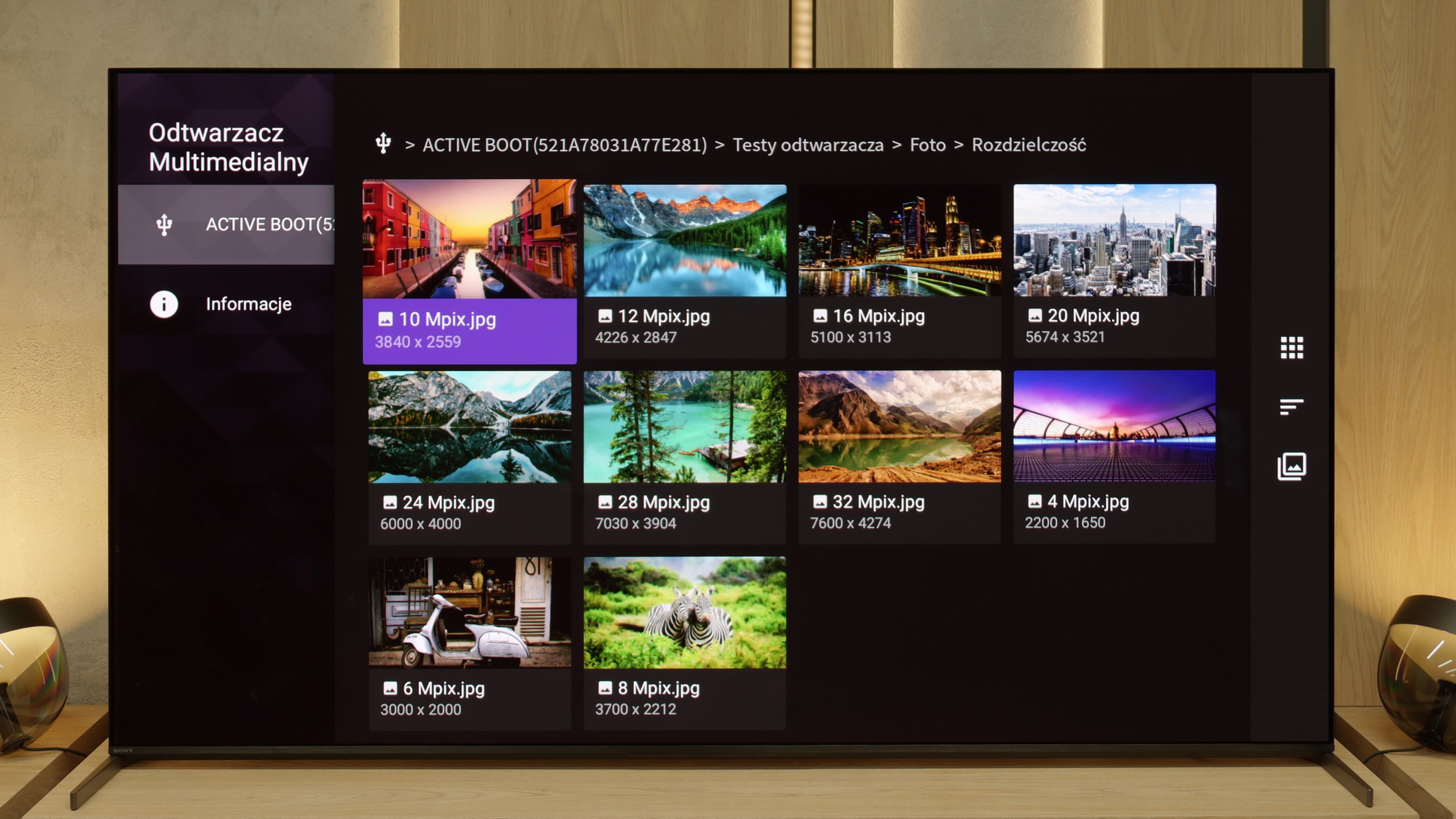
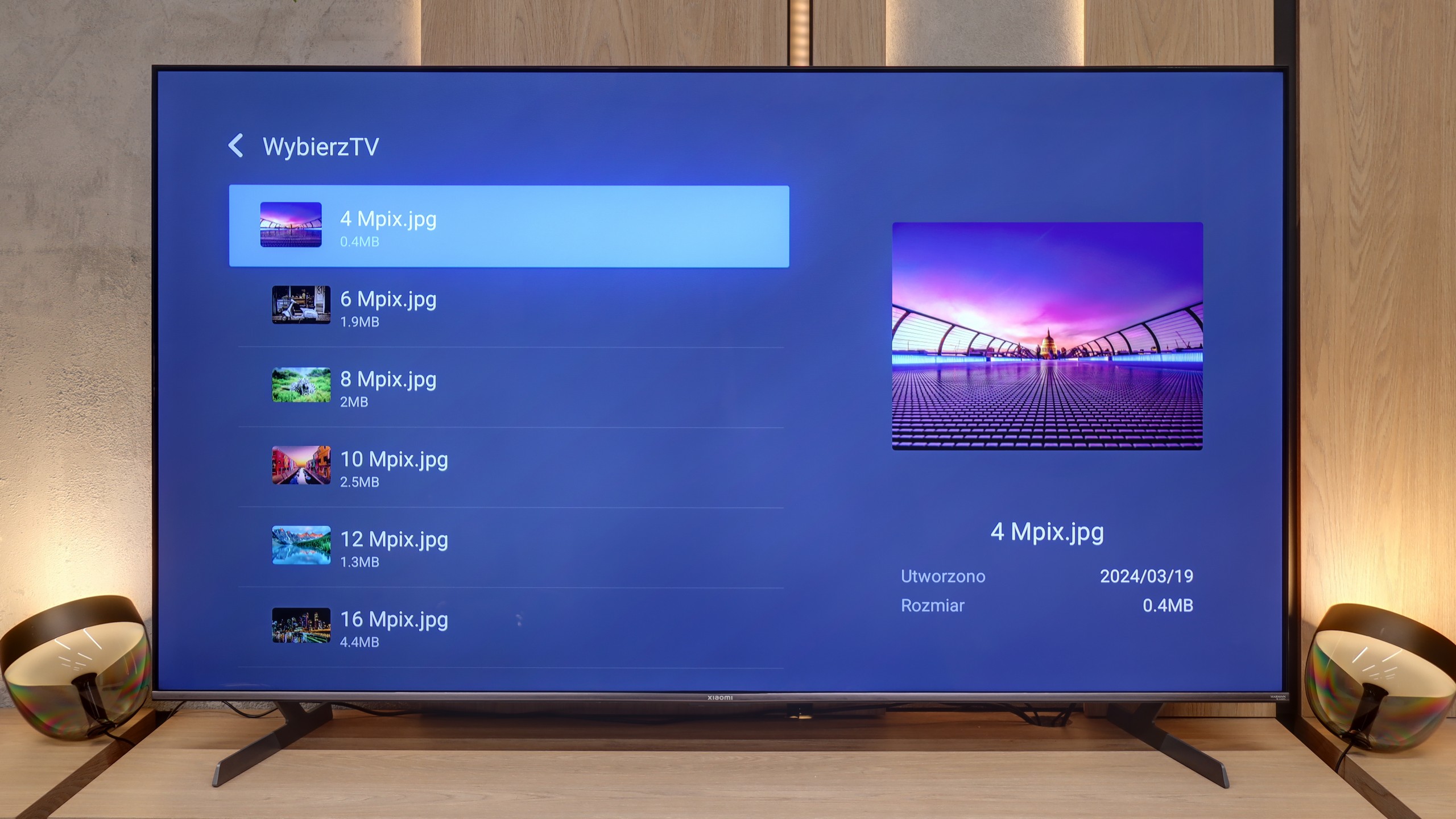
Playing files from USB

8.9/10

6.8/10

Supported photo formats:

JPEG
Yes
Yes
HEIC
Yes
No
PNG
No
Yes
GIF
No
Yes
WebP
No
No
TIFF
No
No
BMP
No
Yes
SVG
No
No

Maximum photo resolution:

4 Mpix
Yes
Yes
6 Mpix
Yes
Yes
8 Mpix
Yes
Yes
10 Mpix
Yes
Yes
12 Mpix
Yes
Yes
16 Mpix
Yes
Yes
20 Mpix
Yes
Yes
24 Mpix
Yes
Yes
28 Mpix
Yes
Yes
32 Mpix
Yes
Yes

The Bravia 8 II performs very well when it comes to media playback – the built-in player handles virtually everything you would expect. Admittedly, there are a few formats that it does not support, but this is not a serious issue. The biggest advantage is that, thanks to the Google TV system, we are not limited solely to the default player. At any time, we can install an alternative application that can handle files that the built-in Sony software struggles with. As a result, the television becomes a universal multimedia hub, ready to support almost any format.

The built-in, default media player in the Xiaomi S Pro 2026 is – given the capabilities of the Google TV system – simply weak. Its biggest drawback is the fact that it does not support characters other than those from the standard alphabet. As a result, it does not display, among others, Polish fonts in subtitles or file names. Fortunately, as we have already mentioned, the heart of the television is Google TV. This system allows for the quick installation of an external, significantly better player, such as VLC or Kodi. For this television, we recommend installing an alternative player immediately after the first start-up.

Apps

9.6/10

9.6/10

OK
Disney_Plus
OK
Amazon_Prime_Video
OK
Player_TVN
OK
Polsat_Box_Go
OK
Canal_Plus_Online
OK
TVP_VOD
OK
Apple_TV_Plus
OK
SkyShowtime
OK
Rakuten
OK
CDA_Premium_Browser
OK
Spotify
OK
Tidal
OK
Netflix
OK
YouTube
OK
HBO_MAX
OK
Kodi
No
Apple_music
OK
Eleven_sports
No
Xbox Game Pass
OK
GeForce Now!
No
Amazon Luna
OK
Boosteroid
OK
Steam Link
OK
Disney_Plus
OK
Amazon_Prime_Video
OK
Player_TVN
OK
Polsat_Box_Go
OK
Canal_Plus_Online
OK
TVP_VOD
OK
Apple_TV_Plus
OK
SkyShowtime
OK
Rakuten
OK
CDA_Premium_Browser
OK
Spotify
OK
Tidal
OK
Netflix
OK
YouTube
OK
HBO_MAX
OK
Kodi
No
Apple_music
OK
Eleven_sports
No
Xbox Game Pass
OK
GeForce Now!
No
Amazon Luna
OK
Boosteroid
OK
Steam Link

Sound

8.5/10

7.1/10

  • Maximum volume
    86dB
    82dB
  • Dolby Digital Plus 7.1
    Yes
    Yes
  • Dolby True HD 7.1
    No
    No
  • Dolby Atmos in Dolby Digital Plus (JOC)
    Yes
    Yes
  • Dolby Atmos in Dolby True HD
    No
    No
  • DTS:X in DTS-HD MA
    Yes
    Yes
  • DTS-HD Master Audio
    Yes
    Yes

In terms of sound, the Bravia 8 II is absolutely top-notch in the world of televisions. Sony once again proves that their Acoustic Surface technology is not a marketing gimmick, but a real asset – the speakers hidden behind the screen make the entire panel act as a membrane. The sound stage is wide, dialogues sound exceptionally clear, and the audio follows the action on the screen precisely. It's one of the few televisions for which you can really forgo an additional soundbar. (Of course, the basic one). Moreover, Sony hasn't forgotten about the formats that the competition is slowly leaving behind – full DTS support is a nod to cinephiles who want to extract the maximum experience from films and series recorded on physical media.

We have to admit that the S Pro 2026 has pleasantly surprised us. The television is equipped with a 30W speaker system, which, for its class, sounds really very good. There is even a noticeable hint of bass, and the mid and high tones are quite well balanced. Of course, all of this is within the capabilities of what the television's speakers can deliver, yet it is a level we did not expect from such a relatively inexpensive model. A huge plus is also the support for top audio technologies. The television is capable of decoding not only the very popular Dolby Atmos format but also the recently quite rarely seen DTS:X, which we mainly find on Blu-ray discs.


Sound Quality Test

Acoustic Measurements

86dBC (Max)

75dBC

82dBC (Max)

75dBC