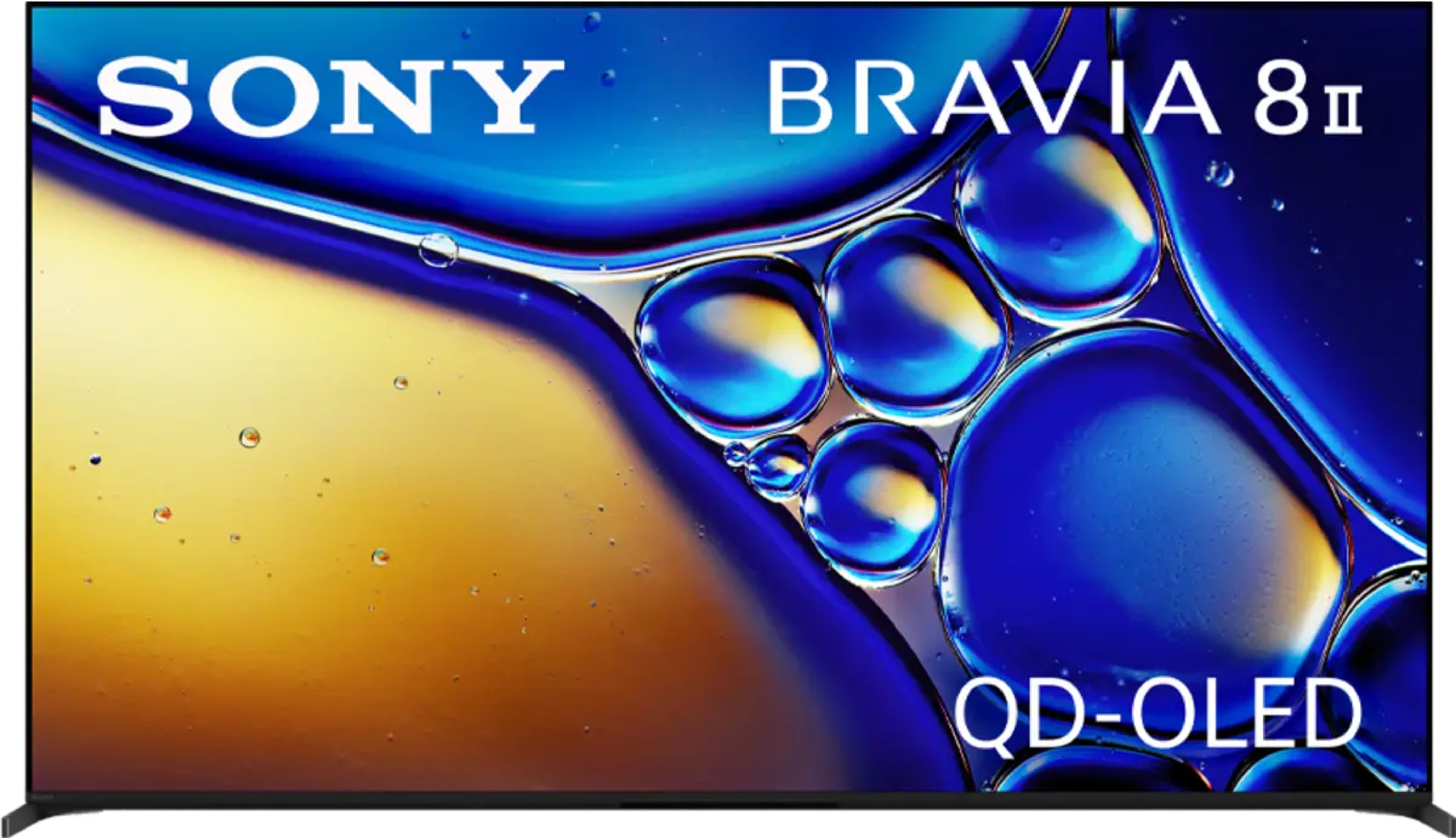
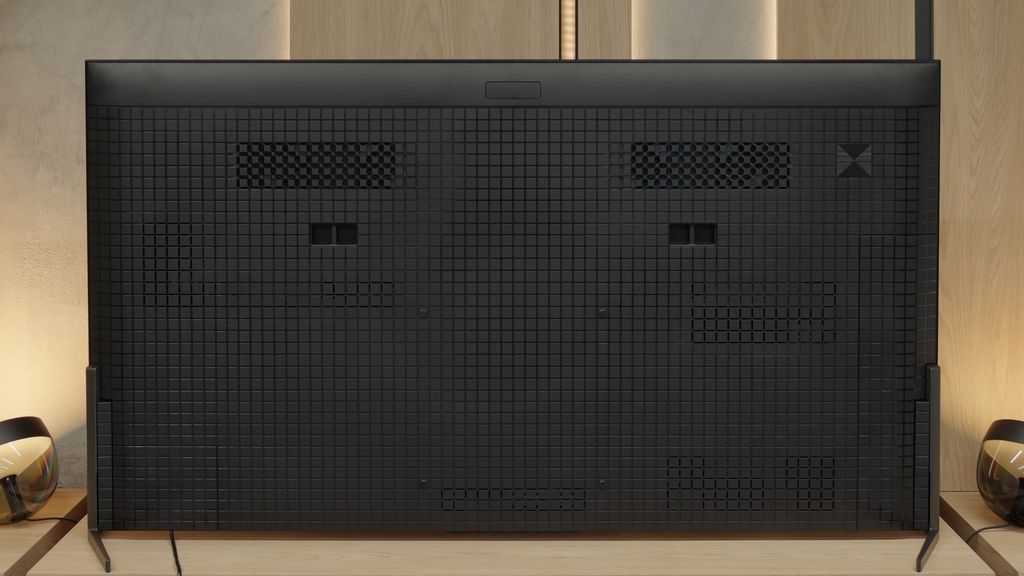
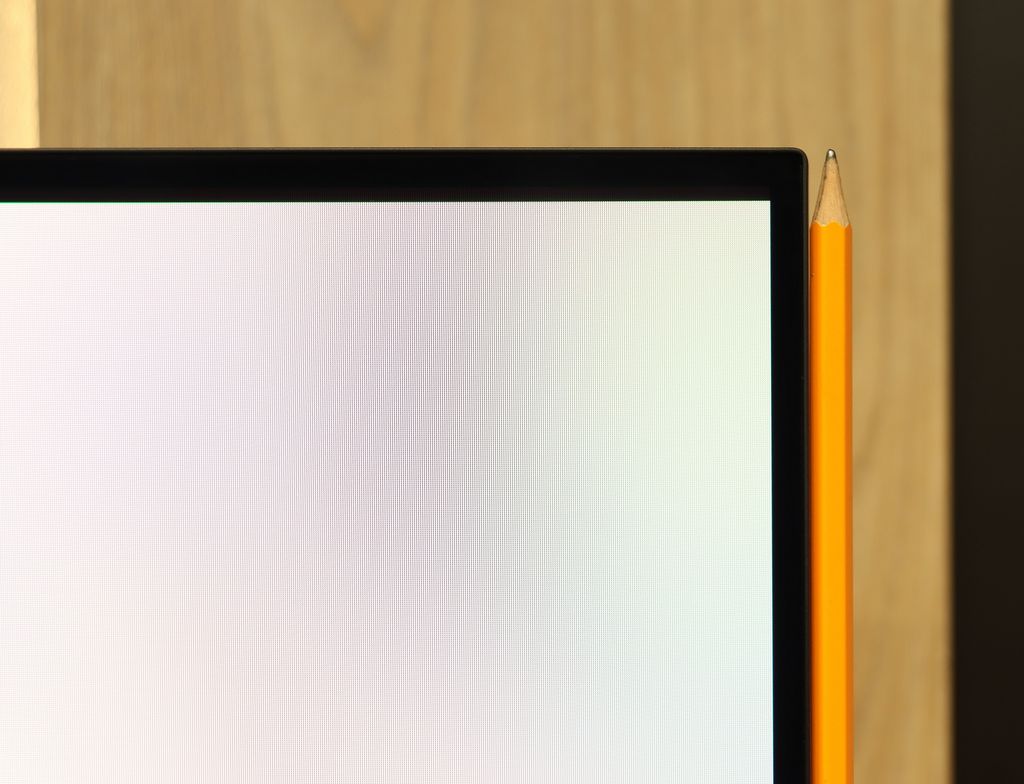
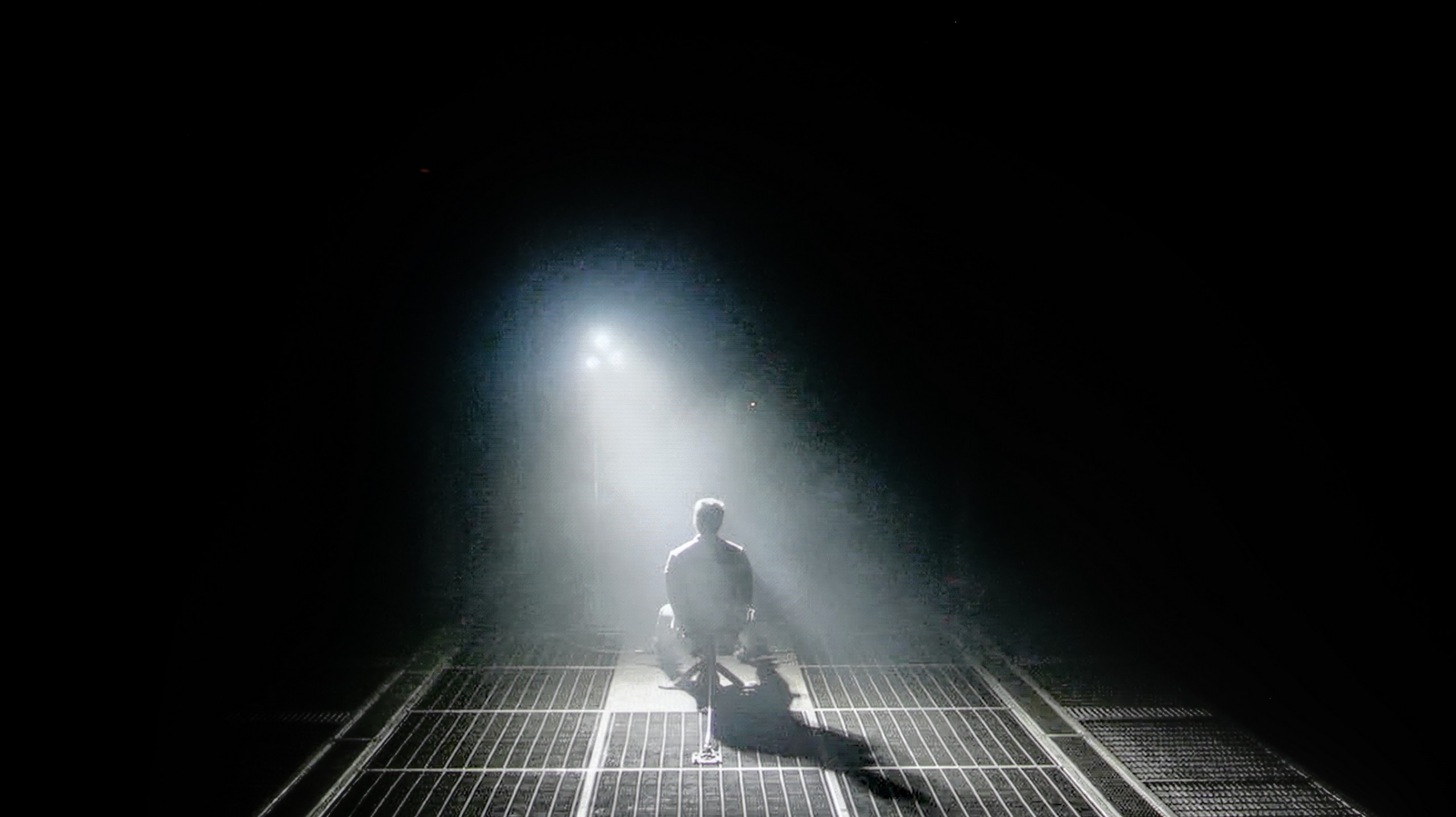
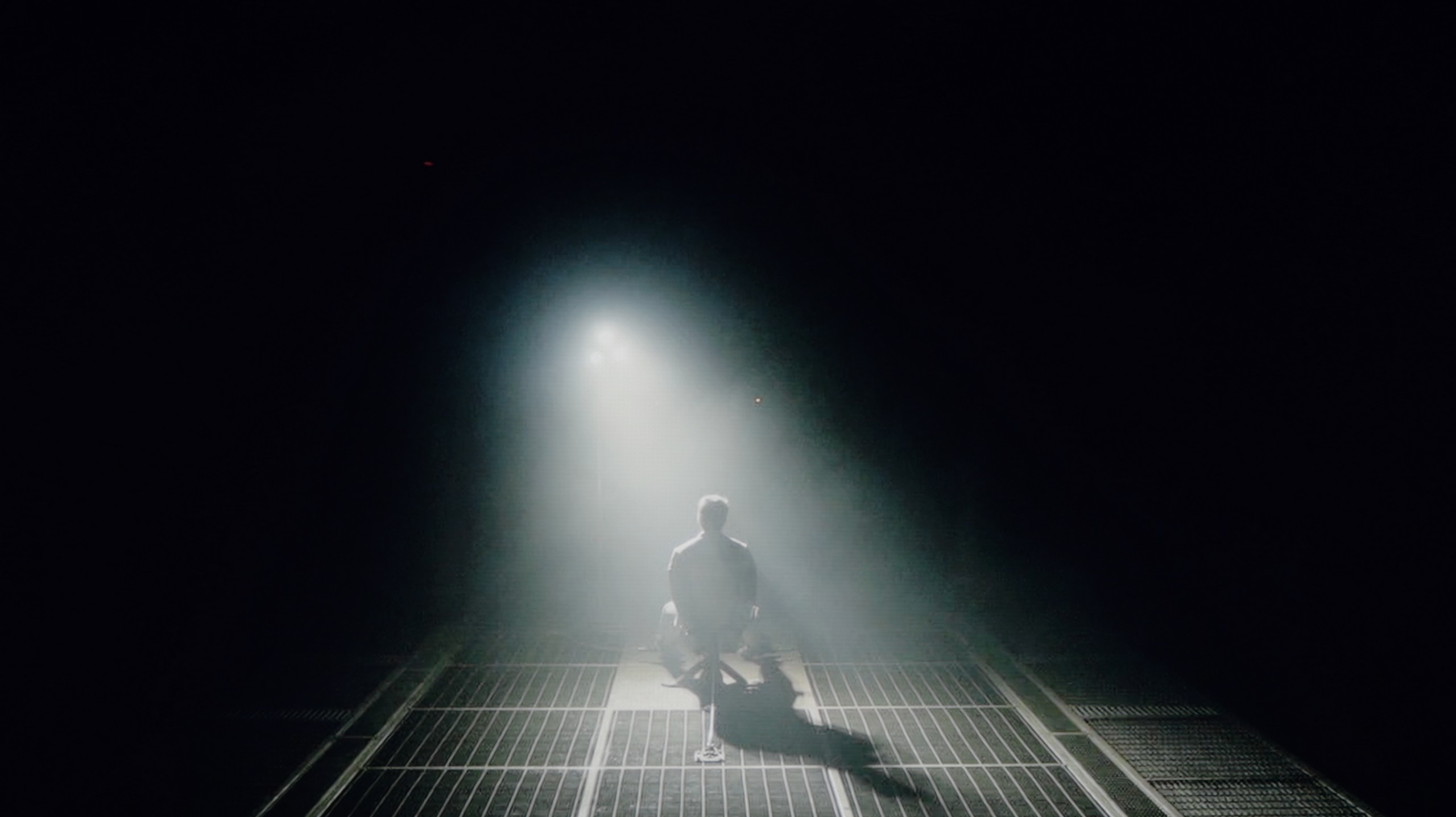
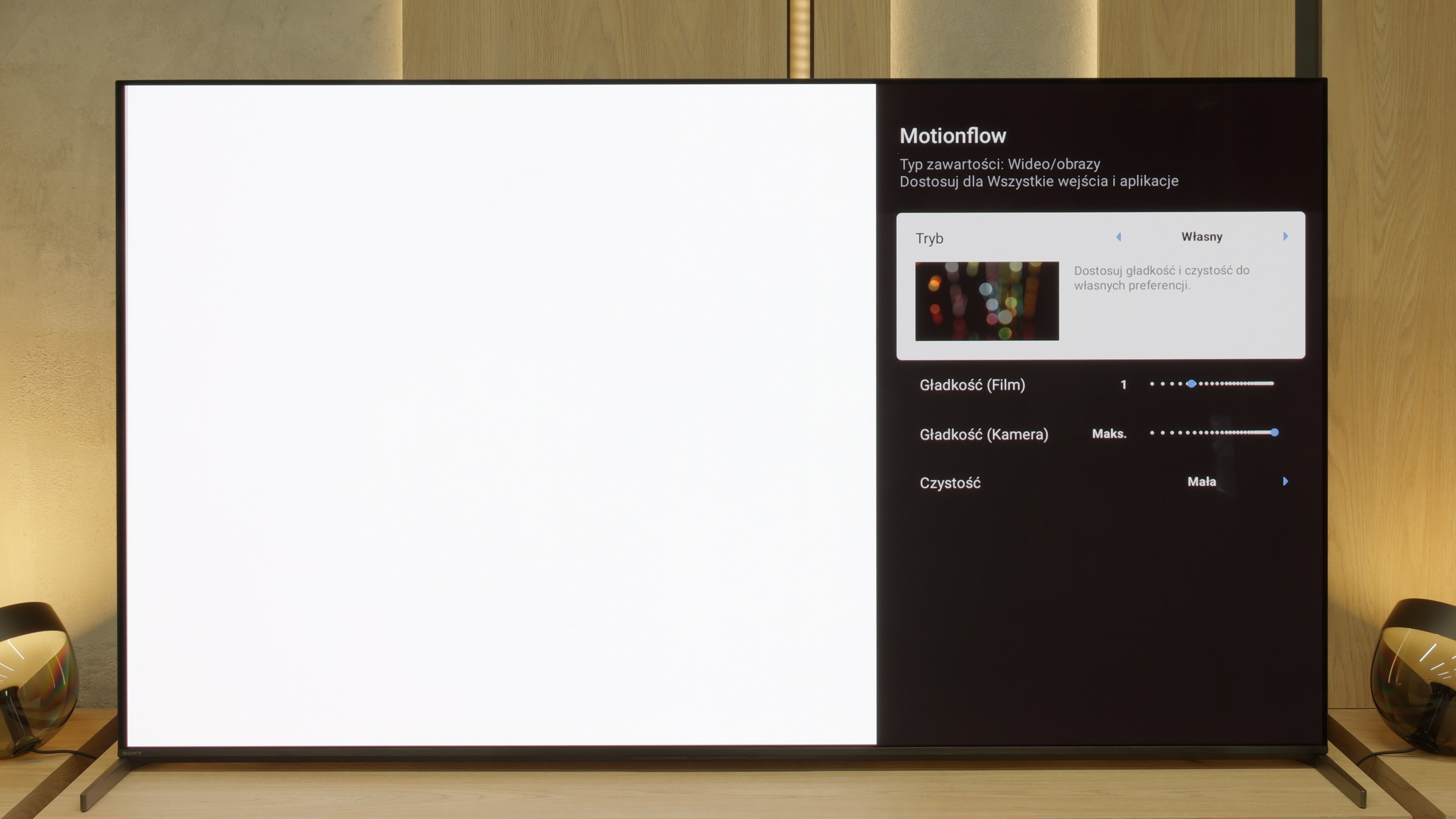
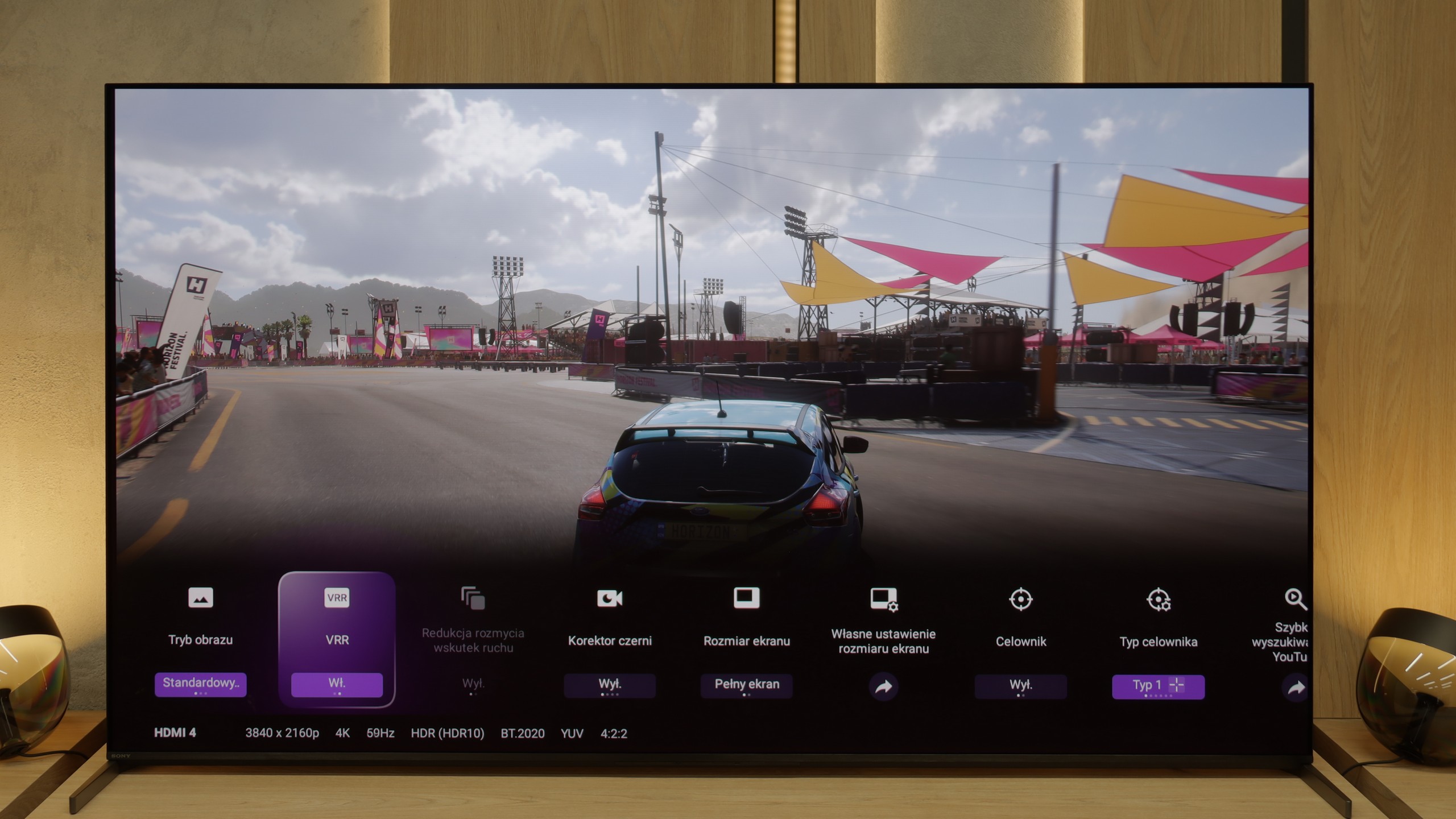
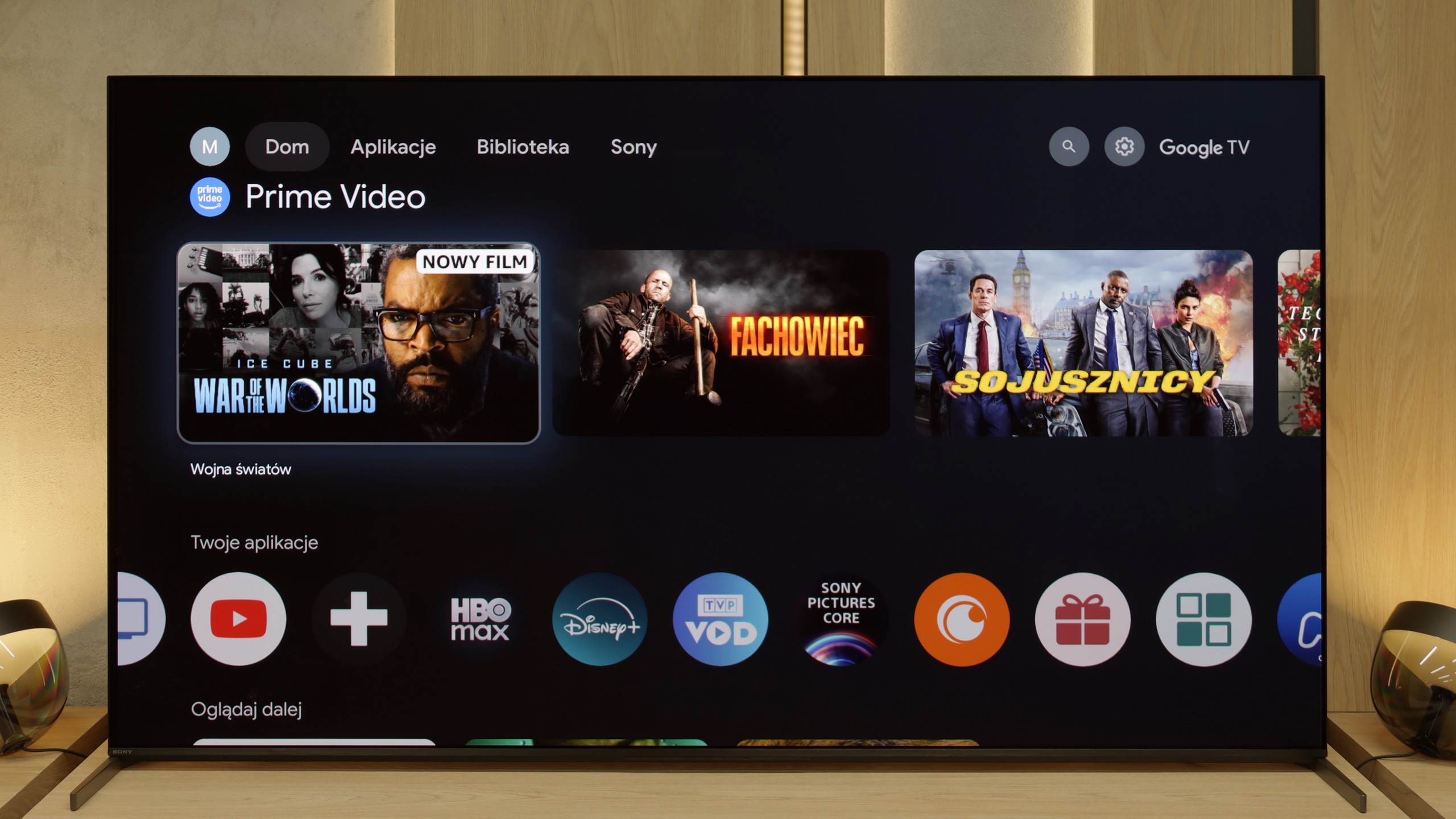
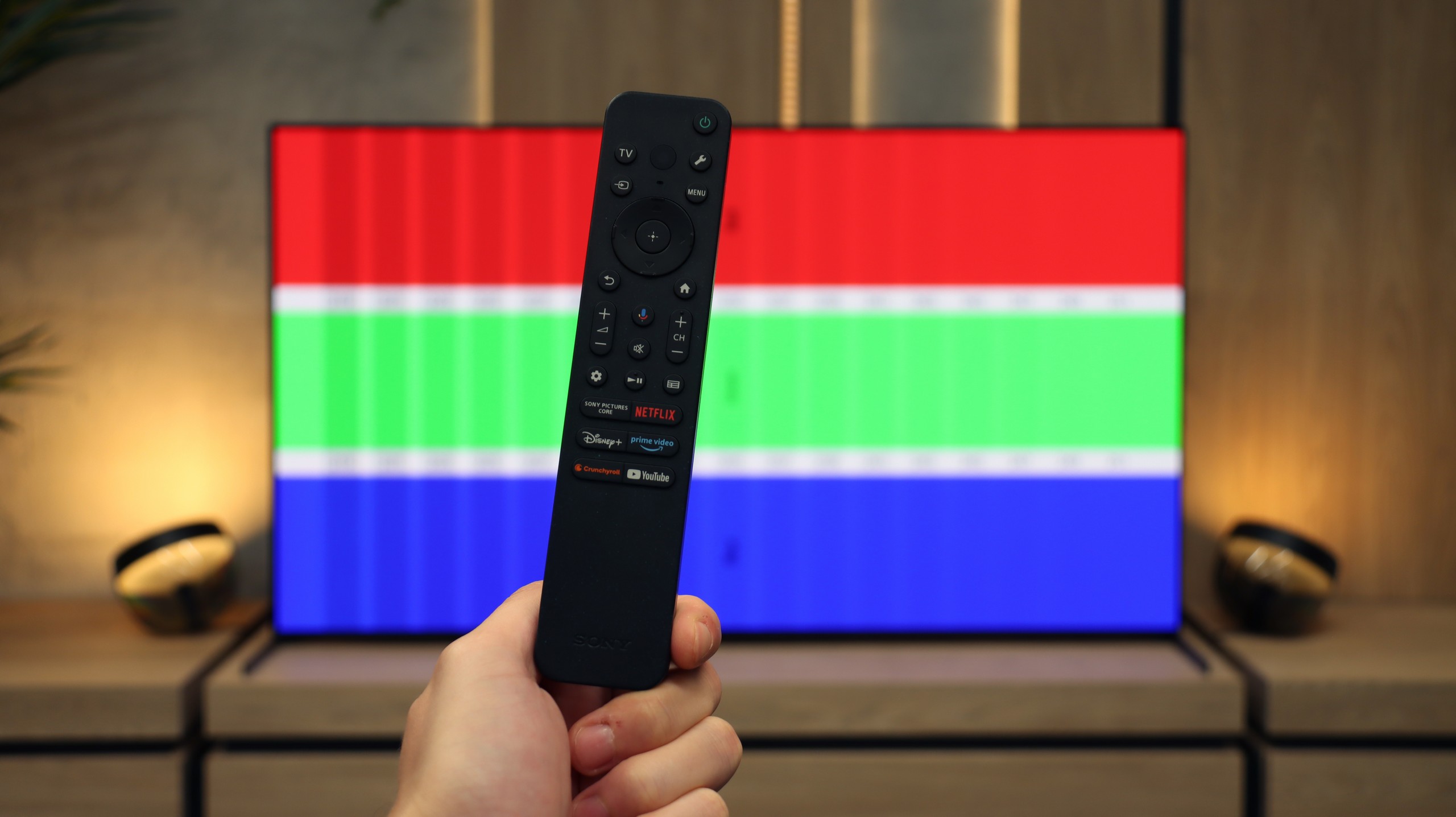
Sony Bravia 8 II is undoubtedly a worthy successor to the A95L – refined, incredibly versatile, and featuring several notable improvements over its predecessor. The quality of the picture, sound, and overall user experience place this model among the top premium televisions of 2025. It is equipment that can charm both cinema enthusiasts and demanding gamers. Among its greatest assets is the nearly perfect image, in which the XR processor subtly yet effectively enhances detail and smoothness without overdoing it in terms of interference with the original material. Additionally, there is the phenomenal Acoustic Surface sound, creating the impression that dialogues and effects come straight from the screen. Google TV operates very smoothly, offering an enormous selection of applications, and additional features – such as the ability to play in the cloud on a PlayStation console or access to Bravia Core – increase the device's value. There is also no shortage of low input lag, variable refresh rate, and full support for modern HDR formats.
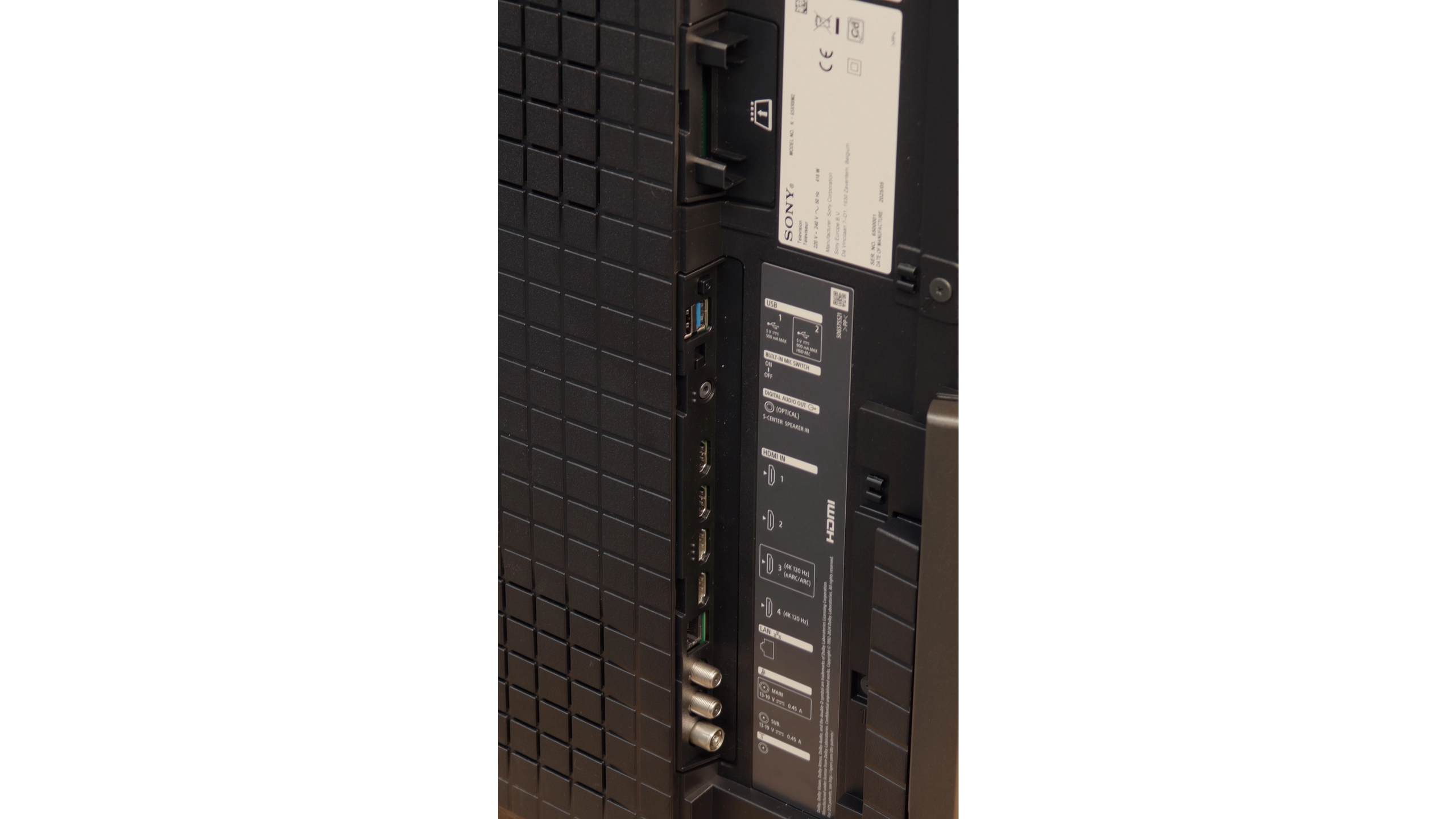
Nonetheless, in this barrel of honey, there are a few spoonfuls of tar. The lack of refresh rates above 120 Hz, only two HDMI 2.1 ports, and average performance during the day are downsides that should not exist in a television of this class in 2025. And while for many these will not be flaws that negate the purchase, competition in the super premium segment is becoming increasingly stronger and more uncompromising. Will these shortcomings make it harder for the Bravia 8 II to compete for customers' wallets? That we leave to your judgment, the market… and the sales results. Regardless, the Bravia 8 II is a phenomenal product that would undoubtedly be hard to not recommend.
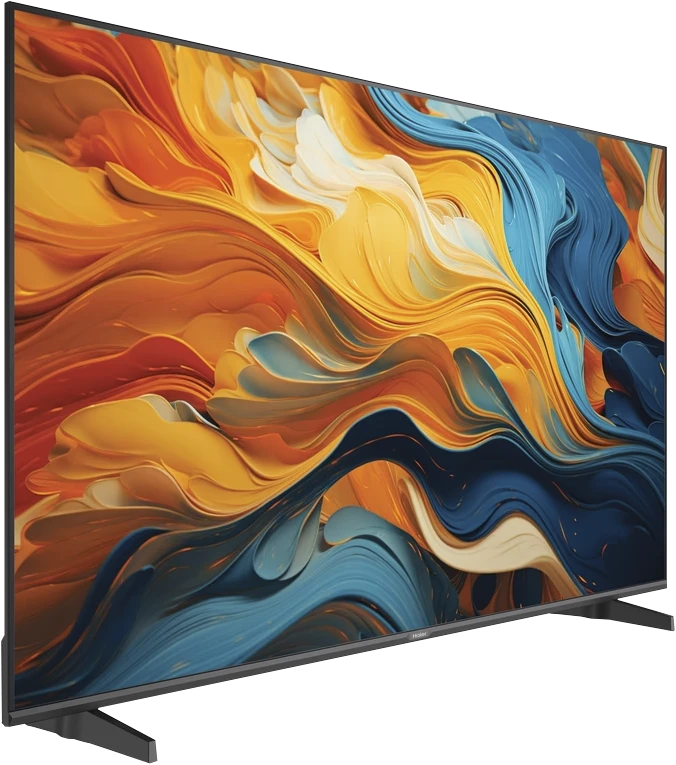
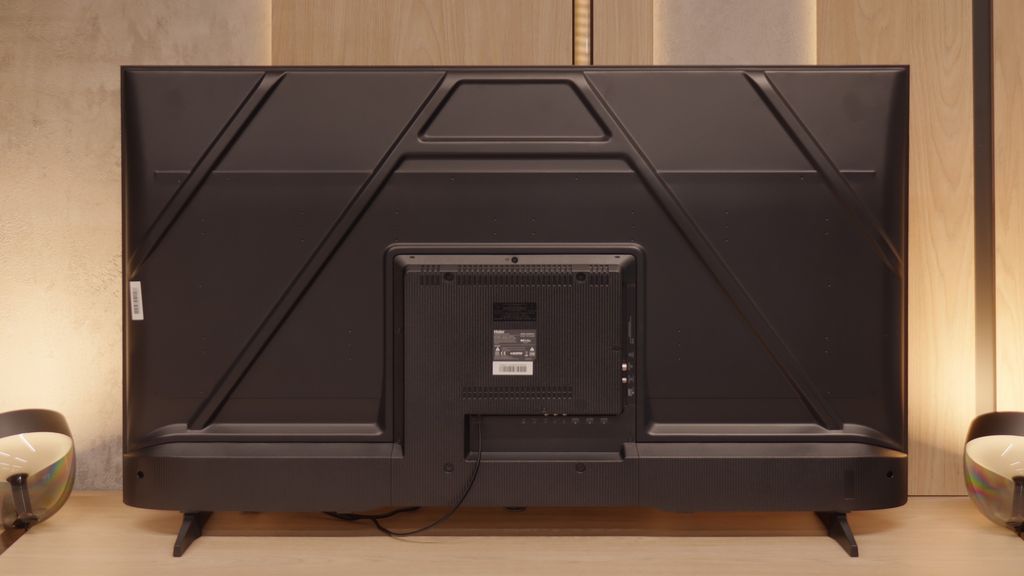
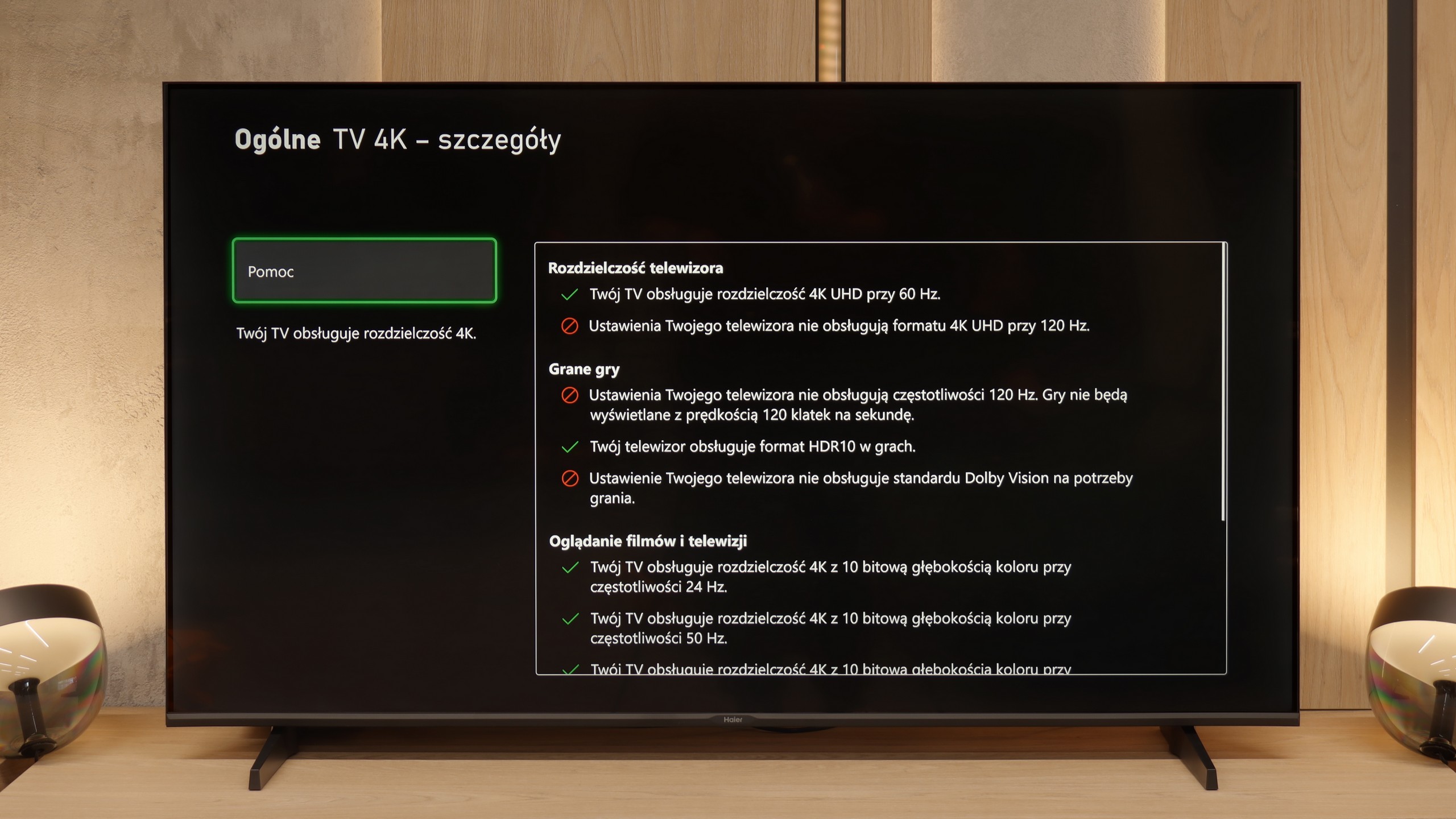
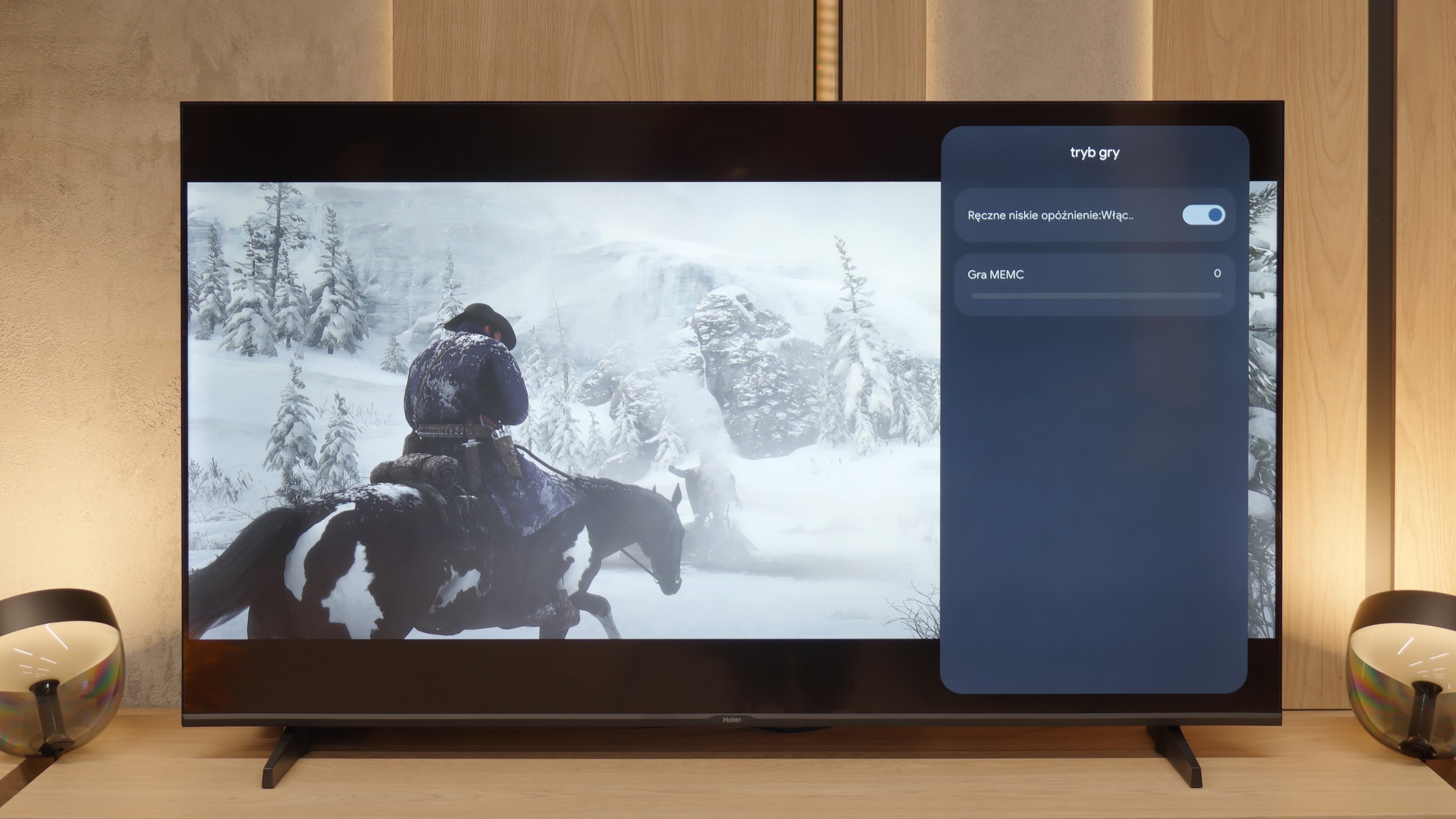
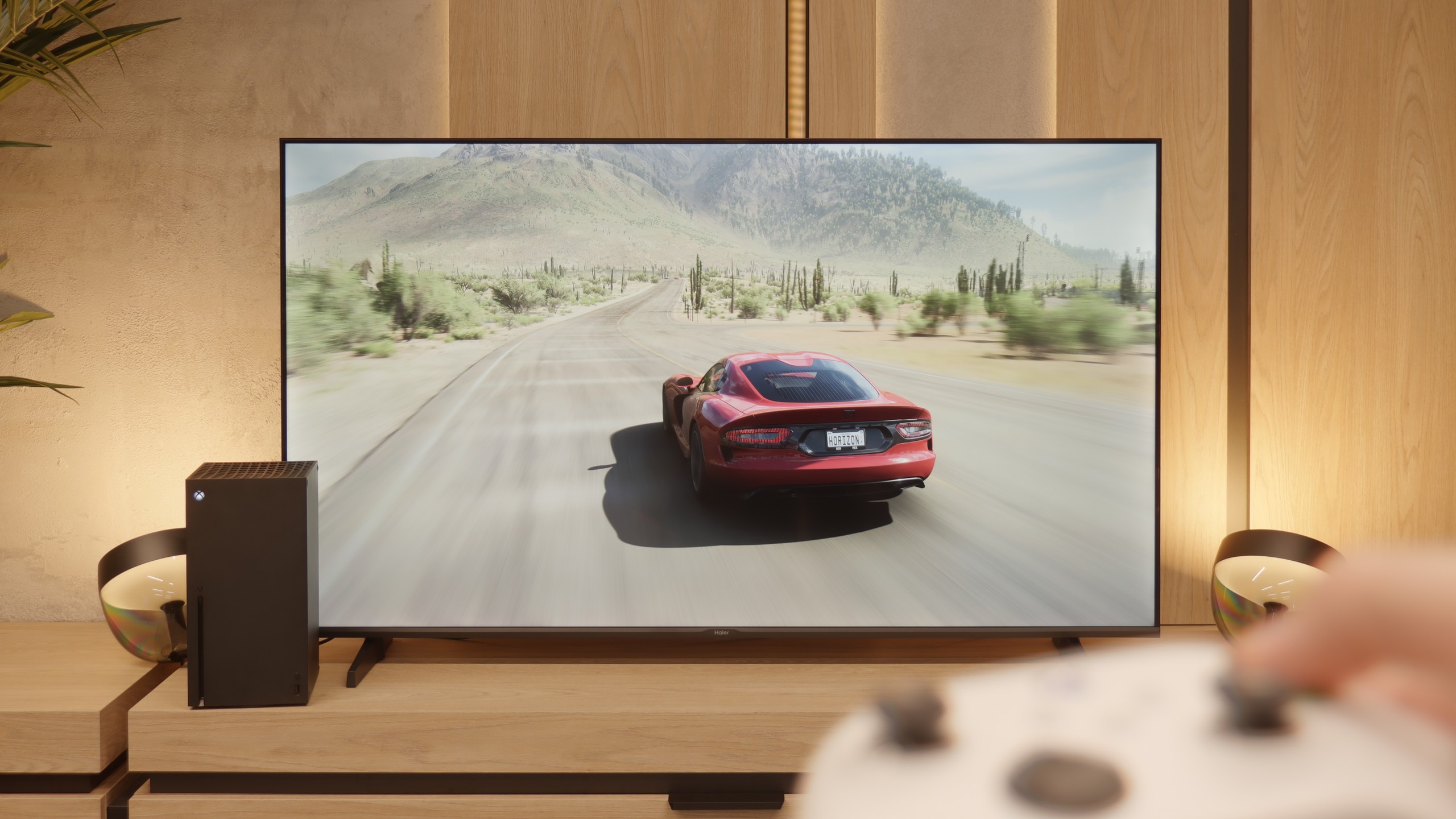
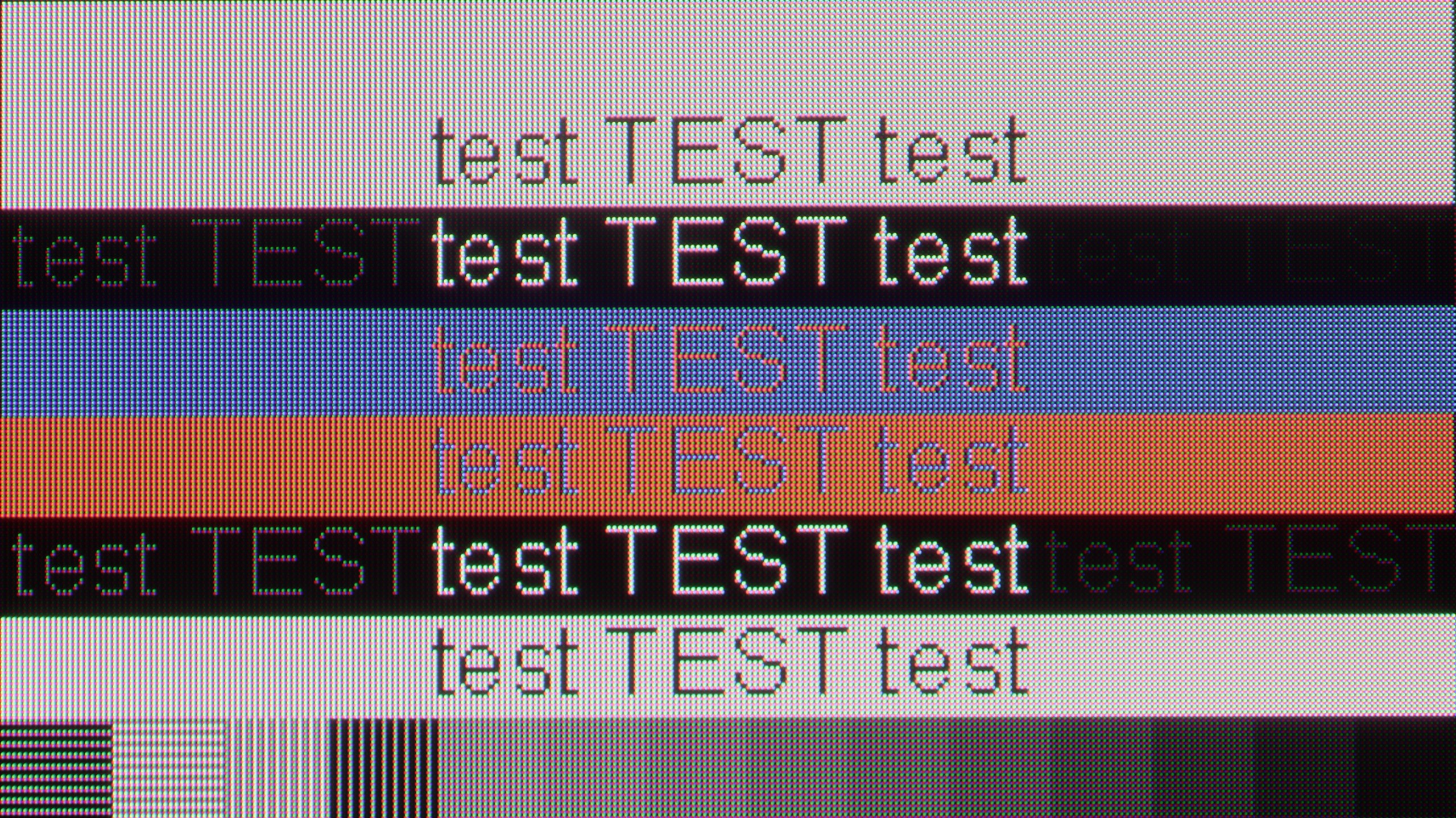
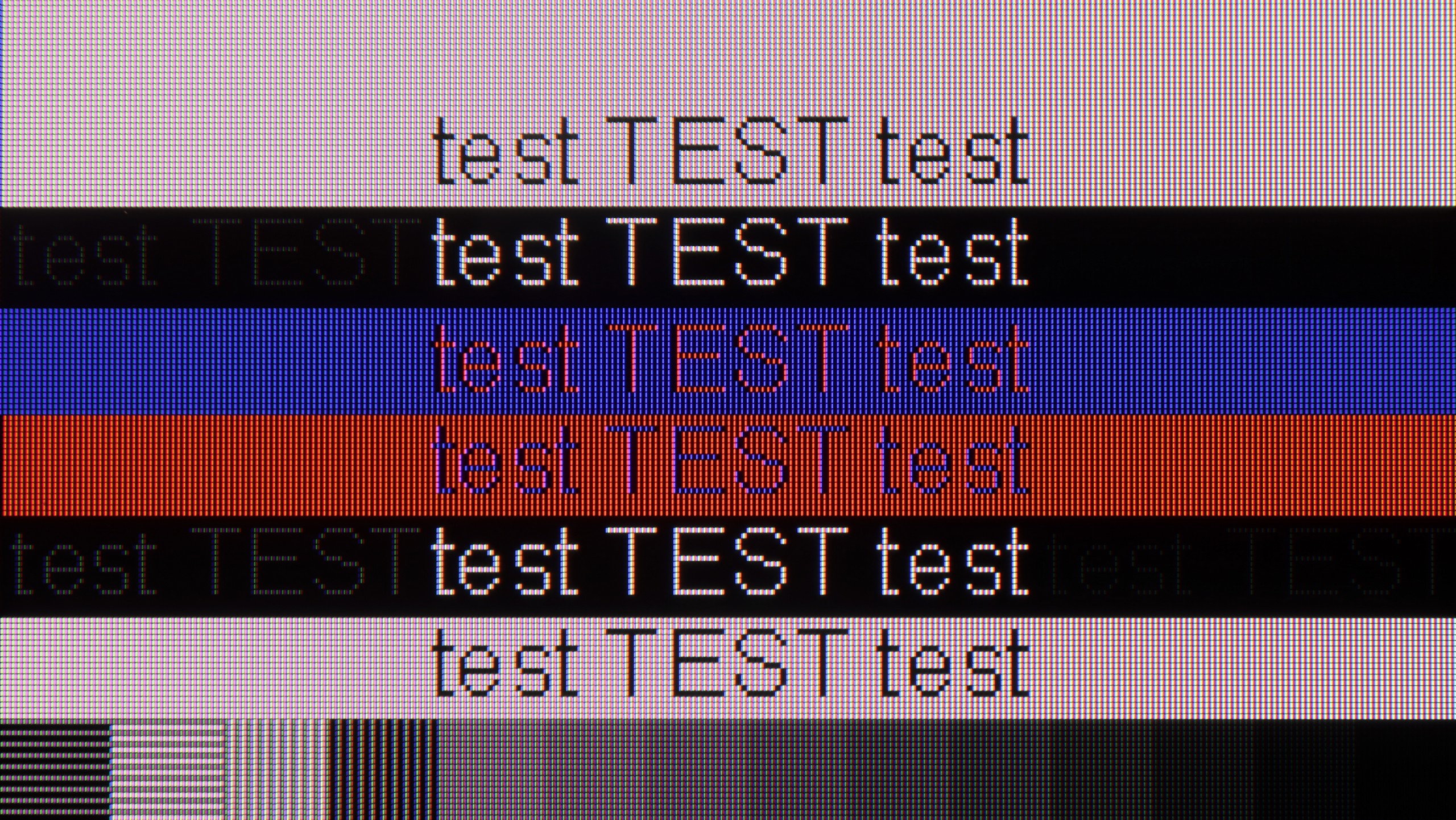
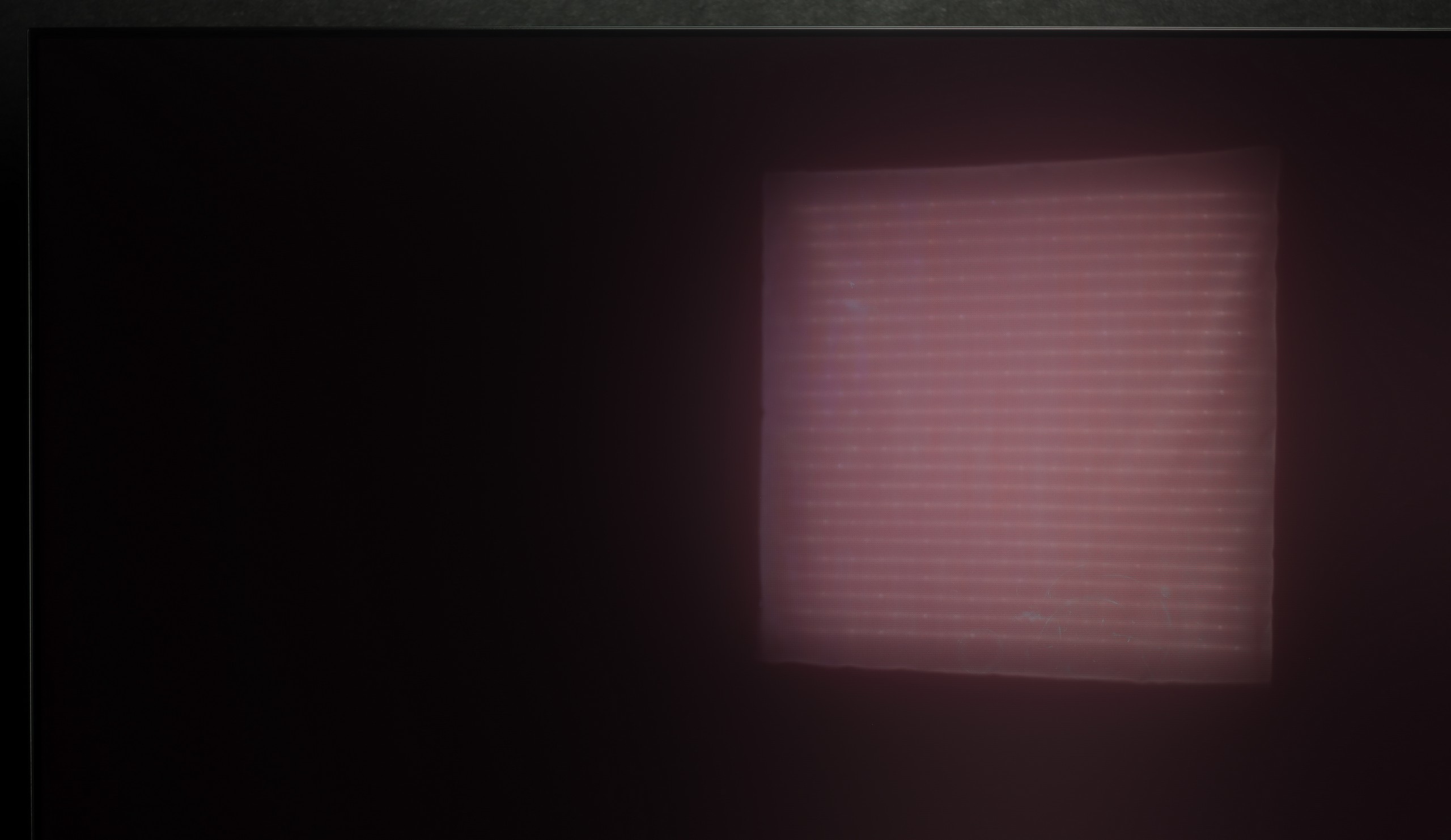
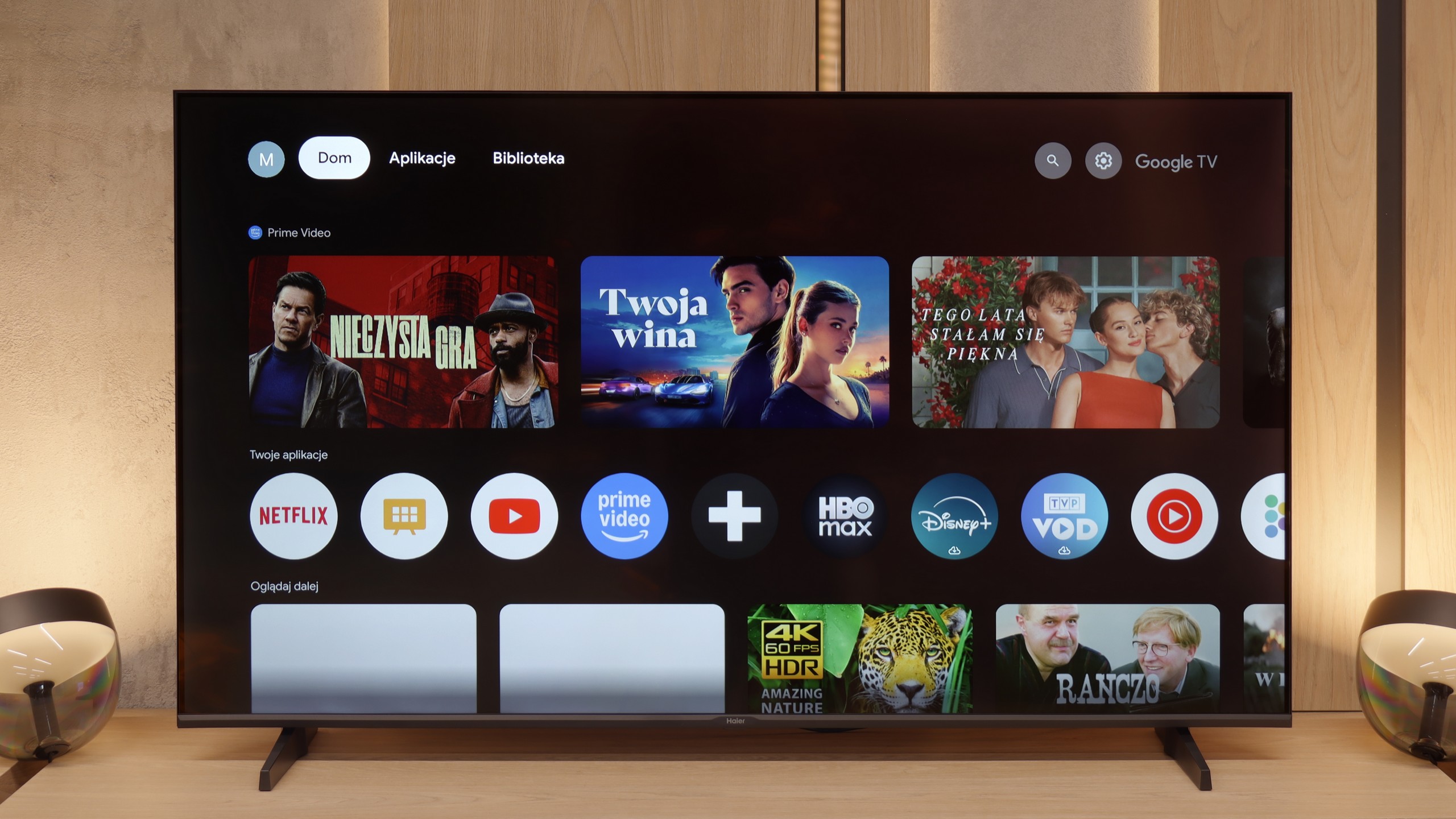
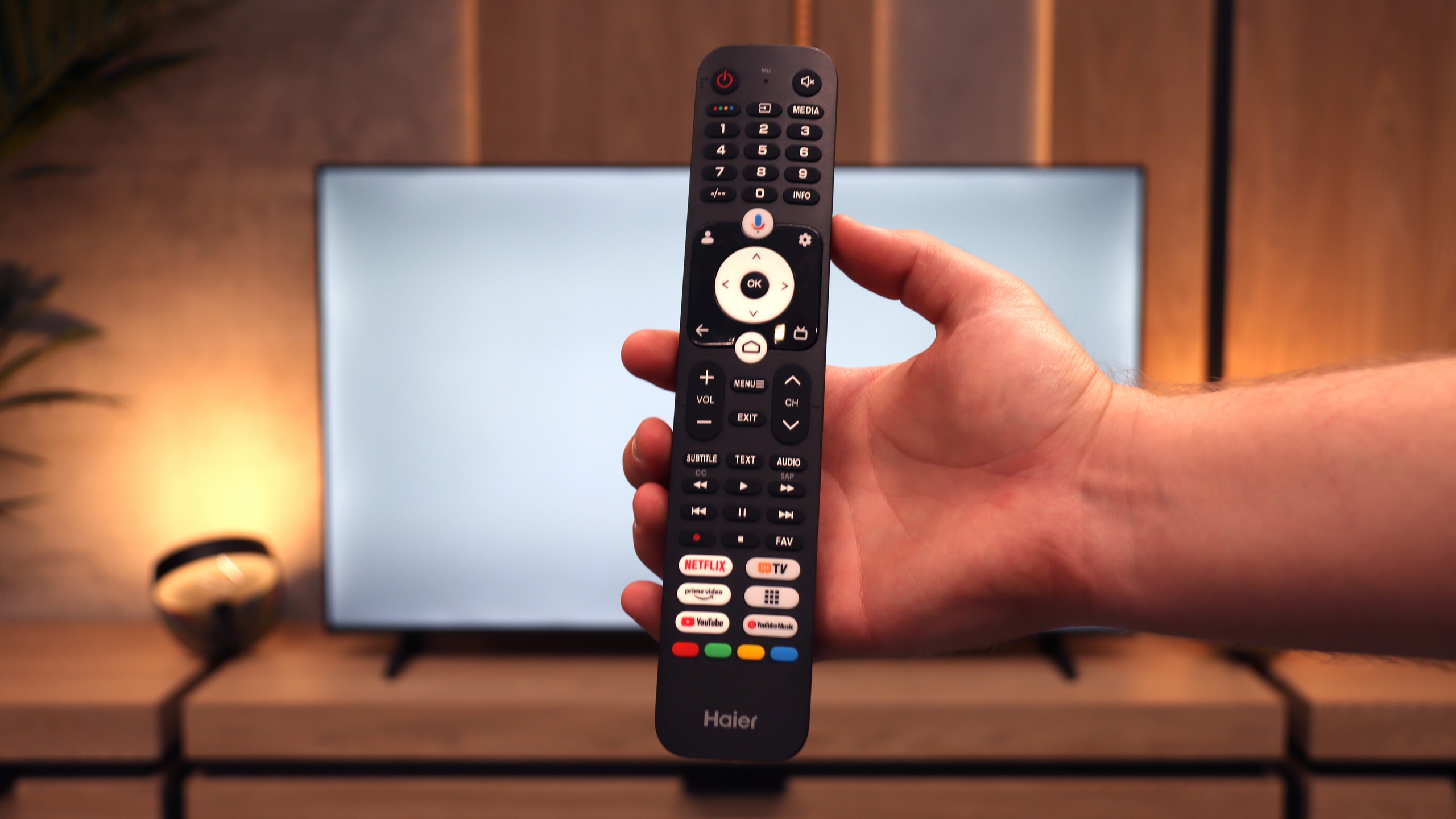
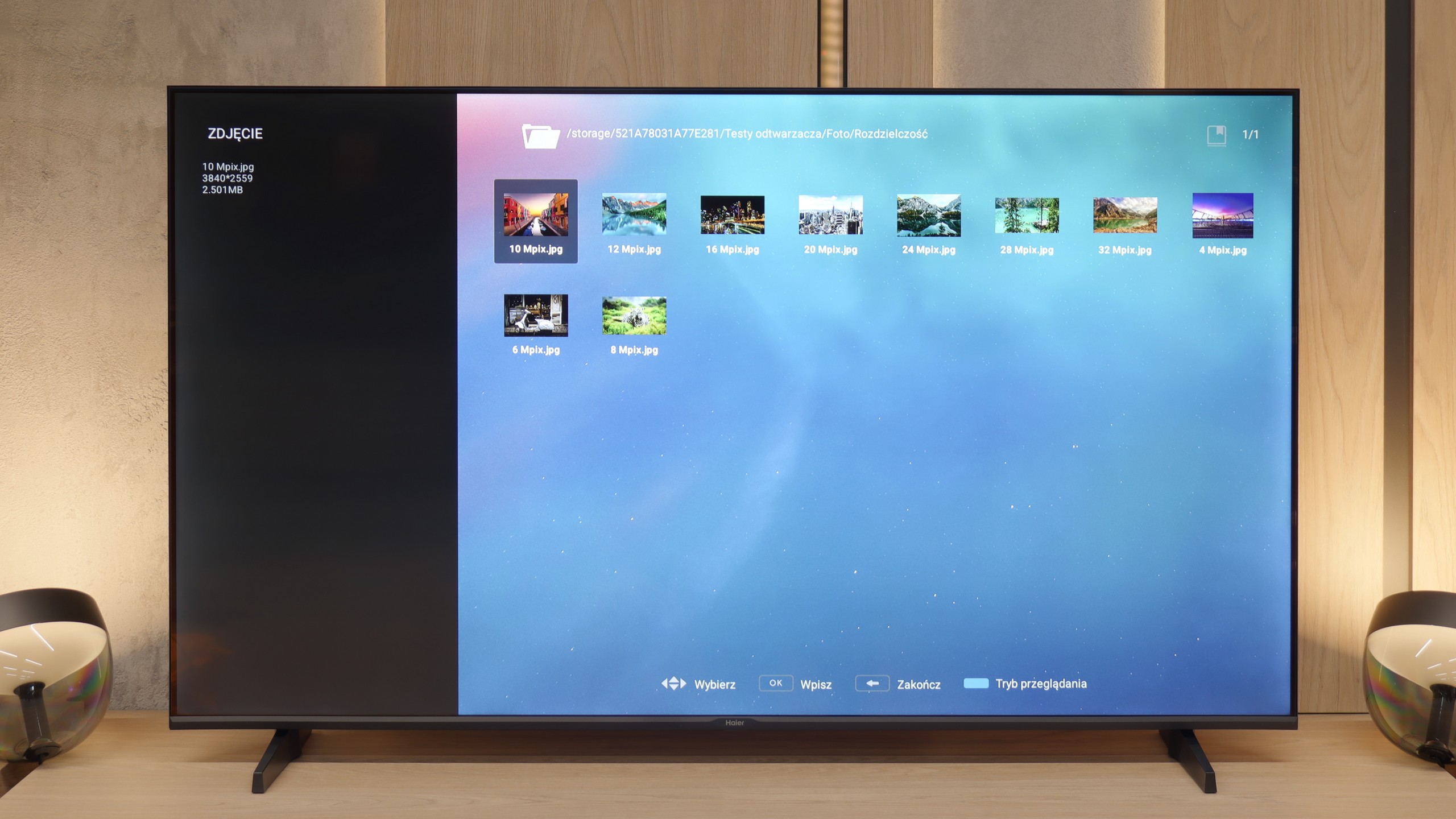
The debut of the Haier brand in the European television market with the K85F model feels hurried, and after thorough testing, it seems almost unfinished. Analyzing this product leads us to a fundamental conclusion: its biggest problem is not the quality of the panel used. This, considering the price segment, is simply average, with the typical advantages of VA technology in the form of high contrast and equally typical disadvantages, such as poor viewing angles. What truly disqualifies this model as a home entertainment centre is the glaring lack of engineering refinement and, above all, software development. The list of shortcomings is long and starts from the very first contact with the device. Sloppy assembly, which could have been avoided during quality control, a poorly optimised and badly translated Google TV system, or annoying issues with basic functions like pairing the remote – all contribute to the picture of a product that seems to have been released to market without due diligence. The catastrophic image quality in HDR mode, resulting not only from low brightness but also from a complete lack of intelligent adaptation to the signal, only adds to this disappointing picture. However, it turns out that this model has a surprising second face. One needs to look at it not through the lens of a home television, but rather as a large and inexpensive display for special tasks. Then its shortcomings become less important, and unexpected advantages come to the fore: a fantastically working media player with USB, remarkable font readability from a PC, and access to a vast application database. In this role – as a screen in a conference room, hotel lobby, or simple advertising player – the Haier K85F performs surprisingly well. For the typical user looking for a reliable and simply well-functioning television for the living room in 2025, however, the Haier K85F is a proposal that is incredibly difficult to recommend with a clear conscience. It is a product full of contradictions, which fails in its primary, intended function on too many fronts.