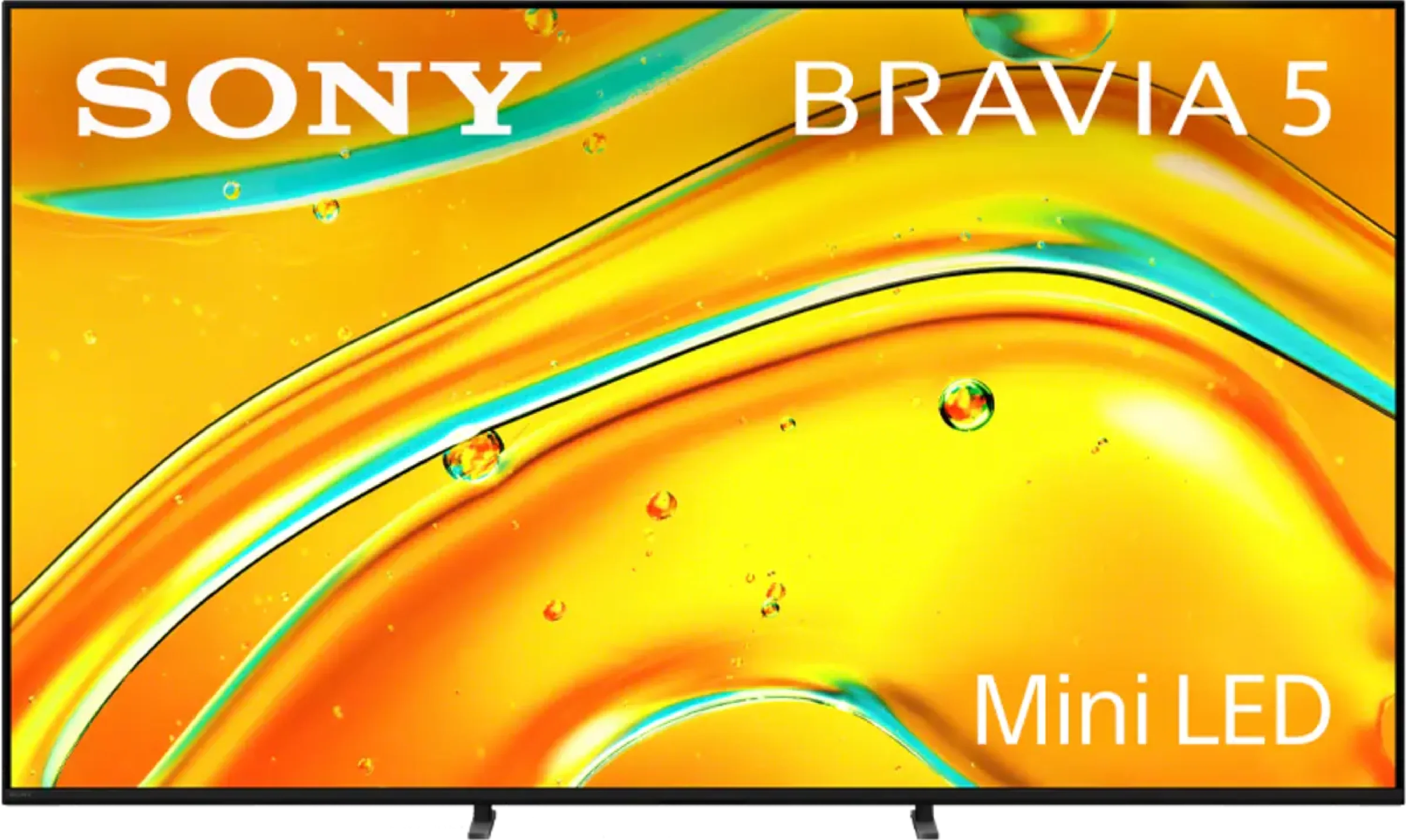
Sony Bravia 5 is a continuation of the iconic X90L model, and it's evident that the manufacturer aimed to take a step forward. A greater number of backlighting zones have been implemented, which makes the contrast seem better in many scenes, and the blacks appear deeper than its predecessor. The 120 Hz panel and MotionFlow system allow the smoothness of the image to be tailored to personal preferences – from a slight cinematic texture to crystal-smooth motion in sports and games. This is equipment that does not shy away from any content, as regardless of whether we are watching a match, an action film, or a concert, the image maintains clarity and character. However, the true strength of the Bravia 5 lies in the XR processor. It is this that makes older materials look better than they should – upscaling works like magic, smoothing out noise, improving gradation, and providing consistency even with lower-quality content. Thanks to this, in everyday use, the Bravia 5 can surprise, as instead of struggling with signal imperfections, it draws out the maximum. Additionally, there is excellent colour reproduction after calibration and dynamic tone mapping along with Dolby Vision mode, which allows one to enjoy details even in difficult, contrasted scenes. However, it cannot be hidden that in several moments, the Bravia 5 has disappointed us quite significantly. Despite the greater number of zones, brightness and contrast are not always better than in the X90L – sometimes they even perform worse. This raises a sense of wasted potential, as we were counting on a greater qualitative leap. After all, we are talking about a true MINI-LED television here. Nevertheless, the Bravia 5 remains an excellent television for those who want to enjoy primarily image quality. If you are looking for a model that can impress with motion smoothness, extracts details from difficult scenes, and works wonders with older materials, the Bravia 5 will surely meet those expectations. It's a television that sometimes struggles to keep up with the competition in certain aspects, but it still holds its own with what Sony does best – cinematic imagery.
- Matching (Score) |
- Our verdict |
- TV appearance |
- Where to buy |
- Contrast and black detail |
- HDR effect quality |
- Factory color reproduction |
- Color reproduction after calibration |
- Smoothness of tonal transitions |
- Image scaling and smoothness of tonal transitions |
- Blur and motion smoothness |
- Console compatibility and gaming features |
- Input lag |
- Compatibility with PC |
- Viewing angles |
- Daytime performance |
- Panel details |
- TV features |
- Apps |
- Playing files from USB |
- Sound
Sony BRAVIA 5 (XR5) vs Samsung QN90F / QN92F
 Direct comparison
Bravia 5 / XR5
Panel type: LCD VA
Resolution: 3840x2160
System: Google TV
Model year: 2025
Complete the survey to find out the result
Panel type: LCD VA
Resolution: 3840x2160
System: Tizen
Model year: 2025
Complete the survey to find out the result
Overall rating
7.6
7.9
 Movies and series in UHD quality
 7.0
7.8
 Classic TV, YouTube
 7.4
7.6
 Sports broadcasts (TV and apps)
 7.3
7.1
 Gaming on console
 8.7
9.1
 TV as a computer monitor
 8.0
8.8
 Watching in bright light
 6.9
7.2
 Utility functions
 7.6
7.7
 Apps
Apps 9.6
9.3
 Sound quality
 7.0
7.8
Complete the survey to find out what fits your preferences
Advantages

Exemplary upscaling and digital image processing – Sony’s proprietary XR processor
Very good image quality after calibration
Solid contrast for a Mini-LED screen
Excellent support for HDR content thanks to Dolby Vision and dynamic tone mapping
High motion fluidity at 120Hz
Remarkable input lag (7 ms at 120 Hz)
Very good compatibility with PC – superb font readability, support for G-Sync and FreeSync Premium Pro.
Google TV in its best form, fast and without annoying glitches
2 remotes included
Pleasant, loud sound at 40 W from a 2.2 system.
Very good contrast and black levels
Amazing HDR brightness in films
Very good performance of the television during the day thanks to the matte panel and high brightness
High motion fluidity – up to 165 Hz in PC mode
Low input lag
A lot of features for gamers, including the proprietary gaming smoothness enhancer Game Motion Plus
High susceptibility to image calibration
Smooth Tizen operating system with smart home (IoT) features
Pleasant sound with noticeable bass despite the slim design
Modern design
Disadvantages

The algorithms require refinement – despite the increased number of dimming zones, contrast and brightness in challenging scenes sometimes perform worse than on the X90L
Screen mirroring practically didn't work with Windows and Android
Only two HDMI 2.1 ports – in a television of this class, that's decidedly too few, especially if someone plans to connect a console, soundbar, and additional devices
Worse viewing angles compared to its predecessor QN90D.
No DTS sound for Blu-ray home theatres.
Our verdict
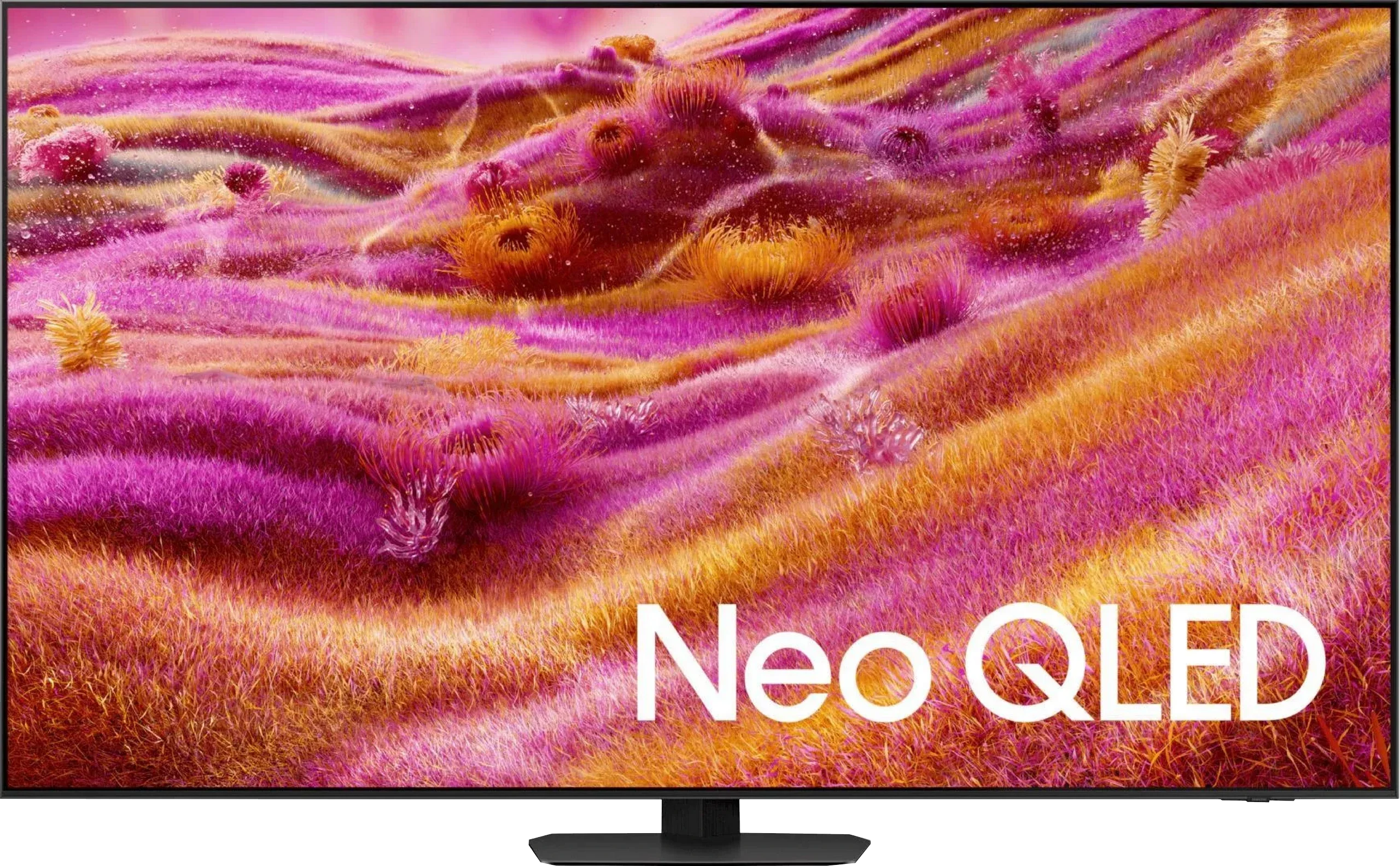
The Samsung QN90F is a television that, in many respects, demonstrates how maturely miniLED technology can be developed. It offers excellent contrast and black levels, very high HDR brightness that works well for both films and games, and a matte panel that makes a huge difference in everyday use. It is this feature that makes the QN90F one of the best televisions for watching in sunny living rooms – reflections and glare practically disappear, and the image remains sharp and clear. Gamers, in turn, are provided with a full suite of essential features, very low input lag, as well as the unique Game Motion Plus mode, which continues to be a strong advantage for Samsung over the competition. Additionally, there is a fast Tizen system, high-quality smart features, and quite pleasant sound which can be enhanced with a soundbar through Q-Symphony. However, there have been some compromises. Samsung chose to forgo a coating that would widen viewing angles – and although the matte panel performs excellently during the day, there is a noticeable drop in brightness and colour intensity at steeper angles. Despite these remarks, the QN90F remains one of the best, if not the best, miniLED 4K televisions currently available. It is a model that combines excellent image parameters, high functionality, and modern design, while also being exceptionally practical for everyday use. For anyone looking for a television for a bright living room that can handle films, sports, and games – it is hard to find a better choice today.
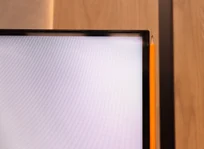
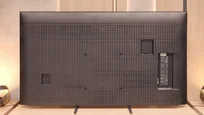
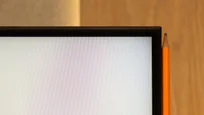
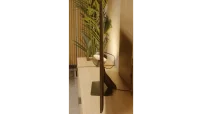
TV appearance

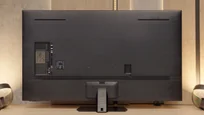

Contrast and black detail
7.5/10
8/10
Local dimming function: Yes, number of zones: 190 (10 x 19)
Local dimming function: Yes, number of zones: 504 (14 x 36)
Contrast:


Result
104,650:1

Result
23,850:1

Result
21,300:1

Result
9,350:1

Result
6,450:1
Result
1,530,000:1
Result
62,450:1
Result
186,400:1
Result
7,400:1
Result
4,500:1
Halo effect and black detail visibility:
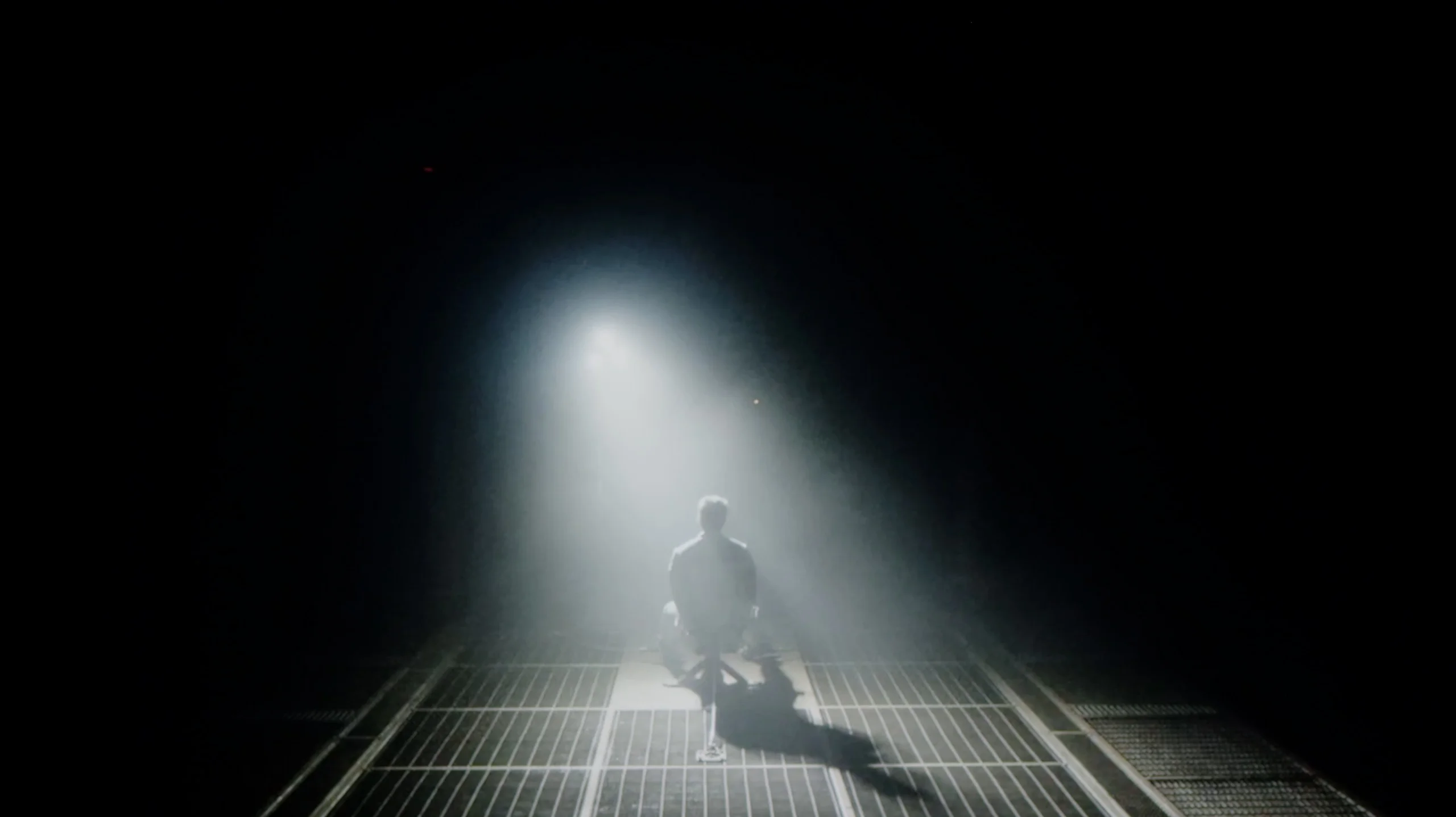
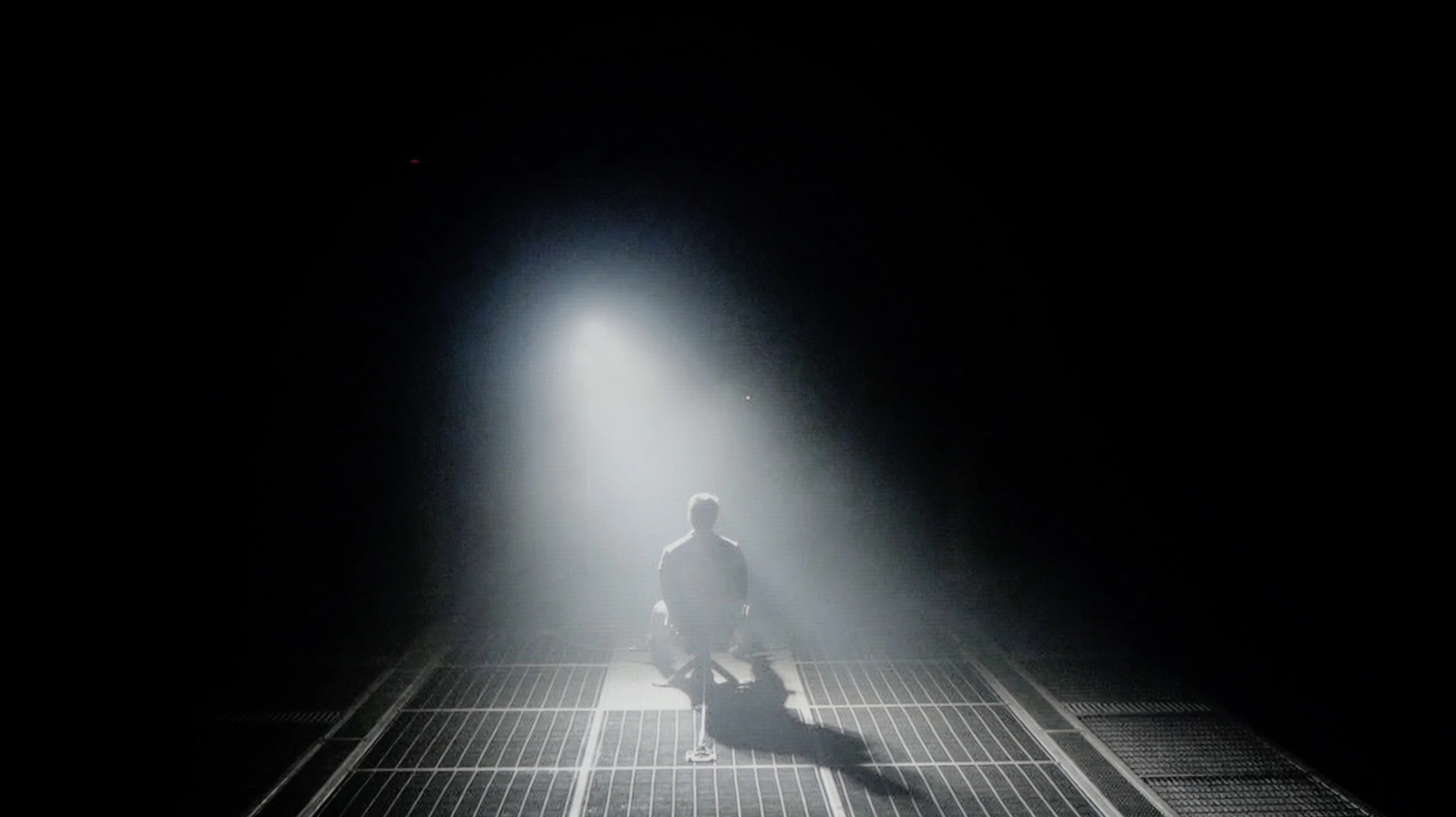
Check the visibility of bright lights on a dark background. Mini-LEDs often struggle with this. The photo does not compare black levels – that’s what the video below is for.
The video accurately shows differences in contrast and black levels between TVs, as well as potential issues: halo around bright objects or Mini-LED zone operation visible as brightness jumps.
Bravia 5 is the entry-level television from the Mini-LED series in Sony's portfolio for 2025, so naturally we start with the most important question – how does it handle black levels and contrast? After all, the term “Mini-LED” almost sounds like a magic spell these days. In theory, this means thousands of tiny LEDs arranged in zones that are meant to work in harmony, dimming and brightening the image so that the viewer sees more depth than in a classic LCD. In practice, we've counted about 200 local dimming zones in the 65-inch Bravia 5. Is that a lot? Certainly more than its predecessor, the already legendary X90L model, but when looking at Chinese manufacturers who manage to pack in hundreds, sometimes even thousands of zones – it seems rather modest.
One might expect that the combination of a greater number of zones with the refined dimming algorithms that Sony has accustomed us to over the years would translate to a significant quality leap over the X90L. Meanwhile – and here comes a slight disappointment – tests showed that the results are surprisingly similar to last year's model. Don't take this the wrong way: the contrast for an LCD television with local dimming is truly solid. In most scenes, bright elements are separated from dark ones with surgical precision, and the effect can be stunning. But when more demanding shots appear on the screen – those that relentlessly test the capabilities of the backlighting – it's clear that the equipment has its limitations.
Therefore, one could say that in terms of black levels and contrast, the Bravia 5 doesn't so much disappoint as rather fails to meet the expectations raised by the initial announcements. We were hoping for at least a slightly better result than its predecessor, and we got “only” good contrast. And it is this “only” that is the key word here – because good contrast in Sony's rendition still signifies a level that most competitors could be proud of.
If we compare the contrast results of this year's QN90F with last year's QN90D, it quickly becomes clear that the differences are minimal. In the best film scenes, the contrast can reach values well over six figures, and sometimes even seven figures, which can be confidently considered as results almost infinite. And indeed – in typical cinematic shots, the effect closely resembles that known from OLED televisions. Samsung deserves praise because, despite the relatively "modest" number of dimming zones – 504 in the 55-inch variant (modest compared to Chinese competitors like Hisense U8Q or TCL C8K/C9K) – they have managed to fine-tune the local dimming algorithms. This is particularly evident in the most challenging scenes, where compared to last year's model, the precision of dimming has nearly doubled. Of course, we still do not have perfectly separated bright objects from black, and one cannot speak of an absence of halo effects (slight glows around small bright objects) known from MINI-LED televisions, so with OLEDs, the QN90F still does not win. But it is definitely closing the gap in a more mature and refined way than the year before.
HDR effect quality
5.4/10
7.4/10
Luminance measurements in HDR:

Result
637 nit

Result
320 nit

Result
550 nit

Result
251 nit

Result
731 nit
Result
1638 nit
Result
763 nit
Result
1119 nit
Result
562 nit
Result
1947 nit
Scene from the movie “Pan” (about 2800 nits)


Scene from the movie “Billy Lynn” (about 1100 nits)


The photos show two HDR10 movies. 'Pan' is one of the brightest productions ever made, while 'Billy Lynn' (soldier) has brightness typical of streaming (Netflix, Prime, HBO MAX). Notice the intensity of effects and detail in whites.
Static HDR10


The photos present the visibility of white details in various HDR formats. They do not show brightness differences between TVs (these can be compared in the previous gallery).
Dynamic: Dolby Vision
Dynamic: HDR10+


The photos present the visibility of white details in various HDR formats. They do not show brightness differences between TVs (these can be compared in the previous gallery).
HDR luminance chart:
Samsung QN90F / QN92F
Sony BRAVIA 5 (XR5)
Looking at similar results in terms of blackness and contrast, we expected equally stable performance as last year's model when it came to HDR content. Unfortunately – and this needs to be said outright – there has been a regression here that is hard to overlook. The paradox is that the peak brightness of the Bravia 5 is impressive: in our synthetic tests, the television achieved around 1000 nits in HDR. Sounds great, right? The problem is that this power does not always translate effectively to all film scenes. When small, point-like elements appear on the screen, something that had usually been polished with surgical precision in Sony's case is this time noticeably lacking. The algorithms attempt to maintain deep black around small objects, but the side effect is that details can be dimmed to such an extent that they become barely visible. Just consider the example of the film Sicario 2 – in some scenes there, small light sources practically disappeared, as if someone had covered them with dark film.
Of course, not everything looks so dramatic. In simpler, brighter scenes, where the image is filled with more light, the Bravia 5 shows that it can shine: literally and figuratively. Then the television achieves values in the range of 600–800 nits, which we saw both in synthetic tests and during film screenings. The impression is really positive; the brightness adds dynamism, and the colours appear vibrant and fresh. However, there remains a certain dissonance. We feel a slight confusion because evidently something has gone in a direction it shouldn’t have. Technological progress – more zones, greater backlighting power – has not been supported by the well-crafted image management that we usually associate with Sony. Fortunately, there are elements that have not been worsened and are, in fact, at a very high level. We are talking about colour reproduction. Thanks to the application of the PFS filter, the colour palette coverage is excellent – around 97% DCI-P3 and 75% BT.2020. These are values that allow for truly broad colour reproduction, giving films a sense of naturalness and cinematic quality.
The Samsung QN90F can truly shine with brightness. In our measurements, it achieved over 2200 nits, which directly translates to the viewing experience. In practice, this means that when a film features a very bright scene – for example, a sunrise in The Meg – the screen looks as if it is actually lit by natural light. This is not just a number from a chart, but a real sense of image intensity! However, the television may not always deliver this full power. With smaller details like reflections or lamps, brightness drops to 500–700 nits. This is a deliberate decision by the algorithms – it allows for better control of the contrast between large and small elements, preventing the image from losing balance. Importantly, this is still a huge improvement compared to last year's QN90D, where similar details were often almost invisible, shining at just 200 nits. Here, the HDR effect is much more consistent and credible. The only downside is the colours. The DCI-P3 coverage has stalled at 91%, which in this price bracket can be considered a rather average result.
Factory color reproduction
5.5/10
5/10


This gallery shows how colors change after professional TV calibration. If you notice the difference, we recommend ordering this service at SkalibrujTV.com.
Factory Mode
After calibration
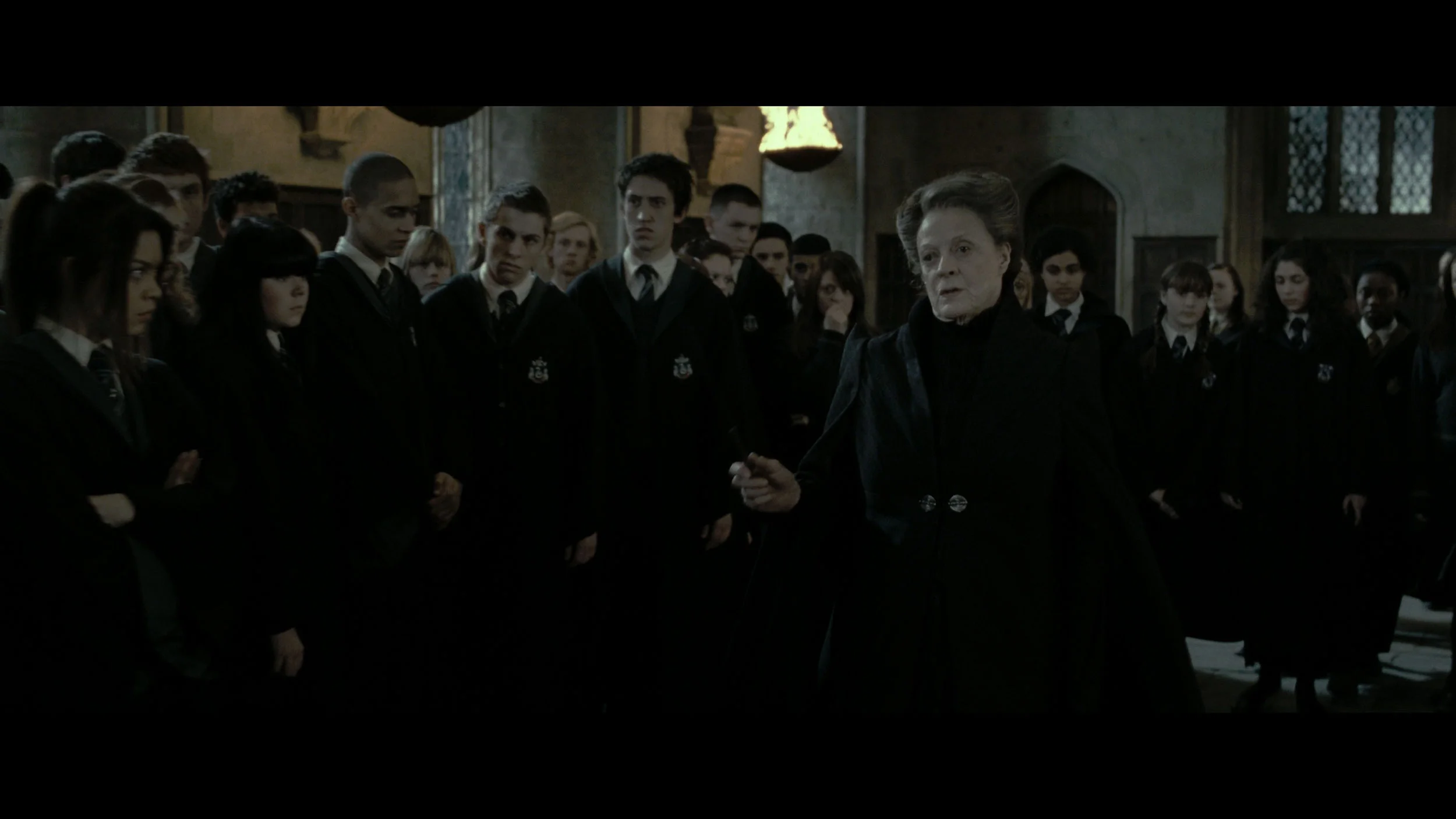
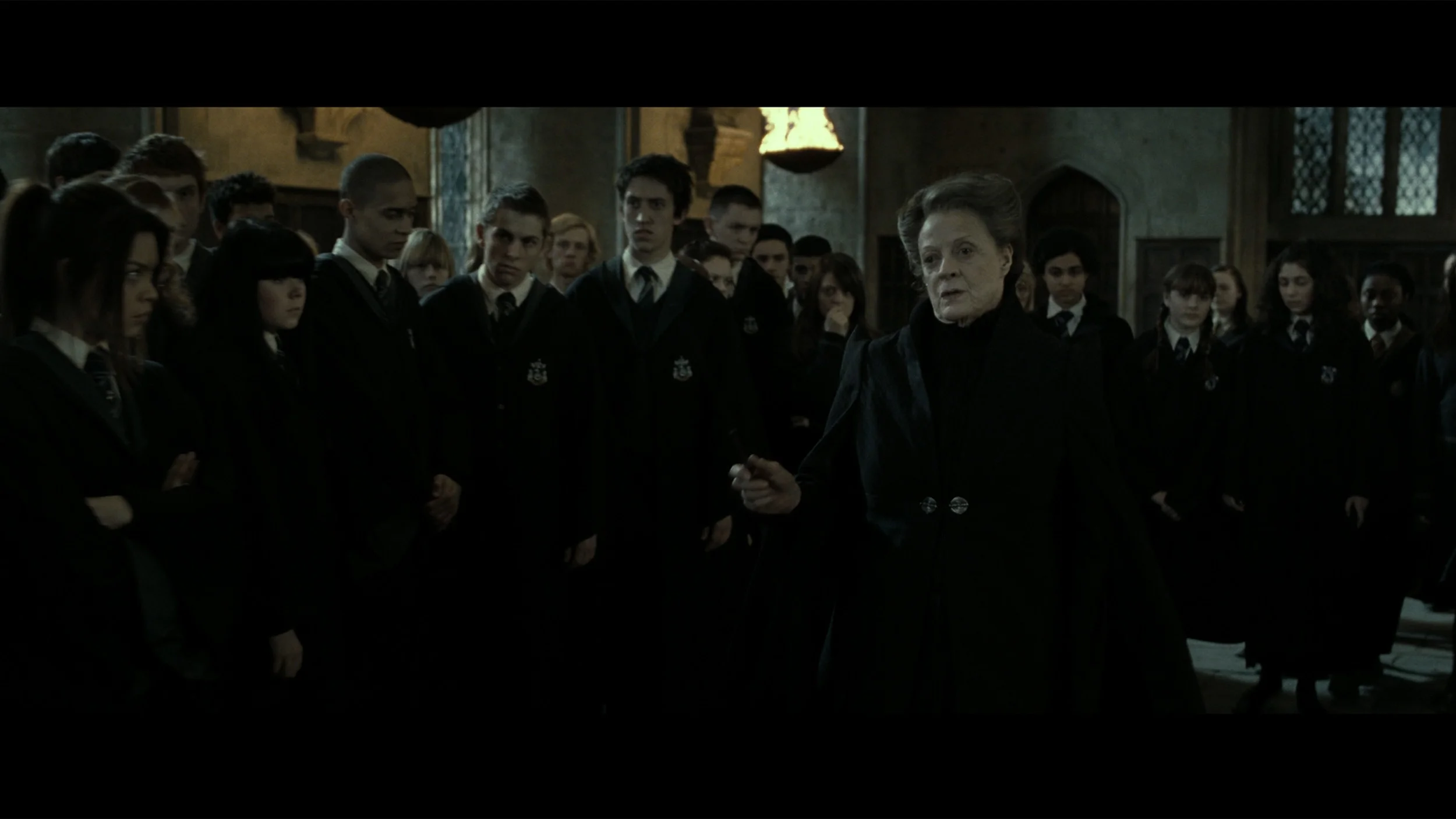
This gallery shows how colors change after professional TV calibration. If you notice the difference, we recommend ordering this service at SkalibrujTV.com.
Factory Mode
After calibration
Sony Bravia 5 was of course tested in the best possible mode, which is the Cinema mode. Right out of the box, it provides the most natural colours, definitely better than anything offered by the "eco" or "dynamic" modes, which are more suited for a showroom display than for a living room. However, the Cinema mode alone does not mean we can always expect cinematic picture quality. With SDR content, we had virtually no major complaints – the slightly warmed white balance gave the scenes a somewhat golden tone, but it was nothing that was visually jarring. However, the problem arose with HDR material. Here, the colour reproduction simply looked poor. The white balance was heavily skewed – with an excess of blue and a clear lack of red. At times, it resembled the store's "super vibrant image" mode, where everything is overexposed and artificially boosted.
This situation also made brightness management seem overly aggressive. The EOTF graph clearly showed that the television had problems with overexposing many scenes right out of the box. And while we know what Sony televisions are usually capable of, it was difficult to remain indifferent here – thus we quickly decided to go for calibration.
The colour reproduction of the QN90F was tested in Filmmaker mode and, as is often the case with Samsung televisions, this mode proves to be the best starting point straight out of the box. However, this does not mean that the image is free from flaws. The white balance in both SDR and HDR content was surprisingly good – the colours did not drift in any direction and even in its factory settings, it looked solid. A problem arose with the gamma curves and EOTF, which dictate how the television manages brightness. Here, the QN90F significantly brightened the entire image, causing blacks and colours to lose their intensity, and the overall effect resembled that of an applied milky filter. Fortunately, Samsung, unlike many competitors in the miniLED world, provides the user with plenty of tools to control the settings that we do not find with other manufacturers, such as Chinese producers. Therefore, we decided to see if we could squeeze the full potential out of the QN90F because we know that such a high-end series is capable of much more.
Color reproduction after calibration
8.9/10
9/10
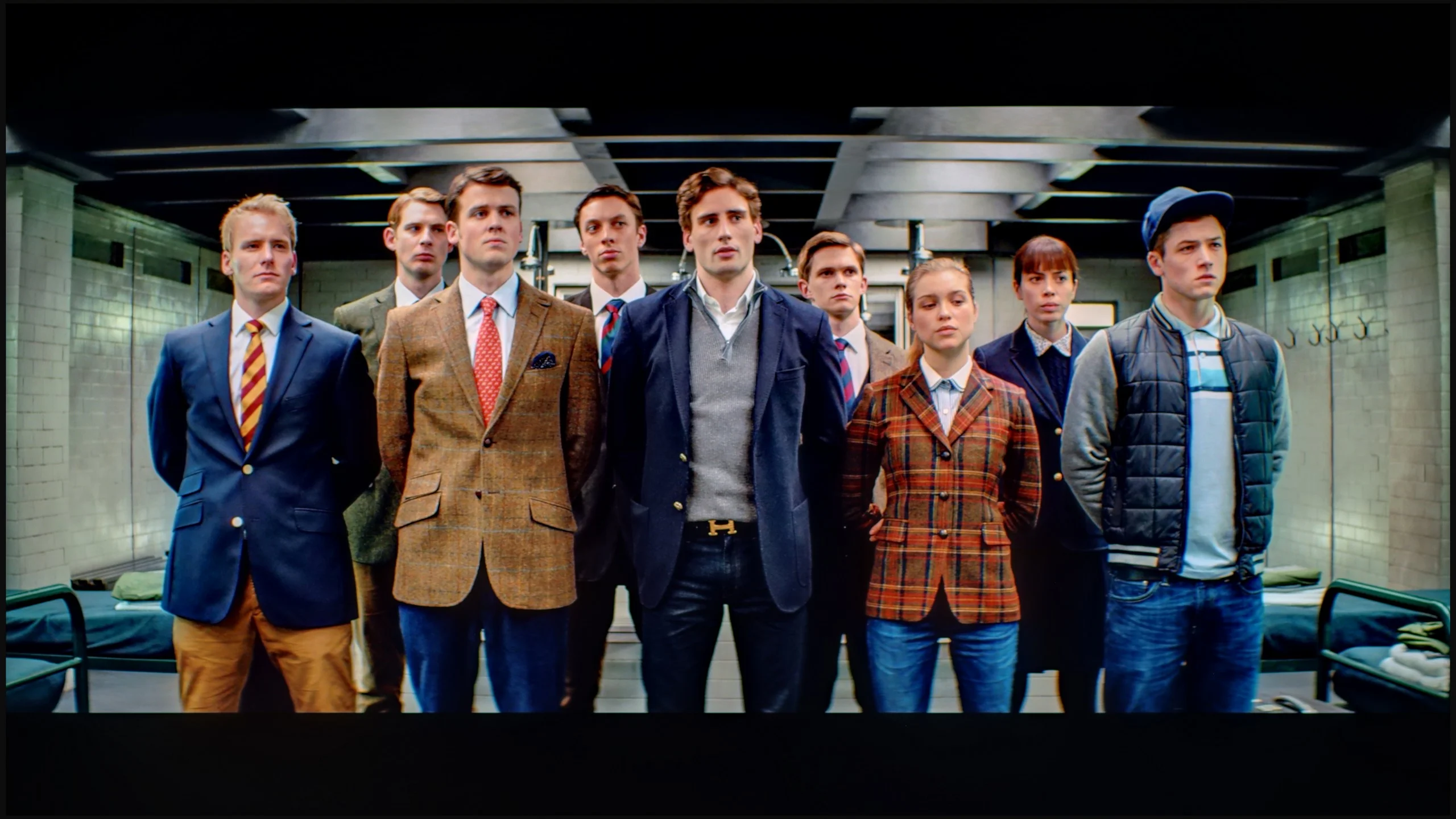

The photos show how movies look on the TV. Pay attention to black detail visibility, colors, and shadow tint.


The photos show how movies look on the TV. Pay attention to black detail visibility, colors, and shadow tint.
After calibration, the situation changed dramatically. We managed to adjust the white balance so that entire scenes began to look more natural, and the image gained cohesion and elegance. In HDR, we finally got rid of that unwanted clipping effect that had previously marred some shots. Suddenly, it turned out that the Bravia 5 can extract significantly more from films than the “out of the box” impression suggested. Indeed, if we look at the graphs and compare them with the patterns, we can see that the beginning of the EOTF curve slightly deviates from the reference line. However, this is not so much a calibration error as it is a natural limitation of Mini-LED technology, which cannot be bypassed. Sony, instead of clinging to perfect black, prefers to prioritise the visibility of details – and in practice, it's hard to disagree with that. We would rather see the texture of the material on the screen than a pitch-black blob where all nuances are lost.
The calibration itself was truly beneficial. After about an hour spent on the settings, we felt that the image resembled that from the best cinema halls – of course on a home scale, but with the same sense of quality and refinement. And in such moments, we remember why we like Sony televisions: because when we fine-tune them, they can reward us with an image that captivates for long hours.
After our adjustment of the settings, the QN90F displayed what it is truly capable of – and it must be admitted that this is one of the best images we have seen on a miniLED screen this year. As we mentioned earlier, the white balance was not a major issue even in its factory state, but only after gamma calibration did it manage to get close to reference values. The same is true for HDR content, where the EOTF curve post-adjustment presents mature and cohesive results. Indeed, in some films, it is noticeable that the smallest elements of the image are slightly brightened, and with a limited number of dimming zones, there is still a risk of halo effect. However, it should be remembered that such phenomena are characteristic of all miniLED televisions, and it is difficult to expect miracles even from the QN90F. The most important thing is that after calibration, the television delivers an image that, in terms of representing the director's vision, confidently competes with many OLED screens available on the market.
Smoothness of tonal transitions
8.8/10
8.9/10
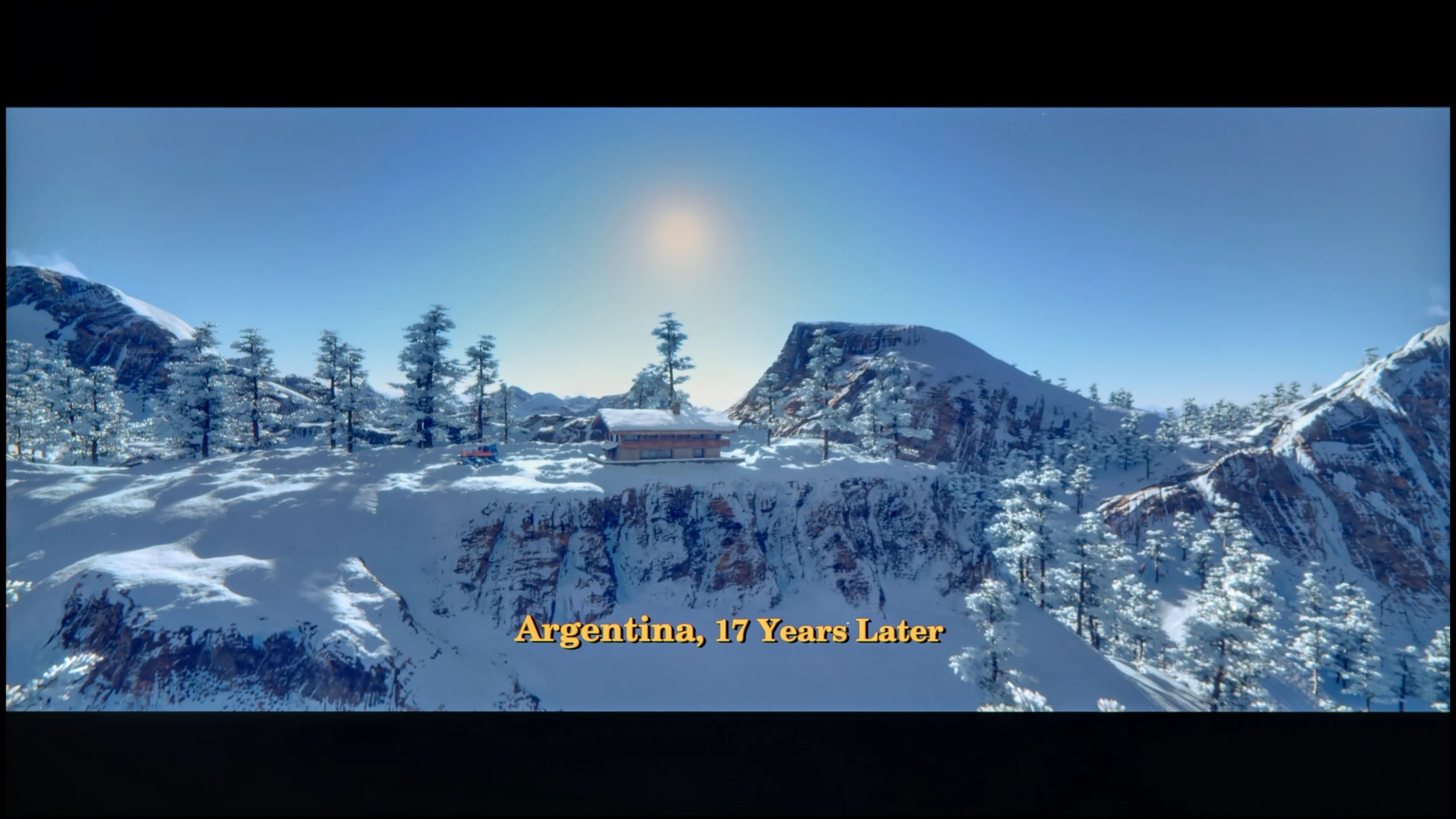

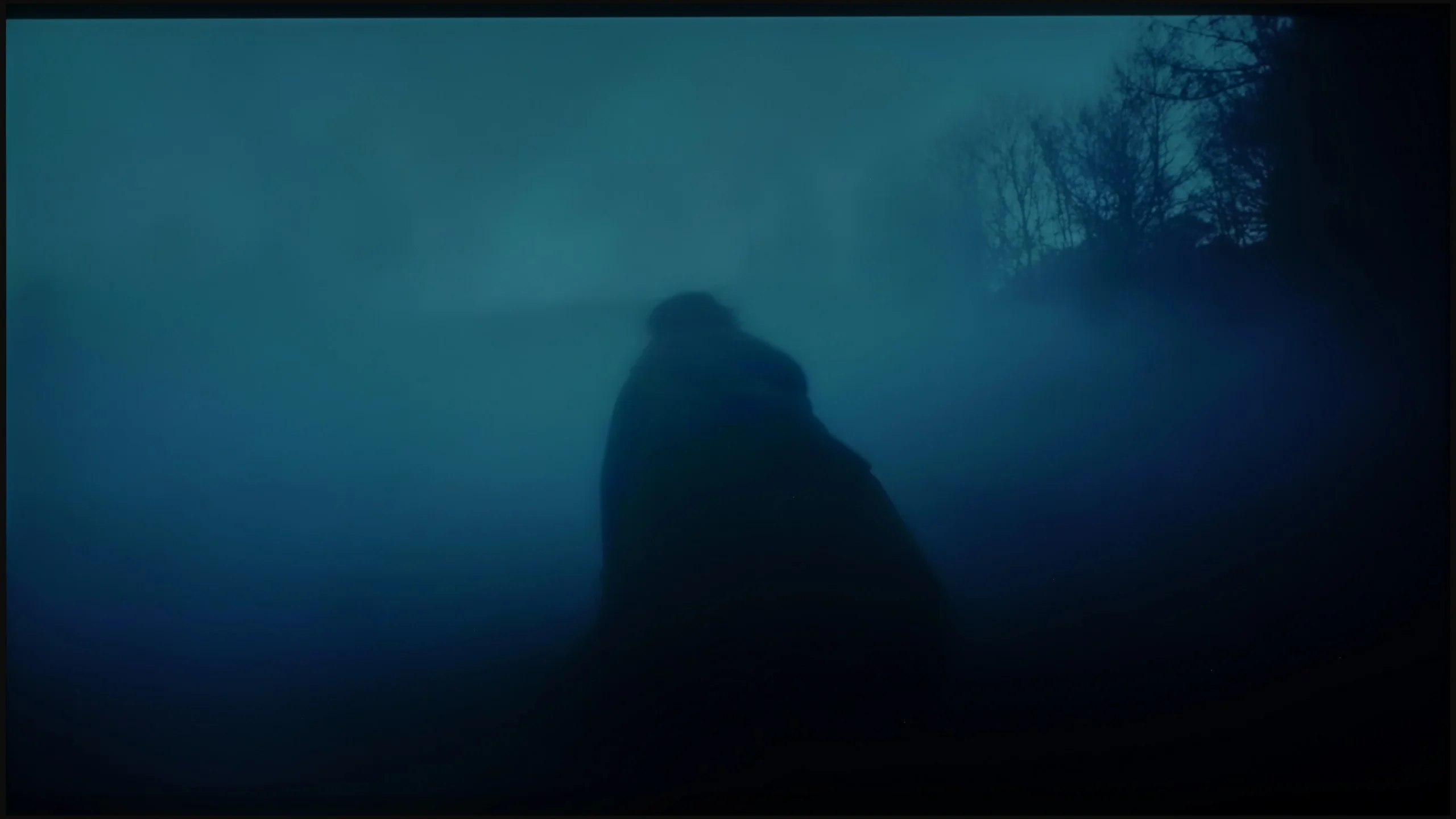
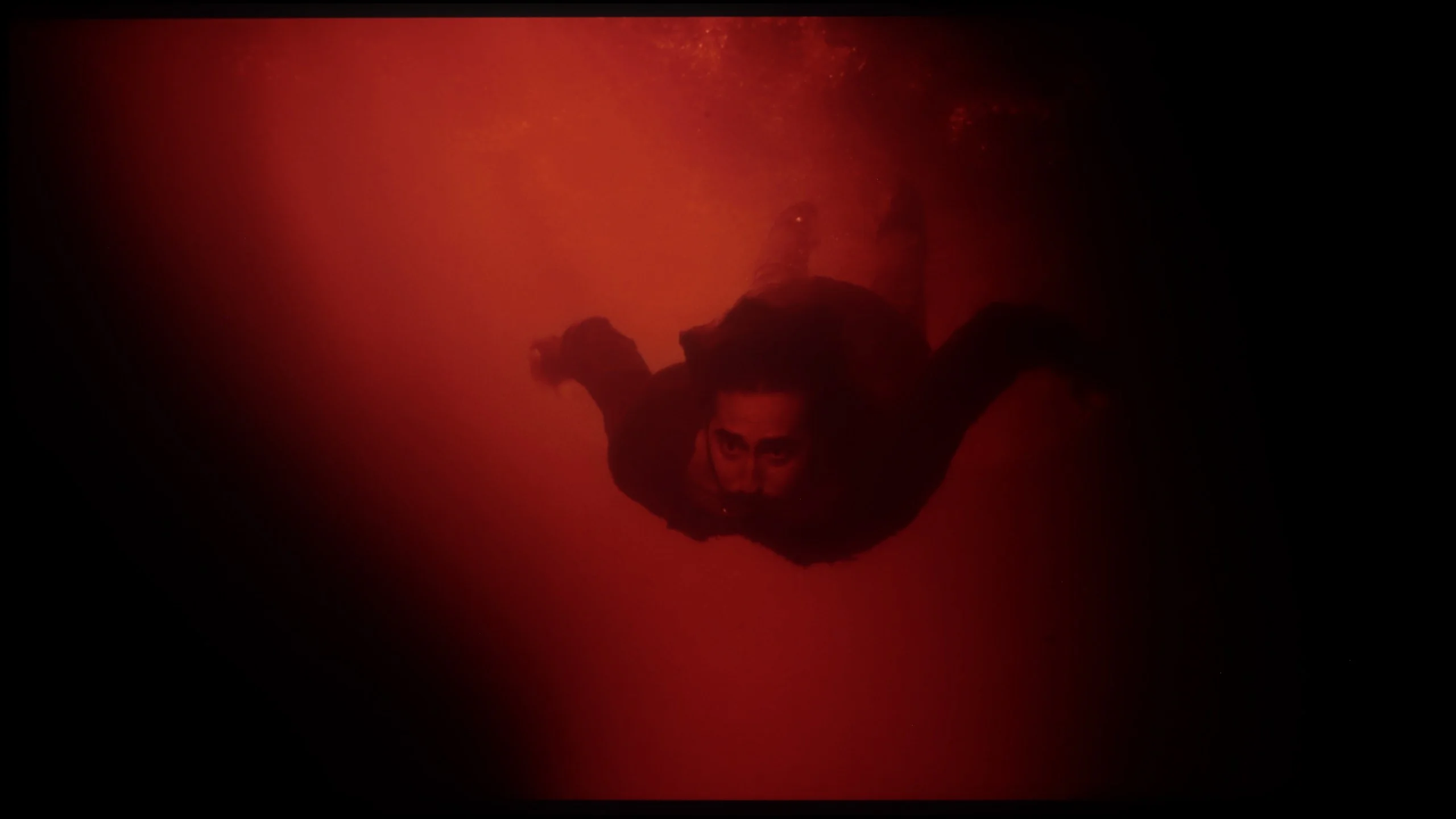
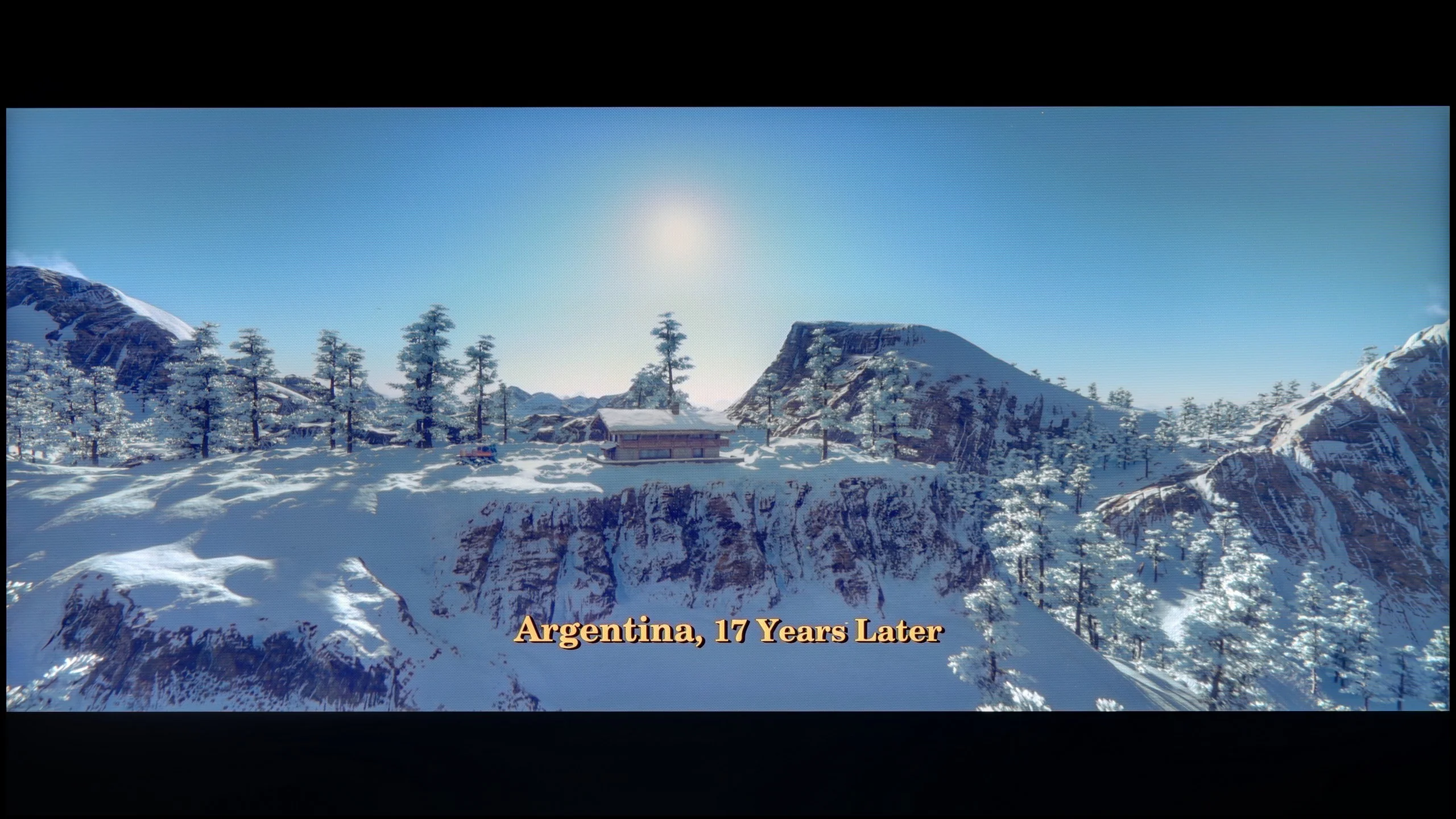
These are selected scenes that show smooth tonal transitions from one color to another. If you see distinct banding, it’s the TV panel’s fault.

These are selected scenes that show smooth tonal transitions from one color to another. If you see distinct banding, it’s the TV panel’s fault.
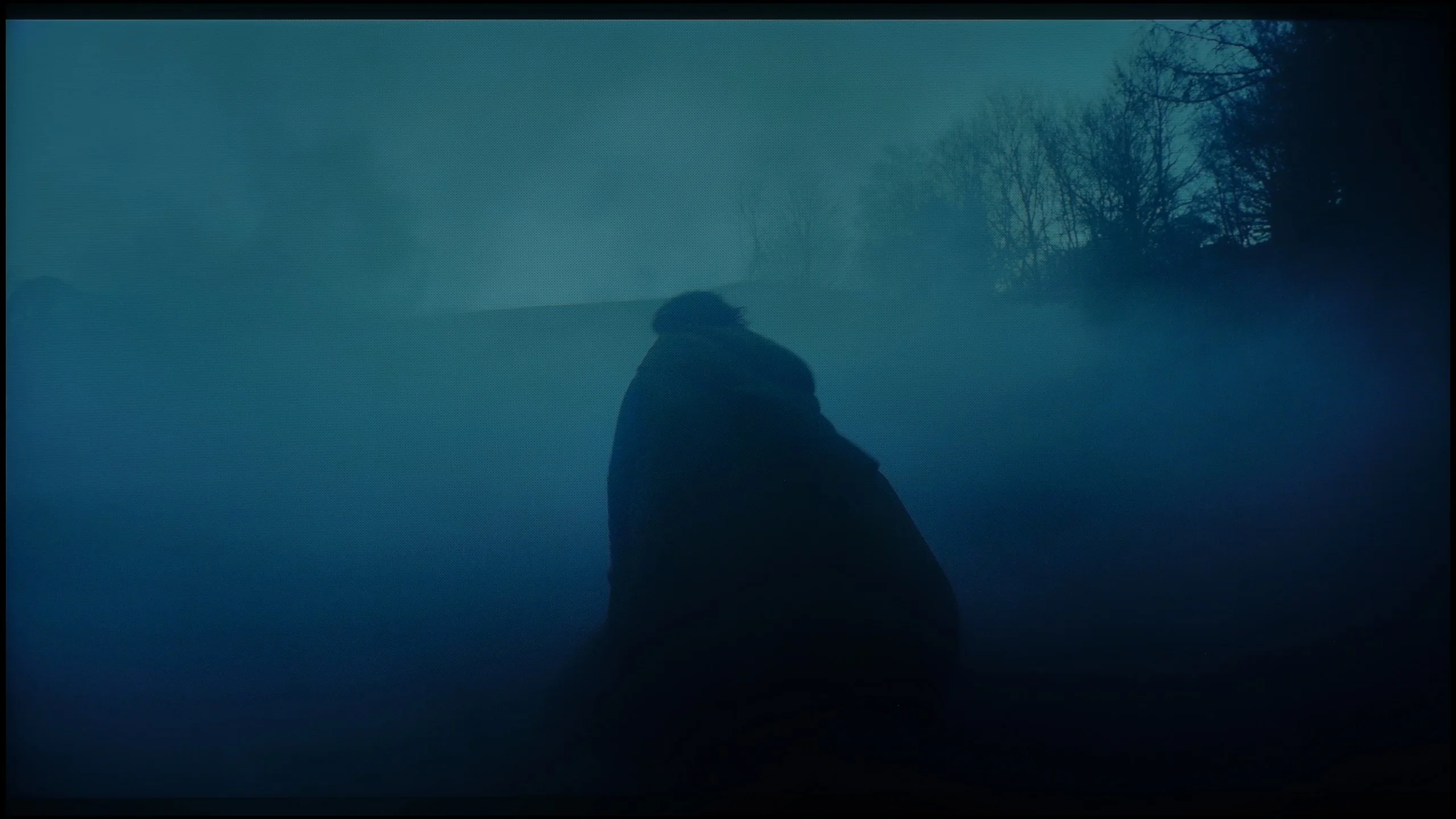
These are selected scenes that show smooth tonal transitions from one color to another. If you see distinct banding, it’s the TV panel’s fault.
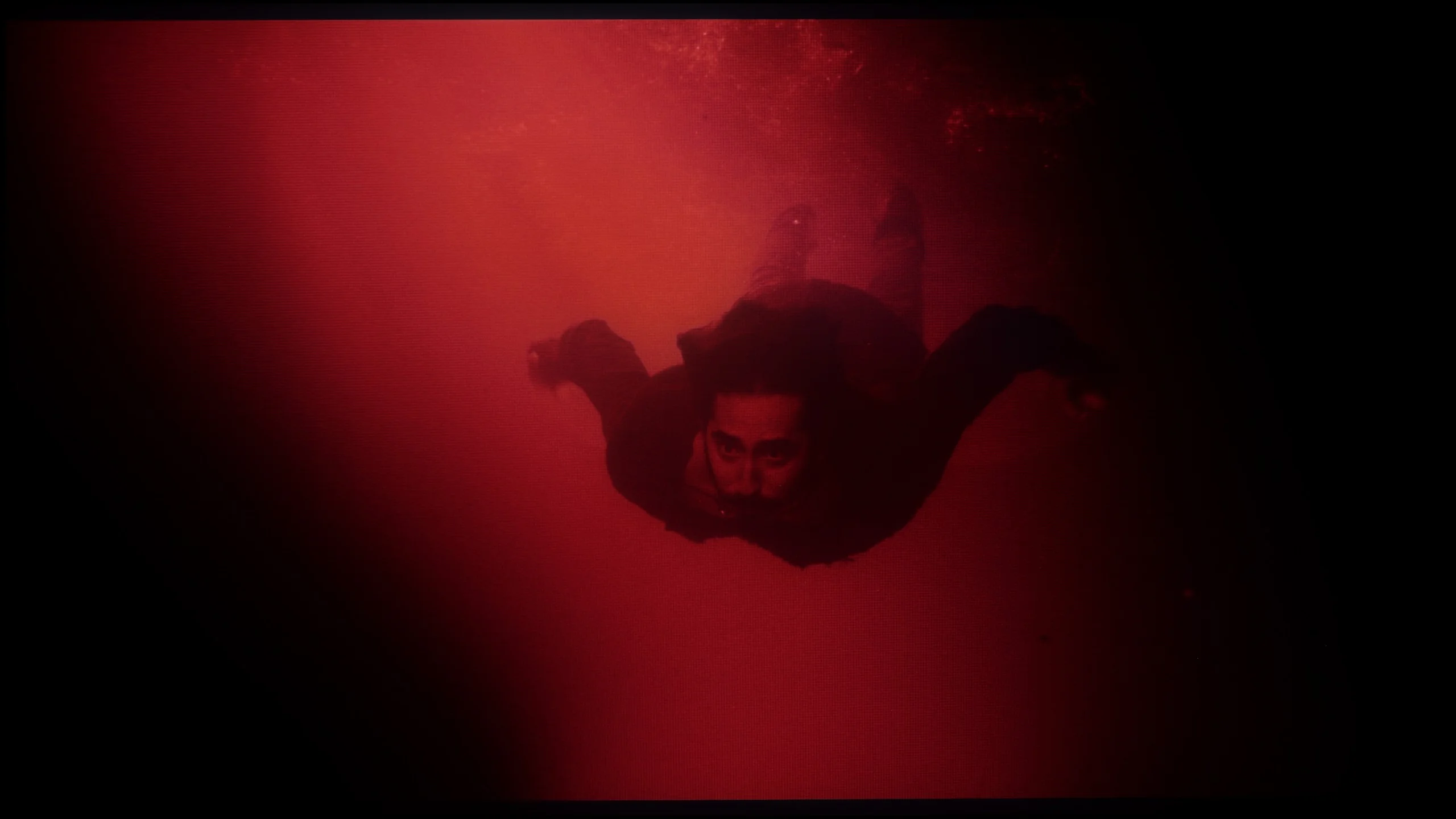
These are selected scenes that show smooth tonal transitions from one color to another. If you see distinct banding, it’s the TV panel’s fault.
tonal transitions are nothing more than the way in which a television handles the blending of colours and shades – from light to dark, from saturated to pastel. If the device struggles with this, characteristic "steps" can be seen instead of smooth transitions, and the image loses its naturalness. It is during these moments that instead of getting absorbed in the film, we start glancing at the screen thinking, "hey, something's not right here." Fortunately, in the Sony Bravia 5, such situations are practically nonexistent. This is a huge advantage, as nothing distracts our attention from the plot or sporting emotions. The television performs best in bright scenes, where colour transitions are smooth, and the blending of colours is almost invisible. The effect is so good that sometimes one might feel as if the image has been painted in one brushstroke. Of course, there were a few minor hiccups. In darker scenes, certain imperfections can be noticed – slight stepping or minimal gradation issues. For this, the Bravia 5 received a few negative points from us. Nevertheless, in the vast majority of situations, the television performs excellently and comes through this test with flying colours.
The tonal transitions in the QN90F are at a very good level. Regardless of the scene being tested, it was difficult to identify any significant issues with colour blending or visible banding. Even in demanding sequences, such as the scene from the film Green Knight, where the actor immerses himself in red water, the picture appeared smooth and natural. Indeed, with careful viewing, one might spot minor micro-imperfections – for example, in the greys or in very bright shots – but they do not affect the overall perception. The television performs well enough that most viewers are unlikely to notice these imperfections.
Image scaling and smoothness of tonal transitions
8.5/10
7.5/10


Smooth transition function
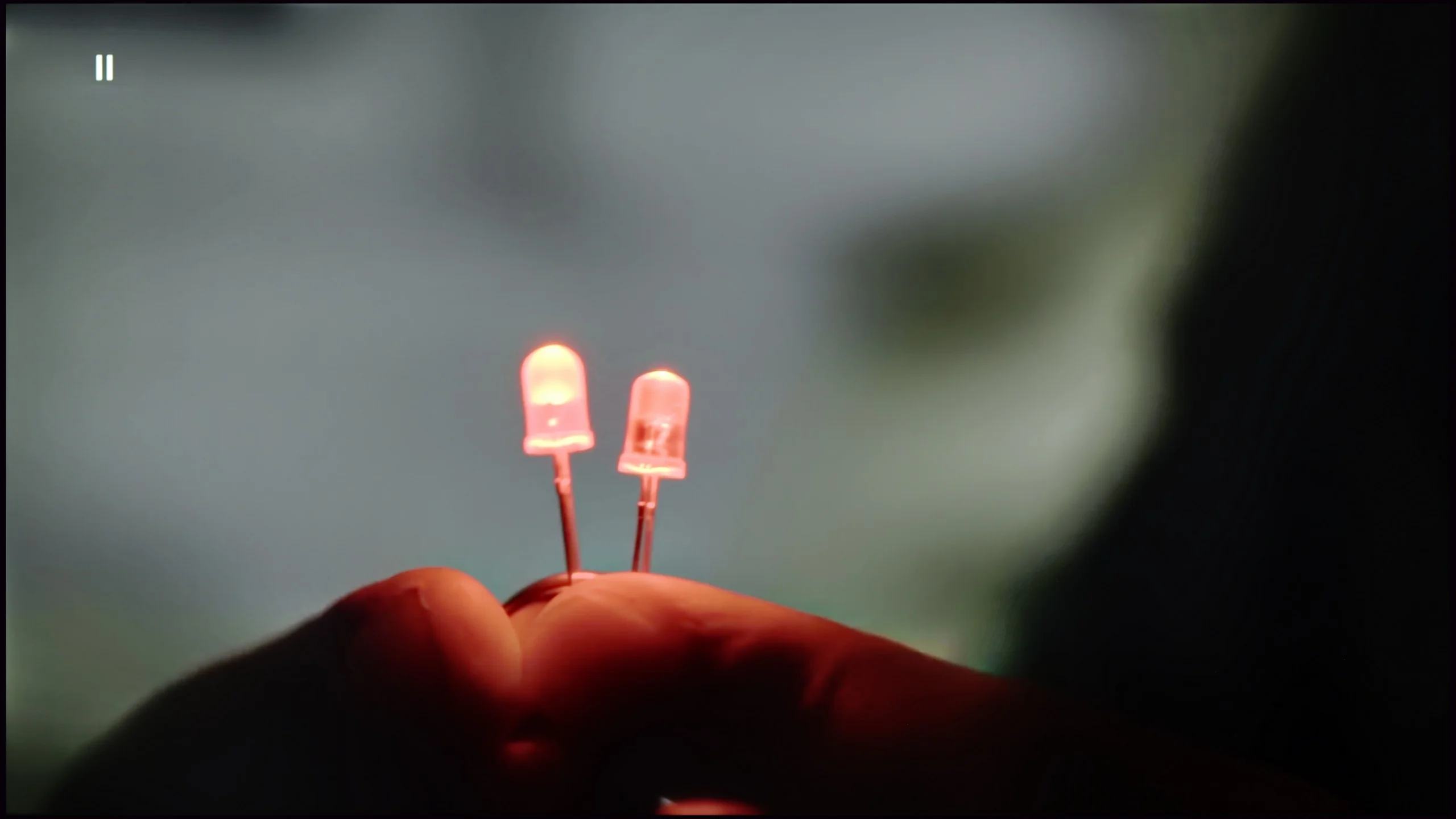
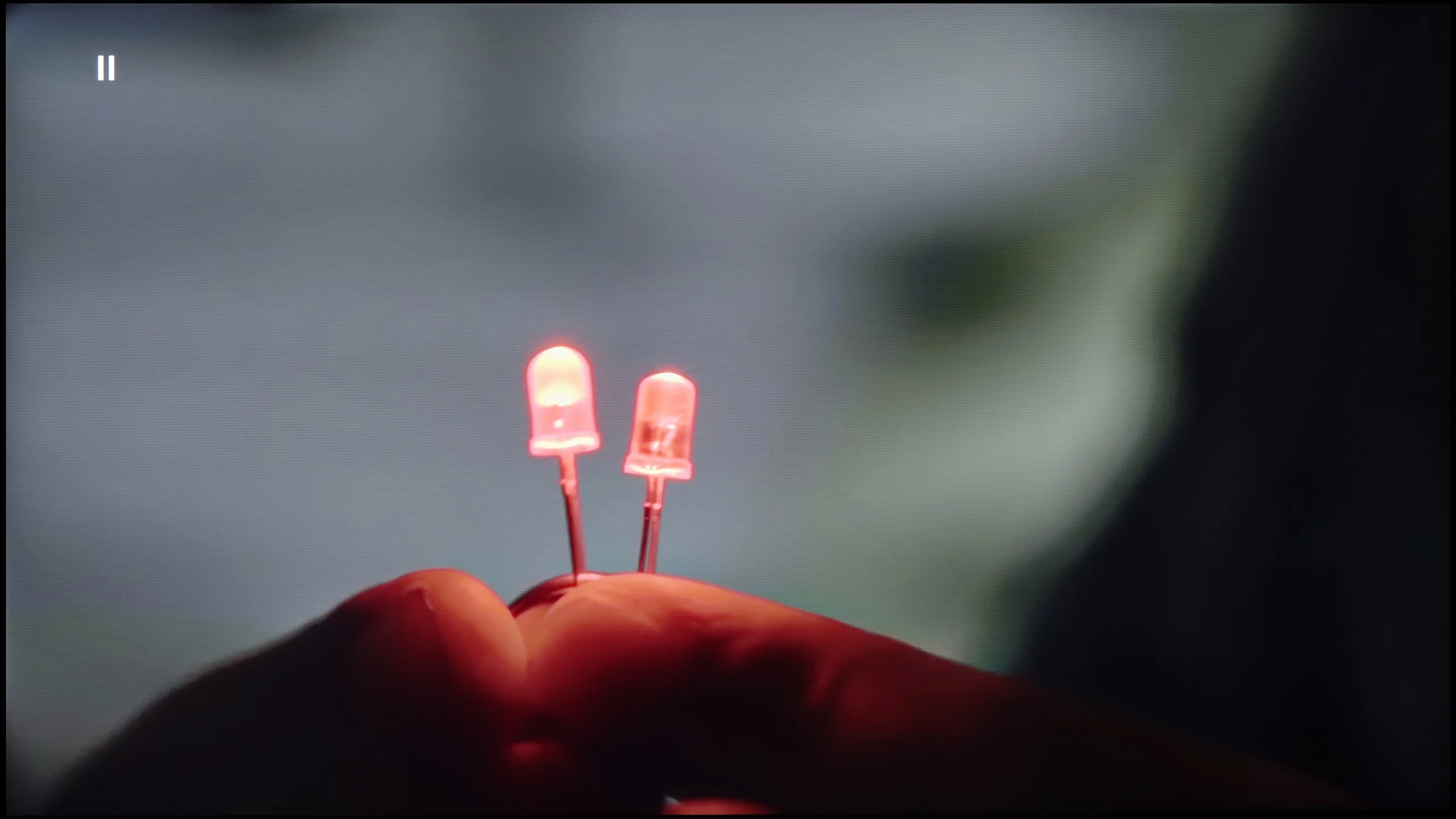
The match photo shows how the TV smooths weak tonal transitions in low-quality video.
Image scaling SD (576i)


The model photo shows how it handles upscaling of SD material.
Bravia 5 carries within it the genes of Sony, which have remained untouched – and thank goodness for that, because we are talking about absolutely remarkable digital image processing. It is no coincidence that for years it has been believed that it is televisions of this brand that set the standard for how a screen should handle lower quality materials. If someone still watches classic television, old films or YouTube in lower resolutions, here they get equipment that can transform such content into an unexpectedly pleasant experience. On board, we find several tools worth activating. The first of these is "digital noise reduction". Set to a medium level, it works perfectly – smoothing tonal transitions, which usually cause the most trouble in low-quality materials, while not introducing any artificial artifacts. Importantly, it also does not remove the filmic character, meaning the natural grain that is intentionally present in many productions. Another advantage of the Bravia 5 is the upscaling capabilities of the XR processor. The image displayed after scaling is soft, yet at the same time sharp and clear. The contours of characters are clearly visible, while backgrounds retain their structure without excessive artificial sharpening. It’s hard to find a better television for watching lower quality materials – Bravia 5 only confirms why Sony is regarded as a benchmark in this field.
QN90F handles upscaling very well. Materials in lower resolutions, even SD, are enhanced to a clear and sharp image, in which a lot of detail in the background can be seen. This is a significant advantage, as the television makes older content or everyday television look considerably better than on most budget screens. However, the issue of overscan remains, which is the trimming of the screen edges, and this cannot be turned off in Samsung TVs. This can cause some subtitles on the screen to disappear or Auntie's face from the wedding on the VHS tape to be slightly cut off. 😉
Digital image processing also works well. In the menu, we find a function called "noise reduction," which can smooth tonal transitions and improve the reception of lower quality materials, e.g. from YouTube. At the medium setting, the effect is most beneficial – it does not heavily interfere with details, while eliminating the problem of "stepping" in colours. However, it is worth remembering that the function can be quite aggressive and removes natural grain from older films, so it is best to use it in moderation.
Blur and motion smoothness
7.9/10
7.5/10
Blur (native resolution, maximum refresh rate):


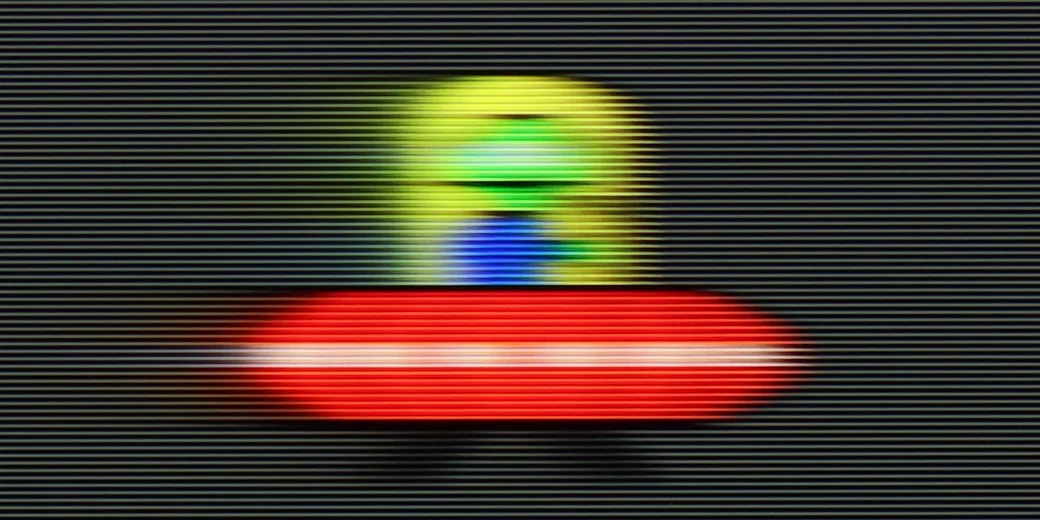

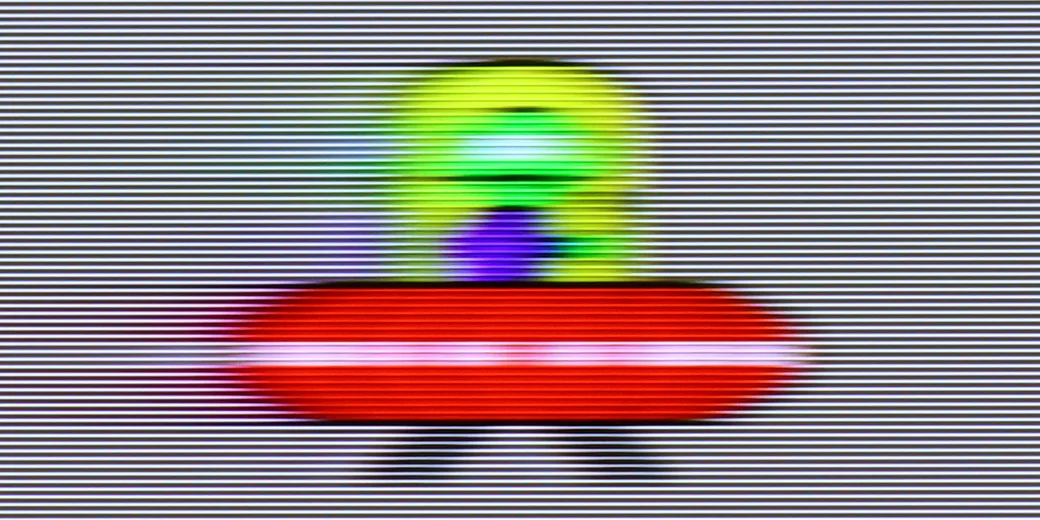
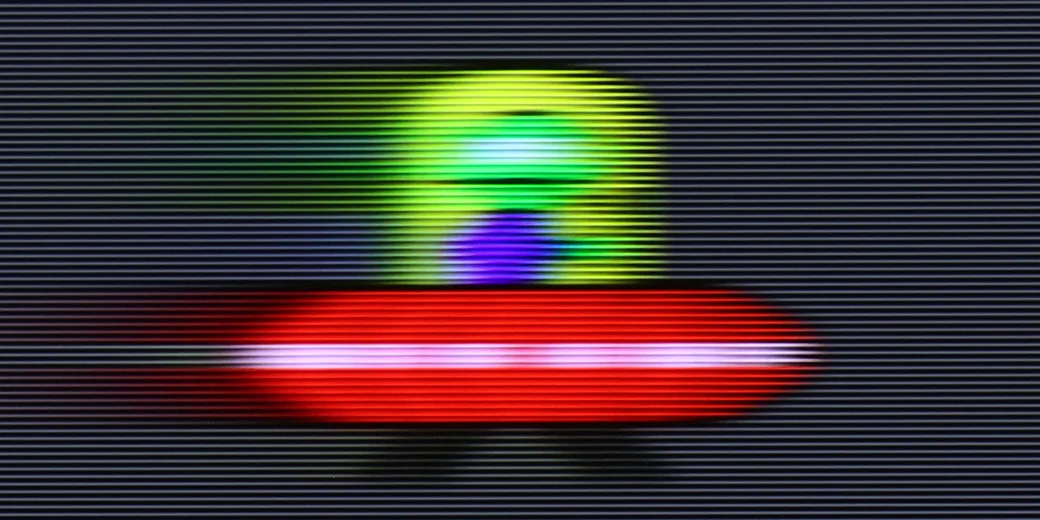
Blur (BFI function enabled):



Image flickers in this mode



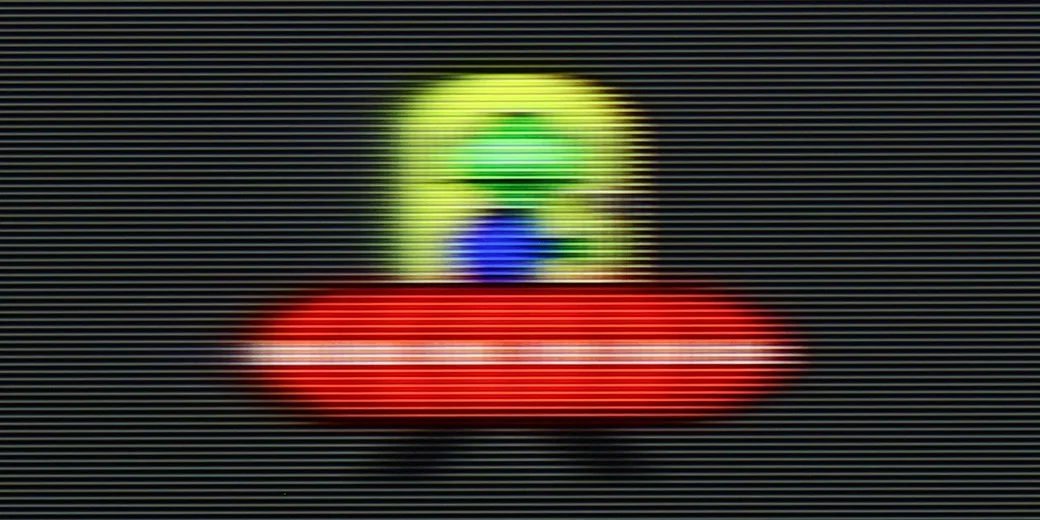
Blur (MotionFlow ON):


Blur (4K@165Hz):


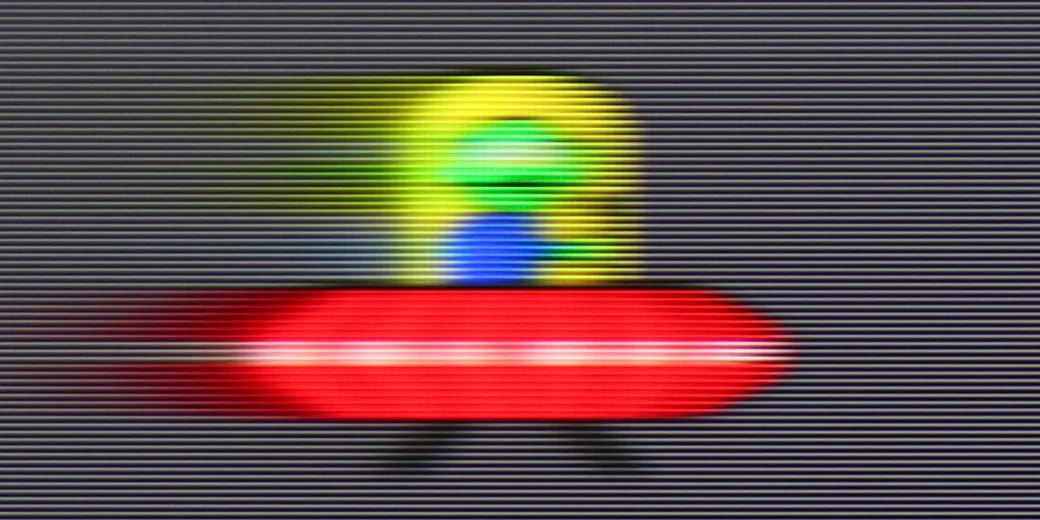
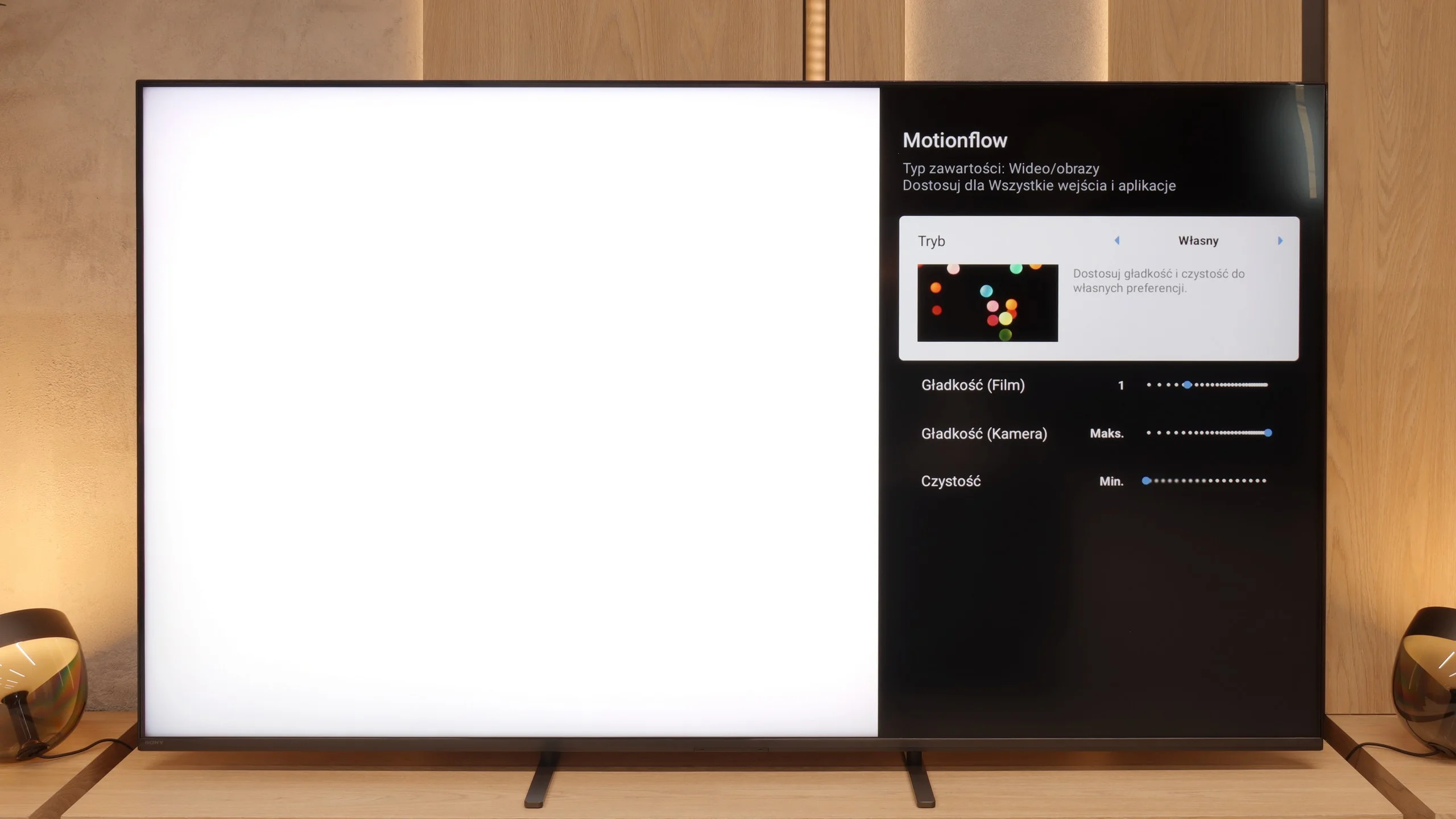
Bravia 5 received a 120 Hz panel, which in itself sounds like an invitation to watch sports, fast matches, or spectacular action films. However, the real magic begins when MotionFlow – Sony's proprietary smoothness technology – comes into play. Thanks to it, we can adjust the character of the image to our own preferences. The "smoothness" slider allows you to transition from a cinematic feel with a slight "jitter" of the film frame to a nearly theatrical fluidity, where every ball in the match glides across the screen as if on a string. The higher the value, the smoother and more fluid it is; the lower it is, the more cinematic and natural it feels. In the options, we will also find an additional setting that Sony has called "clarity". This is nothing more than the BFI function (i.e., inserting black frames), which is meant to improve motion sharpness. It sounds great in theory, but in practice, one must use it with great caution. Why? Because all higher settings cause brightness drops of up to half, and in some cases, contour doubling also appears. Therefore, if we wish to use it, we recommend the lowest possible level – "1" out of the available ten. This way, we gain a bit better motion clarity without risking a loss of half the image brightness.
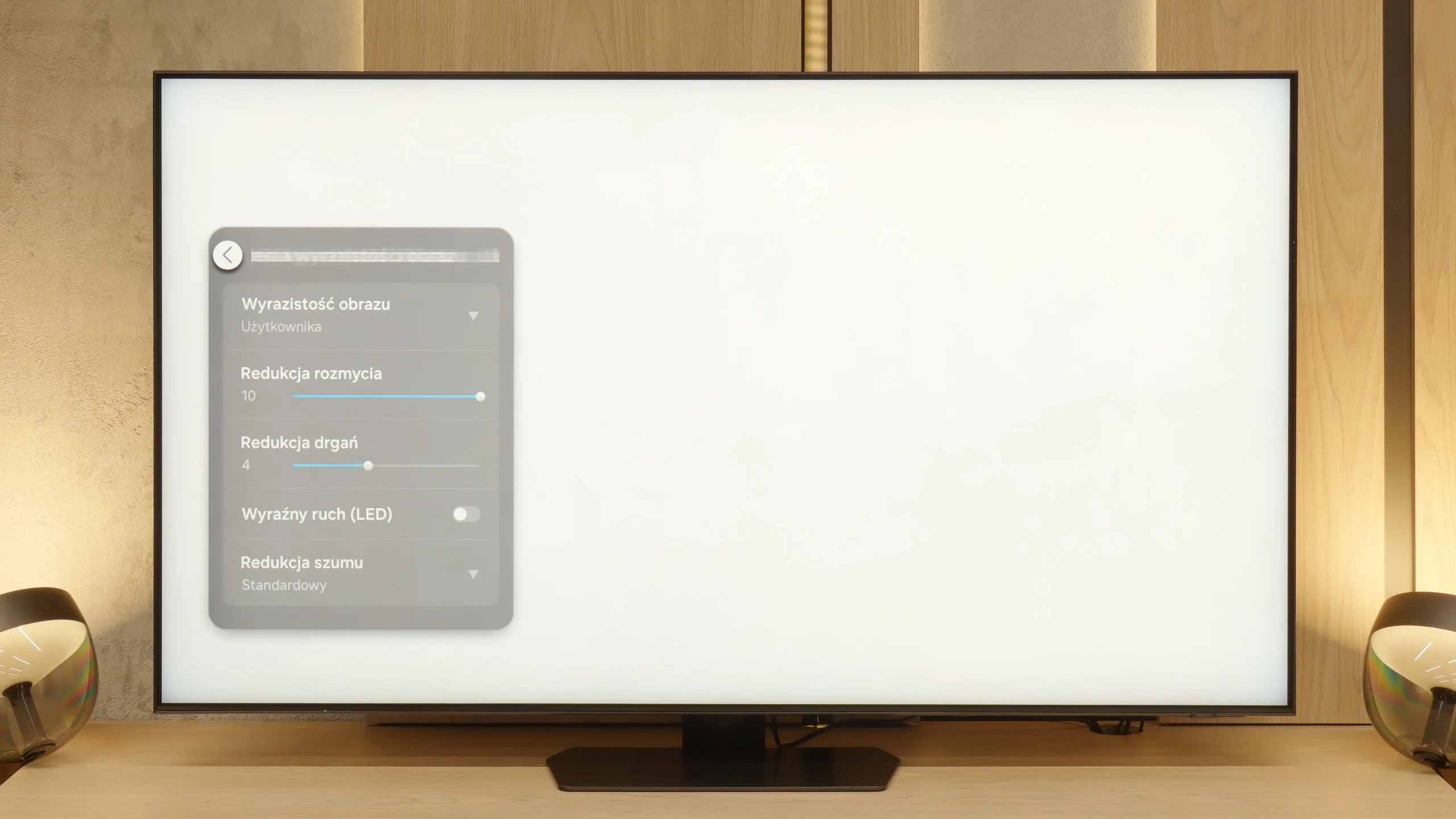
The QN90F is equipped with a panel that has a maximum refresh rate of 165 Hz, and although this advantage will primarily be appreciated by PC gamers, it is still worth highlighting. In films or sports broadcasts, we are limited to the classic 120 Hz, but this is not a cause for concern. In practice, the additional motion smoother is of greater importance here. With the "Motion Clarity" setting, we can adjust the picture to our own preferences. The blur reduction option is responsible for fluidity and ghosting in sports. Meanwhile, the "judder reduction" function improves motion smoothness in productions shot at 24 frames, such as films and series. If we set it high, the film appears smoother and more fluid than it was actually shot. Lower values, on the other hand, preserve its cinematic "rawness" with a visible film frame.
Console compatibility and gaming features
9.8/10
9.6/10
- ALLM
- VRR
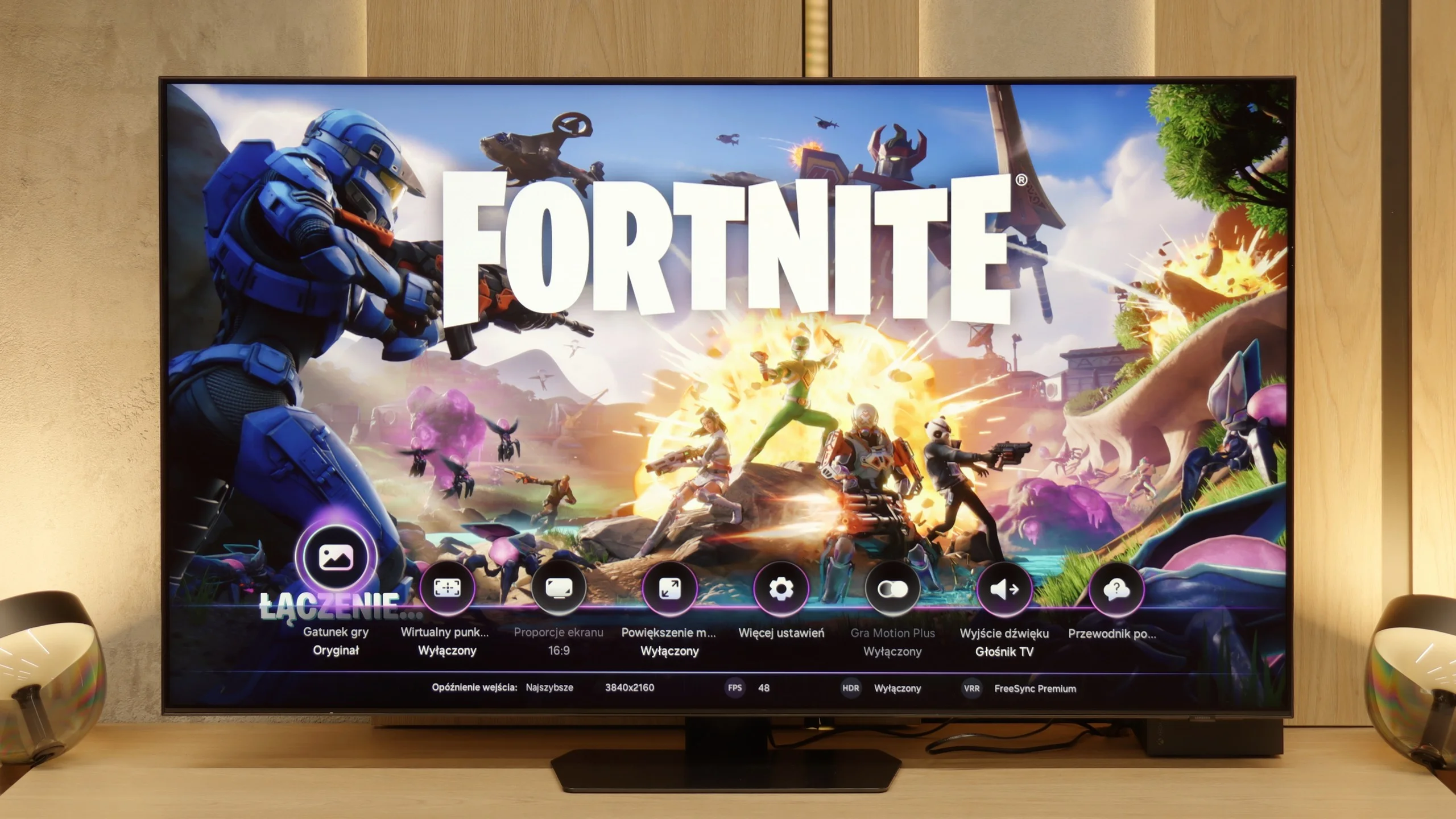
- VRR range48 - 120Hz48 - 165Hz
- Dolby Vision Game Mode
- Correct implementation of HGIG
- 1080p@120Hz
- 1440p@120Hz
- 4K@120Hz
- Game bar
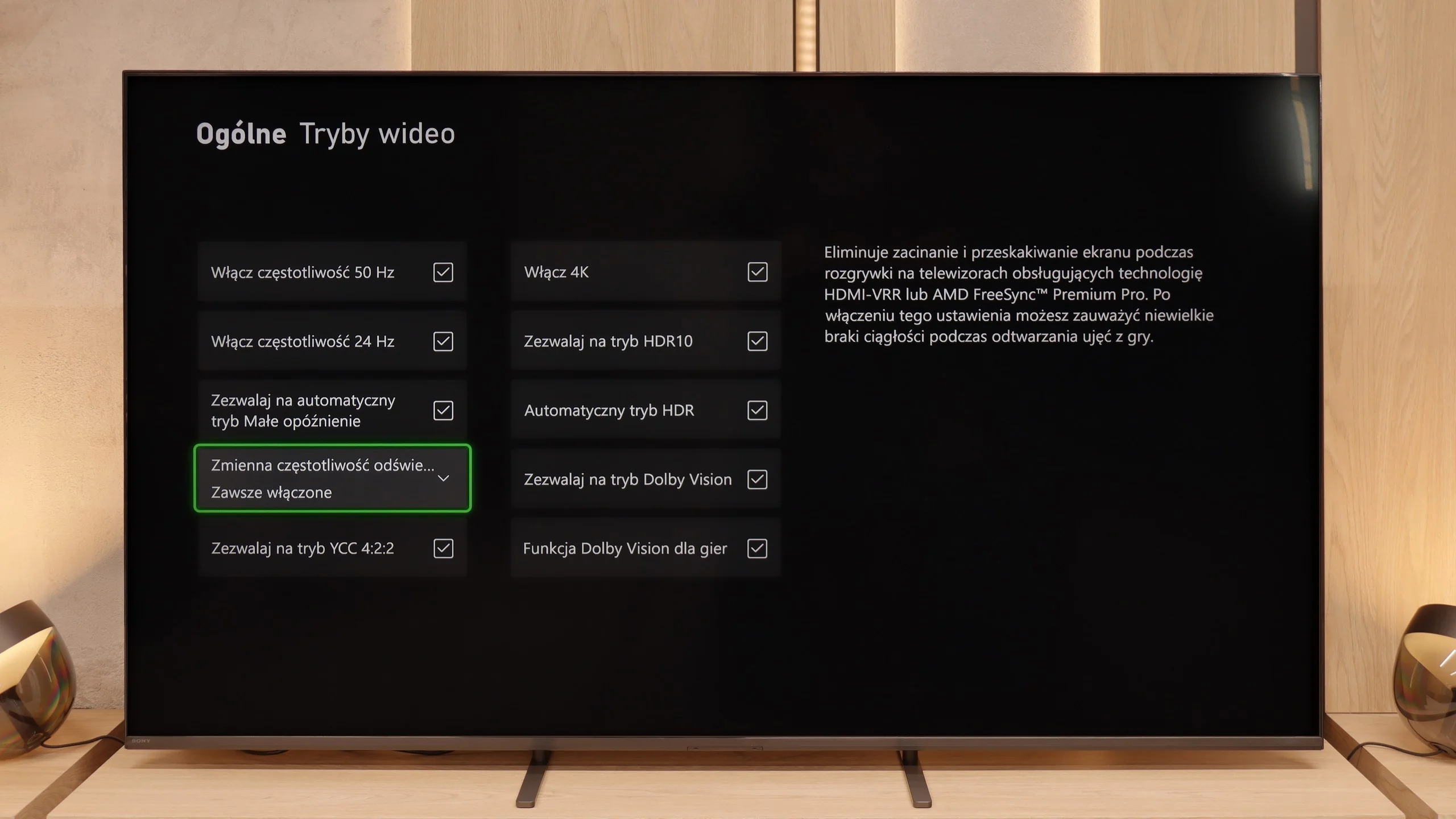
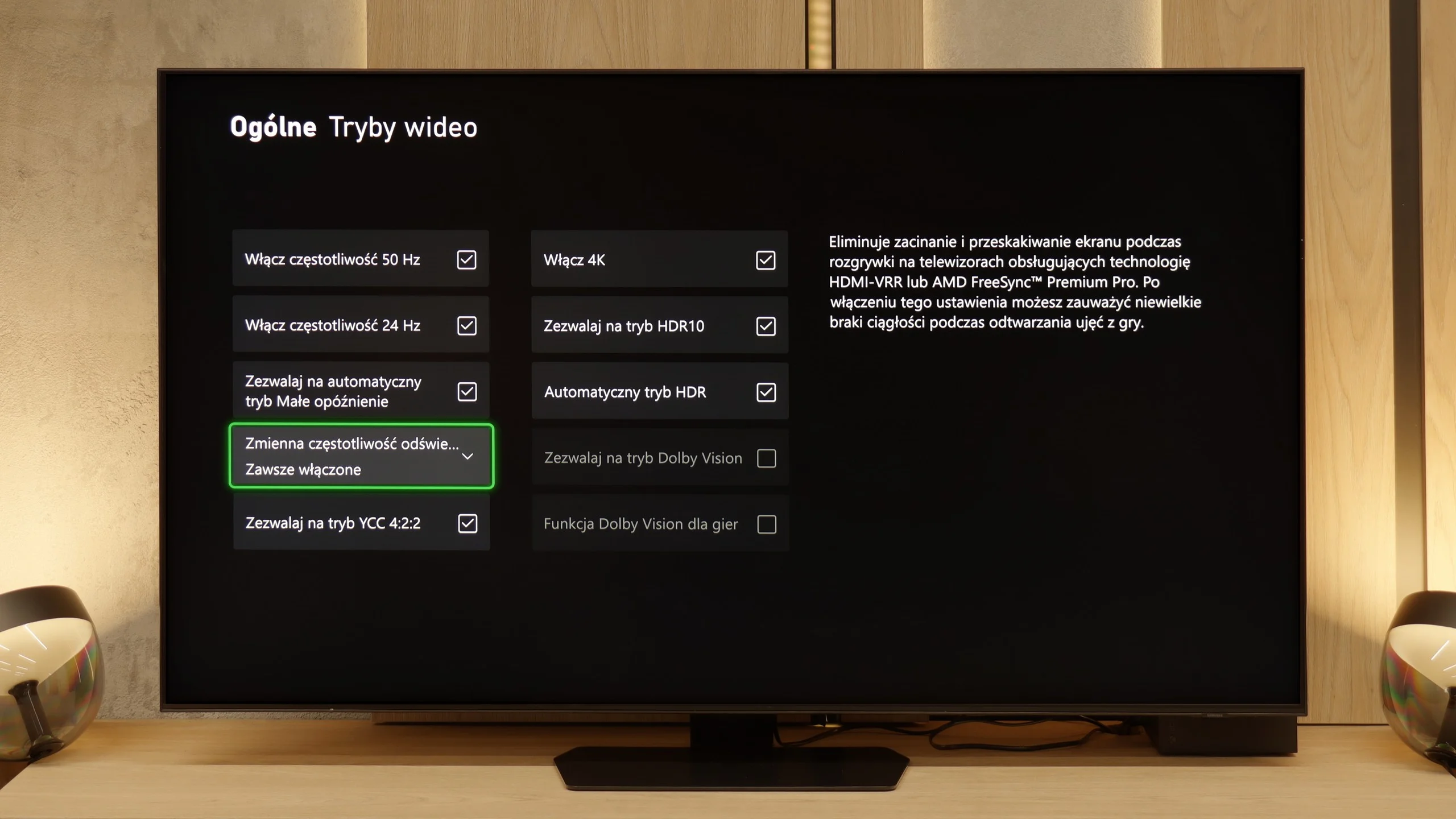
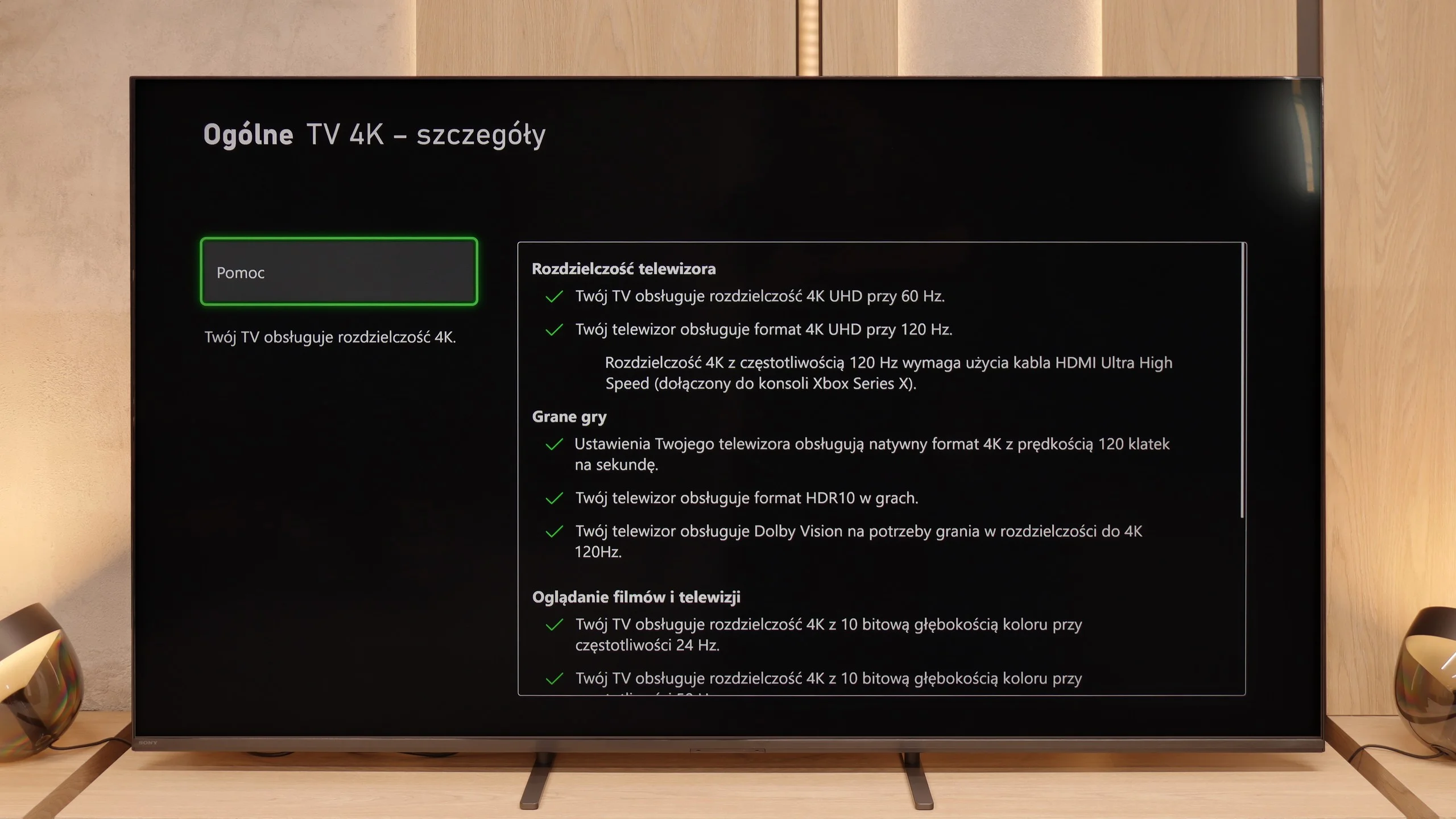
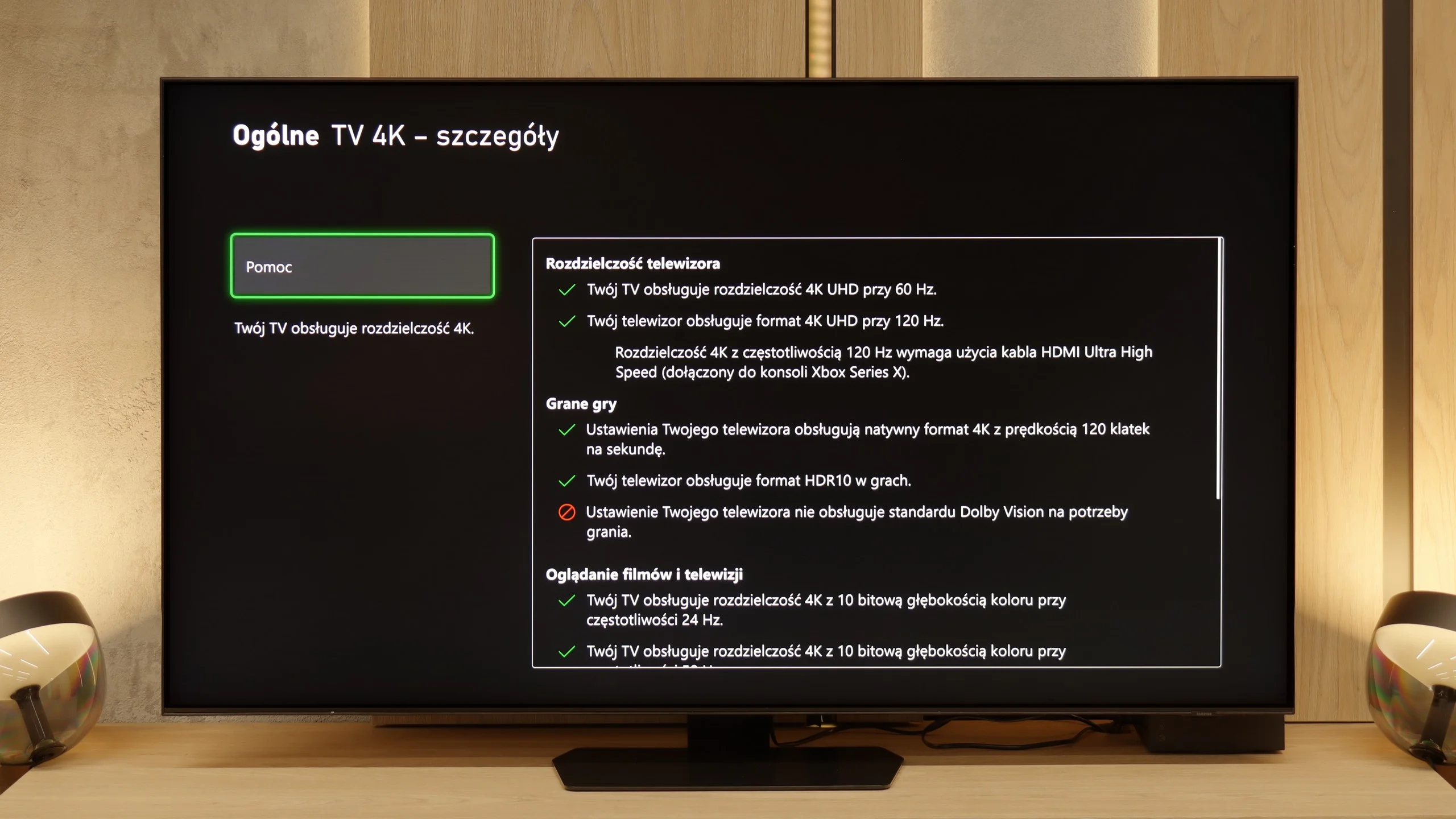
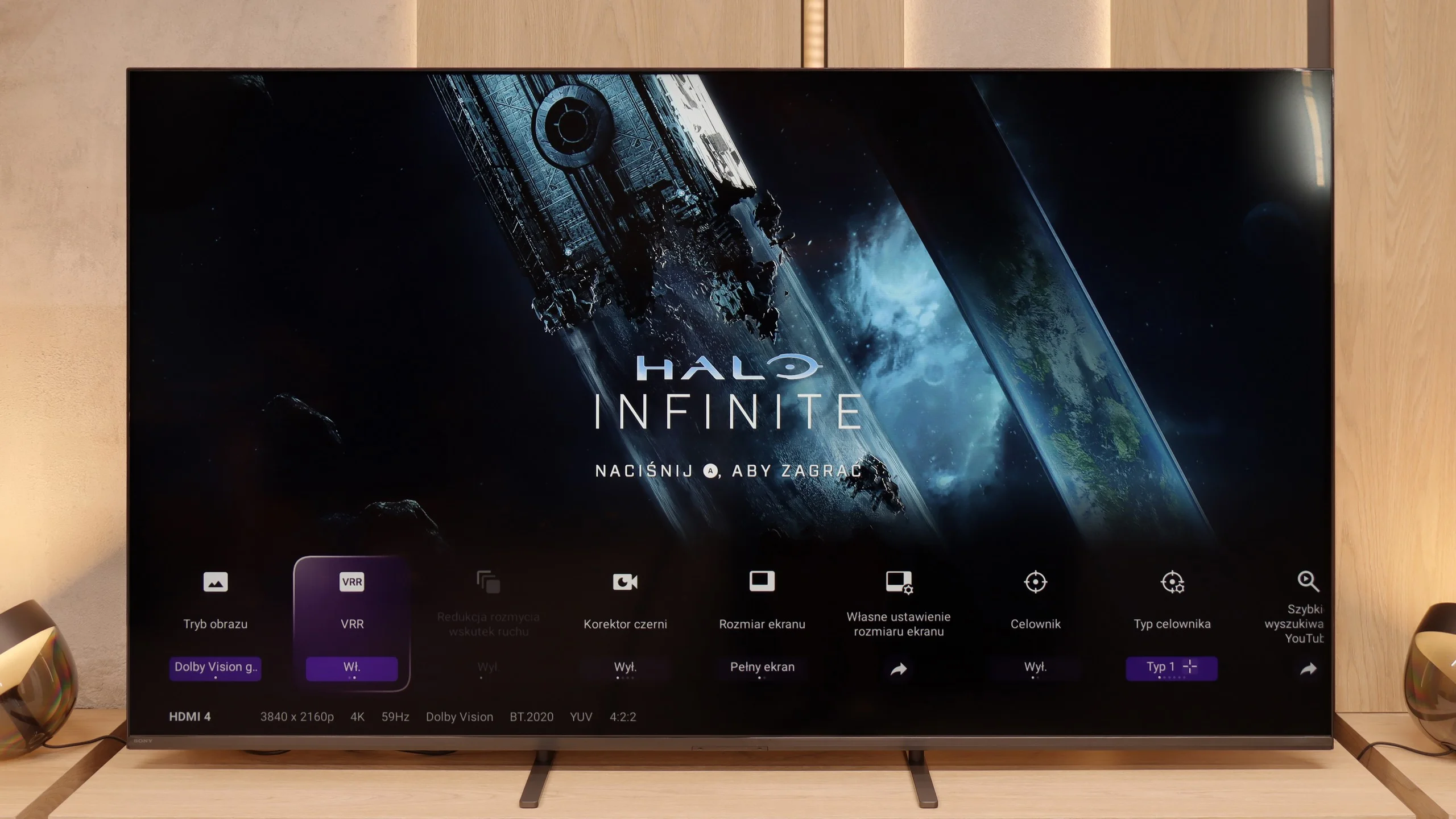
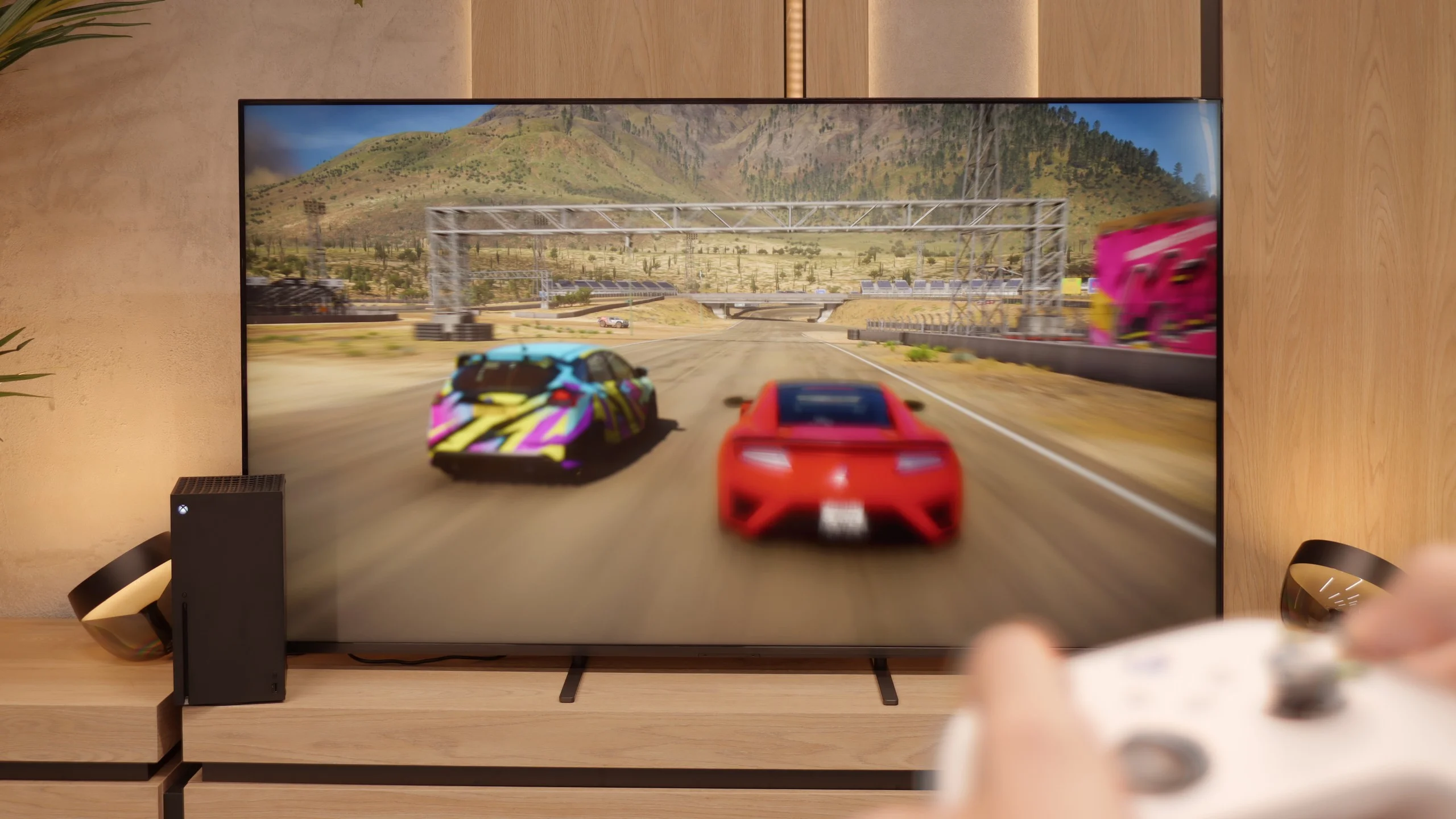
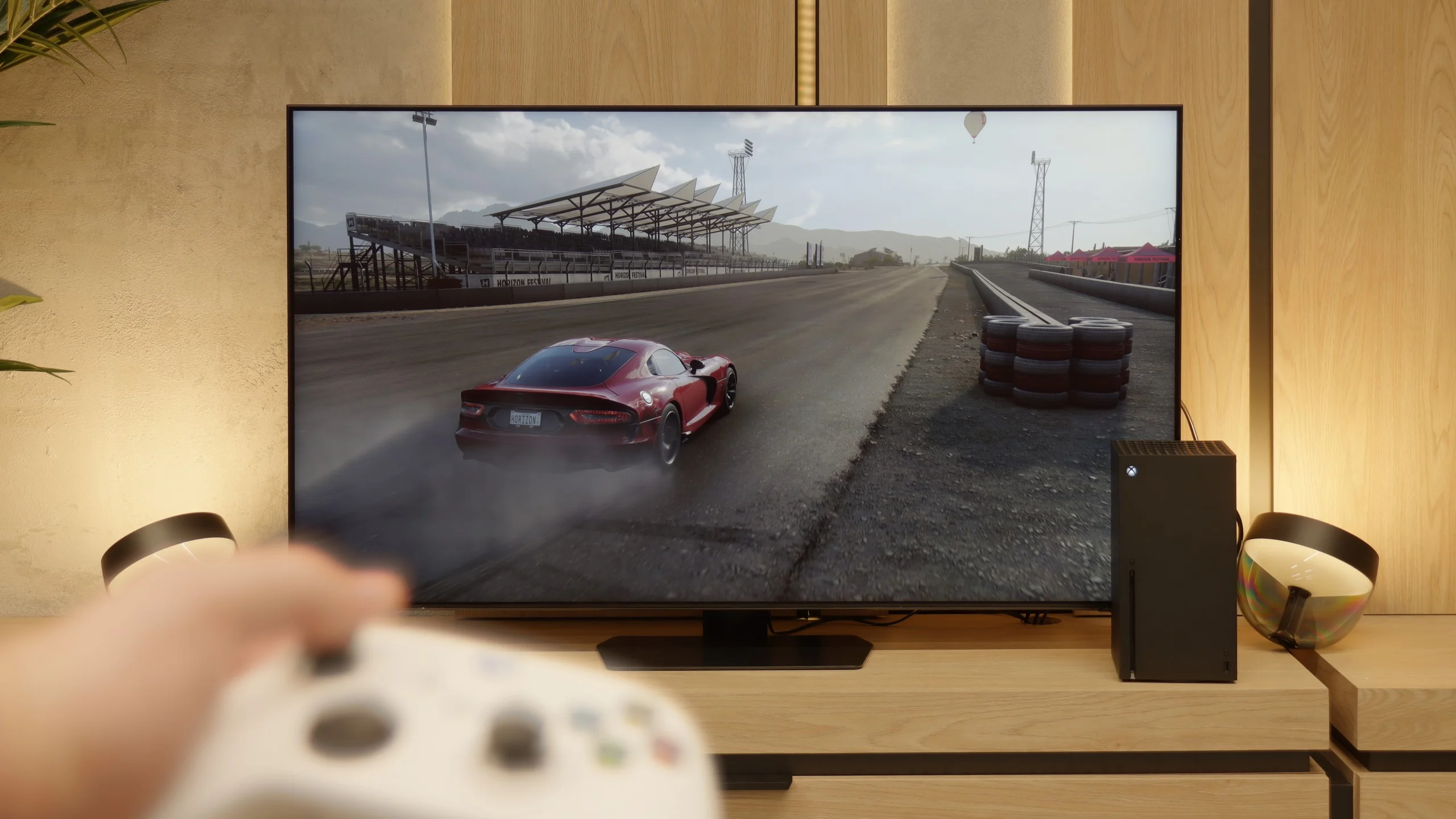
In the Bravia 5, there is a significant improvement compared to the X90L model from two years ago. The television offers literally everything its predecessor had, but this time the issues that could frustrate gamers have been fixed. The problems with setting variable refresh rate (VRR) have disappeared, and there are no longer any issues with configuring HDR content in HGiG mode. In short: we get hardware that simply works as it should, without any fuss. Therefore, the Bravia 5 has everything you could expect from a modern gaming television – and it can be reasonably advertised with the slogan “ready for PS5.” This is a statement we couldn't make about the X90L model. Well done, Sony!
It’s just a shame that this relatively high-priced model lacks a full set of four HDMI 2.1 ports. In everyday use, this won’t be a problem for most people, but if someone has a console, soundbar, and additional equipment hooked up via HDMI, at some point there will be a need to choose or juggle the cables.
QN90F has almost everything to be the perfect television for gamers. There’s no need to remind anyone of features like four HDMI ports, VRR, ALLM, or refresh rates reaching even 165 Hz. The Game Motion Plus mode deserves great praise, as it is a unique motion smoother for games. Thanks to this, it adds a few “artificial” frames and makes the image generated from the console look smoother than it should. This is a very unique solution in the world of televisions – rival systems usually do not offer this – and that is why Samsung has had a strong selling point among gamers for years, even despite the lack of support for the still niche Dolby Vision in games.
[UPDATE] We have updated our tests of Samsung televisions from the 2025 lineup due to the release of software version 1131, which restored the crucial feature for gamers, HGiG.
So why do we say "almost" the perfect screen? Unfortunately, like in recent Samsung models, we noticed an issue with the lack of the HGiG feature. This solution allows the television to leave the control of tone mapping up to the console, so that games look exactly as intended by the creators. What's worse, this feature was previously present and disappeared after software updates. Instead of minor improvements, we got a step back. It’s a shame, because without this absence, the QN90F could truly be the ideal choice for gamers in the miniLED category.
Input lag
9.9/10
9.6/10
SDR
HDR
Dolby Vision
When it comes to input lag, the Bravia 5 deserves a round of applause. Results around 7 ms at 120 Hz content are nothing short of spectacular – it’s hard to imagine a player complaining about such responsiveness. Even at 60 Hz, where the lag increases to around 15 ms, we’re still talking about values that absolutely do not spoil the fun and are not noticeable in practice. Moreover, Sony has finally tamed the Dolby Vision mode. In the X90L, it was practically unplayable – delays rose to levels of even 150 ms. Meanwhile, in the Bravia 5, the input lag remains at the same low level as with other content. This is a huge improvement and further proof that this television can truly be called “gamer-friendly.”
The input lag on the QN90F is very low. For 120 Hz content, it is about 10–12 ms, and at 60 Hz, it drops below 20 ms. These are values that can confidently be called exemplary. The slightly higher input lag – by 1–2 ms – is due to the fact that the lowest latencies, below 10 ms, are reserved for the 165 Hz mode. However, regardless of the resolution or refresh rate, you can count on the fact that the QN90F always responds quickly and responsively to our movements on the controller or keyboard and mouse.
Compatibility with PC
8/10
8.8/10
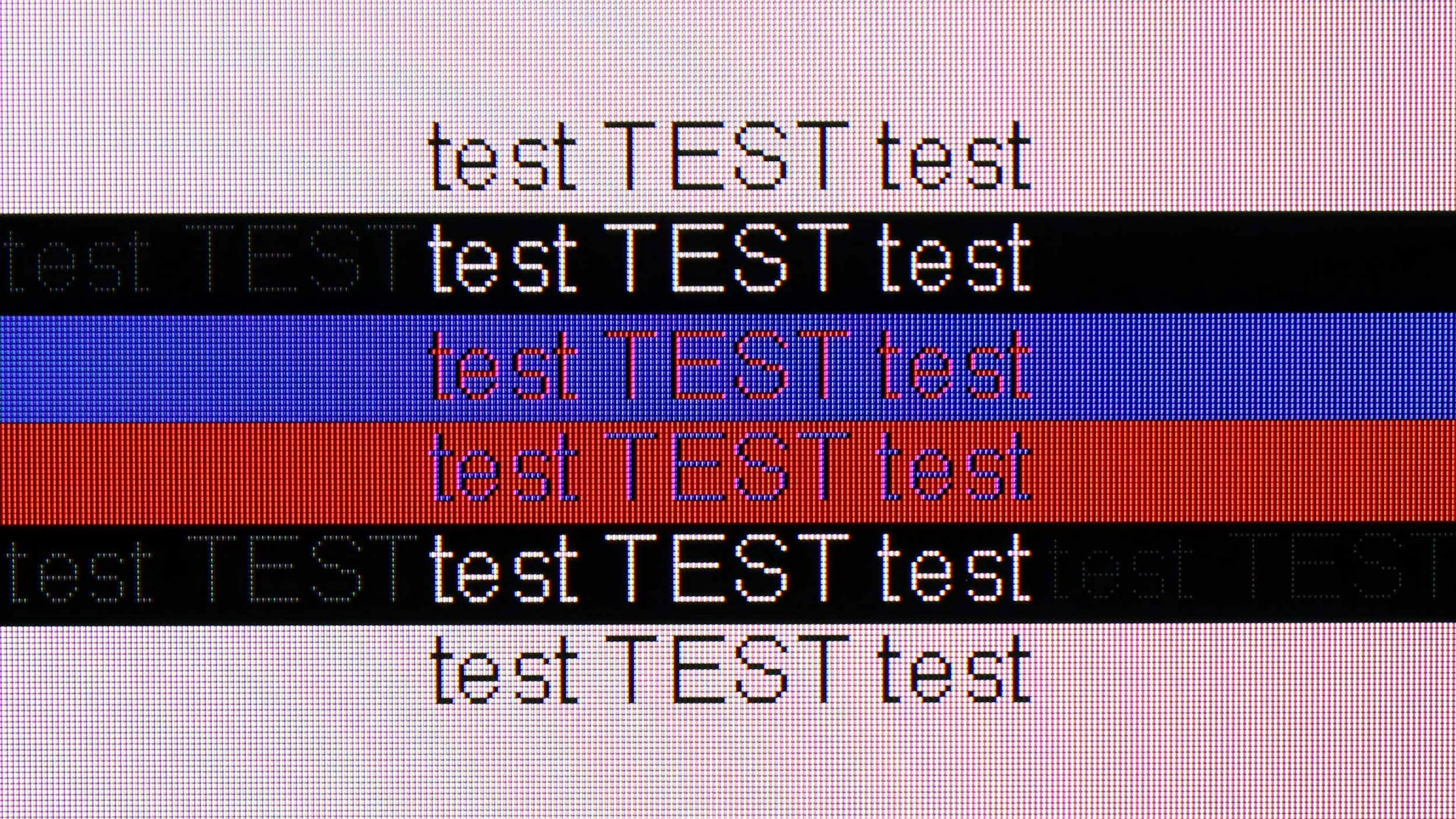
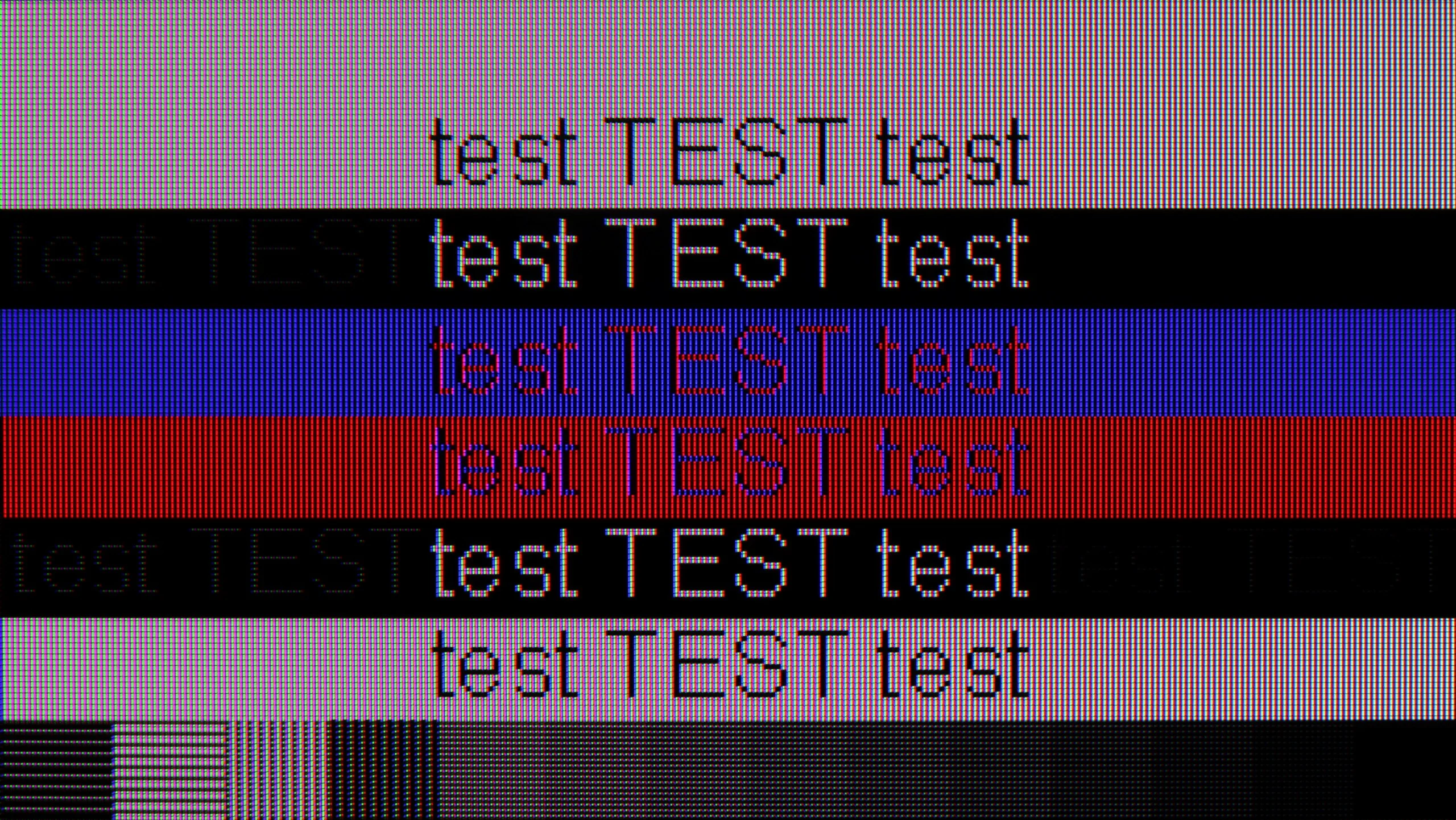
The photo shows the legibility of small fonts. Ideally, lines should be the same thickness on both light and dark text, with minimal pixel gaps.
In this category, the Bravia 5 deserves a commendable rating. The ideal readability of fonts thanks to the 4:4:4 chroma support makes working with a computer on this television a pure pleasure. Whether we are opening Excel, browsing documents, or just surfing the web – the text is sharp, clear, and devoid of that characteristic "haze" that can effectively detract from the enjoyment of use on many televisions. The letters look as they should: distinct, sharp, and readable even up close.
We also have good news for PC gamers. The Bravia 5 has no issues handling 120 Hz, working with both Nvidia and AMD graphics cards, supporting G-Sync and FreeSync Premium Pro technologies. The result is that the image is not only smooth but also free of tearing or micro-stuttering that can ruin the experience even in the best-optimised games. One can confidently connect a powerful computer and enjoy gaming on a large screen – without compromises, without frustration, and with complete comfort. The only thing we could criticise is the lack of additional modes for gamers with higher refresh rates.
Collaboration with a PC is another strong point of the QN90F. It is a screen that works well for both work and gaming. This makes sense especially in smaller sizes, such as 43 inches, where the television can easily fit on a desk. The 165 Hz mode, designed primarily for PC gamers, supports technologies such as G-Sync and AMD FreeSync Premium Pro, ensuring smooth and highly responsive gameplay. Office work performs equally well – the readability of fonts is high due to the proper handling of chroma. However, we noticed that switching the refresh rate from 165 Hz to 120 Hz significantly improves the readability of very dark text and thin lines. Therefore, if someone wants to use the QN90F as a work monitor, it is worth considering the 120 Hz mode.
Viewing angles
3.3/10
3.3/10
Bravia 5 uses a classic VA panel, which means one thing – the viewing angles are not its strong point. For owners of smaller sizes, this will not be an issue, as sitting directly in front, the picture looks superb. However, with larger sizes, especially at 85 inches, the situation becomes less comfortable. It is enough to sit slightly off-centre on the sofa to notice minor imperfections: the picture begins to lose saturation, the contrast weakens, and black takes on unwanted greys. It is a pity that Sony did not choose to implement additional coatings, which in the case of VA panels can bring their performance closer to that of IPS panels. Such solutions exist, and some competitors make use of them. However, they are missing here, so one must consider that Bravia 5 best shows its advantages when viewed head-on.
The viewing angles on the QN90F are rather average and typical for LCD screens with a VA panel. It’s a bit of a shame that Samsung has foregone additional coatings to widen the viewing angles in this model – probably at the expense of using a matte panel. The effect is that with a greater angle from the centre, the drop in brightness is quite significant, and the colours lose their intensity. This is a compromise that one has to consider when opting for a screen with a classic VA panel.
Daytime performance
6.9/10
7.2/10
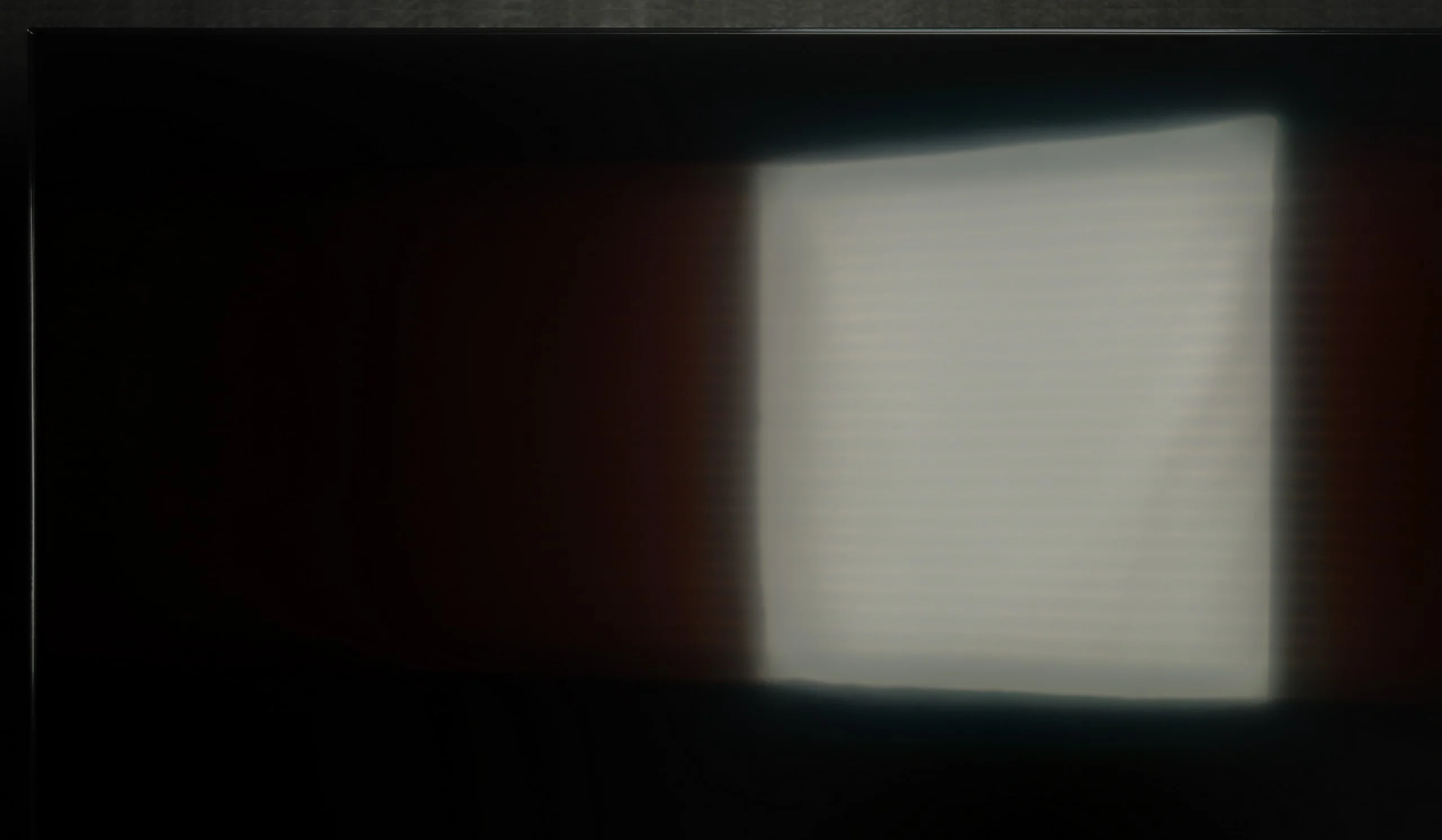
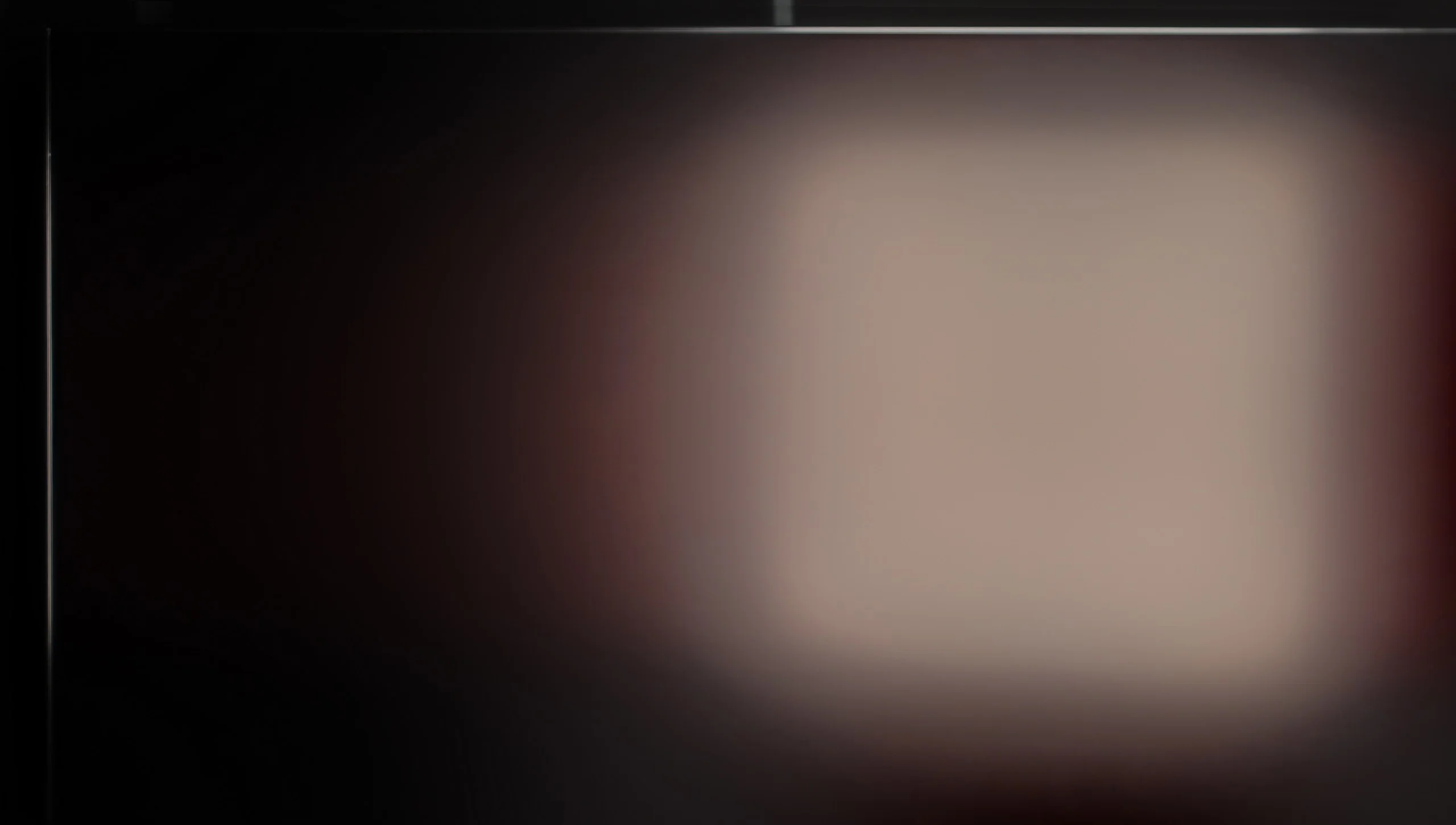
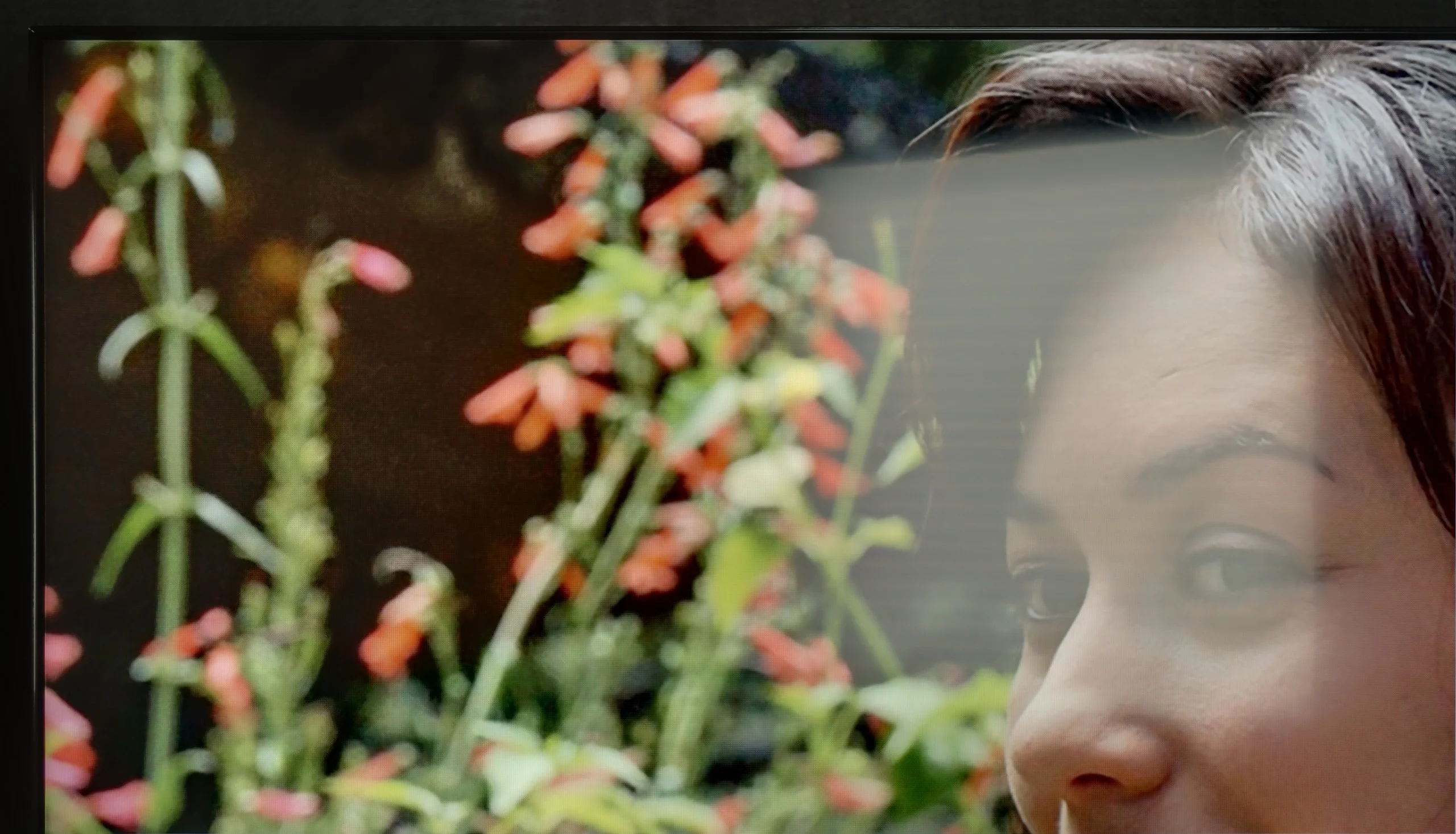

Panel brightness
Samsung QN90F / QN92F: 665 cd/m2
Sony BRAVIA 5 (XR5) : 641 cd/m2
Bravia 5 is a piece of equipment that really performs well in challenging lighting conditions. The high brightness ensures that even in the middle of the day, with the curtains wide open and sunlight streaming through the windows, the picture remains clear and sharp. There is no impression that we are watching a 'washed-out' screen. The satin coating of the panel also plays a significant role, effectively suppressing light reflections. Indeed, some reflections do appear, but they are not strong enough to interfere with viewing. These are more like subtle glows that can be noticed when we consciously look for them, rather than a real everyday problem. As a result, the Bravia 5 is suitable not only for the evening in a dimly lit room but also in bright living rooms, where other televisions might falter. Therefore, it can be said that this is a 'universally light' model – it is suitable for both evening screenings and watching news or sports in full sunlight.
QN90F is the first Neo QLED 4K with a matte display, and it must be said that this change is felt immediately. During the day, the screen behaves quite differently than typical LCD televisions – reflections are heavily subdued, and glares almost disappear, so there’s no need to constantly cover windows or fiddle with furniture placement. Colours in a bright room look natural, although their intensity can slightly drop under very strong lighting. However, this is not something that significantly spoils the viewing experience – rather a minor price to pay for the comfort of watching in sunlight. Additionally, there’s an average SDR brightness of around 700 nits, which means that the television can easily "cut through" in very sunny living rooms. It's hard to recommend anything better: if someone is looking for a miniLED 4K television that can cope in a brightly-lit living room, the QN90F is one of the most reliable choices.
Panel details
Subpixel Structure:
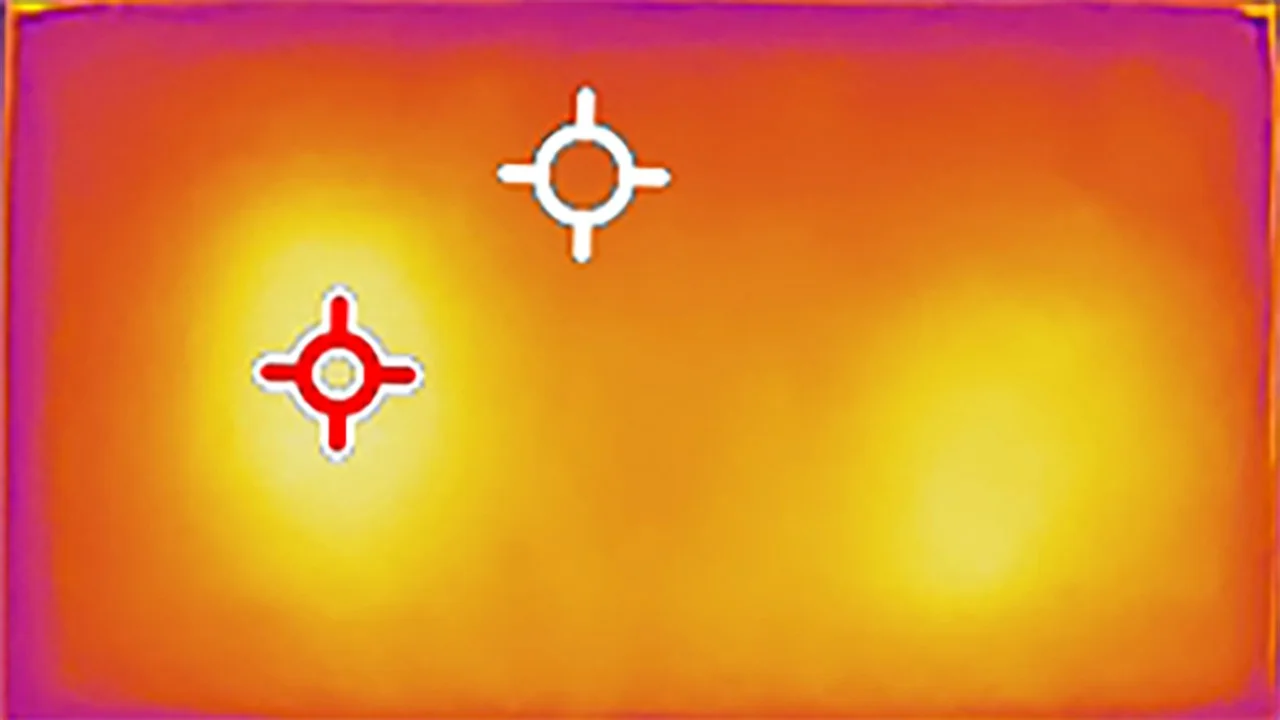
Panel uniformity and thermal imaging:
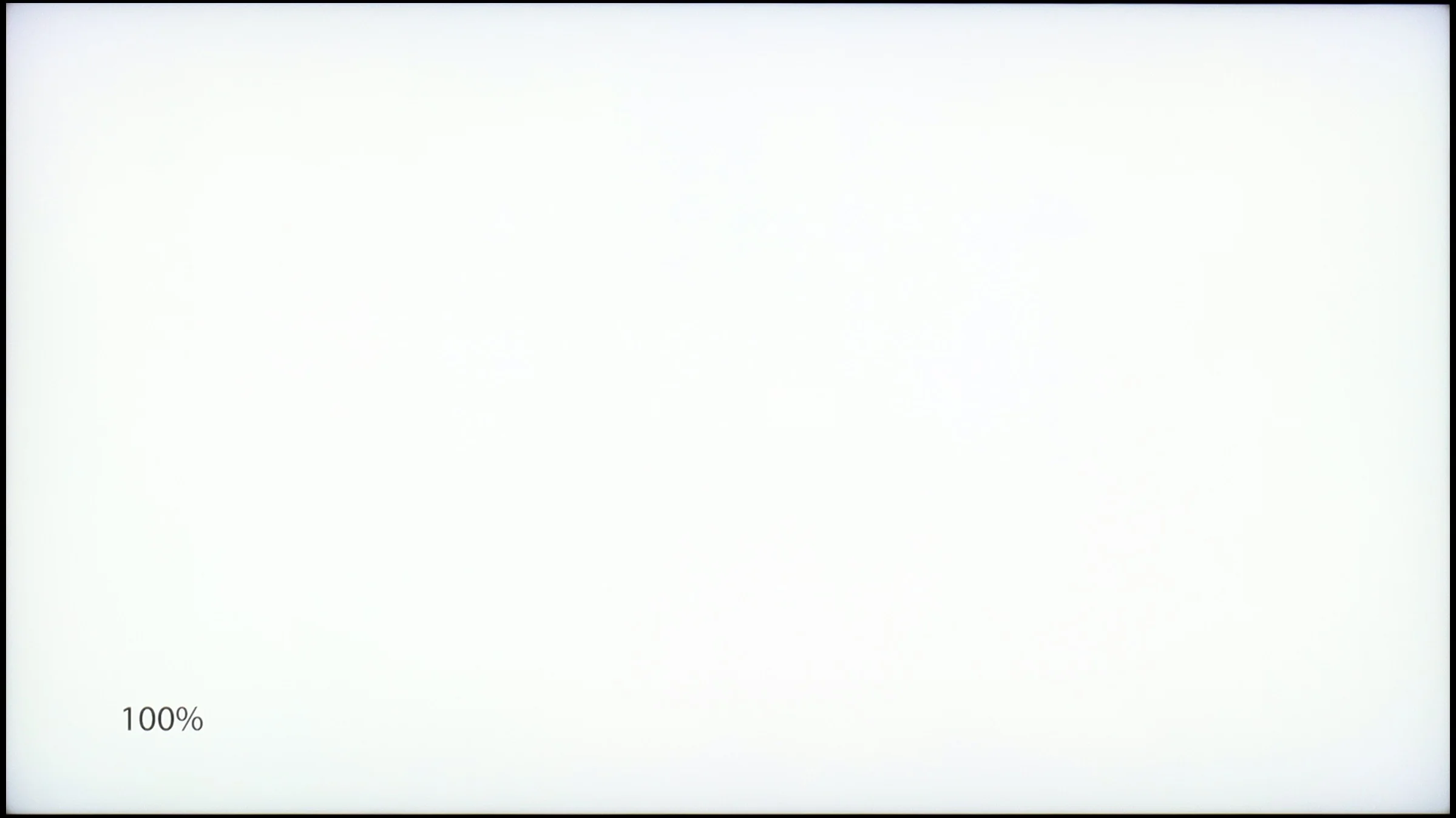
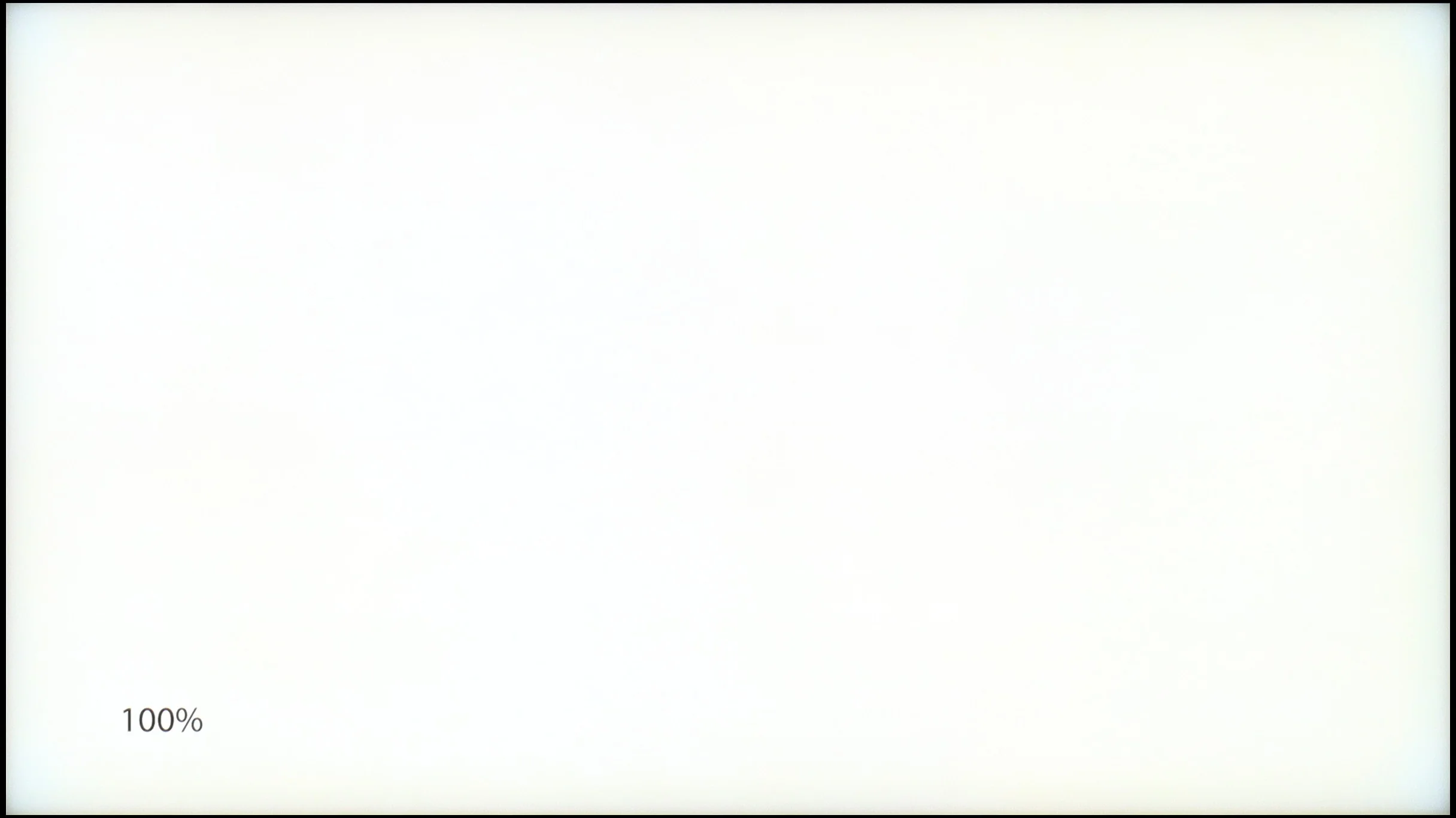
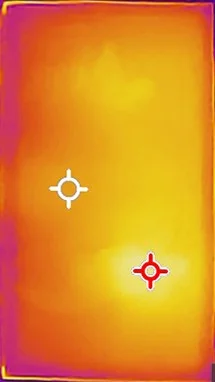
Sony BRAVIA 5 (XR5)
Samsung QN90F / QN92F
TV features
7.6/10
7.7/10
- SystemGoogle TVTizen
- System performanceGoodVery good
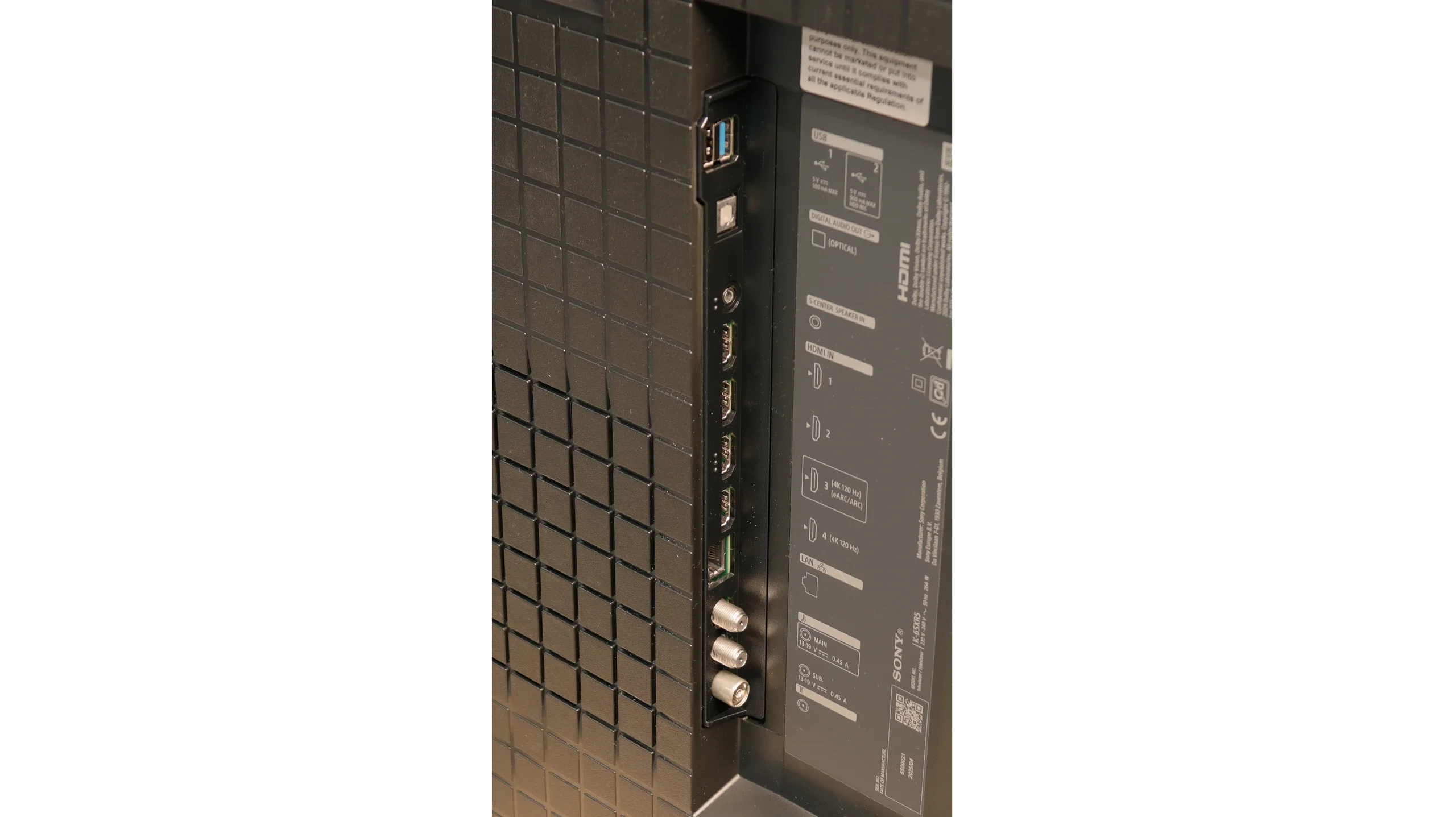
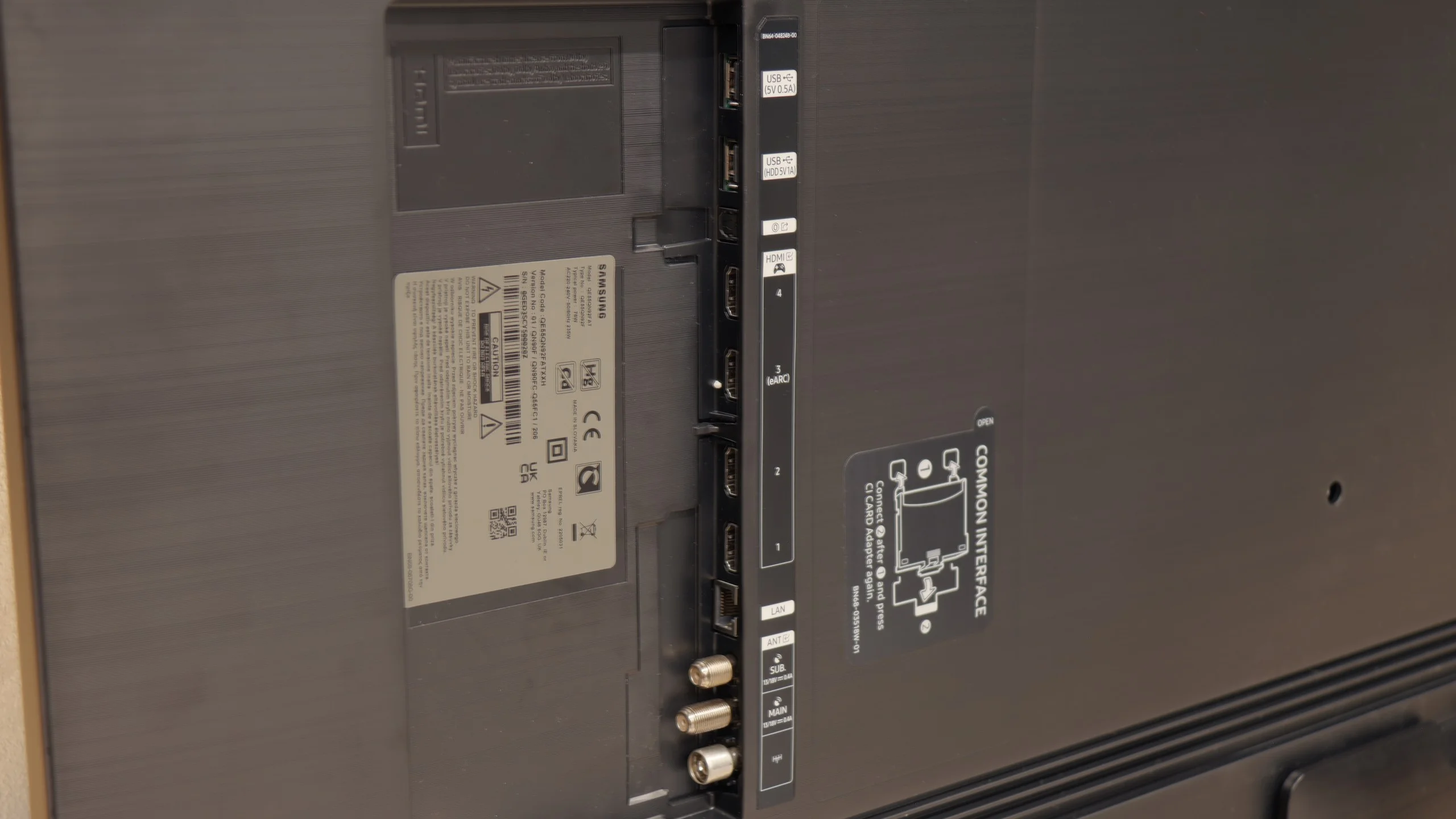
- HDMI inputs2 x HDMI 2.0, 2 x HDMI 2.1 48Gbps0 x HDMI 2.0, 4 x HDMI 2.1 48Gbps
- OutputsToslink (Optical audio), eARC (HDMI), ARC (HDMI)Toslink (Optical audio), eARC (HDMI), ARC (HDMI)
- Network InterfacesWi-Fi 2.4GHz, Wi-Fi 5GHz, Ethernet (LAN) 100MbpsWi-Fi 2.4GHz, Wi-Fi 5GHz, Ethernet (LAN) 100Mbps
- TV receptionDVB-T, DVB-T2, DVB-S, DVB-S2, DVB-CDVB-T, DVB-T2, DVB-S, DVB-S2, DVB-C
Classic features:
- Recording to USB (terrestrial TV)
- Recording programming
- Picture in Picture (PiP)
- RF remote control (no need to aim)
- Backlit remote control
- Teletext
- Audio only mode
- Bluetooth headphones support
- Simultaneous Bluetooth headphones & TV audio
Smart features:
- AirPlay
- Screen mirroring (Windows Miracast)
- Voice search
- Voice search in native language
- Ability to connect a keyboard and mouse
Sound connection options
- HDMI audioeARC (HDMI), ARC (HDMI)eARC (HDMI), ARC (HDMI)
- Other audio outputsToslink (Optical audio)Toslink (Optical audio)
- Wireless audioBluetoothBluetooth
Supported audio formats (external HDMI eARC audio):
- Dolby Digital Plus 7.1
- Dolby True HD 7.1
- Dolby Atmos in Dolby Digital Plus (JOC)
- Dolby Atmos in Dolby True HD
- DTS:X in DTS-HD MA
- DTS-HD Master Audio
Senior accessibility
- Numeric keyboard on TV
- Font size adjustment
- Audio description
GoogleTV and SmartTV Features
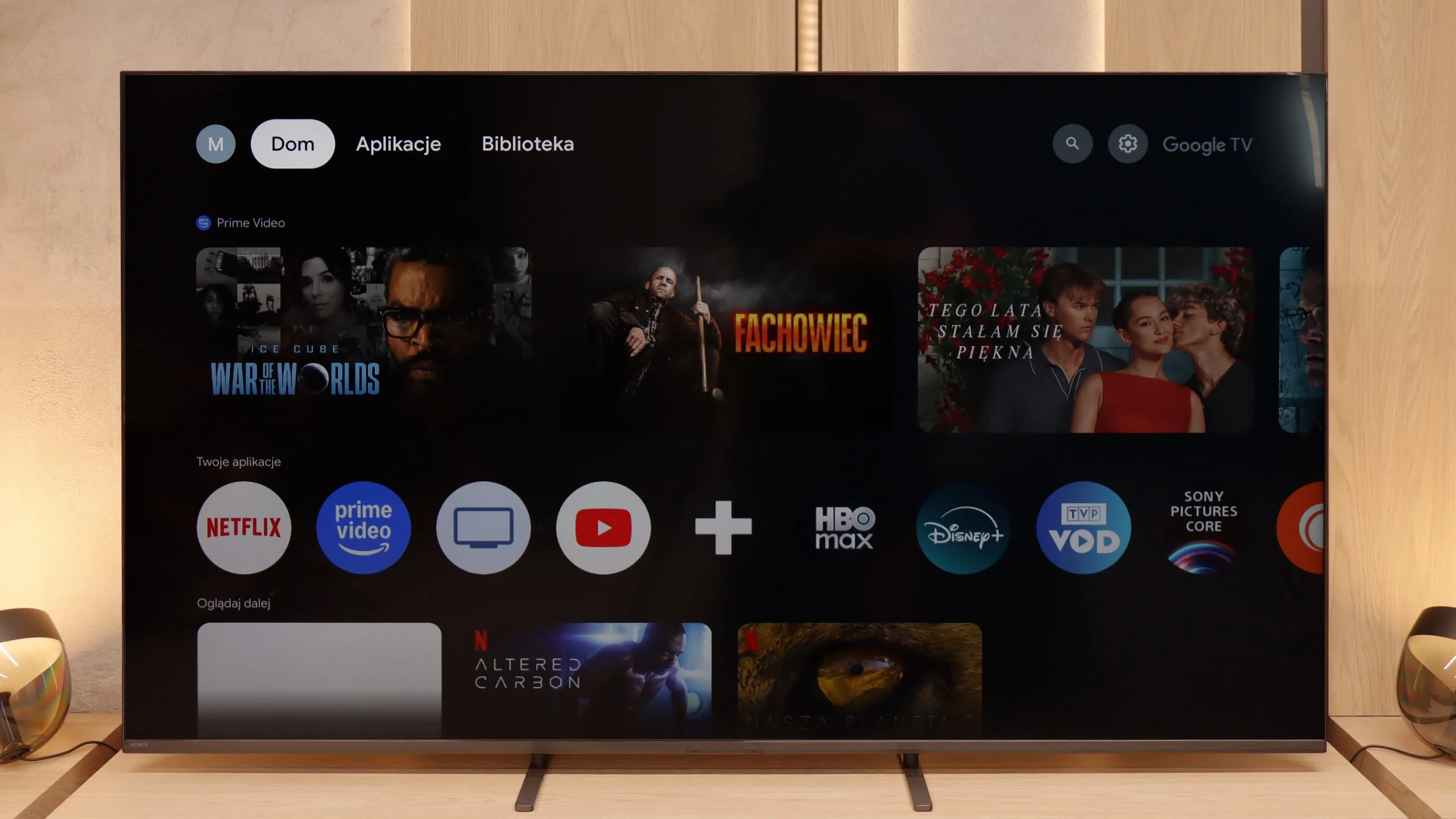
Sony Bravia 5 operates on Google TV, and it must be acknowledged that this is one of the best-optimised systems from this brand. The interface runs smoothly, there are no irritating bugs or strange translations, and navigating through the menu doesn't feel like walking through a minefield. Admittedly, there are moments when it experiences a slight hiccup – as if the system has its "weaker moments" – but these are rare enough not to spoil the overall impression. We have full support for AirPlay, voice search with the help of Google AI assistant, and the ability to download practically any app that comes to mind. The only drawback in the tests turned out to be the screen mirroring function, which theoretically should work with laptops and phones, yet in practice proved to be nearly useless – on Windows and Android, stable image transmission could not be achieved.
Usability Features
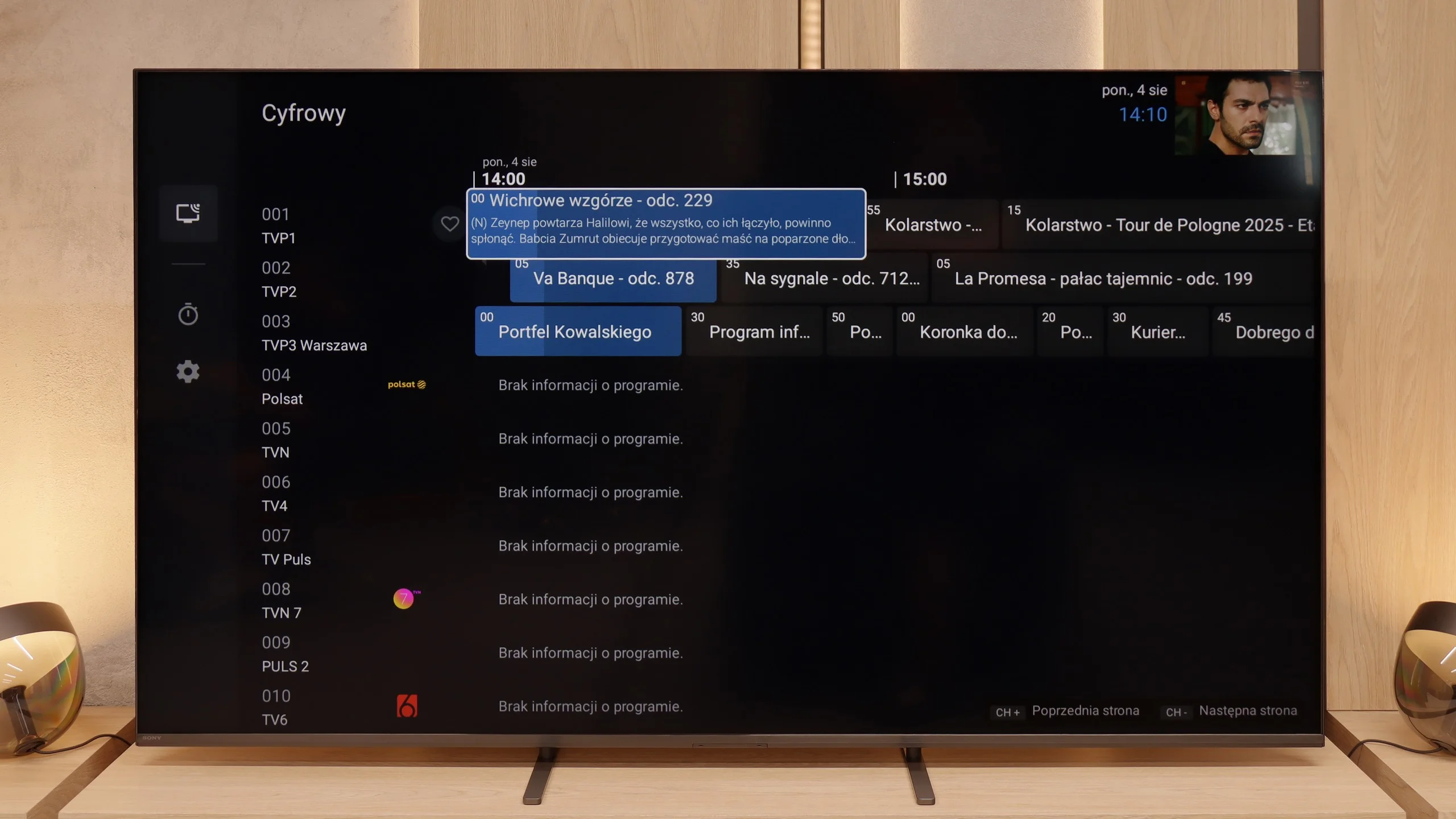
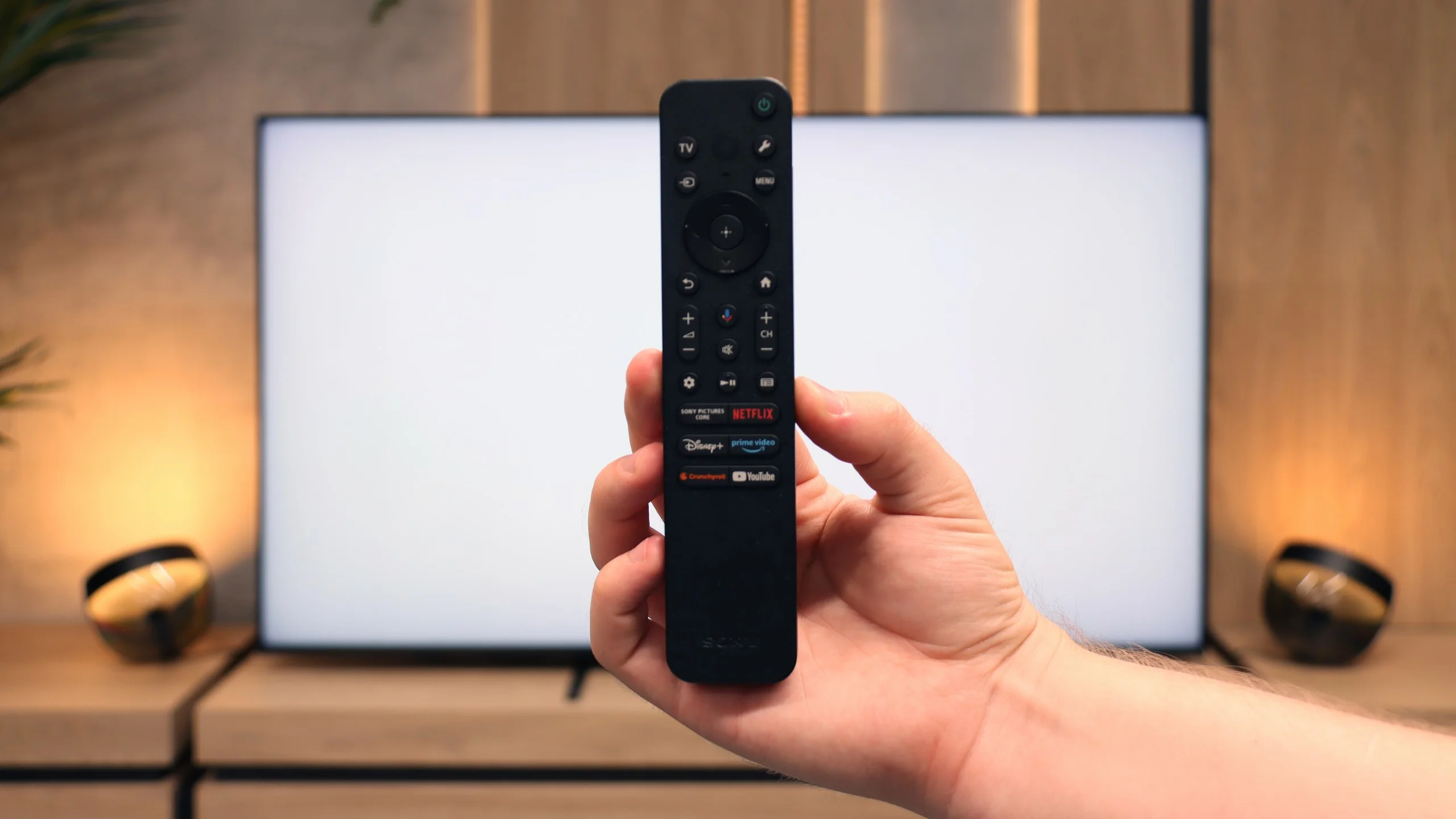
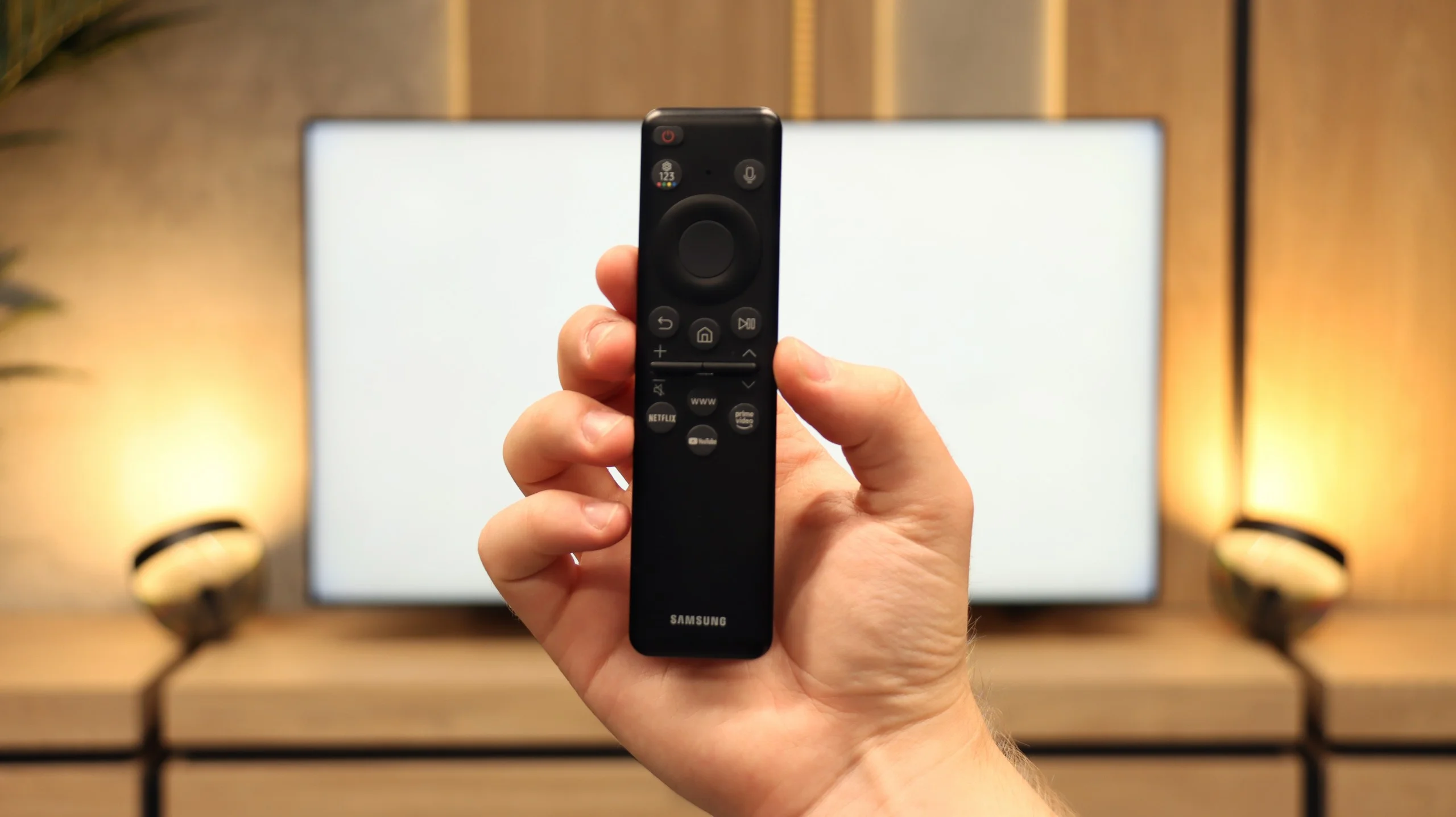
From the perspective of classic features, Bravia 5 performs solidly and practically. A significant advantage is the presence of two remote controls – one is a sleek, modern smart remote, and the other, while operating via infrared, has a classic numerical keypad. This allows us to always choose which remote fits the situation better. The EPG, or electronic programme guide, is clear and allows you to programme recordings onto a USB drive – a solution that seems simple but is incredibly useful. Additionally, the television supports various device connections: from an amplifier or soundbar via HDMI eARC to headphones and other wireless accessories via Bluetooth. This is a setup that makes the television not just a screen but a well-thought-out home entertainment hub.
Smart TV Features: Tizen
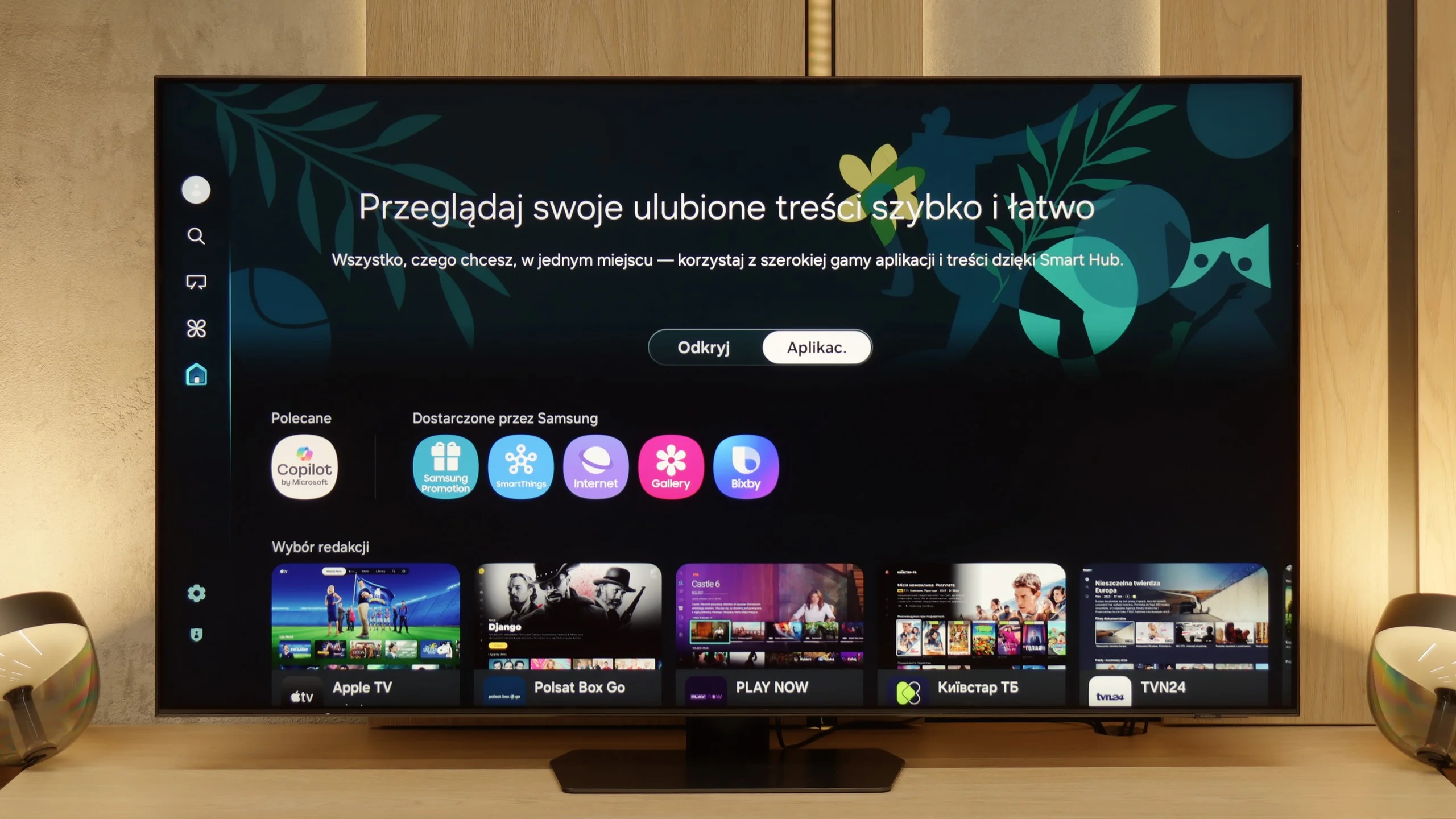
Samsung has been developing its Tizen system for years, and in the QN90F, it is clear that they have reached a point where it is truly difficult to find fault. The system operates smoothly, responds quickly to commands, and does not lag when using more demanding applications. If someone uses an iPhone – there is AirPlay and screen mirroring. If someone has an Android phone – there will be no problem either. Additionally, there is a voice assistant that understands commands in several languages, including Polish, so you can play a movie or change the channel without reaching for the remote. An interesting feature is also the integration with Microsoft’s Coopilot and AI functions, but SmartThings proves to be much more practical – thanks to it, the television can become the centre of the home ecosystem, connecting not only Samsung devices but also Philips Hue bulbs, for example.
Classic Features
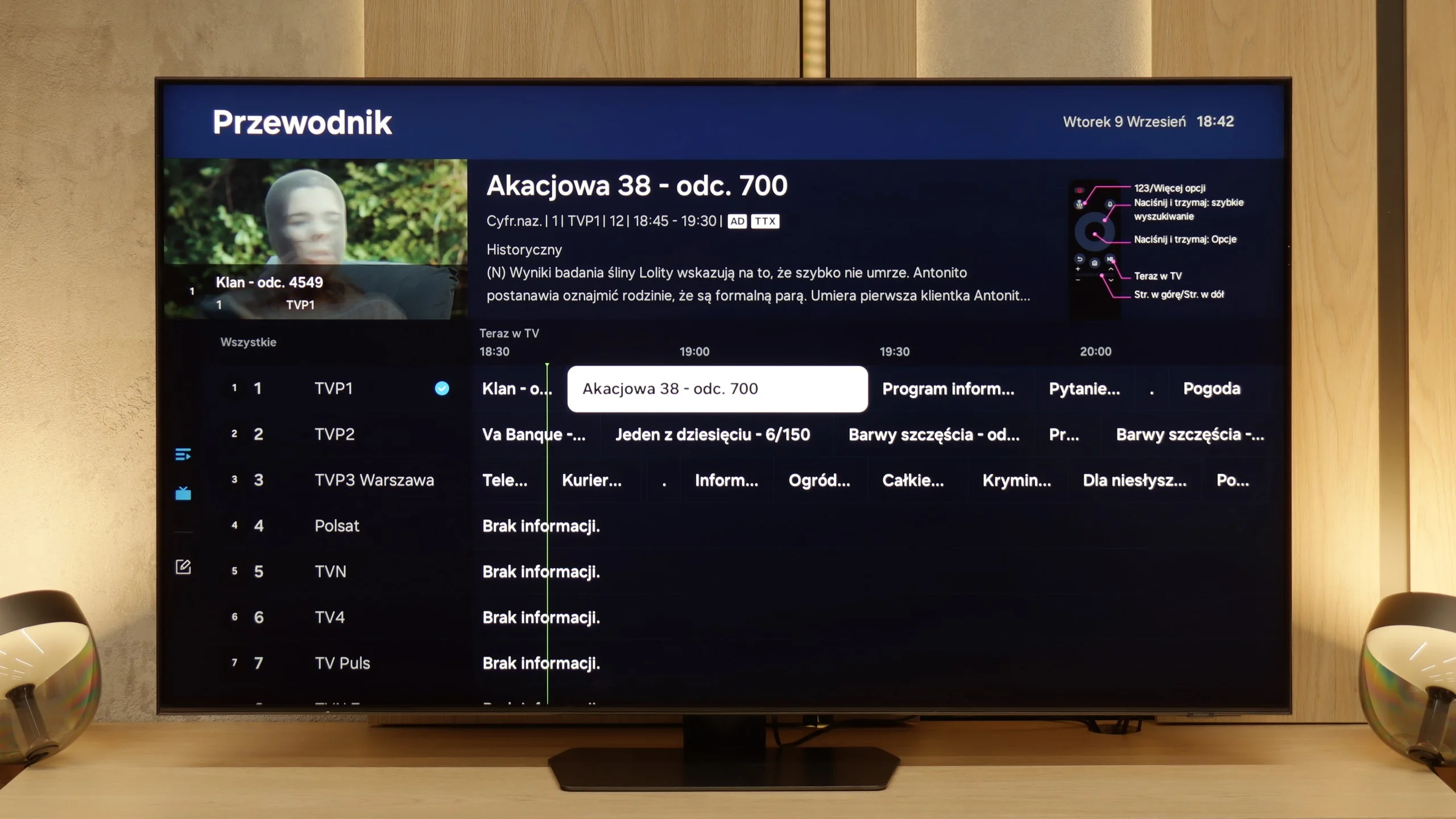
The QN90F can also function as an ordinary television. We can forget about recording on USB, but instead, we get PIP mode, which is picture-in-picture – a feature that is rarely found today. Thanks to it, you can simultaneously follow a match and a series, which can save the evening in many households. Additionally, there is a clear EPG guide and a small remote that charges with light (so no batteries are needed) and can take control of the decoder, soundbar, or even a console. It may not be the most advanced on the market, but in everyday use, it turns out to be simply convenient.
Apps
9.6/10
9.3/10






















Playing files from USB
8.9/10
9.1/10
Supported photo formats:
Maximum photo resolution:
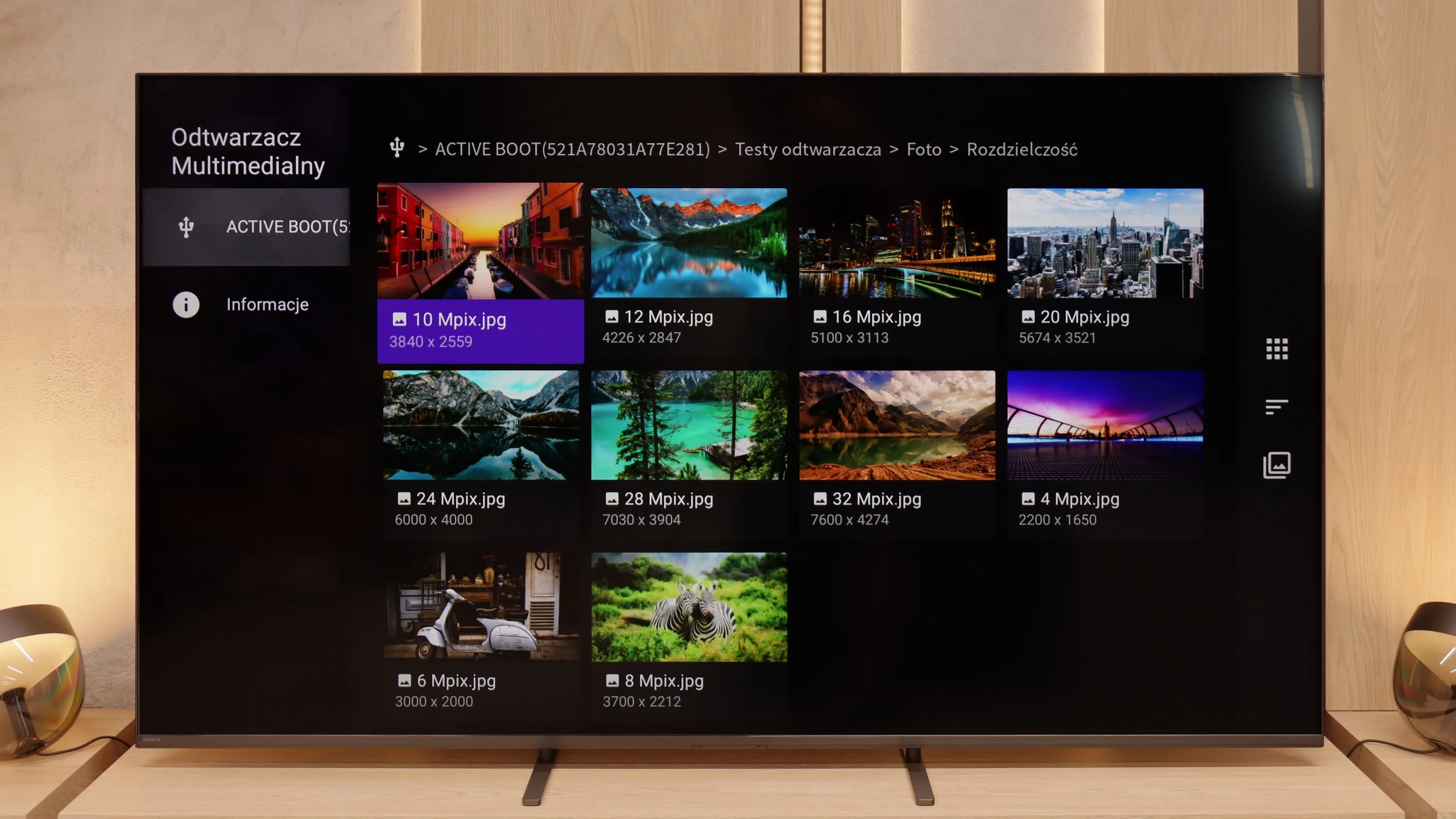
Bravia 5 handles multimedia playback from USB quite efficiently. In practice, almost everything works – films, music, photos – although of course we encountered some minor issues. Some subtitles can cause problems, as can exotic photo formats, which were not always recognised correctly. However, this is standard in the world of televisions, and it's hard to take serious offence at it. A significant advantage is the fact that thanks to Android, we are not solely reliant on the system player. It's enough to install an external application, such as VLC, and all limitations disappear. This is the strength of this system – the manufacturer does not confine us to their ecosystem but allows freedom of choice.
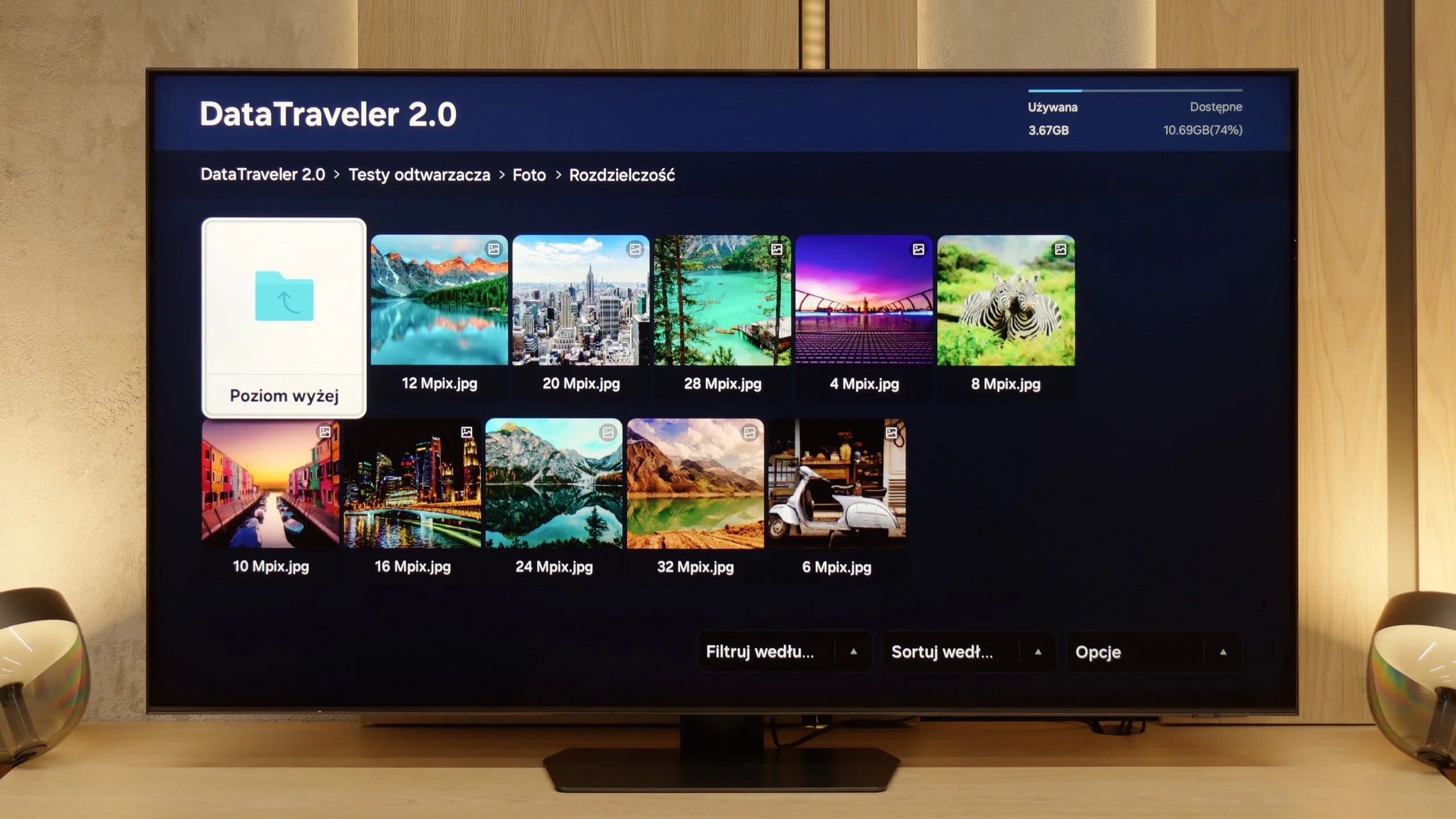
The built-in media player in the QN90F performs quite well. It supports most popular audio and video formats and can easily play graphic files such as JPEG or PNG. The problem only arises with files in the HEIC format – a type of high-quality photo standard used in iPhones. In theory, the television should support them, as they appear on the list of compatible formats, but in practice, attempting to open a HEIC file can freeze the entire system and force a power reset. It's a somewhat strange situation and another minor glitch that shouldn't occur in equipment of this class. On the other hand, one can be very satisfied as it supports most popular audio and video formats.
Sound
7/10
7.8/10
- Maximum volume84dB86dB
- Dolby Digital Plus 7.1
- Dolby True HD 7.1
- Dolby Atmos in Dolby Digital Plus (JOC)
- Dolby Atmos in Dolby True HD
- DTS:X in DTS-HD MA
- DTS-HD Master Audio
Bravia 5 positively surprises in terms of audio. The sound is pleasant, with a slightly noticeable bass thanks to the proprietary Bass Reflex speakers. Overall, it plays loudly, clearly, and definitely above average for a television – 40 W of power in a 2.2 configuration is an impressive result in this class. The placement of the speakers on the sides of the casing also plays a significant role, making the sound spread throughout the room and providing a sense of space. However, one should not be overly optimistic. It is still not on the level of even the simplest soundbar. Bravia 5 performs excellently in everyday use, but for those who enjoy strong sound and a cinematic effect, additional audio equipment will be essential – as is the case with nine out of ten televisions available today on the market.
The QN90F performs really very well. Despite the slim design of the television, there’s a noticeable bass that adds depth to the sound. The speaker system here operates in a 4.2.2 configuration and offers a total power of 60 W – for built-in audio, this is quite a solid result. Moreover, with materials supporting Dolby Atmos, one can perceive a subtle spatial effect, which works quite well in everyday viewing. Of course, with equipment of this class, it's difficult not to recommend an additional soundbar. It's best to choose one that supports Q-Symphony technology – thanks to this, the television and soundbar play simultaneously, resulting in a fuller and decidedly more cinematic effect.
Sound Quality Test
No sound test video
Acoustic Measurements
84dBC (Max)
75dBC
86dBC (Max)
75dBC
Reader comments
Comments are provided by the external service Disqus (Zeta Global). Once loaded, Disqus may set cookies and process data about your activity.
We will remember your choice on this device. Provider's privacy policy