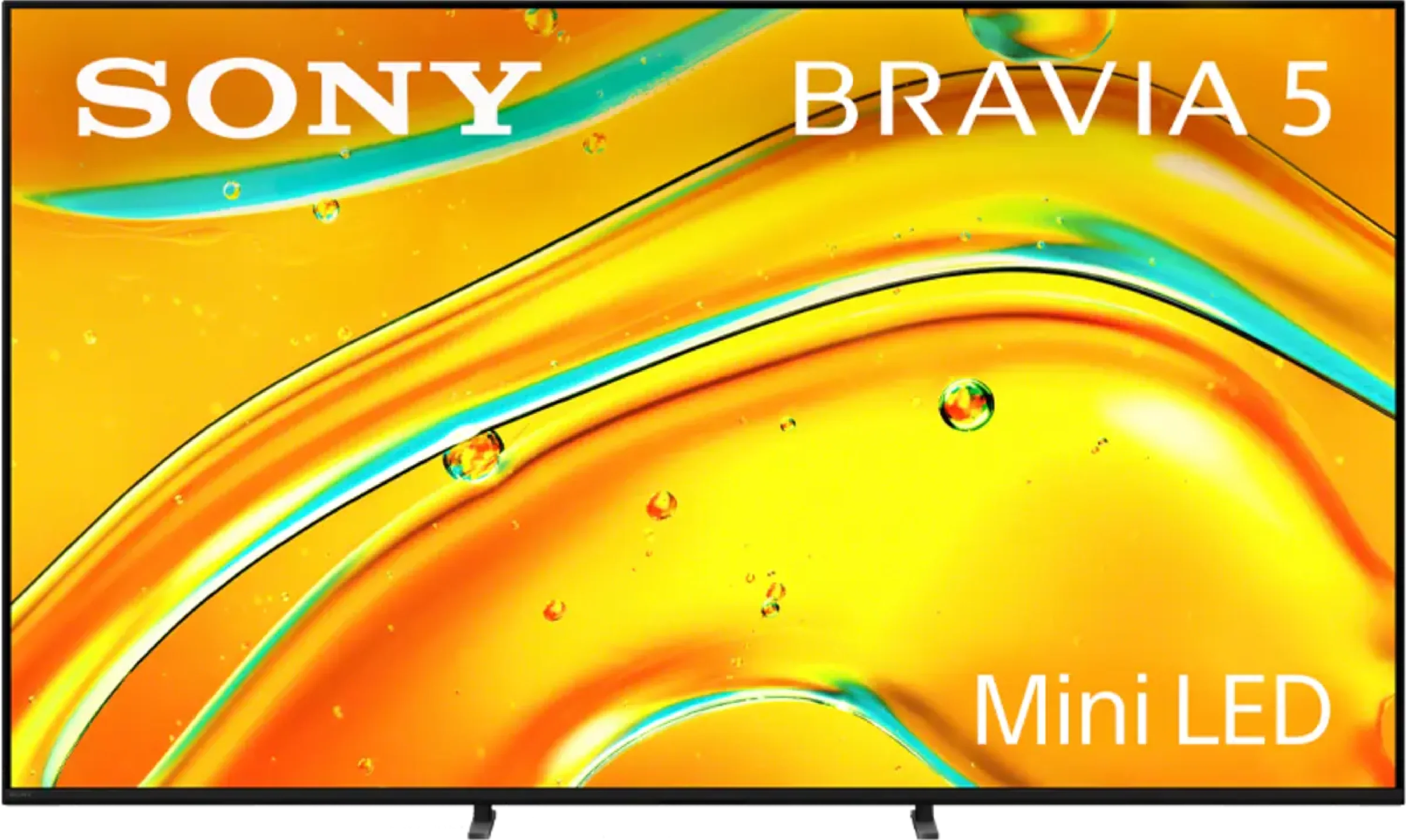
Sony Bravia 5 is a continuation of the iconic X90L model, and it's evident that the manufacturer aimed to take a step forward. A greater number of backlighting zones have been implemented, which makes the contrast seem better in many scenes, and the blacks appear deeper than its predecessor. The 120 Hz panel and MotionFlow system allow the smoothness of the image to be tailored to personal preferences – from a slight cinematic texture to crystal-smooth motion in sports and games. This is equipment that does not shy away from any content, as regardless of whether we are watching a match, an action film, or a concert, the image maintains clarity and character. However, the true strength of the Bravia 5 lies in the XR processor. It is this that makes older materials look better than they should – upscaling works like magic, smoothing out noise, improving gradation, and providing consistency even with lower-quality content. Thanks to this, in everyday use, the Bravia 5 can surprise, as instead of struggling with signal imperfections, it draws out the maximum. Additionally, there is excellent colour reproduction after calibration and dynamic tone mapping along with Dolby Vision mode, which allows one to enjoy details even in difficult, contrasted scenes. However, it cannot be hidden that in several moments, the Bravia 5 has disappointed us quite significantly. Despite the greater number of zones, brightness and contrast are not always better than in the X90L – sometimes they even perform worse. This raises a sense of wasted potential, as we were counting on a greater qualitative leap. After all, we are talking about a true MINI-LED television here. Nevertheless, the Bravia 5 remains an excellent television for those who want to enjoy primarily image quality. If you are looking for a model that can impress with motion smoothness, extracts details from difficult scenes, and works wonders with older materials, the Bravia 5 will surely meet those expectations. It's a television that sometimes struggles to keep up with the competition in certain aspects, but it still holds its own with what Sony does best – cinematic imagery.
- Matching (Score) |
- Our verdict |
- TV appearance |
- Where to buy |
- Contrast and black detail |
- HDR effect quality |
- Factory color reproduction |
- Color reproduction after calibration |
- Smoothness of tonal transitions |
- Image scaling and smoothness of tonal transitions |
- Blur and motion smoothness |
- Console compatibility and gaming features |
- Input lag |
- Compatibility with PC |
- Viewing angles |
- Daytime performance |
- Panel details |
- TV features |
- Apps |
- Playing files from USB |
- Sound
Sony BRAVIA 5 (XR5) vs Hisense UR8S
 Direct comparison
Bravia 5 / XR5
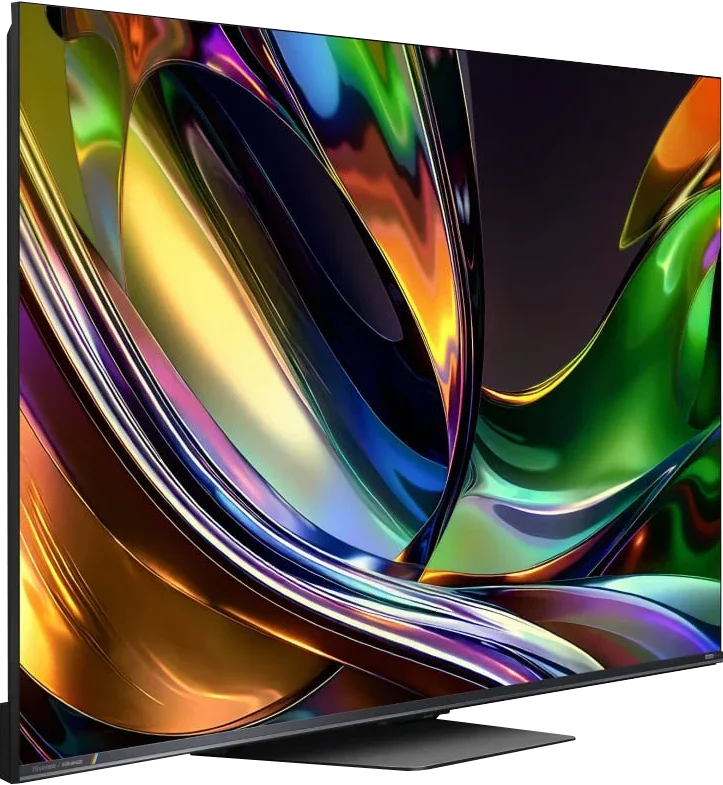
Panel type: LCD VA
Resolution: 3840x2160
System: Google TV
Model year: 2025
Complete the survey to find out the result
Panel type: LCD VA
Resolution: 3840x2160
System: VIDAA
Model year: 2026
Complete the survey to find out the result
Overall rating
7.6
8.2
 Movies and series in UHD quality
 7.0
7.4
 Classic TV, YouTube
 7.4
7.6
 Sports broadcasts (TV and apps)
 7.3
7.4
 Gaming on console
 8.7
8.4
 TV as a computer monitor
 8.0
8.5
 Watching in bright light
 6.9
9.5
 Utility functions
 7.6
9.4
 Apps
Apps 9.6
8.3
 Sound quality
 7.0
7.8
Complete the survey to find out what fits your preferences
Advantages

Exemplary upscaling and digital image processing – Sony’s proprietary XR processor
Very good image quality after calibration
Solid contrast for a Mini-LED screen
Excellent support for HDR content thanks to Dolby Vision and dynamic tone mapping
High motion fluidity at 120Hz
Remarkable input lag (7 ms at 120 Hz)
Very good compatibility with PC – superb font readability, support for G-Sync and FreeSync Premium Pro.
Google TV in its best form, fast and without annoying glitches
2 remotes included
Pleasant, loud sound at 40 W from a 2.2 system.
Very high contrast and good black levels
High image brightness
Potentially wider colour gamut thanks to RGB backlighting
Excellent image processing and upscaling
Panel with a refresh rate of up to 180 Hz
Very good gaming performance
Good viewing angles for a Mini-LED LCD
Matt finish and excellent performance in daylight
Fast VIDAA and many user-focused features
Support for Dolby Vision, HDR10+, Dolby Atmos and DTS
Disadvantages

The algorithms require refinement – despite the increased number of dimming zones, contrast and brightness in challenging scenes sometimes perform worse than on the X90L
Screen mirroring practically didn't work with Windows and Android
Only two HDMI 2.1 ports – in a television of this class, that's decidedly too few, especially if someone plans to connect a console, soundbar, and additional devices
The full potential of RGB Mini-LED is not always realised in films
HDR brightness can differ from the creators' vision
No proper HGiG implementation
The VIDAA system still lacks a few apps
Our verdict
Hisense UR8S is above all a very versatile high-end television that, in most uses, simply performs well or very well. It is not a model aimed solely at cinema, gaming or watching in a bright living room. Its greatest advantage is that it can combine all those things in a single set and it does not have any one clearly weak point. In terms of picture the UR8S has a lot to offer. Contrast is high, HDR can look very impressive, and its brightness is at a level that easily suffices for daytime viewing. Added to that are very good image processing and smooth motion handling. RGB Mini-LED also gives it a very wide colour gamut and it is clear that the technology has significant potential. However, it should be remembered that it does not completely change the character of an LCD television. In more demanding scenes the limitations of local dimming are still visible, and very high colour saturation cannot always be maintained to the same extent as on simple test patterns.
One of the UR8S's strongest points is its everyday usability. The television performs well with sports, is well suited to gaming, and the high brightness and matte finish make a big difference in a bright room. In addition the VIDAA system runs quickly, and Hisense has not removed many features that remain useful in everyday TV use. That is why we mainly see the UR8S as a television for people looking for a single, solid screen for everything. RGB Mini-LED is an interesting addition and provides some real benefits, but it is not the technology alone that makes this model perform well. Its main strength is that it is complete, well equipped and very versatile.
TV appearance
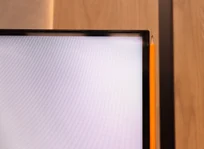
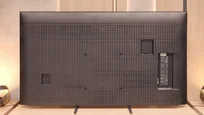
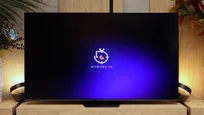
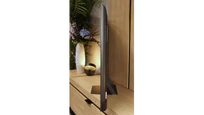
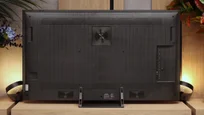

Contrast and black detail
7.5/10
8/10
Local dimming function: Yes, number of zones: 190 (10 x 19)
Local dimming function: Yes, number of zones: 936 (26 x 36)
Contrast:


Result
104,650:1

Result
23,850:1

Result
21,300:1

Result
9,350:1

Result
6,450:1
Result
267,450:1
Result
48,550:1
Result
19,450:1
Result
14,850:1
Result
10,800:1
Halo effect and black detail visibility:
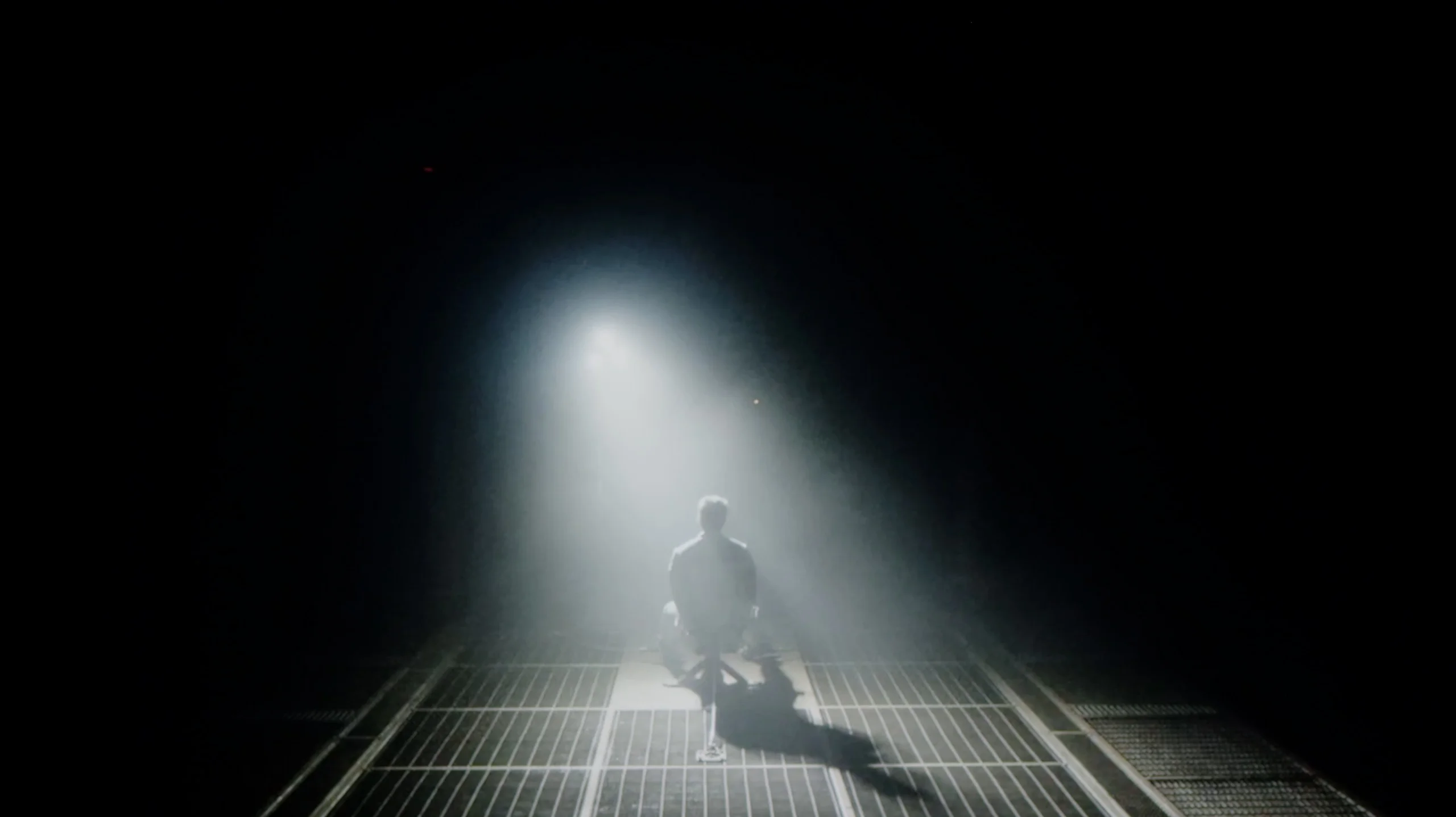
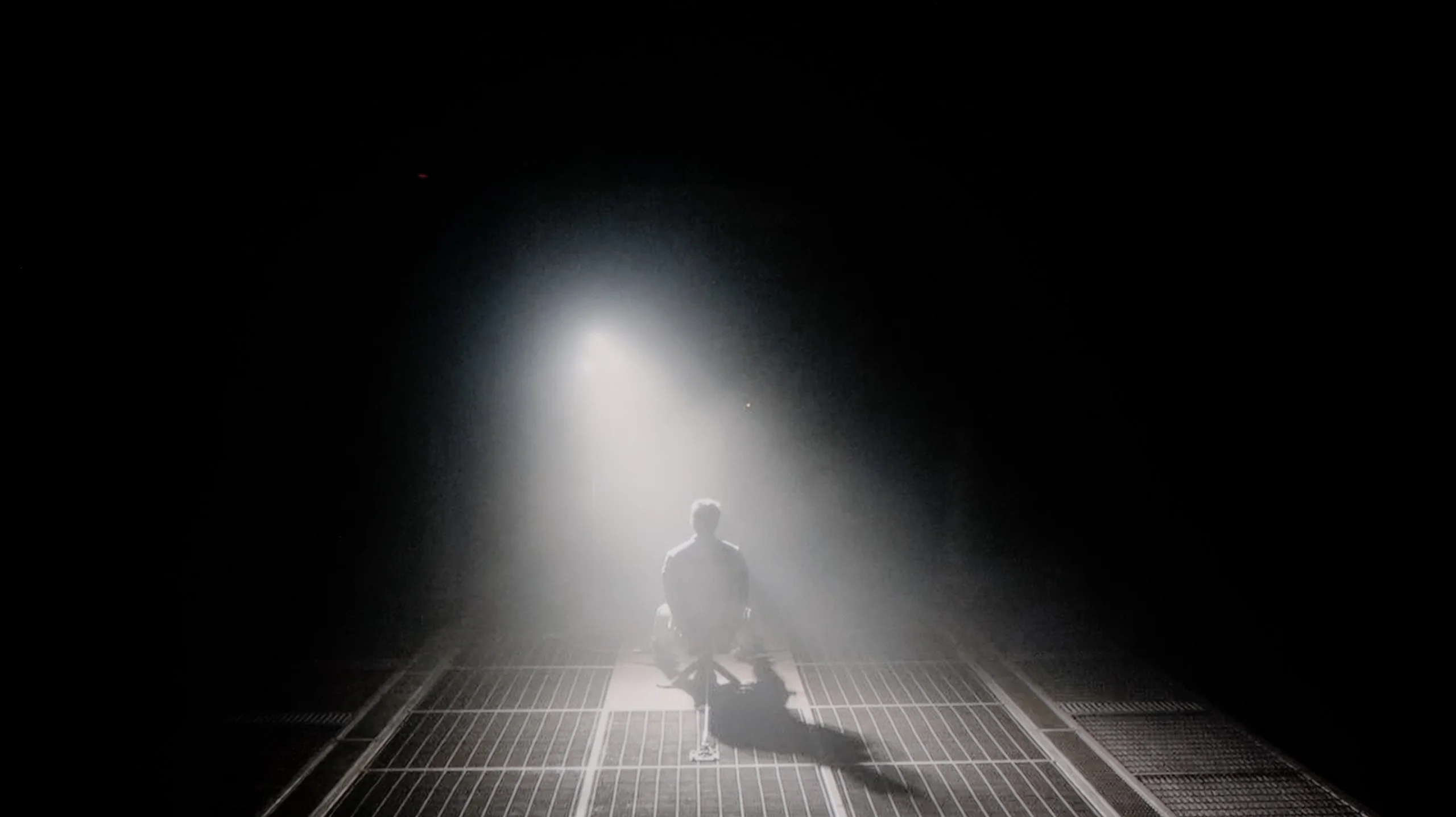
Check the visibility of bright lights on a dark background. Mini-LEDs often struggle with this. The photo does not compare black levels – that’s what the video below is for.
The video accurately shows differences in contrast and black levels between TVs, as well as potential issues: halo around bright objects or Mini-LED zone operation visible as brightness jumps.
Bravia 5 is the entry-level television from the Mini-LED series in Sony's portfolio for 2025, so naturally we start with the most important question – how does it handle black levels and contrast? After all, the term “Mini-LED” almost sounds like a magic spell these days. In theory, this means thousands of tiny LEDs arranged in zones that are meant to work in harmony, dimming and brightening the image so that the viewer sees more depth than in a classic LCD. In practice, we've counted about 200 local dimming zones in the 65-inch Bravia 5. Is that a lot? Certainly more than its predecessor, the already legendary X90L model, but when looking at Chinese manufacturers who manage to pack in hundreds, sometimes even thousands of zones – it seems rather modest.
One might expect that the combination of a greater number of zones with the refined dimming algorithms that Sony has accustomed us to over the years would translate to a significant quality leap over the X90L. Meanwhile – and here comes a slight disappointment – tests showed that the results are surprisingly similar to last year's model. Don't take this the wrong way: the contrast for an LCD television with local dimming is truly solid. In most scenes, bright elements are separated from dark ones with surgical precision, and the effect can be stunning. But when more demanding shots appear on the screen – those that relentlessly test the capabilities of the backlighting – it's clear that the equipment has its limitations.
Therefore, one could say that in terms of black levels and contrast, the Bravia 5 doesn't so much disappoint as rather fails to meet the expectations raised by the initial announcements. We were hoping for at least a slightly better result than its predecessor, and we got “only” good contrast. And it is this “only” that is the key word here – because good contrast in Sony's rendition still signifies a level that most competitors could be proud of.
We tested the Hisense UR8S in the 65-inch size, and this variant uses a VA panel, so native contrast is already at a very good level and reaches much higher values than those of IPS panels. The most important factor, however, is local dimming. Our unit had 936 zones, and you can clearly see that they can significantly help in dark scenes. For films where a large part of the screen is black, the UR8S performs very well. Black is deep, the black letterbox bars do not glow blue, and in some shots the effect can even slightly resemble OLED. Of course only slightly, because the difference is still visible. It is easiest to notice with small bright elements on a black background. Then a slight halo may appear around the object. It is not large and, during normal viewing, is unlikely to be very distracting, but it shows that this is still a TV with 936 zones, not a screen that can dim each pixel individually.
HDR effect quality
5.4/10
6/10
Luminance measurements in HDR:

Result
637 nit

Result
320 nit

Result
550 nit

Result
251 nit

Result
731 nit
Result
1241 nit
Result
269 nit
Result
594 nit
Result
188 nit
Result
1452 nit
Scene from the movie “Pan” (about 2800 nits)
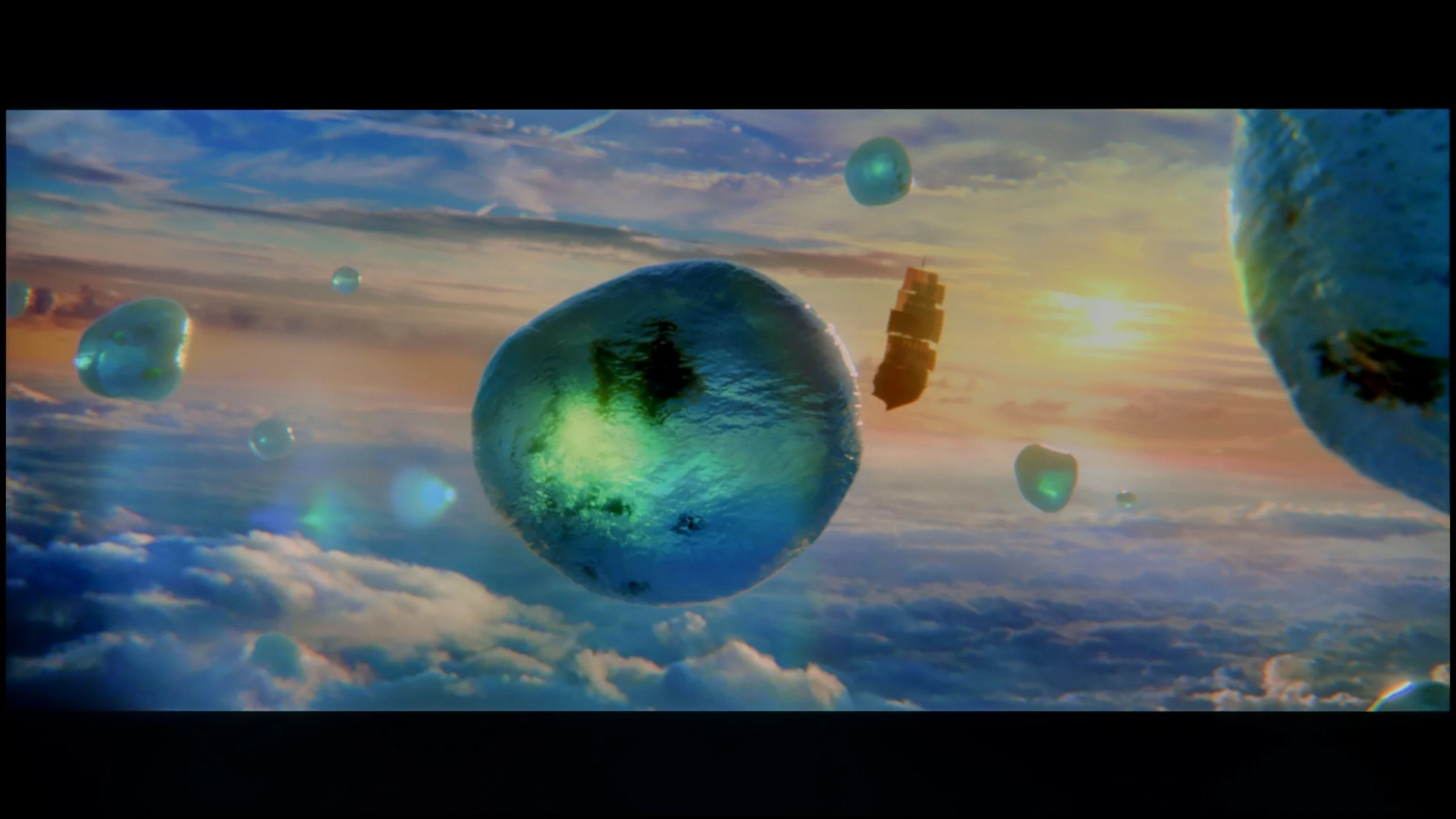
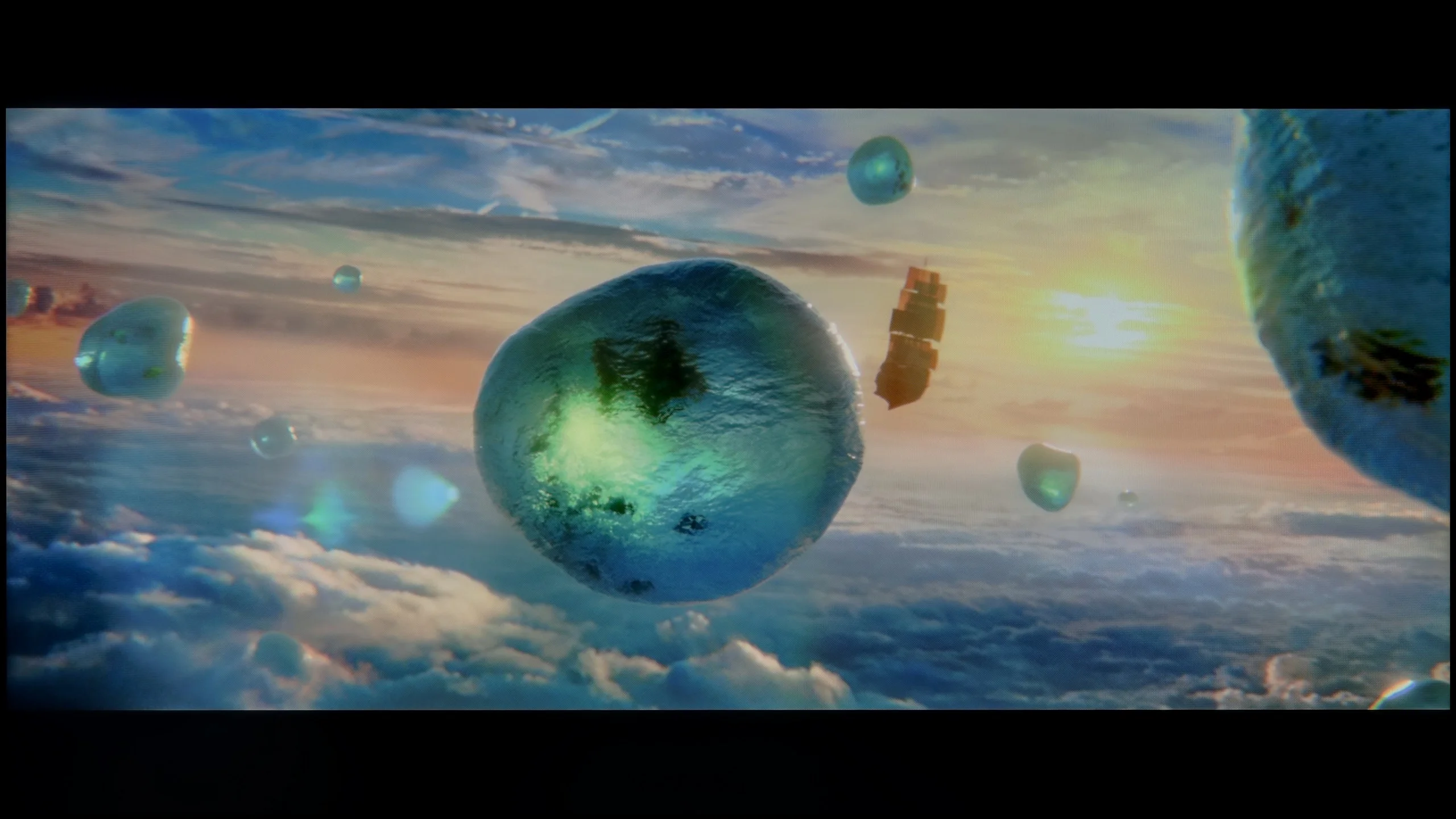
Scene from the movie “Billy Lynn” (about 1100 nits)
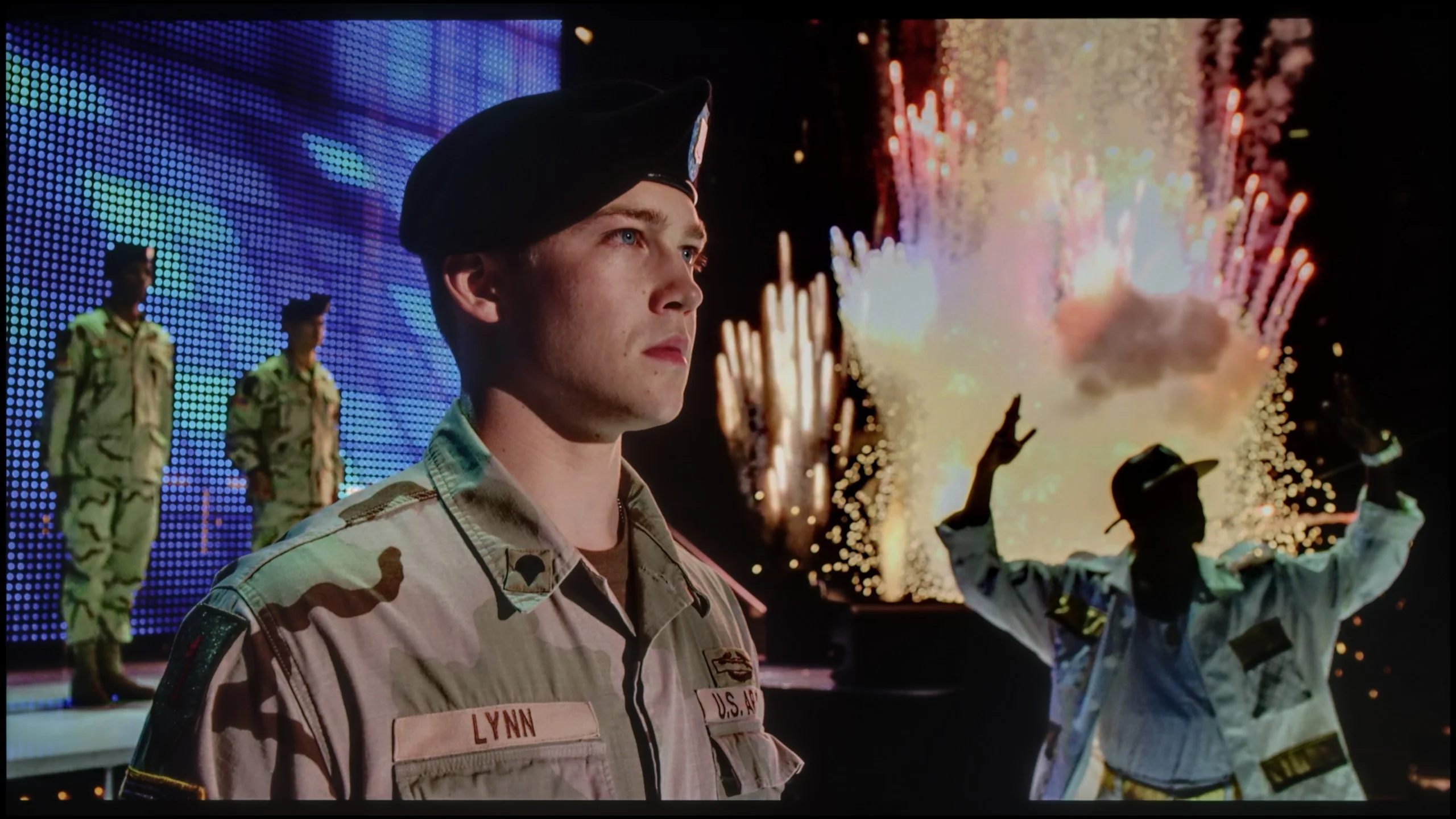
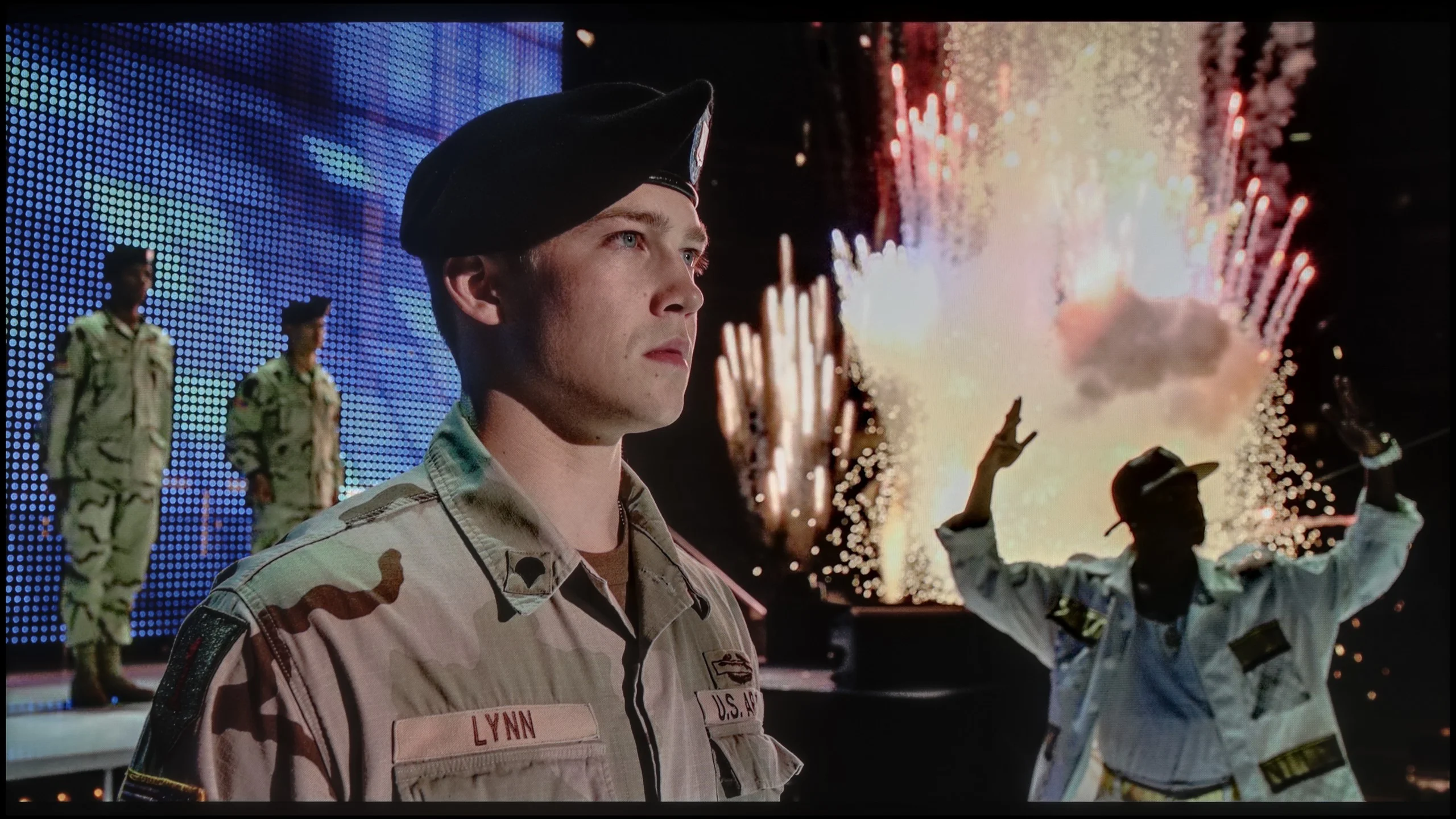
The photos show two HDR10 movies. 'Pan' is one of the brightest productions ever made, while 'Billy Lynn' (soldier) has brightness typical of streaming (Netflix, Prime, HBO MAX). Notice the intensity of effects and detail in whites.
Static HDR10


The photos present the visibility of white details in various HDR formats. They do not show brightness differences between TVs (these can be compared in the previous gallery).
Dynamic: Dolby Vision
Dynamic: Dolby Vision


The photos present the visibility of white details in various HDR formats. They do not show brightness differences between TVs (these can be compared in the previous gallery).
HDR luminance chart:
Hisense UR8S
Sony BRAVIA 5 (XR5)
Looking at similar results in terms of blackness and contrast, we expected equally stable performance as last year's model when it came to HDR content. Unfortunately – and this needs to be said outright – there has been a regression here that is hard to overlook. The paradox is that the peak brightness of the Bravia 5 is impressive: in our synthetic tests, the television achieved around 1000 nits in HDR. Sounds great, right? The problem is that this power does not always translate effectively to all film scenes. When small, point-like elements appear on the screen, something that had usually been polished with surgical precision in Sony's case is this time noticeably lacking. The algorithms attempt to maintain deep black around small objects, but the side effect is that details can be dimmed to such an extent that they become barely visible. Just consider the example of the film Sicario 2 – in some scenes there, small light sources practically disappeared, as if someone had covered them with dark film.
Of course, not everything looks so dramatic. In simpler, brighter scenes, where the image is filled with more light, the Bravia 5 shows that it can shine: literally and figuratively. Then the television achieves values in the range of 600–800 nits, which we saw both in synthetic tests and during film screenings. The impression is really positive; the brightness adds dynamism, and the colours appear vibrant and fresh. However, there remains a certain dissonance. We feel a slight confusion because evidently something has gone in a direction it shouldn’t have. Technological progress – more zones, greater backlighting power – has not been supported by the well-crafted image management that we usually associate with Sony. Fortunately, there are elements that have not been worsened and are, in fact, at a very high level. We are talking about colour reproduction. Thanks to the application of the PFS filter, the colour palette coverage is excellent – around 97% DCI-P3 and 75% BT.2020. These are values that allow for truly broad colour reproduction, giving films a sense of naturalness and cinematic quality.
UR8S is a slightly higher-end Mini-LED, so you could expect a lot in terms of brightness. And indeed, on a synthetic test pattern peak brightness reached around 2200 nits. That’s a very good result, but as always what’s much more important is what the TV does in normal film scenes. Here the results are a bit more uneven. In bright scenes, where there’s a lot of light on screen, the UR8S can deliver really strong HDR. Brightness then reaches about 1500 nits, so the image is very intense and has plenty of punch. It’s worse with small bright elements on a dark background. The TV clearly dims them to keep good blacks and to prevent excessive bloom. As a result things like single stars or tiny reflections can be only around 200 nits. And here HDR is no longer as impressive. So you can see that the local dimming algorithm works effectively, but it also has its cost: sometimes it simply sacrifices the brightness of small details in favour of contrast.
Colours
With RGB Mini-LED TVs colours should be judged a little differently than usual. If we look solely at the panel’s native capabilities, the UR8S performs excellently. We measured around 94% coverage of BT.2020 and practically full DCI-P3. These are among the highest values currently found in LCD TVs and this is where the potential of the RGB backlight is most obvious. The problem is that this potential is not always realised in real scenes. When we ran the same measurements on test patterns with a film background applied, saturation of some colours began to fall noticeably. Individual zones are not always able to control the three RGB components so precisely when the scene becomes more complex. This is most visible with blue and magenta. On simple test patterns they can look very strong, but in more demanding scenes samples of those colours visibly shrink. So the UR8S’s capabilities are enormous, it’s just that the TV cannot fully make use of them in every scene.
Factory color reproduction
5.5/10
5.1/10
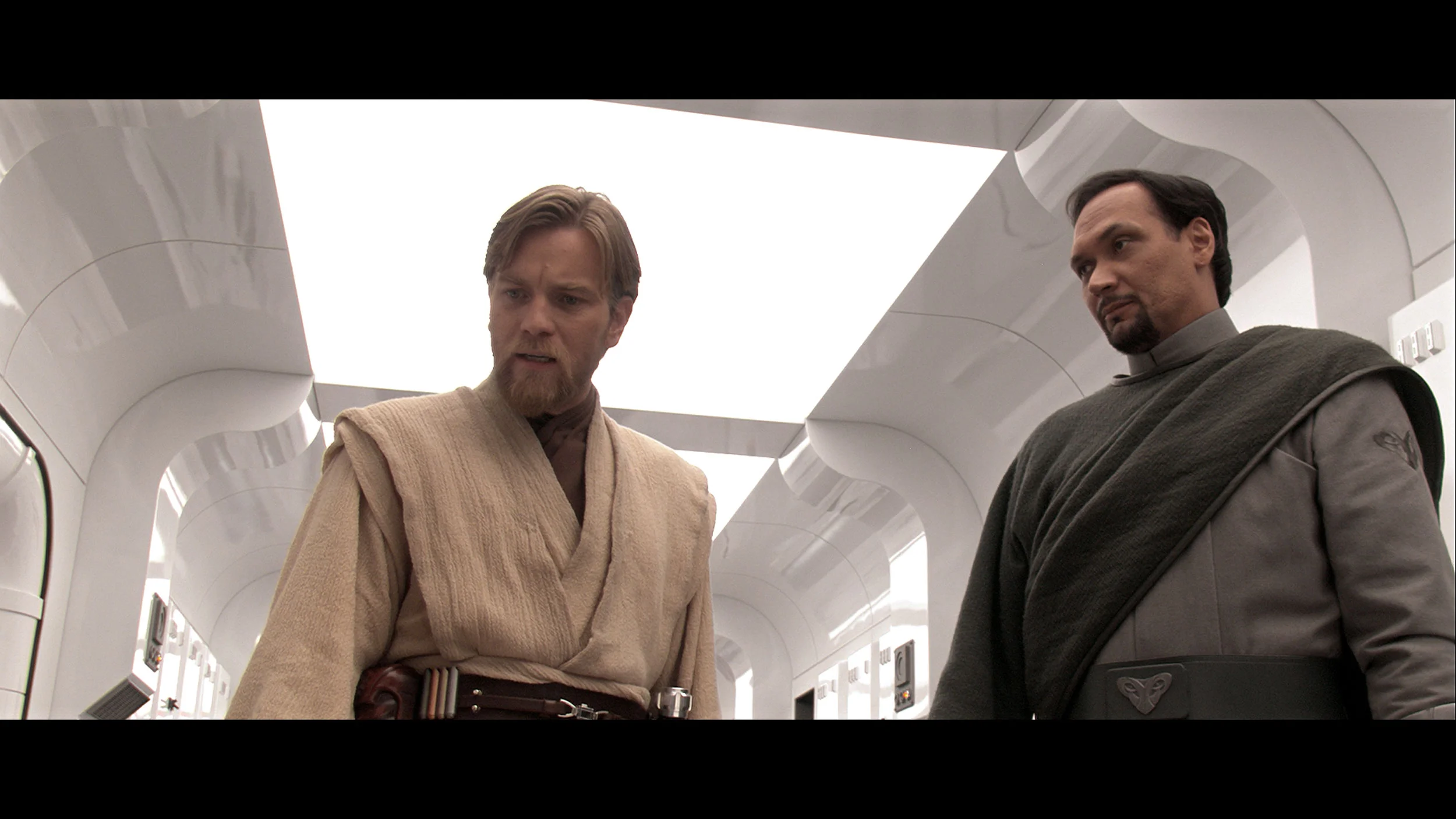
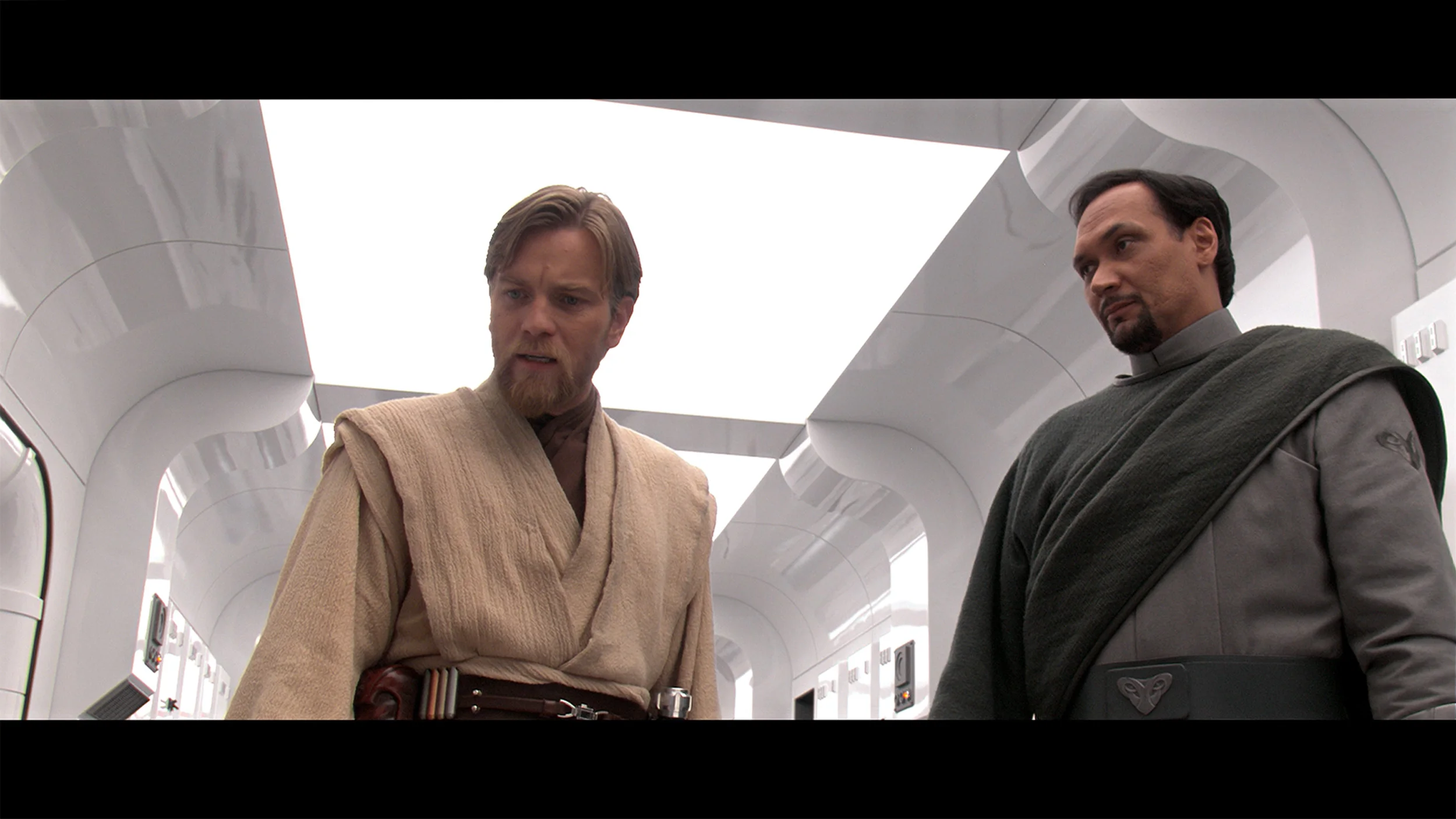
This gallery shows how colors change after professional TV calibration. If you notice the difference, we recommend ordering this service at SkalibrujTV.com.
Factory Mode
After calibration
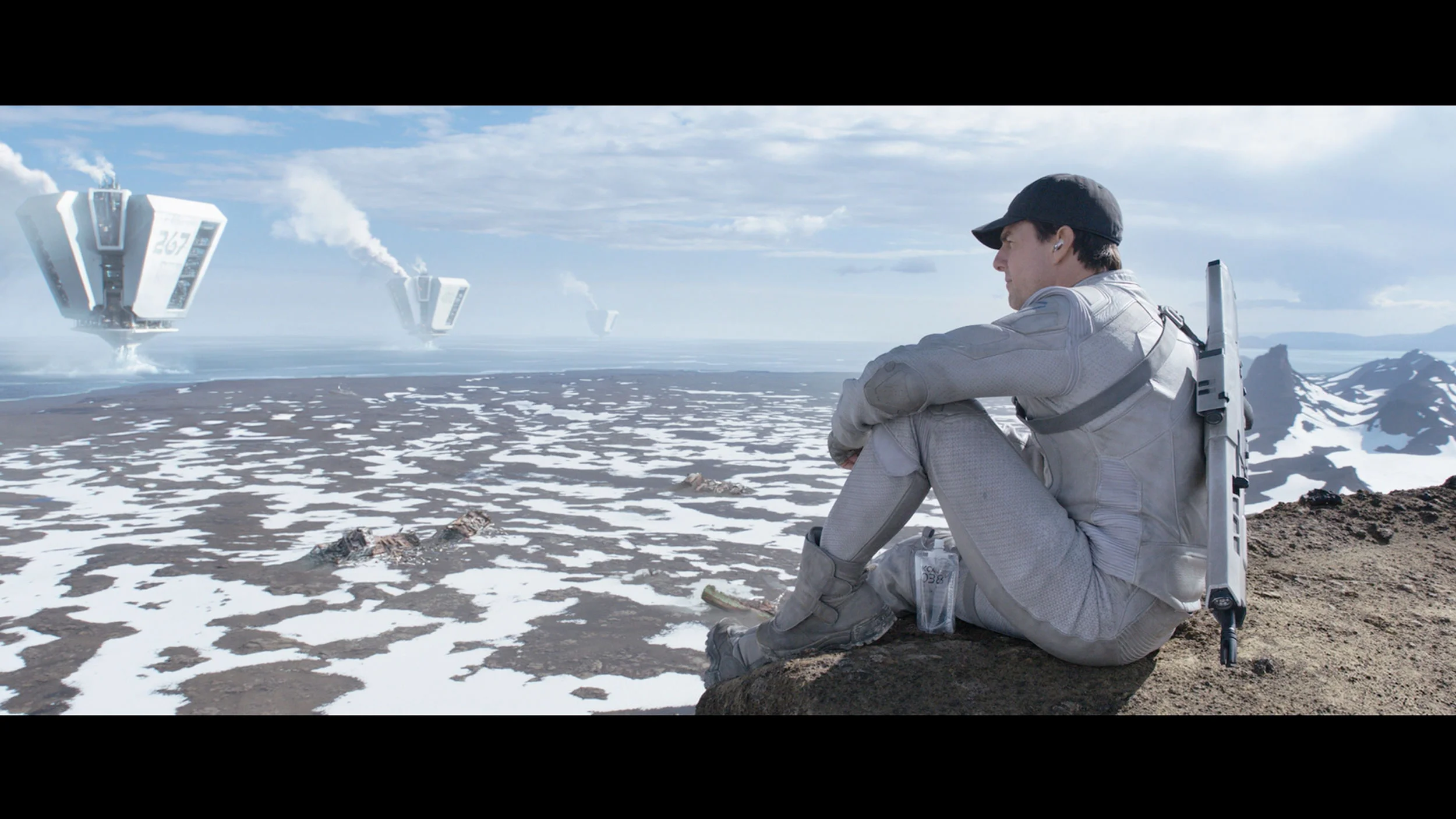
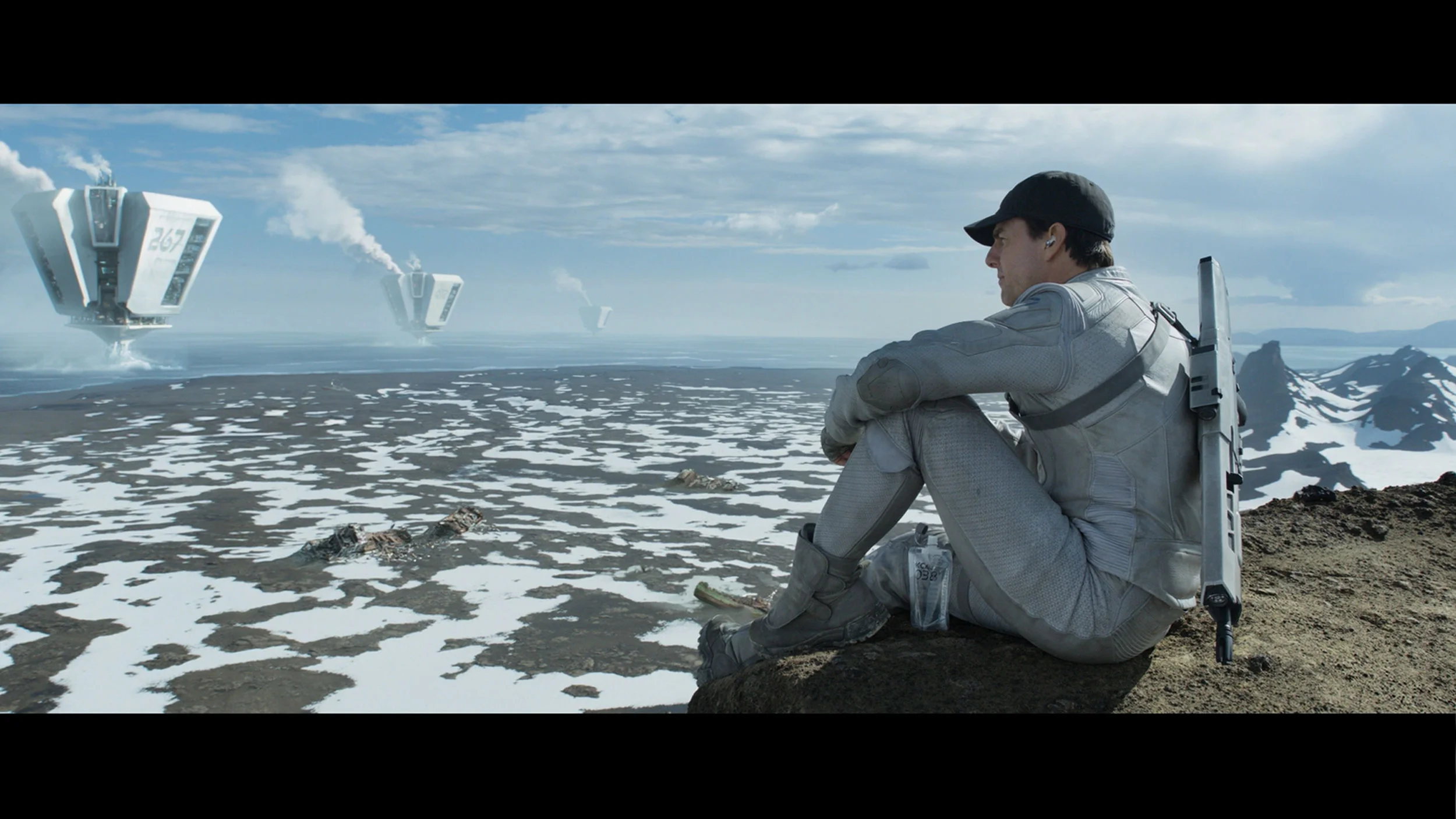
This gallery shows how colors change after professional TV calibration. If you notice the difference, we recommend ordering this service at SkalibrujTV.com.
Factory Mode
After calibration
Sony Bravia 5 was of course tested in the best possible mode, which is the Cinema mode. Right out of the box, it provides the most natural colours, definitely better than anything offered by the "eco" or "dynamic" modes, which are more suited for a showroom display than for a living room. However, the Cinema mode alone does not mean we can always expect cinematic picture quality. With SDR content, we had virtually no major complaints – the slightly warmed white balance gave the scenes a somewhat golden tone, but it was nothing that was visually jarring. However, the problem arose with HDR material. Here, the colour reproduction simply looked poor. The white balance was heavily skewed – with an excess of blue and a clear lack of red. At times, it resembled the store's "super vibrant image" mode, where everything is overexposed and artificially boosted.
This situation also made brightness management seem overly aggressive. The EOTF graph clearly showed that the television had problems with overexposing many scenes right out of the box. And while we know what Sony televisions are usually capable of, it was difficult to remain indifferent here – thus we quickly decided to go for calibration.
For assessing the out-of-the-box colours we used Filmmaker mode, which is intended to show an image that is as close as possible to how the material was prepared. Looking at the white balance alone, the UR8S performs quite well. There is no strong tint that immediately jumps out, although as brightness increases a little too much blue and red start to appear, with a simultaneous shortfall of green. Colour errors therefore show up in measurements, but the image itself does not look bad. We have far greater reservations about how the UR8S manages picture brightness. In SDR the gamma sits around 1.9–2.0 for most of the range instead of the target 2.4. In practice this simply means the picture is too bright, especially in the midtones. Shadows are lifted too much, causing the image to lose some depth. A similar tendency is visible in HDR. The EOTF curve is above the reference value for a large part of its range, so the UR8S again brightens the image more than it should. This is not due to a lack of brightness — the TV has plenty — but to the way it manages that brightness. As a result, HDR content can look very striking, but not always precisely as it should.
Color reproduction after calibration
8.9/10
7.5/10
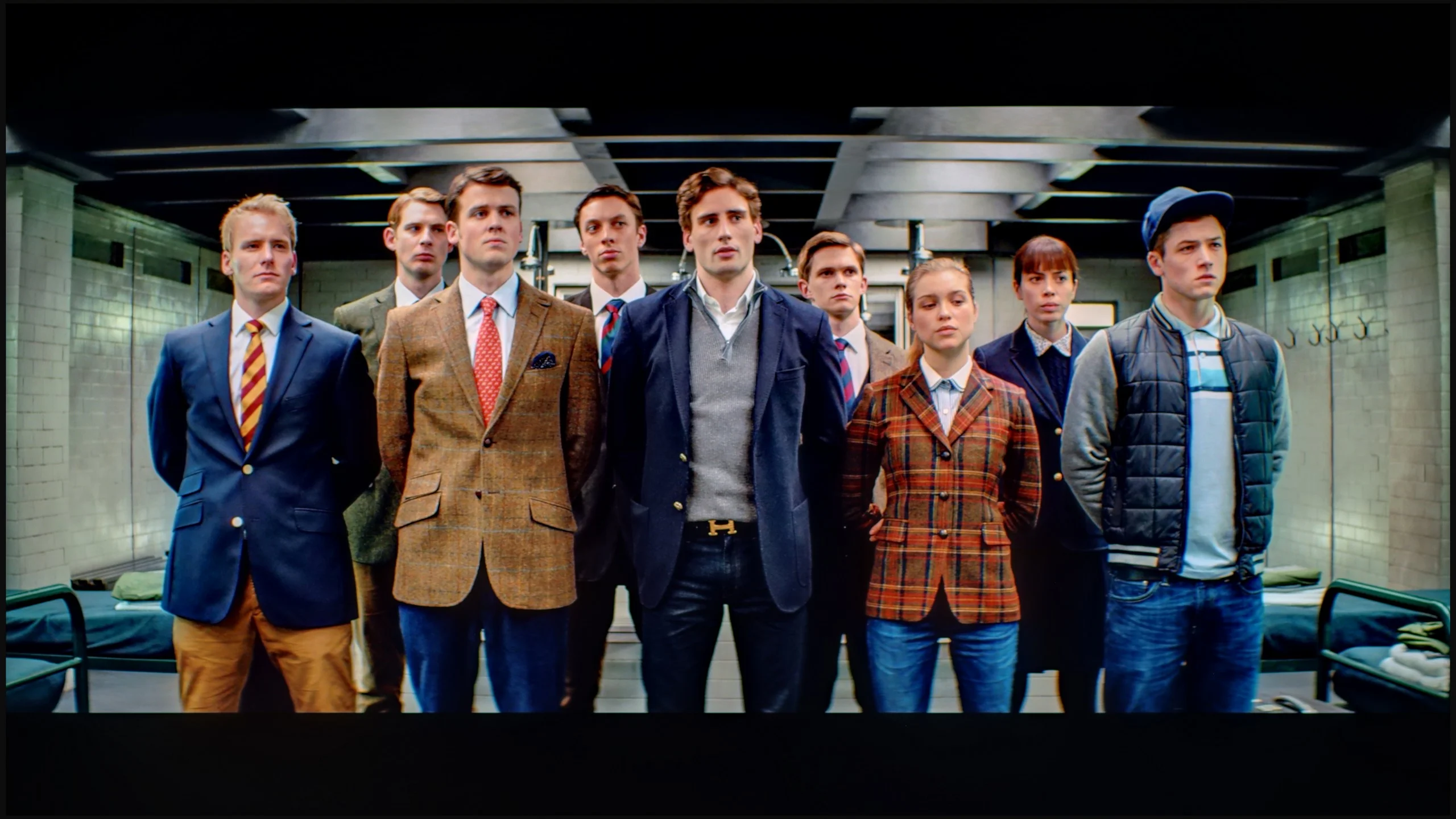
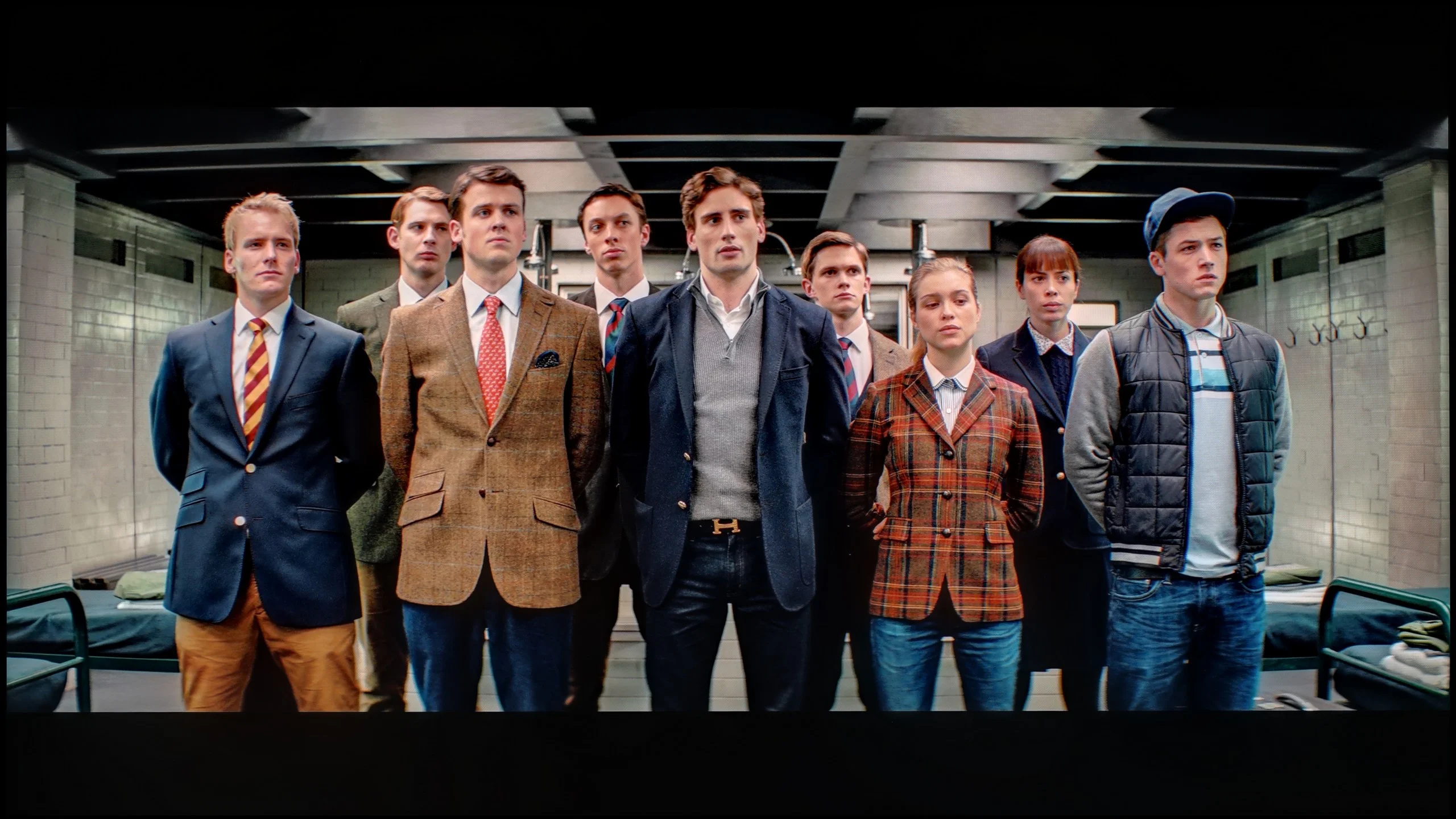
The photos show how movies look on the TV. Pay attention to black detail visibility, colors, and shadow tint.
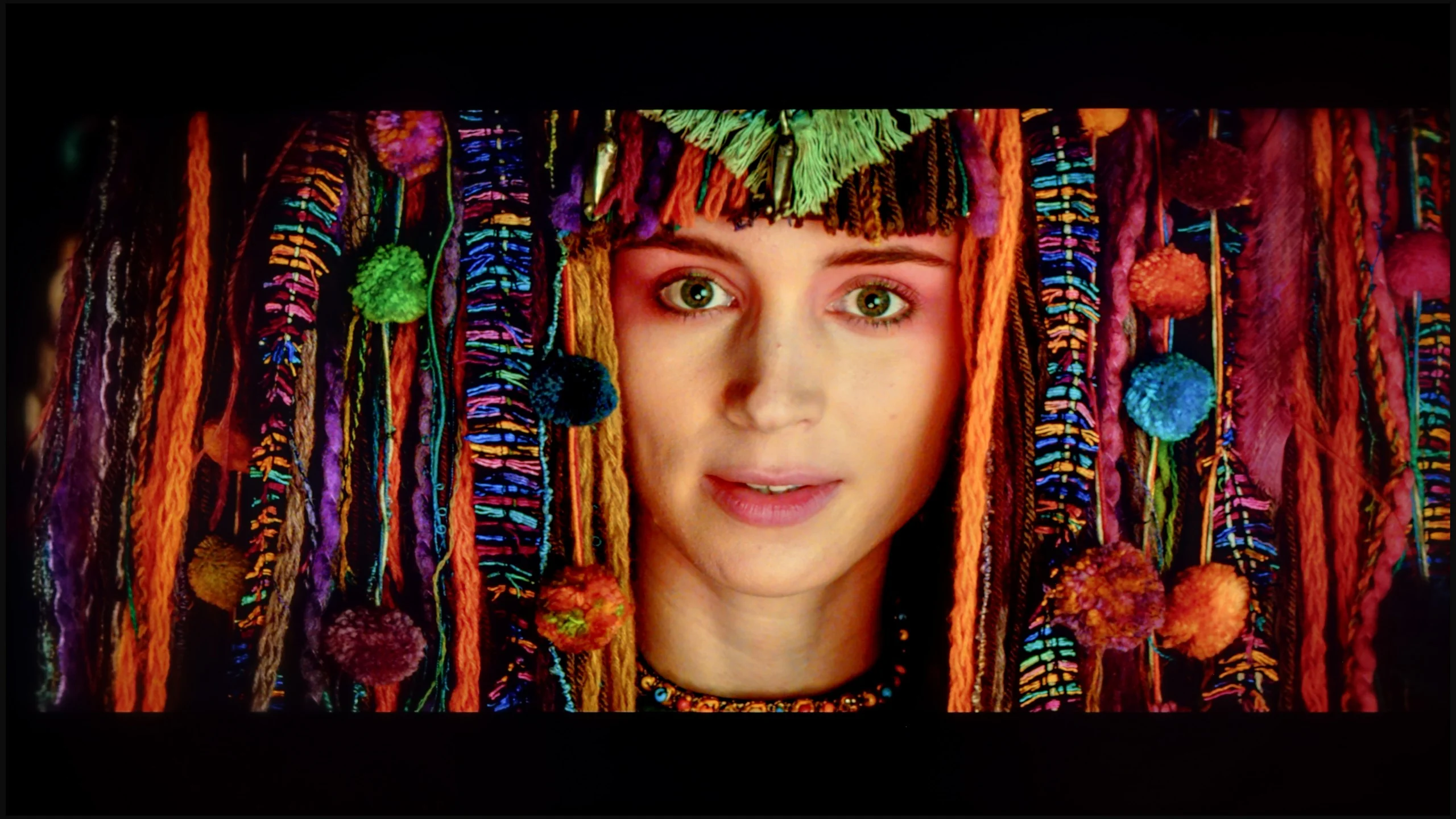
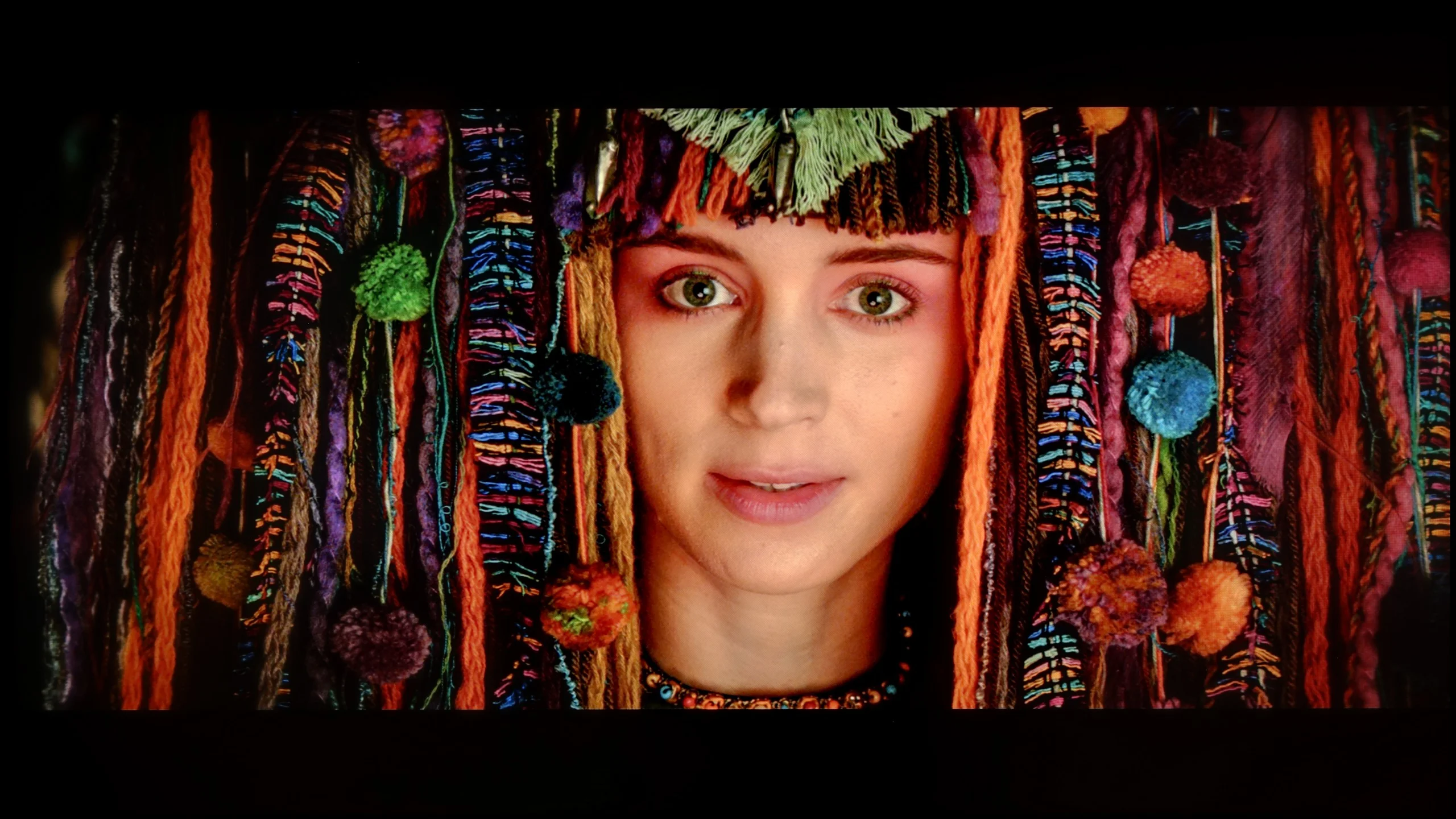
The photos show how movies look on the TV. Pay attention to black detail visibility, colors, and shadow tint.
After calibration, the situation changed dramatically. We managed to adjust the white balance so that entire scenes began to look more natural, and the image gained cohesion and elegance. In HDR, we finally got rid of that unwanted clipping effect that had previously marred some shots. Suddenly, it turned out that the Bravia 5 can extract significantly more from films than the “out of the box” impression suggested. Indeed, if we look at the graphs and compare them with the patterns, we can see that the beginning of the EOTF curve slightly deviates from the reference line. However, this is not so much a calibration error as it is a natural limitation of Mini-LED technology, which cannot be bypassed. Sony, instead of clinging to perfect black, prefers to prioritise the visibility of details – and in practice, it's hard to disagree with that. We would rather see the texture of the material on the screen than a pitch-black blob where all nuances are lost.
The calibration itself was truly beneficial. After about an hour spent on the settings, we felt that the image resembled that from the best cinema halls – of course on a home scale, but with the same sense of quality and refinement. And in such moments, we remember why we like Sony televisions: because when we fine-tune them, they can reward us with an image that captivates for long hours.
Hisense provides plenty of calibration options and, in SDR, these can yield a very good result. After calibration, the white balance is practically even across the entire range, and colour errors fall to very low values. The UR8S can be adjusted very precisely here. HDR is somewhat different. The white balance itself can also be noticeably improved, although at the highest brightness levels larger deviations begin to appear. The most interesting aspect, however, is the behaviour of the EOTF curve. Even after it has been correctly set on test patterns, the UR8S still tends to interpret brightness in its own way when watching films. Depending on the scene, parts of the image are slightly brightened while others are dimmed relative to how they should appear. This shows that the algorithms controlling the local dimming have a significant influence on the final image. Calibration therefore allows colours to be improved very effectively, but we are not able to completely 'turn off' the way the UR8S manages brightness in HDR.
Smoothness of tonal transitions
8.8/10
9.3/10
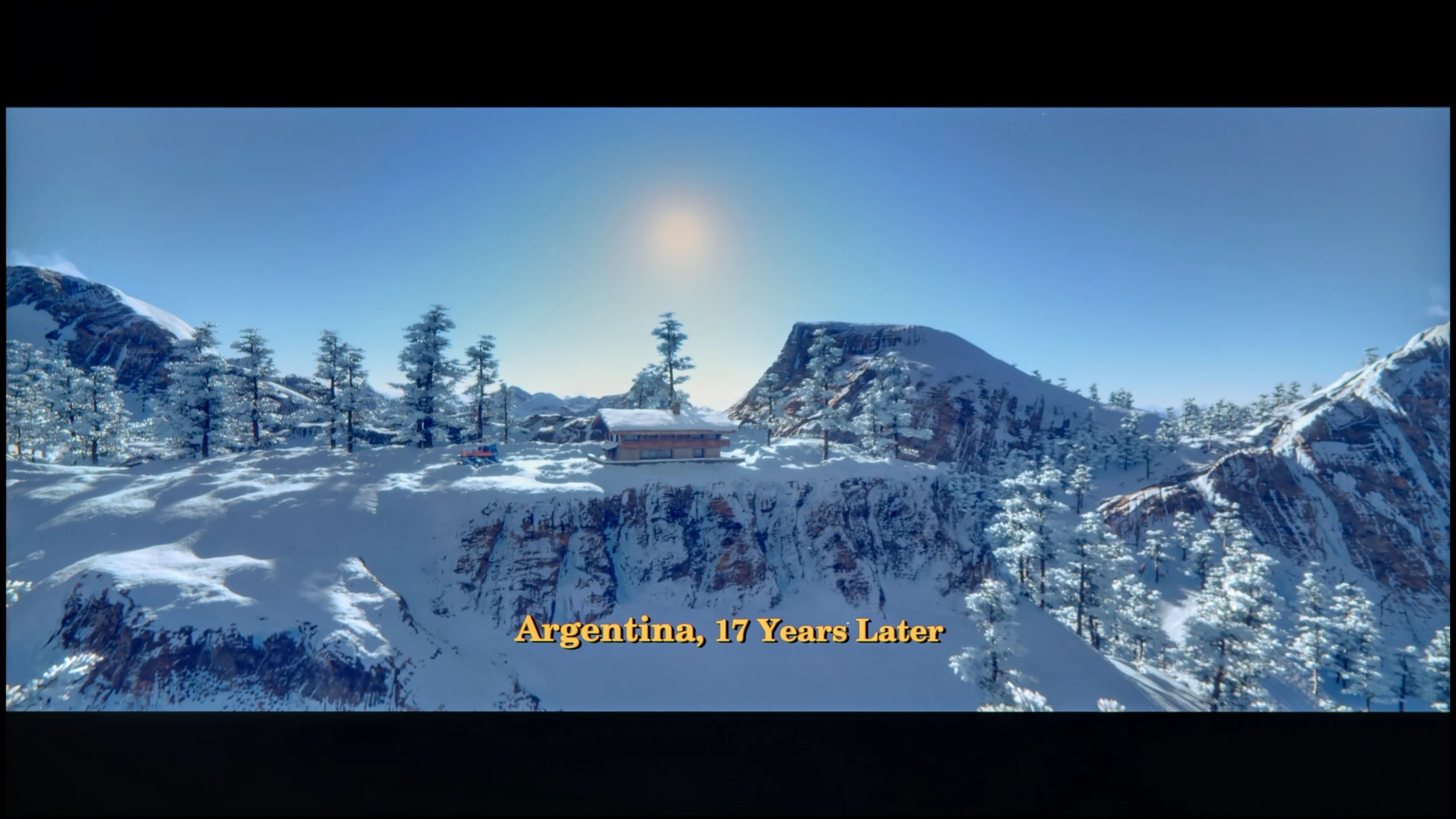
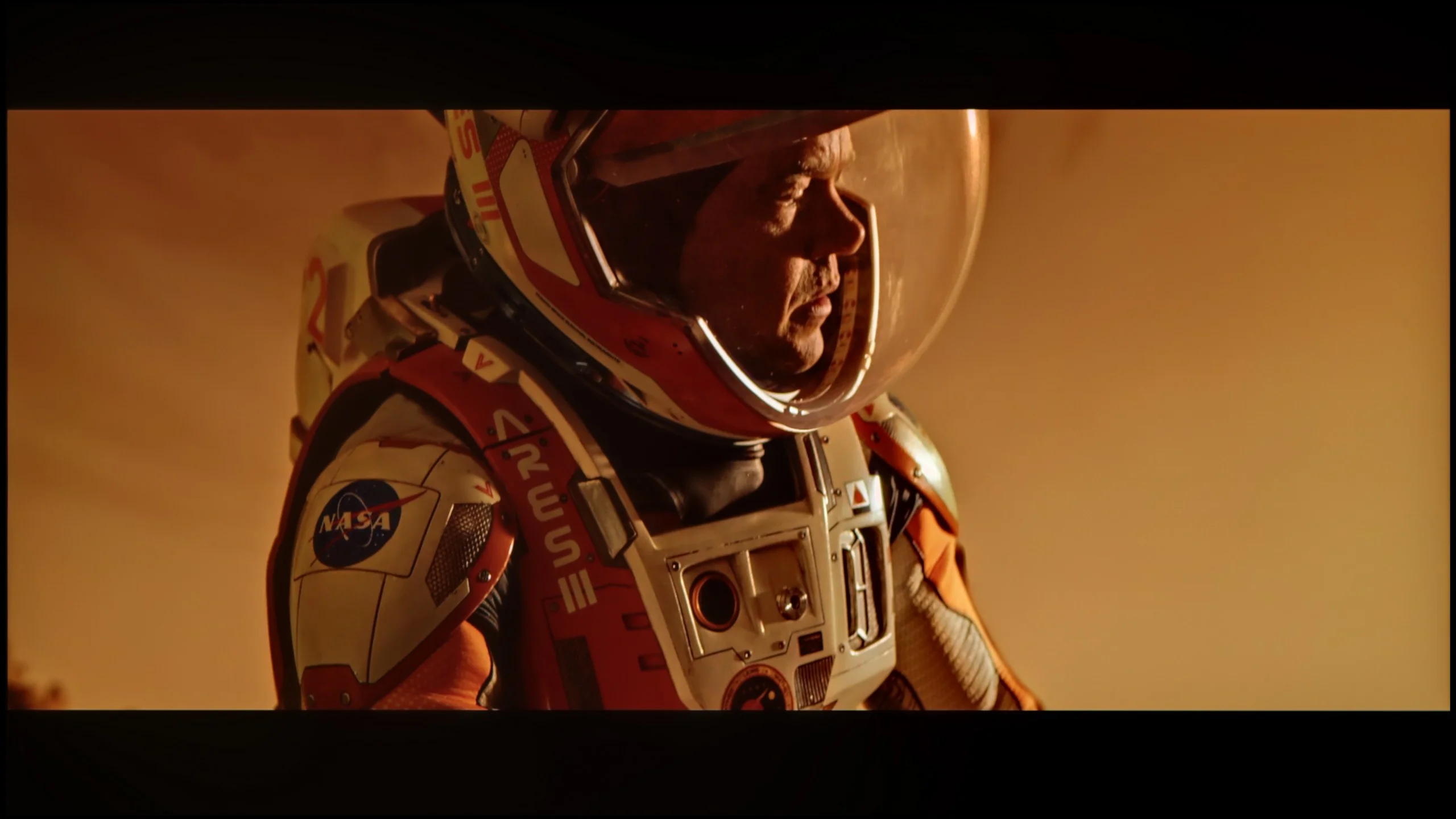
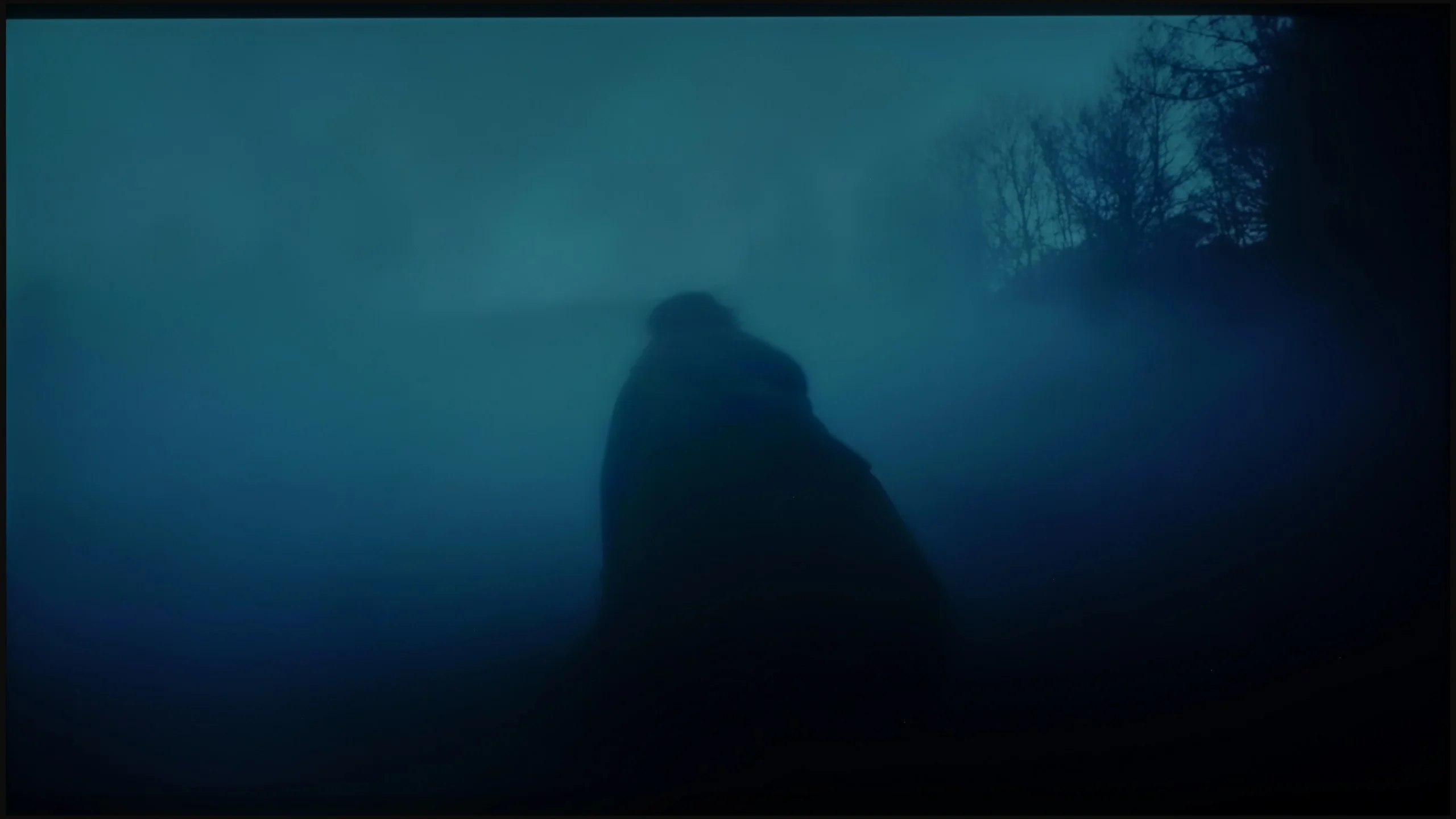
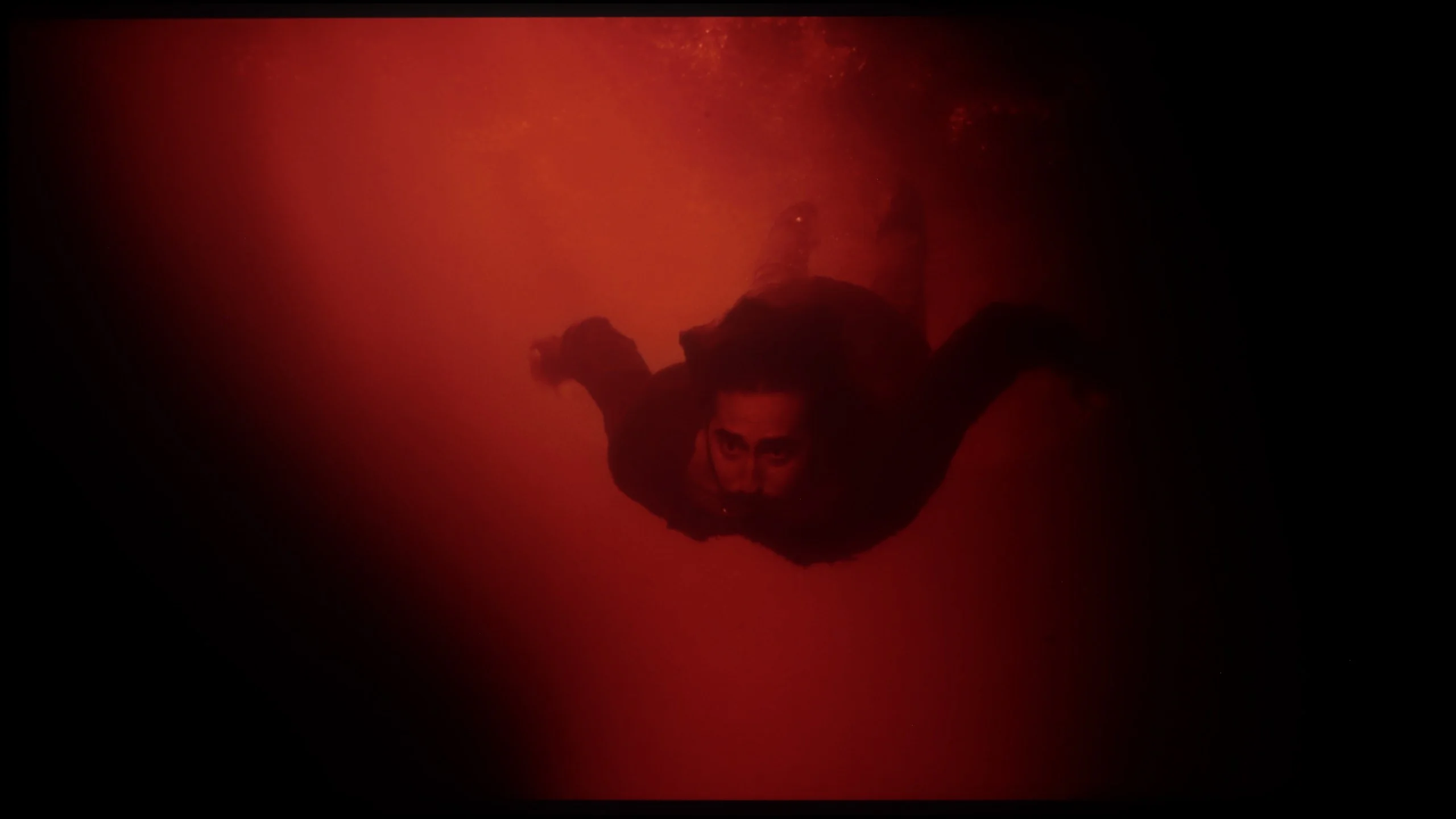
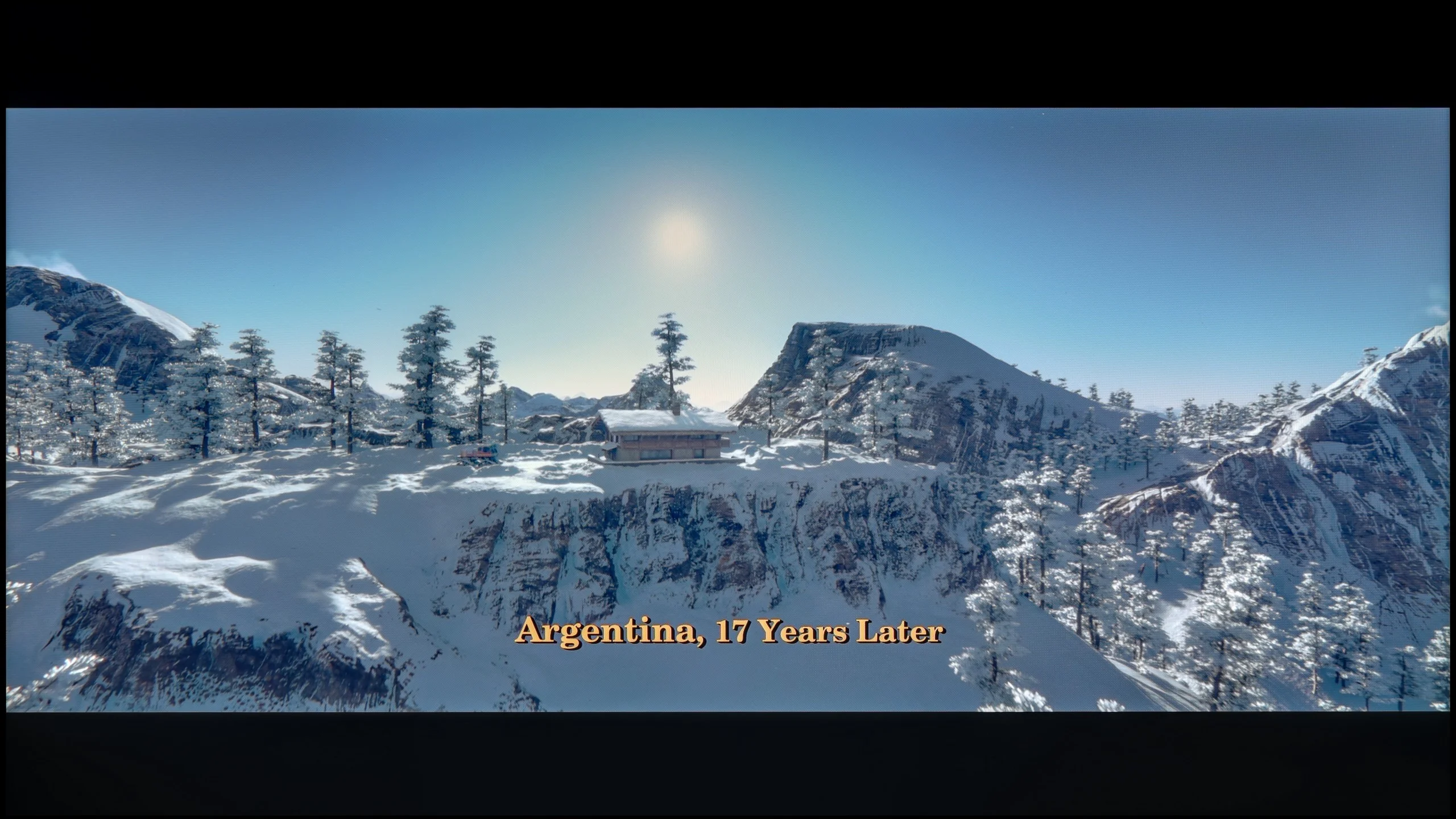
These are selected scenes that show smooth tonal transitions from one color to another. If you see distinct banding, it’s the TV panel’s fault.
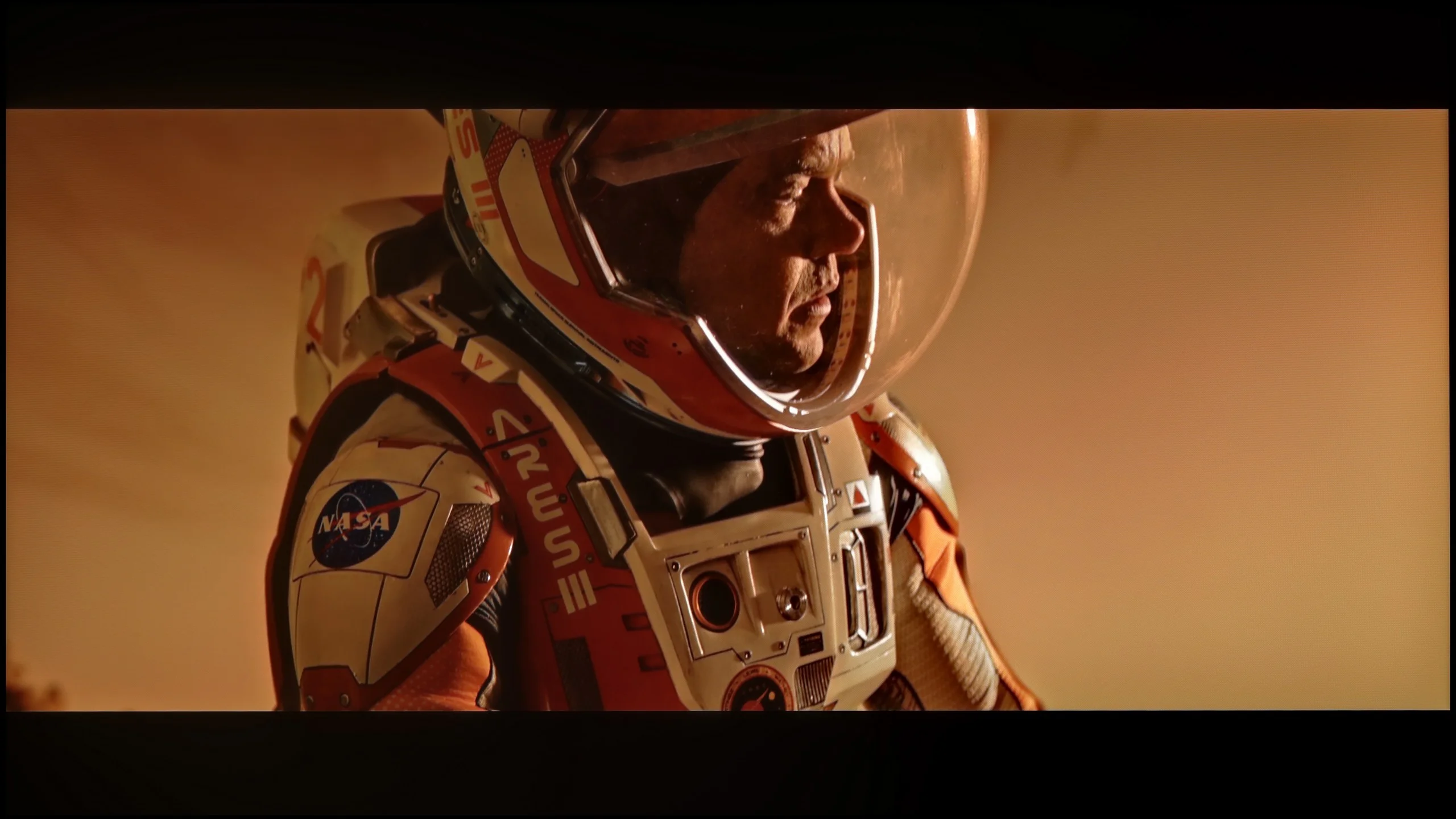
These are selected scenes that show smooth tonal transitions from one color to another. If you see distinct banding, it’s the TV panel’s fault.
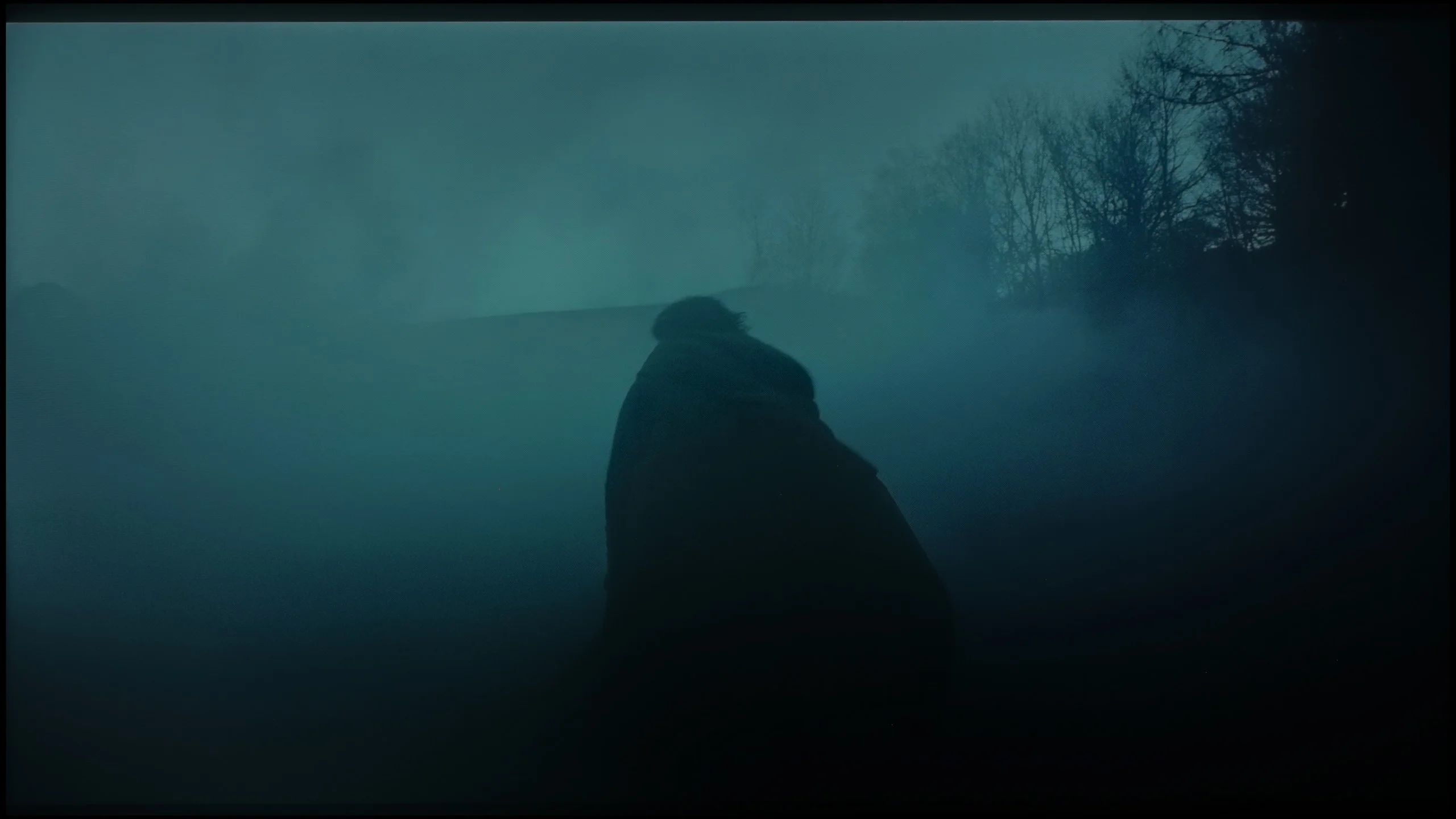
These are selected scenes that show smooth tonal transitions from one color to another. If you see distinct banding, it’s the TV panel’s fault.
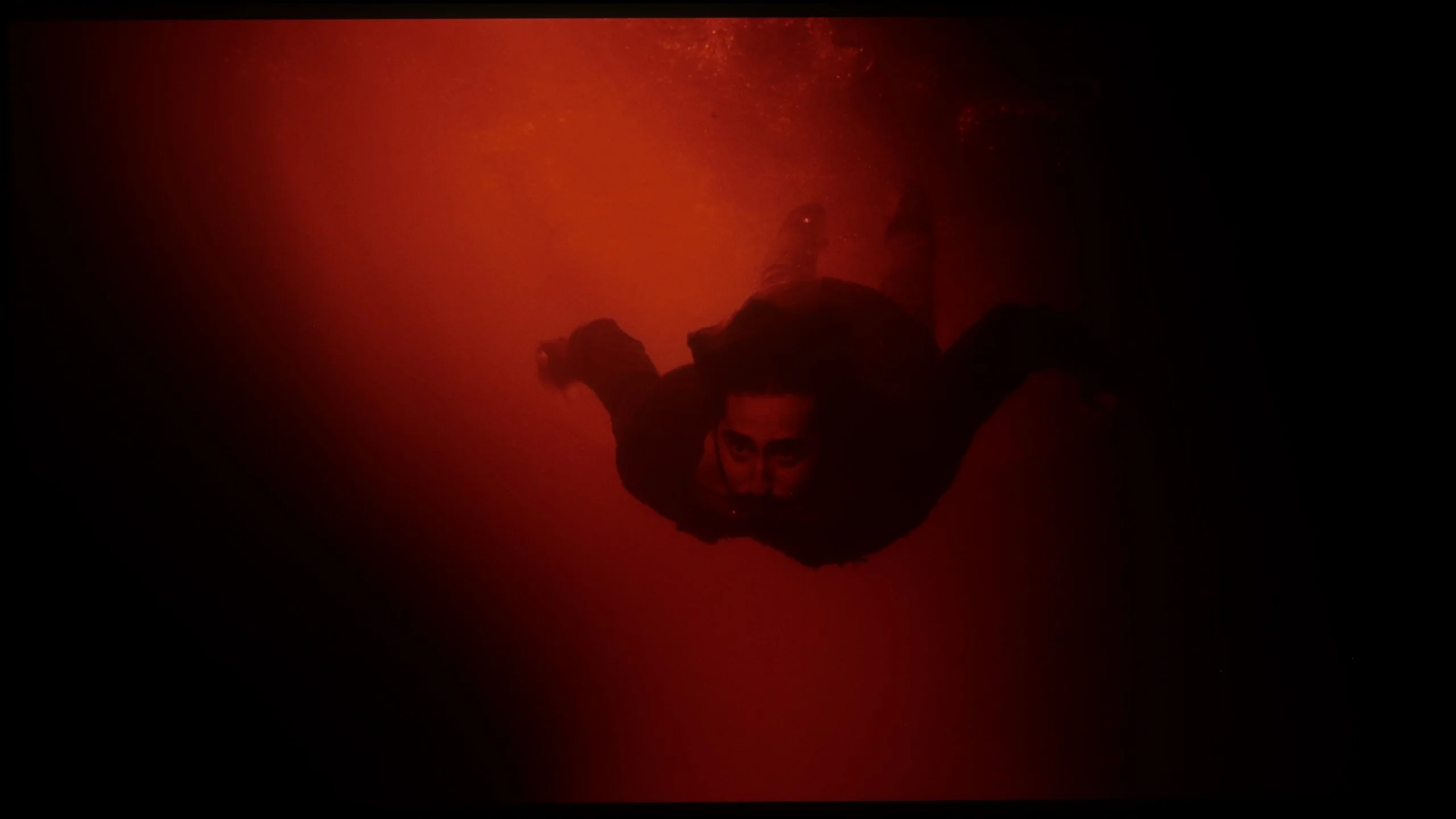
These are selected scenes that show smooth tonal transitions from one color to another. If you see distinct banding, it’s the TV panel’s fault.
tonal transitions are nothing more than the way in which a television handles the blending of colours and shades – from light to dark, from saturated to pastel. If the device struggles with this, characteristic "steps" can be seen instead of smooth transitions, and the image loses its naturalness. It is during these moments that instead of getting absorbed in the film, we start glancing at the screen thinking, "hey, something's not right here." Fortunately, in the Sony Bravia 5, such situations are practically nonexistent. This is a huge advantage, as nothing distracts our attention from the plot or sporting emotions. The television performs best in bright scenes, where colour transitions are smooth, and the blending of colours is almost invisible. The effect is so good that sometimes one might feel as if the image has been painted in one brushstroke. Of course, there were a few minor hiccups. In darker scenes, certain imperfections can be noticed – slight stepping or minimal gradation issues. For this, the Bravia 5 received a few negative points from us. Nevertheless, in the vast majority of situations, the television performs excellently and comes through this test with flying colours.
Tonal transitions on the UR8S are really very good. In most scenes colours shift between successive shades practically without any visible steps or banding. This applies to both darker and brighter parts of the image. Only in very extreme shades of grey can small imperfections be noticed. It looks a little worse in Dolby Vision. In the same scenes subtle banding is easier to notice, particularly in the darker parts of the image. It's still good, but because of that difference the rating is slightly lower.
Image scaling and smoothness of tonal transitions
8.5/10
8/10

Smooth transition function
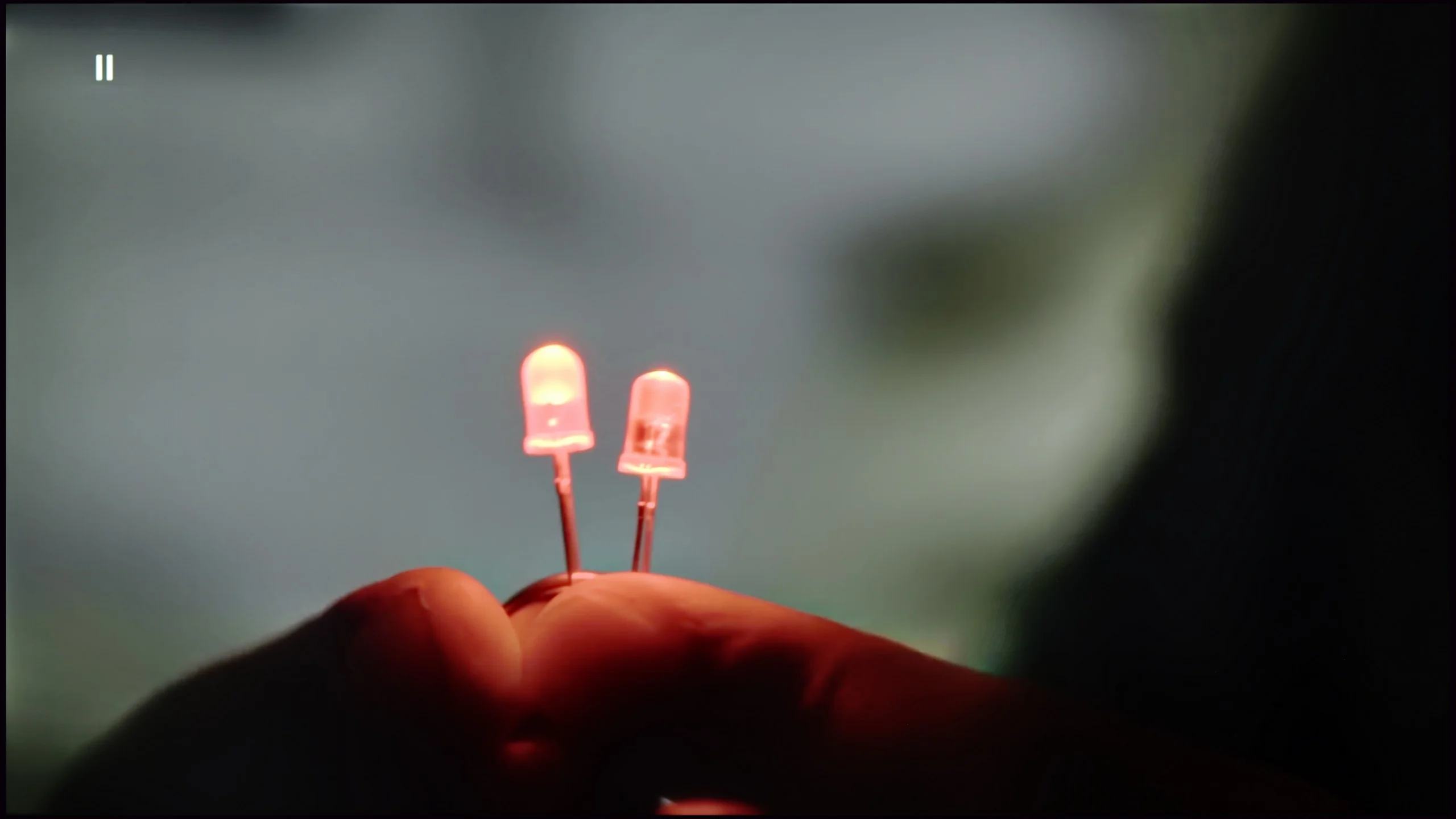
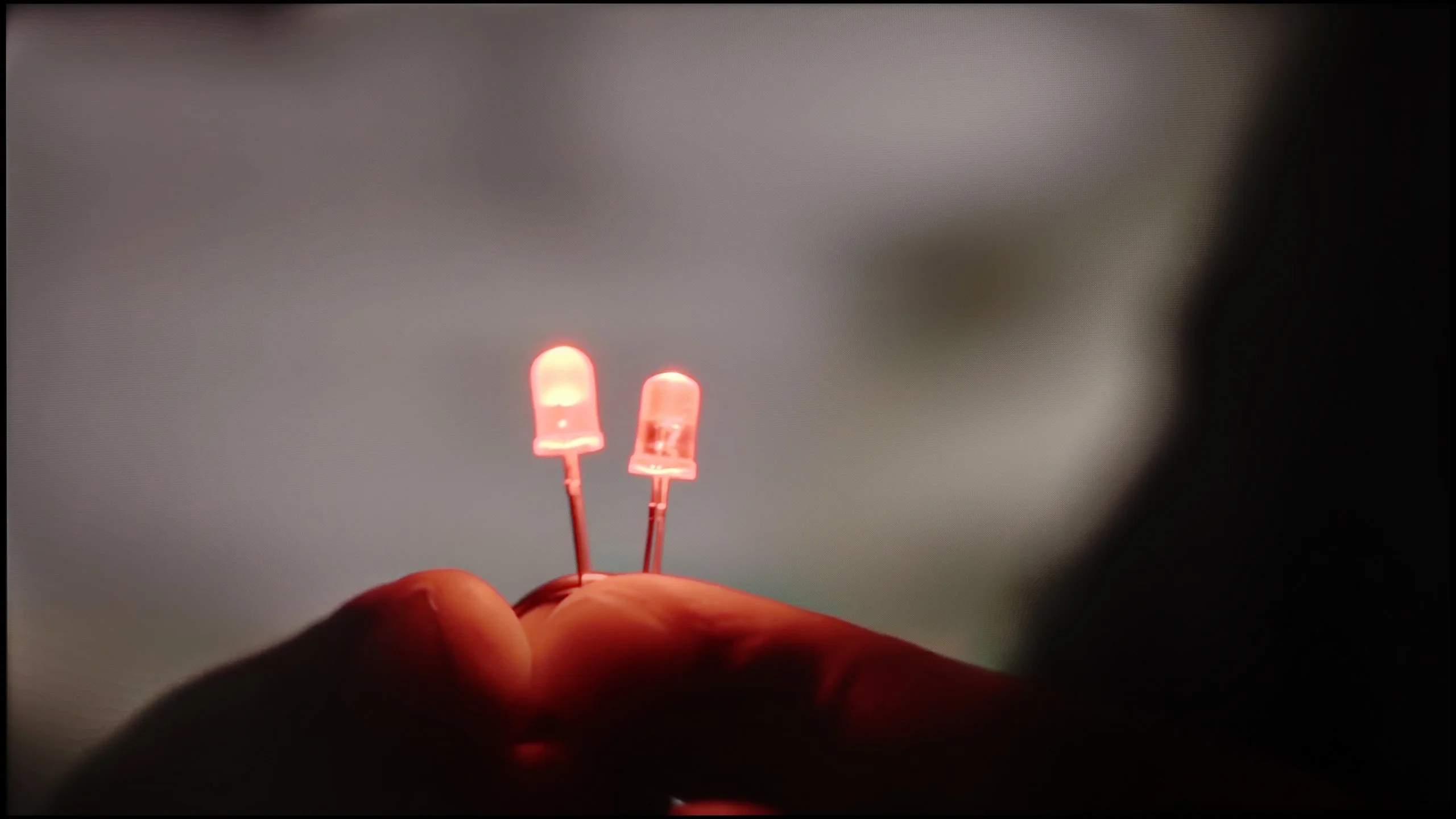
The match photo shows how the TV smooths weak tonal transitions in low-quality video.
Image scaling SD (576i)


The model photo shows how it handles upscaling of SD material.
Bravia 5 carries within it the genes of Sony, which have remained untouched – and thank goodness for that, because we are talking about absolutely remarkable digital image processing. It is no coincidence that for years it has been believed that it is televisions of this brand that set the standard for how a screen should handle lower quality materials. If someone still watches classic television, old films or YouTube in lower resolutions, here they get equipment that can transform such content into an unexpectedly pleasant experience. On board, we find several tools worth activating. The first of these is "digital noise reduction". Set to a medium level, it works perfectly – smoothing tonal transitions, which usually cause the most trouble in low-quality materials, while not introducing any artificial artifacts. Importantly, it also does not remove the filmic character, meaning the natural grain that is intentionally present in many productions. Another advantage of the Bravia 5 is the upscaling capabilities of the XR processor. The image displayed after scaling is soft, yet at the same time sharp and clear. The contours of characters are clearly visible, while backgrounds retain their structure without excessive artificial sharpening. It’s hard to find a better television for watching lower quality materials – Bravia 5 only confirms why Sony is regarded as a benchmark in this field.
A big plus of the UR8S is the use of the MediaTek Pentonic 800 processor, and digital image processing is one of this model's stronger points. The TV handles smoothing tonal transitions very well, especially with lower-quality content. The feature responsible for this effect works effectively without overprocessing the picture. Even on the medium setting it can noticeably reduce visible banding and unevenness without heavily blurring details. Upscaling itself also performs very well. Lower-resolution content is displayed cleanly, edges look natural, and the image is not overly sharpened. The UR8S simply copes very well with a weaker signal, and in this respect it is one of its most notable strengths.
Blur and motion smoothness
7.9/10
7.8/10
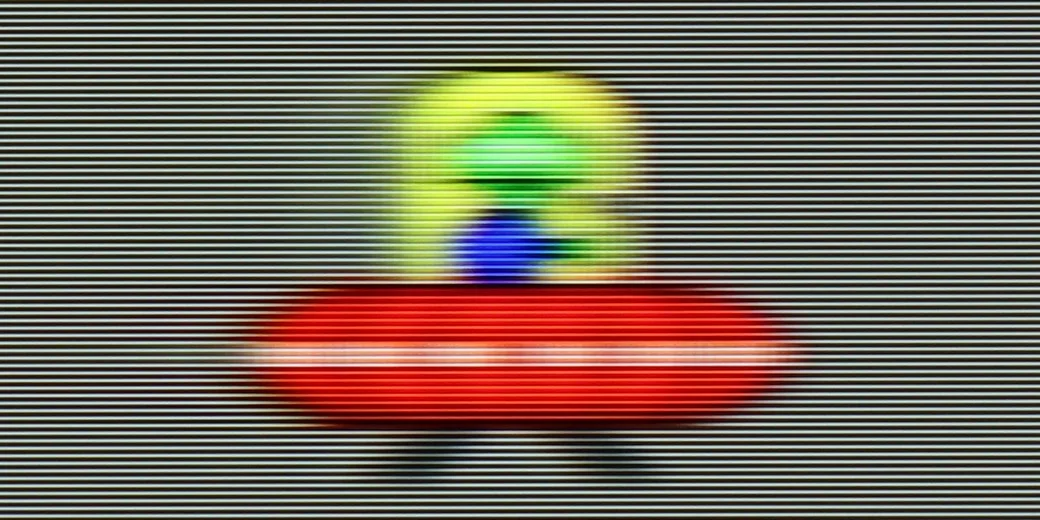
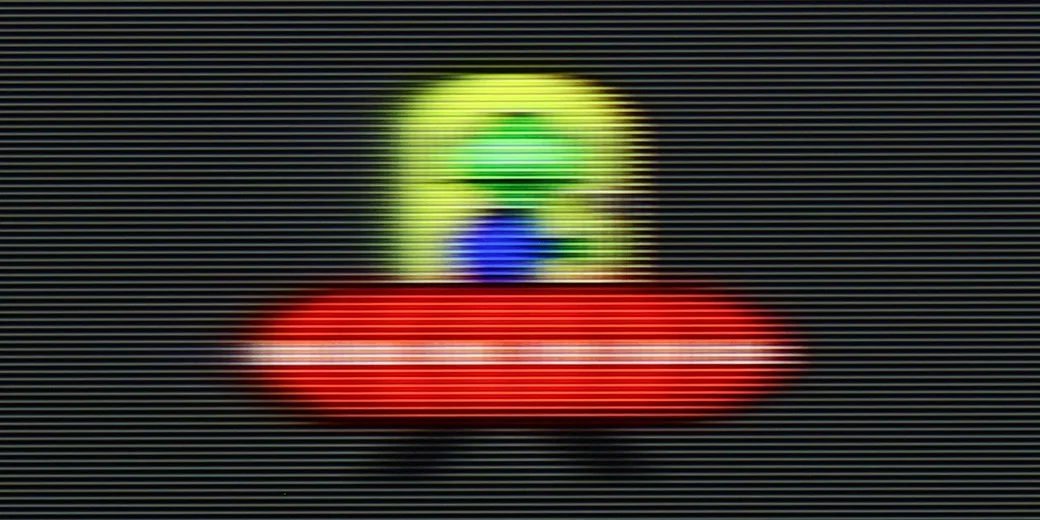
Blur (native resolution, maximum refresh rate):
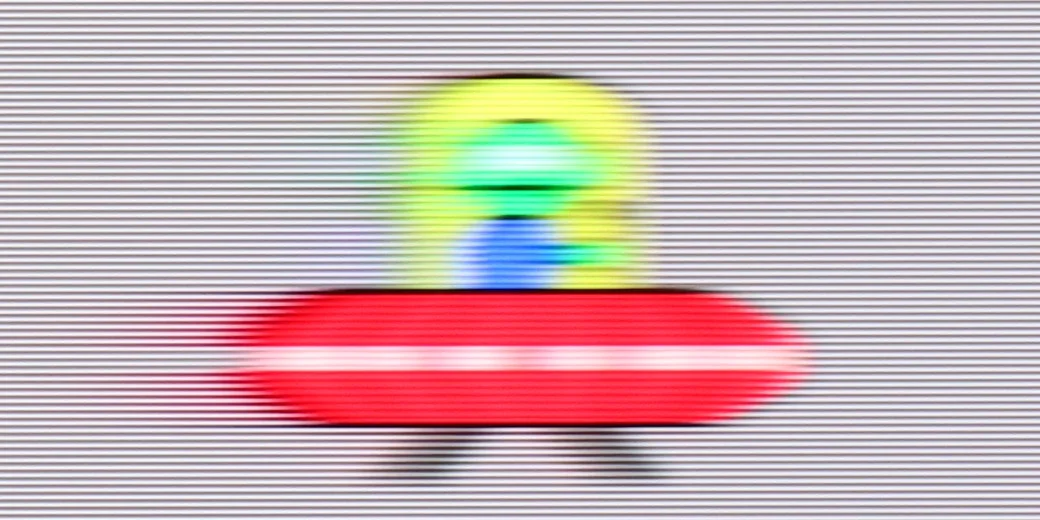
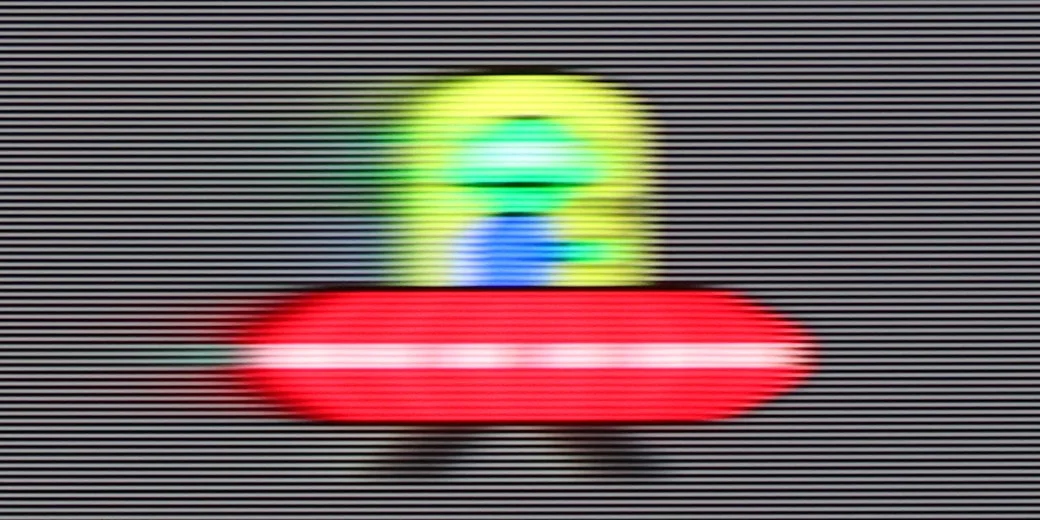
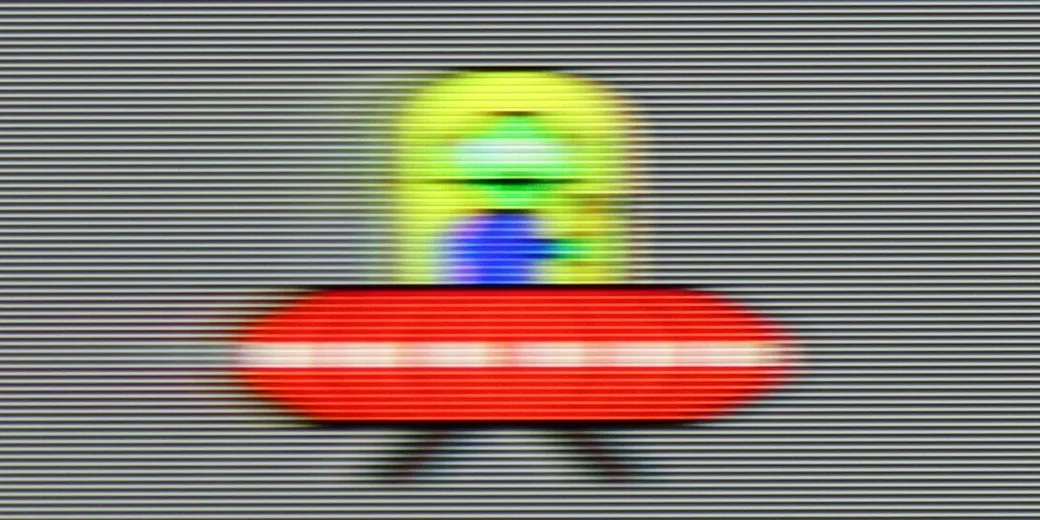
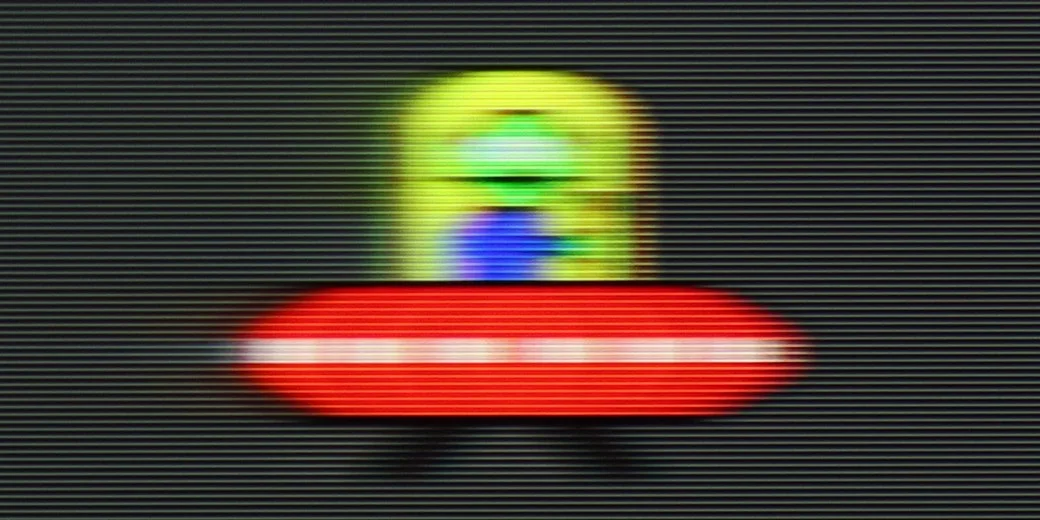
Blur (BFI function enabled):



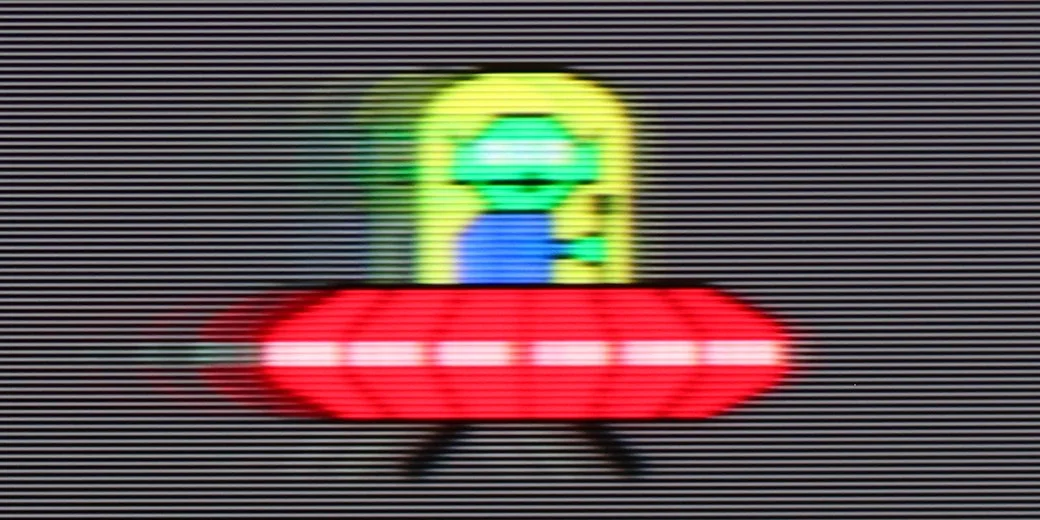
Blur (MotionFlow ON):

Blur (1080P@340Hz):
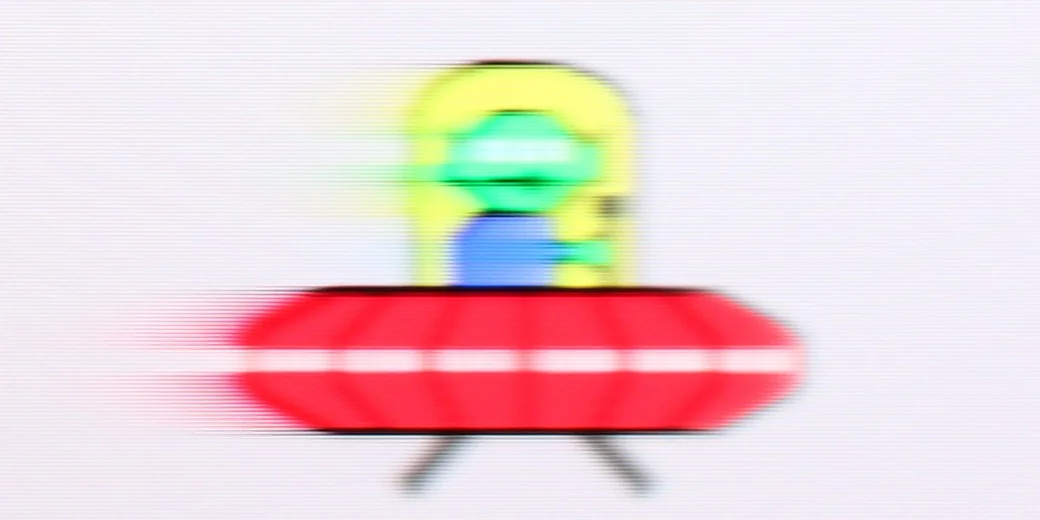
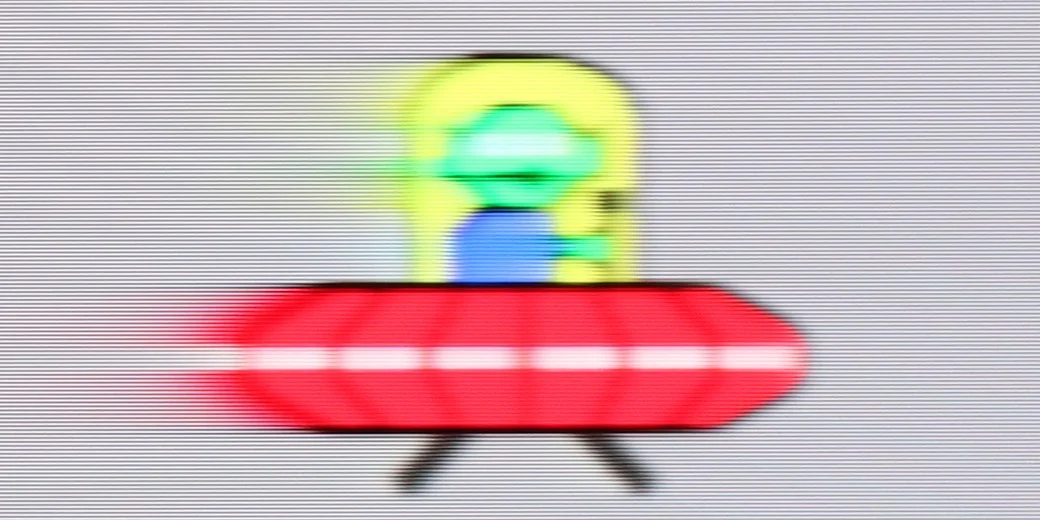
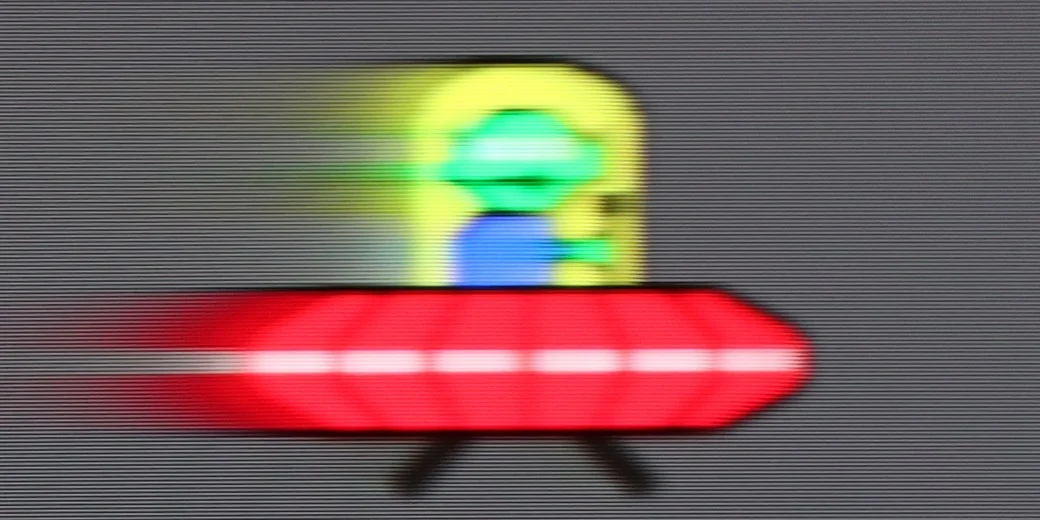
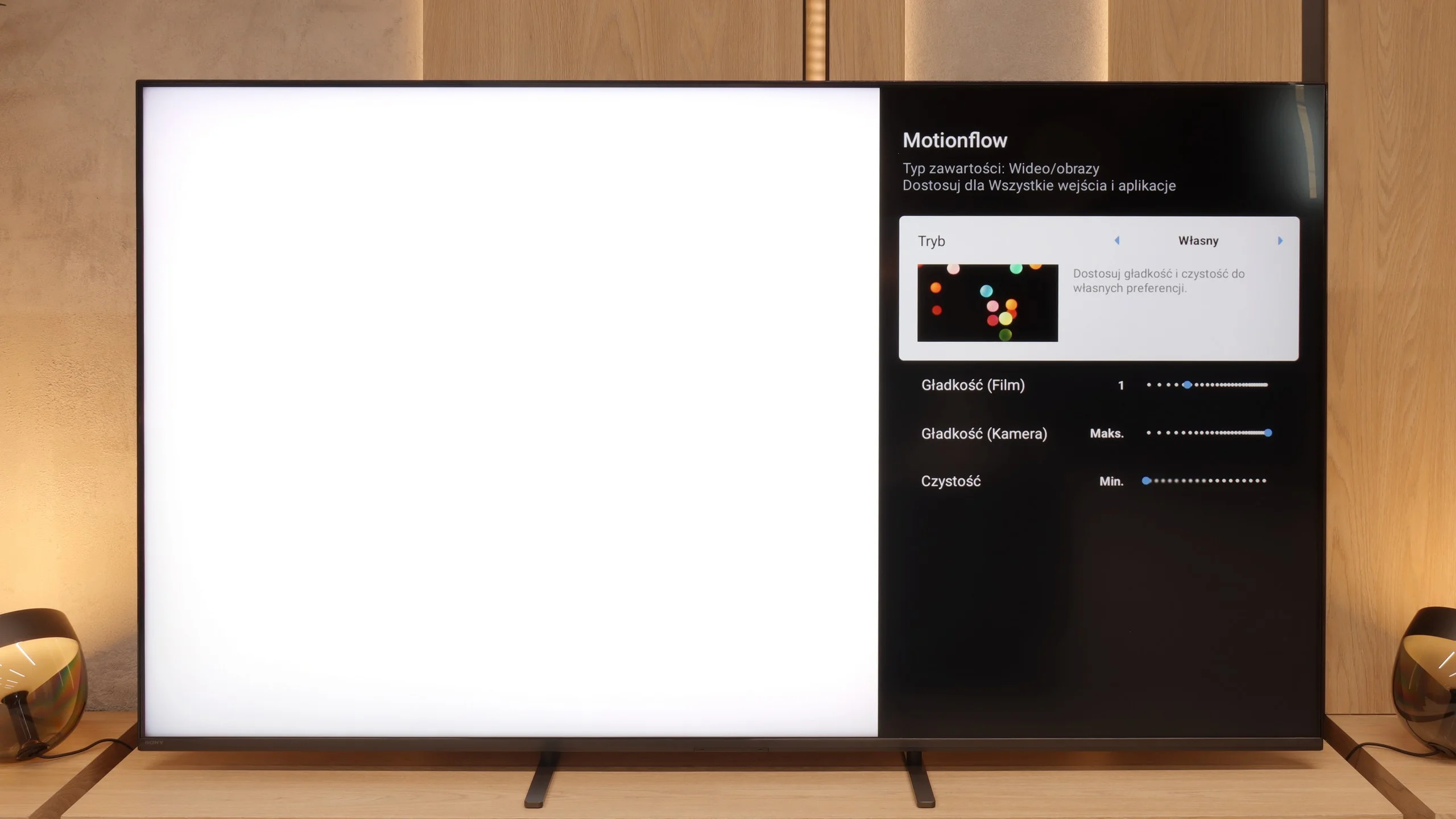
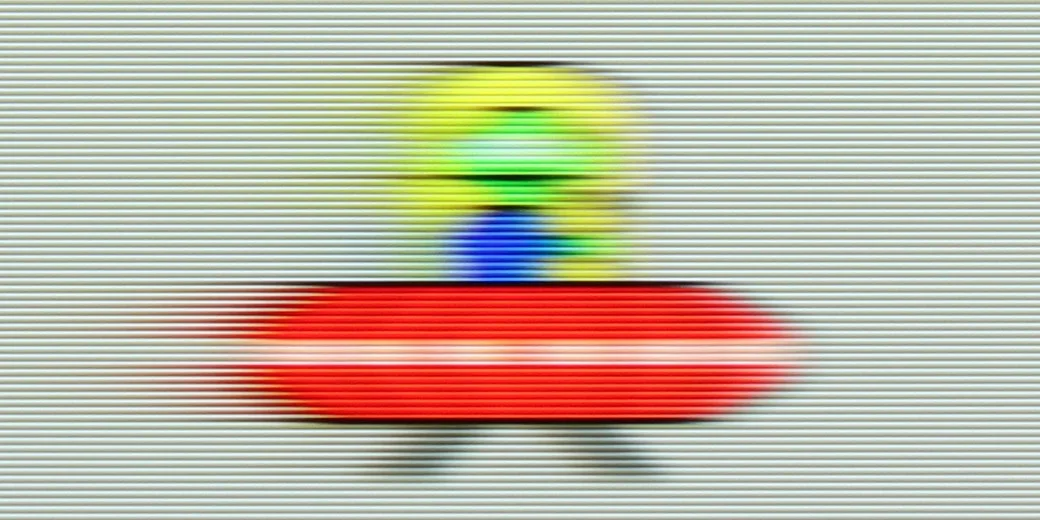
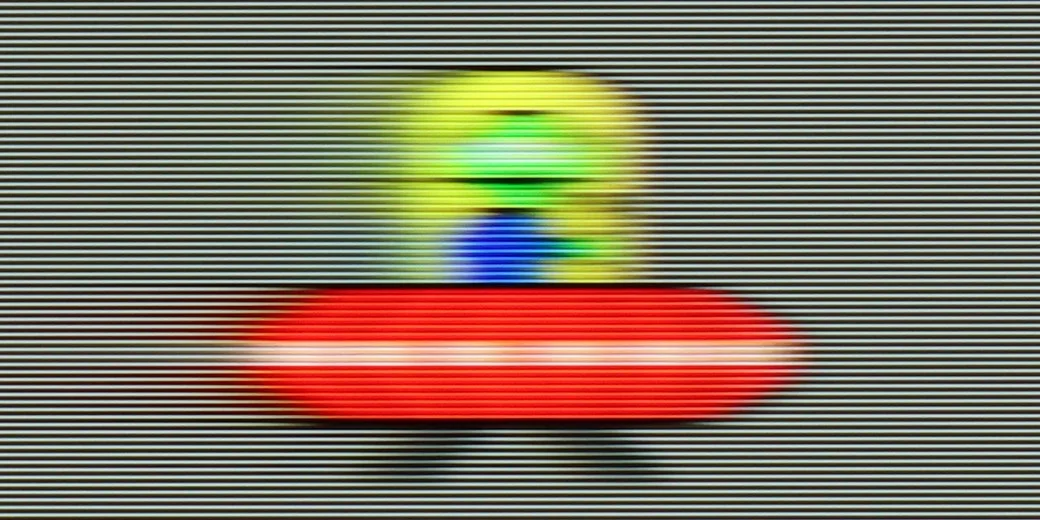
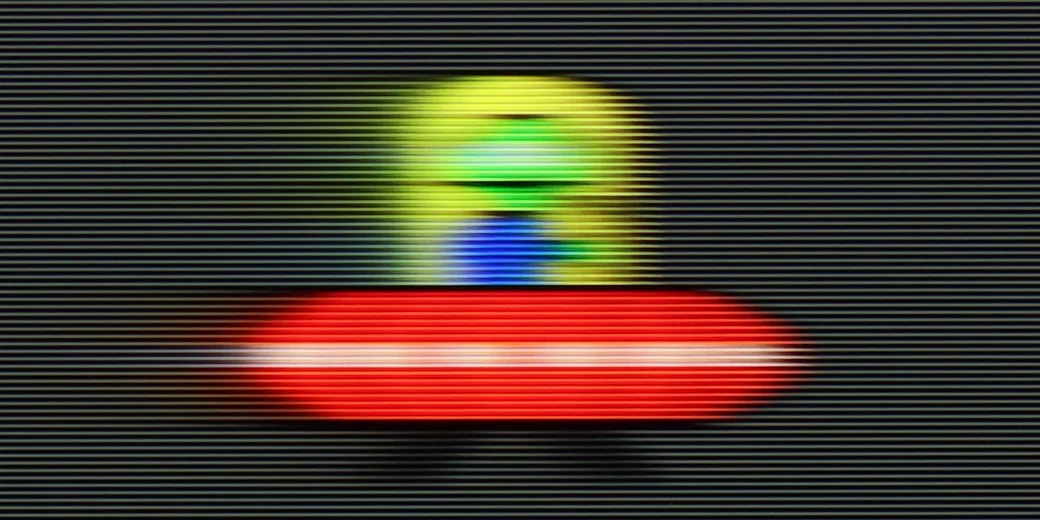
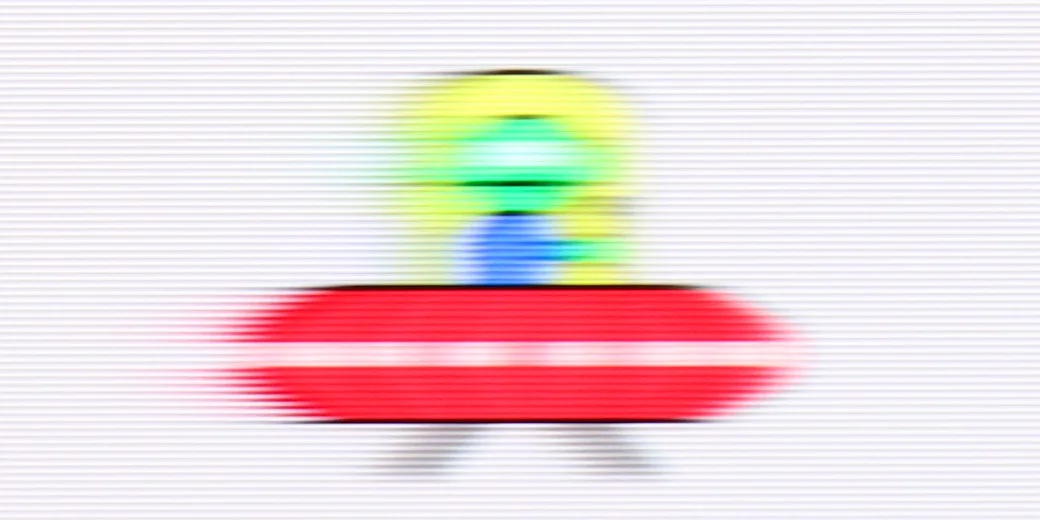
Bravia 5 received a 120 Hz panel, which in itself sounds like an invitation to watch sports, fast matches, or spectacular action films. However, the real magic begins when MotionFlow – Sony's proprietary smoothness technology – comes into play. Thanks to it, we can adjust the character of the image to our own preferences. The "smoothness" slider allows you to transition from a cinematic feel with a slight "jitter" of the film frame to a nearly theatrical fluidity, where every ball in the match glides across the screen as if on a string. The higher the value, the smoother and more fluid it is; the lower it is, the more cinematic and natural it feels. In the options, we will also find an additional setting that Sony has called "clarity". This is nothing more than the BFI function (i.e., inserting black frames), which is meant to improve motion sharpness. It sounds great in theory, but in practice, one must use it with great caution. Why? Because all higher settings cause brightness drops of up to half, and in some cases, contour doubling also appears. Therefore, if we wish to use it, we recommend the lowest possible level – "1" out of the available ten. This way, we gain a bit better motion clarity without risking a loss of half the image brightness.
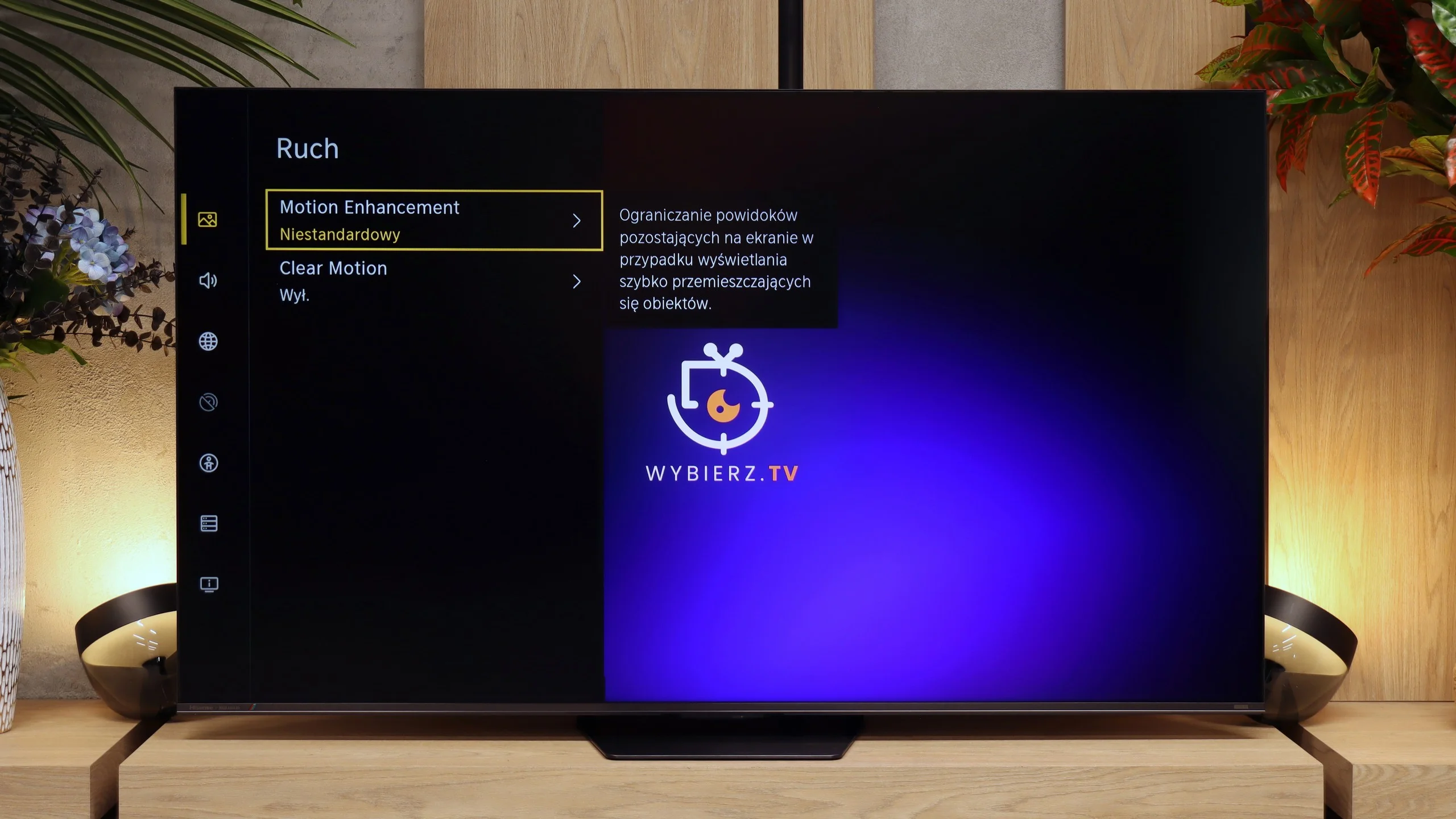
The UR8S is equipped with a panel with a native 180 Hz refresh rate, so right from the start it offers excellent motion handling. The panel itself performs really well here, although some limitations typical of VA panels are still visible. Motion blur is relatively minor for this type of screen, but with faster motion (especially on darker backgrounds) it can still be noticed, particularly when compared with the same image on OLED TVs.
Console compatibility and gaming features
9.8/10
8.5/10
- ALLM
- VRR
- VRR range48 - 120Hz48 - 330Hz
- Dolby Vision Game Mode
- Correct implementation of HGIG

- 1080p@120Hz
- 1440p@120Hz
- 4K@120Hz
- Game bar
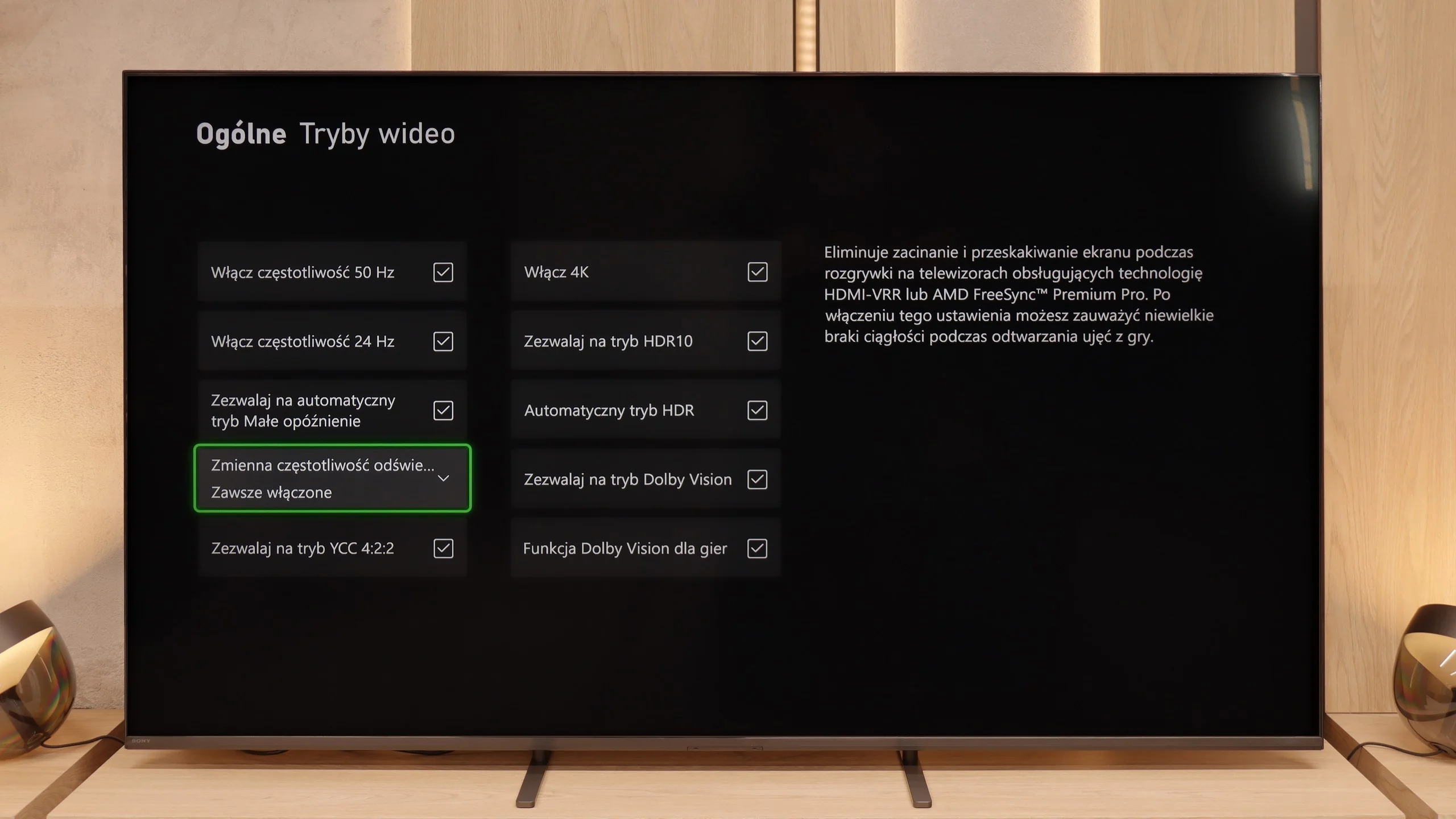
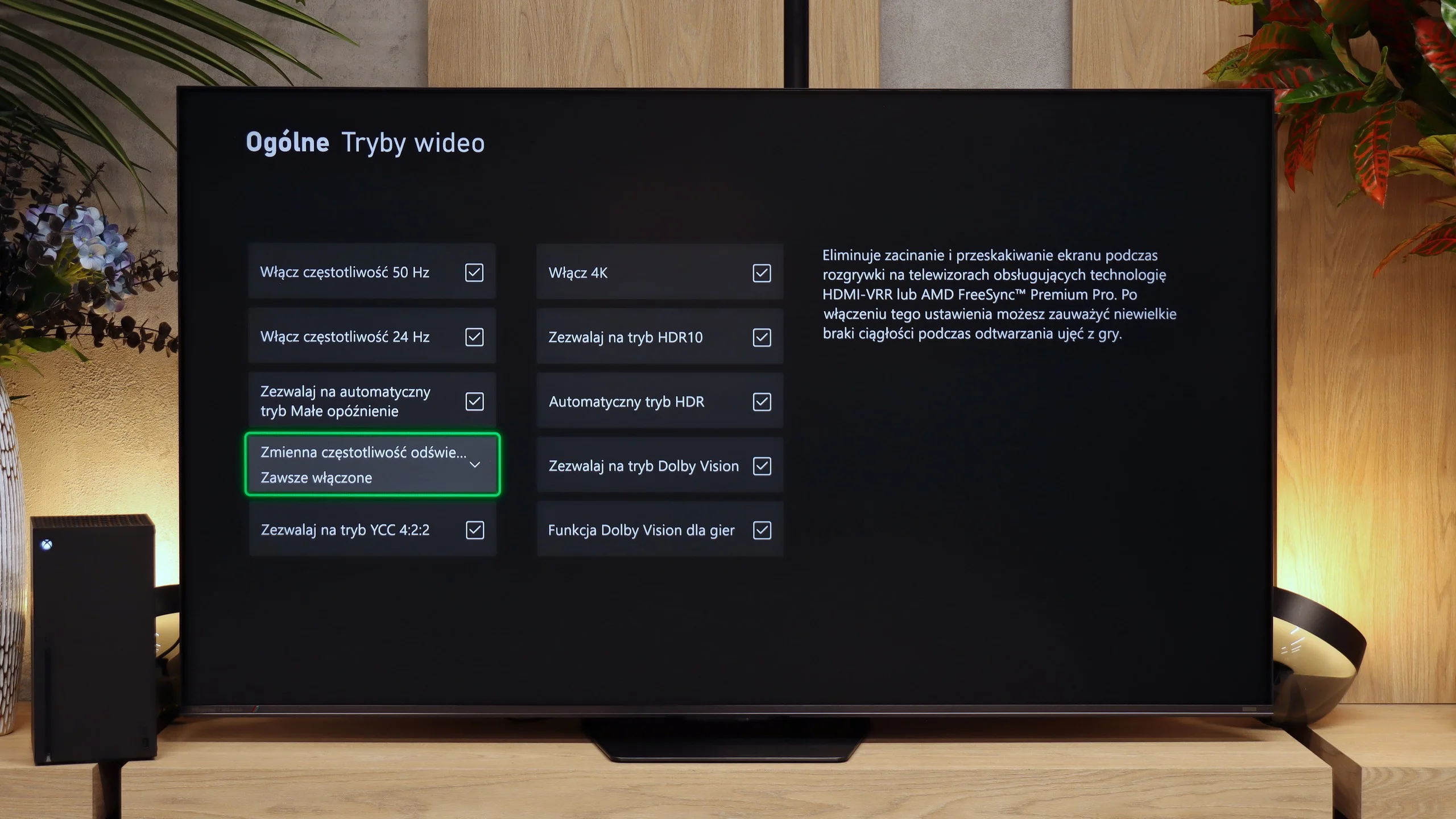
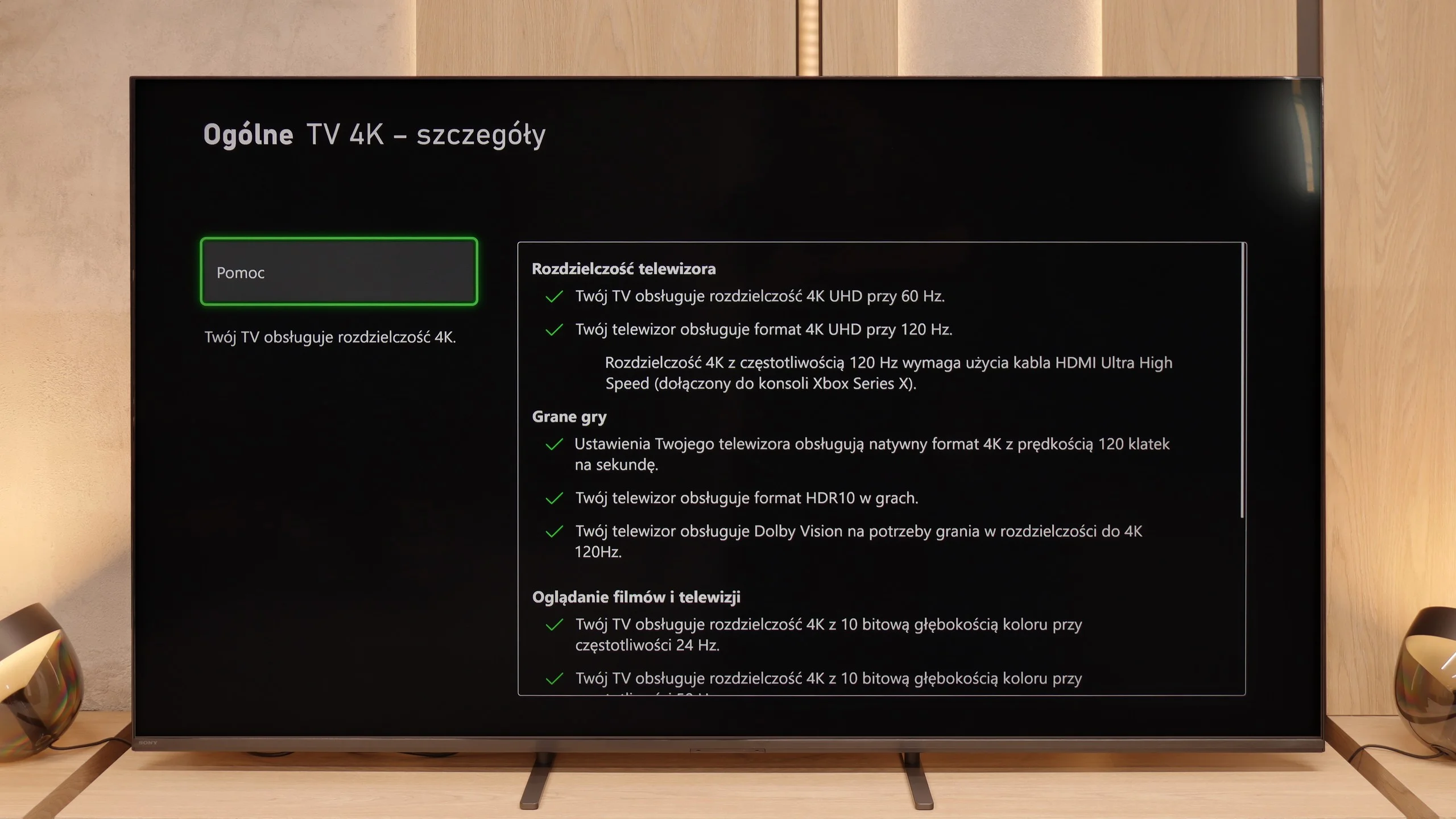
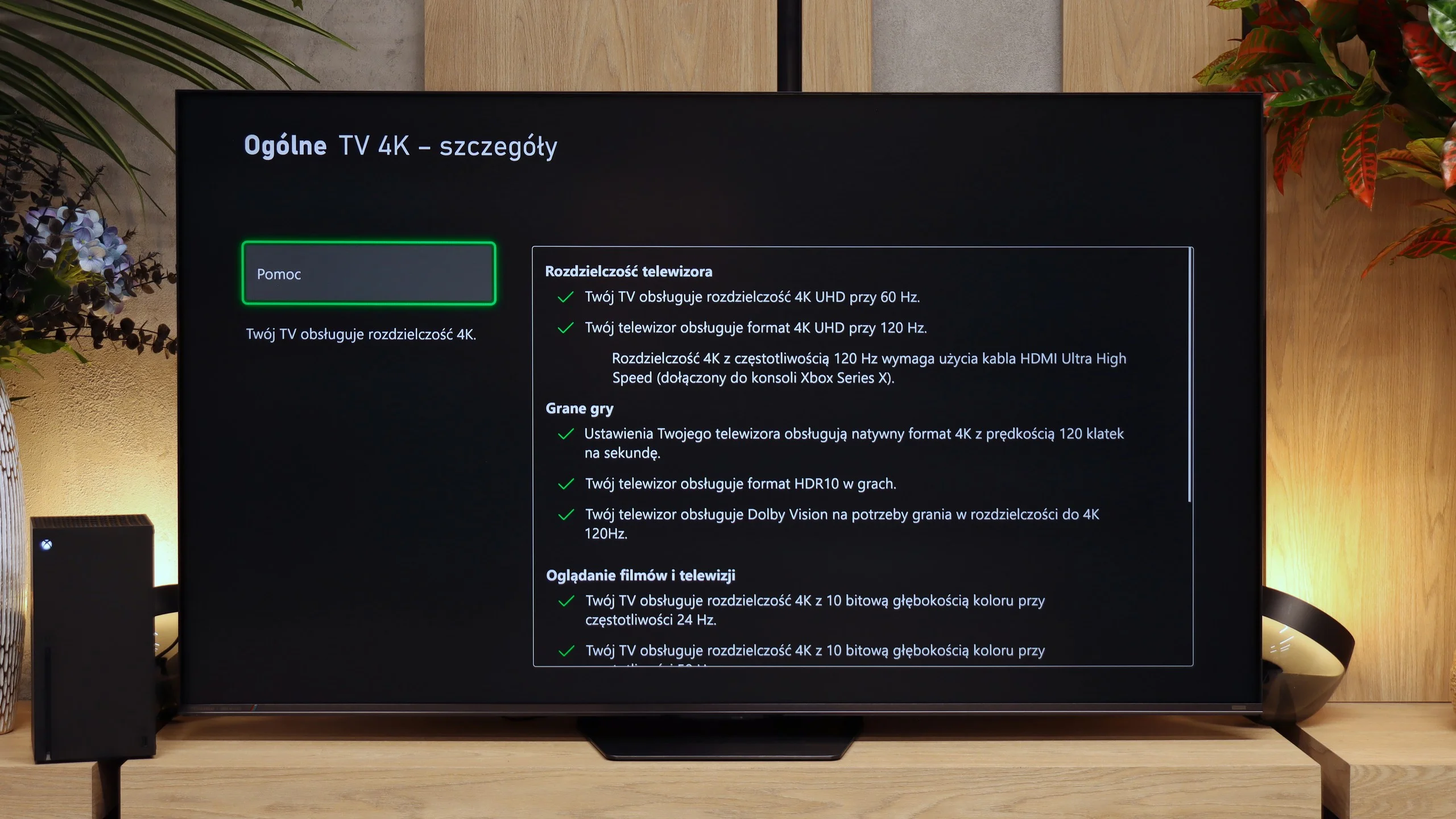
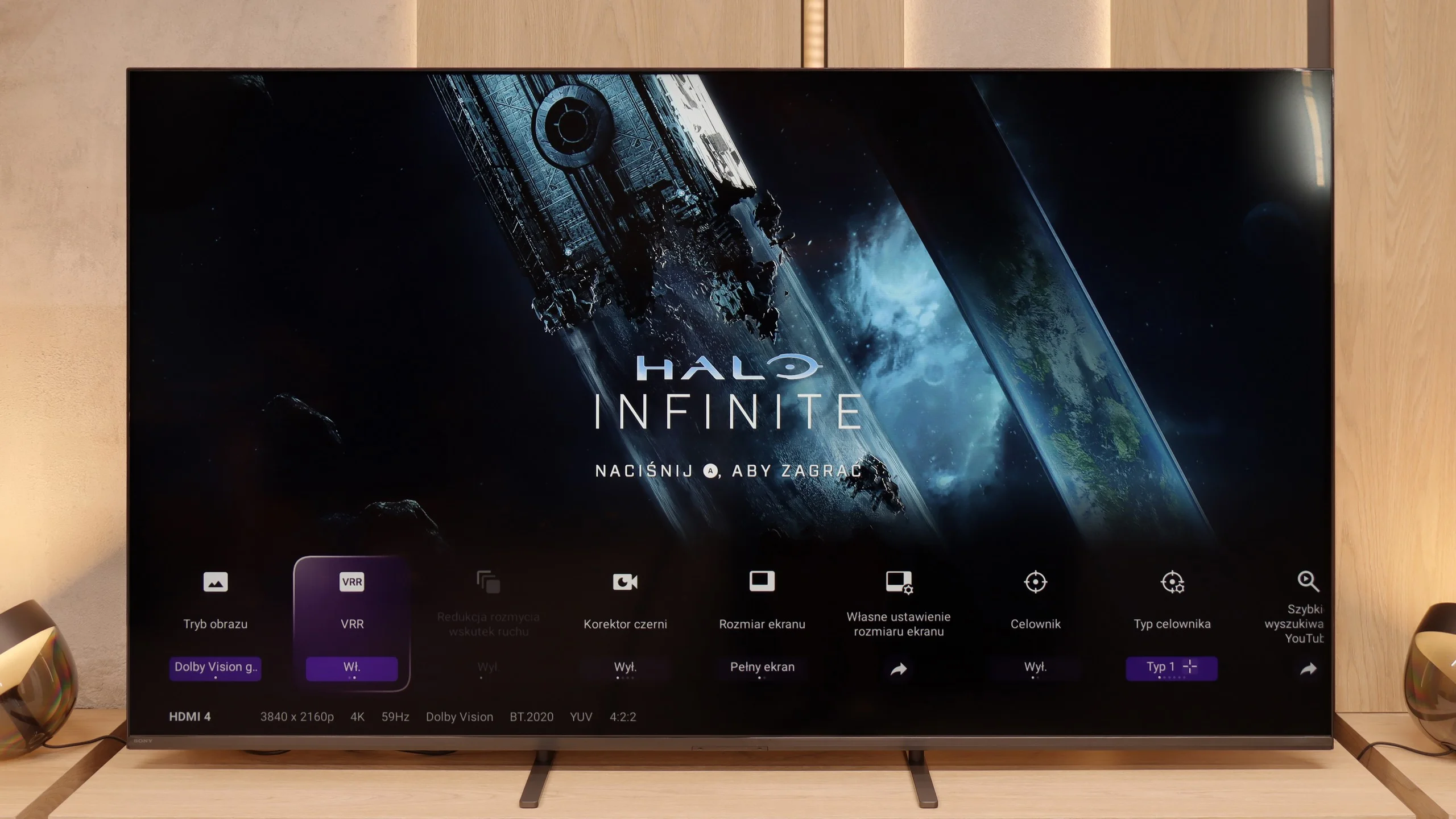
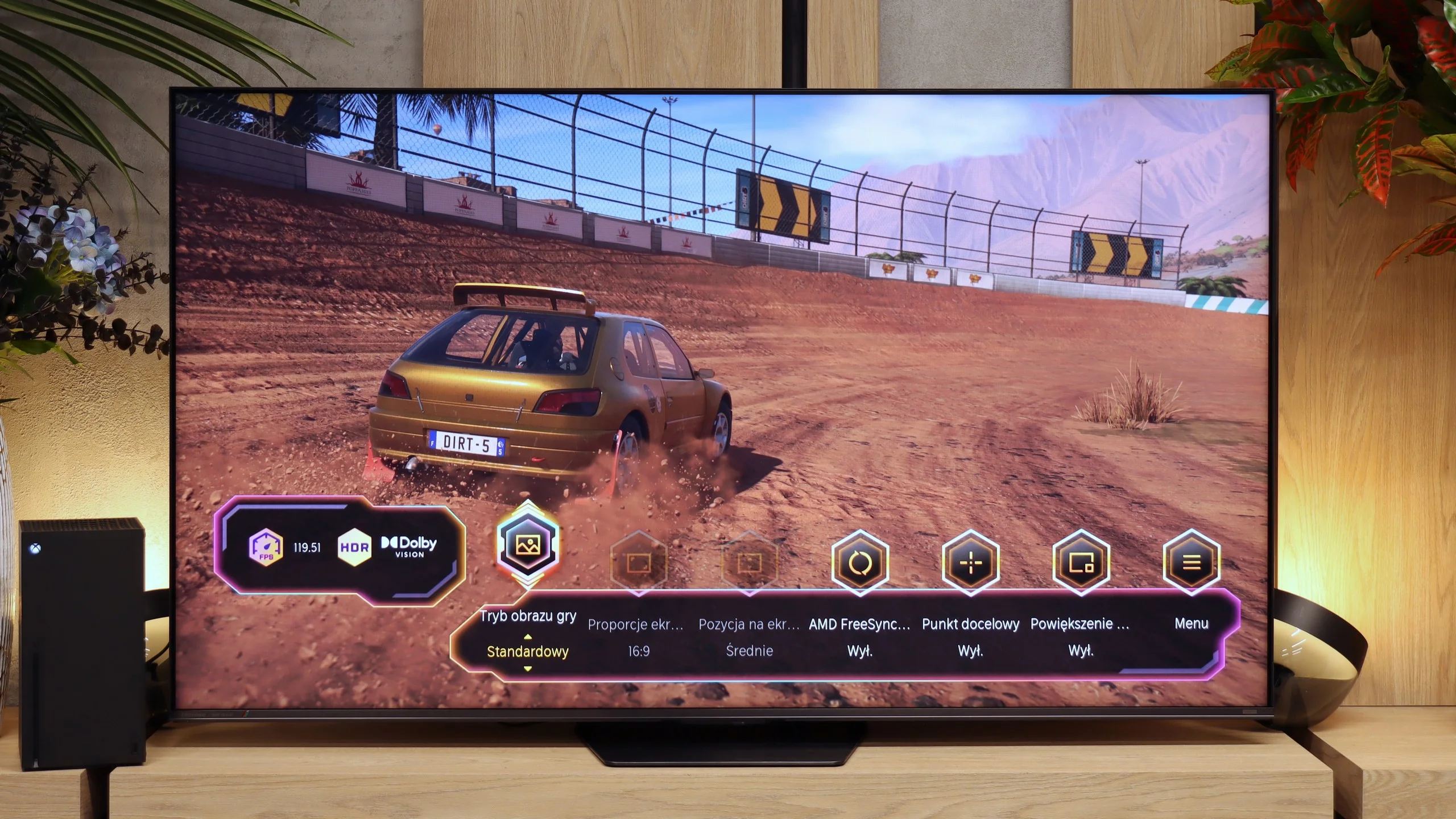
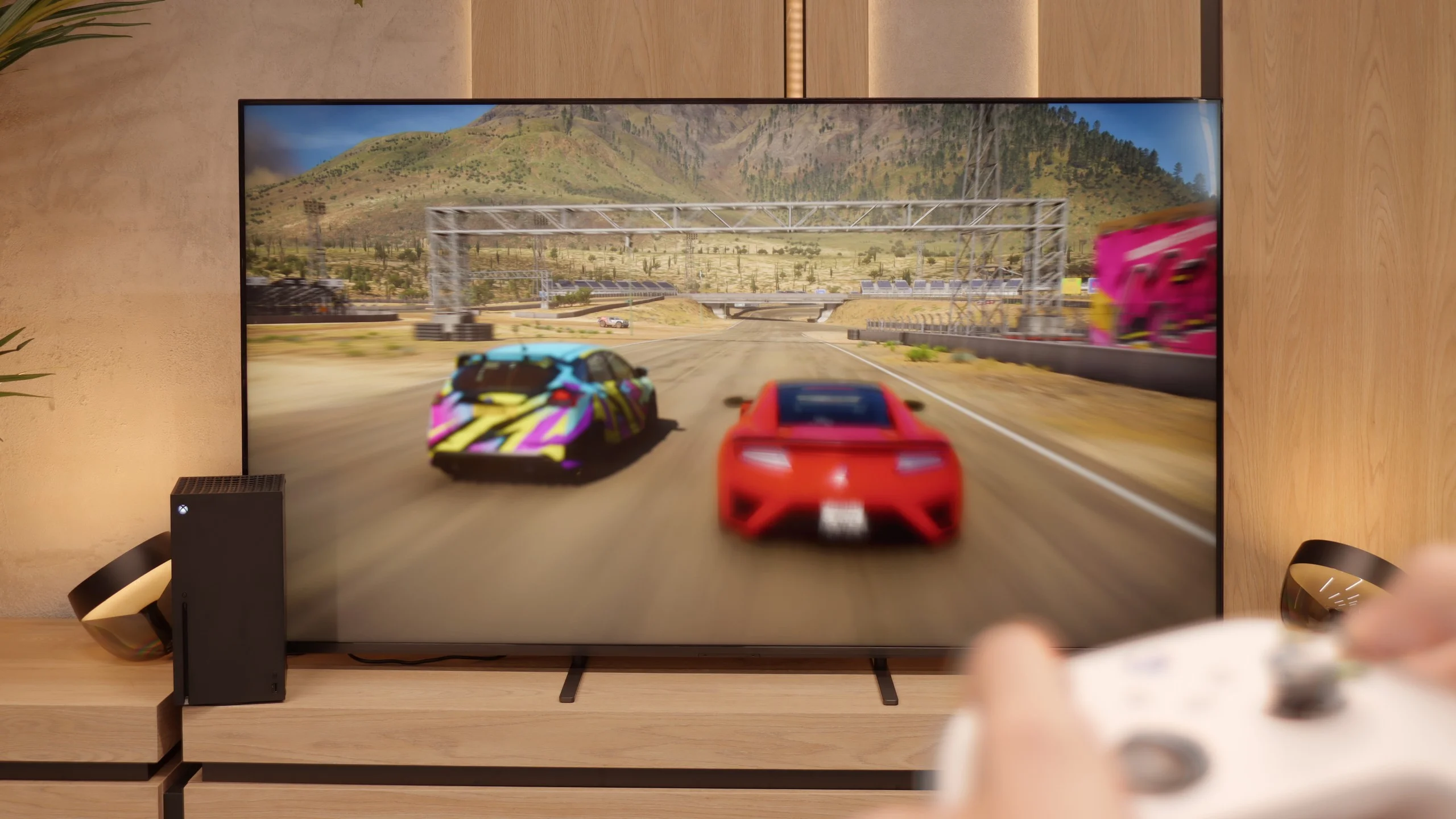
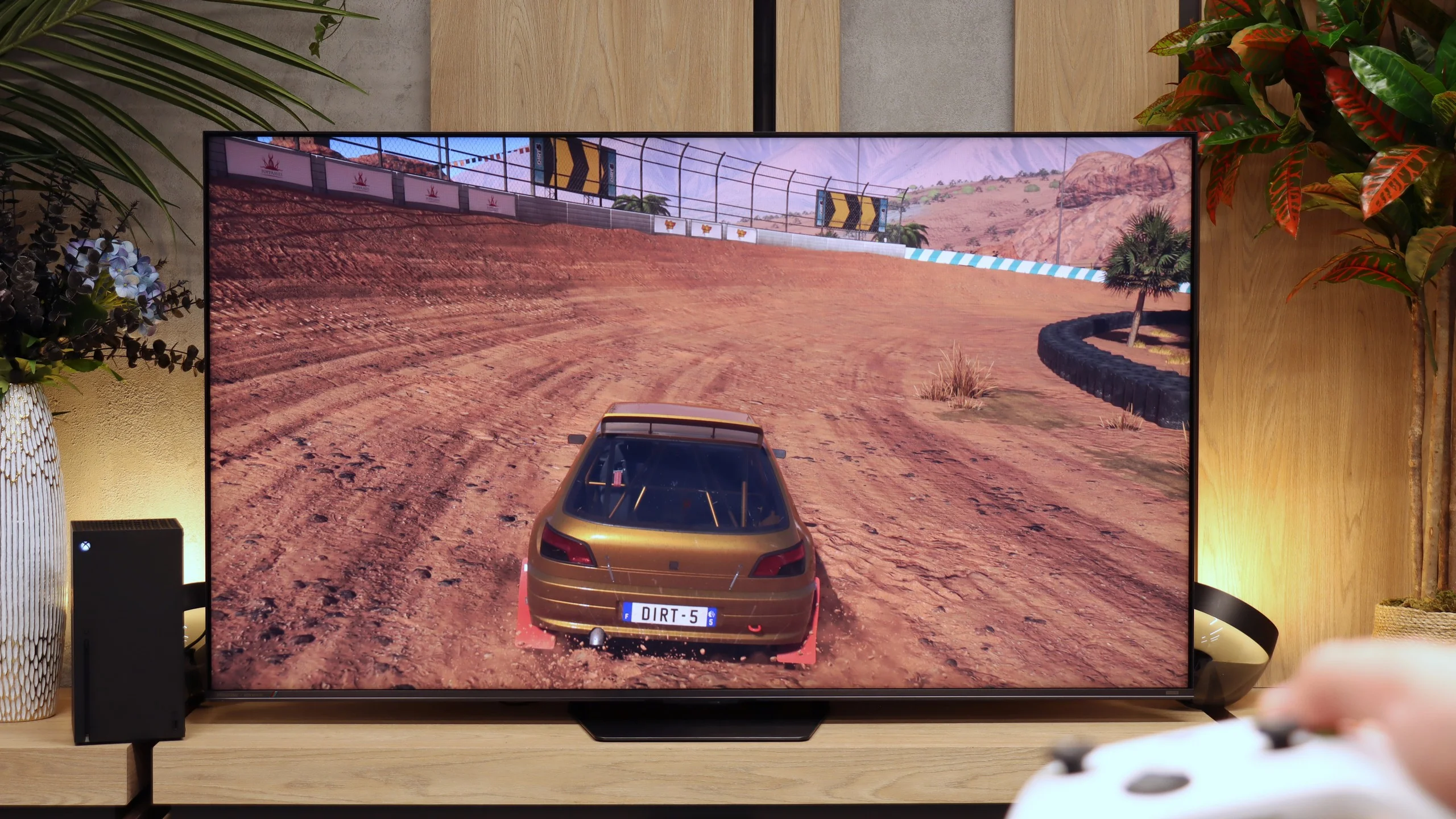
In the Bravia 5, there is a significant improvement compared to the X90L model from two years ago. The television offers literally everything its predecessor had, but this time the issues that could frustrate gamers have been fixed. The problems with setting variable refresh rate (VRR) have disappeared, and there are no longer any issues with configuring HDR content in HGiG mode. In short: we get hardware that simply works as it should, without any fuss. Therefore, the Bravia 5 has everything you could expect from a modern gaming television – and it can be reasonably advertised with the slogan “ready for PS5.” This is a statement we couldn't make about the X90L model. Well done, Sony!
It’s just a shame that this relatively high-priced model lacks a full set of four HDMI 2.1 ports. In everyday use, this won’t be a problem for most people, but if someone has a console, soundbar, and additional equipment hooked up via HDMI, at some point there will be a need to choose or juggle the cables.
In terms of gamer features the UR8S performs really well. The TV supports practically everything you can expect from a modern console or PC display. It offers ALLM, VRR and 4K at 120 Hz. There is also Dolby Vision in Game Mode, so when using, for example, the Xbox Series X you do not have to give up that HDR format. PC gamers get even more options. The panel can run at 4K at 180 Hz, and dropping to Full HD can raise the refresh rate to as much as 330 Hz. There is also a Game Bar that lets you quickly check key information and change gaming-related settings. The only clear omission is a correct implementation of HGiG. With it enabled the TV still alters HDR brightness mapping, so we do not get the effect intended by that standard. Aside from that, the UR8S is very well prepared for both consoles and a powerful PC.
Input lag
9.9/10
9.8/10
SDR
HDR
Dolby Vision
When it comes to input lag, the Bravia 5 deserves a round of applause. Results around 7 ms at 120 Hz content are nothing short of spectacular – it’s hard to imagine a player complaining about such responsiveness. Even at 60 Hz, where the lag increases to around 15 ms, we’re still talking about values that absolutely do not spoil the fun and are not noticeable in practice. Moreover, Sony has finally tamed the Dolby Vision mode. In the X90L, it was practically unplayable – delays rose to levels of even 150 ms. Meanwhile, in the Bravia 5, the input lag remains at the same low level as with other content. This is a huge improvement and further proof that this television can truly be called “gamer-friendly.”
Input lag on the UR8S is very low. With a 60 Hz signal we measured around 15–16 ms, while switching to 120 Hz reduces the delay to around 9–10 ms. Importantly, we obtained similar results in HDR and Dolby Vision, so using those formats does not noticeably increase the lag. In practice the response to controls is very quick and even more demanding gamers should have no reason to complain.
Compatibility with PC
8/10
8.5/10
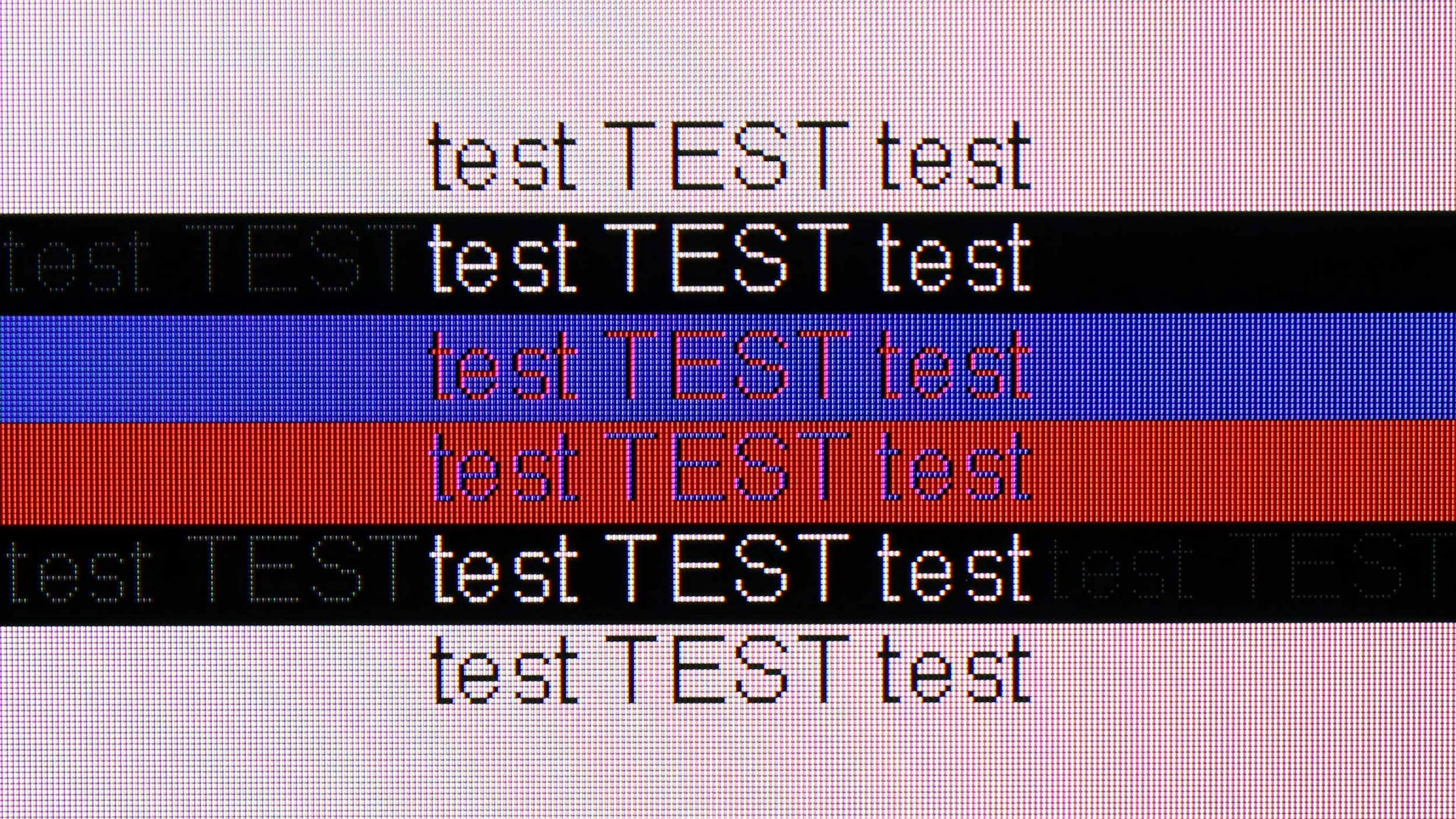
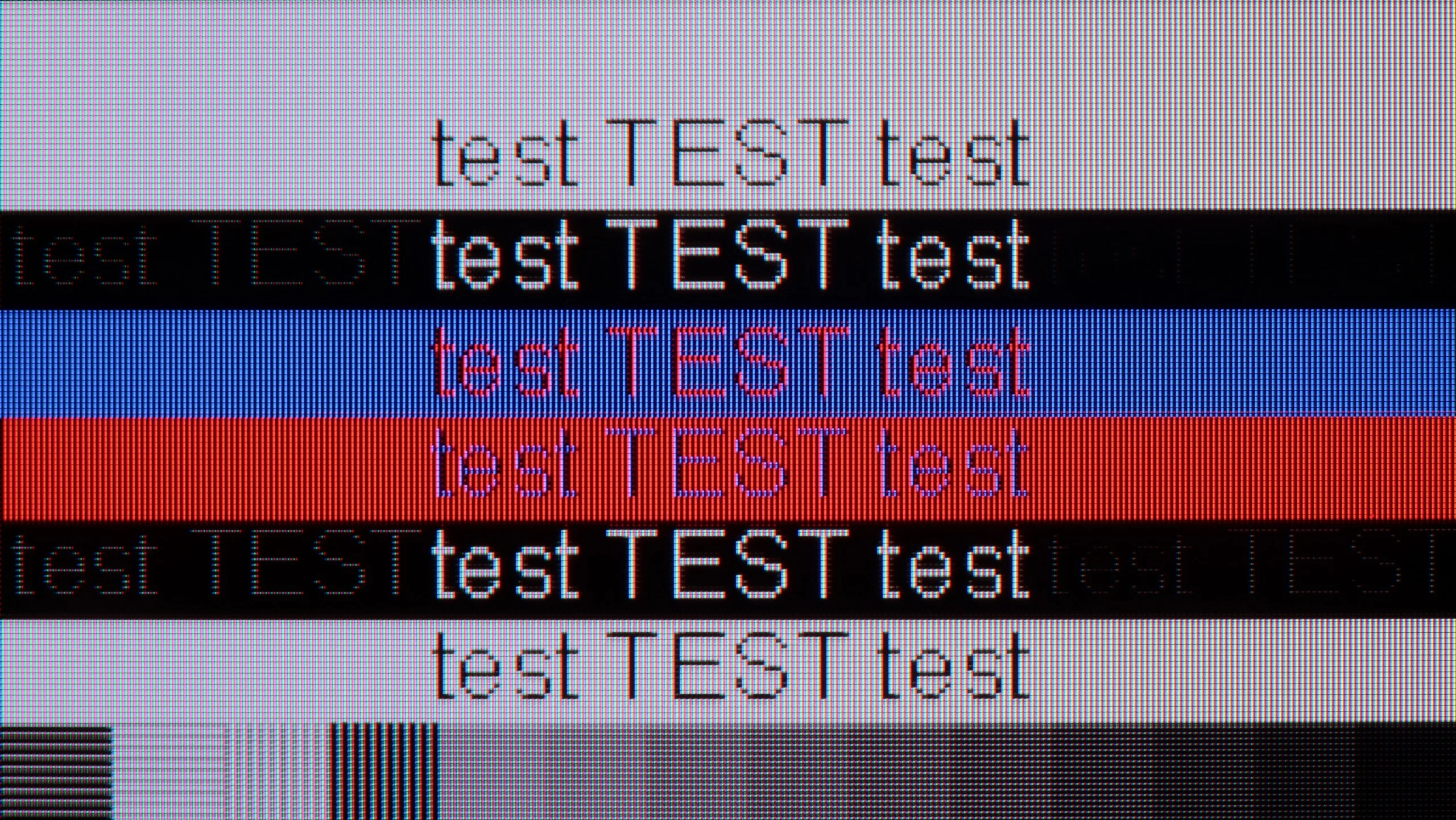
The photo shows the legibility of small fonts. Ideally, lines should be the same thickness on both light and dark text, with minimal pixel gaps.
In this category, the Bravia 5 deserves a commendable rating. The ideal readability of fonts thanks to the 4:4:4 chroma support makes working with a computer on this television a pure pleasure. Whether we are opening Excel, browsing documents, or just surfing the web – the text is sharp, clear, and devoid of that characteristic "haze" that can effectively detract from the enjoyment of use on many televisions. The letters look as they should: distinct, sharp, and readable even up close.
We also have good news for PC gamers. The Bravia 5 has no issues handling 120 Hz, working with both Nvidia and AMD graphics cards, supporting G-Sync and FreeSync Premium Pro technologies. The result is that the image is not only smooth but also free of tearing or micro-stuttering that can ruin the experience even in the best-optimised games. One can confidently connect a powerful computer and enjoy gaming on a large screen – without compromises, without frustration, and with complete comfort. The only thing we could criticise is the lack of additional modes for gamers with higher refresh rates.
The UR8S also works very well as a large computer monitor. The TV correctly handles 4:4:4 chroma subsampling at maximum resolution and refresh rate, so small fonts remain legible and do not have severely jagged or coloured edges. The BGR subpixel layout used is not a major issue here and text still looks good, although picky users will notice that they are not perfect.
There is also a refresh rate of up to 180 Hz at 4K, G-Sync support and very low input lag, which at the maximum refresh rate is around 9 ms. So if someone wanted to use the UR8S not only for a console but also for gaming on a powerful PC, the TV is really well suited to that.
Viewing angles
3.3/10
5.5/10
Bravia 5 uses a classic VA panel, which means one thing – the viewing angles are not its strong point. For owners of smaller sizes, this will not be an issue, as sitting directly in front, the picture looks superb. However, with larger sizes, especially at 85 inches, the situation becomes less comfortable. It is enough to sit slightly off-centre on the sofa to notice minor imperfections: the picture begins to lose saturation, the contrast weakens, and black takes on unwanted greys. It is a pity that Sony did not choose to implement additional coatings, which in the case of VA panels can bring their performance closer to that of IPS panels. Such solutions exist, and some competitors make use of them. However, they are missing here, so one must consider that Bravia 5 best shows its advantages when viewed head-on.
Viewing angles on the UR8S are quite good, helped by the use of RGB backlighting. Thanks to the three-colour LEDs, colours seen at an angle hold up better than on many conventional Mini-LEDs that use white or blue backlighting. Of course, it is still not at the level of OLED, and certainly not QD-OLED. At wider angles the image loses a little contrast and saturation, but for an LCD TV the result is really decent.
Daytime performance
6.9/10
9.5/10
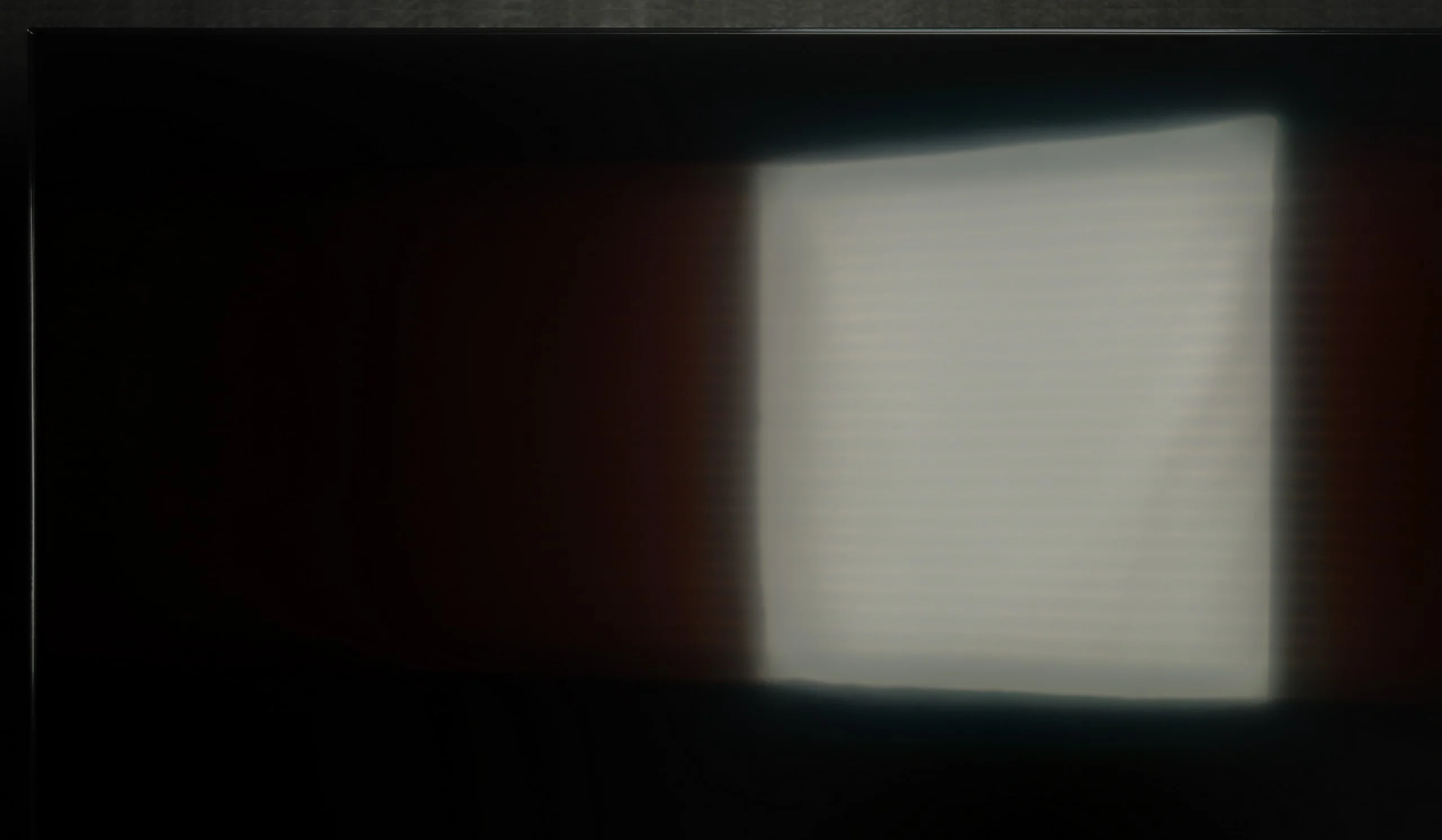
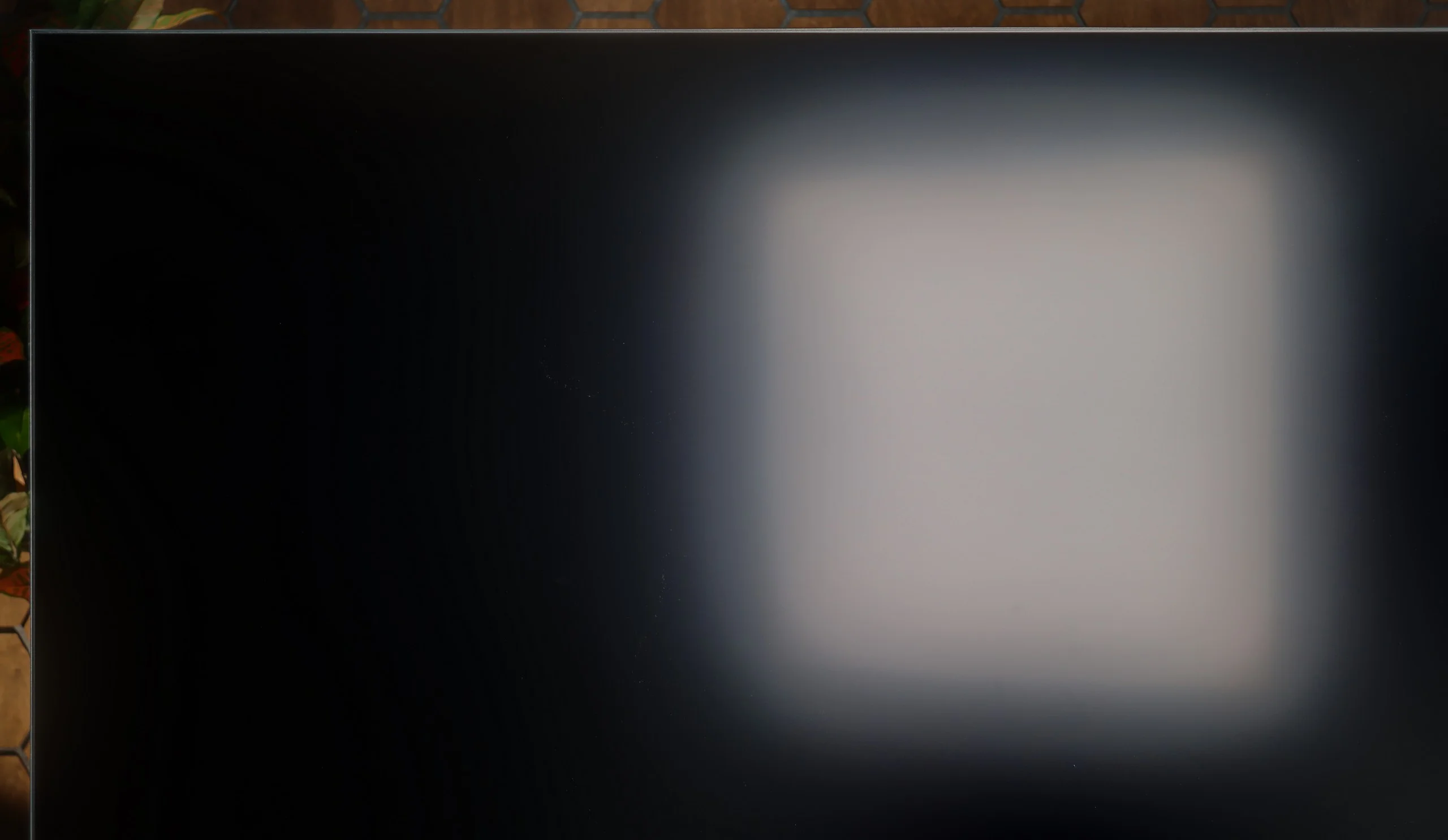
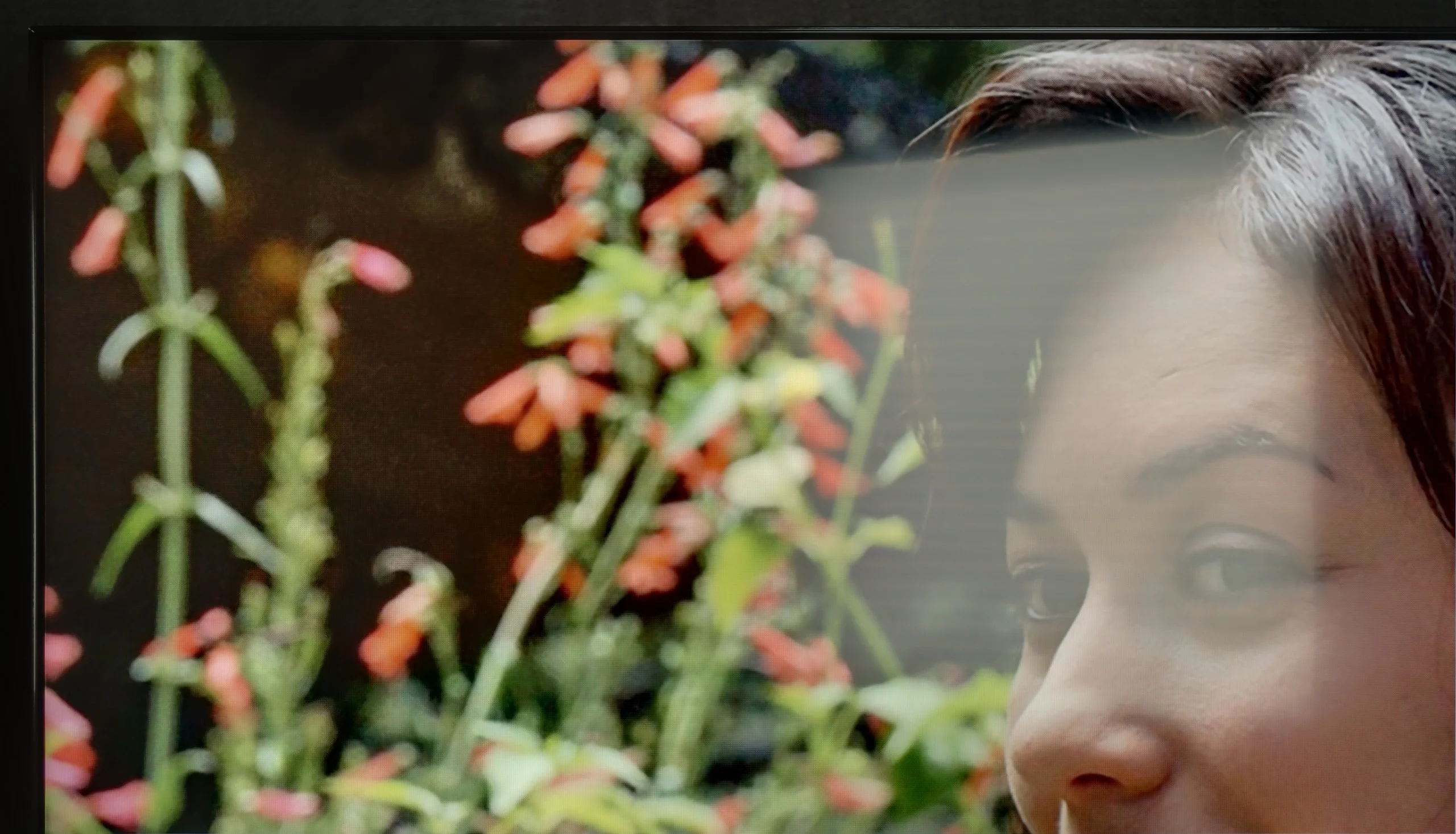
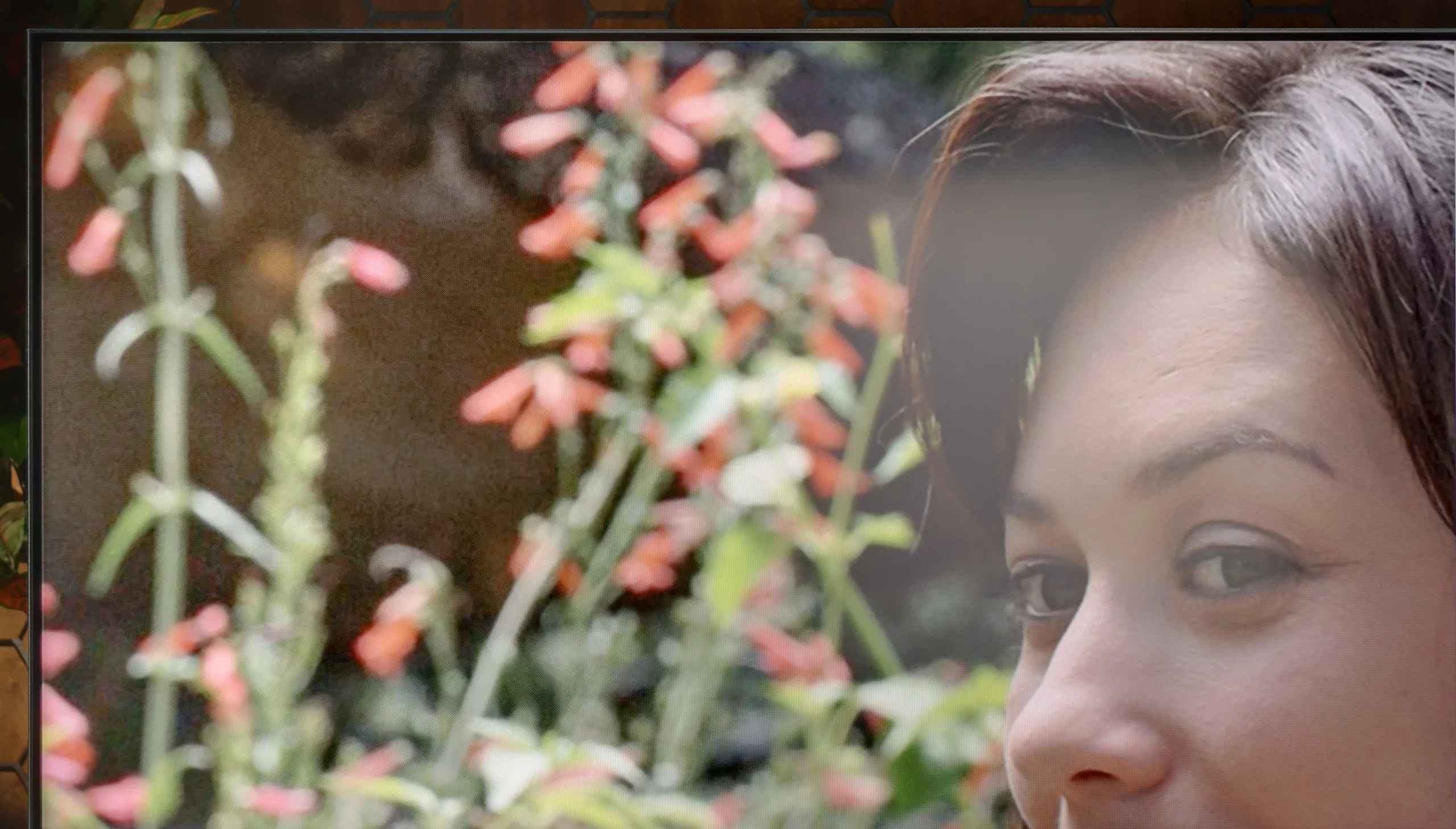
Panel brightness
Hisense UR8S: 1468 cd/m2
Sony BRAVIA 5 (XR5) : 641 cd/m2
Bravia 5 is a piece of equipment that really performs well in challenging lighting conditions. The high brightness ensures that even in the middle of the day, with the curtains wide open and sunlight streaming through the windows, the picture remains clear and sharp. There is no impression that we are watching a 'washed-out' screen. The satin coating of the panel also plays a significant role, effectively suppressing light reflections. Indeed, some reflections do appear, but they are not strong enough to interfere with viewing. These are more like subtle glows that can be noticed when we consciously look for them, rather than a real everyday problem. As a result, the Bravia 5 is suitable not only for the evening in a dimly lit room but also in bright living rooms, where other televisions might falter. Therefore, it can be said that this is a 'universally light' model – it is suitable for both evening screenings and watching news or sports in full sunlight.
The UR8S performs excellently for daytime viewing. First and foremost it is a very bright TV: in SDR we measured around 1500 nits, so even with a lot of ambient light the picture remains punchy and easy to read. A big plus is the matt finish, which very effectively scatters reflections from windows and lamps. Instead of a distinct reflection on the screen you see more of a soft, blurred glow that is far less distracting while watching.
It is worth noting, however, that the coating works best when you view the TV straight on. At a wider angle it starts to resemble a satin finish and reflections become more pronounced and therefore more bothersome. In a brightly lit room blacks also lose some of their depth, but at such high brightness this is not a major problem. Overall the UR8S is simply a very good choice for a bright living room.
Panel details
Subpixel Structure:
Panel uniformity and thermal imaging:
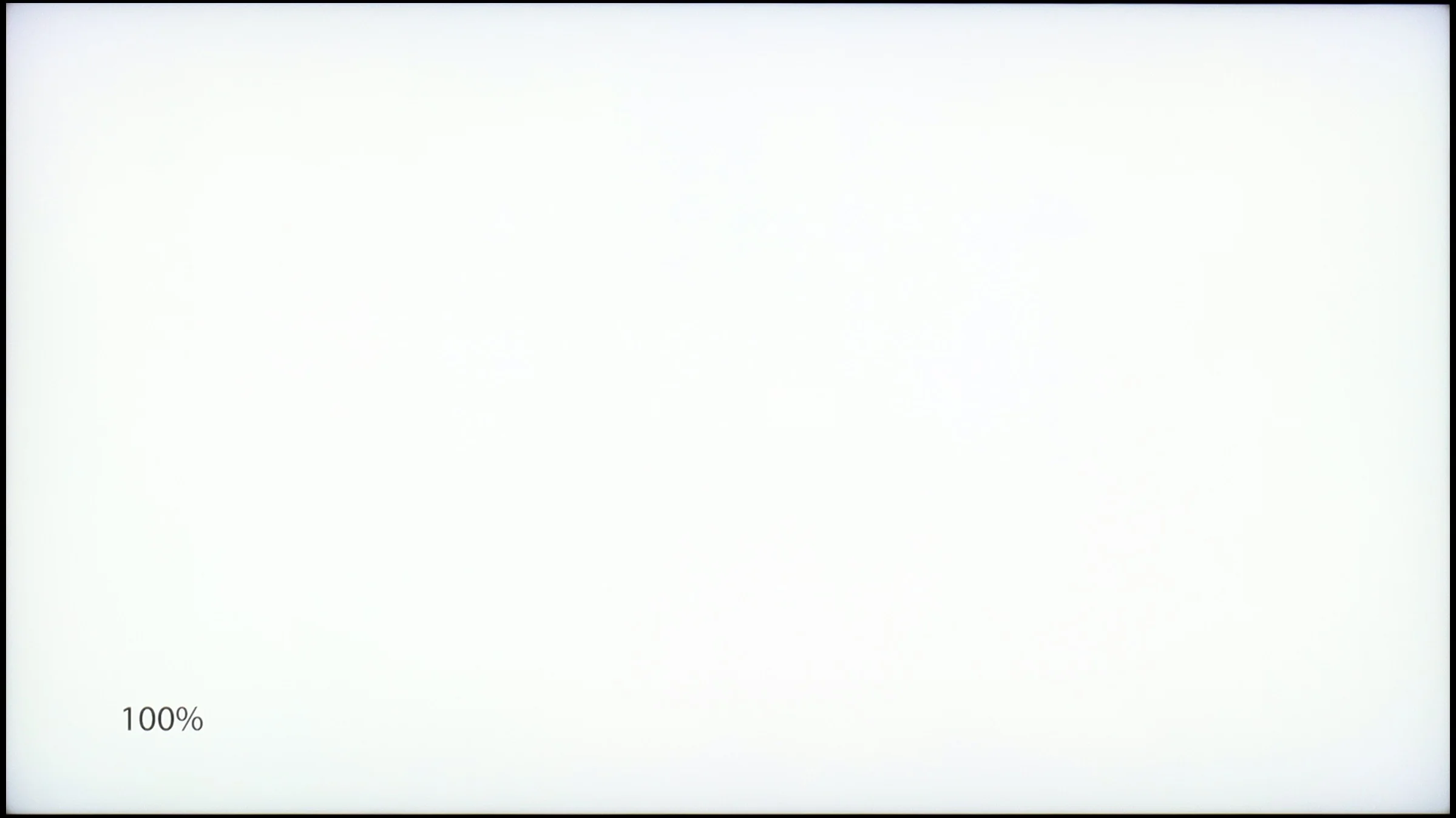
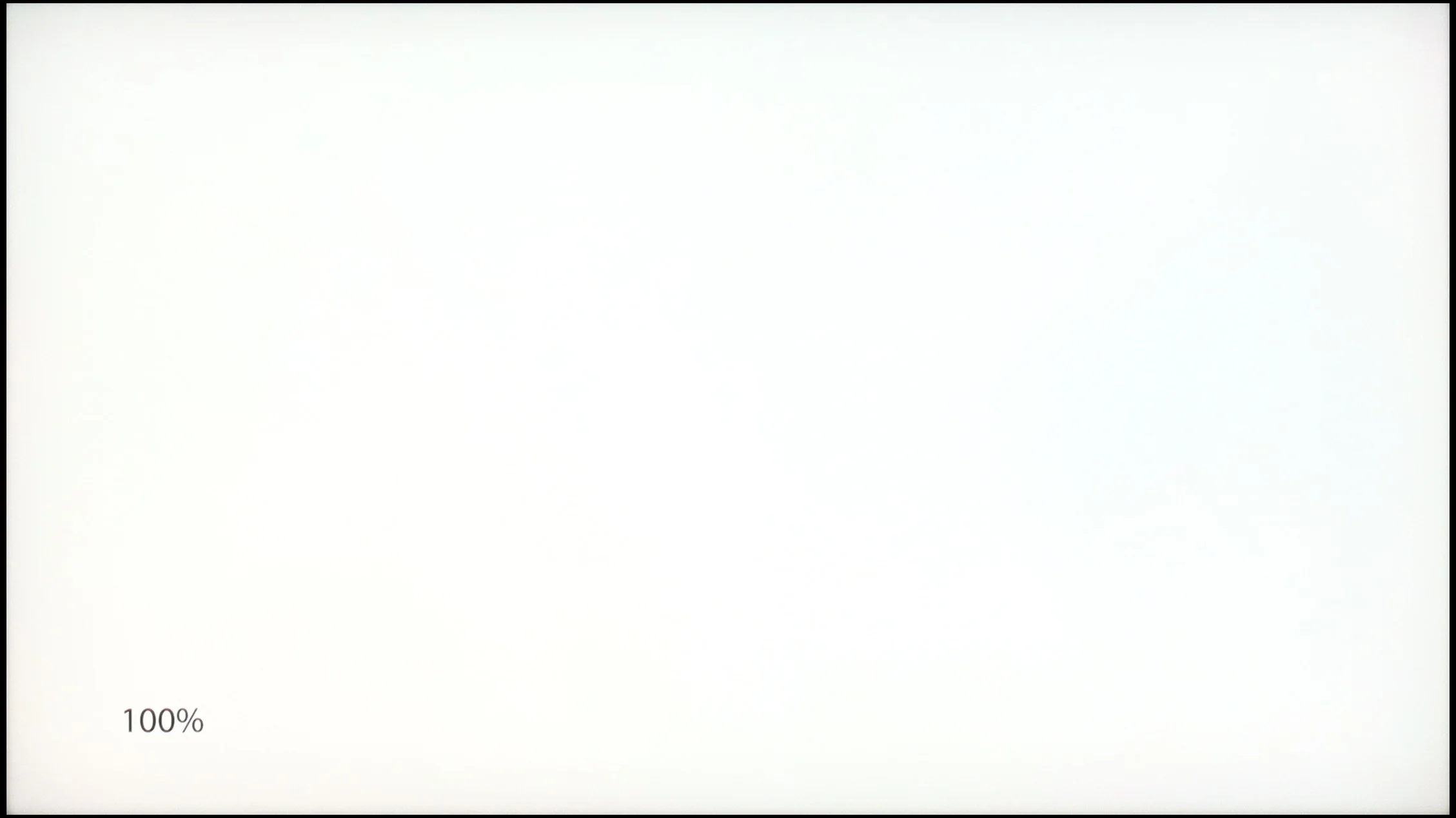
Sony BRAVIA 5 (XR5)
Hisense UR8S
TV features
7.6/10
9.4/10
- SystemGoogle TVVIDAA
- System performanceGoodVery good
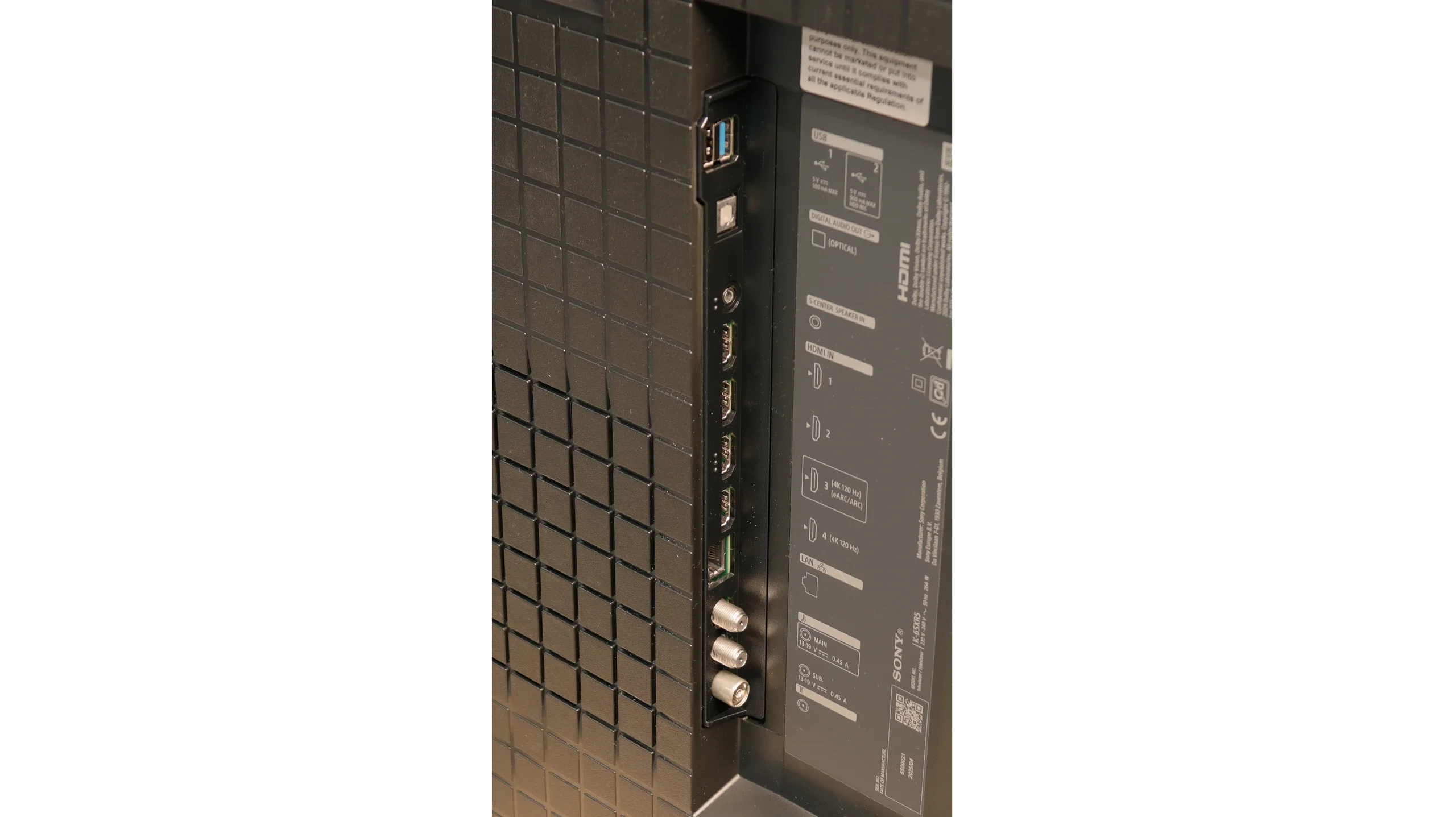
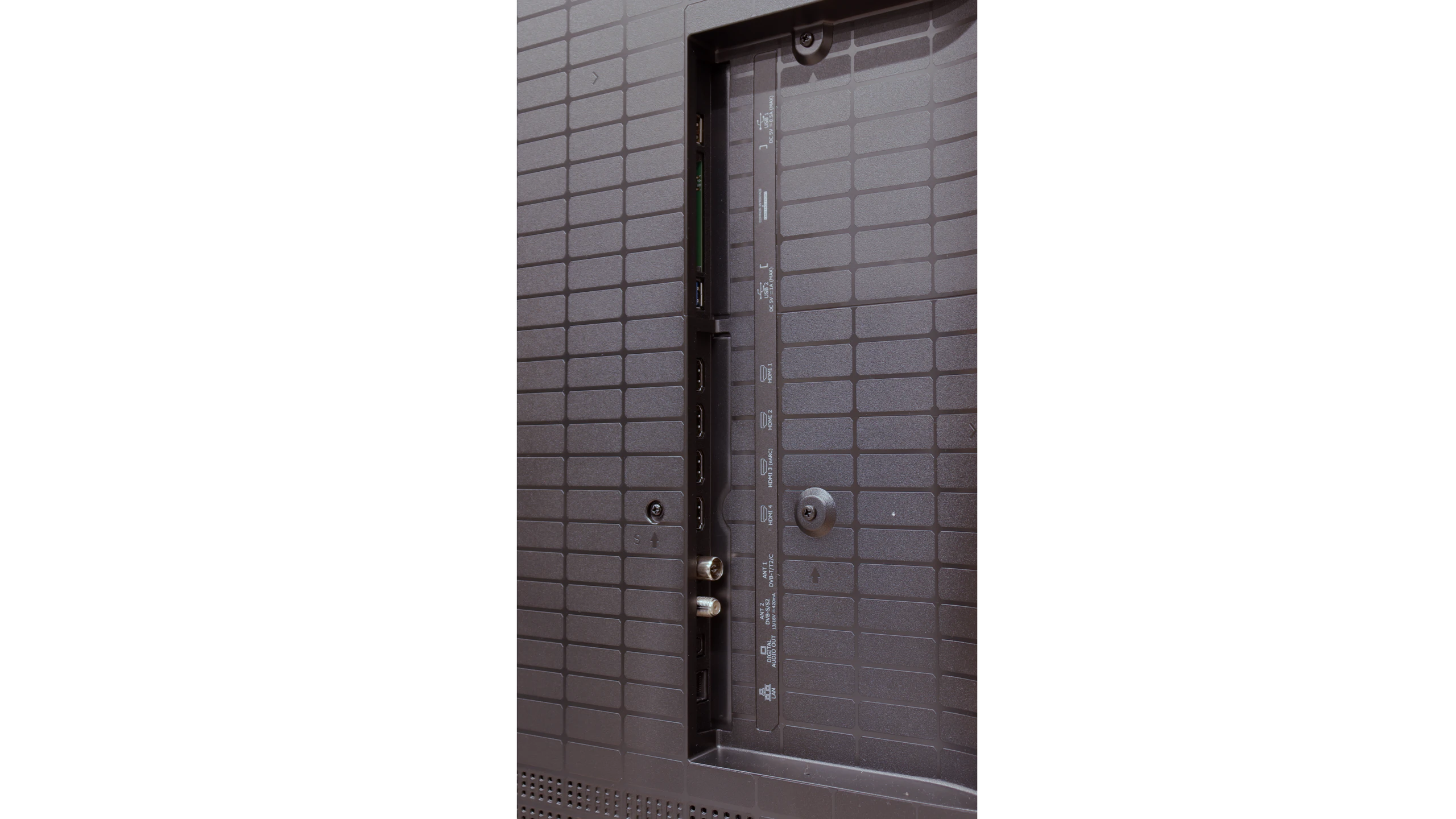
- HDMI inputs2 x HDMI 2.0, 2 x HDMI 2.1 48Gbps0 x HDMI 2.0, 4 x HDMI 2.1 48Gbps
- OutputsToslink (Optical audio), eARC (HDMI), ARC (HDMI)Toslink (Optical audio), eARC (HDMI), ARC (HDMI)
- Network InterfacesWi-Fi 2.4GHz, Wi-Fi 5GHz, Ethernet (LAN) 100MbpsWi-Fi 2.4GHz, Wi-Fi 5GHz, Ethernet (LAN) 100Mbps
- TV receptionDVB-T, DVB-T2, DVB-S, DVB-S2, DVB-CDVB-T, DVB-T2, DVB-S, DVB-S2, DVB-C
Classic features:
- Recording to USB (terrestrial TV)
- Recording programming
- Picture in Picture (PiP)
- RF remote control (no need to aim)
- Backlit remote control
- Teletext
- Audio only mode
- Bluetooth headphones support
- Simultaneous Bluetooth headphones & TV audio
Smart features:
- AirPlay
- Screen mirroring (Windows Miracast)
- Voice search
- Voice search in native language
- Ability to connect a keyboard and mouse
Sound connection options
- HDMI audioeARC (HDMI), ARC (HDMI)eARC (HDMI), ARC (HDMI)
- Other audio outputsToslink (Optical audio)Toslink (Optical audio)
- Wireless audioBluetoothBluetooth
Supported audio formats (external HDMI eARC audio):
- Dolby Digital Plus 7.1
- Dolby True HD 7.1
- Dolby Atmos in Dolby Digital Plus (JOC)
- Dolby Atmos in Dolby True HD
- DTS:X in DTS-HD MA
- DTS-HD Master Audio
Senior accessibility
- Numeric keyboard on TV
- Font size adjustment
- Audio description
GoogleTV and SmartTV Features
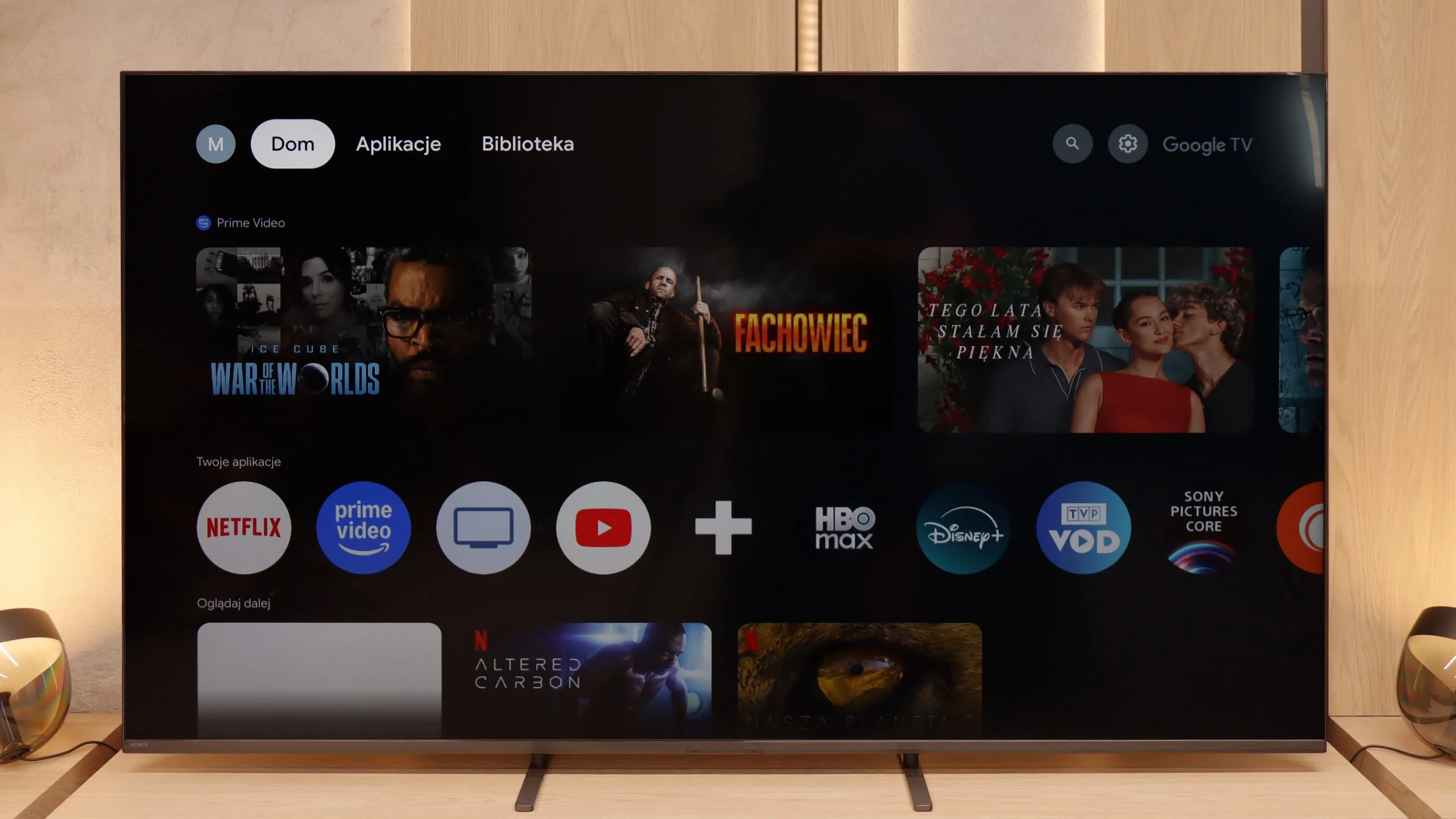
Sony Bravia 5 operates on Google TV, and it must be acknowledged that this is one of the best-optimised systems from this brand. The interface runs smoothly, there are no irritating bugs or strange translations, and navigating through the menu doesn't feel like walking through a minefield. Admittedly, there are moments when it experiences a slight hiccup – as if the system has its "weaker moments" – but these are rare enough not to spoil the overall impression. We have full support for AirPlay, voice search with the help of Google AI assistant, and the ability to download practically any app that comes to mind. The only drawback in the tests turned out to be the screen mirroring function, which theoretically should work with laptops and phones, yet in practice proved to be nearly useless – on Windows and Android, stable image transmission could not be achieved.
Usability Features
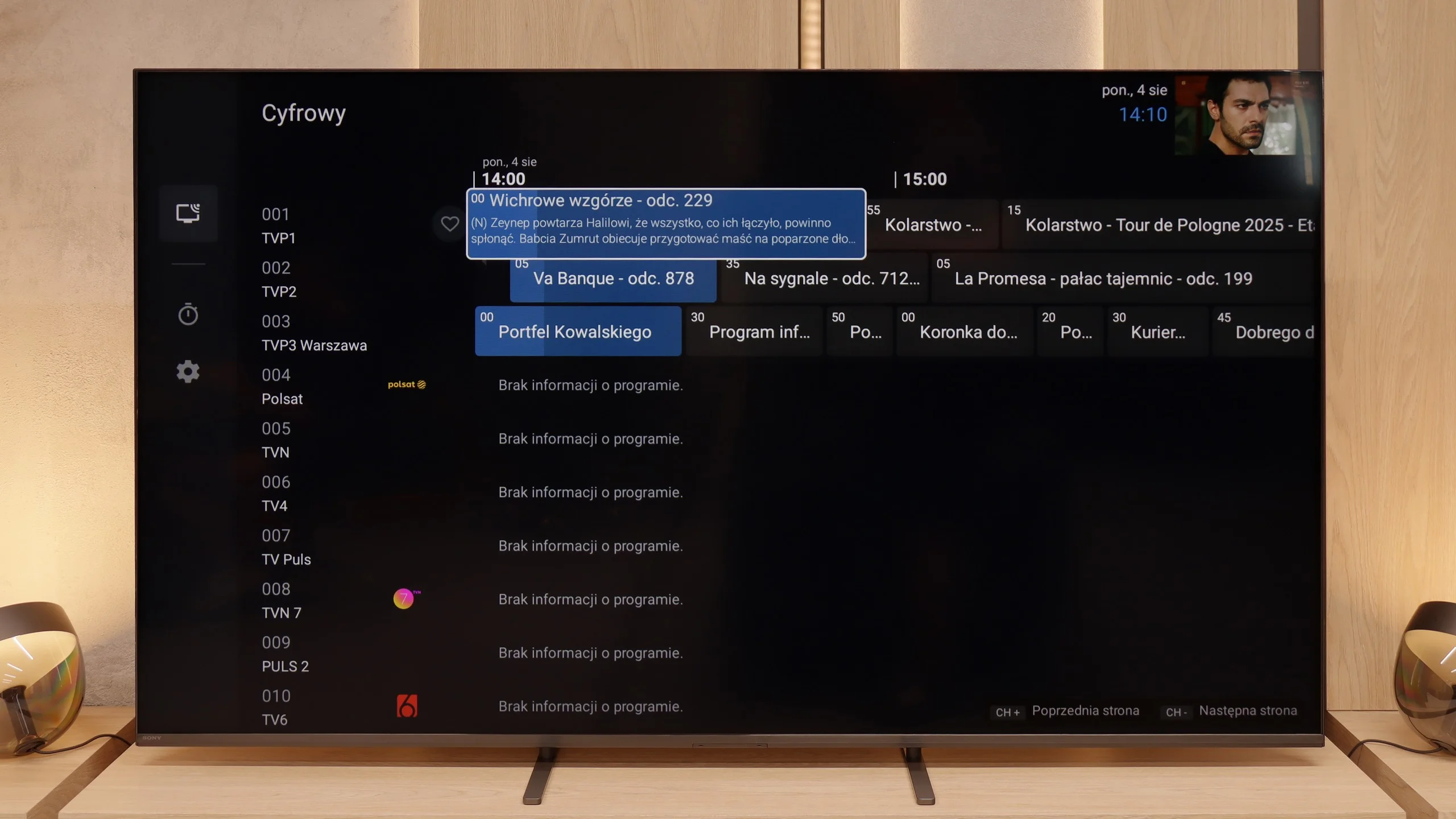
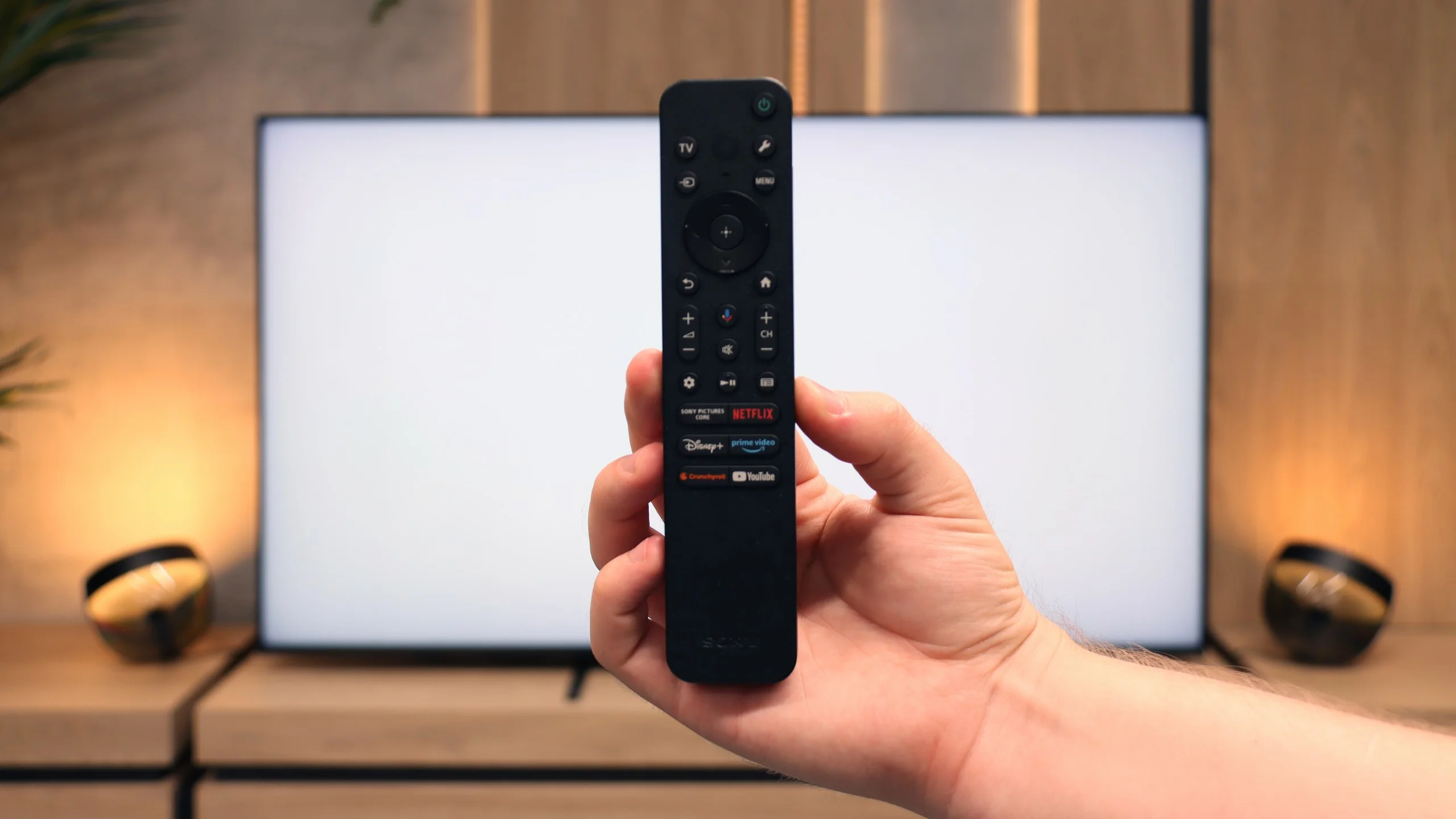
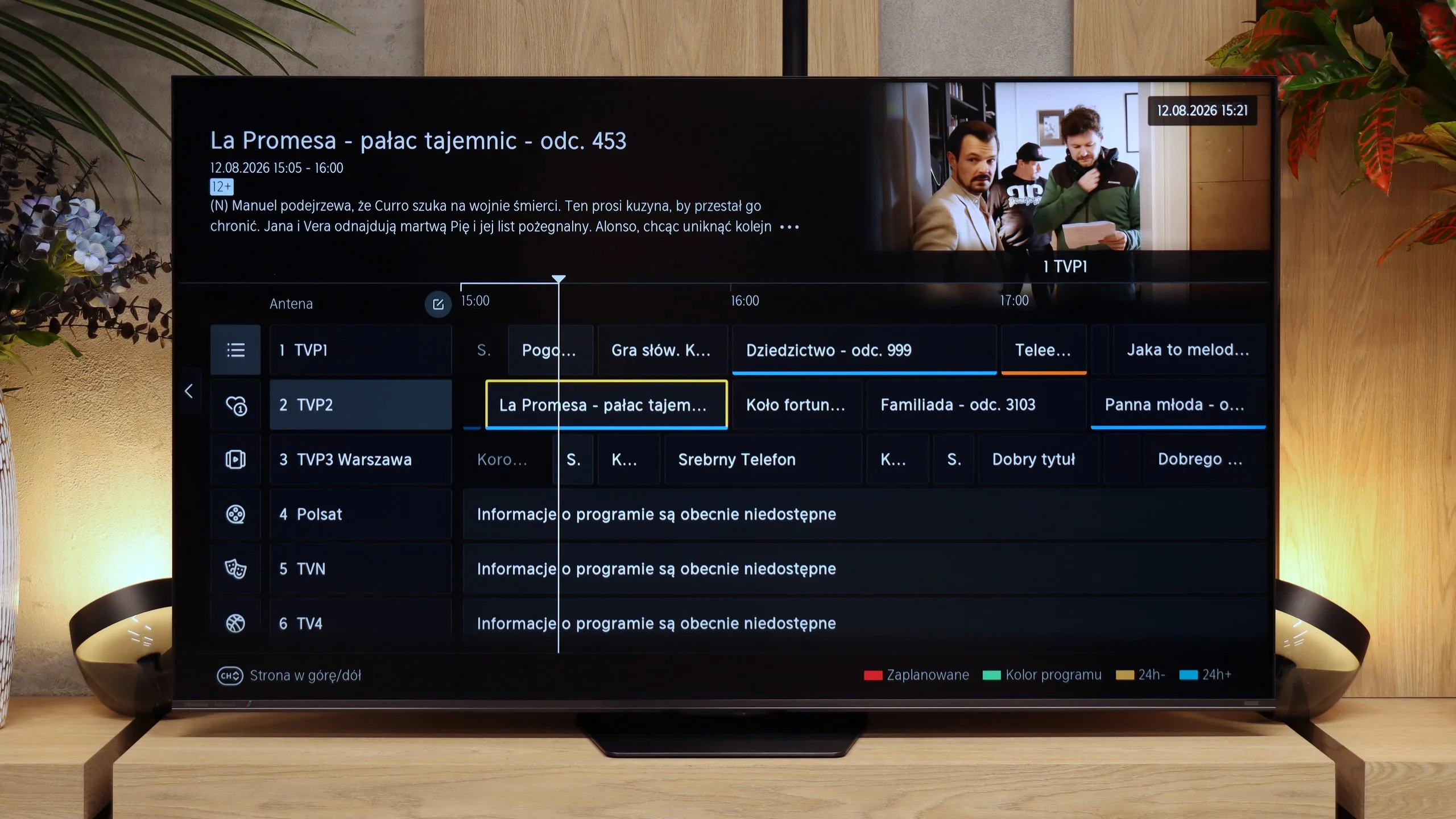
From the perspective of classic features, Bravia 5 performs solidly and practically. A significant advantage is the presence of two remote controls – one is a sleek, modern smart remote, and the other, while operating via infrared, has a classic numerical keypad. This allows us to always choose which remote fits the situation better. The EPG, or electronic programme guide, is clear and allows you to programme recordings onto a USB drive – a solution that seems simple but is incredibly useful. Additionally, the television supports various device connections: from an amplifier or soundbar via HDMI eARC to headphones and other wireless accessories via Bluetooth. This is a setup that makes the television not just a screen but a well-thought-out home entertainment hub.
Classic features
Hisense is one of those manufacturers that, fortunately, has not yet abandoned the classic functions of a television. The UR8S allows you to record programmes to USB, schedule recordings, has teletext and an audio-only mode. You can also use the TV’s speakers and Bluetooth headphones at the same time. The only thing missing is picture-in-picture (PiP). The remote deserves praise as well. It is well made, backlit and has plenty of buttons, so you can access most key functions without digging through menus. It communicates with the TV via radio, so you do not need to point it directly at the screen.
VIDAA system
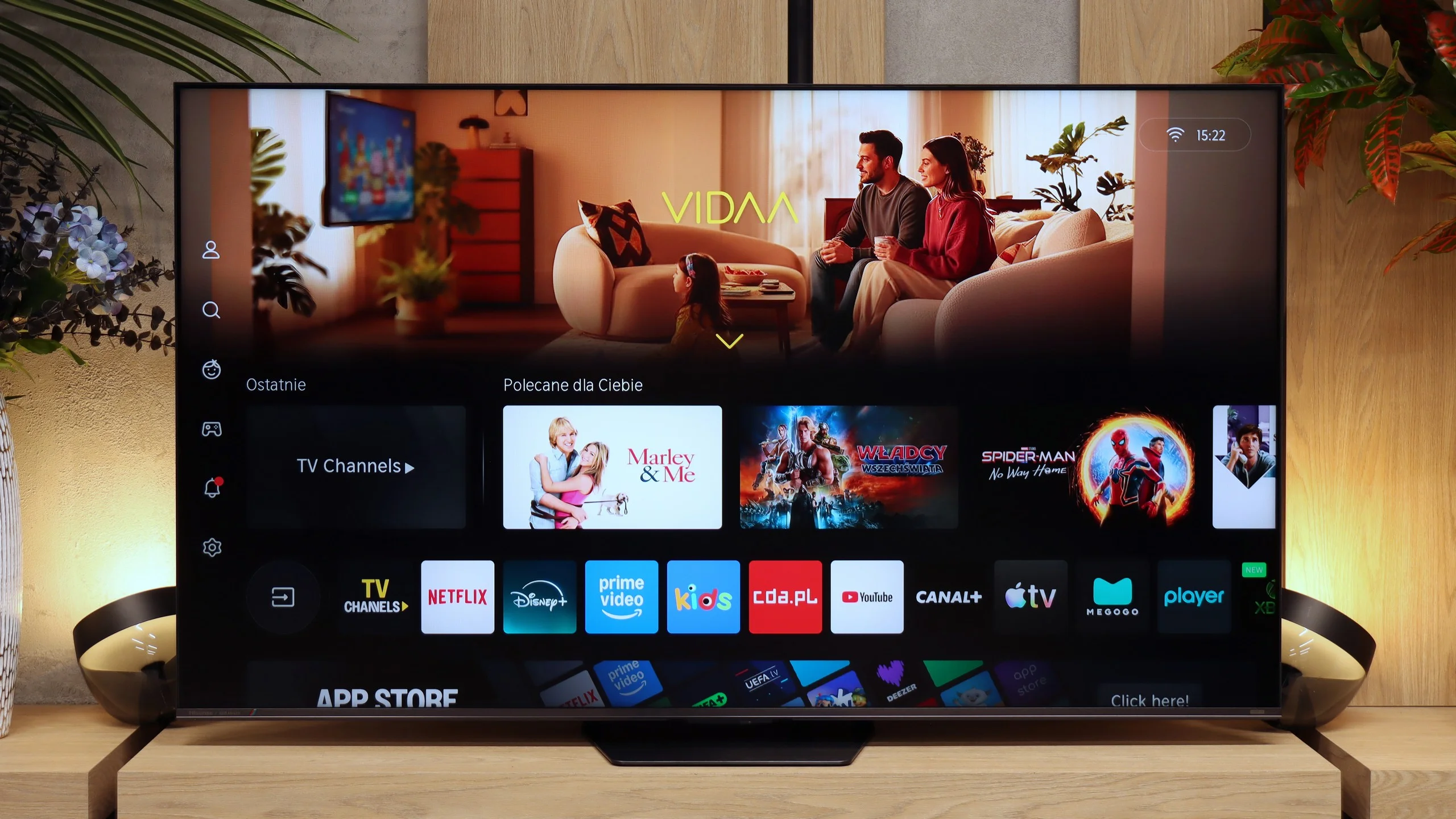
The VIDAA system itself runs very quickly and responsively on the UR8S. Apps launch smoothly, navigation is fluid and during our tests we had no major complaints about its performance. The app library is already large enough to include all the major streaming services. There are also extra Smart features. The UR8S supports AirPlay, Miracast, Polish voice search and the ability to connect a keyboard and mouse. VIDAA may not offer as much freedom as Google TV, but for everyday use it provides pretty much everything you need.
Apps
9.6/10
8.3/10






















Playing files from USB
8.9/10
8.5/10
Supported photo formats:
Maximum photo resolution:
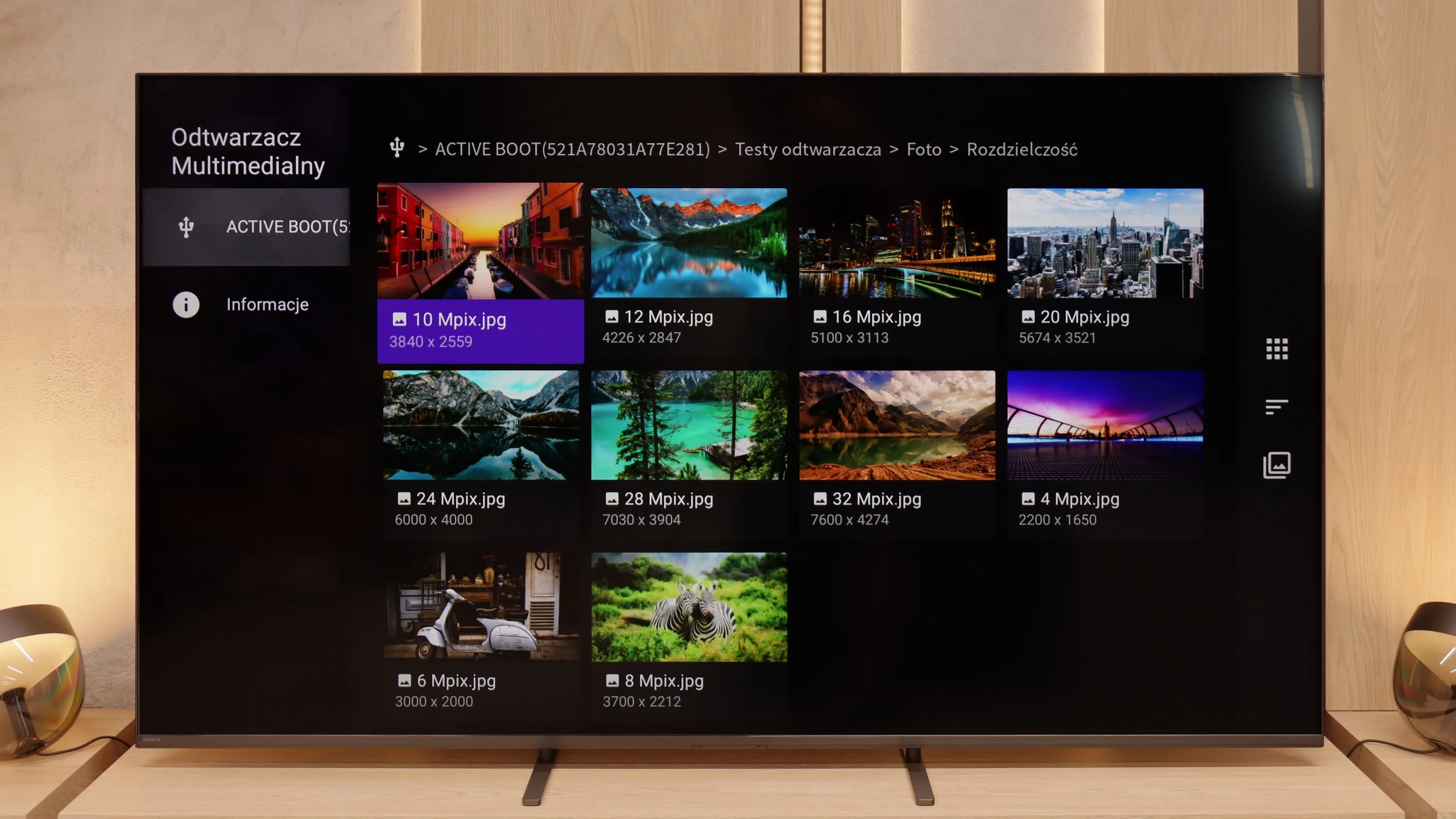
Bravia 5 handles multimedia playback from USB quite efficiently. In practice, almost everything works – films, music, photos – although of course we encountered some minor issues. Some subtitles can cause problems, as can exotic photo formats, which were not always recognised correctly. However, this is standard in the world of televisions, and it's hard to take serious offence at it. A significant advantage is the fact that thanks to Android, we are not solely reliant on the system player. It's enough to install an external application, such as VLC, and all limitations disappear. This is the strength of this system – the manufacturer does not confine us to their ecosystem but allows freedom of choice.
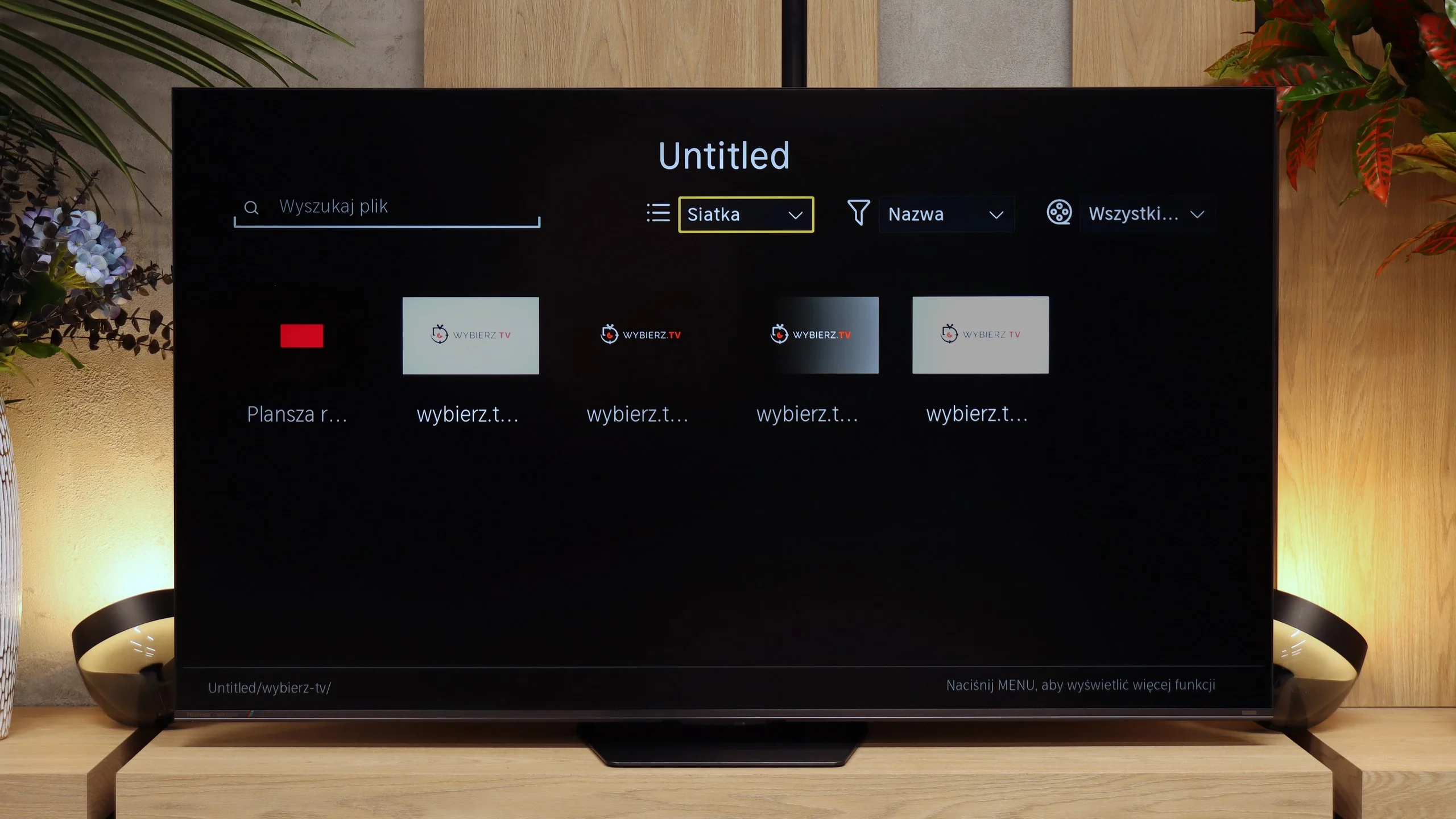
The USB file player works correctly and handles most popular content without major problems. Our main reservation concerns photo handling. The UR8S is rather selective about photos' resolutions; for example, it can open a 16 or 32 Mpix image but refuse to display a 10, 12 or 20 Mpix file. There's little logic to it, so if someone often views photos directly from a USB stick, they may occasionally encounter a file the TV simply won't open.
Sound
7/10
7.8/10
- Maximum volume84dB92dB
- Dolby Digital Plus 7.1
- Dolby True HD 7.1
- Dolby Atmos in Dolby Digital Plus (JOC)
- Dolby Atmos in Dolby True HD
- DTS:X in DTS-HD MA
- DTS-HD Master Audio
Bravia 5 positively surprises in terms of audio. The sound is pleasant, with a slightly noticeable bass thanks to the proprietary Bass Reflex speakers. Overall, it plays loudly, clearly, and definitely above average for a television – 40 W of power in a 2.2 configuration is an impressive result in this class. The placement of the speakers on the sides of the casing also plays a significant role, making the sound spread throughout the room and providing a sense of space. However, one should not be overly optimistic. It is still not on the level of even the simplest soundbar. Bravia 5 performs excellently in everyday use, but for those who enjoy strong sound and a cinematic effect, additional audio equipment will be essential – as is the case with nine out of ten televisions available today on the market.
In terms of sound, the UR8S performs very similarly to the lower-tier Hisense U7S Pro, and that's no coincidence. The manufacturer has used practically the same 2.1.2 configuration rated at a total of 50 W. There's an additional subwoofer at the back of the cabinet, while the other speakers are positioned in the lower part of the TV. For built-in speakers, the performance is quite good. The subwoofer adds some bass, so the sound isn't as flat as in basic TVs, and the whole set can get really loud. In our measurement, the maximum loudness reached about 92 dBC. Of course it's not a replacement for a good soundbar, but it's more than enough for casual TV or YouTube watching.
Sound Quality Test
No sound test video
Acoustic Measurements
84dBC (Max)
75dBC
92dBC (Max)
75dBC
Reader comments
Comments are provided by the external service Disqus (Zeta Global). Once loaded, Disqus may set cookies and process data about your activity.
We will remember your choice on this device. Provider's privacy policy