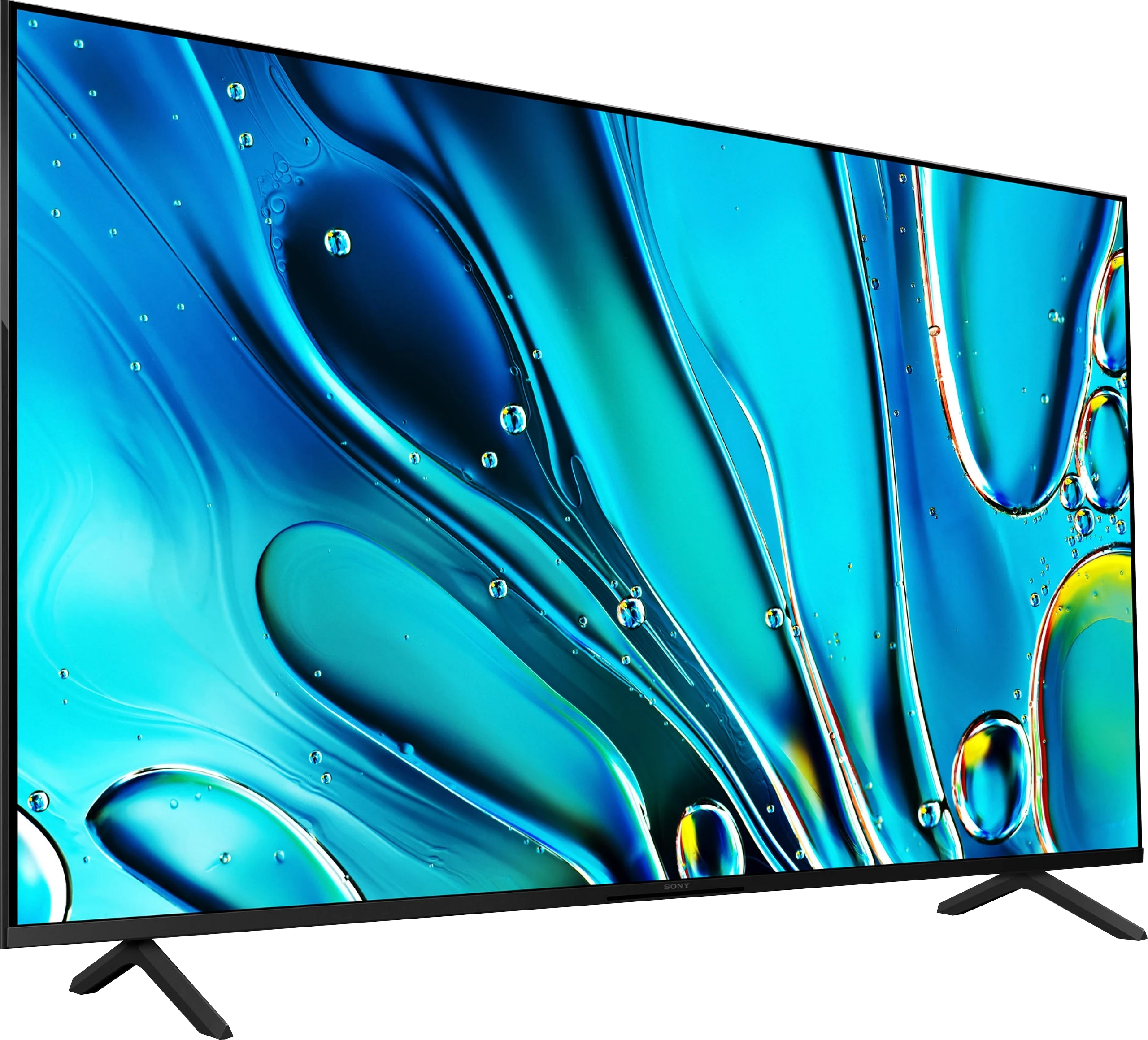
Sony Bravia 3 in the VA panel variant is a television that, in terms of character, remains the same budget model, but the change in panel type makes watching films and series significantly more enjoyable. The higher contrast and deeper blacks finally allow for evening viewing without the impression that the screen is drowning in shades of grey. This is a considerable advantage over the IPS version, even if it comes at the expense of much worse viewing angles. In practice, it comes down to choice – if we primarily watch from a sofa positioned directly in front, the VA panel offers a decidedly better effect. The rest of the picture remains largely the same. The PFS filter still provides pleasantly saturated colours, and the upscaling is at a good level, resulting in SDR content looking clean and aesthetic. The Google TV system, although it doesn’t always run perfectly smoothly, remains a huge asset – access to a wide library of apps and streaming platforms is something that competitors in this price range do not always offer in such a polished form. At the same time, the Bravia 3 with VA does not solve all the issues of its predecessor. The HDR brightness of around 350 nits still does not allow for a true high dynamic range effect, and the lack of local dimming means that fine details can still be overexposed. Additionally, there is no USB recording, which was present in the predecessor. So, who is the Bravia 3 in the VA version for? It is for those who want to enter the world of Sony televisions at a lower cost and care about decent quality in films and series, primarily watching lower quality content. It is not a proposal for gamers or for someone expecting cinematic HDR effects. Similar to the IPS version, it is hard to speak of a bargain – even if it is the “cheapest Sony of 2025,” it remains more expensive than competitors who can offer Mini-LEDs with clearly better contrast and brightness at the same price. Therefore, it is worth considering this model primarily when we come across an attractive promotion.
- Matching (Score) |
- Our verdict |
- TV appearance |
- Where to buy |
- Contrast and black detail |
- HDR effect quality |
- Factory color reproduction |
- Color reproduction after calibration |
- Smoothness of tonal transitions |
- Image scaling and smoothness of tonal transitions |
- Blur and motion smoothness |
- Console compatibility and gaming features |
- Input lag |
- Compatibility with PC |
- Viewing angles |
- Daytime performance |
- Panel details |
- TV features |
- Apps |
- Playing files from USB |
- Sound
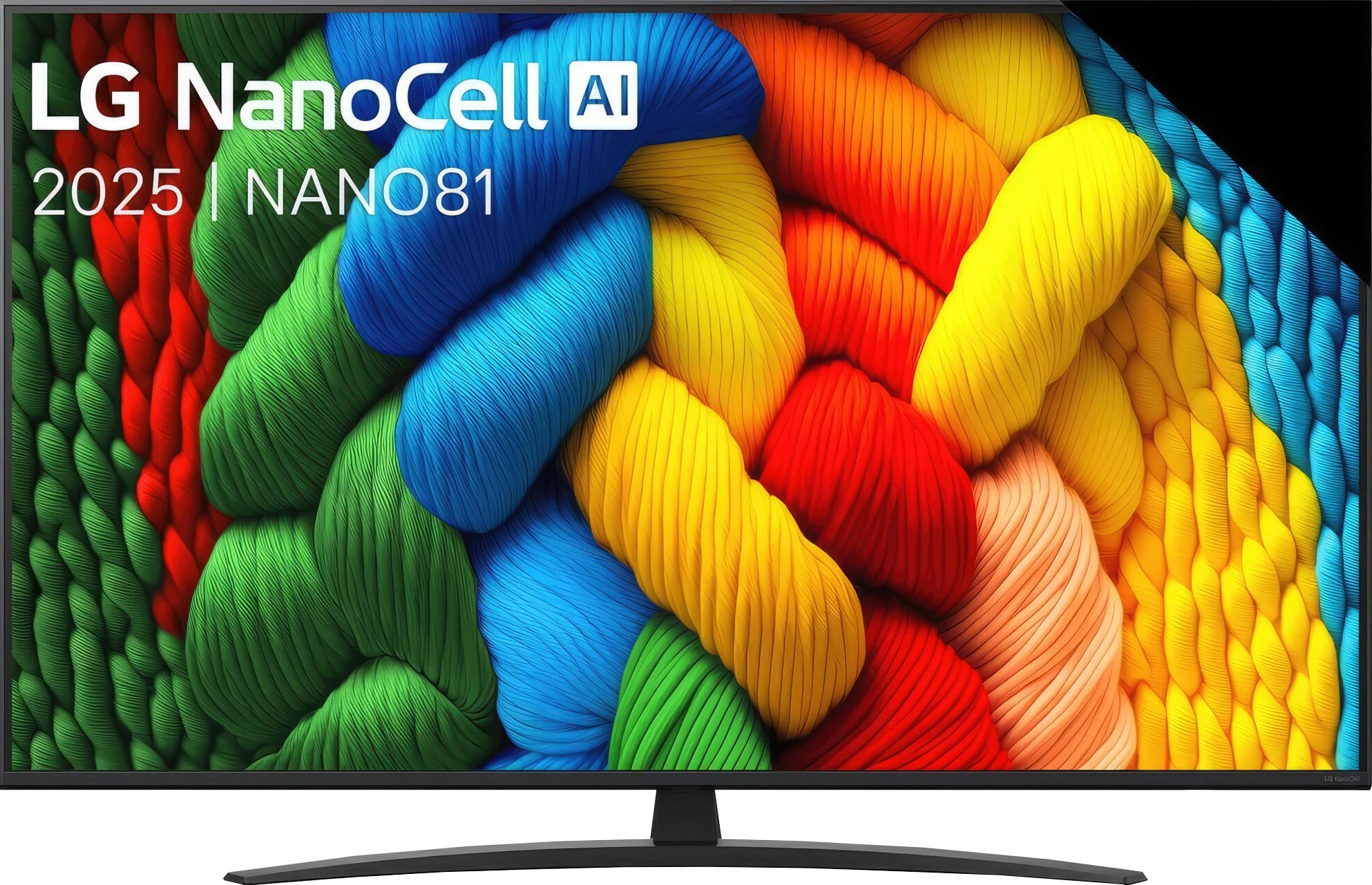
Sony Bravia 3 50' (VA) vs LG NANO81A / NANO80A
 Direct comparison
BRAVIA 3 / K-(XX)S3

Available screen sizes: 50”
Panel type: LCD VA
Resolution: 3840x2160
System: Google TV
Model year: 2025
Complete the survey to find out the result
Panel type: LCD IPS
Resolution: 3840x2160
System: WebOS
Model year: 2025
Complete the survey to find out the result
Overall rating
6.2
5.7
 Movies and series in UHD quality
 6.3
5.1
 Classic TV, YouTube
 6.3
5.1
 Sports broadcasts (TV and apps)
 5.4
5.4
 Gaming on console
 6.6
6.7
 TV as a computer monitor
 3.5
6.0
 Watching in bright light
 5.4
4.0
 Utility functions
 6.1
6.6
 Apps
Apps 9.6
9.1
 Sound quality
 6.5
6.2
Complete the survey to find out what fits your preferences
Advantages

Significantly better contrast and deeper blacks than in the IPS variant
Higher screen brightness, which improves viewing comfort during the day
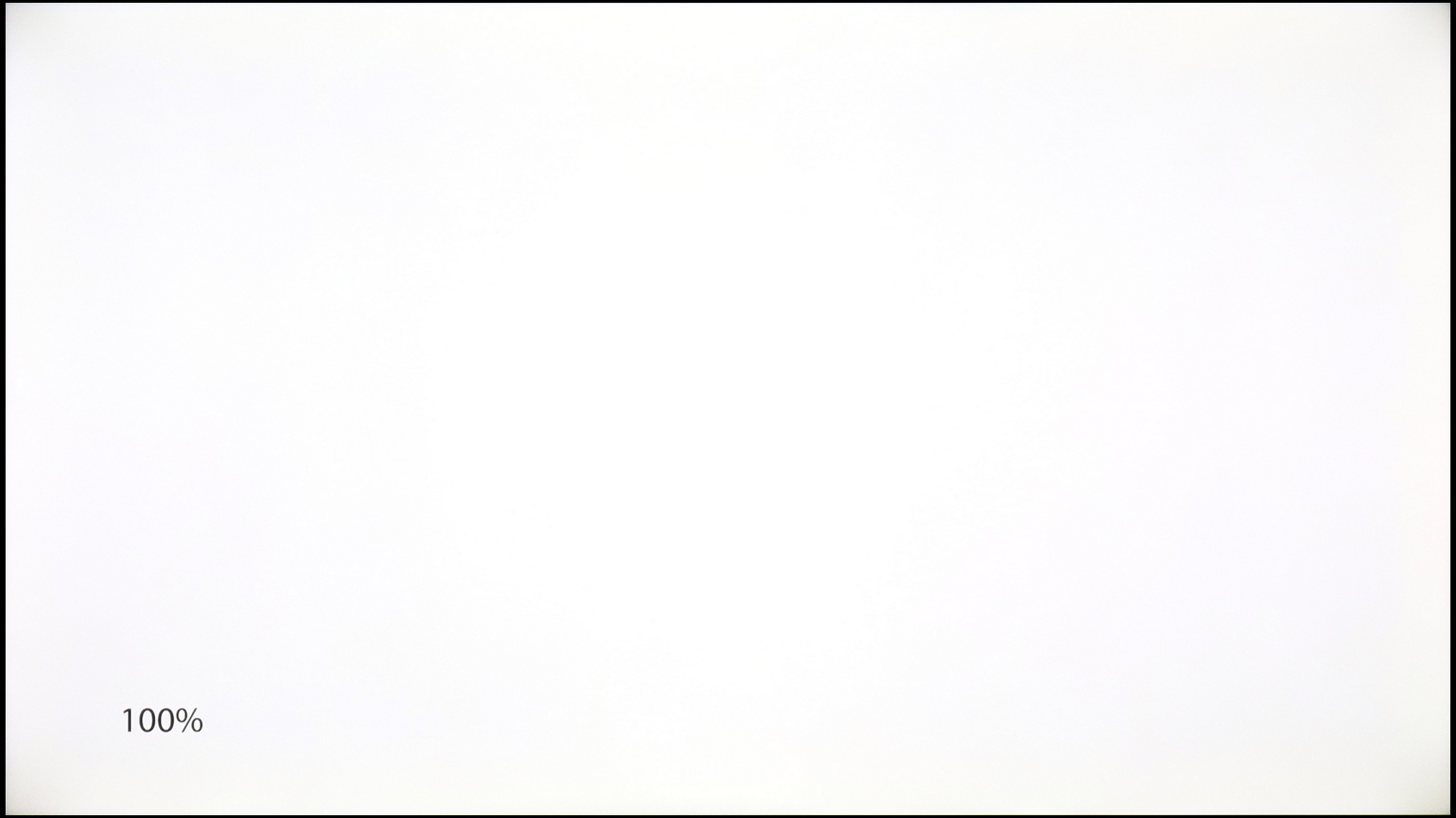
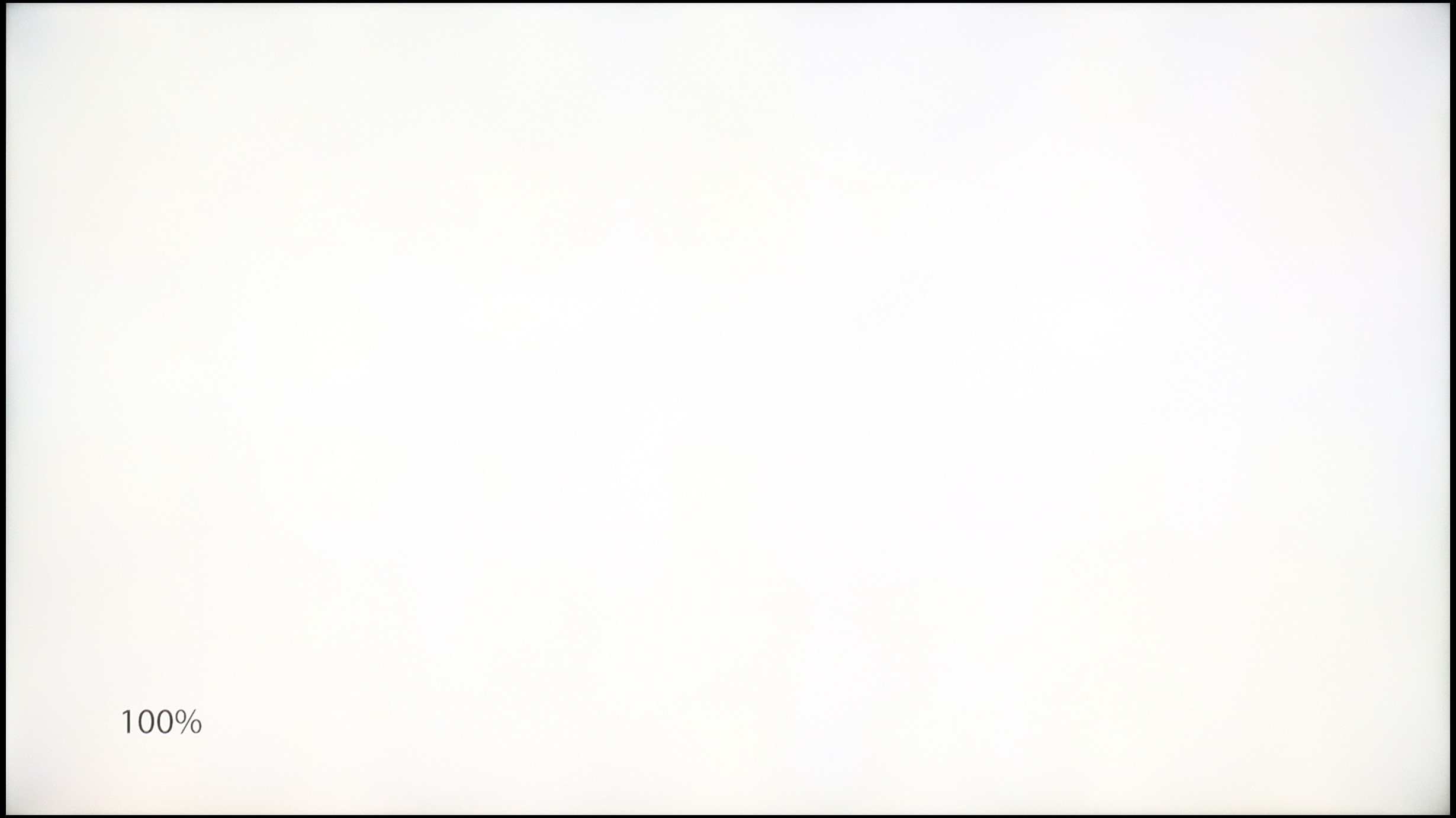
More uniform panel, fewer problems with vignetting and lightening
Smooth tonal transitions, especially in bright scenes
Wide colour palette coverage (over 91% DCI-P3)
Effective upscaling of lower quality materials
Support for Dolby Vision, which partially enhances the experience in HDR content
Google TV system with a large library of applications
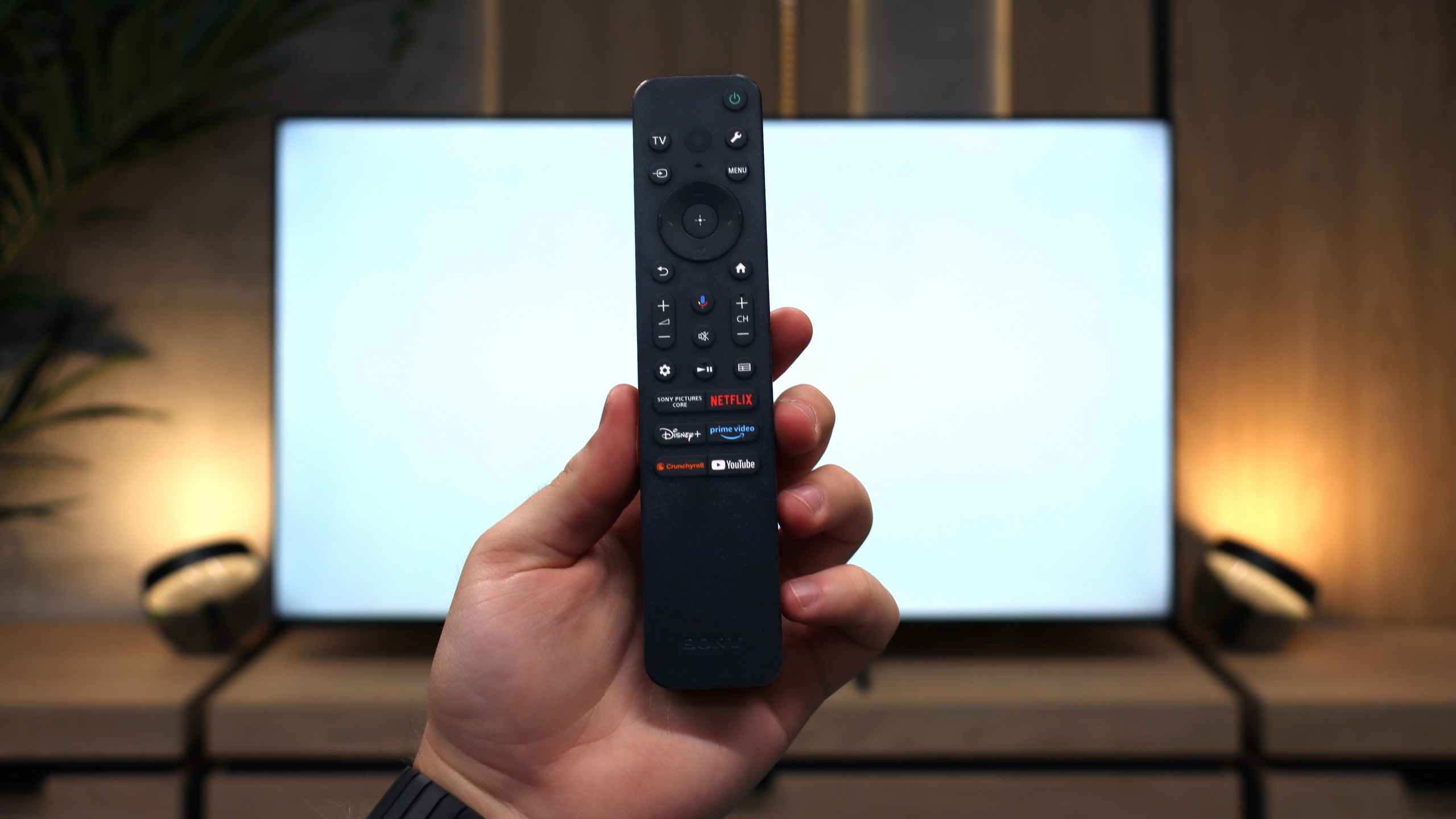
Two remotes included – a classic and a minimalist one
Wide viewing angles (IPS matrix)
Very low input lag (approx. 10-12 ms)
Fluid webOS 2025 system
Intuitive Magic remote with pointer
Better colour gamut coverage thanks to NanoCell filter
Excellent as a PC monitor (sharp fonts, Chroma 4:4:4)
Decent features for gamers (VRR, ALLM, HGiG)
Extensive calibration options and natural colours after adjustments
Good image processing and efficient upscaling of older content
Noticeable low-end blend in sound
Disadvantages

Much worse viewing angles than in the version with an IPS panel
Collaboration with PC clearly weaker: worse font readability and noticeable dithering
Occasional stuttering of the Google TV system
No USB recording function
Poor black level and low contrast
Low brightness (approximately 250 nits – weak for very bright rooms)
Matrix refresh rate of only 60 Hz
USB player without support for HEIC files and very large images (over 20 Mpix)
Our verdict
LG NANO81A is essentially a continuation of the NanoCell series, which has hardly changed at all over the past few years. Apart from the new operating system, refreshed remote control, and a few marketing additions, we are dealing with practically the same design we have known for years. Thanks to the nanostructure filter, the television can display better, cleaner colours than standard budget televisions, and the IPS panel guarantees really decent viewing angles. Unfortunately, for these advantages, we pay for very poor blacks and low contrast, which is immediately noticeable during night screenings. Although webOS is still one of the best systems on the market, the biggest problem with the NANO81A is its price, which we simply do not understand. In 2025, this model faces enormous competition not just from brands like TCL or Hisense, but... from LG itself. The model we previously tested, QNED80A, is equipped with local dimming technology, has a brighter panel, and offers a wider colour gamut. Interestingly, at the time of writing this review, the technically superior QNED80A is often much cheaper than the NANO81A. In this situation, the existence of the NanoCell model makes no sense – unless your priority is solely wide viewing angles, but in our opinion, the price you have to pay for that (at the cost of tragic blacks and higher expenditure) is simply too high.
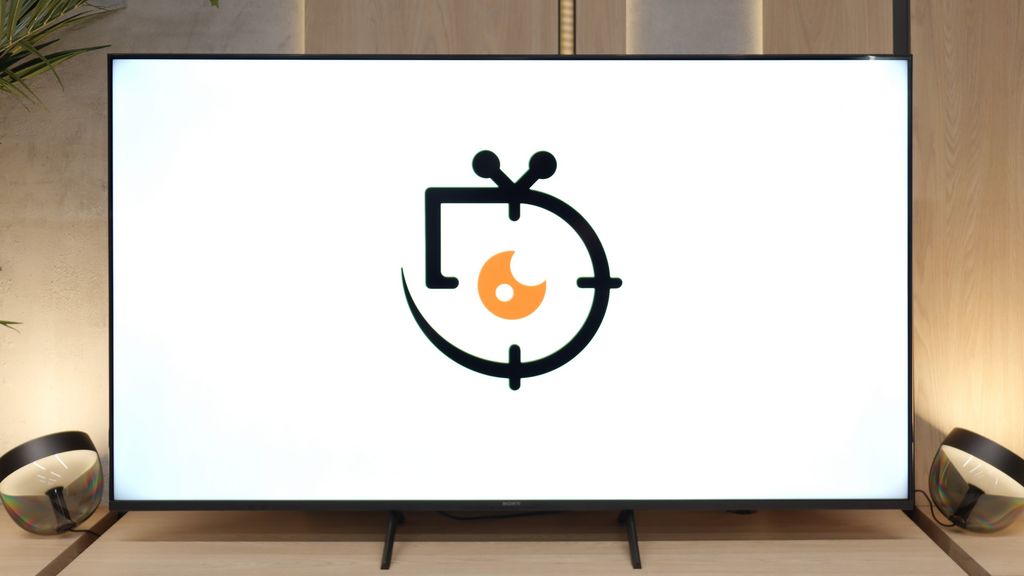
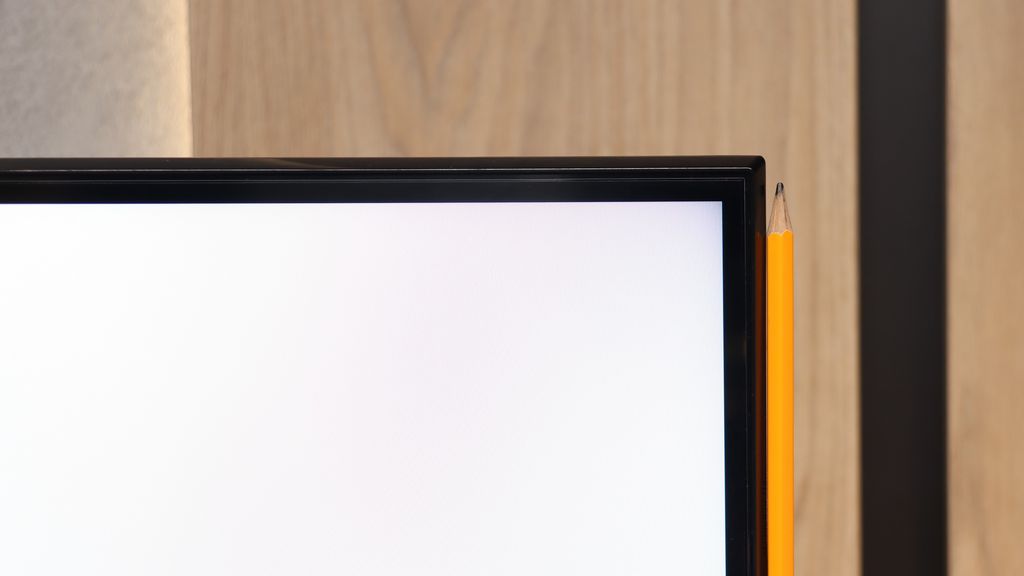
TV appearance
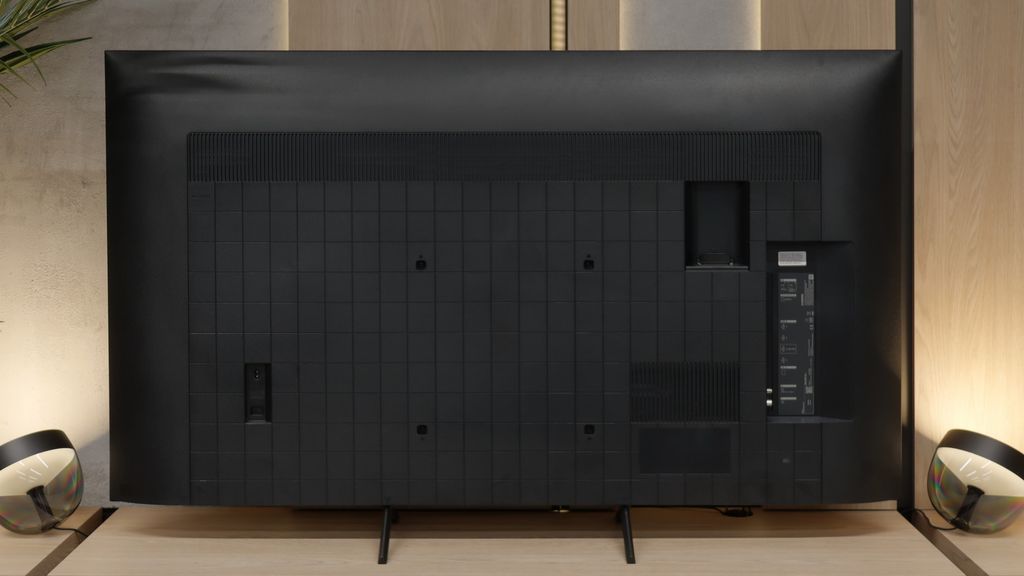
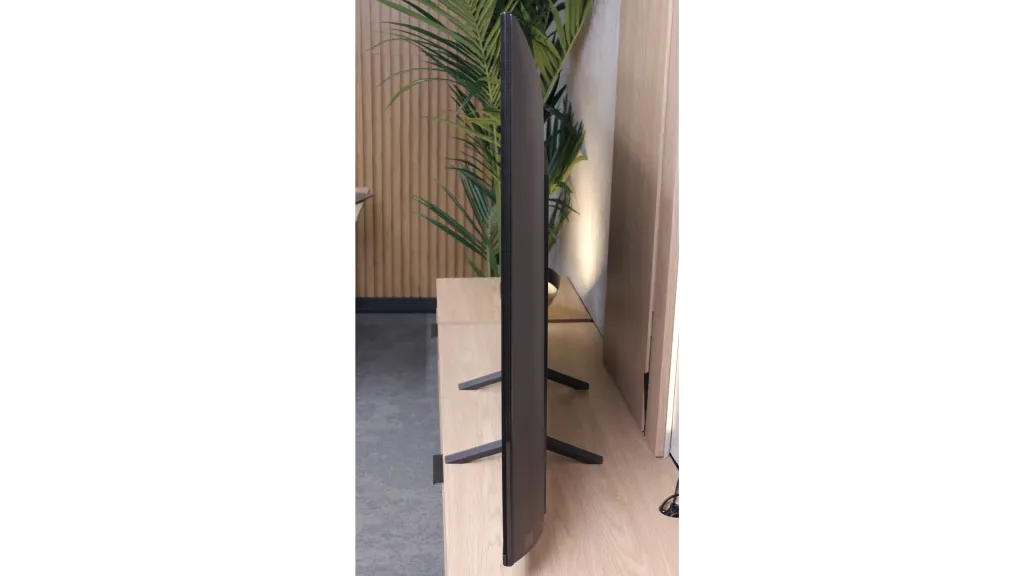
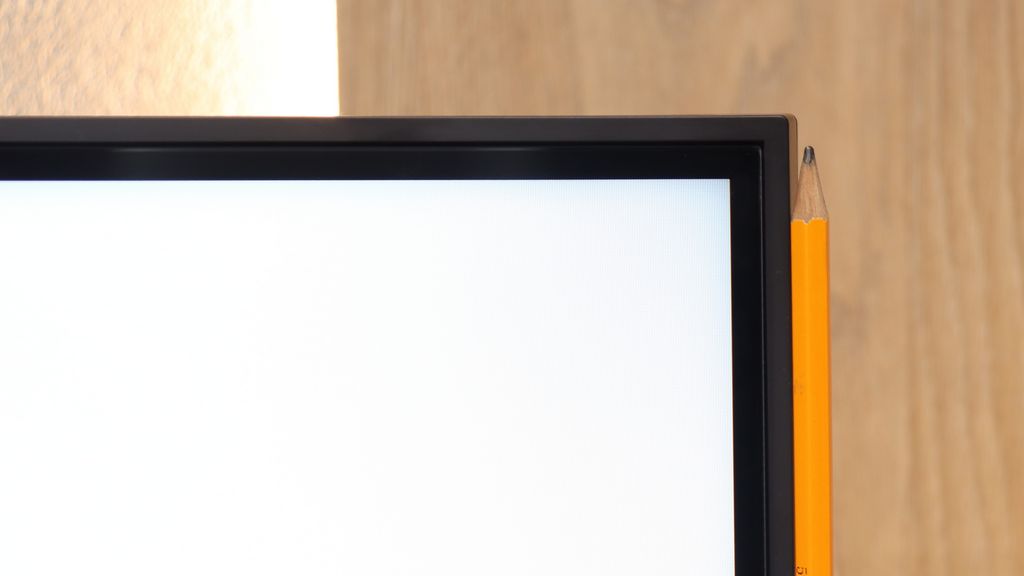
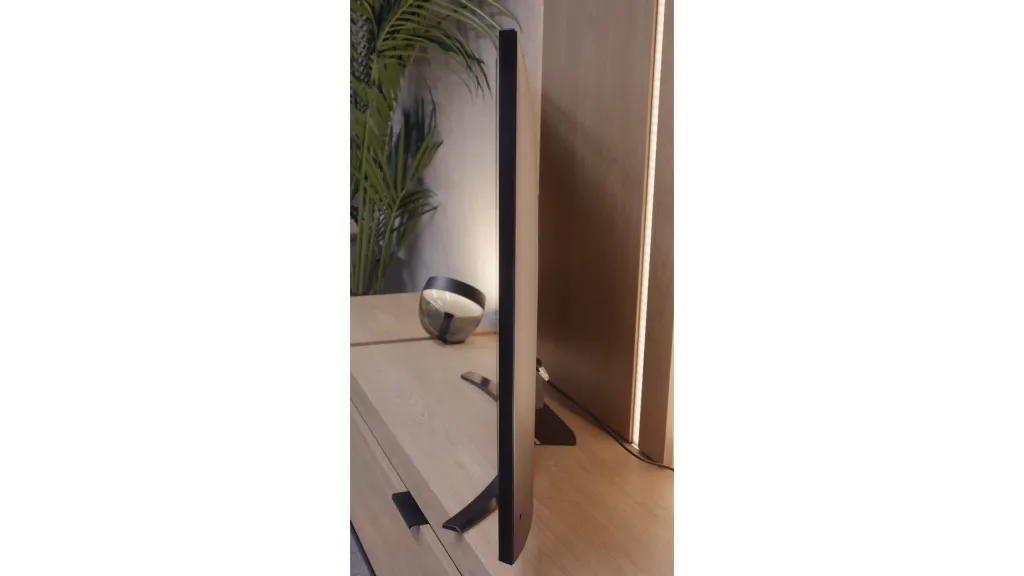
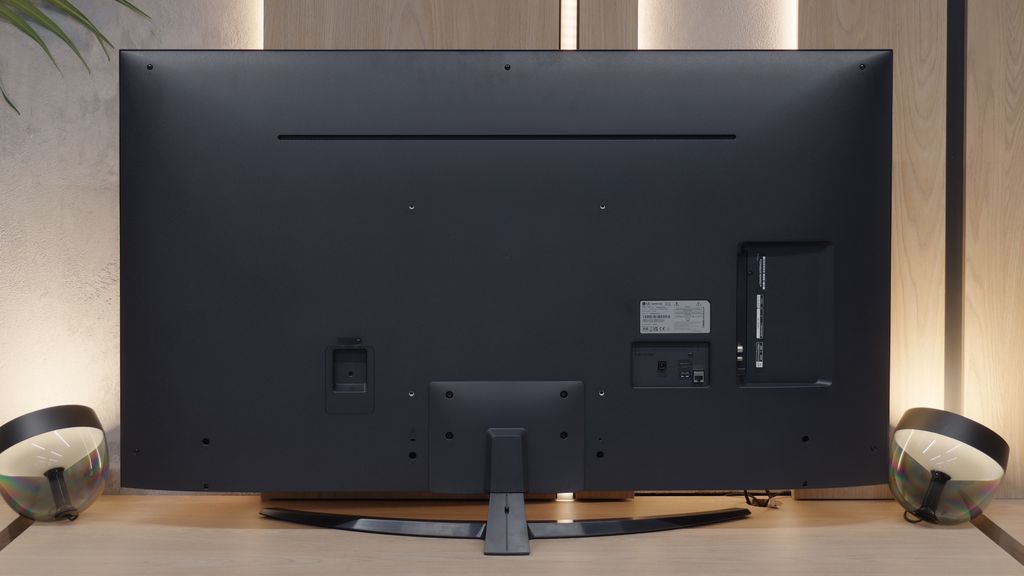

Contrast and black detail
5.7/10
1.5/10
Local dimming function: No
Local dimming function: No
Contrast:


Result
5,550:1

Result
5,250:1

Result
5,050:1

Result
5,150:1

Result
4,000:1
Result
800:1
Result
850:1
Result
900:1
Result
900:1
Result
750:1
Halo effect and black detail visibility:
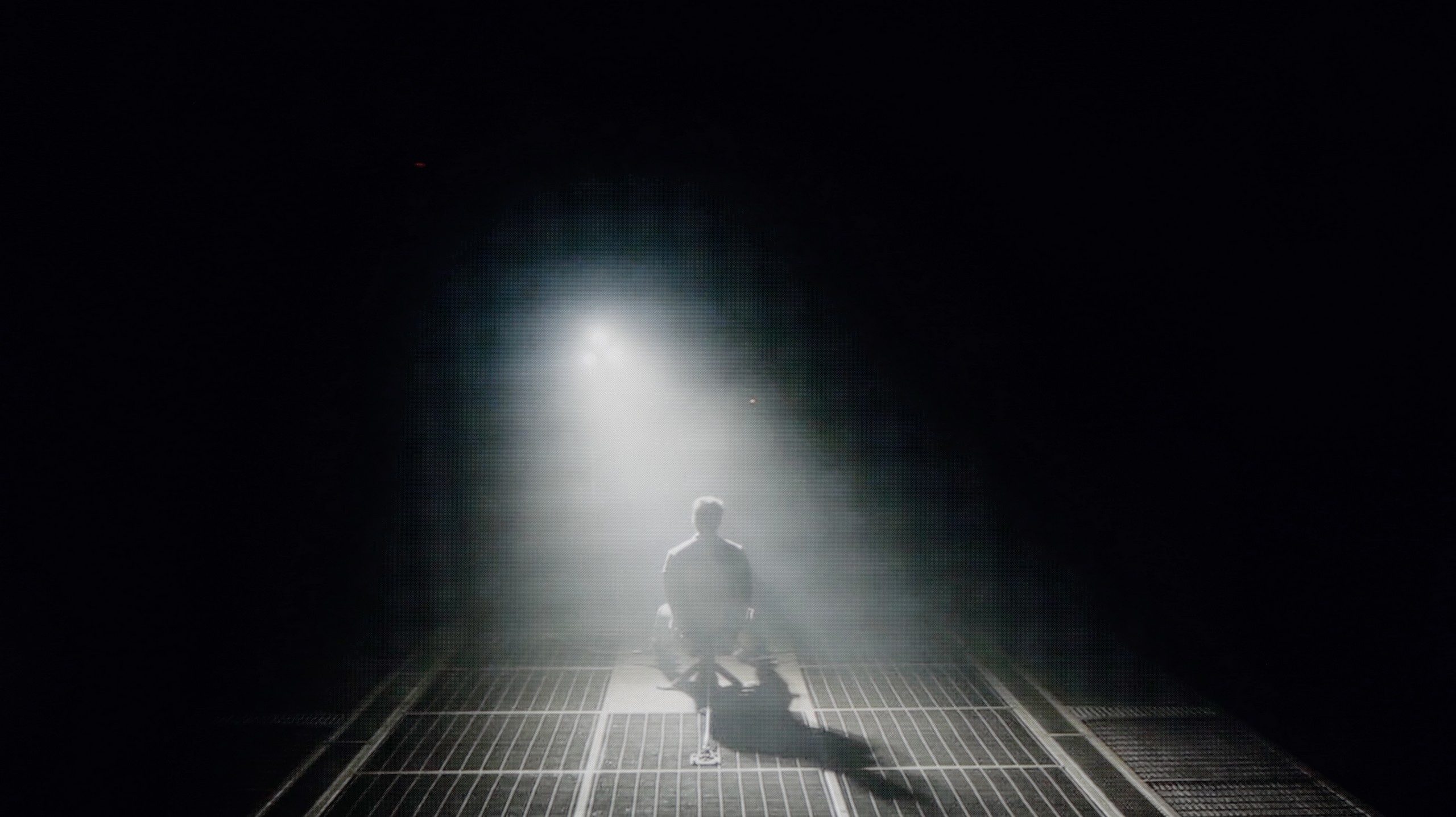
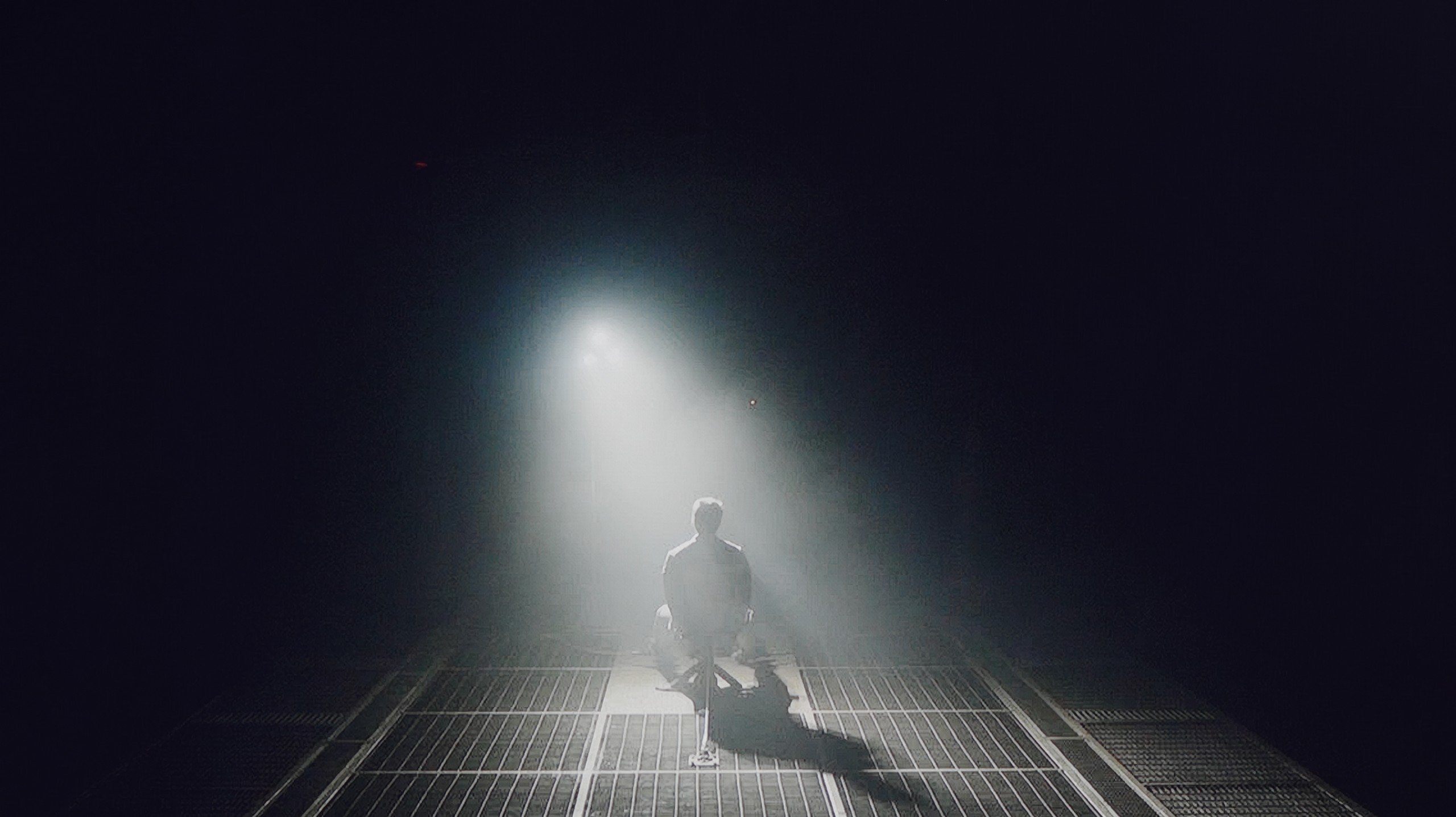
Check the visibility of bright lights on a dark background. Mini-LEDs often struggle with this. The photo does not compare black levels – that’s what the video below is for.
The video accurately shows differences in contrast and black levels between TVs, as well as potential issues: halo around bright objects or Mini-LED zone operation visible as brightness jumps.
The biggest difference in the 50-inch variant is the way the Bravia 3 handles contrast. Although the television is not equipped with a local dimming system, the very change of the matrix type to VA provides a noticeable effect. The contrast is definitely higher than in the other sizes based on IPS panels, and the black no longer resembles faded shades of grey or navy. As a result, much more detail is visible in the darker parts of the image, making evening viewing simply more enjoyable. It's still not on the level of the more expensive Sony models, but the difference compared to the other variants of the Bravia 3 is clear and easily noticeable after just a short viewing session.
The NanoCell series, including the model NANO81 we tested, is based on an IPS panel. For anyone who is somewhat familiar with screen technology, this means one thing: significant problems with black levels and contrast. Our measurements are merciless in this regard. A result of 800:1 is, to put it bluntly, a tragic outcome. In practice, this means that what should appear on the screen as deep black looks like a dark grey patch at night. Watching dark films or series in a completely dark room will be downright torturous – the image will lose all its depth and appear flat. If you do decide on this model, we have one key piece of advice for you: do not watch it in complete darkness. To salvage the situation somewhat, it is best to leave a gentle light on in the room, and the ideal solution would be to install LED strips behind the television. Such backlighting will trick your eye (this is known as simultaneous contrast) and make that grey on the screen seem a little darker. Nevertheless, the start of the test for cinematic experiences looks bleak.
HDR effect quality
4.9/10
3.6/10
Luminance measurements in HDR:

Result
319 nit

Result
360 nit

Result
393 nit

Result
365 nit

Result
395 nit
Result
228 nit
Result
193 nit
Result
250 nit
Result
168 nit
Result
252 nit
Scene from the movie “Pan” (about 2800 nits)
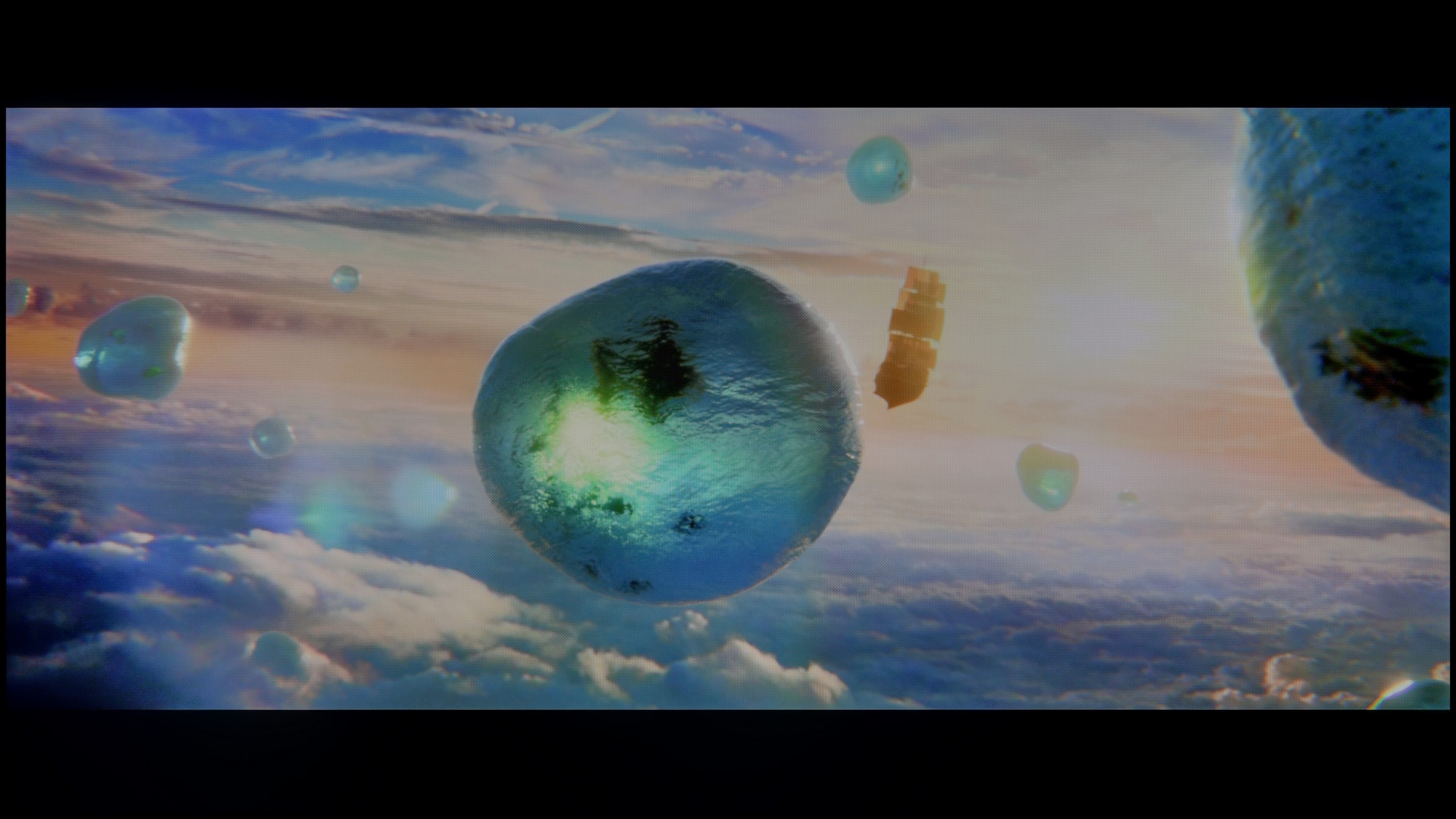
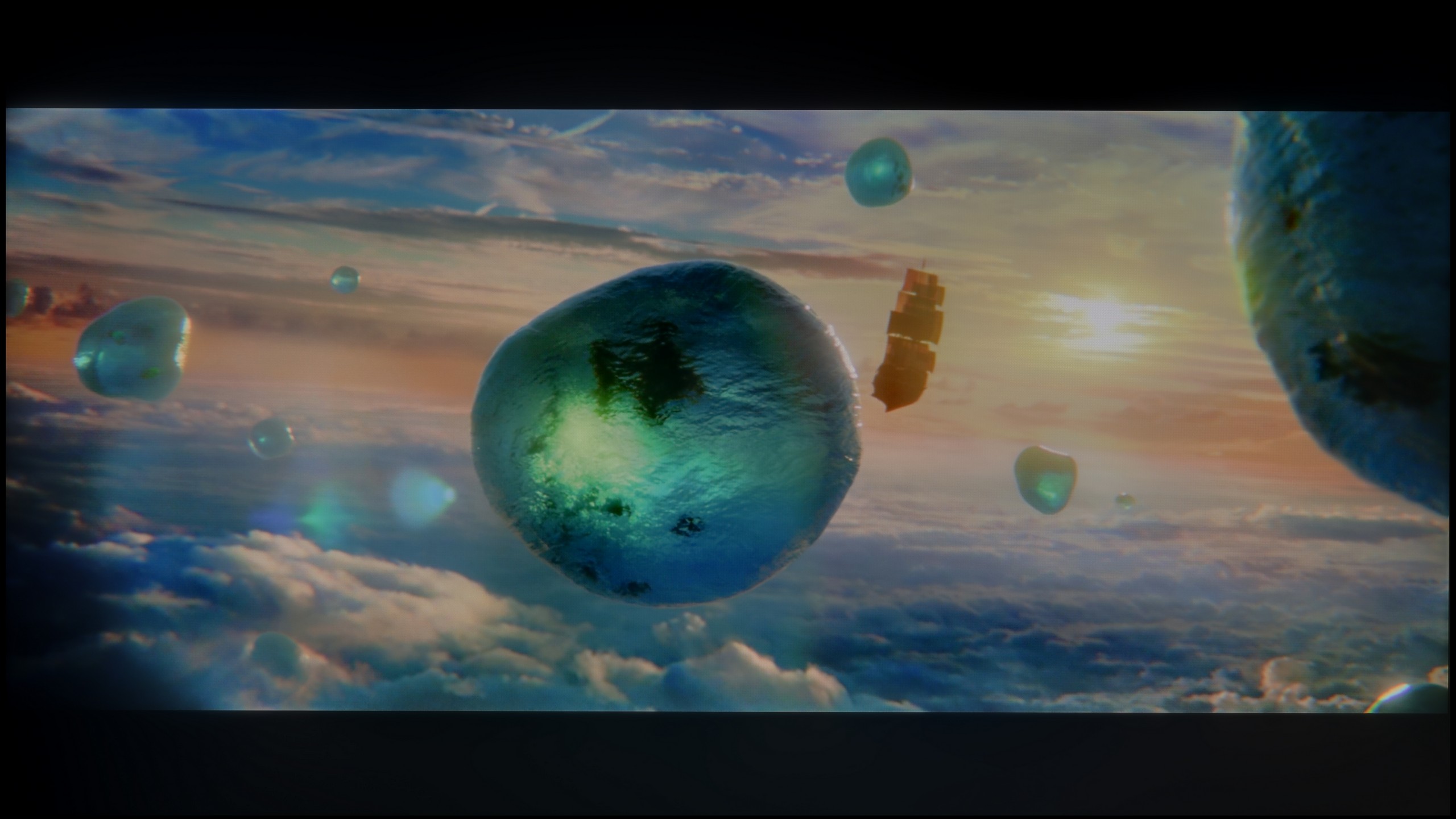
Scene from the movie “Billy Lynn” (about 1100 nits)
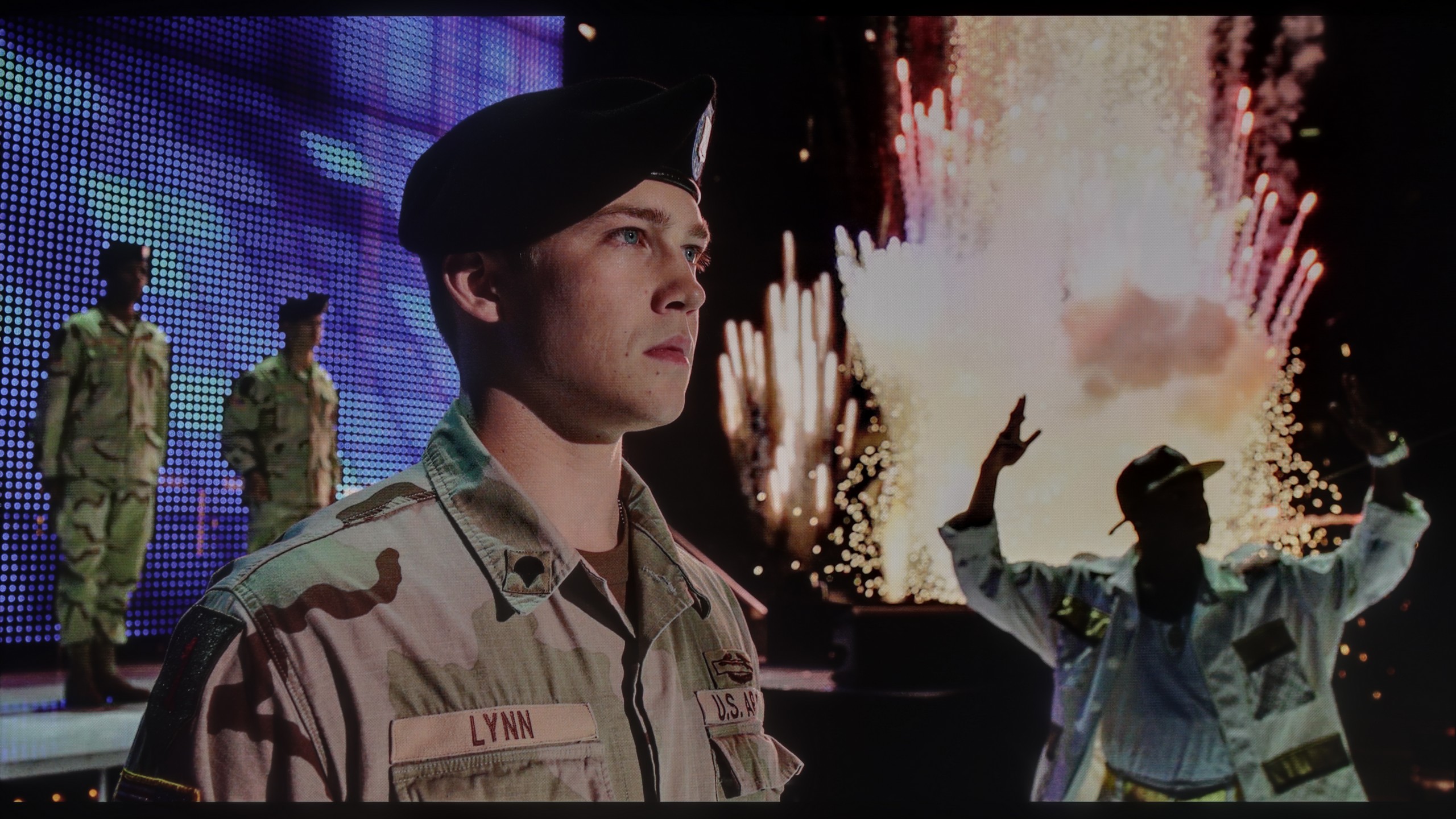
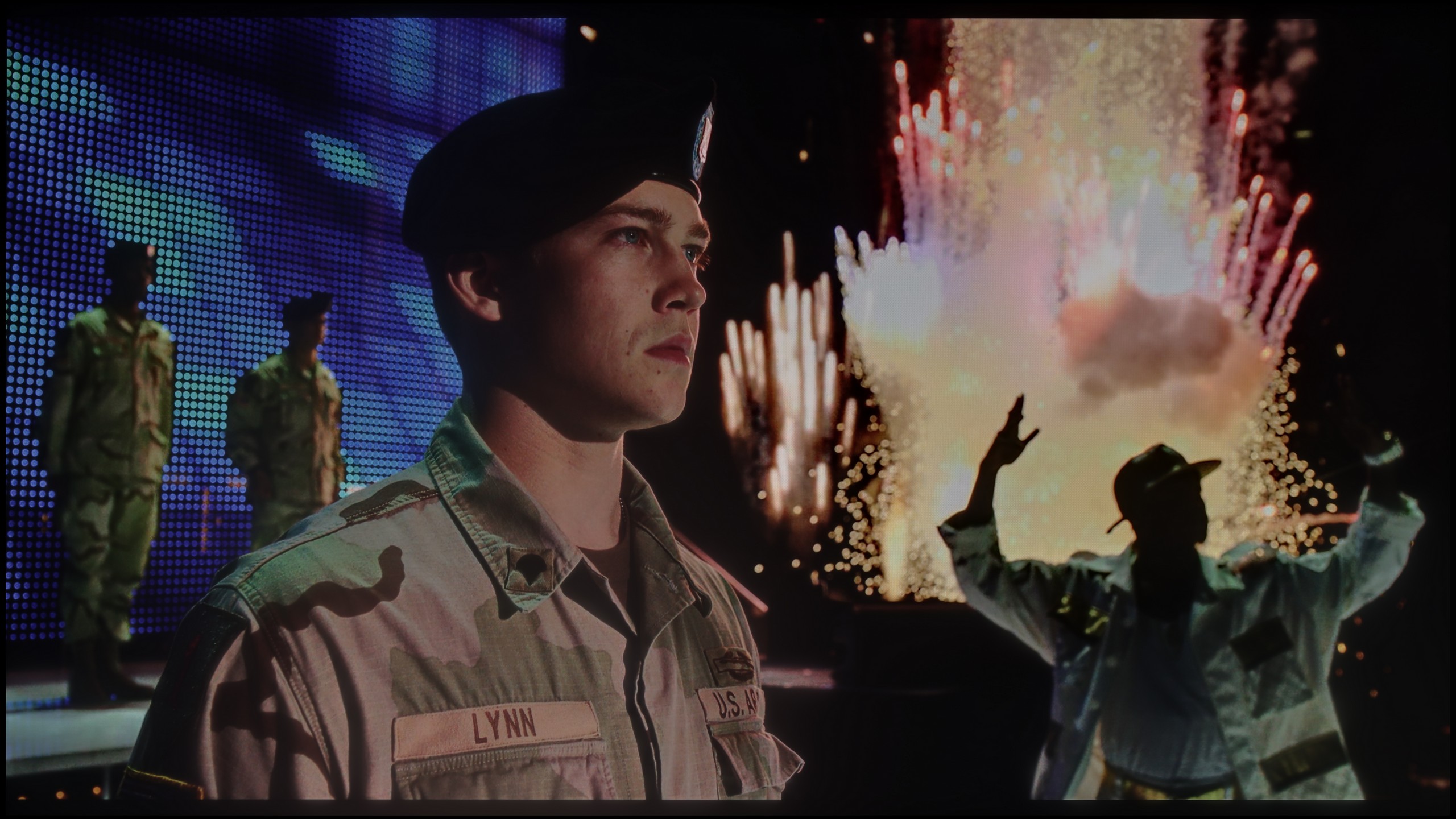
The photos show two HDR10 movies. 'Pan' is one of the brightest productions ever made, while 'Billy Lynn' (soldier) has brightness typical of streaming (Netflix, Prime, HBO MAX). Notice the intensity of effects and detail in whites.
Static HDR10


The photos present the visibility of white details in various HDR formats. They do not show brightness differences between TVs (these can be compared in the previous gallery).
HDR luminance chart:
LG NANO81A / NANO80A
Sony Bravia 3 50' (VA)
Interestingly, the 50-inch version of the Bravia 3 performs slightly better in terms of brightness than its larger variants. In measurements, it achieved around 370 nits, which still does not compete with top-tier televisions, but is sufficient to suggest a semblance of HDR effect. For some users, this level will be acceptable, while others will view it as typical for SDR content, where striking highlights or strong contrasts are not expected. It must be clearly stated that the Bravia 3 is not a television for those looking to extract the maximum quality from the most challenging film materials.
This does not mean, however, that everything performs averagely. Sony has equipped this model with an additional PFS filter, which works similarly to solutions used in QLED televisions. As a result, the coverage of the DCI-P3 colour gamut has increased to over 91 percent. In everyday use, this means more vivid, saturated colours and also a more pleasing image texture. Even though it lacks strong lighting effects, films and series can look significantly more appealing than with its predecessor, the X75WL.
If you are counting on HDR in the NANO81A to bring tears to your eyes, I must disappoint you. This television is simply too dark to truly show what this format is all about. With a brightness of only 250 nits, HDR exists here mainly on paper. In practice, during viewing, it is very difficult to distinguish whether we are watching high dynamic range content or regular SDR – it simply lacks that ‘punch’ of light in the bright parts of the image. However, to give credit where it’s due, we do have a glimmer of hope here – and quite a clear one at that. It concerns the colour gamut coverage. Here, the NanoCell filter shows that it is not just marketing nonsense. Our measurements indicated that the coverage of the DCI-P3 space is around 88%. This is a really solid result that places this model significantly higher than typical budget options based on standard white LEDs without any filters. Of course, it still falls short of the level of quantum dot (QLED) TVs or advanced panels with PFS filters, but for this price point, the colours are surprisingly saturated and vibrant. It's just a shame that this low brightness prevents them from fully ‘spreading their wings’ with the Nano filter.
Factory color reproduction
5.8/10
5.3/10


This gallery shows how colors change after professional TV calibration. If you notice the difference, we recommend ordering this service at SkalibrujTV.com.
Factory Mode
After calibration


This gallery shows how colors change after professional TV calibration. If you notice the difference, we recommend ordering this service at SkalibrujTV.com.
Factory Mode
After calibration
Sony Bravia 3 was primarily tested in film mode, which immediately proved to be the best choice among the factory settings. It is not an ideal picture, but compared to the eco mode that the television offers right out of the box, the difference is clear and it is a positive one. In film mode, one can notice a certain issue: the image appears too warm, which results from the lack of blue in the white balance. Nevertheless, in SDR content, the final effect can still be regarded as quite decent and satisfying for everyday viewing. Much more serious errors occur in HDR materials. The Color Checker analysis showed significant deviations, and poor brightness management, combined with limited colour gamut coverage, further exposes the shortcomings of the image in this mode. All of this means that HDR in the Bravia 3 edition is unconvincing and can spoil the impression left by a quite decent SDR content setup. Fortunately, this is not a hopeless situation. Various errors can be mitigated to some extent, and some can even be completely corrected through professional calibration. Therefore, we decided to check how the television would perform after such adjustments.
For every film fan, the natural choice in LG televisions is the Filmmaker Mode. Its aim is to display images as the director intended – without unnecessary "enhancements". Unfortunately, in the case of our test unit NANO81A, the factory settings left something to be desired. The main issue turned out to be the white balance. Measurements showed a distinct deficiency of blue colour, which in practice meant that many scenes had a slightly yellowish, even "yellowed" tint. The white was not perfectly pure, which detracted from the freshness of the image. Additionally, brightness management was also not ideal – the factory-set gamma was too low. The picture often appeared oversaturated, as if overly lifted from the shadows, which caused it to lose naturalness and depth. Fortunately, LG, even in this relatively low price category, does not block access to advanced settings. The calibration possibilities of this model are enormous, which is a big plus for those who enjoy "digging" in the menu. We decided to approach the topic in our own way and see how much we could squeeze out of this panel with professional calibration.
Color reproduction after calibration
7.5/10
7.5/10
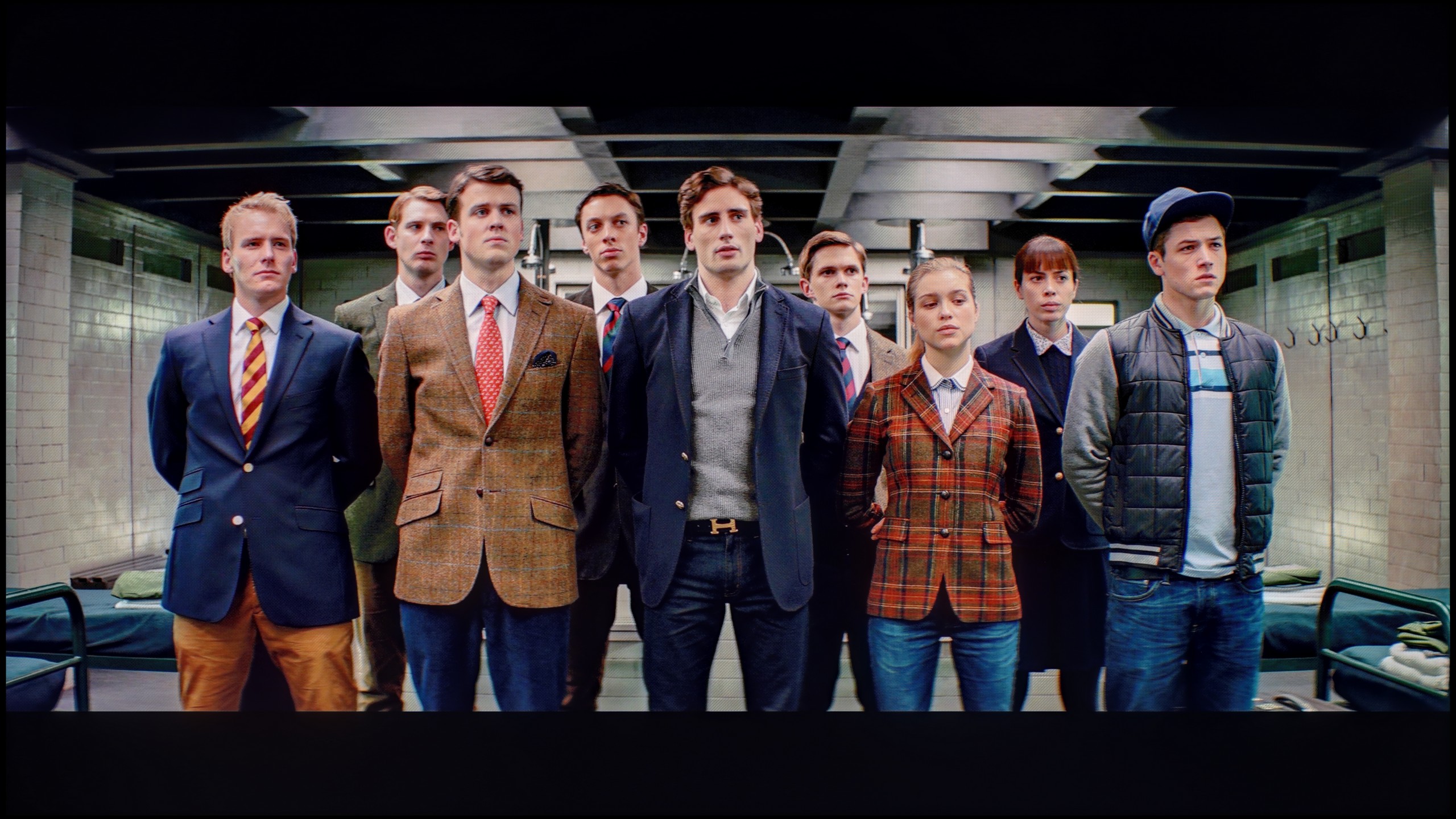
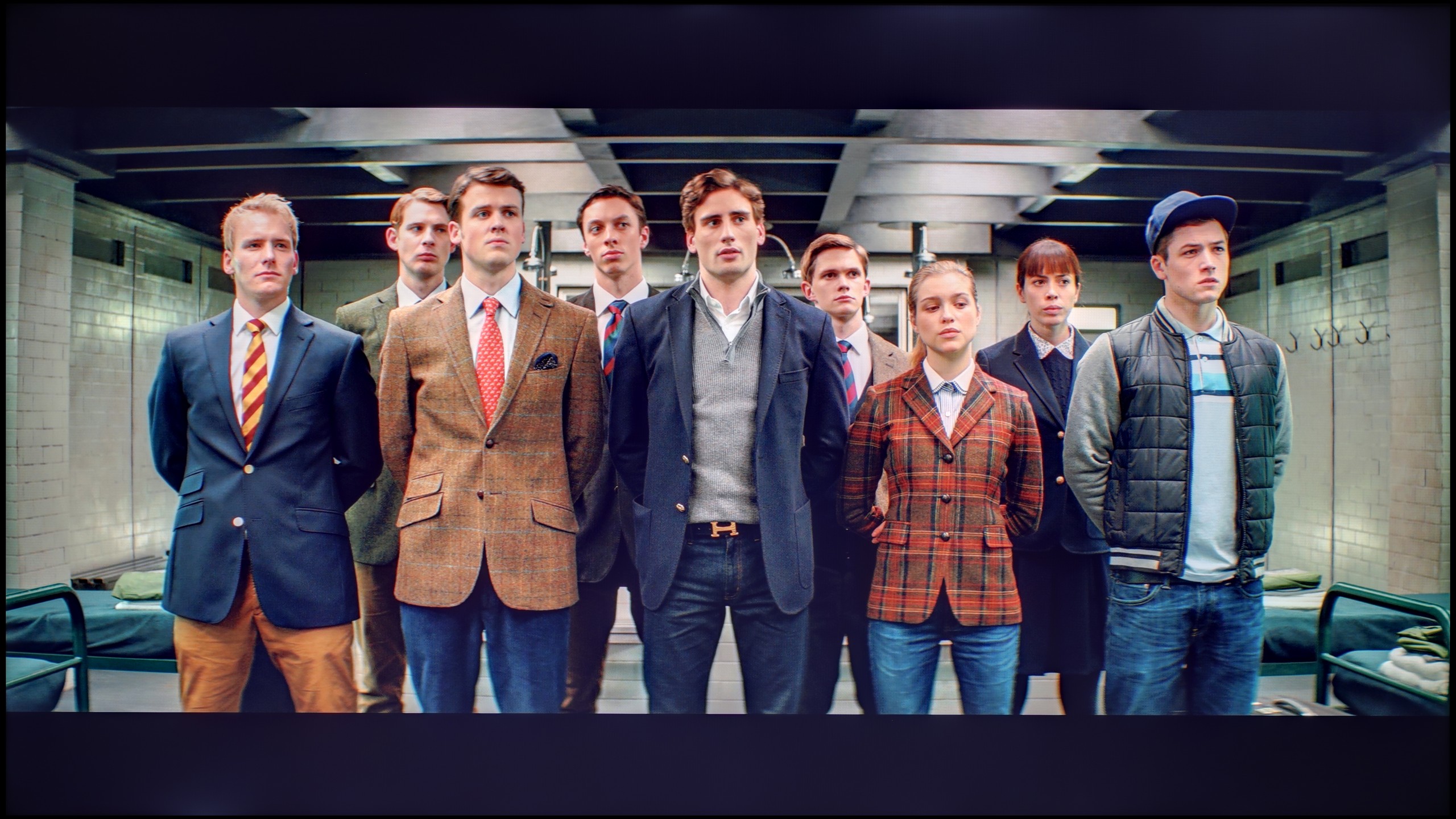
The photos show how movies look on the TV. Pay attention to black detail visibility, colors, and shadow tint.
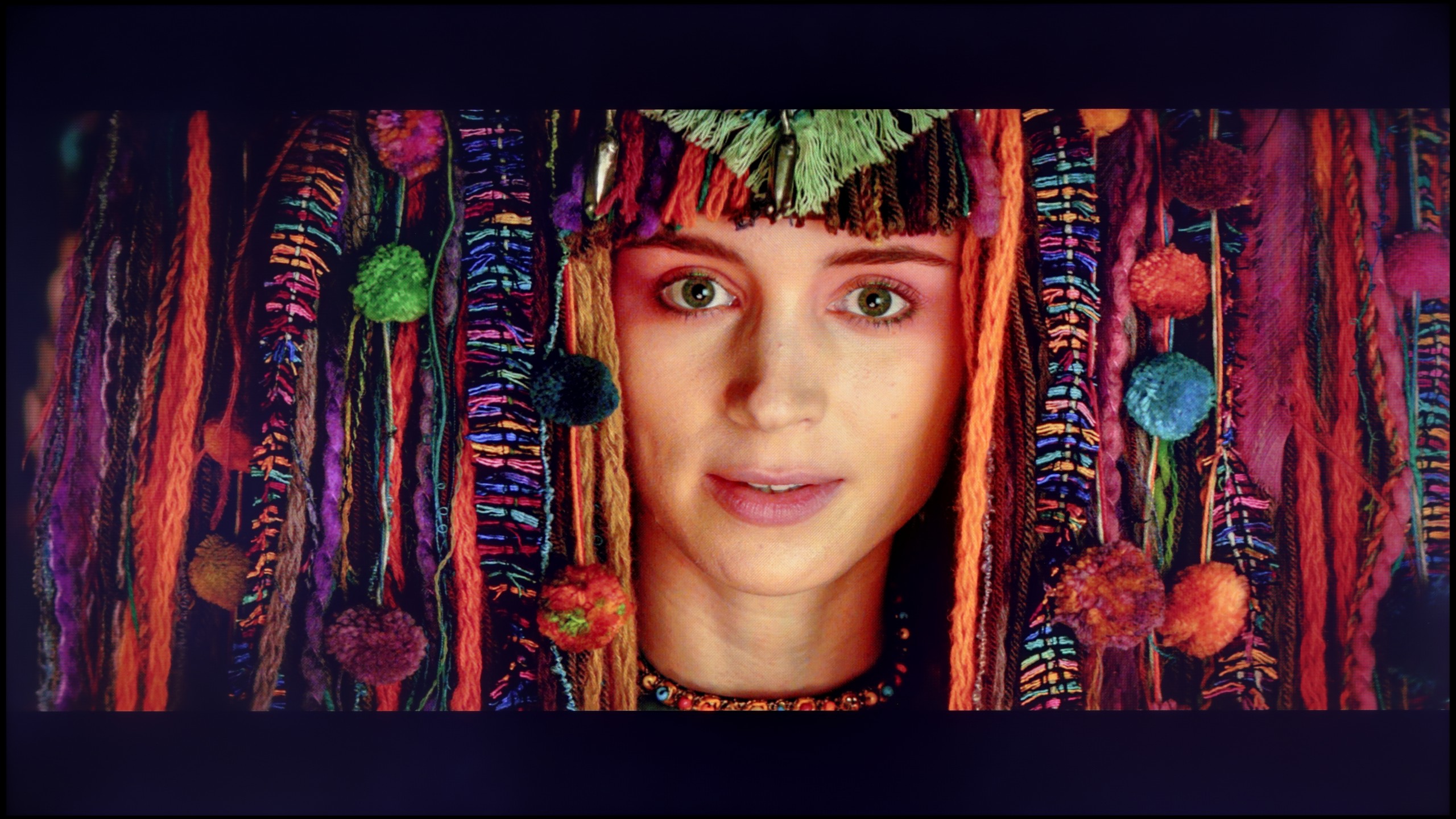
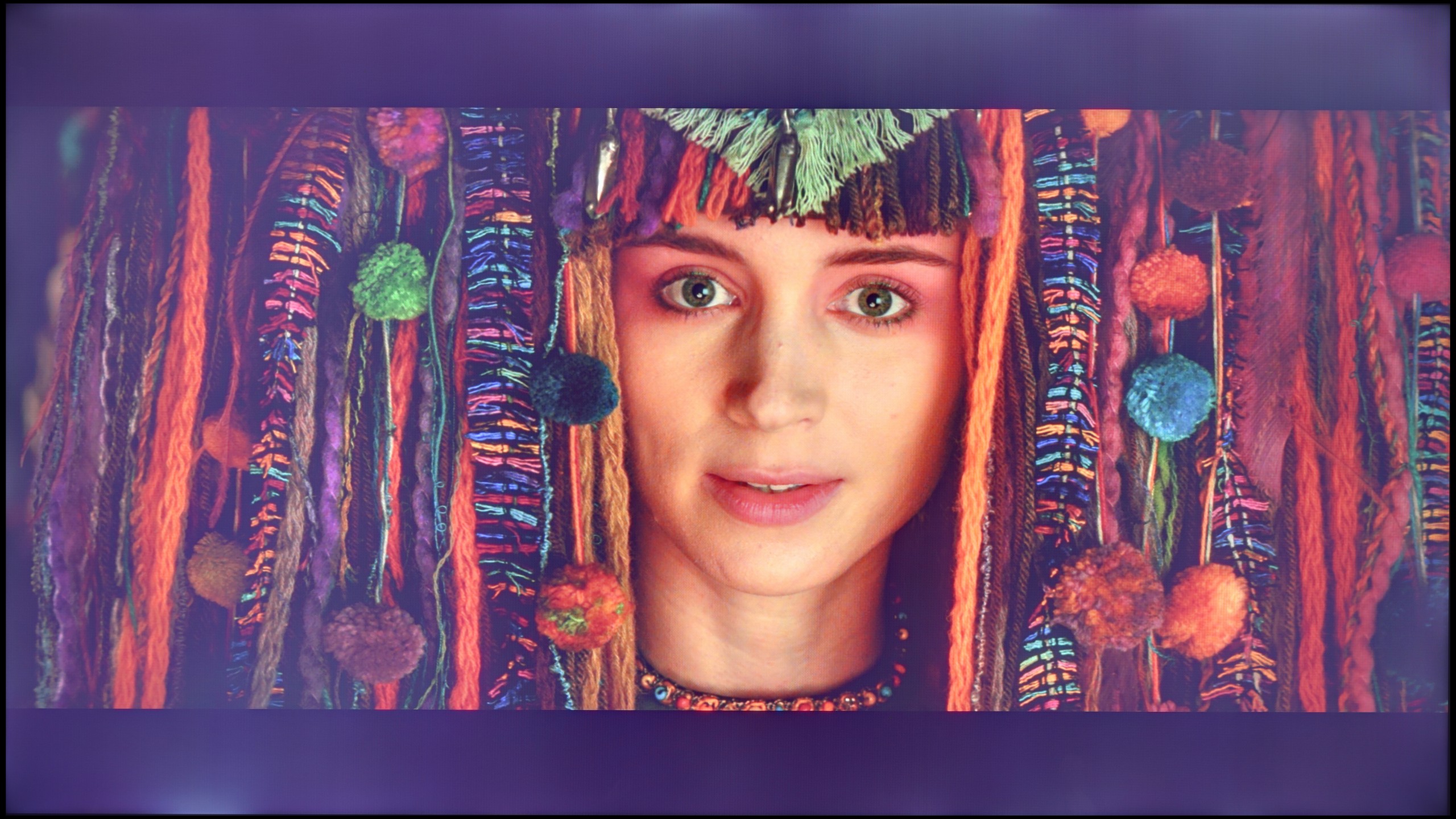
The photos show how movies look on the TV. Pay attention to black detail visibility, colors, and shadow tint.
Calibration allowed us to extract significantly more from the ChooseTV 3 than we could have expected at first. Firstly, it was possible to address the lack of blue, which had previously caused a noticeable warming of the image. After a slight adjustment to the white balance, most of the errors in the Color Checker measurements for SDR content practically disappeared. The shades of white became more natural, and the brightness management in gamma stabilised to a nearly perfect level, not exceeding the threshold of human eye perception. Therefore, it can confidently be said that in SDR content, after a few adjustments in settings, the ChooseTV 3 performs really brilliantly. Much worse, although still definitely better than before calibration, are the HDR contents. The white balance was brought into order, but the limitations of the IPS panel are insurmountable. The lack of local dimming means that even the smallest elements can be overexposed, which is immediately noticeable. Colour-wise, the effect is also improved, although far from ideal – many errors still exceed the threshold of four, or even five delta E units, meaning they remain visible to the human eye. It was already clear earlier that the ChooseTV 3 is not a television designed to impress with HDR quality. Nonetheless, it is pleasing to note that in SDR content, after calibration, the image can look truly excellent, and in this category, the television positively surprised us.
After calibration, the NANO81A is a completely different television. What LG offers in terms of image enhancement tools even in such an affordable model deserves a big plus. We managed to completely eliminate that annoying yellowing of whites and make the colours natural, vibrant, and simply "true". In SDR content (that is, regular television, YouTube, or older films), the picture now looks worlds better – it is clear, well-balanced, and no longer strains the eyes with strange hues. It is clear that this panel has significant potential, which is simply wasted by poor presets out of the box. However, we do have one serious reservation that calibration cannot fully overcome – it concerns brightness management in HDR mode. LG's algorithm in this model is constructed very conservatively. The television intentionally dims the HDR picture to avoid overexposing the already weak blacks of the IPS panel. The programmers faced a choice: either to provide more light and accept that the blacks would become light grey or to reduce the brightness to maintain any contrast. They chose the latter. Nevertheless, after our adjustments, watching anything on the NANO81 is significantly better.
Smoothness of tonal transitions
9.1/10
9.3/10
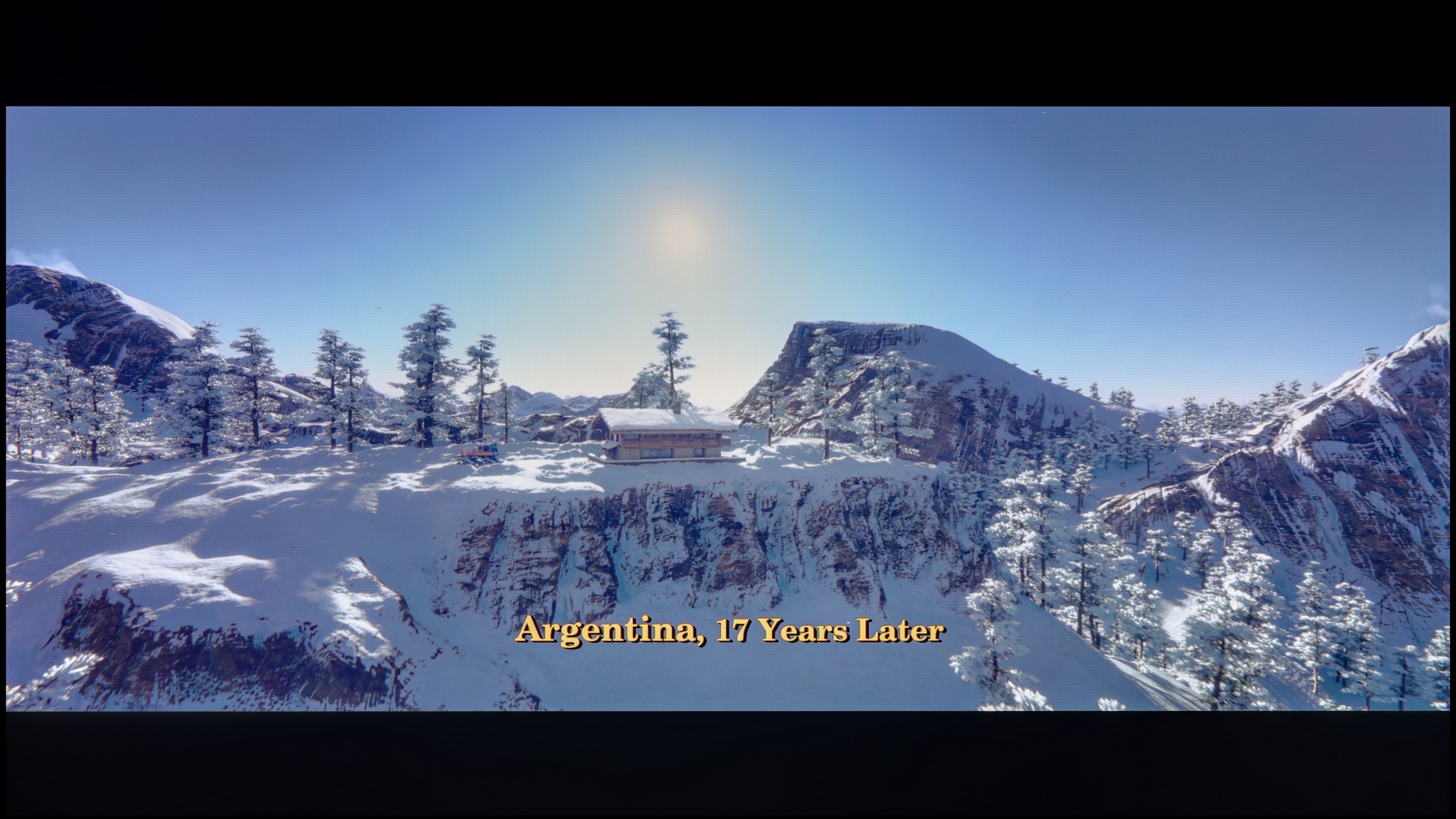
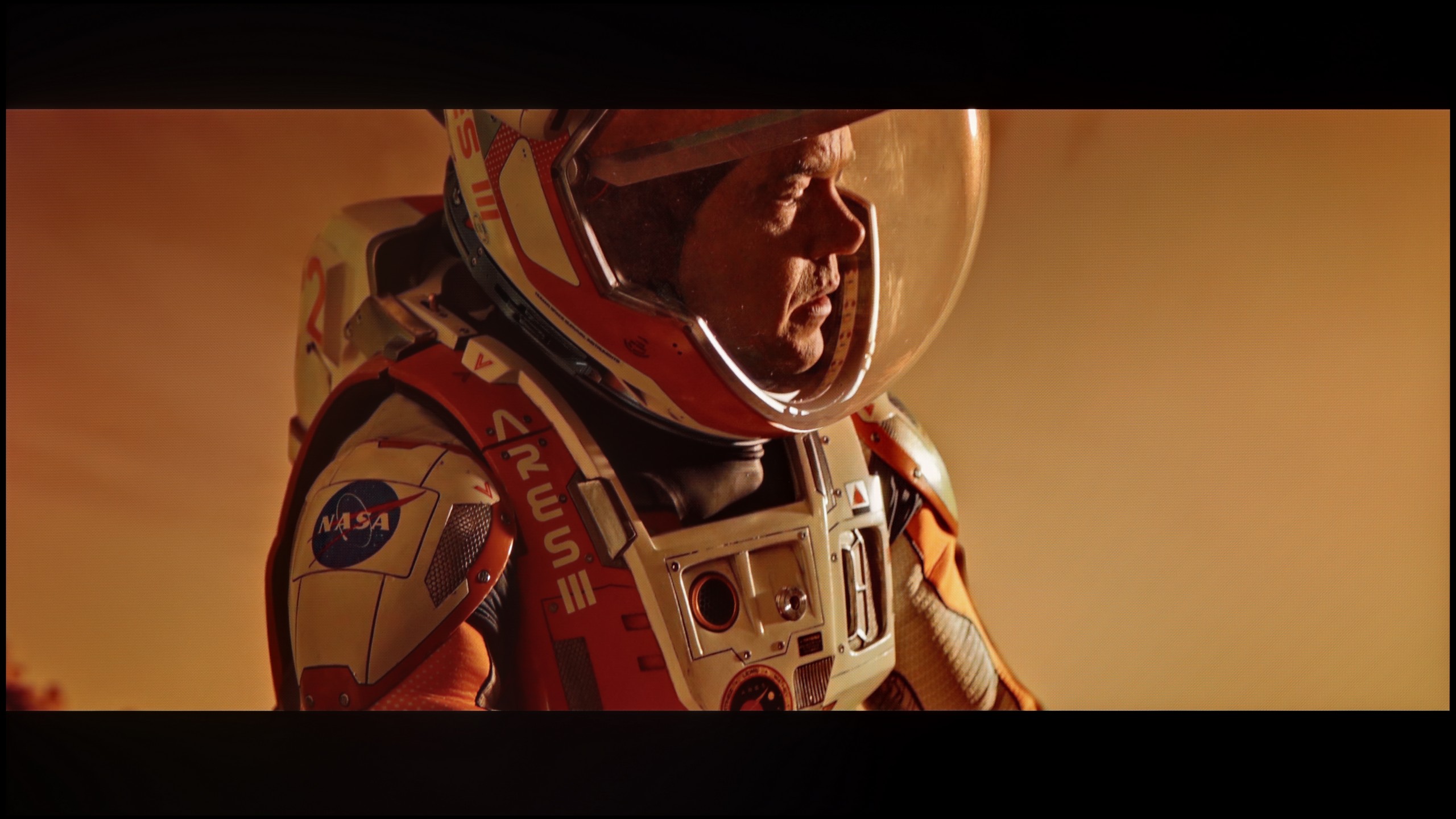
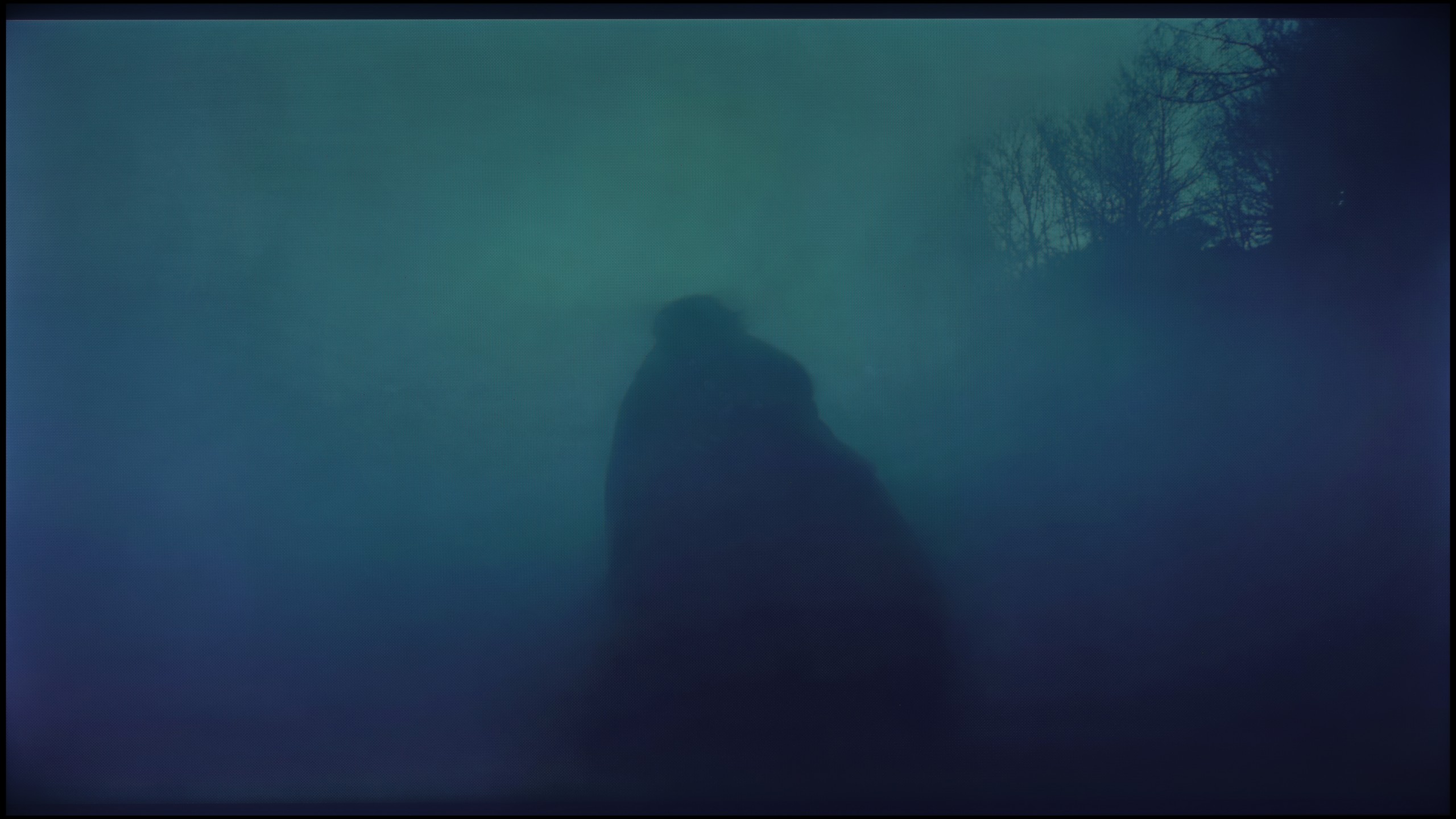
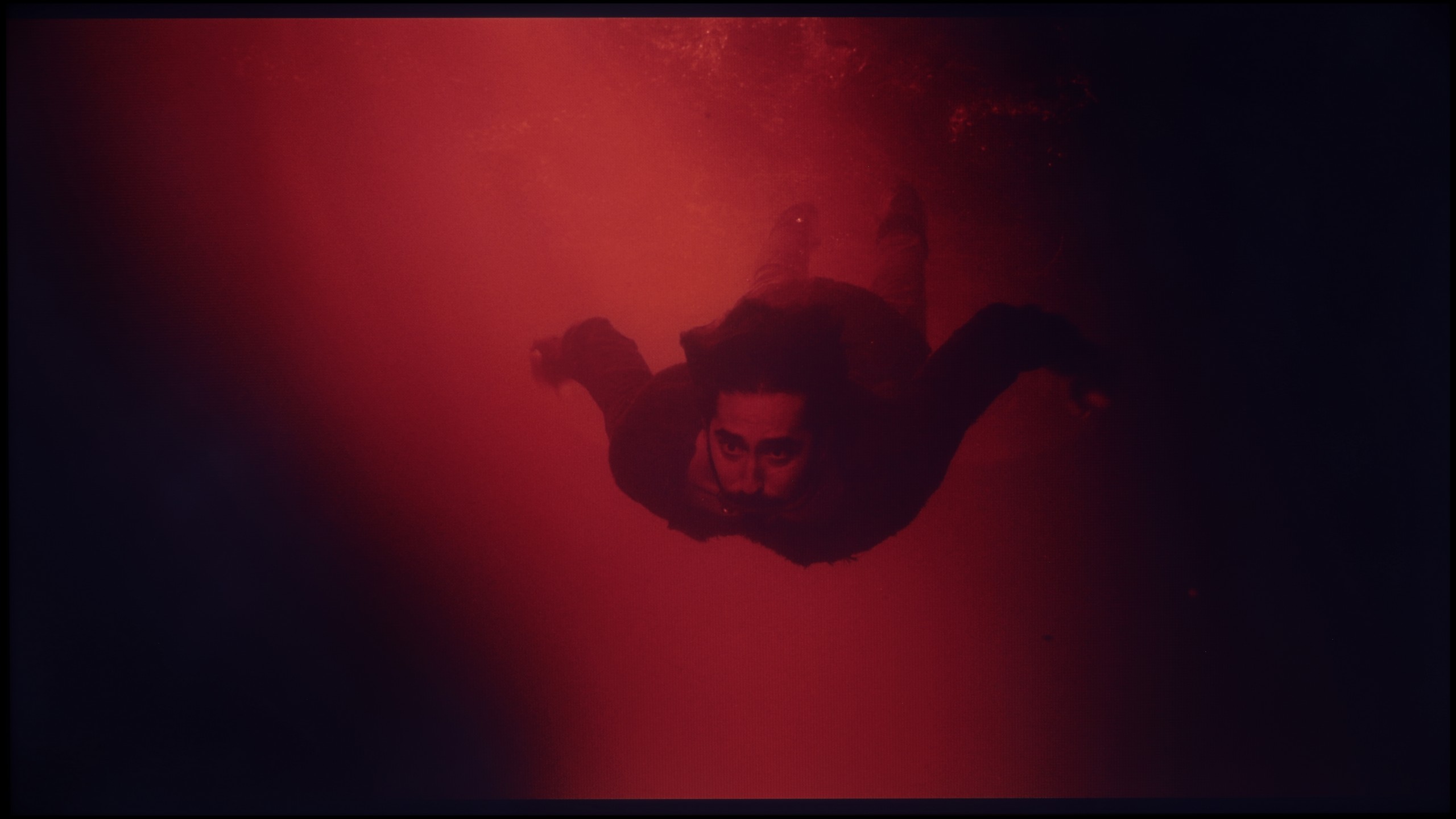
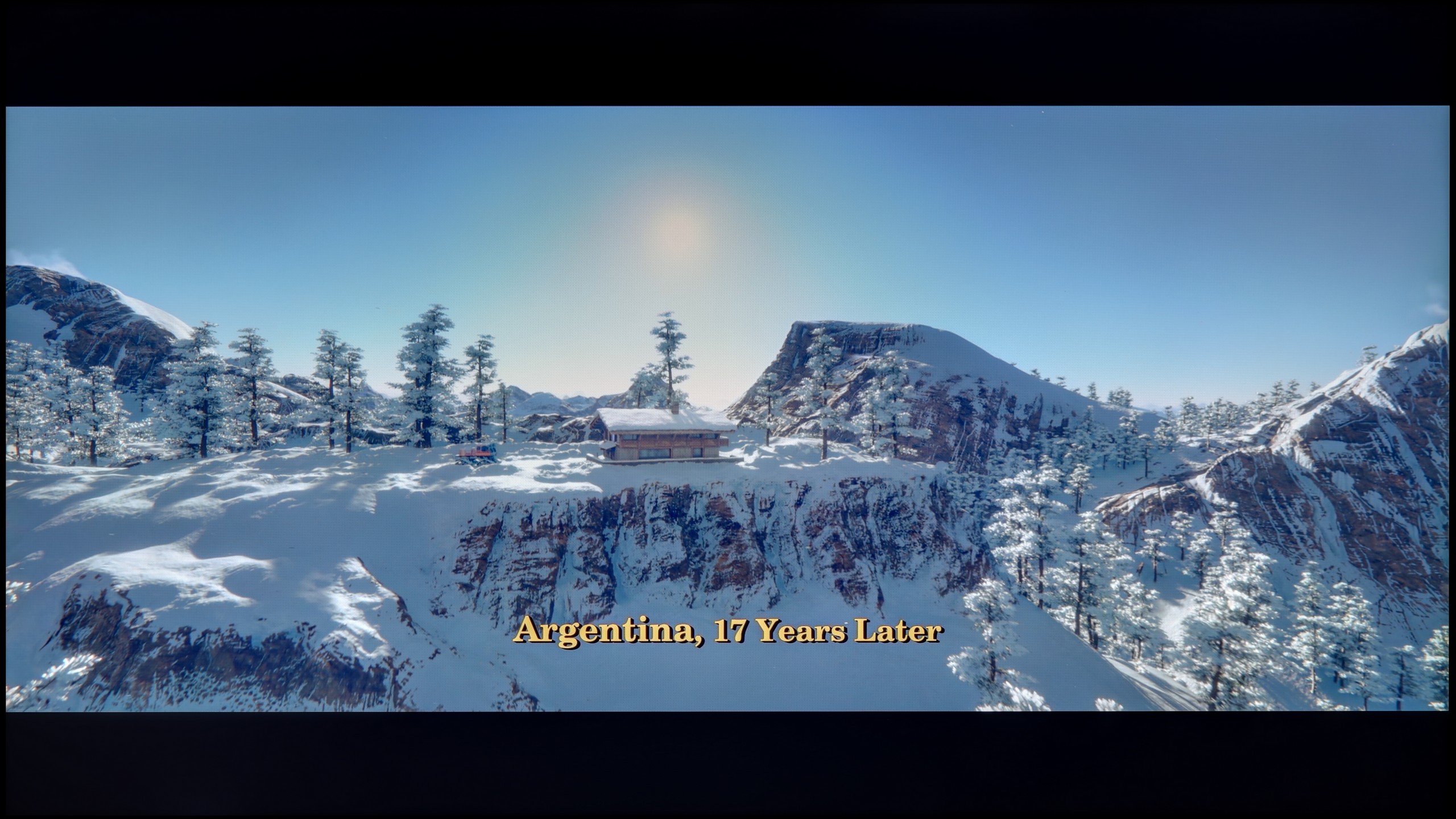
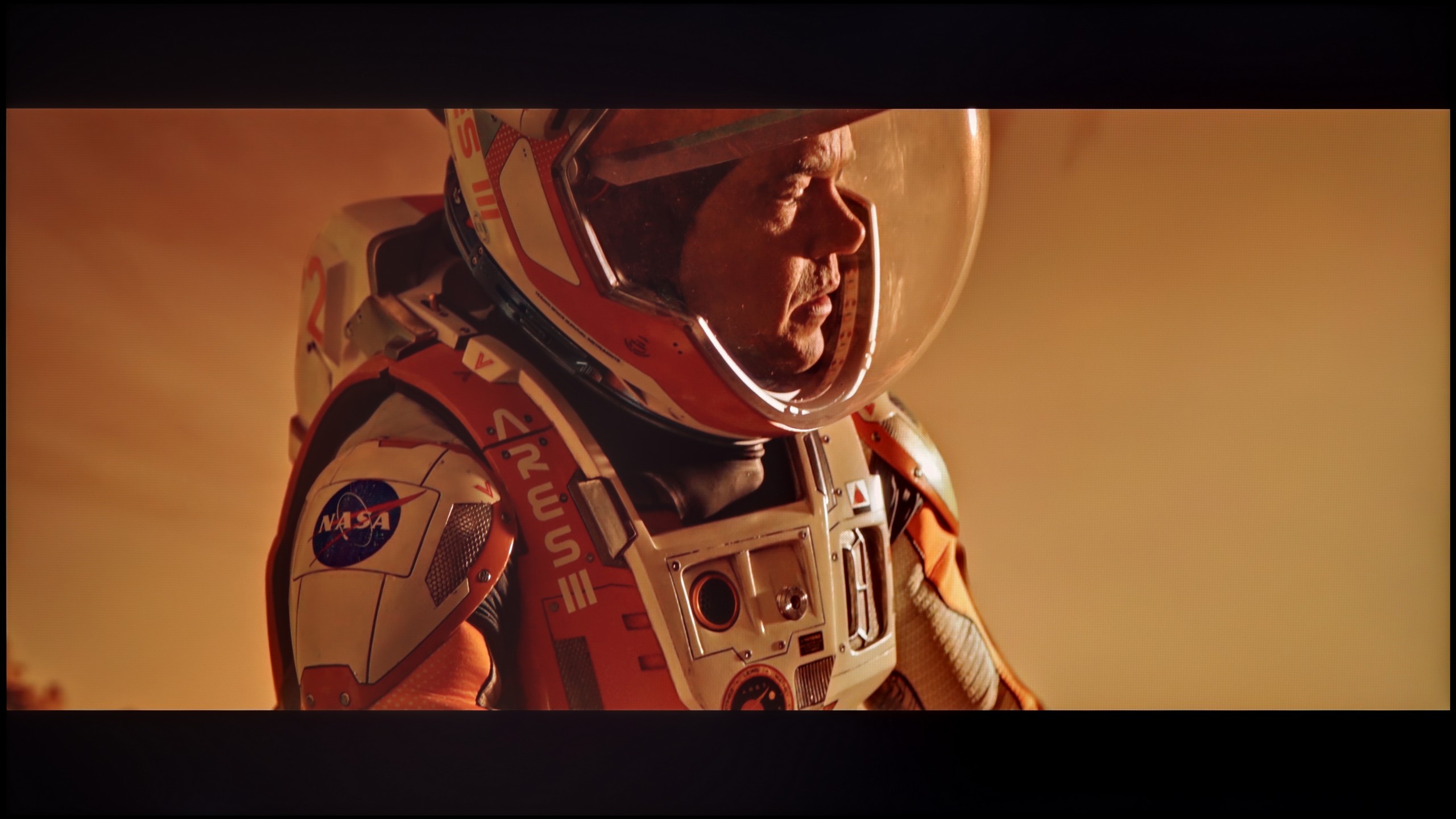
These are selected scenes that show smooth tonal transitions from one color to another. If you see distinct banding, it’s the TV panel’s fault.
These are selected scenes that show smooth tonal transitions from one color to another. If you see distinct banding, it’s the TV panel’s fault.
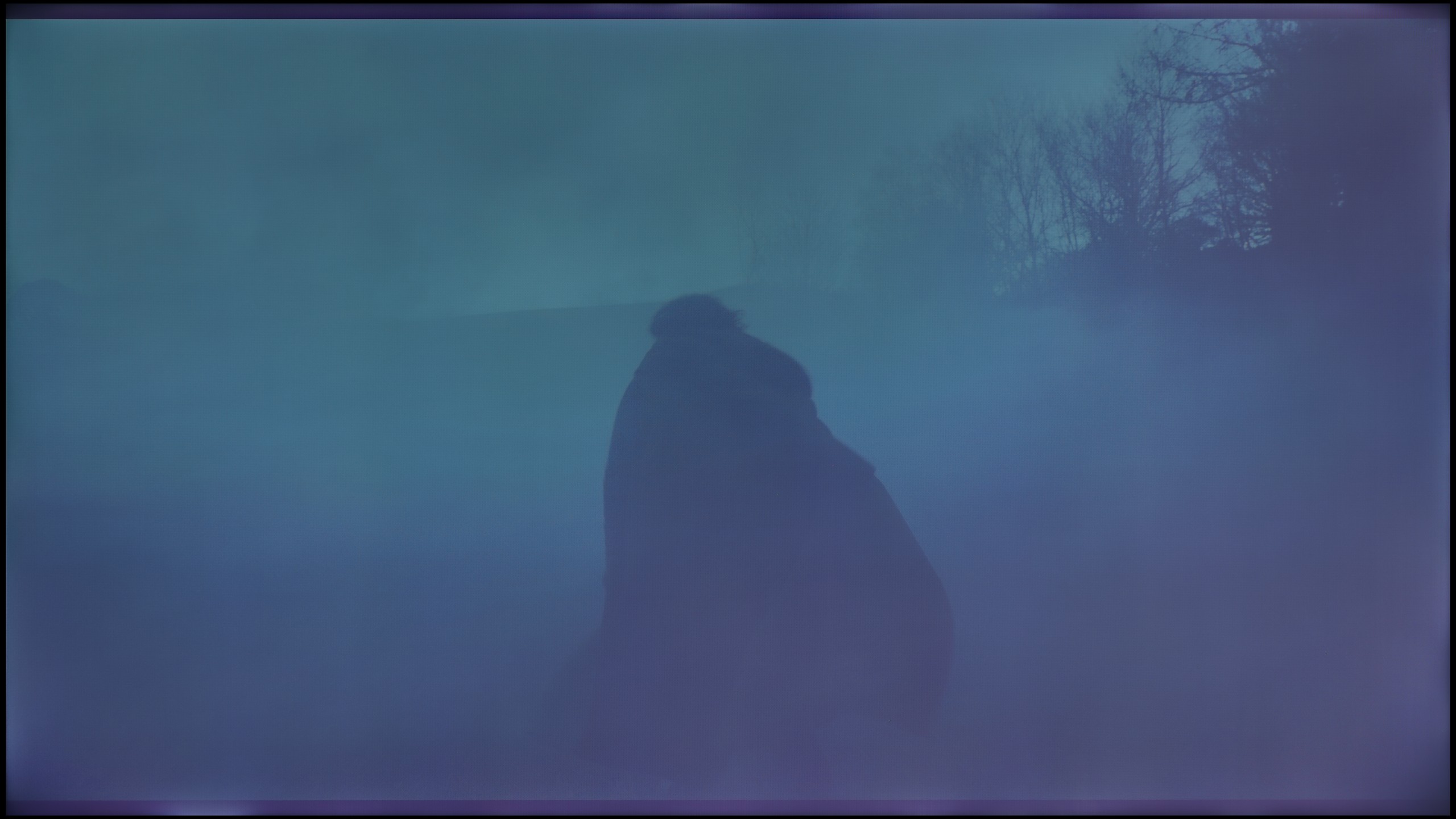
These are selected scenes that show smooth tonal transitions from one color to another. If you see distinct banding, it’s the TV panel’s fault.
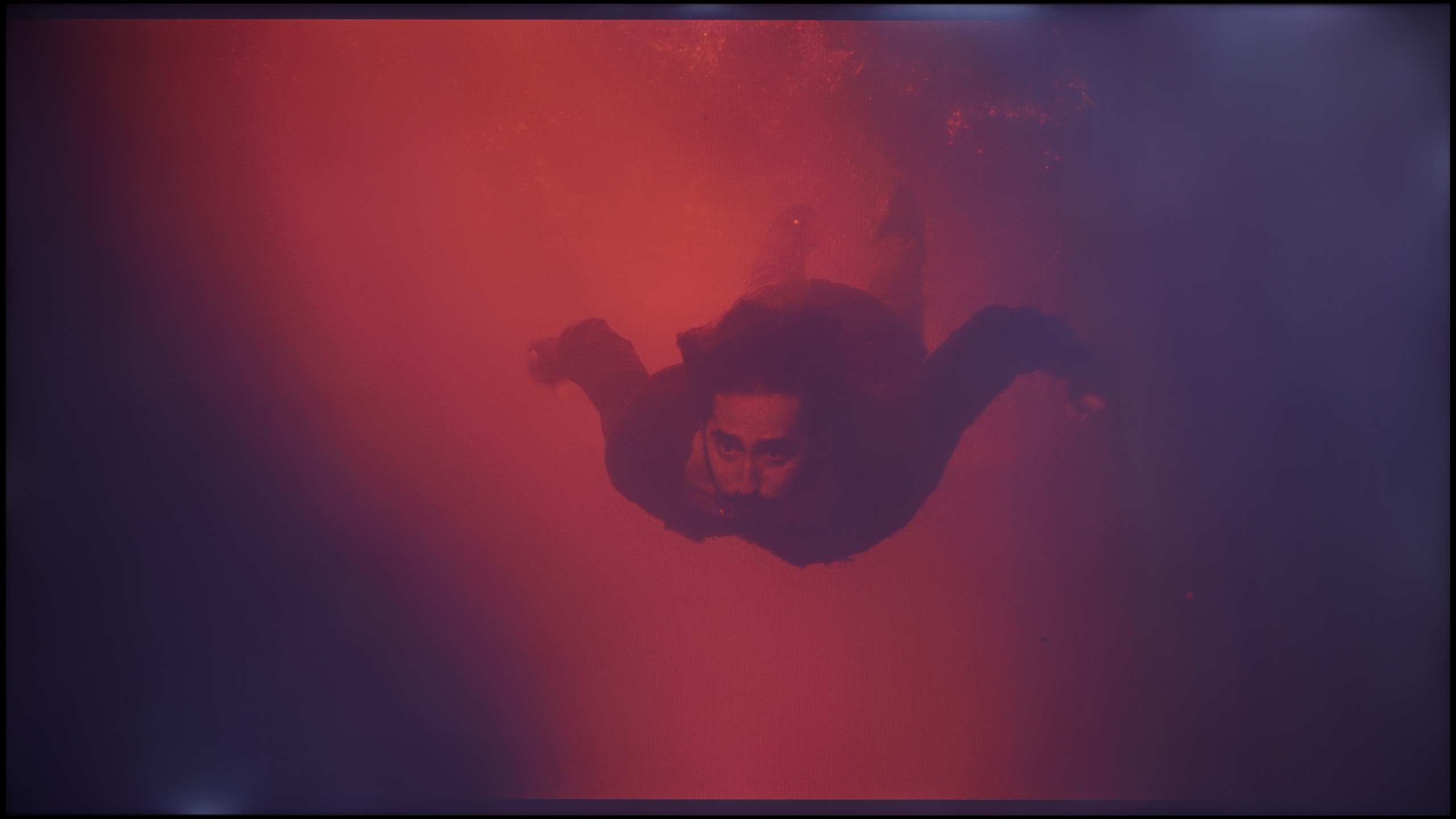
These are selected scenes that show smooth tonal transitions from one color to another. If you see distinct banding, it’s the TV panel’s fault.
In terms of the fluidity of tonal transitions, the experience with the Bravia 3 featuring a VA panel is very similar to what we observed in the IPS variant; however, there is one significant factor here – screen uniformity. The VA panel performs significantly better in maintaining image consistency, which immediately translates into a higher rating. This was most easily noticeable in scenes from the film Green Knight. In the IPS version, strong brightening and vignetting practically prevented a proper assessment of the gradation itself, whereas in the 50-inch variant, this issue has been greatly reduced. As for the tonal transitions themselves, the television performs really well. In bright parts of the image, we did not notice any serious errors – the colours blend smoothly without creating artificial contours. In darker scenes, there are also no major issues with colour gradation, and thanks to the more uniform backlighting, the image is considerably more pleasant to view than in the version with the IPS panel. Therefore, it can be said that this is one of those categories in which the Bravia 3 in the 50-inch version performs surprisingly well.
The fluidity of tonal transitions is an element in which the NANO81A truly shines. LG proves here that it can refine image processing algorithms even in its cheaper models. During testing, we practically noted no occurrences of banding, that is, the annoying "steps" visible where one colour should transition smoothly into another. Everything appears incredibly natural and smooth. This is particularly evident in the bright scenes from the film Kingsman, where the backgrounds remain clean and free from digital artefacts. However, what is even more impressive is how the television handles the extremely difficult, dark, and misty shots in The Revenant. Where many budget panels falter and serve up ugly patches instead of smooth mist, the NANO81A holds its ground, offering very velvety transitions. The only downside is the fact that with darker shades, you will notice more of the weak blacks of this television rather than any issues with colour blending.
Image scaling and smoothness of tonal transitions
7/10
7/10

Smooth transition function
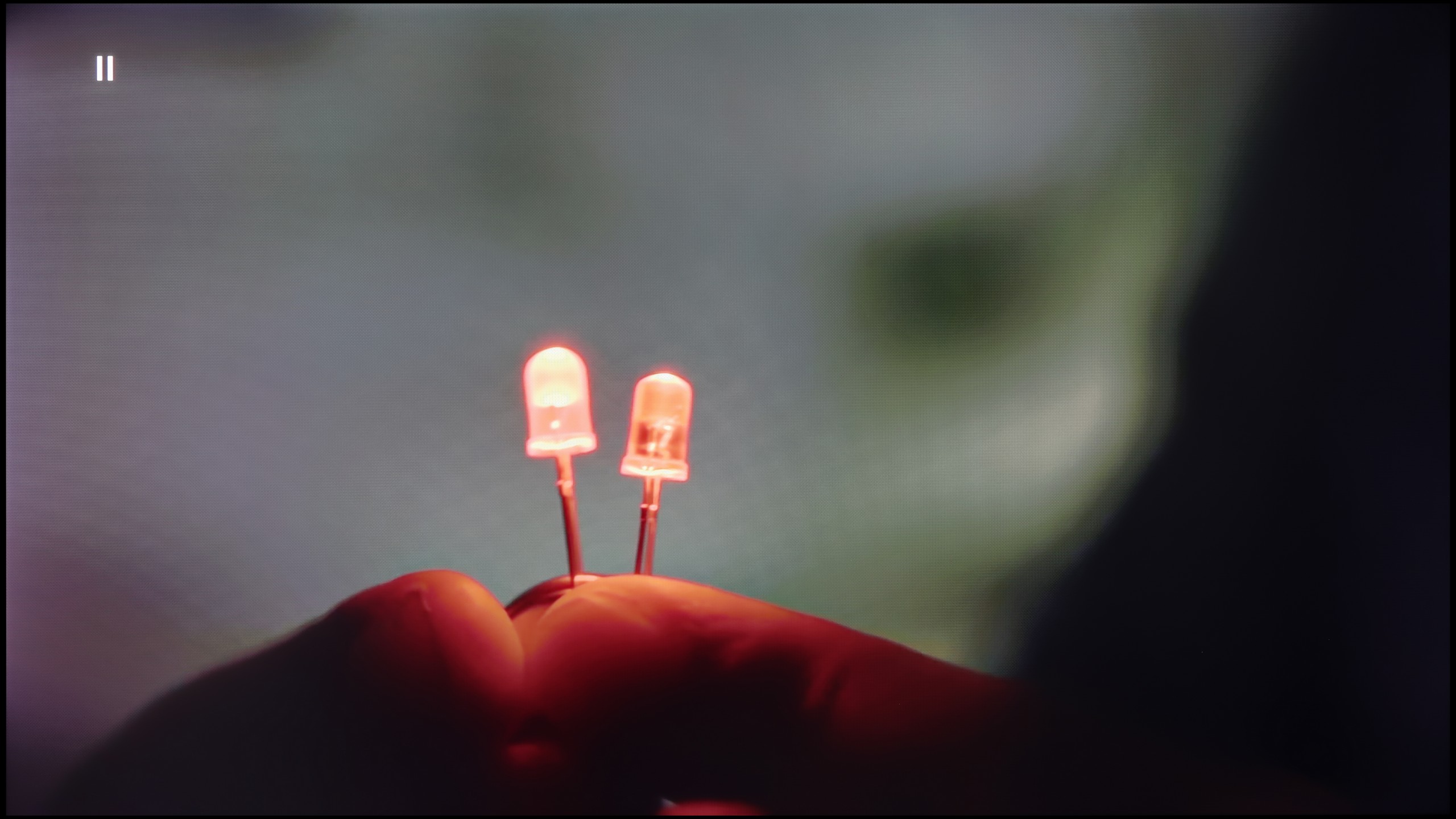
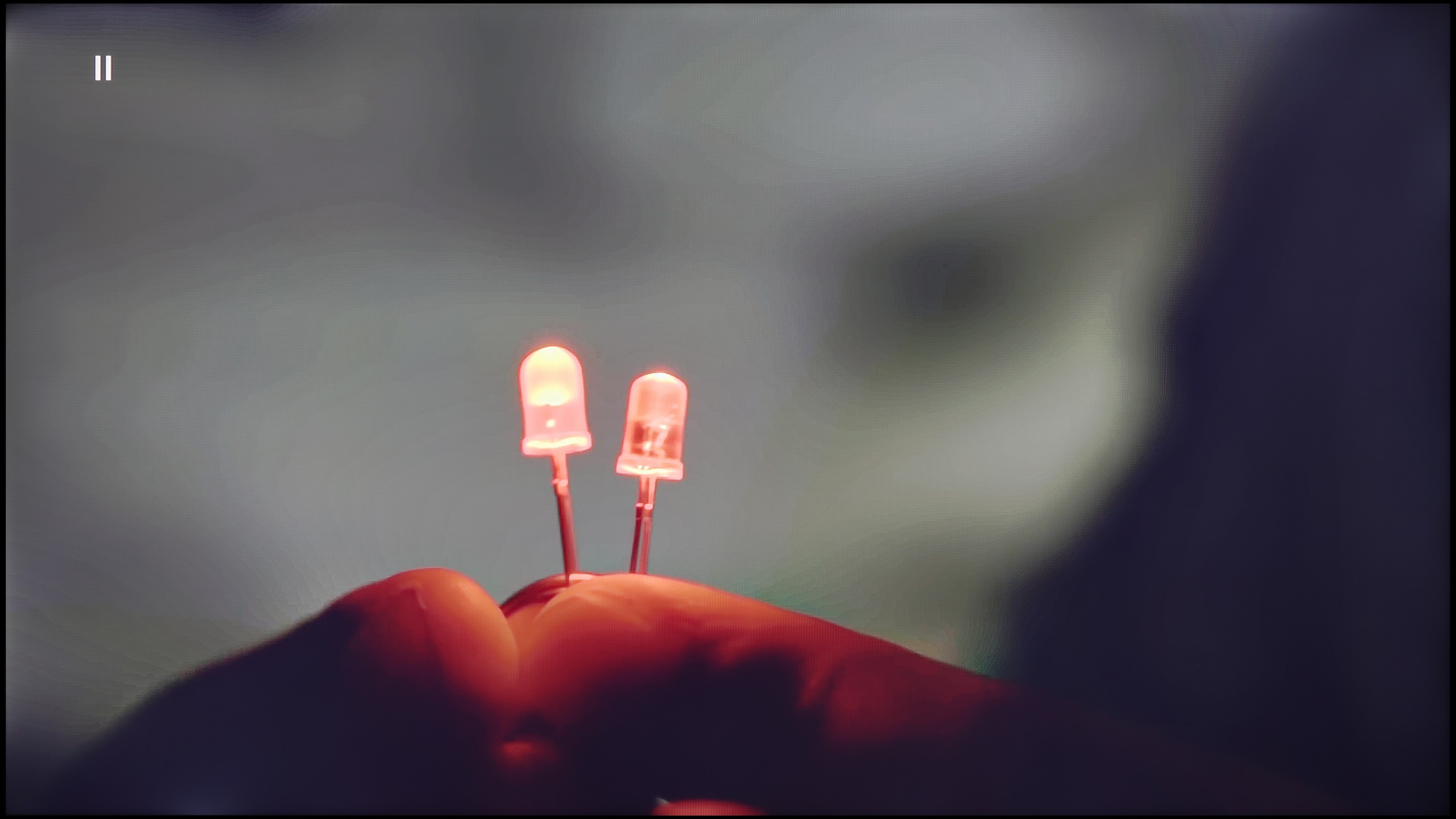
The match photo shows how the TV smooths weak tonal transitions in low-quality video.
Image scaling SD (576i)


The model photo shows how it handles upscaling of SD material.
Bravia 3 brings something more than just a shared name to the Sony television family. It stands out primarily for its ability to enhance the quality of inferior materials thanks to the processor used. Of course, we won't find the advanced XR chip known from more expensive models here, but nevertheless, it's worth noting that the image at lower resolutions looked surprisingly good. The upscaling worked effectively, and most parts of the screen were free from the typical excessive edge tearing characteristic of budget constructions. The feature enhancing the smoothness of tonal transitions is also noteworthy. In the high setting, it performs really well, effectively masking gradation imperfections without significant loss of detail. It does happen, however, that the algorithm overly smooths elements that should remain sharp – for example, faces – but overall, the effect is beneficial. The best results were achieved precisely at the highest setting, and this option could be recommended to those watching lower-quality content.
It often happens that cheap 4K panels mercilessly bring to light all the "dirt" and imperfections of lower-resolution content. However, with the LG NANO81A, the situation is quite different. This is truly a solid performer when it comes to handling content that is far from ideal. The built-in processor does a great job with upscaling. Even older recordings look quite decent on this screen – the image is coherent, cleaned of digital noise, and simply pleasant to the eye. A significant advantage is the gradation reduction feature that you will find in the settings. It is extraordinarily effective in combating colour banding, which is a lifesaver when watching materials with a low bitrate, for instance, from some streaming services or older files from the web. However, it is worth maintaining a certain level of caution. Since we are dealing with a less powerful chip than in LG's top models, setting this option too aggressively may sometimes result in minor artefacts or slight blurring of details. Despite this risk, I definitely encourage experimenting with this feature - in many cases, it can save the viewing experience and make low-quality material fully watchable.
Blur and motion smoothness
4.8/10
4.6/10

Blur (native resolution, maximum refresh rate):
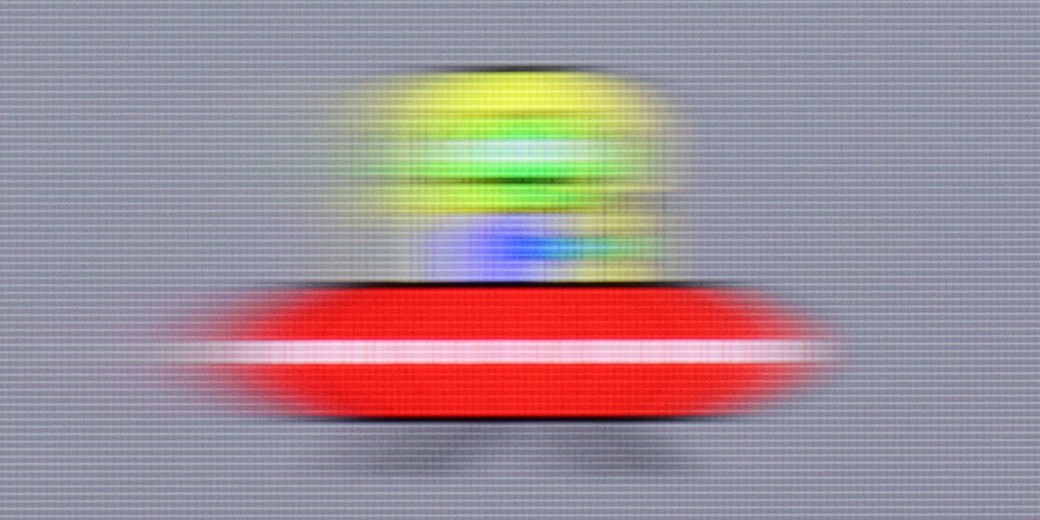
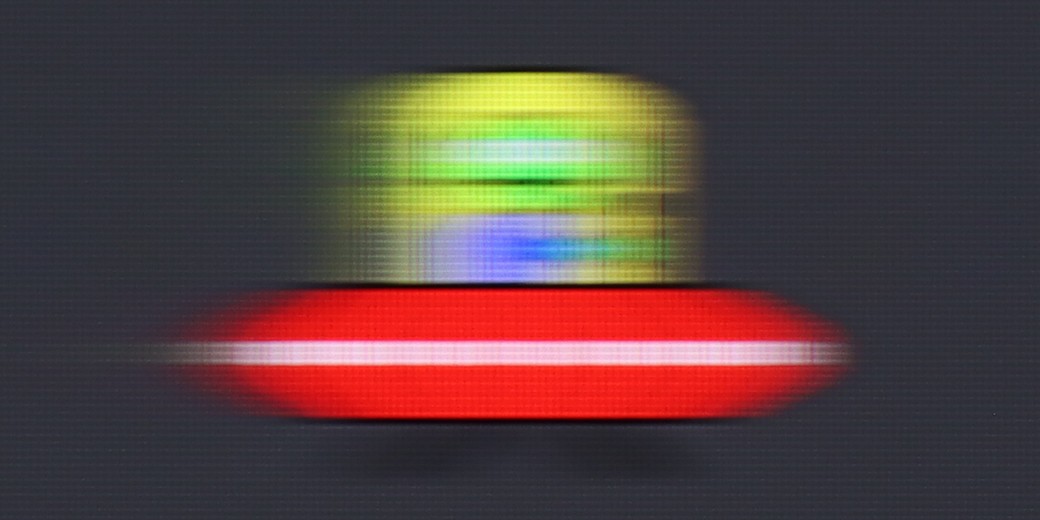
Blur (BFI function enabled):
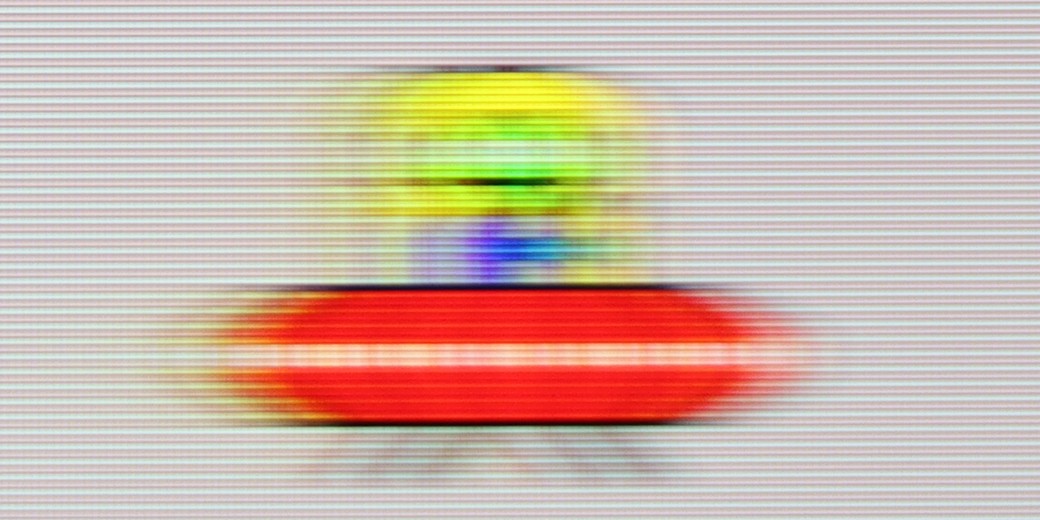
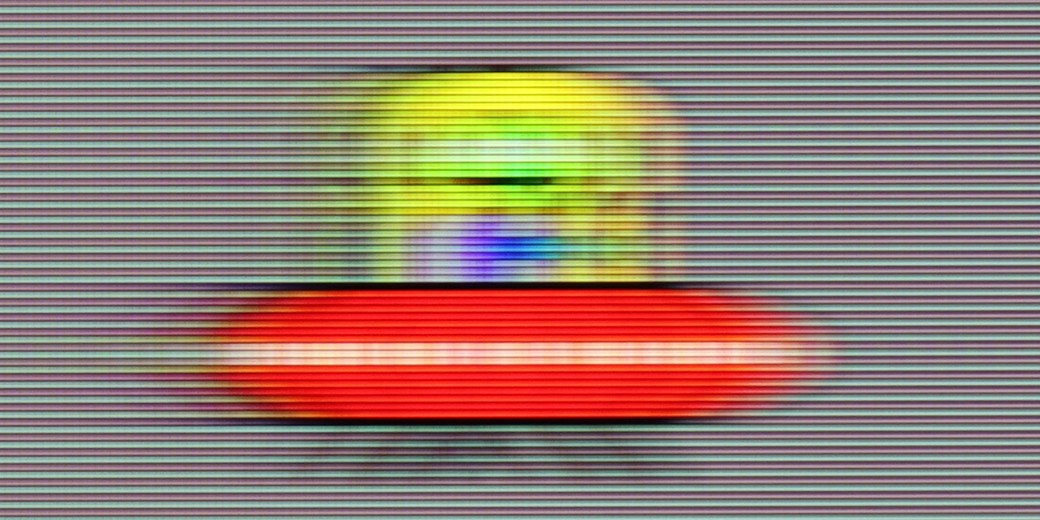
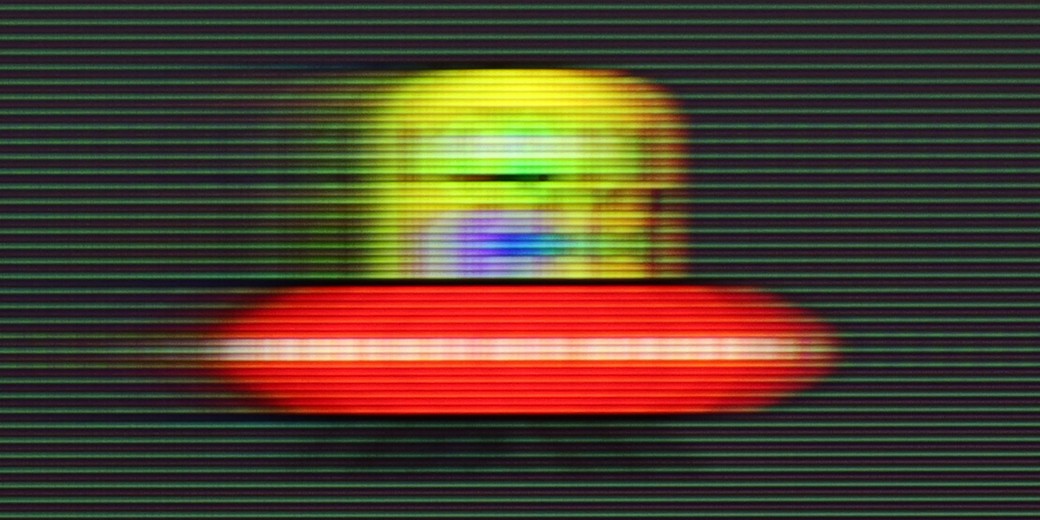
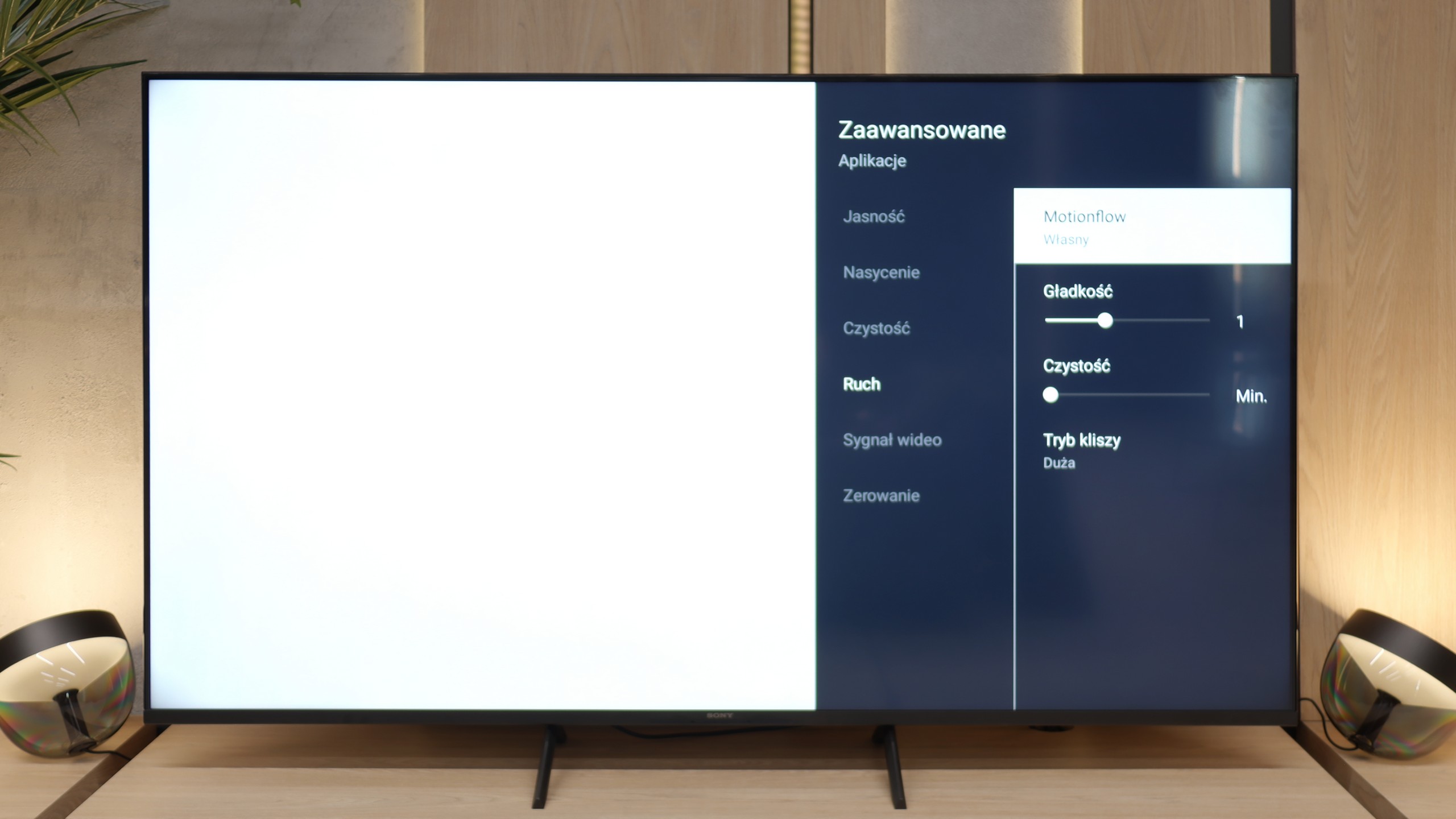
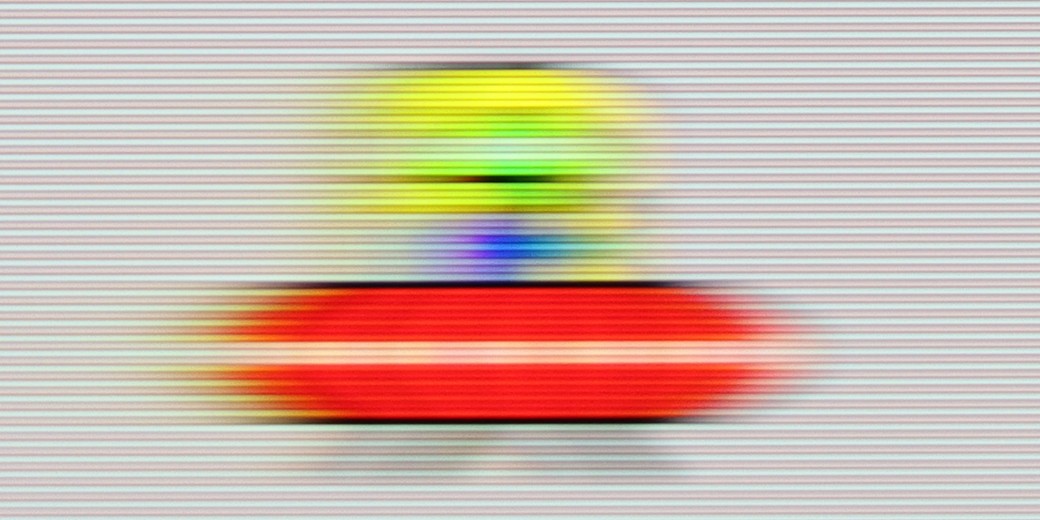
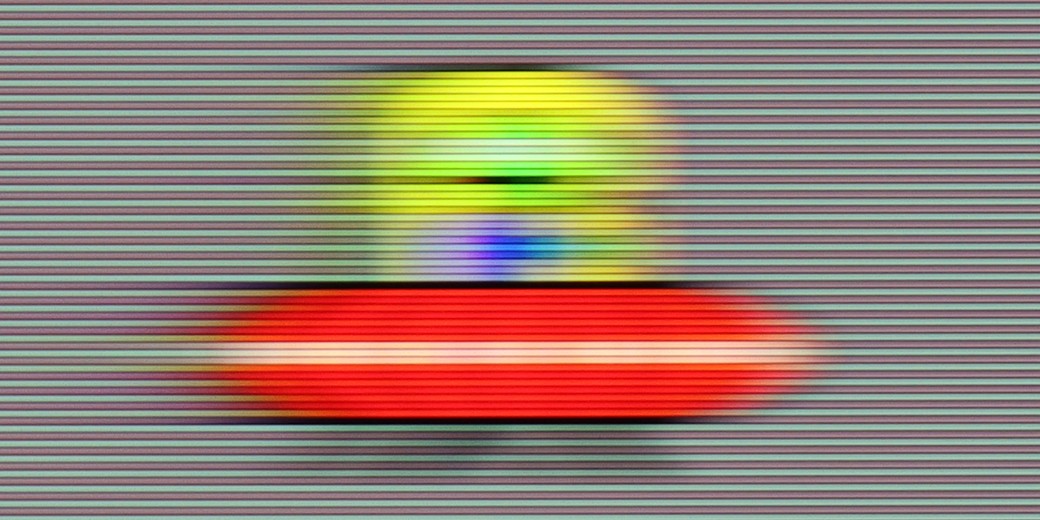
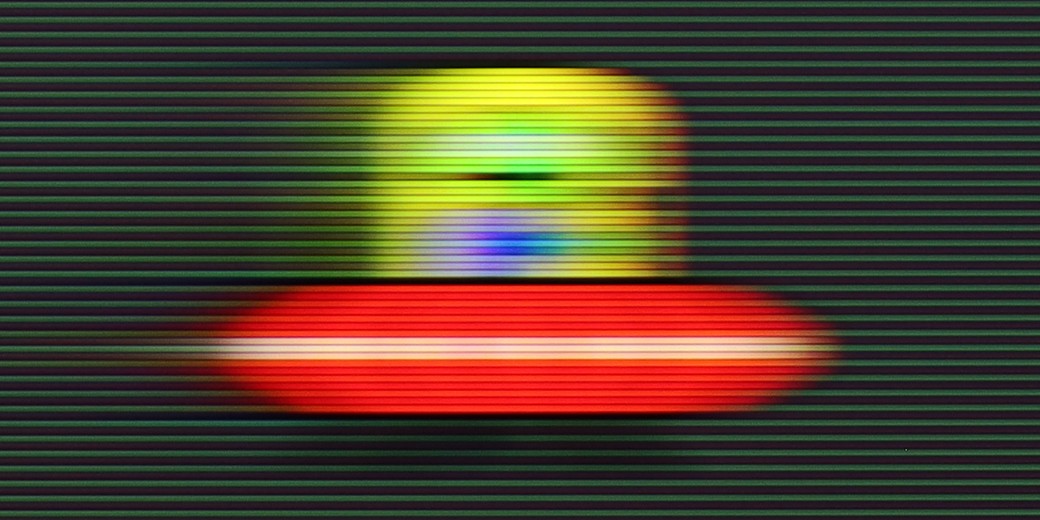
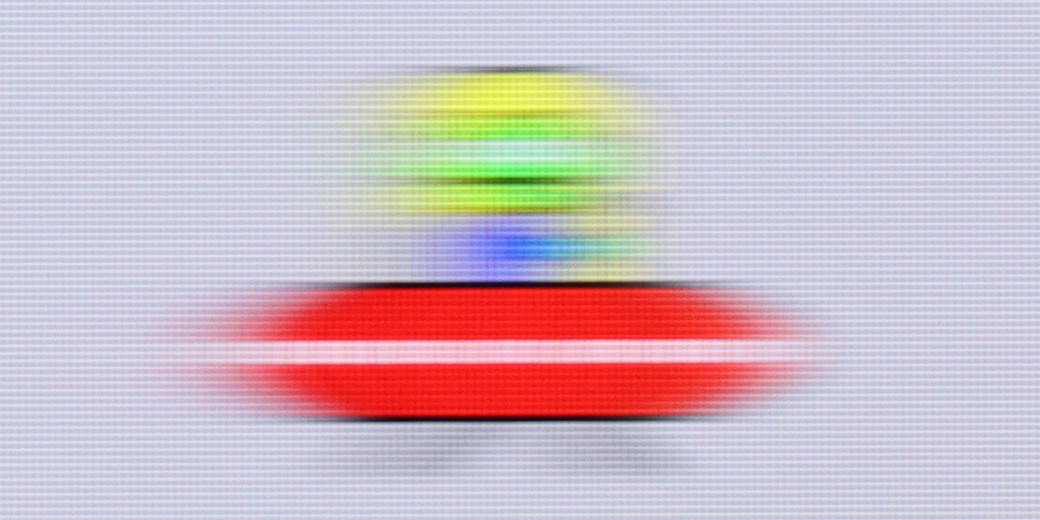
The fluidity of motion has never been a strong point of televisions equipped with 60 Hz panels, and the Bravia 3 is no exception. Nevertheless, Sony has added something that may appeal to those more sensitive to the way images are displayed. This refers to the proprietary motion smoother, Motion Flow, which offers users a considerable amount of adjustment options. With it, one can make the image smoother, even theatrical, or stick to a more cinematic style with the characteristic judder that many associate with a filmic atmosphere. These functions work with content shot at lower frame rates, such as films and series recorded at 24 or 30 frames per second, which is the kind of material we encounter daily. It is precisely at this point that the motion smoother turns out to be one of the most important features in everyday use of the television, and here the Bravia 3 performs quite well.
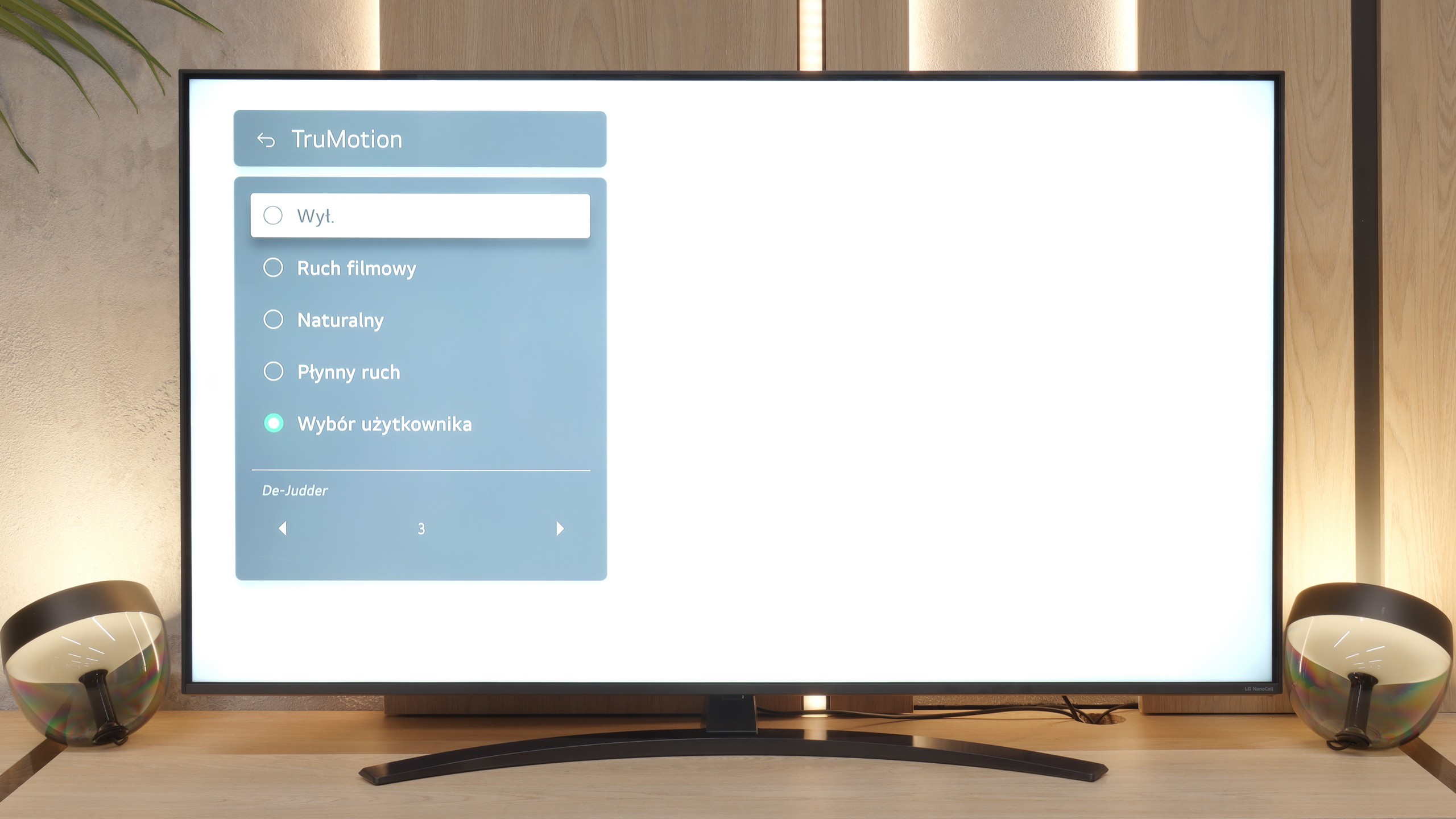
When it comes to motion fluidity, the NANO81A unfortunately has a hard time. The television is based on a panel with a refresh rate of 60 Hz. If you are looking for perfect sharpness in dynamic football matches or fast action games, you may feel a bit disappointed. With such a low native refresh rate, fast objects on the screen will always be a little blurred.
Console compatibility and gaming features
4/10
6/10
- ALLM
- VRR
- VRR range 48 - 60Hz
- Dolby Vision Game Mode
- Correct implementation of HGIG
- 1080p@120Hz
- 1440p@120Hz
- 4K@120Hz
- Game bar
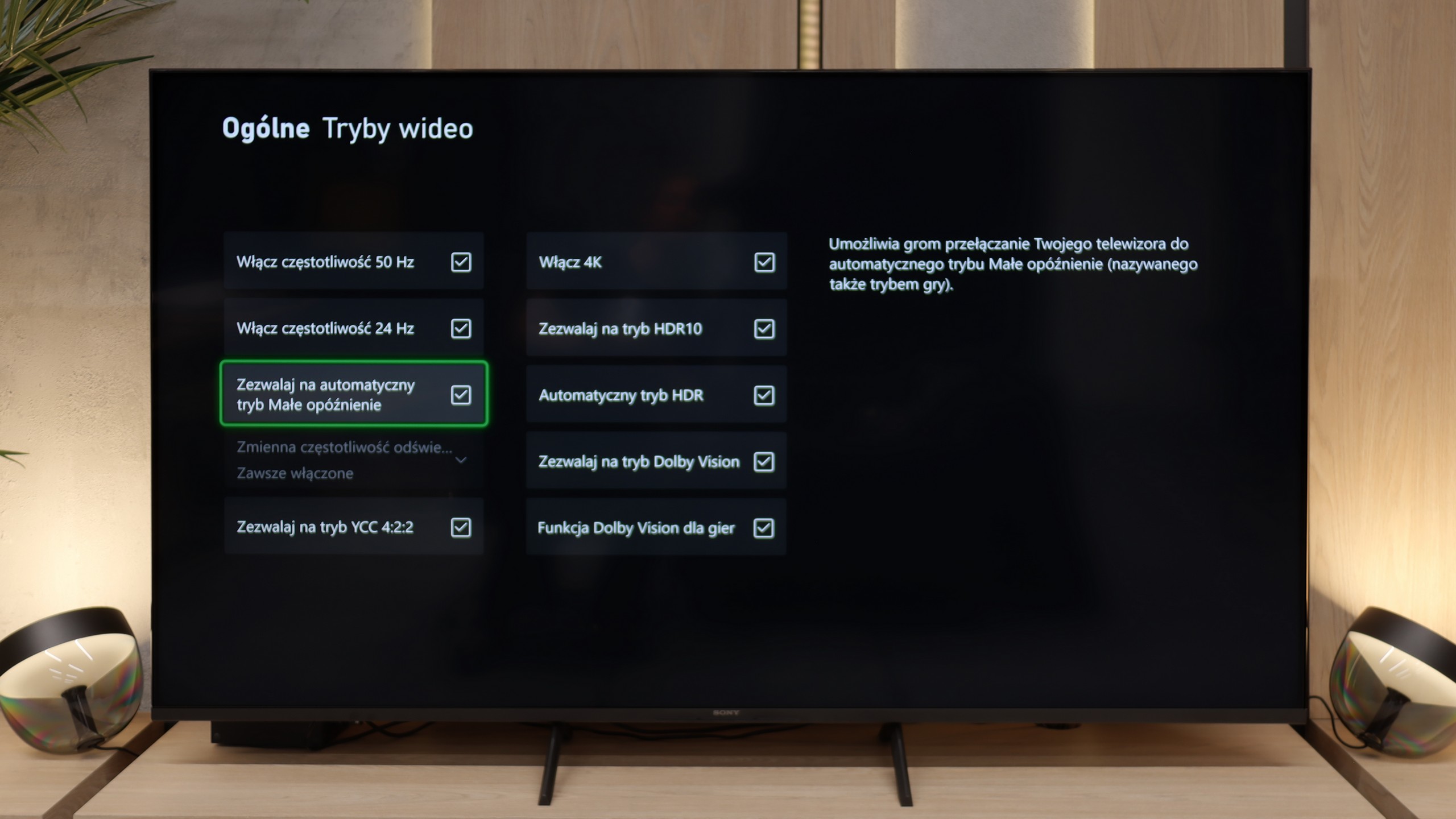
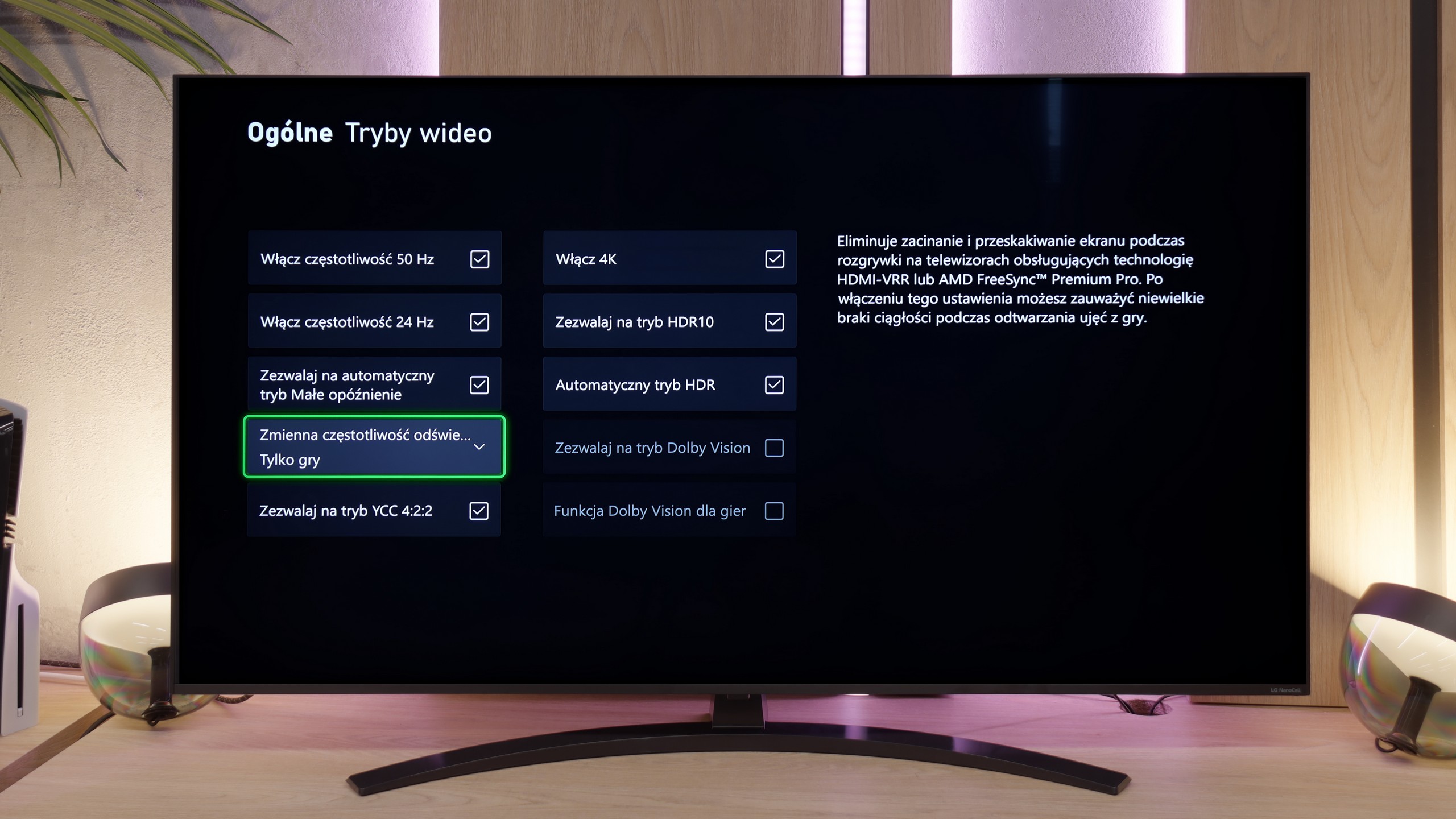
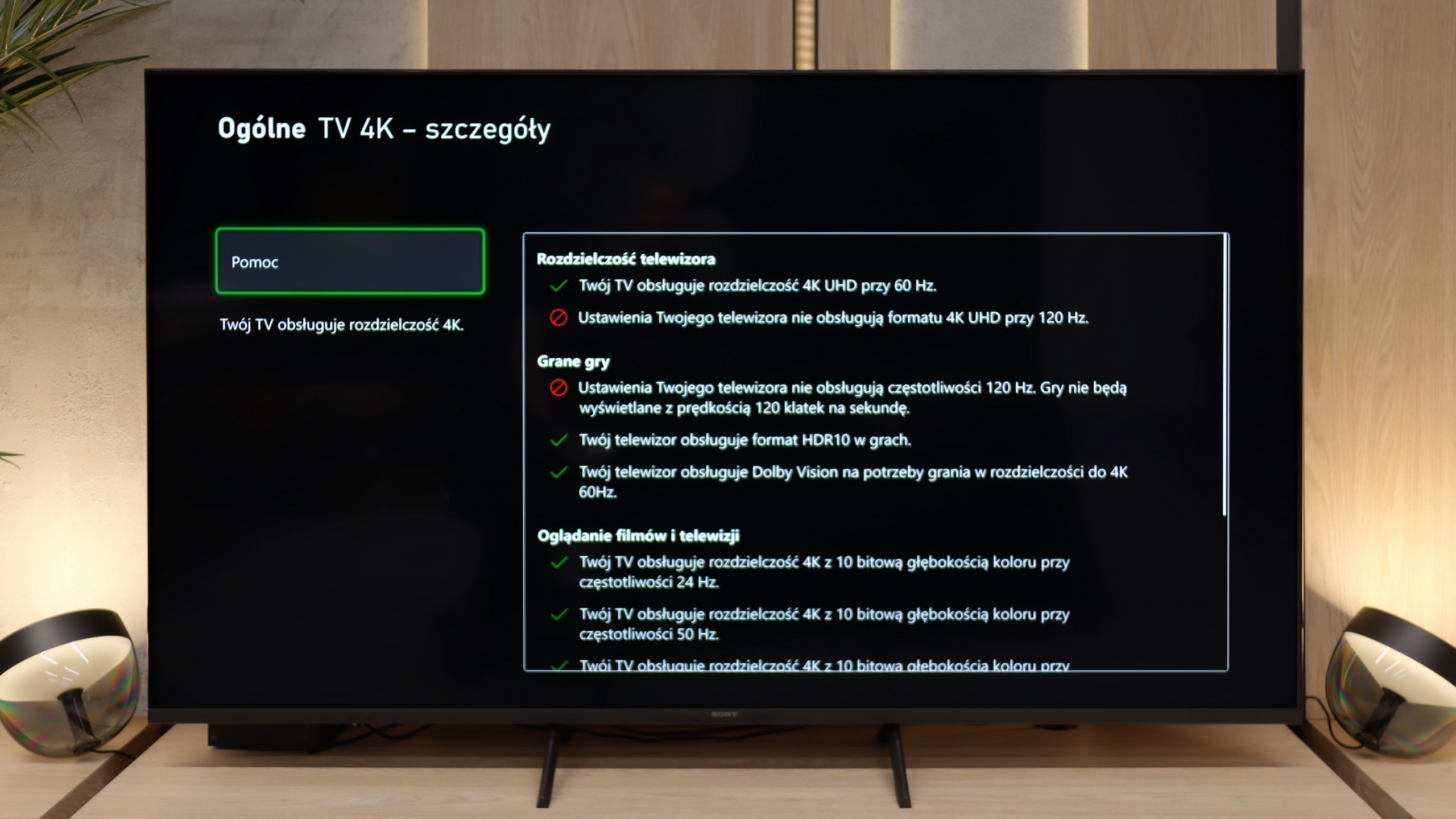
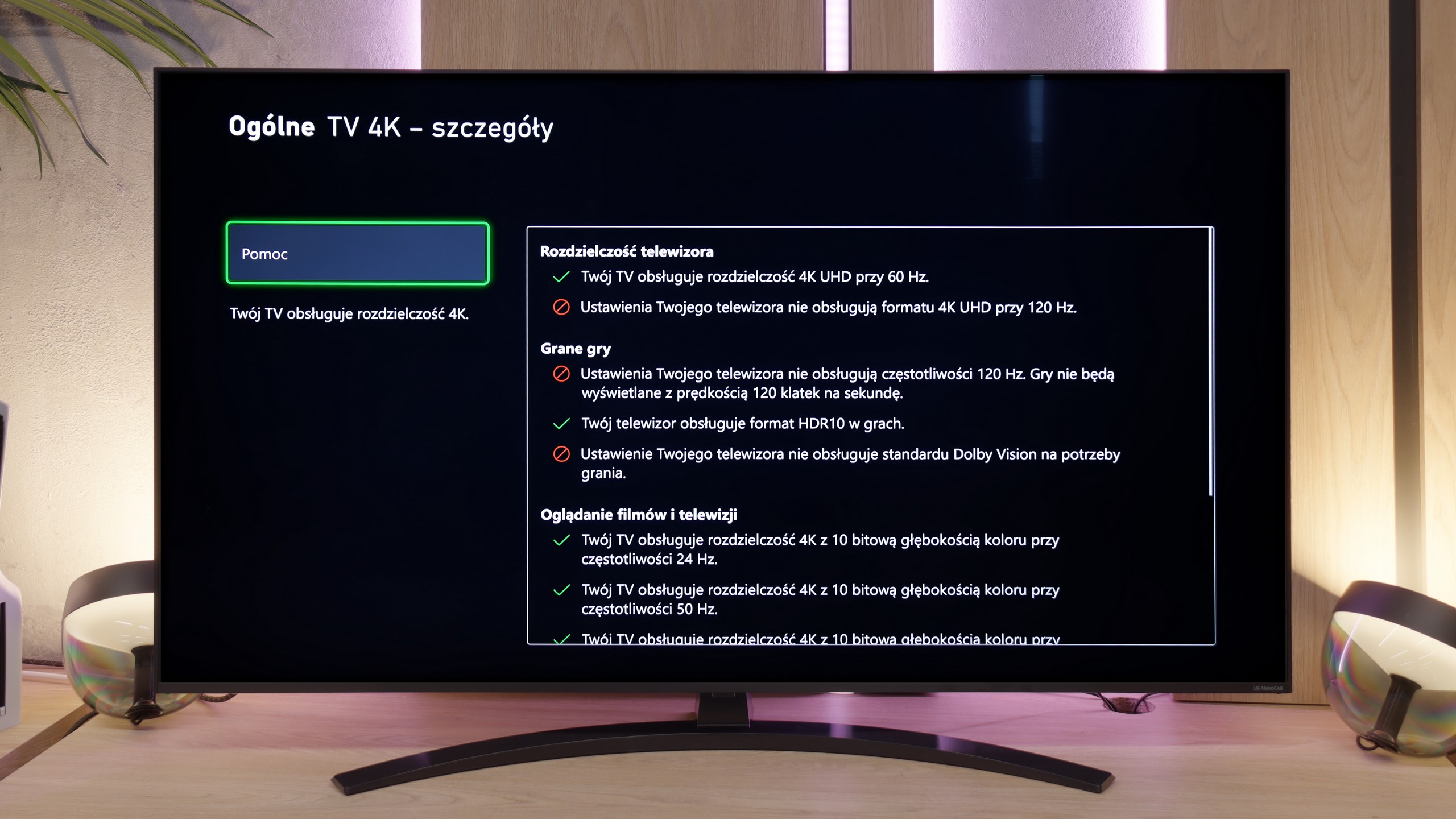
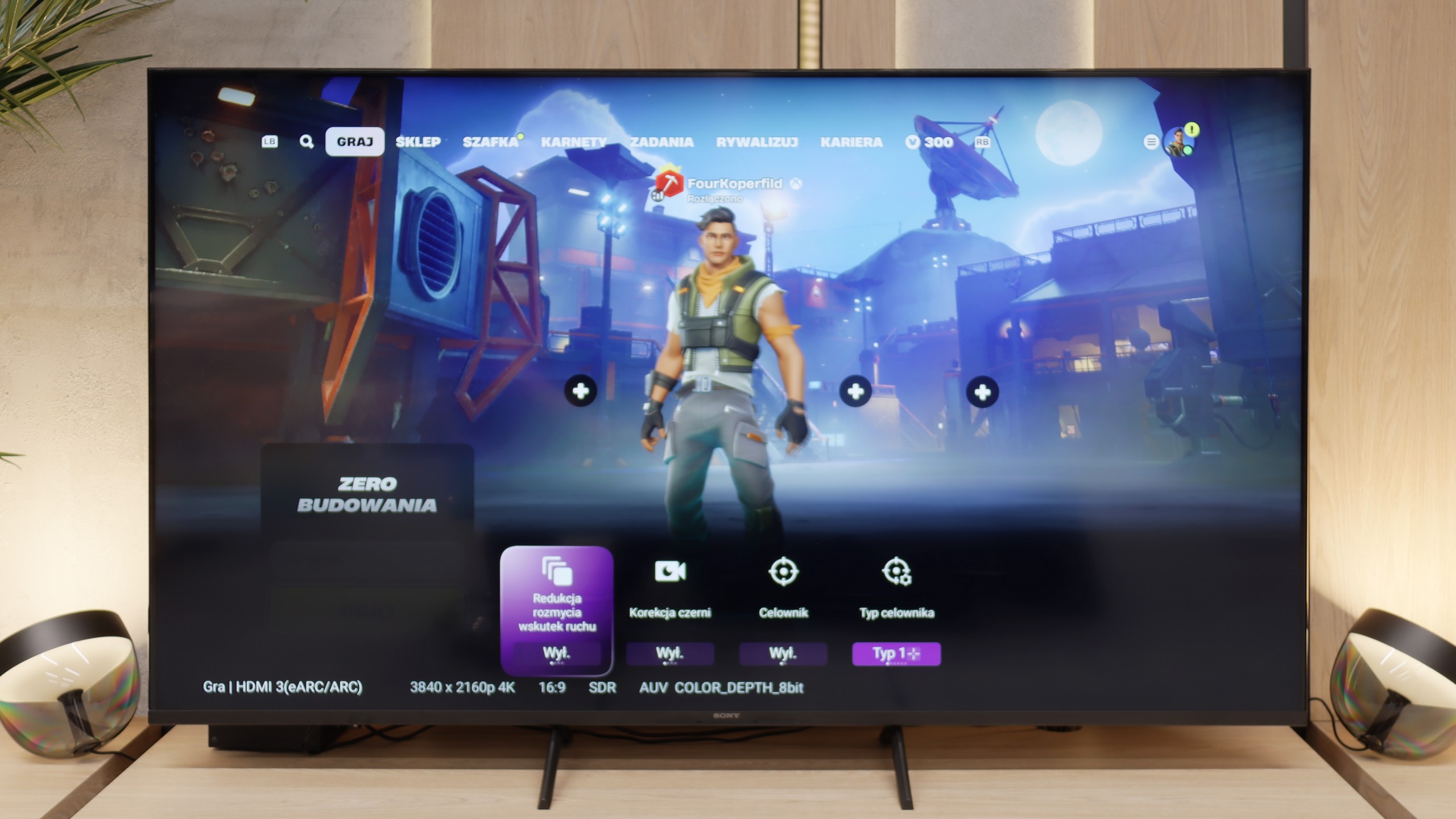
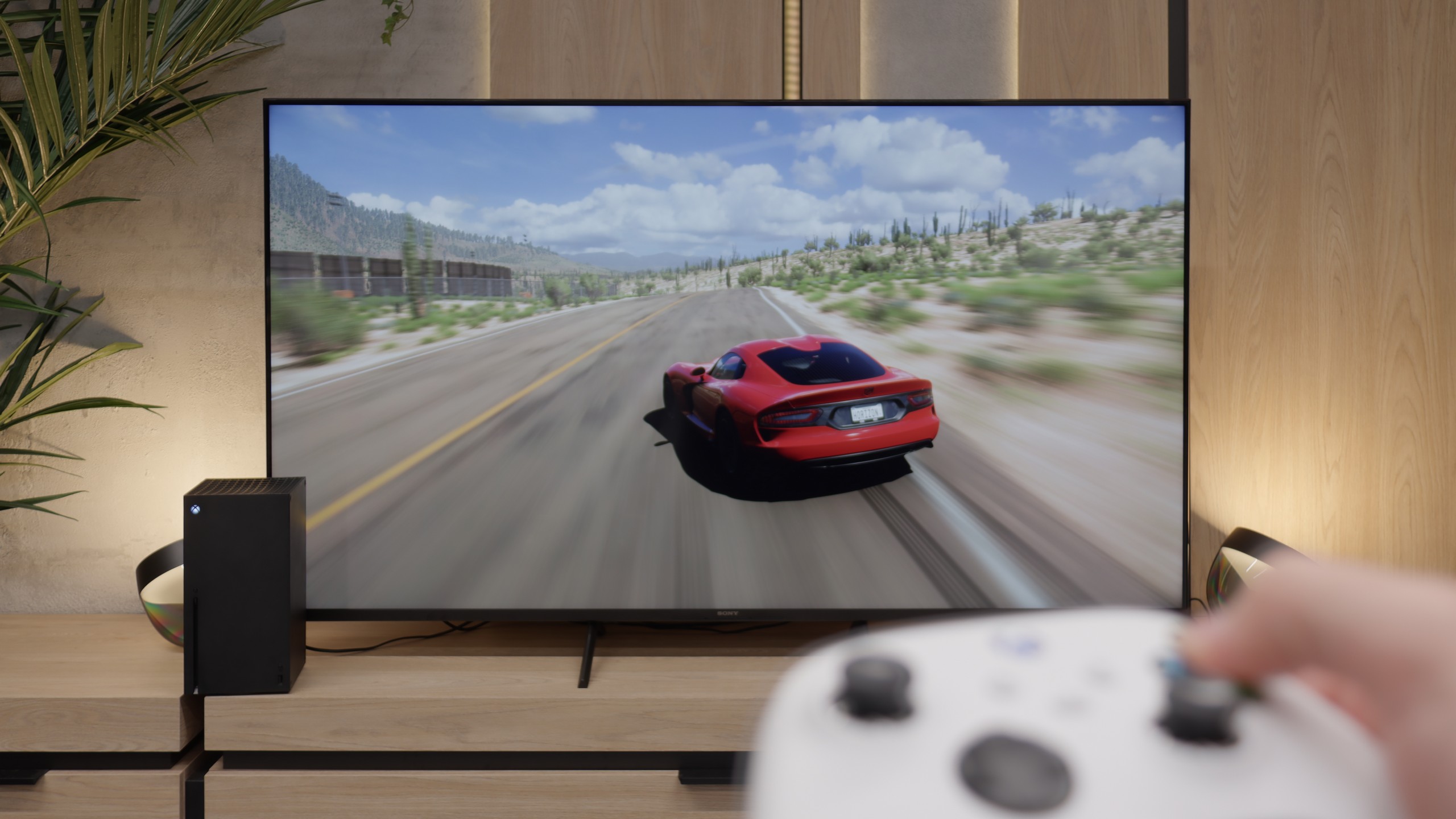
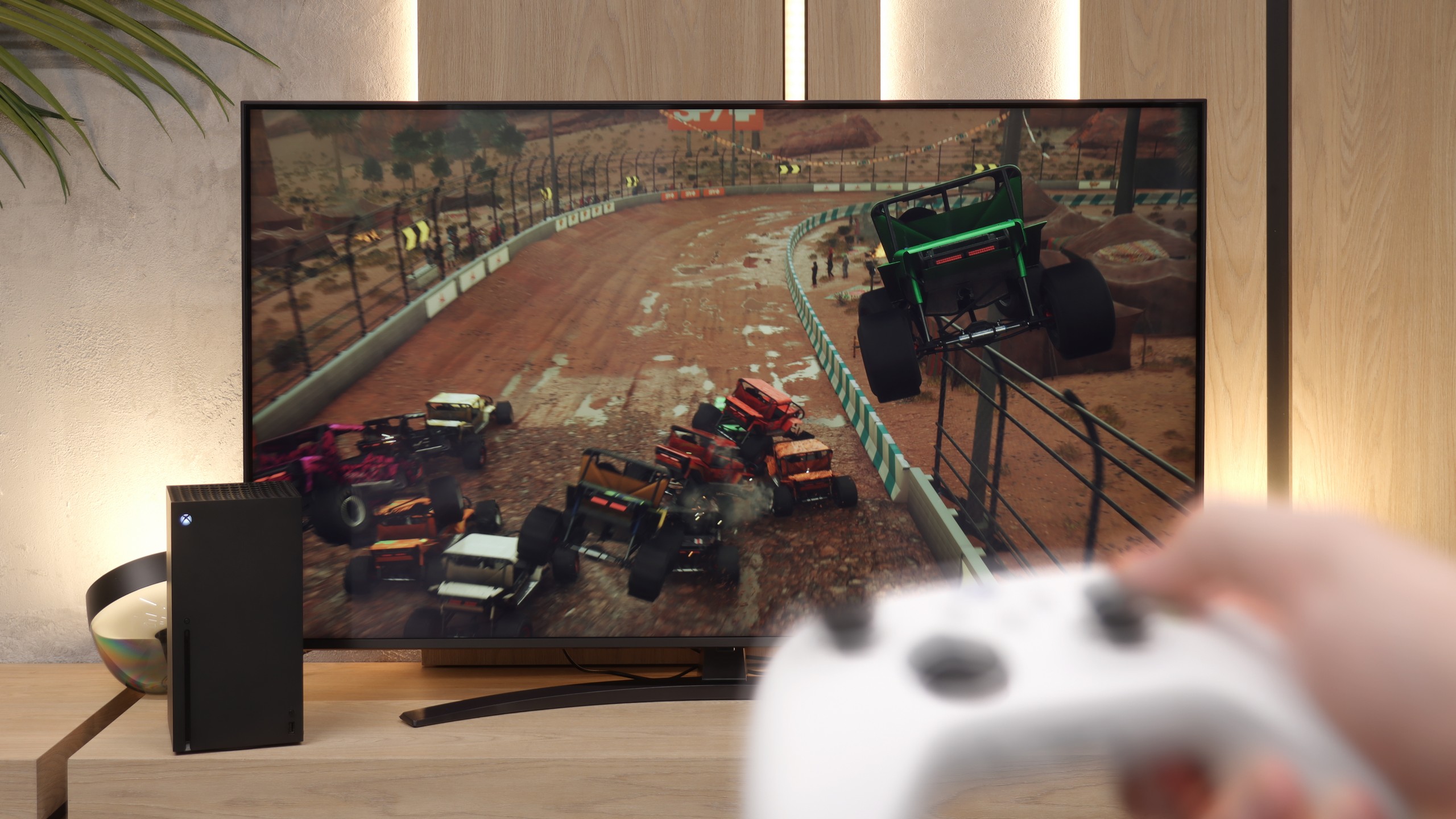
Bravia 3 is not a device for e-sports enthusiasts or fans of late-night marathons with a controller in hand. The lack of 120 Hz refresh rate and HDMI 2.1 ports puts an end to that discussion before it can even begin. This is a television for casual gamers who, after work, will fire up FIFA or racing games, not for someone who measures every frame in a spreadsheet. Nevertheless, Sony has included a few nice extras so that it isn't all so bare. ALLM works as it should, automatically switching the television to game mode (low latency). There's even a simple Game Bar, which is clear and straightforward. However, the biggest curiosity here is the PlayStation Portal app. Thanks to it, you can launch games from the PS5 wirelessly and see them immediately on the television screen. It sounds great, but it only takes a few minutes to feel significant delays. In our opinion, it is more of a showcase of capabilities than something you can use on a daily basis. If someone really wants to play, it is better to connect the console with an HDMI cable and forget about wireless issues.
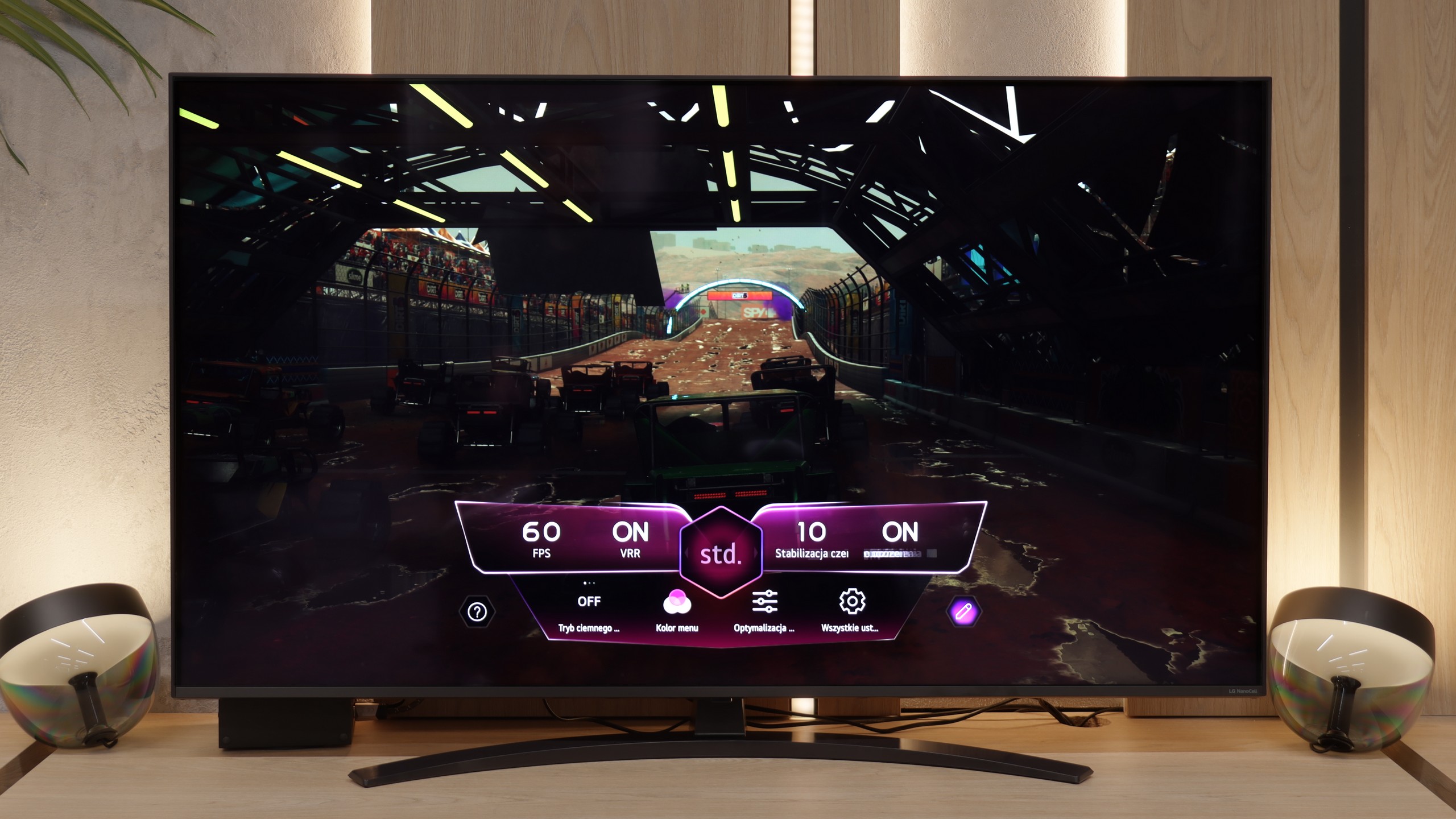
NANO81A is unfortunately not hardware designed for e-sports. The lack of support for a 120 Hz signal is a fact that users planning to purchase this model simply have to come to terms with. Nevertheless, LG's engineers have made an effort to maximise the potential of this 60 Hz panel, offering a set of features that genuinely enhance the gaming experience. Firstly, the television supports VRR technology (within the range of 48-60 Hz) and ALLM. As a result, the image remains stable and does not "tear", and the device automatically switches to low-latency mode as soon as it detects a signal from a console. Managing these settings is extremely simple thanks to a dedicated system overlay, which allows for quick viewing of parameters without leaving the game. A very significant advantage is the support for the HGiG format. This solution is crucial for owners of modern consoles because it enables the television to correctly "understand" the intentions of game developers regarding HDR tone mapping. In practice, this helps avoid the effect of "blown-out" bright spots, such as clouds or light sources, which is unfortunately a common issue in budget LCD televisions.
Input lag
10/10
10/10
SDR
HDR
Dolby Vision
Here, the Bravia 3 showcases its best side. Latencies drop below 12 milliseconds in almost every resolution and mode, so the response to controller movements is instantaneous and there is no feeling of delay. The impression is that the console and the television are speaking the same language, without unnecessary stops and hesitations. The Dolby Vision Gaming mode deserves special attention. In its predecessor, the X75WL model, using this feature was simply a torment – input lag could reach over 100 milliseconds, which effectively took away the enjoyment of gaming. In the Bravia 3, this problem has been completely eliminated.
In terms of response speed, the LG NANO81A performs exceptionally well. The input lag we measured is around 12 ms. This result is at a very low level, which for a gamer means one thing – the delay between moving the stick on the controller and the reaction on the screen is practically imperceptible. The television excels in fast-paced titles, where every millisecond counts, and in this regard, it does not lag behind significantly more expensive models.
Compatibility with PC
3.5/10
6/10
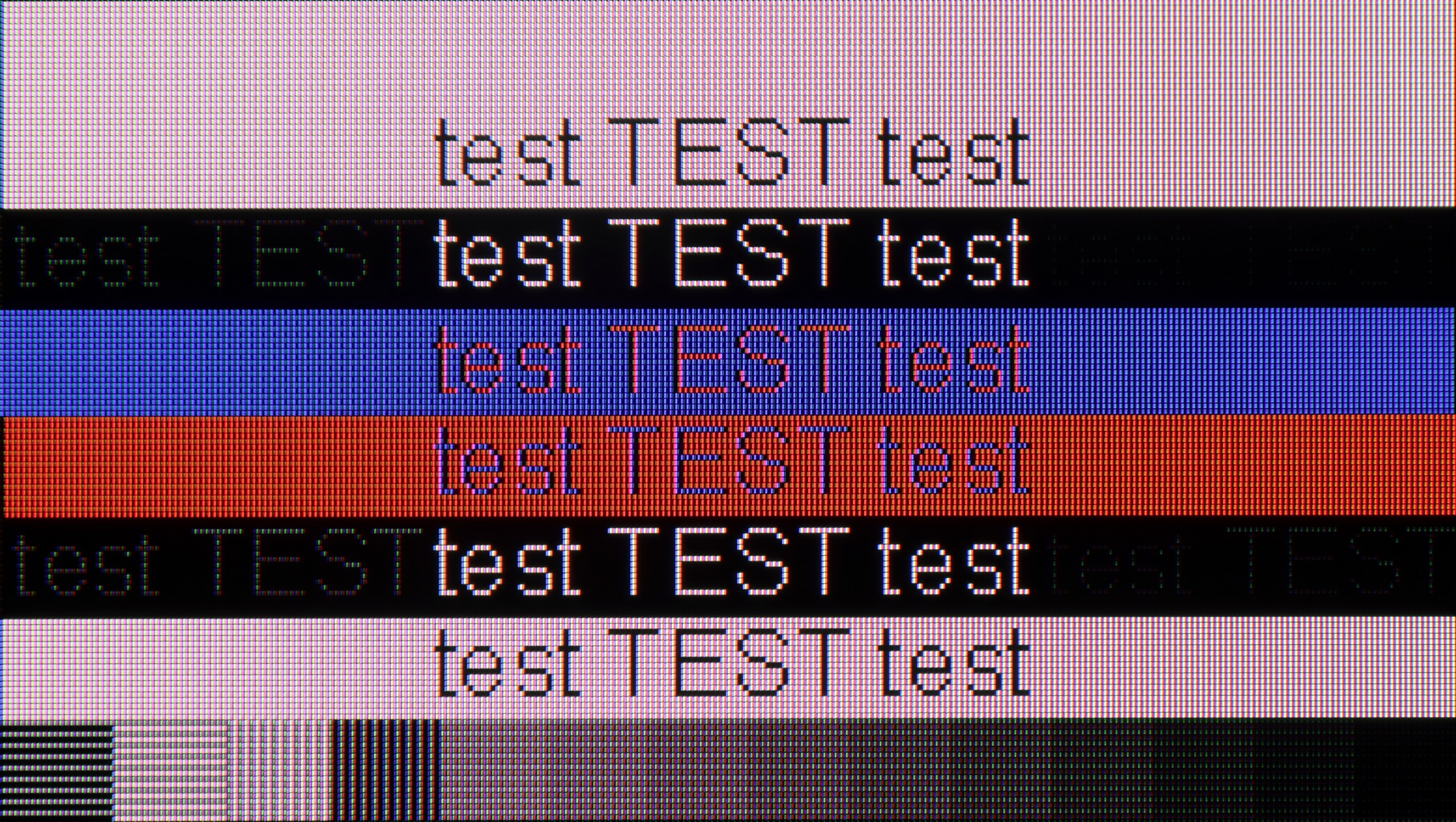
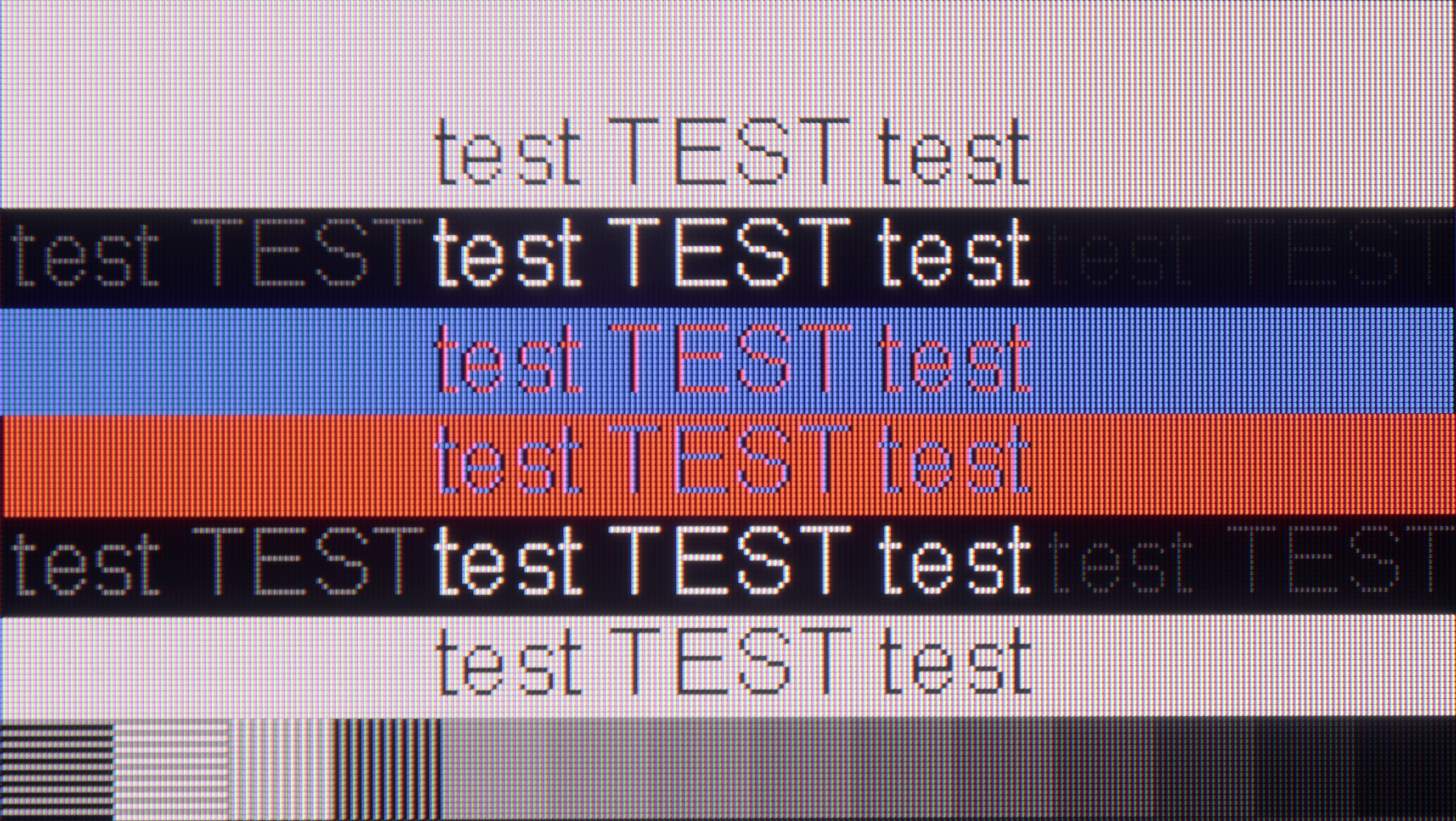
The photo shows the legibility of small fonts. Ideally, lines should be the same thickness on both light and dark text, with minimal pixel gaps.
Collaboration with a computer in the case of Bravia 3 with a VA panel does not perform as well as in the version with an IPS panel. The fonts are clearly less sharp and harder to read, which is immediately noticeable when working with text. Additionally, there is the surprising issue of dithering, which we did not notice in the IPS variant. This is quite an unusual situation, but definitely worth noting, as it may bother those planning to use the television as a monitor. As for PC gaming, there is also not much cause for enthusiasm here. The lack of support for frame synchronization with graphics cards or higher refresh rates makes the screen quite unattractive in this role. Therefore, if someone is seriously considering connecting the Bravia 3 to a computer, the better choice would be the version with an IPS panel, which performs significantly better in this regard.
Nano81A is truly a solid monitor for working with text. Thanks to the IPS panel and proper Chroma 4:4:4 implementation, fonts are very clear and sharp – practically everyone will be satisfied with how this screen performs as a monitor. We noticed just one minor detail that we picked up with our laboratory meticulousness: the vertical lines of dark text are slightly darker than the horizontal ones. However, this phenomenon is so minimal that we did not decide to deduct points for it. The scores only went down when it came to features typical for PC gamers – the lack of G-Sync support and high refresh rates above 60 Hz will be a significant downside for those looking for a screen for dynamic computer games.
Viewing angles
3.2/10
6.1/10
The viewing angles in the Bravia 3 with a VA panel are noticeably weaker than in the version with an IPS panel. It is enough to sit slightly to the side for the image to begin to lose its saturation and clarity, and the black starts to take on a lighter shade. This is the natural price one has to pay for the significantly better contrast and deeper black, which are a clear advantage in this variant.
This is the moment when the LG NANO81A can finally "breathe" and make up for the points lost in the categories of black levels and contrast. Thanks to the use of an IPS panel, the viewing angles here are simply very good. It is in this section that the tested model gains the most and clearly shows its advantage over competing televisions equipped with VA panels. In practice, this means that the image does not lose quality, even when viewed from a sharp angle. This makes the NANO81A a great option for those who have a wide furniture arrangement in their living room or often watch matches and films with larger groups.
Daytime performance
5.4/10
4/10
Panel brightness
LG NANO81A / NANO80A : 247 cd/m2
Sony Bravia 3 50' (VA): 397 cd/m2
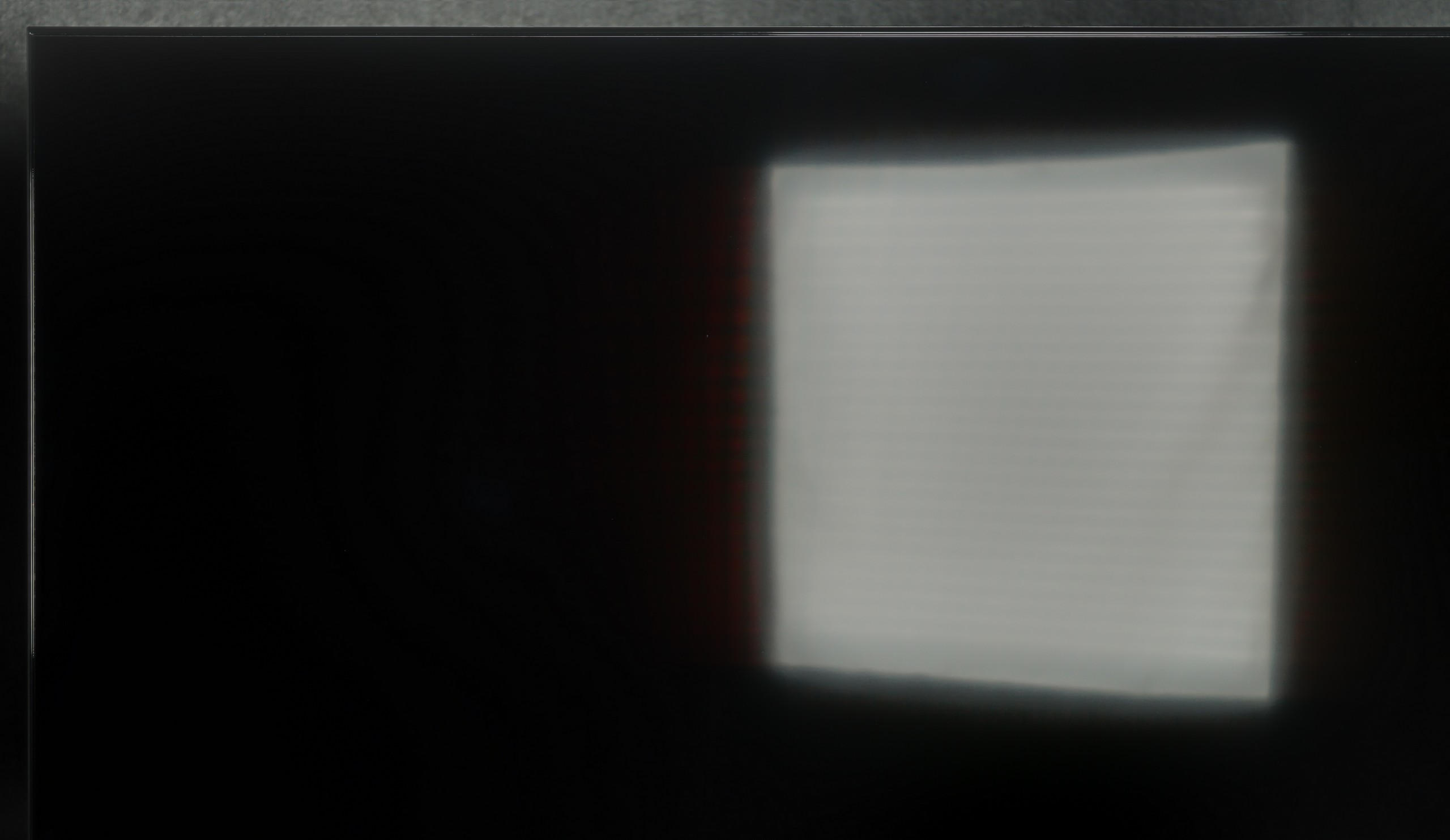
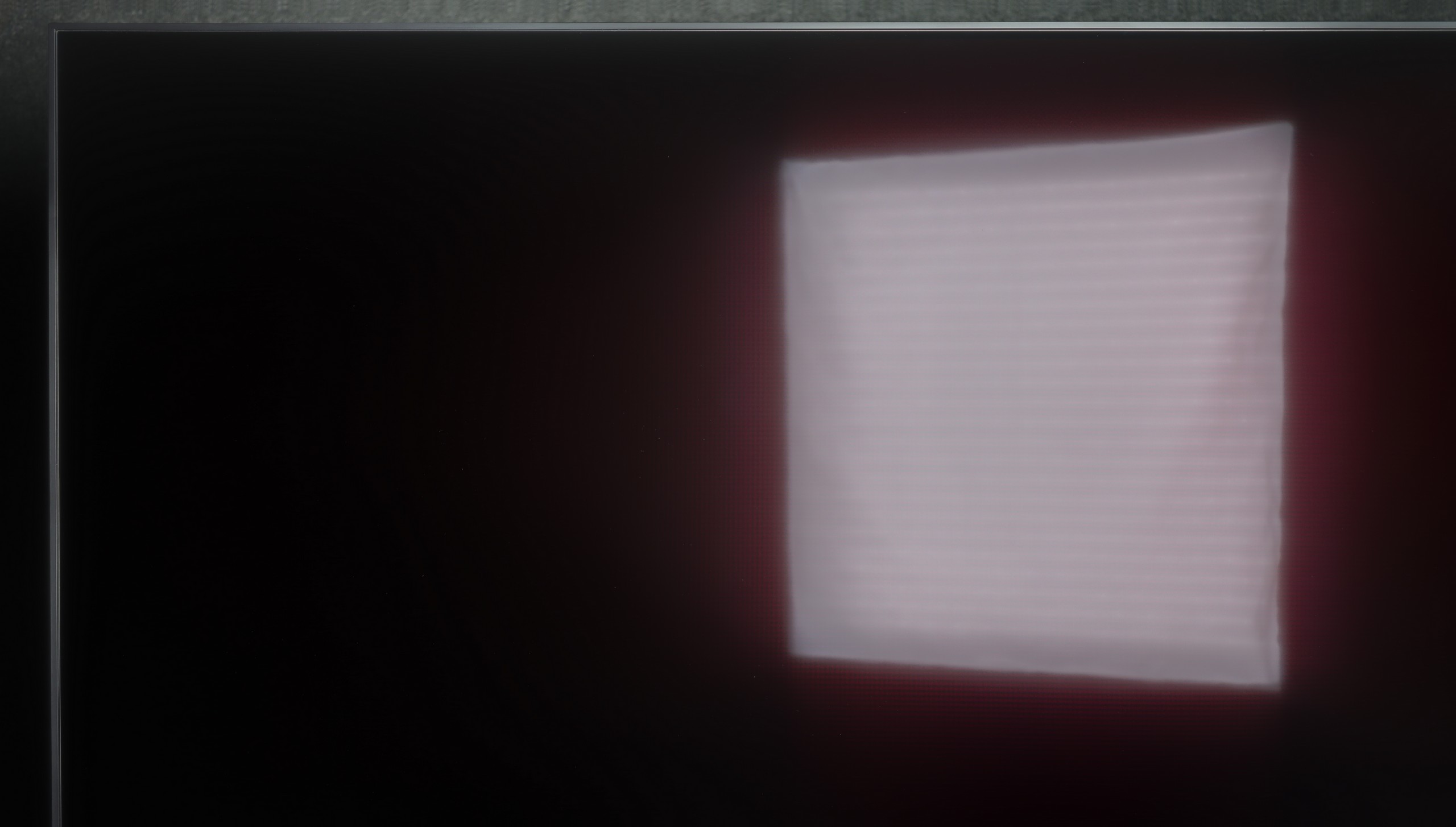
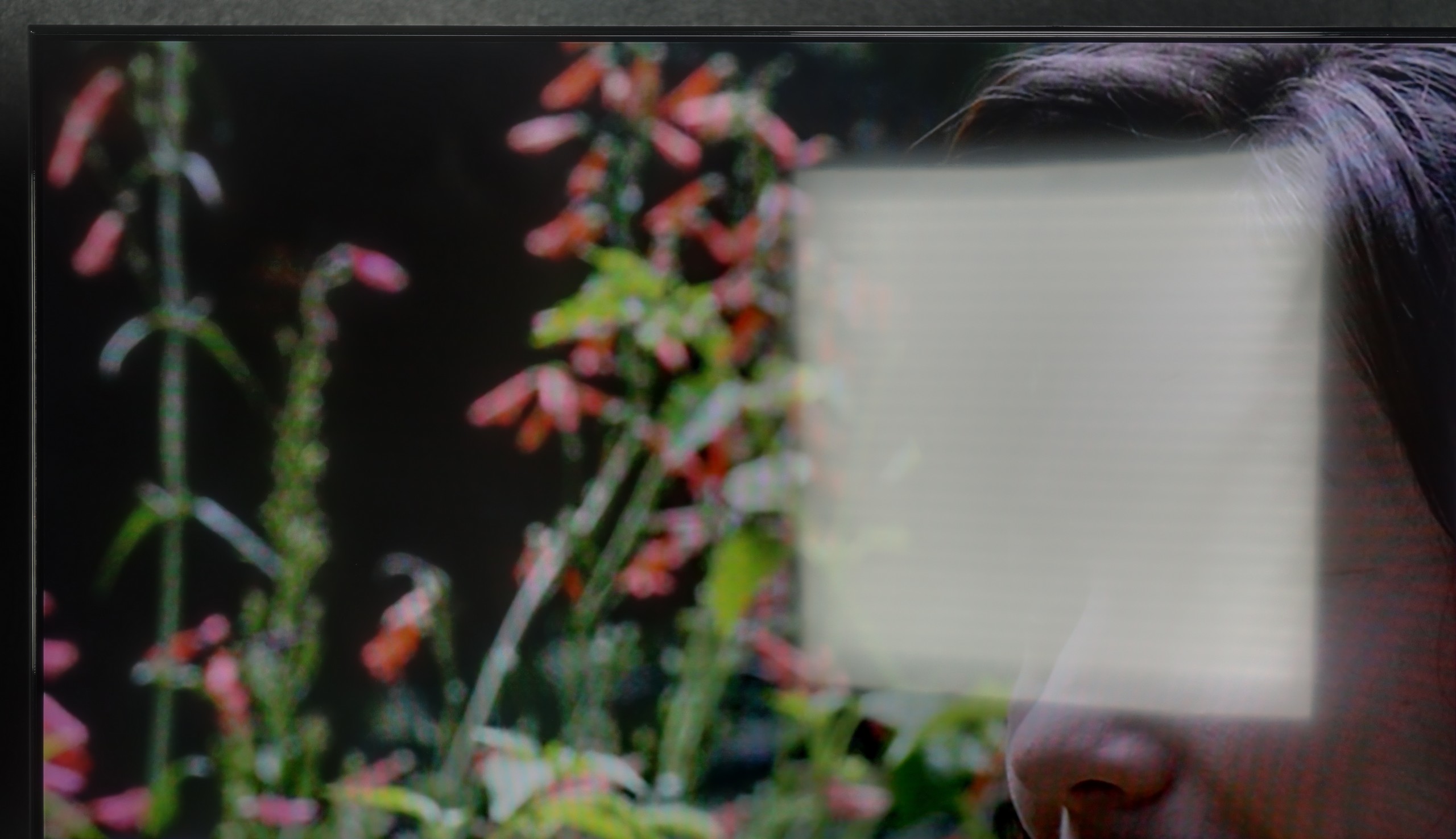
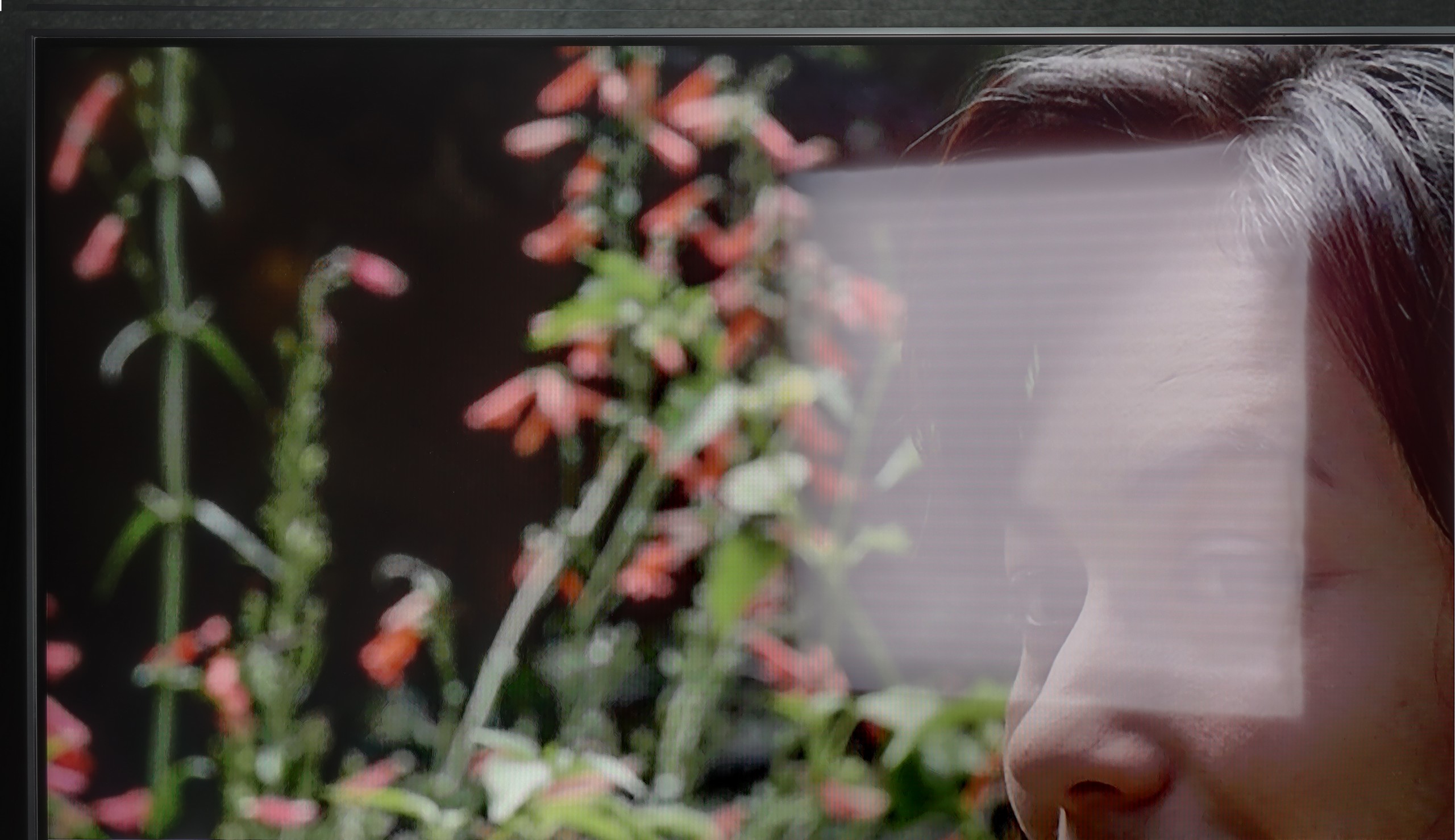
The performance of the Bravia 3 in the VA variant during the day is a mix of pros and cons. The manufacturer has also applied a satin coating here, but compared to IPS, it struggles more with direct reflections. When sharp light hits the screen, reflections can be more pronounced and may interfere with viewing. On the other hand, the television makes up for this with higher brightness. In typical daylight conditions, the image is more readable and clearer than in the version with the IPS panel. As a result, in everyday use, the Bravia 3 in the VA edition can perform even better, provided it is not placed in a heavily sunlit location.
NANO81A is a relatively dark television, so it works best in rooms where you have control over the lighting. With a brightness of around 250 nits, it is difficult to recommend it wholeheartedly for very bright, strongly sunlit living rooms – in such conditions, the picture will simply lack punch. Nevertheless, LG deserves a small plus for the screen finish. The satin panel used here does a decent job of suppressing reflections. Thanks to this, even if there is a bit of light in the room, you won’t see every detail of your surroundings reflected on the screen. So if you can slightly close the blinds, a daytime viewing is certainly possible, but this model simply wasn’t designed to "fight" full sunlight.
Panel details
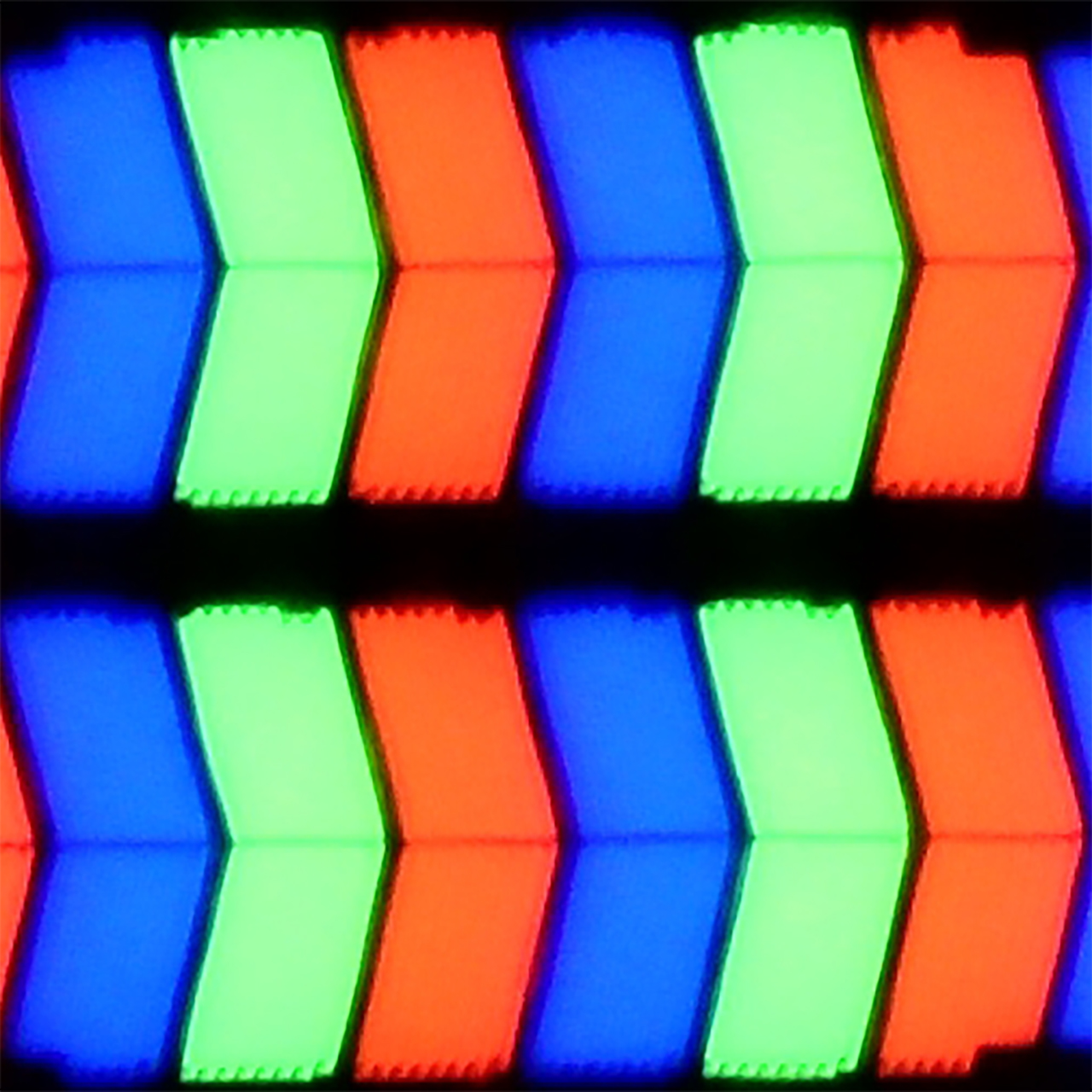
Subpixel Structure:
Panel uniformity and thermal imaging:
TV features
6.1/10
6.6/10
- SystemGoogle TVWebOS
- System performanceSystemResponsiveness-Good
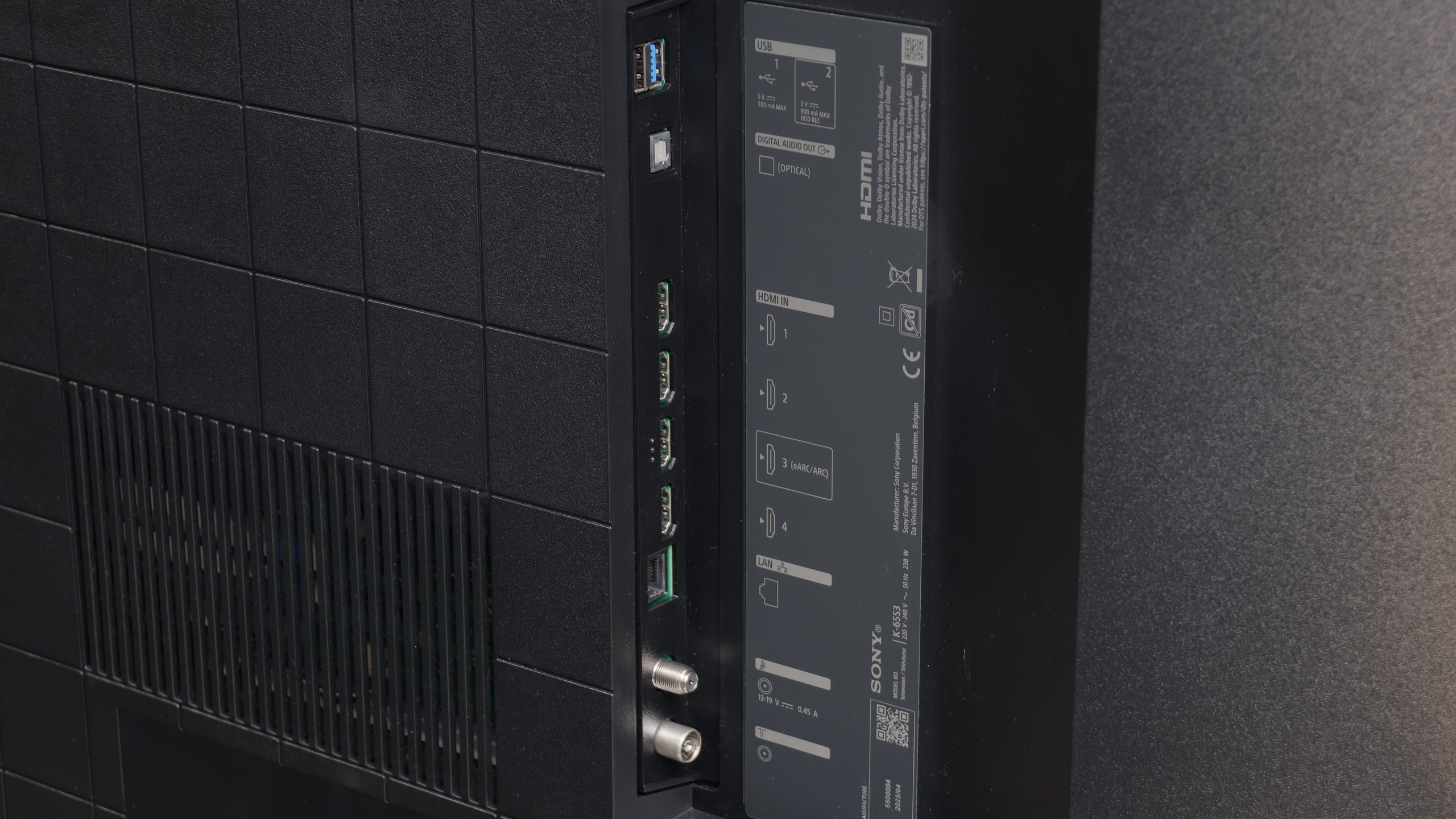
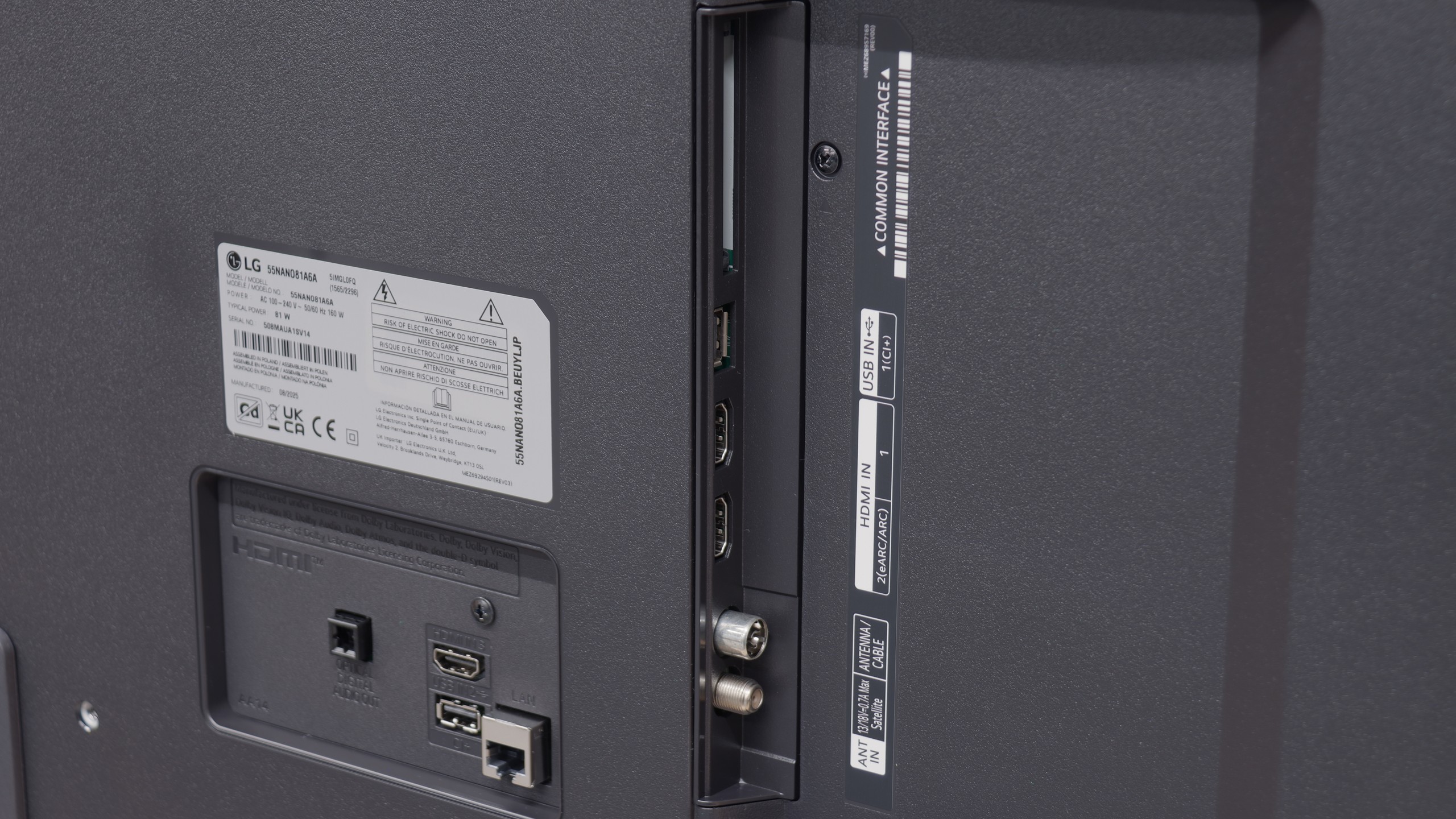
- HDMI inputs4 x HDMI 2.0, 0 x HDMI 2.13 x HDMI 2.0, 0 x HDMI 2.1
- OutputsToslink (Optical audio), eARC (HDMI), ARC (HDMI)Toslink (Optical audio), eARC (HDMI), ARC (HDMI)
- Network InterfacesWi-Fi 2.4GHz, Wi-Fi 5GHz, Ethernet (LAN) 100MbpsWi-Fi 2.4GHz, Wi-Fi 5GHz, Ethernet (LAN) 100Mbps
- TV receptionDVB-T, DVB-T2, DVB-S, DVB-S2, DVB-CDVB-T, DVB-T2, DVB-S, DVB-S2, DVB-C
Classic features:
- Recording to USB (terrestrial TV)
- Recording programming
- Picture in Picture (PiP)
- RF remote control (no need to aim)
- Backlit remote control
- Teletext
- Audio only mode
- Bluetooth headphones support
- Simultaneous Bluetooth headphones & TV audio
Smart features:
- AirPlay
- Screen mirroring (Windows Miracast)
- Voice search
- Voice search in native language
- Ability to connect a keyboard and mouse
Sound connection options
- HDMI audioeARC (HDMI), ARC (HDMI)eARC (HDMI), ARC (HDMI)
- Other audio outputsToslink (Optical audio)Toslink (Optical audio)
- Wireless audioBluetoothBluetooth
Supported audio formats (external HDMI eARC audio):
- Dolby Digital Plus 7.1
- Dolby True HD 7.1
- Dolby Atmos in Dolby Digital Plus (JOC)
- Dolby Atmos in Dolby True HD
- DTS:X in DTS-HD MA
- DTS-HD Master Audio
Senior accessibility
- Numeric keyboard on TV
- Font size adjustment
- Audio description
Smart TV Features
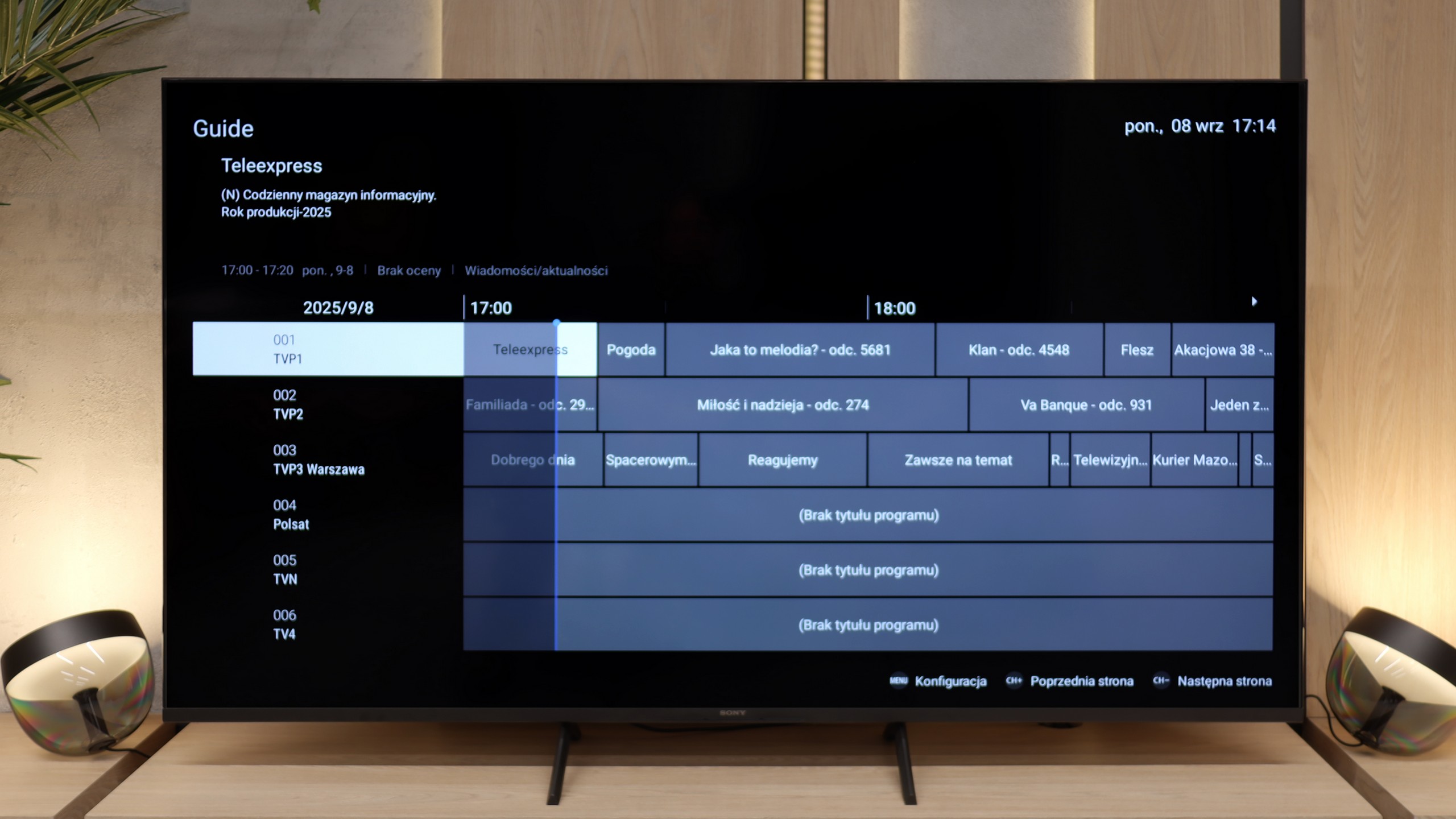
The greatest advantage of the Bravia 3 in everyday use is the presence of the Google TV system. It is thanks to this that we have access to one of the largest libraries of applications and streaming services, so regardless of whether someone mainly uses Netflix, Disney+ or smaller platforms, everything is within easy reach. The Google voice assistant also worked very well, responding to our commands quite "smartly". The Google TV system should theoretically operate very smoothly, as Sony has been implementing it better than many cheaper competitors for years. Unfortunately, in the case of the Bravia 3, it is not as great as we would expect. During tests, we noticed slight stutters in the interface, and some functions, such as screen mirroring, simply refused to work. One might get the impression that the processor in this model sometimes struggles to cope with the demanding system, and not everything works as smoothly as we would hope.
Classic Features
Even in the cheapest series, Sony manages to remind us of its experience with various users. The set includes two remote controls. The first is modern and minimalist, with a small number of buttons, which works great for using applications and Google TV functions. The second is a classic remote with a more extensive set of buttons and a numerical keypad, which will be especially appreciated by older individuals accustomed to traditional solutions. This is a nice gesture towards different user groups, and it must be said that Sony has solved this very practically. It is a pity, however, that compared to the X75WL model, the ability to record content from television tuners to USB memory has disappeared. The manufacturer has completely abandoned this feature, so anyone attached to it will unfortunately not find it in the Bravia 3.
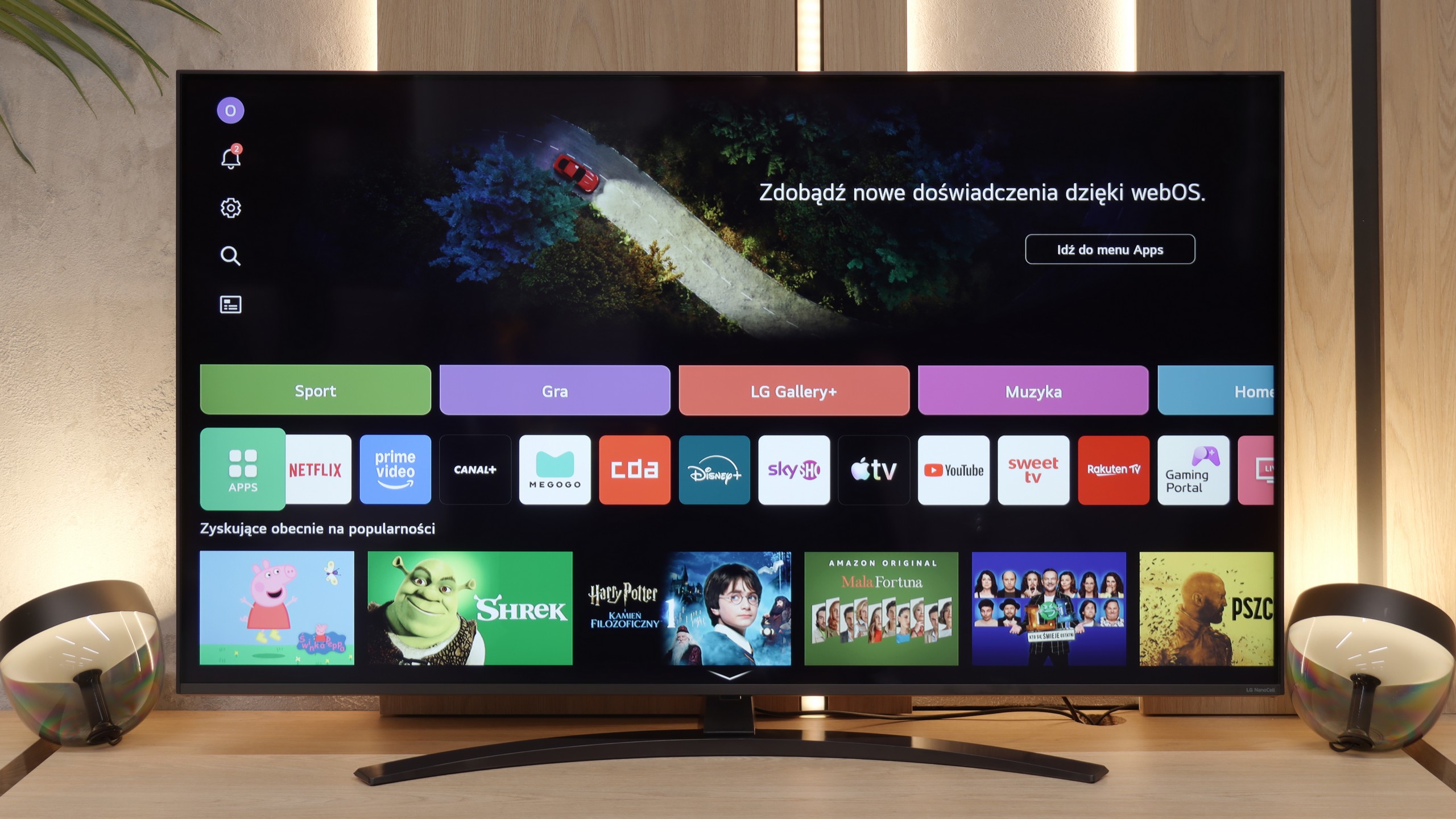
Smart Features: WebOS
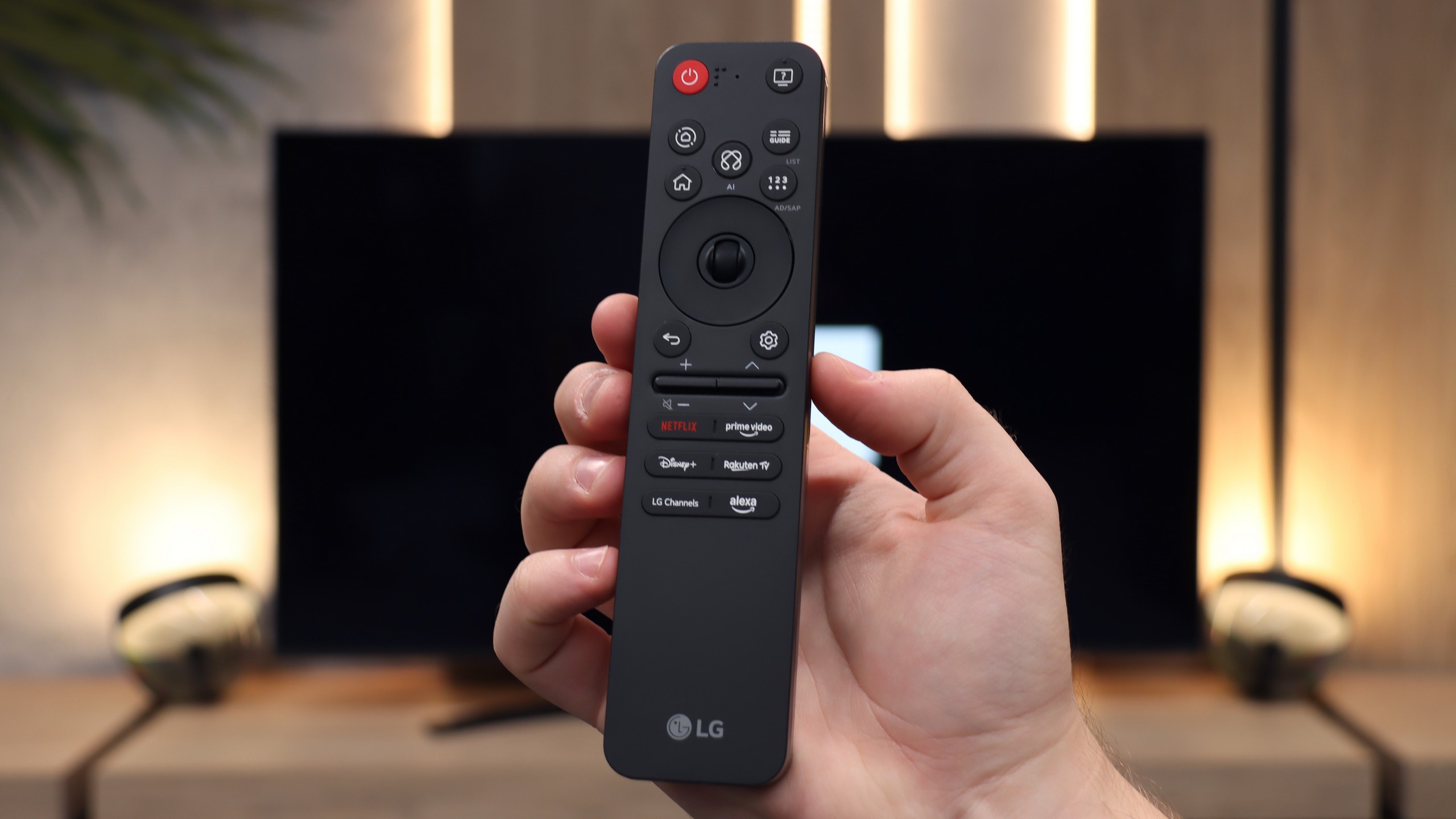
One of the biggest advantages of the NANO81A model is its "brain", which is the operating system. LG has implemented a full-fledged WebOS version for 2025 here, which in terms of fluidity and user experience is on par with the more expensive models of this brand. Applications launch smoothly, and navigating through the menu is pure pleasure – there are no annoying stutters, which often occur with budget competitors. All of this is thanks to the unique remote with a pointer function (cursor), which has undergone a visual makeover this year. The manufacturer has opted for minimalism – the new Magic remote is significantly smaller and more ergonomic than its predecessors. It fits perfectly in the hand, but this change also has a downside. The physical numeric keypad has completely disappeared from the casing. For younger users, accustomed to streaming and selecting tiles, this will be no problem at all. However, older household members, attached to entering channel numbers by heart, will have to change their long-standing habits.
Everyday Use
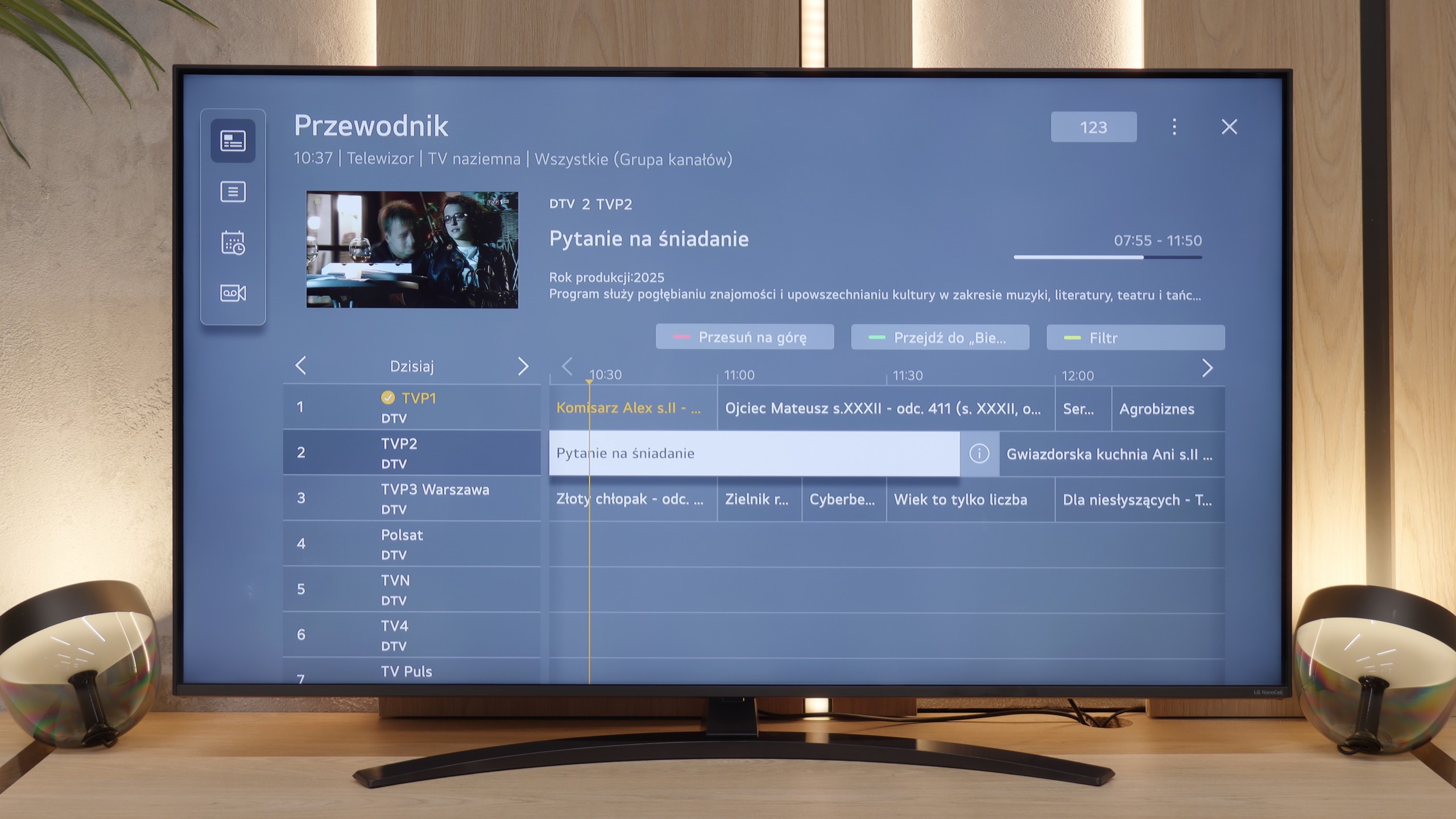
In terms of functions that we would call "classic", the NANO81A sticks to a tried-and-true standard. It is not a multimedia powerhouse that will surprise you with exotic additions, but in everyday television tasks, it performs flawlessly. The handling of traditional terrestrial or cable television, including even the old faithful Teletext, is correct and intuitive. Wireless communication also deserves praise. The Bluetooth module works very reliably, allowing for quick and stable connection of a game controller or wireless headphones and speakers. It is simply a television that "works" – it is stable, predictable, and does not cause unnecessary complications during daily use.
Apps
9.6/10
9.1/10






















Playing files from USB
9.6/10
8.2/10
Supported photo formats:
Maximum photo resolution:
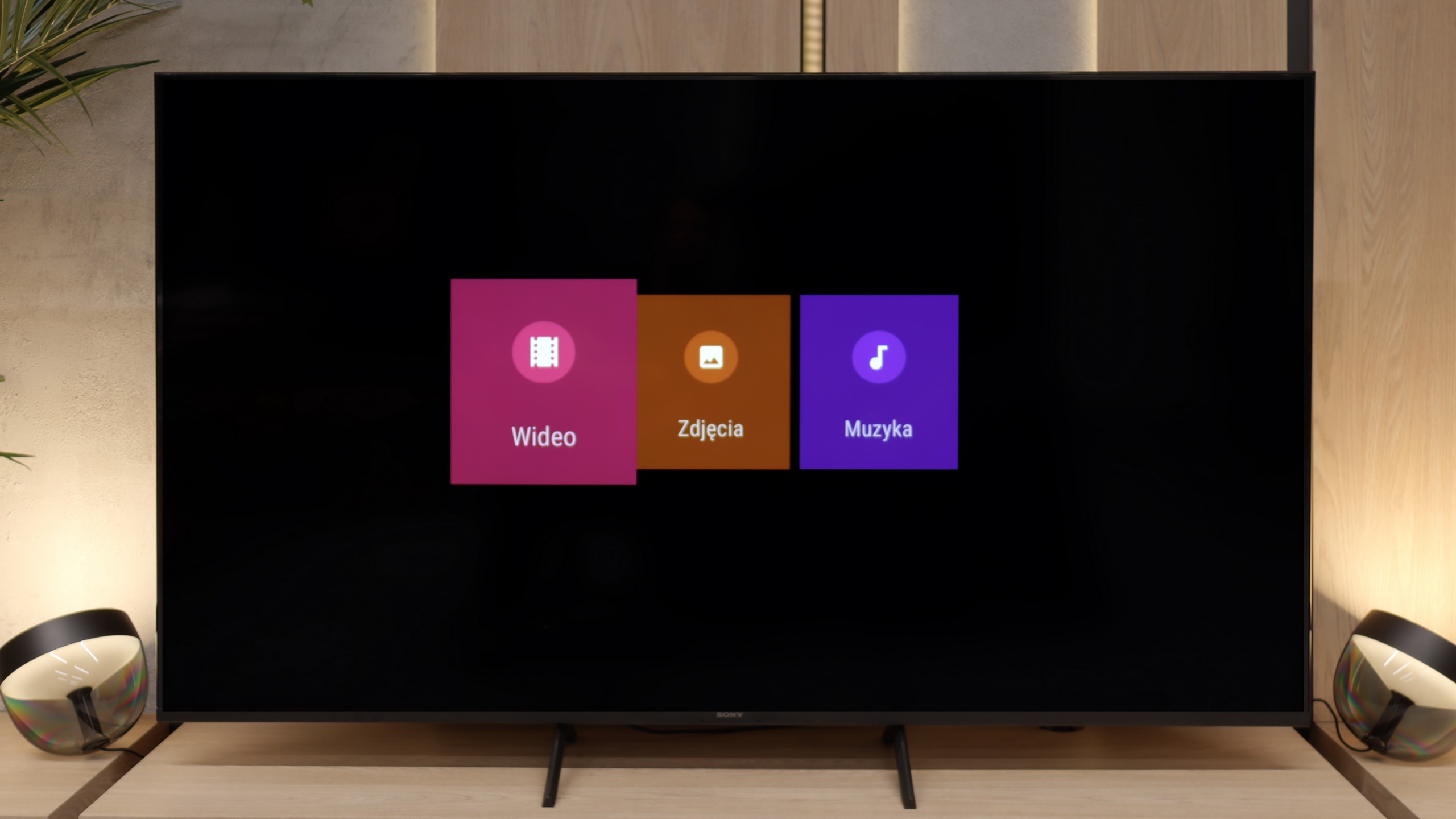
Here Sony has done a really good job. The built-in player works quickly and doesn't "grumble" when launching different formats. We didn't have to reach for external applications like VLC, as the television handled even files that can cause quite a few issues on other models – such as HEIC photos from Apple devices. It's a little thing, but one that shows the manufacturer wanted the user to feel complete convenience. By plugging in a film on a USB drive or holiday photos on an external hard drive, you can simply connect them and watch right away on the big screen. No fuss, no installing additional software, no searching for workarounds. It's truly a rarity in televisions, and we must admit that in this aspect the Bravia 3 really surprised us pleasantly.
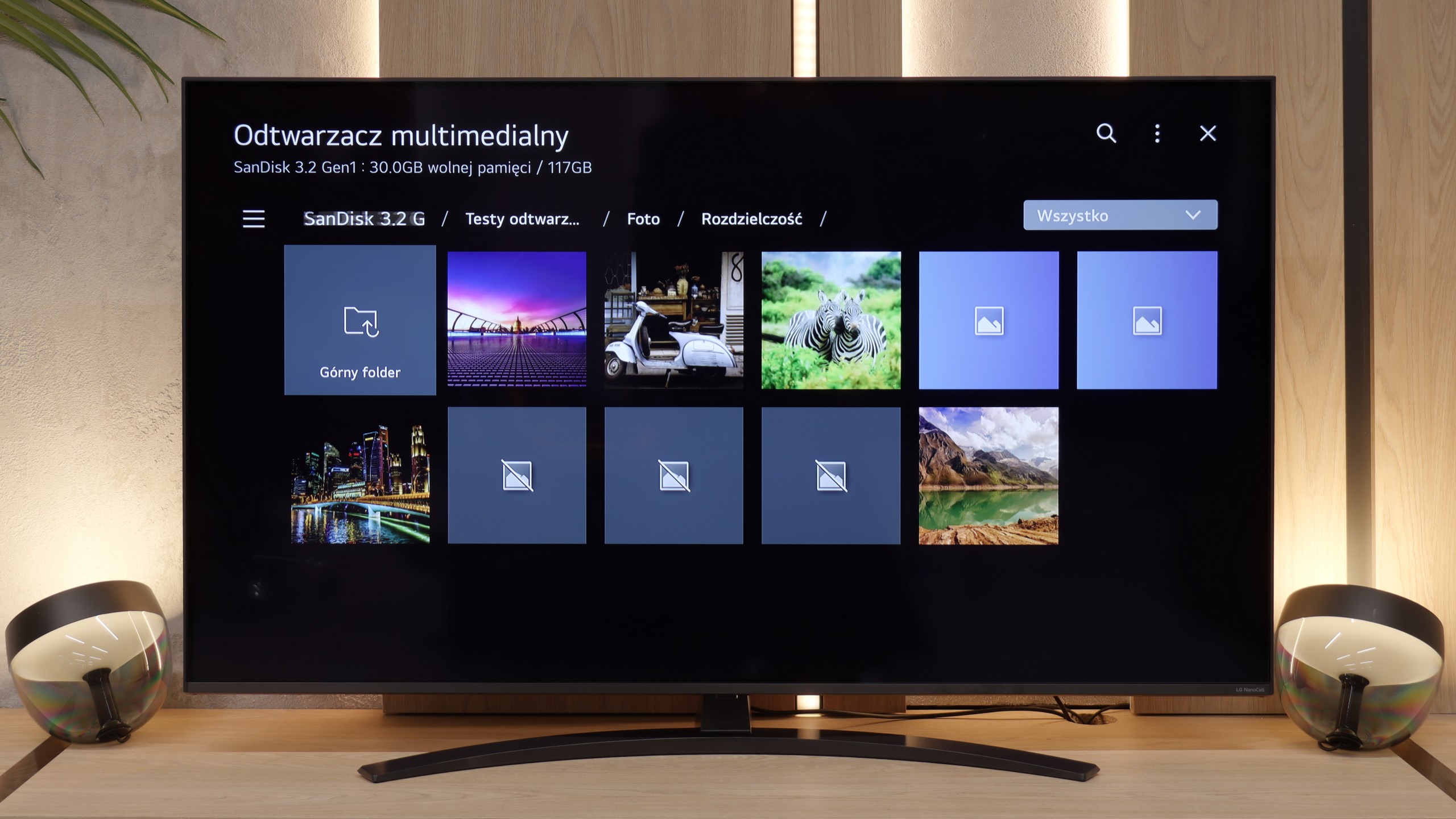
Many users still use their own USB drives to display movies or photos on a large screen. In this regard, the NANO81A performs quite decently – the built-in player supports a wide range of video and audio codecs, so most film libraries will work "straight out of the box". However, one must bear in mind the specifics of the WebOS system. Since it is a closed environment, we are limited to what the manufacturer has prepared for us. There is no possibility to install alternative players (like the popular VLC), so if the system player cannot handle something, not much can be done about it. During testing, we encountered a few specific limitations. Firstly, support for HEIC files is lacking. If you take photos with an iPhone and want to view them directly from a USB drive, the television simply won't see them – it's worth changing the file format to JPG on the phone immediately. We also noticed that the player has difficulties processing very large image files. Photos with a resolution of 20–28 Mpix may fail to load or cause system errors. Aside from these exceptions, everyday multimedia handling is smooth.
Sound
6.5/10
6.2/10
- Maximum volume88dB81dB
- Dolby Digital Plus 7.1
- Dolby True HD 7.1
- Dolby Atmos in Dolby Digital Plus (JOC)
- Dolby Atmos in Dolby True HD
- DTS:X in DTS-HD MA
- DTS-HD Master Audio
Bravia 3 plays in quite a flat manner, but makes up for it with volume. It's perfect for watching classic television, as the dialogues are clear and the mid-tones are well audible. Older users, who primarily care about speech intelligibility, will particularly appreciate this type of characteristic. However, if someone expects something more from the sound, such as stronger bass or a wider soundstage, it is still worth reaching for a soundbar. The television supports modern codecs, including Dolby Atmos and DTS:X, so an external sound system can easily utilise their potential. This ensures that with relatively little expenditure, one can achieve a much fuller and more engaging sound.
In terms of audio, the LG NANO81A pleasantly surprises compared to its higher-end sibling, the QNED80A model. Interestingly, NanoCell sounds a bit better, which is likely due to its slightly thicker casing. The greater volume allows for the extraction of any hints of low tones – the bass may not be powerful, but it is more clearly defined than in thinner constructions. However, one should not expect miracles. It is still a standard 2.0 speaker configuration with a total power of 20 W, so the overall sound characteristics remain similar to other models in this price range. The mid and high tones are adequate, making dialogues in films and news programmes clear. Although this slight improvement in the lower registers is pleasing, for true home cinema or listening to music, it is still worth considering purchasing at least a basic soundbar.
Sound Quality Test
Acoustic Measurements
No acoustic data
81dBC (Max)
75dBC