SHARP JP7765E vs TCL P7L / P79L

Direct comparison

JP7

P7L / P79L

Info

Available screen sizes: 50”55”65”75”

Available screen sizes: 43”50”55”65”75”85”

Panel type: LCD VA

Resolution: 3840x2160

System: Google TV

Model year: 2026

Complete the survey to find out the result

Panel type: LCD VA

Resolution: 3840x2160

System: Google TV

Model year: 2026

Complete the survey to find out the result

Overall rating

6.2

6.3

  • Movies and series in UHD quality

    6.4

    5.8

  • Classic TV, YouTube

    6.0

    6.0

  • Sports broadcasts (TV and apps)

    3.9

    5.7

  • Gaming on console

    6.1

    7.3

  • TV as a computer monitor

    5.0

    5.8

  • Watching in bright light

    7.3

    5.2

  • Utility functions

    6.4

    7.0

  • Apps

    9.6

    9.6

  • Sound quality

    6.0

    6.2

Advantages

  • Good black and contrast – mini-LED backlighting with a VA panel

  • High brightness – will cope in bright living rooms

  • Google TV system – unlimited base of applications and smart features

  • Very good file player – reads almost everything

  • Mini-jack output – rare and useful headphone jack

  • Extremely loud – up to 90 dB (ideal for seniors)

  • Very attractive price

  • Good contrast thanks to the VA panel

  • Rich colours: QLED (PFS)

  • Supports Dolby Vision and HDR10+

  • Supports audio formats Dolby Atmos and DTS:X

  • Extensive gaming features: VRR and ALLM

  • Low input lag

  • 120 Hz support at lower resolutions

  • Google TV with a wide selection of apps

Disadvantages

No like
  • Huge smearing and only a 60Hz panel

  • Poor local dimming algorithms for mini-LED

  • Narrow viewing angles (a natural characteristic of VA panels)

  • Lack of VRR and HGiG – features for gamers

  • Strange sound – there is a "hole" in the dialogues

  • Low brightness

  • Poor viewing angles

  • Average sound quality

Our verdict

Sharp JP7765 is yet another offering in the market that attempts to prove that Mini-LED technology doesn’t have to cost a fortune. The low price comes hand in hand with an exceptionally high brightness – a peak of 1000 nits in HDR is a result that simply impresses in this price range. Although the proprietary processor doesn’t always manage the backlighting perfectly in demanding scenes, support for Dolby Vision effectively saves the situation. Thanks to dynamic metadata, the picture becomes plastic, deep, and simply attractive to the eye. Adding to this the Google TV system, extreme volume, and the now-rare jack headphone socket, we get a device that is a brilliant option for seniors or less demanding viewers transitioning from a regular, cheap LCD. In such a scenario, the Sharp JP7 presents itself as a really decent and cost-effective choice. However, it must be stated clearly: contrary to marketing slogans, this is not equipment for everyone. Gamers or sports fans will definitely not find themselves here. The biggest drawback of the JP7765 model is the slow, 60-hertz panel and significant motion blur, which essentially disqualifies this television for watching dynamic matches or playing fast-paced titles. The picture loses sharpness during rapid movements to such an extent that for a football or racing fan, it may be an unacceptable barrier.

So, for whom is the Sharp JP7765? It is a sensible choice for budget-conscious individuals who do not have high demands regarding motion fluidity but value a “kick” of brightness. By choosing the Sharp JP7, you will definitely make a better deal than purchasing basic (non-dimming) televisions from the competition. Rivals typically offer ordinary LCD panels for a similar price, which cannot compete with the capabilities of even such a basic Mini-LED model as the JP7. Ultimately, it comes down to a simple arrangement: you accept lower motion fluidity in exchange for powerful brightness, which is hard to find from other manufacturers at this price.

TCL P7L is a successful budget television that shows you can get more than just a screen for basic viewing for a modest sum. It does not match pricier Mini LED or OLED models, but in its class it has a lot to offer. The VA panel delivers decent blacks and contrast, so during an evening session the picture does not look as flat as on many cheap IPS models. After calibration the colours are also good. For watching films and series it is a solid base, and Google TV provides access to a wide range of apps and streaming services. The biggest surprise is its gaming capabilities. The P7L responds quickly to controller input, supports VRR and switches automatically to game mode. There is even Dolby Vision Gaming and a Game Bar with settings at your fingertips. What is more, reducing the resolution to 1080p or 1440p allows you to play at 120 Hz. In 4K you are limited to 60 Hz, so you must choose between greater detail and smoother motion, but it is good that at this price you have that choice. TCL also handles lower-quality sources well. Lower-resolution material looks acceptable, and the tonal transition smoothing actually helps reduce visible banding between shades. The way it presents HDR is also commendable. The TV sensibly adapts content to its capabilities and tries to preserve highlight detail instead of turning it into blown-out whites. Dolby Vision helps here too, often delivering noticeably better results than HDR10. That does not mean the HDR effect itself is awe-inspiring. The biggest limitation of the P7L is brightness. Small highlights and reflections do not have the punch you see on more expensive screens, even if their detail remains visible. For the same reason the TV is less well suited to a very sunlit living room. It performs much better in a moderately lit room. So the P7L has its limitations, but it is hard to deny its strong value for money. It is suitable for everyday viewing, does not restrict you in app choice and offers surprising freedom in games. If you are looking for an inexpensive television and can accept its flaws, the TCL P7L is a model worth considering.
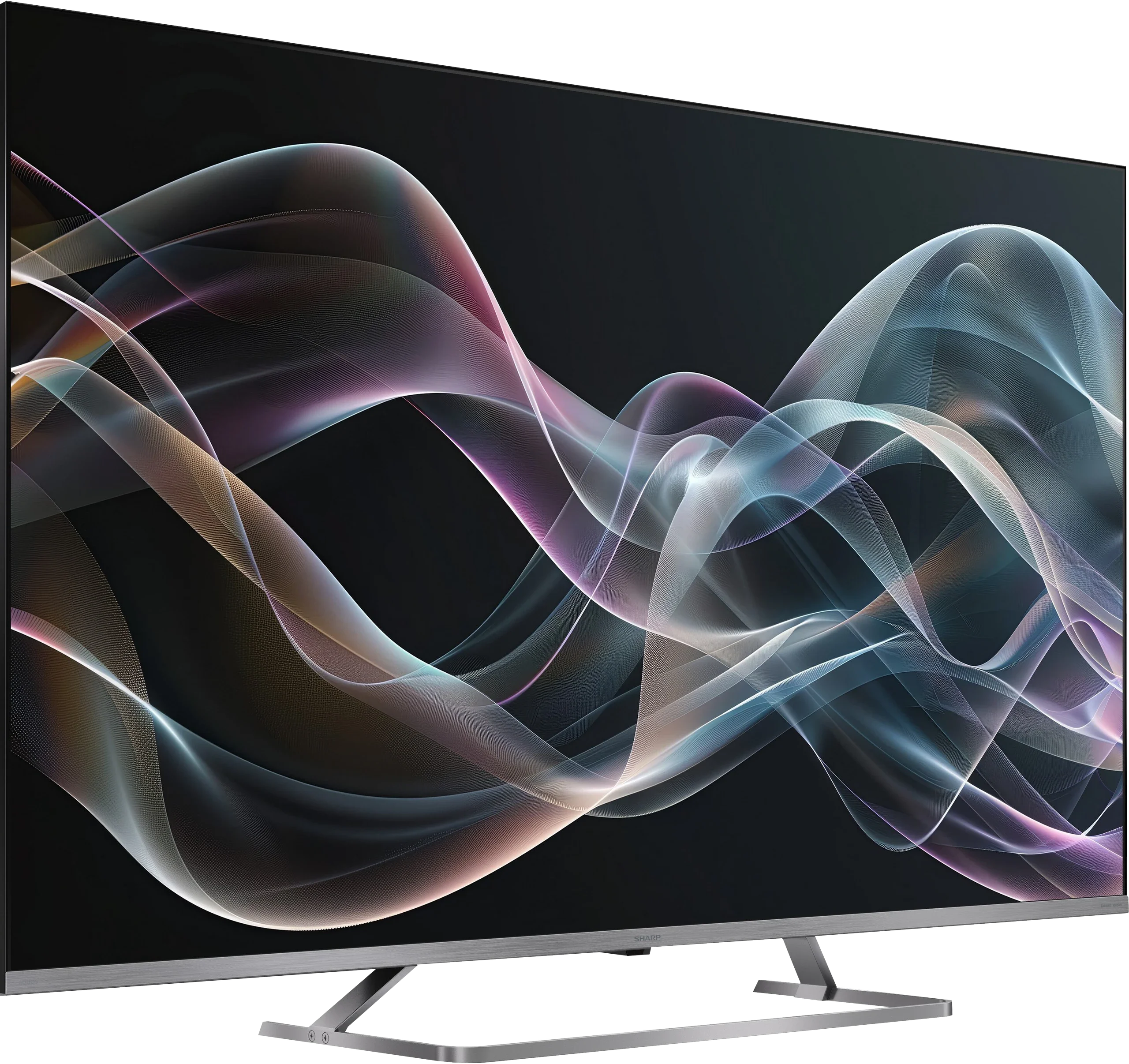
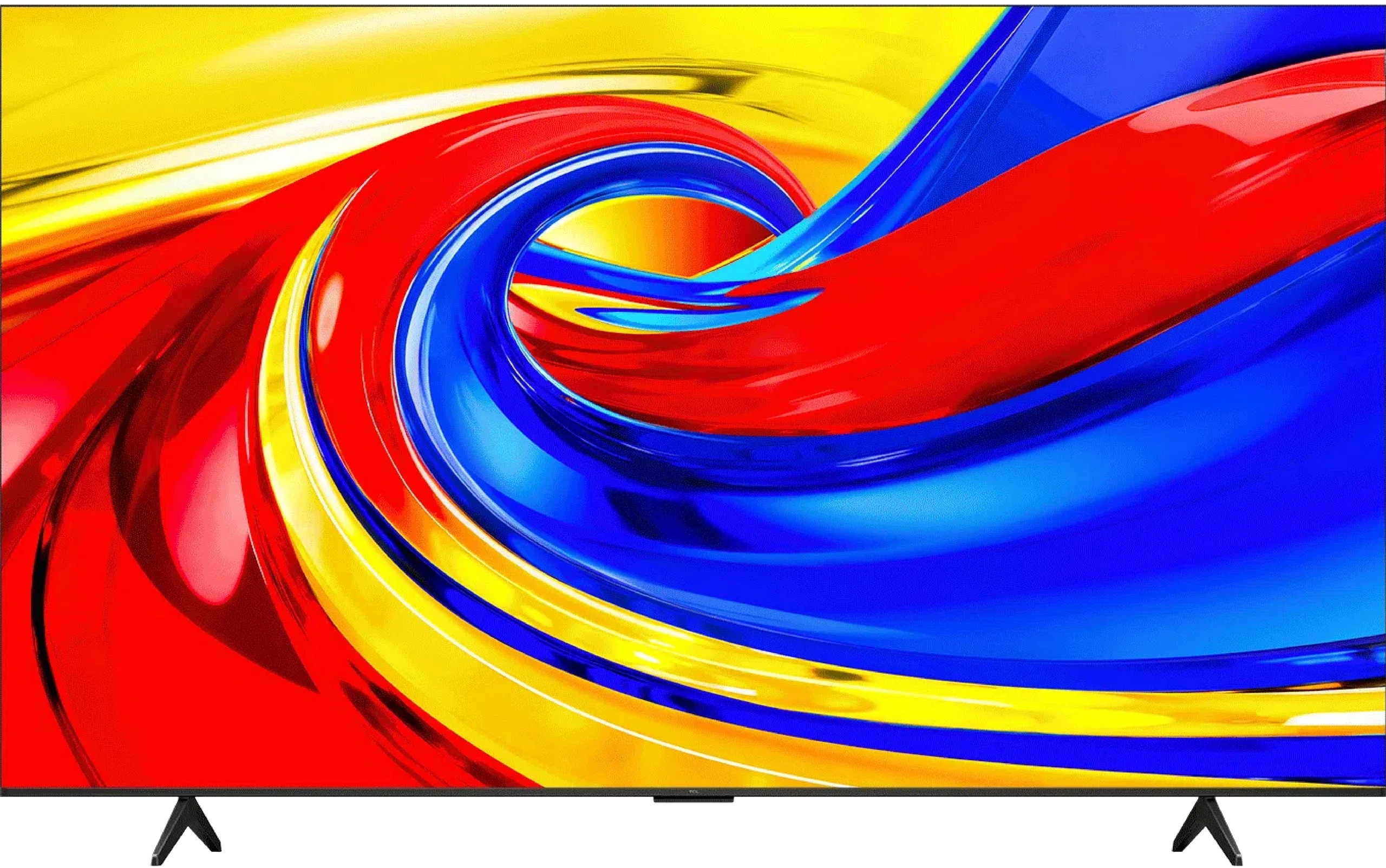
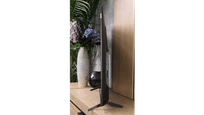
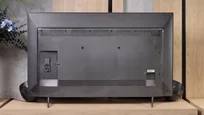
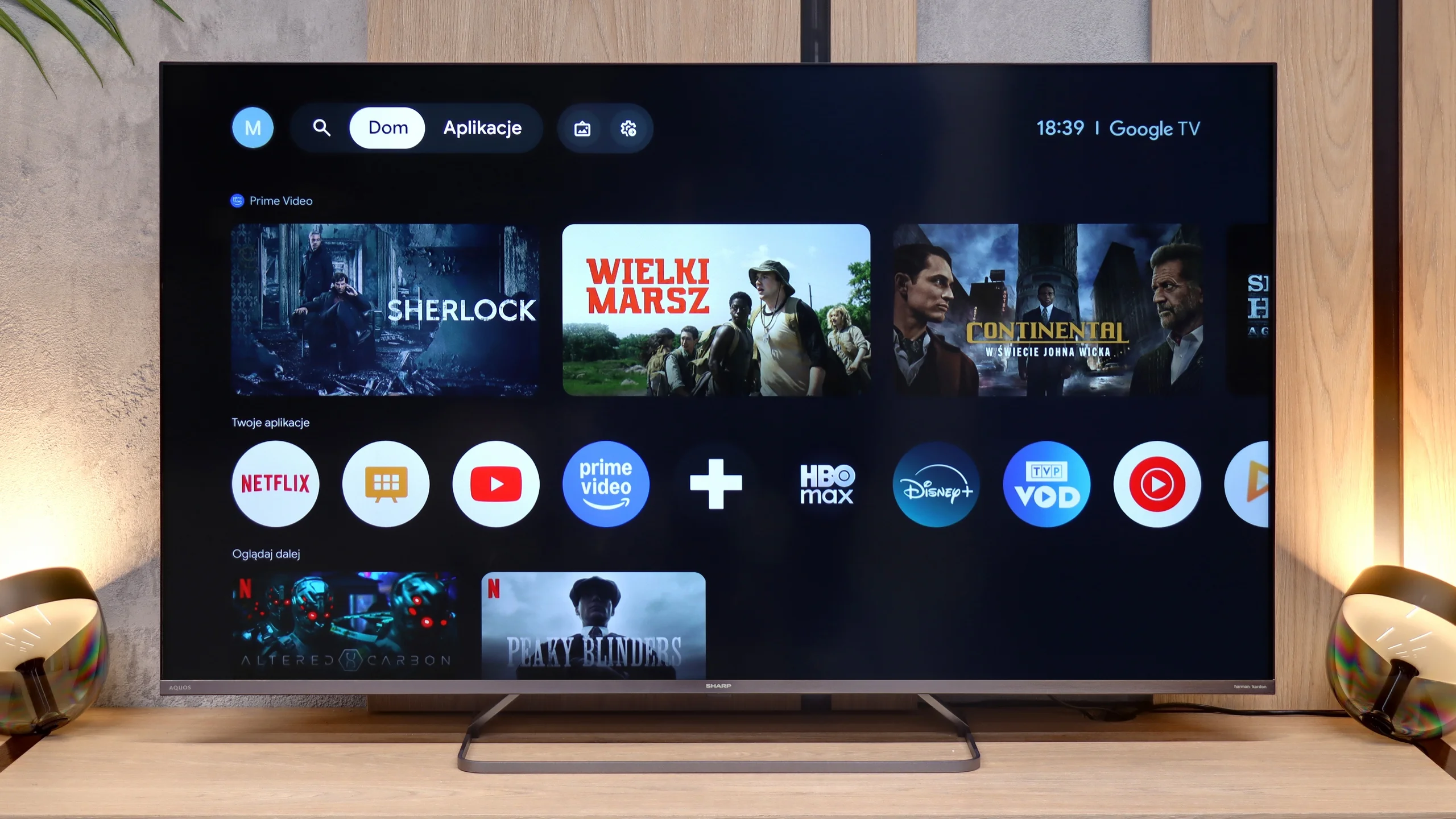
TV appearance

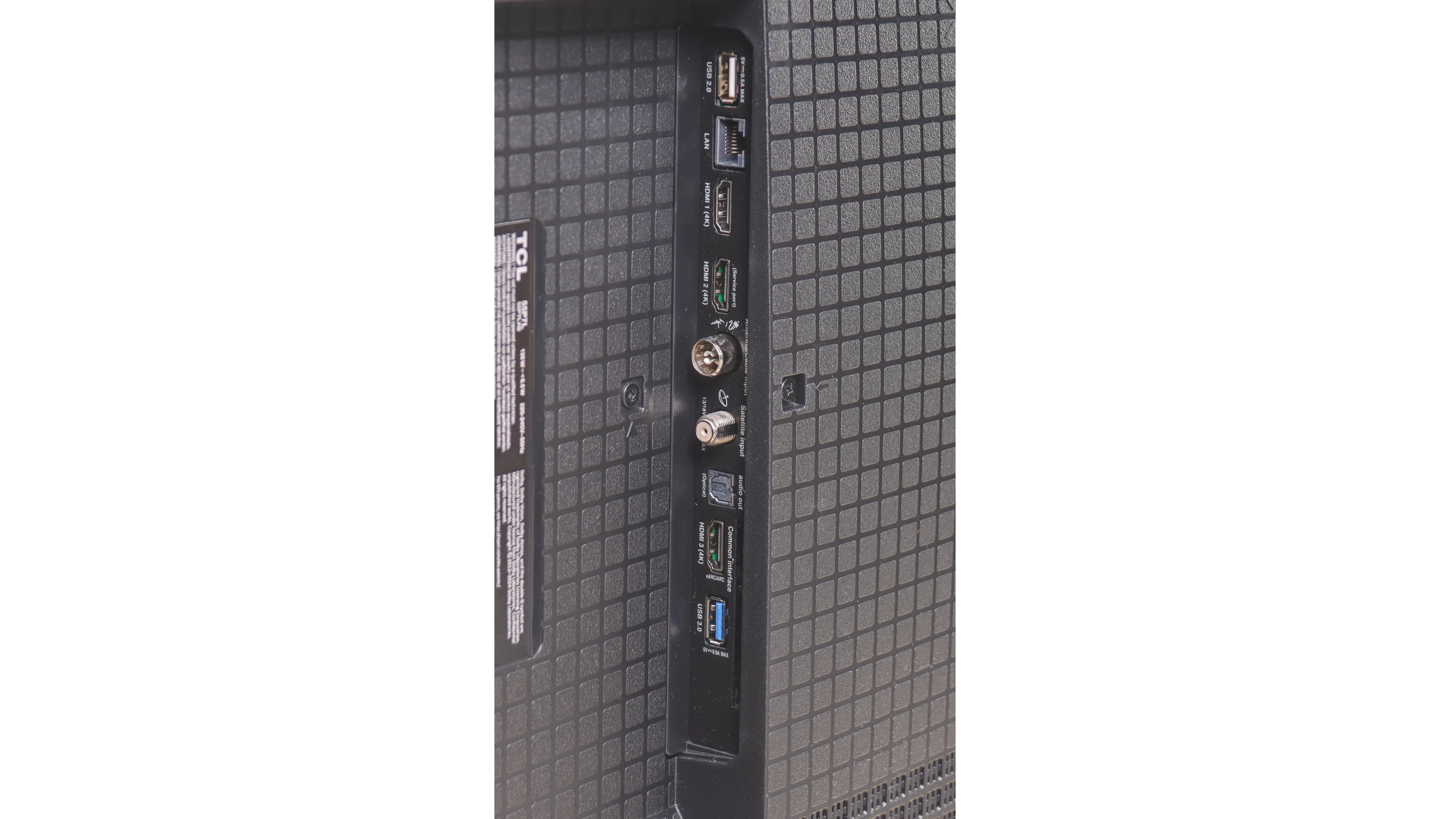
HDMI inputs
4 x HDMI 2.0, 0 x HDMI 2.1
3 x HDMI 2.0, 0 x HDMI 2.1
Other inputs
RCA (Chinch)
Outputs
Toslink (Optical audio), eARC (HDMI), ARC (HDMI), Mini-Jack (Headphones)
Toslink (Optical audio), eARC (HDMI), ARC (HDMI)
Network Interfaces
Wi-Fi 2.4GHz, Wi-Fi 5GHz, Ethernet (LAN) 100Mbps
Build quality
Average
Average
Stand type
Central
Legs
Bezel color
Silver
Graphite
Stand
Fixed
Fixed
Accessories
Stand
Stand

Contrast and black detail

7.3/10

6.1/10

Local dimming function: Yes, number of zones: 160 (10 x 16)

Local dimming function: No

Contrast:

Review SHARP JP7765E Contrast and black detail

Result

64,100:1

Review SHARP JP7765E Contrast and black detail

Result

18,250:1

Review SHARP JP7765E Contrast and black detail

Result

46,350:1

Review SHARP JP7765E Contrast and black detail

Result

7,000:1

Review SHARP JP7765E Contrast and black detail

Result

4,500:1

Review TCL P7L / P79L Contrast and black detail

Result

7,550:1

Review TCL P7L / P79L Contrast and black detail

Result

7,350:1

Review TCL P7L / P79L Contrast and black detail

Result

5,150:1

Review TCL P7L / P79L Contrast and black detail

Result

6,600:1

Review TCL P7L / P79L Contrast and black detail

Result

4,250:1

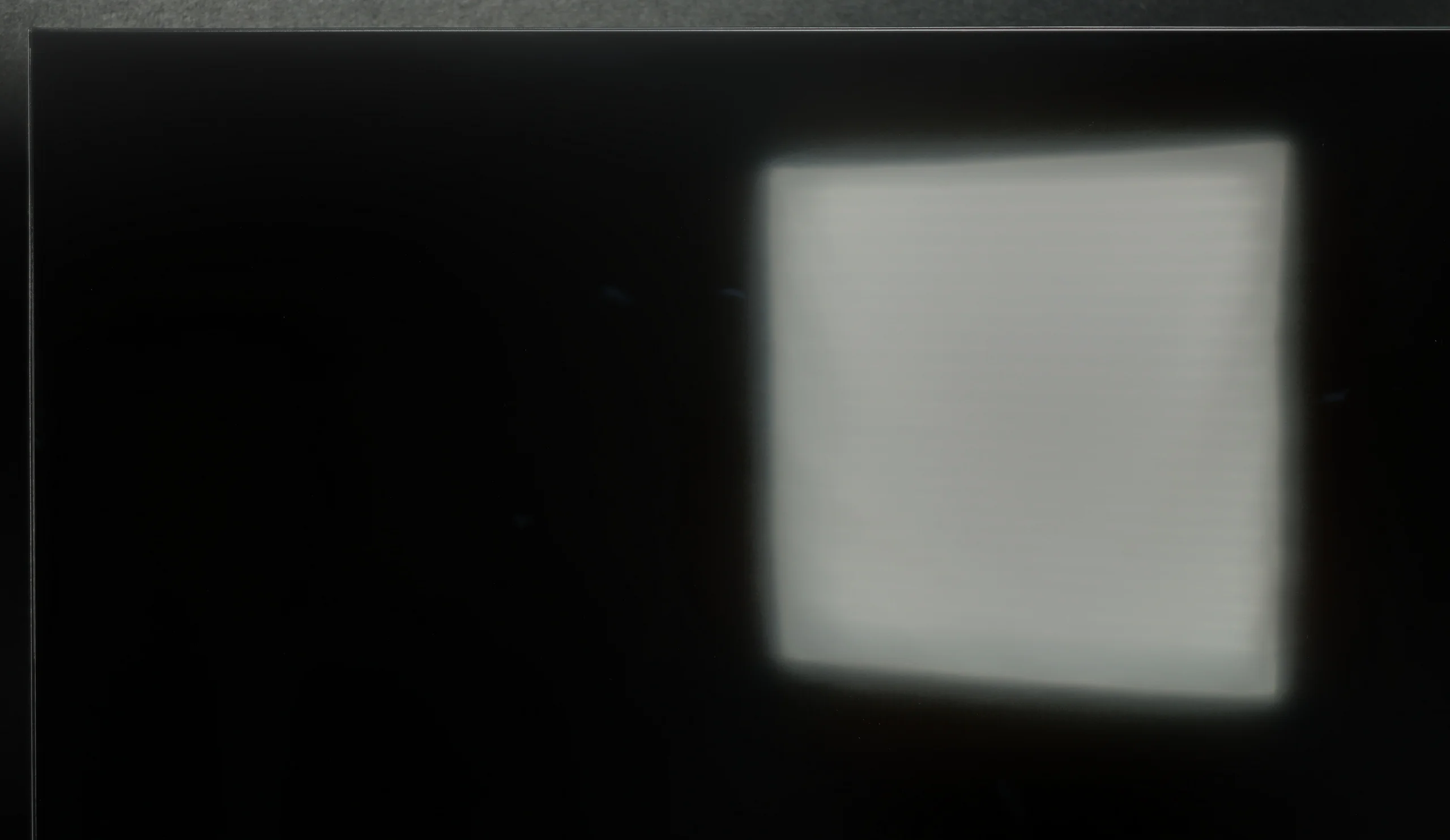
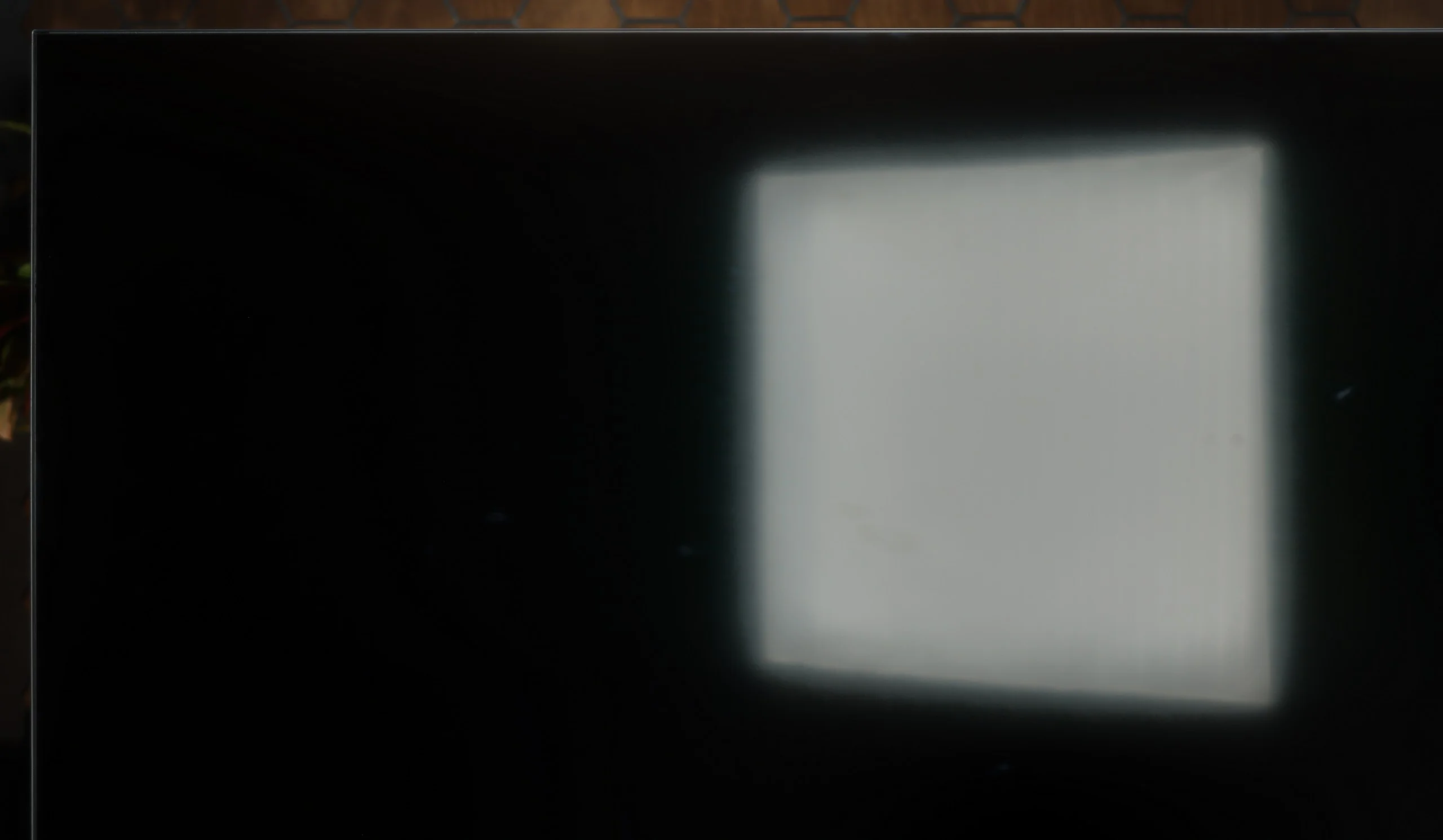
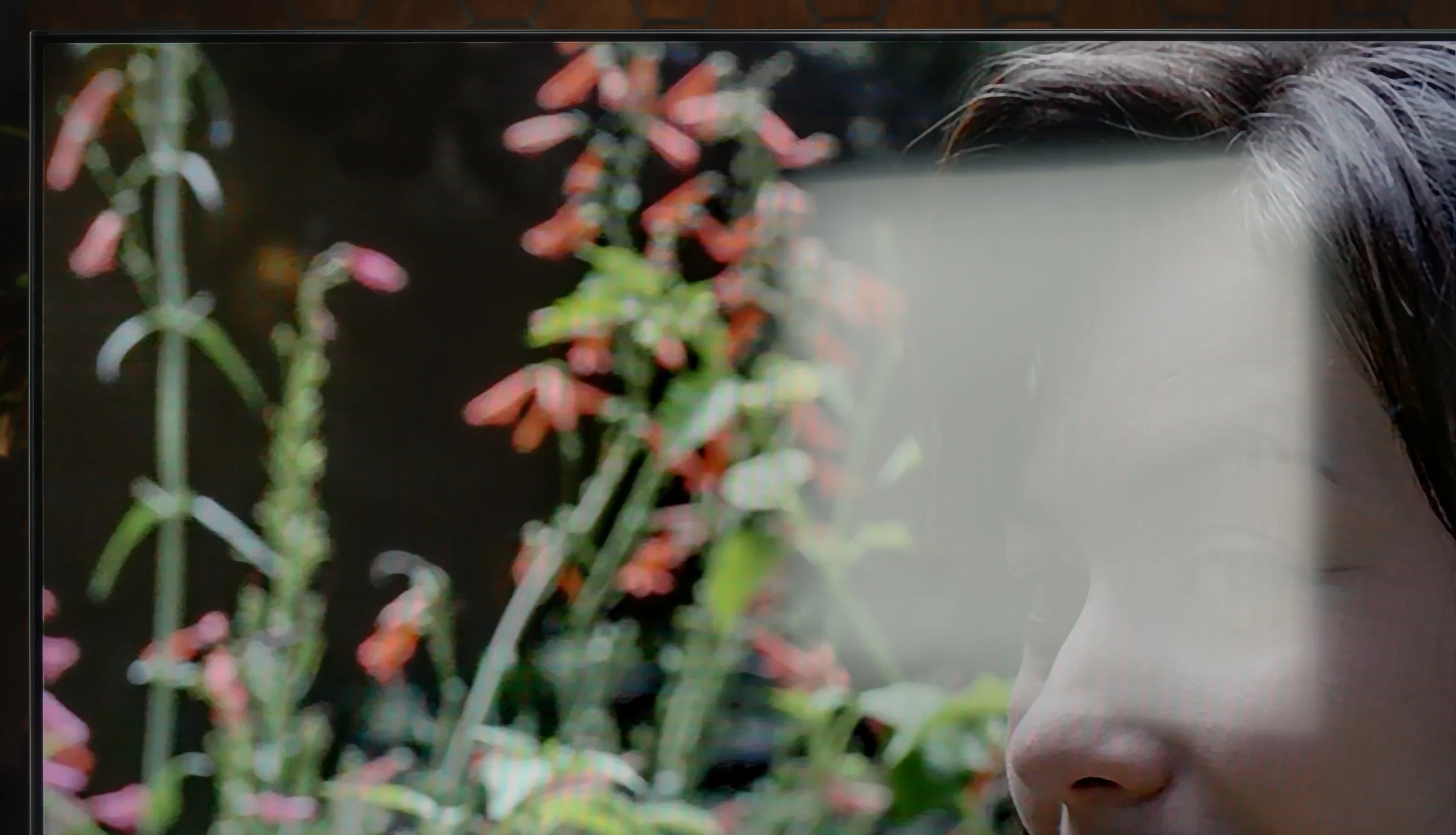
Halo effect and black detail visibility:

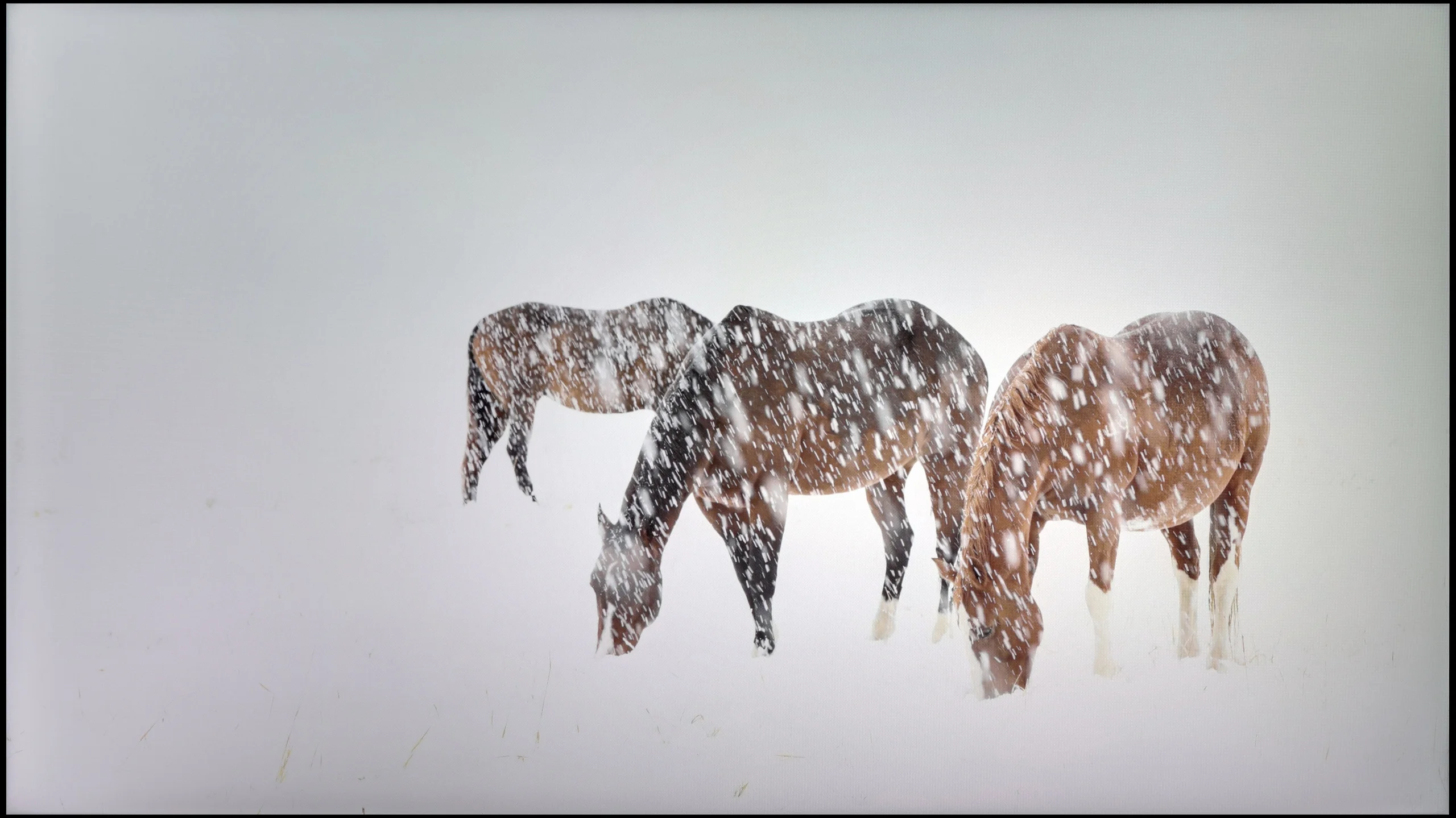
Check the visibility of bright lights on a dark background. Mini-LEDs often struggle with this. The photo does not compare black levels – that’s what the video below is for.

When it comes to the most important aspects of Mini-LEDs, namely contrast and black levels, the Sharp JP7 in the tested 55-inch size uses a VA panel. Combined with backlighting divided into 160 zones (in a 10x16 arrangement), this promises truly solid performance. Measurements on static film screens can be quite shocking, with the measured contrast reaching five-digit values, even hitting levels of up to 50,000:1. On paper, this is a result that would not be out of place for much more expensive models, and black levels under such conditions look very attractive.


Unfortunately, a television is purchased for watching films rather than admiring static screens, and here the magic somewhat fades. When something more begins to happen on the screen – especially in complicated, dark scenes with a lot of small bright elements – the backlighting system in the JP7 starts to literally go haywire. The zones can "dance" before the viewer's eyes, turning on and off in a way that can be simply irritating and distracting from the action. It is evident that Sharp has significant room for improvement in terms of managing local dimming. The hardware potential in the form of Mini-LEDs is large, but the controlling algorithms clearly struggle to tame them.
The TCL P7L can surprise with quite respectable black levels, mainly thanks to its VA panel. The panel itself offers contrast of around 4500:1, which is clearly better than in typical IPS screens. The TV also uses global backlight control, so in darker scenes it can push black levels even lower, and in our measurements it achieved results that exceeded the panel's own capabilities.

However, this is not the local dimming found on Mini LED TVs. The P7L cannot dim small parts of the image independently, so when a bright element appears on screen the entire backlight has to operate at a similar level. In more demanding scenes the difference compared with models that use zoned dimming becomes apparent quite quickly, and in a completely dark room blacks can tend towards navy tones. Despite these limitations, we assess the P7L's overall contrast positively, especially given the segment it occupies.

HDR effect quality

5.3/10

4.5/10

Supported formats
HDR10, Dolby Vision, HLG
HDR10, HDR10+, Dolby Vision, HLG
Color gamut coverage
DCI P3: 94.0%, Bt.2020: 70.1%
DCI P3: 91.6%, Bt.2020: 70.0%

Luminance measurements in HDR:

Review SHARP JP7765E Brightness measurement

Result

1014 nit

Review SHARP JP7765E Brightness measurement

Result

247 nit

Review SHARP JP7765E Brightness measurement

Result

606 nit

Review SHARP JP7765E Brightness measurement

Result

180 nit

Review SHARP JP7765E Brightness measurement

Result

605 nit

Review TCL P7L / P79L Brightness measurement

Result

250 nit

Review TCL P7L / P79L Brightness measurement

Result

300 nit

Review TCL P7L / P79L Brightness measurement

Result

368 nit

Review TCL P7L / P79L Brightness measurement

Result

297 nit

Review TCL P7L / P79L Brightness measurement

Result

347 nit

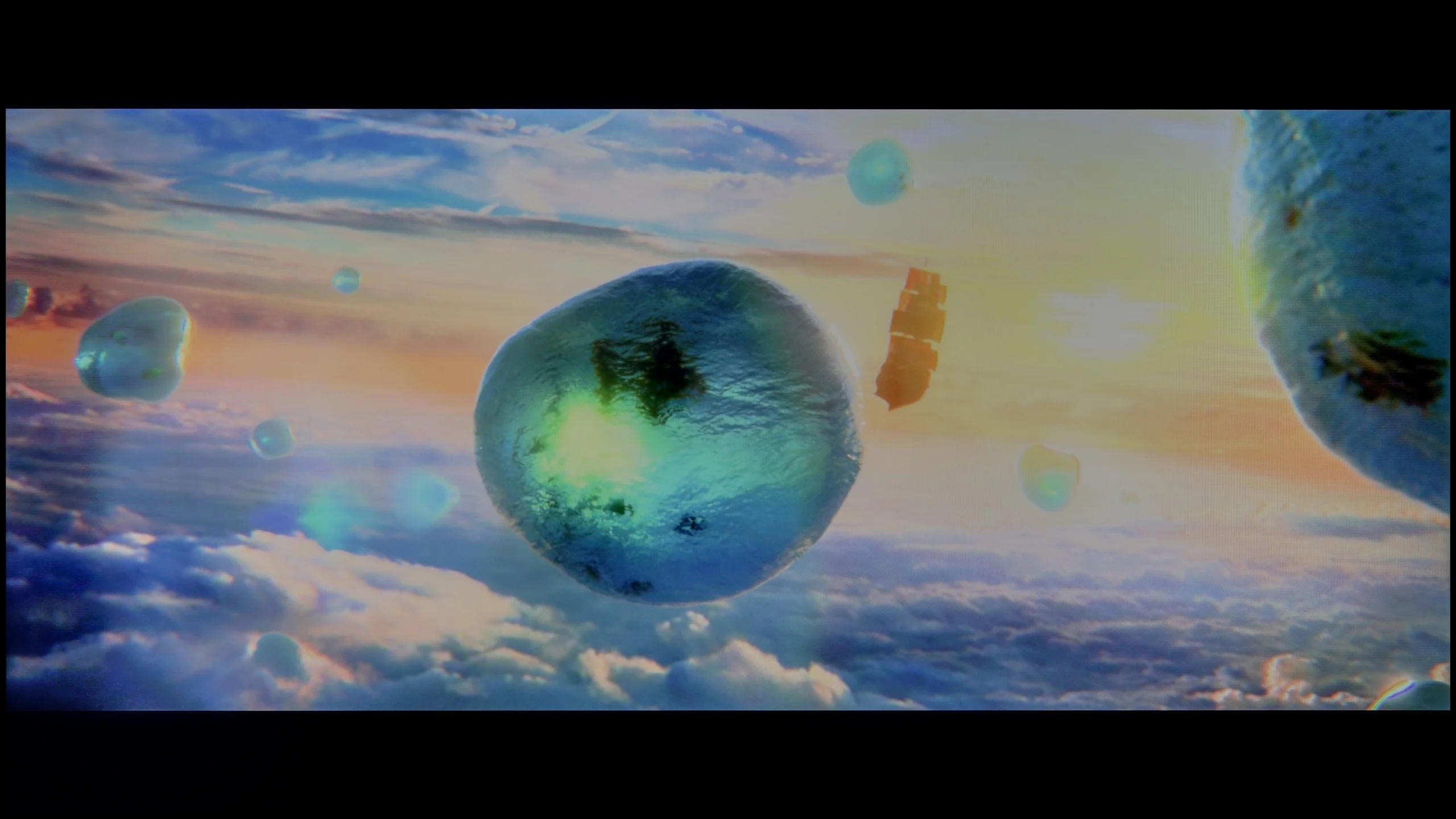
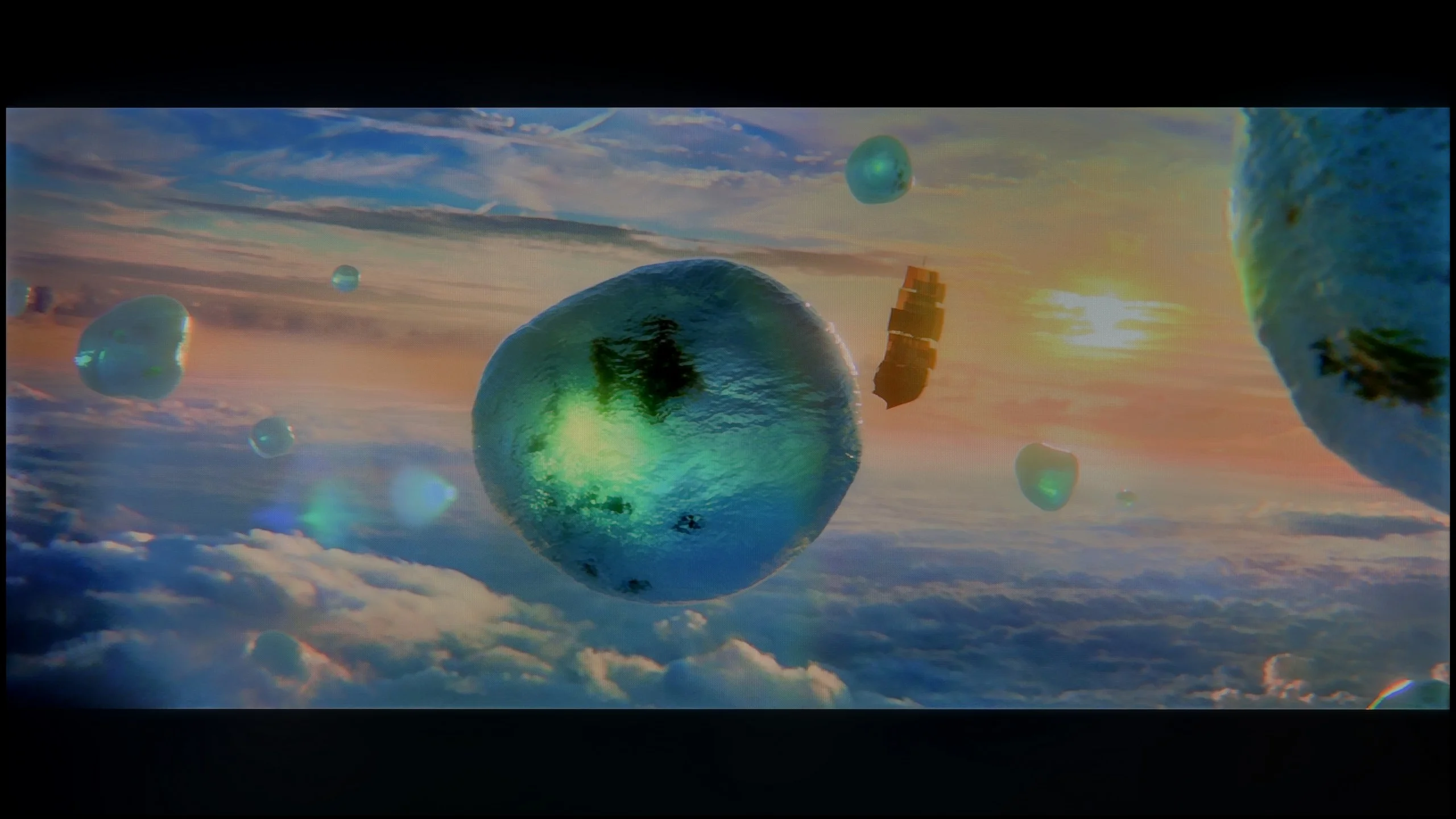
Scene from the movie “Pan” (about 2800 nits)

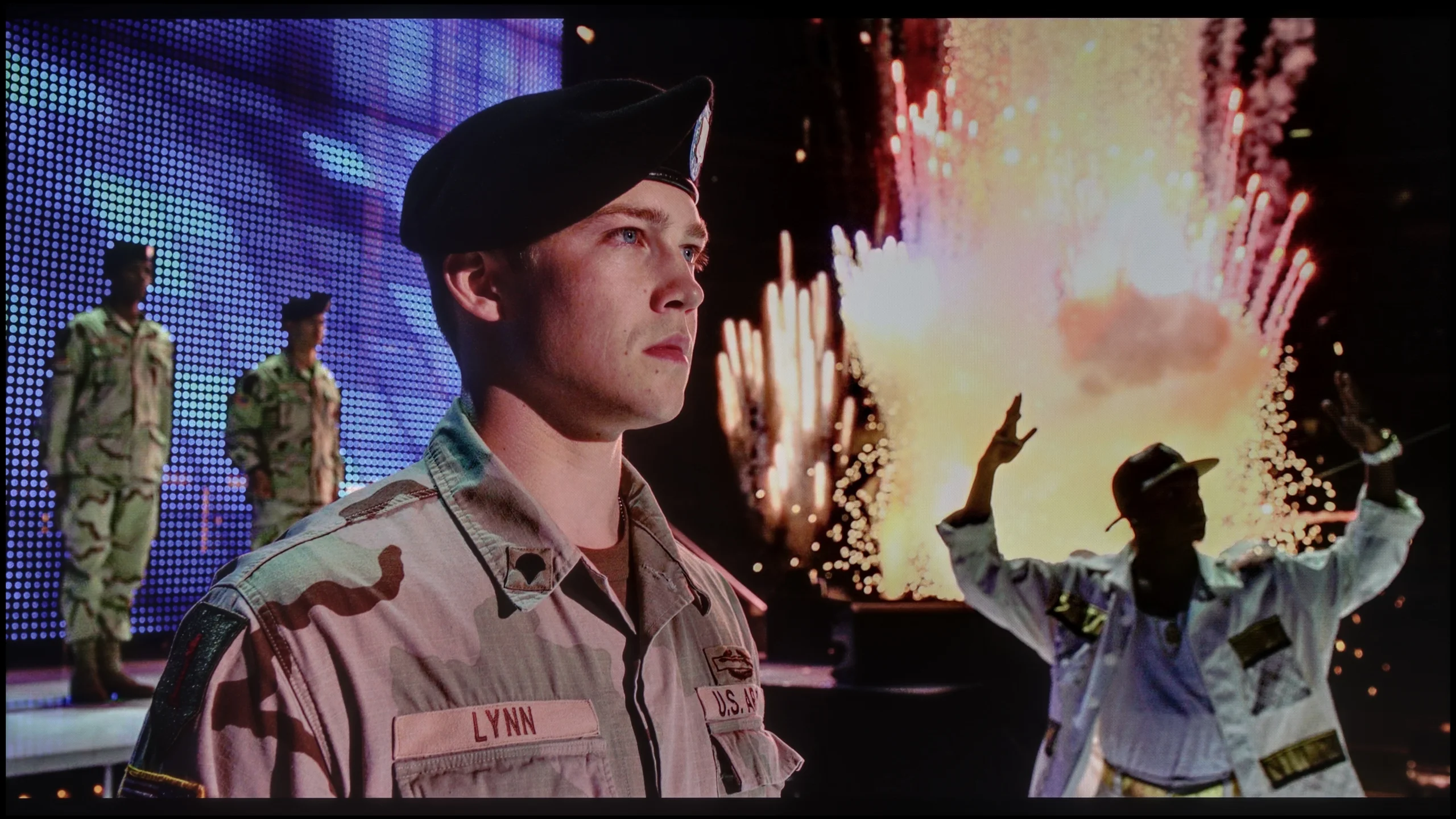
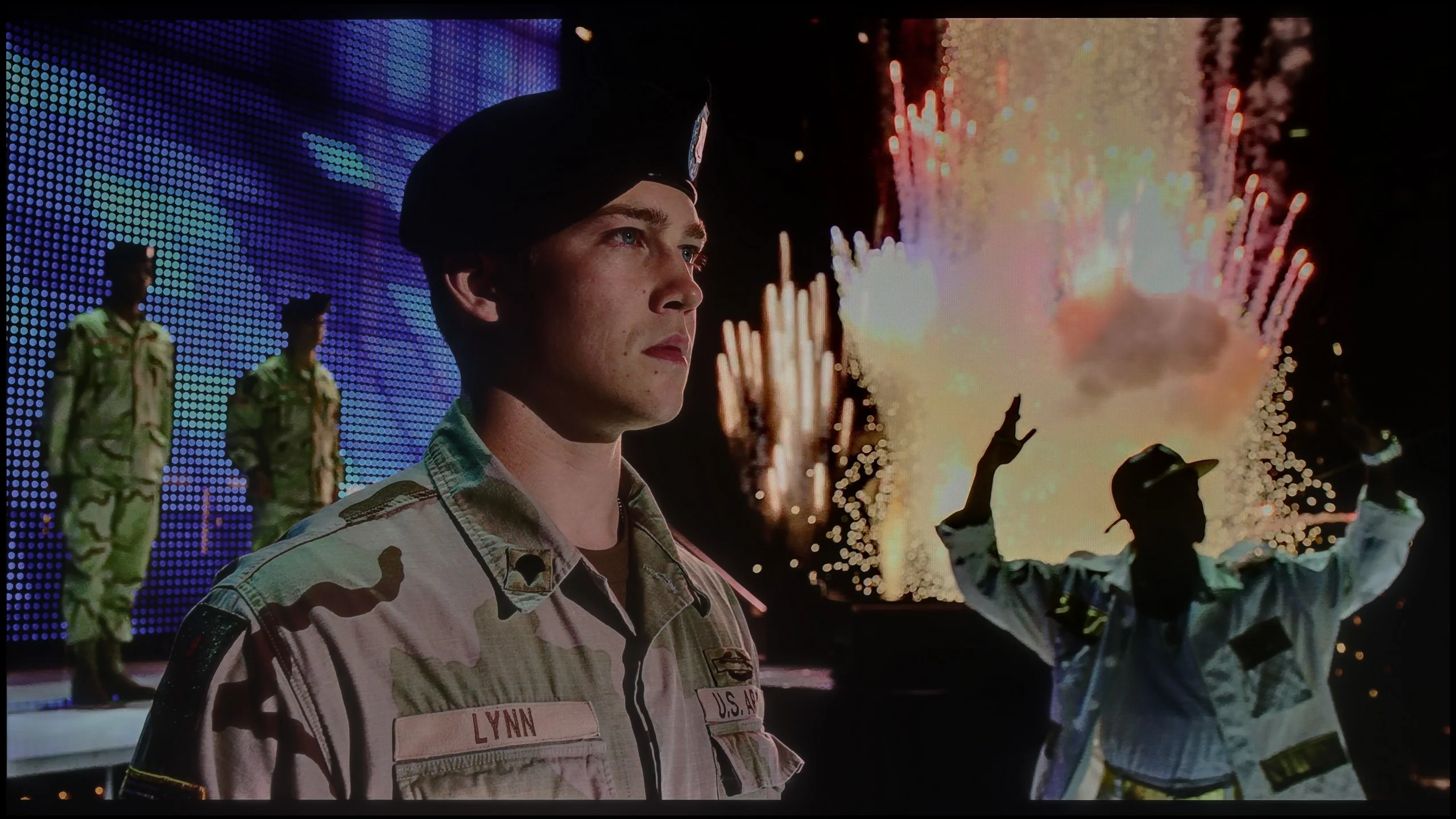
Scene from the movie “Billy Lynn” (about 1100 nits)

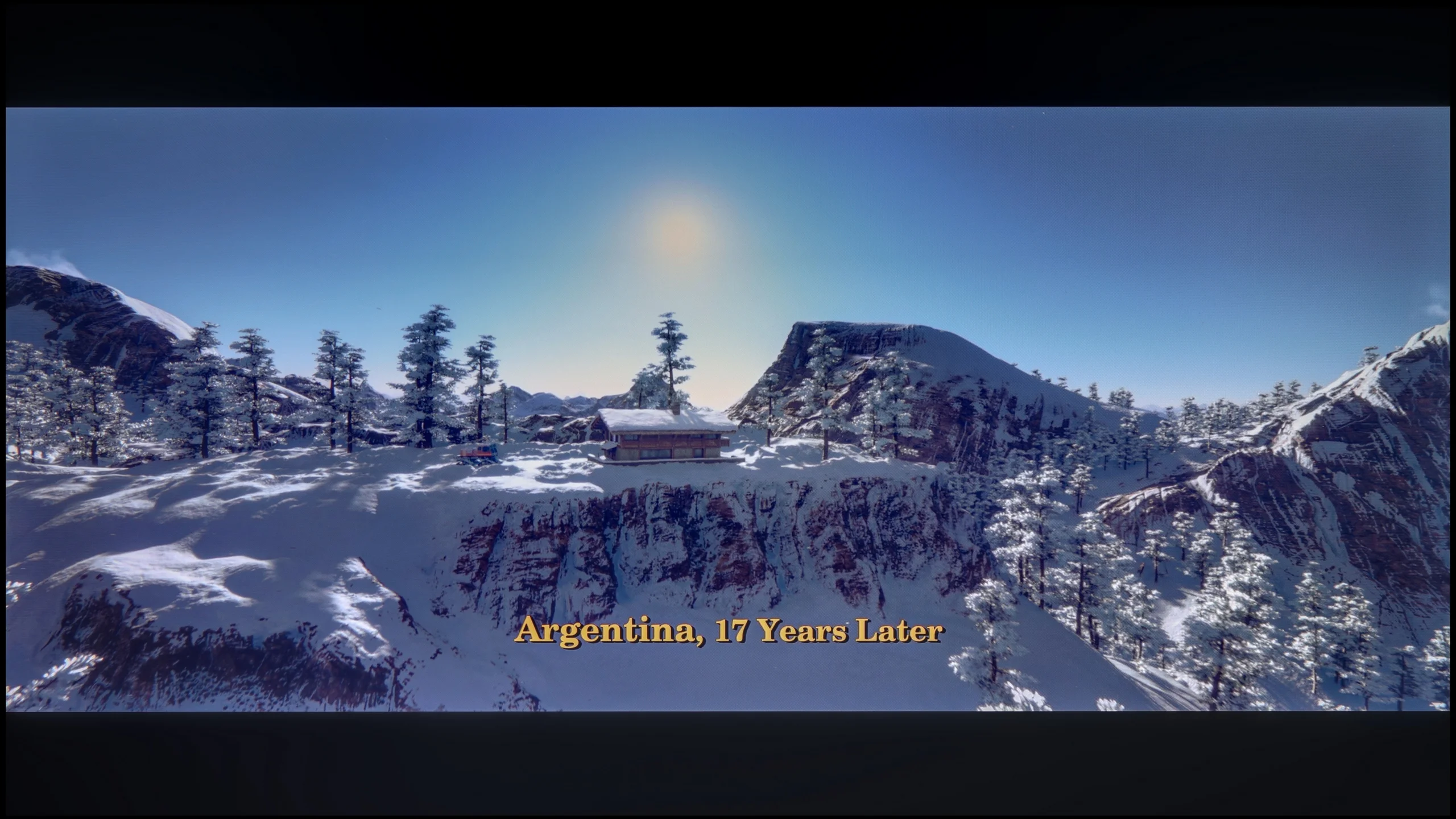
The photos show two HDR10 movies. 'Pan' is one of the brightest productions ever made, while 'Billy Lynn' (soldier) has brightness typical of streaming (Netflix, Prime, HBO MAX). Notice the intensity of effects and detail in whites.

Static HDR10

The photos present the visibility of white details in various HDR formats. They do not show brightness differences between TVs (these can be compared in the previous gallery).

Dynamic: Dolby Vision

Dynamic: Dolby Vision

The photos present the visibility of white details in various HDR formats. They do not show brightness differences between TVs (these can be compared in the previous gallery).

HDR luminance chart:

TCL P7L / P79L

SHARP JP7765E

So how does the brightness of the Sharp JP7 fare in the most demanding titles? Honestly, at first, we were quite surprised. The television is capable of achieving over 1000 nits of brightness, which is an outstanding and rare result for a device costing just under 2000 PLN (for 55 inches). Watching bright, full-screen scenes, one might feel they are dealing with really good equipment. Unfortunately, though, we have to return to the problem we mentioned earlier regarding local dimming management. When small bright areas appear on a dark background (as in the test scenes from the films Life of Pi or Sicario 2), it is evident how poorly the JP7 handles zones. The television dims them almost to the maximum, crushing the entire HDR effect, which in such moments resembles a flat SDR image (less than 200 nits). This instability means that in demanding, contrast-heavy films, the image on the JP7 unfortunately loses its appeal.

As a consolation, it is worth noting that the panel has the potential for good colour display. It features a PFS (phosphor) filter, which allows for a solid 94% coverage of the DCI-P3 palette. The manufacturer calls its product a “QLED,” even though it is primarily based on the aforementioned PFS filter. Given the recent market battles of manufacturers over what may or may not be called QLED, we leave the question of the correctness of this naming to your assessment. However, it remains a fact that the potential for reproducing saturated colours in this panel is simply good.

The biggest limitation of the TCL P7L in HDR is simply brightness. The TV does not have much luminance headroom, so strong highlights, the sun or small light sources can't clearly 'pop' out of the picture. As a result, even well-produced HDR material looks fairly restrained and, in terms of dynamics, is closer to good SDR than to what brighter models show. That does not mean the P7L completely fails at HDR. The issue is primarily a lack of backlight power.

Looking at colours, the situation is a little better. The TV covers around 91% of the DCI-P3 gamut and about 68% of the wide BT.2020 colour space, so for this price class the colour range is quite respectable. TCL markets this model as QLED, although the nature of the solution used is closer to backlighting that uses a PFS phosphor than to a classic quantum-dot layer. What matters most to the viewer, however, is the effect: more saturated colours are on offer.

Factory color reproduction

4/10

5.4/10

This gallery shows how colors change after professional TV calibration. If you notice the difference, we recommend ordering this service at SkalibrujTV.com.

Factory Mode

After calibration

This gallery shows how colors change after professional TV calibration. If you notice the difference, we recommend ordering this service at SkalibrujTV.com.

Factory Mode

After calibration

When it comes to out-of-the-box colours, the Sharp JP7 was tested in Film mode, which traditionally offers the most consistent image compared to the yellowed “Eco” mode or the glaring blue of the “Dynamic” mode. Although this is the best choice among the available settings, the results are still far from ideal. The white balance clearly lacked red and blue components, causing many scenes to take on an unnatural greenish tint. Another issue was the gamma – during full-screen scenes, the television provides excessive brightness, which completely diminishes its cinematic character. All of this resulted in colour reproduction errors, especially in shades of grey, which exceeded a value of Delta E 10. For reference: errors above 2-3 are already visible to the human eye, so we are dealing with a significant distortion of reality here.

In HDR mode, the situation is reversed, but not any better. Here, the blue colour dominates the white balance, which gives the image an unnatural, almost “retail” sharpness, reminiscent of aggressive demonstration modes. Furthermore, measurements of the EOTF curve emphasise the retail character of the image. The graph clearly shows that the television generates an image significantly brighter than the standards predict, resulting in an artificially boosted and unrealistic final effect. The Sharp JP7 is evidently trying to appear stronger than it actually is, but it does so at the cost of fidelity to the content.

In Film mode the TCL P7L performs quite respectably without major changes to the settings, particularly with ordinary SDR material. White balance is relatively even, though as brightness increases there is a slight rise in red and blue and a touch too little green. This does not, however, produce a strongly visible tint and most colours remain close to their reference points. The Colour Checker confirms this, with a large portion of errors falling below the level that should be particularly noticeable during normal viewing. We have more reservations about the gamma response. In the darkest parts of the image the TV runs it noticeably above the reference value, so some shadow detail can be a little too subdued. The characteristic then calms down and across much of the range it is close to the intended behaviour. As a result SDR generally looks natural, but in dark scenes the P7L can lose some subtlety.

In HDR the factory calibration is less precise. As brightness increases the excess of blue becomes more pronounced, which can make the image look cooler than it should. The number of larger colour deviations also grows, particularly in brighter hues. As for the EOTF curve itself, it is handled fairly conservatively, with the TV showing the image darker than the reference across much of the range. For such an inexpensive model, the factory Film mode settings are not bad.

Color reproduction after calibration

6.7/10

7/10

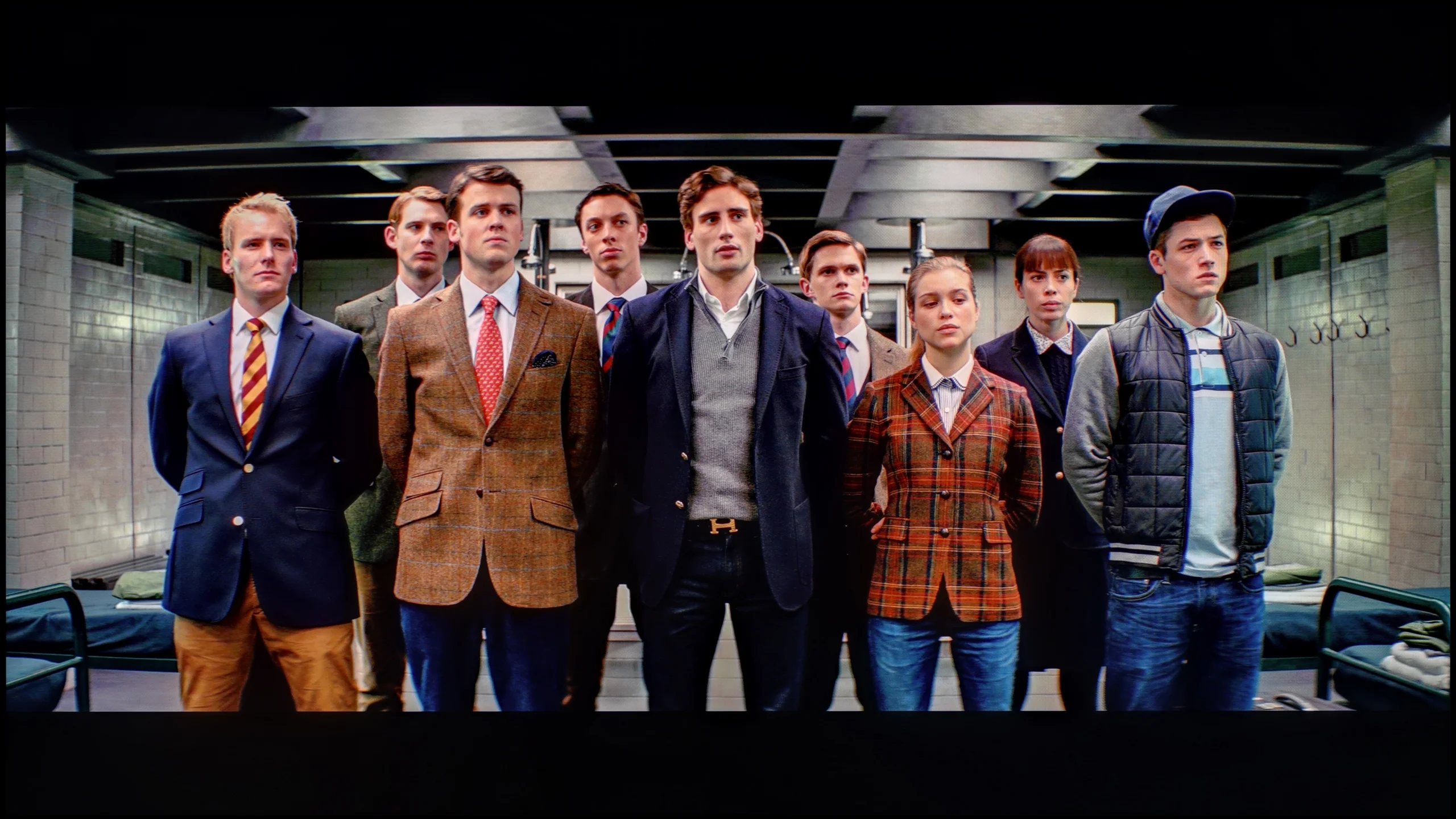
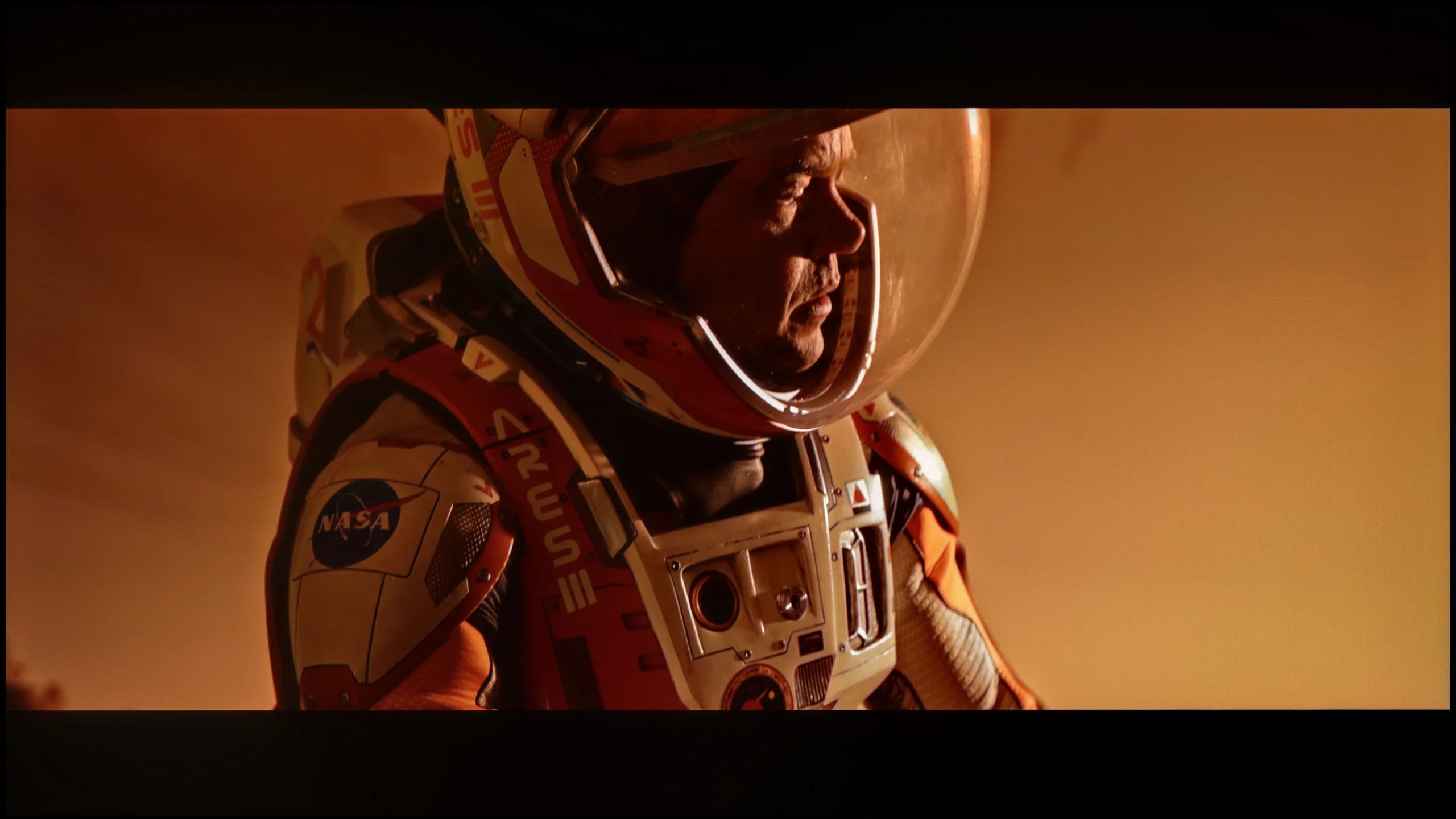
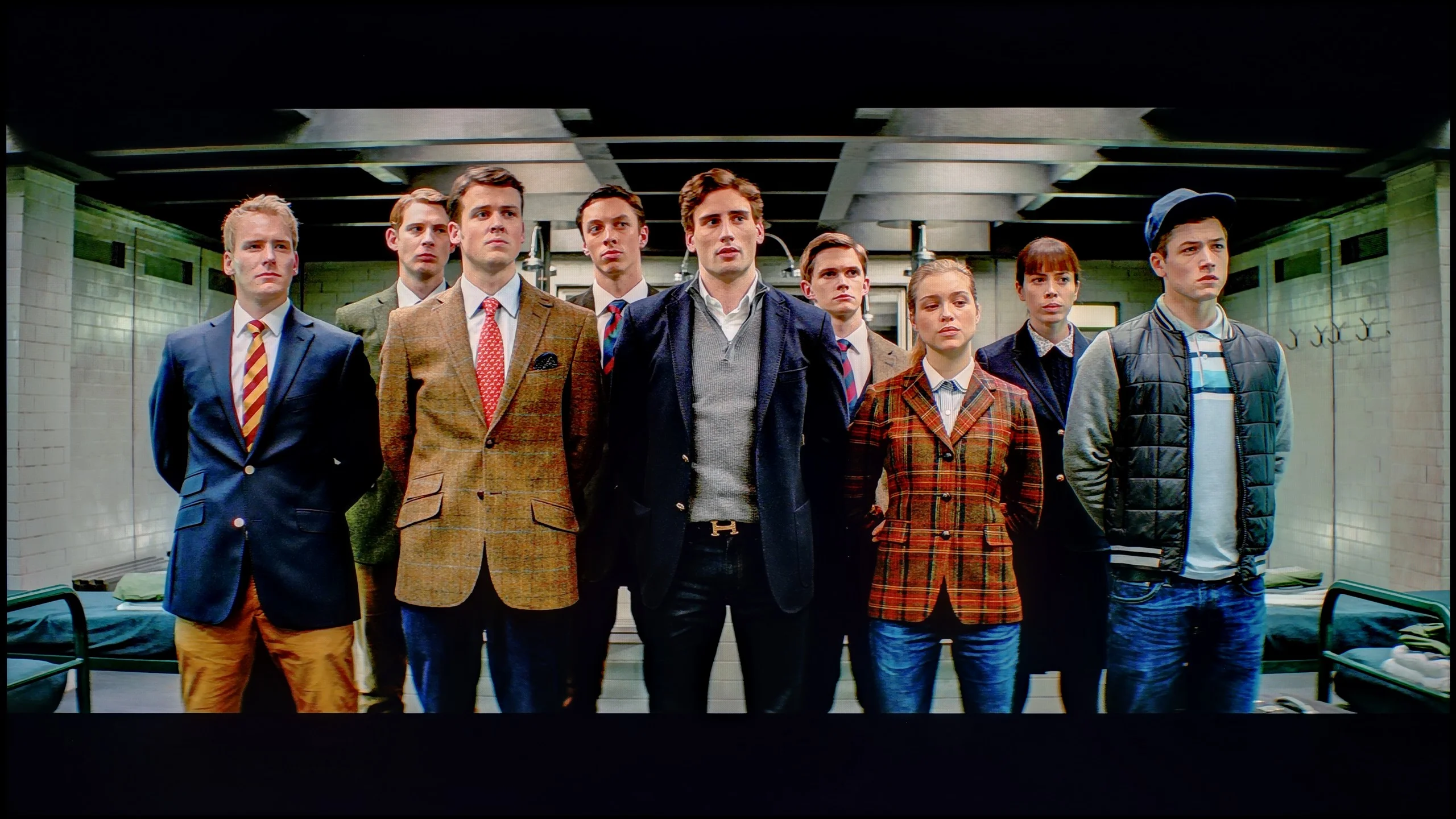
The photos show how movies look on the TV. Pay attention to black detail visibility, colors, and shadow tint.

The photos show how movies look on the TV. Pay attention to black detail visibility, colors, and shadow tint.

We subjected the JP7 to our standard calibration procedure and really... the television gained a new lease of life thanks to it, particularly with SDR content (YouTube, classic television, series, or older films). As a result of our precise adjustment of the white balance and stabilisation of the gamma, colour errors fell to a value of below 3. This is a level at which the human eye has difficulty detecting distortions. In this scenario, the Sharp JP7 delivers an image with truly excellent colour precision, which is a significant advantage in this price class. However, content with HDR turned out to be much more problematic. Here, despite our efforts and interventions in the settings, the television simply would not cooperate. In the JP7 menu, we don't find any option that would allow for real control over brightness management (EOTF). Although a significant portion of the colour errors was reduced, the image still remained unnaturally oversaturated. It's a bit of a shame, as the potential of the mini-LED backlit panel is great, but the software presents a clear barrier here.

The conclusion is simple: when watching less demanding content (SDR) on the JP7, you can expect an image that is more than satisfactory, but in HDR, you must come to terms with a certain degree of "artificiality" that cannot be circumvented even with professional equipment.

After calibration the TCL P7L can deliver a genuinely pleasant picture, especially with conventional SDR material. We managed to even out the white balance very well, and the gamma curve now tracks close to the target value of 2.4. This is also reflected in the colour measurements: most errors have fallen noticeably, and in everyday viewing it is hard to point to any obvious inaccuracies. Films, series, YouTube and ordinary broadcast TV therefore look more natural, without unnecessary warmth or a cool tint. For a model in this price bracket the SDR performance is really very good.

With HDR the situation becomes more complicated. Calibration helped improve the white balance and tidy up some deviations, but here the panel's limitations become increasingly apparent. The P7L has relatively low brightness and cannot maintain adequate luminance for more saturated colours, so some errors remain even after careful tuning. In other words, settings can improve the way the TV interprets the signal, but they cannot overcome its physical limits. That is why calibration makes most sense for this model primarily in SDR.

Smoothness of tonal transitions

7.5/10

7/10

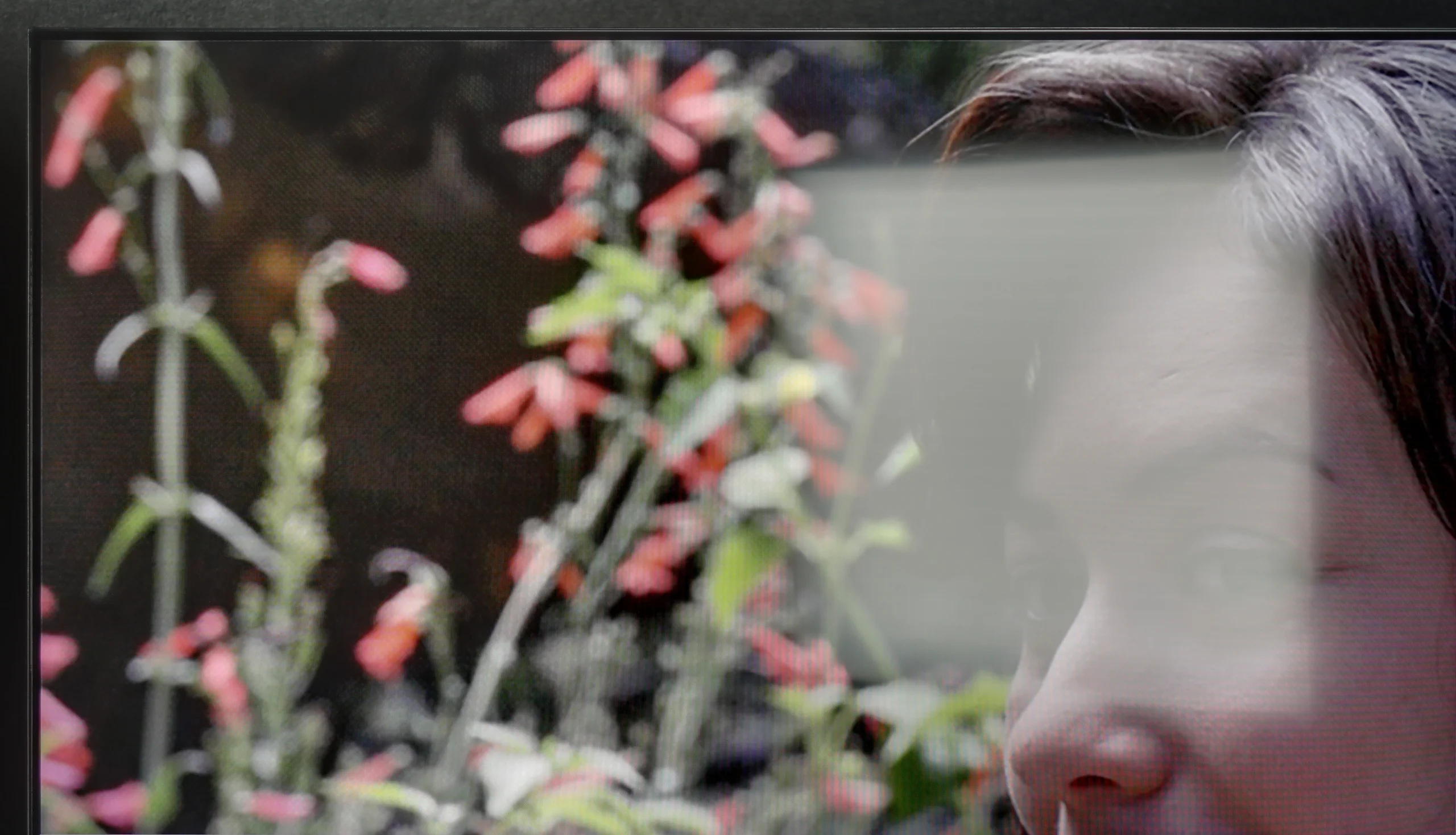
These are selected scenes that show smooth tonal transitions from one color to another. If you see distinct banding, it’s the TV panel’s fault.

These are selected scenes that show smooth tonal transitions from one color to another. If you see distinct banding, it’s the TV panel’s fault.

These are selected scenes that show smooth tonal transitions from one color to another. If you see distinct banding, it’s the TV panel’s fault.

These are selected scenes that show smooth tonal transitions from one color to another. If you see distinct banding, it’s the TV panel’s fault.

When it comes to image clarity, posterisation on the Sharp JP7 fortunately does not detract too much from the content being viewed. In most scenes, it's difficult to notice annoying bands or the so-called "stepping" of colours, which often spoil the viewing experience during scenes with smooth colours. Of course, one shouldn't expect miracles here as, in some extremely demanding scenes, a trained eye may spot errors in tonal transitions. However, this is not a level that would realistically distract during a film. Well, unless you have good eyesight and are looking for artefacts on the screen – then you might find something.

The smoothness of tonal transitions on the TCL P7L is quite good, but not in every scene. In brighter scenes the television performs very well, because changes between successive shades are gentle, and on the sky, bright walls or subtle gradients it's hard to spot anything that would noticeably disrupt viewing. It becomes worse in the darker areas of the image. It is there that visible joins between colours and successive grey levels appear more often. In dark scenes you can therefore notice characteristic banding or more pronounced 'steps' where the transition should be smoother. It's not an issue all the time, but with weaker source material or scenes with lots of mid-tones it can stand out.

Image scaling and smoothness of tonal transitions

3.5/10

7/10

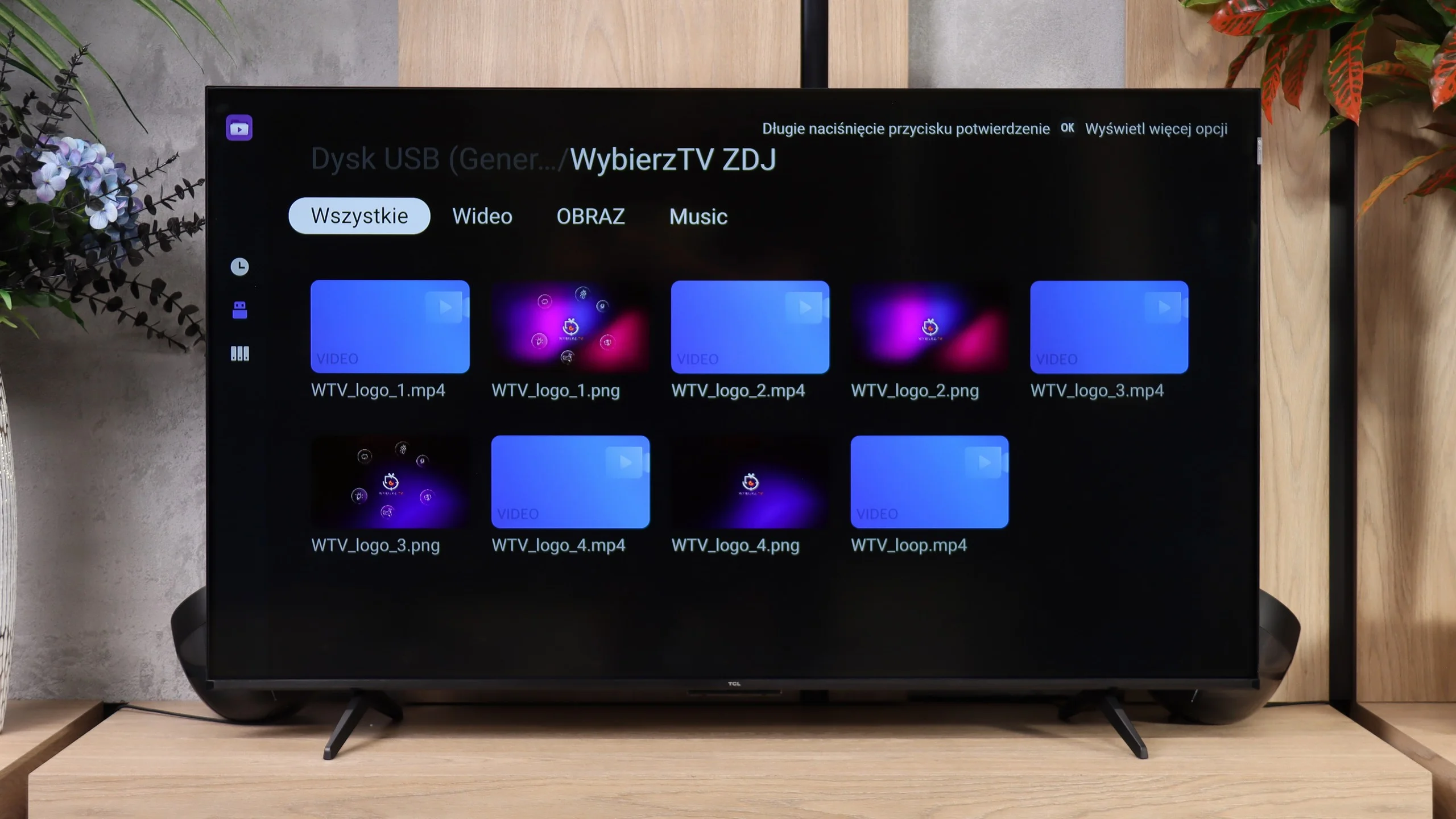
Image without overscan on the SD signal
OK
OK
Smooth transition function
No
OK

Smooth transition function

The match photo shows how the TV smooths weak tonal transitions in low-quality video.

Image scaling SD (576i)

The model photo shows how it handles upscaling of SD material.

In the case of lower quality materials and how the Sharp JP7 handles them, the situation is ambiguous. Let's start with the upscaling itself – here we have no major objections. The process of scaling the image to a higher resolution is correct; the picture remains readable and sharp, without the overscan effect, meaning no cropped edges. Of course, it is not at the level of top models, and at times one can notice slight jaggedness on the contours, but in this price range, the effect is fully acceptable.

However, the actual digital image processing performs significantly worse, which, apart from the upscaling, effectively does not exist. In the JP7 menu, we will not find any option that would effectively smooth out unwanted tonal transitions or reduce noise in the image. As a result, the signal reaches the panel in a very raw form, which, with heavily compressed materials (e.g. from YouTube), leads to visible posterisation. Either it is a flaw in the software or a very strange design decision, because in earlier Sharp models this function was available and, crucially, worked with noticeable effect. Here, we are left to deal with whatever the source provides us, without any digital support from the image processor.

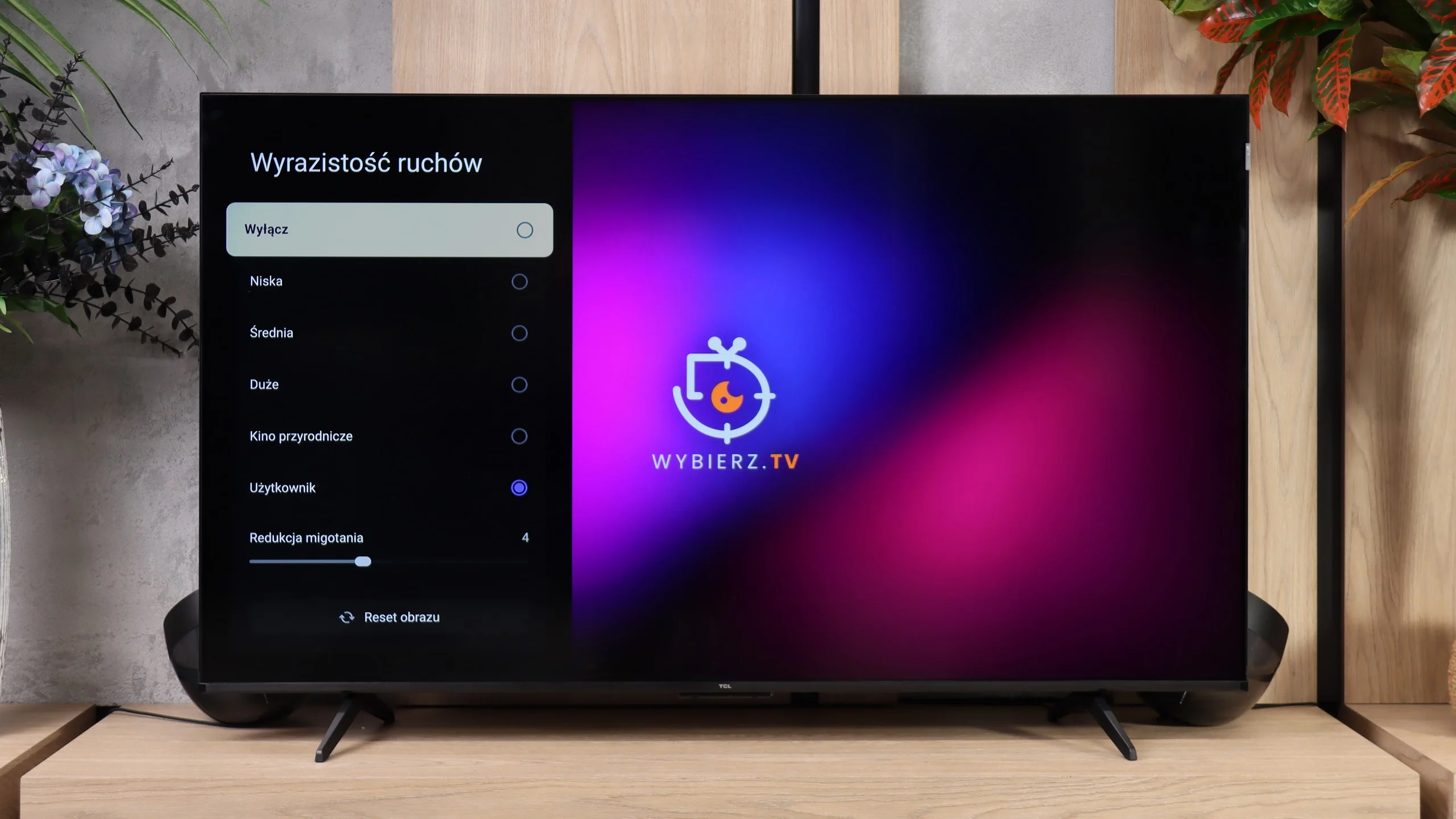
In this respect the TCL P7L performs surprisingly well, especially for such an inexpensive TV. The banding-reduction feature, which in many budget models does little or nothing, actually manages to improve the picture here. It does not remove all banding entirely, but it can noticeably reduce posterisation and make more challenging gradients look more natural. At this price point that’s a genuinely pleasant surprise. Upscaling itself also performs well. Lower-resolution material is scaled correctly, without over-sharpening or adding artificial outlines around objects. Of course the P7L won’t turn a very poor source into a 4K-quality image, but for regular TV the result is simply solid. For a model in this class there is little to criticise.

Blur and motion smoothness

2/10

5.5/10

Maximum refresh rate of the panel
60Hz
60Hz
Film motion smoothing option
OK
OK
Blur reduction option
No
No
BFI function 60Hz
-
No
BFI function 120Hz
-
No
Brightness drop with BFI
-%
-%

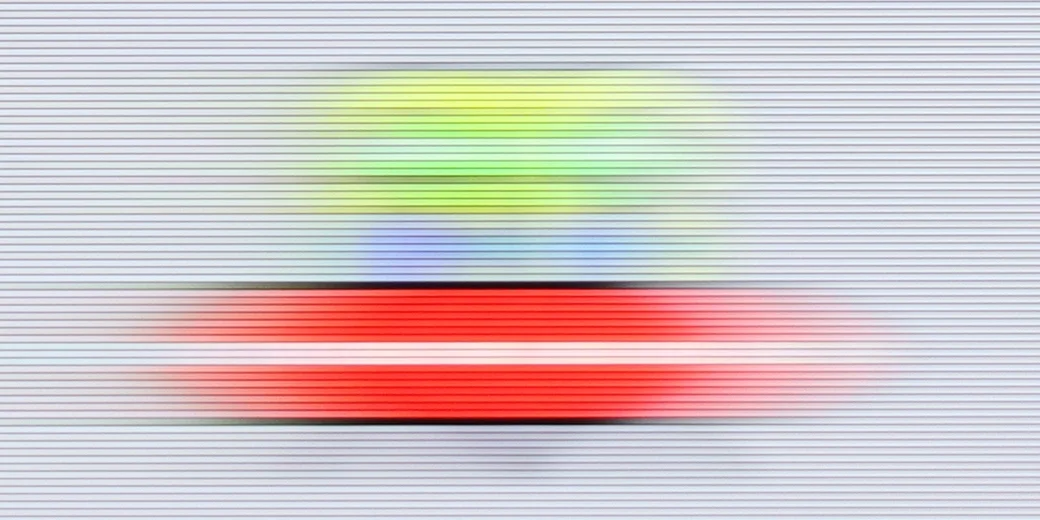
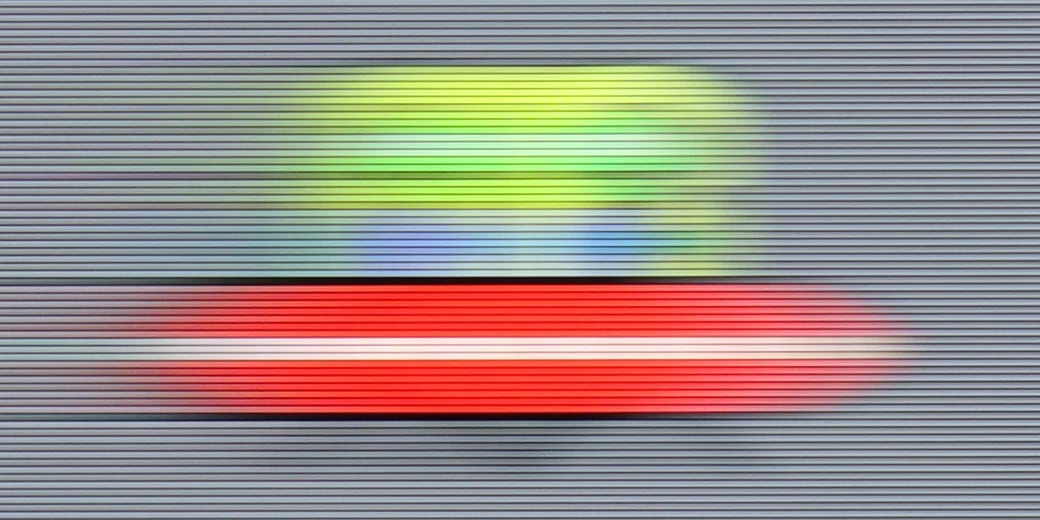
Blur (native resolution, maximum refresh rate):

Blur ():

Blur (1440p@120Hz):

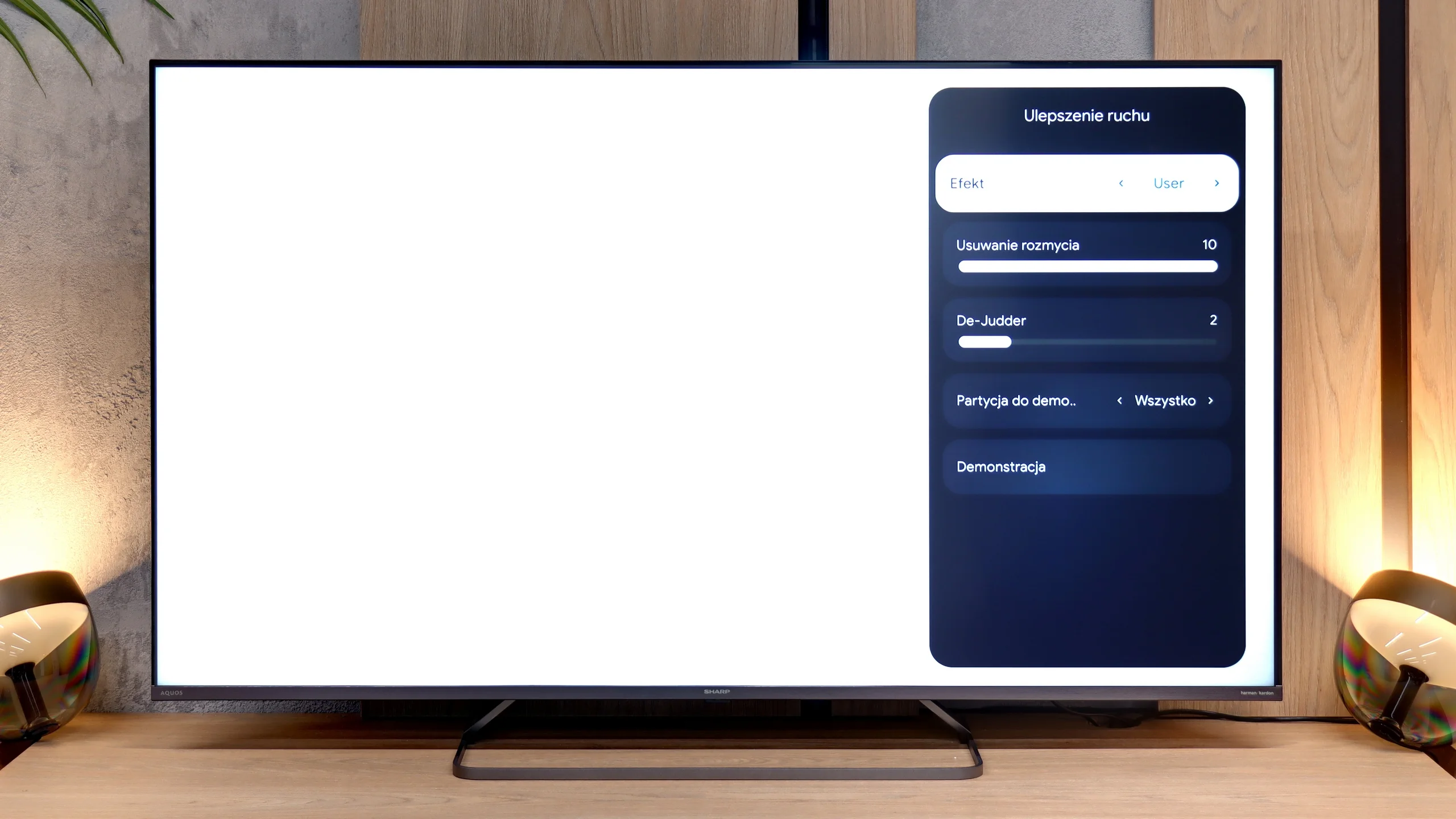
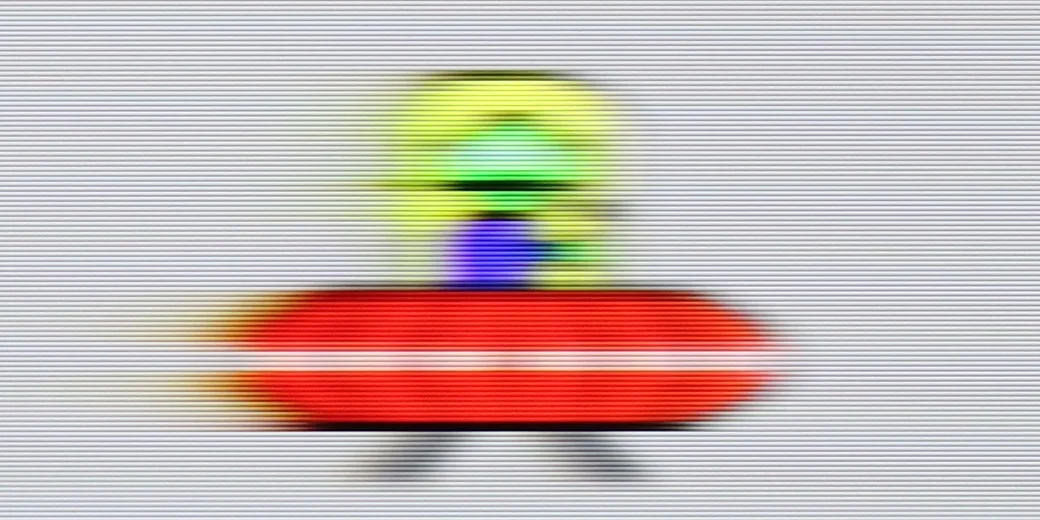
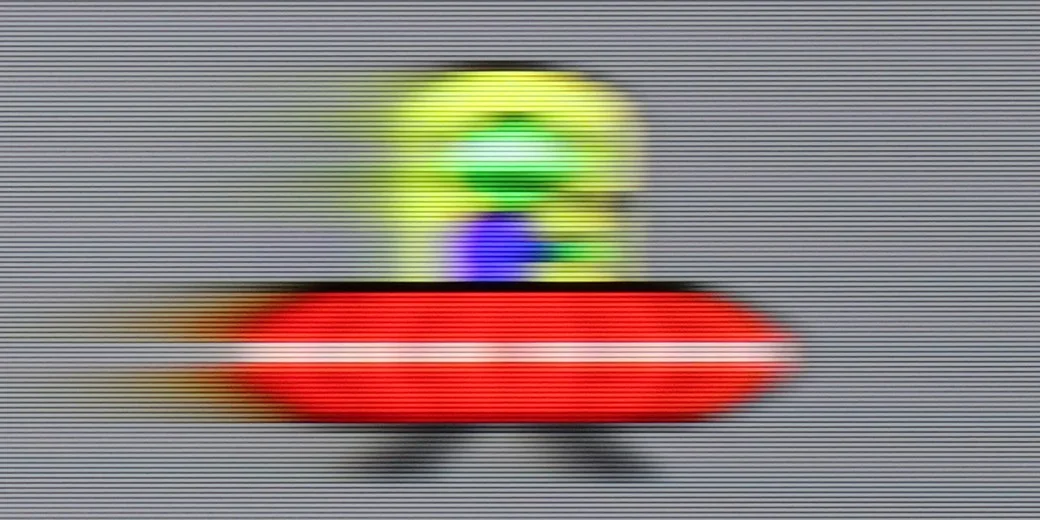
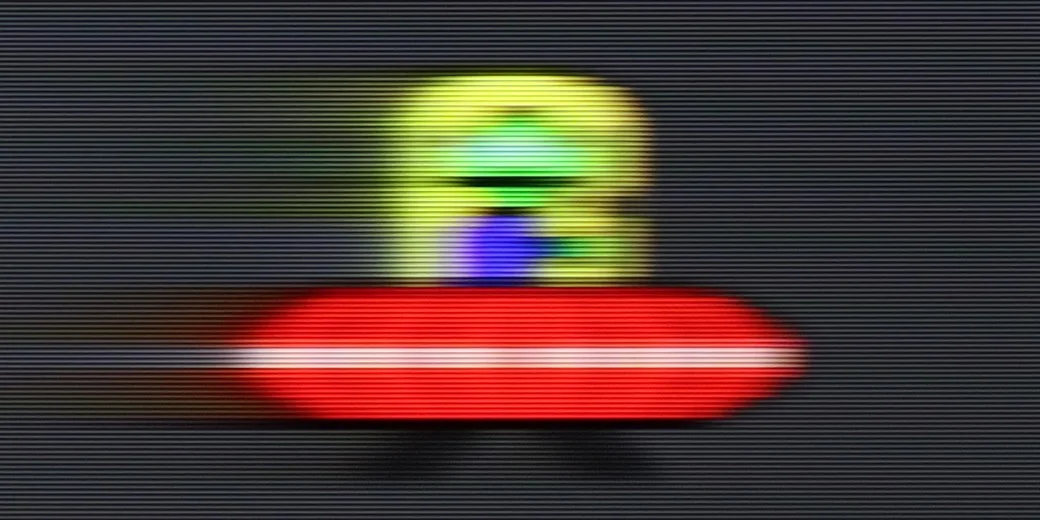
The motion fluidity on the Sharp JP7 is quite mediocre, and the reason is simple: the television uses a 60Hz panel. This instantly makes it difficult to recommend for watching sports or serious gaming, where higher refresh rates are already the standard. The only real plus is the presence of a smoothness feature, which we can control in films using a slider called De-judder. Lower settings provide a more raw, "cinematic" (framey) image, while higher settings add artificial smoothness. We suggest setting it somewhere in the middle of the scale, that is in the range of 3-5 – this is the best compromise to avoid the soap opera effect while also eliminating the tiring stuttering of the image. Interestingly, in the menu, we also find a "motion blur removal" slider, which usually indicates the presence of a 120Hz panel. However, with the JP7, it does not enhance the image at all and serves rather as a dummy – it is meant to look good in the settings, but technically it has no right to operate on this panel.

The TCL P7L uses a panel with a native 60 Hz refresh rate at 4K resolution, and that's how it should be regarded in everyday use. When watching films the TV mainly offers frame interpolation, so it can smooth motion and reduce the characteristic judder, but it does not deliver the fluidity typical of true 120 Hz panels.

Console compatibility and gaming features

4/10

6.7/10

  • ALLM
    Yes
    Yes
  • VRR
    No
    Yes
  • VRR range
    No
    48 - 120Hz
  • Dolby Vision Game Mode
    Yes
    Yes
  • Correct implementation of HGIG
    No
    No
  • 1080p@120Hz
    No
    Yes
  • 1440p@120Hz
    No
    Yes
  • 4K@120Hz
    No
    No
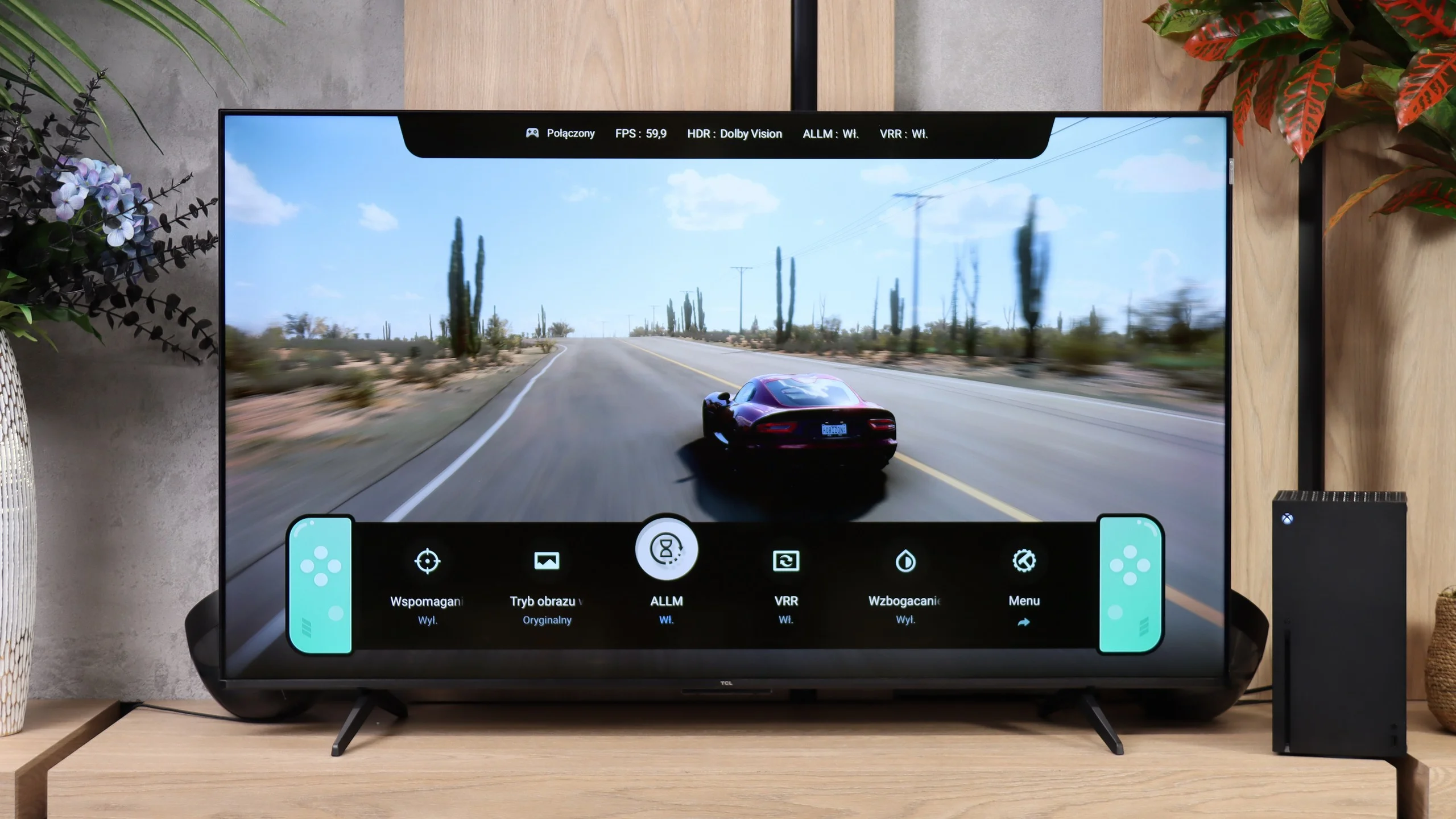
  • Game bar
    Yes
    Yes

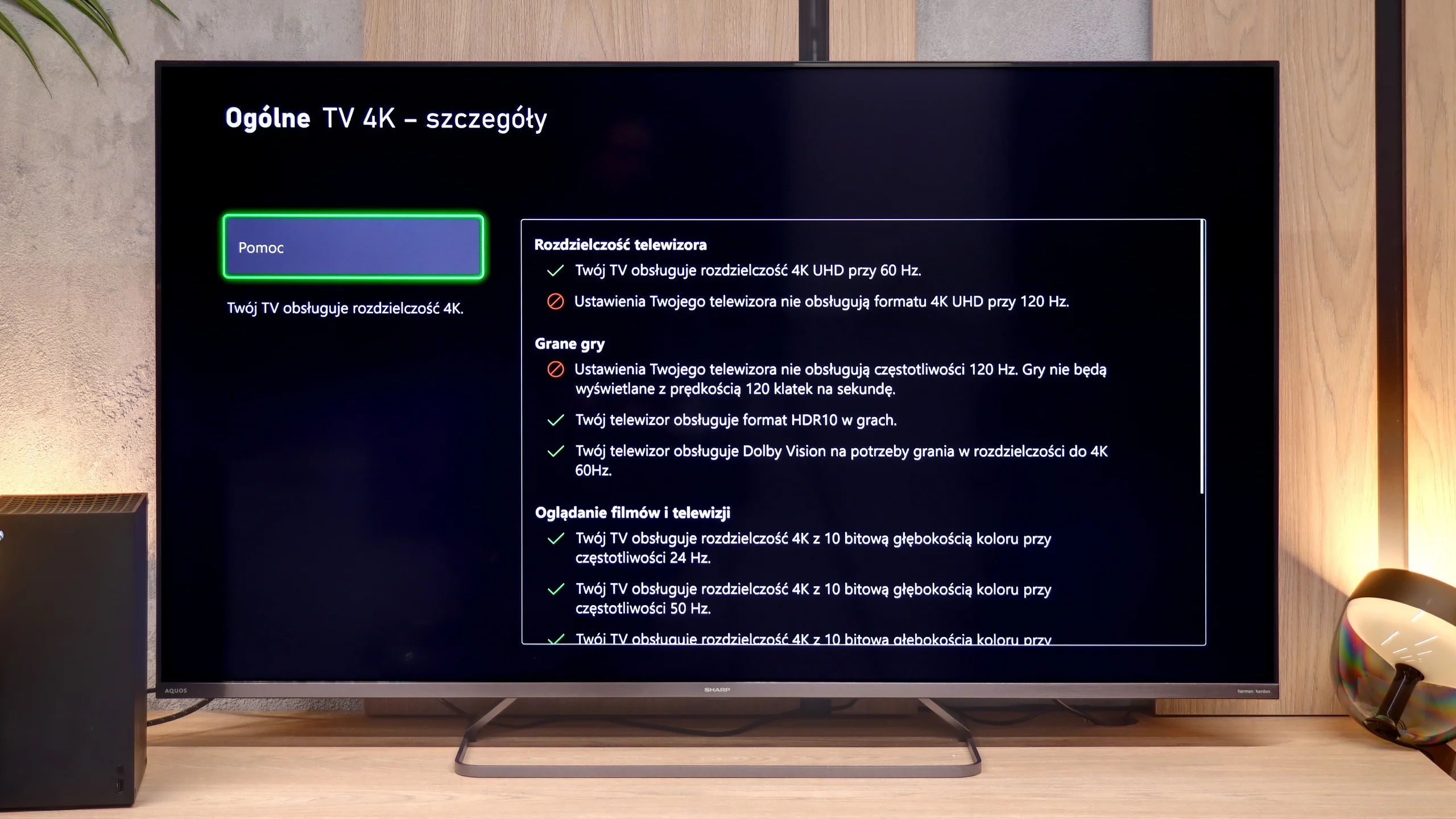
As we mentioned earlier, the 60Hz panel is not a feature that will attract gamers to the Sharp JP7. Perhaps for the casual player, whose console still generates most titles at 60 frames per second, there might be something interesting? When it comes to specific additions, we find here:

  • ALLM Mode: Automatically switches the television to low latency game mode (input lag).

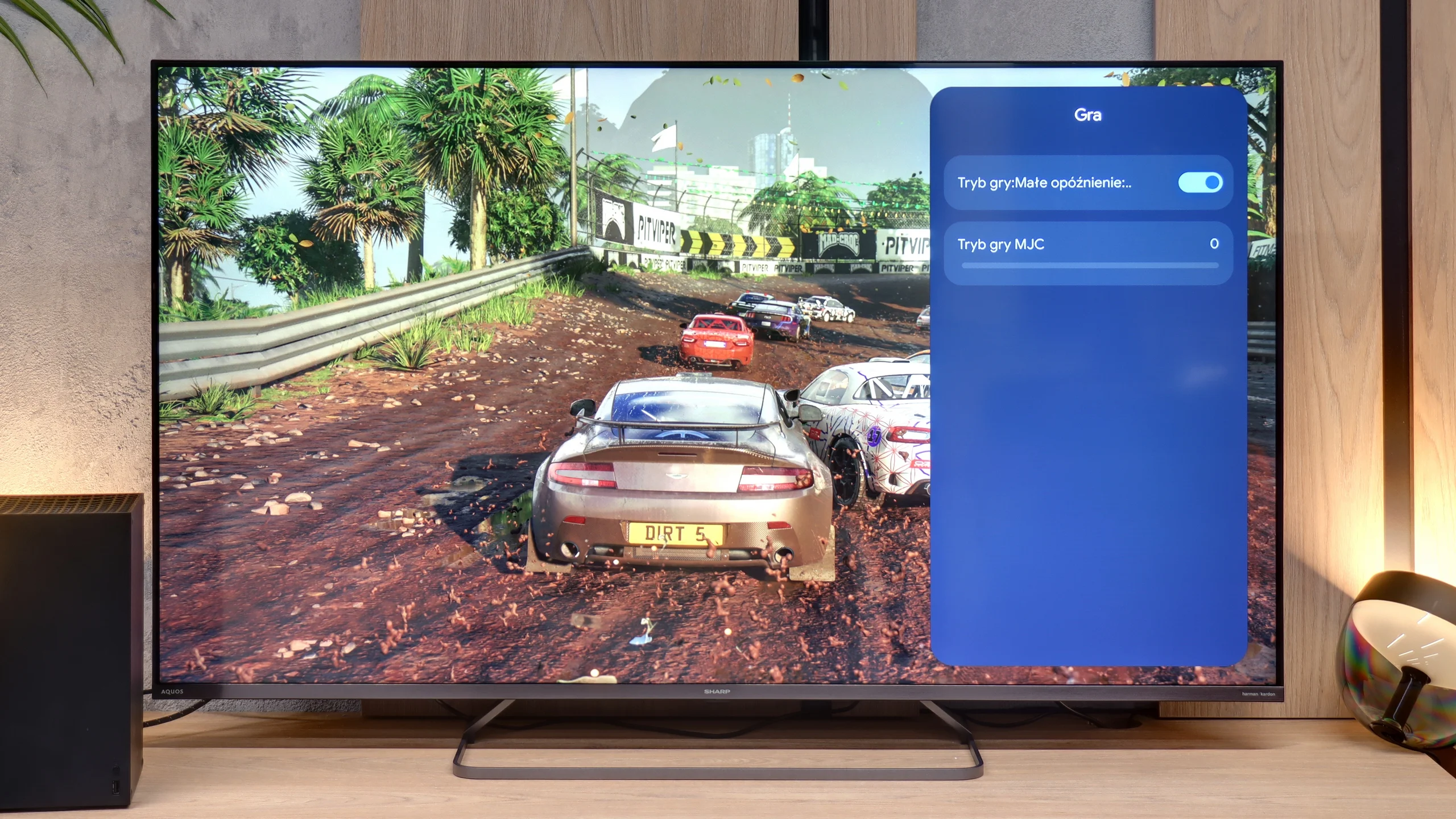
  • Game Menu: Which is hard to call a full-fledged “Game Bar,” as the functionality here is minimal. Aside from enabling ALLM, there’s only a game-specific motion smoother which we recommend avoiding as it introduces very noticeable artifacts and worsens responsiveness.

  • Dolby Vision Gaming: For Microsoft consoles.

Unfortunately, the list of shortcomings is significantly longer and more painful than the positives. The biggest disappointment is the lack of support for 120Hz, even when reducing the resolution to Full HD. The presence of 120Hz would allow for performance modes to be activated in many games on PS5 or Xbox Series X. Another shortcoming is VRR, which means that during frame drops, we are exposed to screen tearing. The lack of proper implementation of the HGiG standard is also very problematic. This results in the fact that during HDR calibration in the console menu, it is very easy to "overshoot" the brightness settings. As a result, instead of clear details in the highlights, we end up with an unnaturally over-bright image with cut-off details. Sharp JP7 is a proposition solely for very casual gamers.

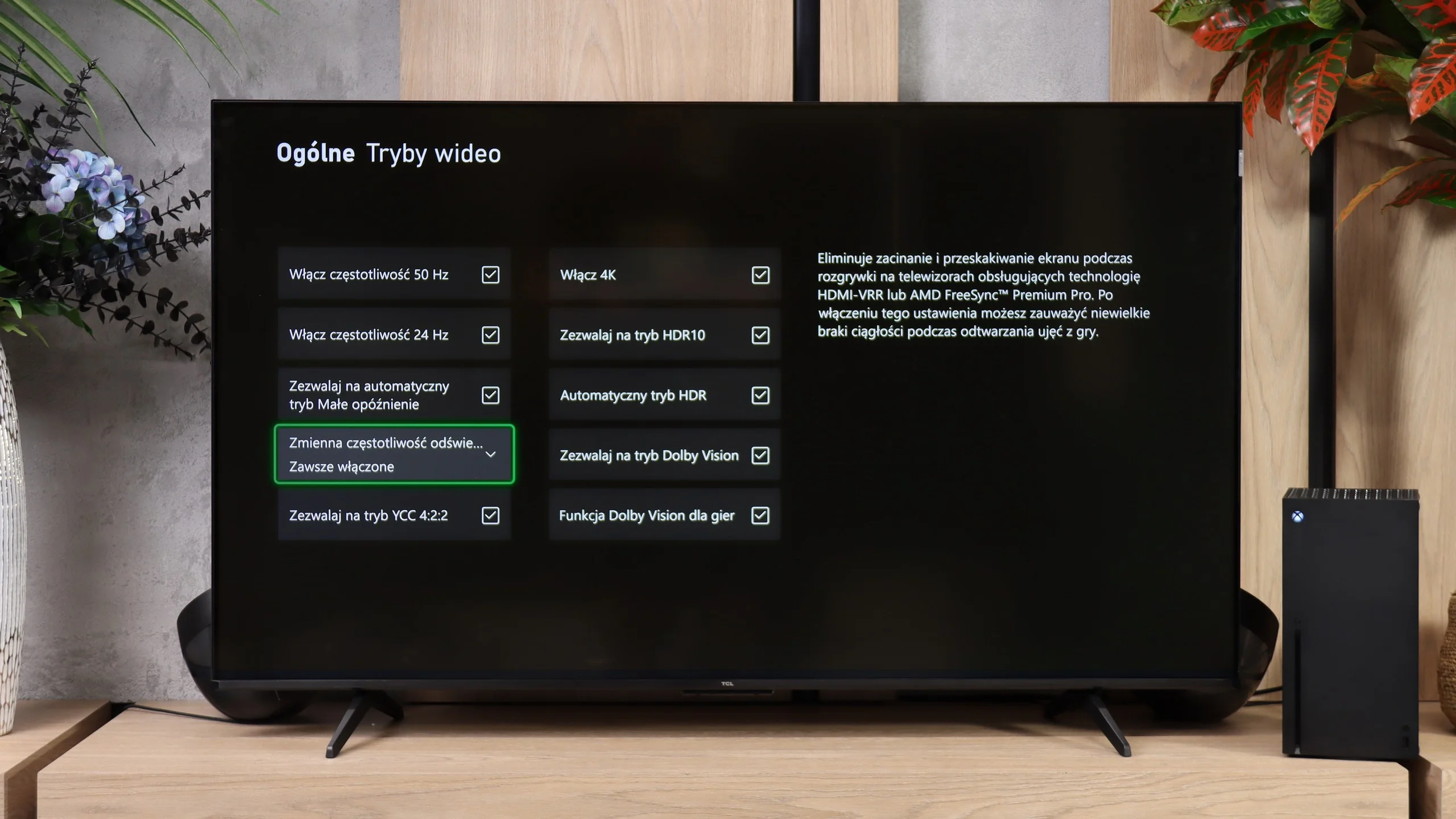
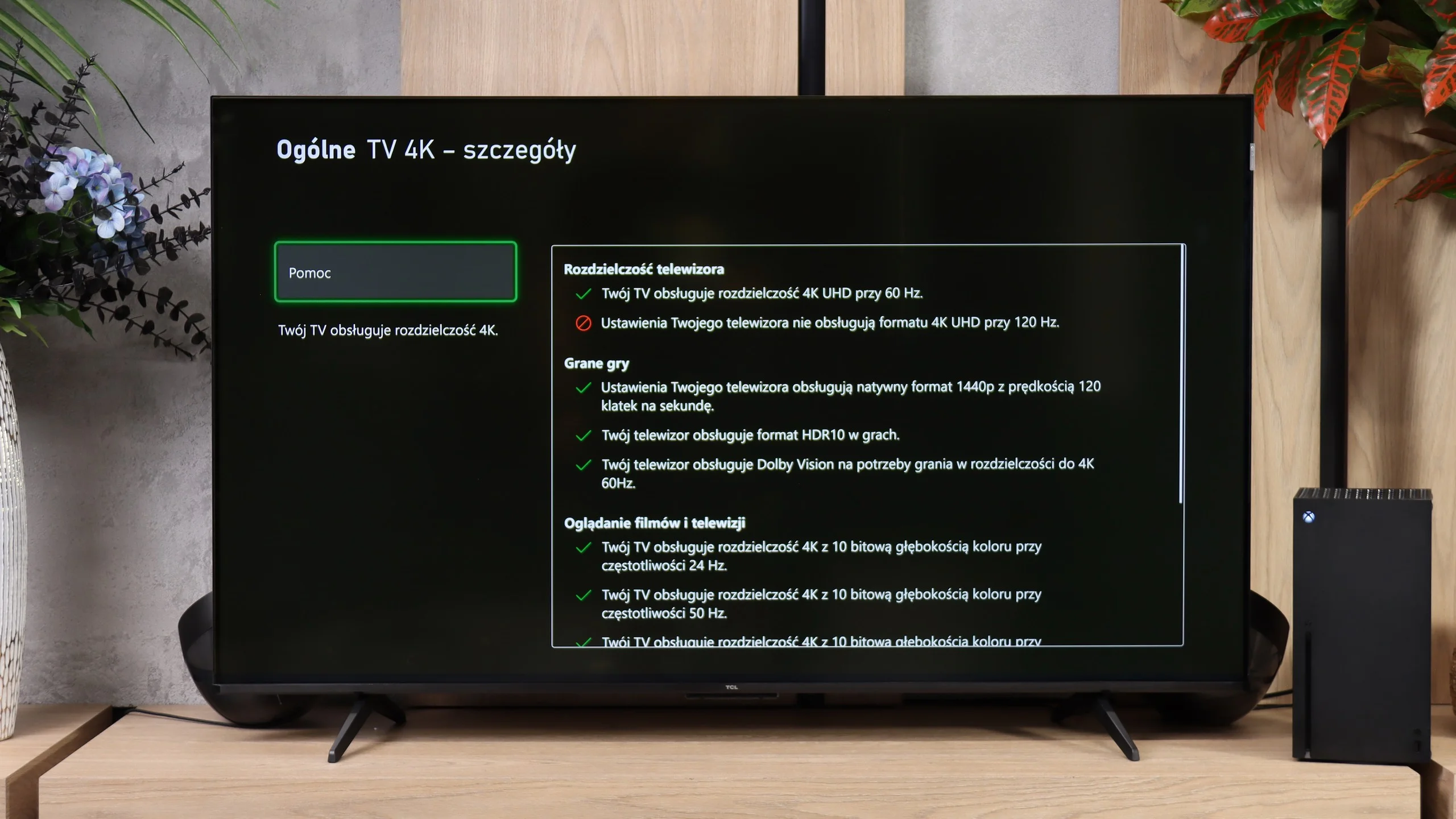
For such an inexpensive TV, the P7L has quite a lot to offer gamers. It has ALLM, VRR, Dolby Vision for gaming, and TCL also includes its Game Bar, which lets you quickly check the key information or change some settings without leaving the game. Not everything is perfect, though, because HGiG doesn’t work here as it should, but at this price point it’s hard to complain about the feature set. The most interesting part starts when you give up 4K. At that resolution the TV runs at up to 60 Hz, but at 1440p and 1080p it can display at 120 Hz. And that’s not just a line in the specs. In fast-paced games that support that frame rate you can really notice the improvement in smoothness, so if you value smoother motion more than maximum image detail, that mode can make a lot of sense. Of course, that doesn’t turn the P7L into a proper 120 Hz TV. Even so, those extra modes are exactly what make the P7L perform very well for gaming.

Input lag

9.3/10

10/10

SDR

1080p60
13 ms
13 ms
1080p120
29 ms
9 ms
2160p60
13 ms
13 ms
2160p120

HDR

2160p60
13 ms
13 ms
2160p120
4320p60

Dolby Vision

2160p60 DV
13 ms
13 ms
2160p120 DV

The issue of input lag in the Sharp JP7 is quite intriguing. In all 60Hz modes, the television achieves a result of just 13 ms. This is truly an excellent outcome that makes the lag practically imperceptible during gameplay. In this respect, Sharp has risen to the occasion, and even in dynamic titles, the controls remain responsive.

However, during testing, we encountered a certain technical puzzle. Using our professional Murideo generator, we were able to induce and measure input lag at 120Hz refresh rate in Full HD resolution. This sounds promising, but in reality, it is merely a "paper" curiosity, as standard external devices such as consoles or computers were unable to force the Sharp to operate in such a mode. Although professional diagnostic tools see some hidden potential here, for the end user, the JP7 remains just a 60Hz screen.

In terms of latency the TCL P7L performs very well. With a 60 Hz signal the input lag is about 13 ms, regardless of whether you’re playing in SDR, HDR or Dolby Vision. That’s already a level at which the delay should be practically imperceptible during normal gameplay. It gets even better when you switch the TV to 120 Hz mode at a lower resolution. Then the input lag falls to about 9 ms, which nicely complements the modes described earlier. For gamers, that’s another argument that, despite the P7L’s budget nature, it is fairly well prepared in this respect.

Compatibility with PC

5/10

5.8/10

Chroma 444 (max. resolution and refresh rate)
Yes
Yes
Font clarity
Good
Good
Readability of dark text and shapes
Average
Average
Input lag in PC mode (4K, max. refresh rate)
13ms
13ms
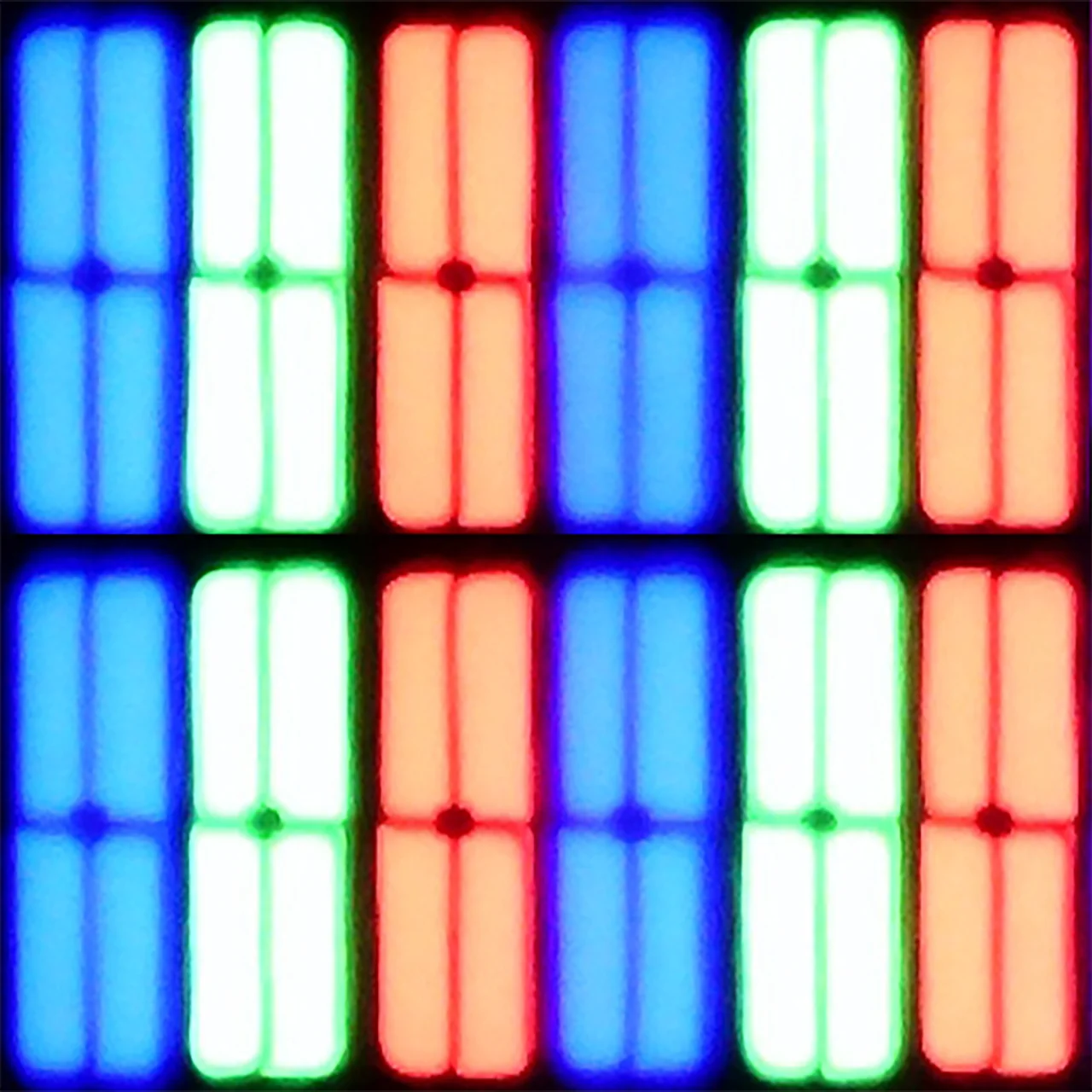
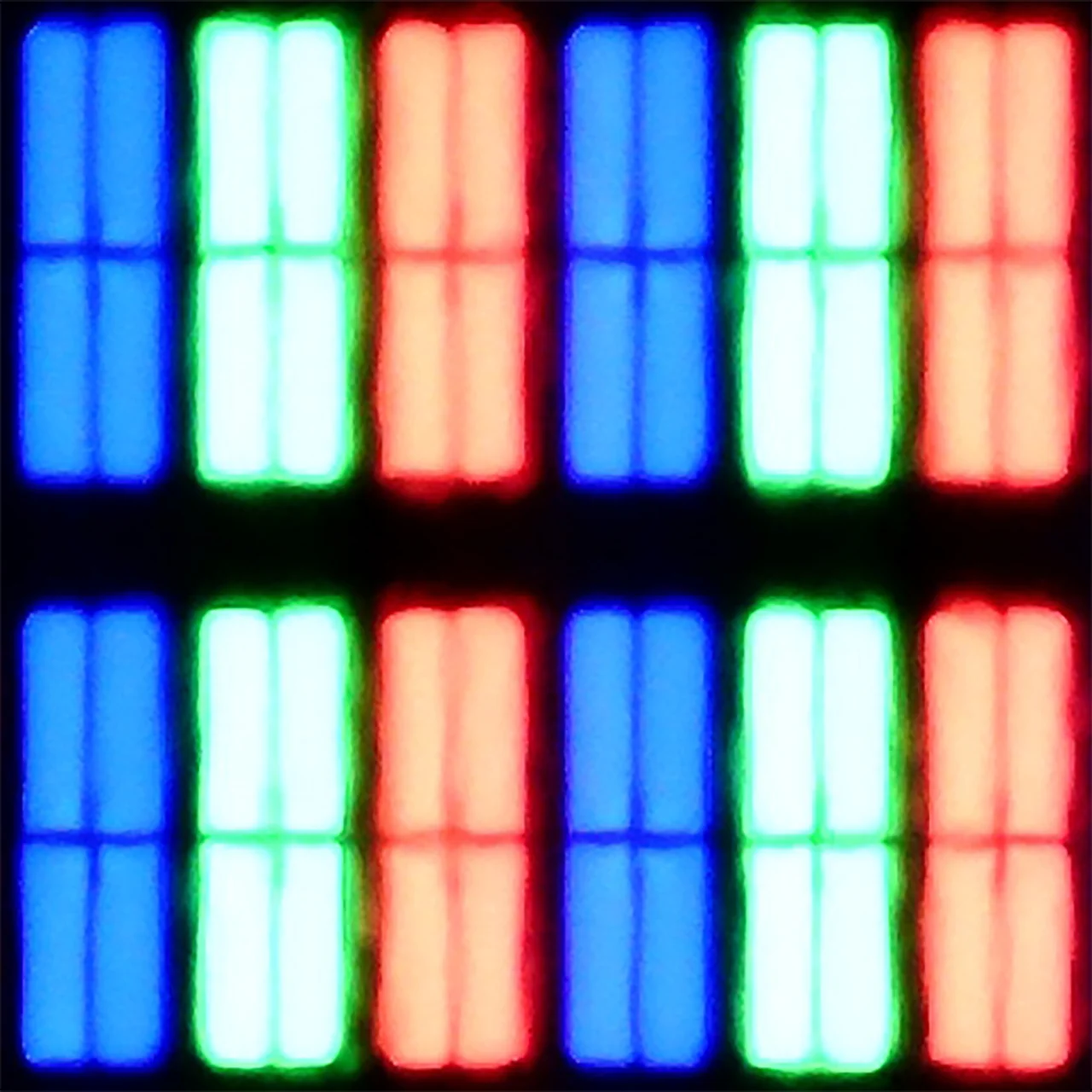
Matrix subpixel arrangement
BGR
BGR
Max refresh rate
60Hz
60Hz
G-Sync
No
Yes

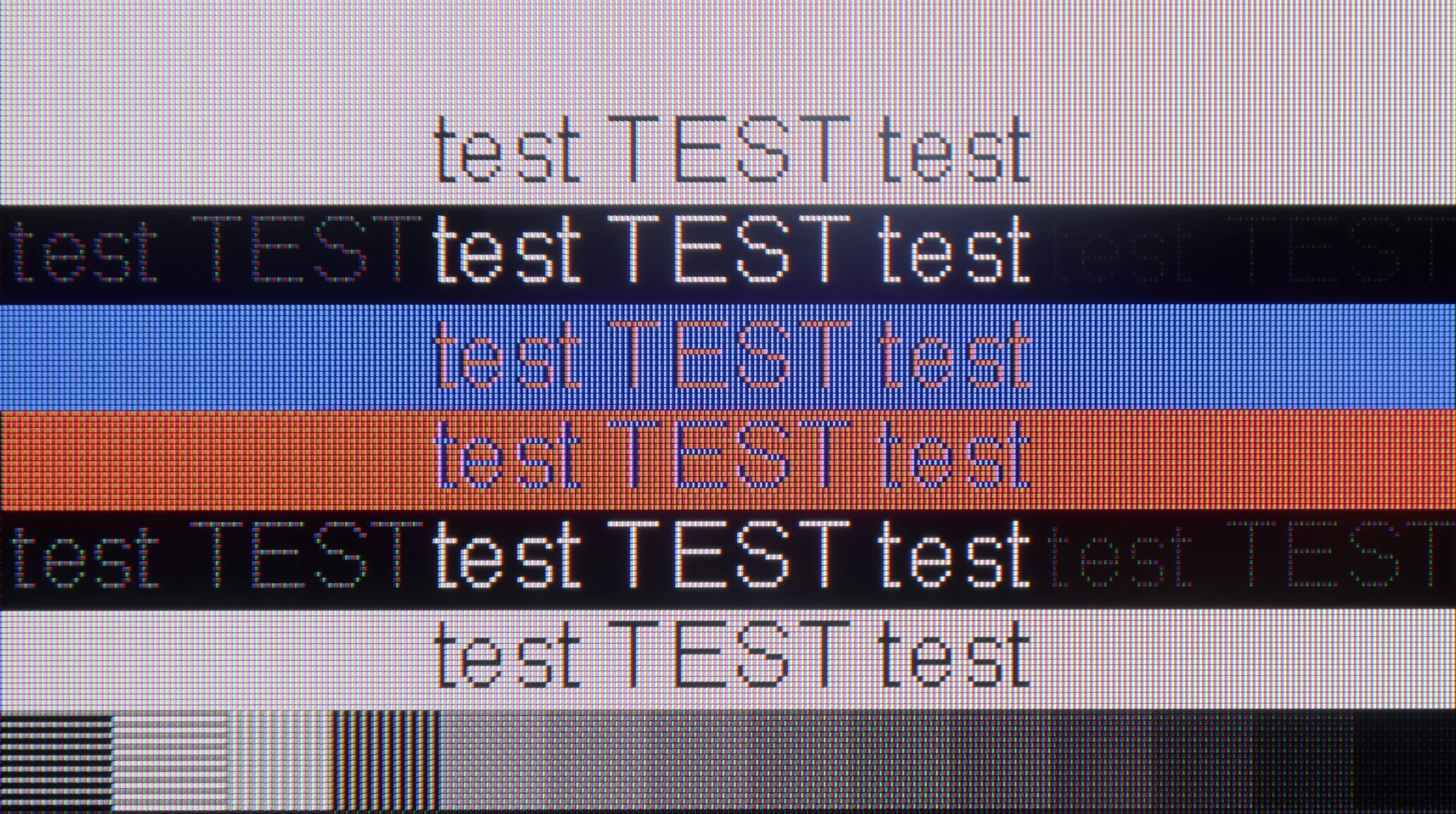
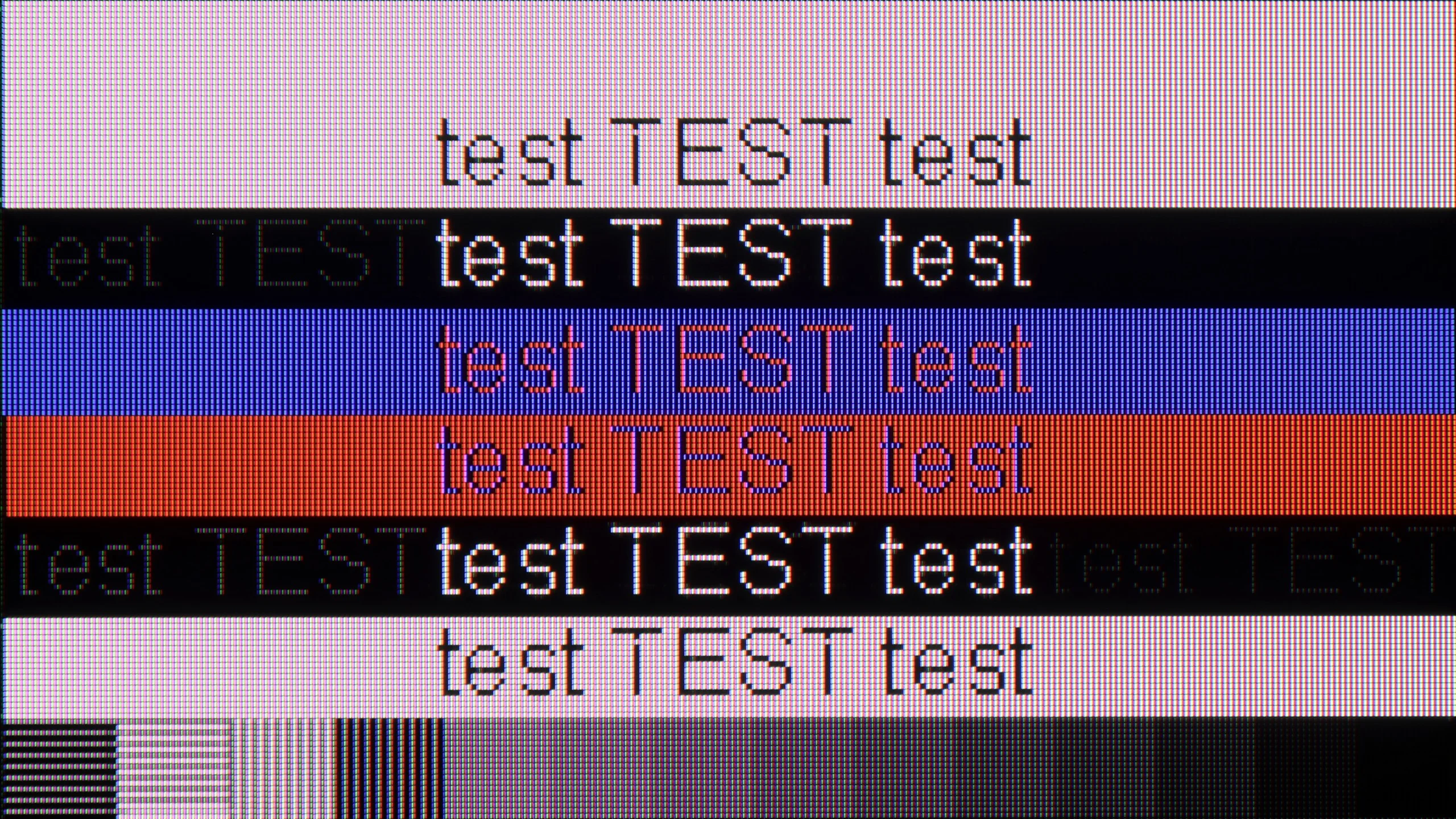
The photo shows the legibility of small fonts. Ideally, lines should be the same thickness on both light and dark text, with minimal pixel gaps.

The Sharp JP7 performs moderately as a monitor. Although the readability of standard fonts on a white or black background is adequate, the sharpness clearly decreases with darker and thinner text, making it difficult to work with text for extended periods. This panel is sufficient for occasional browsing of news in a web browser; however, we strongly advise against using it as a permanent screen for PC gaming. Besides the rigid limitation to 60Hz, the television does not support any form of frame synchronization (no G-Sync or FreeSync), which, combined with the significant motion blur of the display, results in a poor user experience in dynamic scenarios.

The TCL P7L is probably not the first choice for office work. The TV correctly supports 4:4:4 chroma, so text itself remains fairly sharp, but the BGR subpixel layout causes some issues with its appearance. On the vertical edges of letters you can notice small artefacts and characteristic "dots" that can be distracting when sitting close to the screen. For occasional browsing or working with documents this isn't a major problem, but as a monitor for daily text work the P7L performs rather averagely.

It looks much better for PC gaming. Low input lag, support for G-Sync and VRR mean the TV works well with the graphics card, and at lower resolutions you can also make use of 120 Hz. In 4K we're still limited to 60 Hz, but if the computer is intended mainly for gaming the P7L makes much more sense in that role than as a typical work monitor.

Viewing angles

3.1/10

3.2/10

Brightness drop at an angle of 45 degrees
77%
84%

The Sharp JP7 features a VA panel, which automatically means narrow viewing angles. It's a classic compromise: we get quite good black levels and contrast, but at the expense of image degradation when viewed from the side. At an angle, colours clearly fade and lose their saturation, so the JP7 is definitely a device for watching "head-on" rather than from the corner of the sofa.

Viewing angles on the TCL P7L are rather poor, which is typical for a VA panel. It is precisely because of that panel that the TV offers higher contrast and better blacks, but the price for that is a noticeable fall in image quality when you view the screen from the side. You only have to move a little off axis for colours to start losing saturation and for blacks to turn greyer. For that reason the P7L performs best when you are sitting as directly in front of the screen as possible. On a larger sofa and when watching with several people, the seats at the sides will be noticeably less comfortable.

Daytime performance

7.3/10

5.2/10

Panel finish
Satin
Satin
Reflection suppression
Decent
Decent
Black levels during daytime
Good
Good

Panel brightness

TCL P7L / P79L: 364 cd/m2

SHARP JP7765E: 708 cd/m2

The satin coating of the matrix applied in the Sharp JP7 quite effectively dampens reflections, although it is far from being fully matte. However, the real "gamechanger" in bright rooms is the brightness of the device itself in SDR content. An average result of 700 nits and peaks around 1000 nits are outstanding in the segment up to 2000 PLN. Thanks to such high luminance, the television will easily cope even in well-lit living rooms. One just has to be careful of direct reflections, for example from a window opposite, as the satin used here will not eliminate them completely, but at this brightness level, the image will remain readable.

By day the TCL P7L copes quite well, although much depends on the TV’s position relative to windows. The screen’s satin coating disperses reflections fairly effectively, so under normal living-room lighting the picture stays readable and doesn’t immediately turn into a mirror. Black levels also look good, and in daylight the blacks don’t lose too much depth. The limitation, however, is brightness. Around 360 nits is enough for normal viewing in a moderately bright room, but with strong sunlight falling directly on the screen the P7L starts to lose out to its surroundings. It will therefore be fine for a typical living room, but if the TV is to sit opposite a large window or you mainly watch in a very bright room, it’s worth bearing that in mind.

Panel details

Backlight Type
Mini-LED PFS LED
PFS LED
Software version during testing
UKN4.250714.091
v8-0008t01-lf1v534.002065
Image processor
MT5896 2GB RAM

Subpixel Structure:

Panel uniformity and thermal imaging:

Review SHARP JP7765E TV Panel details
Review TCL P7L / P79L TV Panel details

SHARP JP7765E

TCL P7L / P79L

TV features

6.4/10

7/10

  • System
    Google TV
    Google TV
  • System performance
    Decent
    Decent
  • HDMI inputs
    4 x HDMI 2.0, 0 x HDMI 2.1
    3 x HDMI 2.0, 0 x HDMI 2.1
  • Other inputs
    RCA (Chinch)
  • Outputs
    Toslink (Optical audio), eARC (HDMI), ARC (HDMI), Mini-Jack (Headphones)
    Toslink (Optical audio), eARC (HDMI), ARC (HDMI)
  • Network Interfaces
    Wi-Fi 2.4GHz, Wi-Fi 5GHz, Ethernet (LAN) 100Mbps
    Wi-Fi 2.4GHz, Wi-Fi 5GHz, Ethernet (LAN) 100Mbps
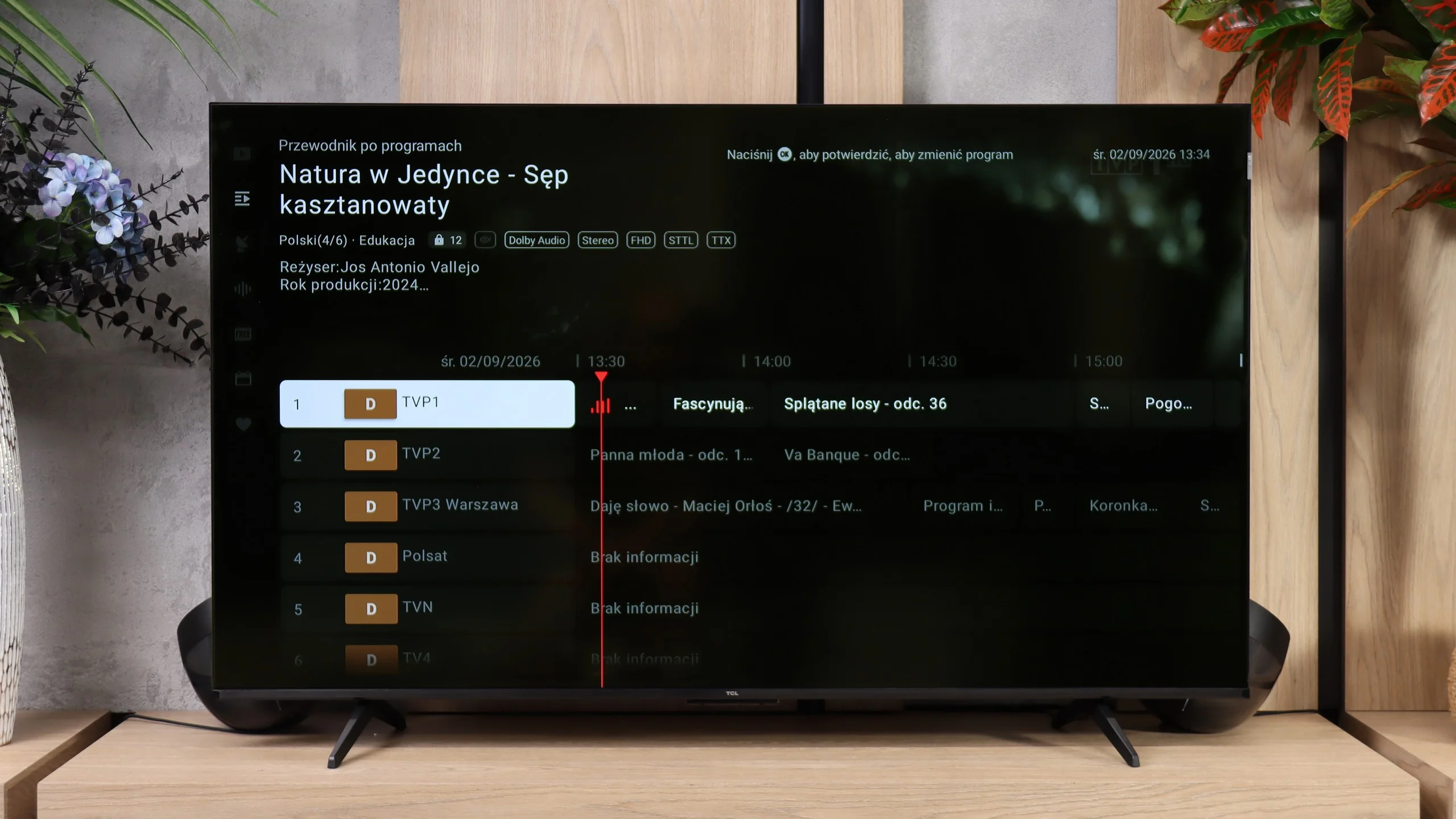
  • TV reception
    DVB-T, DVB-T2, DVB-S, DVB-S2, DVB-C
    DVB-T, DVB-T2, DVB-S, DVB-S2, DVB-C

Classic features:

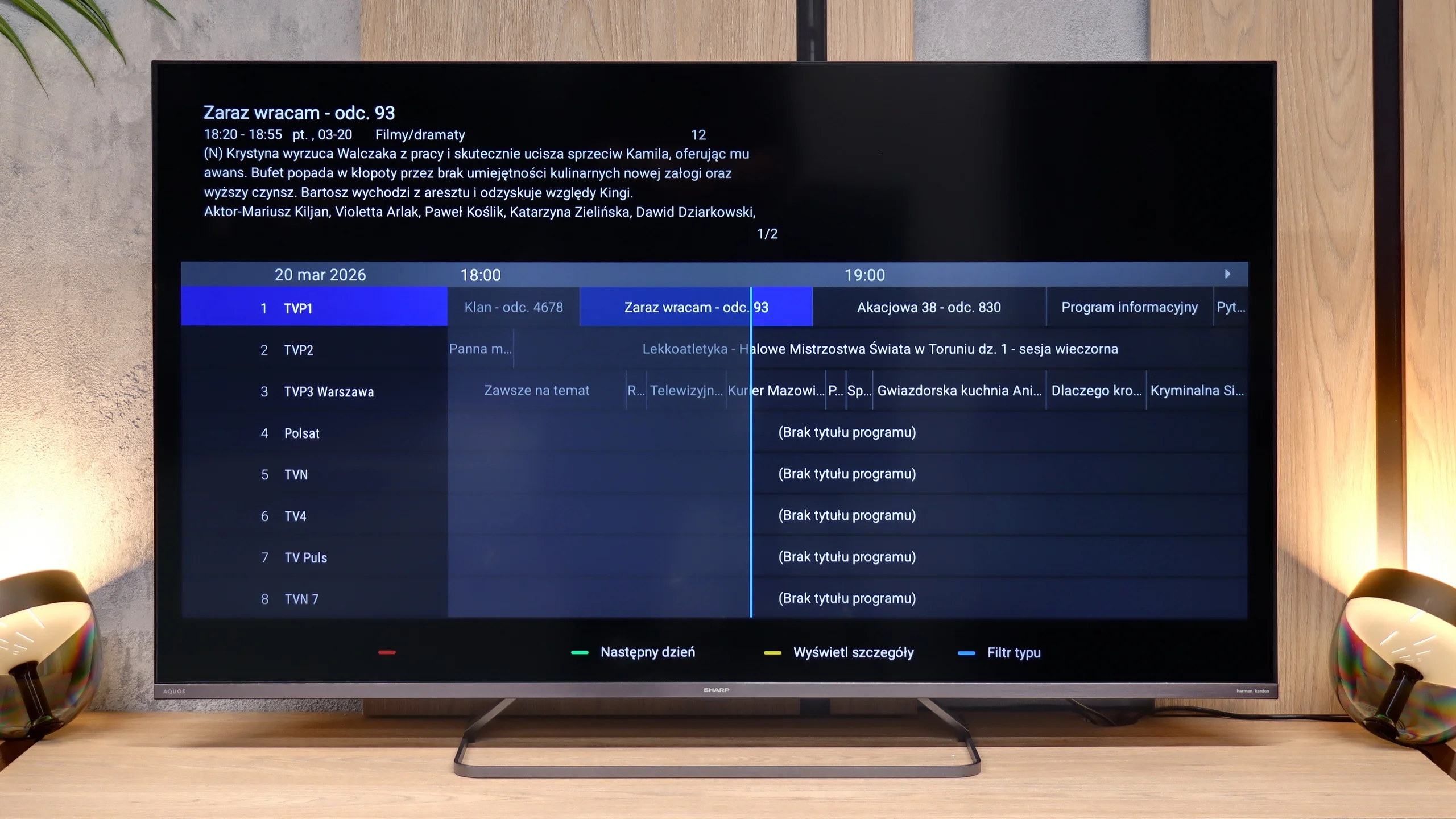
  • Recording to USB (terrestrial TV)
    No
    No
  • Recording programming
    No
    No
  • Picture in Picture (PiP)
    No
    No
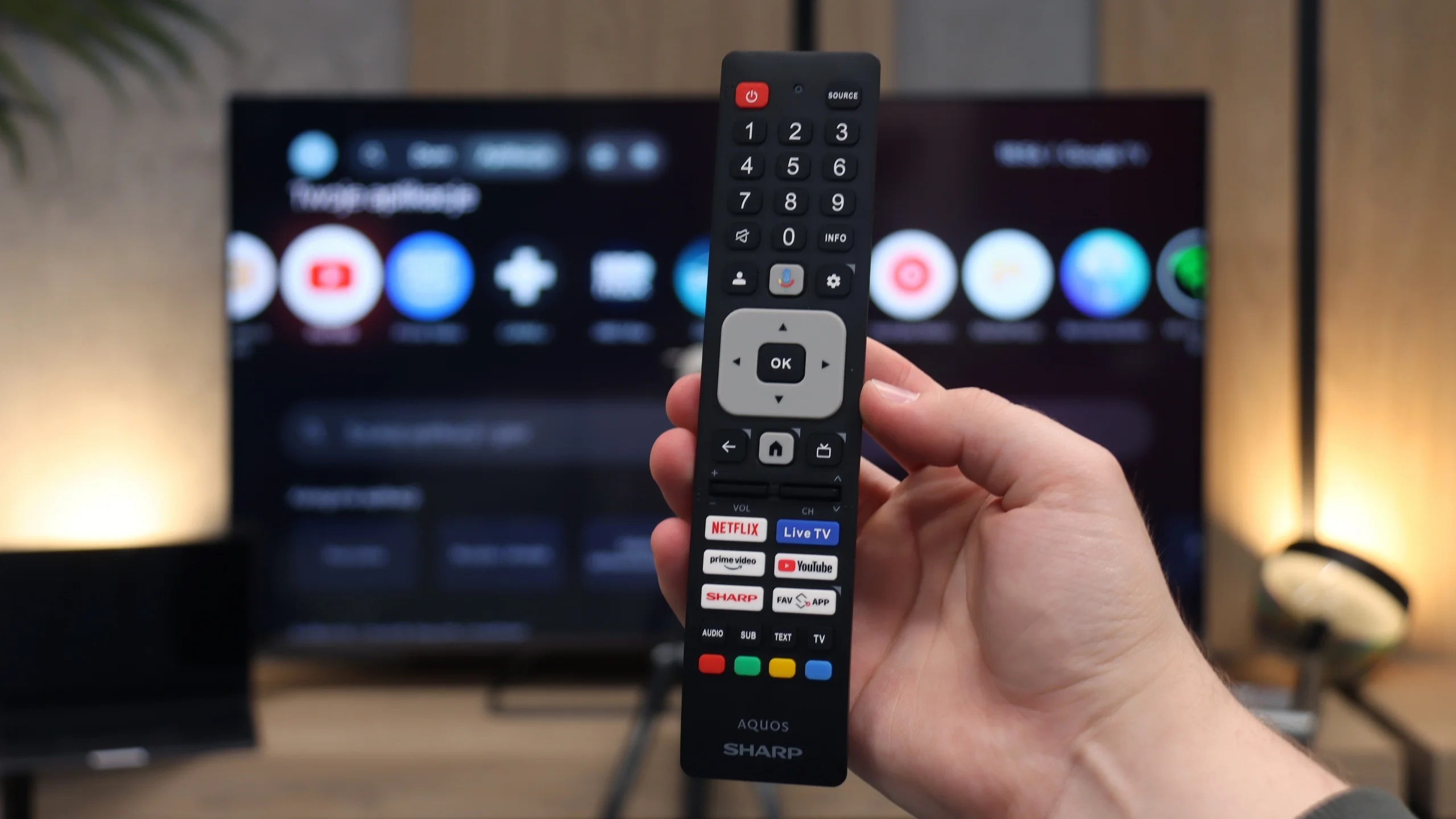
  • RF remote control (no need to aim)
    Yes
    Yes
  • Backlit remote control
    No
    No
  • Teletext
    Yes
    Yes
  • Audio only mode
    Yes
    Yes
  • Bluetooth headphones support
    Yes
    Yes
  • Simultaneous Bluetooth headphones & TV audio
    Yes
    Yes

Smart features:

  • AirPlay
    No
    Yes
  • Screen mirroring (Windows Miracast)
    Yes
    Yes
  • Voice search
    Yes
    Yes
  • Voice search in native language
    Yes
    Yes
  • Ability to connect a keyboard and mouse
    Yes
    Yes
Review SHARP JP7765E TV features
Review TCL P7L / P79L TV features

Sound connection options

  • HDMI audio
    eARC (HDMI), ARC (HDMI)
    eARC (HDMI), ARC (HDMI)
  • Other audio outputs
    Toslink (Optical audio), Mini-Jack (Headphones)
    Toslink (Optical audio)
  • Wireless audio
    Bluetooth
    Bluetooth

Supported audio formats (external HDMI eARC audio):

  • Dolby Digital Plus 7.1
    Yes
    Yes
  • Dolby True HD 7.1
    Yes
    No
  • Dolby Atmos in Dolby Digital Plus (JOC)
    Yes
    Yes
  • Dolby Atmos in Dolby True HD
    No
    No
  • DTS:X in DTS-HD MA
    No
    Yes
  • DTS-HD Master Audio
    No
    Yes

Senior accessibility

  • Numeric keyboard on TV
    Yes
    Yes
  • Font size adjustment
    Yes
    No
  • Audio description
    Yes
    Yes

Smart TV Features - Google TV

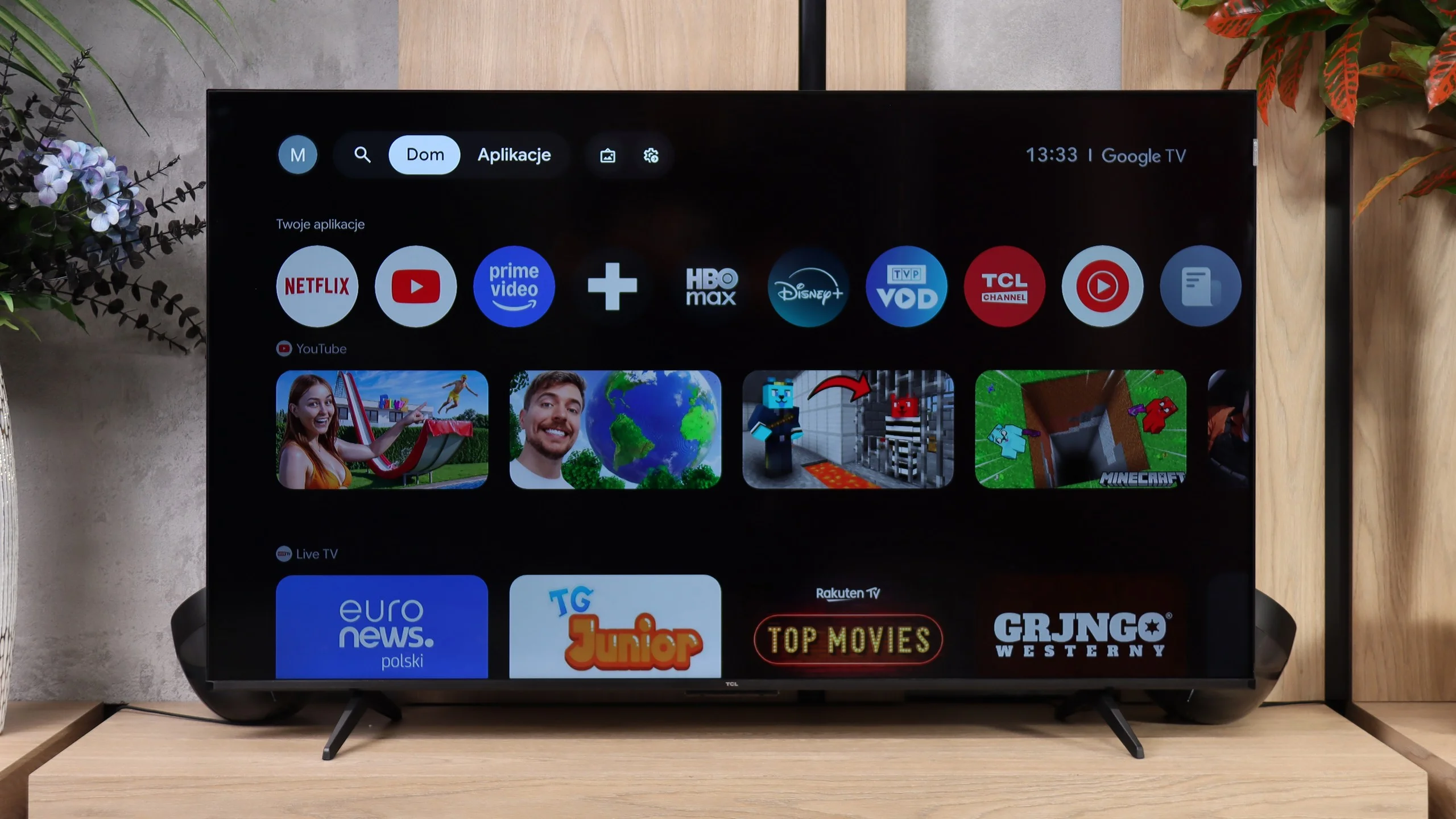
The main advantage of the Sharp JP7 is the Google TV system, which currently offers the widest access to applications on the market. The library is nearly limitless – from all popular streaming services to niche VOD solutions or media players. The system provides great freedom of personalisation and access to the latest versions of popular platforms. Included in the package is a Bluetooth remote, which allows the use of the built-in voice assistant without having to aim at the television. The only significant shortcoming in the multimedia sphere that we encountered is the lack of support for AirPlay. Users of Apple devices, such as iPhone or iPad, will not be able to stream content directly and wirelessly to the screen of this Sharp.

Classic Features and Connections

In terms of traditional television functions, the Sharp JP7 does not offer anything beyond the market standard. It lacks options for recording programmes to external storage (PVR) and a dual tuner, which excludes the use of picture-in-picture (PiP) functionality. The television only provides basic solutions, such as teletext and the ability to wirelessly connect accessories via Bluetooth.

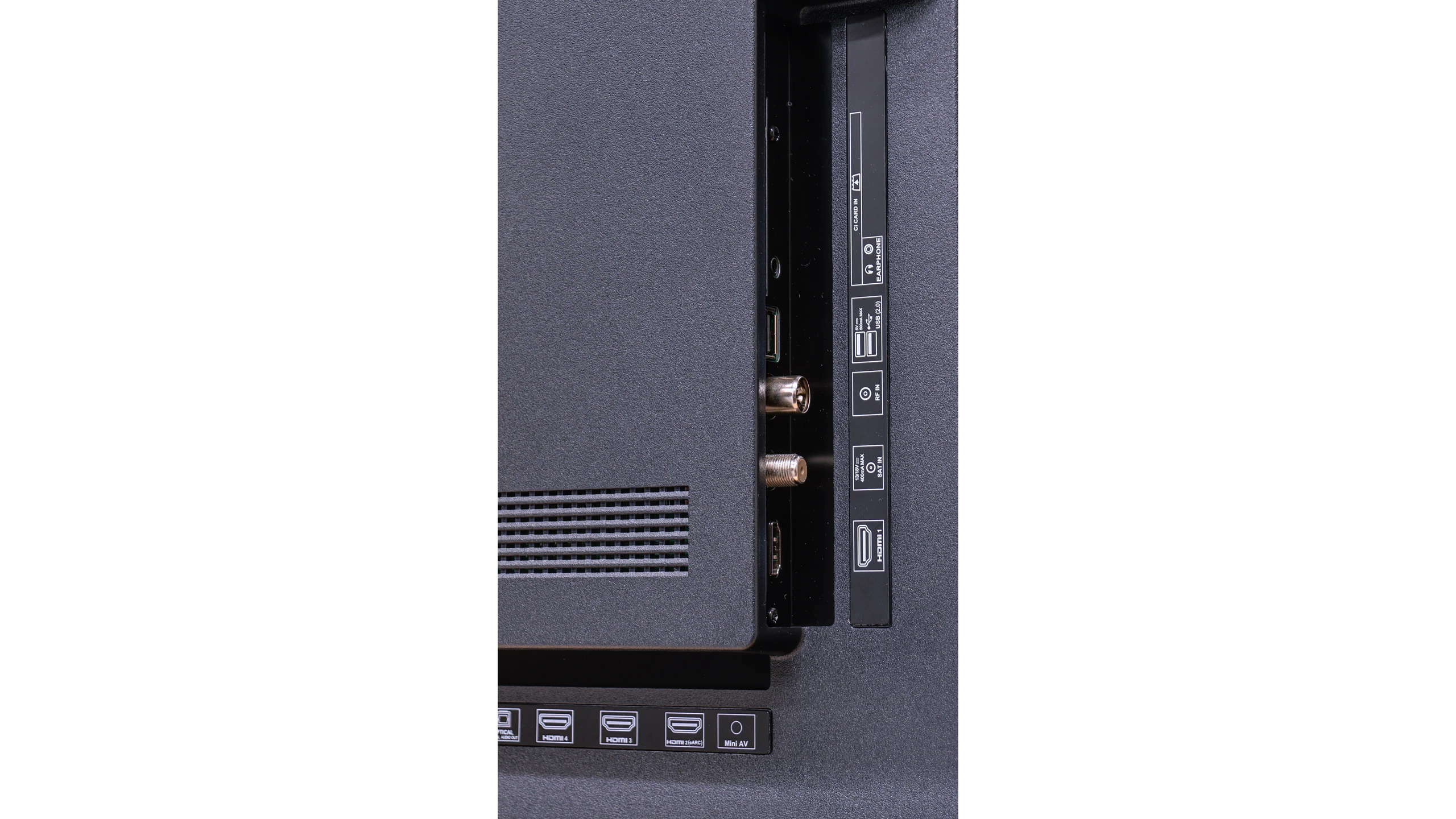
As for the connections, the Sharp JP7 offers 4 HDMI ports, which the manufacturer proudly describes as standard 2.1. However, let's be clear: this is purely a marketing ploy because in practice, these ports only offer the full functionality of standard 2.0 due to the limitations of the television. On the plus side, the presence of a classic mini-jack headphone output allows for connecting older audio systems or speakers without the need for adapters or the HDMI eARC standard. This is a rather rare and very practical addition these days.

Smart TV

The TCL P7L runs on Google TV and that is definitely one of this model’s stronger points. The system provides access to virtually all popular streaming apps, and it also supports AirPlay, casting from other devices and voice search, including Polish. The interface itself performs decently, it isn’t as fast as on more expensive sets, but for everyday use it shouldn’t be particularly irritating.

TV features

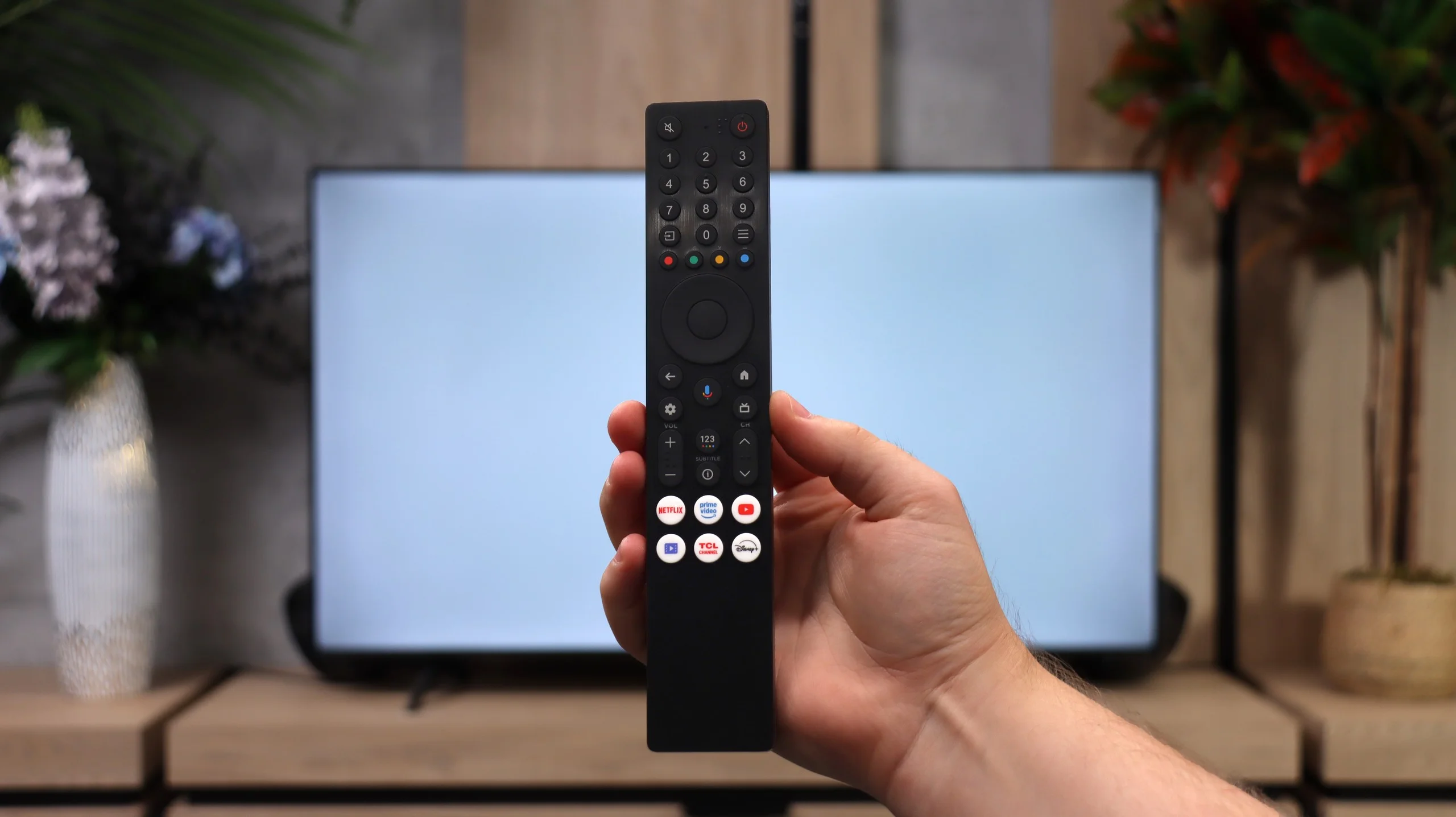
When it comes to more traditional features the P7L is clearly a simpler television. It lacks recording to USB, scheduling recordings and picture-in-picture, so people used to those extras on older TVs may miss them. What remains are the basics: such as teletext, an audio-only mode, Bluetooth headphone support and the option to play audio simultaneously through the TV speakers and headphones. The remote uses radio signals, so you don’t have to point it directly at the screen, which is simply handy in everyday use.

Apps

9.6/10

9.6/10

OK
Disney_Plus
OK
Amazon_Prime_Video
OK
Player_TVN
OK
Polsat_Box_Go
OK
Canal_Plus_Online
OK
TVP_VOD
OK
Apple_TV_Plus
OK
SkyShowtime
OK
Rakuten
OK
CDA_Premium_Browser
OK
Spotify
OK
Tidal
OK
Netflix
OK
YouTube
OK
HBO_MAX
OK
Kodi
No
Apple_music
OK
Eleven_sports
No
Xbox Game Pass
OK
GeForce NOW
No
Amazon Luna
OK
Boosteroid
OK
Steam Link
OK
Disney_Plus
OK
Amazon_Prime_Video
OK
Player_TVN
OK
Polsat_Box_Go
OK
Canal_Plus_Online
OK
TVP_VOD
OK
Apple_TV_Plus
OK
SkyShowtime
OK
Rakuten
OK
CDA_Premium_Browser
OK
Spotify
OK
Tidal
OK
Netflix
OK
YouTube
OK
HBO_MAX
OK
Kodi
No
Apple_music
OK
Eleven_sports
No
Xbox Game Pass
OK
GeForce NOW
No
Amazon Luna
OK
Boosteroid
OK
Steam Link

Playing files from USB

9.4/10

8.7/10

Supported photo formats:

JPEG
Yes
Yes
HEIC
Yes
No
PNG
Yes
Yes
GIF
Yes
Yes
WebP
Yes
No
TIFF
No
Yes
BMP
Yes
Yes
SVG
No
No

Maximum photo resolution:

4 Mpix
Yes
Yes
6 Mpix
Yes
Yes
8 Mpix
Yes
Yes
10 Mpix
Yes
No
12 Mpix
Yes
No
16 Mpix
Yes
Yes
20 Mpix
Yes
No
24 Mpix
Yes
No
28 Mpix
Yes
No
32 Mpix
Yes
Yes

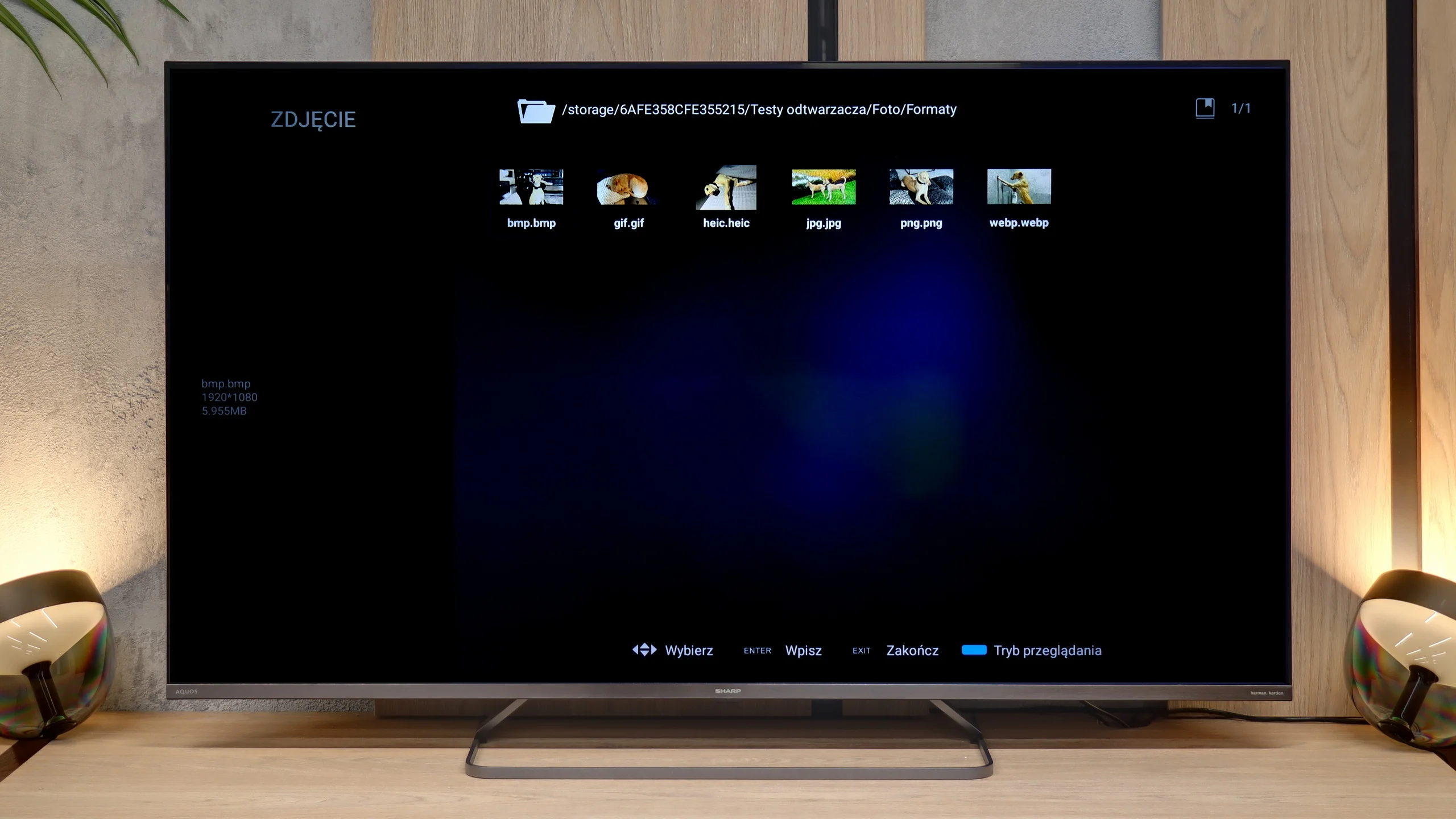
When it comes to multimedia handling from external sources, the Sharp JP7 performs simply exceptionally. The built-in player is a true surprise, as it managed to cope with practically every file format we provided. It even handled the HEIC format (mainly used on Apple devices) without any problems, which most televisions struggle with. Here, Sharp displayed images without the slightest hesitation. Of course, a huge advantage is the presence of the Google TV system, which allows the installation of external applications, such as VLC or Kodi, in case of any issues. However, in our opinion, this would be an unnecessary step as the factory player is refined and versatile enough to satisfy even the most demanding users.

The built-in media player in the TCL P7L performs quite well. The TV handles most common video and subtitle formats and also easily plays 4K content encoded with newer codecs. It's perfectly adequate for occasional viewing of videos from a USB flash drive or external drive, and in that respect there's little to complain about. What proved most annoying, however, was displaying photos. The P7L did not always open higher-resolution files correctly and behaved somewhat selectively: some large photos worked, others did not. So if you plan to frequently browse photos on the TV straight from a camera or phone, it's worth bearing in mind.

Sound

6/10

6.2/10

  • Maximum volume
    89dB
    89dB
  • Dolby Digital Plus 7.1
    Yes
    Yes
  • Dolby True HD 7.1
    Yes
    No
  • Dolby Atmos in Dolby Digital Plus (JOC)
    Yes
    Yes
  • Dolby Atmos in Dolby True HD
    No
    No
  • DTS:X in DTS-HD MA
    No
    Yes
  • DTS-HD Master Audio
    No
    Yes

The sound emerging from the JP7765E model can be described as unusual, and even – looking at our measurements – quite peculiar. What stands out immediately is the immense volume scale. The television can reach levels of nearly 90 decibels (89 dBC on the chart), which is an almost record-breaking achievement in this class. Such strong "shrillness" will certainly appeal to seniors or individuals who need a device with very high audibility.

However, a glance at the frequency chart explains why the sound appears so "strange". The characteristic is extremely uneven: we have a solid boost in the lower registers (around 200 Hz) and in the high tones, but the mid-range – where most information about the human voice lies (between 500 Hz and 1.5 kHz) – experiences a huge drop. This makes the sound quality unnatural and can seem "recessed" during crucial moments of dialogues.

On the positive side, support for the Dolby Atmos format is noteworthy. However, it must be honestly admitted that to truly feel the potential of this system, it will be essential to connect at least a decent soundbar. The JP7's built-in speakers, despite being very loud, cannot deliver the cinematic depth and precision that this standard demands.

The sound on the TCL P7L is fairly conventional for a budget TV. The speakers can get quite loud and dialogue is clear, but they lack depth and, above all, bass. For regular TV, YouTube or news that setup is more than adequate, but in films and music you’ll quickly notice the sound is rather flat and thin. On the plus side, it supports a wide range of formats, including Dolby Atmos and DTS. However, the TV itself can’t turn those into a full surround effect, so if you want a more powerful sound, especially in the low end, a soundbar is definitely the better option.

Sound Quality Test

Acoustic Measurements

89dBC (Max)

75dBC

89dBC (Max)

75dBC

Reader comments

Comments are provided by the external service Disqus (Zeta Global). Once loaded, Disqus may set cookies and process data about your activity.

We will remember your choice on this device. Provider's privacy policy