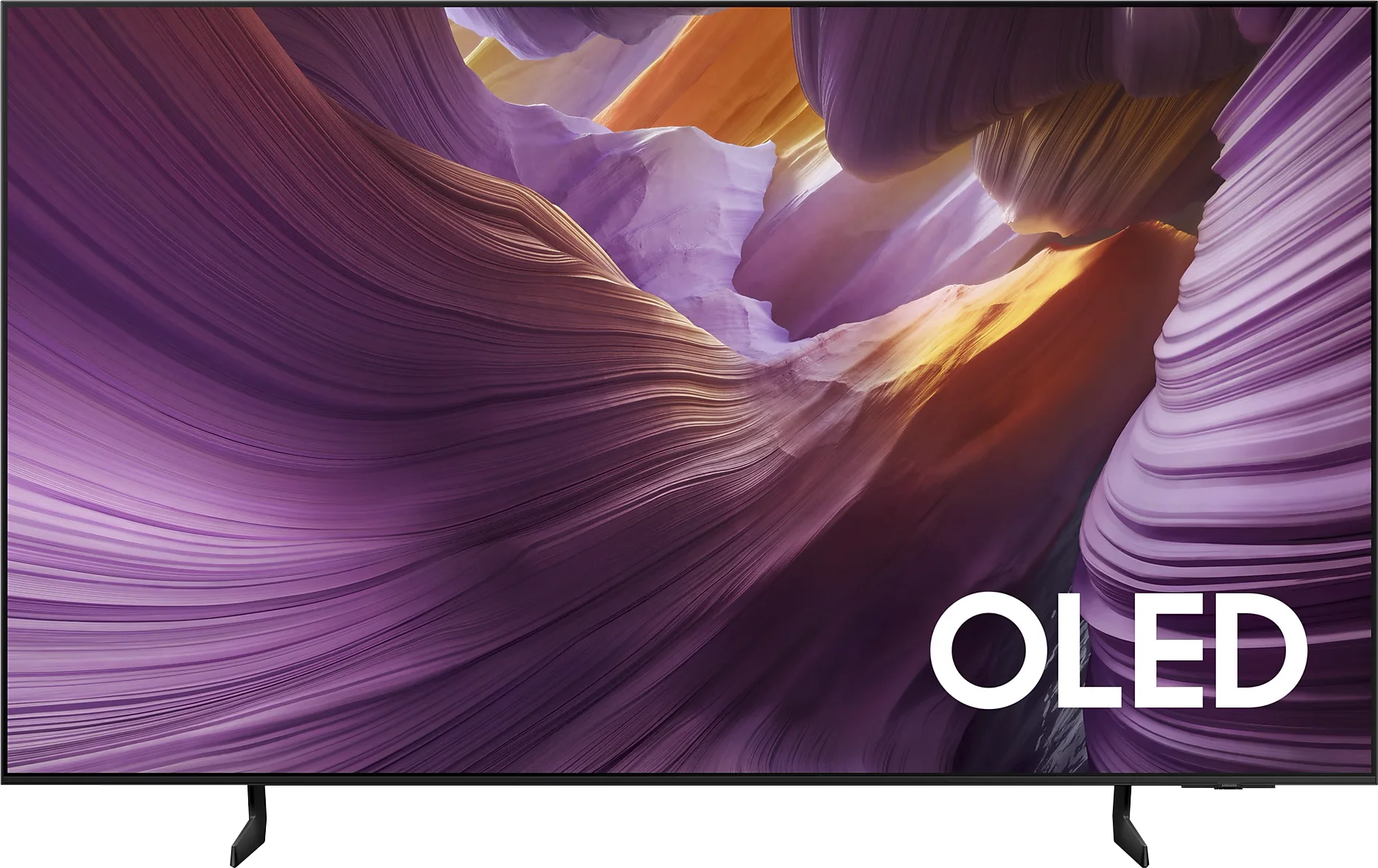
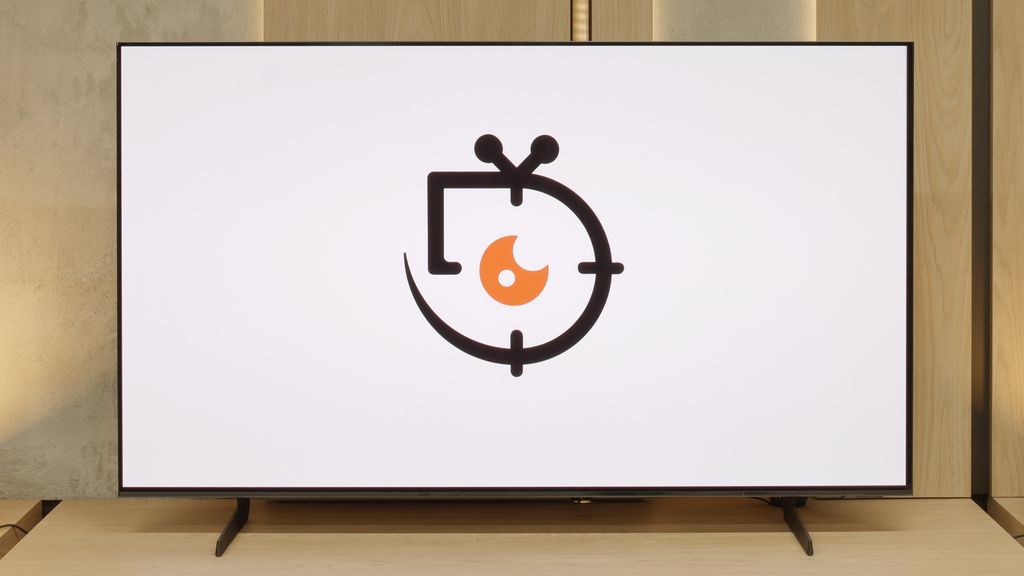
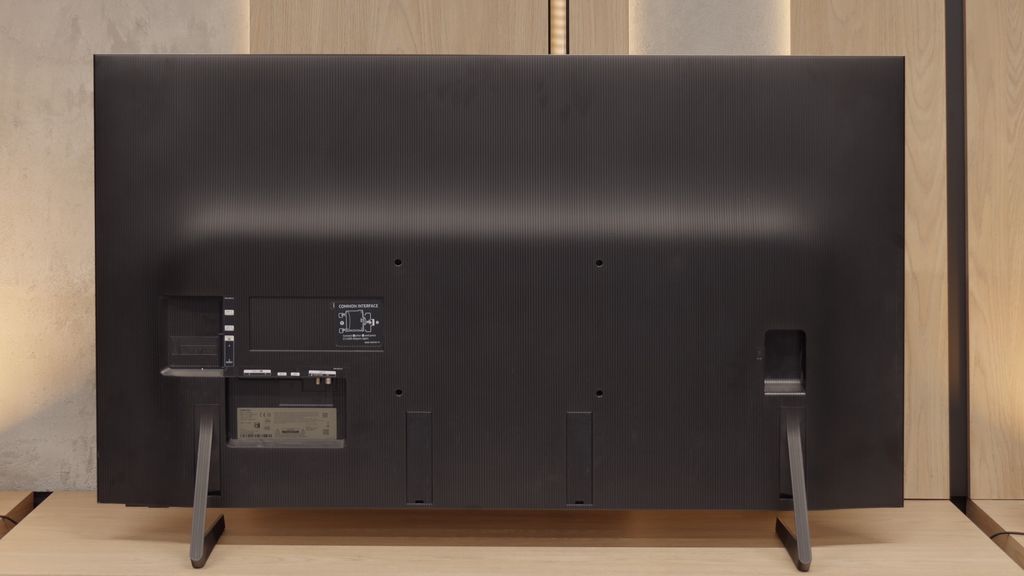
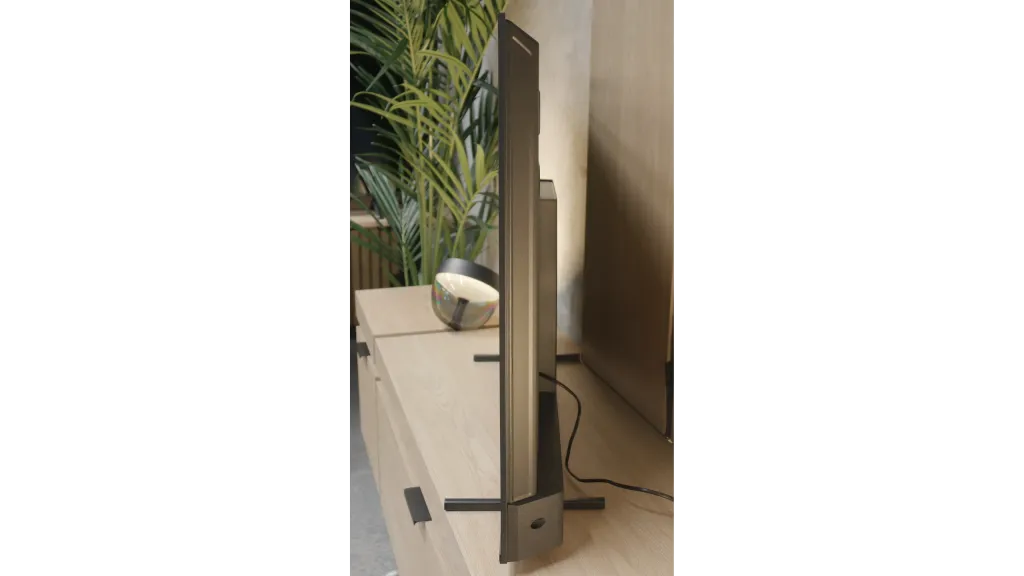
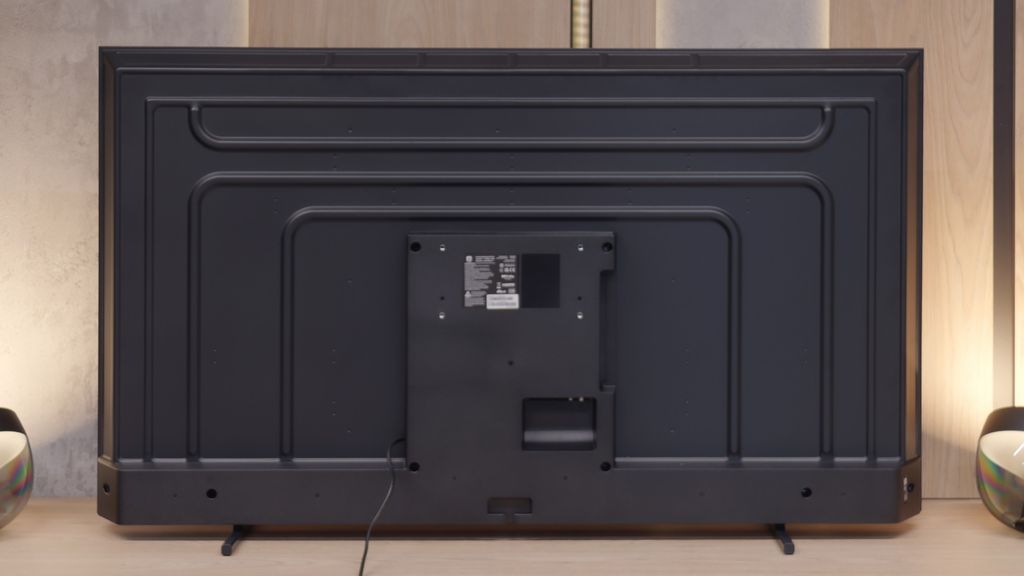
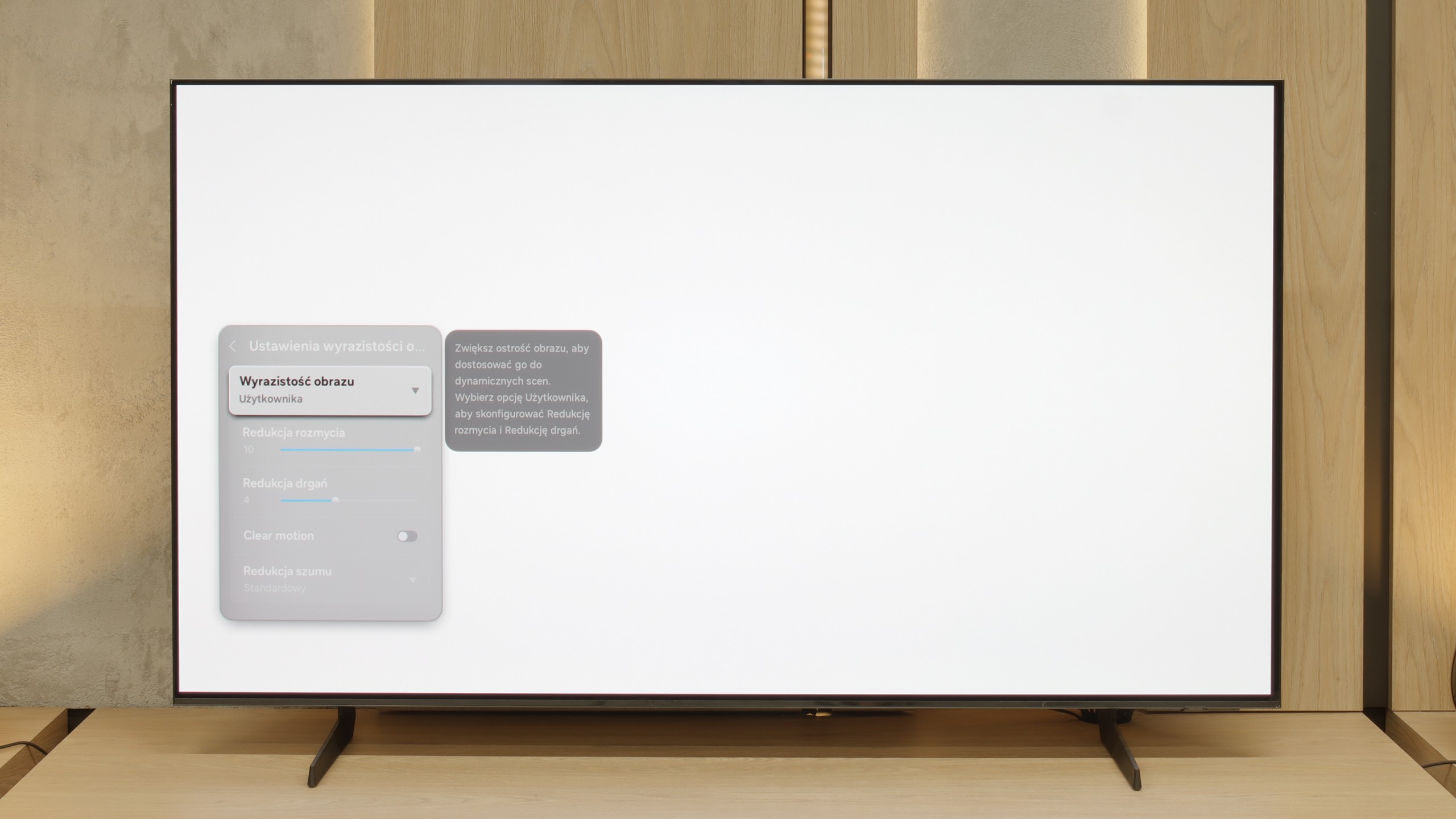
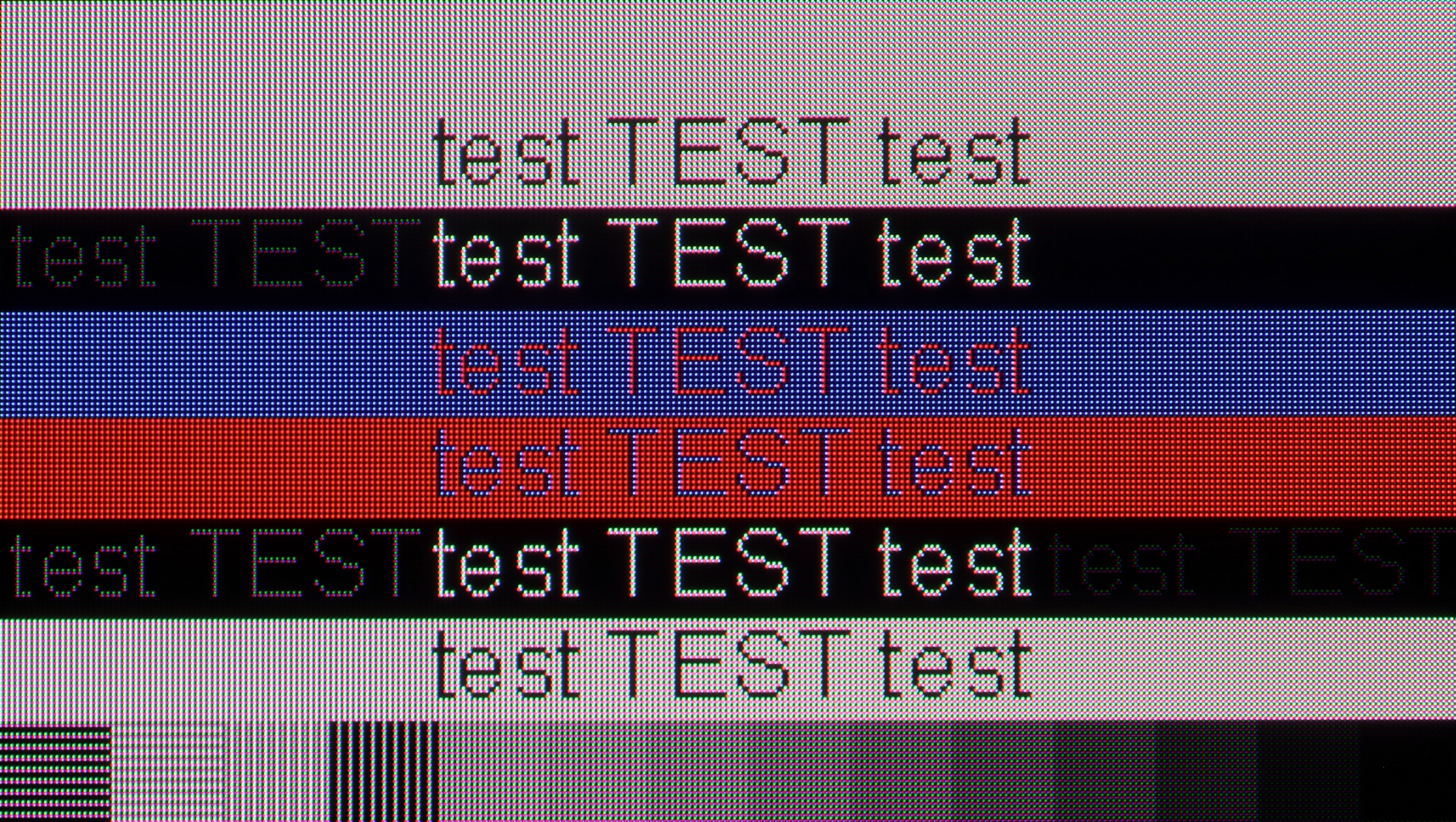
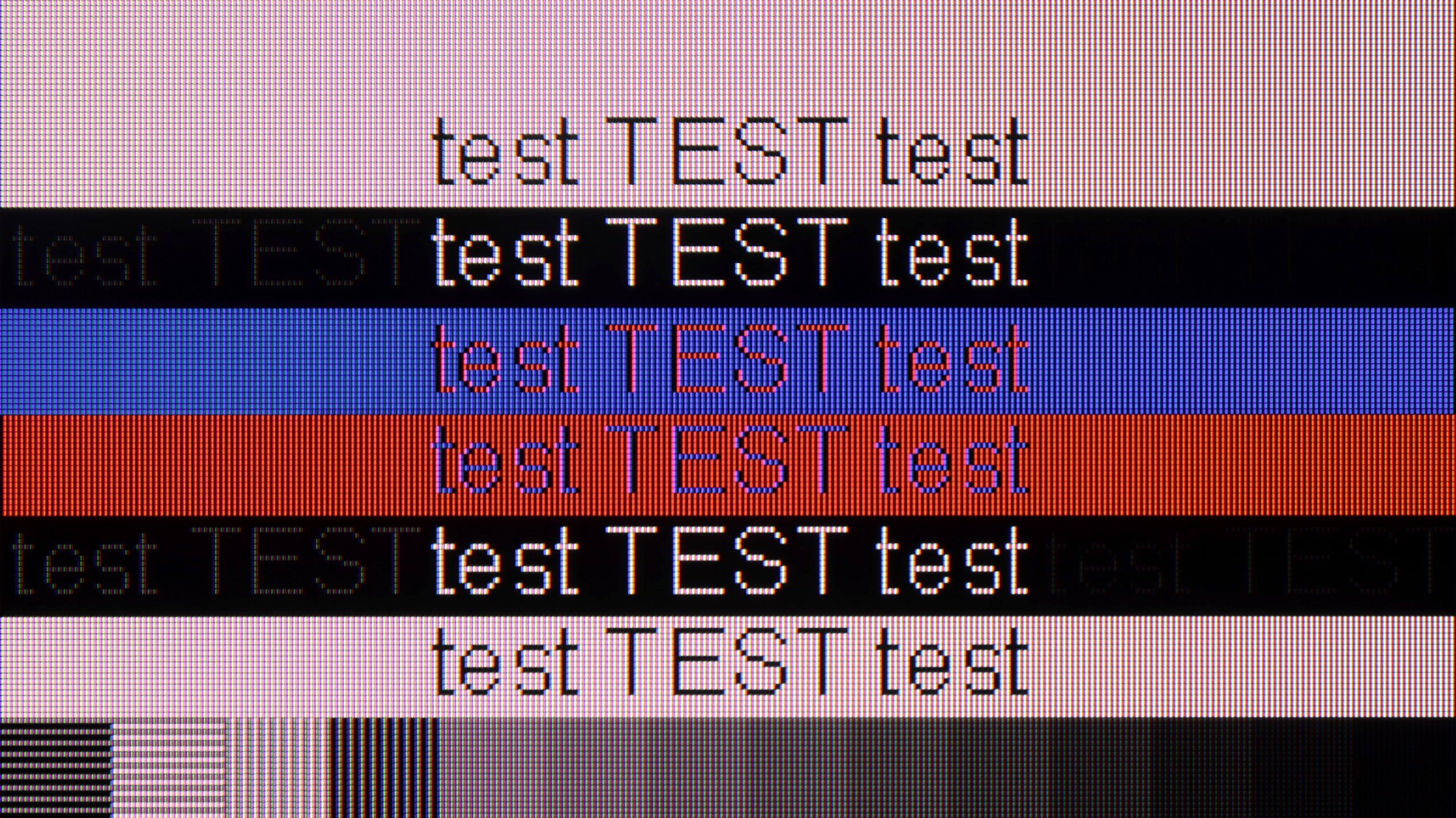
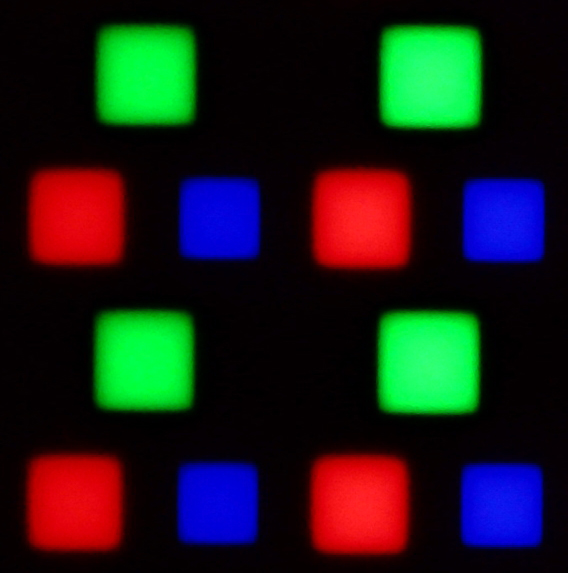
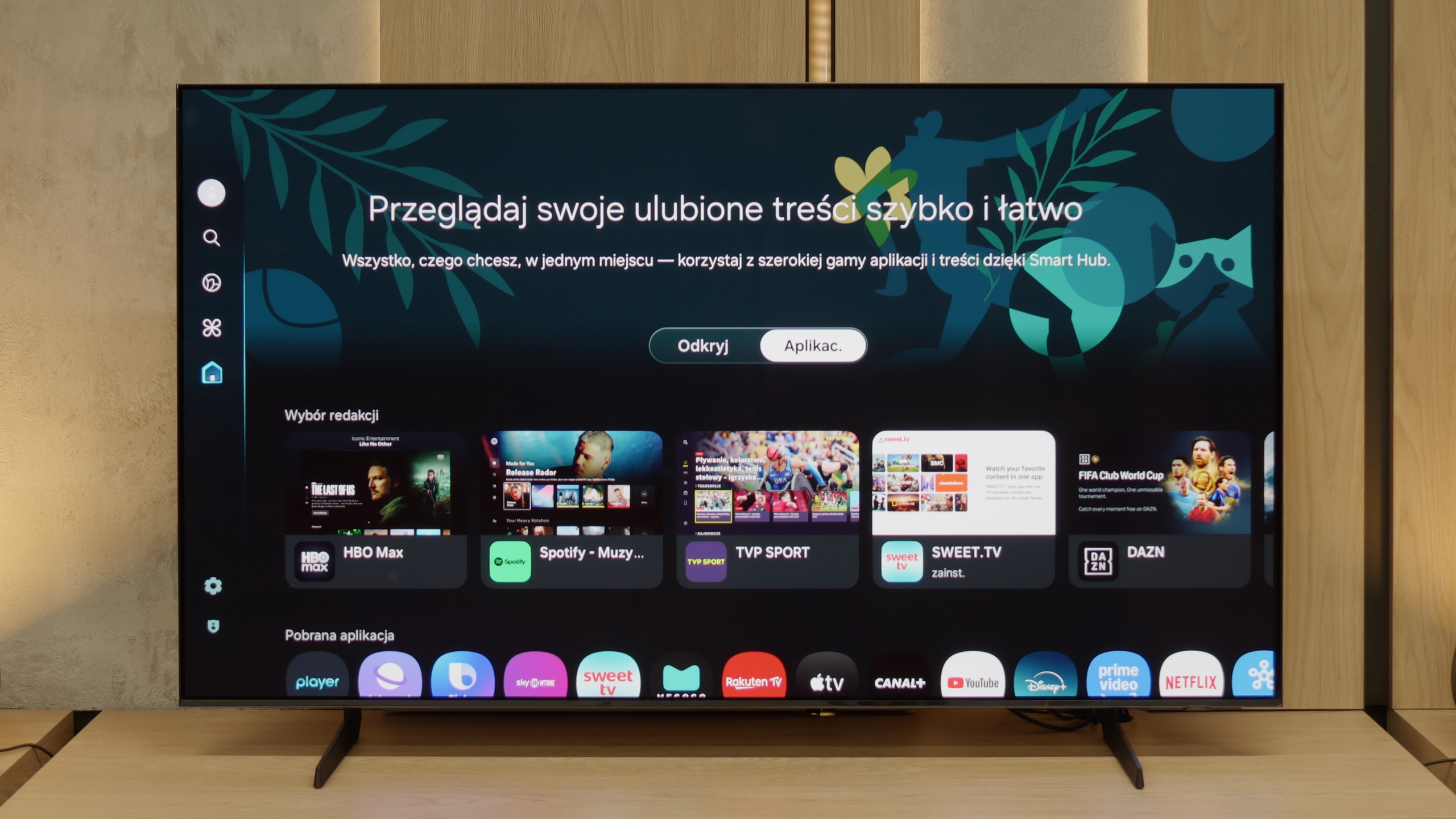
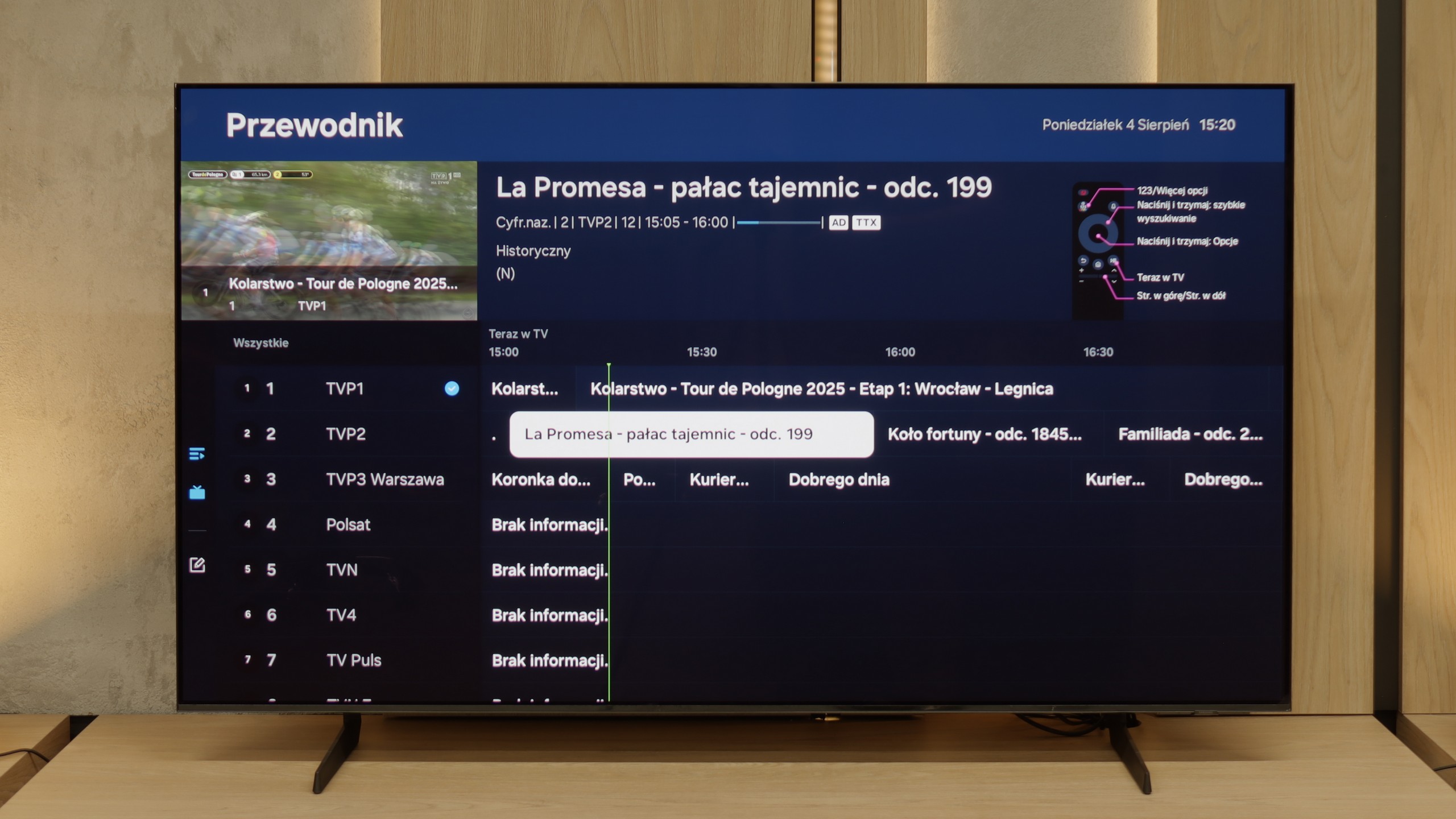
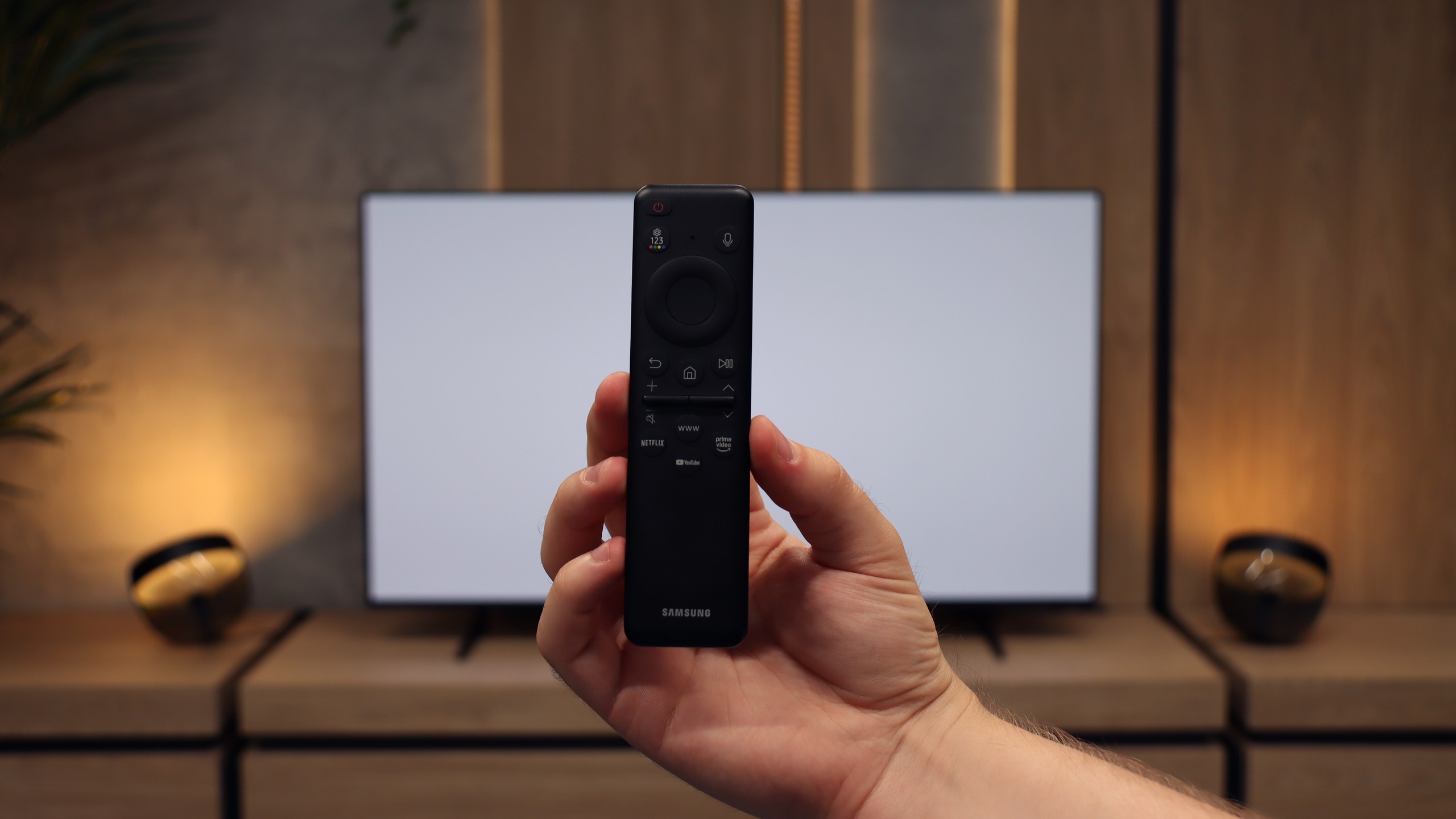
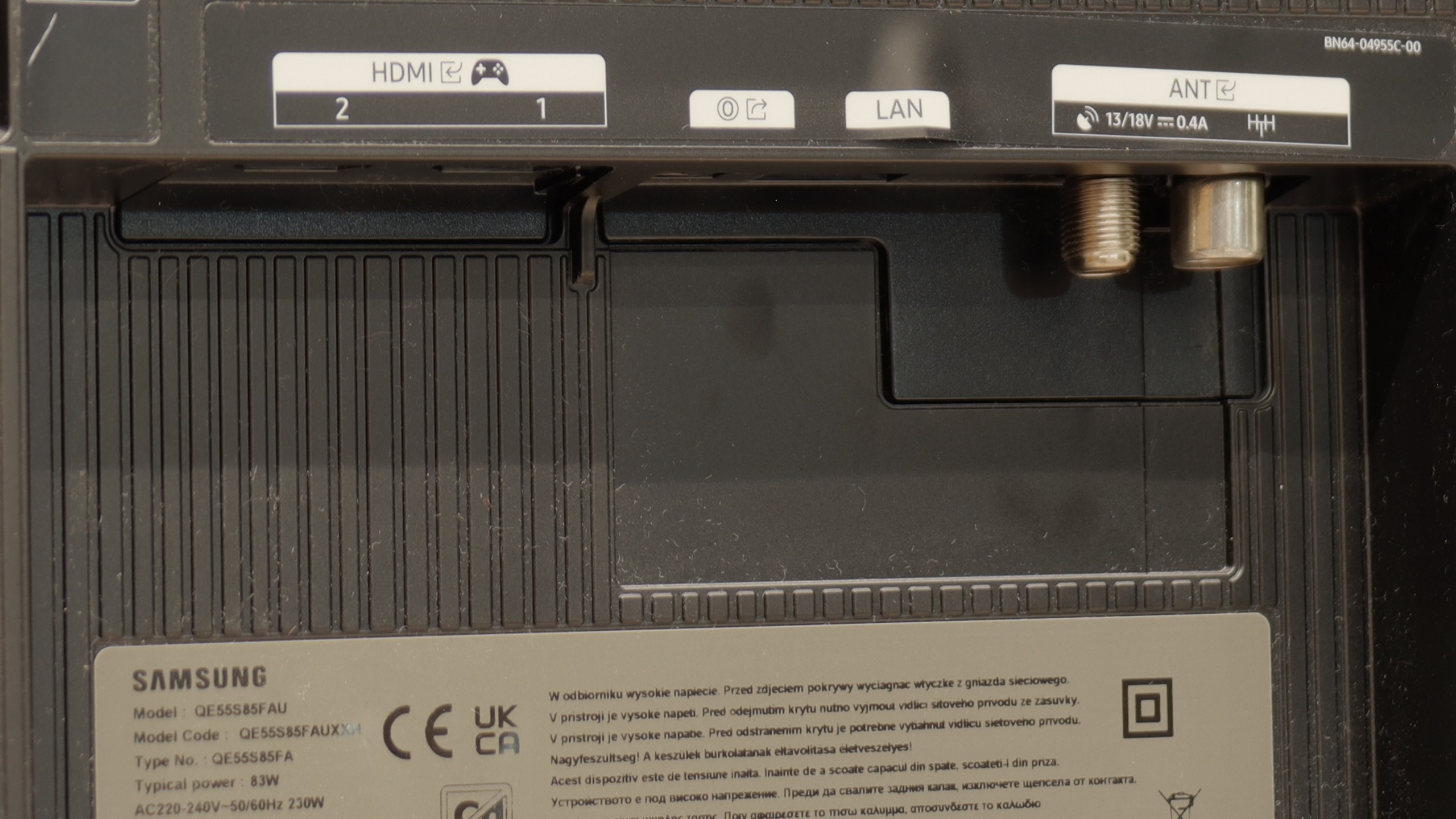
Samsung S85F with a QD-OLED panel can surprise – and it surprises very positively. Even before the tests, we didn't think that in the case of TVs that are talked about in the context of "panel lottery," one could come across something that would benefit the user. However, in this case, particularly in the 55-inch version, it has fully succeeded. The QD-OLED panel, as befits organic technology, offers perfect, almost ideal black and contrast in cinematic conditions. The difference lies, however, in the way colours are reproduced – here it is simply outstanding. The colour gamut coverage is impressive, and after a gentle calibration, the colours become almost exemplary. Motion fluidity is equally high. The 120 Hz panel handles both sports and action films excellently. And if someone plans to connect a console to the S85F, they will receive a complete set of advantages: low input lag, variable refresh rate, Game Bar, and full support for HDMI 2.1. In everyday use, we were assisted by the Tizen system – closed, but extremely well-designed. It responds quickly, offers a rich selection of applications, and add-ons such as AirPlay and voice control make it hard to find something more complete in this category. Indeed, the S85F is not without its flaws. However, the balance of advantages and disadvantages is exceptionally favourable here. One could even get the impression that it is one of the best TVs in its price segment.
[UPDATE] We have updated our 2025 Samsung TV reviews following the release of firmware version 1131, which officially restores the essential HGiG (HDR Gaming Interest Group) support.
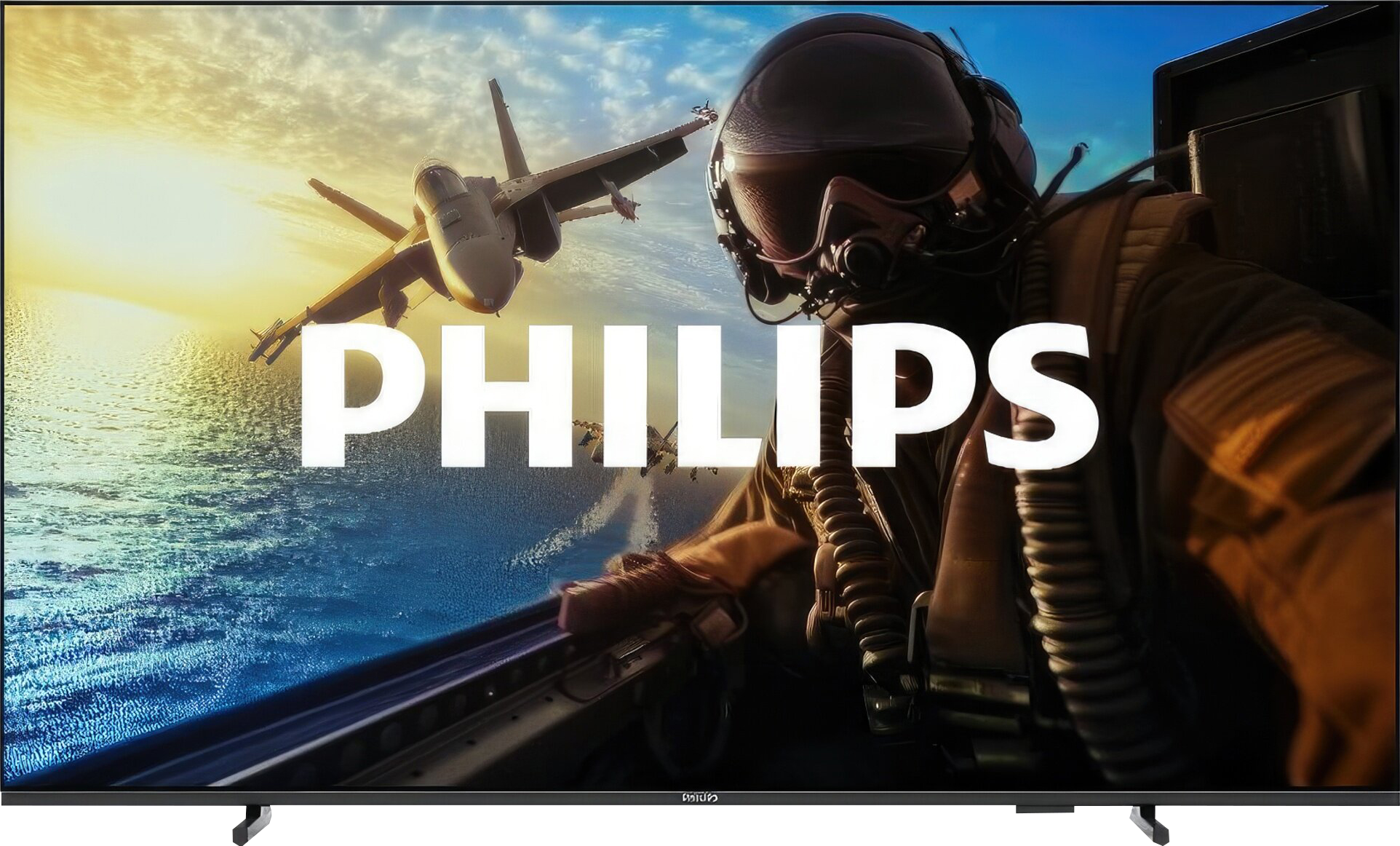
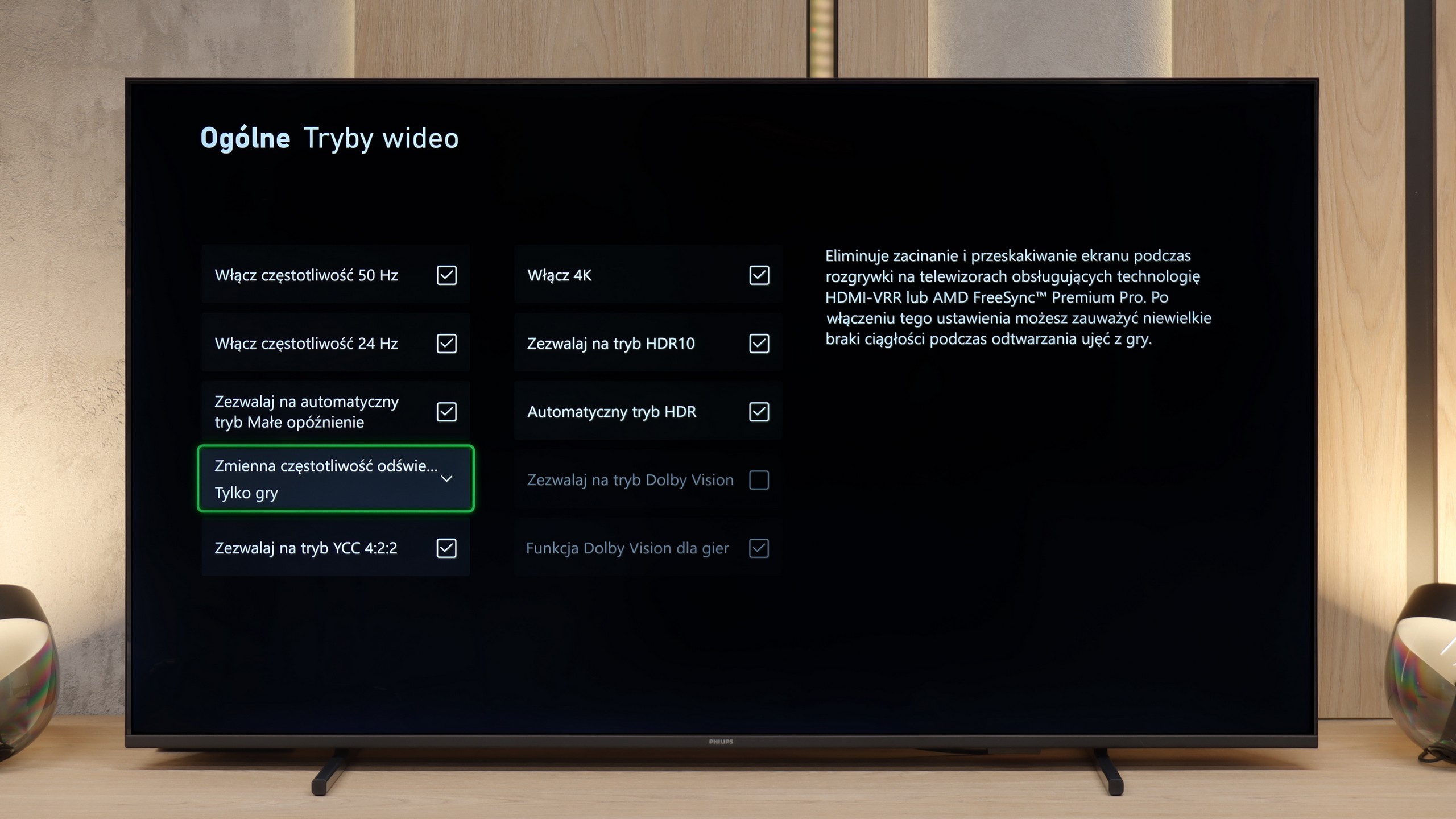
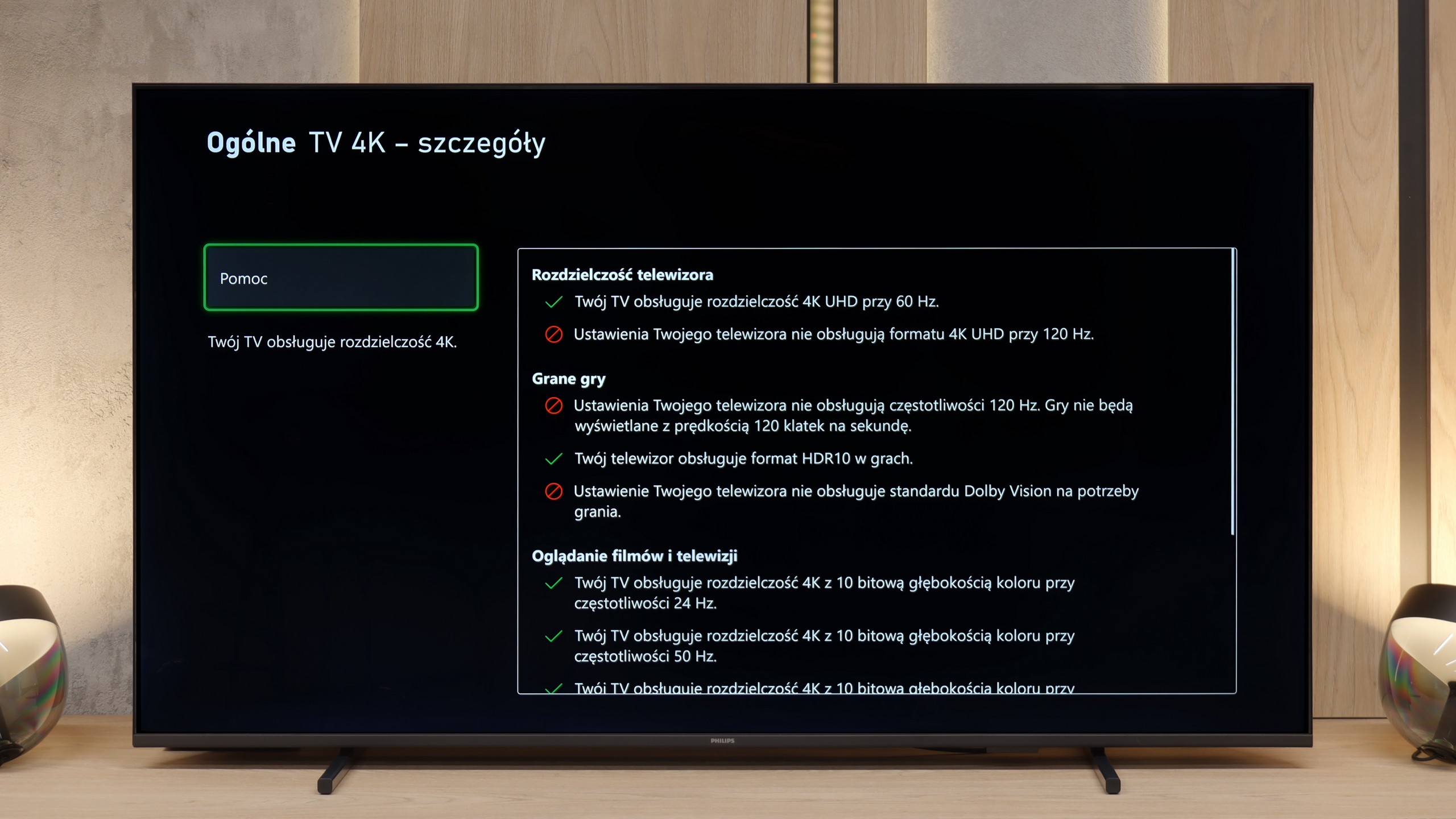
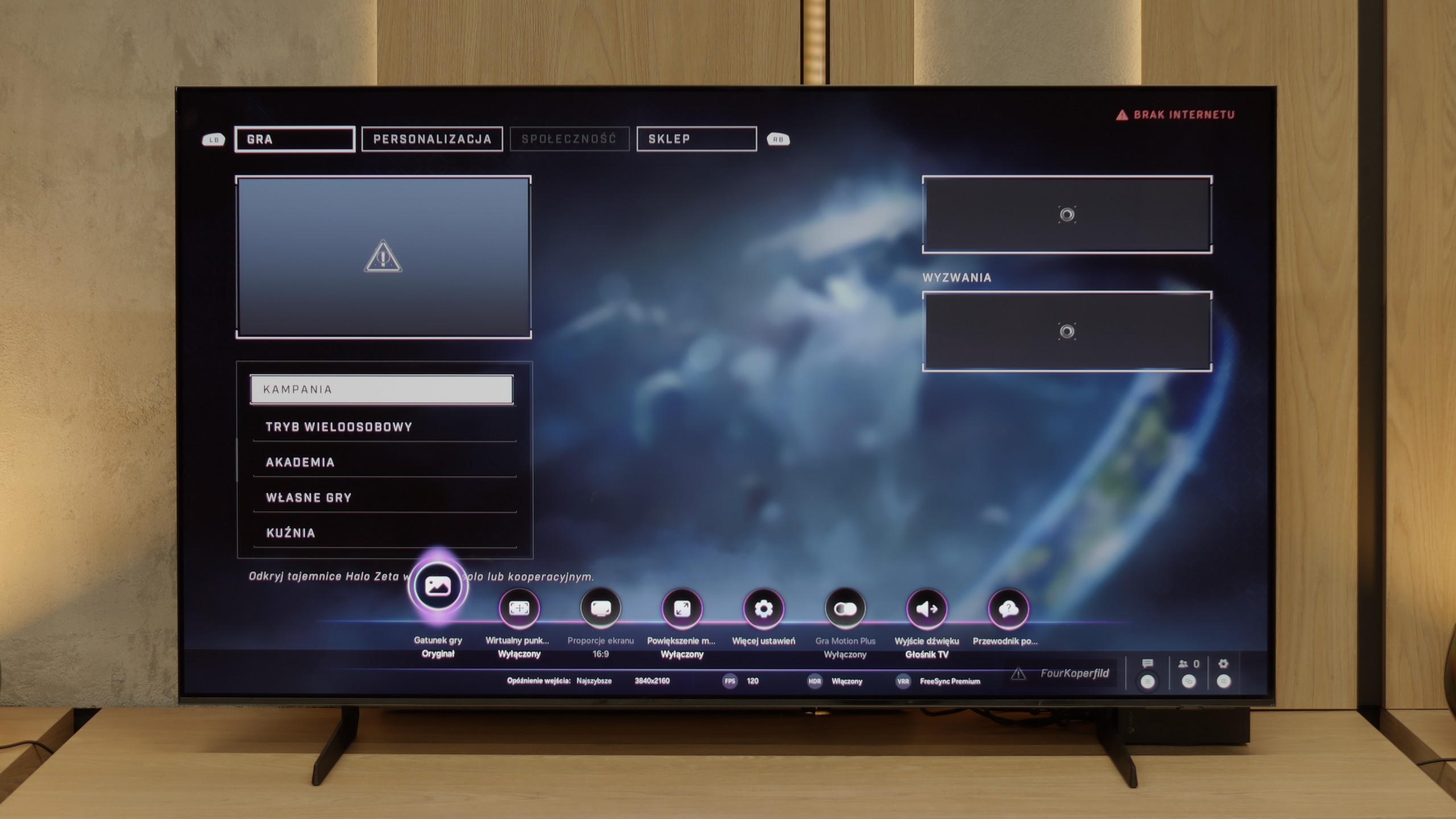
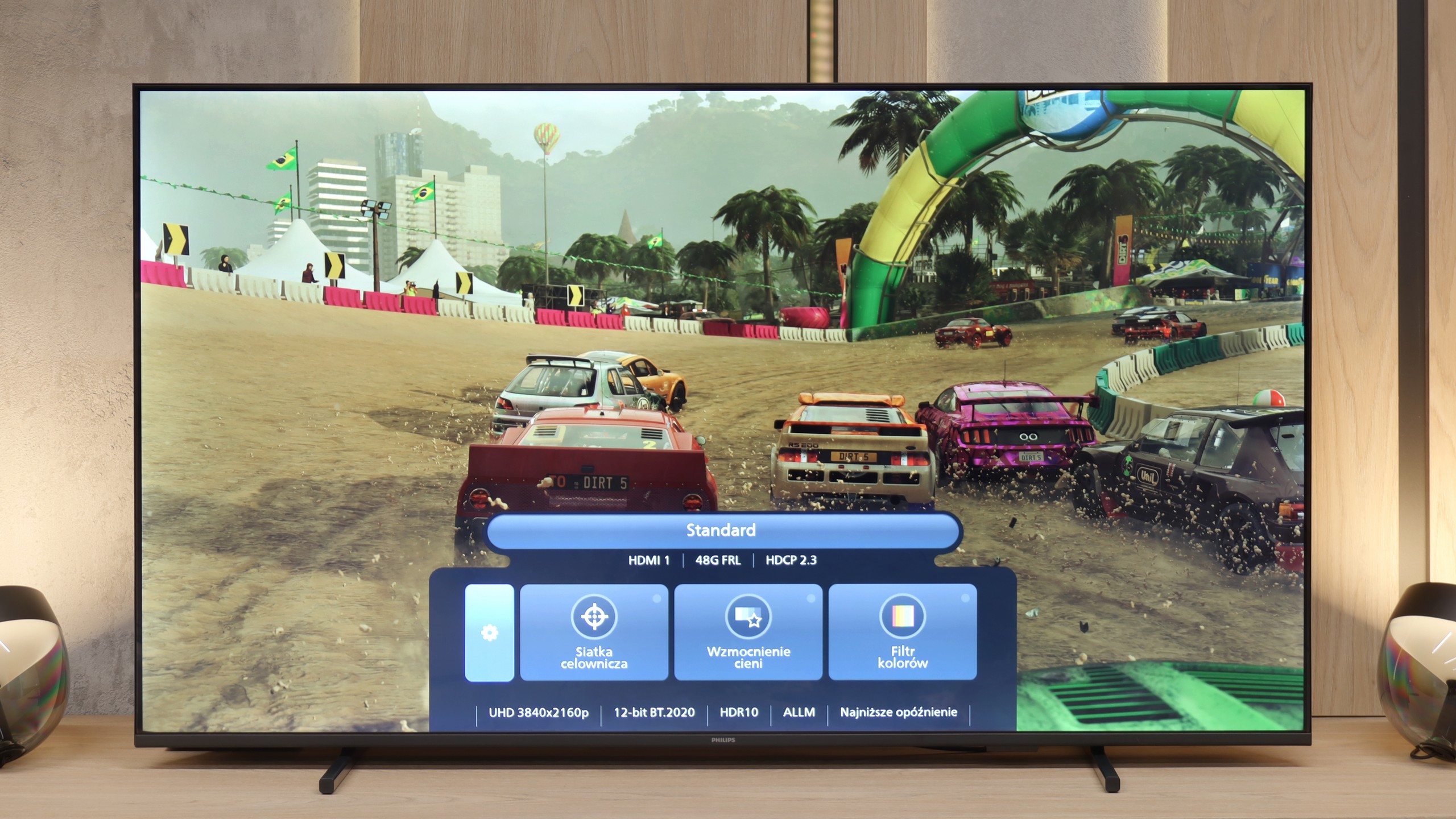
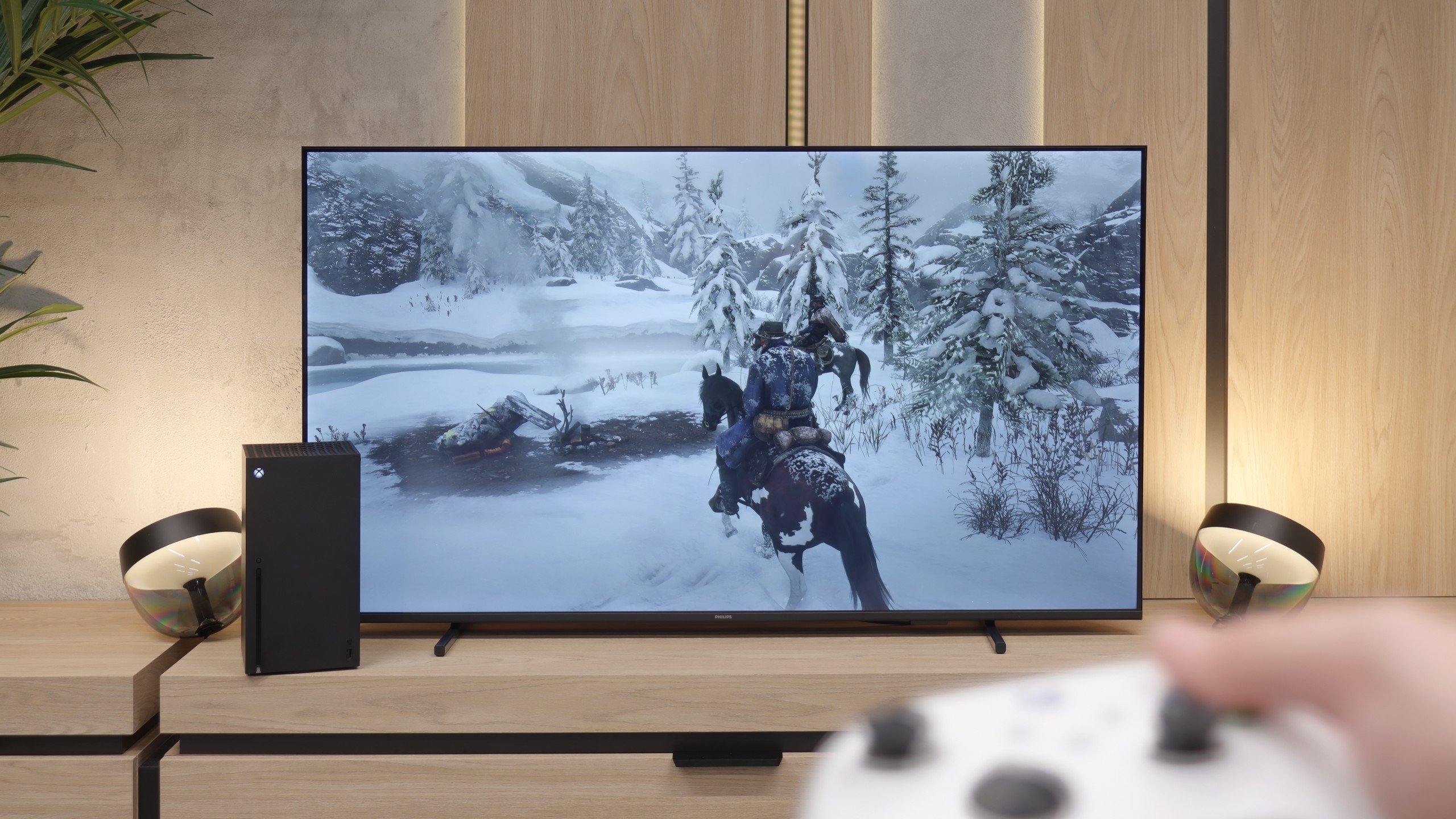
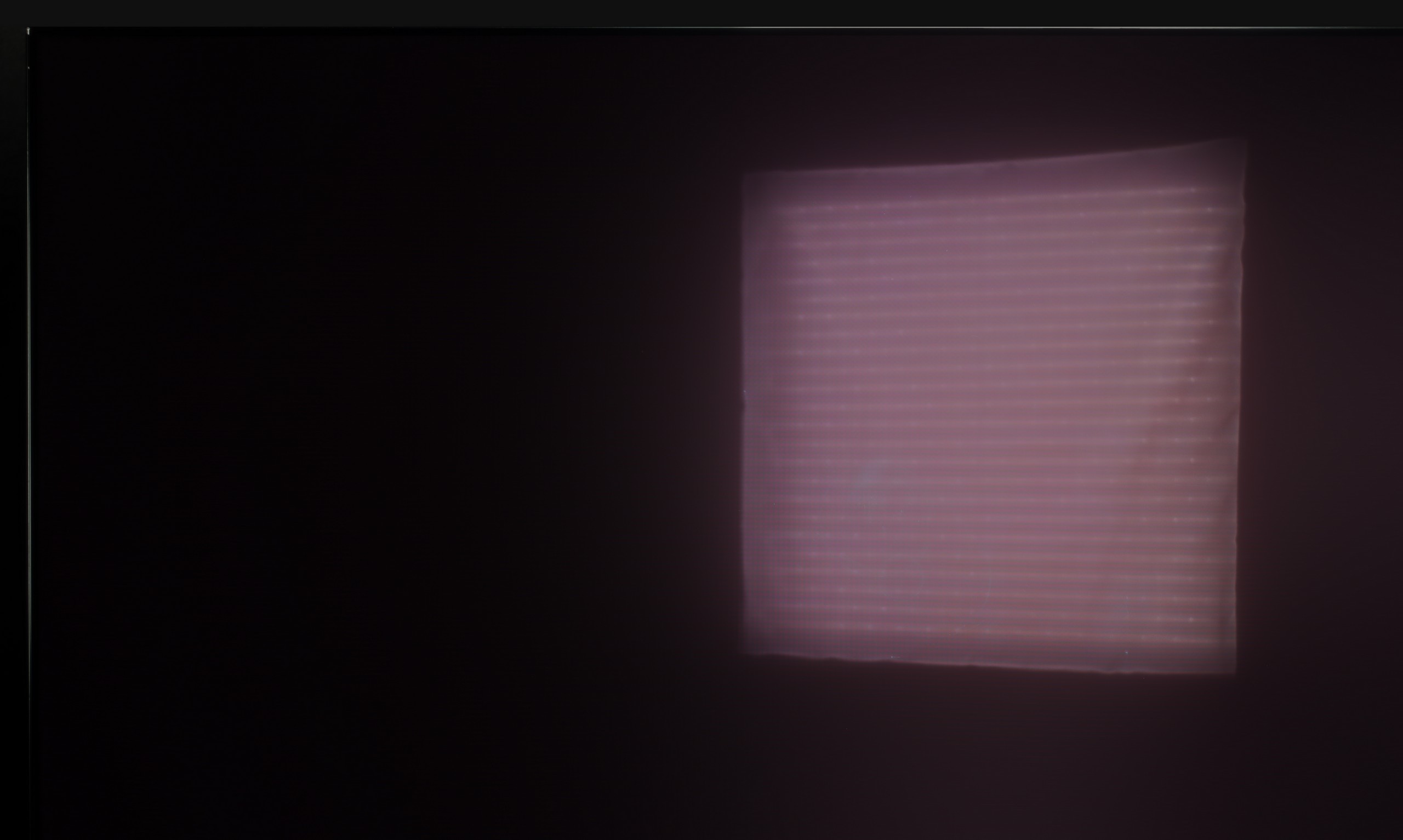
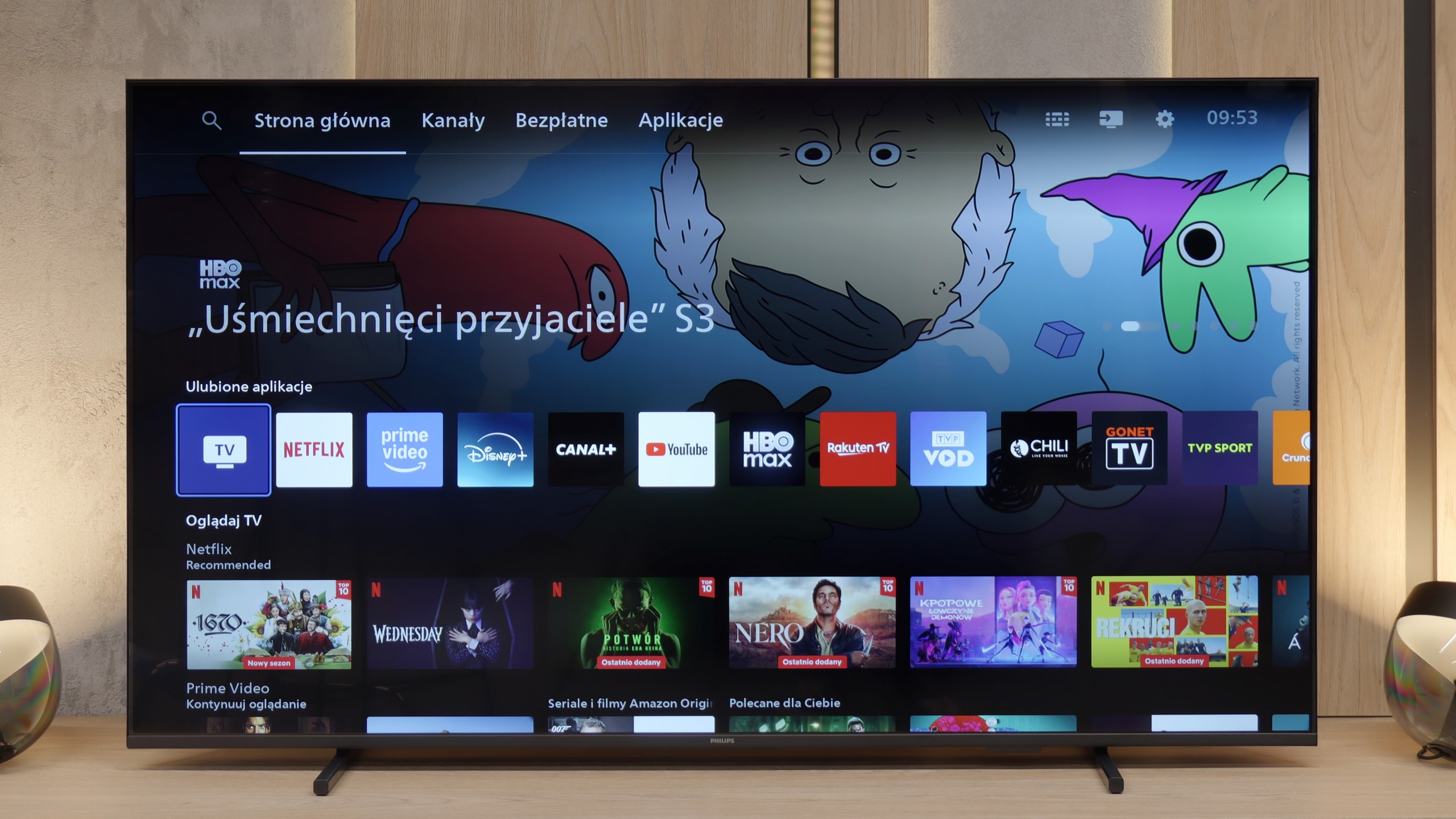
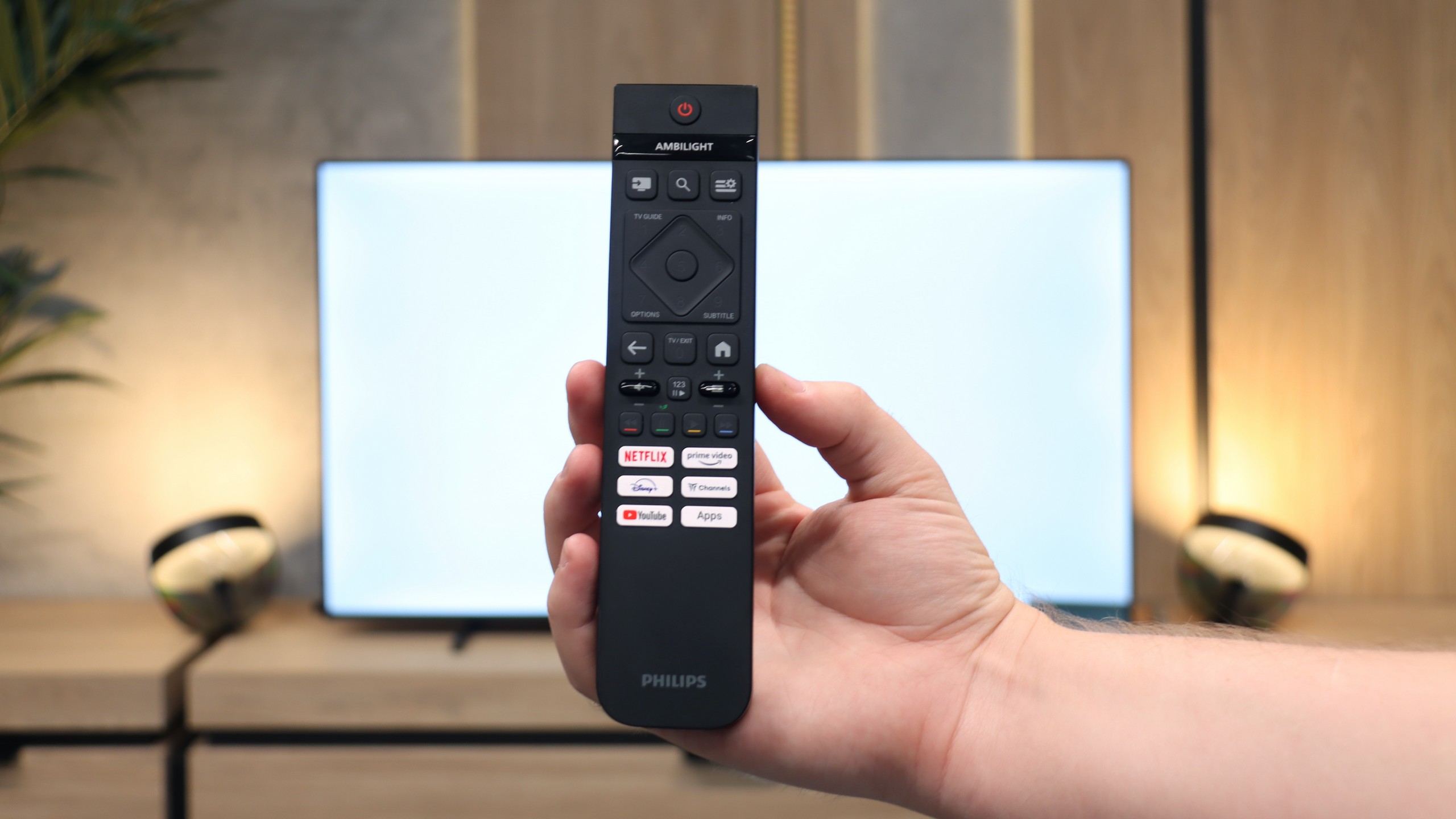
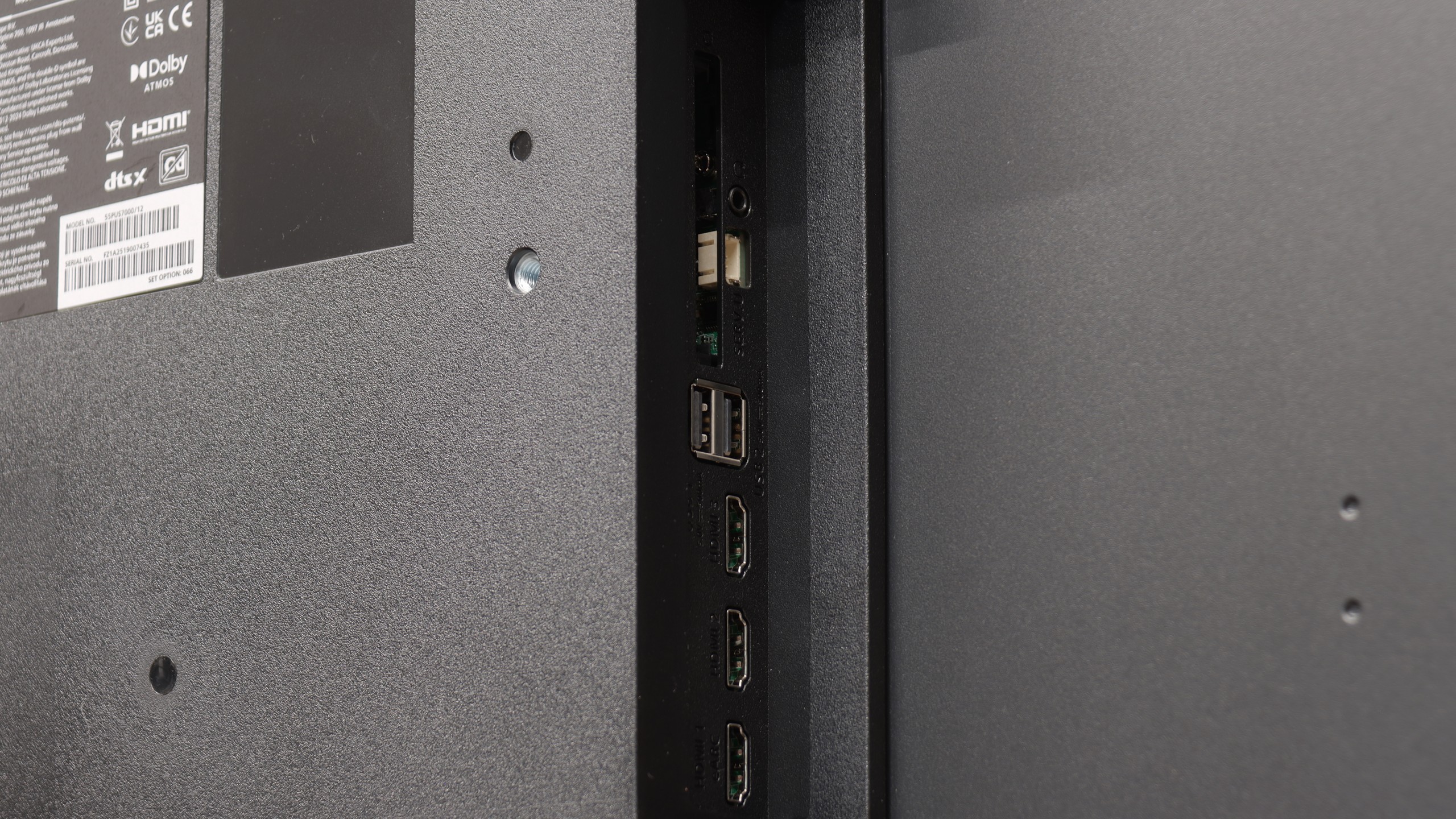
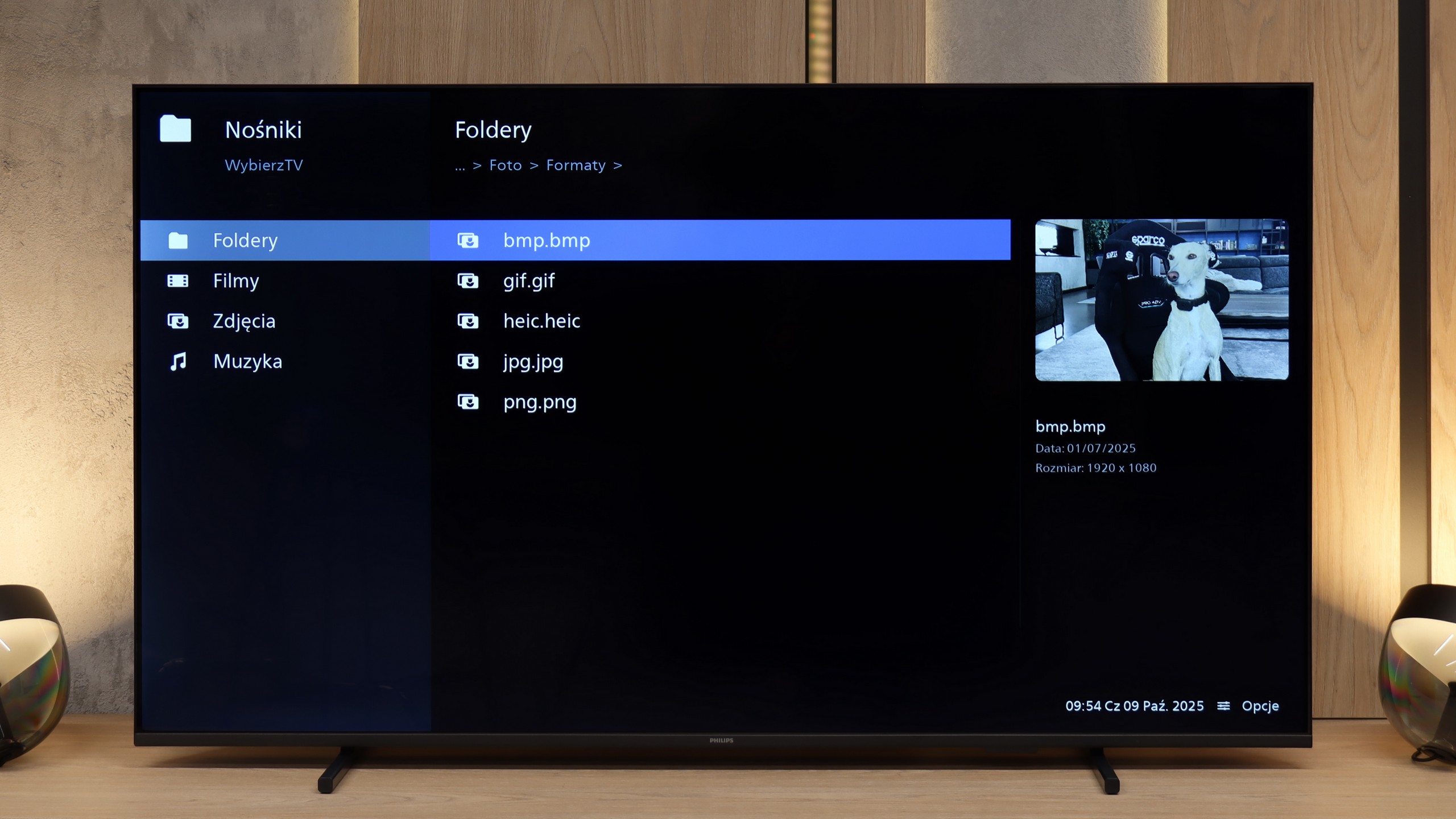
If you are looking for a specific reason to buy the Philips PUS7000, it’s really just the price. This is a model that is primarily meant to be cheap, and it accomplishes that role perfectly. It could be a decent choice for someone who is still using an old Full HD screen and wants to finally upgrade to 4K without emptying their wallet. Interestingly, even though this is a "budget model at 60 Hz", Philips has not forgotten about gamers. We get VRR and ALLM, which, when connected to a console, really improves the experience and makes everything quite responsive. But... there’s the catch. The biggest issue with this television is its brightness, or rather the lack of it. 200 nits is a figure that makes the PUS7000 simply capitulate on a sunny day. The picture will be pale and unclear, despite having a high-contrast VA panel. HDR here is essentially just a label on the box. With such a dark panel, HDR content looks artificial and simply lacks the necessary punch, so it’s better to forget about it and stick with regular SDR. Is it worth buying? At this price, every manufacturer makes similar compromises, so the PUS7000 does not drastically lag behind other cheap screens. The question is whether you will get along with the Titan OS system, which is currently a bit raw and lacks many apps that are standard at the competition. With today’s prices, where Chinese brands like TCL and Hisense are churning out QLEDs and Mini-LEDs aplenty, the Philips PUS7000 is in for a really tough battle. If you value a known brand logo and a low price: you can go for it. However, if you’re looking for picture quality... it’s better to double-check your budget before making a purchase.
 Direct comparison