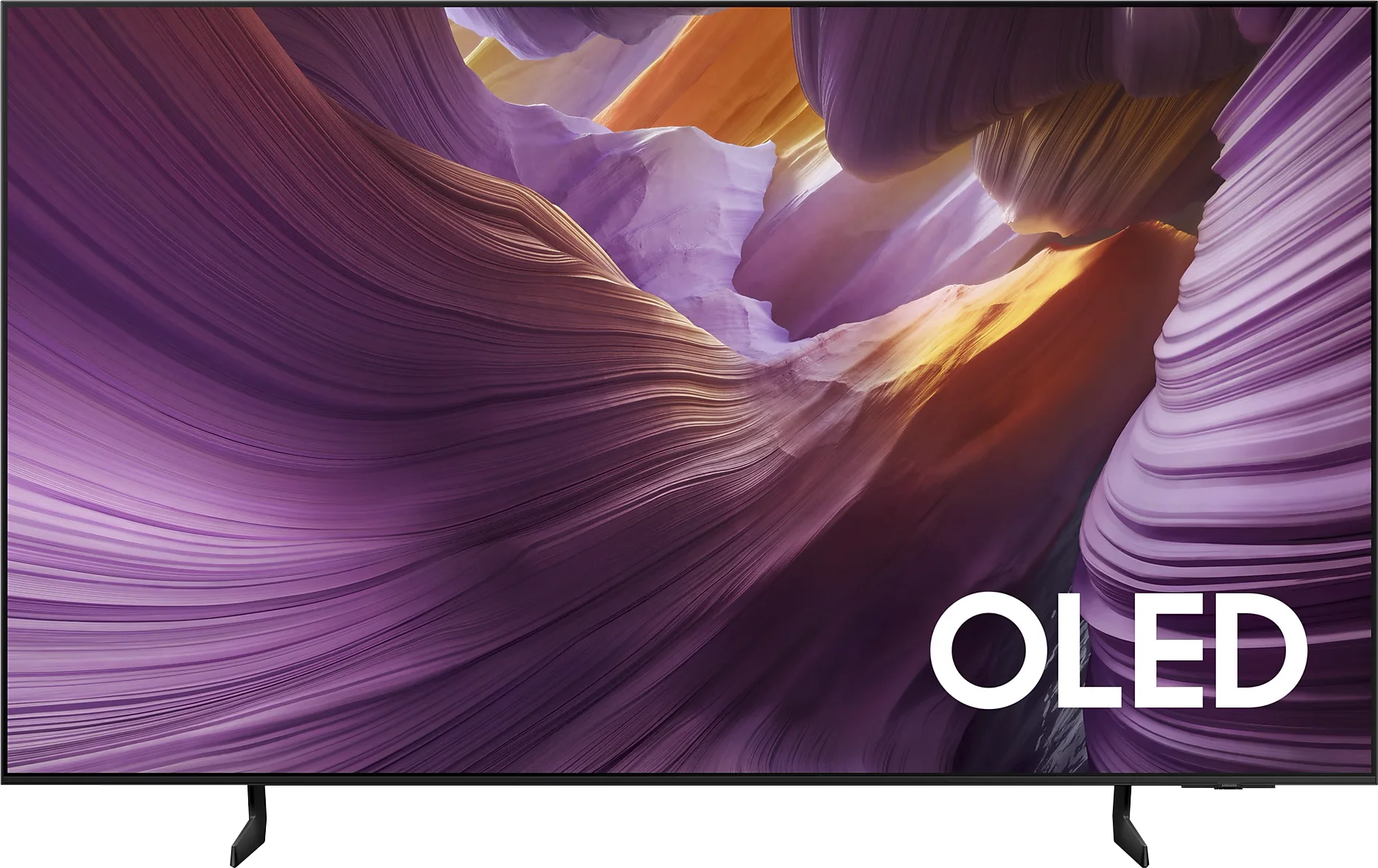
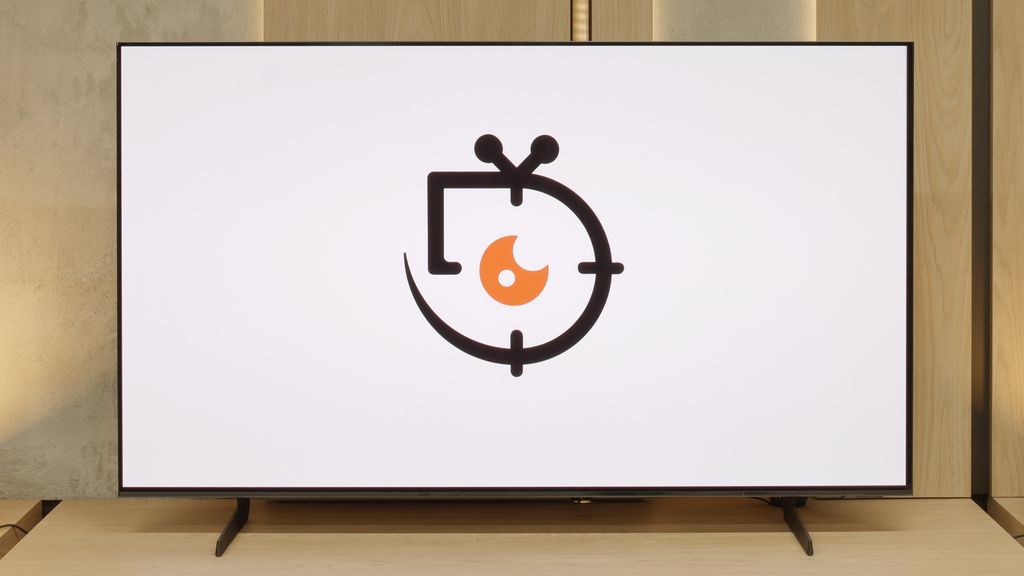
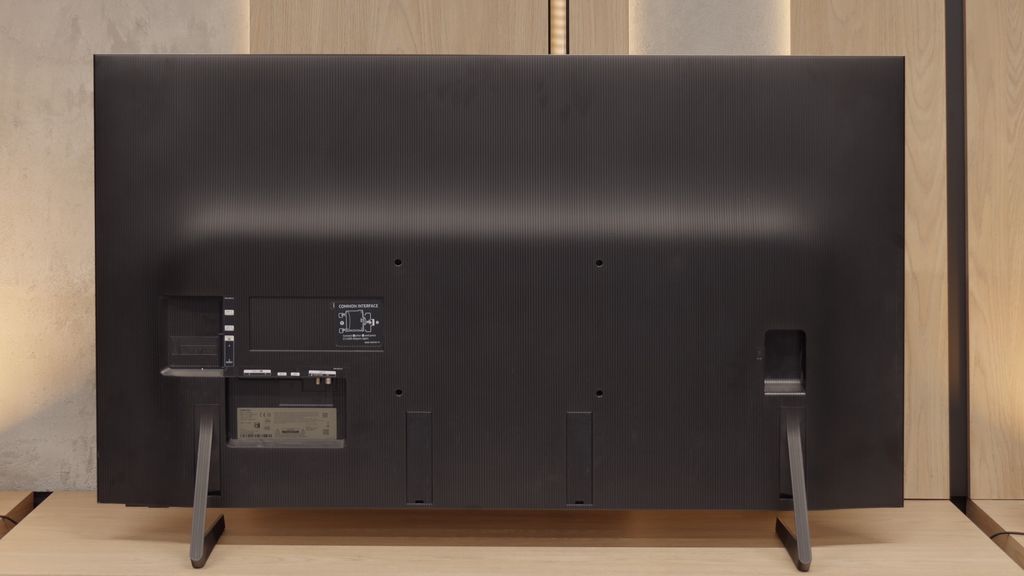
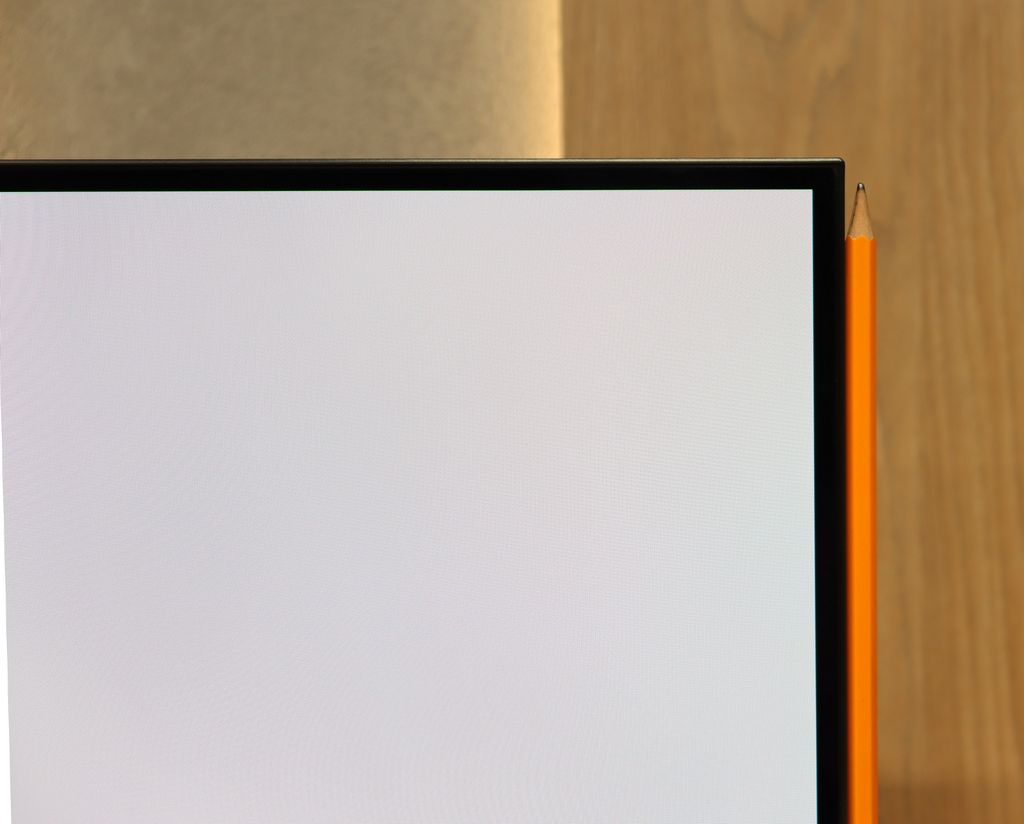
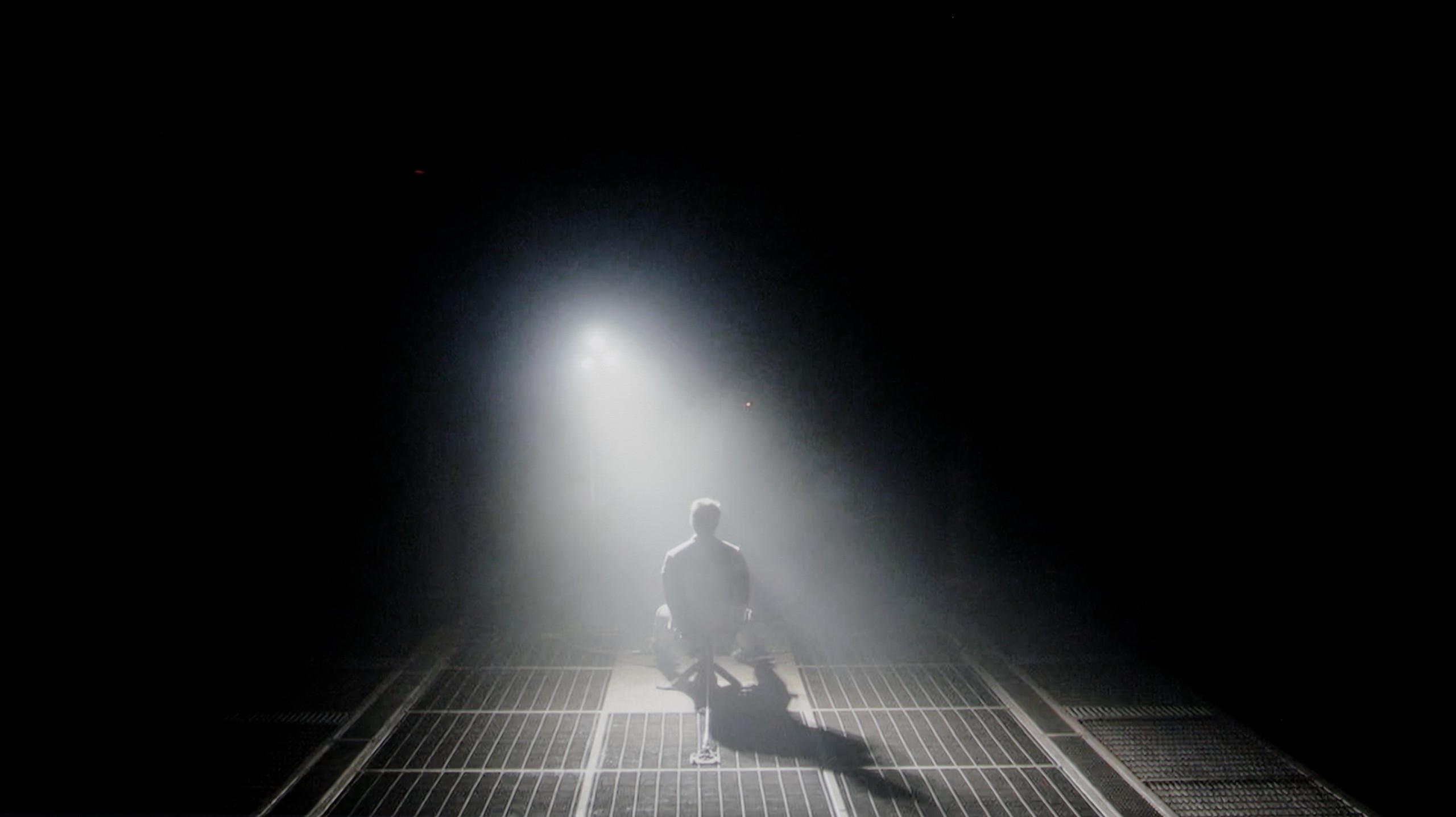
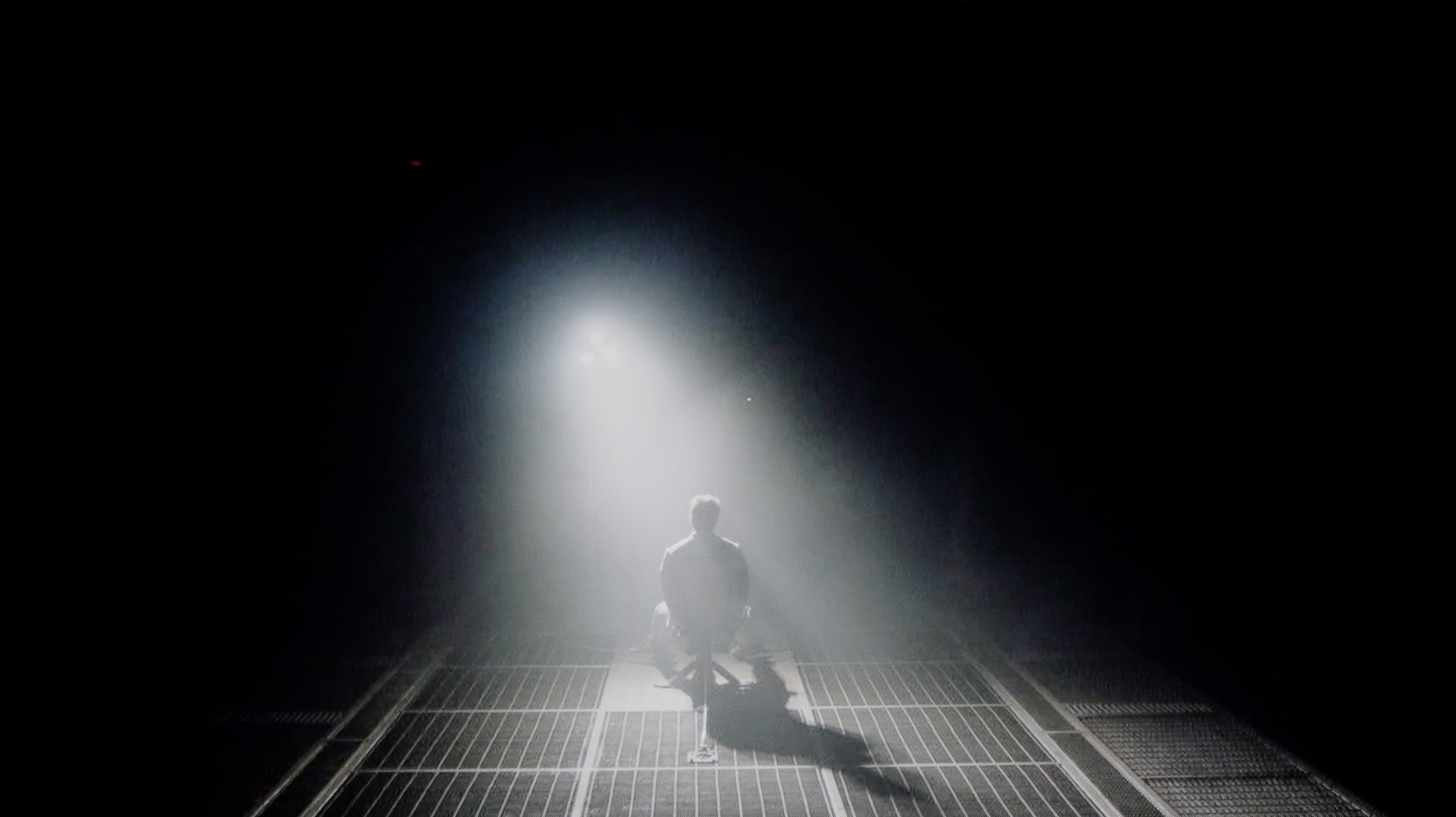
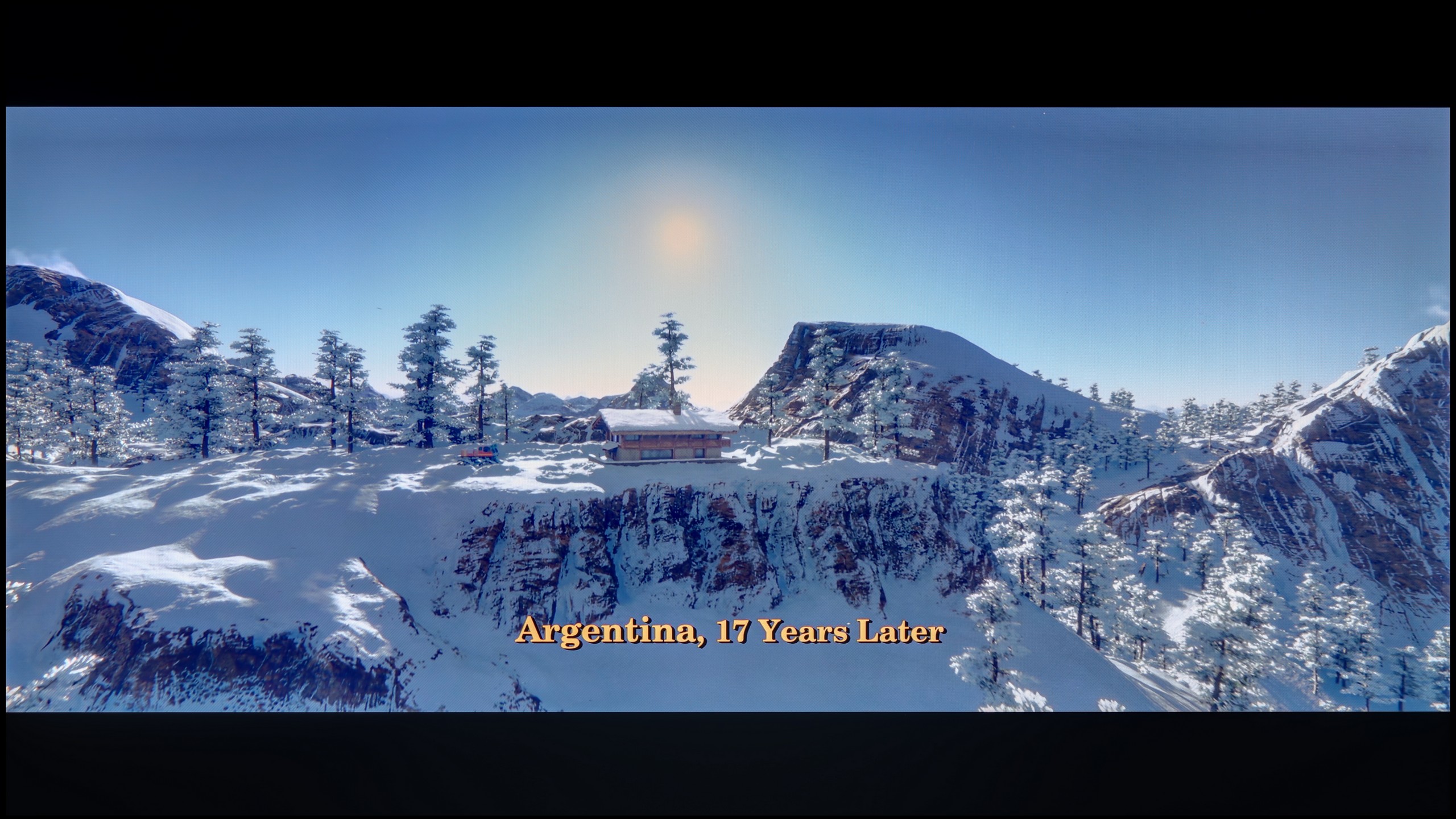
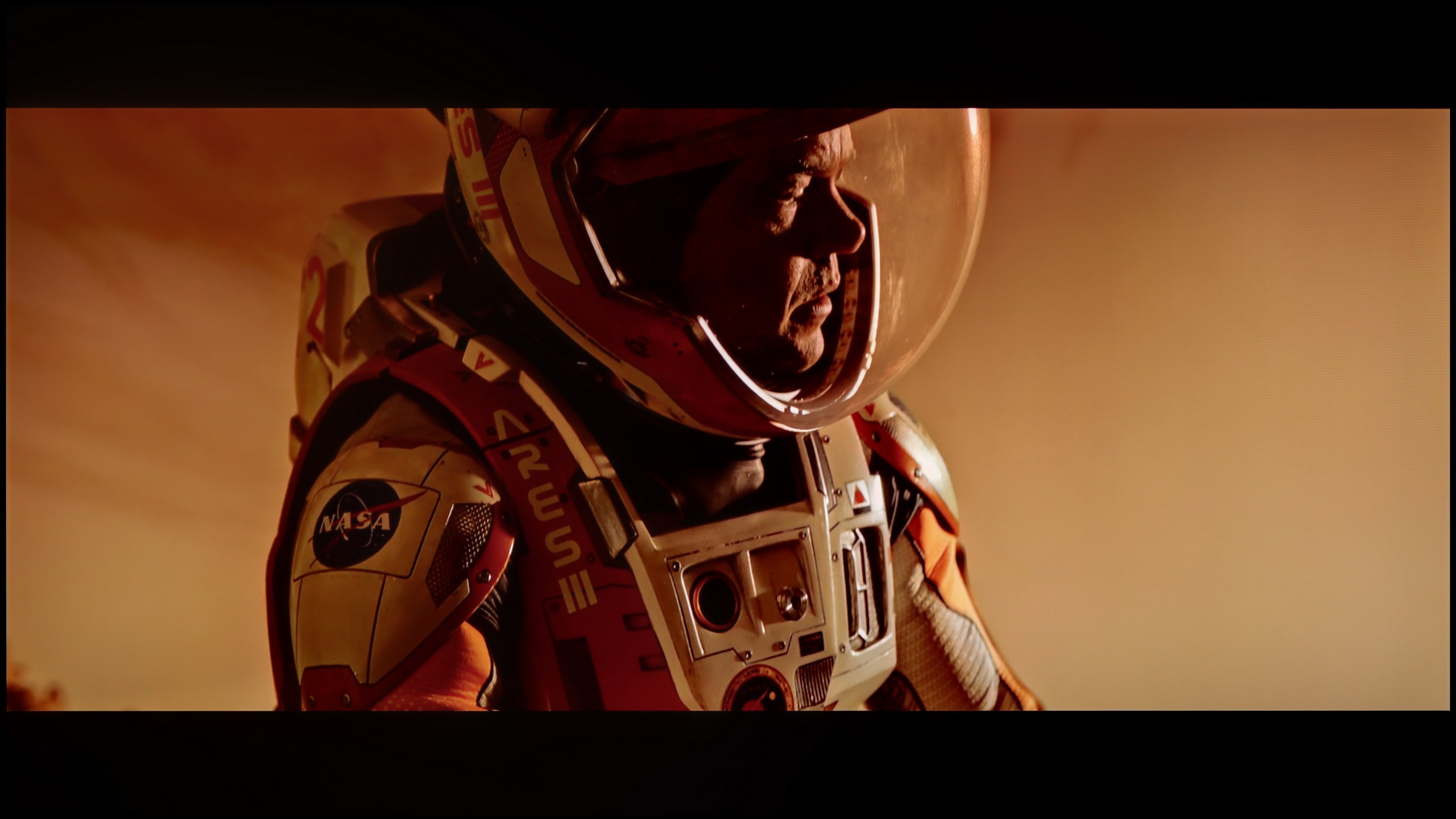
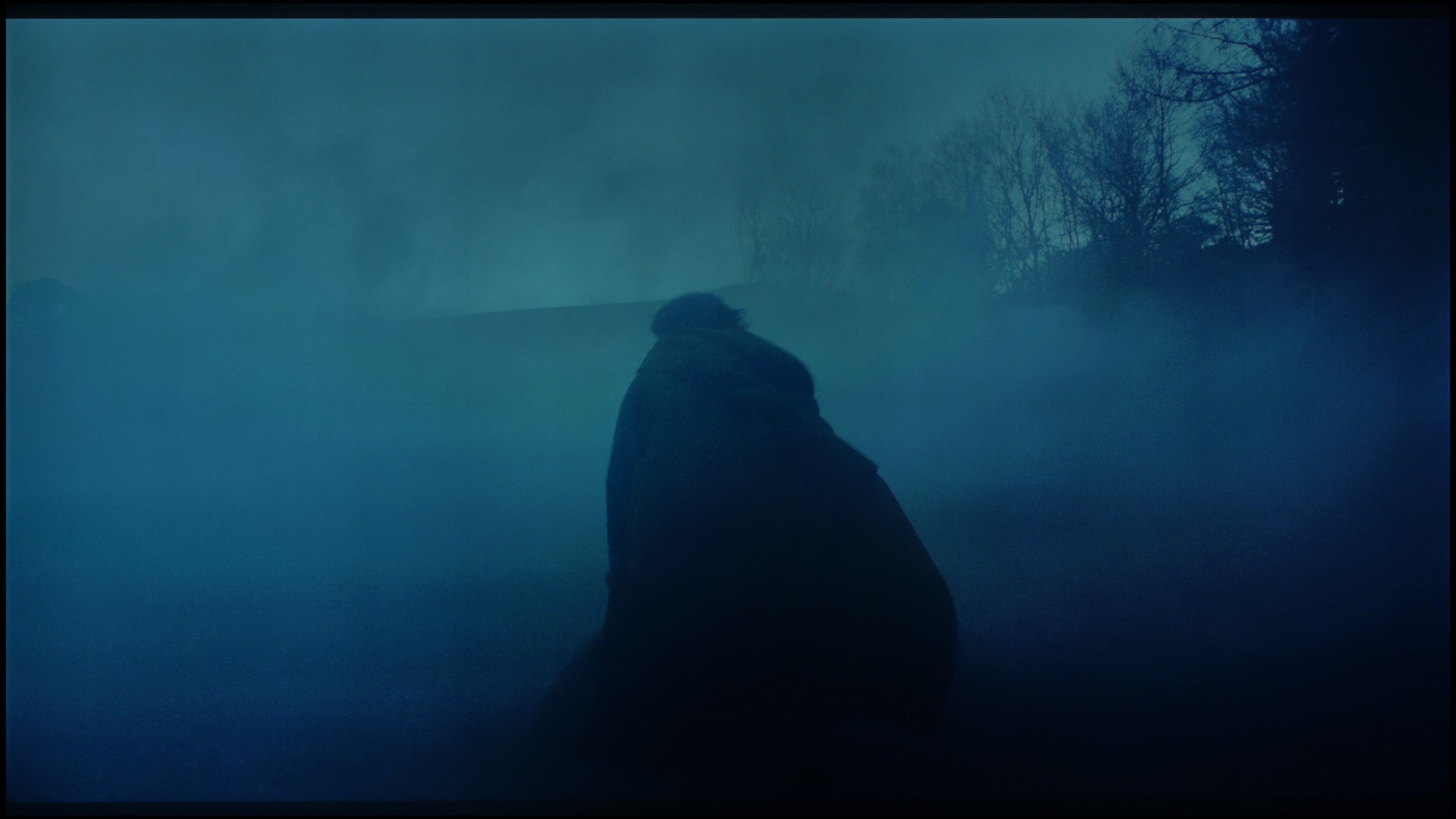
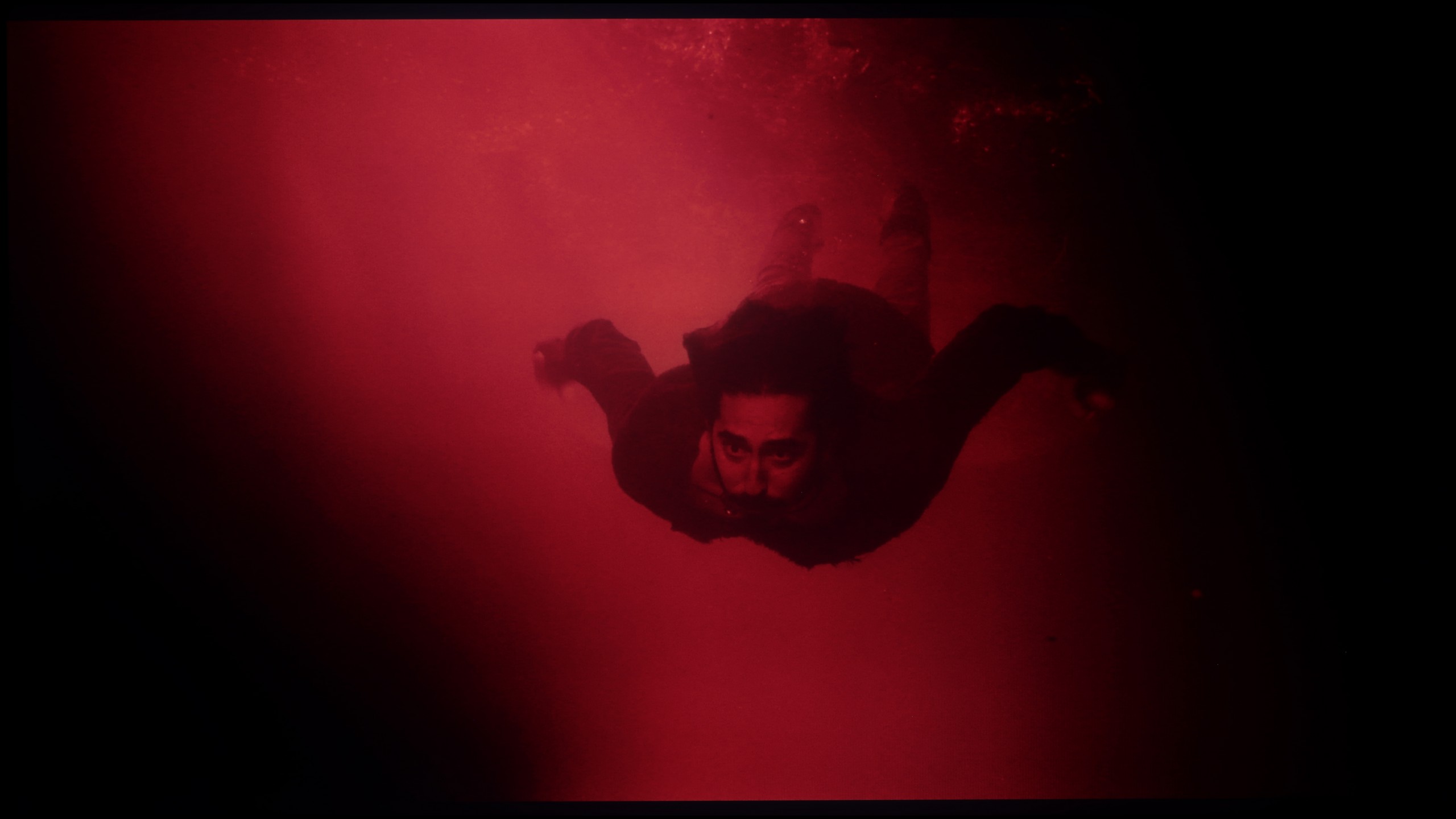
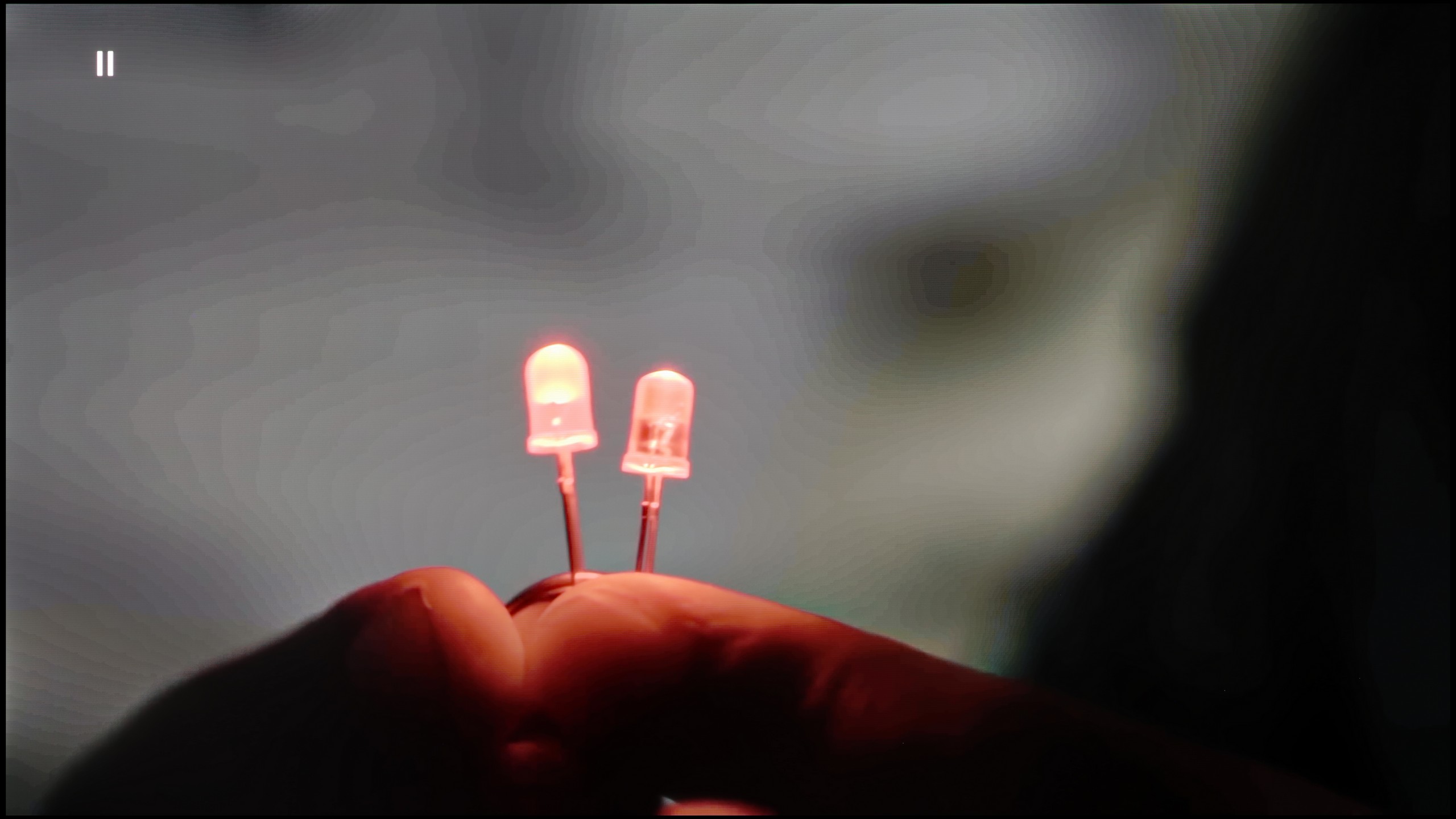
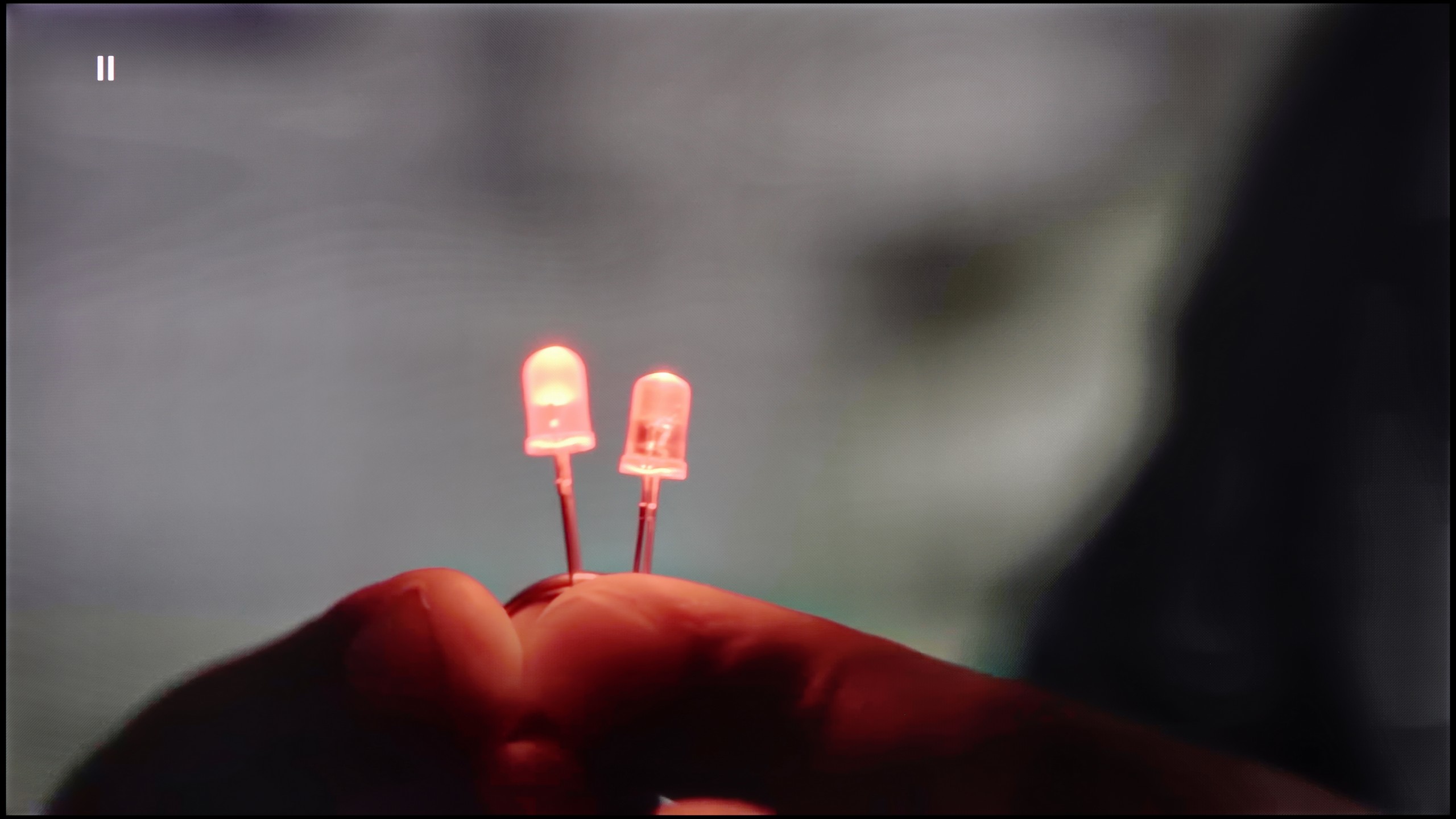
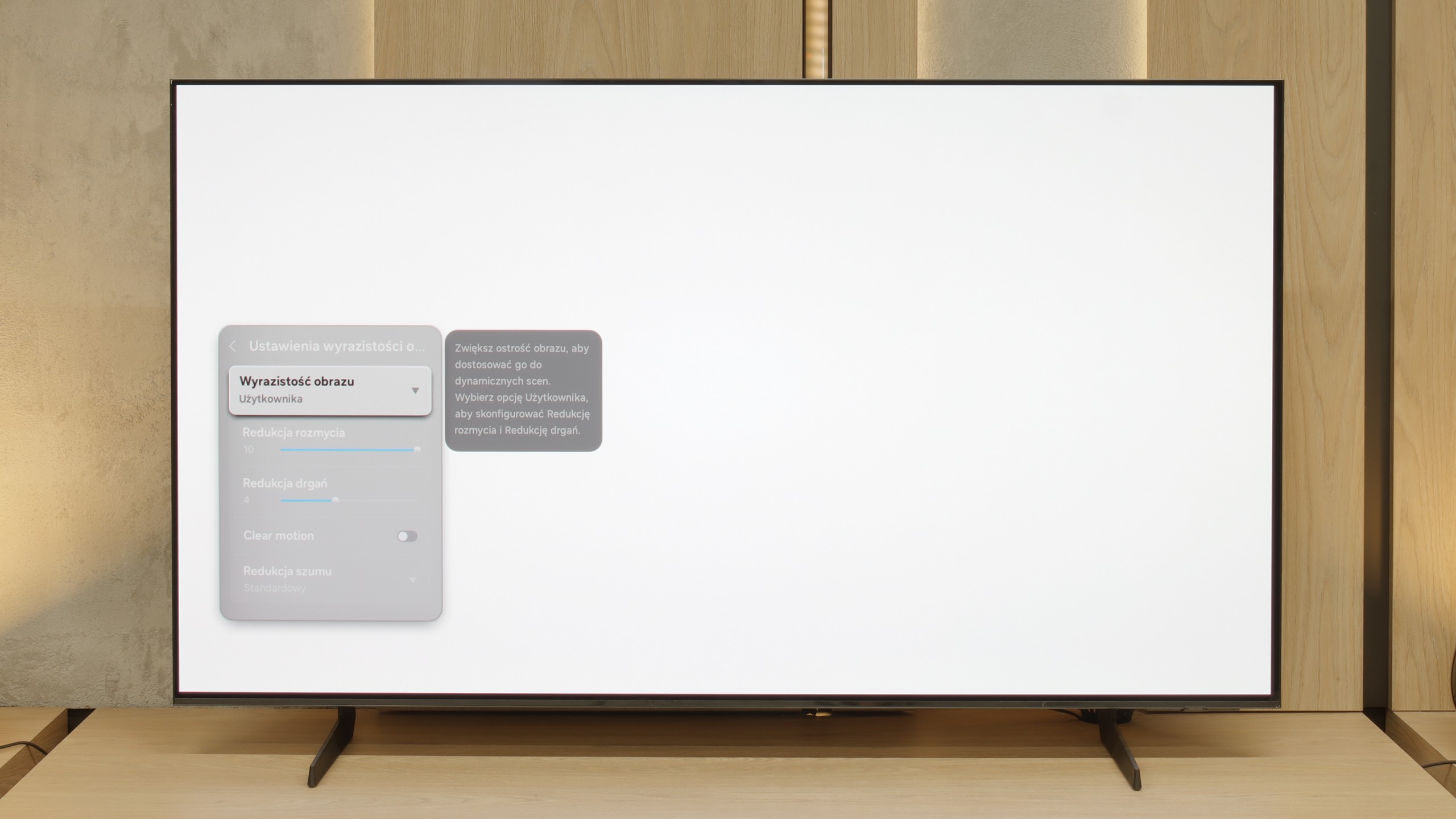
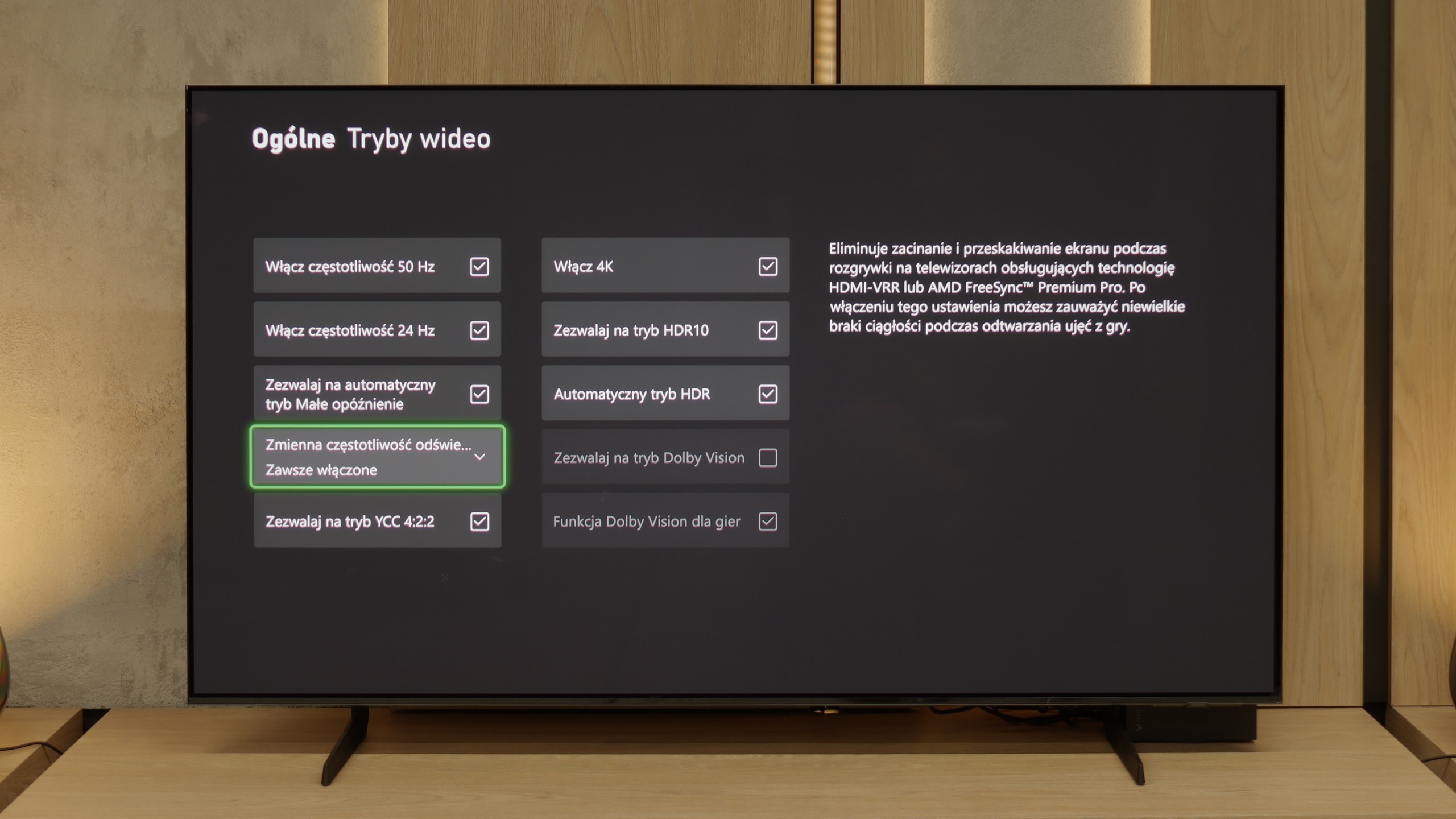
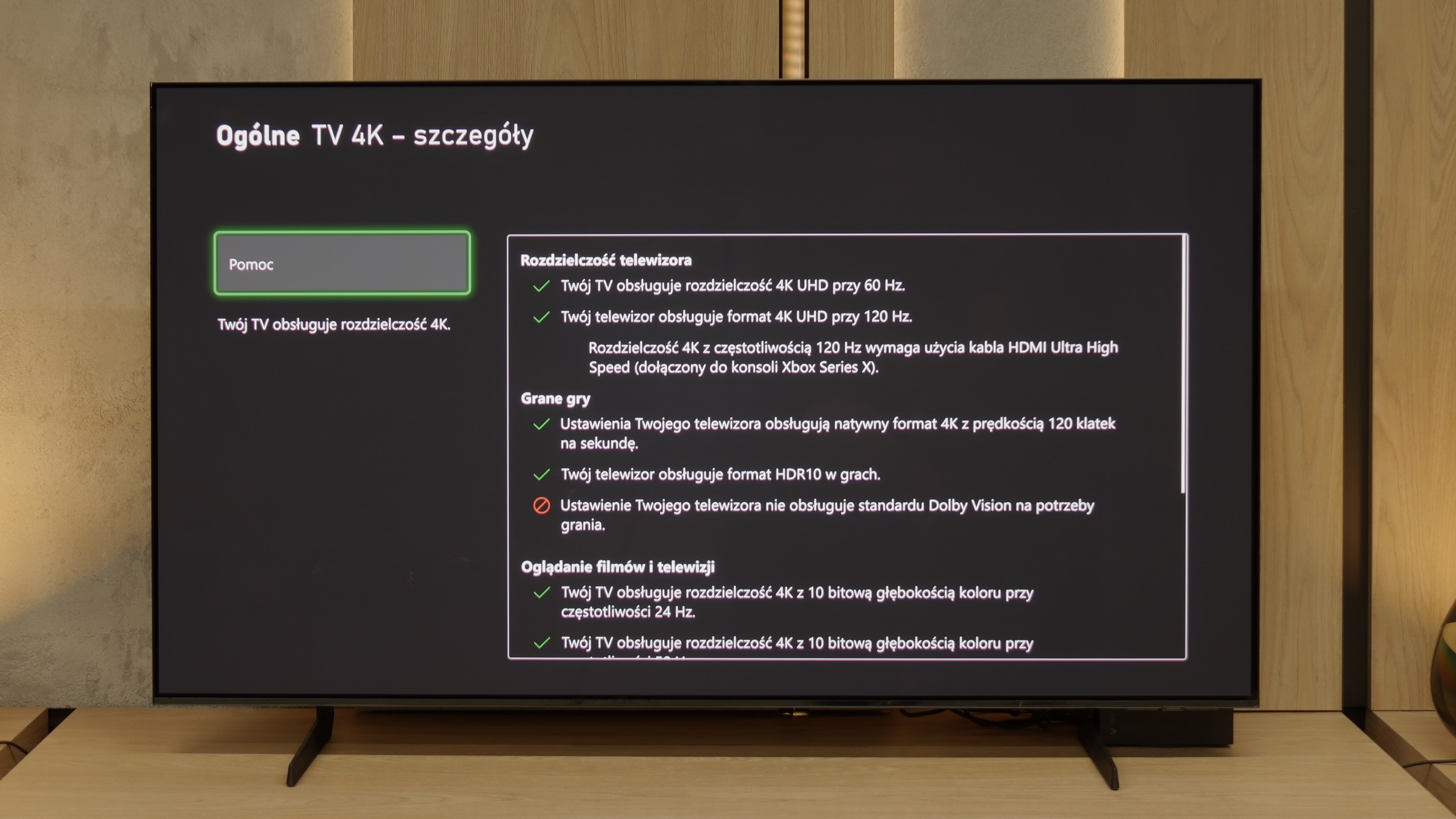
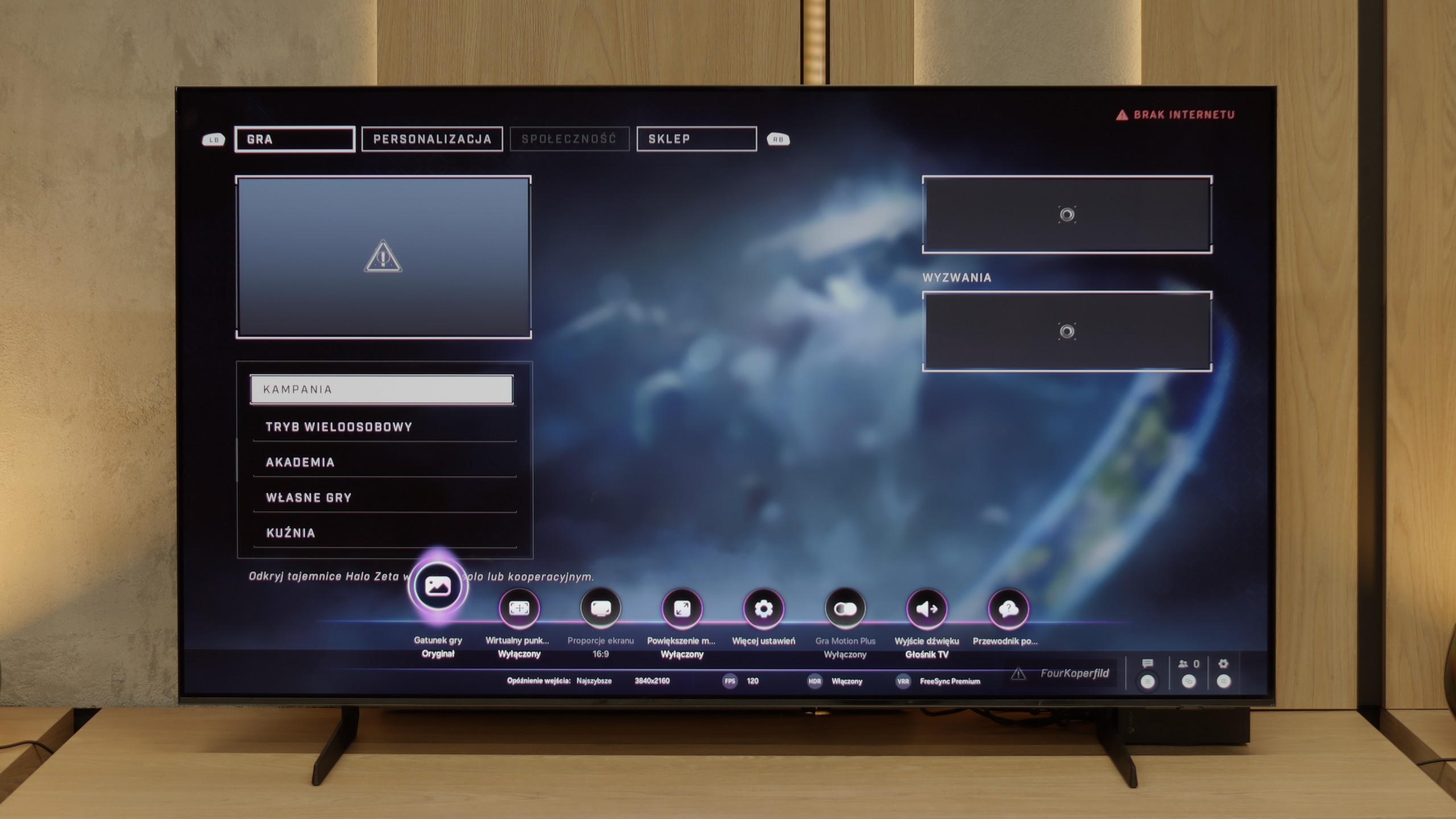
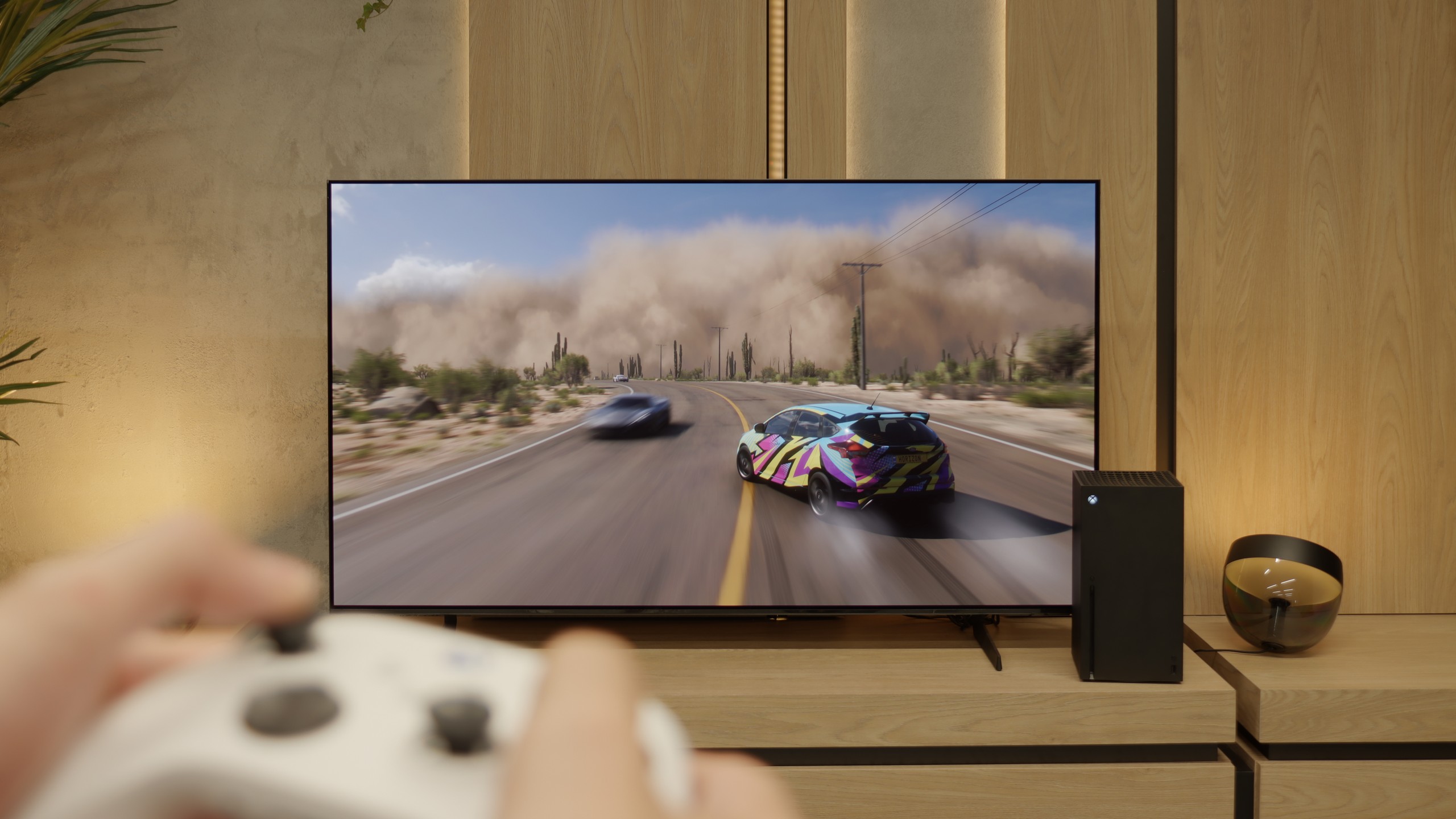
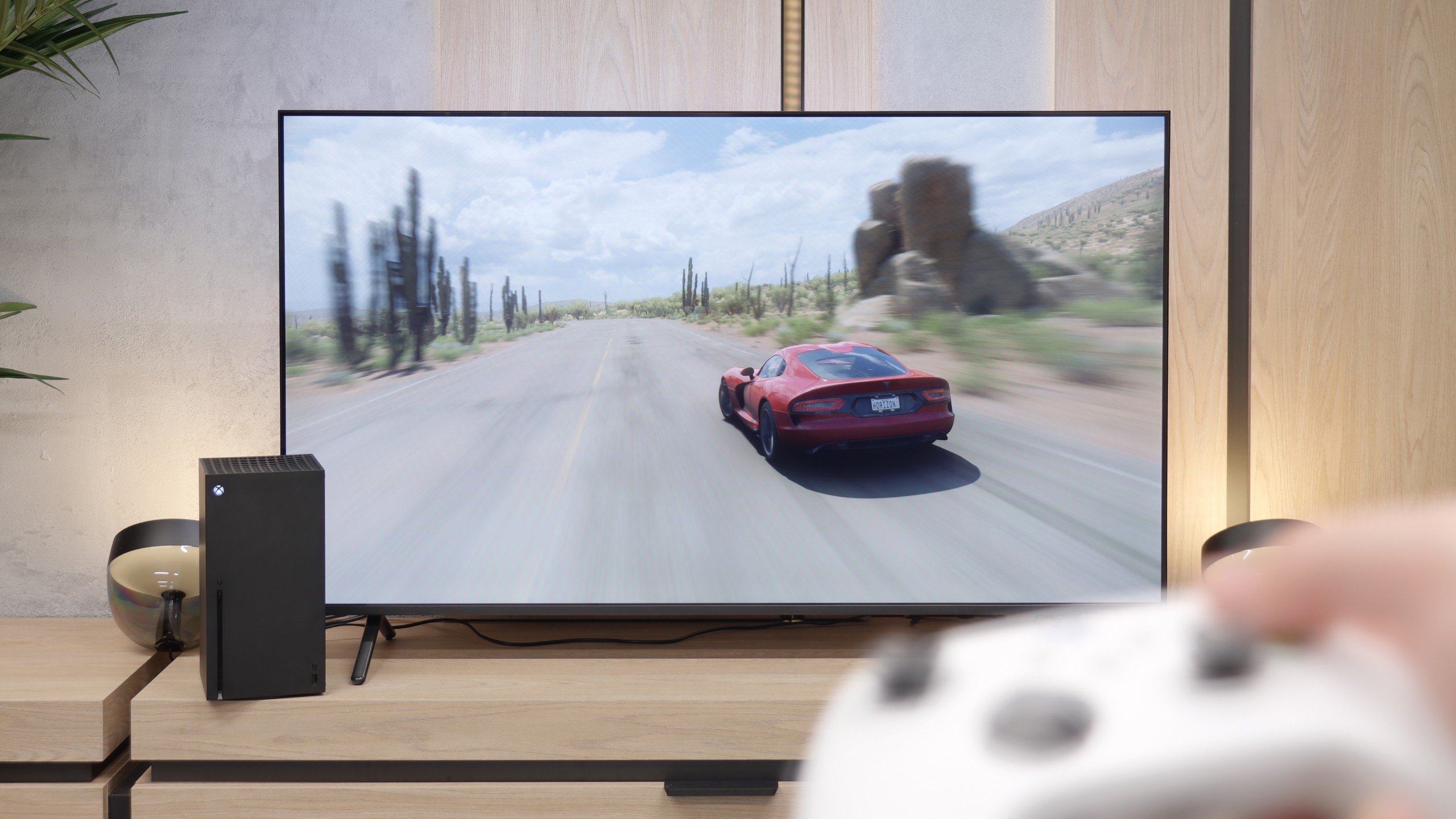
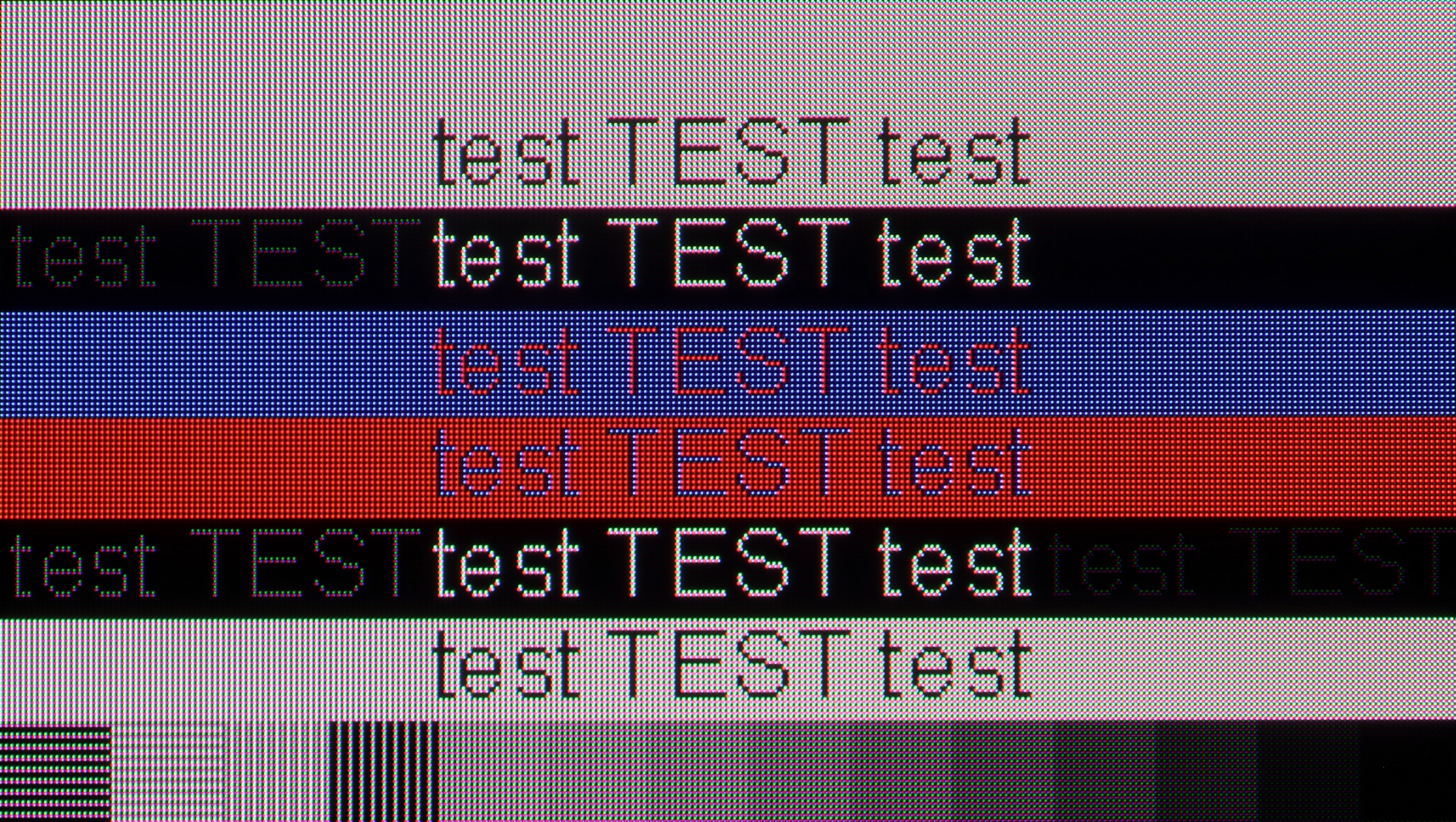
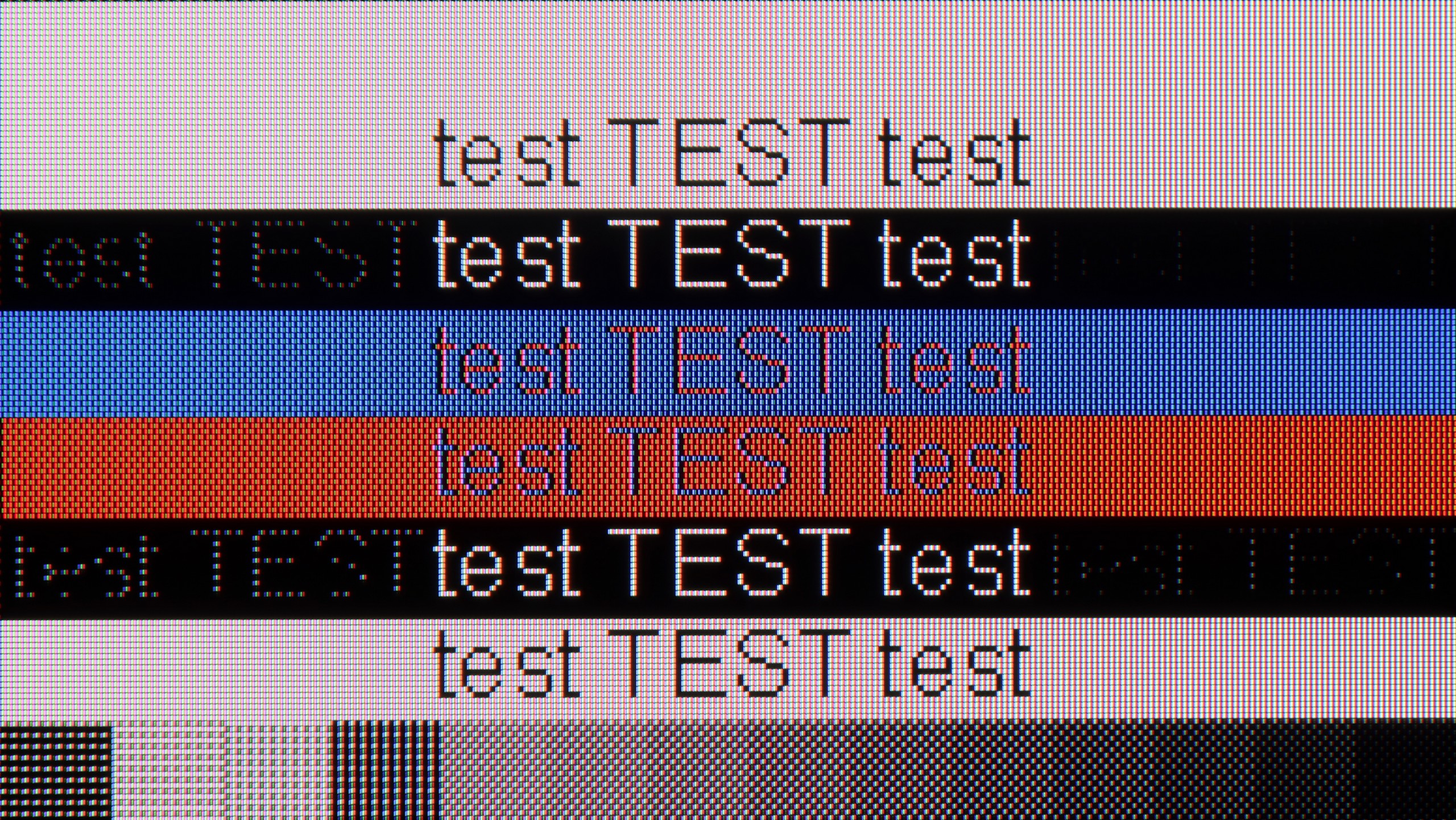
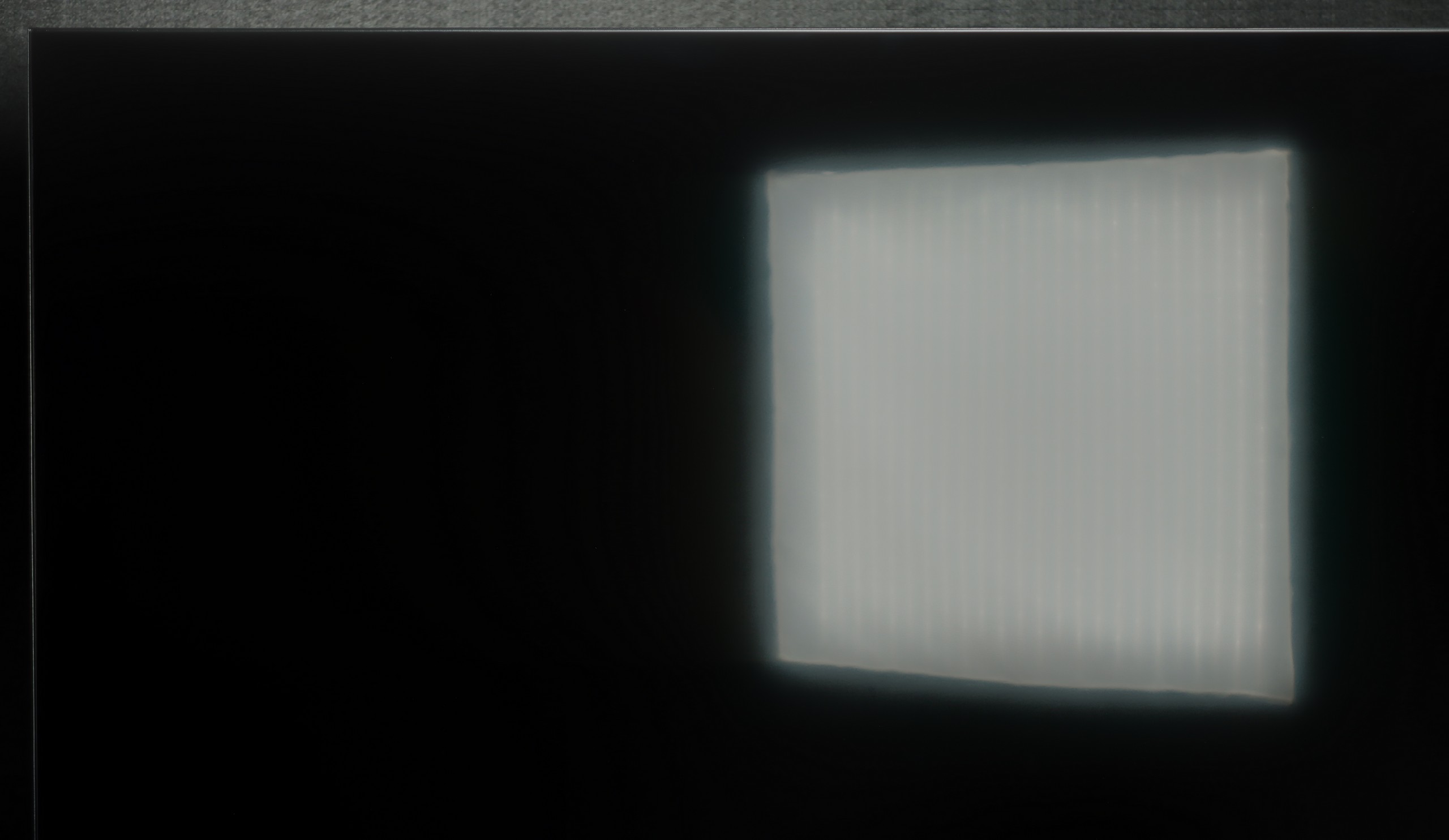
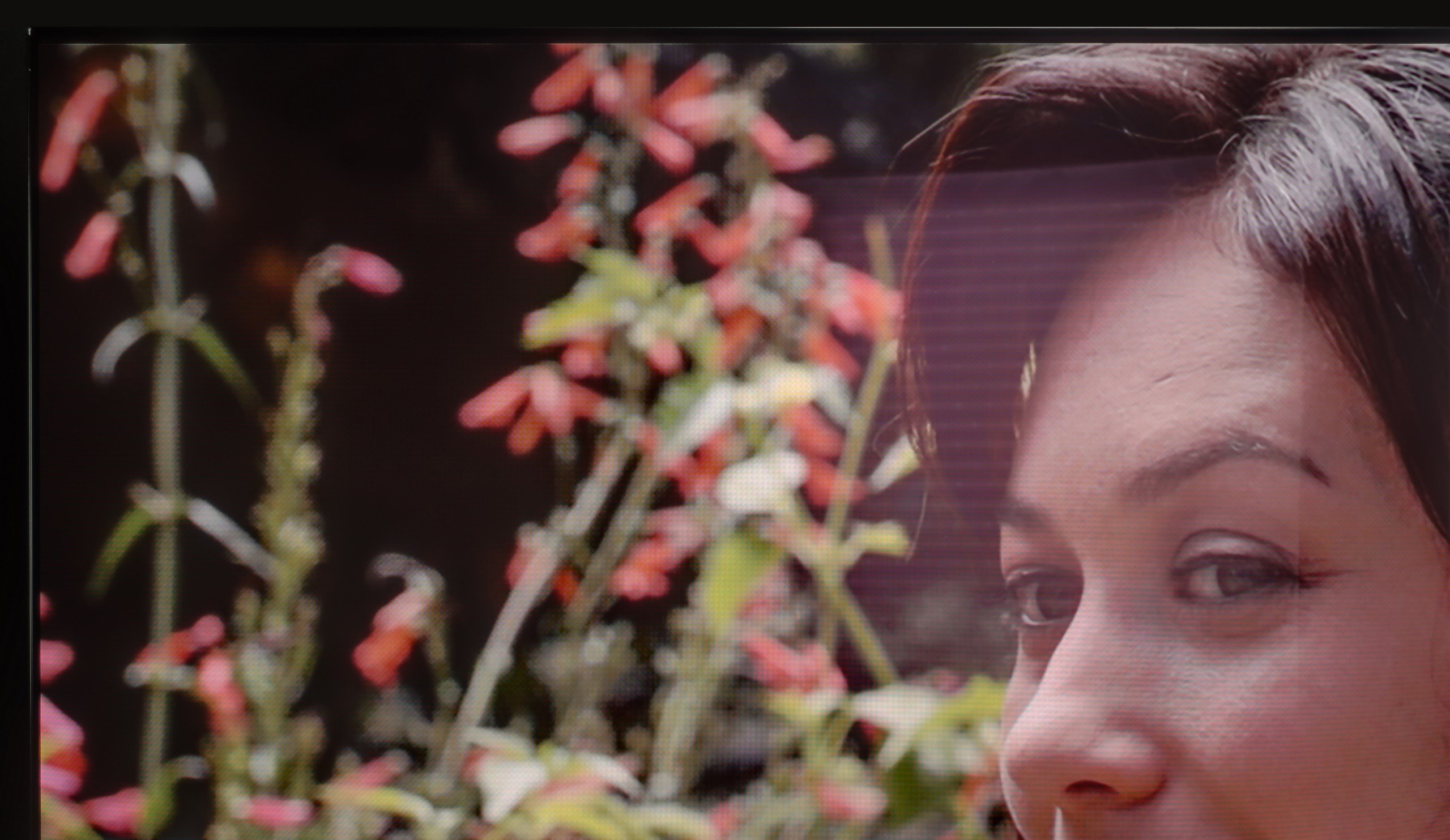
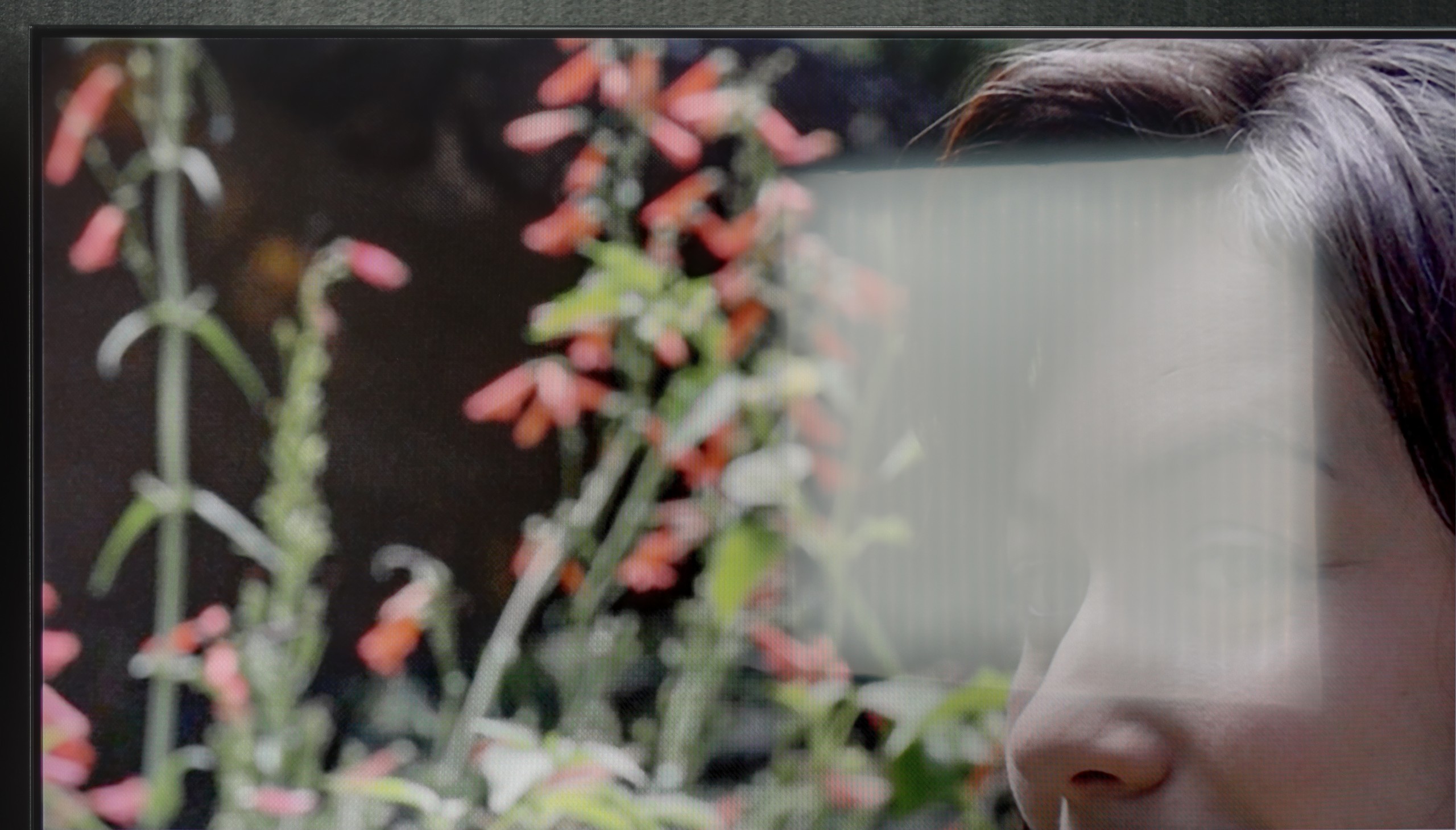
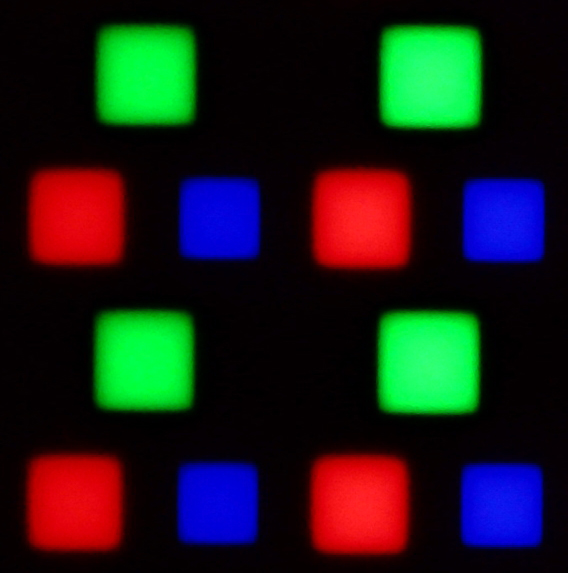
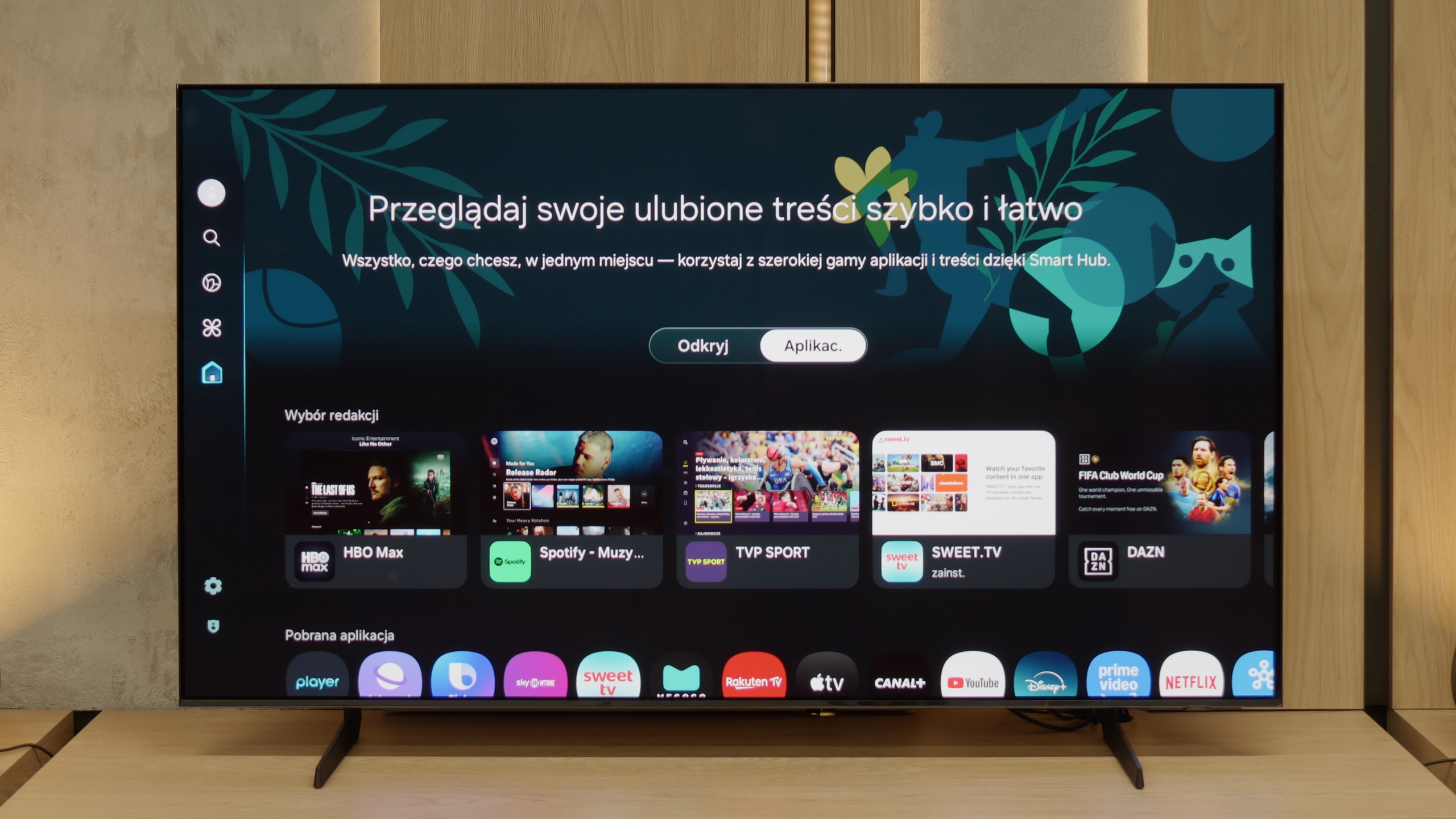
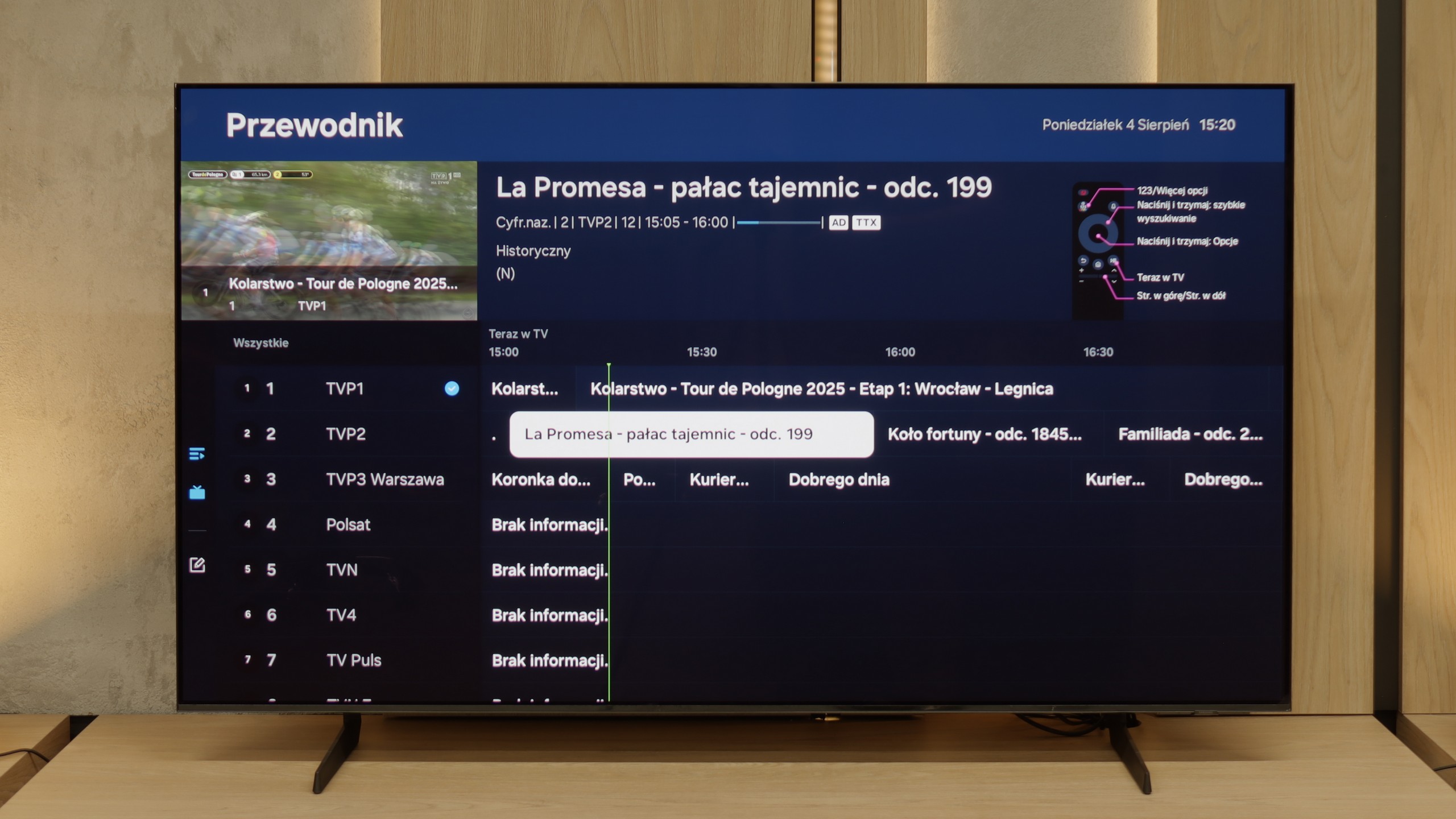
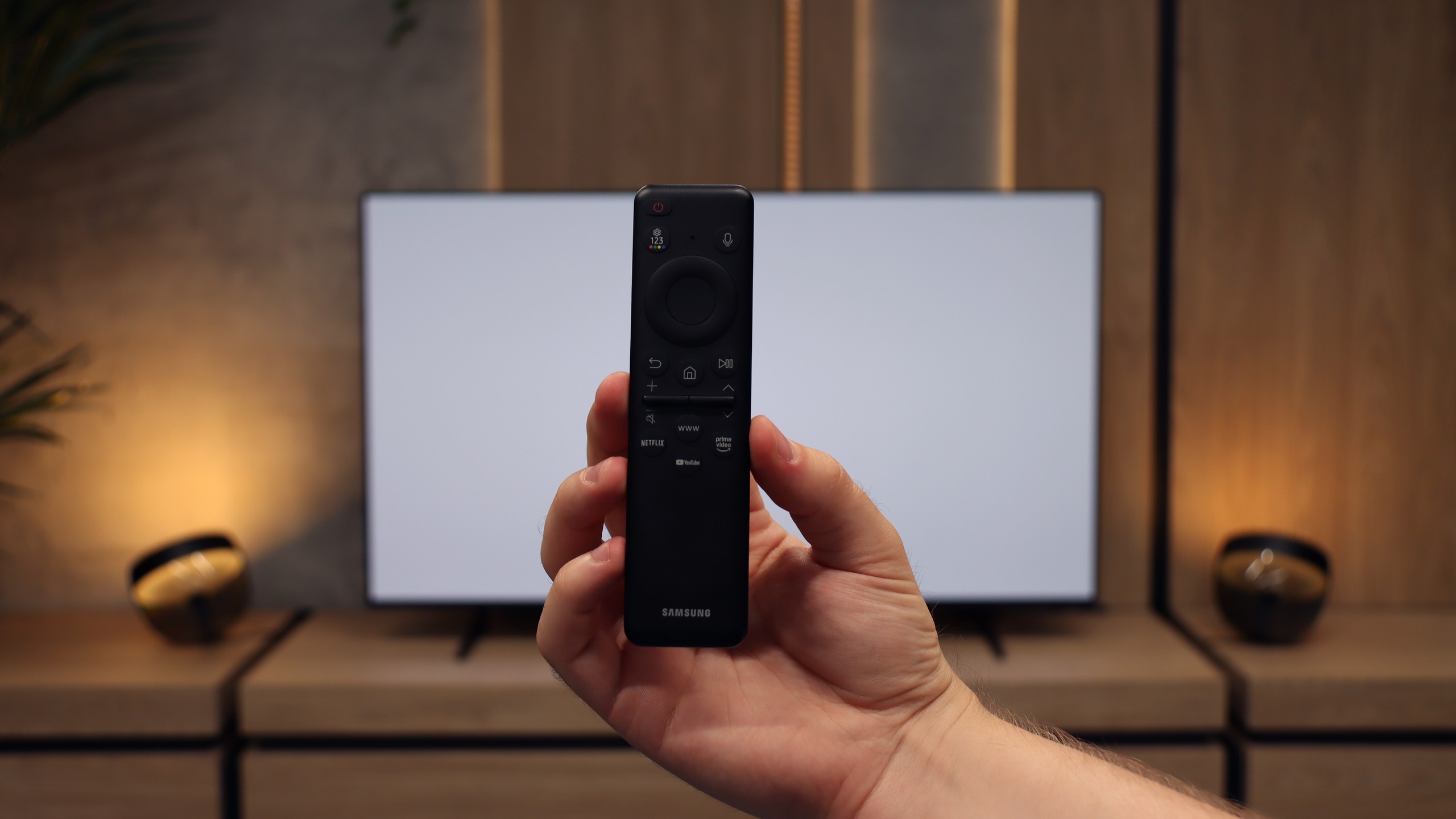
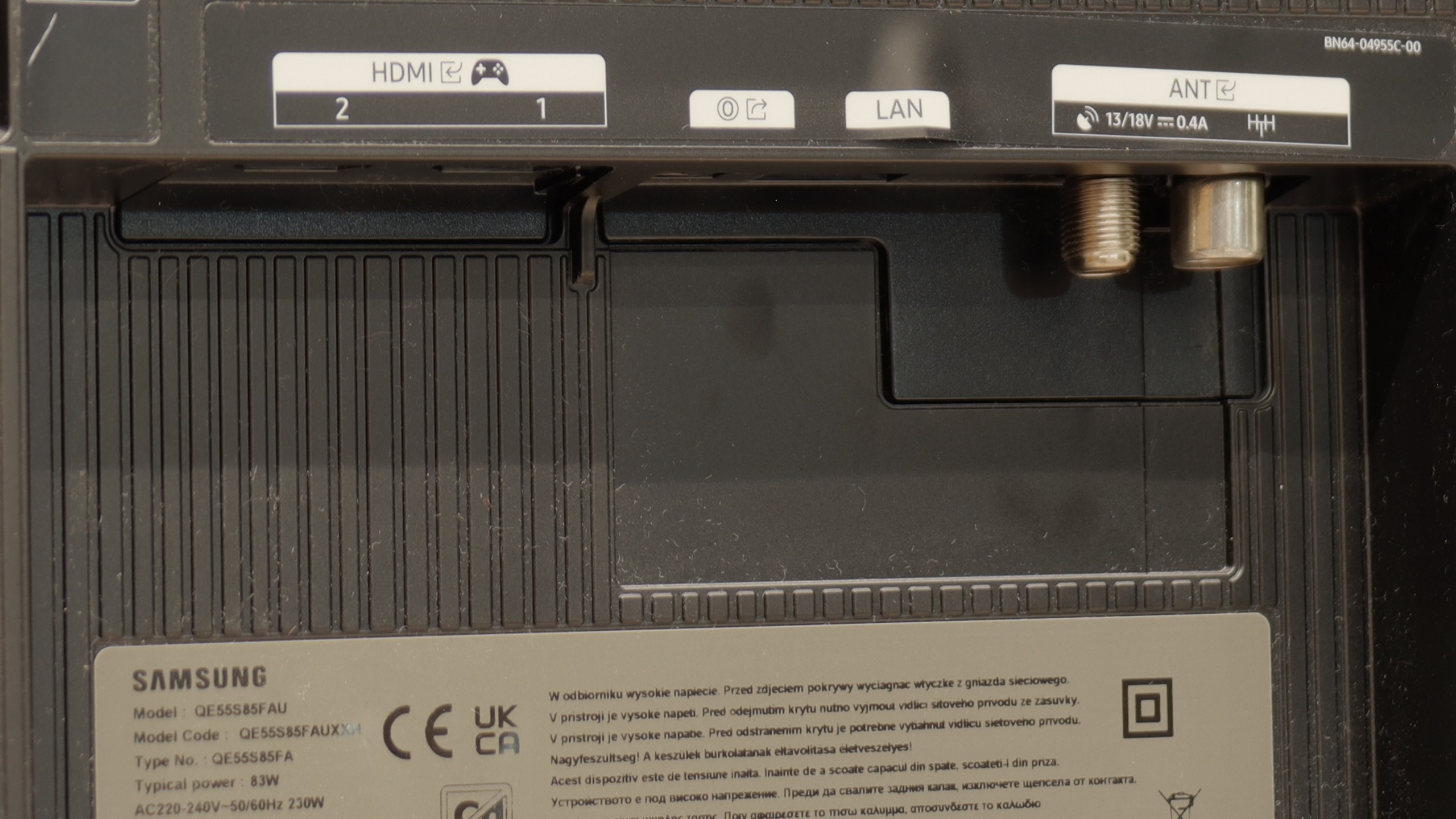
Samsung S85F with a QD-OLED panel can surprise – and it surprises very positively. Even before the tests, we didn't think that in the case of TVs that are talked about in the context of "panel lottery," one could come across something that would benefit the user. However, in this case, particularly in the 55-inch version, it has fully succeeded. The QD-OLED panel, as befits organic technology, offers perfect, almost ideal black and contrast in cinematic conditions. The difference lies, however, in the way colours are reproduced – here it is simply outstanding. The colour gamut coverage is impressive, and after a gentle calibration, the colours become almost exemplary. Motion fluidity is equally high. The 120 Hz panel handles both sports and action films excellently. And if someone plans to connect a console to the S85F, they will receive a complete set of advantages: low input lag, variable refresh rate, Game Bar, and full support for HDMI 2.1. In everyday use, we were assisted by the Tizen system – closed, but extremely well-designed. It responds quickly, offers a rich selection of applications, and add-ons such as AirPlay and voice control make it hard to find something more complete in this category. Indeed, the S85F is not without its flaws. However, the balance of advantages and disadvantages is exceptionally favourable here. One could even get the impression that it is one of the best TVs in its price segment.
[UPDATE] We have updated our 2025 Samsung TV reviews following the release of firmware version 1131, which officially restores the essential HGiG (HDR Gaming Interest Group) support.
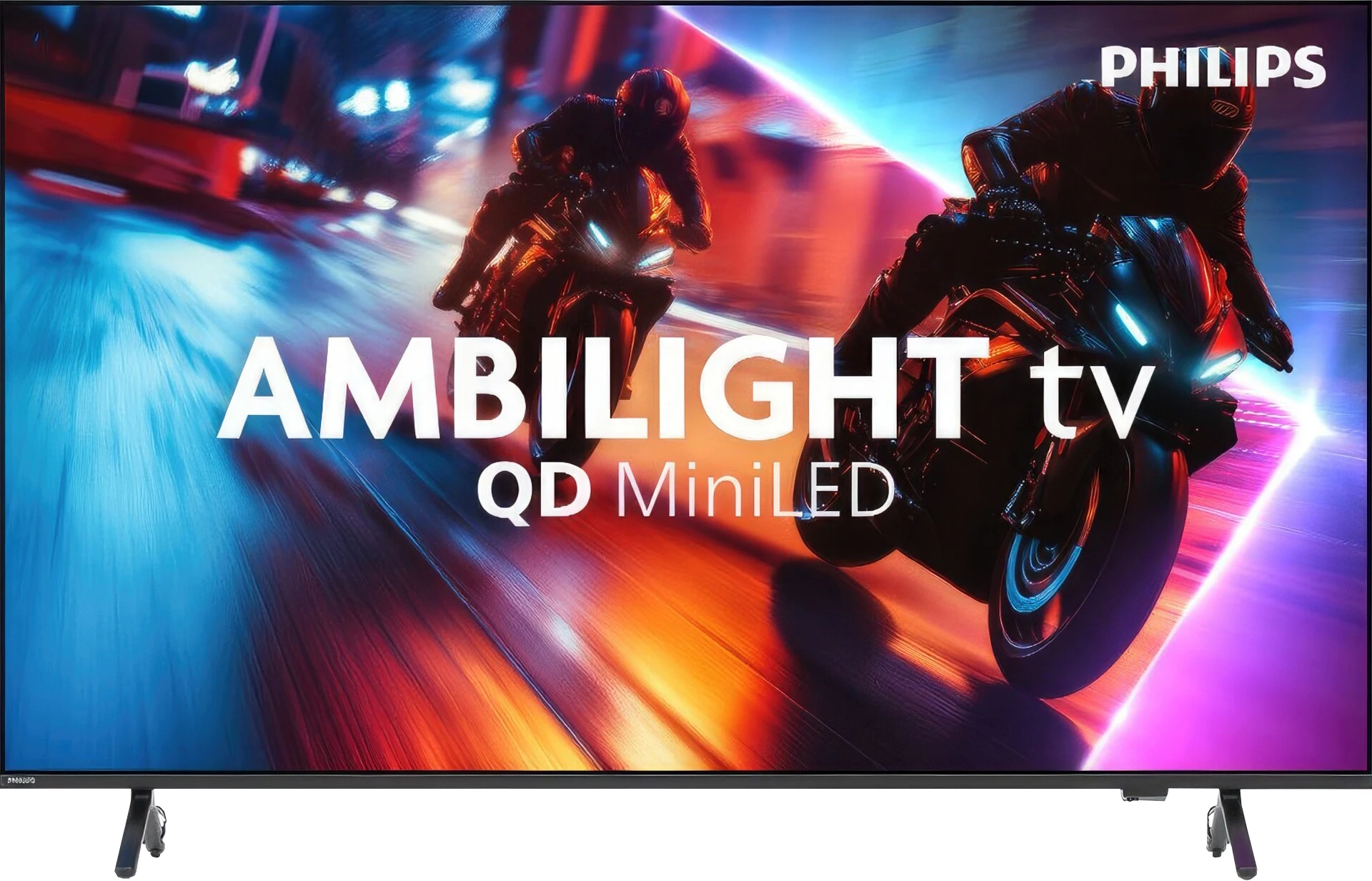
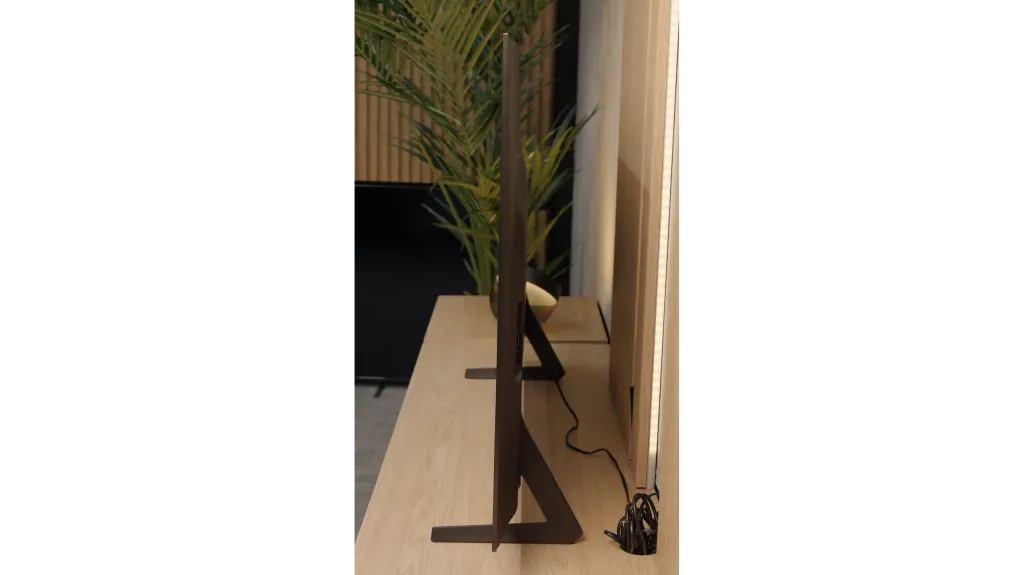
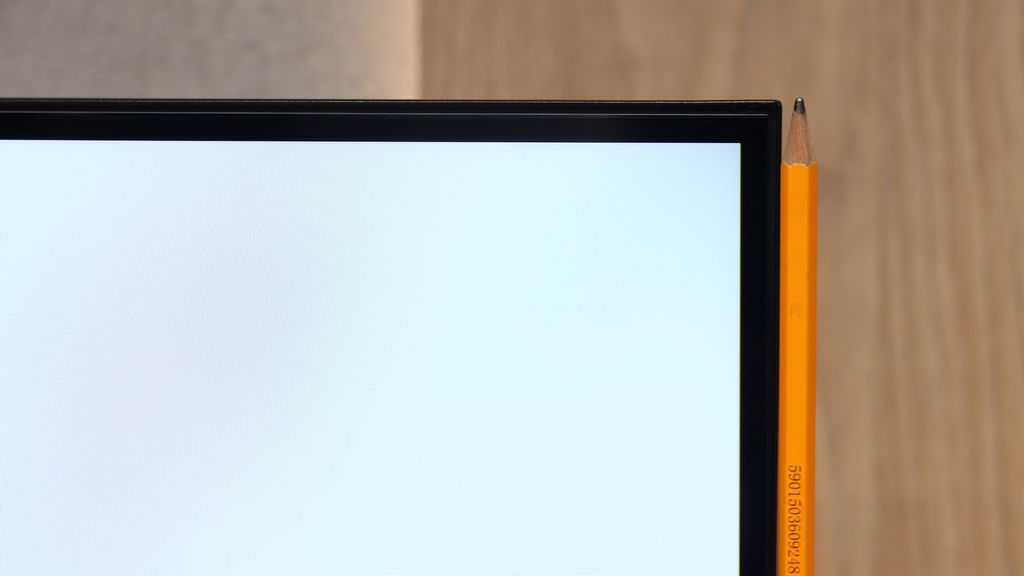
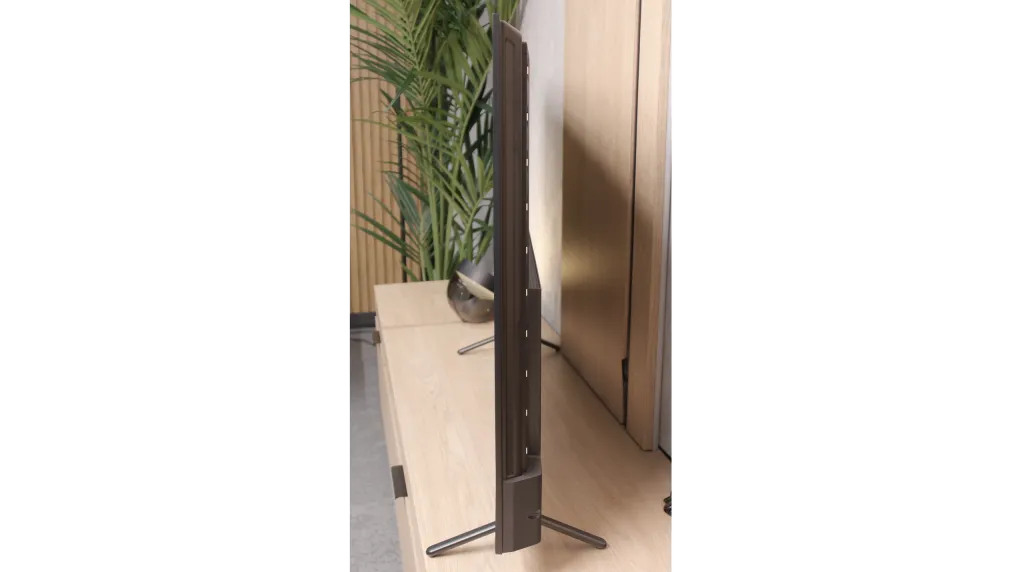
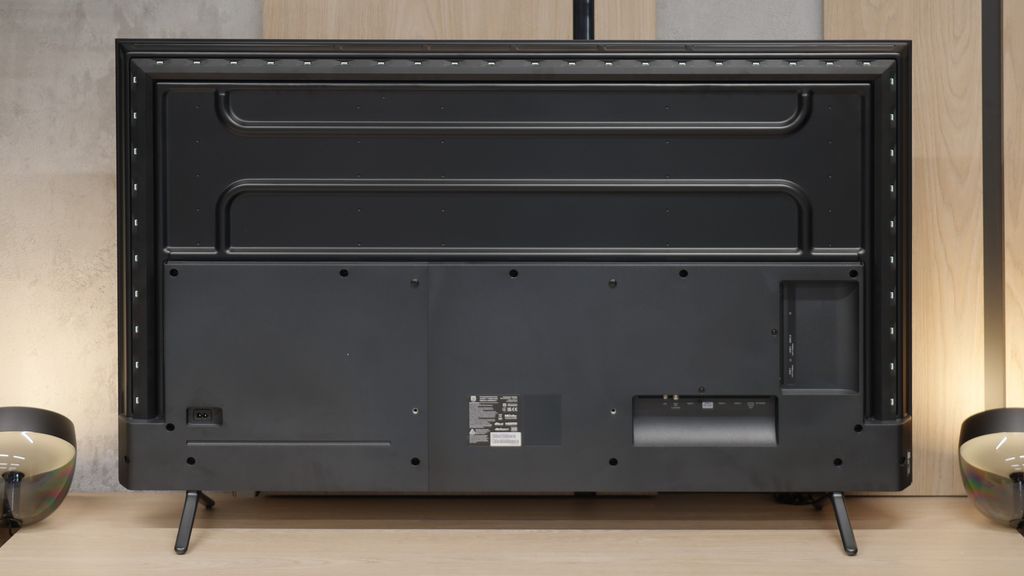
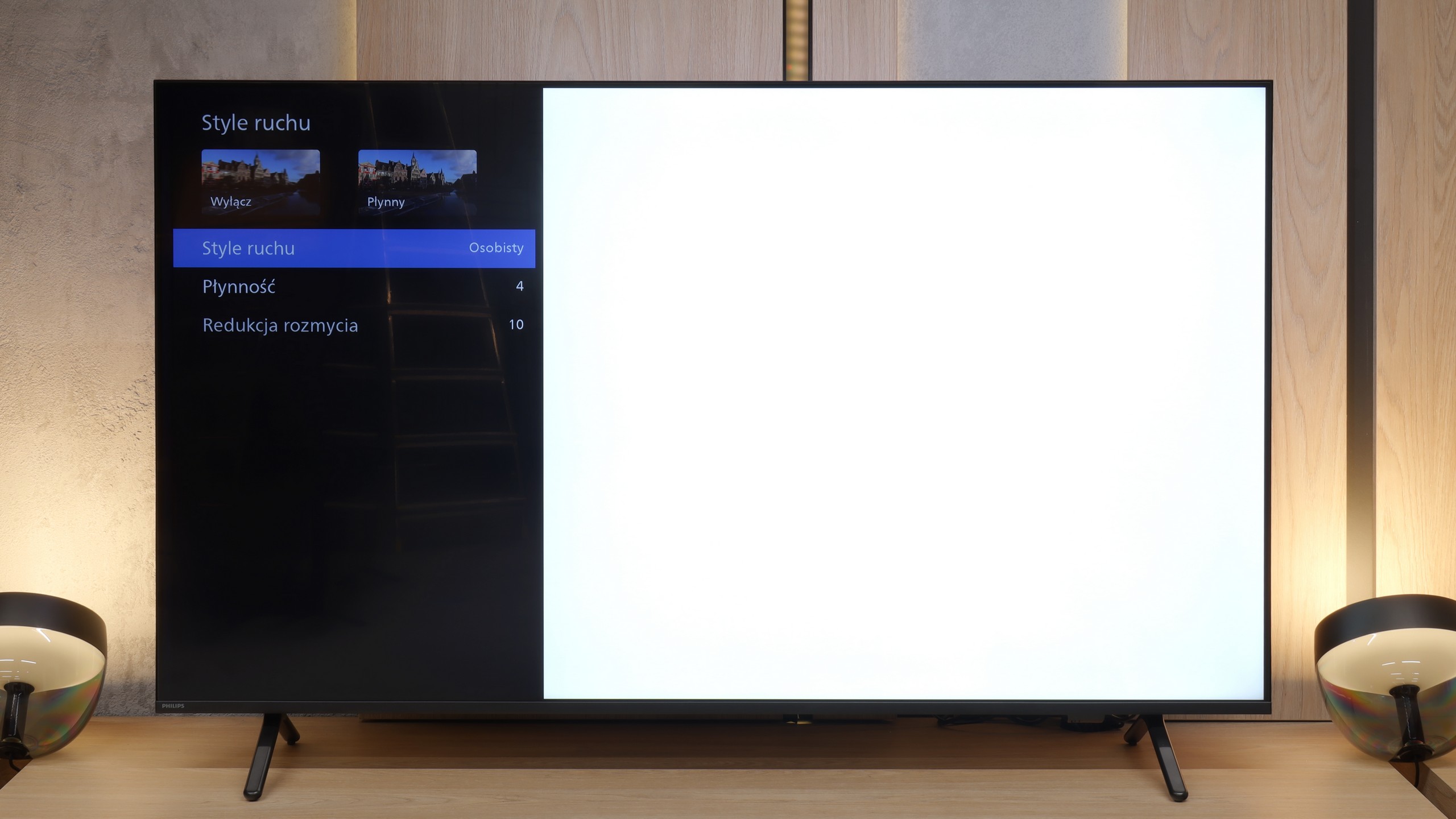
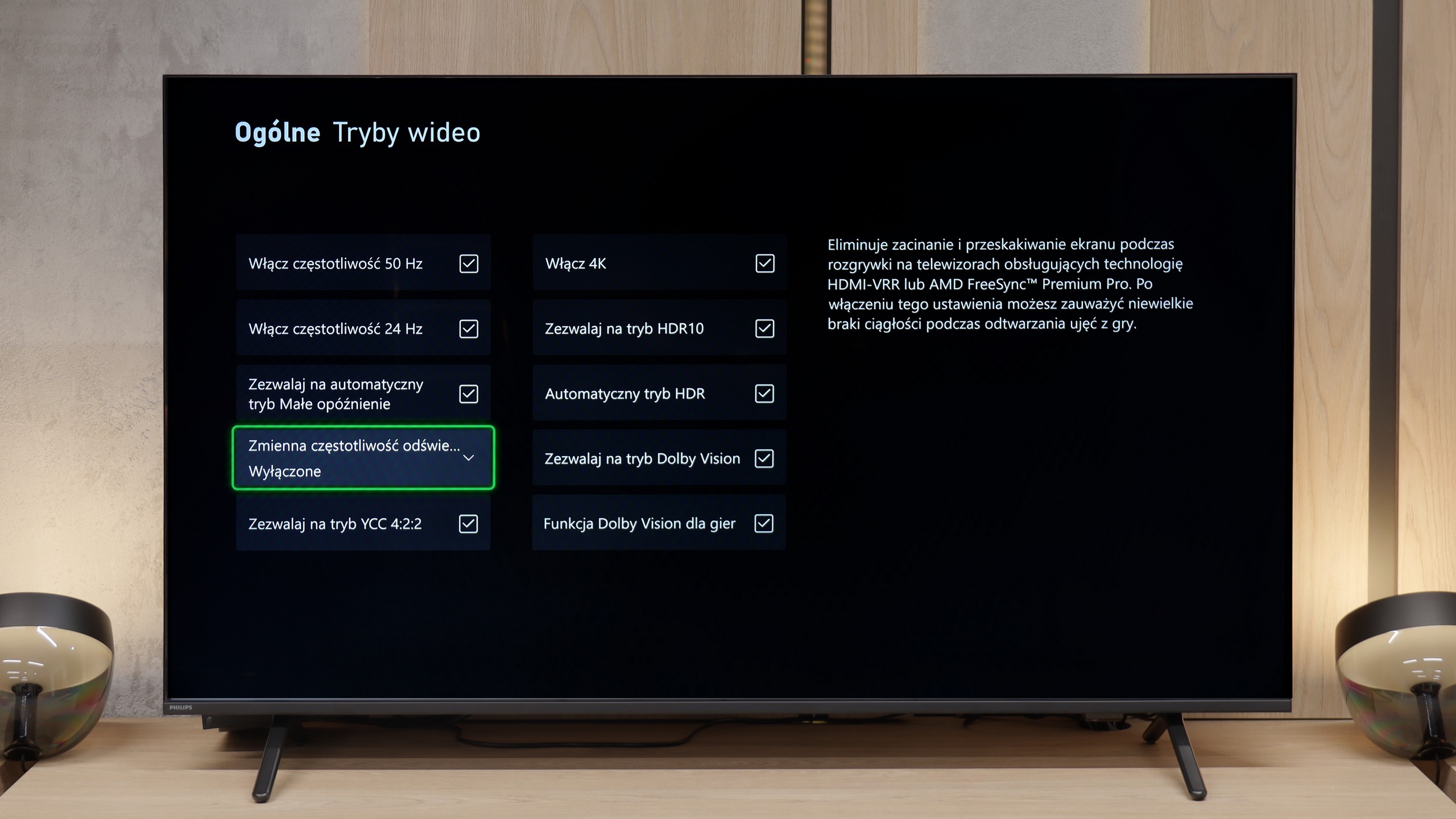
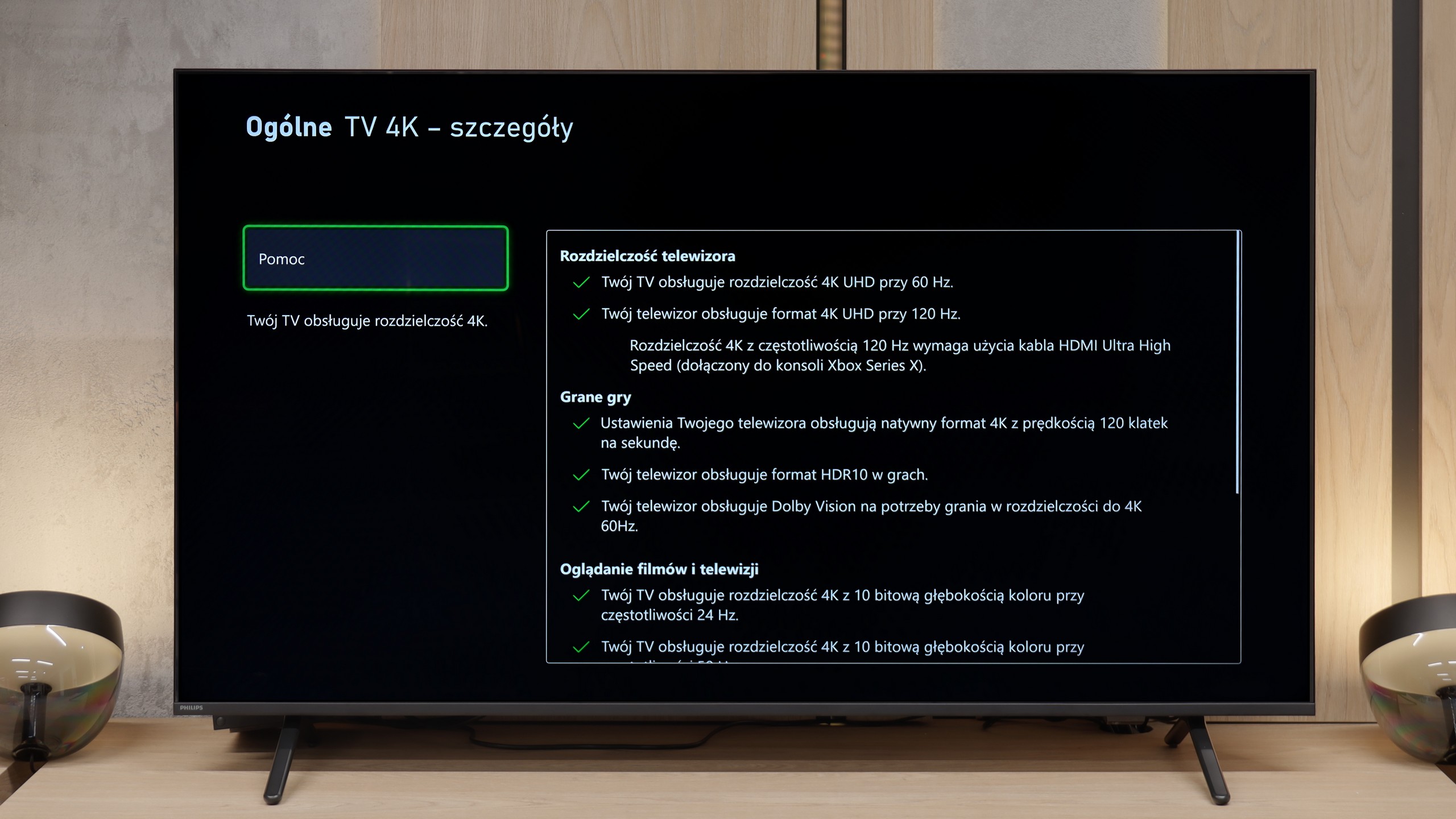
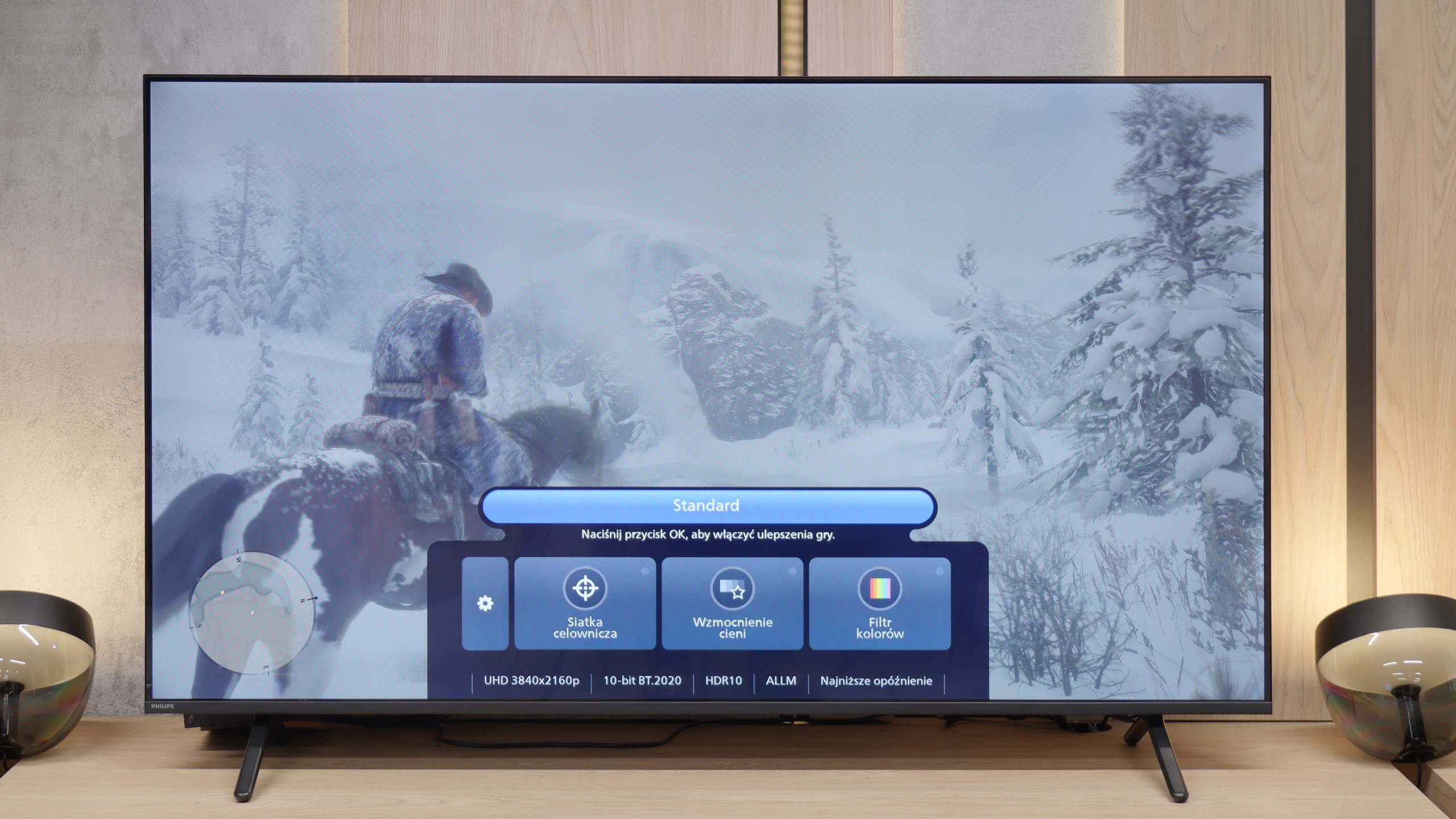
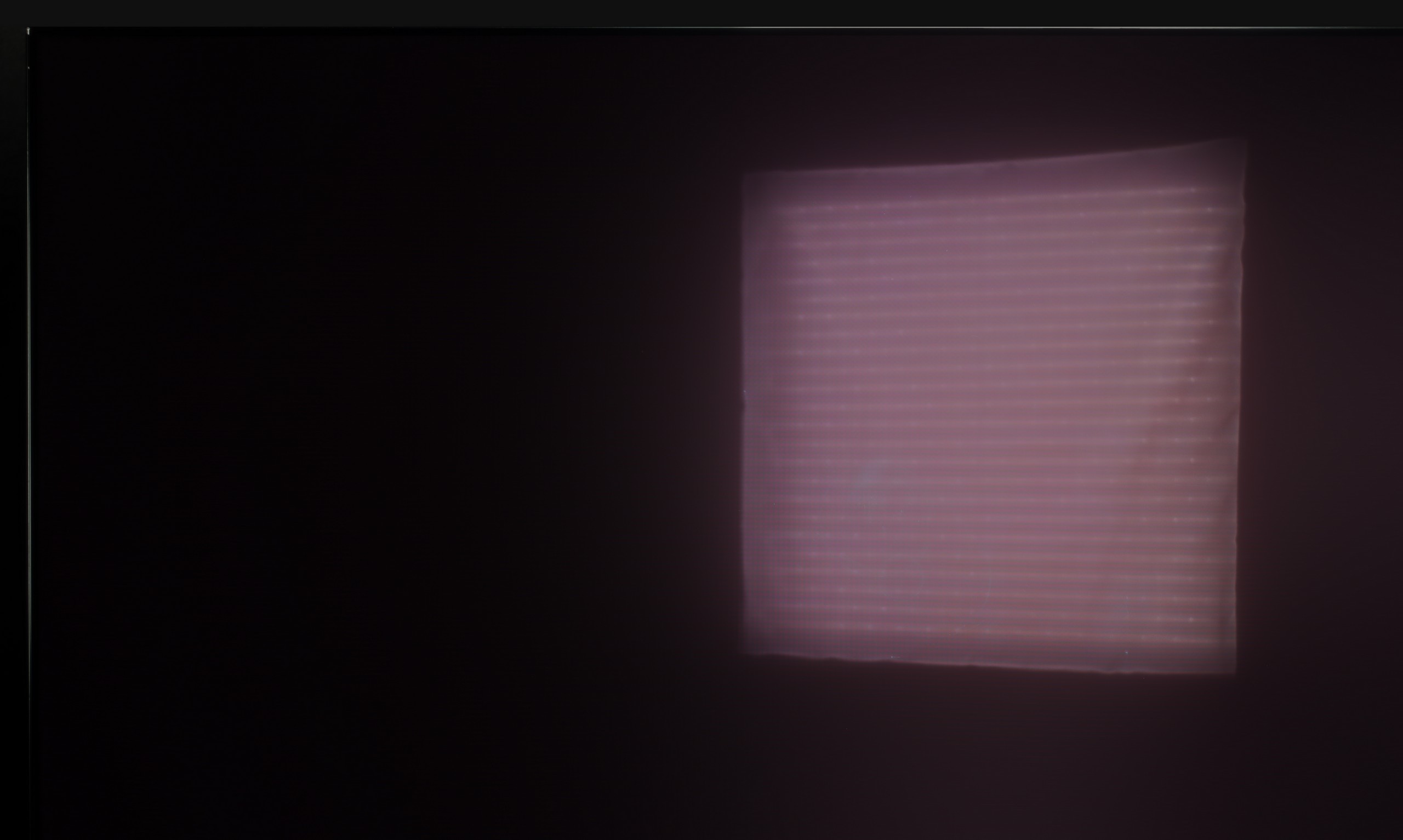
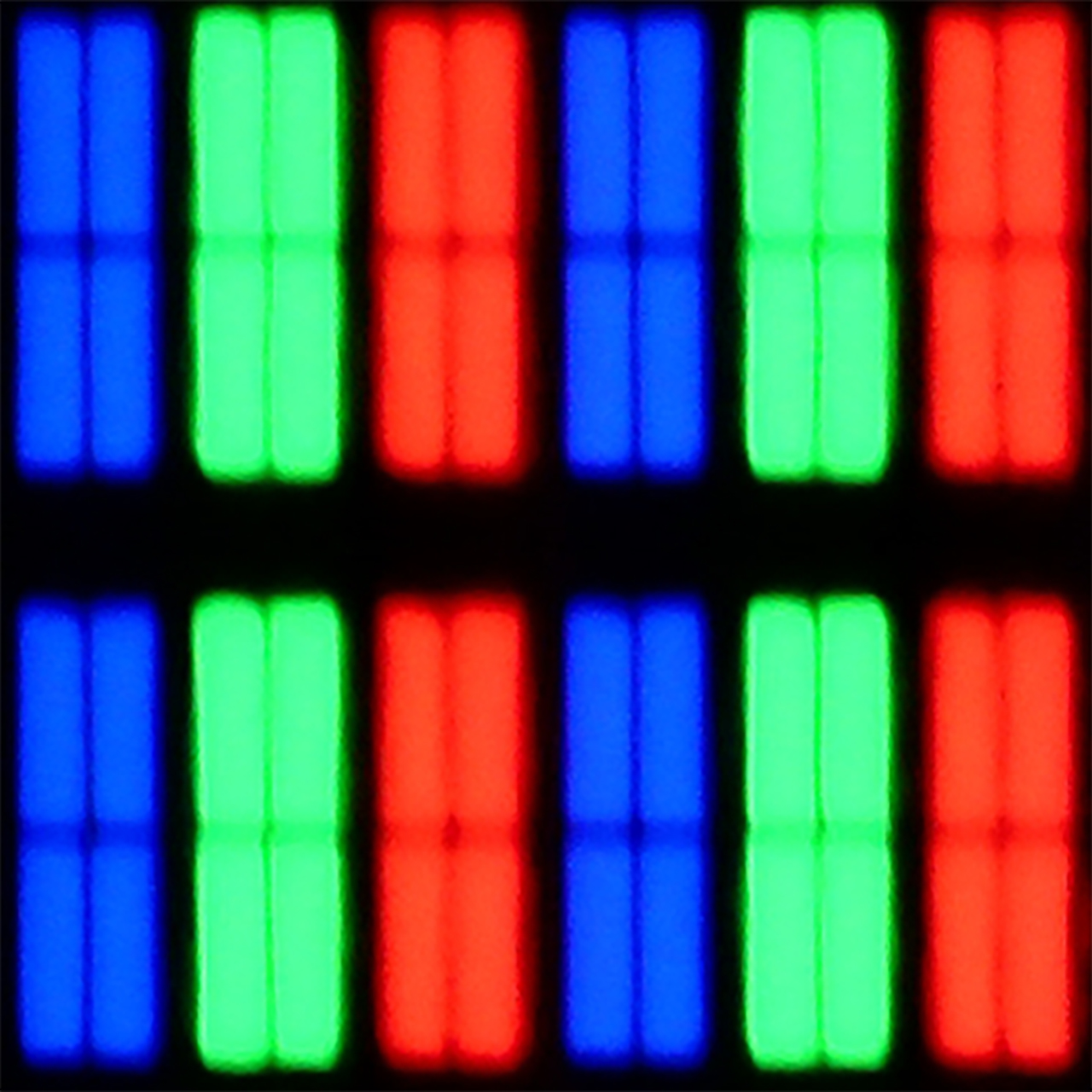
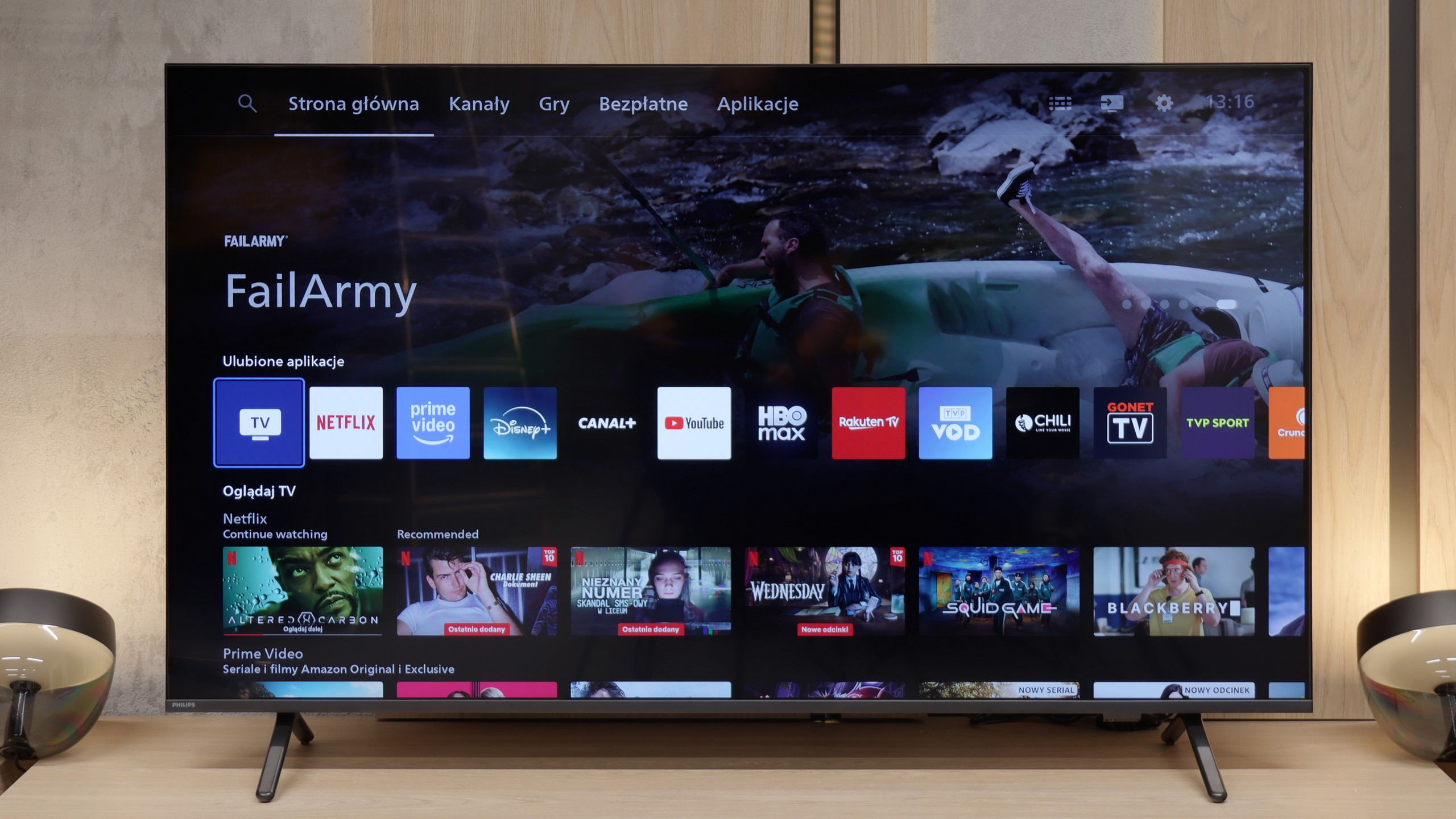
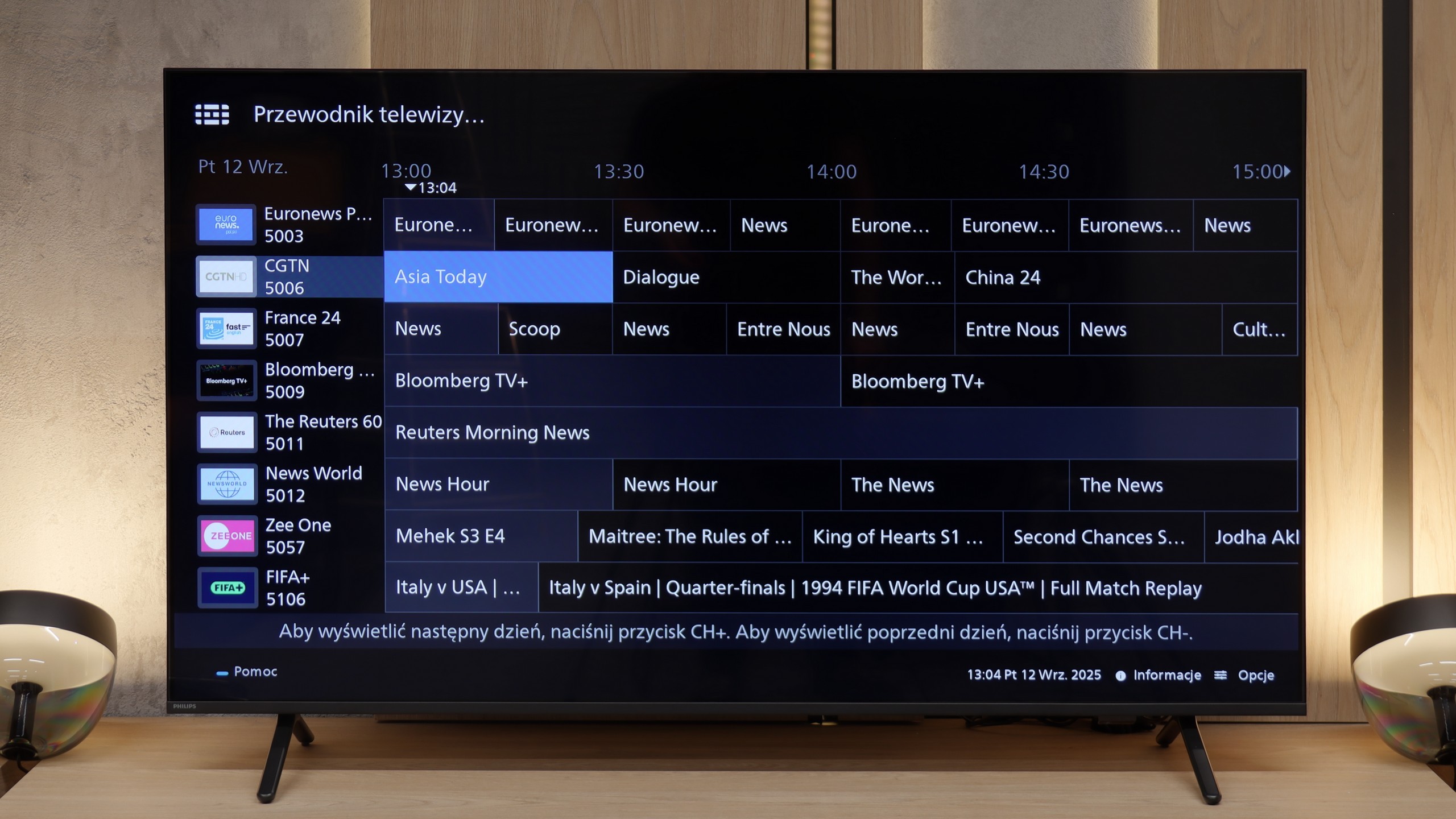
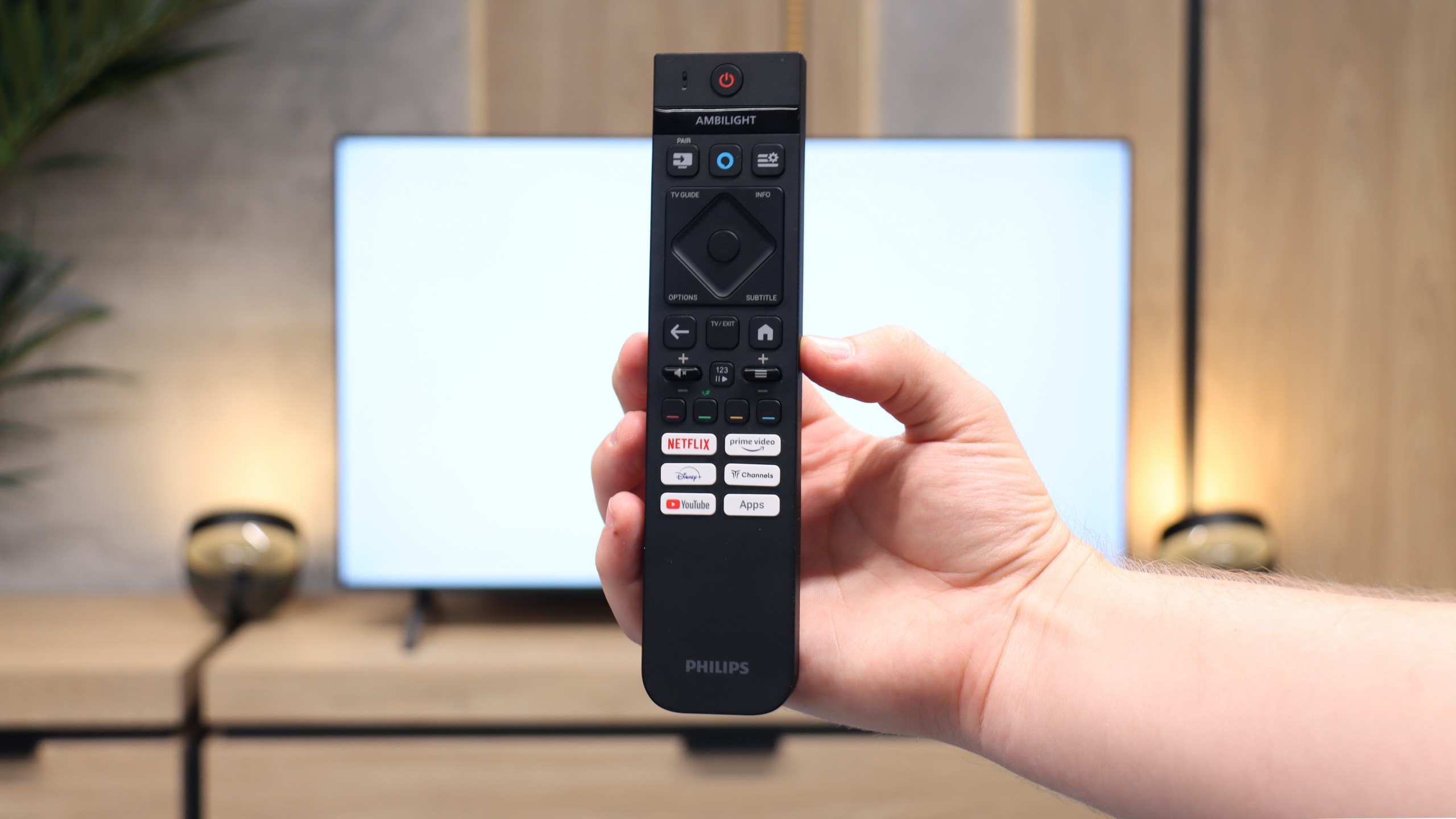
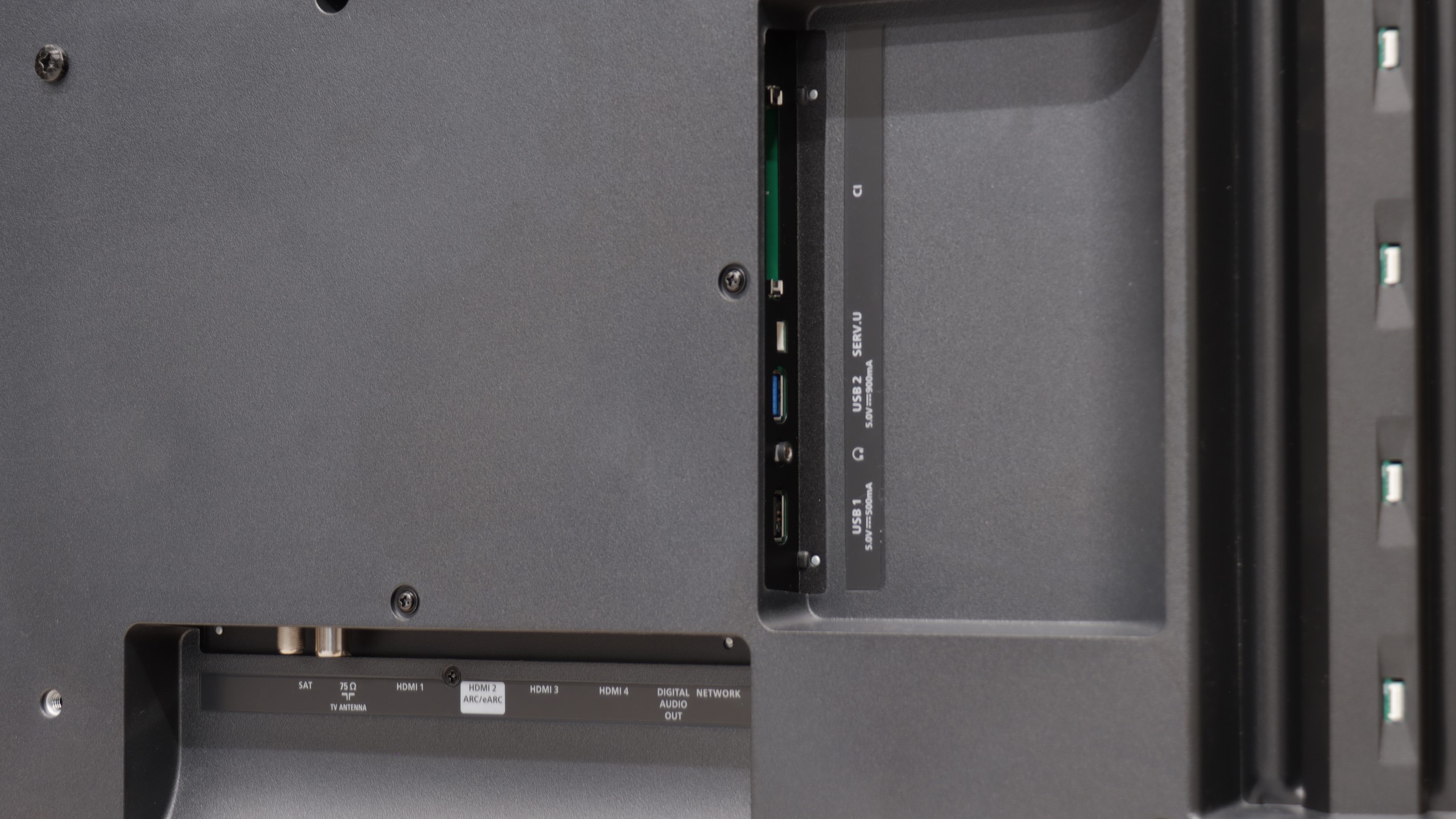
The Philips MLED920 is a natural continuation of last year's model PML9000, but it is not a repetition of the past. It is clear that the manufacturer has done their homework – primarily, the local dimming algorithms have been improved, which last year could significantly ruin the viewing experience. Now, blacks and contrast look much better, and with Dolby Vision present here, even HDR content appears quite decent. The picture can sometimes shine where it should, without straining the eyes during difficult scenes. Undoubtedly, the biggest asset of the MLED920 is its unique Ambilight system. The three-sided backlighting can give films and games a completely new atmosphere – the screen seems to extend beyond its borders, and the entire room becomes part of the viewing experience. This is something that not only cinema enthusiasts will appreciate but also gamers, who, alongside the lights, receive a full set of features typical for modern gaming TVs: 144 Hz, VRR, ALLM, and Dolby Vision Gaming. In this regard, Philips has a lot to offer. However. Indeed, there is a significant however – here we reach the most difficult part of this verdict – it is still a dual-purpose device. On one hand, we have a strong picture and a unique Ambilight feature, while on the other, there are hardware limitations that are hard to ignore. Titan OS in its current form is a considerable hindrance, full of bugs and deficiencies, which cause the television to lag behind the competition. On top of that, the price is not low at all given the offered capabilities. Therefore, it is difficult to recommend it unambiguously to everyone. However, if you are looking for the brightest Philips screen at a reasonable price, with Ambilight, a full set of gamer features, and basic applications – the MLED920 will be quite a suitable choice.
 Direct comparison