Samsung QN900F vs IFFALCON U85X

Direct comparison

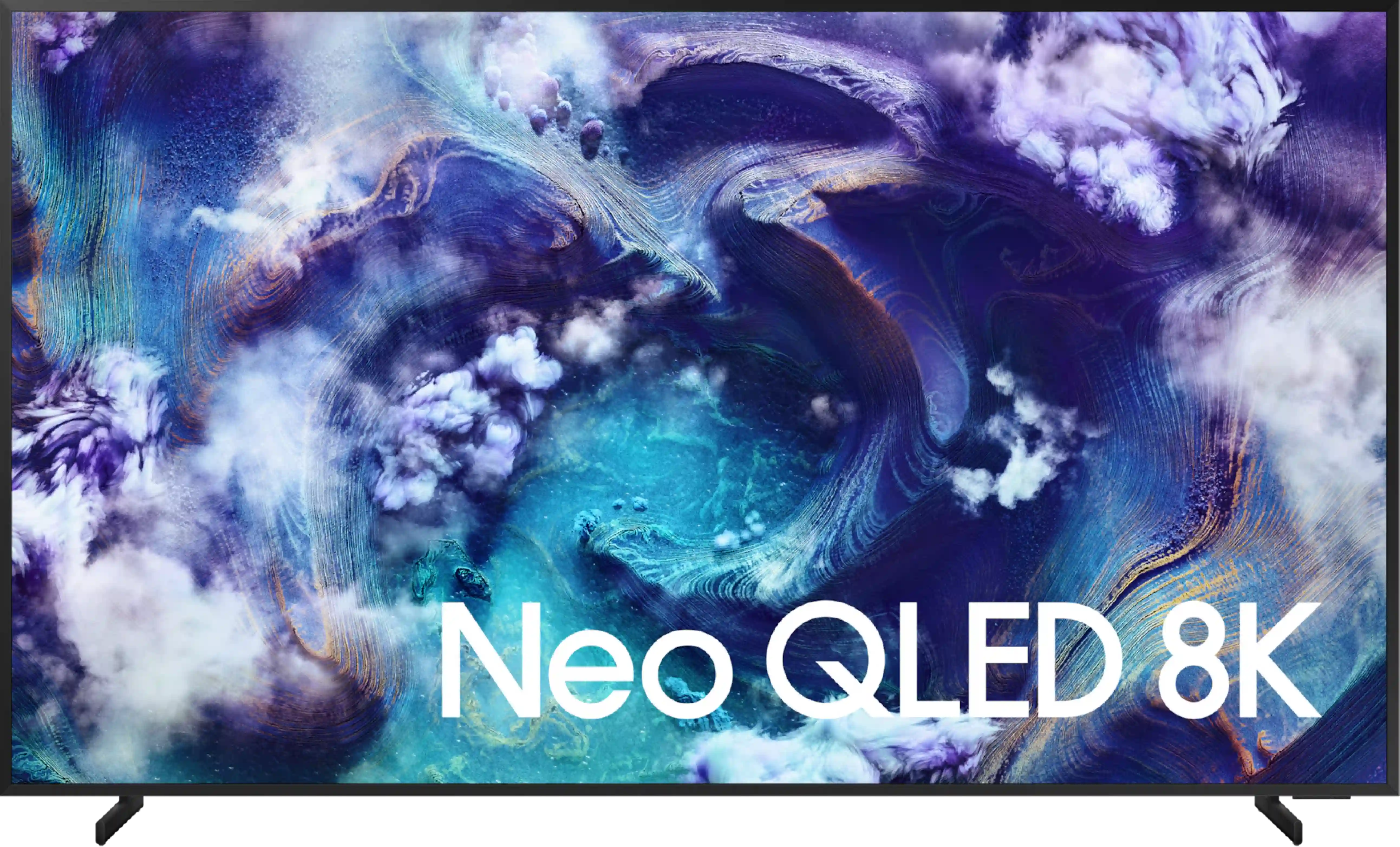
NeoQLED 8K / QN900F

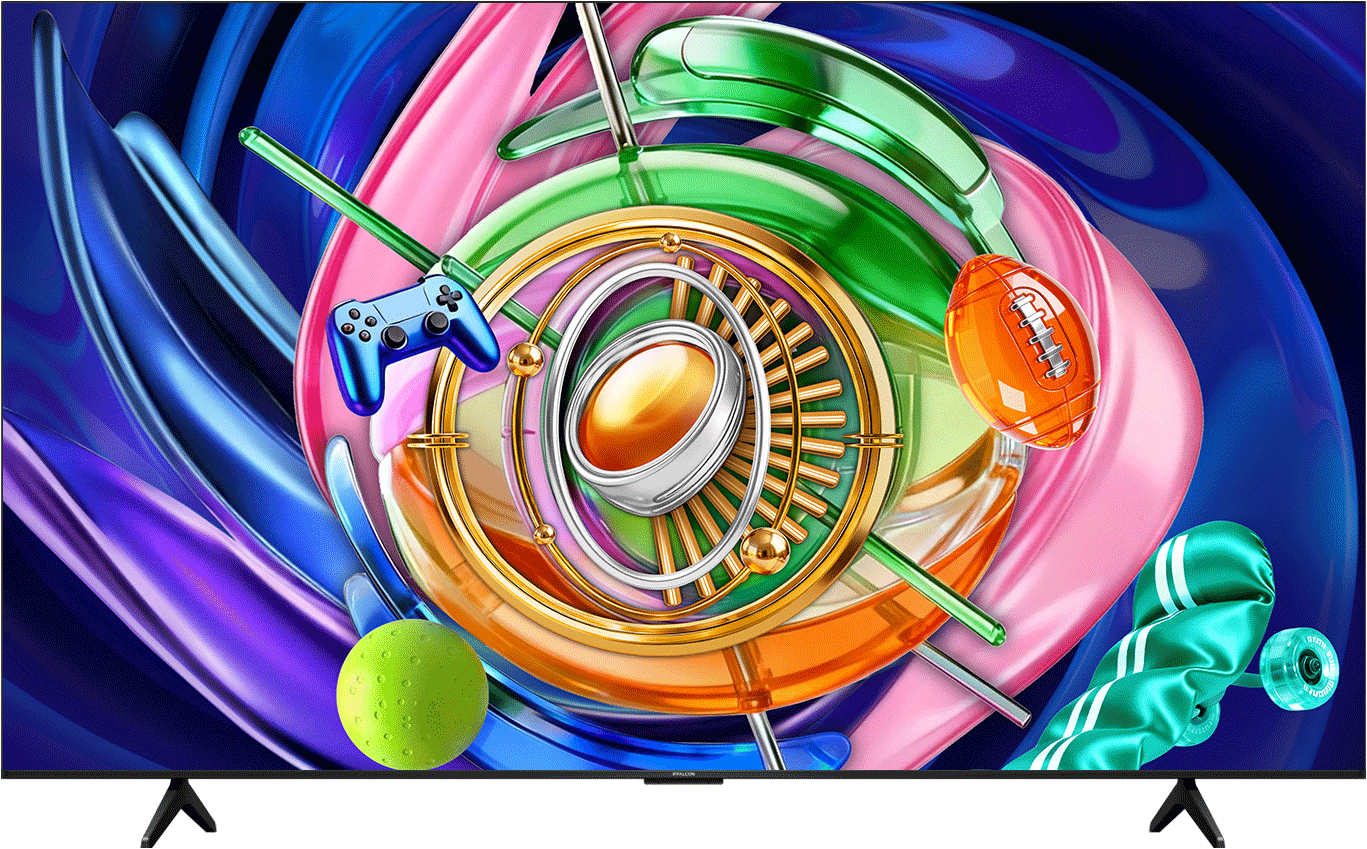
U85X1

Available screen sizes: 65”75”85”

Available screen sizes: 65”

Panel type: LCD VA

Resolution: 3840x2160

System: Tizen

Model year: 2025

Complete the survey to find out the result

Panel type: LCD VA

Resolution: 3840x2160

System: Google TV

Model year: 2026

Complete the survey to find out the result

Overall rating

7.8

6.9

  • Movies and series in UHD quality

    7.3

    6.2

  • Classic TV, YouTube

    7.3

    6.3

  • Sports broadcasts (TV and apps)

    7.4

    6.1

  • Gaming on console

    9.1

    8.4

  • TV as a computer monitor

    8.4

    8.6

  • Watching in bright light

    7.1

    5.6

  • Utility functions

    7.2

    7.6

  • Apps

    9.3

    9.6

  • Sound quality

    8.2

    6.9

Advantages

  • Good black

  • Very high brightness - up to 2000 nits in HDR

  • Great motion smoothness - 4k@165hz with low motion blur

  • Many features for gamers: VRR, ALLM, Game-bar, low input lag

  • Decent viewing angles

  • High usability efficiency in difficult lighting conditions: Matte screen + high brightness

  • Pleasant and very fast operating system: Tizen

  • Pleasant sound from built-in speakers

  • Good contrast and black: VA panel with MINI-LED local dimming zones

  • High HDR brightness: solid 650 nits

  • Decent colours: thanks to the PFS filter (according to the manufacturer QLED)

  • Revolutionary for gamers: full HDMI 2.1, 144Hz, very low input lag, and VRR/ALLM features

  • Great as a monitor: 240Hz mode, support for G-SYNC/FreeSync

  • Powerful sound – dedicated subwoofer provides a noticeably deep bass

  • Versatile Smart TV – advanced Google TV system with full AirPlay support

Disadvantages

No like
  • The algorithms for local dimming could have been better refined.

  • There is no recording support from the built-in tuners.

  • No DTS:X (home cinema).

  • Visible trailing

  • Backlight management could be better

  • Poor viewing angles – typical VA panel colour degradation when viewed from the side

  • Software issues – inaccurate menu translations and occasional drops in system fluidity

Our verdict

The Samsung QN900F is a television that can make a tremendous impression. The greatest strength of this model is the combination of Mini-LED backlighting with a matte panel. This not only gives us decent blacks but, above all, incredible brightness and excellent readability in all conditions. During the day, in a brightly lit living room, it is probably the best-performing television in this year's Samsung offerings. Gamers will also find plenty to enjoy here – despite being an 8K screen, it can operate at a frequency of up to 165 Hz in 4K. Additionally, it comes with a full HDMI 2.1 package, VRR and ALLM features, and low input lag, so the QN900F is suitable for both next-generation consoles and PCs. The design also deserves great praise – when hung on the wall, with a thick metal frame, this model resembles a more luxurious version of the iconic The Frame. Combined with the matte panel and Art Store mode, it can indeed be treated as equipment that not only plays and lights up but also decorates the living room.

However, not everything is perfect. Despite its impressive specifications, local dimming management does not always perform as well as one might hope. Given the large number of zones, Samsung could refine its control over blacks and HDR effects – it is evident that the potential is immense, but it does not always translate into top-tier picture quality. Moreover, it is important to remember that 8K resolution is still more of a novelty than a genuine necessity, and the price of this model makes it easy to start looking for cheaper alternatives, including within Samsung's own offerings. Despite these reservations, the QN900F is a television that can undoubtedly impress. Its strength lies not in the 8K itself but in how it presents the image, how it looks, and the enjoyment it brings during use.

[UPDATE] We have updated our 2025 Samsung TV reviews following the release of firmware version 1131, which officially restores the essential HGiG (HDR Gaming Interest Group) support.
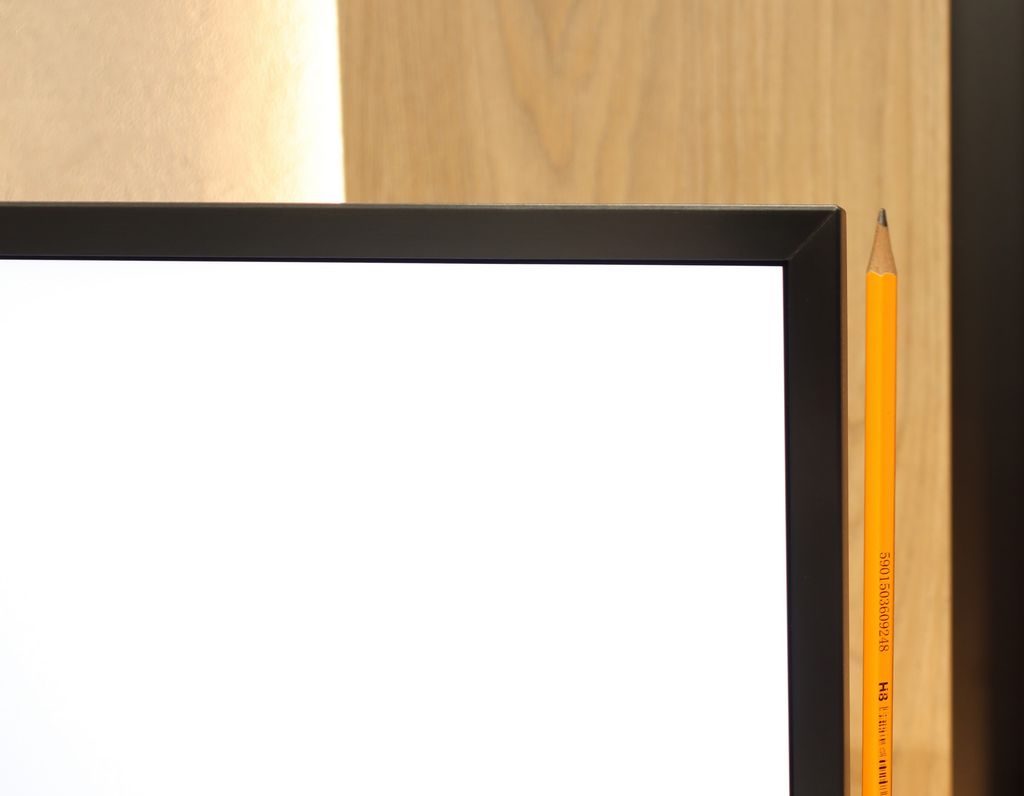
iFFALCON U85X is a device that draws heavily from the technological solutions of its parent brand, TCL. It's hard not to get the impression that, in terms of pure technical specifications, we are dealing with almost a faithful copy of the successful C6K (C69K/Q6C) series, although in terms of design, the designers opted for references to the more budget-friendly P line. This specific combination makes the television do exactly what we expect from a solid Mini-LED, but at an even lower price. It provides very good contrast and a vivid HDR effect, which is directly due to the impressive number of local dimming zones. It is worth noting that, like the models from the C series, iFFALCON U85X turns out to be exceptionally tailored to the needs of gamers. Here we find almost every function necessary for comfortable gameplay, from full support for HDMI 2.1 ports, through ALLM and VRR technologies for console owners, to remarkable compatibility with PCs. As a monitor, the device performs excellently not only due to its support for refresh rates up to 240Hz but also because of the very sharp and readable font, which is not always a given in the world of televisions. Of course, this is not an ideal model, as it shares the same set of advantages and disadvantages as its TCL counterpart – mainly referring to issues like noticeable ghosting or aggressive brightness management in HDR. However, it creates an exceptionally interesting mix that makes us seriously question the sense of the existence of the iFFALCON brand as a separate entity, since the same product could successfully debut with the full TCL logo on the casing. Nonetheless, we have no major objections to the device itself; it is truly a model worth considering, provided you manage to buy it, as it is currently very difficult to obtain.

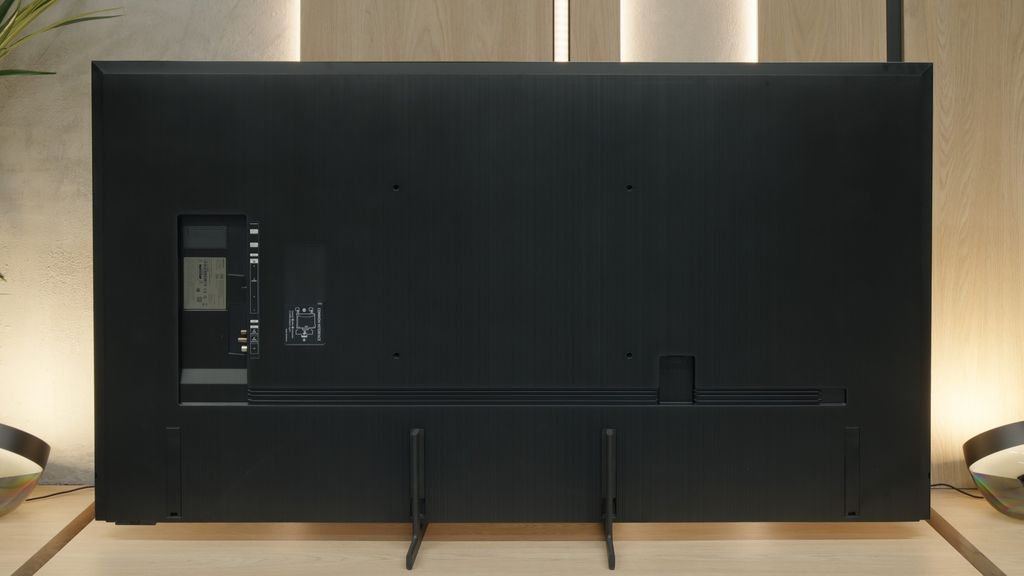
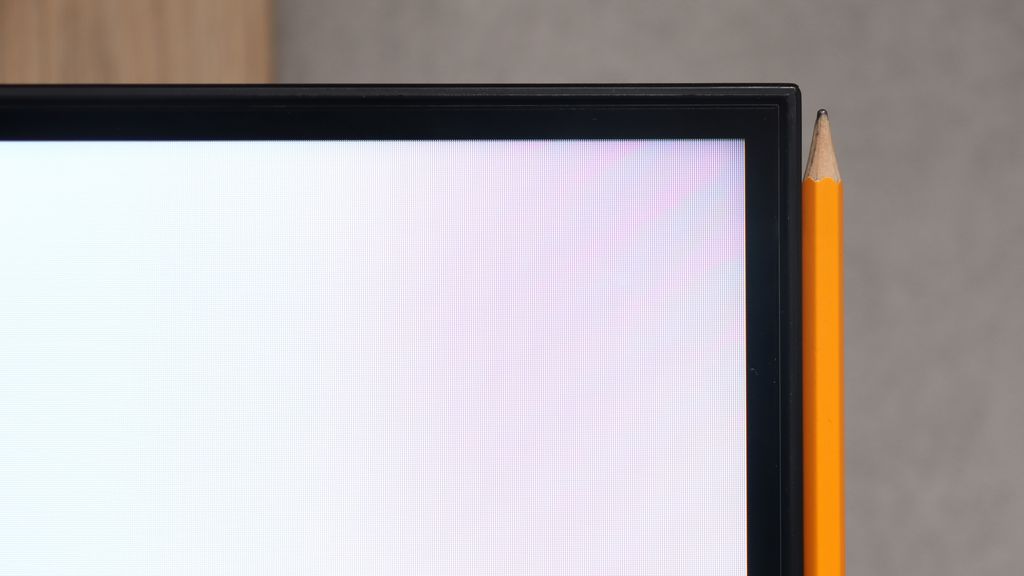
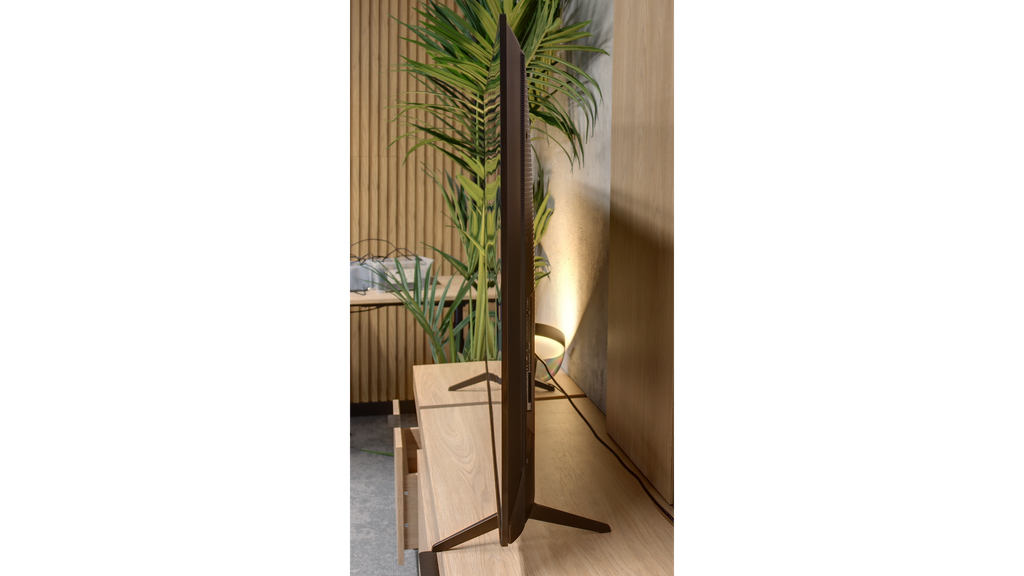
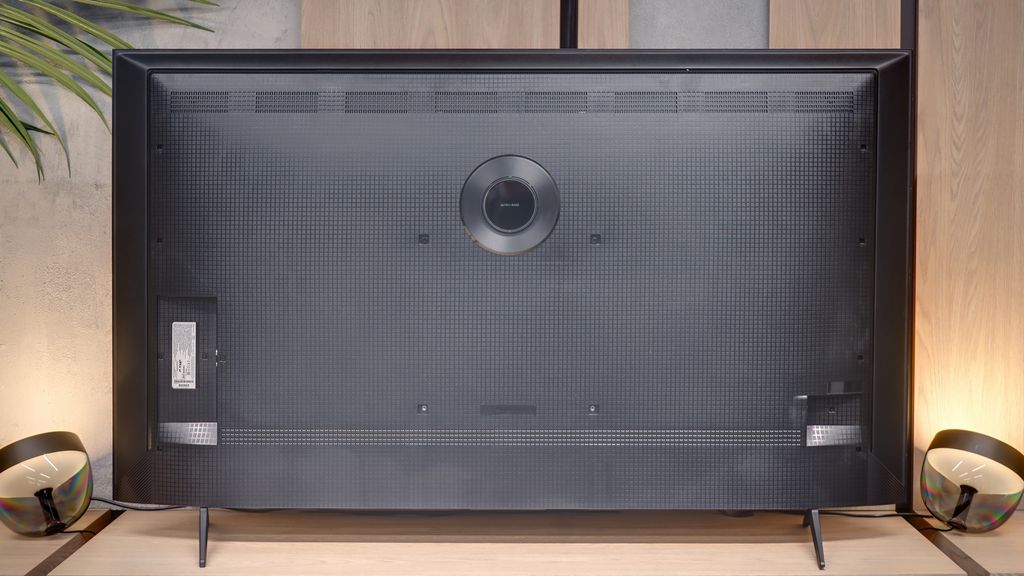
TV appearance

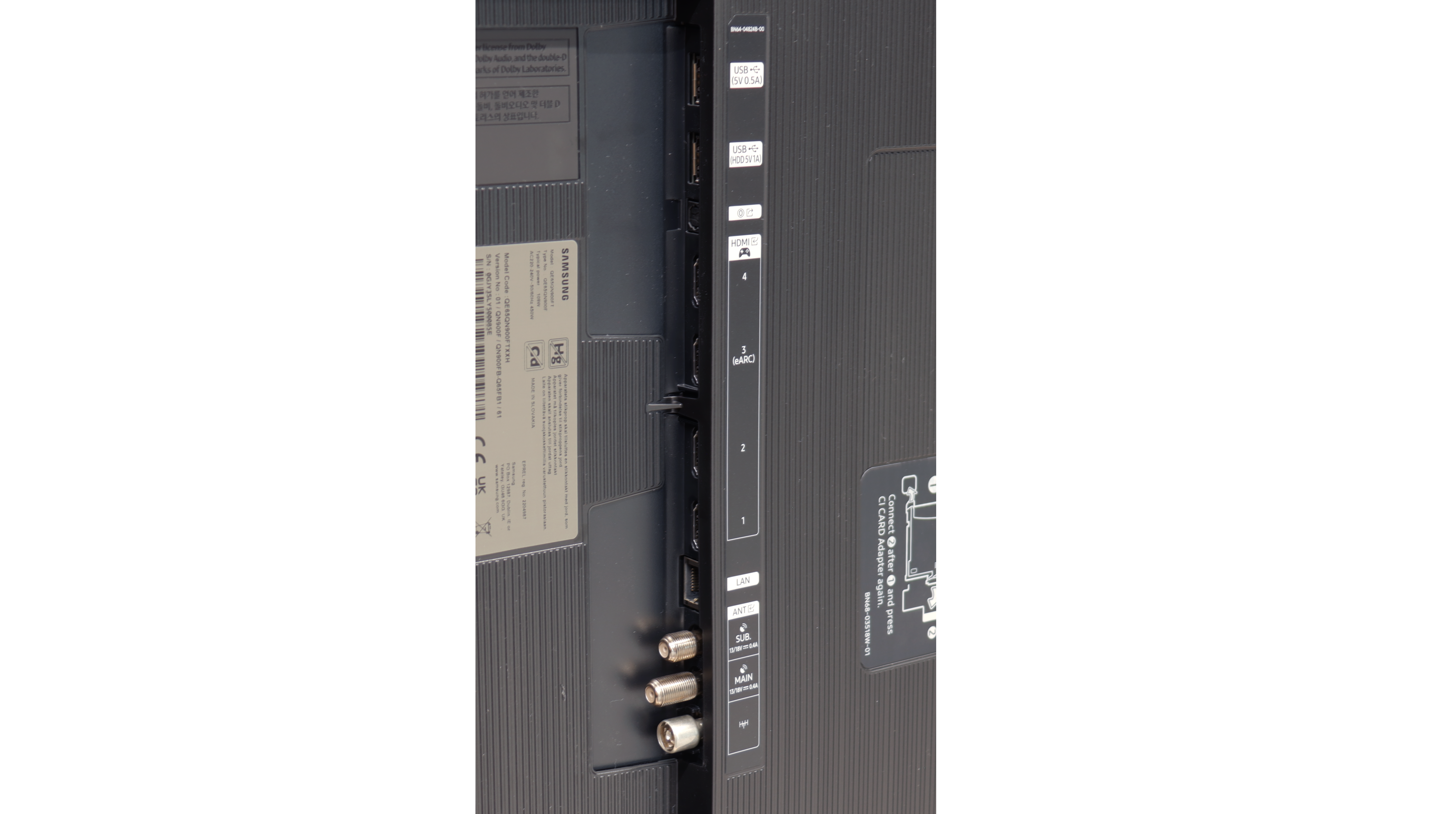
HDMI inputs
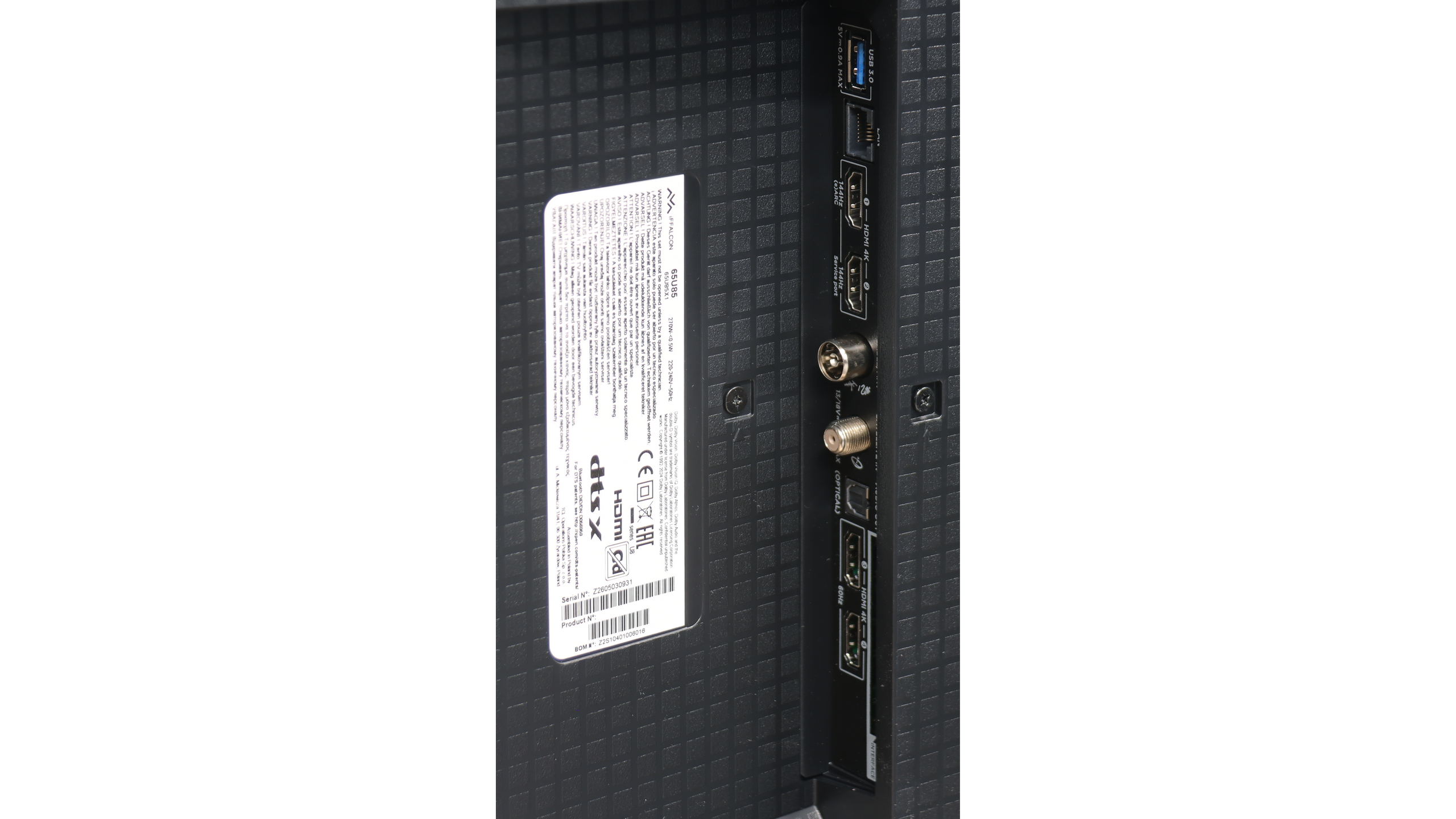
0 x HDMI 2.0, 4 x HDMI 2.1 (40Gbps)
2 x HDMI 2.0, 2 x HDMI 2.1 (48Gbps)
Other inputs
Toslink (Optical audio), IR (remote)
Outputs
Toslink (Optical audio), eARC (HDMI), ARC (HDMI)
Toslink (Optical audio), eARC (HDMI)
Network Interfaces
Wi-Fi 2.4GHz, Wi-Fi 5GHz, Ethernet (LAN) 100Mbps
Build quality
Premium
Average
Stand type
Legs
Legs
Bezel color
Graphite
Graphite
Stand
Height adjustment
Fixed
Flat design
Yes
No
Accessories
Stand
Stand

Contrast and black detail

7.2/10

7.3/10

Local dimming function: Yes, number of zones: 1056 (24 x 44)

Local dimming function: Yes, number of zones: 224 (14 x 16)

Contrast:

Review Samsung QN900F Contrast and black detail

Result

126,000:1

Review Samsung QN900F Contrast and black detail

Result

41,650:1

Review Samsung QN900F Contrast and black detail

Result

49,800:1

Review Samsung QN900F Contrast and black detail

Result

5,350:1

Review Samsung QN900F Contrast and black detail

Result

2,250:1

Review IFFALCON U85X Contrast and black detail

Result

113,850:1

Review IFFALCON U85X Contrast and black detail

Result

24,800:1

Review IFFALCON U85X Contrast and black detail

Result

10,950:1

Review IFFALCON U85X Contrast and black detail

Result

7,000:1

Review IFFALCON U85X Contrast and black detail

Result

6,050:1

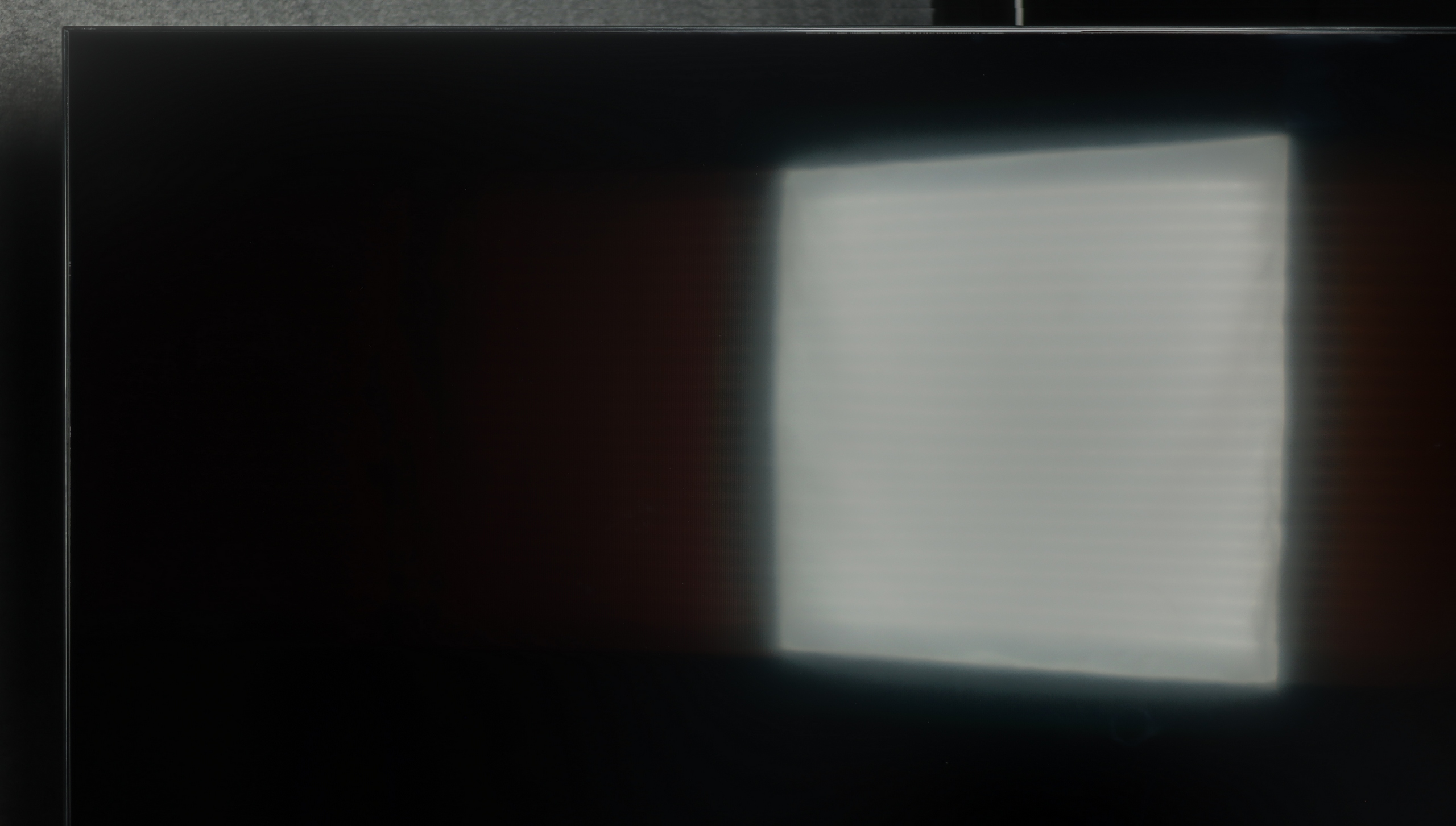
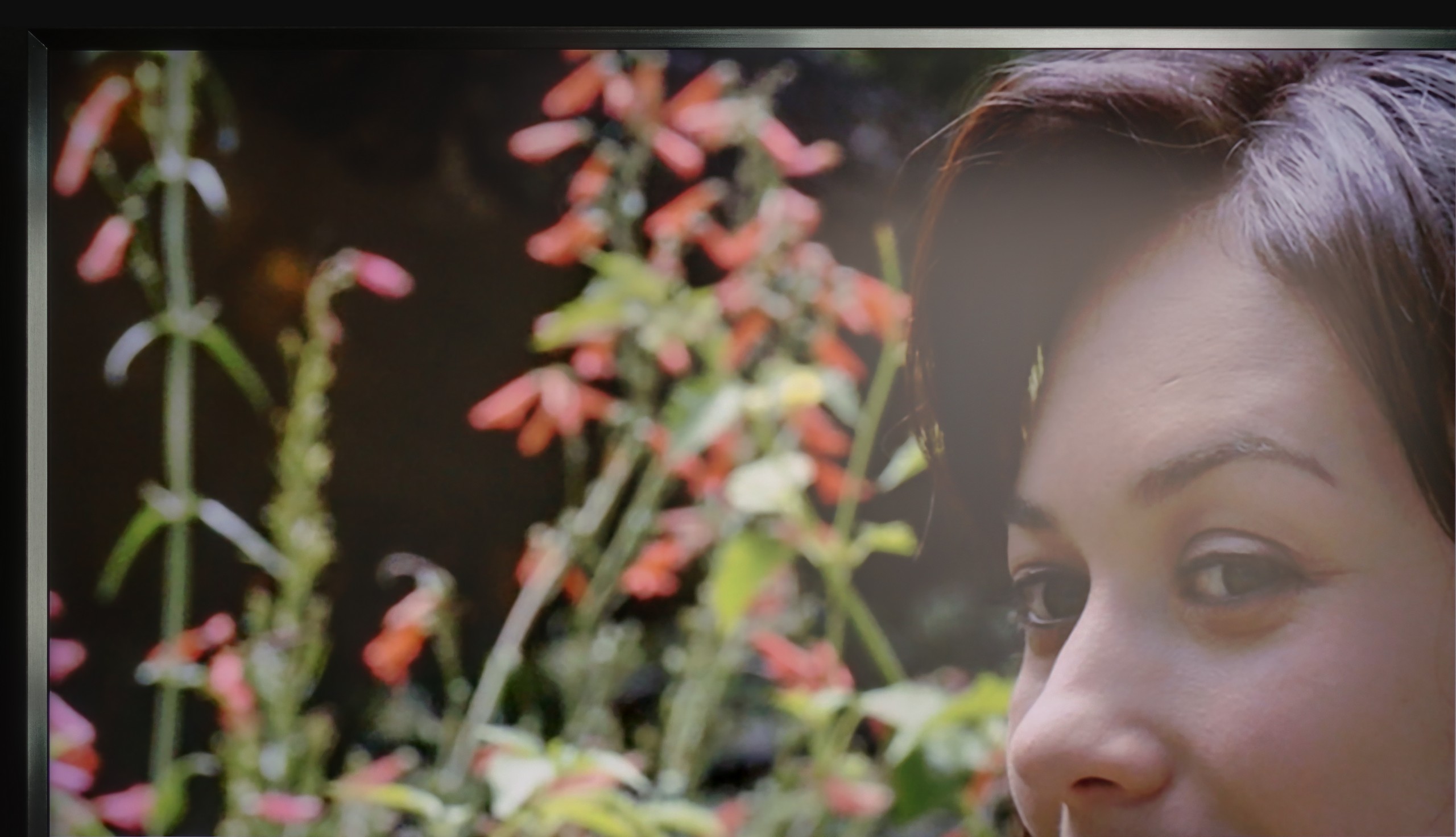
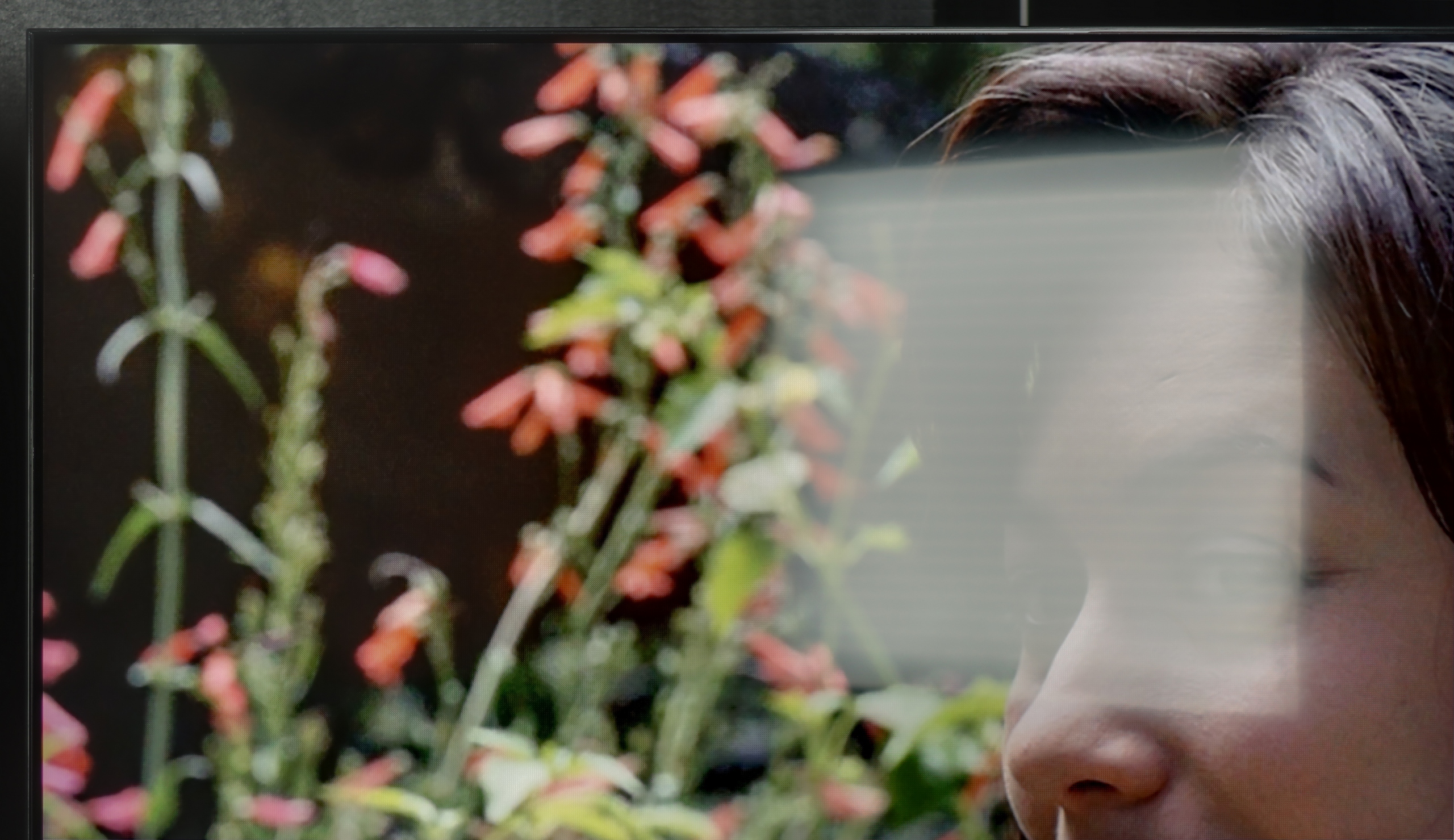
Halo effect and black detail visibility:

Check the visibility of bright lights on a dark background. Mini-LEDs often struggle with this. The photo does not compare black levels – that’s what the video below is for.

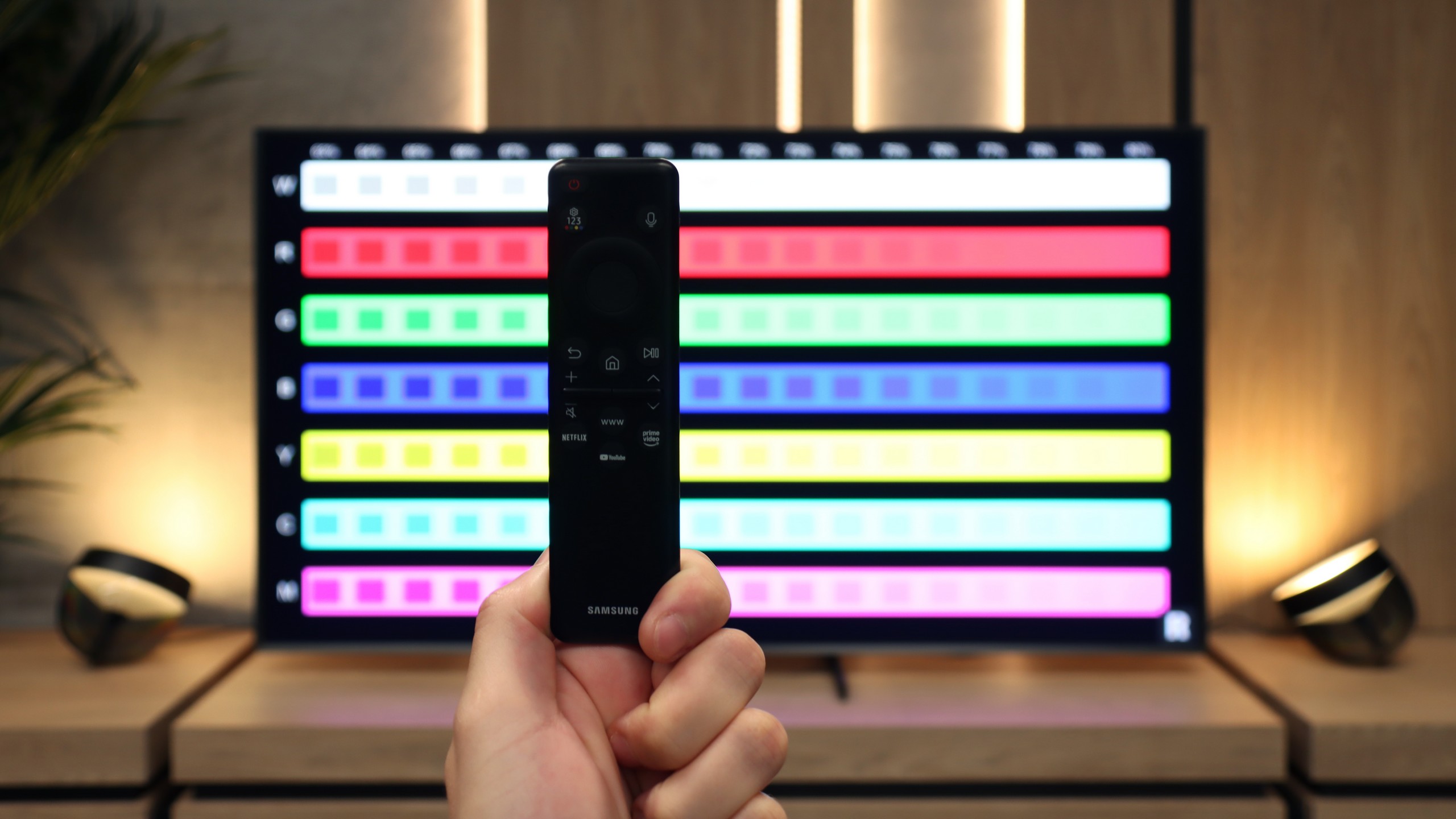
The video accurately shows differences in contrast and black levels between TVs, as well as potential issues: halo around bright objects or Mini-LED zone operation visible as brightness jumps.

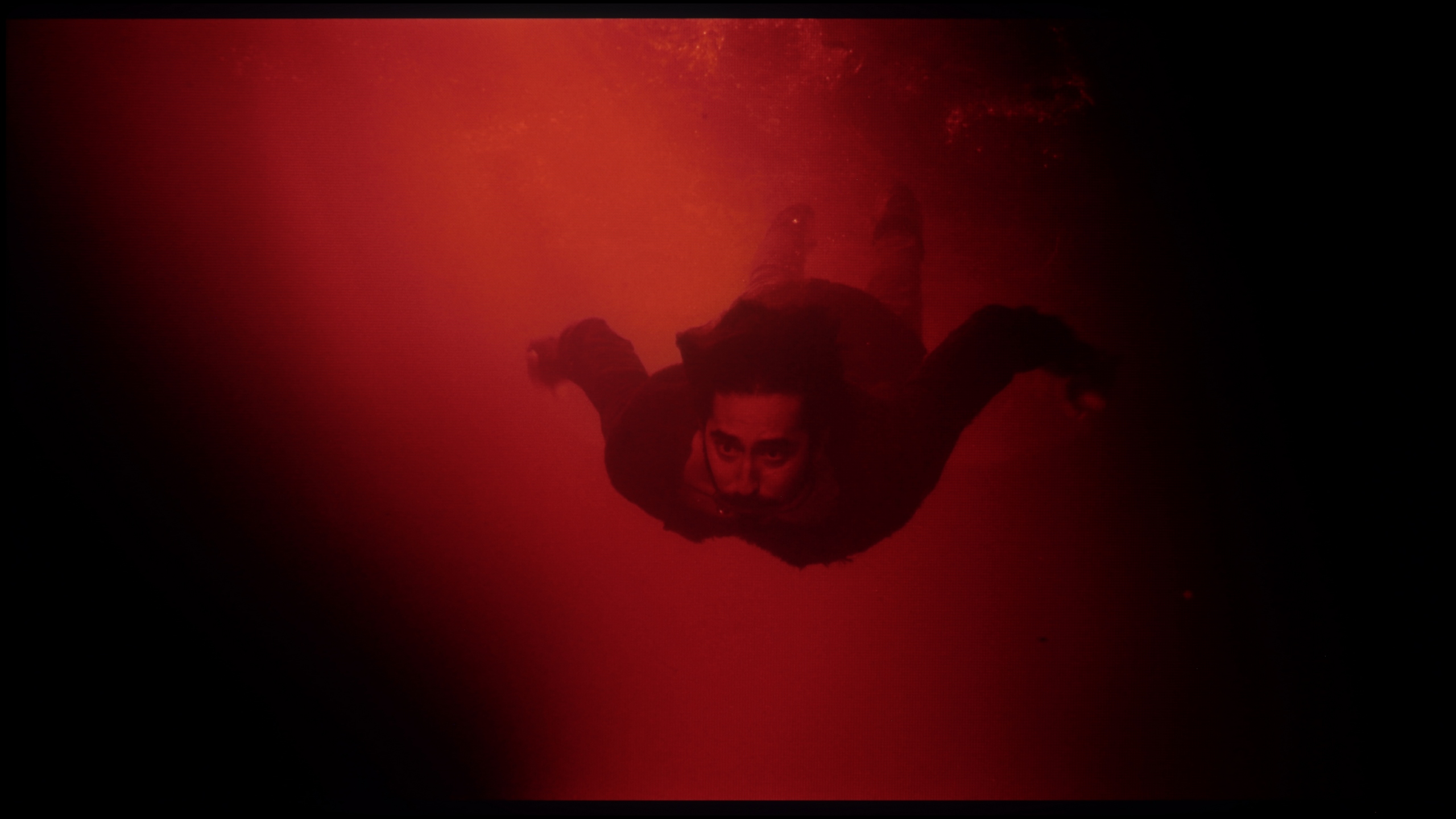
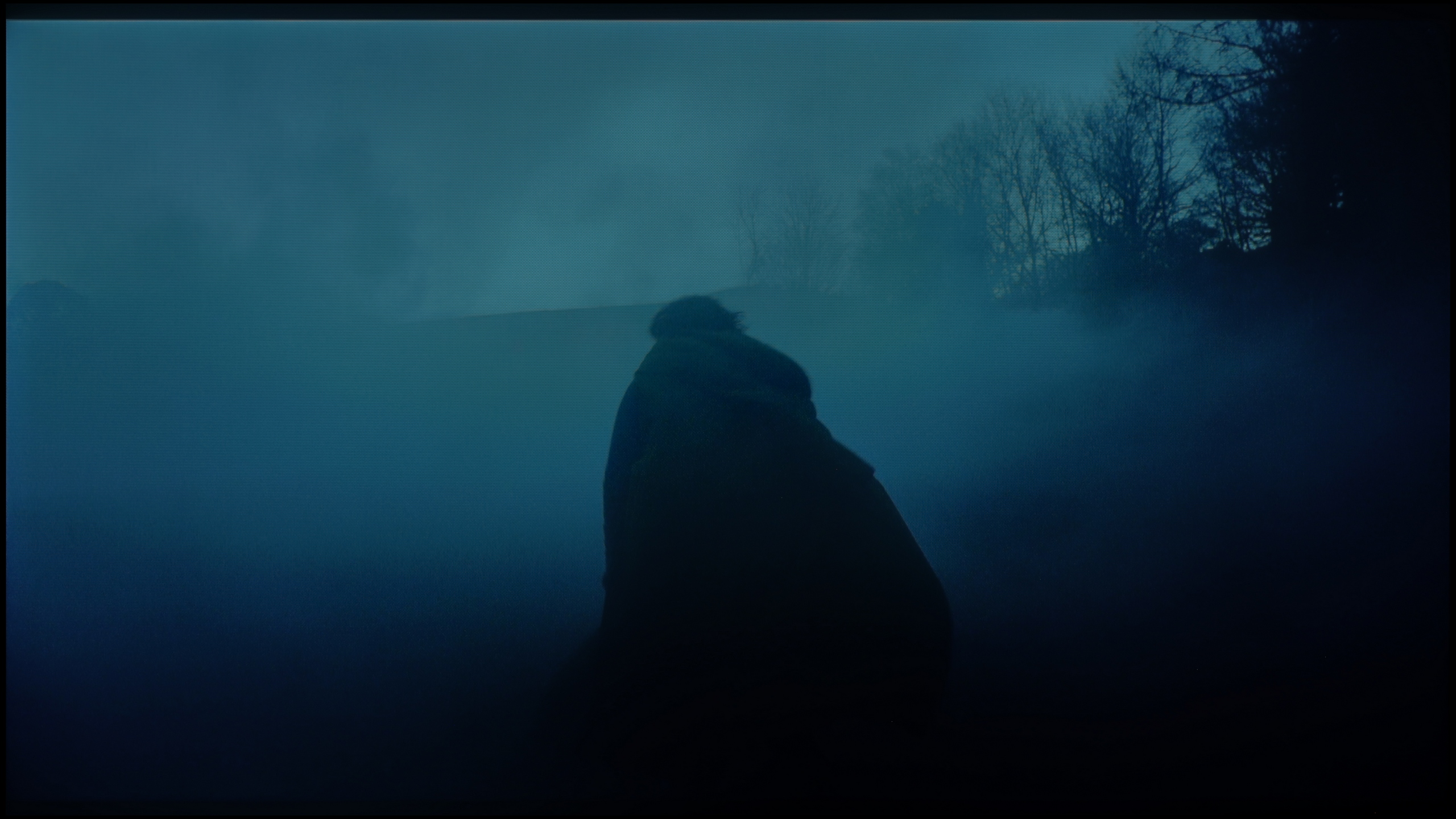
The QN900F is equipped with a VA panel, which in itself provides decent contrast, but that is not where its greatest strength lies. This is a mini-LED television, so we are dealing with local dimming technology, allowing specific zones of the image to be darkened. In the 65-inch variant, we counted as many as 1056 zones, which translated into really solid results. In the best possible scenario, the QN900F achieved a contrast ratio exceeding 100,000:1, which is absolutely impressive – at that moment, the black level was truly reminiscent of OLED. However, it must be remembered that it is not an OLED and has its classic mini-LED quirks. Since the television must decide which zone to brighten and which to darken, there are moments when the algorithm is not entirely sure what to do. This was the case, for example, in one of our test scenes, where the QN900F chose brightness over black depth, resulting in a significant drop in contrast to a level of 2300:1. Yes, the elements on screen were brighter, but around them, a characteristic glow (halo effect) was visible – the black then resembled a navy blue more. Generally, the black level on the QN900F is really very good – but not so good as to compare it with televisions featuring an organic panel.

In terms of blacks and contrast, the 65-inch iFFALCON U85X turns out to be almost an exact copy of the solutions known from the TCL C6K and C69K models, offering the same number of 224 local dimming zones in a 14x16 arrangement. Thanks to the use of a VA panel and such a solid number of zones, the device is capable of generating an image with impressive depth, where our measurements in real film scenes indicated a contrast exceeding 100,000:1. Of course, with this class of equipment, local dimming does not always achieve perfect precision, so in more challenging scenes with bright details against a dark background, we must reckon with the occurrence of the halo effect, which is a subtle glow around objects. Nevertheless, the overall quality of blacks is at a very high level and will certainly satisfy most users seeking cinematic experiences. The image certainly appears to have greater depth than in solutions without any local dimming technology.

HDR effect quality

6.4/10

4.7/10

Supported formats
HDR10, HDR10+, HLG
HDR10, HDR10+, Dolby Vision, Dolby Vision IQ, HLG
Color gamut coverage
DCI P3: 90.6%, Bt.2020: 66.0%
DCI P3: 93.7%, Bt.2020: 72.5%

Luminance measurements in HDR:

Review Samsung QN900F Brightness measurement

Result

1200 nit

Review Samsung QN900F Brightness measurement

Result

609 nit

Review Samsung QN900F Brightness measurement

Result

850 nit

Review Samsung QN900F Brightness measurement

Result

214 nit

Review Samsung QN900F Brightness measurement

Result

1415 nit

Review IFFALCON U85X Brightness measurement

Result

627 nit

Review IFFALCON U85X Brightness measurement

Result

165 nit

Review IFFALCON U85X Brightness measurement

Result

390 nit

Review IFFALCON U85X Brightness measurement

Result

124 nit

Review IFFALCON U85X Brightness measurement

Result

528 nit

Scene from the movie “Pan” (about 2800 nits)

Scene from the movie “Billy Lynn” (about 1100 nits)

The photos show two HDR10 movies. 'Pan' is one of the brightest productions ever made, while 'Billy Lynn' (soldier) has brightness typical of streaming (Netflix, Prime, HBO MAX). Notice the intensity of effects and detail in whites.

Static HDR10

The photos present the visibility of white details in various HDR formats. They do not show brightness differences between TVs (these can be compared in the previous gallery).

Dynamic: HDR10+

Dynamic: Dolby Vision

The photos present the visibility of white details in various HDR formats. They do not show brightness differences between TVs (these can be compared in the previous gallery).

HDR luminance chart:

IFFALCON U85X

Samsung QN900F

QN900F is truly a bright television – it can generate nearly 2000 nits, a figure that remains unattainable for most models available on the market. But the mere ability to achieve such brightness is not everything – it also matters whether the television can make good use of it. And here, it is not always perfect. Our tests on cinematic test patterns showed that in scenes such as those from Life of Pi or The Meg, the QN900F can truly shine – literally and metaphorically. In such moments, its greatest advantage, which is brightness, makes a huge impression. However, in more demanding scenes, challenges arise – similar to when assessing contrast. When smaller, bright elements appear on screen, the television often struggles with the decision: should it highlight them at the expense of black levels, or perhaps maintain deep blacks while toning down brightness. The result is situations where, for example, in the film Sicario 2, brightness dropped to just 200 nits, making details barely visible. Dimming algorithms could definitely be better for a television of this class.

iFFALCON U85 handles HDR in a rather twofold manner – on one hand, it can surprise with solid peak brightness of around 650 nits, which places it well above average in this price segment. This is especially evident in bright, full-screen scenes. Examples from films such as Life of Pi or the final test sequences from The Meg prove that the television can maintain the power and essence of HDR effect when the entire panel needs to "ignite," delivering truly satisfying experiences. However, problems arise in high-contrast scenes, where smaller, bright details appear on the screen; the dimming algorithms prioritize black depth to such an extent that they can stifle the brightness of small light points to just 100 nits, which drastically reduces image dynamics and deprives us of the true "bite" we expect from HDR standards. On a brighter note, however, the colours remain impressive, as the use of the PFS phosphor filter (marketed as QLED by the manufacturer) showcases them very well, achieving nearly 94% coverage of the DCI-P3 colour palette, allowing for a vibrant and rich image in most content.

Factory color reproduction

5/10

4.8/10

This gallery shows how colors change after professional TV calibration. If you notice the difference, we recommend ordering this service at SkalibrujTV.com.

Factory Mode

After calibration

This gallery shows how colors change after professional TV calibration. If you notice the difference, we recommend ordering this service at SkalibrujTV.com.

Factory Mode

After calibration

Testing the QN900F in Filmmaker mode, the characteristic features of the image were quickly noticeable, even though this mode is designed to reflect the director’s vision. The white balance was not perfect – the television displayed distinct deficiencies in the blue colour. This made the entire scene take on a warmer tone, as if someone had applied a subtle filter in shades of yellow and orange. In films where bright shots dominate – for example, scenes in the snow or in strong daylight – this gave the impression of slight warmth that did not always convey the director's intent. The second noticeable element was the management of brightness. The QN900F could sometimes brighten the image more than necessary. It looked as though the exposure had been slightly 'pulled up', causing the scene to lose its naturalness. Shadows were sometimes too shallow, and the contrast slightly weakened. These are not disqualifying errors, but for a television in this price range, it is evident that Filmmaker mode has not been perfected one hundred percent. This is particularly noticeable when we compare its image with what was seen after the screen calibration.

We tested the factory colours on the iFFALCON U85X model in 'Film' mode, which is definitely the most reliable among all available settings, although it is still far from perfect. The main issue that stands out in both SDR and HDR content is the incorrect white balance – an excess of blue and red components gives the image a slight purple tint, which disrupts the naturalness of the film scenes. An even greater challenge is the way the television manages its brightness. Analyzing the gamma chart for the SDR signal, we noticed significant instability: instead of adhering to the standard value of 2.4, the device oscillates around 2.2, only to suddenly make an unnatural jump towards 3.0. In practice, this leads to confusing effects – large, bright areas on the screen appear too dark, while smaller elements are unnecessarily brightened. A similar characteristic can be found in the EOTF curve, which makes the image unpredictable and loses its cinematic authenticity.

Color reproduction after calibration

8.7/10

7.5/10

The photos show how movies look on the TV. Pay attention to black detail visibility, colors, and shadow tint.

The photos show how movies look on the TV. Pay attention to black detail visibility, colors, and shadow tint.

After calibration, we managed to eliminate errors in white balance and adjust them to a level that can be considered acceptable. It is not perfect, but it is definitely better than the factory settings. Most colour errors now lie within the deltaE 2–3 range, so in practice, they should not be noticeable during everyday viewing. However, the most significant improvement is evident in how the television manages brightness in SDR content. Shadows and details are no longer flattened, which gives the image depth and naturalness. As for 4K HDR material – colours themselves are no longer an issue, but some imperfections of Mini-LED technology can still be observed. The QN900F tends to dim the smallest bright elements too much, causing them to sometimes disappear from view. However, it should be noted that this is a much better solution than boosting the entire screen, which would spoil the contrast. This is more of a characteristic of this technology than a typical flaw, but it is worth keeping in mind. The effects of calibration are truly very good.

After professional calibration of the movie mode, we must admit that the result is more than satisfactory – the iFFALCON U85X undergoes a true transformation. Colour errors in SDR content have dropped to a level below 2, which makes them virtually imperceptible to the human eye. We have managed to set the white balance almost perfectly, and brightness management (gamma) has become nearly exemplary. As a result, with standard quality materials, the television simply looks perfect and it is difficult to fault it.

In the case of HDR signal, the situation has also significantly improved, although here the nature of the device becomes a bit more evident. Colour errors have been reduced to around 3, which is an outstanding result in this price range. However, it is worth taking a look at the EOTF graph (available on the right side of the screen in the filters: 4K HDR, gamma / EOTF) to notice what is not immediately visible regarding the brightness management by the U85. Although the reference line looks decent, in real film scenes, the television still interprets the signal “in its own way” due to very aggressive local dimming algorithms. Does this disqualify this model for watching HDR content? Absolutely not. It's simply a typical affliction of almost every Mini-LED, which must reconcile high brightness with the attempt to maintain deep blacks. One simply needs to be aware of these technical limitations, which are unavoidable in this segment.

Smoothness of tonal transitions

8.3/10

7/10

These are selected scenes that show smooth tonal transitions from one color to another. If you see distinct banding, it’s the TV panel’s fault.

These are selected scenes that show smooth tonal transitions from one color to another. If you see distinct banding, it’s the TV panel’s fault.

These are selected scenes that show smooth tonal transitions from one color to another. If you see distinct banding, it’s the TV panel’s fault.

These are selected scenes that show smooth tonal transitions from one color to another. If you see distinct banding, it’s the TV panel’s fault.

QN900F performs really very well in terms of gradation. The tonal transitions are smooth and natural, without clear contours or banding. Interestingly, it is one of the few televisions that handles dark transitions better than light ones – we only noticed slight imperfections in heavily brightened scenes like that from the film Kingsman. In most cases, the picture simply looks very good and we have nothing to complain about.

In terms of fluidity of tonal transitions, the iFFALCON U85X performs quite decently. In most scenes, the gradients are almost imperceptible, so the annoying "banding" of colours should not be noticeable during daily viewing, for example, on choose.tv. However, it must be honestly admitted that in very dark shots, the image is not always perfectly smooth, and certain imperfections in the transitions between shades can be observed. Nevertheless, this result is more than satisfactory and does not spoil the overall perception of the picture.

Image scaling and smoothness of tonal transitions

7.5/10

5/10

Image without overscan on the SD signal
No
OK
Smooth transition function
OK
OK

Smooth transition function

The match photo shows how the TV smooths weak tonal transitions in low-quality video.

Image scaling SD (576i)

The model photo shows how it handles upscaling of SD material.

If we want to eliminate jarring tonal transitions that can be irritating, for example, while watching YouTube, we can use a feature called noise reduction. It works really effectively – it removes issues with colour blending when we set it to Standard level. However, as with most Samsung televisions, this does involve some compromises. Although we did not notice this feature significantly affecting the structure of objects in the image, it unfortunately reacts quite aggressively to film grain. Most people will likely appreciate this effect – the noise is simply removed – but if someone is looking for an image as close as possible to reference settings, we definitely recommend turning this option off.

When it comes to scaling, or dealing with very low-quality content, the QN900F performs really well. On the test card with the model, the image appeared clear, with only slight aliasing that shouldn't bother most viewers. However, it is worth mentioning one issue – the television sometimes has problems with so-called overscan, which can cause older content to be slightly cropped. This might manifest, for example, in subtitles disappearing from the bottom of the screen.

When it comes to upscaling the image to 4K resolution, the iFFALCON U85X performs well. The device efficiently enhances low-quality signals, making even older materials look clean and clear on the 4K panel. At extremely low resolutions, such as 480p, one can notice slightly jagged edges (especially on fine lines), but let's be honest – this is a scenario that you will encounter only when watching very old recordings, so in everyday use, it is not a real problem.

Much worse is the digital processing aimed at smoothing tonal transitions. Although in the menu we find the “Gradual Smoothing” function, its effectiveness is at least questionable. In practice, it does not effectively eliminate banding (colour banding), and worse, it can cause more harm than good. This filter can be too aggressive in areas where it shouldn’t, artificially smoothing details that should not be altered, such as the natural texture of the face or fine details of skin texture. Instead of improving quality, this function can give the image an unnatural, “plastic” appearance, so it is best to use it with great caution or, preferably, leave it switched off.

Blur and motion smoothness

7.8/10

6.8/10

Maximum refresh rate of the panel
165Hz
144Hz
Film motion smoothing option
OK
OK
Blur reduction option
OK
OK
BFI function 60Hz
Yes, 60Hz (image flickers)
Yes, 120Hz (double contours)
BFI function 120Hz
No
Yes, 240Hz (double contours)
Brightness drop with BFI
74%
25%

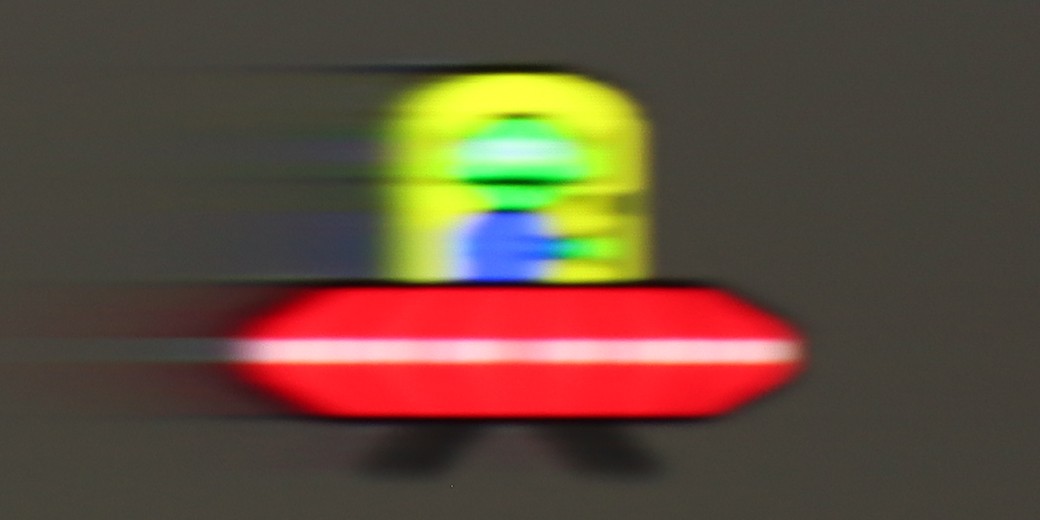
Blur (native resolution, maximum refresh rate):

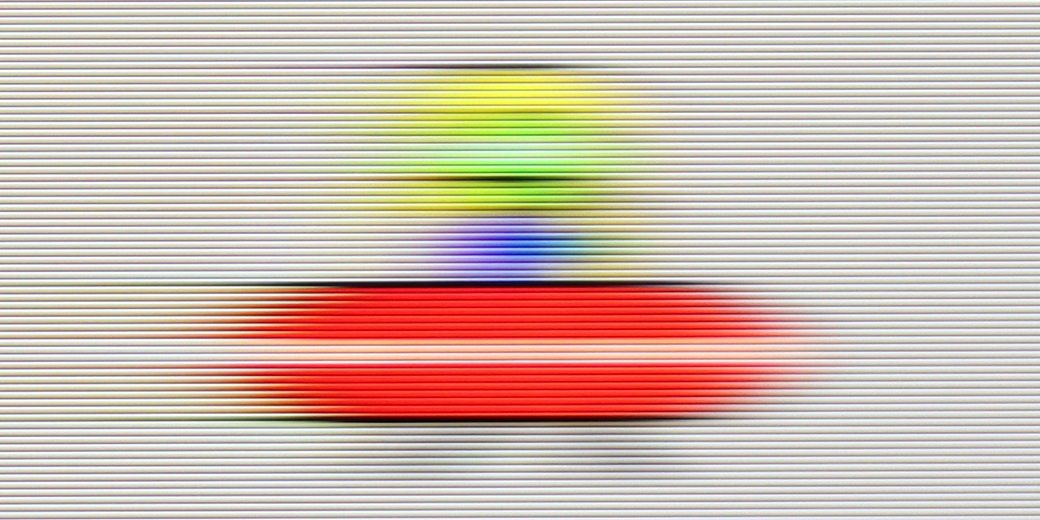
Blur (BFI function enabled):

Image flickers in this mode

Blur (4K@165Hz):

Blur (4K@144Hz):

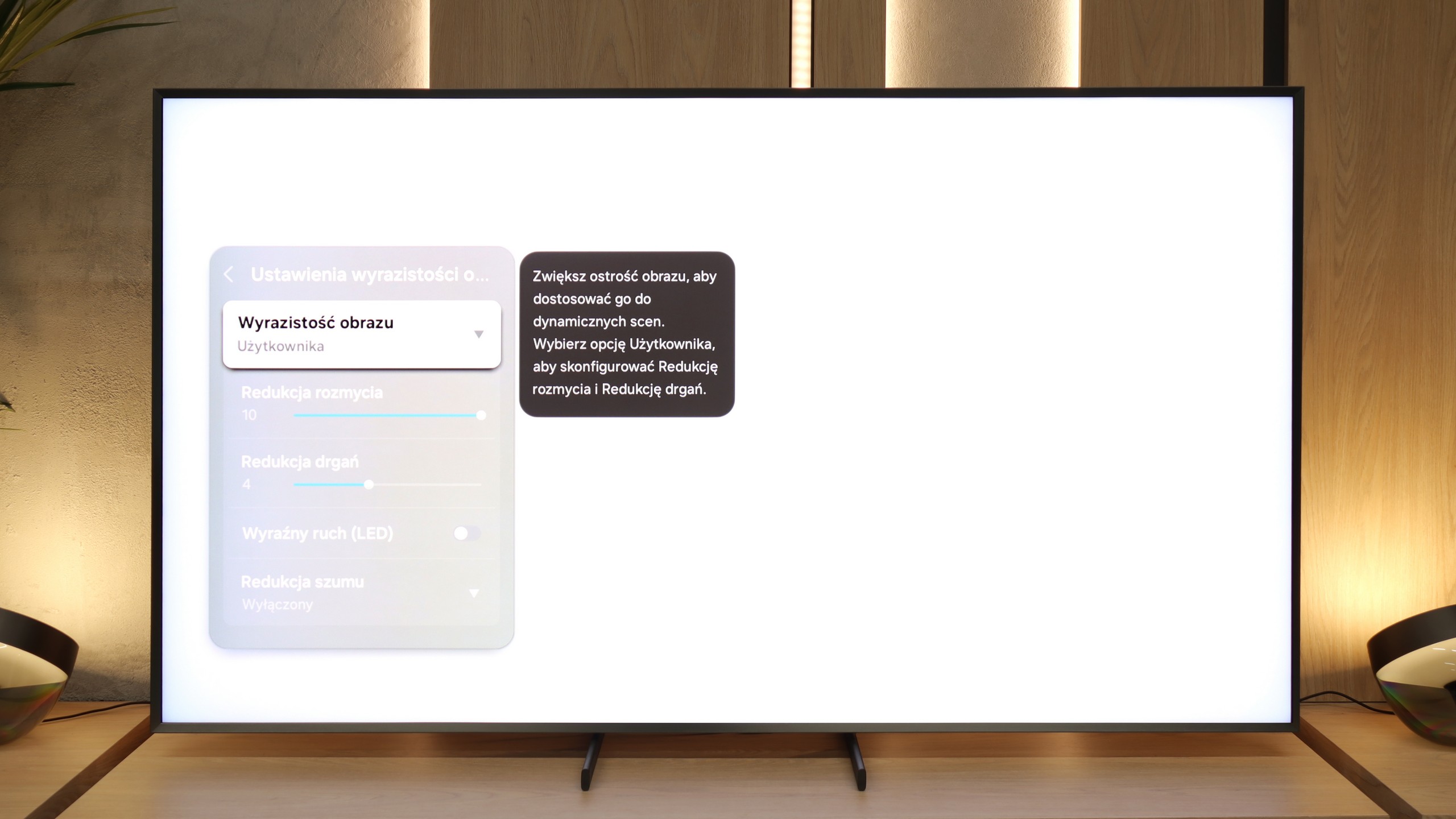
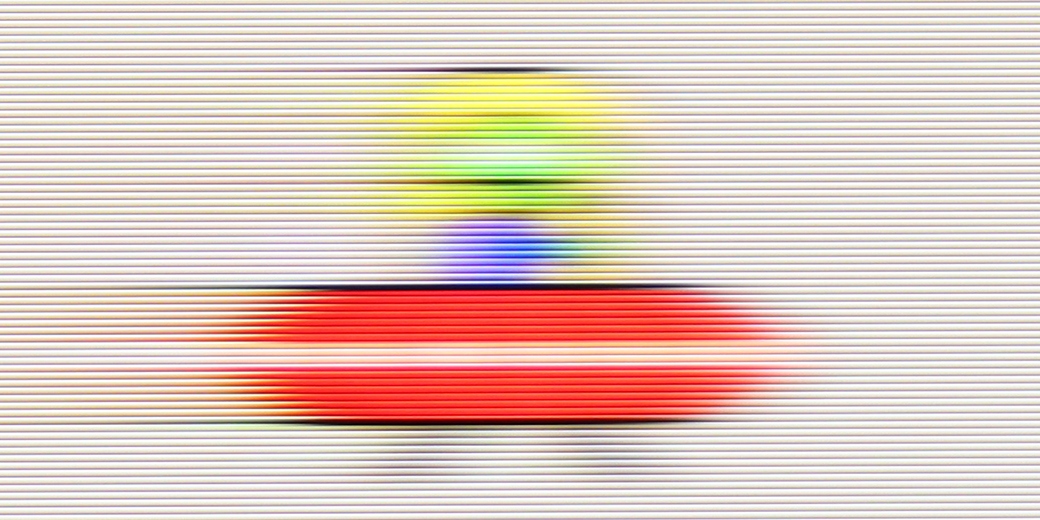
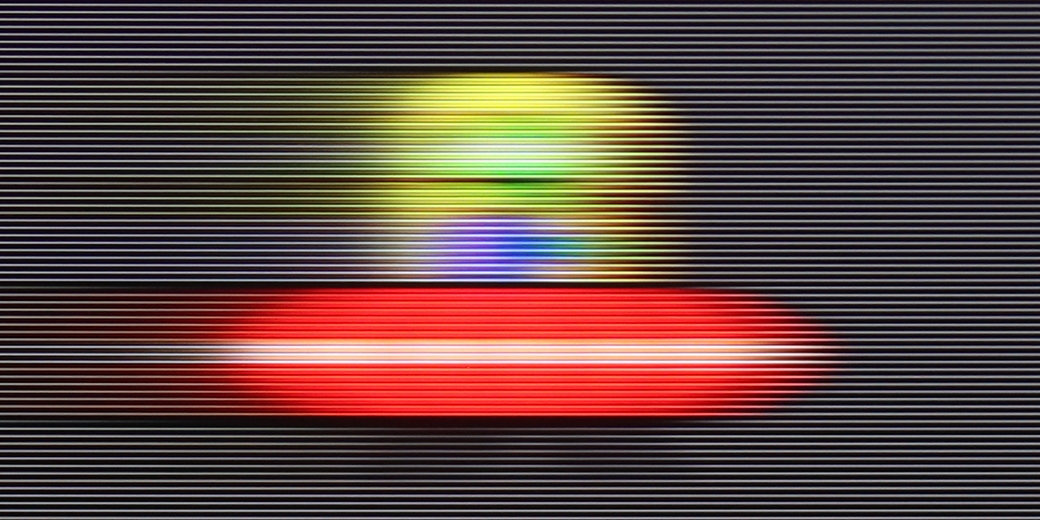
There really is nothing to complain about here – the QN900F looks very good in terms of motion. With a 165 Hz panel in 4K, it can confidently be said that this television is suitable for both watching sports and gaming. The motion enhancer plays a key role here. It works brilliantly – not only during sports broadcasts, where it can eliminate blurring and image shaking, but also in games, where the animation becomes clearer and smoother. And of course, if someone likes to experiment with films – they also have that option. At lower settings, a slight graininess and cinematic character can be seen, while at higher settings, it takes on a soap opera effect. In other words, everyone can adjust the picture to their preferences, and the television has the power to handle it.

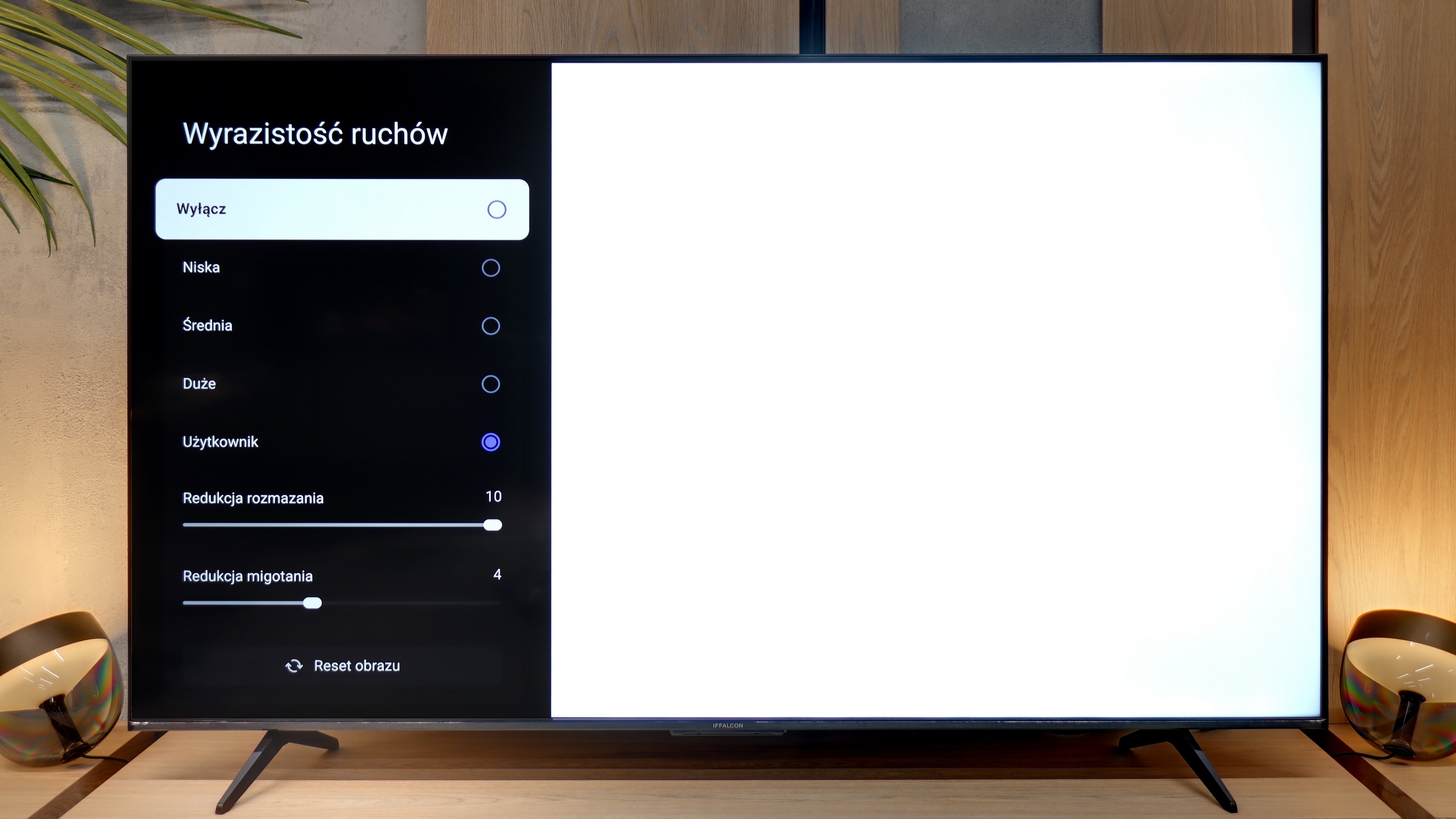
In contrast to budget constructions, which in dynamic sports scenes can resemble a slideshow, the iFFALCON U85X is a heavyweight contender equipped with a panel that has a native refresh rate of 144Hz. However, it is worth noting that in the world of films, series, or sports, we will primarily operate at 120Hz due to the specifics of how image enhancement systems function. Such a fast panel is excellent news for gamers and sports fans as it opens the door to advanced motion settings that simply do not exist in cheaper 60Hz models.

We manage everything from the menu “Motion Clarity”, where instead of using pre-set, often overly aggressive modes, we definitely recommend our own configuration based on two sliders. The most important of these, motion blur reduction, is responsible for fluidity in films – here, it’s best to aim for a value of around 4, which will maintain a natural, cinematic character of motion without falling into the artificial “soap opera effect.” Meanwhile, the first slider, motion blur reduction, is the key to success in sports broadcasts. In this case, it’s worth going all out and setting it to maximum, ensuring that the image during fast actions on the field remains sharp, while troublesome trailing is eliminated.

Console compatibility and gaming features

9.6/10

9.8/10

  • ALLM
    Yes
    Yes
  • VRR
    Yes
    Yes
  • VRR range
    48 - 165Hz
    48 - 240Hz
  • Dolby Vision Game Mode
    No
    Yes
  • Correct implementation of HGIG
    Yes
    Yes
  • 1080p@120Hz
    Yes
    Yes
  • 1440p@120Hz
    Yes
    Yes
  • 4K@120Hz
    Yes
    Yes
  • Game bar
    Yes
    Yes

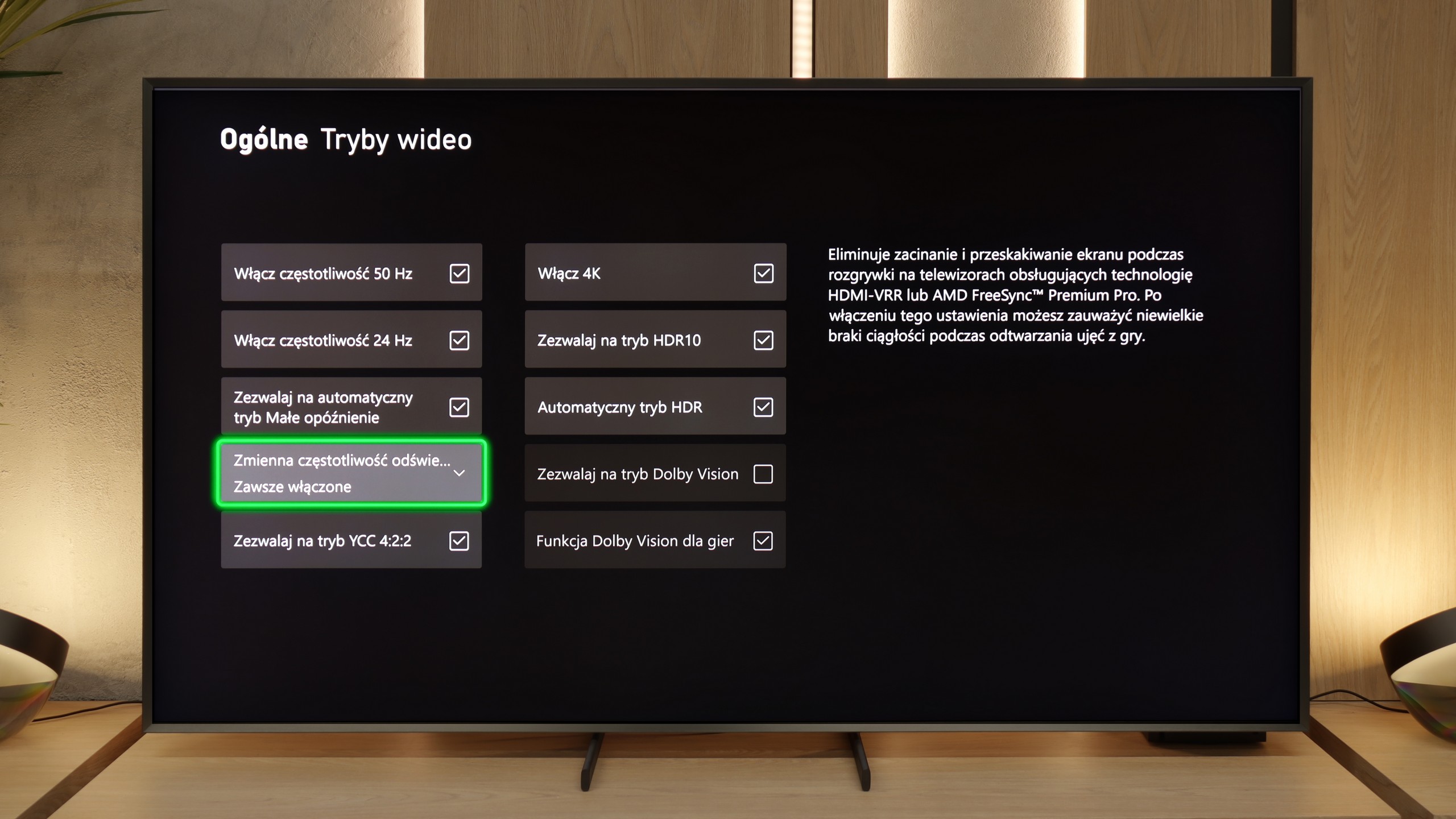
[UPDATE] We have updated our 2025 Samsung TV reviews following the release of firmware version 1131, which officially restores the essential HGiG (HDR Gaming Interest Group) support.
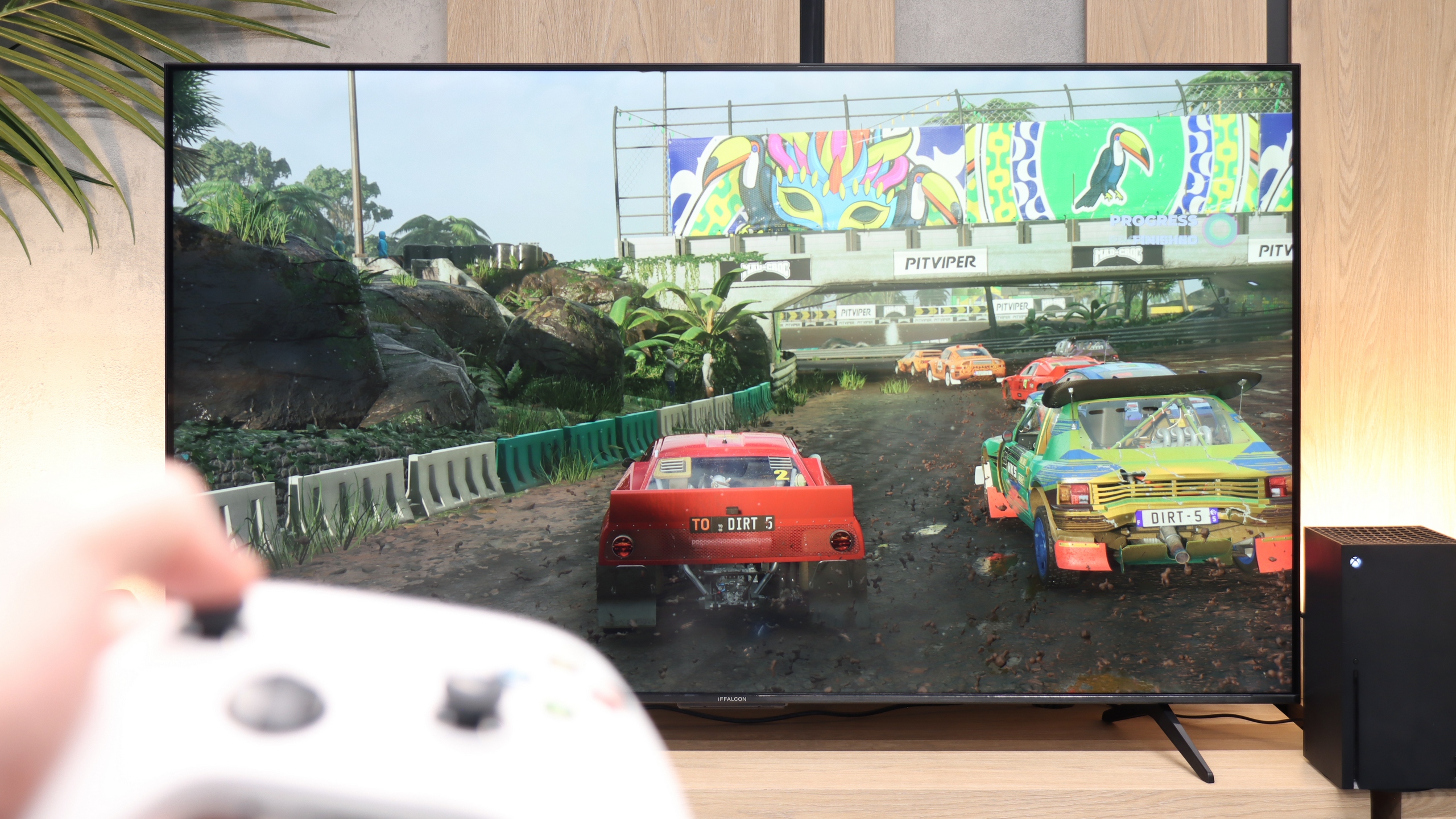
It really is nice here. The QN900F offers a full set of features that we would expect from a top-end gaming television – we have VRR, ALLM, Game Bar, and also cloud gaming applications. However, the biggest standout is the proprietary motion smoother, which also works in games and – importantly – does not introduce noticeable lag. This is something we won't find with its other competitors. Unfortunately, there is also something concerning. This year, Samsung has evidently messed something up with its televisions. During the testing of the QN900F before its update, it had the HGIG feature, which allowed for perfect adjustment of HDR settings for the console. However, according to our procedures, we always update the equipment to the latest version – in order to give the manufacturer a chance to fix any shortcomings. And here… it turned out the opposite.After the update, the HGIG feature disappeared from the menu, making the correct configuration of the console for HDR practically impossible. It was supposed to be complete – 165Hz, four HDMI 2.1 ports, a full gaming package… but unfortunately, it turned out to be a small blunder. What a shame.

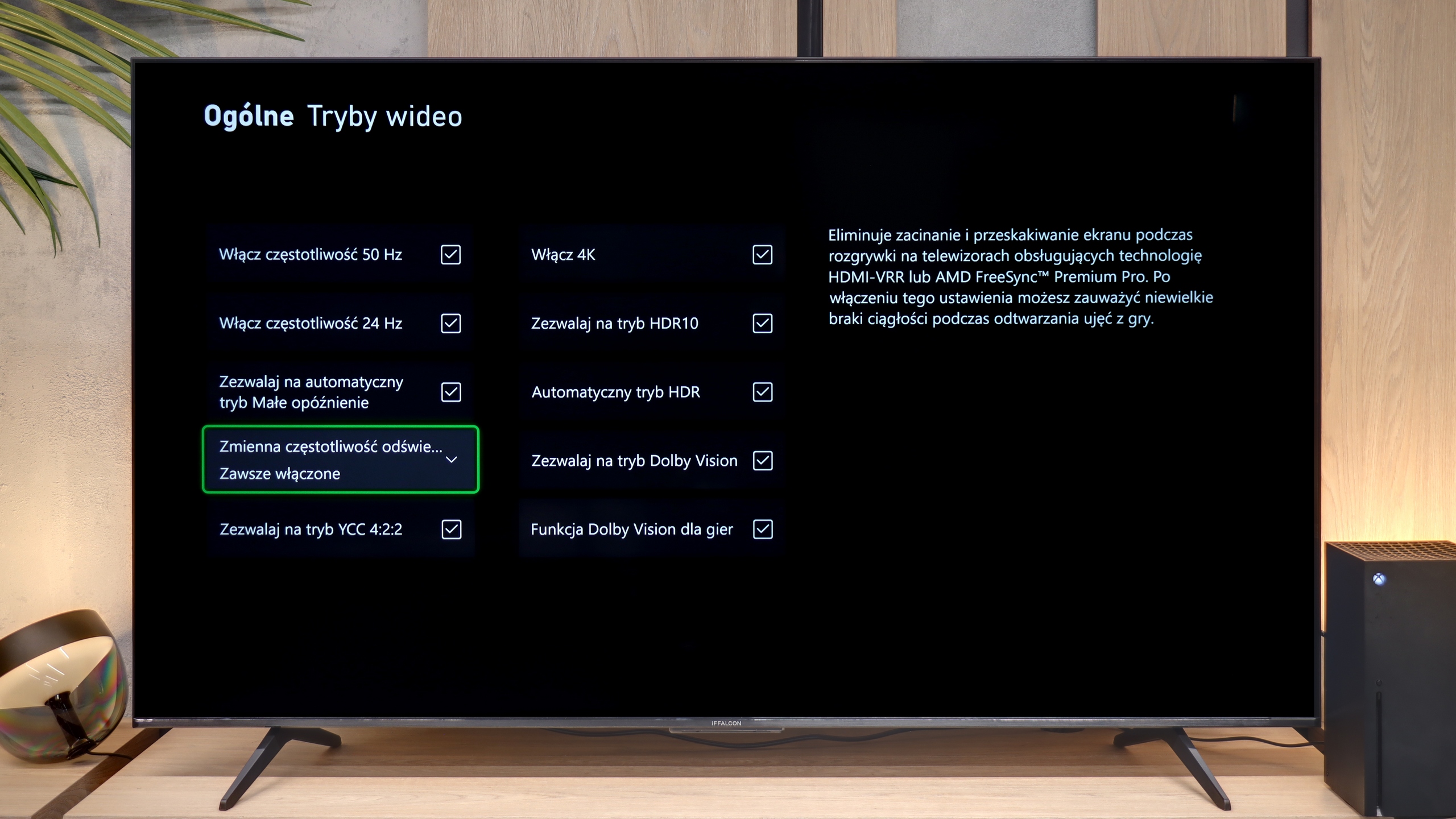
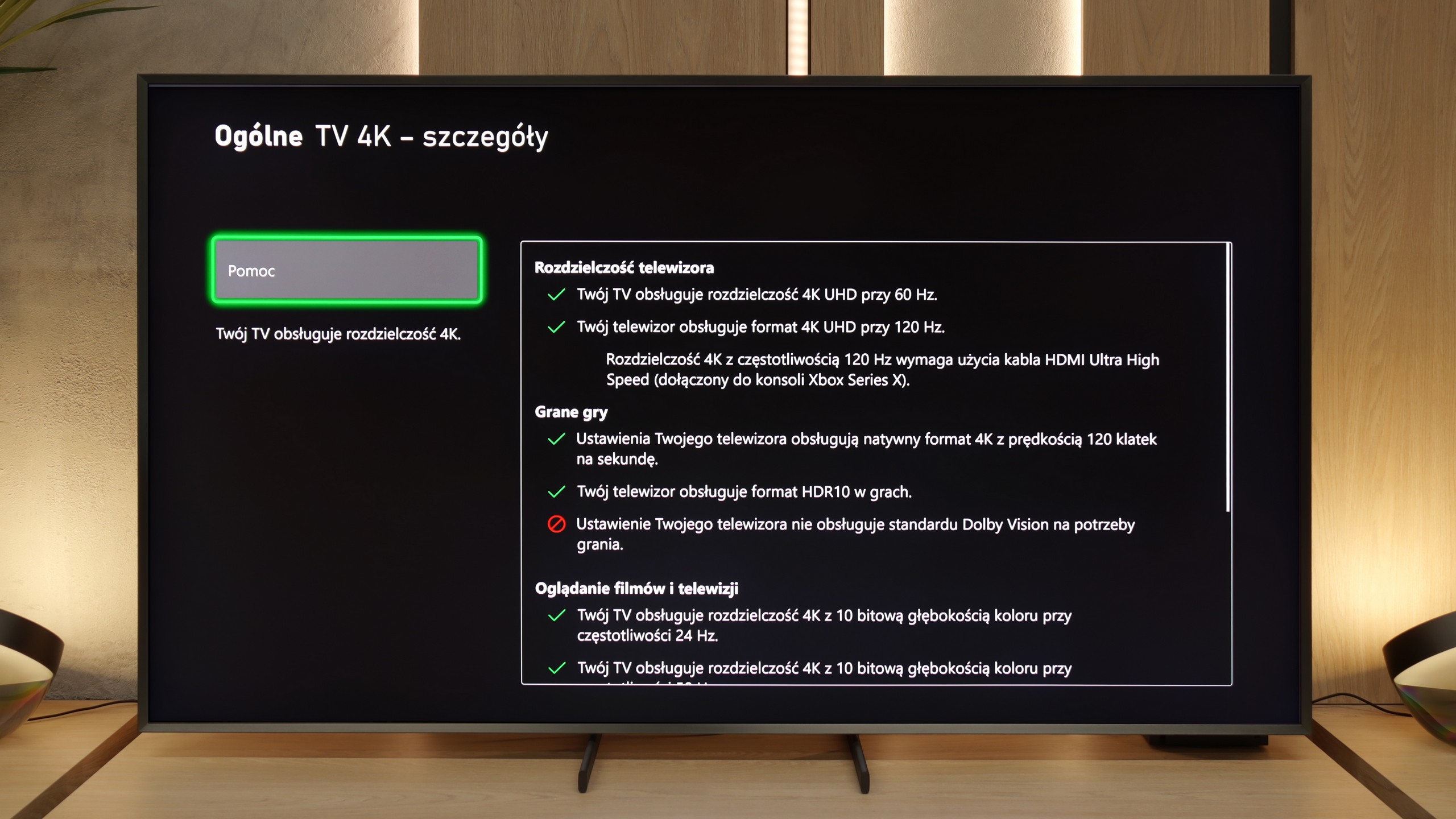
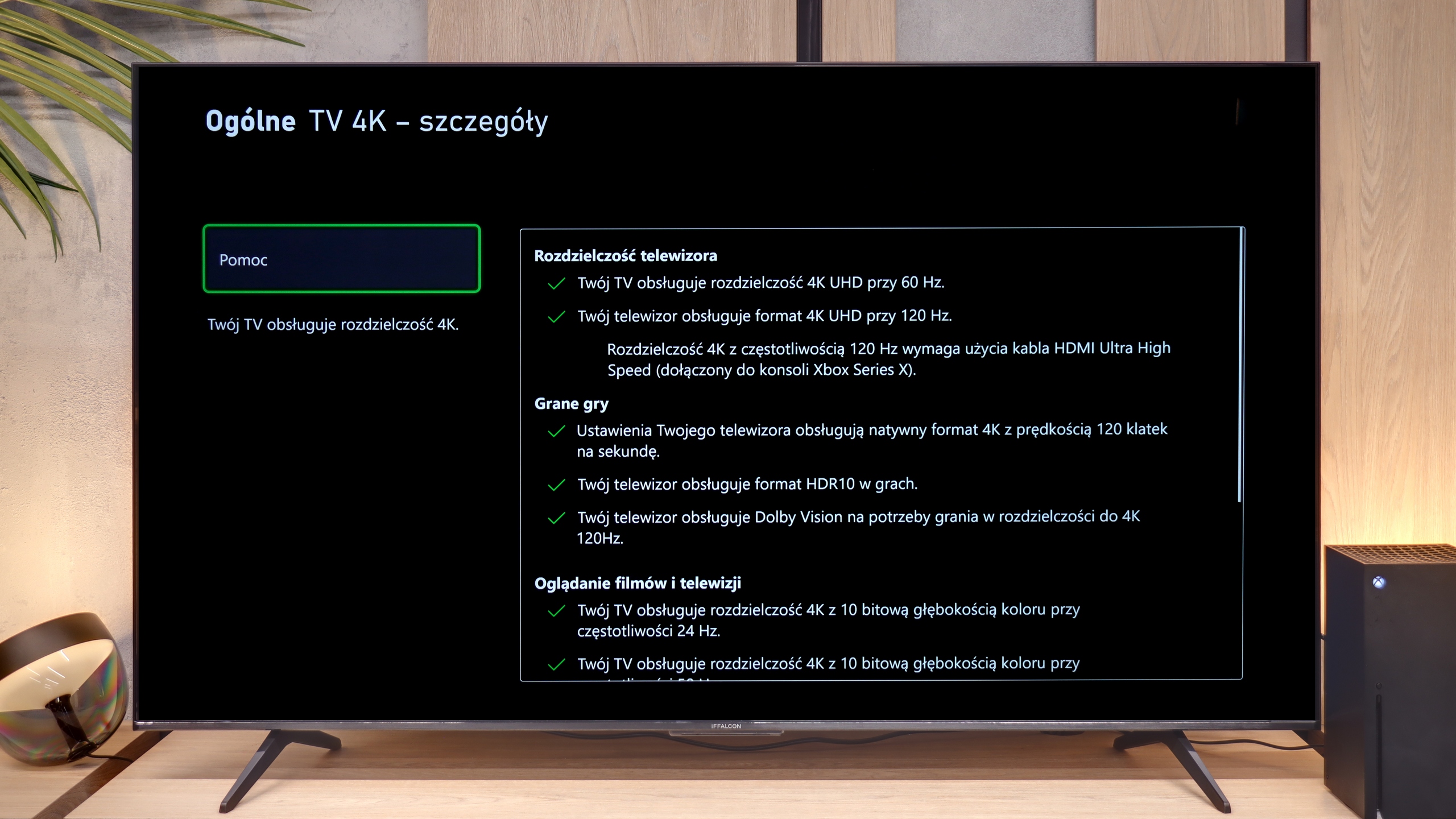
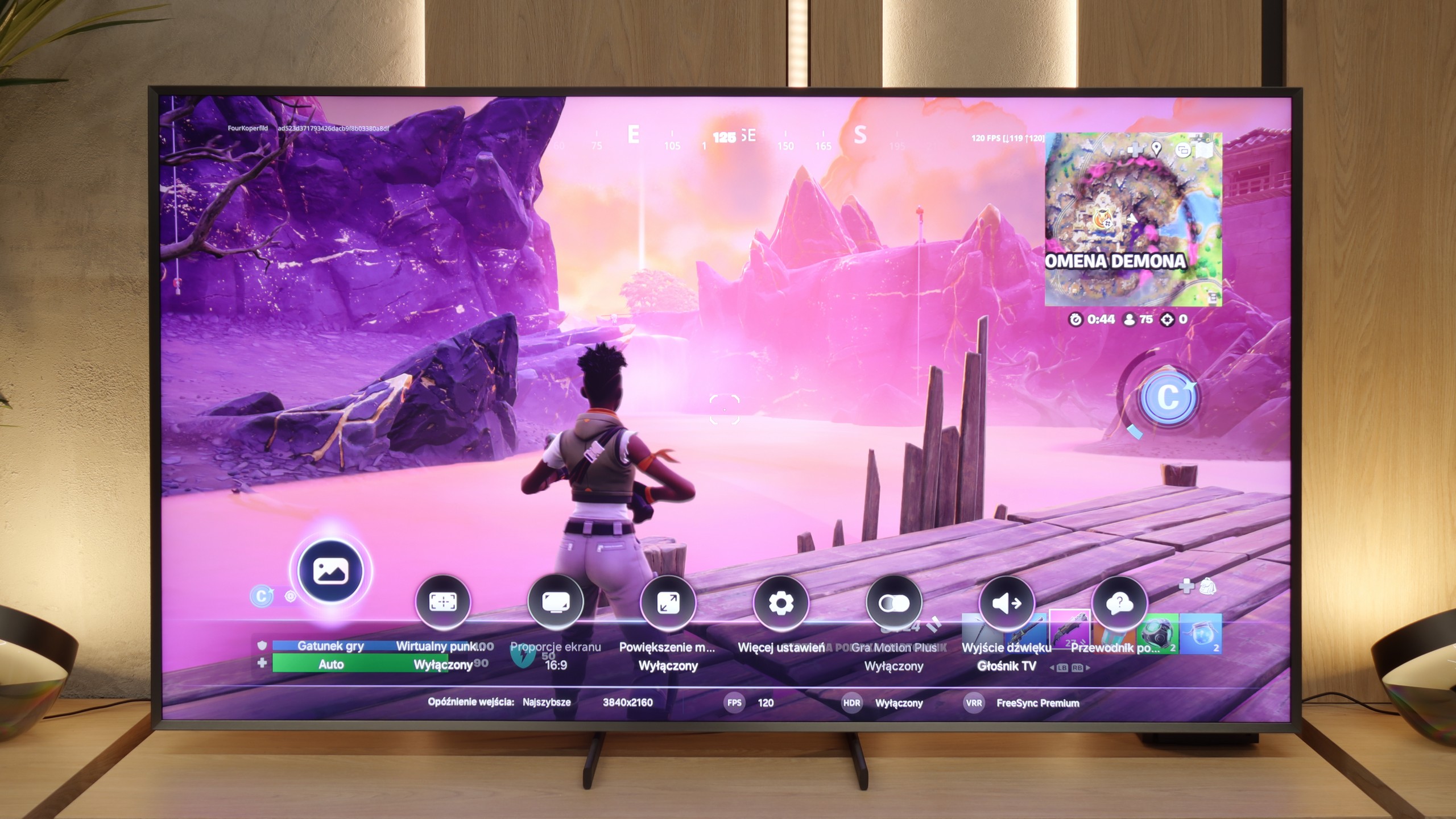
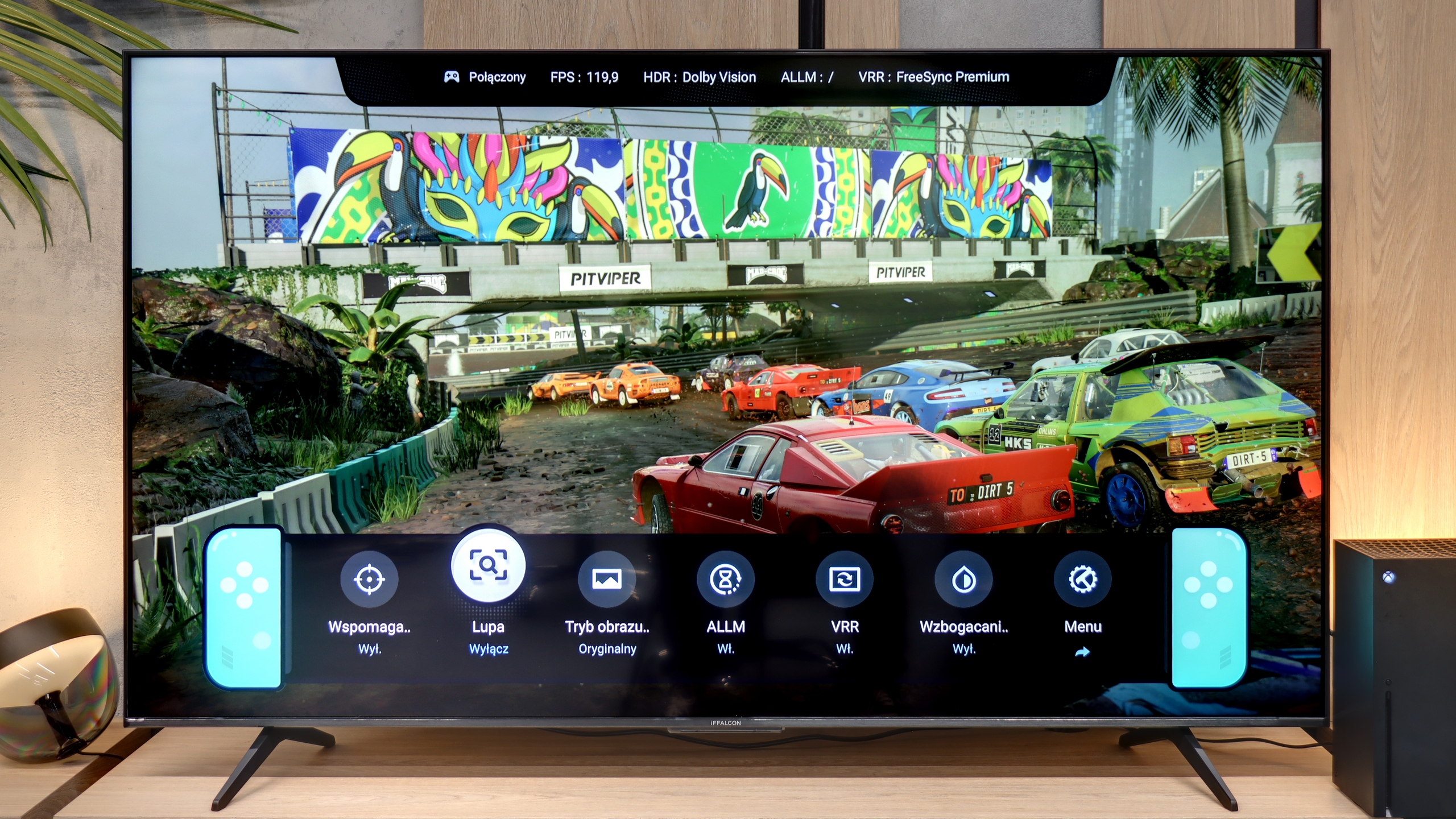
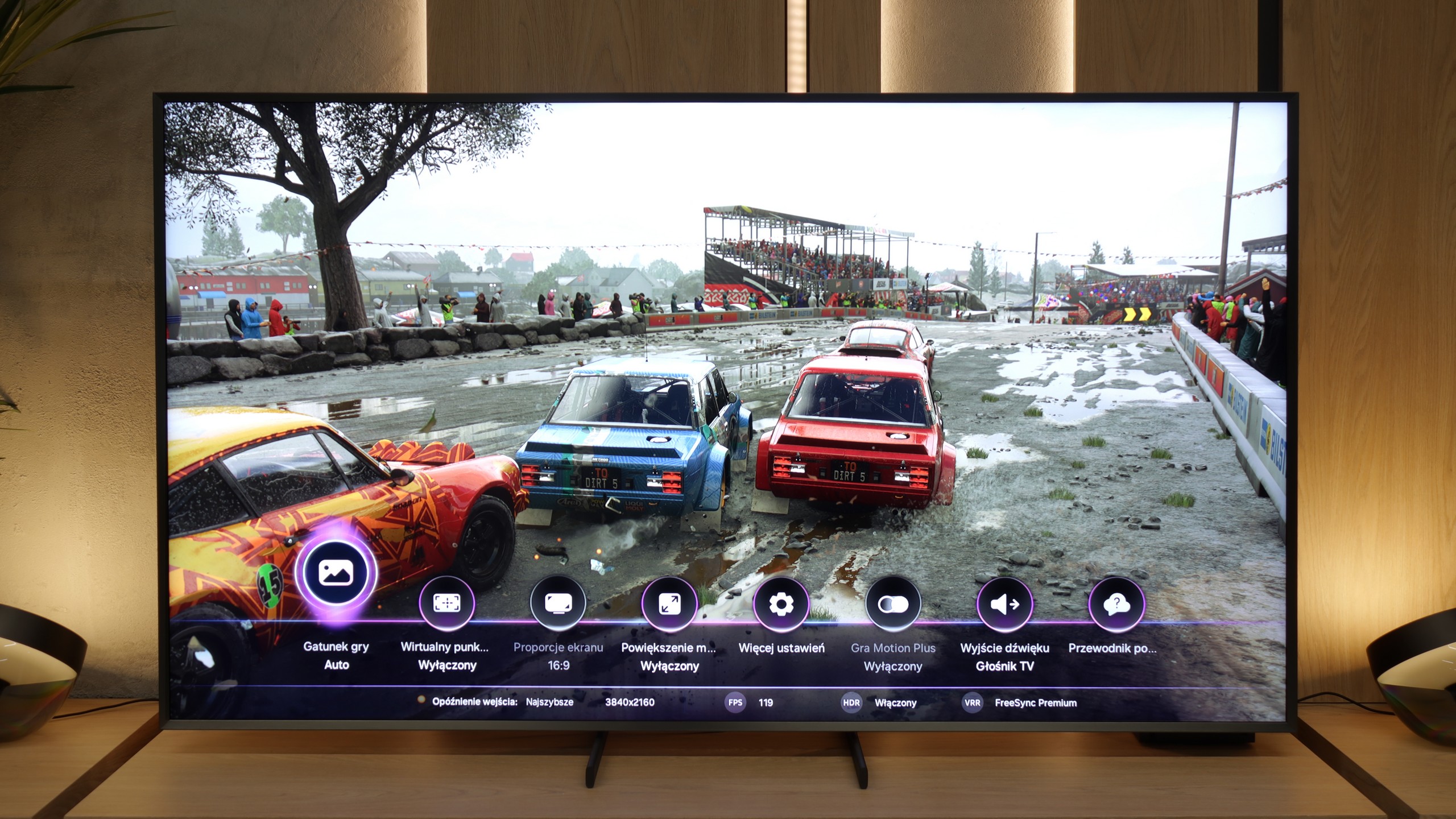
iFFALCON U85X is an outstanding piece of equipment for gamers that has just about everything one can expect from a modern screen for consoles or PCs. We find here two full-fledged HDMI 2.1 ports with full bandwidth of 48 Gbps, which opens the door to key technologies such as VRR and ALLM, ensuring smooth gameplay without tearing the image and with minimal latency. The television handles high refresh rates in various resolutions without any problems, and a real curiosity is the mode that allows for achieving up to 240Hz when dropping down to Full HD quality. The whole thing is managed by the Game Bar (which is a faithful copy from TCL), allowing for instant switching of picture modes, customising the interface appearance, or even adding a virtual crosshair in the middle of the screen.

Input lag

9.8/10

9.8/10

SDR

1080p60
13 ms
17 ms
1080p120
12 ms
9 ms
2160p60
14 ms
17 ms
2160p120
11 ms
9 ms

HDR

2160p60
13 ms
17 ms
2160p120
10 ms
9 ms
4320p60
18 ms

Dolby Vision

2160p60 DV
17 ms
2160p120 DV
9 ms

In terms of input lag, the QN900F presents a class of its own. Regardless of the set resolution or refresh rate, the response time remains instantaneous. It's one of those televisions where it's genuinely difficult to perceive any delay. Gamers can rely on complete responsiveness and the assurance that every action from the controller will be immediately mirrored on the screen. In this category, it is simply the highest tier.

The completed gaming arsenal is complemented by the outstanding latency results we measured in our tests. With a standard 60Hz signal, the input lag is just 17 ms, which is a completely safe value for comfortable gameplay, while switching to 120Hz reduces the latency to an impressive 9 ms. A nice fact is that these excellent parameters do not deteriorate even in Dolby Vision mode. In many televisions, activating this format is still associated with additional processor overhead and increased lag, but here the engineers at TCL (or iFFALCON) have done a great job.

Compatibility with PC

8.4/10

8.6/10

Chroma 444 (max. resolution and refresh rate)
Yes
Yes
Font clarity
Good
Good
Readability of dark text and shapes
Average
Very Good
Input lag in PC mode (4K, max. refresh rate)
18ms
9ms
Matrix subpixel arrangement
BGR
BGR
Max refresh rate
165Hz
144Hz
G-Sync
Yes
Yes

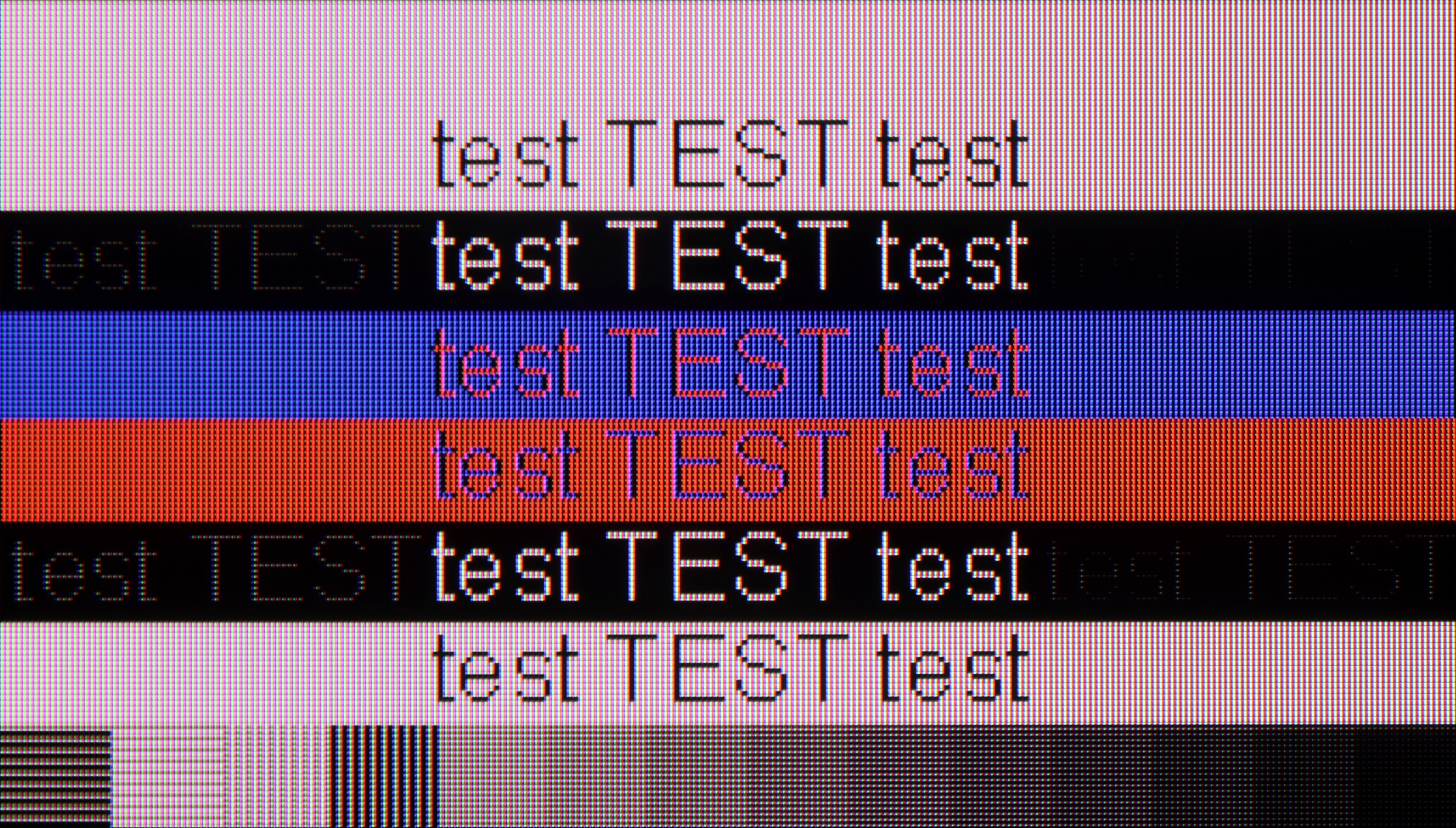
The photo shows the legibility of small fonts. Ideally, lines should be the same thickness on both light and dark text, with minimal pixel gaps.

QN900F is an 8K television, so even in a larger size, it can be treated as a legitimate work monitor – of course, provided that someone can actually fit such a colossus on their desk. The device supports 4:4:4 chroma, so overall font readability is good, though we noticed some issues with the thinnest lines. This may stem from the fact that at a native 8K resolution, some texts are simply so microscopic that the television is not necessarily ideally suited for it. It sounds a bit absurd, but how else can we explain it? 😉

On the other hand, the QN900F can be a great choice for PC gamers. It supports G-Sync technology, and at a 4K resolution, it offers refresh rates of up to 165 Hz. So if you have a very powerful computer, the QN900F will allow it to spread its wings and showcase its gaming prowess in all its glory.

iFFALCON U85X is also an excellent candidate for a powerful computer monitor, offering a work culture that is hard to find in typical televisions. The readability of fonts is nearly exemplary – although due to the nature of the VA panel, it is not as crystal clear as in IPS panels, the difference becomes practically imperceptible to the human eye when viewed from a distance of over one metre. The device natively supports a resolution of 4K at 144Hz refresh rate, but the real ace up its sleeve is the 240Hz mode (available at lower resolutions), which makes this behemoth an excellent tool for dynamic e-sports titles, where refresh rate takes precedence over pixel count. What is almost most important for PC users is that such high performance is fully supported by frame synchronization technologies, such as NVIDIA G-Sync and AMD FreeSync, effectively eliminating screen tearing and ensuring perfect fluidity regardless of the graphics card used.

Viewing angles

5/10

3.1/10

Brightness drop at an angle of 45 degrees
67%
68%

The viewing angles on the QN900F are really quite good, but we have the impression that the 'Ultra Viewing Angle' coating that Samsung heavily advertises performs worse than last year. Yes – the effect is still much better than in most LCD TVs with VA panels, but it still falls short of OLEDs or good IPS panels. The image holds up decently when viewed from the side, and the colours don't fade as quickly as in standard VAs, however, we expected something more, especially since previous generations from Samsung have performed better. Perhaps the additional matte coating that has appeared in this year's 8K series is having an effect on this.

When it comes to viewing angles, the iFFALCON U85X does not surprise us – it is simply poor, which is a typical characteristic of VA panels. We must treat this as a natural and conscious compromise: by choosing a panel with high contrast and deep blacks, we almost always sacrifice wide angles (only in top series do manufacturers use special coatings to improve this feature). You cannot cheat physics in this price segment, because while sitting directly in front of the television the picture looks fantastic, a slight lean to the side is enough for the colours to start losing their saturation. If you are planning evening screenings with a larger group, it is worth ensuring that everyone sits as close as possible to the central axis of the screen.

Daytime performance

7.1/10

5.6/10

Panel finish
Matte
Satin
Reflection suppression
Very Good
Decent
Black levels during daytime
Average
Good

Panel brightness

IFFALCON U85X: 419 cd/m2

Samsung QN900F: 723 cd/m2

One of the innovations in 8K from Samsung is the matte display. This year, the Koreans have been gradually "mattifying" their televisions, and it must be said that the QN900F is at the very top of the game in this regard – reflections are suppressed better than in any other model on the market. In practice, this means that even in a brightly lit living room, the picture remains clear, and reflections nearly disappear from the screen. Of course, such a coating also comes at a cost. Colours lose some intensity, and black does not appear as deep under strong light as on shiny screens. But this is more of a detail than a real problem, as the richness of colours and depth of black are most important in the evening, with the lights turned off – and then this effect completely disappears.

In a bright room, the iFFALCON U85X performs moderately well, thanks to the satin coating of the panel. It quite effectively dampens direct light reflections, thereby avoiding the annoying mirror effect, although under stronger lighting one can see characteristic warm "spills" of light around reflecting objects. While it doesn't reach the level of top panels with the most advanced filters, the lack of high gloss makes daytime use significantly less troublesome. In terms of pure brightness output in the SDR standard, that is for television, the TV achieves an average brightness of around 420 nits. This isn't an outstanding result that would allow it to combat direct sunlight hitting the screen, but it's perfectly sufficient for comfortable viewing of content in a moderately sunlit living room.

Panel details

Backlight Type
Mini-LED QLED
Mini-LED PFS LED
Software version during testing
T-OSCPFDEUC-0090-1110.7, E2500007, BT-S
V8-0012T01-LF1V543.002503
Image processor
MT5896 2,5GB RAM

Subpixel Structure:

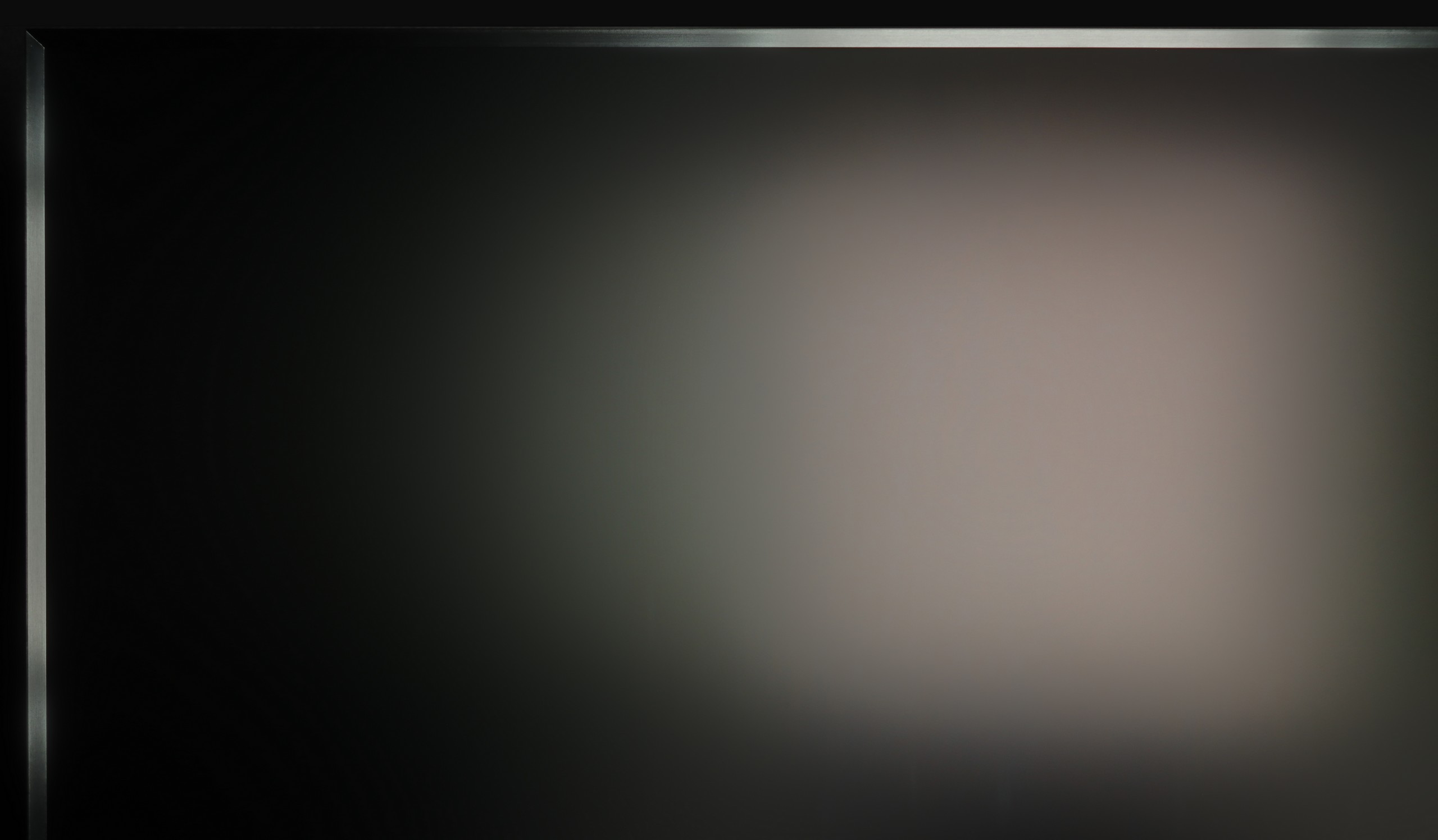
Panel uniformity and thermal imaging:

Review Samsung QN900F TV Panel details
Review IFFALCON U85X TV Panel details

Samsung QN900F

IFFALCON U85X

TV features

7.2/10

7.6/10

  • HDMI inputs
    0 x HDMI 2.0, 4 x HDMI 2.1 40Gbps
    2 x HDMI 2.0, 2 x HDMI 2.1 48Gbps
  • Other inputs
    Toslink (Optical audio), IR (remote)
  • Outputs
    Toslink (Optical audio), eARC (HDMI), ARC (HDMI)
    Toslink (Optical audio), eARC (HDMI)
  • Network Interfaces
    Wi-Fi 2.4GHz, Wi-Fi 5GHz, Ethernet (LAN) 100Mbps
    Wi-Fi 2.4GHz, Wi-Fi 5GHz, Ethernet (LAN) 100Mbps
  • TV reception
    DVB-T, DVB-T2, DVB-S, DVB-S2, DVB-C
    DVB-T, DVB-T2, DVB-S, DVB-S2, DVB-C

Classic features:

  • Recording to USB (terrestrial TV)
    No
    No
  • Recording programming
    No
    No
  • Picture in Picture (PiP)
    Yes
    No
  • RF remote control (no need to aim)
    Yes
    Yes
  • Backlit remote control
    No
    No
  • Teletext
    Yes
    Yes
  • Audio only mode
    Yes
    Yes
  • Bluetooth headphones support
    Yes
    Yes
  • Simultaneous Bluetooth headphones & TV audio
    Yes
    Yes

Smart features:

  • AirPlay
    Yes
    Yes
  • Screen mirroring (Windows Miracast)
    Yes
    Yes
  • Voice search
    Yes
    Yes
  • Voice search in native language
    Yes
    Yes
  • Ability to connect a keyboard and mouse
    Yes
    Yes
Review Samsung QN900F TV features
Review IFFALCON U85X TV features

Television Features

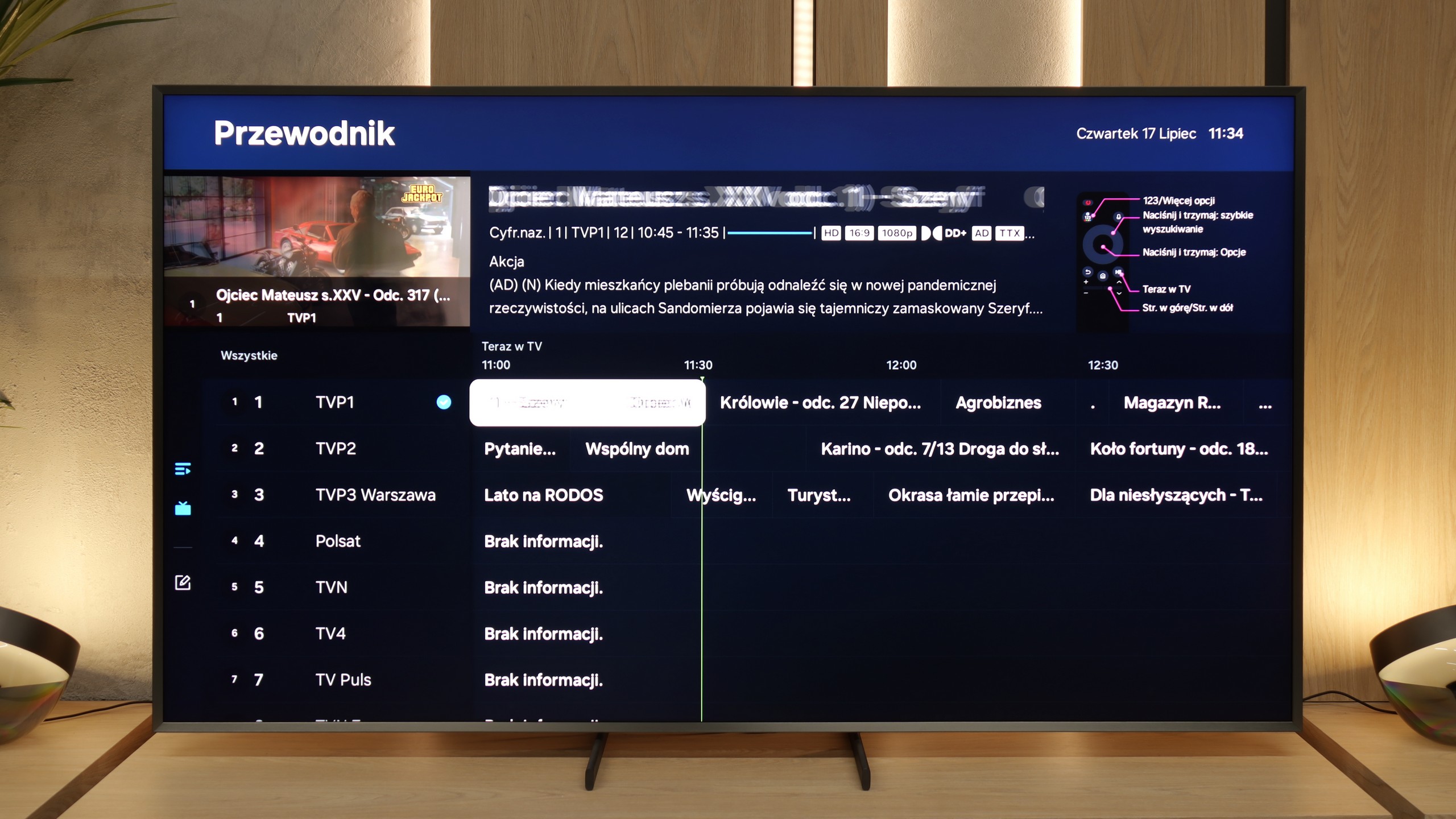
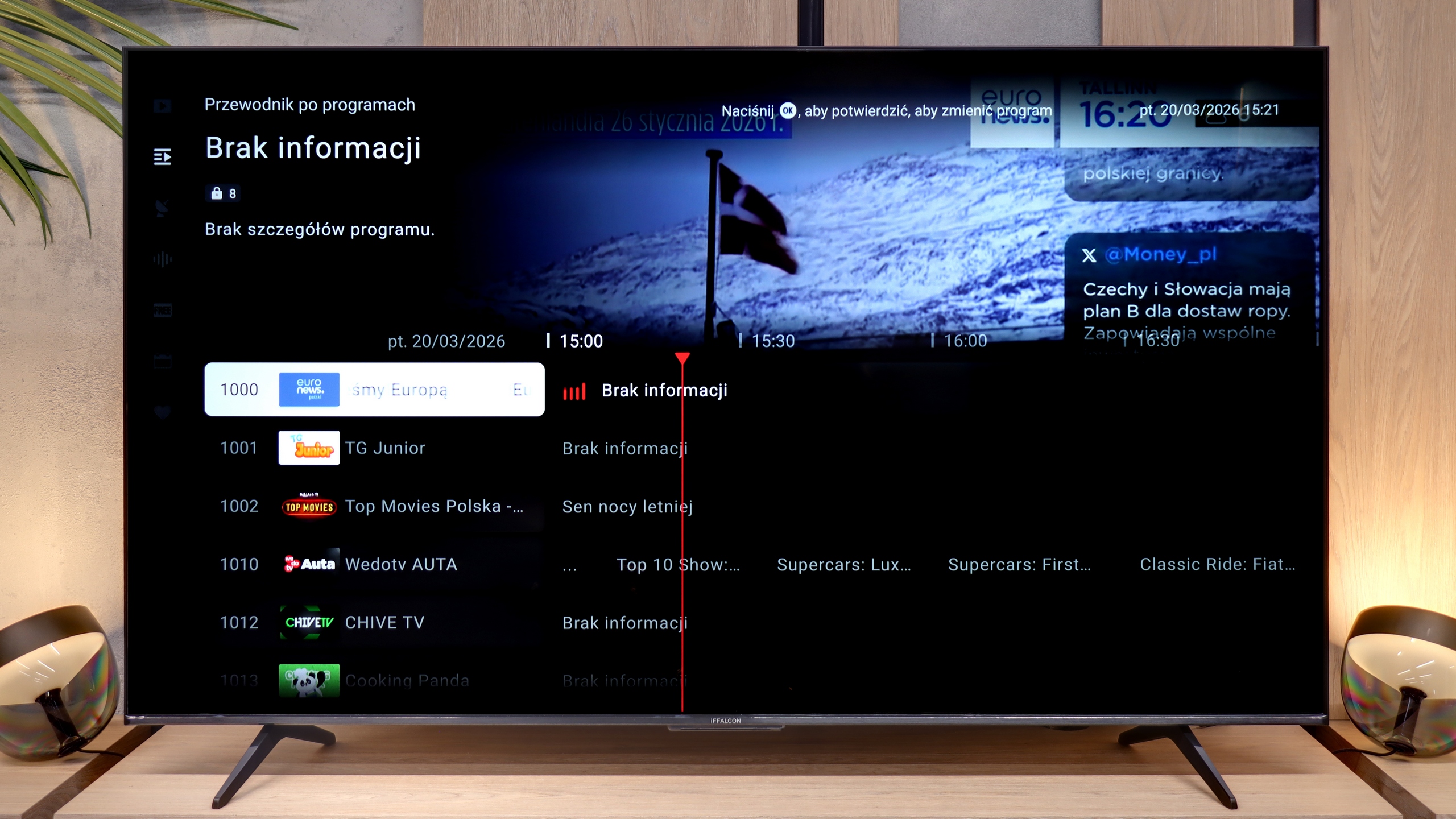
QN900F really has a lot to offer. In addition to standard connections and tuners, it also boasts many typical television features. There is teletext, a clear EPG, and even a PiP function, which is rare these days. The QN900F easily supports other devices using the solar remote included in the package, which somewhat compensates for the lack of recording from the built-in antenna tuners.

Smart TV

When it comes to smart features, Samsung, as always, provides plenty – there is a vast number of applications (though not all), and the Tizen on the QN900F ran very smoothly. It is also hard to find a better television for connecting external devices – AirPlay, Miracast, Chromecast – everything works flawlessly. A curiosity is the Art Gallery mode, which - similar to The Frame - allows you to display artworks on the turned-off screen. Thanks to its relatively thick, robust frame, the effect is quite impressive – on the wall, it looks like a digital painting and can certainly make an impression on someone. Therefore, the QN900F can be whimsically dubbed The Frame Super Extra Pro 😉

Smart Features

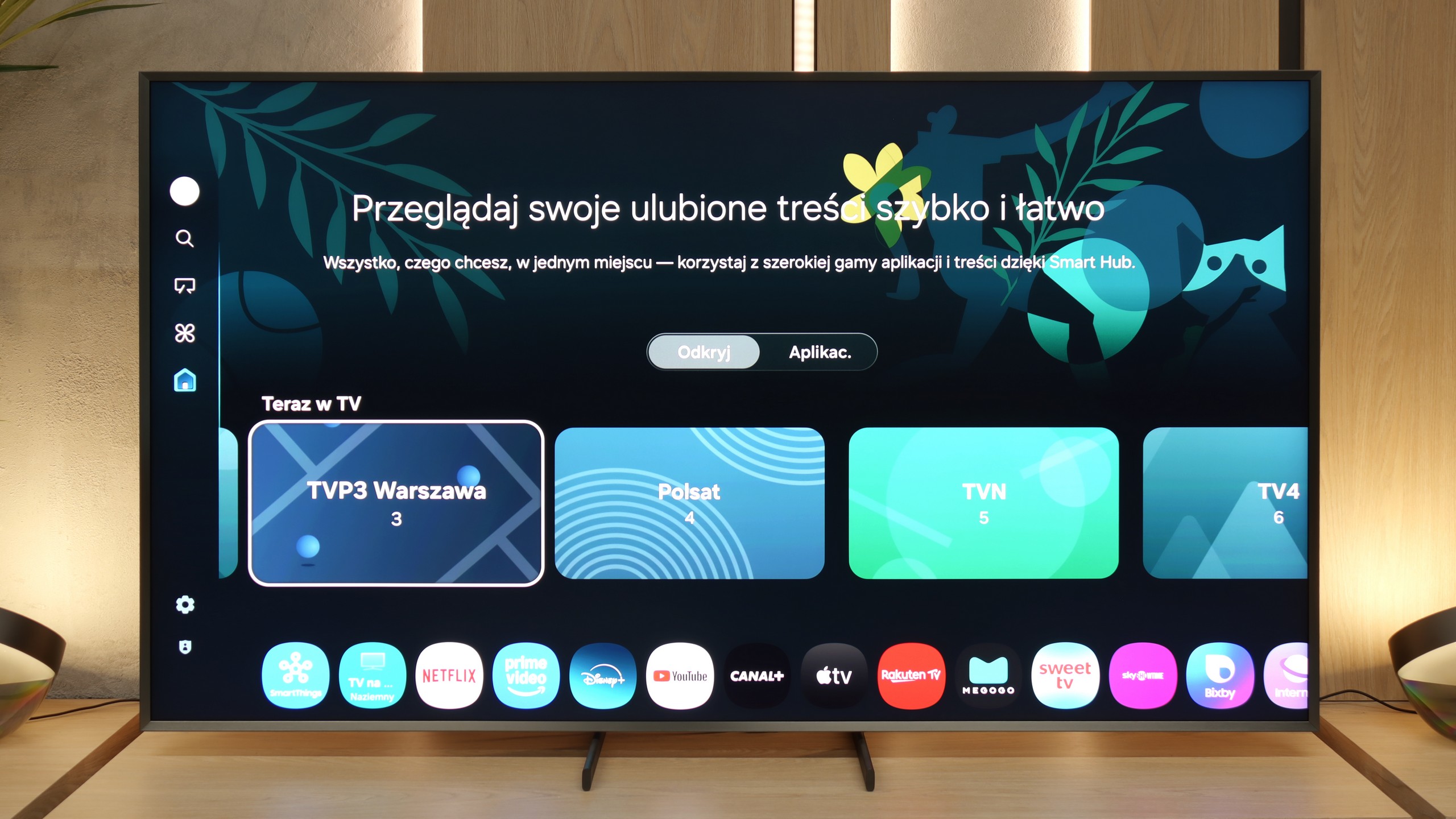
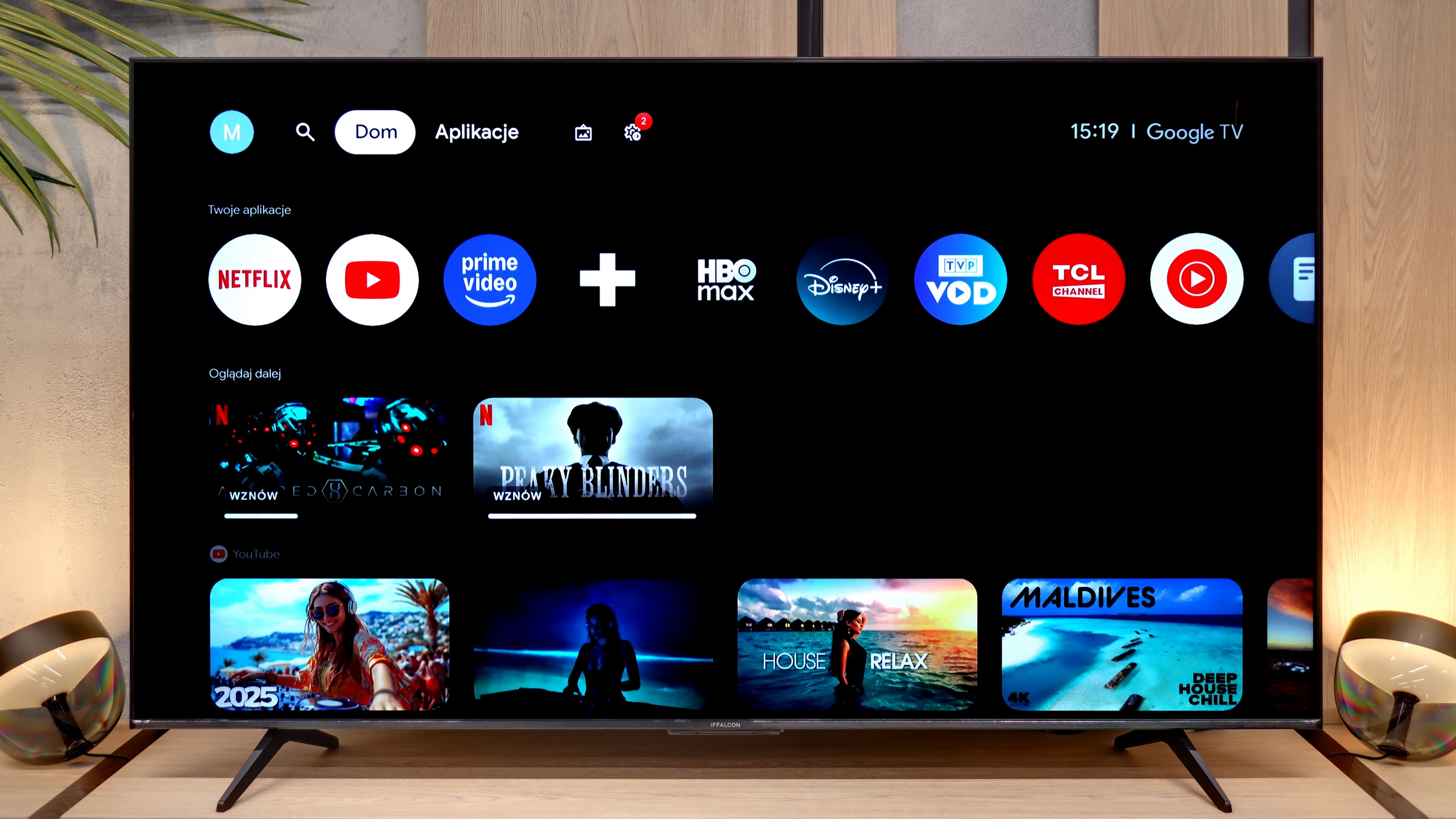
Similar to the products under the TCL brand, the iFFALCON U85X benefits from the Google TV system. This means access to an almost limitless library of applications, from the most popular VOD services to niche tools, as well as full integration with Google's voice assistants and Gemini. Users of the Apple ecosystem have also not been overlooked – the television works seamlessly with their devices thanks to the built-in AirPlay feature. The system itself runs quite smoothly, although it cannot be denied that it inherits some shortcomings known from TCL models. The interface can sometimes "hitch", requiring a moment's thought, and the Polish translations in the deeper corners of the menu can be quite odd and at times illogical.

Classic Features

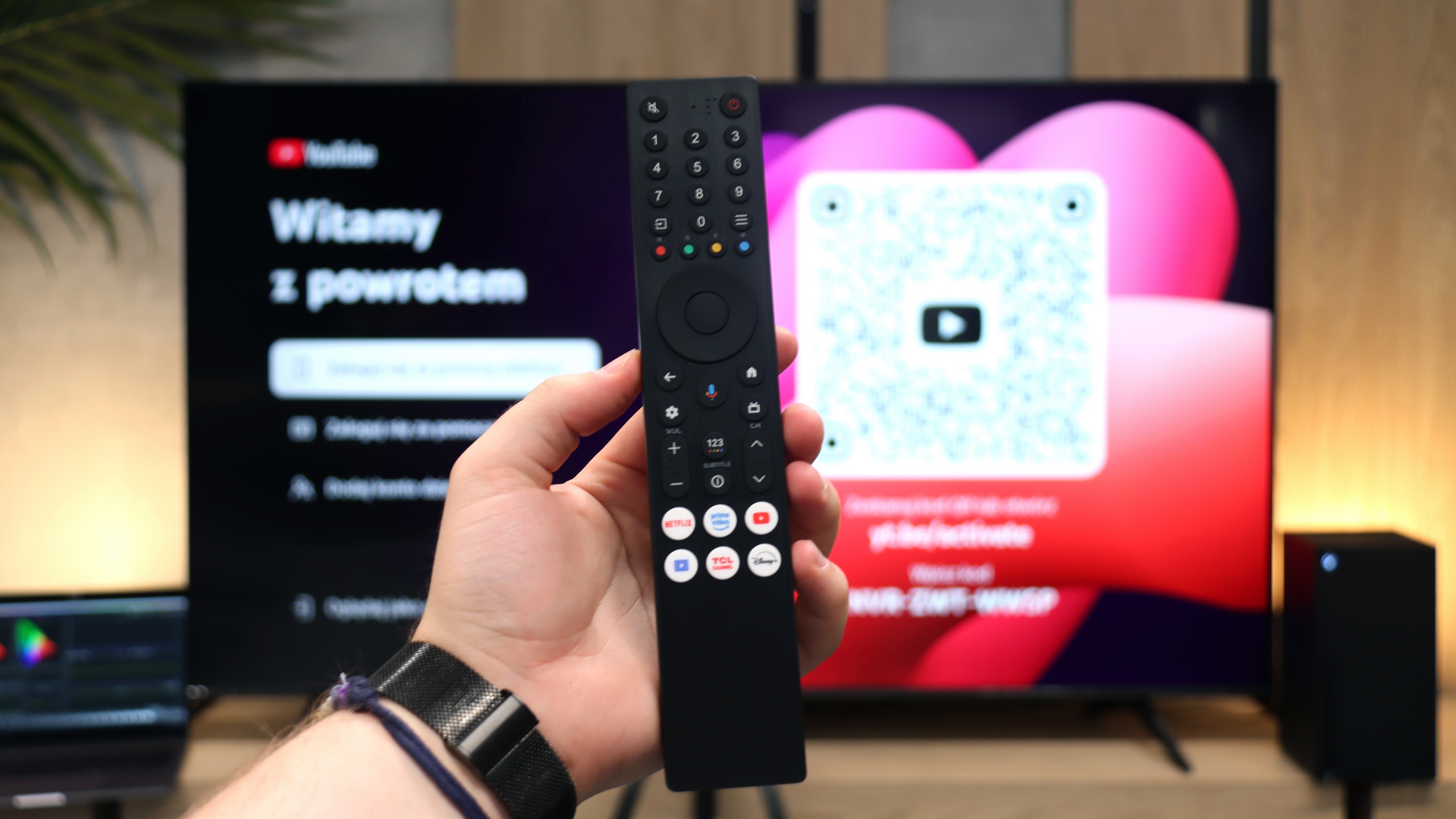
In the area of traditional television functions, the iFFALCON U85X does not strive for any extravagance and offers the absolute minimum, which may be somewhat disappointing for more demanding users of traditional cable or satellite services. One will futilely search for the ability to record programmes to external USB memory or a picture-in-picture (PiP) mode that would allow tracking two sources simultaneously. From the more "modern" classics, we only get the option to wirelessly connect headphones via Bluetooth and teletext support. The remote control also does not pretend to be a modern gadget from the future; it is a classic design with a full numeric keypad, which makes it easy to quickly jump between channels, but visually it significantly lags behind minimalist trends.


Apps

9.3/10

9.6/10

OK
Disney_Plus
OK
Amazon_Prime_Video
OK
Player_TVN
OK
Polsat_Box_Go
OK
Canal_Plus_Online
OK
TVP_VOD
OK
Apple_TV_Plus
OK
SkyShowtime
OK
Rakuten
OK
CDA_Premium_Browser
OK
Spotify
No
Tidal
OK
Netflix
OK
YouTube
OK
HBO_MAX
No
Kodi
OK
Apple_music
OK
Eleven_sports
OK
Xbox Game Pass
OK
GeForce Now!
OK
Amazon Luna
OK
Boosteroid
No
Steam Link
OK
Disney_Plus
OK
Amazon_Prime_Video
OK
Player_TVN
OK
Polsat_Box_Go
OK
Canal_Plus_Online
OK
TVP_VOD
OK
Apple_TV_Plus
OK
SkyShowtime
OK
Rakuten
OK
CDA_Premium_Browser
OK
Spotify
OK
Tidal
OK
Netflix
OK
YouTube
OK
HBO_MAX
OK
Kodi
No
Apple_music
OK
Eleven_sports
No
Xbox Game Pass
OK
GeForce Now!
No
Amazon Luna
OK
Boosteroid
OK
Steam Link

Playing files from USB

9.1/10

9.2/10

Supported photo formats:

JPEG
Yes
Yes
HEIC
No
No
PNG
Yes
Yes
GIF
No
Yes
WebP
No
Yes
TIFF
No
No
BMP
Yes
Yes
SVG
No
No

Maximum photo resolution:

4 Mpix
Yes
Yes
6 Mpix
Yes
Yes
8 Mpix
Yes
Yes
10 Mpix
Yes
Yes
12 Mpix
Yes
Yes
16 Mpix
Yes
Yes
20 Mpix
Yes
Yes
24 Mpix
Yes
Yes
28 Mpix
Yes
Yes
32 Mpix
Yes
Yes

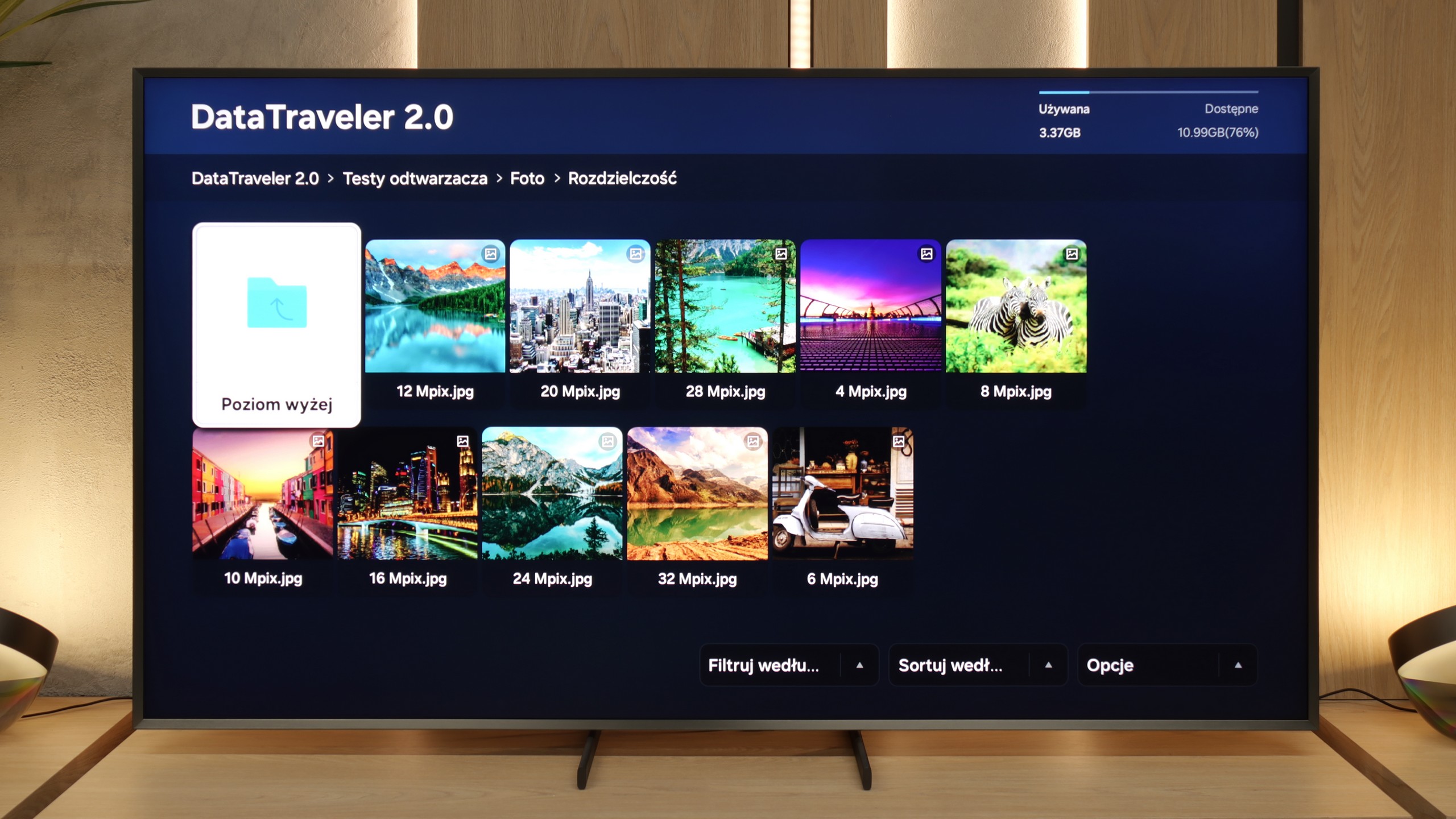
The built-in media player in the QN900F works really well. During testing, we did not notice any major problems with handling various audio and video formats – you can verify this yourself in our file listing. The only puzzling issue arose with subtitles – only those saved in .txt format worked for us, despite Samsung's information that the television should support significantly more extensions. What could be the reason for this? It's hard to say. It is possible that this is just a temporary bug that will be fixed in one of the upcoming updates.

Playing files from a pendrive is no challenge for the iFFALCON U85X - the built-in player handles almost every audio and video format we thrown at it during testing without a hitch. The only drawback we could point out is the support for external subtitles; while popular formats like .sub and .srt work flawlessly, the television can be temperamental with .txt files. Fortunately, with the presence of the Google TV system, this problem can be quickly resolved by installing an external app like VLC. However, for most users, the factory tool will likely be more than sufficient to enjoy their own media library without any unnecessary hassle.

Sound

8.2/10

6.9/10

  • Maximum volume
    -
    83dB
  • Dolby Digital Plus 7.1
    Yes
    Yes
  • Dolby True HD 7.1
    No
    No
  • Dolby Atmos in Dolby Digital Plus (JOC)
    Yes
    Yes
  • Dolby Atmos in Dolby True HD
    No
    No
  • DTS:X in DTS-HD MA
    No
    Yes
  • DTS-HD Master Audio
    No
    Yes

The QN900F performs really well – as befits a premium television. The bass is quite strong, but slightly muted. We wouldn't compare it to top audio systems, but for built-in speakers, it does the job. The high tones are also a plus – quite clear and distinct, which is particularly useful when watching films with a lot of dialogue. Unfortunately, Samsung still does not support the DTS:X format in its televisions. This means that if we want to hear sound recorded in this standard, we need to connect an external home cinema through an amplifier – the television simply won't play it on its own.

iFFALCON U85X proves that the absence of the Onkyo or Bang & Olufsen logo on the casing does not necessarily mean flat and tinny sound. The audio system in this model plays surprisingly well, largely thanks to the dedicated subwoofer located at the back of the device. Our acoustic measurements confirm that the low end starts to "come alive." It is this distinct "hump" on the graph that is responsible for the noticeable dose of bass, which adds the weight and depth often missing in televisions to films and music. The only point of contention may be the fact that such bass can muffle the high tones, which may seem somewhat recessed. Overall, it can produce sound levels up to 83 dBC, which is more than sufficient for amplifying a larger lounge.

Sound Quality Test

No sound test video

Acoustic Measurements

No acoustic data

83dBC (Max)

75dBC