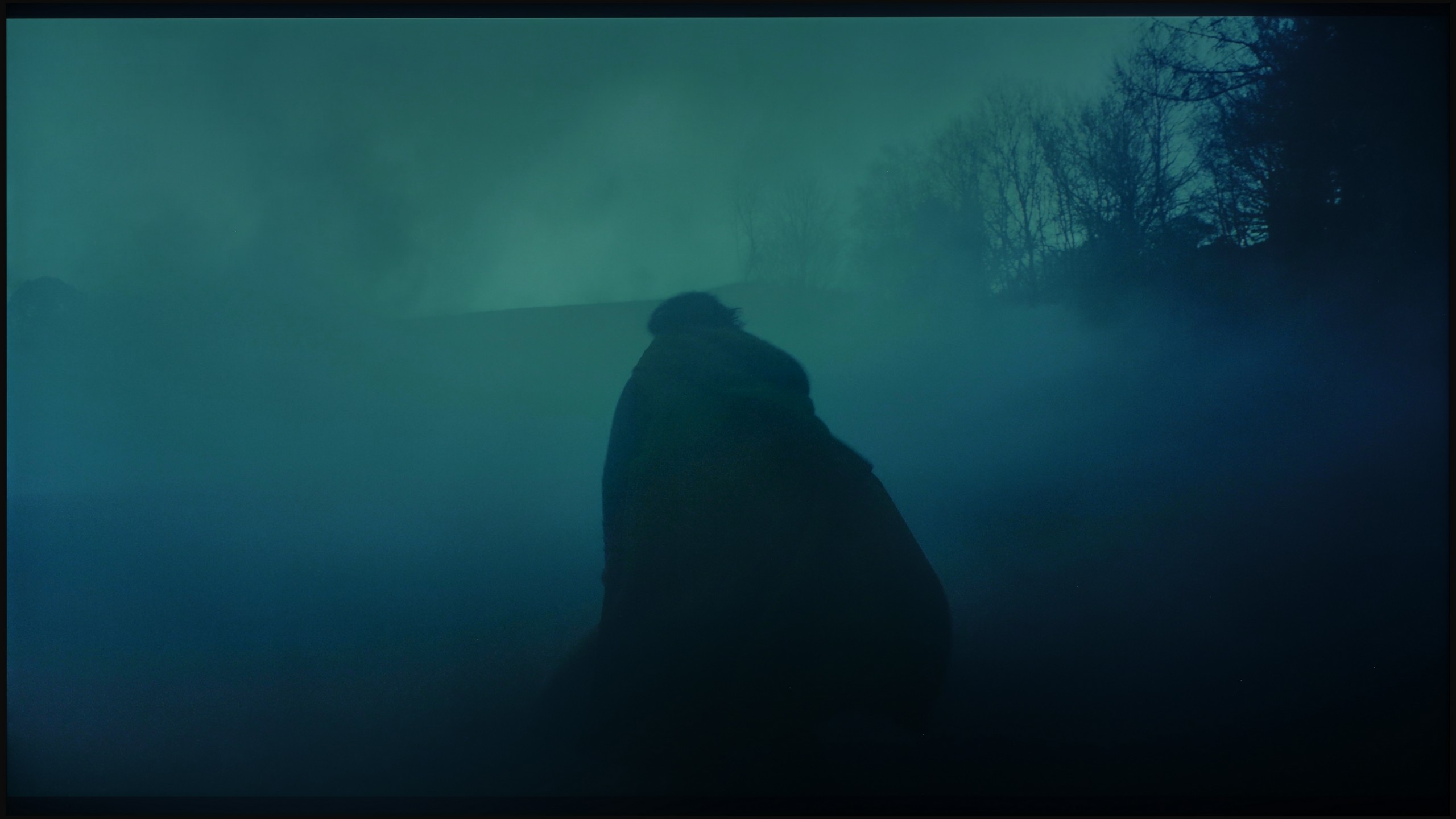
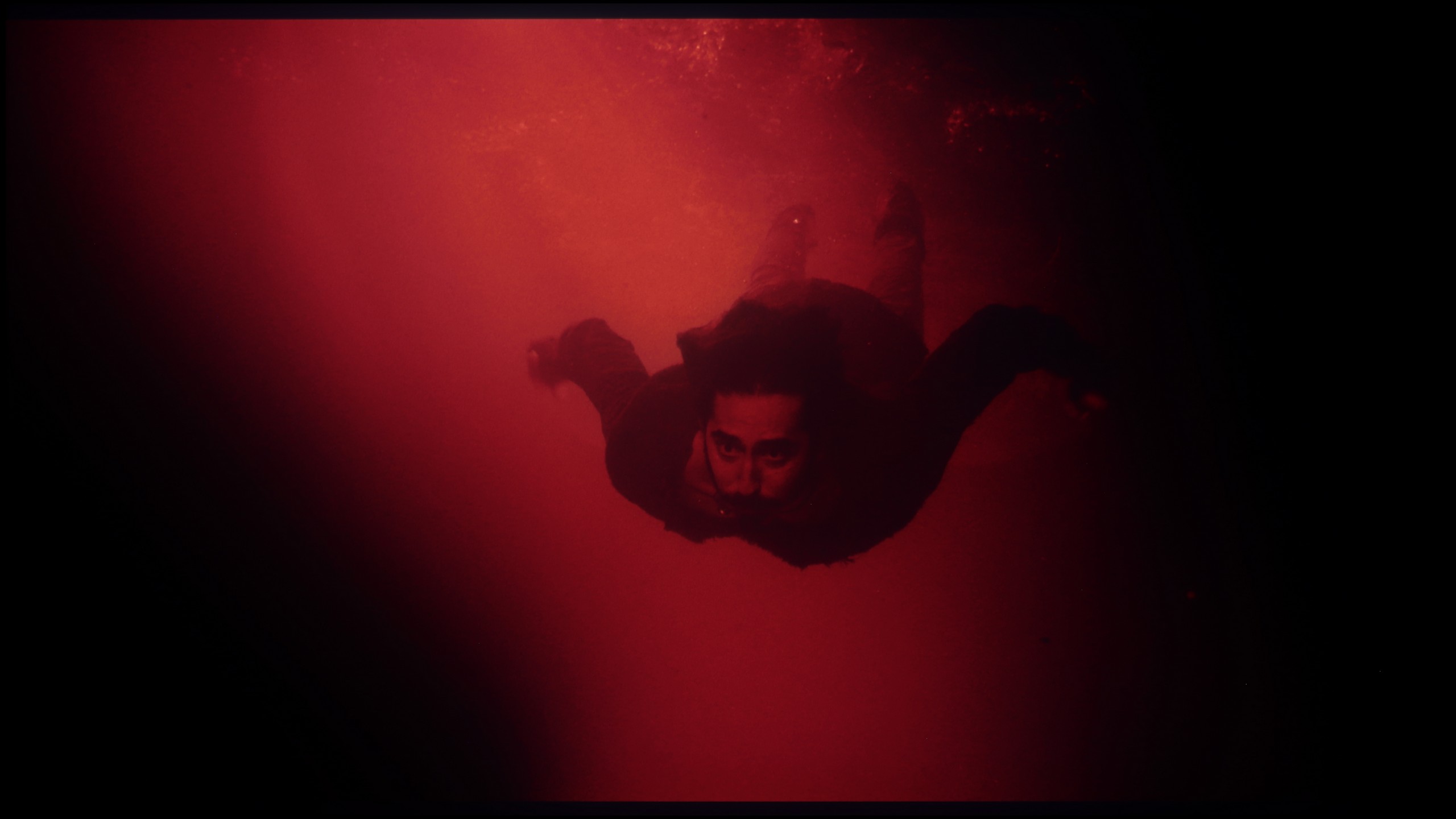
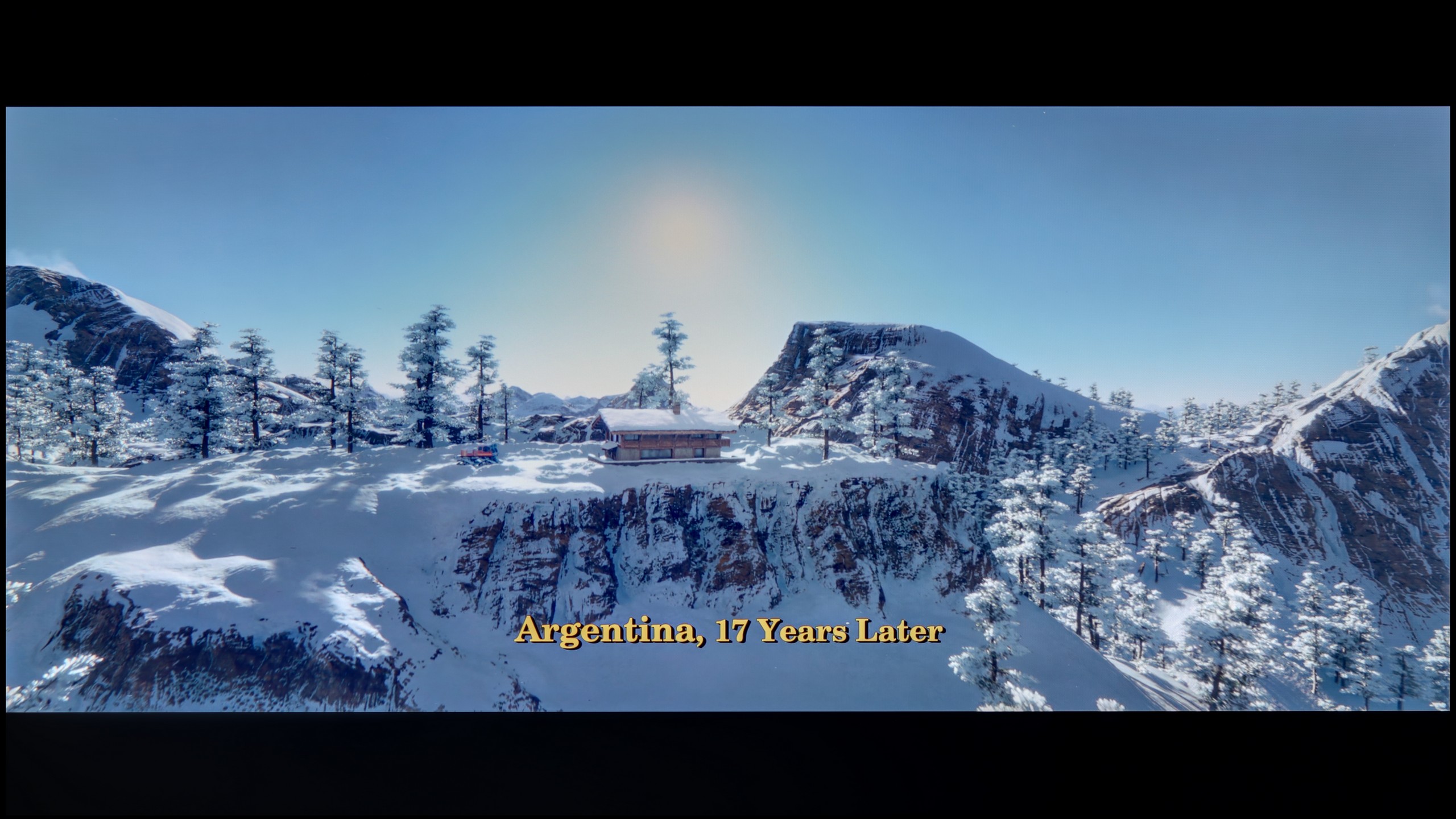
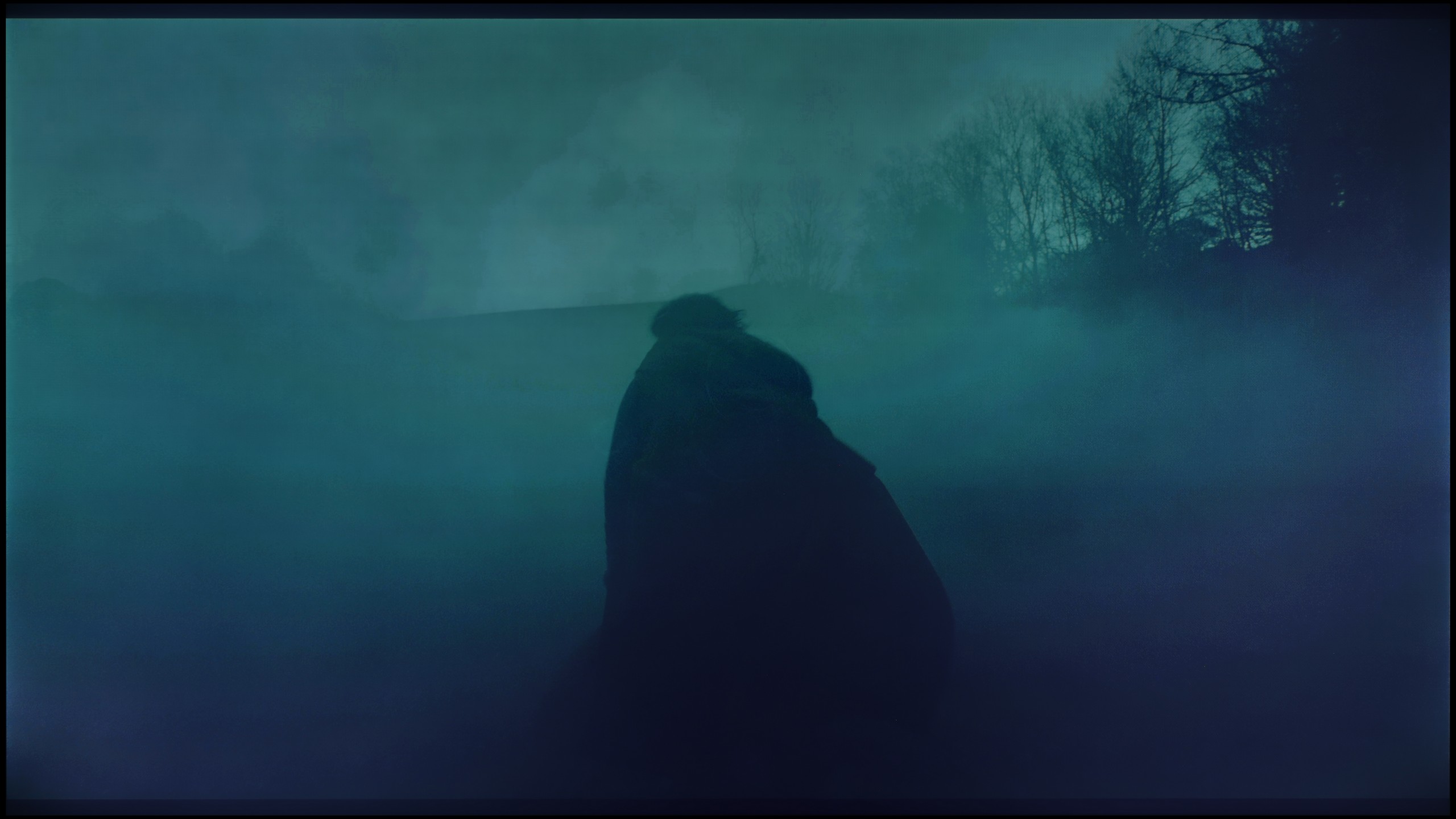
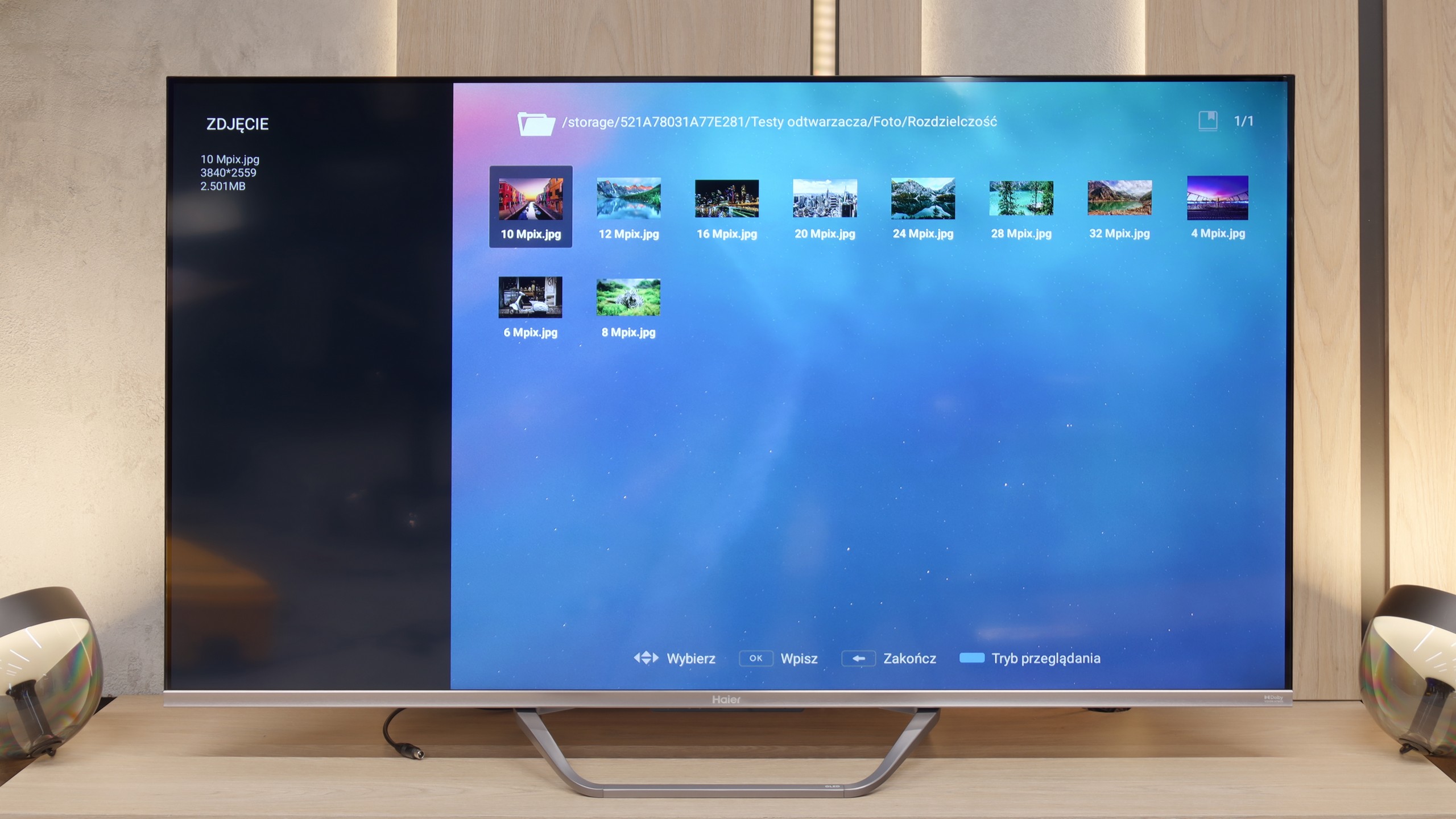
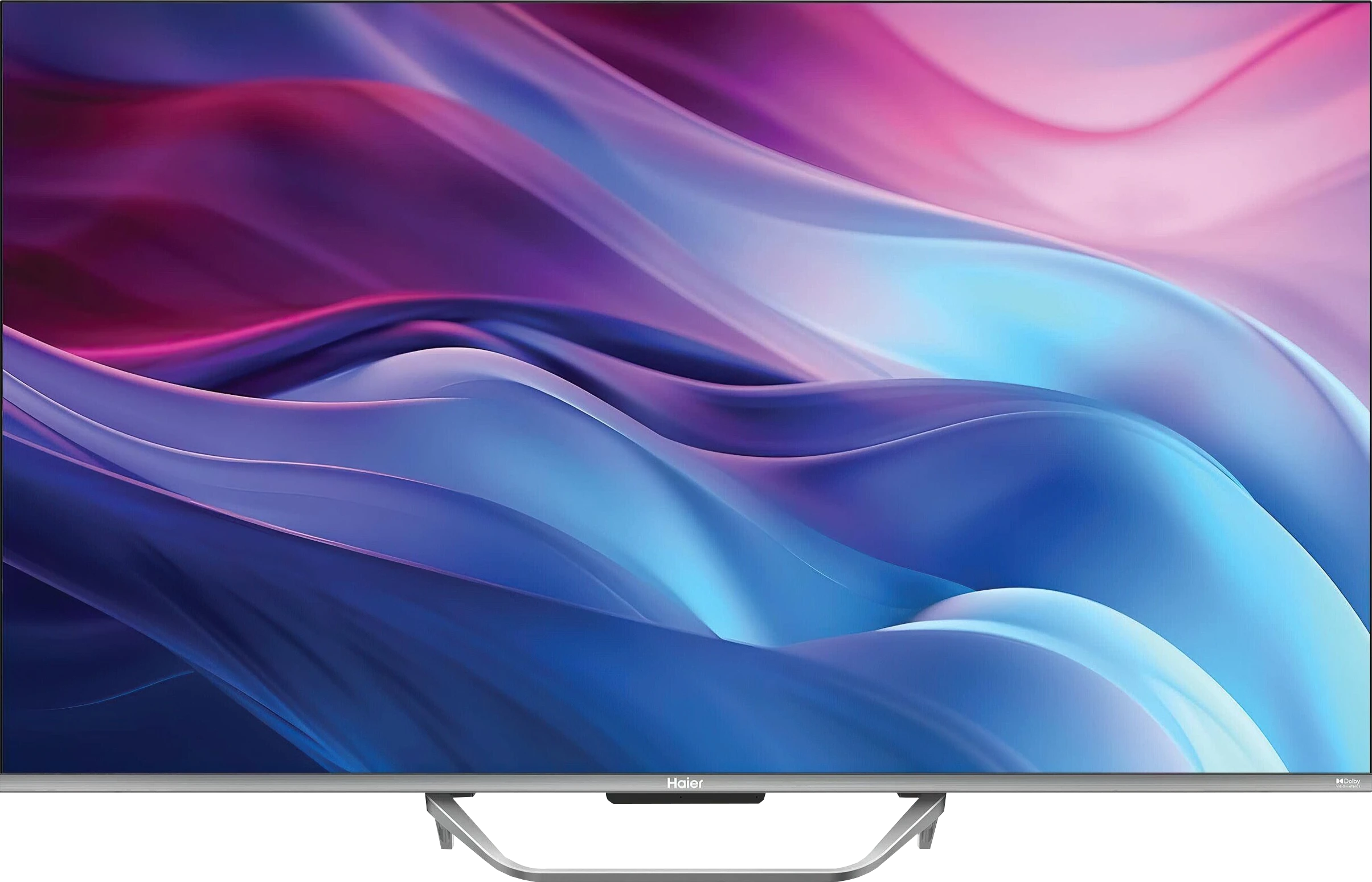
Direct comparison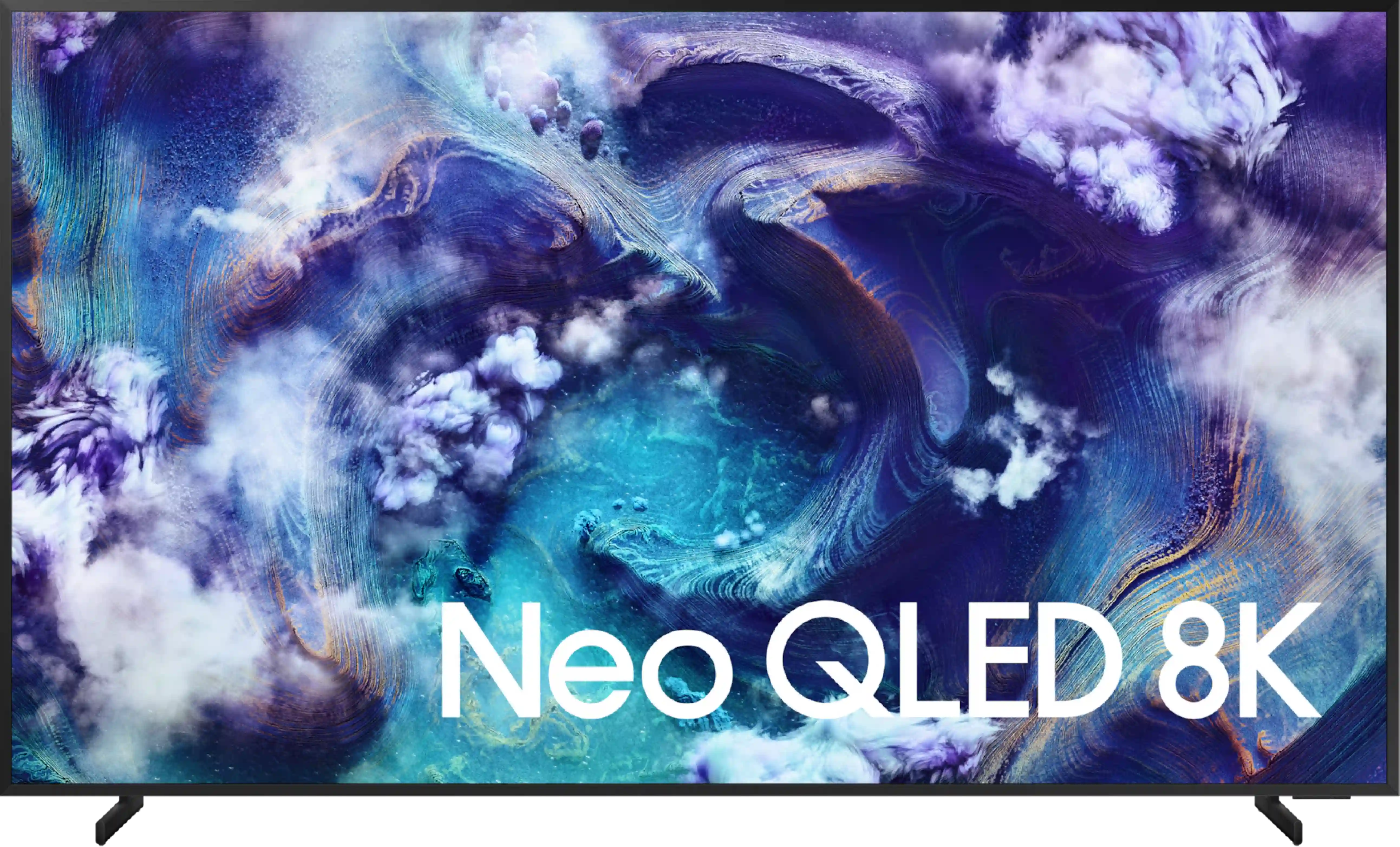


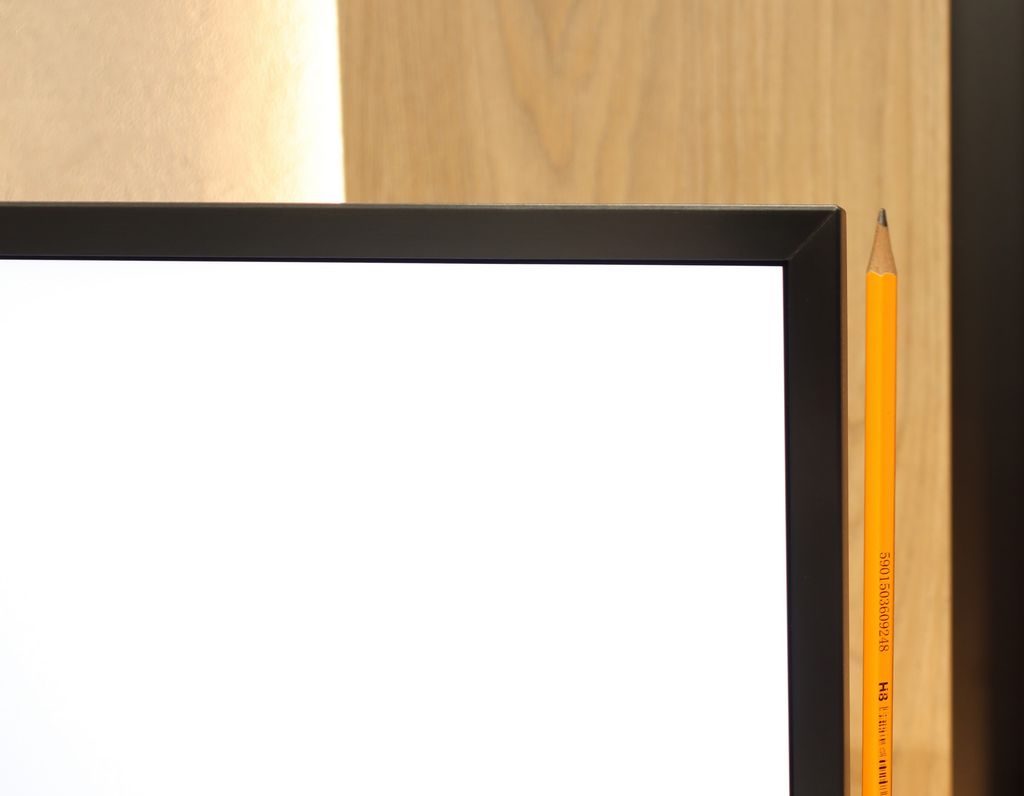
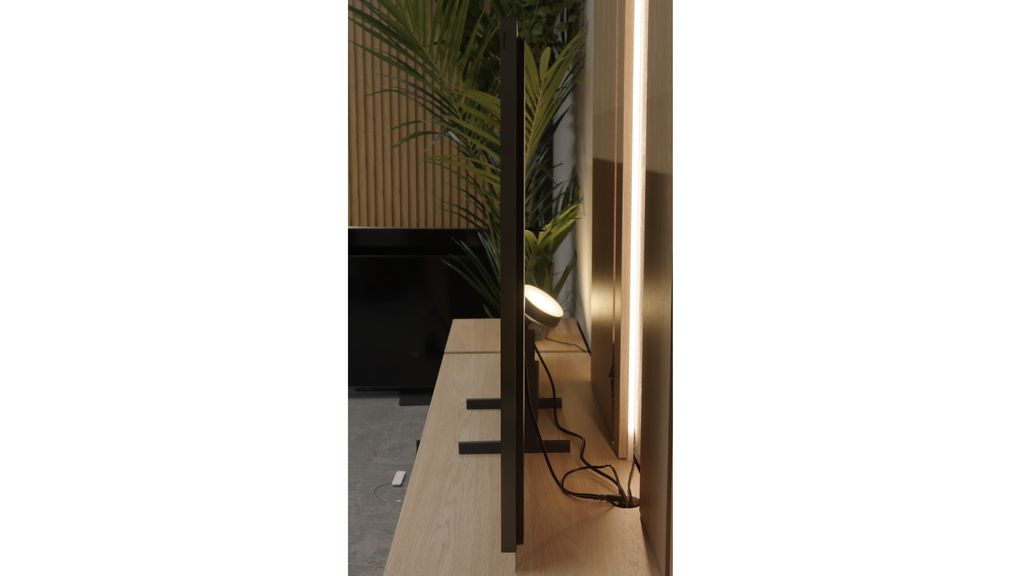
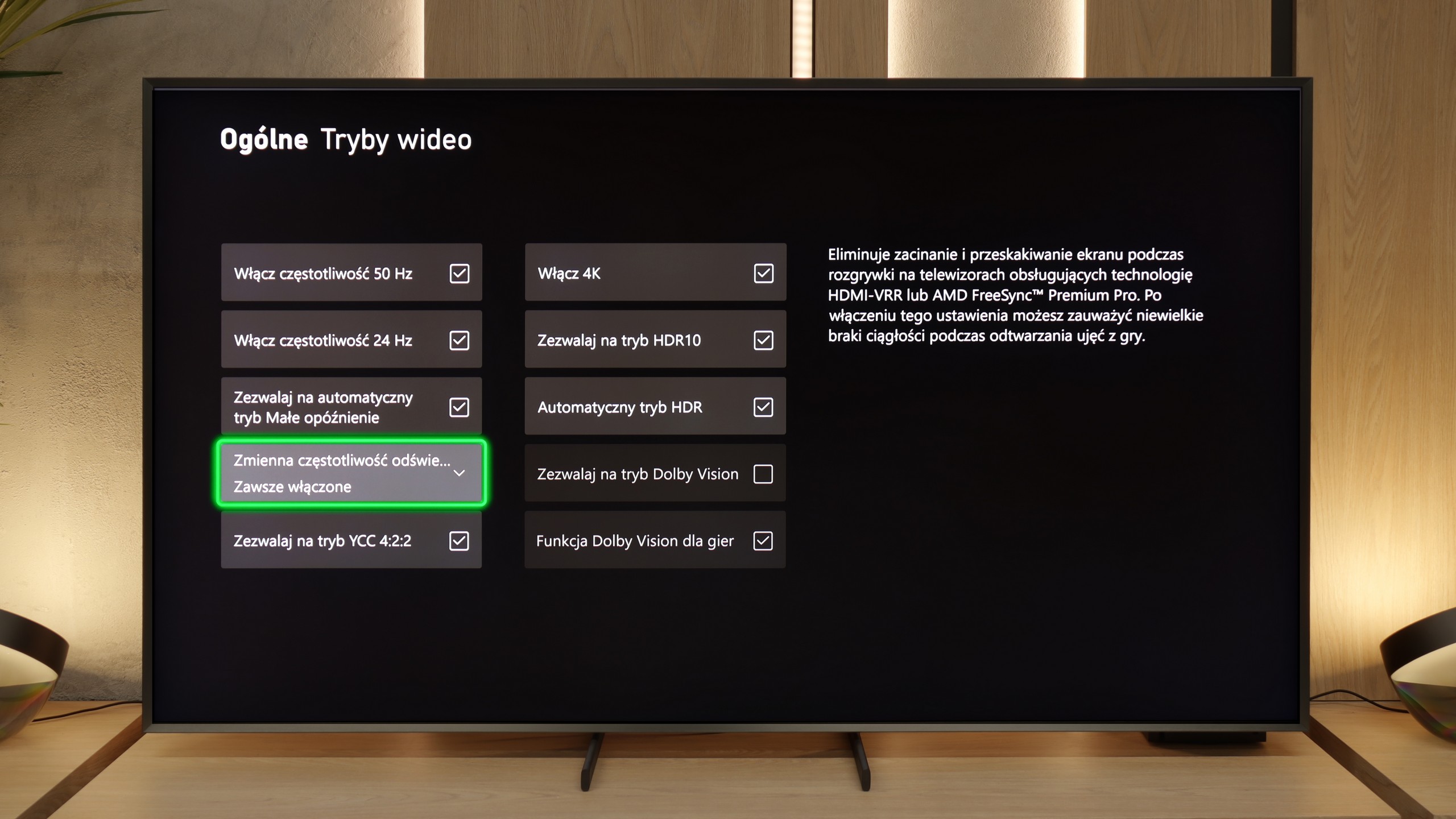
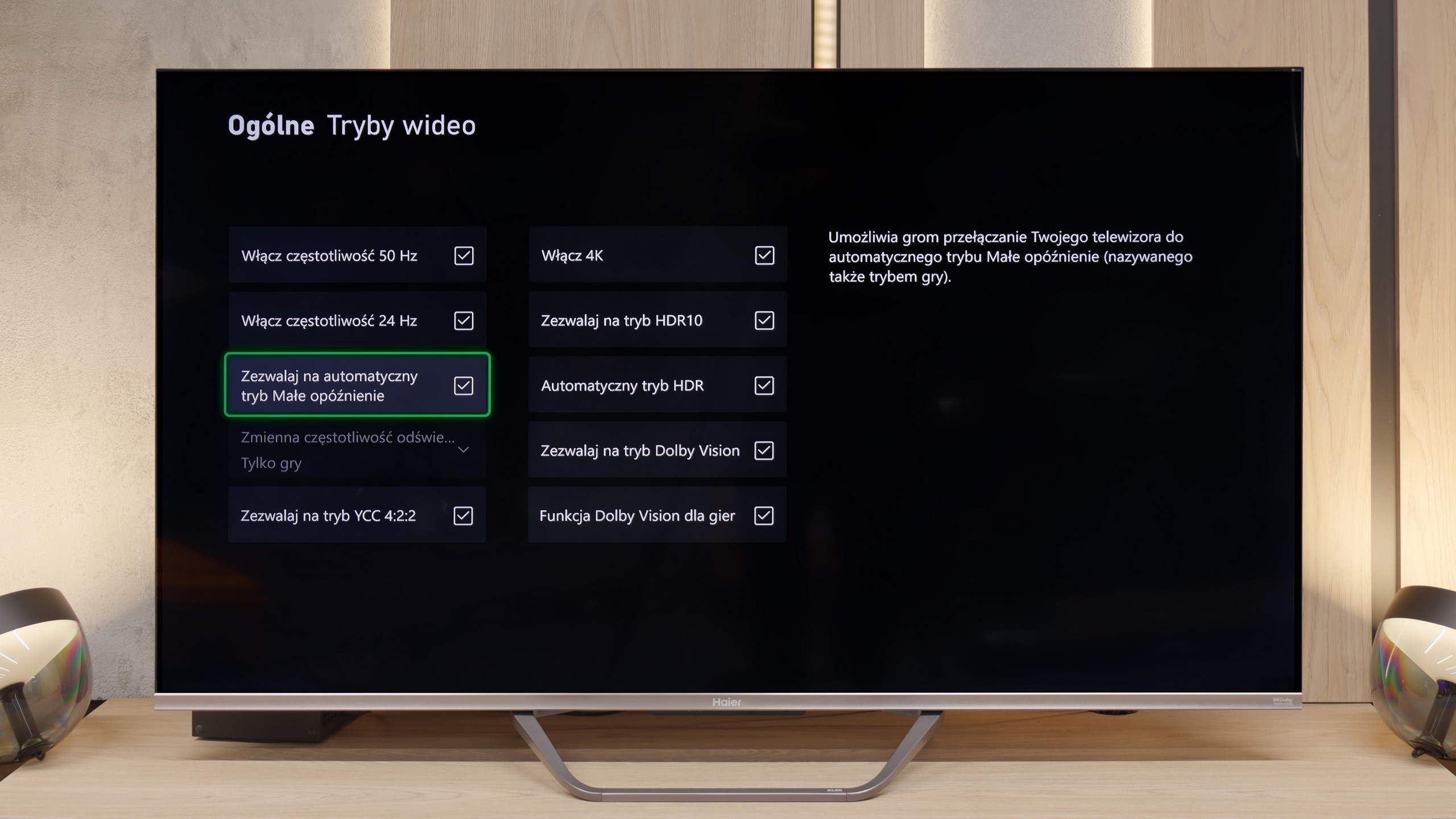
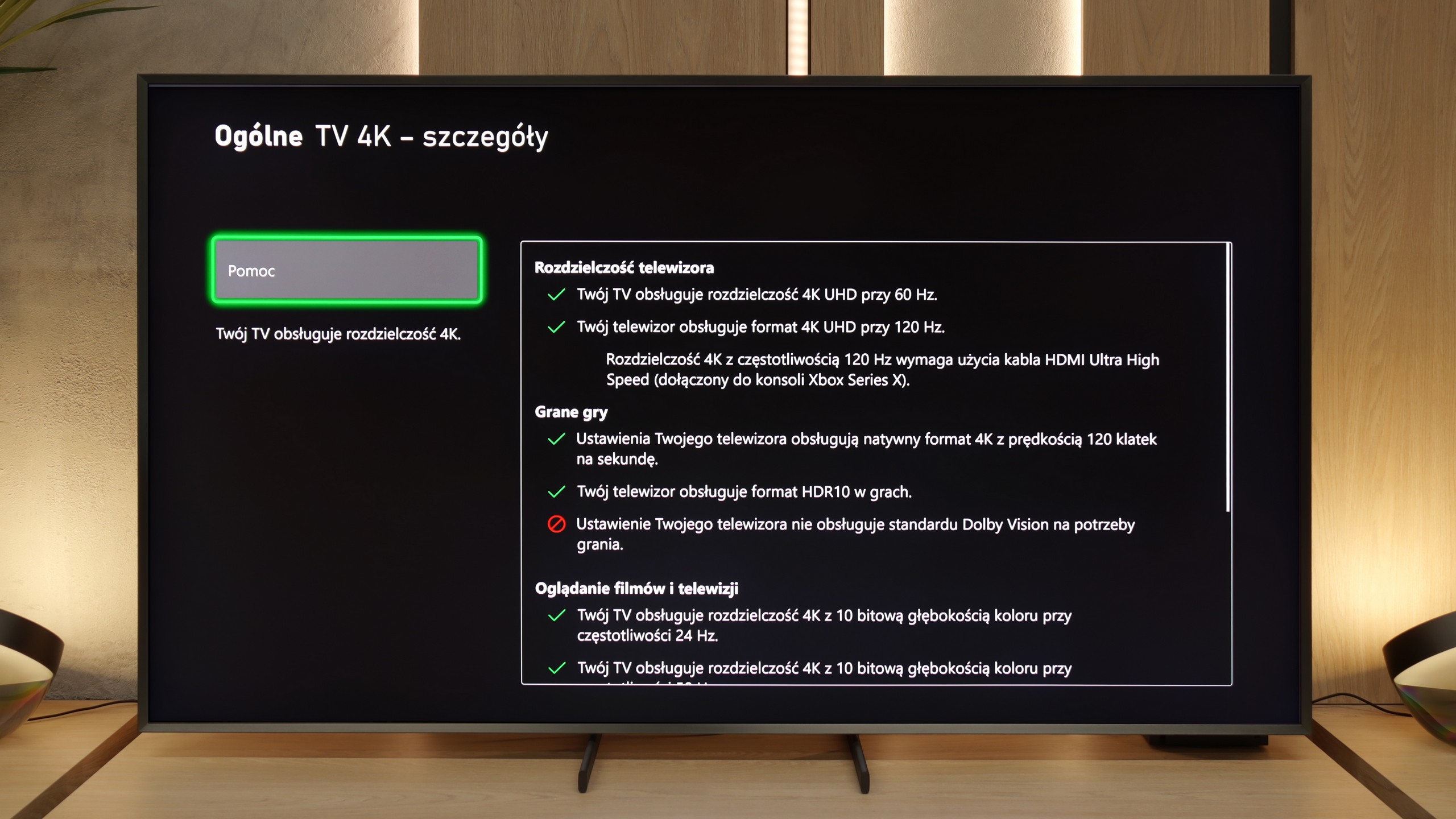
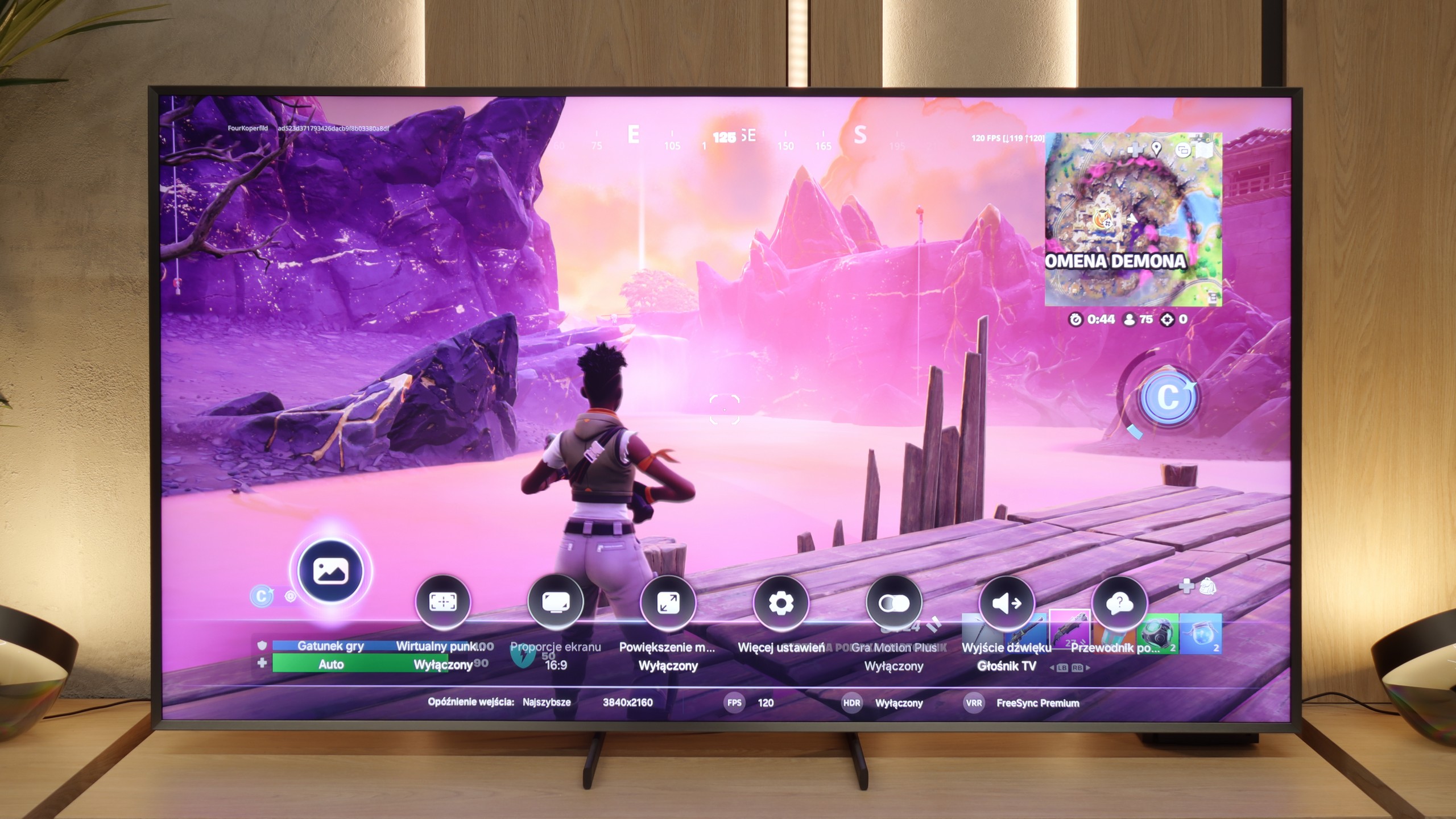
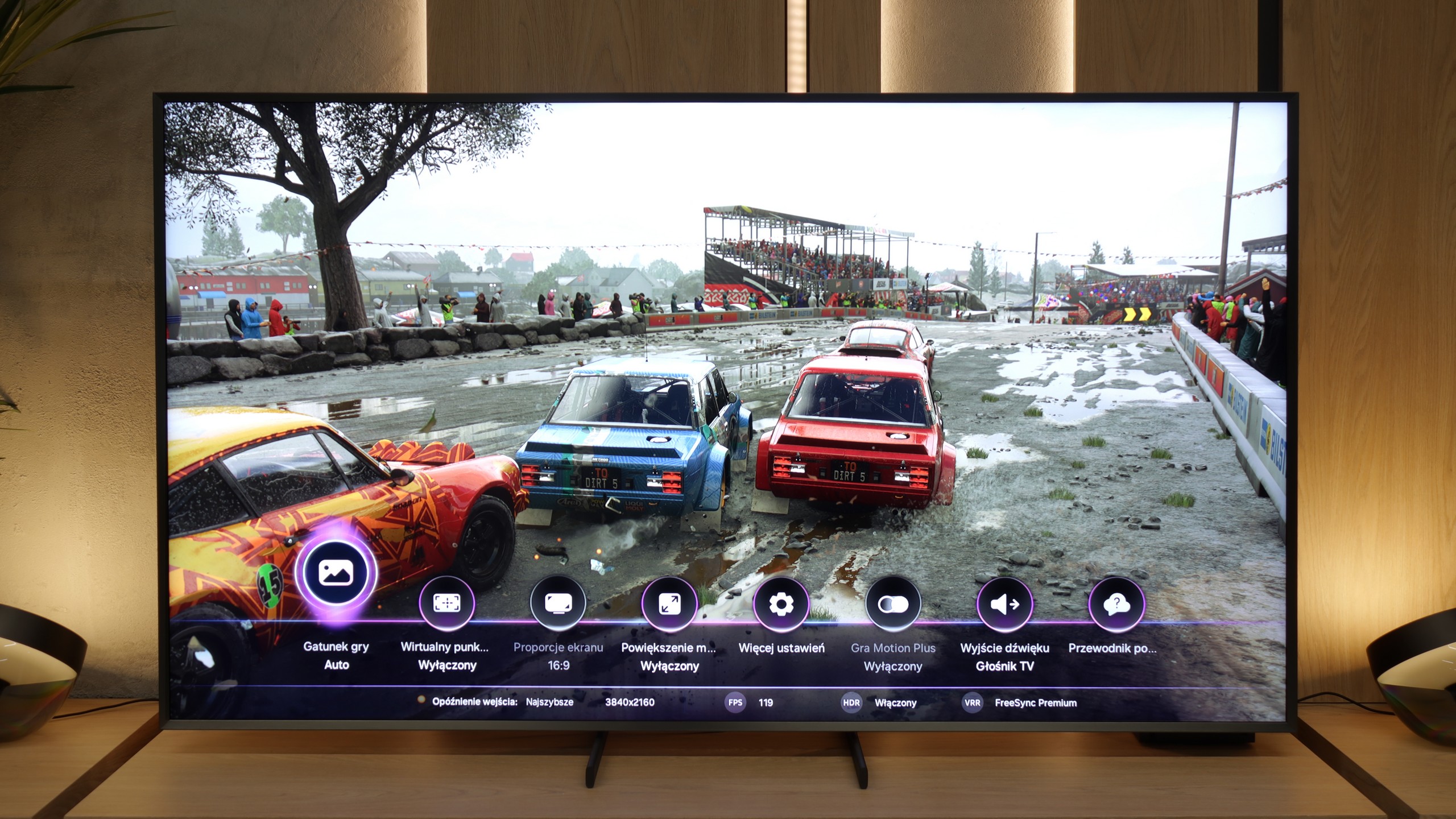
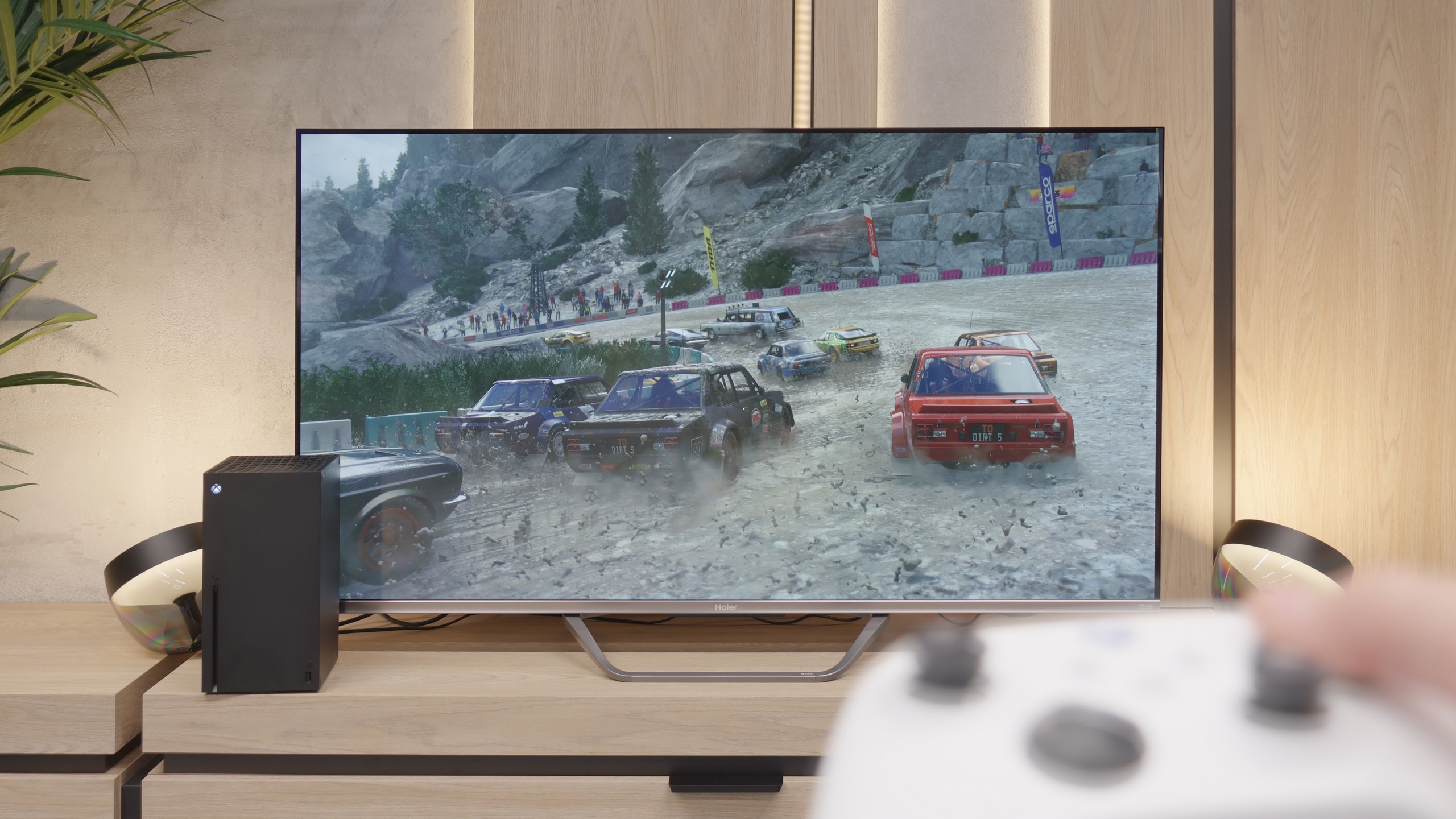
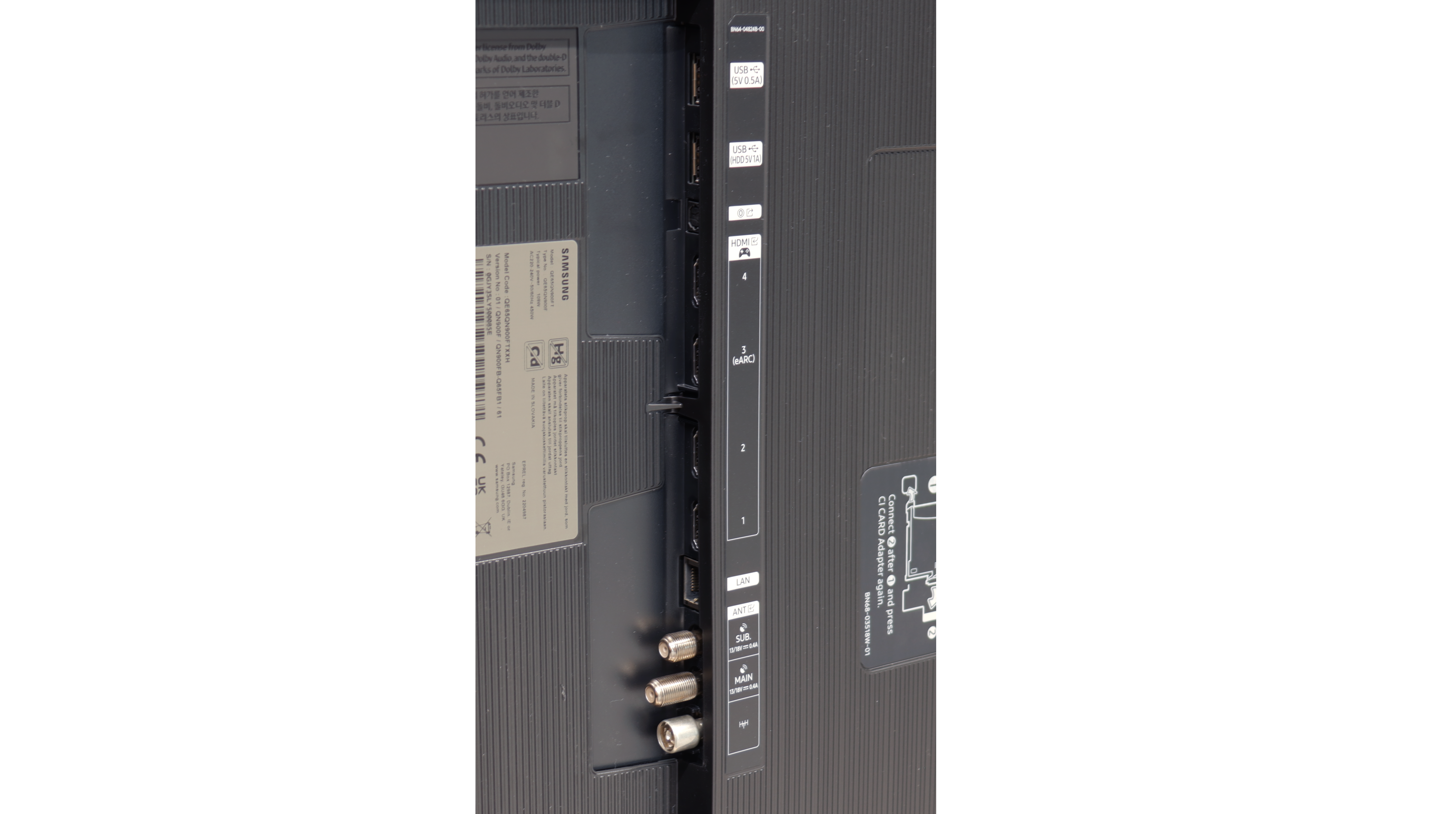
The Samsung QN900F is a television that can make a tremendous impression. The greatest strength of this model is the combination of Mini-LED backlighting with a matte panel. This not only gives us decent blacks but, above all, incredible brightness and excellent readability in all conditions. During the day, in a brightly lit living room, it is probably the best-performing television in this year's Samsung offerings. Gamers will also find plenty to enjoy here – despite being an 8K screen, it can operate at a frequency of up to 165 Hz in 4K. Additionally, it comes with a full HDMI 2.1 package, VRR and ALLM features, and low input lag, so the QN900F is suitable for both next-generation consoles and PCs. The design also deserves great praise – when hung on the wall, with a thick metal frame, this model resembles a more luxurious version of the iconic The Frame. Combined with the matte panel and Art Store mode, it can indeed be treated as equipment that not only plays and lights up but also decorates the living room.
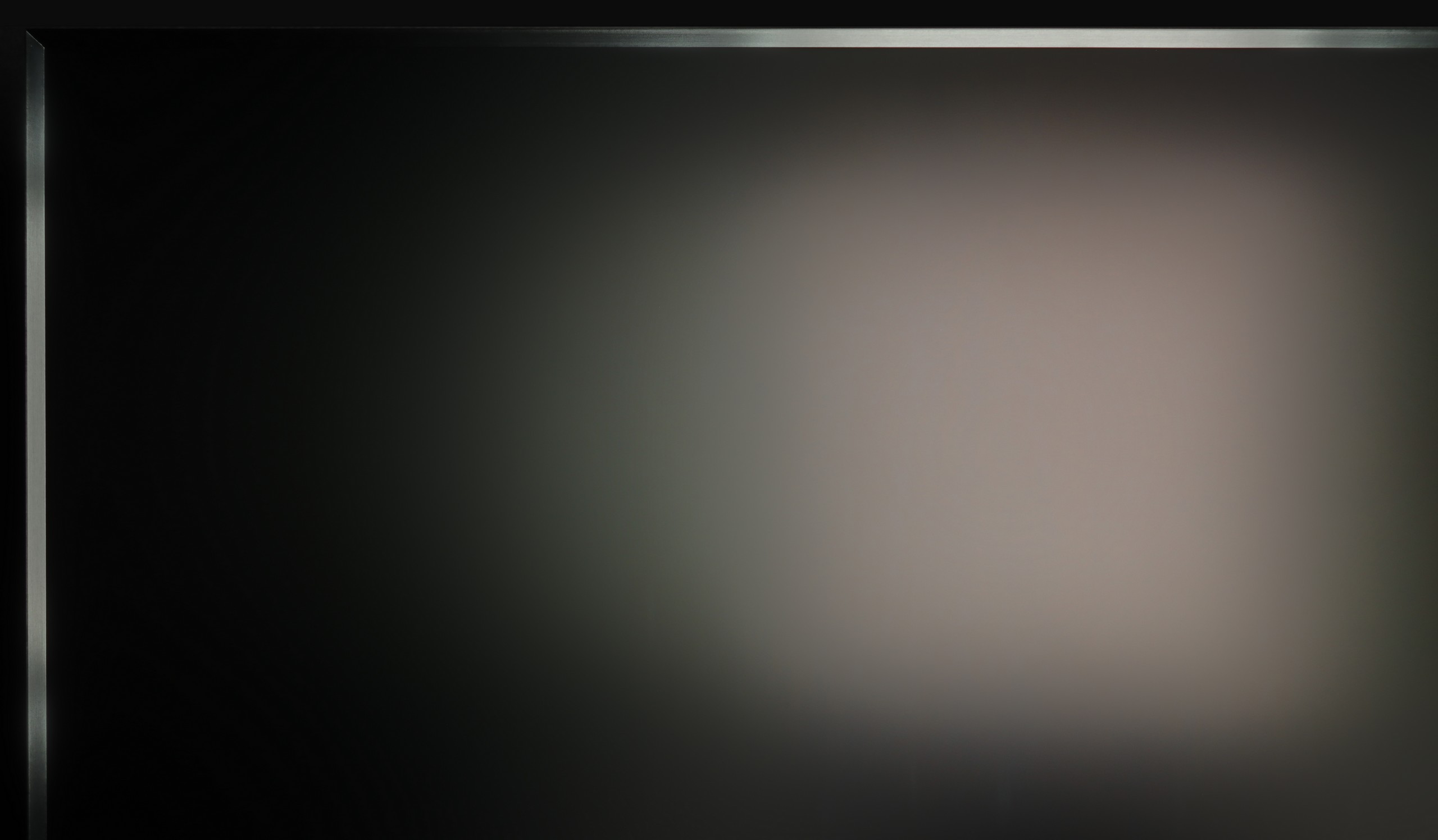
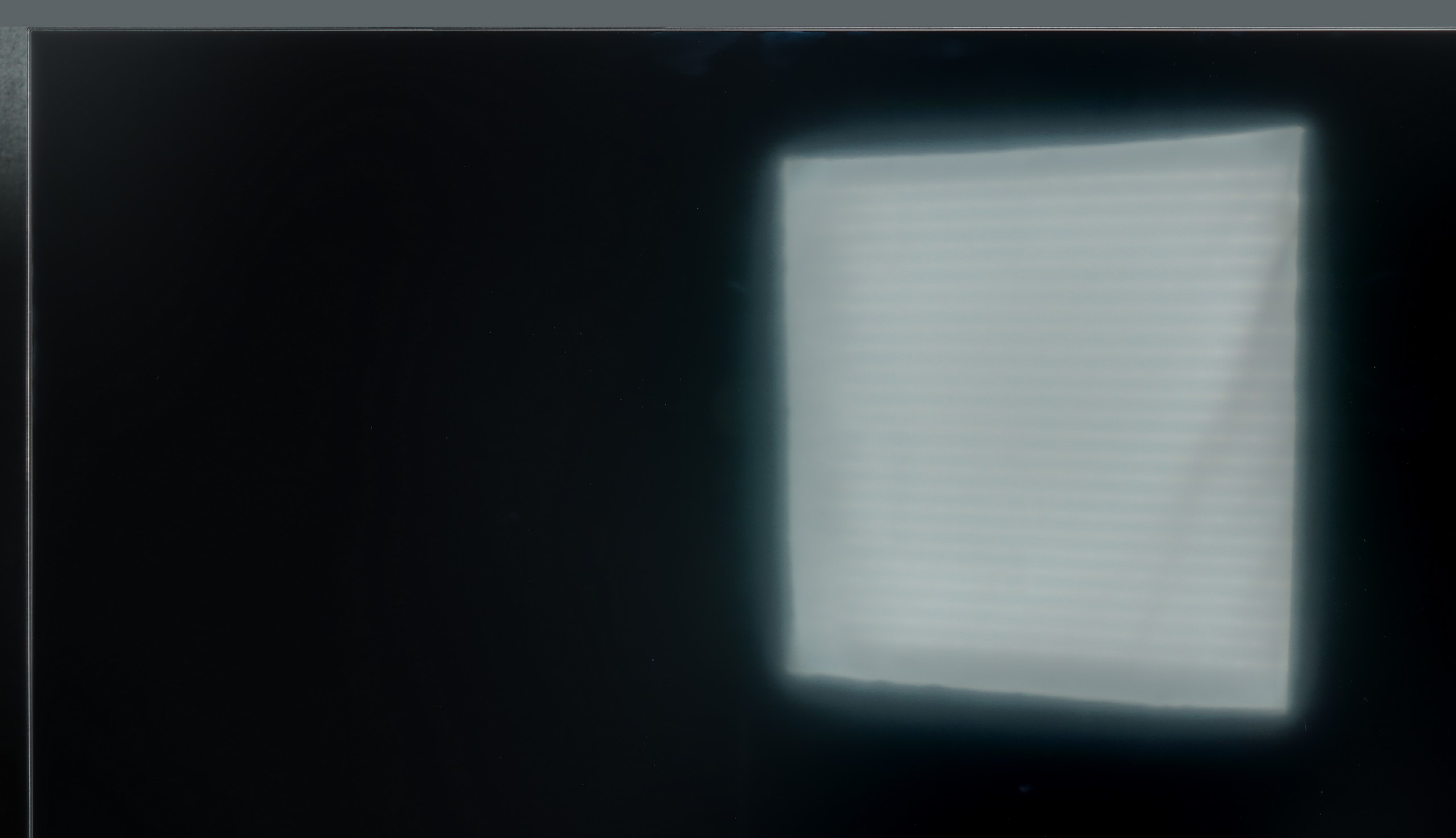
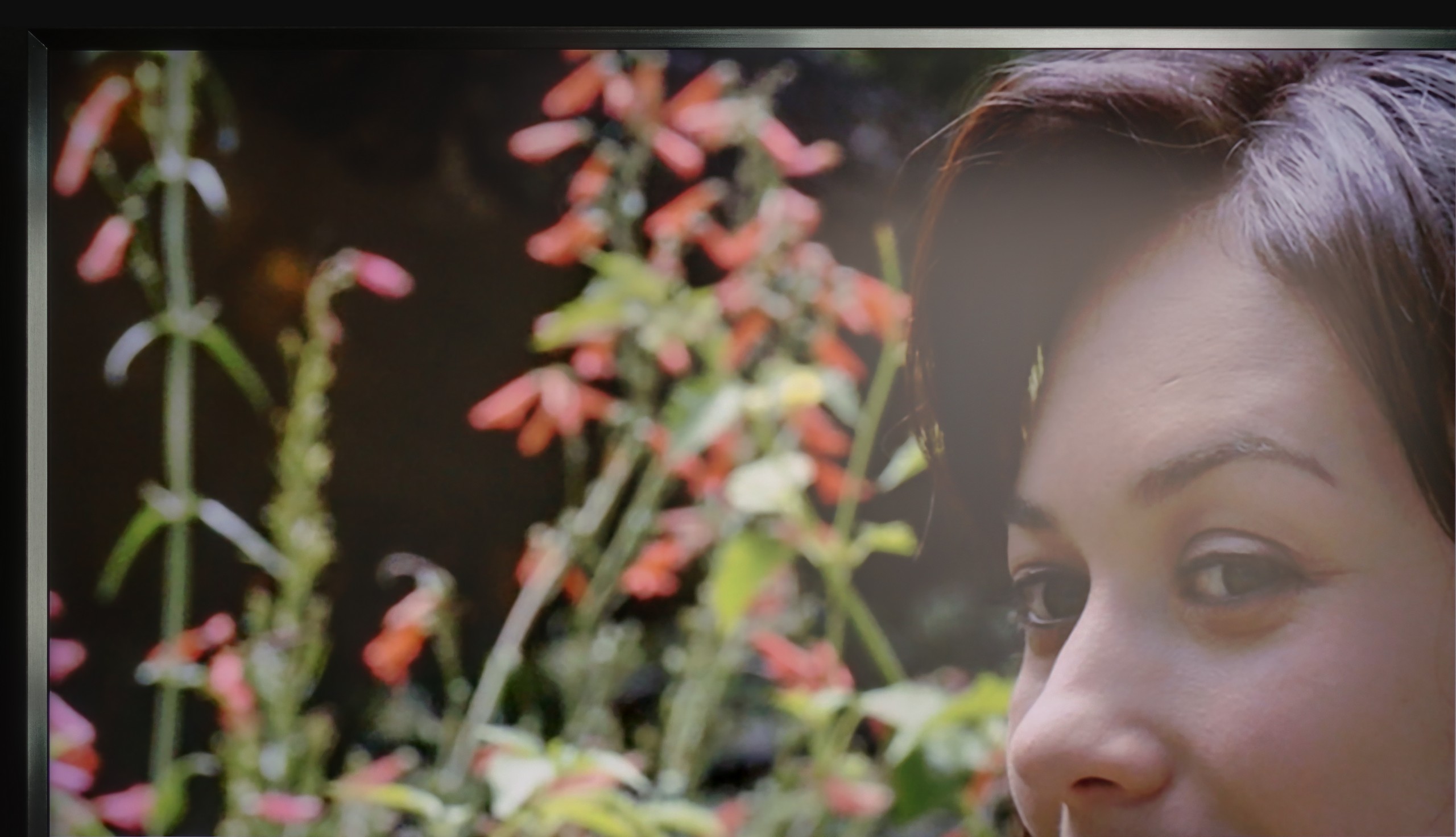
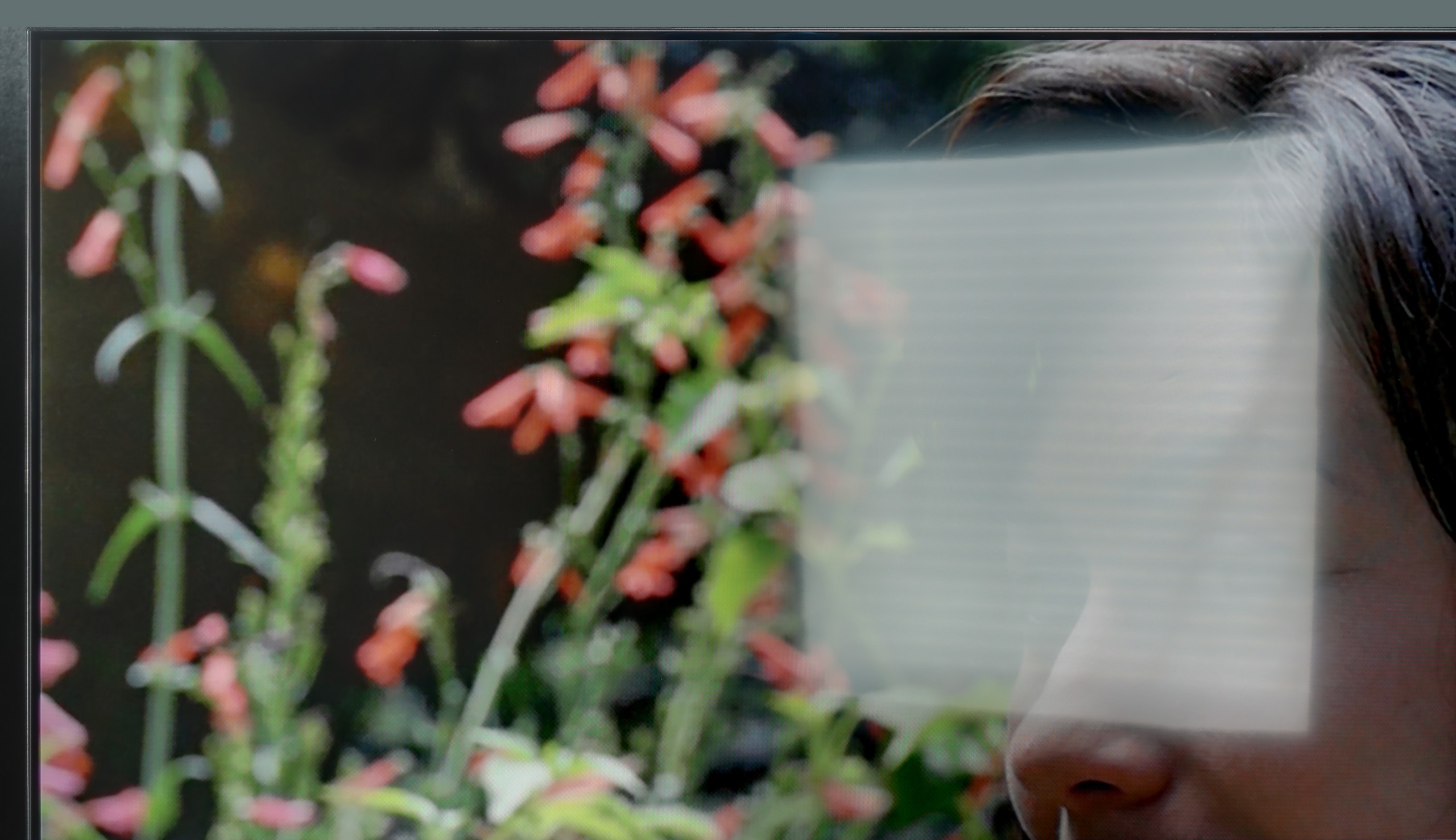
However, not everything is perfect. Despite its impressive specifications, local dimming management does not always perform as well as one might hope. Given the large number of zones, Samsung could refine its control over blacks and HDR effects – it is evident that the potential is immense, but it does not always translate into top-tier picture quality. Moreover, it is important to remember that 8K resolution is still more of a novelty than a genuine necessity, and the price of this model makes it easy to start looking for cheaper alternatives, including within Samsung's own offerings. Despite these reservations, the QN900F is a television that can undoubtedly impress. Its strength lies not in the 8K itself but in how it presents the image, how it looks, and the enjoyment it brings during use.
[UPDATE] We have updated our 2025 Samsung TV reviews following the release of firmware version 1131, which officially restores the essential HGiG (HDR Gaming Interest Group) support.