The Samsung QN85F is a television that perfectly showcases the purpose of the Neo QLED line. On one hand, it provides everything that a modern user expects – high brightness, excellent smoothness, and full support for gamers. On the other hand, it is still LCD, meaning that the technology requires certain compromises. The question is whether these compromises actually hinder everyday use. In practice, it is hard not to be impressed with how the QN85F performs in HDR films. With brightness levels of 1700–1800 nits, watching dynamic scenes truly gives us the 'HDR spark' that many competing televisions lack. The lighting effects in movies or series can literally overwhelm with intensity while the television does not lose detail and does not turn the entire image into a washed-out blur. This is the kind of spectacularity that viewers investing in a new screen seek. Gamers also have reasons to be satisfied. There is support for 144 Hz, variable refresh rate VRR, and automatic game mode ALLM. This already constitutes a must-have set in this class, but Samsung goes further and adds the unique Game Motion Plus feature. Thanks to it, images in games become smoother, resembling the effect of motion smoothing in films, but without a noticeable increase in latency. This solution truly distinguishes the QN85F from its competitors. On top of all this, there is everyday convenience. The Tizen system is fast, stable, and filled with applications that we actually use – from Netflix to Apple TV, YouTube, and Disney+. Additionally, there is AirPlay support, a comprehensive SmartThings platform, and a remote that, instead of overwhelming us with dozens of buttons, offers simple control and quick access to the most important features. This makes the QN85F a television that we simply want to reach for every day. Of course, one could enumerate its shortcomings. There is no Dolby Vision, no USB recording, nor PiP, and the viewing angles typical of a VA matrix may not impress if we sit at a steep angle. But all of this pales in comparison to how versatile and refined the QN85F is. During the day, it performs excellently in bright rooms, in the evening it delivers cinematic emotions in HDR, and in games, it ensures smoothness and low input lag, which other models could envy. Overall, the QN85F is a television that not only successfully continues the tradition of value for money set by its predecessor, the QN85D, but even develops it with several strong points. It is equipment that is hard to define otherwise than as a 'safe choice' – one that will not disappoint in any scenario and is likely to meet the expectations of even the most demanding users.
- Matching (Score) |
- Our verdict |
- TV appearance |
- Where to buy |
- Contrast and black detail |
- HDR effect quality |
- Factory color reproduction |
- Color reproduction after calibration |
- Smoothness of tonal transitions |
- Image scaling and smoothness of tonal transitions |
- Blur and motion smoothness |
- Console compatibility and gaming features |
- Input lag |
- Compatibility with PC |
- Viewing angles |
- Daytime performance |
- Panel details |
- TV features |
- Apps |
- Playing files from USB |
- Sound
Samsung QN85F vs TCL C6KS / C69KS / Q6CS
 Direct comparison
QN85F
C6KS / C69KS / Q6CS

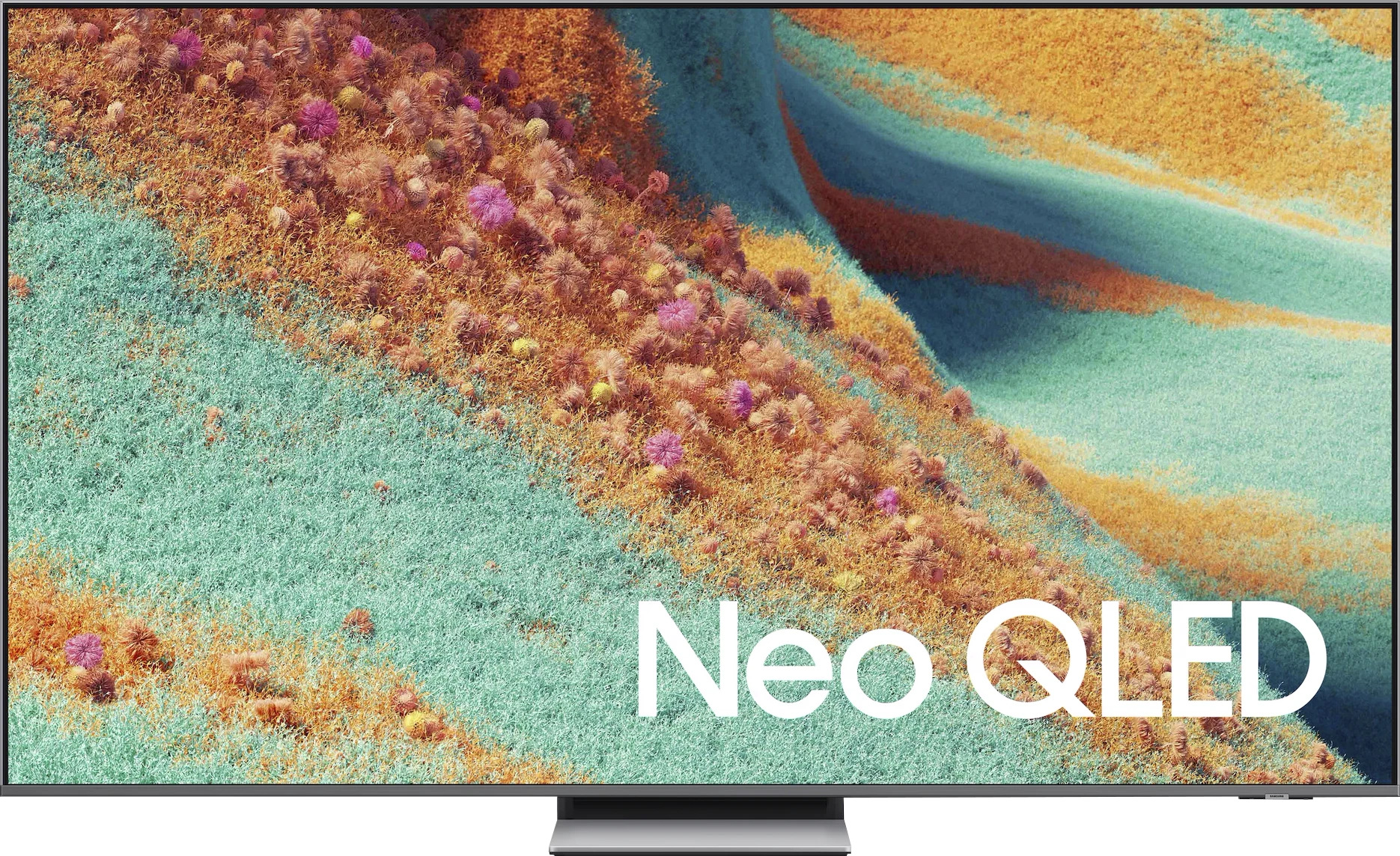

Panel type: LCD VA
Resolution: 3840x2160
System: Tizen
Model year: 2025
Complete the survey to find out the result
Panel type: LCD VA
Resolution: 3840x2160
System: Google TV
Model year: 2025
Complete the survey to find out the result
Overall rating
7.6
6.4
 Movies and series in UHD quality
 7.3
5.9
 Classic TV, YouTube
 7.1
6.1
 Sports broadcasts (TV and apps)
 6.7
5.3
 Gaming on console
 9.0
7.7
 TV as a computer monitor
 8.4
1.7
 Watching in bright light
 6.9
6.6
 Utility functions
 7.3
7.0
 Apps
Apps 9.3
9.6
 Sound quality
 7.6
6.5
Complete the survey to find out what fits your preferences
Advantages

High HDR brightness (even 1700–1800 nits)
Very good contrast and deep blacks
2 times higher number of dimming zones than its predecessor (55")
144 Hz panel with VRR and ALLM support
Unique Game Motion Plus feature – a unique smoother for gaming
Low input lag
Matte screen finish works great during the day combined with high brightness
Advanced Tizen platform: with AirPlay, SmartThings and a convenient solar remote
Well-designed stand. Hybrid – can be a central base or side legs
Solid sound with pleasant bass and Dolby Atmos support
Very good contrast and black levels: VA panel and MINI-LED backlighting
Fairly high (around 600 nits)
Many features for gamers: VRR, ALLM, HGiG
Additional gaming modes: 120Hz and 144Hz
Google TV system with a wide selection of apps
Supports multiple HDR formats including Dolby Vision
Support for Dolby Atmos and DTS
Quite pleasant sound from the built-in speakers
Disadvantages

No support for Dolby Vision and DTS:X
No recording function from built-in tuners and PiP
Issue with HEIC files in the player
The matrix has significant smearing
Strongly visible dithering (looks like artificial 4K)
Very poor compatibility with PC
Minor bugs in the system
Great chaos in naming (many derivative models that differ in no way)
Our verdict
TCL C6KS (also known as C69KS and Q6CS) is a television that on paper promised to be a hit in the "value for money" category. Indeed, in many respects, it is a successful piece of equipment: thanks to Mini-LED backlighting, we get good blacks and brightness that competes with more expensive models. In fact, it is identical to the slightly pricier C6K model that we have already tested for you. Additionally, it features the same excellent Google TV system and surprisingly rich gaming features that make it enjoyable to play even with a 60 Hz panel. Unfortunately, the overall impression is tarnished by the performance of the panel used. The television struggles with noticeable motion blur, and aggressive dithering (digital grain) causes the image to often appear unnatural and artificial – as if it were being overly sharpened. Ultimately, the biggest problem with the C6KS is not its flaws, but its sibling, the C6K. At its current price, this model finds itself in a strange "middle ground." It costs almost the same (or slightly less) as the fully-fledged TCL C6K, which offers a significantly better 120 Hz panel and is simply a complete construction without those annoying errors. The C6KS is a compromise model that will only become attractive under one condition – if its price drops drastically. For the moment, a significantly safer and better option remains paying a (often nominal) premium for the C6K model. One could cynically state that the letter "S" in the name indeed stands for "Slim." Only it does not refer to an exceptionally slim chassis, but to how much this model has been "trimmed" in terms of features compared to the full-fledged C6K.
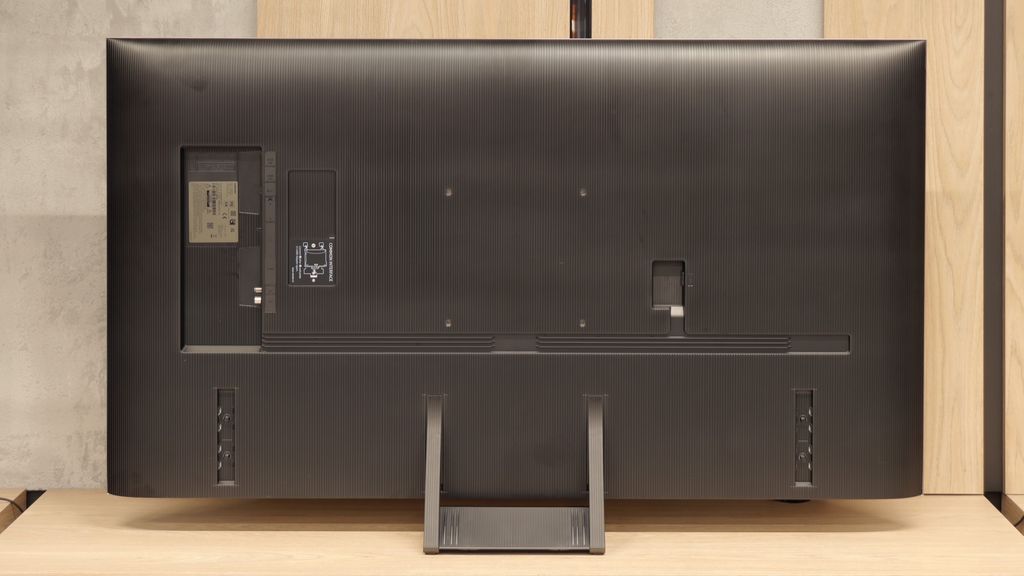
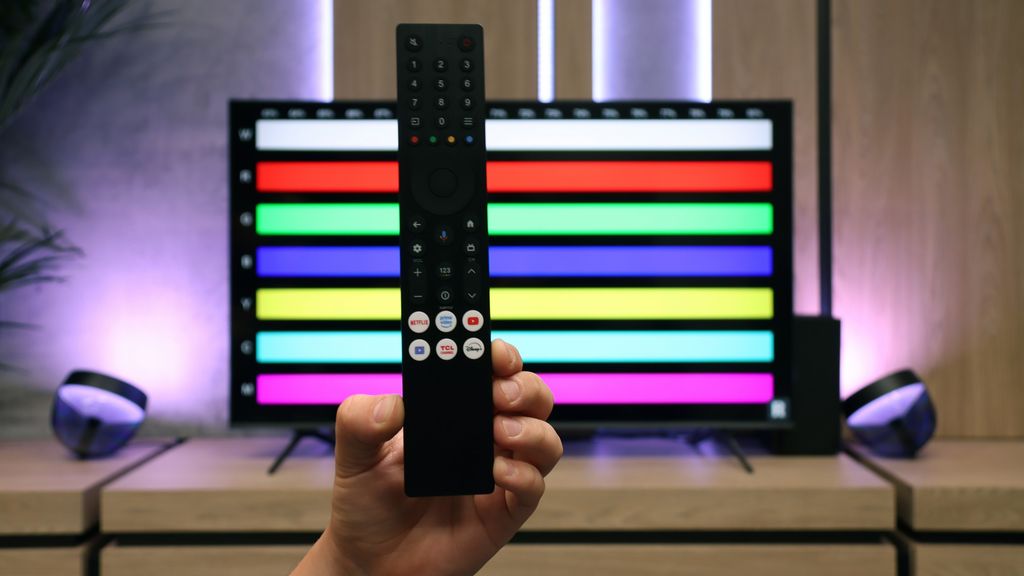
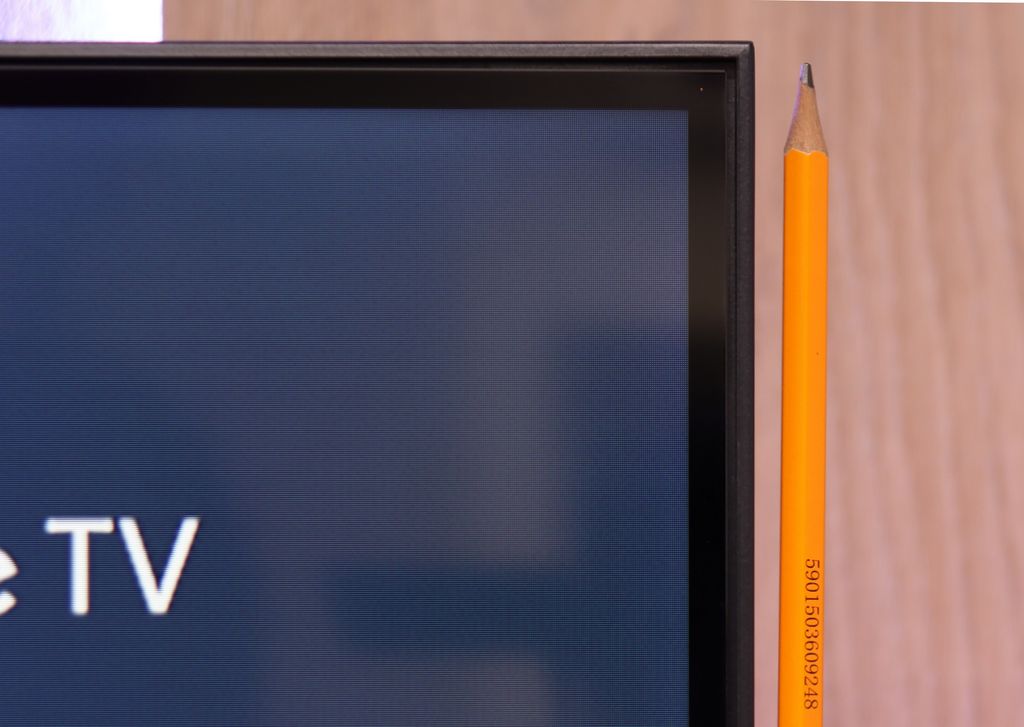
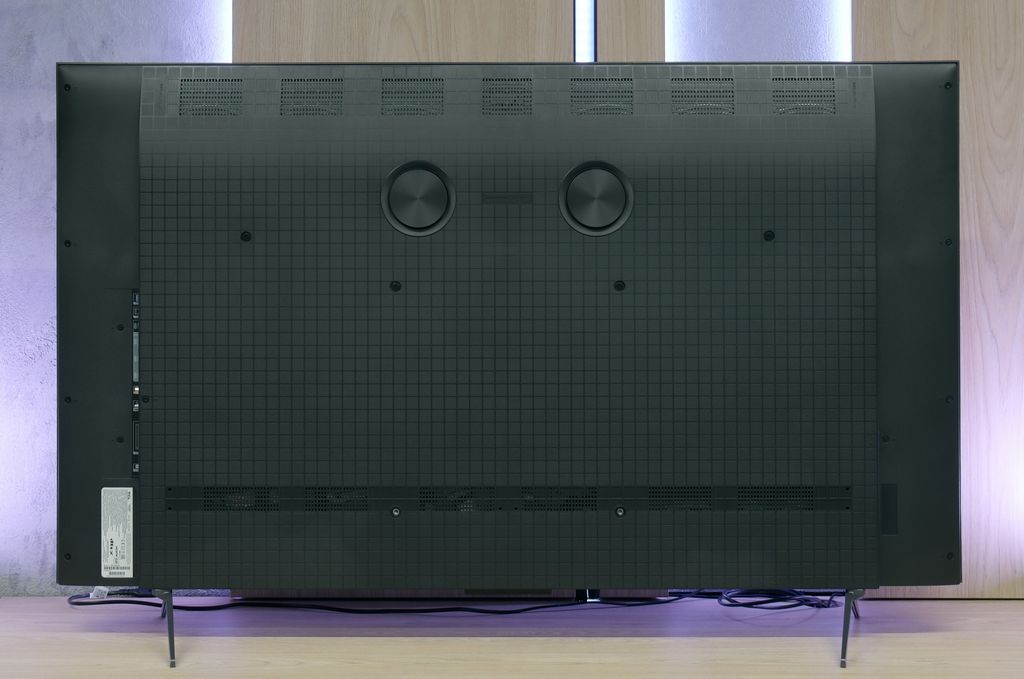
TV appearance


Contrast and black detail
7/10
7.5/10
Local dimming function: Yes, number of zones: 240 (20 x 12)
Local dimming function: Yes, number of zones: 180 (10 x 18)
Contrast:


Result
101,800:1

Result
18,650:1

Result
47,050:1

Result
9,700:1

Result
4,350:1
Result
129,650:1
Result
26,650:1
Result
12,900:1
Result
12,600:1
Result
6,250:1
Halo effect and black detail visibility:
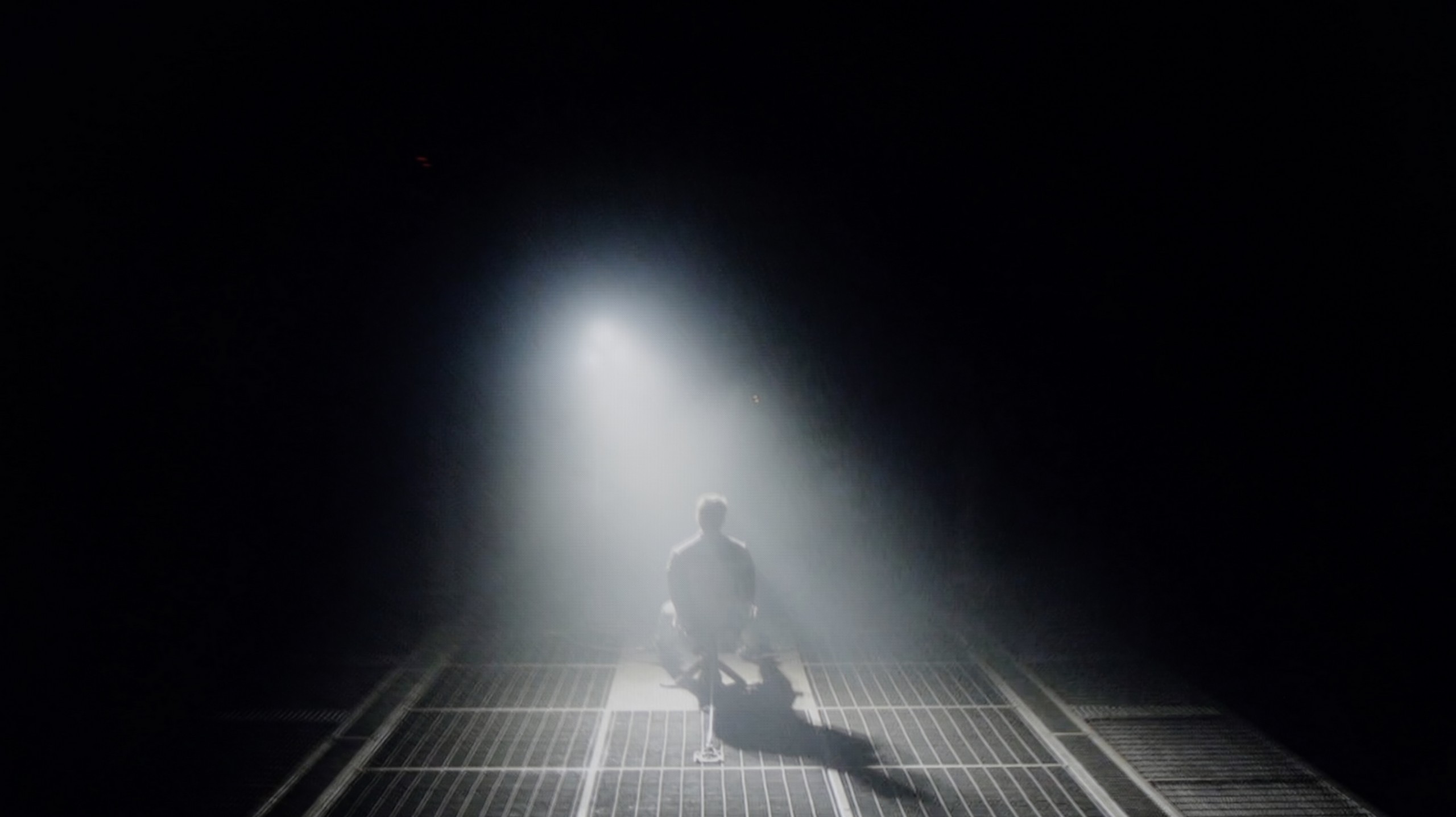
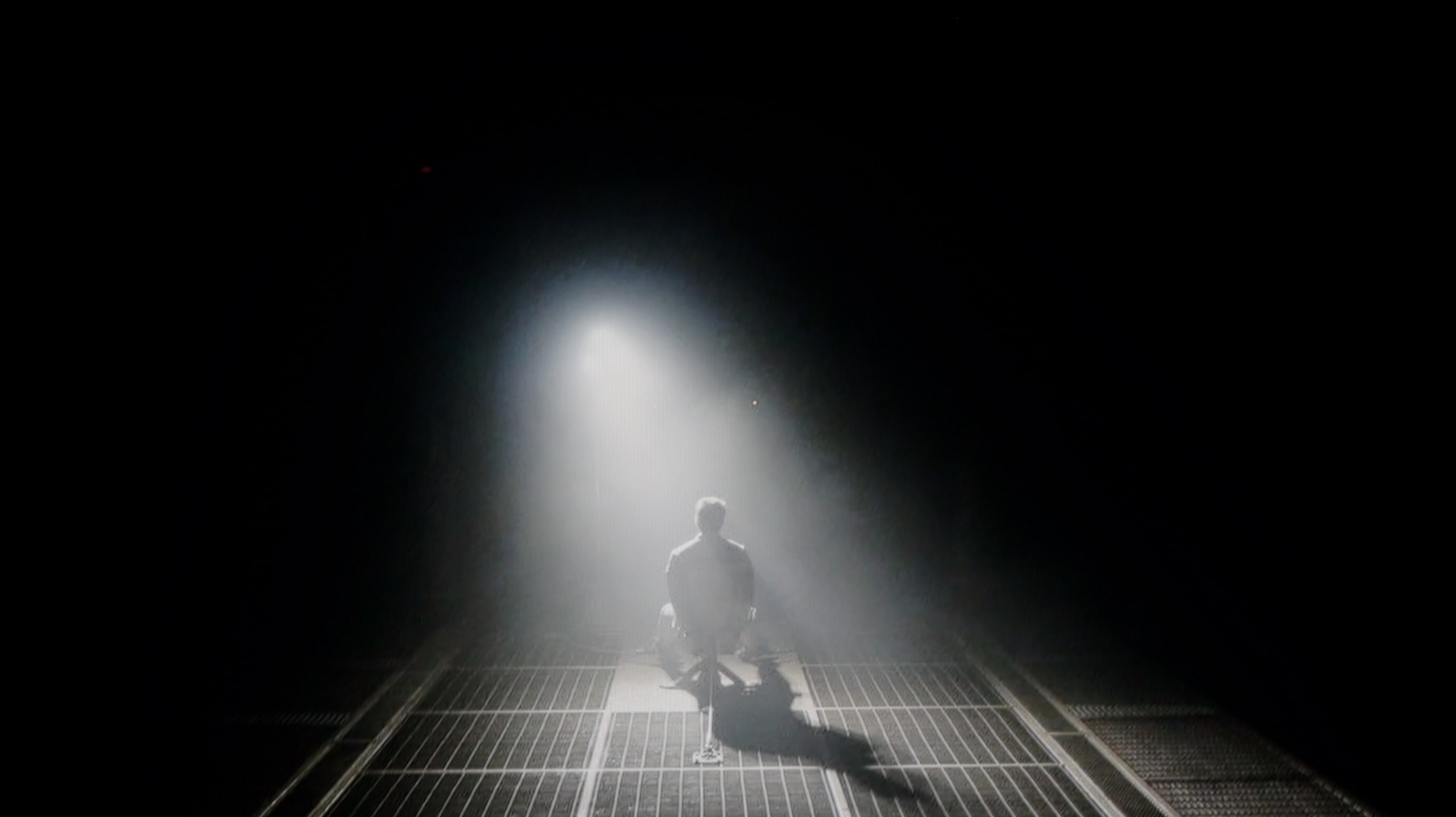
Check the visibility of bright lights on a dark background. Mini-LEDs often struggle with this. The photo does not compare black levels – that’s what the video below is for.
The video accurately shows differences in contrast and black levels between TVs, as well as potential issues: halo around bright objects or Mini-LED zone operation visible as brightness jumps.
Our editorial office received a 55-inch model with a VA panel. In the case of NeoQLEDs, which are televisions with Mini-LED backlighting, size is of immense importance, as the larger the screen, the more local dimming zones it can contain. This directly translates to higher contrast. In the variant we tested, we counted as many as 240 dimming zones, which is twice as many as last year's QN85D. Theoretically, such an increase should bring an equally impressive improvement in contrast. Unfortunately, practice showed something different – the QN85F offers results very similar to its predecessor. Indeed, in certain scenes with a lot of black or in areas where details in the highlights are crucial, you can see progress, but it is not proportional to the number of zones themselves. Mini-LED technology can be capricious, and sometimes a slight halo appears around small bright objects. This is a typical compromise one must accept with such a solution. Nevertheless, the contrast in the QN85F is at a very high level and will comfortably satisfy most users, even those who are more demanding. However, we have the impression that Samsung could refine the algorithms controlling the dimming, as we know from experience that they can perform exceptionally well in other models.
Let’s move on to what tigers like the most, which is black and contrast. If you were worried that the lower price of the C6KS model (C69KS/Q6CS) results from drastic cuts in image quality, I have great news for you regarding black and contrast. In a direct comparison with the more expensive C6K, the tested model barely falls short at all. Just like in the higher series, we have a VA panel supported by a local dimming system. Interestingly – and here’s a big surprise – during the tests we counted exactly the same number of dimming zones (in the same size) in the C6KS as in the more expensive counterpart we tested! Black levels perform very well. The contrast measurement results speak for themselves – for such a relatively inexpensive television, the black is deep and free from major flaws that often plague budget constructions without local dimming. Of course, we can’t cheat physics. It’s important to consider that in very demanding scenes (e.g. bright text on a black background), we may occasionally notice undesirable effects, such as blooming (the halo effect around bright objects). However, this is not something that disqualifies this television – generally, the black levels are at a very decent, satisfying level.
HDR effect quality
6.9/10
4.9/10
Luminance measurements in HDR:

Result
1248 nit

Result
860 nit

Result
1093 nit

Result
465 nit

Result
957 nit
Result
602 nit
Result
204 nit
Result
421 nit
Result
152 nit
Result
590 nit
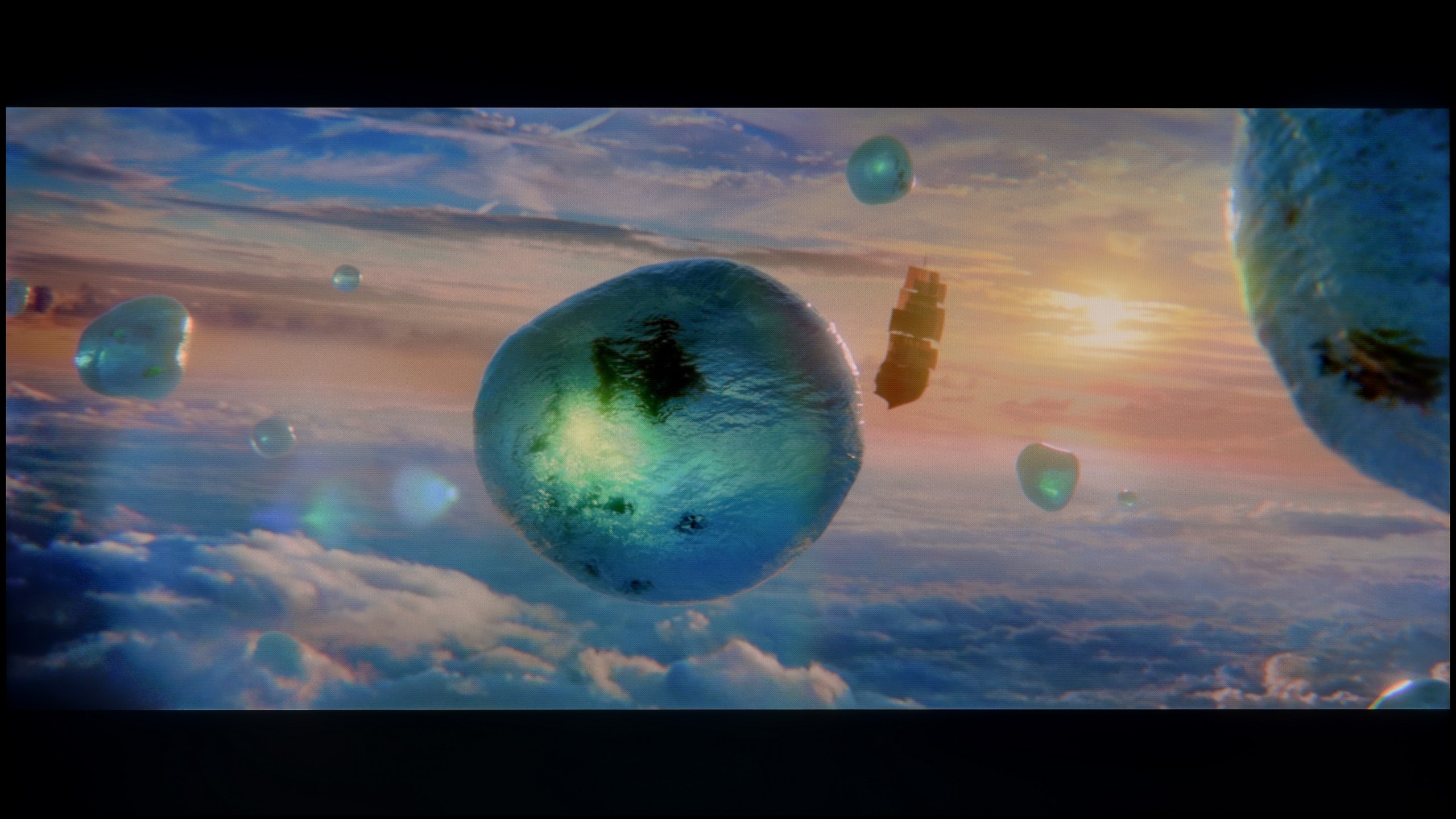
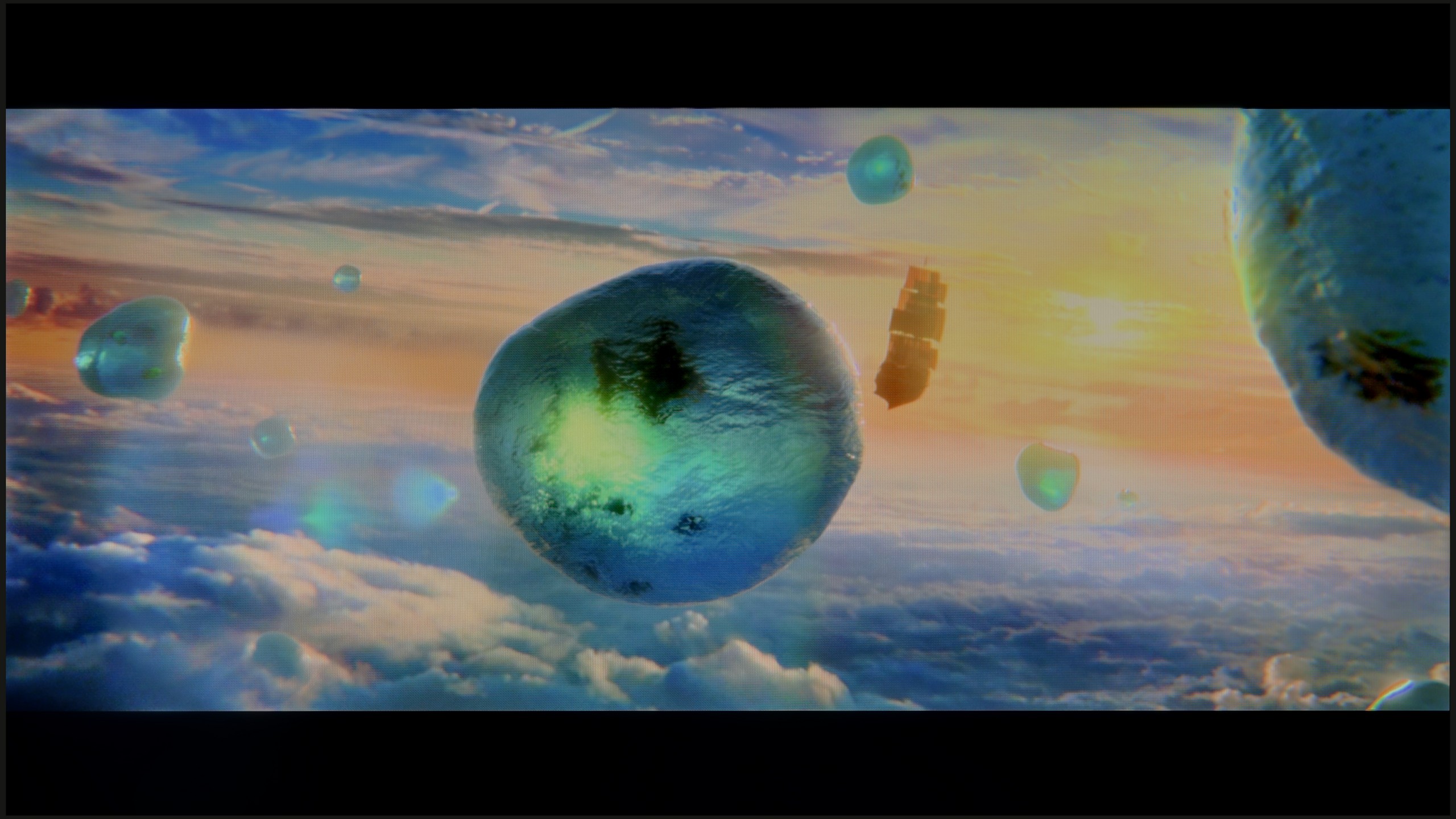
Scene from the movie “Pan” (about 2800 nits)
Scene from the movie “Billy Lynn” (about 1100 nits)
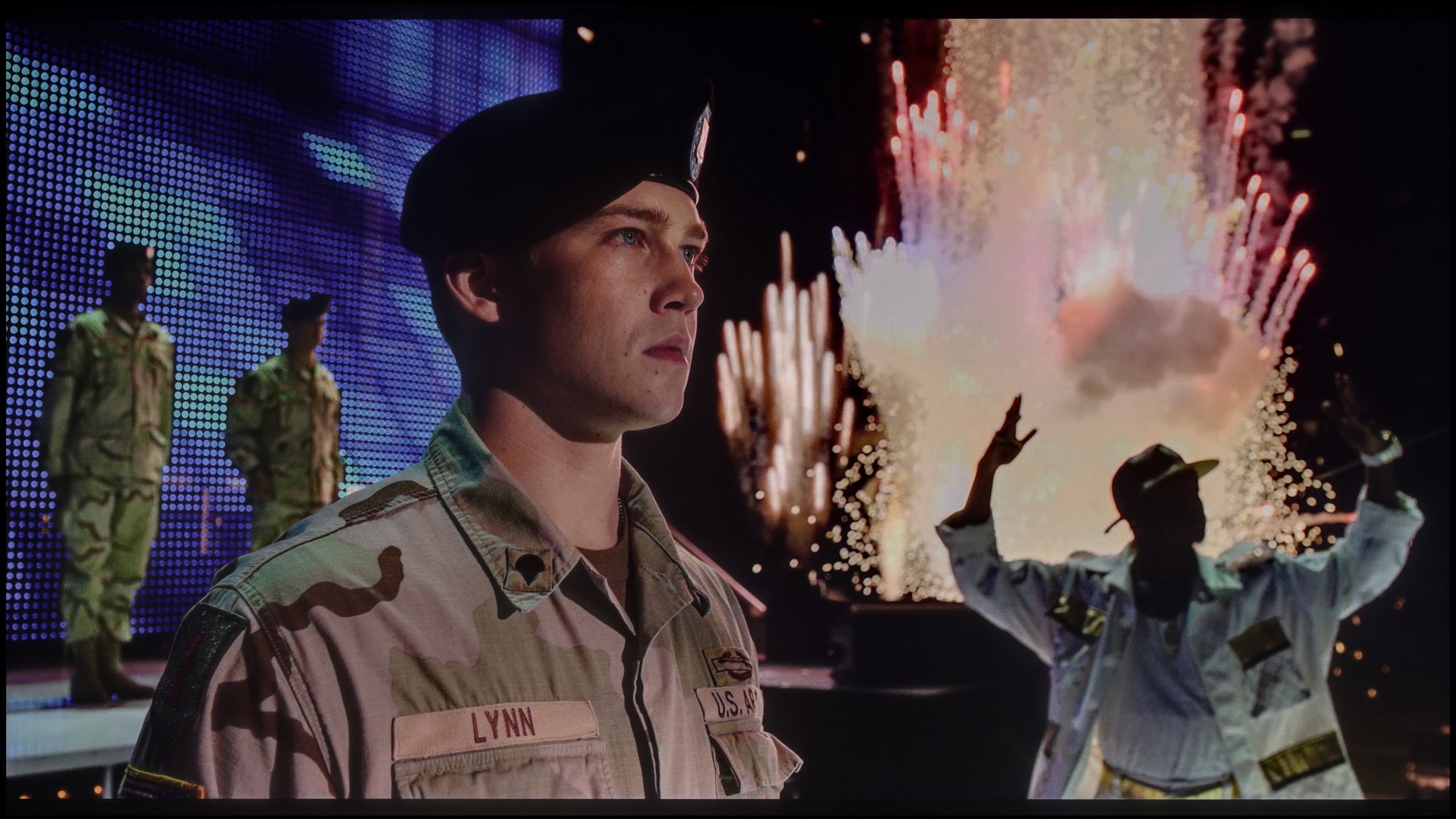
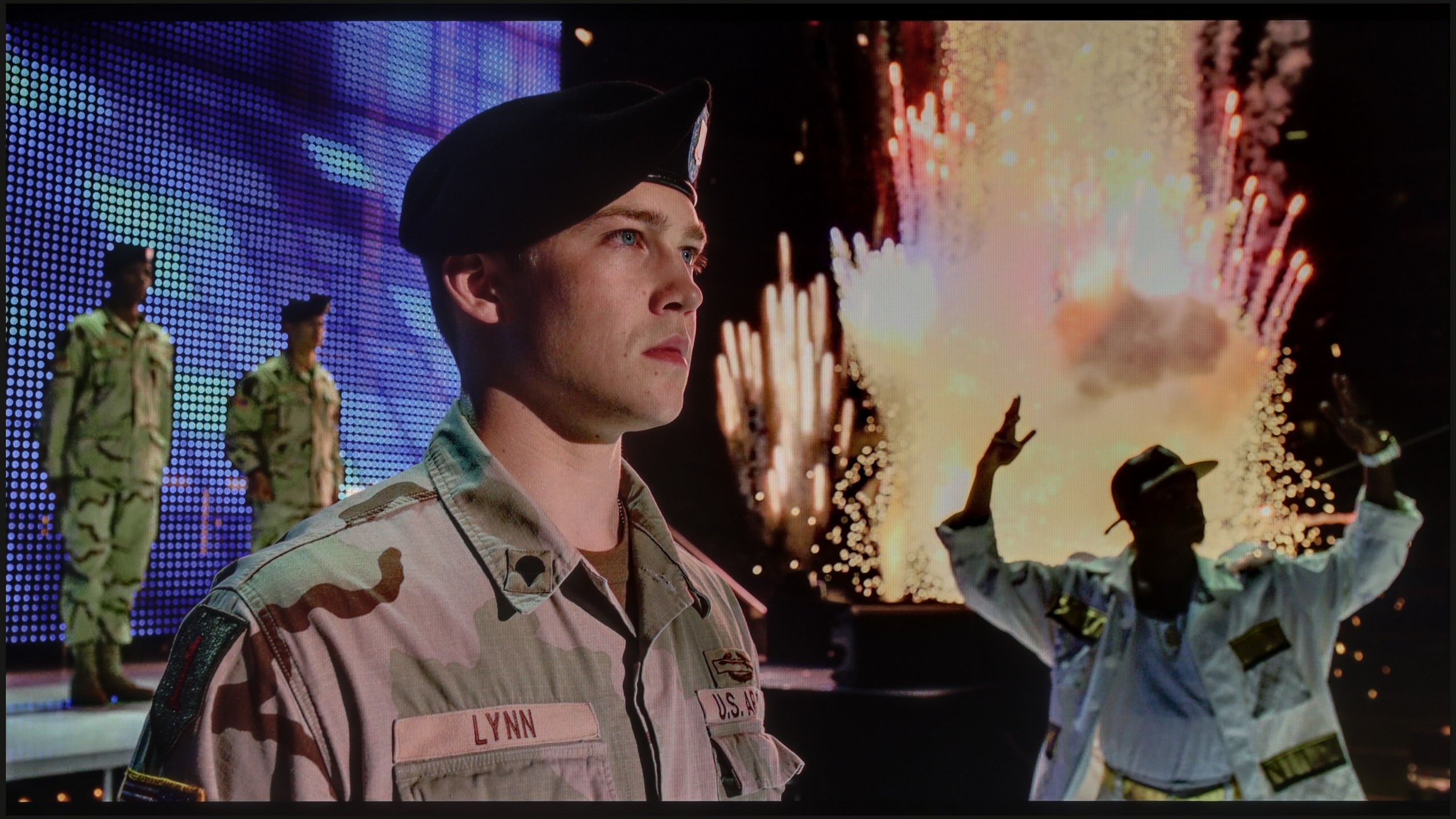
The photos show two HDR10 movies. 'Pan' is one of the brightest productions ever made, while 'Billy Lynn' (soldier) has brightness typical of streaming (Netflix, Prime, HBO MAX). Notice the intensity of effects and detail in whites.
Static HDR10


The photos present the visibility of white details in various HDR formats. They do not show brightness differences between TVs (these can be compared in the previous gallery).
Dynamic: HDR10+
Dynamic: Dolby Vision


The photos present the visibility of white details in various HDR formats. They do not show brightness differences between TVs (these can be compared in the previous gallery).
HDR luminance chart:
TCL C6KS / C69KS / Q6CS
Samsung QN85F
Although more than twice the number of dimming zones compared to its predecessor did not translate into a spectacular jump in black levels and contrast, we definitely felt it in the HDR effect itself. The QN85F is up to 50% brighter than last year's model, making a huge impression in dynamic scenes. The peak brightness can reach almost 1700–1800 nits, which is truly impressive for Mini-LED in this class. The best part is that almost regardless of the scene being watched, the HDR effect remains strong and vibrant. In four out of five test scenes, brightness was maintained around 1000 nits, a level that in most cases allows the viewer to experience the true magic of this format. Of course, in scene number 4 from the film Sicario 2, the limitations of Mini-LED technology become apparent – the brightness of the helicopter’s small light drops to around 500 nits. This result is not stellar, but it is still much more acceptable than last year's model. Samsung therefore deserves applause, as the improvement in brightness in the QN85F is drastic compared to its predecessor. However, it is a shame about a certain trend visible in this year's televisions – the manufacturer has worsened the colour gamut coverage. Although the QN85F has a QLED panel, its score of around 90% DCI-P3 is average, and in the most demanding films, it can lead to less vibrant colours than its predecessor. Despite this shortcoming, the overall HDR effect stands at an excellent level and truly makes a big impression in this class of devices.
And what about HDR? Here, the C6KS performs quite well and – as has become a recurring theme of this review – identically to the C6K model. The maximum brightness generated by this television is around 600 nits. In bright scenes, this translates to a really solid, cinematic effect, and generally, the video materials look good here. However, one must keep in mind the specifics of the dimming algorithm in this model. When very small, bright points (e.g., stars) appear against a dark background, the television can dim them quite significantly. The goal is simple: to eliminate blooming and maintain the best possible blacks. This is quite a reasonable compromise. Most viewers will definitely appreciate deep, "true black" more than additional micro-details, the display of which could cause the screen to appear greyed out. This is the nature of local dimming technology in this price range, and one must be aware of it. It is also worth noting that the TCL C69KS (C6KS) has an additional PFS coating, which is marketed under the slogan of QLED technology. Thanks to this, the colours are saturated and vibrant – our measurements showed that the coverage of a wide colour gamut reaches as much as 92% here.
Factory color reproduction
4.8/10
5/10


This gallery shows how colors change after professional TV calibration. If you notice the difference, we recommend ordering this service at SkalibrujTV.com.
Factory Mode
After calibration
Samsung QN85F offers several preset picture modes, but by default, when the television is turned on, it starts in "Eco" mode. And we could actually end the discussion here, because for such a model, using this setting makes no sense – the picture is washed out, unpleasant, and far from what we expect from a television of this class. We therefore carried out our tests in the best of the available modes, which is the Filmmaker mode. Its purpose is to faithfully reproduce what the directors saw during the filming of the movies, and indeed this is the setting that performs best among all factory options. However, this does not mean that it is without flaws.
Both in SDR and HDR, the QN85F quite strongly emphasised warm colours. This resulted from deficiencies in white balance, where there was a distinct lack of blue. Additionally, the picture was sometimes overexposed – as indicated by both the gamma brightness characteristic and the EOTF curve, which showed that the television tends to blow out scenes. In SDR, the colour reproduction errors (Delta E levels of 4-5) were still acceptable, but in HDR the discrepancies became quite large and clearly deviated from what the creators intended to show us. Fortunately, Samsung provides a wide range of calibration tools in its televisions, so – as always – we proceeded with professional calibration to see how much could be improved.
Unlike the more expensive C6K model, the tested C6KS does not have an option in the menu labelled as Filmmaker Mode. Is this a reason to cry? Absolutely not. Our tests have shown that in practice, in terms of colour reproduction, the lack of this specific label makes virtually no difference. The best available Film/Cinema mode here offers an almost identical picture characteristic to the aforementioned Filmmaker in the more expensive model. So we get a very similar image, just under a different name. Therefore, if you were wondering whether paying extra for the C6K gives you better colours – the answer is no, in both cases the base is the same and requires slight adjustments.
Color reproduction after calibration
8.5/10
7.5/10
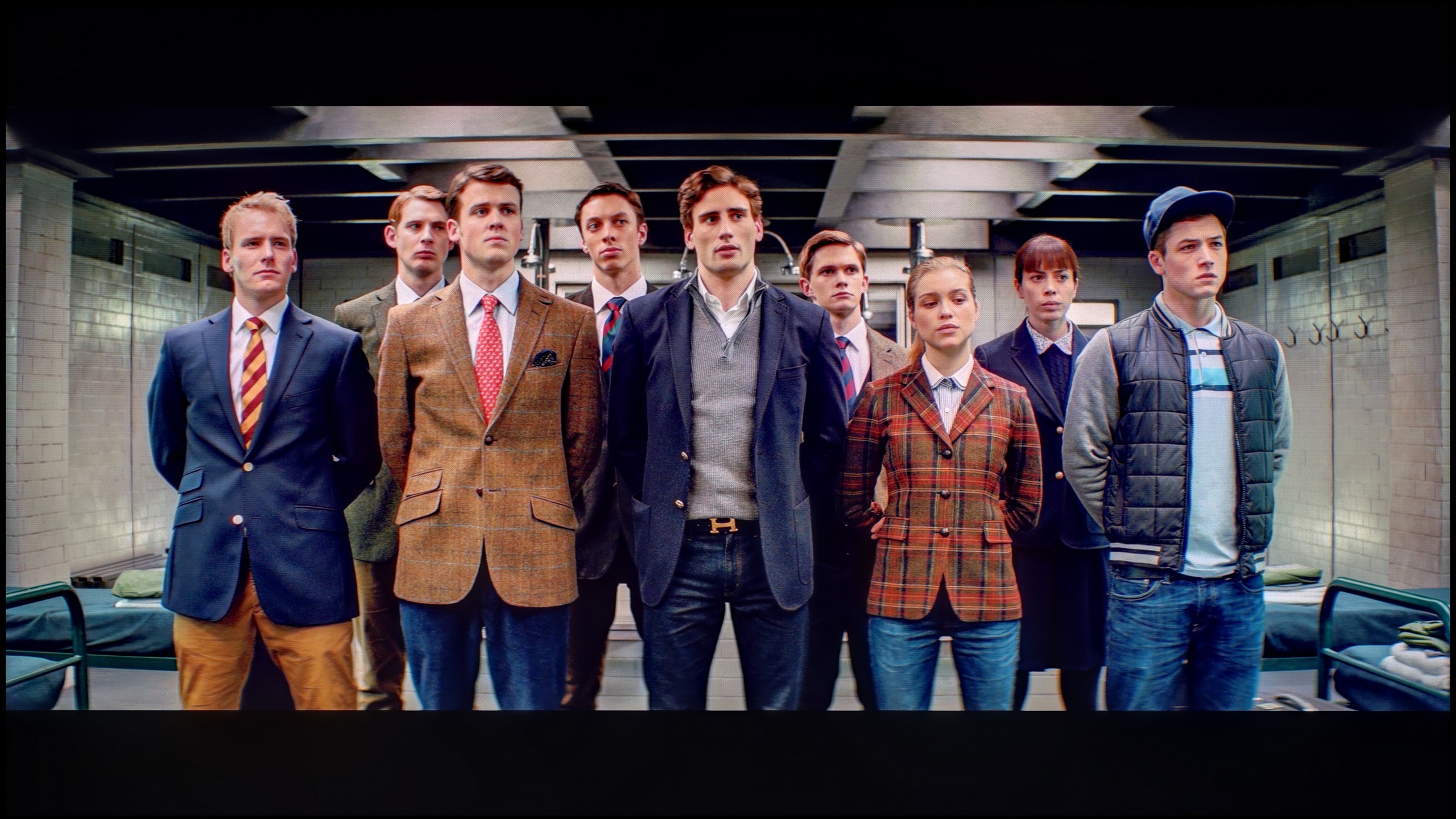
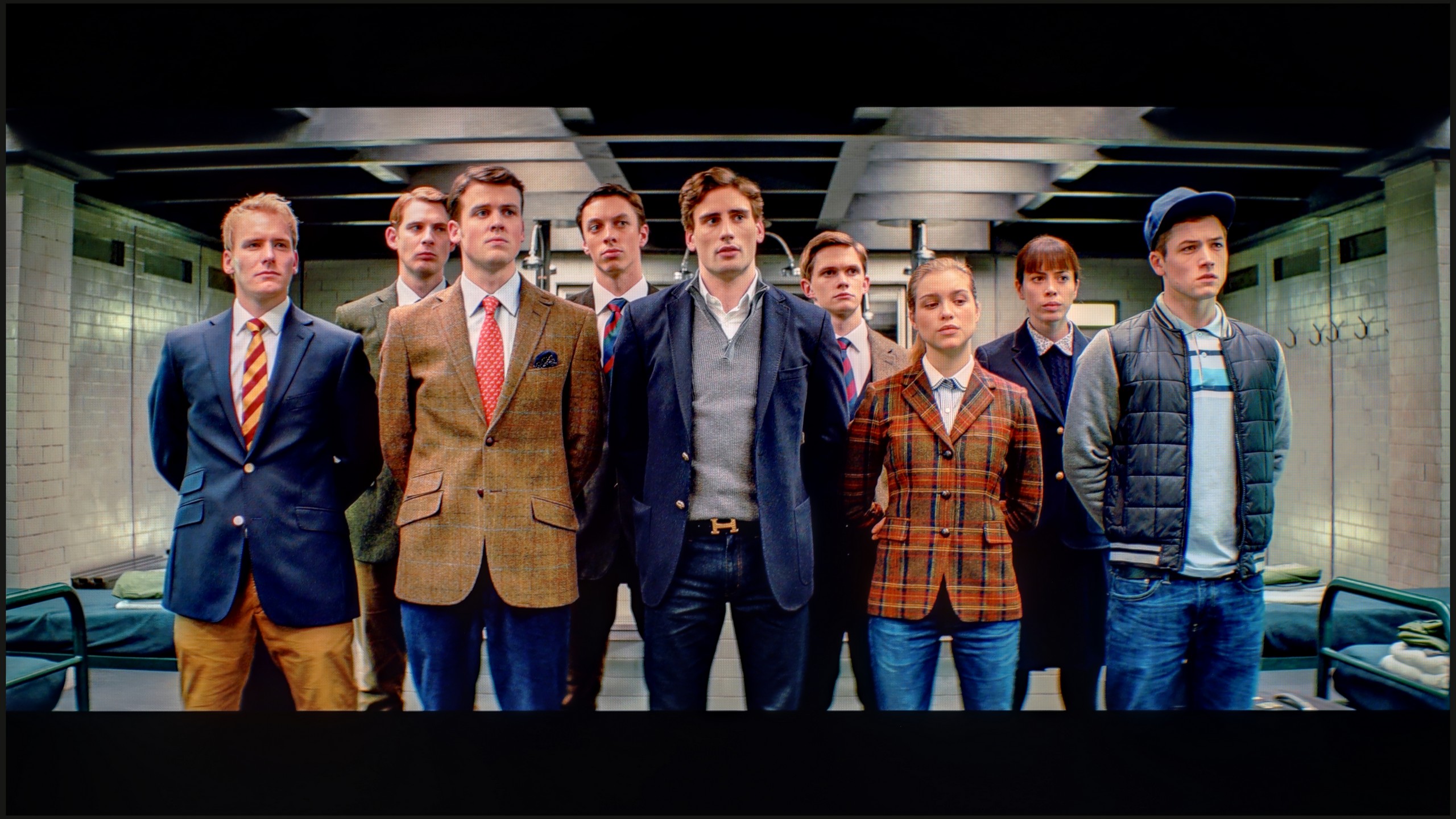
The photos show how movies look on the TV. Pay attention to black detail visibility, colors, and shadow tint.


The photos show how movies look on the TV. Pay attention to black detail visibility, colors, and shadow tint.
After calibrating the film mode, we managed to tame the colours in both modes to near perfection – most of them did not exceed an error value of 3, which is the threshold of perception by the human eye. The image became more natural, fuller, and at the same time free from bloom, which was noticeable right after taking the television out of the box. This shows the great potential of the QN85F and how well it responds to precise settings. However, this does not change the fact that certain technological barriers cannot be overcome. Despite the enormous benefits of calibration, there are still limitations of the panel itself. Although the number of dimming zones has doubled compared to its predecessor, the algorithms controlling the backlighting can manipulate brightness in their own way. Sometimes this leads to slight colour inaccuracies or gently visible halo effects around bright objects. Nevertheless, the experience after calibration is truly pleasant and demonstrates how good a screen the QN85F can be if we just take a moment for proper settings.
Thanks to the white balance adjustment, the C69KS's tendency to distort colours has been effectively limited, resulting in a very good final effect. After calibration, we will no longer see excessive warming of scenes in SDR or overly cool tones in HDR. However, it is worth noting the brightness characteristics. In SDR content, it is hard to have any objections – the image looks very good, especially in older films, television programmes, or materials from YouTube. It is significantly more challenging to evaluate the television's performance in HDR. Analysis of the EOTF curve suggests correct behaviour, but its practical variant reveals certain limitations. The C69KS can overly brighten the smallest elements of the frame, while at other times, it can dim the entire scene. Thus, calibration brought clear benefits in terms of colour quality, but certain limitations resulting from the local dimming operation and the way it is controlled by the C69KS cannot be overlooked, as we also saw in the C6K test.
Smoothness of tonal transitions
9/10
4.8/10

These are selected scenes that show smooth tonal transitions from one color to another. If you see distinct banding, it’s the TV panel’s fault.
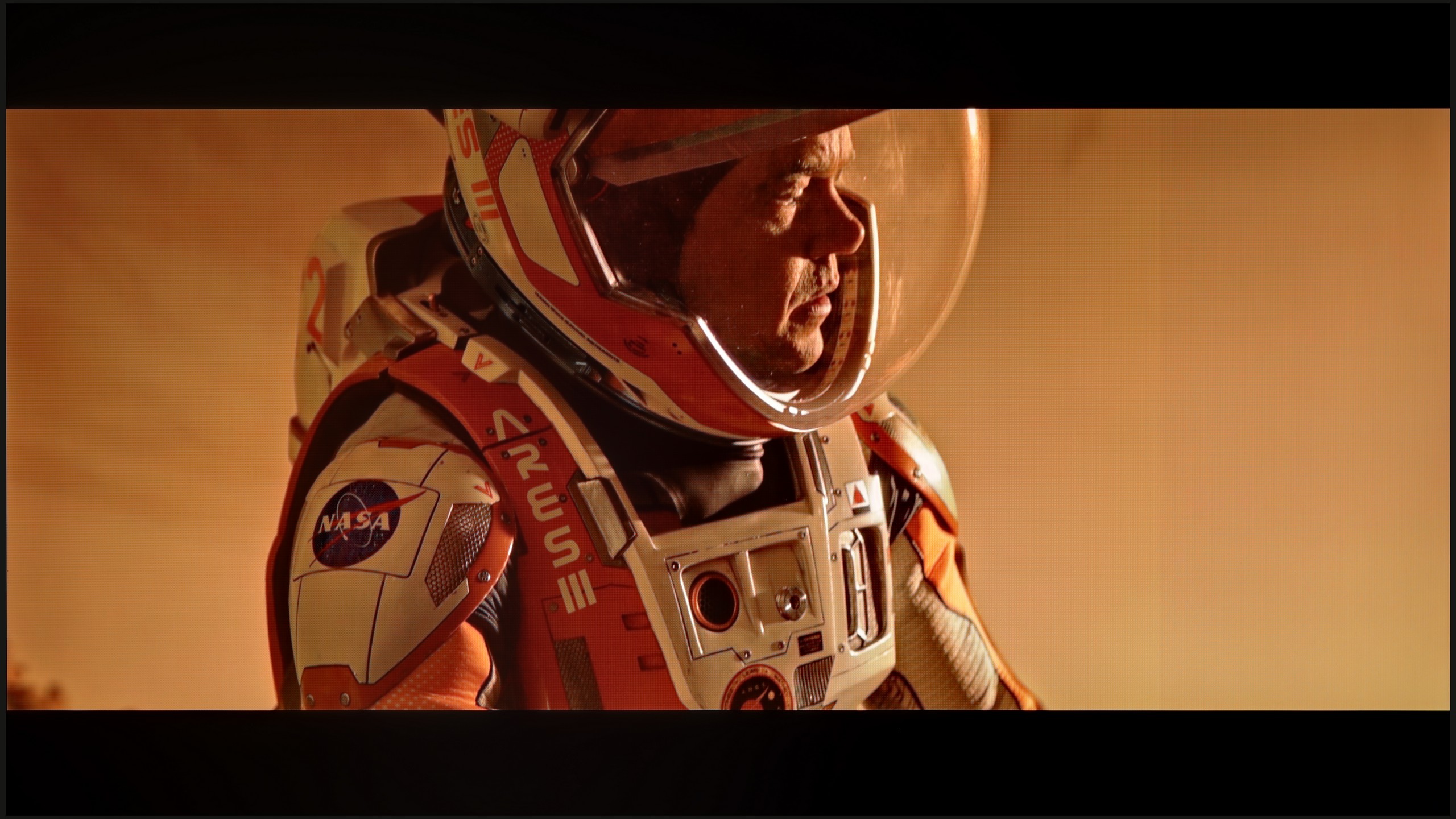
These are selected scenes that show smooth tonal transitions from one color to another. If you see distinct banding, it’s the TV panel’s fault.

These are selected scenes that show smooth tonal transitions from one color to another. If you see distinct banding, it’s the TV panel’s fault.
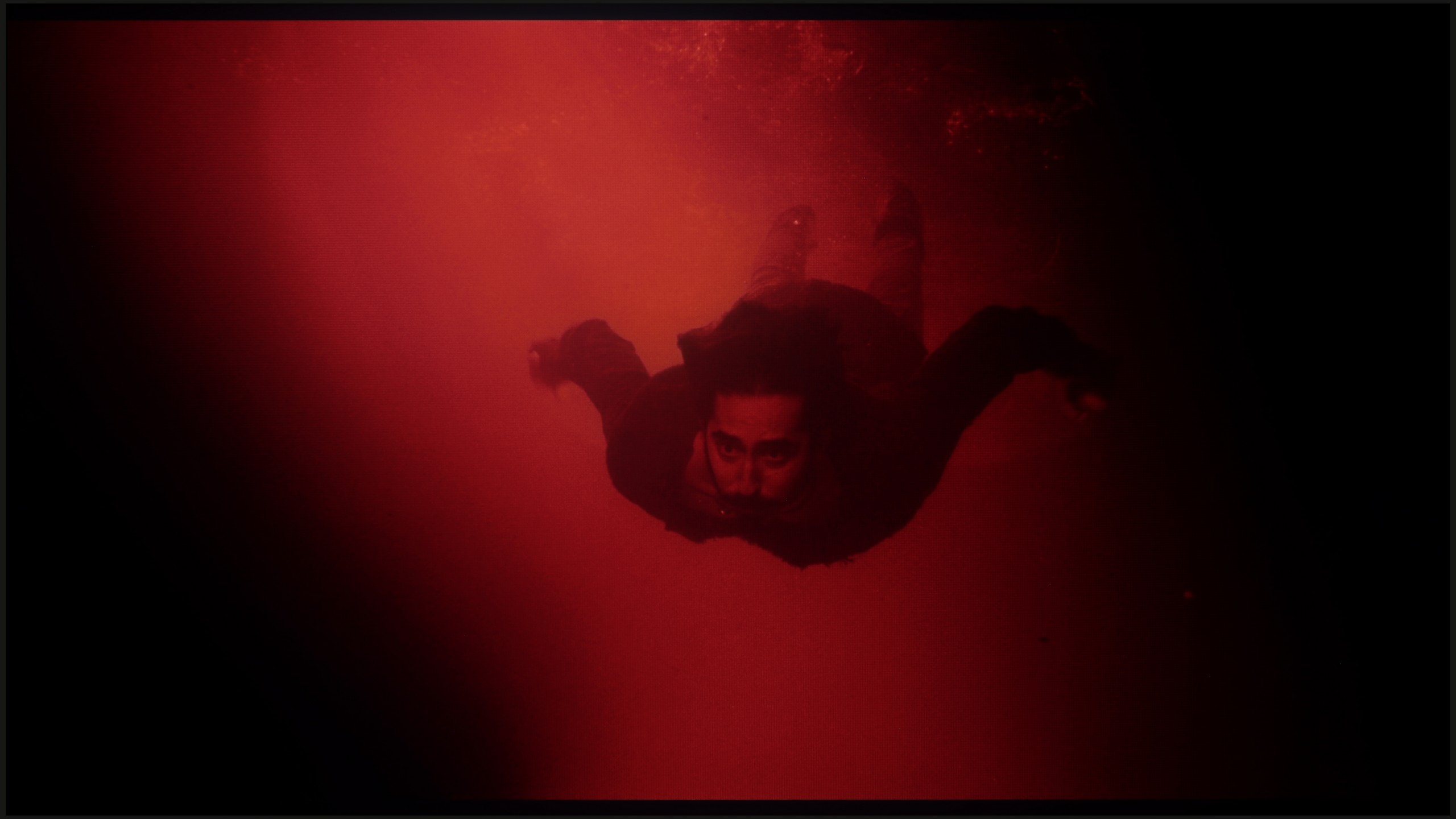
These are selected scenes that show smooth tonal transitions from one color to another. If you see distinct banding, it’s the TV panel’s fault.
Slight colour errors are often practically unnoticeable; it is the fluidity of tonal transitions that is a category to which even a less experienced viewer will pay attention. Unfortunate bands and artificial lines can completely spoil the perception of the image. Fortunately, the QN85F handles this aspect almost perfectly. Gradients are smooth, transitions between colours seamless, and there are no artificial streaks or harsh lines separating the hues on the screen. The image remains coherent, and nothing distracts our attention from the content. Only under very extreme conditions did we notice slight issues in the grey palette, but this is a drawback typical of most televisions and is hard to consider a serious negative. In practice, while watching films, we encountered no problems.
Looking solely at the fluidity of tonal transitions, the C69KS offers no real cause for complaint. The colour gradation is executed correctly, and more challenging sequences do not reveal significant problems. So you may be surprised by the low rating in this category. This is due to very strong dithering and artificially boosted "resolution," leading to a grainy and unnatural character of the image. For this reason, the final rating is significantly lower, despite the correct gradation of the tonal transitions themselves.
Image scaling and smoothness of tonal transitions
7.5/10
5/10


Smooth transition function
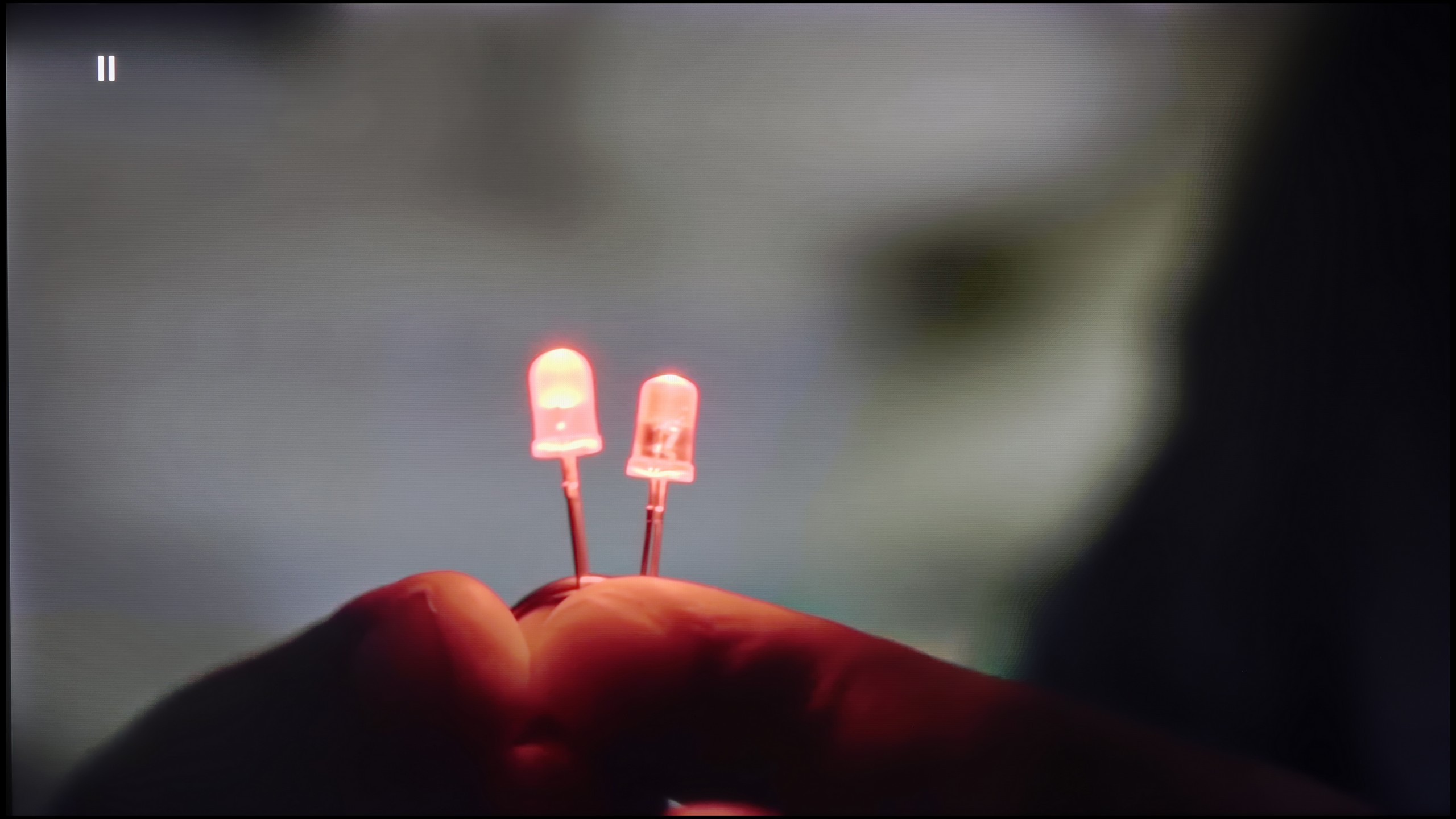
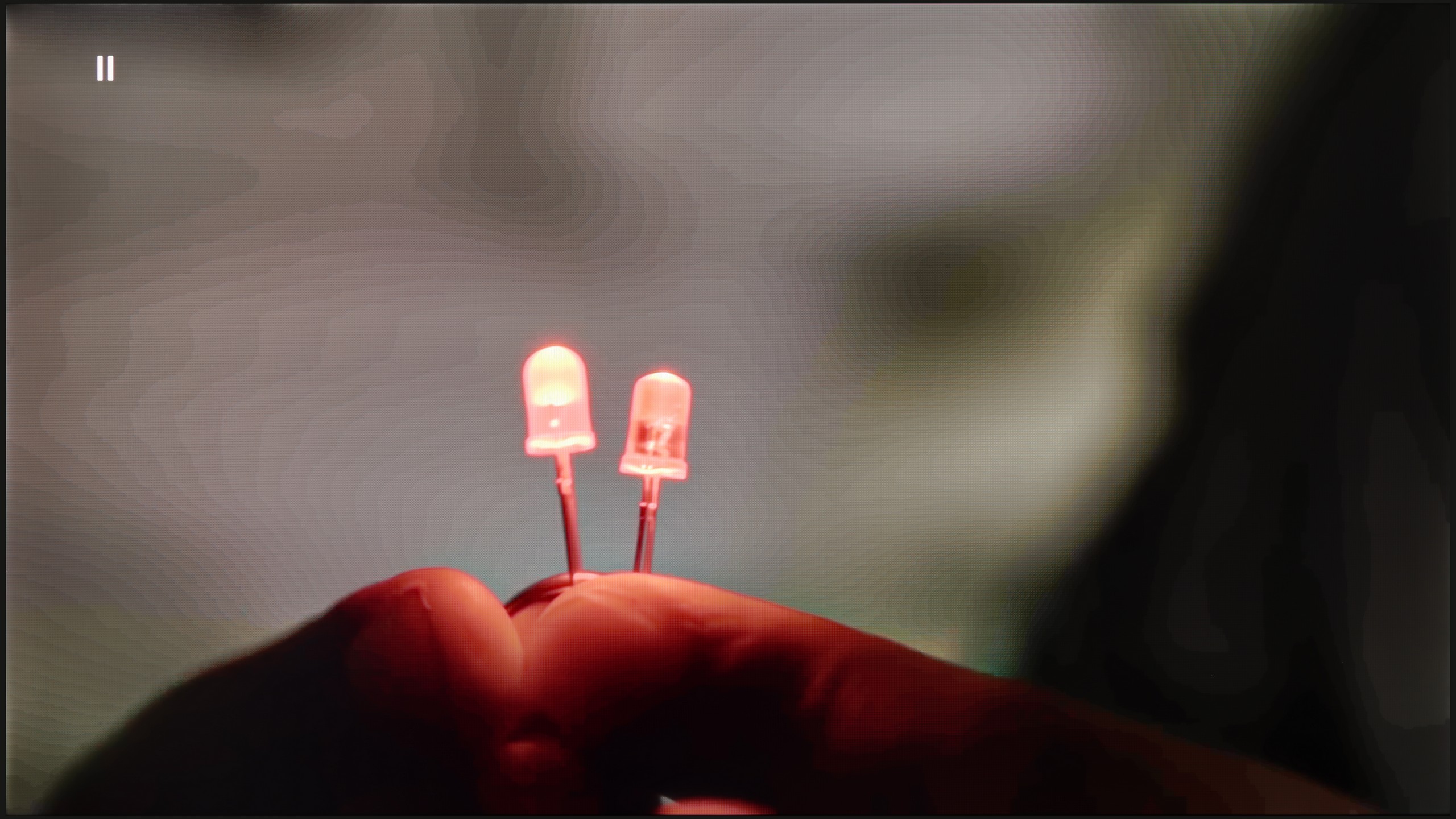
The match photo shows how the TV smooths weak tonal transitions in low-quality video.
Image scaling SD (576i)


The model photo shows how it handles upscaling of SD material.
Although the native tonal transitions on the QN85F with 4K material perform excellently, we do not always deal with content in the highest resolution. At that point, it becomes crucial how the television handles upscaling and digital image processing. This process is managed by Samsung's proprietary processor – AI NQ4 Gen2. In practice, it operates very efficiently. If visible colour banding or other undesirable phenomena occur on the screen, for instance, in materials from YouTube, they can easily be smoothed out using the "noise reduction" feature. Set to a medium level, it improves tonal transitions without excessively blurring desired details. However, it is important to remember that – as with most Samsung televisions – this function heavily interferes with the film grain. Therefore, during cinematic screenings, it is wise to use it cautiously to avoid losing the natural character of the image.
The upscaling itself looks very good. Test materials in lower resolutions were displayed sharply and clearly, with a great deal of detail. The only downside remains the issue of overscan, which is the trimming of the edges of the screen. In most situations, this is not noticeable, but with very old materials below HD quality, there may be cases where a fragment of the image from the left side gets slightly cut off.
The C69KS handles upscaling quite well. The tested 576p material looks surprisingly decent – a considerable amount of detail is retained, and the algorithm adds a slight "rounding" effect to sharp edges, making the image appear more cohesive. The performance in smoothing tonal transitions is less impressive. The television practically cannot improve them, leaving the image in a rather raw state. With older material, this can be quite tiring, as the lack of additional processing highlights any imperfections.
Blur and motion smoothness
7/10
4.9/10
Blur (native resolution, maximum refresh rate):

Blur (BFI function enabled):
Image flickers in this mode



Blur (4K@144Hz):
Blur (4K@144Hz):

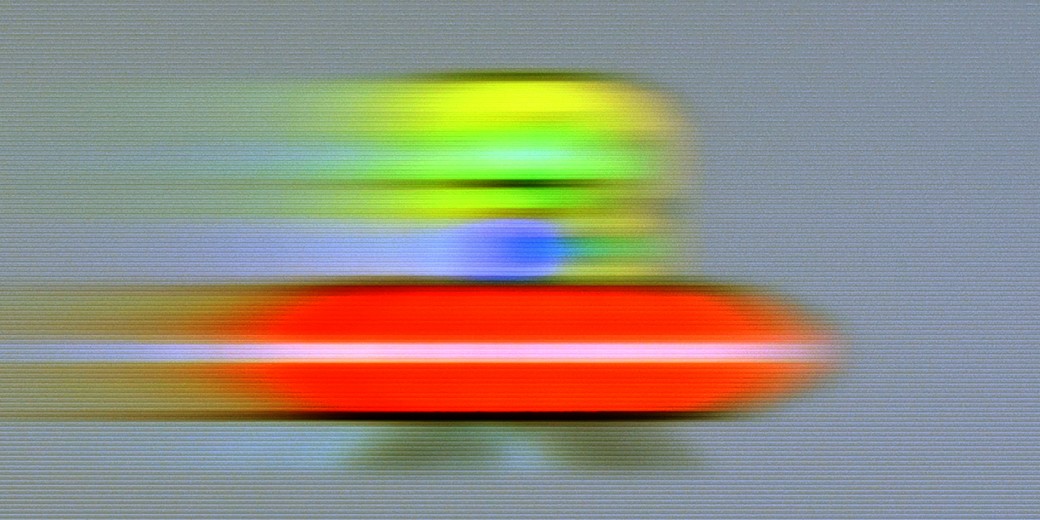
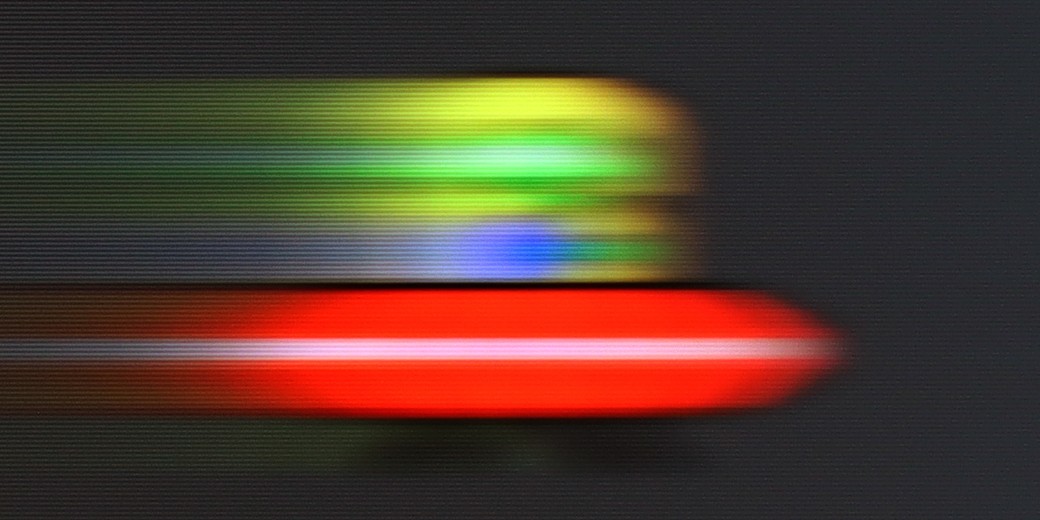
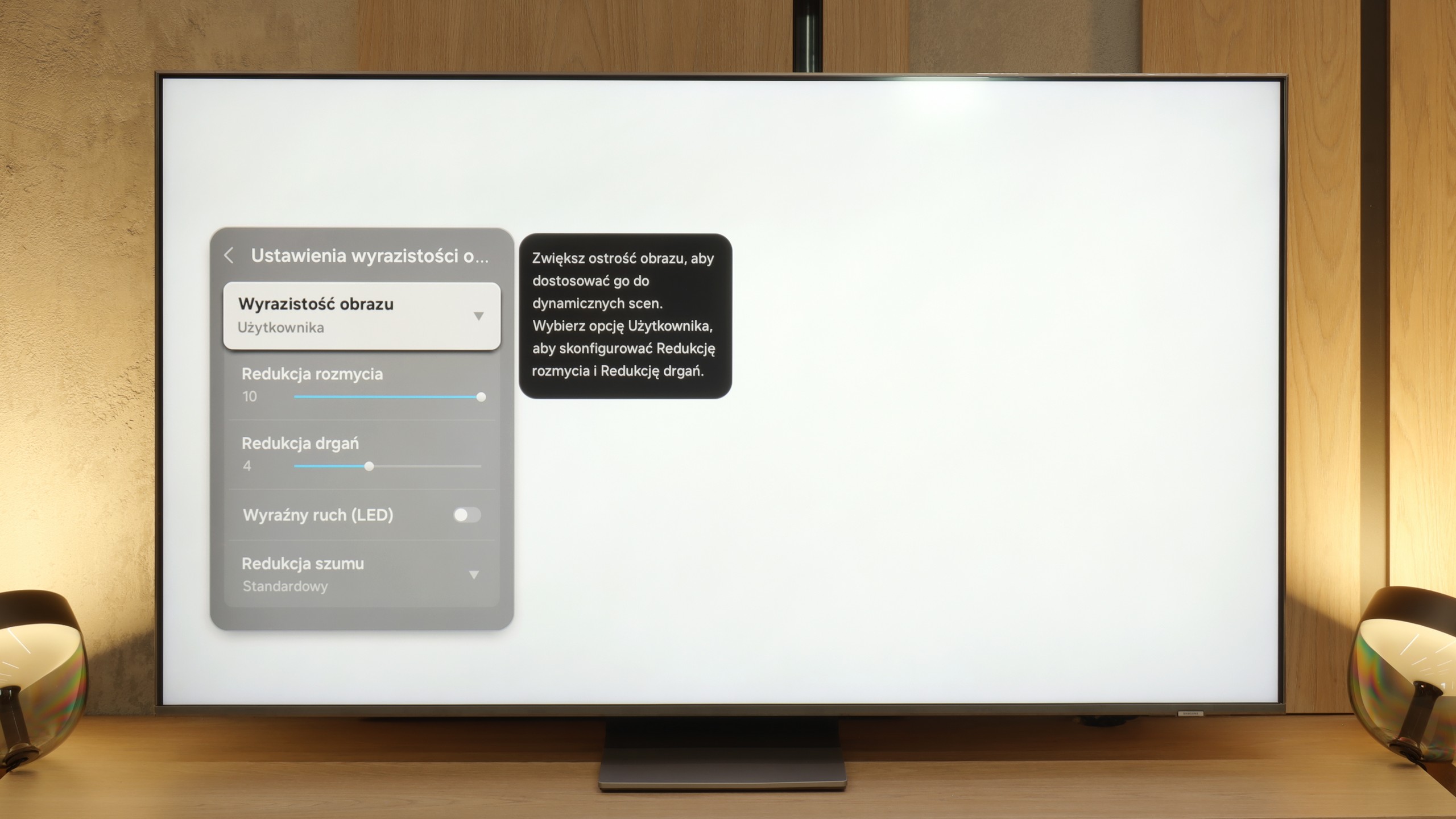
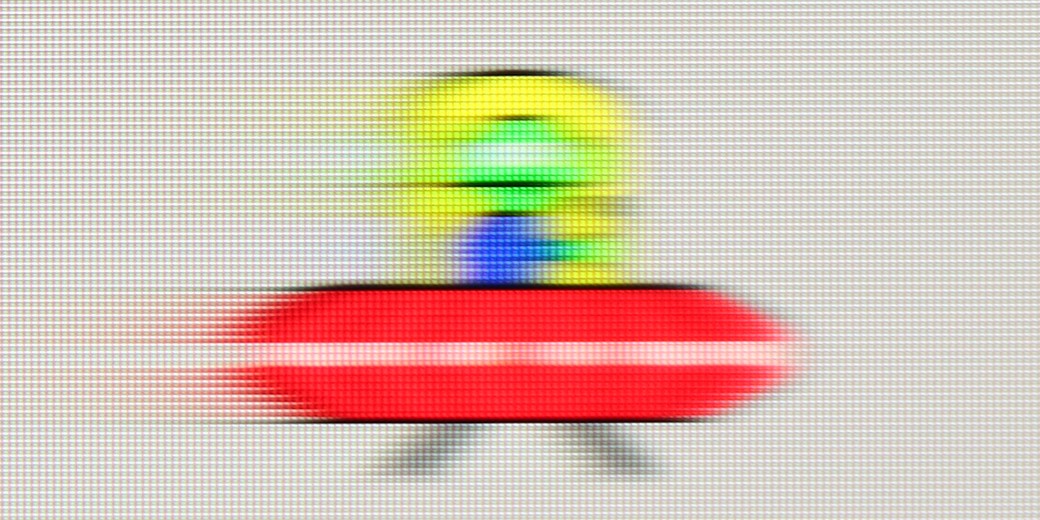
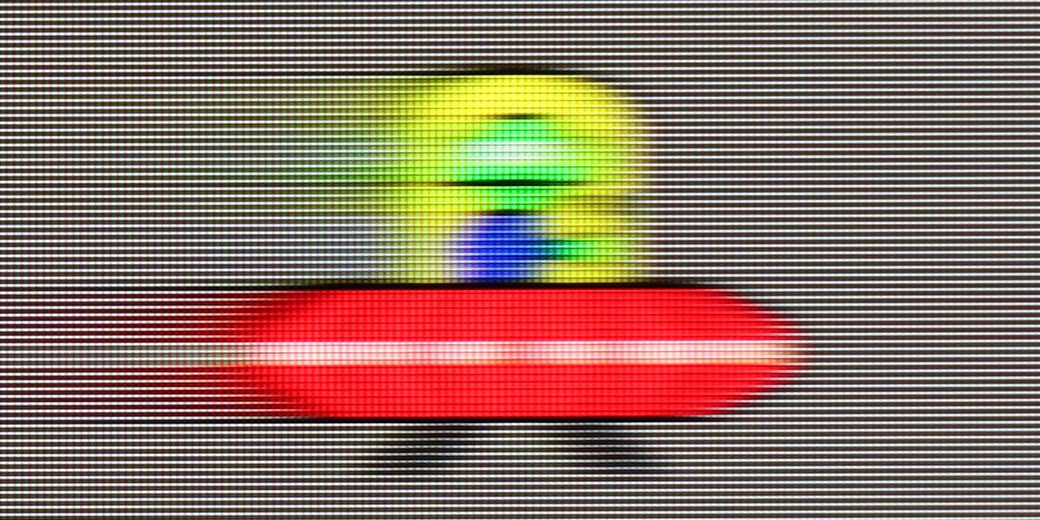
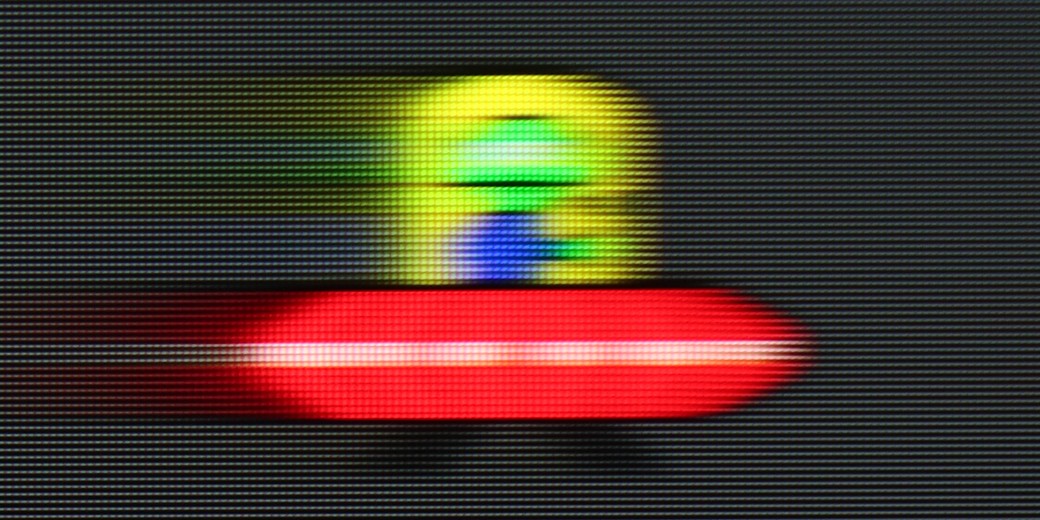
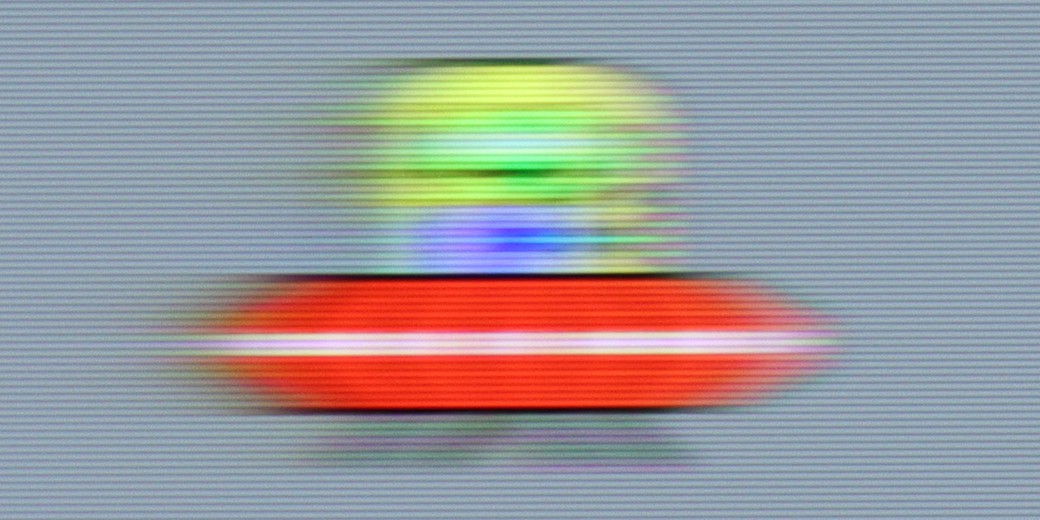
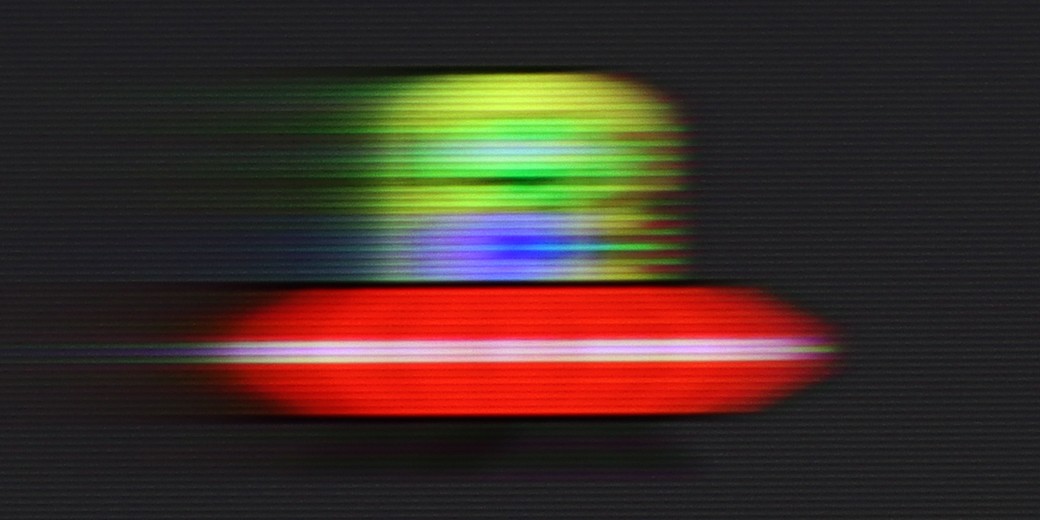
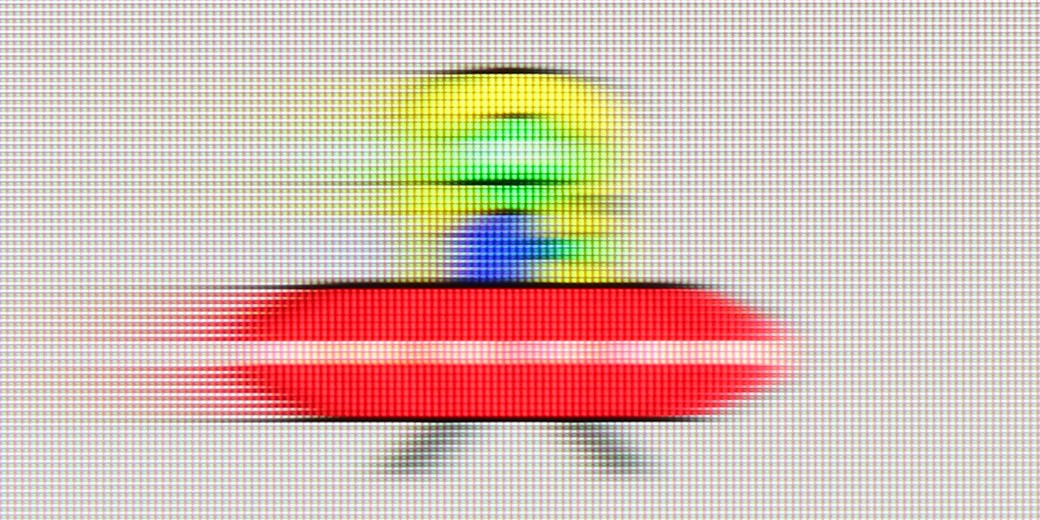
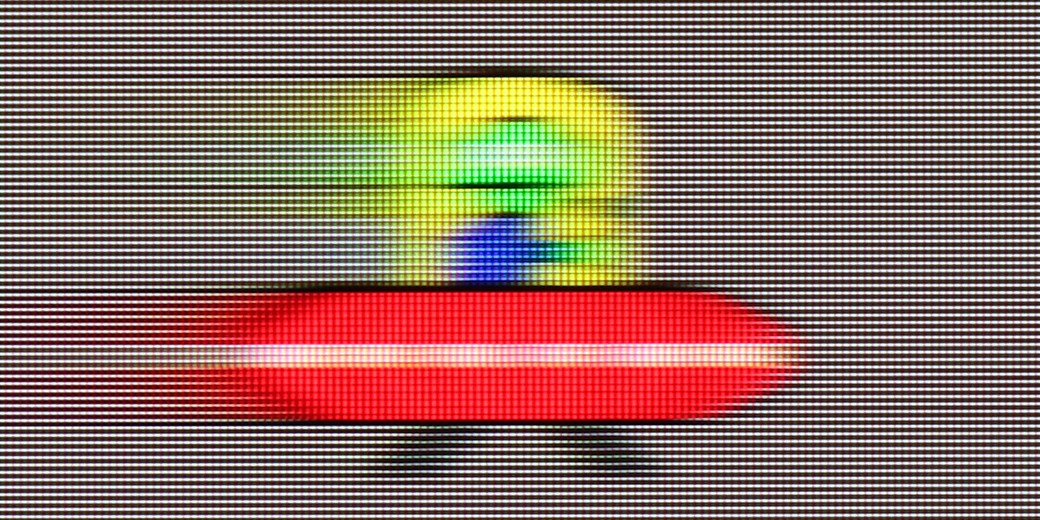
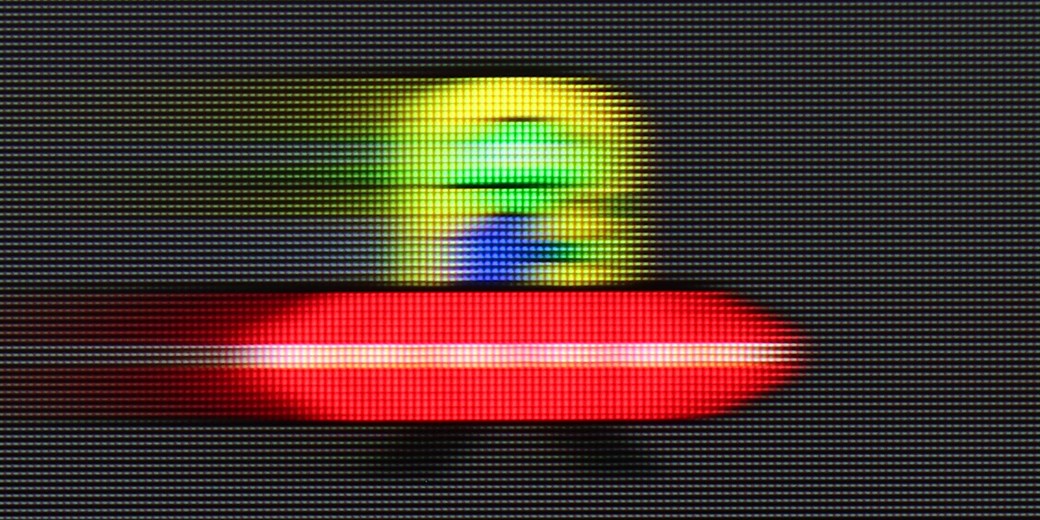
Motion smoothing and fluidity in the QN85F is a topic worth discussing in more detail, as the television is equipped not with a standard 120 Hz panel, but with a 144 Hz one. The extra hertz will mainly be appreciated by PC gamers, but the mere presence of such an option can be seen as a nice addition and a sign of the times – it’s hard to complain about the trend towards faster panels, as in practice, each of us would prefer the image to be as smooth as possible. However, the most important thing is how the television handles typical 120 Hz refresh rates – in the case of consoles, sports, or films recorded at 24 or 30 frames per second. Here, the QN85F performs really well. In films, one can easily adjust the character of the image thanks to the "image clarity" function, where we find two adjustable sliders. Key for screenings is the one responsible for reducing judder. Lower values give the image a more cinematic character with preserved "frame rate," while higher values lead to strong smoothing reminiscent of television theatre.
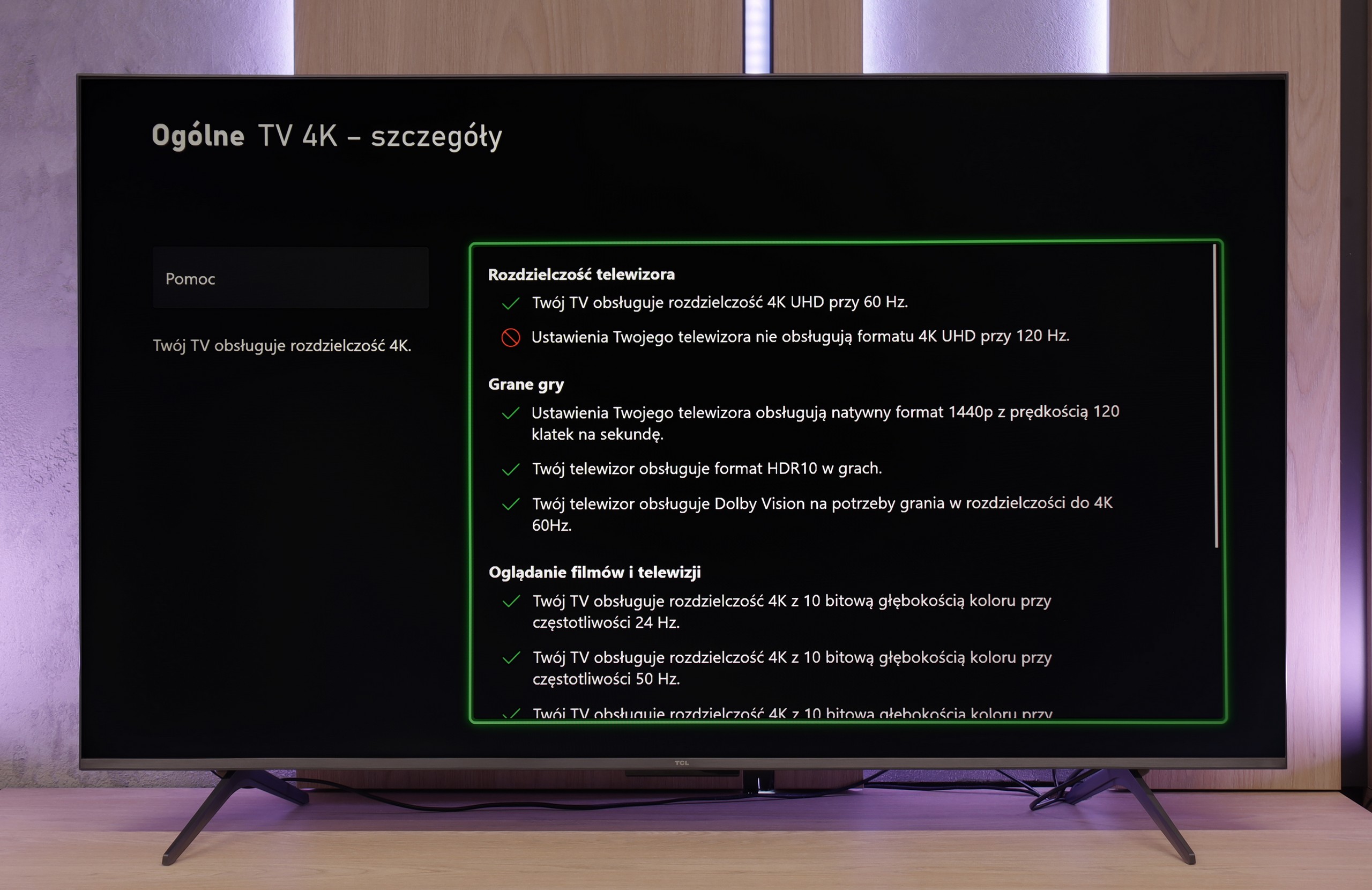
C69KS offers a simplified motion enhancement panel in films, allowing the adjustment of effect intensity with a slider. This makes it easy to match fluidity to personal preferences. The ability to use higher refresh rates is also a plus – although the panel operates natively at 4K at 60 Hz, lowering the resolution to 1440p enables 120 and 144 Hz modes, both on consoles and PC. This sounds like great news, however, in practice, the image at these settings exhibits significant motion blur. The effect is so pronounced that the overall presentation appears merely average and loses its appeal for everyday use.
Console compatibility and gaming features
9.6/10
8/10
- ALLM
- VRR
- VRR range48 - 144Hz48 - 144Hz
- Dolby Vision Game Mode
- Correct implementation of HGIG
- 1080p@120Hz
- 1440p@120Hz
- 4K@120Hz
- Game bar
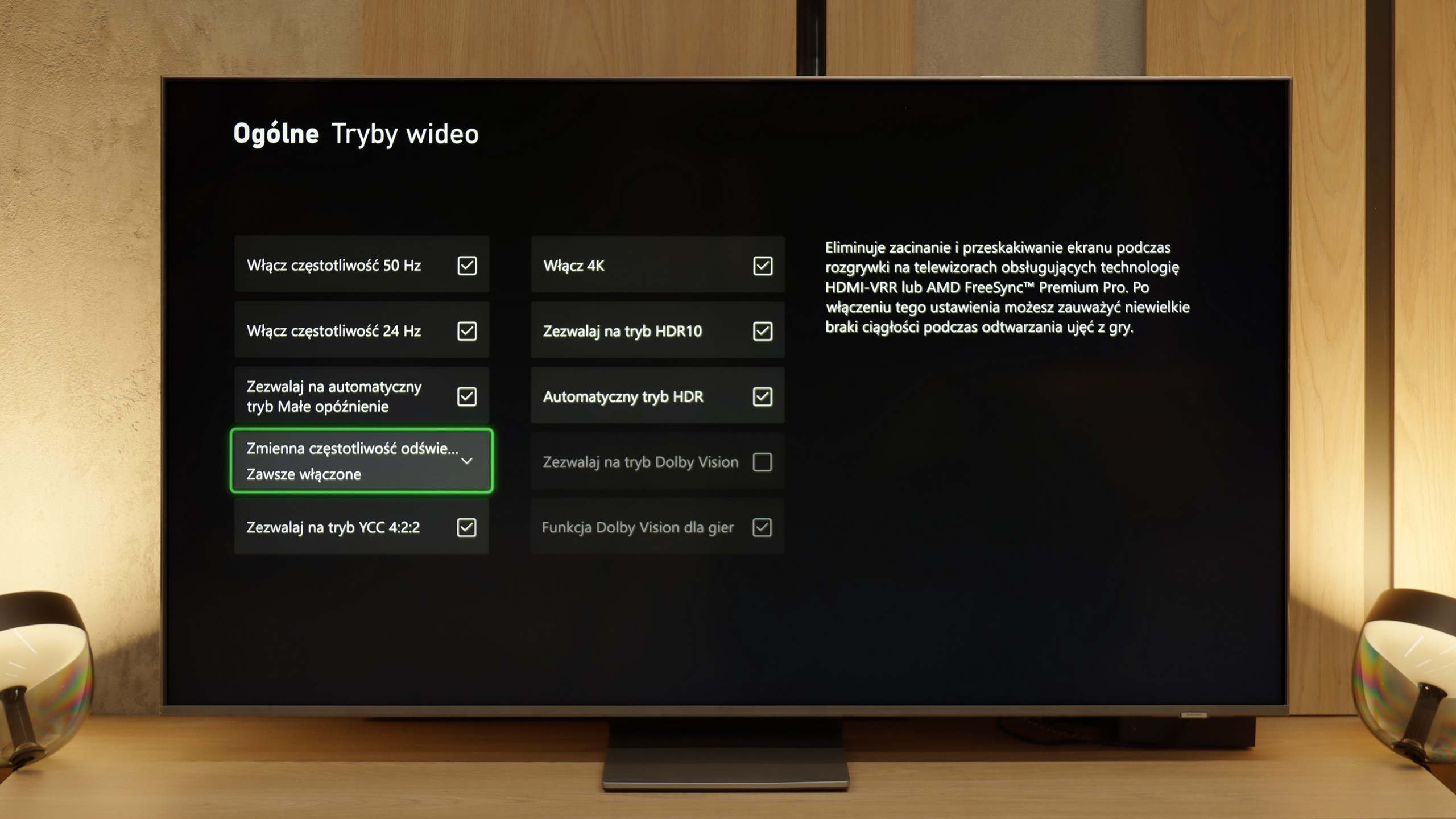

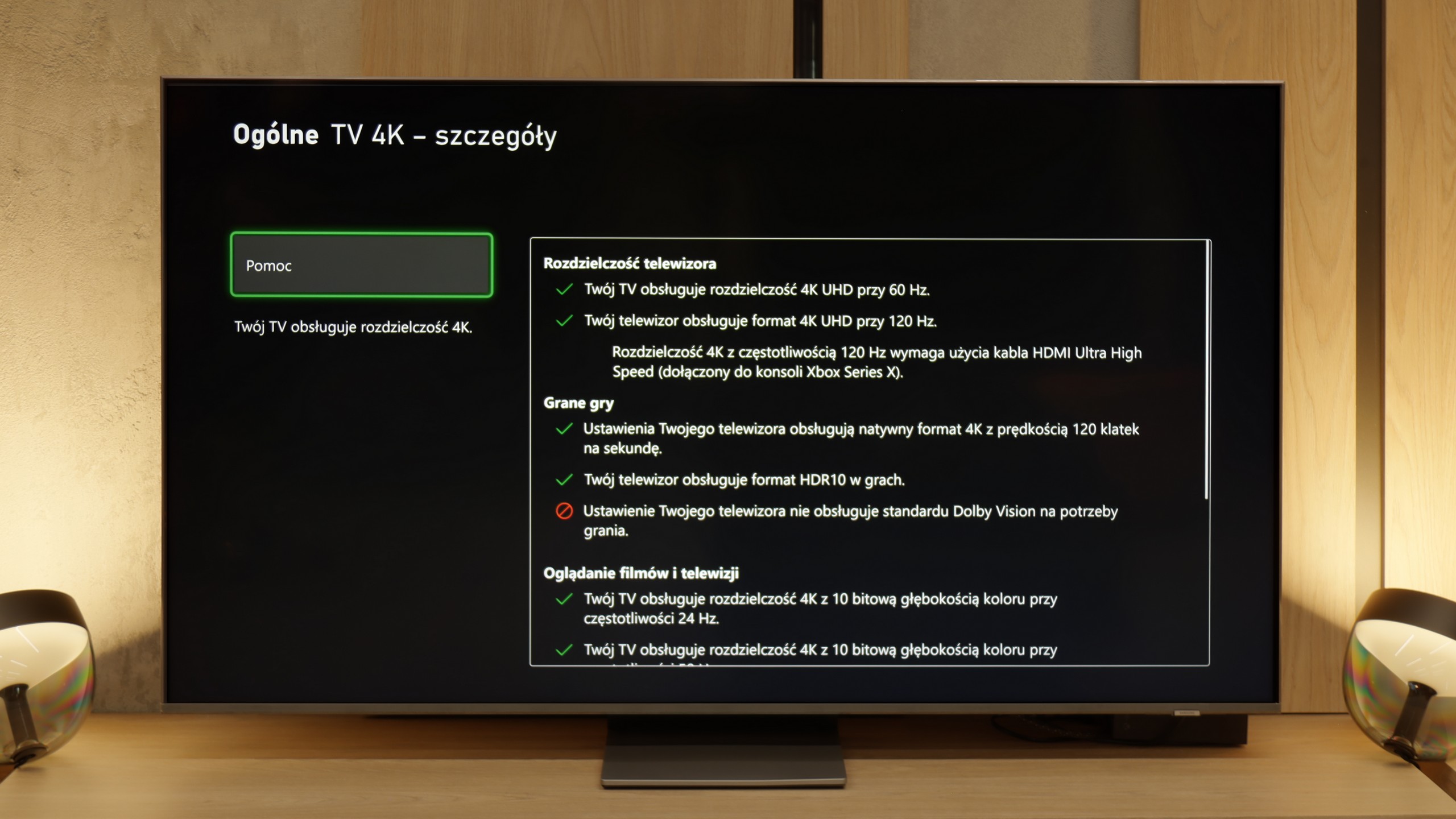
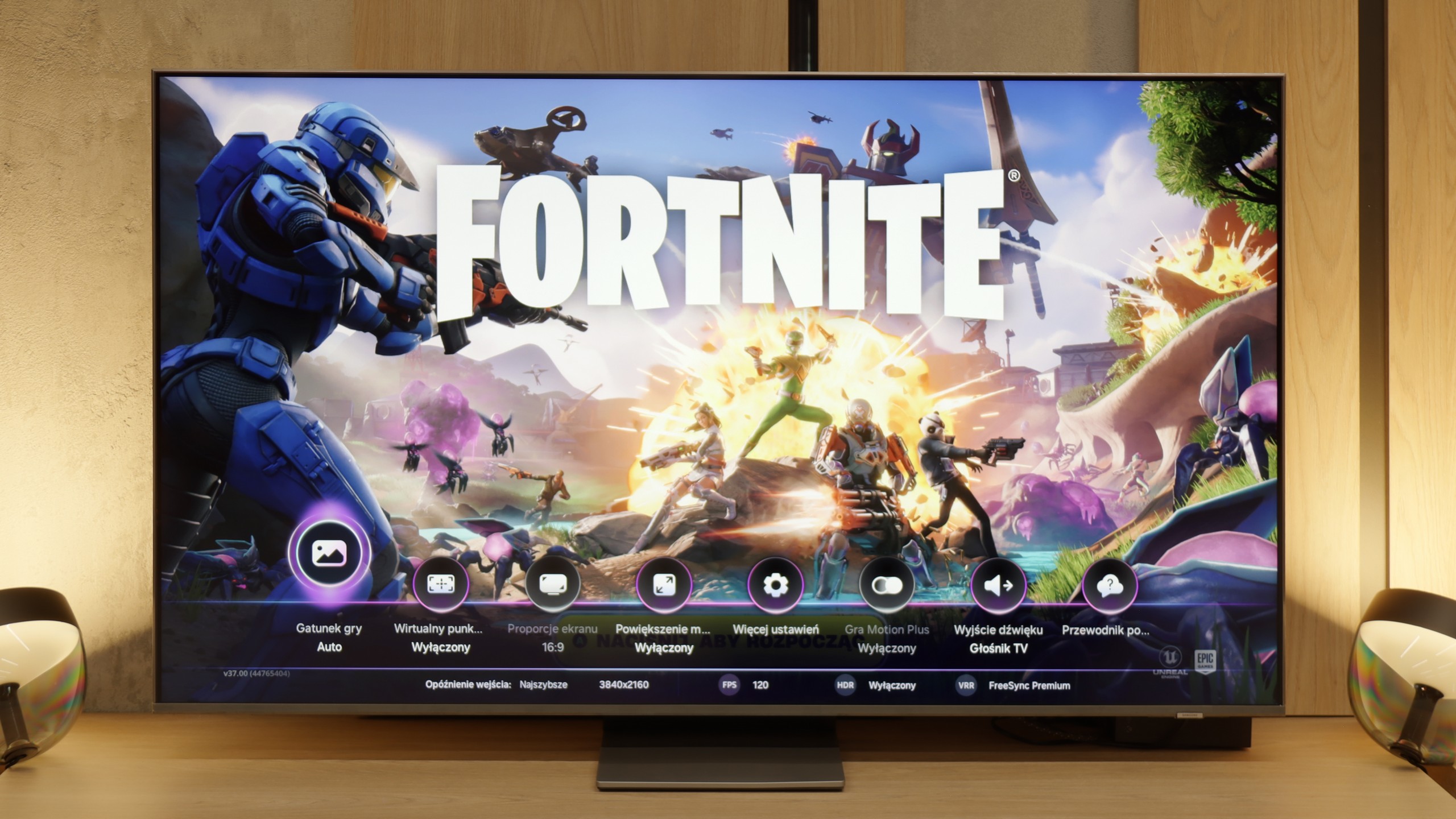

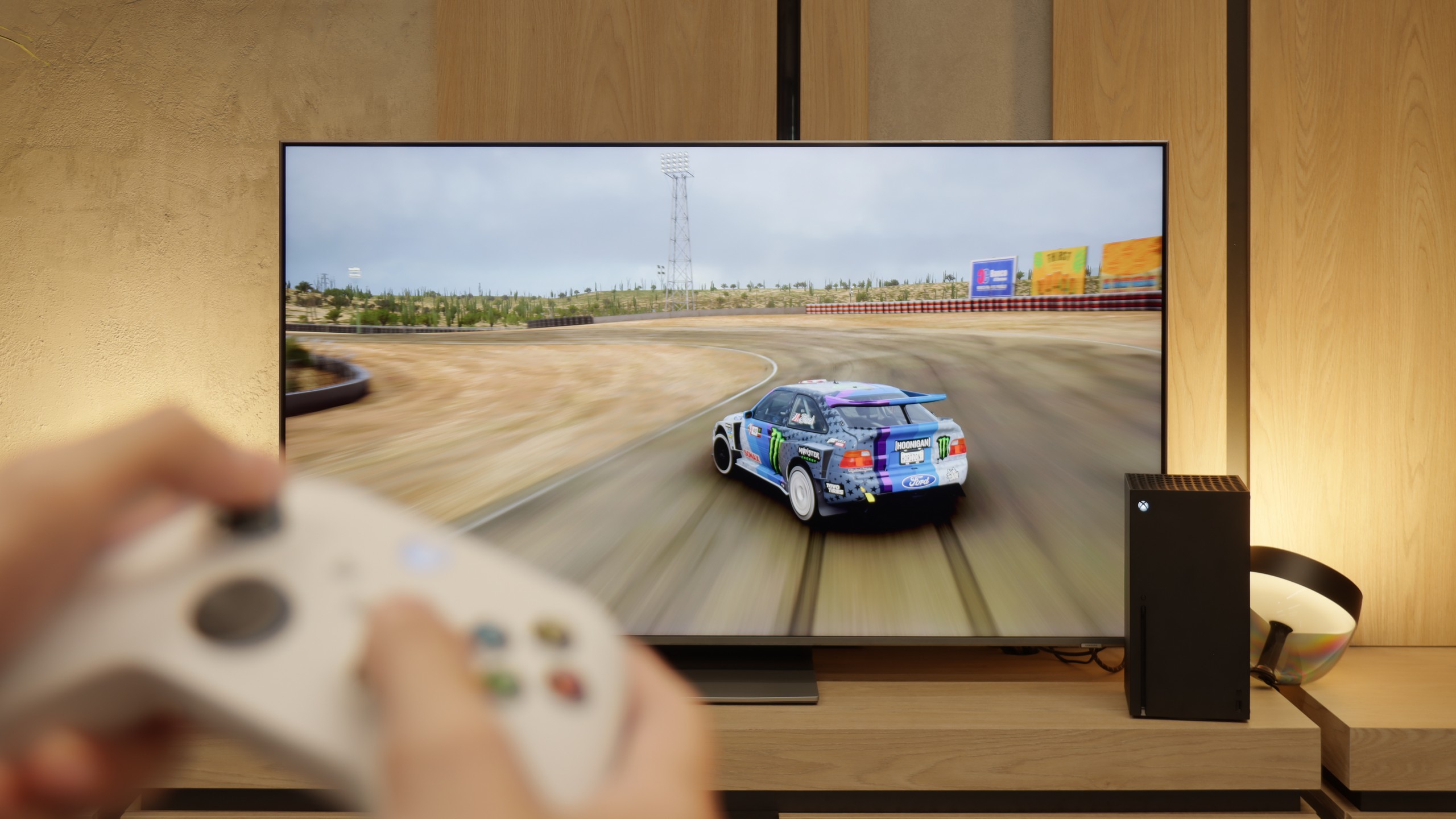

The Samsung QN85F makes a really great impression in terms of gaming features. It has four HDMI 2.1 ports, so we can easily connect multiple devices simultaneously. There is also variable refresh rate (VRR) which prevents screen tearing, as well as an automatic game mode (ALLM) that allows the television to switch to the appropriate settings when we start the console. Additionally, it supports refresh rates of up to 144 Hz – something that PC gamers will particularly appreciate, but the mere fact that such an option is available shows that Samsung is fully committed to supporting gamers. The Game Bar panel also deserves praise. It provides a quick overview of the most important parameters – from frame rate to refresh mode, even including shortcuts to picture settings. Instead of navigating through the entire menu, everything is at hand, which proves to be very convenient in practice. However, the most interesting addition is the Motion Plus gaming feature. It's effectively a motion smoother adapted for the gaming world. When enabled, the image becomes smoother, sometimes looking as if we've gained several extra frames, and importantly – the response time doesn’t increase enough to hinder gameplay. This solution truly sets Samsung's 120Hz televisions apart from competitors.
[UPDATE] We have updated our tests of Samsung televisions from the 2025 model year due to the release of software version 1131, which restored the crucial gaming feature HGiG.
The only major downside remains the lack of proper HGiG support. This is a standard responsible for correct tone mapping in HDR games, meaning that brightness and contrast are displayed as intended by the creators. Without HGiG, we have to adjust brightness manually, which doesn’t always yield perfect results. The feature was available in previous models, but it vanished from the QN85F after one of the updates. We hope that Samsung will quickly resolve this issue, and we will keep checking to see if it has been fixed.
If we overlook the smudging and lack of native 4K at 120 Hz, the C69KS impresses with how well it performs during gaming. We get everything one can expect from a gaming television: variable refresh rate (VRR), automatic switching to game mode (ALLM), Dolby Vision Gaming mode, and a well-functioning HGiG. The television can also operate at 120 and even 144 Hz at lower resolutions, allowing for smoother gameplay on a console or PC. Additionally, there is a clear Game Bar that lets you quickly glance at key settings while gaming. As a result — despite a few limitations — the C69KS can be a really successful screen for gamers.
Input lag
9.8/10
10/10
SDR
HDR
Dolby Vision
The input lag on the QN85F is at a very high level. With content at 120 or 144 Hz, the values often oscillated below 10 ms, which is a truly remarkable result. Naturally, when gaming at 60 Hz, the lag doubles, but it still remains low enough that in practice it is virtually unnoticeable. This means that the QN85F will perform well both in dynamic e-sports games and in more tranquil console titles.
TCL C6KS performs very well here — the latency drops below 10 ms, making reactions in games instantaneous. This is an excellent result in this class and definitely good news for those playing dynamic titles.
Compatibility with PC
8.4/10
1.7/10
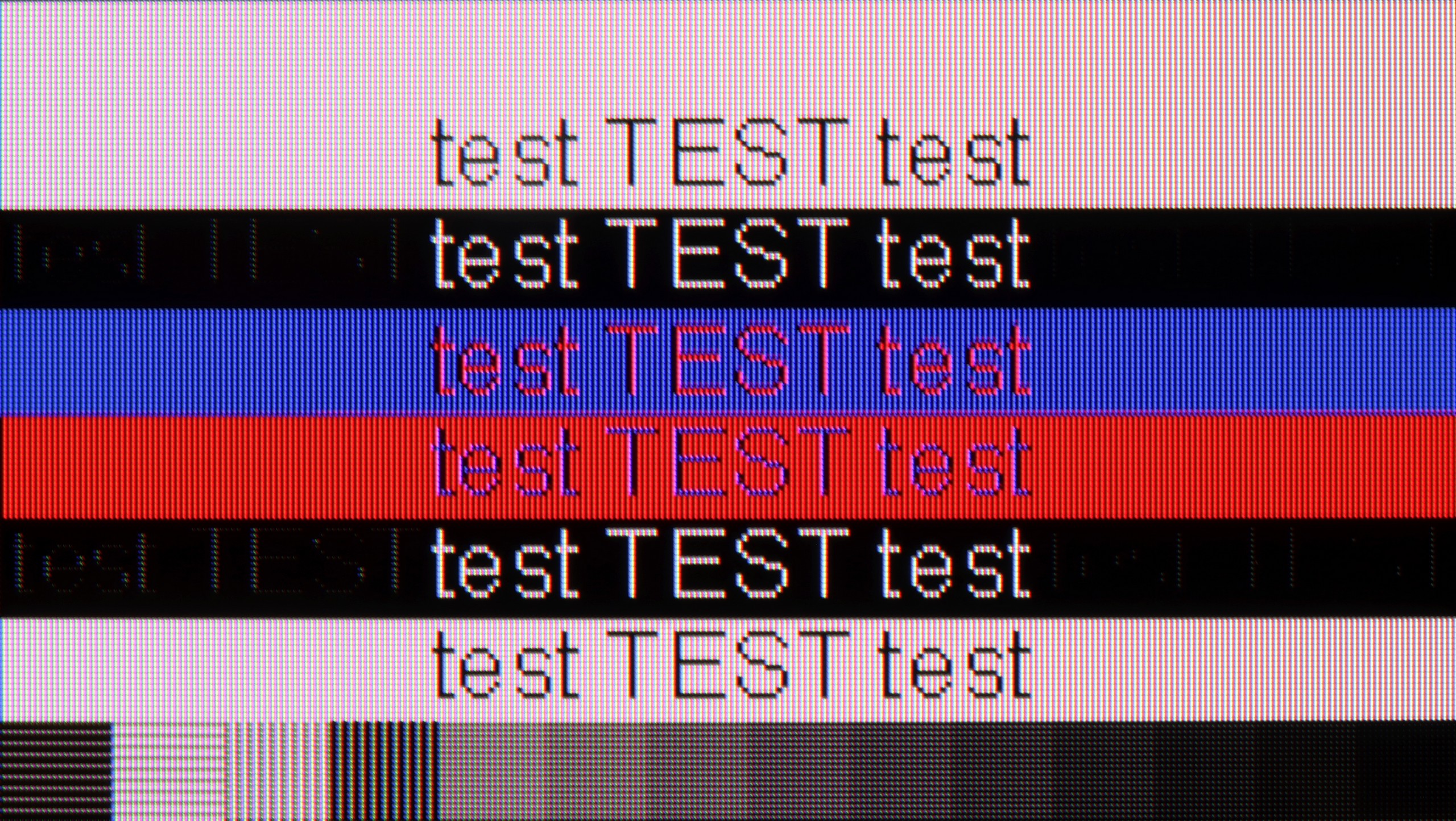
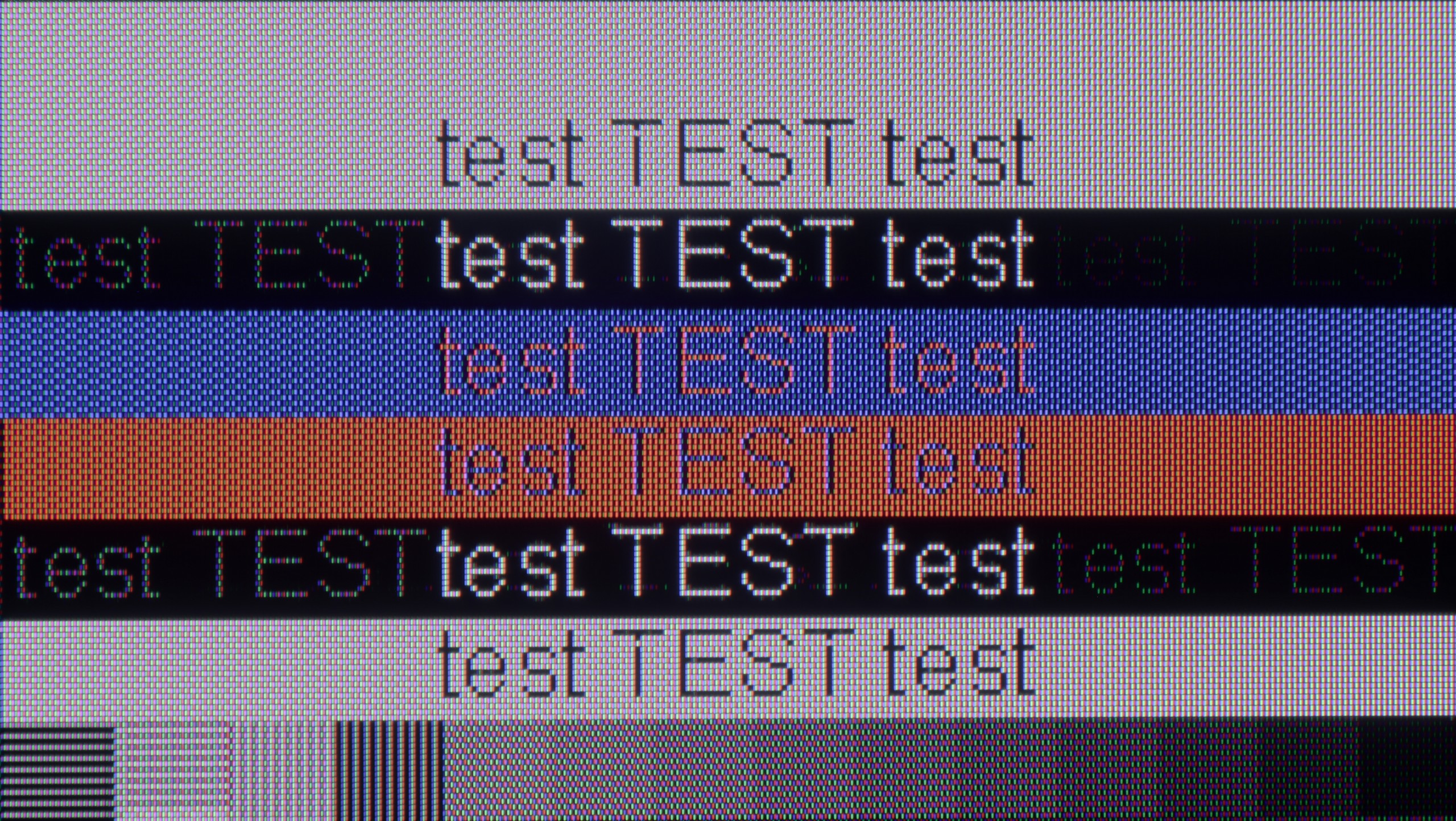
The photo shows the legibility of small fonts. Ideally, lines should be the same thickness on both light and dark text, with minimal pixel gaps.
The QN85F performs really well in terms of cooperation with a computer. Thanks to the PC mode with a refresh rate of up to 144 Hz, support for G-Sync, and low input lag, playing on a personal computer is very enjoyable and shouldn't cause irritation even for more demanding gamers. The readability of the fonts is also good – the television supports chroma 4:4:4, so standard texts look sharp and clear. The problem arises only with very thin letters. Regardless of the refresh rate setting – whether it's 144, 120, or 60 Hz – horizontal, thin lines were poorly visible. Reducing the refresh rate slightly improved the situation, but never enough to say that they were displayed perfectly.
Aside from the aforementioned possibility of working at 144 Hz at lower resolutions, the C6KS offers nothing that would encourage its use as a monitor. The fonts look really poor — the darkest ones have a distinct, rainbow glow, and standard text is surrounded by strange artifacts. The effect is noticeable enough that working on the computer for an extended period can be simply exhausting.
Viewing angles
3.2/10
2.7/10
The viewing angles on the QN85F are the classic Achilles' heel of most LCD televisions with VA panels. Looking at the screen from an angle, the drop in brightness becomes noticeable quite quickly, the whites start to grey, and the colours lose their intensity. This is the price to pay for the high contrast that this technology offers. Samsung could have included a better coating to widen the viewing angles in this model, but it is not present here. In practice, this means that the best viewing experience is achieved when sitting directly in front of the television, and any significant deviation will result in a noticeable loss of image quality.
The viewing angles in C6KS are very poor, typical of VA matrices. It is a compromise that we pay for by choosing high contrast — the image looks good straight on, but any significant deviation causes rapid drops in brightness and saturation.
Daytime performance
6.9/10
6.6/10
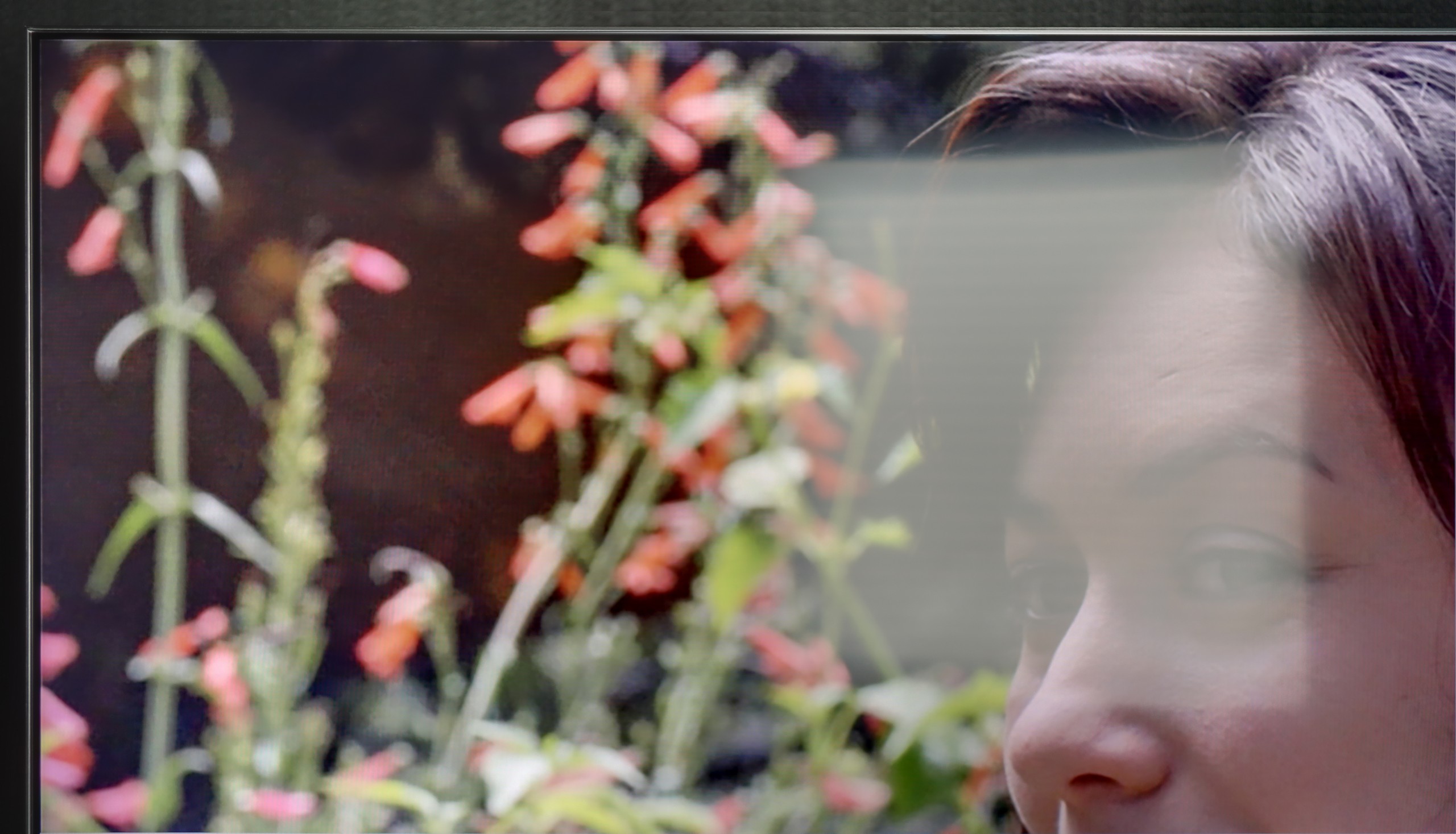
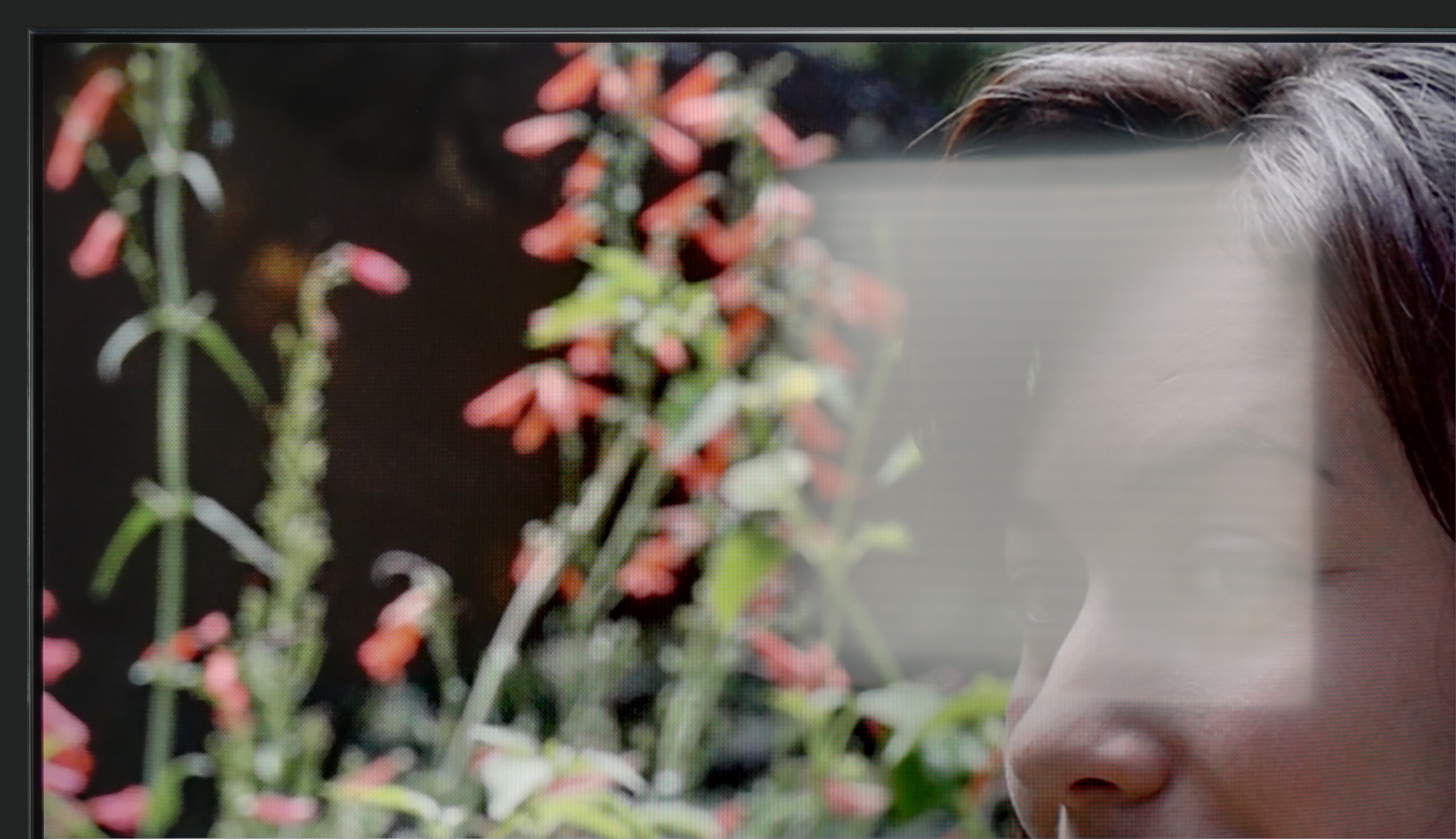
Panel brightness
TCL C6KS / C69KS / Q6CS: 527 cd/m2
Samsung QN85F : 690 cd/m2
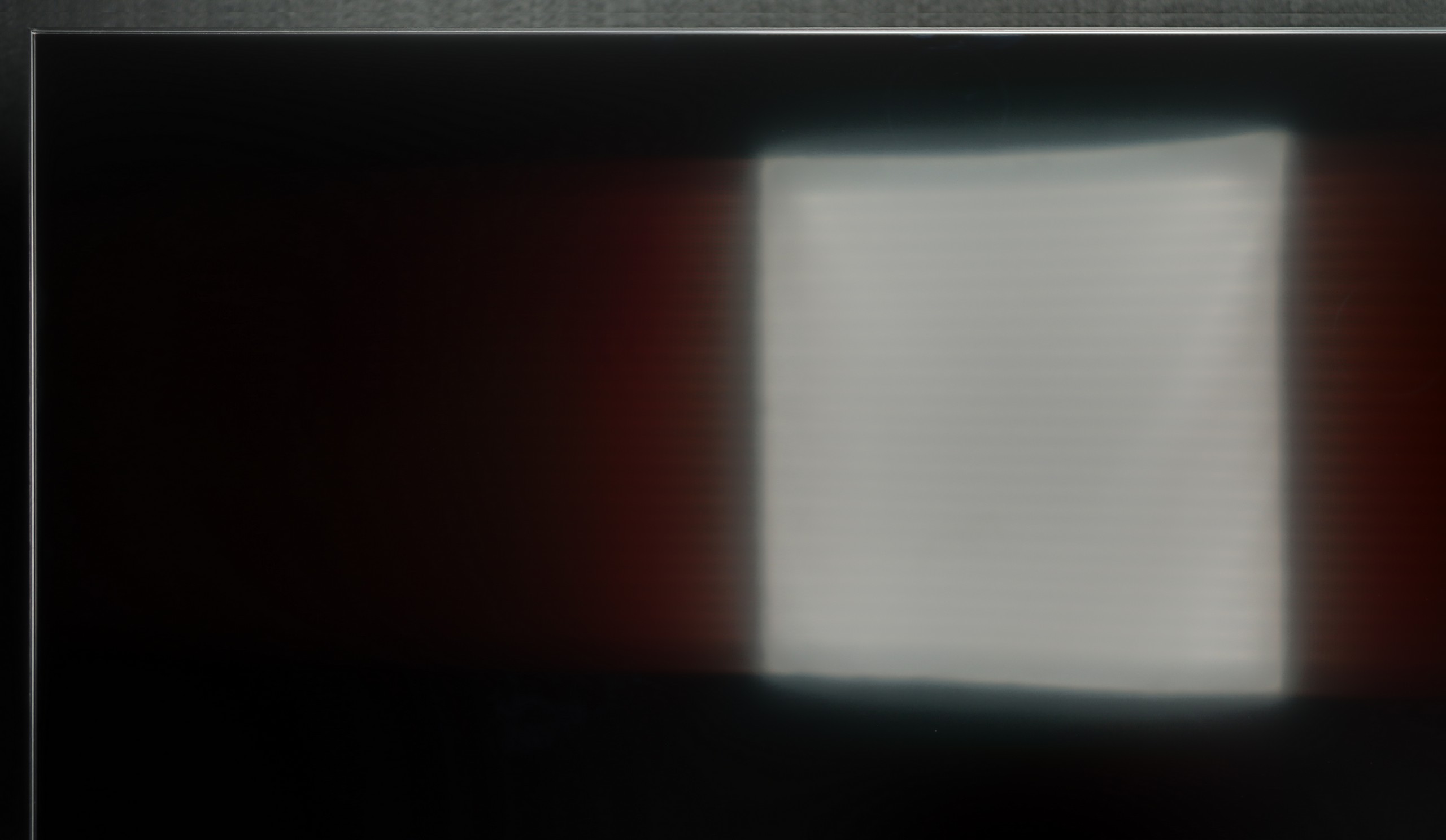
The QN85F performs excellently during the day. The satin finish of the panel combined with high brightness makes it a television designed for bright rooms. Colours do not lose their intensity, and the picture does not fade even when a lot of light enters. The television itself is bright enough to handle a living room with large south-facing windows without any issues. Therefore, the QN85F provides us with an image that allows us to watch films or matches during the day without annoying reflections and the feeling that the picture disappears in the sunlight.
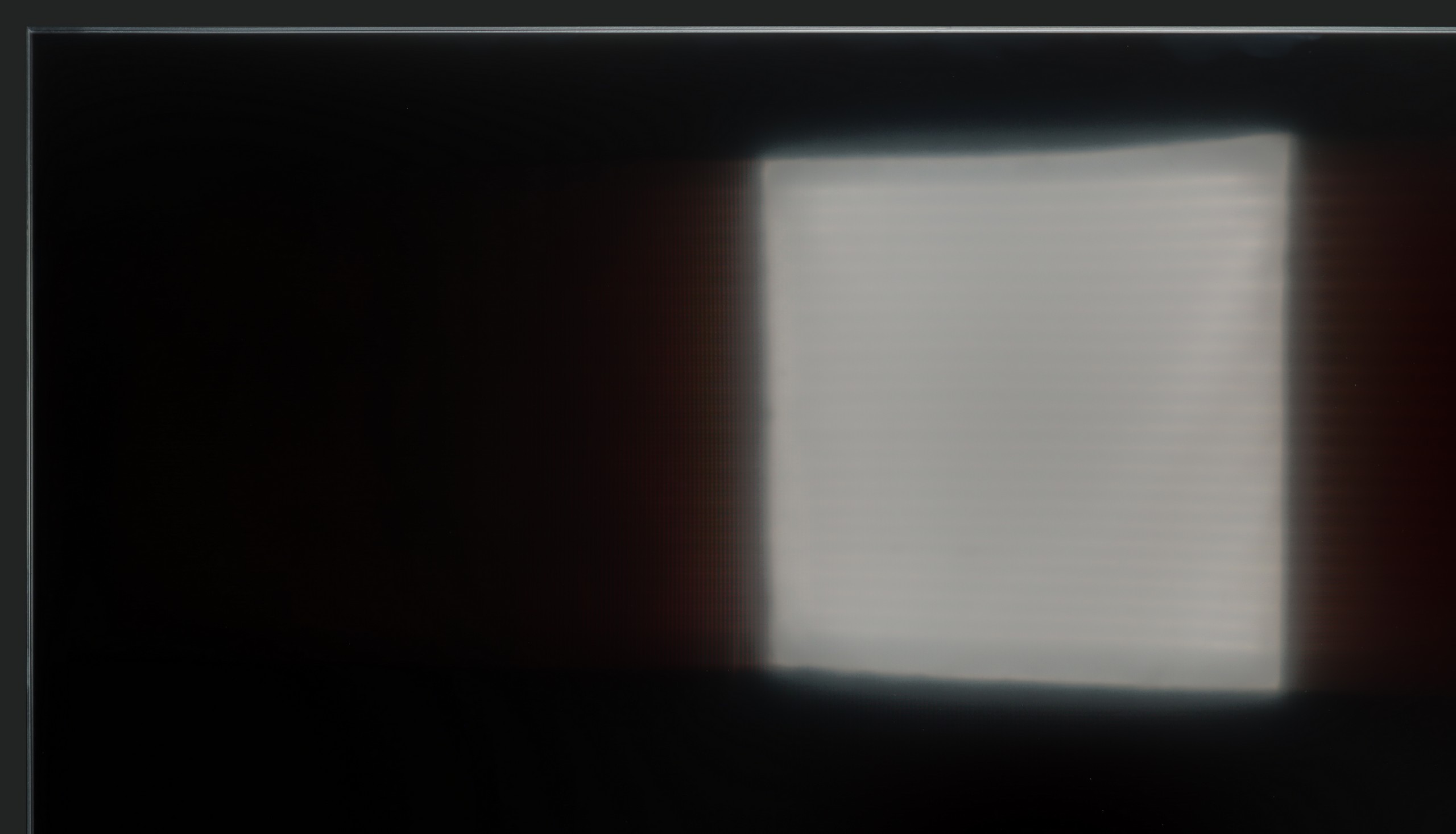
The C6KS performs really well as a television viewing screen during the day. Its brightness of around 500–600 nits allows it to easily cut through more challenging lighting conditions. Additionally, the satin finish effectively suppresses reflections. As a result, the television proves to be surprisingly solid during daytime viewing, even in brighter rooms.
Panel details
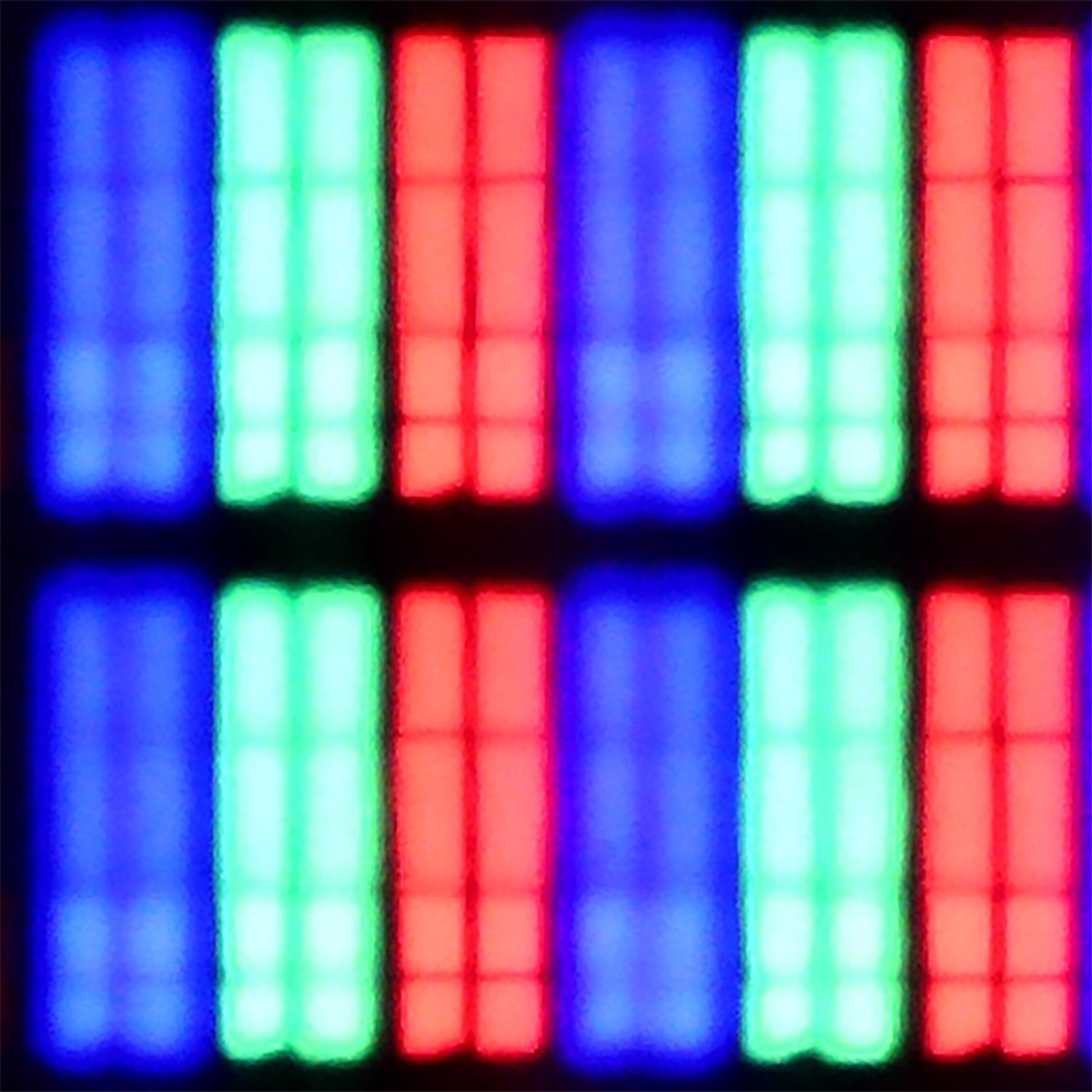
Subpixel Structure:
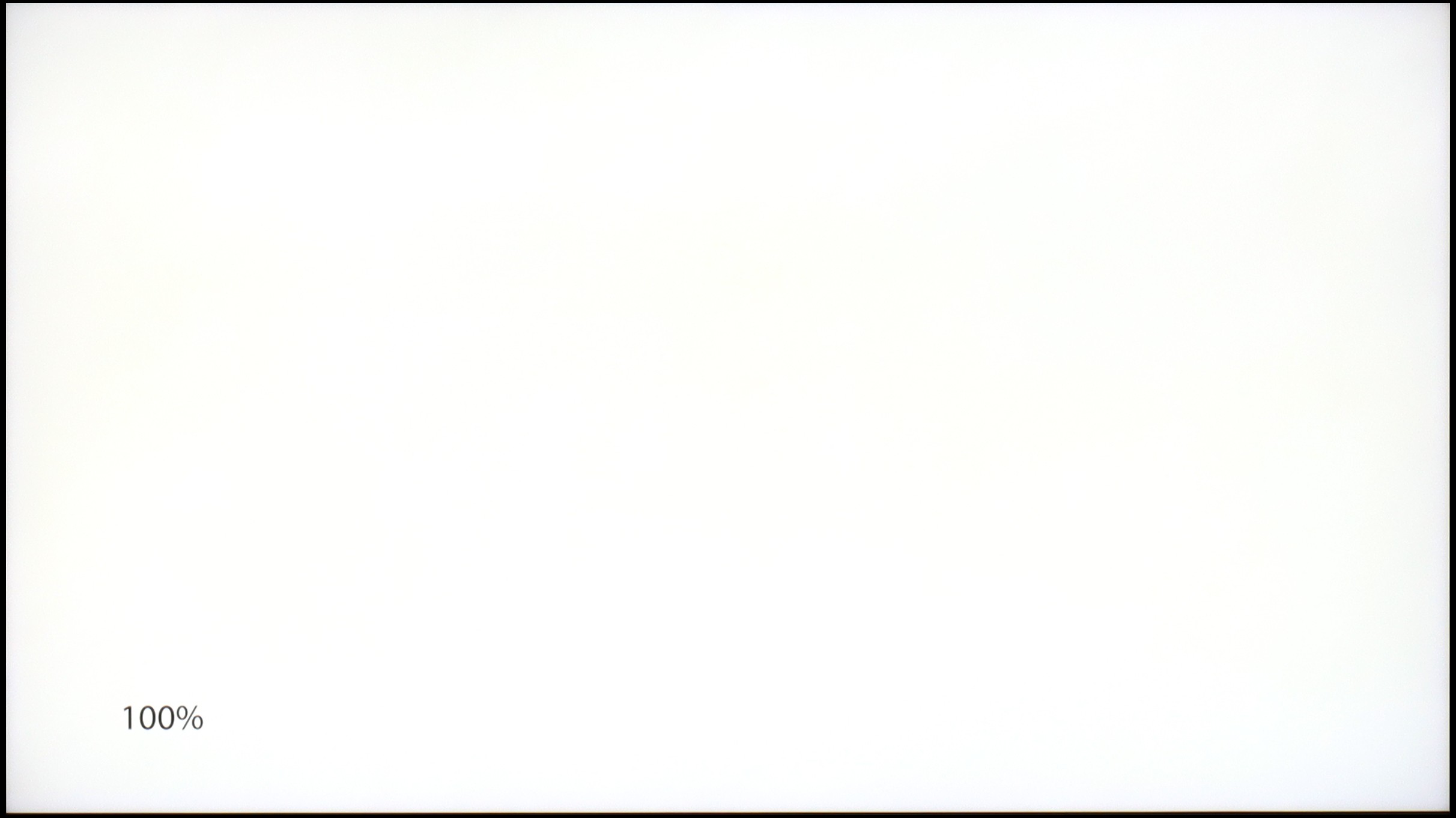
Panel uniformity and thermal imaging:
Samsung QN85F
TCL C6KS / C69KS / Q6CS
TV features
7.3/10
7/10
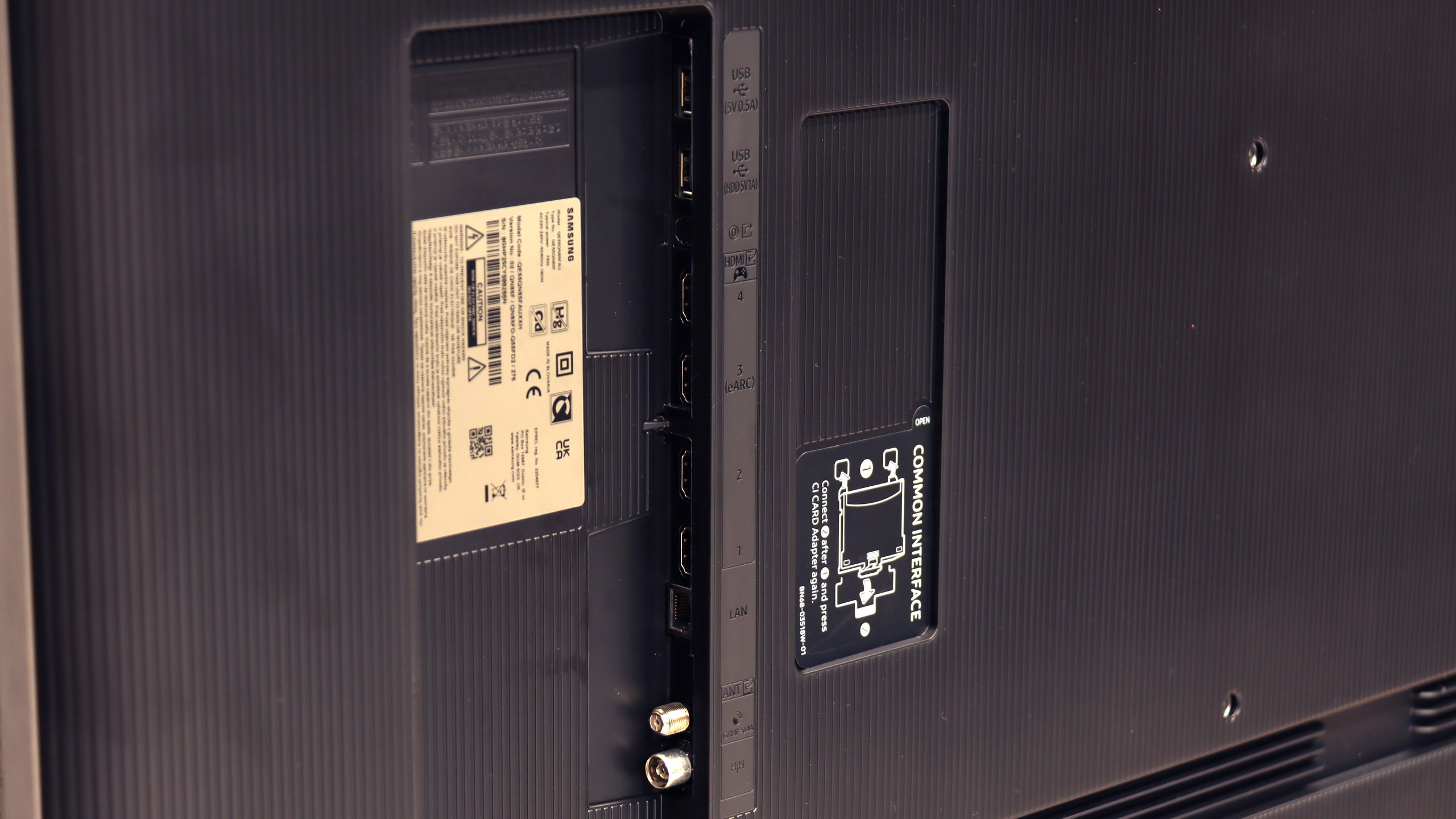
- HDMI inputs0 x HDMI 2.0, 4 x HDMI 2.1 48Gbps3 x HDMI 2.0, 0 x HDMI 2.1
- OutputsToslink (Optical audio), eARC (HDMI), ARC (HDMI)Toslink (Optical audio), eARC (HDMI), ARC (HDMI)
- Network InterfacesWi-Fi 2.4GHz, Wi-Fi 5GHz, Ethernet (LAN) 100MbpsWi-Fi 2.4GHz, Wi-Fi 5GHz, Ethernet (LAN) 100Mbps
- TV receptionDVB-T, DVB-T2, DVB-S, DVB-S2, DVB-CDVB-T, DVB-T2, DVB-S, DVB-S2, DVB-C
Classic features:
- Recording to USB (terrestrial TV)
- Recording programming
- Picture in Picture (PiP)
- RF remote control (no need to aim)
- Backlit remote control
- Teletext
- Audio only mode
- Bluetooth headphones support
- Simultaneous Bluetooth headphones & TV audio
Smart features:
- AirPlay
- Screen mirroring (Windows Miracast)
- Voice search
- Voice search in native language
- Ability to connect a keyboard and mouse
Smart TV and Tizen System
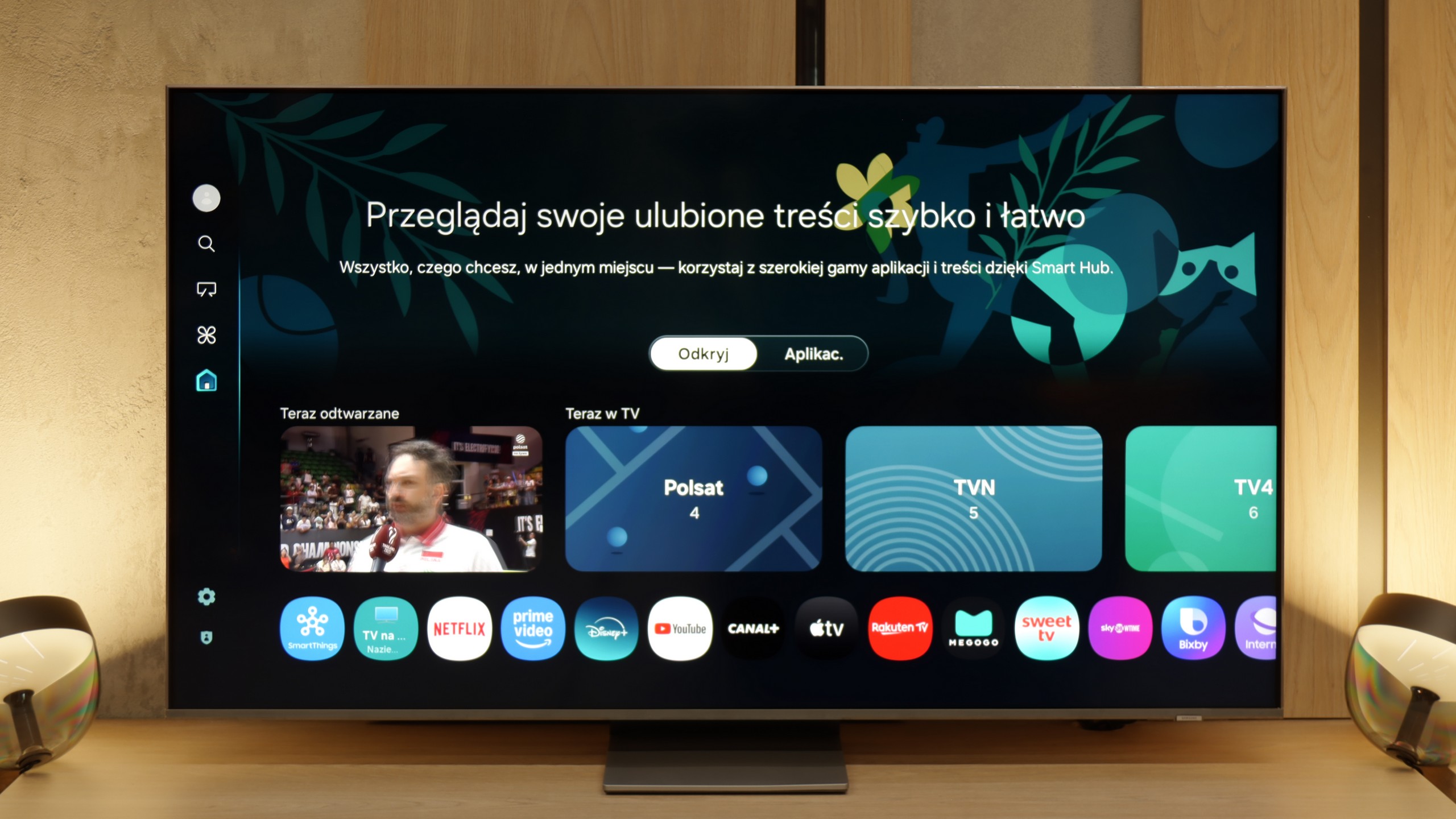
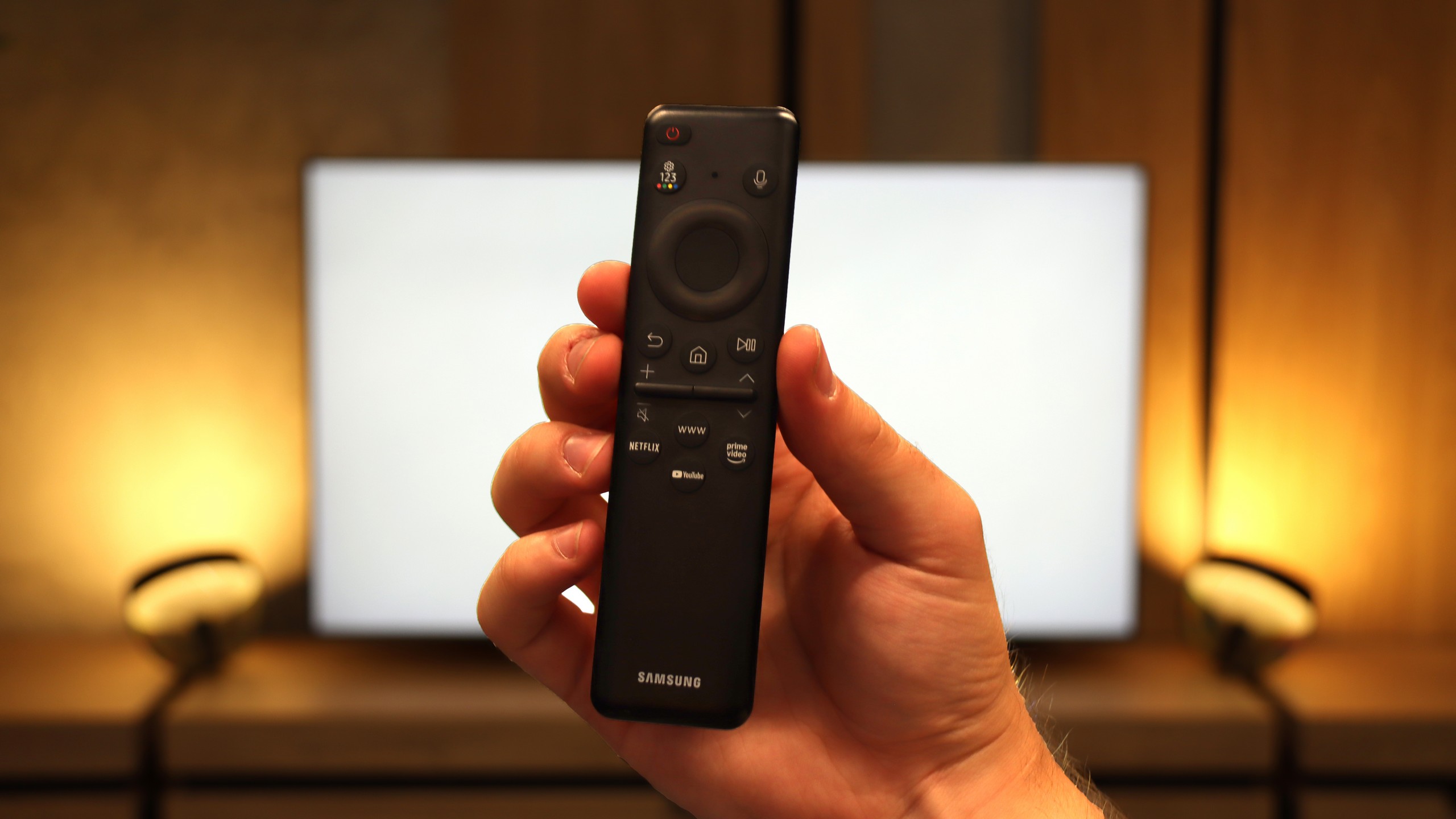
The Samsung QN85F runs on the proprietary Tizen operating system, which has been one of the strongest points of the Korean manufacturer for years. The platform operates quickly, is well-developed, and provides access to virtually all necessary applications. It supports AirPlay, allows screen mirroring, voice search, and has a very clear interface. It is all controlled by a remote with a minimal number of buttons, designed for quick access to the most important applications.
Classic TV Features
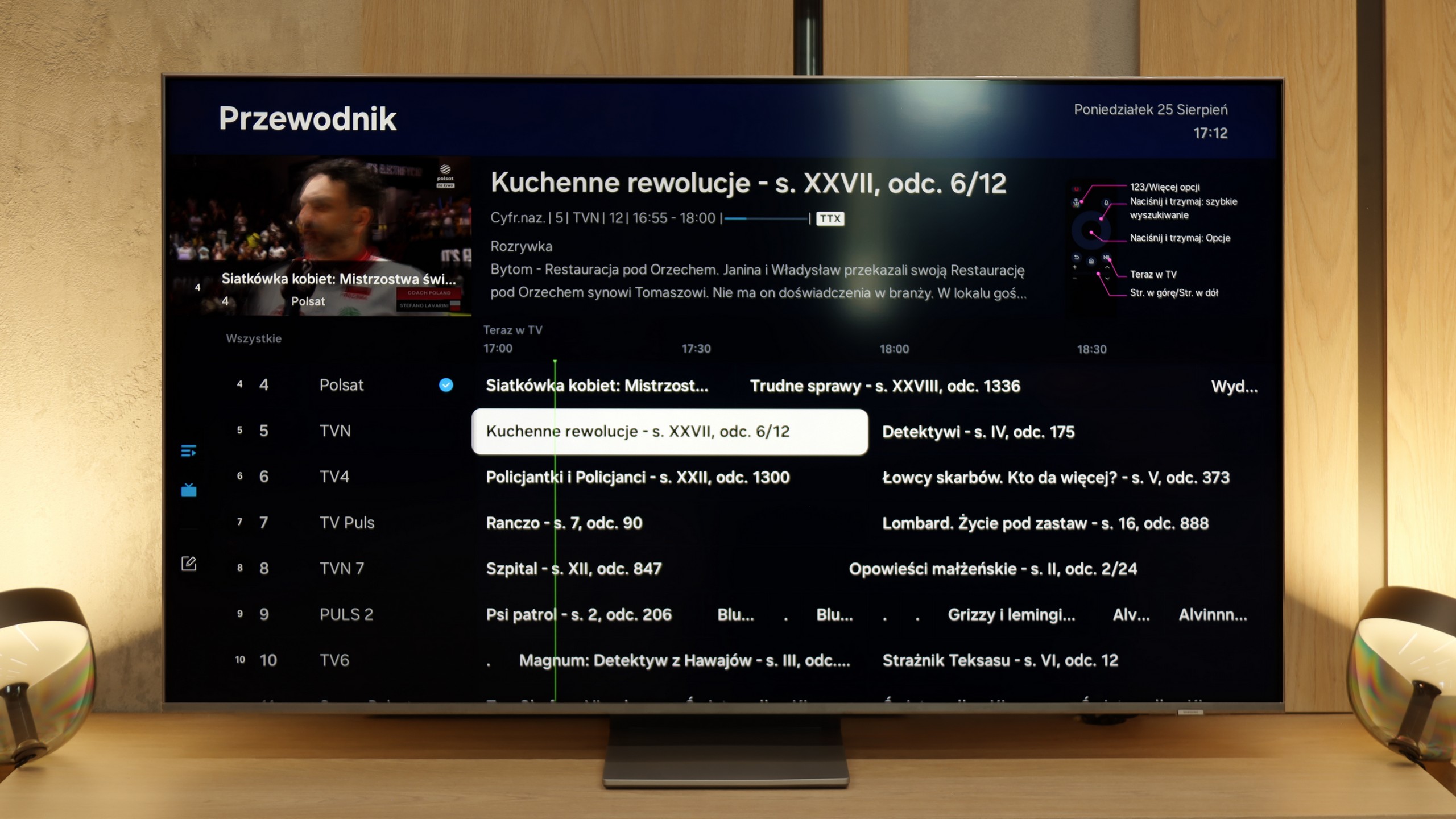
In terms of classic television functions, the QN85F offers a rather basic set. The EPG interface is readable and easy to use, resembling a traditional teletext programme list. A drawback is the lack of USB recording and the absence of PiP functionality, which Samsung has offered in many other models. This is due to the use of single tuners in the QN85F. For some, this may be a disadvantage, but considering how few viewers today use traditional linear television, it may not matter much to the majority of users.
SmartThings and Device Support
A strong element of the entire platform is the SmartThings application. Thanks to it, we can integrate the television with other home devices – not just those from Samsung. We can connect smart lighting such as Philips Hue or Yeelight, video doorbells, and many other devices to the system. SmartThings also allows us to control the television without using a traditional remote – we can use the app on a smartphone, mouse mode, or gesture control if we have a Samsung watch. This makes the QN85F part of a larger ecosystem and fits perfectly into the smart home IoT trend.
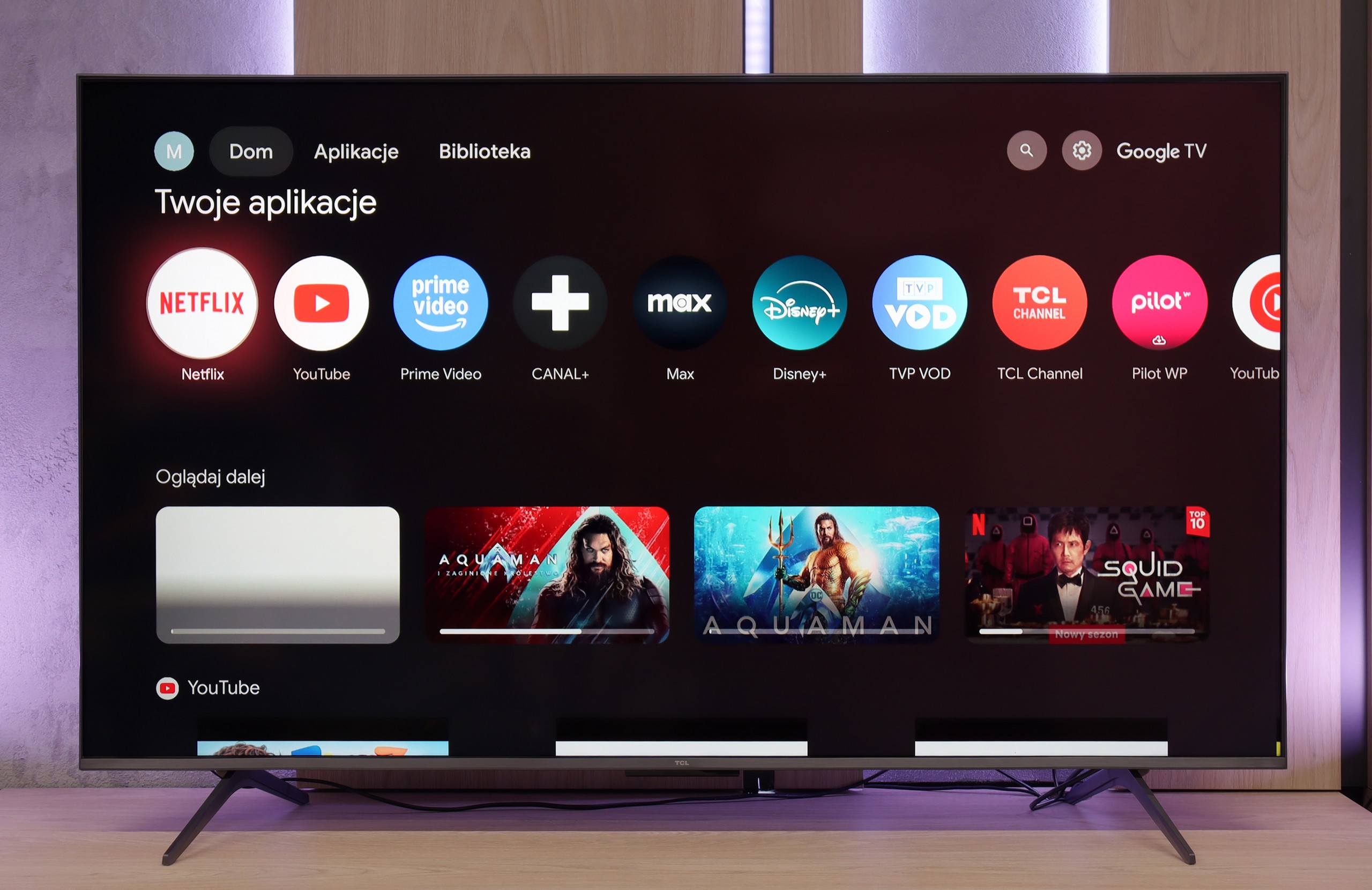
The biggest advantage of the C6KS is the Google TV system. It's an environment that offers a lot — ideal for those who prioritise a wide selection of applications and convenient use of streaming services. AirPlay, screen sharing, and the voice assistant work very well here, making everyday use of the television simply comfortable.
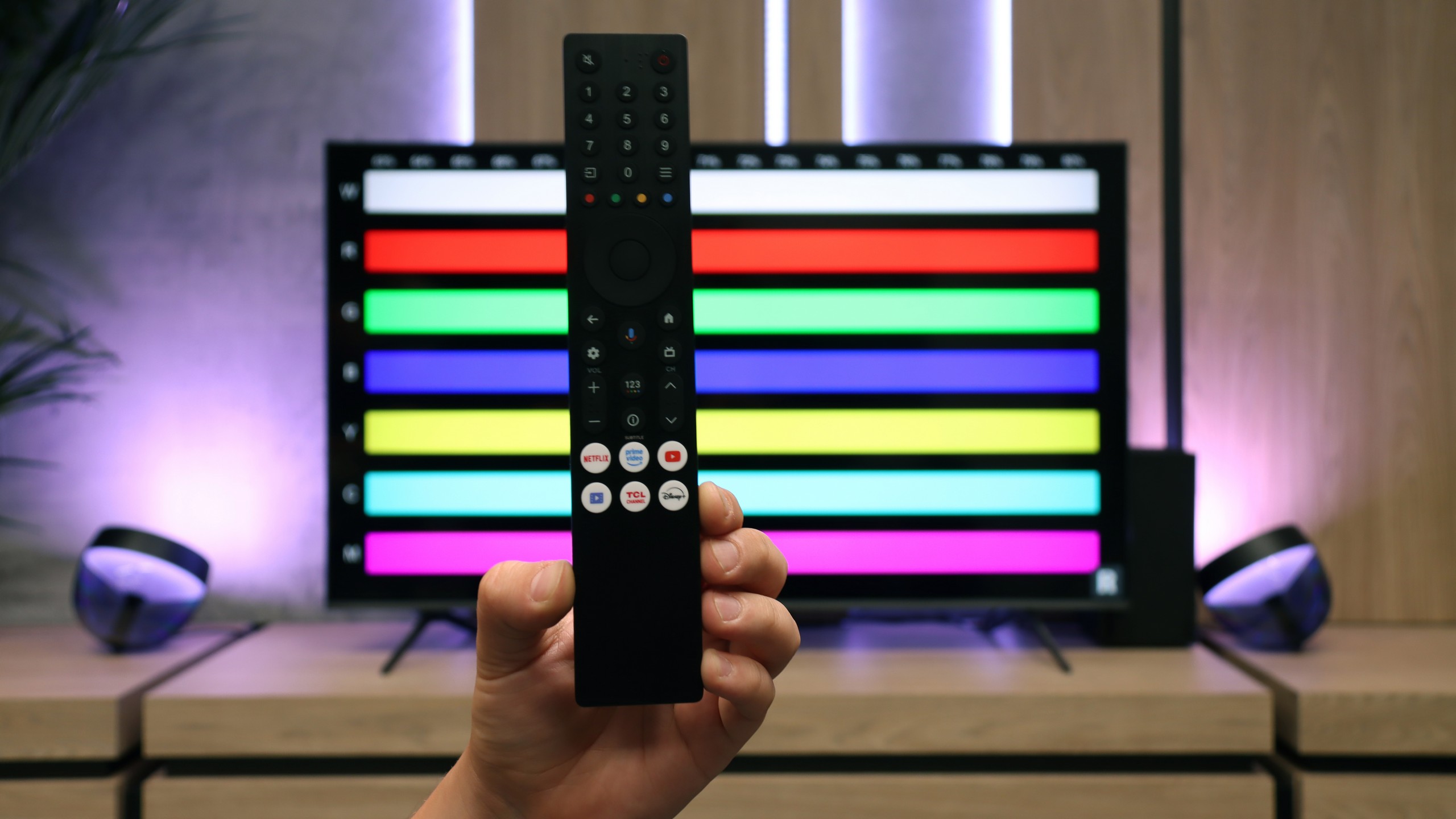
The support for traditional television looks somewhat weaker. Users who are counting on advanced "television" features may feel overlooked. Aside from the efficiently functioning Bluetooth remote with a numeric keypad, we won't find conveniences like USB recording or PiP functionality here.
Apps
9.3/10
9.6/10






















Playing files from USB
9.1/10
8.9/10
Supported photo formats:
Maximum photo resolution:
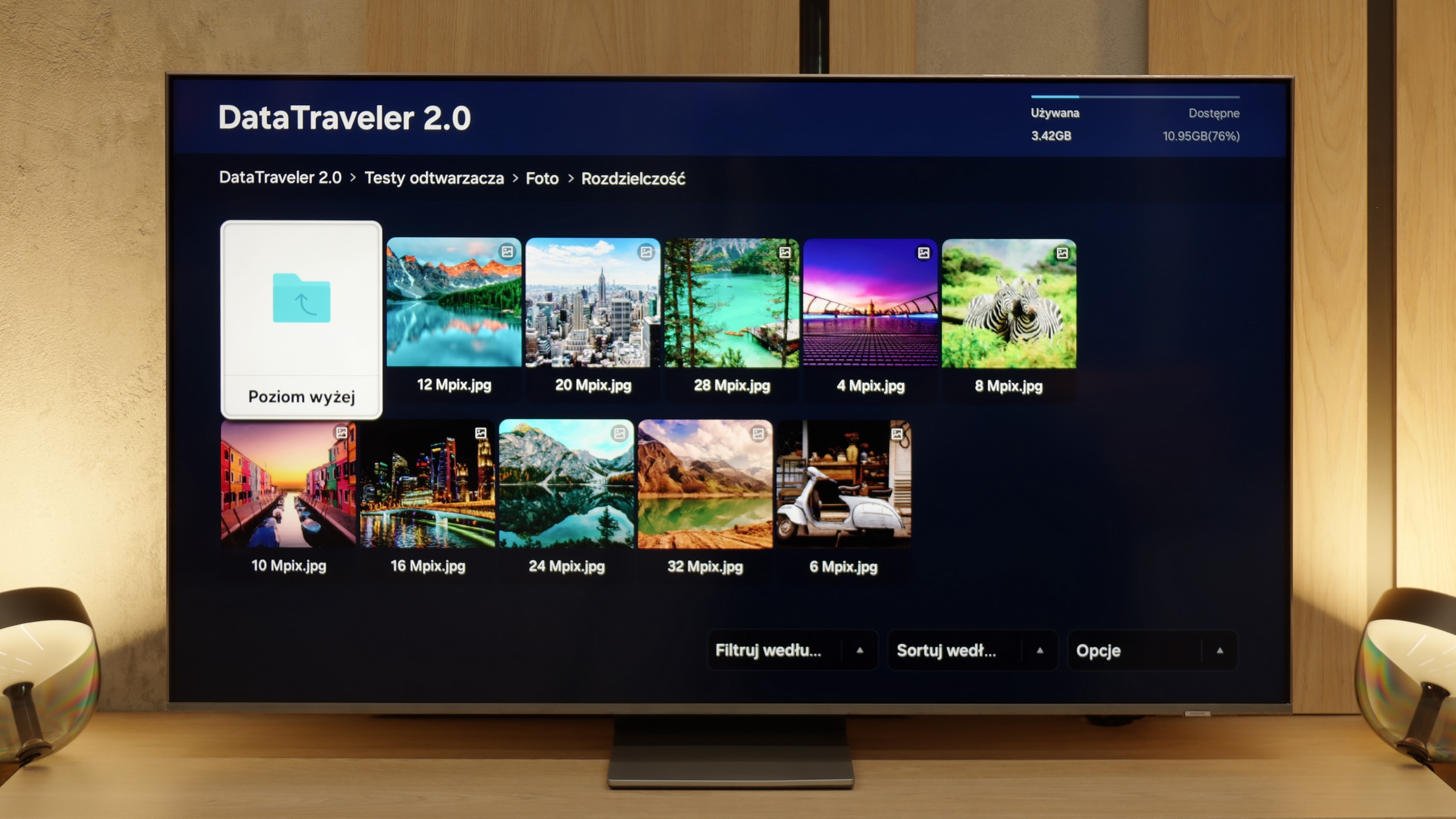
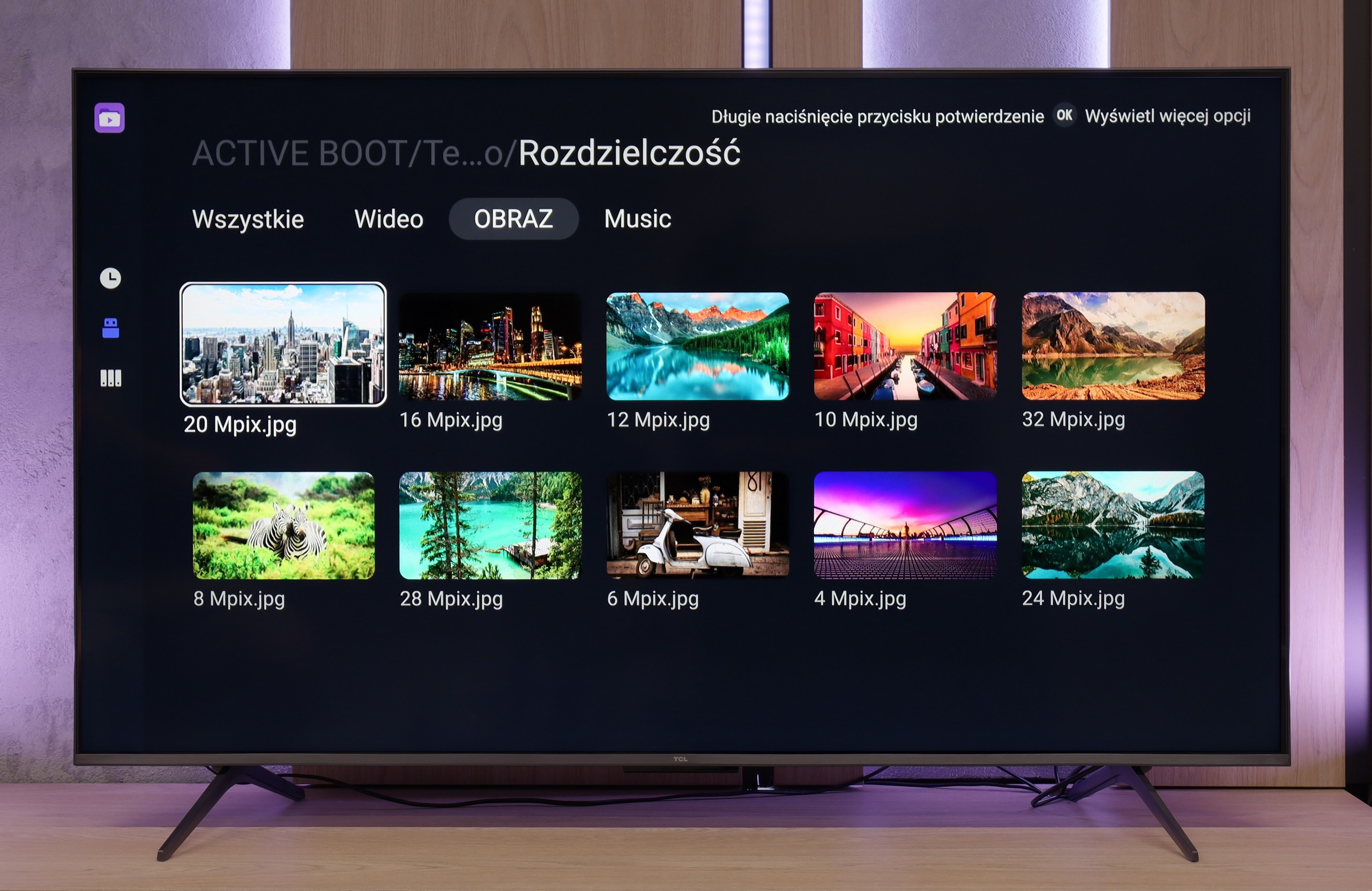
The player in the QN85F works as most people expect; it supports practically all popular formats and is more than sufficient for even the more demanding users. Movies, music, photos – everything runs smoothly. The only hiccup occurs with HEIC files, which are photos from Apple devices. According to the specifications, they should work, but in practice, they simply do not open. Thumbnails are visible, but the file refuses to launch. This seems to be a common software glitch. Aside from that one issue, the player performs well and does not give rise to complaints.
The system player really performs well and smoothly handles popular formats. The only hitch occurs with files from the Apple ecosystem (e.g. HEIC) – here TCL simply gives up. Fortunately, a huge plus of Google TV is that you can install your own application, e.g. VLC. This way, you can quickly fill in the gaps of the factory player and run virtually any material, customising the TV to your liking.
Sound
7.6/10
6.5/10
- Maximum volume84dB-
- Dolby Digital Plus 7.1
- Dolby True HD 7.1
- Dolby Atmos in Dolby Digital Plus (JOC)
- Dolby Atmos in Dolby True HD
- DTS:X in DTS-HD MA
- DTS-HD Master Audio
The Samsung QN85F is equipped with a 2.2 system with a power of 40 W, and when it comes to built-in speakers, it performs really well. The bass is pleasant, and the dialogues are clear and easily heard even during louder scenes. Even at maximum volume, the television does not produce any unwanted vibrations and nothing crackles. At the bottom of the casing, there is a subwoofer responsible for the bass – therefore, when installing, it is worth ensuring that it is not obstructed by anything.
As for formats, the QN85F does not support DTS:X audio, which has been a standard from Samsung for several years now, forcing Blu-ray enthusiasts to connect audio devices first to the home cinema and then to the television. However, in return, we receive support for the more popular Dolby Atmos format, which can add additional space to sound in films and series.
The TCL C6KS performs practically identically to the C6K model, as it uses the same speaker set branded by Onkyo. For a television of this class, the sound is quite good — you can even sense a slightly defined bass, which is not often found in budget segments. However, it is worth keeping the proper perspective. This bass is quite decent compared to other televisions, but a home cinema system or even a basic soundbar will still offer a significantly fuller, more dynamic sound. Therefore, the C6KS will be suitable for regular television viewing, but if someone is looking for a stronger sound, additional audio equipment will be the natural choice.
Acoustic Measurements
84dBC (Max)
75dBC
No acoustic data