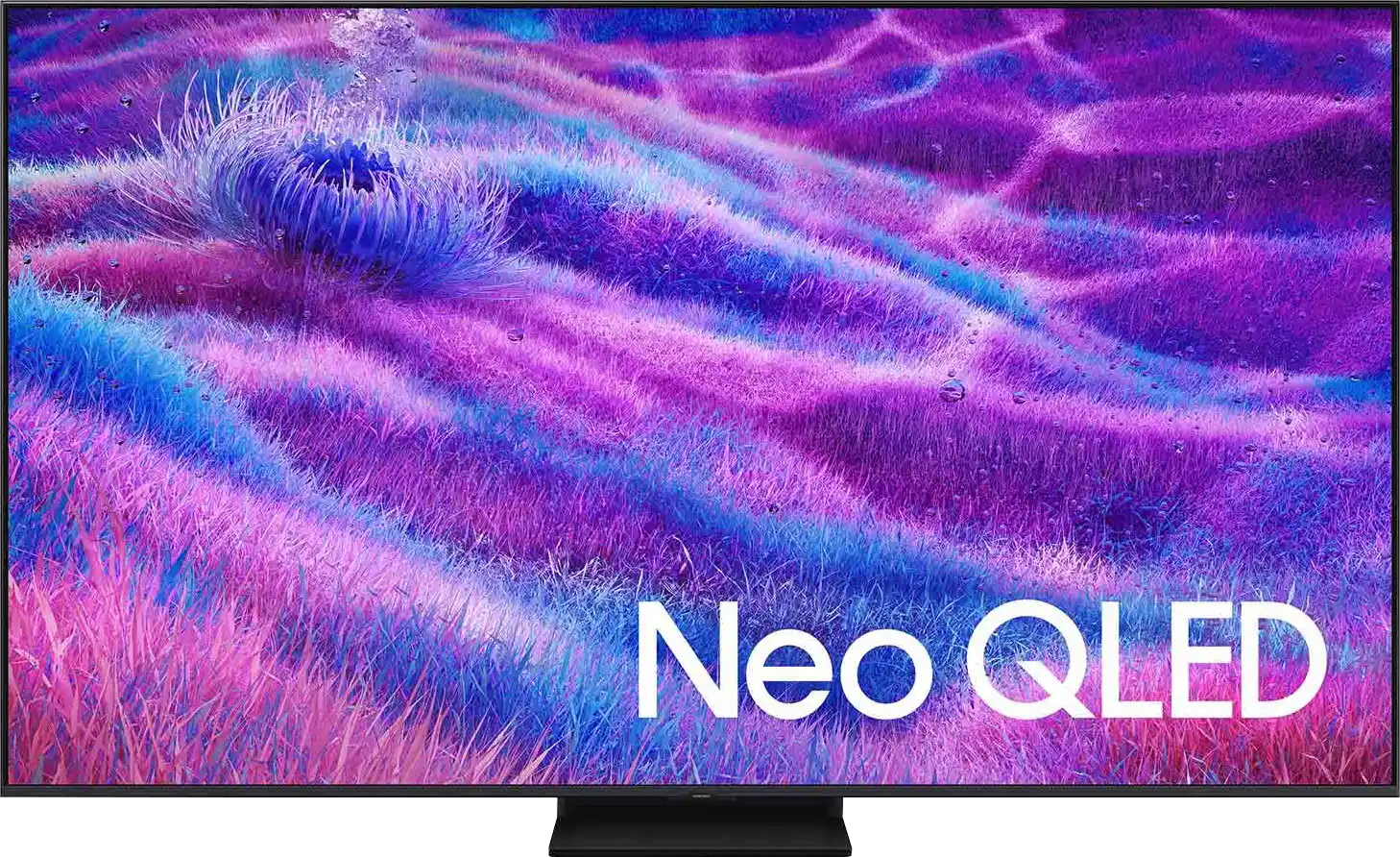
The QN80F is the first "eighty" from Samsung to enter the series of televisions with Mini LED backlighting. And it does this very well. Although the number of dimming zones isn't particularly impressive, the quality of black levels is solid, and combined with high brightness, it allows for a very decent picture in HDR content. Additionally, there's a 144Hz panel that ensures excellent motion fluidity, and the set of gaming features – VRR, ALLM, Game Motion Plus – makes the QN80F a model practically designed for those gaming on consoles or PC. The television operates quickly and responsively, and the Tizen system runs like lightning – whether you're searching for apps or switching sources. Is there anything to criticise? Of course, as always – there are shortcomings in the system (like USB recording), there's no DTS support, and Mini LED isn't without its limitations. But the QN80F is a fantastic television for everyday use – versatile, refined, and... with great pricing potential. Because looking at the history of this series, we can expect that this "eighty" will mix things up significantly once it hits the first sensible promotions. At that point, it could be virtually unmatched in its price range – especially if Samsung resolves the minor teething issues.
- Matching (Score) |
- Our verdict |
- TV appearance |
- Where to buy |
- Contrast and black detail |
- HDR effect quality |
- Factory color reproduction |
- Color reproduction after calibration |
- Smoothness of tonal transitions |
- Image scaling and smoothness of tonal transitions |
- Blur and motion smoothness |
- Console compatibility and gaming features |
- Input lag |
- Compatibility with PC |
- Viewing angles |
- Daytime performance |
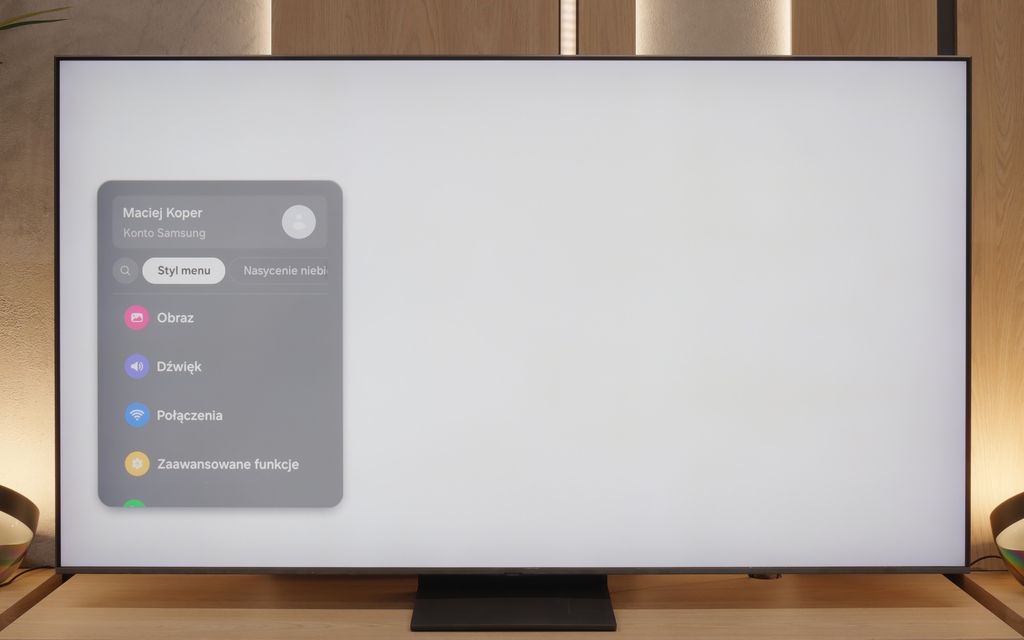
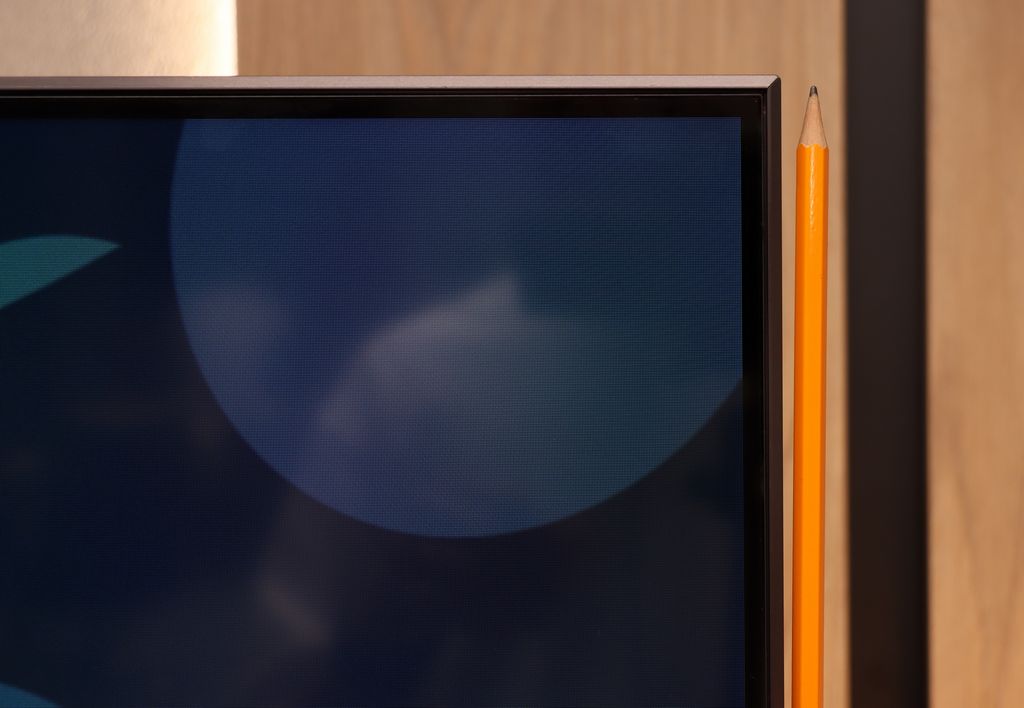
- Panel details |
- TV features |
- Apps |
- Playing files from USB |
- Sound
Samsung QN80F vs Samsung S85F OLED
 Direct comparison
QN80F
S85F / FAE / FAU

Available screen sizes: 55”
Panel type: LCD VA
Resolution: 3840x2160
System: Tizen
Model year: 2025
Complete the survey to find out the result
Panel type: QD-OLED
Resolution: 3840x2160
System: Tizen
Model year: 2025
Complete the survey to find out the result
Overall rating
7.4
8.1
 Movies and series in UHD quality
 6.9
8.4
 Classic TV, YouTube
 6.8
9.2
 Sports broadcasts (TV and apps)
 6.7
8.9
 Gaming on console
 8.9
9.6
 TV as a computer monitor
 8.8
7.6
 Watching in bright light
 6.6
5.1
 Utility functions
 7.7
7.3
 Apps
Apps 9.3
9.3
 Sound quality
 6.7
7.2
Complete the survey to find out what fits your preferences
Advantages

Impressive blacks and contrast - VA panel combined with MINI-LED backlighting.
Great brightness - up to 1000 nits in HDR
Fast and responsive panel - 144 Hz
Rich support for gamers - 4xHDMI 2.1, VRR, ALLM, GameBar, Game Motion Plus
Very good usability in daylight
Advanced Tizen operating system
Simple operation
PiP function
Amazing black and contrast
Incredible colour palette coverage thanks to the QD-OLED matrix
Great picture in SDR and HDR content
High colour fidelity after calibration
Very good image smoothness – 120 Hz OLED matrix
Rich set of features for gamers: VRR, Game Bar, low input lag
4 HDMI 2.1 ports with full bandwidth of 48 Gbps
Advanced and smoothly operating Tizen system
Solar Remote with multiple options
Disadvantages

No support for DTS format – a limitation when connecting a home cinema
No recording function to USB
Relatively few dimming zones
No recording function on USB and PiP
No Dolby Vision
Slightly cherry black in very strong external light (not noticeable when viewing in cinema conditions)
Our verdict
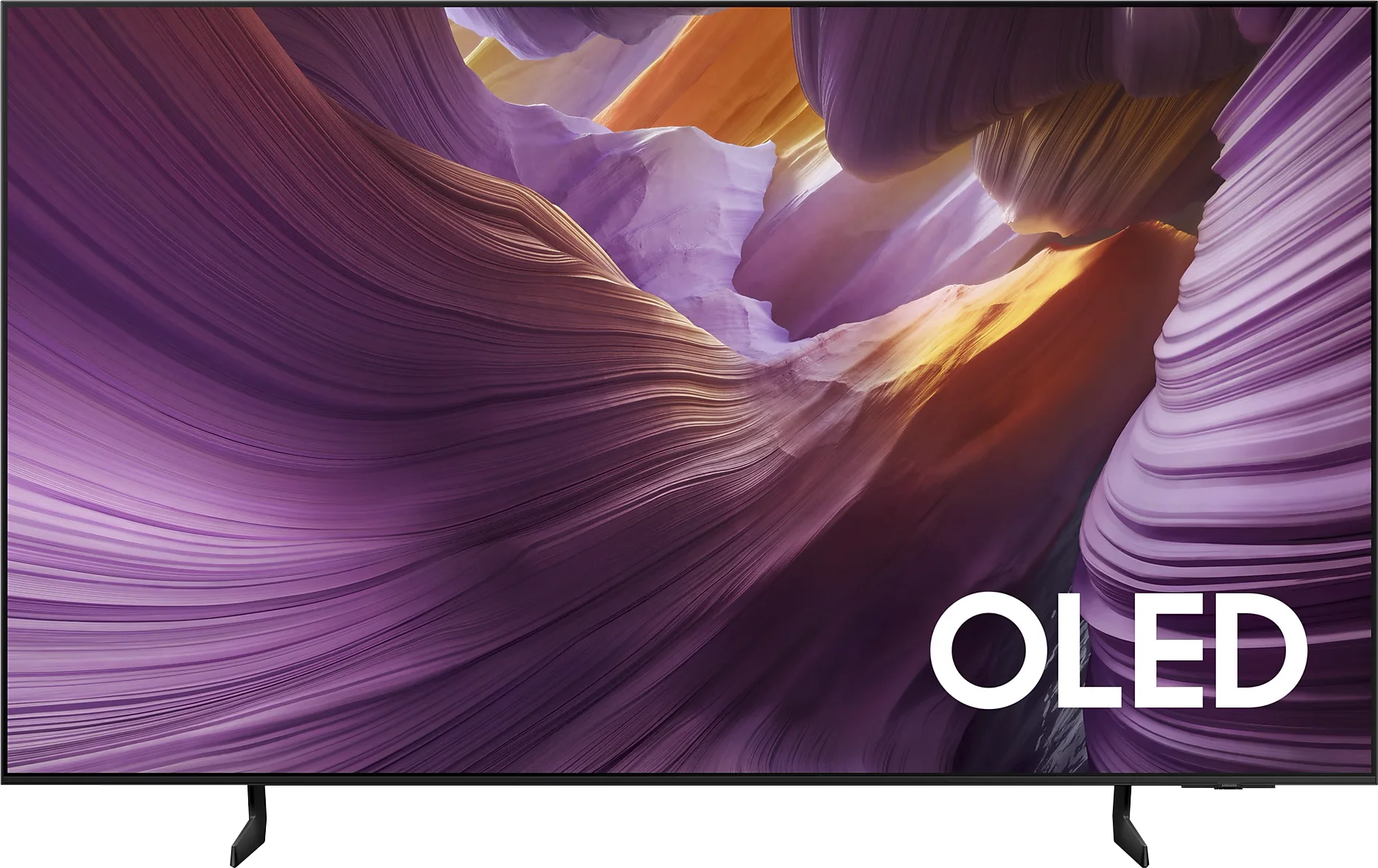
Samsung S85F with a QD-OLED panel can surprise – and it surprises very positively. Even before the tests, we didn't think that in the case of TVs that are talked about in the context of "panel lottery," one could come across something that would benefit the user. However, in this case, particularly in the 55-inch version, it has fully succeeded. The QD-OLED panel, as befits organic technology, offers perfect, almost ideal black and contrast in cinematic conditions. The difference lies, however, in the way colours are reproduced – here it is simply outstanding. The colour gamut coverage is impressive, and after a gentle calibration, the colours become almost exemplary. Motion fluidity is equally high. The 120 Hz panel handles both sports and action films excellently. And if someone plans to connect a console to the S85F, they will receive a complete set of advantages: low input lag, variable refresh rate, Game Bar, and full support for HDMI 2.1. In everyday use, we were assisted by the Tizen system – closed, but extremely well-designed. It responds quickly, offers a rich selection of applications, and add-ons such as AirPlay and voice control make it hard to find something more complete in this category. Indeed, the S85F is not without its flaws. However, the balance of advantages and disadvantages is exceptionally favourable here. One could even get the impression that it is one of the best TVs in its price segment.
[UPDATE] We have updated our 2025 Samsung TV reviews following the release of firmware version 1131, which officially restores the essential HGiG (HDR Gaming Interest Group) support.
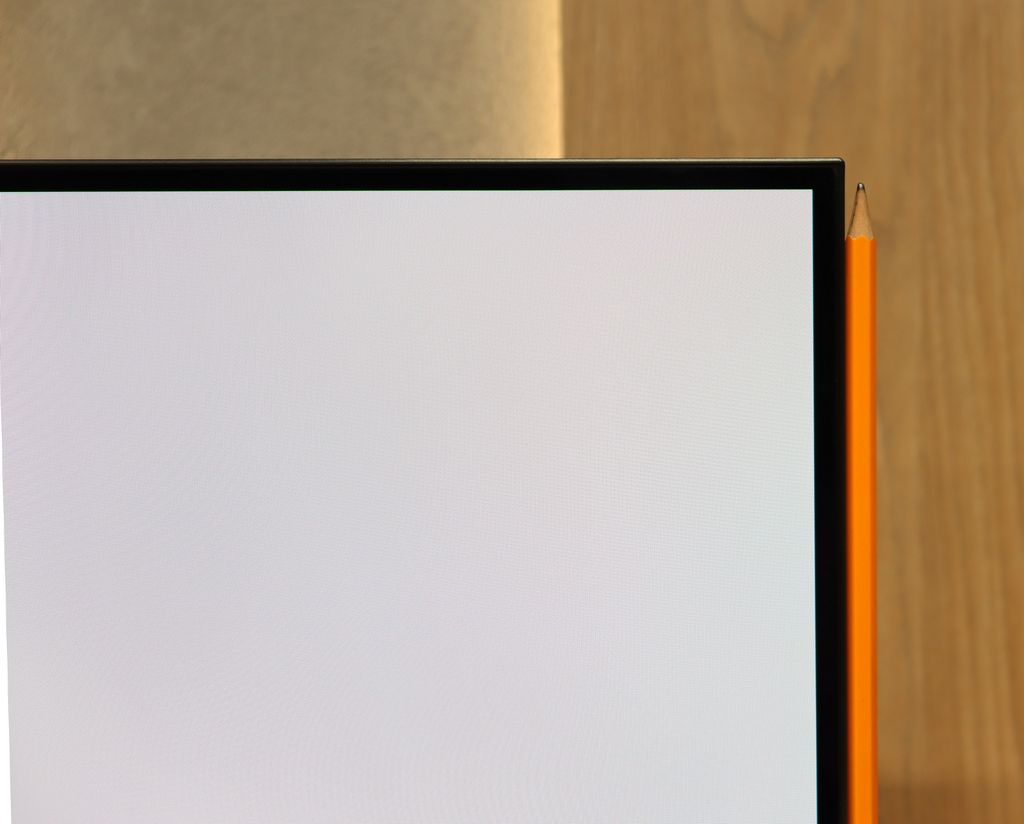
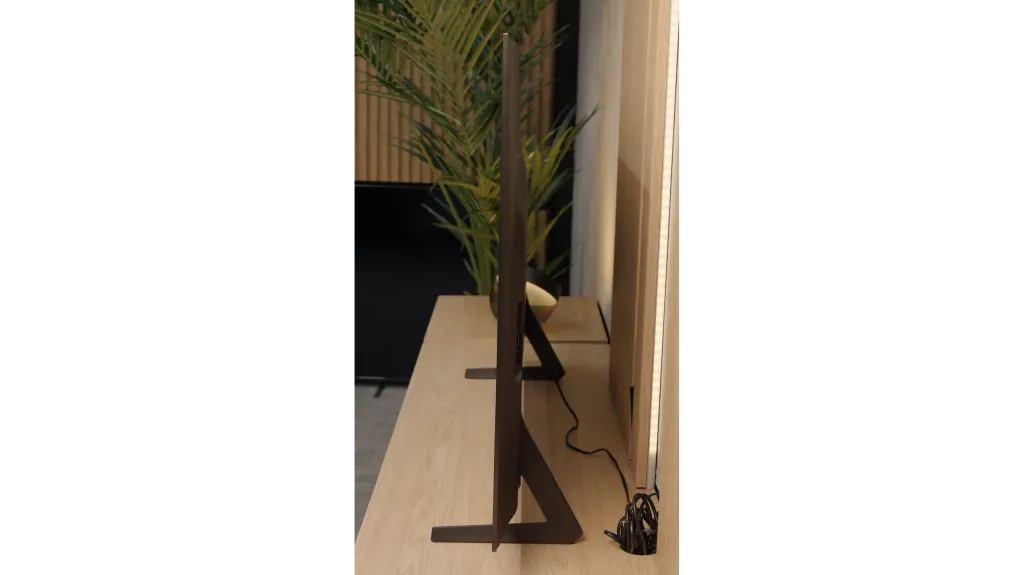
TV appearance
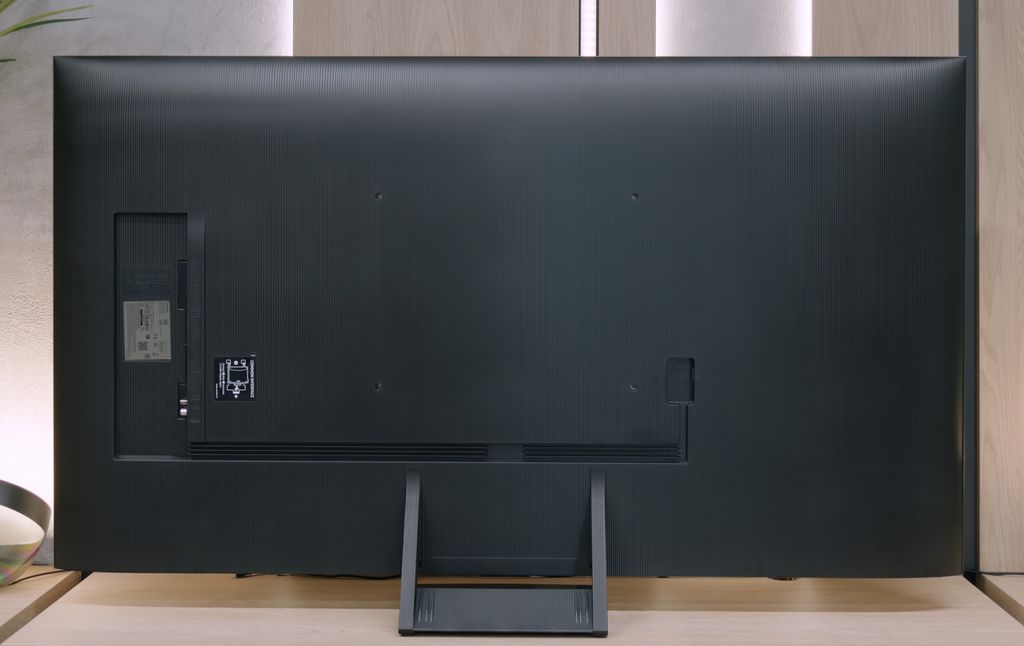
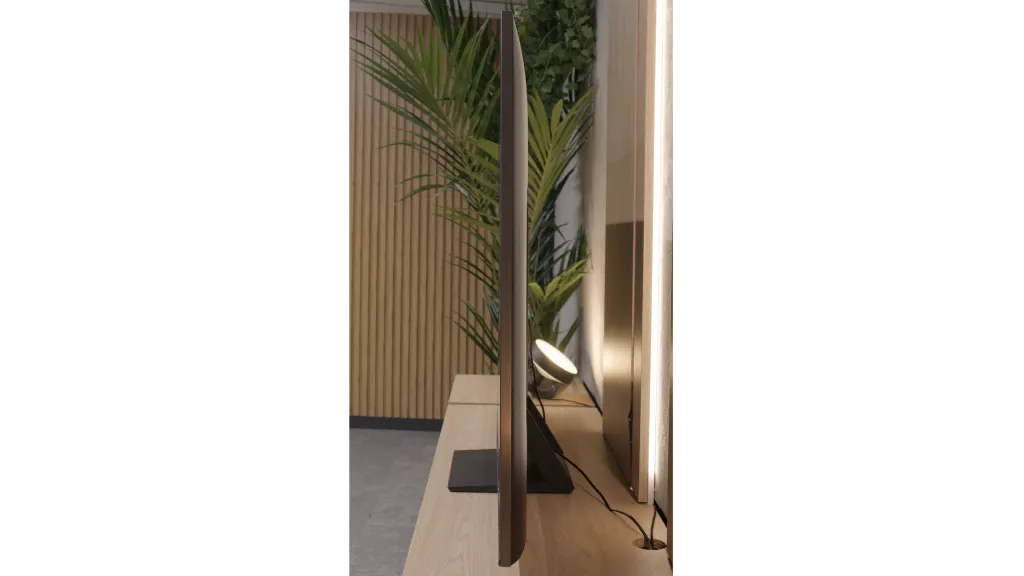
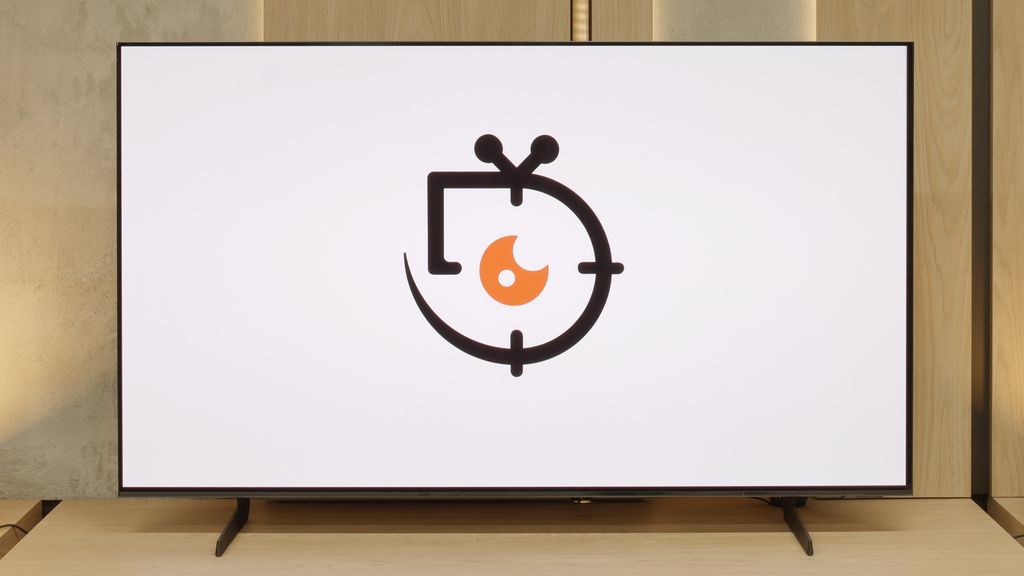
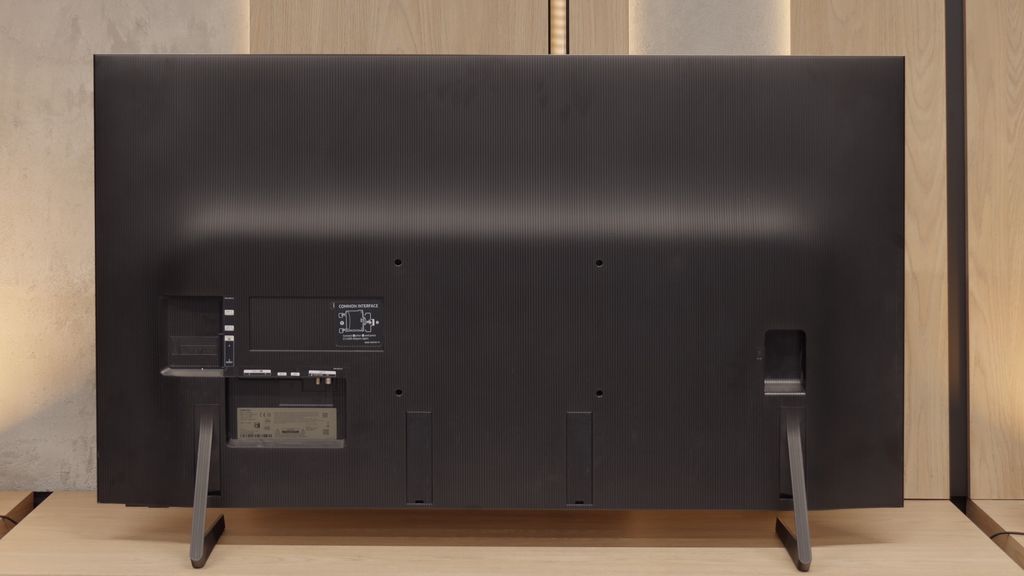

Contrast and black detail
6.8/10
10/10
Local dimming function: Yes, number of zones: 88 (8 x 11)
Contrast:


Result
34,100:1

Result
8,200:1

Result
32,500:1

Result
4,550:1

Result
3,800:1
Result
∞:1
Result
∞:1
Result
∞:1
Result
∞:1
Result
∞:1
Halo effect and black detail visibility:
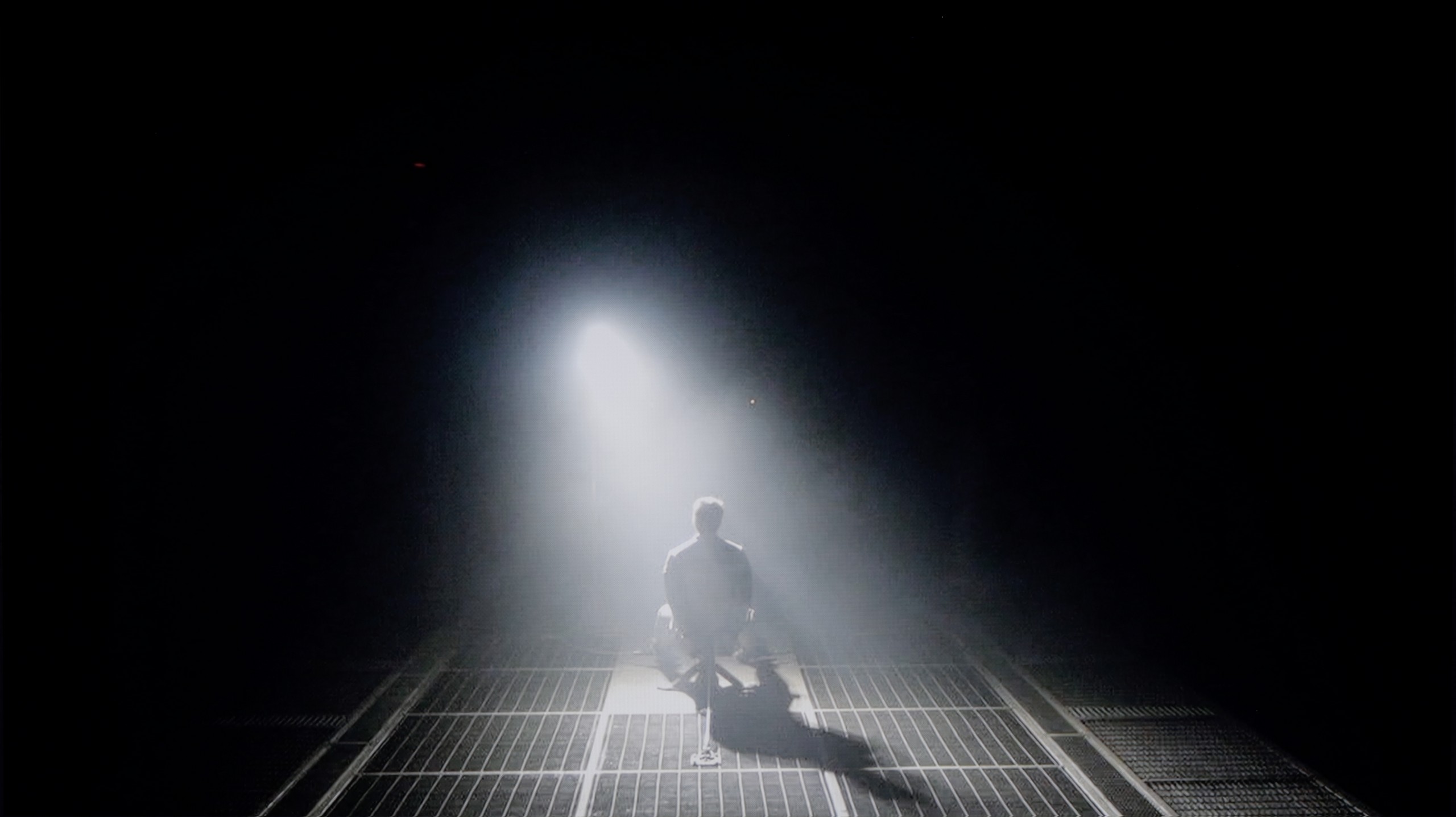
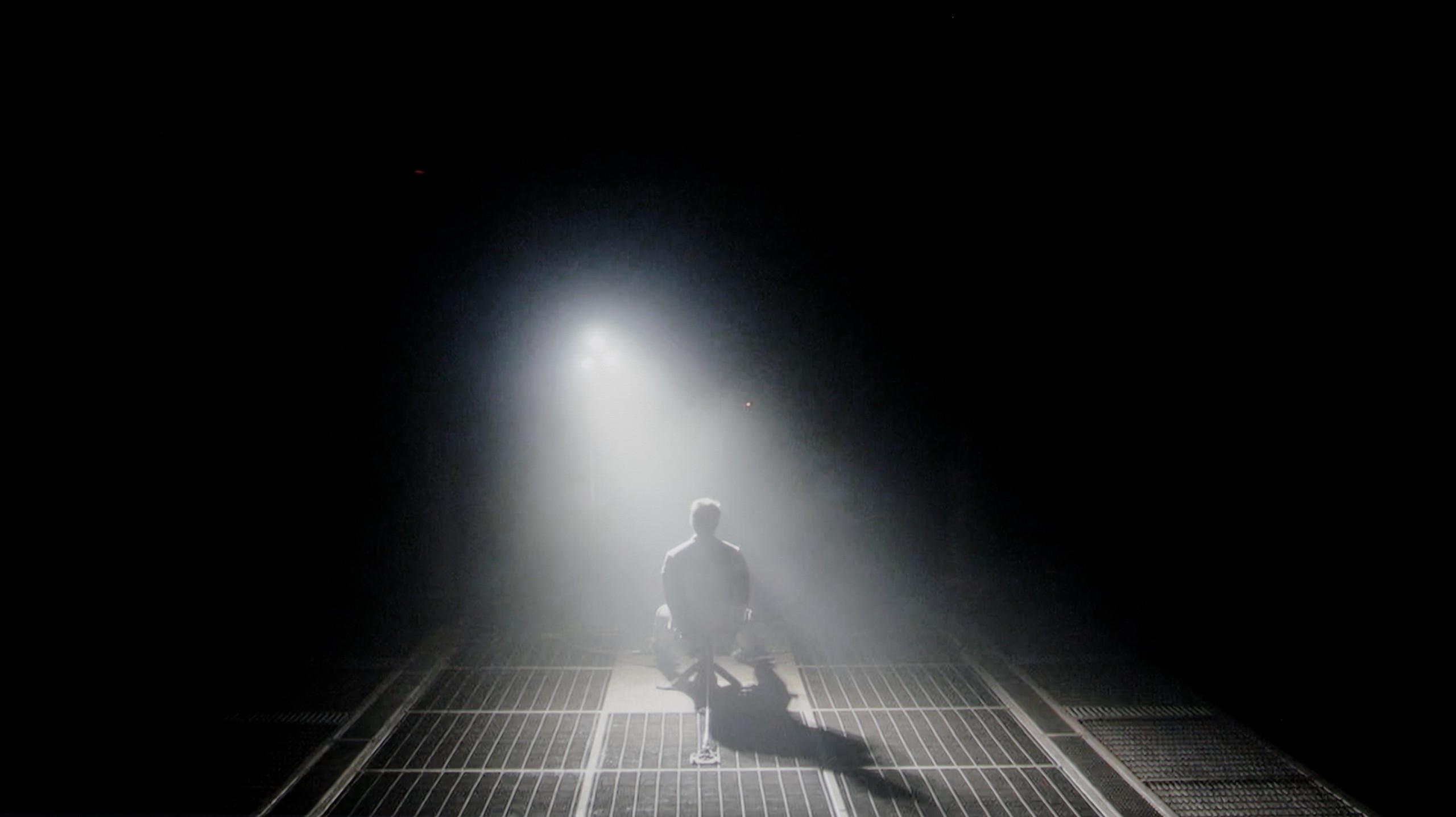
Check the visibility of bright lights on a dark background. Mini-LEDs often struggle with this. The photo does not compare black levels – that’s what the video below is for.
The video accurately shows differences in contrast and black levels between TVs, as well as potential issues: halo around bright objects or Mini-LED zone operation visible as brightness jumps.
QN80F is a representative of the Neo QLED series, meaning it is a television with Mini LED backlighting. Unlike its cheaper cousin, the QN70F model, the diodes here are placed directly behind the panel (rather than at the edges), which gives it a solid advantage right from the start when it comes to contrast control. In the 65-inch variant we tested, we counted 88 dimming zones – a result that may not be particularly impressive, but as it turned out, sufficient to achieve quite decent results.
In tests based on scenes from films such as Oblivion and The Meg, the QN80F performed well – blacks were deep, and the overall image consistency was visually appealing. However, in more demanding moments (e.g., scenes with a large number of bright details on a dark background), a halo effect appeared. This is where the limitation of the number of zones becomes evident – bright elements could bleed into one another, and some details in the dark areas lost visibility. In one scene featuring a helicopter (The Meg), we even noticed slight brightness flickering, as if the television was trying its best to maintain detail visibility at the expense of black depth.
However, these issues are not exclusive to this model – halo effects or drops in contrast during very complex scenes are challenges faced by most Mini LED televisions, even the more expensive ones. In its class, the QN80F performs positively and offers significantly better contrast than the QN70F model with edge backlighting. For most users, this will be a level more than sufficient – although not perfect.
The Samsung S85F in the 55-inch version has something exceptional about it – it features a QD-OLED panel. This may sound quite surprising, but it is a fact, at least in Poland. Thus, the question arises: is the difference noticeable compared to last year's S85D with a WOLED panel? Yes, although in this particular test – black levels and contrast – it hardly matters.
Regardless of the scene, the S85F delivers infinite contrast and perfect blacks that we expect from any OLED. These are results that can impress even the most demanding cinema enthusiasts. It's worth remembering that such deep blacks can only be offered by TVs with organic panels – and it doesn't matter whether it's WOLED or QD-OLED. So, if you dream of a screen that can "turn off" the light in a scene just as effectively as an art house cinema in a dark room, the S85F is one of those TVs.
HDR effect quality
5.8/10
6.2/10
Luminance measurements in HDR:

Result
799 nit

Result
533 nit

Result
717 nit

Result
245 nit

Result
656 nit
Result
666 nit
Result
703 nit
Result
742 nit
Result
732 nit
Result
433 nit
Scene from the movie “Pan” (about 2800 nits)
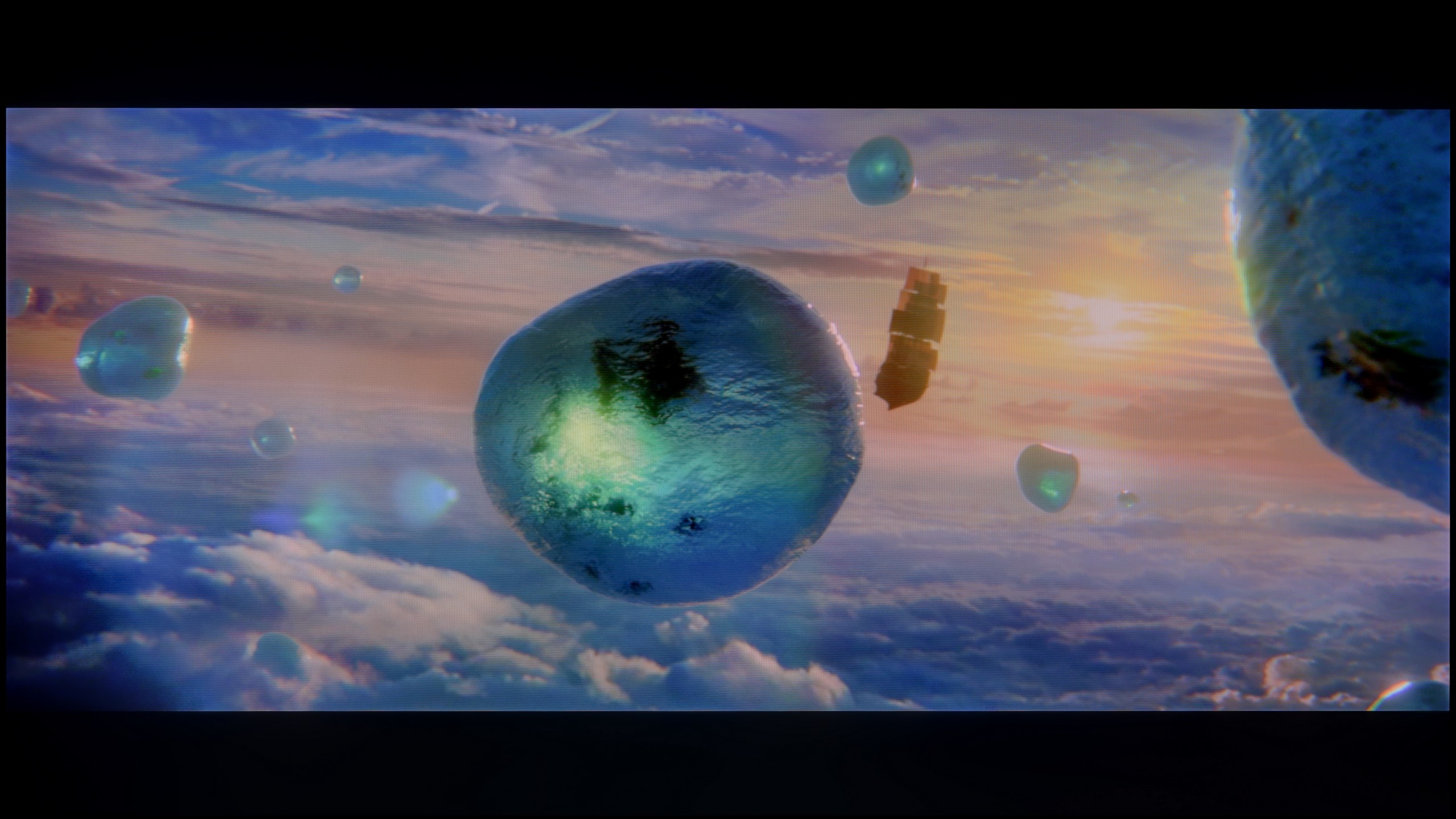
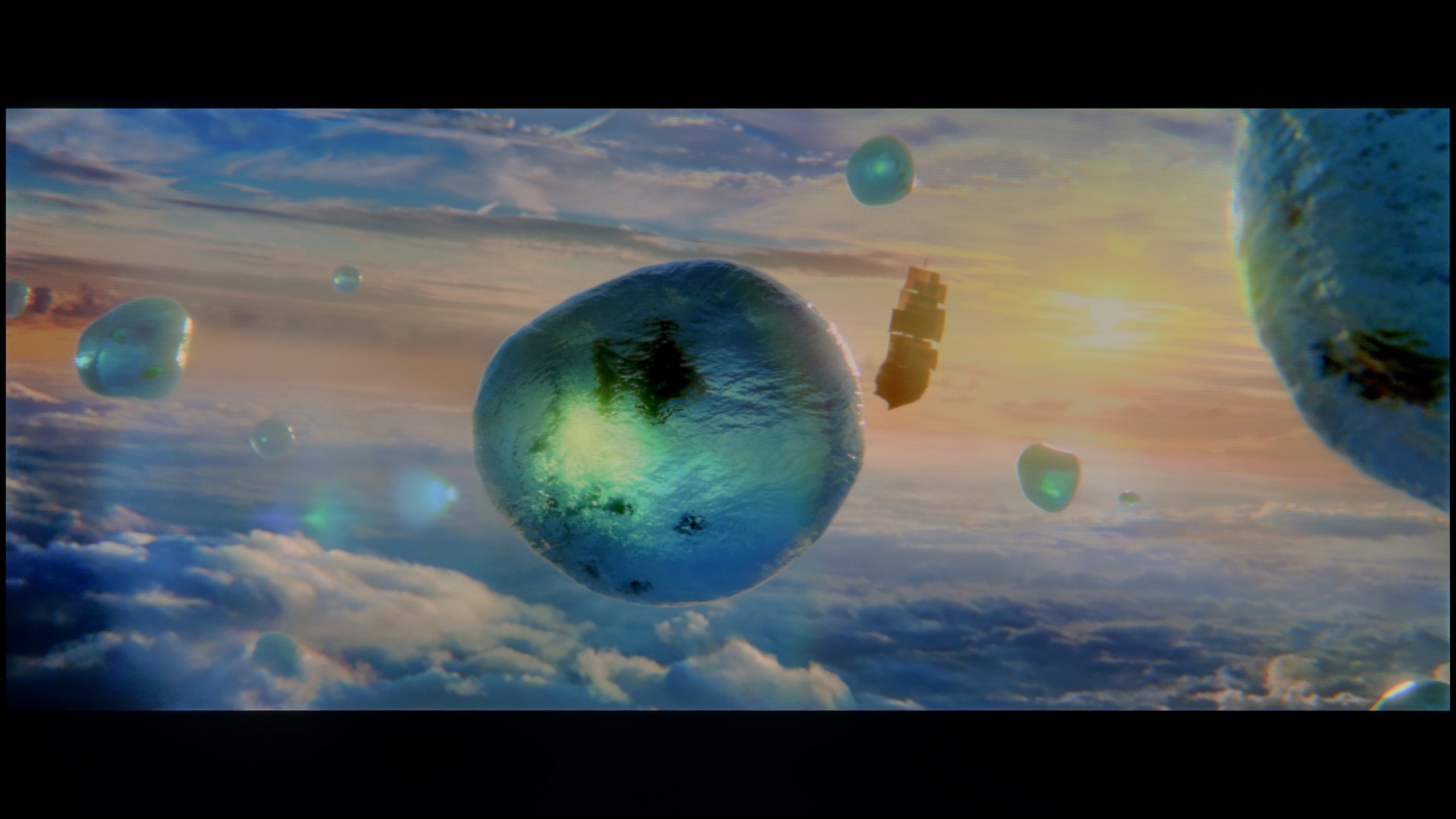
Scene from the movie “Billy Lynn” (about 1100 nits)
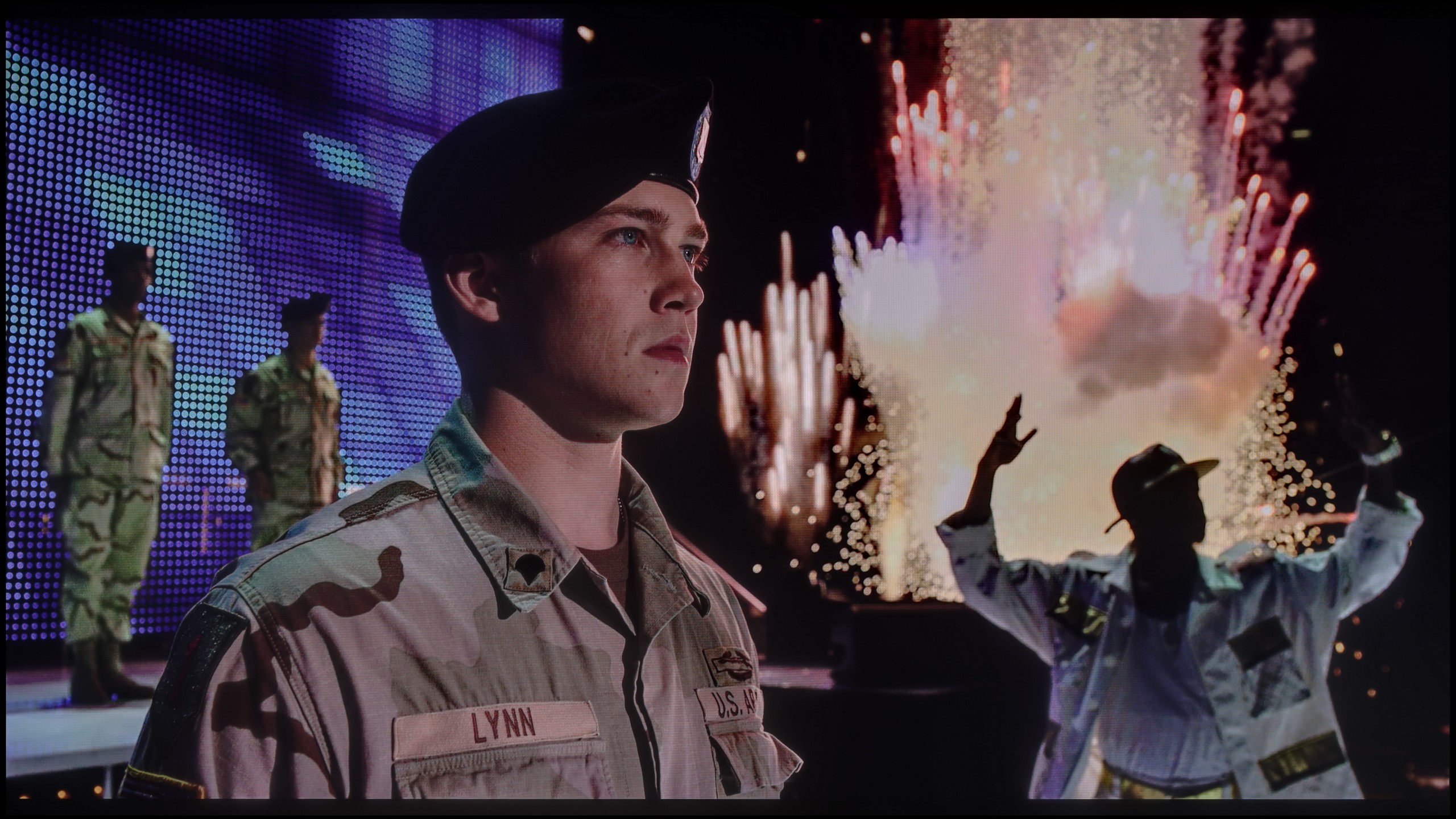
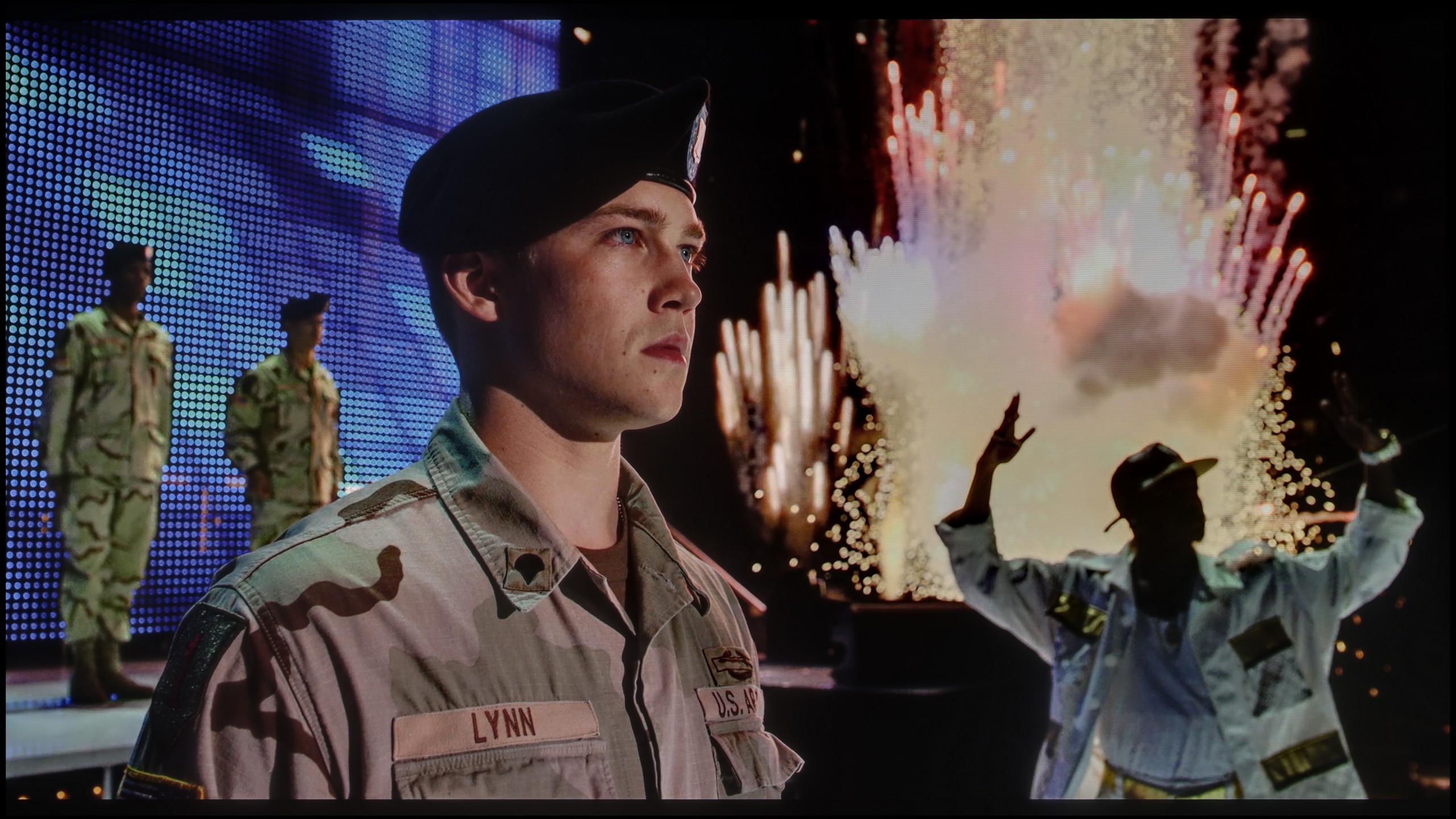
The photos show two HDR10 movies. 'Pan' is one of the brightest productions ever made, while 'Billy Lynn' (soldier) has brightness typical of streaming (Netflix, Prime, HBO MAX). Notice the intensity of effects and detail in whites.
Static HDR10
The photos present the visibility of white details in various HDR formats. They do not show brightness differences between TVs (these can be compared in the previous gallery).
Dynamic: HDR10+
Dynamic: HDR10+
The photos present the visibility of white details in various HDR formats. They do not show brightness differences between TVs (these can be compared in the previous gallery).
HDR luminance chart:
Samsung S85F OLED
Samsung QN80F
QN80F is quite a bright screen – in synthetic tests, it achieved nearly 1000 nits, which allows for justified expectations regarding HDR content. And indeed, in many scenes, the television can truly shine. Sequences with a lot of light – like shots from the film Life of Pi or wide, bright surfaces in The Meg – look impressive. Brightness remains around 700 nits, which provides a solid effect, sufficient to feel the true "HDR magic." Unfortunately, not every scene looks that good. In materials with small, bright details on a dark background, such as in Sicario 2, the television has issues – it can significantly dim certain elements, sometimes to the point where they disappear from the image. This is the result of a limited number of dimming zones, which forces the device to make compromises: either maintain inky blacks or sacrifice some detail. QN80F usually chooses the former. As a consolation, there is quite decent coverage of a wide colour gamut – DCI-P3 at 93%. This is not the highest score on the market, but it is more than adequate for most content on streaming platforms.
For an OLED, the Samsung S85F can truly shine – literally. Under favourable conditions, it is capable of generating brightness exceeding 750 nits. This is hugely significant, as most films are created with displays reaching around 1000 nits in mind. In practice, this means that in scenes with moderately large, bright elements, the image can look simply fantastic. However, it's not always so rosy. When there is a huge amount of light on the screen – whether it's an expansive, bright background or a whole frame filled with white – the S85F has to tone it down. In such scenes, brightness can drop by even four times. This limitation is well-known to essentially every OLED in this price segment, so we do not consider it a particular shortcoming. However, something that deserves praise and sets this model apart from the competition is its colour gamut coverage. Thanks to the QD-OLED panel, our colourimeter recorded values exceeding 100% DCI-P3 coverage and as much as 86% for the ultra-wide BT.2020 gamut. Such results are hard to find even in televisions costing several times more.
Factory color reproduction
6/10
5.5/10


This gallery shows how colors change after professional TV calibration. If you notice the difference, we recommend ordering this service at SkalibrujTV.com.
Factory Mode
After calibration


This gallery shows how colors change after professional TV calibration. If you notice the difference, we recommend ordering this service at SkalibrujTV.com.
Factory Mode
After calibration
We test televisions always in the best available factory mode – in the case of the Samsung QN80F, this is the Filmmaker mode, and indeed, it is this mode that offers settings closest to the creators' intentions. However, this does not mean that everything looks perfect. In SDR content, the biggest problem turned out to be an unbalanced white balance – slight deficiencies in green and a noticeable excess of red led to discernible colour errors, one could even say a pinkish tint on the screen. This was well demonstrated in the colour checker test, where the colours 'escaped' beyond their target fields – to the extent that even a sensitive viewer's eye could catch this without the aid of a meter.
In HDR content, the white balance was much better, but another issue arose – brightness management. The EOTF curve resulted in an overly bright image for most of the time, which could affect the perception of contrast and caused the screen to subtly 'flicker' during dynamic light changes. We have already written more about this in the paragraphs on black levels and HDR. Fortunately, Samsung leaves the user with plenty of options. The QN80F offers a rich set of calibration options, including a 20-point white balance – therefore, we decided to check what this television is really capable of after proper calibration.
Samsung, as befits a manufacturer with ambitions, has equipped the S85F with a mode called Filmmaker. Its task is simple: to ensure that the colours on the newly purchased television are as true to what the director intended as possible. Sounds great… but, as is often the case, a theory that sounds great does not always translate into perfect practice.
In the tested unit, it quickly became apparent that the image – due to an excess of blue and red – looked as though someone had overdone the saturation a bit. As a result, quite significant colour errors occurred, particularly in 4K content. Moreover, there was a problem with brightness – the S85F could brighten most scenes more than it should, taking away their intended mood.
Fortunately, Samsung televisions, including the S85F, offer an impressive number of settings for advanced calibrators. This means that we could test what this panel is truly capable of when placed in the right hands.
Color reproduction after calibration
8.3/10
9.3/10
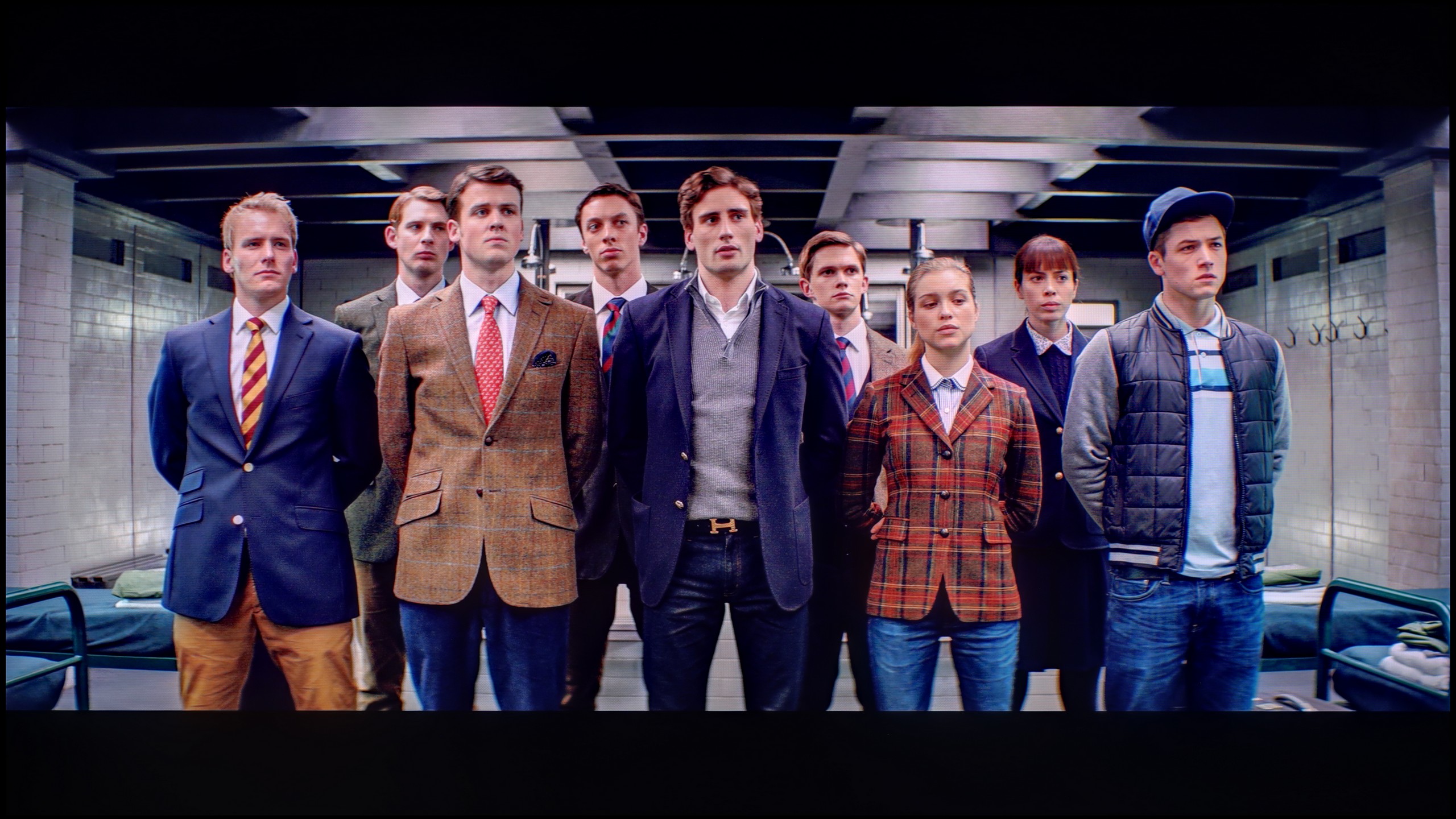
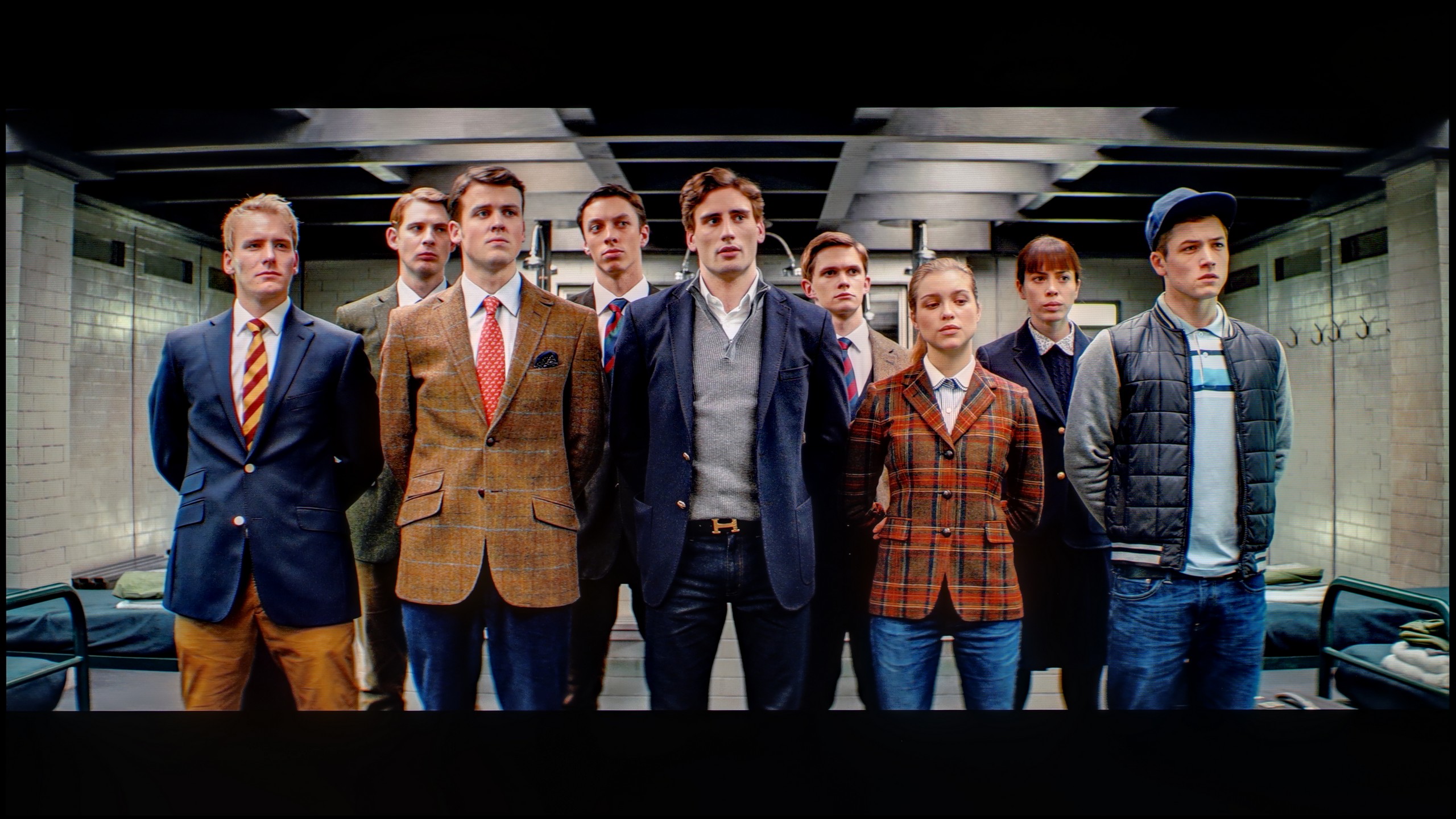
The photos show how movies look on the TV. Pay attention to black detail visibility, colors, and shadow tint.

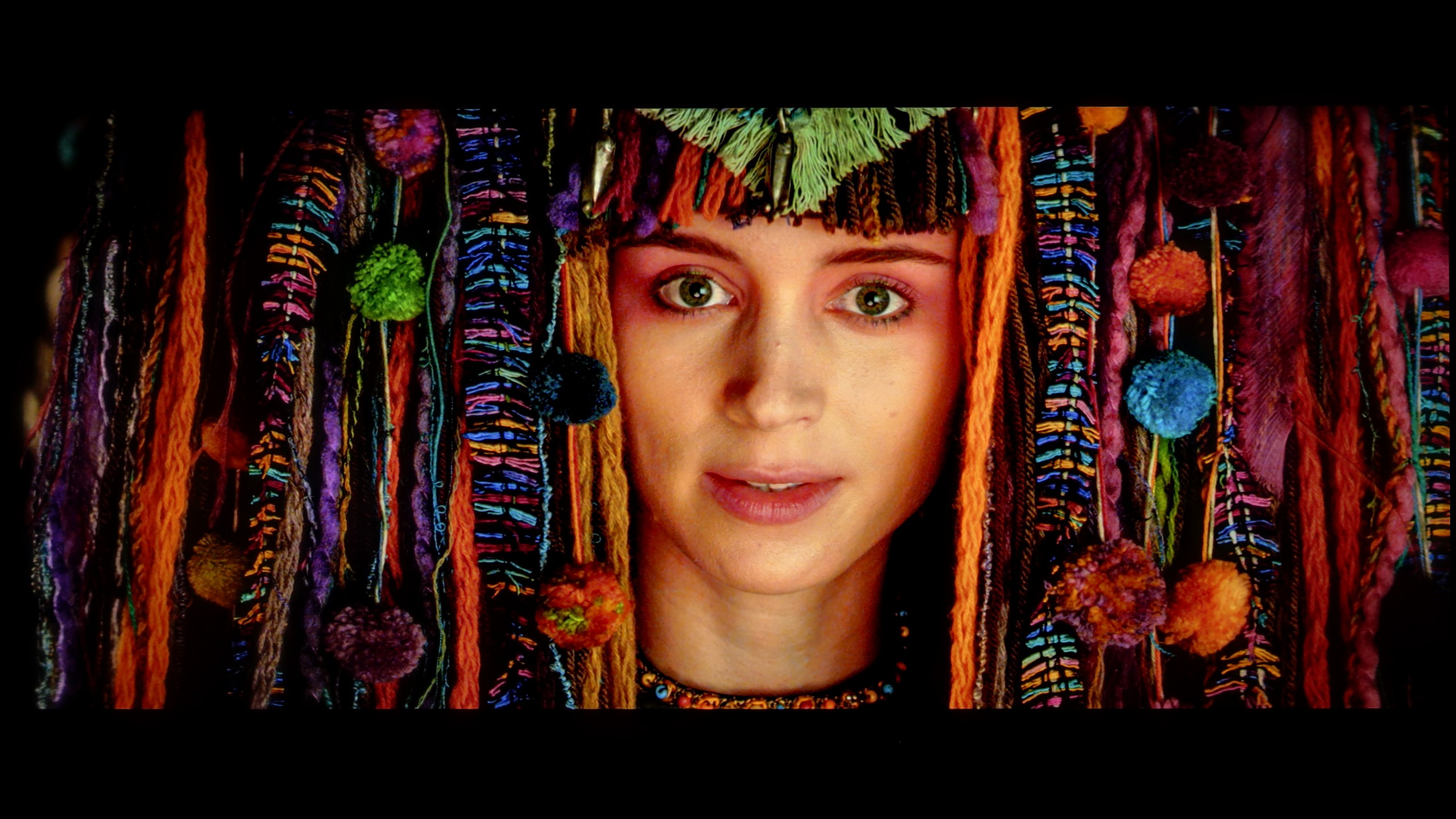
The photos show how movies look on the TV. Pay attention to black detail visibility, colors, and shadow tint.
After conducting a thorough calibration, it was possible to bring most of the image parameters to a really good level. The white balance in both SDR and HDR is nearly perfect – the picture is natural, neutral and devoid of the previously noticeable redness. The colours have gained depth, and the overall visual reception has become more pleasant and cohesive. It was also possible to partially master the brightness management, which in the factory version could be problematic. The EOTF chart shows that the television performs significantly better with brightness after calibration – there is no longer excessive dimming of certain elements. In films, it can still be noticed that the QN80F has a tendency to slightly brighten the smallest, light details – however, this is the effect of the device's design and the limited number of dimming zones. In short: not everything can be overcome, but what could be has been improved. After calibration, the QN80F makes a really good impression; it simply looks more mature and professional.
Thanks to the vast number of settings in the menu, we managed to bring the S85F to nearly an ideal level. The white balance in SDR content? Literally perfect – deviations do not exceed the value of “1”. So we can confidently say that in materials with not very high dynamics, we have an image close to reference here.
In HDR content, slight issues have arisen, but they are not significant in practice – most errors fall below the threshold of perceptibility, which is the value of “3”. We also managed to tame the S85F when it comes to brightness management – the EOTF curve, even in movies, holds an almost perfect line. This is one of those cases where after calibration, you can comfortably forget about the settings and simply enjoy films and series at the highest level.
Smoothness of tonal transitions
9/10
8.5/10
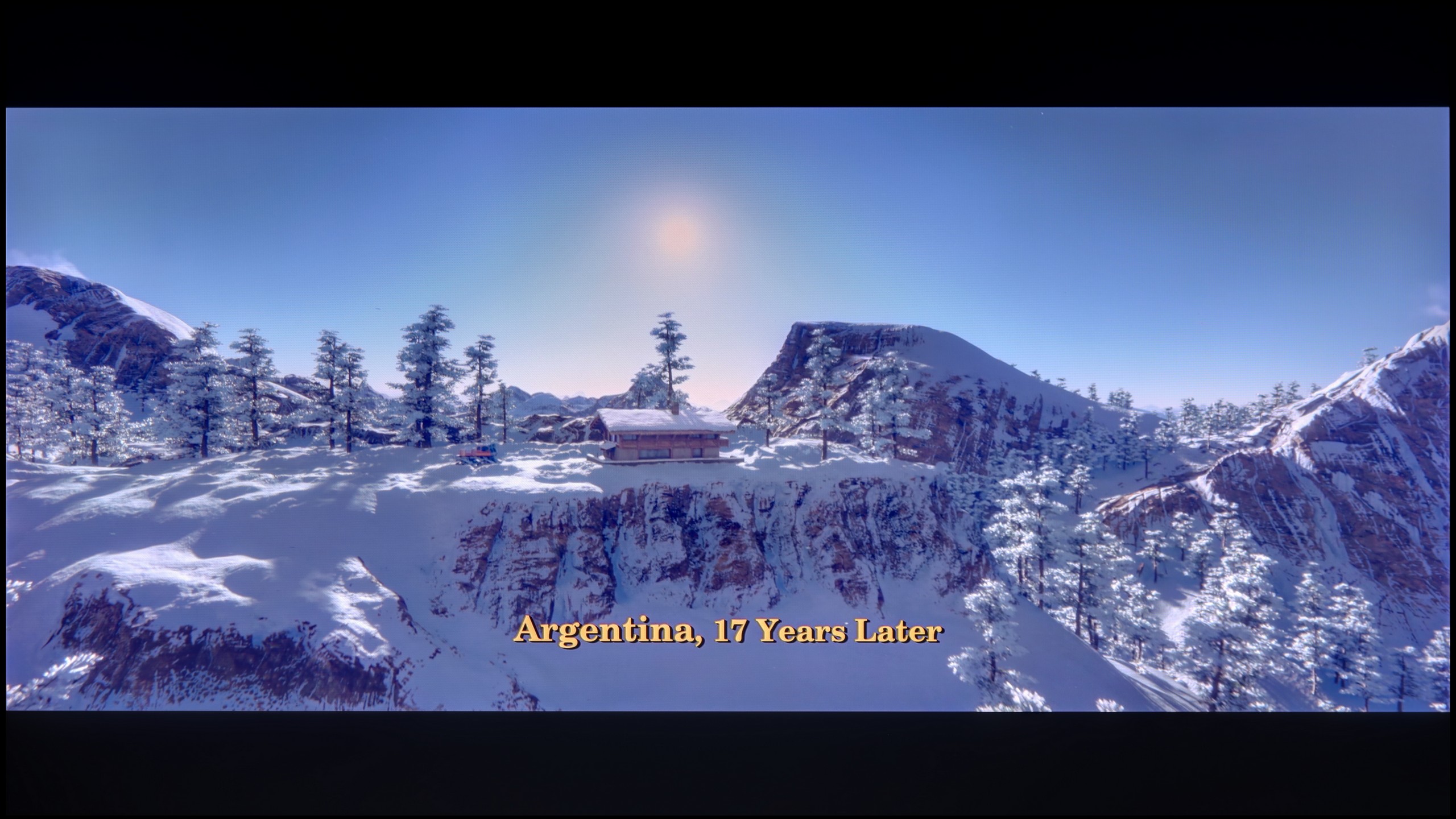

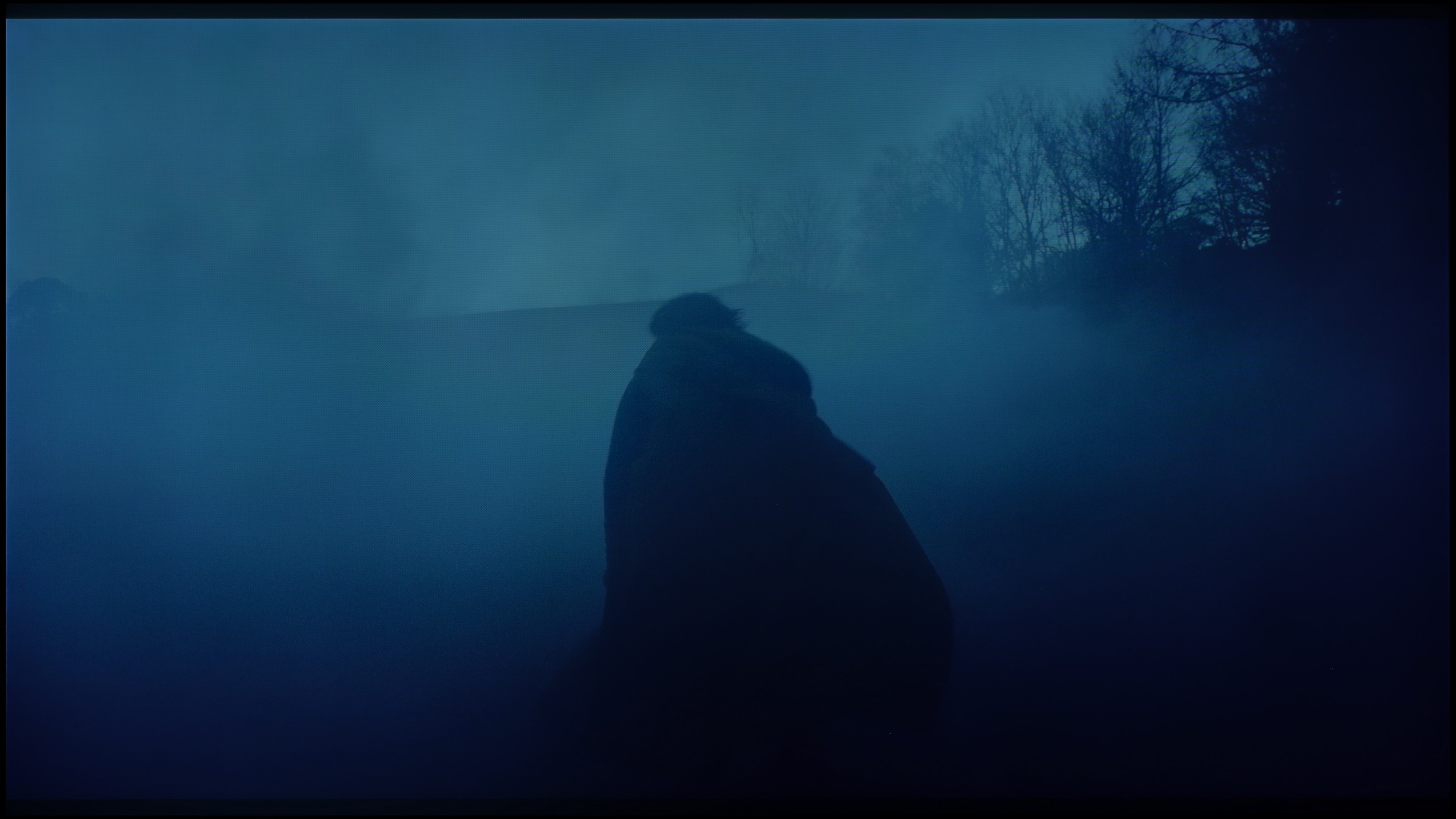
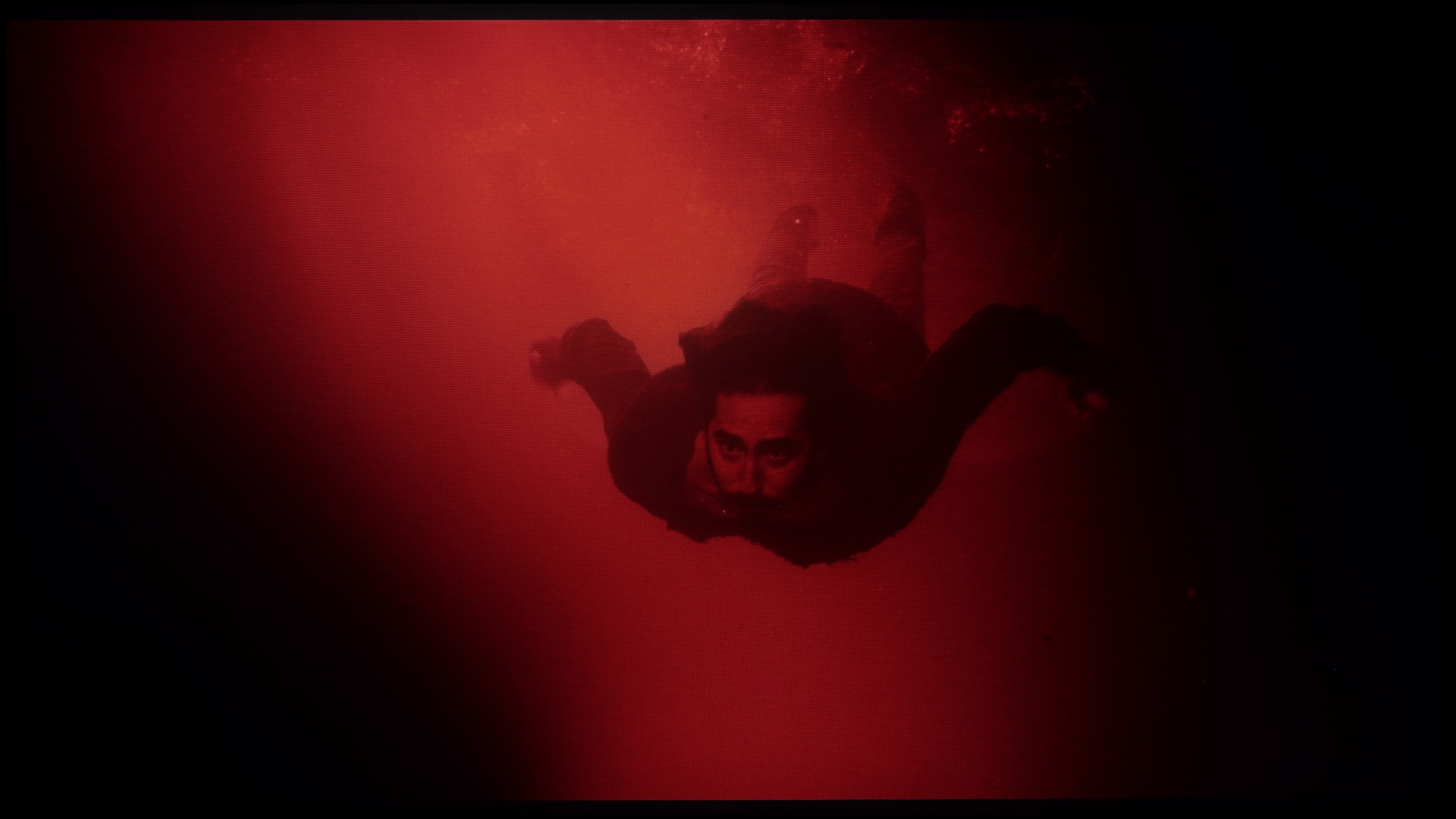
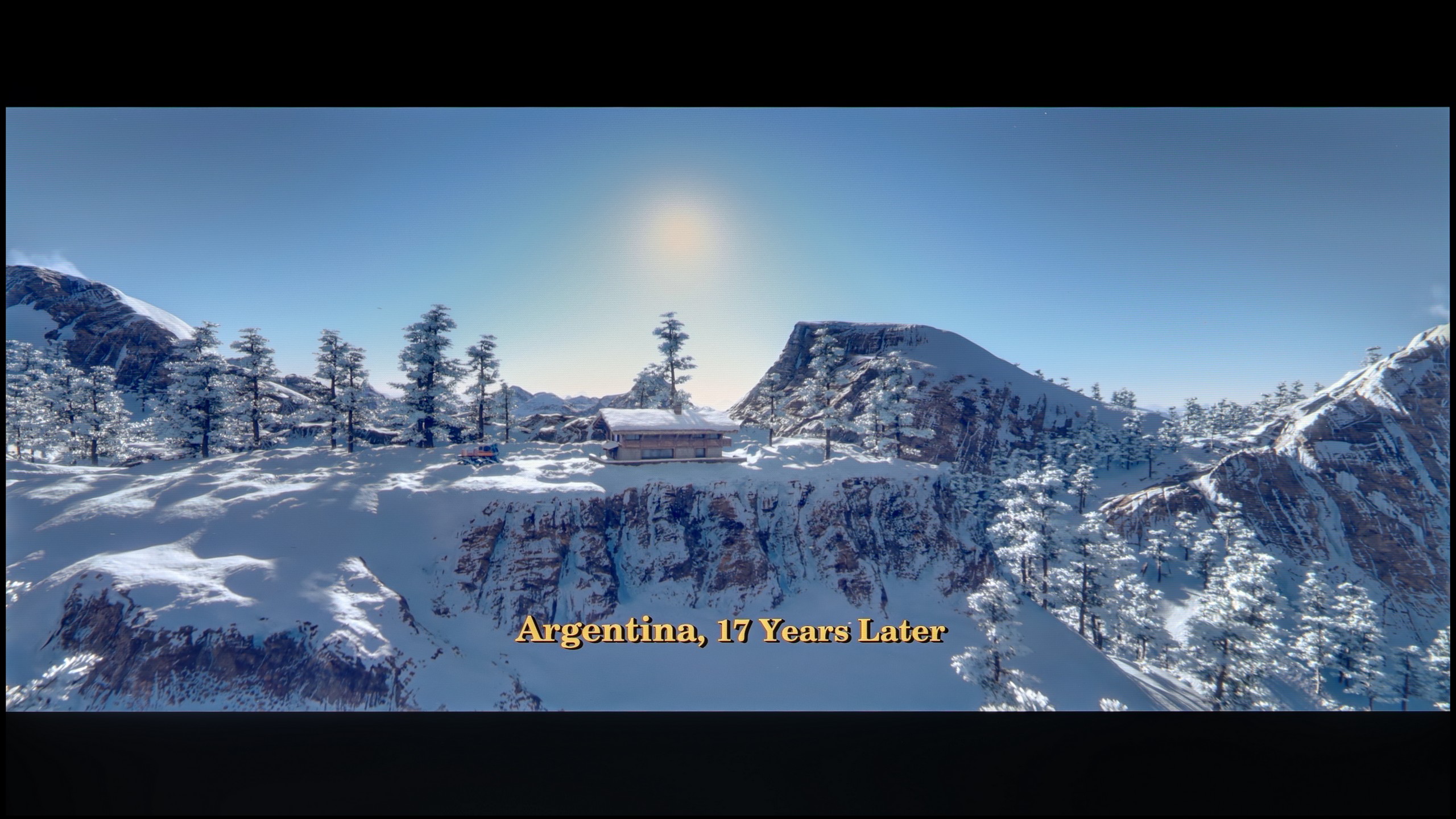
These are selected scenes that show smooth tonal transitions from one color to another. If you see distinct banding, it’s the TV panel’s fault.

These are selected scenes that show smooth tonal transitions from one color to another. If you see distinct banding, it’s the TV panel’s fault.
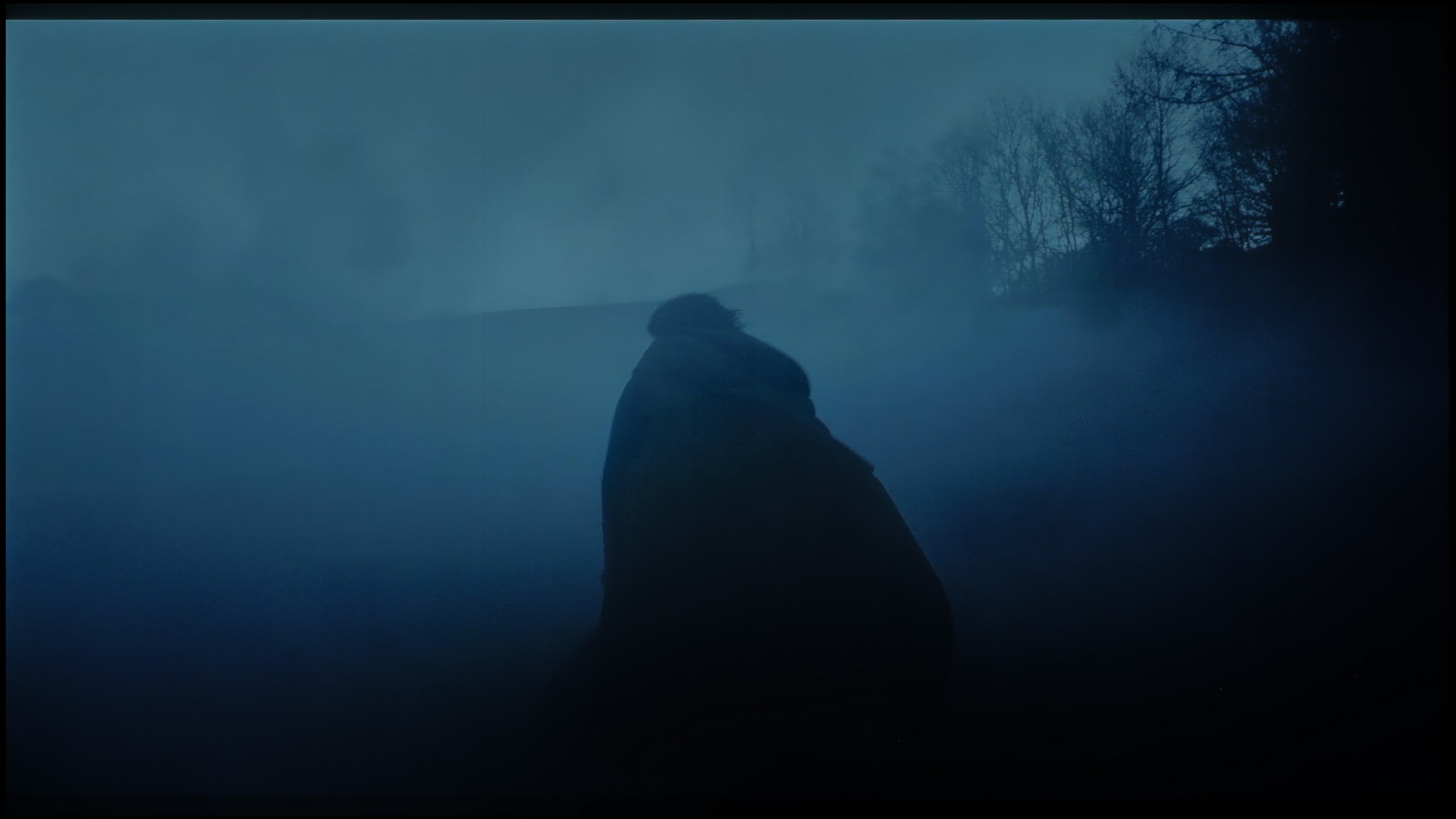
These are selected scenes that show smooth tonal transitions from one color to another. If you see distinct banding, it’s the TV panel’s fault.
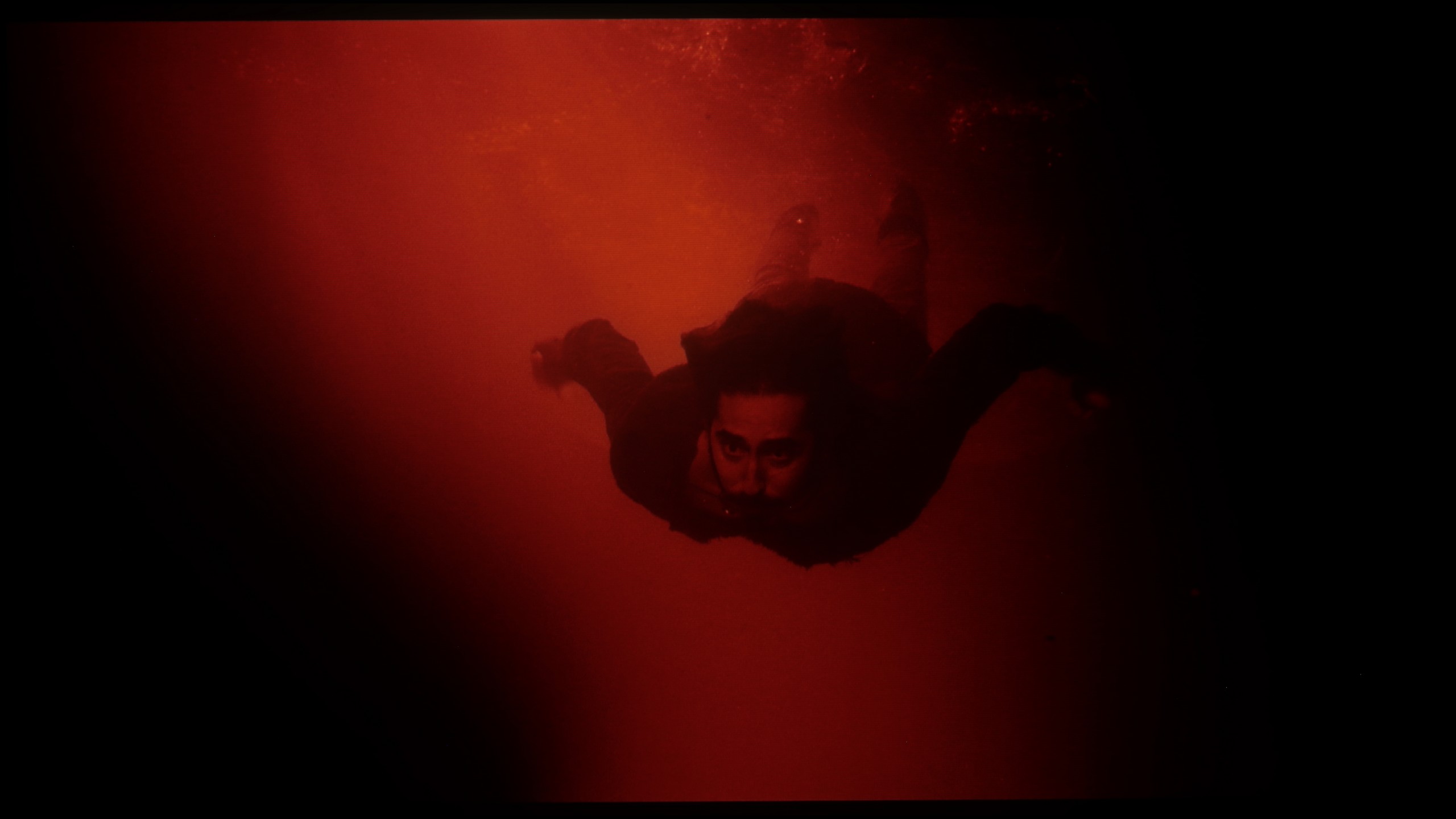
These are selected scenes that show smooth tonal transitions from one color to another. If you see distinct banding, it’s the TV panel’s fault.
In this respect, the QN80F truly impresses. The transitions between colours are smooth, nothing is torn, and there are no annoying stripes in the sky or strange blotches in the shadows. Film scenes in darker tones performed particularly well – and this is where most televisions tend to struggle. If one is very determined, they may notice slight banding in the brightest sections, but that is really stretching for an issue. In everyday viewing, no one should have a problem with this. To put it plainly: the tonal transitions are so good that one can forget about them – and simply enjoy the film.
Thanks to the QD-OLED panel, the colour blending on the S85F performs really very well. It is particularly worth noting how it handles the darkest, most demanding scenes – where most televisions start to struggle, this model operates almost perfectly.
Interestingly, a slight stumble can be noticed in those easier, brighter shots. There is then a minimal banding of colours, but it is so subtle that it is hard to believe it would realistically interfere with anyone's viewing experience.
Image scaling and smoothness of tonal transitions
7/10
7.5/10


Smooth transition function
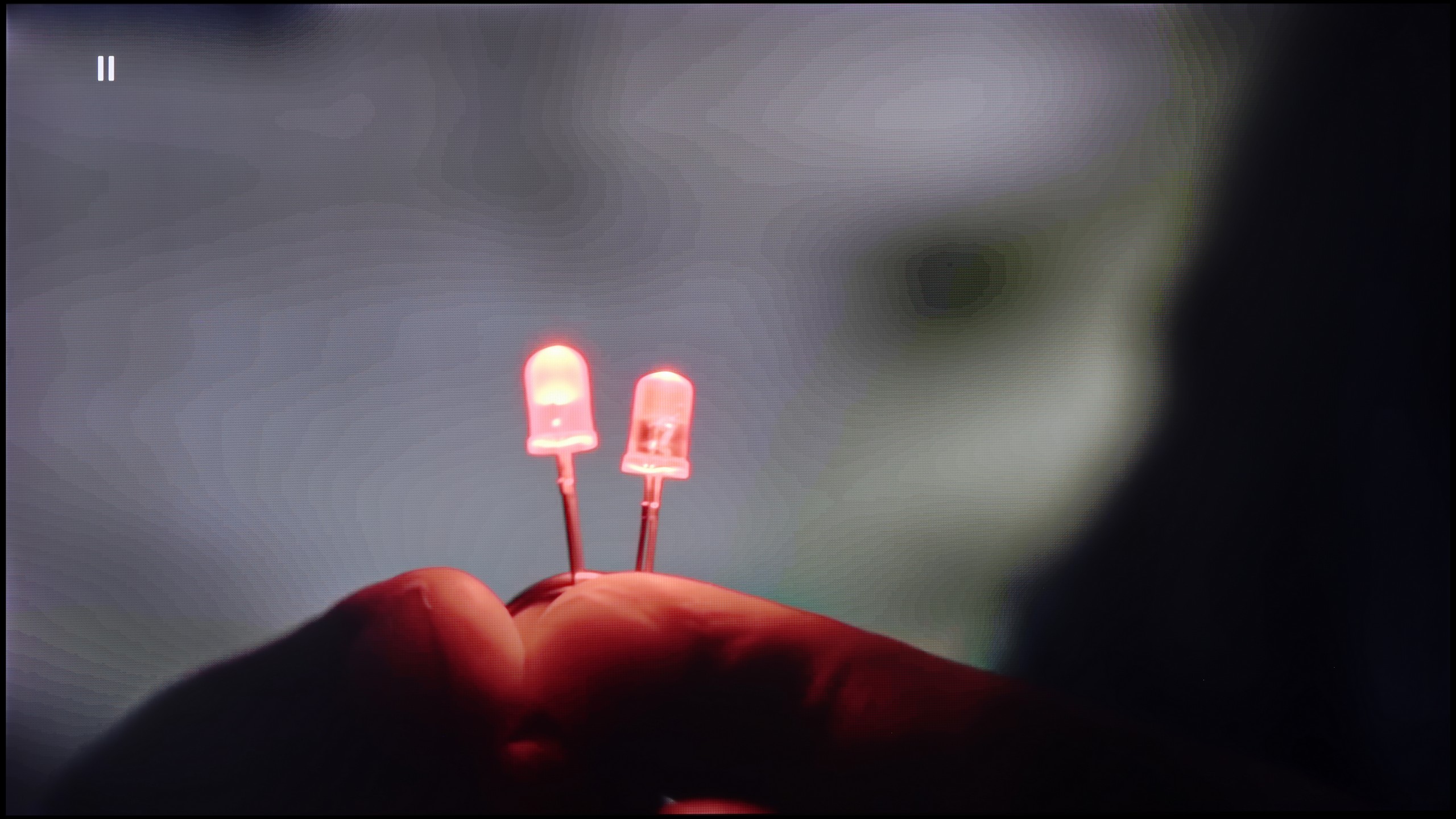
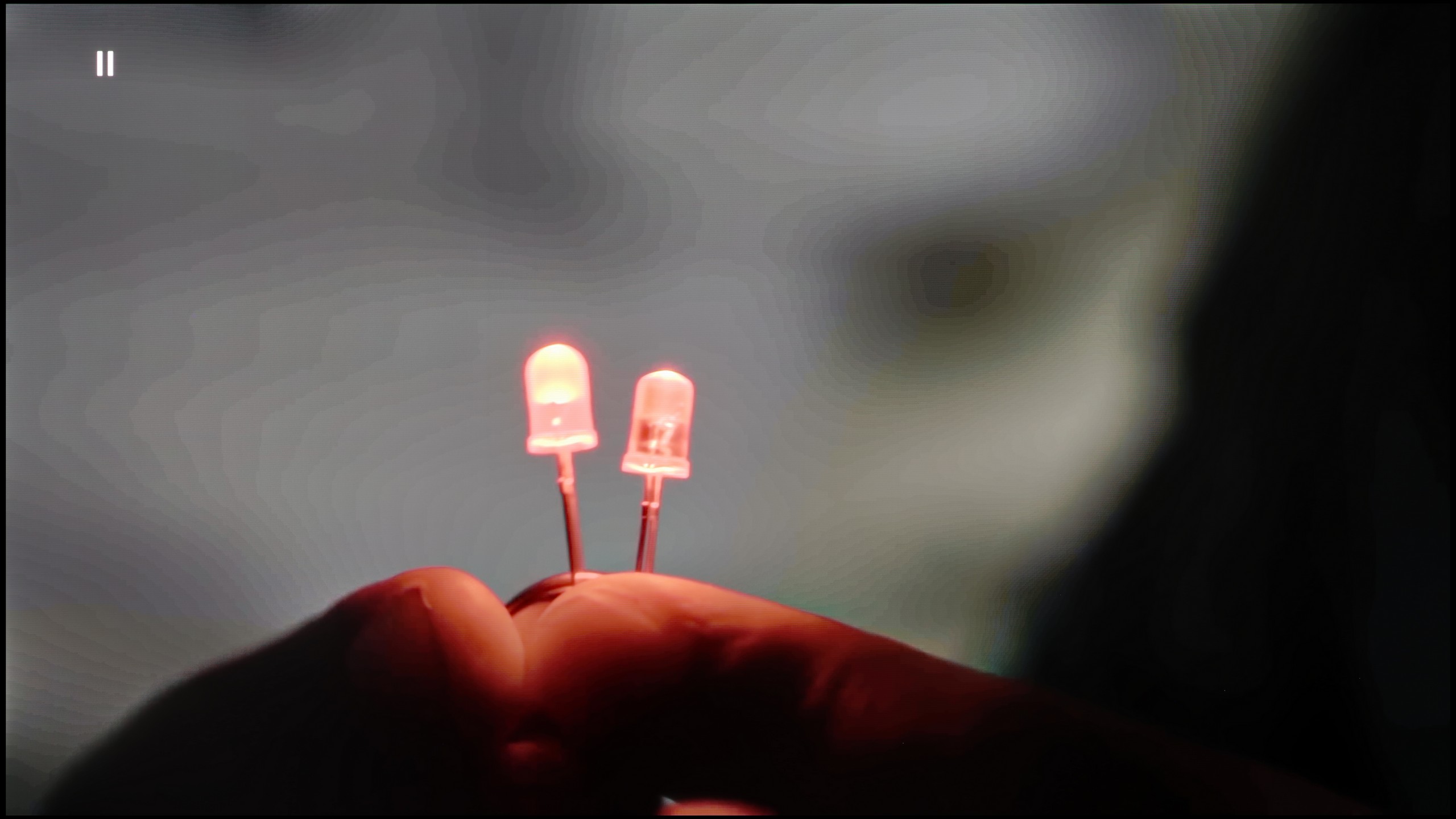
The match photo shows how the TV smooths weak tonal transitions in low-quality video.
Image scaling SD (576i)


The model photo shows how it handles upscaling of SD material.
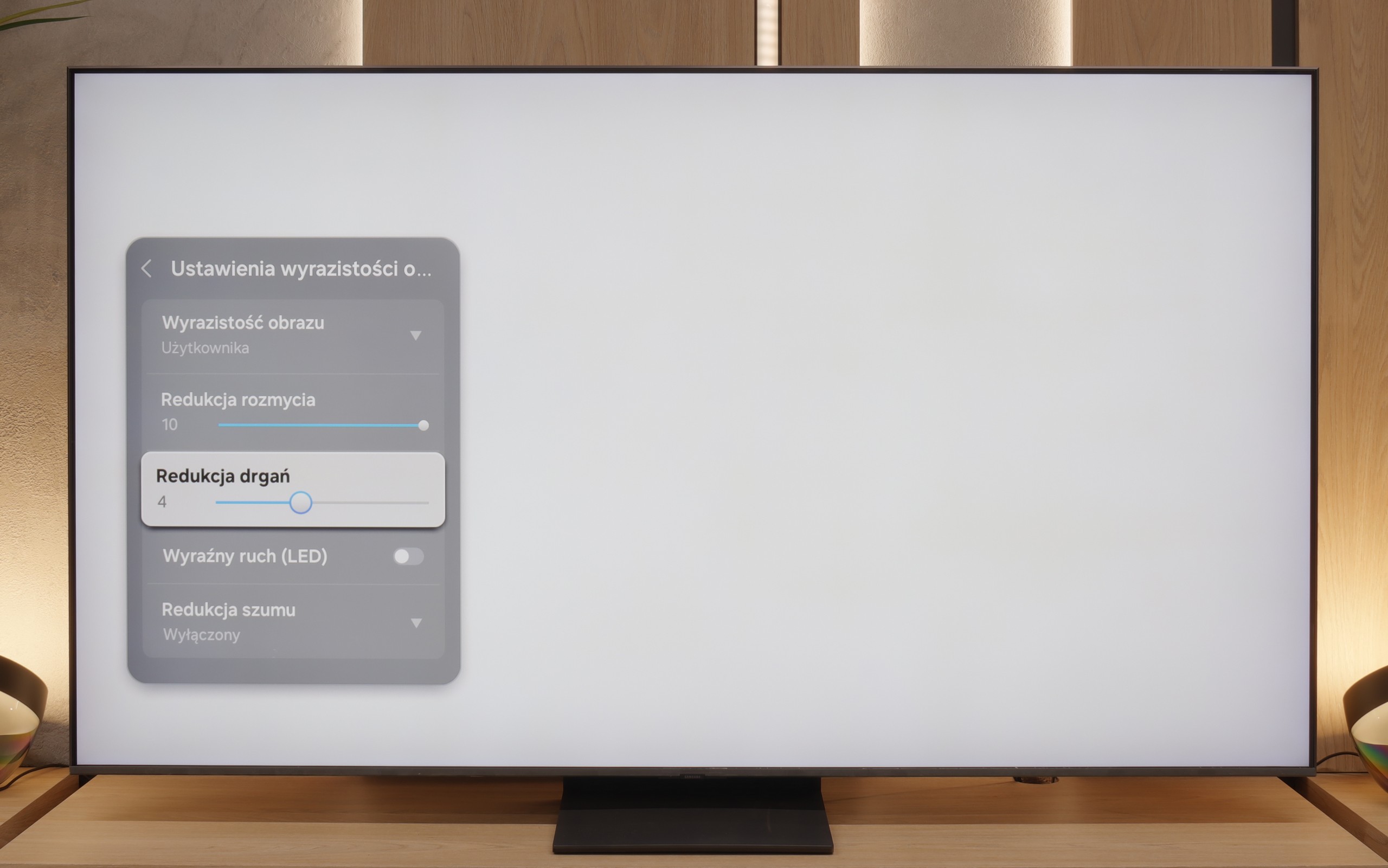
If, while watching lower quality materials – for example from YouTube – we notice strange colour transitions or unwanted artefacts, it's worth checking the settings and turning on the noise reduction feature. In our opinion, the best setting is at “medium” – it effectively smooths out problematic colour transitions while not blurring the entire image too much. However, one must know this: this option tends to remove film grain. If someone cares about preserving this effect (e.g. in older films), it’s better to simply turn it off – regardless of the level, the grain always disappears.
When it comes to resolution scaling (or so-called upscaling), Samsung – as usual – performs very well in this area. The QN80F may not compete with top models costing tens of thousands, but for its price class, it really does impress. Materials of very low quality (e.g. from SD television or older video files) are noticeably improved and look surprisingly decent. The only noticeable drawback is the typical Samsung issue with overscan – that is, slight cropping of the image edges in very low resolutions, e.g. 576p.
The tonal transition smoothing function in the S85F works really effectively – it can completely eliminate the problem of visible banding in very poor quality materials, such as those from YouTube. Unfortunately, even the lowest level of this option comes with compromises. Noise reduction is aggressive enough that it can smooth out the film grain that many of us consider a key element of the cinematic experience. At the "Standard" level, we did not notice that this function removed anything significant from the image, so we can recommend this setting. On the other hand, the "High" level is a different story – it can smooth out not only noise but also subtle, desirable details such as the texture of objects.
As for image scaling, the S85F performs very well. The material looks sharp, and the only minor imperfection is slightly visible aliasing of contours. And there’s still the persistent issue with Samsung televisions – overscan. This can cause the frame to be slightly cropped in certain scenes, which is worth keeping in mind when watching very old content.
Blur and motion smoothness
7.5/10
8.5/10
Blur (native resolution, maximum refresh rate):



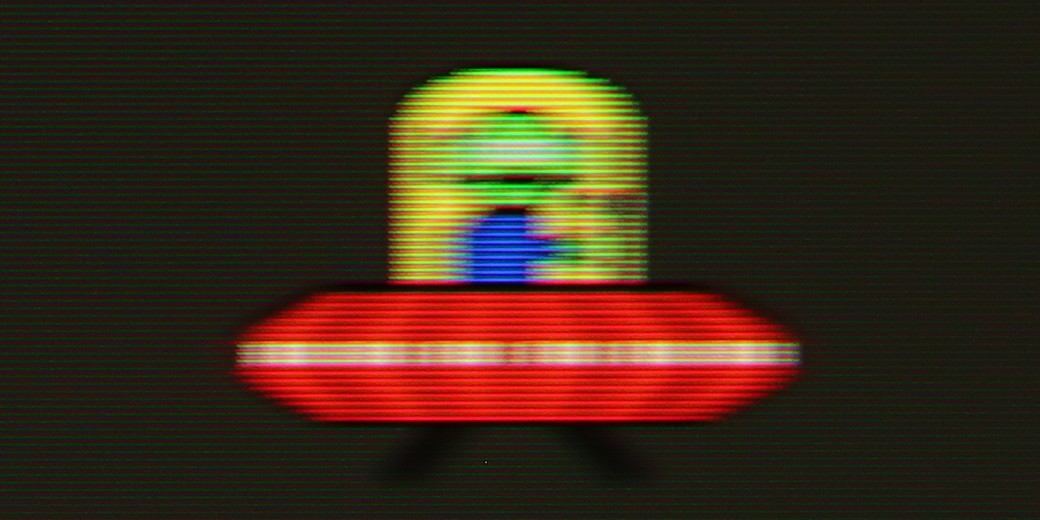
Blur (BFI function enabled):
Image flickers in this mode


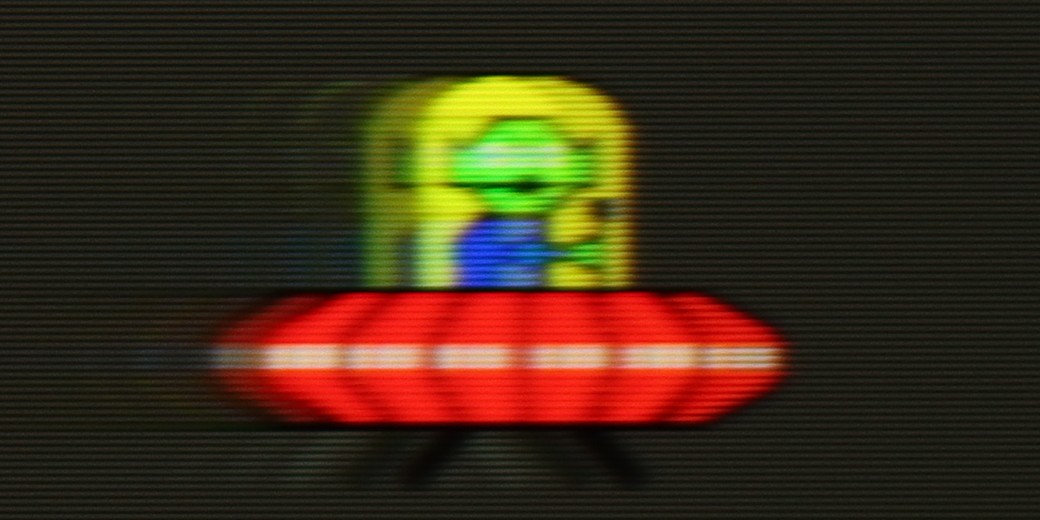
Image flickers in this mode


Blur ():
Blur (4K@60Hz Game Motion Plus):


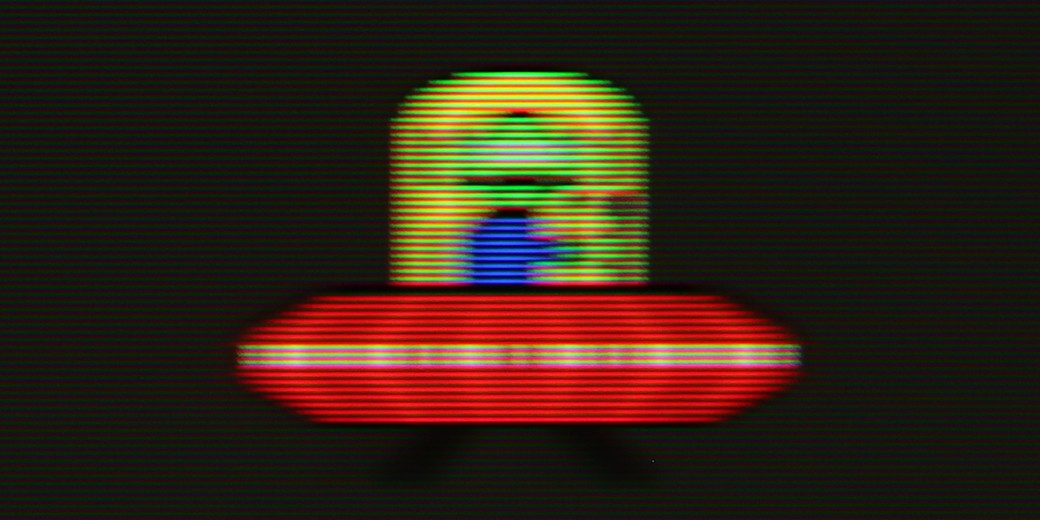
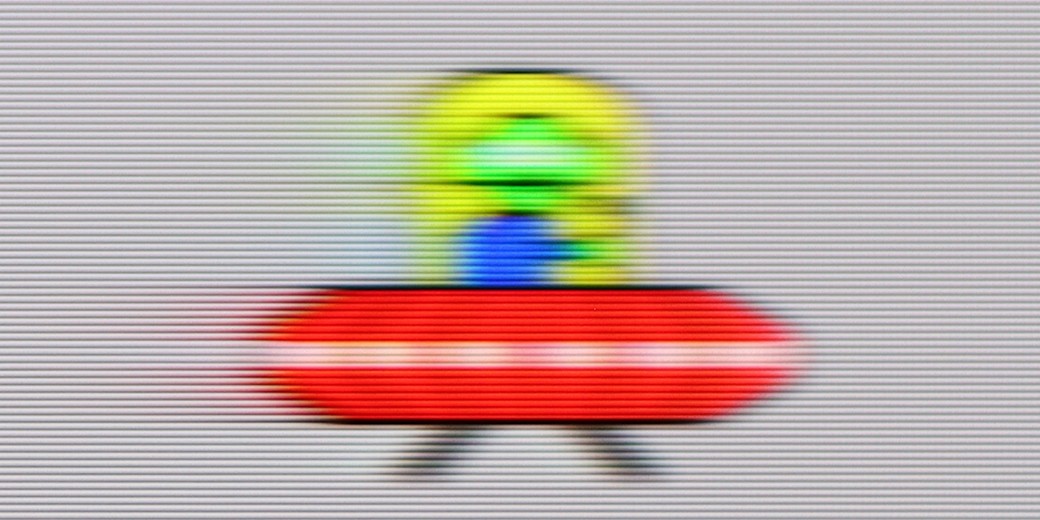
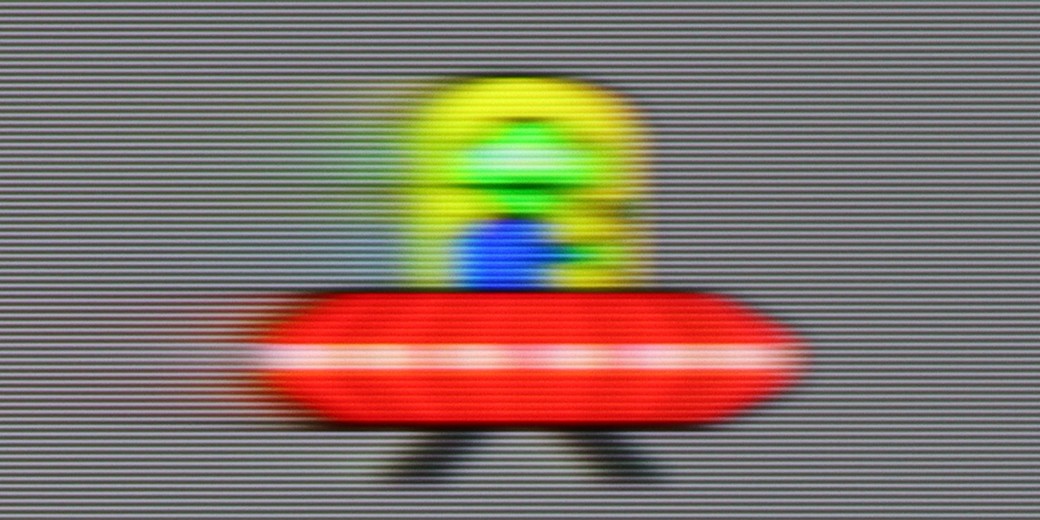
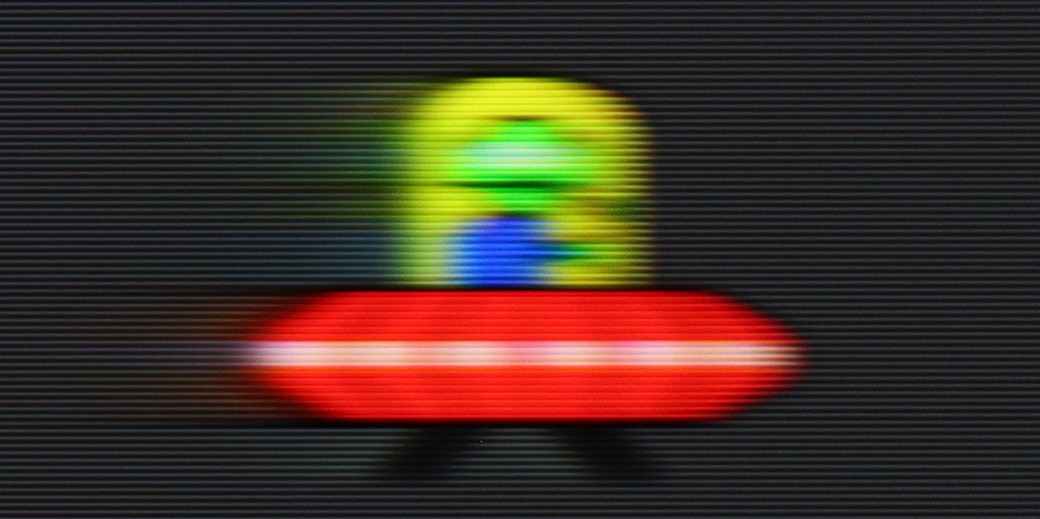
QN80F is truly a "fast" television. The applied panel offers a refresh rate of up to 144 Hz, which in practice means that the screen keeps up with the action – whether we're watching a film, playing games, or browsing dynamic content online. The image doesn’t stutter, isn’t excessively smeared, and overall looks simply smooth and pleasing to the eye. Of course, the manufacturer hasn’t forgotten about cinema fans – in the settings, we’ll find an option to adjust motion smoothness, allowing us to tailor the effect to our personal preferences. We can maintain a more "framey" appearance (for those who enjoy the classic cinematic vibe) or ramp up the smoothness to a higher level for a theatrical smoothing effect. Importantly, the choice is ours. Watching films and playing on the QN80F is simply a delight.
The S85F is a mind-blowingly fast television – and this is not just an empty phrase for effect. Thanks to the 120 Hz OLED panel, dynamic scenes, whether in games or while watching a live match, look exactly as they should – smoothly, sharply, and without the feeling that something is “slipping away” from the frame. The lightning-fast pixel response time, typical of OLEDs, plays its part here. Transitions between frames are virtually instantaneous, and the picture remains clear even during the fastest camera movements. A ball flying across half the pitch? A car racing in a chase scene? Here, everything is clear and free from the characteristic “trail” of LCDs.
This is exactly what we expect from a good OLED – no compromises when it comes to motion fluidity. The S85F gives the impression that regardless of the pace of the action, we can focus on what is happening on the screen, rather than the imperfections of the image.
Console compatibility and gaming features
9.6/10
9.6/10
- ALLM
- VRR
- VRR range48 - 144Hz48 - 120Hz
- Dolby Vision Game Mode
- Correct implementation of HGIG
- 1080p@120Hz
- 1440p@120Hz
- 4K@120Hz
- Game bar
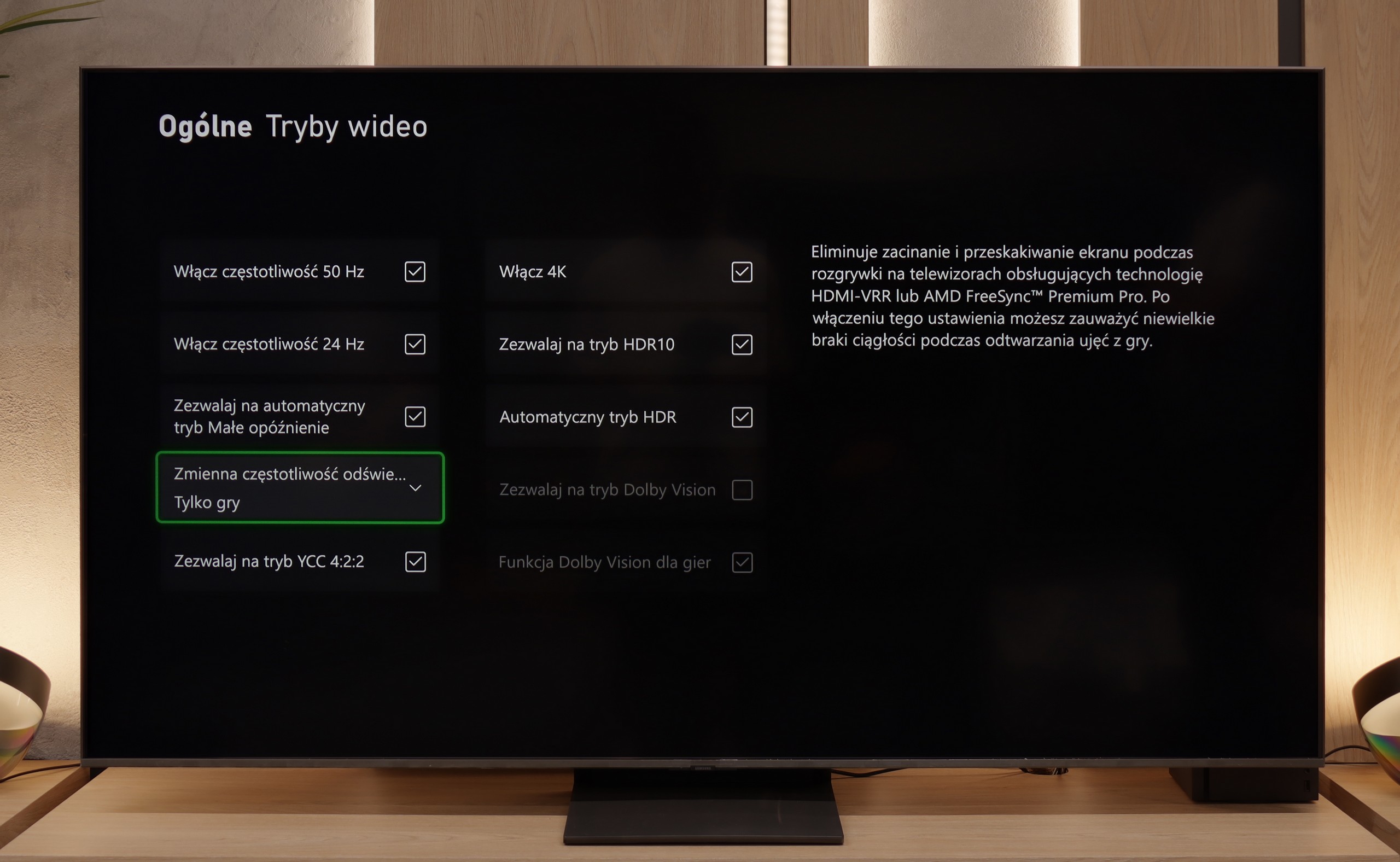
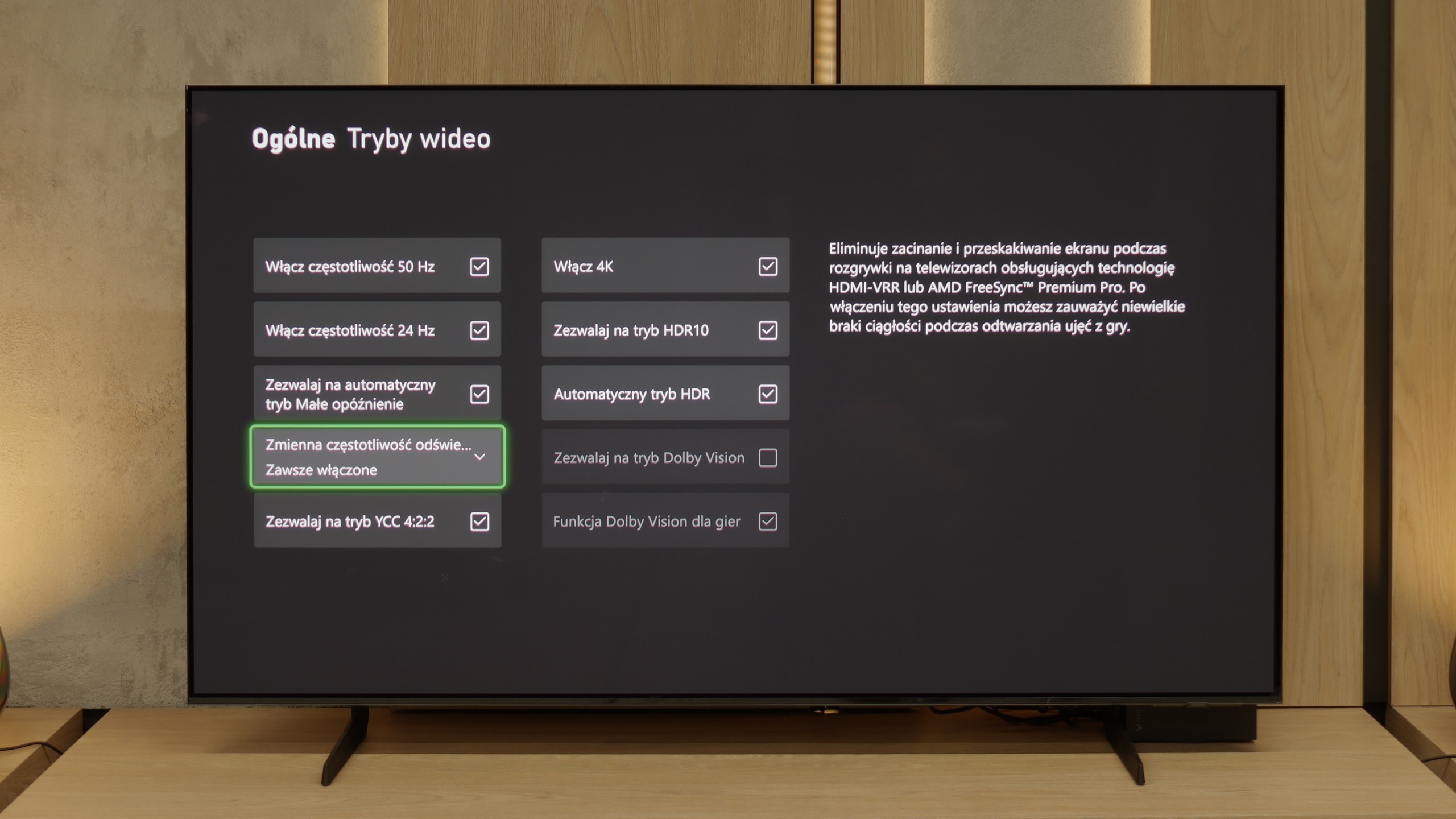
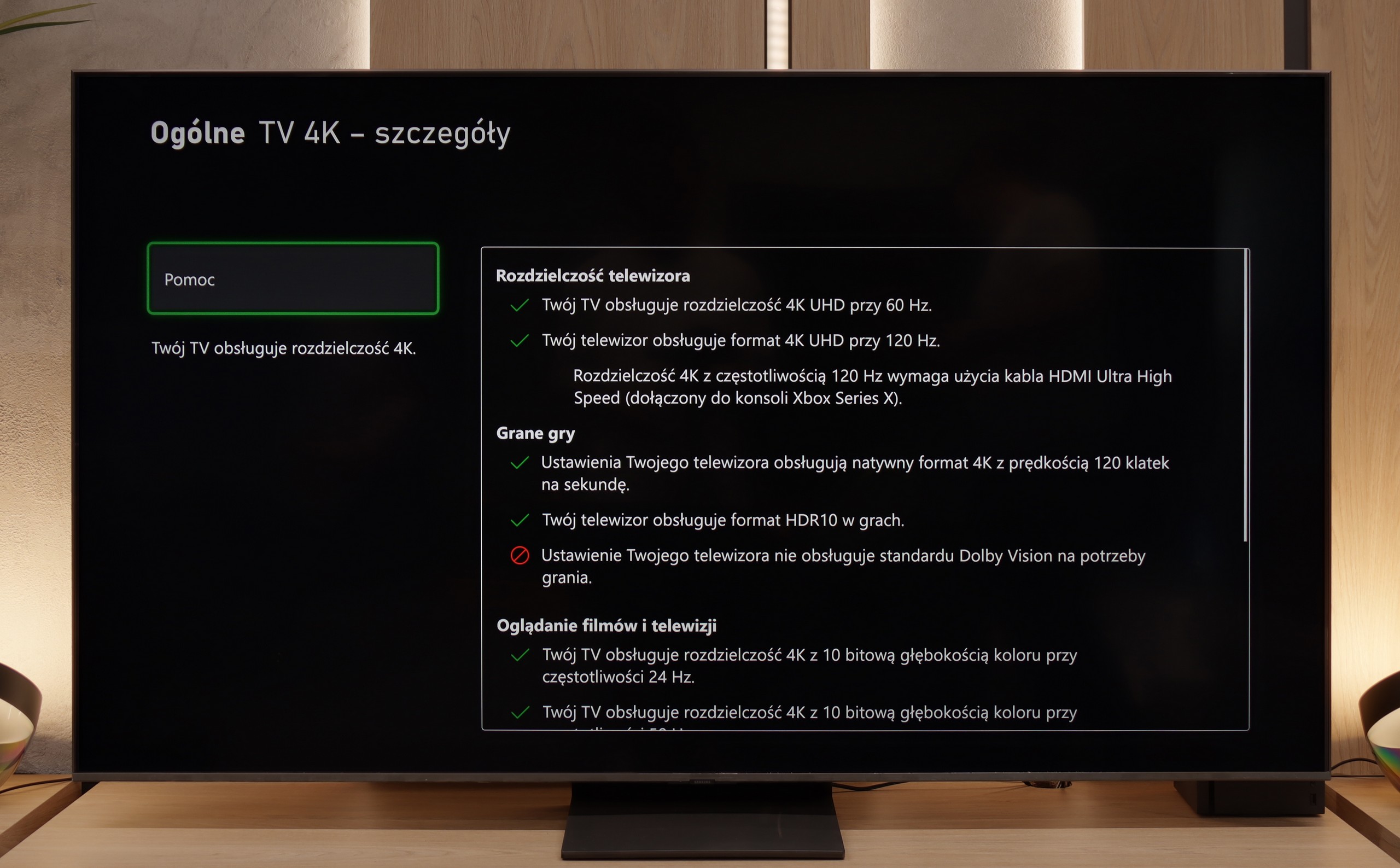
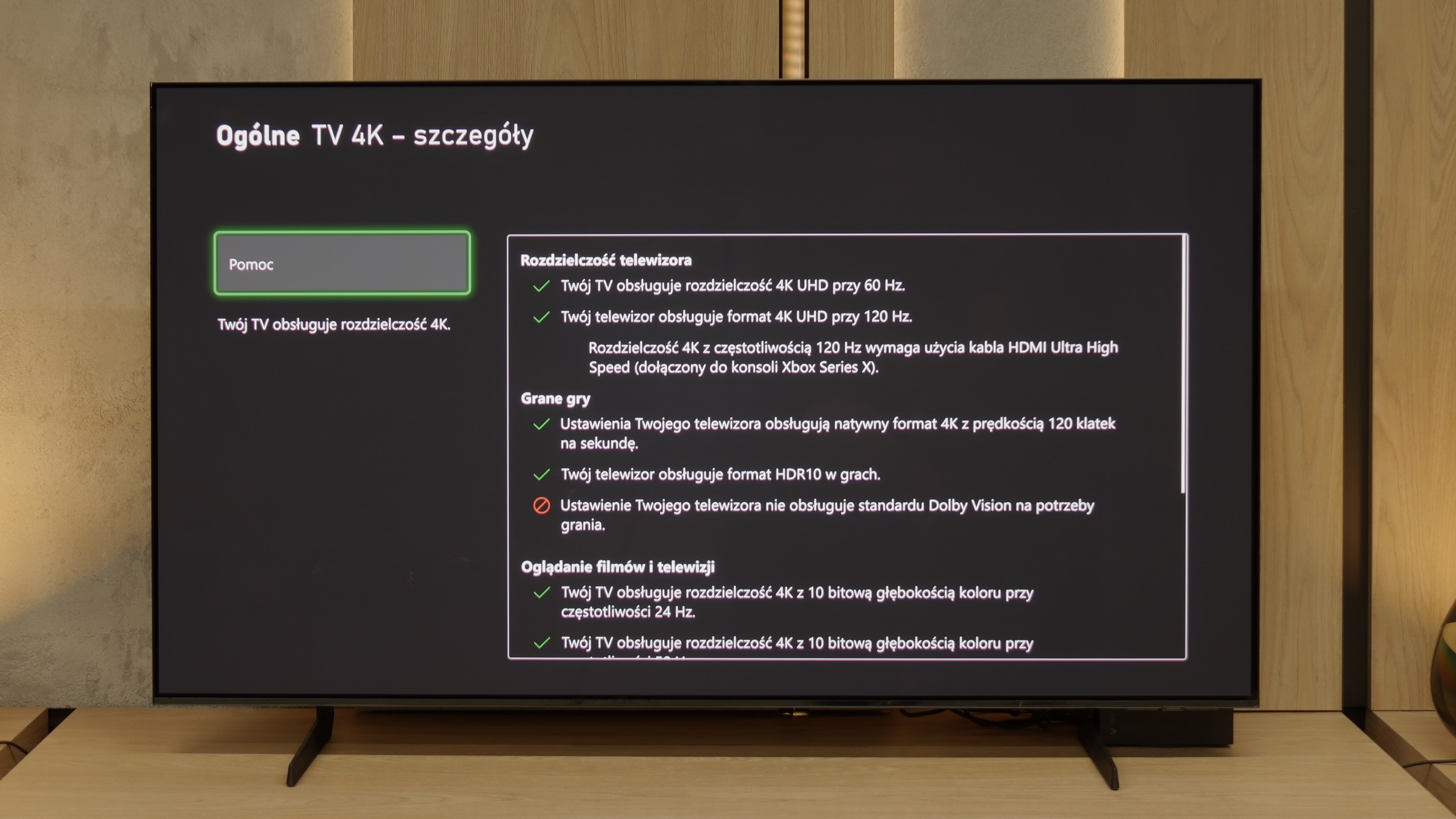
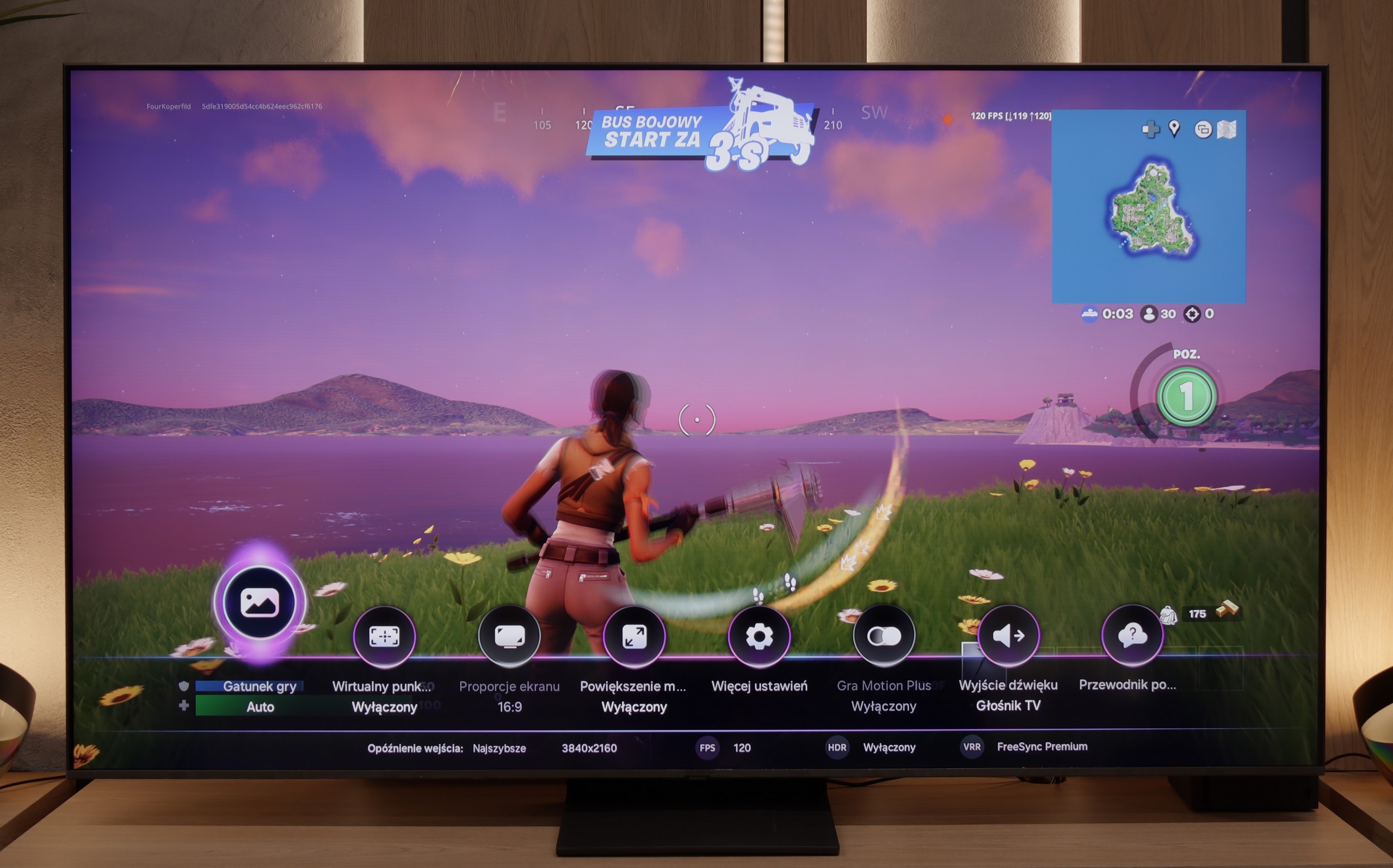
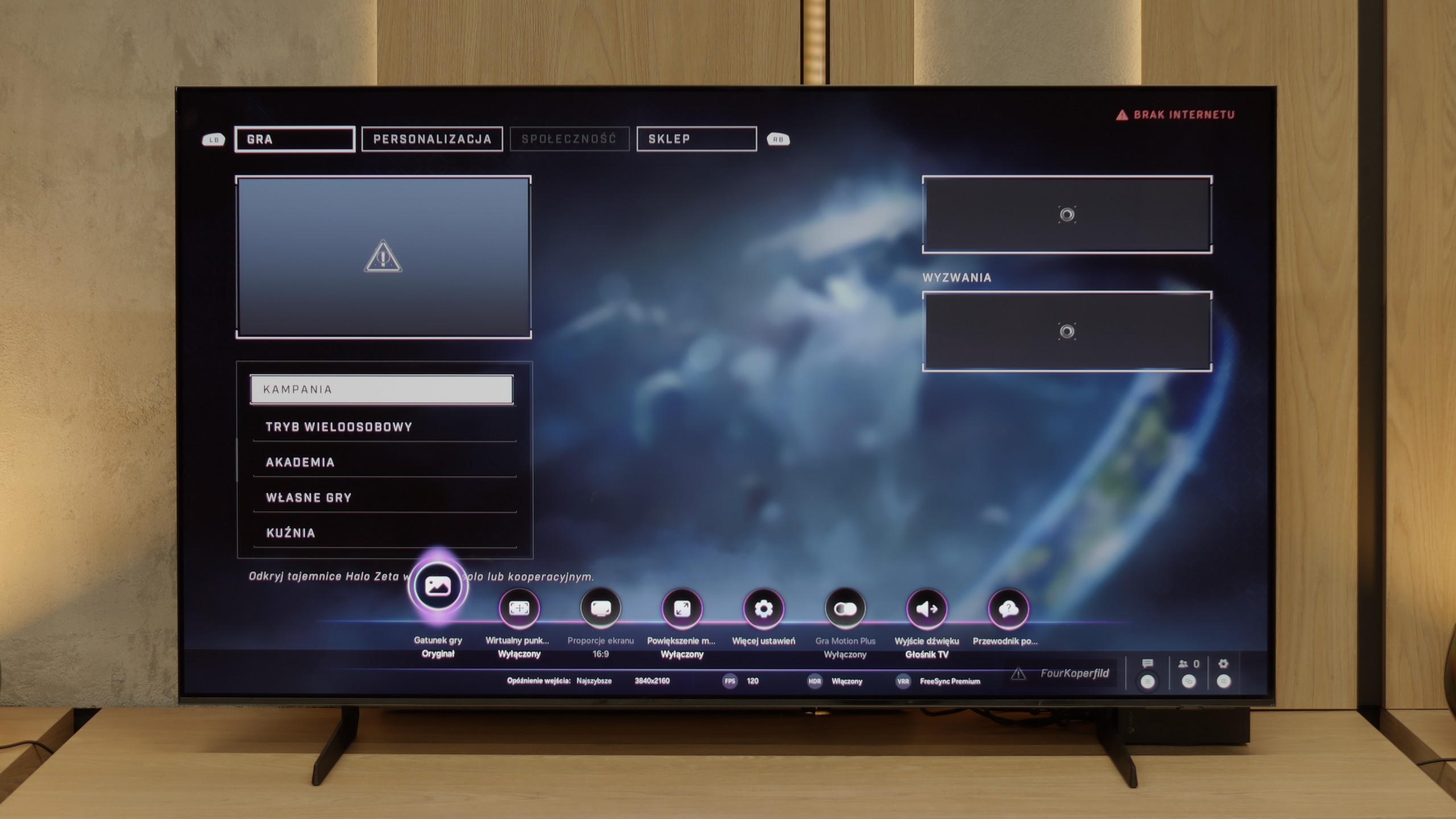
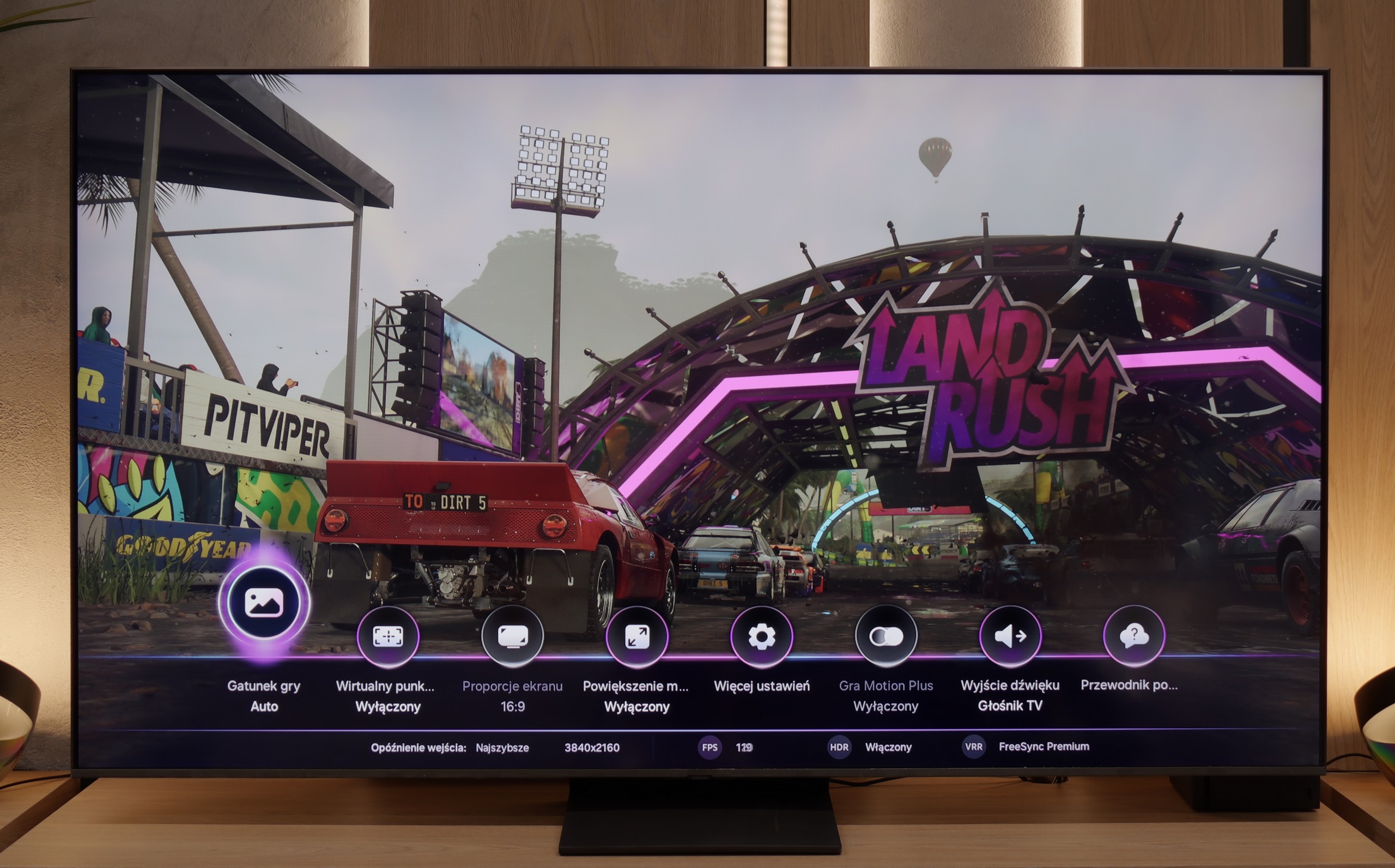
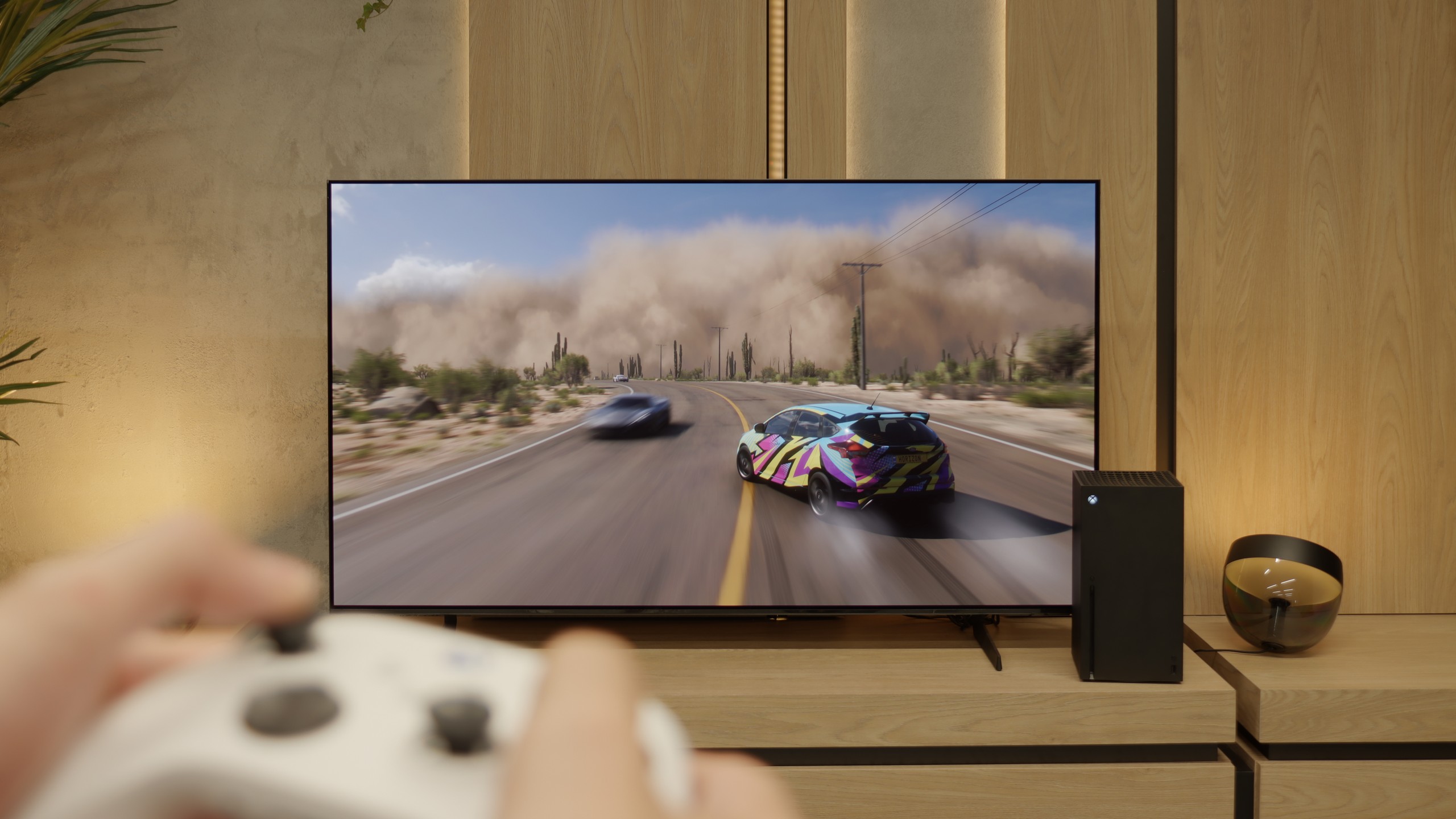
Samsung QN80F is a television that delivers on almost every front when it comes to gaming. We have a 144 Hz panel, four fully-fledged HDMI 2.1 ports, support for gamers in the form of Variable Refresh Rate (VRR), Auto Low Latency Mode (ALLM), and even one of the best-designed game bars on the market. The cherry on top is the motion smoother, which – uniquely in the world – works in games without significantly increasing input lag. Sounds like an almost perfect television for gamers? And indeed, it is almost that.
[UPDATE] We have updated our reviews of Samsung televisions from the 2025 model year due to the release of firmware version 1131, which restored the critical gaming feature HGiG.
As usual, Samsung does not support Dolby Vision in games, but that no longer surprises anyone. However, it is much more surprising that... the HGIG function has disappeared – the system that allows the console (e.g. PlayStation 5 or Xbox Series X) to precisely adapt HDR tone mapping to the capabilities of the television. In the latest firmware update for the 2025 models, this option simply vanished. It looks more like a mistake than a deliberate move, but it must be honestly noted that at the time of writing the review, the HGIG function is simply not available.
And it is precisely because of this one absence that the QN80F shifts from being nearly perfect for gamers to being 'almost' perfect. It's a shame – because everything else suggested that Samsung could raise the bar very high again in this generation.
[UPDATE] We have updated our 2025 Samsung TV reviews following the release of firmware version 1131, which officially restores the essential HGiG (HDR Gaming Interest Group) support.
The S85F has practically everything on board to become the dream screen for gaming. Four full-fledged HDMI 2.1 ports with a bandwidth of 48 Gb/s, support for VRR, ALLM, a super-detailed Game Bar that clearly shows all parameters – and on top of that, a gem in the form of Game Motion Plus. This motion smoother makes animation in games more enjoyable, while input lag only increases slightly. This is a rare combination, and it’s a big plus for Samsung. Now comes the moment when we need to complain a little. The lack of Dolby Vision in Samsung televisions has become standard, so there’s no point in hoping (unless something changes in a few years) – but the disappearance of HGiG after the software update is something hard to explain. HGiG (which stands for HDR Gaming Interest Group) is a mode that allows for precise reproduction of brightness in HDR games, in accordance with the creators' intentions. Without it, HDR calibration on a console becomes less precise, so we can end up with an image that is too dark in the shadows or excessively overexposed. Perhaps Samsung will fix this in the next update – and we have high hopes for that. Because if HGiG returns, the S85F will become nearly the perfect television for gamers.
Input lag
9.8/10
10/10
SDR
HDR
Dolby Vision
The QN80F does not disappoint when it comes to response time. The input lag for 120 Hz content drops below 10 ms, which can be considered an almost perfect result – it is hard to expect more in this class of TVs. Gaming is smooth, responsive, and without delays that could annoy even the most sensitive players. For 60 Hz materials, the lag is higher, around 19 ms, but this is a completely natural phenomenon and still falls within comfortable limits.
Here, dear players, the S85F shows its claws. 5 ms for 120 Hz content and around 10 ms for 60 Hz are results that can be described in one word in the world of televisions – phenomenal. This means that the reaction to our movements is practically instantaneous. We press the button, and the action on the screen happens without any delay, as if the television is reading our minds. In dynamic games, where a fraction of a second can decide victory or defeat, such values make a huge difference. There is no question of nervously "waiting" for the image to catch up with our movements. The S85F gives us the feeling that everything is completely under our control – and that is how it should be with equipment that aspires to be the perfect screen for gamers.
Compatibility with PC
8.8/10
7.6/10
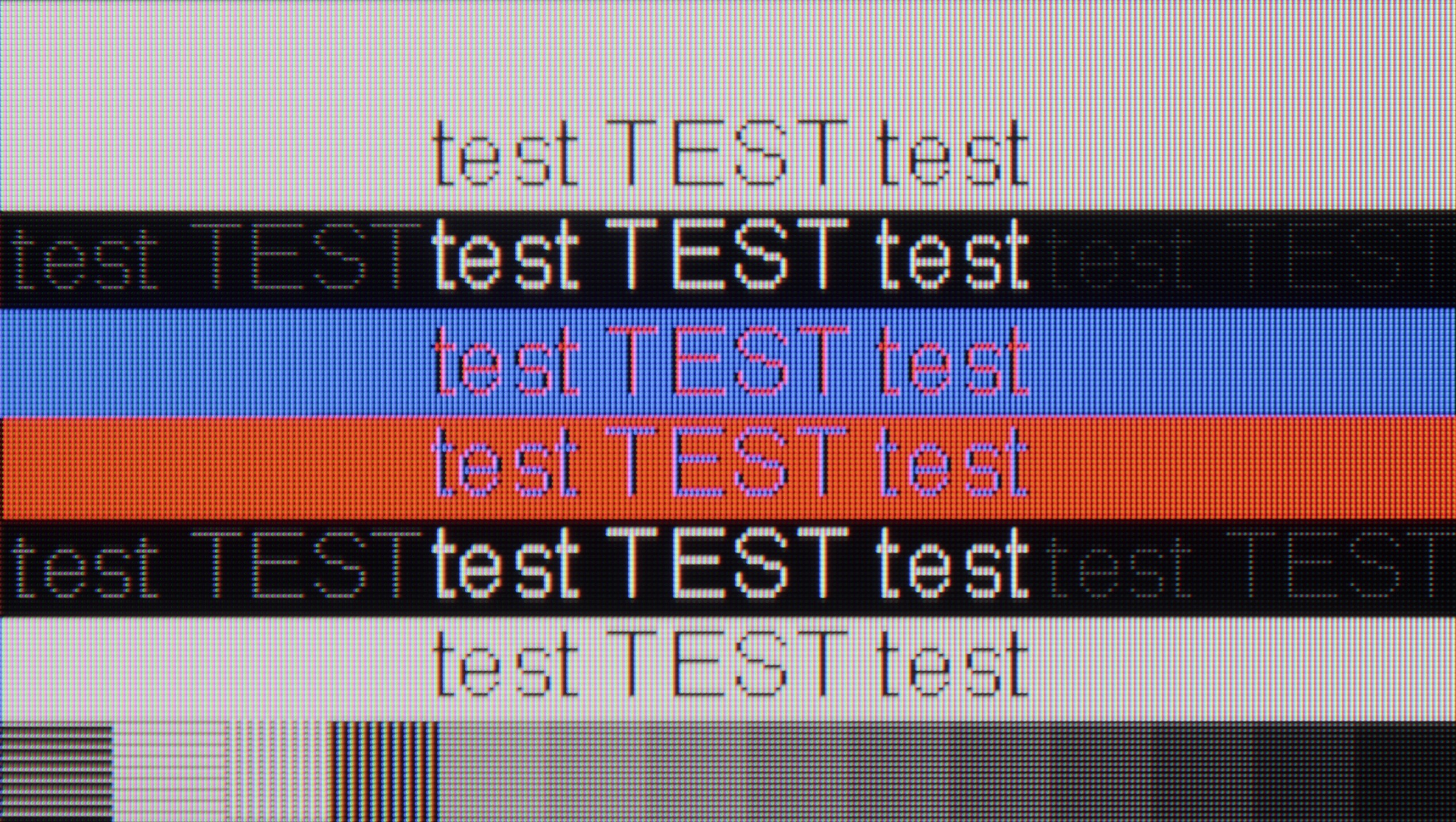
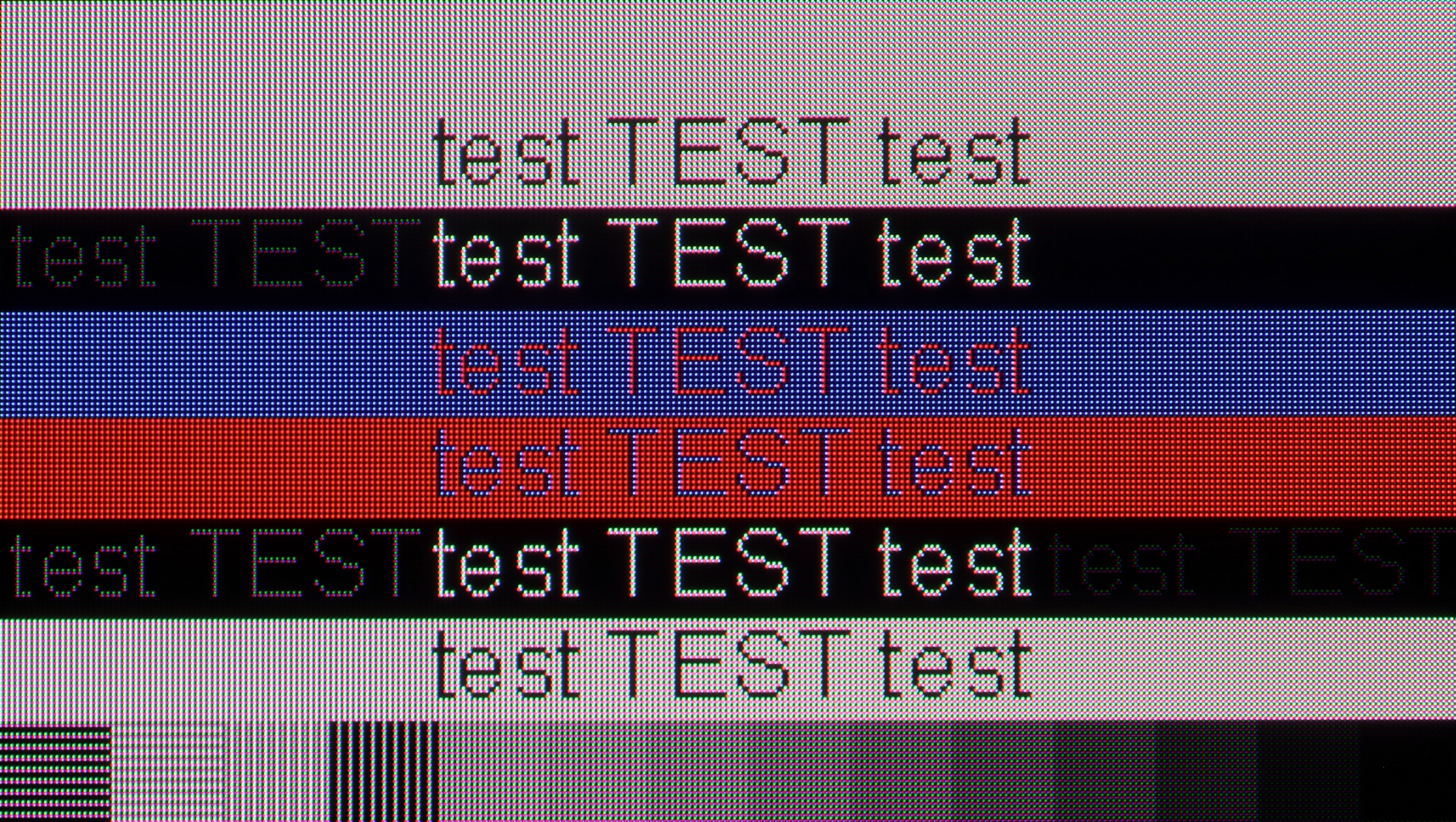
The photo shows the legibility of small fonts. Ideally, lines should be the same thickness on both light and dark text, with minimal pixel gaps.
Playing on the QN80F with a connected computer is pure pleasure. The television effortlessly works with NVIDIA graphics cards (thanks to G-Sync support) and AMD (thanks to FreeSync Premium), and the 144 Hz refresh rate only enhances comfort during dynamic gameplay. Everything works immediately, without unnecessary fiddling with settings – exactly as it should.
When it comes to work, it is also very good. The readability of fonts is at a high level, and texts appear sharp and clear. With very thin horizontal lines, some minor imperfections in shading can be noticed, but honestly – you really have to look closely. Unless, like us, you sometimes enjoy looking at the screen with a magnifying glass… then you might spot something 😉.
If you are planning to connect the S85F to a computer, we have good news – this television is great for that. Low input lag and a 120 Hz panel make gaming on PC a pure pleasure. Whether we are talking about dynamic shooters or more tranquil RPGs, the response is instant, and the fluidity of the animations can captivate you for hours.
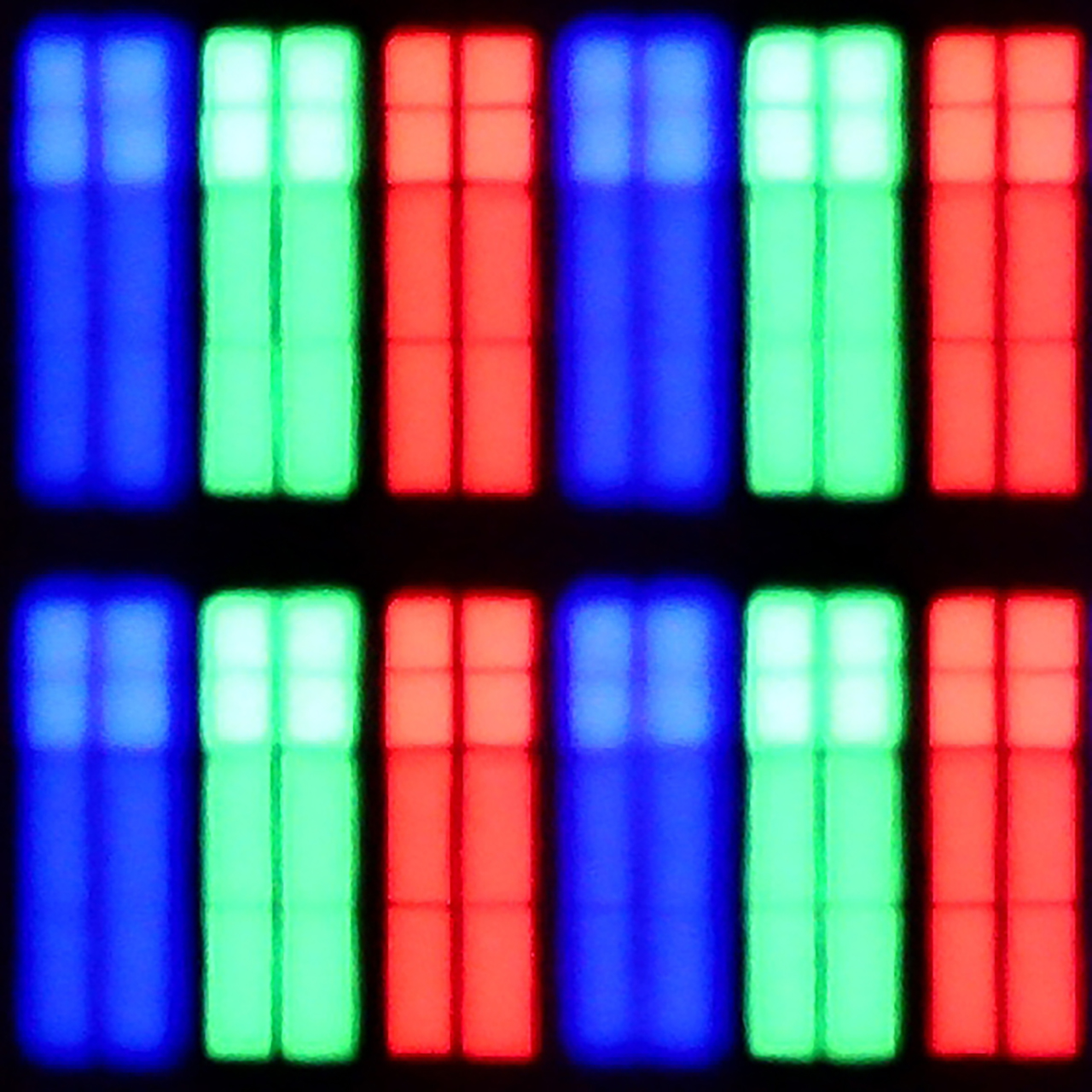
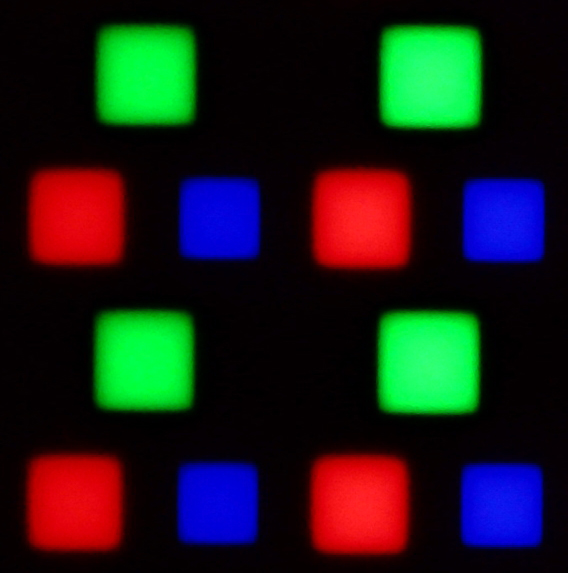
Of course, there's no rose without thorns. Due to the diamond arrangement of the pixels in the QD-OLED panel, there is a slight effect of "rainbow icons", particularly noticeable when sitting close to the screen. Fortunately, this is rather a detail that most of you will not find bothersome in everyday use. Especially since, thanks to the correct implementation of chroma 4:4:4, the readability of fonts is at a very good level – documents, websites, and text editors look exactly as they should.
Viewing angles
3.1/10
9.8/10
QN80F, like most TVs with a VA panel, does not impress in terms of viewing angles. All it takes is a slight lean to the side to notice a significant drop in brightness and lost colour saturation. The picture loses its "depth" and "vibrancy", and darker scenes may appear slightly washed out. However, this is a typical characteristic of VA panels, which provide significantly better native contrast than IPS panels in return. In short: something for something. If you are sitting directly in front of the screen, there will be no problem. But when watching together in a larger group, it is worth keeping this in mind.
Here, dear readers, the S85F reaches absolute peak performance. The viewing angles are phenomenal – one of the best you can get in a television today, thanks to the unique QD-OLED panel from Samsung Display. Of course, WOLED panels can also maintain a high level in this regard, but let's not kid ourselves – what the QD-OLED in the S85F demonstrates leaves an even greater impression. The colours, contrast, and brightness remain practically unchanged even when viewing the screen from a very wide angle. This is the kind of television where you don't have to fight for the "best spot on the sofa" – everyone will see the picture in all its glory, regardless of where they sit.
Daytime performance
6.6/10
5.1/10
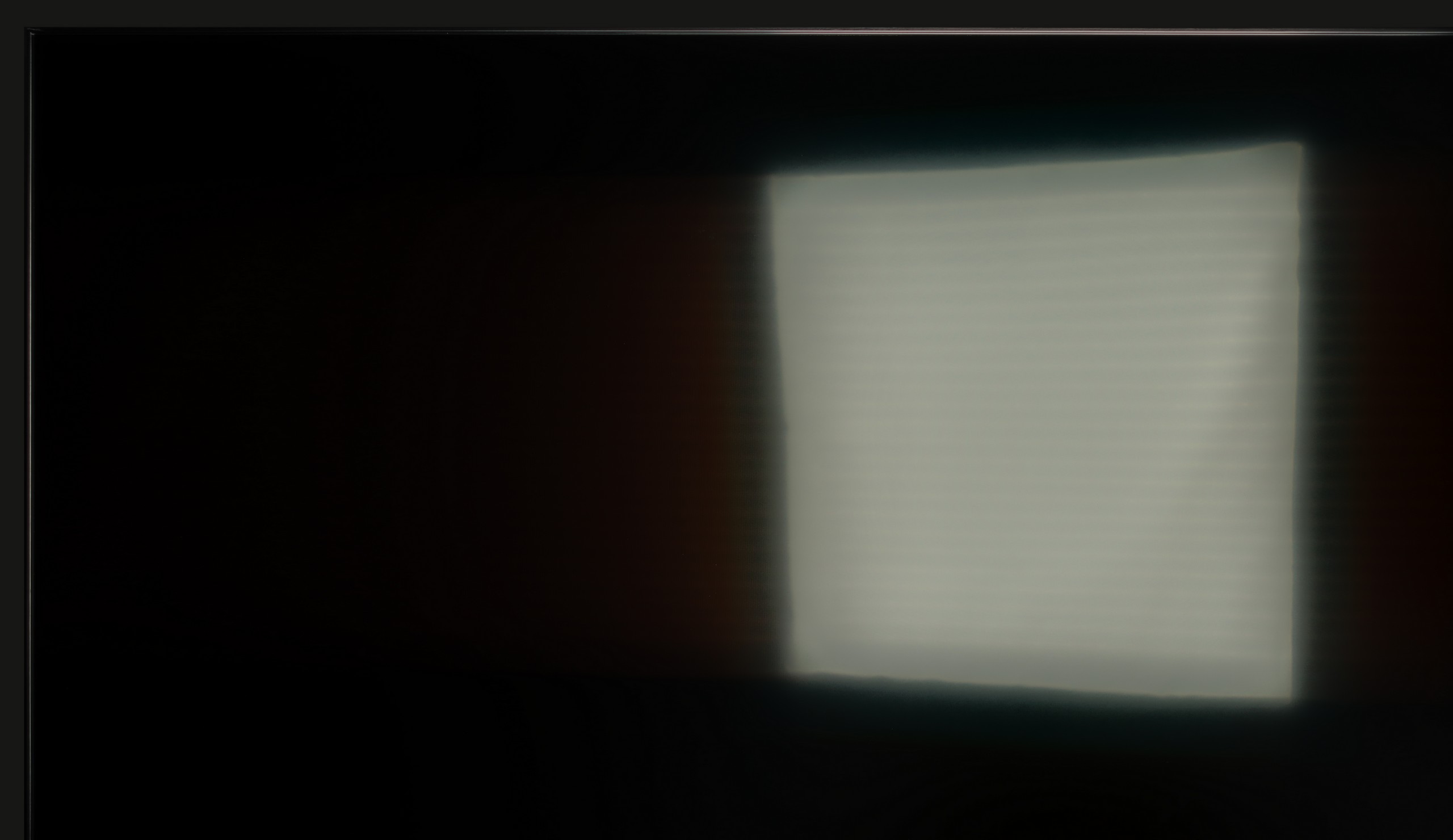
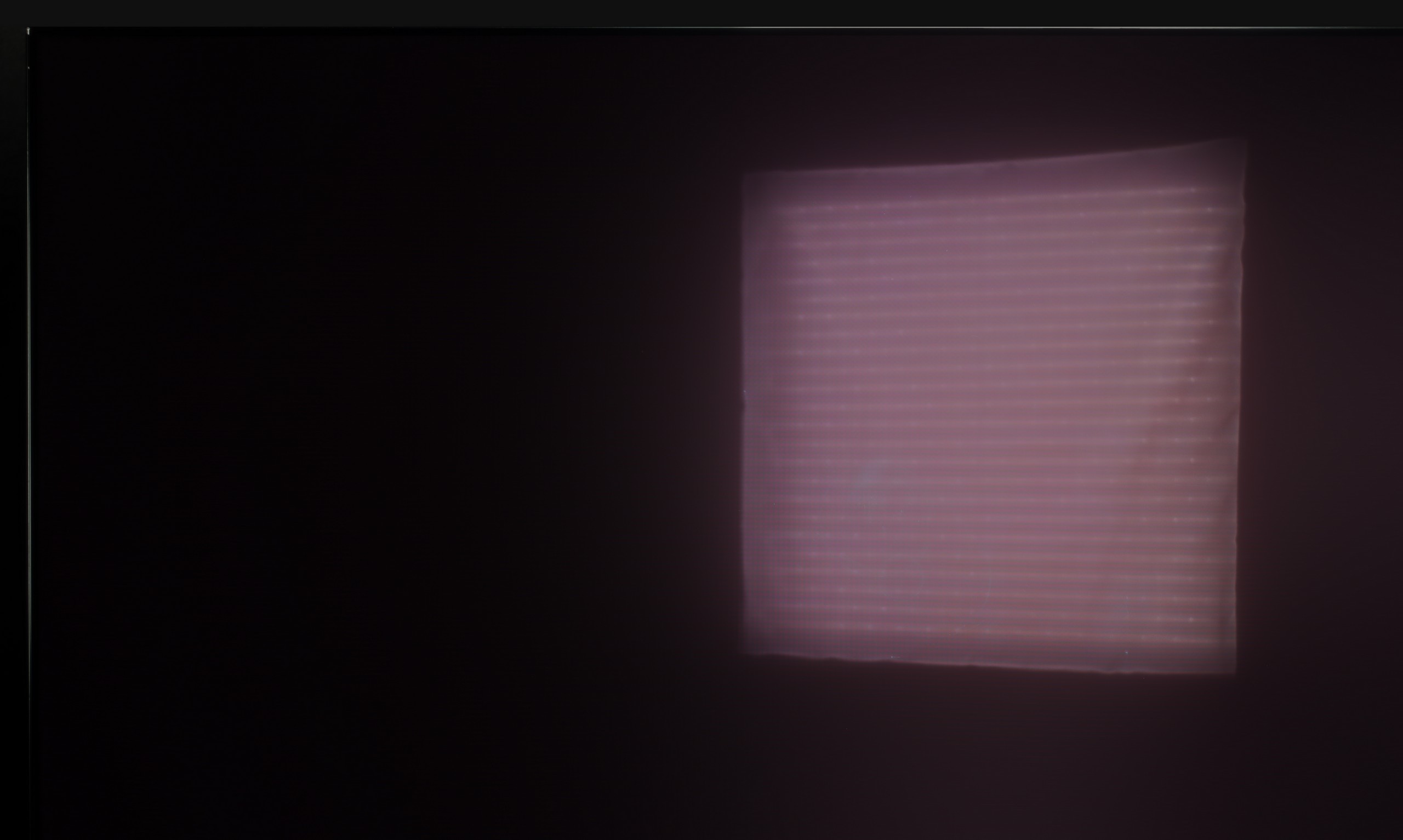
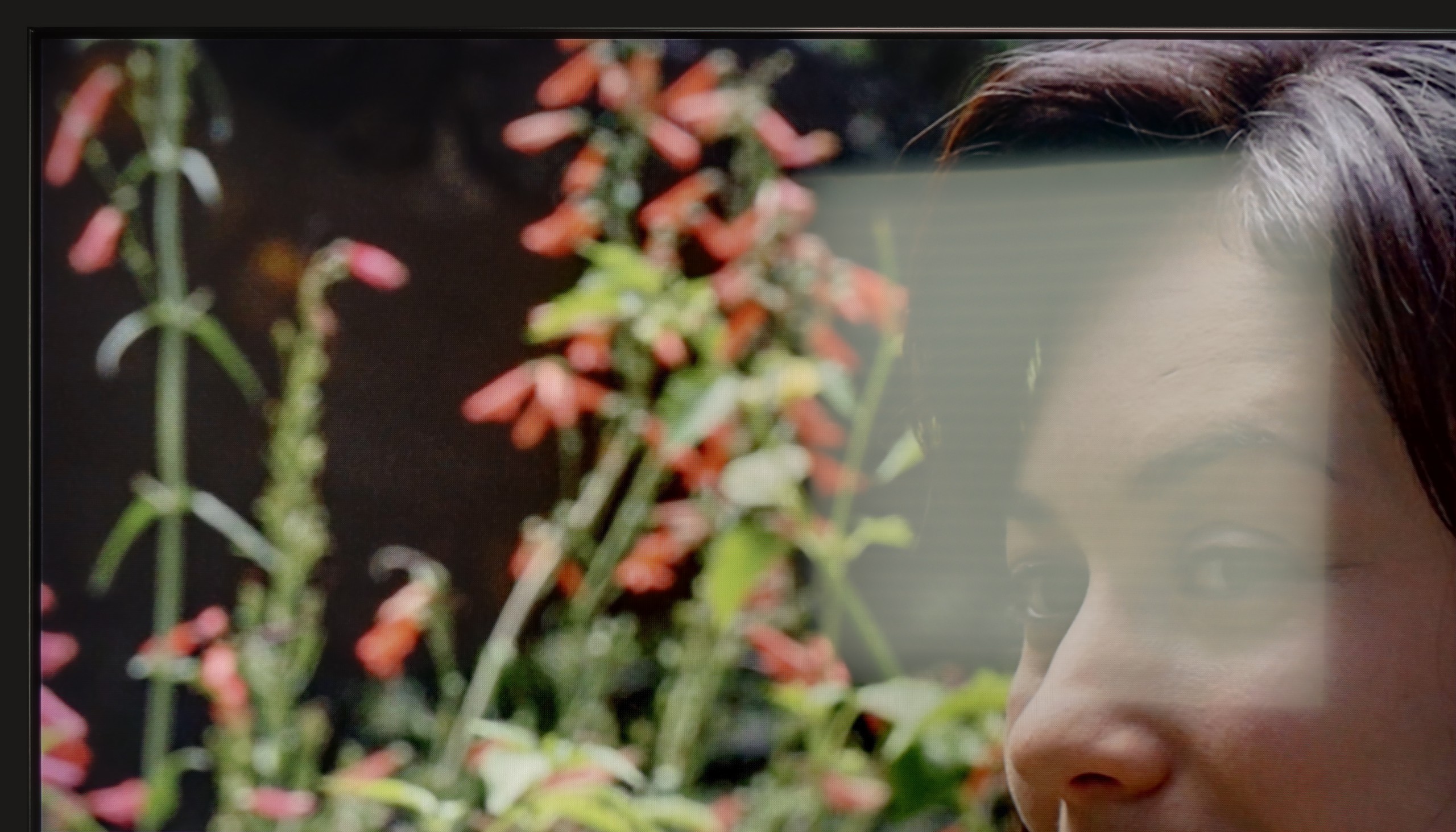
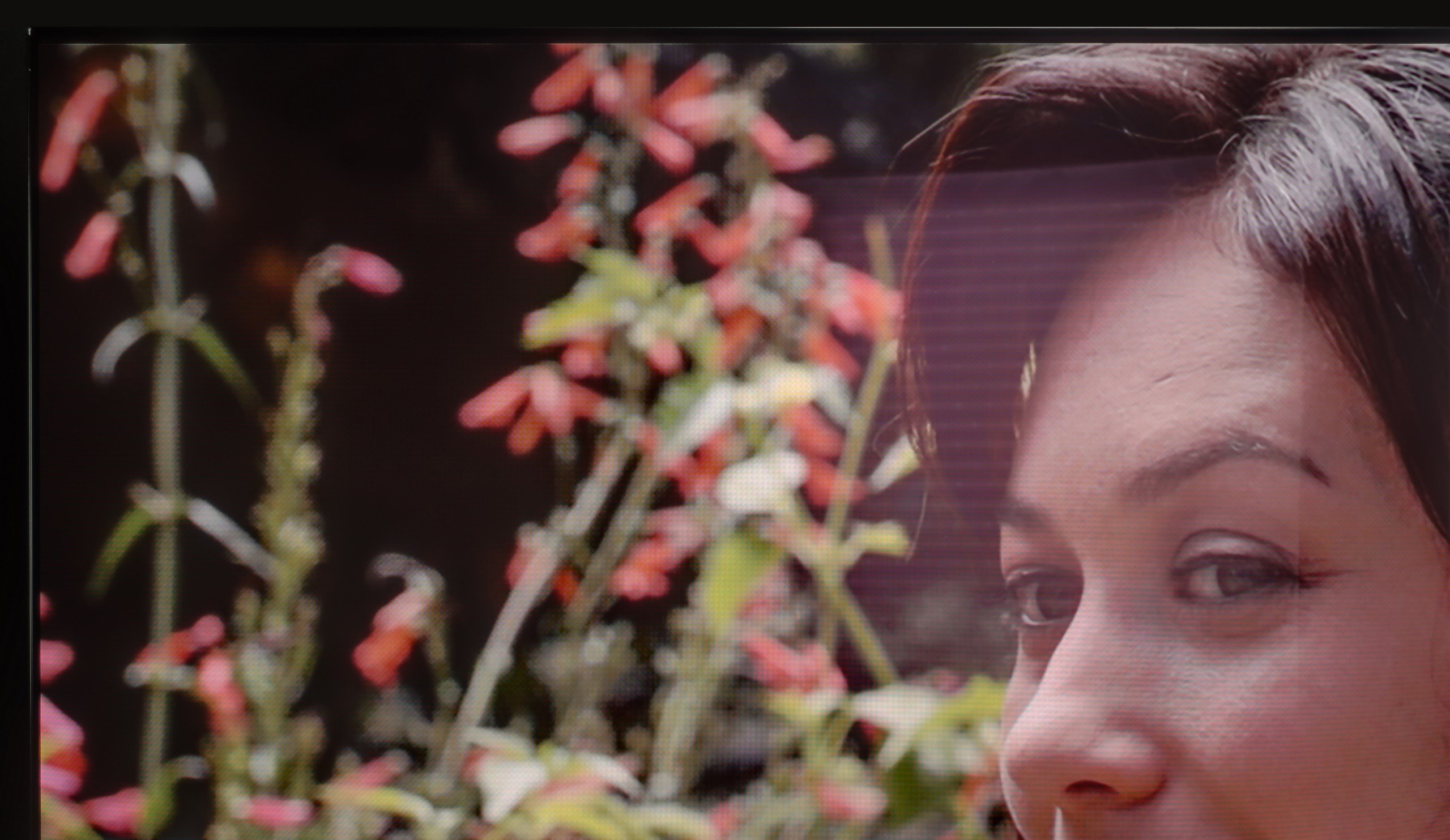
Panel brightness
Samsung S85F OLED: 317 cd/m2
Samsung QN80F: 543 cd/m2
The QN80F is truly a bright television. The average brightness in SDR content is around 550 nits, regardless of the scene, which in practice means that you can comfortably watch content even in a well-lit room – and you don’t have to close the blinds every time you turn on a film. The new satin coating on the panel also deserves praise, as it performs significantly better at reducing reflections compared to last year’s QN80D. Glare is less bothersome, and the screen maintains readability in various lighting conditions. It’s hard to find fault here – the QN80F performs simply excellently during the day.
We really liked the saying “there's no rose without a thorn” and it fits perfectly with QD-OLED display televisions. Especially when we look at their behaviour in strongly sunlit conditions. As you may notice, in very intense light, the surface of the panel can take on a slightly cherry hue. The effect is subtle in the case of the S85F, but in extreme lighting conditions, the black can perform a little worse than in WOLED panels. However – and this “however” is key here – QD-OLED significantly better suppresses direct light reflections. This means that reflections will be less bothersome, and the picture will maintain clarity even when something bright reflects off the screen. You win some, you lose some.
As for brightness, the S85F is a moderately bright OLED. It is not a model designed for extremely sunny living rooms. If you are planning to place it in a very bright room, we recommend considering blinds or placing it in a location that at least partially protects it from direct light.
Panel details
Subpixel Structure:
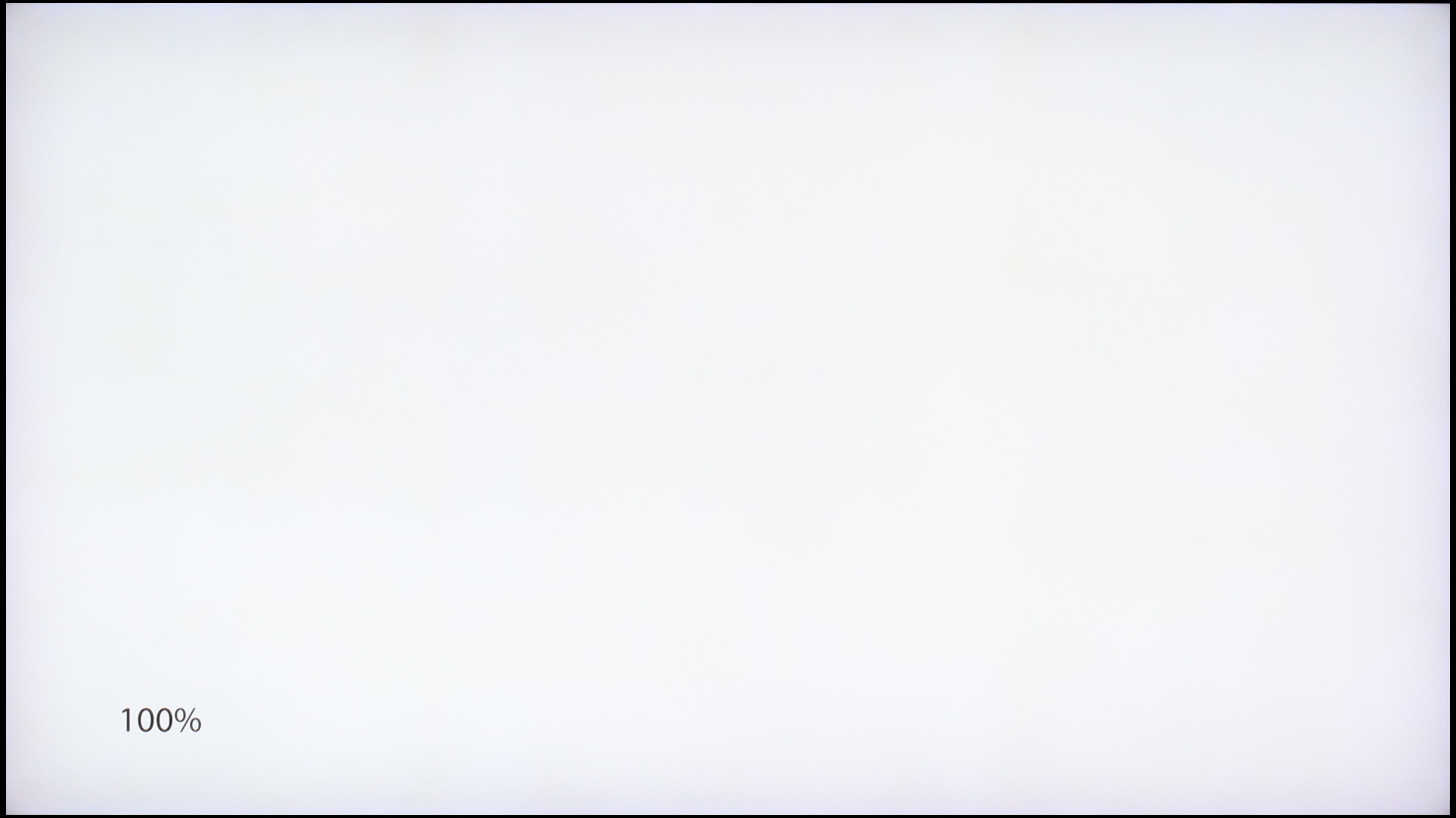
Panel uniformity and thermal imaging:
Samsung QN80F
Samsung S85F OLED
TV features
7.7/10
7.3/10
- SystemTizenTizen
- System performanceVery goodGood
- HDMI inputs0 x HDMI 2.0, 4 x HDMI 2.1 48Gbps0 x HDMI 2.0, 4 x HDMI 2.1 48Gbps
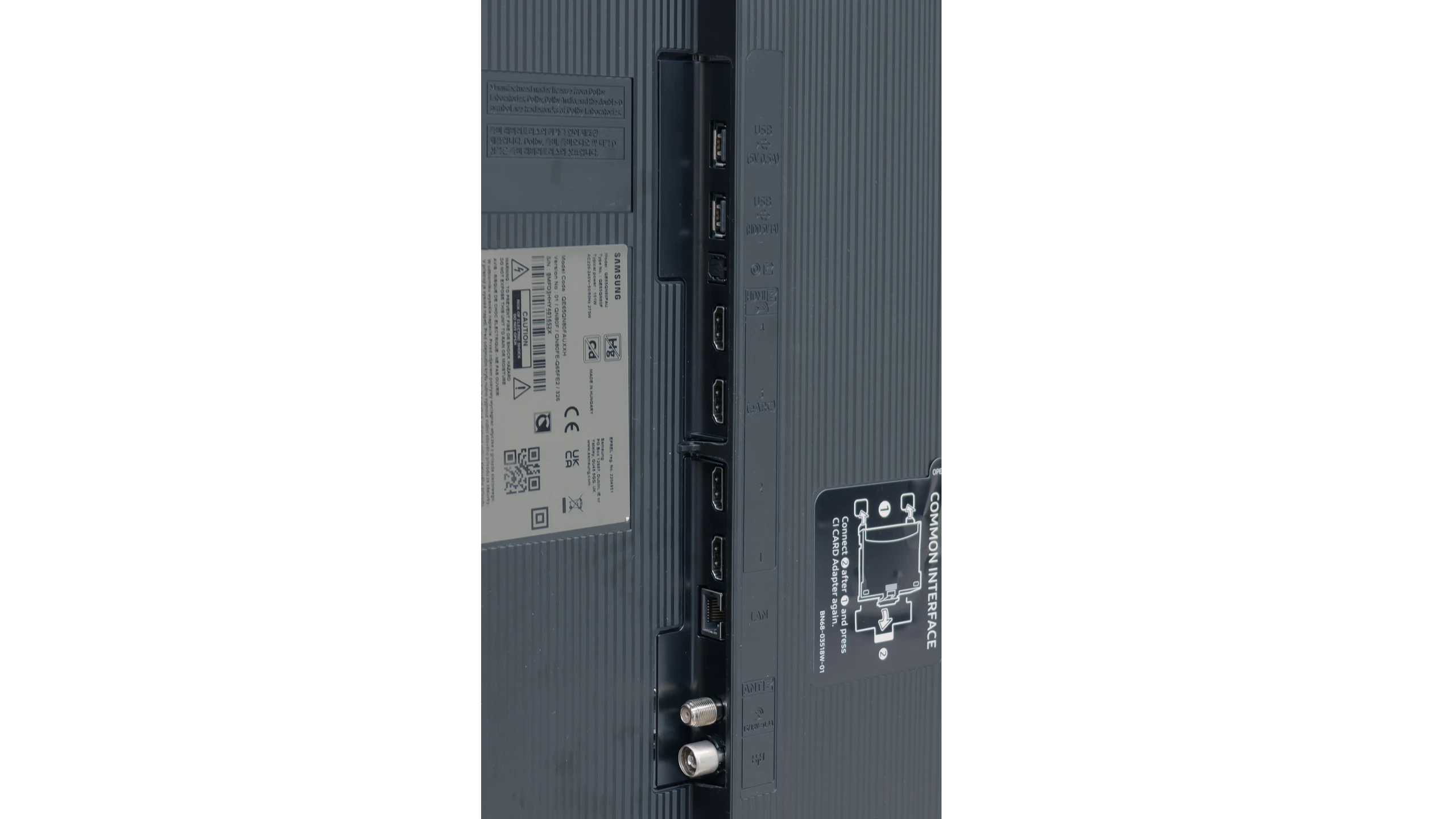
- Other inputsToslink (Optical audio)
- OutputsToslink (Optical audio), eARC (HDMI), ARC (HDMI)Toslink (Optical audio), eARC (HDMI), ARC (HDMI)
- Network InterfacesWi-Fi 2.4GHz, Wi-Fi 5GHz, Ethernet (LAN) 100MbpsWi-Fi 2.4GHz, Wi-Fi 5GHz, Ethernet (LAN) 100Mbps
- TV receptionDVB-T, DVB-T2, DVB-S, DVB-S2, DVB-CDVB-T, DVB-T2, DVB-S, DVB-S2, DVB-C
Classic features:
- Recording to USB (terrestrial TV)
- Recording programming
- Picture in Picture (PiP)
- RF remote control (no need to aim)
- Backlit remote control
- Teletext
- Audio only mode
- Bluetooth headphones support
- Simultaneous Bluetooth headphones & TV audio
Smart features:
- AirPlay
- Screen mirroring (Windows Miracast)
- Voice search
- Voice search in native language
- Ability to connect a keyboard and mouse
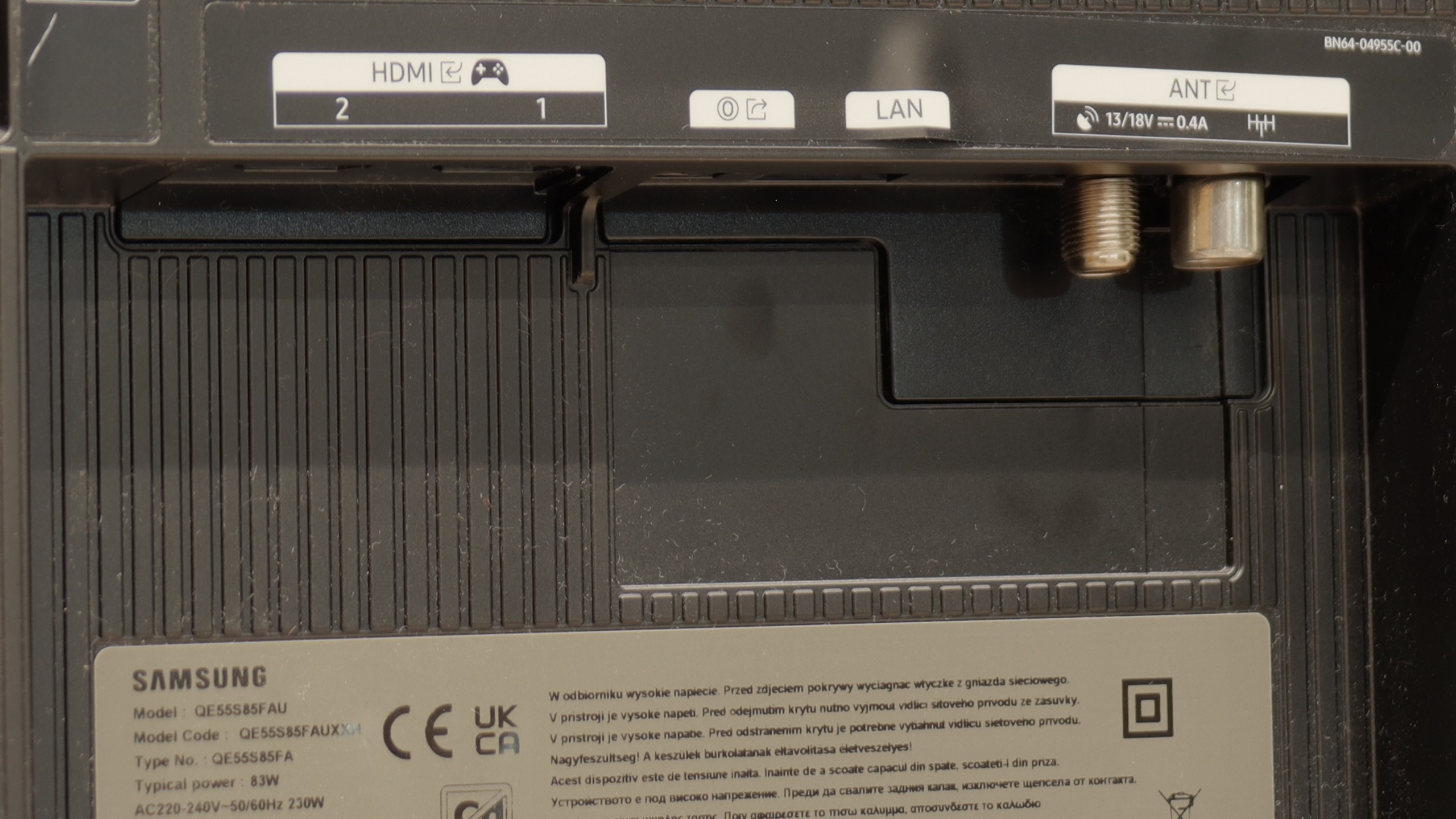
Sound connection options
- HDMI audioeARC (HDMI), ARC (HDMI)eARC (HDMI), ARC (HDMI)
- Other audio outputsToslink (Optical audio)Toslink (Optical audio)
- Wireless audioBluetooth, Samsung Q-Symphony (Speaker extension)Bluetooth, Samsung Q-Symphony (Speaker extension)
Supported audio formats (external HDMI eARC audio):
- Dolby Digital Plus 7.1
- Dolby True HD 7.1
- Dolby Atmos in Dolby Digital Plus (JOC)
- Dolby Atmos in Dolby True HD
- DTS:X in DTS-HD MA
- DTS-HD Master Audio
Senior accessibility
- Numeric keyboard on TV
- Font size adjustment
- Audio description
SmartTV QN80F: Tizen
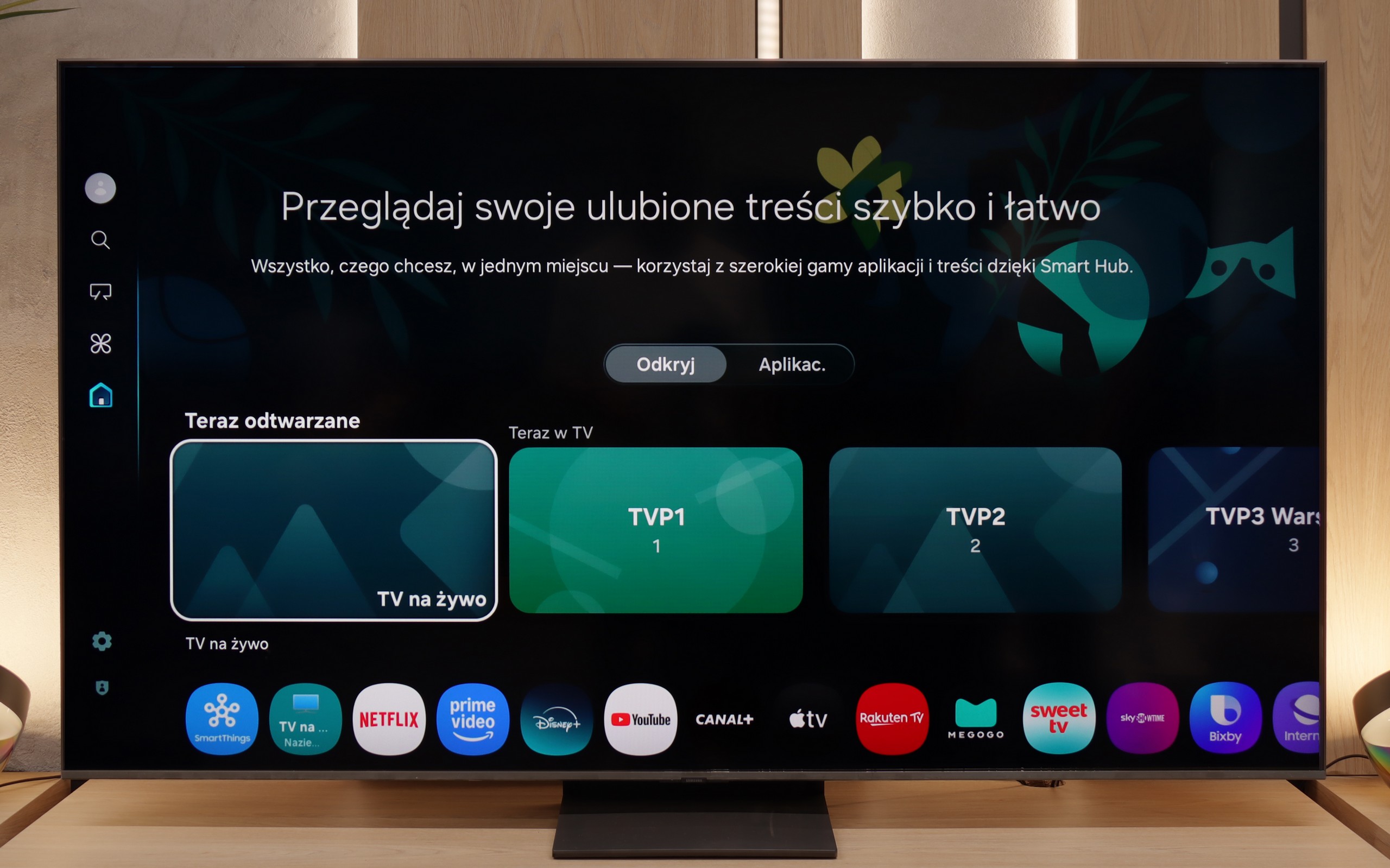
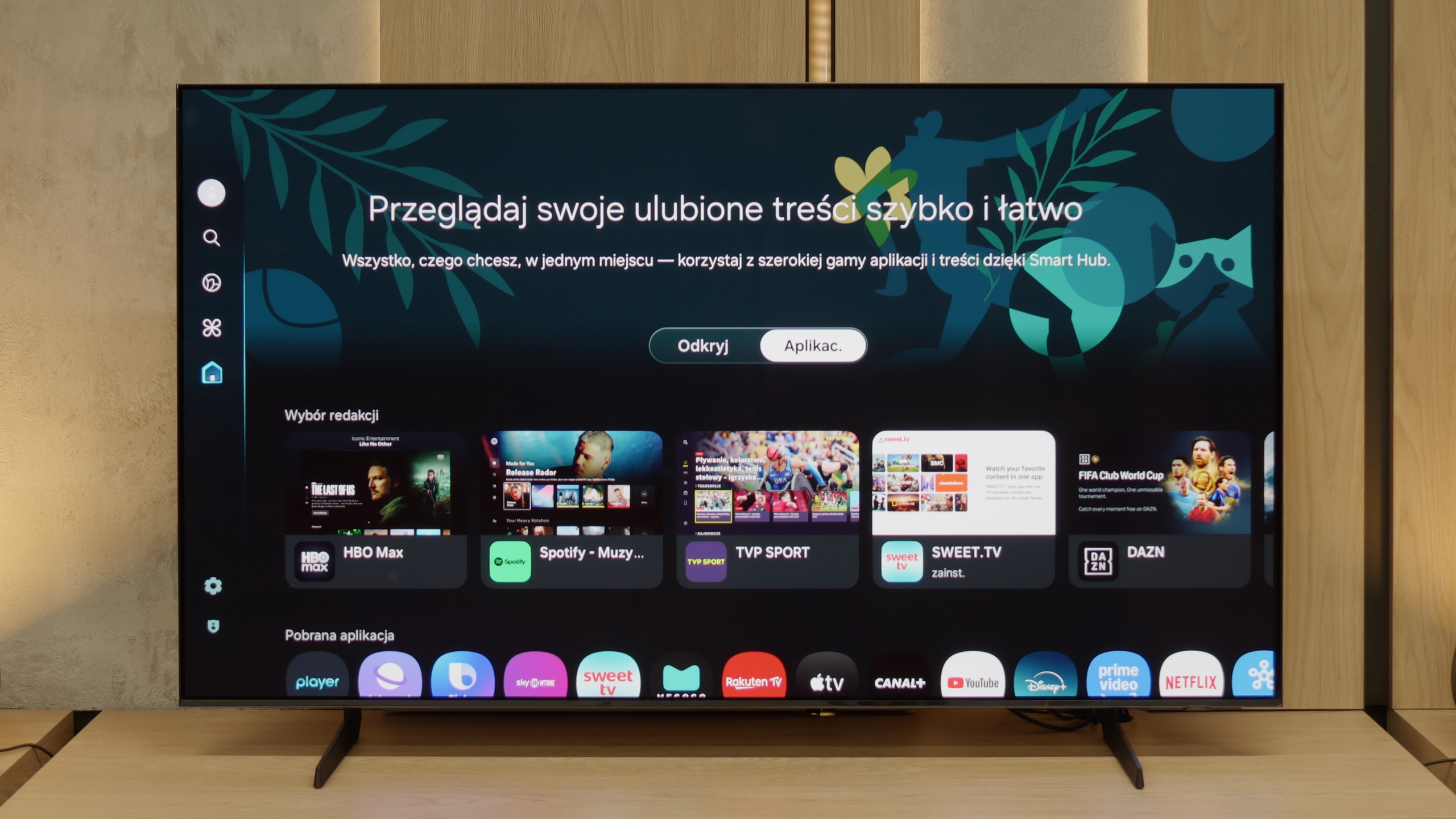
In terms of smart features, the QN80F has nothing to be ashamed of. On the contrary – Tizen is one of the richest operating systems when it comes to functionality. We have voice search, support for AirPlay, Miracast, and all the major streaming platforms at our fingertips. But Samsung's true advantage reveals itself in the smart home – SmartThings. Here you can not only synchronise light bulbs and vacuum robots but also integrate devices from other manufacturers, thanks to support for the Matter standard. And suddenly it turns out that the QN80F can serve as a home command centre. There is just one "but" – Tizen is a closed system, so we may not find a few lesser-known applications. Although in practice it has everything that 99% of users need.
Classic TV features:
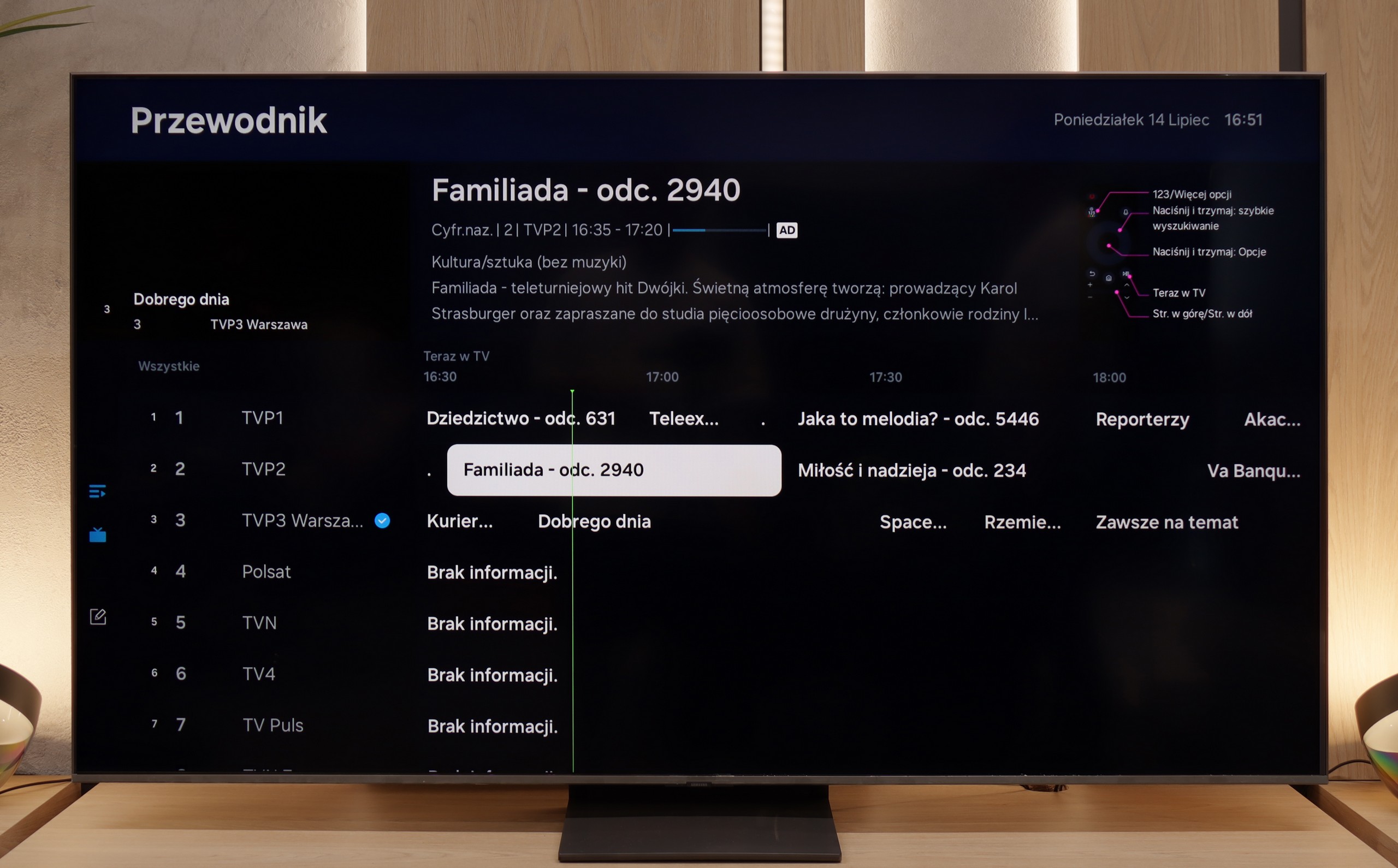
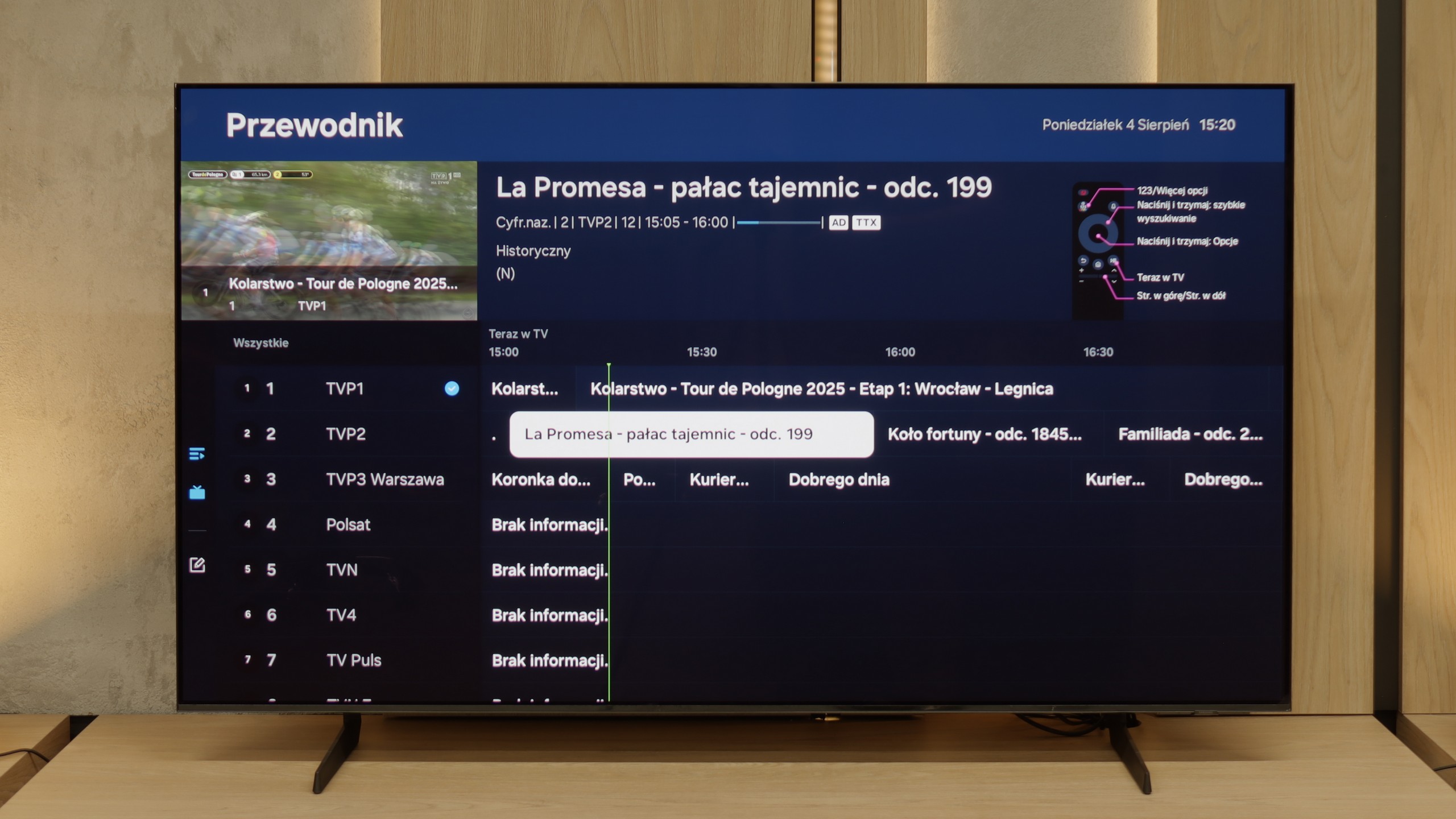
When it comes to classic features, it is just as good – well, almost. The QN80F supports picture-in-picture, which is a rarely seen but still useful PiP function. We can easily find the EPG, good old teletext (yes, it works!), and the ability to connect external devices via Bluetooth – whether it's headphones or a soundbar. Unfortunately, there is a lack of the option to record to USB from the built-in tuners. This is a minor setback, especially since the competition at a similar price increasingly offers this feature. It may not be a must-have function, but since everything else works so well, it's a pity that this feature is missing a dot over the i.
Classic TV Features of the S85F
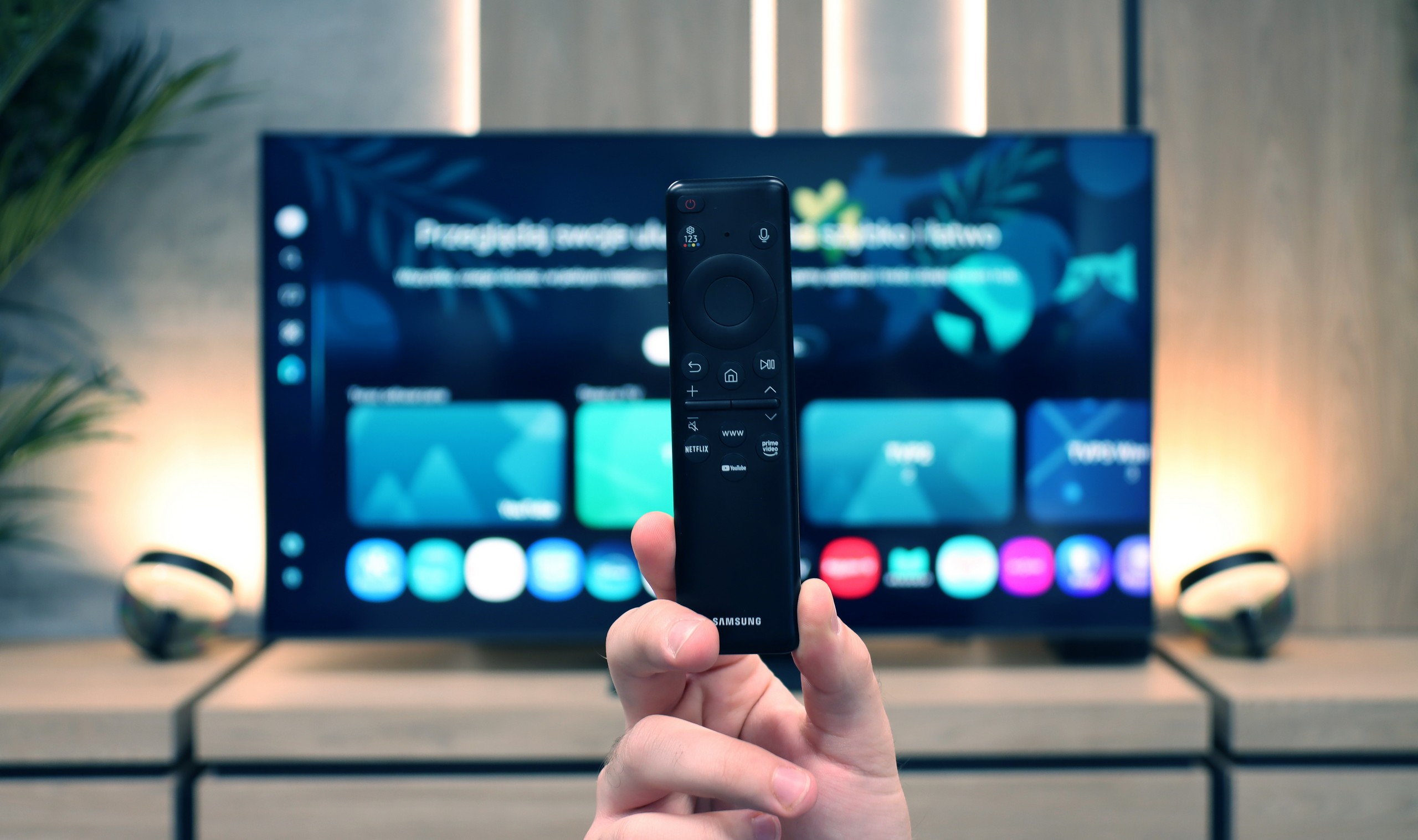
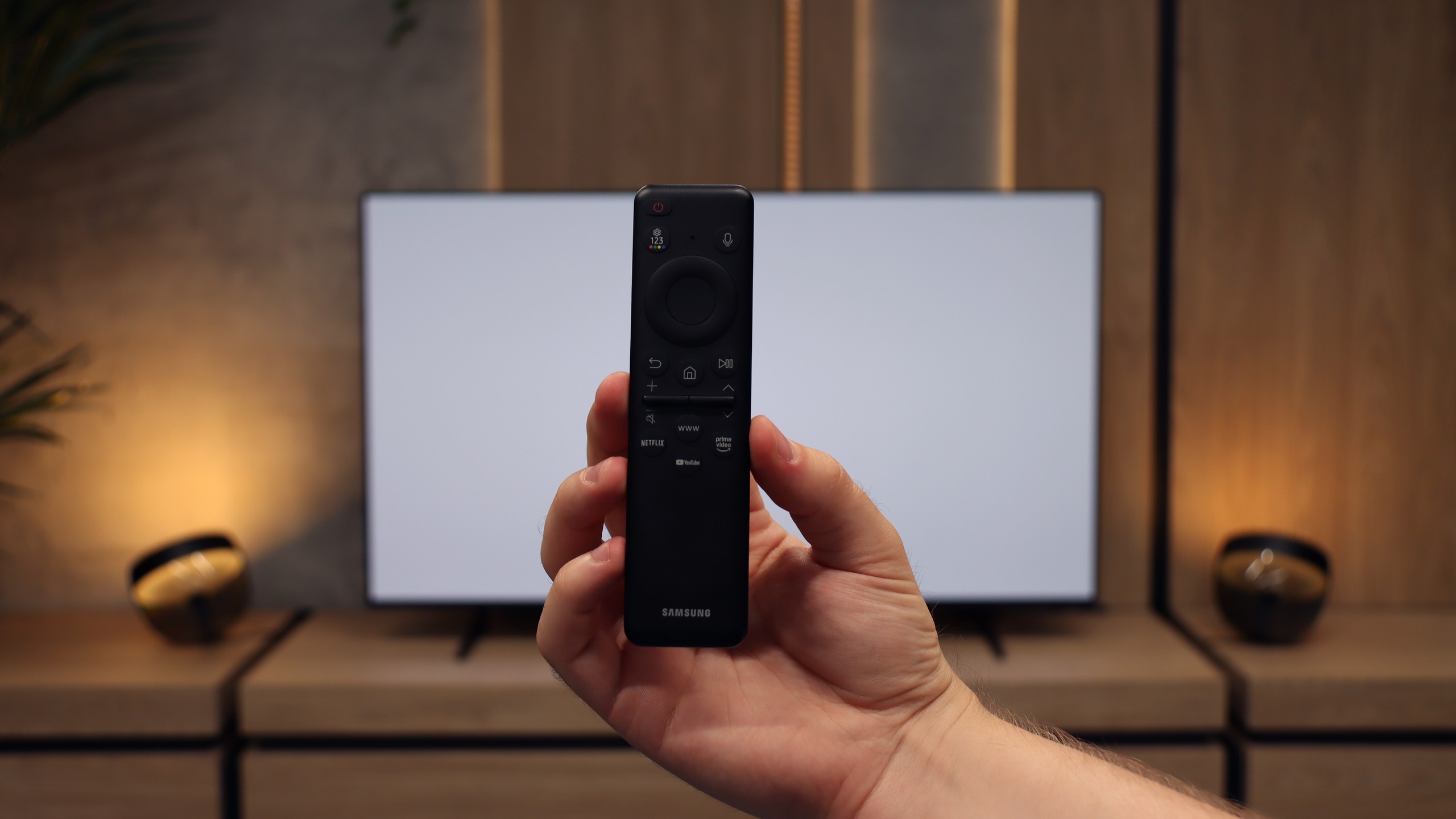
The S85F was not really designed with fans of traditional television in mind. There’s no PiP feature (which is a bit surprising as Samsung usually offers it) nor the ability to record programmes to USB from the built-in tuners. Fortunately, the basics are present – teletext and a clear channel guide – so for regular, everyday viewing, that is more than enough. The included remote control, although simple and lacking a numeric keypad at first glance, allows you to control multiple devices. This means that when connecting, for example, a Canal+ decoder, you don’t need to have two remotes on the table – the one for the television is quite sufficient.
SmartTV S85F: Tizen
The smart part is a completely different story. Tizen is one of the most advanced operating systems in televisions. It operates smoothly, supports all popular internet functions – from screen mirroring, through AirPlay, to voice search. The strongest feature of Tizen is its integration with the SmartThings app, which can serve as the control centre for the entire home. Of course, like any closed system, Tizen has its limitations – for example, in the form of a smaller app library compared to GoogleTV. However, looking at the current list of available apps, it is hard to pinpoint anything that might actually be missing.
Apps
9.3/10
9.3/10






















Playing files from USB
9/10
9.1/10
Supported photo formats:
Maximum photo resolution:
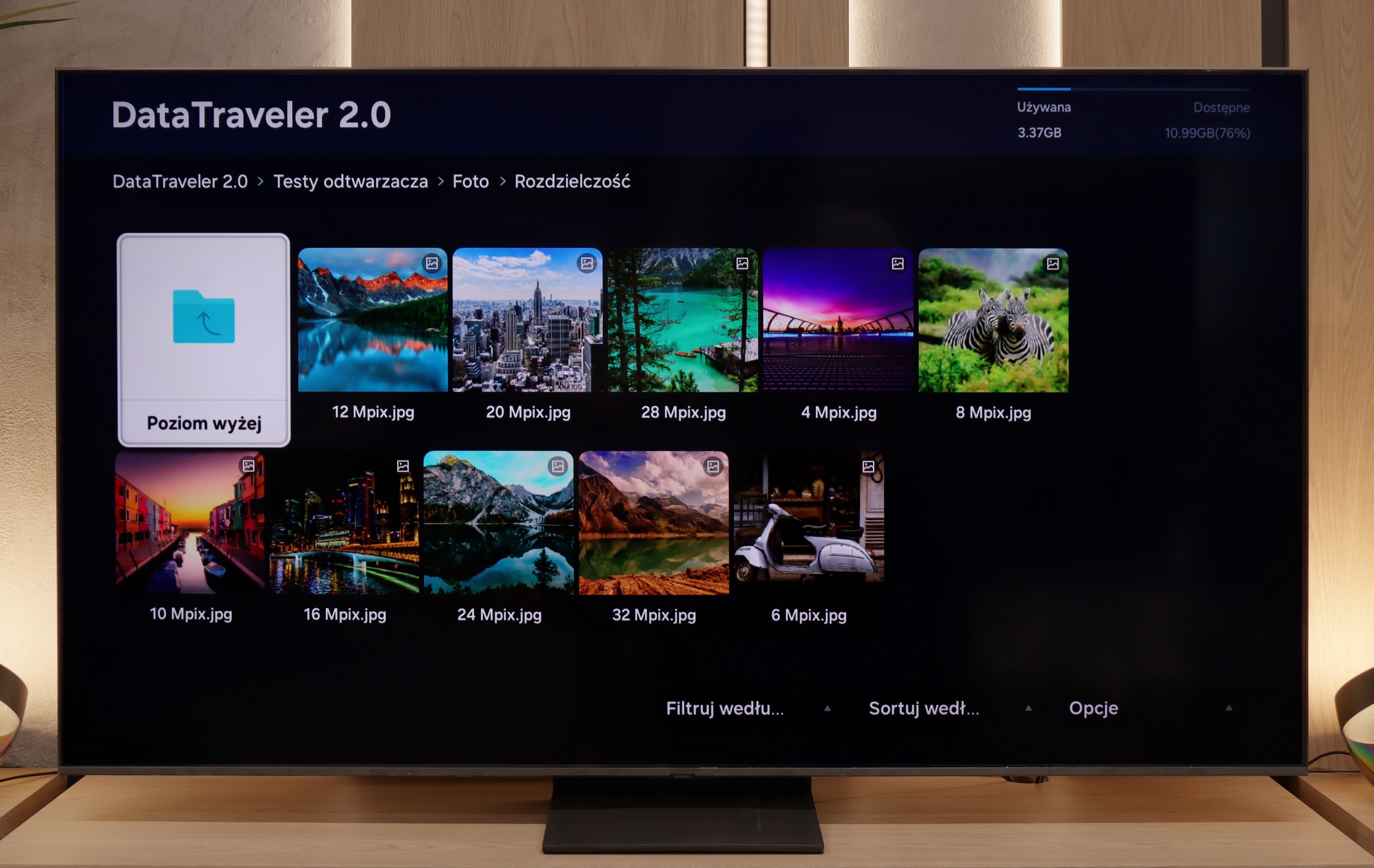
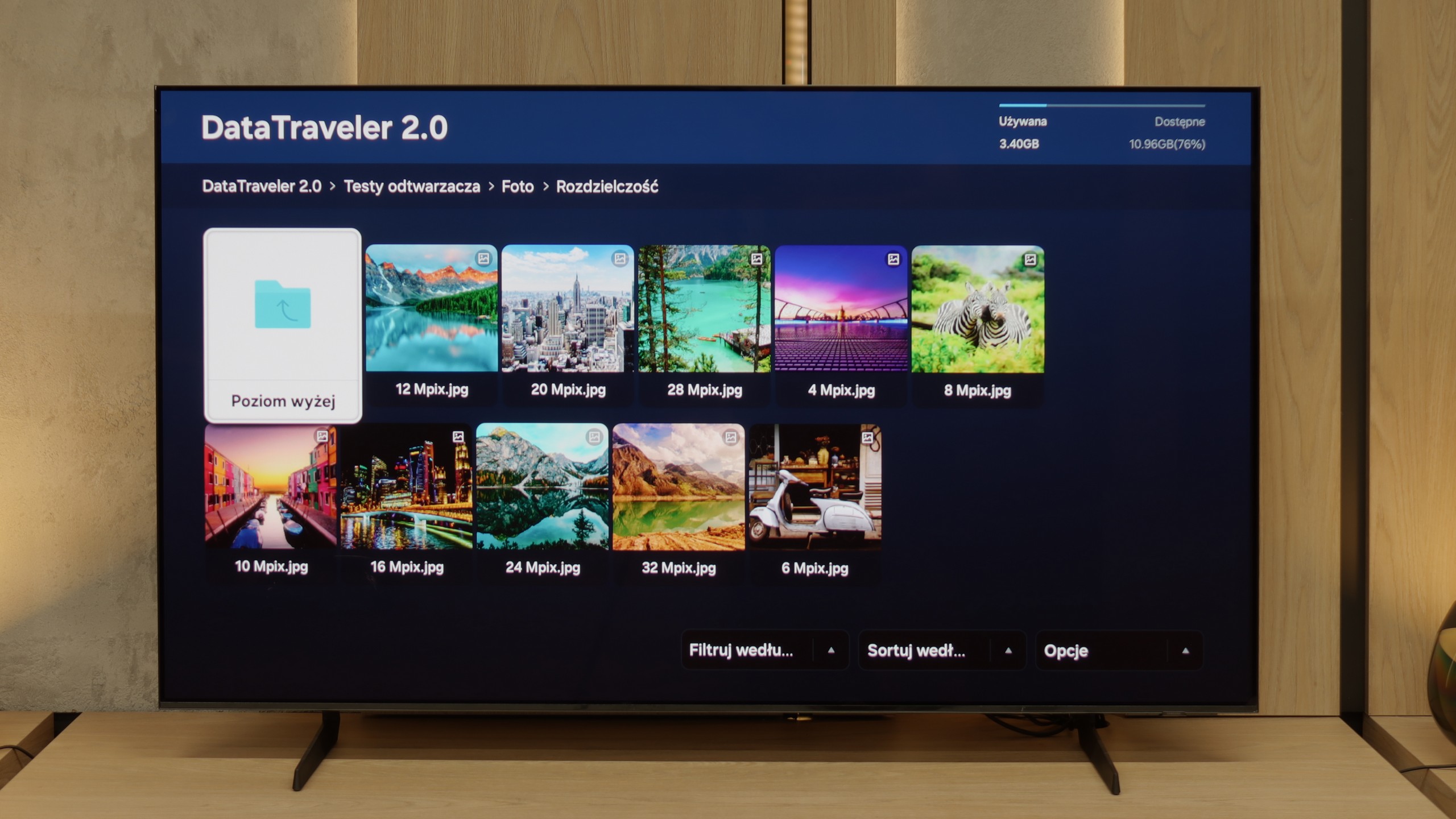
The built-in media player in the QN80F handles most popular video formats – from classic MP4 to slightly more demanding containers. It may not be a powerhouse like VLC, but it's perfectly adequate for home use. The situation is less impressive with photographs – here, unfortunately, it's rather modest. Support is mainly limited to the JPG format, but hey, at least that's the most important one 👌. During our tests, there was also a slight issue with subtitles. The QN80F could only handle the simple text format .txt – other, more advanced formats (like .srt or .sub) were unfortunately not recognised.
The built-in media player in the S85F performs excellently – practically everything you put on a USB drive or hard disk will be played back without the slightest problem. Minor shortcomings appear only in the handling of some less popular photo formats, but for the vast majority of you, this will be more than sufficient. So, it can be confidently stated that for home use, the built-in player is more than solid.
Sound
6.7/10
7.2/10
- Maximum volume87dB80dB
- Dolby Digital Plus 7.1
- Dolby True HD 7.1
- Dolby Atmos in Dolby Digital Plus (JOC)
- Dolby Atmos in Dolby True HD
- DTS:X in DTS-HD MA
- DTS-HD Master Audio
For a television of this class, the QN80F sounds surprisingly good. It supports the Dolby Atmos format, which is worth noting, as this is still not a given in many models in this range. Unlike the thinner QN70F, here you can even feel a slight bass – all thanks to the thicker casing, which simply provides more space for the sound to "breathe." It's perfectly adequate for everyday viewing and series, and with the right settings, one can even be tempted to listen to music without the need for external equipment. However – as is often the case with Samsung, there is unfortunately a lack of support for the DTS:X format, so if we are using audio devices that support this format, we will first need to connect them to the amplifier and only then to the television.
Built-in speakers with a power of 20 W on paper may not make a big impression, but in practice, the S85F can surprise. It sounds really pleasant, and at times you can even catch a subtle bass, which is not a given in this class of speakers. The TV does not support DTS format, which has unfortunately become the standard for most manufacturers by 2025. A nice surprise, however, is the support for Dolby Atmos. Of course, talking about "spatial" sound in the case of two speakers placed at the bottom of the casing would be a slight exaggeration, but it's good that Samsung offers such a feature in this model at all.
Sound Quality Test
Acoustic Measurements
87dBC (Max)
75dBC
80dBC (Max)
75dBC