SmartTV Features: Tizen
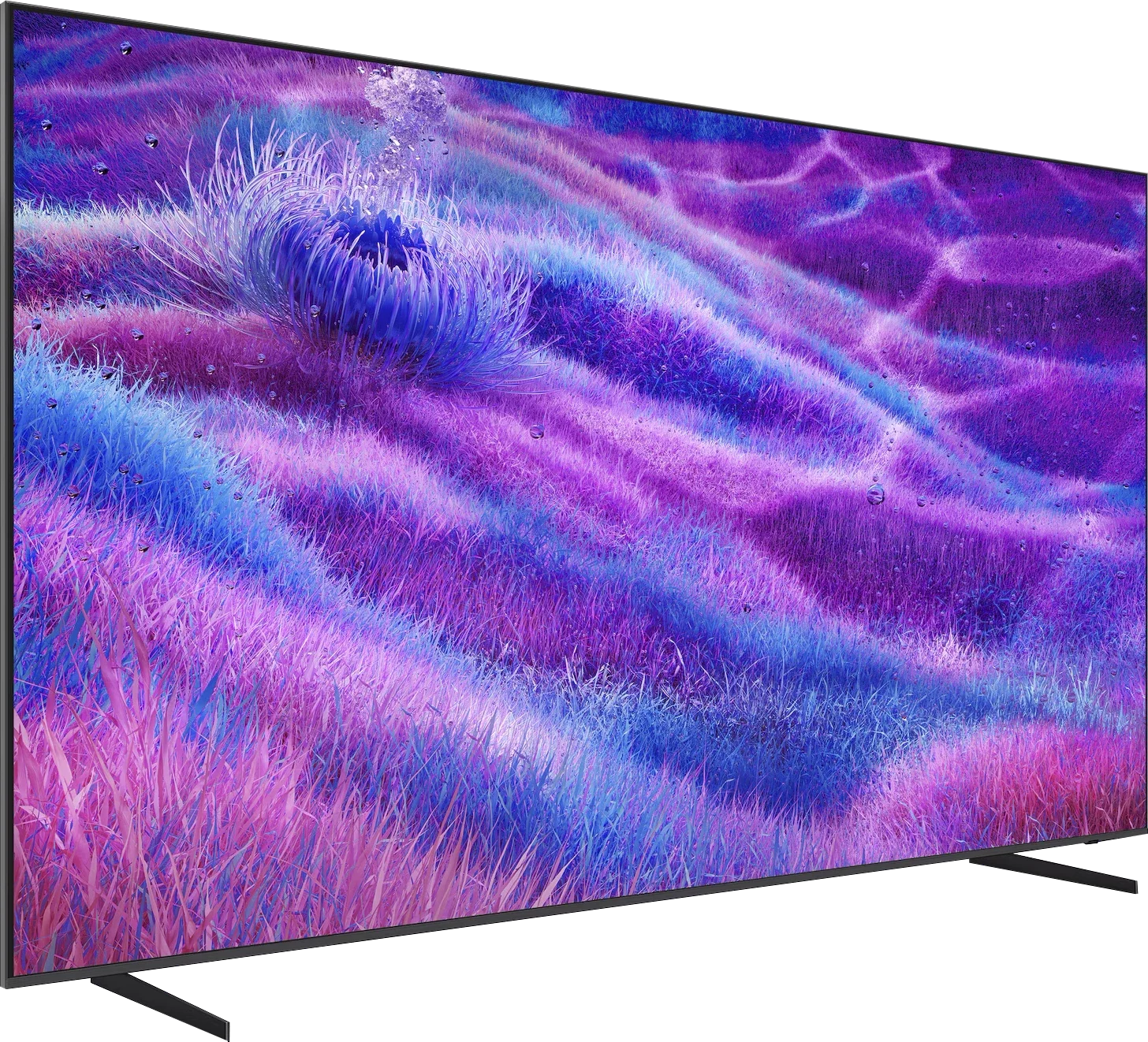
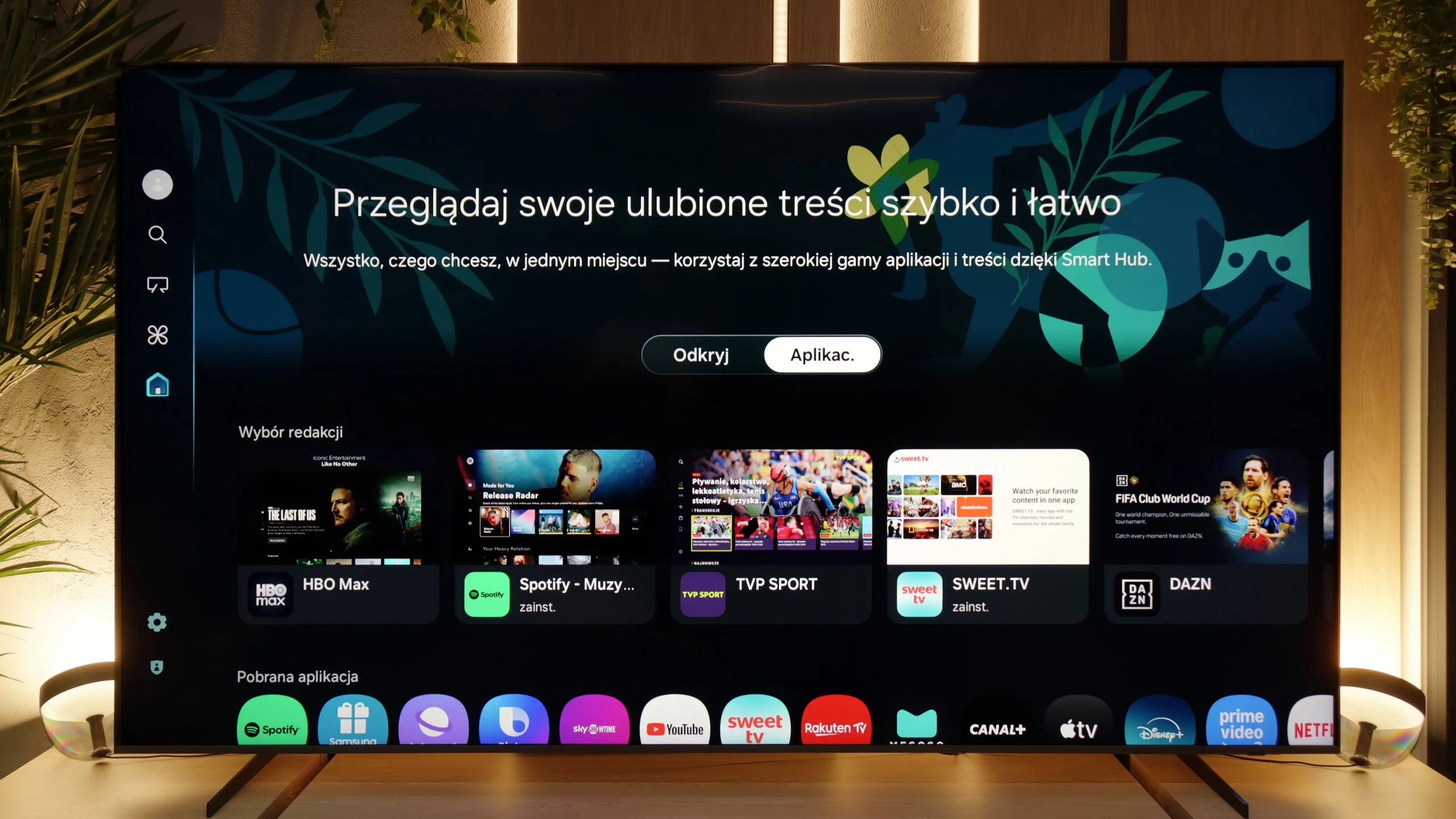
When it comes to smart capabilities, the QN80F has much to boast about. Samsung relies on Tizen, and it is evident that this system has been refined over the years. All the major streaming apps are available, voice search works well, and there is AirPlay and Miracast, so there are no issues with streaming content from a phone or laptop. What is particularly interesting is that the television can integrate other devices in the home into its ecosystem – through SmartThings and support for the Matter standard, you can connect light bulbs, robotic vacuum cleaners, or even devices from other brands. In practice, the QN80F becomes not just a screen for movies, but also a convenient control centre for the entire flat. Of course, it is still a closed system, so a few less popular apps may not be found here, but let's agree – for 99% of users, it still provides everything necessary and even more.
Classic Features
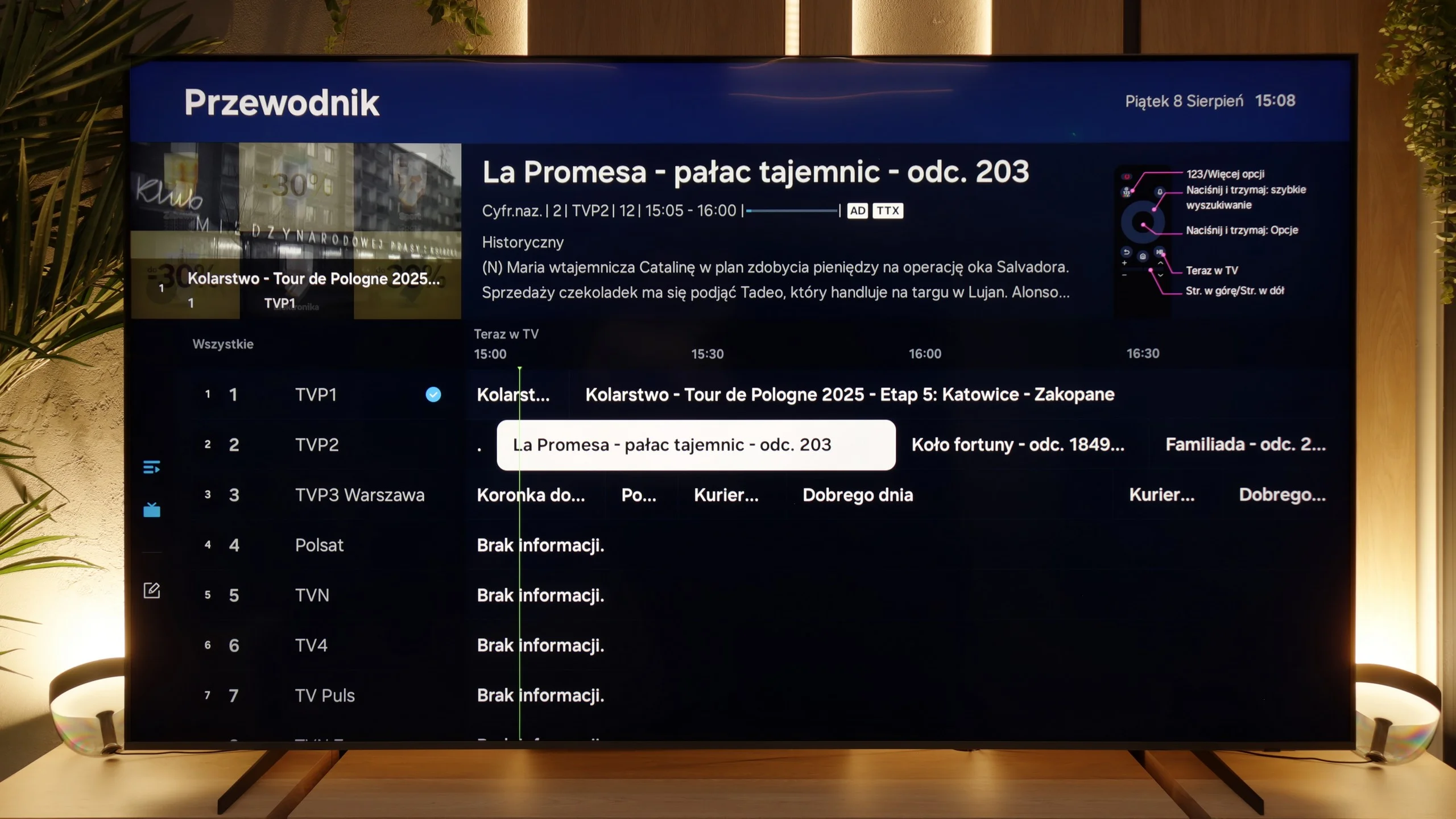
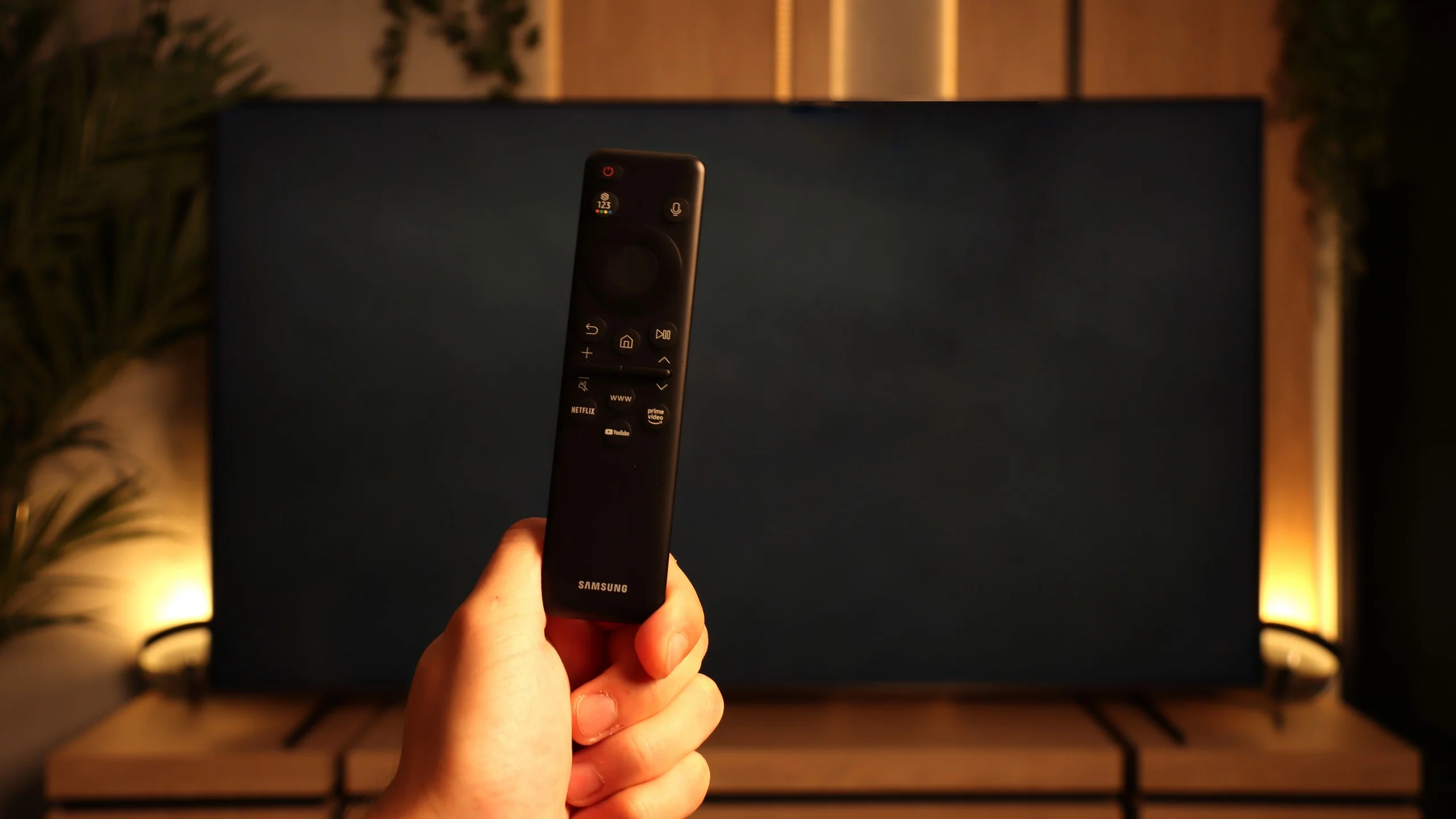
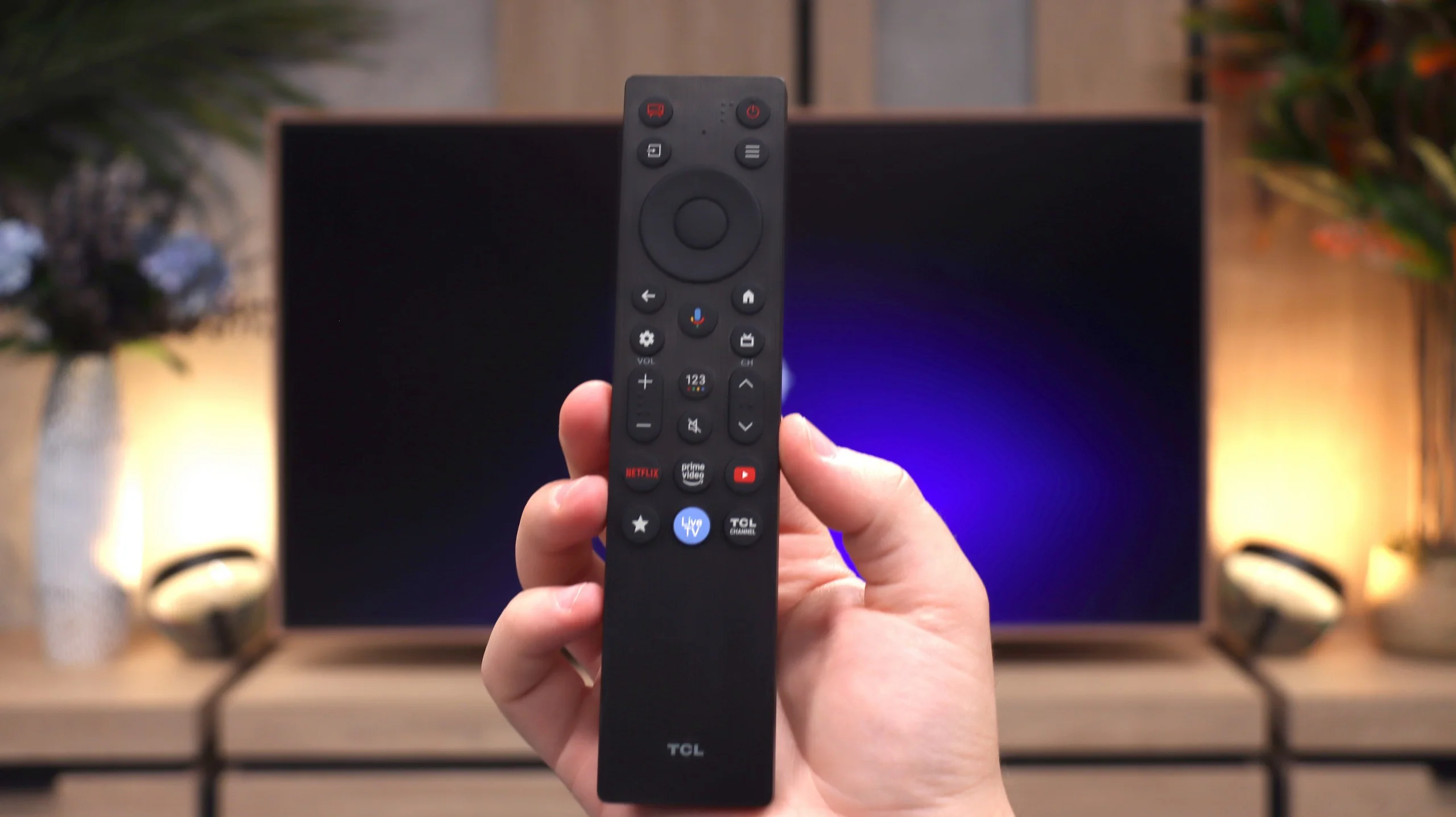
The traditional features of the QN80F perform quite well, although some things are missing. It is worth mentioning the PiP, or picture-in-picture – a rarely seen feature that can still be very practical. Additionally, we have EPG, working teletext, and Bluetooth support, which makes it easy to pair headphones or a soundbar. On the downside, there is no USB recording from the built-in tuners, and the remote control lacks a traditional numeric keypad. Instead, we get Samsung's characteristic small remote, which may initially seem too minimalist. However, it must be acknowledged that this unassuming gadget conceals many possibilities and can control other devices such as satellite receivers, consoles, or Blu-ray players, so in practice, one remote is sufficient to manage the entire setup in the living room.
Google TV
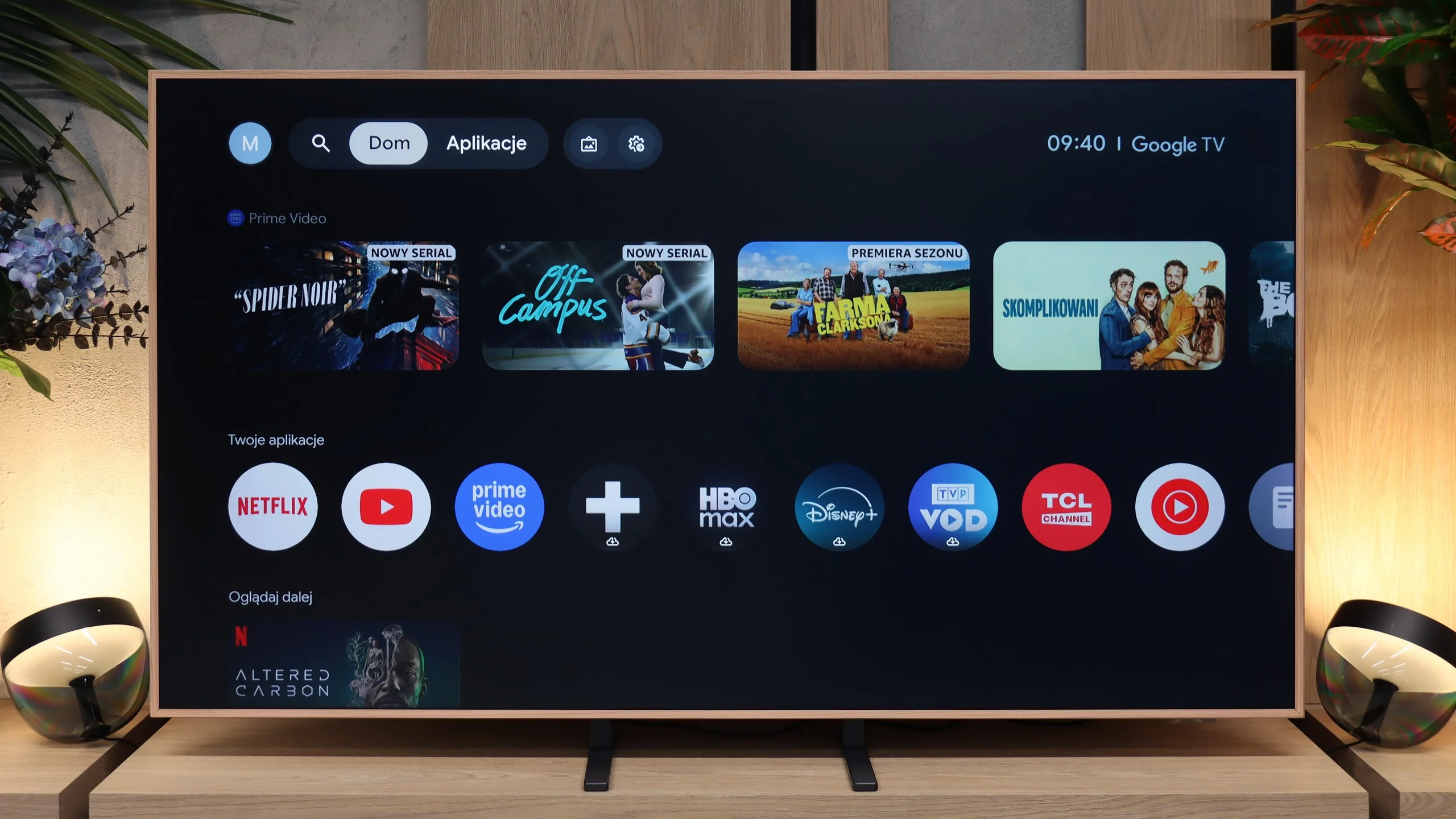
The TCL A400 Pro runs on Google TV, so in terms of Smart TV it delivers a very solid package. All the key apps are there: YouTube, Netflix, Disney+, Max, Prime Video, Apple TV and all the other services you’d expect today. There’s also Chromecast, voice search and Google Assistant. The system itself runs smoothly and is user‑friendly, although as with Google TV the home screen can be quite full of recommendations and promoted content. Some will like that, others may find it a bit irritating. Functionally, though, there’s little to seriously criticise.
Digital art gallery
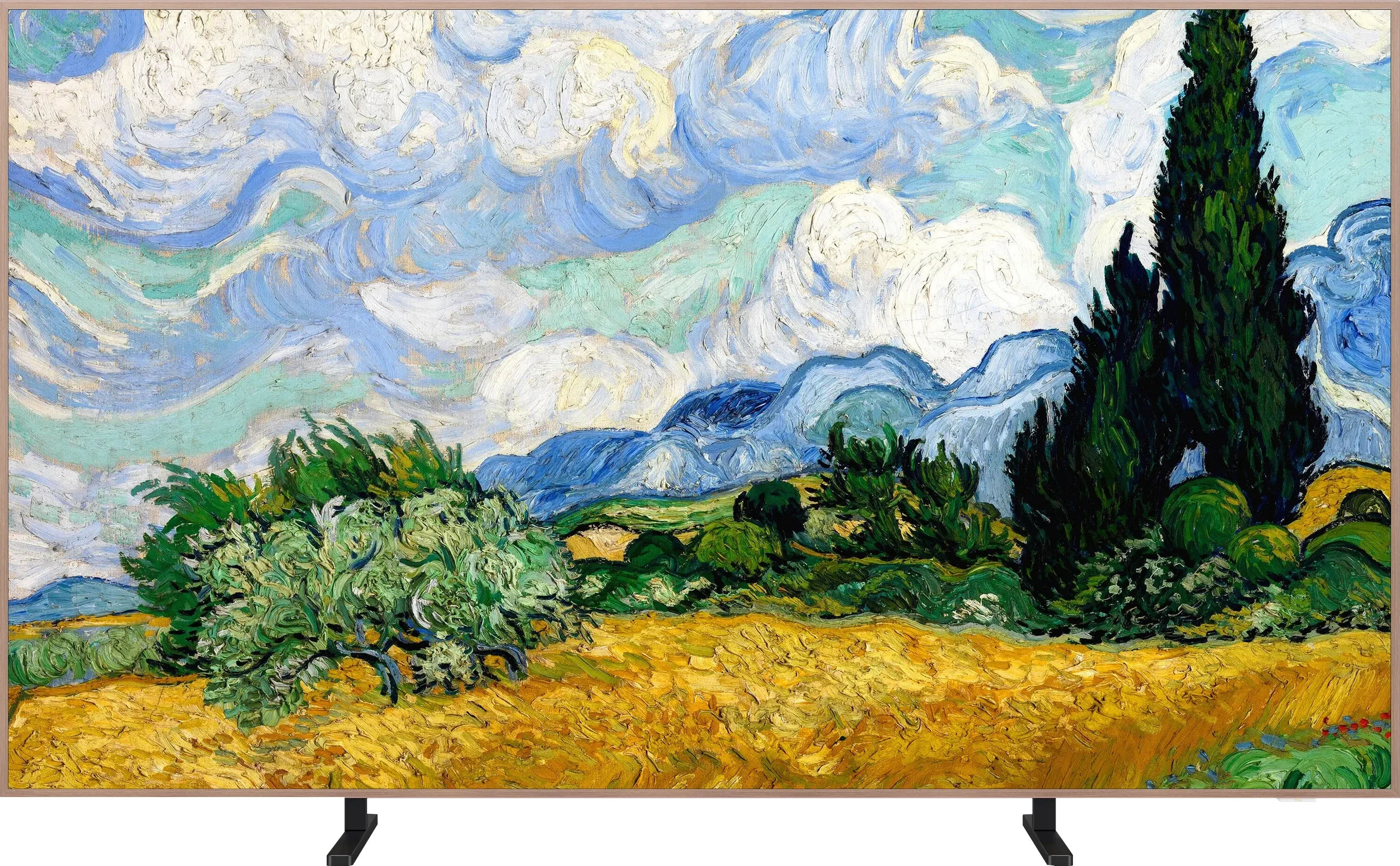
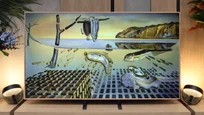
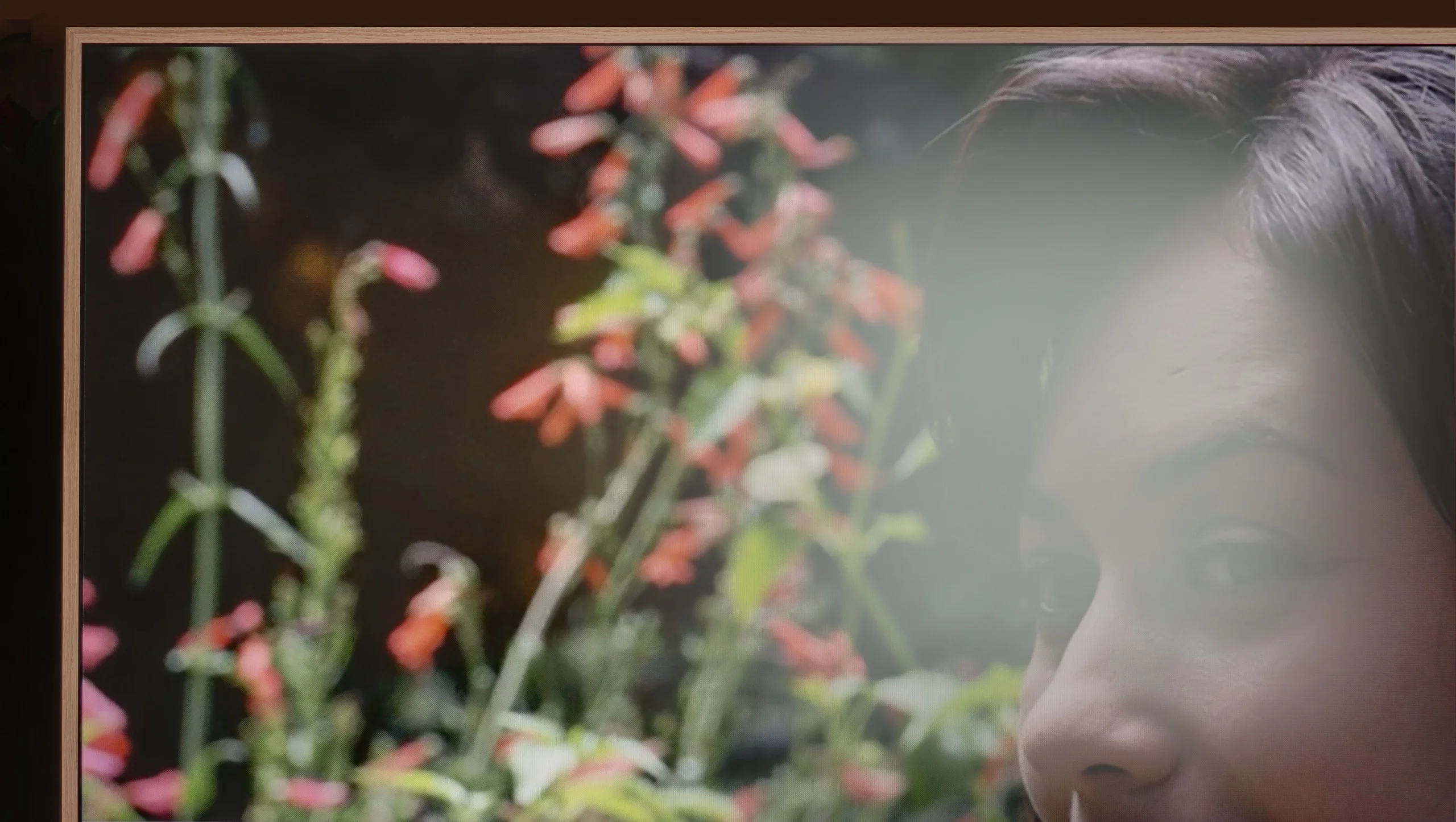
The most interesting part starts with the digital gallery, because that’s what’s meant to set the A400 Pro apart from ordinary TVs. TCL provides access to over 80 works of art that can be displayed when the screen isn’t being used for films or TV series. This means the TV doesn’t have to hang on the wall as a black slab, it can actually mimic a picture. An ambient light sensor helps by adjusting the screen to the room’s lighting conditions. And there’s good news compared with the older NXT Vision A300. The A400 Pro fixes the annoying brightness issue in art mode. Gallery settings are now separate from regular viewing, so you can set a lower brightness for artworks without spoiling the settings for films or television. It’s a small detail, but in practice very important, because it makes the screen more likely to look like a picture and less like a glowing TV. TCL also adds the ability to create custom artwork using artificial intelligence. The manufacturer talks about over 100,000 available works and variants, so there’s plenty to choose from. You can stick with the default gallery or pick something more in keeping with your taste and the room’s décor.
Classic features
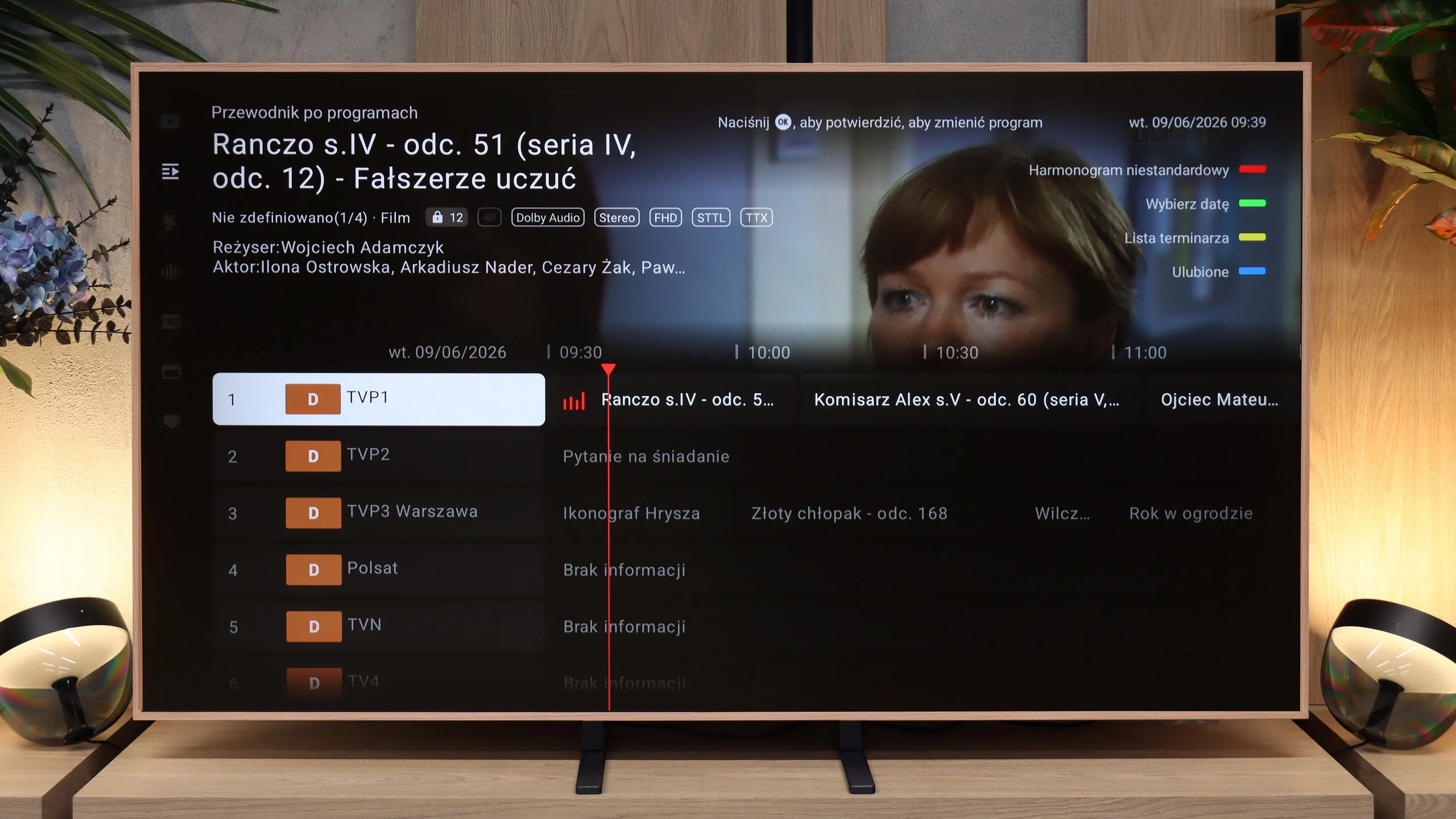
The TV’s classic features are much less exciting. The A400 Pro doesn’t stand out here. It offers standard broadcast TV, a channel guide and basic options, but no major extras that would change the way you use traditional TV.
 Direct comparison