SmartTV Features: Tizen
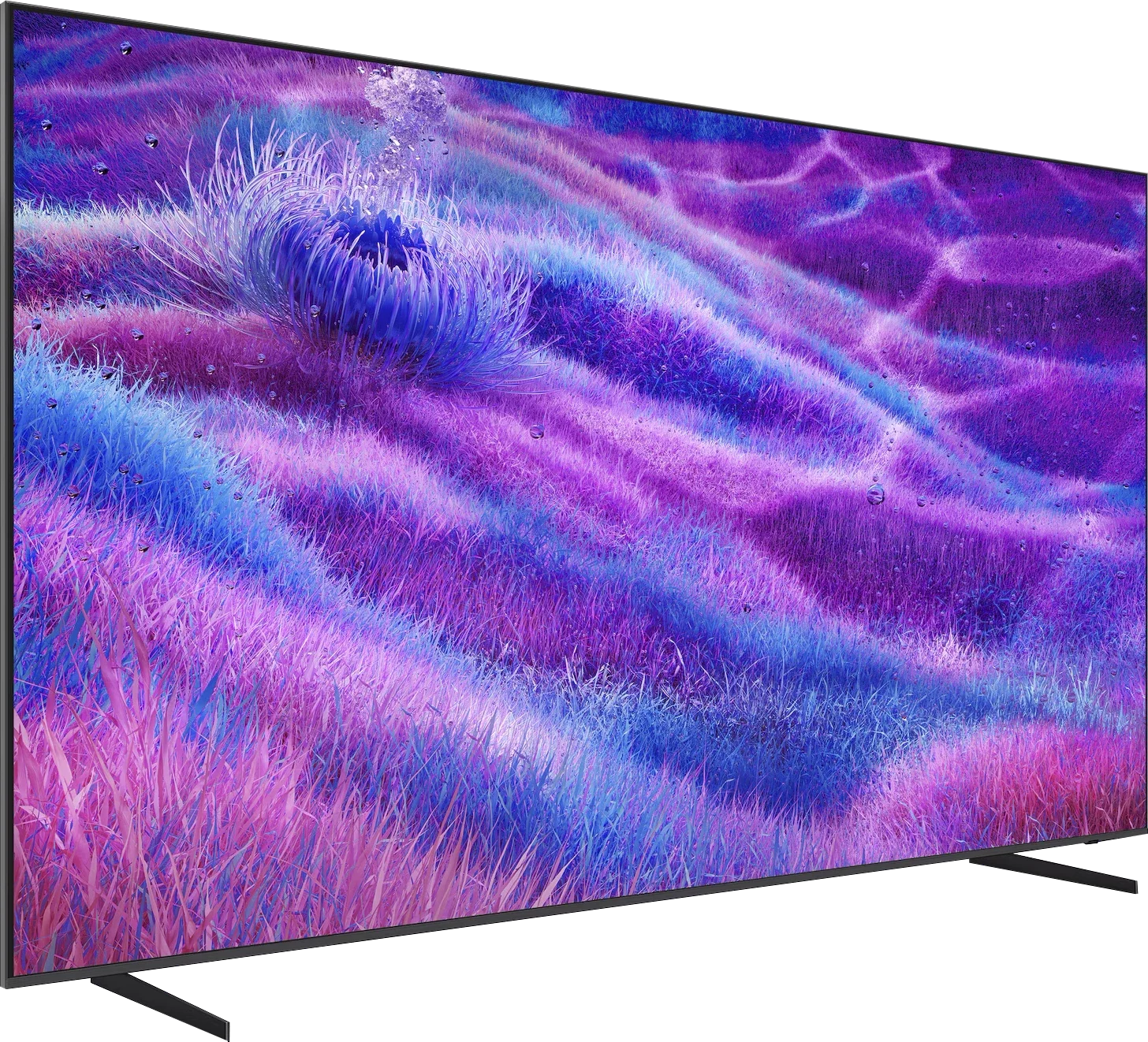
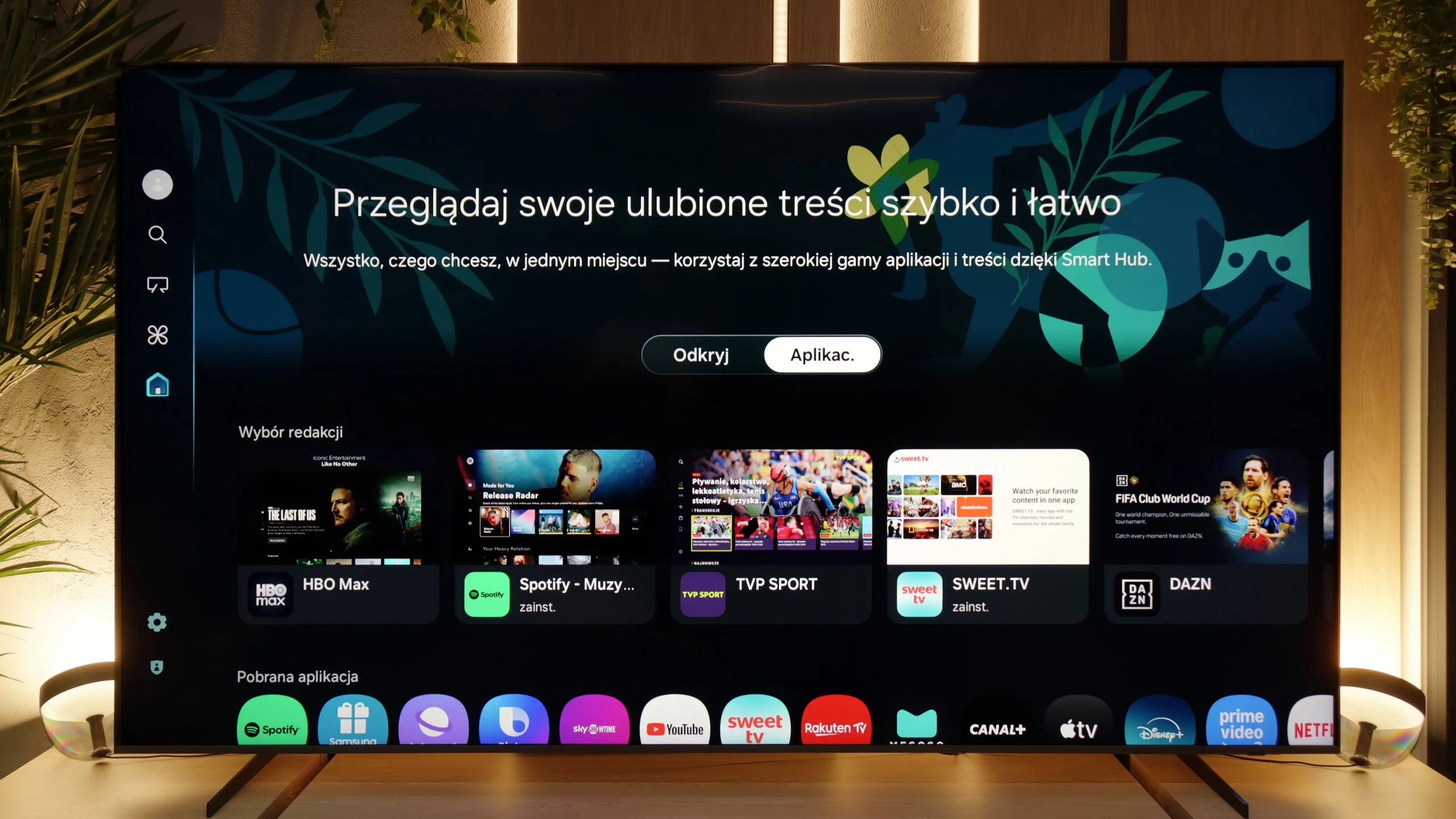
When it comes to smart capabilities, the QN80F has much to boast about. Samsung relies on Tizen, and it is evident that this system has been refined over the years. All the major streaming apps are available, voice search works well, and there is AirPlay and Miracast, so there are no issues with streaming content from a phone or laptop. What is particularly interesting is that the television can integrate other devices in the home into its ecosystem – through SmartThings and support for the Matter standard, you can connect light bulbs, robotic vacuum cleaners, or even devices from other brands. In practice, the QN80F becomes not just a screen for movies, but also a convenient control centre for the entire flat. Of course, it is still a closed system, so a few less popular apps may not be found here, but let's agree – for 99% of users, it still provides everything necessary and even more.
Classic Features
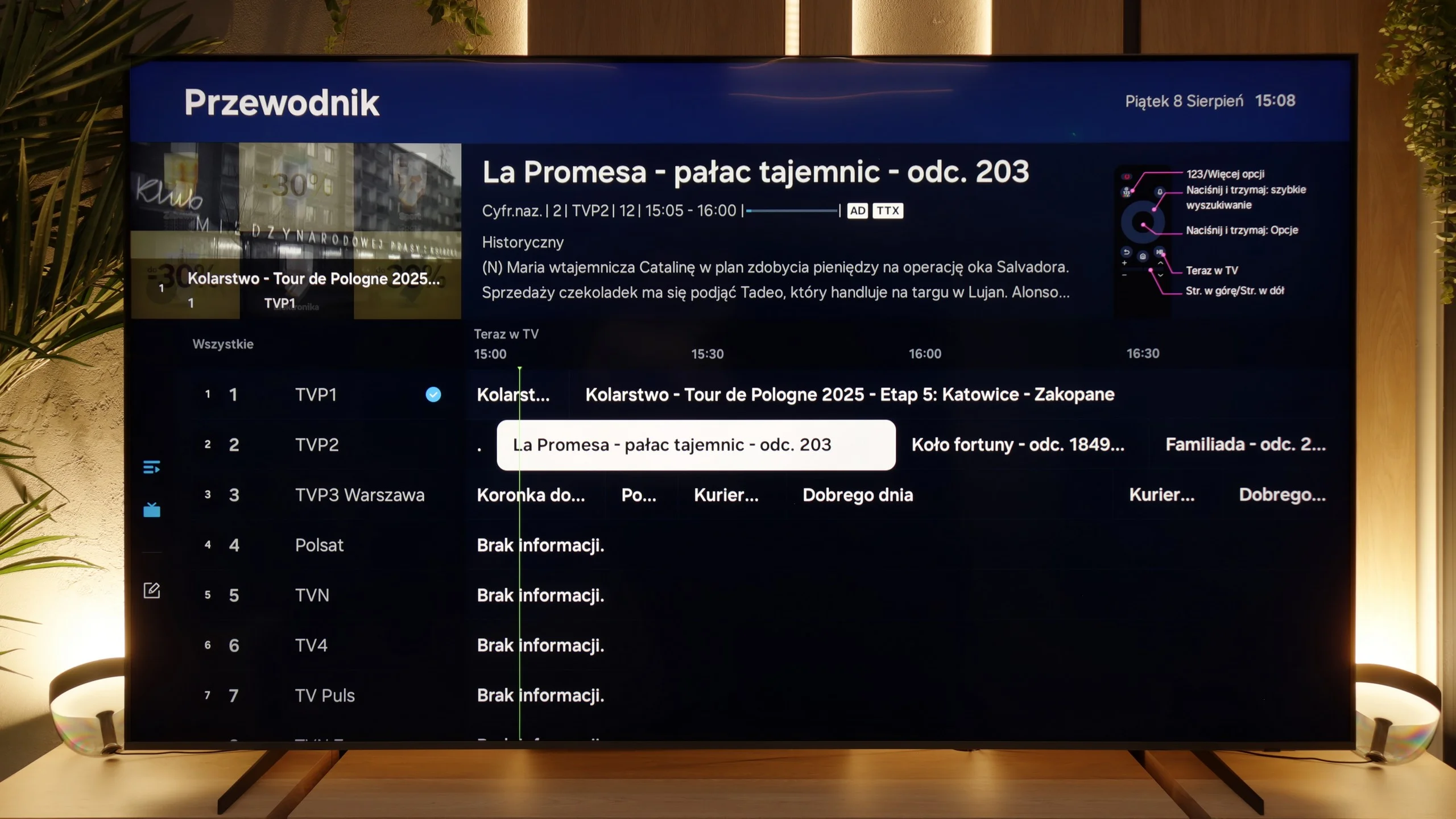
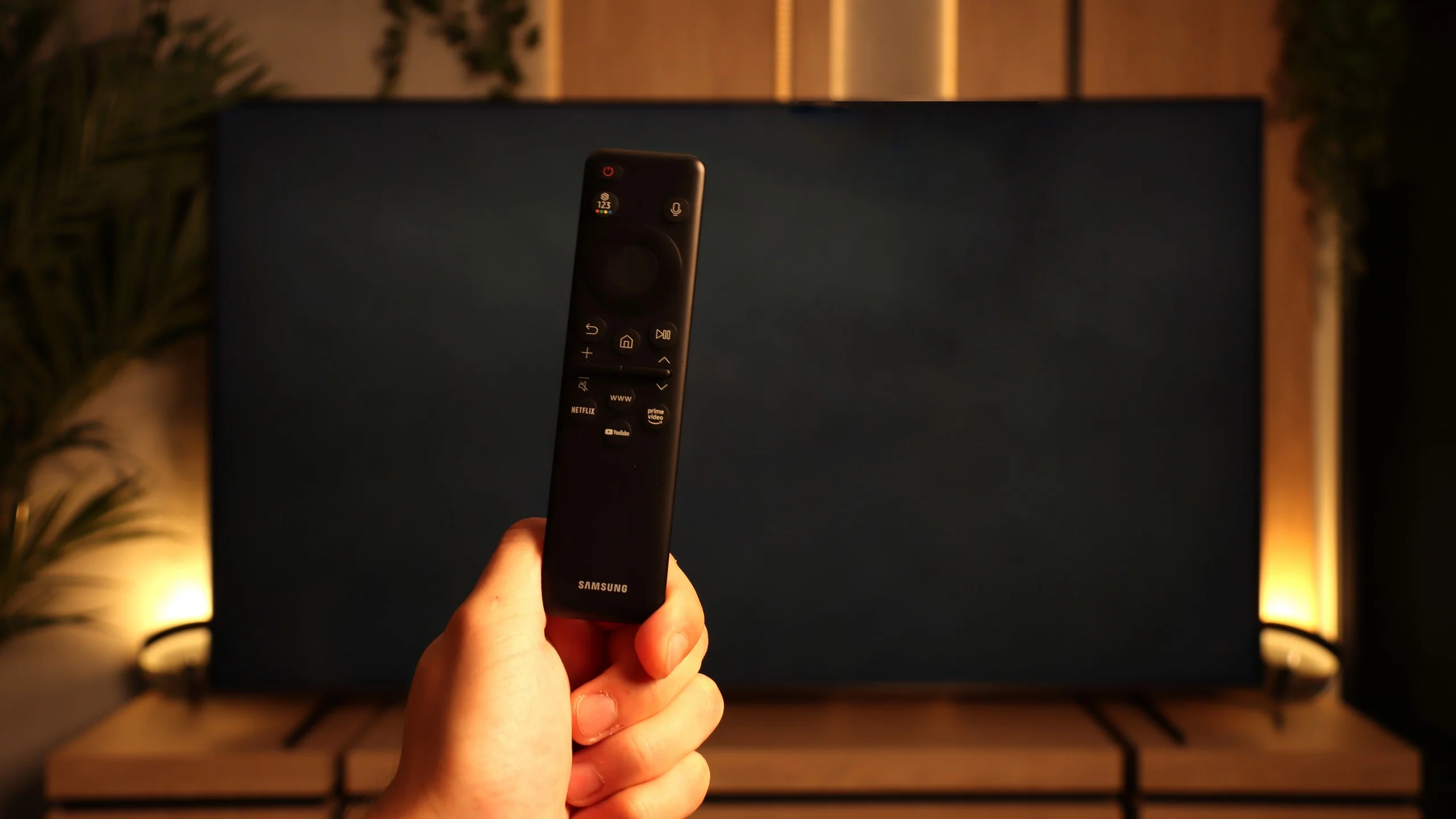
The traditional features of the QN80F perform quite well, although some things are missing. It is worth mentioning the PiP, or picture-in-picture – a rarely seen feature that can still be very practical. Additionally, we have EPG, working teletext, and Bluetooth support, which makes it easy to pair headphones or a soundbar. On the downside, there is no USB recording from the built-in tuners, and the remote control lacks a traditional numeric keypad. Instead, we get Samsung's characteristic small remote, which may initially seem too minimalist. However, it must be acknowledged that this unassuming gadget conceals many possibilities and can control other devices such as satellite receivers, consoles, or Blu-ray players, so in practice, one remote is sufficient to manage the entire setup in the living room.
webOS System and Smart Features
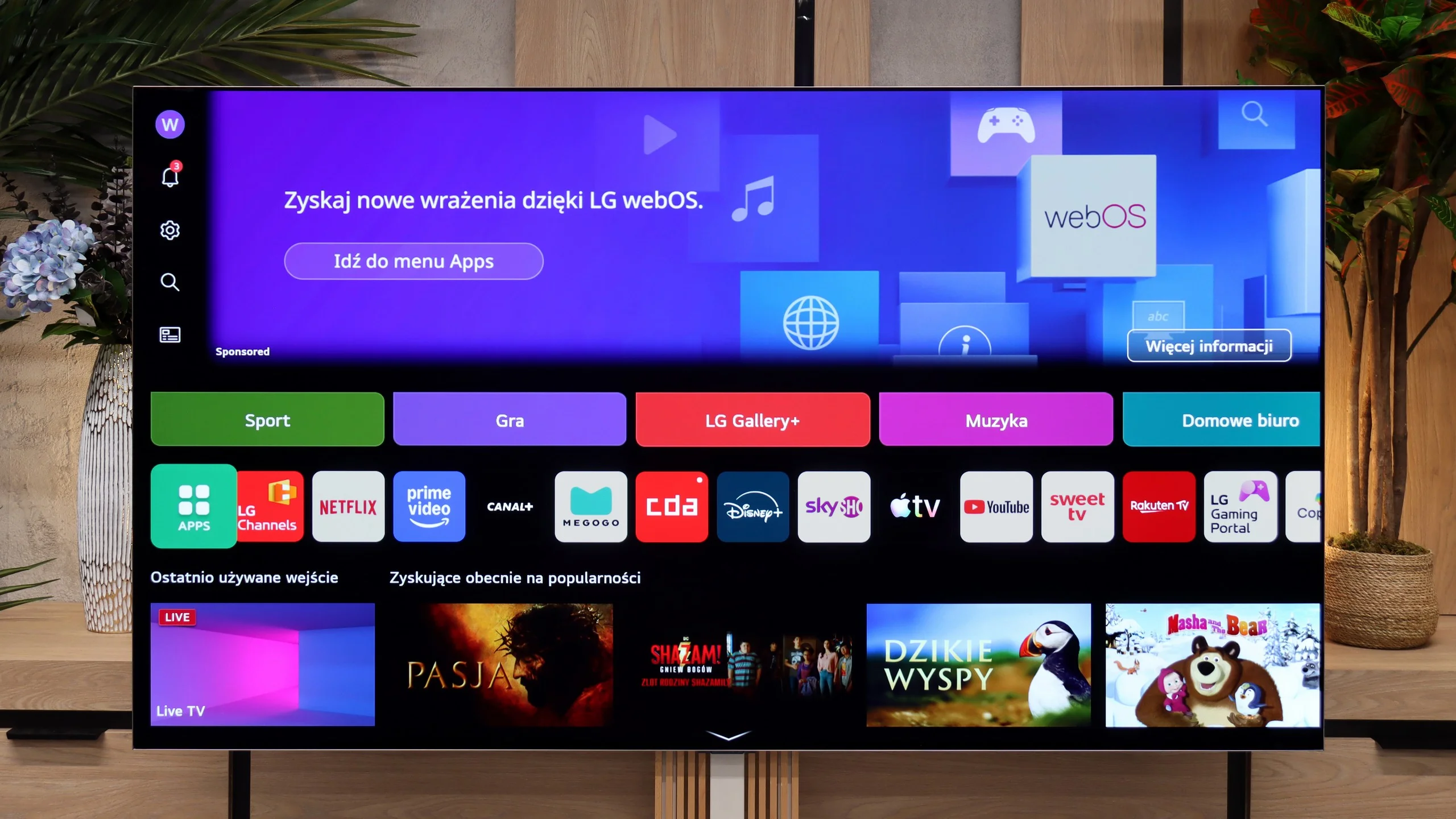
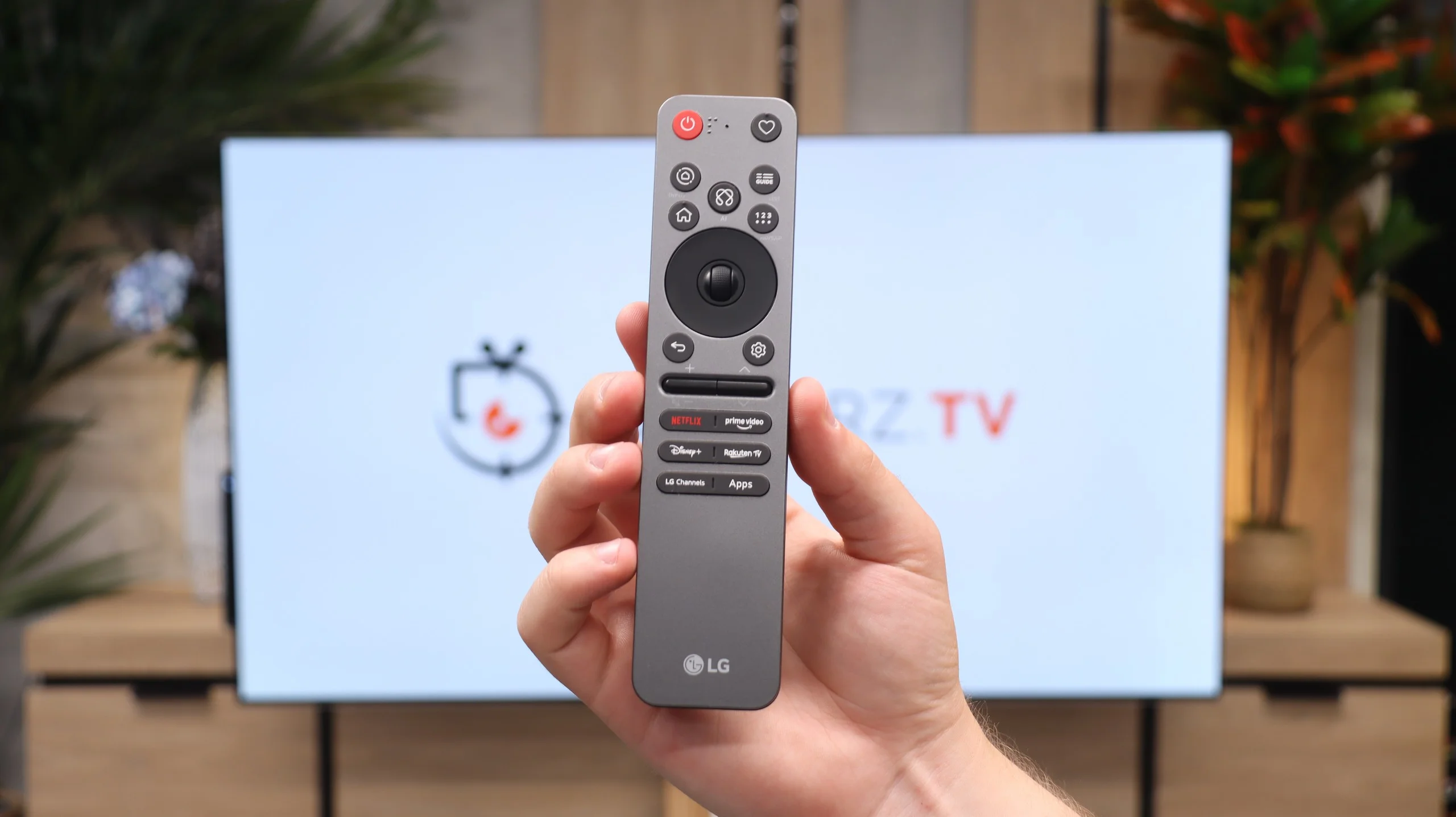
The television operates on the latest version of the webOS system. While it is a closed platform, it supports absolutely all the key streaming applications on the market. You can easily launch useful wireless connectivity features here, such as built-in Chromecast, AirPlay, or classic screen mirroring. However, the biggest distinguishing feature of the LG platform remains the brilliant Magic remote. Though it is quite compact and lacks a physical numeric keypad, it does something that competitors still cannot replicate – it works like a wireless mouse. It is equipped with a gyroscope, allowing us to intuitively move the cursor across the screen, which drastically speeds up typing passwords or navigating menus. Additionally, LG has one of the best voice assistants for device control, and this combination with the Magic remote provides excellent navigation capabilities within the system. The only thing that can be quite irritating here is the intrusive advertisements and sponsored tiles that LG increasingly clutters the main screen of the system with. Nevertheless, the absence of Google TV is no drawback for the G6 – considering the smooth operation of webOS, one can confidently say that it is even an advantage.
Features for Traditionalists
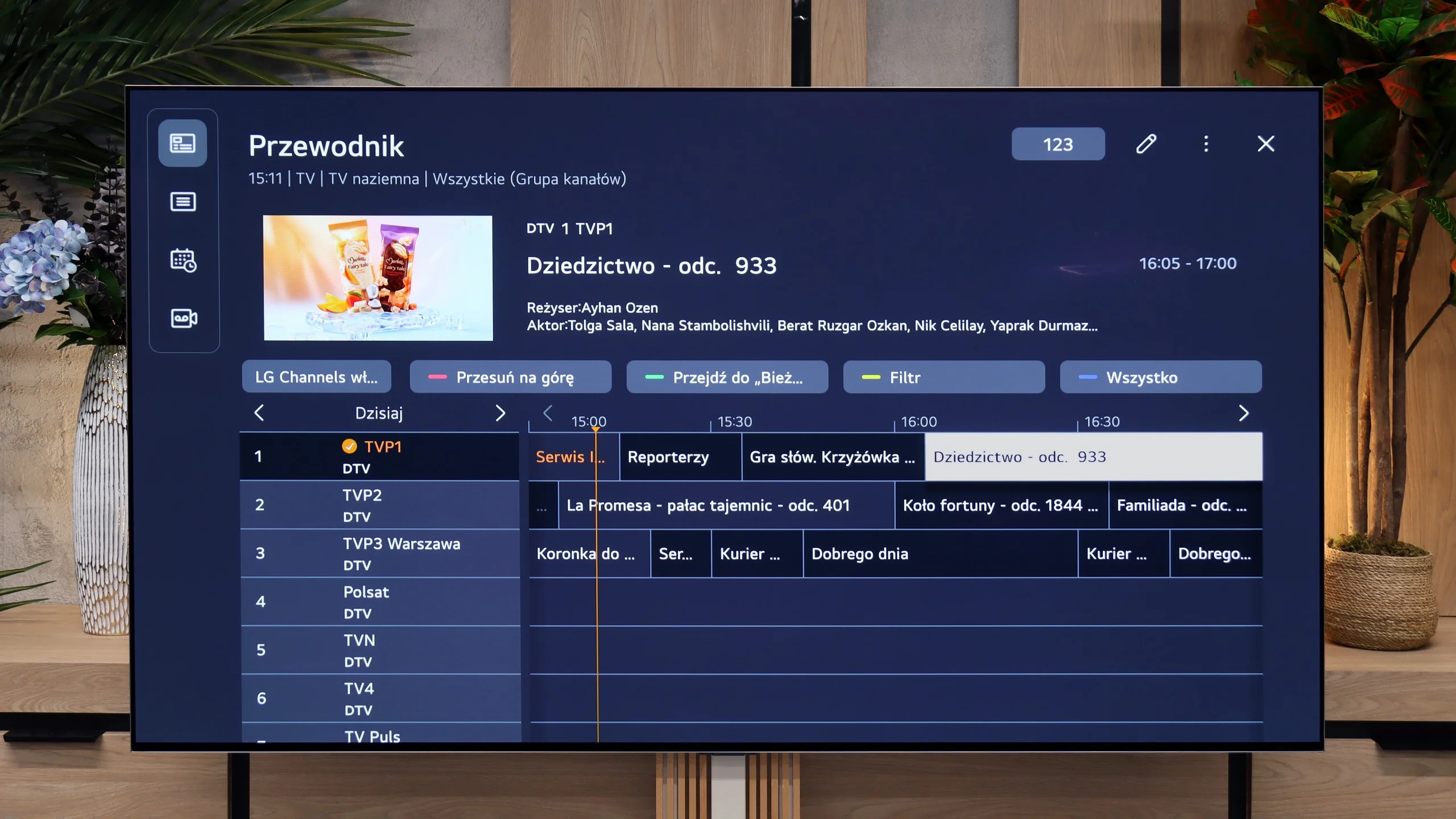
In terms of traditional television, the LG G6 also performs excellently and does not forget traditional users. Despite the minimalist remote, it is packed with numerous useful solutions. The manufacturer has not given up on PVR functionality, allowing recording of programmes from built-in tuners directly onto external USB storage or a hard drive. We also have a smoothly functioning TimeShift for pausing live television and the option to schedule recordings. These features could prove invaluable during the upcoming World Cup in football when matches will be played late in the evening, and we may not be able to watch them live. Of course, it also includes standard functions, such as the ability to connect wireless headphones via Bluetooth.
 Direct comparison