Samsung Q70D performed in the test just as it should for its category – very well. The strongest points of the television are undoubtedly its efficiency when using a console and the colour reproduction after undergoing the calibration process. The former will certainly not allow gamers to remain indifferent to the range of benefits that Samsung Q70D can offer, and there are indeed many, including this almost exclusive feature for the manufacturer’s units – the ability to smooth out gameplay while maintaining a reasonable input lag, which allows titles running at 30 fps to perform like those at native 60 frames per second. In the context of gaming, one cannot forget the well-implemented HGIG mode, which, when correctly set up, is on par with games using Dolby Vision. One should also not overlook the ease of pairing the television with the Canal+ decoder, which is not such an obvious advantage, but we know that many people struggle with this issue. Staying on the topic of television, it must be acknowledged that the Samsung Q70D offers very good brightness in SDR materials for its price range, making daytime viewing more than comfortable. A downside for the tested television has to be the lack of Dolby Vision, which would have greatly enhanced the maximum brightness of the Samsung Q70D. One should also not overlook the construction flaws of the device, which may (though not necessarily) lead to light bleed, which can be noticed in dark conditions on less bright scenes. What cannot be taken away from Samsung Q70D is the fact that it features one of the better motion smoothing technologies in its price range, which works excellently in the context of sports events or fast-paced action scenes. The system that operates the television runs very smoothly, and the only complaint one might have is the lack of the Tidal app. In summary, the Samsung Q70D is a good continuation of the manufacturer's seventh series, which year after year gains – both in quality and popularity.
- Matching (Score) |
- Our verdict |
- TV appearance |
- Where to buy |
- Contrast and black detail |
- HDR effect quality |
- Factory color reproduction |
- Color reproduction after calibration |
- Smoothness of tonal transitions |
- Image scaling and smoothness of tonal transitions |
- Blur and motion smoothness |
- Console compatibility and gaming features |
- Input lag |
- Compatibility with PC |
- Viewing angles |
- Daytime performance |
- Panel details |
- TV features |
- Apps |
- Playing files from USB |
- Sound
Samsung QLED Q70D / Q74D / Q77D vs TCL P7L / P79L
 Direct comparison
Q70D / Q74D / Q77D

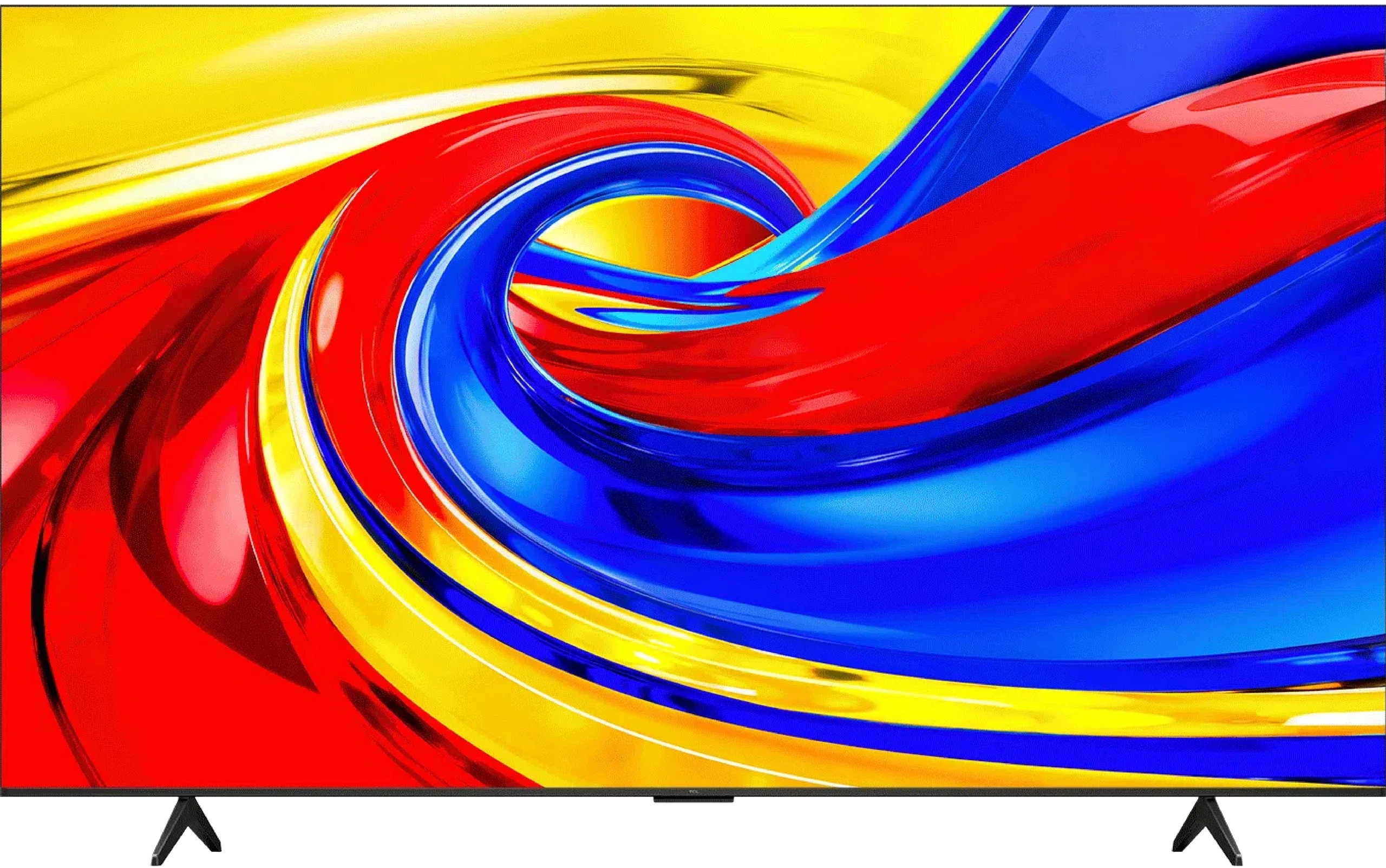
P7L / P79L
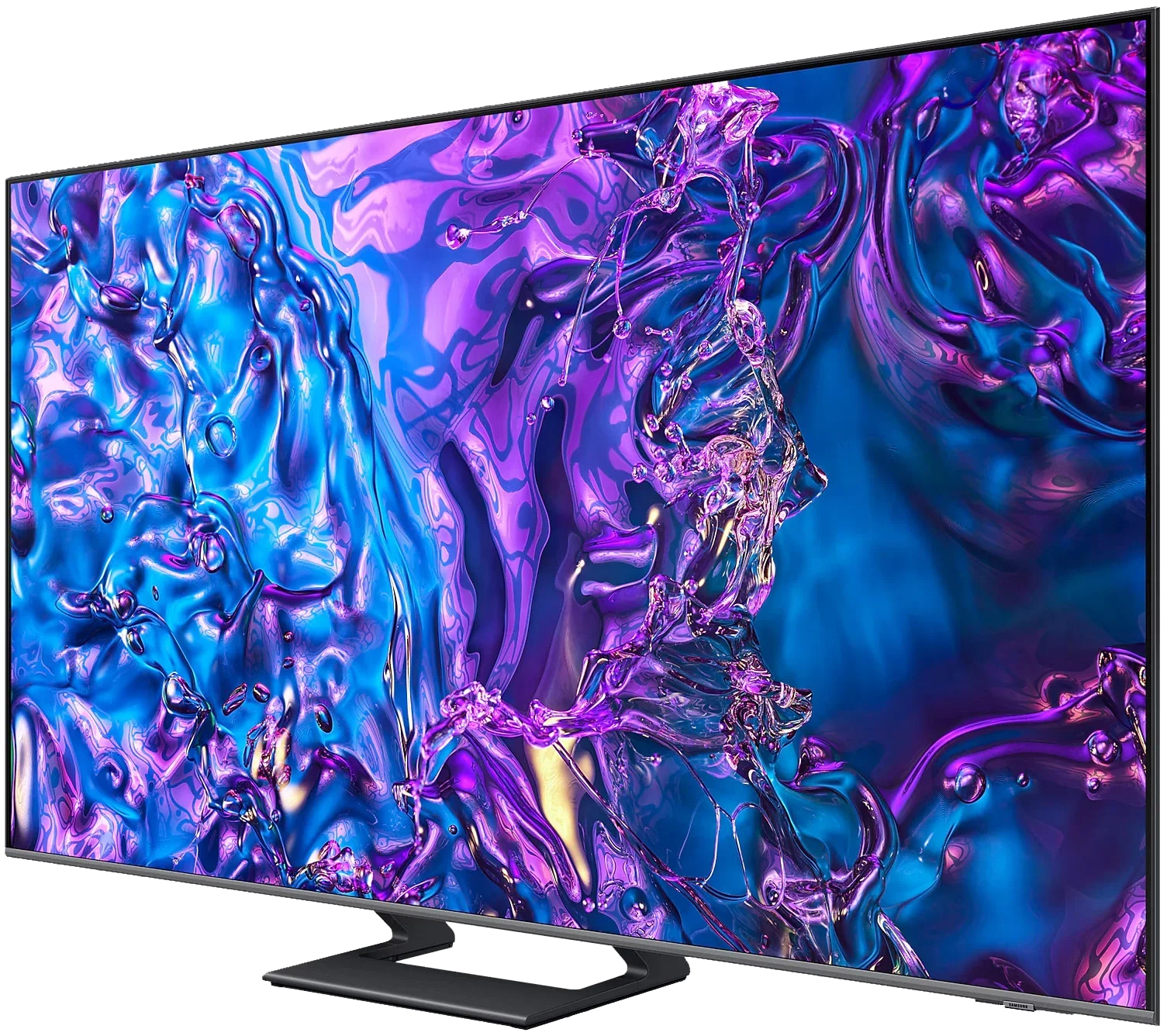
Panel type: LCD VA
Resolution: 3840x2160
System: Tizen
Model year: 2024
Complete the survey to find out the result
Panel type: LCD VA
Resolution: 3840x2160
System: Google TV
Model year: 2026
Complete the survey to find out the result
Overall rating
6.8
6.3
 Movies and series in UHD quality
 6.1
5.8
 Classic TV, YouTube
 6.0
6.0
 Sports broadcasts (TV and apps)
 6.5
5.7
 Gaming on console
 8.7
7.3
 TV as a computer monitor
 8.0
5.8
 Watching in bright light
 5.4
5.2
 Utility functions
 7.4
7.0
 Apps
Apps 9.3
9.6
 Sound quality
 6.3
6.2
Complete the survey to find out what fits your preferences
Advantages

Excellent performance with consoles and computers
Colour reproduction after calibration
Very good performance in sports - advanced motion smoothing system
Smooth and trouble-free operation of the Tizen system
Very good tonal transition quality in this budget
Good contrast thanks to the VA panel
Rich colours: QLED (PFS)
Supports Dolby Vision and HDR10+
Supports audio formats Dolby Atmos and DTS:X
Extensive gaming features: VRR and ALLM
Low input lag
120 Hz support at lower resolutions
Google TV with a wide selection of apps
Disadvantages

Possible noticeable light leaks
Dolby Vision support not available
Low brightness
Poor viewing angles
Average sound quality
Our verdict
TCL P7L is a successful budget television that shows you can get more than just a screen for basic viewing for a modest sum. It does not match pricier Mini LED or OLED models, but in its class it has a lot to offer. The VA panel delivers decent blacks and contrast, so during an evening session the picture does not look as flat as on many cheap IPS models. After calibration the colours are also good. For watching films and series it is a solid base, and Google TV provides access to a wide range of apps and streaming services. The biggest surprise is its gaming capabilities. The P7L responds quickly to controller input, supports VRR and switches automatically to game mode. There is even Dolby Vision Gaming and a Game Bar with settings at your fingertips. What is more, reducing the resolution to 1080p or 1440p allows you to play at 120 Hz. In 4K you are limited to 60 Hz, so you must choose between greater detail and smoother motion, but it is good that at this price you have that choice. TCL also handles lower-quality sources well. Lower-resolution material looks acceptable, and the tonal transition smoothing actually helps reduce visible banding between shades. The way it presents HDR is also commendable. The TV sensibly adapts content to its capabilities and tries to preserve highlight detail instead of turning it into blown-out whites. Dolby Vision helps here too, often delivering noticeably better results than HDR10. That does not mean the HDR effect itself is awe-inspiring. The biggest limitation of the P7L is brightness. Small highlights and reflections do not have the punch you see on more expensive screens, even if their detail remains visible. For the same reason the TV is less well suited to a very sunlit living room. It performs much better in a moderately lit room. So the P7L has its limitations, but it is hard to deny its strong value for money. It is suitable for everyday viewing, does not restrict you in app choice and offers surprising freedom in games. If you are looking for an inexpensive television and can accept its flaws, the TCL P7L is a model worth considering.
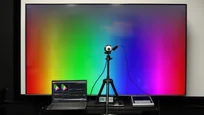
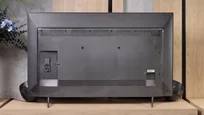
TV appearance

Contrast and black detail
5.4/10
6.1/10
Local dimming function: No
Local dimming function: No
Contrast:


Result
2,450:1

Result
5,150:1

Result
6,550:1

Result
5,850:1

Result
2,800:1
Result
7,550:1
Result
7,350:1
Result
5,150:1
Result
6,600:1
Result
4,250:1
Halo effect and black detail visibility:
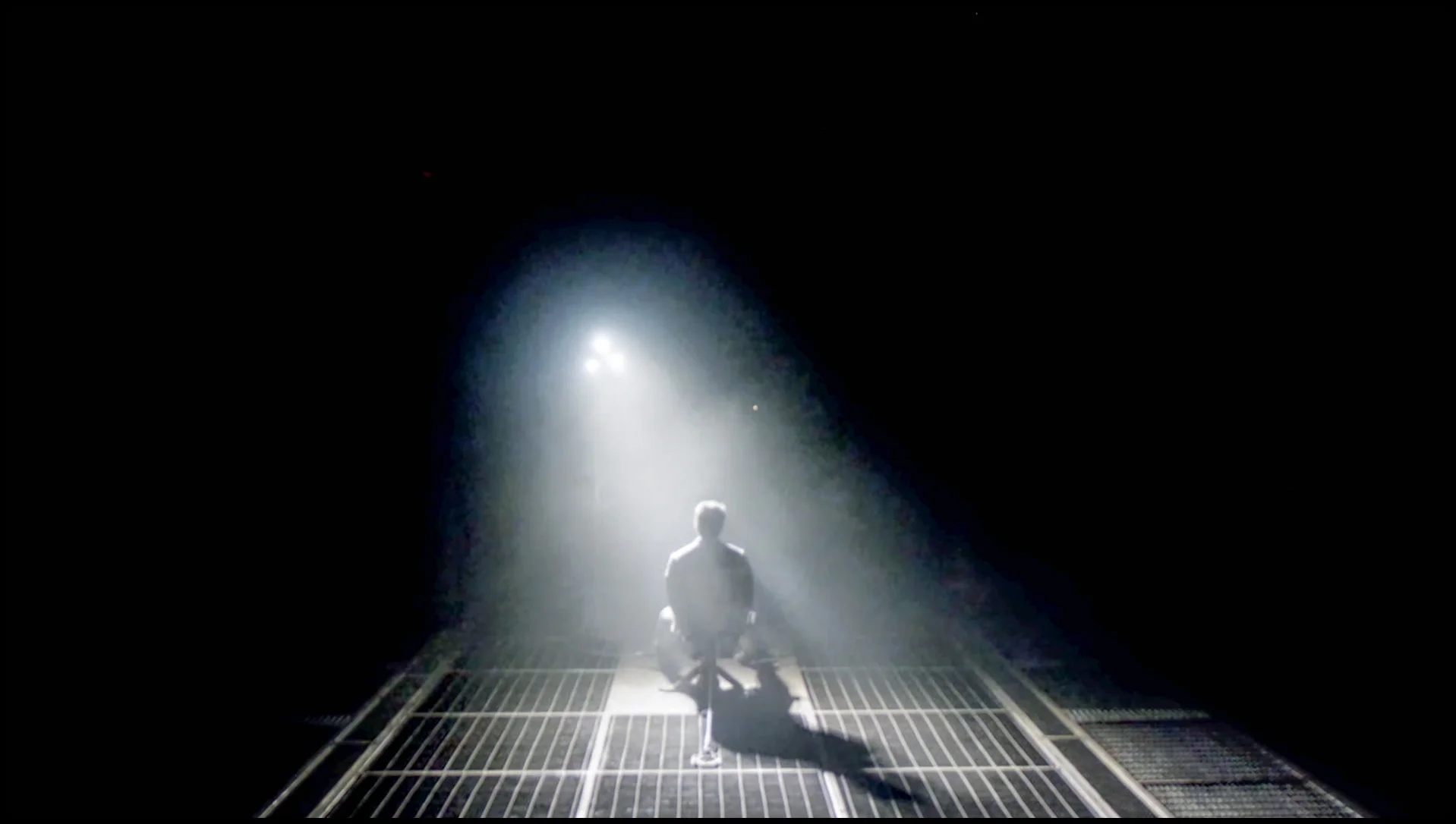
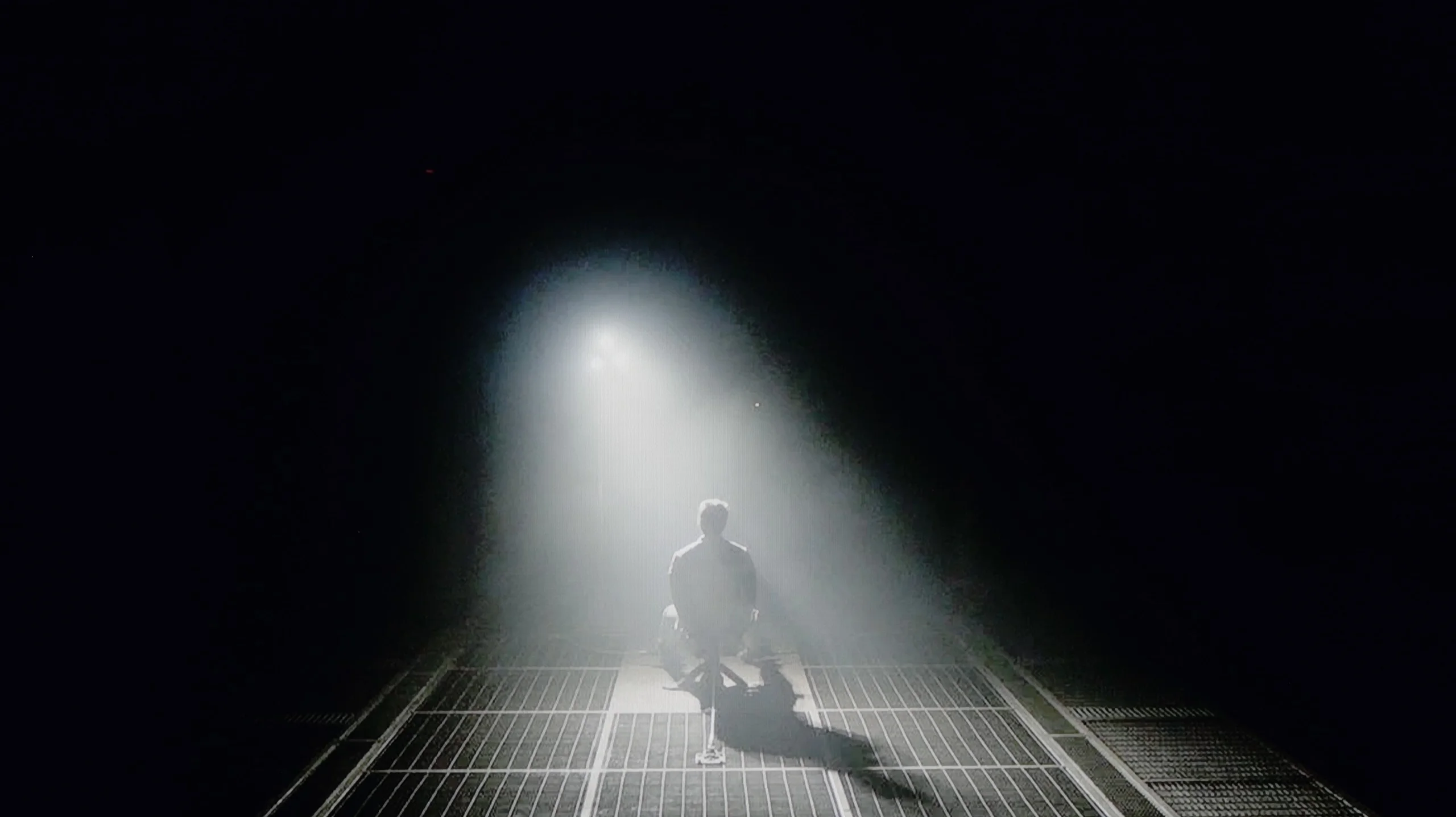
Check the visibility of bright lights on a dark background. Mini-LEDs often struggle with this. The photo does not compare black levels – that’s what the video below is for.
Samsung Q70D and its related models, such as Q77D and Q74D, utilise a VA panel, which in itself should provide decent contrast. Typically, it is several times higher than in IPS/ADS screens that are not equipped with an advanced local dimming system. The contrast results, as you can see, are quite varied, which is caused by the non-uniformity of the panel. Therefore, at times we can achieve good contrast, whereas at other times it is significantly degraded, but generally fairly consistent, not counting light leakage. Let’s take a look at the film scenes we prepared from the films "Oblivion" and "Revenant". As we can see, in the first one, the lights are well separated from each other, which is a positive phenomenon, as visibility of details in the whites in further tests should be equally good. What stands out the most here is the unusual over-sharpening of smoke visible under the light and the navy black in the background. In the frame from the second film, the first thing that stands out is the uneven backlighting of our scene. It was quite significant and heavily affected the perceived image. Nevertheless, the details in the film were well visible.
The TCL P7L can surprise with quite respectable black levels, mainly thanks to its VA panel. The panel itself offers contrast of around 4500:1, which is clearly better than in typical IPS screens. The TV also uses global backlight control, so in darker scenes it can push black levels even lower, and in our measurements it achieved results that exceeded the panel's own capabilities.
However, this is not the local dimming found on Mini LED TVs. The P7L cannot dim small parts of the image independently, so when a bright element appears on screen the entire backlight has to operate at a similar level. In more demanding scenes the difference compared with models that use zoned dimming becomes apparent quite quickly, and in a completely dark room blacks can tend towards navy tones. Despite these limitations, we assess the P7L's overall contrast positively, especially given the segment it occupies.
HDR effect quality
5.5/10
4.5/10
Luminance measurements in HDR:

Result
433 nit

Result
461 nit

Result
477 nit

Result
475 nit

Result
490 nit
Result
250 nit
Result
300 nit
Result
368 nit
Result
297 nit
Result
347 nit
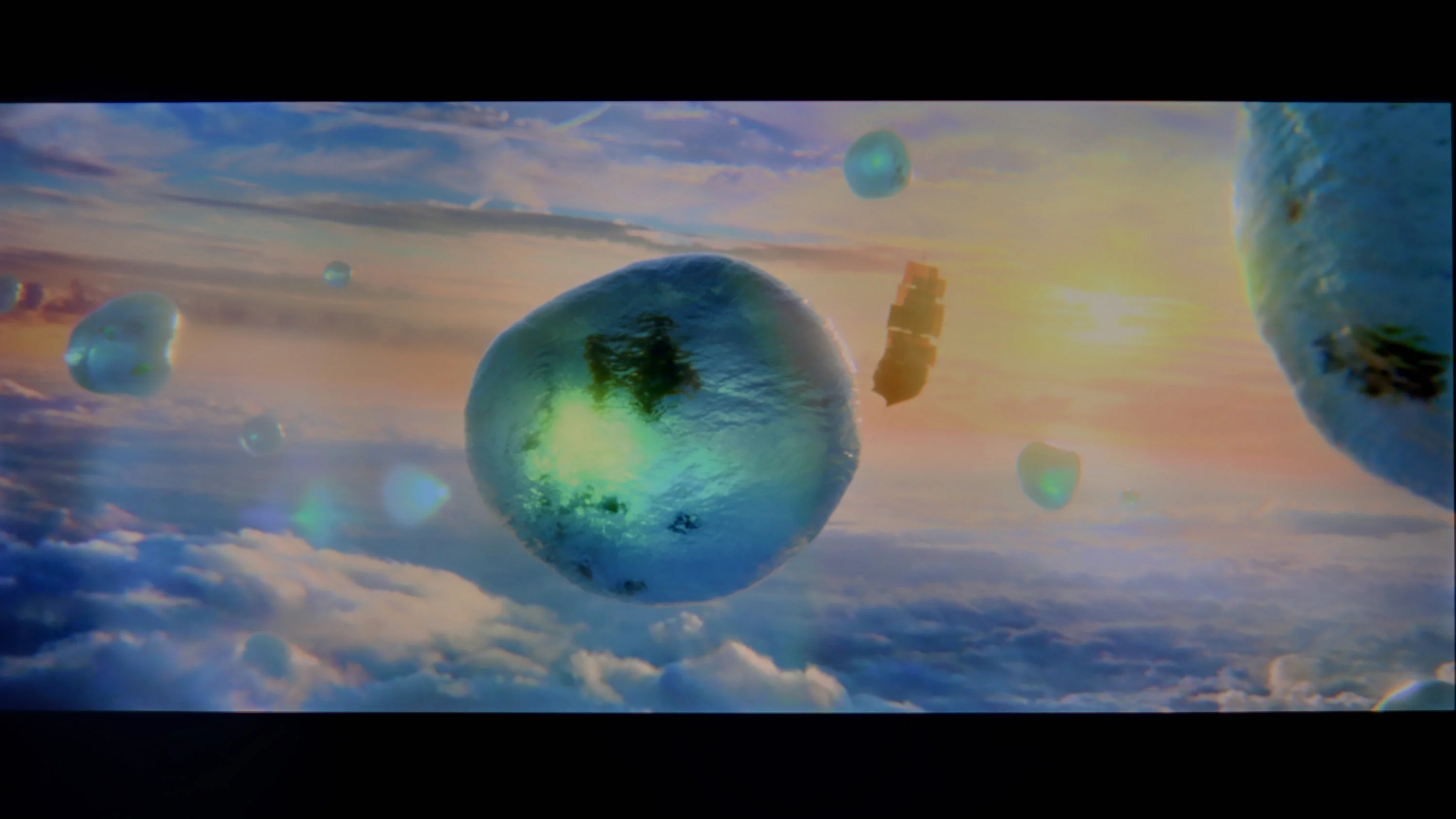
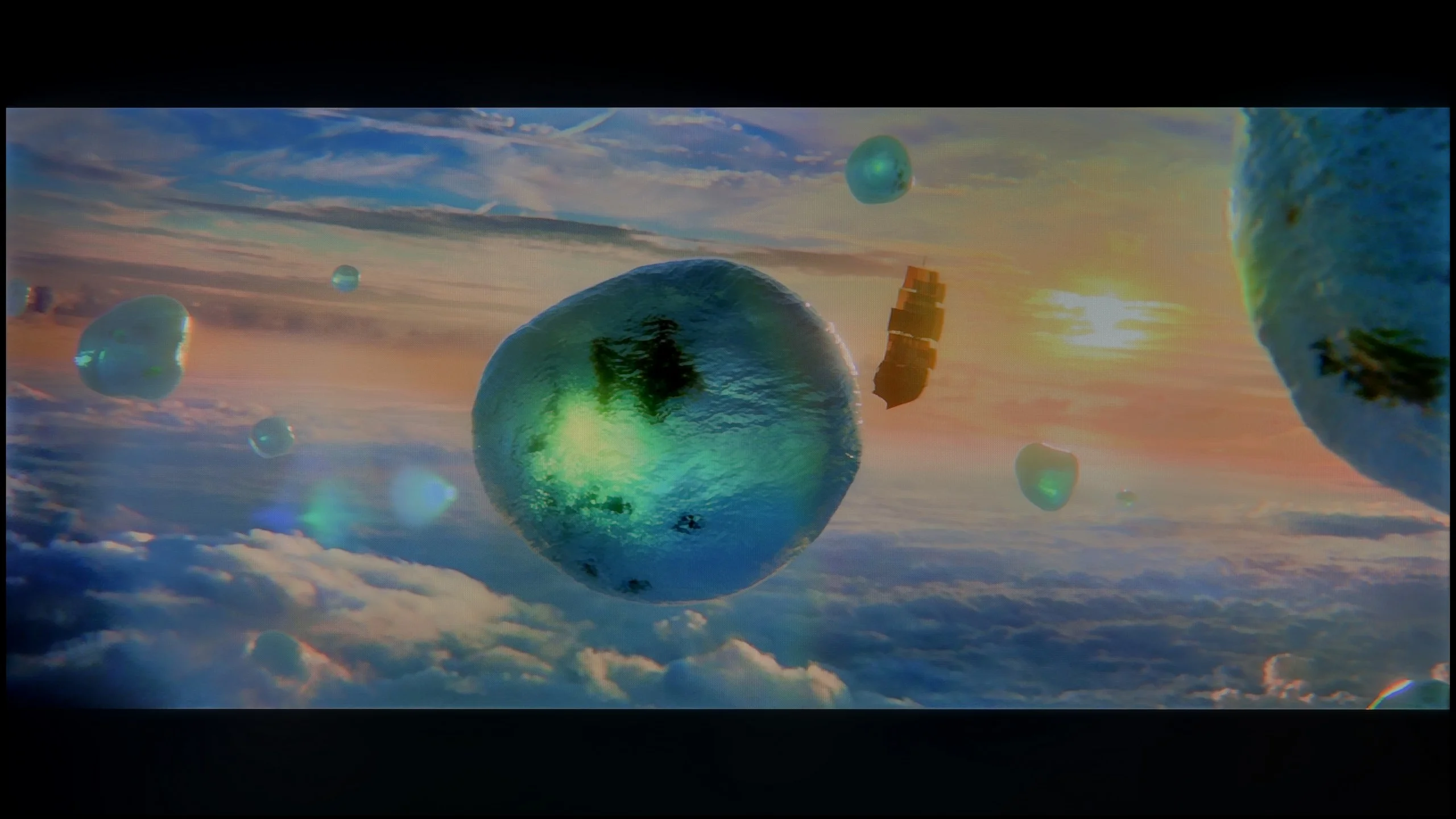
Scene from the movie “Pan” (about 2800 nits)
Scene from the movie “Billy Lynn” (about 1100 nits)
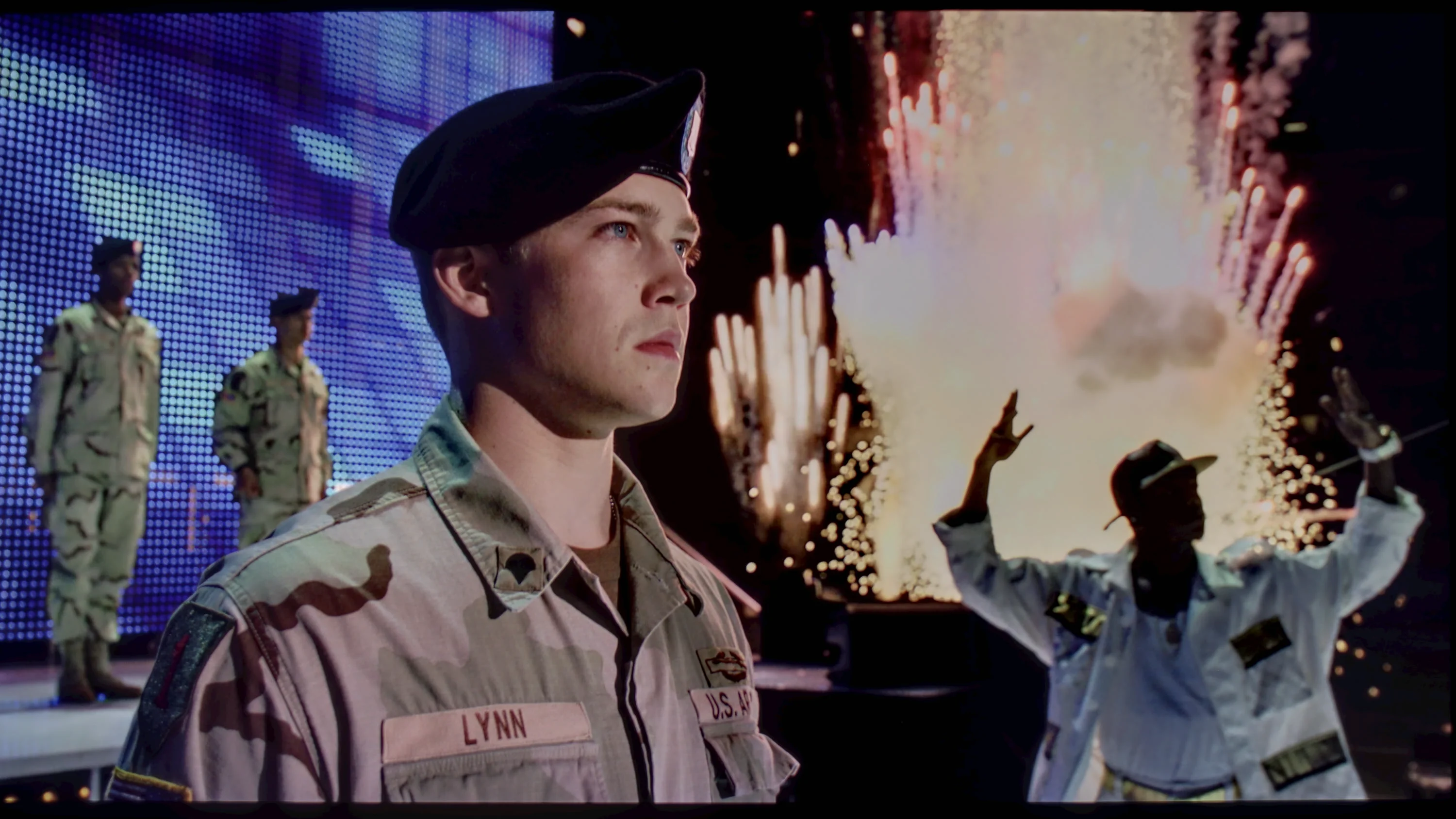
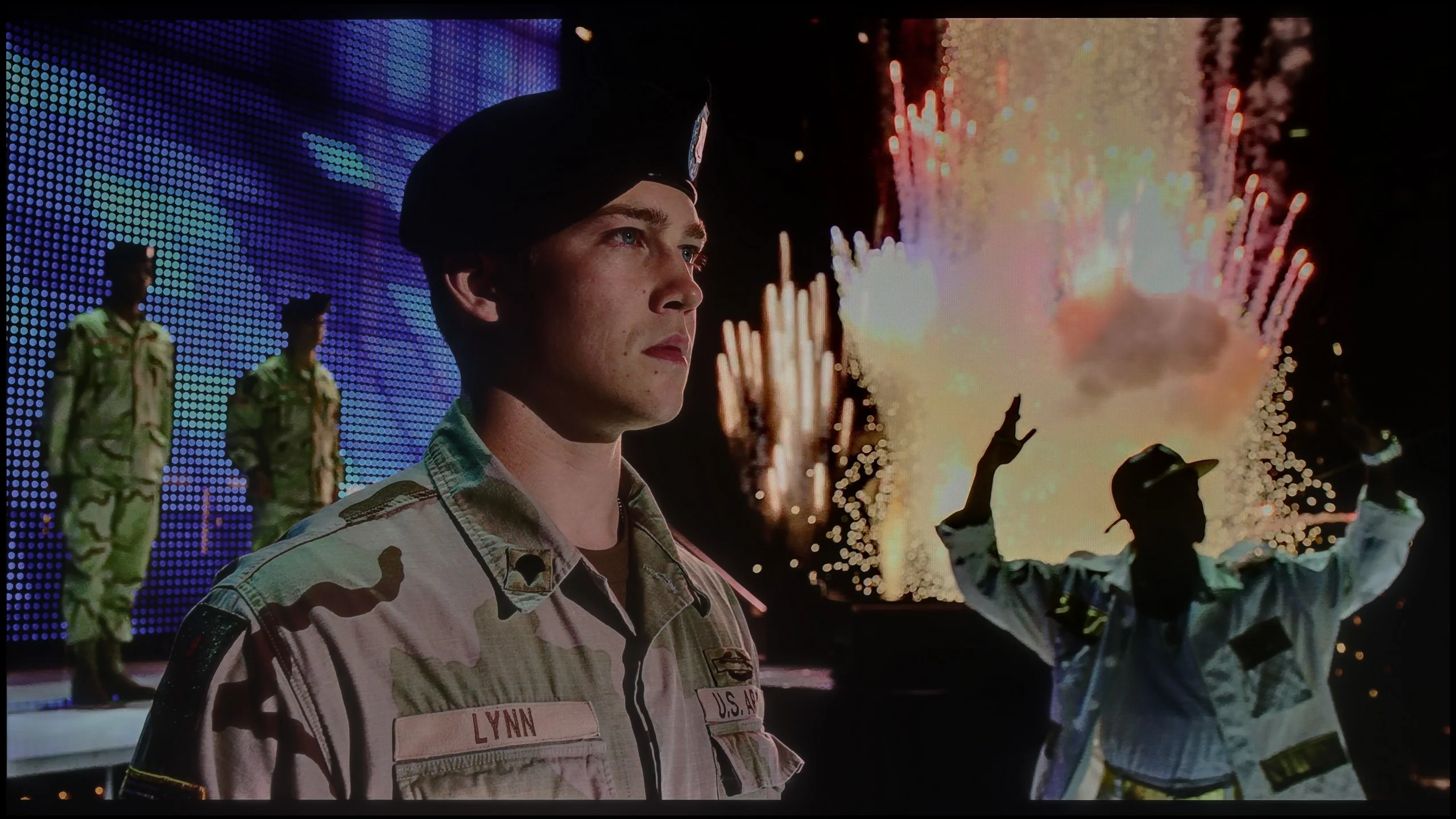
The photos show two HDR10 movies. 'Pan' is one of the brightest productions ever made, while 'Billy Lynn' (soldier) has brightness typical of streaming (Netflix, Prime, HBO MAX). Notice the intensity of effects and detail in whites.
Static HDR10
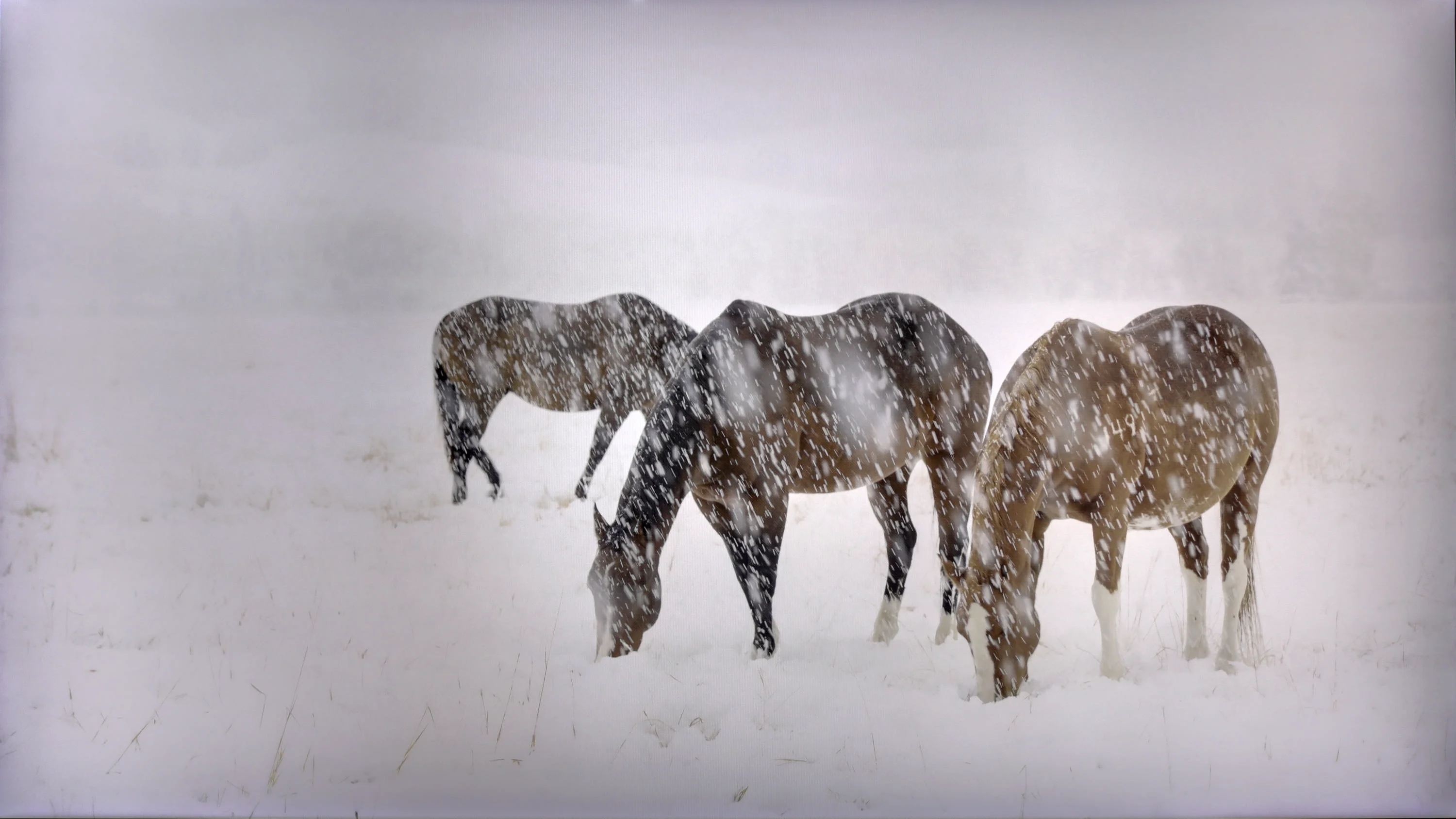

The photos present the visibility of white details in various HDR formats. They do not show brightness differences between TVs (these can be compared in the previous gallery).
Dynamic: HDR10+
Dynamic: Dolby Vision


The photos present the visibility of white details in various HDR formats. They do not show brightness differences between TVs (these can be compared in the previous gallery).
HDR luminance chart:
TCL P7L / P79L
Samsung QLED Q70D / Q74D / Q77D
Luminance of RGB colors
The brightness that the Samsung Q70D can offer is at a fairly average level, although it cannot be said that the HDR effect will be unnoticeable. Any brightness above 400 nits allows for a clear distinction between SDR and HDR materials. As was the case in the paragraph about contrast and black levels, this time we can observe that the first scene, featuring a bright sun and a dark foreground, possesses the lowest luminance among the measured ones. The result, which can be considered very good for this price range and class of display, is the latter. In a scene where we see a large light source filling a significant part of the frame, the brightness of the television is at its highest, reaching nearly 500 nits. It is worth noting the quite low coverage of the wide DCI-P3 colour gamut, which occasionally results in noticeable gaps in the colour palette. Additionally, users can enjoy rich colours and high precision in shade reproduction, making movie screenings a special experience. It is also worth noting that the Q70D Samsung panel performs excellently in eliminating blur during dynamic action scenes, which enhances the viewing comfort of sports broadcasts or games.
The biggest limitation of the TCL P7L in HDR is simply brightness. The TV does not have much luminance headroom, so strong highlights, the sun or small light sources can't clearly 'pop' out of the picture. As a result, even well-produced HDR material looks fairly restrained and, in terms of dynamics, is closer to good SDR than to what brighter models show. That does not mean the P7L completely fails at HDR. The issue is primarily a lack of backlight power.
Looking at colours, the situation is a little better. The TV covers around 91% of the DCI-P3 gamut and about 68% of the wide BT.2020 colour space, so for this price class the colour range is quite respectable. TCL markets this model as QLED, although the nature of the solution used is closer to backlighting that uses a PFS phosphor than to a classic quantum-dot layer. What matters most to the viewer, however, is the effect: more saturated colours are on offer.
Factory color reproduction
6.1/10
5.4/10


This gallery shows how colors change after professional TV calibration. If you notice the difference, we recommend ordering this service at SkalibrujTV.com.
Factory Mode
After calibration
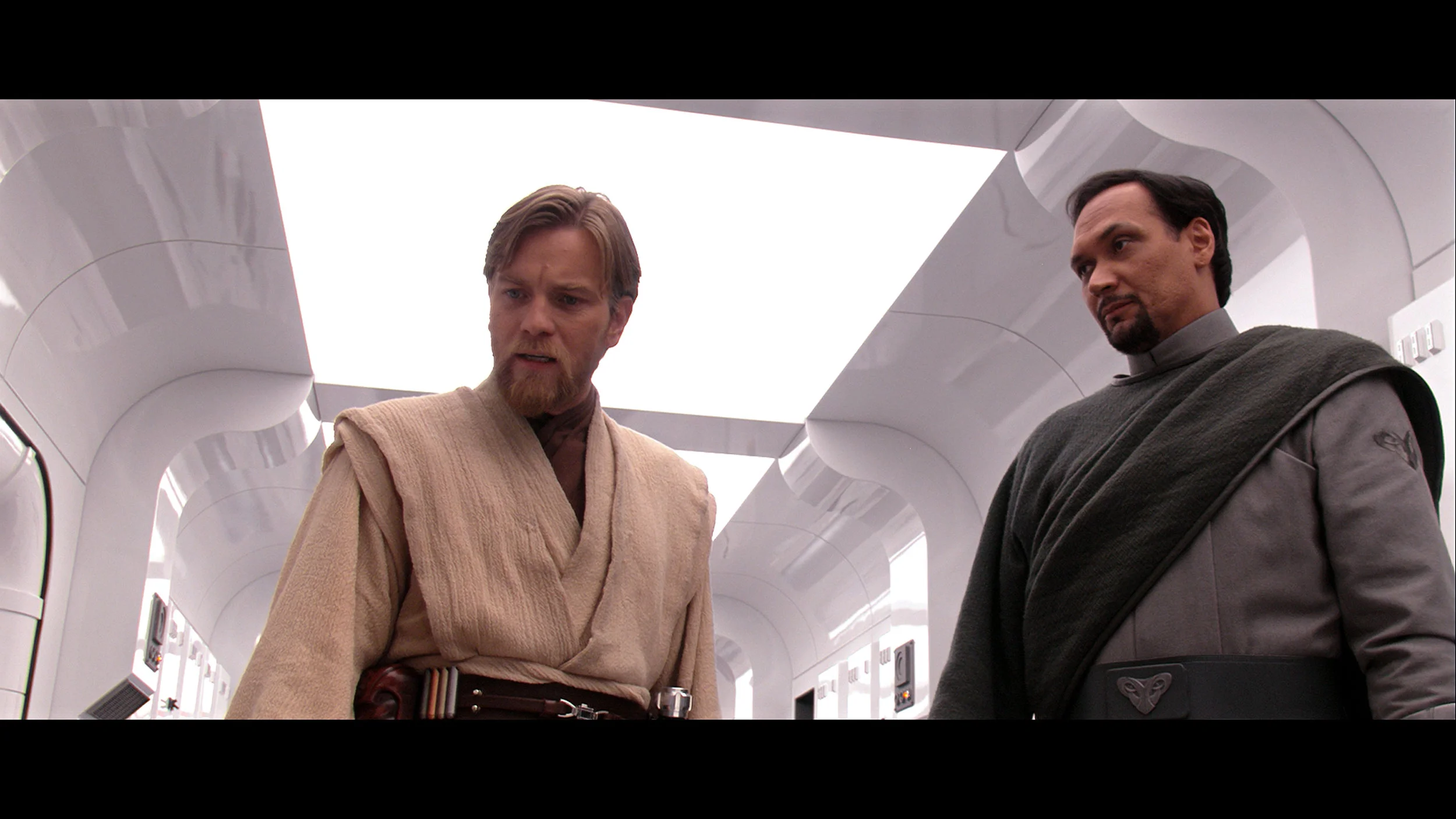
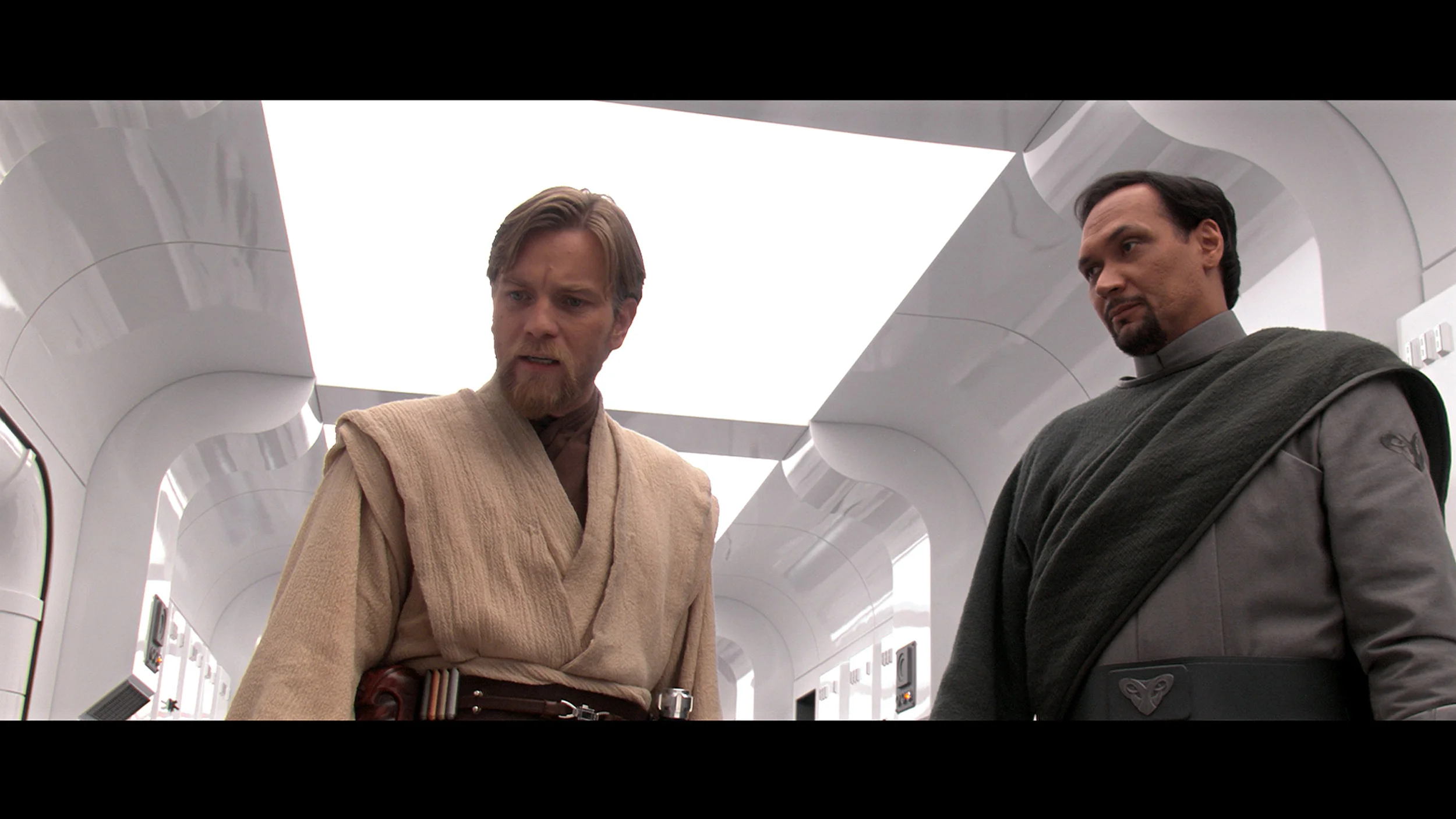
This gallery shows how colors change after professional TV calibration. If you notice the difference, we recommend ordering this service at SkalibrujTV.com.
Factory Mode
After calibration
The best factory mode on the Samsung Q70D is "Filmmaker," and it was this mode that we used during all our tests. Before calibration, it had several flaws that effectively prevented it from conveying the director's intentions. In both SDR and HDR materials, the white balance was dominated by red and green. As a result, there was a characteristic yellow tint on the image, causing white to appear yellowed and resulting in skin tones that were noticeably too warm. The lowered gamma in standard colour gamut materials resulted in a significant drop in contrast, which was already not the highest. This caused detail in the blacks to be accentuated but also led to overexposure in brighter scenes. The EOTF curve, in this case, proved to be much better and only brightened those scenes with relatively low luminance. This was perfectly evident in the section where we measured the television's maximum brightness in HDR materials. At that point, the frame from the film "Billy Lynn" was unnaturally bright and lacking in depth.
In Film mode the TCL P7L performs quite respectably without major changes to the settings, particularly with ordinary SDR material. White balance is relatively even, though as brightness increases there is a slight rise in red and blue and a touch too little green. This does not, however, produce a strongly visible tint and most colours remain close to their reference points. The Colour Checker confirms this, with a large portion of errors falling below the level that should be particularly noticeable during normal viewing. We have more reservations about the gamma response. In the darkest parts of the image the TV runs it noticeably above the reference value, so some shadow detail can be a little too subdued. The characteristic then calms down and across much of the range it is close to the intended behaviour. As a result SDR generally looks natural, but in dark scenes the P7L can lose some subtlety.
In HDR the factory calibration is less precise. As brightness increases the excess of blue becomes more pronounced, which can make the image look cooler than it should. The number of larger colour deviations also grows, particularly in brighter hues. As for the EOTF curve itself, it is handled fairly conservatively, with the TV showing the image darker than the reference across much of the range. For such an inexpensive model, the factory Film mode settings are not bad.
Color reproduction after calibration
8.1/10
7/10
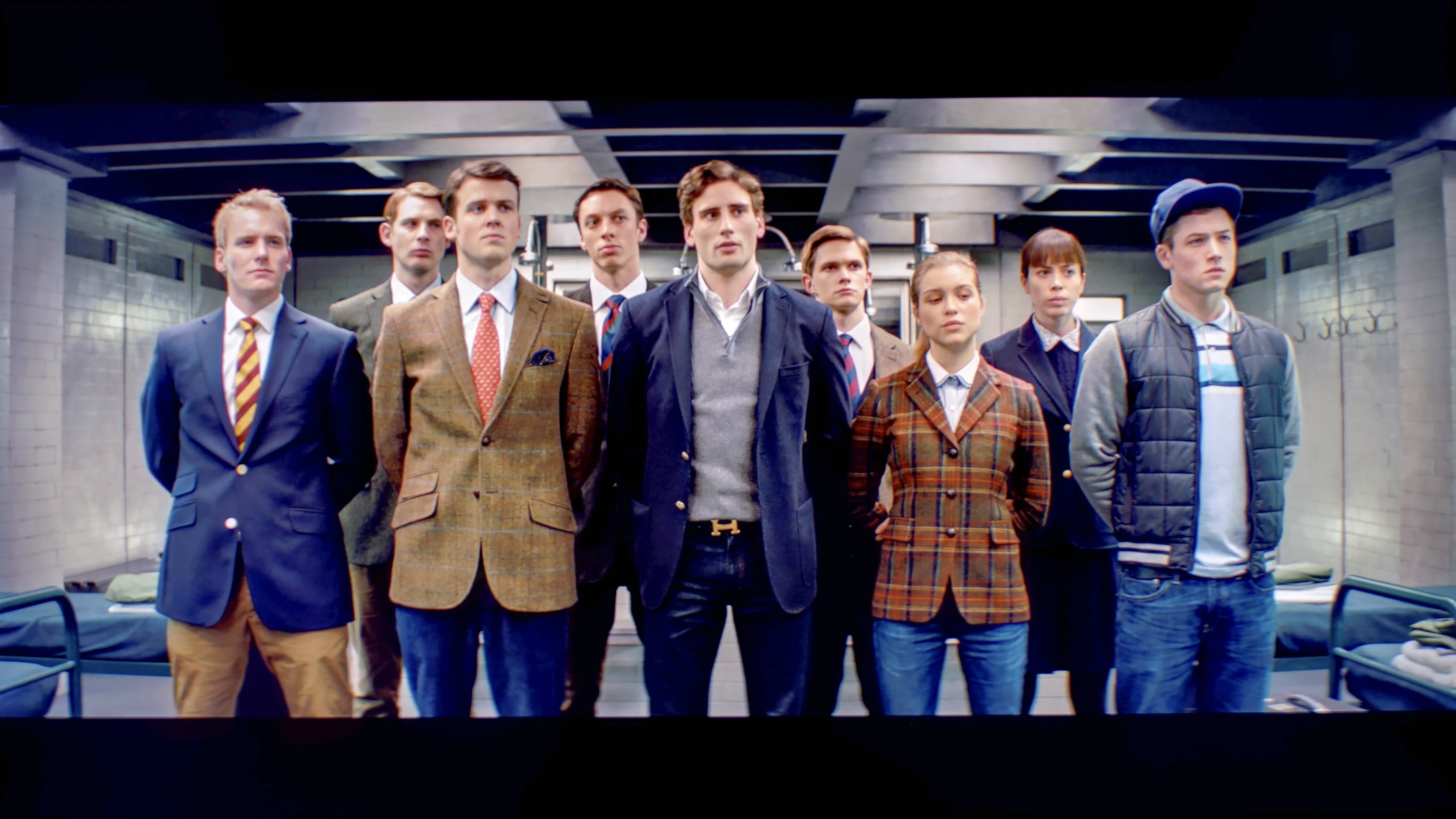
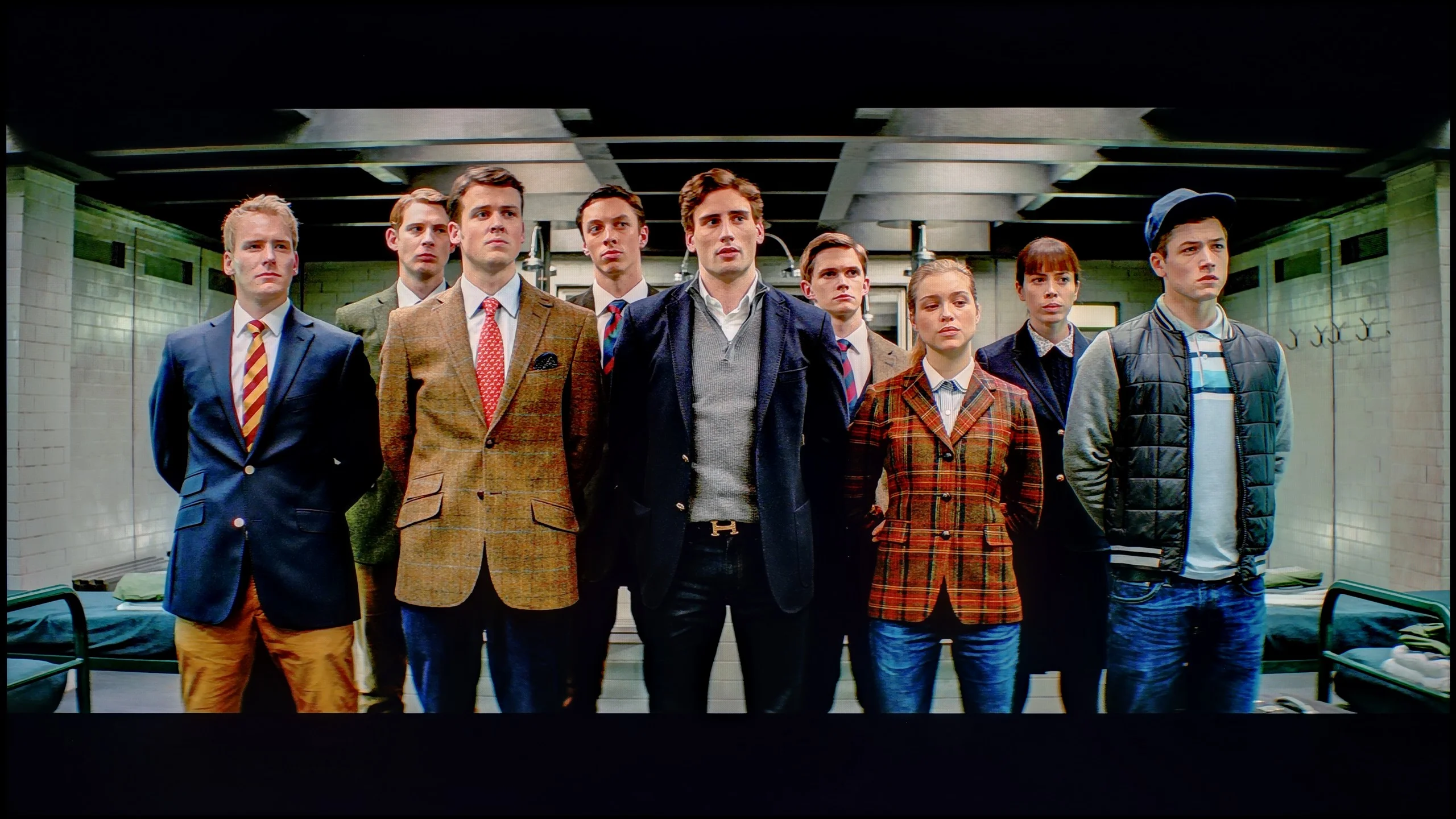
The photos show how movies look on the TV. Pay attention to black detail visibility, colors, and shadow tint.
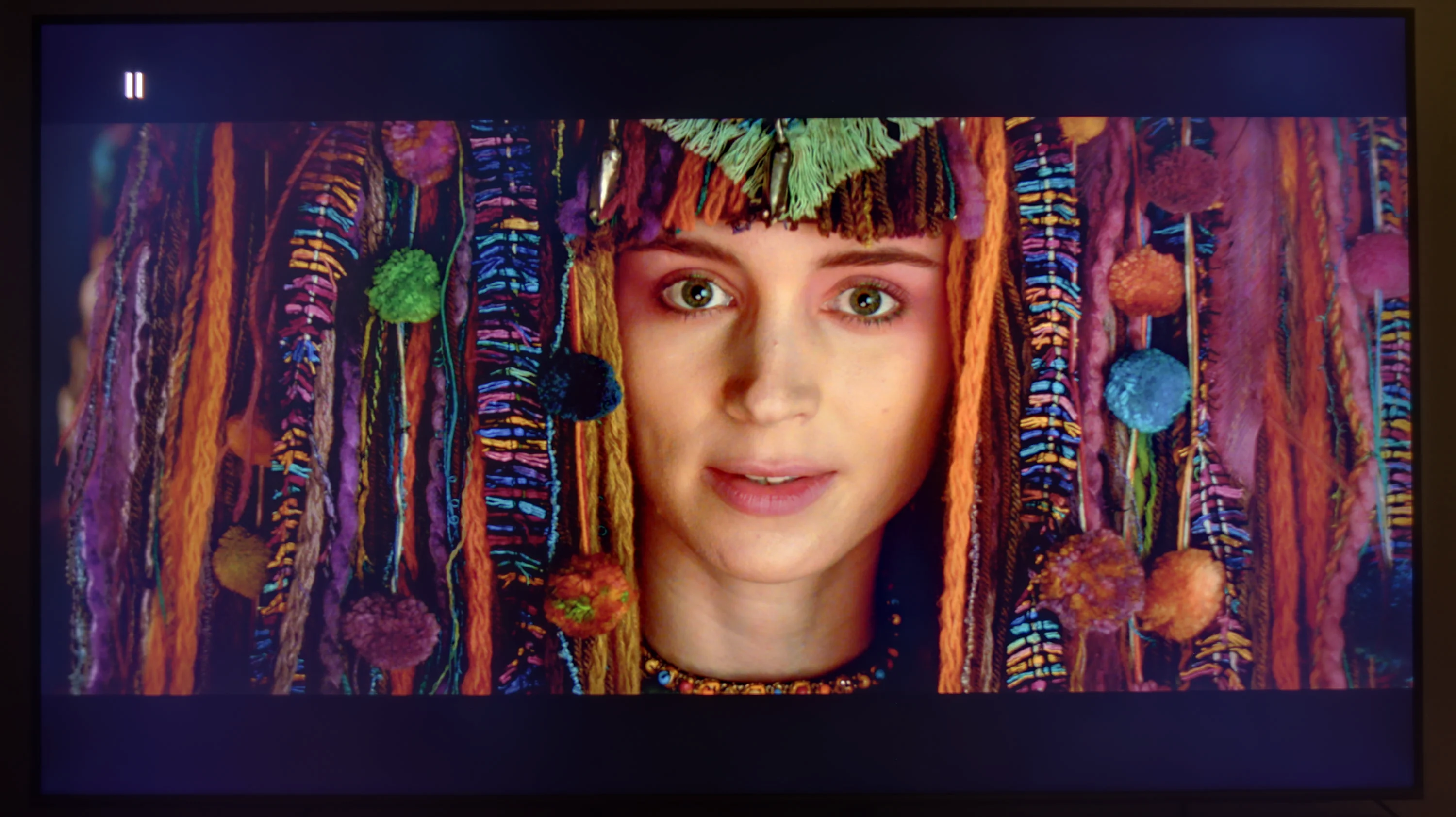
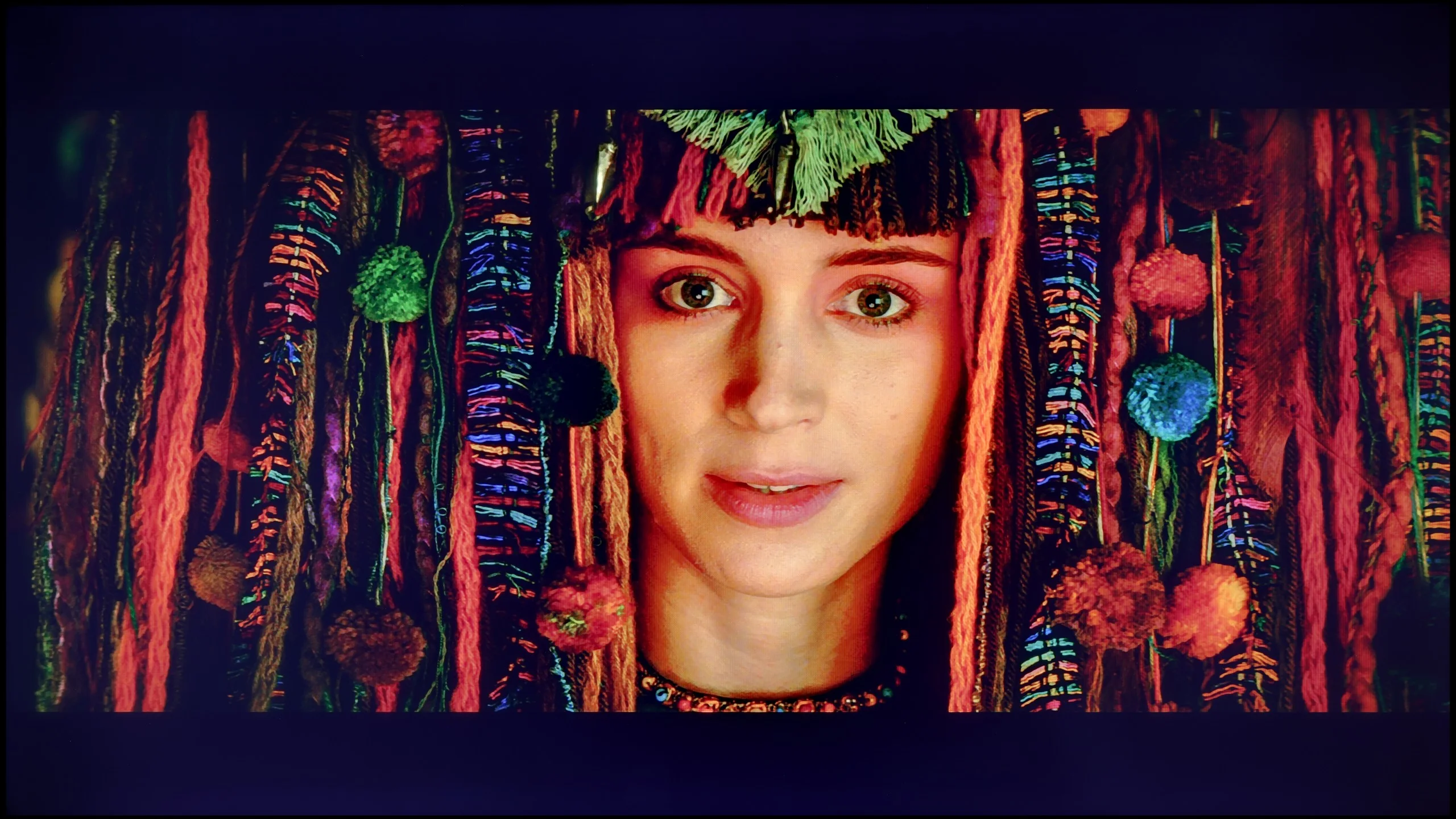
The photos show how movies look on the TV. Pay attention to black detail visibility, colors, and shadow tint.
Fortunately, Samsung provides a wide range of calibration tools in all its televisions, including 2-point and 20-point grey scale adjustment as well as advanced CMS. This allowed us to significantly improve the quality of SDR and HDR content. The vast majority of errors have been corrected, and the image that the Samsung Q70D now generates is definitely closer to the reference. Higher deltaE errors in wide dynamic range content are primarily due to the display's insufficient luminance.
After calibration the TCL P7L can deliver a genuinely pleasant picture, especially with conventional SDR material. We managed to even out the white balance very well, and the gamma curve now tracks close to the target value of 2.4. This is also reflected in the colour measurements: most errors have fallen noticeably, and in everyday viewing it is hard to point to any obvious inaccuracies. Films, series, YouTube and ordinary broadcast TV therefore look more natural, without unnecessary warmth or a cool tint. For a model in this price bracket the SDR performance is really very good.
With HDR the situation becomes more complicated. Calibration helped improve the white balance and tidy up some deviations, but here the panel's limitations become increasingly apparent. The P7L has relatively low brightness and cannot maintain adequate luminance for more saturated colours, so some errors remain even after careful tuning. In other words, settings can improve the way the TV interprets the signal, but they cannot overcome its physical limits. That is why calibration makes most sense for this model primarily in SDR.
Smoothness of tonal transitions
6.9/10
7/10
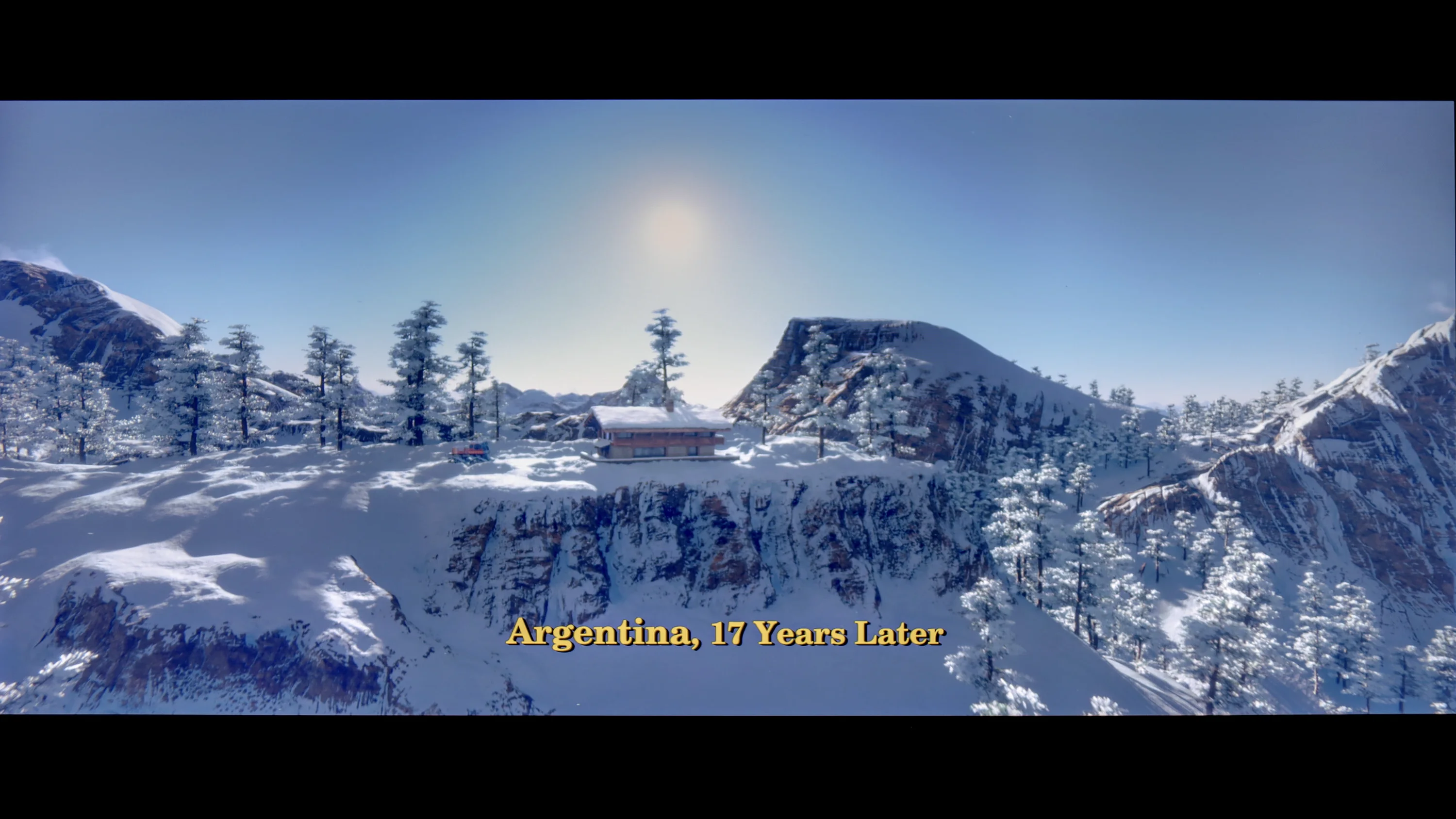
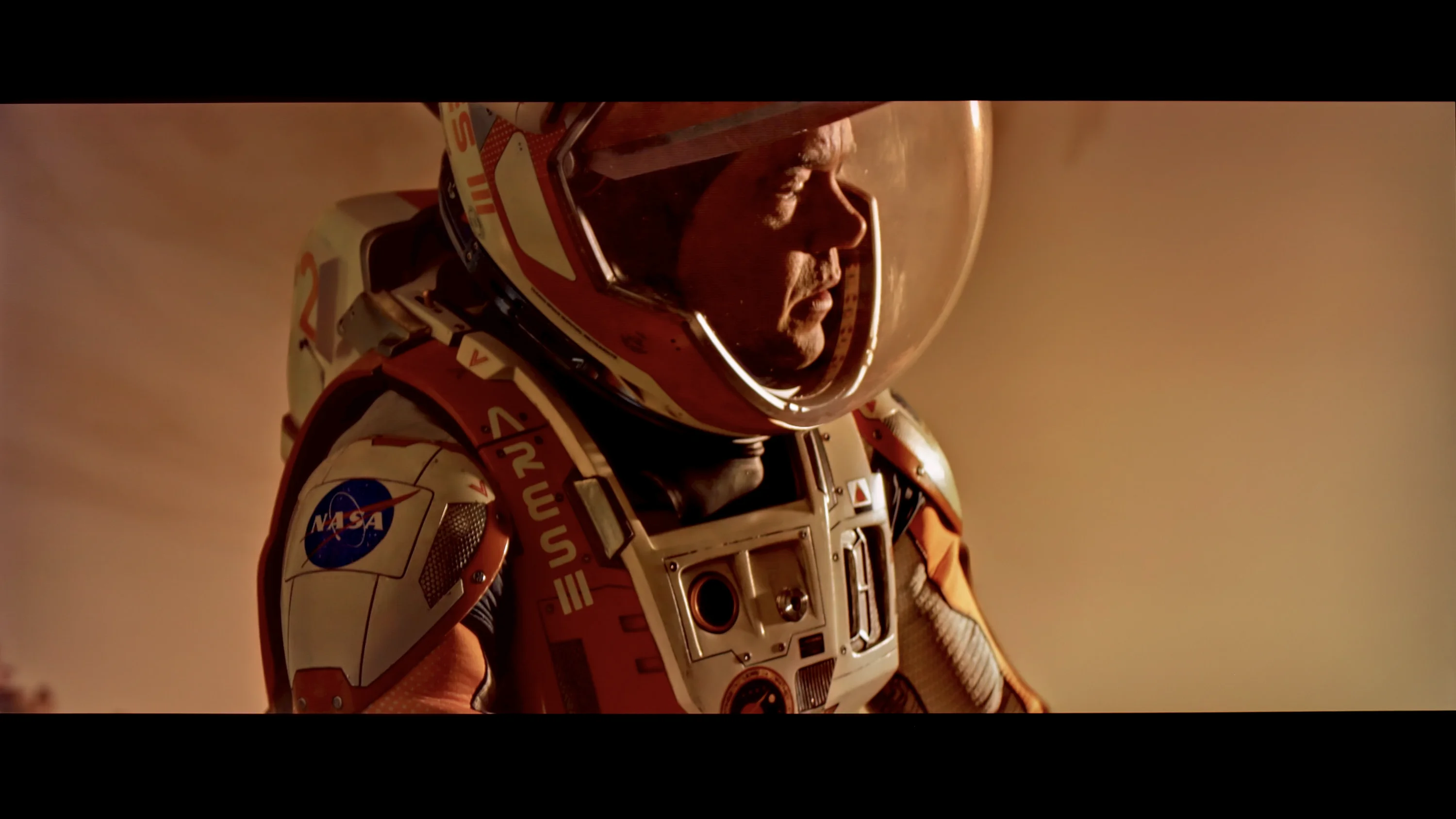
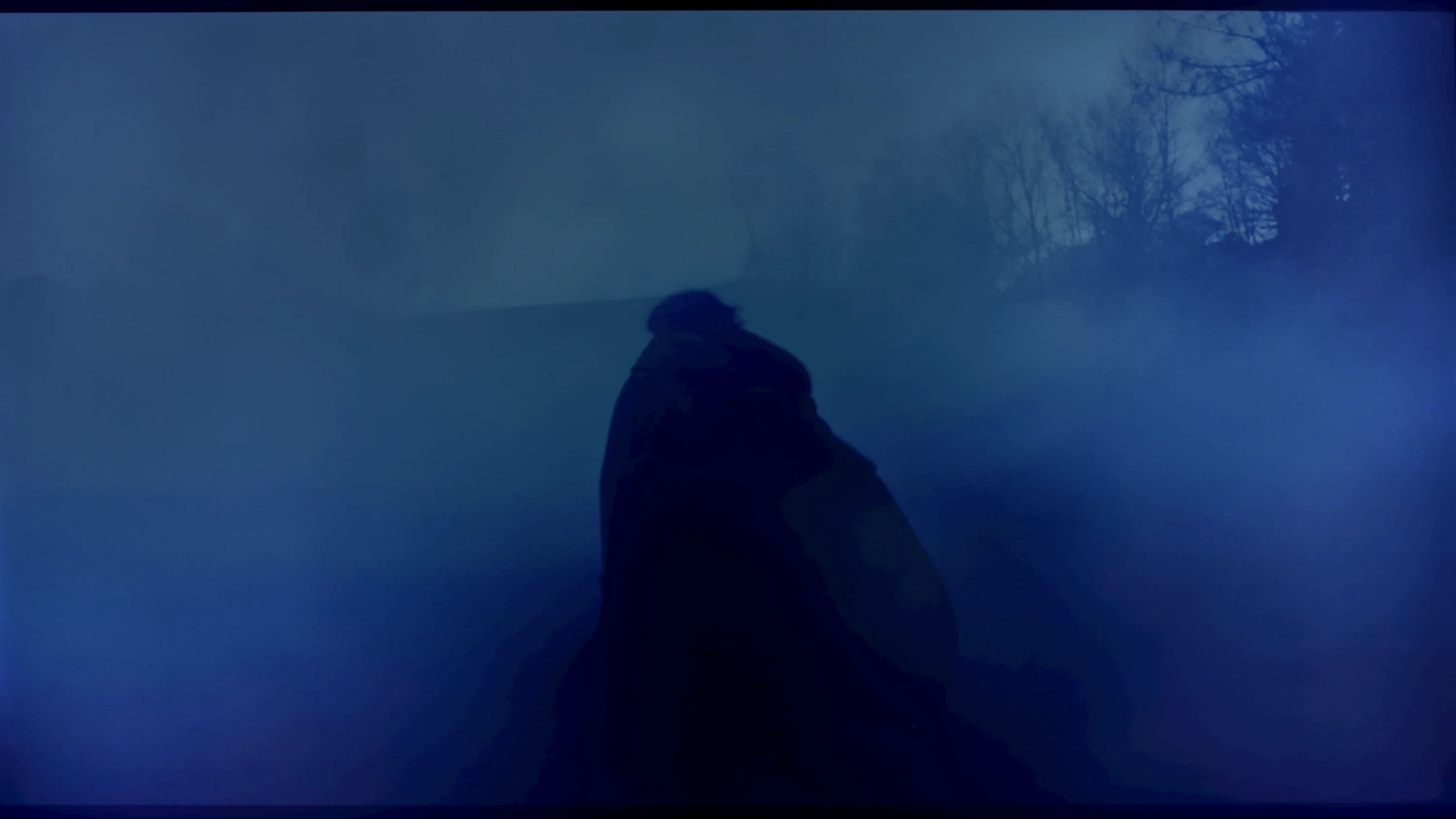
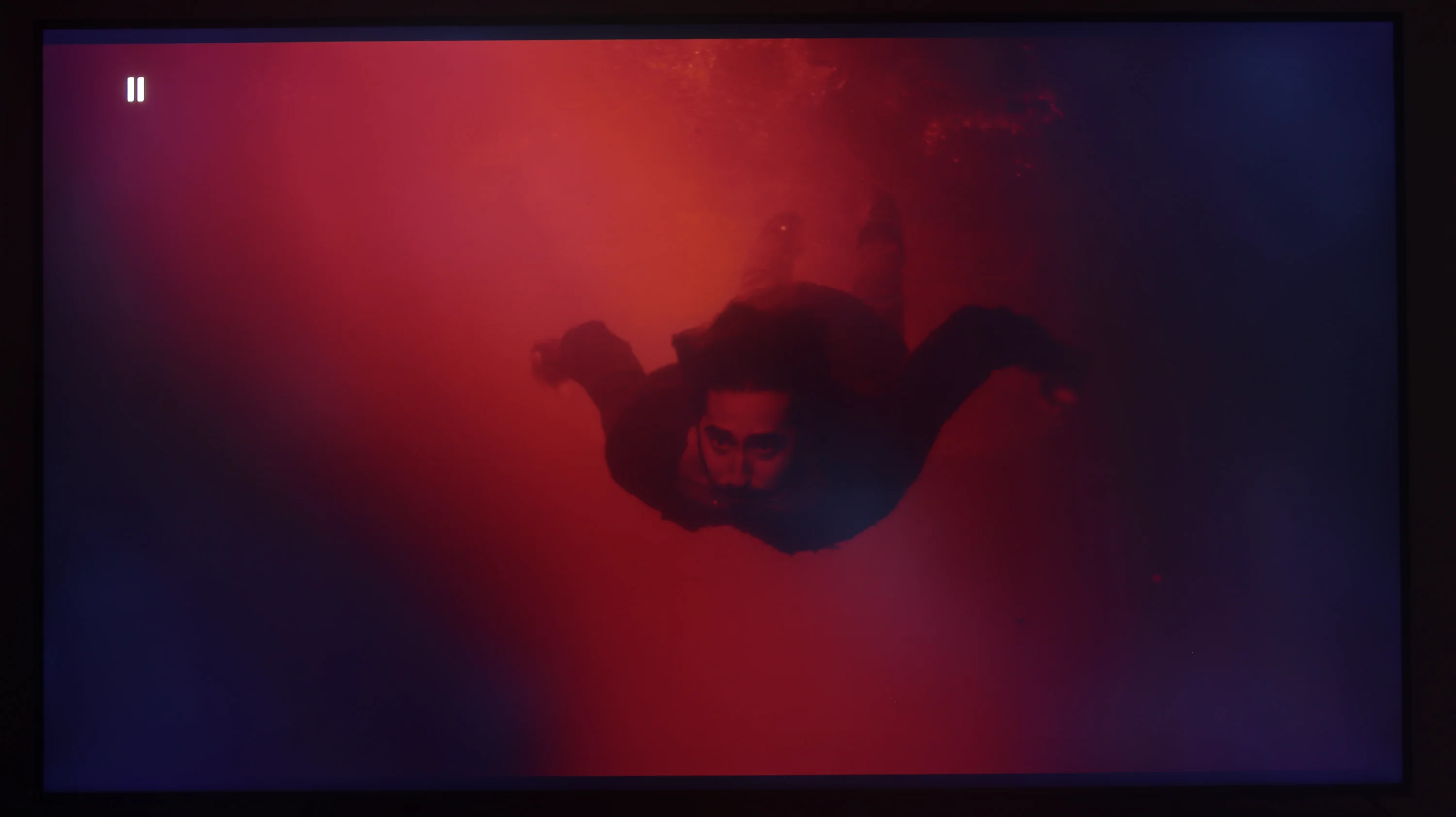
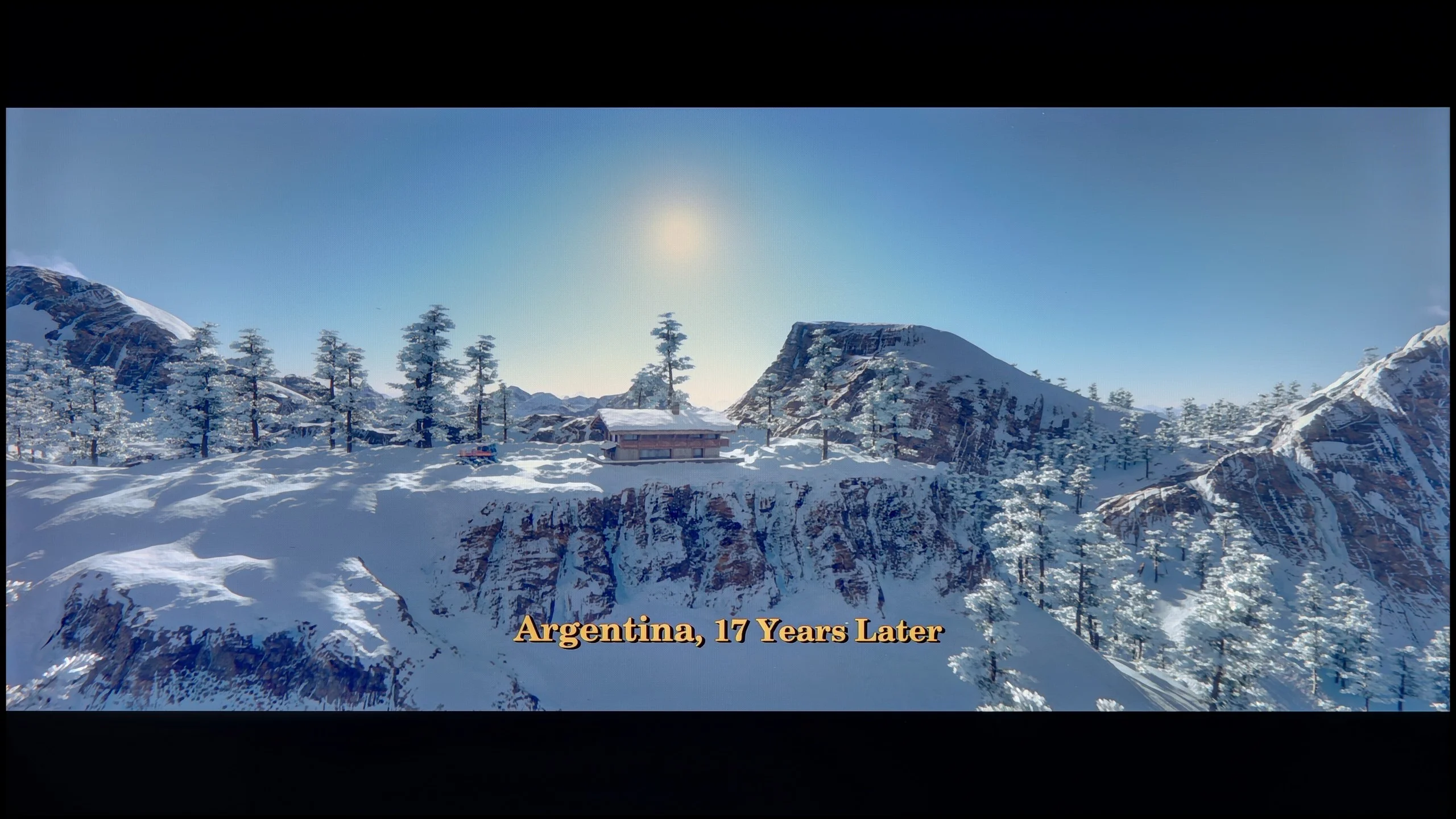
These are selected scenes that show smooth tonal transitions from one color to another. If you see distinct banding, it’s the TV panel’s fault.
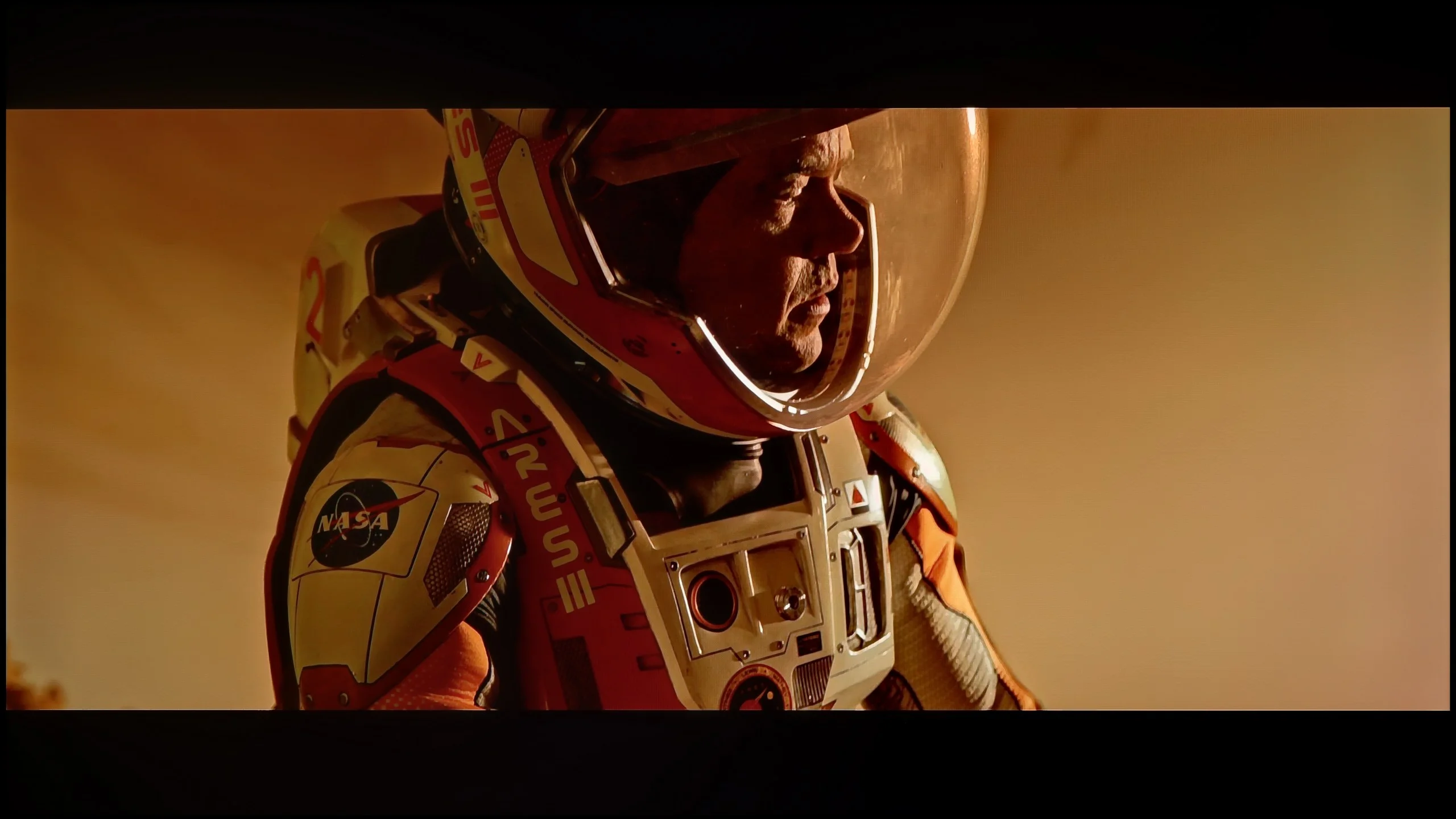
These are selected scenes that show smooth tonal transitions from one color to another. If you see distinct banding, it’s the TV panel’s fault.
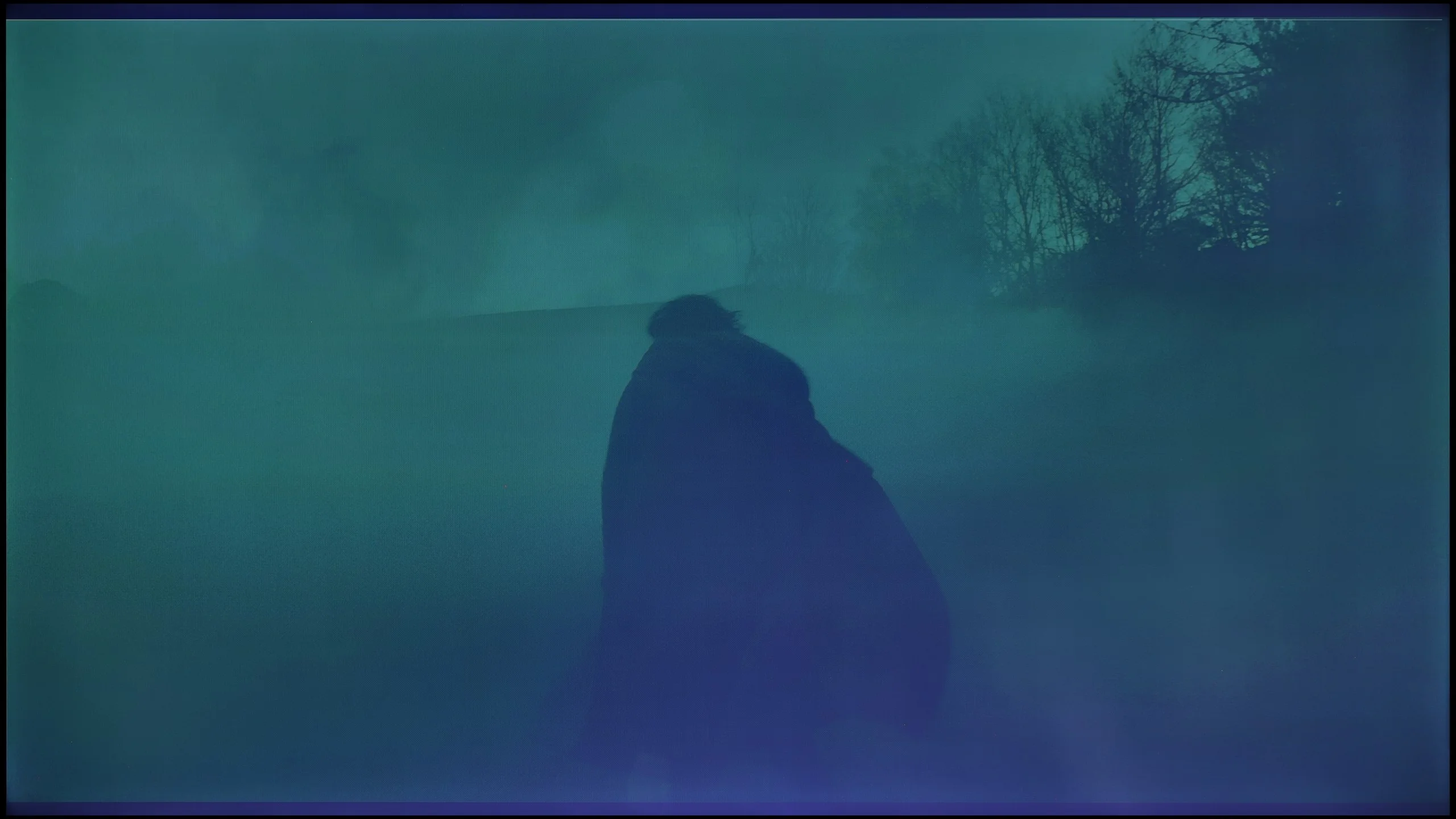
These are selected scenes that show smooth tonal transitions from one color to another. If you see distinct banding, it’s the TV panel’s fault.
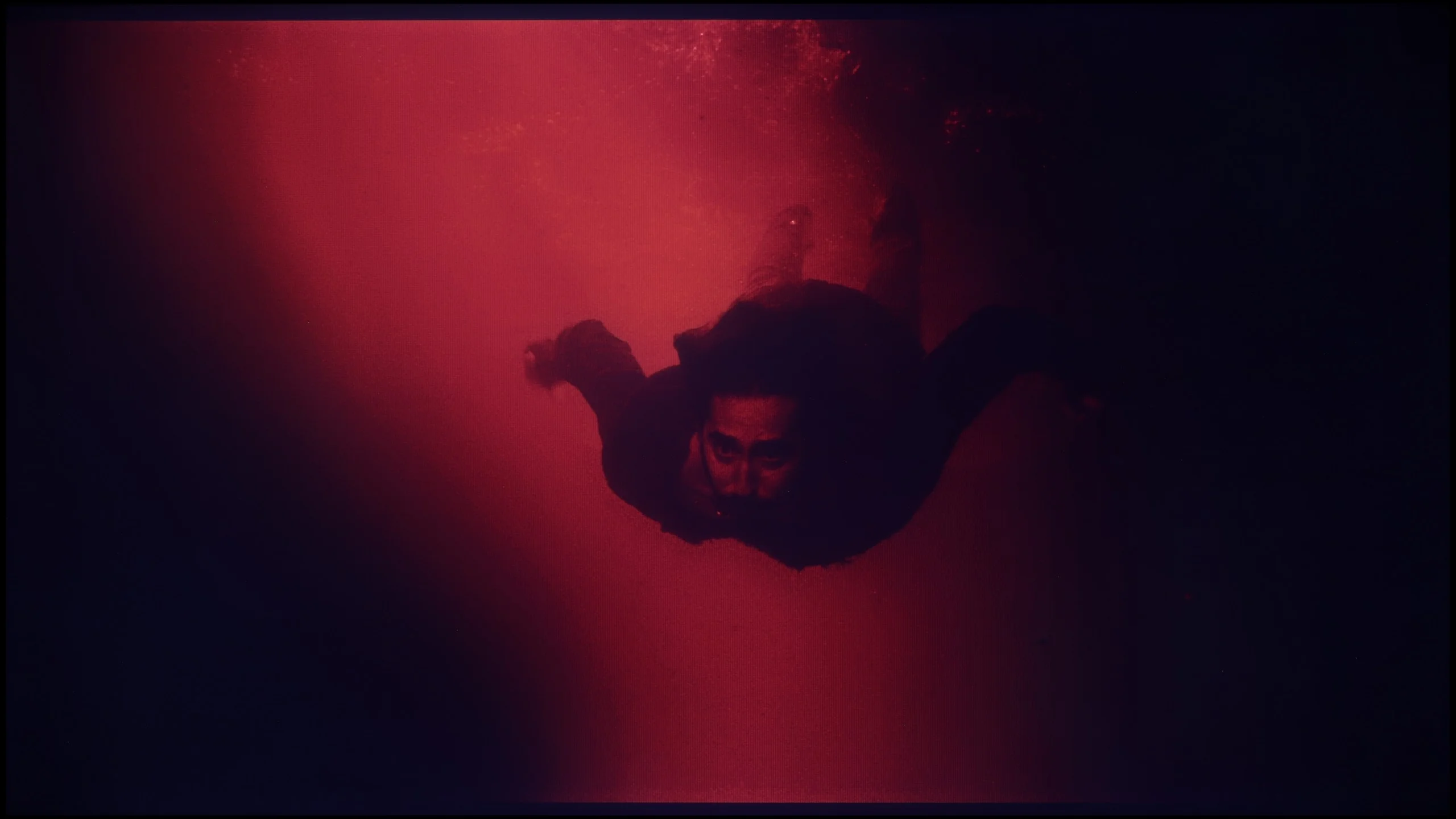
These are selected scenes that show smooth tonal transitions from one color to another. If you see distinct banding, it’s the TV panel’s fault.
Considering how important lighting is in films and series, the overlapping structures and the fluidity of tonal transitions constitute an extremely significant element in assessing the quality of the image. The colour grading in the tested television stands at a fairly decent level. It cannot be said to be outstanding, but it is also not bad. We assess it as adequate. Brighter scenes perform best here, showing the least amount of stuttering. In scenes recorded in darker settings, slight deficiencies in grading can already be noticed, although this is not an issue that would cause discomfort while watching. This may be disrupted by the bleed of the backlighting, which is clearly visible in the last image.
The smoothness of tonal transitions on the TCL P7L is quite good, but not in every scene. In brighter scenes the television performs very well, because changes between successive shades are gentle, and on the sky, bright walls or subtle gradients it's hard to spot anything that would noticeably disrupt viewing. It becomes worse in the darker areas of the image. It is there that visible joins between colours and successive grey levels appear more often. In dark scenes you can therefore notice characteristic banding or more pronounced 'steps' where the transition should be smoother. It's not an issue all the time, but with weaker source material or scenes with lots of mid-tones it can stand out.
Image scaling and smoothness of tonal transitions
7/10
7/10


Smooth transition function
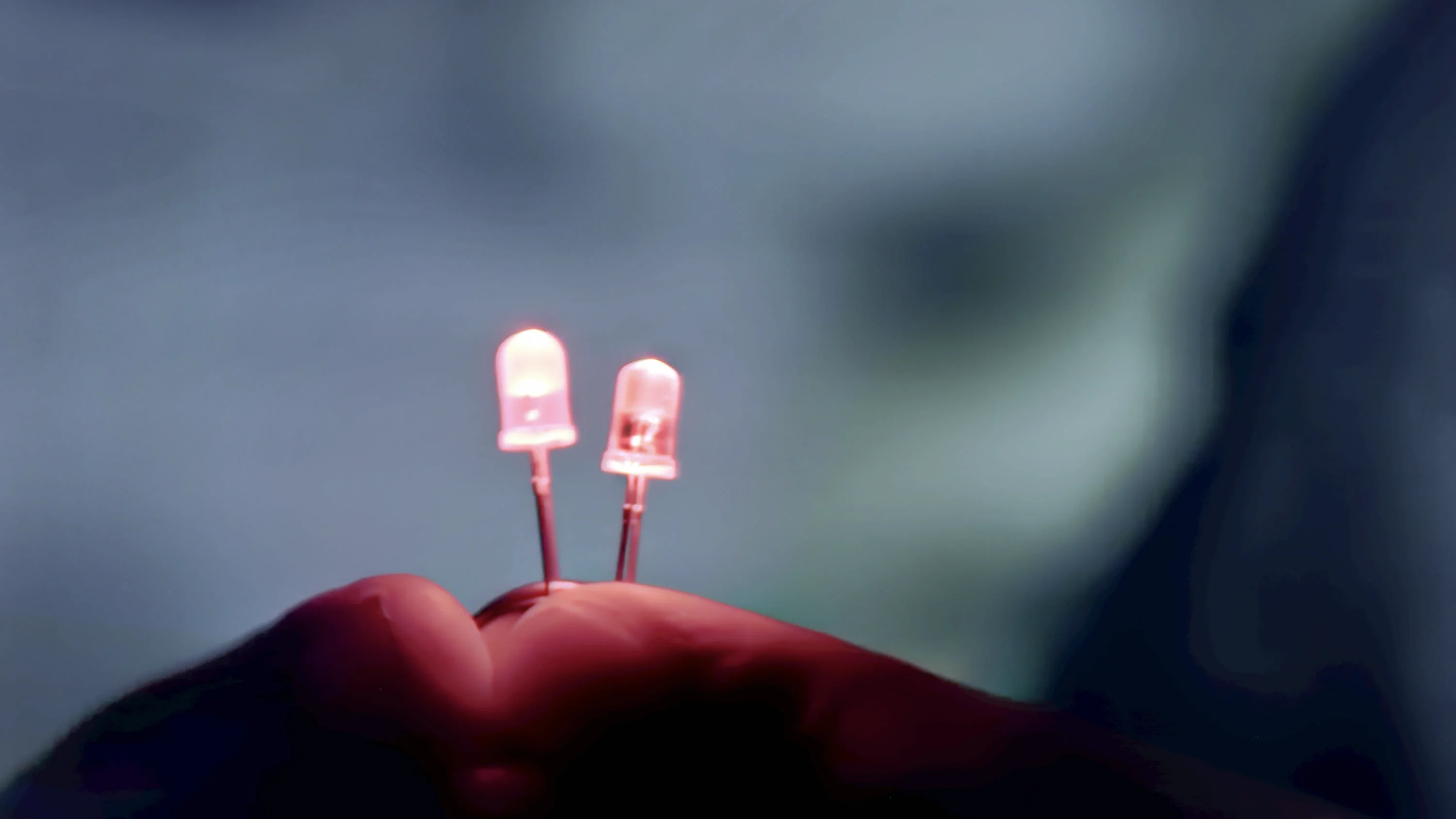
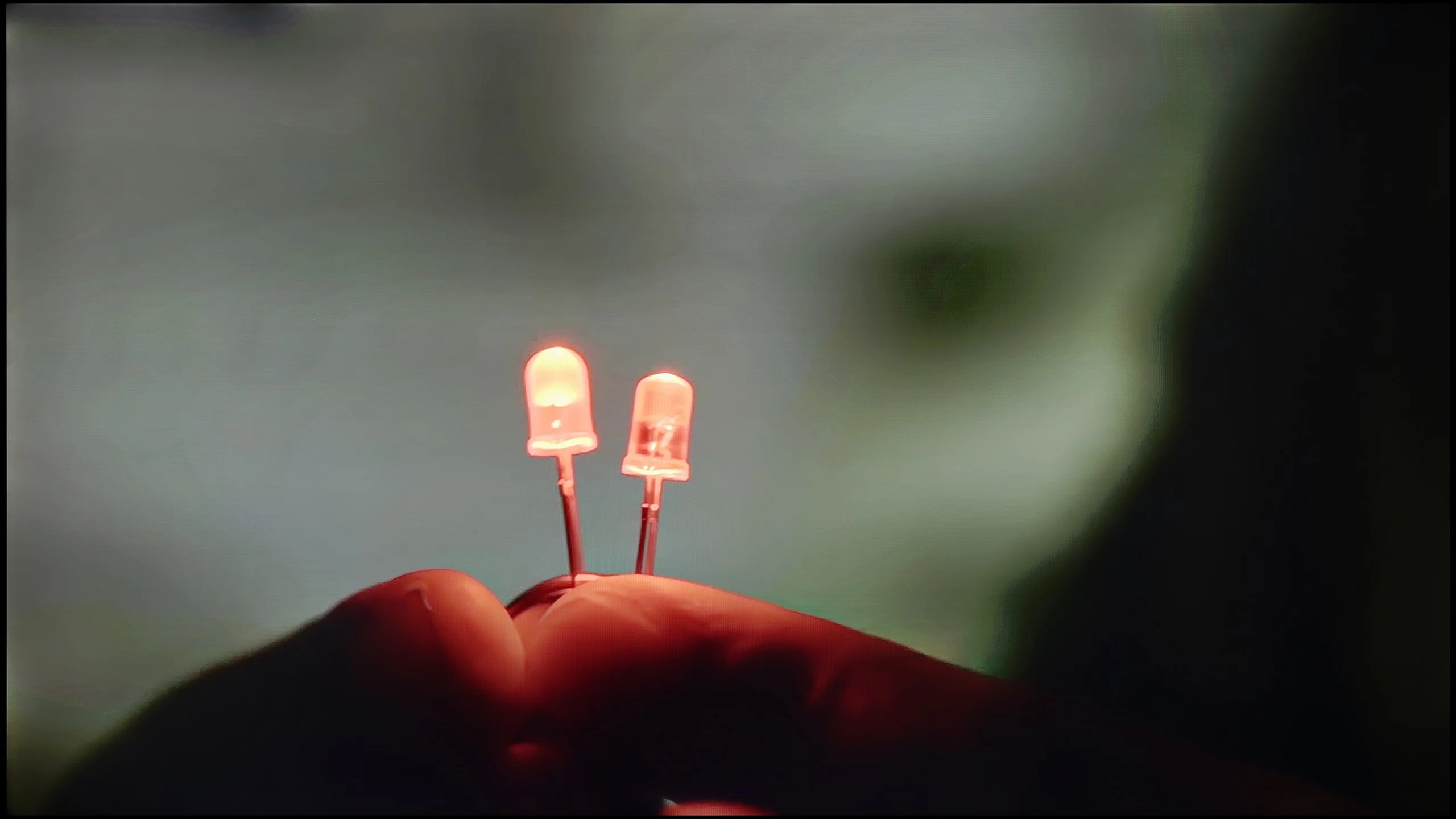
The match photo shows how the TV smooths weak tonal transitions in low-quality video.
Image scaling SD (576i)
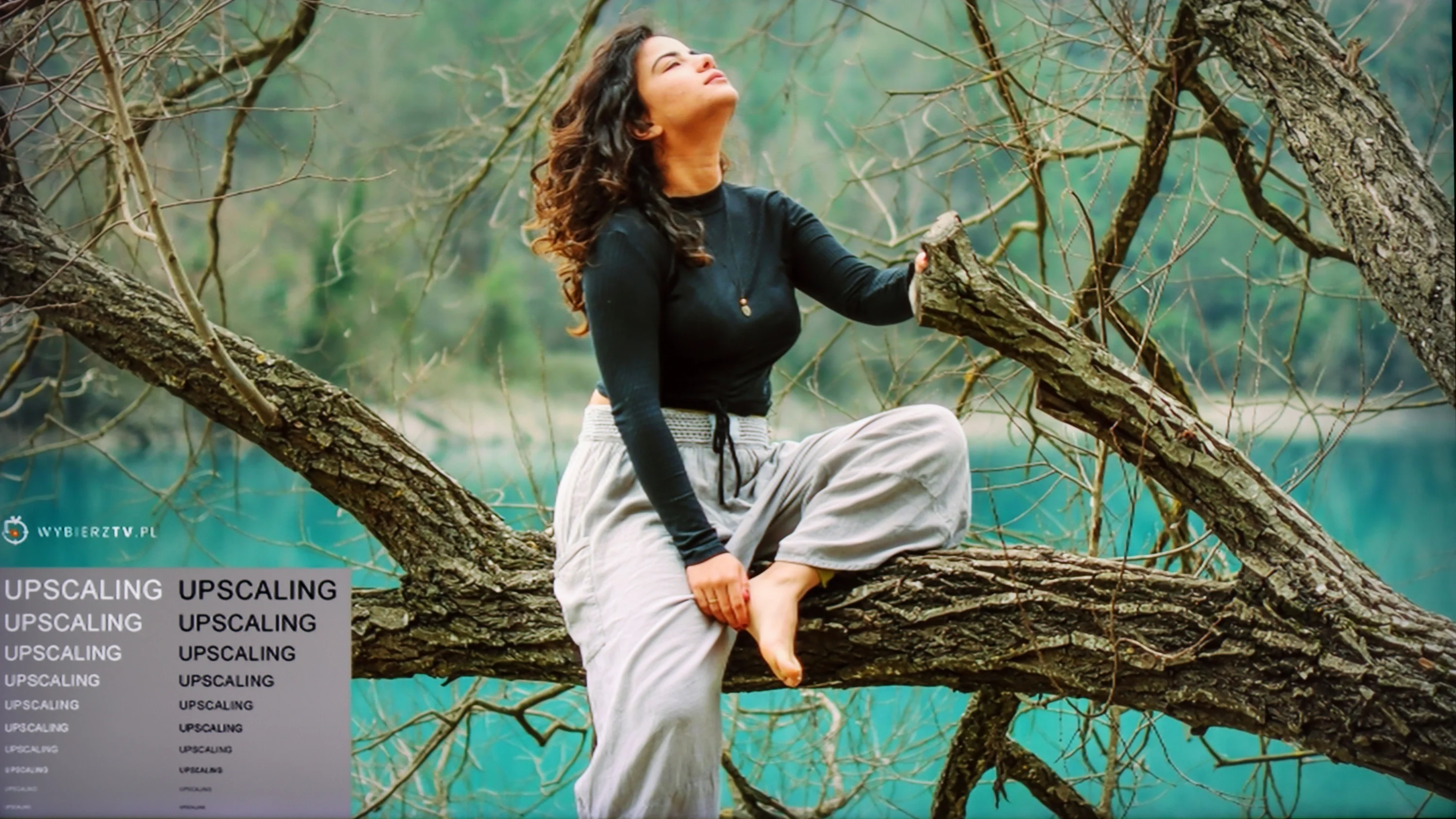
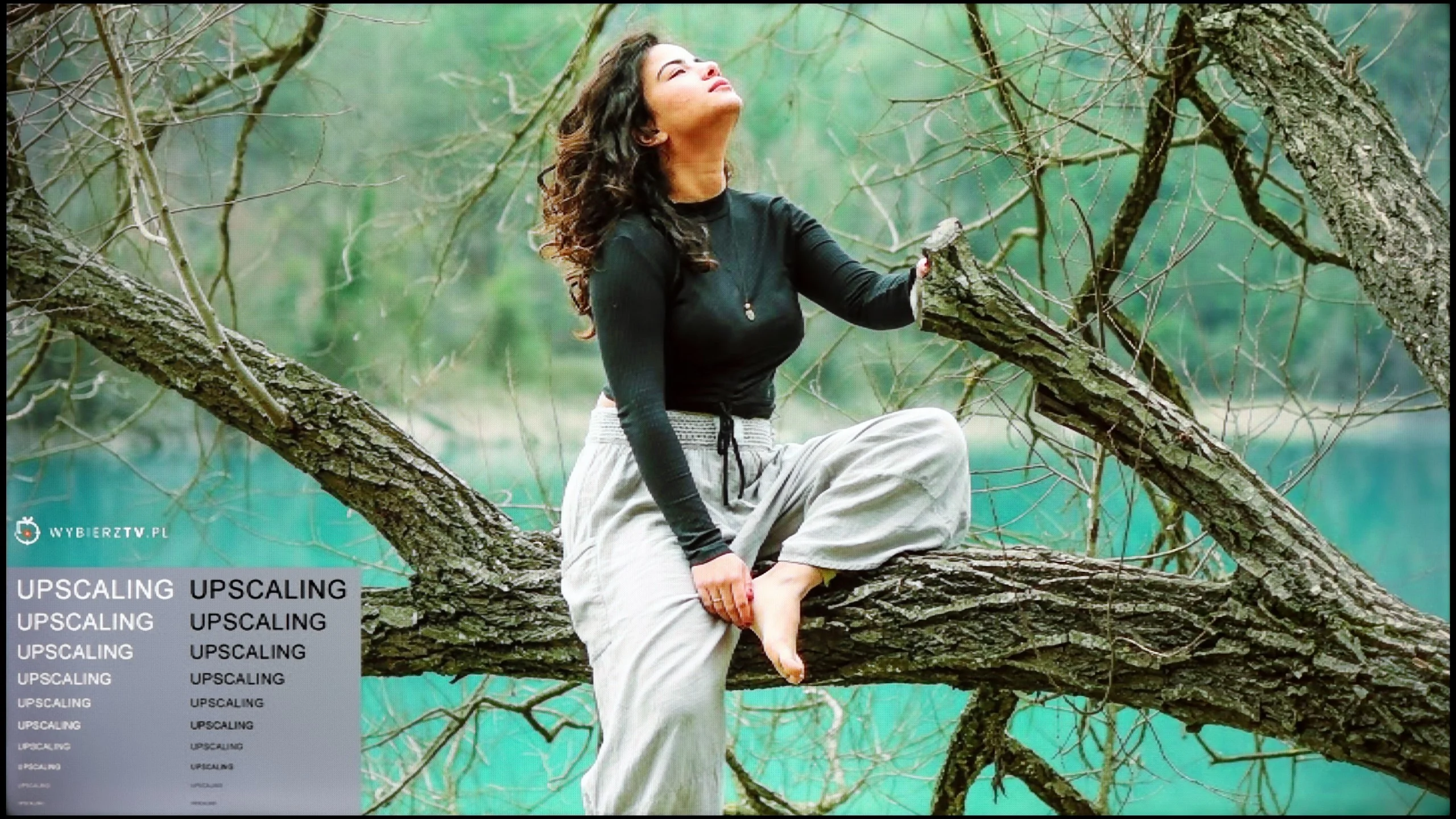
The model photo shows how it handles upscaling of SD material.
The function responsible for improving gradation has been named "Noise Reduction" in the menu. As we have confirmed, it is worth enabling, as it has a positive effect on tonal transitions. More importantly, it does not negatively affect the film grain or the fine details, which the competition sometimes "blesses" us with.
The image scaling on Samsung Q70D should be rated as average. The manufacturer does not intend to artificially sharpen the image, but rather to leave it naturally softened.
In this respect the TCL P7L performs surprisingly well, especially for such an inexpensive TV. The banding-reduction feature, which in many budget models does little or nothing, actually manages to improve the picture here. It does not remove all banding entirely, but it can noticeably reduce posterisation and make more challenging gradients look more natural. At this price point that’s a genuinely pleasant surprise. Upscaling itself also performs well. Lower-resolution material is scaled correctly, without over-sharpening or adding artificial outlines around objects. Of course the P7L won’t turn a very poor source into a 4K-quality image, but for regular TV the result is simply solid. For a model in this class there is little to criticise.
Blur and motion smoothness
7.4/10
5.5/10
Blur (native resolution, maximum refresh rate):
Blur (BFI function enabled):
Image flickers in this mode
Blur ():
Blur (1440p@120Hz):
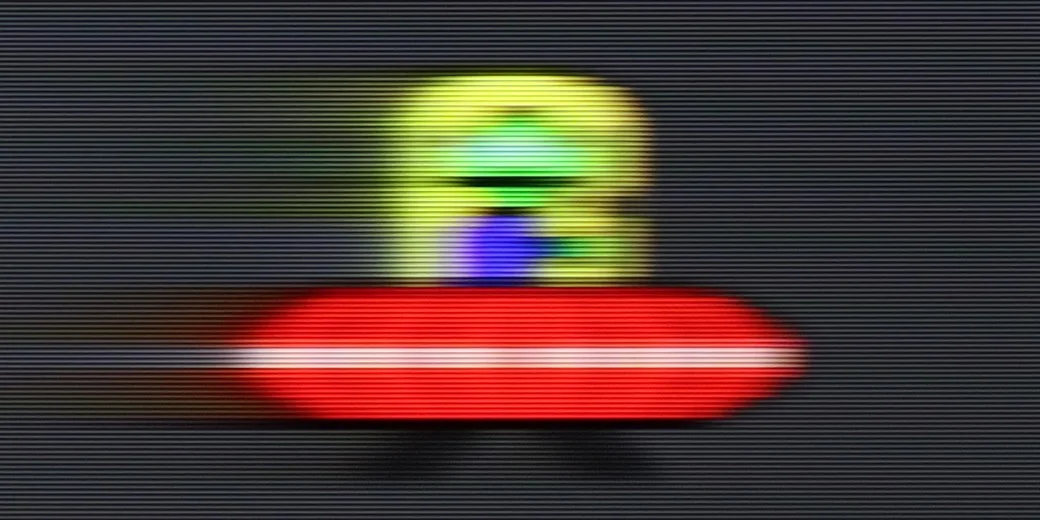
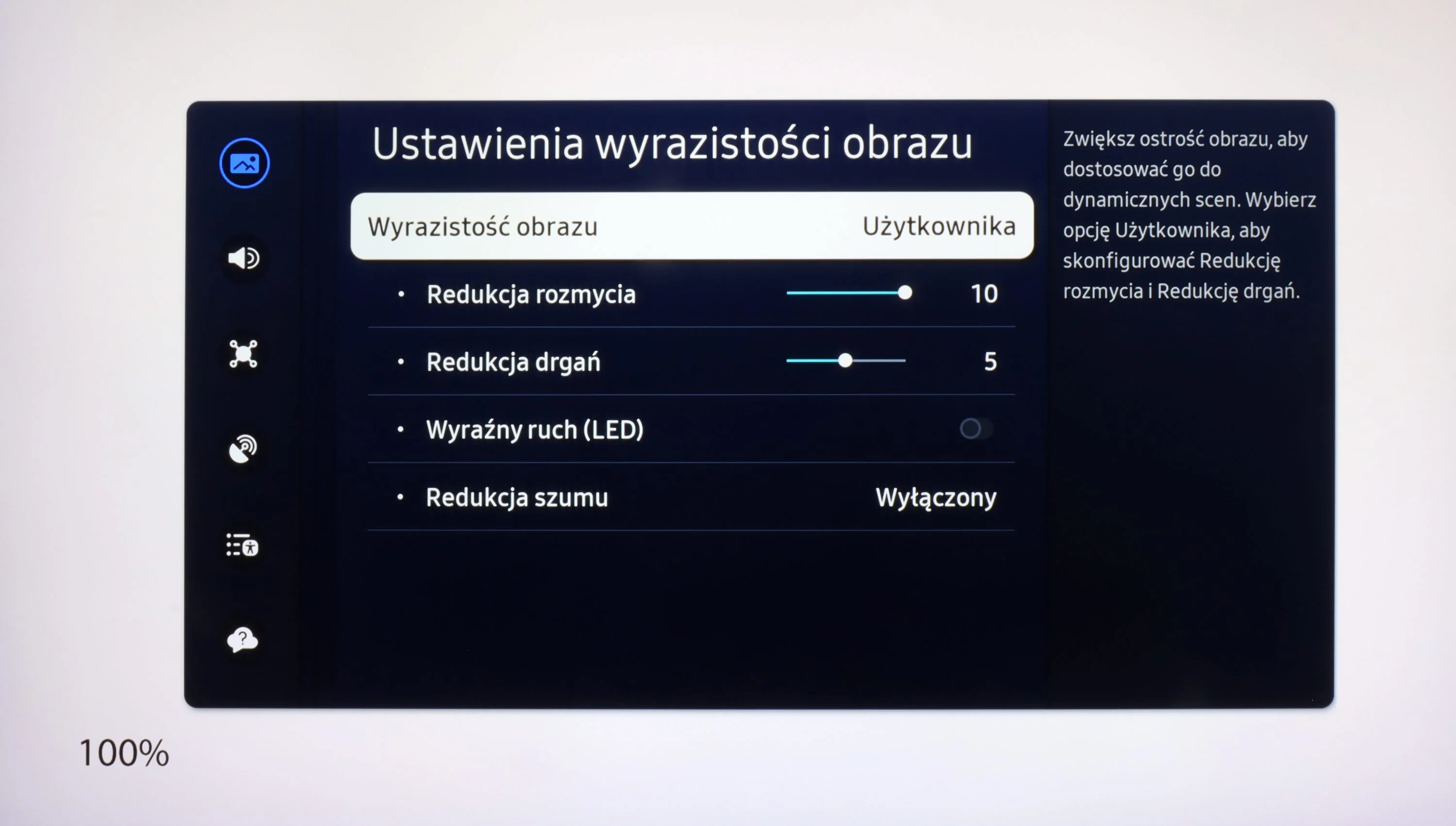
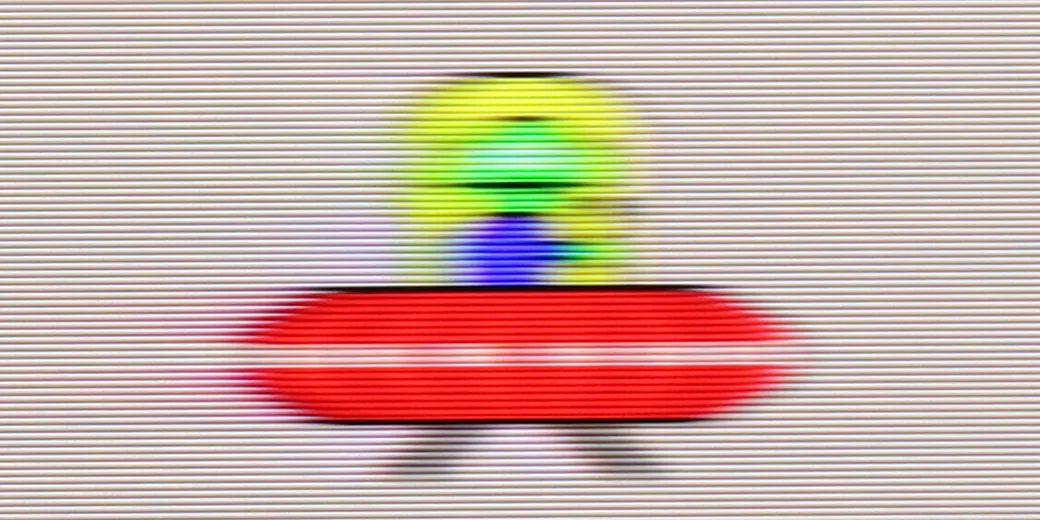
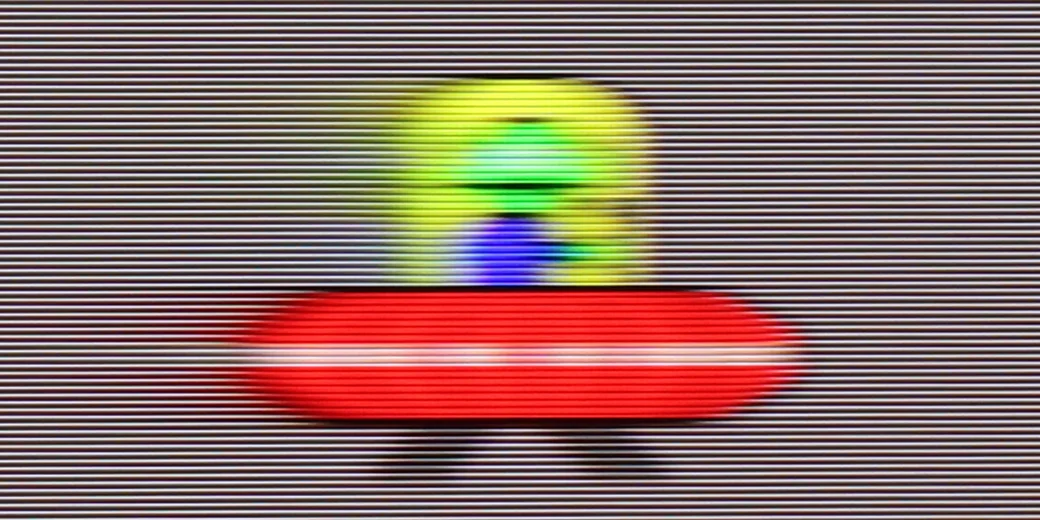
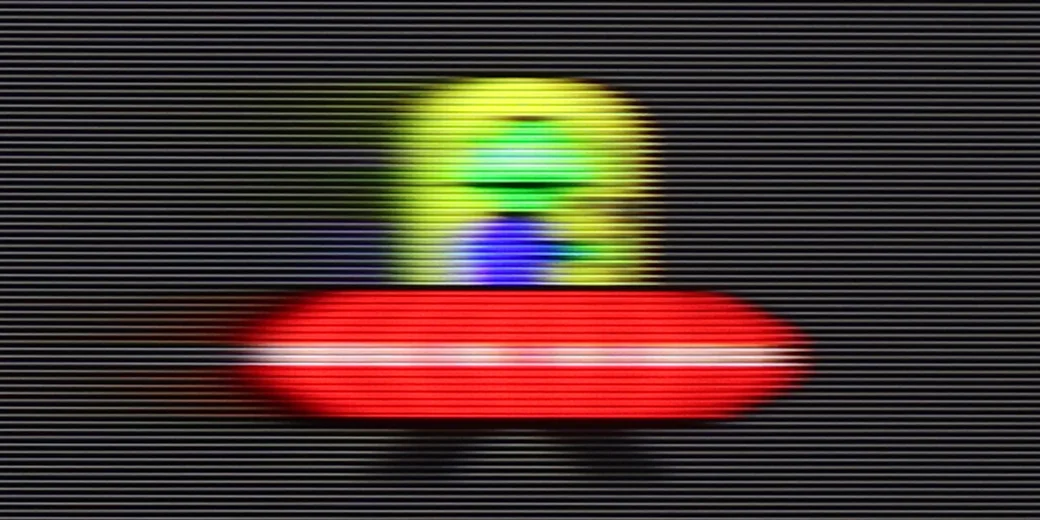
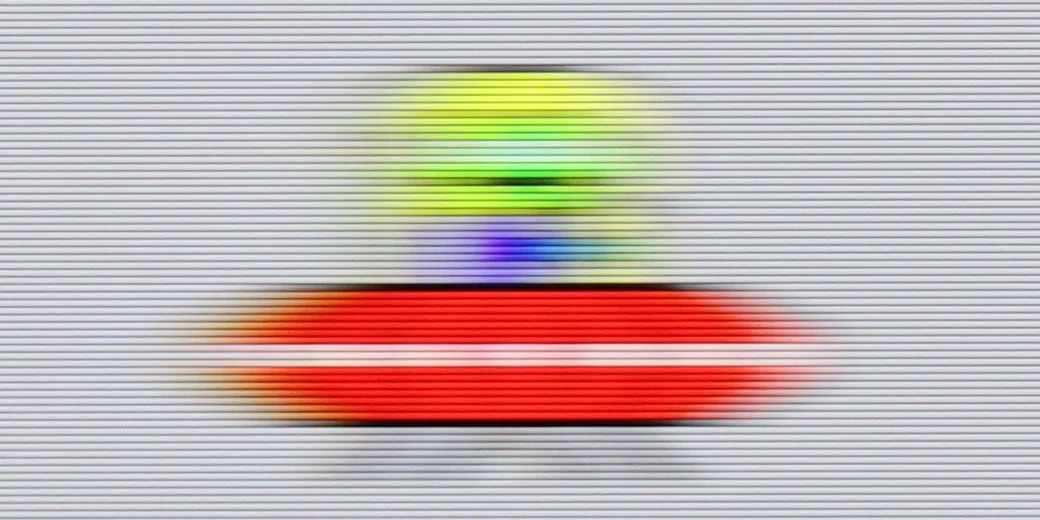
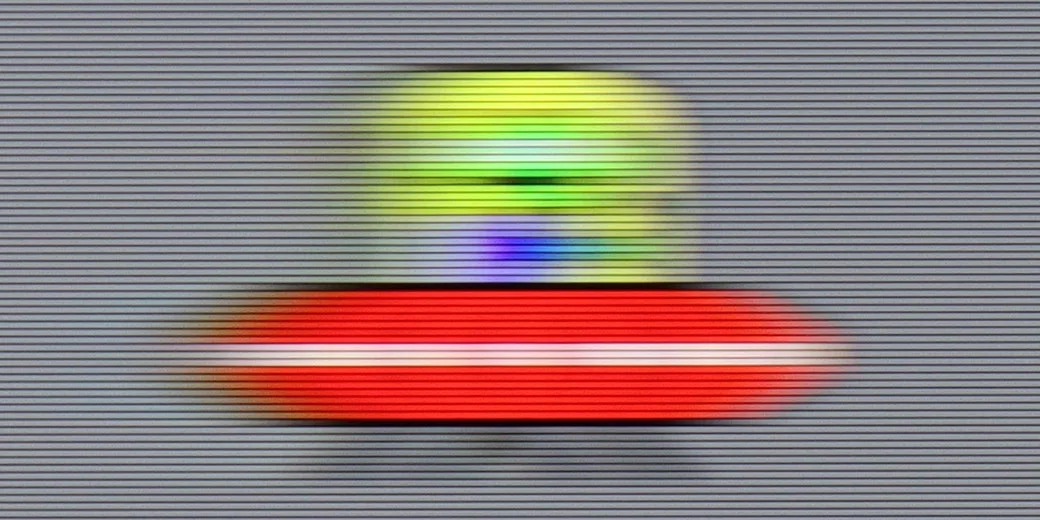
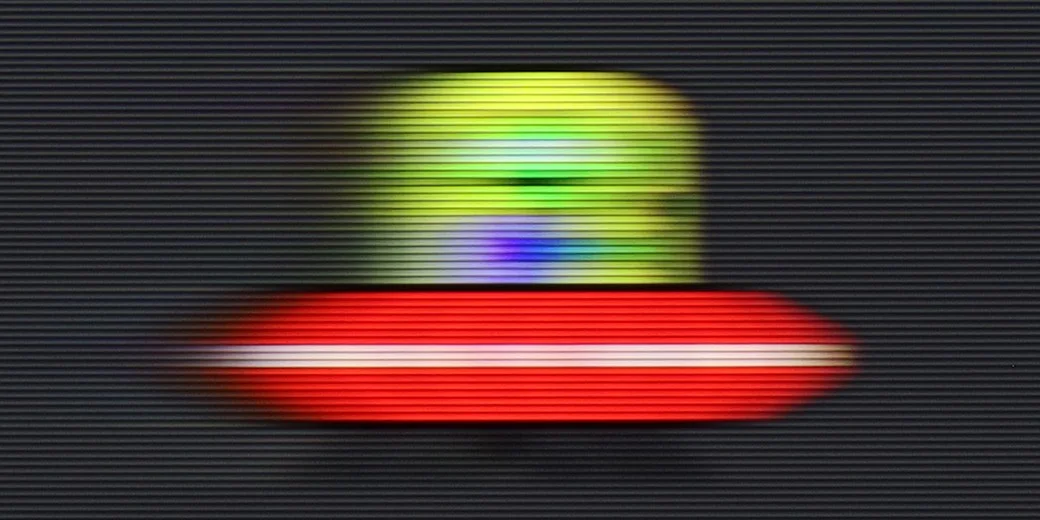
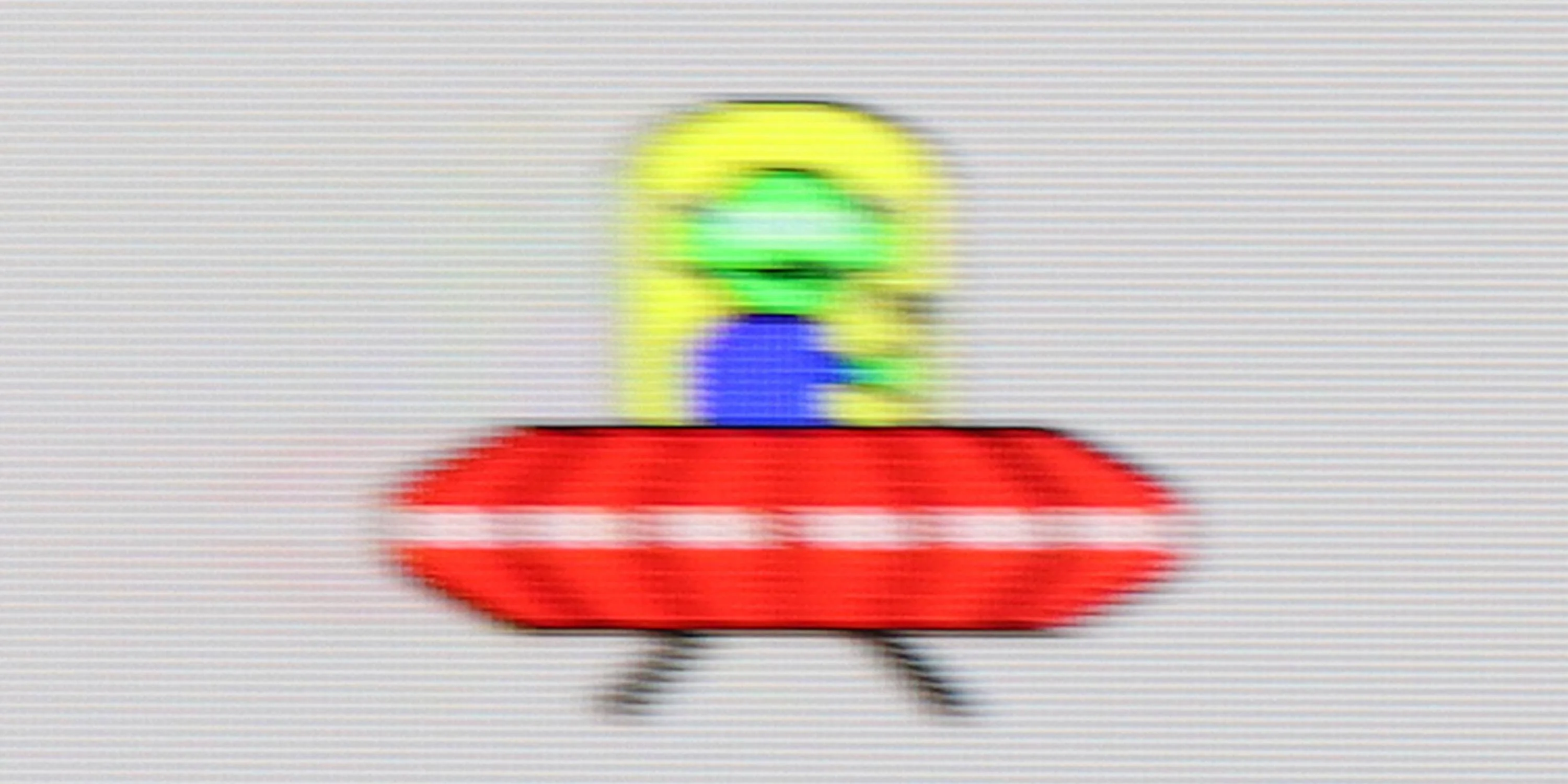
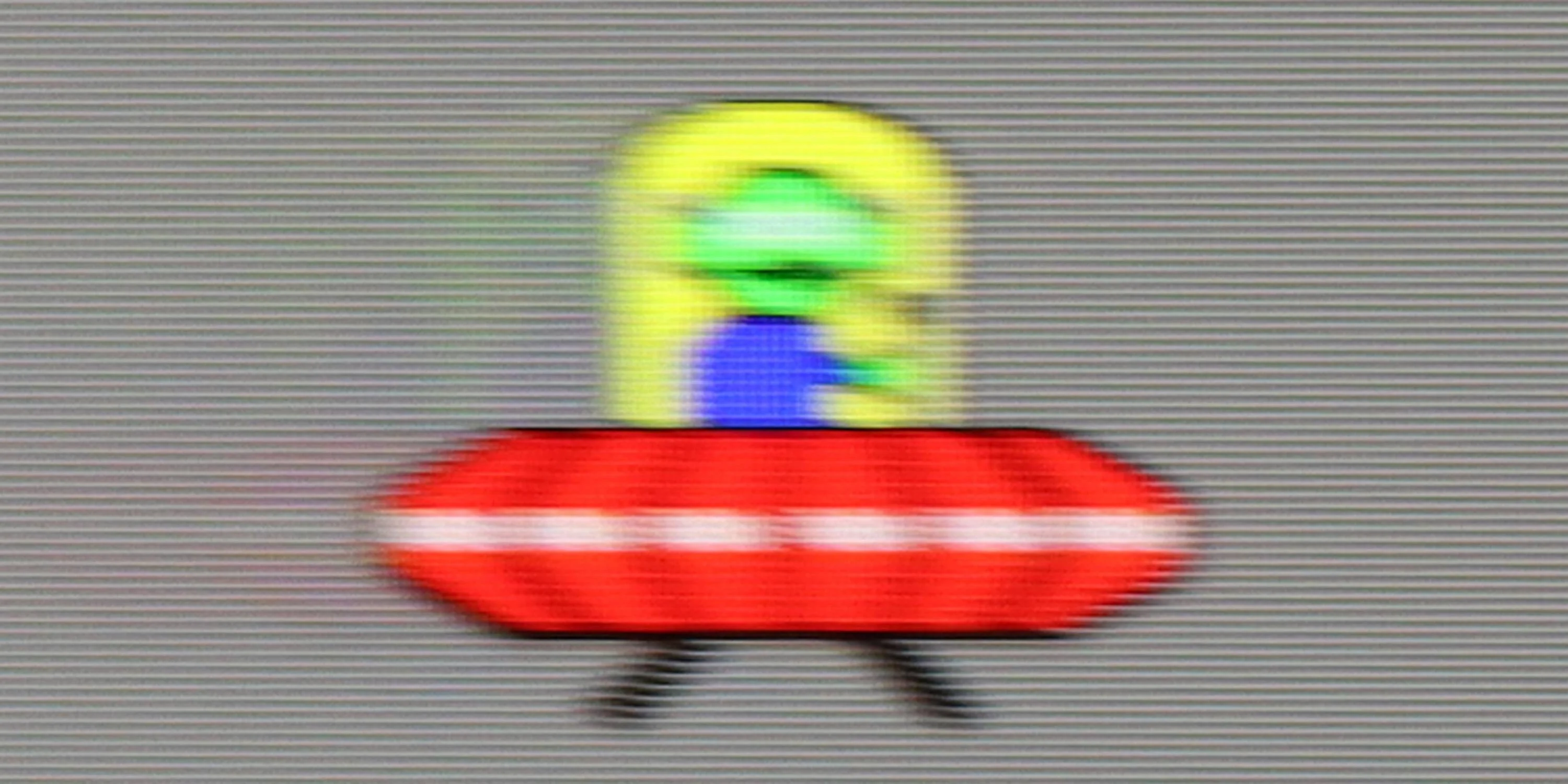
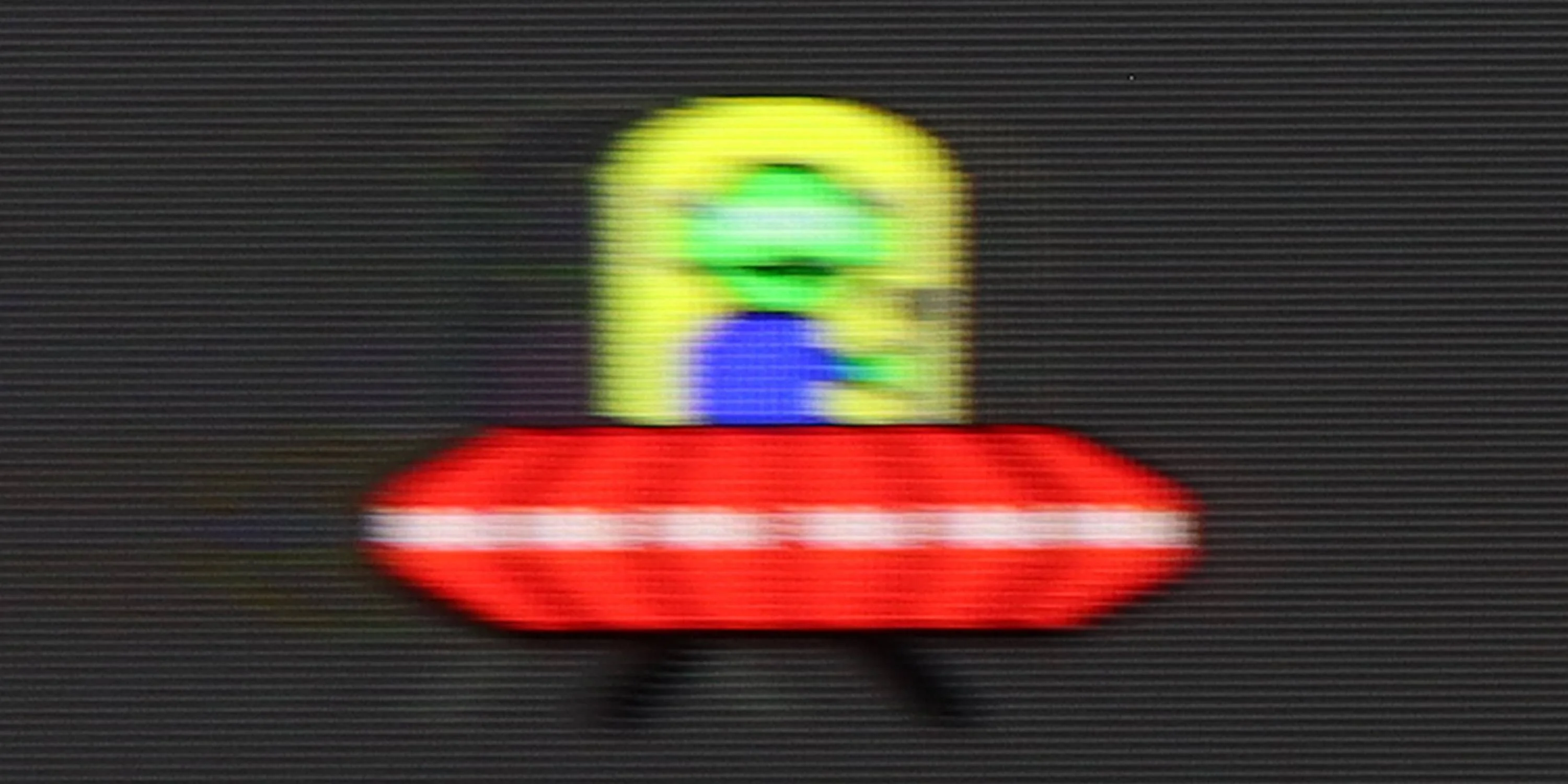
Samsung Q70D is the first model in the manufacturer's portfolio featuring a 120Hz panel. Consequently, its motion smoothing functions are more advanced than those in lower-tier models. Within the menu, we find three functions responsible for improving smoothness: "Motion Blur Reduction," "Judder Reduction," and "Clear Motion (LED)." We will discuss the third one later. The first function is responsible for sharpness in motion, while the second adjusts the level of smoothing. The smoother in Samsung Q70D performs satisfactorily, and each setting brings noticeable changes. Therefore, those who dislike the characteristic juddering in films or are avid sports viewers will be able to achieve a personalised level of smoothing. In the picture, we present a setting with slight smoothing, without the soap opera effect.
The panel used in Samsung Q70D features a fairly good response time for this type of display. Of course, it won't be as sharp as a proverbial razor, but at this price, it is a recommendable choice for all kinds of sports.
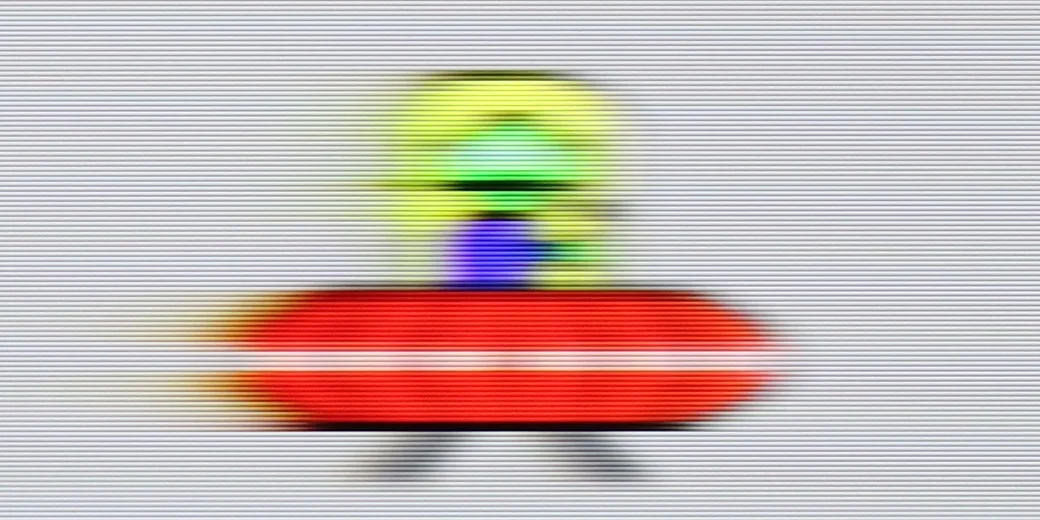
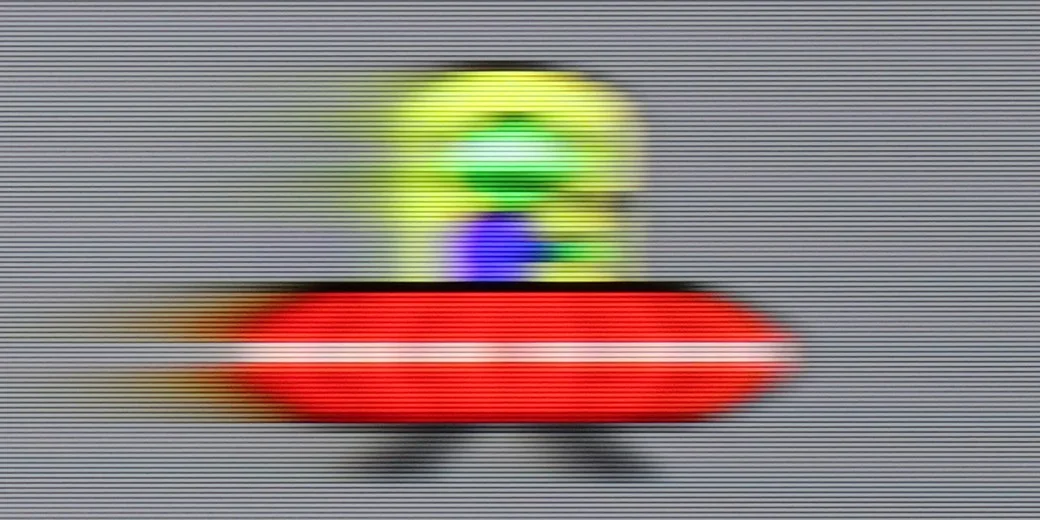
The TCL P7L uses a panel with a native 60 Hz refresh rate at 4K resolution, and that's how it should be regarded in everyday use. When watching films the TV mainly offers frame interpolation, so it can smooth motion and reduce the characteristic judder, but it does not deliver the fluidity typical of true 120 Hz panels.
Console compatibility and gaming features
9.5/10
6.7/10
- ALLM
- VRR
- VRR range48 - 120Hz48 - 120Hz
- Dolby Vision Game Mode
- Correct implementation of HGIG
- 1080p@120Hz
- 1440p@120Hz
- 4K@120Hz
- Game bar
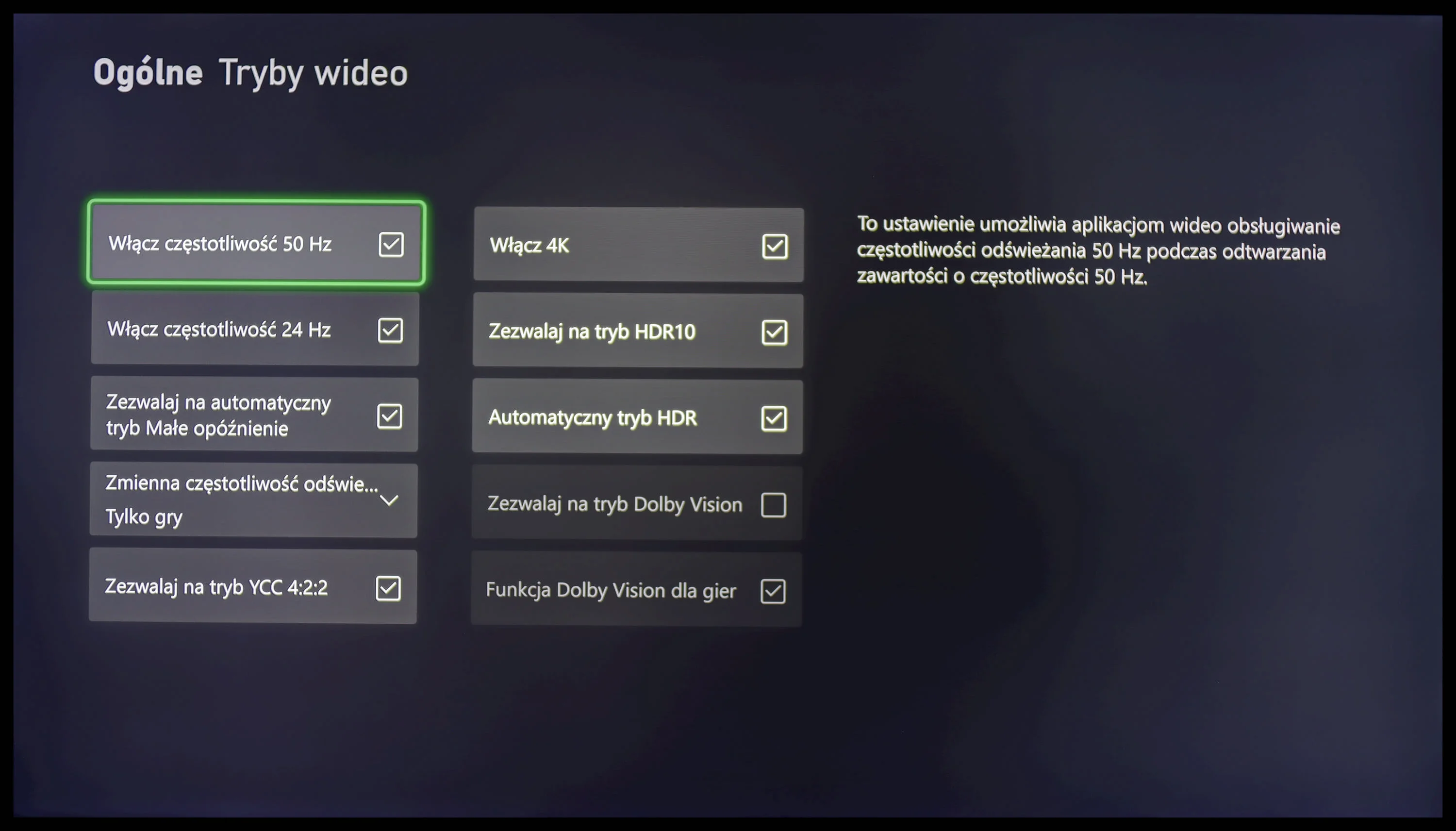
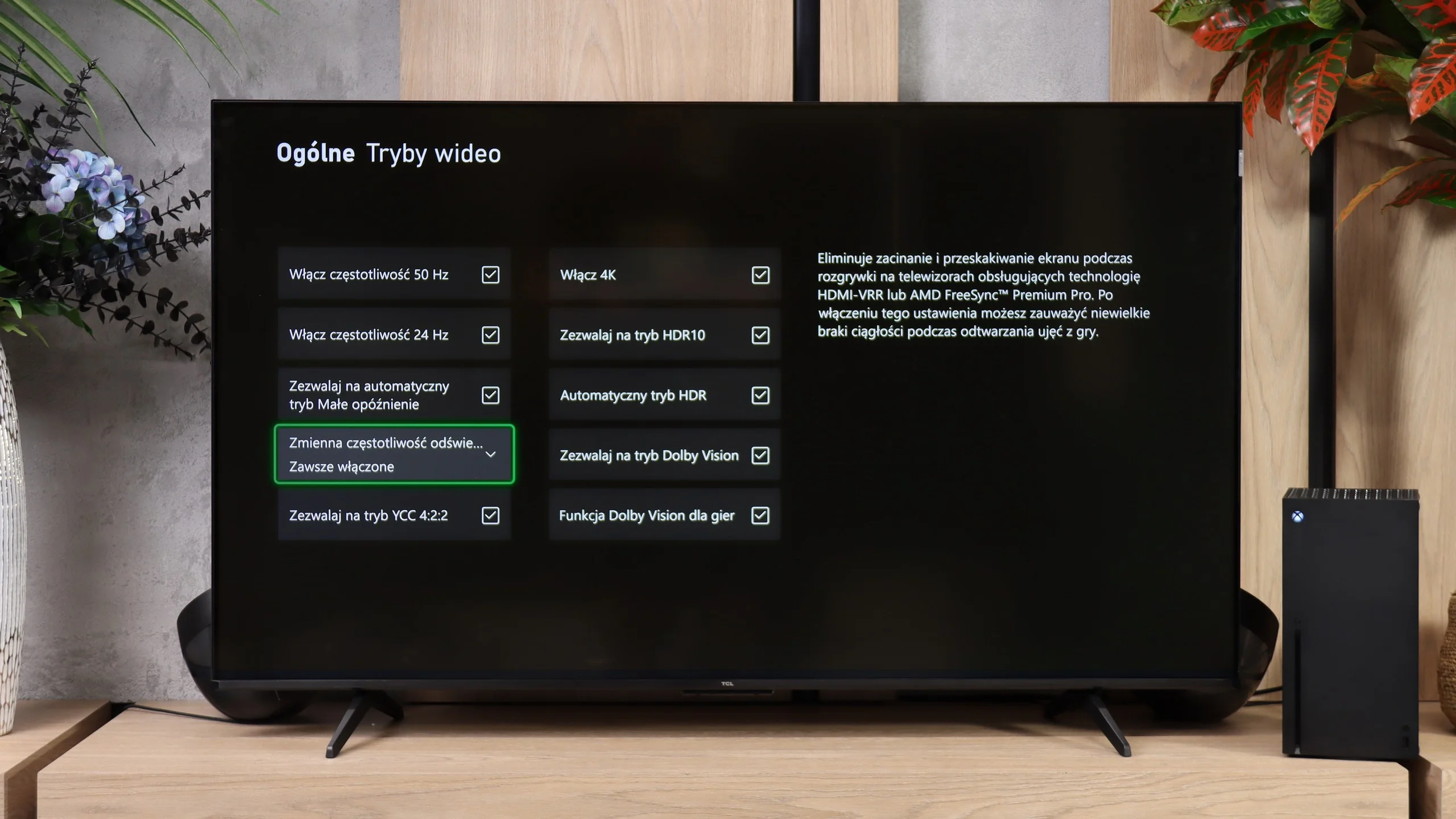
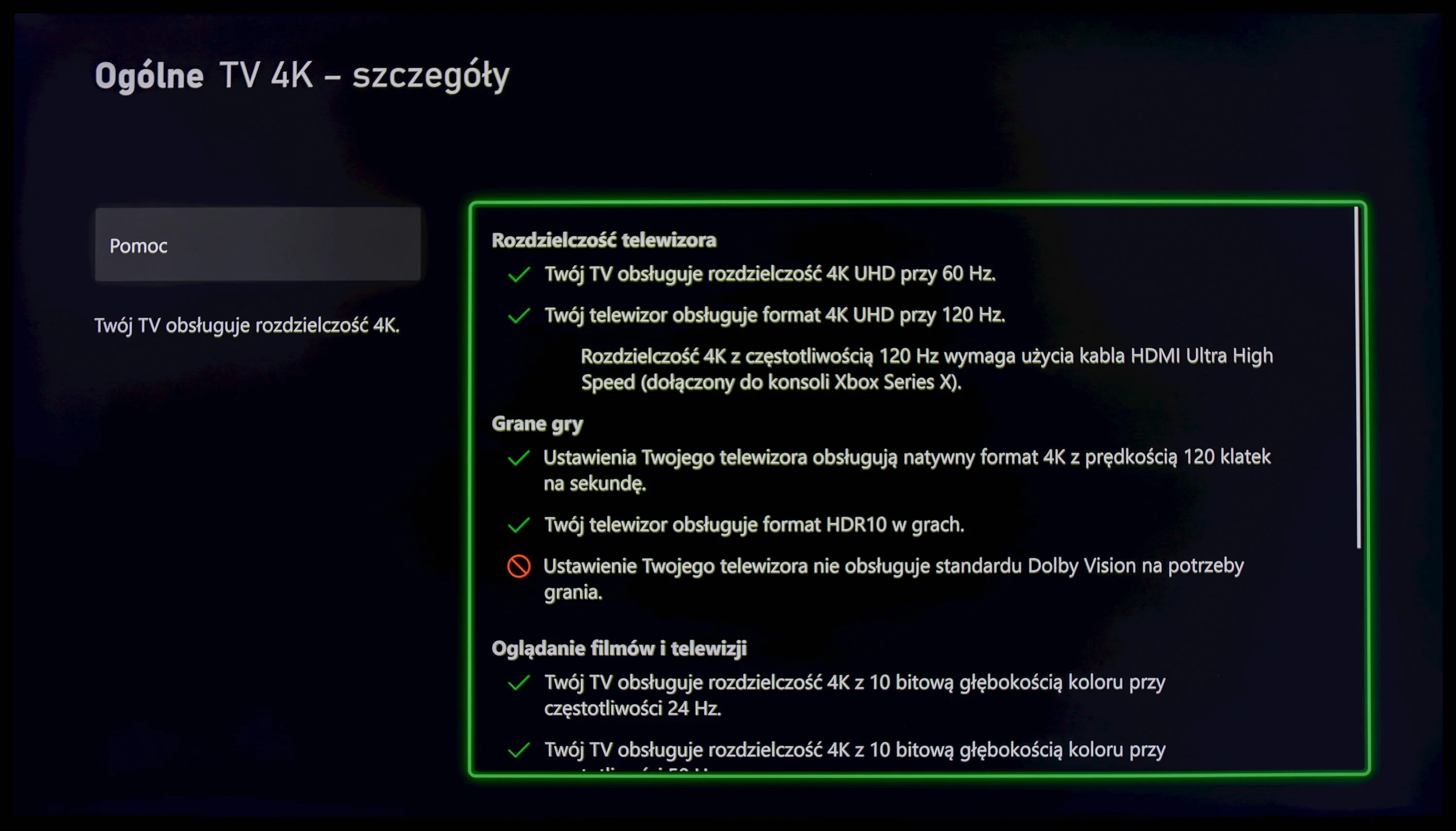
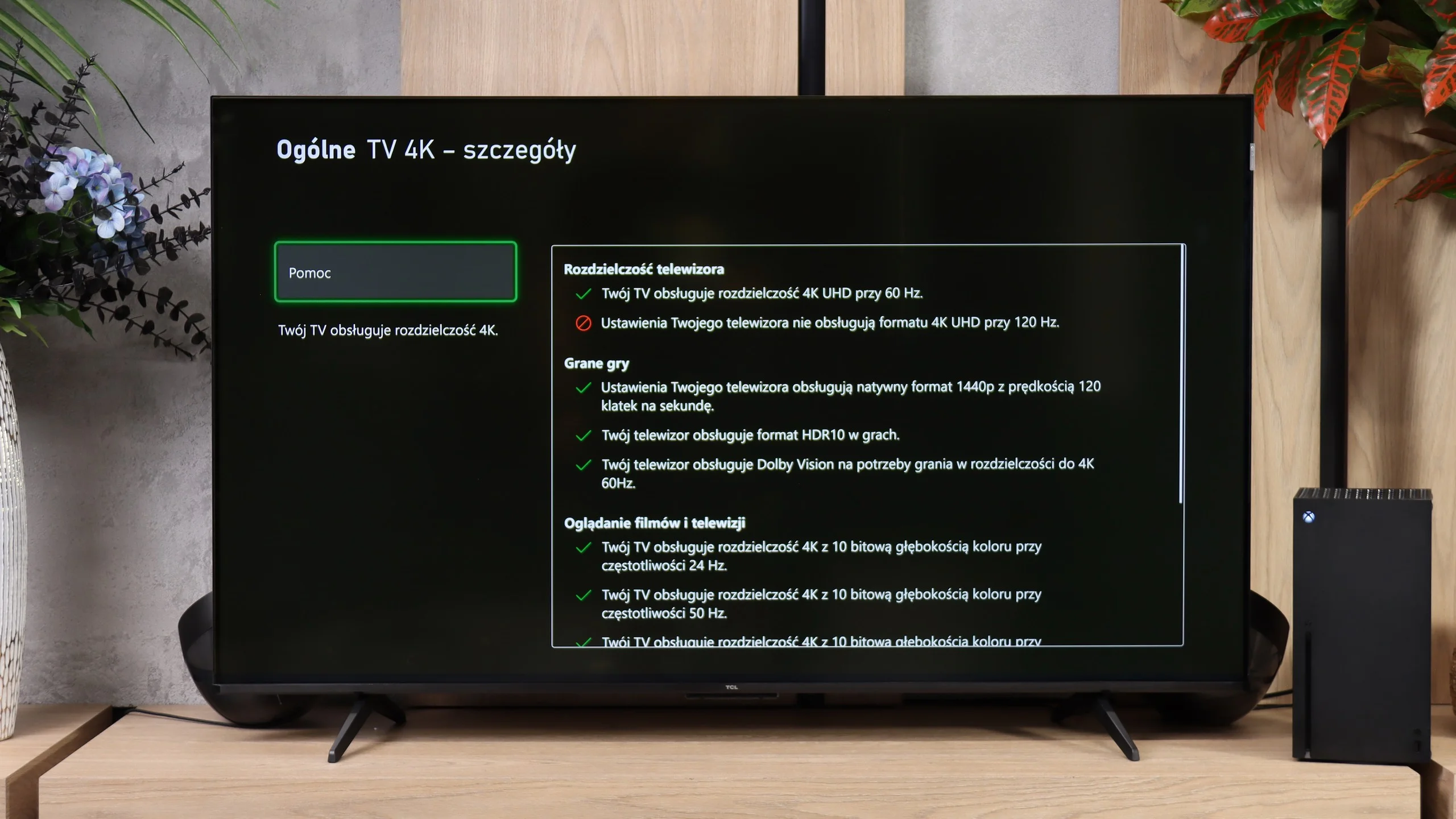
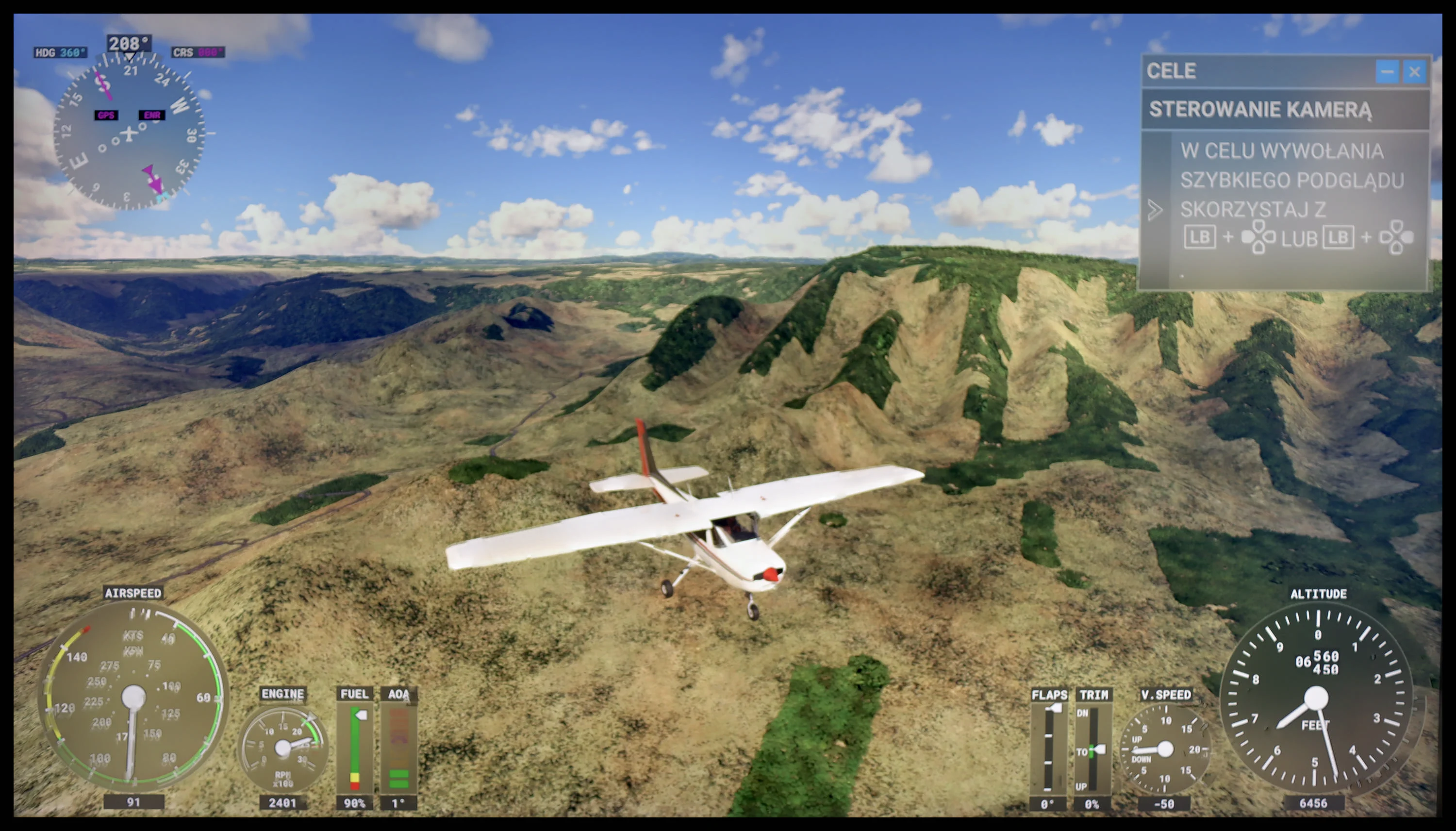
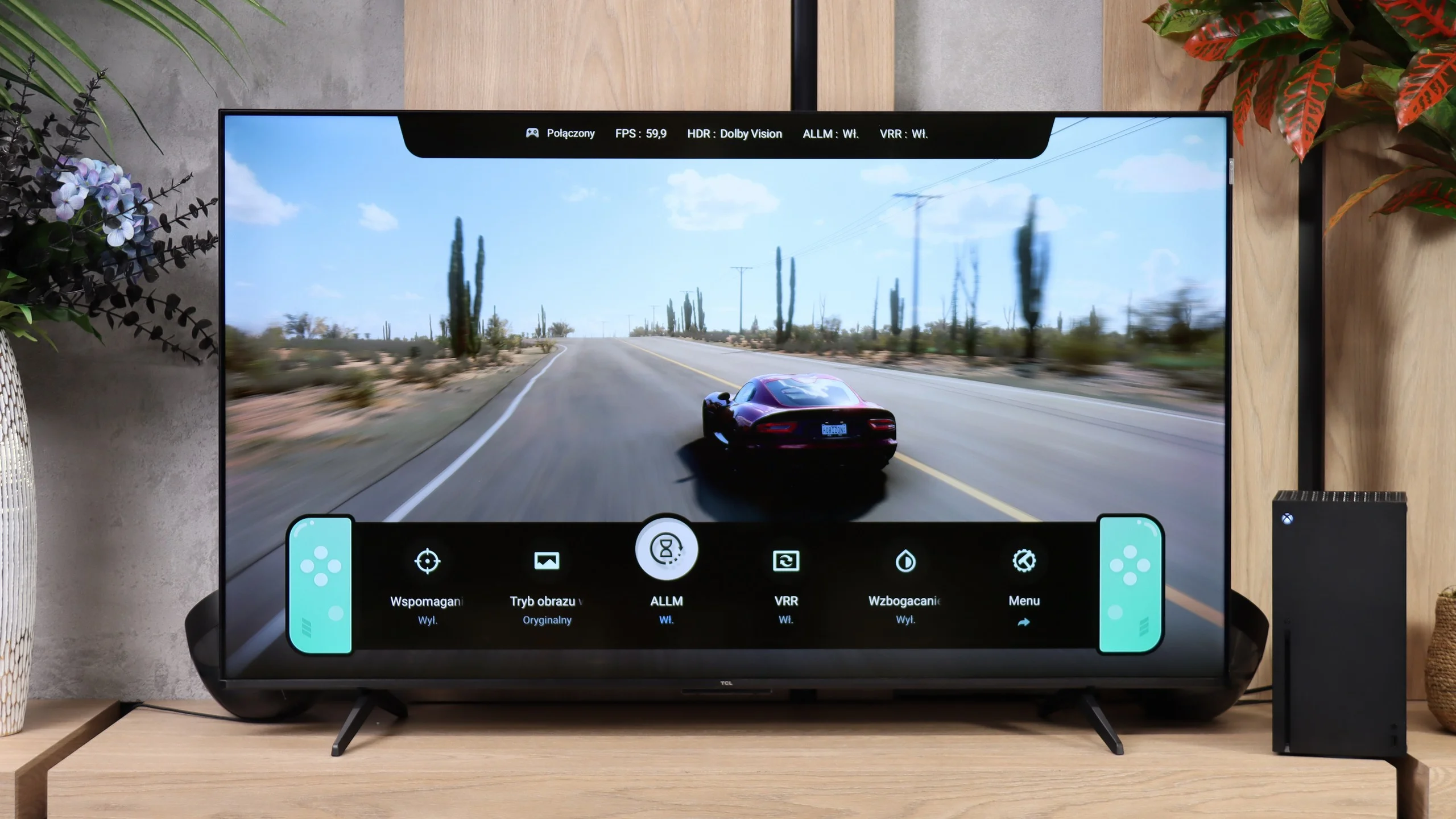
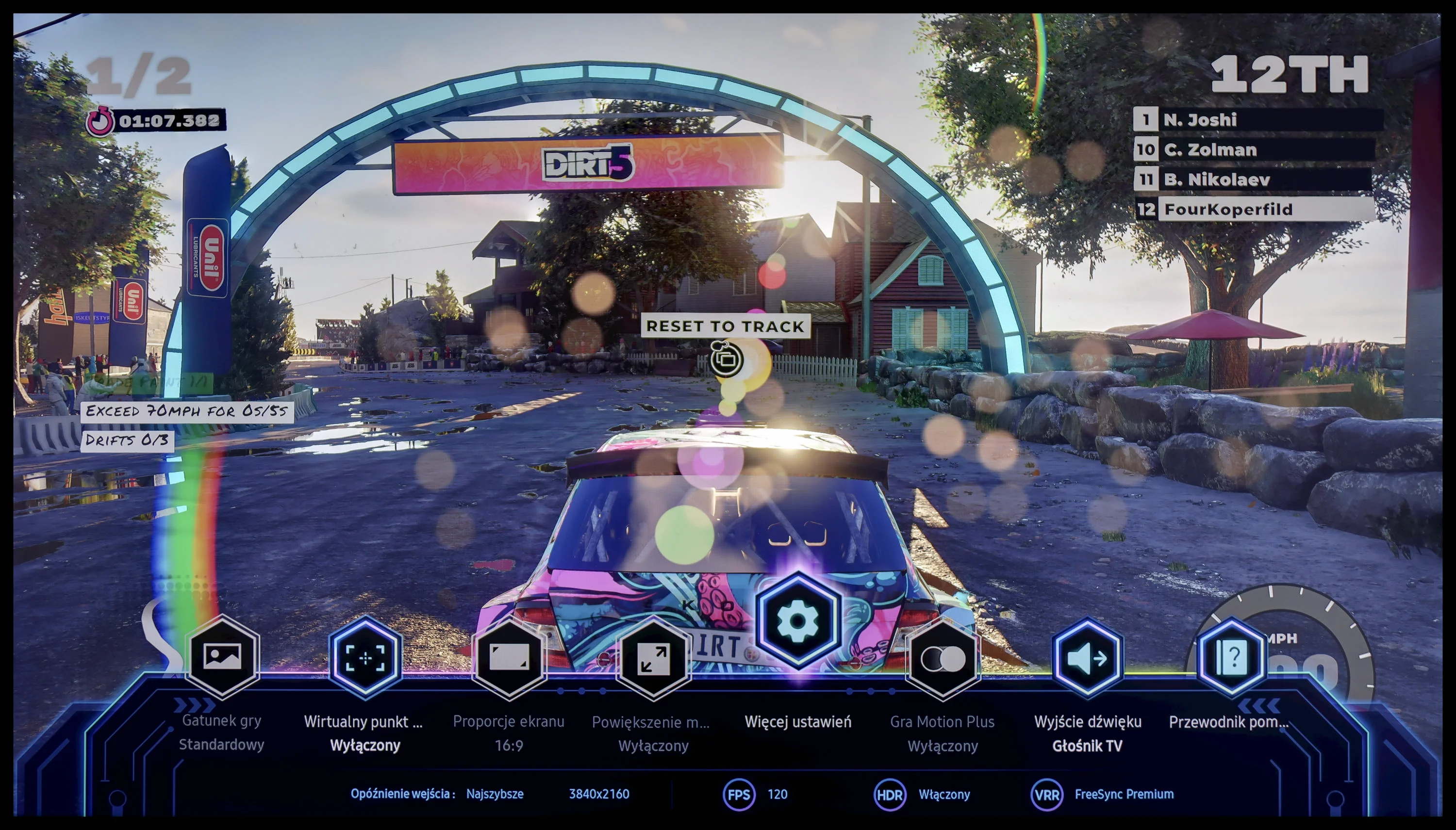
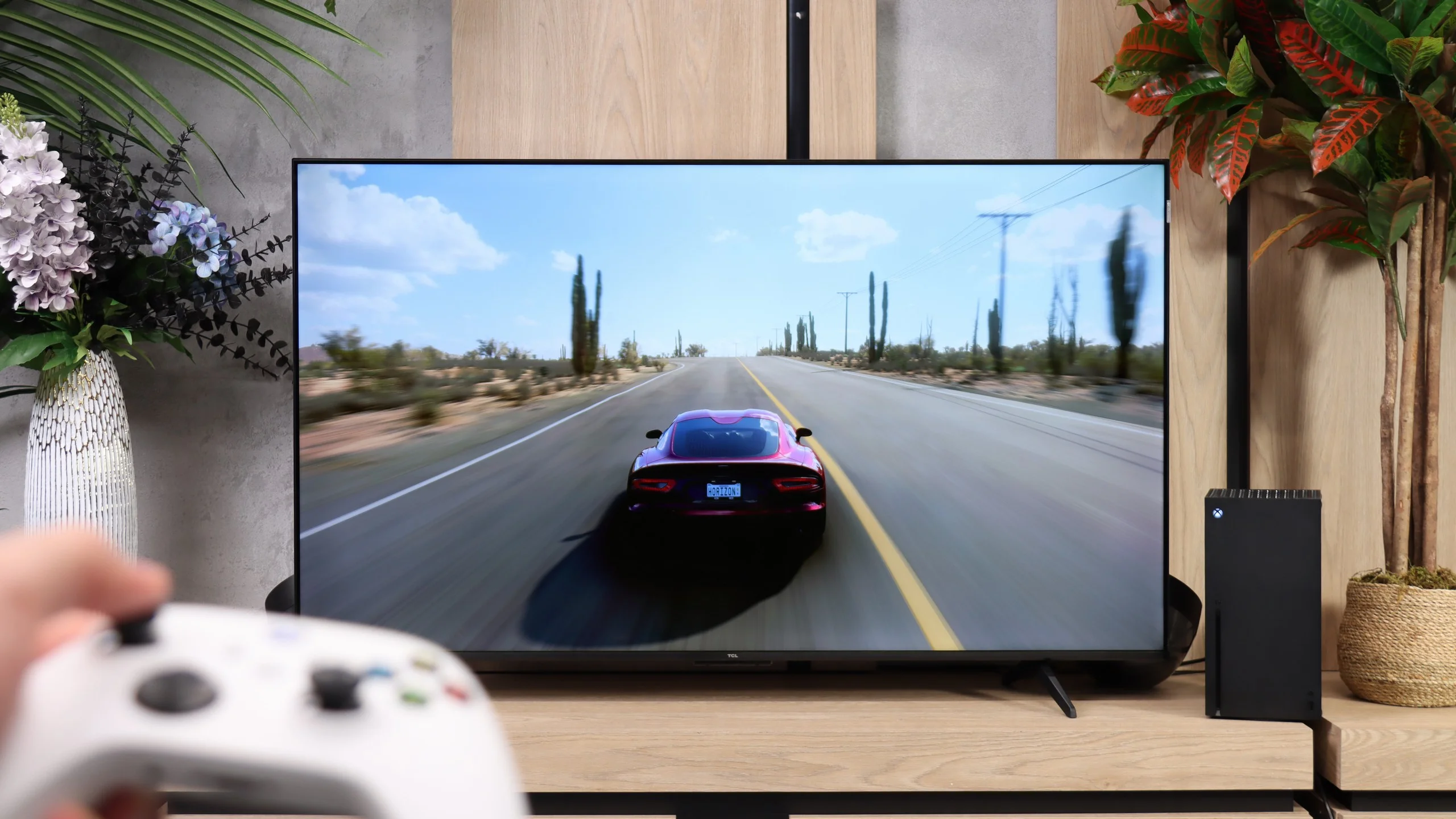
The tested television is equipped with four HDMI 2.1 ports. Interestingly, all of them have a bandwidth of 40 Gbps; however, during the conducted tests, we did not find any negative effects related to this state of affairs. Moreover, and more importantly, Samsung Q70D supports all functions resulting from the aforementioned standard. This news will surely please all gamers, as it means that whether using a console or a PC, we can count on the highest possible comfort during gameplay. Given the typical absence of HDR Dolby Vision for this manufacturer, it is significant that the HGIG mode has been correctly implemented and there is no issue with setting the calibration checkerboard. We particularly note that Samsung, as the only manufacturer, allows gameplay with the smoothener turned on, without significant degradation. This means that titles running at 30 fps will be perceived like those with native 60 frames per second.
Samsung, as one of the first manufacturers, introduced the Game Bar to its televisions, which it has consistently refined since then. It contains all the necessary information regarding gameplay parameters that we can change "on the fly".
To summarise: Samsung Q70D performs excellently both with a console and a computer. All functions worked perfectly and there were no issues with them. The ability to enable the smoothener without a significant increase in input lag is a true game changer.
For such an inexpensive TV, the P7L has quite a lot to offer gamers. It has ALLM, VRR, Dolby Vision for gaming, and TCL also includes its Game Bar, which lets you quickly check the key information or change some settings without leaving the game. Not everything is perfect, though, because HGiG doesn’t work here as it should, but at this price point it’s hard to complain about the feature set. The most interesting part starts when you give up 4K. At that resolution the TV runs at up to 60 Hz, but at 1440p and 1080p it can display at 120 Hz. And that’s not just a line in the specs. In fast-paced games that support that frame rate you can really notice the improvement in smoothness, so if you value smoother motion more than maximum image detail, that mode can make a lot of sense. Of course, that doesn’t turn the P7L into a proper 120 Hz TV. Even so, those extra modes are exactly what make the P7L perform very well for gaming.
Input lag
10/10
10/10
SDR
HDR
Dolby Vision
The latency results in Samsung Q70D are at a high level, regardless of the signal or resolution. All gamers will certainly appreciate the manufacturer's efforts, which allow for a game running in 4K 120 Hz with HDR to have a mere 7 ms latency, which is virtually unnoticeable even in online games. It is worth adding that the lag with the smoothness enhancer switched on increases by about twice, which still means very comfortable gaming in this case.
In terms of latency the TCL P7L performs very well. With a 60 Hz signal the input lag is about 13 ms, regardless of whether you’re playing in SDR, HDR or Dolby Vision. That’s already a level at which the delay should be practically imperceptible during normal gameplay. It gets even better when you switch the TV to 120 Hz mode at a lower resolution. Then the input lag falls to about 9 ms, which nicely complements the modes described earlier. For gamers, that’s another argument that, despite the P7L’s budget nature, it is fairly well prepared in this respect.
Compatibility with PC
8/10
5.8/10
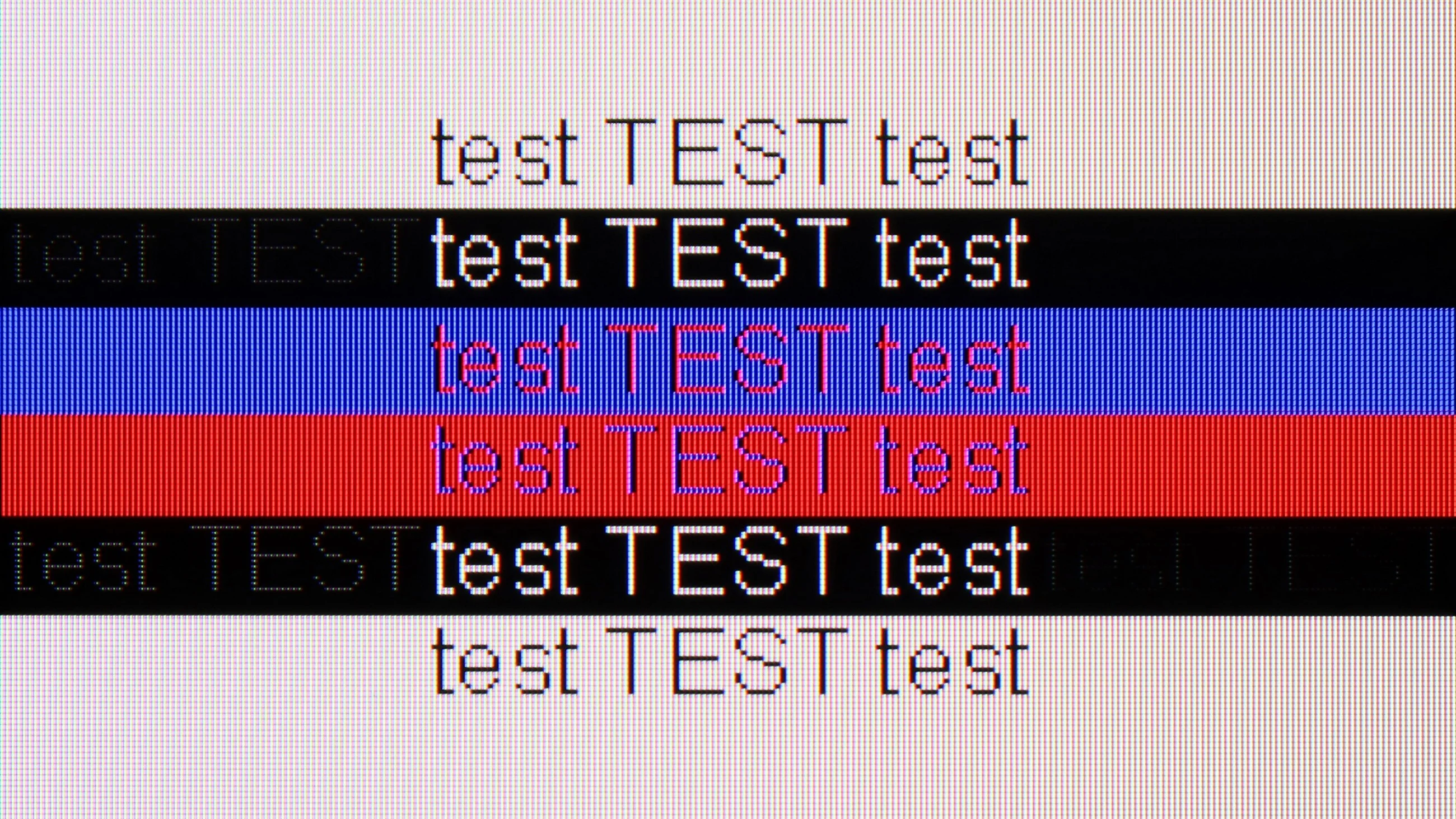
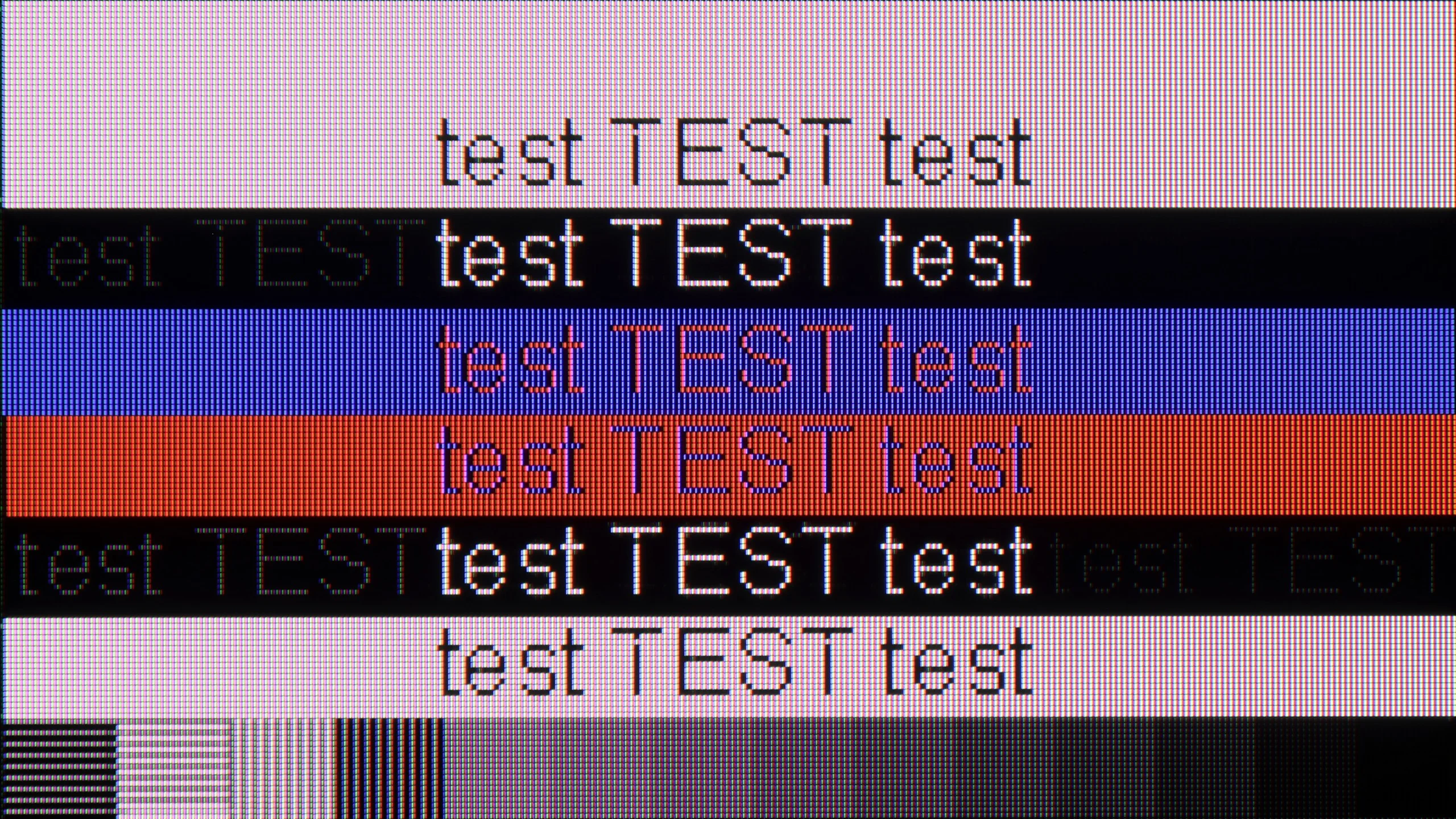
The photo shows the legibility of small fonts. Ideally, lines should be the same thickness on both light and dark text, with minimal pixel gaps.
After connecting the television to the computer and wanting to use it as a monitor, we can expect a low input lag of 13 ms, which is practically unnoticeable along the mouse-screen-eye line. Thanks to the correct implementation of chroma 4:4:4, the readability of fonts is at a high level, so one can confidently connect the Samsung Q70D to the computer as a monitor and anticipate comfortable work with text.
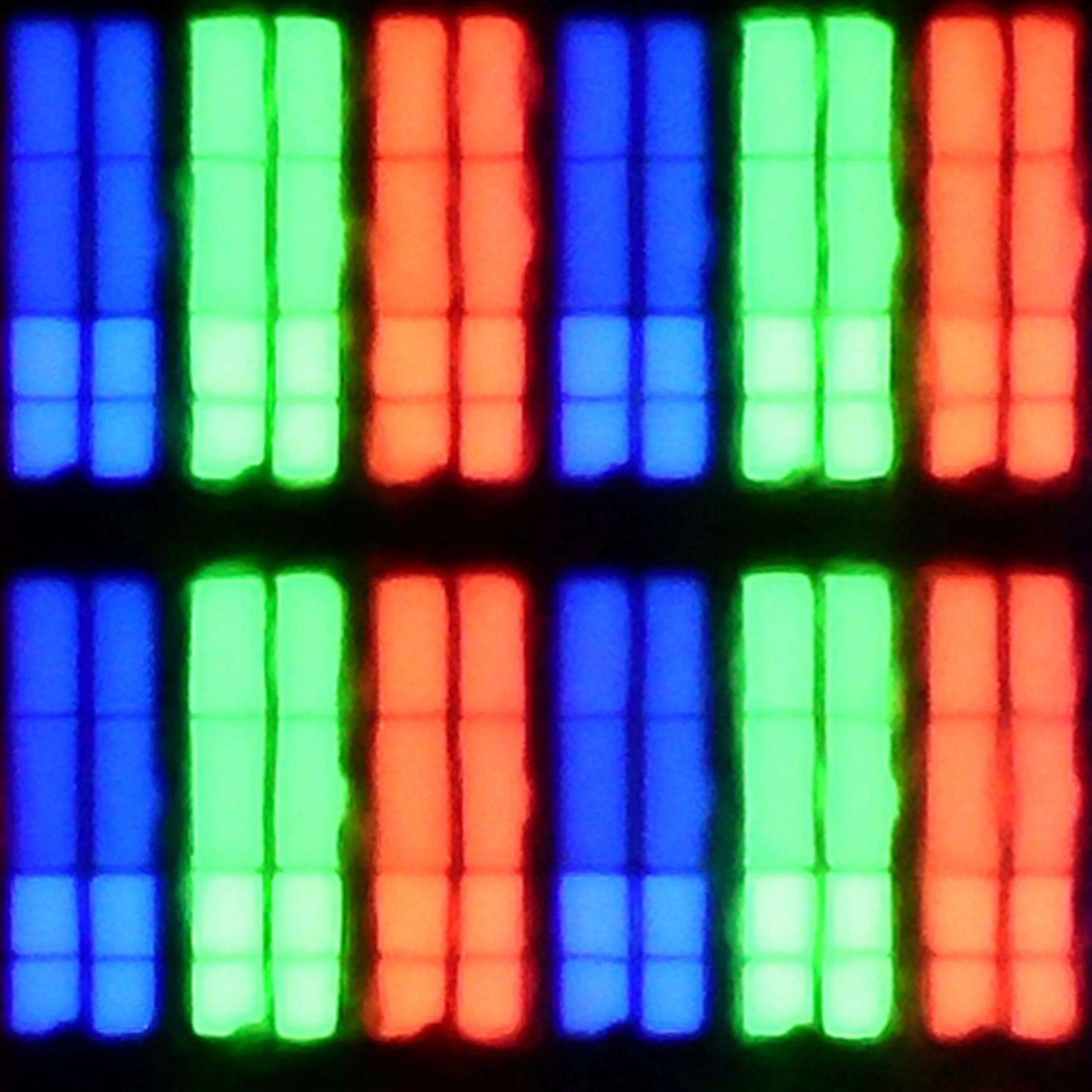
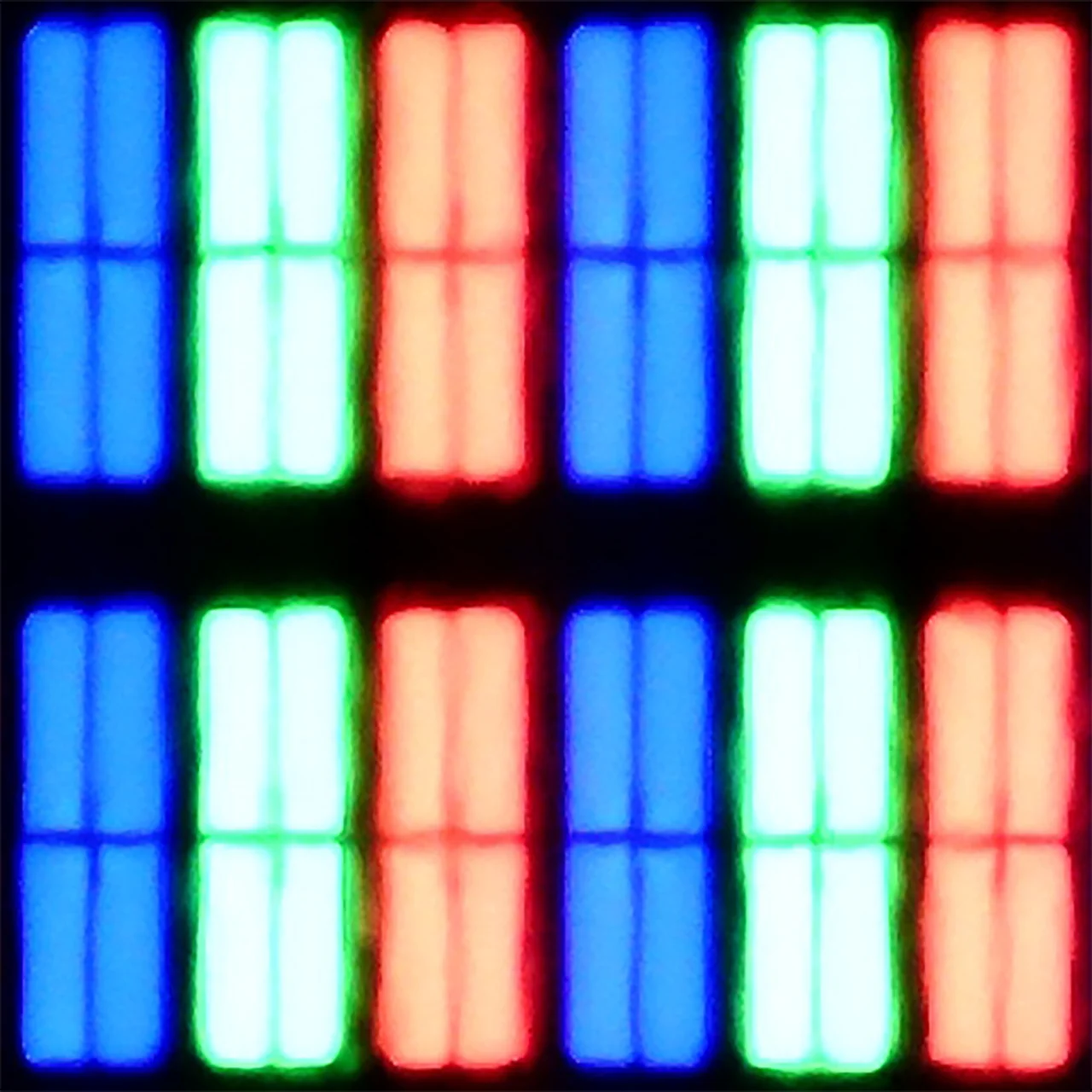
The subpixel arrangement is BGR, which does not negatively impact the use of the television as a monitor. However, since operating systems are not adapted to such a subpixel format, this may cause slightly less clear outlines. Nevertheless, this is practically negligible and only a handful of people may notice it.
The TCL P7L is probably not the first choice for office work. The TV correctly supports 4:4:4 chroma, so text itself remains fairly sharp, but the BGR subpixel layout causes some issues with its appearance. On the vertical edges of letters you can notice small artefacts and characteristic "dots" that can be distracting when sitting close to the screen. For occasional browsing or working with documents this isn't a major problem, but as a monitor for daily text work the P7L performs rather averagely.
It looks much better for PC gaming. Low input lag, support for G-Sync and VRR mean the TV works well with the graphics card, and at lower resolutions you can also make use of 120 Hz. In 4K we're still limited to 60 Hz, but if the computer is intended mainly for gaming the P7L makes much more sense in that role than as a typical work monitor.
Viewing angles
2.9/10
3.2/10
Due to the VA panel, the performance of the Samsung Q70D in terms of viewing angles is its Achilles' heel. Even a slight shift from the axis results in a significant loss of contrast and a substantial degradation of colours.
Viewing angles on the TCL P7L are rather poor, which is typical for a VA panel. It is precisely because of that panel that the TV offers higher contrast and better blacks, but the price for that is a noticeable fall in image quality when you view the screen from the side. You only have to move a little off axis for colours to start losing saturation and for blacks to turn greyer. For that reason the P7L performs best when you are sitting as directly in front of the screen as possible. On a larger sofa and when watching with several people, the seats at the sides will be noticeably less comfortable.
Daytime performance
5.4/10
5.2/10
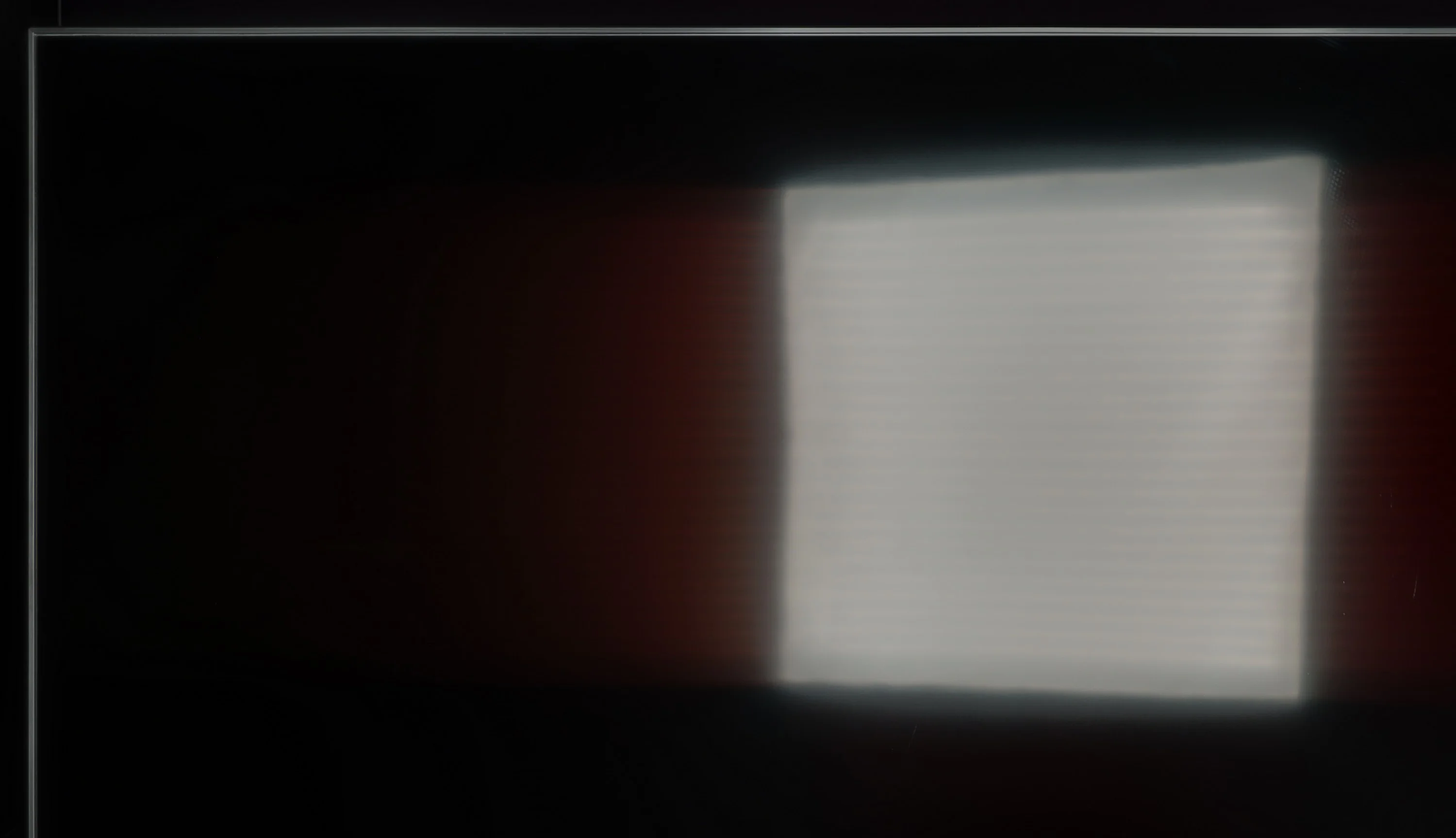
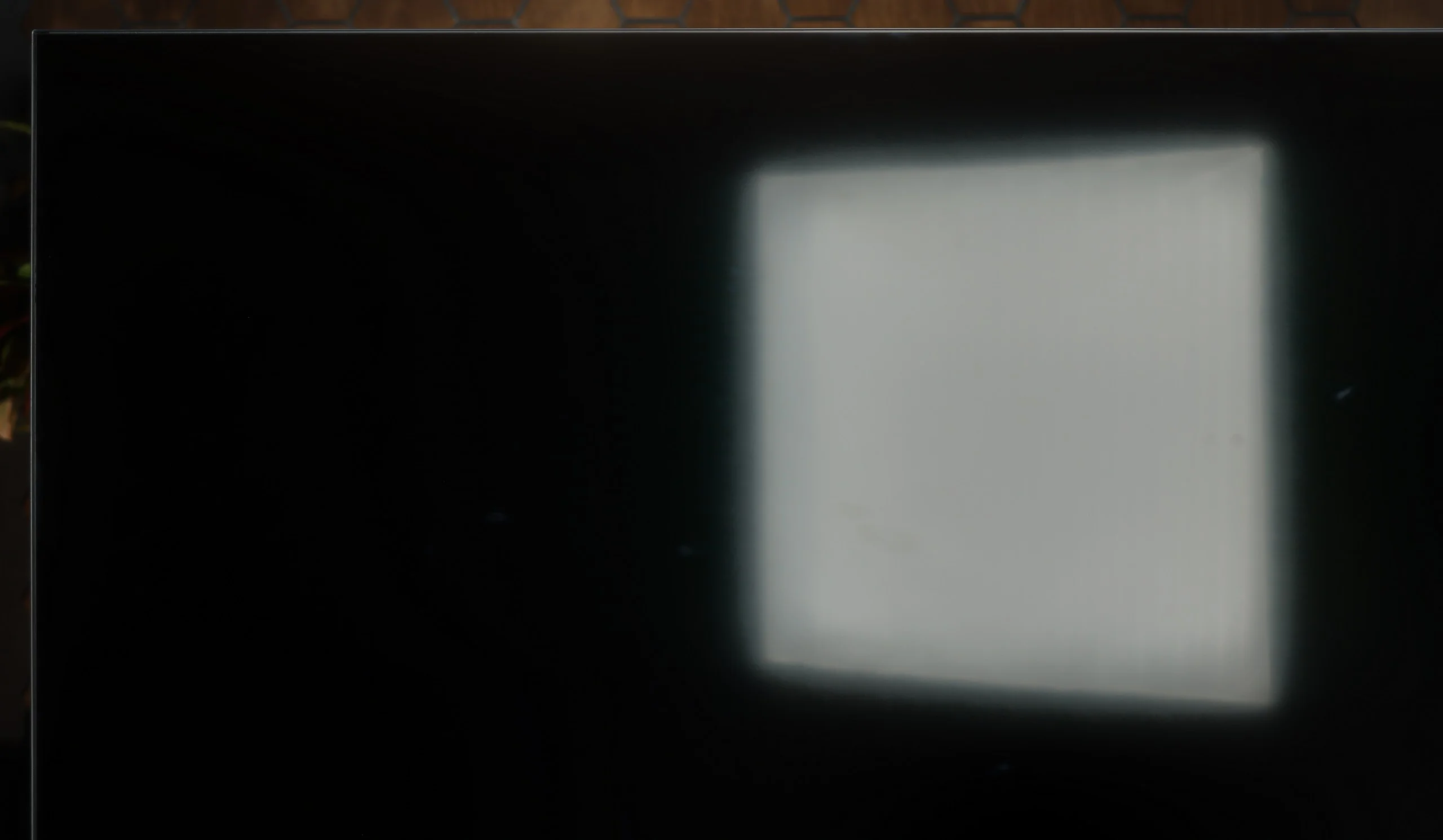
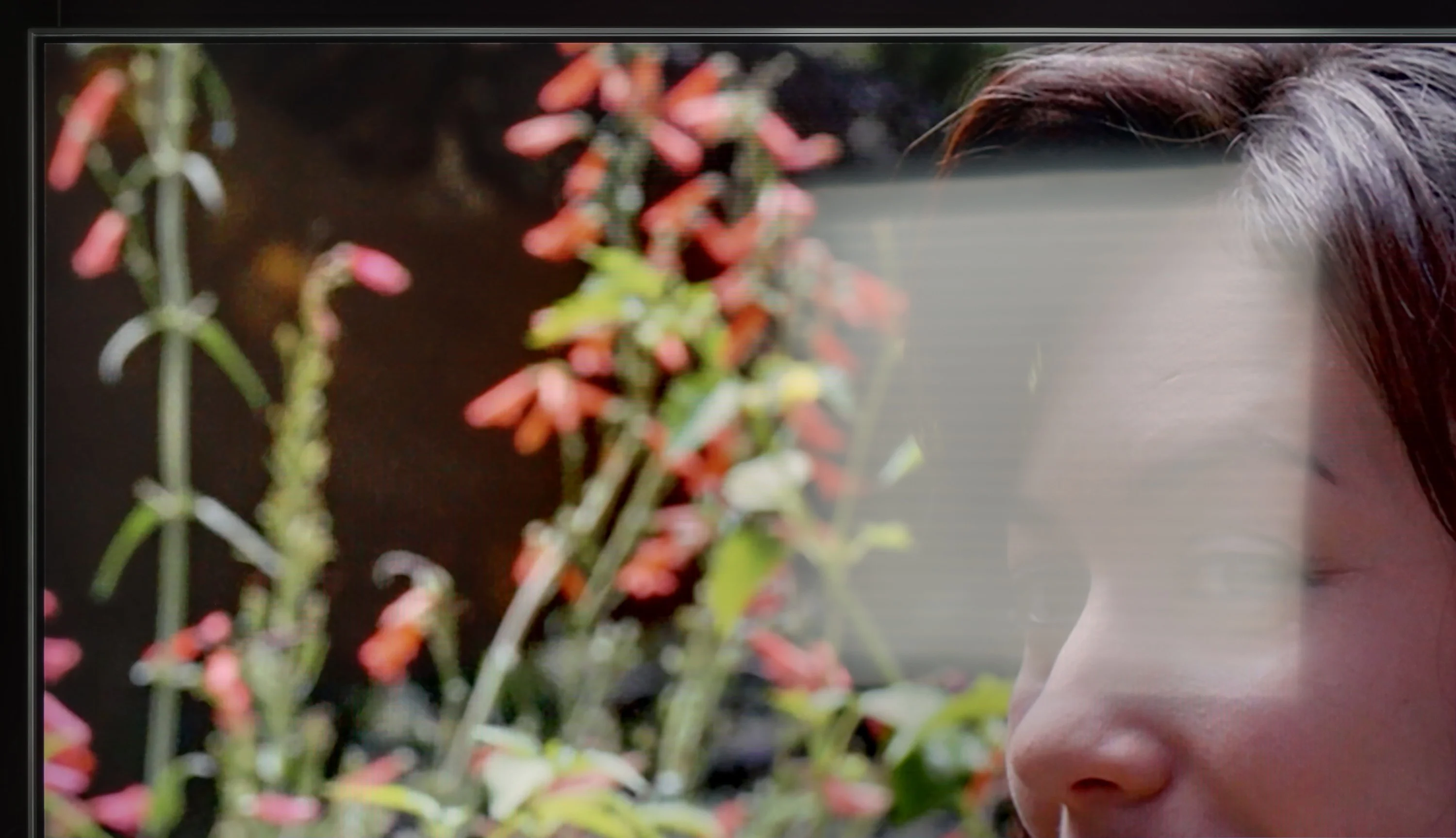
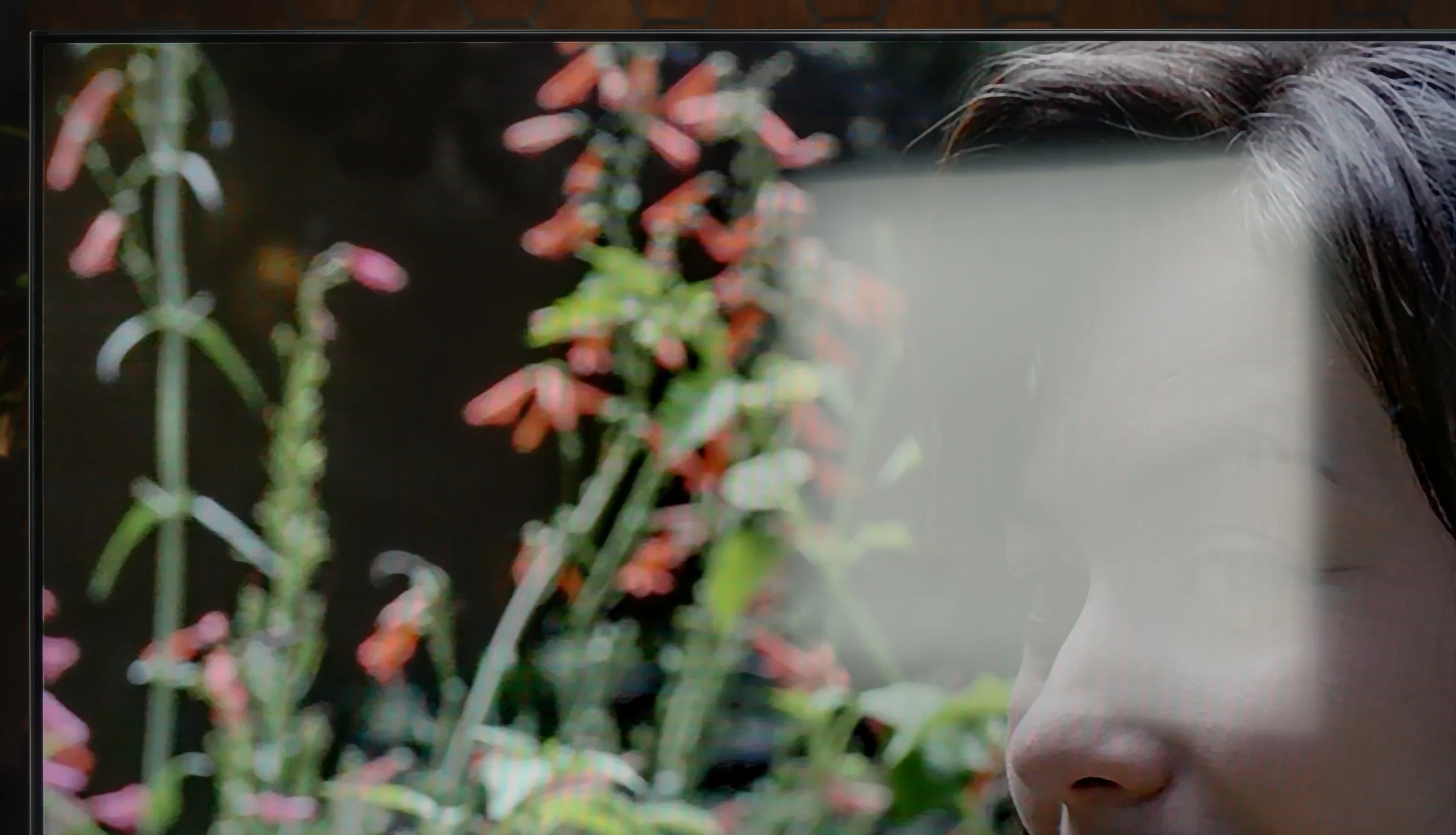
Panel brightness
TCL P7L / P79L: 364 cd/m2
Samsung QLED Q70D / Q74D / Q77D: 449 cd/m2
The satin finish of the panel in the Q70D allows for quite good performance in a strongly sunlit room. It is worth noting that the reflections do not extend beyond their source, thus not spilling over onto the rest of the panel. We also commend the maximum brightness of the television in SDR materials, which is 450 nits, allowing for comfortable content consumption during the day.
By day the TCL P7L copes quite well, although much depends on the TV’s position relative to windows. The screen’s satin coating disperses reflections fairly effectively, so under normal living-room lighting the picture stays readable and doesn’t immediately turn into a mirror. Black levels also look good, and in daylight the blacks don’t lose too much depth. The limitation, however, is brightness. Around 360 nits is enough for normal viewing in a moderately bright room, but with strong sunlight falling directly on the screen the P7L starts to lose out to its surroundings. It will therefore be fine for a typical living room, but if the TV is to sit opposite a large window or you mainly watch in a very bright room, it’s worth bearing that in mind.
Panel details
Subpixel Structure:
Panel uniformity and thermal imaging:
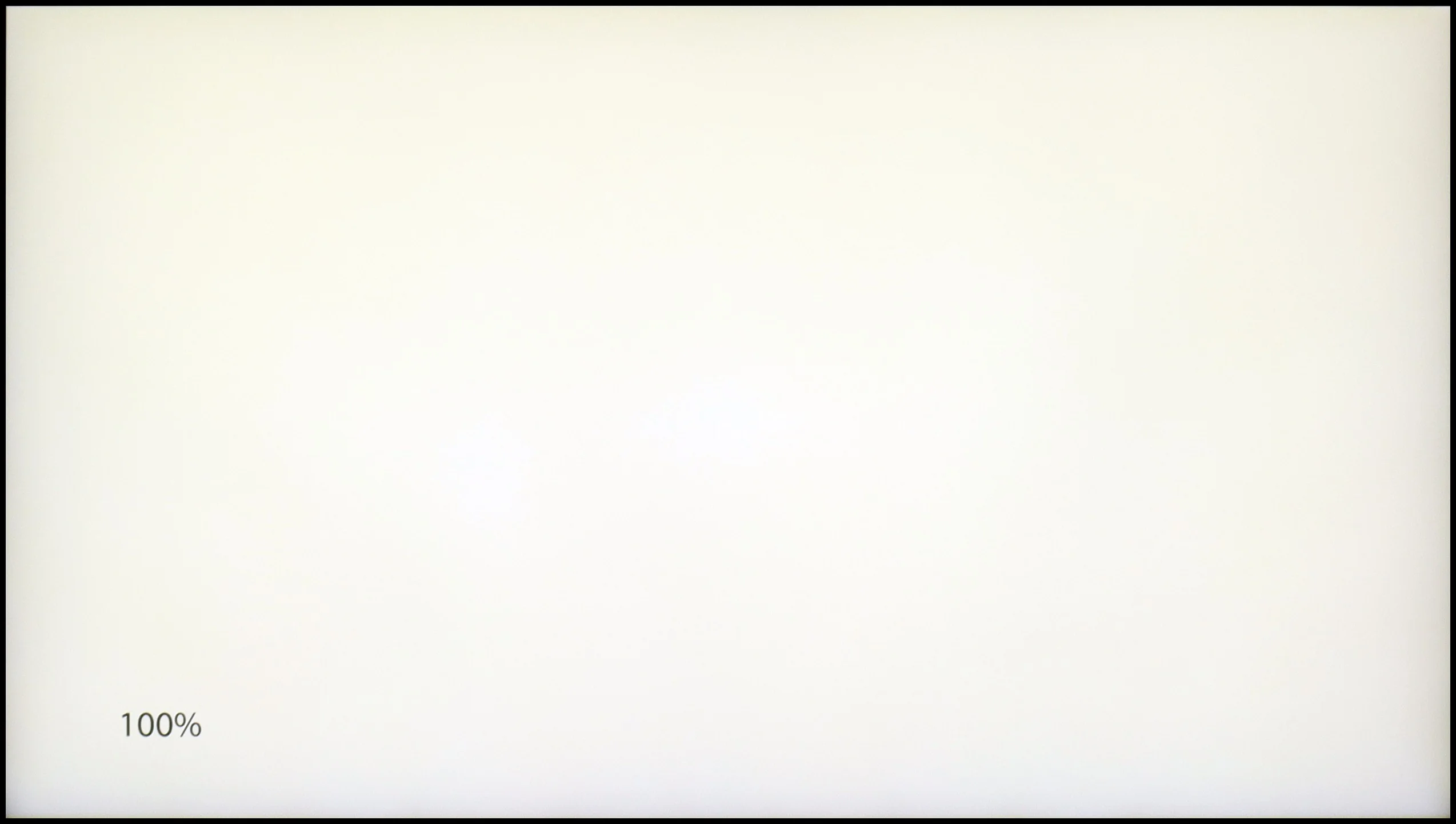
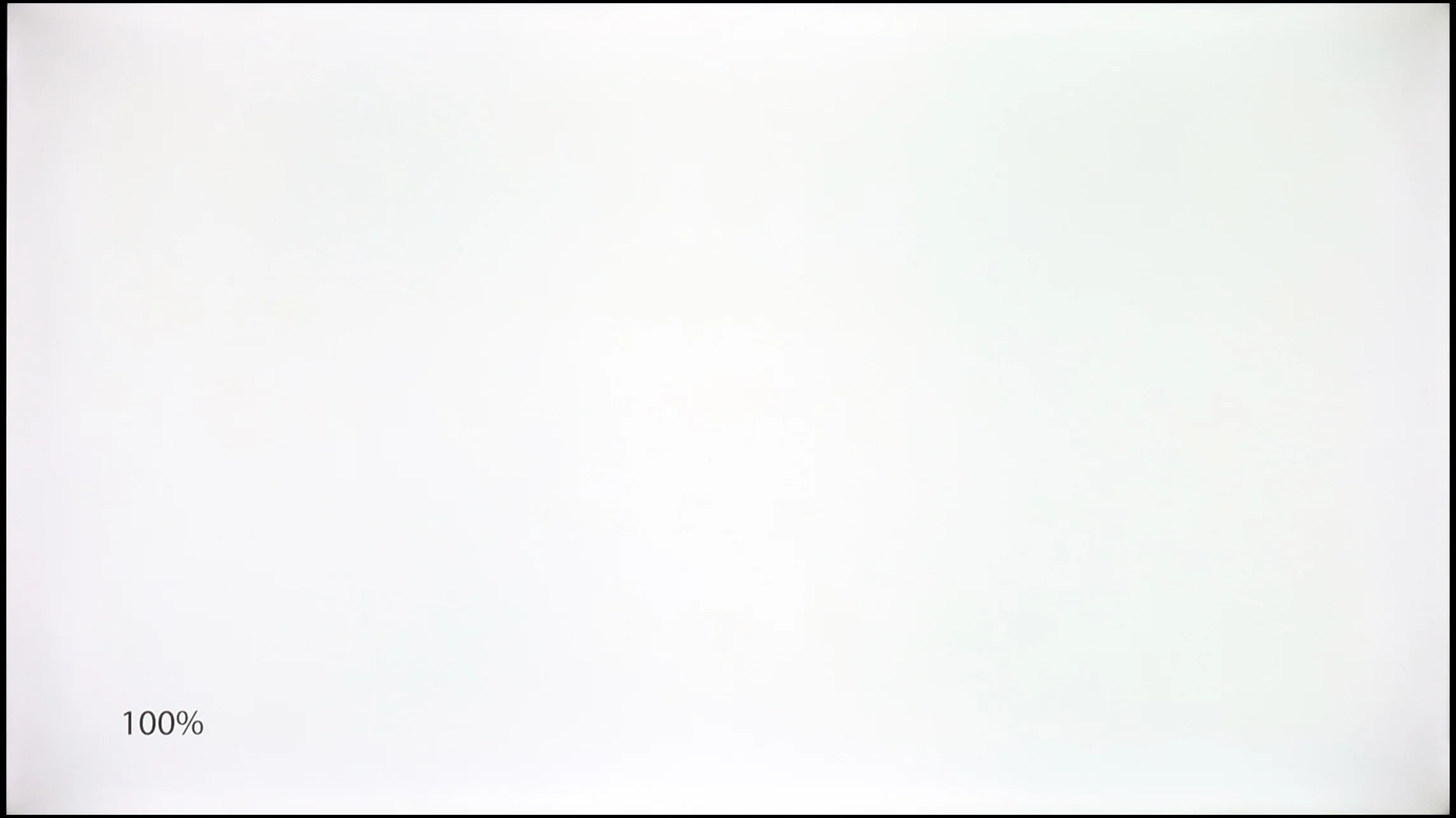
Samsung QLED Q70D / Q74D / Q77D
TCL P7L / P79L
TV features
7.4/10
7/10
- SystemTizenGoogle TV
- System performanceGoodDecent
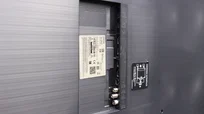
- HDMI inputs0 x HDMI 2.0, 4 x HDMI 2.1 40Gbps3 x HDMI 2.0, 0 x HDMI 2.1
- OutputsToslink (Optical audio), eARC (HDMI), ARC (HDMI)Toslink (Optical audio), eARC (HDMI), ARC (HDMI)
- Network InterfacesWi-Fi 2.4GHz, Wi-Fi 5GHz, Ethernet (LAN) 100MbpsWi-Fi 2.4GHz, Wi-Fi 5GHz, Ethernet (LAN) 100Mbps
- TV receptionDVB-T, DVB-T2, DVB-S, DVB-S2, DVB-CDVB-T, DVB-T2, DVB-S, DVB-S2, DVB-C
Classic features:
- Recording to USB (terrestrial TV)
- Recording programming
- Picture in Picture (PiP)
- RF remote control (no need to aim)
- Backlit remote control
- Teletext
- Audio only mode
- Bluetooth headphones support
- Simultaneous Bluetooth headphones & TV audio
Smart features:
- AirPlay
- Screen mirroring (Windows Miracast)
- Voice search
- Voice search in native language
- Ability to connect a keyboard and mouse
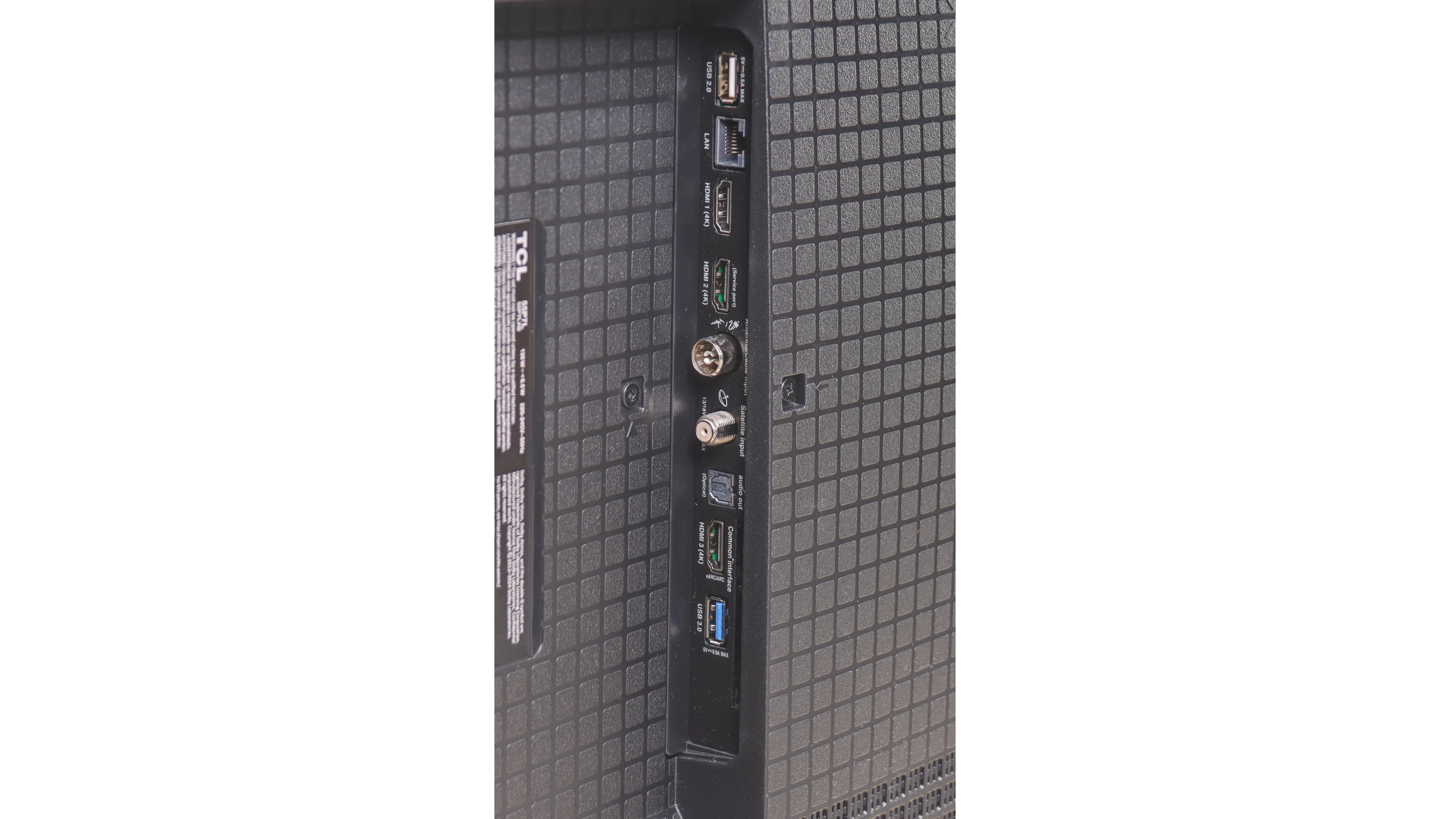
Sound connection options
- HDMI audioeARC (HDMI), ARC (HDMI)eARC (HDMI), ARC (HDMI)
- Other audio outputsToslink (Optical audio)Toslink (Optical audio)
- Wireless audioBluetoothBluetooth
Supported audio formats (external HDMI eARC audio):
- Dolby Digital Plus 7.1
- Dolby True HD 7.1
- Dolby Atmos in Dolby Digital Plus (JOC)
- Dolby Atmos in Dolby True HD
- DTS:X in DTS-HD MA
- DTS-HD Master Audio
Senior accessibility
- Numeric keyboard on TV
- Font size adjustment
- Audio description
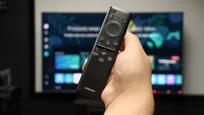
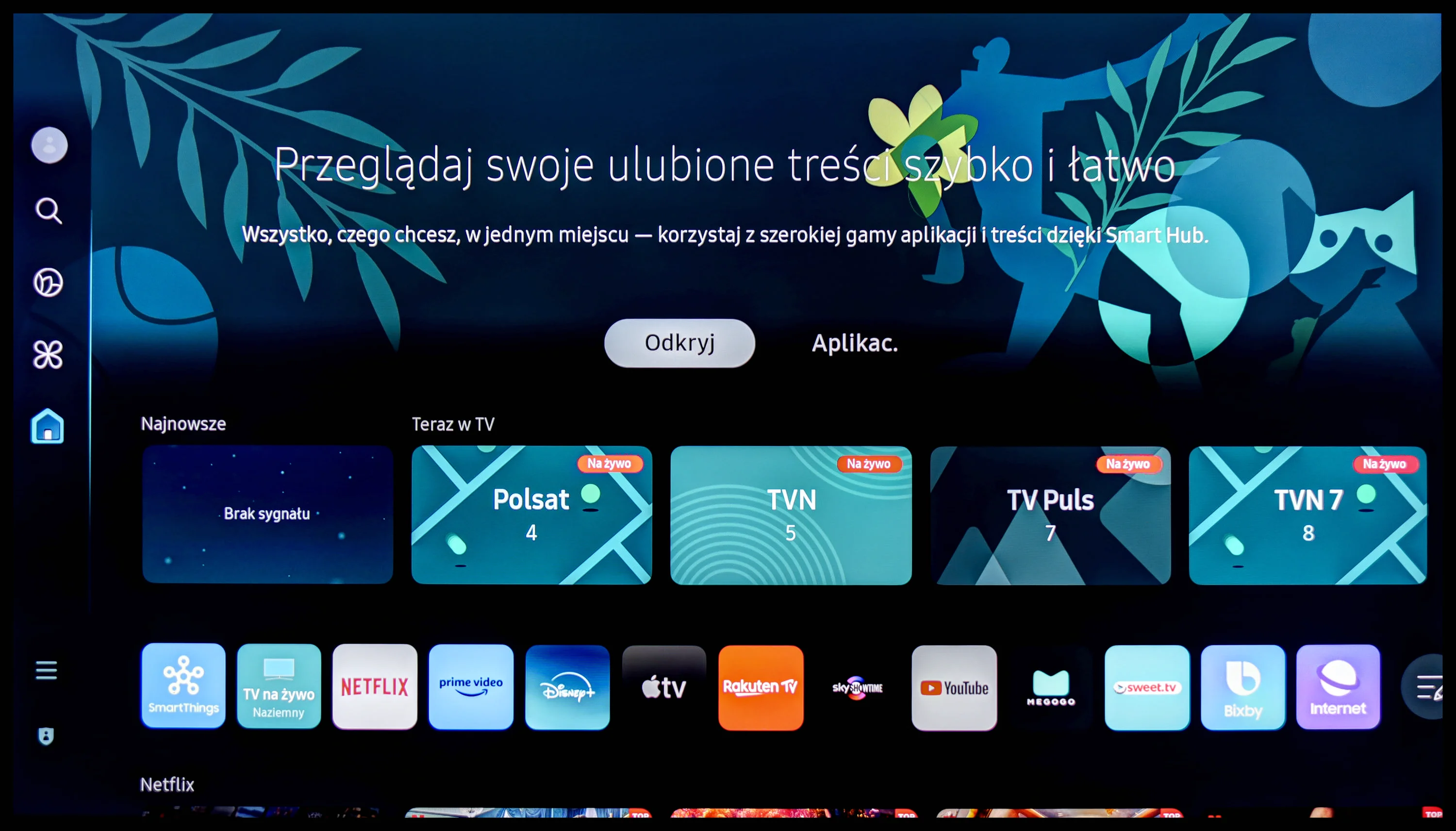
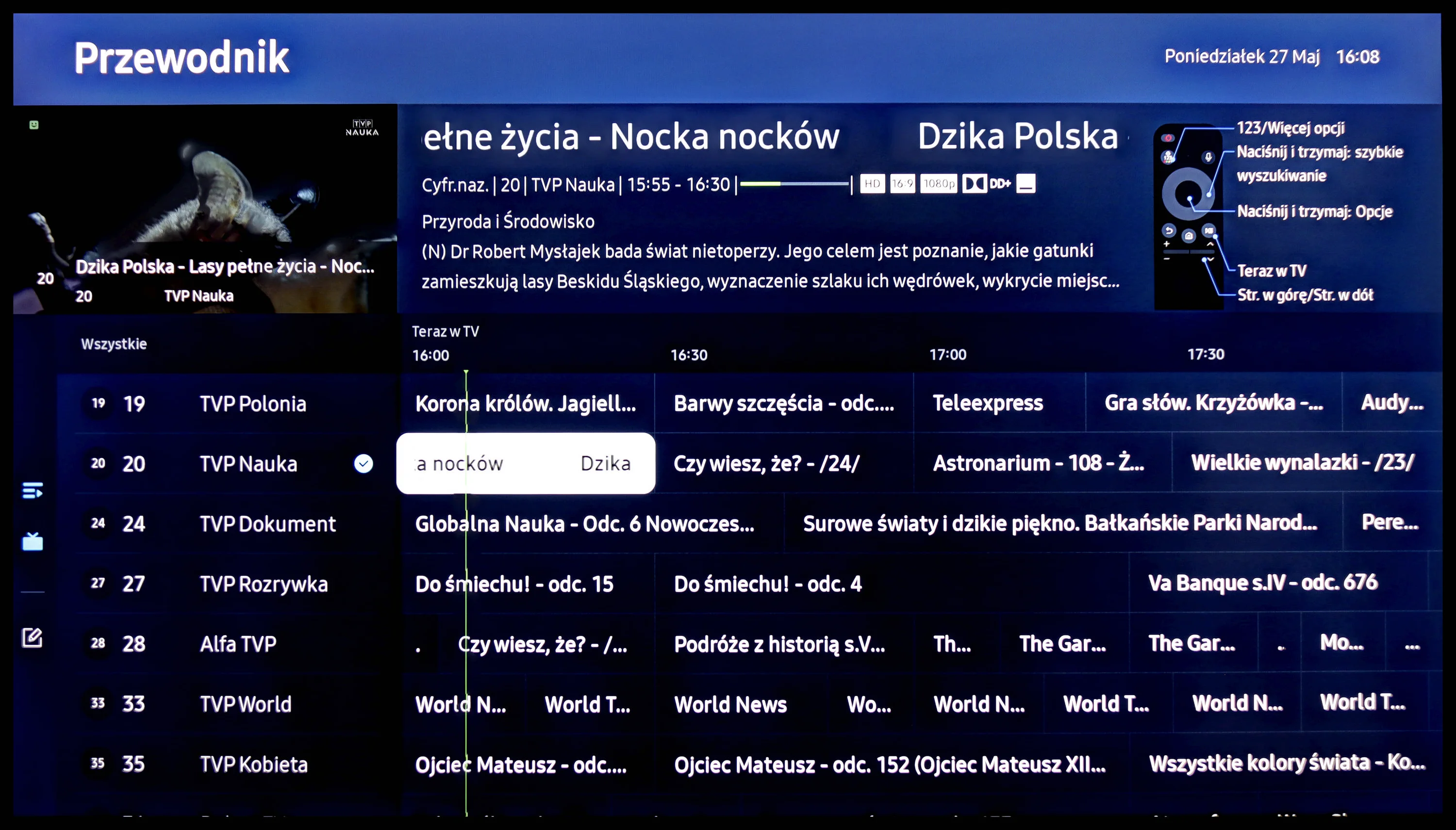
The operation of the Samsung Q70D is powered by the proprietary Tizen system. It is quite a well-known software, as the manufacturer has been developing it in its televisions for a really long time. Its main advantage is smooth performance and the absence of significant stutters, which we can confirm through conducted tests. The greatest downside, however, is its closed nature. Although the app store is quite extensive, we are still at the mercy of the manufacturer. Therefore, we will not be able to install missing items, even from a pendrive. A perfect example of this is this year's discontinuation of support for the Tidal app. On the other hand, a benefit, especially for users of Apple equipment, is the implementation of AirPlay, which allows for easy mirroring of content from a device to the television. Fortunately, Samsung has also provided the option to connect a keyboard and mouse for much quicker navigation through the television's menu. It is worth mentioning that the manufacturer has luckily included a remote that connects via Bluetooth this year, which often did not occur in the past. The Tizen system has one more advantage. It integrates very well with external devices such as the NC+ decoder or soundbars. The connection process is very quick and does not require any special skills.
In summary: The Tizen system is very smoothly functioning software, which is certainly a strong advantage of the television. Although more advanced users may complain about the lack of at least KODI, the rest will be satisfied.
Smart TV
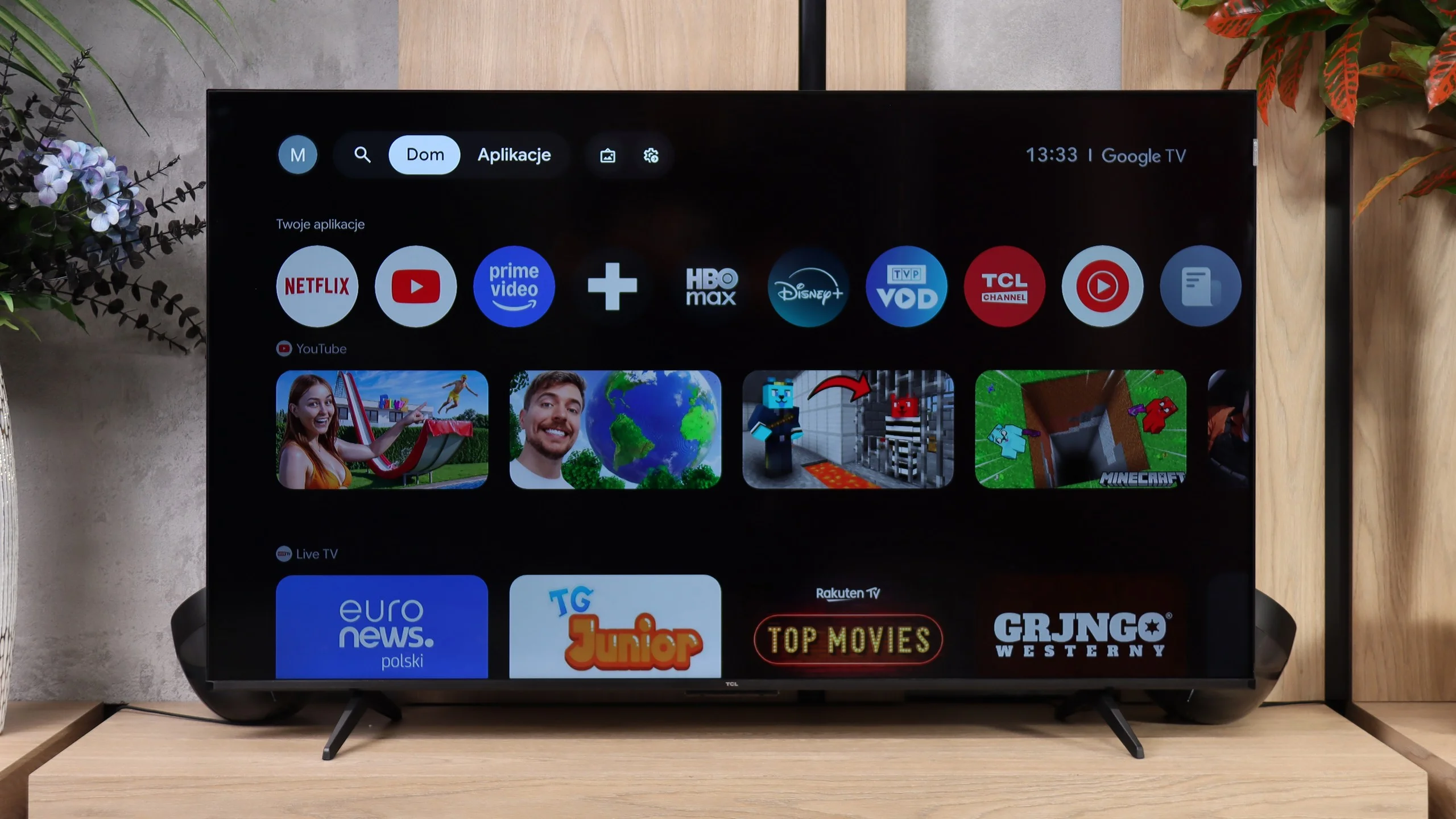
The TCL P7L runs on Google TV and that is definitely one of this model’s stronger points. The system provides access to virtually all popular streaming apps, and it also supports AirPlay, casting from other devices and voice search, including Polish. The interface itself performs decently, it isn’t as fast as on more expensive sets, but for everyday use it shouldn’t be particularly irritating.
TV features
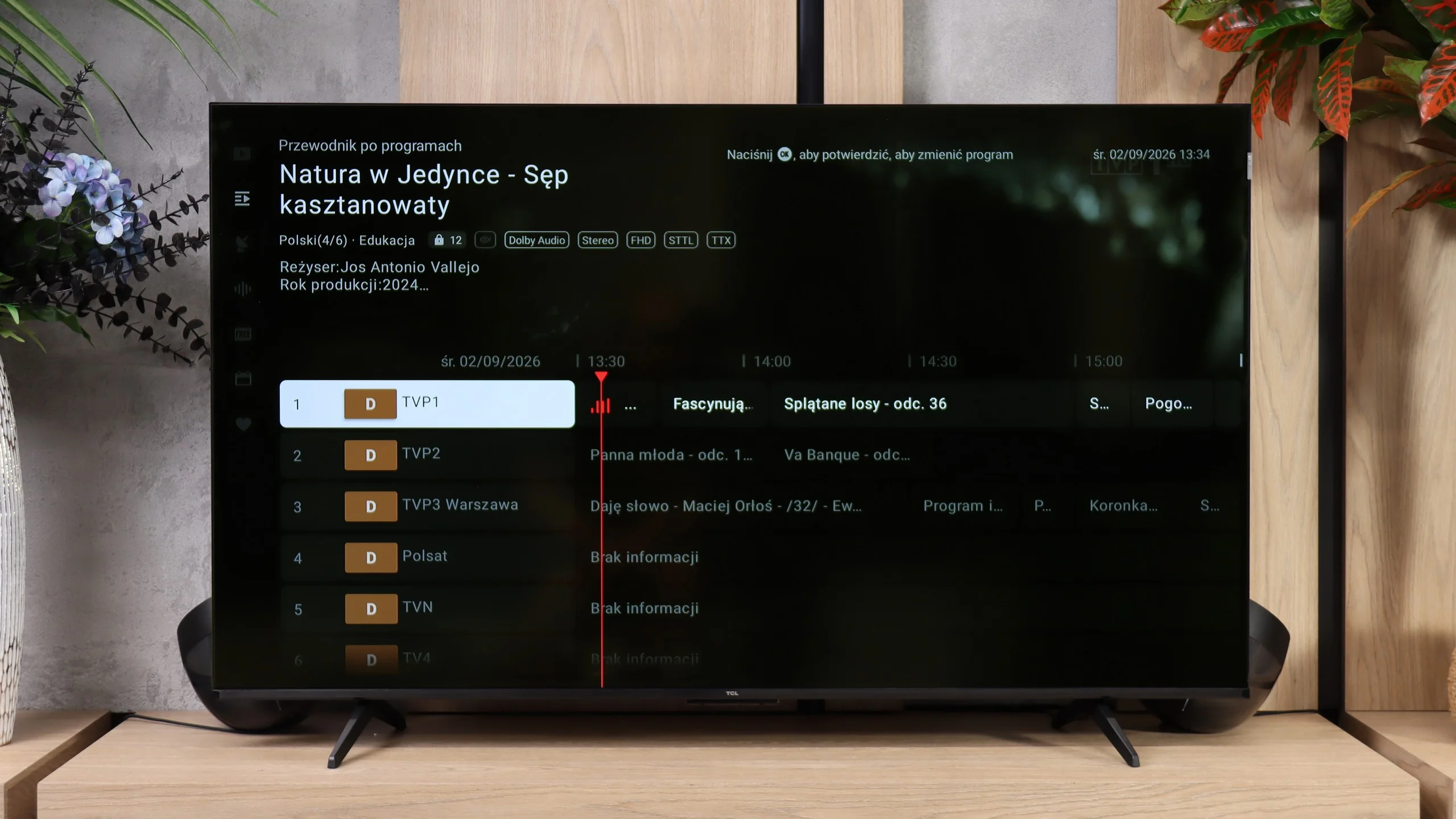
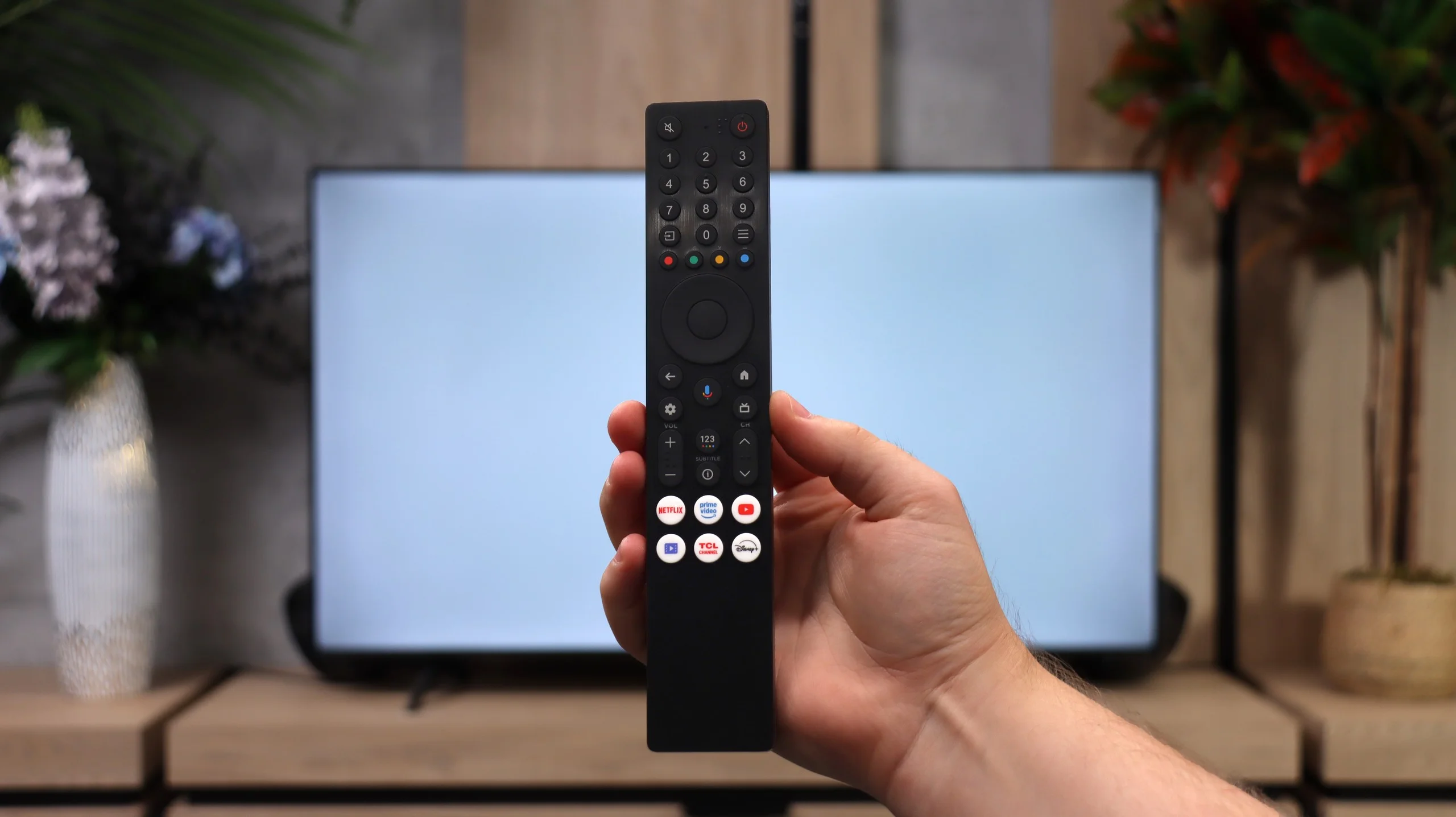
When it comes to more traditional features the P7L is clearly a simpler television. It lacks recording to USB, scheduling recordings and picture-in-picture, so people used to those extras on older TVs may miss them. What remains are the basics: such as teletext, an audio-only mode, Bluetooth headphone support and the option to play audio simultaneously through the TV speakers and headphones. The remote uses radio signals, so you don’t have to point it directly at the screen, which is simply handy in everyday use.
Apps
9.3/10
9.6/10






















Playing files from USB
9.1/10
8.7/10
Supported photo formats:
Maximum photo resolution:
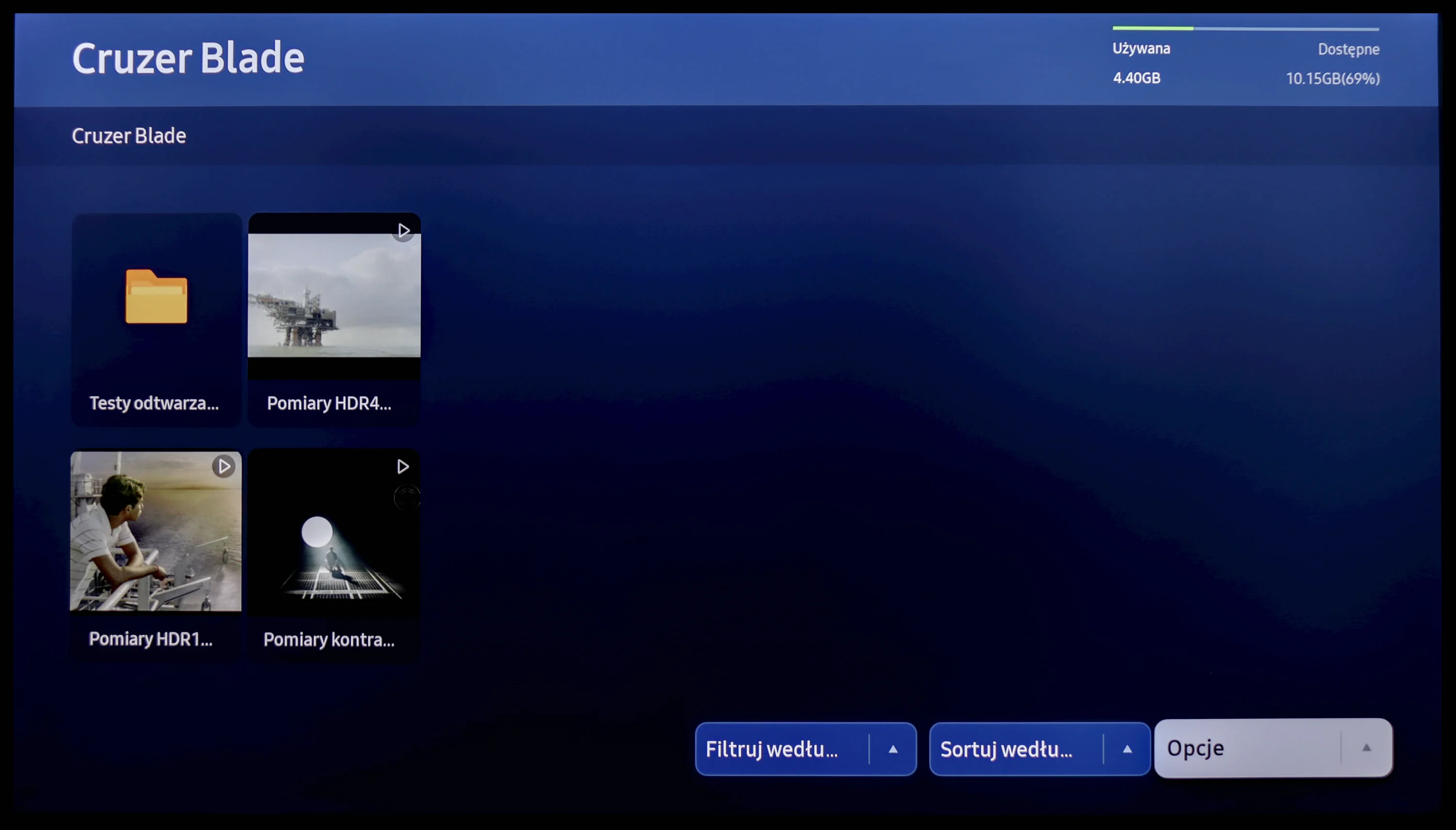
The built-in player Samsung Q70D is one of its major advantages. It handled almost all video and audio files prepared for the testing process excellently. The only exceptions in this regard are, of course, the Dolby Vision format (which is not surprising) and less popular codecs. Additionally, credit should be given for the support of Polish characters and the ability to change font colours. However, it performs worse with photo formats, as it only supports JPEG among the popular ones. There is definitely a lack of formats such as PNG or Apple's HEIC.
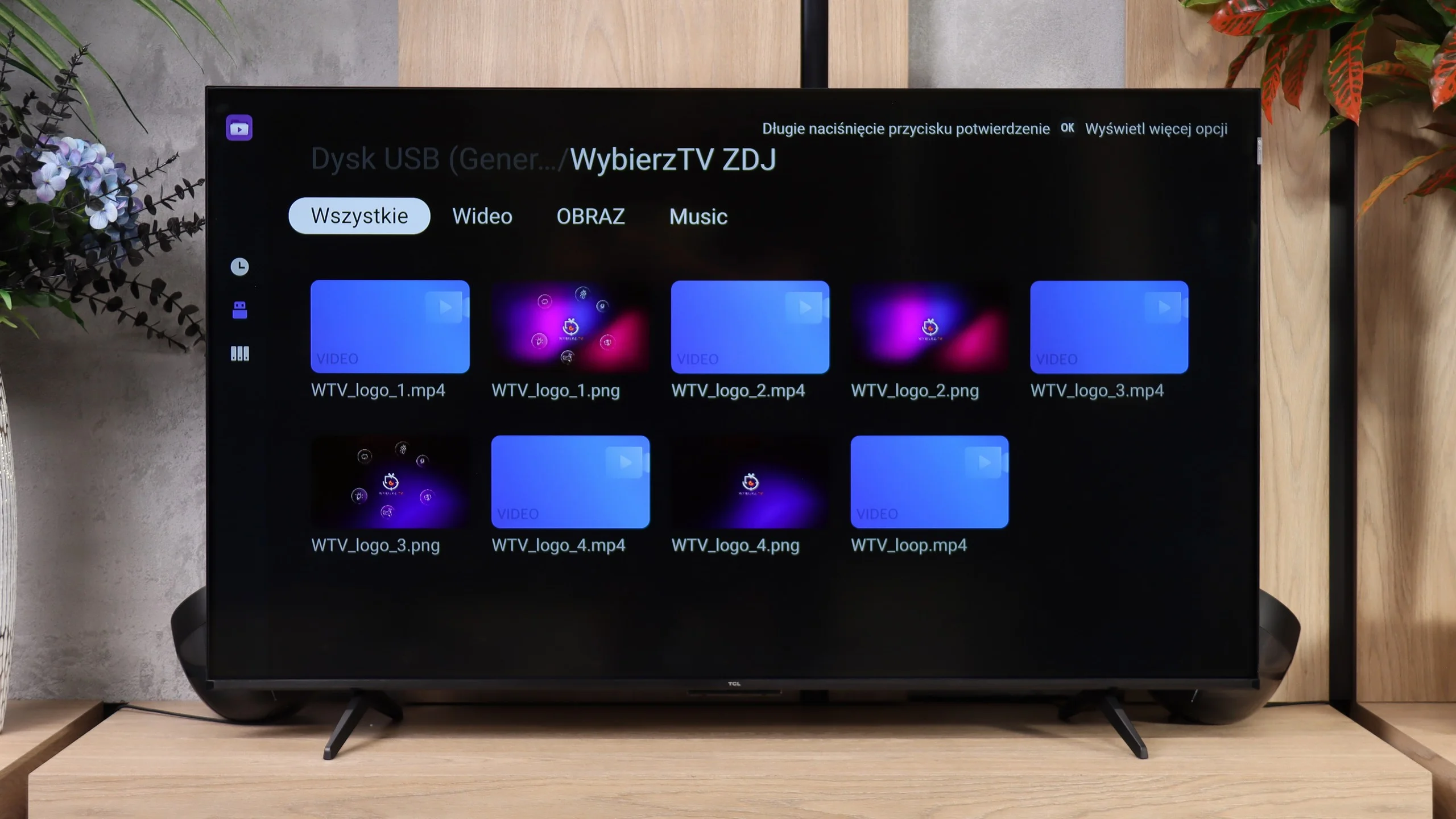
The built-in media player in the TCL P7L performs quite well. The TV handles most common video and subtitle formats and also easily plays 4K content encoded with newer codecs. It's perfectly adequate for occasional viewing of videos from a USB flash drive or external drive, and in that respect there's little to complain about. What proved most annoying, however, was displaying photos. The P7L did not always open higher-resolution files correctly and behaved somewhat selectively: some large photos worked, others did not. So if you plan to frequently browse photos on the TV straight from a camera or phone, it's worth bearing in mind.
Sound
6.3/10
6.2/10
- Maximum volume-89dB
- Dolby Digital Plus 7.1
- Dolby True HD 7.1
- Dolby Atmos in Dolby Digital Plus (JOC)
- Dolby Atmos in Dolby True HD
- DTS:X in DTS-HD MA
- DTS-HD Master Audio
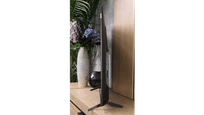
The built-in audio system Samsung Q70D, due to its slim design, is not among the most outstanding. The overall sound is fairly balanced, although we wouldn't advise increasing the volume above 2/4 of the scale. However, if we have a home cinema system, a number of codecs await us, notably featuring the most important ones, namely DTS-HD Master Audio and Dolby Atmos.
The sound on the TCL P7L is fairly conventional for a budget TV. The speakers can get quite loud and dialogue is clear, but they lack depth and, above all, bass. For regular TV, YouTube or news that setup is more than adequate, but in films and music you’ll quickly notice the sound is rather flat and thin. On the plus side, it supports a wide range of formats, including Dolby Atmos and DTS. However, the TV itself can’t turn those into a full surround effect, so if you want a more powerful sound, especially in the low end, a soundbar is definitely the better option.
Sound Quality Test
No sound test video
Acoustic Measurements
No acoustic data
89dBC (Max)
75dBC
Reader comments
Comments are provided by the external service Disqus (Zeta Global). Once loaded, Disqus may set cookies and process data about your activity.
We will remember your choice on this device. Provider's privacy policy