The Q6 series from Samsung is the simplest line of QLED televisions from the Koreans for the year 2024. It stands out for its ease of use and several useful features. Thanks to the Tizen system, which we find in the Q60D, we can easily switch between applications like Netflix and Prime Video, and everything works quickly and smoothly. Operating it does not require special preparation – everything is intuitive. One of the nicer additions is the solar remote. It not only eliminates the need for battery replacements but also allows you to control other devices, such as a decoder. This means you don't have to keep several remotes on hand, which everyone who values order in the living room will appreciate. In terms of image quality, the television performs really well in its class. The contrast is high enough that the picture looks clear even during darker scenes. In bright rooms, the television manages without major problems – the screen is bright enough for the image to be readable during the day. Of course, the lack of Dolby Vision may be noticeable with HDR content, but support for HDR10+ is still a good alternative, especially at this price. The Q60D is also a good choice if you occasionally play on a console. The low input lag means the image responds quickly to our actions, which works well for both dynamic action games and sports. The Game Bar feature is a simple way to quickly adjust settings without leaving the game, which will definitely be useful for many people. The appearance of the Q60D also scores points – the slim design looks good in the living room, doesn't take up much space, and fits easily into various interior styles. In summary: This is definitely not equipment that aspires to be the best television of all time, but it is certainly a model that is worth its relatively low price.
- Matching (Score) |
- Our verdict |
- TV appearance |
- Where to buy |
- Contrast and black detail |
- HDR effect quality |
- Factory color reproduction |
- Color reproduction after calibration |
- Smoothness of tonal transitions |
- Image scaling and smoothness of tonal transitions |
- Blur and motion smoothness |
- Console compatibility and gaming features |
- Input lag |
- Compatibility with PC |
- Viewing angles |
- Daytime performance |
- Panel details |
- TV features |
- Apps |
- Playing files from USB |
- Sound
Samsung Q60D / Q67D / Q68D vs Samsung Q6F (IPS)
 Direct comparison
Q60D / Q67D / Q68D

Q6F
Available screen sizes: 55”

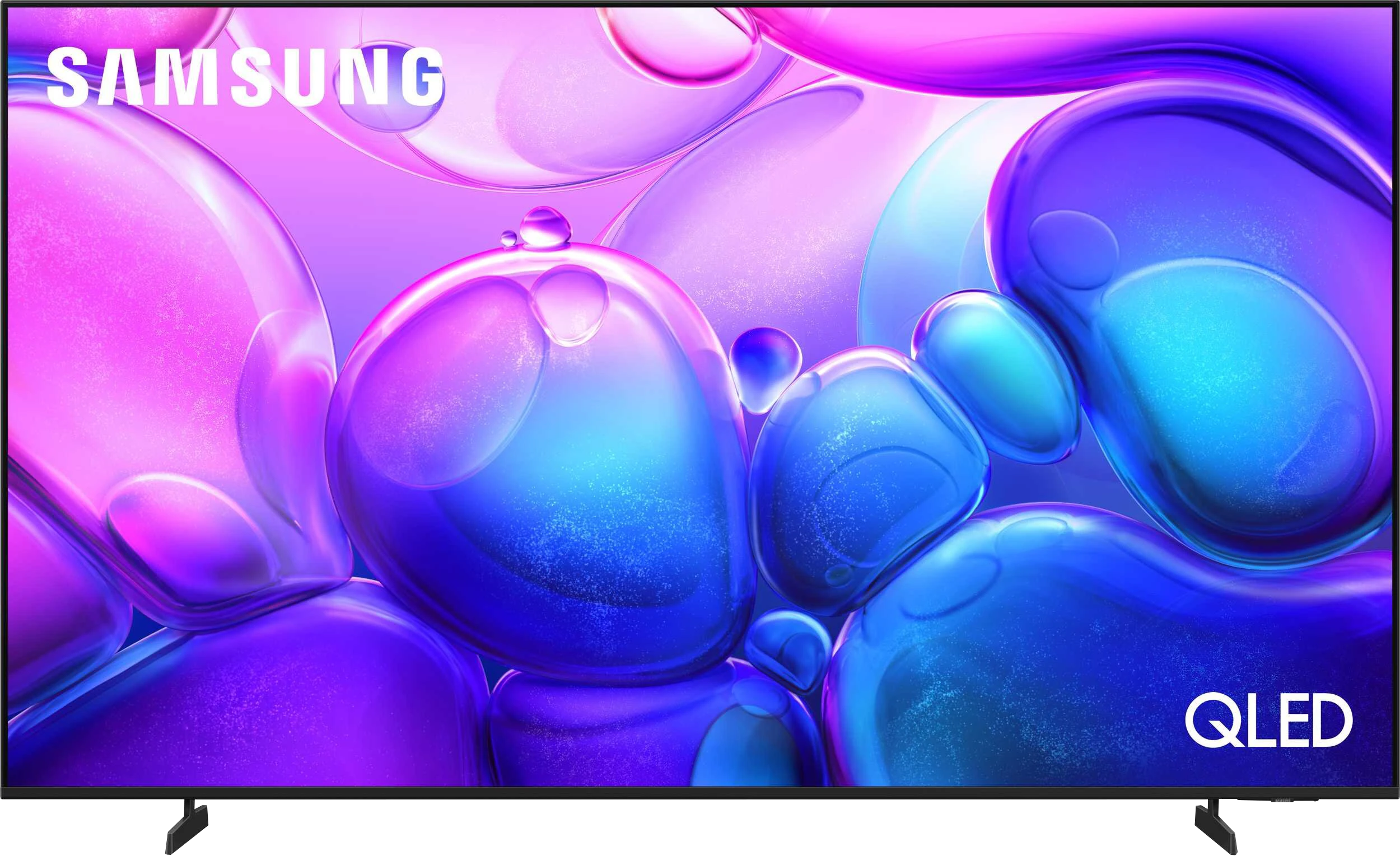
Panel type: LCD VA
Resolution: 3840x2160
System: Tizen
Model year: 2024
Complete the survey to find out the result
Panel type: LCD IPS
Resolution: 3840x2160
System: Tizen
Model year: 2025
Complete the survey to find out the result
Overall rating
6.4
5.1
 Movies and series in UHD quality
 6.3
4.8
 Classic TV, YouTube
 6.0
4.7
 Sports broadcasts (TV and apps)
 5.2
4.9
 Gaming on console
 7.0
6.4
 TV as a computer monitor
 6.0
6.0
 Watching in bright light
 6.0
1.8
 Utility functions
 7.0
5.9
 Apps
Apps 9.3
9.3
 Sound quality
 6.2
5.8
Complete the survey to find out what fits your preferences
Advantages

High native contrast
Performs well on sunny days
Easy-to-use Tizen operating system
Low input lag
An interesting choice for casual gamers
Tizen System: Works quickly, does not lag and
Large application library (Netflix, YouTube, HBO, Disney)
IPS matrix provides a good image even when you are not sitting directly in front of it
Great font readability – good as a large monitor for working with text
Basic features for gamers: VRR and ALLM
Very low input lag
User-friendly remote for seniors: Classic layout with numeric buttons
Very attractive price
Disadvantages

No Dolby Vision
No recording support
Will not play audio in DTS format
A brightness of 250 nits is too low to notice any difference in HDR mode
The low contrast of the IPS panel spoils evening film screenings
An average brightness of 150 nits during the day makes it hard to see anything in a sunny room
No optical output
Infrared remote control (requires aiming at the screen)
Our verdict
Samsung Q6F is a television that is difficult to evaluate through the lens of typical QLED models. We must remember that we are dealing with a budget-friendly proposal aimed at a very specific audience. If you are looking for an inexpensive device with the logo of a well-known manufacturer that simply needs to function, display multimedia, and offer classic remote control functionality with buttons – the Q6F might be an interesting option for you. It is a great choice for a senior citizen or someone who needs a large screen "on the cheap" for everyday television, where the IPS matrix and its good viewing angles truly make a difference. However, we must say this bluntly: the biggest complaint about this model is its very low brightness and poor black levels. These are two foundations on which image quality is built, and here they are simply very fragile. This is definitely not a television on which we would recommend watching HDR content – here, that format exists practically only in name. Although the Q6F has a QLED filter and belongs to the Quantum Dot family, utilising the full potential of this technology is practically impossible, as the device is technically unsuitable for such content. We know that it tempts with its very low price and may appeal to many people who do not have high demands. However, you need to know that the label "QLED" suggesting a premium product is in this case far from what Samsung has accustomed us to in recent years. This is a ticket to the world of Samsung, but in a very basic version.
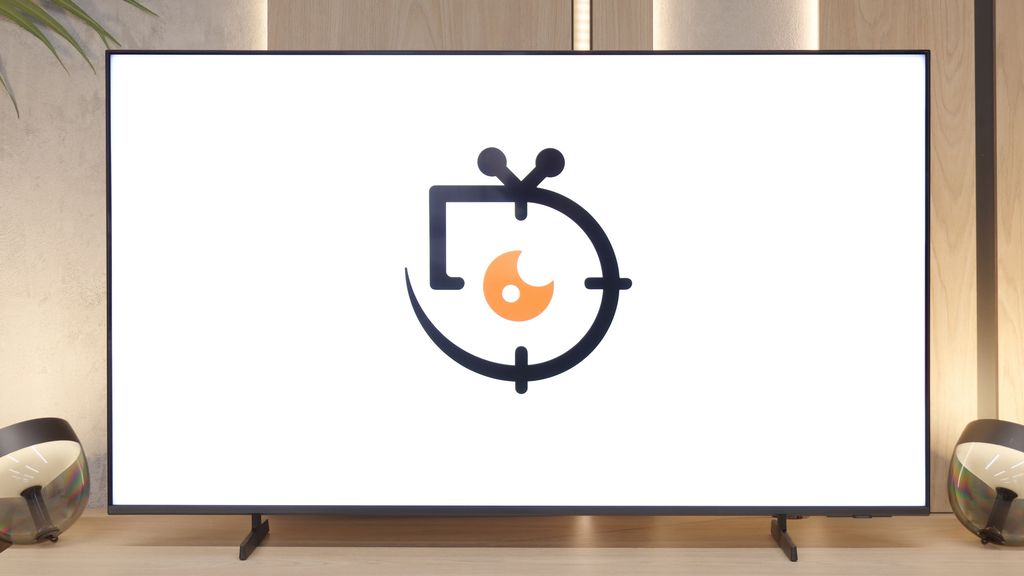
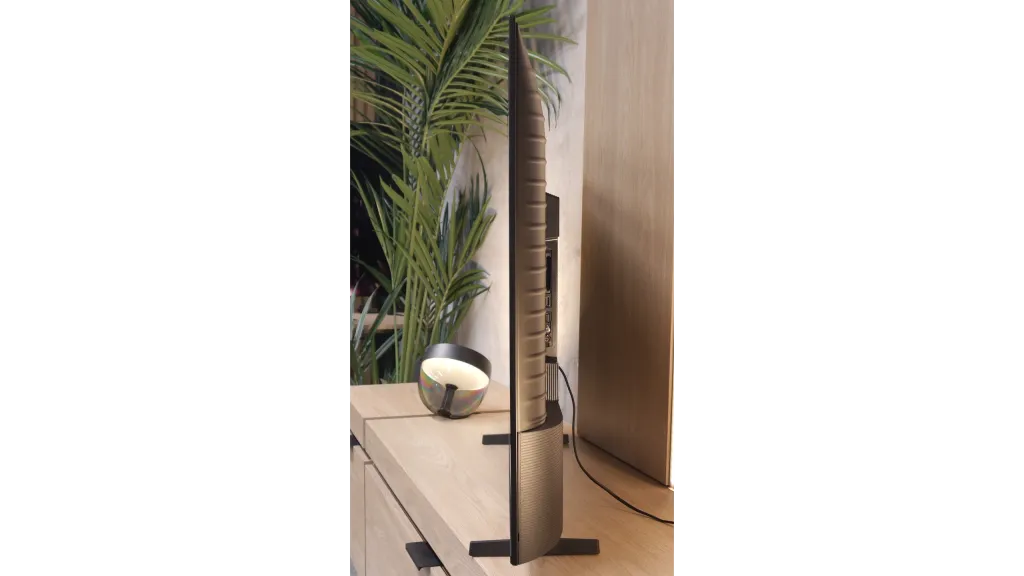
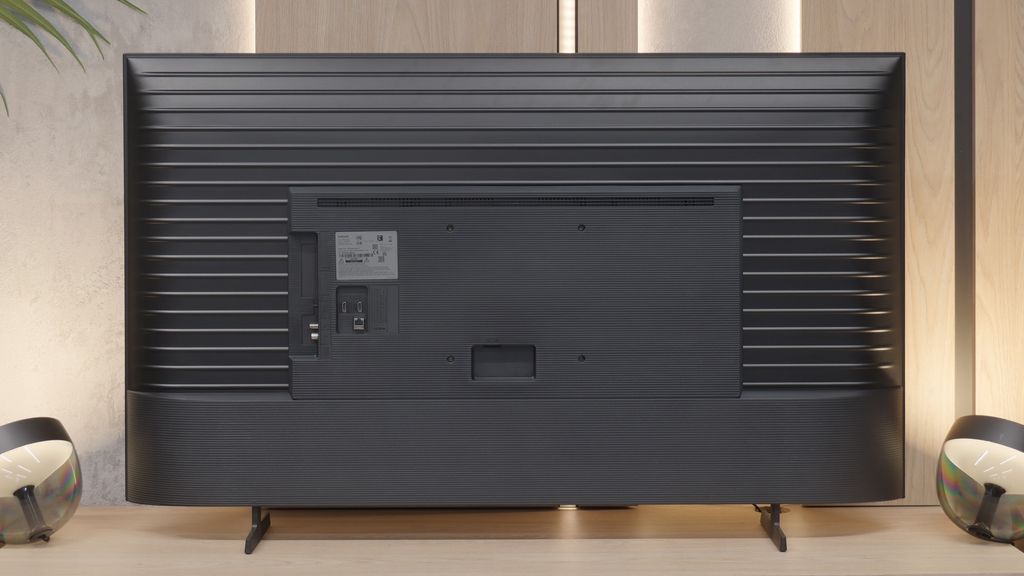
TV appearance




Contrast and black detail
6/10
1.9/10
Local dimming function: No
Local dimming function: No
Contrast:


Result
5,650:1

Result
6,500:1

Result
5,850:1

Result
5,850:1

Result
5,400:1
Result
900:1
Result
1,000:1
Result
1,050:1
Result
1,050:1
Result
900:1
Halo effect and black detail visibility:

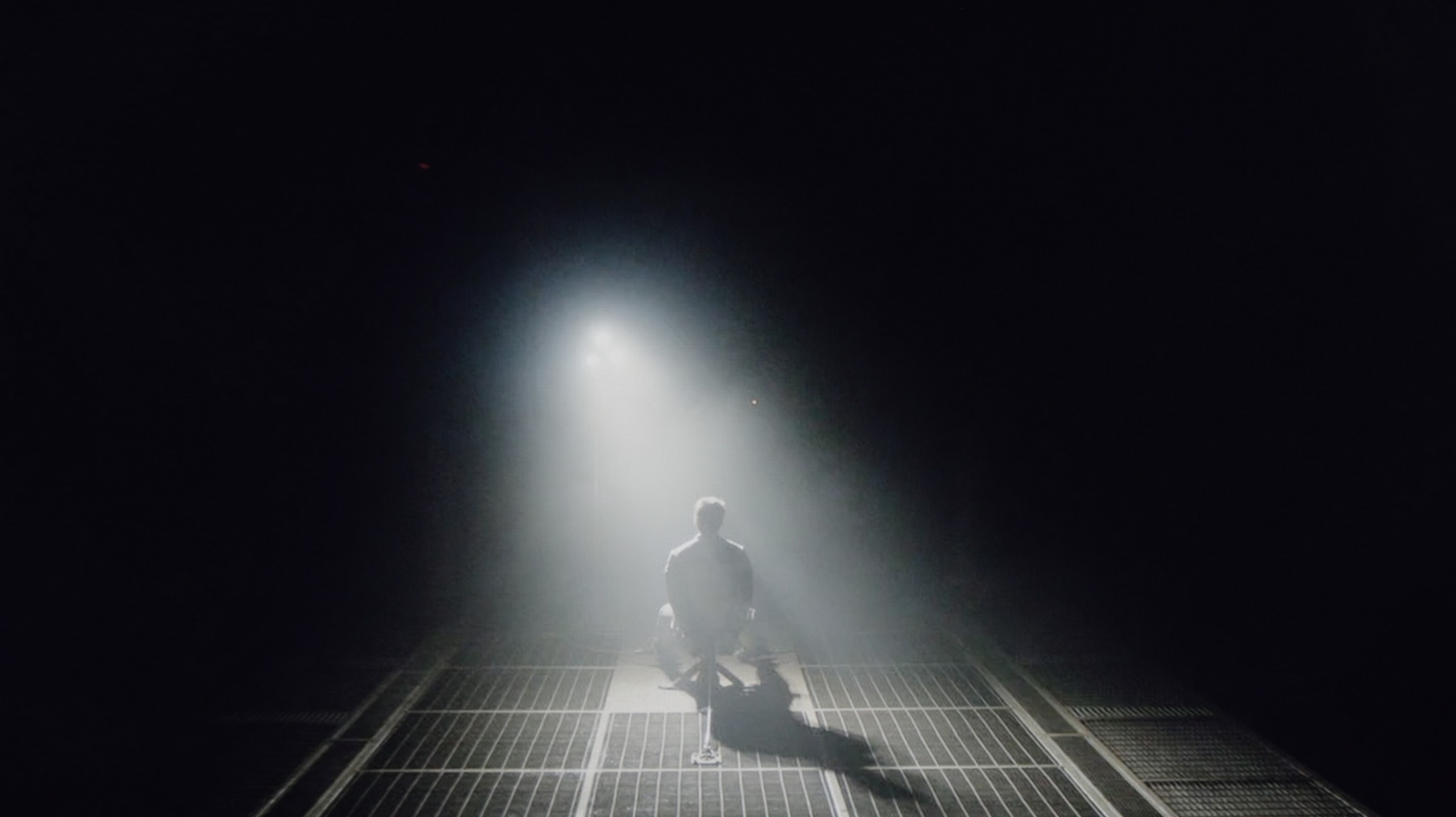
Check the visibility of bright lights on a dark background. Mini-LEDs often struggle with this. The photo does not compare black levels – that’s what the video below is for.
The video accurately shows differences in contrast and black levels between TVs, as well as potential issues: halo around bright objects or Mini-LED zone operation visible as brightness jumps.
The Samsung Q60D television is equipped with a VA panel, which provides deeper blacks and higher contrast compared to IPS/ADS panels. VA panels are characterised by a better ability to display deep blacks, so if we are looking for an LED display for nighttime viewing, this type of panel should not let us down. In contrast tests, the television showed a result of around 6000:1, which can be considered a decent outcome, ensuring satisfying visual experiences in most scenes. In more challenging scenes, such as that from the film Oblivion, the television performs well with light separation, adding detail and depth. However, in scenes with a more demanding light composition, like that from the film Sicario 2, the limitations resulting from the lack of local dimming technology are noticeable. The black elements of the image tend to resemble navy blue. Despite this phenomenon, the Q60D offers really decent contrast.
It is here that it is clearly visible where the manufacturer decided to cut costs. The IPS matrix used, despite being supported by QLED technology, highlights issues with a lack of depth in the image. Results at the level of 1000:1 speak for themselves – the black in this model unfortunately resembles grey. One can try to mitigate the situation by turning on the light in the room, preferably placing it directly behind the television, which allows us to somewhat trick our eyesight. However, no matter what is said, the contrast in the Q6F with the IPS panel is simply weak and this will be noticeable in dark scenes.
HDR effect quality
5.7/10
3/10
Luminance measurements in HDR:

Result
527 nit

Result
530 nit

Result
524 nit

Result
531 nit

Result
537 nit
Result
202 nit
Result
152 nit
Result
247 nit
Result
93 nit
Result
256 nit
Scene from the movie “Pan” (about 2800 nits)

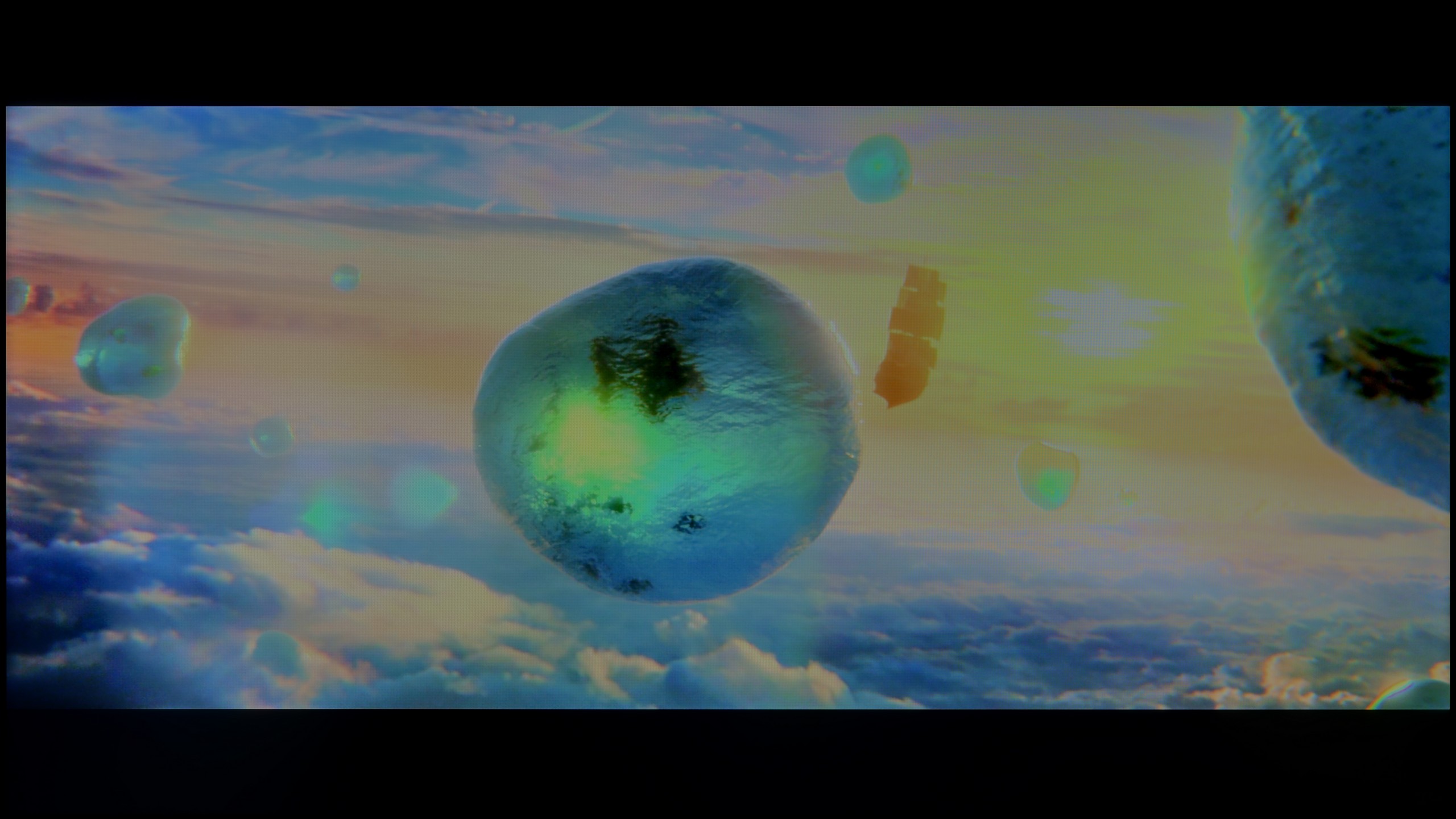
Scene from the movie “Billy Lynn” (about 1100 nits)


The photos show two HDR10 movies. 'Pan' is one of the brightest productions ever made, while 'Billy Lynn' (soldier) has brightness typical of streaming (Netflix, Prime, HBO MAX). Notice the intensity of effects and detail in whites.
Static HDR10


The photos present the visibility of white details in various HDR formats. They do not show brightness differences between TVs (these can be compared in the previous gallery).
Dynamic: HDR10+
Dynamic: HDR10+

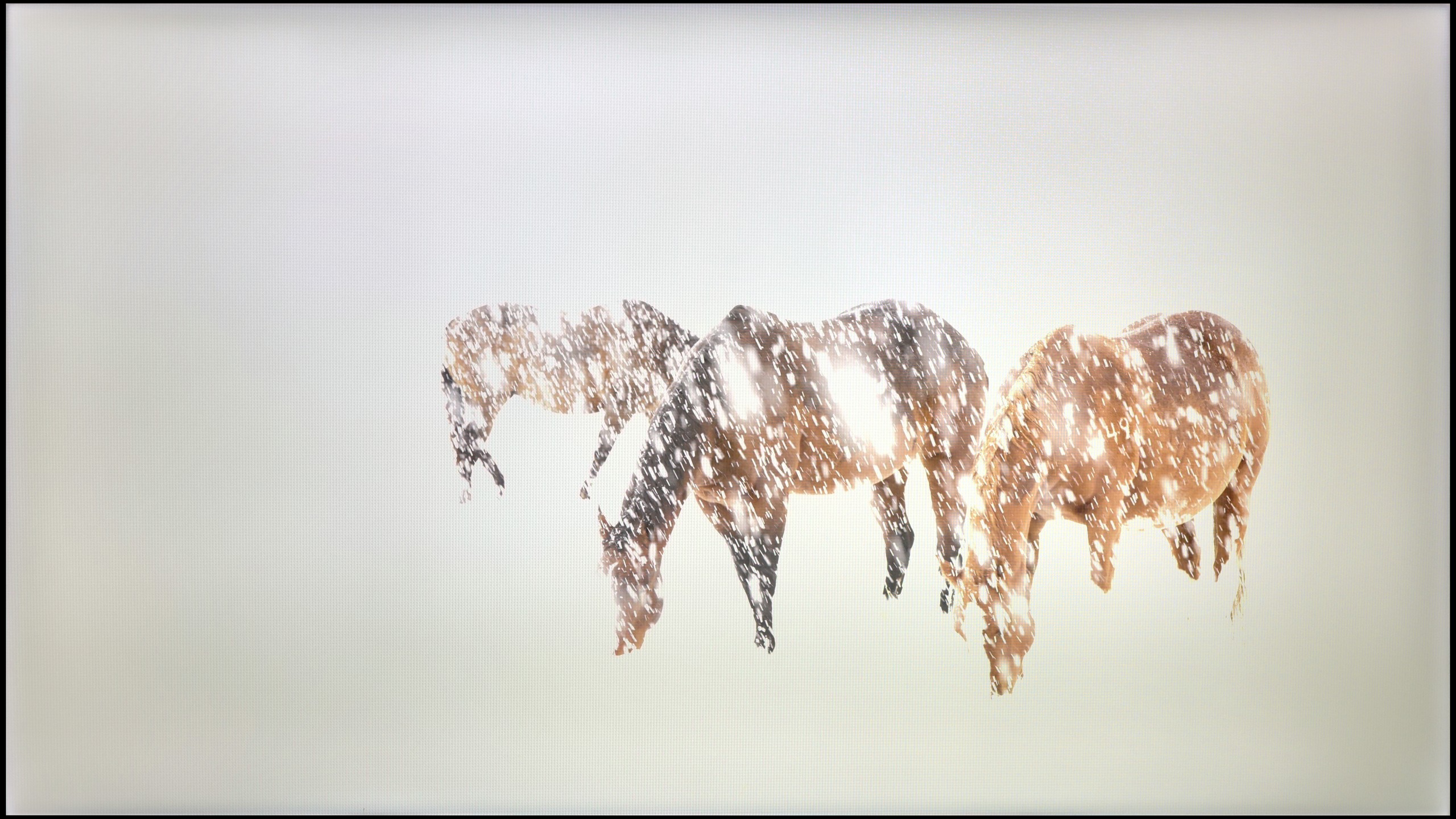
The photos present the visibility of white details in various HDR formats. They do not show brightness differences between TVs (these can be compared in the previous gallery).
HDR luminance chart:
Samsung Q6F (IPS)
Samsung Q60D / Q67D / Q68D
The Samsung Q60D television, regardless of the scene being tested, achieves brightness above 500 nits, which is above average for this class of devices. Such a level of brightness allows one to experience a taste of true home cinema, with clearly visible details in bright parts of the image and well-reproduced contrast dynamics, especially when watching content from streaming platforms or movies played from Blu-ray. As a result, film screenings gain greater depth and realism, particularly in well-lit scenes. Despite the use of quantum dot technology (QLED), the television does not achieve outstanding results in colour reproduction. The coverage of the DCI-P3 colour space is only 90%, which may be noticeable in more demanding scenes, where the richness and saturation of colours play a key role in image quality.
The Samsung Q6F is, unfortunately, a very dark model. Its peak brightness in HDR does not exceed 250 nits, which is a value that is decidedly too low to even talk about any effect of “high dynamic range,” or HDR. In practice, it’s better to stick to content in SDR format, which simply looks more predictable on this television. Another problem is the global dimming technique – in scenes with a lot of black, the television drastically dims the entire panel to artificially improve the black levels. This causes the image to become even darker, and the brightness can drop below 100 nits. The only consolation is supposed to be the QLED technology, but even here it is average. The layer of quantum dots used is not of the highest quality, as the coverage of the DCI-P3 colour palette does not exceed 90%. As a result, the colours in HDR content may simply appear under-saturated.
Factory color reproduction
6.5/10
5.1/10


This gallery shows how colors change after professional TV calibration. If you notice the difference, we recommend ordering this service at SkalibrujTV.com.
Factory Mode
After calibration


This gallery shows how colors change after professional TV calibration. If you notice the difference, we recommend ordering this service at SkalibrujTV.com.
Factory Mode
After calibration
Samsung has been offering a "Filmmaker" mode in its televisions for several years, aimed at providing the most faithful picture settings straight from the factory, in accordance with the vision of filmmakers. This is certainly a significant step towards cinematic quality at home; however, it is worth noting that this mode is not without its problems.
For instance, the white balance in both SDR and HDR modes exhibits an excessive amount of red hue, causing the picture to appear too warm. As a result, the skin of actors and bright scenes may seem unnaturally pinkish. The Colour Checker test further confirms this issue – colour samples often shift towards red tones, deviating from the neutral colour reproduction that would be more desirable in a professional setting.
When it comes to contrast, there is a noticeable drop at the beginning of the gamma graph, where values below 2.4 drop all the way down to 2.1. Consequently, the image in darker scenes may appear less distinct, losing depth. In terms of HDR content, the EOTF curve (responsible for brightness reproduction) shows a strong spike at the beginning of the graph, which may lead to excessive brightness in the lighter parts of the image, disrupting the natural tonal balance.
We tested the television in Filmmaker mode, which showed us two completely different facets of this model. Looking at SDR content, we were genuinely shocked at how good this television looks straight out of the box. It was really difficult to find fault with anything here. Despite a slight 'muddiness' in the white balance or somewhat brightened details in the blacks (which directly stem from the design of the IPS panel), the colour errors hovered around a level of '2'. This result is not only surprisingly good but downright amazing, considering the price of this device.
On the other hand, what the Q6F displayed in terms of colours after switching to HDR mode was a very unpleasant surprise. The errors in colour reproduction and palette were so enormous that our charts literally ran out of scale. Of course, since Samsung even in such an affordable model offers very extensive calibration options, we decided to approach the issue professionally and see what could be done during calibration.
Color reproduction after calibration
8/10
6.5/10


The photos show how movies look on the TV. Pay attention to black detail visibility, colors, and shadow tint.


The photos show how movies look on the TV. Pay attention to black detail visibility, colors, and shadow tint.
After professional calibration of the Samsung Q60D television in film mode, users can enjoy a significant improvement in image quality. Samsung televisions have always offered 2- and 20-point grey scale adjustments, as well as an advanced CMS (Color Management System), which allows for precise colour and shade adjustments. The white balance for both SDR and HDR has been free from strong spikes and tendencies for colours to shift to red hues, greatly enhancing the naturalness of the image. Although a few more significant errors can still be observed in HDR mode, the overall colour reproduction quality has been excellently improved. Regarding contrast, although drastic changes cannot be mentioned due to limitations in the television's technology, the improvement is noticeable. Thanks to calibration, details in dark scenes are more visible, and the differences between light and dark elements of the image have been enhanced. This makes the overall viewing experience more satisfying, allowing viewers to enjoy greater depth and realism in the displayed content.
After our calibration, the colours in SDR mode looked even better – the result is truly surprising, as colour errors at the '1' level are something generally seen in devices costing several thousand pounds. In this regard, the Q6F is really an excellent screen for everyday television, less demanding series or films. Unfortunately, our intervention in the HDR mode did not bring a noticeable improvement. The television, due to its poor blacks and low coverage of a wide colour gamut, still has significant issues with proper colour saturation, especially reds. This is an example of a device where HDR exists mainly as a label on the box – for everyday use, we definitely recommend watching content in SDR format.
Smoothness of tonal transitions
7/10
9/10


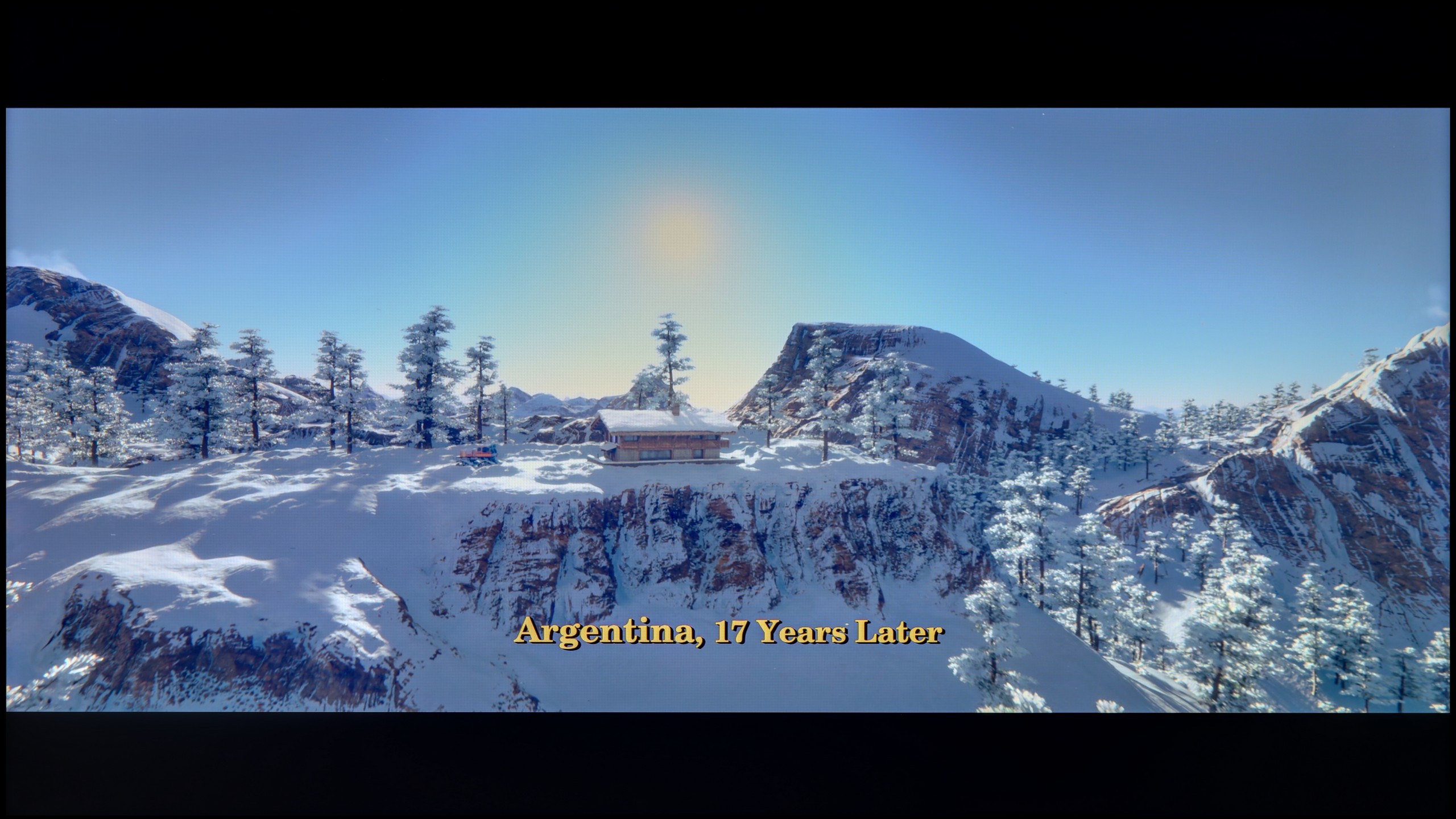
These are selected scenes that show smooth tonal transitions from one color to another. If you see distinct banding, it’s the TV panel’s fault.

These are selected scenes that show smooth tonal transitions from one color to another. If you see distinct banding, it’s the TV panel’s fault.

These are selected scenes that show smooth tonal transitions from one color to another. If you see distinct banding, it’s the TV panel’s fault.
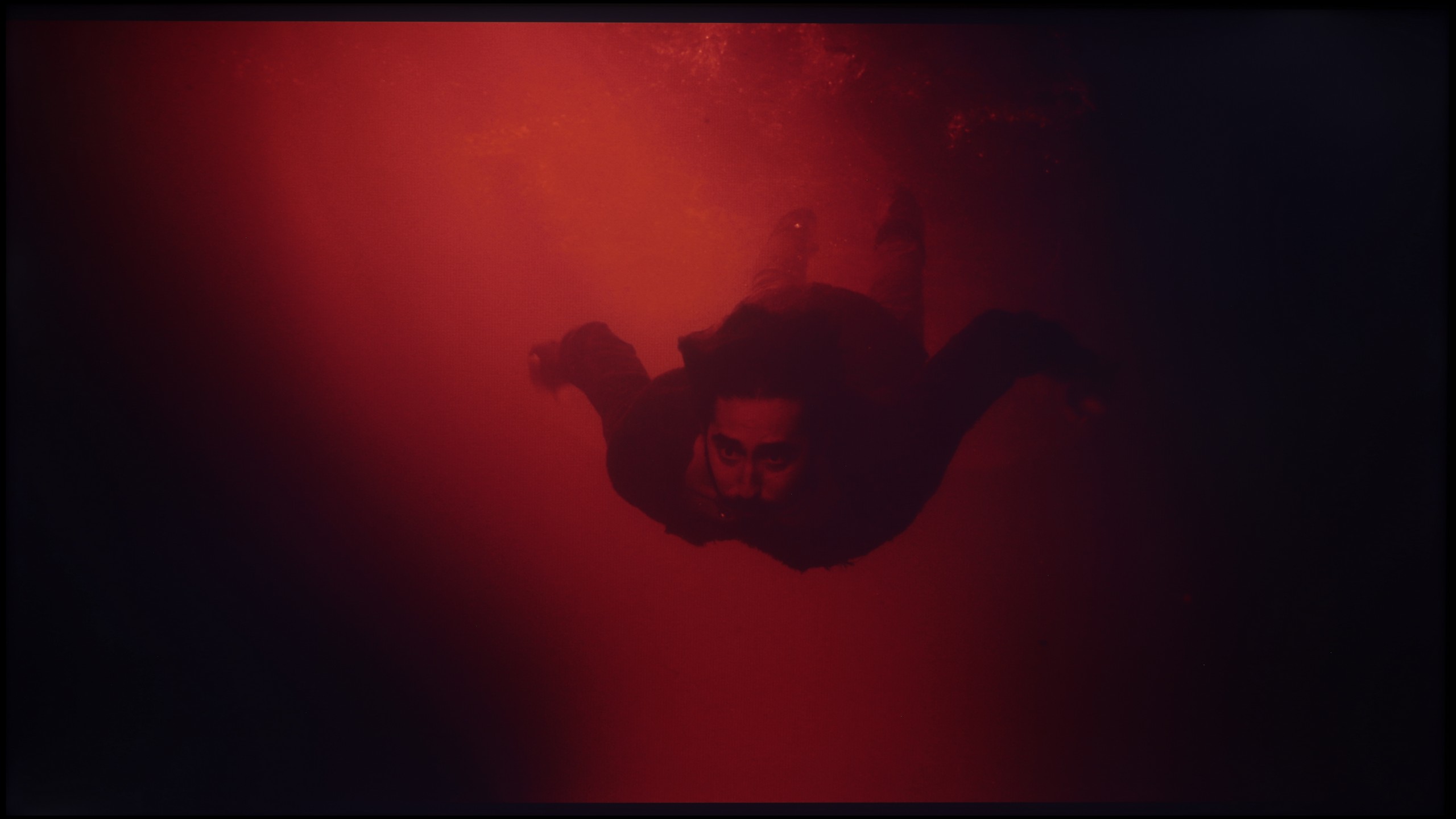
These are selected scenes that show smooth tonal transitions from one color to another. If you see distinct banding, it’s the TV panel’s fault.
Samsung Q60D offers decent performance, making it an attractive choice for film and gaming enthusiasts. The gradation of bright colours is undoubtedly a strong point of this model, ensuring that brighter scenes look exceptionally natural and smooth. Although the transitions in darker shades may reveal the colours a bit more, the overall effect remains satisfactory. The television handles tonal transitions well, providing viewers with visual experiences that enhance movie nights and gaming sessions. Thanks to these qualities, the Samsung Q60D will not spoil our film screenings.
Samsung Q6F handles the phenomenon of posterisation very well. In most scenes, the colour transitions are smooth and there are no noticeable problematic "steps" when blending colours. Only in very extreme moments, particularly in scenes with brightness close to pure grey, can light banding be detected. However, to be honest, we personally found the issue of slight clouding (uneven backlighting) and the poor contrast of the IPS panel to be more bothersome than the tonal transitions themselves.
Image scaling and smoothness of tonal transitions
5.4/10
5/10


Smooth transition function

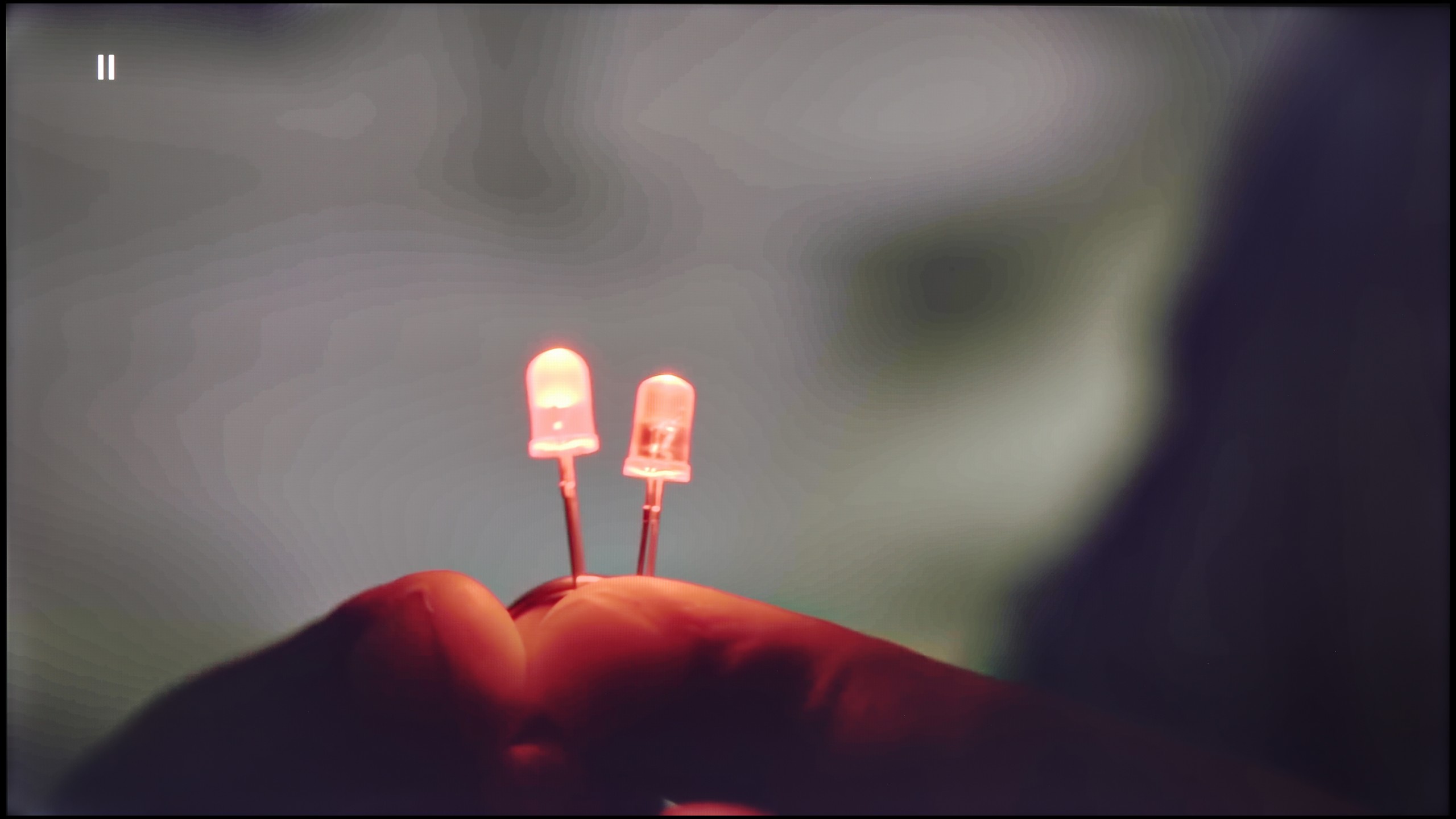
The match photo shows how the TV smooths weak tonal transitions in low-quality video.
Image scaling SD (576i)


The model photo shows how it handles upscaling of SD material.
However, when it comes to processing and scaling lower quality materials, the television performs quite well. The image is rendered without overscan, which ensures full use of the available screen area. Additionally, the outlines of the model or the branches of the tree are not overly jagged, which translates to a satisfactory quality of the displayed content. Although noise reduction could be more effective, the overall results of processing lower quality materials are positive and meet expectations.
Q6F performs very well in upscaling lower-resolution content to native 4K. The scaling here is surprisingly good, even for such an inexpensive television from the QLED series. The only downside is the situation where we are watching very low-resolution materials, such as 576p (typical for old DVD players) – in which case the image may be slightly cropped. This is due to the fact that the television does not allow the Overscan function to be turned off, which is a typical issue with Samsung devices.
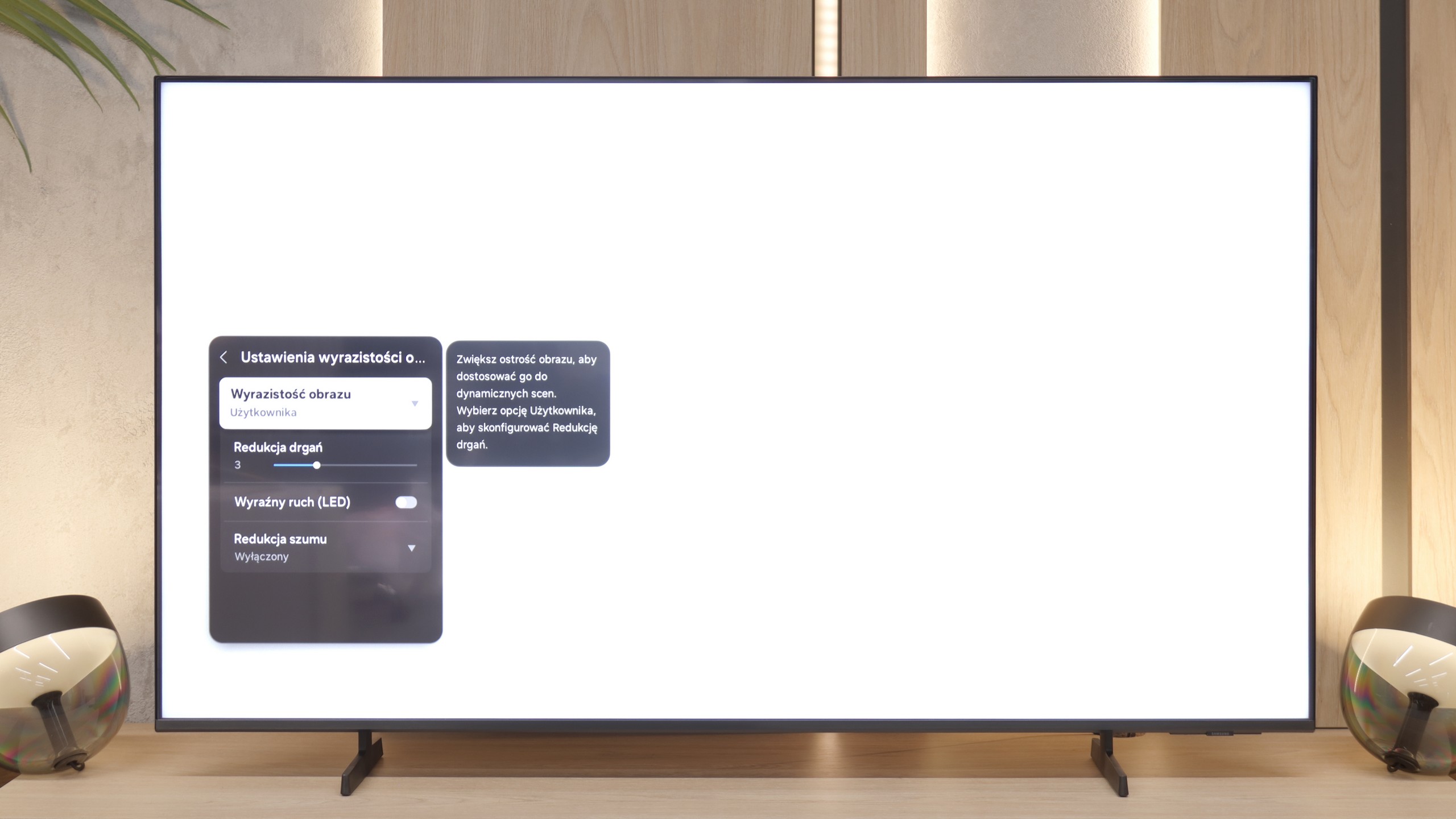
The situation is completely different when it comes to digital processing, specifically the attempt to smooth the image of unwanted artifacts. Here the television completely fails. Although there is a function in the menu called "Noise Reduction," it yields no visible results regardless of the slider setting. The only thing it manages to do is introduce undesired errors in the image. Despite its presence in the system, we definitely do not recommend using it.
Blur and motion smoothness
4.5/10
4.6/10

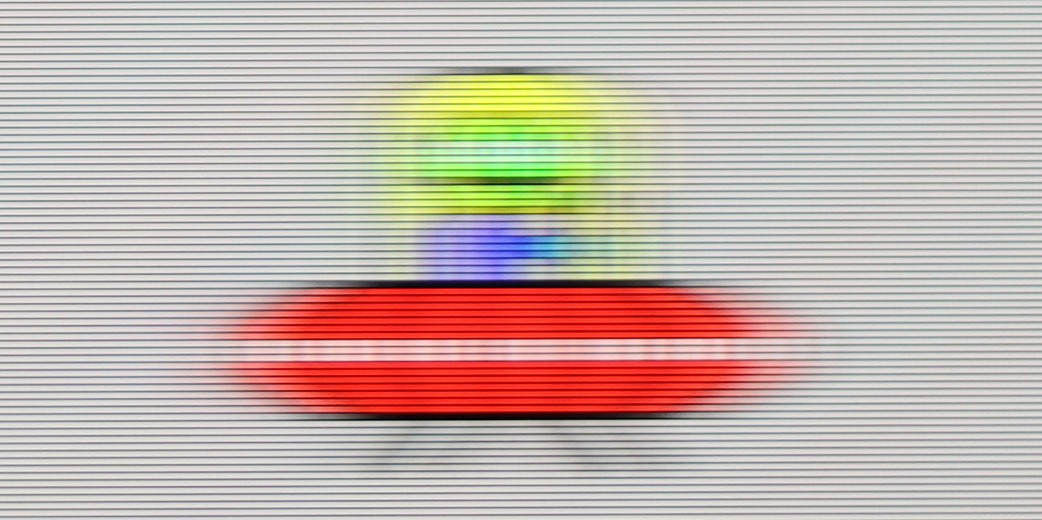
Blur (native resolution, maximum refresh rate):


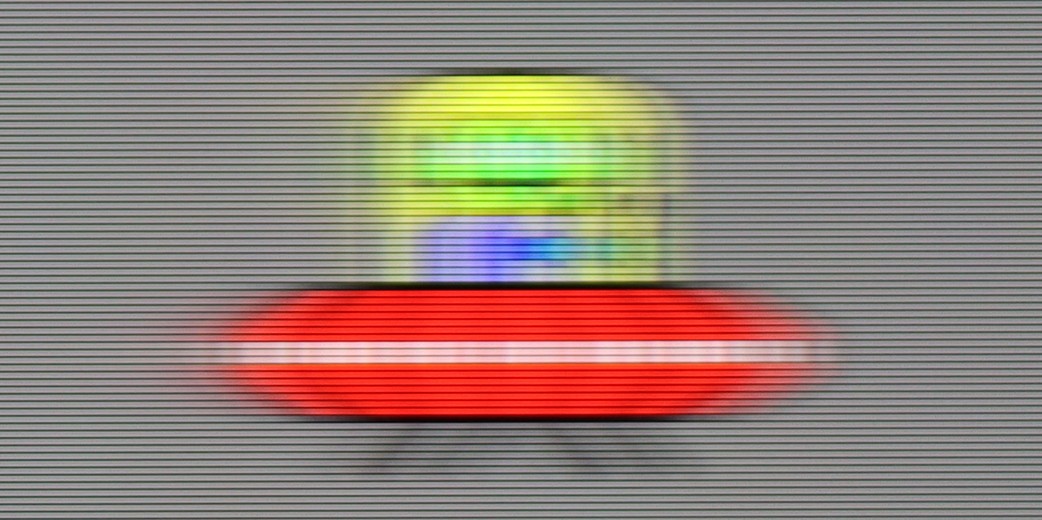
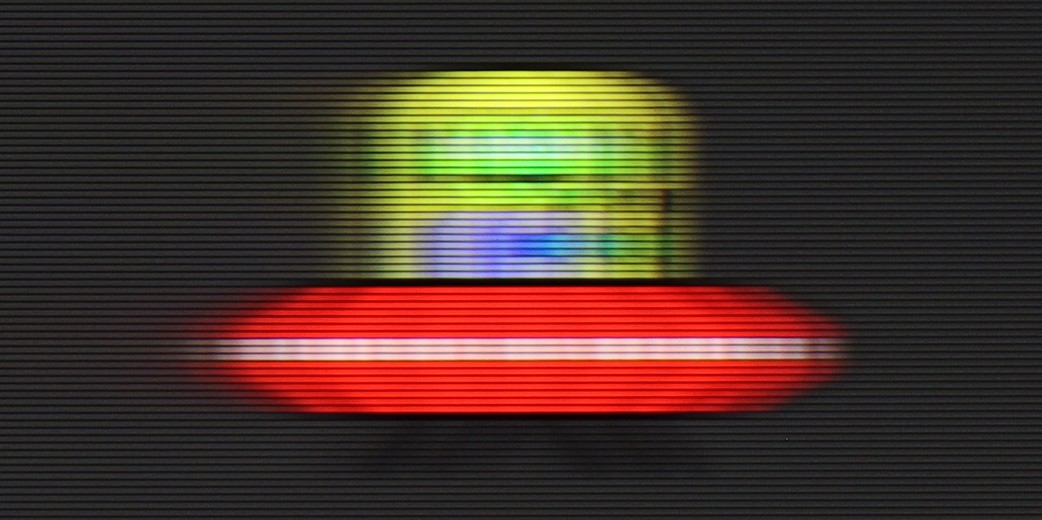
Blur (BFI function enabled):
Image flickers in this mode


Image flickers in this mode



Samsung Q60D is equipped with a 60 Hz panel and a film smoothness enhancement option known as "Motion Blur Reduction." This feature aims to minimise motion blur and enhance overall image smoothness, which will certainly appeal to users who are primarily looking for a television to watch films and series. Thanks to this technology, viewers can enjoy a more fluid visual experience, even in dynamic action scenes where details are crucial. However, it is worth noting that while "Motion Blur Reduction" improves the smoothness of images in films, for gaming, this panel may not be the best choice as it exhibits significant motion blur, which can be seen in the picture below.
The 60 Hz panel in the Samsung Q6F is standard for this price range, making it rather average for dynamic sports or gaming. However, when it comes to films, the television performs quite well thanks to the motion smoothing feature. The "Motion Reduction" option allows you to adjust the smoothness of movement to your own preferences – from maintaining a cinematic character to complete fluidity.
Console compatibility and gaming features
4.8/10
5.3/10
- ALLM
- VRR
- VRR range 48 - 60Hz
- Dolby Vision Game Mode
- Correct implementation of HGIG
- 1080p@120Hz
- 1440p@120Hz
- 4K@120Hz
- Game bar


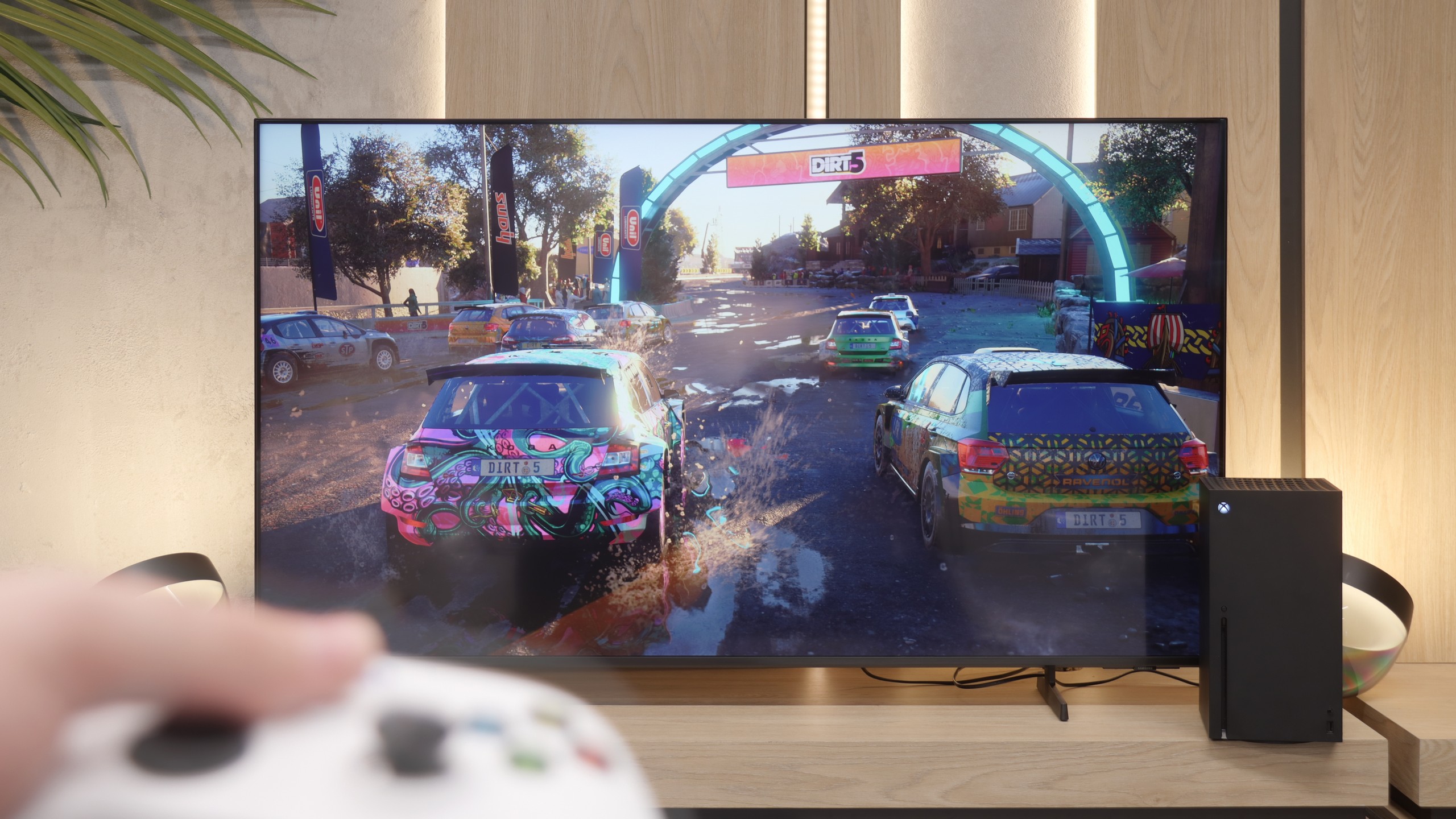

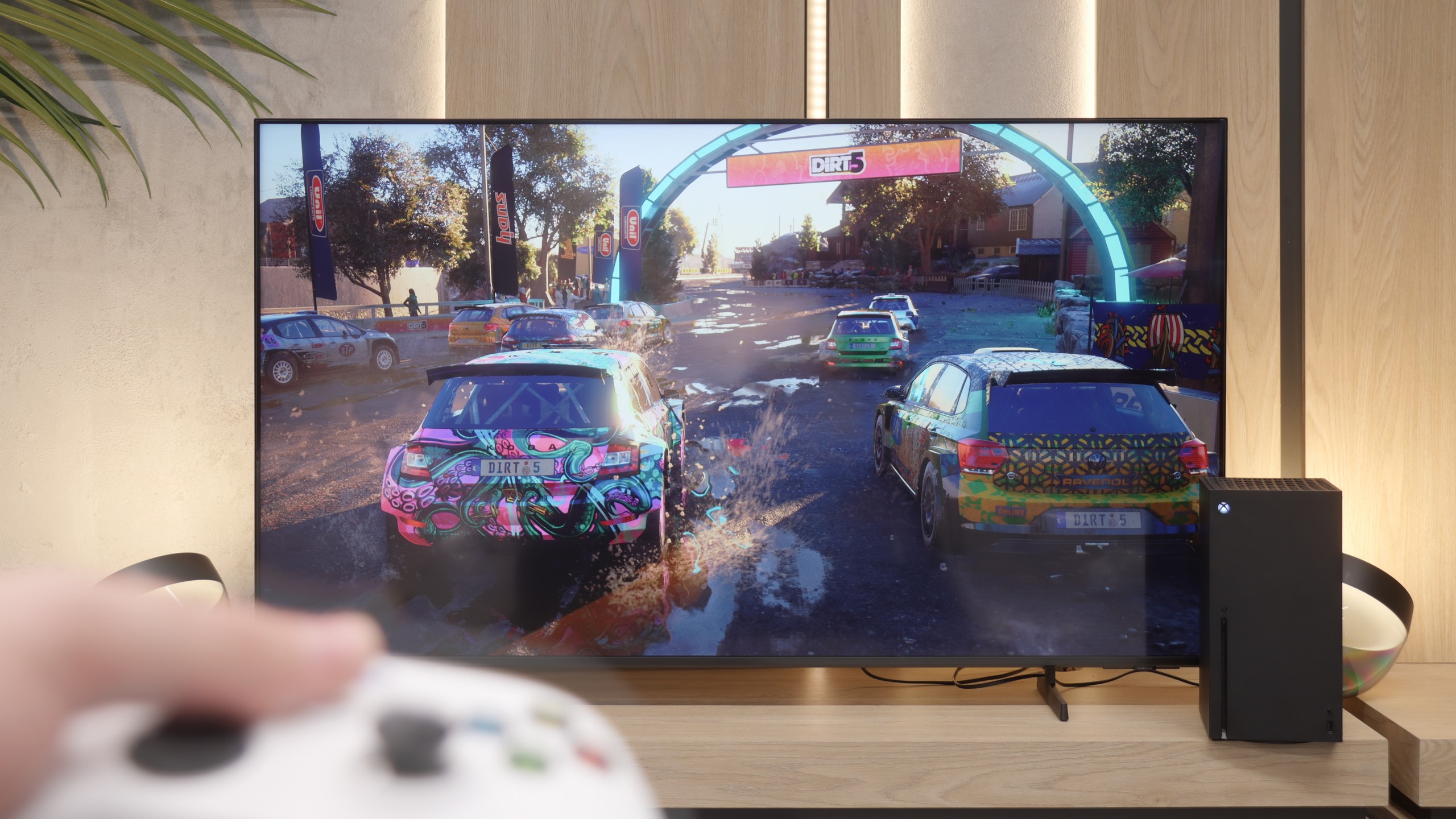
Samsung Q60D is equipped with features such as ALLM (Auto Low Latency Mode), HGiG (HDR Gaming Interest Group) and Game Bar, which significantly enhance the gaming experience. However, the lack of HDMI 2.1 implementation limits capabilities, preventing the use of VRR (Variable Refresh Rate), which could further improve smoothness and picture quality. Overall, for casual gamers, this television should perform well in everyday use, providing satisfactory gaming experiences. However, if we are more demanding in terms of gaming, it is worth considering models with a higher refresh rate and HDMI 2.1, which will ensure full functionality and better support for the latest games. In such cases, investing in a more advanced television will yield significantly better results in terms of smoothness and picture quality, which is crucial for gaming enthusiasts.
We're not going to beat around the bush – the Q6F is not a television designed for gamers. Although it features additions like ALLM (automatic low latency mode) and VRR frame synchronisation for consoles, the list of advantages basically ends there. Aside from these basics, the television offers nothing more that would satisfy those who spend a lot of time in front of a console. It’s a great shame that such a useful tool as Game Bar, which allows for quick control of game parameters in Samsung's higher models, is missing here. In terms of gaming, this model is absolutely basic and is only suitable for "casual" gamers.
Input lag
9.9/10
10/10
SDR
HDR
Dolby Vision
When it comes to input lag, the Samsung Q60D television does not disappoint in this aspect. With results of around 15 ms, the television offers truly impressive responsiveness. Such a low input lag means that reactions to commands from the controller are instantaneous, which translates to better gaming experience, especially in dynamic titles that require precise movements.
As a consolation for the modest list of features for gamers, it is worth adding that the Q6F has absolutely no issues with input lag. The response to controller movements is instantaneous, and the television does not introduce any additional delays regardless of the resolution we are currently playing in. In this respect, the control is very precise and comfortable, which is a significant advantage in this class of hardware.
Compatibility with PC
6/10
6/10

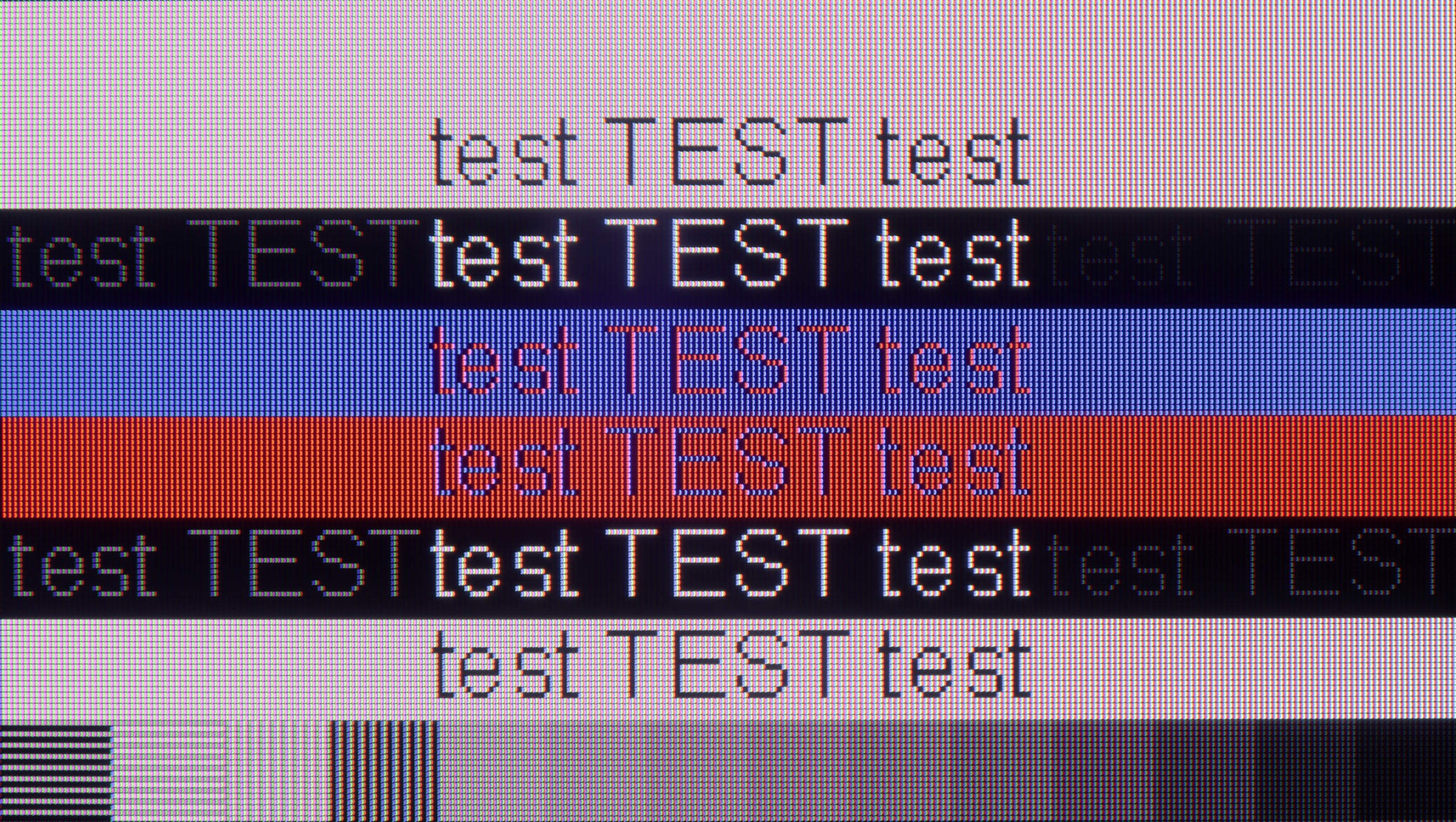
The photo shows the legibility of small fonts. Ideally, lines should be the same thickness on both light and dark text, with minimal pixel gaps.
When it comes to working on a PC, the Samsung Q60D television offers very good font readability, regardless of the background on which they appear. Thanks to support for the 4:4:4 chroma format, text is clear and sharp, which is important when using office applications or browsing the internet. Additionally, the low input lag of 15 ms ensures that responses are immediate, significantly enhancing the user experience during work or gaming on the computer. However, the television has a 60Hz panel and does not support G-Sync, which could satisfy PC gamers.
Although the Q6F is not a screen specifically designed for PC gaming, it deserves praise for how well it handles text rendering. As a monitor for text work, browsing the web, or daily news reading, the television performs exceptionally well. The readability of the text is at a very high level, thanks to the proper implementation of the Chroma 4:4:4 signal and the use of an IPS panel. If you are looking for an affordable, large screen for office work, the Q6F performs really solidly in this regard. Especially since Samsung offers very good integration with the Windows system and built-in Microsoft Office tools.
Viewing angles
3/10
5.6/10
Samsung Q60D is equipped with a VA panel. The viewing angles are not its strongest point; when watching the image from the side, we can notice colour distortions and a drop in brightness. However, VA panels stand out for their good black reproduction, which translates into deeper and more intense movie scenes.
The viewing angles are one of the stronger points of the Q6F model, which is directly due to the use of an IPS panel. They are significantly better than those in TVs based on VA panels. This means that the image viewed at an angle remains clear and does not become "washed out" or faded. However, it is worth noting that while the colours look really good, the drop in brightness at wider angles is quite noticeable. Nevertheless, this is a solid performance for people who do not always sit perfectly in front of the screen.
Daytime performance
6/10
1.8/10

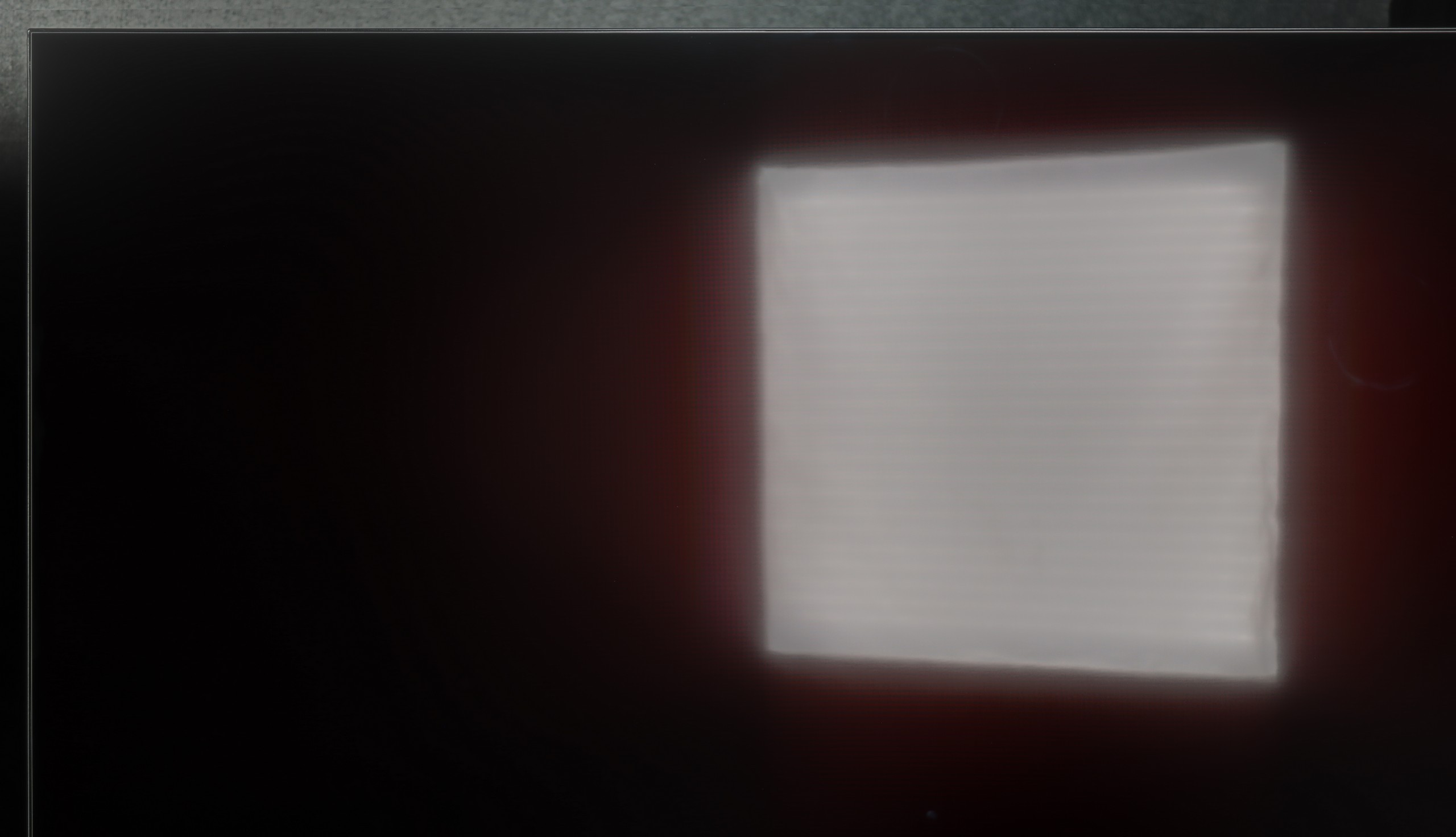

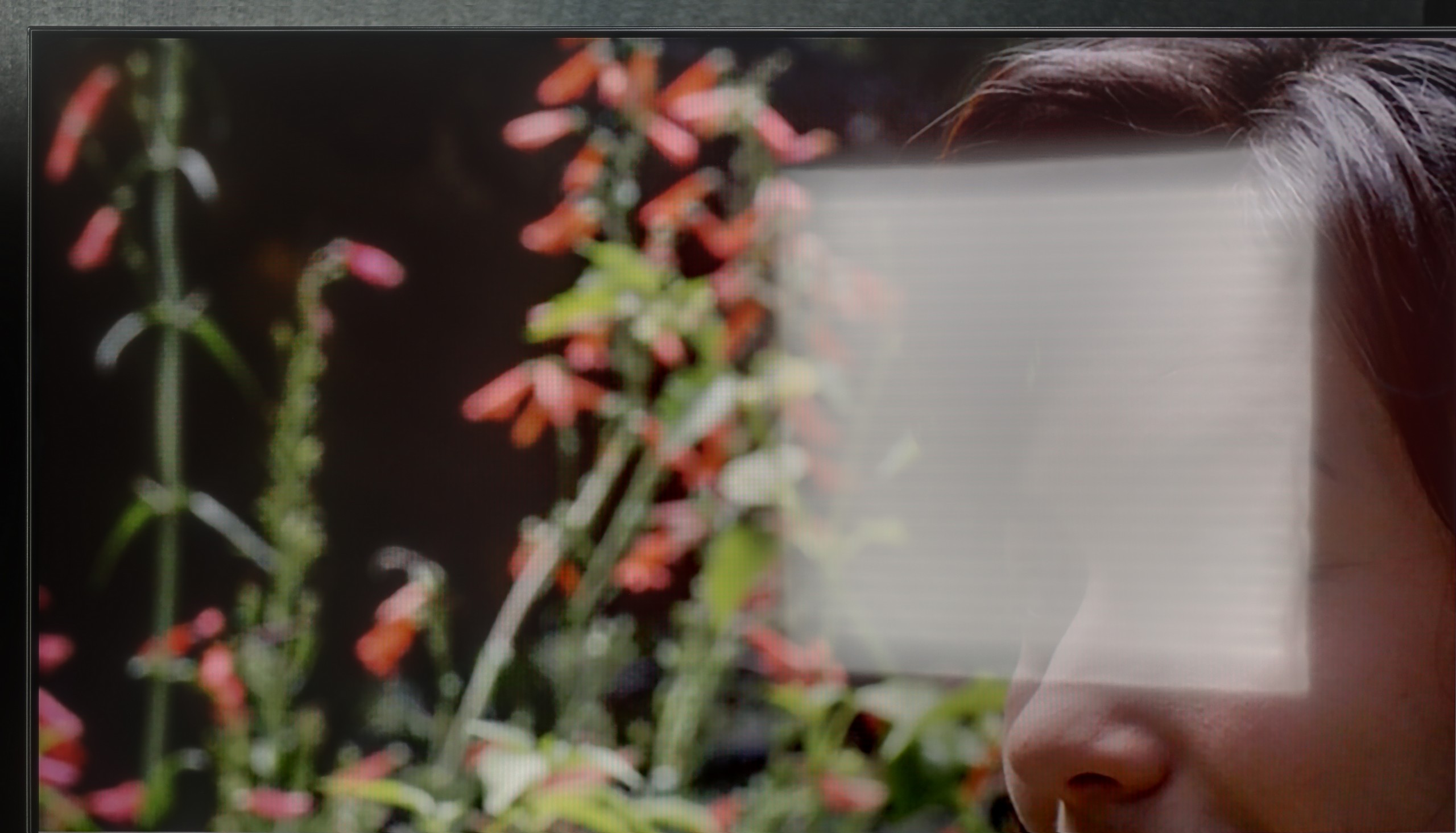
Panel brightness
Samsung Q6F (IPS): 125 cd/m2
Samsung Q60D / Q67D / Q68D: 542 cd/m2
Samsung Q60D is equipped with a satin matrix, which averages well at suppressing reflections. Although the matrix does not eliminate them completely, its high brightness of 550 nits ensures that the image remains readable even in bright lighting conditions. This makes watching television during the day still comfortable, and the details are clearly visible, which makes this model a suitable choice for those using the television in daylight.
What more can I say – apart from the satin finish of the panel, which does a fairly mediocre job of reducing reflections, the Q6F is such a dark device that it’s not suitable even for moderately lit rooms. A brightness level of 150 nits is simply astronomically low by today’s standards. With such a result, any larger light source in the room will make the image difficult to read. This is definitely not a model for a sunlit living room.
Panel details
Subpixel Structure:

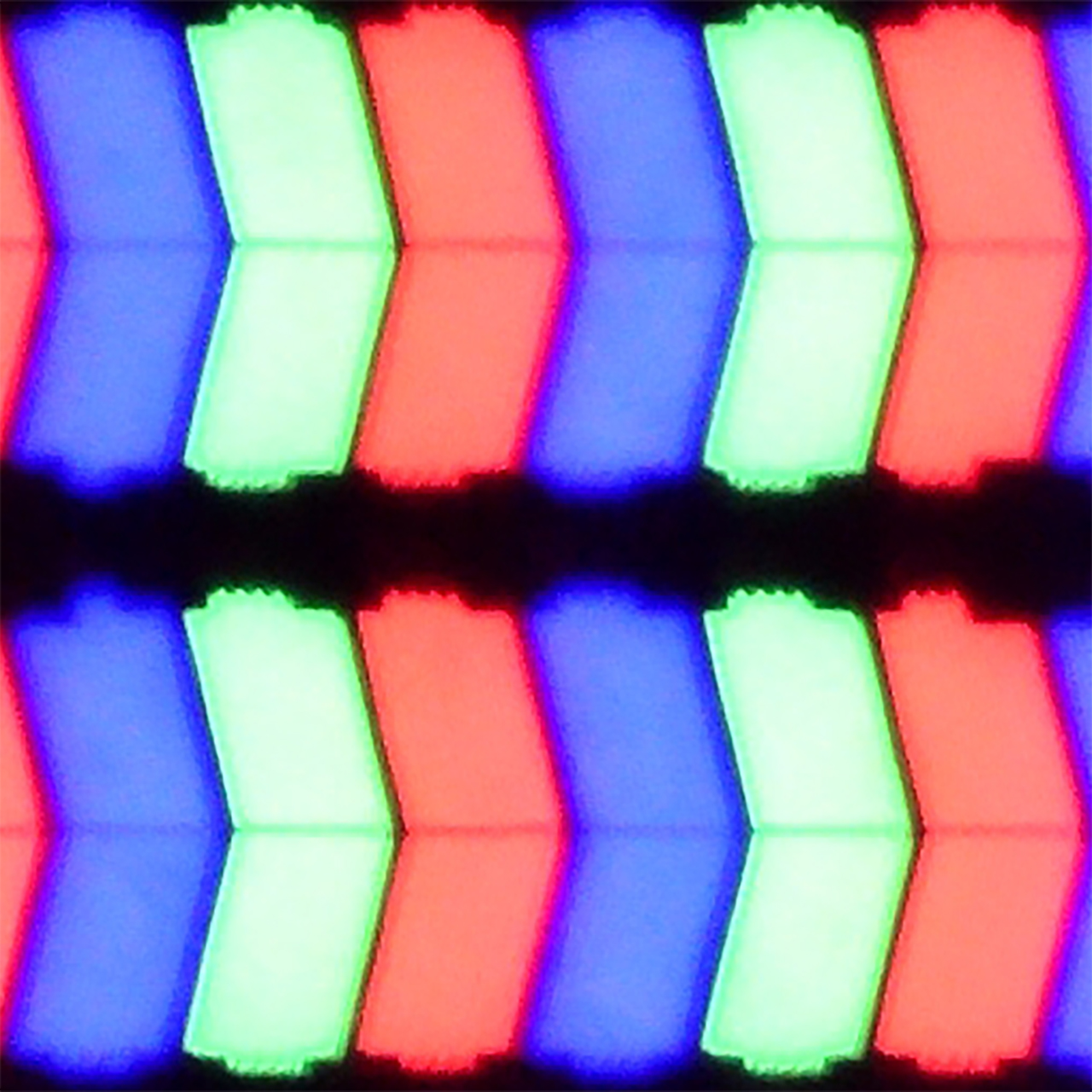
Panel uniformity and thermal imaging:

Samsung Q60D / Q67D / Q68D
Samsung Q6F (IPS)
TV features
7/10
5.9/10
- SystemTizenTizen
- System performanceGoodDecent
- HDMI inputs3 x HDMI 2.0, 0 x HDMI 2.13 x HDMI 2.0, 0 x HDMI 2.1
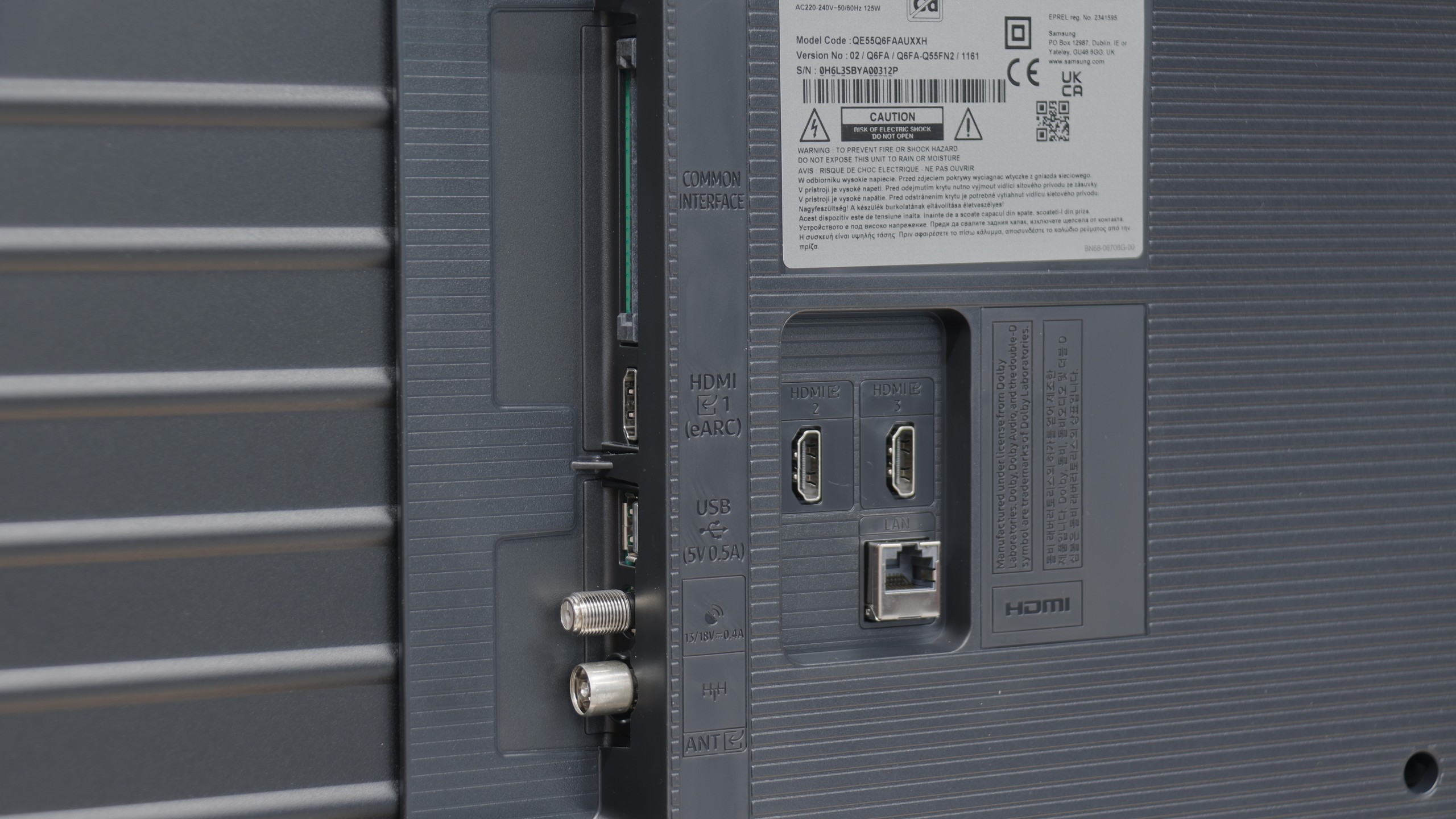
- OutputsToslink (Optical audio), eARC (HDMI), ARC (HDMI)eARC (HDMI), ARC (HDMI)
- Network InterfacesWi-Fi 2.4GHz, Wi-Fi 5GHz, Ethernet (LAN) 100MbpsWi-Fi 2.4GHz, Wi-Fi 5GHz, Ethernet (LAN) 100Mbps
- TV receptionDVB-T, DVB-T2, DVB-S, DVB-S2, DVB-CDVB-T, DVB-T2, DVB-S, DVB-S2, DVB-C
Classic features:
- Recording to USB (terrestrial TV)
- Recording programming
- Picture in Picture (PiP)
- RF remote control (no need to aim)
- Backlit remote control
- Teletext
- Audio only mode
- Bluetooth headphones support
- Simultaneous Bluetooth headphones & TV audio
Smart features:
- AirPlay
- Screen mirroring (Windows Miracast)
- Voice search
- Voice search in native language
- Ability to connect a keyboard and mouse


Sound connection options
- HDMI audioeARC (HDMI), ARC (HDMI)eARC (HDMI), ARC (HDMI)
- Other audio outputsToslink (Optical audio)
- Wireless audioBluetoothBluetooth
Supported audio formats (external HDMI eARC audio):
- Dolby Digital Plus 7.1
- Dolby True HD 7.1
- Dolby Atmos in Dolby Digital Plus (JOC)
- Dolby Atmos in Dolby True HD
- DTS:X in DTS-HD MA
- DTS-HD Master Audio
Senior accessibility
- Numeric keyboard on TV
- Font size adjustment
- Audio description
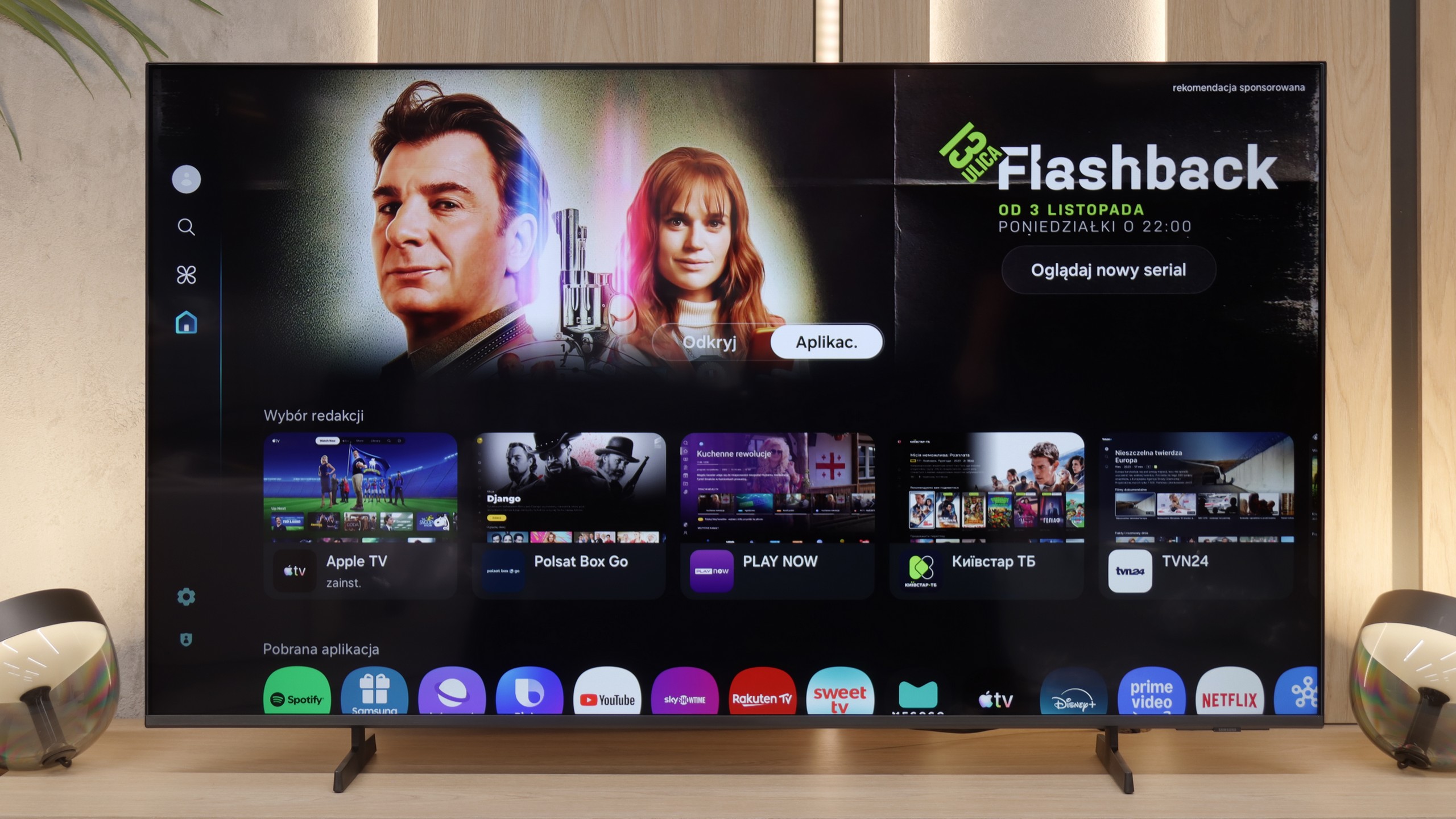
Samsung Q60D operates on the proprietary Tizen system, which, although not as open as Google's system and having certain limitations regarding available applications, should satisfy most users. The interface is clear and intuitive, allowing easy access to popular streaming platforms such as Netflix, YouTube, and Prime Video. Users will also appreciate the ability to customise the home screen, enabling quick jumps to favourite applications and content. However, the lack of a recording feature may be a concern for those who wish to archive their favourite programmes or films for later. On the other hand, a pleasant surprise is the presence of AirPlay functionality, which allows for seamless content streaming from Apple devices, such as iPhone or iPad. This enables users to easily share photos, videos, and other materials without the need for cables.
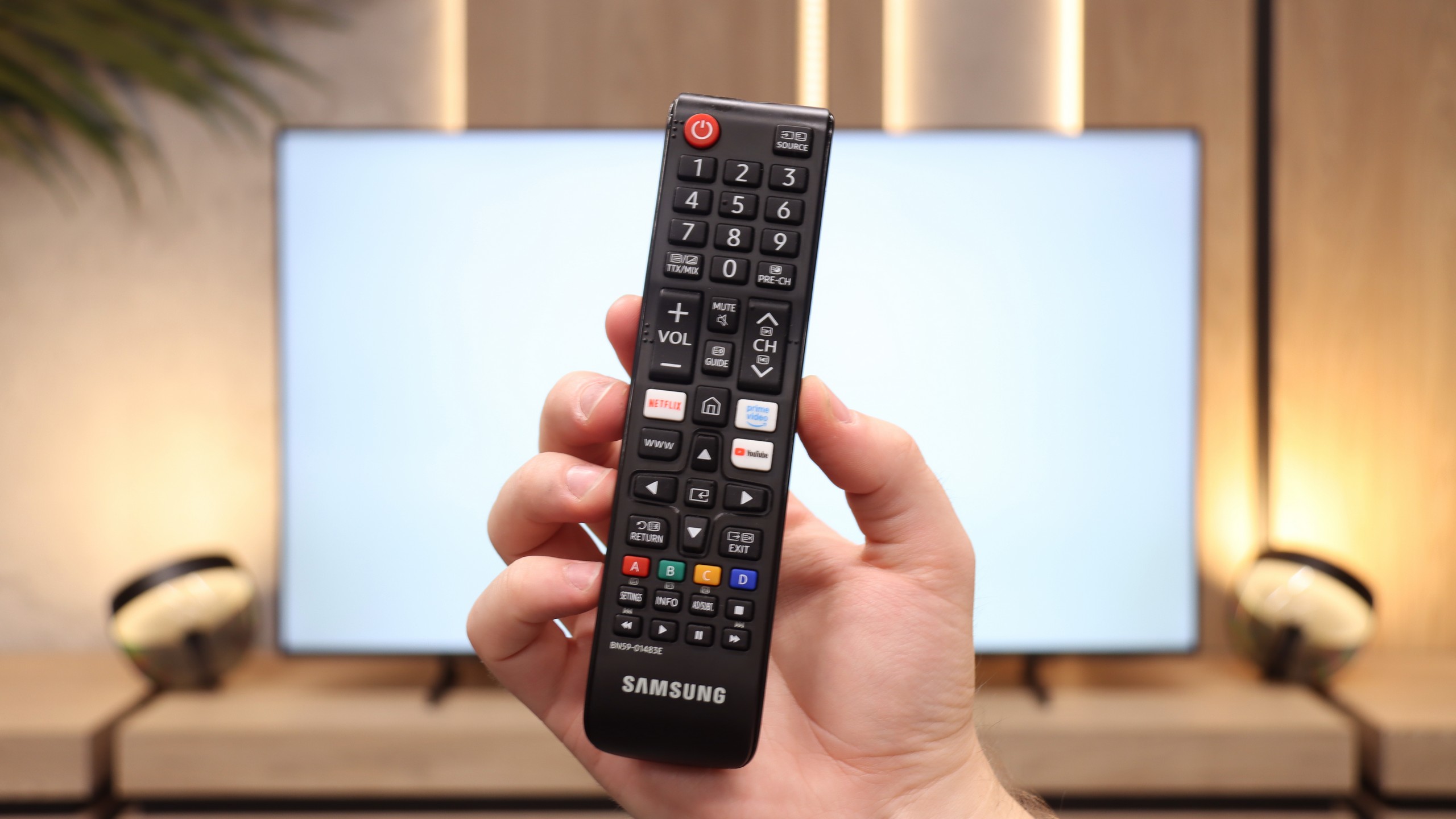
Additionally, the television allows for the connection of various peripheral devices via Bluetooth, significantly enhancing its functionality. Users can make use of wireless headphones, soundbars, and other accessories, which translates into greater comfort of use. The remote control included with the television is slim, elegant, and ergonomic. It is equipped with an internal battery that can be charged via a USB-C port or solar energy, which is a convenient solution that eliminates the need for battery replacement. Furthermore, it allows control of other devices such as the external decoder NC+ / Canal +.
Moreover, the SmartThings app for smartphones and iPhone enables the integration of the television with other smart devices in the home. This allows users to remotely control various elements of their home, such as Philips Hue smart lighting, Yeelight, and other products compatible with this system. The Samsung Q60D becomes the focal point in a smart home, making it easy to manage daily tasks and entertainment.
It is really nice that in Samsung televisions – even the most budget-friendly ones – the Tizen system simply "doesn't lag". The speed of operation, although not at the level of the most expensive models, is definitely better than in the case of Google TV at a similar price. Thanks to Tizen, we have access to a truly vast library of applications, AirPlay, and other Smart TV features.
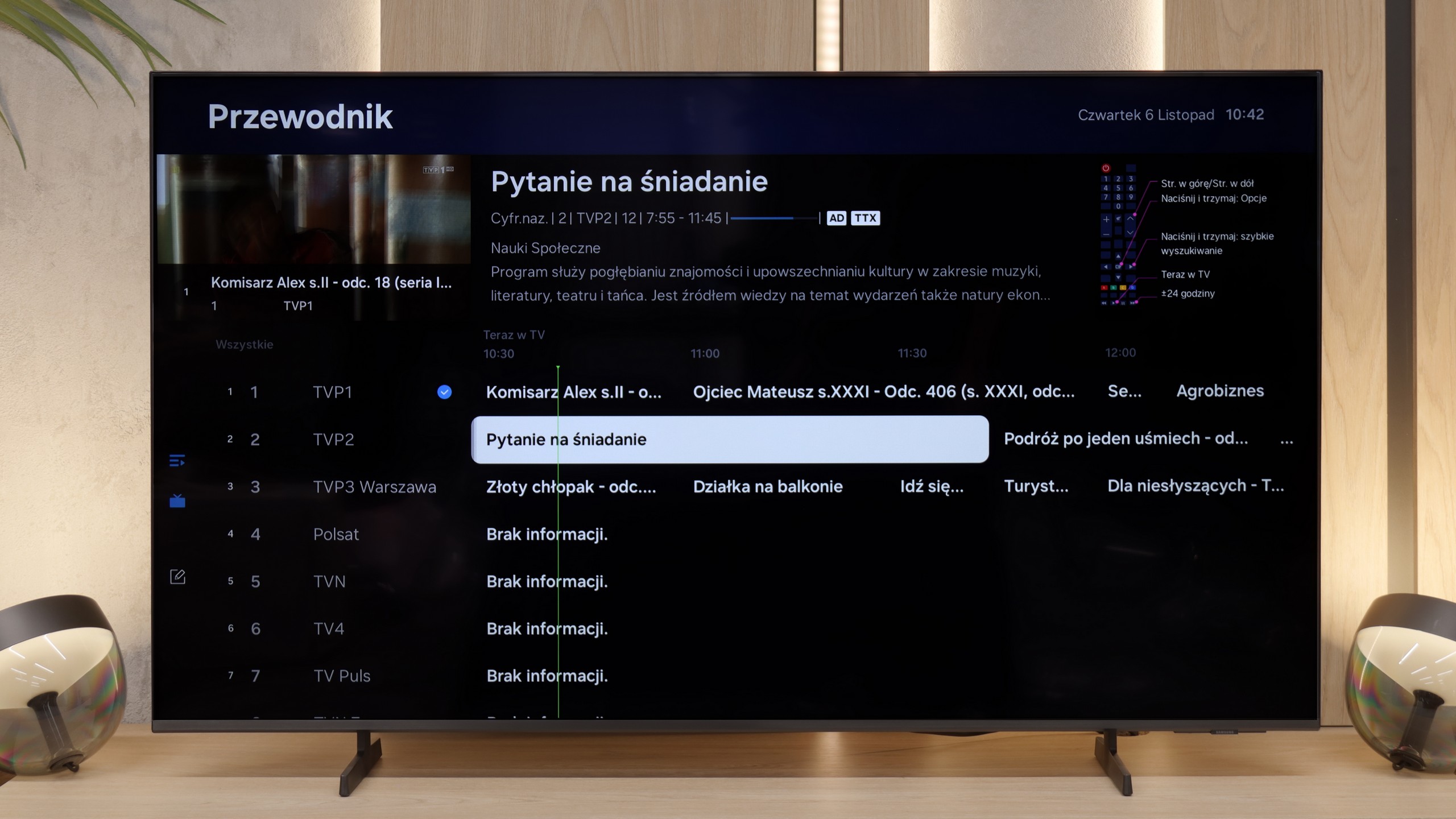
It is worth adding that the remote control included with the Q6F is an older, yet somewhat modernised version of the classic Samsung infrared controller, equipped with a full numeric keypad. Although it operates via infrared, it has many buttons, which might appeal to older users watching traditional television – it simply makes channel switching easier. We will also find a clear EPG interface, teletext, and support for Bluetooth headphones. It sounds a bit like the fulfilment of a senior's dream, and there is some truth in that.
However, we must note a serious lack regarding connections: in this model, we will not find an optical output for audio devices. Only the HDMI eARC connection is available, which can be a significant hassle if we have an external audio system.
Apps
9.3/10
9.3/10






















Playing files from USB
9.3/10
9.3/10
Supported photo formats:
Maximum photo resolution:

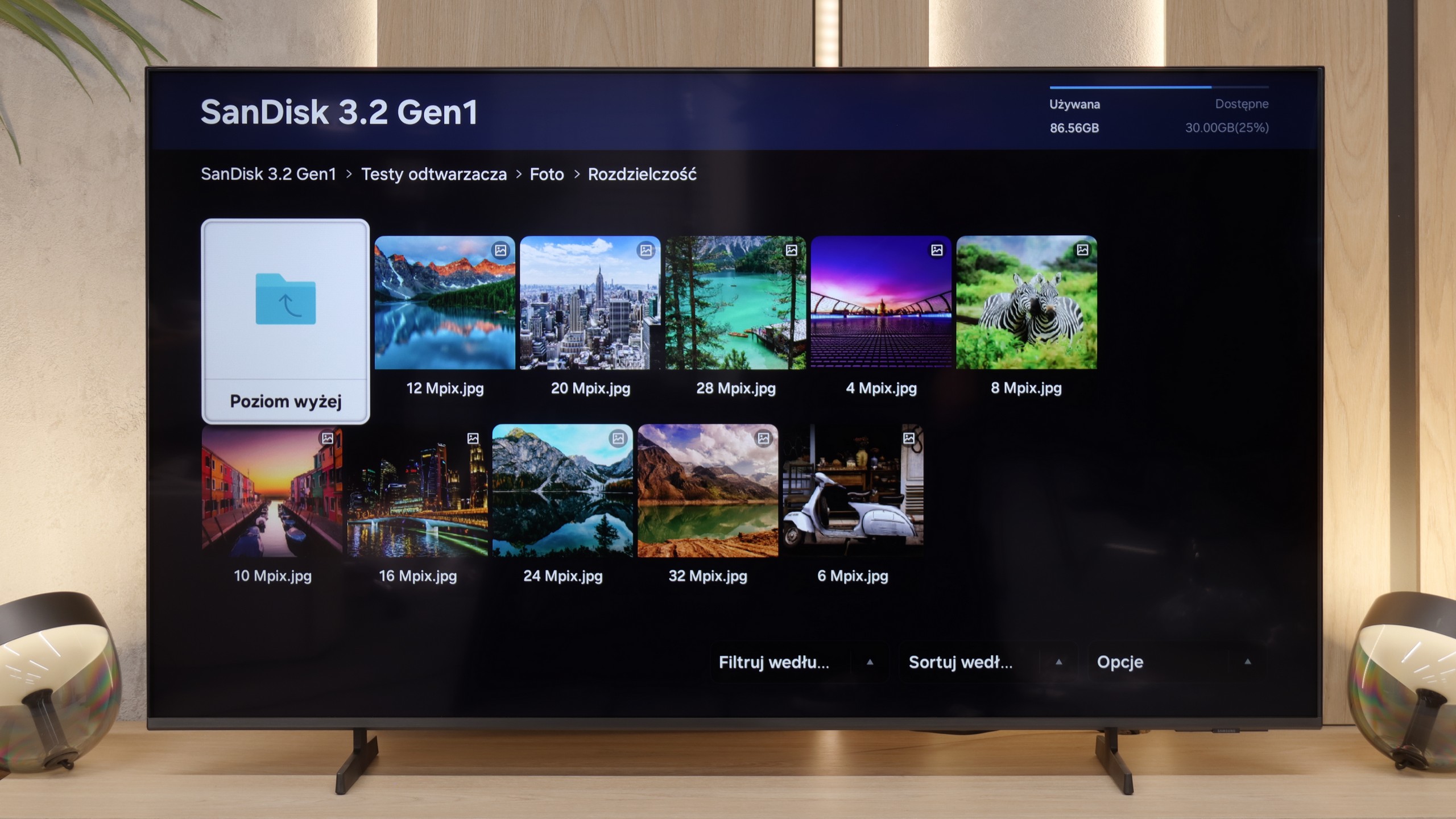
The built-in player in the Samsung Q60D television is one of its significant advantages. It handles most video and audio files used during testing exceptionally well. The only exceptions are the Dolby Vision format, which is not surprising, and less popular codecs. On the plus side, it also supports Polish characters and allows for font colour changes, enhancing user comfort.
When it comes to multimedia support from external media, the Samsung Q6F performs exceptionally well, especially considering that it is a closed system. The television has no issues with most popular video, audio, or photo formats (EVEN HEIC!). The media player operates stably and quickly loads content from USB drives or network servers. It is a solid device for browsing your own film archives or home photo galleries.
Sound
6.2/10
5.8/10
- Maximum volume--
- Dolby Digital Plus 7.1
- Dolby True HD 7.1
- Dolby Atmos in Dolby Digital Plus (JOC)
- Dolby Atmos in Dolby True HD
- DTS:X in DTS-HD MA
- DTS-HD Master Audio
When it comes to sound, due to the slim design of the television Samsung Q60D, the audio quality is at an acceptable level, although it does not stand out in any particular way. On the plus side, the sound synchronisation function with a soundbar thanks to Q-Symphony technology allows for a better audio experience. Unfortunately, in terms of codec support, there is a significant issue – the television does not support the DTS format.
When it comes to sound, the Samsung Q6F plays... well, flat. However, at the same time, the sound is clear and loud enough that it is perfectly suitable for listening to the news or regular television. The voices of the presenters are understandable and do not fade into the background. However, if someone cares about even decent experiences when watching films, we definitely recommend purchasing a soundbar. Even the cheapest model from the Korean manufacturer's range will make a huge difference here and save the situation.
Sound Quality Test
No sound test video
Acoustic Measurements
No acoustic data
0dBC (Max)
75dBC