Samsung offers two top models with 4K resolution when it comes to MiniLED technology. In this test, we took a closer look at the perhaps not so "high-end" QN95D, but rather the QN90D, which can also be found under the name QN92D. Samsung proudly calls its MiniLED televisions the NeoQLED series. It is precisely because of this technology that the television offers excellent contrast and high brightness, making movie watching an experience reminiscent of a true cinema. During everyday use, the Tizen system performed excellently. It is fast, intuitive, and allows seamless switching between applications. We also appreciated how well the television managed lower quality materials – traditional television and older films looked better than we expected, and the advanced image processing algorithms did their job. This is a television that truly enhances the reception of content that is not always in high resolution. The solar remote was a pleasant surprise for us. Although minimalist and with a limited number of buttons, it proved to be very practical – allowing us to control not only the television but also other devices, such as the decoder (Canal+) and the soundbar. This meant we could reduce the number of remotes on the table, which immediately improved usability. Additionally, solar charging – a simple idea that eliminates the need for battery replacements and aligns with ecological trends. As for the picture in different conditions, the television performs well in both bright and dark rooms. High brightness and numerous dimming zones handle most content, although sometimes in contrasty scenes a halo effect is visible. The colours are vibrant and natural, and the QLED coating adds intensity to them. For even better results, we opted for calibration – after which the picture looked even more detailed and natural, which only reinforced our belief that the QN92/QN90 is an excellent choice. And what about motion on the screen? It is absolutely smooth. The 144 Hz panel performs excellently with dynamic scenes – fast actions, sports, games – everything looks natural and without blurring. We particularly appreciated the Auto Motion Plus Game feature, which makes games running at 30 frames per second look smoother, resembling 45 frames, and at 60 Hz, motion becomes even more natural, as if operating at 90 Hz. For gamers, this is a significant advantage, especially since low input lag and features like game bar further enhance the gaming experience. This is a television that will perform well in any situation – from evening screenings to gaming marathons. The QN92D is a practical television, well-designed, and offering picture quality that is truly hard to ignore. An ideal choice for those looking for something more than just an ordinary screen for everyday content.
- Matching (Score) |
- Our verdict |
- TV appearance |
- Where to buy |
- Contrast and black detail |
- HDR effect quality |
- Factory color reproduction |
- Color reproduction after calibration |
- Smoothness of tonal transitions |
- Image scaling and smoothness of tonal transitions |
- Blur and motion smoothness |
- Console compatibility and gaming features |
- Input lag |
- Compatibility with PC |
- Viewing angles |
- Daytime performance |
- Panel details |
- TV features |
- Apps |
- Playing files from USB |
- Sound
Samsung Neo QLED QN90D / QN92D vs Haier Q80FUX
 Direct comparison
Neo QLED / QN92D / QN90D


Panel type: LCD VA (wide viewing angle)
Resolution: 3840x2160
System: Tizen
Model year: 2024
Complete the survey to find out the result
Panel type: LCD VA
Resolution: 3840x2160
System: Google TV
Model year: 2025
Complete the survey to find out the result
Overall rating
7.8
5.8
 Movies and series in UHD quality
 7.9
5.9
 Classic TV, YouTube
 7.9
5.6
 Sports broadcasts (TV and apps)
 7.7
4.7
 Gaming on console
 9.1
6.7
 TV as a computer monitor
 8.6
6.0
 Watching in bright light
 6.4
4.8
 Utility functions
 7.4
5.6
 Apps
Apps 9.3
9.6
 Sound quality
 6.9
5.5
Complete the survey to find out what fits your preferences
Advantages

High brightness
Good contrast
Intuitive Tizen operating system
Great for gamers and sports fans (HDMI 2.1, 144Hz, low input lag)
Wide viewing angles - unusual for VA panels
Very good native contrast and decent black (thanks to the VA panel)
PFS / QLED filter - Wide colour gamut (approx. 95% DCI-P3)
Remarkably low input lag (below 10 ms at 120Hz and around 12 ms at 60Hz), making it an excellent choice for fast-paced games.
Support for 120Hz in lower resolution (Full HD) and the presence of VRR and ALLM
Support for Dolby Vision
Well-functioning file player from USB
Presence of an analogue headphone output (jack)
Disadvantages

No recording function
No DTS format support - this may be problematic for those using Blu-ray
The image is quite heavily "blown out" in HDR
Google TV software is full of bugs, poor translations, and issues
Lack of any image enhancement features (noise reduction, gradient smoothing)
Average brightness
Flat, bass-less sound
High input lag in Dolby Vision mode for gaming
Odd and poorly ergonomic remote
Our verdict
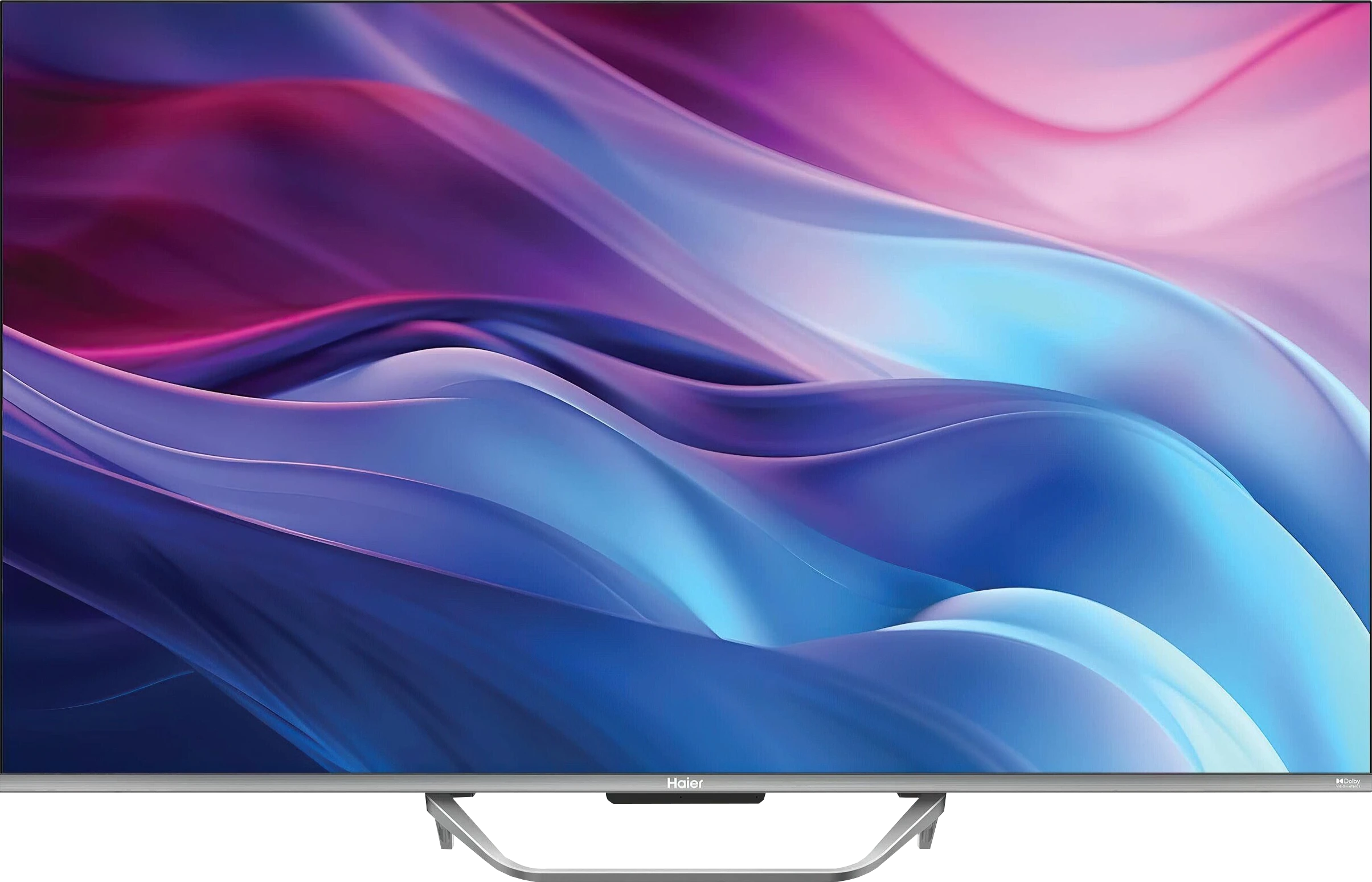
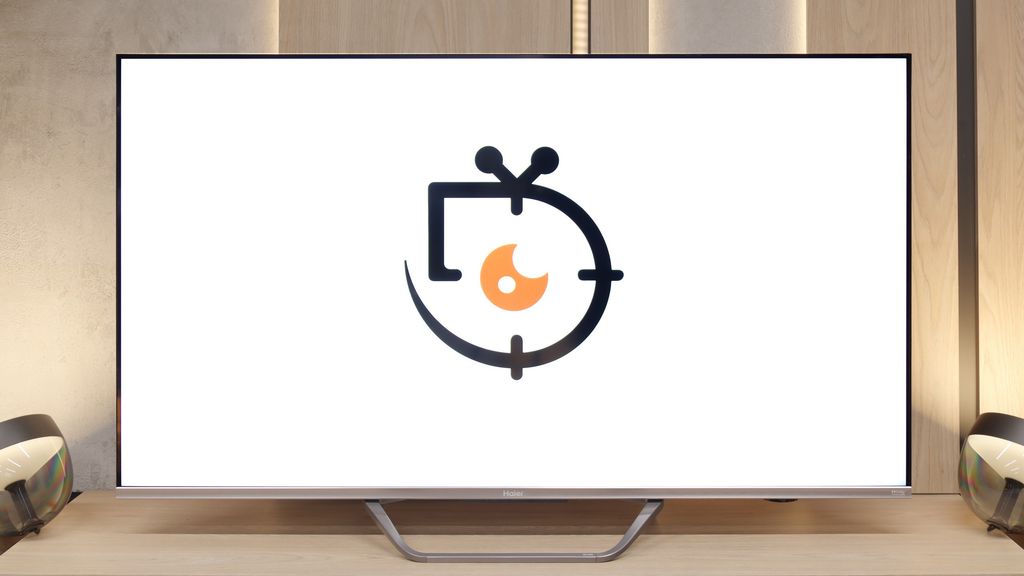
The Haier Q80FUX television is one of the most schizophrenic propositions we've had in our editorial office for a long time. On one hand, we have a solid piece of equipment here: a VA panel ensuring deep blacks, as expected in this segment, and a QLED quantum filter that can indeed produce vibrant, eye-catching colours. This is the foundation upon which a really competitive mid-range receiver could have been built. Unfortunately, all this matrix potential is systematically thwarted by the software, which represents a true millstone around the neck of this model. The Achilles' heel of the Q80FUX is its total capitulation when faced with HDR10 materials. The electronics seem to completely misunderstand how to interpret the signal, resulting in the brightest parts of the image being continuously blown out, turning them into a flat, milky patch. If we add the Google TV system to this, which, although functional, is unstable, full of bugs, and annoying shortcomings, we see a product that feels raw and clearly shows the manufacturer's lack of experience. Just when we thought we had written this model off, we discovered its surprising niche. Once connected to a console, the Q80FUX undergoes a transformation. It turns out that this television offers an impressively low input lag, fully supports VRR, and can handle a 120Hz signal in Full HD resolution. In the gaming world, where responsiveness is everything, these parameters put it in a very good light. So, we are dealing with a device of very narrow specialization. This is not a universal living room television – it lacks stability and above all, any correctness when handling films. Rather, it is a budget-friendly, large-format monitor for gamers, who can consciously forgive it all the software flaws in exchange for those few key attributes needed for consoles/PC at a relatively affordable price.
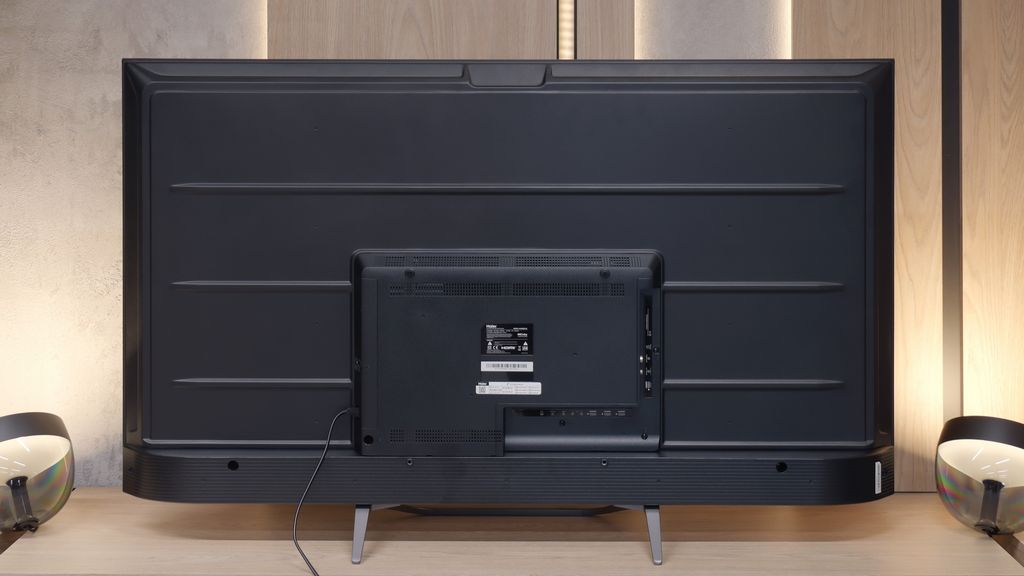
TV appearance



Contrast and black detail
7.9/10
6.3/10
Local dimming function: Yes, number of zones: 504 (36 x 14)
Local dimming function: No
Contrast:


Result
∞:1

Result
69,000:1

Result
∞:1

Result
5,500:1

Result
2,700:1
Result
5,200:1
Result
7,400:1
Result
7,550:1
Result
7,300:1
Result
6,450:1
Halo effect and black detail visibility:

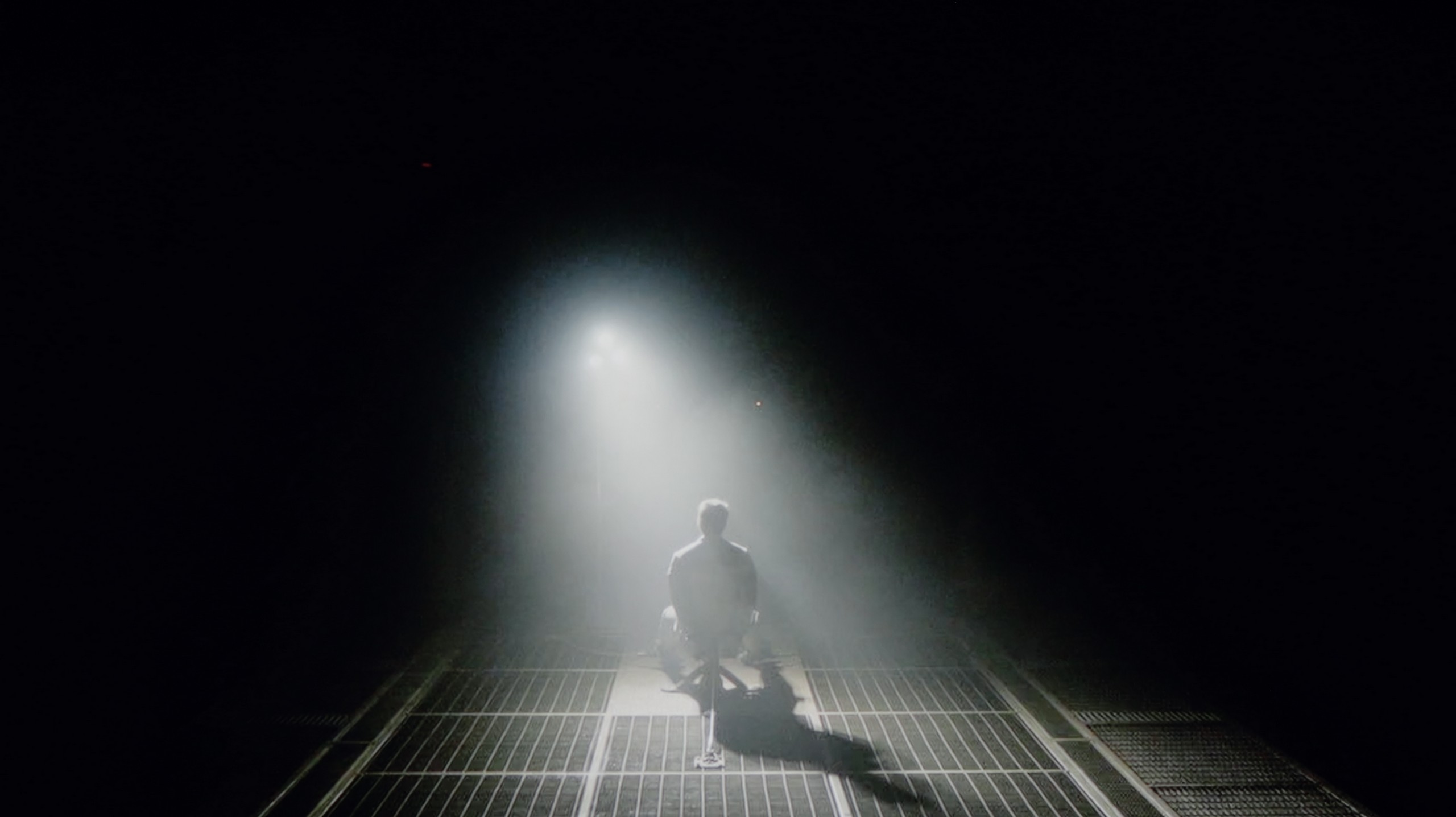
Check the visibility of bright lights on a dark background. Mini-LEDs often struggle with this. The photo does not compare black levels – that’s what the video below is for.
Samsung QN92D is one of the highest models of NeoQLED 4K (mini LED) from the Korean manufacturer for 2024. Although it does not offer as many local dimming zones as its more refined sibling Samsung QN92D, the number of 504 dimming zones in the 55-inch version is still impressive. The VA panel works well with this solution, providing excellent results in terms of contrast. The contrast in Samsung QN92D is outstanding for a non-OLED television. Even in challenging scenes, like those from the films "Oblivion" or "Arrival", the contrast is nearly infinite and can compete with the best televisions in the OLED segment, which is quite rare among LED-backlit televisions. However, mini LED technology has its limitations compared to organic panels, which can lead to certain issues. For example, on the latest test pattern from Pioneer, the television struggles significantly. This may be due to a very aggressive dimming algorithm, causing the mini LED lights to sometimes be unable to "decide" what to do – whether to illuminate certain elements or maintain black levels. Despite these shortcomings, Samsung QN92D is one of the best LCD televisions in terms of contrast and black levels.
I must admit that approaching a receiver in this price range, one instinctively crosses their fingers, hoping that at least the black won’t be a grey patch. Meanwhile, the Haier Q80FUX, specifically the 55-inch specimen residing in our editorial office, can very positively surprise in this regard. Its secret lies in the use of a VA panel, which inherently has a tendency to generate high contrast. And these are not empty promises. During screenings, in most cinematic shots, the contrast consistently reported levels from 5000:1, often reaching the threshold of 8000:1. These are really strong results, considering the fact that this television does not possess any, even minimal, form of local dimming. Translating this into experiences from behind the couch: for its price point, the Q80FUX offers simply solid black. Of course, it is not that perfectly velvety depth that makes the screen disappear into darkness. When we conduct a screening in conditions of full isolation from light, we notice that in the darkest parts of the image, the black reveals its budget origins, subtly veering towards a bluish hue. However, this is a defect that is easy to mask – just a bit of light from a lamp in the corner of the room is enough for this nuance to become invisible, and the image to regain satisfying depth.
HDR effect quality
6.7/10
4.9/10
Luminance measurements in HDR:

Result
1947 nit

Result
617 nit

Result
738 nit

Result
271 nit

Result
1479 nit
Result
308 nit
Result
327 nit
Result
352 nit
Result
330 nit
Result
344 nit
Scene from the movie “Pan” (about 2800 nits)


Scene from the movie “Billy Lynn” (about 1100 nits)


The photos show two HDR10 movies. 'Pan' is one of the brightest productions ever made, while 'Billy Lynn' (soldier) has brightness typical of streaming (Netflix, Prime, HBO MAX). Notice the intensity of effects and detail in whites.
Static HDR10


The photos present the visibility of white details in various HDR formats. They do not show brightness differences between TVs (these can be compared in the previous gallery).
Dynamic: HDR10+
Dynamic: Dolby Vision


The photos present the visibility of white details in various HDR formats. They do not show brightness differences between TVs (these can be compared in the previous gallery).
HDR luminance chart:
Haier Q80FUX
Samsung Neo QLED QN90D / QN92D
During synthetic tests, Samsung QN92D displayed its incredible capabilities in terms of brightness. The graphs clearly indicate that the television can achieve an impressive 2000 nits, giving it a solid power base to compete with the best models on the market. Such a result places it at the forefront, especially in the context of displaying HDR content, where brightness plays a crucial role. However, what happens when we transfer the tests to real film scenes? Under favourable conditions, such as the first scene from the film Life of Pi or the last scene where the image is entirely flooded with light, Samsung QN92D can achieve nearly laboratory results, impressing with its brightness. The situation looks different, however, when small, bright objects appear on a dark background, as in the fourth scene from the film Sicario. In such cases, the television does not perform as well – brightness drops several times, and the maximum values under the best conditions are around 600 NITS. Similar to the case with contrast, these limitations arise from the use of an aggressive local dimming algorithm. This algorithm aims to reduce the 'halo' effect around bright objects on a dark background, but often at the expense of overall brightness. As a result, while the television excels in brightly lit scenes, its ability to display full brightness is limited when it comes to small, vivid elements.
Alright, let’s move on to the topic that stirs up so much discussion, namely the capabilities of the television in HDR mode. Let’s state it clearly right away: the Haier Q80FUX is certainly not a brightness demon. The panel of this receiver can generate about 350 nits at peak, which in today’s terms is the absolute minimum to even talk about the presence of High Dynamic Range (HDR). On the positive side, this power is at least stable – regardless of which test pattern or film scene we used, the measurements consistently oscillated in the range of 300-350 nits. These are therefore results that are at best sufficient, definitely far from the dazzling display of capabilities we are accustomed to with more expensive models. Fortunately, there is one aspect in which the Q80FUX compensates for these shortcomings and does so impressively. After all, we are talking about a QLED television (more precisely PFS LED), which means that thanks to the quantum dot filter applied to the panel, it can generate really juicy, vibrant colours. These are not empty promises – a DCI-P3 colour gamut coverage of nearly 95% is an impressive result and directly translates into colours that are very pleasant to the eye and saturated.
Factory color reproduction
6.1/10
4/10


This gallery shows how colors change after professional TV calibration. If you notice the difference, we recommend ordering this service at SkalibrujTV.com.
Factory Mode
After calibration
The best mode that consistently reproduces colours on the Samsung QN92D is, as it has been for years, the Filmmaker mode. Although it generally offers decent colour quality, it is not without significant issues. Let’s start with the analysis of images in HD/SDR quality. The biggest challenge here is white balance – the graphs show considerable instability, with a pronounced red dominance, making the image too warm. This distortion causes shades to be unnaturally shifted towards warmer tones, which can negatively affect the perception of materials with natural colours. The contrast, based on the gamma graph, although not the worst, remains far from ideal, impacting the overall image quality, especially in darker scenes.
This problem persists with 4K materials, such as series or movies of higher quality. In this case, the white balance also proves faulty, with noticeable deficiencies in blue and red colour, leading to tonal shifts. Tests using the Colour Checker tool confirm these issues – all colours tend to shift towards yellow tones, further distorting the natural appearance of the image. Although the Filmmaker mode is one of the best available modes for watching cinematic content, it still requires improvements, especially concerning colour accuracy and white balance.
Factory settings for movie mode are rarely perfect, but in the case of the Q80FUX, we were confronted with a noticeable imbalance. In SDR content, the image was decidedly too warm, a result of excessive red in the white balance, giving the whole a slightly sepia tone. Ironically, in HDR materials, the television fell into the opposite extreme – an excess of blue caused an unnatural, cold effect in perception. However, it was not the capricious white balance that was the biggest problem with this television. The real culprit, responsible for the aforementioned issues, was hiding deeper. It turned out that the Q80FUX has completely miscalibrated gamma values and, crucial for HDR, a poorly executed EOTF curve. It was these erroneous factory settings that caused persistent clipping of the brightest parts of the image, overlaying them with that characteristic milky filter. Thus, we found the source of the problem. This state of affairs led to general, significant colour errors, which were easy to catch even for an untrained eye. Like every television we tested, we decided to calibrate this model as well, and the results of these adjustments can be found in the next paragraph.
Color reproduction after calibration
8.7/10
6.1/10

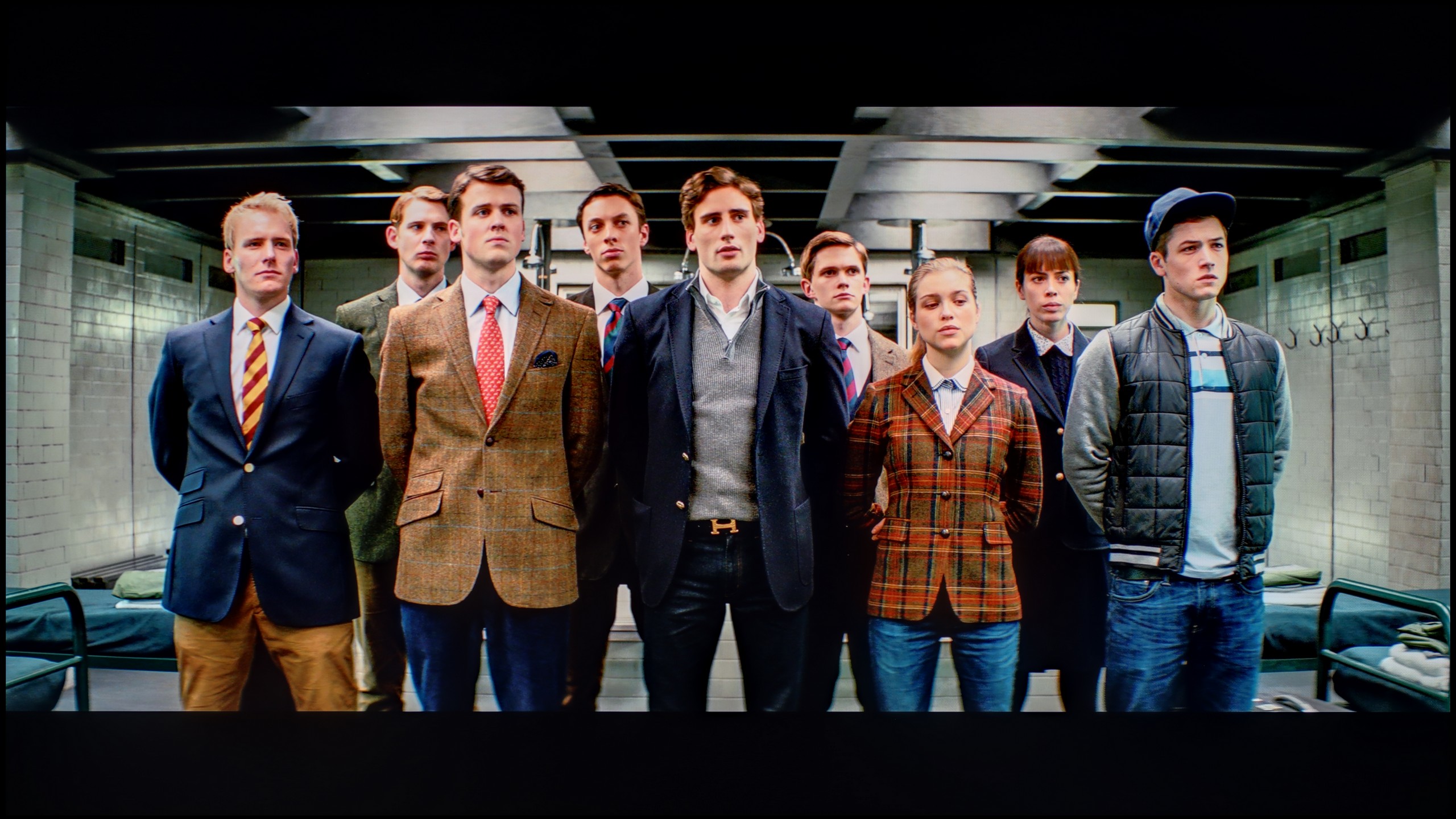
The photos show how movies look on the TV. Pay attention to black detail visibility, colors, and shadow tint.


The photos show how movies look on the TV. Pay attention to black detail visibility, colors, and shadow tint.
After calibration, the Filmmaker mode on the Samsung QN92D television shows significant improvement, particularly in terms of SDR content. The white balance has been greatly enhanced – the previous colour misalignment and dominance of red have been eliminated, resulting in a more natural colour reproduction. In terms of brightness, although the gamma chart did not require significant adjustments, it has been stabilised, which affects overall picture quality.
Regarding high-quality materials, the white balance has also improved in this case. However, it is important to note the contrast. The EOTF curve, which illustrates values in this area, initially seems correct. However, when we look at the details, the television struggles to maintain appropriate contrast in film materials. The EOTF curve reveals certain discrepancies, suggesting that despite advancements, there are still areas needing improvement in this aspect. The television still strives for excellence in contrast reproduction. One advantage of this television is colour saturation. Skin tones are rendered very well, and although some colours can be slightly oversaturated, the final effect looks truly appealing – the colours appear rich and vibrant.
Despite some shortcomings in contrast, after calibration, the Filmmaker mode on the Samsung QN92D offers excellent picture quality, with natural colour reproduction, making it a great choice for watching films.
The results of our calibration procedures must, regrettably, be acknowledged as twofold. Generally speaking, the picture is undeniably better than before the corrections; however, the biggest winner of this process turned out to be SDR content. It is precisely there, after correcting the gamma and white balance graphs, that we achieved results that can confidently be called very good. After adjustment, the Q80FUX truly shines in standard dynamics, showing only slight errors in the most difficult skin tone reproductions. Unfortunately, the weakest link remains HDR content. Here lies the paradox: despite having calibrated the white balance to nearly perfection, the overall colour errors still remain at quite a high level. The reason is that the television continues to interpret static HDR10 metadata "in its own way," stubbornly enforcing that unfortunate image burn-out effect, which inevitably leads to significant distortions. Although we have successfully eliminated the factory excess of blue, it is precisely due to this interference of electronics that the screen still tends to stray into somewhat overly cold tones. That is just how this television is.
Smoothness of tonal transitions
9/10
7.5/10


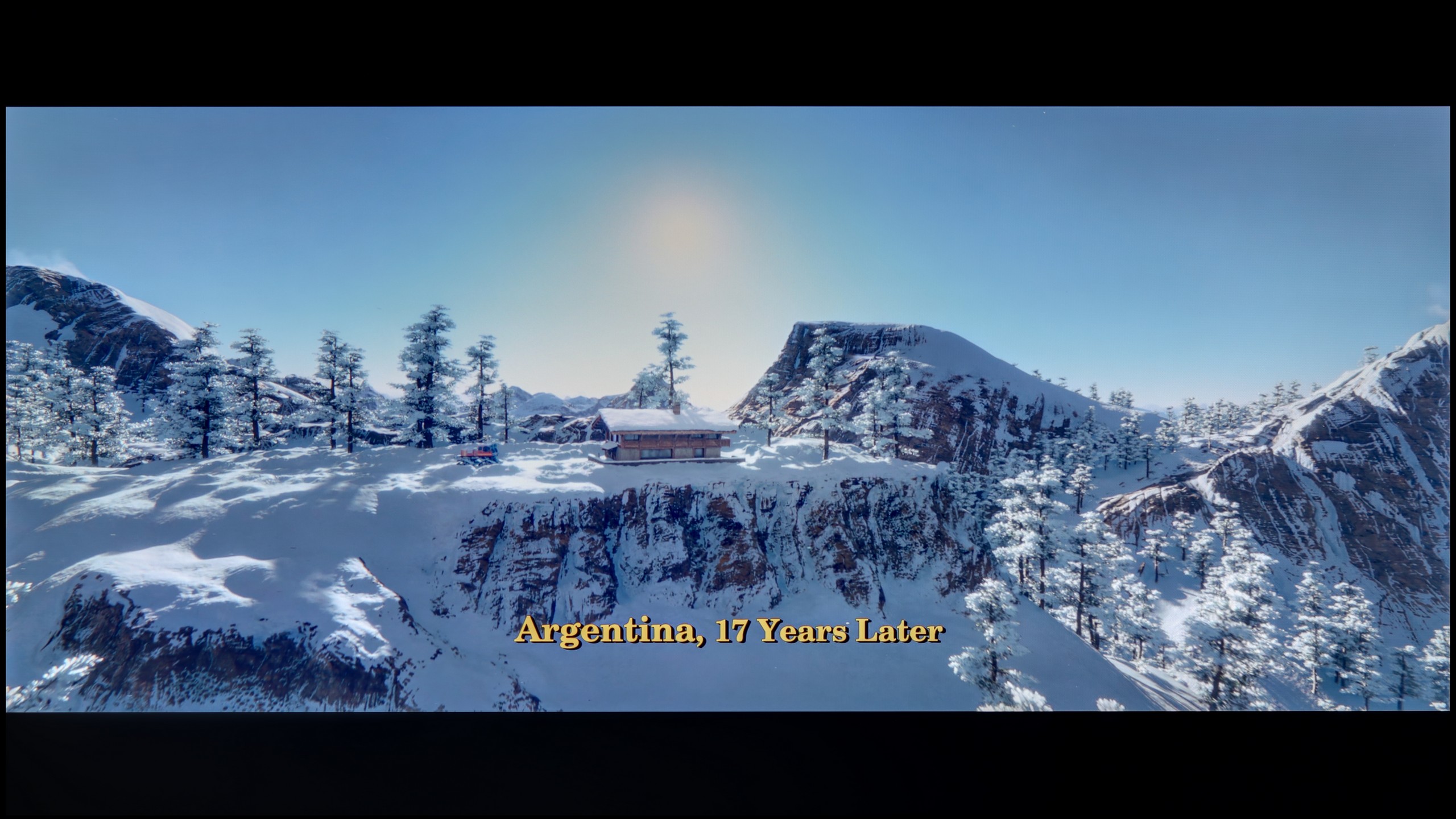
These are selected scenes that show smooth tonal transitions from one color to another. If you see distinct banding, it’s the TV panel’s fault.
These are selected scenes that show smooth tonal transitions from one color to another. If you see distinct banding, it’s the TV panel’s fault.
These are selected scenes that show smooth tonal transitions from one color to another. If you see distinct banding, it’s the TV panel’s fault.
These are selected scenes that show smooth tonal transitions from one color to another. If you see distinct banding, it’s the TV panel’s fault.
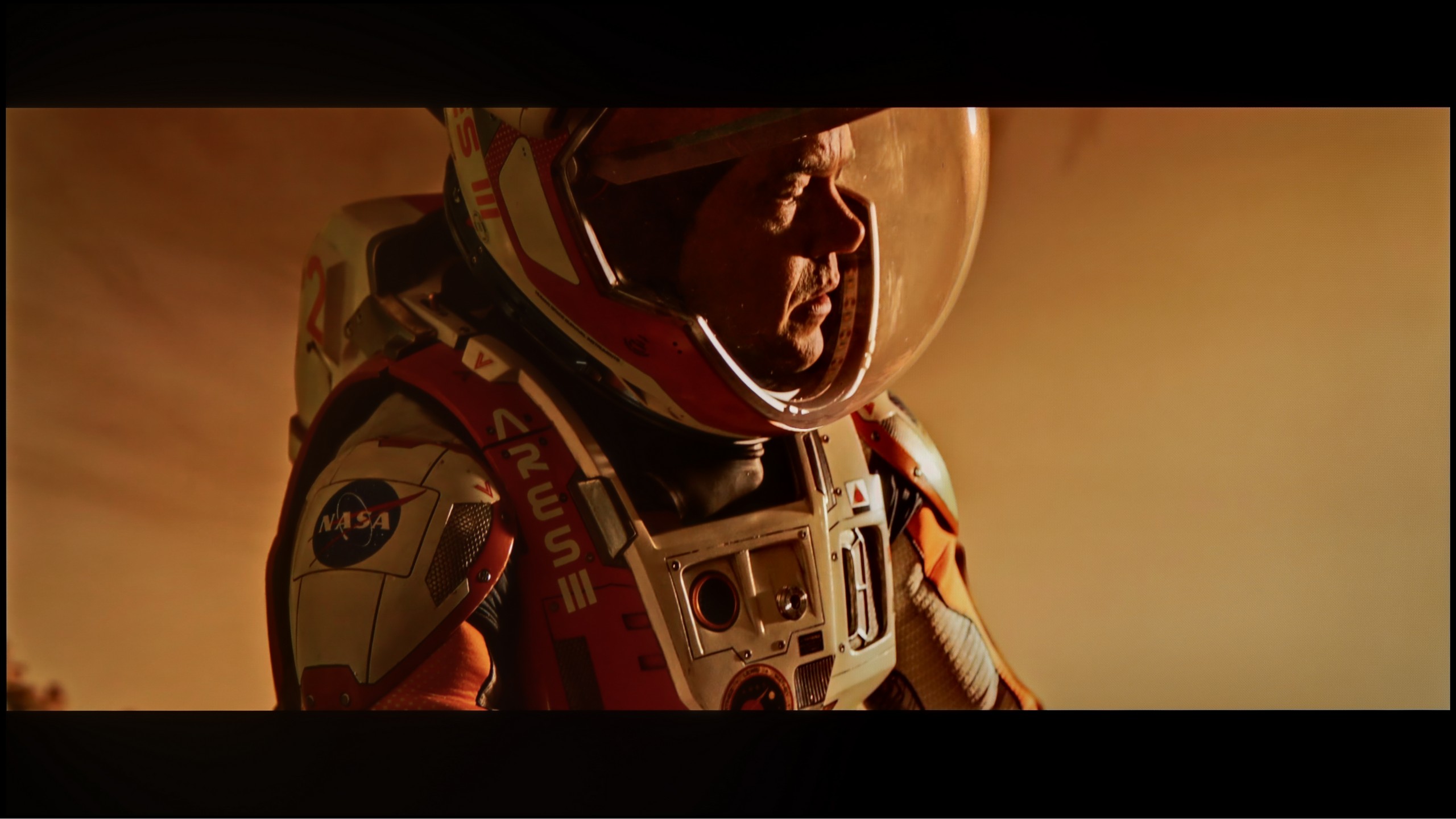
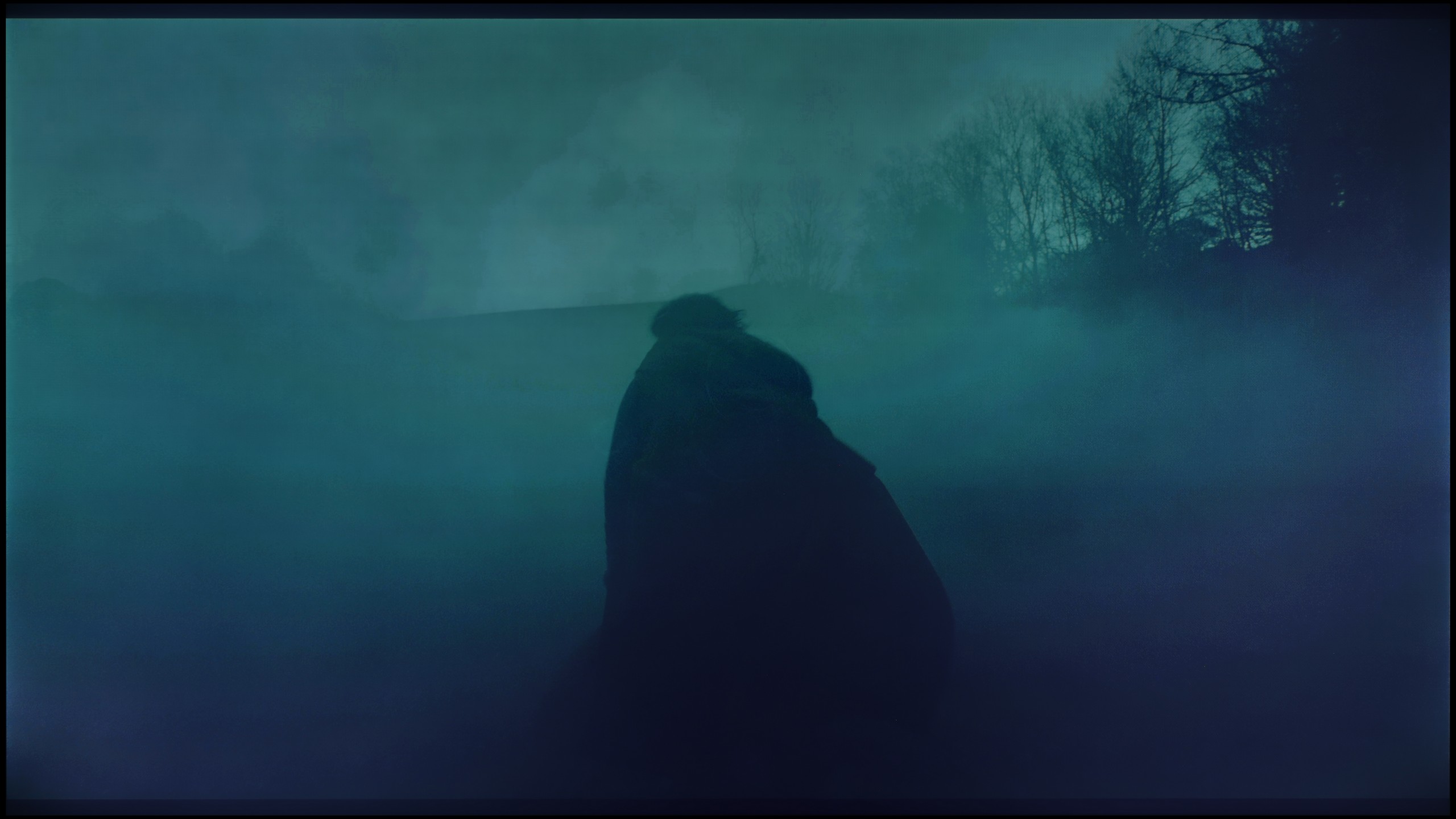
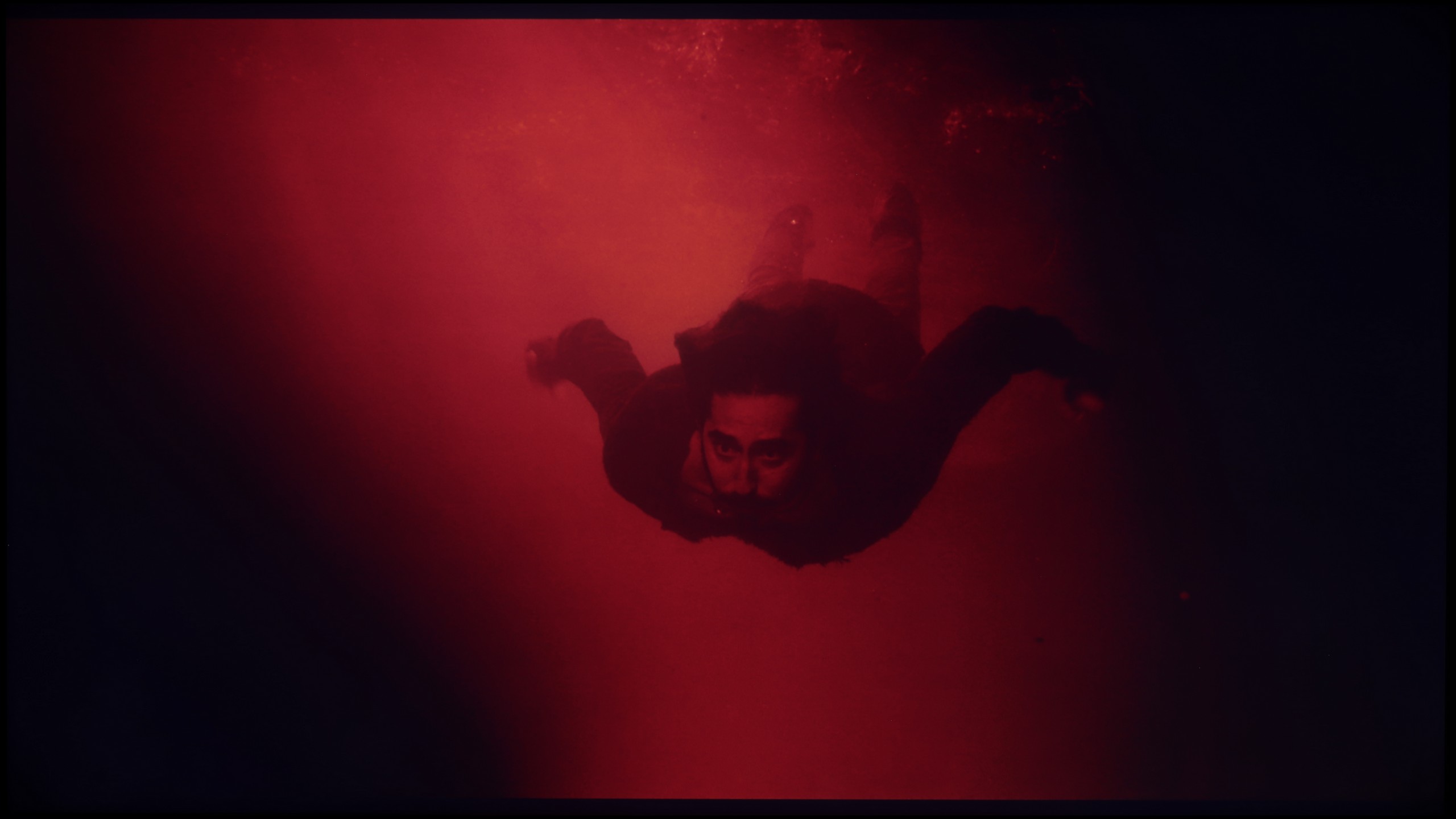
The fluidity of tonal transitions in the TV Samsung QN92D is excellent, making the image appear remarkably natural, without noticeable disturbances. In scenes with complex colour gradations, the TV performs superbly, ensuring smooth and uniform transitions. Competing OLED TVs in a similar price range can successfully take a cue from this, as the Samsung QN92D offers quality that places it on par with models equipped with QD-OLED matrices.
Analysing the ability of the television to handle subtle tonal transitions, known as "banding", leads us to interesting conclusions. The Haier Q80FUX seamlessly blends neighbouring colours in most scenes, creating a smooth, cohesive image. However, this process is not perfect. During testing, we noted minor issues and imperfections in every test scene we used. These may not be errors that aggressively stand out and ruin the viewing experience, yet their presence is worth noting. Interestingly, this receiver shows no particular weaknesses or strengths in this regard – it handles this challenge in exactly the same way, whether displaying delicate gradients of a bright sky or dark transitions in the shadows.
Image scaling and smoothness of tonal transitions
7.2/10
4/10


Smooth transition function

The match photo shows how the TV smooths weak tonal transitions in low-quality video.
Image scaling SD (576i)


The model photo shows how it handles upscaling of SD material.
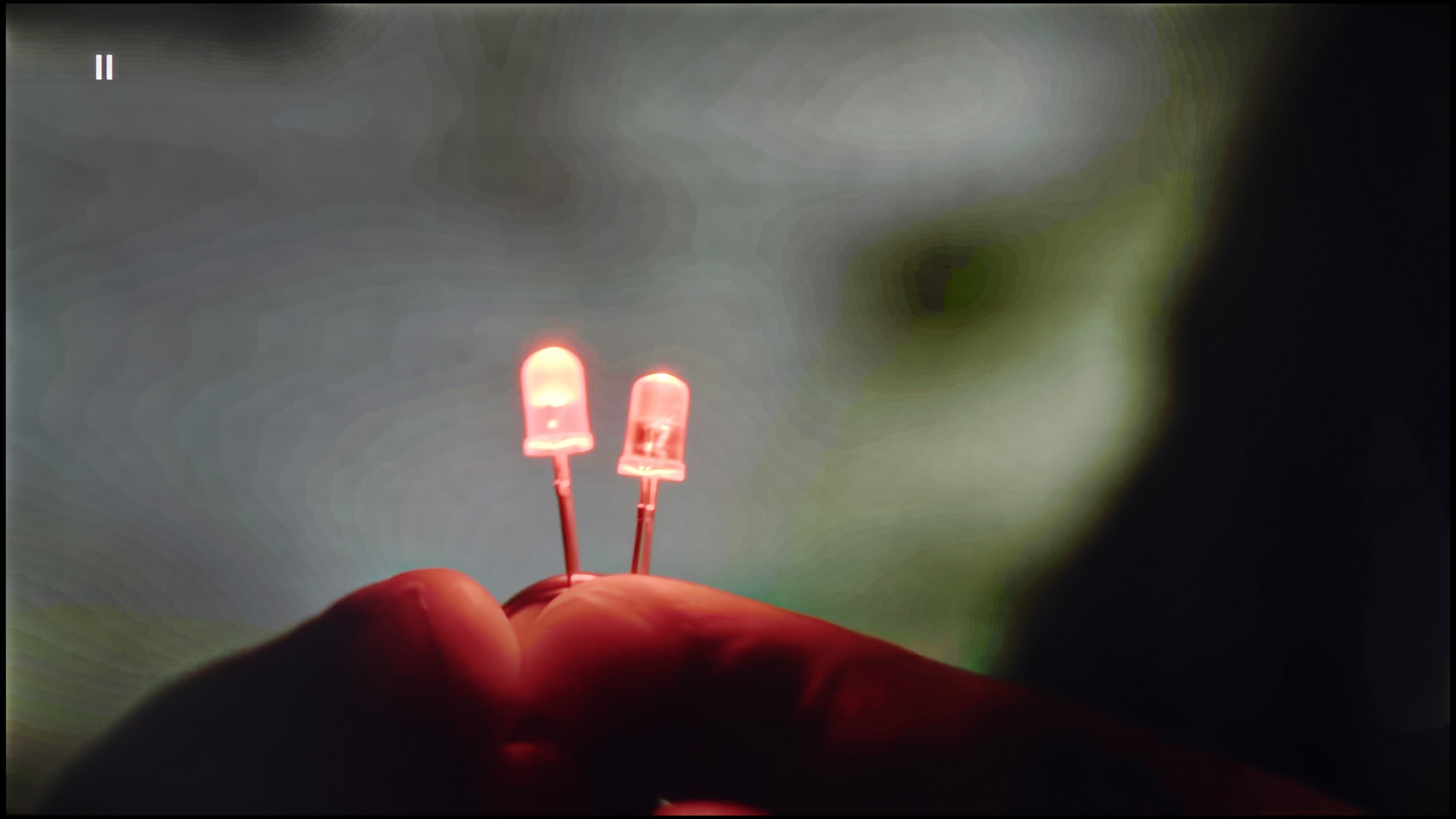
Let’s check how the Samsung QN92D television performs with tonal transitions in very poor quality materials. The noise reduction feature demonstrates good effectiveness, improving the smoothness of tonal transitions even in challenging conditions. However, it should be noted that, as with other Samsung televisions, the effectiveness of this feature may lead to the removal of desirable elements, such as film grain, which can sometimes affect the authenticity of the image.
Regarding digital processing, the Samsung QN92D television also performs excellently. During testing, the image was presented very well, with the model shown in a natural and correct manner. Details such as branches in the background were reproduced with great precision, highlighting the television's ability to enhance the quality of low-resolution materials.
If there is one area where Haier clearly shows it still has a long way to go compared to the market leaders, it is digital image processing. The upscaling, well... is just alright. And that’s really about all that can be said about it. It does what is expected of it: it ensures that lower resolution signals do not scare us with harsh pixelation on the screen and do not look like a forcibly enlarged postage stamp. However, it is far from the finesse and “intelligent” sharpening that more experienced players in this market have developed over the years. The biggest shortcoming of the Q80FUX software is the almost complete lack of any additional "cleaning" and smoothing functions for the image. The receiver does not offer any noise reduction or gradient improvement mechanisms. This means that with older or heavily compressed materials, we simply have to come to terms with the fact that any imperfections in tonal transitions or blending of colours, which we mentioned earlier, will continually accompany us during the viewing.
Blur and motion smoothness
7.5/10
4.5/10

Blur (native resolution, maximum refresh rate):


Blur (BFI function enabled):
Image flickers in this mode


The Samsung QN92D television is equipped with a 144 Hz panel; however, when watching content using the smoothness feature, the maximum refresh rate is 120 Hz. This means that both gamers and those who watch a lot of sports will be satisfied with the picture quality. It is also worth mentioning the available image enhancement options, such as the "blur and judder reduction" feature, which allows users to adjust the smoothness to individual preferences on a 10-point scale. Blur reduction is responsible for increasing the sharpness of quickly moving objects, while judder reduction smooths motion, eliminating the "stutter" effect. Thanks to these advanced settings, optimal visual experiences can be achieved, making the Samsung QN92D ideal for both dynamic scenes and intense gaming sessions.
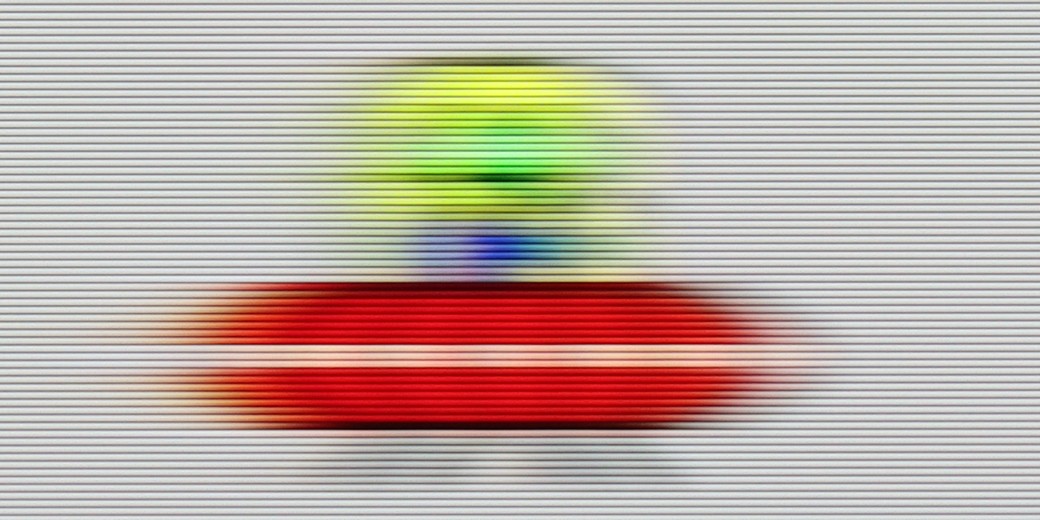
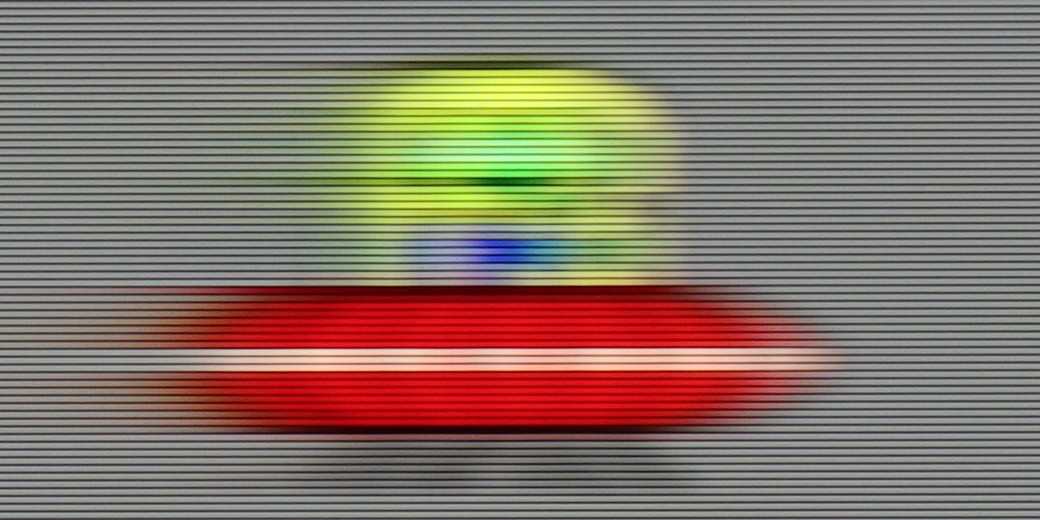
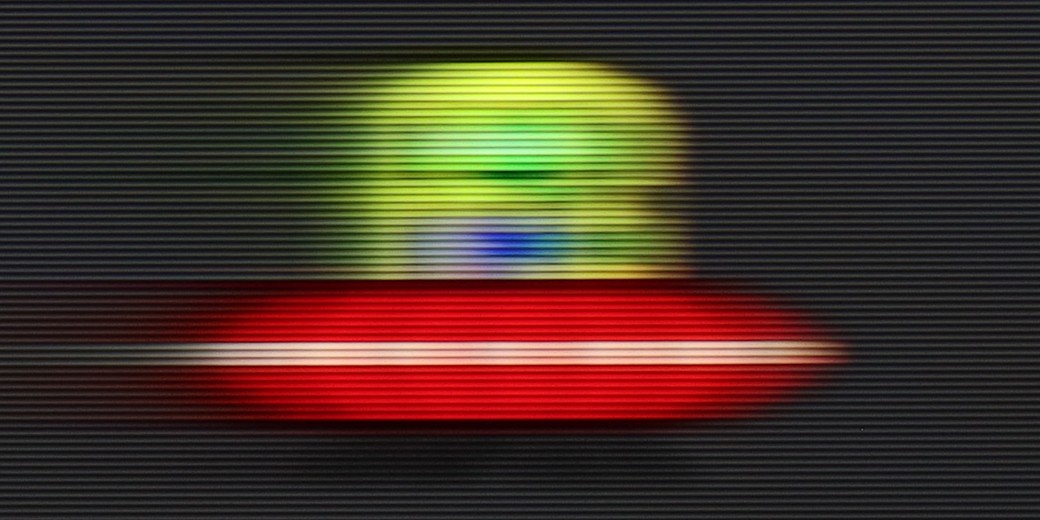
In terms of motion blur, the television performs really well, and it is hard to find anything to criticise. The only comment we might have is a slight overshoot effect noticeable on dark backgrounds during our test with "Ufoludkiem". Nevertheless, with the advanced smoothness settings, the Samsung QN92D is perfect for both dynamic scenes and intense gaming sessions.
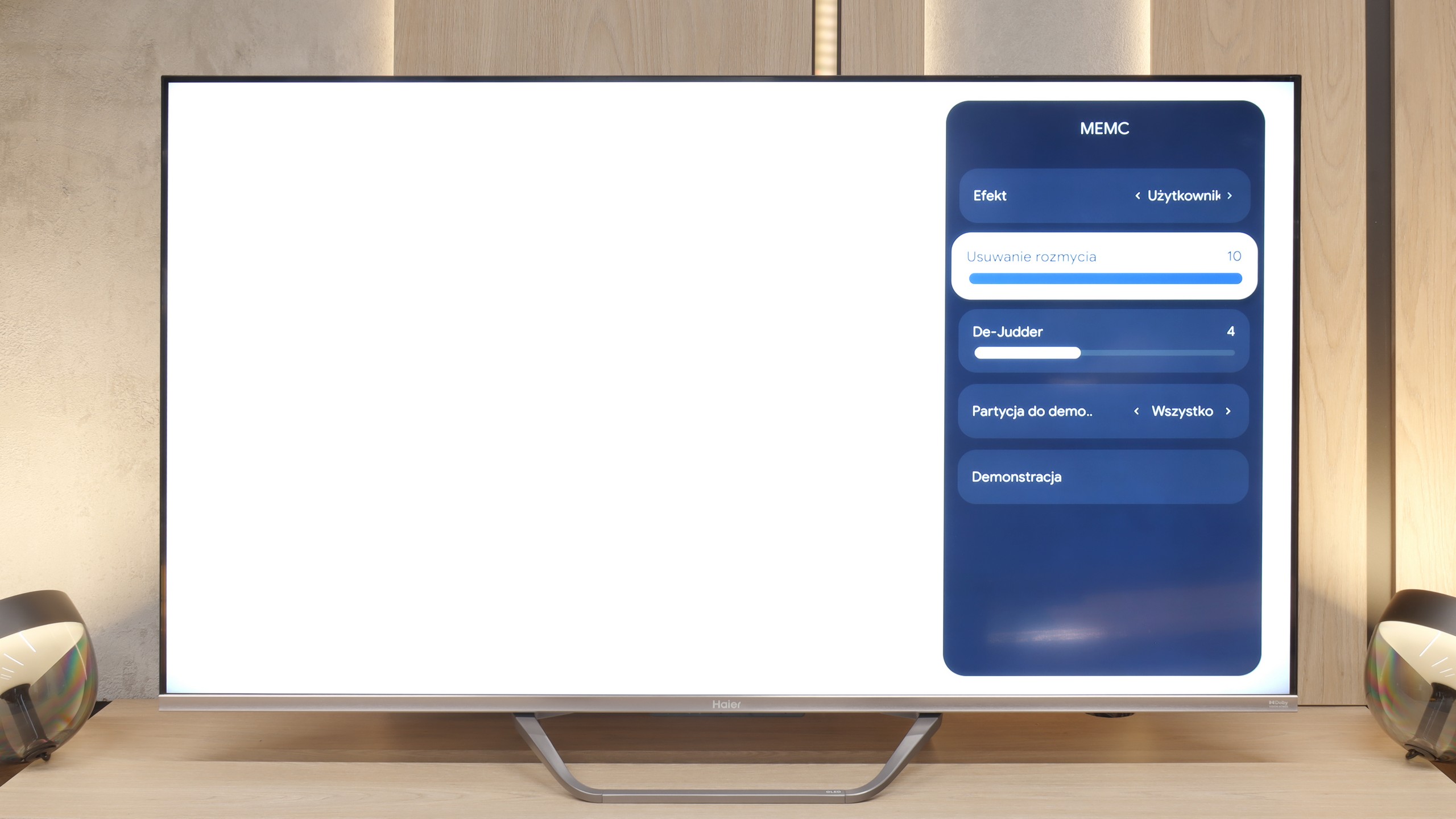
The issue of motion fluidity and blurring is largely predetermined by the use of a 60-hertz panel, which naturally makes it difficult to recommend this receiver to enthusiasts of very dynamic content. Fortunately, in the Q80FUX, we find a few options (although, as we shall see shortly, in reality only one) that are supposed to improve the experience with older film productions. There is a "De-Judder" slider available, which actually controls the smoothness of the image and allows us to adjust it to our preferences: from raw, cinematic frame rates to a more theatrical, smoothed presentation. However, a true surprise awaits us just beside it in the menu. There is also a second slider, supposedly dedicated to removing blur – a feature we typically encounter in 120Hz panels to combat motion blur in sports. However, as we expected, recalling memories from the tests of the K85F model, this slider here is merely a façade. Its adjustment does absolutely nothing to the image and it simply appears to be an oversight by the product engineers who left a non-functional option in the software for this type of panel.
Console compatibility and gaming features
9.5/10
5.6/10
- ALLM
- VRR
- VRR range48 - 144Hz48 - 120Hz
- Dolby Vision Game Mode
 Yes, high input lag
 - Correct implementation of HGIG
- 1080p@120Hz
- 1440p@120Hz
- 4K@120Hz
- Game bar

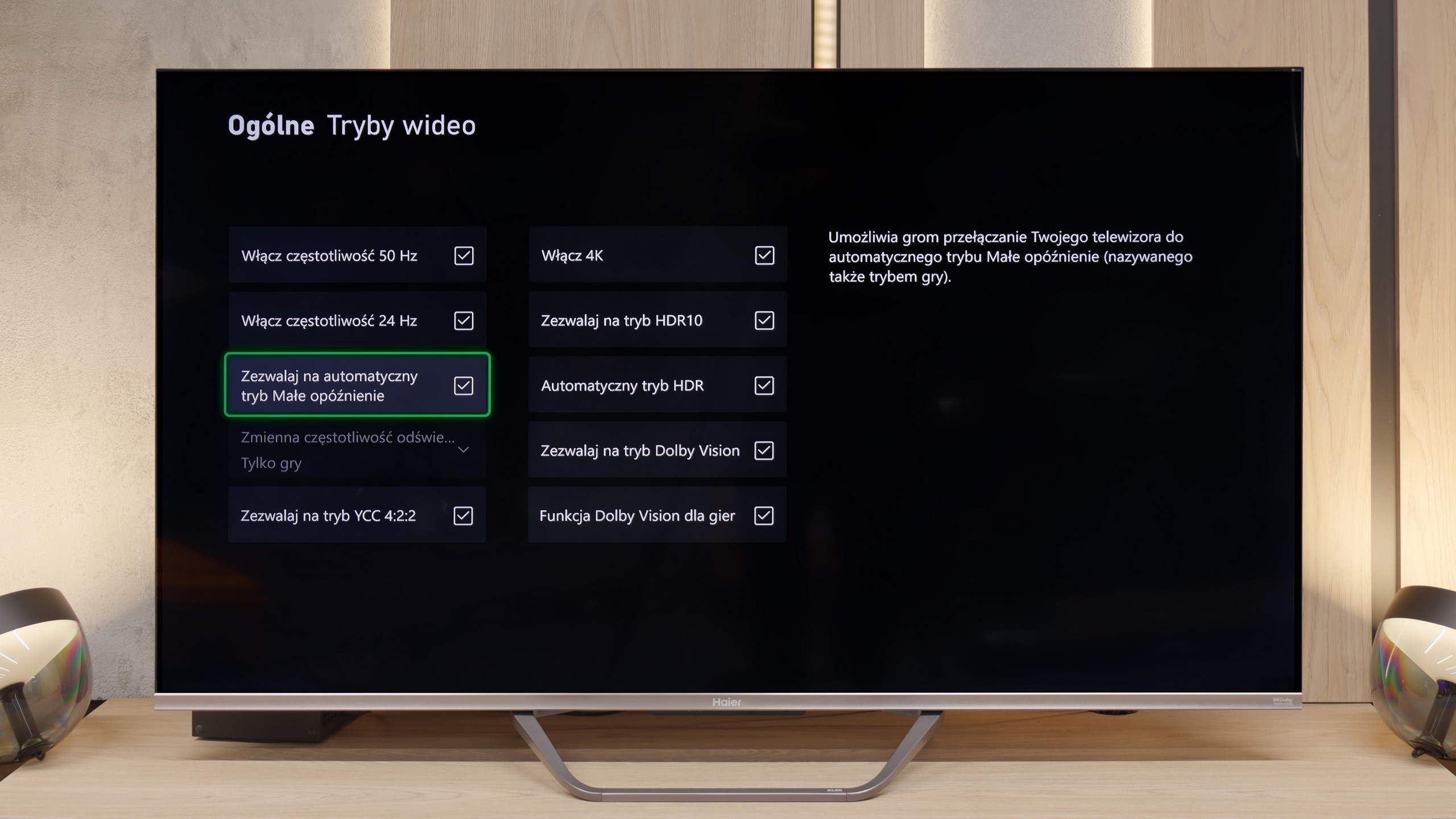

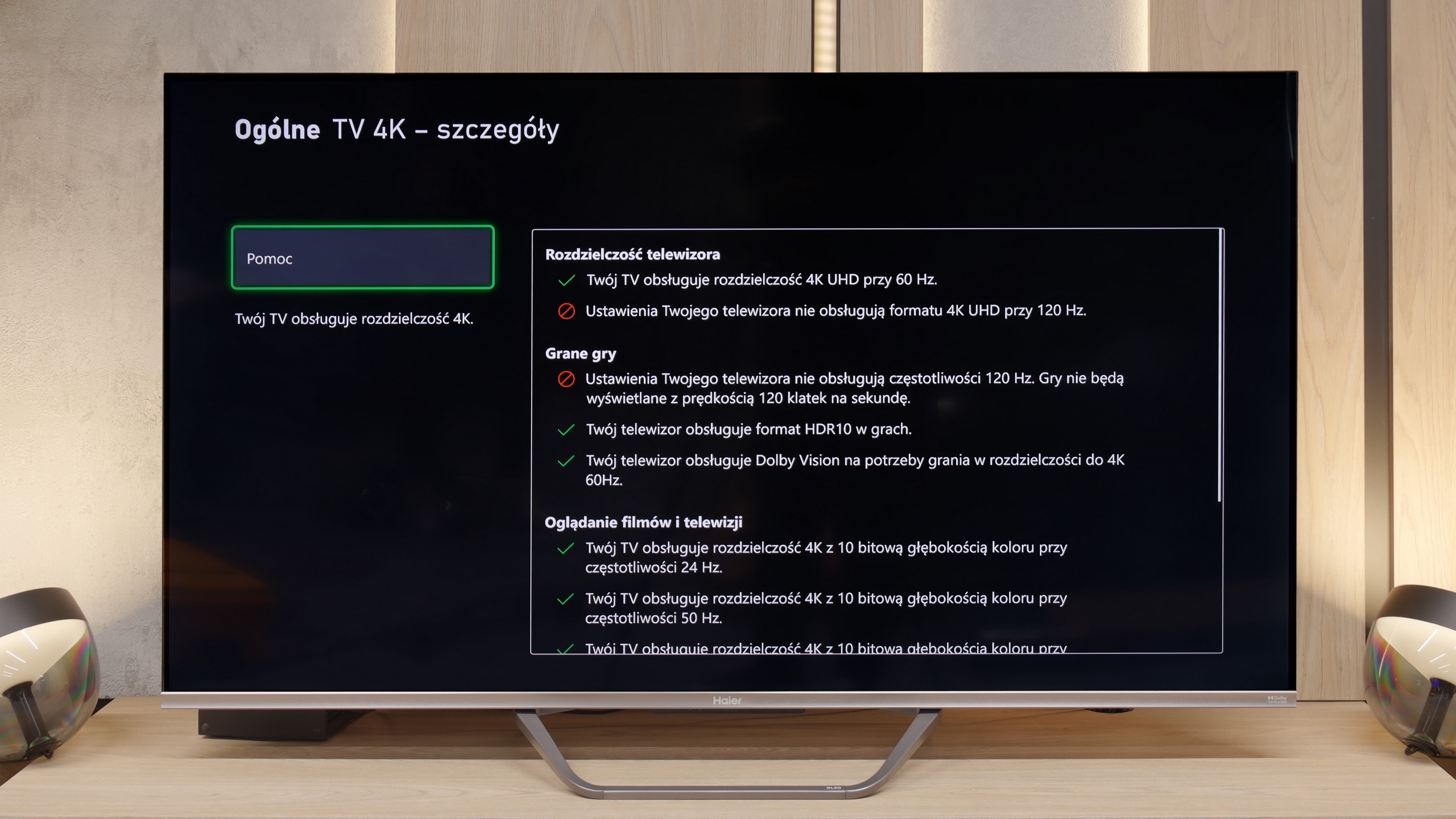

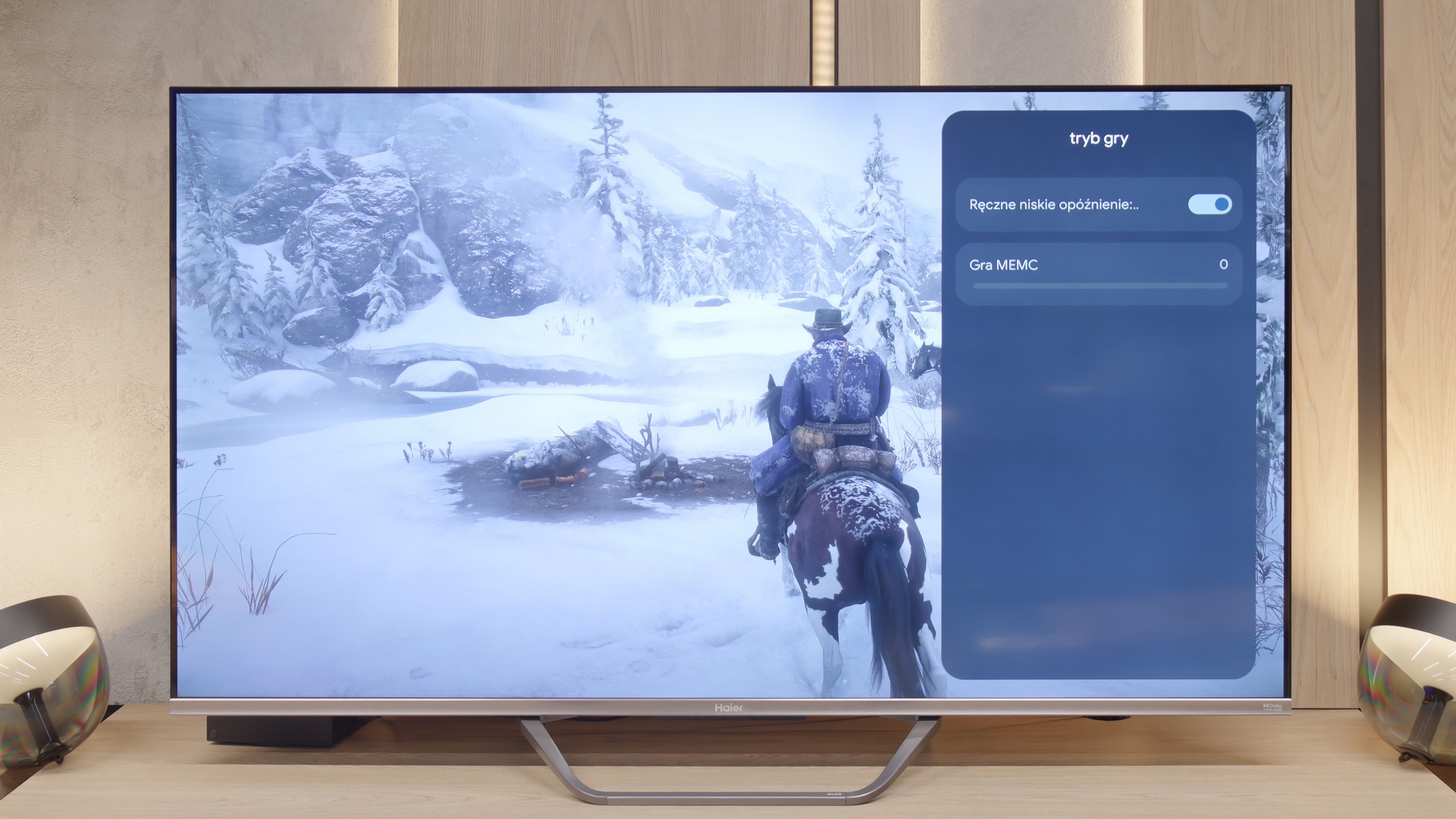

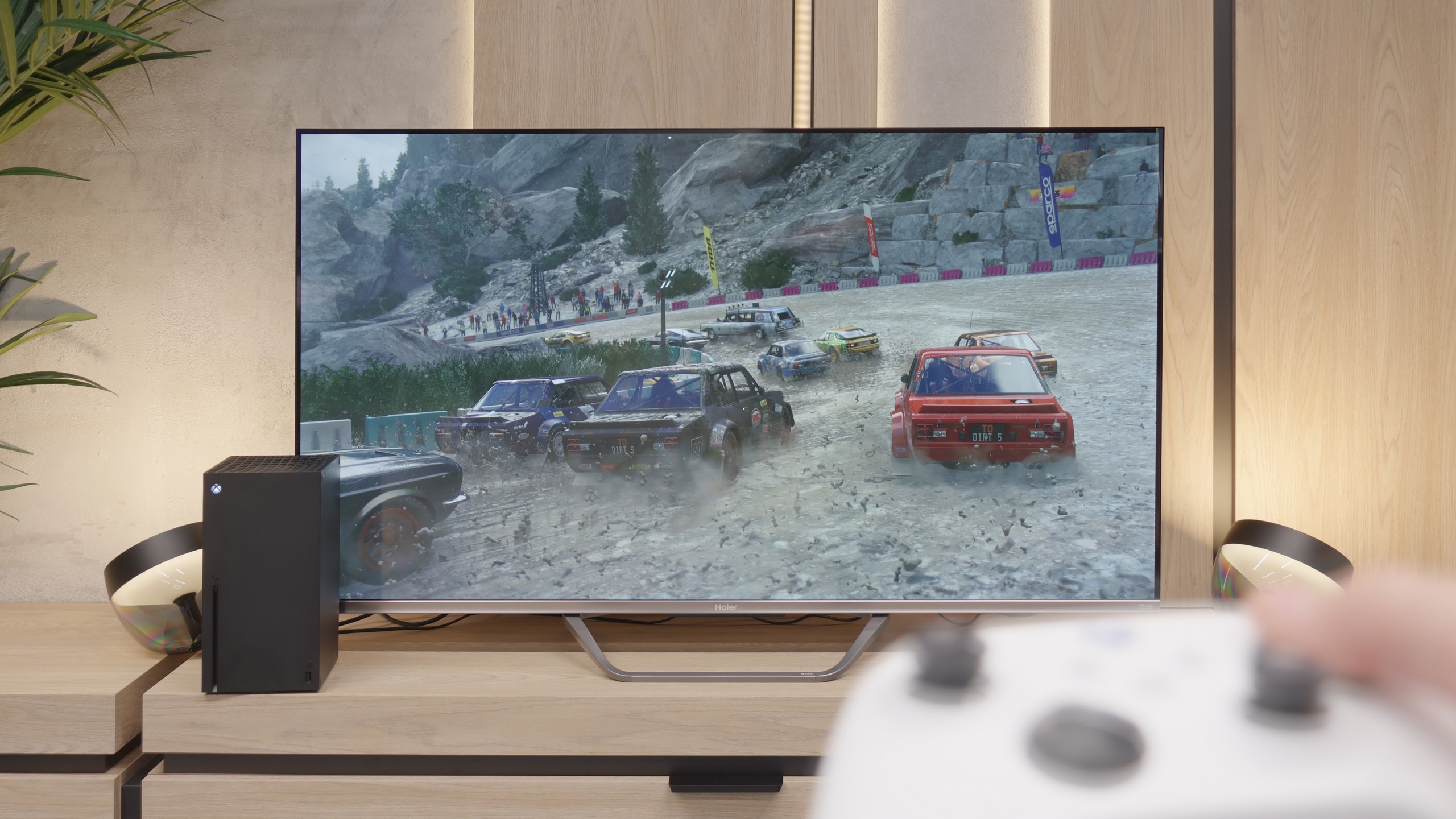
The Samsung QN92/QN90 television is an excellent choice for avid gamers, worthy of the highest recommendations. This model offers virtually all the features available on the market in terms of gaming, making gameplay even more exciting. One of its key features is the 120 Hz panel, which provides exceptional motion smoothness, vital during dynamic action games. The television also has low input lag, ensuring lightning-fast responses to player commands. Additionally, technologies such as VRR (Variable Refresh Rate) and ALLM (Auto Low Latency Mode) adjust the refresh rate and automatically switch the television to game mode, enhancing the gaming experience even further. An additional advantage is the Xbox app, which allows playing favourite titles directly on the television, eliminating the need for a console. This is a typical feature of Samsung televisions, which makes them unique in the gaming world.
Auto Motion Plus Game is a feature that truly deserves praise for Samsung. It is a motion smoother that performs excellently in games, allowing for the perception of a higher frame rate – a 30 frames per second image looks like 45, and 60 Hz becomes close to 90 Hz. Importantly, this feature does not introduce significant lag (input lag does not exceed 25 ms), so it does not negatively affect gaming comfort, unlike many other motion smoothers available on the market. As a result, players can enjoy a significantly smoother image without compromising on responsiveness.
Stepping into the realm of gaming, the Haier Q80FUX proves to be quite a decent companion for the "casual gamer". Onboard, we find highly desired features such as VRR (Variable Refresh Rate) and ALLM (Auto Low Latency Mode). However, the biggest surprise is something else altogether. Although we are not dealing with a 4K@120Hz panel here, the television is capable of accepting and displaying a 120Hz signal at a lower resolution (Full HD). This is a very useful feature that allows for a conscious switch of the console to a lower resolution mode in exchange for significantly higher smoothness, which is a compromise entirely acceptable in the gaming world.
We won’t particularly complain about the lack of extras like the "Game Bar", as it's merely a nice addition. The most concerning issues arise when we delve into the world of HDR in gaming. Due to the television constantly adapting the signal "in its own way", setting the brightness on the console according to the HGIG standard is nearly impossible to achieve as per instructions. Worse still, in the Dolby Vision mode for gaming, the input lag increases to around 50 ms, which is a value high enough to render this mode practically unusable. However, in general, we would not recommend gaming on this television in HDR mode, so these are not such grave shortcomings. What is most pleasing is the presence of 120Hz in Full HD, which makes the Q80FUX a rather nice television for the occasional gamer.
Input lag
9.9/10
9.4/10
SDR
HDR
Dolby Vision
The input lag category is crucial for gamers, and the Samsung QN90D performs exceptionally well in this aspect. Input lag values below 13 ms are impressive, which means that the delay between pressing a button on the controller and the response on the screen is minimal. Such a low value allows for smooth and responsive gaming experiences, which is sure to please both casual gamers and professionals for whom every millisecond of reaction time counts. This makes the Samsung QN92D an excellent choice for those who value precision and speed in gameplay.
If there is one category in which the Haier Q80FUX absolutely shines and shows its claws, it is input lag. In this regard, the television presents results that are nothing short of remarkable. In 120Hz mode (achieved, let us remind you, at a lower resolution), input lag drops below 10 ms, which is an excellent value, worthy of high-end gaming monitors. Not much worse, and still at a very good level, is the classic 60Hz mode – here the measurements consistently indicated around 12-14 ms. These are results that significantly more expensive, dedicated gaming designs would not be ashamed of. The only serious stumble here is the Dolby Vision mode. As we have established before, its activation raises the lag to an unacceptable level, so we definitely advise against using it during any interactive gameplay.
Compatibility with PC
8.6/10
6/10

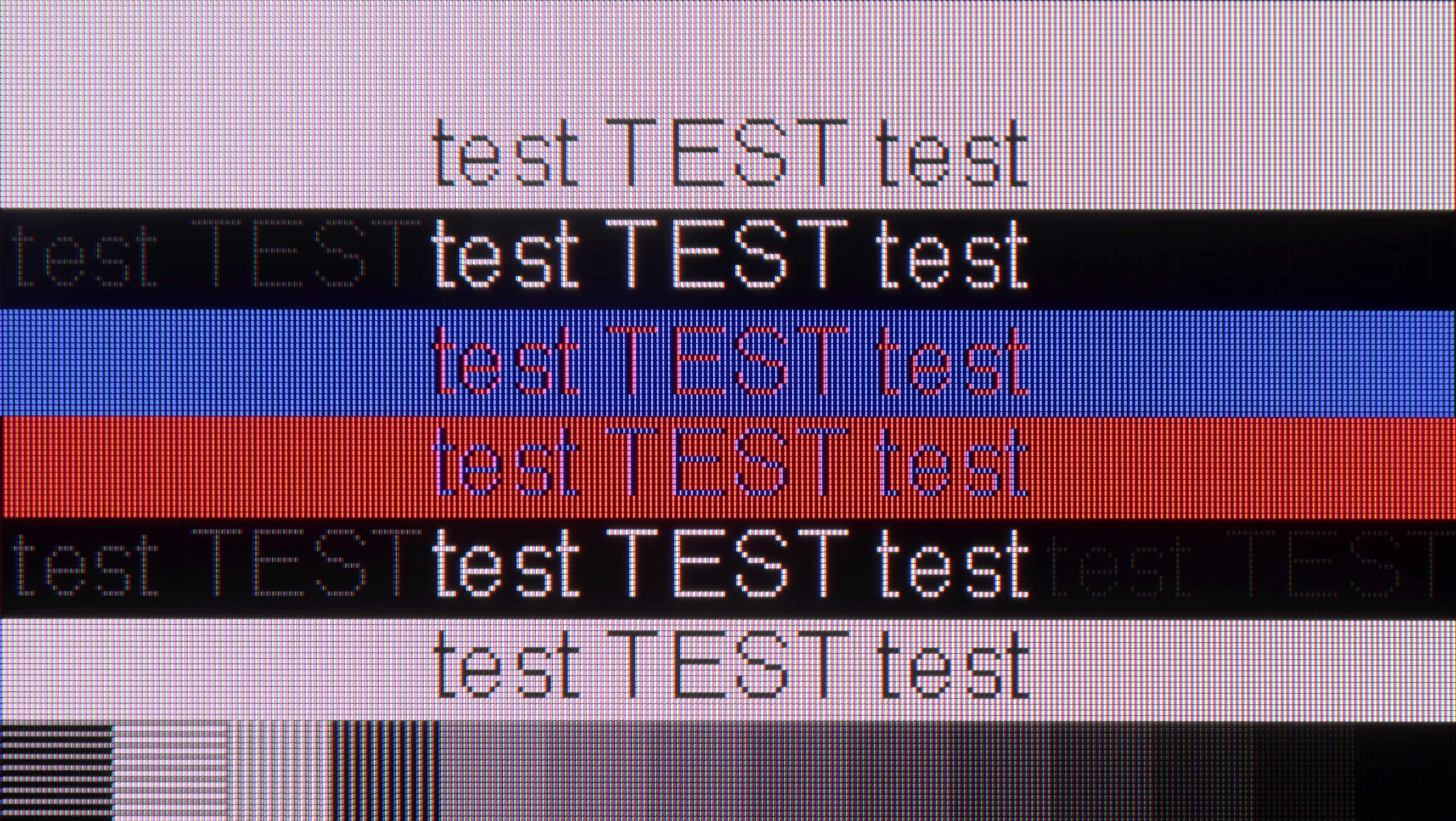
The photo shows the legibility of small fonts. Ideally, lines should be the same thickness on both light and dark text, with minimal pixel gaps.
The television stands out with high performance, supporting chroma 4:4:4 and offering exceptionally low input lag. These features allow users to enjoy fluidity and responsiveness, making it an excellent choice for office work and everyday applications. However, one noticeable drawback is the poor visibility of horizontal lines on dark backgrounds. On the test pattern, the letters on the right appear more like vertical lines, which can be frustrating for some users. Nevertheless, the television generally works well with computers, providing comfort in performing daily tasks. It is also worth mentioning in this paragraph the "Remote PC" feature; thanks to Microsoft's collaboration with the Korean giant, we can pair Windows PCs seamlessly and use Office 360 applications.
We also checked, of course, how the Q80FUX performs when connected to a computer. And here’s another pleasant surprise – it handles this really very well. The most important thing is that the fonts are very readable, so nothing blurs and you can work on it normally. Additionally, just like with consoles: we can set a lower resolution here in exchange for achieving a high refresh rate of 120Hz. Importantly, in this mode, G-Sync launched correctly and worked well. This only confirms that this television is truly a successful and efficient piece of equipment for gaming, even on a PC.
Viewing angles
7.1/10
3.3/10
In the case of TVs with VA panels, one can usually expect limited viewing angles; however, Samsung QN90D surprises in this category. Thanks to the applied coating that widens the viewing angles, the television offers truly good performance, which is rarely seen in devices with this type of panel. Although VA panels are not usually the best in this regard, in this model the picture remains clear and vibrant even when viewed from the side, making it an excellent choice for larger rooms and group viewing.
Anyone who plans screenings in a wide family group must be aware of the fundamental compromise that Haier has made by implementing a VA panel in this model. This technology has indeed given us deep blacks and high contrast, but its inherent characteristic is also a noticeable narrowing of viewing angles. It is enough to sit a bit further to the side of the sofa to immediately notice how the colours start to lose saturation and the image begins to fade. It’s simply a classic trade-off – we gain something (contrast) at the expense of something else (angles) – and the Q80FUX fits perfectly into this pattern.
Daytime performance
6.4/10
4.8/10


Panel brightness
Haier Q80FUX: 317 cd/m2
Samsung Neo QLED QN90D / QN92D: 629 cd/m2
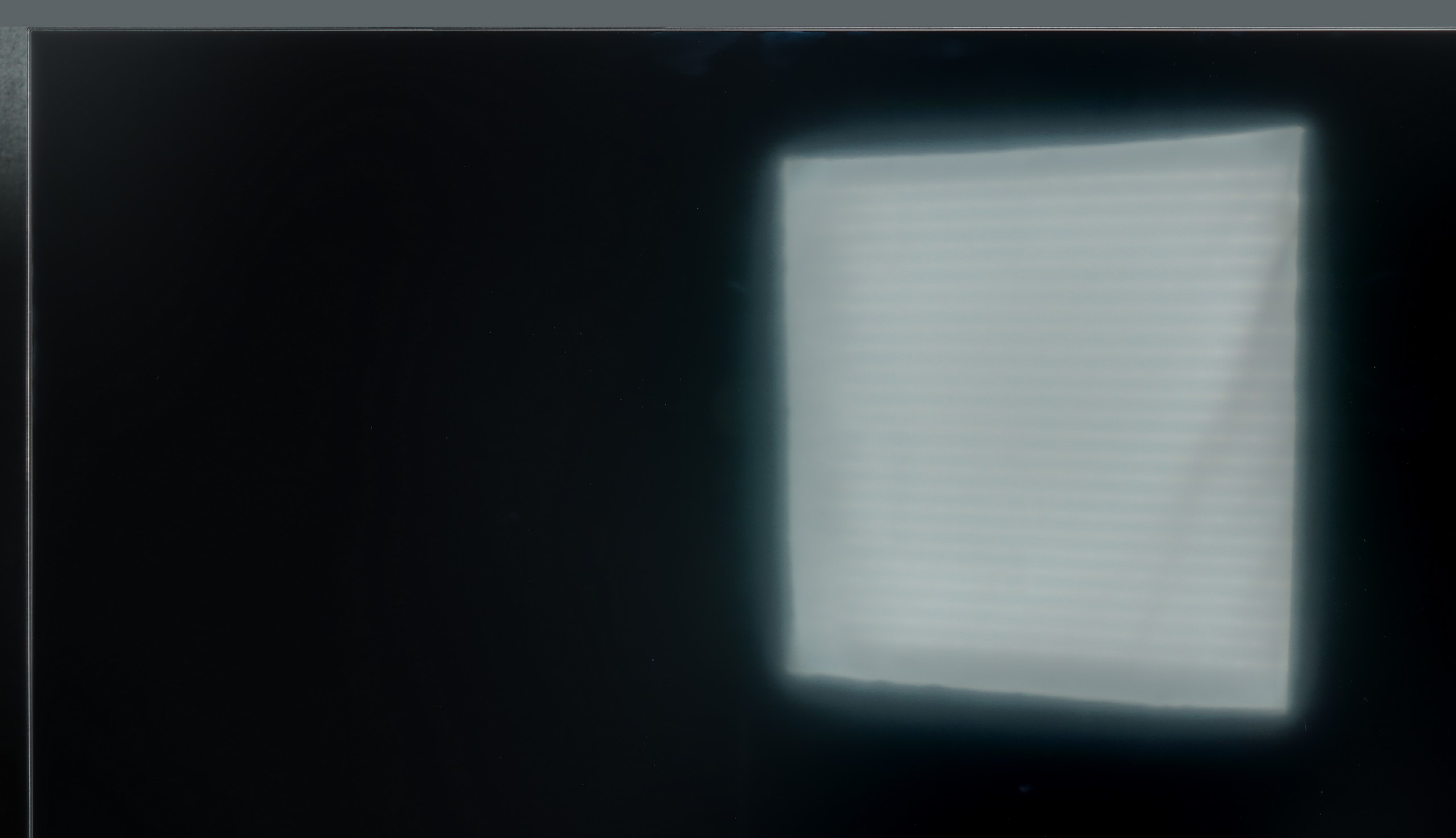
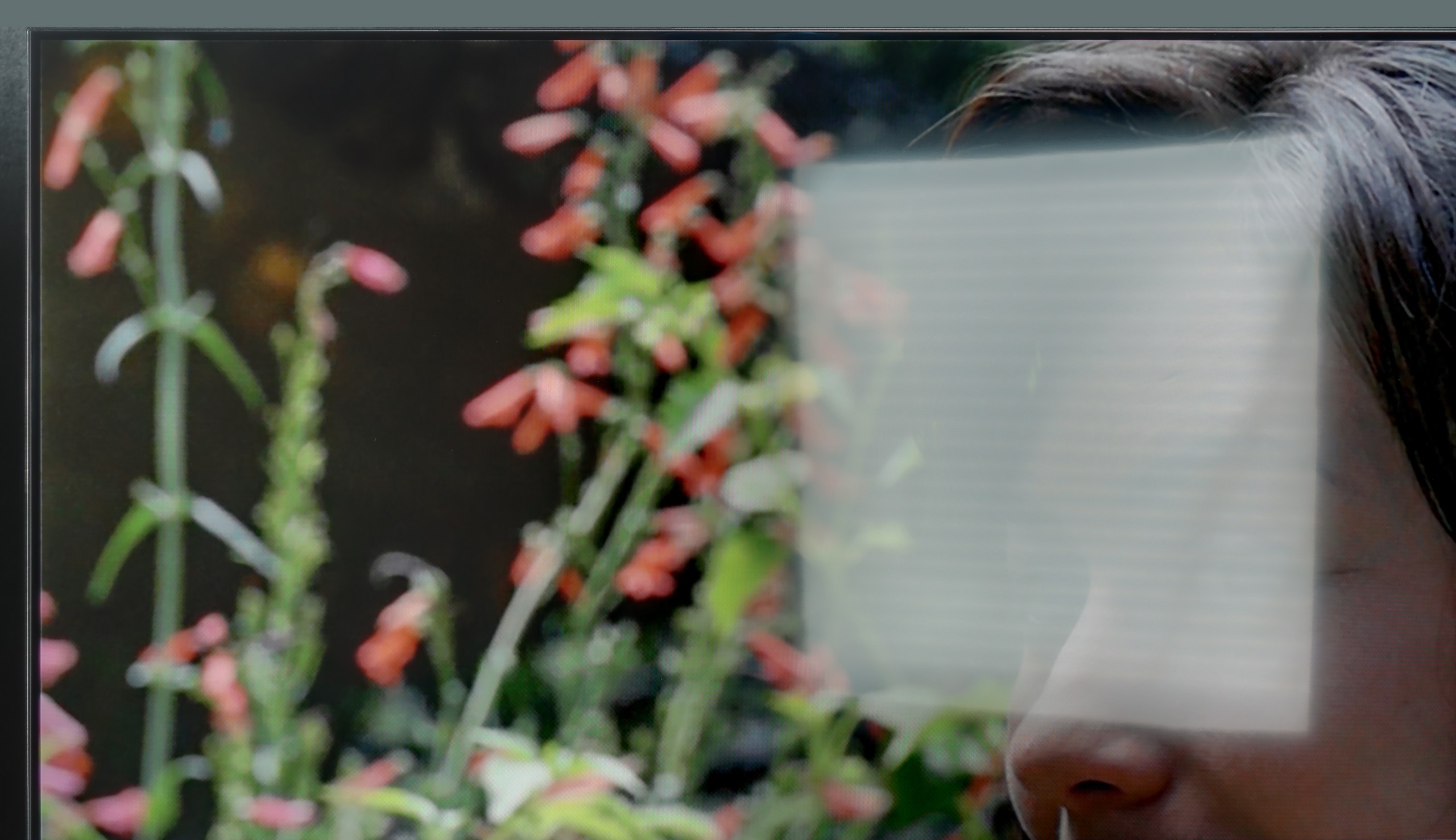
The television performs excellently in bright rooms due to its high brightness, especially when watching standard television. A constant brightness level of 600 nits ensures excellent visibility even in intense daylight. Unfortunately, despite the use of a satin finish, handling reflections is average, which may affect viewing comfort. An additional downside is the matrix that improves viewing angles, which causes reflections of sunlight to spread vertically, potentially further reducing viewing comfort in a bright environment.
The clash of the receiver with the daily challenges posed by a bright living room is quite decent in the case of the Q80FUX, although it is certainly difficult to speak of it as ideal. The panel itself is equipped with a coating that handles most reflections and glare from the surroundings quite effectively. Equally importantly, even in more challenging lighting conditions, the screen manages to retain pleasantly saturated colours. However, the weakness of this construction reveals itself where the brightness comes into play. The previously mentioned, rather moderate maximum brightness (around 350 nits) means that in confrontation with intense, natural light coming through the window, the screen often struggles to "break through". On a sunny day, the image may simply lack the appropriate impact.
Panel details
Subpixel Structure:

Panel uniformity and thermal imaging:

Samsung Neo QLED QN90D / QN92D
Haier Q80FUX
TV features
7.4/10
5.6/10
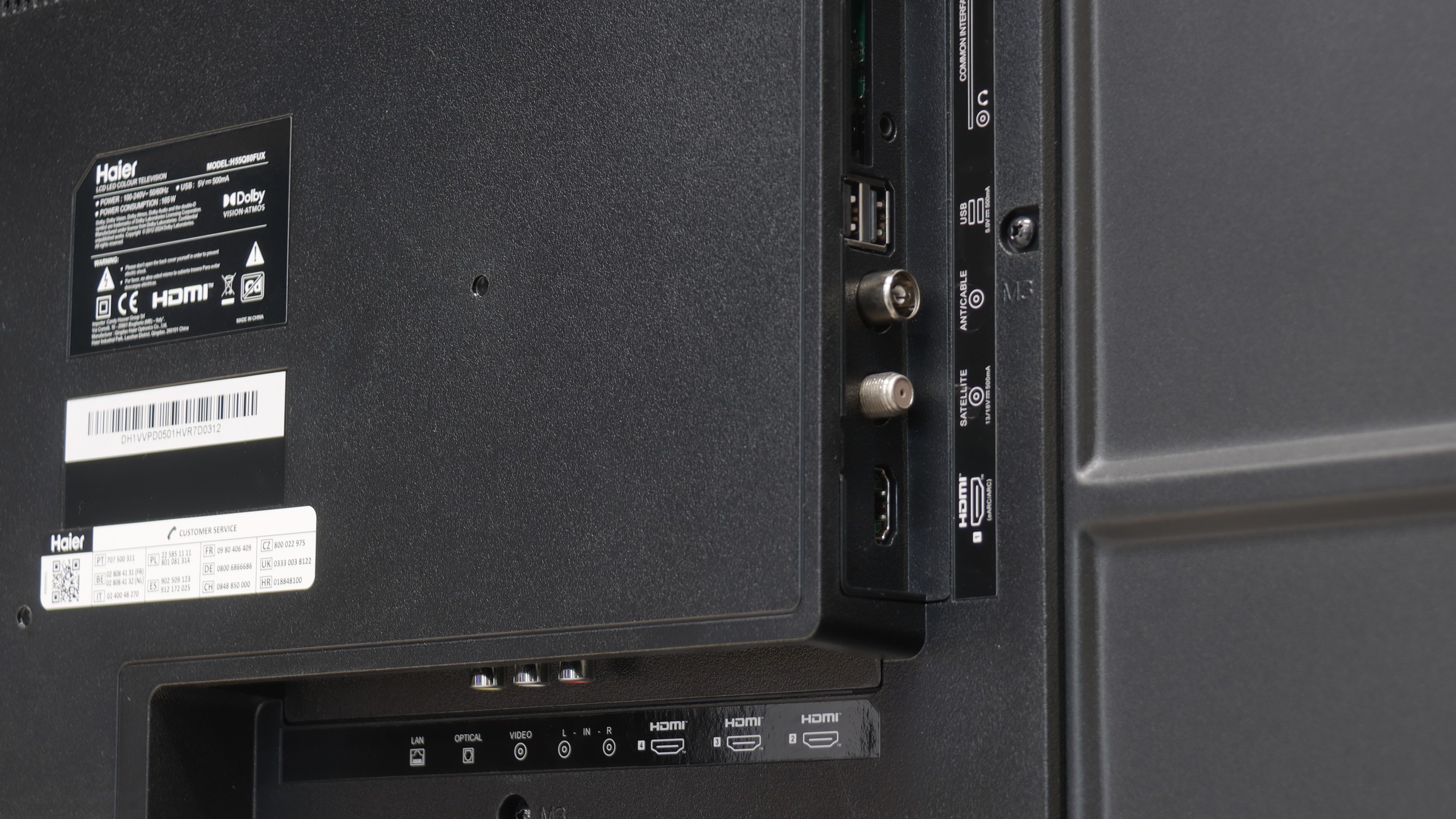
- HDMI inputs0 x HDMI 2.0, 4 x HDMI 2.1 48Gbps4 x HDMI 2.0, 0 x HDMI 2.1
- Other inputsRCA (Chinch)
- OutputsToslink (Optical audio), eARC (HDMI), ARC (HDMI)Toslink (Optical audio), eARC (HDMI), ARC (HDMI), Mini-Jack (Headphones)
- Network InterfacesWi-Fi 2.4GHz, Wi-Fi 5GHz, Ethernet (LAN) 100MbpsWi-Fi 2.4GHz, Wi-Fi 5GHz, Ethernet (LAN) 100Mbps
- TV receptionDVB-T, DVB-T2, DVB-S, DVB-S2, DVB-CDVB-T, DVB-T2, DVB-S, DVB-S2, DVB-C
Classic features:
- Recording to USB (terrestrial TV)
- Recording programming
- Picture in Picture (PiP)
- RF remote control (no need to aim)
- Backlit remote control
- Teletext
- Audio only mode
- Bluetooth headphones support
- Simultaneous Bluetooth headphones & TV audio
Smart features:
- AirPlay
- Screen mirroring (Windows Miracast)
- Voice search
- Voice search in native language
- Ability to connect a keyboard and mouse


The Samsung QN92D television stands out with its modern Tizen operating system, which offers users an intuitive and visually pleasing environment. Tizen ensures smooth and quick browsing of applications, significantly enhancing the comfort of using the television. With its extensive ecosystem, users can easily connect the QN92D to other devices. The television supports numerous features that facilitate everyday use, such as controlling set-top boxes with the remote, eliminating the need for multiple remotes. Thanks to the AirPlay feature, Apple device users can seamlessly stream media from their iPhone. Additionally, there is a remote PC function that allows users to utilise their computer on a large screen, as well as the Office 365 application, making the QN92D an ideal solution for both work and entertainment.
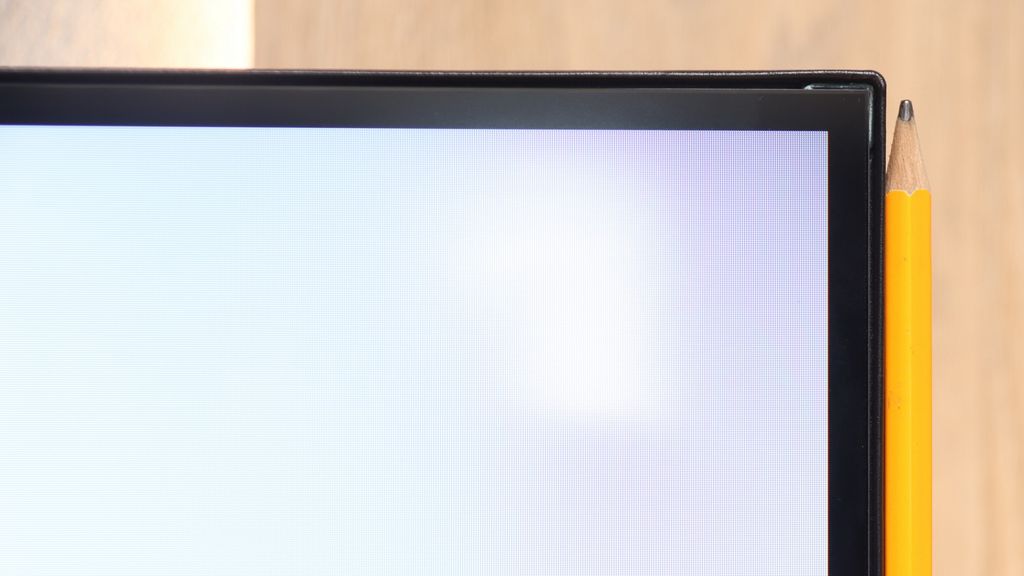
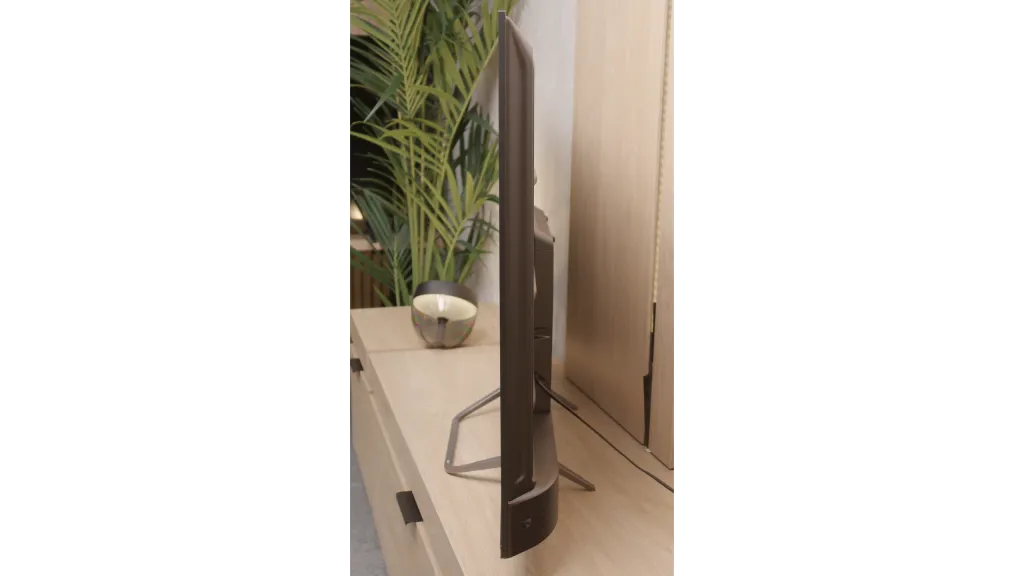
Furthermore, like many Samsung televisions, the QN92D offers an Ambient Mode feature that allows users to customise the appearance of the television to blend with the surroundings. Users can display a variety of images or information, making the television an elegant part of interior decor even when not in use. Speaking of decor, it is certainly worth mentioning the device's appearance. It is truly very slim, around 2cm at its thickest point, which is impressive. The metal frame undoubtedly gives the impression of a premium device, and the stand included in the package is sturdy.
However, for those using traditional television, the QN92D may prove to be somewhat disappointing, as the Polish market lacks the feature for recording television programmes. Nevertheless, the television offers a PiP (Picture-in-Picture) function that allows simultaneous viewing of two programmes at the same time. The Samsung QN92D is a richly functional television that meets the needs of both gaming enthusiasts and multimedia users, while also aesthetically fitting into modern interiors.
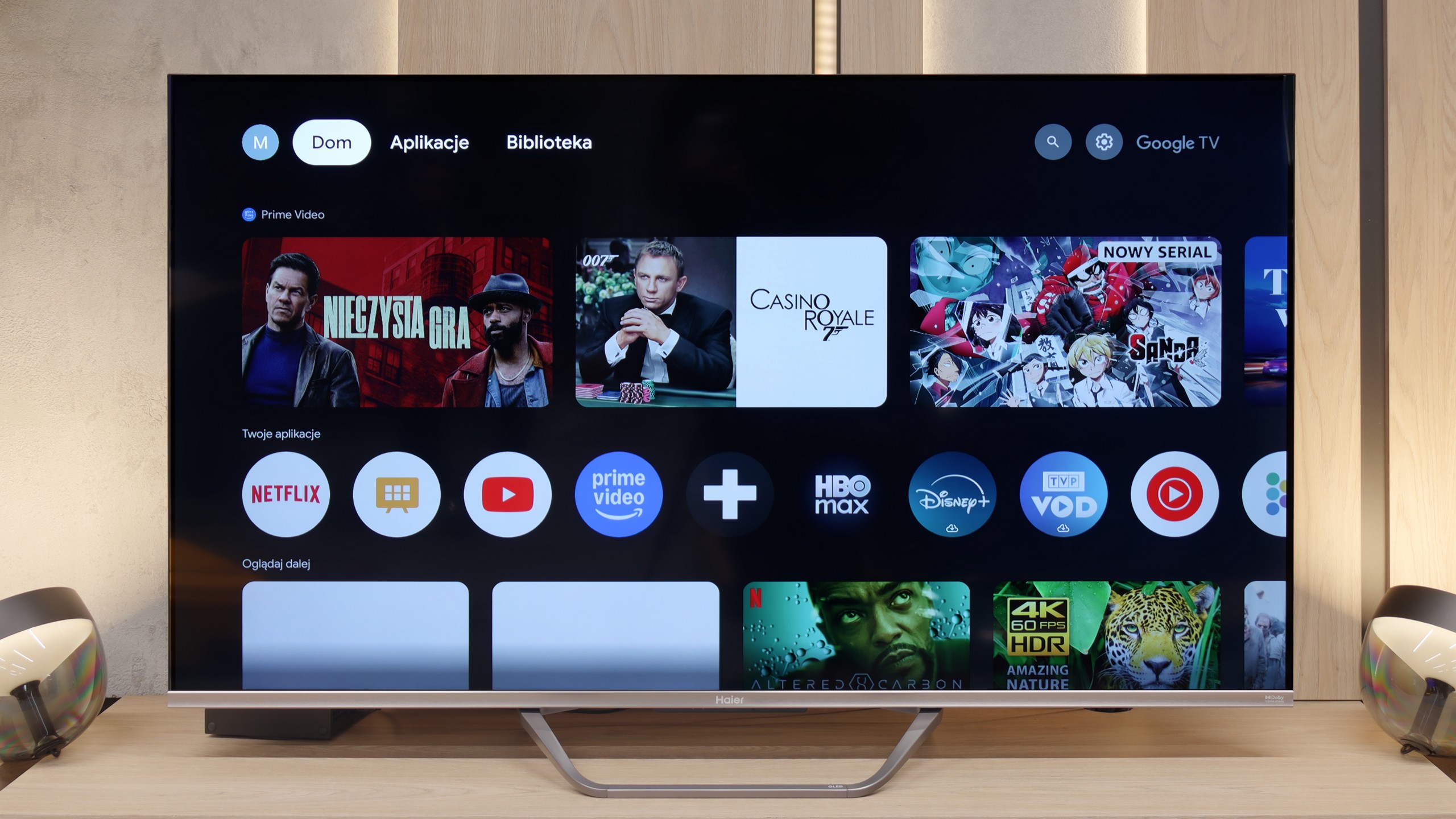
SmartTV on Haier Q80FUX: GoogleTV
Let's start with the smart layer, which in the Q80FUX is managed by the Google TV system. This is theoretically a huge advantage, opening access to an incredible library of apps, facilitating screen mirroring from mobile devices, and offering convenient voice search. Unfortunately, just like in other models from this brand that we tested, the implementation of this platform leaves much to be desired. It's not even about drastic stuttering or delays in navigation, but rather a festival of minor errors, oversights, and terrible translations in the menu. Because of this, it's hard to regard "Google TV" in Haier's version as equal to what we find in receivers from Sony or TCL, even though the same proudly sounding name is displayed on the box.
Classic Features
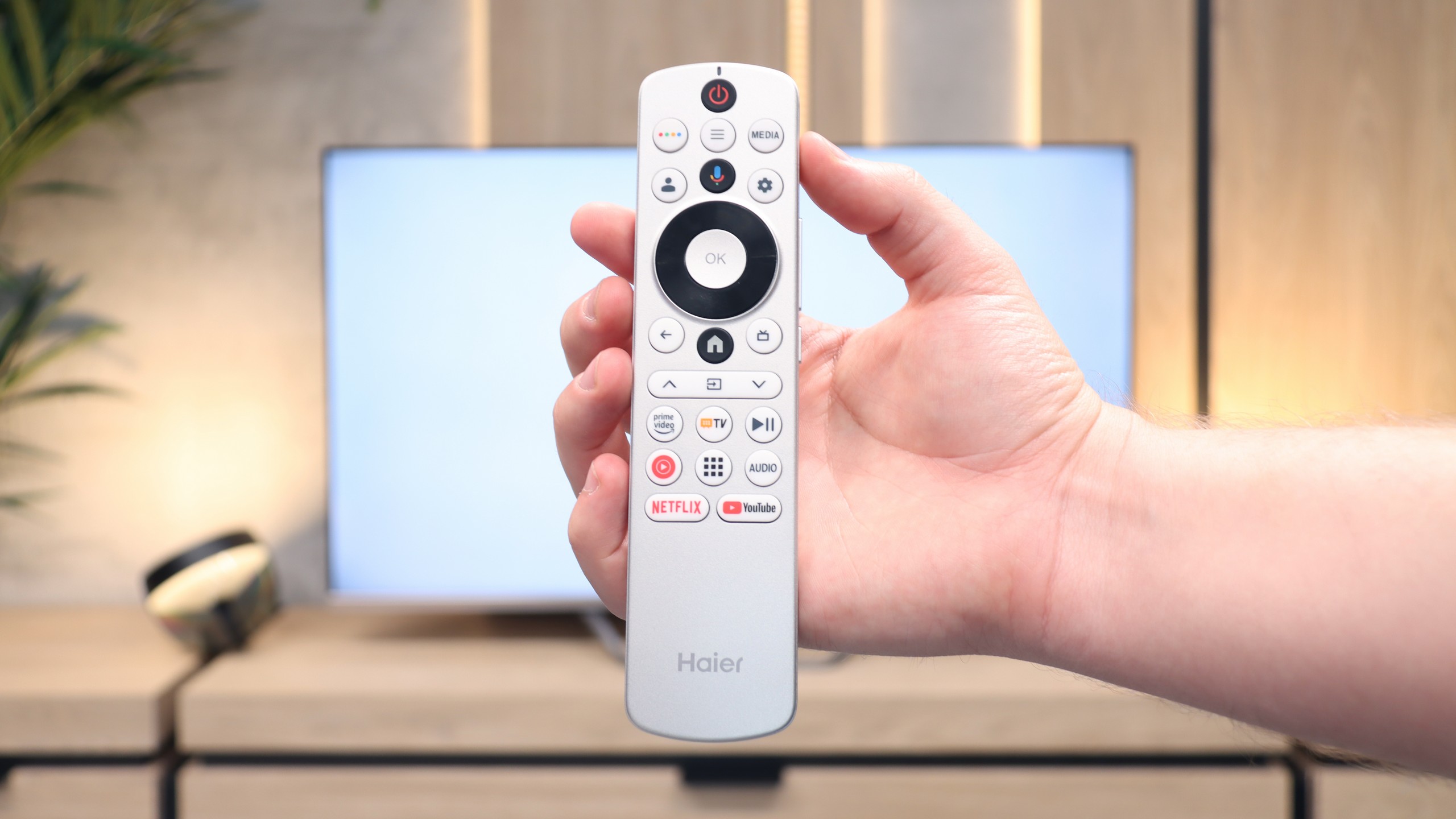
Moving on to the classic, functional features of the television, the image of the device does not improve at all. The only commendable aspect is the presence of Bluetooth connectivity and an unusual but useful relic from the past in the form of an analogue headphone jack output. Aside from that, it's hard to find anything that would excite us. Due to the problematic software, the receiver (like its predecessors in our tests) was unable to find any terrestrial television channels, despite other televisions connected to the same installation having no issues whatsoever. The remote control itself is also strange – its design may appeal to some, but due to the lack of a numeric keypad and the absurd placement of some buttons on the side edge, it definitely cannot be called senior-friendly.
Apps
9.3/10
9.6/10






















Playing files from USB
9.1/10
9.6/10
Supported photo formats:
Maximum photo resolution:

The built-in player in QN90D should satisfy a large portion of users. It will easily play most popular video and audio formats. However, more demanding users may notice some shortcomings – it is not possible to play photos in HEIC format, popular on Apple devices, as well as a few other, less widespread photo formats.
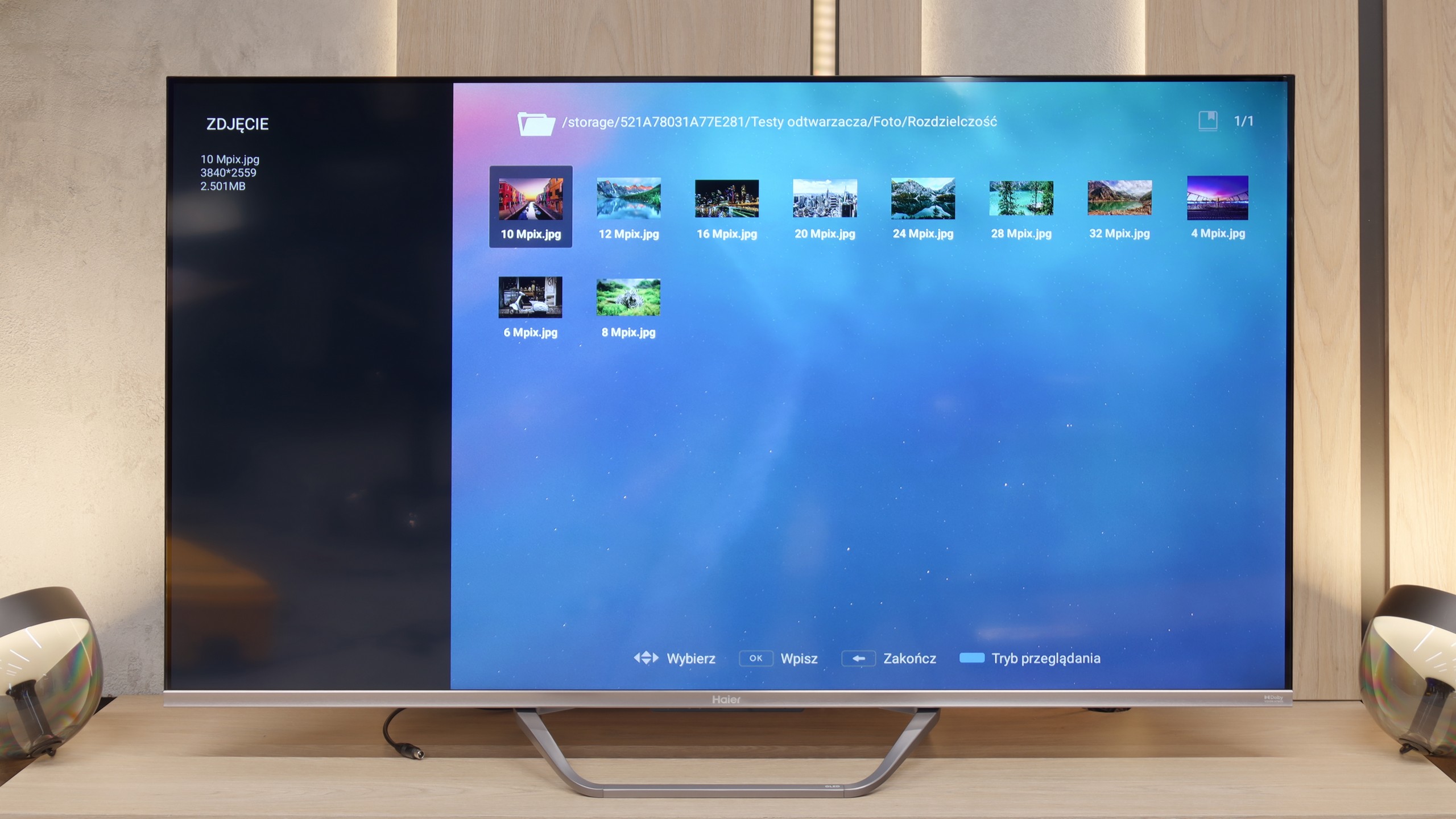
We must admit that after a series of setbacks we experienced in assessing the overall implementation of the Google TV system, we approached the media player test with considerable reservation. Meanwhile, in this one specific aspect, the Q80FUX served us a genuine surprise. The built-in application for managing files from USB drives works simply excellently. This software component seems to be completely immune to the ailments that afflict the rest of the system, opening practically all the most important and popular video file formats that we presented to it.
Sound
6.9/10
5.5/10
- Maximum volume-84dB
- Dolby Digital Plus 7.1
- Dolby True HD 7.1
- Dolby Atmos in Dolby Digital Plus (JOC)
- Dolby Atmos in Dolby True HD
- DTS:X in DTS-HD MA
- DTS-HD Master Audio
The television is equipped similarly to the QN95 with a 4.2.2 speaker system with a total power of 70W (the exception here is the 50' variant with a 2.2 layout and the 43' with a 2.0 layout). Despite its very slim casing, the television delivers loud and clear sound, and the overall balance is good. We deducted points as standard, just like with any other Samsung model, for the lack of DTS format support. It is also worth mentioning the proprietary Q-Symphony feature, which allows synchronising the television sound with Samsung's soundbar.
When it comes to acoustic "experiences", the Haier Q80FUX seems to adhere to the principle that sound is simply meant to be there. And it is – that's about all that can be said. The built-in speakers deliver an exceptionally flat sound, lacking character, and above all, they lack any distinct bass foundation. A small consolation is the fact that the television supports Dolby Atmos format. However, let's be honest: to truly benefit from the merits of this codec and hear the promised spatial quality, passive decoding capability is not enough. Connecting an external home theatre system or at least a decent soundbar is, in this case, not just a recommendation but an absolute necessity.
Sound Quality Test
No sound test video
Acoustic Measurements
No acoustic data
84dBC (Max)
75dBC