Samsung QN85D is the base model in the Neo QLED series for 2024, but it certainly does not come across as "budget". It is a television that combines modern technology with convenient smart features. During tests, the Tizen system worked smoothly, and integration with the SmartThings ecosystem made it easy to connect other devices in the home. If we use Apple devices, AirPlay works flawlessly, which is convenient, especially when viewing photos or videos from a phone. As for how it performs in daily use, it simply works very well. The television handles viewing even in a bright room—its brightness is sufficient so that windows do not need to be covered. Additionally, the stable central stand not only looks good but also adds assurance that the device stands firmly and will definitely fit on many smaller pieces of furniture. It is true that it lacks recording features, but the solar remote control, which operates decoders (e.g. Canal+), and the PiP function are practical additions that everyone who enjoys spending time with regular television will appreciate. When it comes to picture quality—because that is the most important aspect in a television—QN85D makes an excellent impression. The VA panel provides very good black levels—especially when watching the television head-on. Thanks to miniLED backlighting, the television better controls the lighting, and consequently, much more detail is visible in dark scenes. As for motion fluidity, with a 120 Hz refresh rate, the television performs excellently—both games and sports matches are enjoyable to watch. If we are playing games, the low input lag combined with the excellent motion smoothing and game bar will be a significant advantage—the gameplay will be a pleasure. Samsung QN85D is a versatile television that will perform well both in everyday television watching and during more demanding screenings or gaming on a console. Although it lacks some features, such as recording, its picture quality, motion fluidity, and smart capabilities definitely make up for these shortcomings. If we are looking for a modern yet affordable Mini LED model, QN85D would be an excellent choice.
- Matching (Score) |
- Our verdict |
- TV appearance |
- Where to buy |
- Contrast and black detail |
- HDR effect quality |
- Factory color reproduction |
- Color reproduction after calibration |
- Smoothness of tonal transitions |
- Image scaling and smoothness of tonal transitions |
- Blur and motion smoothness |
- Console compatibility and gaming features |
- Input lag |
- Compatibility with PC |
- Viewing angles |
- Daytime performance |
- Panel details |
- TV features |
- Apps |
- Playing files from USB |
- Sound
Samsung Neo QLED QN85D / QNX1D vs LG OLED C5
 Direct comparison

Check the best price offer:
LG OLED C5Neo QLED / QN85D / QNX1D

C5 / C54 / C5ELB / C51

Panel type: LCD VA
Resolution: 3840x2160
System: Tizen
Model year: 2024
Complete the survey to find out the result
Panel type: WRGB OLED
Resolution: 3840x2160
System: WebOS
Model year: 2025
Complete the survey to find out the result
Overall rating
7.4
8.2
 Movies and series in UHD quality
 6.7
8.5
 Classic TV, YouTube
 6.8
8.9
 Sports broadcasts (TV and apps)
 6.7
8.6
 Gaming on console
 8.9
9.4
 TV as a computer monitor
 7.6
8.6
 Watching in bright light
 7.3
6.2
 Utility functions
 7.4
7.9
 Apps
Apps 9.3
9.1
 Sound quality
 7.0
7.2
Complete the survey to find out what fits your preferences
Advantages

Great contrast - Miniled backlighting
Very good for gamers - 120hz, 4xHDMI 2.1, low input lag
Tizen operating system with SmartThings and AirPlay support – wide integration and flexibility
Very high brightness 825 cd/m² – good performance in bright rooms
Pleasant sound with noticeable bass
Excellent black levels and infinite contrast thanks to the OLED panel
Above-average brightness (for an OLED TV)
Nearly reference image quality after calibration
A full suite of features for gamers: 4xHDMI 2.1, low input lag, HGiG, VRR and more
Very good motion smoothness – 144 Hz OLED panel
Intuitive and modern WebOS system
Convenient Magic remote control with gyroscope
Disadvantages

No recording function
Limited multimedia format support, no DTS audio format
Different versions of the remote in derivative models – it's hard to predict which version we will get
Average reflection suppression – it can be distracting in very bright light
No support for DTS:X – an external amplifier is required for full compatibility with this format
Our verdict
LG C5 is a very successful continuation and, in some aspects, even a step forward compared to last year's model C4. The biggest change is the significantly higher brightness – for the first time in the history of the C series, the barrier of 1000 nits has been exceeded, which greatly improves the quality of the HDR effect. Both films and series look more dynamic as a result, and bright scenes finally have the proper "glow". After calibration, the picture quality is nearly reference-level, and one could get the impression that we are dealing with equipment that is much more expensive than its price suggests. C5 is also one of the best choices for gamers – four full HDMI 2.1 ports, low input lag, support for VRR, G-Sync, and correctly implemented HGiG. Additionally, the 144 Hz panel makes not only gaming but also watching sports pure pleasure. The convenient WebOS system and the Magic remote with cursor control function also deserve praise – everything works smoothly and intuitively. This is a television that you simply want to use.
However, there were a few minor reservations. This year, LG has decided to abandon support for DTS codecs, which may be problematic for those using physical media and collections of Blu-ray films. It is also worth noting the confusion regarding the different versions of the remote – depending on the model designation, we may receive a completely different remote than the one we held during our tests. Despite these few comments, LG C5 is a television that makes an excellent impression in almost every regard. Brightness, colours, gaming features, smoothness of the image, and overall build quality make it one of the best OLEDs in its class.
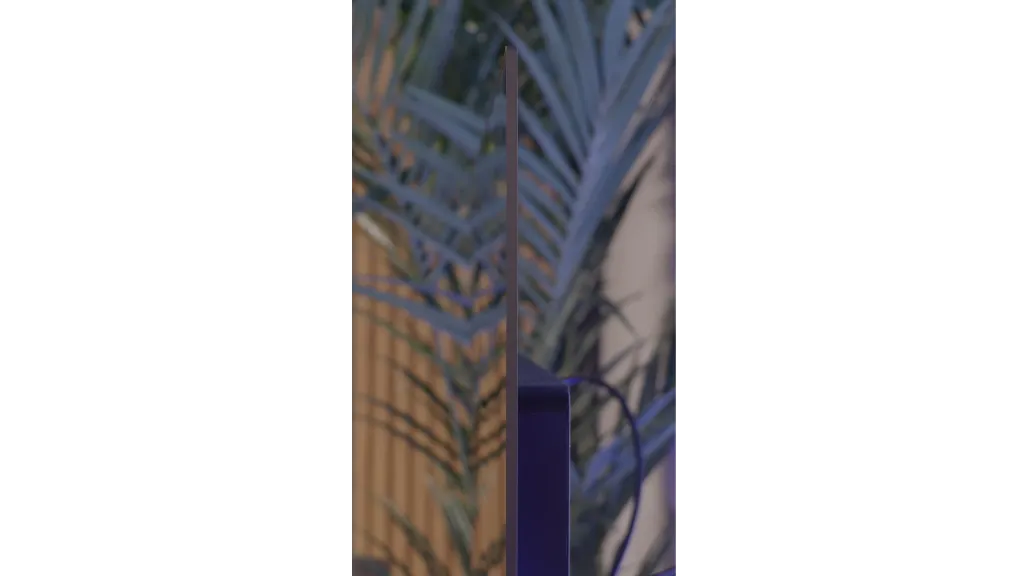
TV appearance



Contrast and black detail
7.6/10
10/10
Local dimming function: Yes, number of zones: 120 (12 x 10)
Contrast:


Result
107,750:1

Result
27,100:1

Result
62,500:1

Result
8,750:1

Result
4,950:1
Result
∞:1
Result
∞:1
Result
∞:1
Result
∞:1
Result
∞:1
Halo effect and black detail visibility:

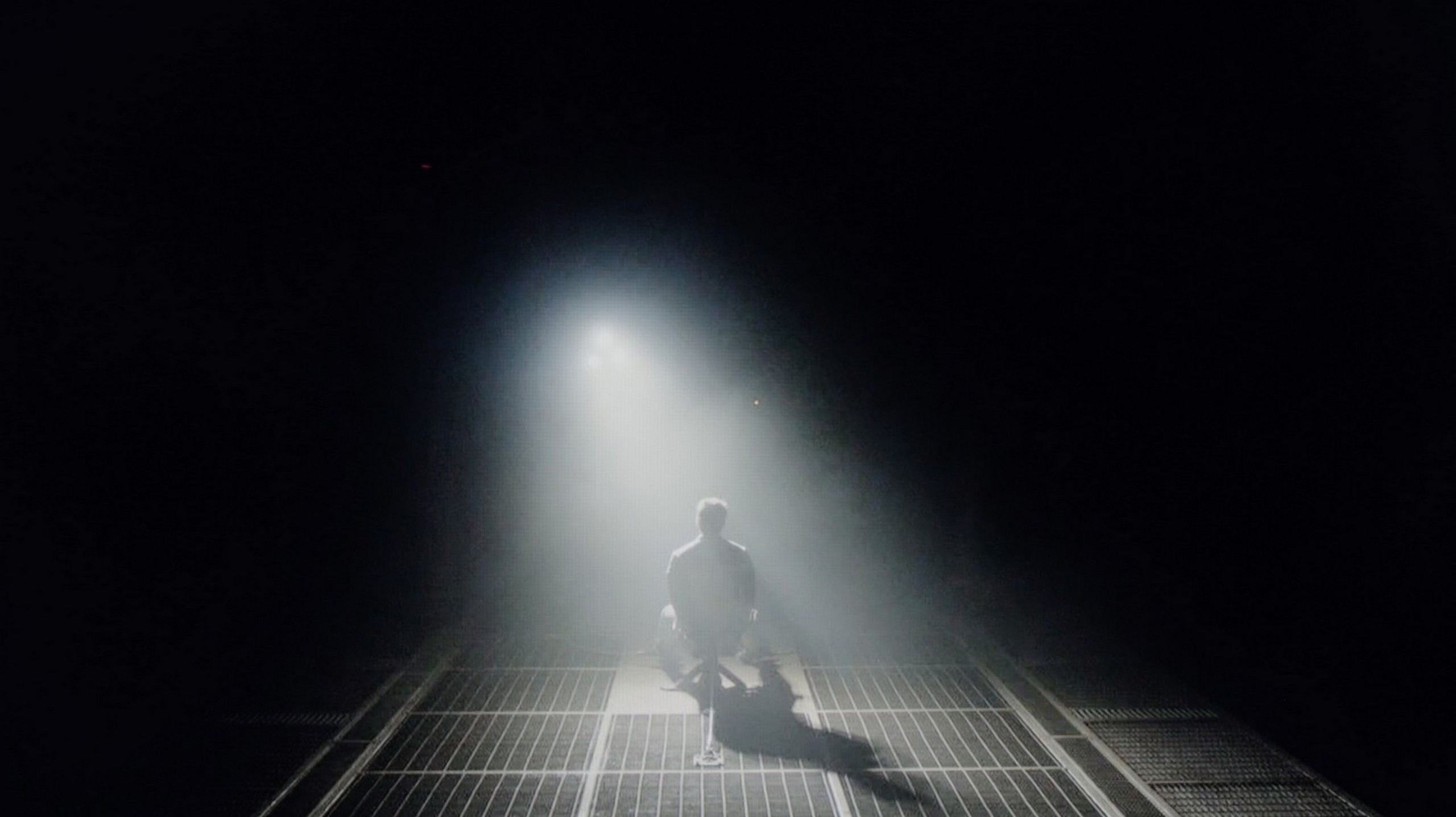
Check the visibility of bright lights on a dark background. Mini-LEDs often struggle with this. The photo does not compare black levels – that’s what the video below is for.
The video accurately shows differences in contrast and black levels between TVs, as well as potential issues: halo around bright objects or Mini-LED zone operation visible as brightness jumps.
Samsung QN85D for 2024 is the first model from the NeoQLED series, featuring a VA panel that offers significantly better blacks than IPS/ADS technologies. The 55-inch version has 160 dimming zones, which may not seem impressive compared to competing models from China. In larger sizes, the number of zones increases, which naturally translates into better contrast. The contrast performance is good, but certain limitations are evident.
With smaller screen elements, the limited number of zones causes issues – the television either tries to maintain a high level of brightness, leading to a halo effect around objects, or dims too much, as observed in the test scene from the Pioneer disc. Additionally, in the same scene where the television showcased its highest capabilities (Oblivion), it also struggles significantly with light separation. You can see how the television fights to maintain the best black at the expense of detail in the whites. It's a trade-off. Both of these effects influence the perception of contrast, making the performance weaker in more challenging conditions. However, compared to televisions without local dimming technology, the results are very positive and can be surprising.
In the category of black and contrast, the LG C5 fits perfectly into what we have come to expect from OLED televisions – it is simply ideal. Thanks to the use of an organic matrix (WOLED), each pixel shines independently, which results in infinite contrast and perfect black. There are no halos, streaks, or other typical LCD television artifacts here. Details in bright parts of the image are perfectly visible, and watching in a darkened room is pure pleasure. If someone is looking for a television for evening screenings with great contrast – the C5 is a very strong contender.
HDR effect quality
5.6/10
7.2/10
Luminance measurements in HDR:

Result
999 nit

Result
335 nit

Result
562 nit

Result
182 nit

Result
855 nit
Result
1079 nit
Result
1059 nit
Result
1120 nit
Result
1094 nit
Result
707 nit
Scene from the movie “Pan” (about 2800 nits)


Scene from the movie “Billy Lynn” (about 1100 nits)

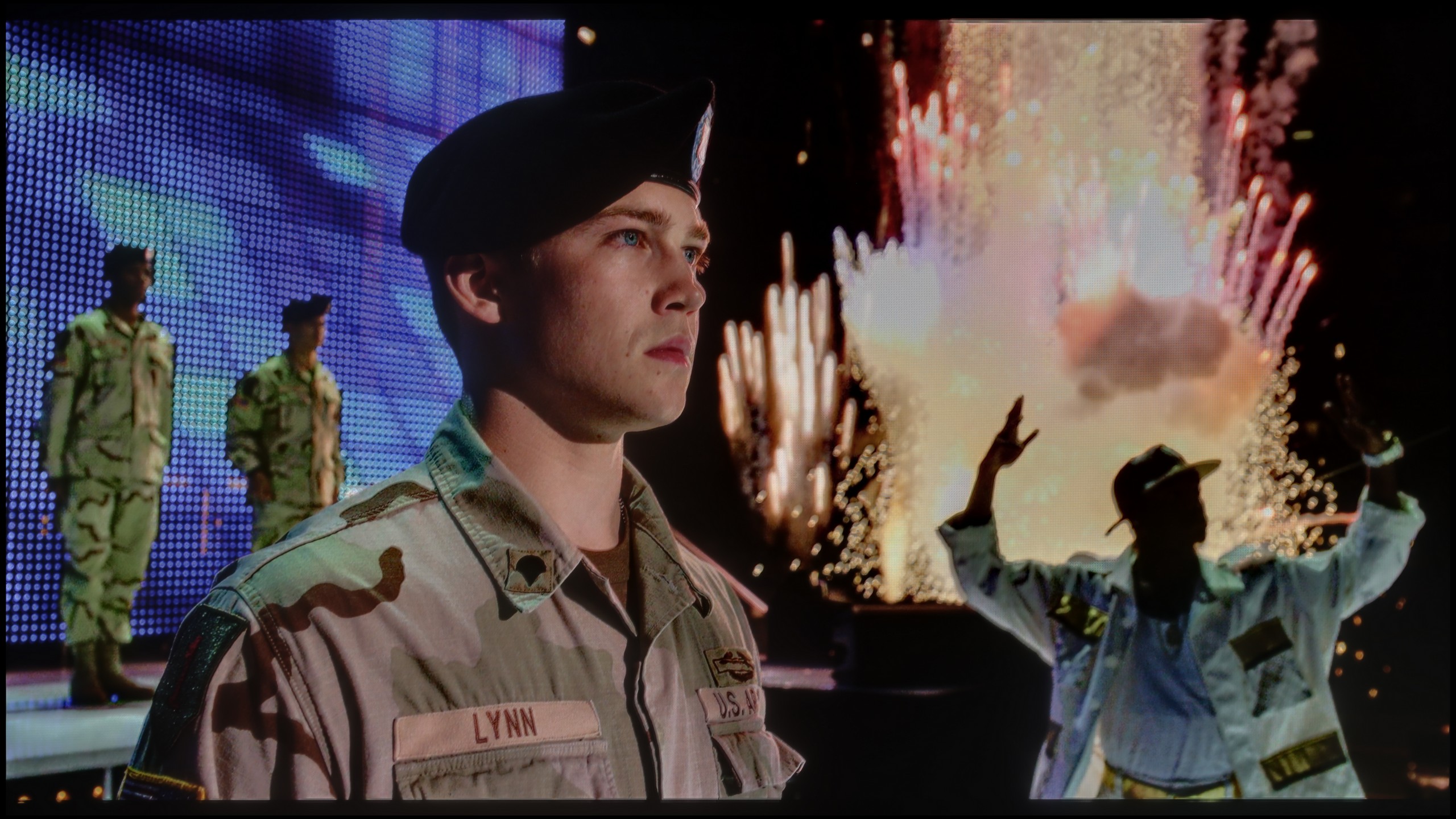
The photos show two HDR10 movies. 'Pan' is one of the brightest productions ever made, while 'Billy Lynn' (soldier) has brightness typical of streaming (Netflix, Prime, HBO MAX). Notice the intensity of effects and detail in whites.
Static HDR10


The photos present the visibility of white details in various HDR formats. They do not show brightness differences between TVs (these can be compared in the previous gallery).
Dynamic: HDR10+
Dynamic: Dolby Vision


The photos present the visibility of white details in various HDR formats. They do not show brightness differences between TVs (these can be compared in the previous gallery).
HDR luminance chart:
LG OLED C5
Samsung Neo QLED QN85D / QNX1D
Luminance of RGB colors
Samsung QN85D leaves us with mixed feelings regarding HDR quality. It can shine in synthetic brightness tests, achieving up to 1000 nits – which makes scenes like those from the film 'The Meg' or the beginning of 'Life of Pi', where the screen is entirely bright, look truly impressive. However, in practice, the device has its limitations – especially when smaller bright elements appear on the screen. In such moments, brightness noticeably drops, and the HDR effect loses its impact. At brightness levels around 200-300 nits, the magic of HDR simply fades away, failing to deliver spectacular effects. However, it's not the case that the television completely disappoints – a DCI-P3 colour gamut coverage of 95% is quite decent, although it does not stand out against the best competitors. Colours are well-reproduced, but it's clear that HDR could make a bigger impression if brightness were better controlled.
LG C5 finally does what we have been waiting for years in the C series – it exceeds 1000 nits of brightness! This is a significant change compared to previous models in the series, and it is very important – because most HDR content on streaming platforms is now created around such luminance. The image finally has the proper "shine," and the details in the highlights look as they should even without the use of dynamic metadata. However, there are scenes where the C5, like most OLED televisions, has certain issues. Especially when the screen needs to light up completely. In our test sequences, such as the bright shot from the film The Meg, the brightness clearly drops. Don't get us wrong, this result is not bad; it's more a reminder that OLED technology still has its limitations. Year by year they are becoming smaller, but still.
As for the colours? They are very good. Although the C5 does not match OLEDs with QD-OLED or Tandem RGB panels, the DCI-P3 coverage of 97% and 73% BT.2020 will satisfy even the more demanding viewers. The colours are saturated, natural, and very consistent in HDR material.
Factory color reproduction
6.3/10
8.2/10


This gallery shows how colors change after professional TV calibration. If you notice the difference, we recommend ordering this service at SkalibrujTV.com.
Factory Mode
After calibration

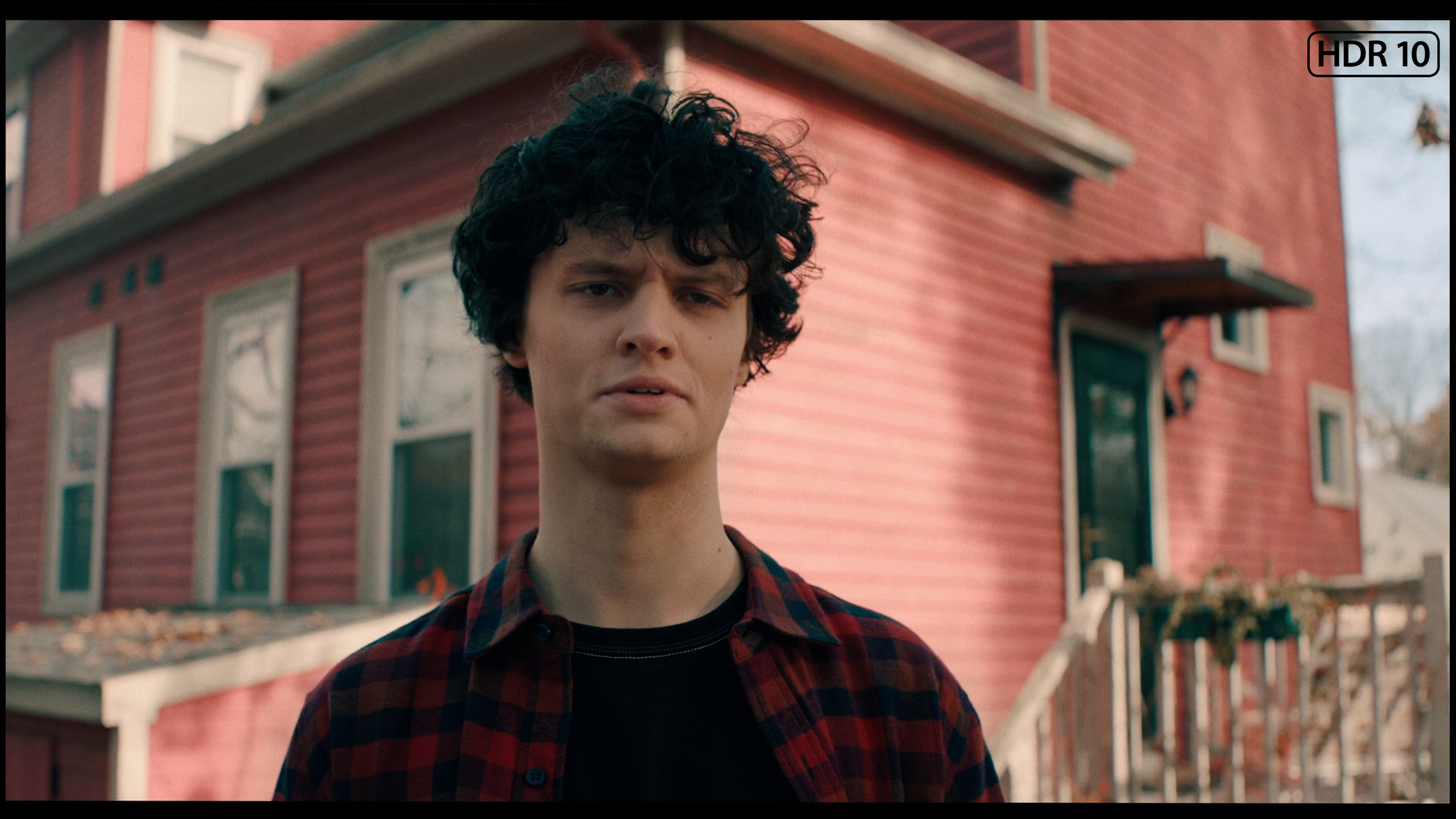
This gallery shows how colors change after professional TV calibration. If you notice the difference, we recommend ordering this service at SkalibrujTV.com.
Factory Mode
After calibration
Samsung QN85D TV has been tested in the best available mode – Filmmaker. Although one might expect that its name suggests a mode perfectly tailored for films, it unfortunately has several significant issues.
In terms of white balance for HD content, there is a clear dominance of red and blue, which causes the entire image to take on a pinkish hue – this is also confirmed by Colour Checker tests. This effect disrupts the naturalness of skin tones and many other elements, particularly noticeable in more challenging scenes. Initially, the white balance for 4K HDR content seems correct, but at the end of the graph, there is a significant spike in blue shades, which impacts the final image quality, making the colours appear unnatural.
The gamma brightness characteristics are also not ideal – although it generally stays close to the reference values, there is a slight drop below the 2.4 level, which can affect the perceived depth of shadows. The EOTF curve responsible for 4K content does not present itself any better. There is a noticeable boost relative to the reference curve, which leads to excessive brightening of the image in some areas, thereby losing the cinematic quality that the Filmmaker mode should provide. Although it might initially seem that the effect is cinematic, unfortunately, the number of errors in colour and brightness reproduction is too significant to call it flawless.
LG C5, like other televisions we have tested, has been checked in the best possible factory mode – which remains the Filmmaker Mode. And here we have good news: in SDR materials, LG has once again done a solid job. The white balance and colour reproduction right out of the box are at a very high level. Most errors – both in balance and in the colour test (Colour Checker) – did not exceed a ΔE value of 3, which is the threshold above which differences become visible to the naked eye. Such factory settings would be desirable in a significantly larger number of televisions!
However, the situation looks different for HDR content, which is precisely what the C series was created for. Here, the C5 performs somewhat worse. The excessive presence of blue in the white balance causes the image to appear distinctly cooler – which affects, for instance, unnaturally pale skin tones or a slightly shifted tone of the entire scene. Fortunately, LG provides very precise calibration tools, and we – as always – made use of them.
Color reproduction after calibration
7.9/10
9.4/10


The photos show how movies look on the TV. Pay attention to black detail visibility, colors, and shadow tint.


The photos show how movies look on the TV. Pay attention to black detail visibility, colors, and shadow tint.
After professional calibration of the Filmmaker mode on the Samsung QN85D television, a significant improvement is noticeable, especially for HD/SDR content. The white balance has been completely stripped of serious errors, and the brightness characteristics for this type of content have been significantly adjusted, allowing for a more natural and realistic image. Television, YouTube movies, and other HD materials now look much better, with appropriately balanced colours and without the excessive hues that previously spoiled the viewing experience.
However, the biggest issues concern 4K HDR content. Despite the calibration, it's difficult to speak of a serious improvement in white balance – the differences are cosmetic rather than crucial. Brightness, which is governed by the EOTF curve, appears to be set in line with the reference level in synthetic tests at first glance, but has its limitations during actual usage in films. When we analyse the EOTF curve in real film scenes, it becomes apparent how the television struggles to maintain brightness consistency. The effect is that mixed scenes still have lifted darkest elements, leading to exaggerated contrasts, while completely dark scenes remain too dark, negatively affecting the visibility of details.
We must honestly admit – in the case of the LG C5, very little was needed to achieve nearly perfect picture quality. After calibrating, we managed to reach compatibility with reference screens at a level that impresses even when compared to significantly more expensive models. The image after our adjustment looks exactly as filmmakers and series creators would want it – without colour distortions, with natural depth and subtle texture. LG has done a great job this year regarding factory settings and calibration potential. Chapeau bas!
Smoothness of tonal transitions
7.6/10
8.2/10


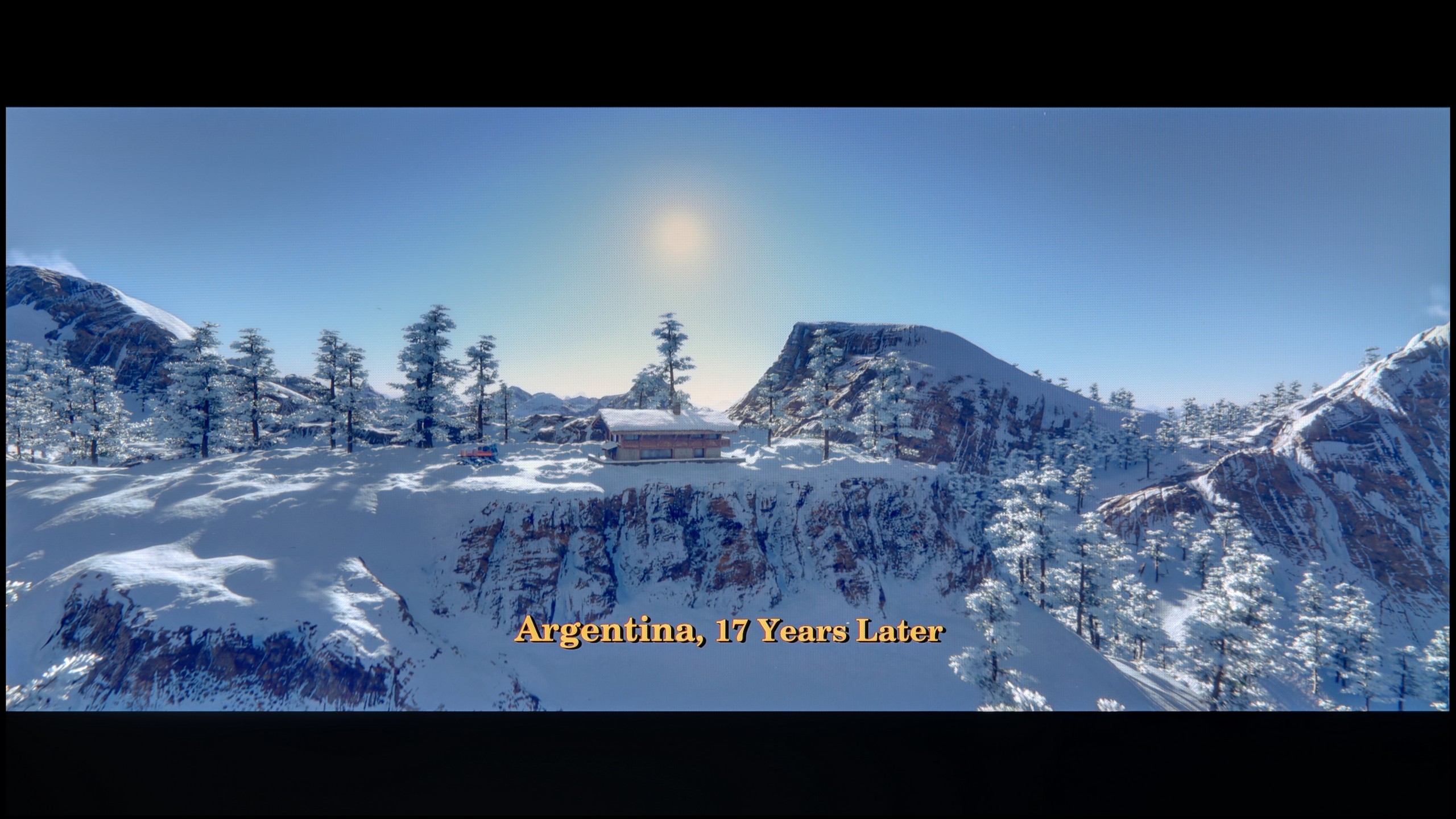
These are selected scenes that show smooth tonal transitions from one color to another. If you see distinct banding, it’s the TV panel’s fault.

These are selected scenes that show smooth tonal transitions from one color to another. If you see distinct banding, it’s the TV panel’s fault.
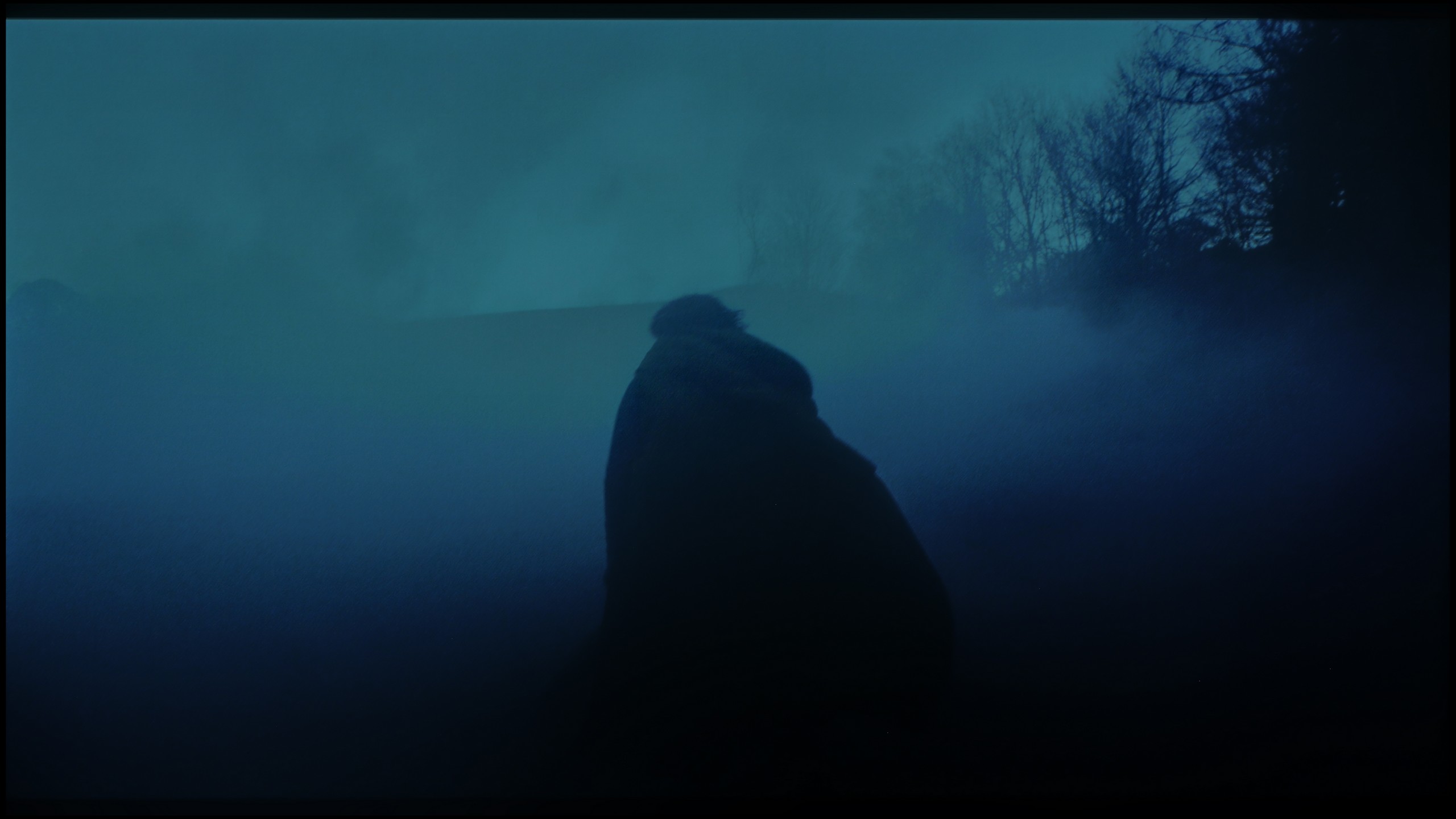
These are selected scenes that show smooth tonal transitions from one color to another. If you see distinct banding, it’s the TV panel’s fault.
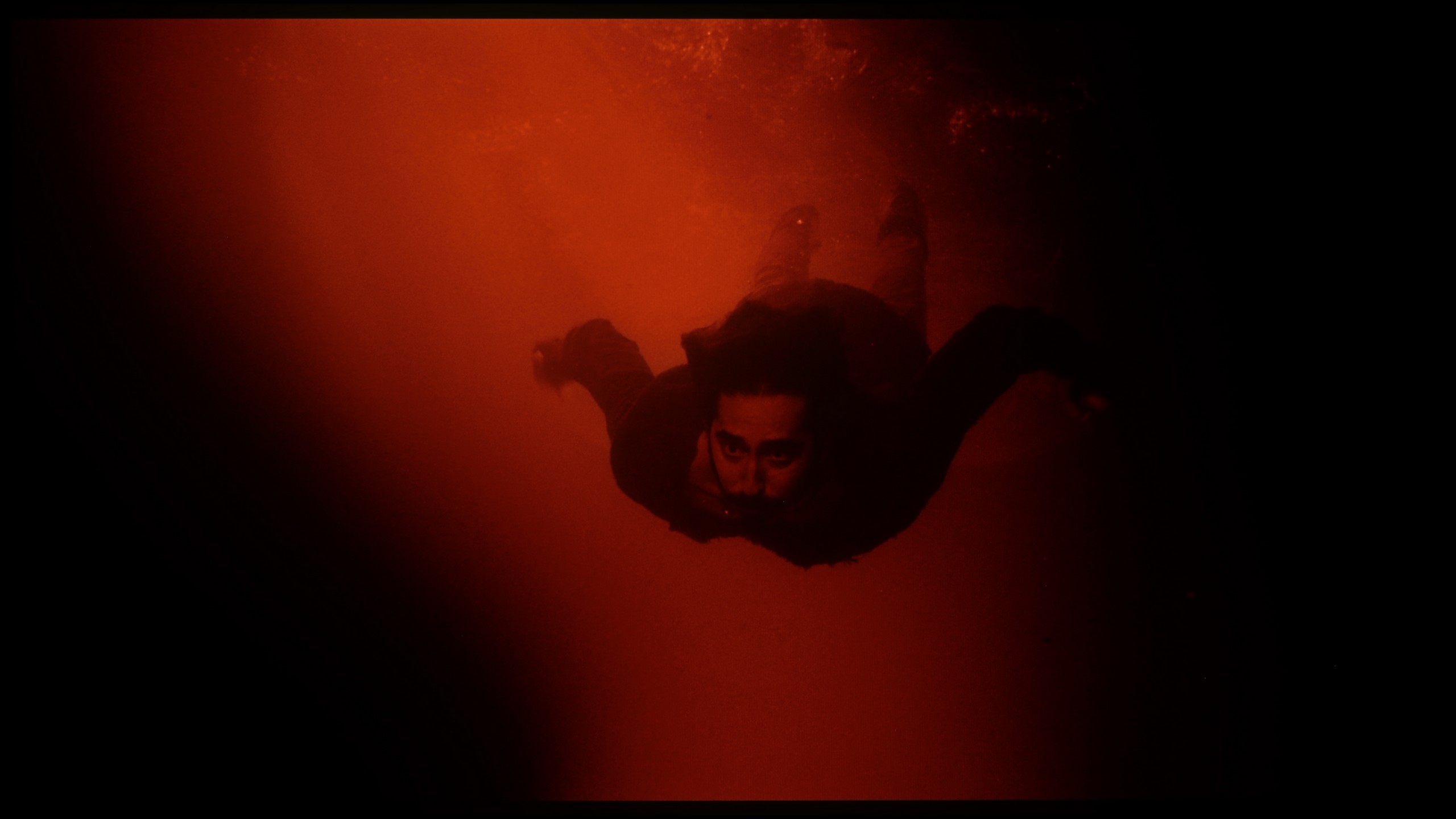
These are selected scenes that show smooth tonal transitions from one color to another. If you see distinct banding, it’s the TV panel’s fault.
When it comes to the fluidity of tonal transitions on the Samsung QN85D television, it is generally very good. The tonal transitions are smooth, and no significant artifacts are visible. However, more demanding users may notice some issues in certain scenes. For example, when blending darker shades, as in the scene with the red sea, slight imperfections can be observed. Similarly, with lighter colours – the scene from the film 'The Martian' shows minor gradation issues, leading to subtle yet noticeable transitions between hues. Despite these small shortcomings, most users should be satisfied. The performance is at a high level and, in most cases, delivers smooth, natural transitions between colours.
WOLED televisions have not been known for their perfect fluidity of tonal transitions until now. It has often been noticeable that there were subtle bands between colours – particularly in the darker parts of the image – which gave the impression that the hues did not transition smoothly, but rather "stair-stepped" slightly. This year, LG has made significant progress. In the C5 model, this issue has largely been eliminated. Indeed, in very dark scenes, subtle boundaries between colours can still be seen, but they are non-intrusive enough that hardly anyone except for more discerning viewers will notice them. For most users, the fluidity of tonal transitions in the C5 will simply be impeccable.
Image scaling and smoothness of tonal transitions
7/10
7.8/10

Smooth transition function

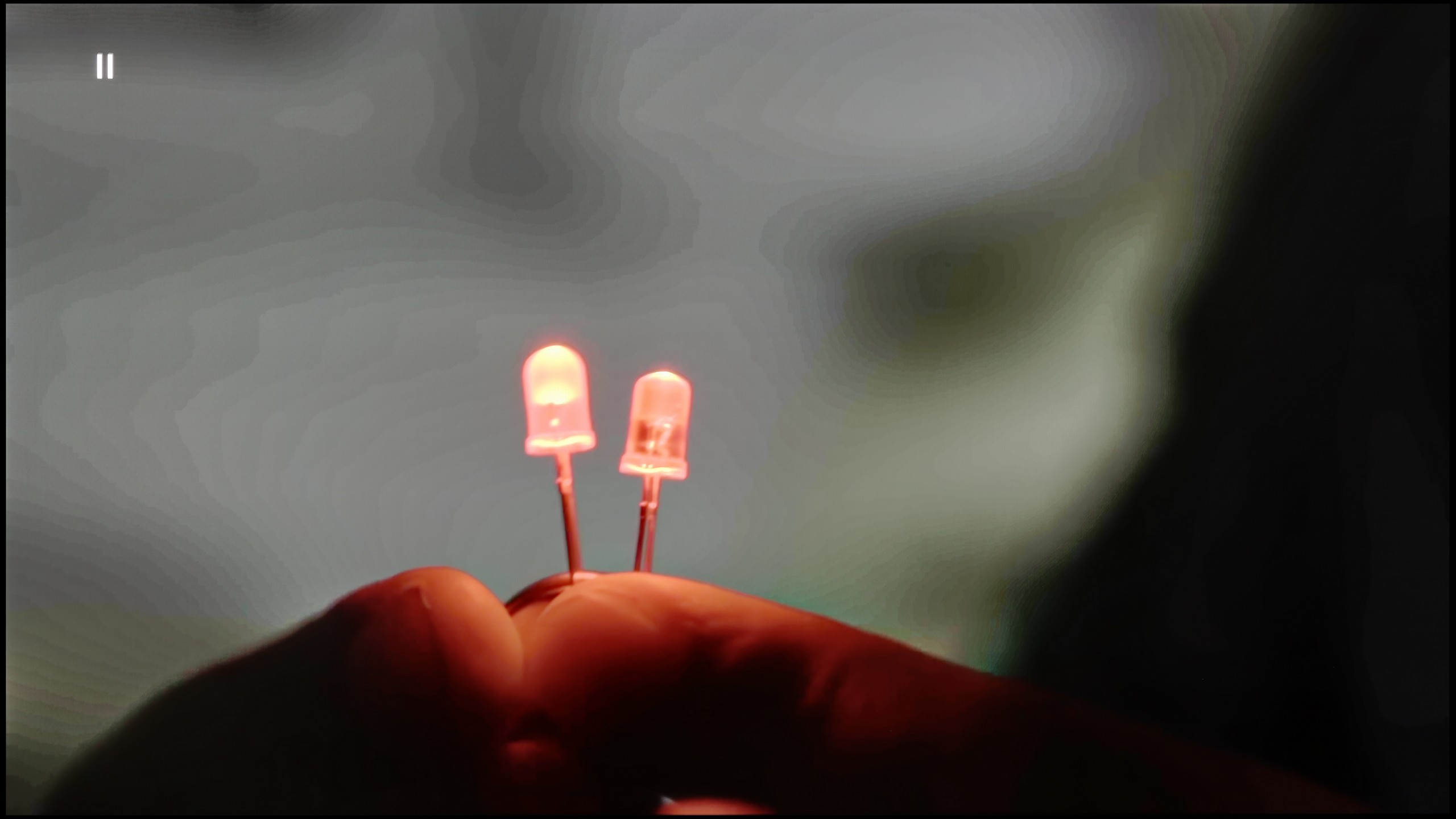
The match photo shows how the TV smooths weak tonal transitions in low-quality video.
Image scaling SD (576i)


The model photo shows how it handles upscaling of SD material.
When checking the smoothness of tonal transitions in low-resolution materials on the Samsung QN85D television, it is worth noting the noise reduction feature, which significantly improves problematic tonal transitions. On the other hand, this feature also has its downsides – it removes film grain, which is an important element of many productions, giving them authenticity, and it can also soften the image. This may appeal to those who prefer a more smoothed image; however, for lovers of the authentic look of films, using this feature should be considered carefully.
As for image scaling, the television performs very well. The model's figure is presented correctly, without noticeable distortions, and the branches in the background do not have excessive artificial sharpness, which is often a problem when scaling lower resolution materials. You can see the high capabilities of the image processor, which can effectively process lower quality materials, ensuring good final quality.
LG C5 handles lower quality materials really very well. One of the main problems older WOLEDs faced was posterisation – that is, unwanted “stair stepping” in colour transitions. The C5 utilises a system feature that smoothens these transitions, which works surprisingly effectively. The banding effect is nearly completely eliminated, and the picture gains in coherence. Compared to last year's model, we have the impression that this feature works slightly less effectively – but the good news is that it does not undermine the structure of the image. Film grain, textures, and details remain on the screen – nothing is unnaturally smoothed out.
The C5 also excels at enhancing the quality of older recordings. Thanks to the α9 Gen6 processor (8th gen), the "scaling to 4K" performs really solidly. The image is clear, the details are sharp, and the only minor downside might be slightly noticeable edge sharpening on some borders. However, there is no issue with overscan here – the image is neither artificially cropped nor shifted, which is a significant plus and still not a given.
Blur and motion smoothness
7.5/10
8.5/10

Blur (native resolution, maximum refresh rate):





Samsung QN85D TV is equipped with a 120 Hz refresh rate panel, which should satisfy both gamers and sports fans by providing a smooth and dynamic picture. There are options to enhance fluidity, such as the motion blur and judder reduction feature, which allows for precise adjustment of motion smoothness on a 10-point scale. Motion blur reduction increases the sharpness of fast-moving objects, making action scenes clearer, while judder reduction smooths movement, eliminating the "stuttering" effect. Smearing is generally well controlled, although there are occasional minor shortcomings that may be visible in more demanding scenes, particularly when an object moves against a dark background. Additionally, the TV offers a BFI (Black Frame Insertion) feature at 60 Hz, which can significantly improve the experience of motion fluidity, although at the cost of image flicker, which may be bothersome to some users.
The LG C5 is equipped with a 144 Hz display, and this, combined with the virtually zero response time of the OLED pixels, makes it one of the best screens for watching dynamic content. It doesn't matter whether it's sports, fast-paced games, or just action – the image is razor-sharp.
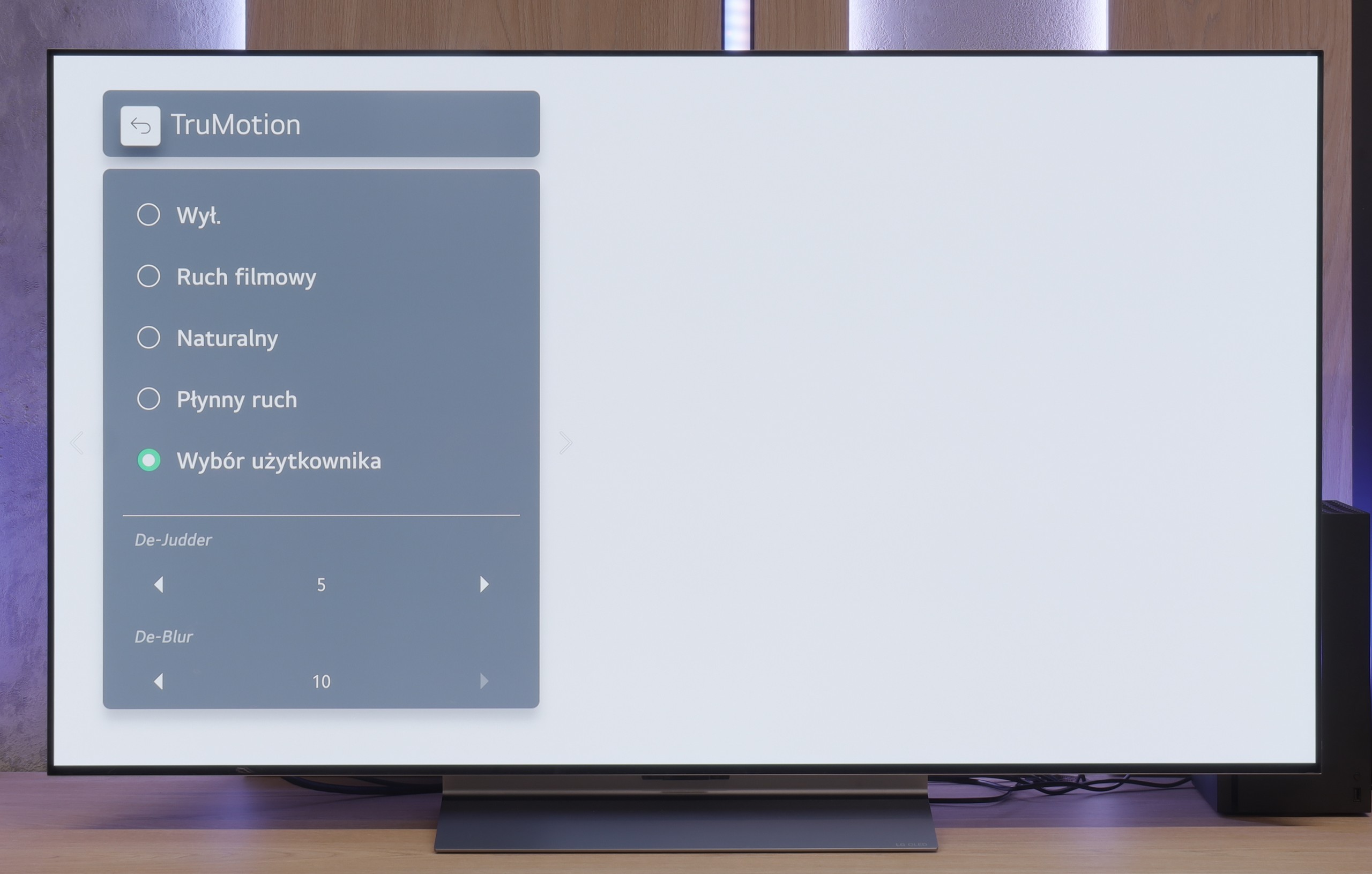
And what about movies at 24 frames? LG thought of that too. The built-in "TruMotion" smoother allows you to adjust the picture to your own preferences. The "de-judder" slider increases fluidity in films, while "de-blur" gently reduces motion blur – though to be fair, it is nearly invisible here anyway.
Console compatibility and gaming features
9.5/10
10/10
- ALLM
- VRR
- VRR range48 - 120Hz40 - 144Hz
- Dolby Vision Game Mode

- Correct implementation of HGIG
- 1080p@120Hz
- 1440p@120Hz
- 4K@120Hz
- Game bar

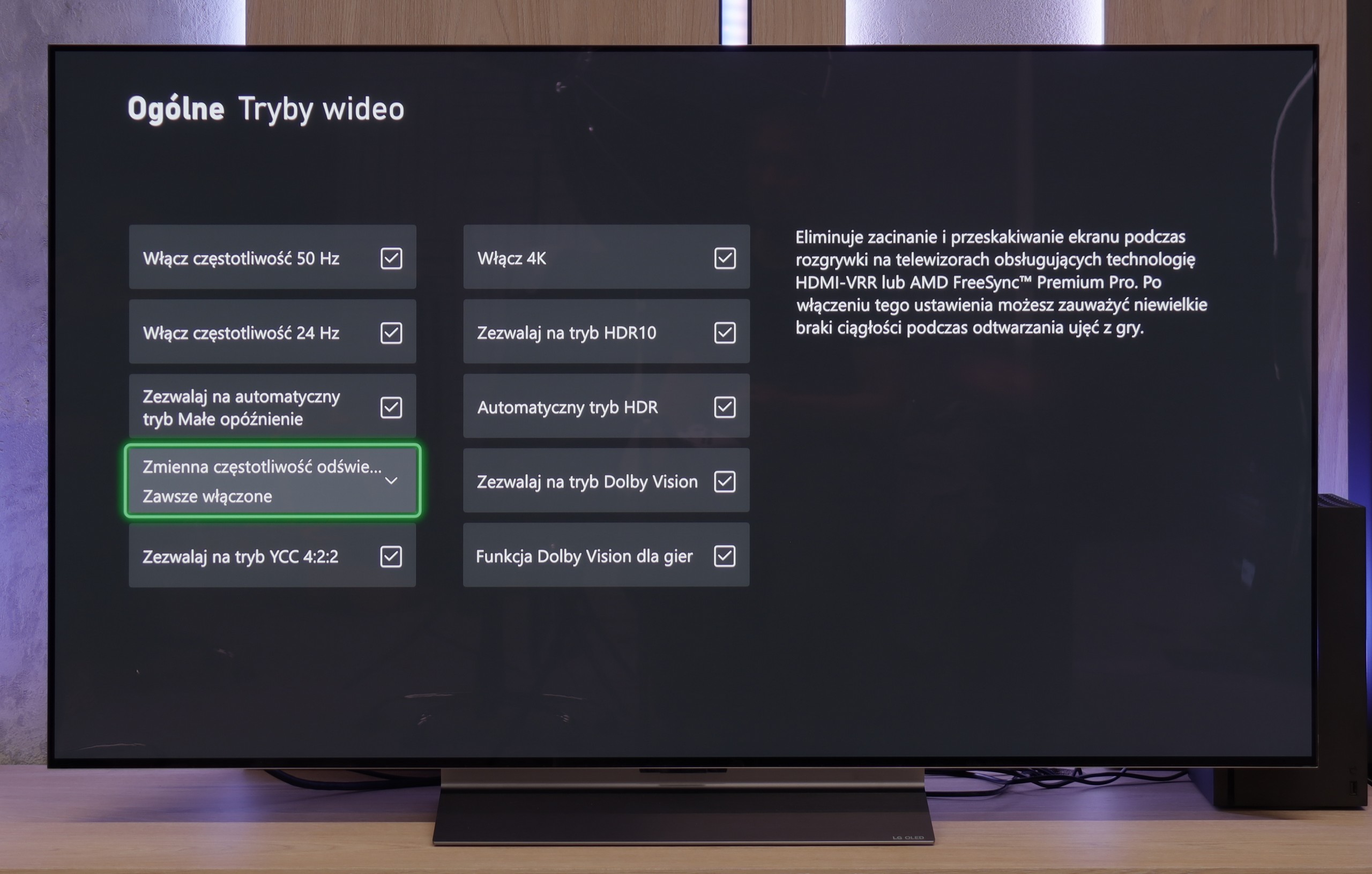

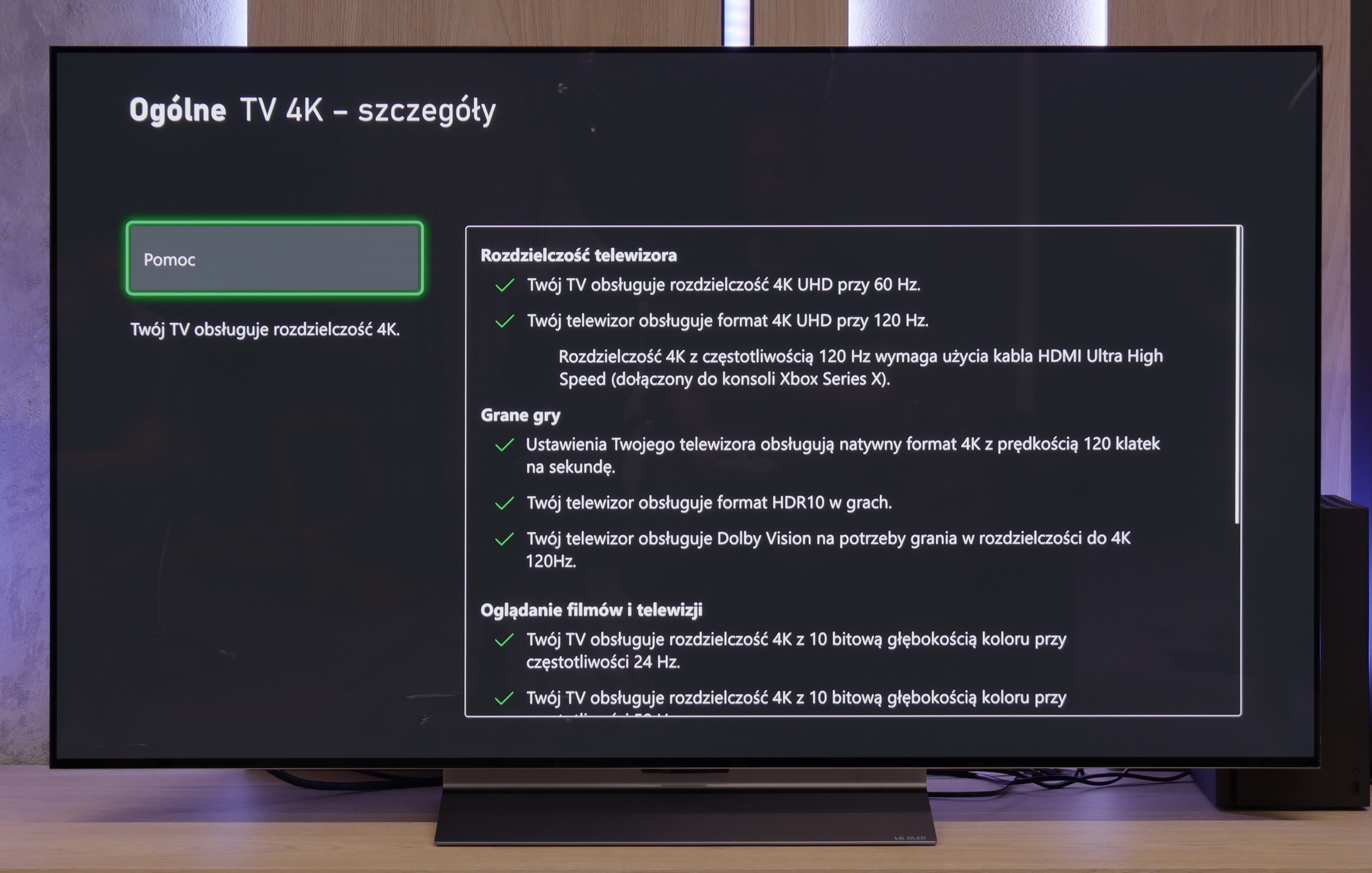


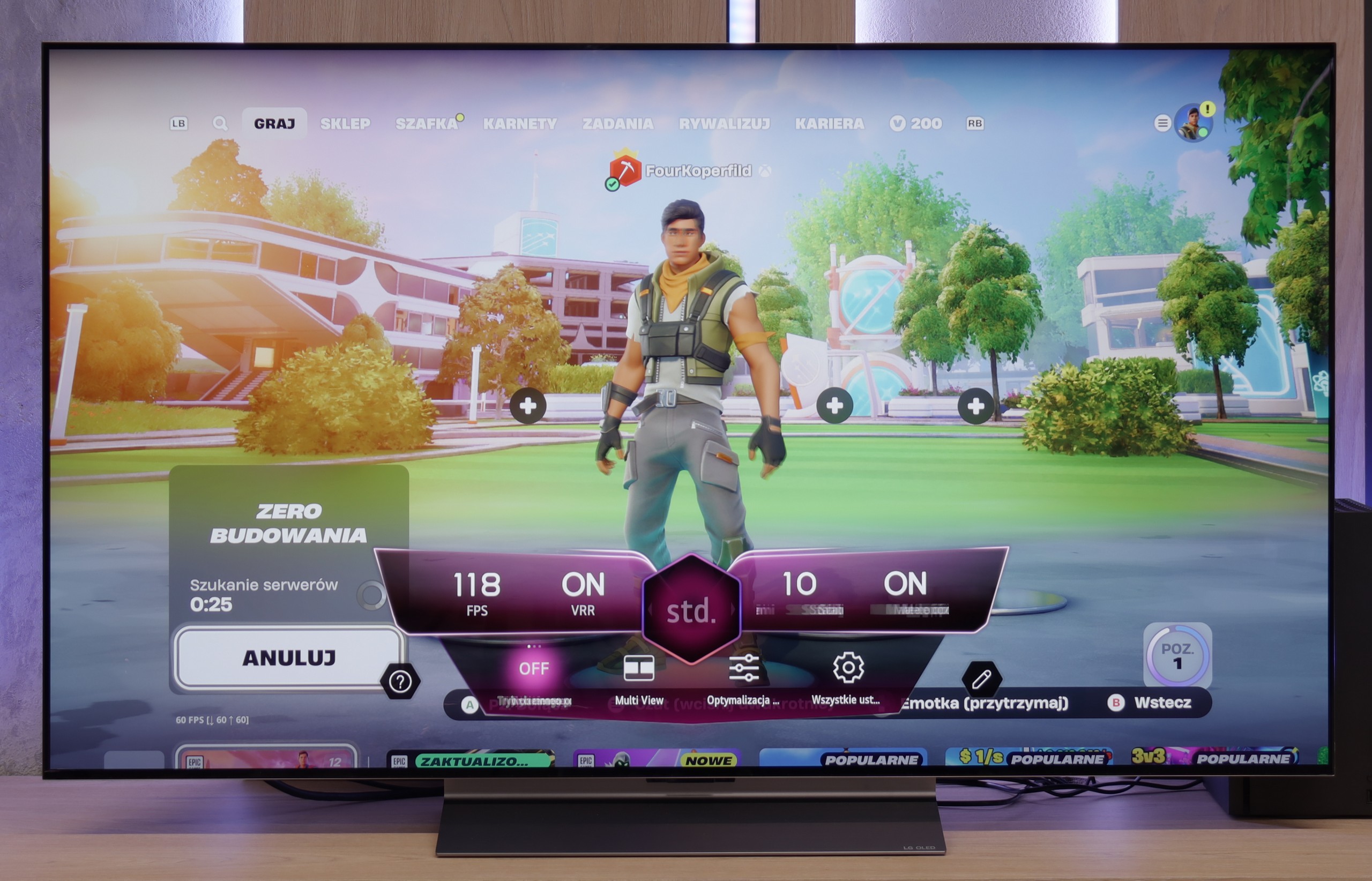
The Samsung QN85D television is an excellent choice for gamers, offering a wide range of features that enhance the gaming experience and make it even more exciting. With a refresh rate of 120 Hz, the image is incredibly smooth, which is crucial during dynamic scenes in action games. The television also features low input lag, ensuring that reactions to the player's commands are nearly instantaneous, translating to better control over the character and events on the screen.
In addition, the QN85D Samsung supports VRR (Variable Refresh Rate) and ALLM (Auto Low Latency Mode) technologies, which optimise image fluidity and reduce delays by automatically adjusting the television to meet the needs of gamers. Furthermore, the Xbox app allows access to cloud gaming without the need for a console, which is a significant advantage for those who want to enjoy their favourite titles without additional hardware – a solution that sets Samsung televisions apart.
The Auto Motion Plus Game feature is another element worth highlighting. This motion smoother creates the impression of a higher frame rate – as a result, games running at 30 fps appear smoother, resembling gameplay at 45 fps, while games at 60 Hz come close to 90 Hz. Most importantly, this feature does not introduce significant lag, ensuring that the gaming experience remains undisturbed. This allows players to enjoy a smoother image without compromising on responsiveness.
LG C5 is a television designed with gamers in mind – and there isn't a hint of exaggeration in that. It's hard to find anything to criticise here. We have a refresh rate of 144 Hz, full support for VRR, ALLM, and as many as four HDMI 2.1 ports with a full bandwidth of 48 Gb/s. For those who have an Xbox, PS5, Nintendo, and a gaming PC all in one room – there are no limitations, everything can be connected without any hassle.
The HDR configuration for games also poses no problems. The television correctly handles the HGiG mode, which allows for an image that matches the creators' intentions. For those interested, there is also Dolby Vision in Gaming mode, although we still recommend HGiG as the most predictable and "pure" version of HDR in games.
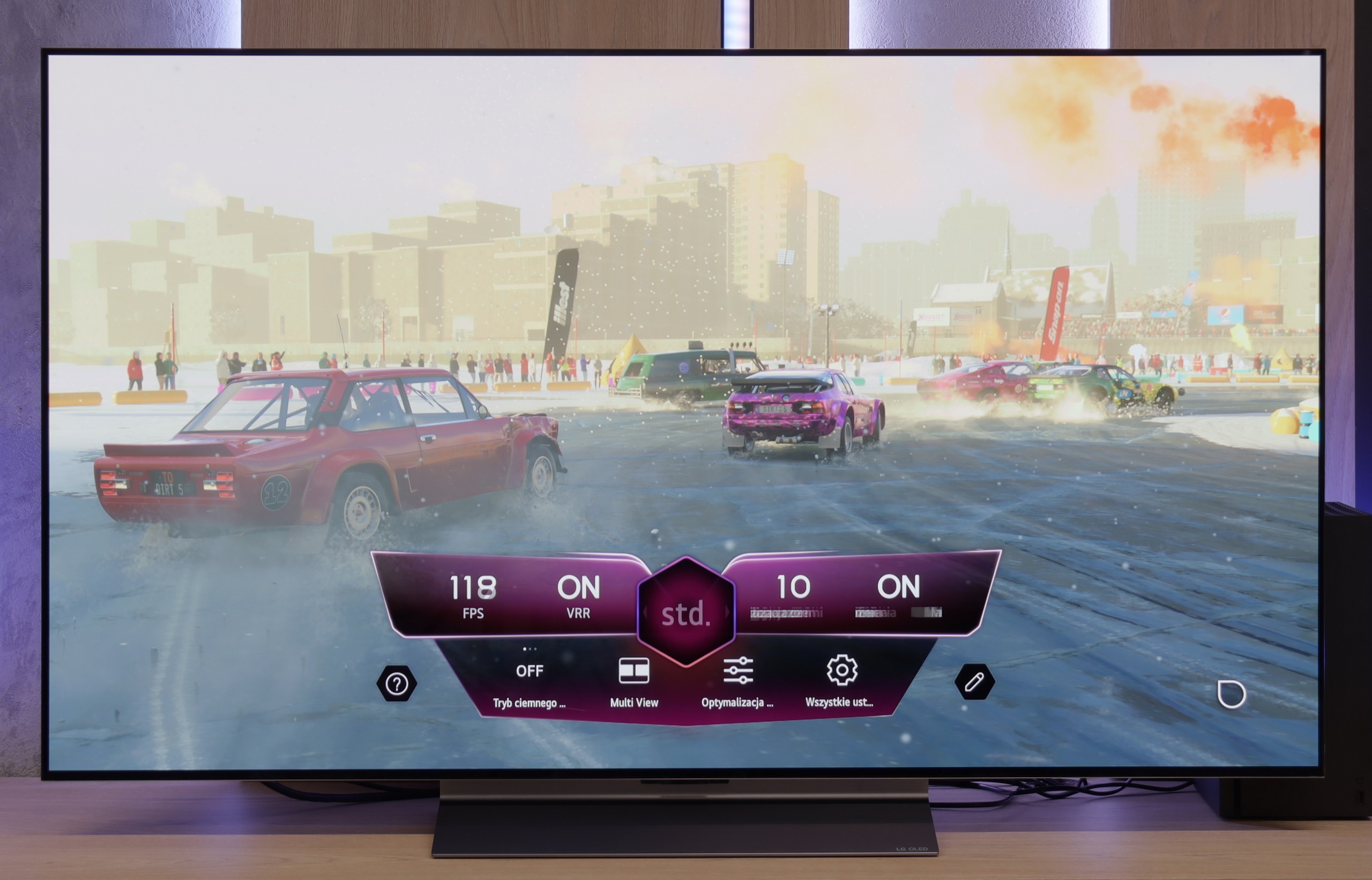
It also features Game Bar, which serves as a "command centre" for gamers. Everything important, from VRR settings, to picture modes, to frame rate information – is at our fingertips. The interface is simple and clear. It may look like it’s from a spaceship simulator, but it serves its purpose and just works; as it should.
C5 is truly a complete set for any gamer.
Input lag
9.9/10
10/10
SDR
HDR
Dolby Vision
Samsung QN85D impresses when it comes to input lag value. The television achieves remarkable results – below 15 ms for 60 Hz content and around 10 ms for 120 Hz content. As a result, gamers can enjoy instantaneous reactions to their actions, especially in dynamic games where every millisecond counts. Such low input lag makes gameplay more responsive and natural, enhancing the overall experience while gaming.
The reaction time of the LG C5 to our movements with the controller is exemplary. Regardless of the chosen resolution or frame rate, the delay is so low that in practice it is almost imperceptible. Playing on this television is simply pure pleasure. Some delay is introduced by the Dolby Vision mode, which should come as no surprise – this applies to virtually every television on the market equipped with this mode. Nonetheless, even with Dolby Vision active, the input lag remains low enough that gameplay is still smooth and responsive.
Compatibility with PC
7.6/10
8.6/10

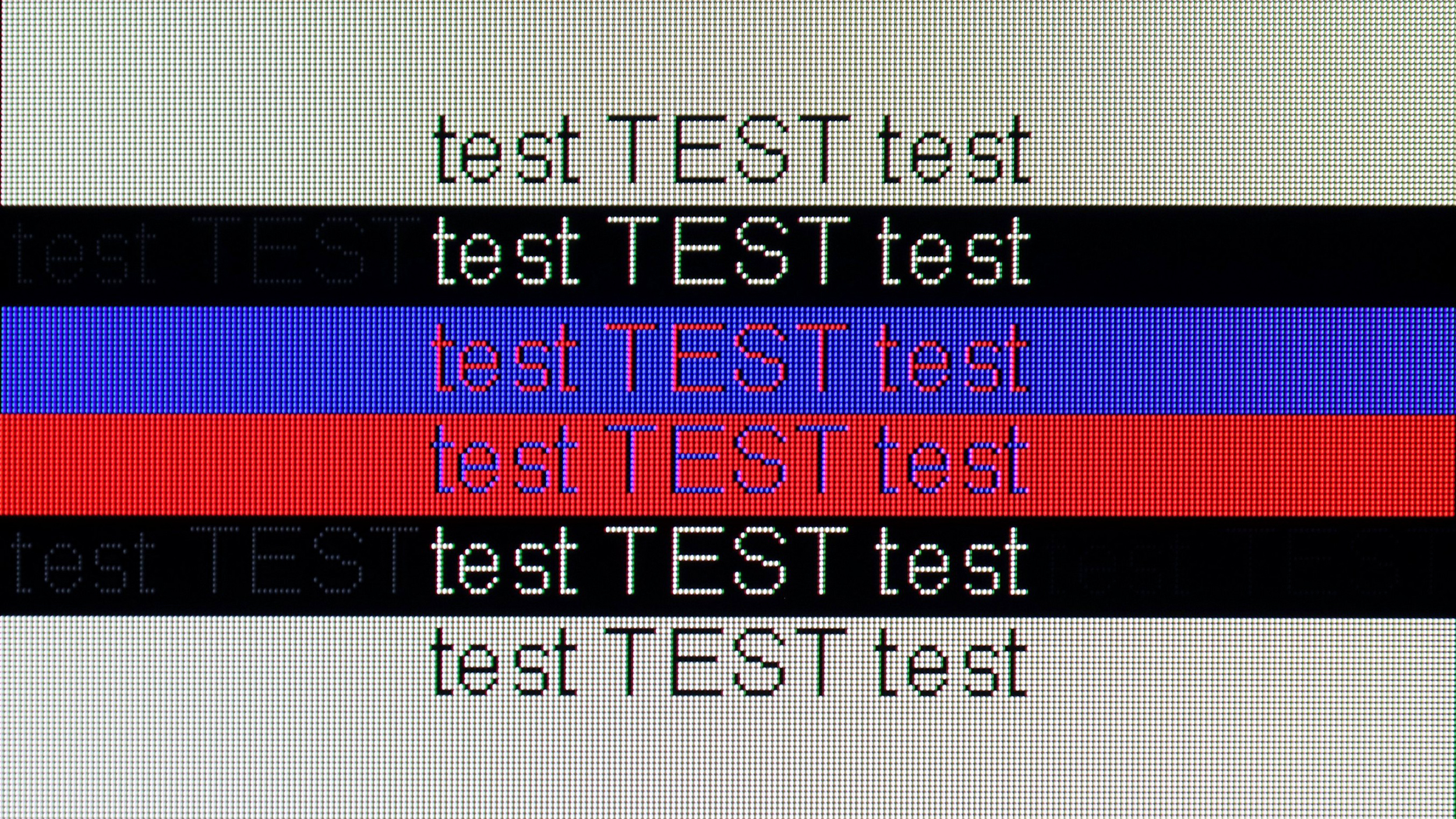
The photo shows the legibility of small fonts. Ideally, lines should be the same thickness on both light and dark text, with minimal pixel gaps.
The Samsung QN85D can be a good option as a computer monitor. Thanks to the support for 4:4:4 chroma (available only in "Game" mode), the text on the screen is sharp and easy to read, which is crucial for those working with word documents or spreadsheets. A significant advantage of this model is also the exceptionally low input lag in "PC" mode – just 9 ms, which is really impressive and provides high smoothness and responsiveness, beneficial for both work and gaming. However, there are some drawbacks. When displaying fonts on a dark background, a problem arises – when we zoom in on the image, it can be seen that the horizontal lines are darker than the vertical ones. This is due to the fact that the sub-pixels in these areas do not fully illuminate, which may result from a manufacturer oversight in optimising the algorithm responsible for displaying thin lines. As a result, the quality of text on a dark background is not perfect. Despite this, the television remains a very good choice as a PC monitor, especially considering the low input lag and support for 4:4:4 chroma.
C5 – as we wrote – is a television created for gamers, so playing even on a computer is a real pleasure. The 144 Hz panel, low input lag, and original G-Sync certification only confirm this.
When it comes to work – it is also very good. Fonts are legible, the interface is clear, but it should be remembered that we are dealing with a WOLED panel and a WRGB subpixel arrangement. (slight shadows visible behind the font). Therefore, if someone plans to place the C5 on a desk in smaller sizes like 42 or 48 inches for everyday office work, it is worth checking this for themselves beforehand. For occasional desktop use and primarily for gaming – there are no reasons for concern.
Viewing angles
2.9/10
7.4/10
The Samsung QN85D television, due to the applied VA panel, has rather poor viewing angles. When viewed from the side, the colours lose intensity, and the picture becomes noticeably less contrasty. This is a typical disadvantage of VA panels, which offer significantly worse picture quality when viewed from wider angles. However, straight on, the situation looks much better – the VA panel then provides deep blacks and better contrast, which is a big plus if the television is mainly viewed while sitting directly in front of the screen.
The viewing angles on the LG C5 are nearly perfect. Although they fall slightly short compared to technologies such as QD-OLED or WOLED with micro-lens MLA, the picture quality from a large angle still leaves a great impression. Colours remain vibrant, and the screen does not lose much of its brightness even when set at more demanding angles.
Addressing questions that circulated last year regarding the C4 model – we did not notice any green tints, pinking, or other effects in the case of the C5, which can be read about online. The picture at an angle looked really clear.
Daytime performance
7.3/10
6.2/10

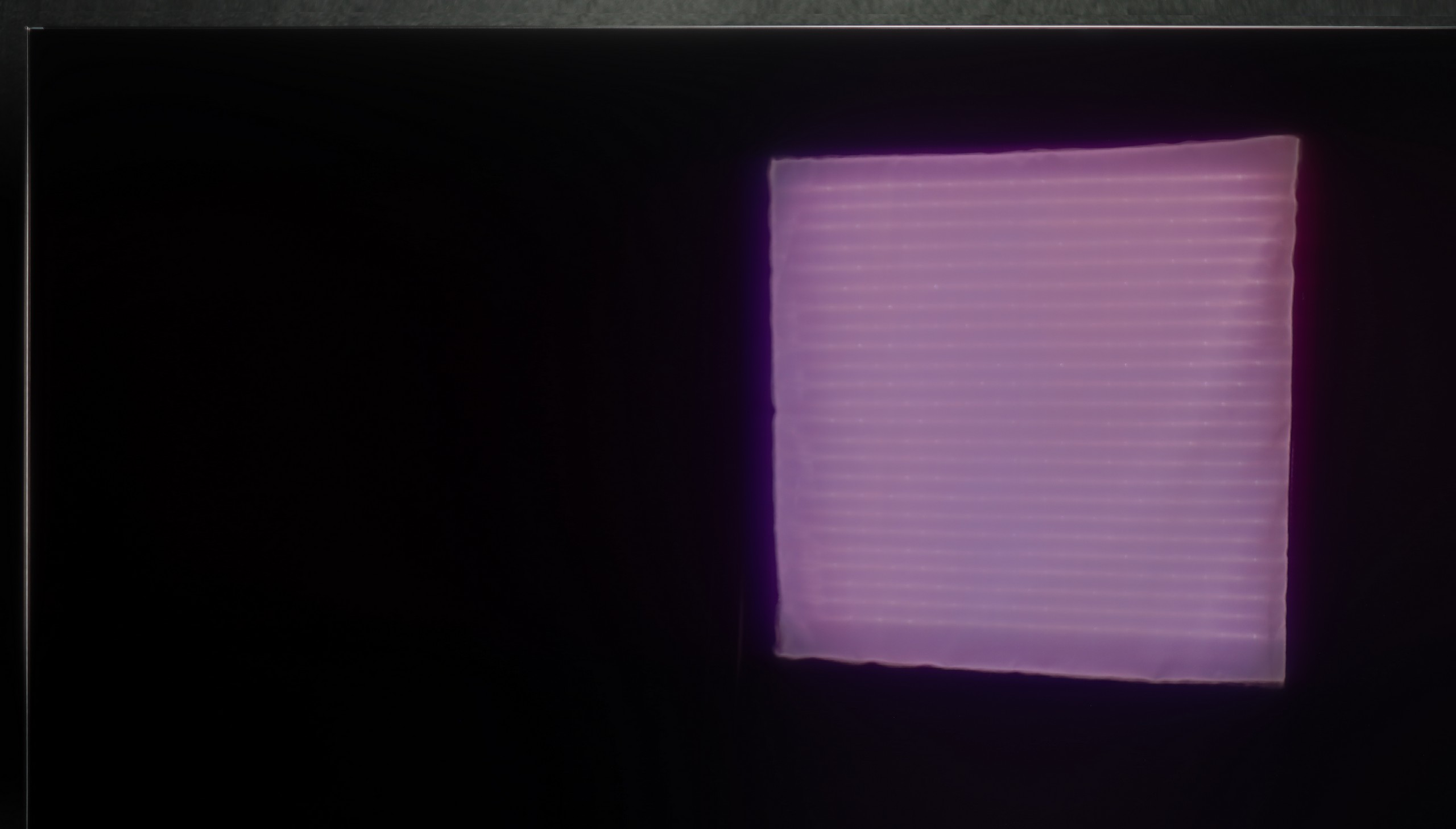

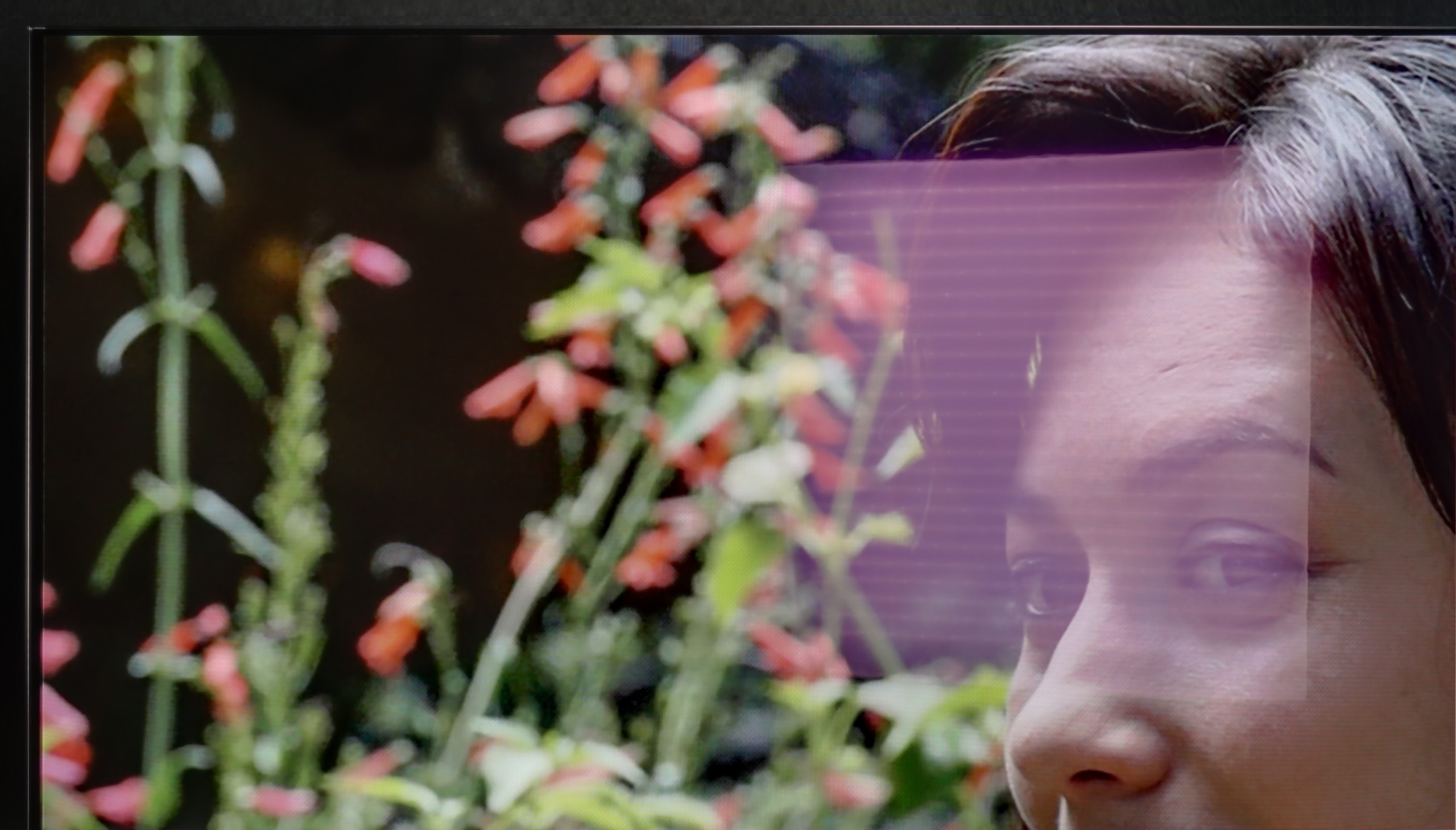
Panel brightness
LG OLED C5: 435 cd/m2
Samsung Neo QLED QN85D / QNX1D: 825 cd/m2
Samsung QN85D TV performs very well in bright daylight conditions. Although the satin screen moderately reduces reflections, the brightness level of 825 cd/m² is truly impressive. Even in strong sunlight, the television handles very well, providing a clear and sharp image, and the largest external light sources pose no significant problem. This makes this model a good option for rooms with a lot of natural light.
LG C5 is one of the brighter OLED televisions on the market, so it should perform well in moderately bright rooms without major issues. The average brightness in SDR mode is around 450 nits – a value sufficient to keep the image readable even during the day. Importantly, the black does not lose depth and does not become "grey", which can still be an issue with QD-OLED panels.
A greater challenge, however, may be reflections. The WOLED panel used in the LG C5 has a glossy coating typical of this technology, which only partially diffuses reflections. In a well-lit living room with large windows, you can see your reflection on the screen – slightly muted, but still visible. In a very sunny room, it may turn out that curtains or blinds will be necessary to fully enjoy the great picture quality.
Panel details
Subpixel Structure:

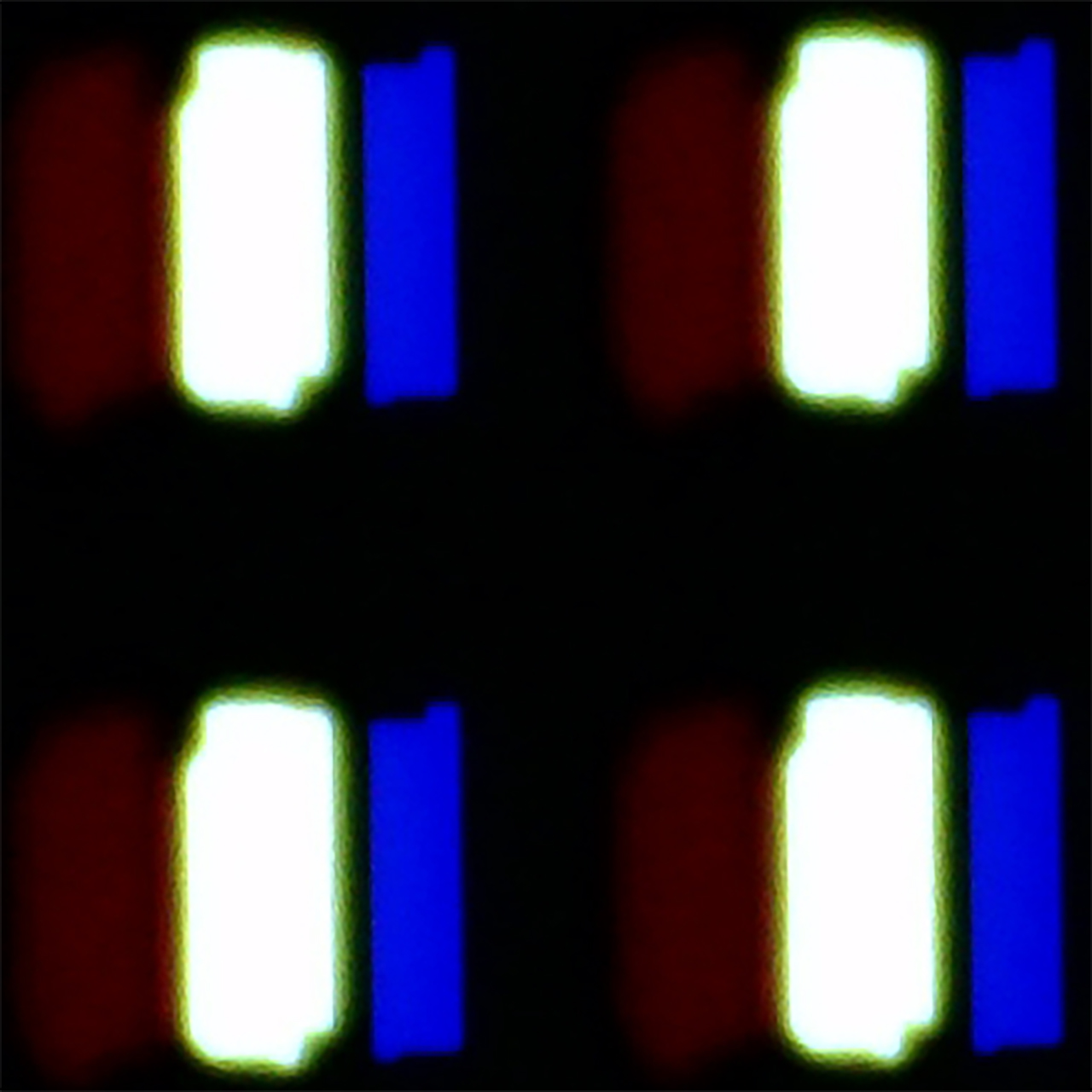
Panel uniformity and thermal imaging:


TV features
7.4/10
7.9/10
- HDMI inputs0 x HDMI 2.0, 4 x HDMI 2.1 48Gbps0 x HDMI 2.0, 4 x HDMI 2.1 48Gbps
- Other inputsIR (remote)
- OutputsToslink (Optical audio), eARC (HDMI), ARC (HDMI)Toslink (Optical audio), eARC (HDMI), ARC (HDMI)
- Network InterfacesWi-Fi 2.4GHz, Wi-Fi 5GHz, Ethernet (LAN) 100MbpsWi-Fi 2.4GHz, Wi-Fi 5GHz, Ethernet (LAN) 100Mbps
- TV receptionDVB-T, DVB-T2, DVB-S, DVB-S2, DVB-CDVB-T, DVB-T2, DVB-S, DVB-S2, DVB-C
Classic features:
- Recording to USB (terrestrial TV)
- Recording programming
- Picture in Picture (PiP)
- RF remote control (no need to aim)
- Backlit remote control
- Teletext
- Audio only mode
- Bluetooth headphones support
- Simultaneous Bluetooth headphones & TV audio
Smart features:
- AirPlay
- Screen mirroring (Windows Miracast)
- Voice search
- Voice search in native language
- Ability to connect a keyboard and mouse


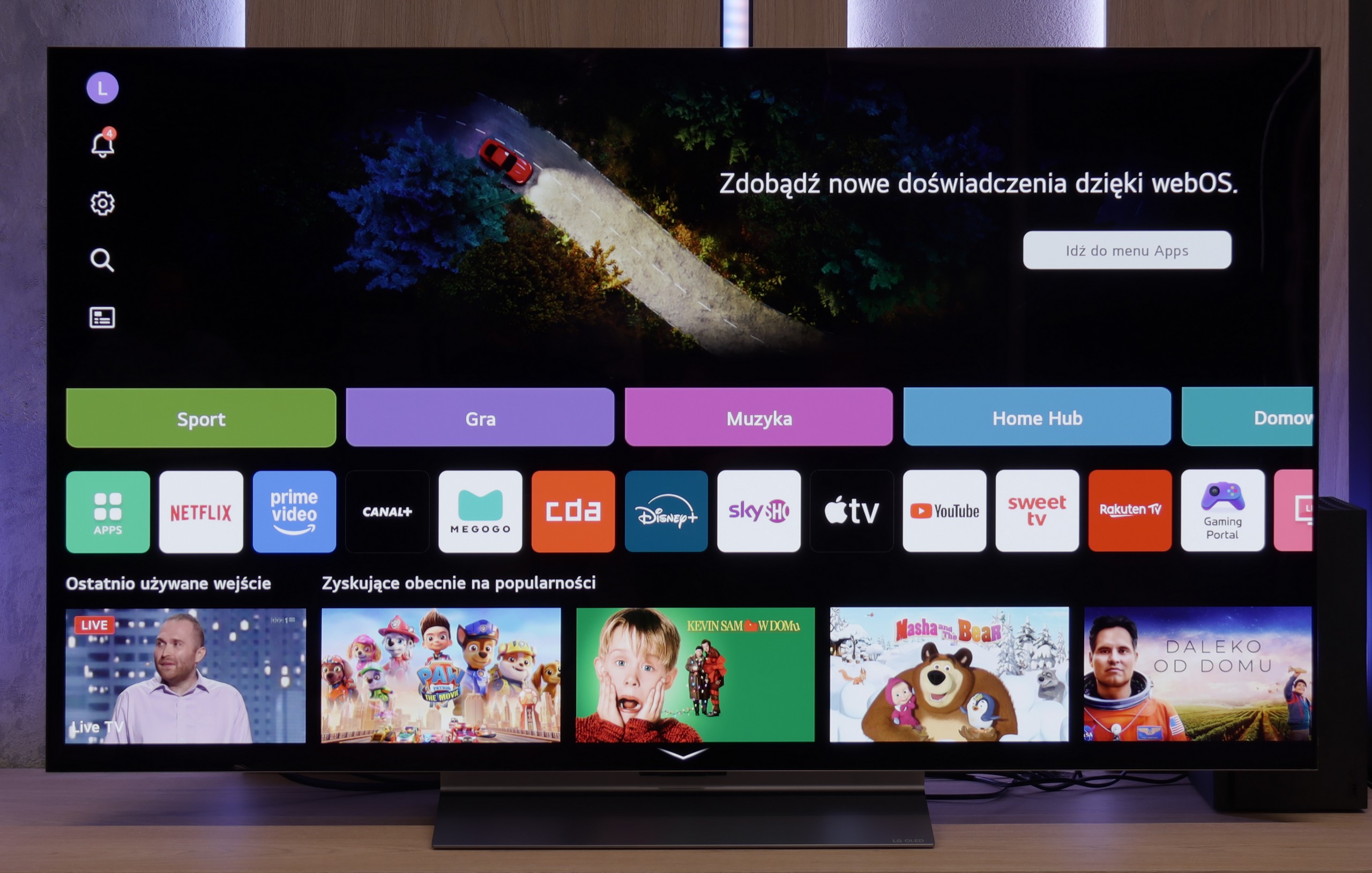
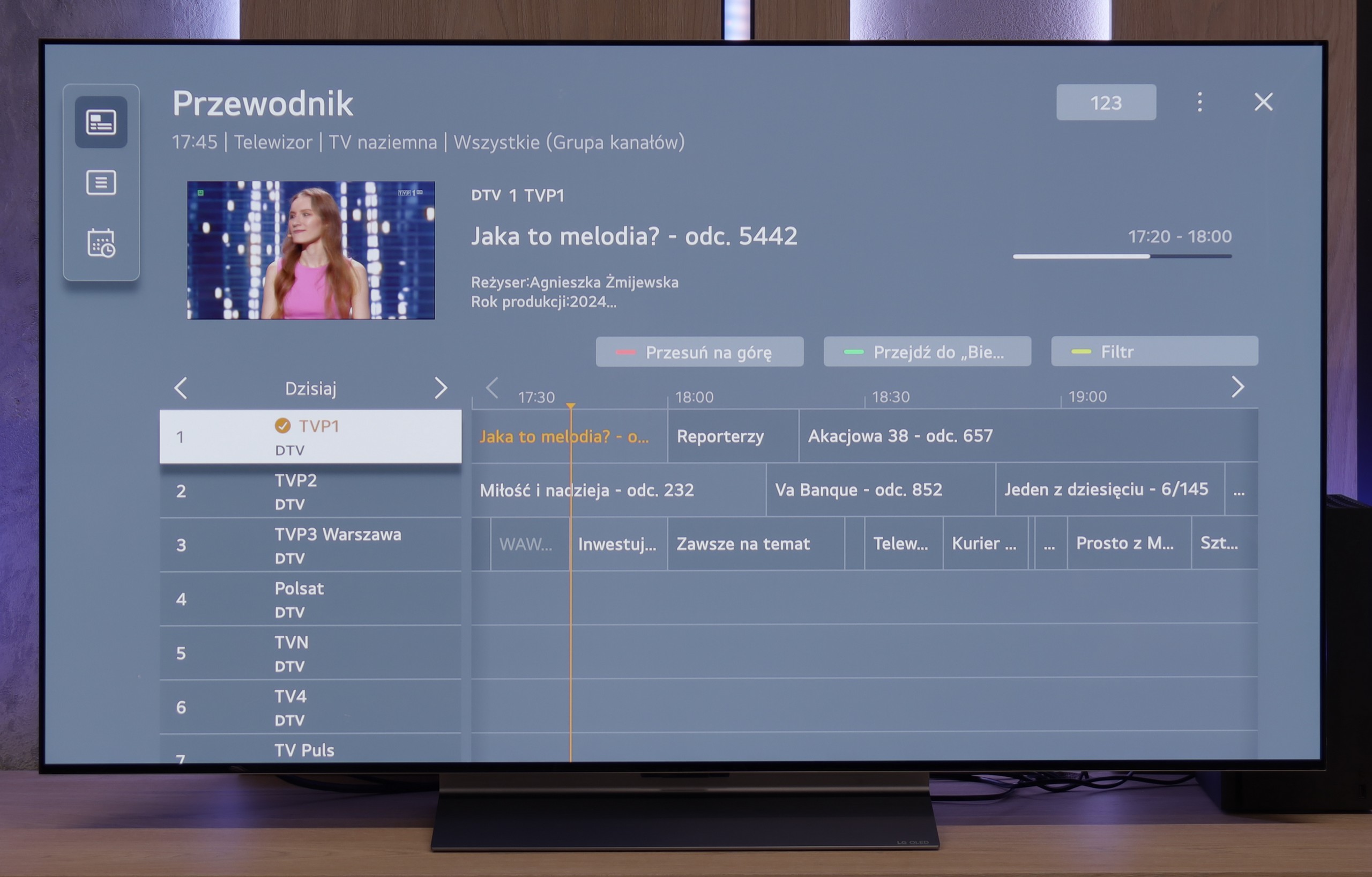
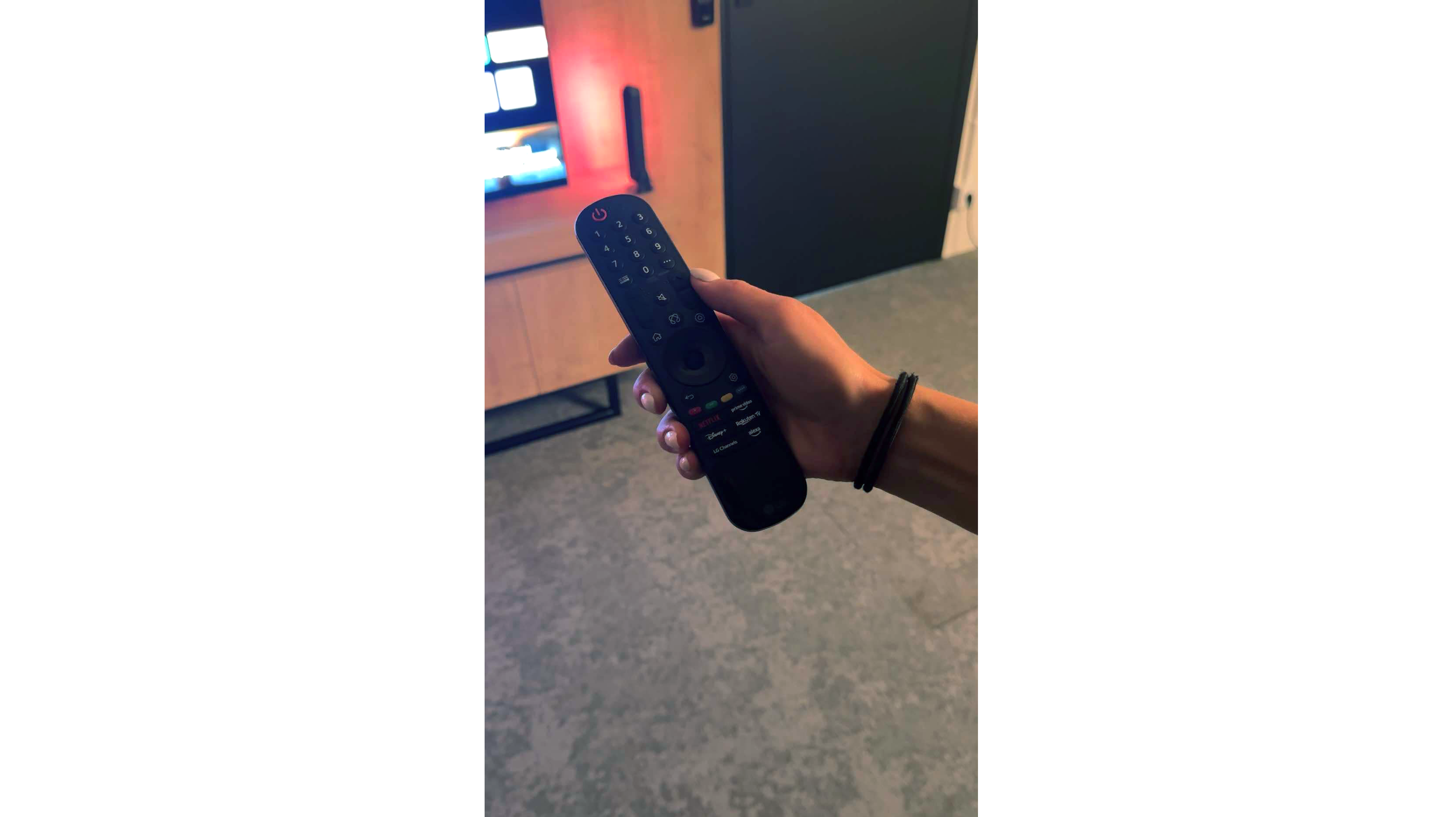
Samsung QN85D offers a wide range of smart features, thanks to the Tizen platform. Users have access to applications and functions such as SmartThings, allowing them to manage not only Samsung devices but also equipment from other brands, creating a complete smart home ecosystem. The television also supports AirPlay, enabling convenient content streaming from Apple devices directly to the screen, which enhances flexibility and comfort in everyday use.
The QN85D model also stands out in terms of unique features. The television includes Daily+, offering diverse content daily such as fitness exercises or workspace options. Additionally, the attractive appearance of the television, although not as slim as last year's models, still looks good. The central stand provides solid support and adds character to the device, giving the television a more elegant look.
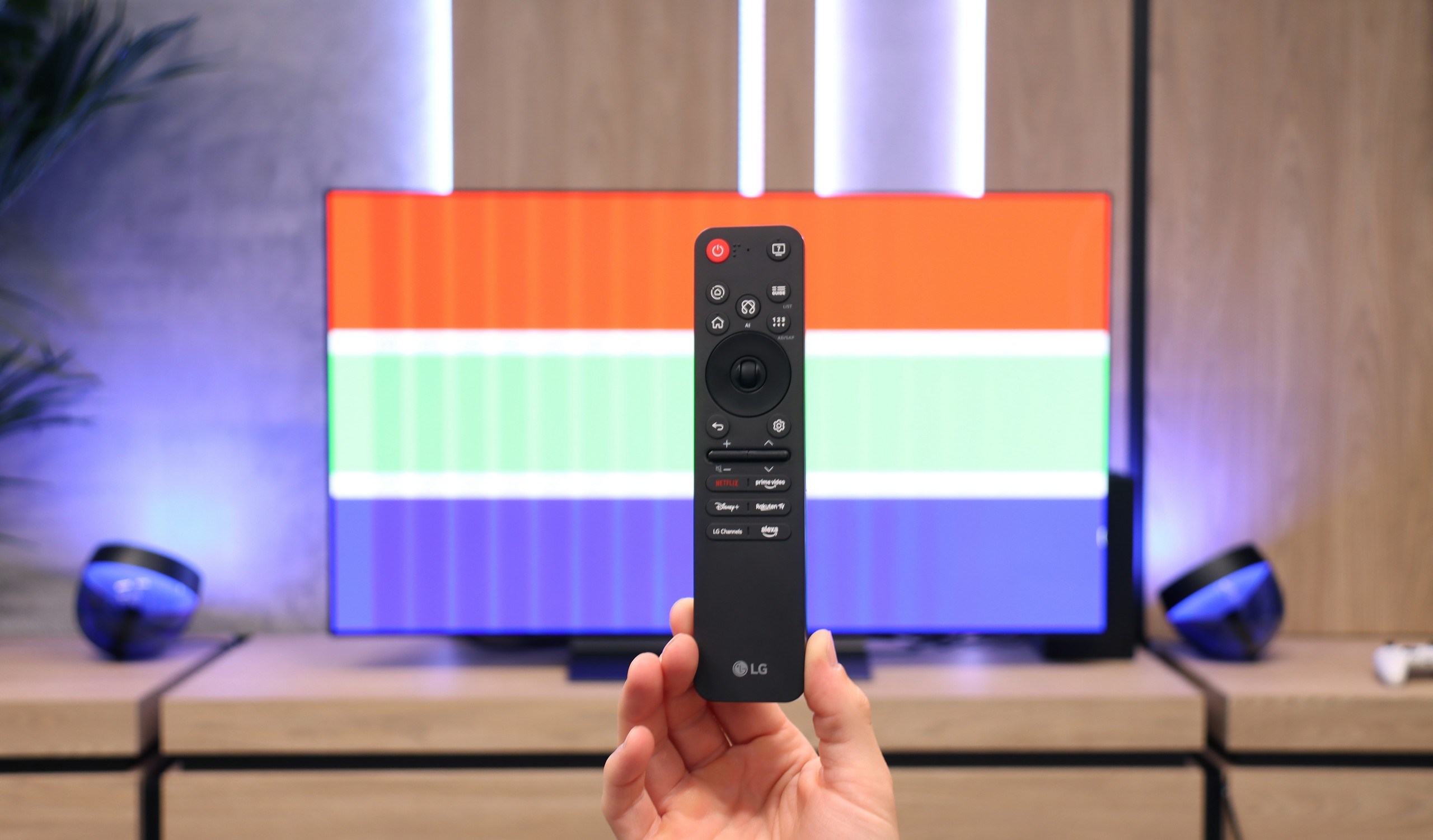
When it comes to usability features, the television is equipped with a remote control that works with decoders such as Canal+, allowing easy control of most home equipment with one device. The television also includes a PiP (Picture-in-Picture) function, enabling users to watch two image sources simultaneously. Unfortunately, one of the drawbacks that can be noticed is the absence of a recording function, which may be a significant downside for some users.
Classic TV functions:
In terms of classic television functions, the LG C5 performs really well. Here we have the ability to record programmes to USB from built-in DVB-T(2) tuners, teletext support, an EPG programme list, as well as seamless pairing of headphones via Bluetooth. For many users, these are still very important elements of daily TV use – and here LG doesn’t lack anything except for the PIP function. It is also worth noting the remote control, or rather... the different versions of the remote. In our test, we used the C54 model, which is equipped with the new version of the Magic remote. It resembles Samsung's minimalist approach – there is no numeric keypad or "source" button, but it looks modern and is comfortable for daily use. On the other hand, other variants, such as C5ELB, may be sold with an older version of the remote – a more classic one, with more buttons and a numeric keypad. Some will find it more practical, while others will consider it outdated. In short: quite a bit of confusion, so it's worth checking the model suffix before making a purchase.
Smart TV:
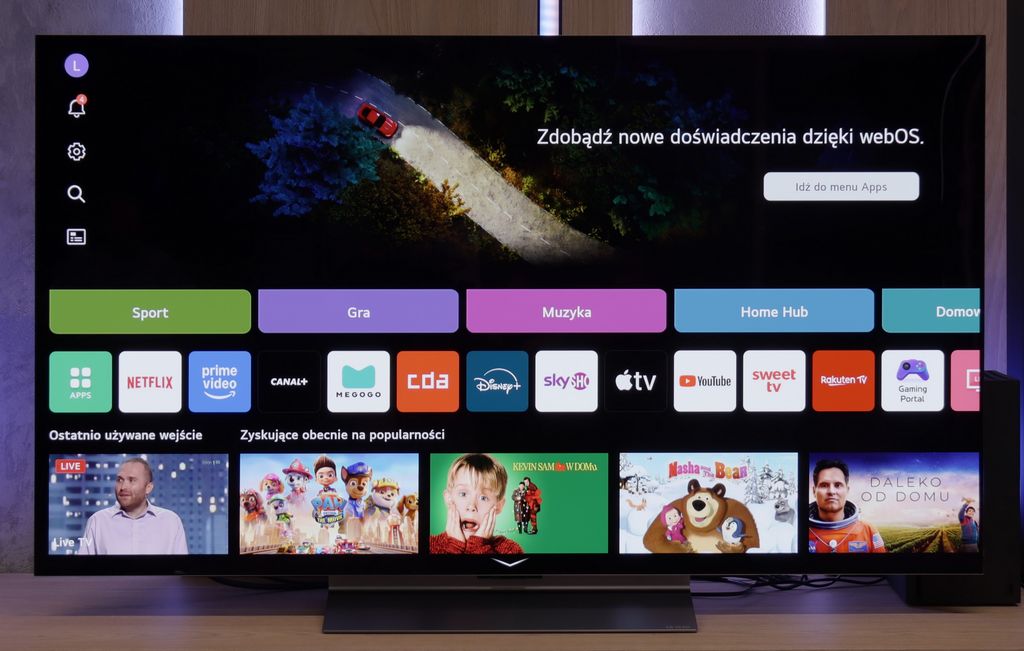
Regardless of the remote's version, we operate the same system – WebOS. This is one of the most enjoyable solutions in the Smart TV world. An intuitive menu, quick operation, and support for popular features such as AirPlay, screen mirroring, and voice assistant make the system perform very well on a daily basis. Additionally, cursor control via the gyroscope in the Magic remote remains one of the most convenient forms of navigation in televisions. There are really many applications available – Netflix, Disney+, HBO Max, Apple TV, and many others. However, it should be noted that this is not a system based on Android/Google TV, so it might happen that we simply won’t find some less popular application in the LG store.
Apps
9.3/10
9.1/10






















Playing files from USB
9.1/10
8.8/10
Supported photo formats:
Maximum photo resolution:

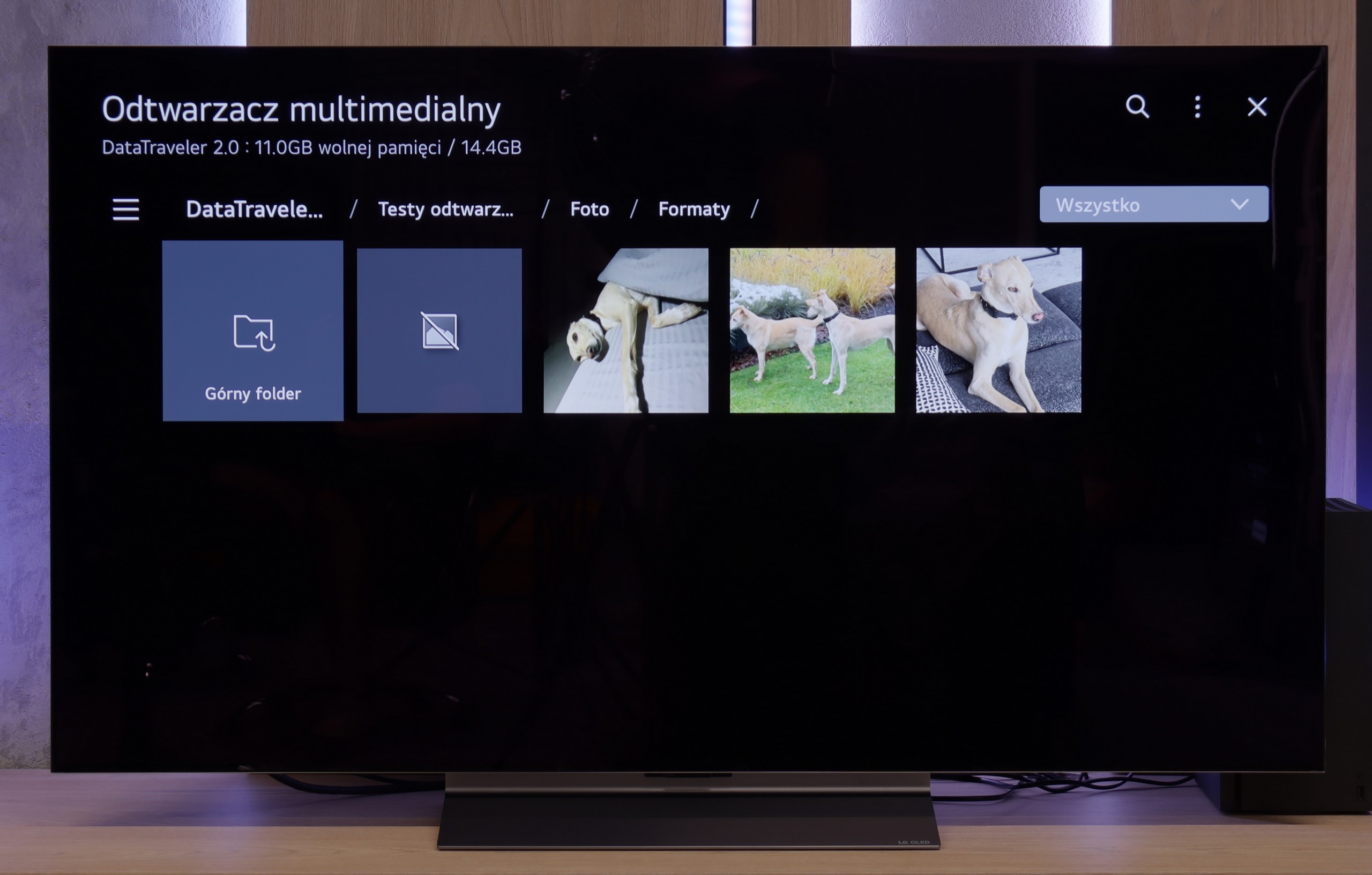
The built-in player in the Samsung QN85D should satisfy most users. It handles popular video and audio formats without major issues, providing solid support for the most commonly used codecs. However, more demanding users may notice some shortcomings – it is not possible to play photos in the HEIC format, which is popular on Apple devices, as well as several other, less common photo formats.
The LG C5 is equipped with quite a decent built-in media player, which should meet the expectations of most users. It supports popular video and audio formats, handles subtitles in SRT format, and opens most graphic files without major issues.
The interface itself is fairly simple and intuitive – it doesn't surprise, but it also doesn't cause difficulties in daily use. Of course, it's not on the level of external players or applications from Google TV, but for basic playback of films from a pen drive or hard drive – it is more than adequate.
Sound
7/10
7.2/10
- Maximum volume-84dB
- Dolby Digital Plus 7.1
- Dolby True HD 7.1
- Dolby Atmos in Dolby Digital Plus (JOC)
- Dolby Atmos in Dolby True HD
- DTS:X in DTS-HD MA
- DTS-HD Master Audio
The sound on the Samsung QN85D television is pleasant, with a subtle sense of bass and clarity throughout the volume range. This is thanks to the built-in 2.2 40W speakers. Unfortunately, the lack of support for the DTS audio format may be problematic for users wanting to enjoy a full audio experience. In such cases, it will be necessary to use an external player to gain support for this format.
For such a slim television, the LG C5 surprises with quite good sound quality. Within its thin casing, a set of specific speakers has been incorporated, which produce clear sound, with well audible details and – surprisingly – a light yet noticeable bass. It is more than sufficient for everyday viewing, and in many cases, it might even offer a pleasant surprise. It is a pity that this year LG decided to completely eliminate support for DTS codecs. For most people, this will not be a problem, but if someone uses Blu-ray discs and enjoys this format – especially in its more advanced versions – they may feel its absence. In such a case, an external amplifier or soundbar with appropriate audio support remains the option.
Sound Quality Test
No sound test video
Acoustic Measurements
No acoustic data
84dBC (Max)
75dBC