Samsung DU7192 is a very budget-friendly solution that works best as a device for typical Sunday viewing. The television is best suited for daytime watching, as ambient light effectively masks its not-so-great blacks. Thanks to the IPS panel, even at an angle, the colours maintain their hues and saturation. The brightness of the Samsung DU7192 also suggests its intended use, which is television or YouTube, as HDR content on streaming platforms will be too dark. The greatest advantage of the television is the colour reproduction after undergoing a calibration process, as it produces good quality colours that allow for viewing materials in a quality quite close to that which the film director intended. Credit must also be given to the quality of tonal transitions, which are a definite highlight of this television, placing it well above its competition. As for minor features that can be considered good in the Samsung DU7192, there is computer compatibility and the operating system. The former performs remarkably well, and thanks to the properly implemented chroma 4:4:4, the tested television can successfully serve as a monitor, as the readability of fonts will be at a high level. The system, meanwhile, operates very smoothly and efficiently. During testing, there was no situation in which it froze. Additionally, the default media player is excellent and handled virtually every file we prepared for it. So, who is the Samsung DU7192 for? Primarily for less demanding individuals for whom the television serves merely as a small escape in their daily routine. The DU7192 Samsung features a modern and elegant design that will fit into most interiors. The matte frame finish adds style to the device, making it not only a functional but also an aesthetically pleasing element of living room decor. It is worth highlighting that the Samsung DU7192 has an exceptionally slim profile, which makes it easy to mount on the wall, thus saving space in the room. This is an ideal solution for those who wish to enjoy minimalism in their interiors without sacrificing high-quality equipment.
- Matching (Score) |
- Our verdict |
- TV appearance |
- Where to buy |
- Contrast and black detail |
- HDR effect quality |
- Factory color reproduction |
- Color reproduction after calibration |
- Smoothness of tonal transitions |
- Image scaling and smoothness of tonal transitions |
- Blur and motion smoothness |
- Console compatibility and gaming features |
- Input lag |
- Compatibility with PC |
- Viewing angles |
- Daytime performance |
- Panel details |
- TV features |
- Apps |
- Playing files from USB |
- Sound
Samsung DU7192 (IPS) vs XIAOMI A PRO 2026
 Direct comparison
DU7192 / DU7172

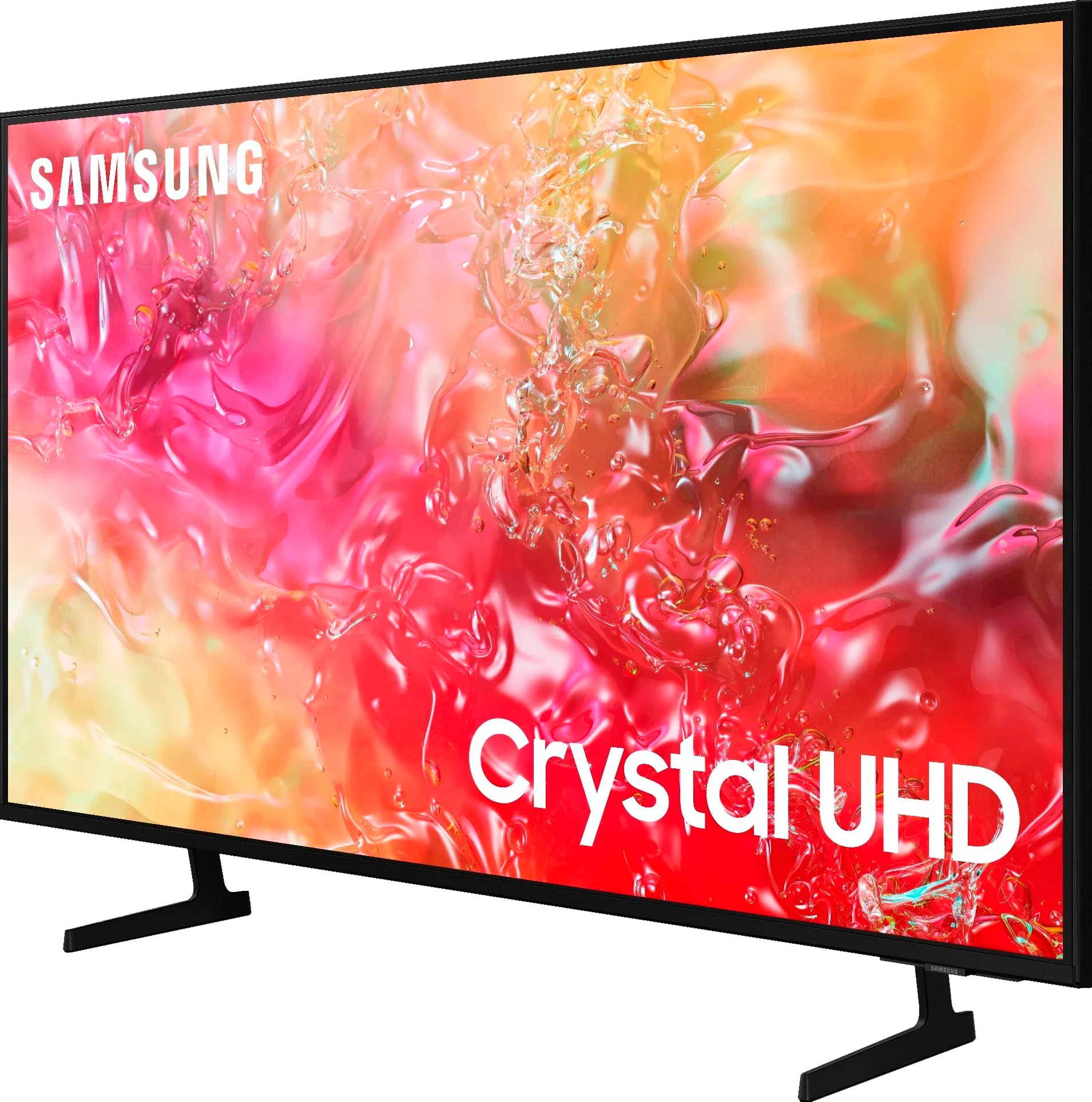
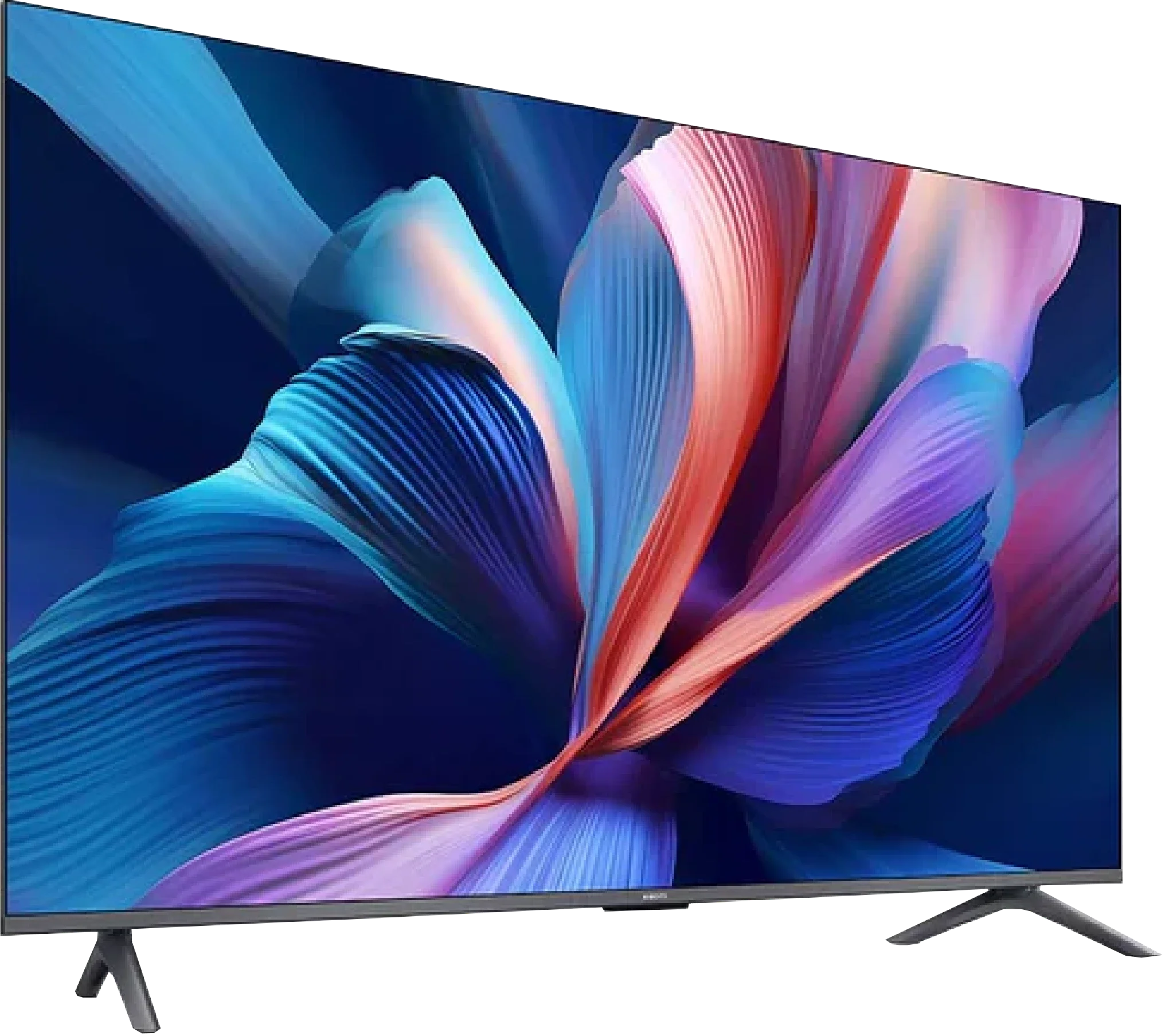
Panel type: LCD IPS
Resolution: 3840x2160
System: Tizen
Model year: 2024
Complete the survey to find out the result
Panel type: LCD VA
Resolution: 3840x2160
System: Google TV
Model year: 2025
Complete the survey to find out the result
Overall rating
5.0
5.6
 Movies and series in UHD quality
 4.6
6.0
 Classic TV, YouTube
 4.2
5.7
 Sports broadcasts (TV and apps)
 4.8
4.7
 Gaming on console
 6.4
6.2
 TV as a computer monitor
 6.0
2.0
 Watching in bright light
 2.8
4.9
 Utility functions
 5.5
6.1
 Apps
Apps 8.7
9.6
 Sound quality
 5.4
5.0
Complete the survey to find out what fits your preferences
Advantages

Excellent cooperation with the computer - low input lag, chroma 4:4:4
Faithful colour reproduction after calibration
Minimal colour degradation at an angle
Smooth operation of the Tizen system
VA matrix with good native contrast and decent blacks
Support for Game Boost mode at 120 Hz in 1080p and 1440p
Low input lag in 120 Hz mode
Google TV – a vast selection of apps and services
Wide colour gamut coverage (approx. 94% DCI-P3)
Decent colours after SDR mode calibration
Support for popular audio formats (Dolby Atmos, DTS:X)
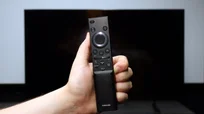
Large, clear remote with a numeric keypad – convenient for seniors
Disadvantages

Low HDR material brightness
Lack of tone transition smoothing features
Average image scaling
Low brightness
No real support for HDR10+ and other more advanced HDR formats (e.g. Dolby Vision)
Significant limitations when working with PC – lack of chroma 4:4:4, strong dithering, poor font readability
Poor viewing angles (typical for VA)
Clunky construction, legs mounted in plastic with screws
Weird system issues – stuttering, errors with Miracast and sound switching
Upscaling and digital image processing are practically non-existent
Very weak sound, virtually no bass (we felt it performed worse than the "2025" model)
Our verdict
Xiaomi A Pro 2026 is a television that at first glance does not reveal significant changes compared to its predecessor. Someone might even think it is simply a copy of last year's model with a different label. And there is some truth to that, as the main new feature, or rather the only noticeable difference, is the 120 Hz mode at lower resolutions. Credit must be given to Xiaomi, as this addition really does make a difference – it is not a solution for professional gamers, but a nod towards those looking for a smoother image during casual gaming. This is where the A Pro 2026 can shine – with a simple yet clever idea that distinguishes it in the “super-budget” segment. Unfortunately, when we begin to look at the television more broadly, excitement quickly dwindles. Even though the year has changed on the calendar, most of the issues known from the A Pro 2025 have remained – the system can still experience strange stutters, and the occasional errors can be quite irritating. Additionally, there is a lack of any serious tools for digital image processing, which worked quite decently last year. As a result, there are many limitations in the design that the competition at a similar price point is already attempting to mask. In terms of picture quality, we will not deceive you either. A brightness level of 200–300 nits does not stand a chance against more demanding materials. Yes, with simpler streaming content, one can manage to watch something, but with high-budget productions, it is immediately evident why the television costs what it does. The impression of watching a flattened image stripped of details accompanies us almost every time. And here we get to the crux of the matter. The Xiaomi A Pro 2026 is a television for those who really require very little. As a daily screen for series, news, or YouTube – it works quite well, especially thanks to its operating system, which is GoogleTV. Also, if someone is looking for budget equipment and additionally would like a taste of smoother gameplay in games due to the 120 Hz mode, they may even be satisfied. But anyone expecting at least average picture quality, a stable system, and proper functionality will quickly notice that there are other budget models on the market that simply perform better.
TV appearance
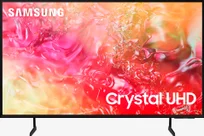
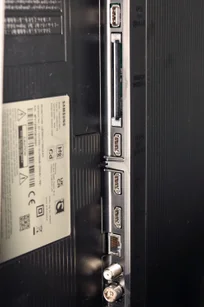
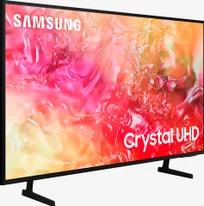
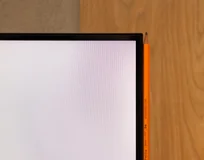
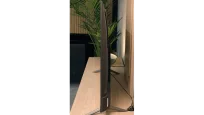
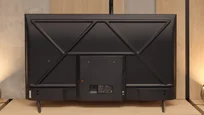

Contrast and black detail
1.6/10
6.1/10
Local dimming function: No
Local dimming function: No
Contrast:


Result
800:1

Result
950:1

Result
900:1

Result
900:1

Result
800:1
Result
5,000:1
Result
6,550:1
Result
7,300:1
Result
6,600:1
Result
4,900:1
Halo effect and black detail visibility:
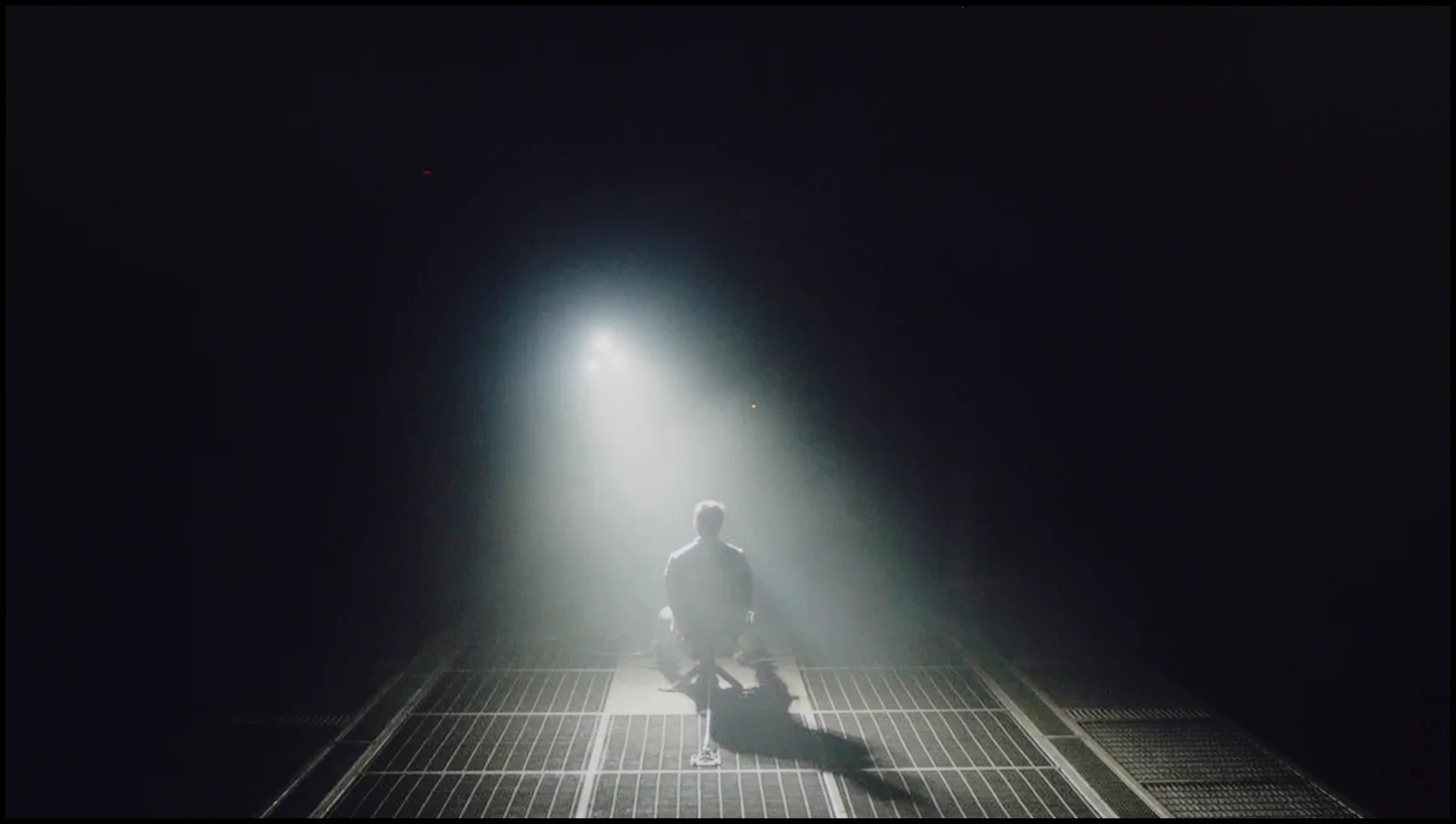
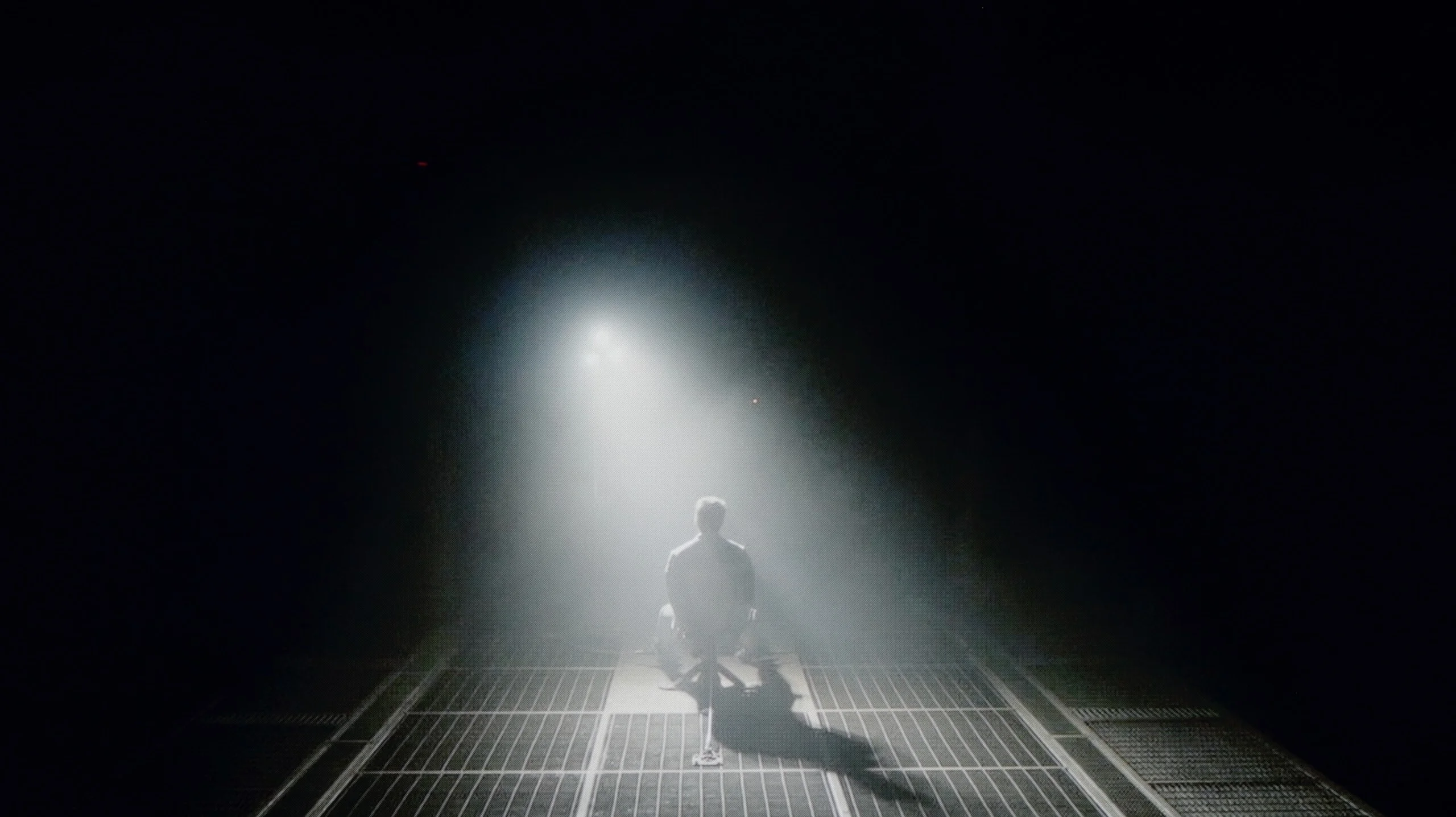
Check the visibility of bright lights on a dark background. Mini-LEDs often struggle with this. The photo does not compare black levels – that’s what the video below is for.
The video accurately shows differences in contrast and black levels between TVs, as well as potential issues: halo around bright objects or Mini-LED zone operation visible as brightness jumps.
Samsung DU7192 utilises an IPS panel, which, as can be seen, cannot boast the highest contrast and black levels. Measurements indicated that the tested television can only provide maximum values of around 950:1, which is a very low result and rather does not bode well for high performance in the context of home cinema. It is worth noting, however, that we are testing the 43" version, so in a different size, a different type of panel may be "in play". As for the panel used in the Samsung DU7192, it belongs to the lower categorised classes of IPS screens, as these can deliver significantly higher results. However, it should also be remembered that we are dealing with a very budget-friendly unit, which will find its application primarily in an additional room or serve as a cheap receiver for a senior, for whom the quality of the displayed image is often indifferent. In the first image from the film "Oblivion", we primarily see a deep navy black, but also very good separation of lights coming from the spotlight. For better visibility, we recommend examining the image in an enlarged view. Just as there was no significant reason to deny the performance of the television in the first scene, in the second from "Sicario 2", it can be said that it does not require further commentary. Due to practically zero contrast, the scene lacks any depth. There are also noticeable very strong overexposures at the corners of the panel, which are common in budget units. Notable positives include quite good detail specificity, however, this is looking for any positive amidst disappointing results.
One of the biggest advantages of even a budget model like the Xiaomi A Pro 2026 is the use of a VA panel. It is responsible for quite a decent contrast, which in our measurements oscillated around 5000:1 – 7000:1. On the screen, this translates to a stable image with a fairly deep black – something that is difficult to find in competitive models with an IPS panel without local dimming. Xiaomi has also added a feature for global dimming of the entire panel. It sounds good, but… we advise you to turn it off immediately. Why? Because the screen begins to behave very strangely in darker scenes – sometimes it dims so much that practically nothing is visible, while at other times it brightens so much that the already dark blue black turns into a bright blue. At that moment, we felt as if the television was simply damaged. Fortunately, without this feature, the contrast looks really solid. It is definitely not on the level of advanced televisions with local dimming, but in its price range, it will comfortably satisfy most users – especially if you are not watching in a completely dark room, but have at least a little light in the background, which effectively masks the imperfections of the "blue black".
HDR effect quality
3.4/10
4.1/10
Luminance measurements in HDR:

Result
200 nit

Result
228 nit

Result
246 nit

Result
233 nit

Result
245 nit
Result
220 nit
Result
248 nit
Result
322 nit
Result
315 nit
Result
326 nit
Scene from the movie “Pan” (about 2800 nits)
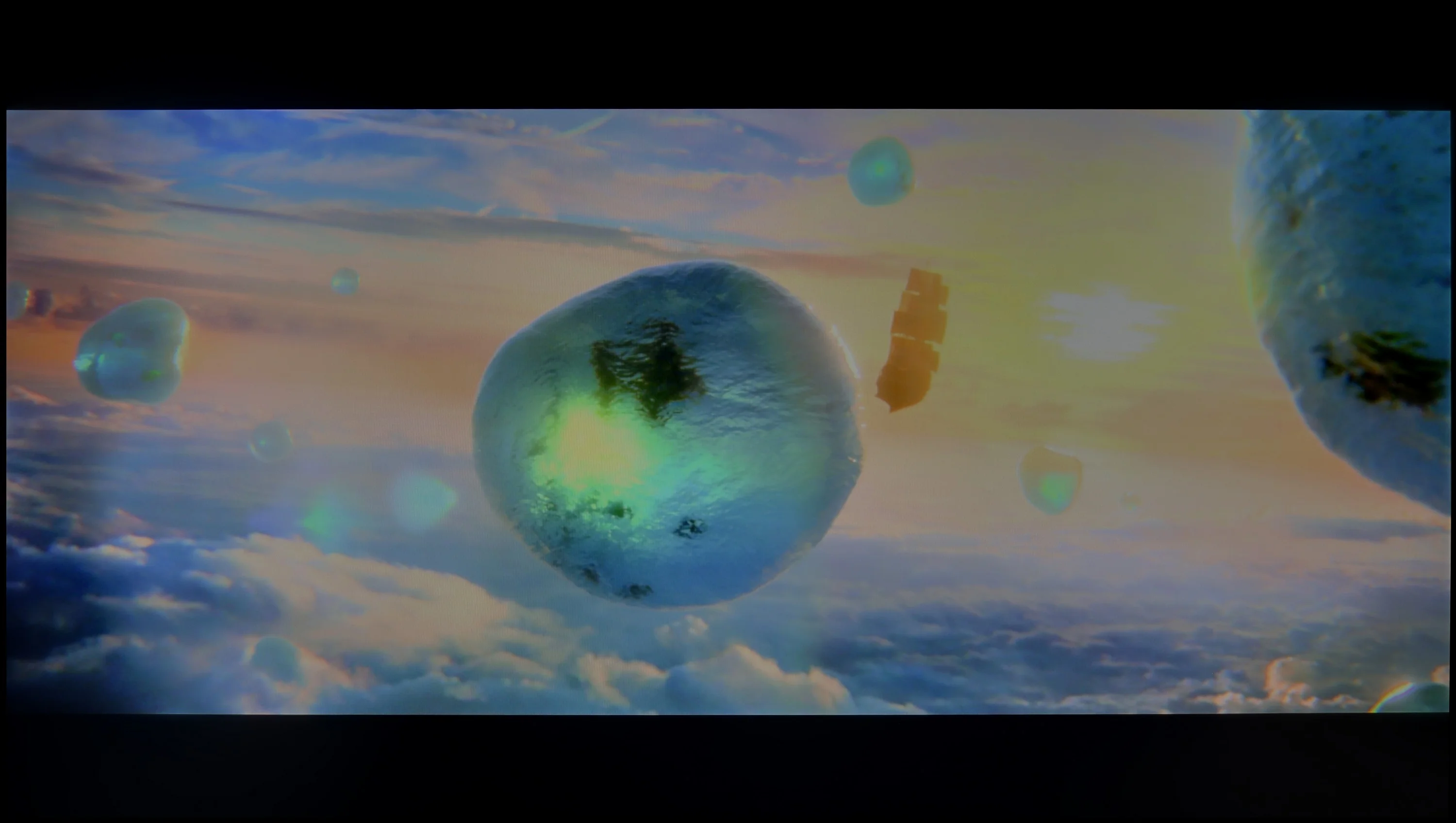
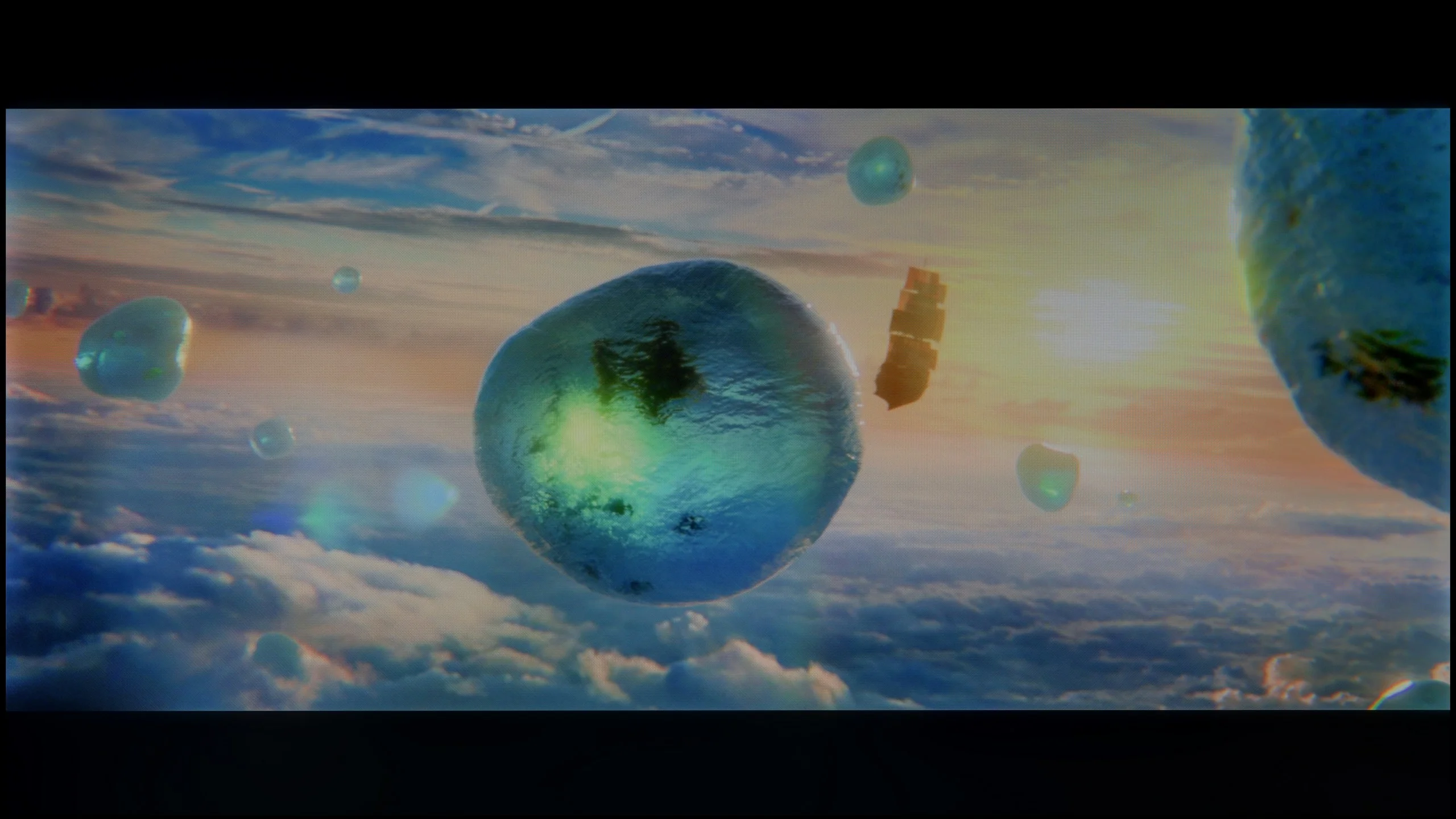
Scene from the movie “Billy Lynn” (about 1100 nits)


The photos show two HDR10 movies. 'Pan' is one of the brightest productions ever made, while 'Billy Lynn' (soldier) has brightness typical of streaming (Netflix, Prime, HBO MAX). Notice the intensity of effects and detail in whites.
Static HDR10


The photos present the visibility of white details in various HDR formats. They do not show brightness differences between TVs (these can be compared in the previous gallery).
Dynamic: HDR10+
Dynamic: HDR10+


The photos present the visibility of white details in various HDR formats. They do not show brightness differences between TVs (these can be compared in the previous gallery).
HDR luminance chart:
XIAOMI A PRO 2026
Samsung DU7192 (IPS)
The maximum luminance in HDR materials is 245 nits, which is often surpassed by even lower results. Such values will definitely not be sufficient for comfortable viewing of HDR materials due to the lack of appropriate image dynamics and colour inaccuracies caused by the low brightness of the unit. Although the manufacturer has equipped its device with HDR format offering dynamic metadata, HDR10+, which is what we are referring to, is very rarely used compared to Dolby Vision, which Samsung has not yet introduced in its televisions. It is also worth mentioning that Samsung DU7192 offers only 82% coverage of the wide DCI-P3 colour gamut, which is another reason we should not supply a signal in wide dynamic range, as colour losses will be very noticeable. Samsung DU7192 provides high-quality images that will satisfy most users.
If you are hoping for a cinema-grade HDR effect in the new Xiaomi A Pro 2026, you better cool your expectations quickly. This television is simply too dim to fully showcase the capabilities of contemporary films or series designed for the highest image quality. Our measurements showed brightness in the range of 200–300 nits, which is more akin to SDR content than ambitious HDR productions. In practice, this means that while most films may look fine, they certainly won't evoke that "wow" effect that other televisions are known for. Fortunately, not everything is lost – we must credit the PFS LED filter used here, which is a solution similar to the quantum dot technology found in QLEDs. Thanks to this, the coverage of the DCI-P3 colour palette reaches about 94%, resulting in vibrant, saturated colours in the vast majority of materials.
Factory color reproduction
4/10
3.5/10
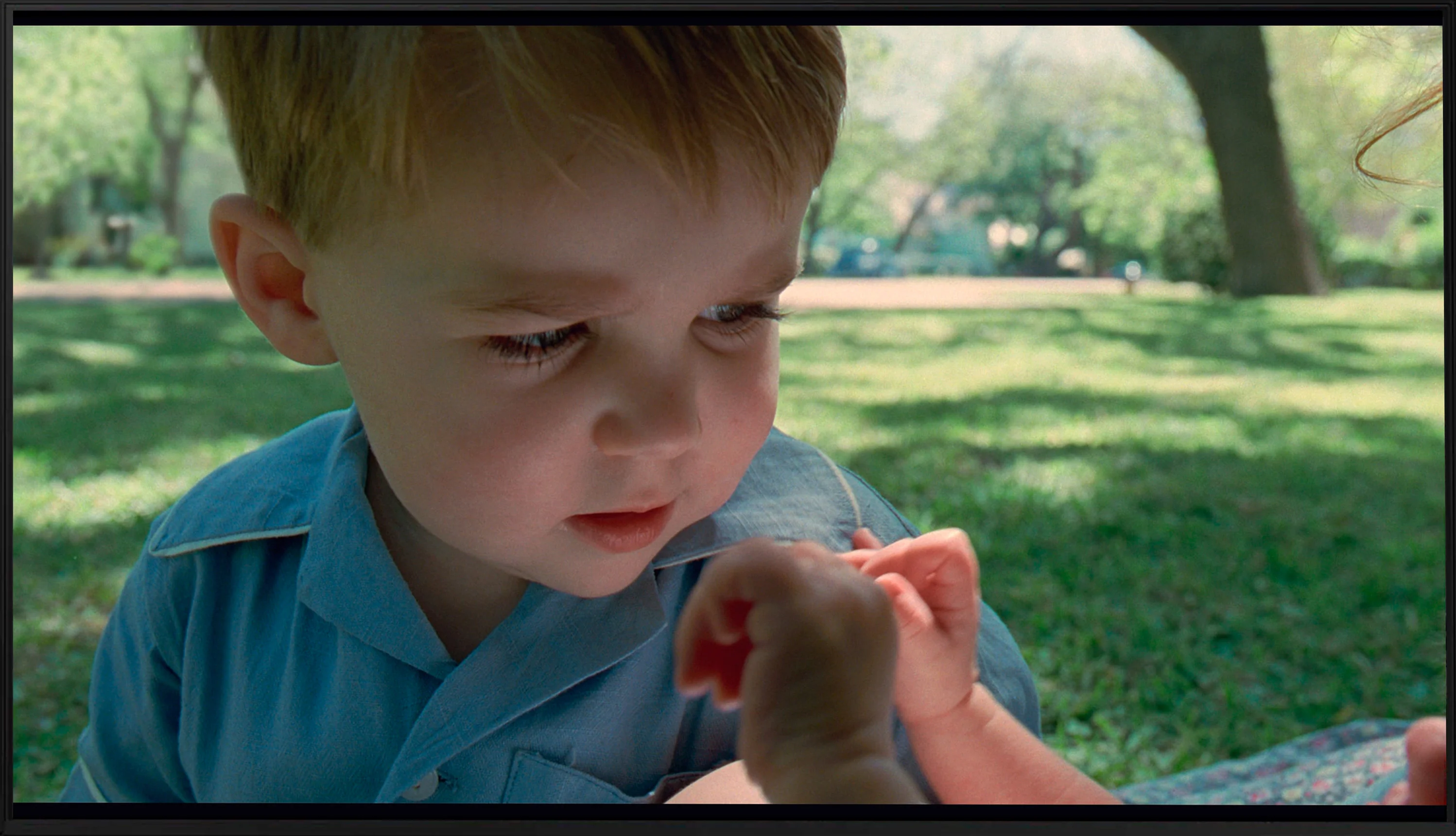
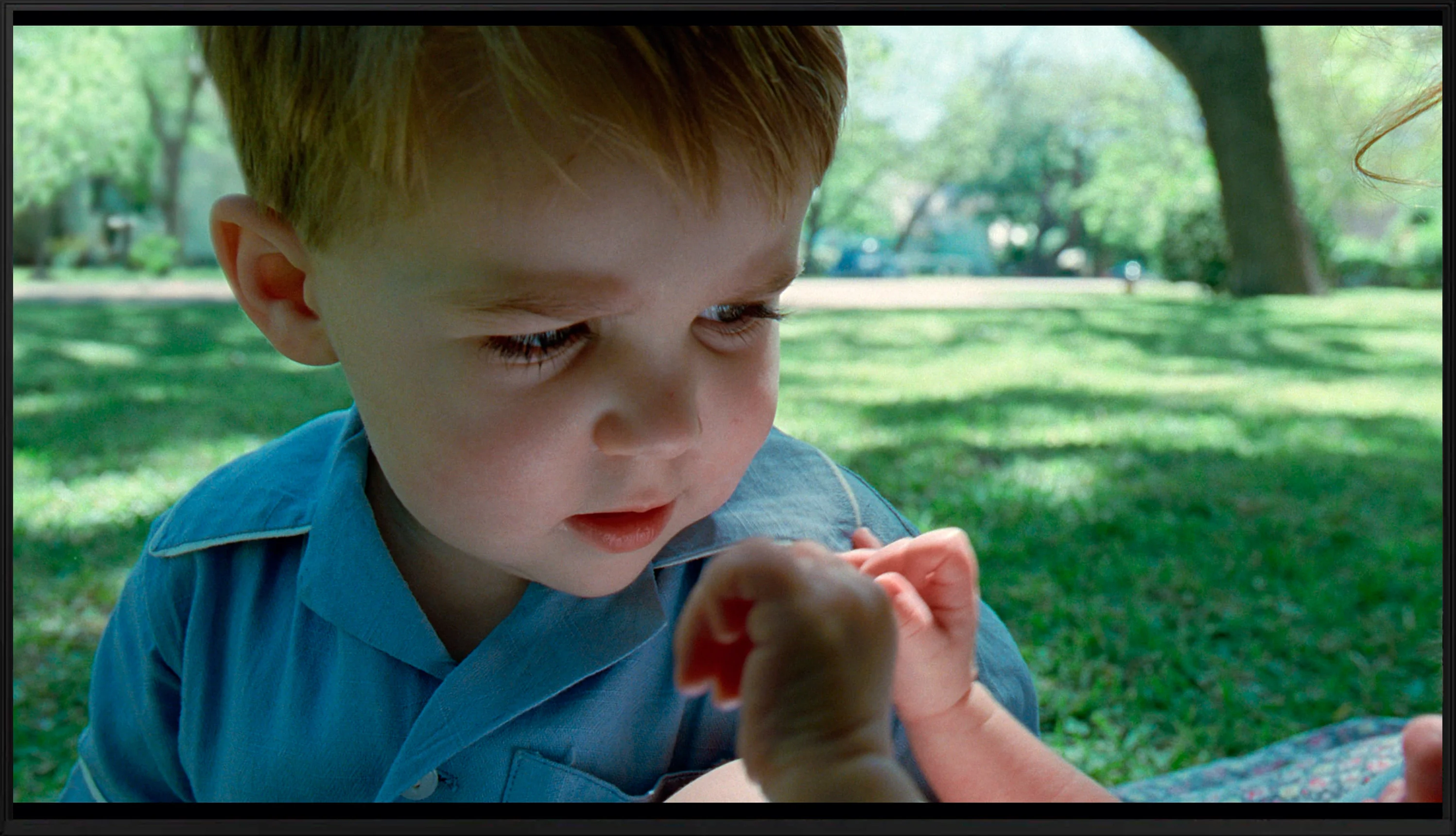
This gallery shows how colors change after professional TV calibration. If you notice the difference, we recommend ordering this service at SkalibrujTV.com.
Factory Mode
After calibration


This gallery shows how colors change after professional TV calibration. If you notice the difference, we recommend ordering this service at SkalibrujTV.com.
Factory Mode
After calibration
The best factory mode we used throughout the testing process was "Filmmaker". This, like the vast majority of modes, had its drawbacks. Starting with the most basic chart, which is the white balance, we can notice a pronounced dominance of red, both in SDR and HDR modes. Although there was also some green in the latter, it did not significantly affect the overall impression. A chart with such results, in both cases, gives us an image characterised by strong yellowing, clearly visible on whites and on the faces of the actors. Another important chart, if not more important, is gamma. This, which is meant to control contrast in materials with a standard colour palette, was quite good in factory mode with one caveat regarding the low end. In the darkest scenes, it was significantly lowered, which led to strong brightening, resulting in the film lacking contrast and all suspense. As we mentioned, HDR materials in terms of white balance remained at a similar level. The main change is the EOTF curve chart. At the very beginning, we can observe a bulge, which, just like in the case of gamma, significantly brightened the darkest scenes. However, the chart then changed its characteristics significantly and the measured result dipped below the reference line, causing the film to lose even more dynamics.
What we saw in Filmmaker mode took us by surprise – and unfortunately not in a good way. The mode advertised as Hollywood standard resembled more of a shop window display. The white balance was shifted towards blue, leading to significant colour mistakes and burnt-out scenes in SDR content. It was slightly better, though still not perfect, in HDR materials. There were also issues there – the colour saturation and the entire palette consistently drifted towards cooler tones, resulting in an image that had more of an artificial, cold tint instead of a cinematic character. In other words: even in Filmmaker mode, which should showcase this television, we got an effect far from expectations.
Color reproduction after calibration
5.9/10
7/10
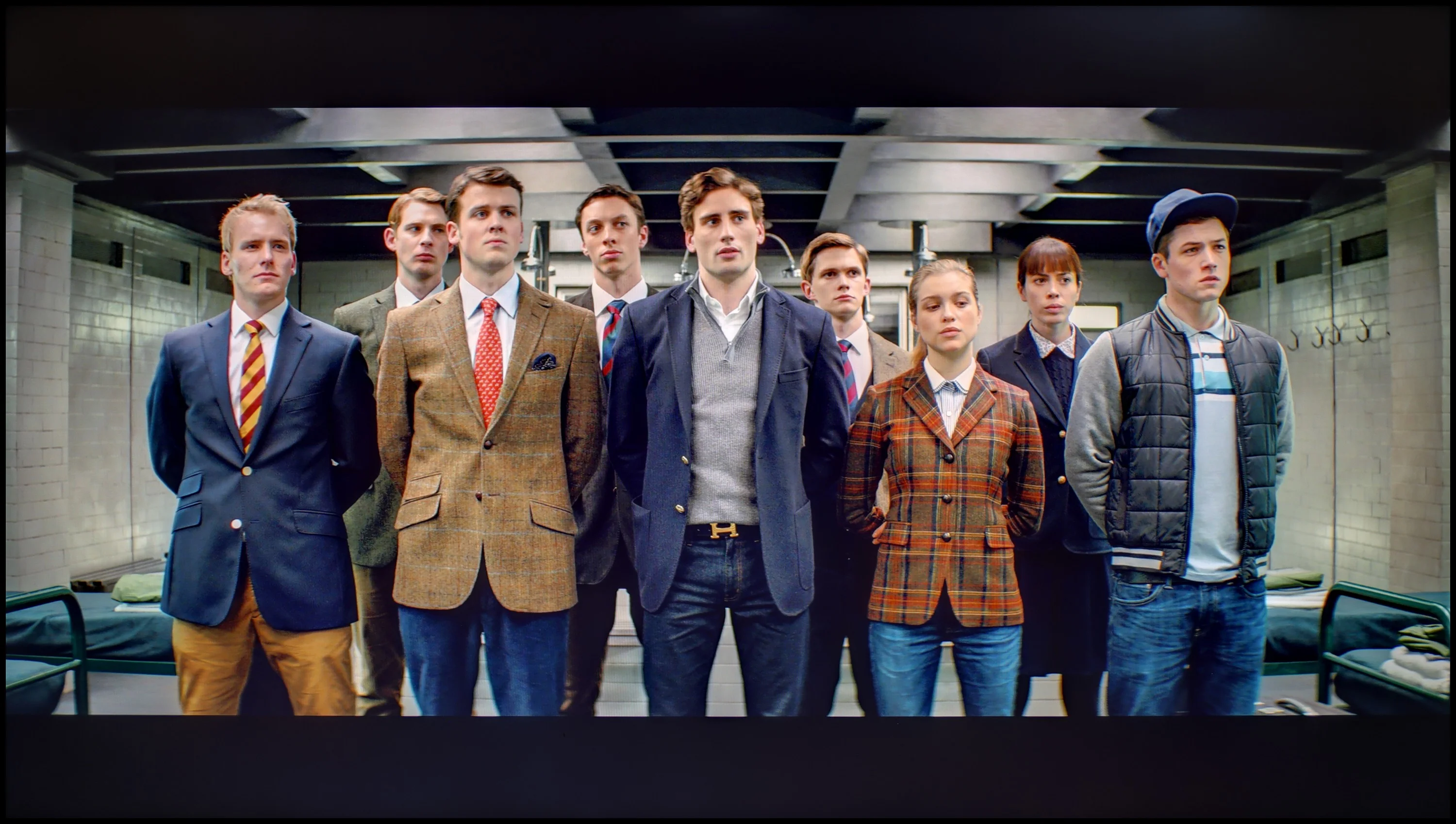
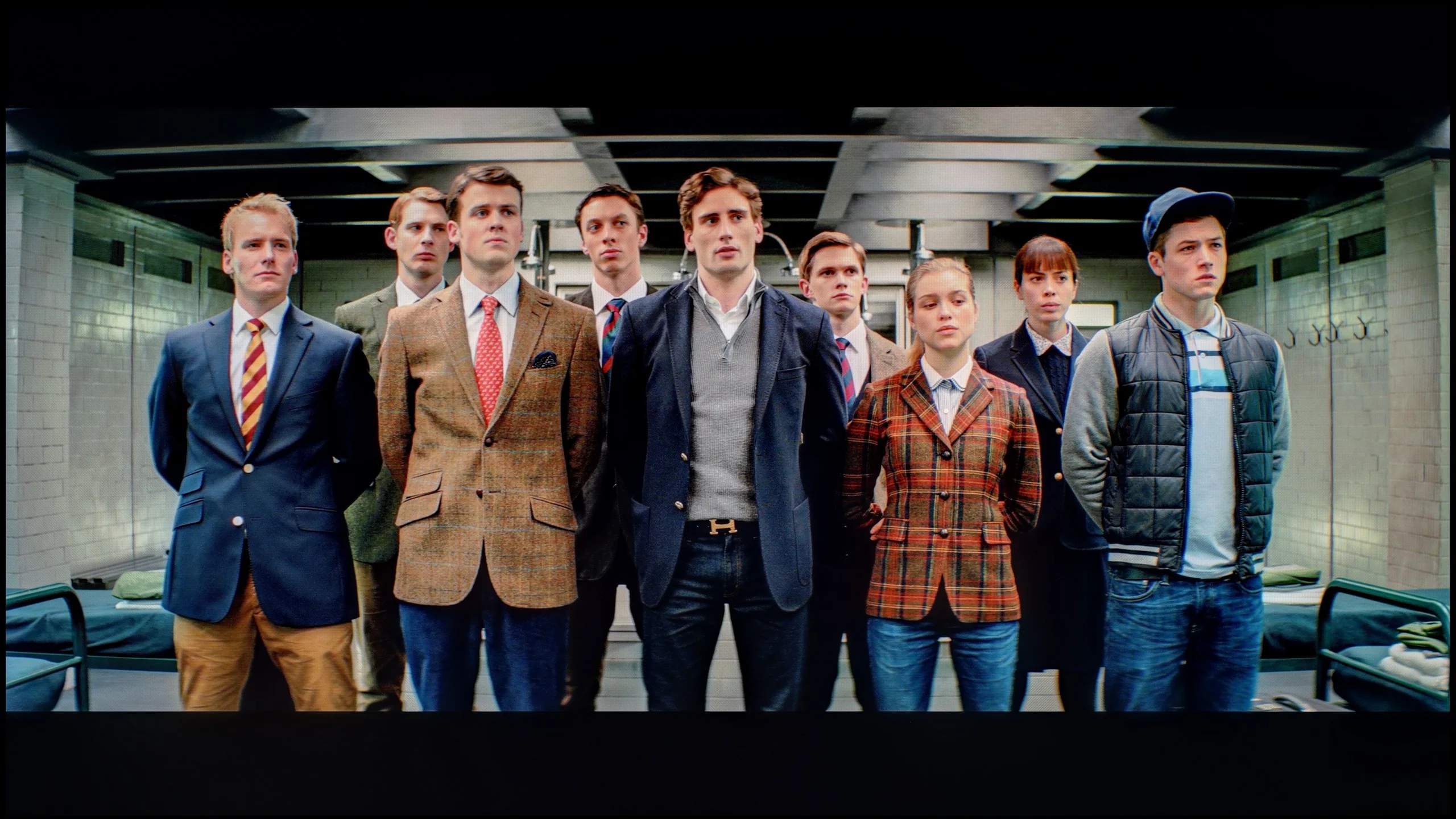
The photos show how movies look on the TV. Pay attention to black detail visibility, colors, and shadow tint.
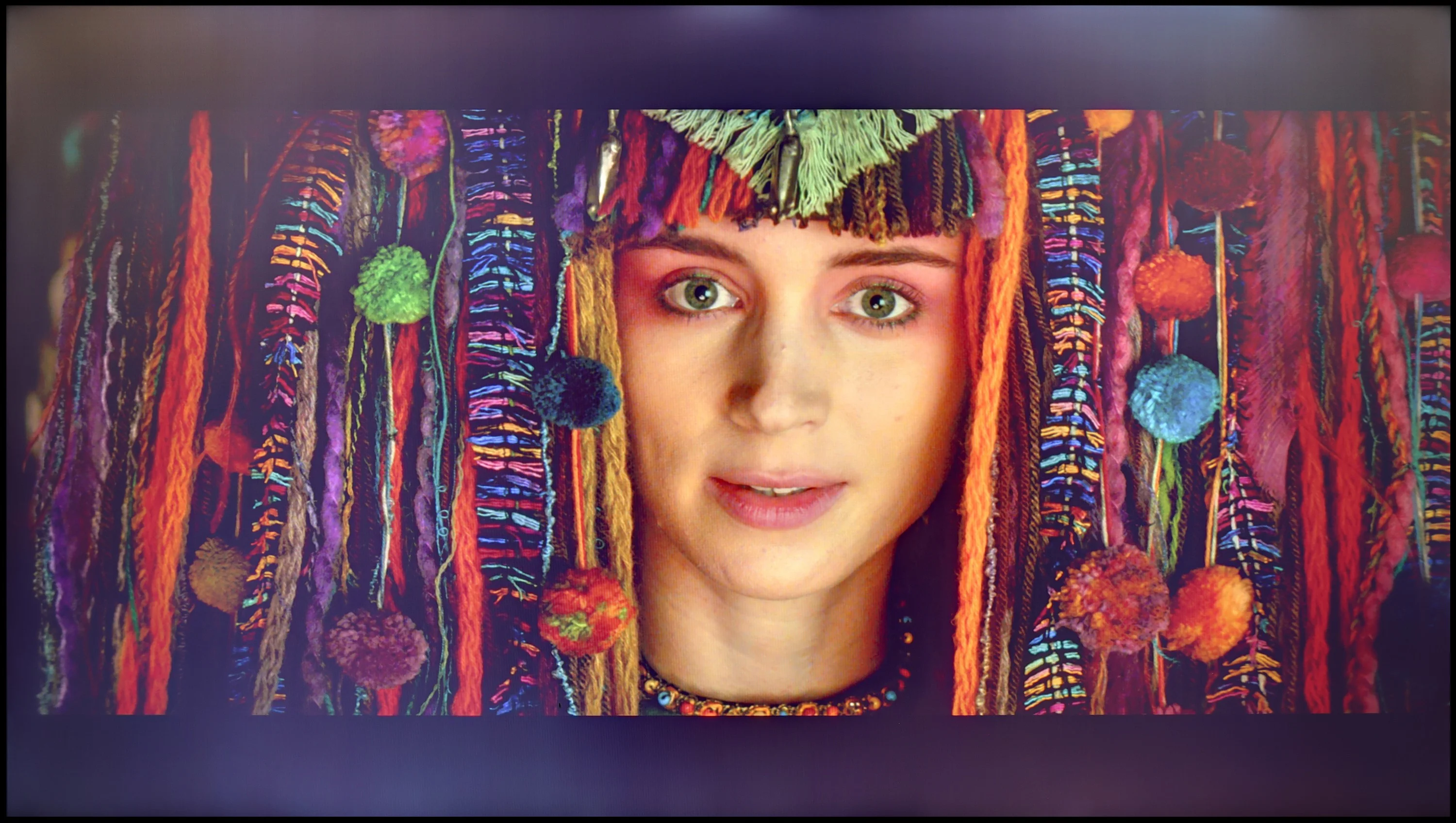
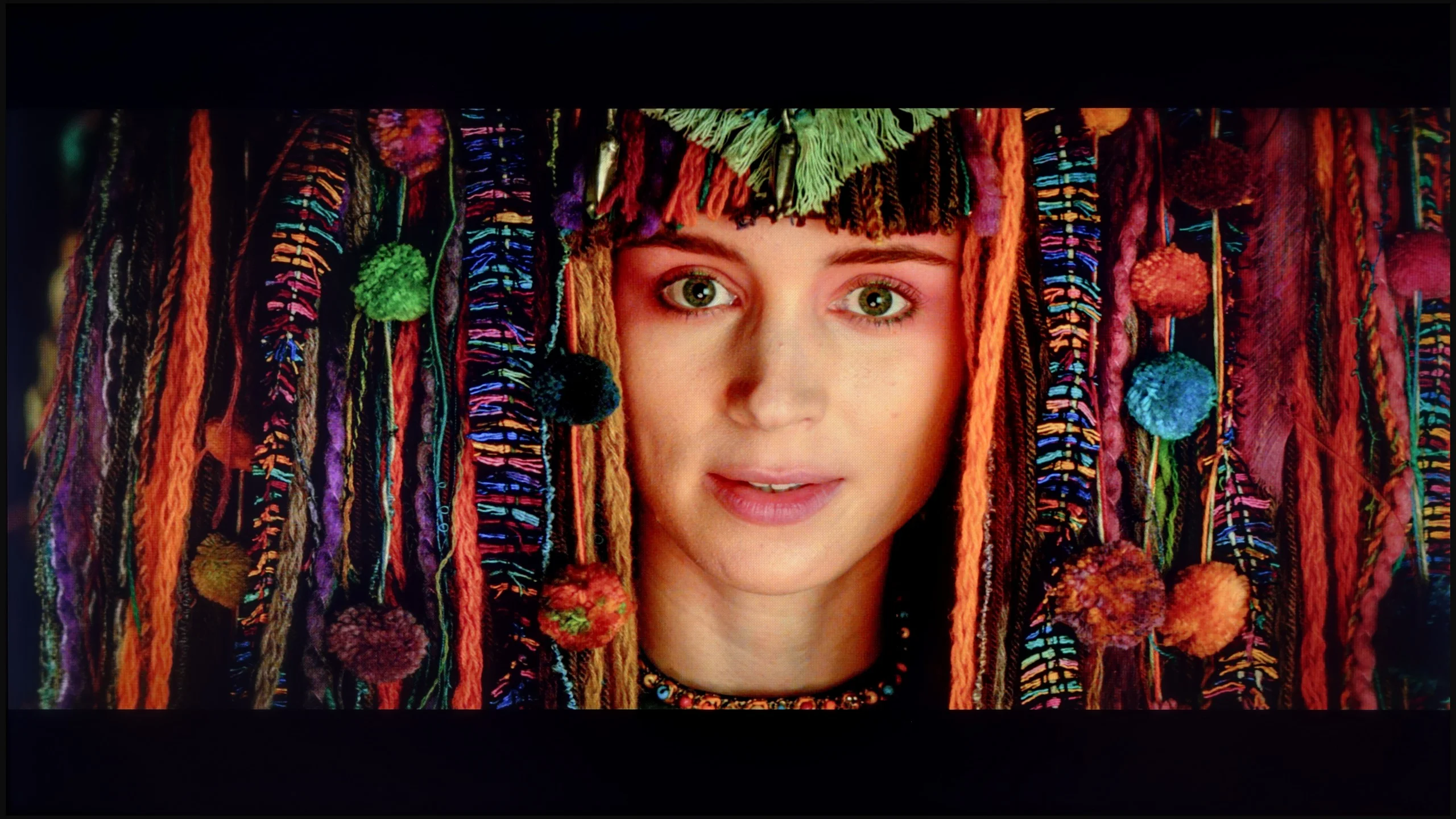
The photos show how movies look on the TV. Pay attention to black detail visibility, colors, and shadow tint.
Samsung has equipped even its lowest-end televisions with advanced tools for the calibration process. So we got to work, and the results of our efforts are more than satisfactory. The white balance, which previously had a strong yellow tint in both scenarios, now looks much, much better, even if there are slight deviations from the norm. The image will still look significantly cleaner than it did before the calibration process. We managed to model the gamma in SDR materials very well, ensuring that the image will be as contrasty as the television allows. The EOTF curve has also changed its face and no longer brightens or darkens the image in such a drastic way. However, it's worth mentioning that in the case of HDR materials, deltaE errors are still very high, but this is due to the insufficient brightness of the unit.
Although Xiaomi is not a brand associated with top-tier televisions, it must be acknowledged that even in a budget model like the A Pro 2026, the manufacturer left plenty of calibration settings. After a few adjustments, the SDR image gained a completely new look. Colours stopped drifting towards blue tones, whites took on a more natural quality, and most errors dropped to a practically invisible level. As a result, SDR content looked very good, surprisingly so for this price range.
It was somewhat different with HDR materials. Here, it was immediately evident what we had already mentioned – clipping in bright scenes and issues with balance control. Calibration helped only partly, as the limitations of the panel itself played a role. However, it must be emphasized that for SDR, the television had transformed beyond recognition and in a decidedly positive direction.
Smoothness of tonal transitions
7.7/10
9.3/10
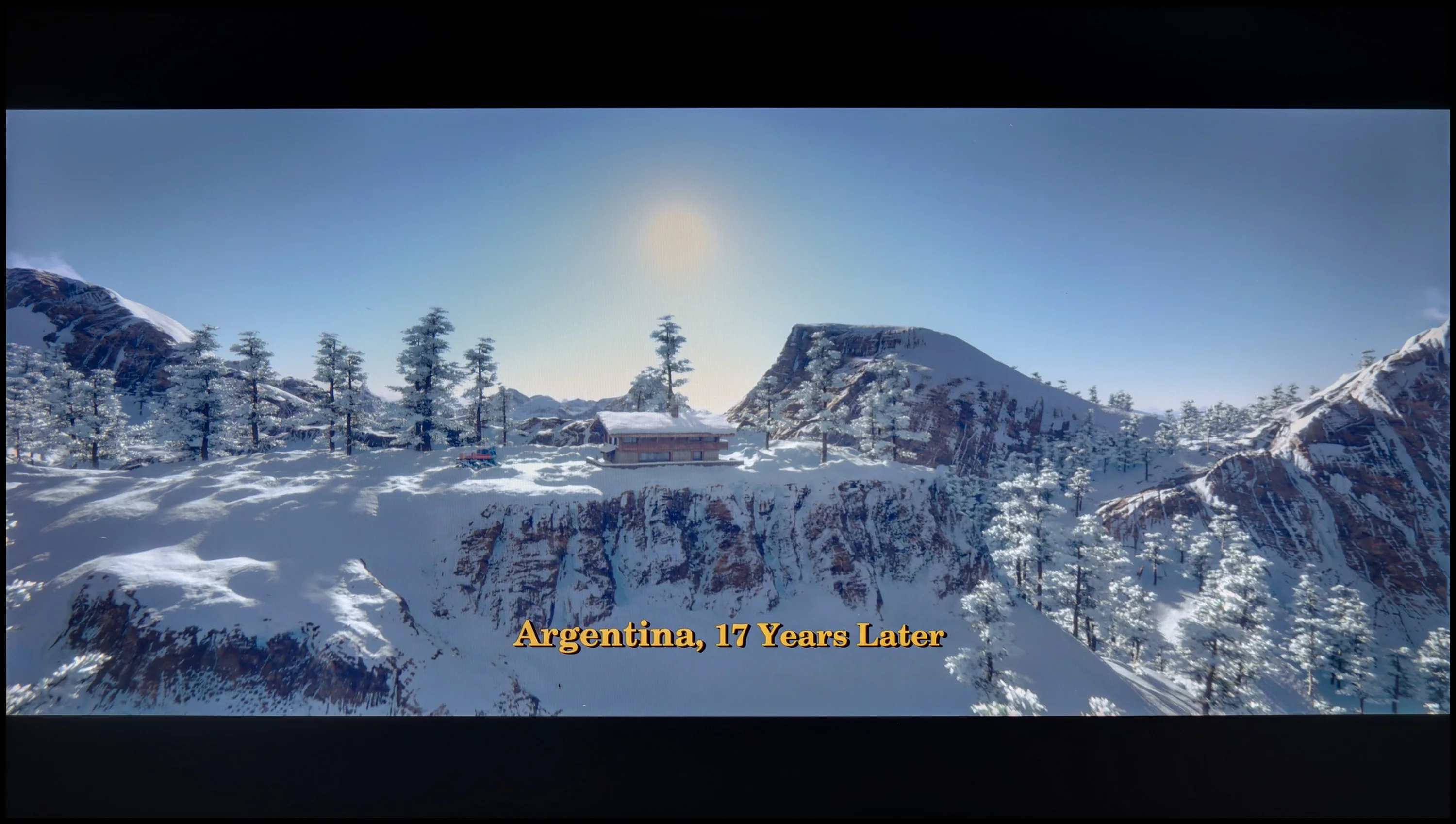
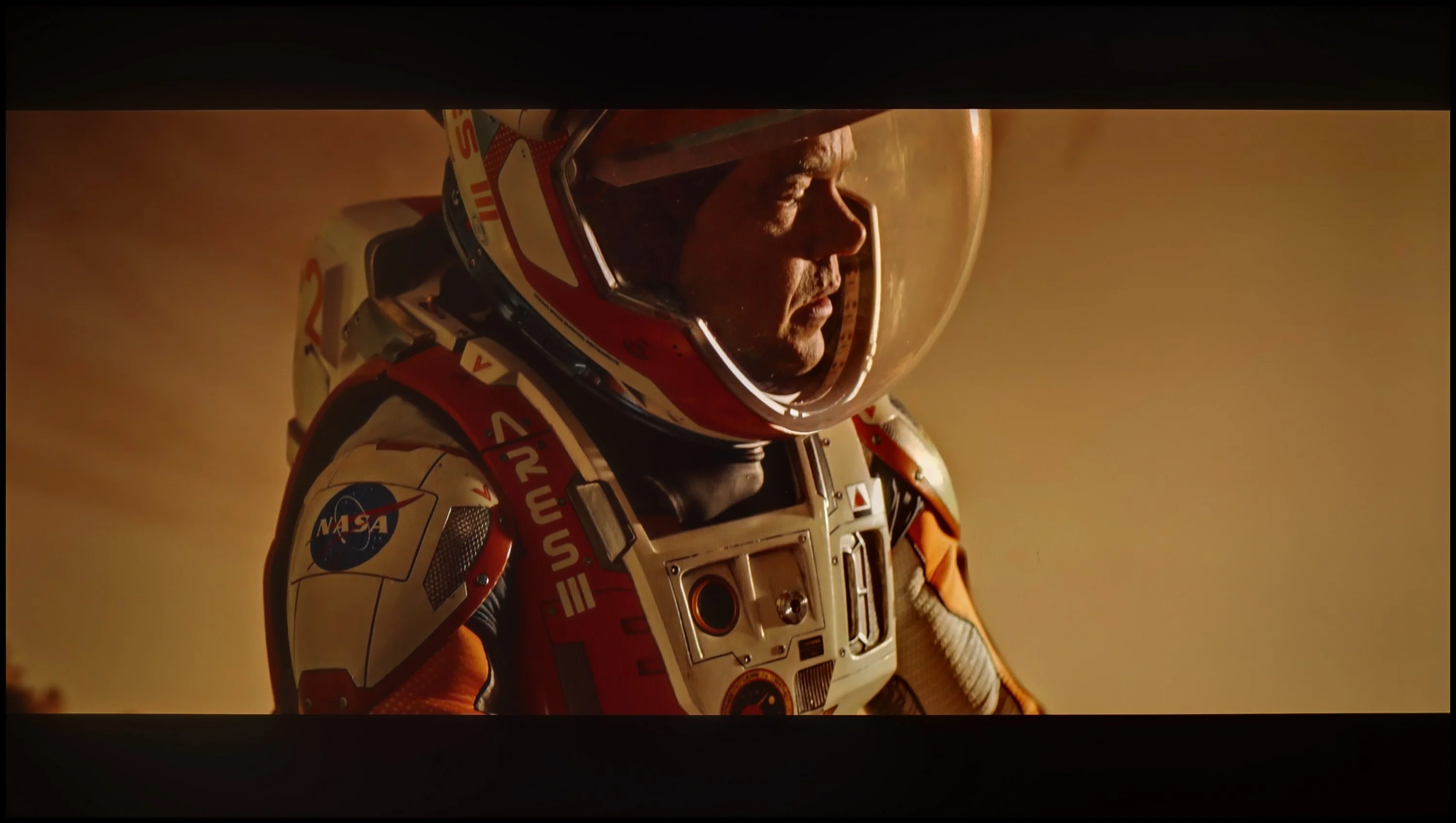
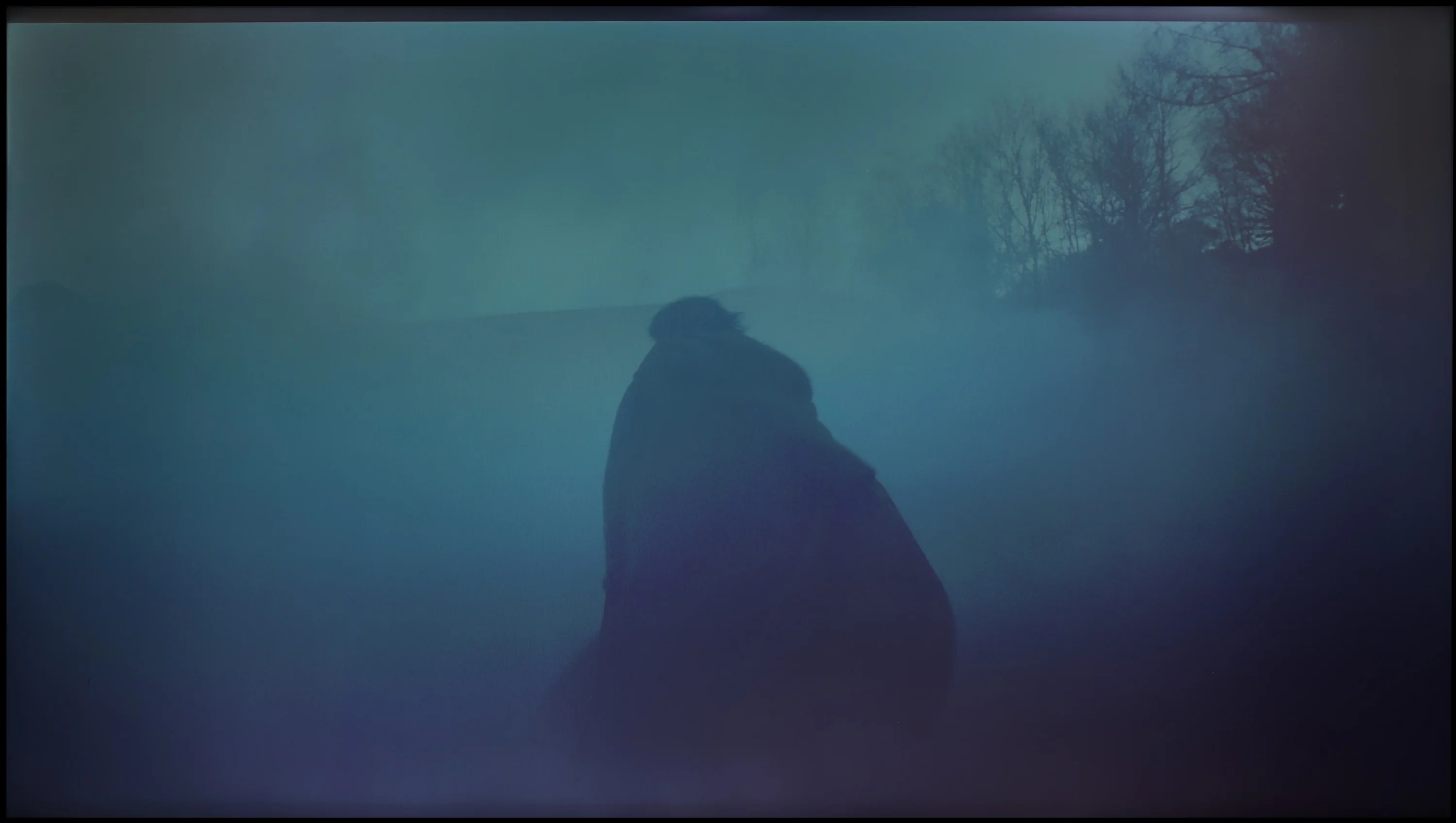
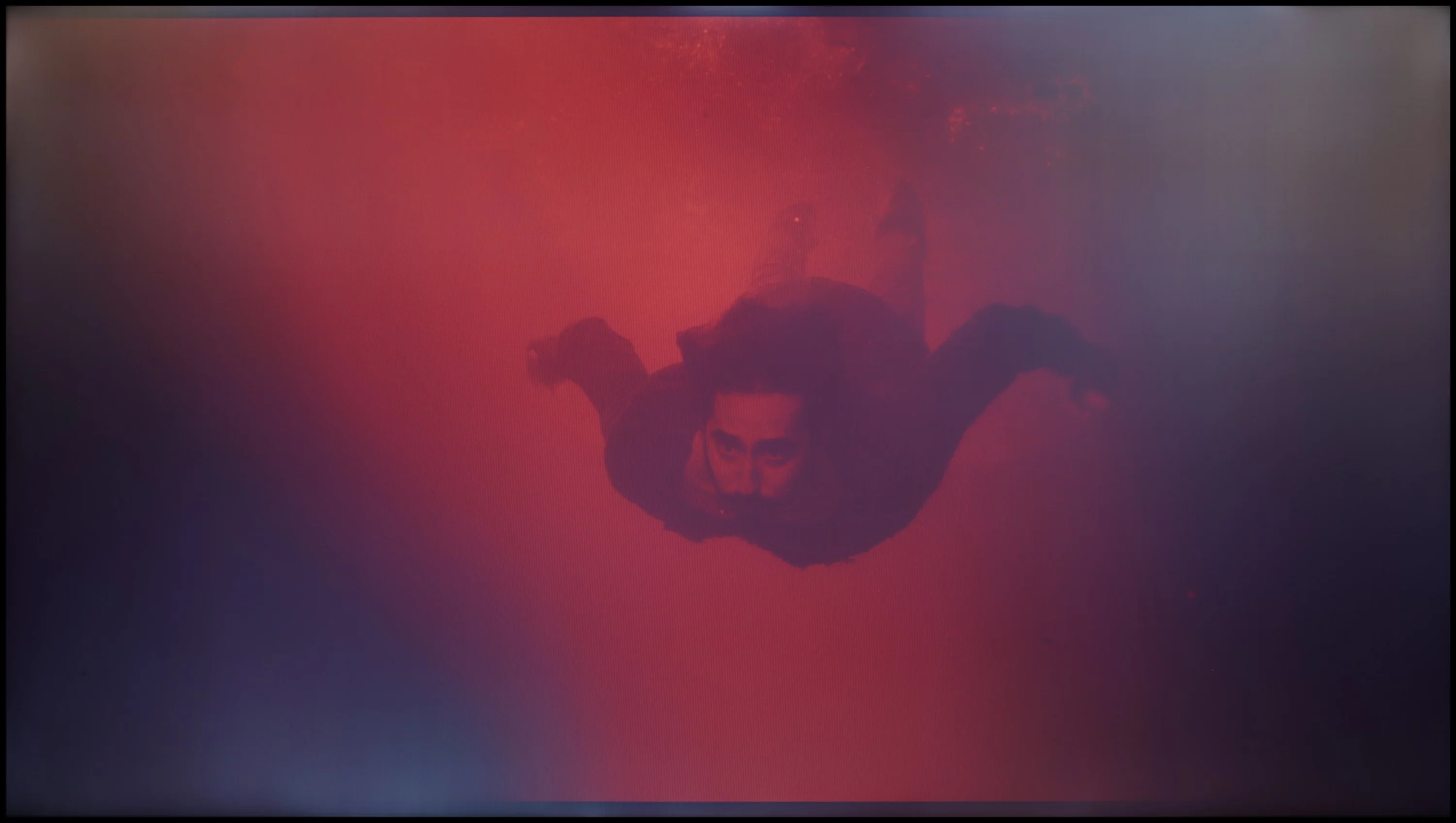
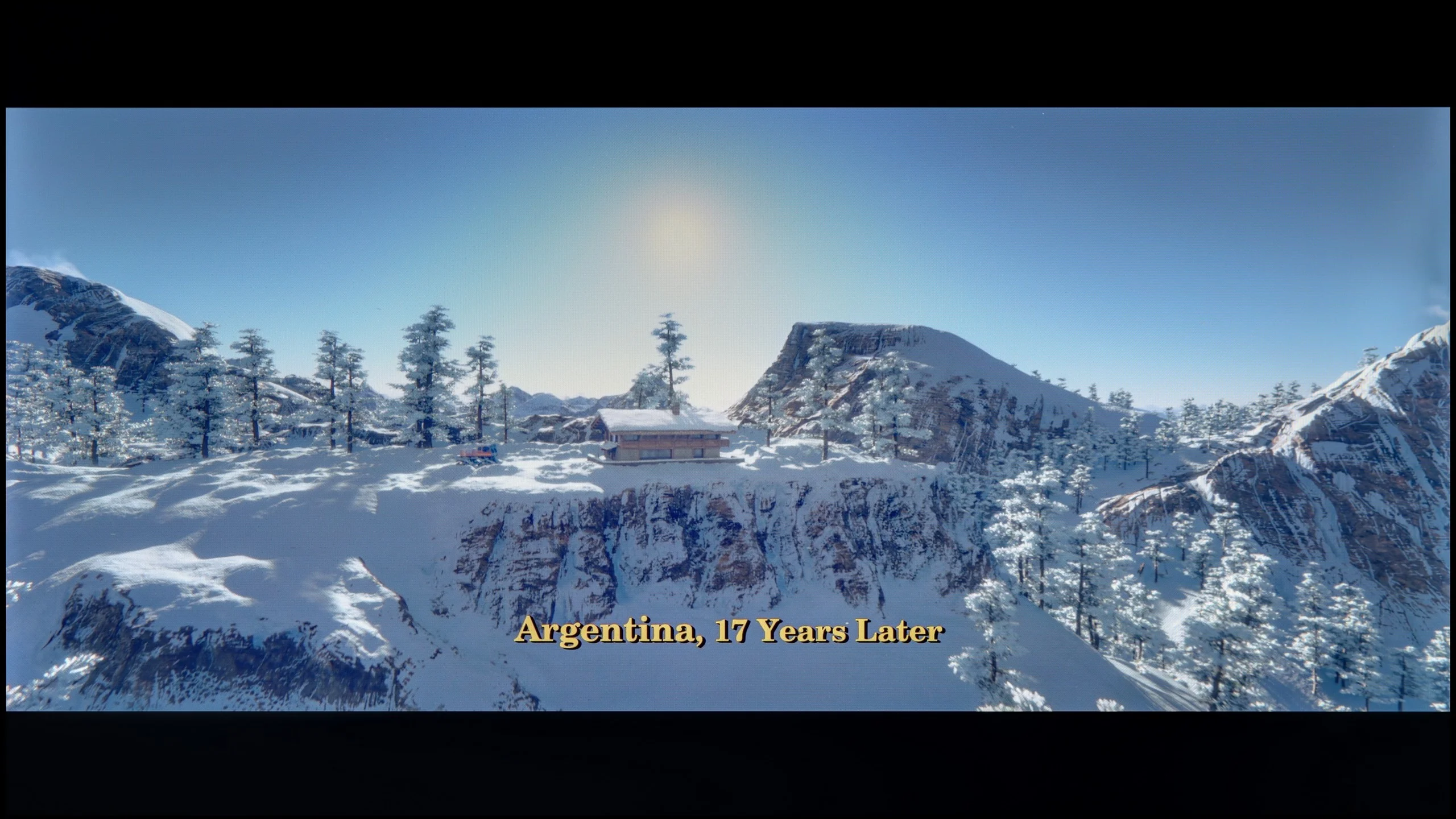
These are selected scenes that show smooth tonal transitions from one color to another. If you see distinct banding, it’s the TV panel’s fault.
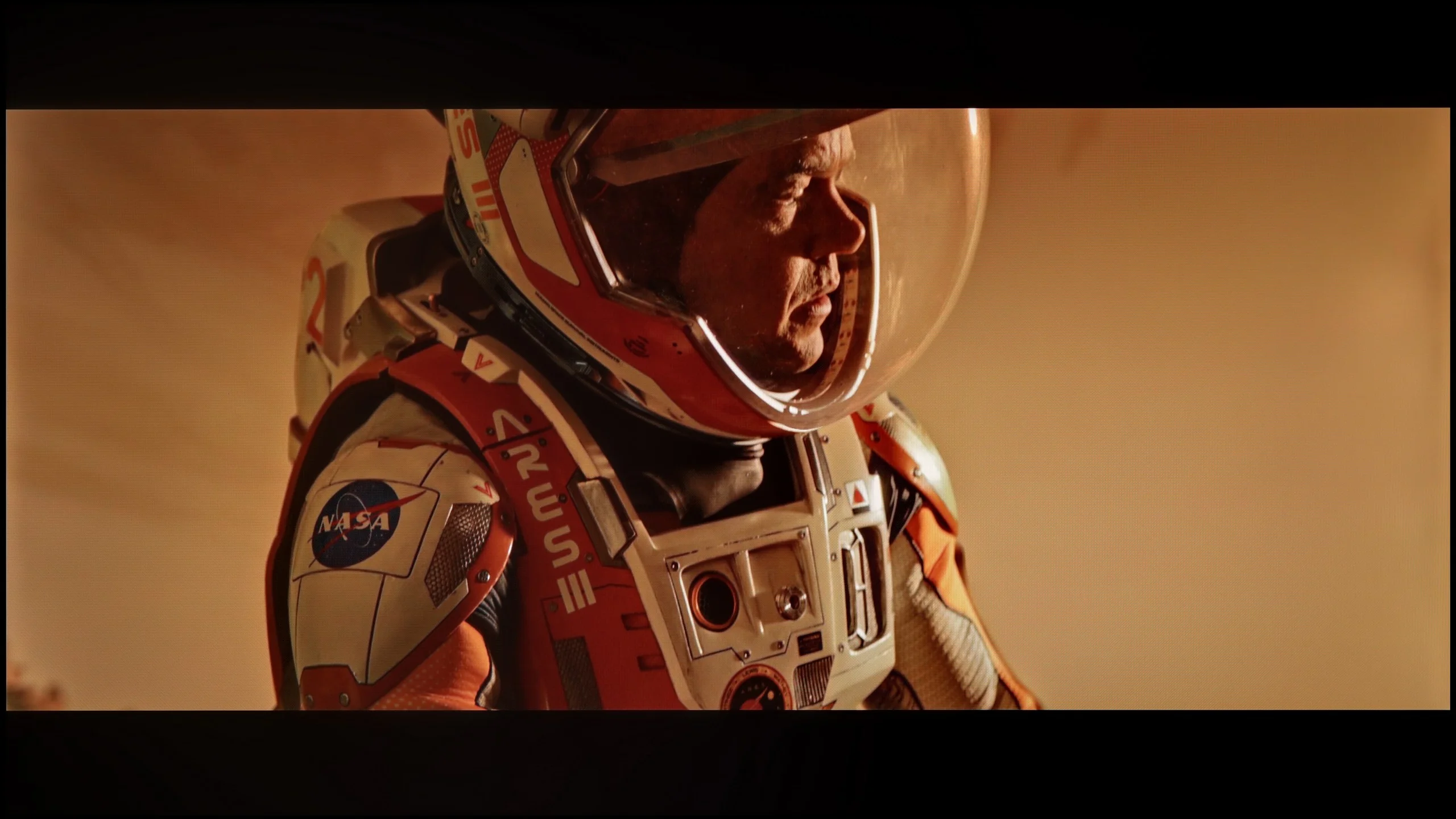
These are selected scenes that show smooth tonal transitions from one color to another. If you see distinct banding, it’s the TV panel’s fault.
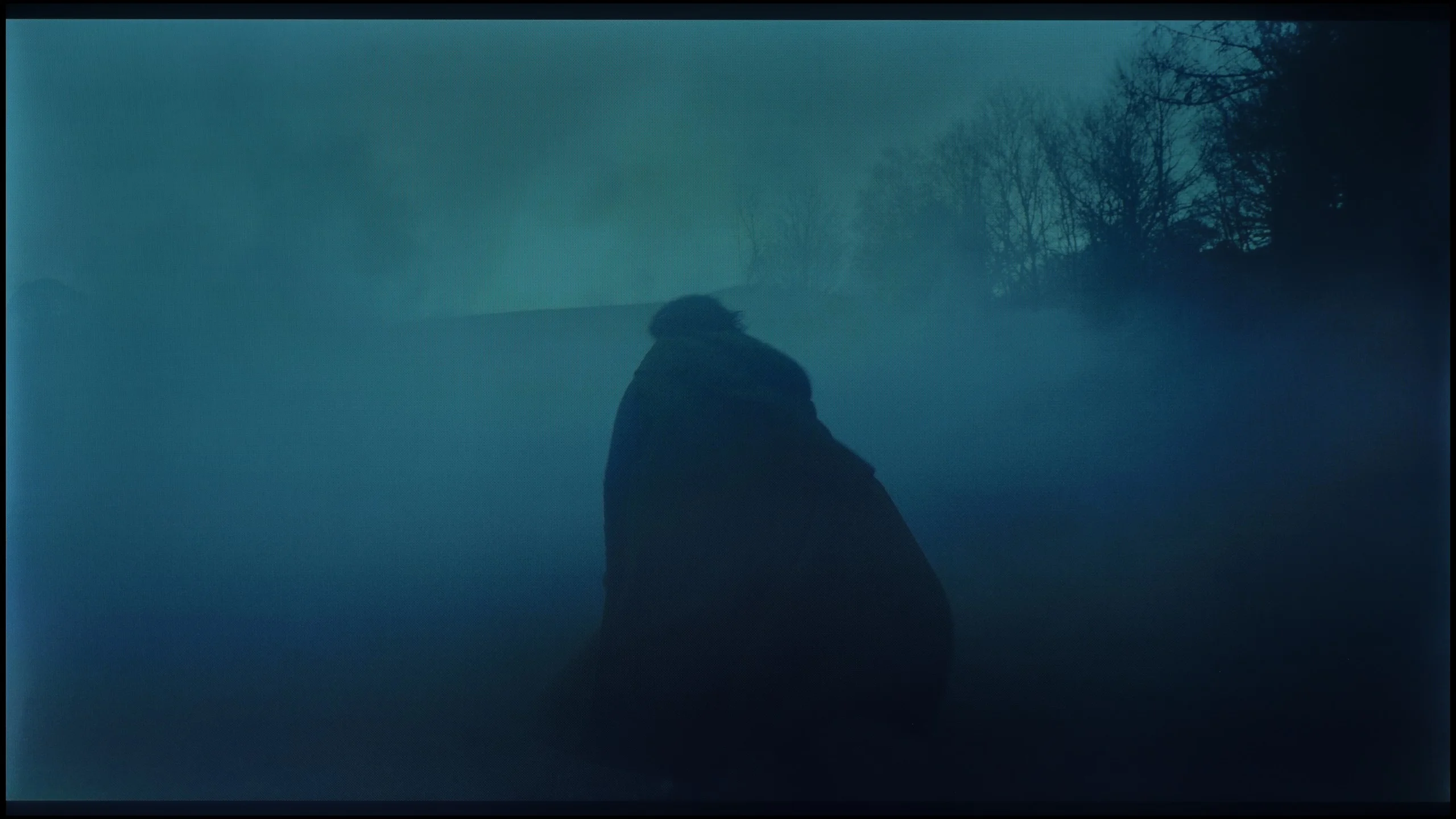
These are selected scenes that show smooth tonal transitions from one color to another. If you see distinct banding, it’s the TV panel’s fault.
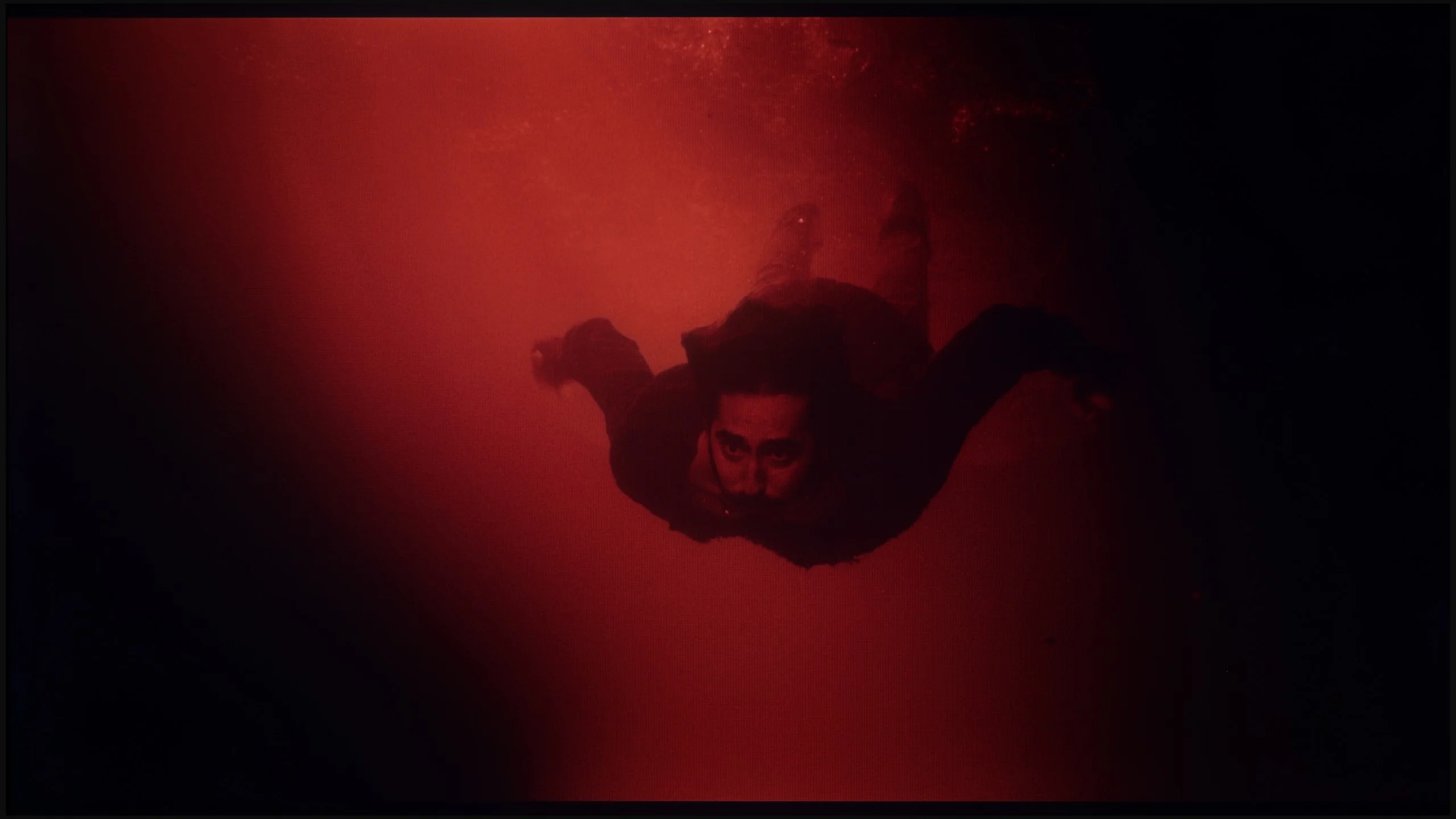
These are selected scenes that show smooth tonal transitions from one color to another. If you see distinct banding, it’s the TV panel’s fault.
The place where we must commend the television Samsung DU7192 is our procedure for checking the fluidity of tonal transitions. The tested television managed these very well, and in practice, there is nothing that could subject us to any inconveniences. The only place where something can be noticed is in the last scene and the slight posterisation in the reds on the left side. At this point, we must also highlight one more issue, which is no longer related to this testing procedure. Namely, in the vast majority of scenes, there are strong inconsistencies in the backlighting, which will be much more bothersome in the context of evening watching.
The television really handles colour blending well, and in most scenes, it's difficult to spot any imperfections. This is most evident in the bright segments of films, where tonal transitions look almost perfect; the image is then smooth and natural. Darker scenes present slightly worse, where characteristic banding can be noticed. Fortunately, this is not a flaw that stands out prominently, and for most viewers, it will remain practically unnoticed.
Image scaling and smoothness of tonal transitions
3.2/10
3/10

Smooth transition function
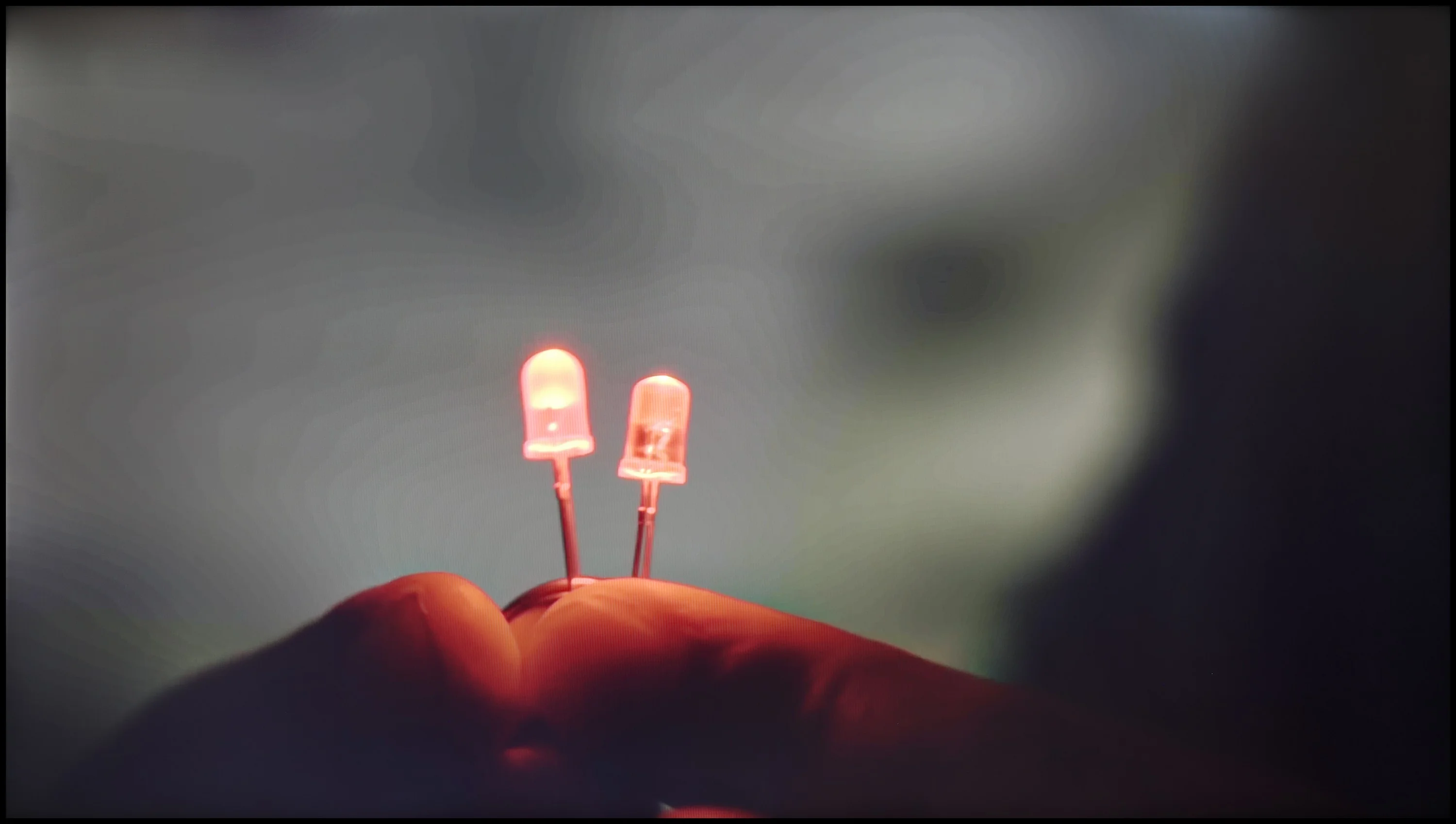
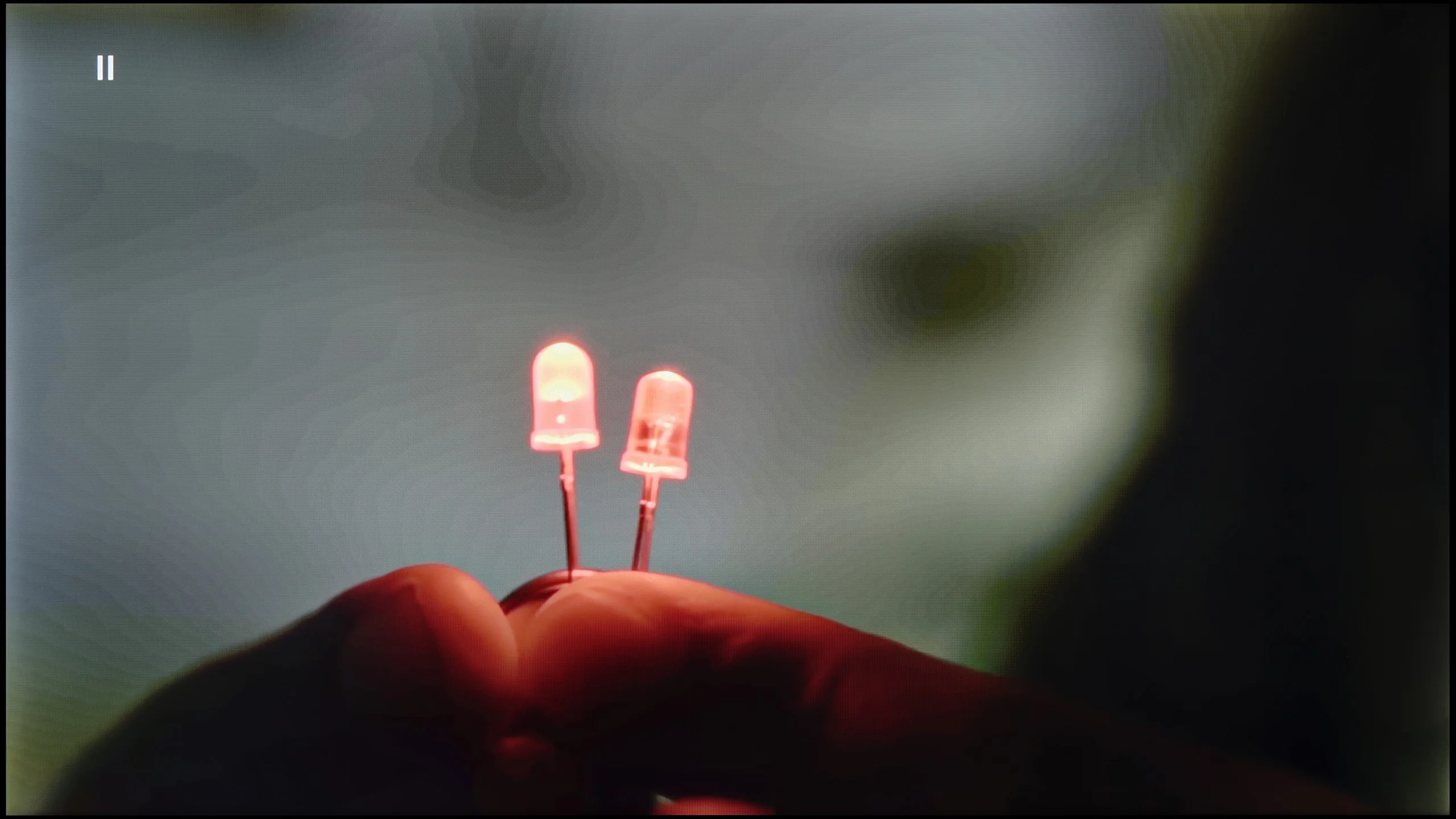
The match photo shows how the TV smooths weak tonal transitions in low-quality video.
Image scaling SD (576i)


The model photo shows how it handles upscaling of SD material.
Let's return for a moment to the feature of smoothing tonal transitions. We can set it in only two ways - off and auto. As one can easily guess, the former causes significant problems with gradation. However, if we set the latter, both films and series will offer us smooth transitions of colours. It is worth mentioning, though, that this feature has its drawbacks. It greatly interferes with the director's intent, softens the film grain effect, and, what’s worse, often misinterprets small details, also blurring them. In light of this, we conclude that the feature does not exist and do not recommend using it, as this is exactly how the tests of smoothness of tonal transitions were conducted on the tested display.
The next thing we will check in this paragraph is the image scaling process, which is extremely important when watching materials in a lower resolution. Unfortunately, as this is the manufacturer's lowest model, this function does not work very well. All details are heavily blurred, and a characteristic white halo surrounds the characters.
Upscaling and digital image processing in the Xiaomi A Pro 2026 are not among the strengths of this model. One might expect that since the television was not designed to achieve record brightness levels, the manufacturer would focus on a more robust processor and a set of features that would "enhance" lower-quality images. Unfortunately – and here we are also faced with significant disappointment. On the positive side, we can note reasonably good upscaling, which handles HD materials and boosts them up to 4K in an acceptable manner. However, this is where the list of advantages ends. The television does not offer any features that improve tonal transitions or smooth out digital imperfections, so in most cases, we get a raw image, exactly as we deliver from an external source. On a large screen, such a lack of support makes lower-quality materials simply look bland. An additional problem is the phenomenon of overscan. When watching older materials, it happens that part of the image gets cut off, which only amplifies the impression that Xiaomi still has a lot of ground to make up in this category.
Blur and motion smoothness
4.9/10
4.5/10

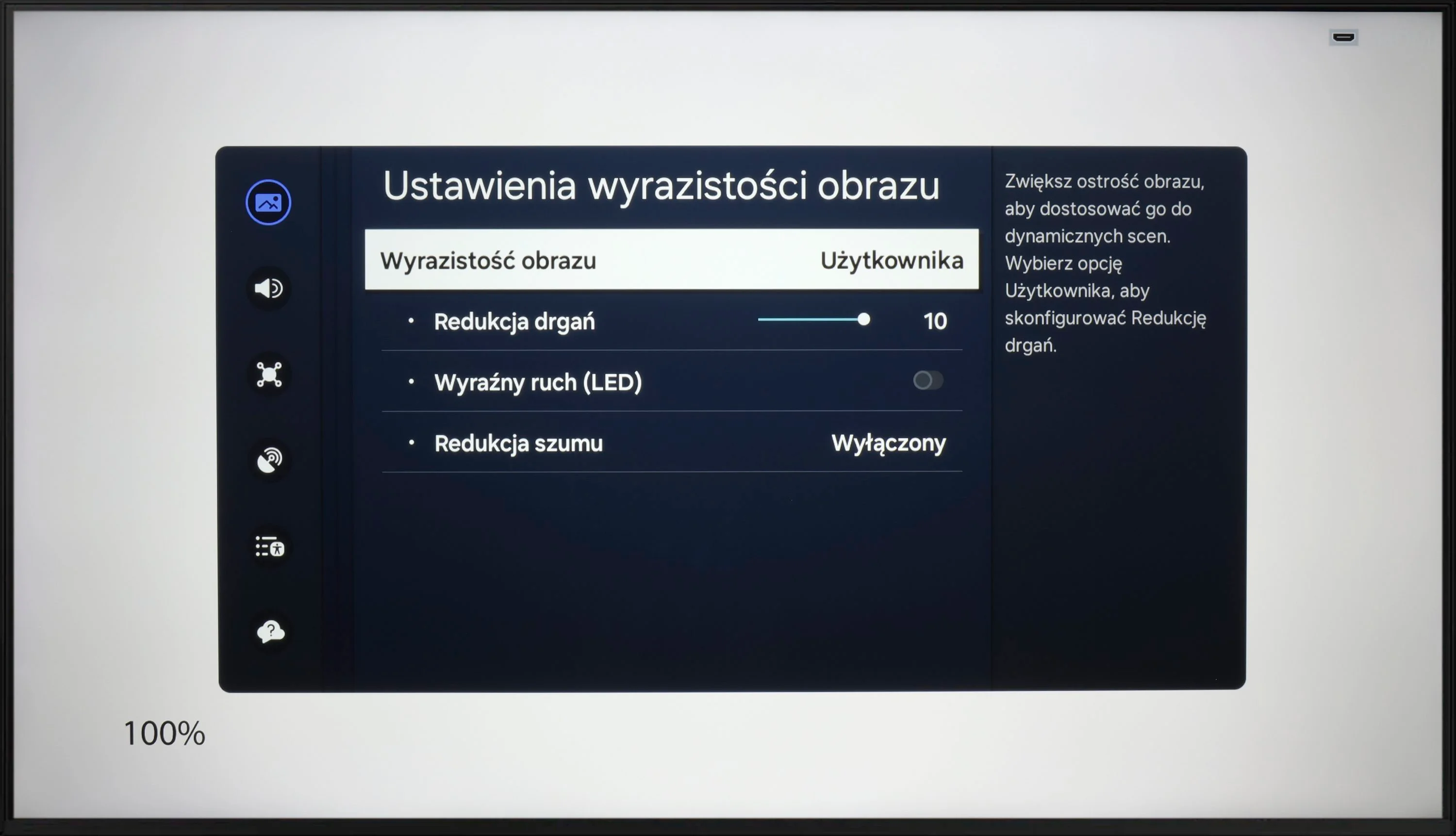
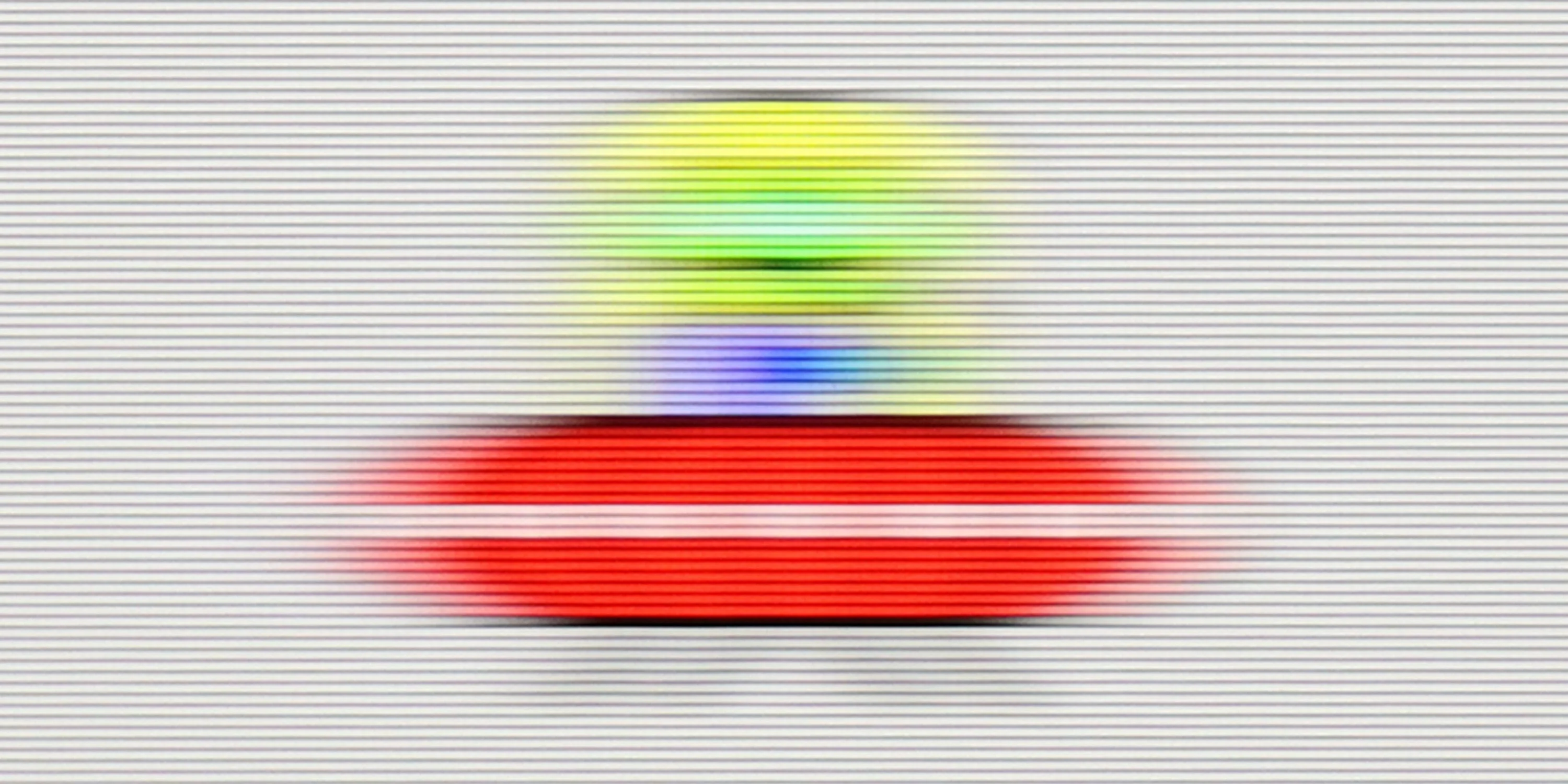
Blur (native resolution, maximum refresh rate):
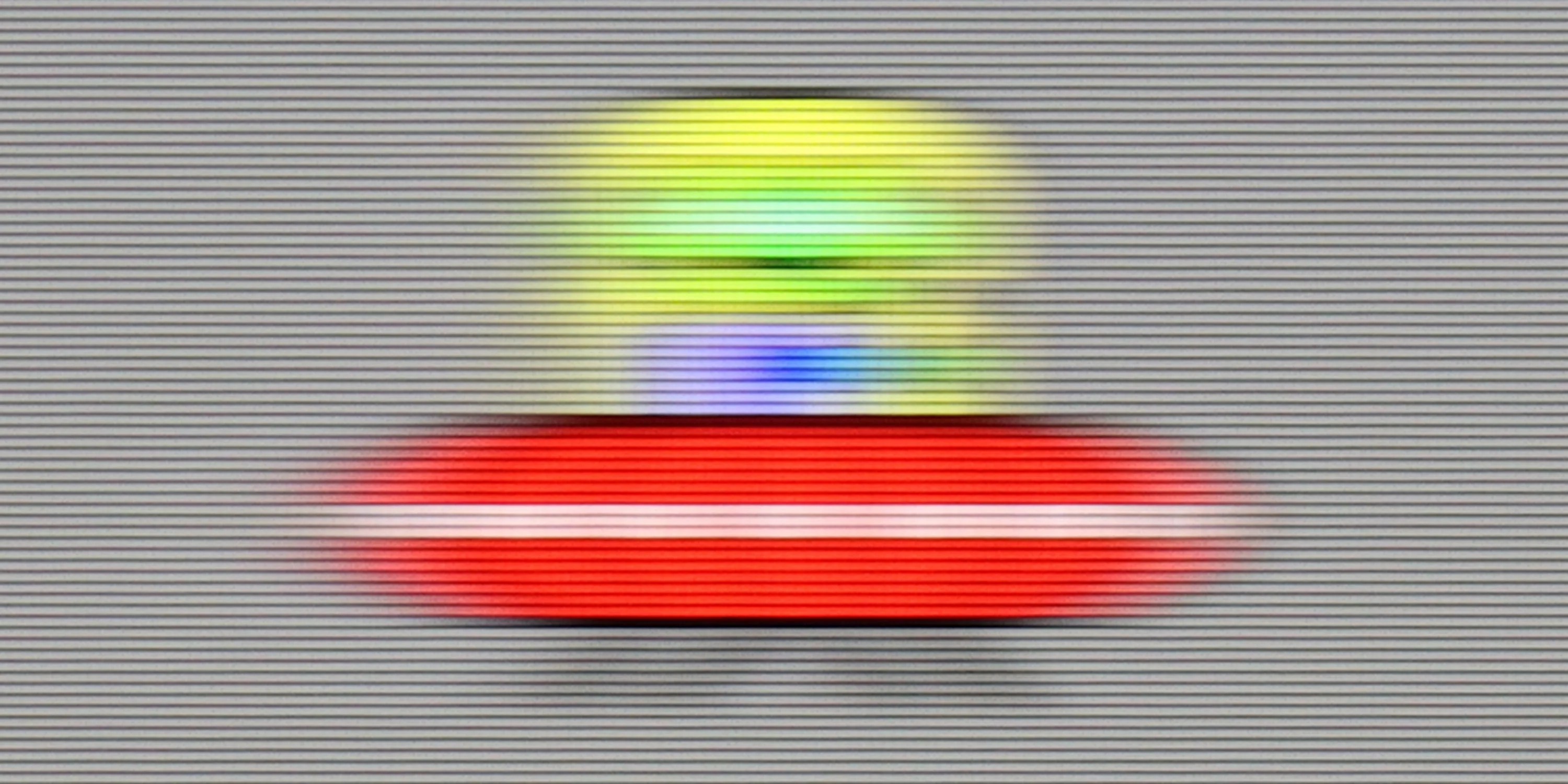
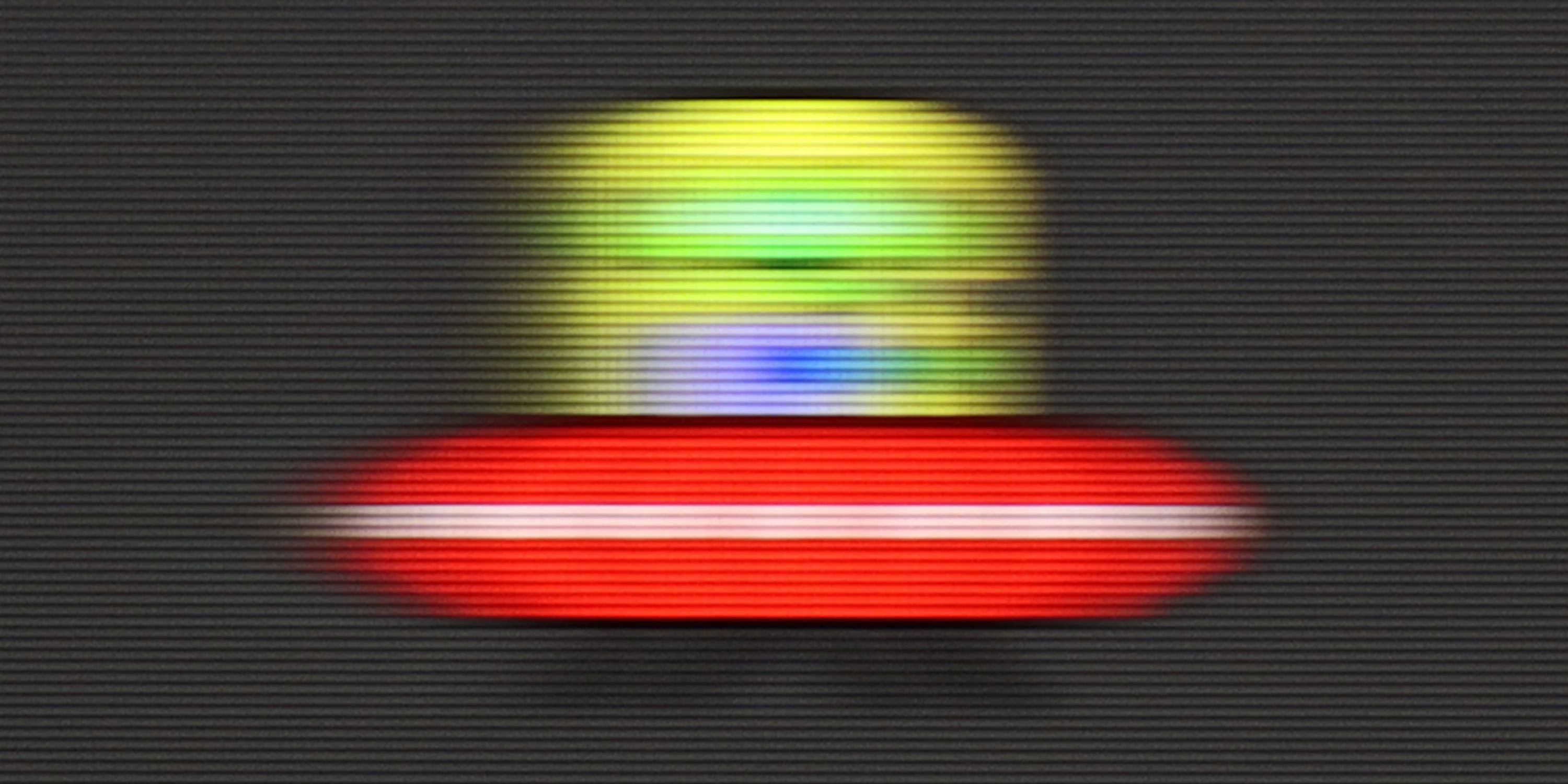
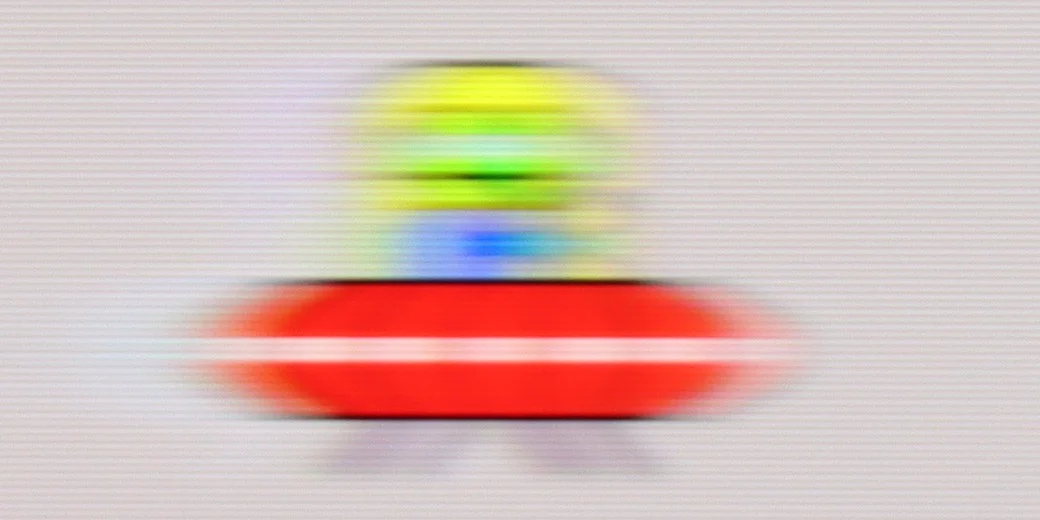
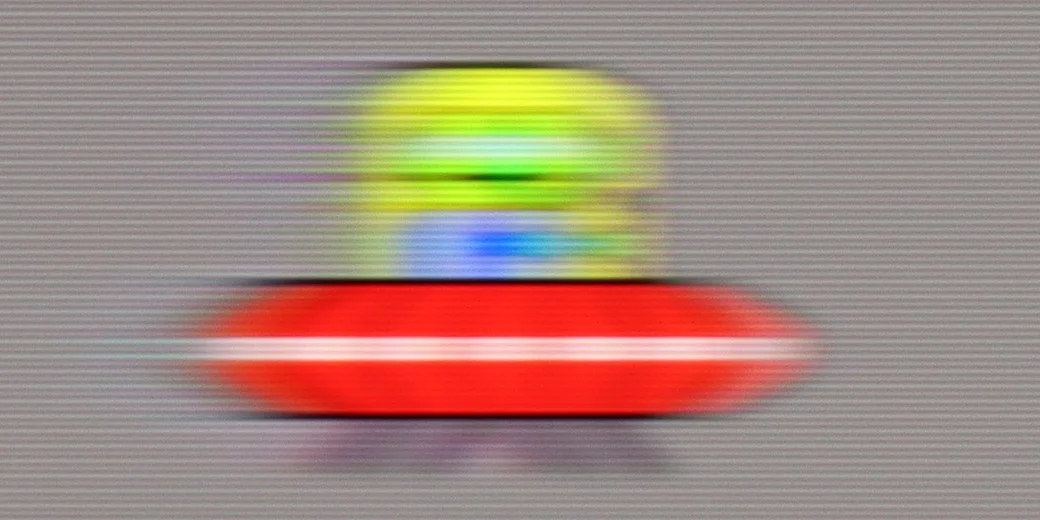
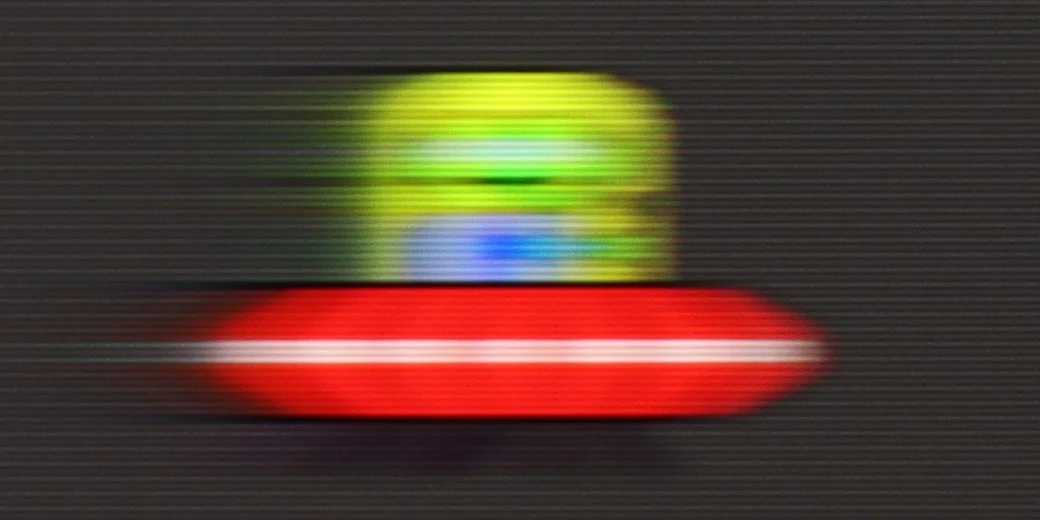
Blur ():
Blur (1440p@120Hz):
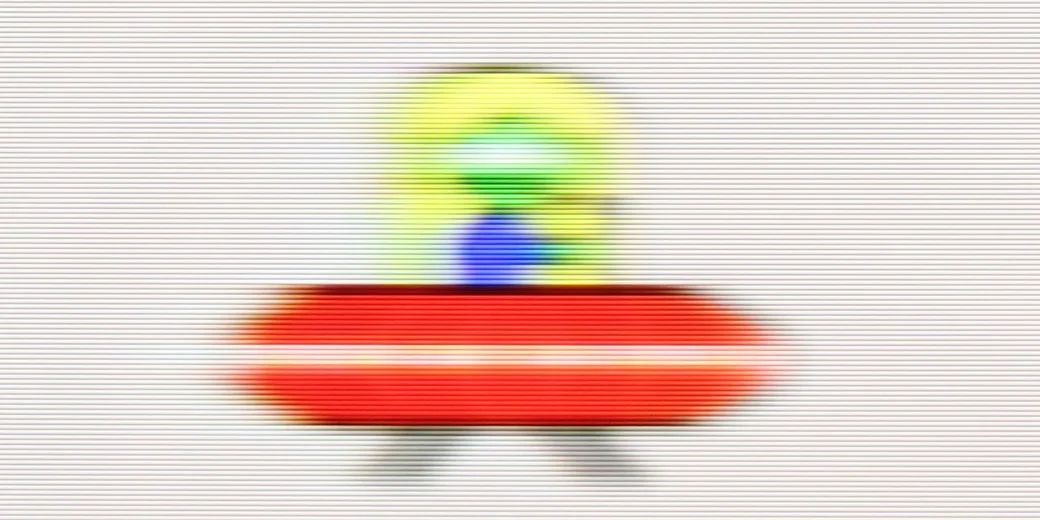
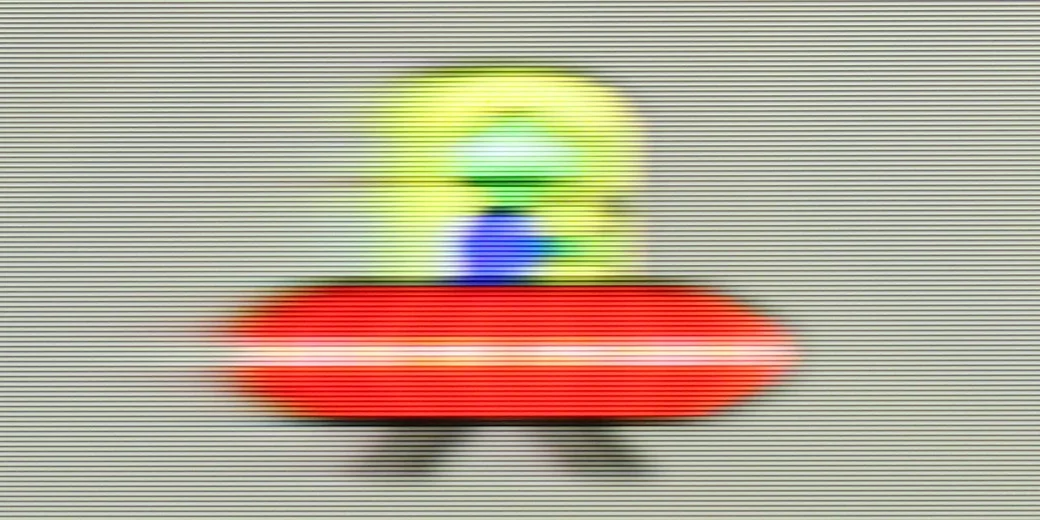
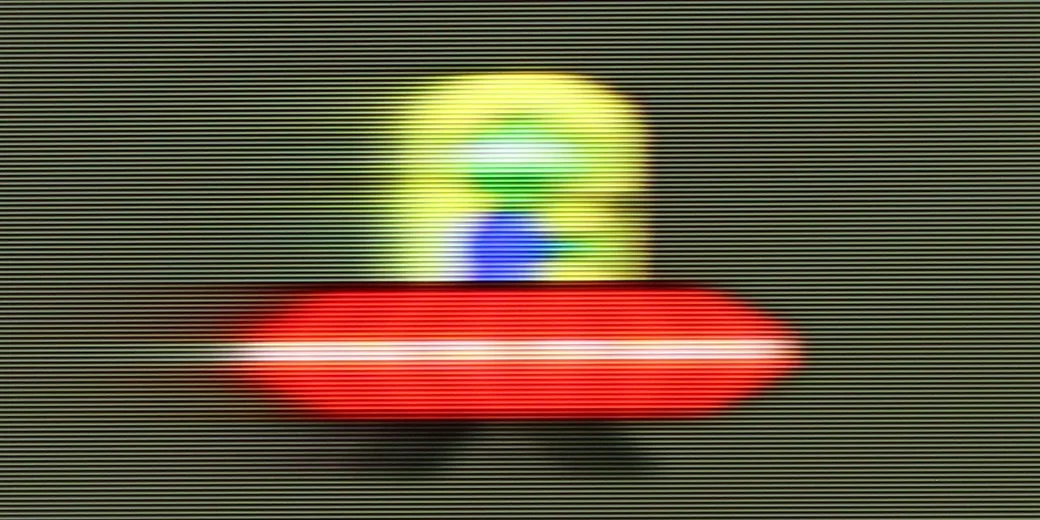
Despite the fact that Samsung DU7192 is the lowest model in the manufacturer's portfolio, it has been implemented with a motion smoothing system. Although it is quite limited in features compared to higher models, its existence is a considerable advantage in the context of competition from similar price ranges. The maximum refresh rate we will provide to the tested television is 60 Hz, which is entirely sufficient for movies and series, although not for sports. In the motion smoothing menu, we find two functions responsible for improving fluidity. These are "Motion Blur Reduction" and "Clear Motion (LED)". We will discuss the latter a bit later. Let us focus on the former, as it is quite puzzling. Unfortunately, despite its presence, we did not find any usefulness. On each of the settings, the image looked the same, with the characteristic judder known from materials recorded at 24 fps.
The matrix of Samsung DU7192 features an average response time. It is worth mentioning that due to this particular type of matrix, it is better than VA matrices in a similar price range. Therefore, it can be exceptionally said that it will not be the worst in the context of watching sports.
The fluidity of motion in the Xiaomi A Pro 2026 is an interesting compromise that arises from the hybrid matrix used here. At its native 4K resolution, the maximum refresh rate is 60 Hz – sufficient for those who mainly watch films and series. It is precisely with them in mind that the manufacturer has added a motion smoother, allowing users to adjust the image to their own preferences – opting for greater fluidity or leaving more "cinematic" frames depending on the settings.
Console compatibility and gaming features
4.2/10
3.6/10
- ALLM
- VRR
- VRR range
- Dolby Vision Game Mode
- Correct implementation of HGIG
- 1080p@120Hz
- 1440p@120Hz
- 4K@120Hz
- Game bar
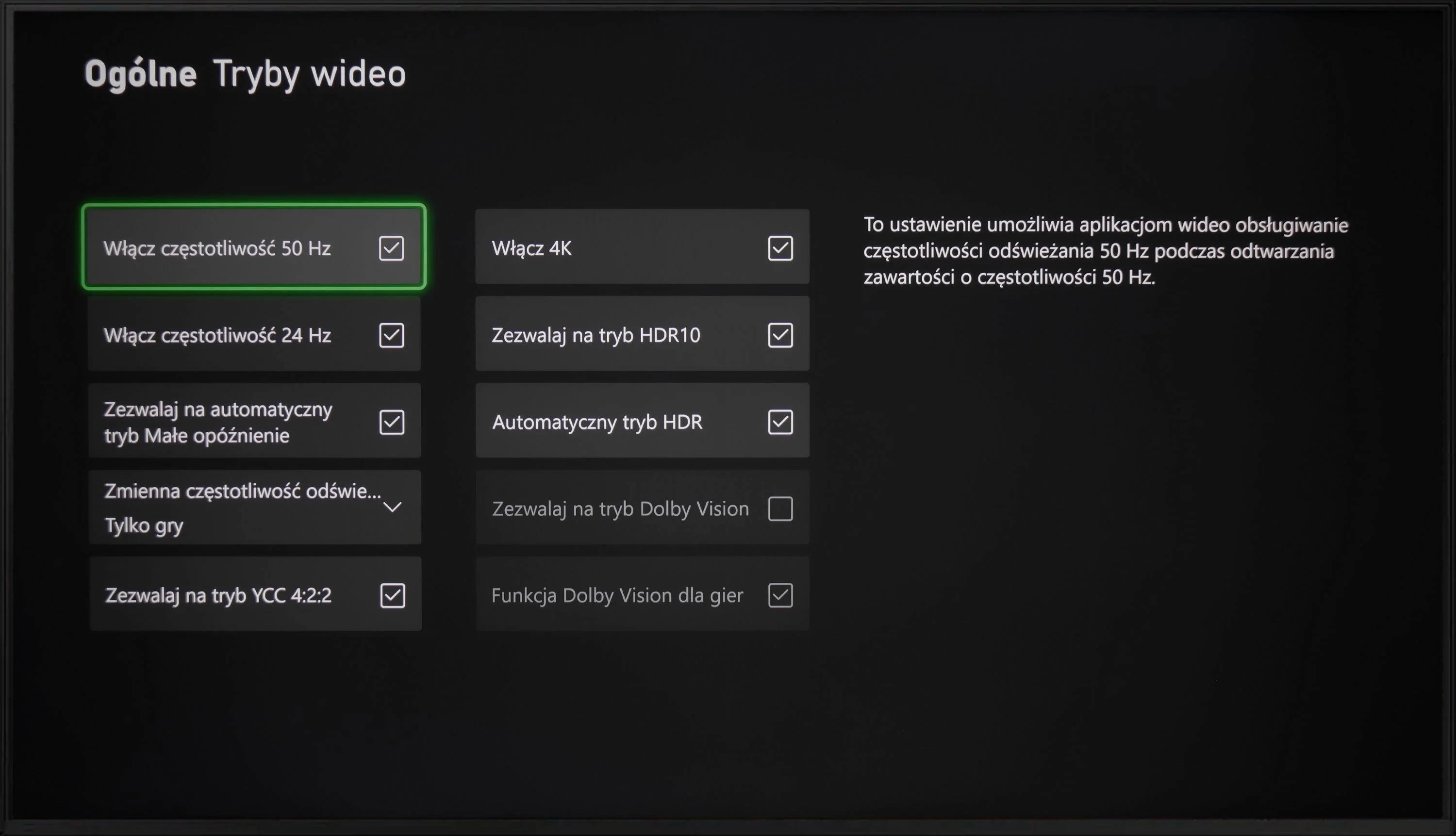
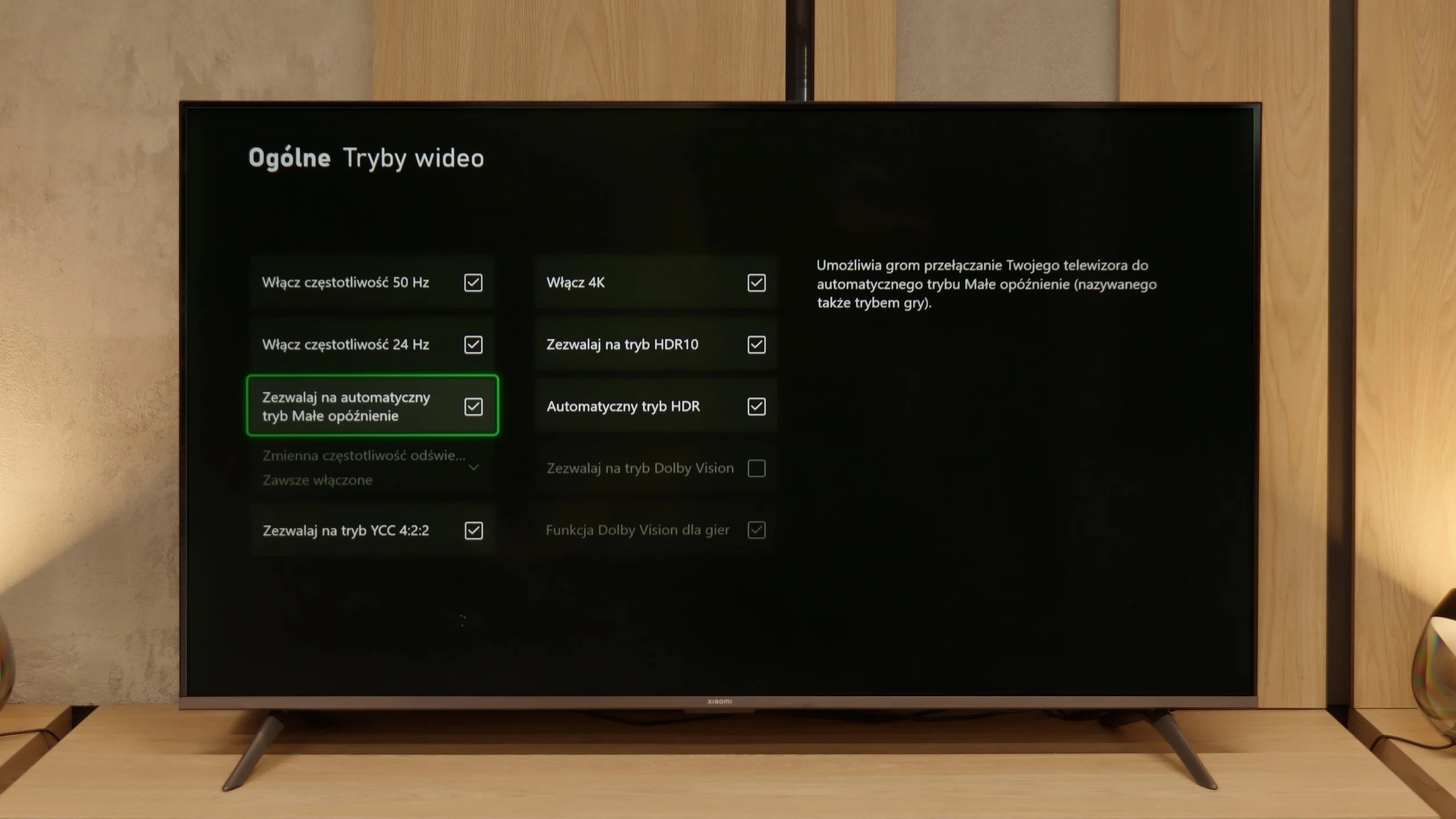
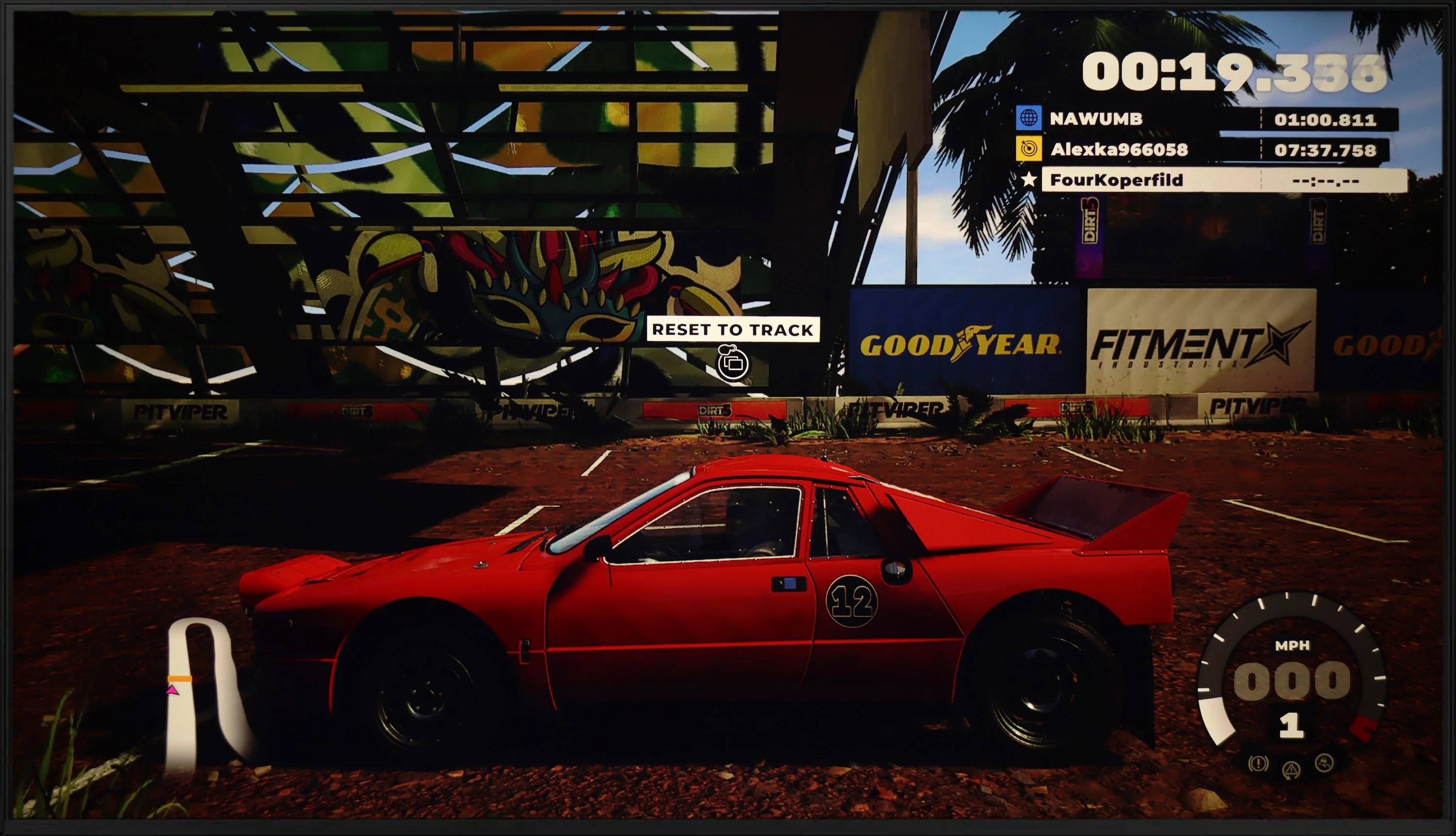
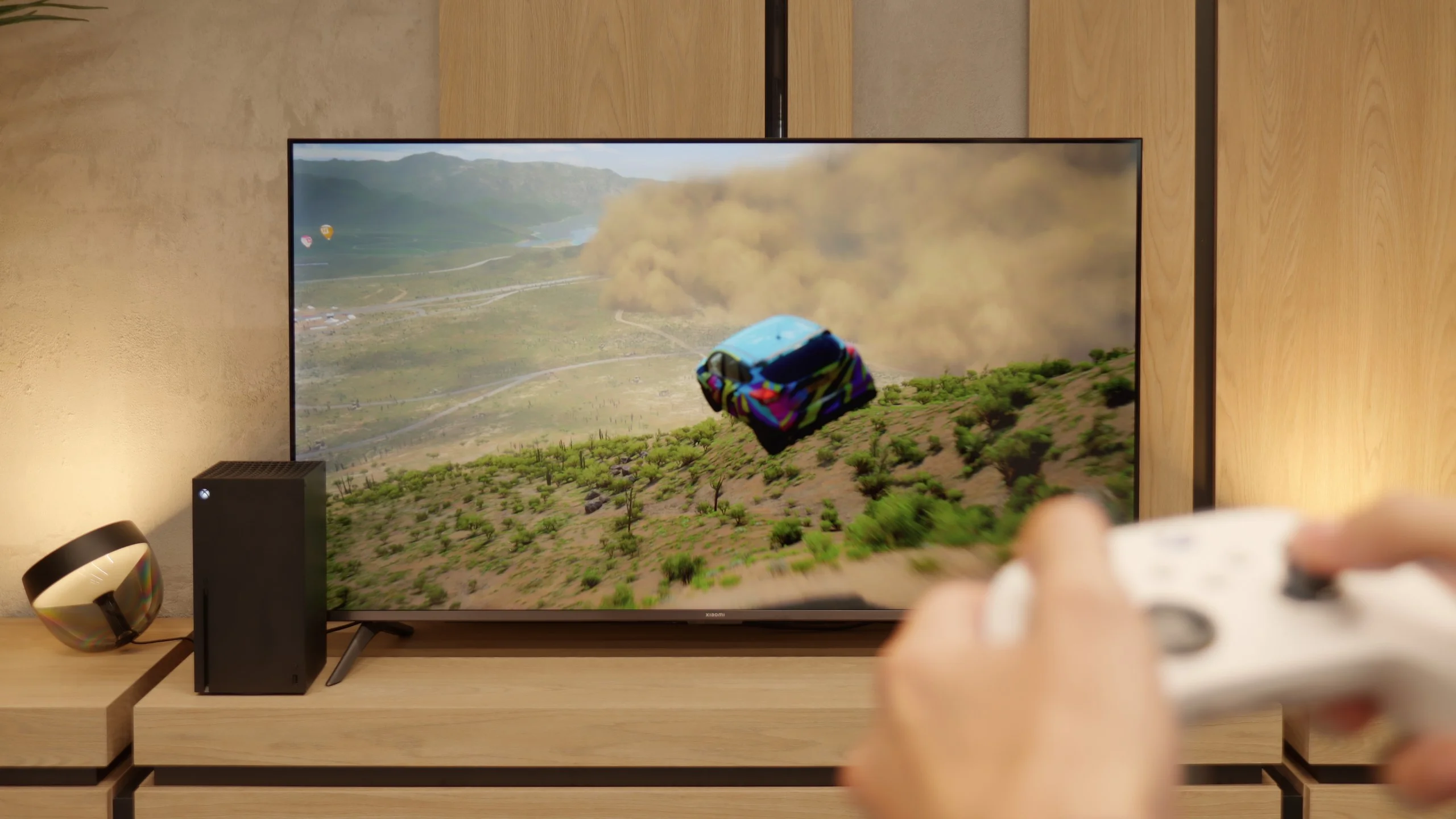
The Samsung DU7192 television is equipped only with HDMI 2.0 ports, which is not surprising given the price of the device and its consumer profile. Therefore, it’s also logical that we won’t achieve maximum quality on the latest generation consoles. Thus, it only has the most basic feature for gamers, which is ALLM. It's a pity that the manufacturer didn’t implement at least GameBar, as it is currently a standard, even in lower-end televisions, and could introduce significant conveniences regarding quick changes to settings.
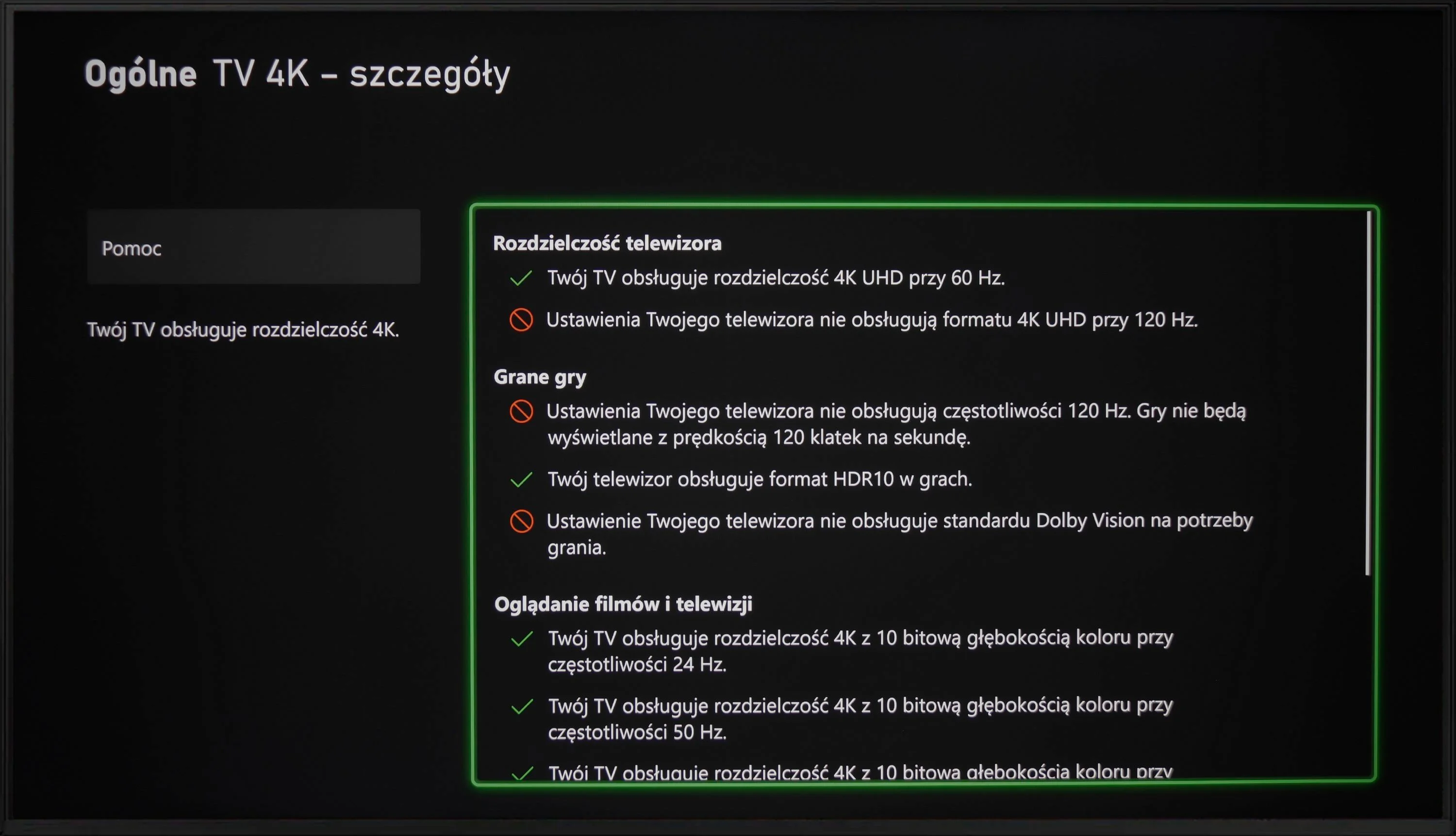
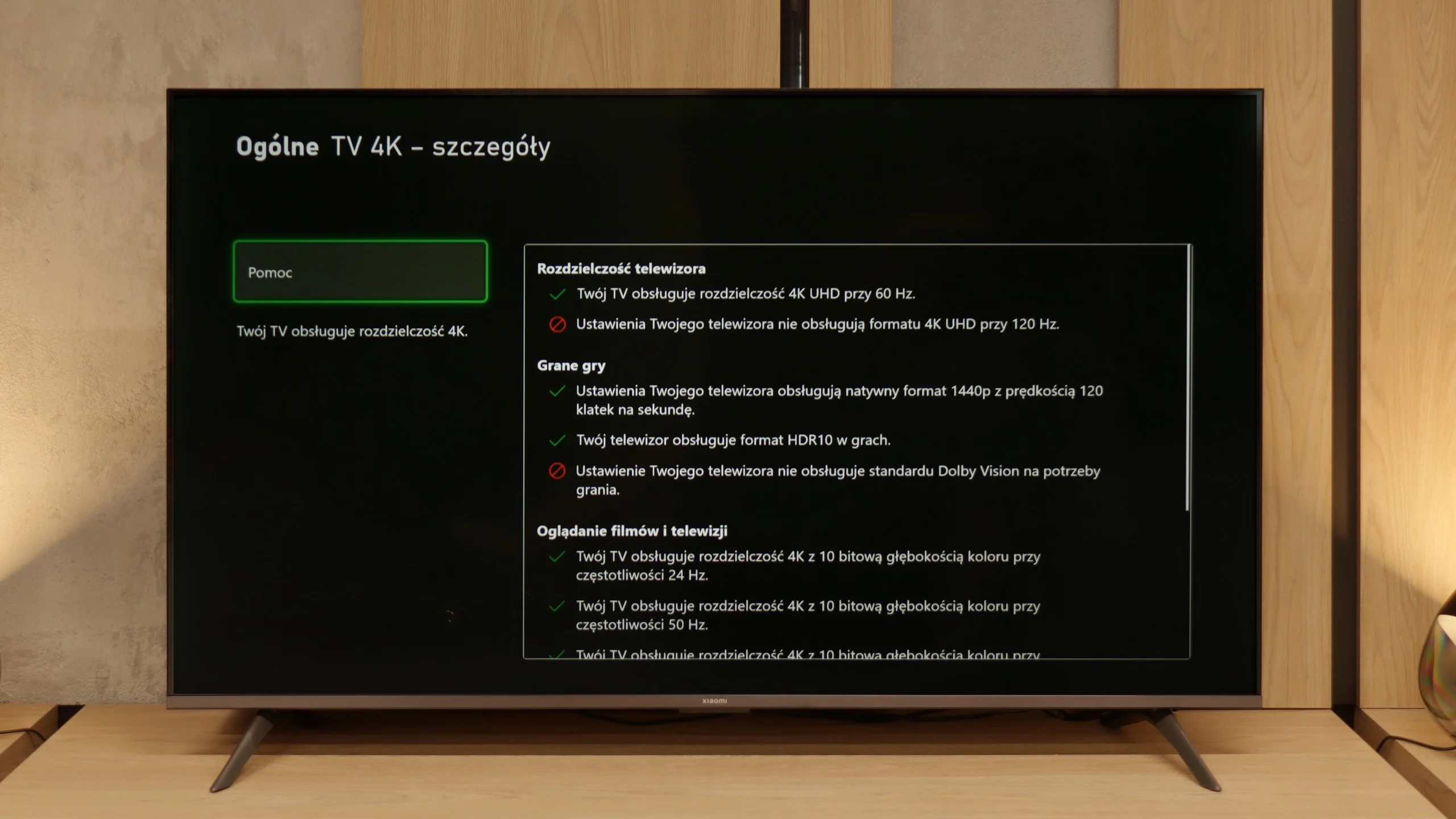
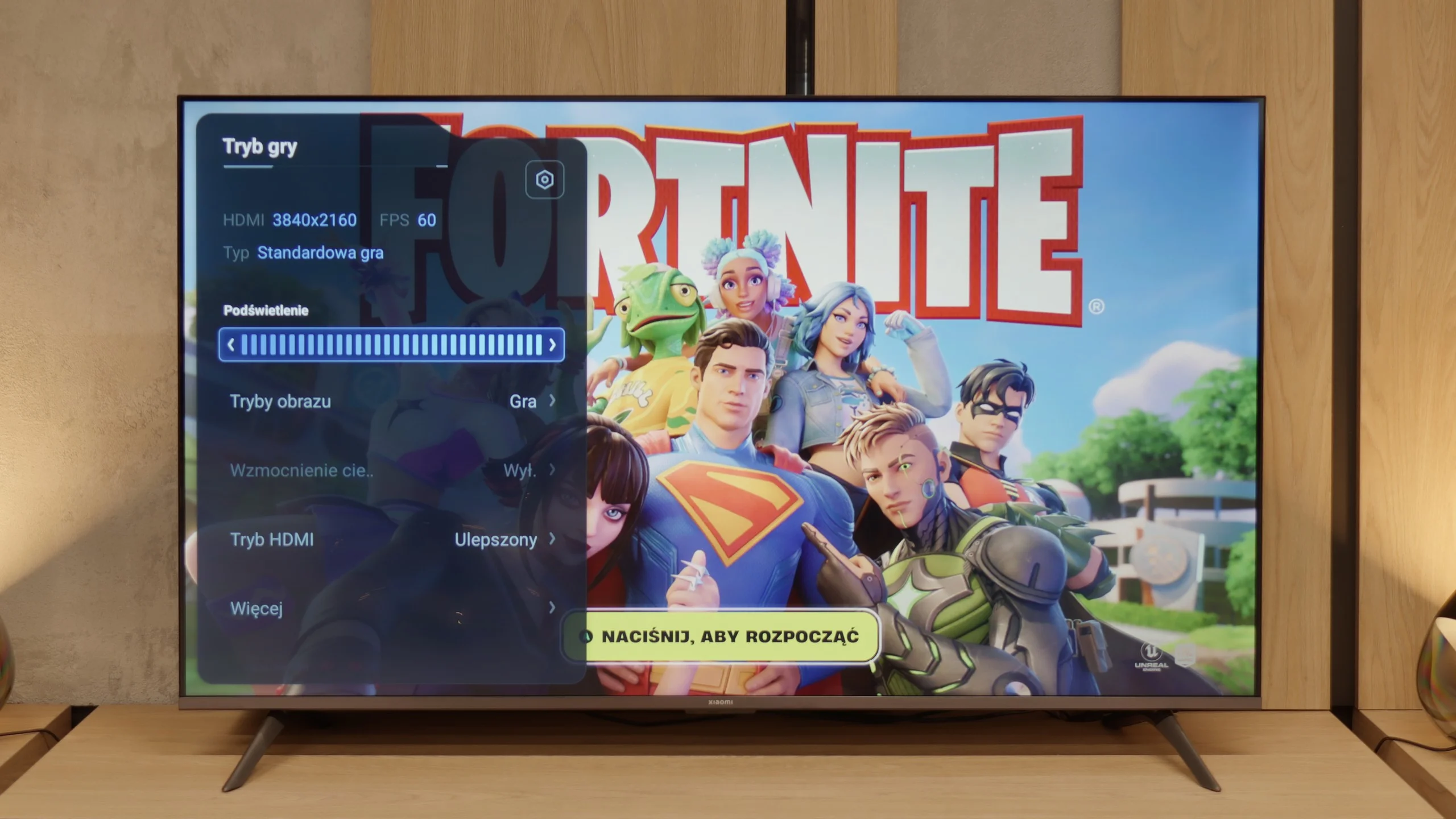
Exactly – since Xiaomi has included the "Game Boost 120 Hz" feature, one might expect that they would follow up with a solid gaming package. Unfortunately, reality quickly dampens this enthusiasm. Aside from this mode (which, it must be admitted, is a great addition in a budget design), we only have a rather odd player panel. It's hard to call it a full-fledged "game bar" – it’s more of a simple overlay on the TV Menu with limited capabilities. And that would be about it. There’s a lack of ALLM, so the TV won’t automatically switch to game mode. There’s no VRR, so you can forget about smooth frame sync. We also won’t find support for Dolby Vision in games or the HGiG format, which are becoming increasingly standard on consoles. In short: besides the Game Boost 120 Hz, which actually allows for a more enjoyable experience at 1080p or 1440p, the Xiaomi A Pro 2026 offers nothing that could particularly attract gamers.
Input lag
10/10
9.5/10
SDR
HDR
Dolby Vision
The results of input lag measurements in DU7192 are at a high level, regardless of the signal or resolution. All gamers will certainly appreciate the manufacturer's efforts, as a game running at 4K 60 Hz with HDR will have only 11 ms of delay, which is practically imperceptible even in online games.
The input lag on the Xiaomi A Pro 2026 is quite decent and definitely not its weak point. The best results were achieved in 1080p@120 Hz and 1440p@120 Hz modes – in those, the television goes below 10 ms, which can easily be described as an outstanding result, and more than sufficient even for the more demanding gamers. The situation changes with 60 Hz content – the input lag then rises to around 25 ms. While these may not be the best figures on the market, they are perfectly acceptable for casual gaming or firing up a console in the evening. Especially since in most cases, it's still worthwhile to enable the 120 Hz mode, which is the most advantageous for gamers.
Compatibility with PC
6/10
2/10
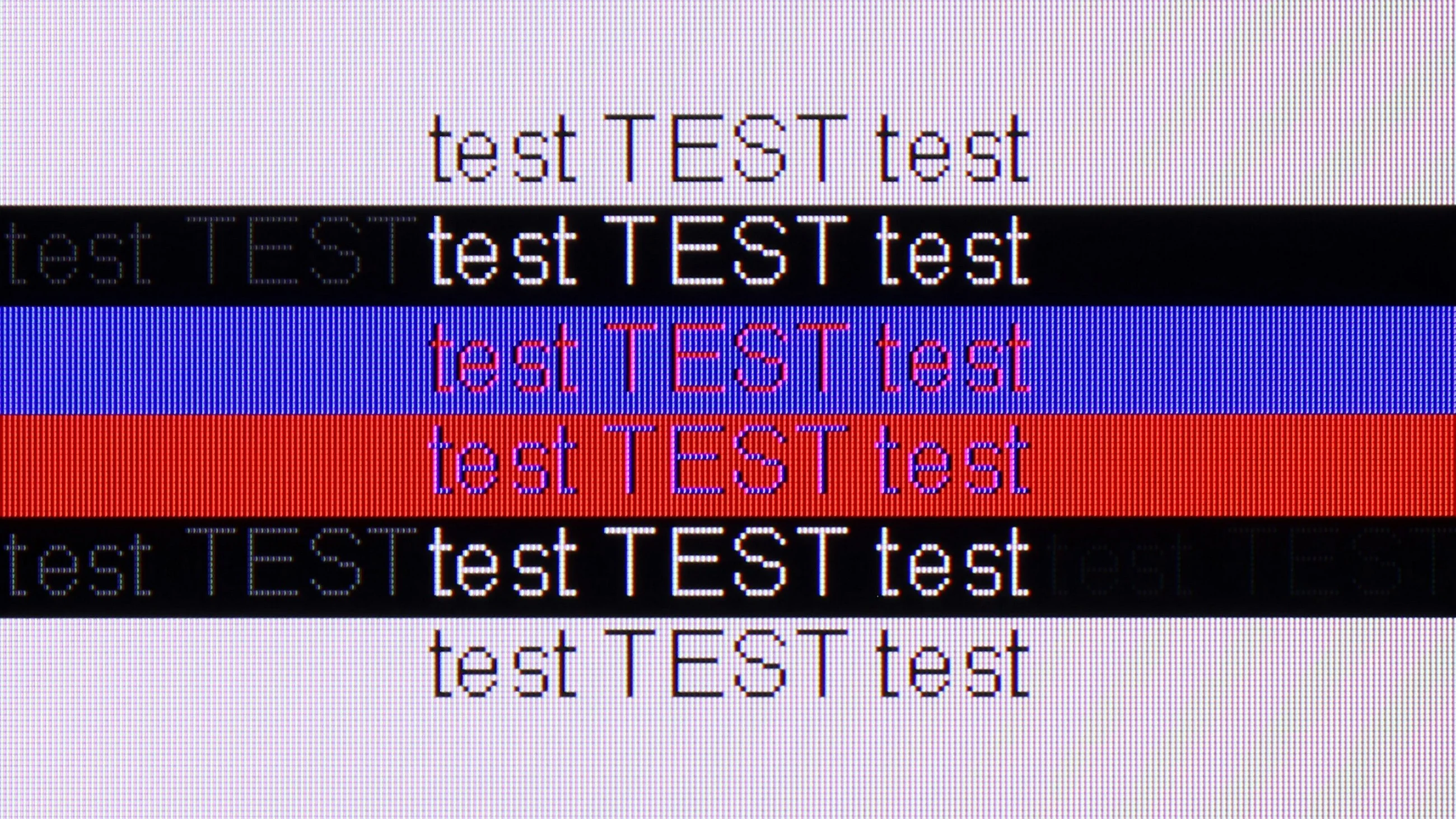
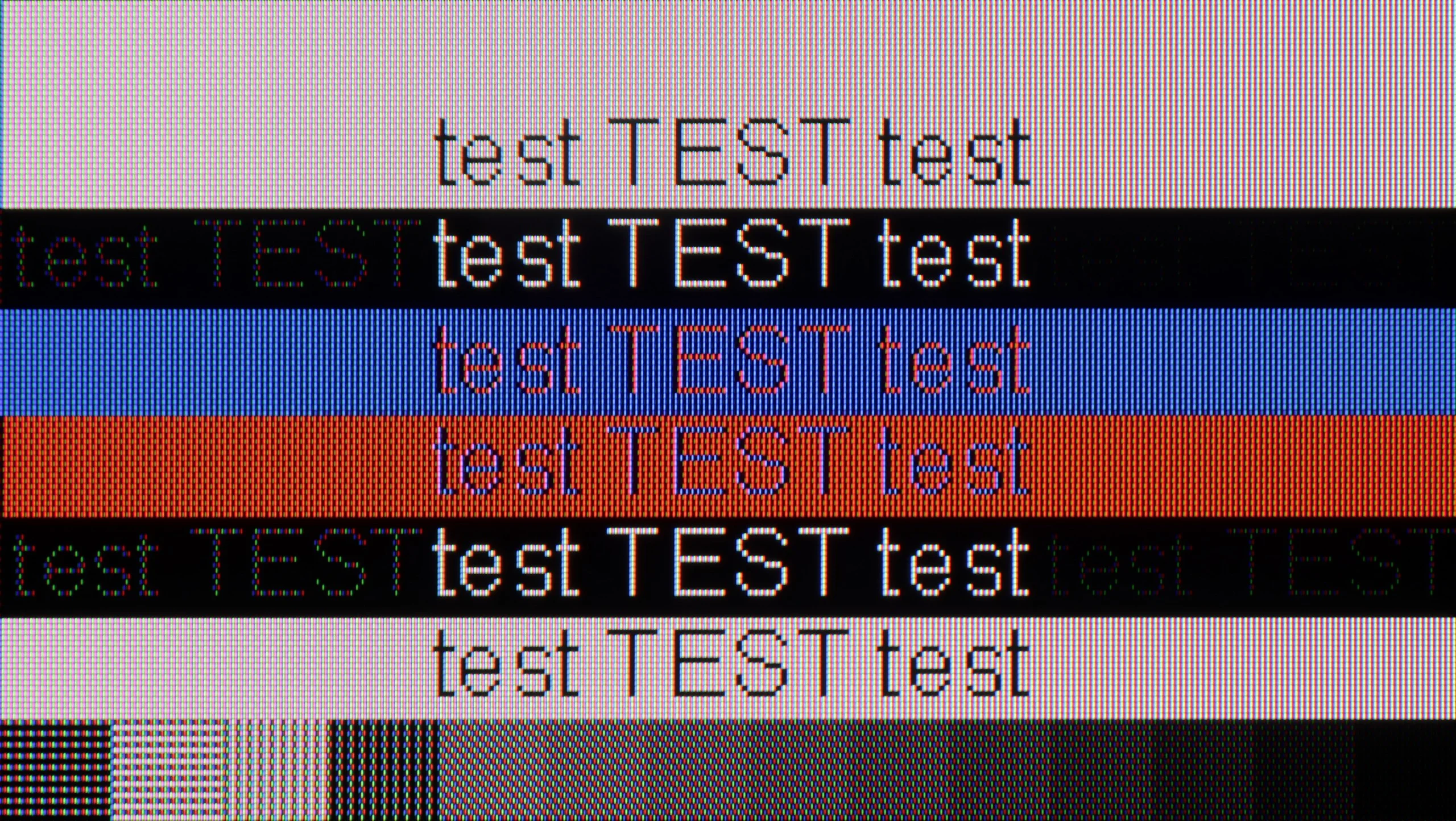
The photo shows the legibility of small fonts. Ideally, lines should be the same thickness on both light and dark text, with minimal pixel gaps.
After connecting the television to the computer and wishing to use it as a monitor, we can expect a low input lag of 11 ms, which is practically imperceptible along the mouse-screen-eye line. Thanks to the proper implementation of chroma 4:4:4, the readability of fonts is at a high level, so one can confidently connect the DU7192 to the computer as a monitor and expect comfortable work with text. It is also worth mentioning that this good cooperation with the computer is also due to the IPS panel itself, which, due to its construction, allows for very sharp font retention. The subpixel arrangement is BGR, which does not negatively affect the use of the television as a monitor. However, since operating systems are not adapted to such a subpixel format, it may cause slightly less sharp outlines. This is, however, a practically negligible issue, and only a handful of people may notice it. When it comes to gaming, the lack of G-Sync and a frequency of 60 Hz are limitations that may disappoint gaming enthusiasts, especially those requiring quick reactions. For this reason, the television receives a lower rating in this category, although as a monitor for everyday work, it presents itself decently.
Xiaomi A Pro 2026 as a computer monitor? There's no point beating around the bush – it's very bad. While the 120 Hz mode can still be used in games at lower resolutions, for daily work the television is completely unsuitable. There's a lack of full support for chroma 4:4:4, meaning fonts are blurred and sometimes even rainbow-like. Additionally, there's significant dithering, causing the image to appear uneven – some pixels shine brighter, others dimmer, and vertical lines can even break apart. In practice, this means that text (especially coloured and on a dark background) becomes hard to read. Light text manages to hold up somewhat, but it’s hard to talk about any comfort here. In this category, we give the Xiaomi A Pro 2026 a score of 2/10 (+1 for the additional high refresh rate mode), and there’s really no point in dwelling on this further.
Viewing angles
6.8/10
3/10
IPS matrices, unlike VA panels, are known for having very good viewing angles. This is no different in the case of Samsung DU7192, as even with a slight shift off-axis, the colours maintain very good hue and saturation. However, it is worth noting the drop in contrast, which is typical for LCD matrices.
Xiaomi A Pro 2026 uses a VA panel, which immediately suggests that viewing angles are not its strong suit. When looking at the screen from the side, we quickly notice a loss of quality – colours noticeably fade, and the whole image appears washed out. The drop in brightness may not be as drastic as in some constructions based on similar technology, but that does not change the fact that this is clearly a weak point of this model. If we plan to use it as a large, cheap screen for the living room, we need to reckon with this limitation.
Daytime performance
2.8/10
4.9/10
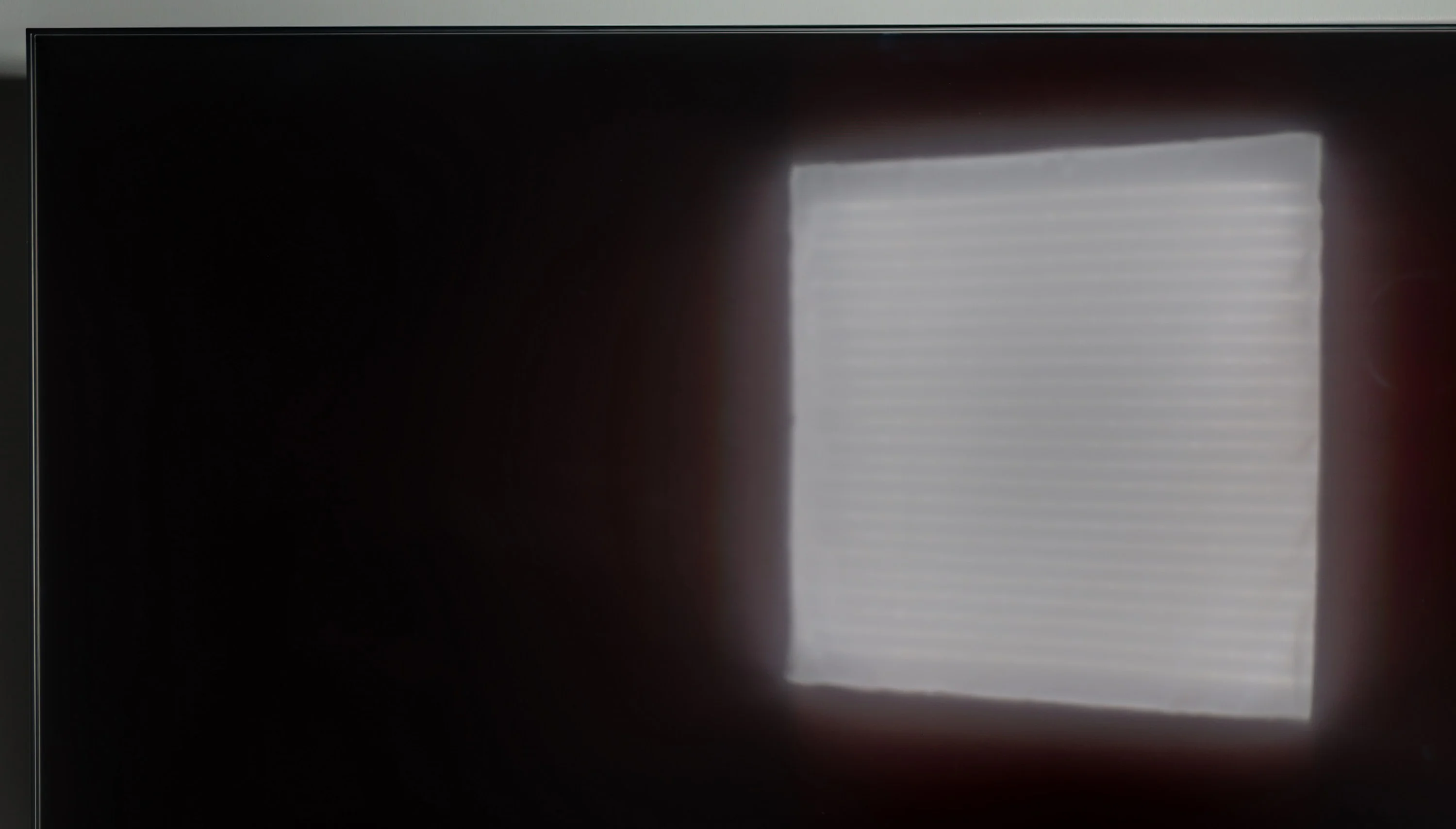
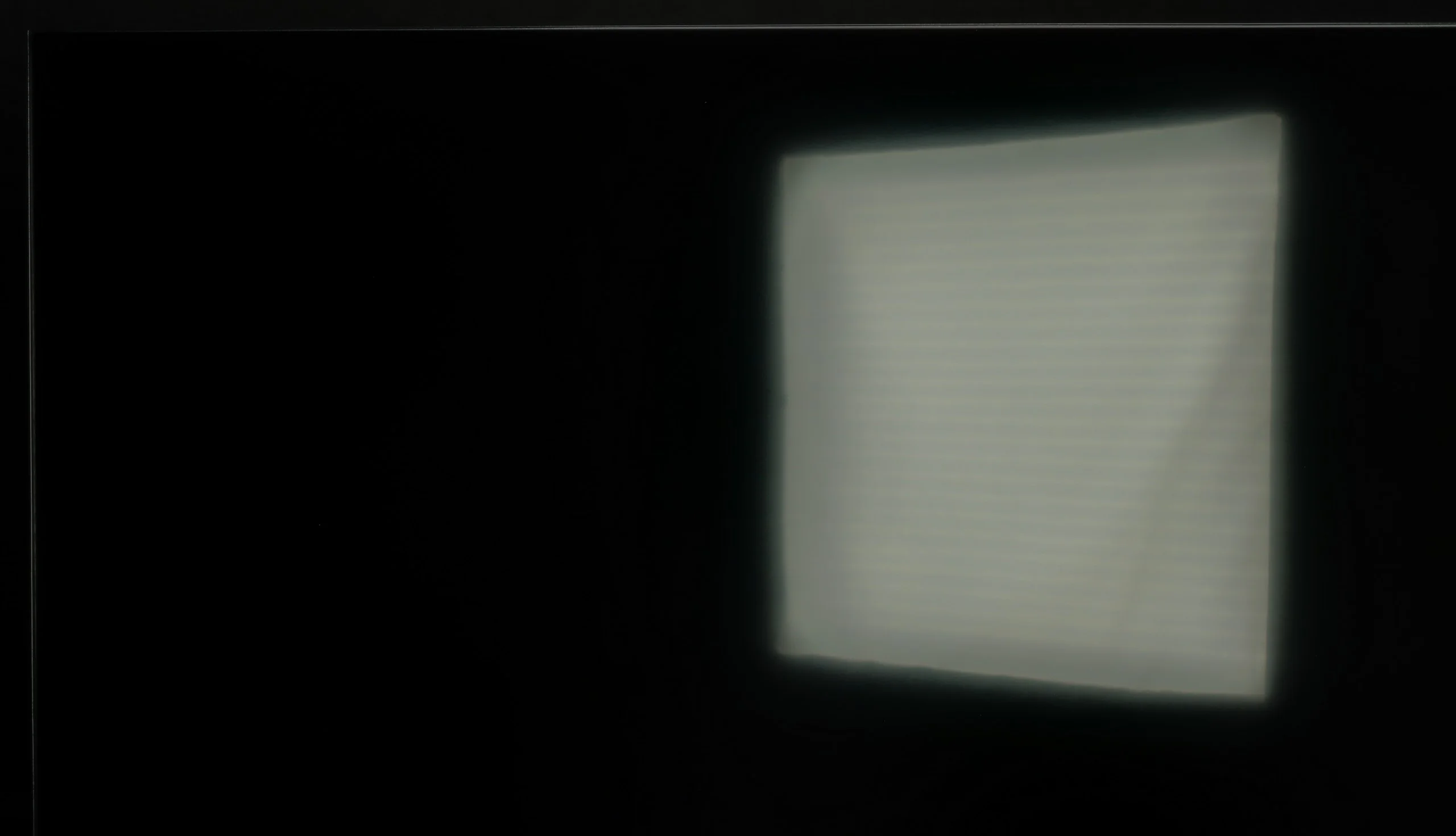
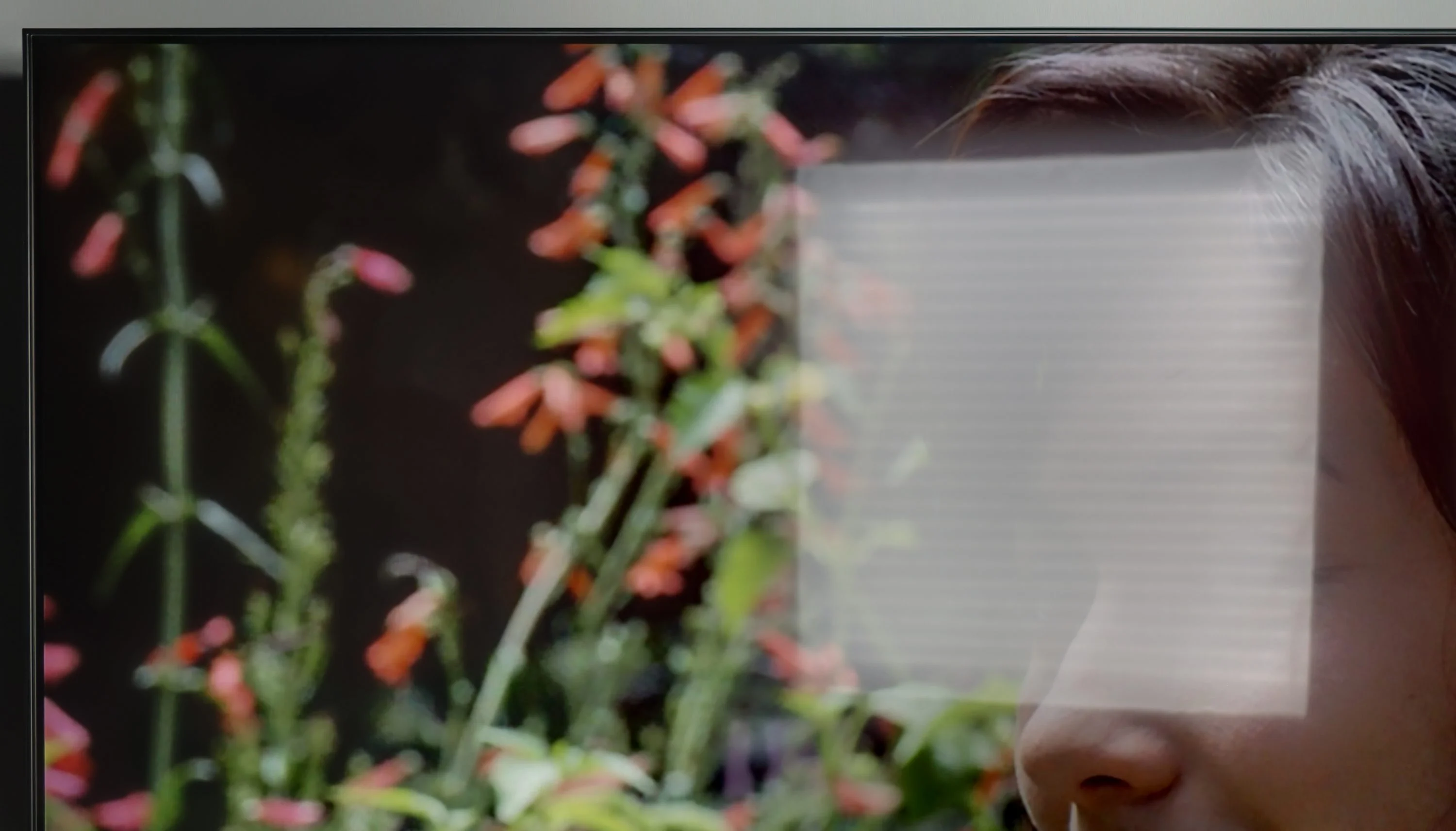
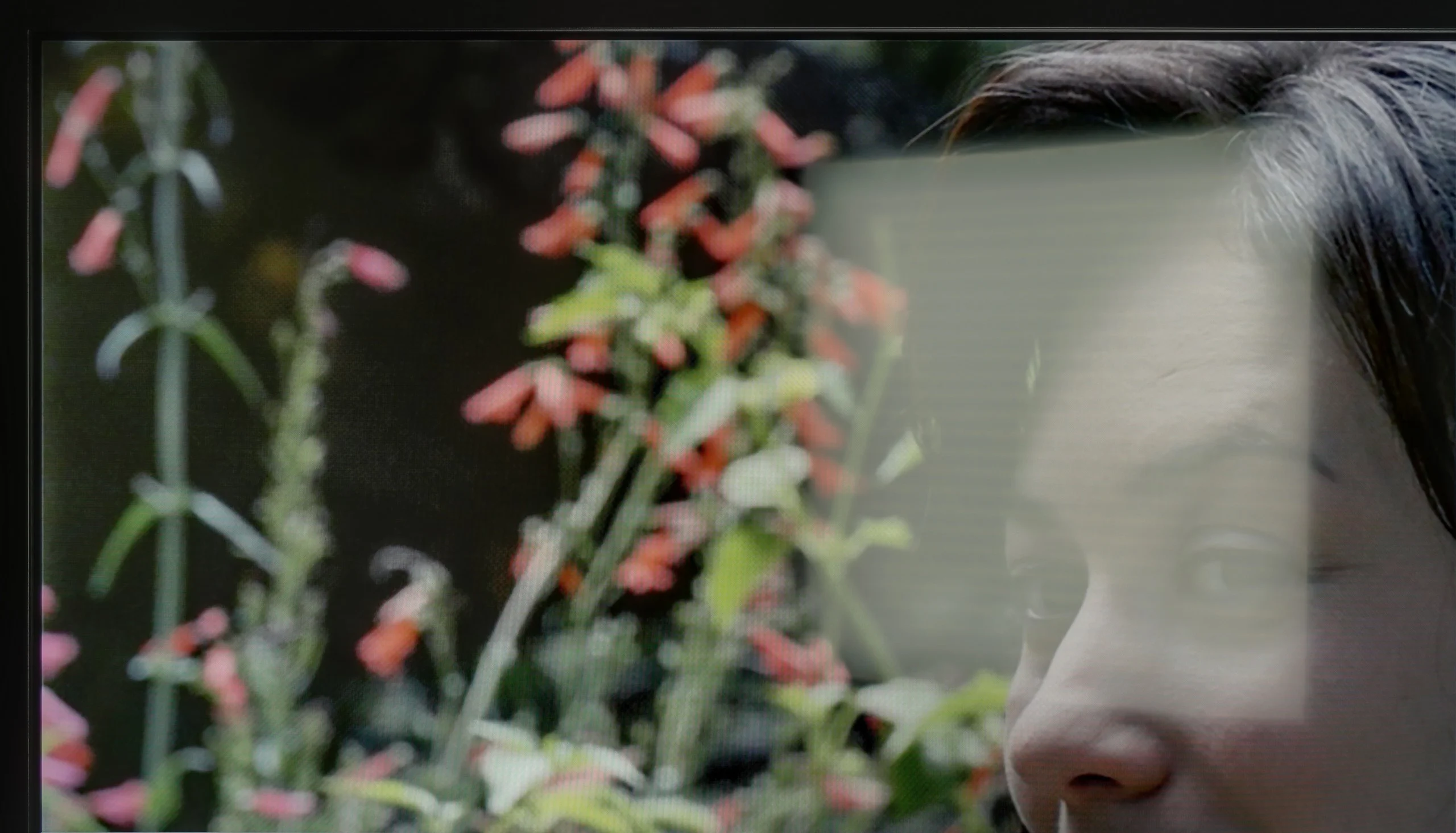
Panel brightness
XIAOMI A PRO 2026: 334 cd/m2
Samsung DU7192 (IPS): 227 cd/m2
The Samsung DU7192 panel has a satin finish; unfortunately, this did not help the tested television in suppressing reflections of light falling directly on the panel. The situation is not improved by the fact that the maximum brightness of the panel in SDR content is 227 nits. It can be said that the tested television is rather not suited for daytime use.
Xiaomi A Pro 2026 performs quite well during the day. The display has a satin coating that manages to dull reflections somewhat, so the colours do not lose their vibrancy, even when the room is bright. Just remember that it is not an extremely bright screen – the average brightness is around 350 nits. In a typical, moderately sunlit living room, it is sufficient, but if you have large windows and plenty of sunshine coming in, it might simply be difficult without blinds or curtains.
Panel details
Subpixel Structure:
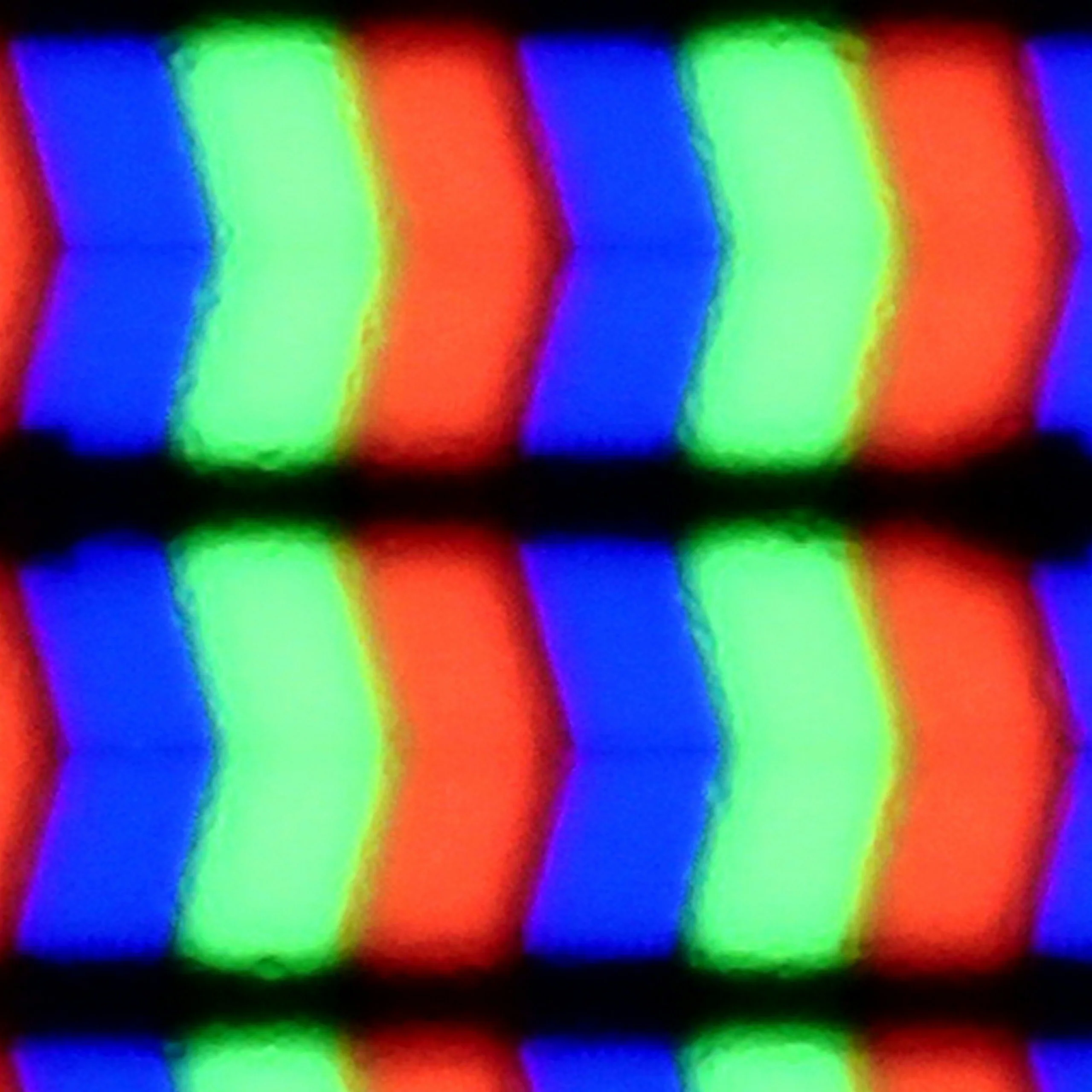
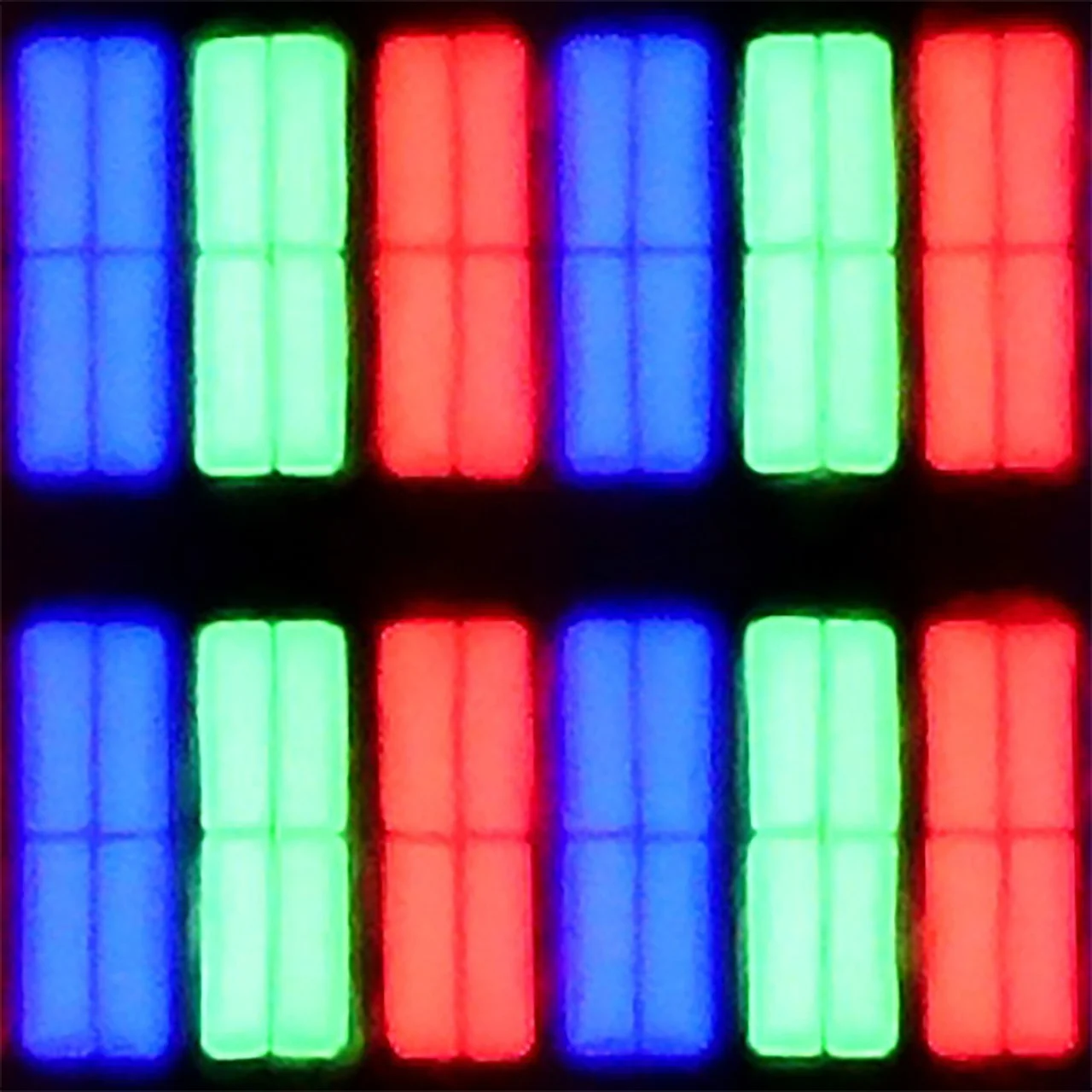
Panel uniformity and thermal imaging:
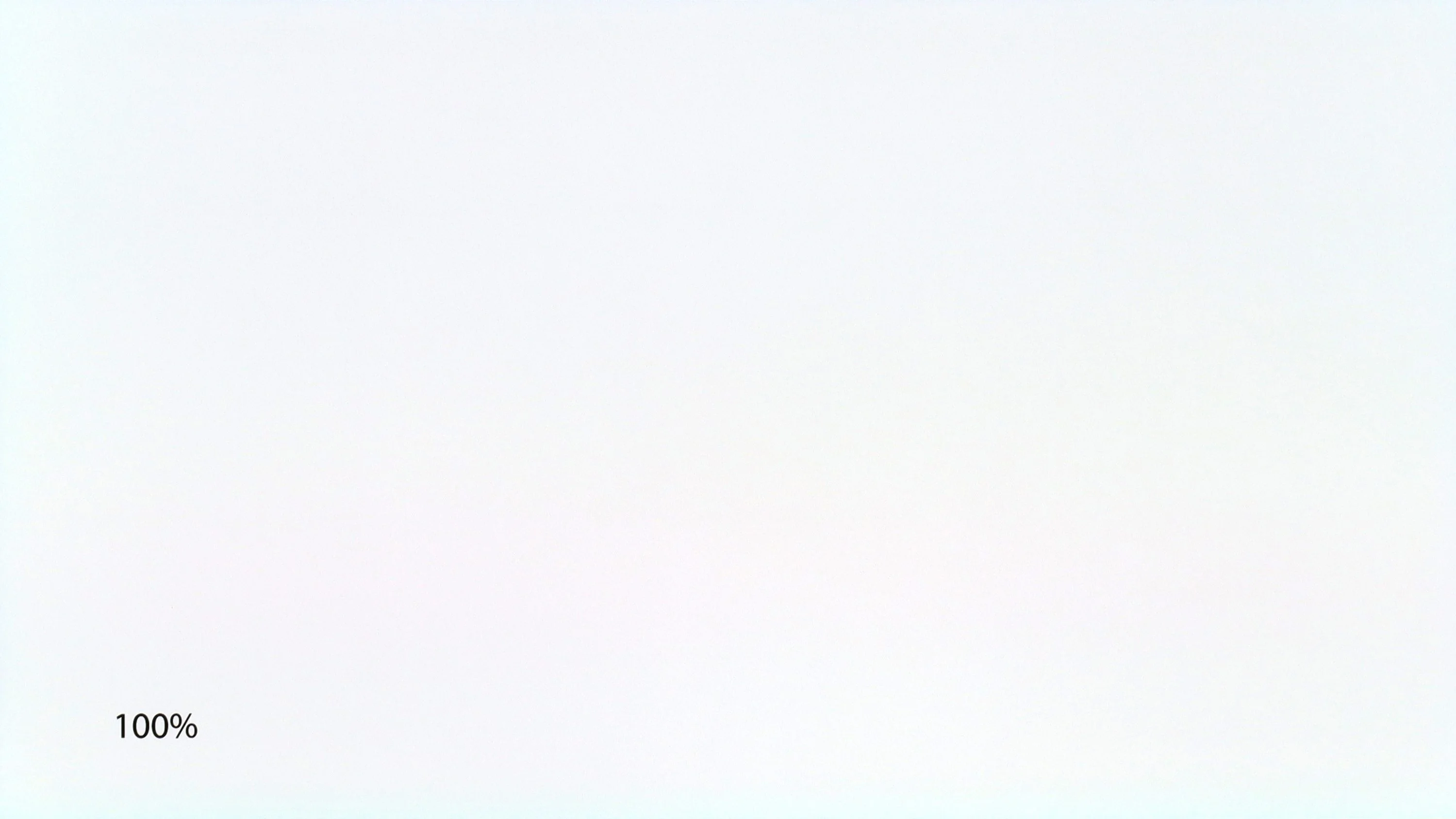
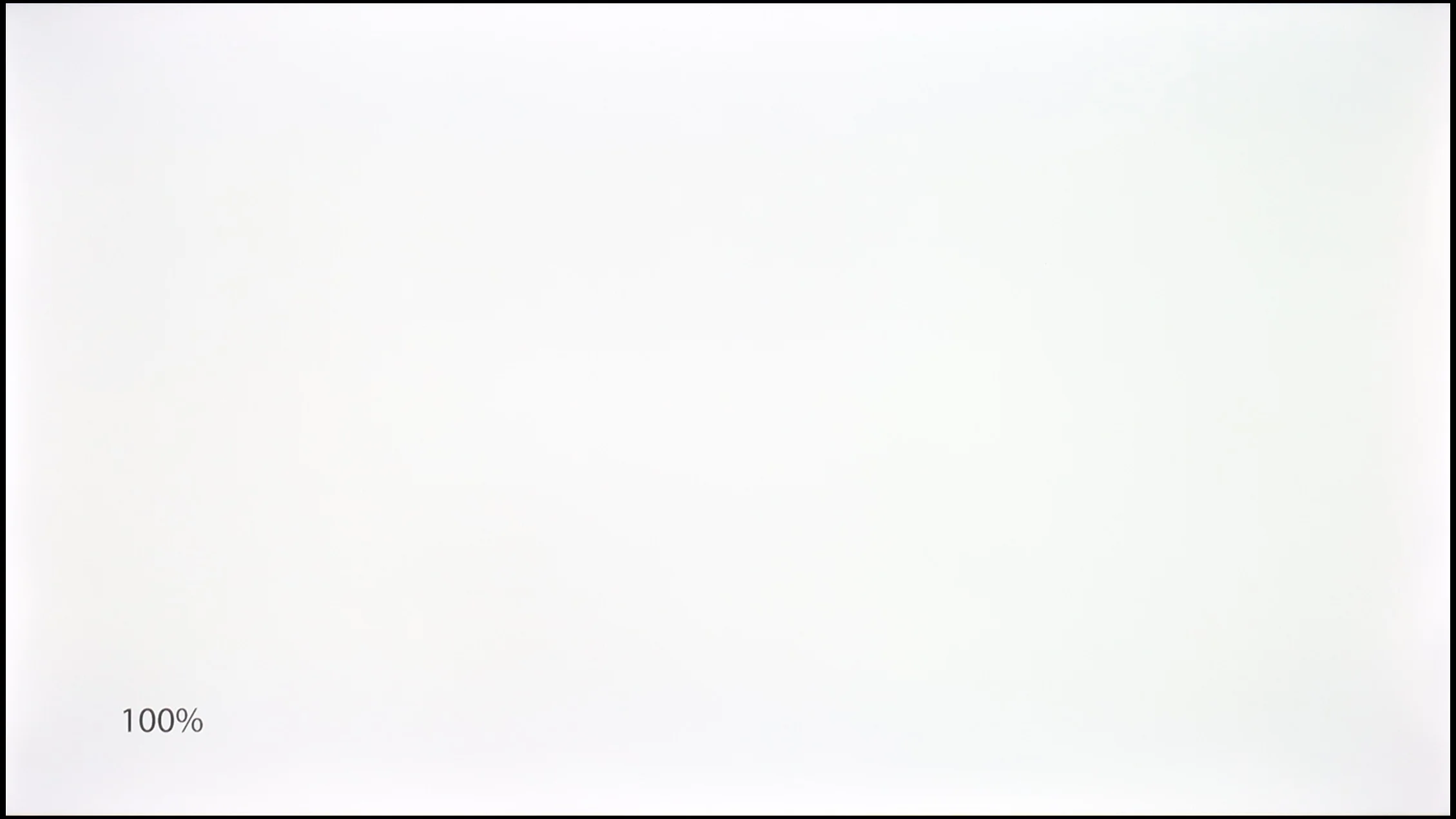
Samsung DU7192 (IPS)
XIAOMI A PRO 2026
TV features
5.5/10
6.1/10
- SystemTizenGoogle TV
- System performanceDecentPoor
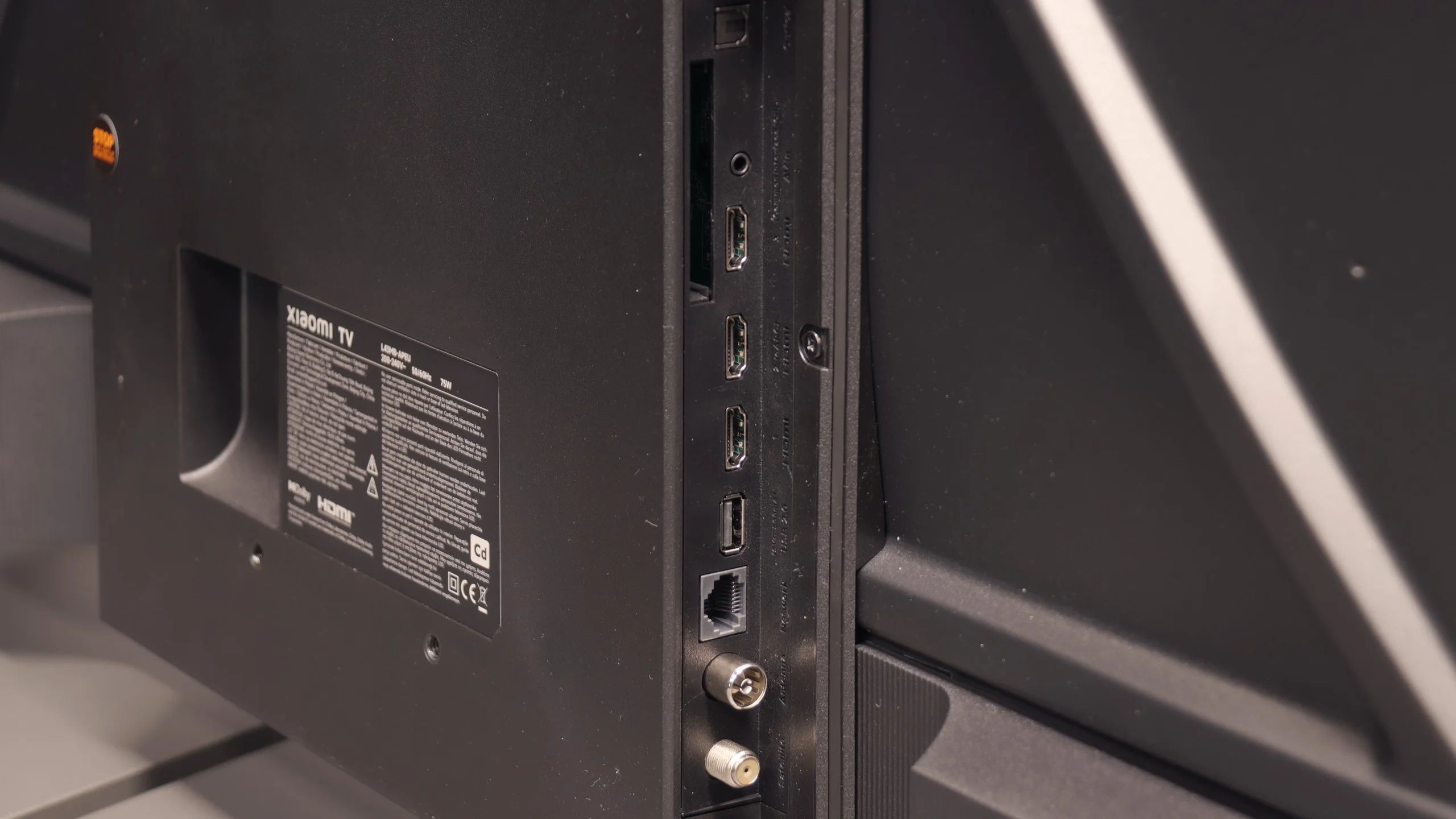
- HDMI inputs3 x HDMI 2.0, 0 x HDMI 2.13 x HDMI 2.0, 0 x HDMI 2.1
- Other inputsRCA (Chinch)
- OutputseARC (HDMI), ARC (HDMI)Toslink (Optical audio), eARC (HDMI), ARC (HDMI), Mini-Jack (Headphones)
- Network InterfacesWi-Fi 2.4GHz, Wi-Fi 5GHz, Ethernet (LAN) 100MbpsWi-Fi 2.4GHz, Wi-Fi 5GHz, Ethernet (LAN) 100Mbps
- TV receptionDVB-T, DVB-T2, DVB-S, DVB-S2, DVB-CDVB-T, DVB-T2, DVB-S, DVB-S2, DVB-C
Classic features:
- Recording to USB (terrestrial TV)
- Recording programming
- Picture in Picture (PiP)
- RF remote control (no need to aim)
- Backlit remote control
- Teletext
- Audio only mode
- Bluetooth headphones support
- Simultaneous Bluetooth headphones & TV audio
Smart features:
- AirPlay
- Screen mirroring (Windows Miracast)
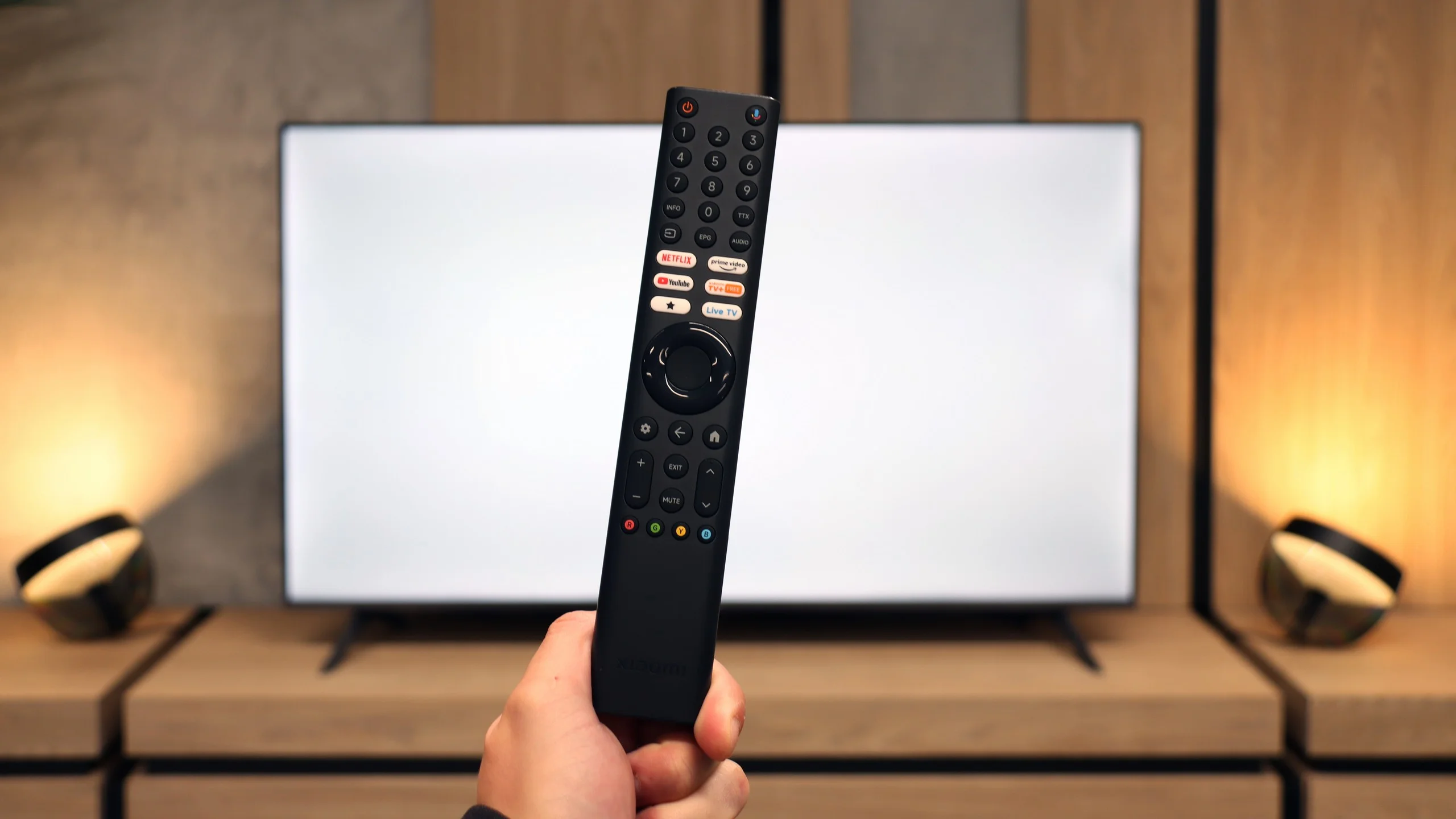
- Voice search
- Voice search in native language
- Ability to connect a keyboard and mouse
Sound connection options
- HDMI audioeARC (HDMI), ARC (HDMI)eARC (HDMI), ARC (HDMI)
- Other audio outputsToslink (Optical audio), Mini-Jack (Headphones)
- Wireless audioBluetoothBluetooth
Supported audio formats (external HDMI eARC audio):
- Dolby Digital Plus 7.1
- Dolby True HD 7.1
- Dolby Atmos in Dolby Digital Plus (JOC)
- Dolby Atmos in Dolby True HD
- DTS:X in DTS-HD MA
- DTS-HD Master Audio
Senior accessibility
- Numeric keyboard on TV
- Font size adjustment
- Audio description
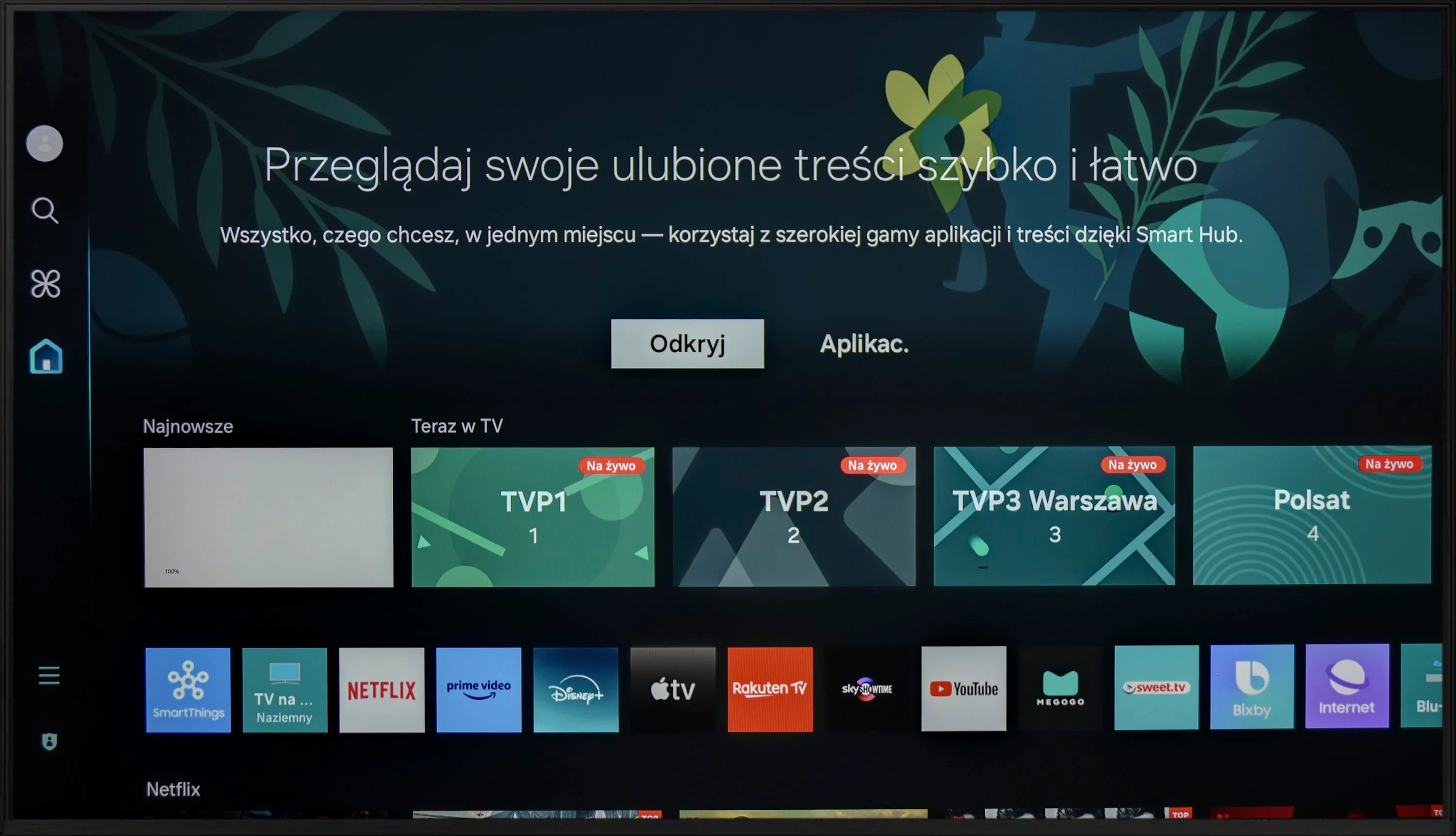
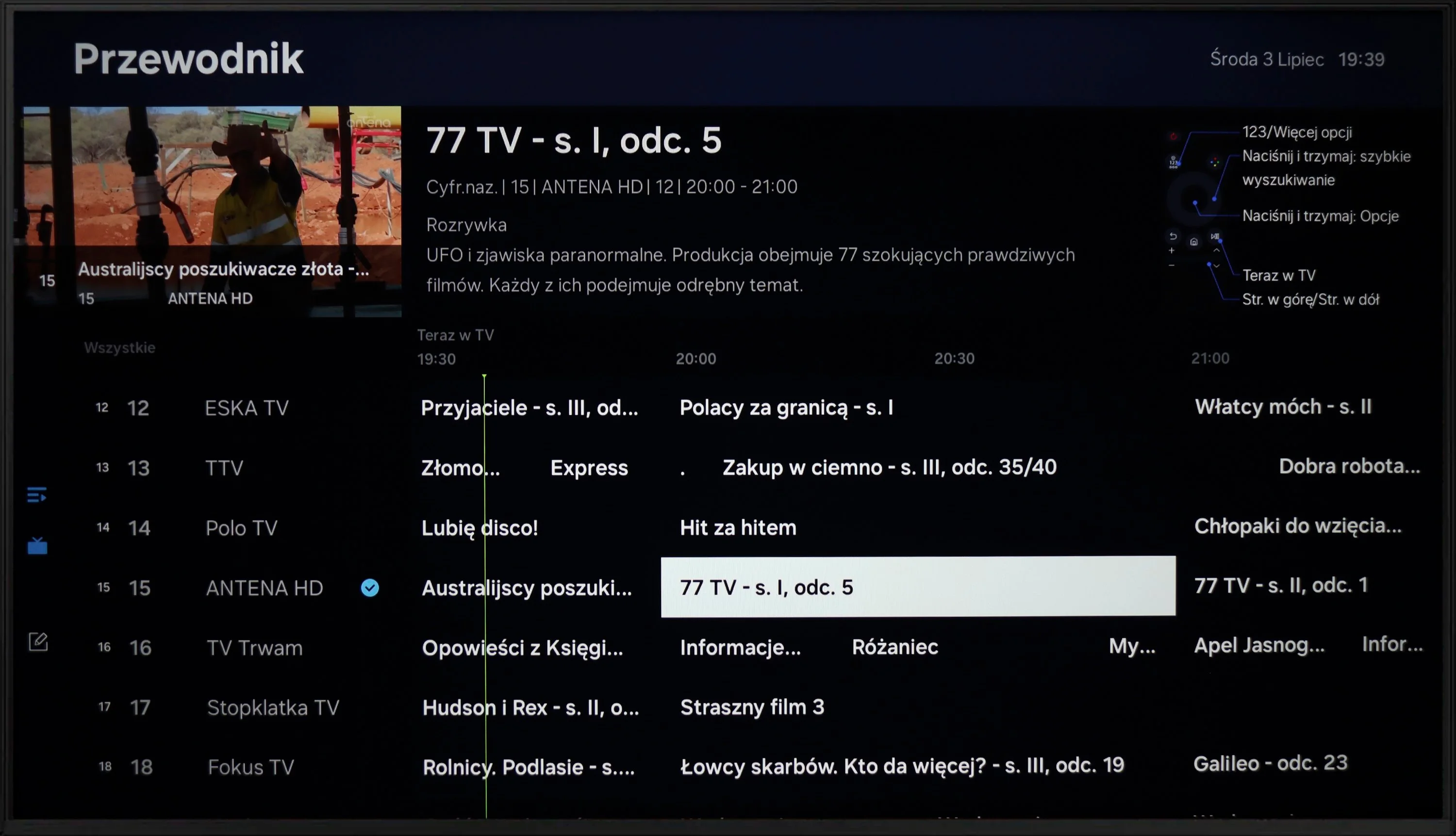
The operation of the Samsung DU7192 is powered by the proprietary Tizen system. This is quite well-known software, as the manufacturer has been developing it in its televisions for a really long time. Its main advantage is smooth performance and the absence of significant lags, which we can confirm through conducted tests. The biggest drawback, however, is its closed nature. Although the app store is quite extensive, we are still at the mercy of the manufacturer. Therefore, we will not be able to install any missing items, for example, from a USB drive. On the other hand, a benefit, especially for Apple device users, is the implementation of AirPlay, which allows easy mirroring of content from a device to the television. Fortunately, Samsung has also provided the option to connect a keyboard and mouse for much quicker navigation through the television menu. It is worth mentioning that the manufacturer has thankfully included a Bluetooth remote this year, which often wasn't the case in the past. The Tizen system has one more advantage. It integrates very well with external devices like the NC+ decoder or soundbars. The connection process is very quick and does not require special skills.
The Tizen system is very efficiently functioning software, which is certainly a strong advantage of the television. While more advanced users may complain about the lack of KODI, the rest will be satisfied.
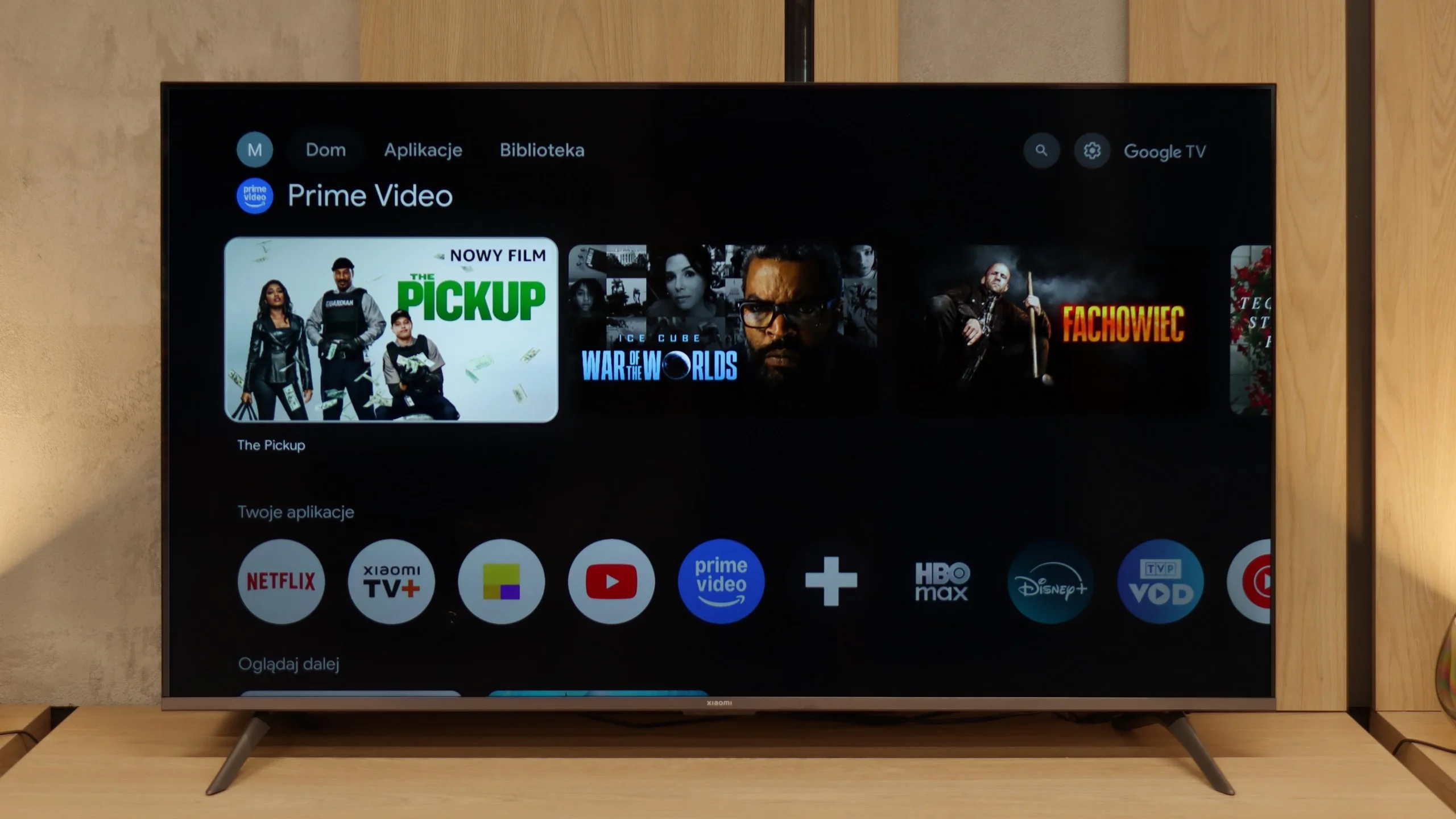
SmartTV - Google TV
The biggest advantage of the Xiaomi A Pro 2026 is the Google TV system. It is what gives the television a second life – you can run practically any application on it, from Netflix and YouTube to music services and lesser-known programmes from the Google Play Store. We are not limited to what the manufacturer has pre-installed, as is the case with other budget televisions. Additionally, we have AirPlay, voice search via Google Assistant, and even integration with Gemini. We did encounter a few minor hiccups – for example, streaming from a laptop did not always want to work – but despite these shortcomings, Google TV is a huge plus in this setup.
Classic TV Functions
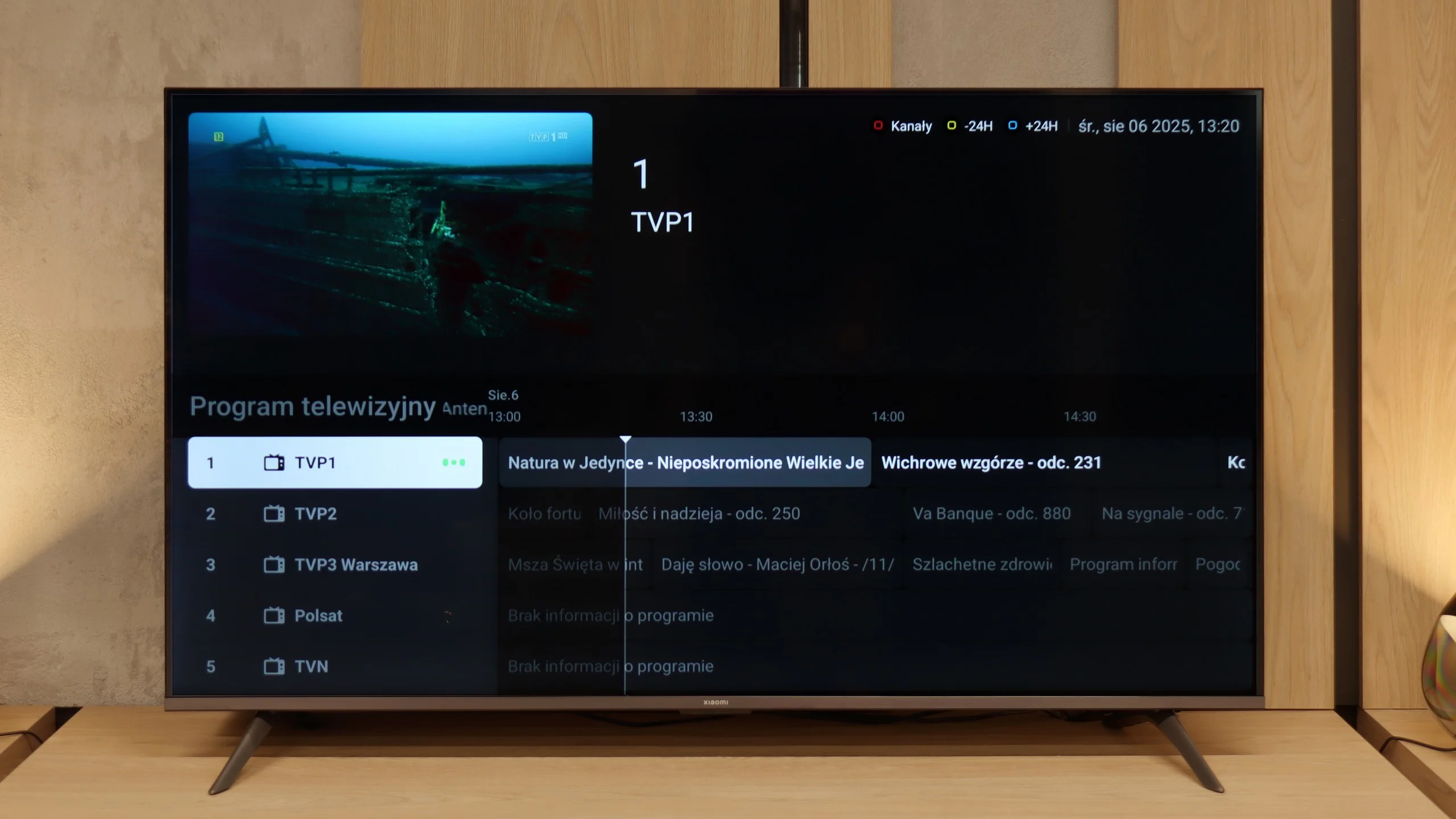
The Xiaomi A Pro 2026 can be termed a 'senior-friendly' television. The large remote control with a numerical keypad and a considerable number of physical buttons makes it intuitive to operate. Support for teletext and a clear EPG interface facilitate the use of classic television functions. We will not find many advanced features such as USB recording or the PiP function, but the presence of an analogue headphone jack output can be surprisingly practical for some users. It gives the impression of a set of features tailored to the needs of the most traditional viewers.
System Stability
However, not everything works as it should. During testing, we encountered irritating system lags, problems with Miracast, and issues when switching audio sources. There were even instances where it was necessary to reset the television by disconnecting it from the power supply. This simply shows that although Google TV offers huge possibilities, the stability in such a budget-friendly construct can still be quite problematic.
Apps
8.7/10
9.6/10






















Playing files from USB
9.1/10
6.8/10
Supported photo formats:
Maximum photo resolution:
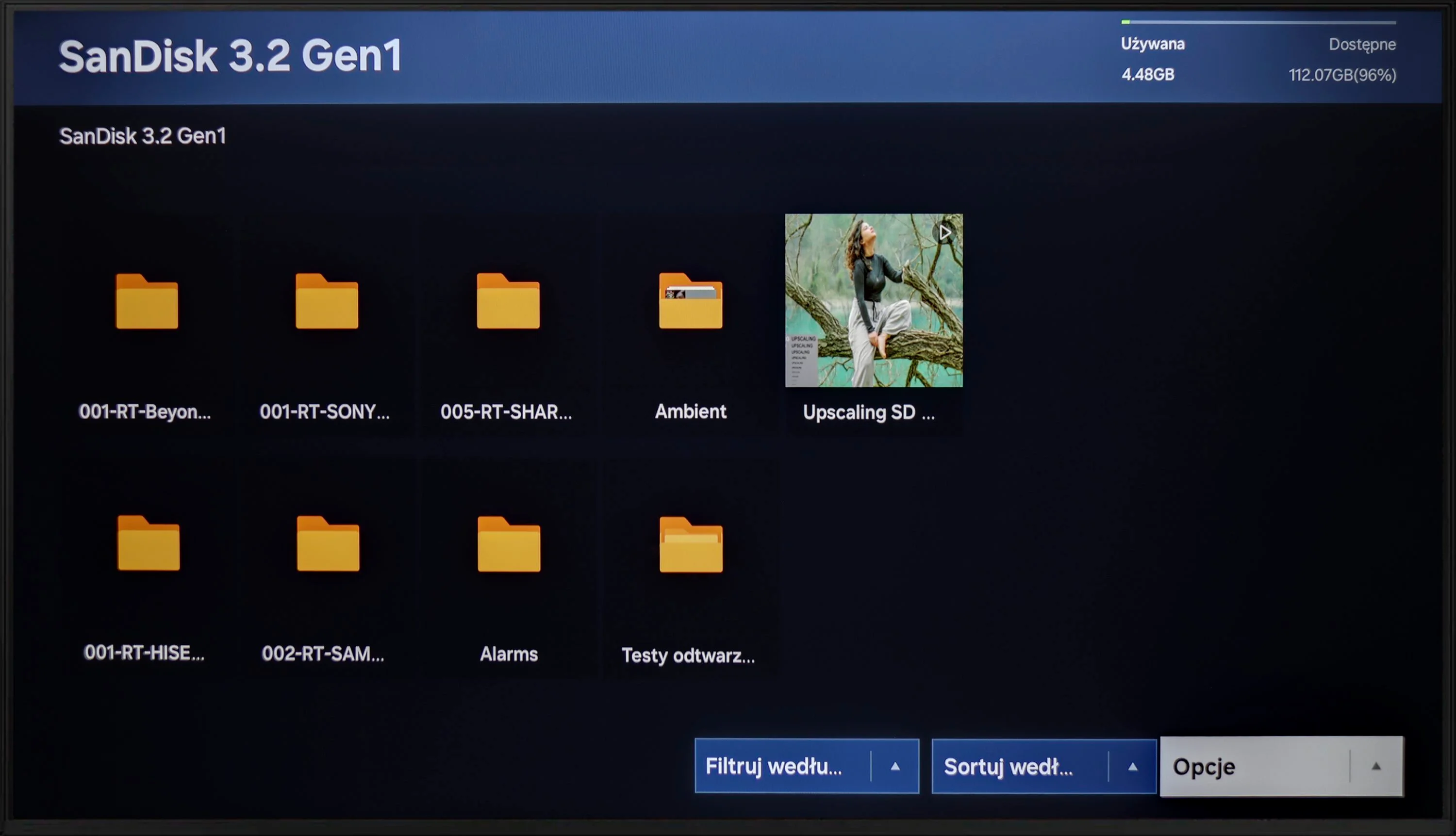
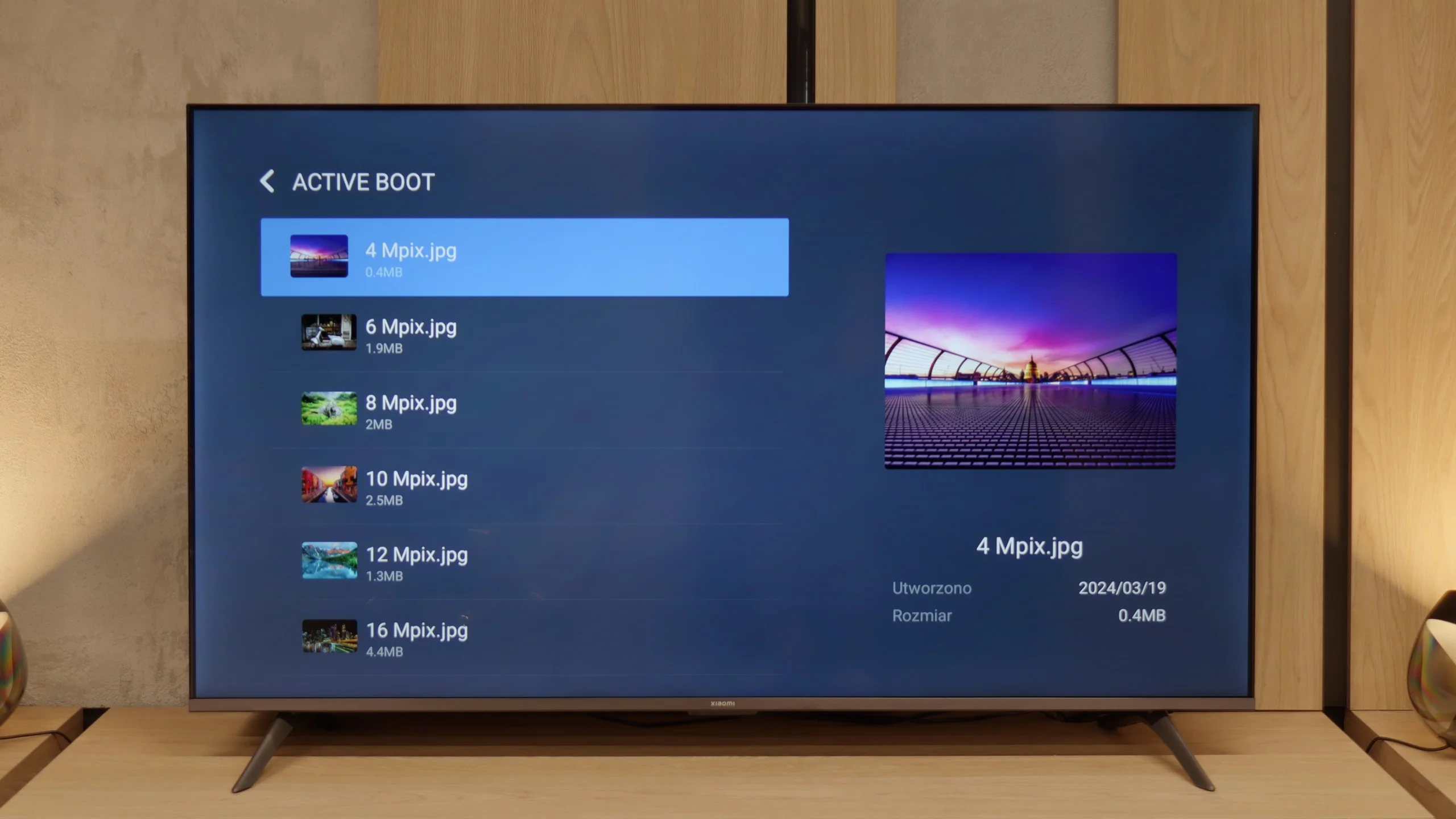
The built-in player Samsung DU7192 is a significant advantage. It handled almost all video and audio files prepared for the testing process excellently. The only exceptions in this regard are the Dolby Vision format (which is not surprising) and less popular codecs. Also worth noting is the support for Polish characters and the ability to change font colours. However, it performs worse with photo formats, as it only supports the popular JPEG. There is definitely a lack of formats such as PNG or Apple's HEIC.
The built-in media player in the Xiaomi A Pro 2026 is a real enigma. On one hand, it plays most popular audio and video formats without major issues. On the other hand, it can struggle with basic things like Polish characters. Files with letters such as ą, ł, ć or ś in their names often refuse to open or are displayed incorrectly. This looks strange, as we seemingly have codec support, yet the television simply gets lost on simple matters related to the alphabet. Fortunately, this is not a huge problem, as thanks to Google TV we can simply install another player, e.g. VLC. Then the issue with Polish characters disappears completely, and using multimedia becomes hassle-free.
Sound
5.4/10
5/10
- Maximum volume83dB81dB
- Dolby Digital Plus 7.1
- Dolby True HD 7.1
- Dolby Atmos in Dolby Digital Plus (JOC)
- Dolby Atmos in Dolby True HD
- DTS:X in DTS-HD MA
- DTS-HD Master Audio
When evaluating the sound from DU7192, it should be noted that its drivers are not the best. Unfortunately, this has consequences in the form of very poor sound quality. We recommend using half of the volume scale due to possible distortions. Fortunately, the television offers a wide range of audio codecs, including the two most important ones: DTS-HD Master Audio and Dolby Digital Plus, which allows for the transmission of surround sound to an external device. This ensures high sound quality that will satisfy users demanding better audio experiences.
Last year, the Xiaomi A Pro 2025 surprised us with really decent sound, considering it is a super budget television. Unfortunately, this year's edition – the A Pro 2026, has let us down across the board. The sound resembles the sensation of the equipment playing from underwater: flat, devoid of any bass or depth. The only upside remains the wide support for audio formats, such as Dolby Atmos or DTS:X, but in practice, it changes very little. If you are considering this television, you must immediately factor in a soundbar, as without it the audio experience will be quite disappointing.
Acoustic Measurements
No acoustic data
81dBC (Max)
75dBC
Reader comments
Comments are provided by the external service Disqus (Zeta Global). Once loaded, Disqus may set cookies and process data about your activity.
We will remember your choice on this device. Provider's privacy policy