Samsung DU7192 is a very budget-friendly solution that works best as a device for typical Sunday viewing. The television is best suited for daytime watching, as ambient light effectively masks its not-so-great blacks. Thanks to the IPS panel, even at an angle, the colours maintain their hues and saturation. The brightness of the Samsung DU7192 also suggests its intended use, which is television or YouTube, as HDR content on streaming platforms will be too dark. The greatest advantage of the television is the colour reproduction after undergoing a calibration process, as it produces good quality colours that allow for viewing materials in a quality quite close to that which the film director intended. Credit must also be given to the quality of tonal transitions, which are a definite highlight of this television, placing it well above its competition. As for minor features that can be considered good in the Samsung DU7192, there is computer compatibility and the operating system. The former performs remarkably well, and thanks to the properly implemented chroma 4:4:4, the tested television can successfully serve as a monitor, as the readability of fonts will be at a high level. The system, meanwhile, operates very smoothly and efficiently. During testing, there was no situation in which it froze. Additionally, the default media player is excellent and handled virtually every file we prepared for it. So, who is the Samsung DU7192 for? Primarily for less demanding individuals for whom the television serves merely as a small escape in their daily routine. The DU7192 Samsung features a modern and elegant design that will fit into most interiors. The matte frame finish adds style to the device, making it not only a functional but also an aesthetically pleasing element of living room decor. It is worth highlighting that the Samsung DU7192 has an exceptionally slim profile, which makes it easy to mount on the wall, thus saving space in the room. This is an ideal solution for those who wish to enjoy minimalism in their interiors without sacrificing high-quality equipment.
- Matching (Score) |
- Our verdict |
- TV appearance |
- Where to buy |
- Contrast and black detail |
- HDR effect quality |
- Factory color reproduction |
- Color reproduction after calibration |
- Smoothness of tonal transitions |
- Image scaling and smoothness of tonal transitions |
- Blur and motion smoothness |
- Console compatibility and gaming features |
- Input lag |
- Compatibility with PC |
- Viewing angles |
- Daytime performance |
- Panel details |
- TV features |
- Apps |
- Playing files from USB |
- Sound
Samsung DU7192 (IPS) vs TCL C69K / Q6C
 Direct comparison
DU7192 / DU7172

C69K / Q6C / C6K

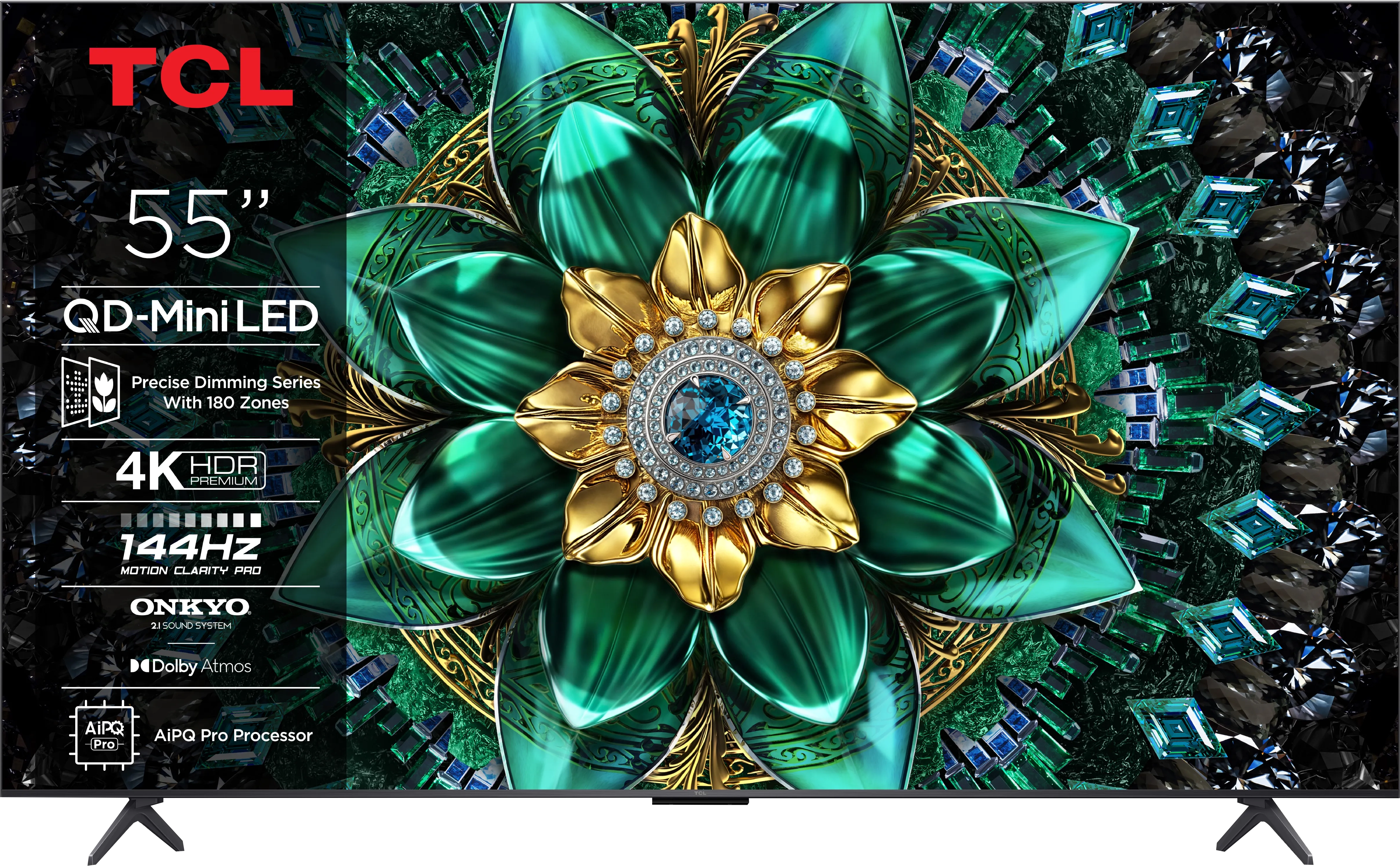
Panel type: LCD IPS
Resolution: 3840x2160
System: Tizen
Model year: 2024
Complete the survey to find out the result
Panel type: LCD VA
Resolution: 3840x2160
System: Google TV
Model year: 2025
Complete the survey to find out the result
Overall rating
5.0
7.1
 Movies and series in UHD quality
 4.6
6.7
 Classic TV, YouTube
 4.2
6.6
 Sports broadcasts (TV and apps)
 4.8
6.3
 Gaming on console
 6.4
8.4
 TV as a computer monitor
 6.0
8.6
 Watching in bright light
 2.8
6.4
 Utility functions
 5.5
7.0
 Apps
Apps 8.7
9.6
 Sound quality
 5.4
6.5
Complete the survey to find out what fits your preferences
Advantages

Excellent cooperation with the computer - low input lag, chroma 4:4:4
Faithful colour reproduction after calibration
Minimal colour degradation at an angle
Smooth operation of the Tizen system
Very good contrast and black: VA panel and MINI-LED backlighting
Good motion smoothness: High refresh rate of 144Hz
Decent panel brightness
Many features for gamers: VRR, ALLM, HDMI 2.1, HGiG
Additional mode for PC gamers: 240Hz
GoogleTV system with a wide selection of applications
Support for multiple HDR formats including Dolby Vision
Support for Dolby Atmos and DTS
Very attractive price
Disadvantages

Low HDR material brightness
Lack of tone transition smoothing features
Average image scaling
Management of backlighting could be more precise
Minor, occasional errors in the system
Slight ghosting visible in dynamic scenes
Great chaos in naming (many derivative models that differ in no way)
Our verdict
The TCL C69K / Q6C is a TV that perfectly targets gamers and movie fans on a reasonable budget. Its biggest strength is the combination of a VA panel with Mini-LED backlighting. Simply put, contrast is high and blacks are deep, making evening movie sessions look truly impressive. Add to that a 144 Hz refresh rate, which does wonders not only for sports but especially for gaming. And for gamers, it’s a full package: HDMI 2.1, VRR, ALLM, HGiG, and even a 240 Hz option for PC. Throw in Dolby Vision, which gives movies a cinematic touch, and you get a picture that’s just pleasing to the eye. On the software side, it runs Google TV with the Gemini AI assistant, so there’s no shortage of apps. The sound system holds up well too — Dolby Atmos and DTS support are nice additions, complemented by branded Onkyo speakers. Of course, it’s not perfect. The local dimming system can sometimes struggle in complex scenes, slightly lifting black levels. And those Polish translations in the menu... let’s just say they could use some work. Still, the C69K / Q6C makes a very strong case for itself. Considering the price, it’s one of the most interesting all-around TVs for both movies and gaming. Definitely worth watching out for during sales — and hoping for TCL’s usual post-launch firmware improvements.
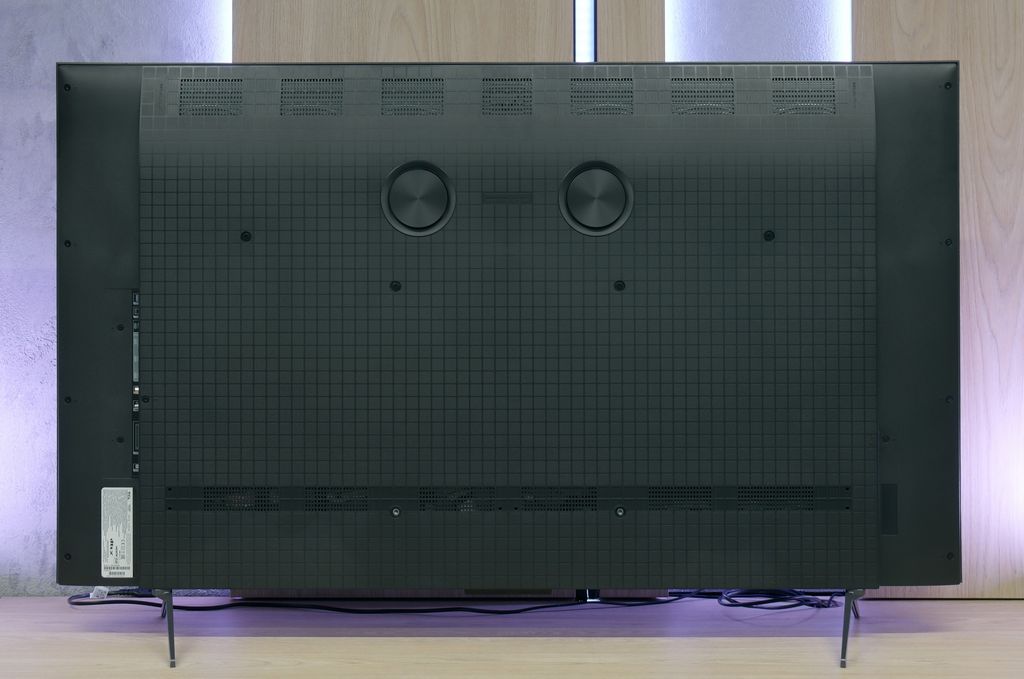
TV appearance



Contrast and black detail
1.6/10
7.3/10
Local dimming function: No
Local dimming function: Yes, number of zones: 180 (10 x 18)
Contrast:


Result
800:1

Result
950:1

Result
900:1

Result
900:1

Result
800:1
Result
113,750:1
Result
17,350:1
Result
16,300:1
Result
9,850:1
Result
4,850:1
Halo effect and black detail visibility:

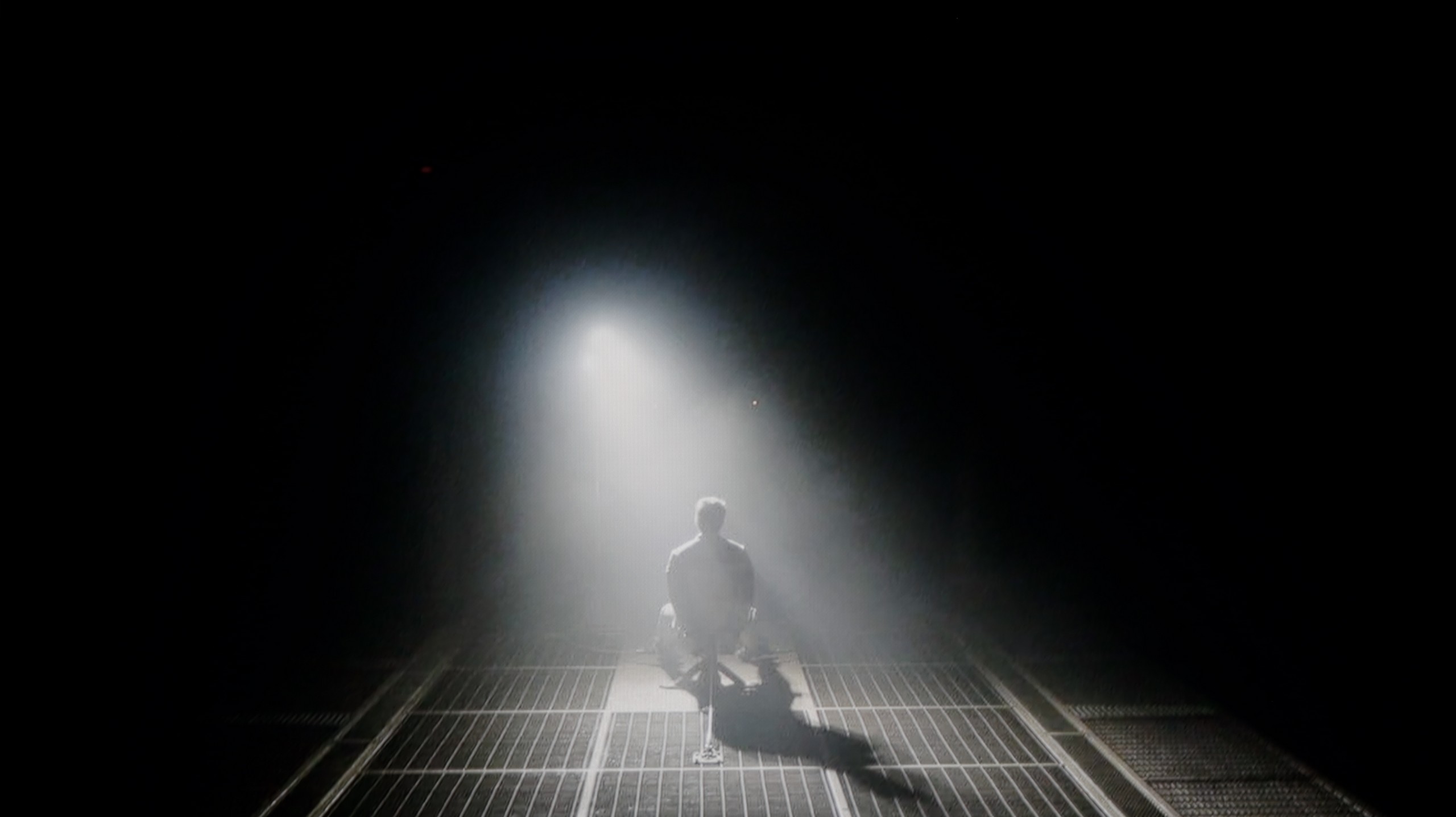
Check the visibility of bright lights on a dark background. Mini-LEDs often struggle with this. The photo does not compare black levels – that’s what the video below is for.
The video accurately shows differences in contrast and black levels between TVs, as well as potential issues: halo around bright objects or Mini-LED zone operation visible as brightness jumps.
Samsung DU7192 utilises an IPS panel, which, as can be seen, cannot boast the highest contrast and black levels. Measurements indicated that the tested television can only provide maximum values of around 950:1, which is a very low result and rather does not bode well for high performance in the context of home cinema. It is worth noting, however, that we are testing the 43" version, so in a different size, a different type of panel may be "in play". As for the panel used in the Samsung DU7192, it belongs to the lower categorised classes of IPS screens, as these can deliver significantly higher results. However, it should also be remembered that we are dealing with a very budget-friendly unit, which will find its application primarily in an additional room or serve as a cheap receiver for a senior, for whom the quality of the displayed image is often indifferent. In the first image from the film "Oblivion", we primarily see a deep navy black, but also very good separation of lights coming from the spotlight. For better visibility, we recommend examining the image in an enlarged view. Just as there was no significant reason to deny the performance of the television in the first scene, in the second from "Sicario 2", it can be said that it does not require further commentary. Due to practically zero contrast, the scene lacks any depth. There are also noticeable very strong overexposures at the corners of the panel, which are common in budget units. Notable positives include quite good detail specificity, however, this is looking for any positive amidst disappointing results.
The heart of the image in TCL C69K / Q6C is the VA panel (specifically HVA from TCL CSOT), which offers a solid native contrast of around 6000–7000:1, even before local dimming is activated. However, the true strength of this model lies in the Mini-LED backlighting with the ability to dim individual zones. In the 55-inch unit we tested, we counted around 180 of them (this value increases with the diagonal size). For this price segment, the contrast is indeed very impressive. In less complex film scenes, for example in segments from "Oblivion," it presents excellently, and shots immersed in black are very striking. Nevertheless, the characteristics of Mini-LED technology mean that we do not always avoid issues – in more demanding frames with many bright details, halo effects or excessive dimming of certain elements may occur (regardless of the selected local dimming settings). All in all, contrast is undoubtedly a strong point of the C69K / Q6C.
HDR effect quality
3.4/10
4.9/10
Luminance measurements in HDR:

Result
200 nit

Result
228 nit

Result
246 nit

Result
233 nit

Result
245 nit
Result
610 nit
Result
204 nit
Result
425 nit
Result
148 nit
Result
589 nit
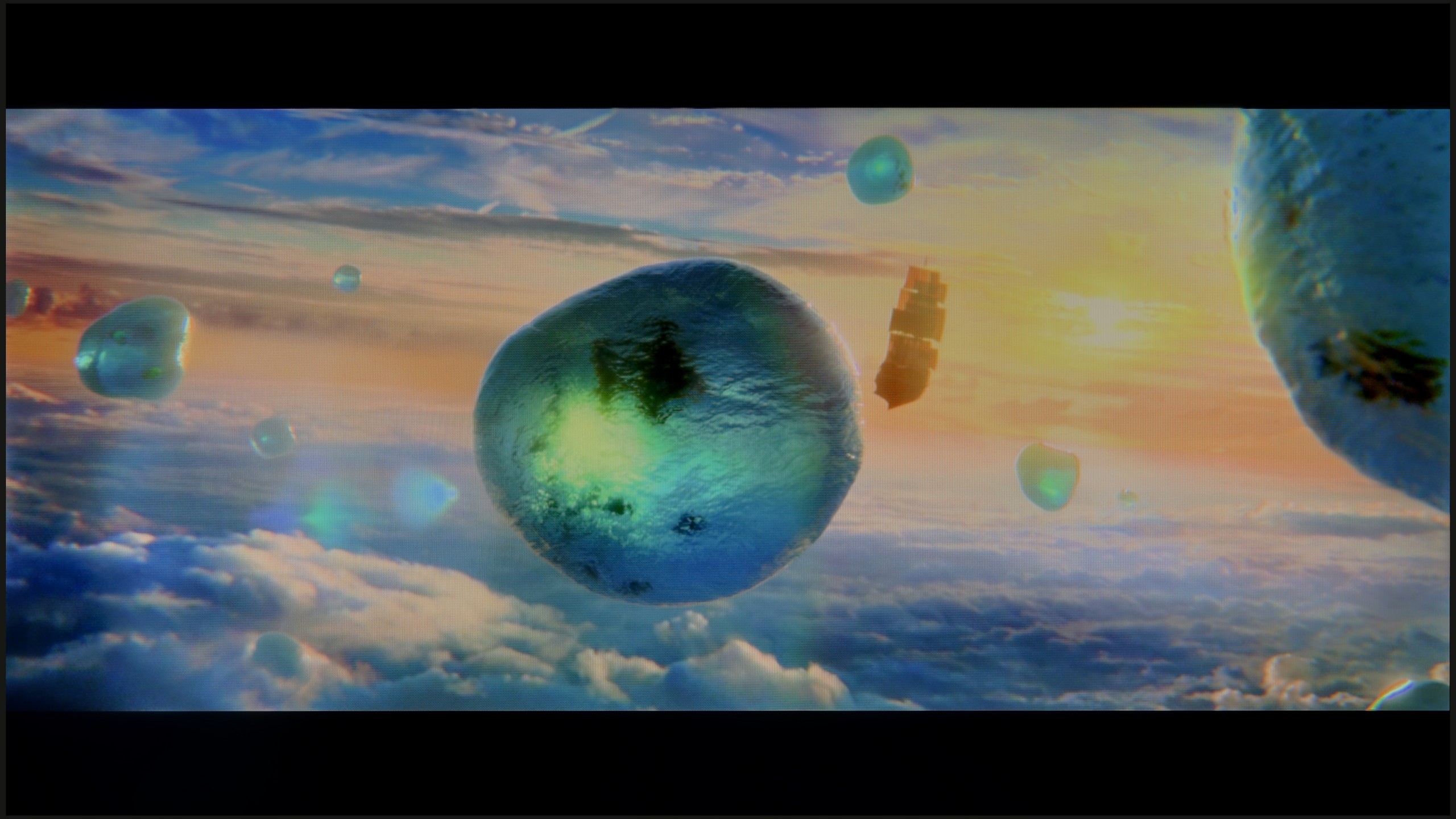
Scene from the movie “Pan” (about 2800 nits)

Scene from the movie “Billy Lynn” (about 1100 nits)

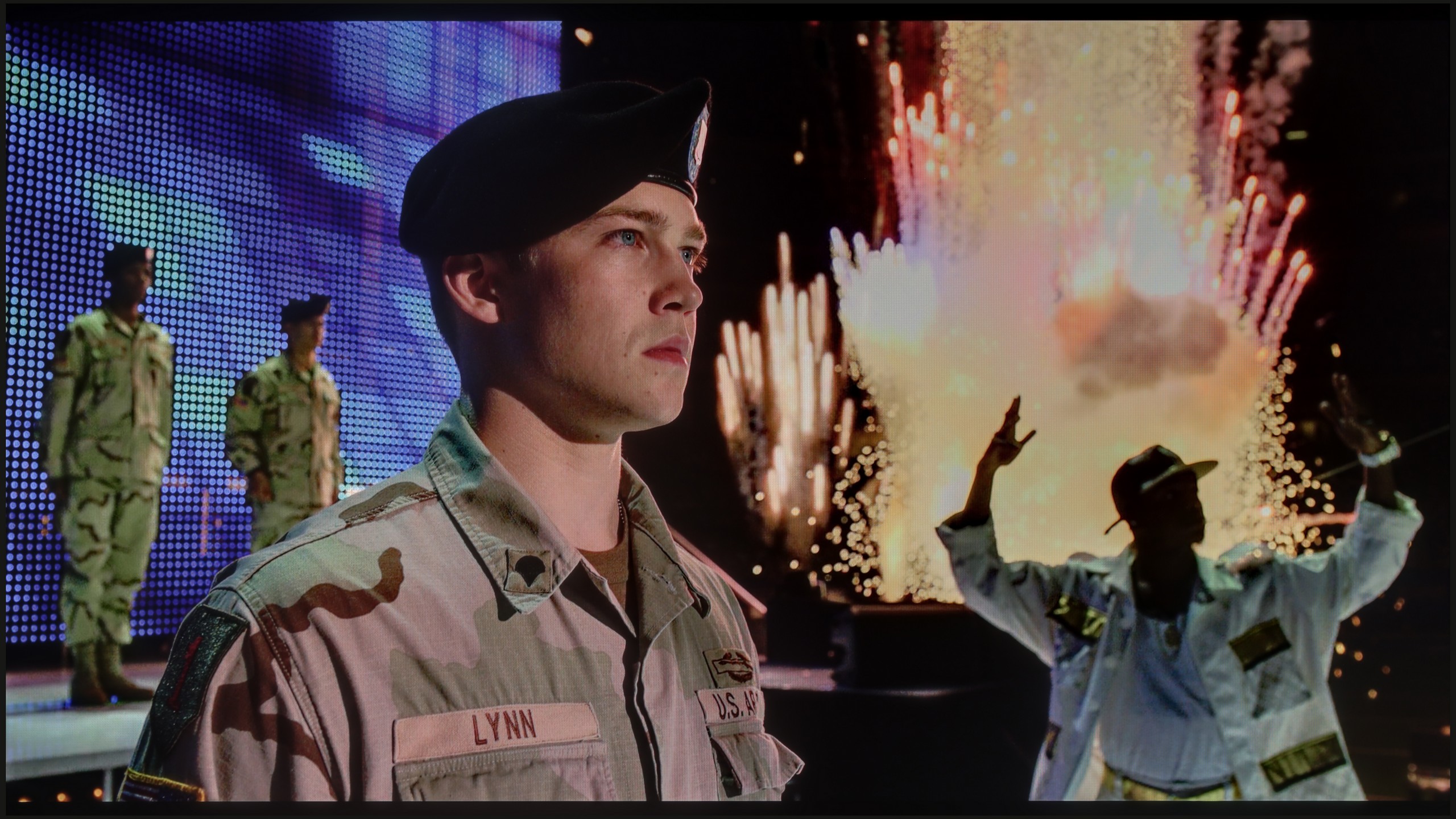
The photos show two HDR10 movies. 'Pan' is one of the brightest productions ever made, while 'Billy Lynn' (soldier) has brightness typical of streaming (Netflix, Prime, HBO MAX). Notice the intensity of effects and detail in whites.
Static HDR10

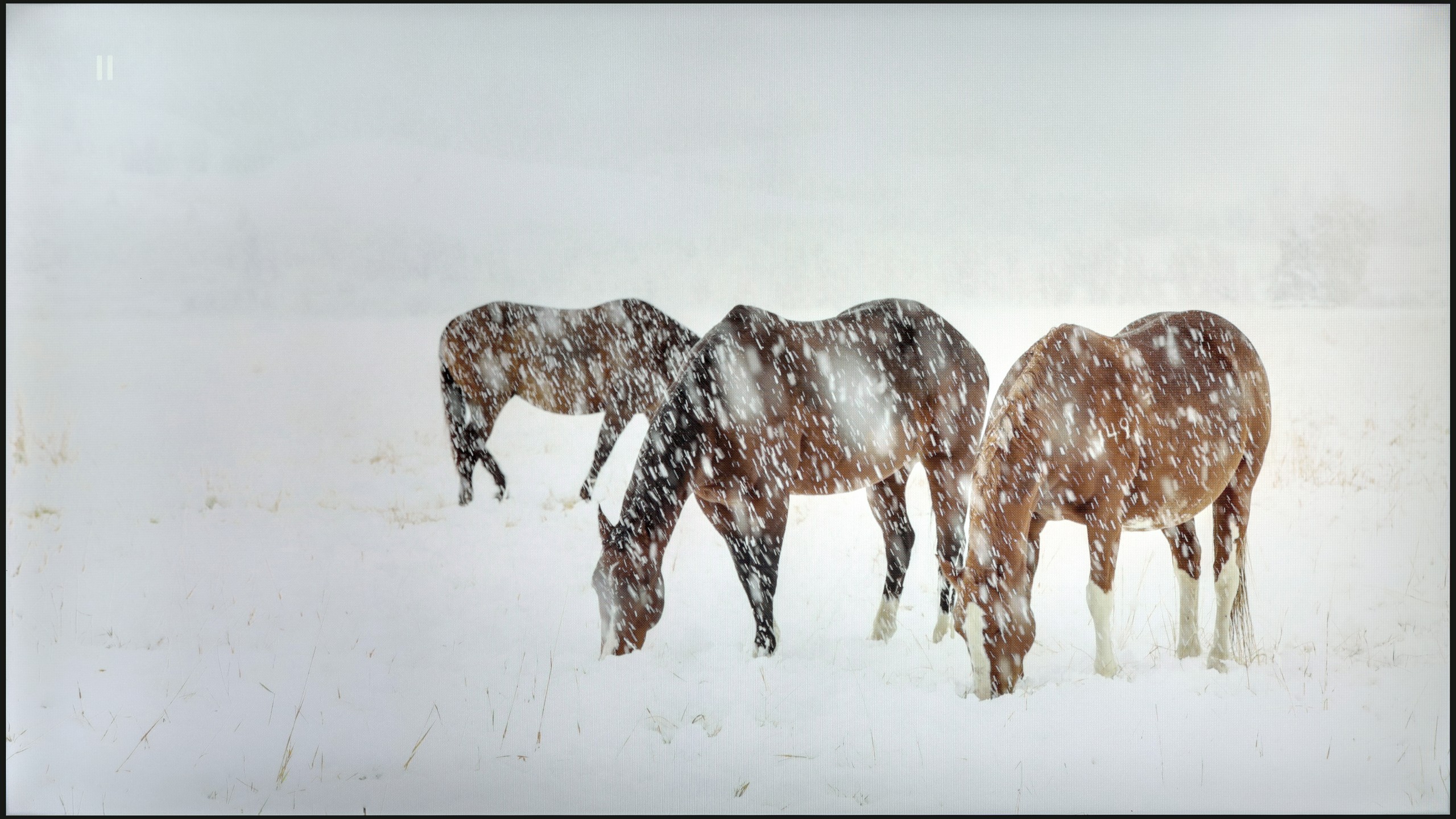
The photos present the visibility of white details in various HDR formats. They do not show brightness differences between TVs (these can be compared in the previous gallery).
Dynamic: HDR10+
Dynamic: Dolby Vision


The photos present the visibility of white details in various HDR formats. They do not show brightness differences between TVs (these can be compared in the previous gallery).
HDR luminance chart:
TCL C69K / Q6C
Samsung DU7192 (IPS)
The maximum luminance in HDR materials is 245 nits, which is often surpassed by even lower results. Such values will definitely not be sufficient for comfortable viewing of HDR materials due to the lack of appropriate image dynamics and colour inaccuracies caused by the low brightness of the unit. Although the manufacturer has equipped its device with HDR format offering dynamic metadata, HDR10+, which is what we are referring to, is very rarely used compared to Dolby Vision, which Samsung has not yet introduced in its televisions. It is also worth mentioning that Samsung DU7192 offers only 82% coverage of the wide DCI-P3 colour gamut, which is another reason we should not supply a signal in wide dynamic range, as colour losses will be very noticeable. Samsung DU7192 provides high-quality images that will satisfy most users.
In terms of brightness, TCL C69K / Q6C is a moderate model. In optimal film conditions, it shows its full potential, achieving a maximum of around 600 nits. In scenes with large, intense light sources, the HDR effect can be truly satisfying, providing a cinematic shimmer. However, it should be noted that when managing backlight zones, there are situations where parts of the image become dimmed, and sometimes they are barely visible. This suggests that there is still a lack of proper optimisation of the algorithms; however, considering the technical parameters in this price range, the design itself still presents very well.
Factory color reproduction
4/10
5/10


This gallery shows how colors change after professional TV calibration. If you notice the difference, we recommend ordering this service at SkalibrujTV.com.
Factory Mode
After calibration


This gallery shows how colors change after professional TV calibration. If you notice the difference, we recommend ordering this service at SkalibrujTV.com.
Factory Mode
After calibration
The best factory mode we used throughout the testing process was "Filmmaker". This, like the vast majority of modes, had its drawbacks. Starting with the most basic chart, which is the white balance, we can notice a pronounced dominance of red, both in SDR and HDR modes. Although there was also some green in the latter, it did not significantly affect the overall impression. A chart with such results, in both cases, gives us an image characterised by strong yellowing, clearly visible on whites and on the faces of the actors. Another important chart, if not more important, is gamma. This, which is meant to control contrast in materials with a standard colour palette, was quite good in factory mode with one caveat regarding the low end. In the darkest scenes, it was significantly lowered, which led to strong brightening, resulting in the film lacking contrast and all suspense. As we mentioned, HDR materials in terms of white balance remained at a similar level. The main change is the EOTF curve chart. At the very beginning, we can observe a bulge, which, just like in the case of gamma, significantly brightened the darkest scenes. However, the chart then changed its characteristics significantly and the measured result dipped below the reference line, causing the film to lose even more dynamics.
The Filmmaker mode, which has made its debut in this year's TCL televisions (including the C69K / Q6C), is definitely the best choice "to start with." This is the mode we recommend for daily film and series viewings. Unfortunately, as is often the case, best does not mean perfect. In SDR material, the image proved to be too warm, with a pronounced red tint in the white balance. We had the opposite impression with HDR content – here the image became cooler than it should, due to an excess of blue. Additionally, there is the characteristic of brightness, which at times resulted in overexposure. In practice, this translated into quite noticeable errors in colour tests, which is difficult to accept in a mode branded as "from the creators."
Color reproduction after calibration
5.9/10
7.5/10

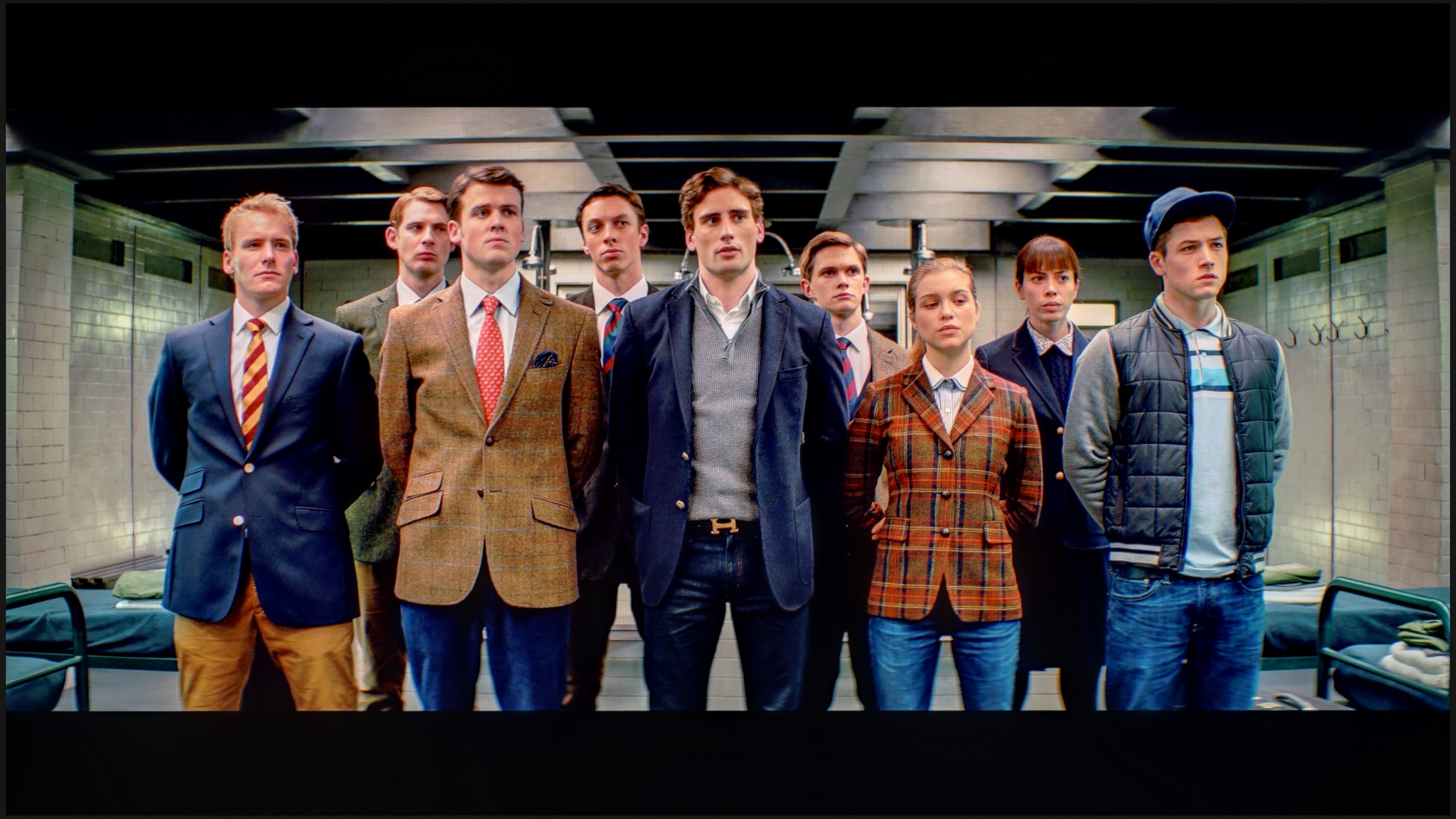
The photos show how movies look on the TV. Pay attention to black detail visibility, colors, and shadow tint.

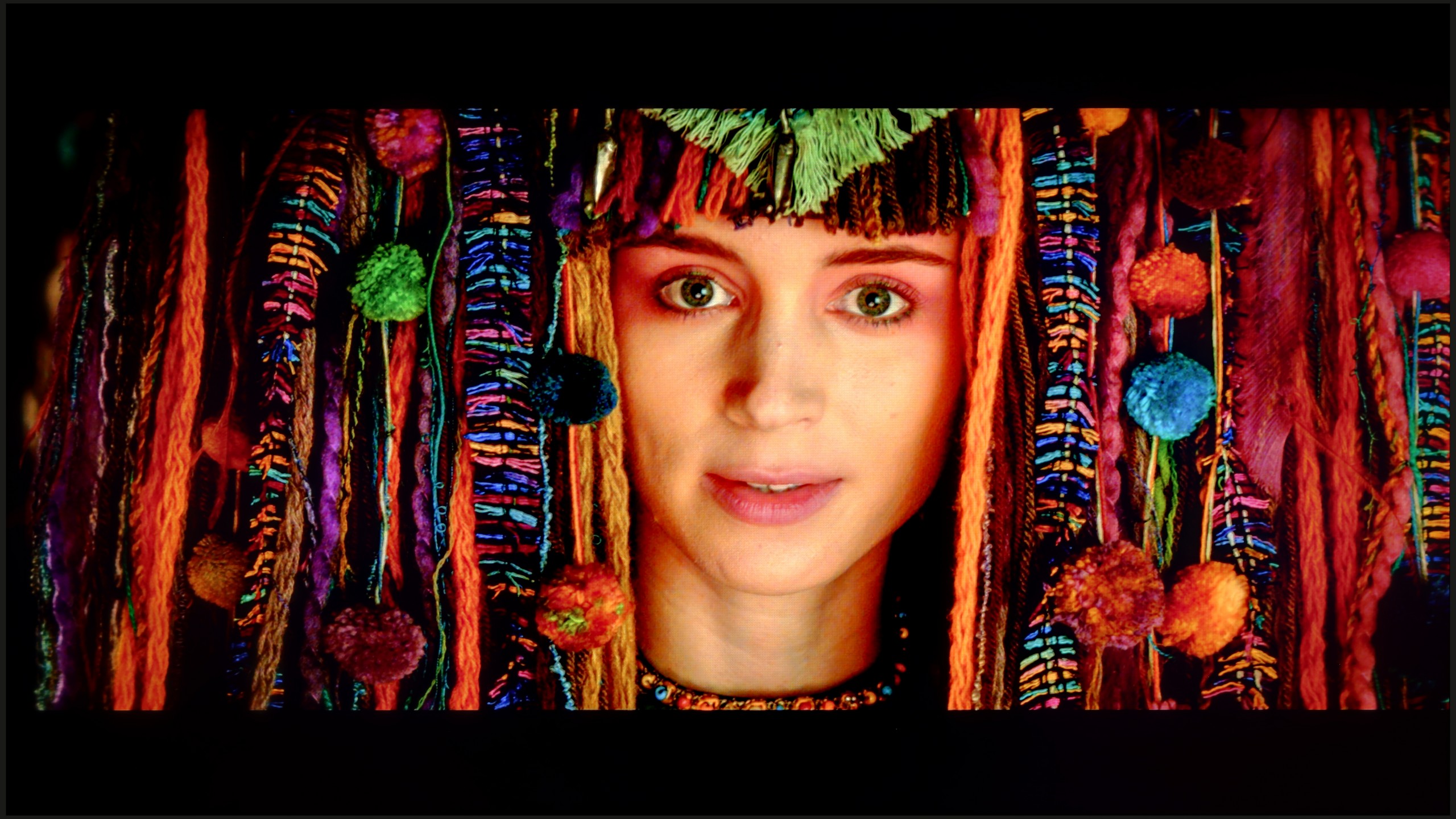
The photos show how movies look on the TV. Pay attention to black detail visibility, colors, and shadow tint.
Samsung has equipped even its lowest-end televisions with advanced tools for the calibration process. So we got to work, and the results of our efforts are more than satisfactory. The white balance, which previously had a strong yellow tint in both scenarios, now looks much, much better, even if there are slight deviations from the norm. The image will still look significantly cleaner than it did before the calibration process. We managed to model the gamma in SDR materials very well, ensuring that the image will be as contrasty as the television allows. The EOTF curve has also changed its face and no longer brightens or darkens the image in such a drastic way. However, it's worth mentioning that in the case of HDR materials, deltaE errors are still very high, but this is due to the insufficient brightness of the unit.
Through white balance correction, we were able to significantly reduce the tendency of C69K / Q6C to distort colours, which yielded a very good final result. After calibration, the issue of excessive warming of scenes in SDR and excessive cooling of the image in HDR disappeared. However, it is worth analysing the brightness characteristics more closely. While in SDR content it is hard to have major objections – the image looks really good, especially in older films, TV programmes or on YouTube – it performs significantly worse in the case of HDR content. Analysis of the EOTF curve suggests that everything is fine, yet in practice (EOTF in films) the limitations of the design itself become apparent. This model has a tendency to excessively brighten small parts of the frame, only to overly dim the entire scene in other situations. The effect of calibration is therefore undeniable, and in terms of colour reproduction, C69K / Q6C gains a lot. Unfortunately, certain limitations arising from local dimming management simply cannot be bypassed.
Smoothness of tonal transitions
7.7/10
9.5/10


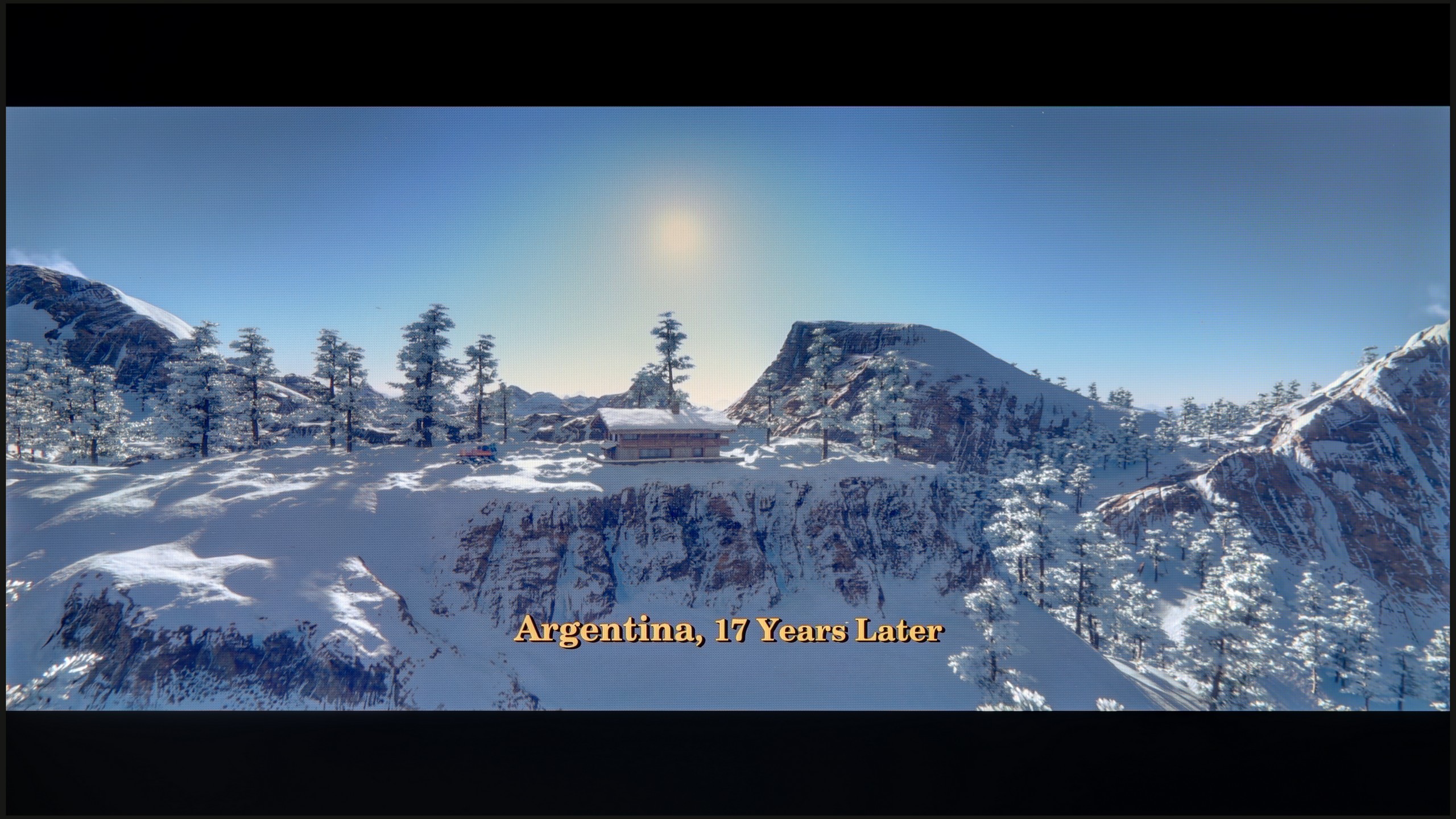
These are selected scenes that show smooth tonal transitions from one color to another. If you see distinct banding, it’s the TV panel’s fault.
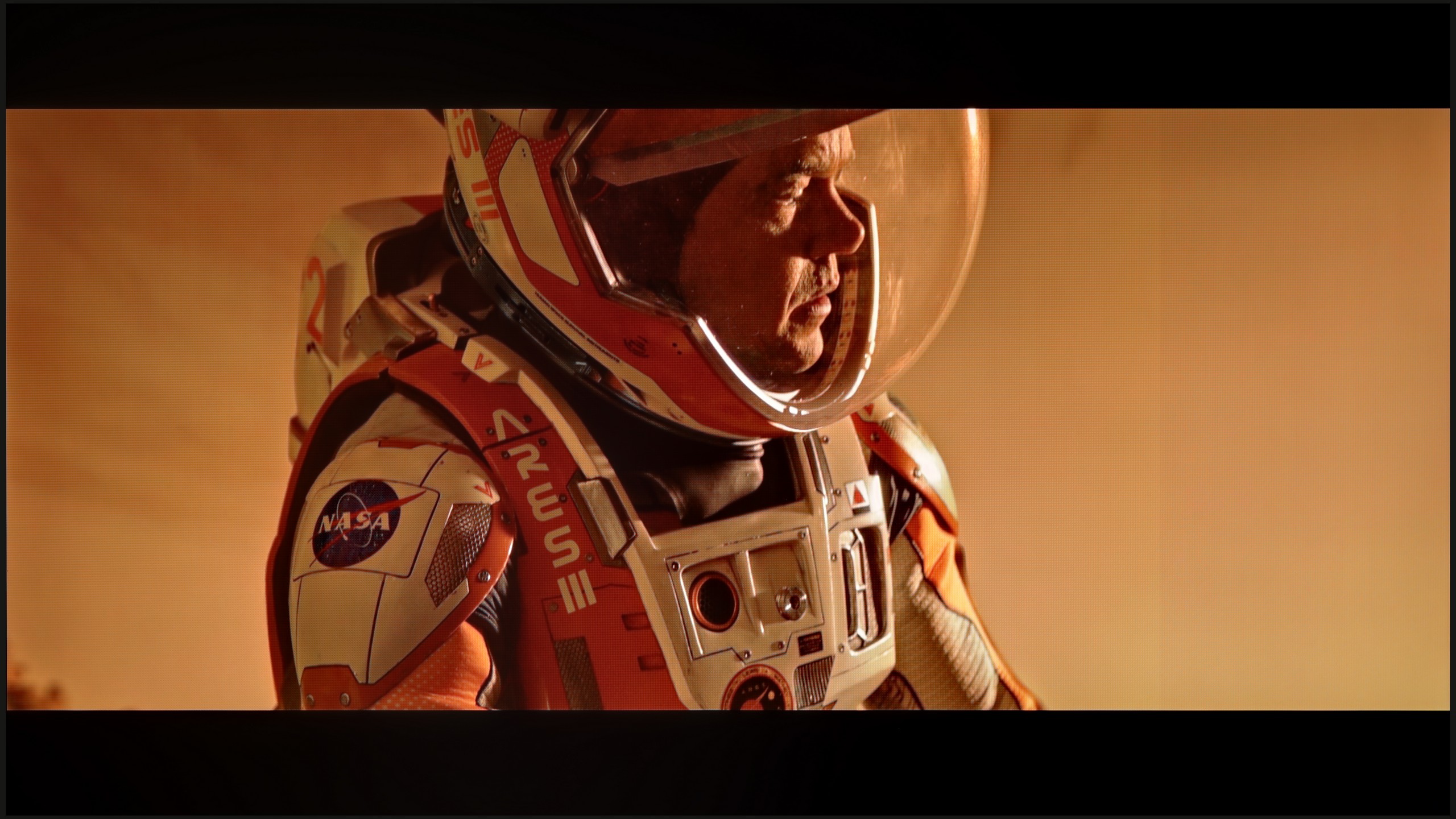
These are selected scenes that show smooth tonal transitions from one color to another. If you see distinct banding, it’s the TV panel’s fault.
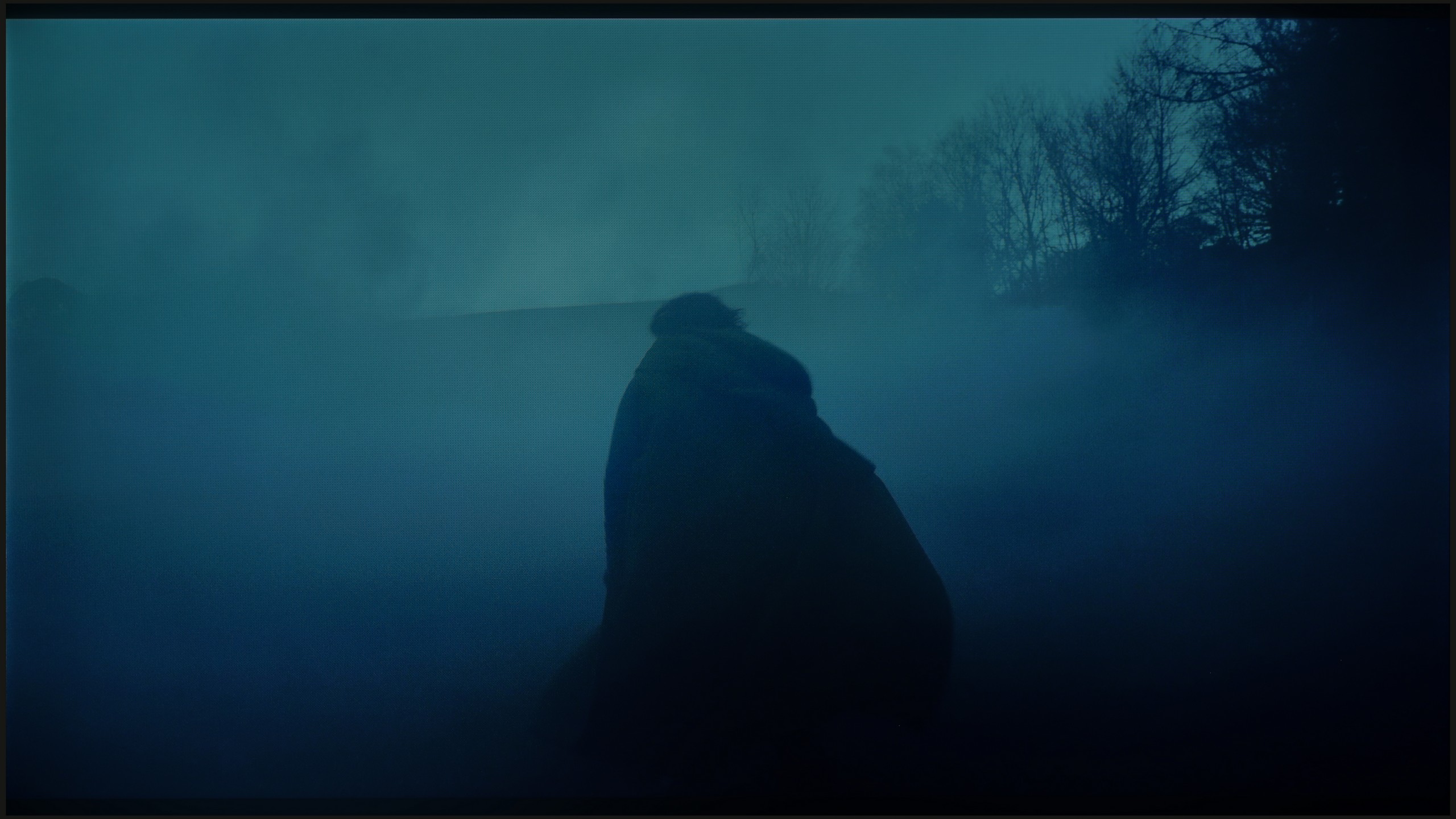
These are selected scenes that show smooth tonal transitions from one color to another. If you see distinct banding, it’s the TV panel’s fault.
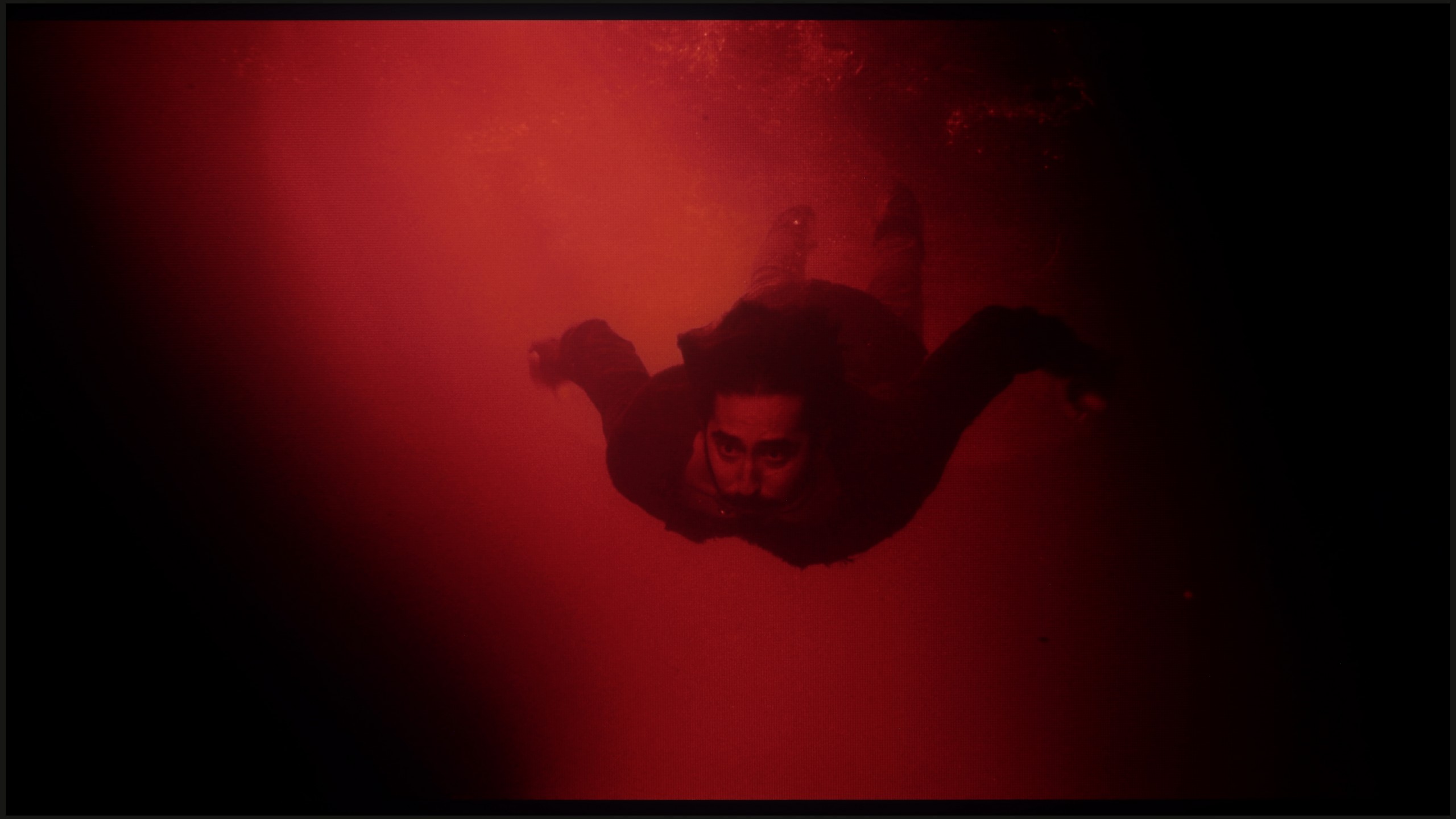
These are selected scenes that show smooth tonal transitions from one color to another. If you see distinct banding, it’s the TV panel’s fault.
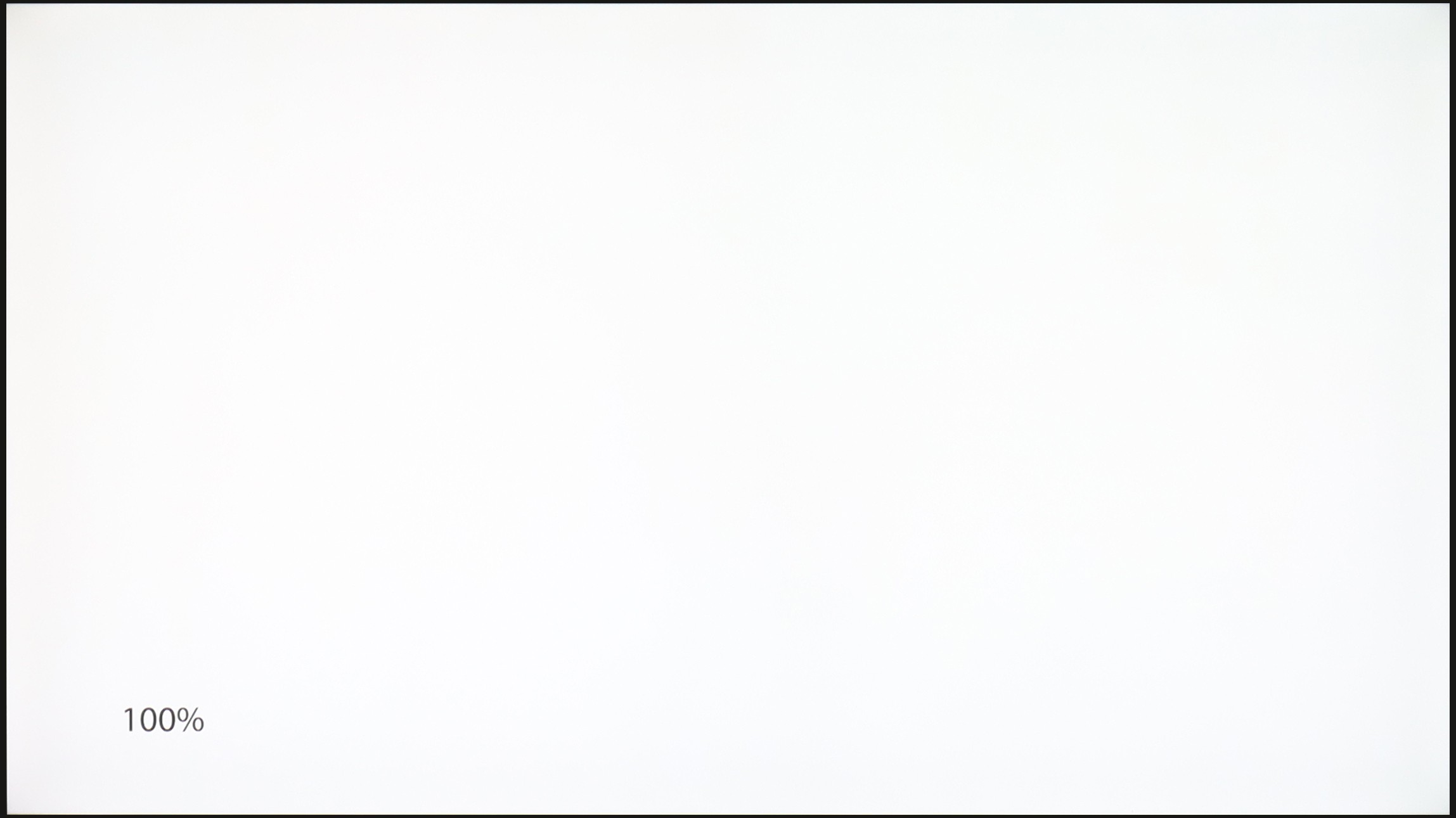
The place where we must commend the television Samsung DU7192 is our procedure for checking the fluidity of tonal transitions. The tested television managed these very well, and in practice, there is nothing that could subject us to any inconveniences. The only place where something can be noticed is in the last scene and the slight posterisation in the reds on the left side. At this point, we must also highlight one more issue, which is no longer related to this testing procedure. Namely, in the vast majority of scenes, there are strong inconsistencies in the backlighting, which will be much more bothersome in the context of evening watching.
In the model C69K / Q6C, tonal transitions (between colours) are very smooth, and it is difficult to notice any banding. The image appears natural, and any minor imperfections are only visible on bright test screens, and that requires very careful scrutiny. In everyday viewing, the effect is simply outstanding. It can be confidently stated that in this category, C69K / Q6C performs exceptionally well.
Image scaling and smoothness of tonal transitions
3.2/10
5/10


Smooth transition function

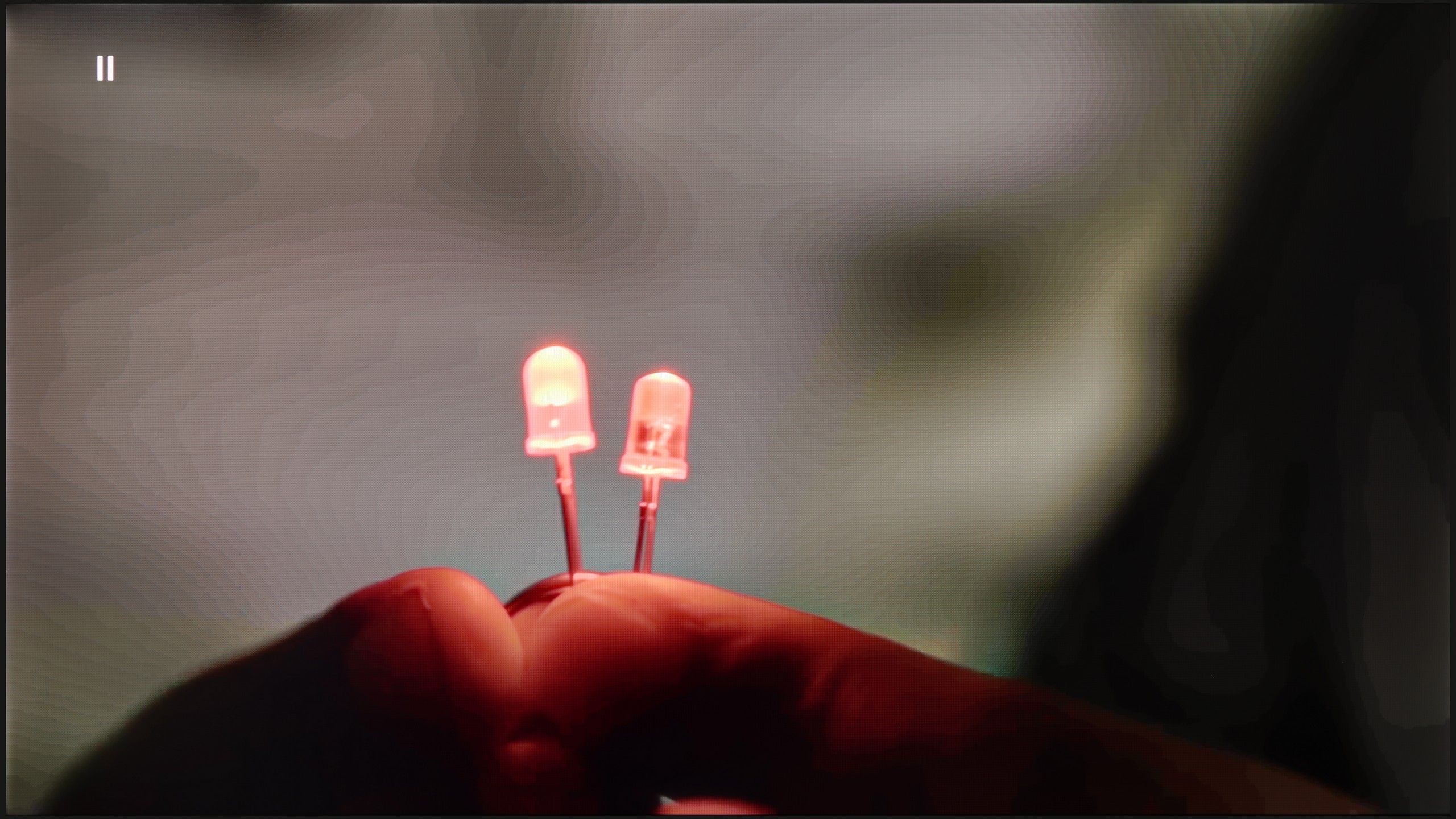
The match photo shows how the TV smooths weak tonal transitions in low-quality video.
Image scaling SD (576i)


The model photo shows how it handles upscaling of SD material.
Let's return for a moment to the feature of smoothing tonal transitions. We can set it in only two ways - off and auto. As one can easily guess, the former causes significant problems with gradation. However, if we set the latter, both films and series will offer us smooth transitions of colours. It is worth mentioning, though, that this feature has its drawbacks. It greatly interferes with the director's intent, softens the film grain effect, and, what’s worse, often misinterprets small details, also blurring them. In light of this, we conclude that the feature does not exist and do not recommend using it, as this is exactly how the tests of smoothness of tonal transitions were conducted on the tested display.
The next thing we will check in this paragraph is the image scaling process, which is extremely important when watching materials in a lower resolution. Unfortunately, as this is the manufacturer's lowest model, this function does not work very well. All details are heavily blurred, and a characteristic white halo surrounds the characters.
In terms of image scaling, TCL C69K / Q6C performs quite well. Lower quality content appears acceptable, and thanks to the lack of overscan issues, the image is displayed in full without any cropping. However, one should not expect miracles – very low-quality materials will not gain a second life here, as the image processor has its limitations.
Thin lines and details exhibit characteristic tearing, which reveals the absence of more advanced image enhancement algorithms. It is also a pity that the C69K / Q6C lacks a tone transition smoothing feature. As a result, in older films or video materials, banding of colours can be visible and may become distracting during prolonged viewing.
Blur and motion smoothness
4.9/10
7.3/10

Blur (native resolution, maximum refresh rate):


Blur (BFI function enabled):
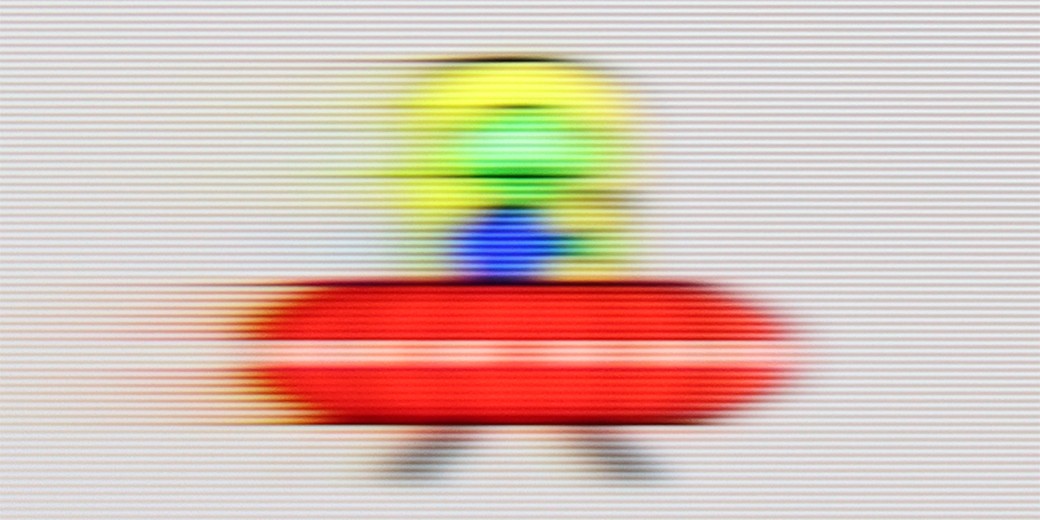
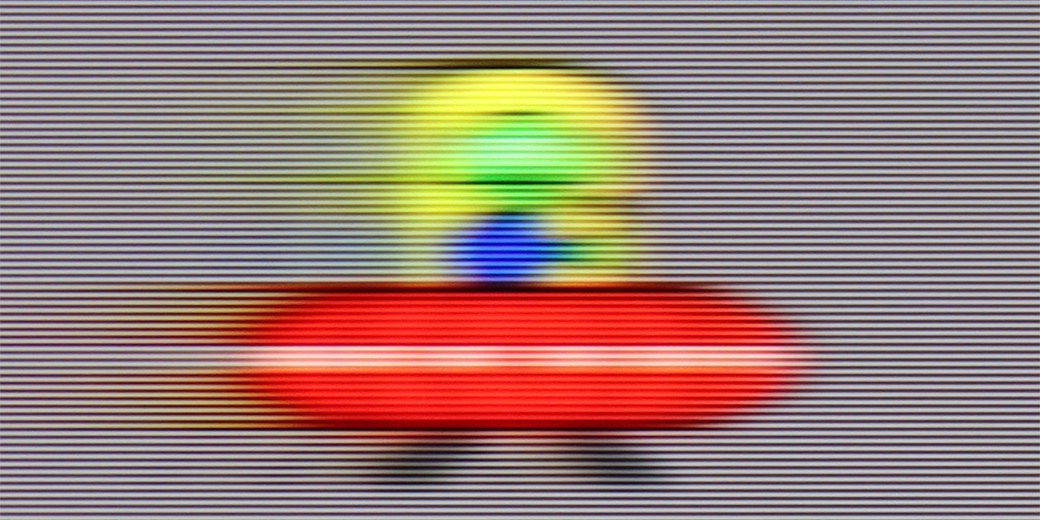
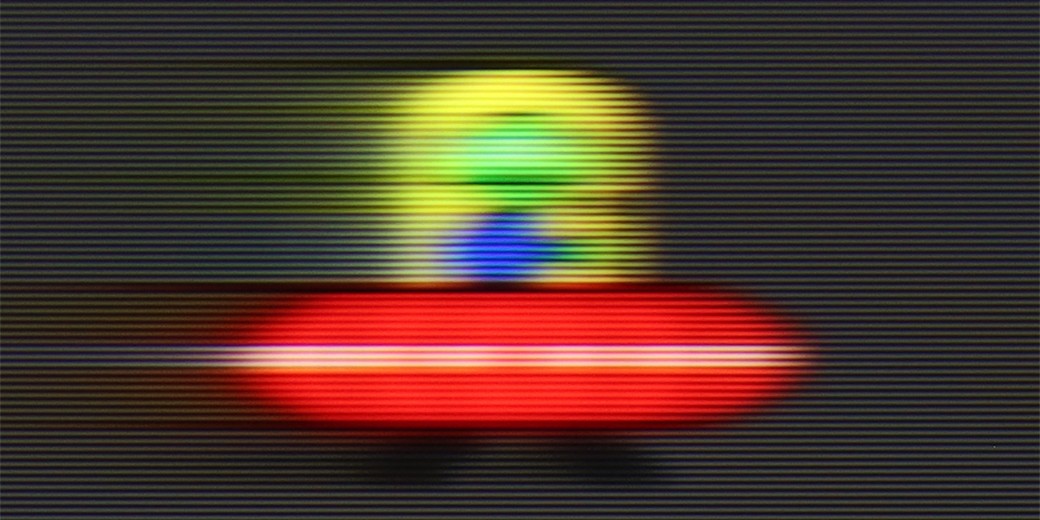
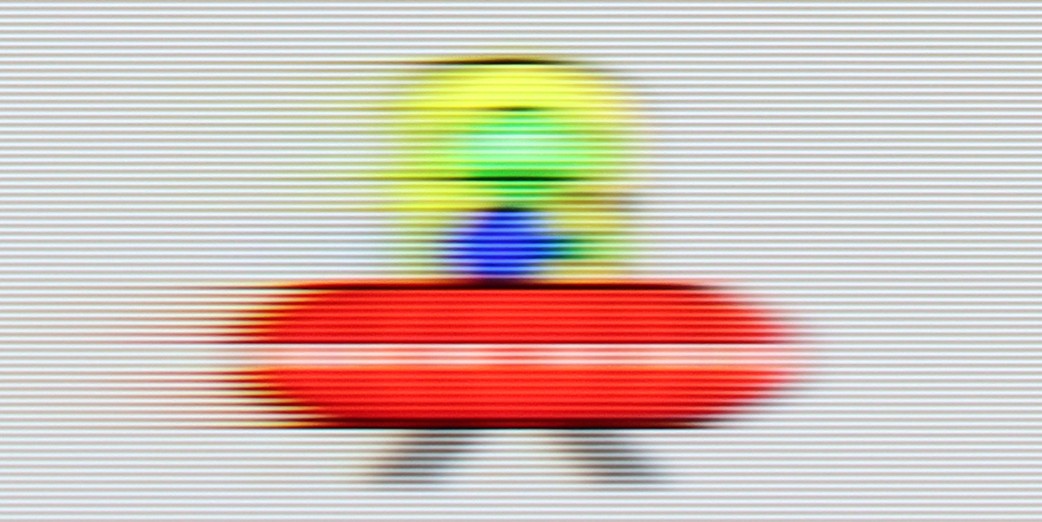
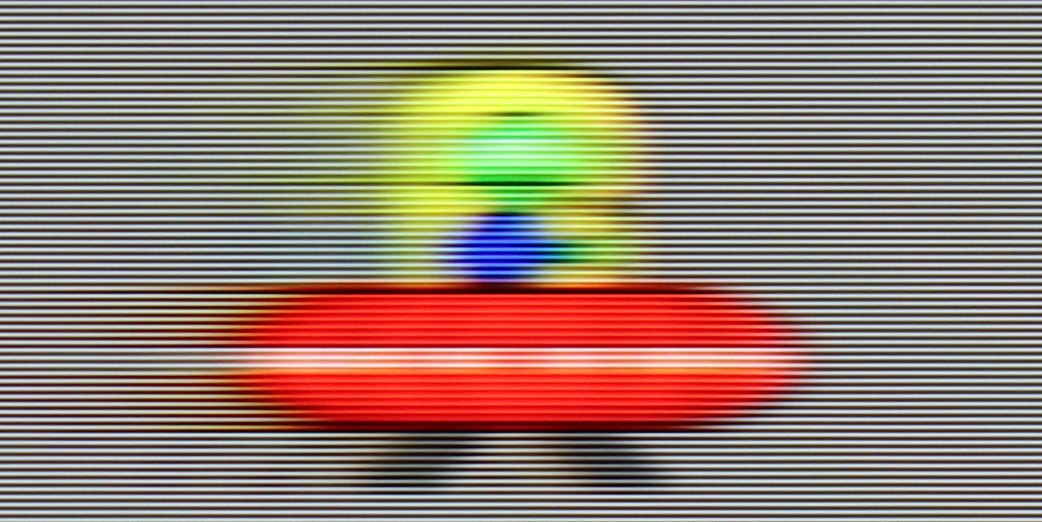
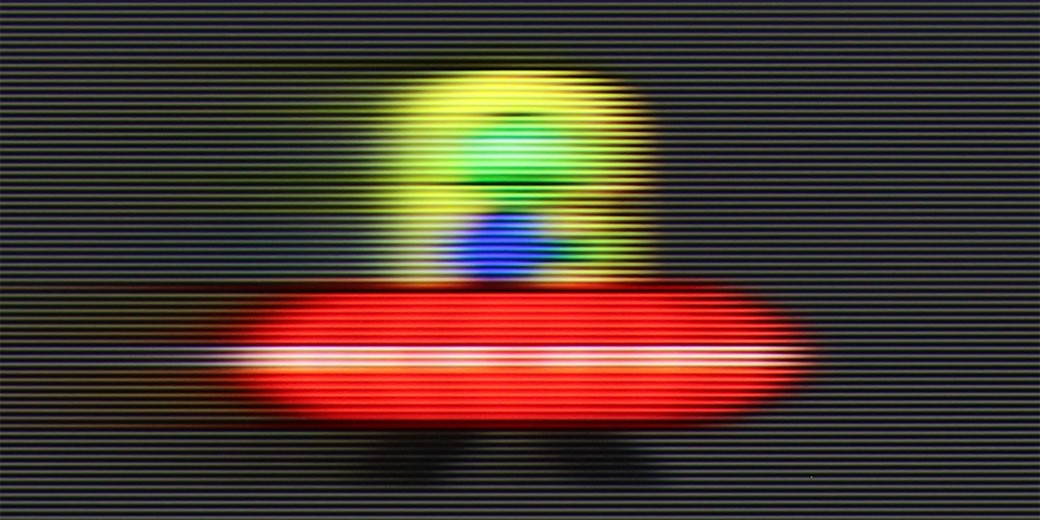
Despite the fact that Samsung DU7192 is the lowest model in the manufacturer's portfolio, it has been implemented with a motion smoothing system. Although it is quite limited in features compared to higher models, its existence is a considerable advantage in the context of competition from similar price ranges. The maximum refresh rate we will provide to the tested television is 60 Hz, which is entirely sufficient for movies and series, although not for sports. In the motion smoothing menu, we find two functions responsible for improving fluidity. These are "Motion Blur Reduction" and "Clear Motion (LED)". We will discuss the latter a bit later. Let us focus on the former, as it is quite puzzling. Unfortunately, despite its presence, we did not find any usefulness. On each of the settings, the image looked the same, with the characteristic judder known from materials recorded at 24 fps.
The matrix of Samsung DU7192 features an average response time. It is worth mentioning that due to this particular type of matrix, it is better than VA matrices in a similar price range. Therefore, it can be exceptionally said that it will not be the worst in the context of watching sports.
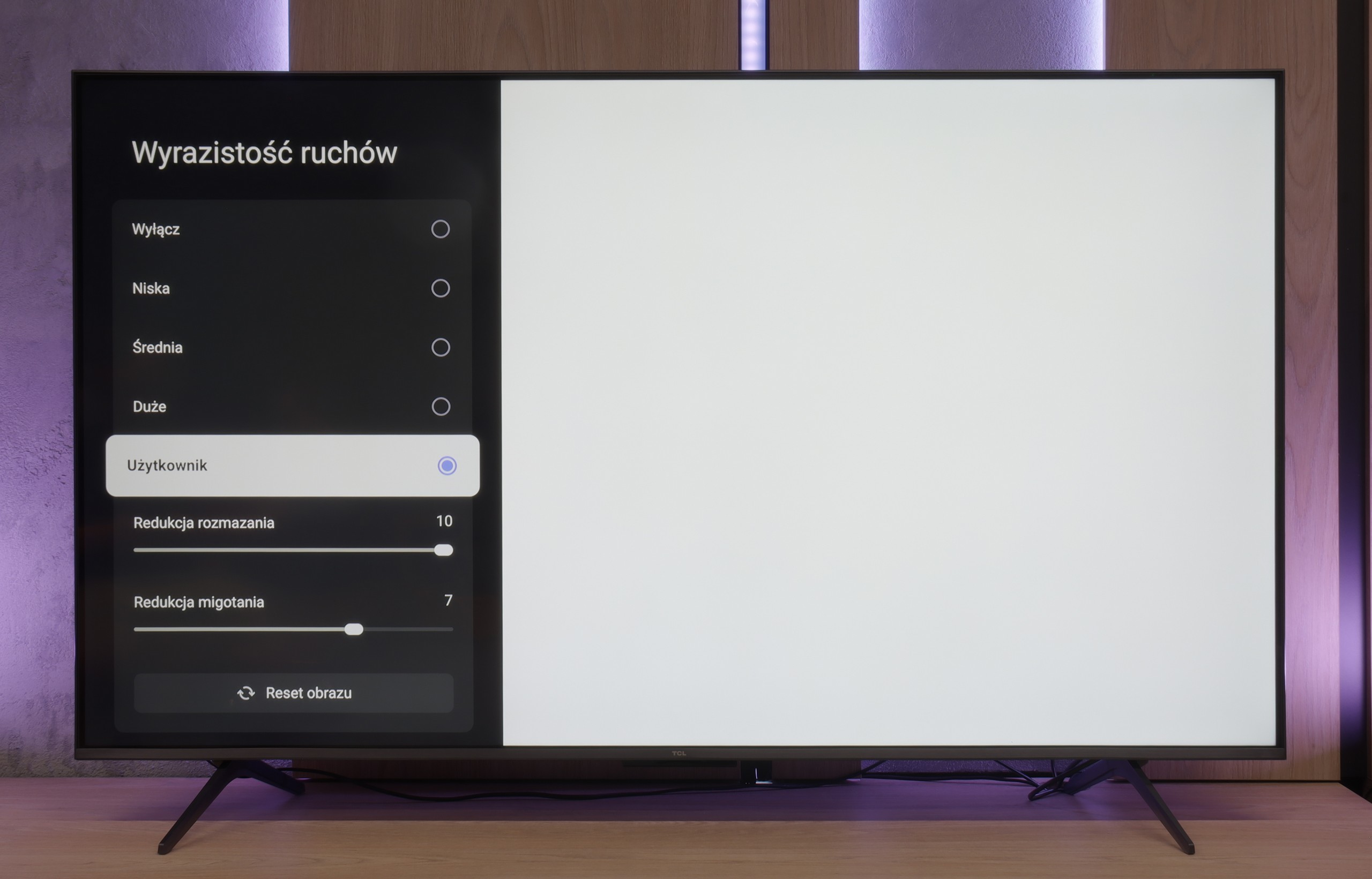
The use of a 144 Hz panel in TCL C69K / Q6C is a significant advantage in this price range. It represents an important step forward compared to its predecessor (C655 PRO), which only offered 60 Hz in 4K. The difference is particularly noticeable when watching sports or playing games – the ball, players, or dynamic action in games are displayed more clearly and without loss of detail. Another interesting feature is the panel's ability to work at 240 Hz (which the manufacturer does not officially mention) – we will return to this topic in relation to the PC gaming mode. TCL has also added a feature for movie fans: “Motion Clarity”. This allows users to adjust the picture to their preferences using two simple sliders. We can either keep the visible film frame or opt for very smooth, "
Console compatibility and gaming features
4.2/10
9.8/10
- ALLM
- VRR
- VRR range 48 - 240Hz
- Dolby Vision Game Mode
- Correct implementation of HGIG
- 1080p@120Hz
- 1440p@120Hz
- 4K@120Hz
- Game bar

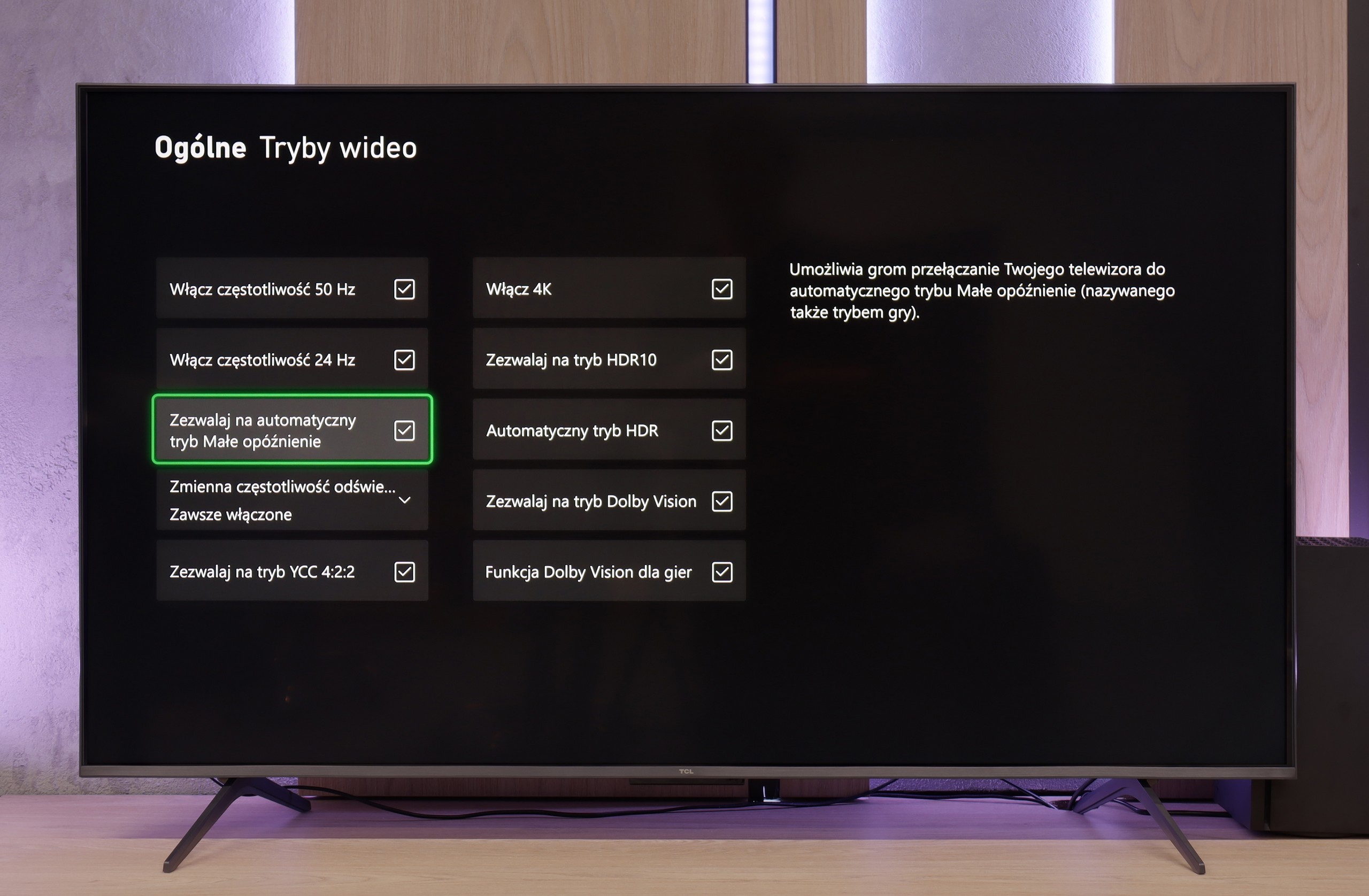



The Samsung DU7192 television is equipped only with HDMI 2.0 ports, which is not surprising given the price of the device and its consumer profile. Therefore, it’s also logical that we won’t achieve maximum quality on the latest generation consoles. Thus, it only has the most basic feature for gamers, which is ALLM. It's a pity that the manufacturer didn’t implement at least GameBar, as it is currently a standard, even in lower-end televisions, and could introduce significant conveniences regarding quick changes to settings.
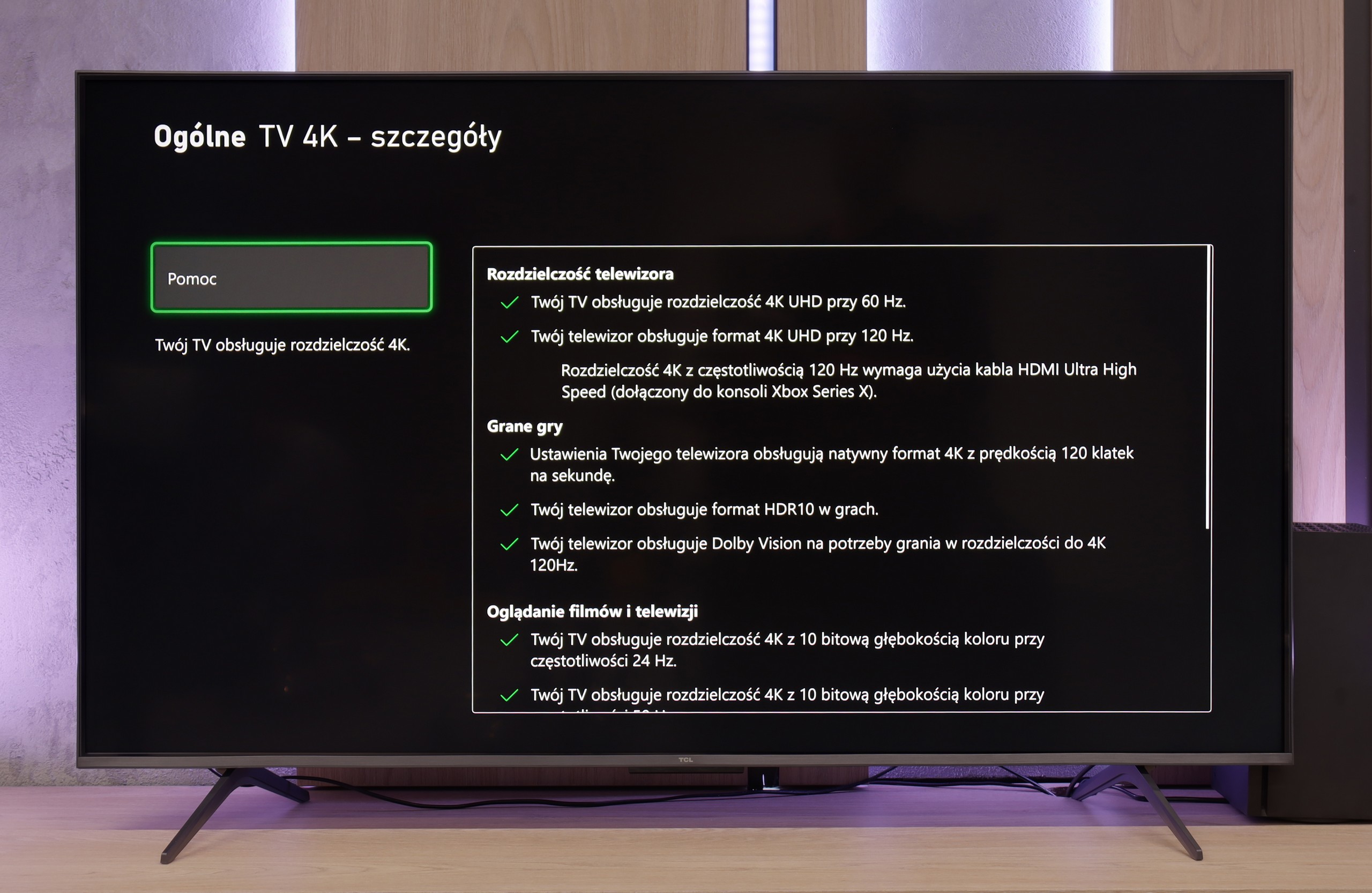
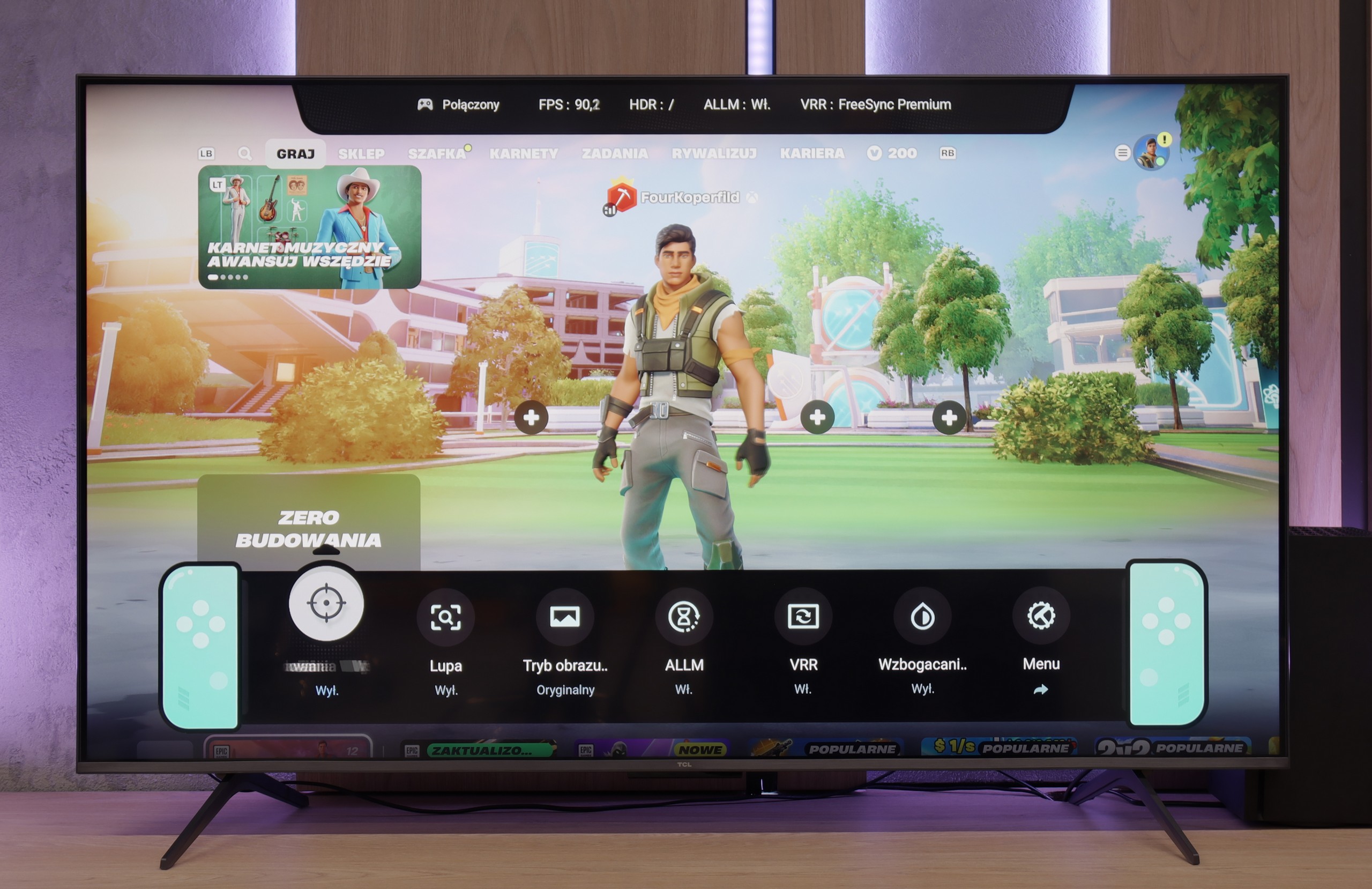
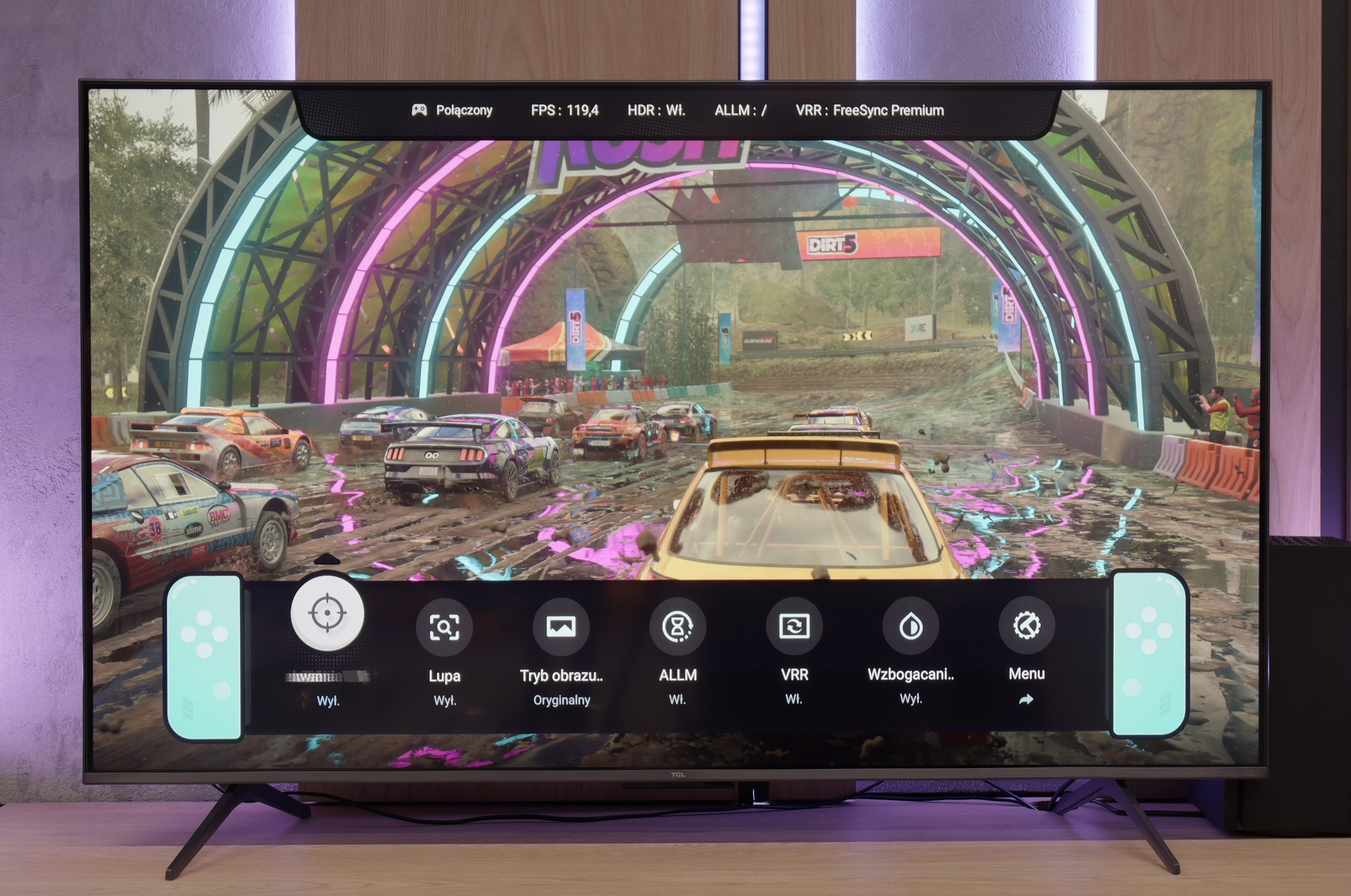
TCL C69K / Q6C is a television that can confidently be described as equipment created with gamers in mind. Here we have 4K at 144 Hz, VRR support, automatic game mode (ALLM), and Dolby Vision Gaming. Additionally, there is a practical Game Bar, which is a panel with the most important settings conveniently at hand – useful when we want to change something quickly during gameplay (e.g. screen aspect ratio: Yes, it can be done!). The wide range of VRR, reaching up to 240 Hz, is particularly noteworthy. However, this option is mainly for PC gamers who will operate below the native 4K resolution. In that case, the television can spread its wings and show additional smoothness, especially in fast-paced e-sports titles. For consoles, we stick to the classic limit of 120 Hz, but even so, the capabilities are truly extensive. The only downside is a slight ghosting that can occasionally be seen in dynamic scenes. Other than that, C69K / Q6C offers everything that gamers expect from a television.
Input lag
10/10
9.7/10
SDR
HDR
Dolby Vision
The results of input lag measurements in DU7192 are at a high level, regardless of the signal or resolution. All gamers will certainly appreciate the manufacturer's efforts, as a game running at 4K 60 Hz with HDR will have only 11 ms of delay, which is practically imperceptible even in online games.
In terms of input lag, TCL C69K / Q6C performs excellently. With 120 Hz content, the delay is about 10 ms, and at times even less. This is a level at which the response is practically instantaneous and difficult to find any objections. For 60 Hz material, the result is around 18 ms – still a very good result, entirely sufficient for comfortable gaming.
Compatibility with PC
6/10
8.6/10

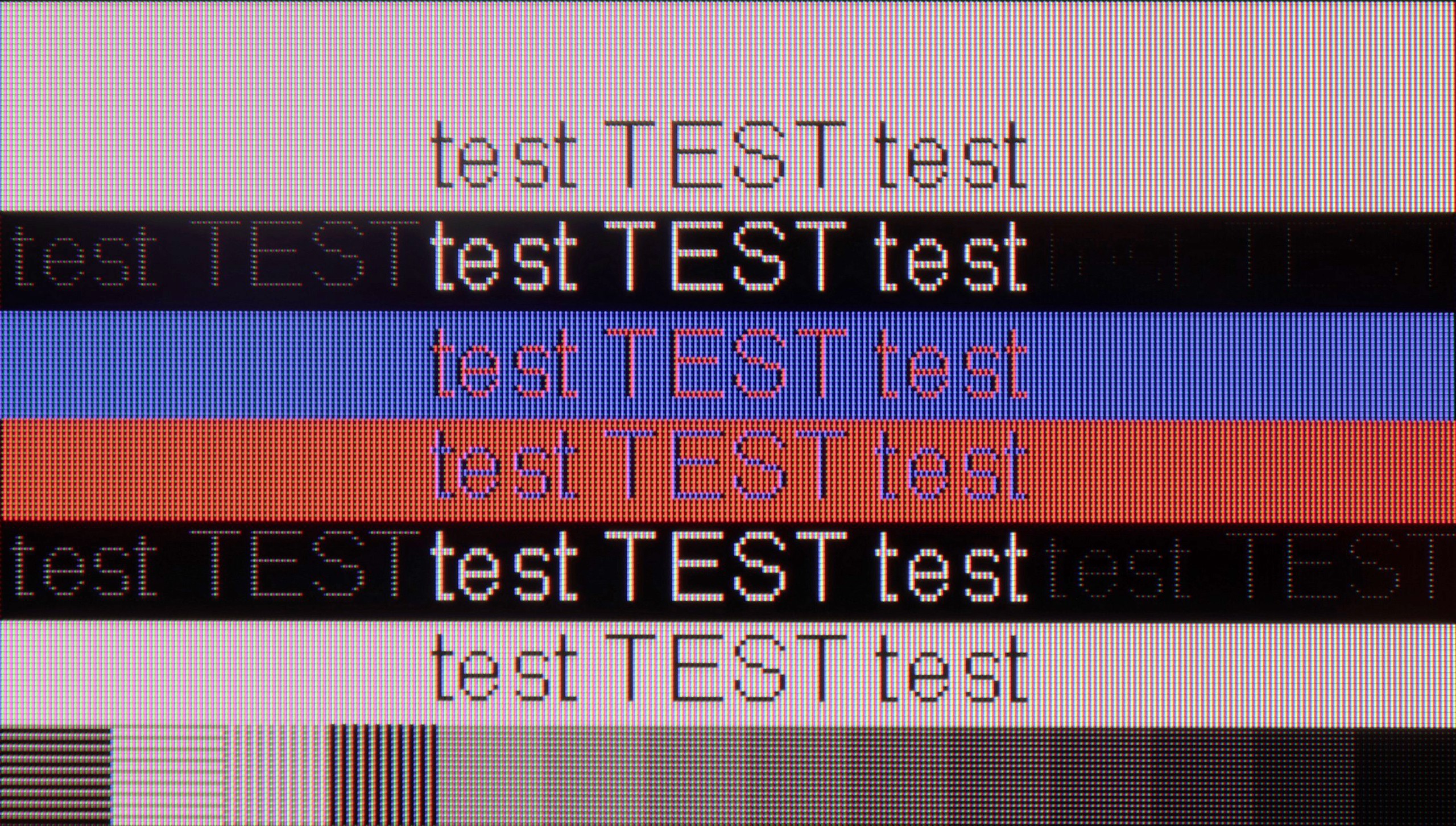
The photo shows the legibility of small fonts. Ideally, lines should be the same thickness on both light and dark text, with minimal pixel gaps.
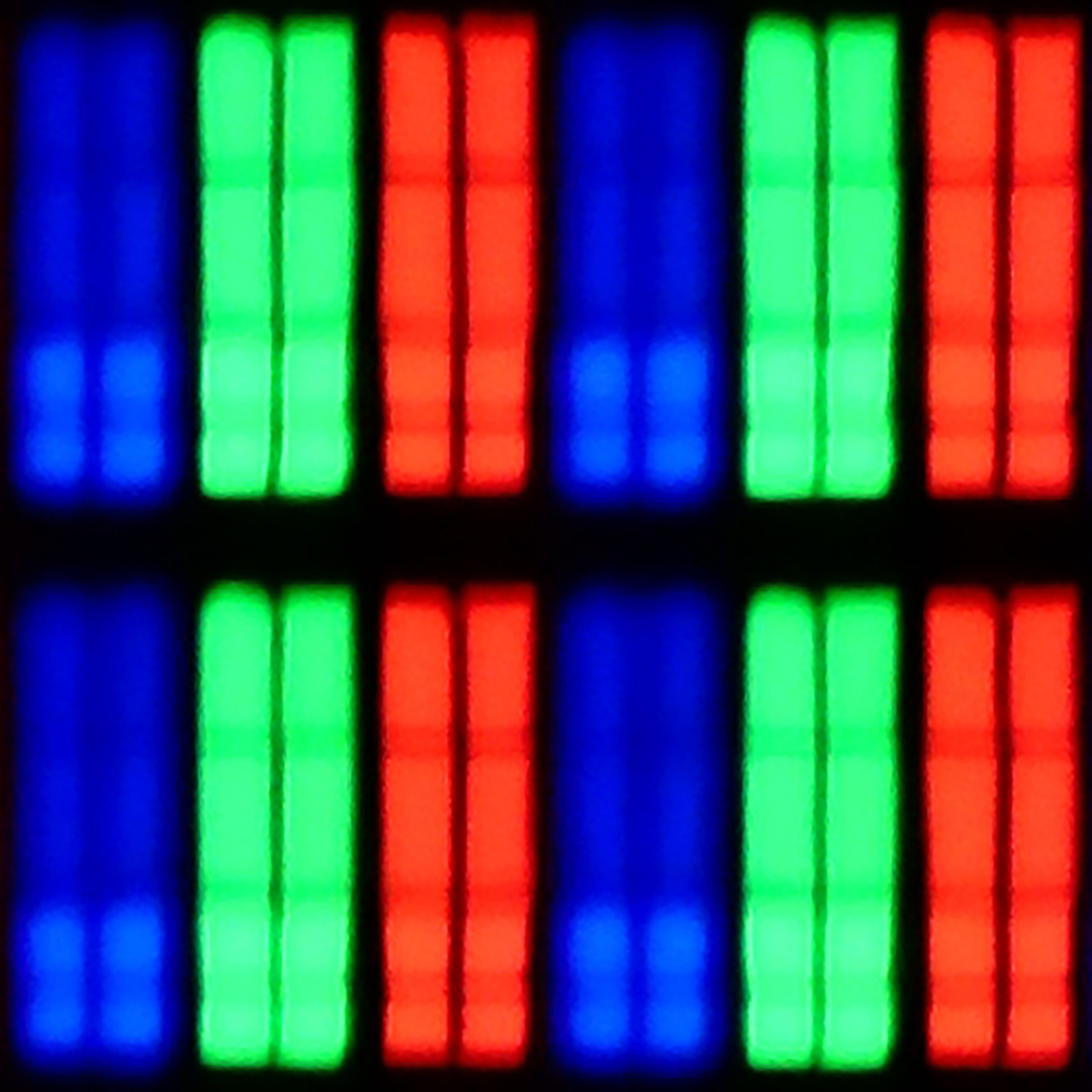
After connecting the television to the computer and wishing to use it as a monitor, we can expect a low input lag of 11 ms, which is practically imperceptible along the mouse-screen-eye line. Thanks to the proper implementation of chroma 4:4:4, the readability of fonts is at a high level, so one can confidently connect the DU7192 to the computer as a monitor and expect comfortable work with text. It is also worth mentioning that this good cooperation with the computer is also due to the IPS panel itself, which, due to its construction, allows for very sharp font retention. The subpixel arrangement is BGR, which does not negatively affect the use of the television as a monitor. However, since operating systems are not adapted to such a subpixel format, it may cause slightly less sharp outlines. This is, however, a practically negligible issue, and only a handful of people may notice it. When it comes to gaming, the lack of G-Sync and a frequency of 60 Hz are limitations that may disappoint gaming enthusiasts, especially those requiring quick reactions. For this reason, the television receives a lower rating in this category, although as a monitor for everyday work, it presents itself decently.
As a monitor for a computer, TCL C69K / Q6C performs excellently. At its native resolution, we achieve 4K at 144 Hz, and by lowering the resolution, it can reach even 240 Hz. The television also works with Nvidia and AMD graphics cards, supporting both G-Sync and FreeSync. It is also difficult to find any complaints for office work. Thanks to the support for chroma 4:4:4, the fonts are sharp and legible, and any minor imperfections are so small that they remain unnoticed in everyday use.
Viewing angles
6.8/10
3/10
IPS matrices, unlike VA panels, are known for having very good viewing angles. This is no different in the case of Samsung DU7192, as even with a slight shift off-axis, the colours maintain very good hue and saturation. However, it is worth noting the drop in contrast, which is typical for LCD matrices.
On the TCL C69K / Q6C, the viewing angles are typical for a VA panel. Sitting directly in front, the image looks very good, but any shift to the side results in a noticeable drop in colour saturation and brightness. The difference is particularly evident in colourful scenes – the hues become washed out, and the contrast loses its depth. Compared to IPS panels, this is clearly a weaker performance, although it is compensated by better blacks and higher native contrast.
Daytime performance
2.8/10
6.4/10


Panel brightness
TCL C69K / Q6C: 532 cd/m2
Samsung DU7192 (IPS): 227 cd/m2
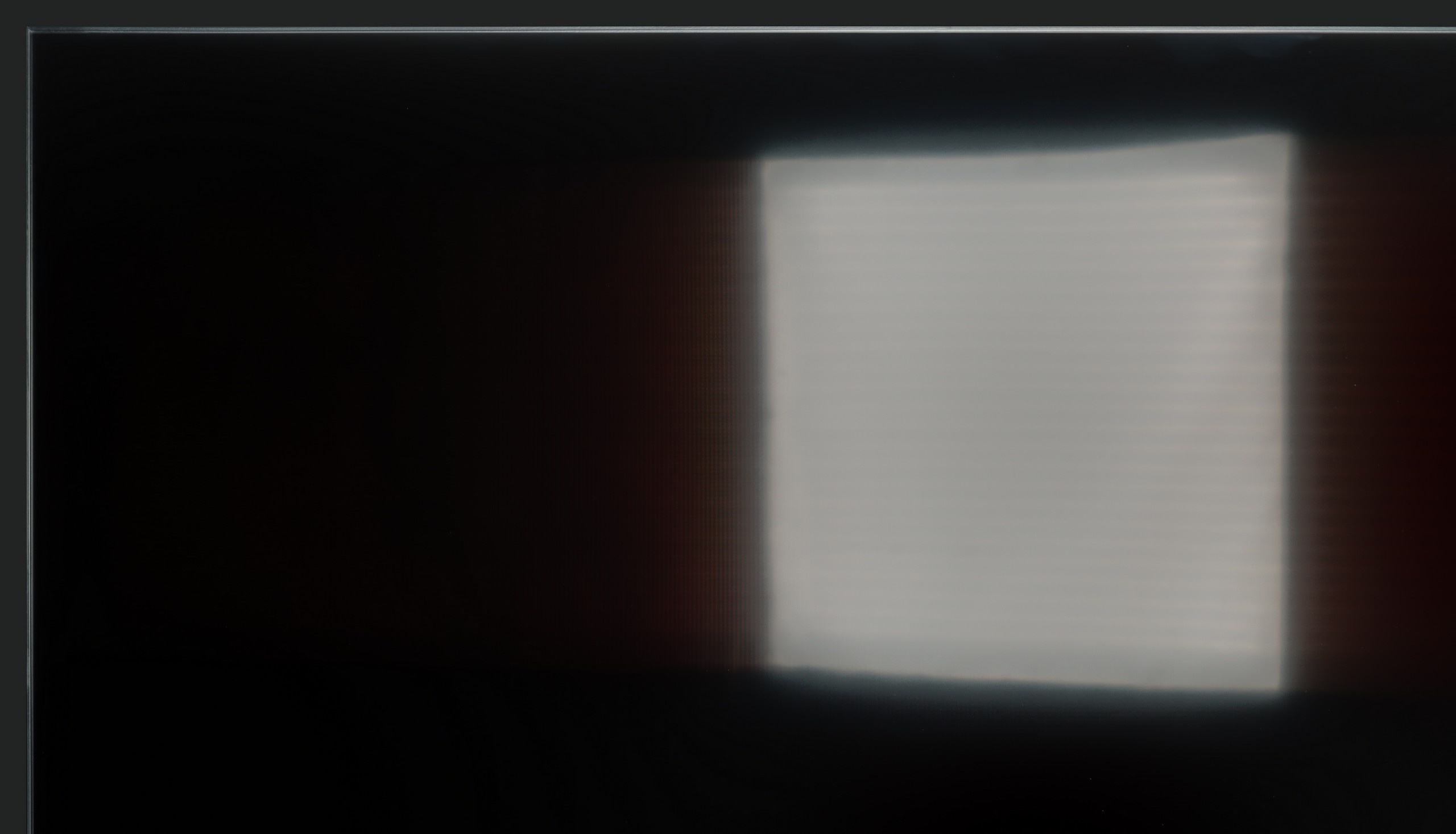
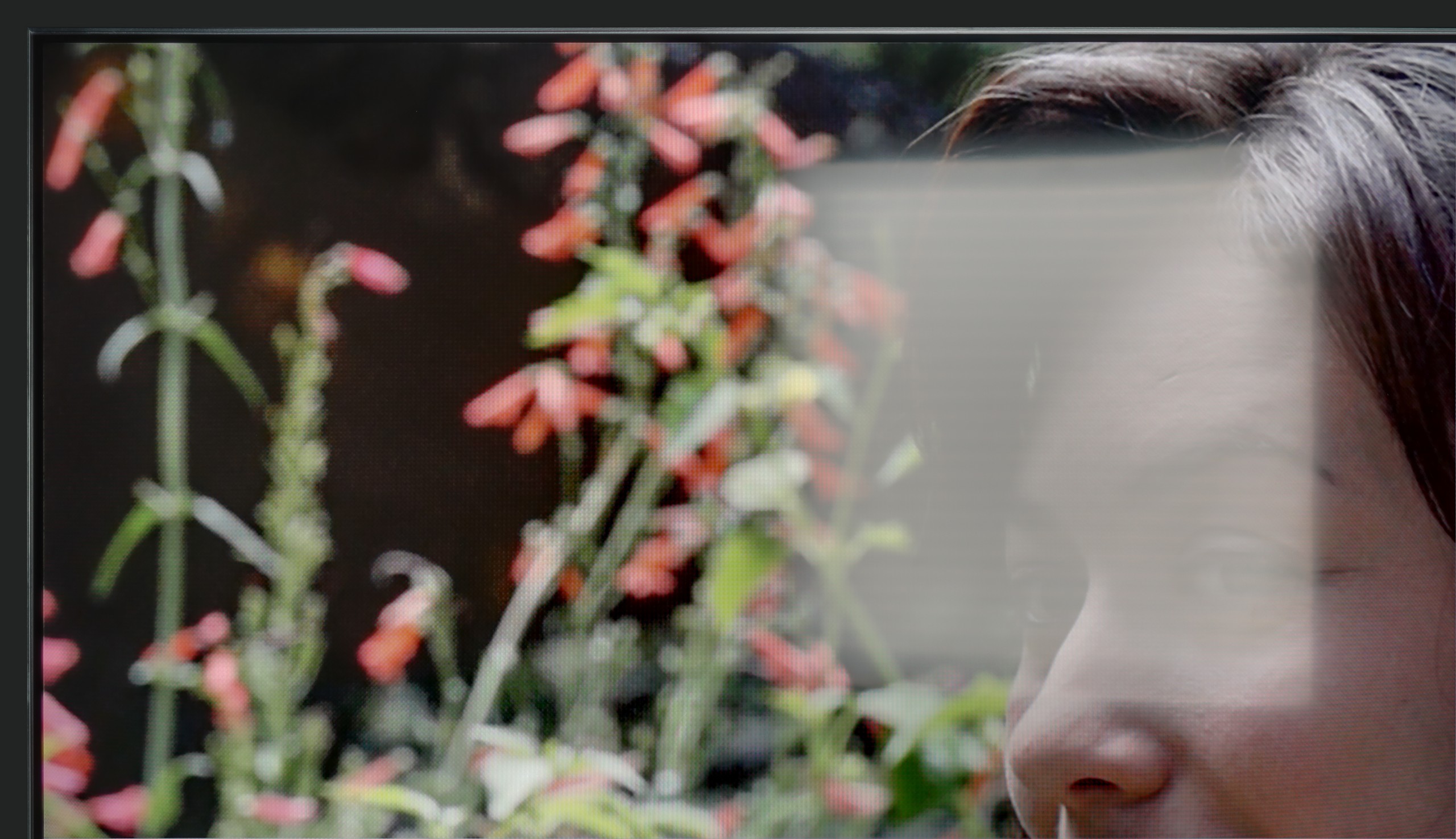
The Samsung DU7192 panel has a satin finish; unfortunately, this did not help the tested television in suppressing reflections of light falling directly on the panel. The situation is not improved by the fact that the maximum brightness of the panel in SDR content is 227 nits. It can be said that the tested television is rather not suited for daytime use.
In bright lighting conditions, TCL C69K / Q6C performs quite well. The panel offers decent brightness (in SDR content, it reaches around 550 nits), which allows for comfortable TV viewing in an average-lit living room, and even on days when strong light comes through the windows. This means that daytime viewing does not require complete darkening of the room. Another positive aspect is that the screen coating does a fair job of suppressing reflections, so the television does not become a "mirror" even in bright light. However, it is not at the level of top models with more advanced anti-reflective coatings – in very challenging conditions (e.g., with large windows), reflections will be noticeable.
Panel details
Subpixel Structure:

Panel uniformity and thermal imaging:

Samsung DU7192 (IPS)
TCL C69K / Q6C
TV features
5.5/10
7/10
- HDMI inputs3 x HDMI 2.0, 0 x HDMI 2.12 x HDMI 2.0, 2 x HDMI 2.1 48Gbps
- OutputseARC (HDMI), ARC (HDMI)Toslink (Optical audio), eARC (HDMI), ARC (HDMI)
- Network InterfacesWi-Fi 2.4GHz, Wi-Fi 5GHz, Ethernet (LAN) 100MbpsWi-Fi 2.4GHz, Wi-Fi 5GHz, Ethernet (LAN) 100Mbps
- TV receptionDVB-T, DVB-T2, DVB-S, DVB-S2, DVB-CDVB-T, DVB-T2, DVB-S, DVB-S2, DVB-C
Classic features:
- Recording to USB (terrestrial TV)
- Recording programming
- Picture in Picture (PiP)
- RF remote control (no need to aim)
- Backlit remote control
- Teletext
- Audio only mode
- Bluetooth headphones support
- Simultaneous Bluetooth headphones & TV audio
Smart features:
- AirPlay
- Screen mirroring (Windows Miracast)
- Voice search
- Voice search in native language
- Ability to connect a keyboard and mouse


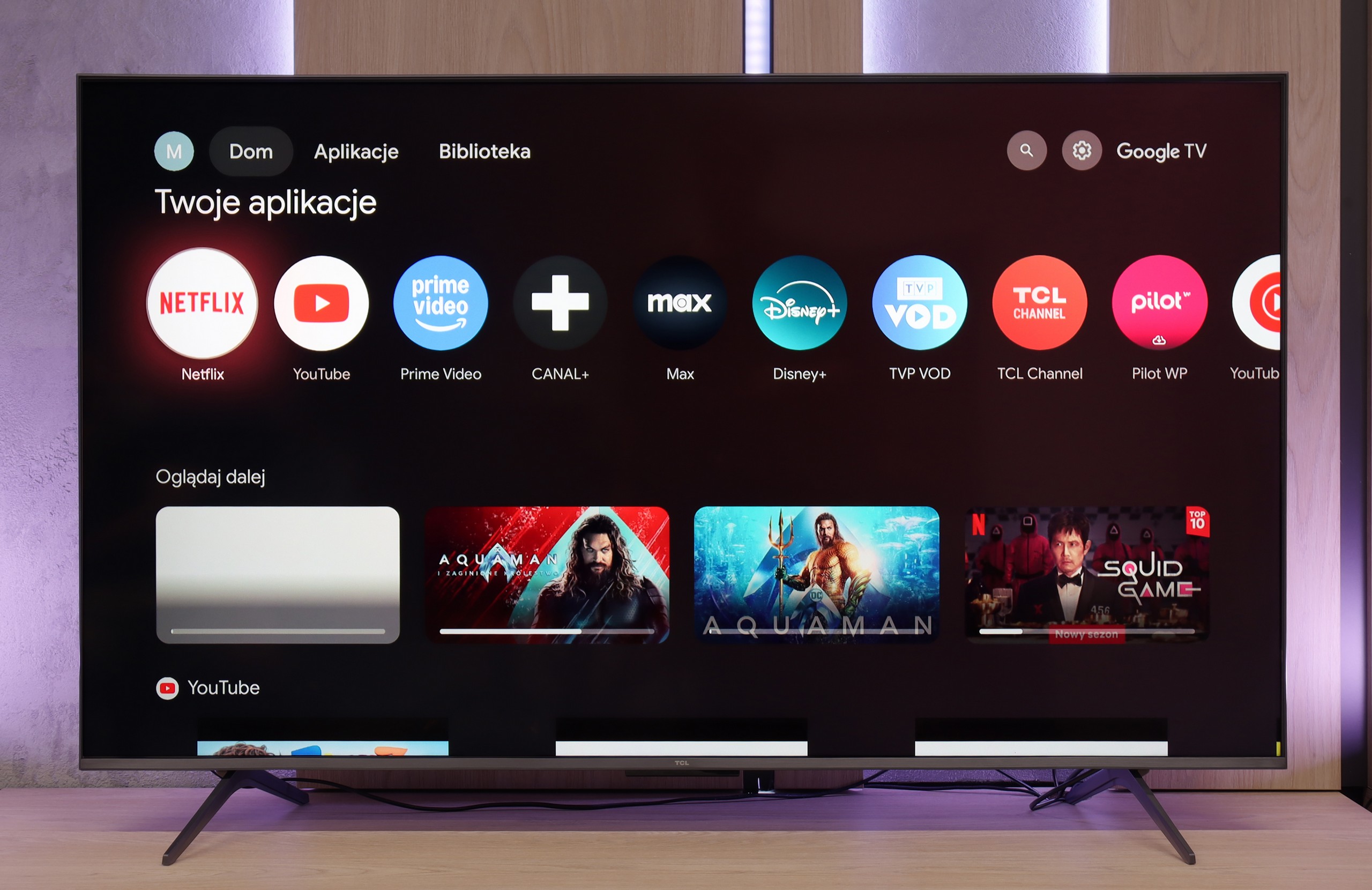
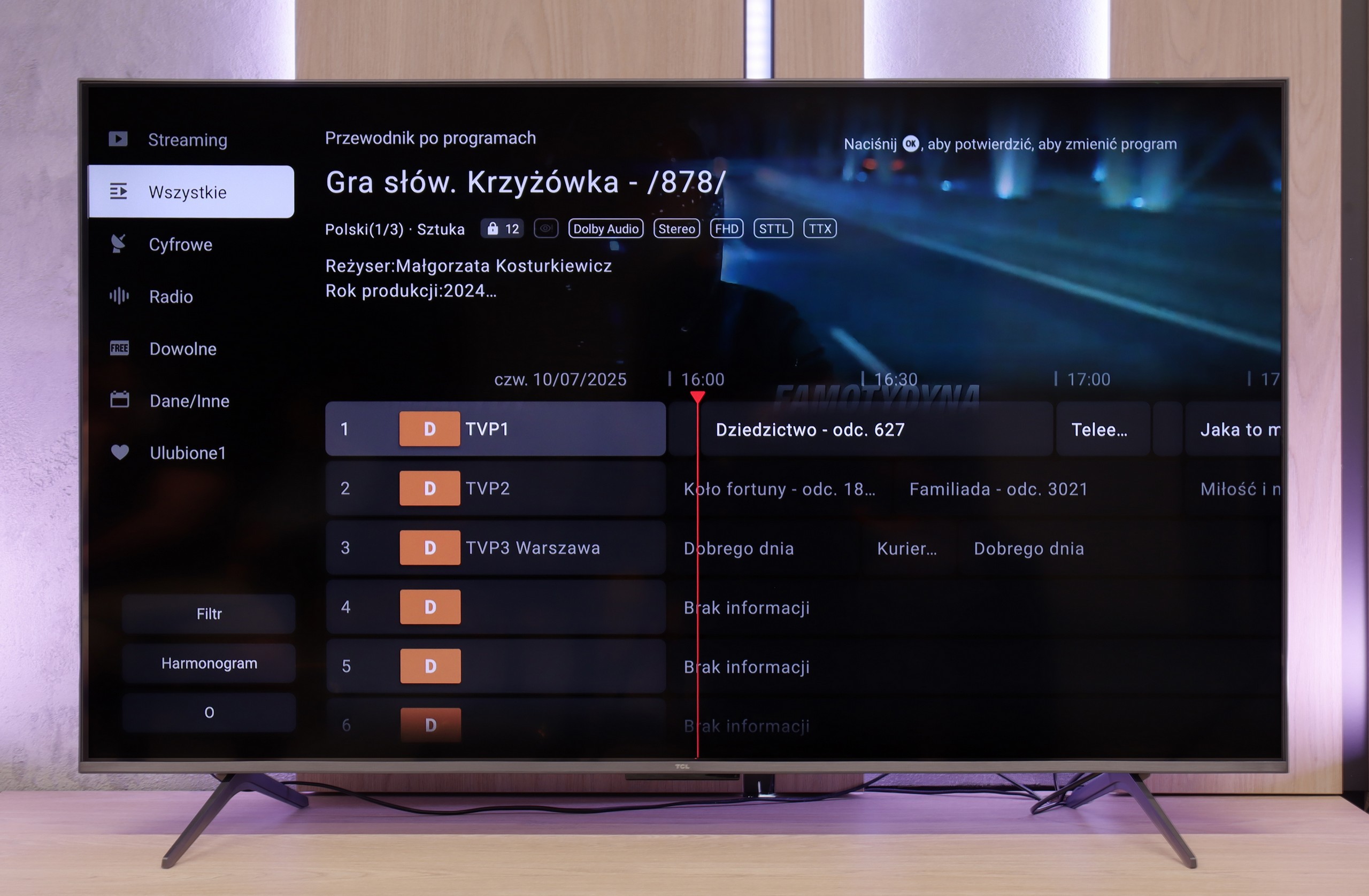
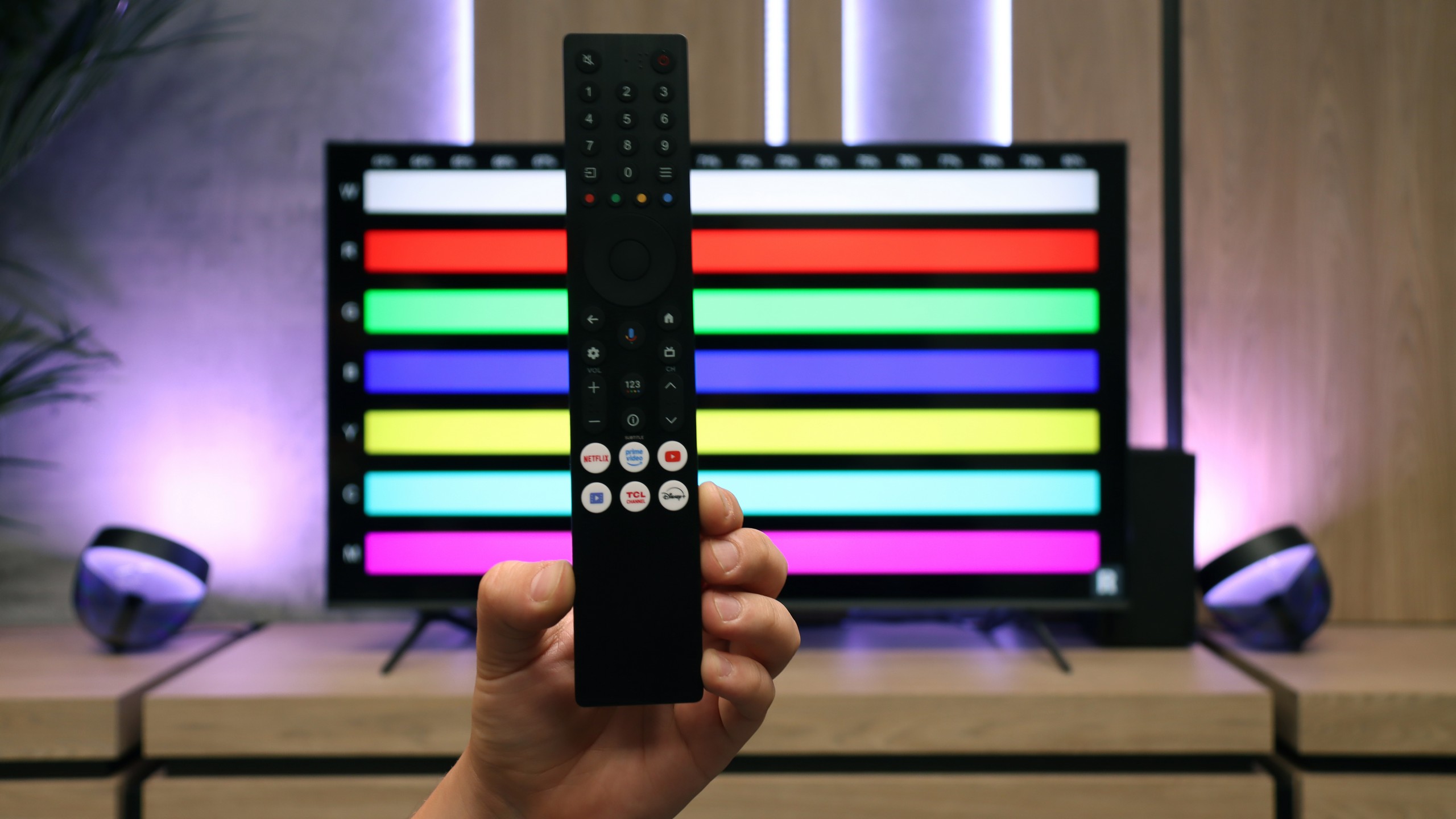
The operation of the Samsung DU7192 is powered by the proprietary Tizen system. This is quite well-known software, as the manufacturer has been developing it in its televisions for a really long time. Its main advantage is smooth performance and the absence of significant lags, which we can confirm through conducted tests. The biggest drawback, however, is its closed nature. Although the app store is quite extensive, we are still at the mercy of the manufacturer. Therefore, we will not be able to install any missing items, for example, from a USB drive. On the other hand, a benefit, especially for Apple device users, is the implementation of AirPlay, which allows easy mirroring of content from a device to the television. Fortunately, Samsung has also provided the option to connect a keyboard and mouse for much quicker navigation through the television menu. It is worth mentioning that the manufacturer has thankfully included a Bluetooth remote this year, which often wasn't the case in the past. The Tizen system has one more advantage. It integrates very well with external devices like the NC+ decoder or soundbars. The connection process is very quick and does not require special skills.
The Tizen system is very efficiently functioning software, which is certainly a strong advantage of the television. While more advanced users may complain about the lack of KODI, the rest will be satisfied.
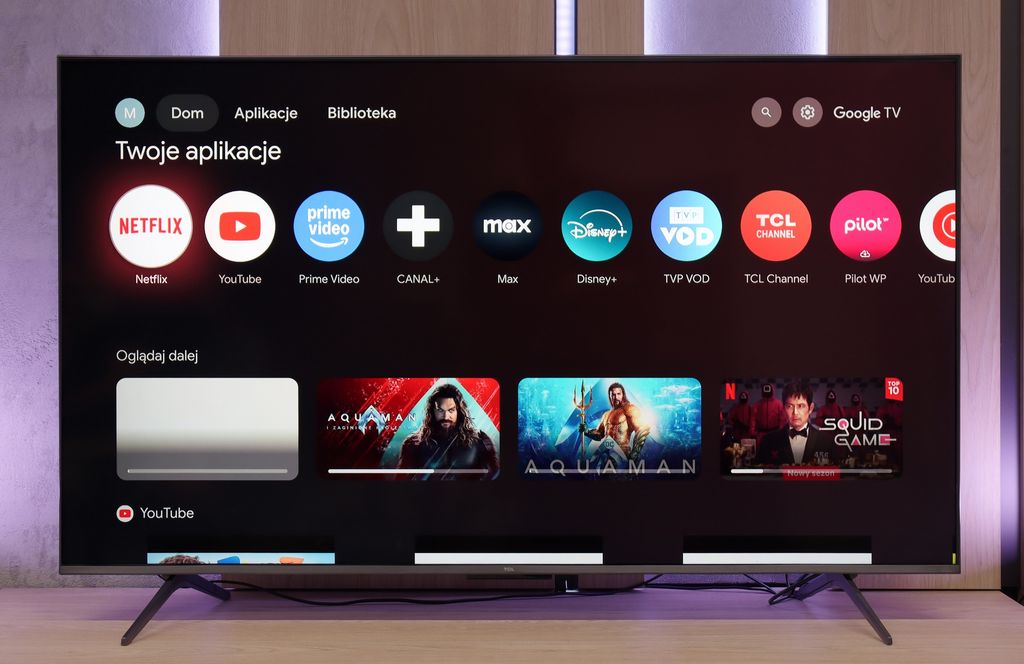
Multimedia Features: Google TV
The Google TV system is undoubtedly the strongest user aspect of TCL C69K / Q6C. It gives the television its character and provides an advantage over many competitors. We receive a full package of services: from support for popular streaming applications, through support for screen mirroring, to AirPlay (so that iPhone users feel at home). Additionally, there is the Google Assistant, recently updated to Gemini AI, which not only answers questions but also efficiently executes simple commands (e.g., changing channels or searching for content in VOD). The system itself operates quite responsively. However, one cannot overlook a certain downside: the awkward translations in the Polish menu can elicit a smile but sometimes require a moment's thought to decipher their meaning.
Classic Features
In terms of classic television functions, the TCL C69K / Q6C fares rather average. We will not find USB recording or PiP mode here, which may be disappointing for some users. However, the manufacturer has not forgotten the basics: teletext television and a clear EPG are available, which still matter to certain users. In daily use, the support for external audio devices via Bluetooth is also useful. It’s a simple way to connect, for example, a speaker or headphones, which can be a practical solution for seniors. Beyond that, however, it's hard to find elements that would distinguish C69K / Q6C from its rivals – it is simply a solid but standard package of basic functions.
Apps
8.7/10
9.6/10






















Playing files from USB
9.1/10
8.9/10
Supported photo formats:
Maximum photo resolution:

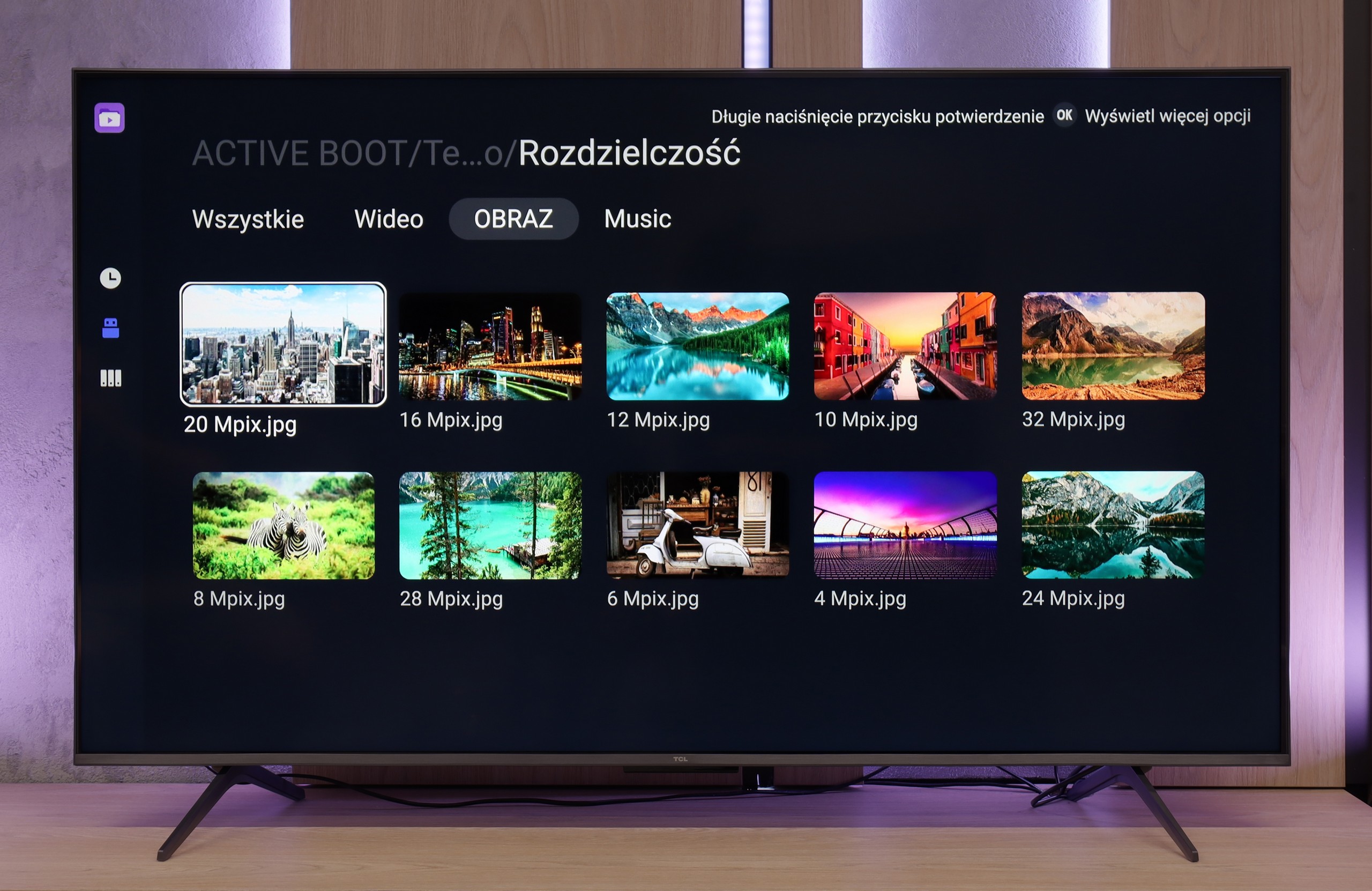
The built-in player Samsung DU7192 is a significant advantage. It handled almost all video and audio files prepared for the testing process excellently. The only exceptions in this regard are the Dolby Vision format (which is not surprising) and less popular codecs. Also worth noting is the support for Polish characters and the ability to change font colours. However, it performs worse with photo formats, as it only supports the popular JPEG. There is definitely a lack of formats such as PNG or Apple's HEIC.
The built-in media player in TCL C69K / Q6C performs really well – practically all popular file formats work without major issues. There are indeed minor exceptions, particularly with less common codecs or unusual video file configurations, but in everyday use, this is rarely noticeable. The biggest advantage, however, is that the television runs on Google TV, which provides complete freedom in choosing additional software. If someone encounters a file that the standard player does not support, it's enough to install an alternative – such as VLC – and the problem disappears.
Sound
5.4/10
6.5/10
- Maximum volume83dB-
- Dolby Digital Plus 7.1
- Dolby True HD 7.1
- Dolby Atmos in Dolby Digital Plus (JOC)
- Dolby Atmos in Dolby True HD
- DTS:X in DTS-HD MA
- DTS-HD Master Audio
When evaluating the sound from DU7192, it should be noted that its drivers are not the best. Unfortunately, this has consequences in the form of very poor sound quality. We recommend using half of the volume scale due to possible distortions. Fortunately, the television offers a wide range of audio codecs, including the two most important ones: DTS-HD Master Audio and Dolby Digital Plus, which allows for the transmission of surround sound to an external device. This ensures high sound quality that will satisfy users demanding better audio experiences.
In terms of audio, TCL C69K / Q6C performs quite well. The manufacturer has been boasting about its collaboration with the Onkyo brand for several years, and it indeed translates into sound quality. The sound is pleasant, with clear mids and a fairly clean top end, and overall it feels well-balanced. Of course, it cannot replace a full-fledged soundbar, especially regarding bass depth, but for built-in speakers in a television of this price range – it is really very good.