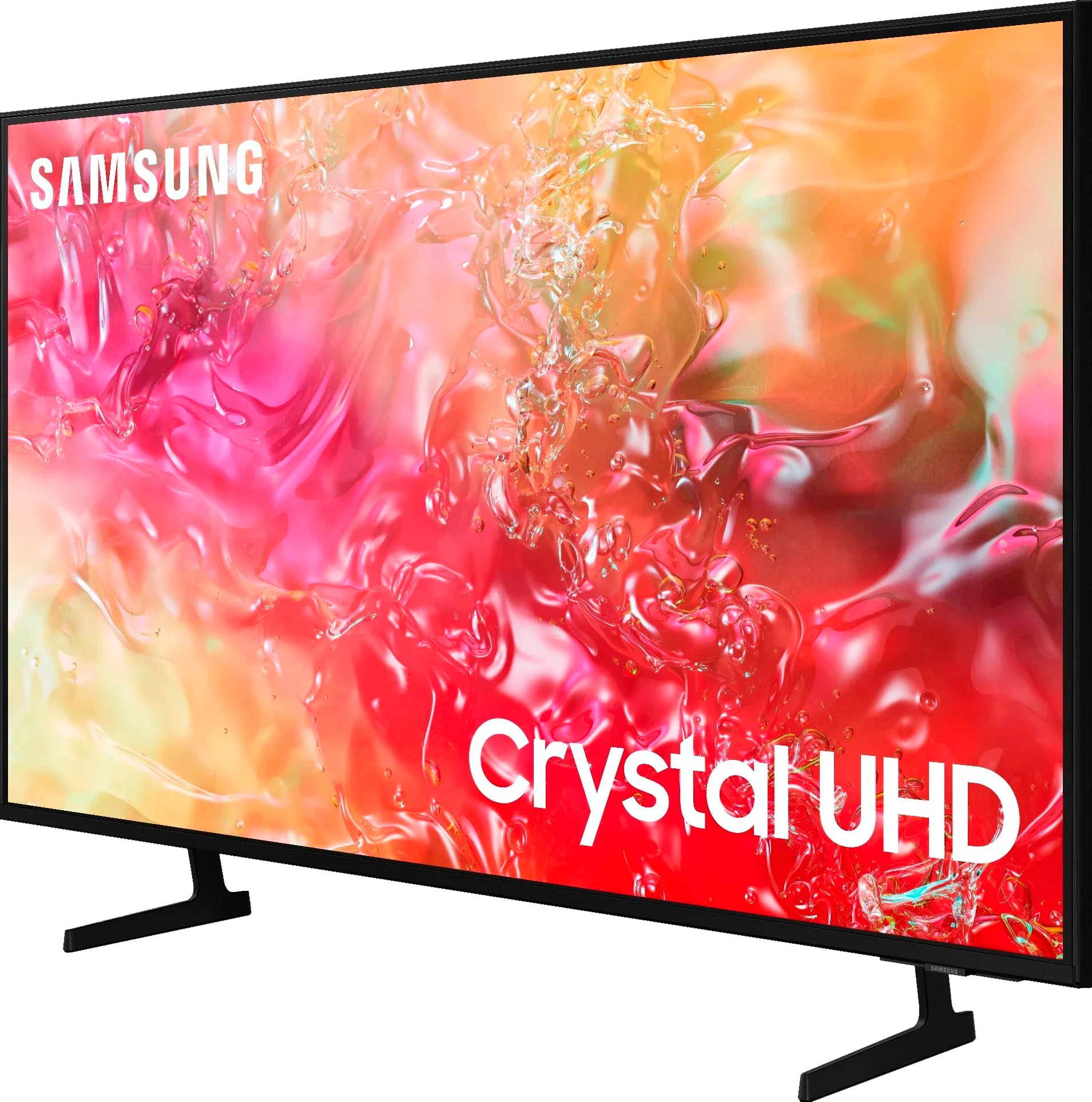
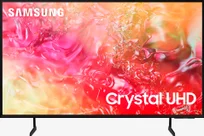
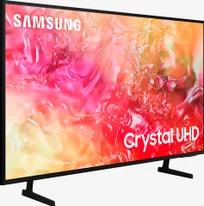
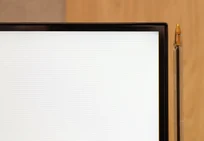
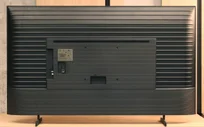
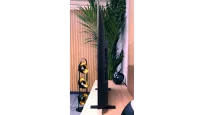
Samsung DU7192 is a very budget-friendly solution that works best as a device for typical Sunday viewing. The television is best suited for daytime watching, as ambient light effectively masks its not-so-great blacks. Thanks to the IPS panel, even at an angle, the colours maintain their hues and saturation. The brightness of the Samsung DU7192 also suggests its intended use, which is television or YouTube, as HDR content on streaming platforms will be too dark. The greatest advantage of the television is the colour reproduction after undergoing a calibration process, as it produces good quality colours that allow for viewing materials in a quality quite close to that which the film director intended. Credit must also be given to the quality of tonal transitions, which are a definite highlight of this television, placing it well above its competition. As for minor features that can be considered good in the Samsung DU7192, there is computer compatibility and the operating system. The former performs remarkably well, and thanks to the properly implemented chroma 4:4:4, the tested television can successfully serve as a monitor, as the readability of fonts will be at a high level. The system, meanwhile, operates very smoothly and efficiently. During testing, there was no situation in which it froze. Additionally, the default media player is excellent and handled virtually every file we prepared for it. So, who is the Samsung DU7192 for? Primarily for less demanding individuals for whom the television serves merely as a small escape in their daily routine. The DU7192 Samsung features a modern and elegant design that will fit into most interiors. The matte frame finish adds style to the device, making it not only a functional but also an aesthetically pleasing element of living room decor. It is worth highlighting that the Samsung DU7192 has an exceptionally slim profile, which makes it easy to mount on the wall, thus saving space in the room. This is an ideal solution for those who wish to enjoy minimalism in their interiors without sacrificing high-quality equipment.
- Matching (Score) |
- Our verdict |
- TV appearance |
- Where to buy |
- Contrast and black detail |
- HDR effect quality |
- Factory color reproduction |
- Color reproduction after calibration |
- Smoothness of tonal transitions |
- Image scaling and smoothness of tonal transitions |
- Blur and motion smoothness |
- Console compatibility and gaming features |
- Input lag |
- Compatibility with PC |
- Viewing angles |
- Daytime performance |
- Panel details |
- TV features |
- Apps |
- Playing files from USB |
- Sound
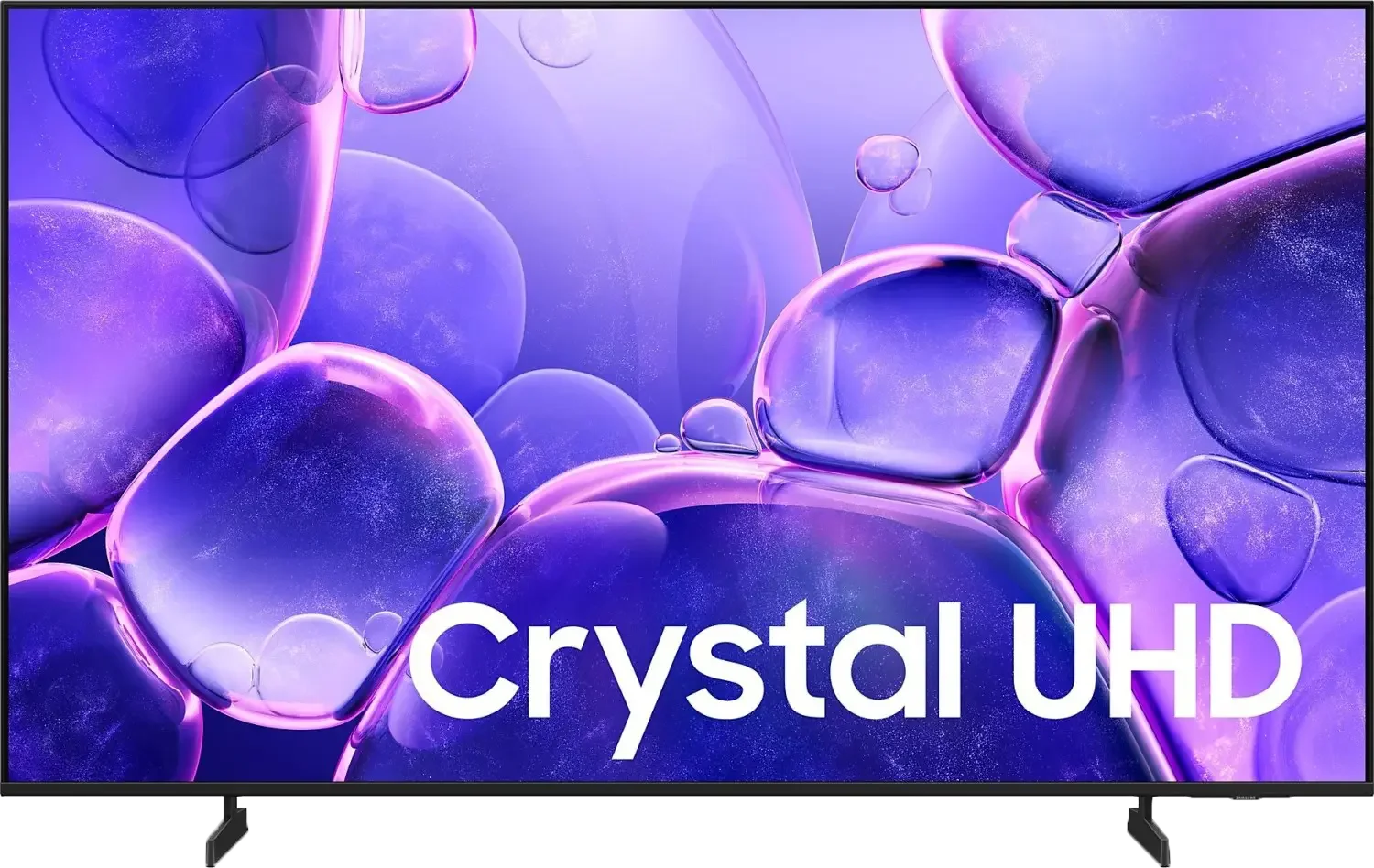
Samsung DU7192 (IPS) vs Samsung U8000F (IPS)
 Direct comparison
DU7192 / DU7172

U8000F / U8092F
Available screen sizes: 55”
Panel type: LCD IPS
Resolution: 3840x2160
System: Tizen
Model year: 2024
Complete the survey to find out the result
Panel type: LCD IPS
Resolution: 3840x2160
System: Tizen
Model year: 2025
Complete the survey to find out the result
Overall rating
5.0
5.3
 Movies and series in UHD quality
 4.6
4.9
 Classic TV, YouTube
 4.2
4.8
 Sports broadcasts (TV and apps)
 4.8
5.2
 Gaming on console
 6.4
6.5
 TV as a computer monitor
 6.0
6.0
 Watching in bright light
 2.8
3.4
 Utility functions
 5.5
5.3
 Apps
Apps 8.7
9.3
 Sound quality
 5.4
5.7
Complete the survey to find out what fits your preferences
Advantages

Excellent cooperation with the computer - low input lag, chroma 4:4:4
Faithful colour reproduction after calibration
Minimal colour degradation at an angle
Smooth operation of the Tizen system
Extensive Smart system: Tizen
Good viewing angles (IPS Matrix)
Great for working with text - displays fonts excellently
Low input lag
Basic features for gamers - VRR and ALLM
Disadvantages

Low HDR material brightness
Lack of tone transition smoothing features
Average image scaling
Low brightness
Very poor black and contrast (IPS Matrix)
Inferior appearance to its predecessor
Infrared remote control
Our verdict
The U8000F is a very basic television that may find its buyers among those looking for the cheapest Samsung 4K with Smart TV. And that is precisely its task. Thanks to the Tizen system, this model offers quite a lot in terms of smart features – the number of apps and possibilities may catch the attention of those who want a reasonably intelligent device at the lowest possible price. As for picture quality – it is average, which is not surprising in this class. Nevertheless, there are a few positives: fairly good viewing angles work well for traditional TV watching from different parts of the room, and the basic features for gamers (such as VRR and ALLM) may suffice for typical "Sunday" gamers. The PC mode also deserves a mention – the television handles font display very well, so it can also serve as a budget monitor. Of course, this is not a model that can be recommended to everyone "sight unseen." But if someone is looking for a cheap Samsung with 4K resolution and a solid Smart system, that is exactly what the U8000F offers.
TV appearance

Contrast and black detail
1.6/10
1.1/10
Local dimming function: No
Local dimming function: No
Contrast:


Result
800:1

Result
950:1

Result
900:1

Result
900:1

Result
800:1
Result
900:1
Result
800:1
Result
700:1
Result
700:1
Result
650:1
Halo effect and black detail visibility:
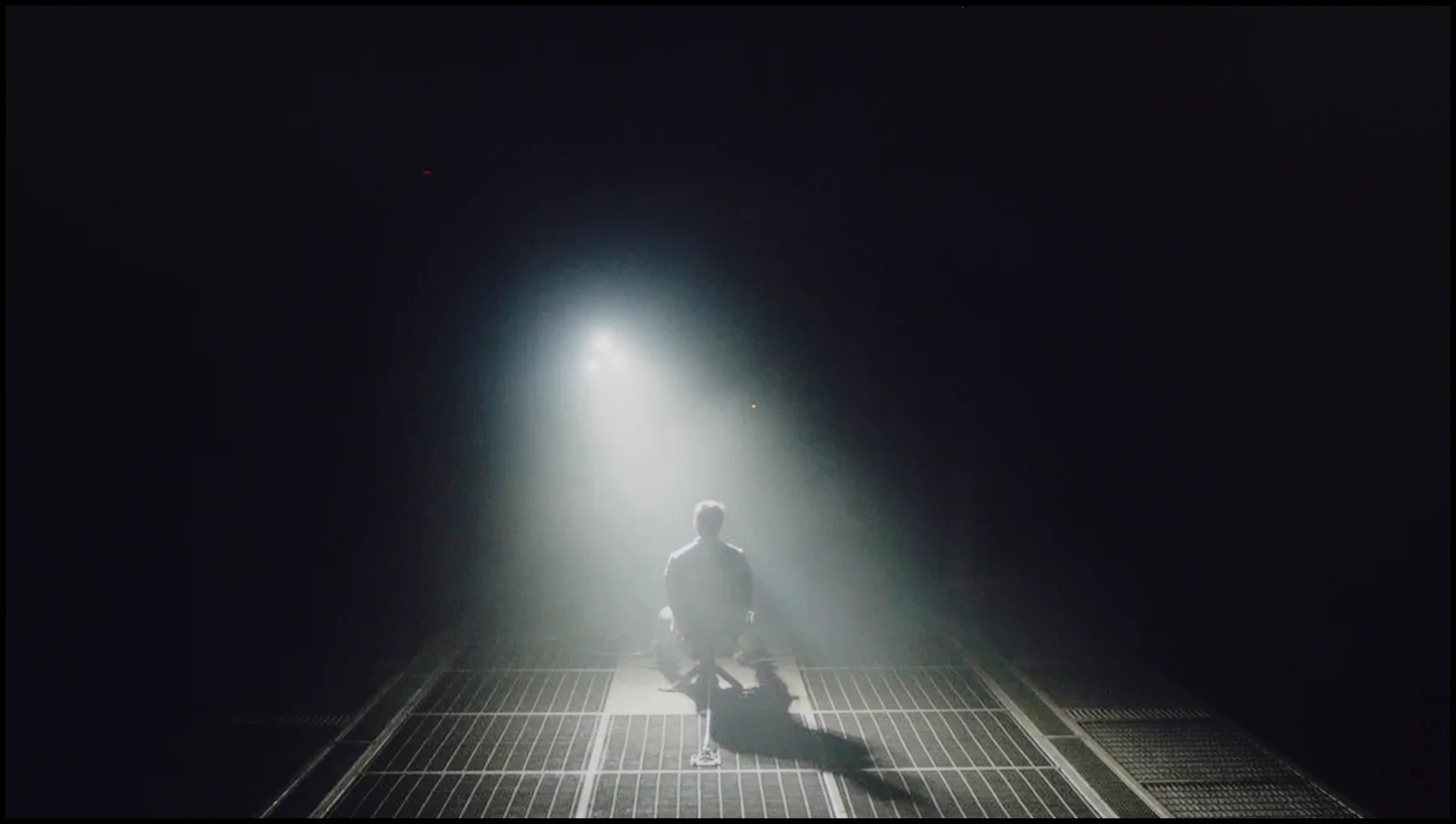
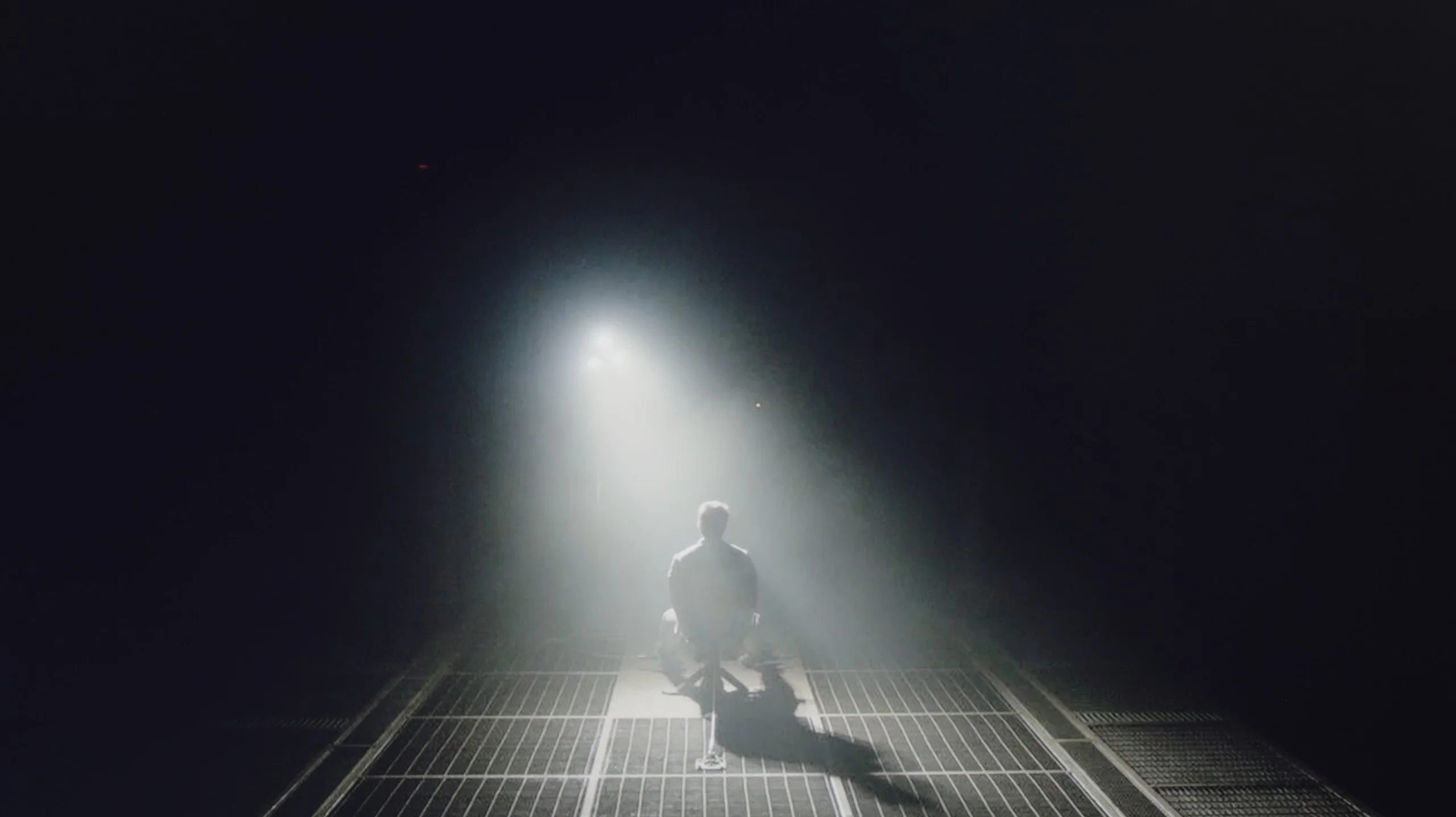
Check the visibility of bright lights on a dark background. Mini-LEDs often struggle with this. The photo does not compare black levels – that’s what the video below is for.
The video accurately shows differences in contrast and black levels between TVs, as well as potential issues: halo around bright objects or Mini-LED zone operation visible as brightness jumps.
Samsung DU7192 utilises an IPS panel, which, as can be seen, cannot boast the highest contrast and black levels. Measurements indicated that the tested television can only provide maximum values of around 950:1, which is a very low result and rather does not bode well for high performance in the context of home cinema. It is worth noting, however, that we are testing the 43" version, so in a different size, a different type of panel may be "in play". As for the panel used in the Samsung DU7192, it belongs to the lower categorised classes of IPS screens, as these can deliver significantly higher results. However, it should also be remembered that we are dealing with a very budget-friendly unit, which will find its application primarily in an additional room or serve as a cheap receiver for a senior, for whom the quality of the displayed image is often indifferent. In the first image from the film "Oblivion", we primarily see a deep navy black, but also very good separation of lights coming from the spotlight. For better visibility, we recommend examining the image in an enlarged view. Just as there was no significant reason to deny the performance of the television in the first scene, in the second from "Sicario 2", it can be said that it does not require further commentary. Due to practically zero contrast, the scene lacks any depth. There are also noticeable very strong overexposures at the corners of the panel, which are common in budget units. Notable positives include quite good detail specificity, however, this is looking for any positive amidst disappointing results.
Samsung U8000F, more specifically model U8092F in the 55-inch version, is equipped with an IPS panel. Let's be honest – this is not the best choice when it comes to properly displaying black levels and contrast. The results in this category are simply weak. The contrast is abysmal, and watching dark scenes with any kind of "cinematic" effect is nearly impossible. Additionally, the fact that the television lacks local dimming does not help, making it difficult to achieve better results. The only thing worth praising is the fairly decent uniformity of the panel – but that's more of a minor consolation. Overall, it's not good. If you value deep blacks and reasonable contrast, it is definitely better to opt for the variant with a VA panel, which performs significantly better in this particular series.
HDR effect quality
3.4/10
3/10
Luminance measurements in HDR:

Result
200 nit

Result
228 nit

Result
246 nit

Result
233 nit

Result
245 nit
Result
191 nit
Result
224 nit
Result
241 nit
Result
79 nit
Result
234 nit
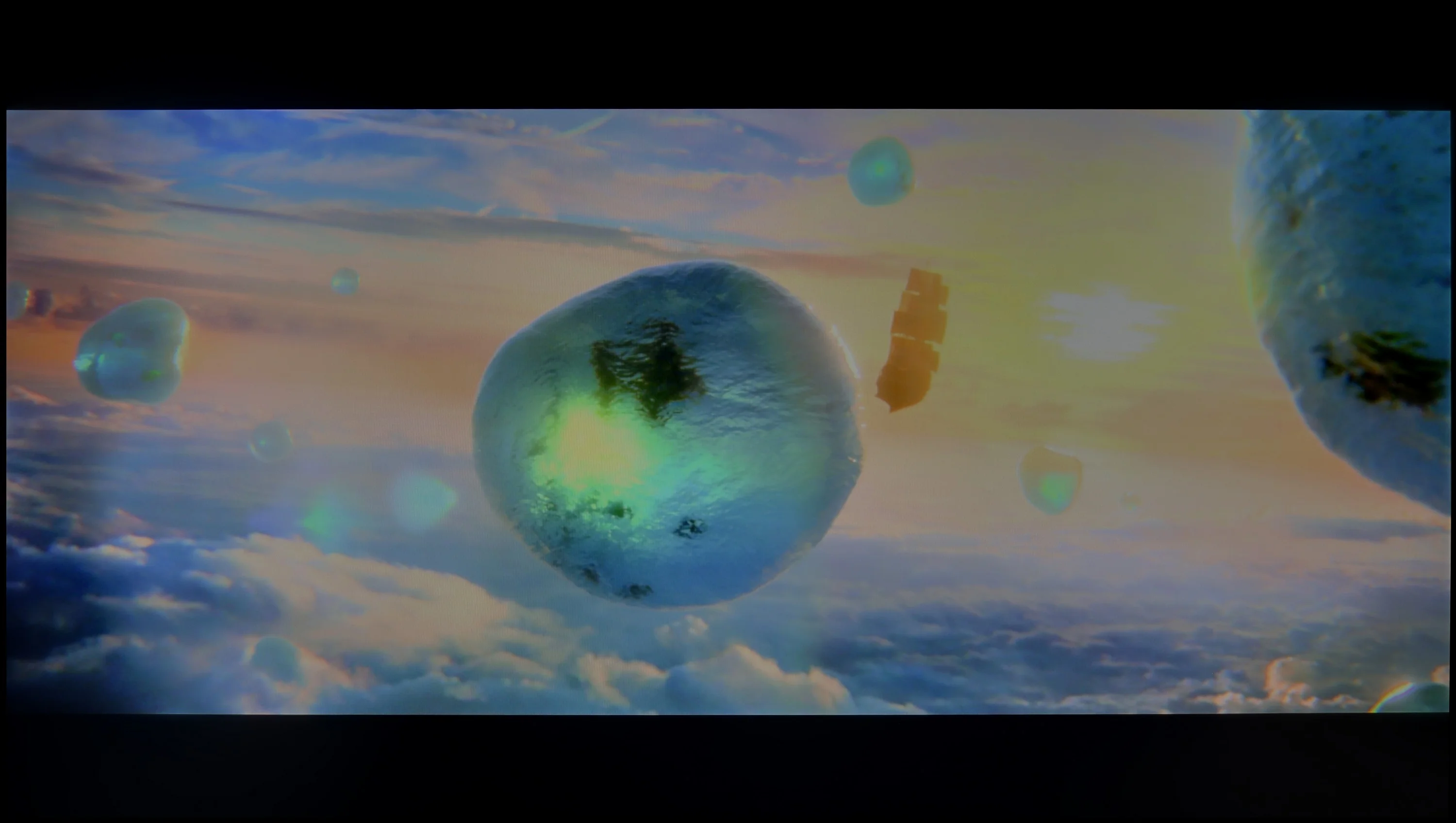
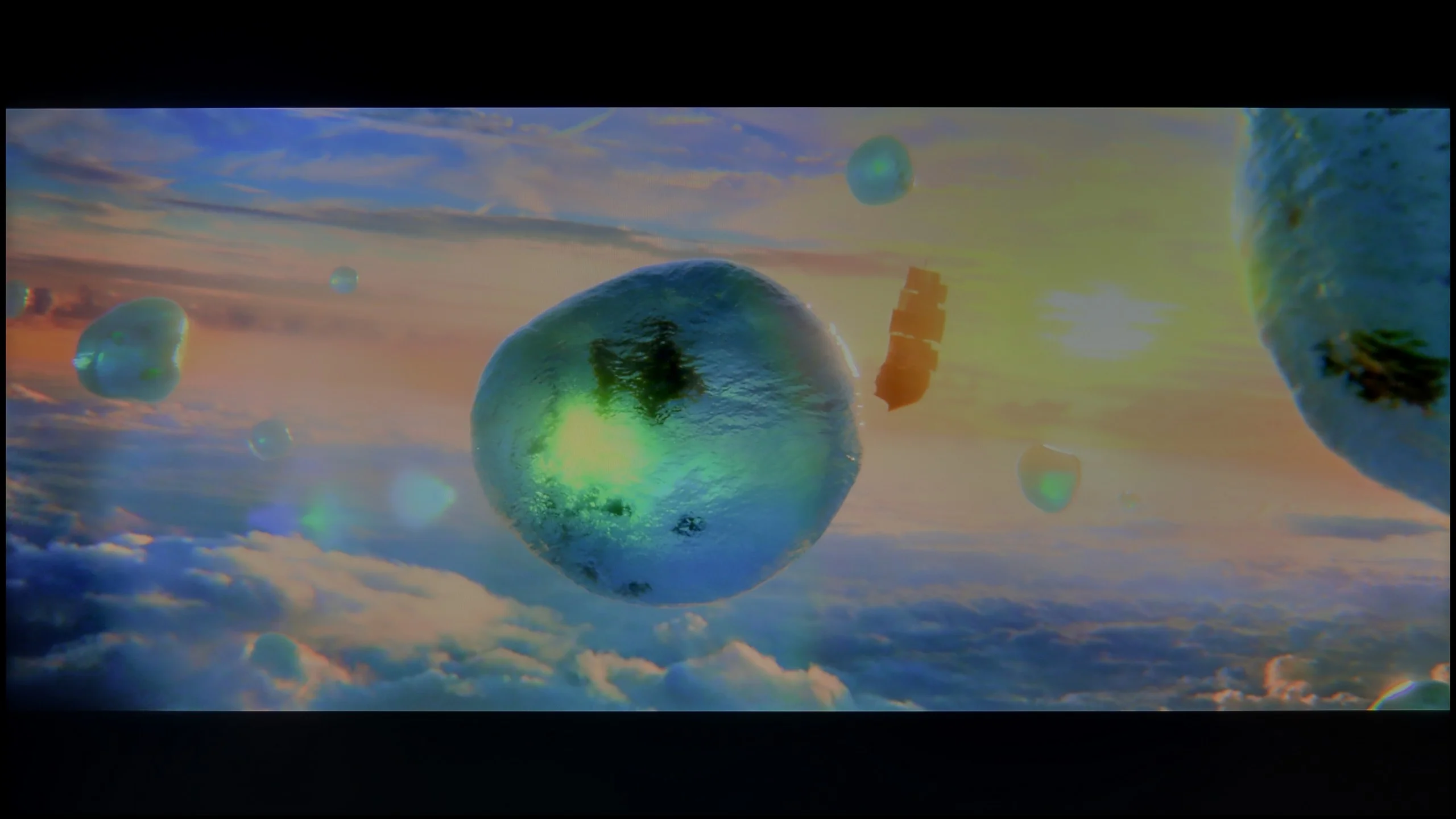
Scene from the movie “Pan” (about 2800 nits)
Scene from the movie “Billy Lynn” (about 1100 nits)
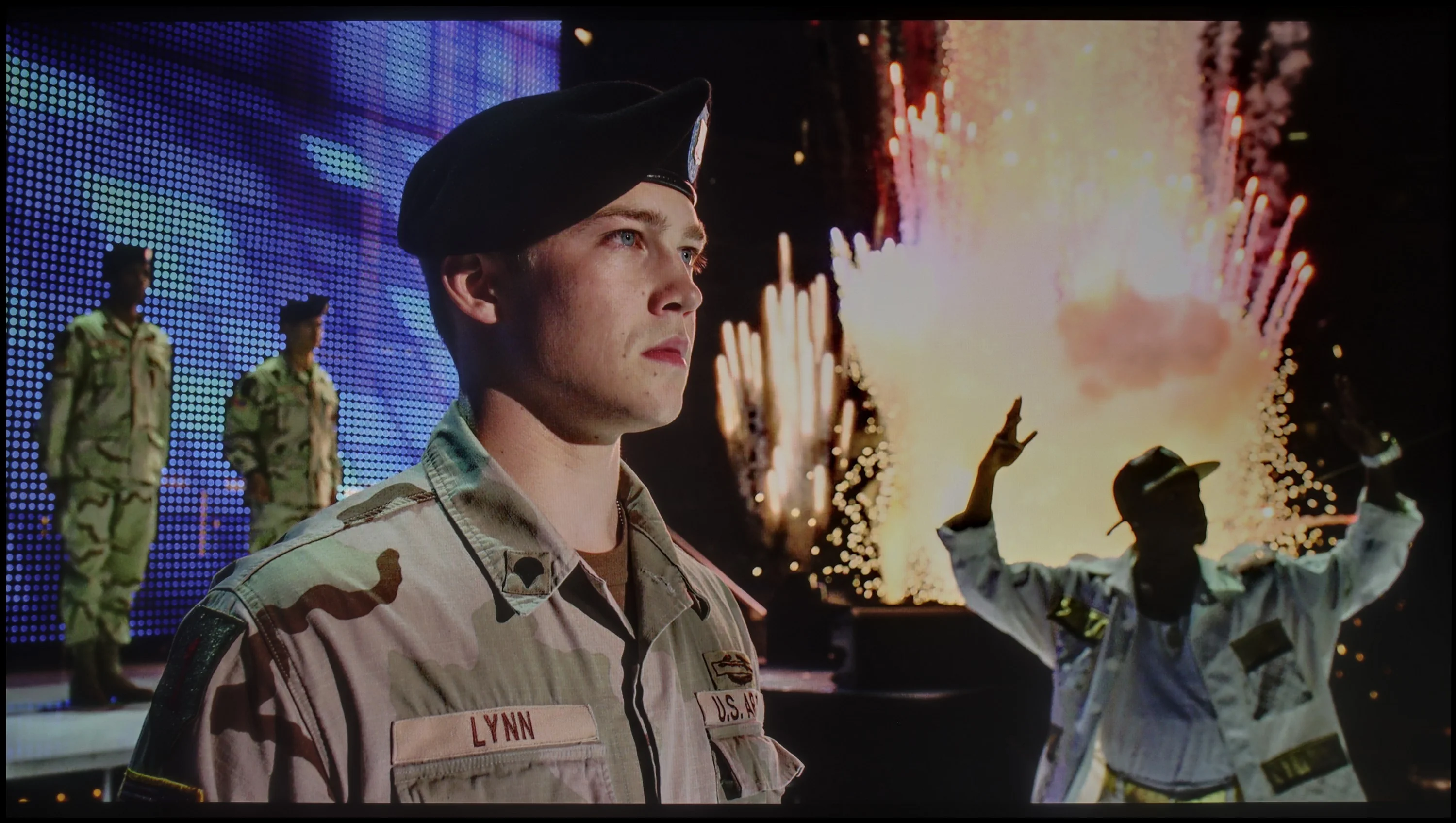
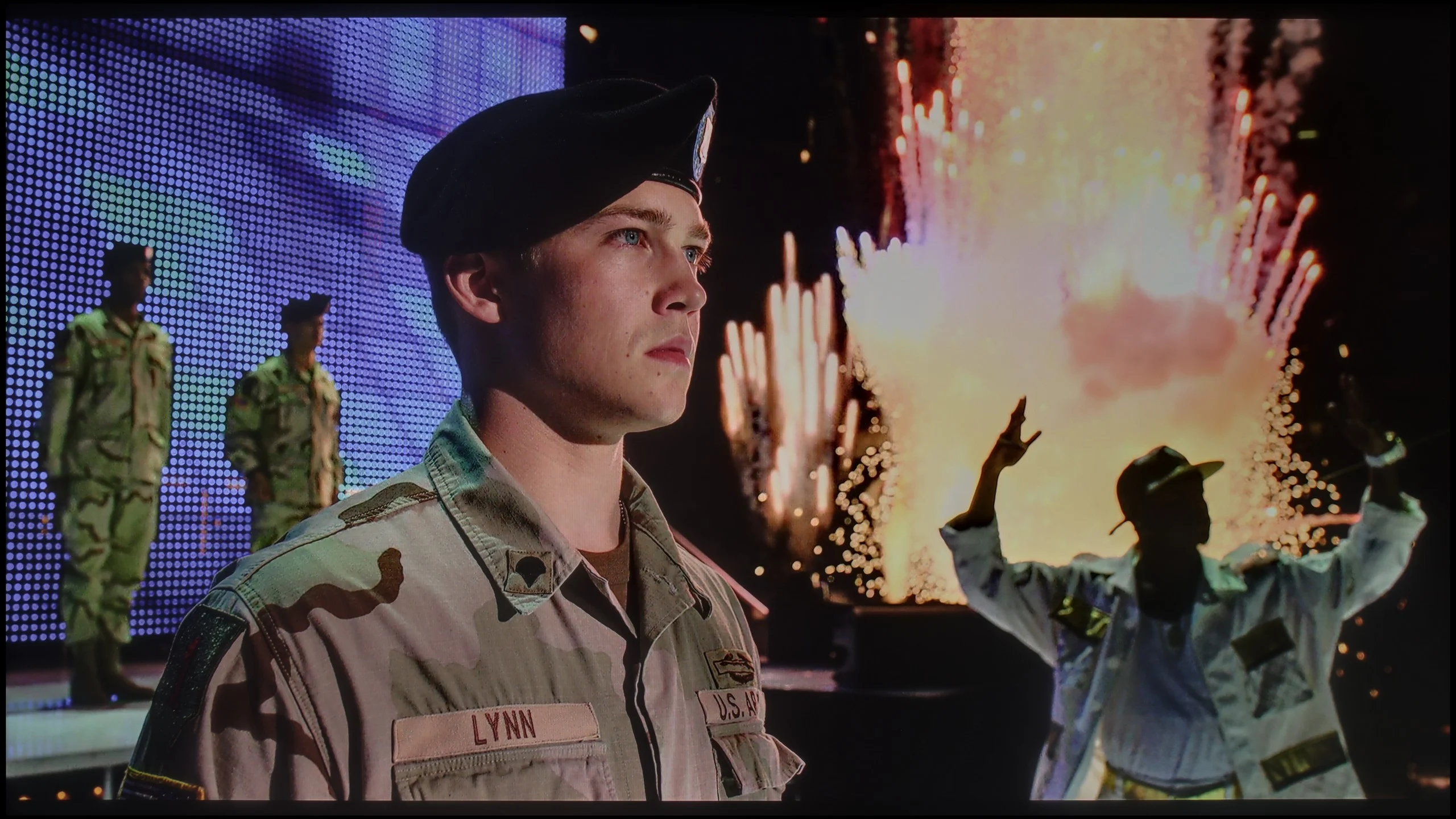
The photos show two HDR10 movies. 'Pan' is one of the brightest productions ever made, while 'Billy Lynn' (soldier) has brightness typical of streaming (Netflix, Prime, HBO MAX). Notice the intensity of effects and detail in whites.
Static HDR10
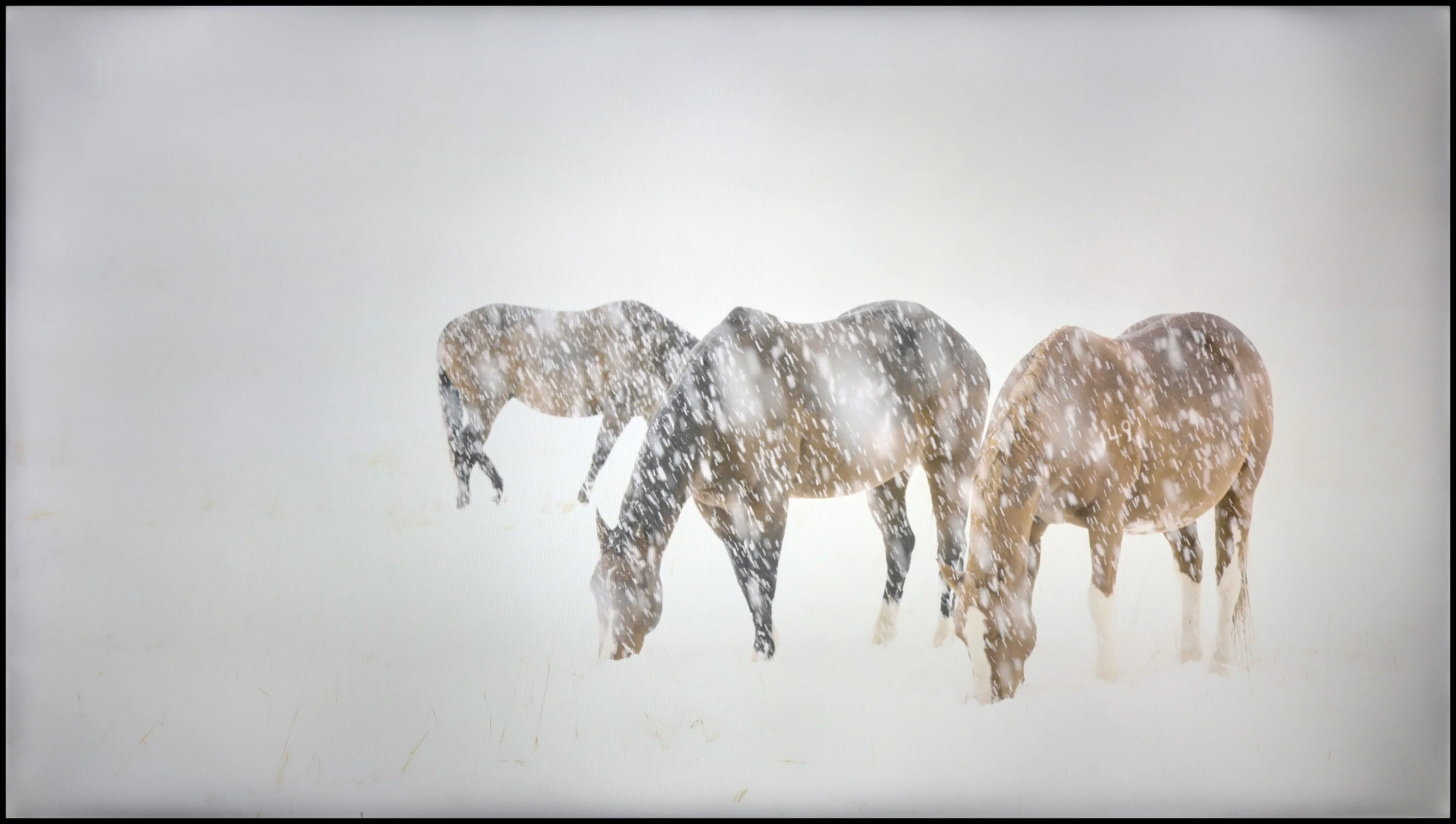
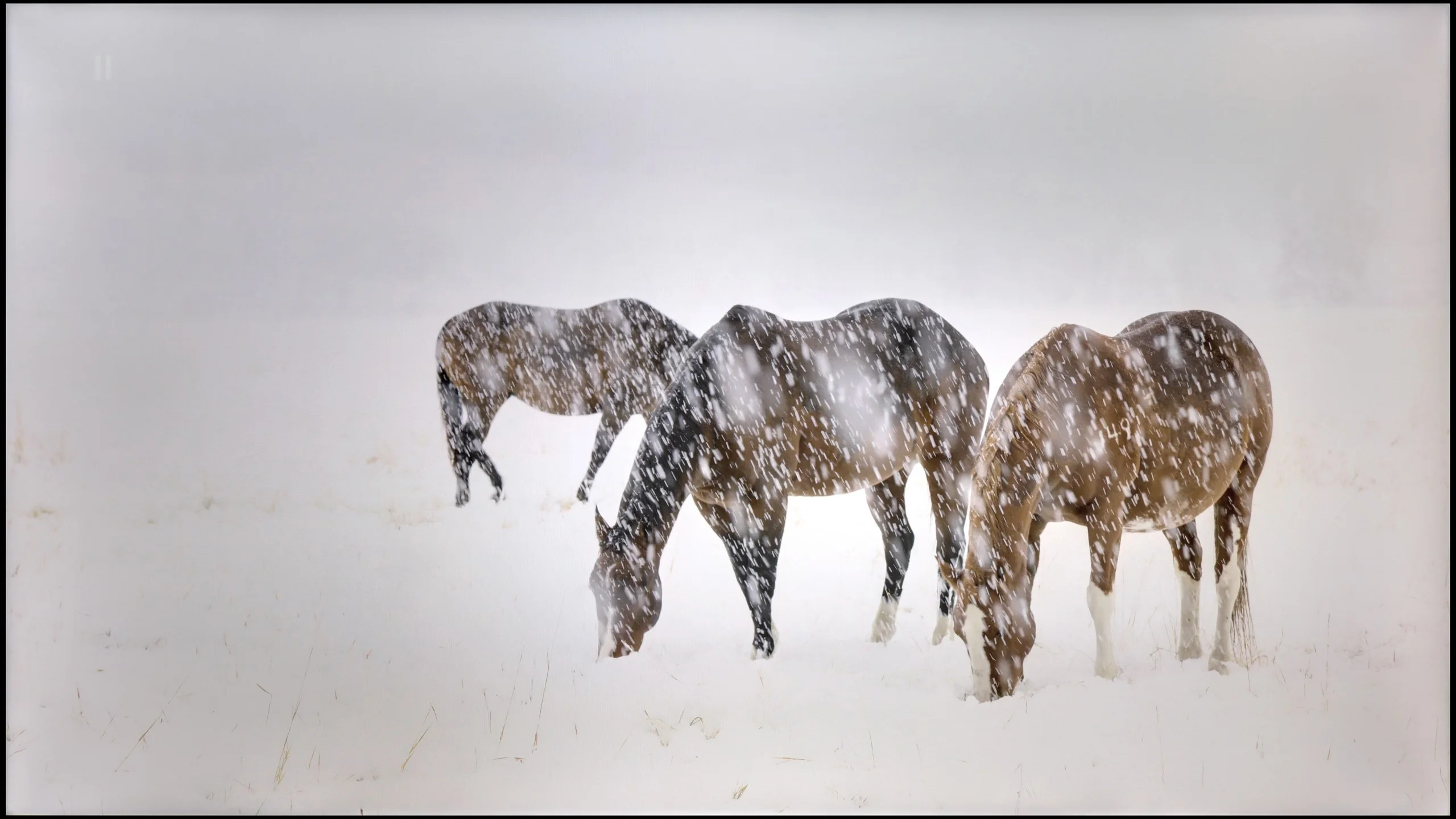
The photos present the visibility of white details in various HDR formats. They do not show brightness differences between TVs (these can be compared in the previous gallery).
Dynamic: HDR10+
Dynamic: HDR10+
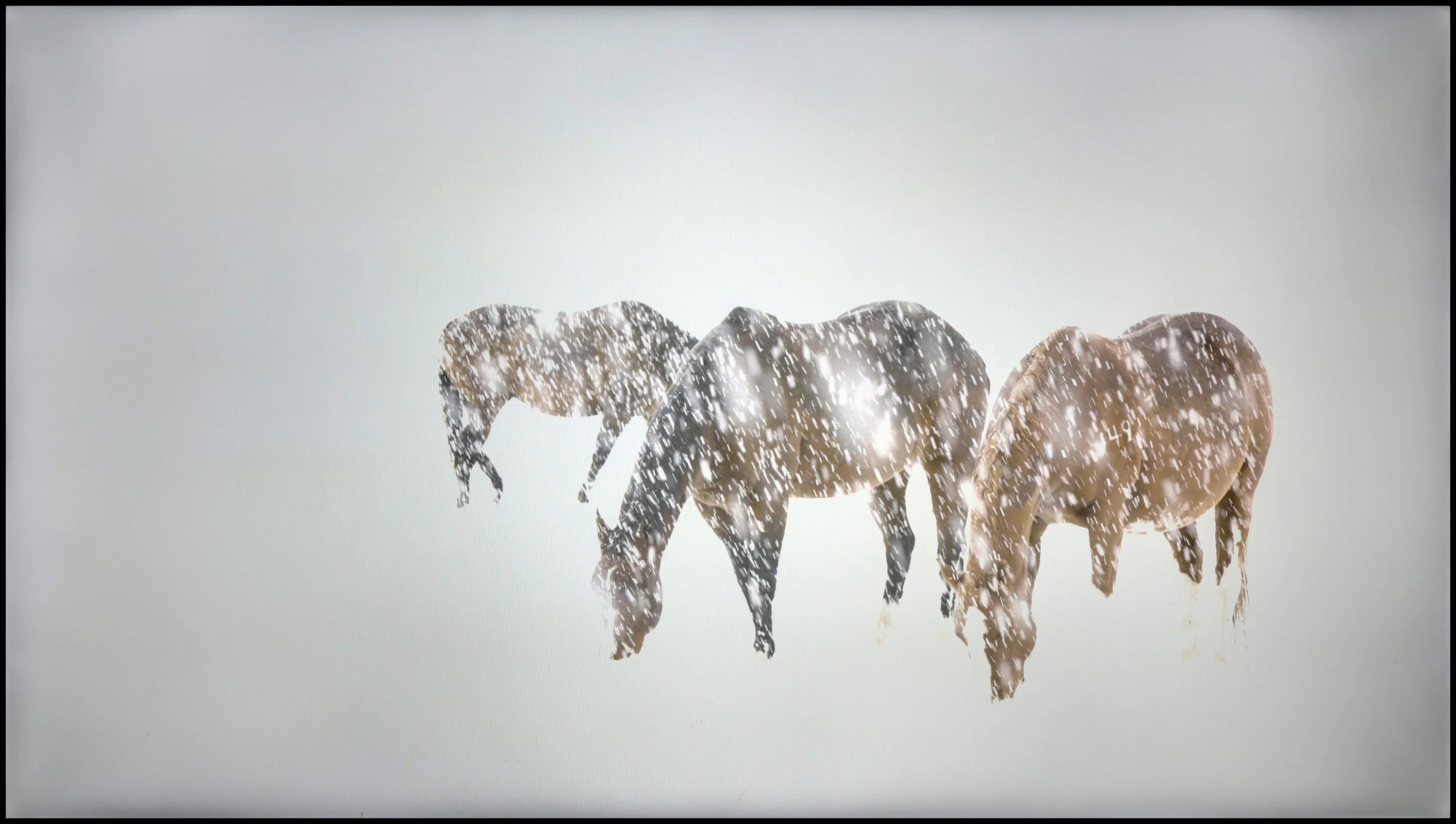
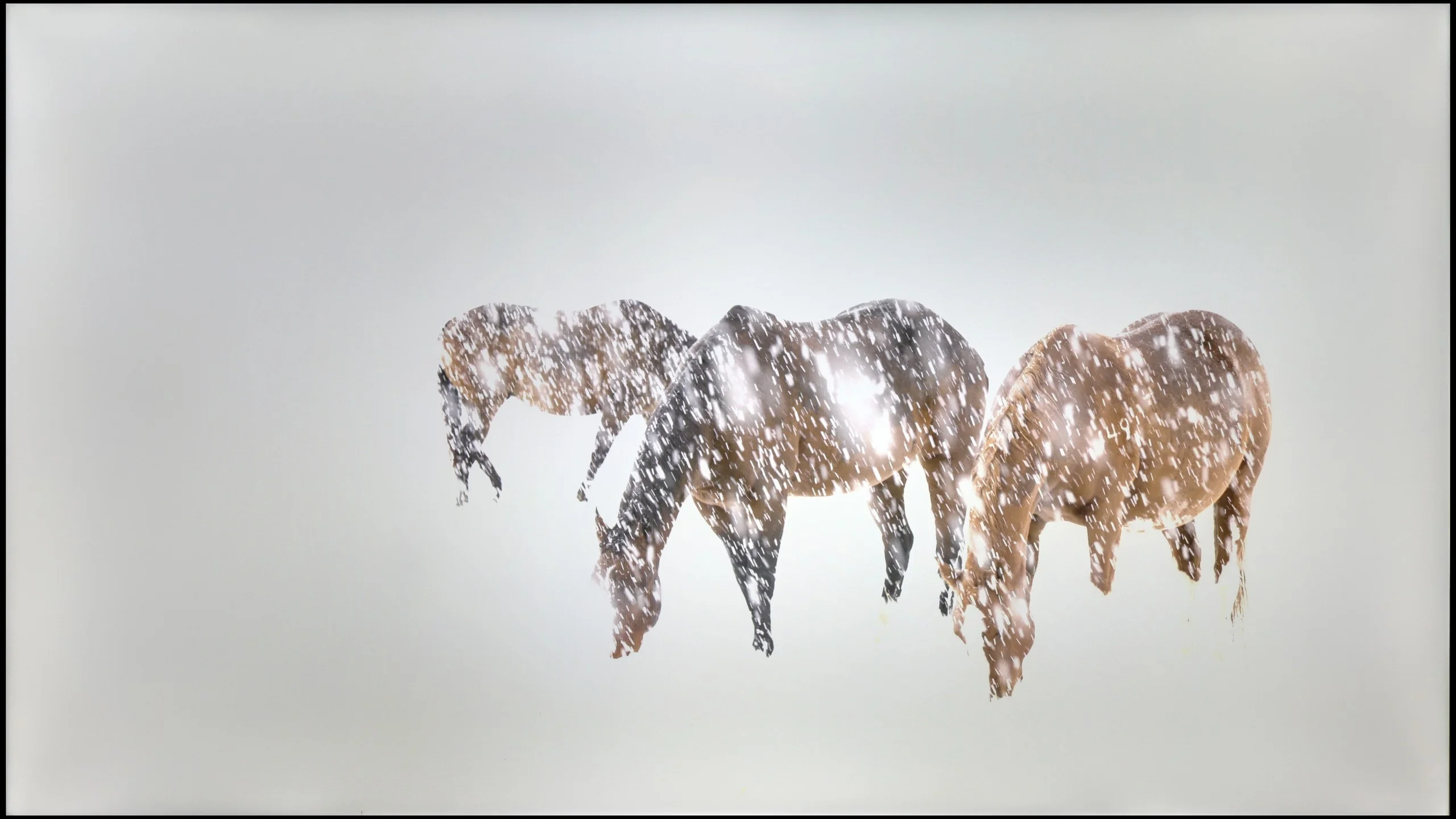
The photos present the visibility of white details in various HDR formats. They do not show brightness differences between TVs (these can be compared in the previous gallery).
HDR luminance chart:
Samsung U8000F (IPS)
Samsung DU7192 (IPS)
The maximum luminance in HDR materials is 245 nits, which is often surpassed by even lower results. Such values will definitely not be sufficient for comfortable viewing of HDR materials due to the lack of appropriate image dynamics and colour inaccuracies caused by the low brightness of the unit. Although the manufacturer has equipped its device with HDR format offering dynamic metadata, HDR10+, which is what we are referring to, is very rarely used compared to Dolby Vision, which Samsung has not yet introduced in its televisions. It is also worth mentioning that Samsung DU7192 offers only 82% coverage of the wide DCI-P3 colour gamut, which is another reason we should not supply a signal in wide dynamic range, as colour losses will be very noticeable. Samsung DU7192 provides high-quality images that will satisfy most users.
Better does not mean good – and that is exactly how to summarise the capabilities of U8092F when it comes to displaying bright movie scenes in HDR mode. The brightness of the panel is just under 250 nits, which is definitely too little to enjoy any light effects. An interesting situation was observed during the measurement of the fourth scene from the film Sicario 2 – the television clearly dimmed the entire screen in an attempt to achieve better black levels (which remain weak anyway). One might even suggest that the device is using some form of 'global dimming', but unfortunately – the results are still very poor. To make matters worse, the television does not support a wide colour gamut – the coverage of the DCI-P3 space is around 80%, so one cannot expect truly vibrant colours. The HDR image here looks more like a slightly brightened SDR, and it is this form that we would suggest sticking to when it comes to this television.
Factory color reproduction
4/10
6.5/10
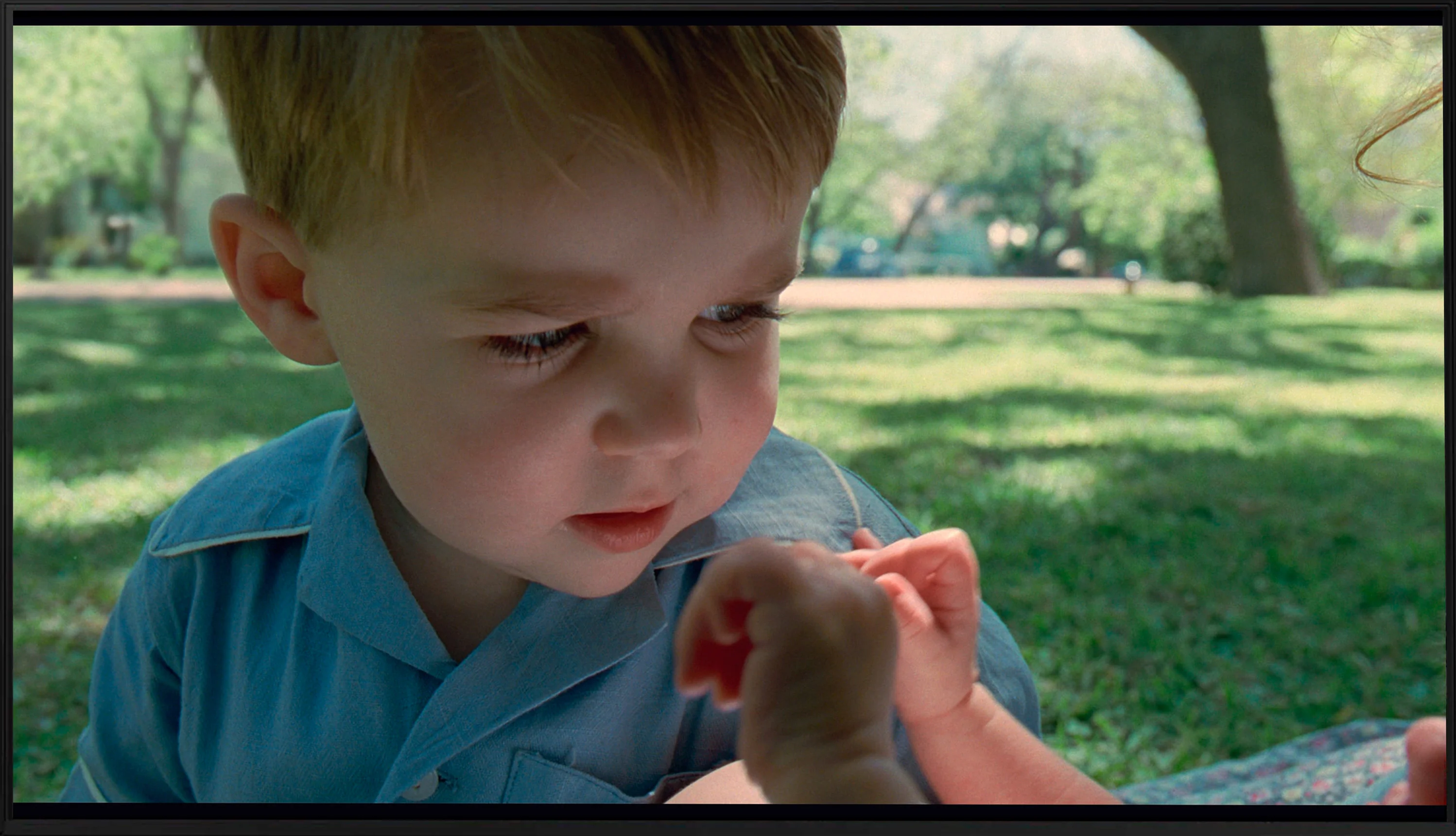
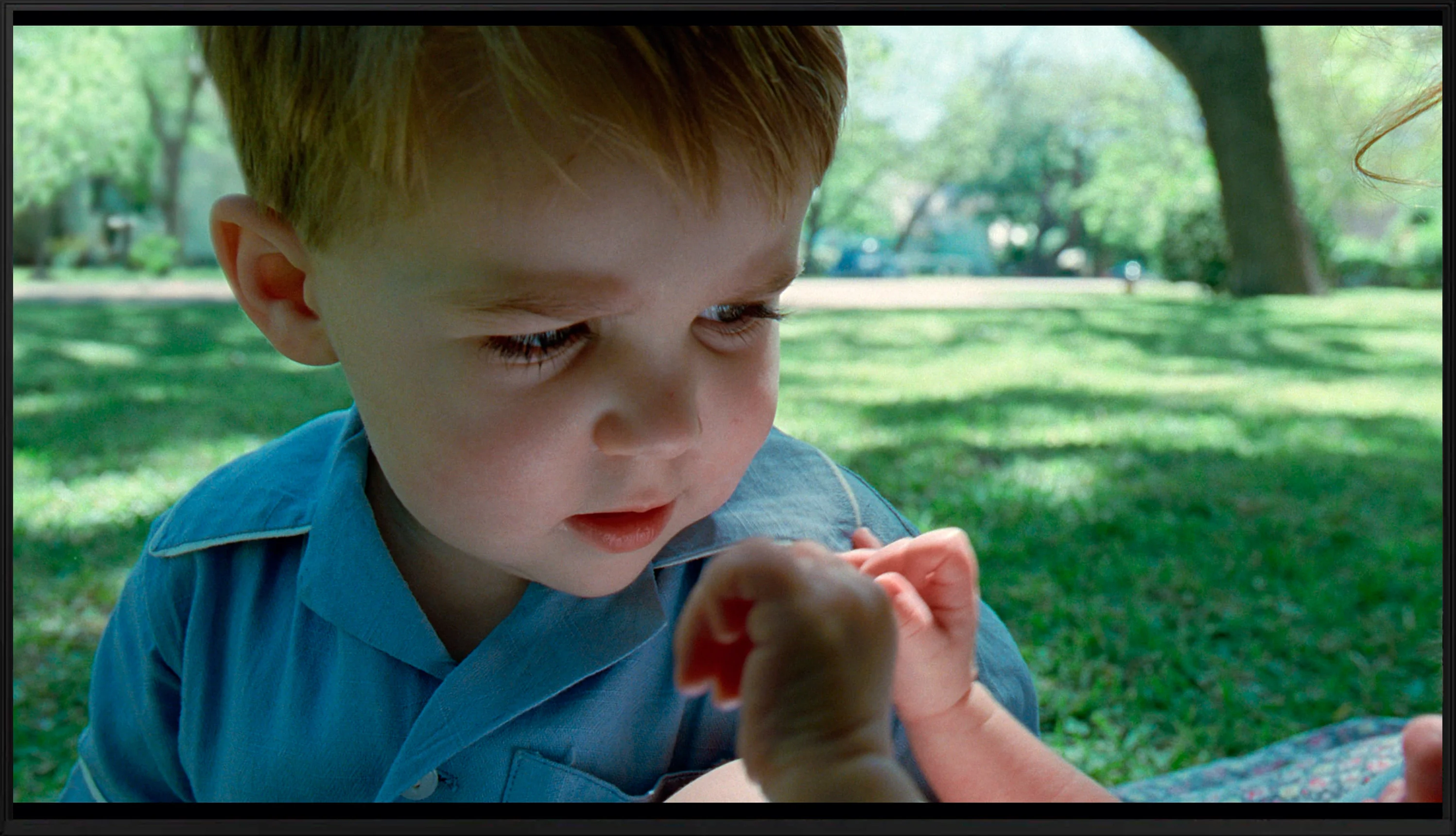
This gallery shows how colors change after professional TV calibration. If you notice the difference, we recommend ordering this service at SkalibrujTV.com.
Factory Mode
After calibration
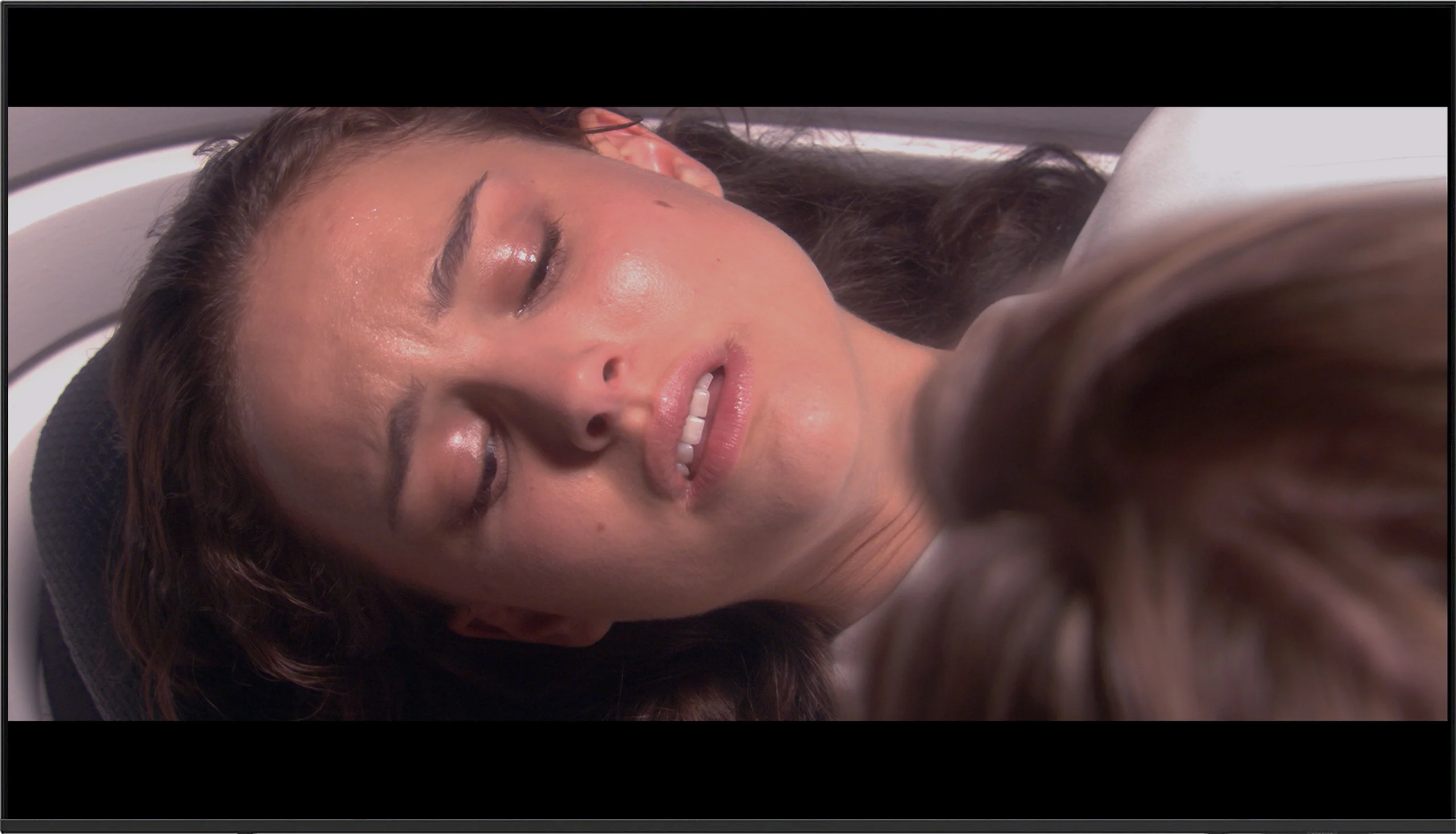
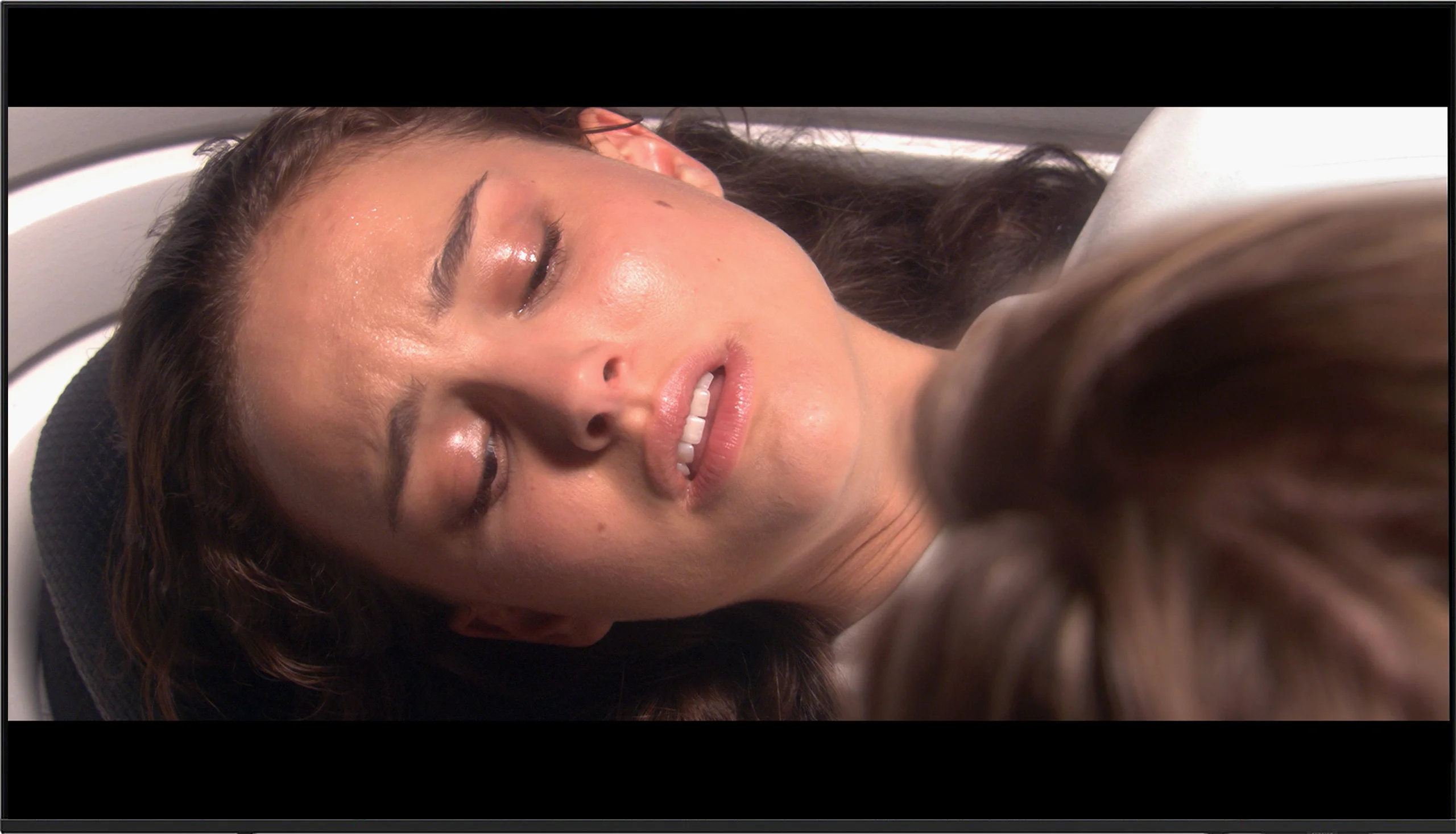
This gallery shows how colors change after professional TV calibration. If you notice the difference, we recommend ordering this service at SkalibrujTV.com.
Factory Mode
After calibration
The best factory mode we used throughout the testing process was "Filmmaker". This, like the vast majority of modes, had its drawbacks. Starting with the most basic chart, which is the white balance, we can notice a pronounced dominance of red, both in SDR and HDR modes. Although there was also some green in the latter, it did not significantly affect the overall impression. A chart with such results, in both cases, gives us an image characterised by strong yellowing, clearly visible on whites and on the faces of the actors. Another important chart, if not more important, is gamma. This, which is meant to control contrast in materials with a standard colour palette, was quite good in factory mode with one caveat regarding the low end. In the darkest scenes, it was significantly lowered, which led to strong brightening, resulting in the film lacking contrast and all suspense. As we mentioned, HDR materials in terms of white balance remained at a similar level. The main change is the EOTF curve chart. At the very beginning, we can observe a bulge, which, just like in the case of gamma, significantly brightened the darkest scenes. However, the chart then changed its characteristics significantly and the measured result dipped below the reference line, causing the film to lose even more dynamics.
The Samsung U8000F has been tested in the best possible picture mode built into the television, namely Filmmaker Mode. This mode should – at least in theory – offer a cinematic, reference picture without unnecessary enhancements. In the case of SDR content (mainly HD/SD), the television, out of the box, showed itself surprisingly well. Errors in white balance hovered around a value of 3, which is roughly on the edge of perceptibility. The only complaint could be about brightness management – the gamma graph showed a slight tendency to lighten or darken certain sections, but even so, the overall performance is quite good for this price segment.
Unfortunately, it looks much worse in HDR mode. Although the white balance was not terrible, the television had significant colour errors – particularly evident in the Color Checker graph, where almost every sample hit outside the target point. The picture in HDR simply looks unnatural, and the colours can be shifted, dull, or too cool. This largely stems from the fact that the U8000F does not support a wide colour gamut (DCI-P3). The television is physically unable to display correct colours in the HDR standard – and unfortunately, this is felt in every more demanding material.
Color reproduction after calibration
5.9/10
7.5/10
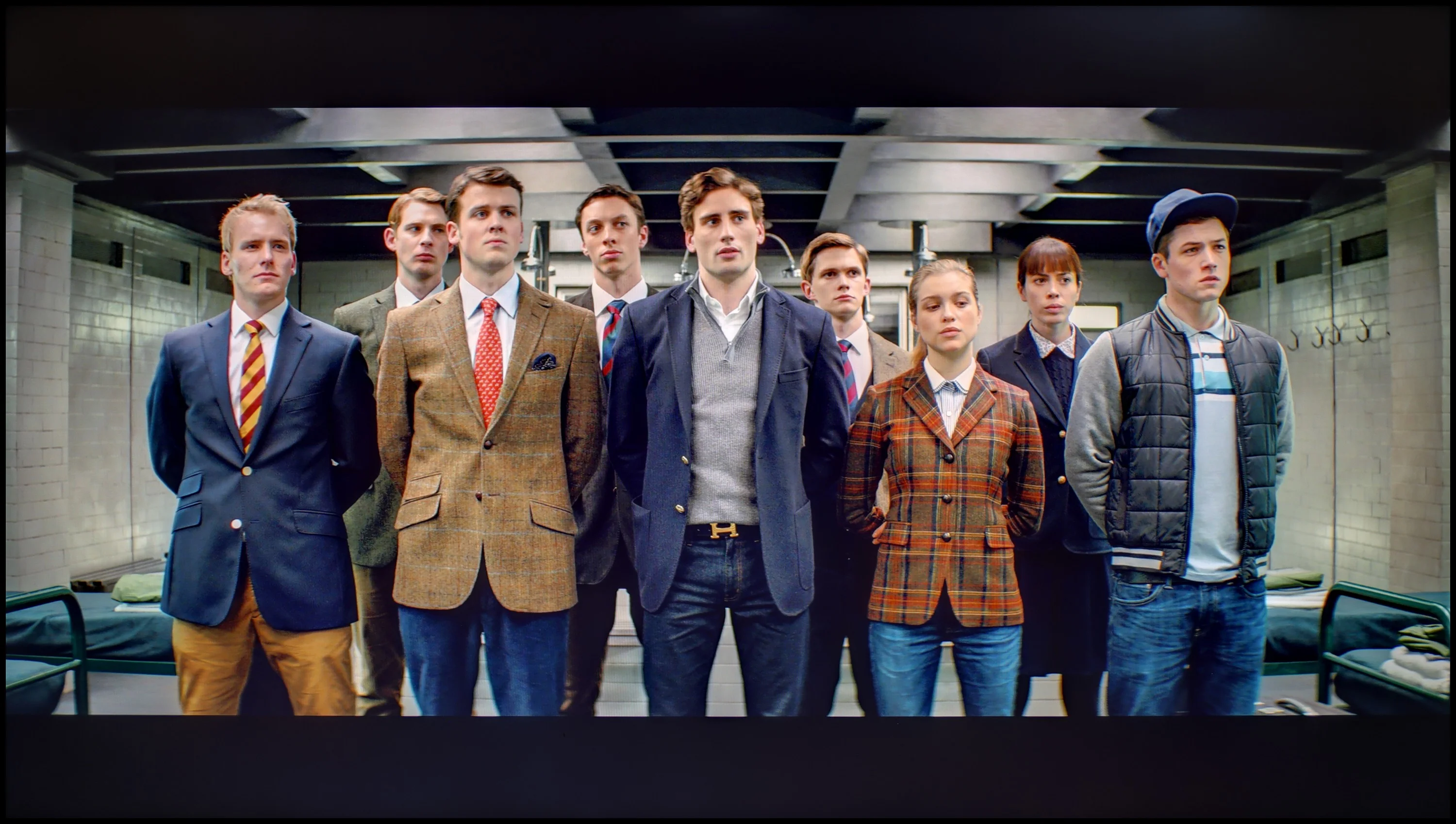
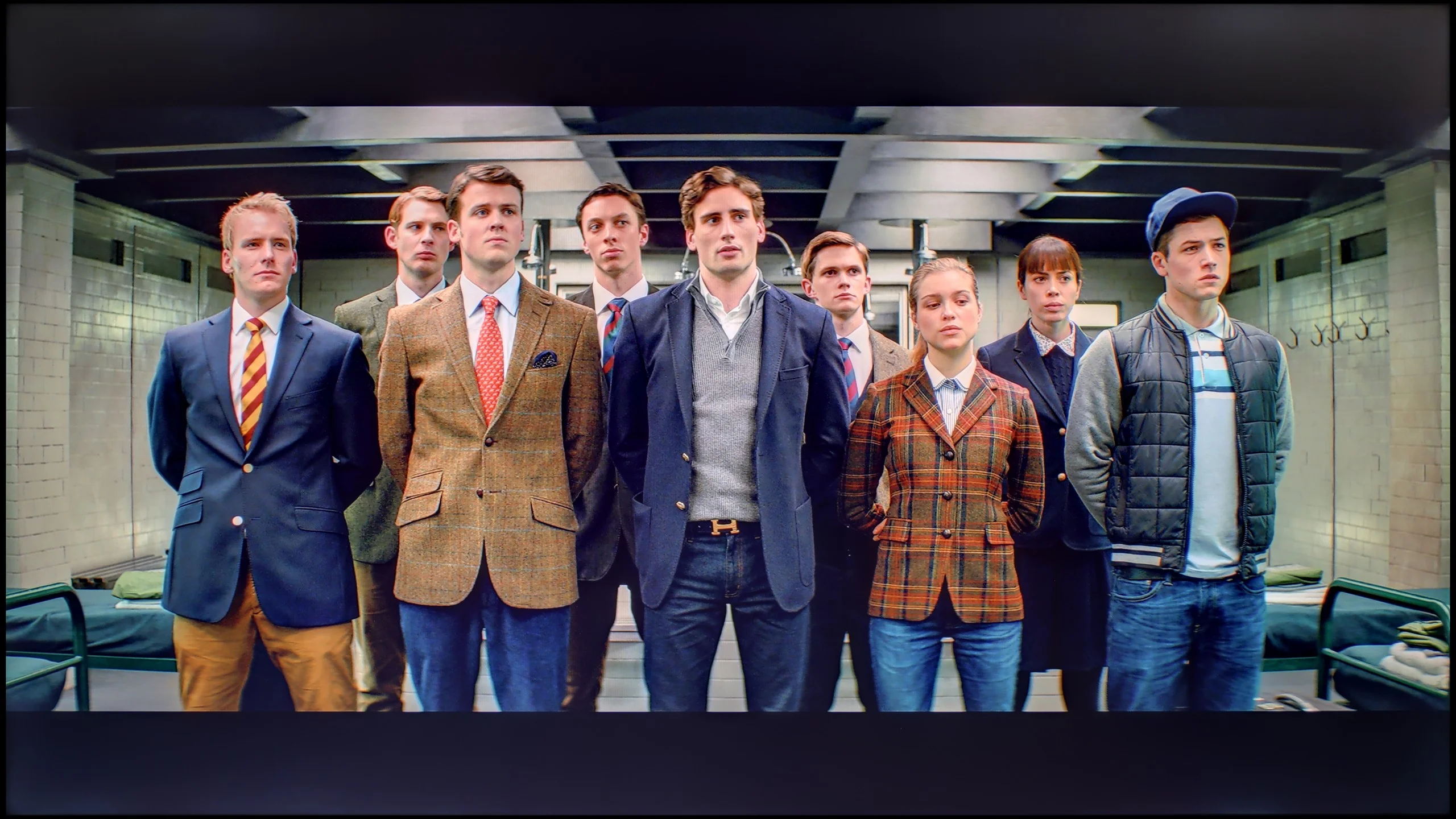
The photos show how movies look on the TV. Pay attention to black detail visibility, colors, and shadow tint.
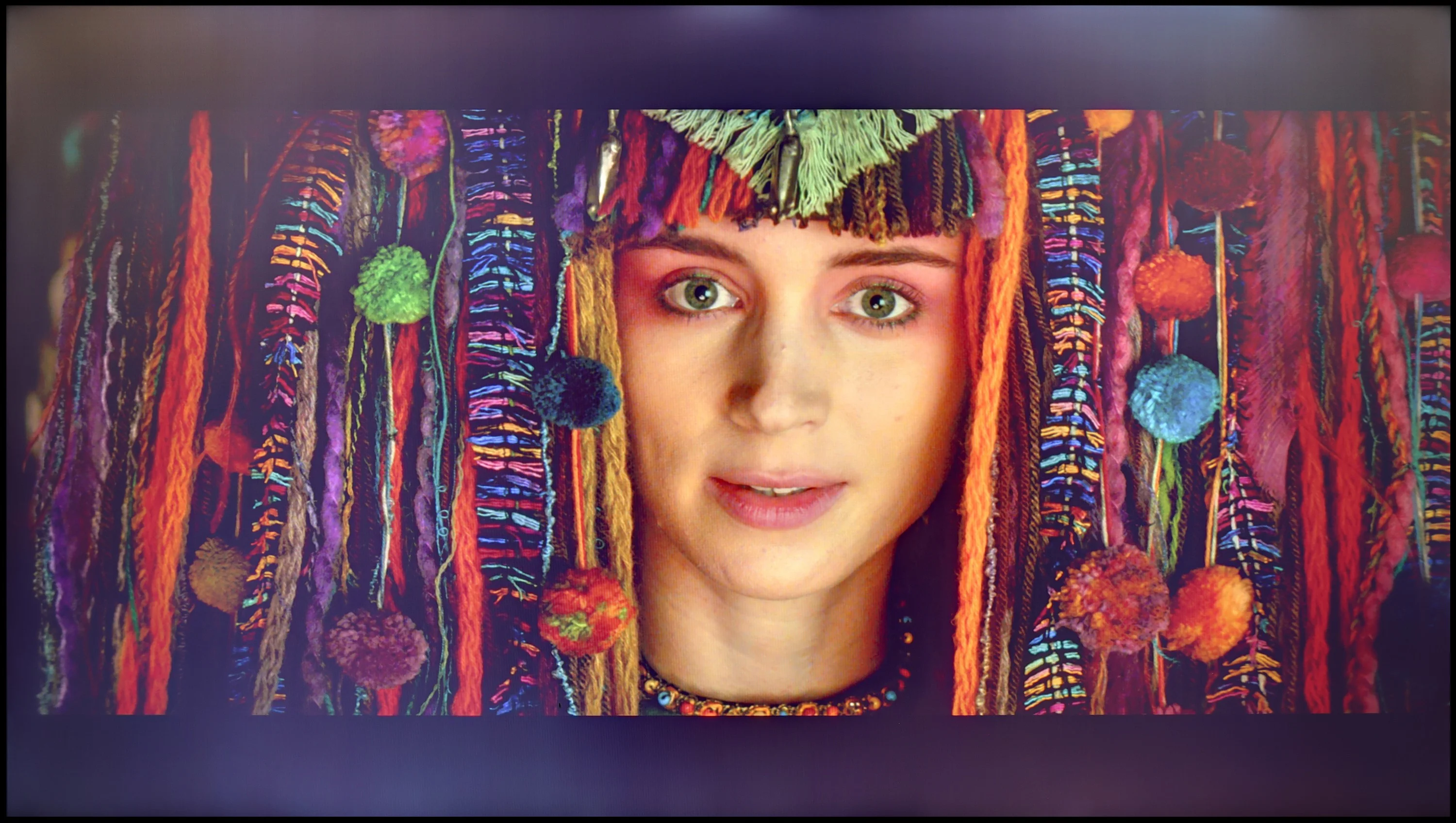
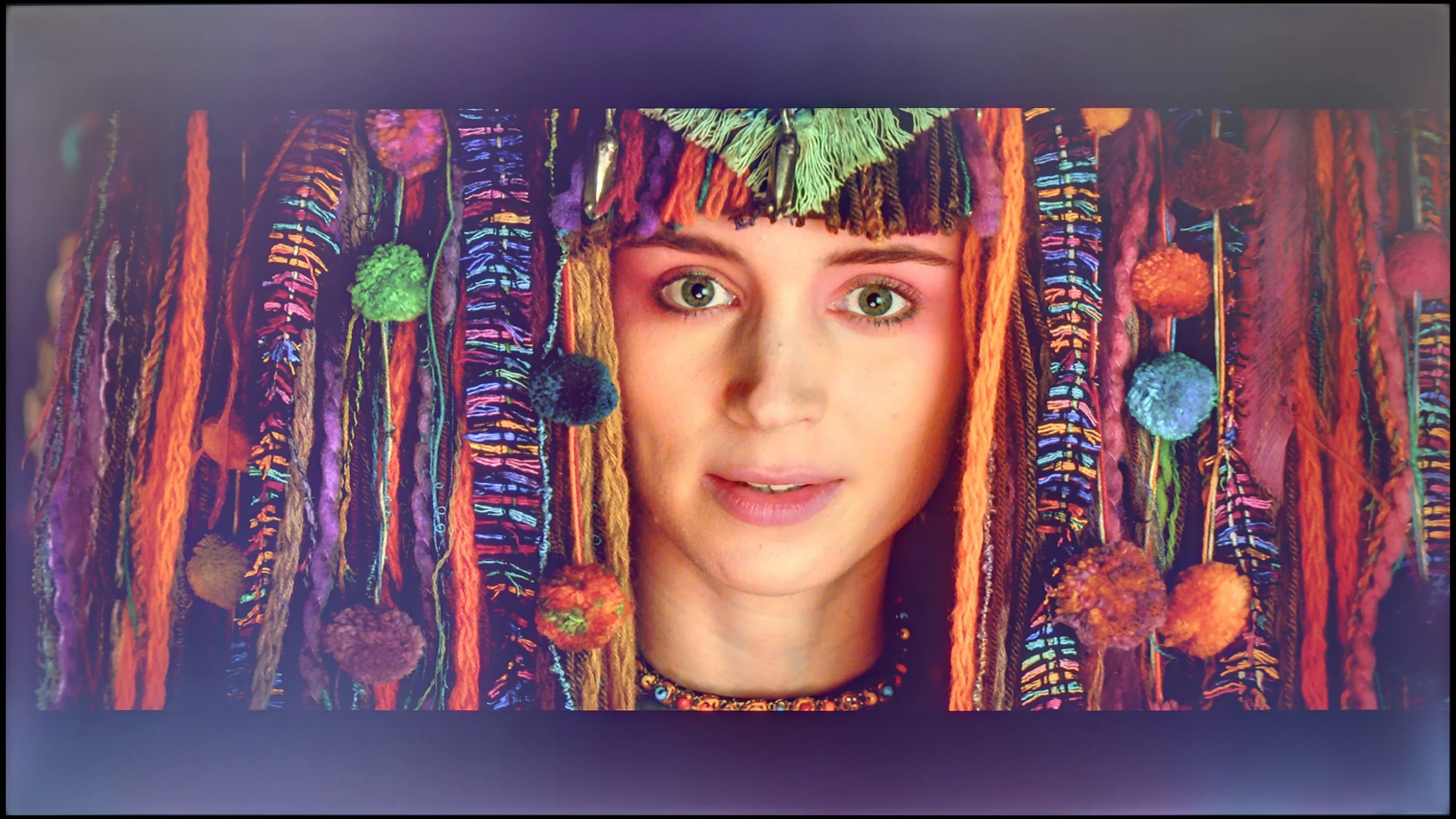
The photos show how movies look on the TV. Pay attention to black detail visibility, colors, and shadow tint.
Samsung has equipped even its lowest-end televisions with advanced tools for the calibration process. So we got to work, and the results of our efforts are more than satisfactory. The white balance, which previously had a strong yellow tint in both scenarios, now looks much, much better, even if there are slight deviations from the norm. The image will still look significantly cleaner than it did before the calibration process. We managed to model the gamma in SDR materials very well, ensuring that the image will be as contrasty as the television allows. The EOTF curve has also changed its face and no longer brightens or darkens the image in such a drastic way. However, it's worth mentioning that in the case of HDR materials, deltaE errors are still very high, but this is due to the insufficient brightness of the unit.
Although the U8000F already offered a fairly well-balanced image in SDR straight out of the box, we were able to refine it a bit further. We managed to eliminate a slight purple tint and adjust the gamma to a more sensible level. However, the television still has a tendency to overexpose the smallest and brightest parts of the image – the gamma chart shows a characteristic 'dip' that is difficult to completely straighten out.
Unfortunately, the situation is worse in HDR. It's hard to speak of any significant improvement here – the television is simply not designed for HDR content. We tried to correct the image in the advanced settings, but despite our efforts, the colour errors remained substantial – a delta E above 7 indicates very noticeable deviations. It's a bit disappointing, but that's the nature of budget construction. In SDR, the U8000F performs reasonably well, whereas HDR is just not its league.
Smoothness of tonal transitions
7.7/10
9/10
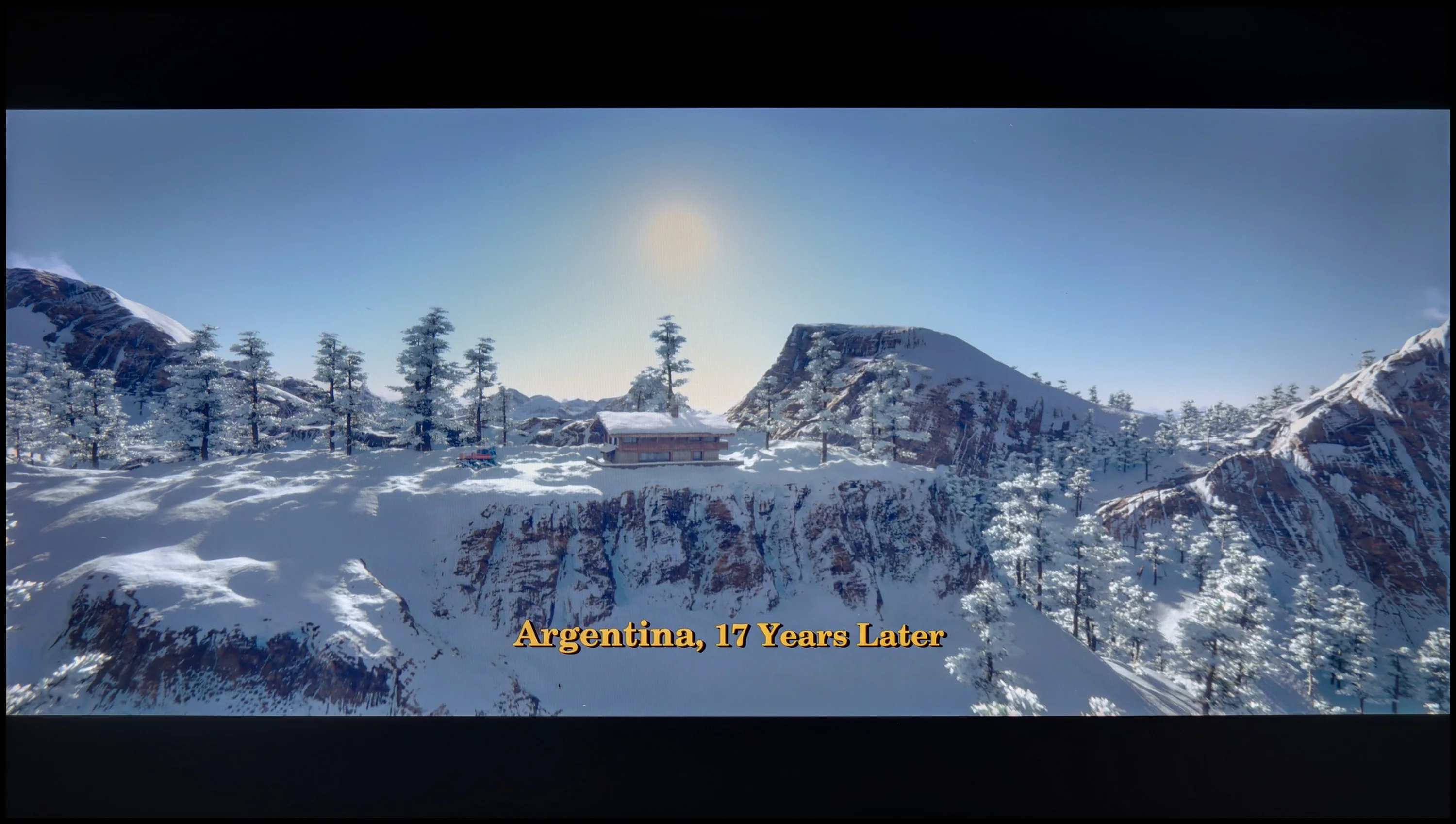
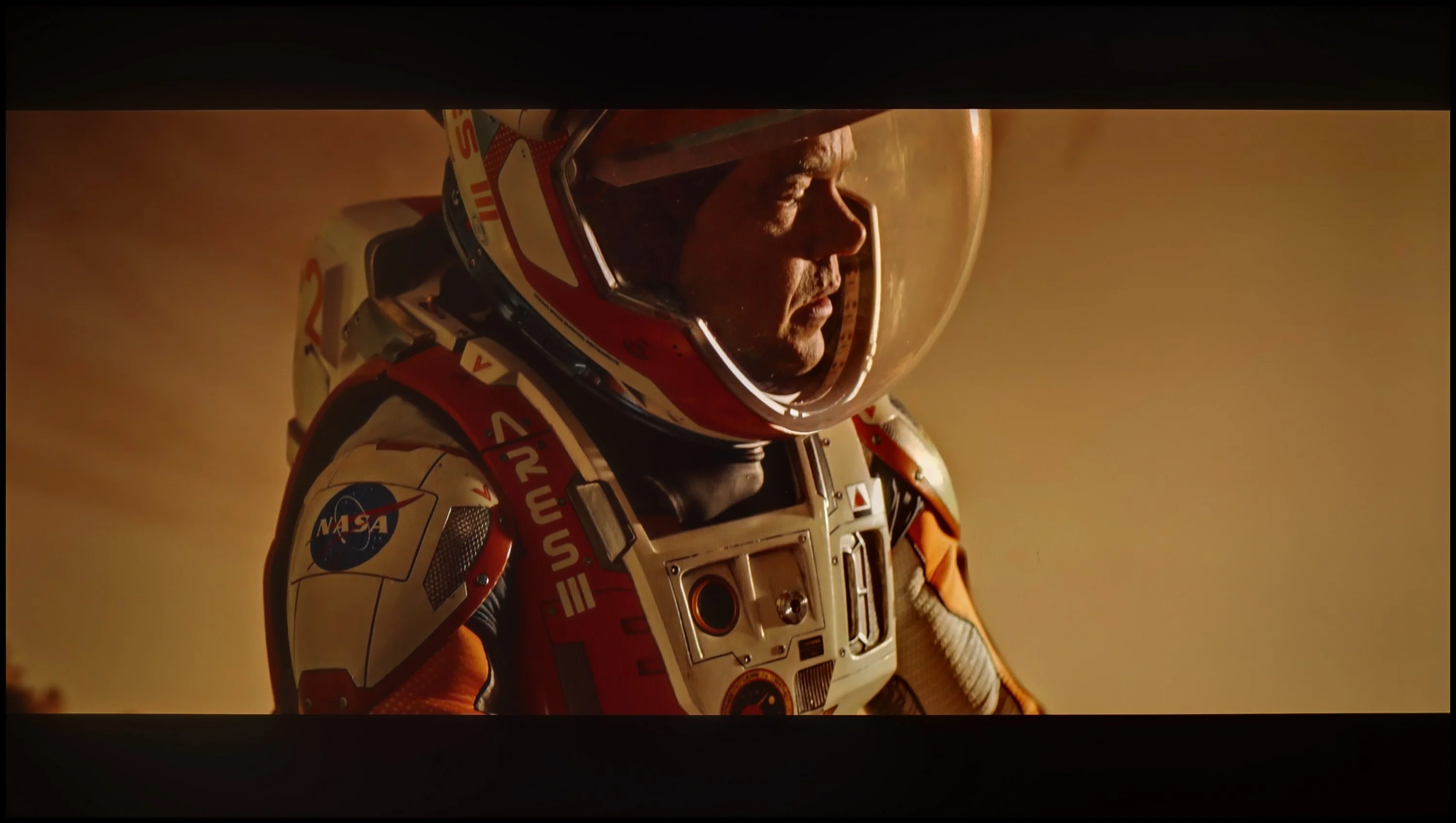
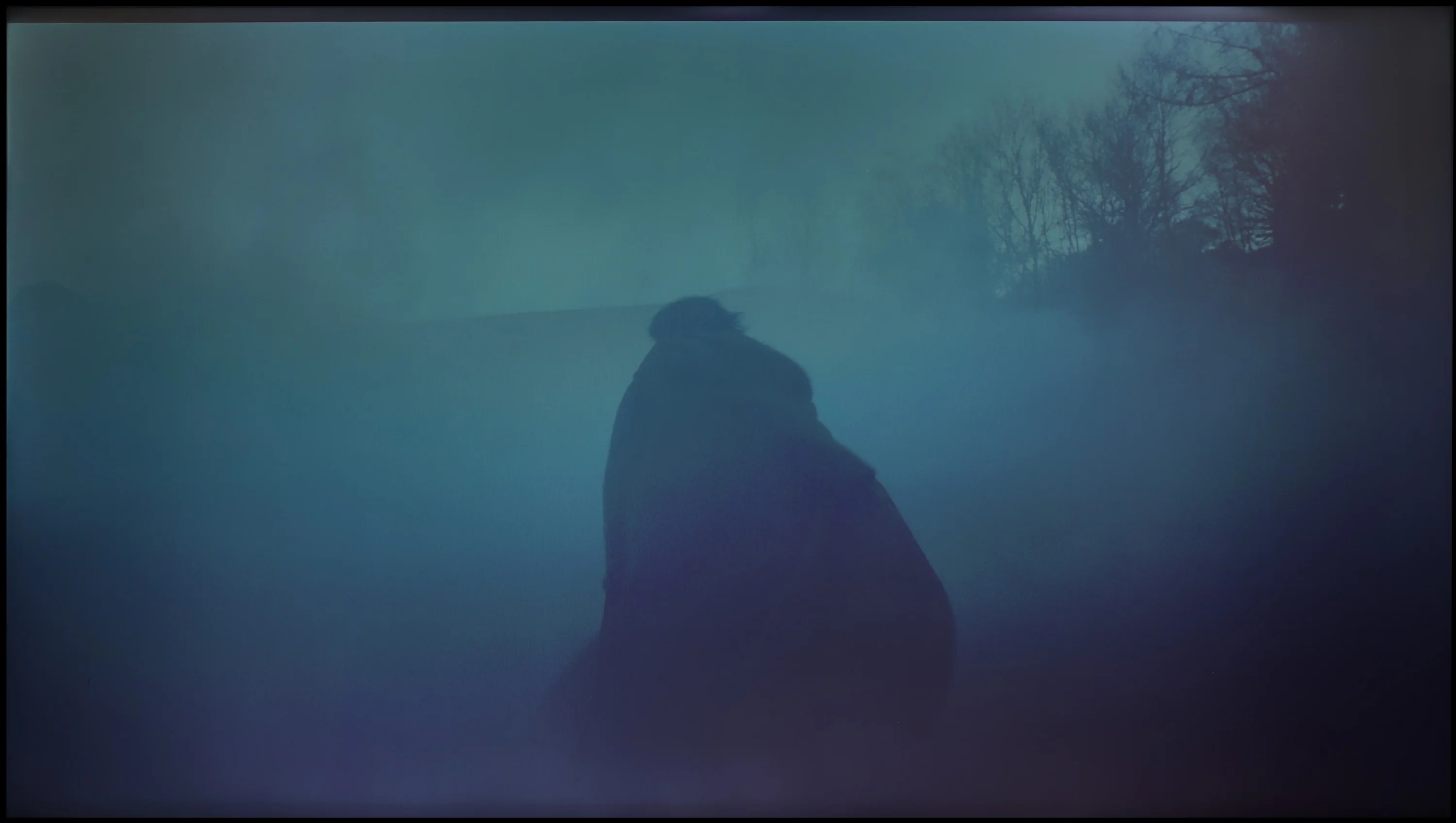
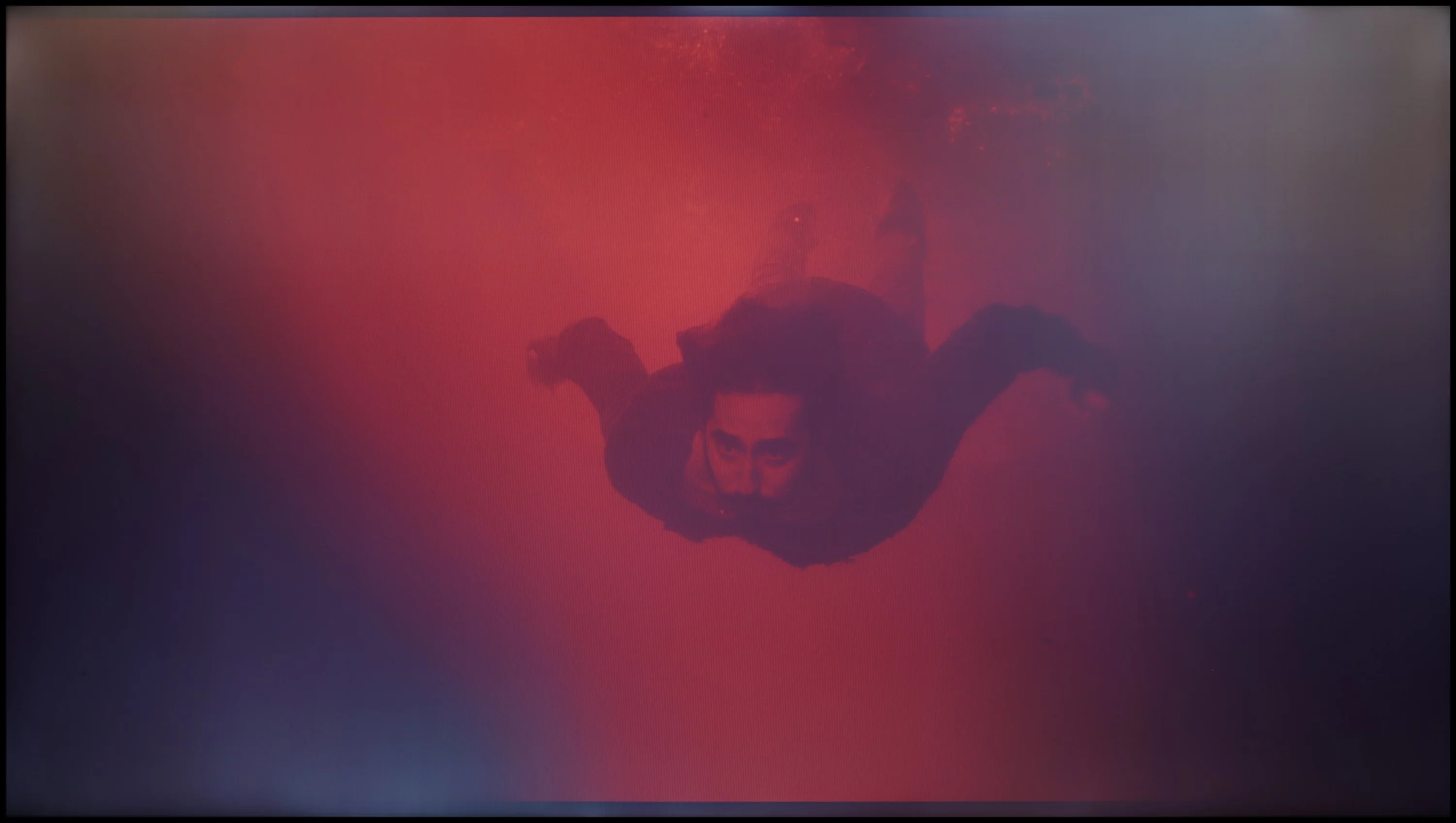
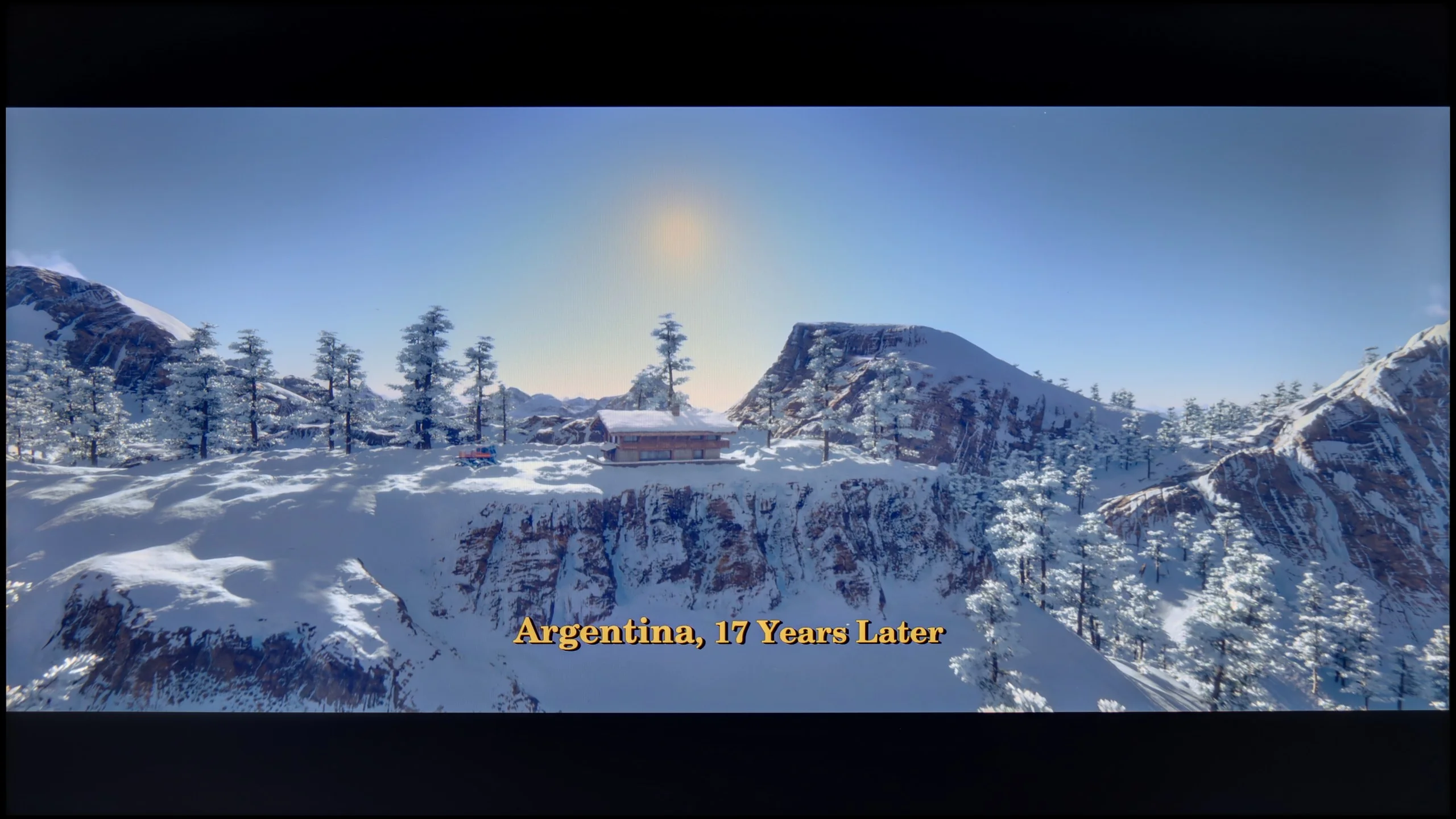
These are selected scenes that show smooth tonal transitions from one color to another. If you see distinct banding, it’s the TV panel’s fault.
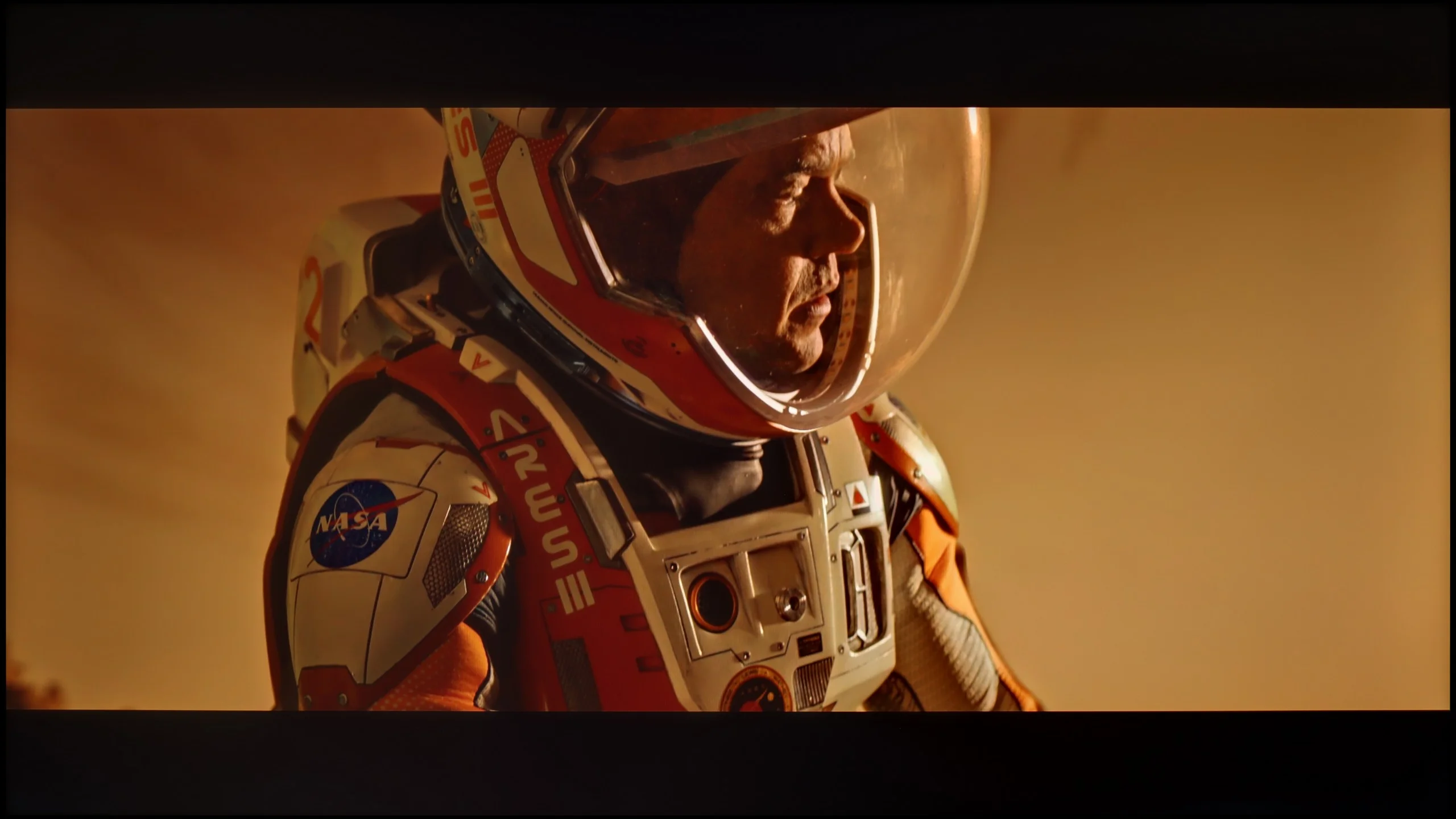
These are selected scenes that show smooth tonal transitions from one color to another. If you see distinct banding, it’s the TV panel’s fault.
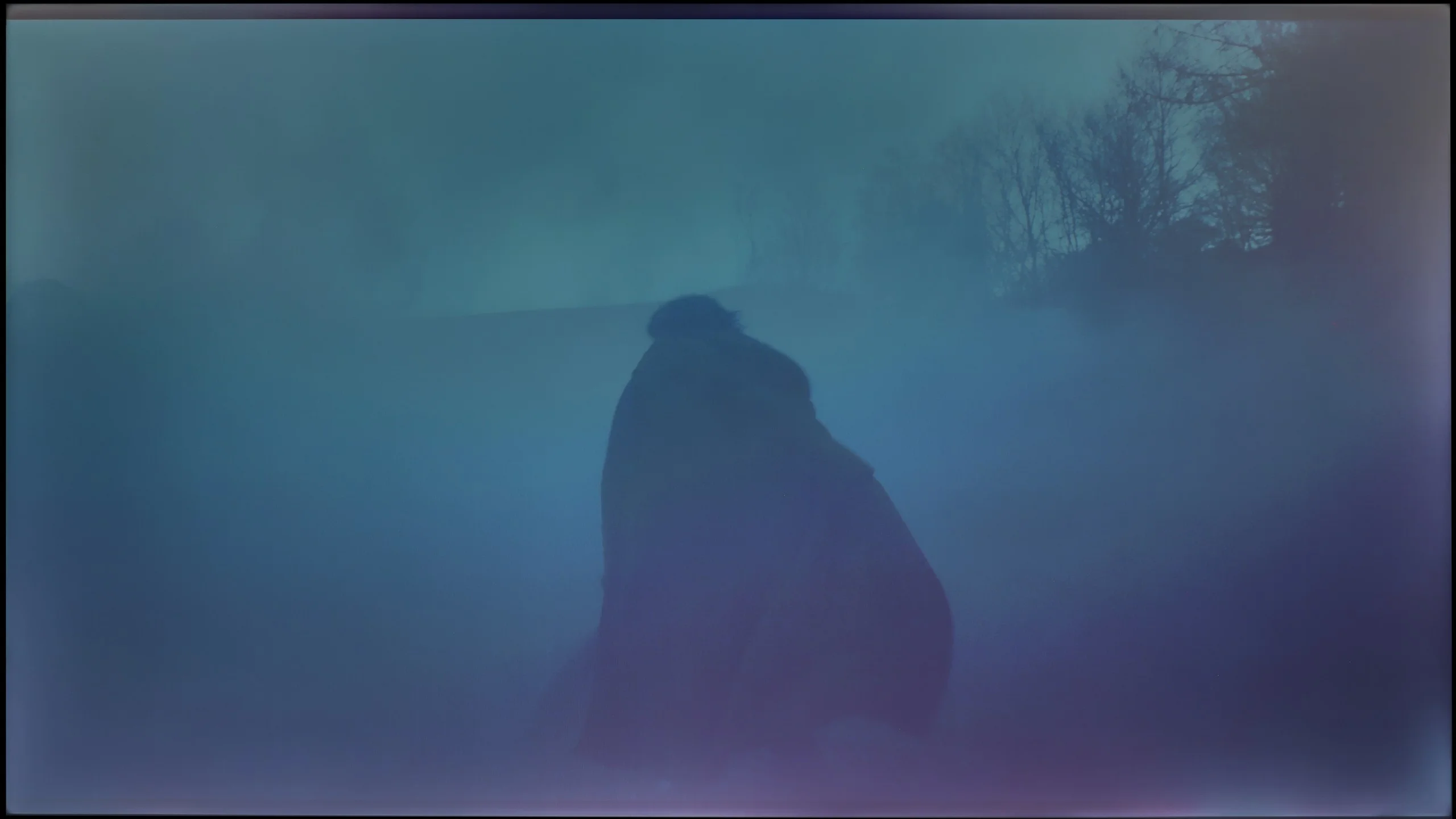
These are selected scenes that show smooth tonal transitions from one color to another. If you see distinct banding, it’s the TV panel’s fault.
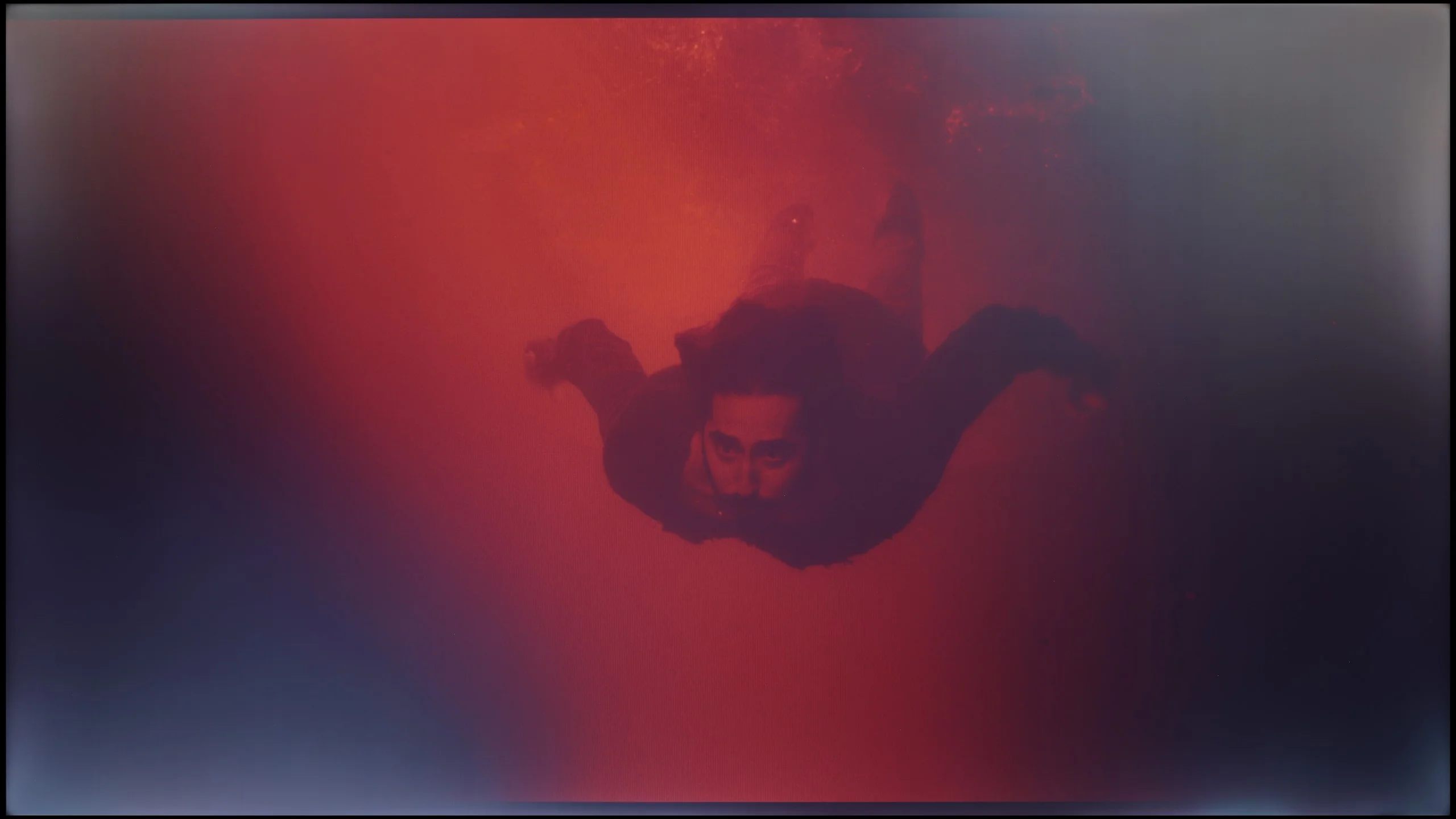
These are selected scenes that show smooth tonal transitions from one color to another. If you see distinct banding, it’s the TV panel’s fault.
The place where we must commend the television Samsung DU7192 is our procedure for checking the fluidity of tonal transitions. The tested television managed these very well, and in practice, there is nothing that could subject us to any inconveniences. The only place where something can be noticed is in the last scene and the slight posterisation in the reds on the left side. At this point, we must also highlight one more issue, which is no longer related to this testing procedure. Namely, in the vast majority of scenes, there are strong inconsistencies in the backlighting, which will be much more bothersome in the context of evening watching.
Another important aspect to consider when assessing image quality is the smoothness of tonal transitions – that is, how well the television handles the blending of colours and shades. And here the Samsung U8092F performs... almost perfectly. On the test patterns, there are no noticeable stepping transitions, no issues with colour gradients, and the whole picture is not artificially sharpened, which unfortunately happens with many televisions in this class. The image appears natural and very clear. We noticed minimal issues with the brightest scenes, but that is more nitpicking, which only a very trained eye will catch.
Image scaling and smoothness of tonal transitions
3.2/10
5/10


Smooth transition function
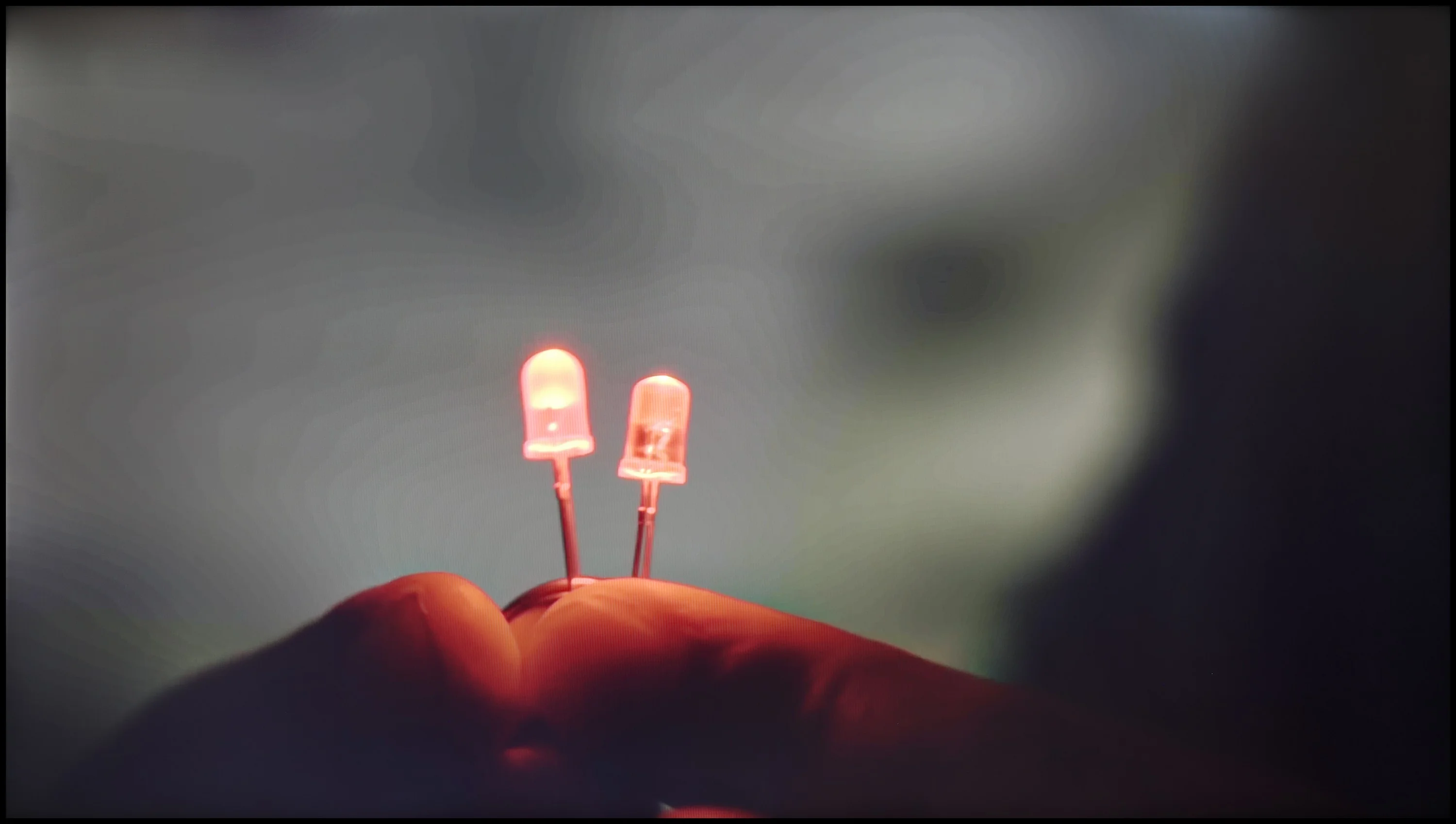
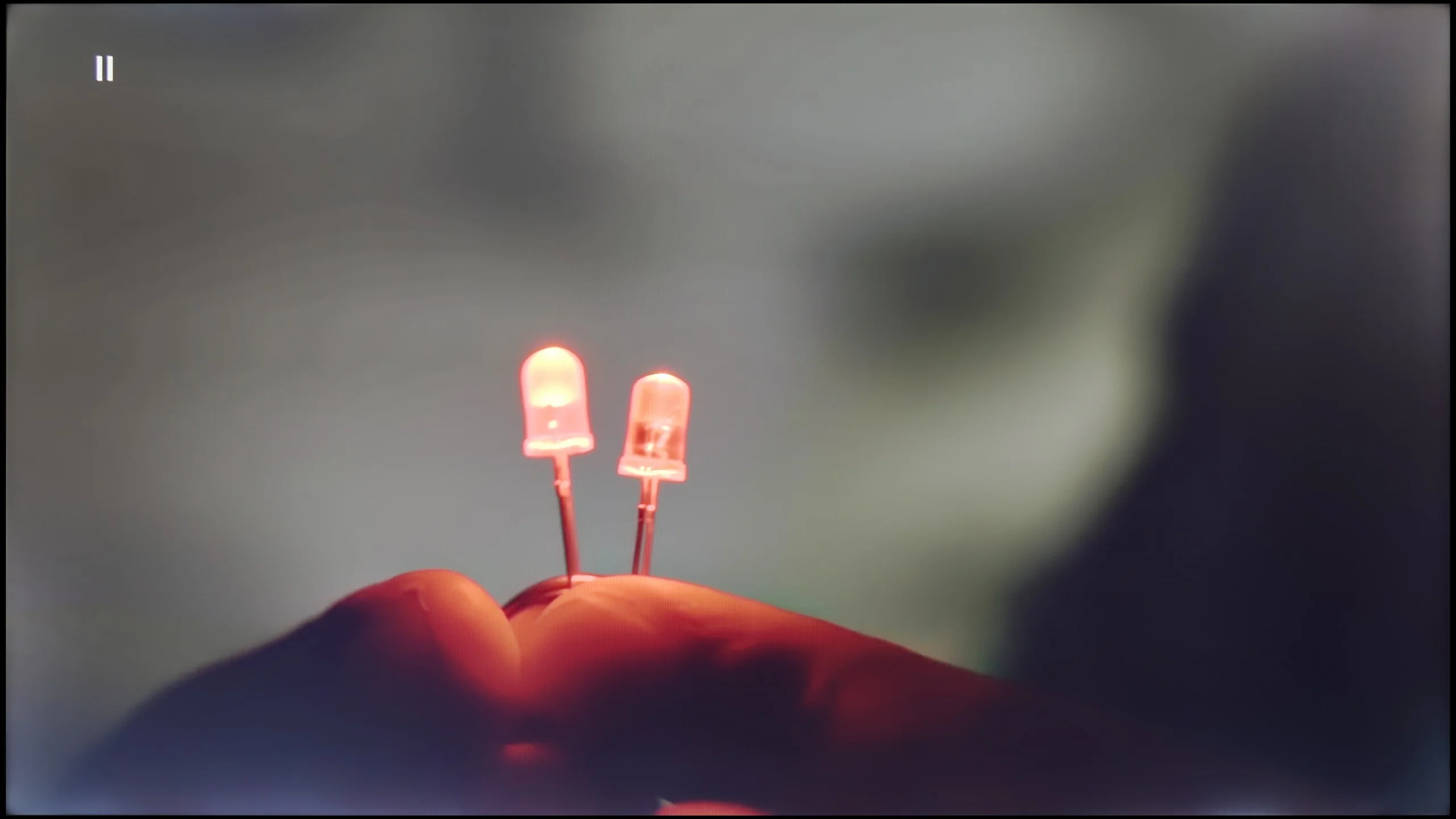
The match photo shows how the TV smooths weak tonal transitions in low-quality video.
Image scaling SD (576i)


The model photo shows how it handles upscaling of SD material.
Let's return for a moment to the feature of smoothing tonal transitions. We can set it in only two ways - off and auto. As one can easily guess, the former causes significant problems with gradation. However, if we set the latter, both films and series will offer us smooth transitions of colours. It is worth mentioning, though, that this feature has its drawbacks. It greatly interferes with the director's intent, softens the film grain effect, and, what’s worse, often misinterprets small details, also blurring them. In light of this, we conclude that the feature does not exist and do not recommend using it, as this is exactly how the tests of smoothness of tonal transitions were conducted on the tested display.
The next thing we will check in this paragraph is the image scaling process, which is extremely important when watching materials in a lower resolution. Unfortunately, as this is the manufacturer's lowest model, this function does not work very well. All details are heavily blurred, and a characteristic white halo surrounds the characters.
When it comes to how the Samsung U8000F handles lower quality materials, we must admit that Samsung has made progress compared to its predecessor from last year – namely the DU7192 model, which theoretically occupies the same spot in the range.
This year's model has been equipped with a feature that enhances the fluidity of tonal transitions, which has been implemented much better than last year. Yes, the television still uses fairly strong algorithms that can distort details or remove film grain, but despite that – it can be confidently said that it works effectively.
However, not everything has gone perfectly. The U8000F has noticeable issues with slight image stuttering when watching very old content in very low resolution. If someone plans to play their old VHS tape, they must reckon with the fact that the image may appear slightly "choppy".
Blur and motion smoothness
4.9/10
4.5/10
Blur (native resolution, maximum refresh rate):
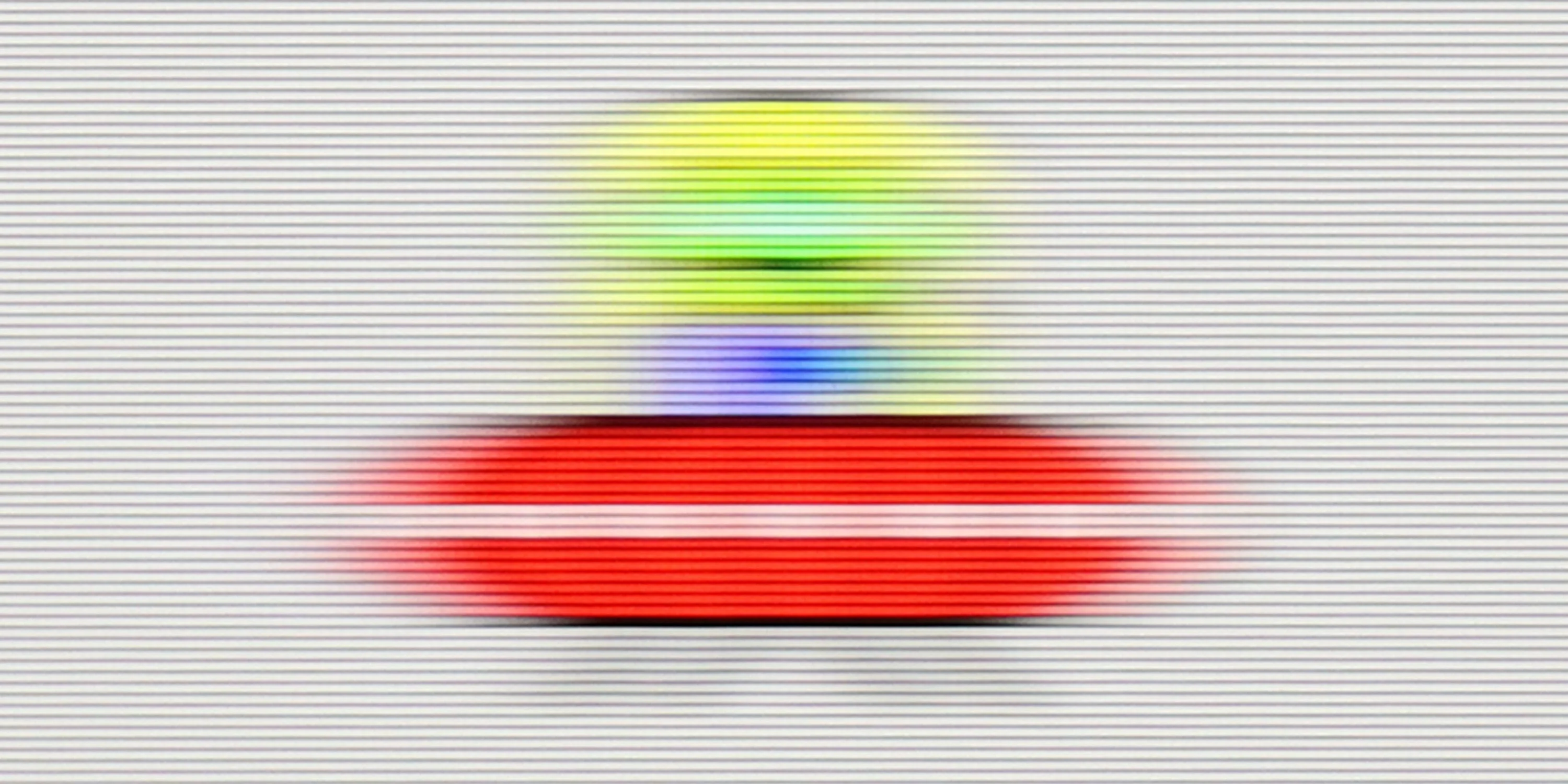
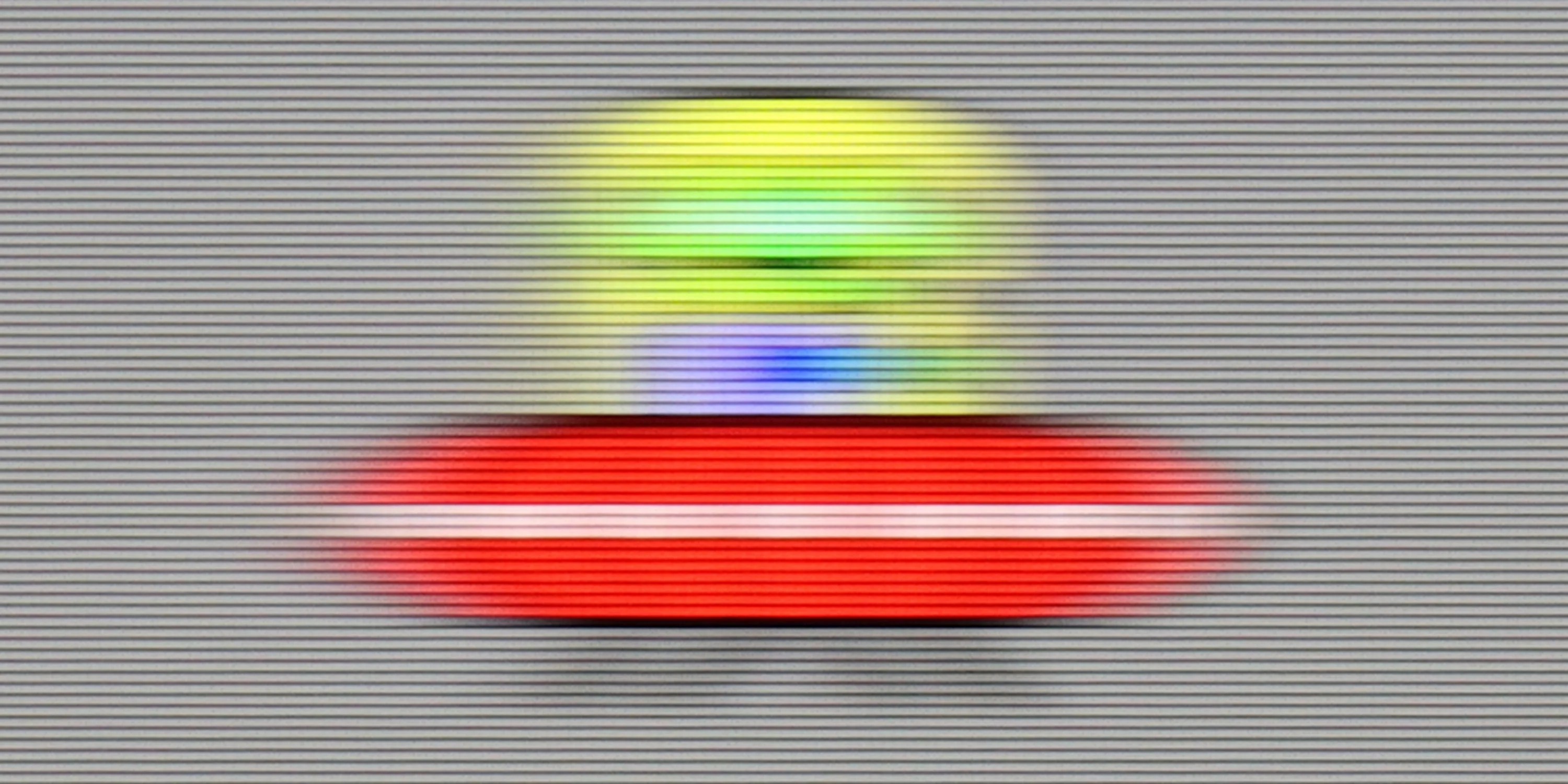
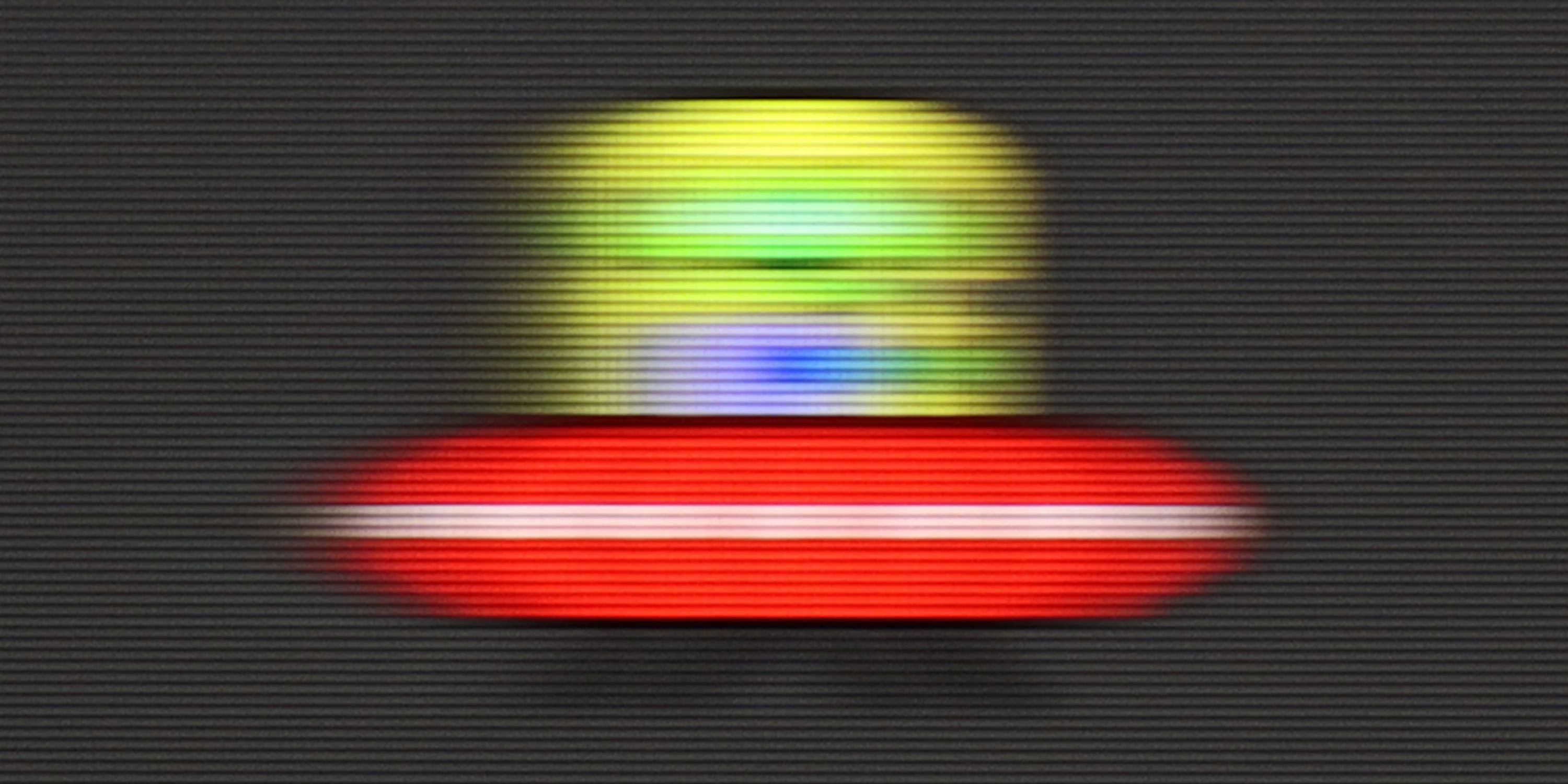
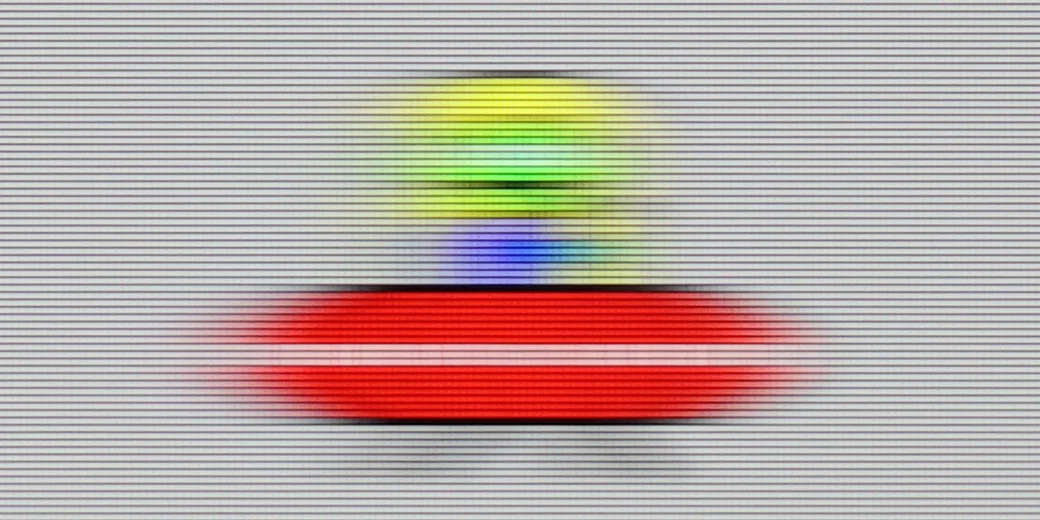
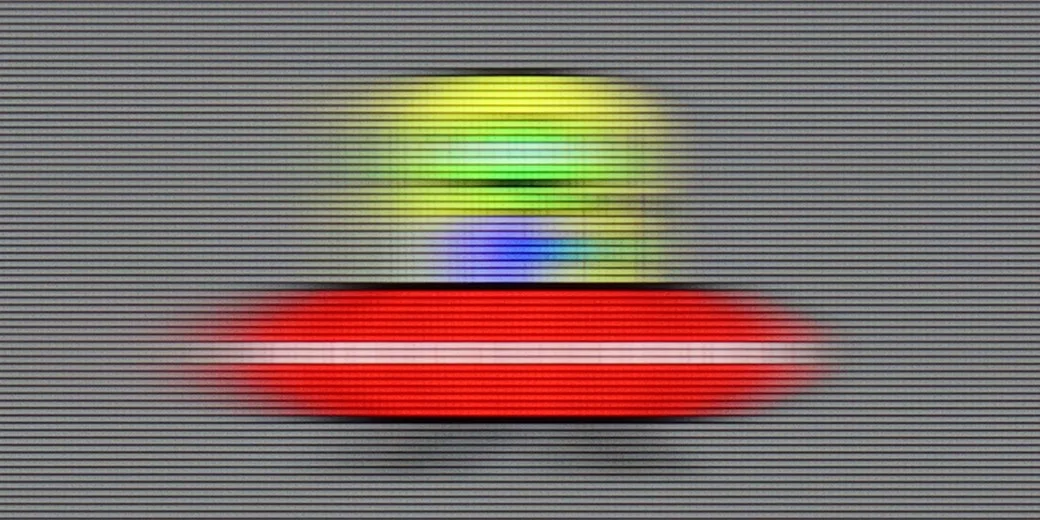
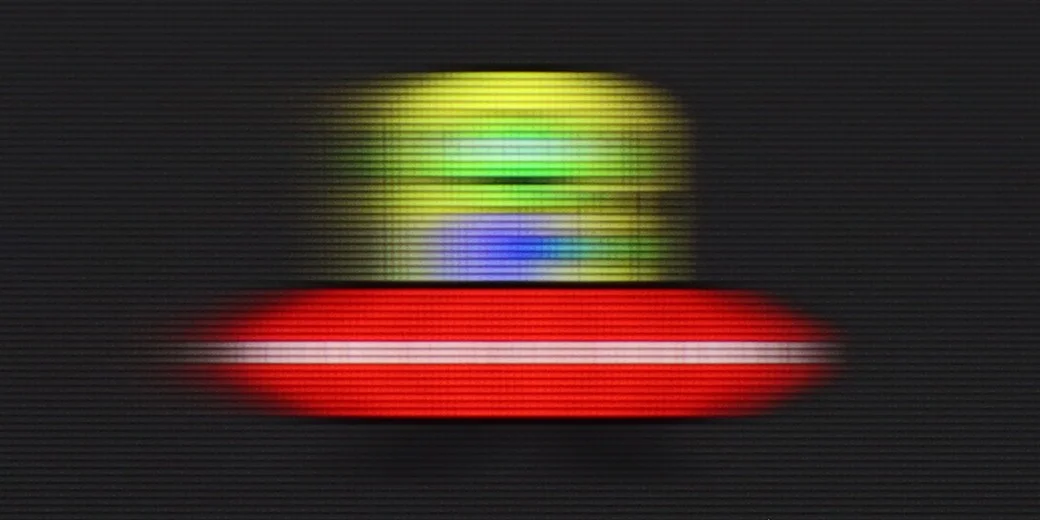
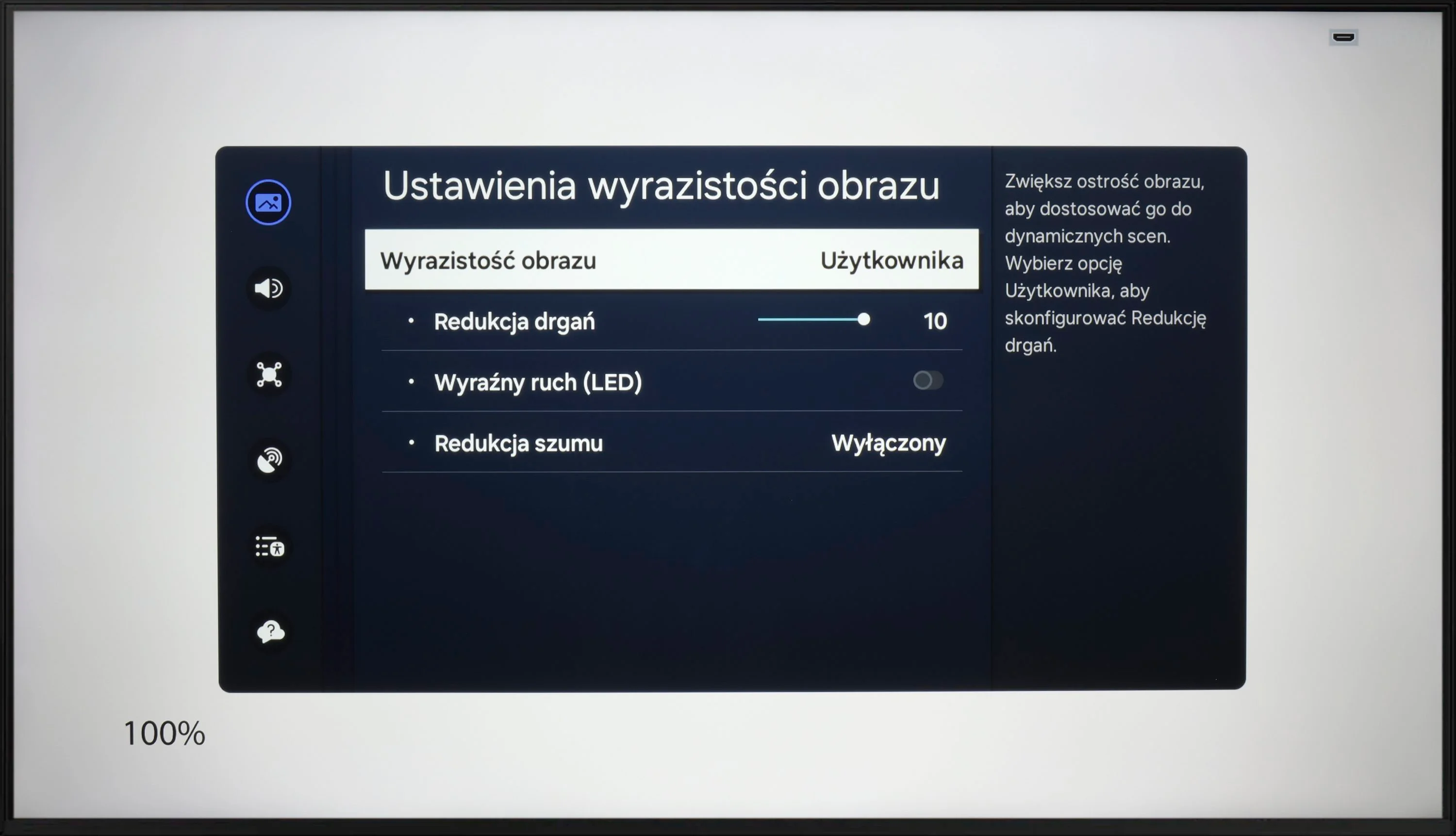
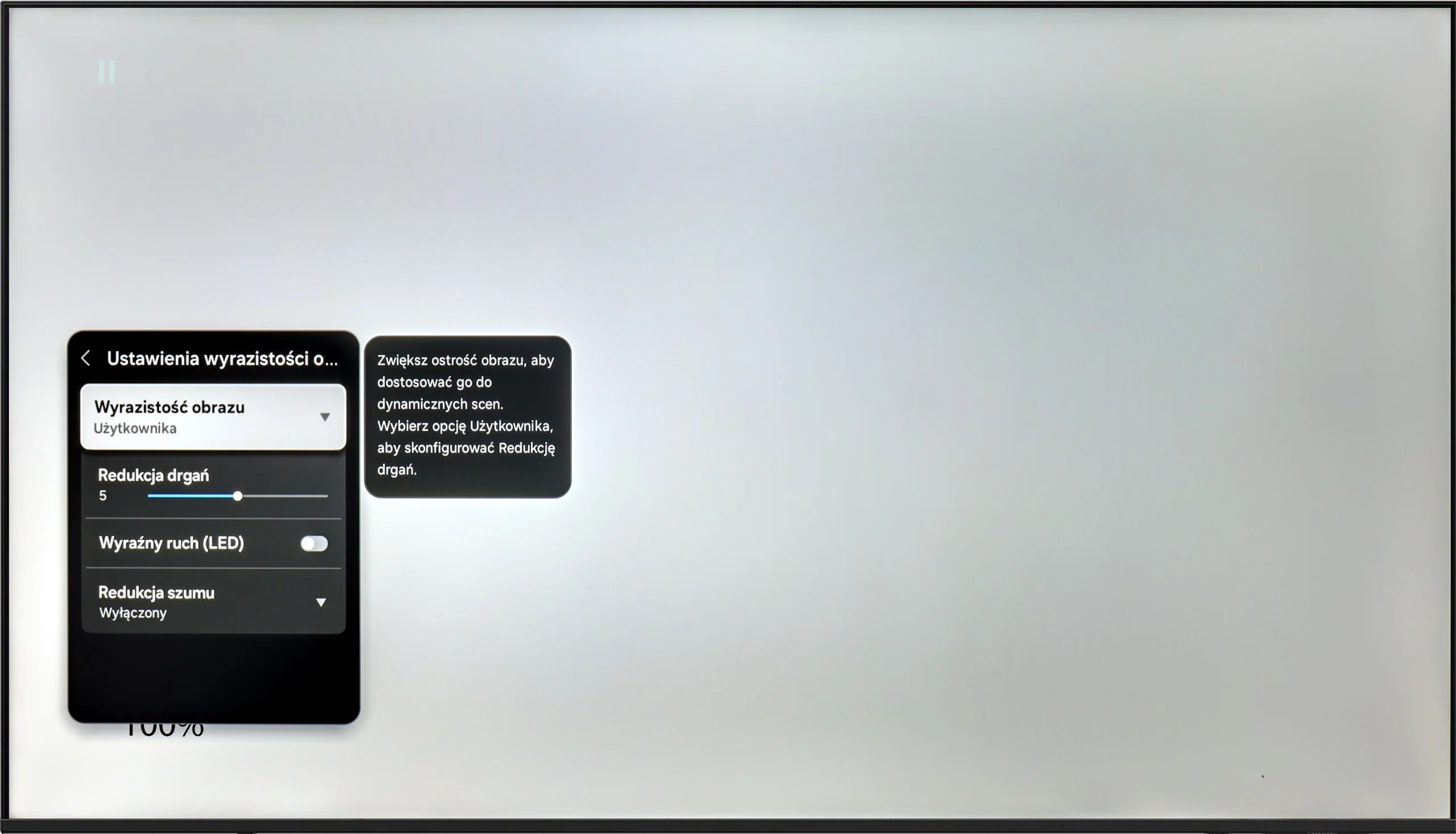
Despite the fact that Samsung DU7192 is the lowest model in the manufacturer's portfolio, it has been implemented with a motion smoothing system. Although it is quite limited in features compared to higher models, its existence is a considerable advantage in the context of competition from similar price ranges. The maximum refresh rate we will provide to the tested television is 60 Hz, which is entirely sufficient for movies and series, although not for sports. In the motion smoothing menu, we find two functions responsible for improving fluidity. These are "Motion Blur Reduction" and "Clear Motion (LED)". We will discuss the latter a bit later. Let us focus on the former, as it is quite puzzling. Unfortunately, despite its presence, we did not find any usefulness. On each of the settings, the image looked the same, with the characteristic judder known from materials recorded at 24 fps.
The matrix of Samsung DU7192 features an average response time. It is worth mentioning that due to this particular type of matrix, it is better than VA matrices in a similar price range. Therefore, it can be exceptionally said that it will not be the worst in the context of watching sports.
The Samsung U8000F is equipped with a 60 Hz panel, so it's clear from the outset that we shouldn't expect miracles. It's simply the standard in this class – sufficient for everyday viewing but without any fireworks.
The television offers a single motion smoothing slider – a function called “Motion Blur Reduction”, which allows us to adjust the smoothness of the image in films. Higher settings provide a more “theatrical” and smoothed effect, while lower settings maintain the original character of the film with a slight 24p effect. An interesting feature is “LED Clear Motion”, which is a BFI mode – that inserts black frames between frames of the image to improve motion clarity. However, in practice, the screen flickers quite a bit when this feature is activated, and it should be regarded more as an experiment than something that genuinely enhances the comfort of gaming.
Console compatibility and gaming features
4.2/10
5.3/10
- ALLM
- VRR
- VRR range 48 - 60Hz
- Dolby Vision Game Mode
- Correct implementation of HGIG
- 1080p@120Hz
- 1440p@120Hz
- 4K@120Hz
- Game bar
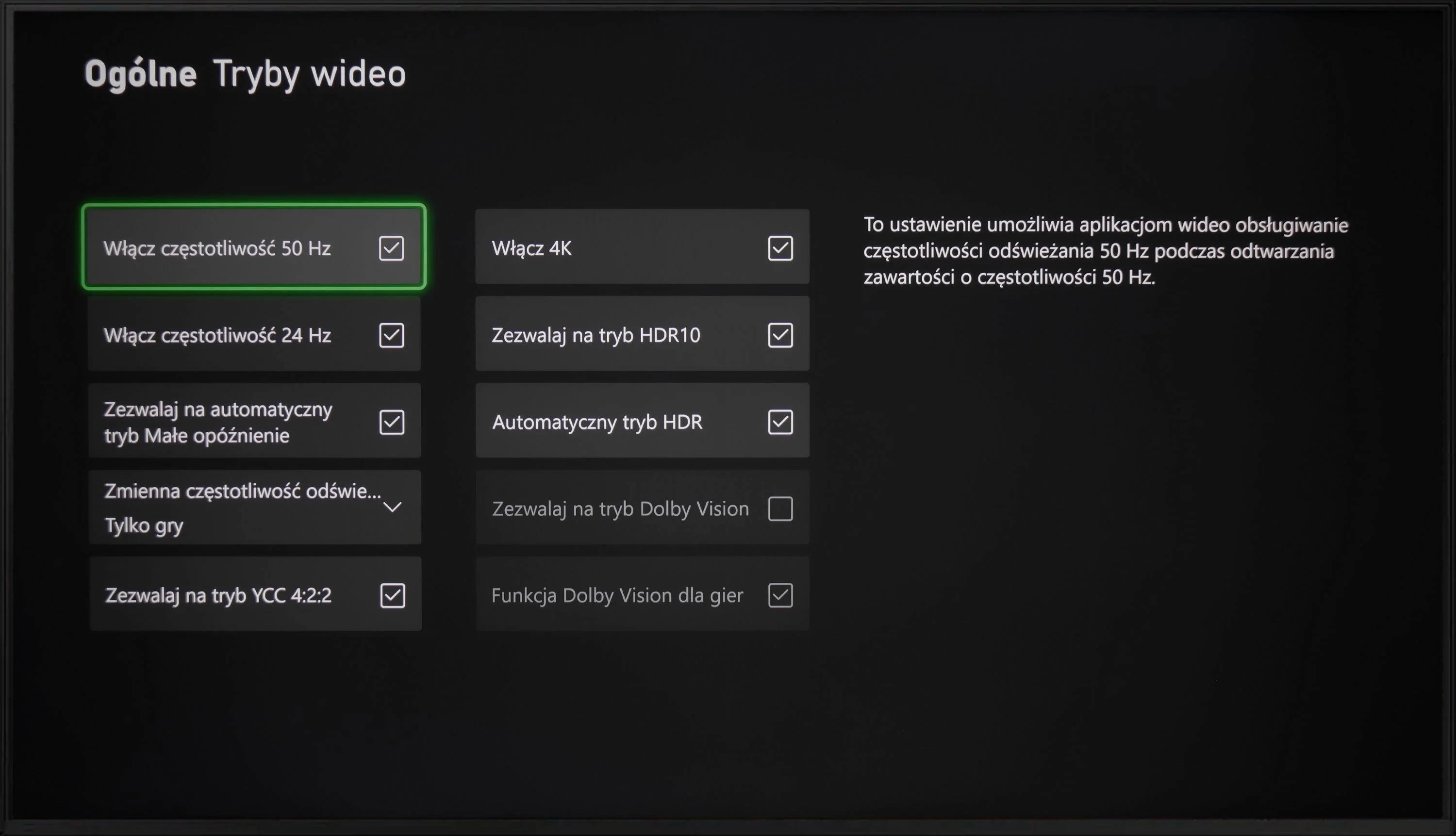
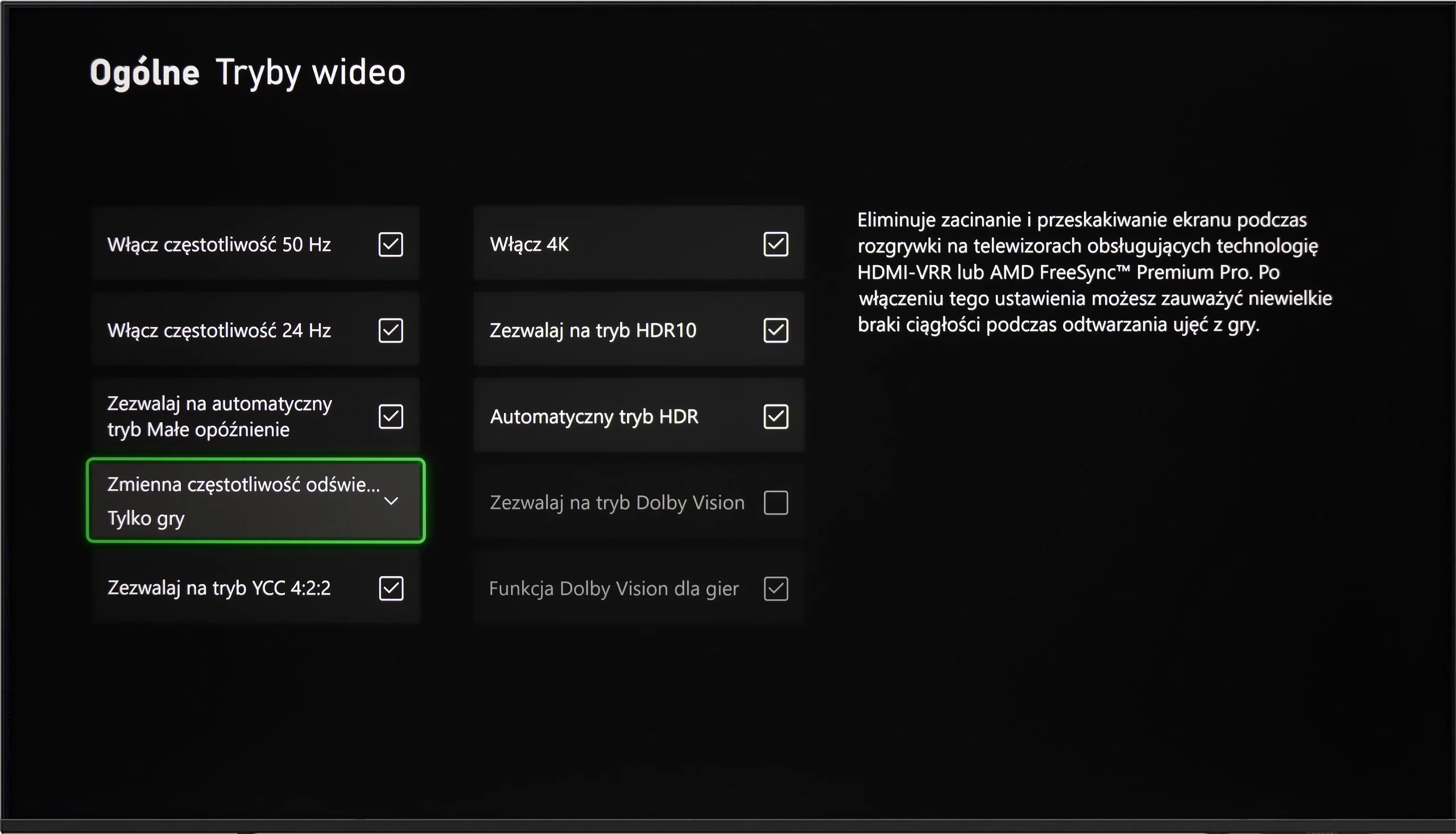
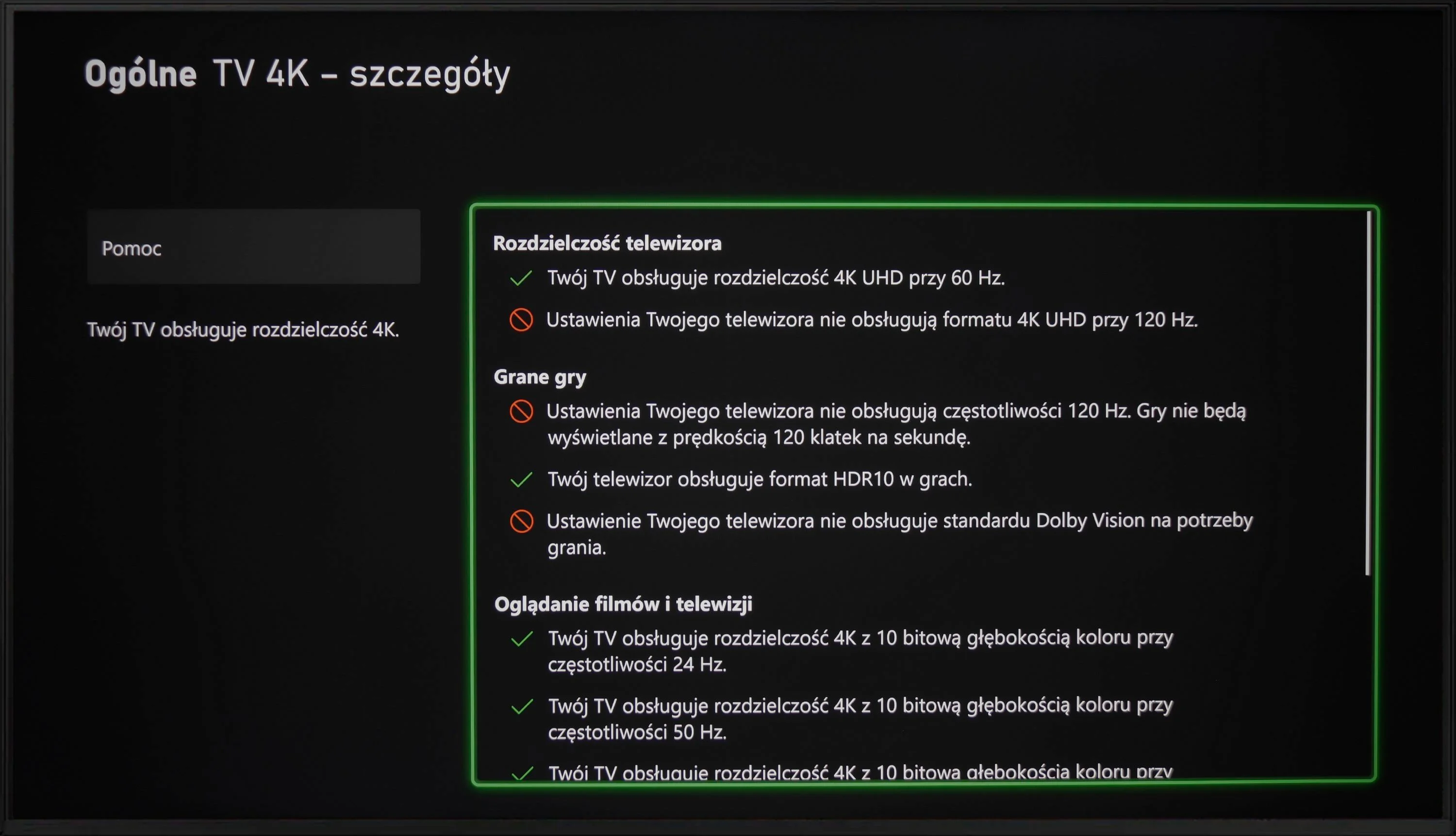
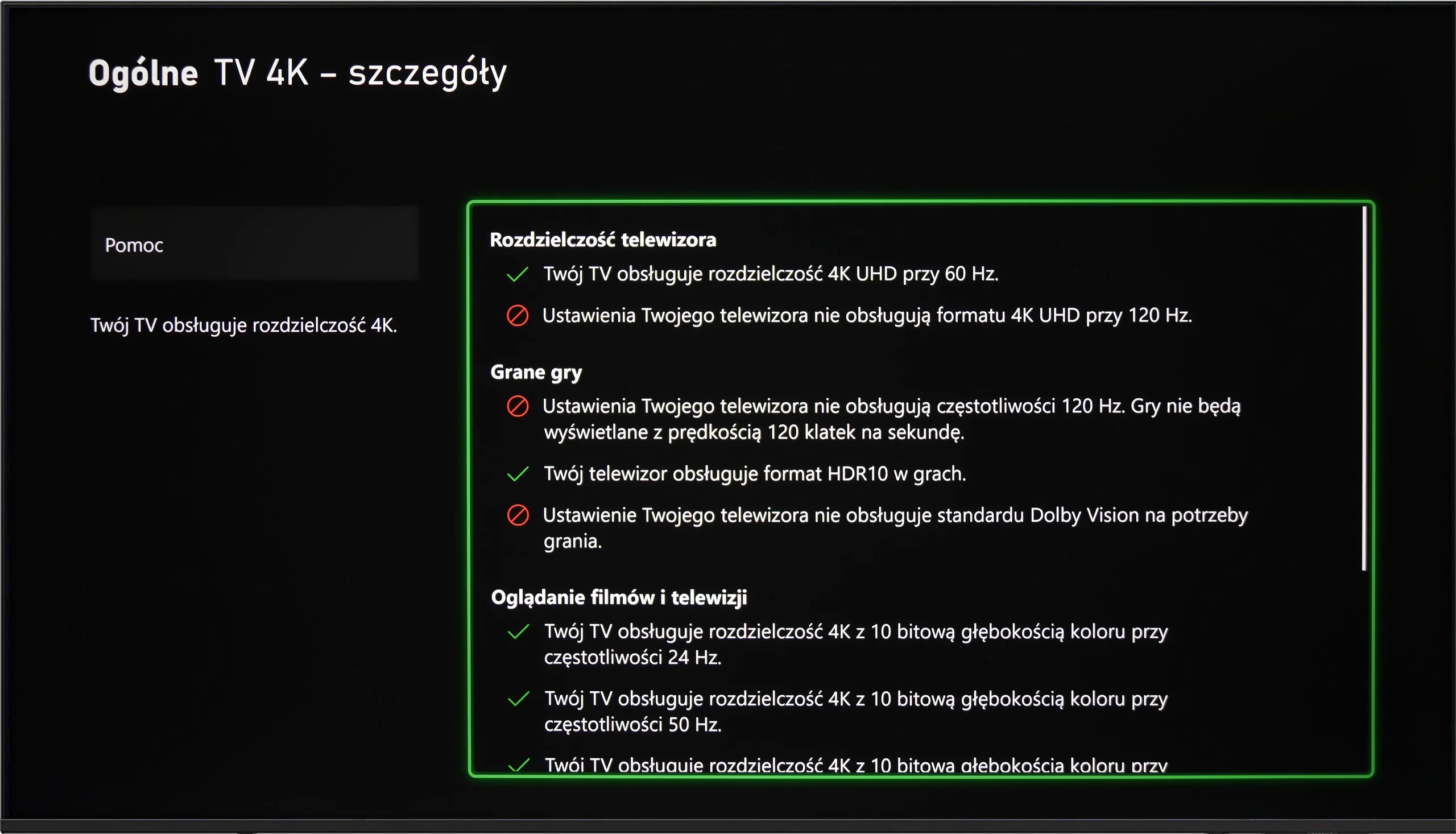
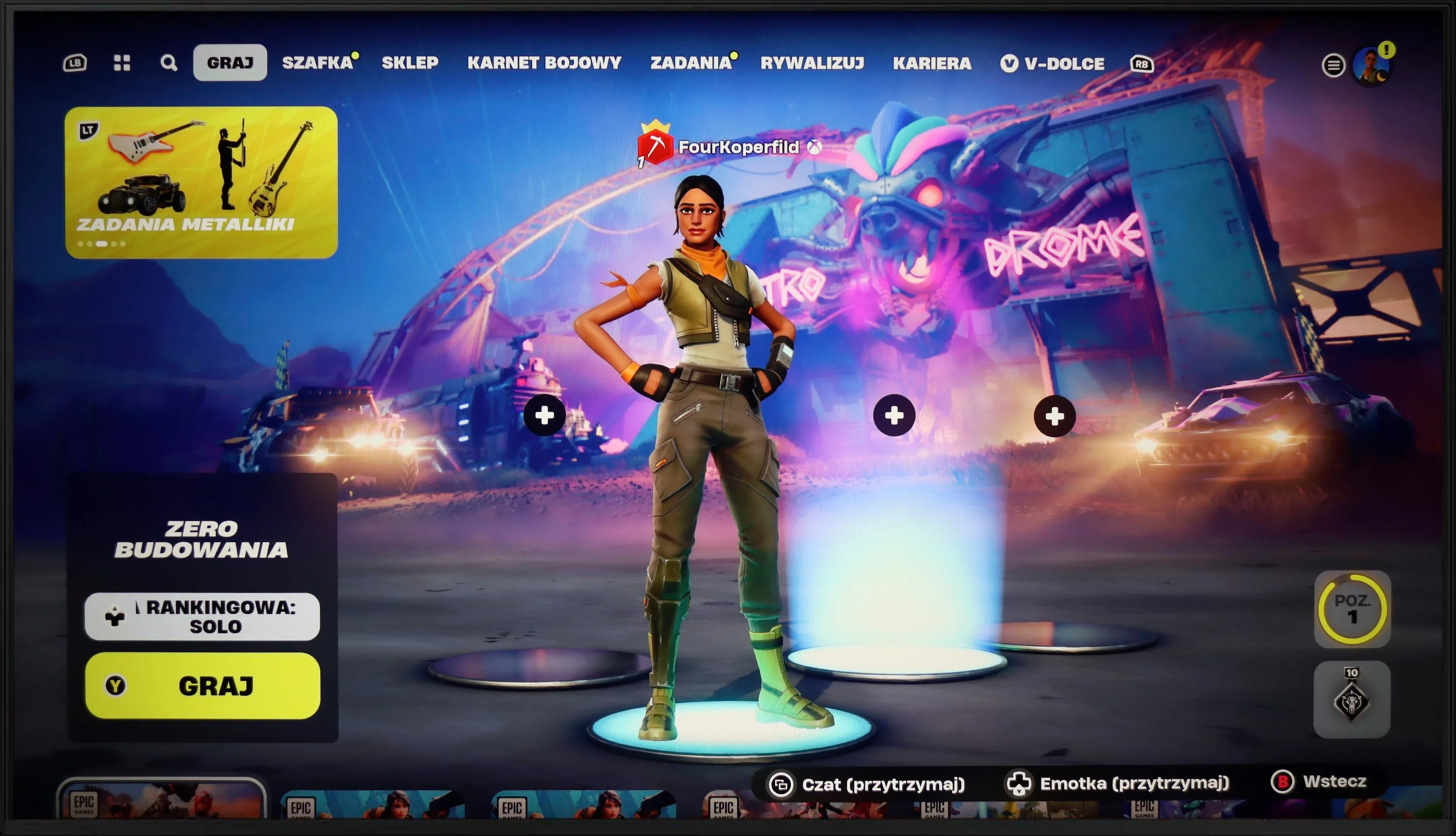
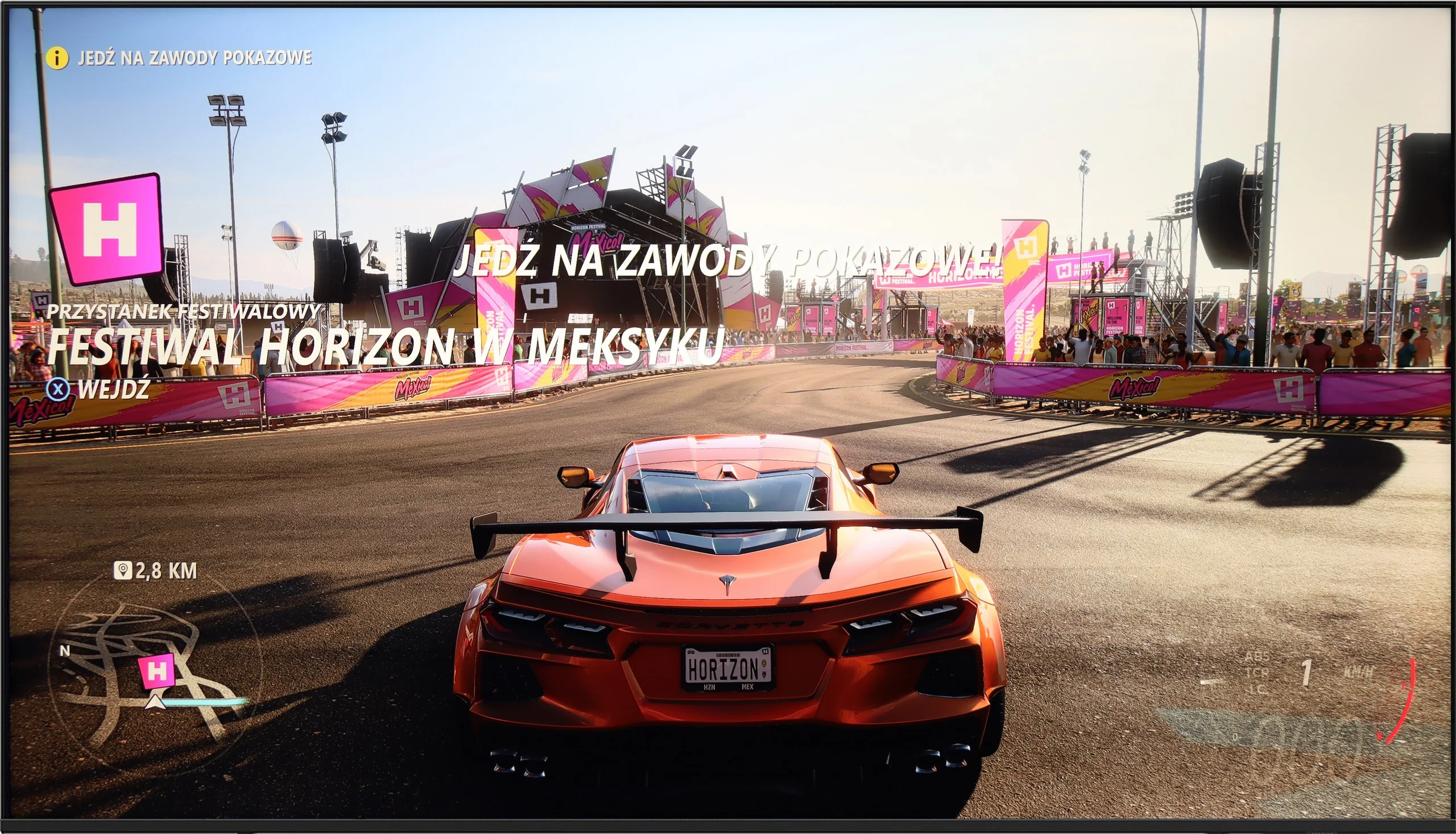
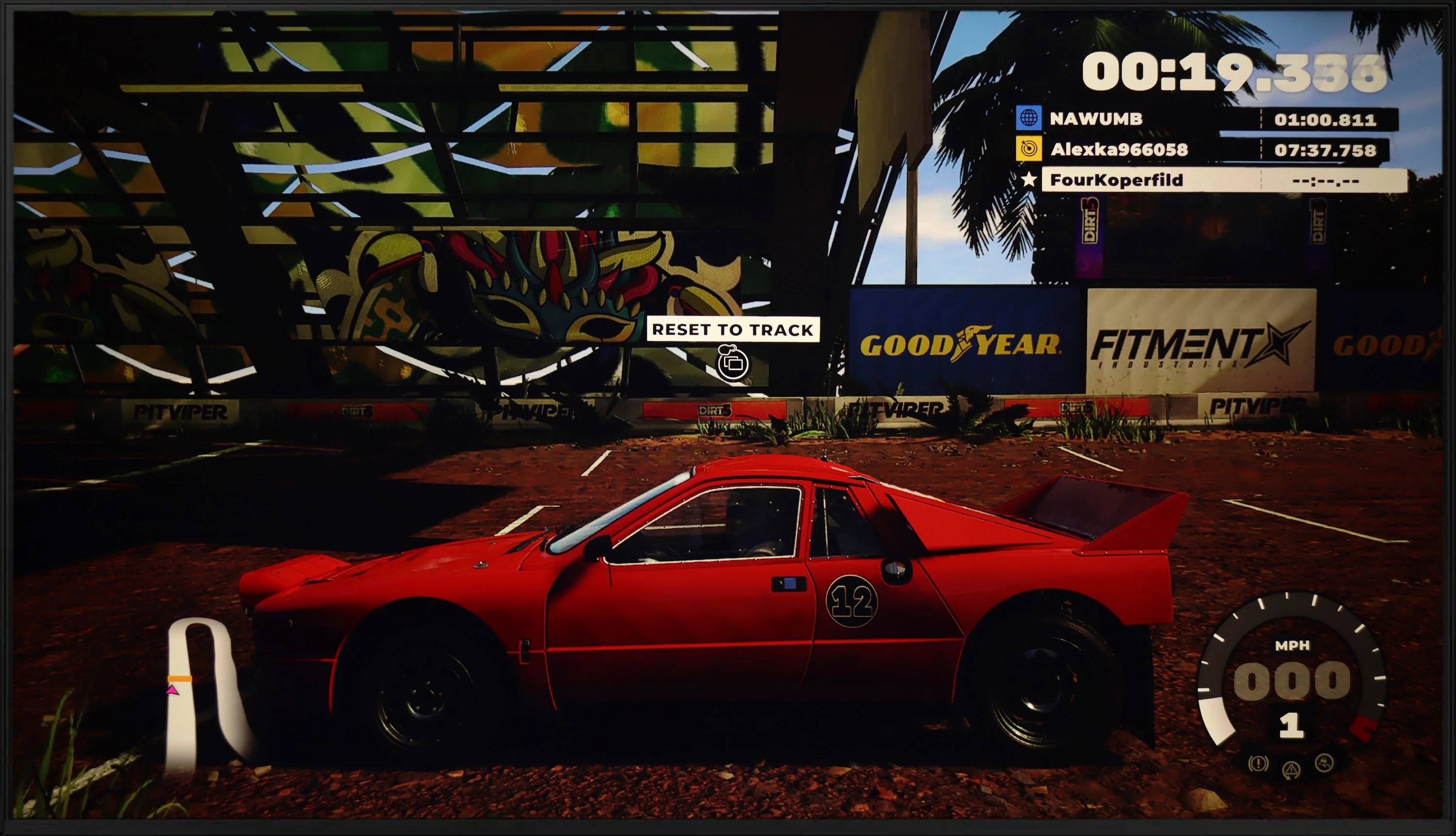
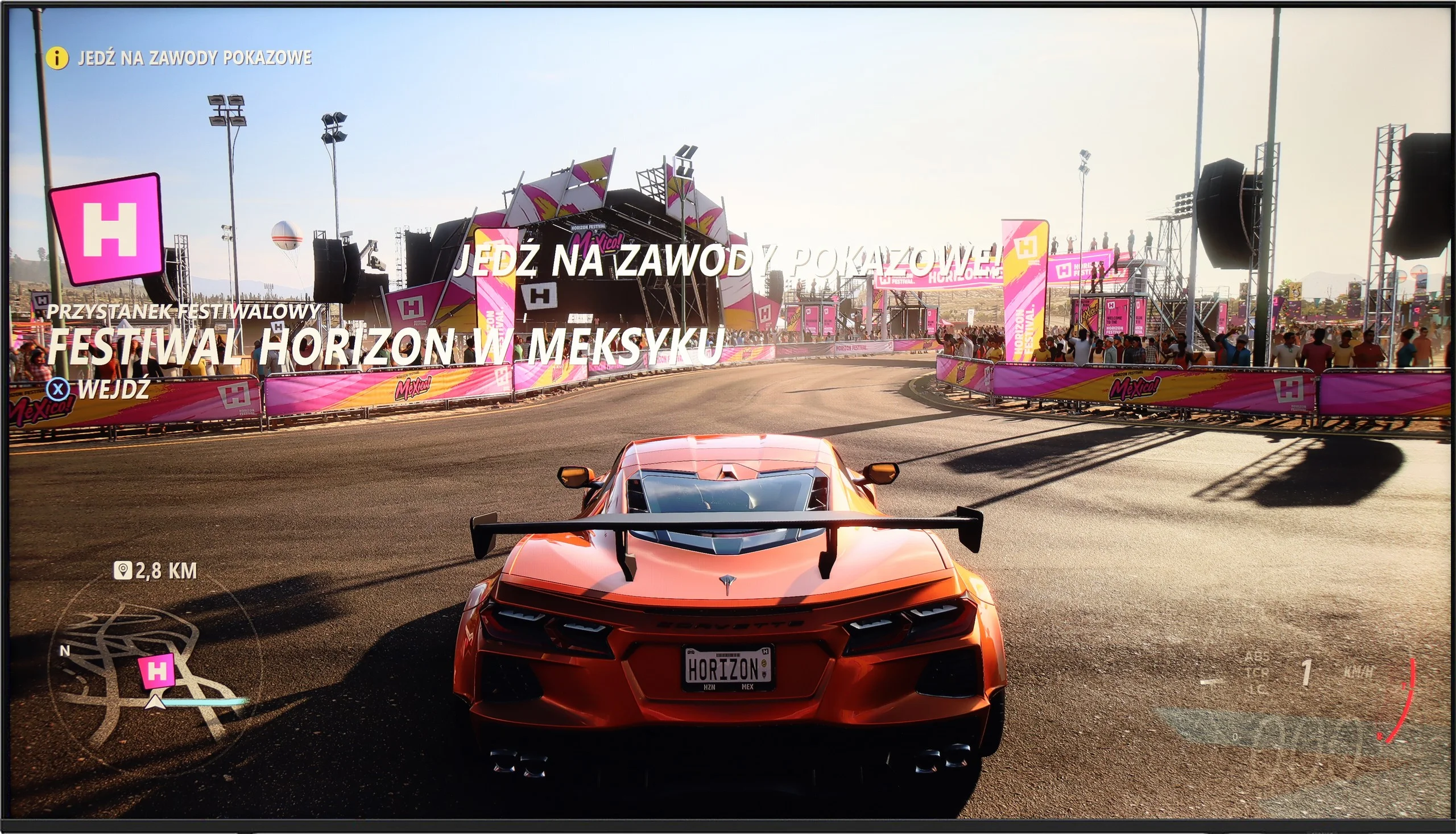
The Samsung DU7192 television is equipped only with HDMI 2.0 ports, which is not surprising given the price of the device and its consumer profile. Therefore, it’s also logical that we won’t achieve maximum quality on the latest generation consoles. Thus, it only has the most basic feature for gamers, which is ALLM. It's a pity that the manufacturer didn’t implement at least GameBar, as it is currently a standard, even in lower-end televisions, and could introduce significant conveniences regarding quick changes to settings.
Samsung U8000F offers a basic set of features for gamers, which can still prove sufficient for less demanding users. We have an automatic game mode here – upon launching a game on the console, the television automatically switches to low latency mode, significantly improving response time. We also find a VRR feature, or variable refresh rate, which operates in the range from 48 to 60 Hz. This means that both Xbox and PS5 will not produce a tearing effect on the image – provided, of course, that we stay within this range.
[UPDATE] We have updated our tests of Samsung televisions from the 2025 model year due to the release of software version 1131, which restored the crucial gaming feature HGiG.
And unfortunately, that’s about it in terms of advantages. Additions like Game Bar or higher refresh rates are reserved for higher models of Samsung from the 2025 line. In theory, the television also supports the HGiG feature, which should adjust HDR image to the creators' intentions. Unfortunately – despite the fact that this feature appears in promotional brochures and retail materials – its configuration on the Xbox console has proven to be... impossible in practice.
Input lag
10/10
10/10
SDR
HDR
Dolby Vision
The results of input lag measurements in DU7192 are at a high level, regardless of the signal or resolution. All gamers will certainly appreciate the manufacturer's efforts, as a game running at 4K 60 Hz with HDR will have only 11 ms of delay, which is practically imperceptible even in online games.
The Samsung U8092F performed phenomenally in our input lag tests. Regardless of resolution or mode – the results were very low, which is truly impressive for this price segment. One can confidently say that playing on this television will not cause frustration due to large delays between what we do on the controller and what we see on the screen. For most gamers, even the more demanding ones, this result should be more than satisfactory.
Compatibility with PC
6/10
6/10
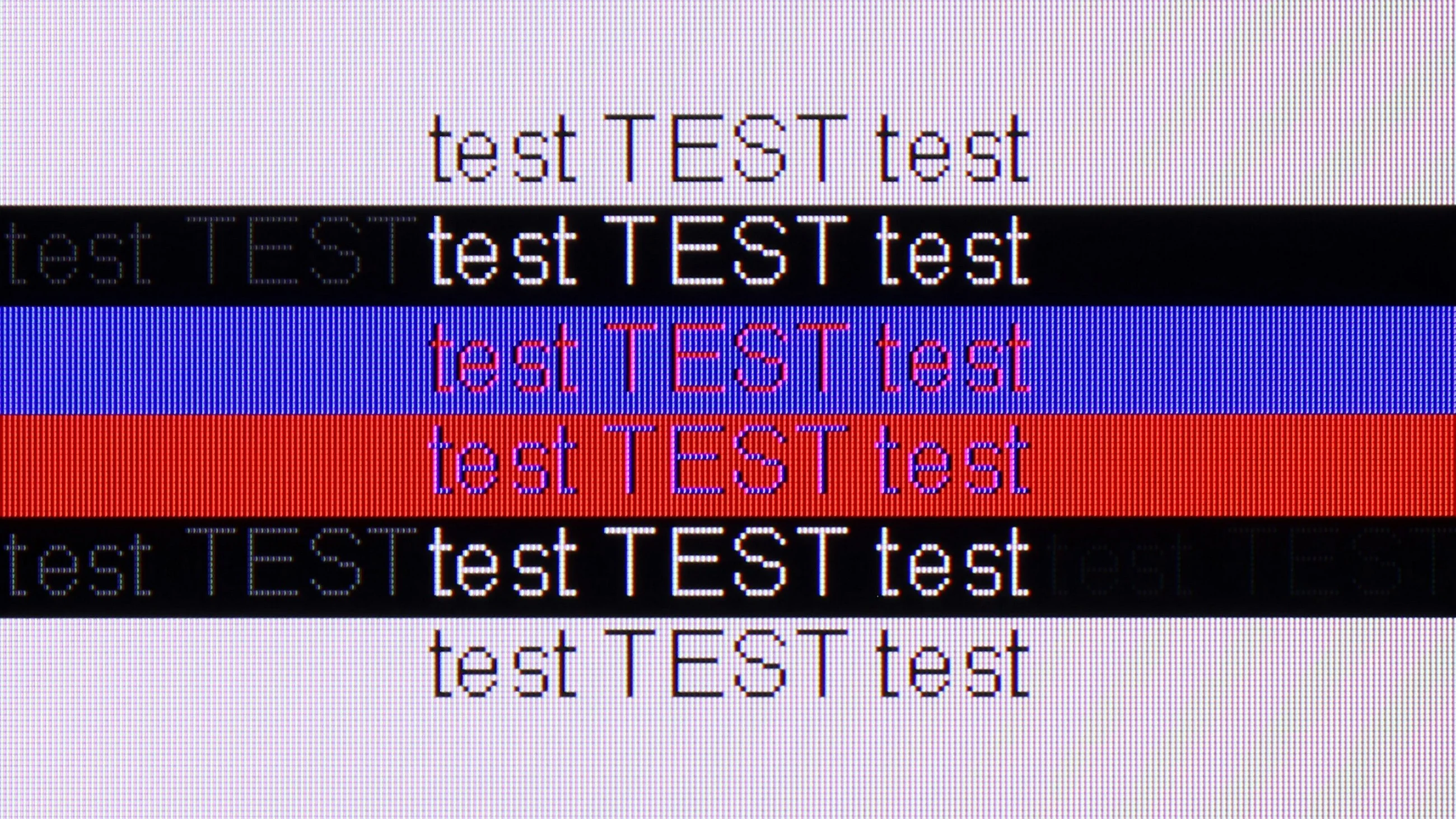
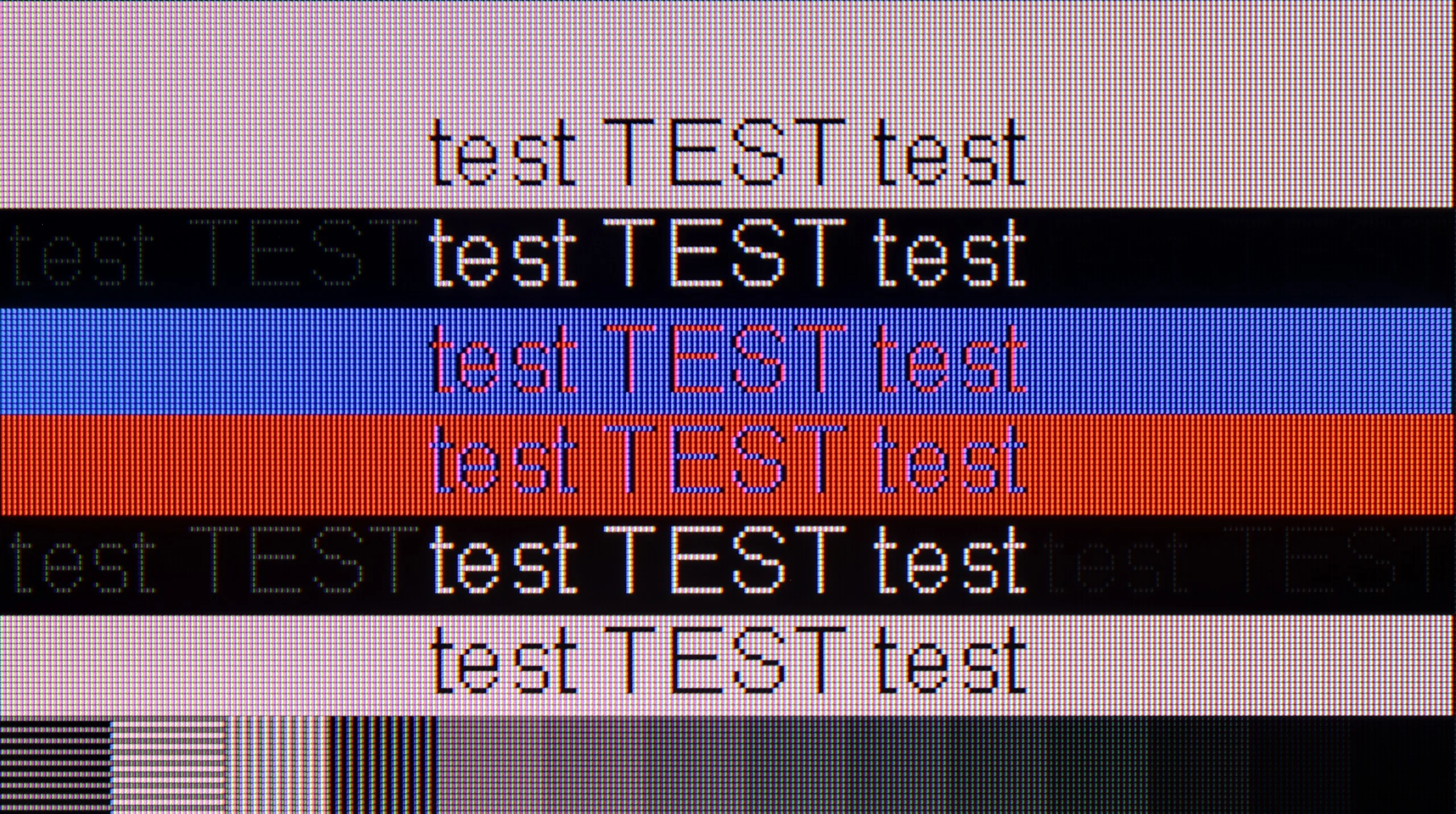
The photo shows the legibility of small fonts. Ideally, lines should be the same thickness on both light and dark text, with minimal pixel gaps.
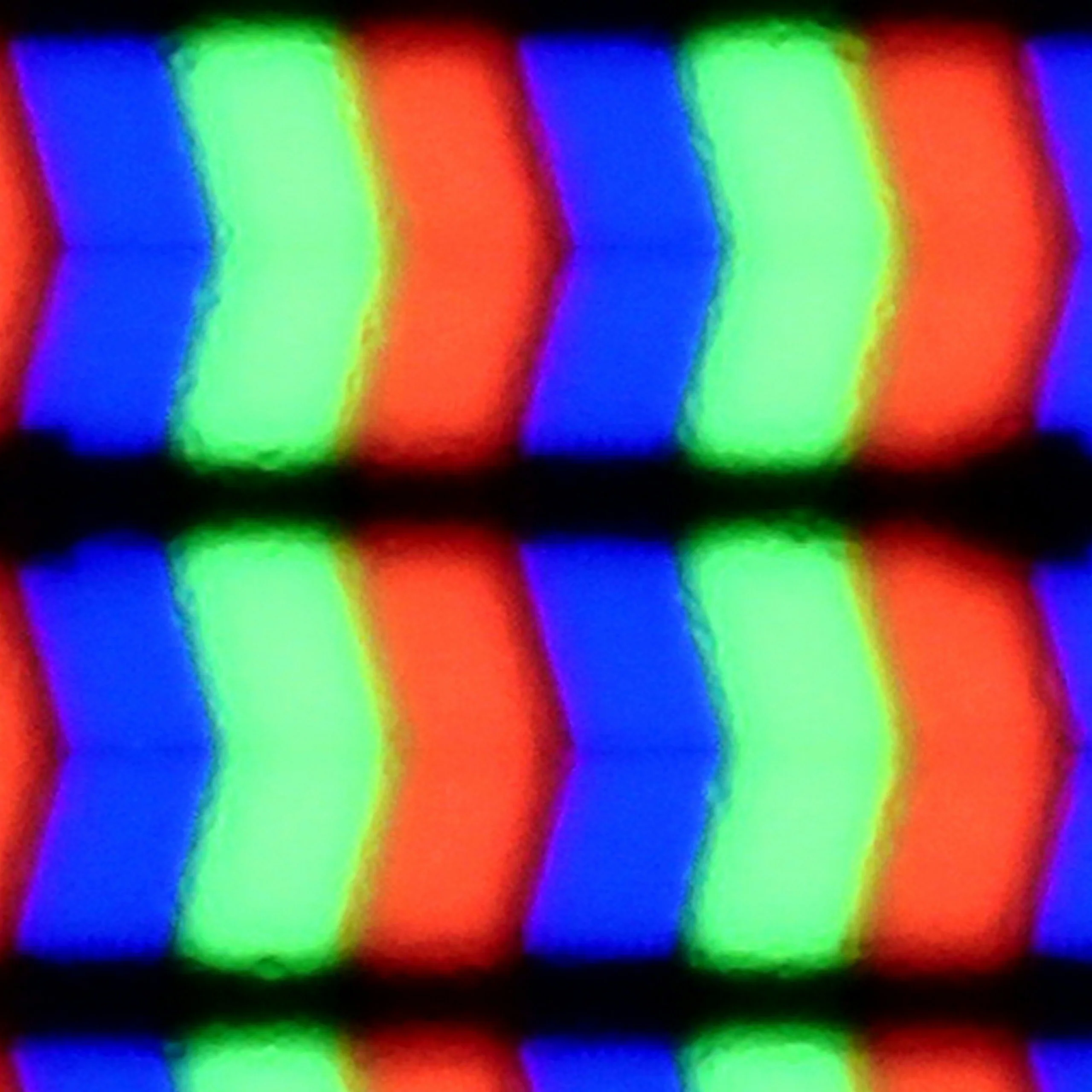
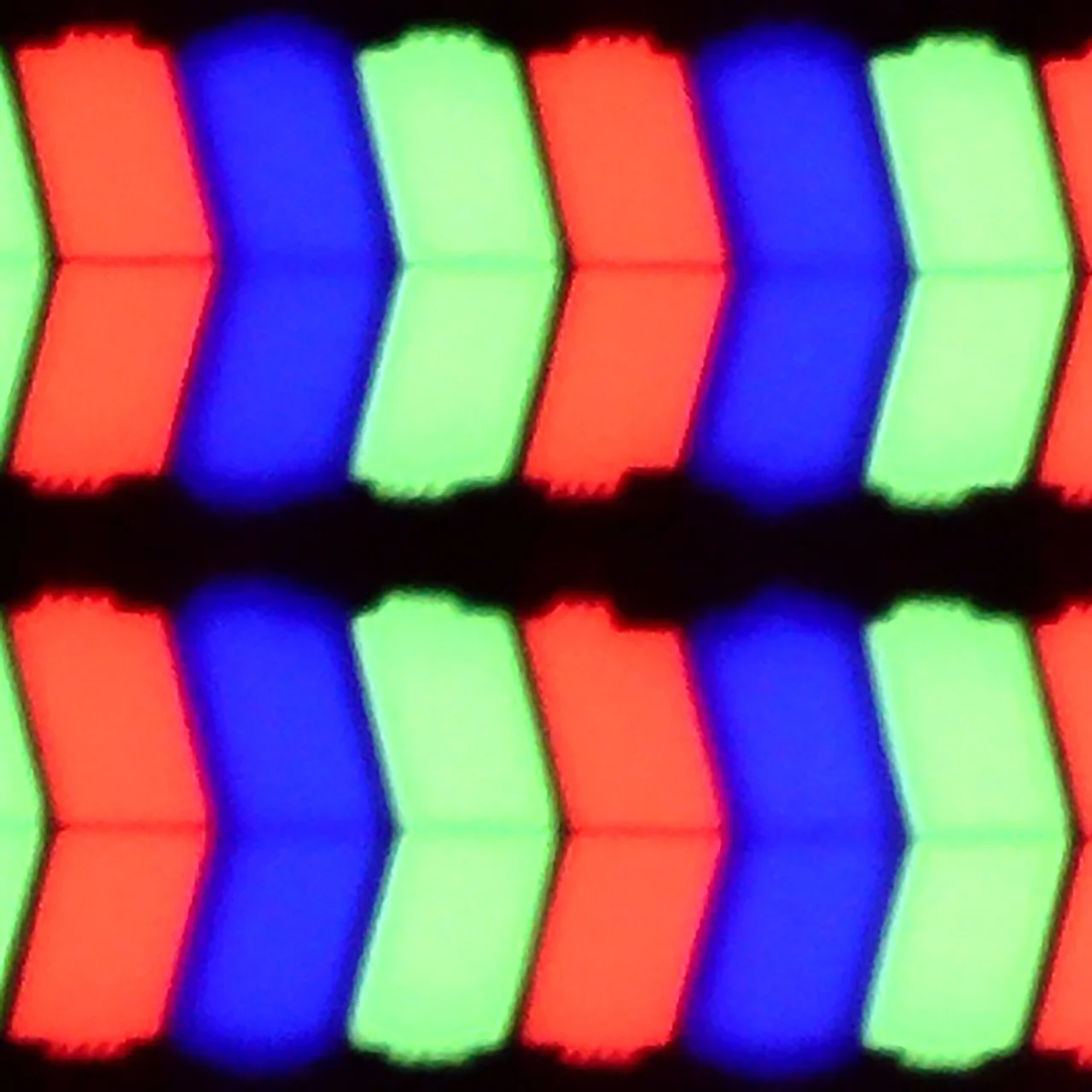
After connecting the television to the computer and wishing to use it as a monitor, we can expect a low input lag of 11 ms, which is practically imperceptible along the mouse-screen-eye line. Thanks to the proper implementation of chroma 4:4:4, the readability of fonts is at a high level, so one can confidently connect the DU7192 to the computer as a monitor and expect comfortable work with text. It is also worth mentioning that this good cooperation with the computer is also due to the IPS panel itself, which, due to its construction, allows for very sharp font retention. The subpixel arrangement is BGR, which does not negatively affect the use of the television as a monitor. However, since operating systems are not adapted to such a subpixel format, it may cause slightly less sharp outlines. This is, however, a practically negligible issue, and only a handful of people may notice it. When it comes to gaming, the lack of G-Sync and a frequency of 60 Hz are limitations that may disappoint gaming enthusiasts, especially those requiring quick reactions. For this reason, the television receives a lower rating in this category, although as a monitor for everyday work, it presents itself decently.
Working on a computer with this television is an absolute pleasure. The Samsung U8092F supports chroma 4:4:4, and thanks to the layout of the sub-pixels in the IPS panel, the readability of fonts – regardless of colour or size – is very, very good. The television is also suitable for occasional gaming on PC, primarily due to its low input lag. However, one must take into account that the G-Sync function does not work on this model, which is odd as VRR functioned without any issues when it came to the console.
Viewing angles
6.8/10
7/10
IPS matrices, unlike VA panels, are known for having very good viewing angles. This is no different in the case of Samsung DU7192, as even with a slight shift off-axis, the colours maintain very good hue and saturation. However, it is worth noting the drop in contrast, which is typical for LCD matrices.
The viewing angles on the Samsung U8092F are very good – as one would expect from an IPS panel. The image does not lose much in terms of brightness or colour saturation, even with a greater deviation from the axis. Of course, this is not at the level of organic screens – but it is more than sufficient to comfortably watch the image at an angle, for example, from the side of the sofa.
Daytime performance
2.8/10
3.4/10
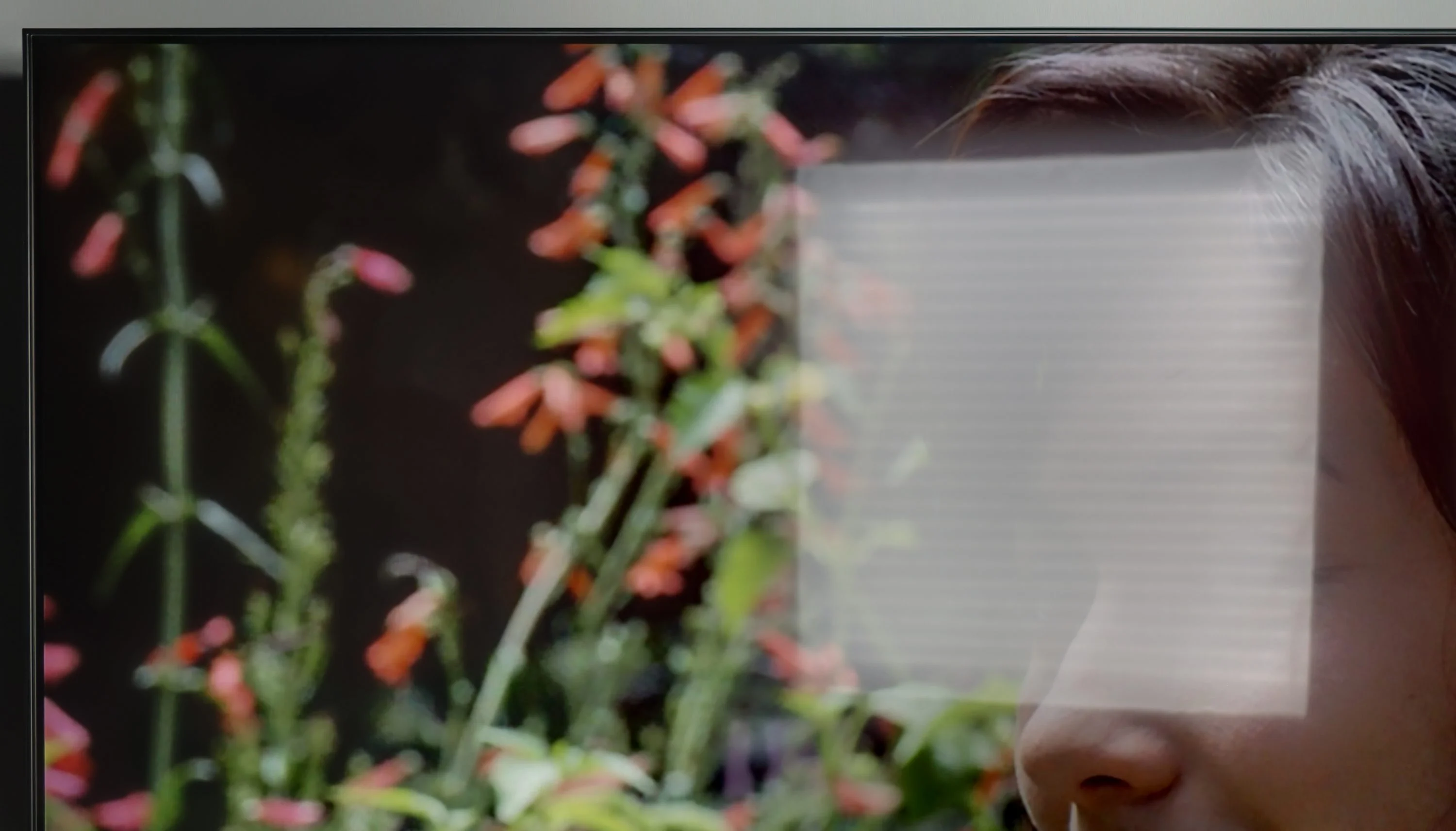
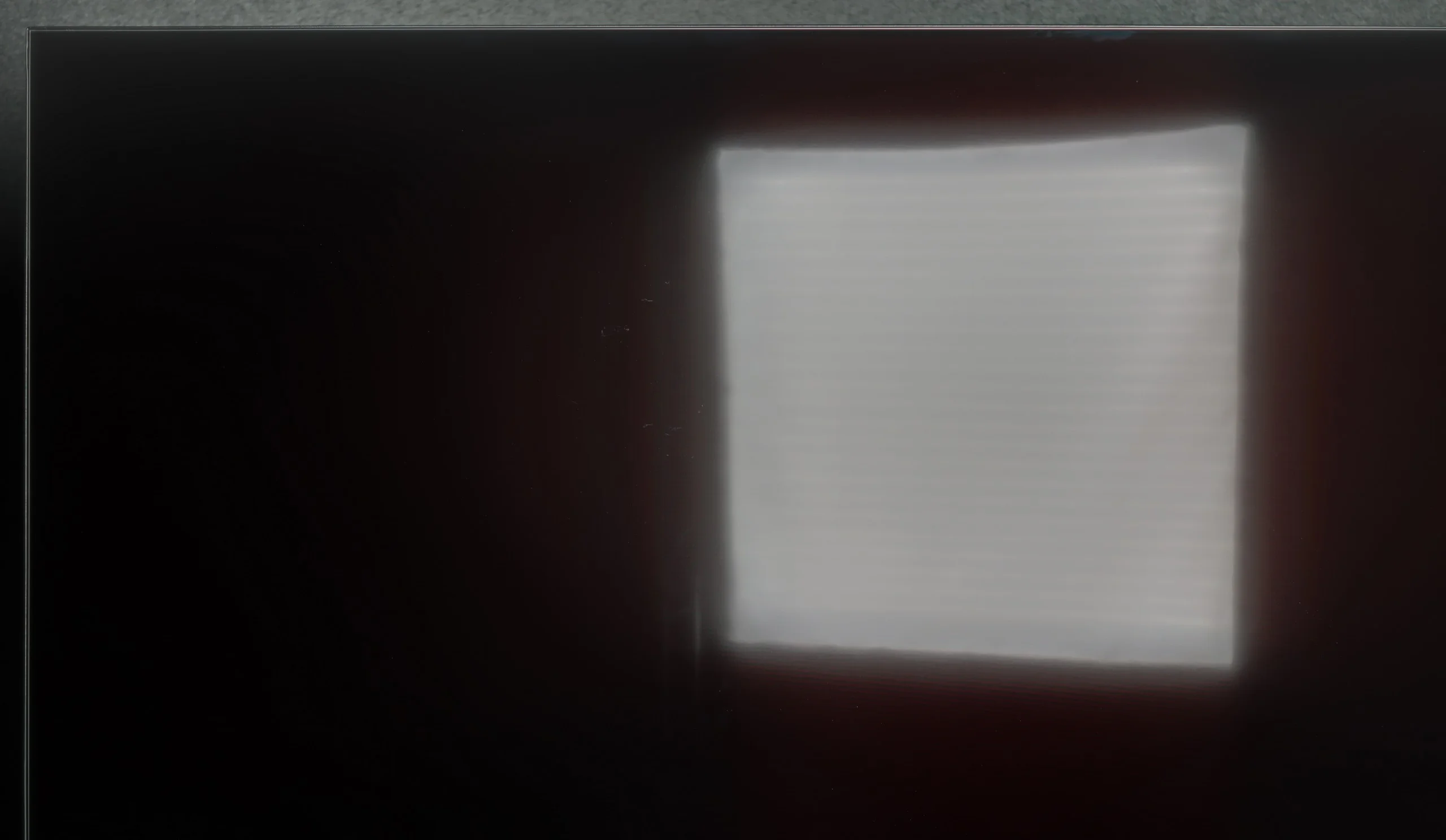
Panel brightness
Samsung U8000F (IPS): 218 cd/m2
Samsung DU7192 (IPS): 227 cd/m2
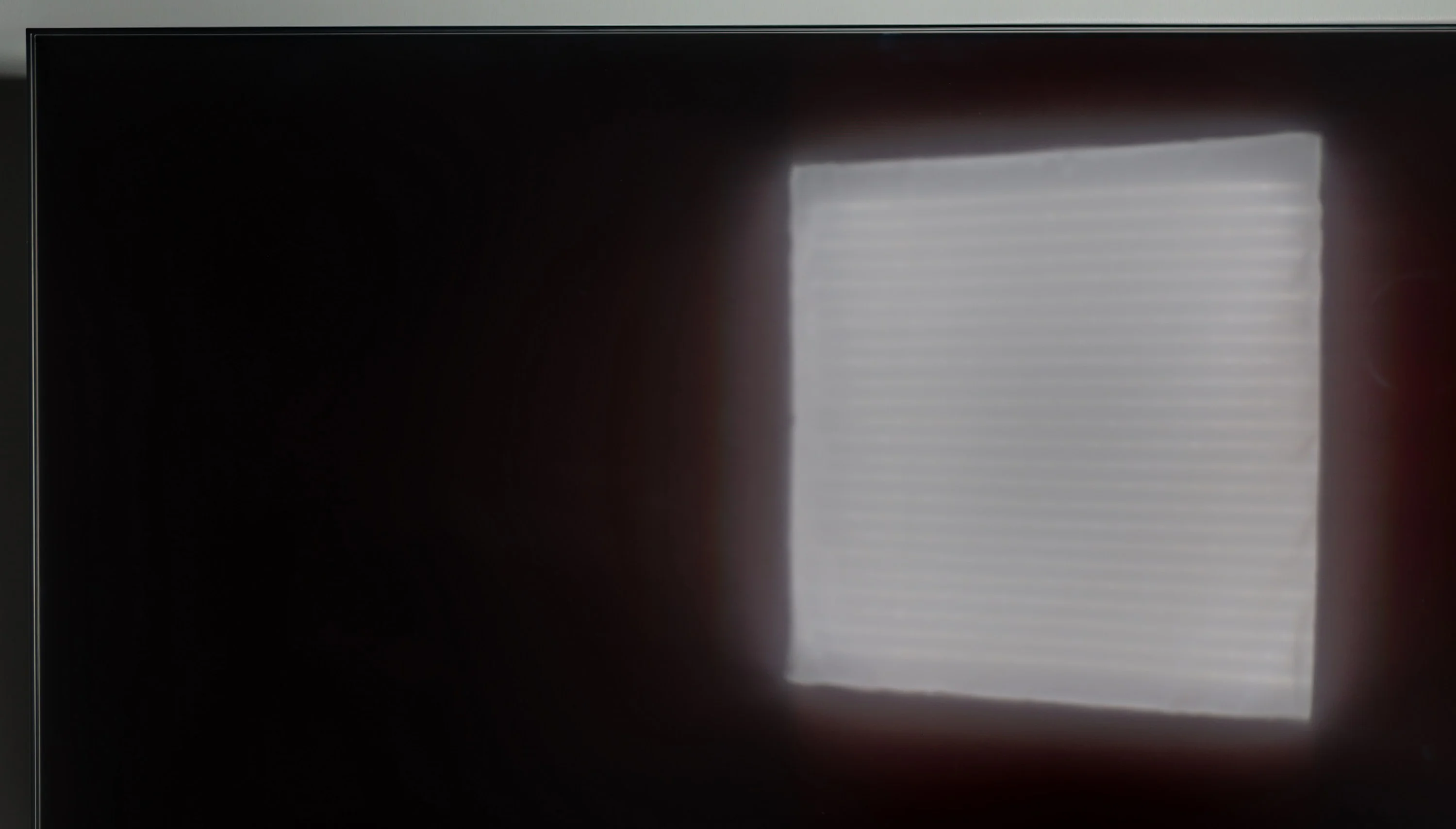
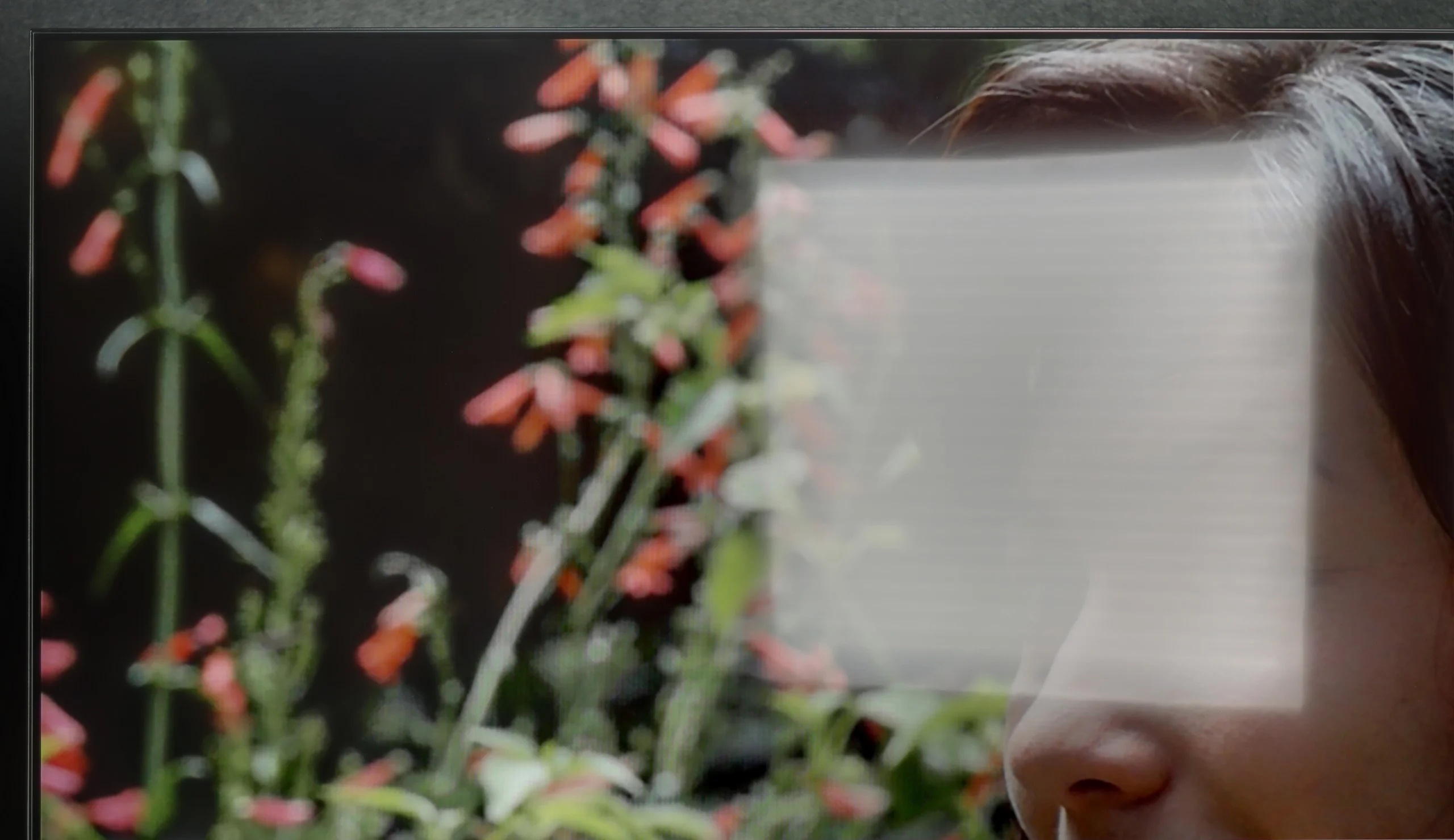
The Samsung DU7192 panel has a satin finish; unfortunately, this did not help the tested television in suppressing reflections of light falling directly on the panel. The situation is not improved by the fact that the maximum brightness of the panel in SDR content is 227 nits. It can be said that the tested television is rather not suited for daytime use.
Thanks to the satin coating of the Samsung U8092F panel, it handles reflection suppression quite well. The screen does not function like a mirror, and the colours – considering the capabilities of this class of device – remain reasonably saturated, even in somewhat brighter conditions. Unfortunately, the coating alone cannot perform miracles. The television is simply too dim to effectively cut through very challenging lighting conditions. If we place it opposite a light source (e.g. a large window or a strong lamp) – unfortunately, one must reckon with the fact that not everything will be clearly visible on it.
Panel details
Subpixel Structure:
Panel uniformity and thermal imaging:
Samsung DU7192 (IPS)
Samsung U8000F (IPS)
TV features
5.5/10
5.3/10
- SystemTizenTizen
- System performanceDecentDecent
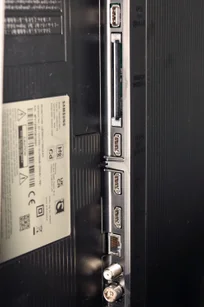
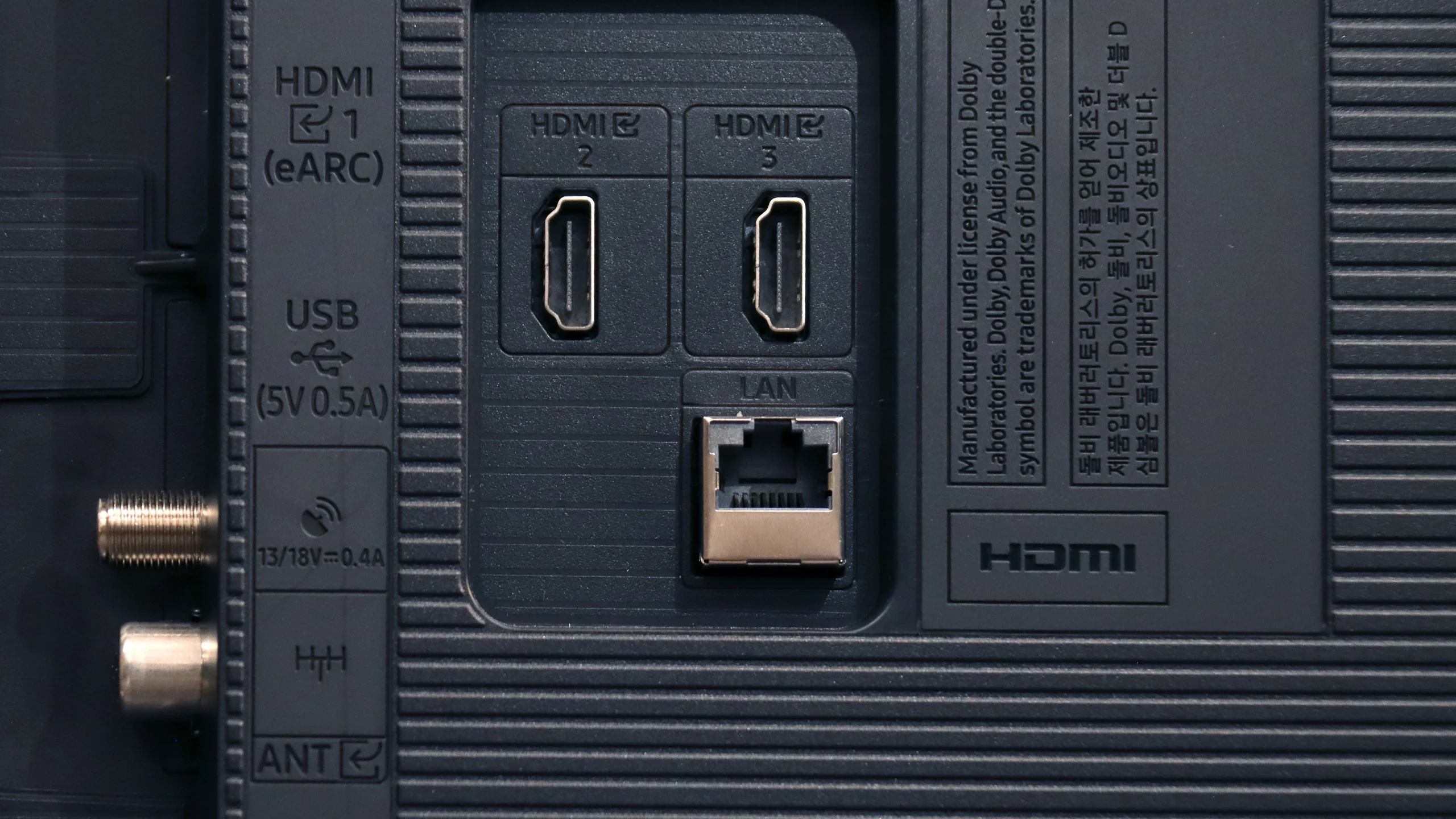
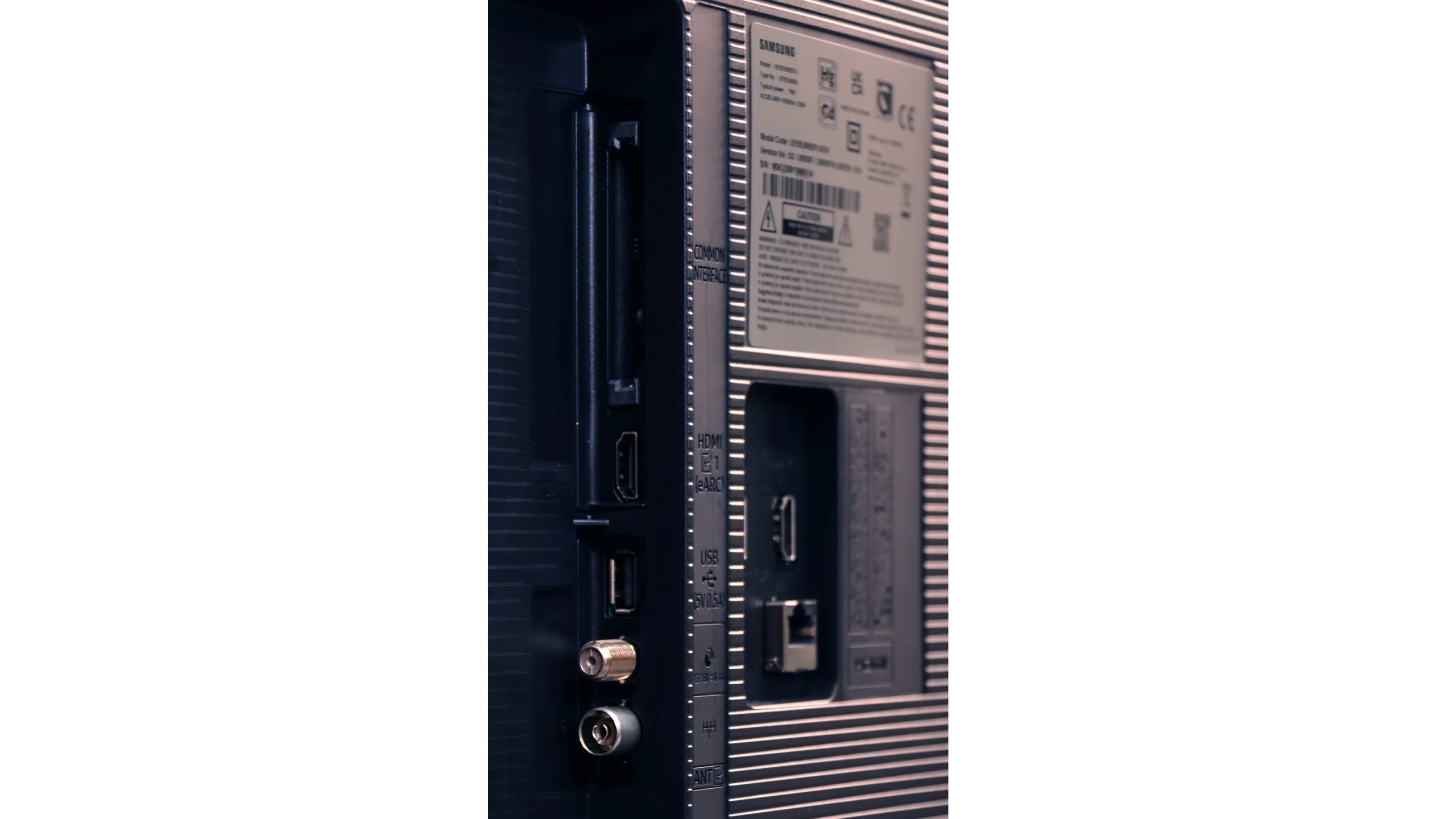
- HDMI inputs3 x HDMI 2.0, 0 x HDMI 2.13 x HDMI 2.0, 0 x HDMI 2.1
- OutputseARC (HDMI), ARC (HDMI)eARC (HDMI), ARC (HDMI)
- Network InterfacesWi-Fi 2.4GHz, Wi-Fi 5GHz, Ethernet (LAN) 100MbpsWi-Fi 2.4GHz, Wi-Fi 5GHz, Ethernet (LAN) 100Mbps
- TV receptionDVB-T, DVB-T2, DVB-S, DVB-S2, DVB-CDVB-T, DVB-T2, DVB-S, DVB-S2, DVB-C
Classic features:
- Recording to USB (terrestrial TV)
- Recording programming
- Picture in Picture (PiP)
- RF remote control (no need to aim)
- Backlit remote control
- Teletext
- Audio only mode
- Bluetooth headphones support
- Simultaneous Bluetooth headphones & TV audio
Smart features:
- AirPlay
- Screen mirroring (Windows Miracast)
- Voice search
- Voice search in native language
- Ability to connect a keyboard and mouse
Sound connection options
- HDMI audioeARC (HDMI), ARC (HDMI)eARC (HDMI), ARC (HDMI)
- Other audio outputs
- Wireless audioBluetoothBluetooth
Supported audio formats (external HDMI eARC audio):
- Dolby Digital Plus 7.1
- Dolby True HD 7.1
- Dolby Atmos in Dolby Digital Plus (JOC)
- Dolby Atmos in Dolby True HD
- DTS:X in DTS-HD MA
- DTS-HD Master Audio
Senior accessibility
- Numeric keyboard on TV
- Font size adjustment
- Audio description
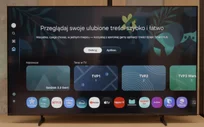
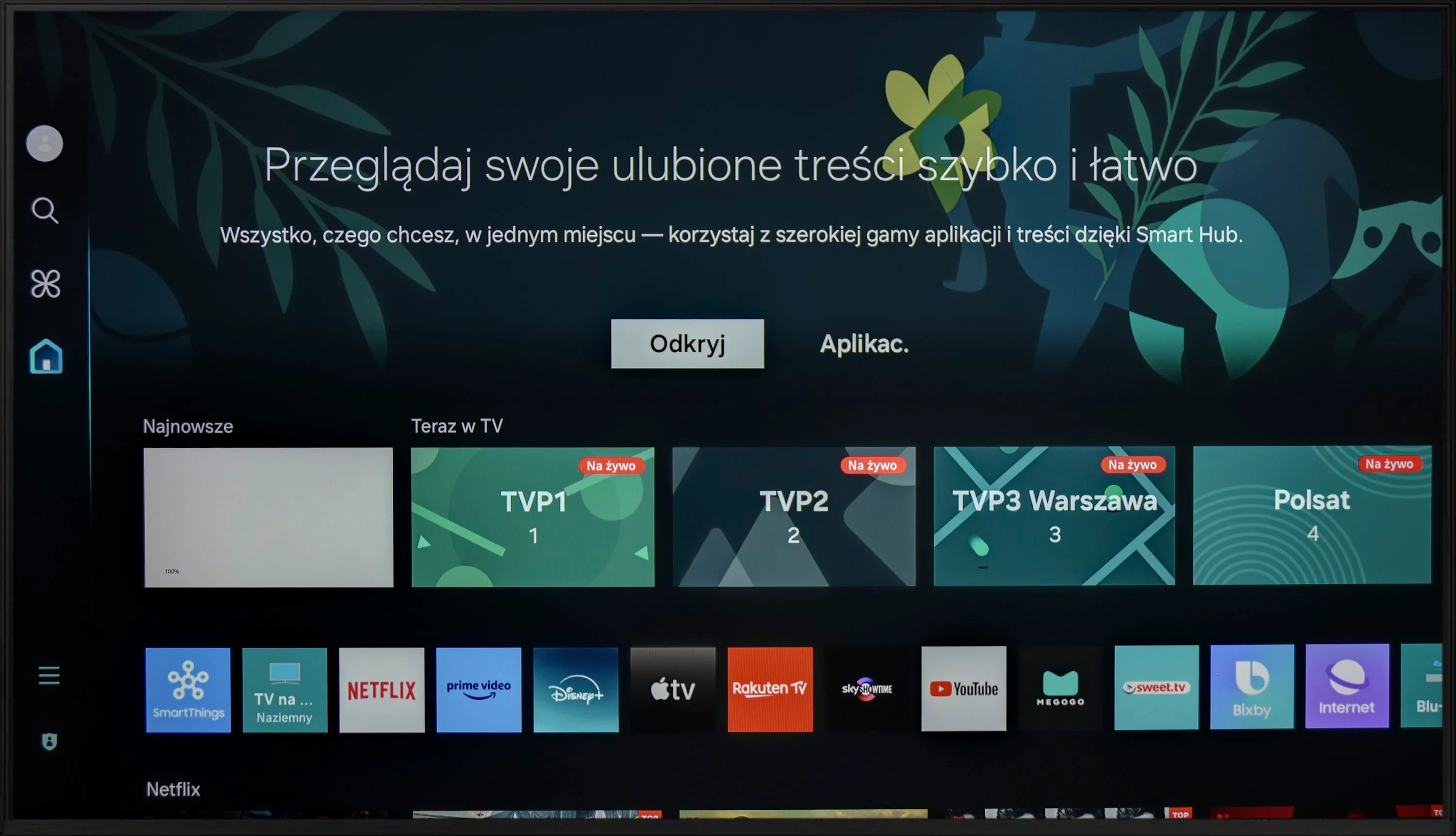
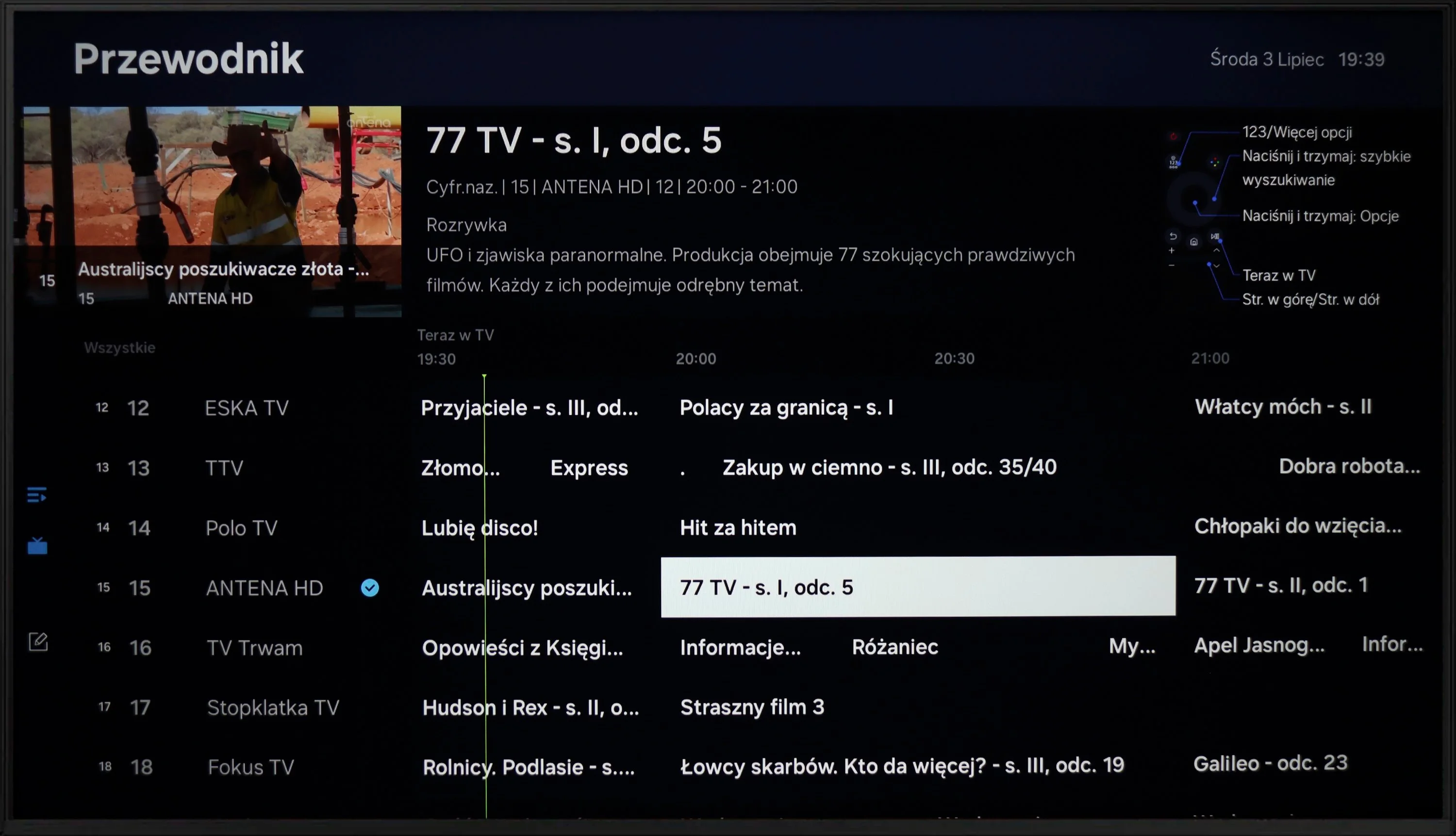
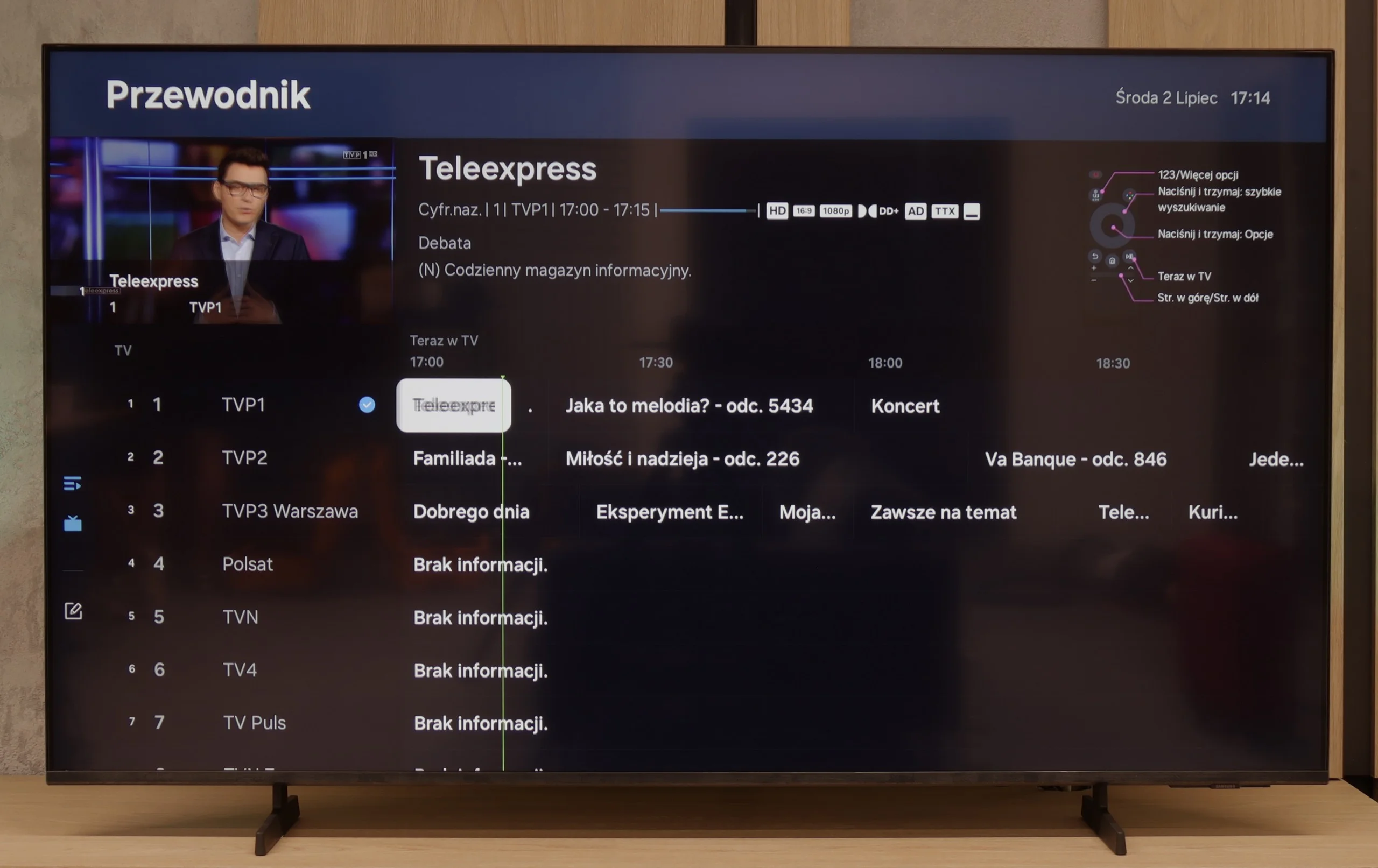
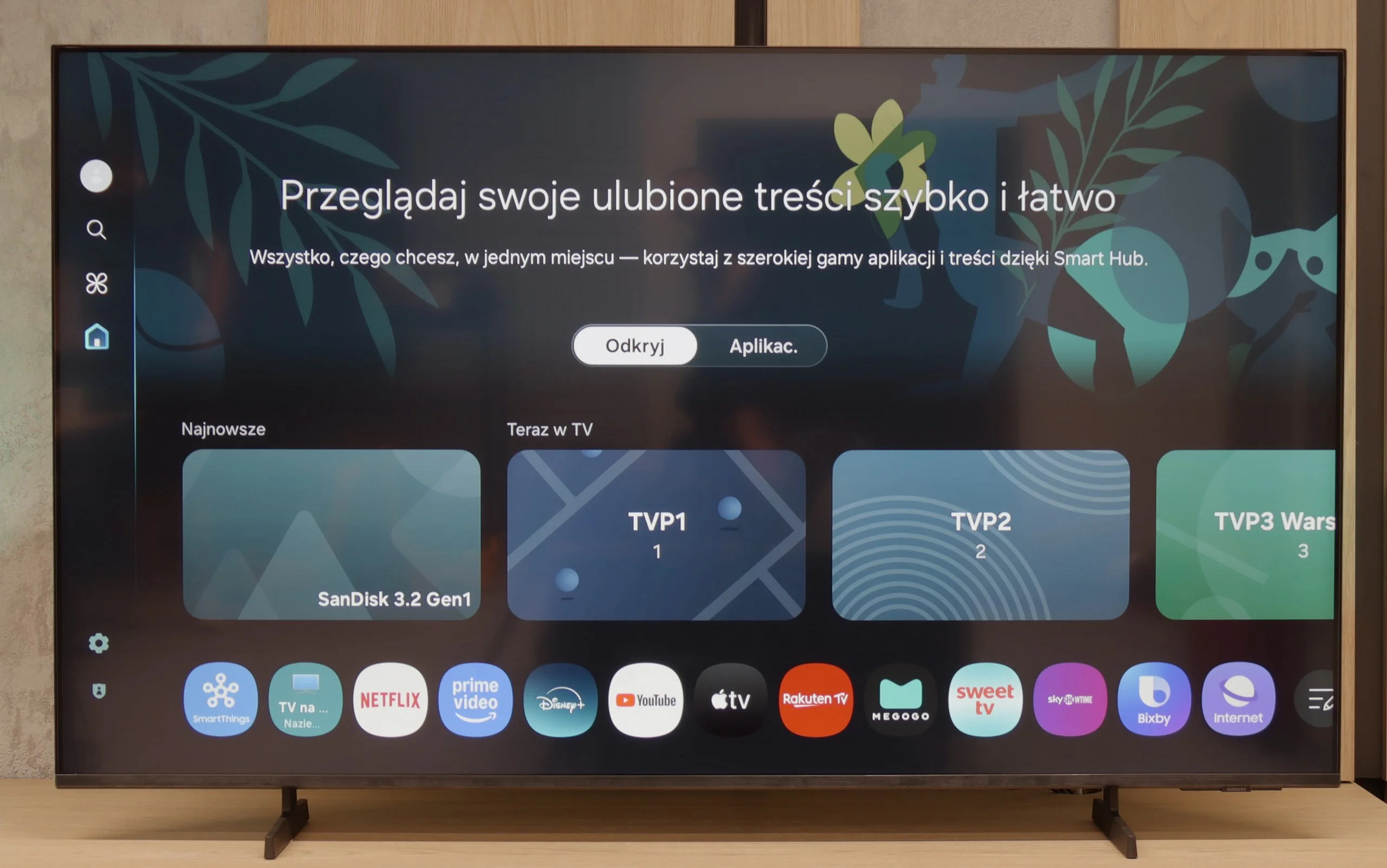
The operation of the Samsung DU7192 is powered by the proprietary Tizen system. This is quite well-known software, as the manufacturer has been developing it in its televisions for a really long time. Its main advantage is smooth performance and the absence of significant lags, which we can confirm through conducted tests. The biggest drawback, however, is its closed nature. Although the app store is quite extensive, we are still at the mercy of the manufacturer. Therefore, we will not be able to install any missing items, for example, from a USB drive. On the other hand, a benefit, especially for Apple device users, is the implementation of AirPlay, which allows easy mirroring of content from a device to the television. Fortunately, Samsung has also provided the option to connect a keyboard and mouse for much quicker navigation through the television menu. It is worth mentioning that the manufacturer has thankfully included a Bluetooth remote this year, which often wasn't the case in the past. The Tizen system has one more advantage. It integrates very well with external devices like the NC+ decoder or soundbars. The connection process is very quick and does not require special skills.
The Tizen system is very efficiently functioning software, which is certainly a strong advantage of the television. While more advanced users may complain about the lack of KODI, the rest will be satisfied.
Samsung U8092F – like all this year's models from this brand – runs on the Tizen operating system. The system itself is really well developed: we have access to many applications (though not all), a well-developed smart home support, and various add-ons, including exclusive Samsung applications. There are also features such as AirPlay and Chromecast, which allow us to easily connect our phone to the television and stream multimedia.
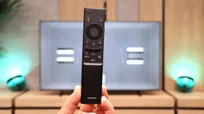
Unfortunately, as this is the cheapest series from Samsung in 2025, the manufacturer has not decided to include a solar remote. In the package, we find a classic infrared remote, which visually resembles the newer version, but unfortunately lacks voice functions. As for the typical "television" add-ons – the recording function and PiP (picture-in-picture) mode are missing. However, HDMI eARC works in its favour, allowing easy control of devices such as a decoder or soundbar with the remote included – and it truly works seamlessly.
Apps
8.7/10
9.3/10






















Playing files from USB
9.1/10
9.3/10
Supported photo formats:
Maximum photo resolution:
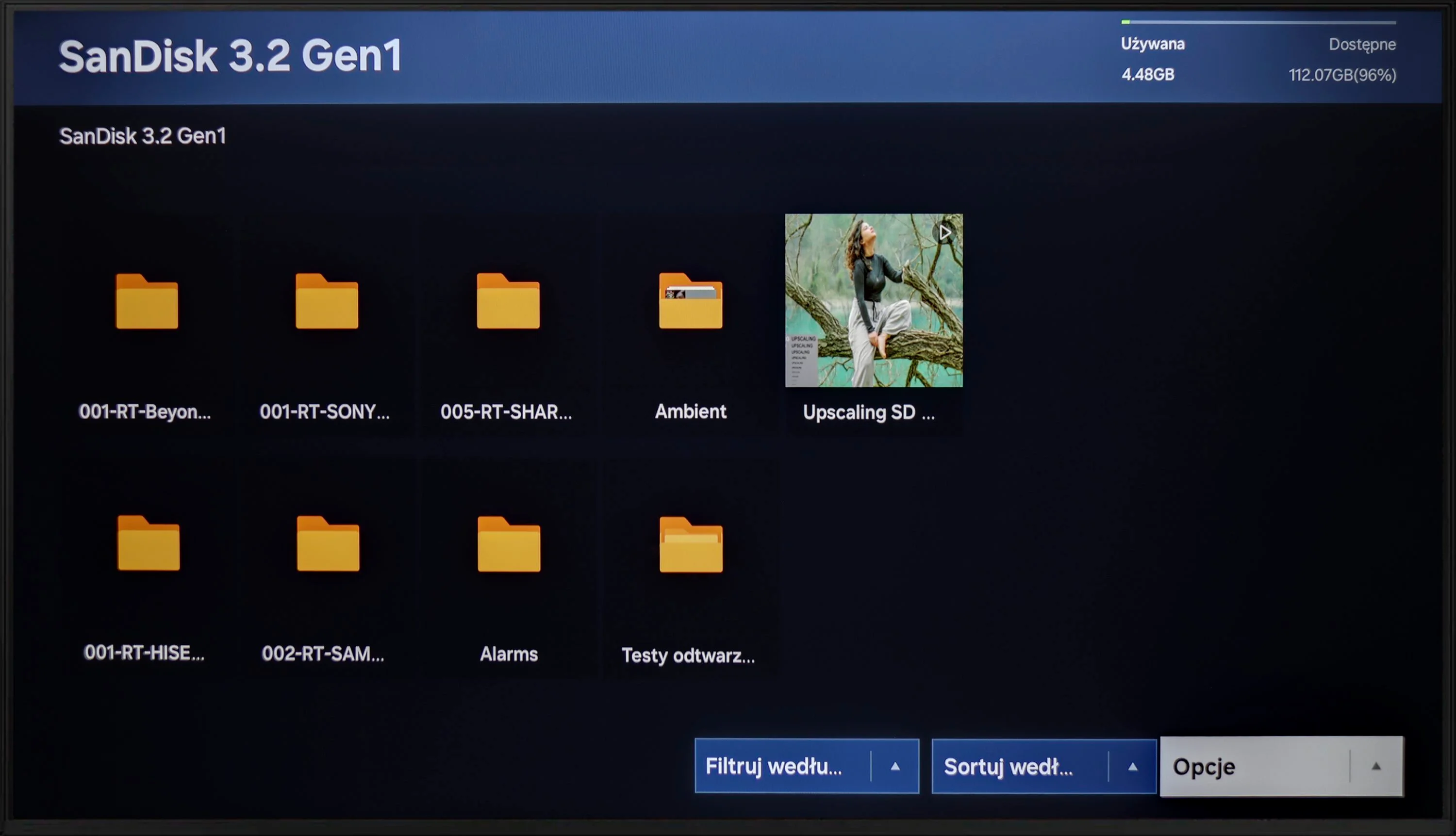
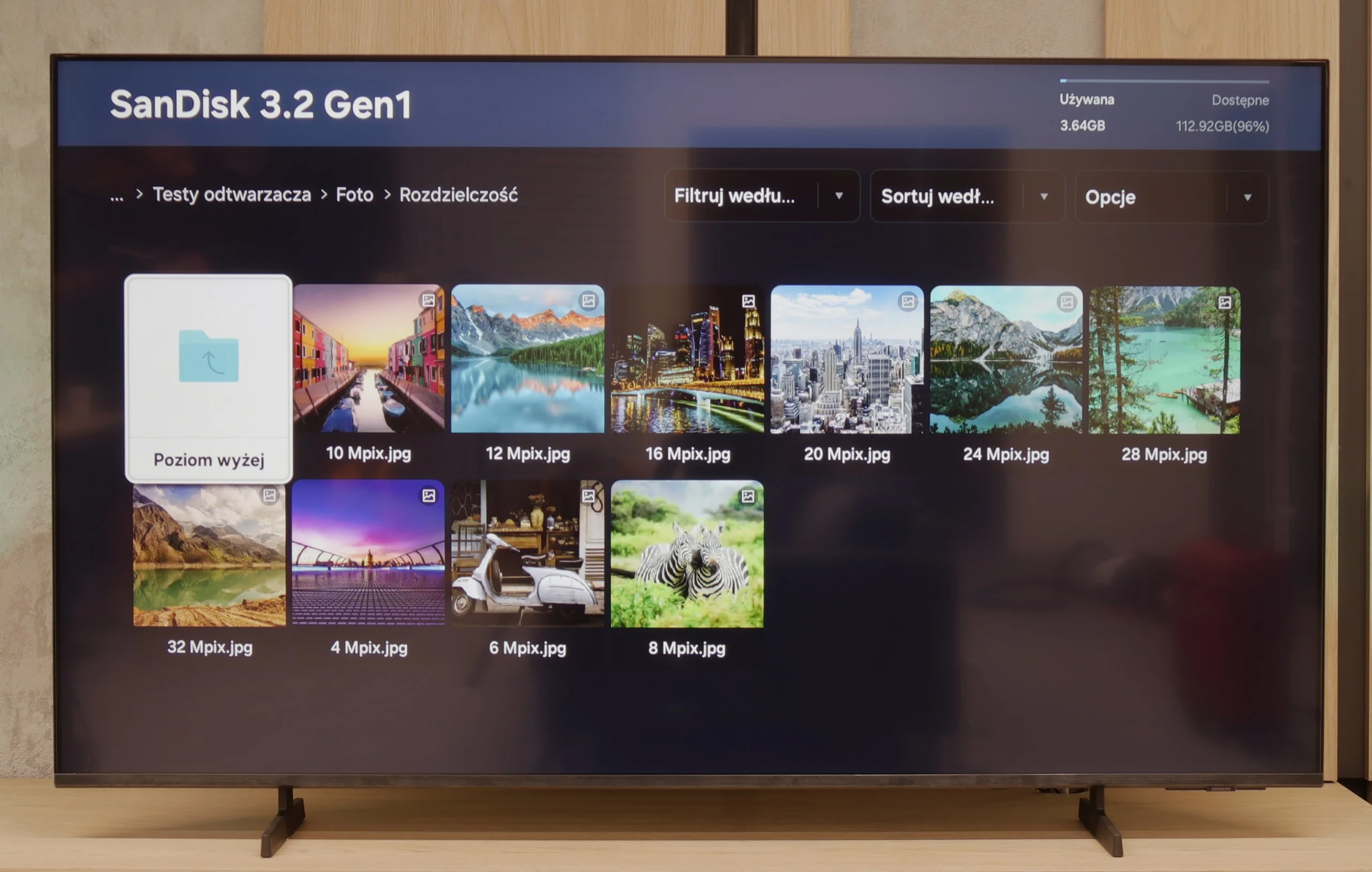
The built-in player Samsung DU7192 is a significant advantage. It handled almost all video and audio files prepared for the testing process excellently. The only exceptions in this regard are the Dolby Vision format (which is not surprising) and less popular codecs. Also worth noting is the support for Polish characters and the ability to change font colours. However, it performs worse with photo formats, as it only supports the popular JPEG. There is definitely a lack of formats such as PNG or Apple's HEIC.
Samsung U8092F handles file playback quite seamlessly – the television supports most popular audio and video formats. Of course, it does not support Dolby Vision, but that is simply not found in any Samsung model.
Some reservations can be made regarding the support for external text files – those that the user would like to add as subtitles to a film. During our tests, the television only played TXT files, while other extensions like SRT or SUB unfortunately did not work. This may not be a problem for everyone, but it's worth knowing. Perhaps it is an issue to be addressed in the future with an update to the television's operating system.
Sound
5.4/10
5.7/10
- Maximum volume83dB-
- Dolby Digital Plus 7.1
- Dolby True HD 7.1
- Dolby Atmos in Dolby Digital Plus (JOC)
- Dolby Atmos in Dolby True HD
- DTS:X in DTS-HD MA
- DTS-HD Master Audio
When evaluating the sound from DU7192, it should be noted that its drivers are not the best. Unfortunately, this has consequences in the form of very poor sound quality. We recommend using half of the volume scale due to possible distortions. Fortunately, the television offers a wide range of audio codecs, including the two most important ones: DTS-HD Master Audio and Dolby Digital Plus, which allows for the transmission of surround sound to an external device. This ensures high sound quality that will satisfy users demanding better audio experiences.
U8092F does not pretend to have a home cinema on board. We receive a standard set of 2 x 10 W, which sounds adequate, but without much excitement, although it does have a slight bass. For everyday viewing, such an audio setup is entirely sufficient. We were pleasantly surprised that it managed to play a film with the built-in Dolby Atmos (JOC) codec – though of course, we are not talking about real surround sound.
Sound Quality Test
No sound test video
Reader comments
Comments are provided by the external service Disqus (Zeta Global). Once loaded, Disqus may set cookies and process data about your activity.
We will remember your choice on this device. Provider's privacy policy