PHILPS PUS9060 vs Panasonic W95B

Direct comparison

The One 2025 / PUS9060 / PUS9000

Info

Available screen sizes: 43”50”55”65”75”85”

Available screen sizes: 55”65”75”85”

Panel type: LCD VA

Resolution: 3840x2160

System: Titan OS

Model year: 2025

Complete the survey to find out the result

Panel type: LCD VA

Resolution: 3840x2160

System: Amazon FireTV

Model year: 2025

Complete the survey to find out the result

Overall rating

6.8

7.5

  • Movies and series in UHD quality

    6.7

    7.3

  • Classic TV, YouTube

    6.5

    7.4

  • Sports broadcasts (TV and apps)

    6.7

    7.2

  • Gaming on console

    8.5

    8.6

  • TV as a computer monitor

    8.8

    8.4

  • Watching in bright light

    6.0

    7.2

  • Utility functions

    5.9

    6.8

  • Apps

    6.2

    7.2

  • Sound quality

    6.6

    7.9

Advantages

  • VA matrix with very good native contrast

  • Ambilight TV system, which enhances perceived contrast

  • Support for dynamic HDR formats: Dolby Vision and HDR10+

  • Great for gamers: 4K 120/144 Hz support, VRR, ALLM, HGiG, G-Sync Compatible

  • Low input lag

  • Very good compatibility with PCs

  • Support for multiple audio formats - Dolby Atmos and DTS

  • Illuminated remote control with numeric keypad

  • Excellent black levels and contrast thanks to 504 local dimming zones and a VA panel

  • Very high HDR brightness (up to 1400 nits)

  • Good motion fluidity. 144 Hz panel – perfect for gaming and dynamic content

  • Support for Dolby Vision, HDR10+

  • Many features for gamers including: HGiG, ALLM, FreeSync, and G-Sync

  • Low input lag

  • Well-functioning upscaling and subtle digital image processing

  • High brightness in daylight and effective anti-reflective coating

  • Pleasant sound with Dolby Atmos support

  • USB recording capability, Bluetooth, and jack input

Disadvantages

No like
  • The Titan OS operating system can be underdeveloped

  • Limited number of applications

  • Average viewing angles

  • Lack of television functions (Recording to USB, PIP, Audio-only mode)

  • Infrared remote control (must be aimed at the screen)

  • The Fire TV system is poorly developed in Europe – many applications are missing

  • Clunky interface operation and software bugs, e.g. lack of subtitles when playing films from USB

  • Local dimming does not work in VRR mode

  • Narrow viewing angles – typical for VA panels

  • Only two HDMI 2.1 ports

Our verdict

Philips PUS9000 is proof that the manufacturer not only keeps a finger on the pulse but also listens attentively to its users. In the latest iteration of this popular series, there is a noticeable progress – especially compared to the previous generation that we had the opportunity to test. The use of a VA panel has brought a significant improvement in black levels, which finally presents itself at an acceptable level. A brightness of 500 nits does not disappoint even in sunlit rooms, and support for a wide range of HDR formats – including Dolby Vision and HDR10+ – complements the image of a well-prepared device. Additionally, the support for spatial audio technologies such as Dolby Atmos and DTS only enhances the positive impression, especially since the presence of all the aforementioned formats is not a given, even in the priciest models of 2025. But what truly sets this model apart from the competition is the Ambilight system. The multicoloured backlighting not only makes a visual impression – in a darkened room, it can enhance perceived contrast and completely transform the experience of watching a film or series. The gaming mode also deserves recognition. 144 Hz, low input lag, variable refresh rate, G-Sync compatibility, and Game Bar function – everything one could expect from a device designed with consoles and PC in mind. Unfortunately, not everything works perfectly. The Titan OS system, while operating relatively smoothly, still suffers from shortcomings – many popular applications are lacking, minor bugs appear, and the overall experience can be somewhat clunky in everyday use. Moreover, the remote, despite its modern appearance, still uses infrared and requires aiming at the television. What a pity.

So, who is the PUS9060 for? For those who want to immerse themselves in an evening session with impressive Ambilight, game on consoles, and stream content from external devices. In such a scenario, “The One” may indeed turn out to be "the one" – especially since its price is not off-putting on release day.
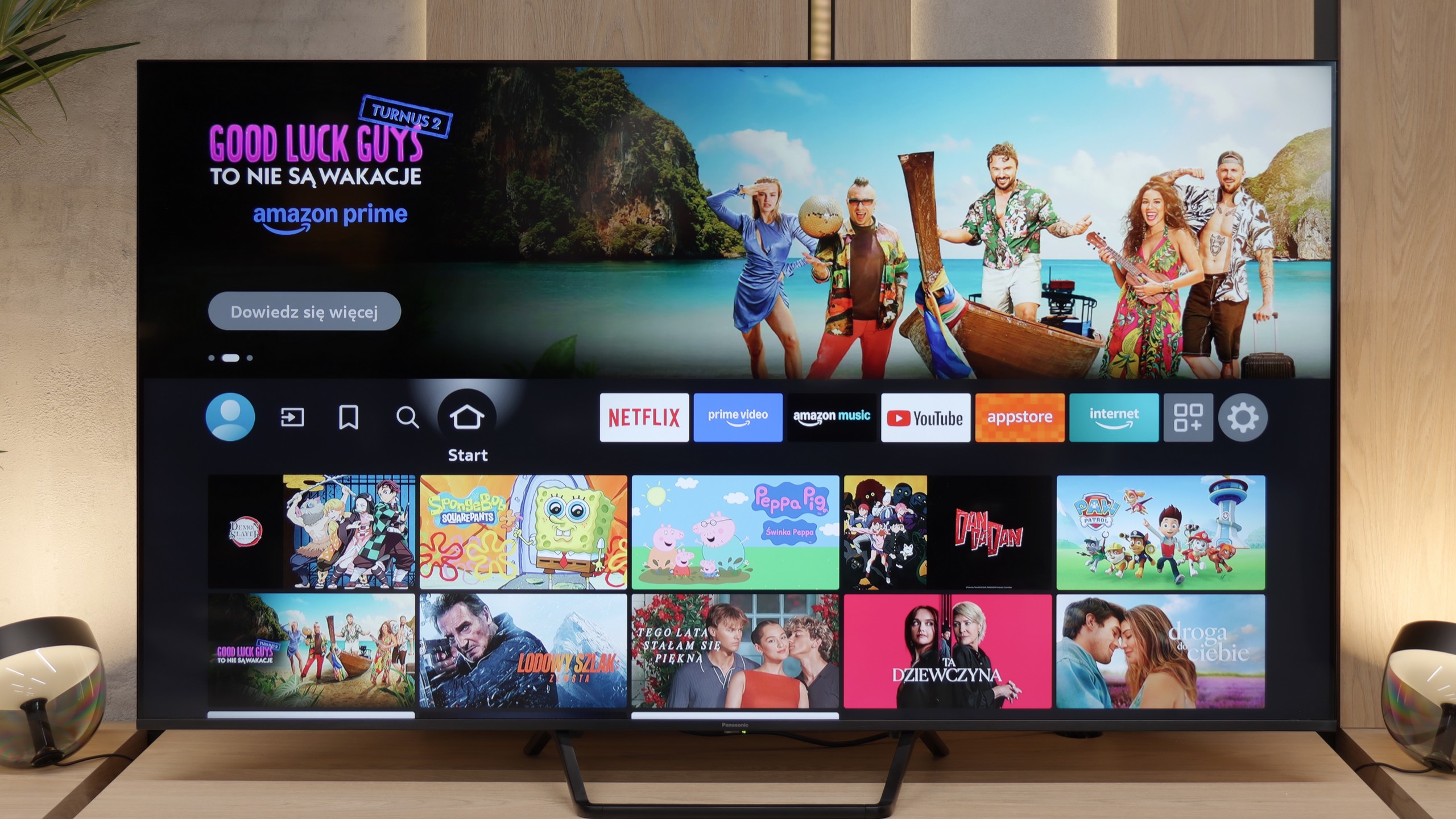
The Panasonic W95B is one of those televisions that not only impresses with its specifications on paper but also delights in practice. It boasts an excellent Mini LED screen, offering remarkable black levels, very high brightness, and smooth motion, which combined with refined local dimming create an image close to perfection. Most content simply looks stunning on it, and the low-latency gaming mode with support for key technologies makes it a good choice for gaming as well. However, it is important to remember that the W95B is aimed at a rather specific group of consumers – those who can accept weaker usability features in exchange for good image quality. The Fire TV system in this version is not very polished: several apps are missing, some functions operate clumsily, and the built-in file player doesn't even support subtitles. Despite these shortcomings, the Panasonic W95B is a solid, well-crafted visual device that proves Mini LED can be a true alternative for those who, for various reasons, do not want an OLED television. It is one of the few televisions of this type that can be wholeheartedly recommended, provided that the priority is the image, rather than the system and applications.


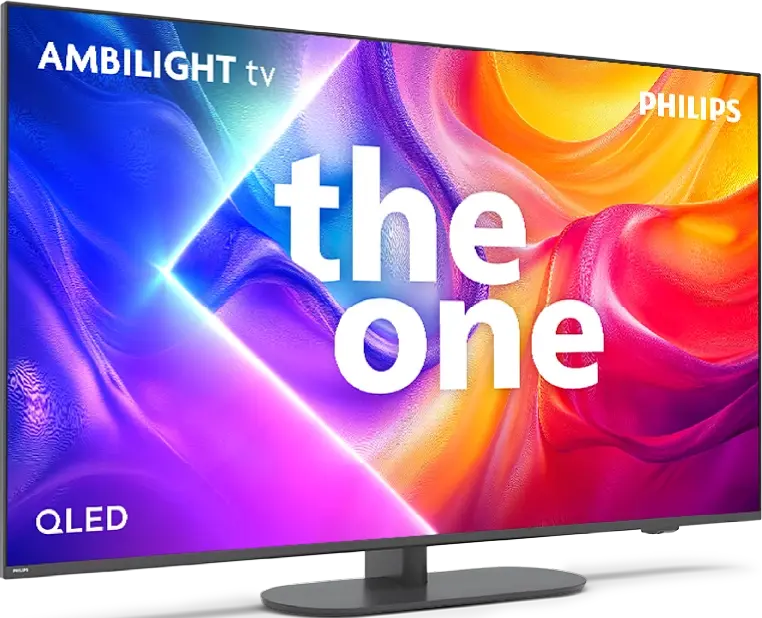
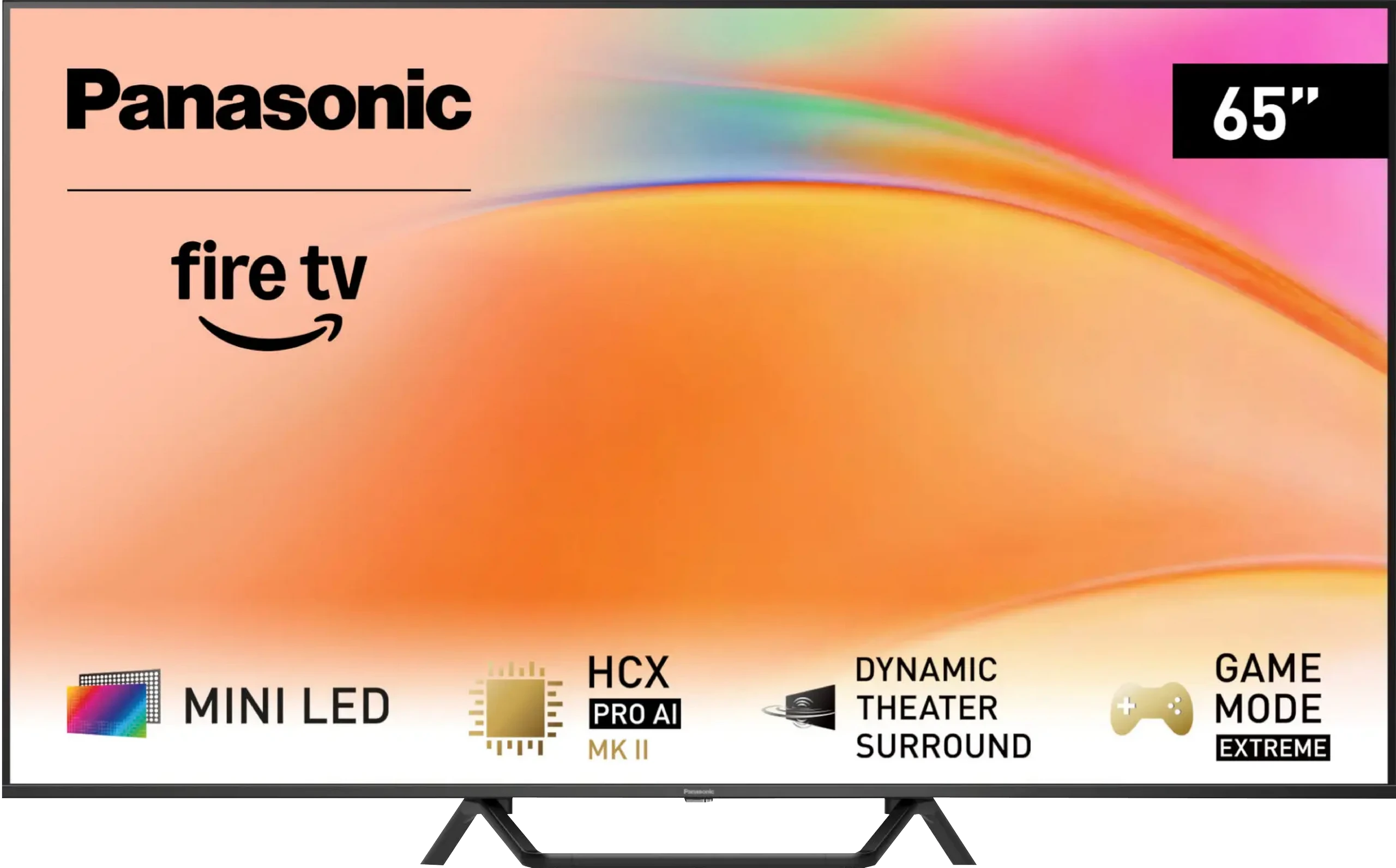
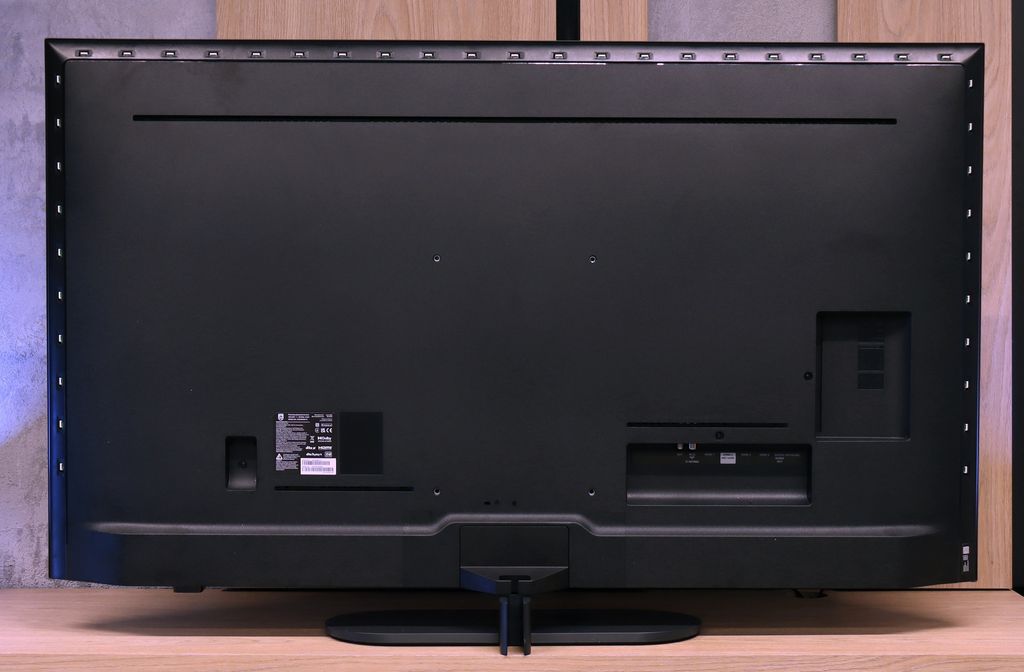
TV appearance

HDMI inputs
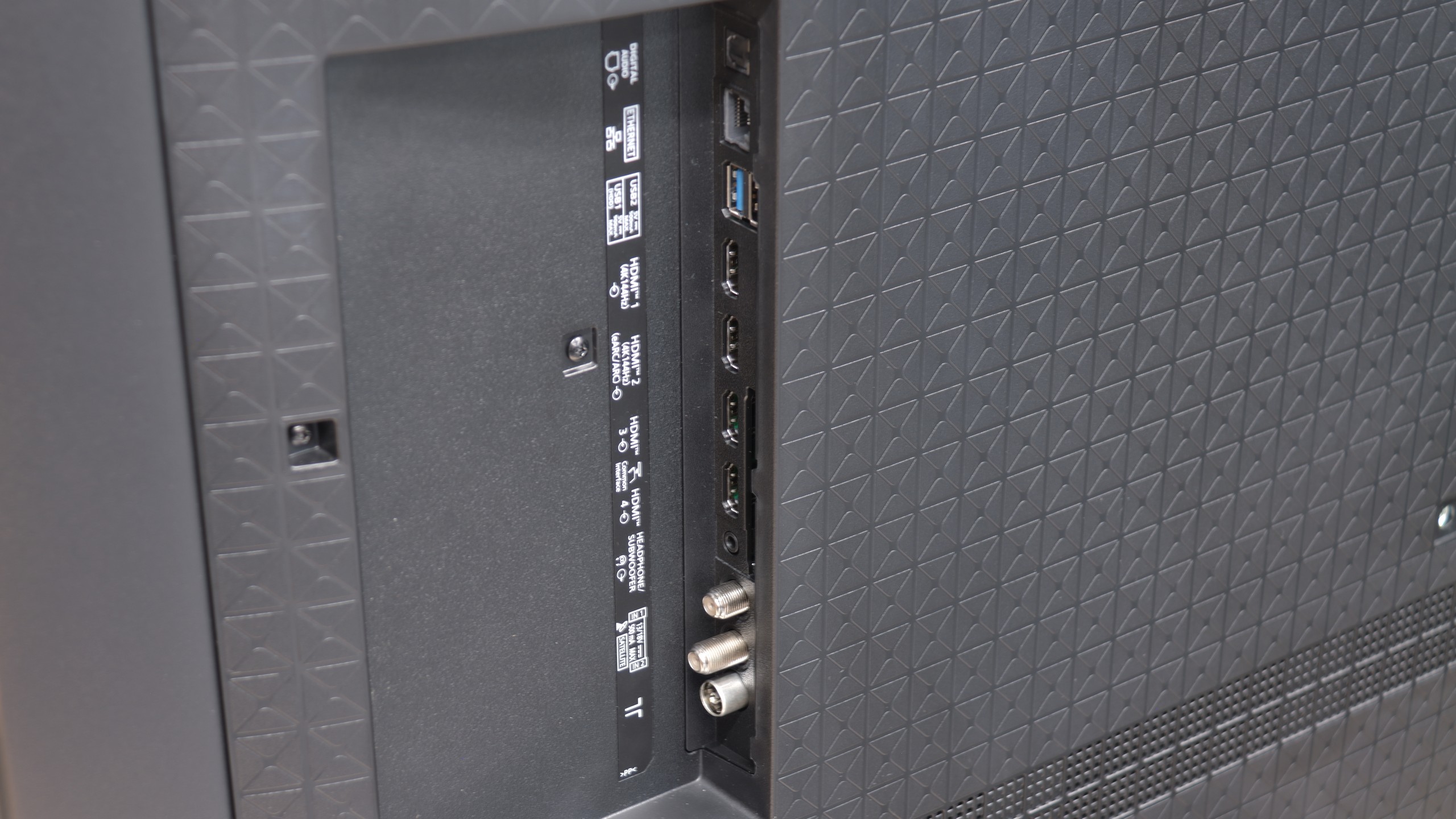
0 x HDMI 2.0, 4 x HDMI 2.1 (48Gbps)
2 x HDMI 2.0, 2 x HDMI 2.1 (48Gbps)
Other inputs
Toslink (Optical audio)
Outputs
Toslink (Optical audio), eARC (HDMI), ARC (HDMI), Mini-Jack (Headphones)
Network Interfaces
Wi-Fi 2.4GHz, Wi-Fi 5GHz, Ethernet (LAN) 100Mbps
Build quality
BuildQuality-Good
BuildQuality-Good
Stand type
Central
Central
Bezel color
Graphite
Silver
Stand
Fixed
Fixed
Accessories
Stand
Stand

Contrast and black detail

6.2/10

7.5/10

Local dimming function: No

Local dimming function: Yes, number of zones: 504 (18 x 28)

Contrast:

Review PHILPS PUS9060 Contrast and black detail

Result

6,000:1

Review PHILPS PUS9060 Contrast and black detail

Result

6,750:1

Review PHILPS PUS9060 Contrast and black detail

Result

7,300:1

Review PHILPS PUS9060 Contrast and black detail

Result

6,000:1

Review PHILPS PUS9060 Contrast and black detail

Result

6,800:1

Review Panasonic W95B Contrast and black detail

Result

175,300:1

Review Panasonic W95B Contrast and black detail

Result

28,450:1

Review Panasonic W95B Contrast and black detail

Result

19,450:1

Review Panasonic W95B Contrast and black detail

Result

8,600:1

Review Panasonic W95B Contrast and black detail

Result

5,400:1

Halo effect and black detail visibility:

Review PHILPS PUS9060 Contrast and black detail
Review Panasonic W95B Contrast and black detail
Review PHILPS PUS9060 Contrast and black detail
Review Panasonic W95B Contrast and black detail

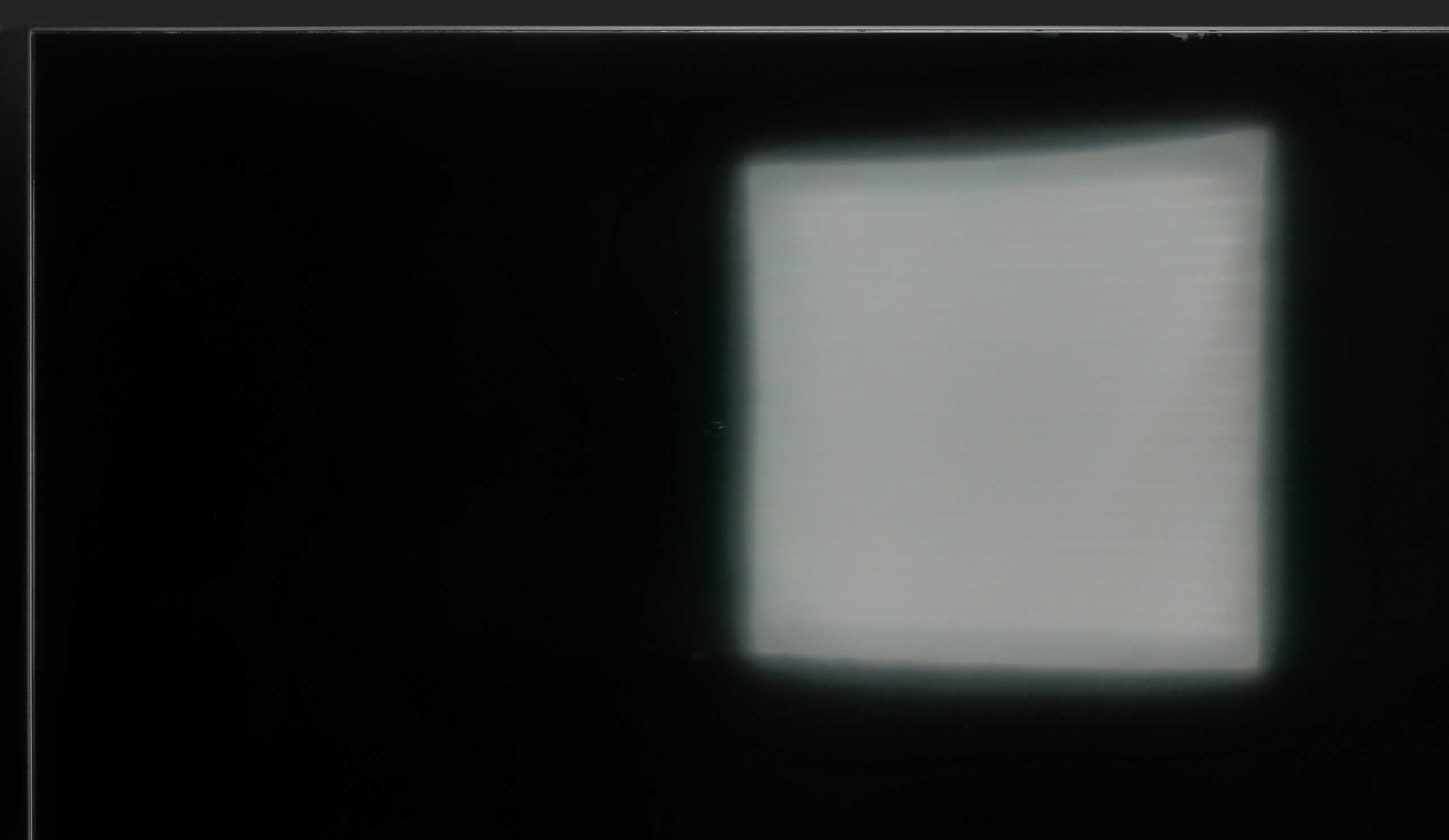
The PUS9060 is a television that, in this version, is equipped with a VA panel – and this is immediately evident in the contrast tests. In the tested images, the television achieved really good results, at around 6500:1. Such a result alone indicates that the television has a very decent black level. Unfortunately, the PUS9060 is not equipped with local dimming technology, and as a result, the black levels in the dark may appear to have a tint resembling navy blue. Fortunately, the The One series is known, among other things, for the famous Ambilight system, which significantly improves perceived contrast, and thus ‘tricks’ our eye into seeing a better black level. It may seem simple, but it is remarkably useful. Therefore, we recommend using this television in the evening with this system switched on. It doesn’t necessarily have to be multicoloured and track the picture – it can simply be white.

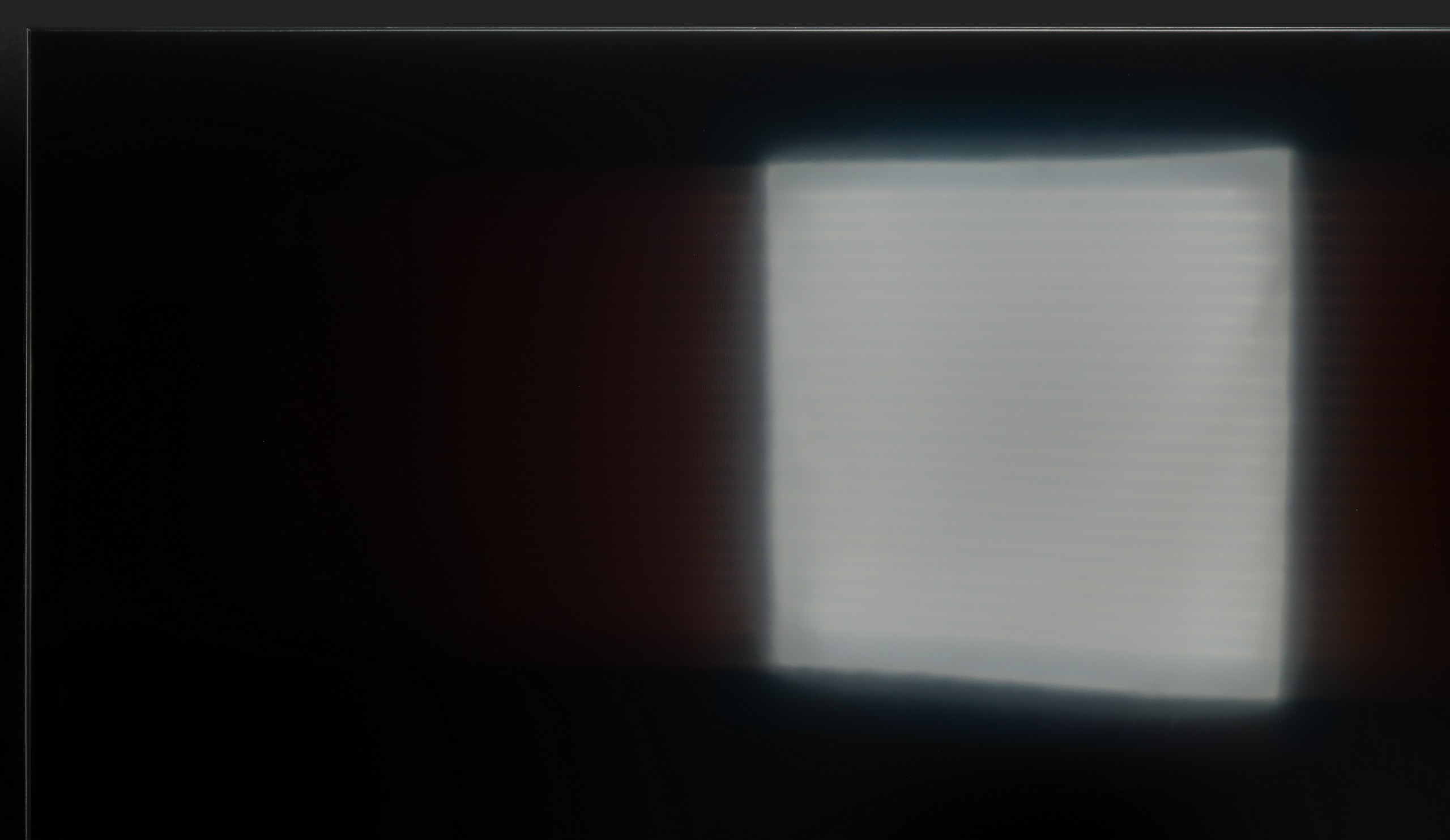
We tested the 65-inch variant, equipped with as many as 504 local dimming zones. The Panasonic W95B is an LCD television with a VA panel, but the most important feature is the use of Mini LED backlighting with precise zone control. The results we managed to achieve are truly impressive – in easier scenes, the contrast can reach six-digit values, making it at times easy to confuse this screen with an OLED. Of course, this model is not an OLED and in more demanding sequences, certain limitations resulting from the operation of the zones can be observed; however, it must be admitted that Panasonic has refined its algorithms to near perfection. Local dimming is practically invisible in action – the image remains coherent, without obvious defects or the effect of excessive "bleeding" of light. Details in dark areas are preserved, and the transitions between brightness and black look exceptionally natural.

HDR effect quality

5.8/10

5.7/10

Supported formats
HDR10, HDR10+, Dolby Vision, HLG
HDR10, HDR10+, Dolby Vision, Dolby Vision IQ, HLG
Color gamut coverage
DCI P3: 85.2%, Bt.2020: 62.2%
DCI P3: 93.0%, Bt.2020: 71.0%

Luminance measurements in HDR:

Review PHILPS PUS9060 Brightness measurement

Result

507 nit

Review PHILPS PUS9060 Brightness measurement

Result

430 nit

Review PHILPS PUS9060 Brightness measurement

Result

542 nit

Review PHILPS PUS9060 Brightness measurement

Result

551 nit

Review PHILPS PUS9060 Brightness measurement

Result

545 nit

Review Panasonic W95B Brightness measurement

Result

1145 nit

Review Panasonic W95B Brightness measurement

Result

229 nit

Review Panasonic W95B Brightness measurement

Result

636 nit

Review Panasonic W95B Brightness measurement

Result

198 nit

Review Panasonic W95B Brightness measurement

Result

740 nit

Scene from the movie “Pan” (about 2800 nits)

Review PHILPS PUS9060 HDR effect quality
Review Panasonic W95B HDR effect quality

Scene from the movie “Billy Lynn” (about 1100 nits)

Review PHILPS PUS9060 HDR effect quality
Review Panasonic W95B HDR effect quality

Static HDR10

Review PHILPS PUS9060 HDR effect quality
Review Panasonic W95B HDR effect quality

Dynamic: Dolby Vision

Dynamic: Dolby Vision

Review PHILPS PUS9060 HDR effect quality
Review Panasonic W95B HDR effect quality

HDR luminance chart:

Panasonic W95B

HDR luminance

PHILPS PUS9060

HDR luminance

The One is bright enough to enjoy films recorded in HDR format. The average brightness of this model is around 500 nits, so we can easily expect a pleasant viewing experience for films from streaming platforms. Of course – it could always be better, because when it comes to brightness, you can never have too much for this type of content. Unfortunately, a disappointing surprise may be the coverage of the DCI-P3 colour palette offered by the PUS9060. Although the manufacturer boasts about using a QLED filter here (in reality, it’s PFS LED), it's hard to speak of any positive effects from its operation. 85% coverage of the DCI-P3 palette is certainly not a level to be proud of in 2025 – particularly in a television advertised as QLED.

The Panasonic W95B is truly a bright screen, capable of achieving a peak luminance of around 1400 nits. In brighter, well-lit film scenes, this value translates to spectacular HDR effects that can make a big impression. However, knowing our test setup, you can probably see that in very demanding shots – such as the moon in the distance or the lights of a helicopter in the scene from Sicario 2 – the television does not impress. In such situations, brightness drops to around 200 nits, which makes the HDR effect much less noticeable. This happens because Panasonic prioritises maintaining deep blacks, not illuminating the background – for many users, this shouldn't be a cause for concern. However, it is important to remember that in these moments the image begins to resemble SDR content. The coverage of the colour palette also deserves praise, as it reaches about 93% of the DCI-P3 space thanks to the use of a PFS filter (also known from QLED technology). As a result, most films look very good in terms of saturation and colours, preserving the cinematic character of the image.

Factory color reproduction

5.5/10

5.1/10

Review PHILPS PUS9060 Factory color reproduction
Review Panasonic W95B Factory color reproduction

Factory Mode

After calibration

Review PHILPS PUS9060 Factory color reproduction
Review Panasonic W95B Factory color reproduction

Factory Mode

After calibration

We tested the PUS9060 in the best factory mode available – of course, we are referring to the movie mode. Unfortunately, the best in this case does not mean good. The image in this mode was distinctly yellowish and shifted towards orange tones. The white balance on this television was definitely too warm, giving the entire scene an artificial, somewhat “tanned” appearance. This led to significant colour errors, which in the worst cases exceeded a delta E value of 6 – thus they were visible to the naked eye. The situation was reversed in HDR mode, where the image became too blue and too cool in perception. Additionally, there was a slight increase in brightness – the gamma curve and EOTF suggested that the television slightly brightened the image, which was also evident in the comparative photo below.

In Filmmaker mode, the Panasonic W95B offers an image with quite accurate colour reproduction, although it is not without minor imperfections. The white balance slightly veers towards red, which may cause a subtle warming of the image, and the gamma curve is slightly elevated, making the screen appear a bit brighter. It is good that the manufacturer included this mode – even in factory configuration, it provides a reasonably natural appearance for films. However, knowing how susceptible Panasonic televisions are to calibration, we decided to see how much the image could be improved after professional tuning.

Color reproduction after calibration

8/10

9.1/10

Review PHILPS PUS9060 Color reproduction after calibration
Review Panasonic W95B Color reproduction after calibration
Review PHILPS PUS9060 Color reproduction after calibration
Review Panasonic W95B Color reproduction after calibration

Thanks to calibration in film mode, we managed to completely eliminate the yellow-orange tint, which significantly improved the perception of the entire scene. The image has become much more visually pleasing, although it is still far from reference settings. It may now appear slightly bluish, but it is still a definite improvement compared to the factory settings.

Unfortunately, we were not able to significantly improve the brightness characteristics, but this is already a matter of the television's design - the absence of local dimming limits the ability to precisely manage brightness. The PUS9060 simply cannot dynamically adjust luminance as more advanced models do. Nevertheless, after calibration, the overall experience is much more enjoyable, especially with film material.

After professional calibration, the Panasonic W95B shows what it is truly capable of. Colour errors have mostly dropped below values of 2–3, making them practically invisible to the human eye. It was also possible to correct the excess red in the white balance, which has resulted in the image no longer having a slight pink tint, and details in dark areas are no longer lost due to excessive dimming in the gamma. In HDR content, the improvement is also noticeable – colour saturation is now more stable and does not shift so markedly towards blue as it did before. This is truly an excellent television for watching films and series in the highest possible quality. While we know that Mini LED screens are not always perfect for this, the W95B is a perfect example that with proper fine-tuning, an effect close to OLEDs can be achieved.


Smoothness of tonal transitions

8.9/10

9.5/10

Review PHILPS PUS9060 Smoothness of tonal transitions
Review Panasonic W95B Smoothness of tonal transitions
Review PHILPS PUS9060 Smoothness of tonal transitions
Review Panasonic W95B Smoothness of tonal transitions
Review PHILPS PUS9060 Smoothness of tonal transitions
Review Panasonic W95B Smoothness of tonal transitions
Review PHILPS PUS9060 Smoothness of tonal transitions
Review Panasonic W95B Smoothness of tonal transitions

PHILIPS PUS9060 handles tonal transitions excellently – we did not notice any serious problems with colour blending. The gradation looks natural, without unpleasant bands or harsh transitions. We could only nitpick the most challenging dark scenes – that is where minimal imperfections appear, but overall it looks quite OK, especially for the class of equipment. For most users, the effect will be more than satisfactory.

In terms of the fluidity of tonal transitions, the Panasonic W95B performs exceptionally well. In the vast majority of scenes, the gradation is practically imperceptible, making the image look exceptionally smooth and natural. Minimal issues only occur in extreme shades of grey, which are extremely rare and difficult to detect with the naked eye. This is a level that will satisfy even the most demanding users.

Image scaling and smoothness of tonal transitions

6.7/10

7.8/10

Image without overscan on the SD signal
OK
OK
Smooth transition function
OK
OK

Smooth transition function

Review PHILPS PUS9060 Image scaling and smoothness of tonal transitions
Review Panasonic W95B Image scaling and smoothness of tonal transitions

Image without overscan on the SD signal

Review PHILPS PUS9060 Image scaling and smoothness of tonal transitions
Review Panasonic W95B Image scaling and smoothness of tonal transitions

In the PUS9060, we find yet another version of the image processor called by Philips the P5 Perfect Picture, which is designed to improve the image – especially the imperfect one. The television features a distortion reduction function, which serves to smooth tonal transitions, i.e., those "colour joins" we mentioned earlier. This function does this very effectively – there is no noticeable harsh gradation of colours, but unfortunately, it works so aggressively that it sometimes dulls desired elements, such as the textures of materials or film grain. So one can consider this a certain compromise. We would rather not recommend using this function for films, but for more casual content – e.g., YouTube or standard television – it is perfectly fine.

The P5 processor also aims to improve the quality of lower-resolution images and does so quite effectively. The test image with the model is very soft – sometimes overly so – but this can be easily adjusted with the sharpness slider to match personal preferences. It is also pleasing that the television does not cut off edges in SD materials – which unfortunately still occurs in some TV models.

In terms of image processing, the Panasonic W95B performs excellently. The proprietary processor responsible for digital image processing effectively upscales lower resolution content to 4K, preserving a great deal of detail and a natural appearance of contours. The final effect is impressive – the upscaling here is at a truly high level, and Full HD content can look surprisingly good. The way the television smooths tonal transitions in low-quality materials is also noteworthy. The algorithm does not operate as aggressively as in some competing models, but as a result, it does not cause a loss of detail or blur film grain.

Blur and motion smoothness

7.8/10

7.8/10

Maximum refresh rate of the panel
144Hz
144Hz
Film motion smoothing option
OK
OK
Blur reduction option
OK
OK
BFI function 60Hz
No
No
BFI function 120Hz
No
No
Brightness drop with BFI
-%
-%

Blur (native resolution, maximum refresh rate):

Blur (BFI function enabled):

Blur ():

Blur (4K@144Hz):

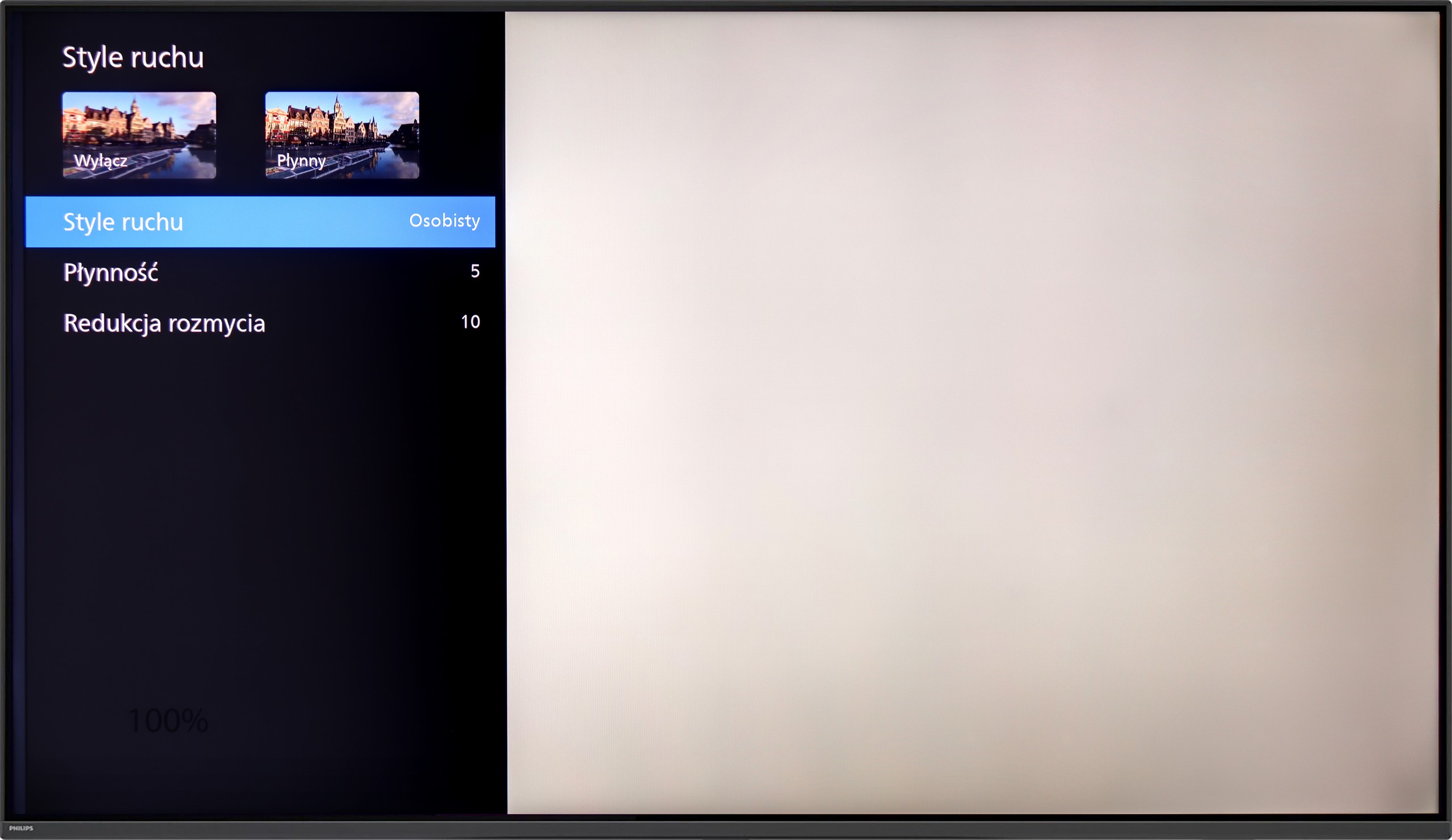
PHILIPS PUS9060 is equipped with a 4K panel with a refresh rate of 144 Hz, so we can confidently say that it is suitable for both watching sports and playing games. And indeed, it is. But what about films that are most often recorded at 24 frames? As with most of the televisions we tested with a refresh rate of 120 Hz and above, the PUS9060 offers two sliders in the motion smoothness options. The “Smoothness” slider allows you to adjust the effect in films – you can set the image to be smoother, resembling a theatrical effect (higher settings), or more cinematic, with a slight "jump" in frame rate (lower settings). Additionally, there is a function called "Motion Blur Reduction," which limits blurring – and this is a very useful feature, especially when watching sports.

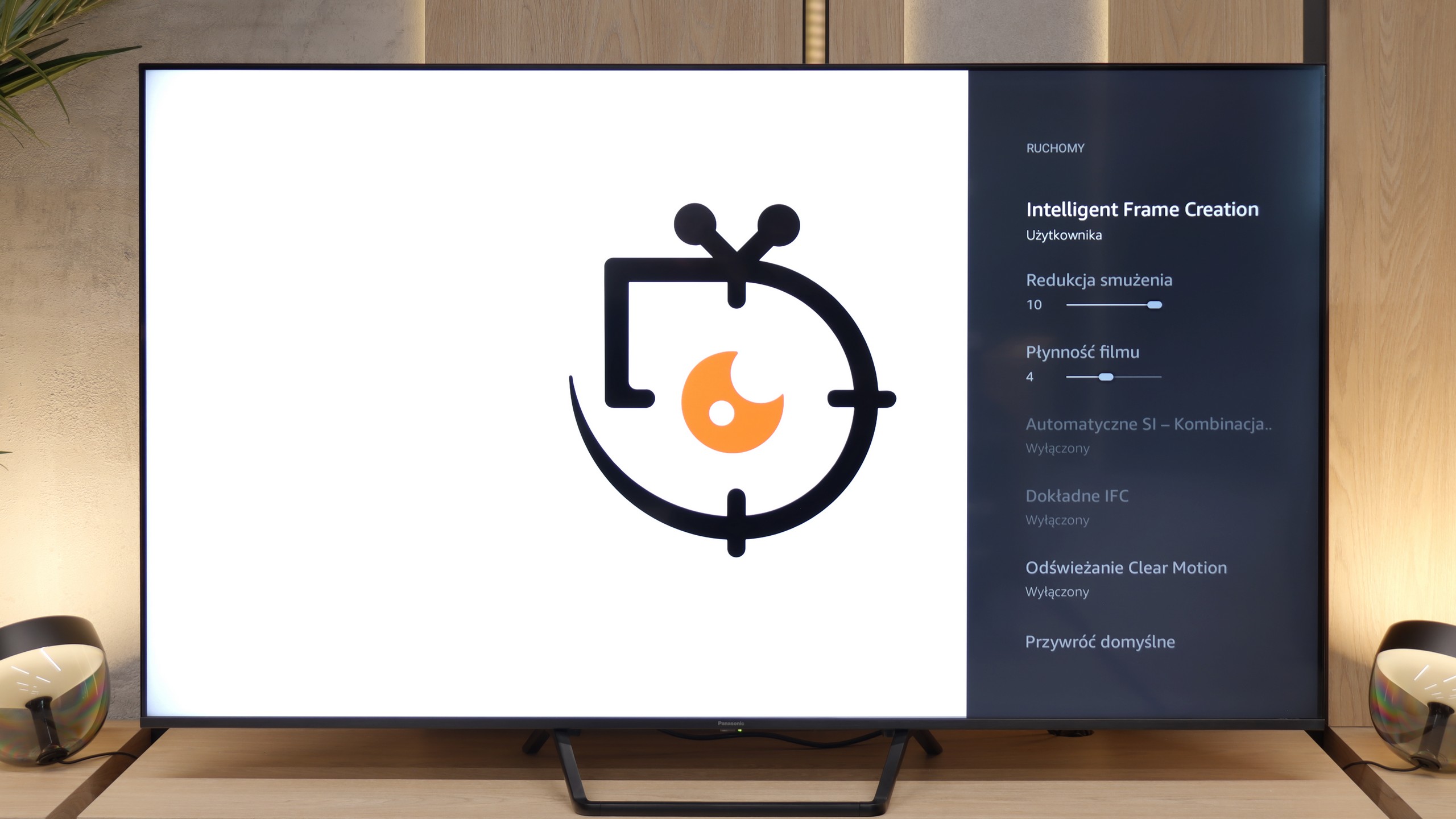
The 144 Hz panel used in the Panasonic W95B offers excellent fluidity, although in practice, due to the appearance of television content or the limitations of new generation consoles, it is worth observing its performance at a refresh rate of 120 Hz. In this mode, the television performs superbly – despite being a VA panel, which is not known for the fastest pixel response times, motion blur here is minimal and difficult to detect with the naked eye.

Console compatibility and gaming features

9.8/10

9.8/10

  • ALLM
    Yes
    Yes
  • VRR
    Yes
    Yes
  • VRR range
    48 - 144Hz
    48 - 144Hz
  • Dolby Vision Game Mode
    Yes
    Yes
  • Correct implementation of HGIG
    Yes
    Yes
  • 1080p@120Hz
    Yes
    Yes
  • 1440p@120Hz
    Yes
    Yes
  • 4K@120Hz
    Yes
    Yes
  • Game bar
    Yes
    Yes

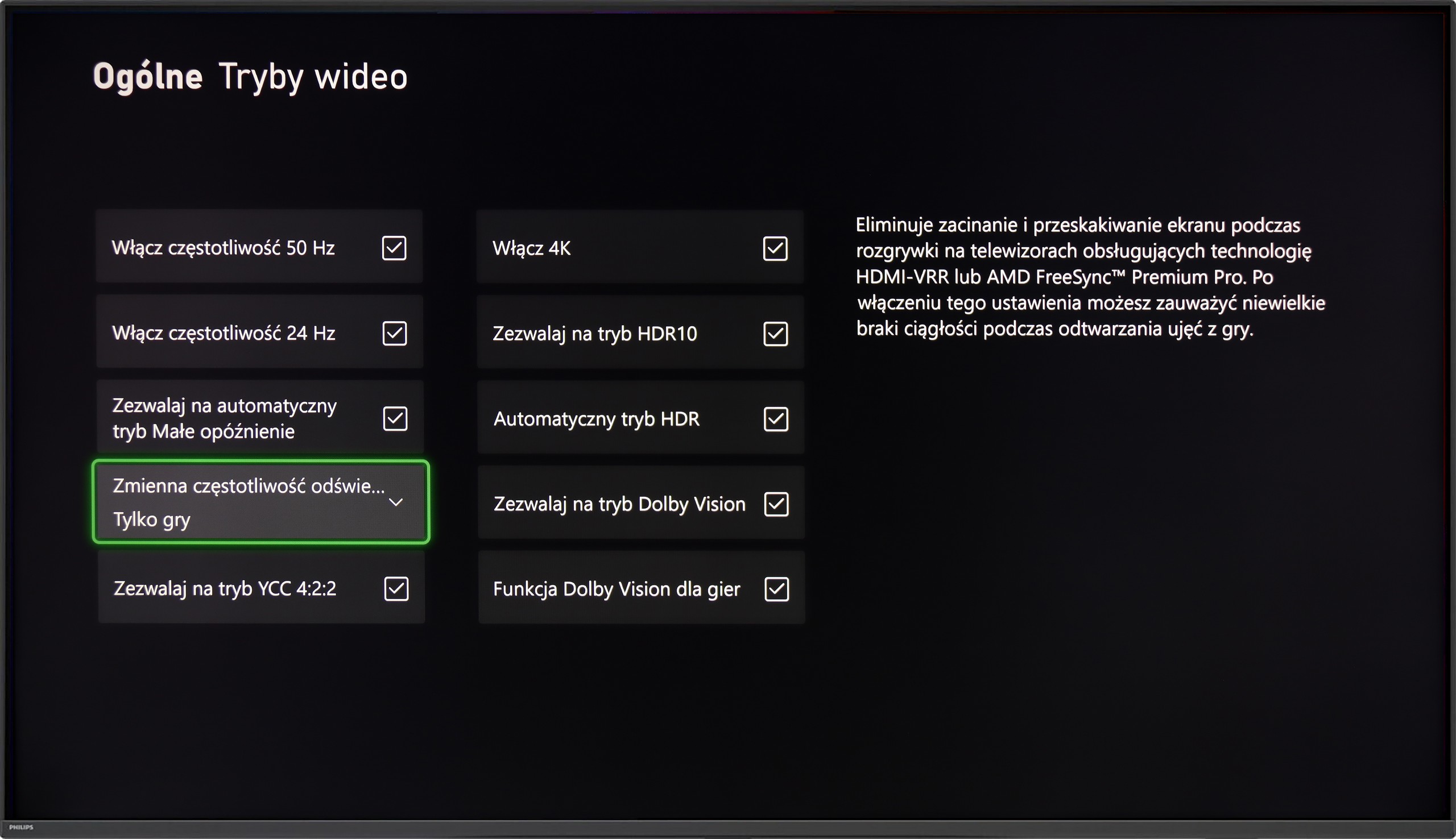
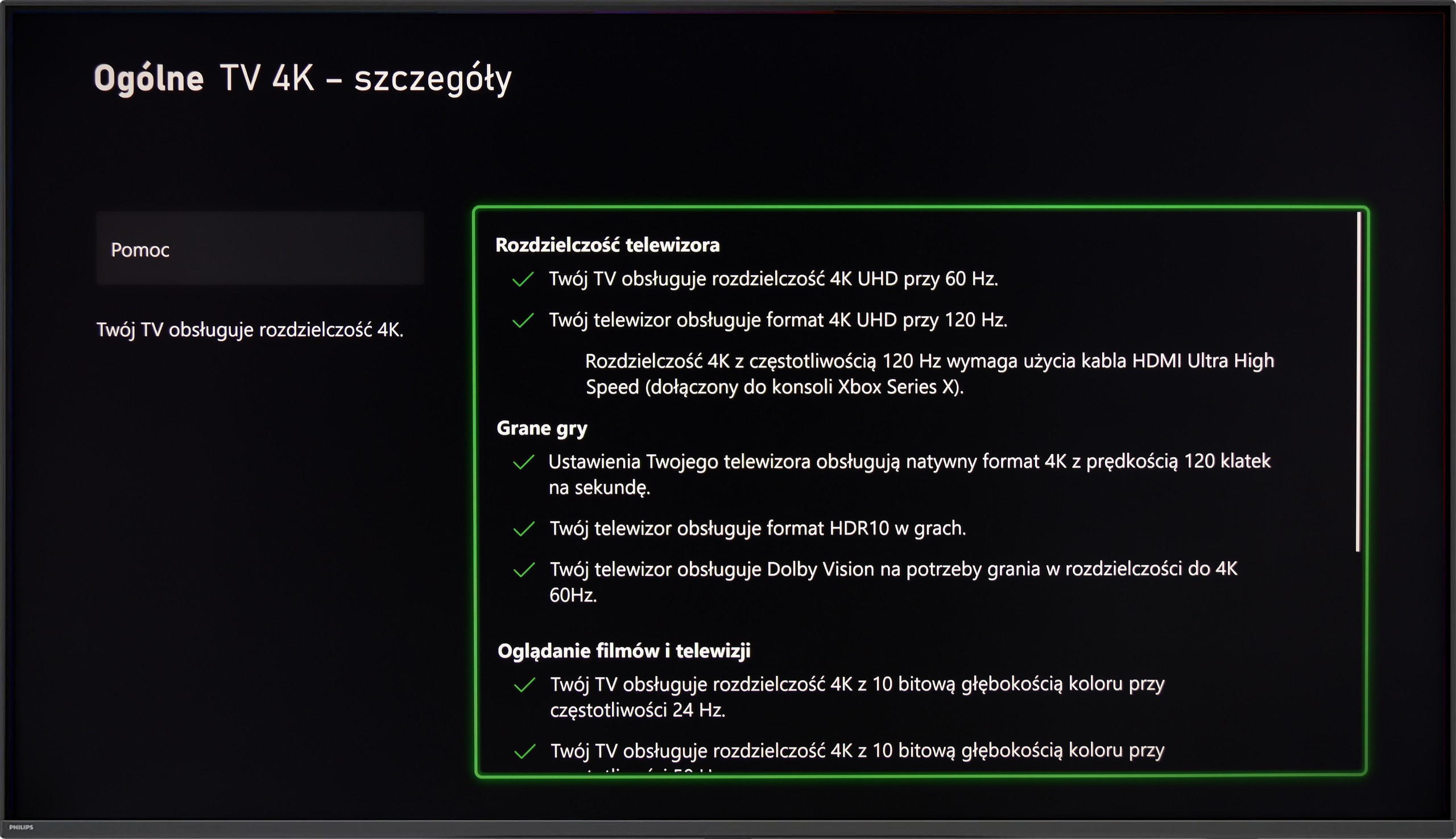
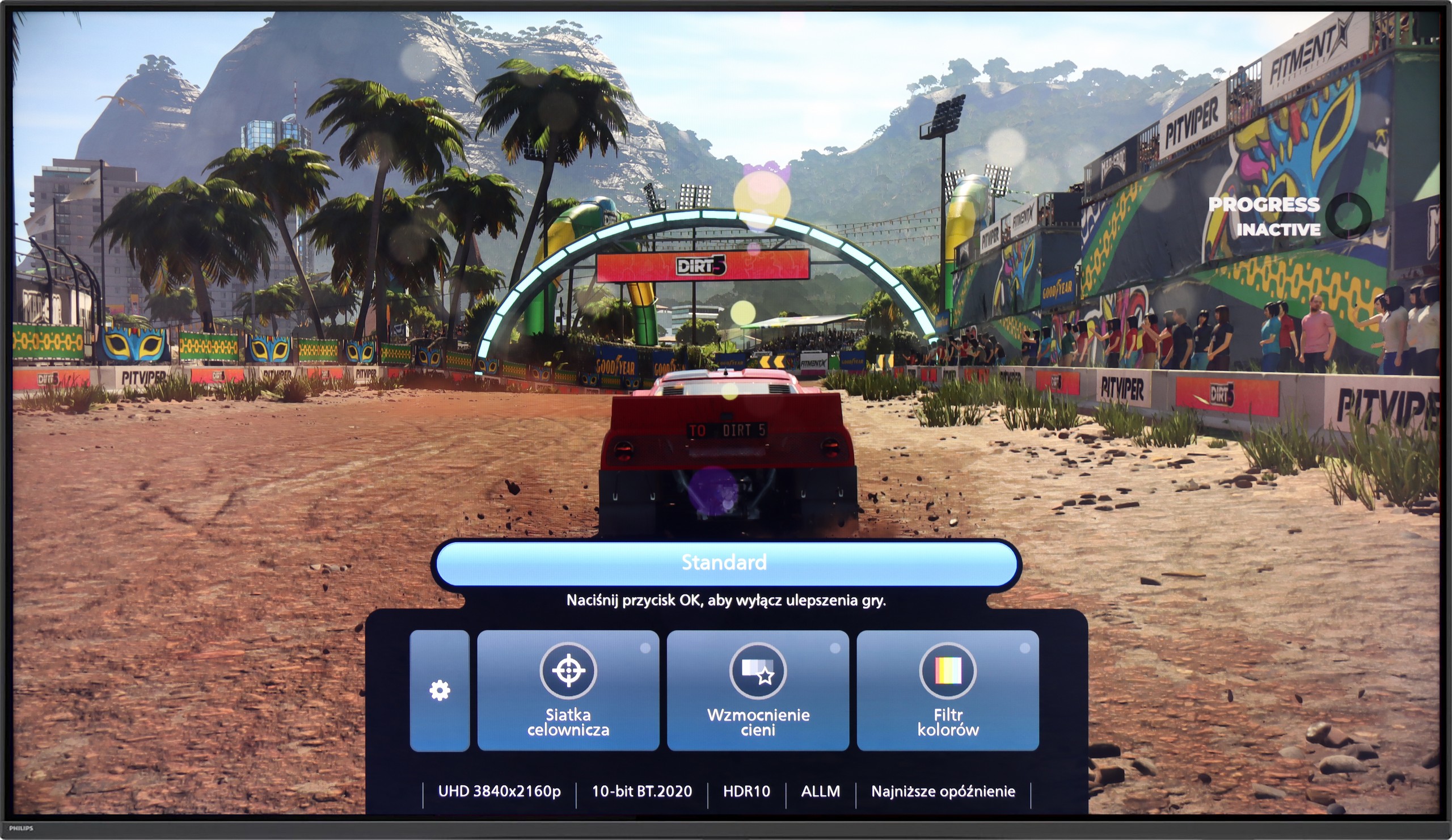
PHILIPS PUS9060 is a true gaming monster – it has practically everything you could expect from a modern gaming television. There's VRR, there's ALLM, and on top of that, there's the implementation of HGiG, which helps to set HDR in games the way the developers intended. The television supports every possible resolution at 120 Hz, including 1080p, 1440p, and full 4K – so regardless of whether you're gaming on Xbox, PS5, or PC, everything works as it should. It also features a simple Game Bar, which is a special menu for gamers that allows you to quickly check if the ALLM mode is indeed working in low-latency mode.

And of course – Ambilight TV. Let’s be honest – without LED lights at the back, it’s not really a proper gaming setup. 😉 The multicoloured backlighting can really enhance the atmosphere, especially in the evening. It may not be to everyone's taste, but younger gamers will be thrilled – because it just looks impressive.

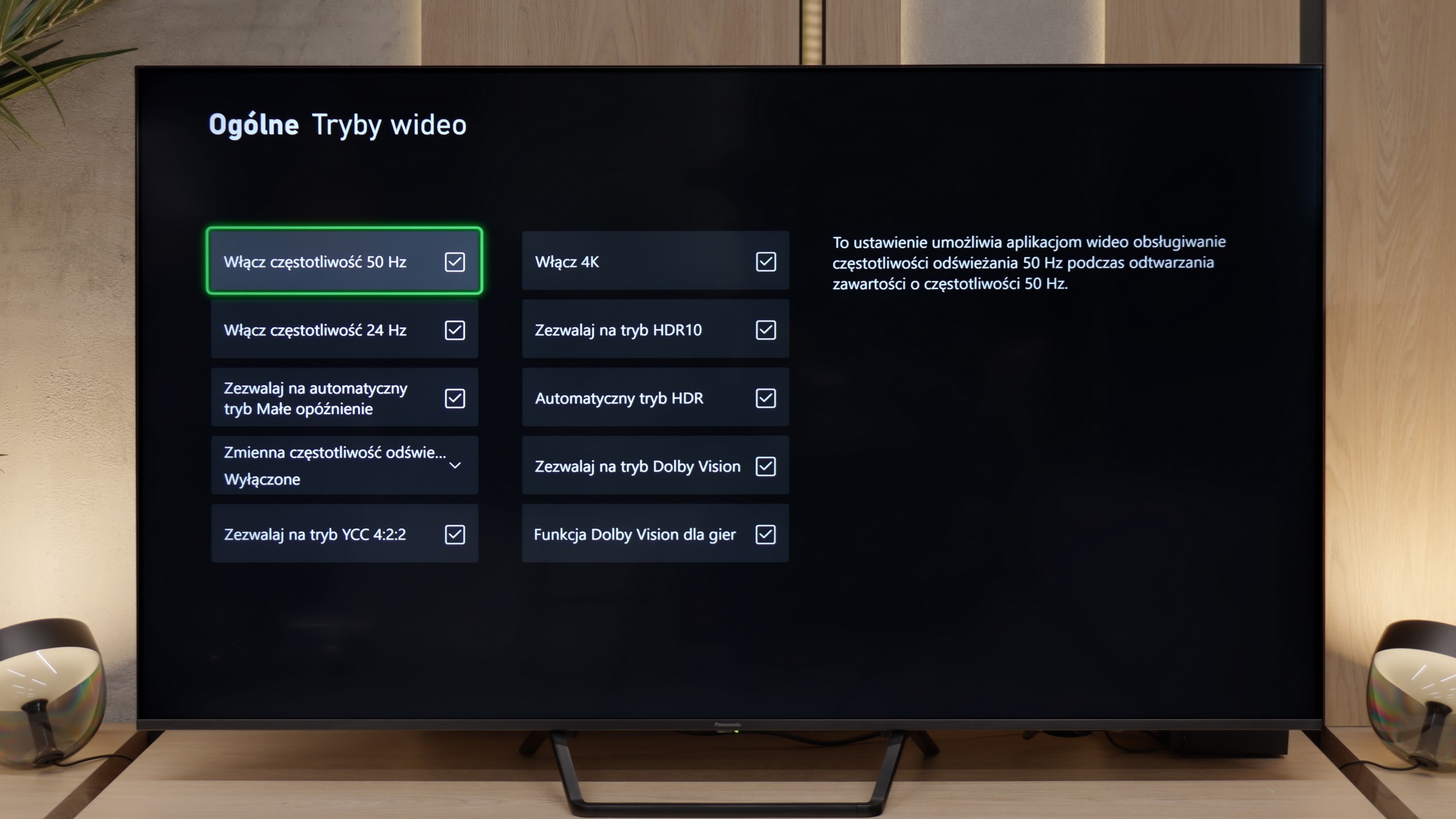
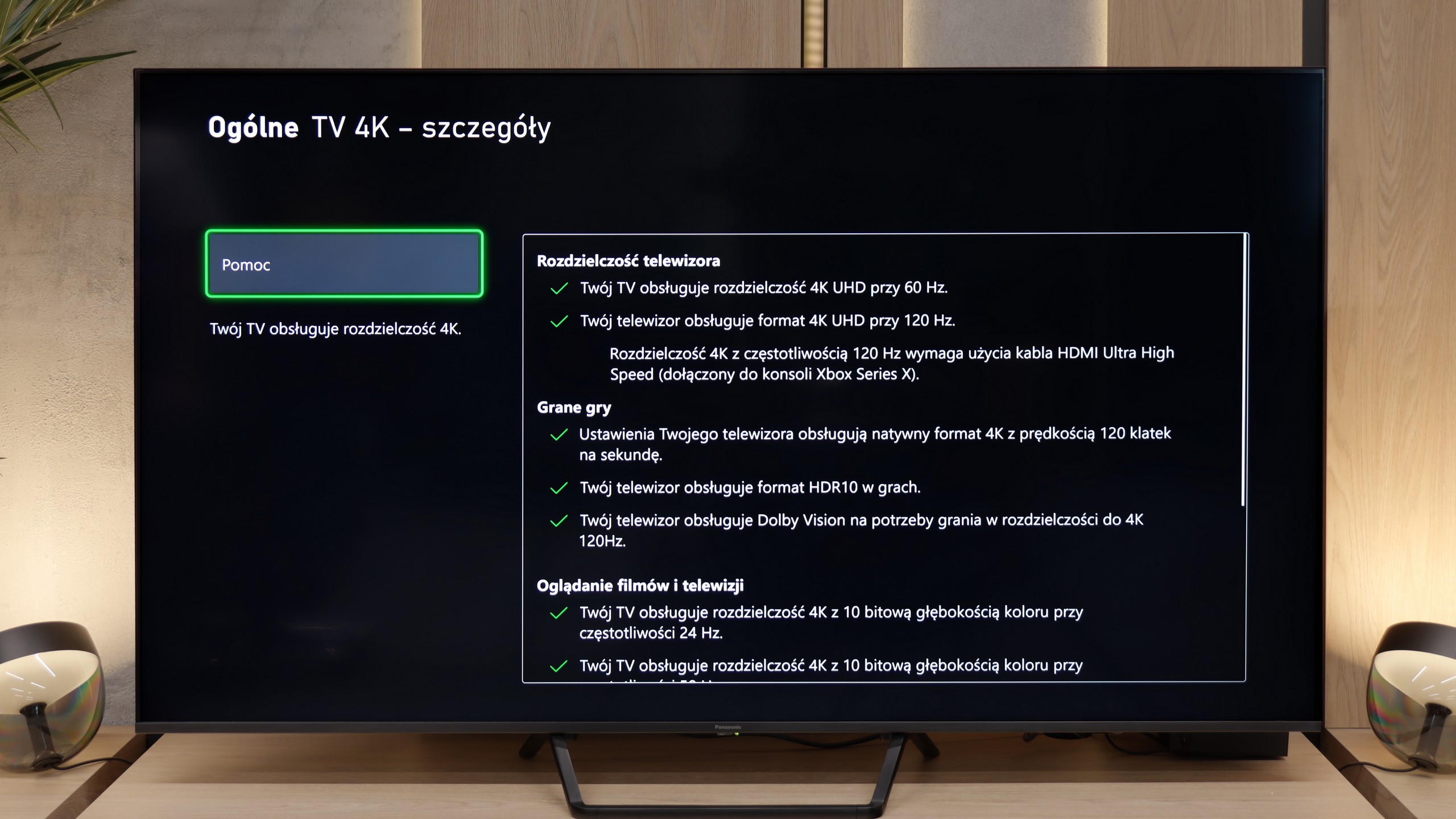
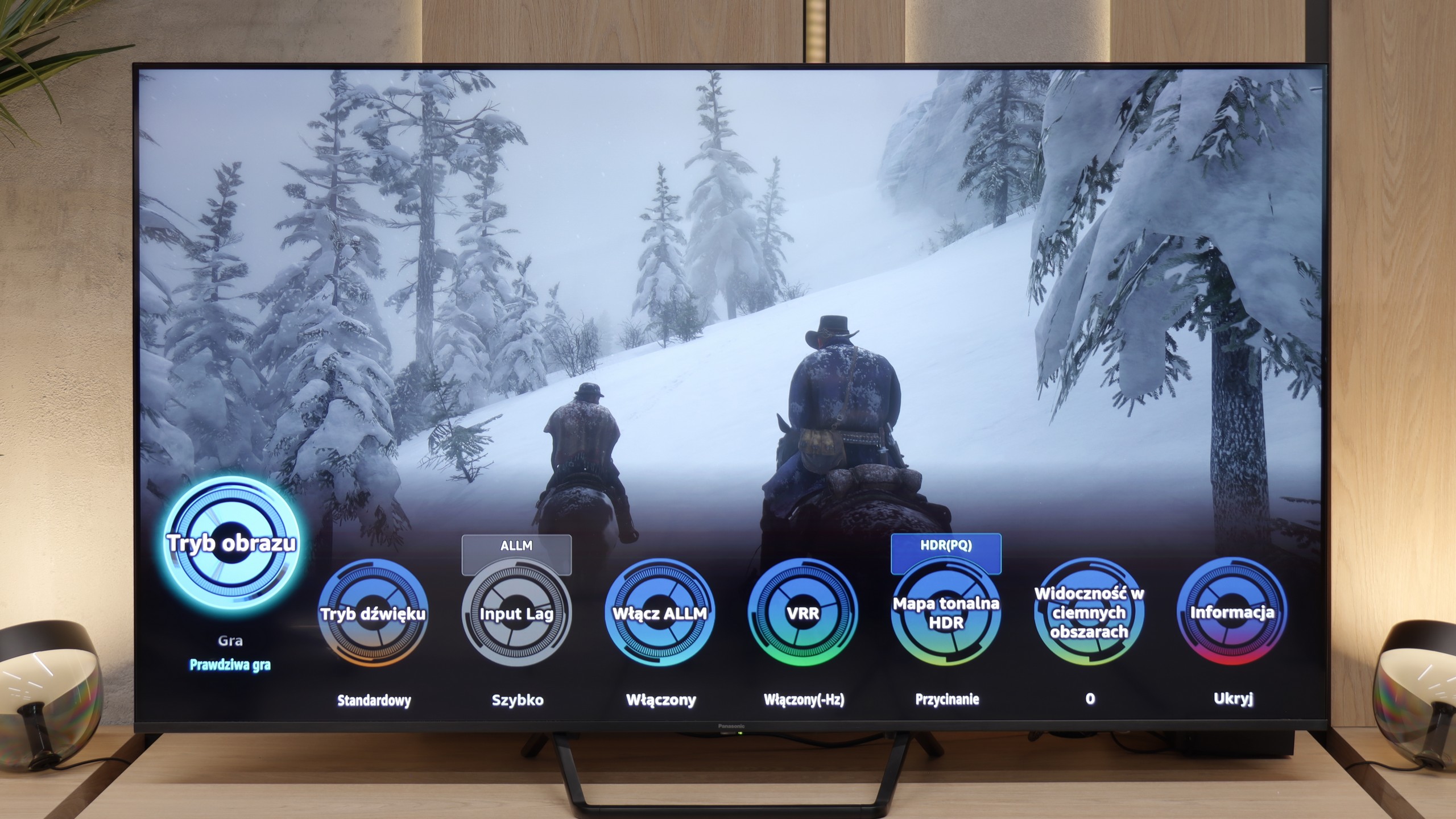
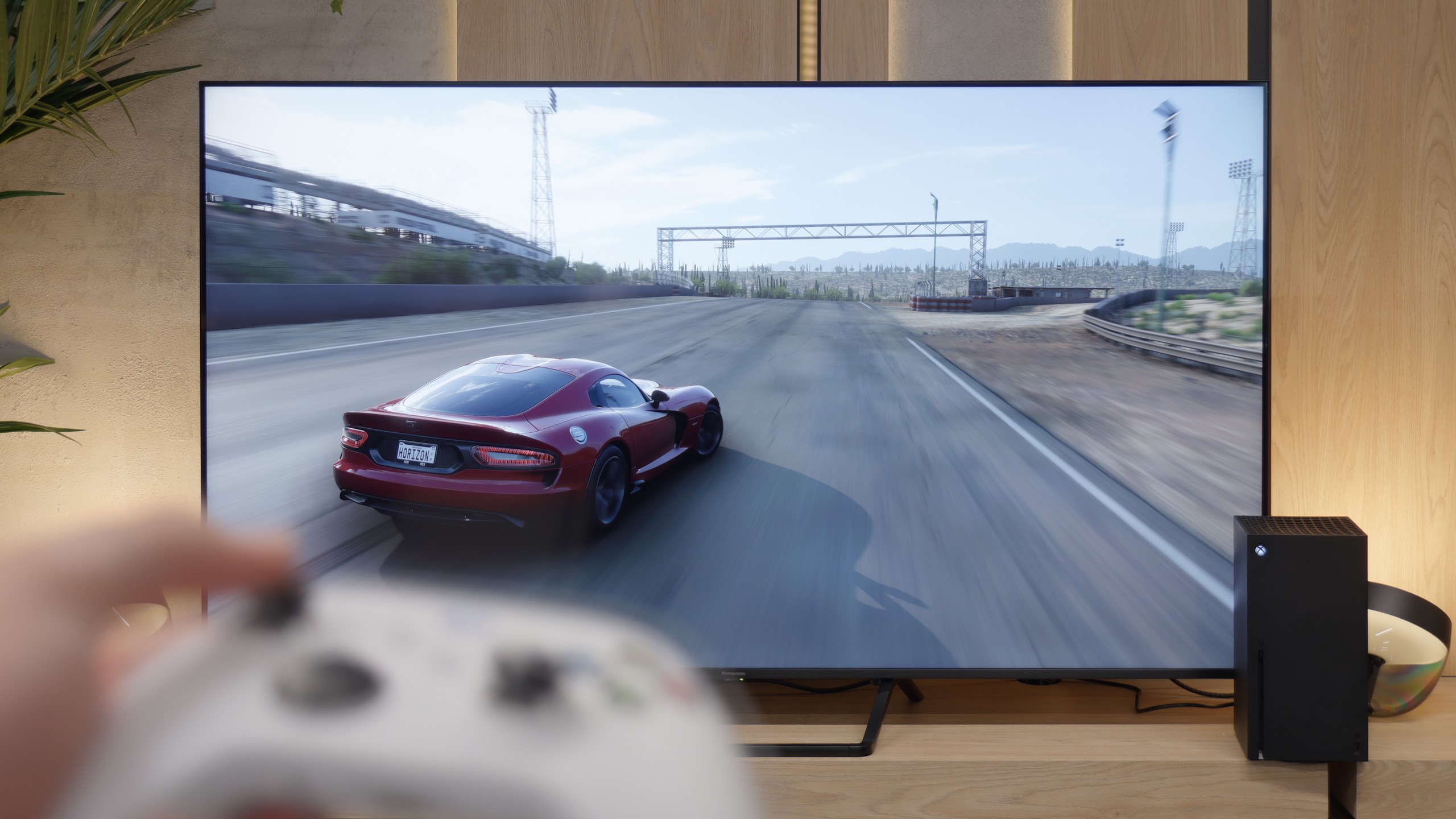
Aside from the previously mentioned drawback related to the VRR mode, in which local dimming does not work, the Panasonic W95B is a true gaming monster. The television offers practically everything that gamers can expect – perhaps except for four HDMI 2.1 ports, as there are only two available. Onboard, we find an auto low latency mode (ALLM), properly implemented HDR modes for gamers, including HGiG, as well as support for Dolby Vision in games. It is all complemented by an interestingly designed Game Bar, presented in the form of circles. While it may not be the most visually attractive, it serves its purpose – allowing quick access to key game parameters and adjusting settings without entering the system menu.

Input lag

9.5/10

9.8/10

SDR

1080p60
18 ms
20 ms
1080p120
10 ms
11 ms
2160p60
18 ms
20 ms
2160p120
9 ms
11 ms

HDR

2160p60
17 ms
1 ms
2160p120
8 ms
10 ms
4320p60

Dolby Vision

2160p60 DV
33 ms
18 ms
2160p120 DV
9 ms

The One from 2025 performs very well in terms of responsiveness. An input lag of around 9 ms at a 120 Hz signal and 18 ms at 60 Hz are values that ensure a quick and smooth response to every movement of the controller. Playing even dynamic action titles or demanding e-sports games is completely comfortable. The situation is slightly worse when it comes to Dolby Vision – here the delay increases to around 33 ms. This is still an acceptable level for most “casual” gamers, but more demanding users may notice a slight slowdown in response. Therefore, in our opinion, a better choice would be the classic HDR10 mode with HGiG active. In this model, it has been implemented correctly and not only avoids delays but also eliminates potential problems with brightness and detail reproduction that sometimes occur in Dolby Vision.

The Panasonic W95B offers a very low input lag – around 11 ms at 120 Hz content and 20 ms at 60 Hz. Although on paper these are not record-breaking results that could impress the most demanding esports players, in practice the difference is practically imperceptible. During testing, even in dynamic, fast-paced titles, we did not notice any delay in reaction. The television responds instantly, and gameplay remains smooth and comfortable. This level is more than sufficient for both console gaming and more demanding online productions.

Compatibility with PC

8.8/10

8.4/10

Chroma 444 (maximum resolution and refresh rate)
Yes
Yes
Font clarity
Very Good
Good
Readability of dark text and shapes
Good
Good
Input lag in PC mode (4K, maximum refresh rate)
8ms
10ms
Matrix subpixel arrangement
BGR
BGR
Max refresh rate
144Hz
144Hz
G-Sync
Yes
Yes
Review PHILPS PUS9060 Compatibility with PC
Review Panasonic W95B Compatibility with PC

Using the computer on the PHILIPS PUS9060 should be pure pleasure. As we mentioned earlier, the television performs excellently for gaming on a console, but it also handles well in combination with a computer. It offers a refresh rate of 144 Hz, G-Sync Compatible works correctly, and it has low input lag - making it reasonable to consider this model as a fully-fledged PC monitor for gaming.

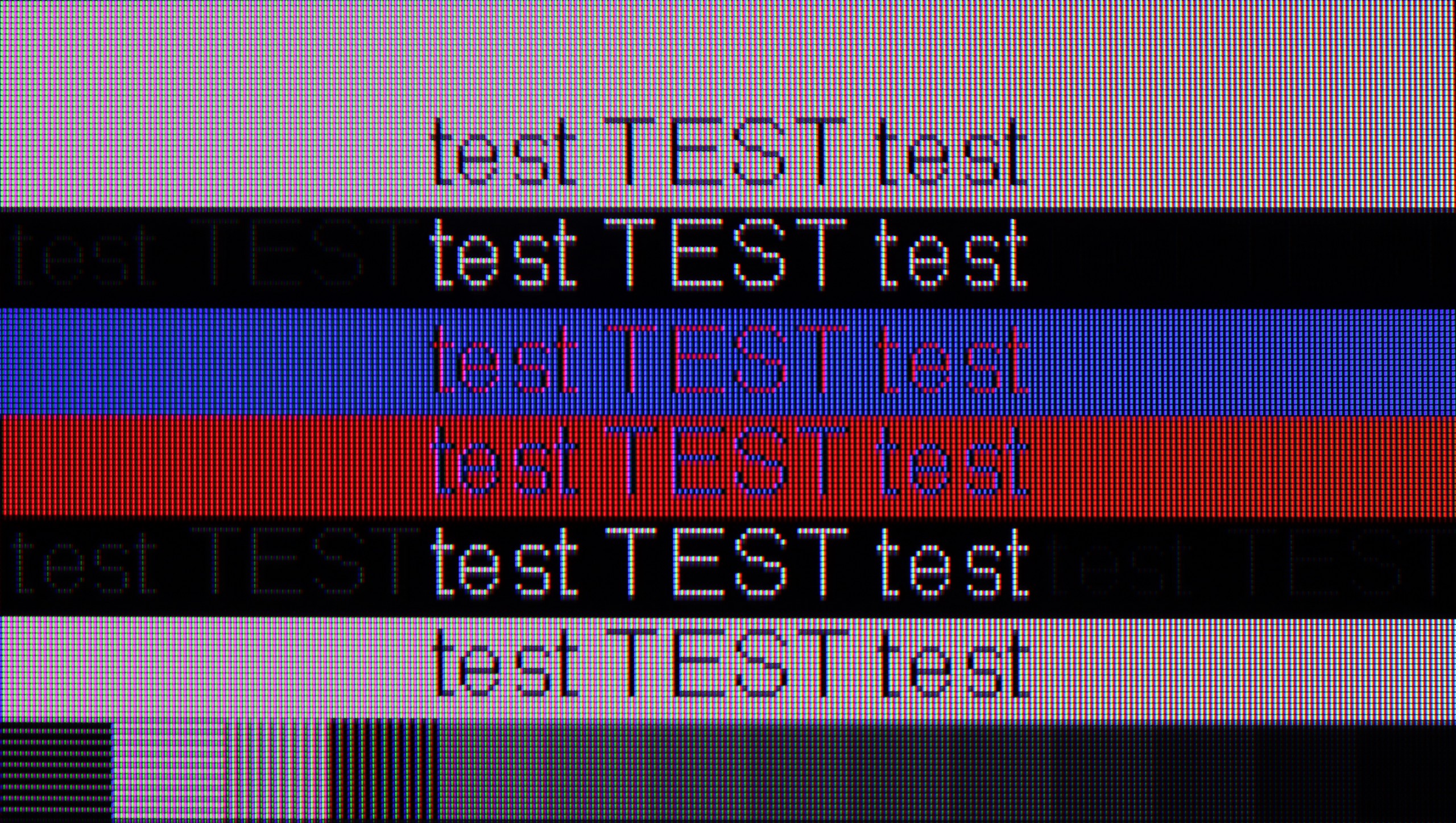
In terms of daily work, it is also good. Chroma 4:4:4 has been implemented correctly, so fonts are sharp and readable. We did not notice any issues with text clarity, although with very dark backgrounds, one can observe a slight dimming of the letters with a slight edge doubling. In practice, however, this should not bother anyone, even when working with text.

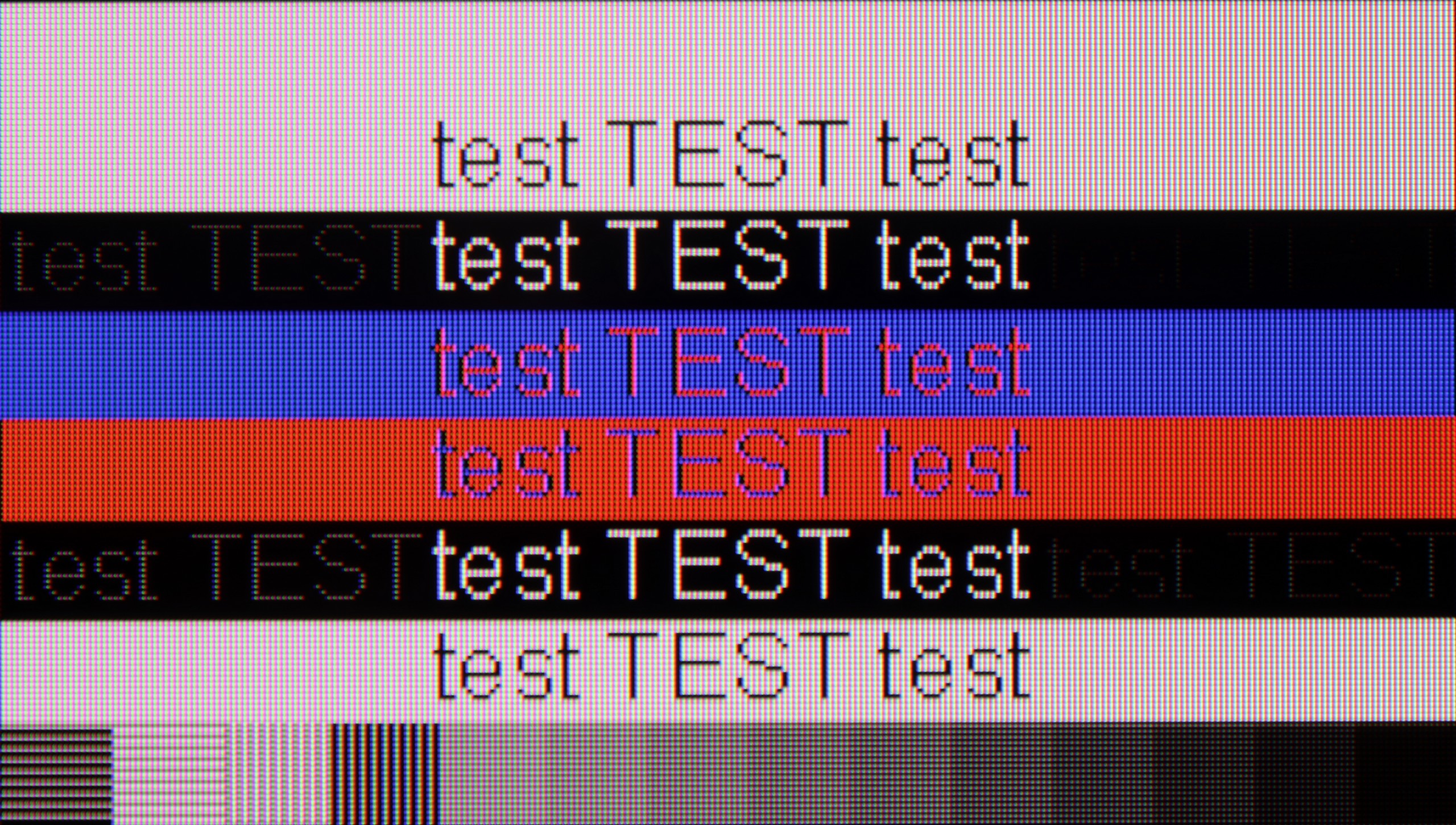
The Panasonic W95B performs very well when used with a computer. Thanks to its gaming panel with a 144 Hz refresh rate and support for G-Sync and AMD FreeSync, the screen provides a smooth image without the tearing effect, which will be appreciated not only by gamers but also by those using the television as a large monitor. It is also comfortable to work on daily – fonts are readable and the image is sharp. Although they are not as clear as in the case of IPS panel screens, for most users the quality of text display will be fully satisfactory.

Viewing angles

3.4/10

2.9/10

Brightness drop at an angle of 45 degrees
65%
80%

The PUS9060 model is equipped with a VA panel, which – as is usually the case – does not perform very well when viewing at an angle. With a greater deviation from the axis, the screen brightness noticeably decreases, and colours lose saturation. Unfortunately, this is a typical compromise compared to IPS panels, which offer better viewing angles but have significantly weaker contrast and blacks. Here the situation is reversed – blacks are good, but angles are very average. Of course, with standard straight-on viewing, there is no problem, but in a larger living room or with a larger TV, where someone is sitting far to the side or we are looking at the edges of the screen, the differences will be noticeable.

Unfortunately, this is the Achilles' heel of the Panasonic W95B model – as with most televisions equipped with a VA panel without additional coatings to widen the viewing angles. Colours start to fade even with a slight deviation from the screen's axis, and the contrast noticeably decreases. For this reason, when watching, it’s best to sit as directly in front of the television as possible to fully utilise the potential of the image.

Daytime performance

6/10

7.2/10

Panel finish
Satin
Satin
Reflection suppression
Decent
Good
Black levels during daytime
Good
Good
Review PHILPS PUS9060 Daytime performance
Review Panasonic W95B Daytime performance
Review PHILPS PUS9060 Daytime performance
Review Panasonic W95B Daytime performance

Panel brightness

Average luminance SDR

Panasonic W95B: 673 cd/m2

PHILPS PUS9060: 495 cd/m2

The Philips PUS9060 performs quite well in a bright room. The satin finish of the panel effectively reduces reflections and glare, so watching in a room full of lamps or with large windows should not pose major problems. It's also a plus that the blacks do not wash out excessively, and the picture still retains decent contrast. The situation could be even better if the television offered higher brightness. About 500 nits is a decent result, but in very challenging lighting conditions, it may prove insufficient.

The satin finish of the panel used in the Panasonic W95B effectively suppresses light reflections, ensuring that the screen remains readable even in brightly lit rooms. However, the greatest advantage of this model is its high brightness – when viewing everyday content, it reaches around 700 nits, which is more than sufficient even in very demanding daytime conditions. The television performs exceptionally well in living rooms with large windows or when watching on a sunny day, maintaining appropriate contrast and colour saturation without sacrificing visual comfort.

Panel details

Backlight Type
PFS LED
PFS LED
Software version during testing
TPN258E_V058.002.179.041
RS8141/3009
Image processor

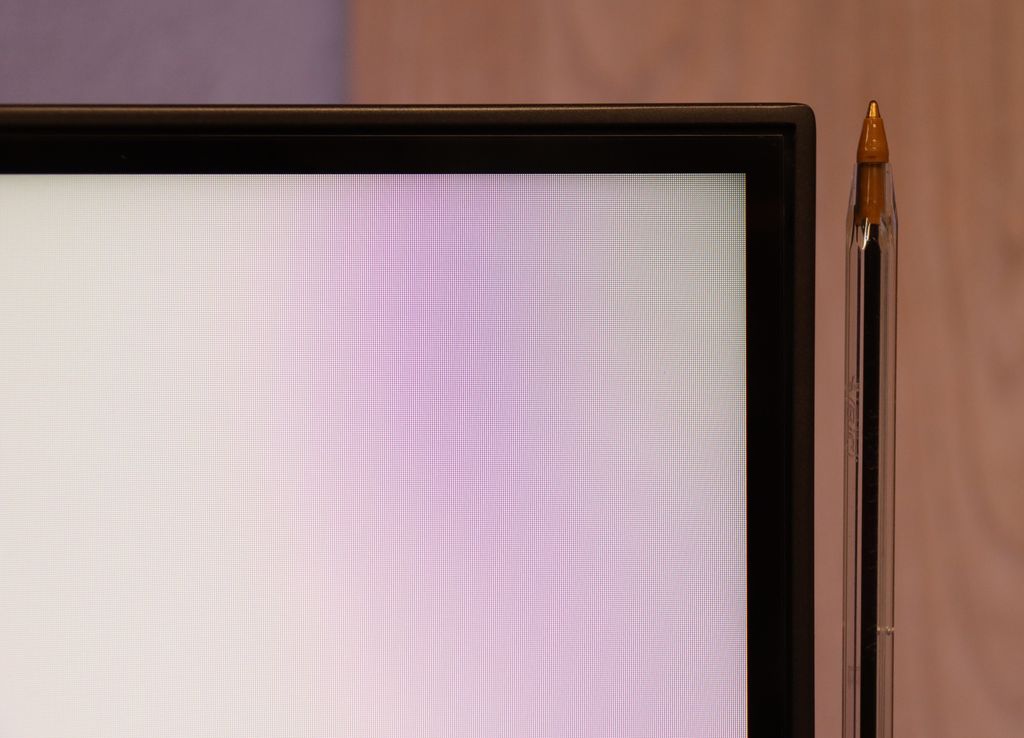
Subpixel Structure:

Panel uniformity and thermal imaging:

Review PHILPS PUS9060 TV Panel details
Review Panasonic W95B TV Panel details

TV features

5.9/10

6.8/10

  • HDMI inputs
    0 x HDMI 2.0, 4 x HDMI 2.1 48Gbps
    2 x HDMI 2.0, 2 x HDMI 2.1 48Gbps
  • Other inputs
    Toslink (Optical audio)
  • Outputs
    Toslink (Optical audio), eARC (HDMI), ARC (HDMI), Mini-Jack (Headphones)
    Toslink (Optical audio), eARC (HDMI), ARC (HDMI), Mini-Jack (Headphones)
  • Network Interfaces
    Wi-Fi 2.4GHz, Wi-Fi 5GHz, Ethernet (LAN) 100Mbps
    Wi-Fi 2.4GHz, Wi-Fi 5GHz, Ethernet (LAN) 100Mbps
  • TV reception
    DVB-T, DVB-T2, DVB-S, DVB-S2, DVB-C
    DVB-T, DVB-T2, DVB-S, DVB-S2, DVB-C

Classic features:

  • Recording to USB (terrestrial TV)
    No
    Yes
  • Recording programming
    No
    No
  • Picture in Picture (PiP)
    No
    No
  • RF remote control (no need to aim at the screen)
    No
    Yes
  • Backlit remote control
    Yes
    No
  • Teletext
    Yes
    Yes
  • Audio only mode
    Yes
    Yes
  • Bluetooth headphones support
    Yes
    Yes
  • Simultaneous Bluetooth headphones & TV audio
    No
    Yes

Smart features:

  • AirPlay
    Yes
    Yes
  • Screen mirroring (Windows Miracast)
    Yes
    Yes
  • Voice search
    Yes
    Yes
  • Voice search in native language
    No
    No
  • Ability to connect a keyboard and mouse
    Yes
    Yes
Review PHILPS PUS9060 TV features
Review Panasonic W95B TV features

Classic Features of TheOne TV:

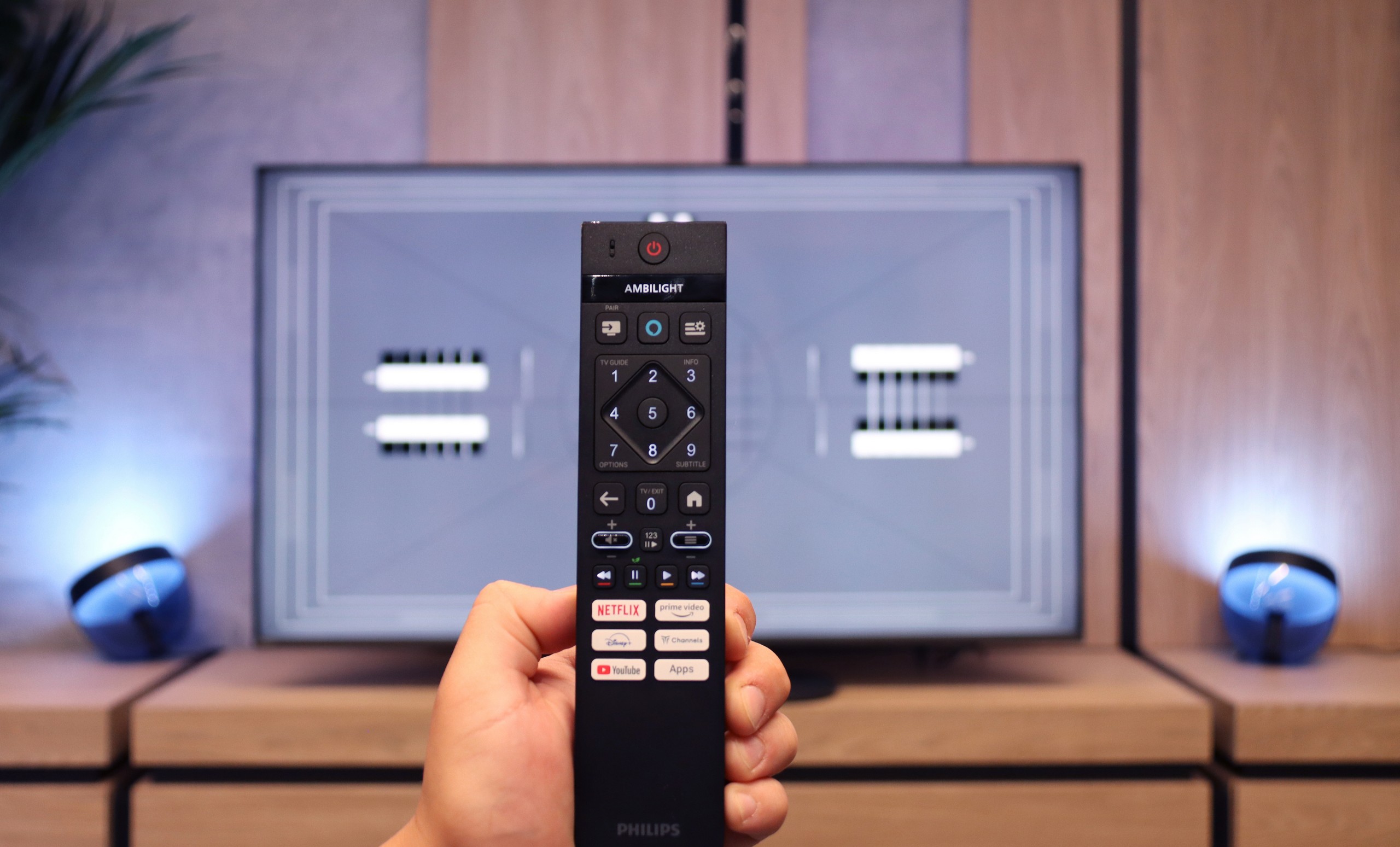
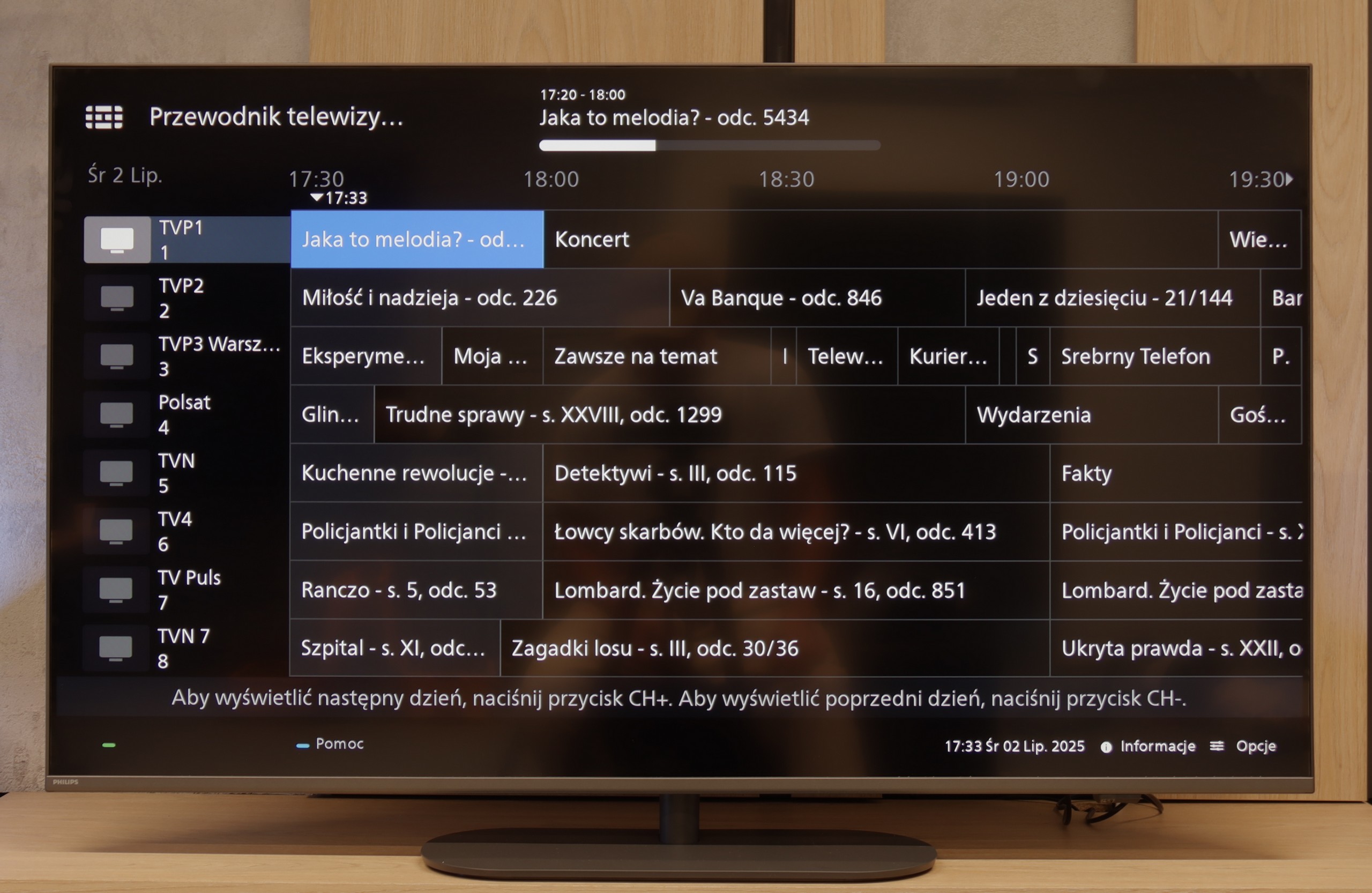
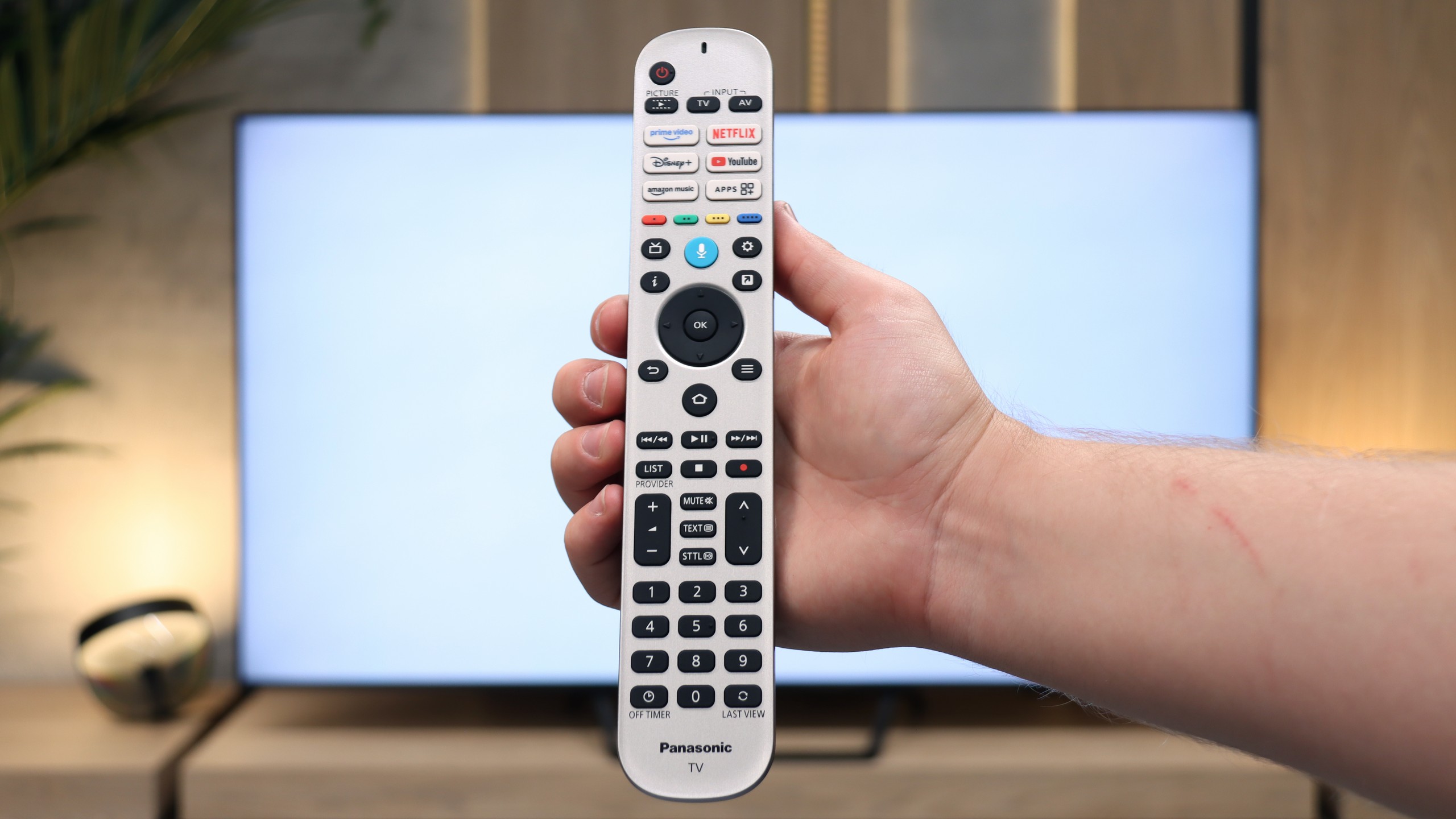
When it comes to these "classic features," the PUS9060 performs quite mediocrely. Of course, we will find everything basic here; there's EPG, teletext, and the ability to connect headphones via Bluetooth. But unfortunately – it lacks the USB recording function, and there's no PiP (picture in picture) mode, which is becoming rarer but is still useful. On the plus side, the remote control with a numeric keypad is modern, backlit, and visually impressive. It's just a shame that it's still a classic infrared model, so to use it, you have to aim it directly at the screen. It's a bit disappointing because with such a modern appearance, it really called for Bluetooth (RF) control.

Smart TV:

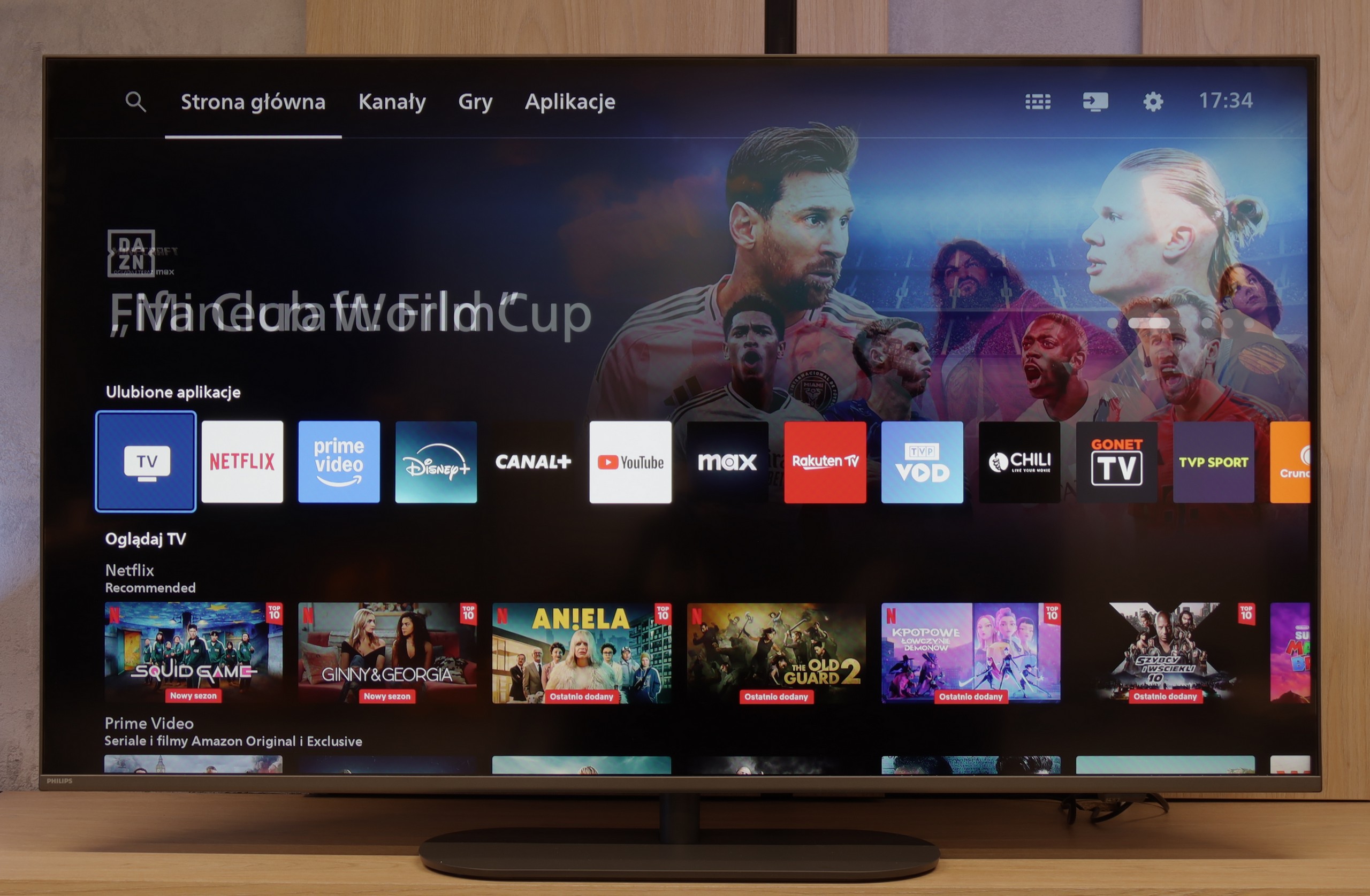
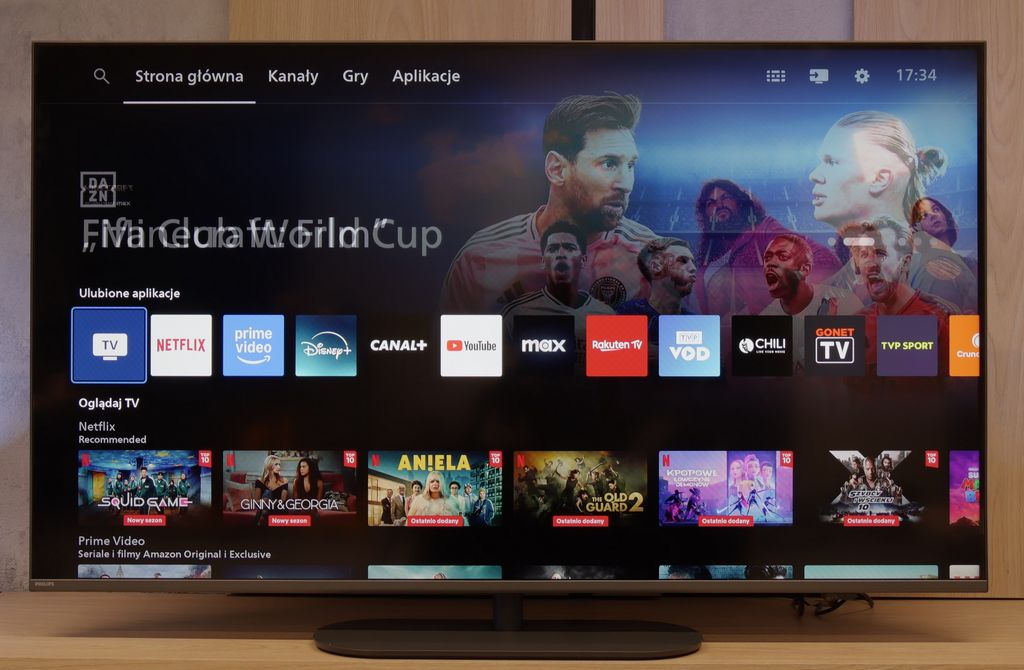
Most Philips TVs from 2025 operate on the Titan OS system, which debuted relatively recently – and unfortunately, this still comes with certain problems. The system itself runs quite smoothly – definitely better than in cheaper Philips models – and it did not cause us issues when using features like screen mirroring or AirPlay (which is not so obvious even in 2025). The biggest downside of Titan OS is still the rather mediocre access to applications (list below). The advantage is that we can bypass this by connecting a keyboard and mouse to the TV and using the built-in browser, but it's not the most comfortable solution – rather a makeshift one.

SmartTV Features W95B

Unfortunately, this is yet another Achilles' heel of the Panasonic W95B model. The operating system Fire TV used here in its European version is poorly refined - it lacks many key applications, and the interface sometimes operates clumsily and sluggishly. Although we find basic features such as AirPlay and Screen Mirroring, it is a poor consolation compared to the efficient performance of platforms from other manufacturers. As a result, despite the excellent picture quality, the television falls short of expectations in terms of software.

User Features W95B

In terms of user features, the Panasonic W95B presents itself much better. The television offers Bluetooth, a classic well-equipped remote control, and the ability to record programmes to USB from the built-in terrestrial TV tuners – a rarity that is missing in many competitive models. An additional advantage is the presence of a jack headphone socket, which will certainly please users of older home cinema systems or traditional wired headphones. In terms of hardware equipment, therefore, the W95B is a solid and complete television.

Playing files from USB

7.9/10

3.1/10

Supported photo formats:

JPEG
Yes
Yes
HEIC
No
No
PNG
Yes
Yes
GIF
Yes
Yes
WebP
No
No
TIFF
No
No
BMP
Yes
Yes
SVG
No
No

Maximum photo resolution:

4 Mpix
Yes
Yes
6 Mpix
Yes
Yes
8 Mpix
Yes
Yes
10 Mpix
No
Yes
12 Mpix
No
Yes
16 Mpix
Yes
Yes
20 Mpix
No
Yes
24 Mpix
No
Yes
28 Mpix
No
Yes
32 Mpix
Yes
Yes

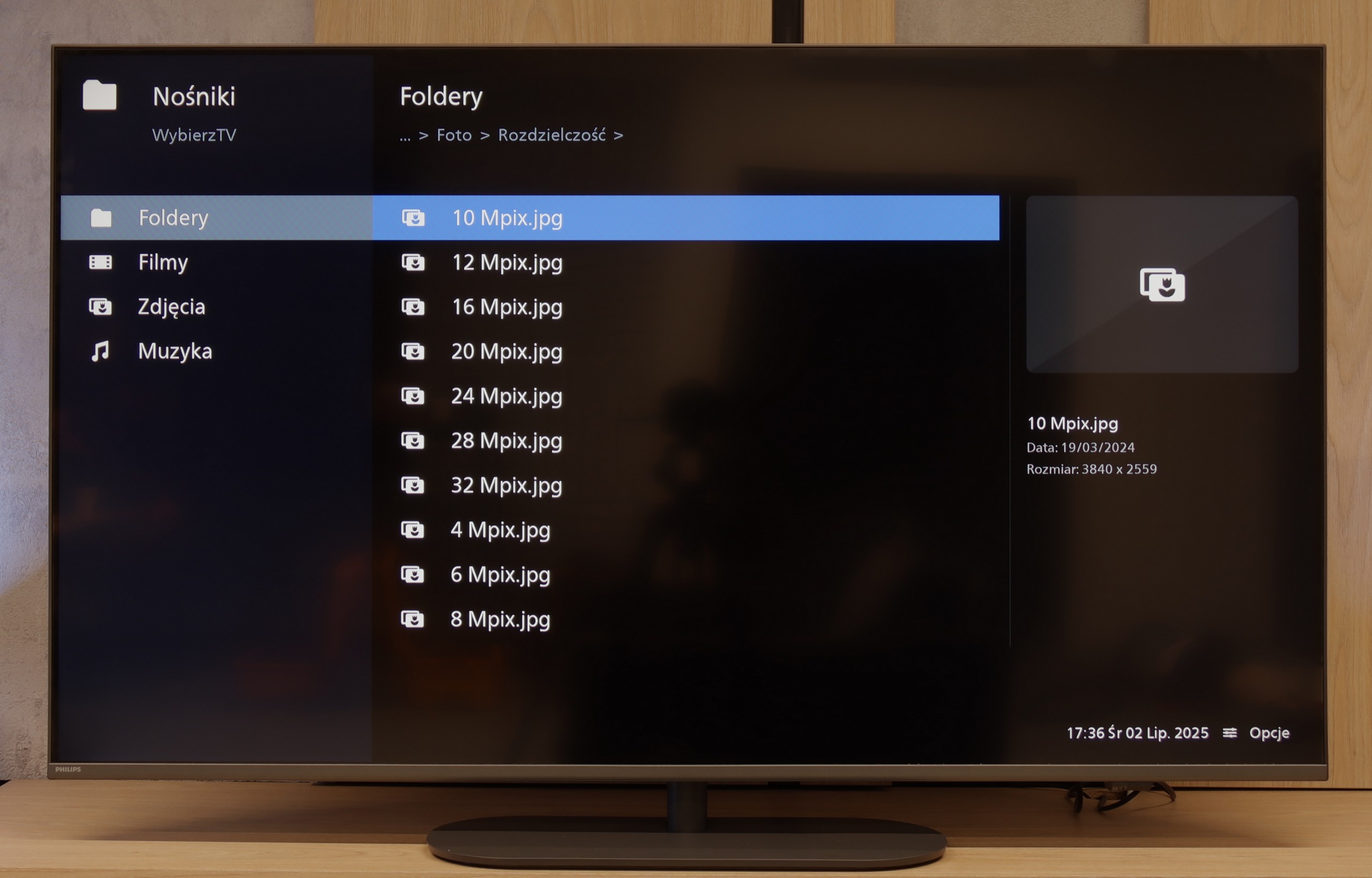
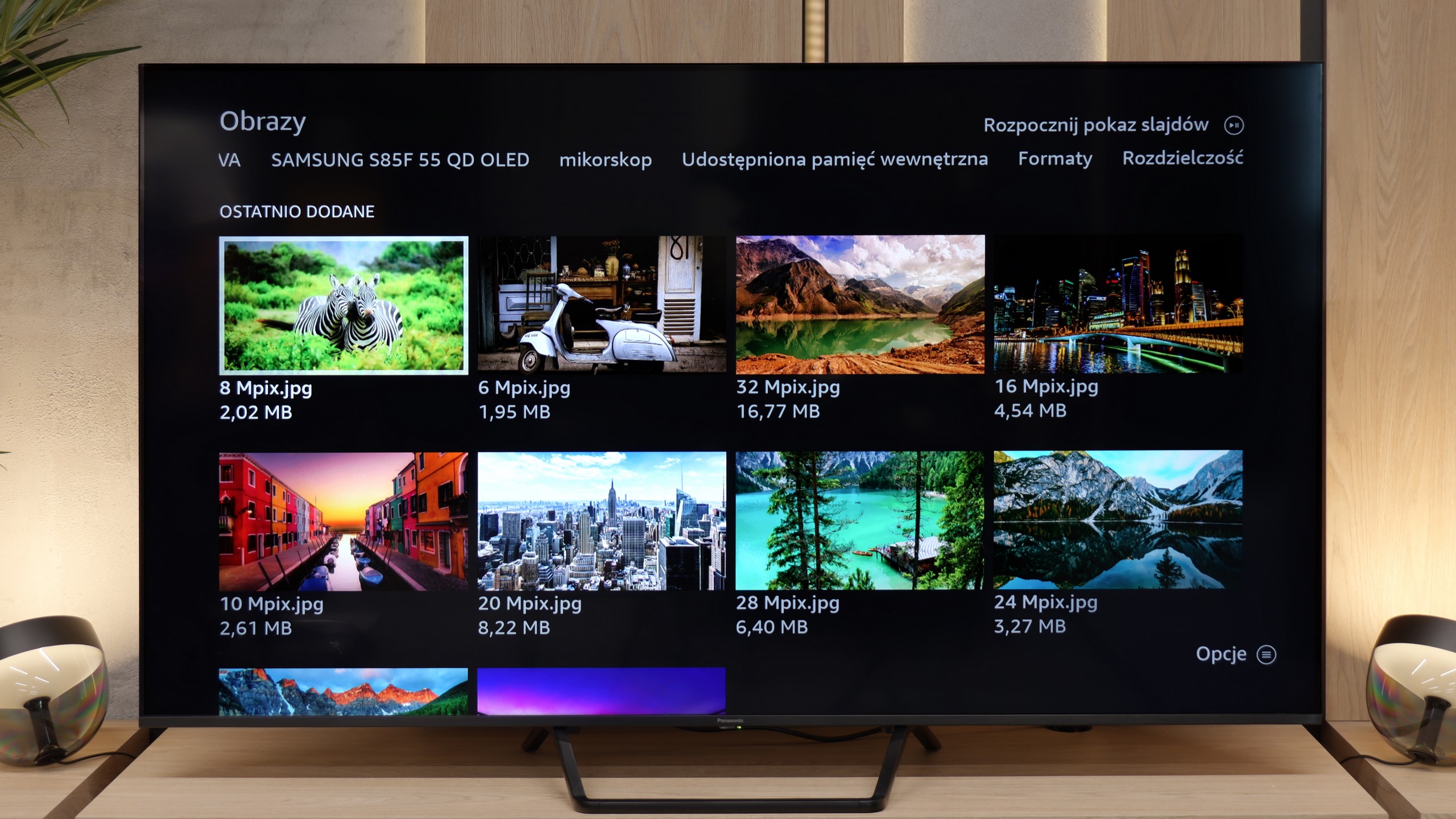
The built-in player in the PUS9060 played practically most popular audio and video formats, so it's really hard to find fault here. Movies in popular containers, music, and photos – everything worked without any problems.

The only potential drawback might be the limited number of supported subtitle formats and the randomly selected photo resolutions that the television can read. But aside from that, most everyday users will be perfectly fine without the need to connect a computer or console to display their files from a pen drive.

This is another shortcoming of the Fire TV system used in the Panasonic W95B. If someone has their own movie library and plans to play it directly from a USB drive or external hard drive, they may be disappointed. The television manages reasonably well only with displaying photos, such as from holidays, whereas video playback is heavily limited. The biggest issue is the lack of subtitle display when playing films from USB. Therefore, if you care about watching files from your own collection, it is definitely better to use an external media player.

Apps

6.2/10

7.2/10

OK
Disney_Plus
OK
Amazon_Prime_Video
No
Player_TVN
No
Polsat_Box_Go
OK
Canal_Plus_Online
OK
TVP_VOD
No
Apple_TV_Plus
No
SkyShowtime
OK
Rakuten
OK
CDA_Premium_Browser
No
Spotify
No
Tidal
OK
Netflix
OK
YouTube
OK
HBO_MAX
No
Kodi
No
Apple_music
No
Eleven_sports
No
Xbox Game Pass
No
GeForce Now!
No
Amazon Luna
OK
Boosteroid
No
Steam Link
OK
Disney_Plus
OK
Amazon_Prime_Video
No
Player_TVN
OK
Polsat_Box_Go
OK
Canal_Plus_Online
No
TVP_VOD
OK
Apple_TV_Plus
No
SkyShowtime
No
Rakuten
OK
CDA_Premium_Browser
OK
Spotify
No
Tidal
OK
Netflix
OK
YouTube
OK
HBO_MAX
No
Kodi
No
Apple_music
No
Eleven_sports
No
Xbox Game Pass
No
GeForce Now!
OK
Amazon Luna
No
Boosteroid
No
Steam Link

Sound

6.6/10

7.9/10

  • Maximum volume
    85dB
    82dB
  • Dolby Digital Plus 7.1
    Yes
    Yes
  • Dolby True HD 7.1
    Yes
    No
  • Dolby Atmos in Dolby Digital Plus (JOC)
    Yes
    Yes
  • Dolby Atmos in Dolby True HD
    Yes
    No
  • DTS:X in DTS-HD MA
    Yes
    No
  • DTS-HD Master Audio
    Yes
    No

The sound from the PHILIPS PUS9060 was generally pleasant, although it is hard to call it sensational. The tested unit had built-in audio in a 2.0 configuration with a total power of 40 W, which is entirely sufficient for everyday viewing. Fortunately, the television supports most popular audio formats, so if someone connects a soundbar or home cinema, they can confidently expect full support for Dolby Atmos or DTS – without any hassle or loss of quality. For true audio fans, this is definitely good news.

The Panasonic W95B performs surprisingly well for a television. The sound is clear and spatial, and thanks to the subwoofer located at the back, you can even hear a slightly noticeable bass, which is not common in televisions of this class. The overall sound quality is at a very high level here, allowing you to comfortably watch films and series without the need to connect an external audio system. Of course, it is known that if someone wants to watch in really high quality, it is worth connecting a soundbar – especially since the Panasonic W95B supports Dolby Atmos format, thus seamlessly transmitting spatial sound to it. The only thing missing is support for the currently less popular DTS:X format, which is simply not available in this model.

Sound Quality Test

Acoustic Measurements

85dBC (Max)

75dBC

82dBC (Max)

75dBC