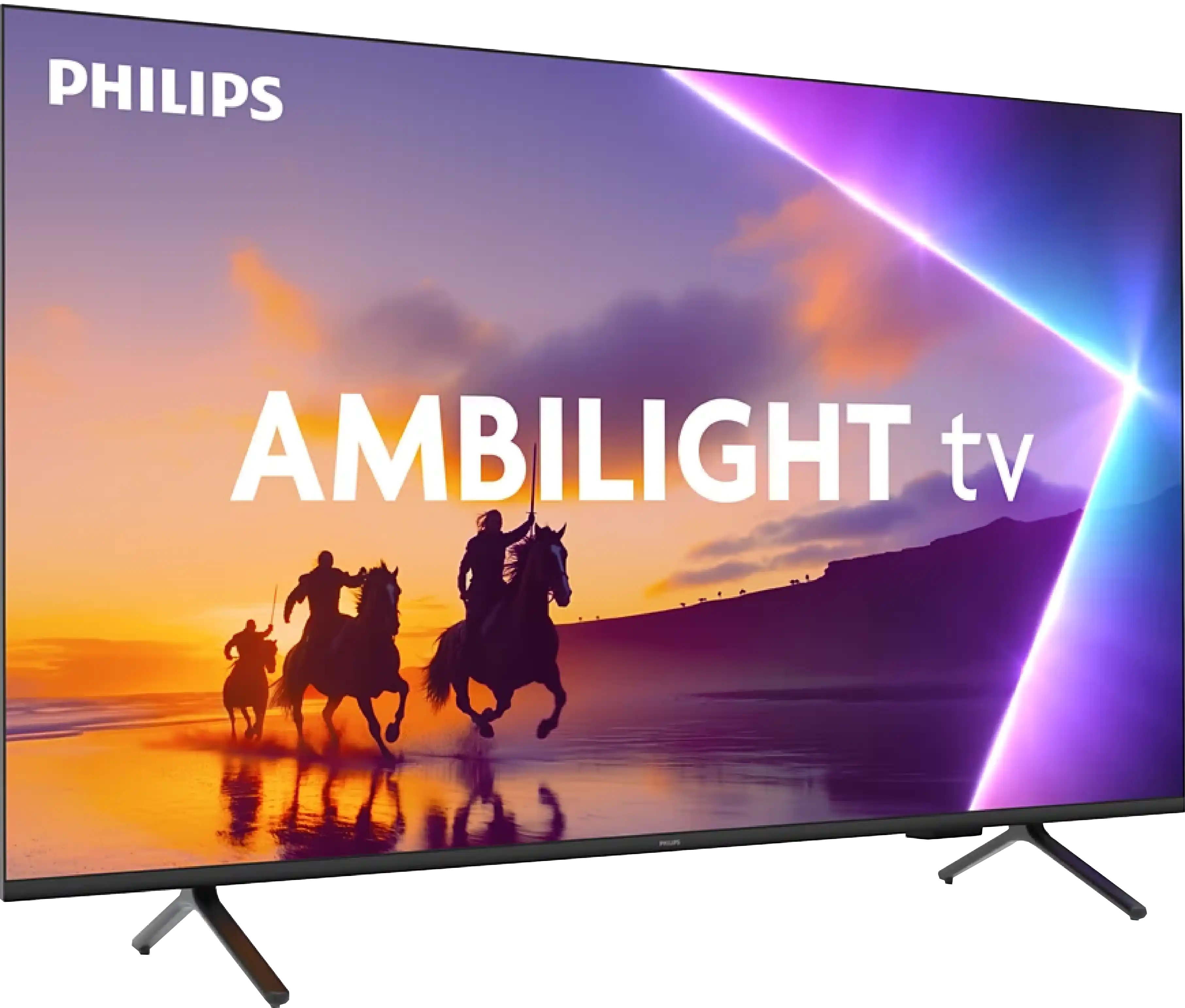
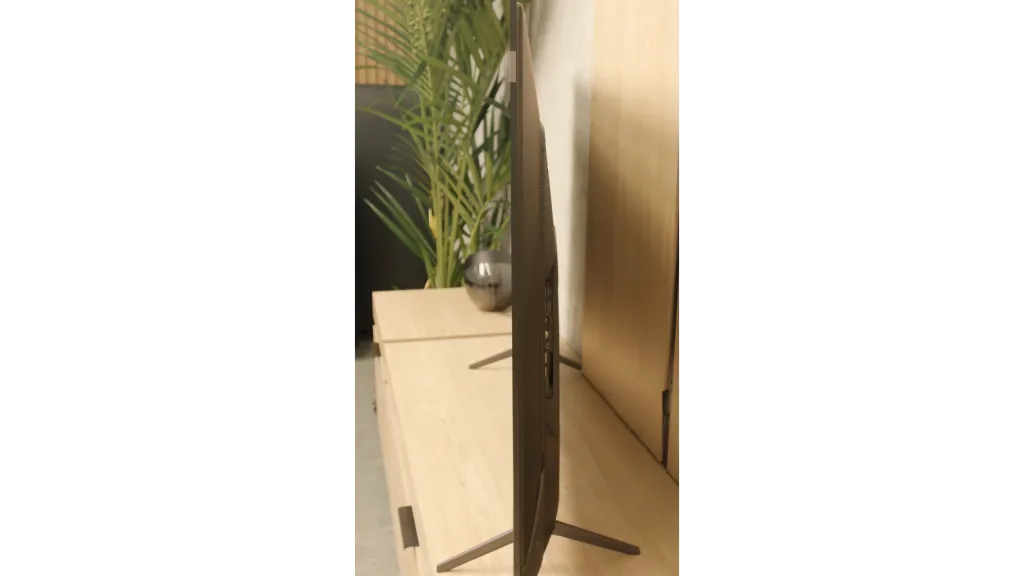
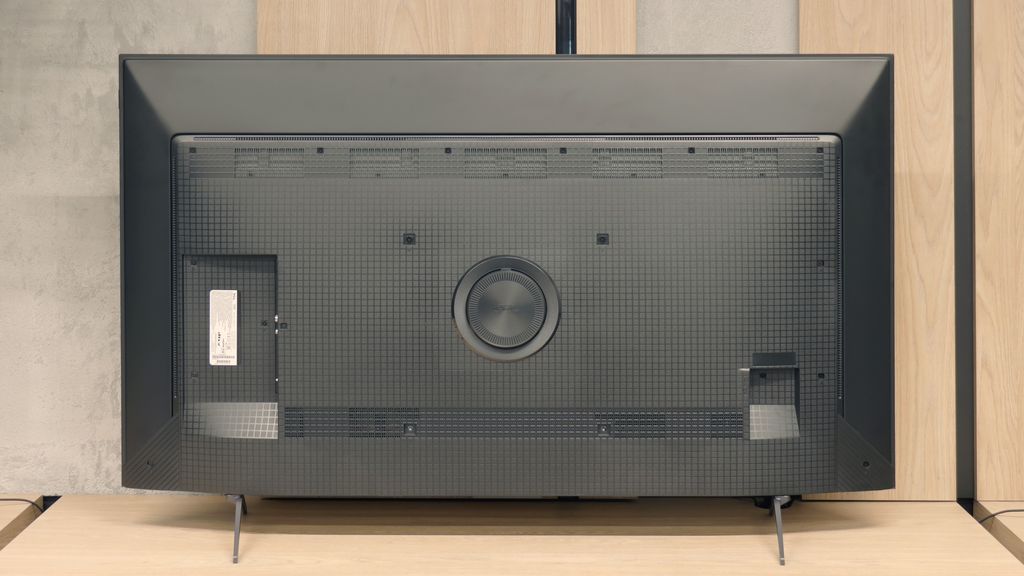
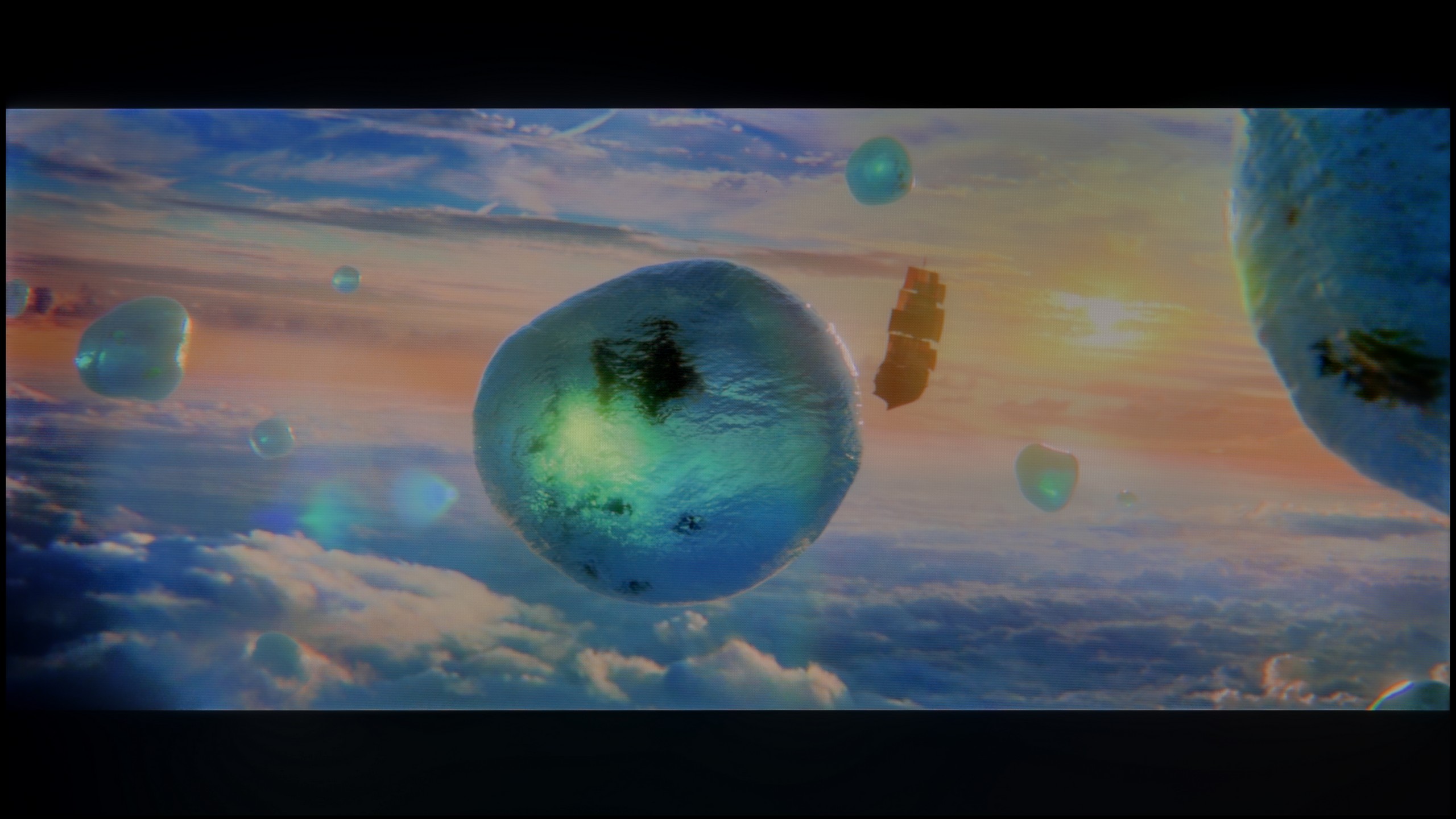
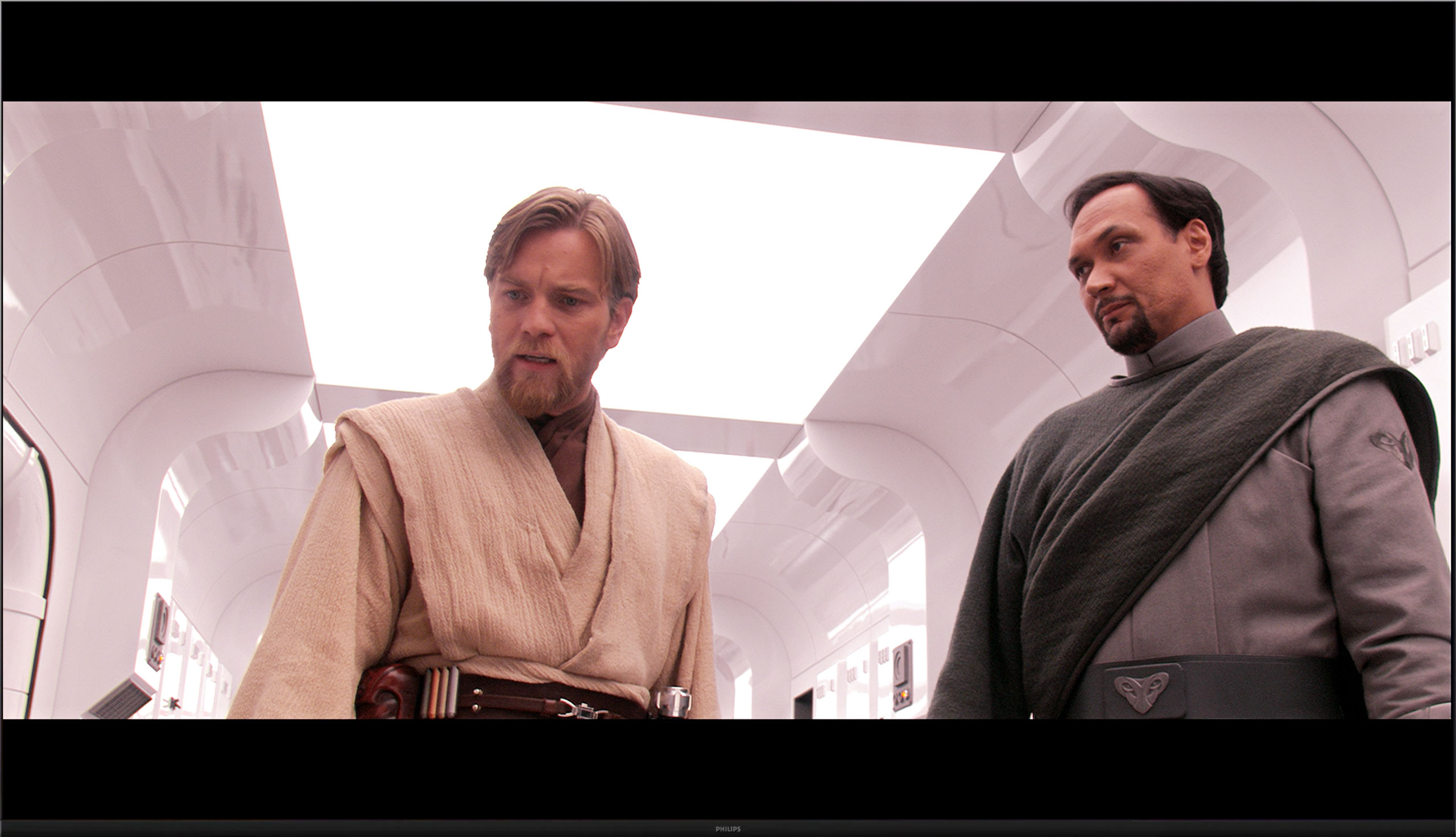
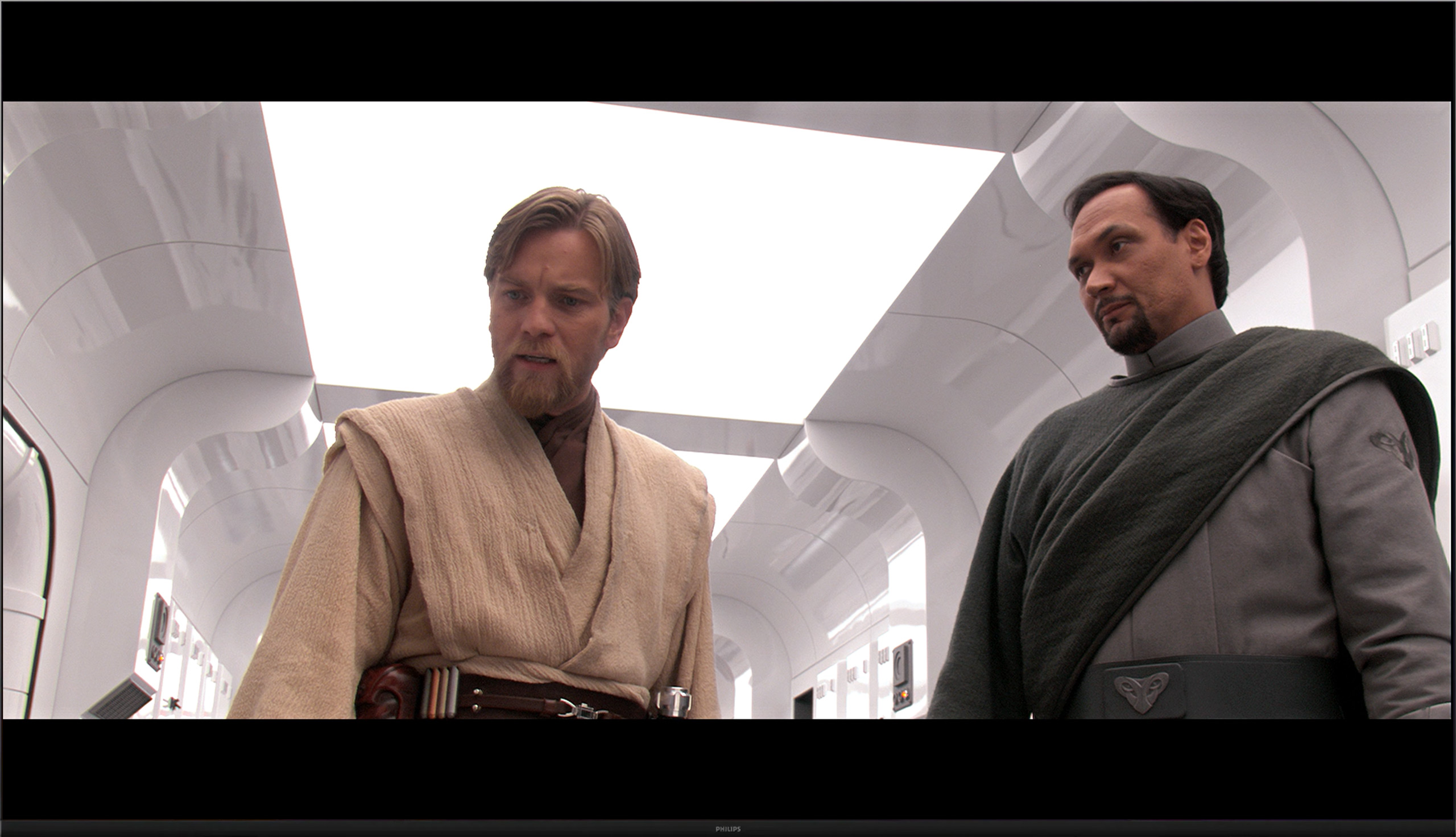
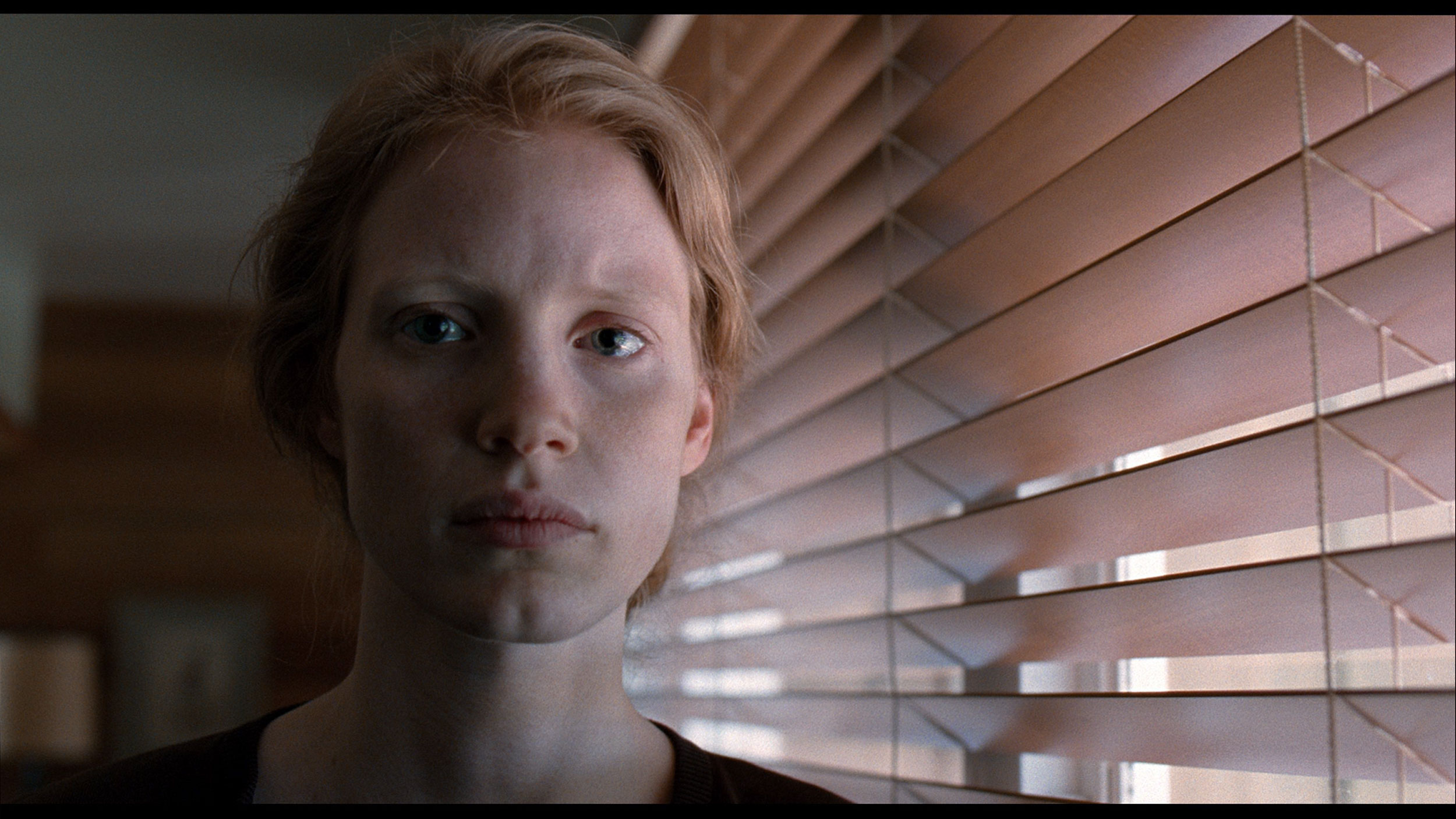
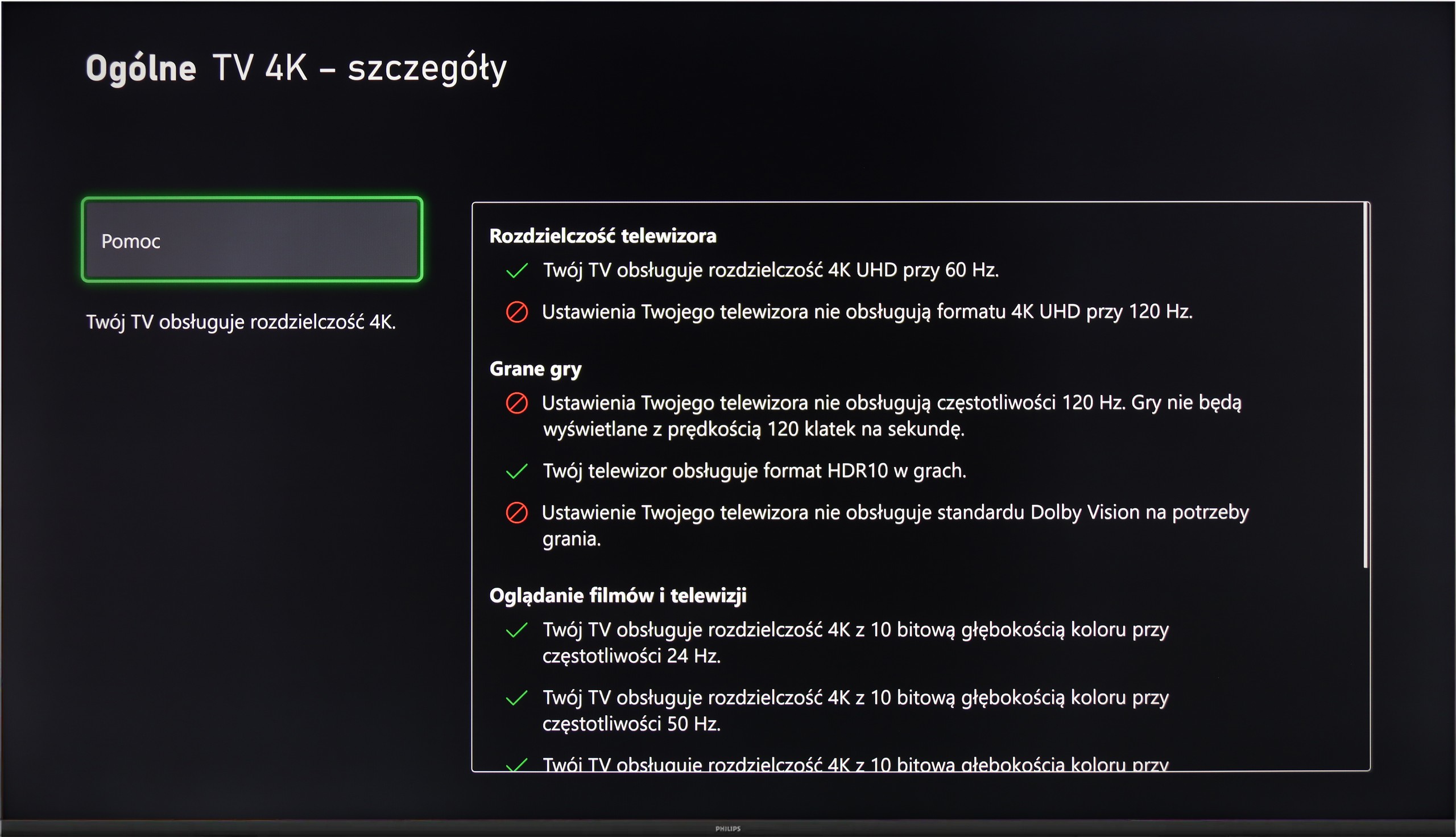
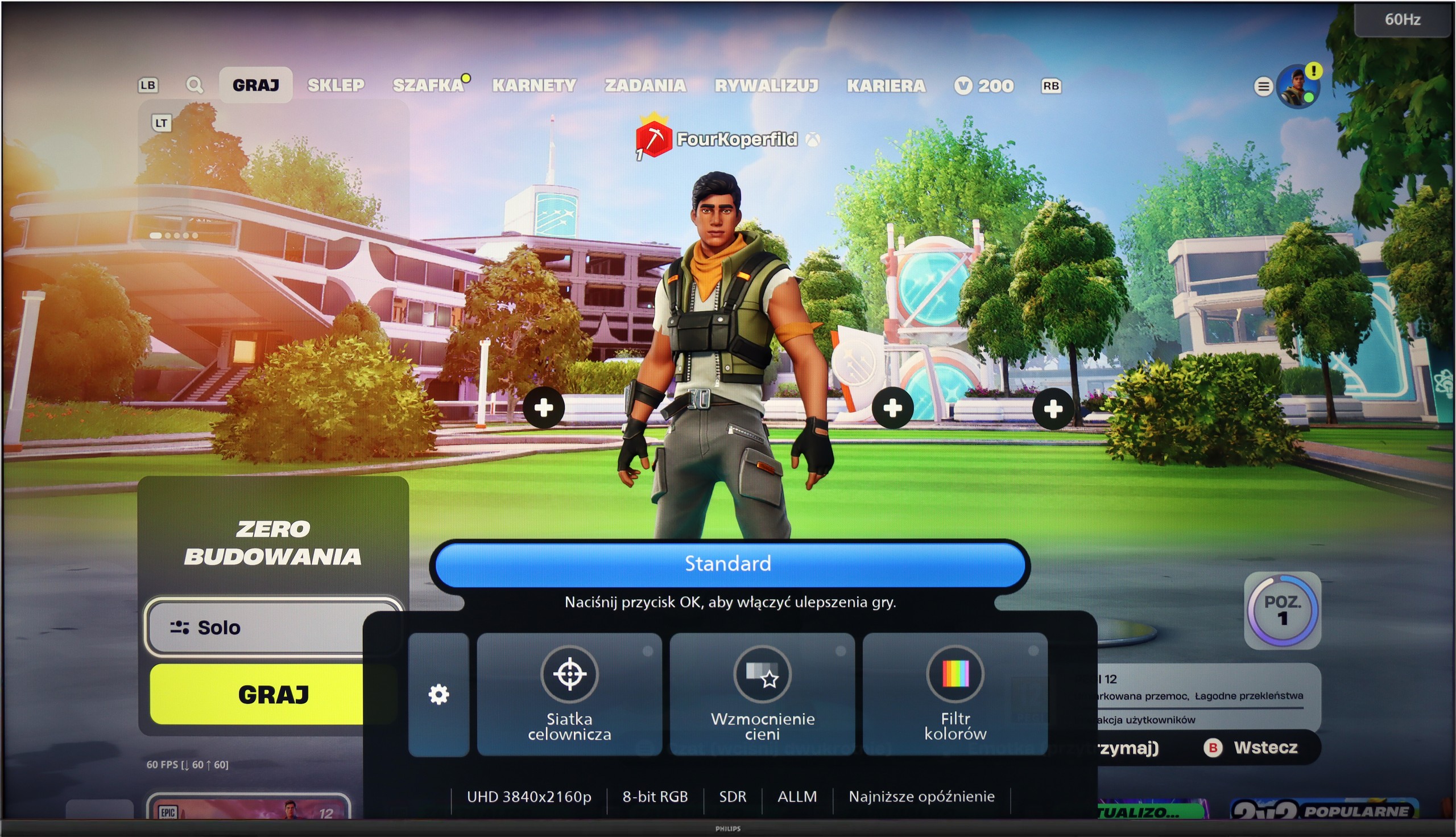
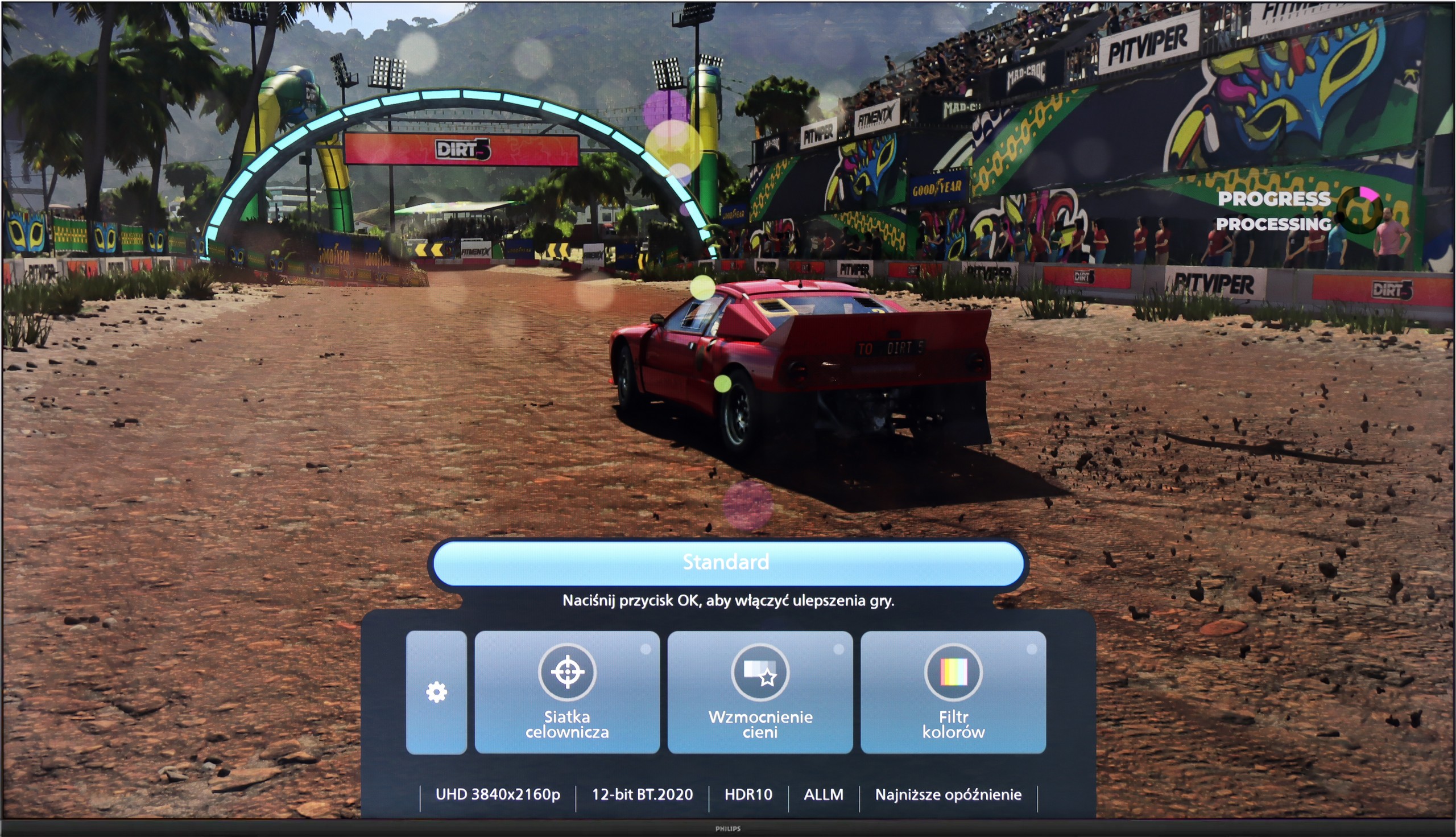
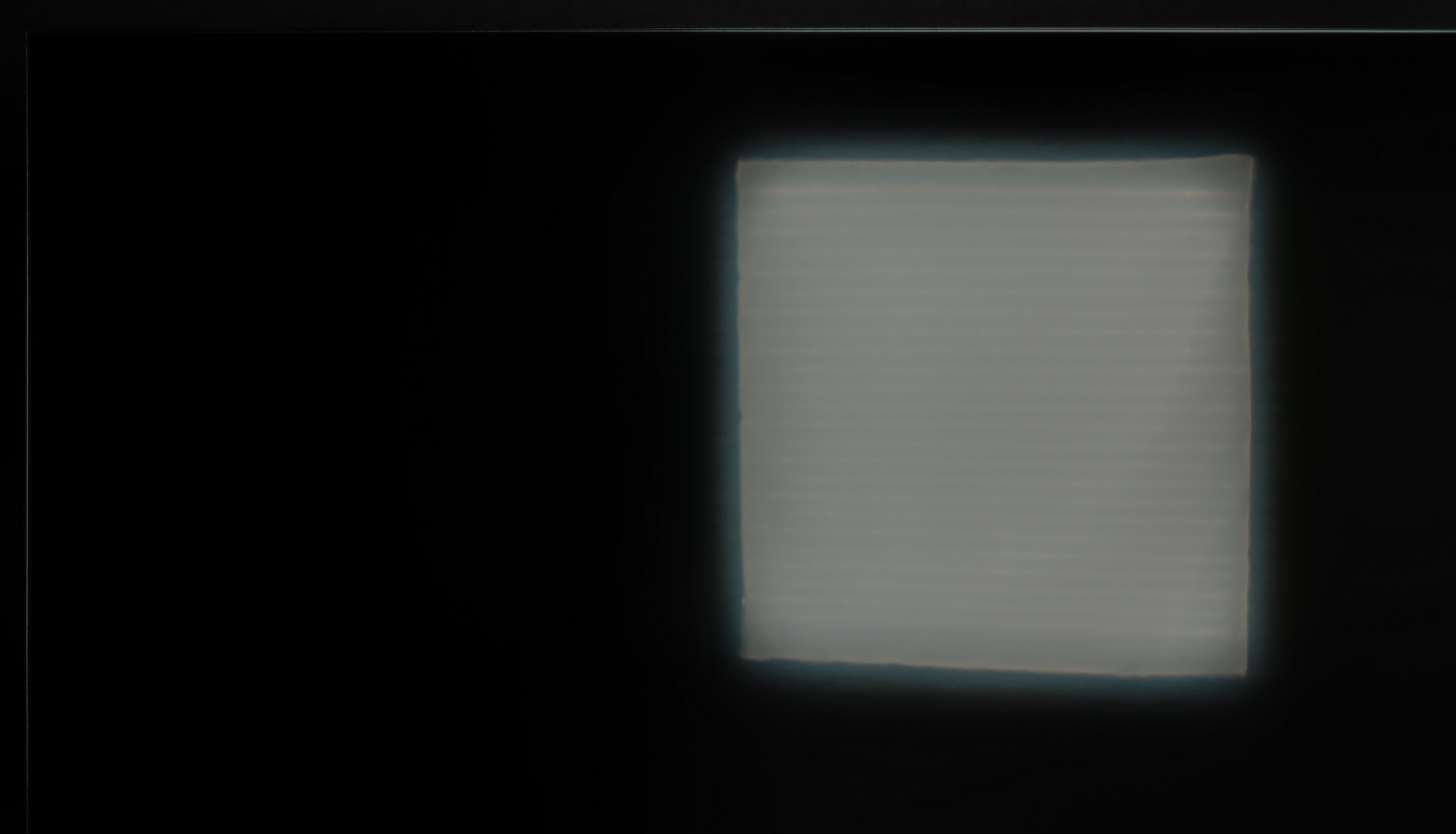
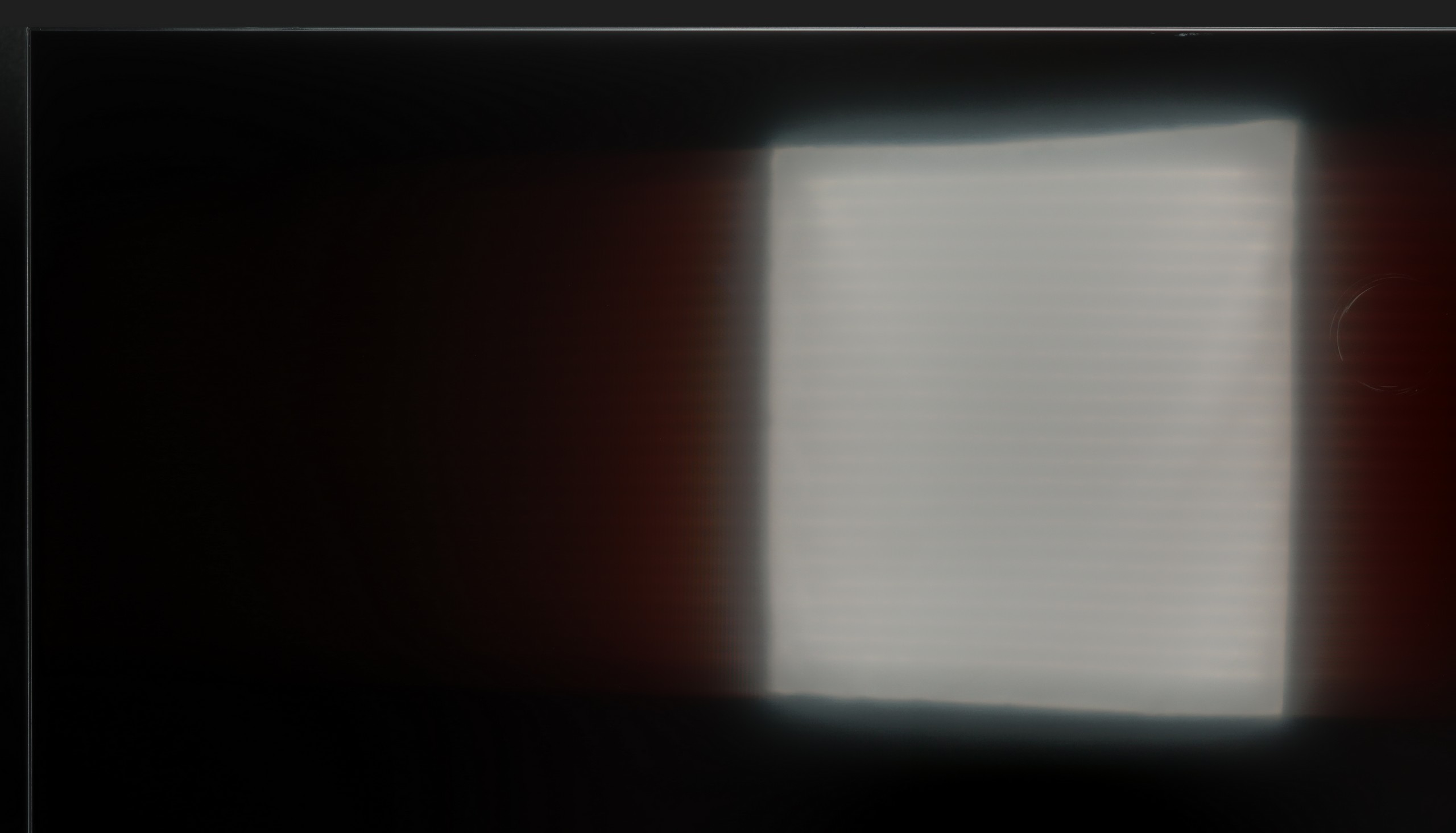
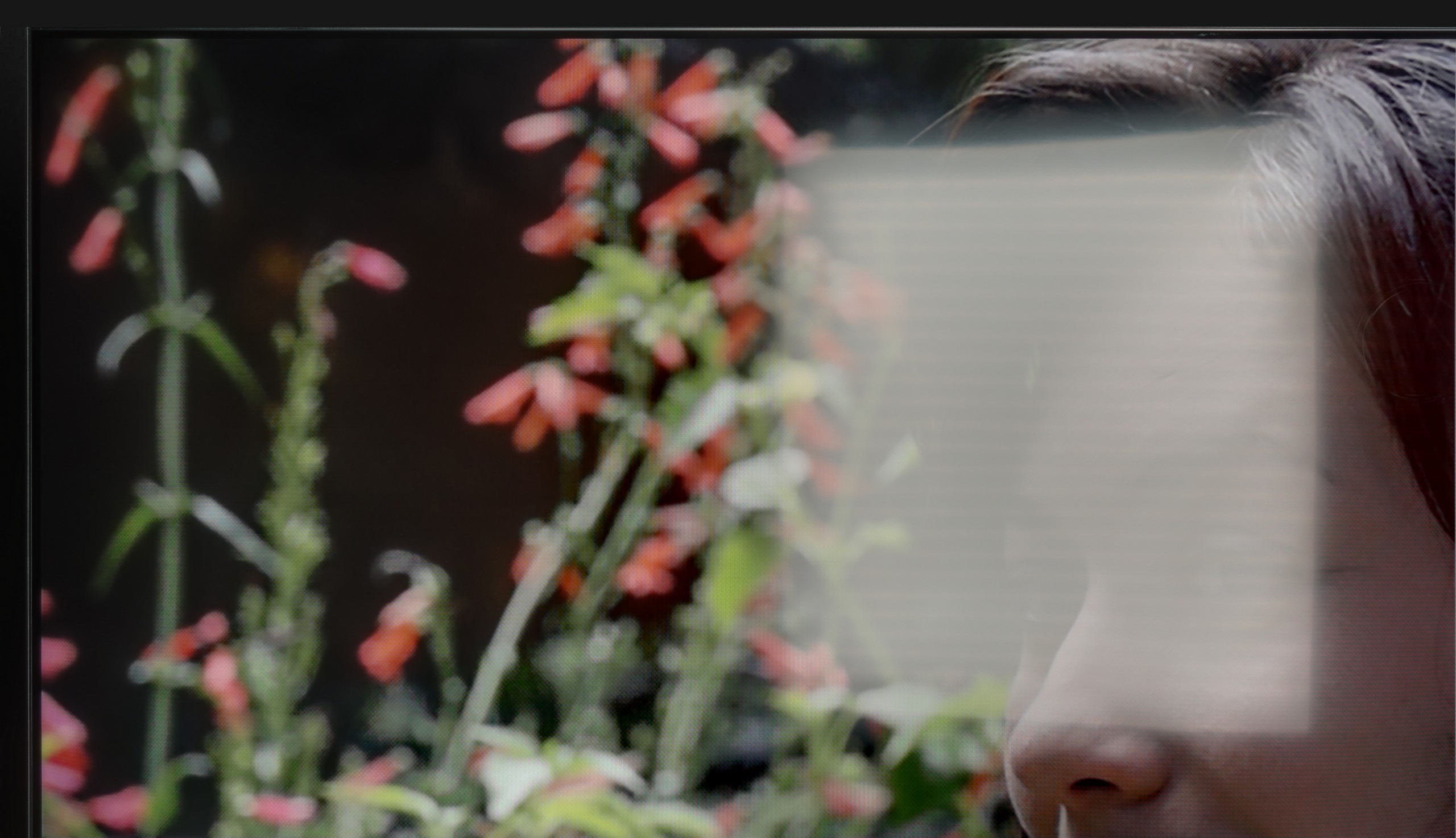
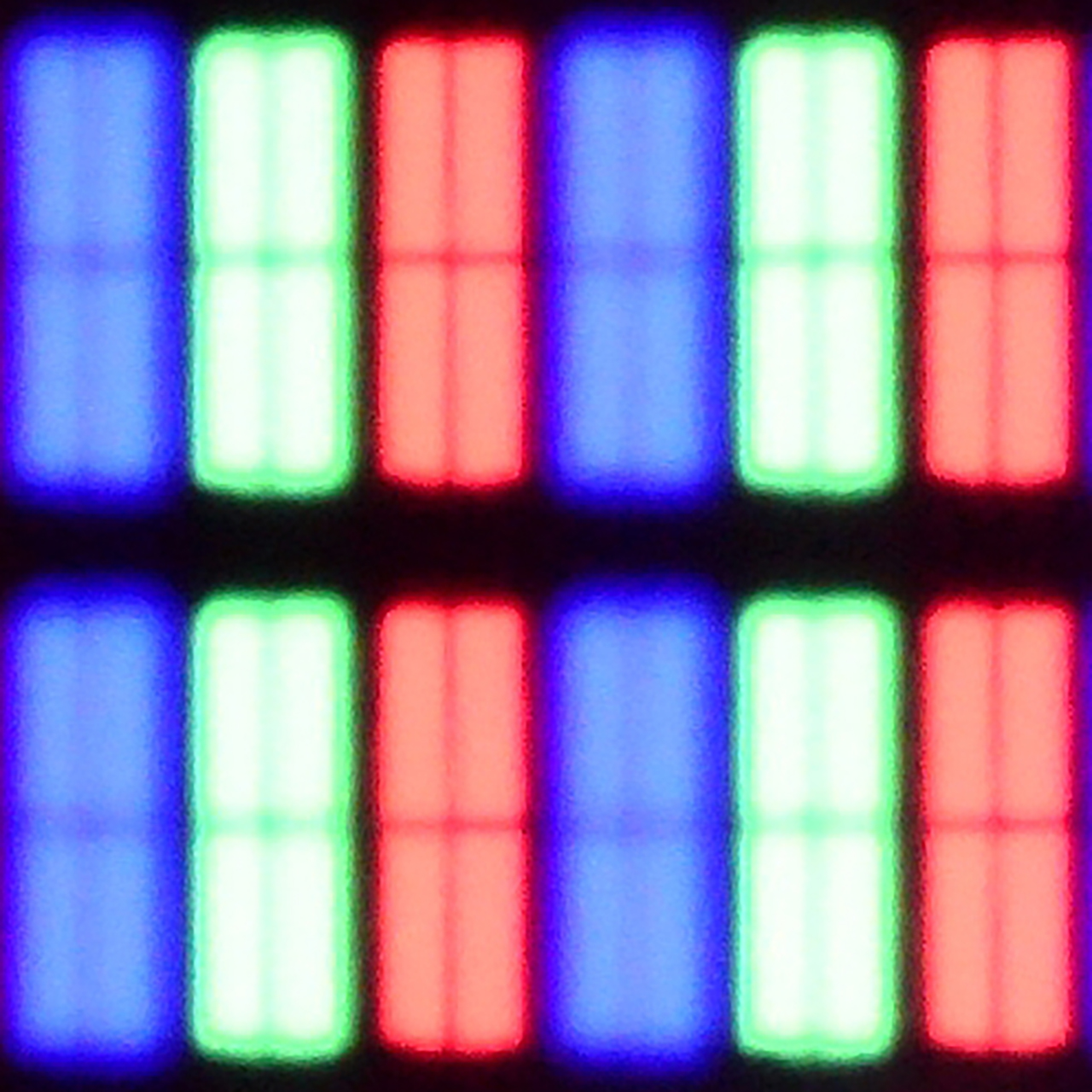
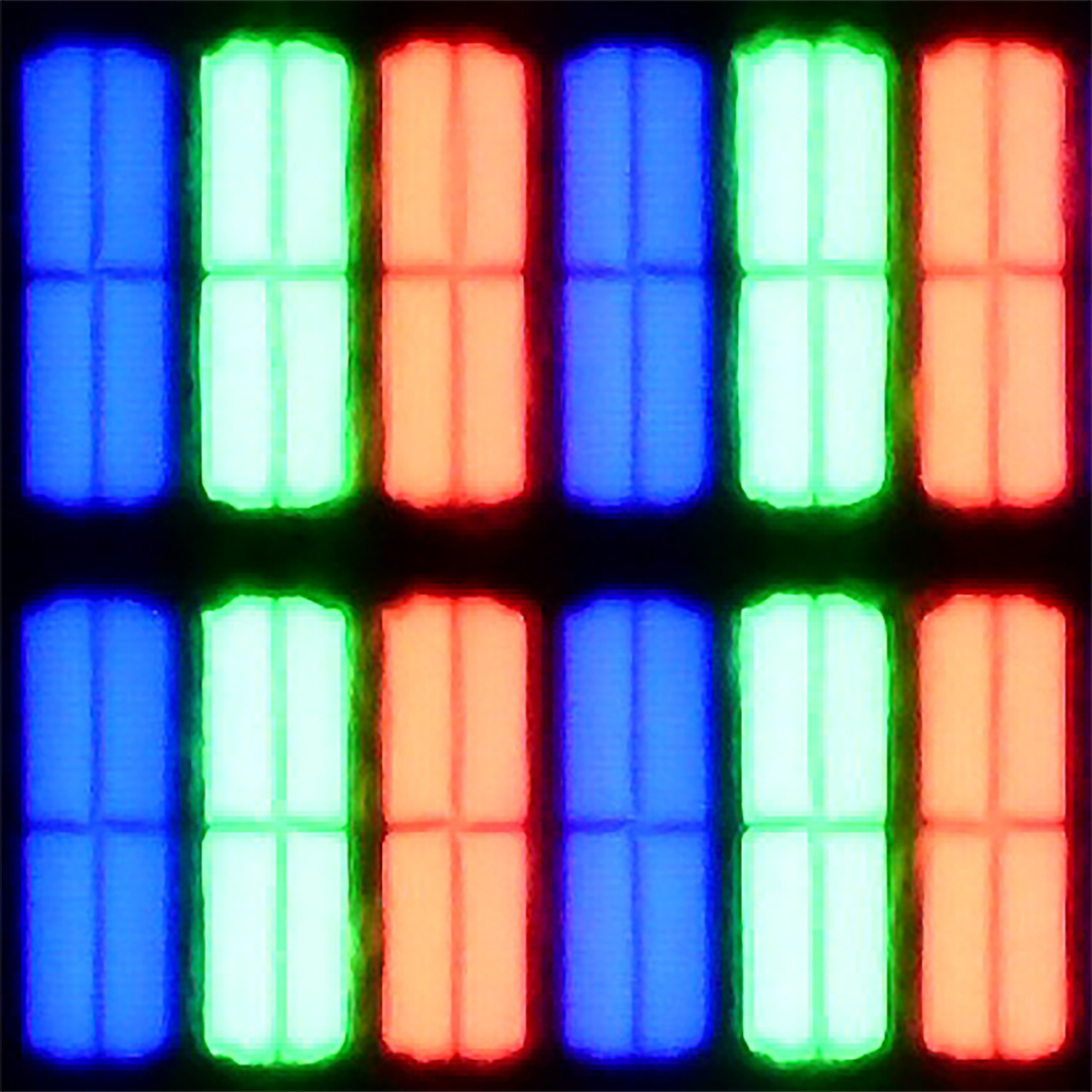
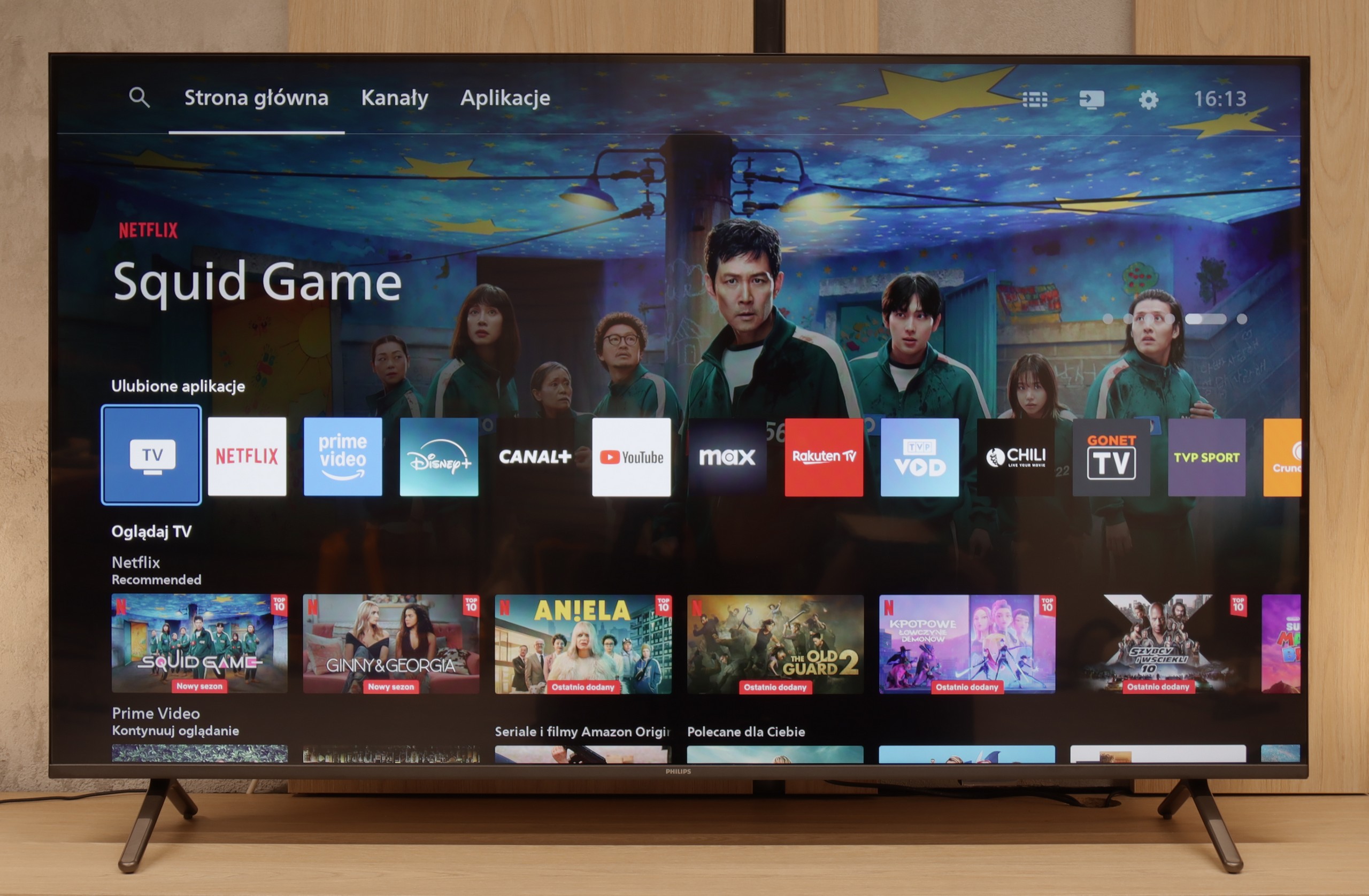
Ambilight, as this is what we need to start with, is the biggest reason why it's worth buying the PUS8500. The three-sided backlighting of the television looks fantastic, especially in the evening. It creates an atmosphere, masks contrast shortcomings, and makes watching a film simply more enjoyable. Even if the black levels aren't perfect, the native VA panel offers decent performance at high contrast. Additionally, there’s quite a good input lag and several features for gamers such as ALLM and VRR. Although HDMI 2.1 and a 120Hz panel are absent, playing casually should be a pleasure. Especially since it feels responsive and without delays. Let’s also mention the full support for audio formats – both Dolby Atmos and DTS are included, so soundbar owners can also rejoice.
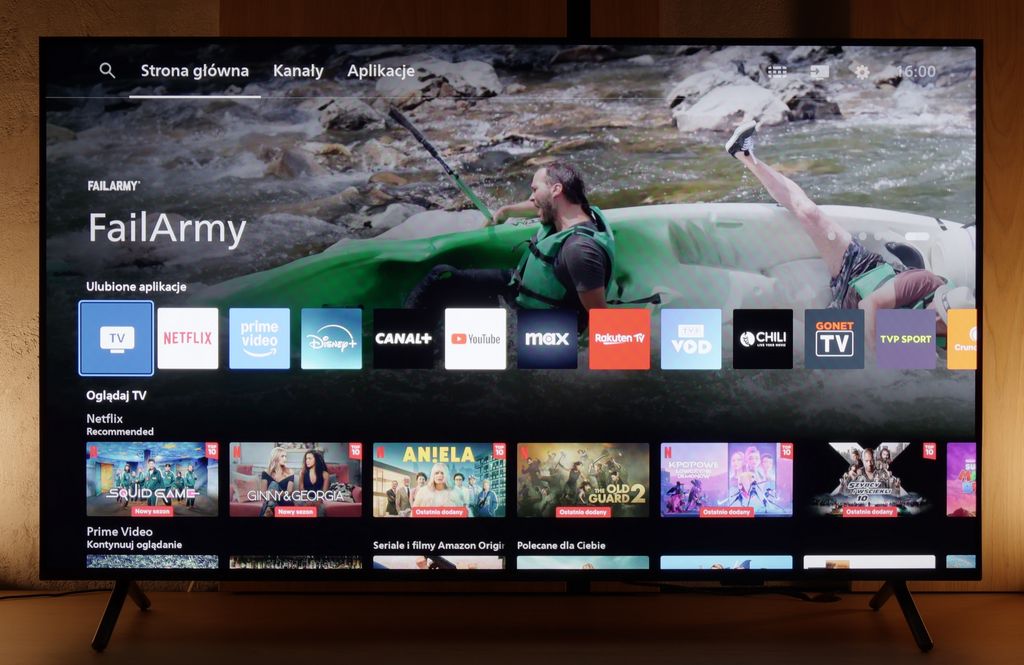
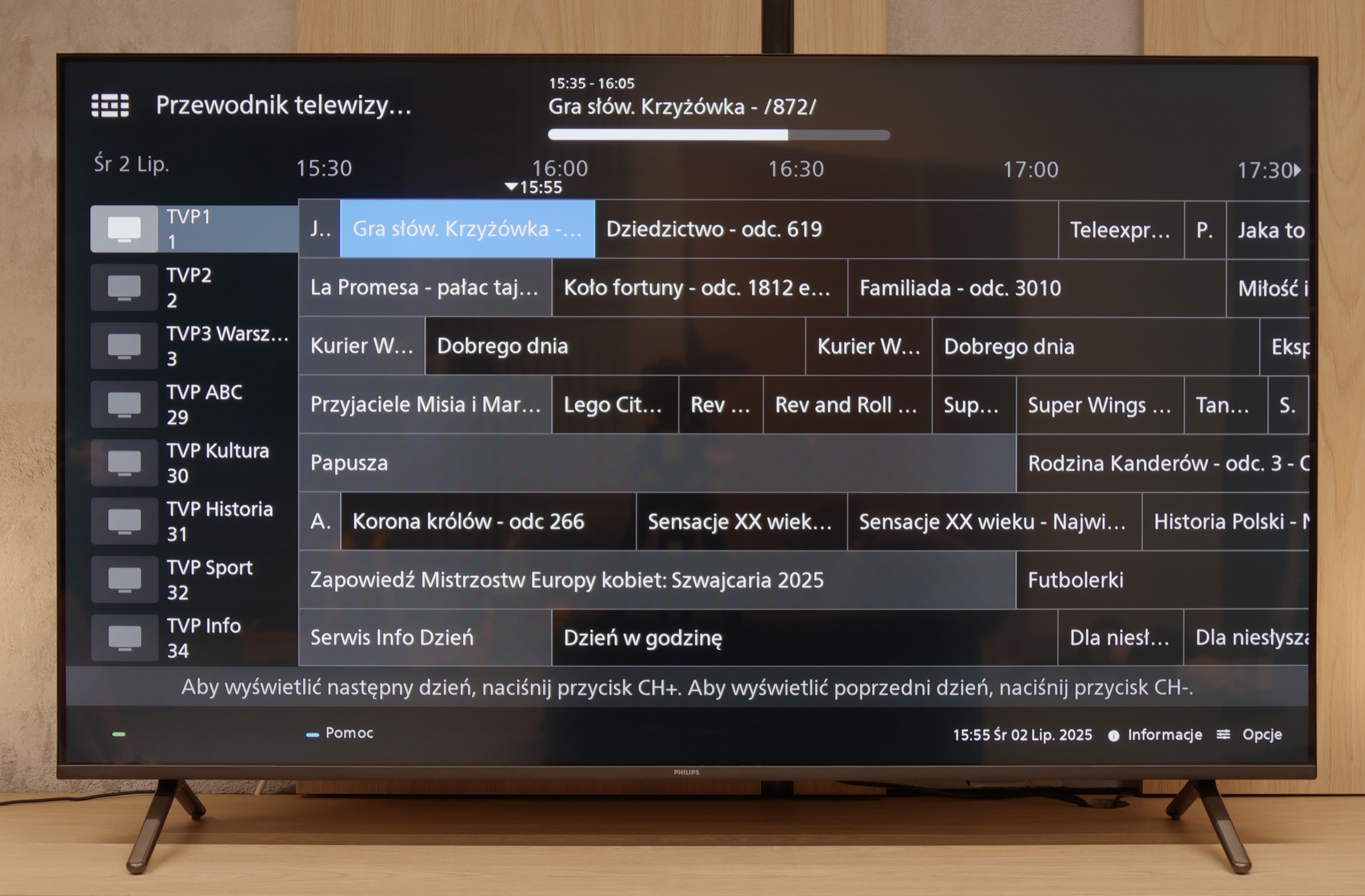
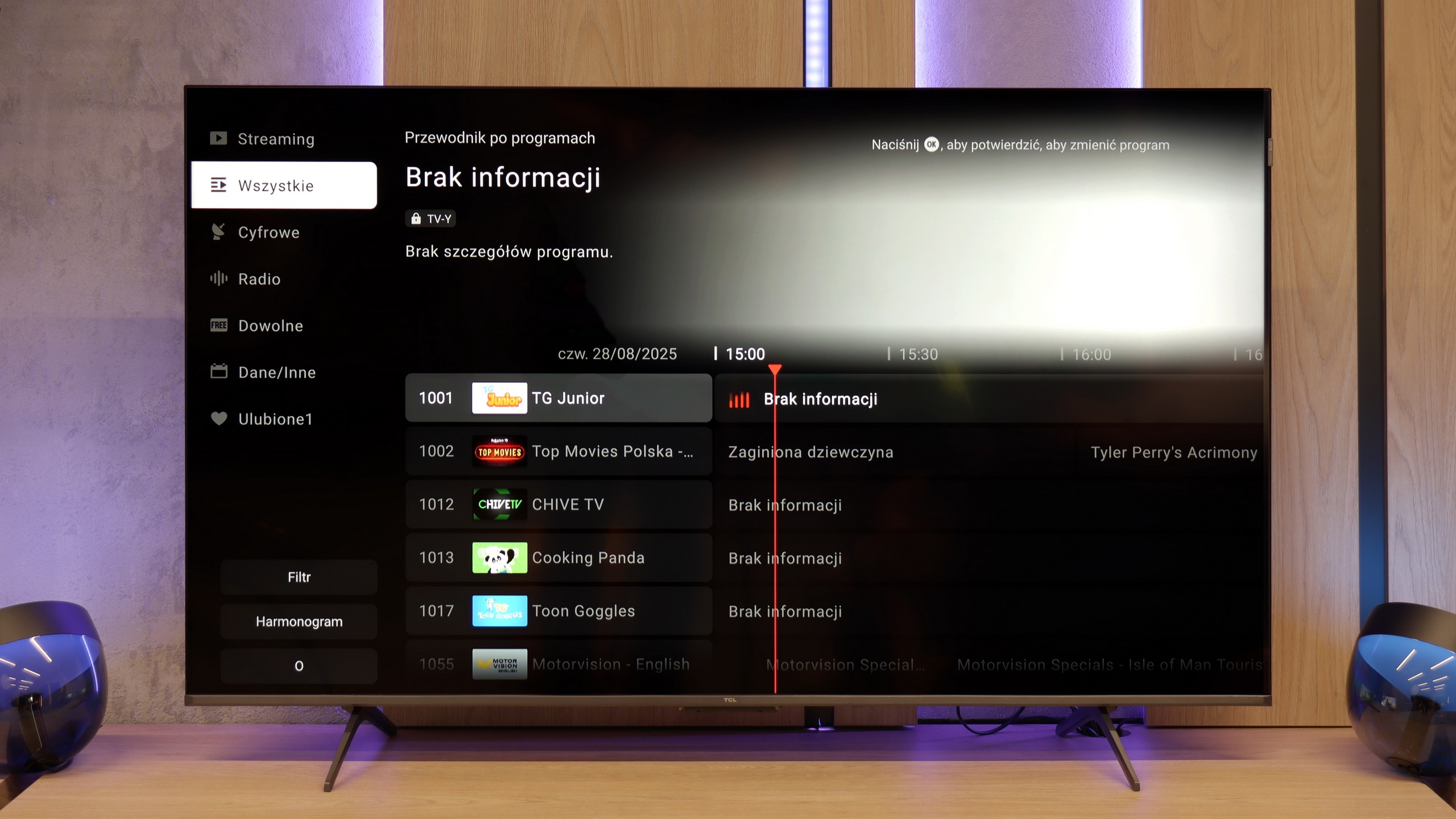
However, we won't sugarcoat it – this is still a budget television, and at times it’s clearly evident. The brightness is average – not weak enough to prevent viewing, but on an exceptionally sunny day, watching without curtains can be problematic. Nevertheless, in our opinion, the biggest disappointment of the PUS8560 is the Titan OS operating system. Despite the fact that the system debuted some time ago, certain functions simply refused to work – for instance, screen mirroring from a phone despite the manufacturer claiming that such a feature is present. There are fewer apps than in the competition, and the system itself operates rather clumsily. Generally, while it does have some features, it evidently lacks refinement.
Of course, this isn’t a television meant to compete with top models. But if someone is looking for something simple, with a great atmosphere provided by the Ambilight system, it is quite a fair proposition. You just have to know what to expect and accept the numerous compromises present here.
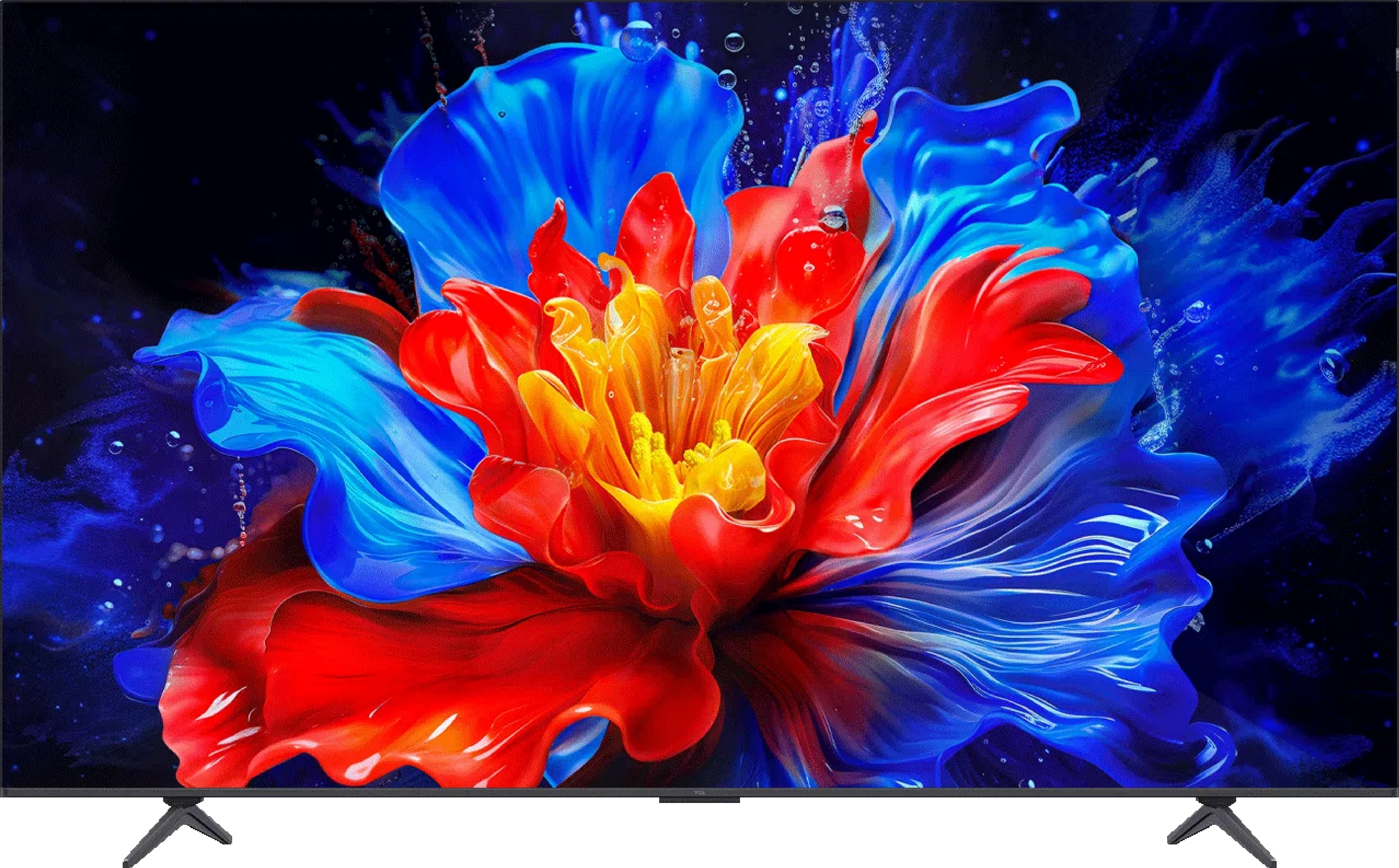
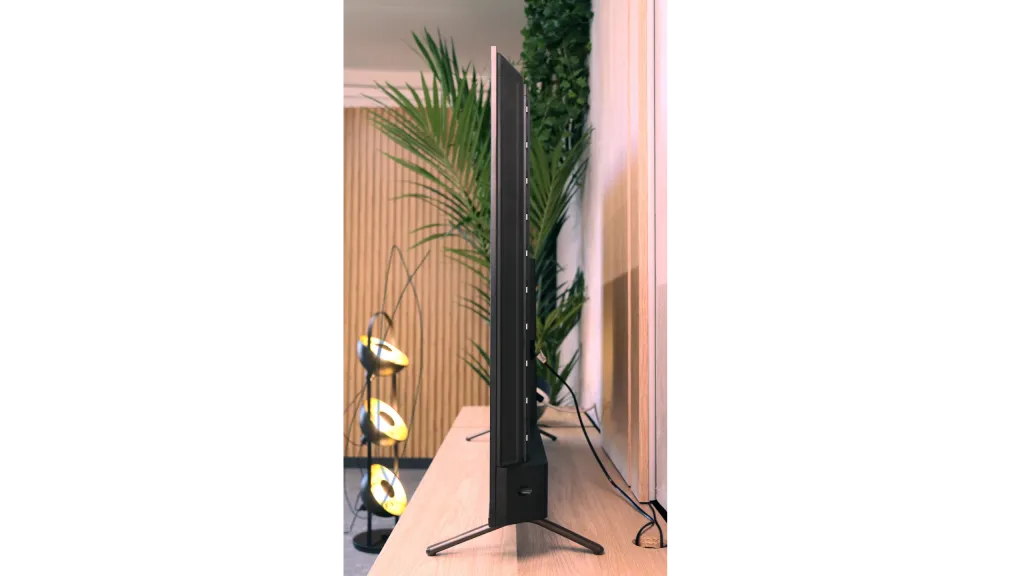
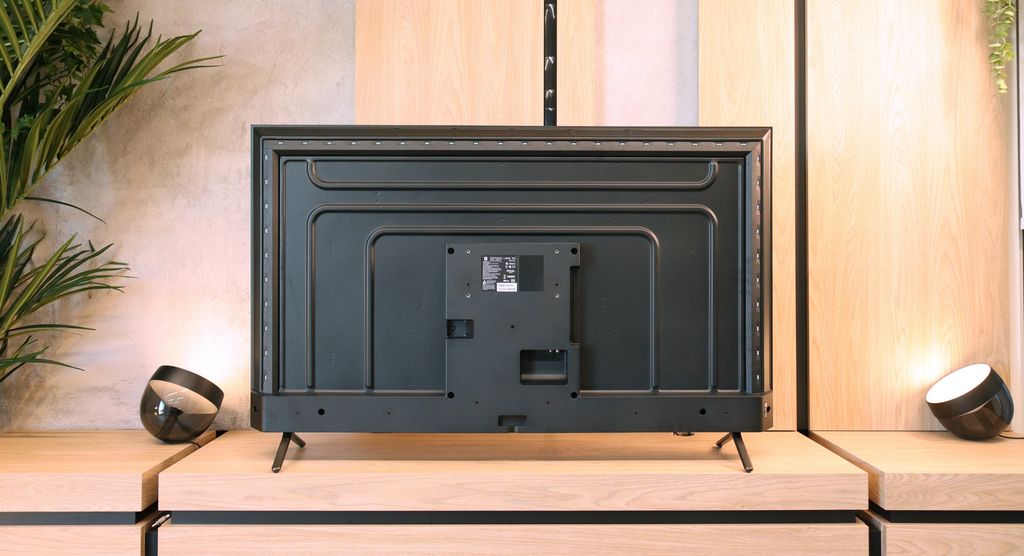
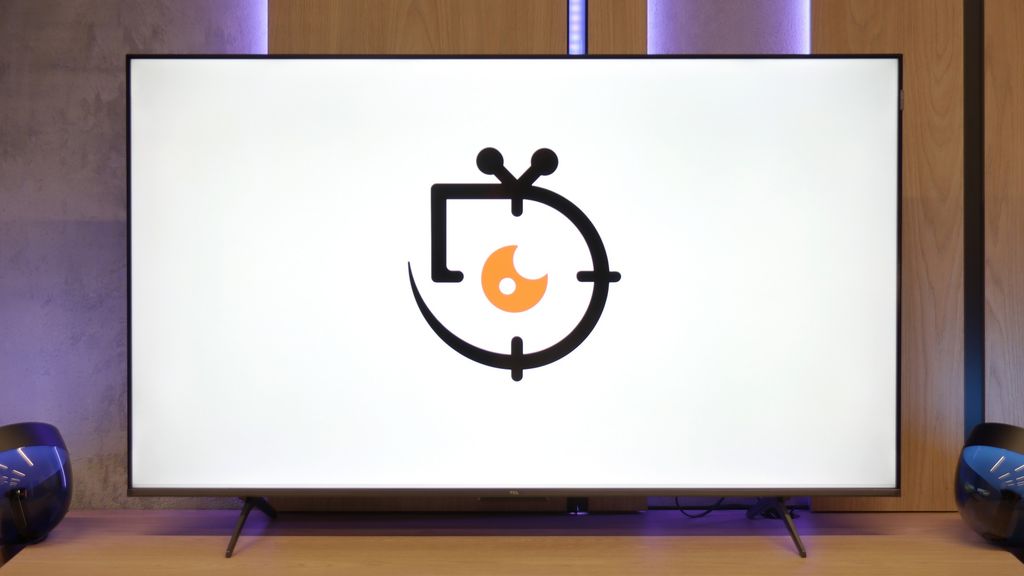
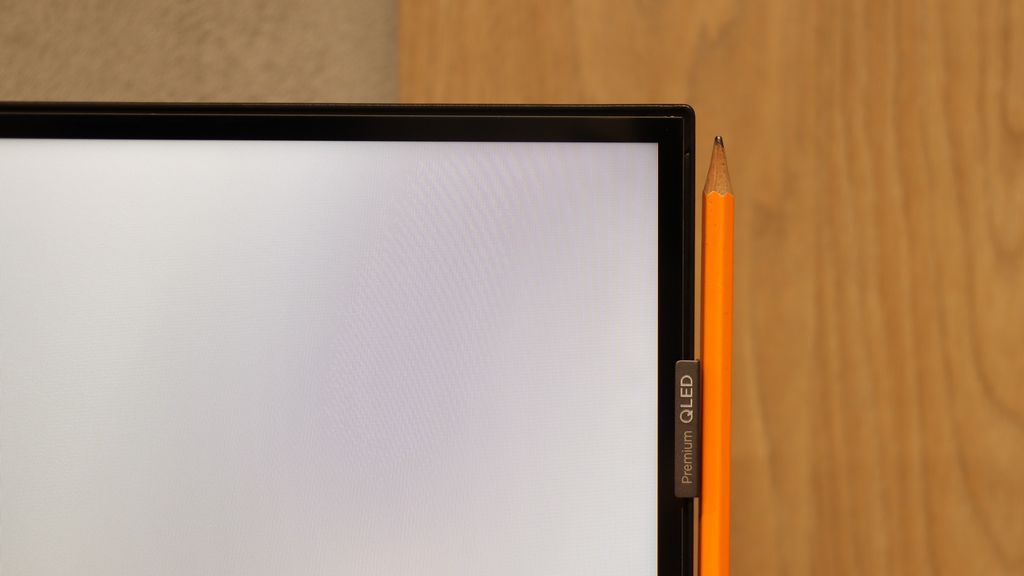
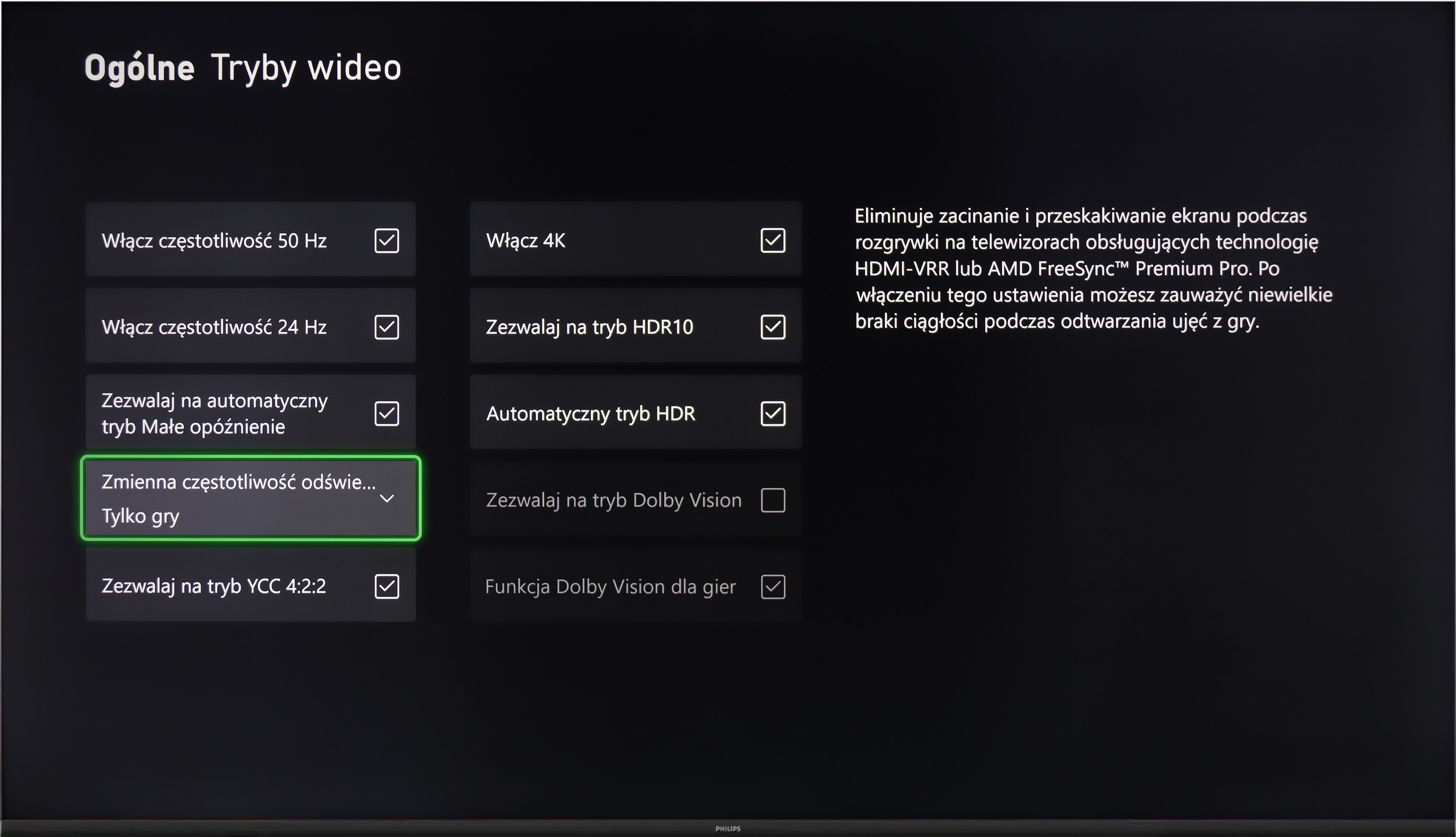
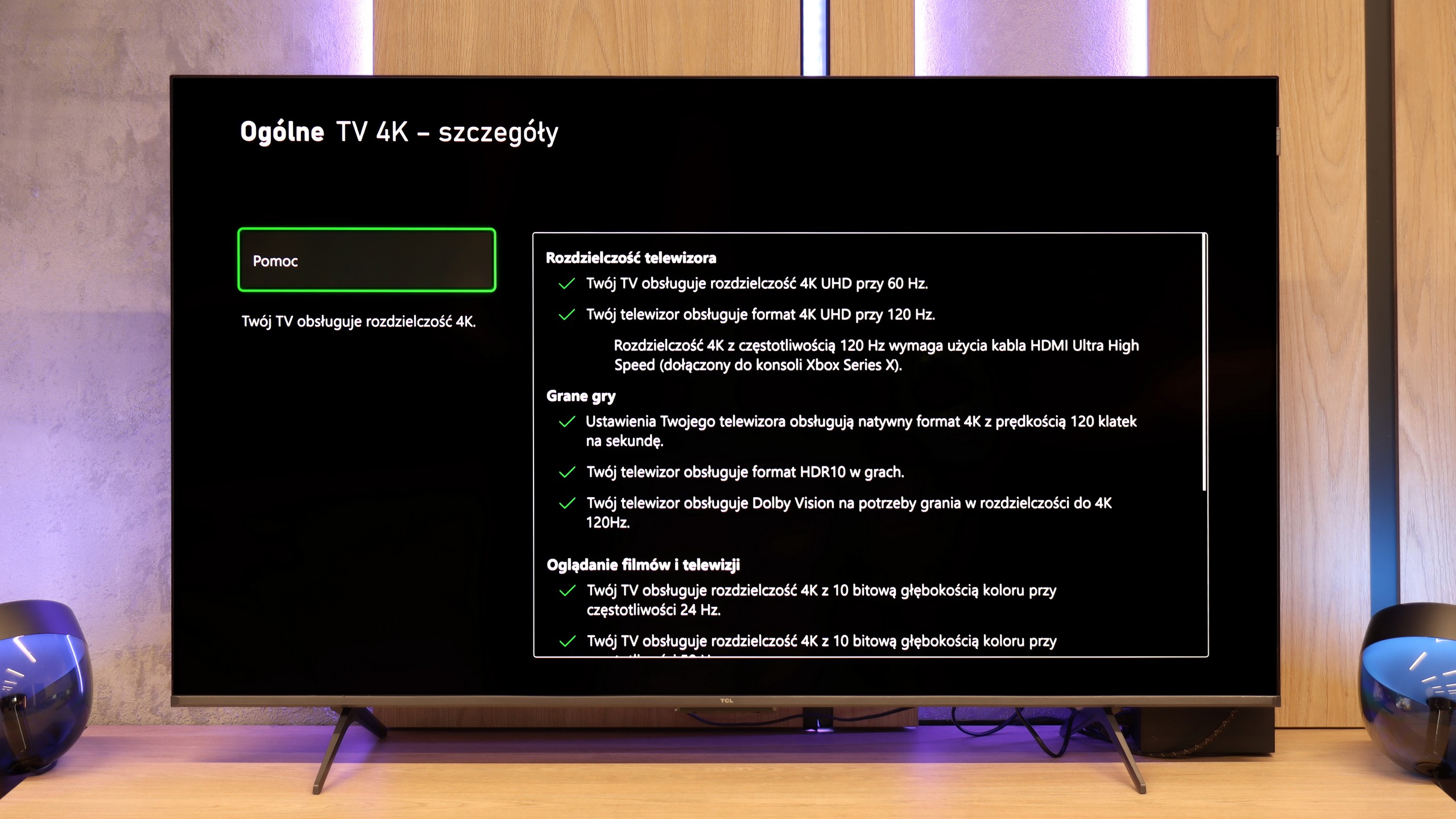
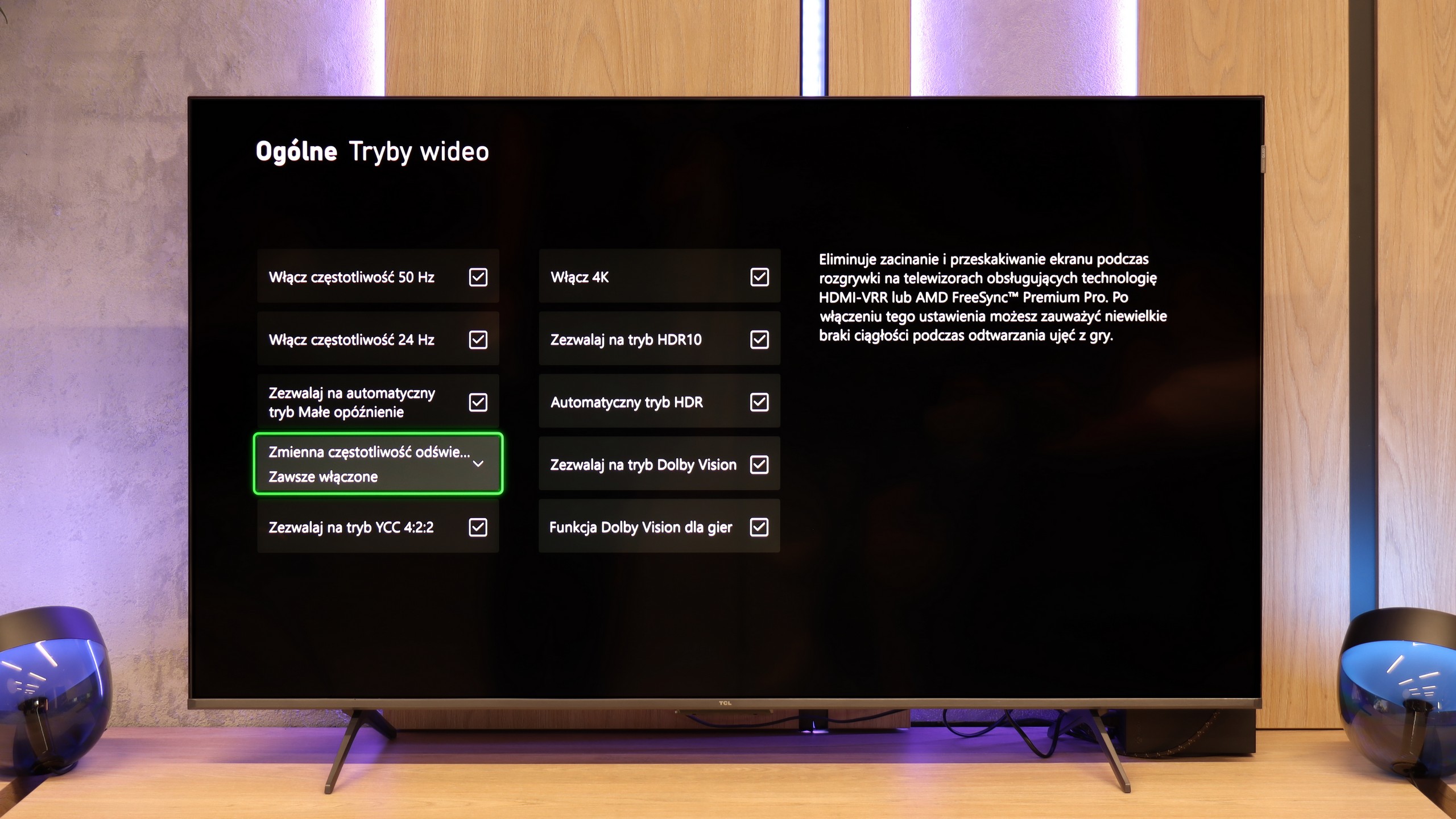
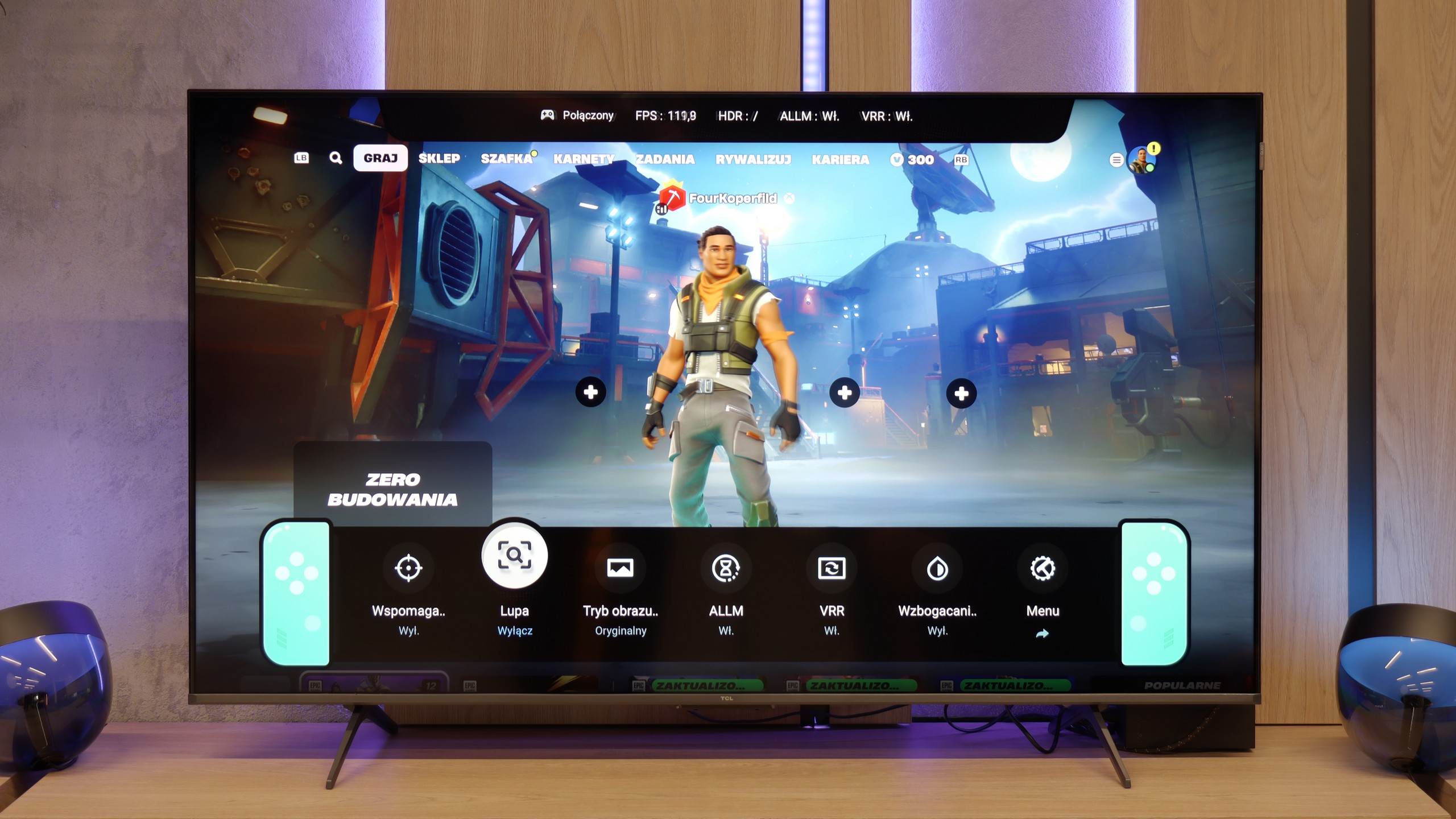
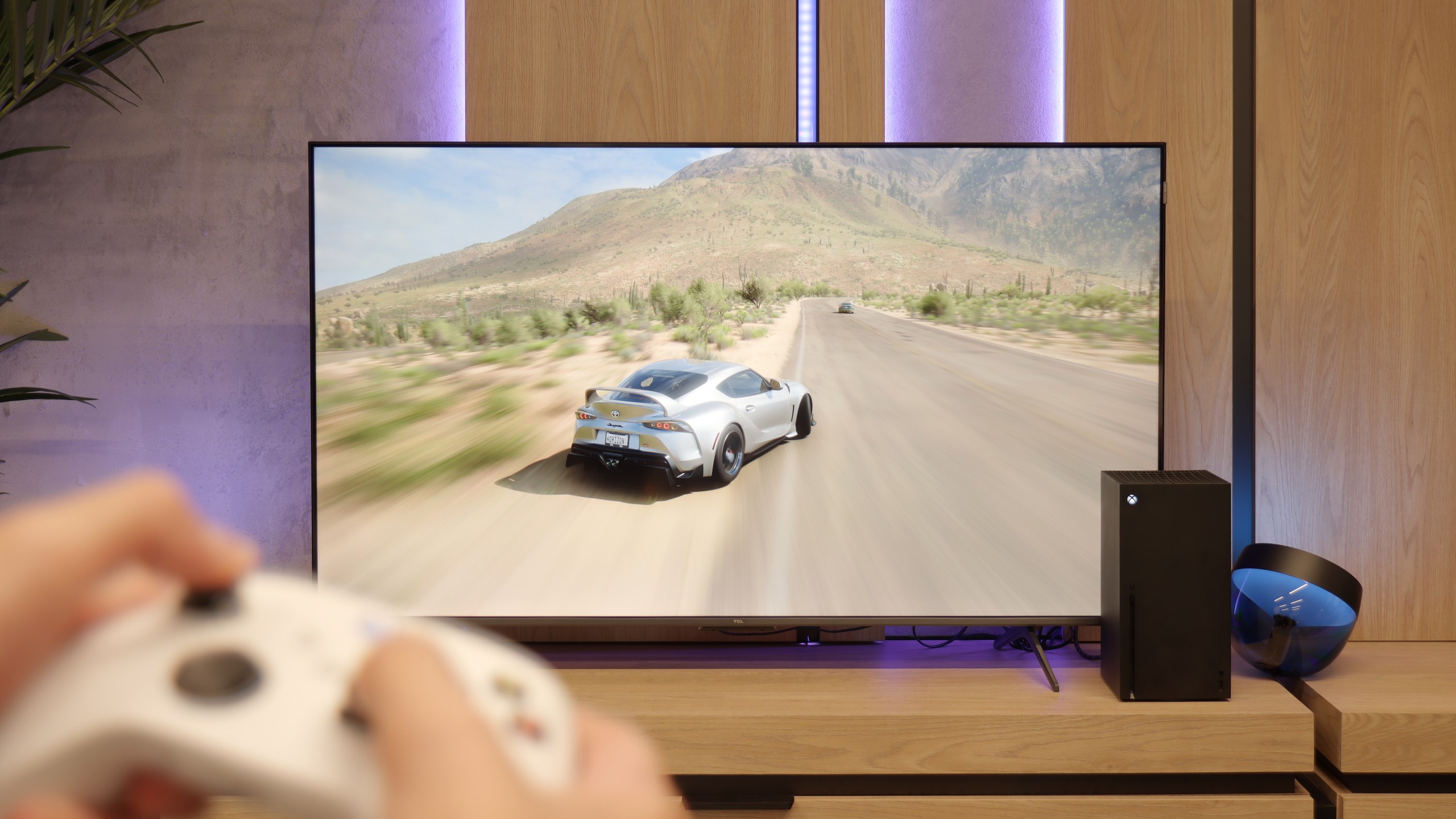
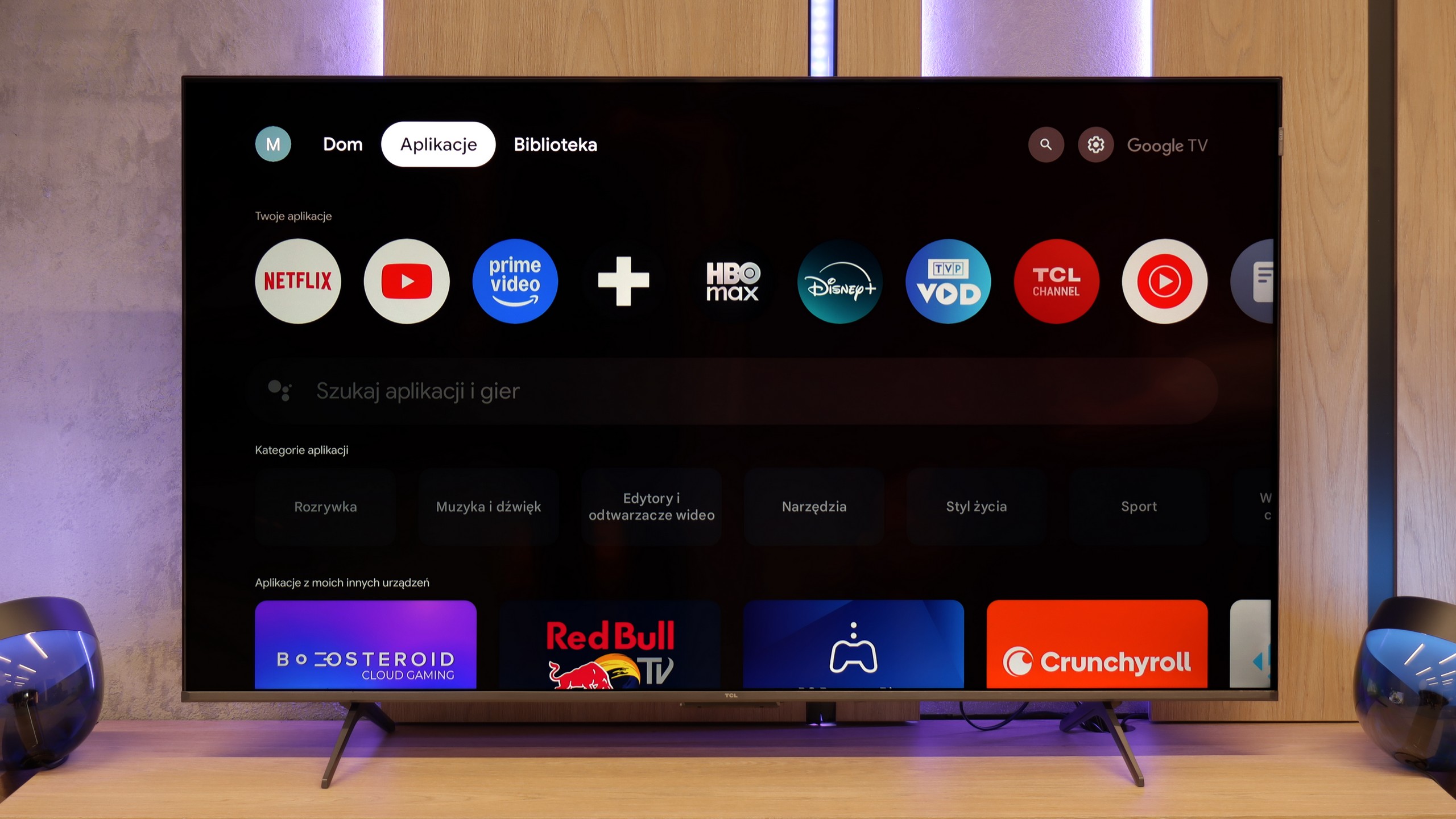
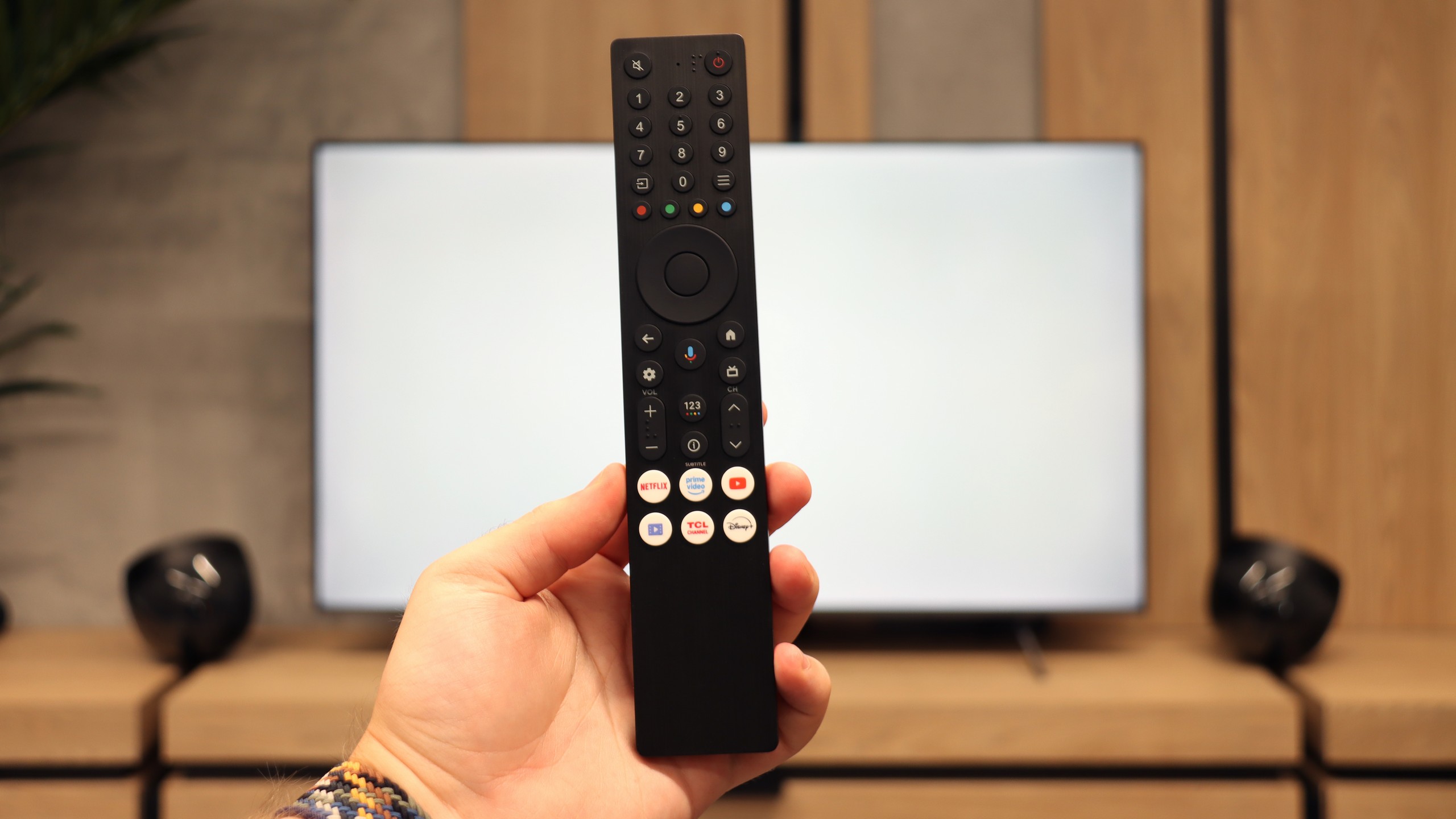
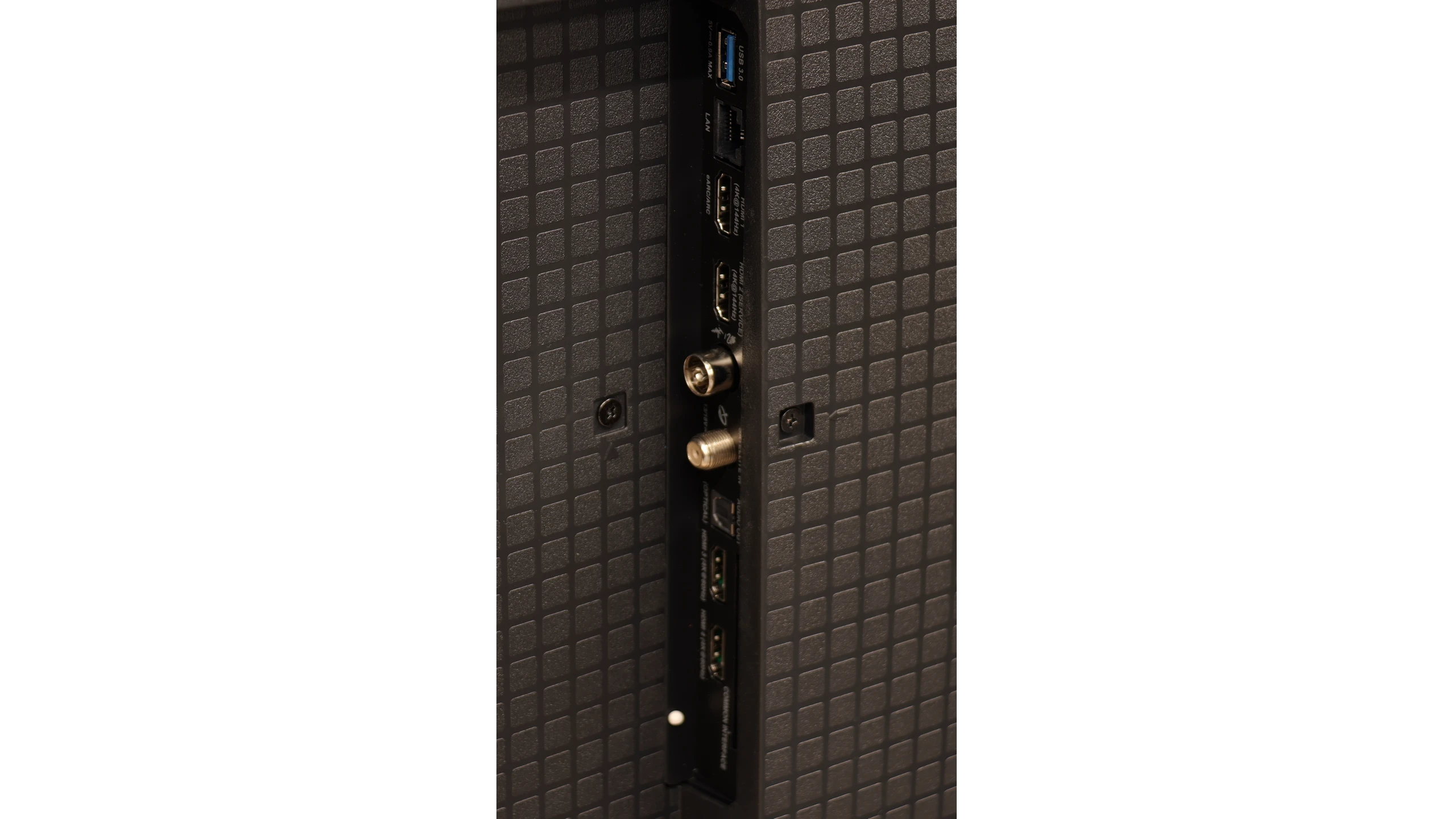
The TCL P8K is a television that immediately endears itself. It may seem cheap and from a lower range, yet it can surprise. This device demonstrates that you can also get equipment with character at this price – and it's specifically targeted towards a particular group of users. Because let's not kid ourselves, the P8K is a television designed with gamers in mind. With two HDMI 2.1 ports, VRR support, 4K at 120 Hz, HGiG, and even Dolby Vision in games – it sounds like something that was only recently found in much more expensive models. Additionally, it has a 144 Hz panel and the capability to achieve even 240 Hz on PC. At this price? It’s really hard not to smile. Moreover, it comes with Google TV, which has breathed life into this screen. Everything operates intuitively, with access to a vast library of applications and an efficient Google Assistant that actually understands what you say – even when you phrase it in your own way. Of course, this is not a perfect television. A brightness of 250–300 nits isn't overwhelming and probably won't impress in a sunny living room. But just an evening, a film, and a slightly darker environment reveal that this screen can do quite a lot. Thanks to dynamic tone mapping, the P8K performs surprisingly well in HDR, and the colours can look natural. In cinematic scenes, there's no question of a plastic, overexposed image – it's simply pleasant. Let’s not pretend that it competes with Mini LEDs or OLEDs – that’s not the point here. The P8K/P89K is meant to be a television that is simply enjoyable to use. And that is where its strength lies. For someone who wants to play games, watch Netflix, launch YouTube, and have it all in one simple device – it’s a home run. The TCL P8K shows that "cheap" does not have to mean "poor quality". It is a television with character that doesn’t pretend to be premium equipment, yet delivers a lot. And perhaps that's why it’s so easy to like.
 Direct comparison