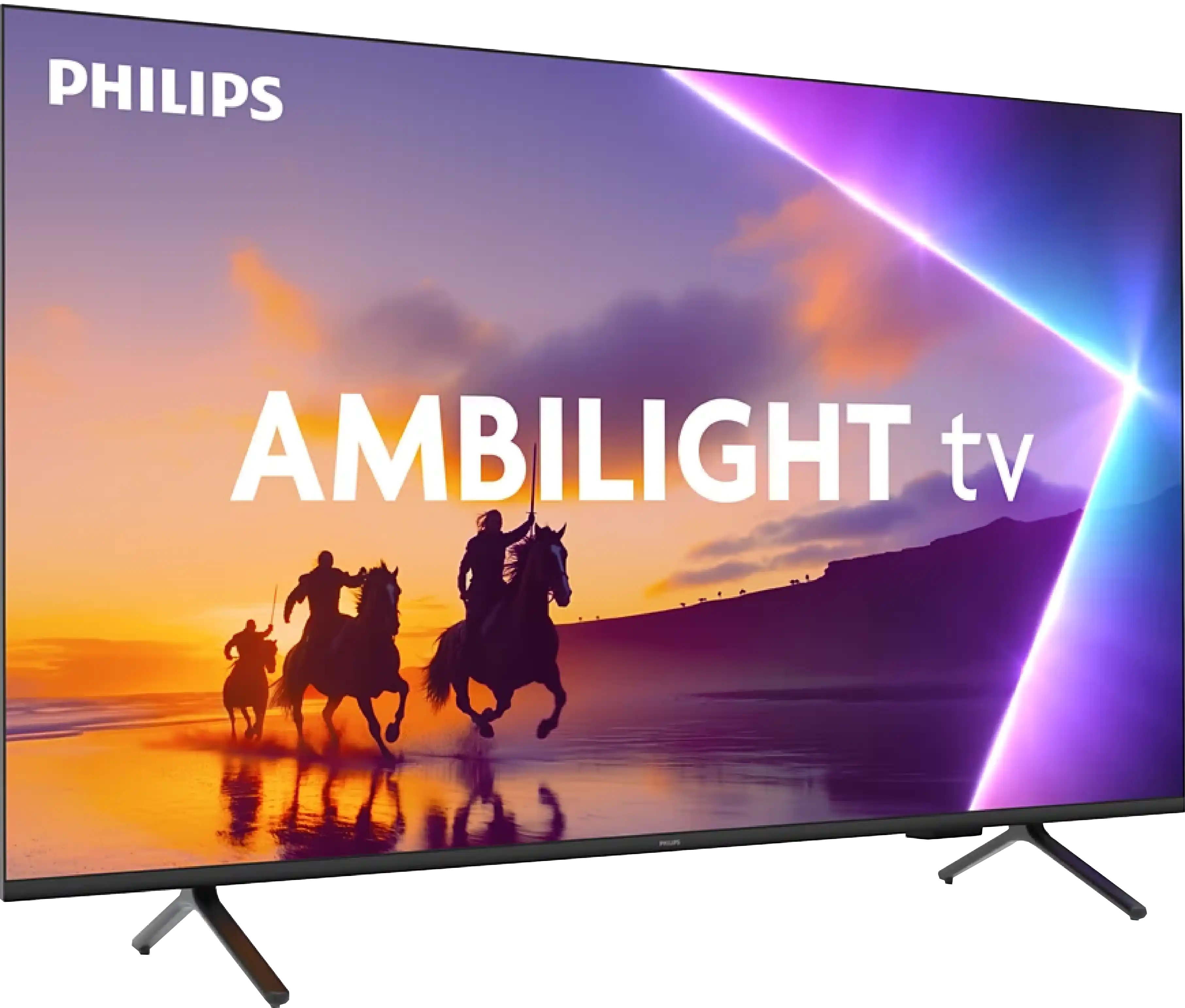
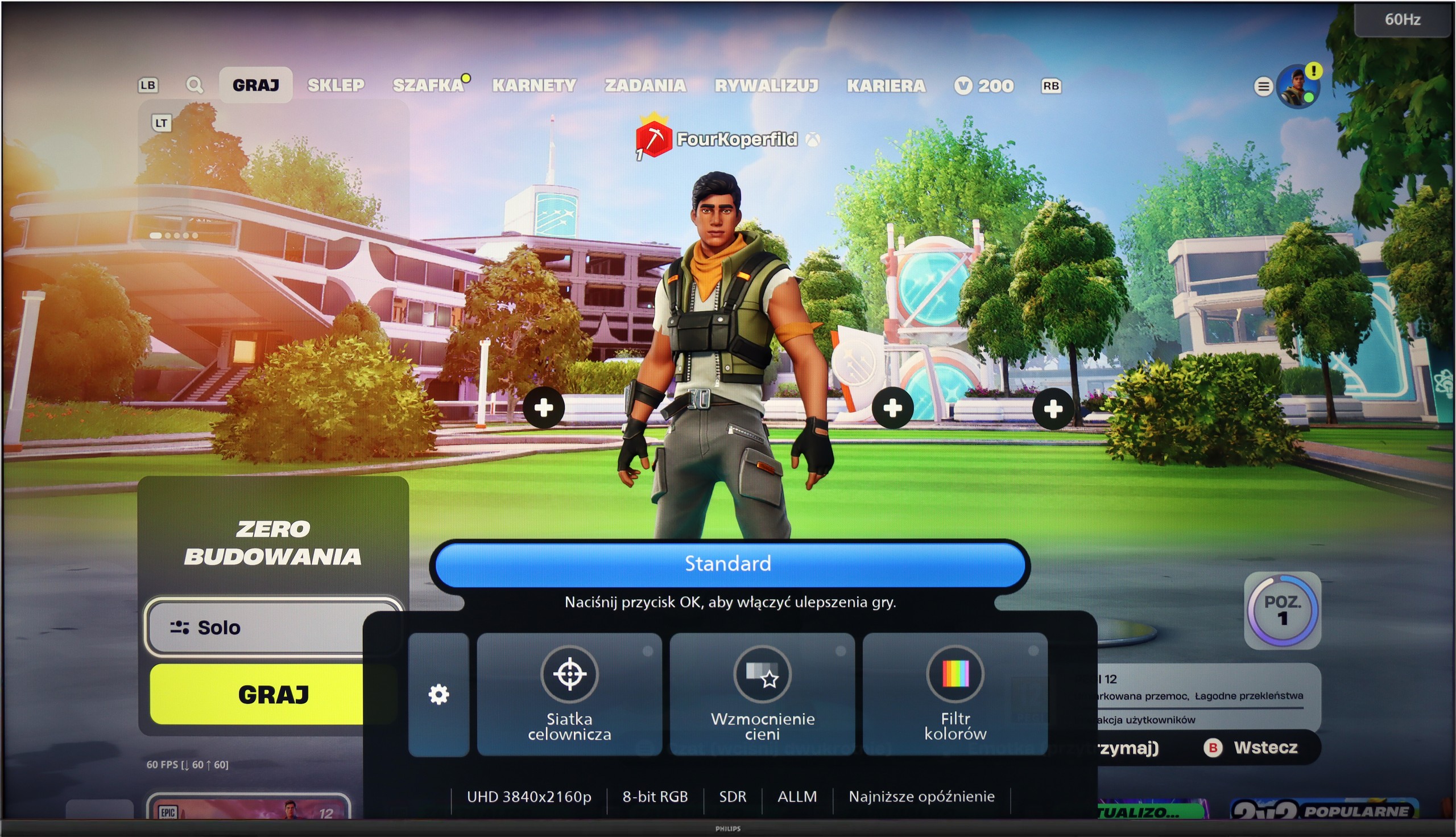
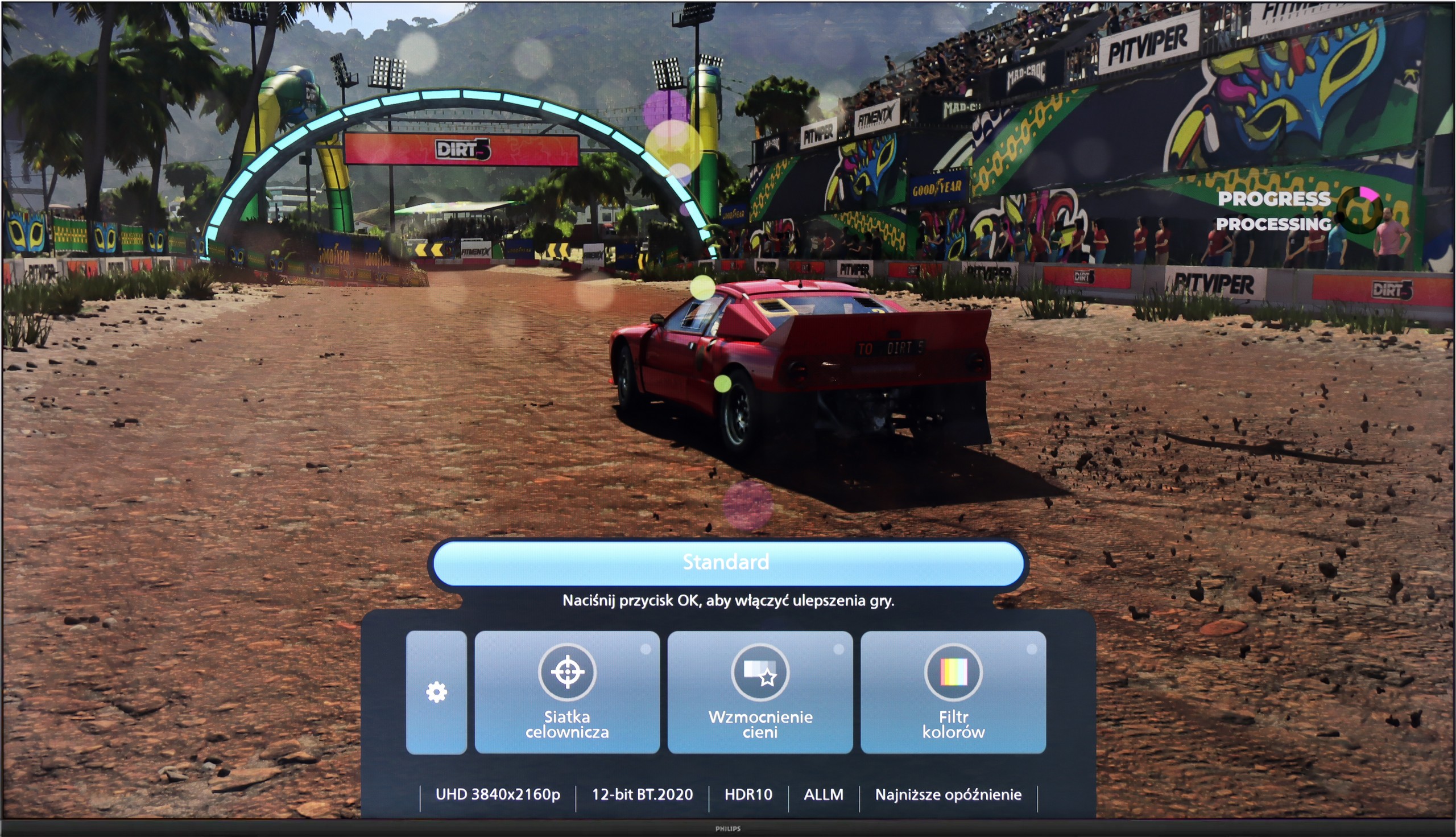
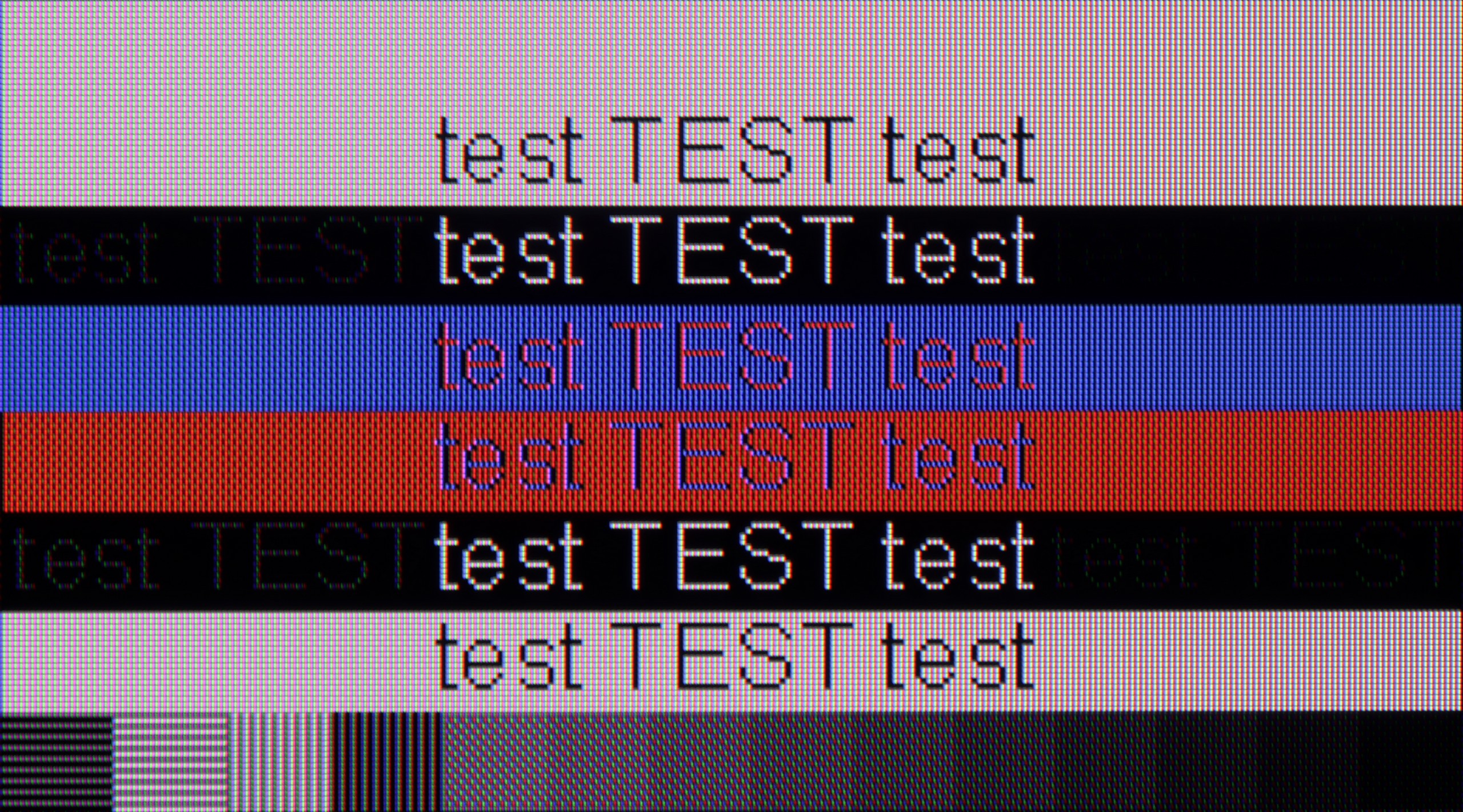
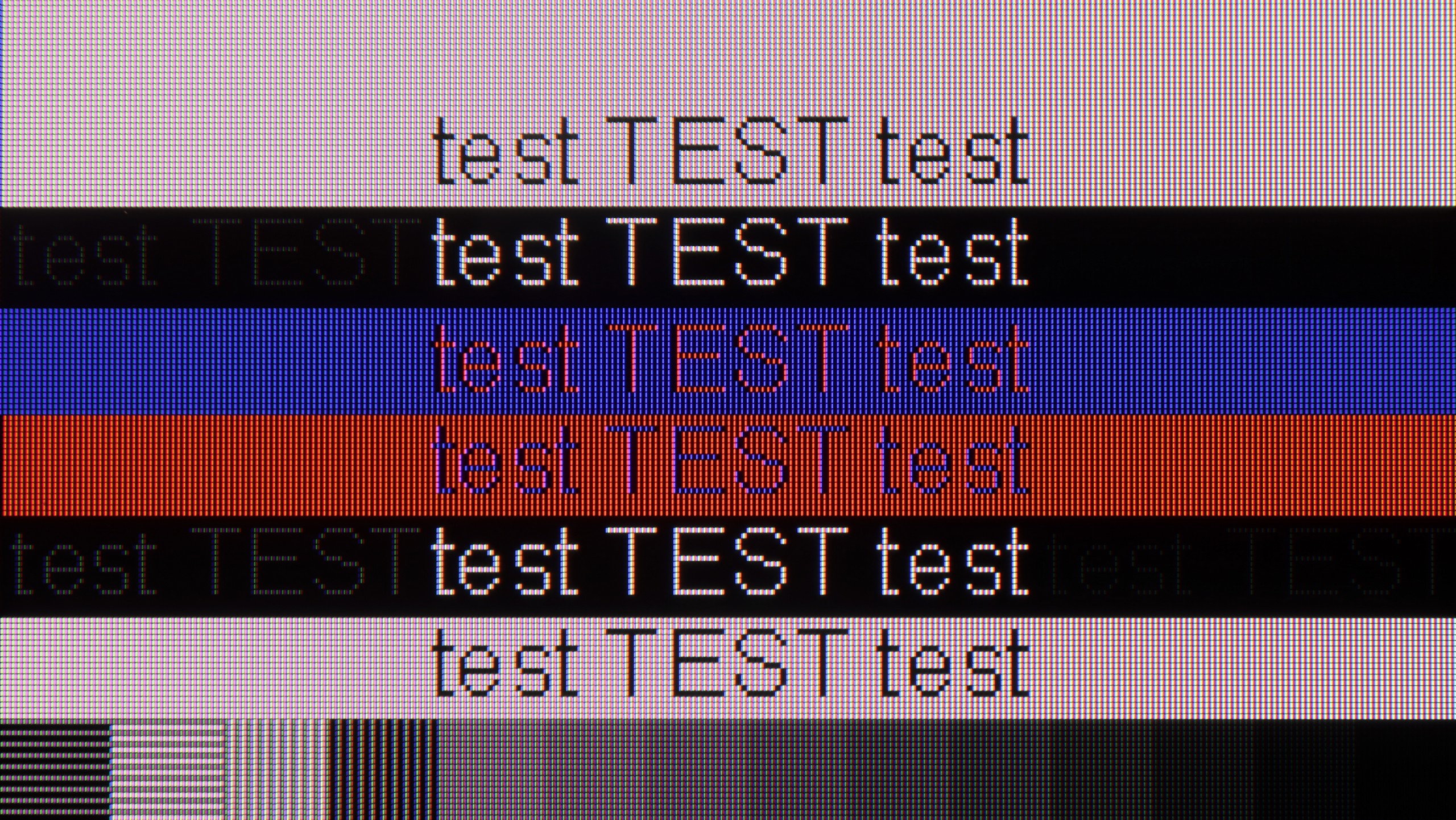
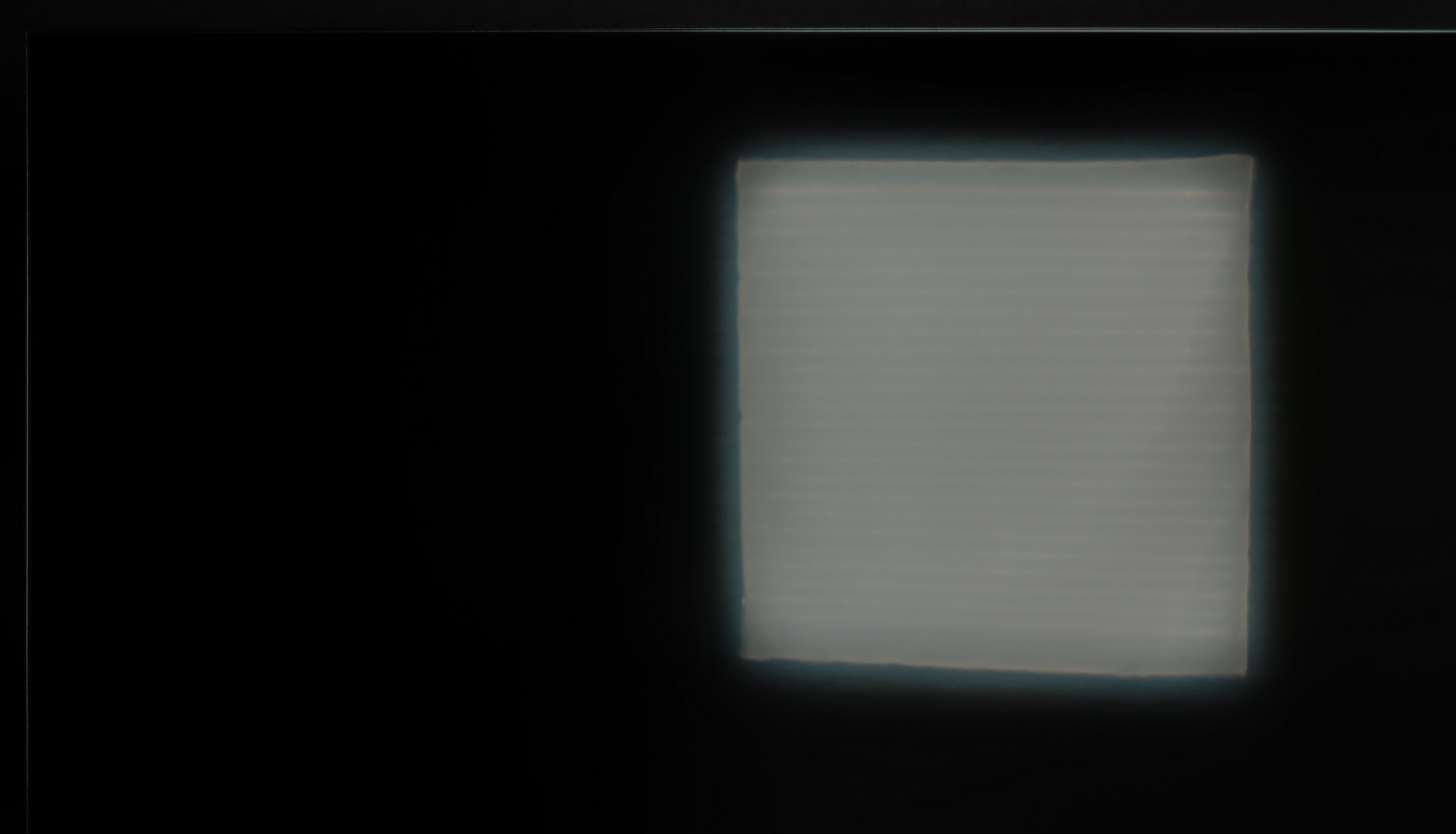
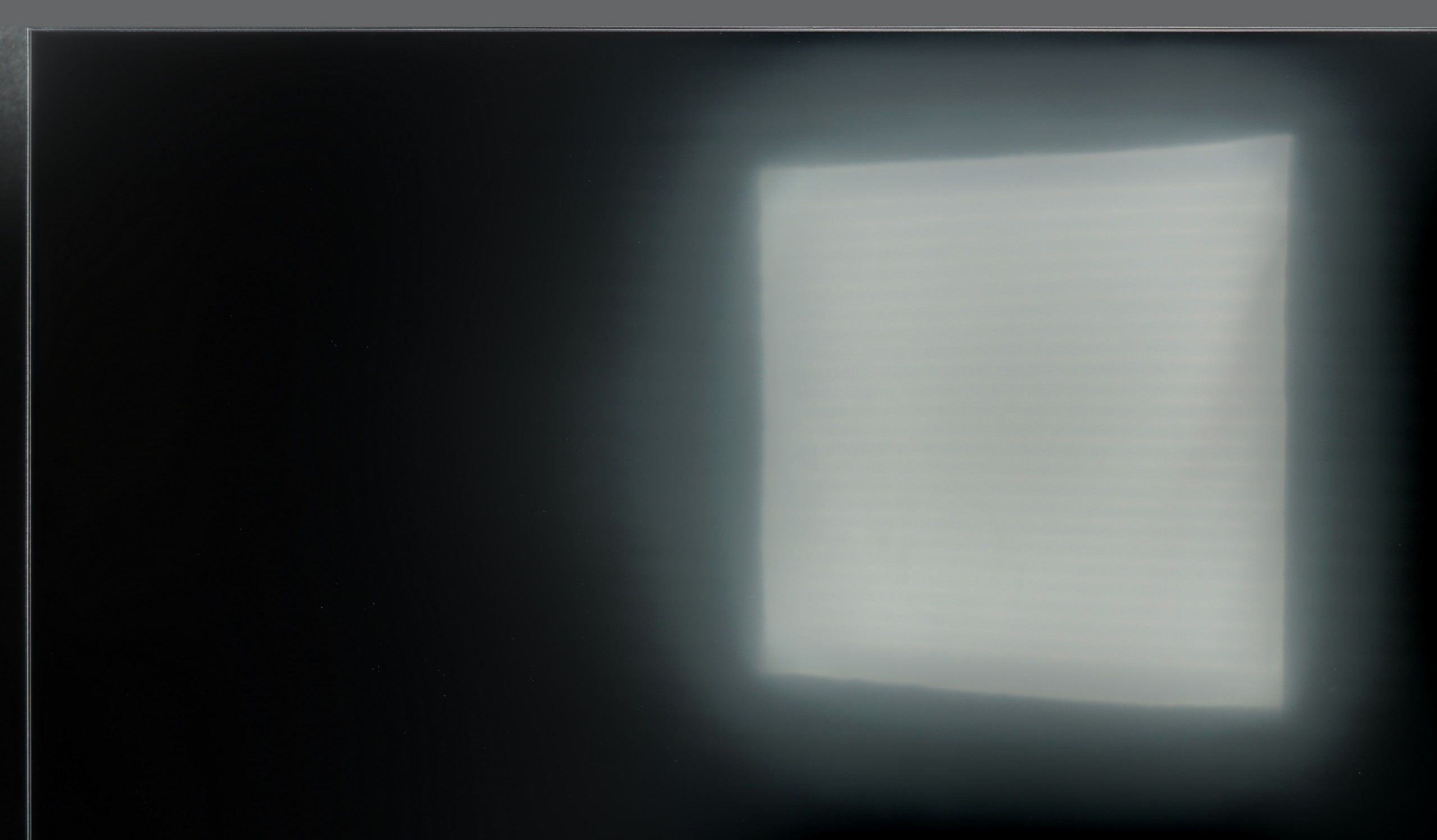
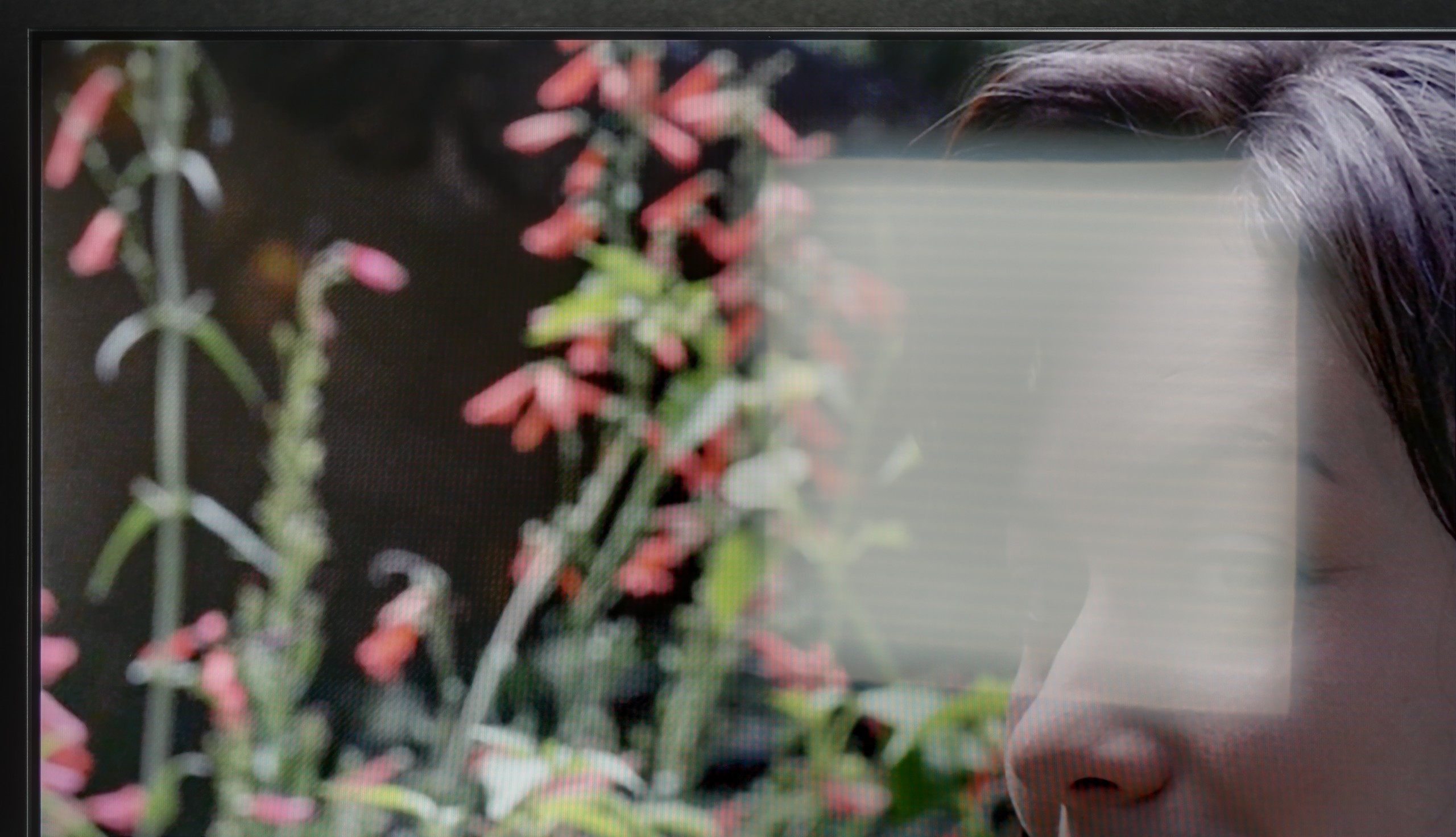
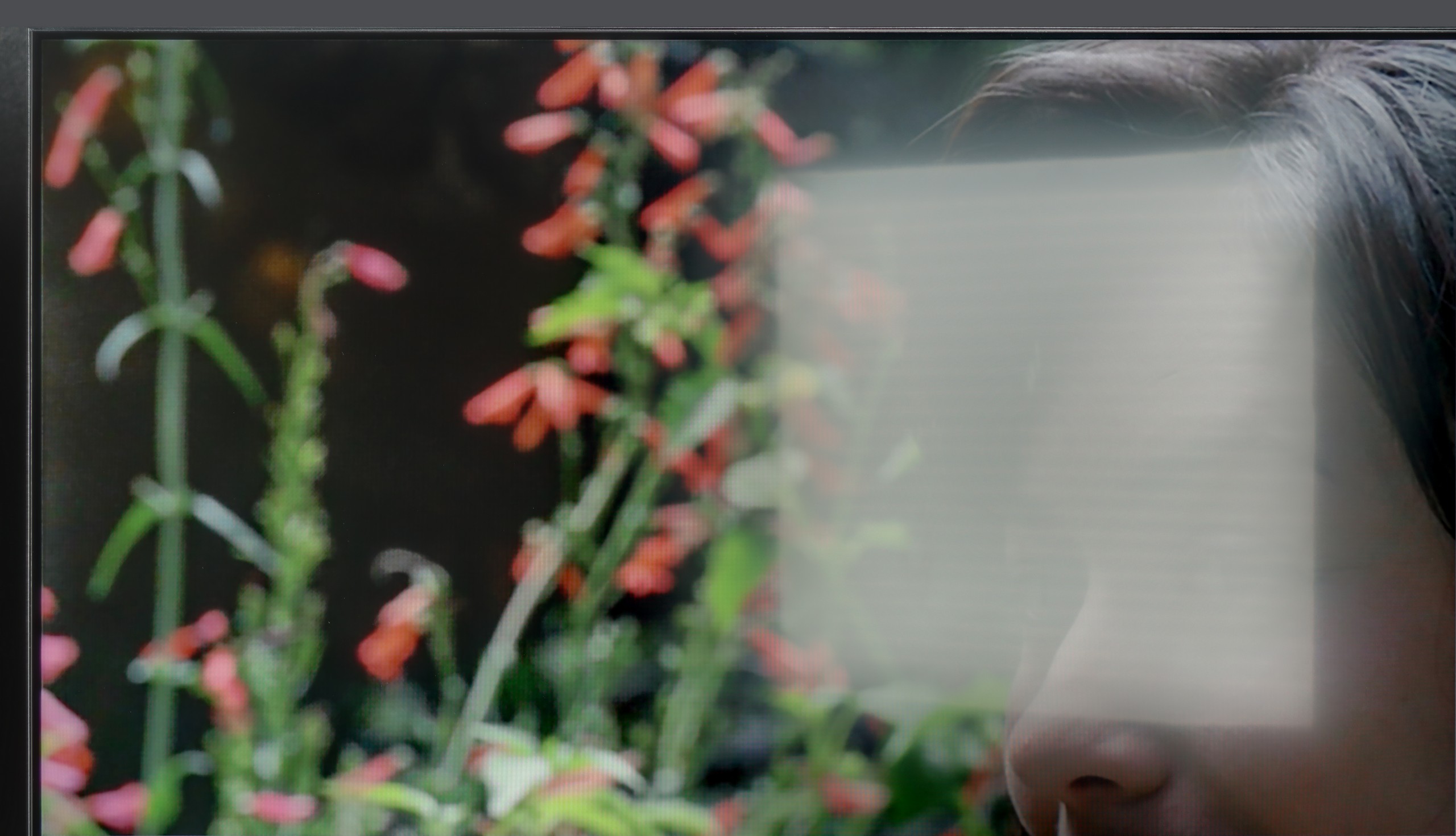
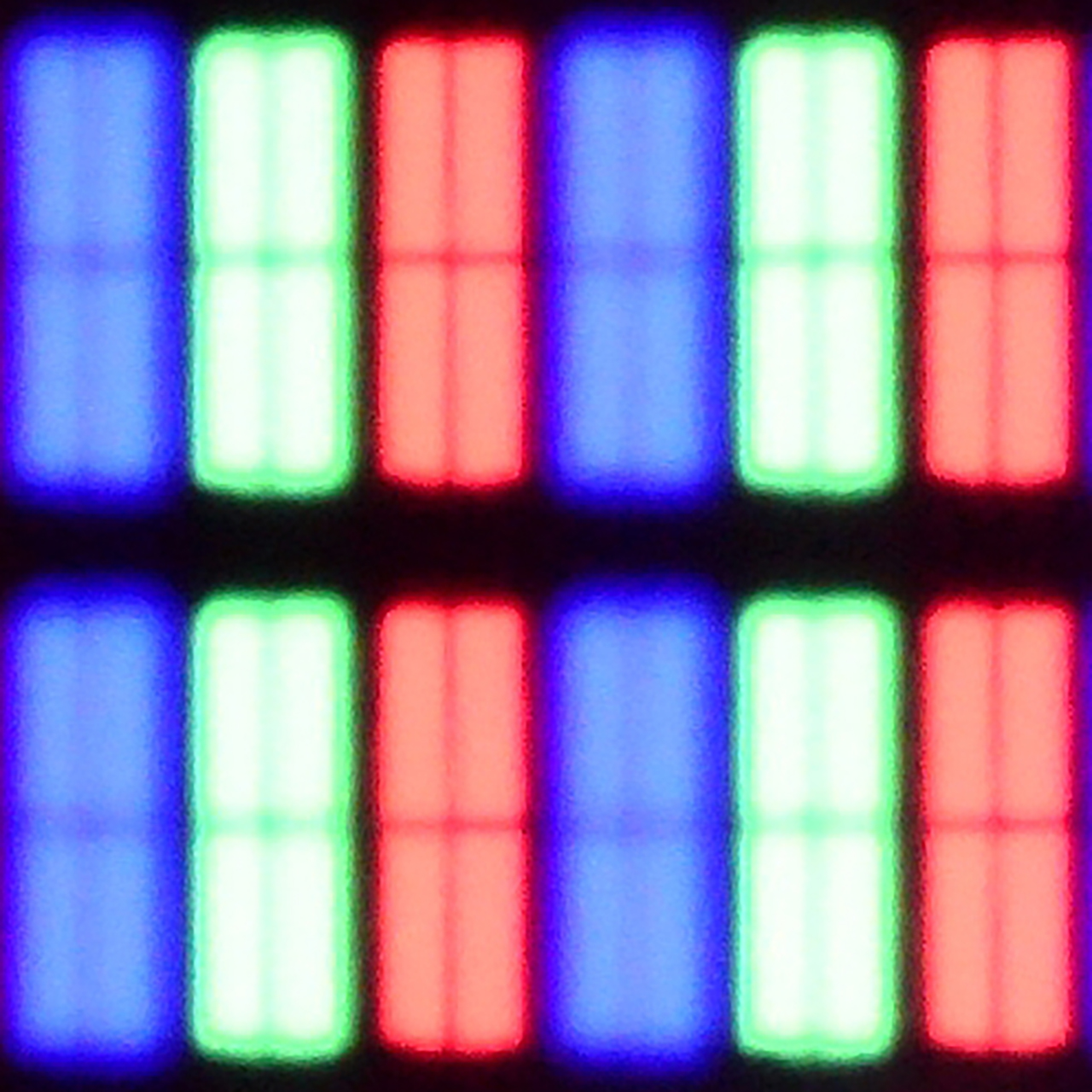
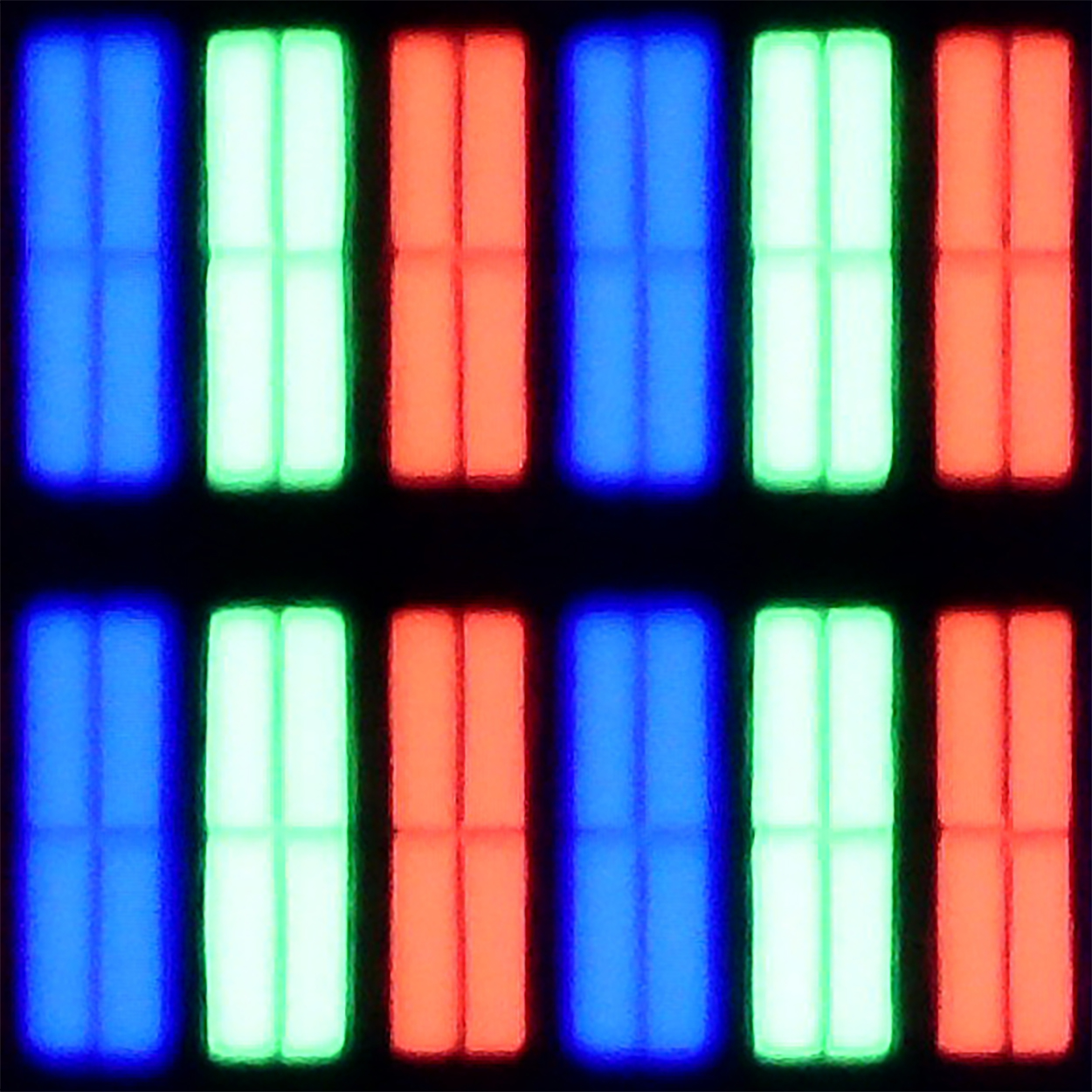
Ambilight, as this is what we need to start with, is the biggest reason why it's worth buying the PUS8500. The three-sided backlighting of the television looks fantastic, especially in the evening. It creates an atmosphere, masks contrast shortcomings, and makes watching a film simply more enjoyable. Even if the black levels aren't perfect, the native VA panel offers decent performance at high contrast. Additionally, there’s quite a good input lag and several features for gamers such as ALLM and VRR. Although HDMI 2.1 and a 120Hz panel are absent, playing casually should be a pleasure. Especially since it feels responsive and without delays. Let’s also mention the full support for audio formats – both Dolby Atmos and DTS are included, so soundbar owners can also rejoice.
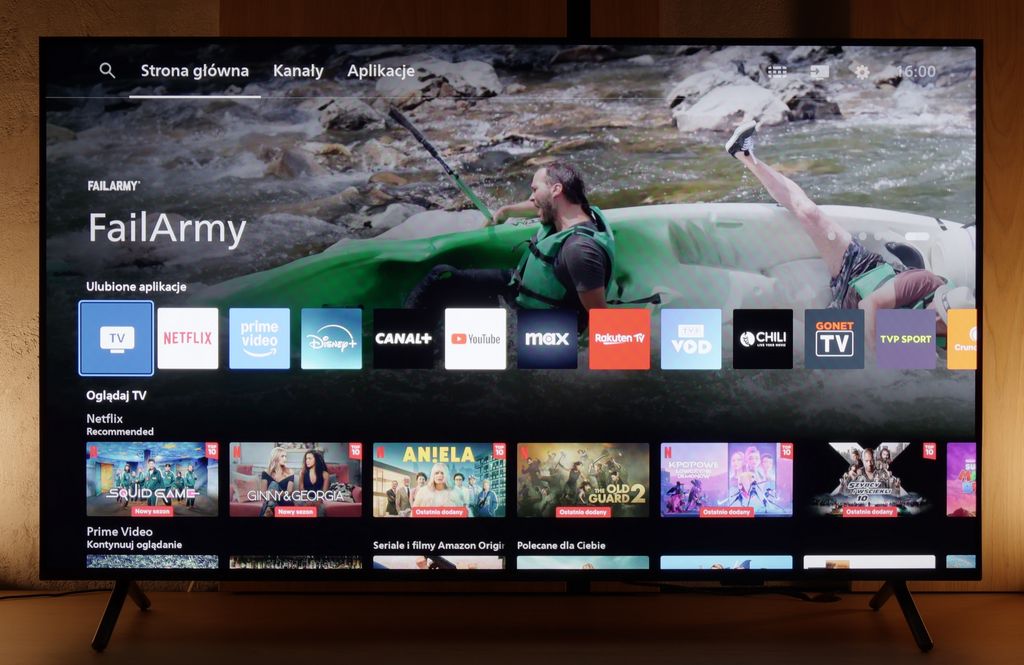
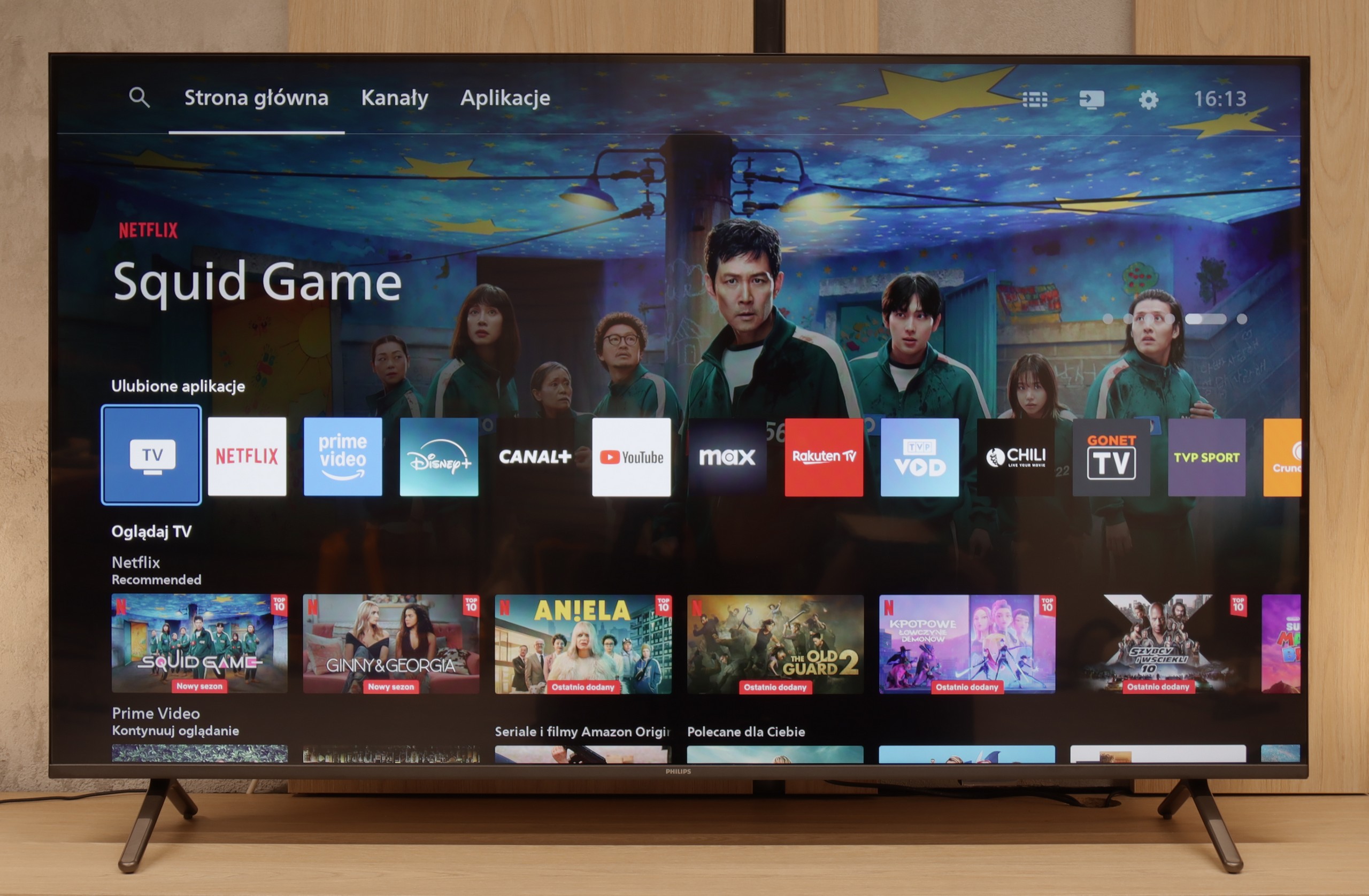
However, we won't sugarcoat it – this is still a budget television, and at times it’s clearly evident. The brightness is average – not weak enough to prevent viewing, but on an exceptionally sunny day, watching without curtains can be problematic. Nevertheless, in our opinion, the biggest disappointment of the PUS8560 is the Titan OS operating system. Despite the fact that the system debuted some time ago, certain functions simply refused to work – for instance, screen mirroring from a phone despite the manufacturer claiming that such a feature is present. There are fewer apps than in the competition, and the system itself operates rather clumsily. Generally, while it does have some features, it evidently lacks refinement.
Of course, this isn’t a television meant to compete with top models. But if someone is looking for something simple, with a great atmosphere provided by the Ambilight system, it is quite a fair proposition. You just have to know what to expect and accept the numerous compromises present here.
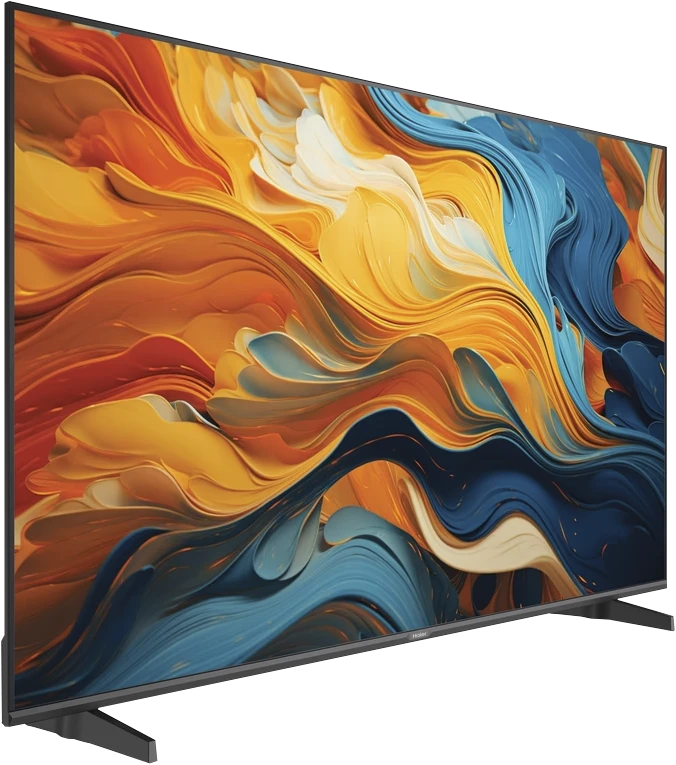
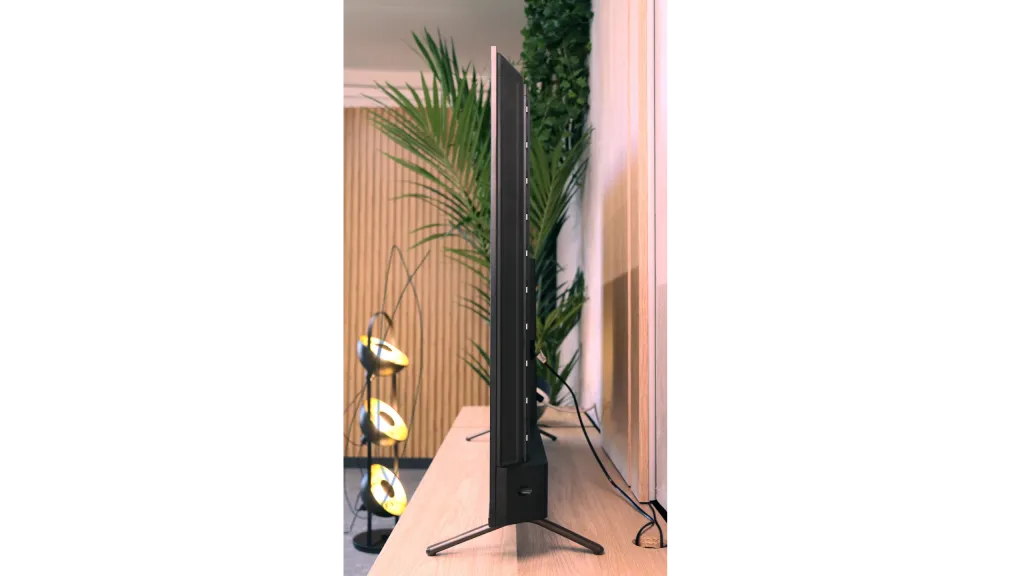
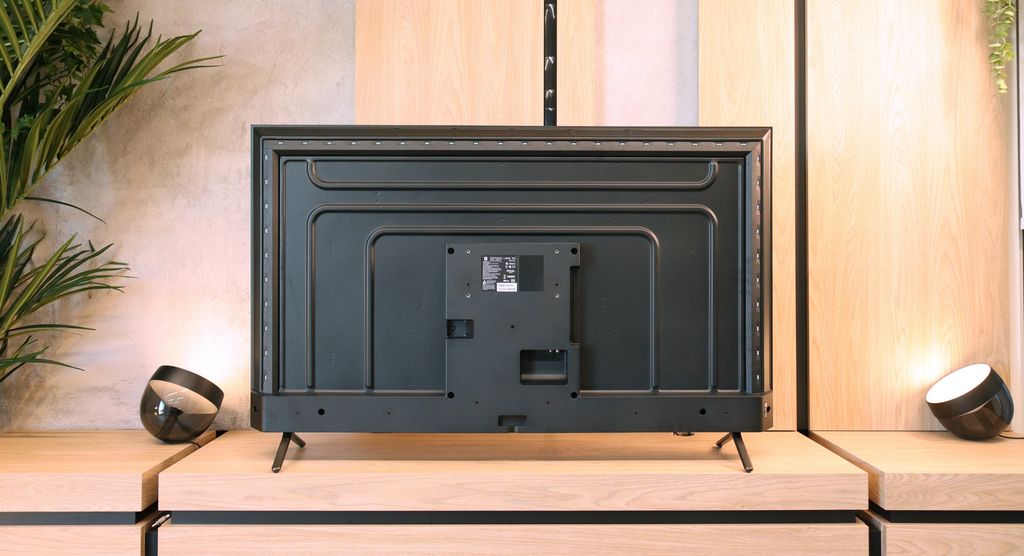
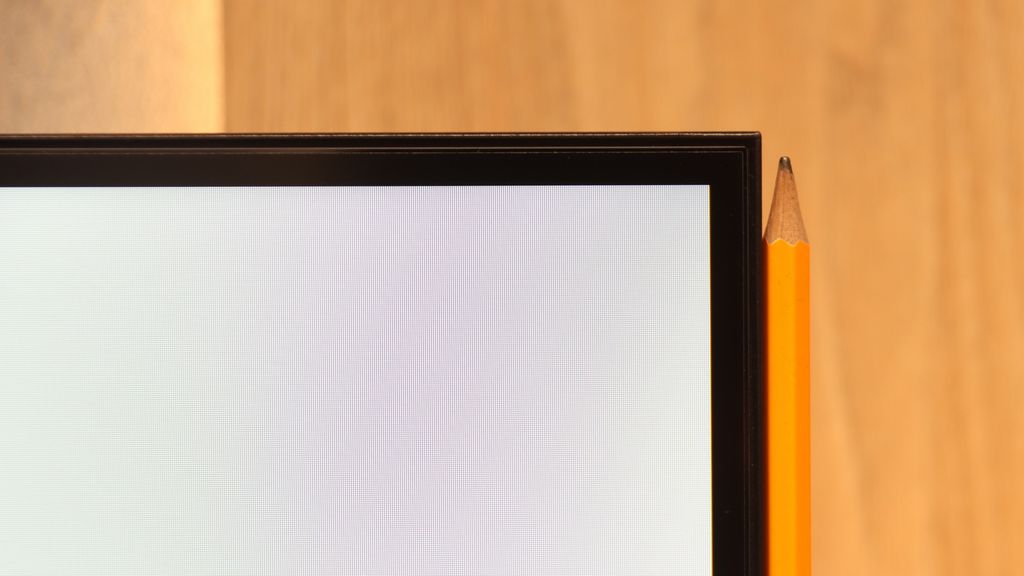
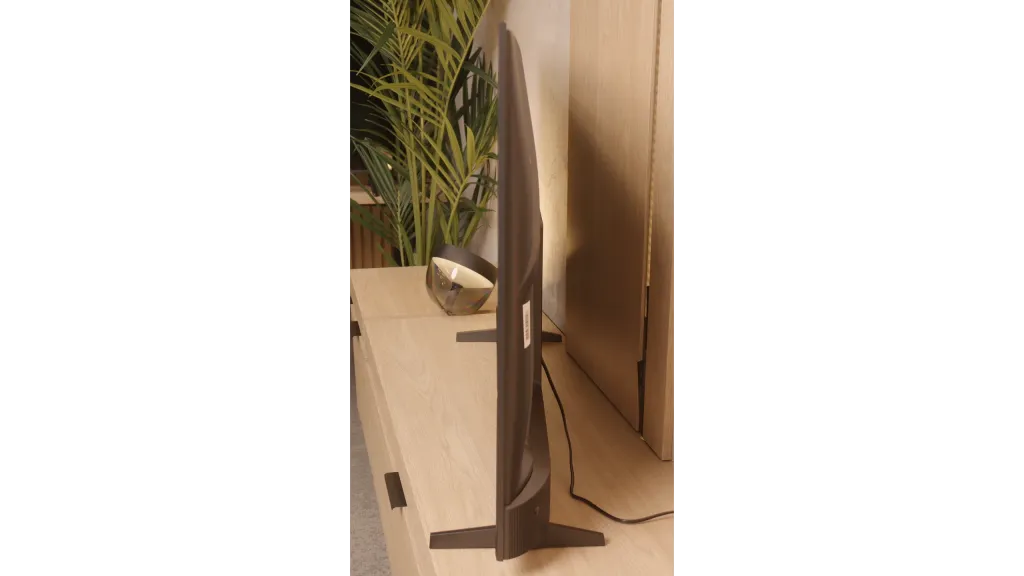
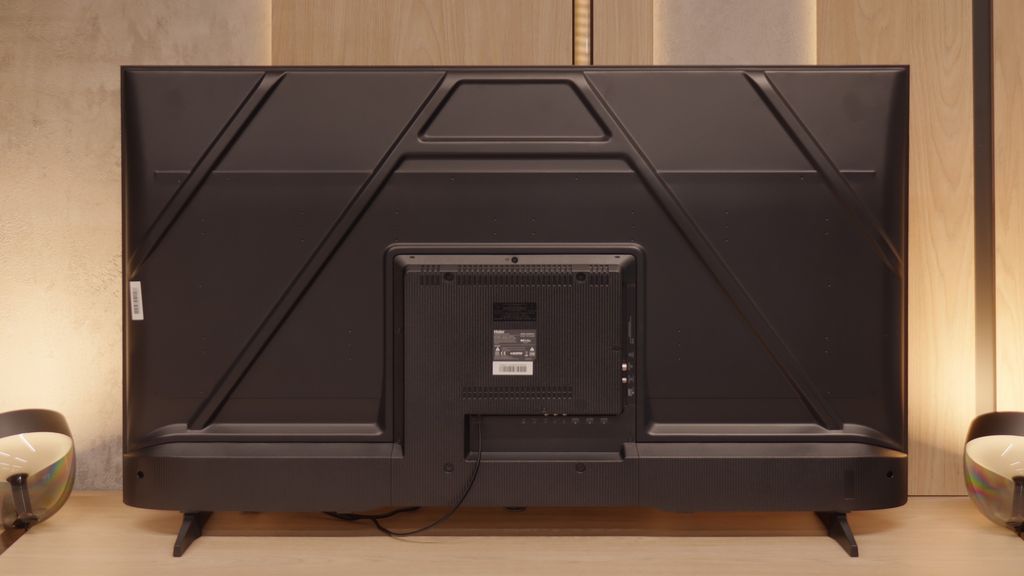
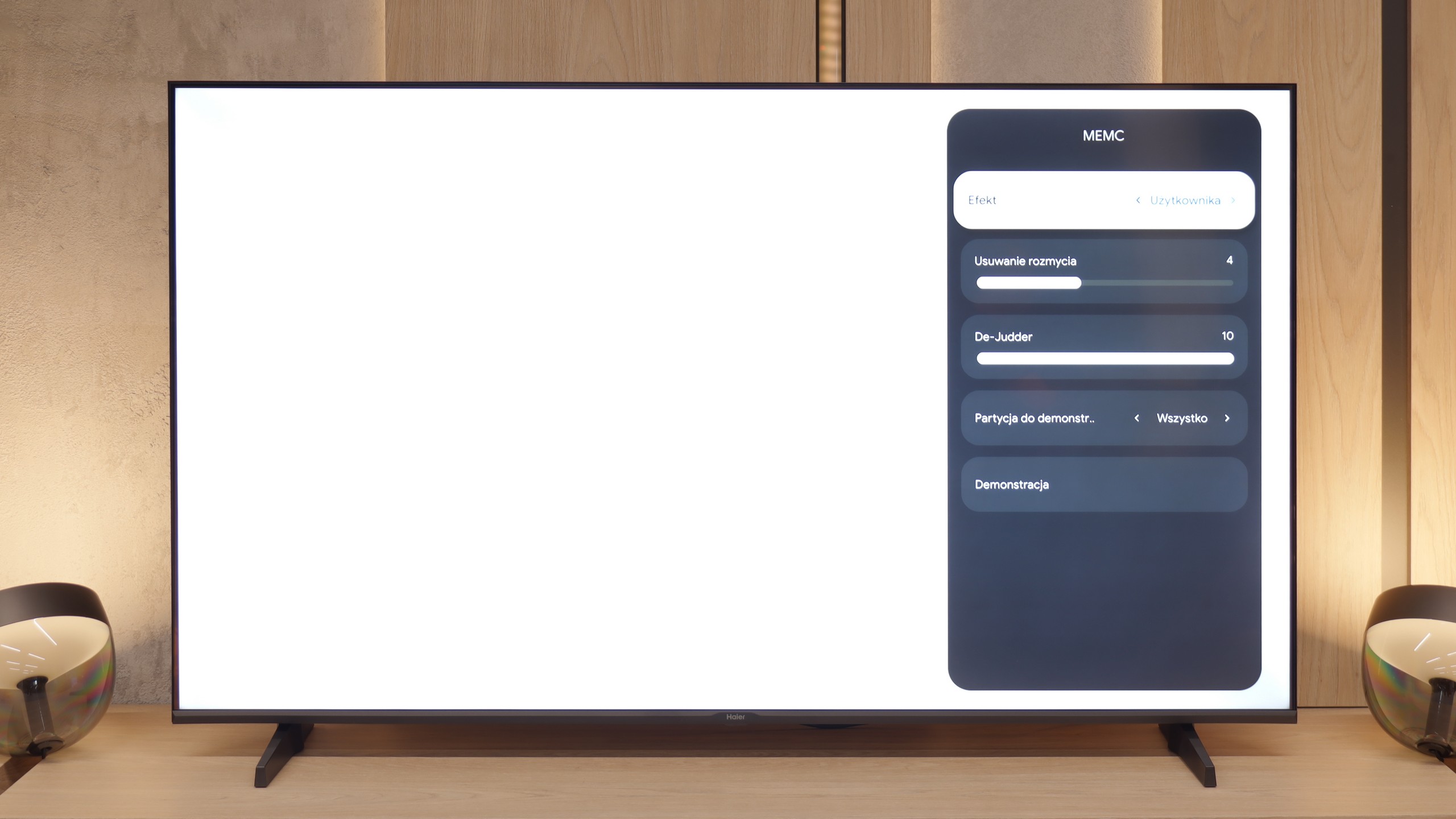
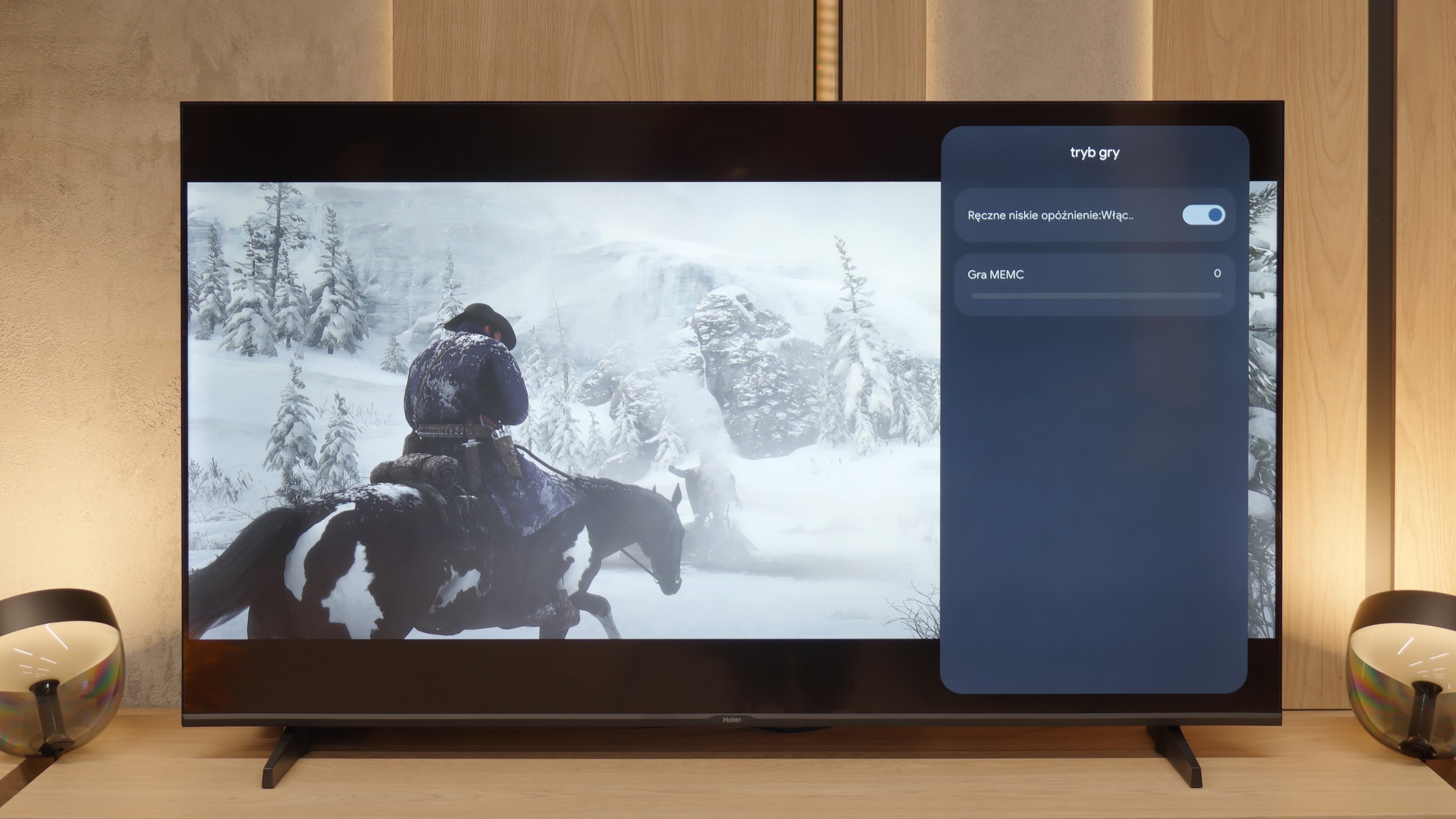
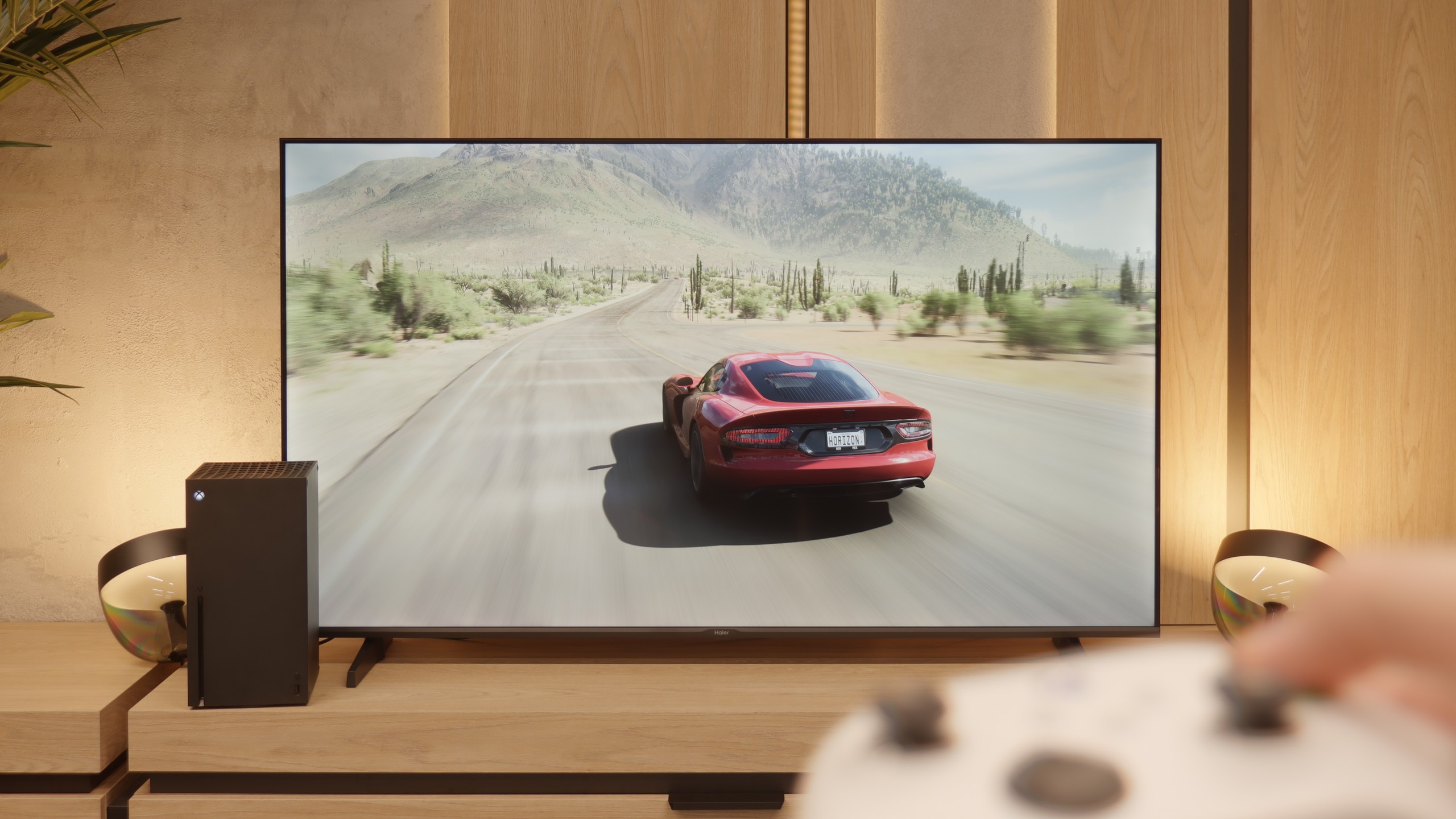
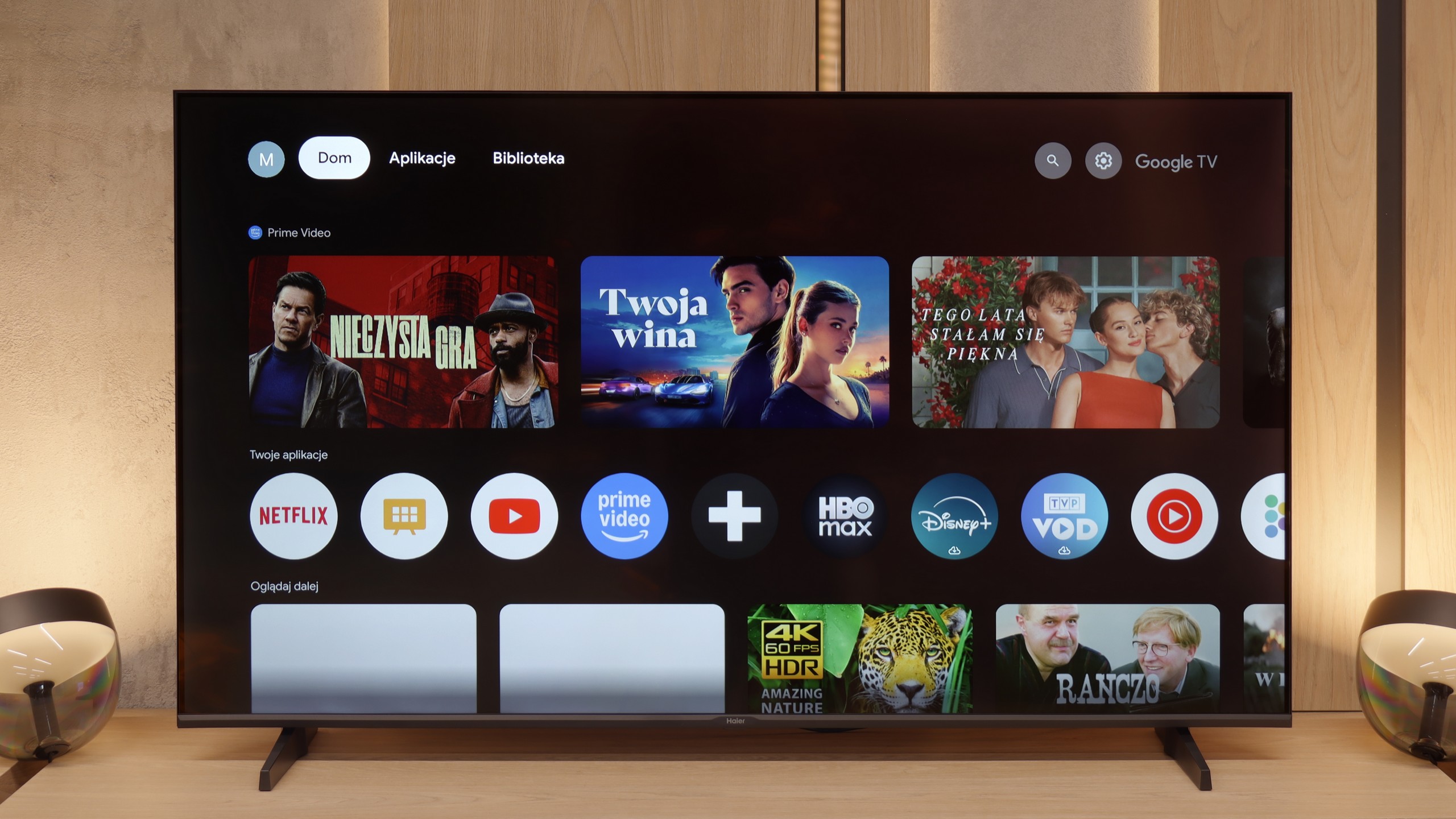
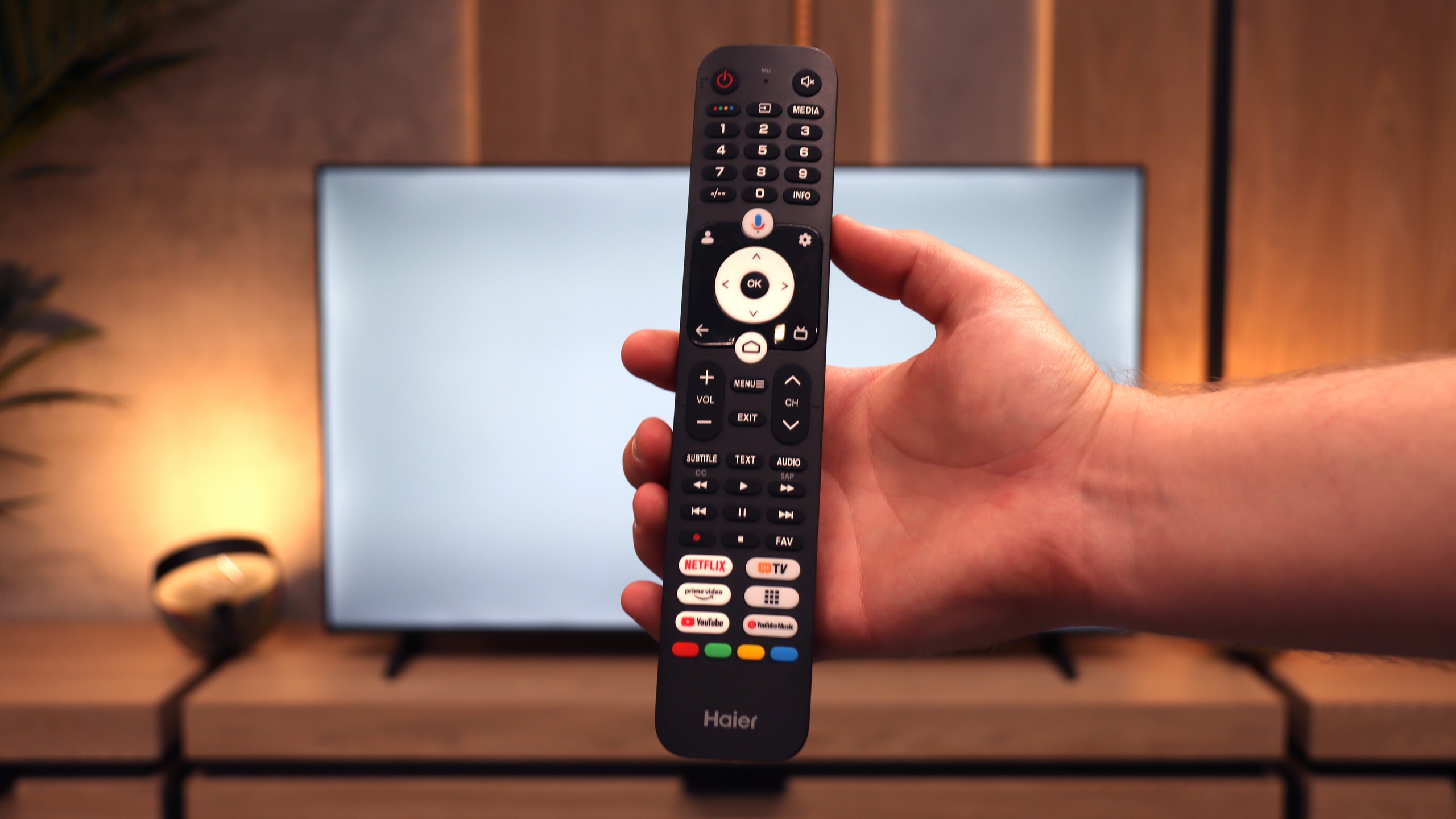
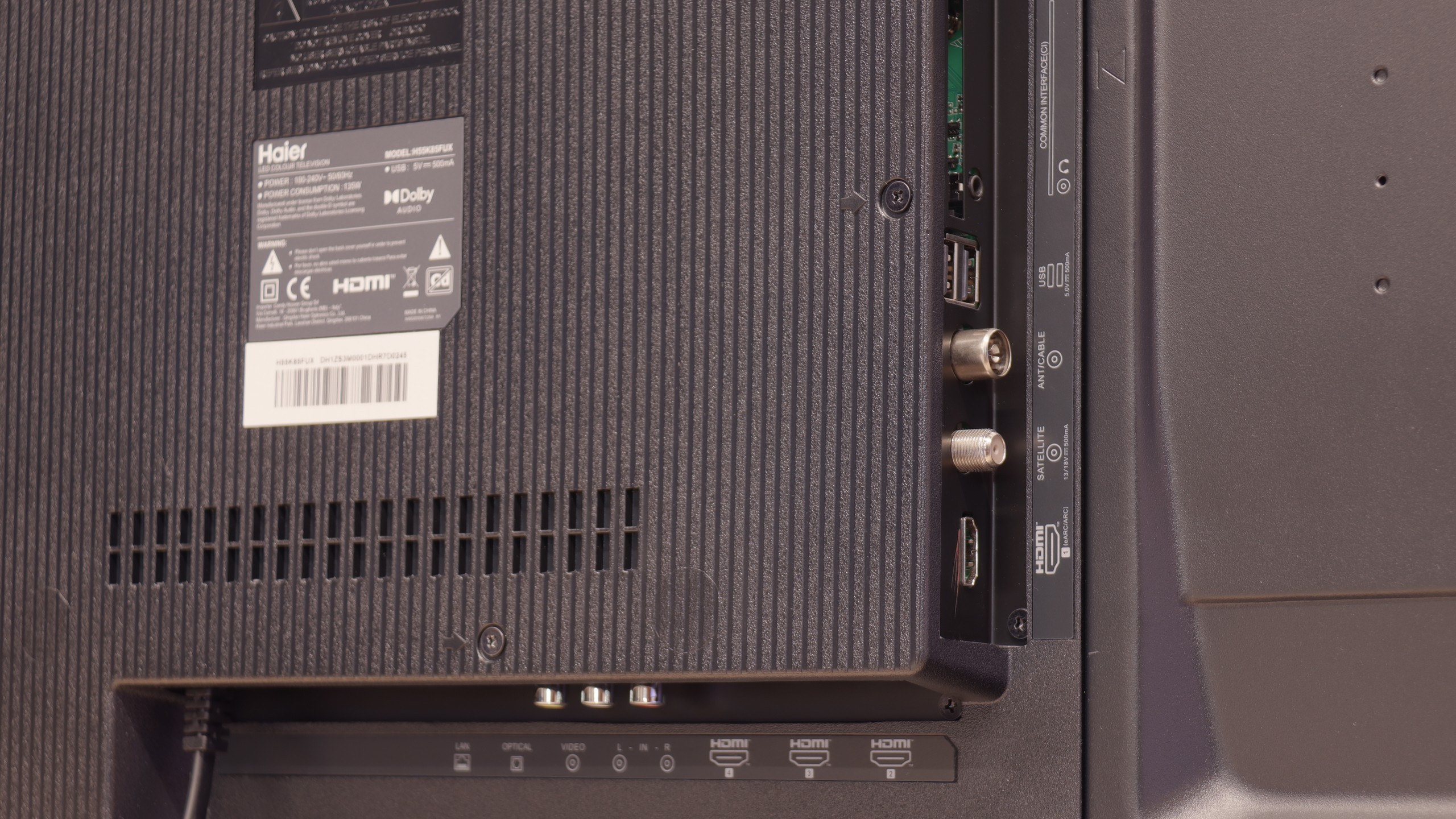
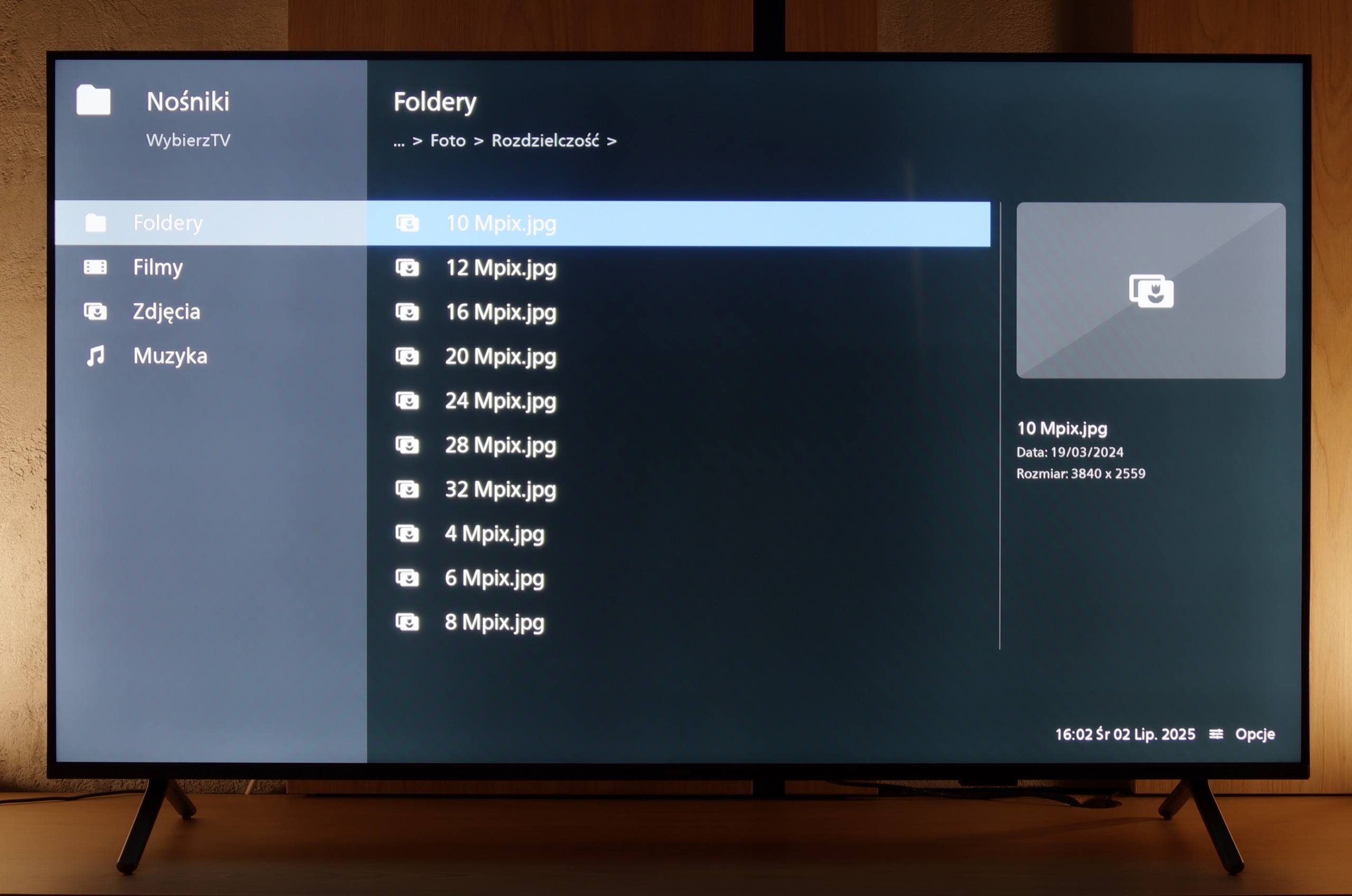
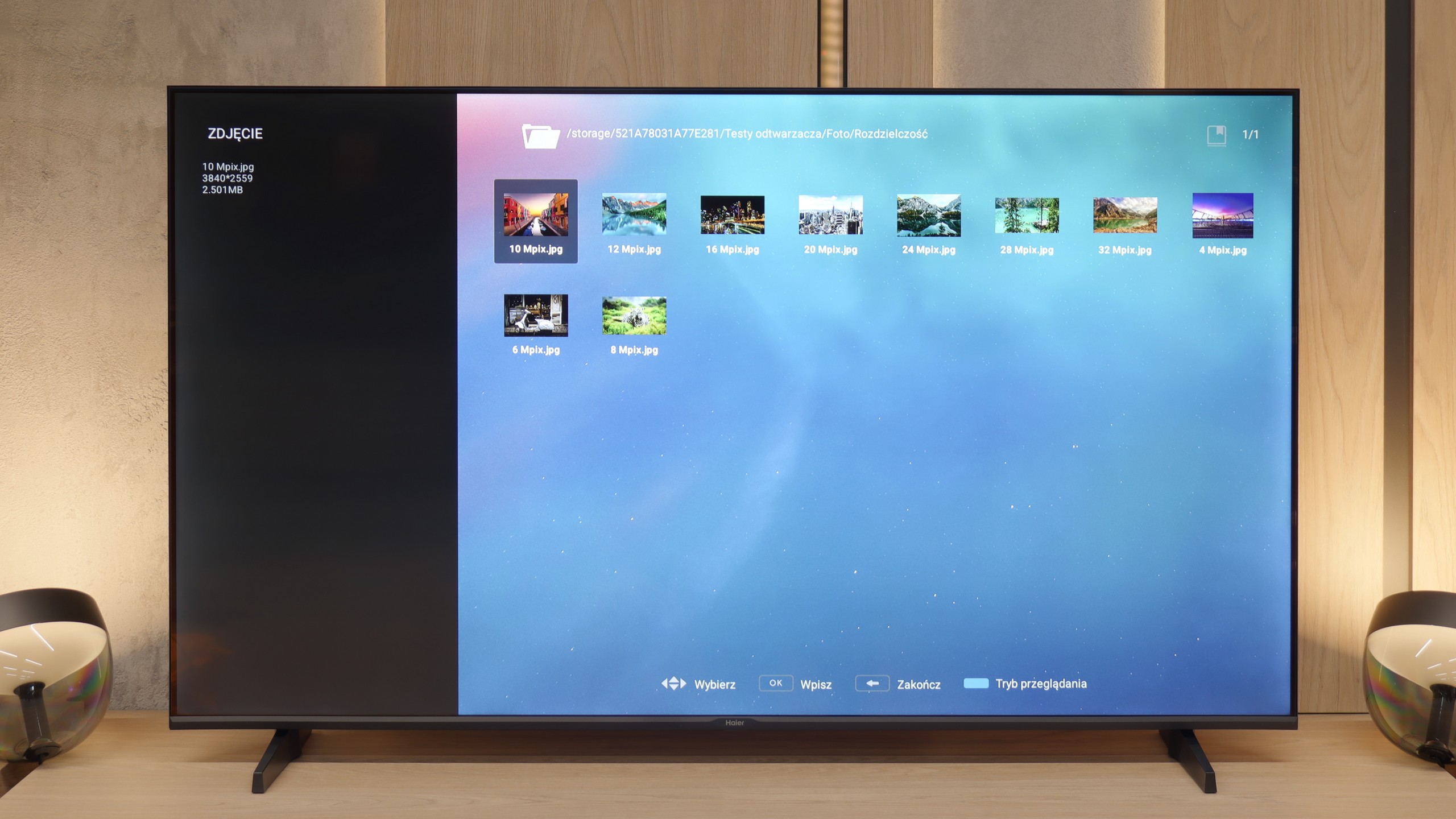
The debut of the Haier brand in the European television market with the K85F model feels hurried, and after thorough testing, it seems almost unfinished. Analyzing this product leads us to a fundamental conclusion: its biggest problem is not the quality of the panel used. This, considering the price segment, is simply average, with the typical advantages of VA technology in the form of high contrast and equally typical disadvantages, such as poor viewing angles. What truly disqualifies this model as a home entertainment centre is the glaring lack of engineering refinement and, above all, software development. The list of shortcomings is long and starts from the very first contact with the device. Sloppy assembly, which could have been avoided during quality control, a poorly optimised and badly translated Google TV system, or annoying issues with basic functions like pairing the remote – all contribute to the picture of a product that seems to have been released to market without due diligence. The catastrophic image quality in HDR mode, resulting not only from low brightness but also from a complete lack of intelligent adaptation to the signal, only adds to this disappointing picture. However, it turns out that this model has a surprising second face. One needs to look at it not through the lens of a home television, but rather as a large and inexpensive display for special tasks. Then its shortcomings become less important, and unexpected advantages come to the fore: a fantastically working media player with USB, remarkable font readability from a PC, and access to a vast application database. In this role – as a screen in a conference room, hotel lobby, or simple advertising player – the Haier K85F performs surprisingly well. For the typical user looking for a reliable and simply well-functioning television for the living room in 2025, however, the Haier K85F is a proposal that is incredibly difficult to recommend with a clear conscience. It is a product full of contradictions, which fails in its primary, intended function on too many fronts.
 Direct comparison