Philips PML 9009 is the manufacturer's top LCD television, using Mini LED backlighting. The device itself boasts excellent build quality, a stylish remote control, and the manufacturer's exclusive multicoloured Ambilight backlighting. In terms of picture quality, a slight drawback can be noted with the blacks and contrast, which, to be frank, are not among the best and will not deliver as deep and vibrant an image as is found in televisions in a similar price range. However, it is worth noting that due to good algorithms responsible for the picture, its tonal quality was very satisfying. Therefore, the relatively low brightness of the display is well masked here, and with the implementation of Dolby Vision technology, it allows for access to HDR materials. What definitely deserves attention is the fluidity of transitions, which were quite outstanding and better than in some significantly more expensive units. The greatest advantage of this television is its performance in gaming. No negative remarks can be made in this aspect, as the television truly shines and will certainly satisfy any user. The motion smoothing system is also one of the aspects worth praising the television for. With two sliders, whose effects are perceptible at every position, each user can find the best level of smoothing for themselves. Therefore, it can confidently be said that when choosing a television for sports, PML9009 Philips can be identified as an excellent candidate. Although the TitanOS operating system is currently in the development phase and lacks a considerable number of applications, we do not believe that the manufacturer will do nothing in this regard.
- Matching (Score) |
- Our verdict |
- TV appearance |
- Where to buy |
- Contrast and black detail |
- HDR effect quality |
- Factory color reproduction |
- Color reproduction after calibration |
- Smoothness of tonal transitions |
- Image scaling and smoothness of tonal transitions |
- Blur and motion smoothness |
- Console compatibility and gaming features |
- Input lag |
- Compatibility with PC |
- Viewing angles |
- Daytime performance |
- Panel details |
- TV features |
- Apps |
- Playing files from USB |
- Sound
Philips PML9009 / 9019 / 9059 vs TCL C9K
 Direct comparison
The Xtra / PML9019 / PML9059 / PML9009 / PML9049 / AMBILIGHT TV

C9K

Panel type: LCD VA
Resolution: 3840x2160
System: Titan OS
Model year: 2024
Complete the survey to find out the result
Panel type: LCD VA
Resolution: 3840x2160
System: Google TV
Model year: 2025
Complete the survey to find out the result
Overall rating
6.8
7.7
 Movies and series in UHD quality
 6.5
7.4
 Classic TV, YouTube
 6.3
7.0
 Sports broadcasts (TV and apps)
 6.6
6.8
 Gaming on console
 8.5
8.9
 TV as a computer monitor
 8.6
8.6
 Watching in bright light
 6.1
7.0
 Utility functions
 6.1
7.7
 Apps
Apps 6.7
9.6
 Sound quality
 6.7
7.9
Complete the survey to find out what fits your preferences
Advantages

Very good tonal range of scenes exceeding the capabilities of the television
Well-functioning dynamic tone mapping feature
Colour reproduction after calibration
Performance after connecting to a console/PC
Very good contrast and black levels
Very high brightness
Support for all HDR formats including Dolby Vision
Fast 144Hz panel - for gaming and sports enthusiasts
Many features for gamers: VRR, ALLM, low input lag, etc.
GoogleTV operating system with a wide range of applications
Excellent sound branded by Bang & Olufsen
Improved viewing angles thanks to WHVA panel
Disadvantages

Considerable halo/bloom effect
Poor viewing angles
The TitanOs system is not as advanced as the competition
Average contrast and black levels
Local dimming needs improvement
Only 2 HDMI 2.1 ports
No recording function from built-in tuners and PiP
No smaller variants, e.g. 55"
Our verdict
TCL C9K is a television that on paper looks like a showcase of the manufacturer's strength – thousands of Mini-LED zones, a WHVA panel, audio system from Bang & Olufsen, full support for HDR formats, gaming at 144 Hz, and even 288 Hz at lower resolutions. It is clear that TCL wanted to include absolutely everything it had best. And indeed – in many aspects, the C9K is capable of impressing. The brightness is enormous, HDR in large scenes can be stunning, motion fluidity and capabilities for gamers are at a top level, and the sound – considering it is built into the television – sounds really good. This is a device that can easily be regarded as a home entertainment hub. But there is also a downside. Managing brightness simply falters despite the incredible technical specifications – finer details often get lost in shadows or are blown out. And although synthetic tests of contrast and brightness perform excellently, the effect during everyday viewing of films and series is no longer so impressive.
In short: the C9K is a television full of contrasts – literally and metaphorically. It can deliver experiences similar to top screens, but it is still evident that TCL needs to work on software and optimisation. If someone is looking for a screen for gaming, sports, or spectacular blockbusters – they will be delighted. However, if they expect perfect representation of the director's vision and think they have managed to purchase an absolutely top model at half the price of the competition, they will unfortunately be disappointed. It's a shame, because the technological potential here is truly enormous – it just lacked a bit of common sense in its utilisation.
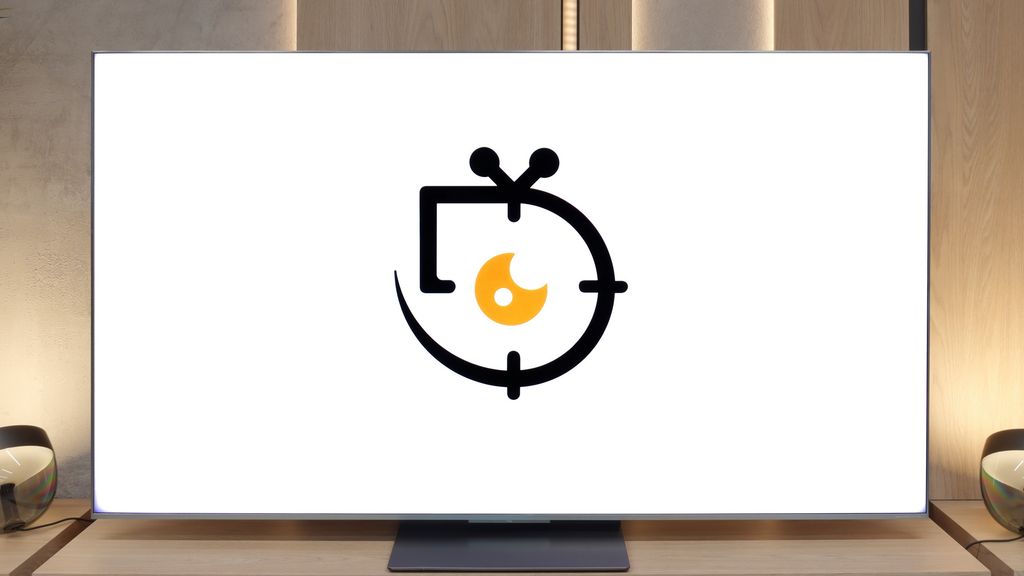
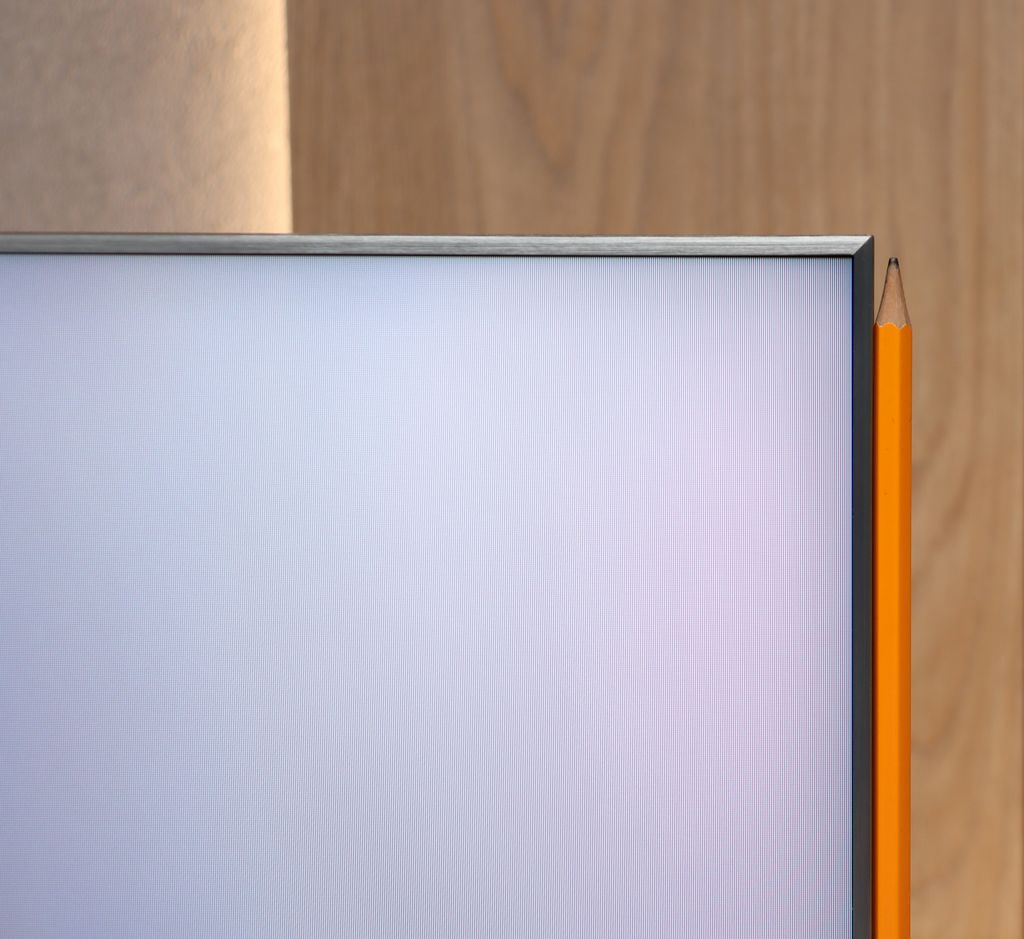
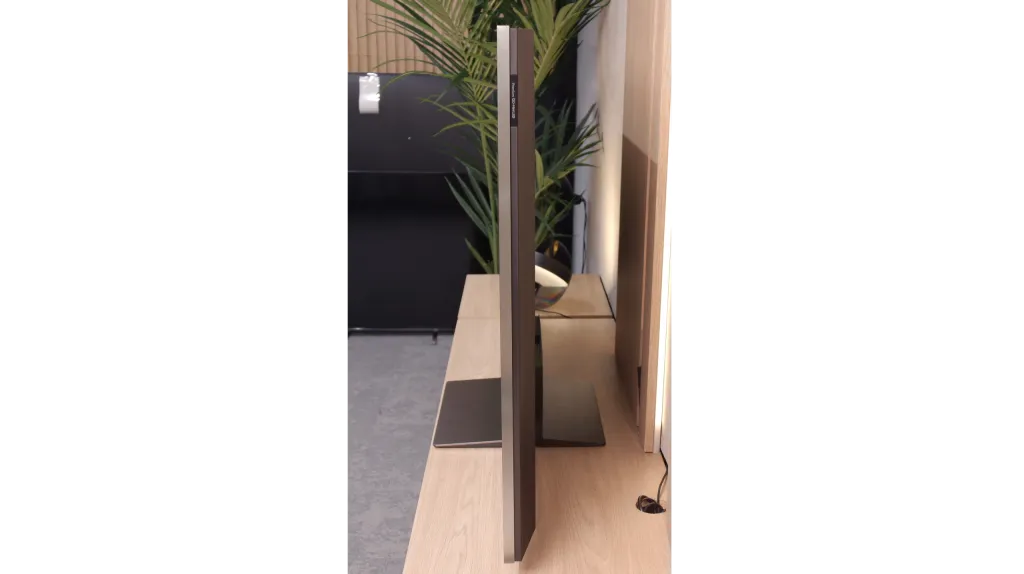
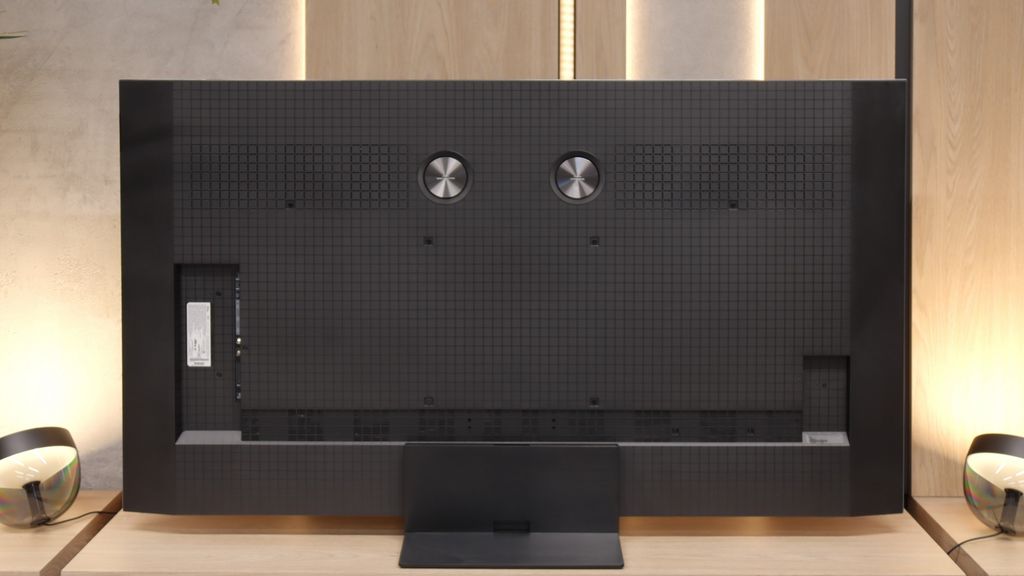
TV appearance



Contrast and black detail
6.6/10
8.1/10
Local dimming function: Yes, number of zones: 75 (15 x 5)
Local dimming function: Yes, number of zones: 3024 (42 x 72)
Contrast:


Result
132,000:1

Result
16,550:1

Result
14,450:1

Result
7,850:1

Result
6,650:1
Result
459,000:1
Result
72,750:1
Result
30,350:1
Result
9,800:1
Result
12,200:1
Halo effect and black detail visibility:

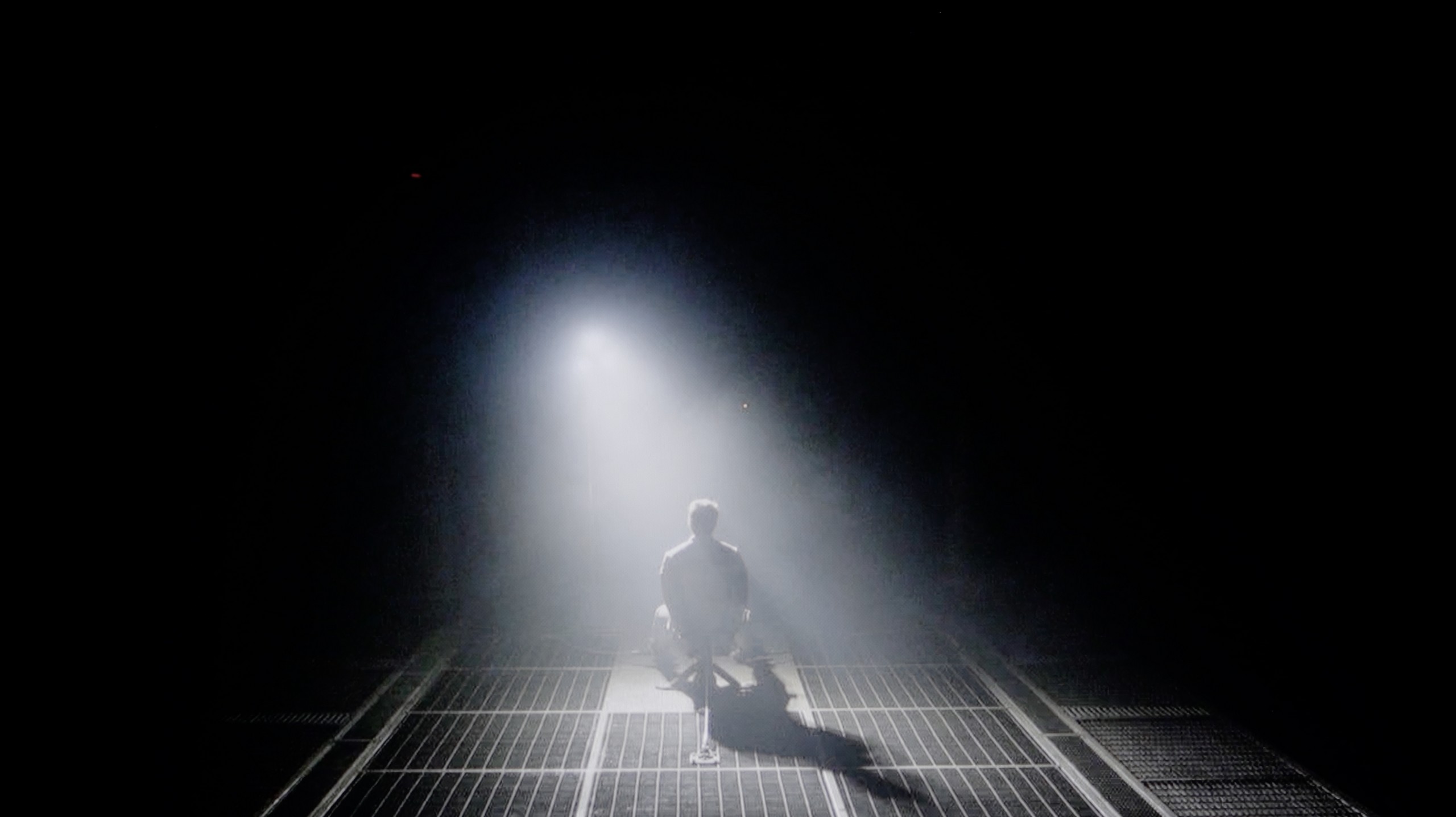
Check the visibility of bright lights on a dark background. Mini-LEDs often struggle with this. The photo does not compare black levels – that’s what the video below is for.
The video accurately shows differences in contrast and black levels between TVs, as well as potential issues: halo around bright objects or Mini-LED zone operation visible as brightness jumps.
Philips PML9009 is equipped with a high-contrast VA panel. Although it does not deliver as deep and three-dimensional an image as OLED televisions, it is still a much better solution for home cinema compared to IPS/ADS panels. The measured static contrast (without local dimming activated), which stands at 6000:1, can be considered very good and allows for the full potential of the Mini LED backlighting that has been implemented in the tested television. The results of the contrast and black measurements, as you can see for yourselves, are not among the highest, and the only scene where the television demonstrated satisfactory results was that from the film "Oblivion," where the unit can be commended for its light separation, which is not so obvious even in much more expensive units. We should also mention that all tests were conducted at medium dimming power, as the lowest option produced unsatisfactory black levels, while the highest lost a significant amount of detail. Unfortunately, our standard testing procedure with the film "Sicario 2" did not go very well. Yes, all the details in the background are very well visible, but due to the operation of the dimming zones, the overall tone was significantly thrown off, not to mention the strong halo effect around the bright elements of the helicopter.
What immediately distinguishes the C9K from the C8K model is the number of backlight zones. In the 65-inch version, we counted… over 3000! One has to admit – it's a true display of TCL's strength, cramming literally everything they had at hand into this television. On paper, it makes a huge impression and indeed – in less demanding movie scenes, the blacks look fantastic. The level is absolutely top-notch, and the separation of lights from dark parts of the image can be impressive. The problem is that this impressive specification does not always translate into practice. In our tests, we noticed situations where the C9K, despite having a greater number of zones, could fall into contrast traps and performed… worse than the C8K. For instance, it struggles to perfectly dim the true black bars in 21:9 format films (those with black bars at the top and bottom). Sounds strange? Unfortunately, it's the result of a lack of optimisation – the hardware is 'packed' with technology, but the algorithms do not always keep up with making use of that potential.
Don't get us wrong – black levels are a strong point of the C9K and in many scenes, it looks simply fantastic. In synthetic measurements, the contrast performs remarkably well, coming close to the levels of the best televisions on the market. But in real cinematic usage, these numbers do not always correlate with a better experience than with its cheaper cousin. And that is perhaps the greatest disappointment – because the potential was huge.
HDR effect quality
6.1/10
6.9/10
Luminance measurements in HDR:

Result
548 nit

Result
550 nit

Result
824 nit

Result
491 nit

Result
582 nit
Result
1425 nit
Result
531 nit
Result
1277 nit
Result
331 nit
Result
1424 nit
Scene from the movie “Pan” (about 2800 nits)


Scene from the movie “Billy Lynn” (about 1100 nits)

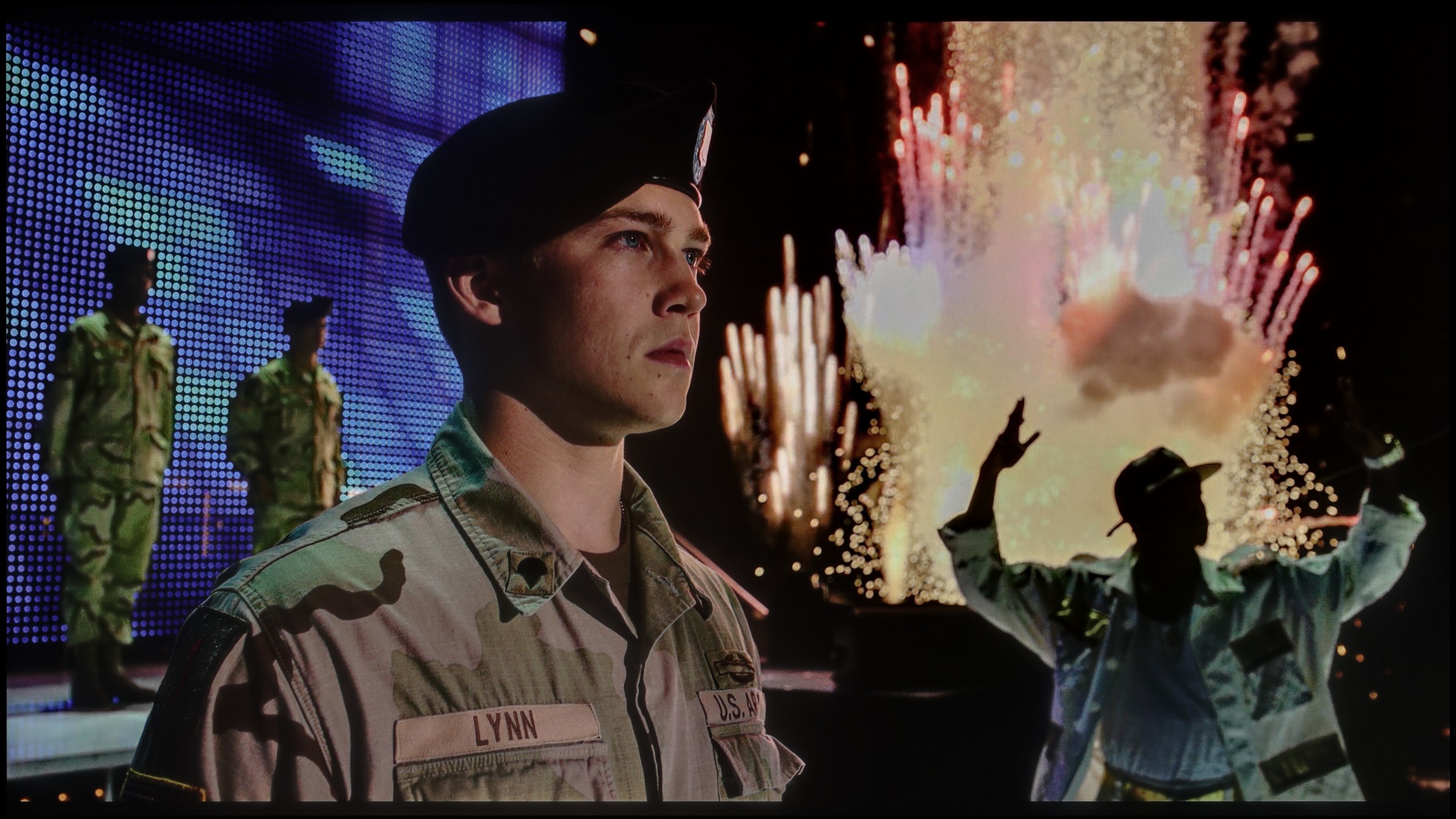
The photos show two HDR10 movies. 'Pan' is one of the brightest productions ever made, while 'Billy Lynn' (soldier) has brightness typical of streaming (Netflix, Prime, HBO MAX). Notice the intensity of effects and detail in whites.
Static HDR10


The photos present the visibility of white details in various HDR formats. They do not show brightness differences between TVs (these can be compared in the previous gallery).
Dynamic: Dolby Vision
Dynamic: Dolby Vision


The photos present the visibility of white details in various HDR formats. They do not show brightness differences between TVs (these can be compared in the previous gallery).
HDR luminance chart:
TCL C9K
Philips PML9009 / 9019 / 9059
Philips PML9009 does not really operate at the highest values in HDR content. Most effects with brightness at around 550 nits will not leave us thrilled with the lighting effects, although they are quite stable, which is a plus and will make a considerable difference compared to SDR content. It is worth noting that we can only achieve a good result in one scenario, namely in the film "Gemini", where the flashlight as the only light source can shine. Why in that scene specifically? The answer is quite simple. The scene itself does not contain a large amount of black, and the flashlight is not as large an object as the sun in the first and last scenes. Overall, the brightness measurement results in HDR content do not provide a basis for recommending this television for viewing productions that utilise a wide colour spectrum. Although it is worth noting that this model can cover it to a decent extent of 93% in the case of the DCI-P3 palette.
As we mentioned with black and contrast – the C9K makes a huge impression in synthetic tests. Our measurements showed that on a screen 10% filled with white, the television is capable of squeezing out... 4000 nits of brightness! It sounds cosmic, but – and here unfortunately the pattern repeats – the numbers say one thing, and practice another. In real film scenes, the situation looks different. In the best case, when the light effects occupy a large part of the image and the local dimming algorithm doesn't have to think too hard about what to do with thousands of zones – the result is really quite good. At that point, the C9K can reach about 1500 nits, which provides a pleasant, intense flash and can indeed make a positive impression.
The problem begins with smaller elements – such as stars in the sky, the moon, or individual reflections. That's when the proverbial cat comes out of the bag: the algorithms are not yet refined, and brightness drops even to 400–500 nits. This is a huge difference compared to the potential of 4000 nits that we saw in laboratory tests. Why does this happen? Most likely, the television tries to protect the black and minimise the halo effect around bright objects. Unfortunately, this comes at the cost of details – some of the intricate details simply disappear, and the scene loses its nature.
Factory color reproduction
5.3/10
4.5/10


This gallery shows how colors change after professional TV calibration. If you notice the difference, we recommend ordering this service at SkalibrujTV.com.
Factory Mode
After calibration


This gallery shows how colors change after professional TV calibration. If you notice the difference, we recommend ordering this service at SkalibrujTV.com.
Factory Mode
After calibration
The best factory mode used during our tests was "Filmmaker". Here, we will look at both SDR and HDR content. The element that distinguishes them is primarily the EOTF curve in materials with a wide colour gamut and the gamma in those recorded "the old way". Starting with SDR films and series and the most basic thing we can observe, which is white balance, we see a significant dominance of red colour. This led to a yellow tint across the entire image, causing unnaturally looking faces and yellowed whites. This flaw is also evident on the "ColourChecker" palette, where all colours have shifted towards their warmer counterparts. Looking at a more significant graph, that of the gamma responsible for image contrast, we see considerable errors starting from the very beginning. From the left, the value we measured, marked by a connected ellipsis, clearly spiked upwards, causing complete merging of details in the darkest scenes. This state of affairs remained until 10% screen brightness, after which it dipped below the reference orange line, leading to a deterioration in contrast, which, as we know, the Philips PML9009 already lacks. In HDR materials, the white balance issues were very similar to those in SDR content. The discrepancy arises when checking the EOTF curve, which controls the rate of brightness increase and severely limited it, causing the image to appear unnaturally dark. As for the colours themselves, there were more reasons for concern here, as the television's too low luminance caused a huge discrepancy between the actual state and the correct one, which is perfectly visible on the error graph, often exceeding the scale.
For colour tests, we once again reached for the Filmmaker mode – a new feature in TCL televisions for 2025. And although the direction itself is a step in the right direction, the execution leaves much to be desired. The white balance in SDR content turned out to be too warm – there was an excess of red. Conversely, in HDR, it swung in the opposite direction: the image became excessively blue. The Colour Checker test revealed quite a few colour inaccuracies that were noticeable to the naked eye. An even bigger problem turned out to be what we mentioned above – managing brightness. Regardless of whether we were watching SDR or HDR content, the image had a tendency to blow out the entire scene, giving it an unnatural, almost grotesque character. Therefore, it is hard to call this a 'director’s mode' – because the director surely has never seen such an image.
Color reproduction after calibration
7.5/10
7/10

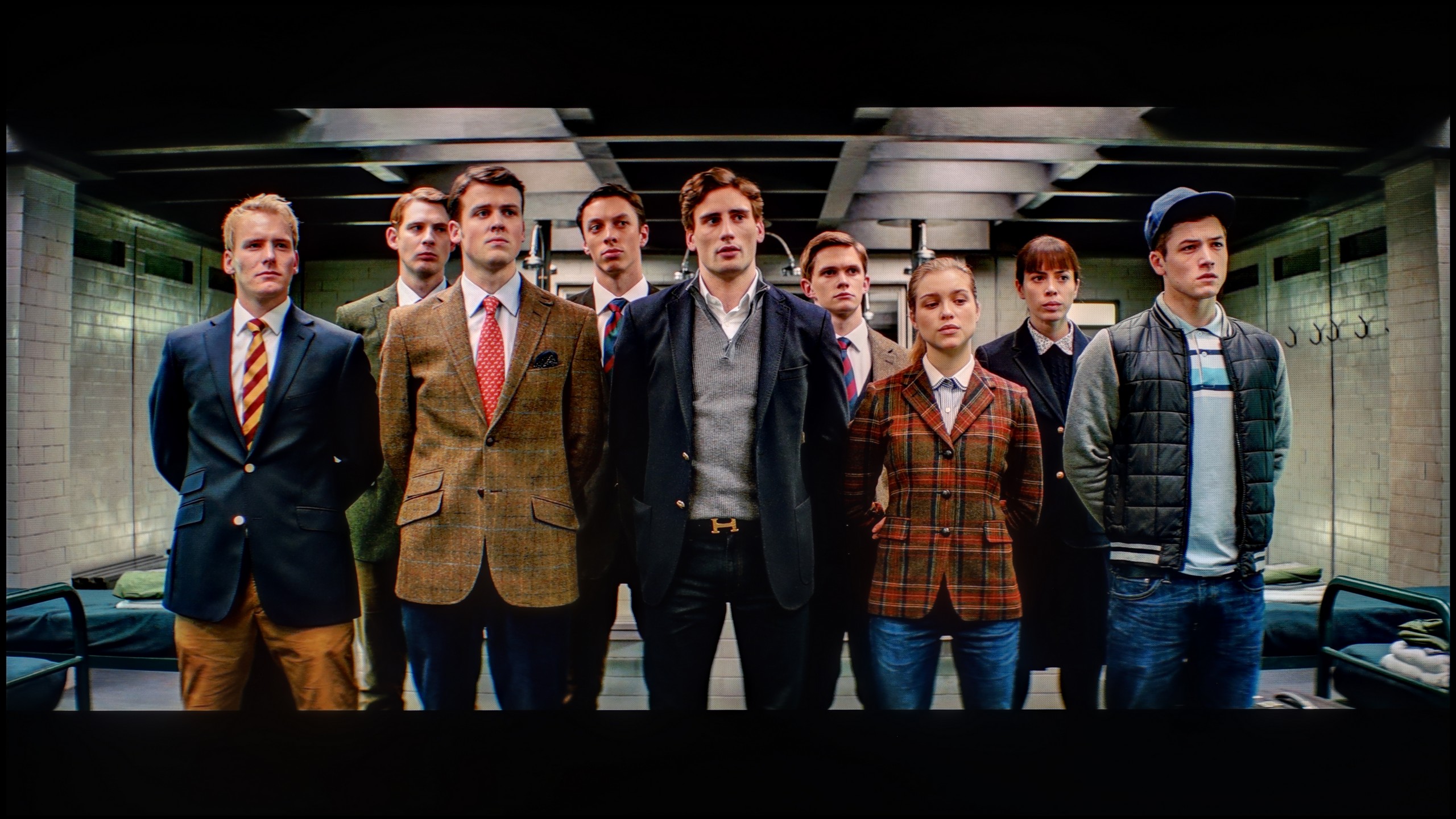
The photos show how movies look on the TV. Pay attention to black detail visibility, colors, and shadow tint.


The photos show how movies look on the TV. Pay attention to black detail visibility, colors, and shadow tint.
Philips PML9009, like most leading manufacturers, has been offering advanced tools for the calibration process for years. Thus, we find 2- and 20-point greyscale adjustment as well as an advanced CMS (Colour Management System). The differences resulting from calibration are evident, and even someone not paying attention to picture quality (although there probably aren't many such here) will notice a positive difference. Both SDR and HDR materials have undergone a significant transformation. The former, as well as the latter, have primarily rid themselves of the unpleasant yellow tint resulting from a red colour dominance in white balance. As for the SDR materials and gamma, although it is not 'lined up' perfectly and still loses dark details, the rest of it is on a more than decent level, and minor errors will not be noticeable. The colours themselves look infinitely better, and thanks to low deltaE errors, they are nearly reference-quality. On the other hand, the HDR materials, due to the low luminance of the unit, were not blended as we would have liked. Although the white balance has been largely normalised, here and there one can notice a slight blue tint. Fortunately, the EOTF curve turned out to be much more accessible and allowed for practically ideal geometry. Unfortunately, due to the screen's insufficient brightness, colour errors are still quite high.
After calibration, we finally managed to tame the white balance – and it immediately translated into a more natural image. Colours finally started to look as they should, and the overall presentation was incomparably better than with the factory settings. In other words – it’s worth taking a moment to improve this, as the gain is really significant. The gamma responsible for managing brightness was also brought under control in SDR content, and the effect was more than satisfactory. Unfortunately, when we switched on the HDR material, the situation quickly became complicated. No matter how we set the local dimming, the television had a tendency to do what it pleased with the image – either overexposing the whole picture or dimming the darkest parts too much. Just like we saw in the scene from the film Billy Lynn. Colour-wise, the improvement after calibration makes a great impression, but managing brightness in HDR remains the Achilles' heel of the C9K and constitutes a technological limitation.
Smoothness of tonal transitions
7/10
8.7/10


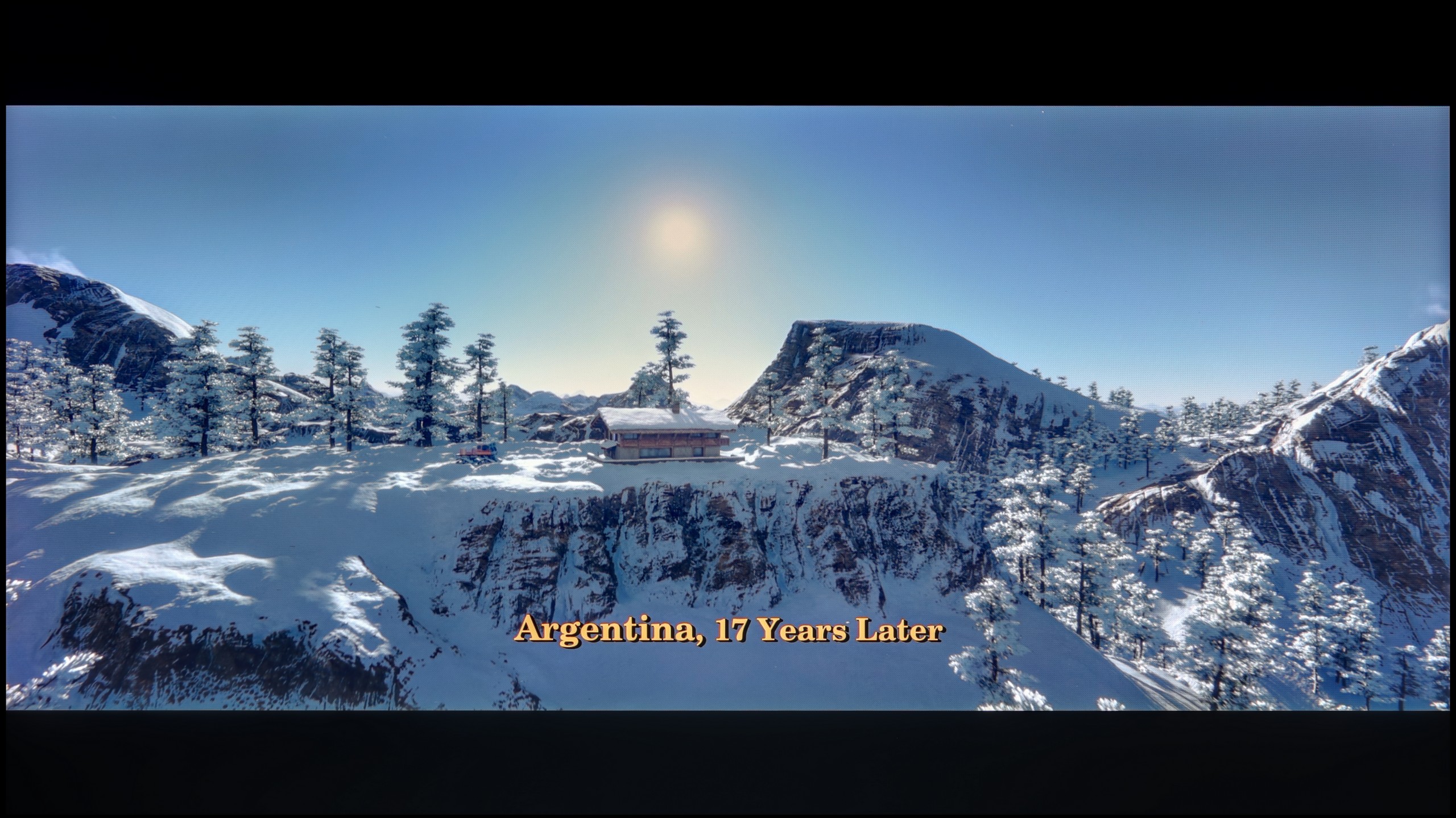
These are selected scenes that show smooth tonal transitions from one color to another. If you see distinct banding, it’s the TV panel’s fault.

These are selected scenes that show smooth tonal transitions from one color to another. If you see distinct banding, it’s the TV panel’s fault.
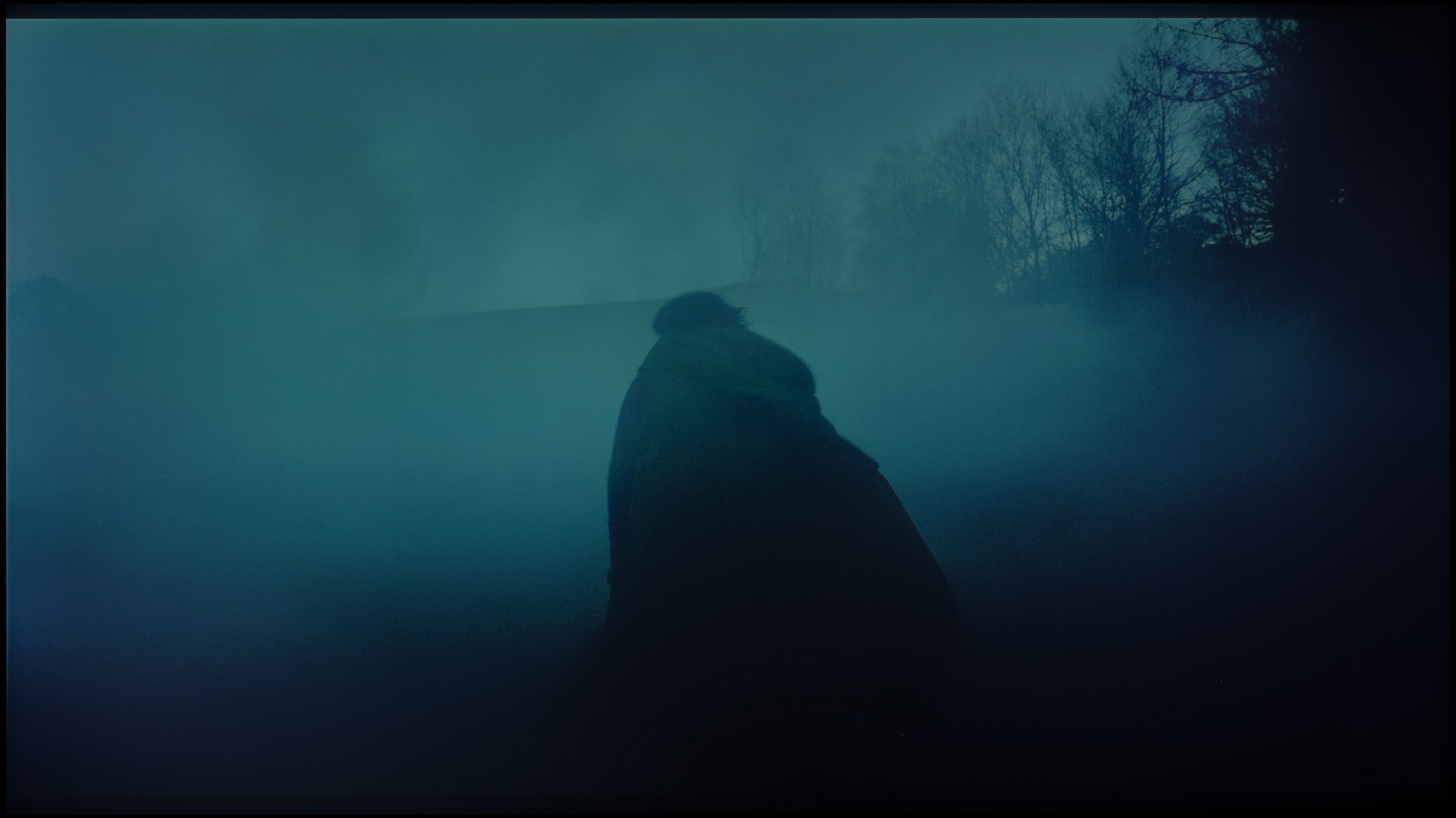
These are selected scenes that show smooth tonal transitions from one color to another. If you see distinct banding, it’s the TV panel’s fault.
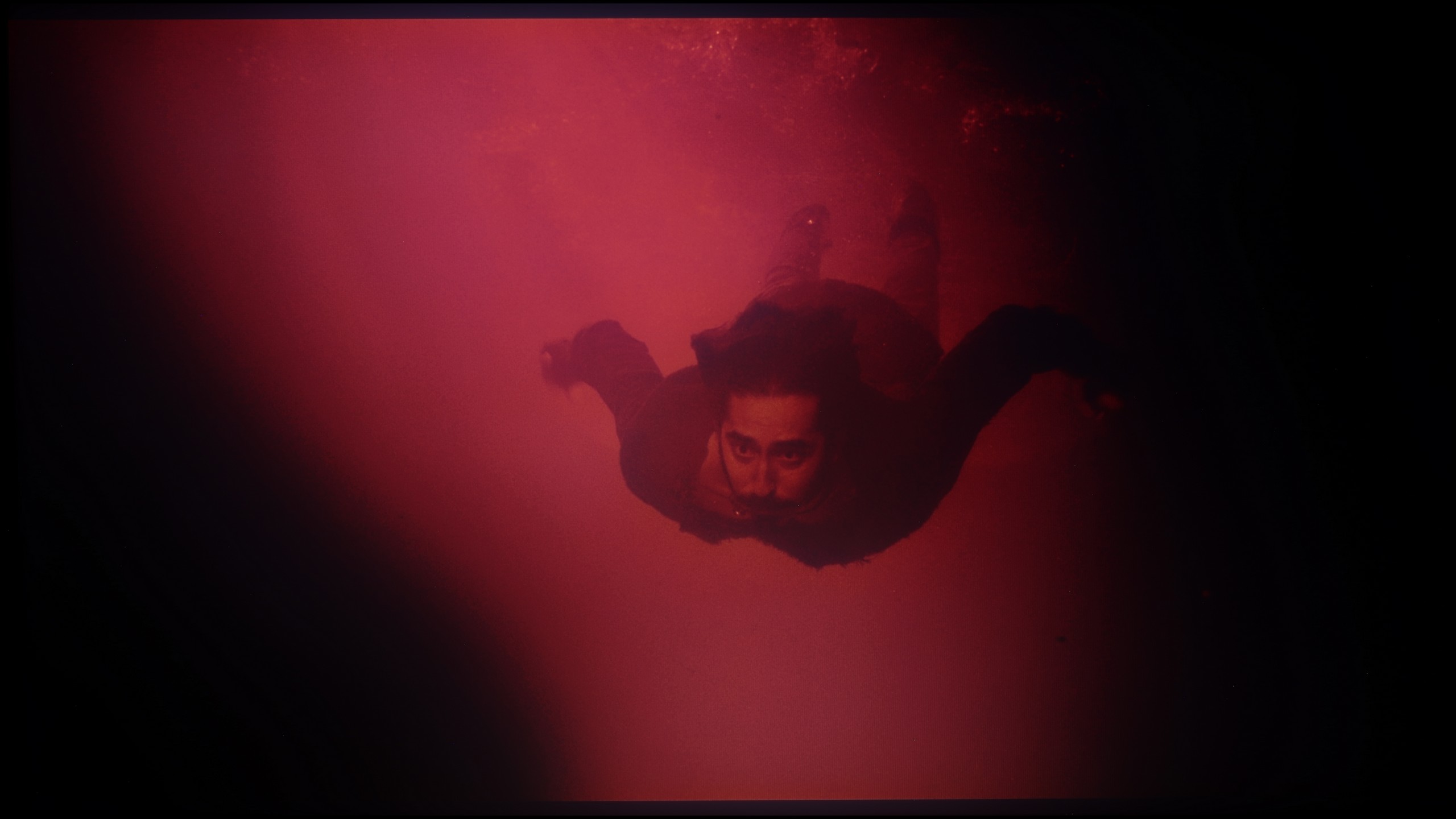
These are selected scenes that show smooth tonal transitions from one color to another. If you see distinct banding, it’s the TV panel’s fault.
Undoubtedly, many of you have watched a film or series in which there were bands that should have been a smooth transition between colours. Therefore, during our tests, we also pay attention to tonal transitions. Philips PML9009 handled this matter quite correctly with each of the scenes we prepared, and although there are signs here and there of elements that could have been processed better, it is still good. It is particularly worth noting the one from "The Green Knight", which is definitely the most challenging. For the tested television, it did not prove to be a "killer" and there are no significant undesirable stutters visible in it.
In terms of the fluidity of tonal transitions, TCL C9K performs really well. In more challenging movie scenes, there is no typical banding of colours that can break immersion, even in more expensive televisions. Perhaps slight issues can be noticed in the brightest parts – for instance, in scenes from the film Kingstone – but these are nuances. For the vast majority of viewers, especially with 4K content, the colour gradation will appear smooth and practically unnoticeable.
Image scaling and smoothness of tonal transitions
7.2/10
5.5/10

Smooth transition function

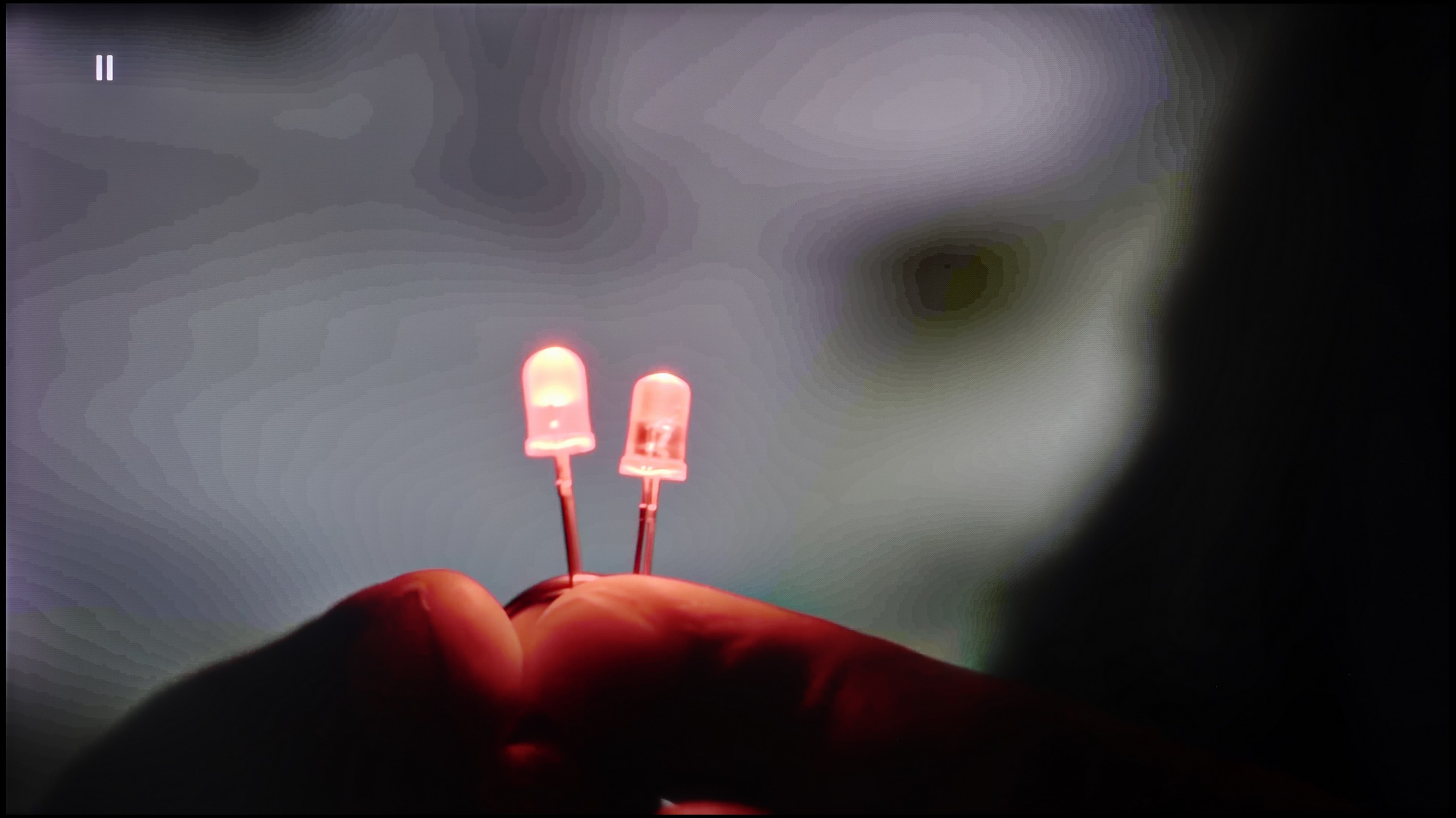
The match photo shows how the TV smooths weak tonal transitions in low-quality video.
Image scaling SD (576i)


The model photo shows how it handles upscaling of SD material.
Judging by how PML9009 Philips handled tonal transitions, the image scaling test should perform equally well. This time we are examining the television's algorithms responsible for enhancing the quality of images that have been recorded in lower quality. Such images can be found in various television programmes or older films. In this regard, Philips PML9009 performs quite mediocrely and significantly blurs the image. This is particularly evident in fine branches or the model's hair.
We will take another look at the tonal transitions, which performed remarkably. Within the unit, we find several levels of smoothing. Even the lowest setting can effectively eliminate any non-fluid tonal transition and will work well with the vast majority of content. More importantly, none of the settings for this function softens the effect of film grain, which is extremely important in terms of alignment with the director's vision. However, we note that sometimes it may turn out that fine details will be blurred.
The digital image processing in TCL C9K is rather mediocre. The tone transition smoothing feature is supposedly present, but activating it hardly makes any difference – colour banding is still visible, and it can inadvertently highlight elements we would prefer to hide, such as textures of objects. Fortunately, it does not remove film grain, but that's scant consolation considering the effects are still poor. Thus, it's hard to recommend using this option.
On the other hand, image scaling performs significantly better. Lower quality materials look quite decent – characters and backgrounds are represented clearly, although of course, with sources like 576p, the limitations of the physics cannot be disguised. Sometimes, there's characteristic aliasing of objects, but that's due to the source itself, not the algorithm. A plus for the fact that there are no overscan issues – the image is neither artificially cropped nor enlarged.
Blur and motion smoothness
7.7/10
7.8/10

Blur (native resolution, maximum refresh rate):





Blur (BFI function enabled):



Blur ():
Blur (1080p@288Hz):


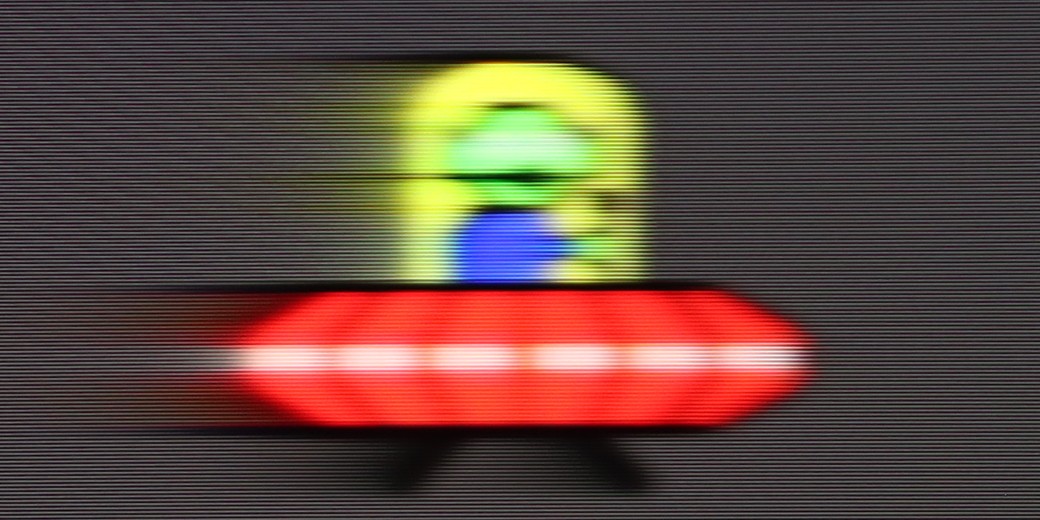
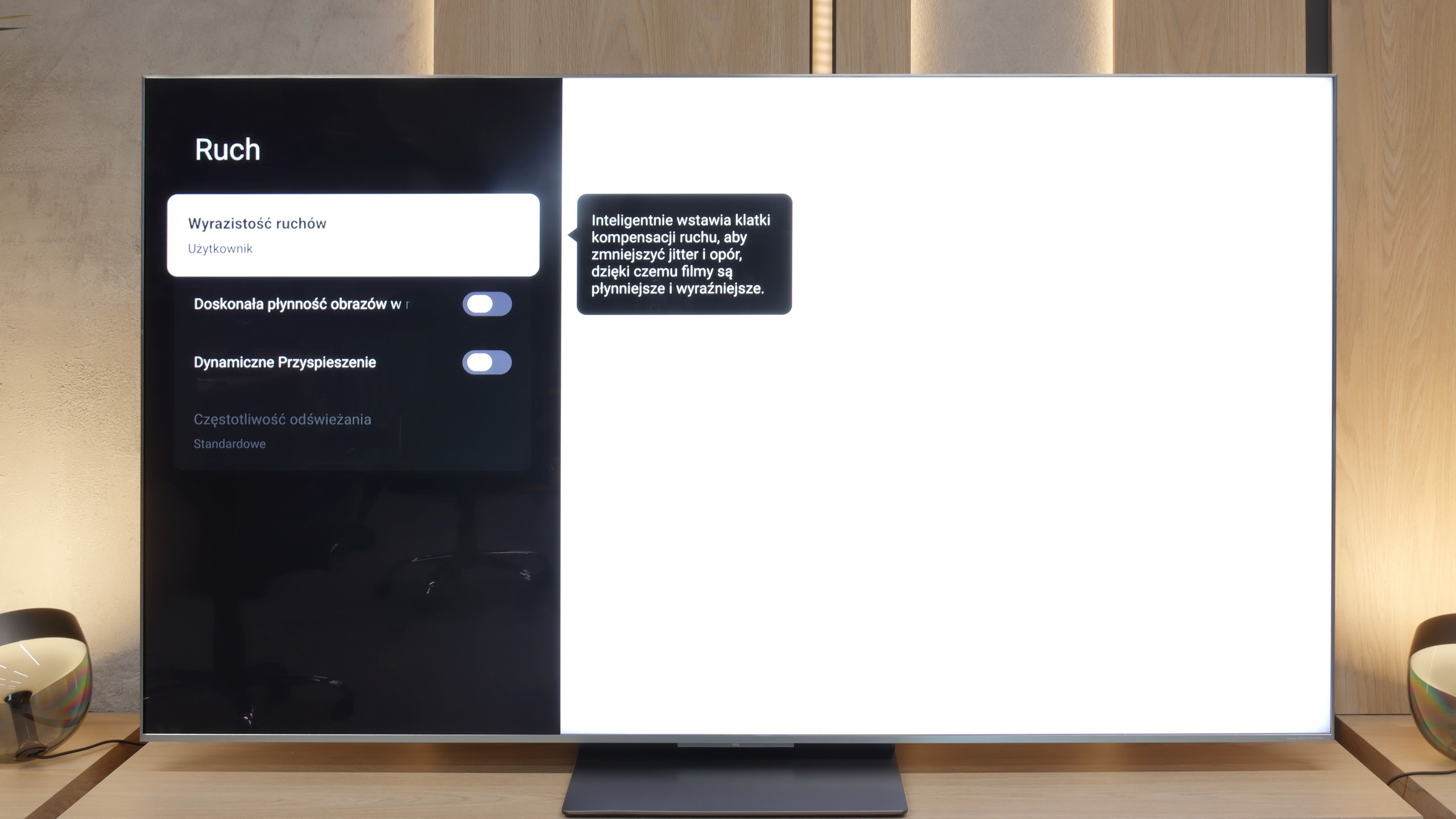
Philips PML9009 is equipped with a panel that has a native refresh rate of 120 Hz. This is the essential minimum for watching all kinds of sports and is recommended for comfortable gaming in favourite titles on consoles or PCs. The manufacturer has prepared an effective system for improving the sharpness of moving images for those who do not like the characteristic stuttering of footage recorded at 24 fps or require a high level of motion fluidity, for example, when watching football matches. In the dedicated tab, we find the "Fluidity" slider, which helps eliminate stuttering, and "Motion Blur Reduction," which aids in increasing the sharpness of dynamic elements. This function works very well and granularly, meaning each setting has a real impact on the perception of motion. With such a set, every user will find their sweet spot. In the picture, we present our choice, which is a slight fluidity enhancement without the soap opera effect.
A matter directly related to motion is the pixel response time of the panel itself. The best in this regard are, of course, OLED panels, followed by IPS and ADS-based units, and finally, VA. Despite the overall good quality of the systems responsible for smoothing the image, the use of a VA panel carries consequences in the form of a black halo behind fast-moving objects. While this will not occur frequently in the tested television, it will be visible here and there.
Similar to the C8K, the C9K is also a really fast television – both figuratively and literally. On board, we have a 4K panel with a refresh rate of 144 Hz, and at lower resolutions, the panel can even ramp up to 288 Hz. Such speed translates into practice – while watching sports or playing games, the picture looks very smooth and clear. Additionally, in films, we get an extra motion smoothing feature called Motion Clarity, which allows you to adjust the smoothness to your own preferences – from the cinematic "stuttering" of frames to nearly theatrical smoothness.
Console compatibility and gaming features
9.8/10
9.8/10
- ALLM
- VRR
- VRR range48 - 144Hz48 - 288Hz
- Dolby Vision Game Mode
- Correct implementation of HGIG
- 1080p@120Hz
- 1440p@120Hz
- 4K@120Hz
- Game bar

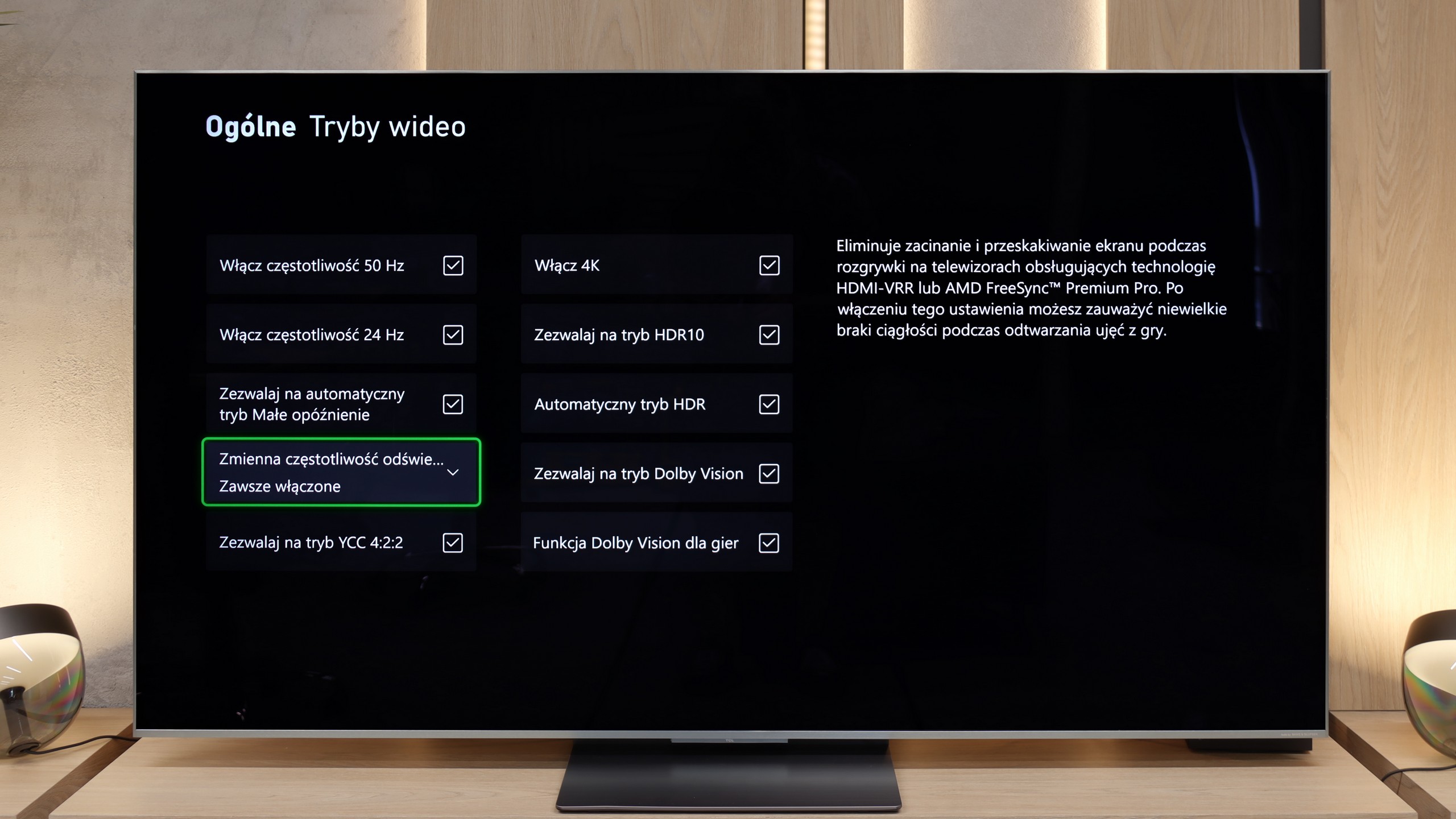

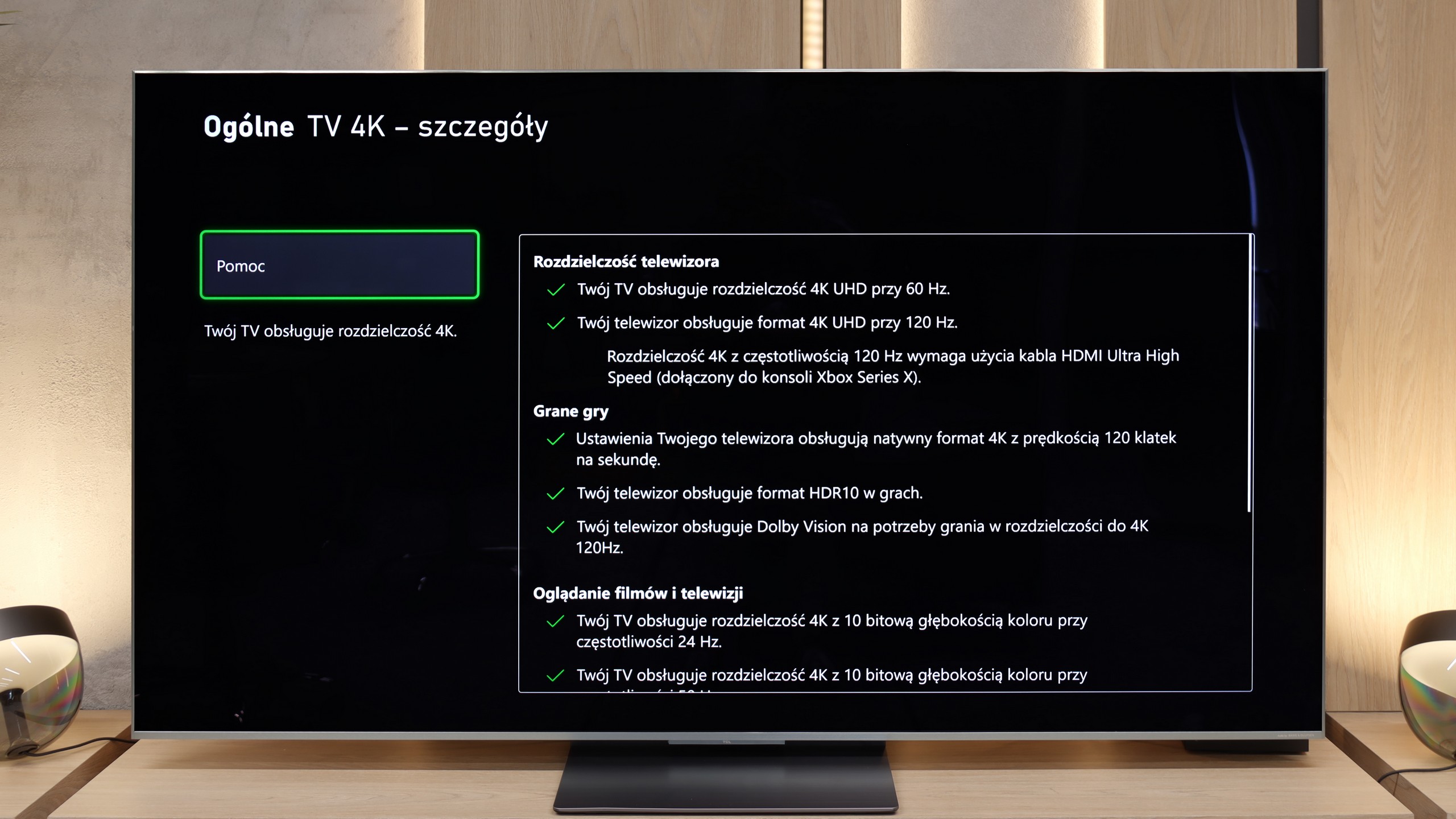

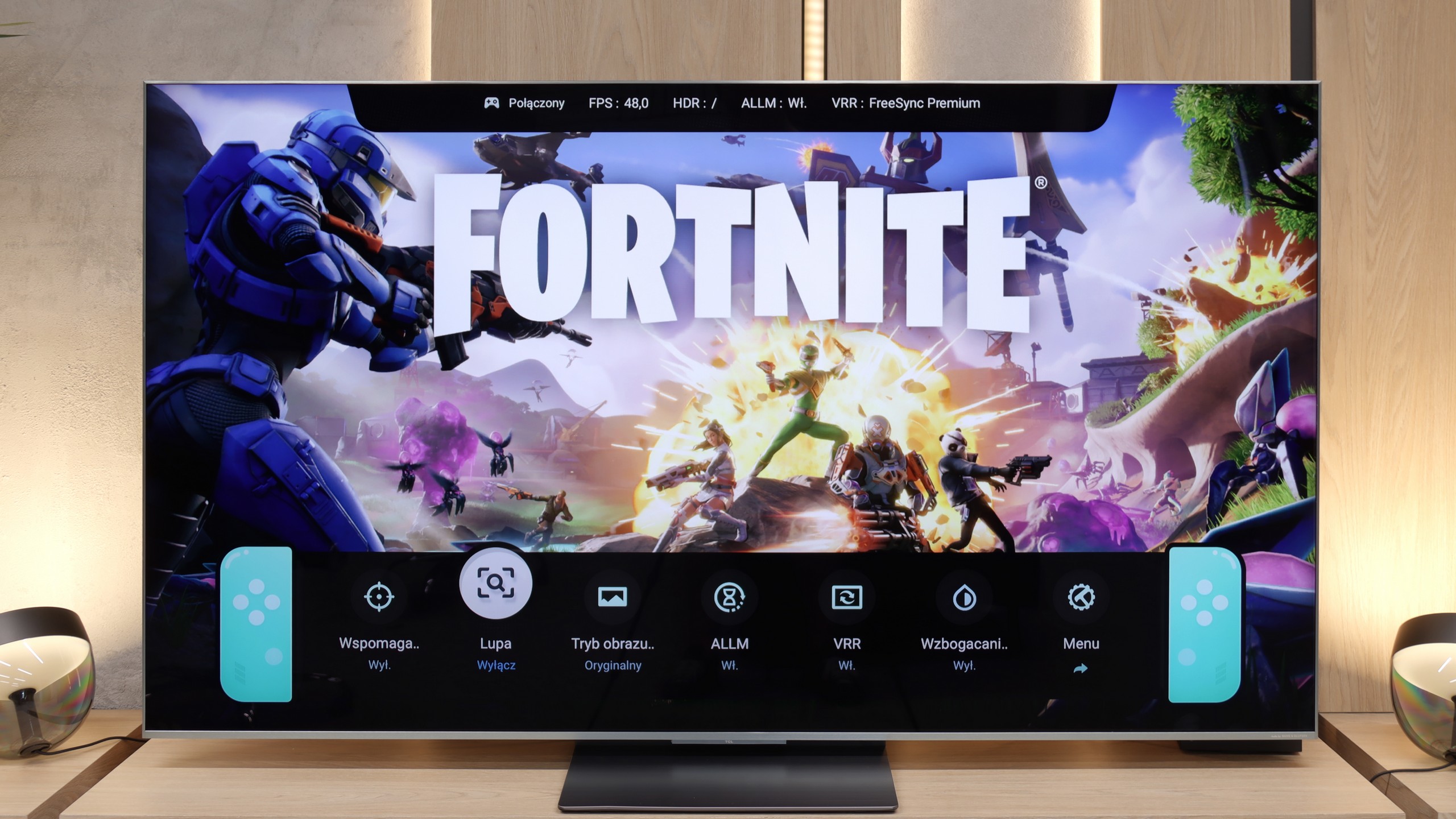

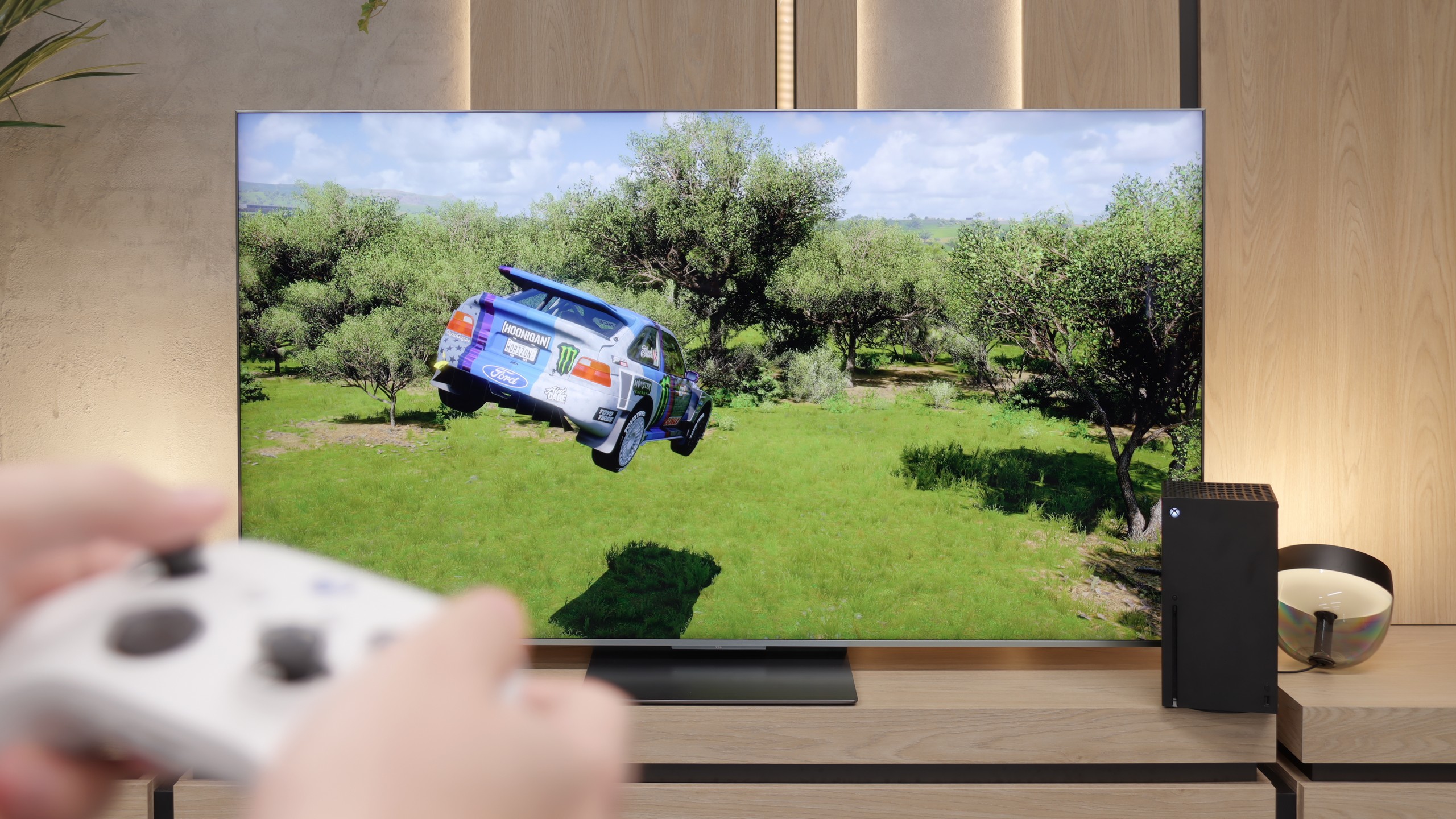
Philips PML9009, equipped with HDMI 2.1 ports at full bandwidth, supports all features dedicated to gamers. The most basic ones, such as VRR and ALLM, are a given, but G-Sync, FreeSync, and gaming in HDR Dolby Vision with low input lag are not. These features activate without any issues and during the tests conducted, they did not present any problems. Such preparation of the television is certainly a strong point and one can say that it is a unit dedicated to gamers. For more advanced users, we also mention that the PML9009 is equipped with an HGIG mode, which will be particularly felt by gamers, as there are still relatively few games supporting Dolby Vision. This mode primarily allows for the adjustment of HDR effects to the capabilities of the television on a special board, in order to avoid dimming or burning out the image.
The television additionally features a special menu - GameBar. This allows for editing the unit's settings "on the fly", without the need to exit the game. We will also find features such as enabling a crosshair or adjusting black levels for better visibility of opponents in shadows.
In a brief summary of this paragraph, the Philips PML9009 is a unit that will certainly capture the attention of gamers. Thanks to its versatility, it will allow playing any title in the highest quality without compromises. Especially since features such as VRR, ALLM, G-Sync, FreeSync, or gameplay in HDR Dolby Vision will enhance the immersion in the favourite title.
For gaming, the TCL C9K is a complete tool. Here we have two (out of four) HDMI 2.1 ports with full bandwidth of 48 Gbps, so all the key technologies work: VRR (Variable Refresh Rate) and ALLM (Auto Low Latency Mode). Additionally, the manufacturer has included a really intuitive Game Bar, which allows you to quickly check the most important parameters and adjust settings without rummaging through the menu. Also worth noting is TCL's policy – the television does not shy away from any HDR formats, even in game mode. Whether it's HGiG or Dolby Vision for the Xbox Series S/X console – everything works as it should, giving the player a wide range of freedom.
Input lag
9.6/10
9.8/10
SDR
HDR
Dolby Vision
The results of input lag measurements in Philips PML9009 are at a high level, regardless of the signal or resolution. All gamers will surely appreciate the manufacturer's efforts, as a game running at 4K120Hz with HDR has only 8 ms of latency, which is virtually unnoticeable even in online games. It is also worth mentioning the proper implementation of the gaming mode with Dolby Vision, which can be praised for a similar response time at 16 ms.
In terms of input lag, the TCL C9K performs exceptionally well. With 120 Hz content, the delay reaches only 7 ms, placing it among the very best televisions available on the market. Naturally, with 60 Hz materials, the input lag increases to around 15–16 ms, but in practice, this has little impact on the final responsiveness of the screen to our actions on the pad.
Compatibility with PC
8.6/10
8.6/10

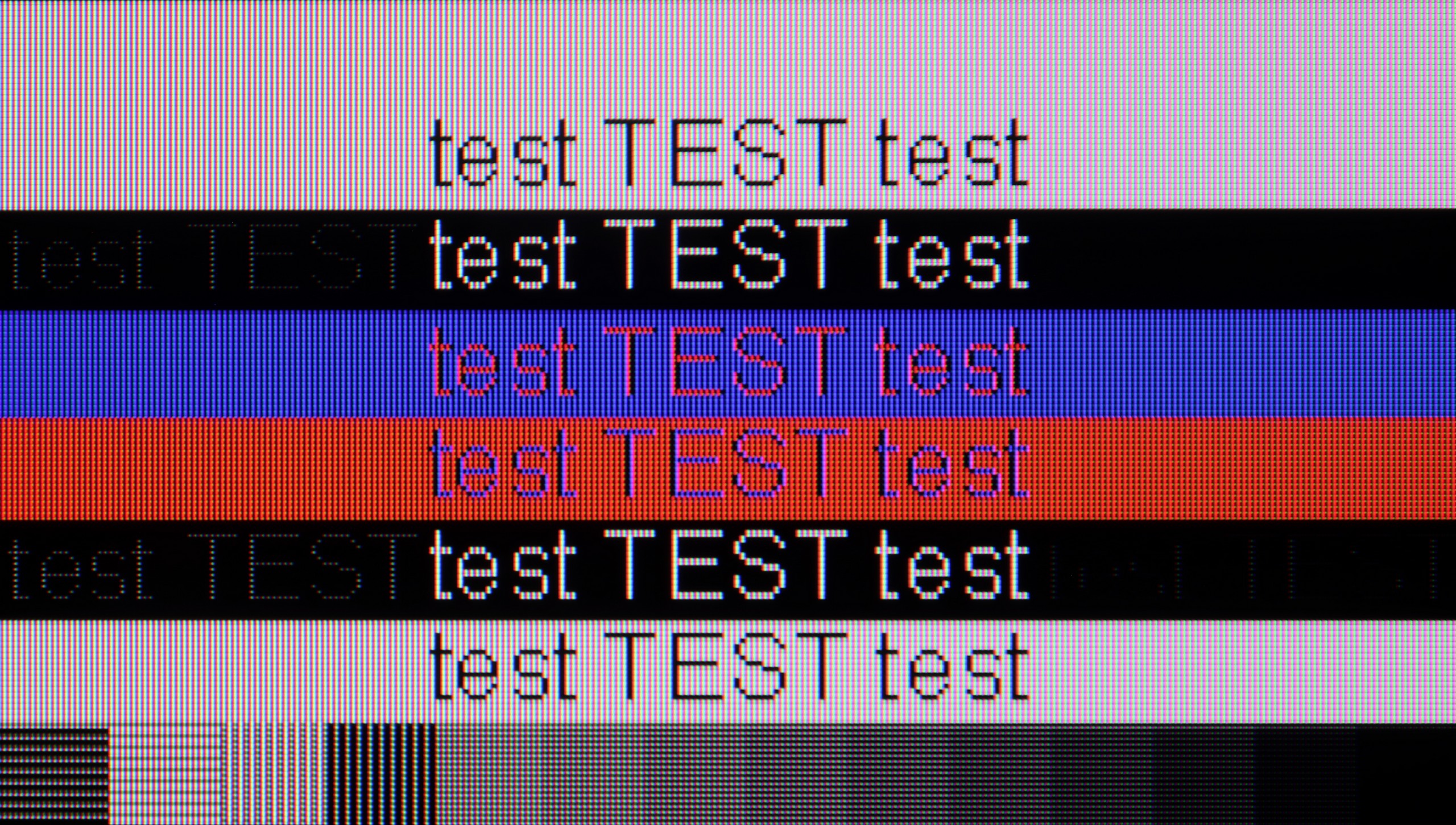
The photo shows the legibility of small fonts. Ideally, lines should be the same thickness on both light and dark text, with minimal pixel gaps.
Just like in games, the tested Philips PML9009 performs excellently in daily tasks as well. Measured latency of 8 ms allows for virtually instantaneous response on the mouse-screen-eye line. The correct implementation of chroma 4:4:4 enables work with text without any issues thanks to sharp fonts. The subpixel arrangement of the matrix is BGR; however, this does not cause any discomfort when working on the Windows system. It may be different with other systems that might not be able to correctly convert the text.
When it comes to office work, the TCL C9K does not disappoint – thanks to its 4:4:4 chroma support, the readability of fonts is at a good level, so writing or working with documents should not be a problem. One might notice slight issues with dimming horizontal lines, but in everyday use, it's hard to call this a real flaw. However, the greatest potential of the C9K reveals itself in PC gaming. Here, the television showcases its full capabilities – it can switch to lower resolutions, such as Full HD, and display images at up to 288 Hz. Additionally, it supports both G-Sync and FreeSync, so image synchronisation with the graphics card works flawlessly. It's difficult to have any major reservations about this set – it's truly a top-tier screen for computer gaming.
Viewing angles
2.6/10
4.5/10
The commonly known drawback of VA panels that do not have an angle coating is their poor viewing angles. This is no different this time. Even with a slight deviation from the axis, the image becomes washed out, and the colours undergo significant degradation.
A new feature in TCL televisions for 2025 is the WHVA panel, which is designed to provide better viewing angles than standard VA panels. And indeed – progress is visible. Looking at the screen from the side, the image is clearer and colours do not degrade as quickly as in previous models. However, this does not mean that we are dealing with the level of top-end coatings or solutions known from IPS panels, and certainly not from OLEDs. The picture remains readable, but brightness clearly decreases. This is definitely a step forward compared to earlier TCL models, but not yet a complete revolution.
Daytime performance
6.1/10
7/10

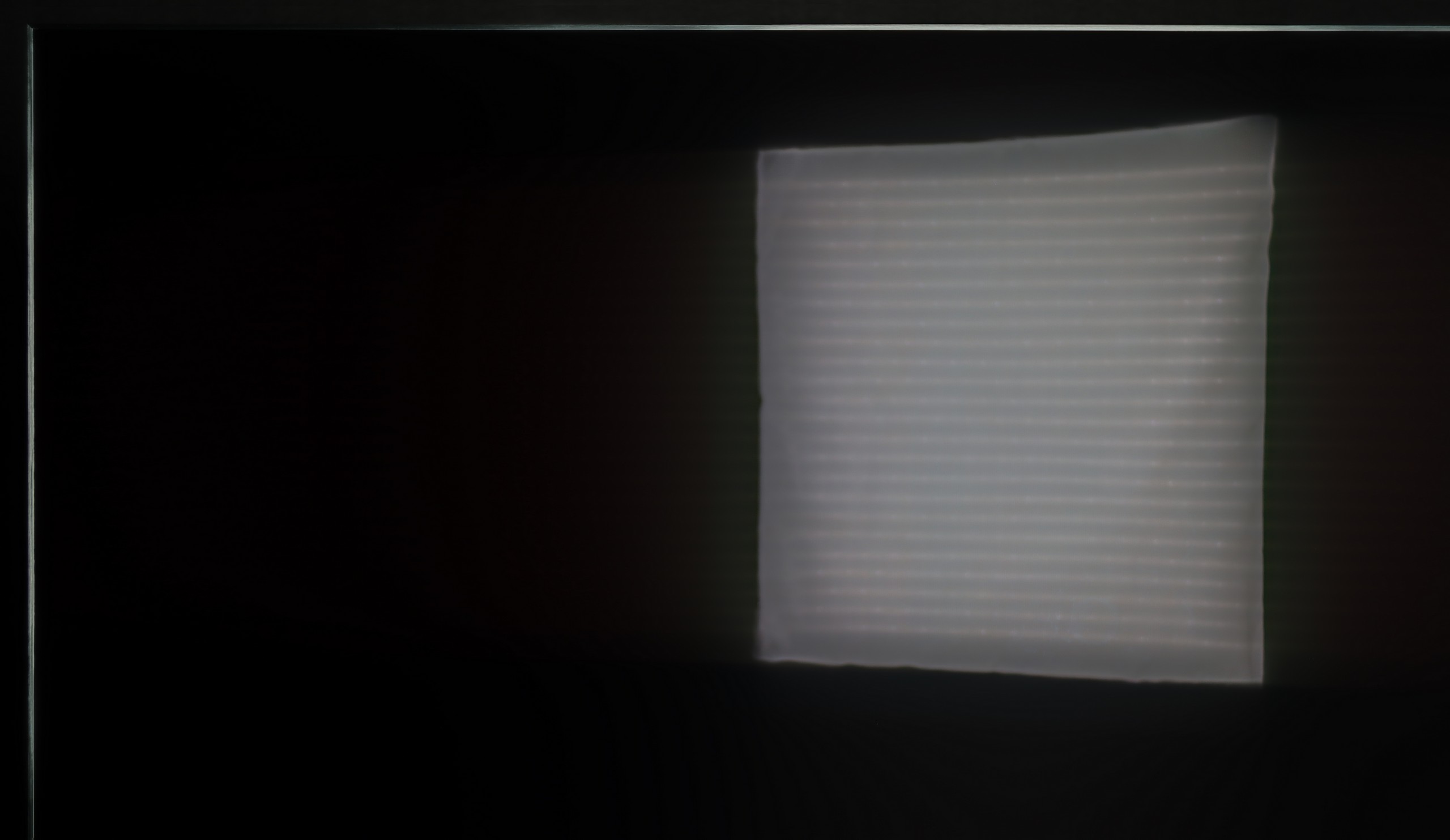

Panel brightness
TCL C9K: 642 cd/m2
Philips PML9009 / 9019 / 9059: 564 cd/m2
As far as the brightness of the television itself in SDR material is good (let's face it, we watch films in the evening or in the dark), the suppression of reflections is at a rather average level. This is due to the satin finish of the panel, which is quite susceptible to all light sources and neither absorbs nor disperses them. However, it is worth noting that thanks to the fairly high brightness in SDR material, the television performs fairly well in bright rooms overall, and certainly better than a large number of OLED televisions.
The new WHVA matrix coating has its strengths and weaknesses. On one hand, it handles smaller reflections quite well, while on the other hand, with stronger light sources, it is evident that the suppression of reflections is not at the highest level. Fortunately, the coating does not ruin what is most important: the blacks and colour saturation. This is a definite plus because in many competing models, compromises in this area are more painful. Additionally, there is very high brightness – in SDR content, the C9K can achieve an average of 650 nits in SDR materials. This is a result that is more than sufficient for watching television or films in more challenging lighting conditions, even on a sunny day.
Panel details
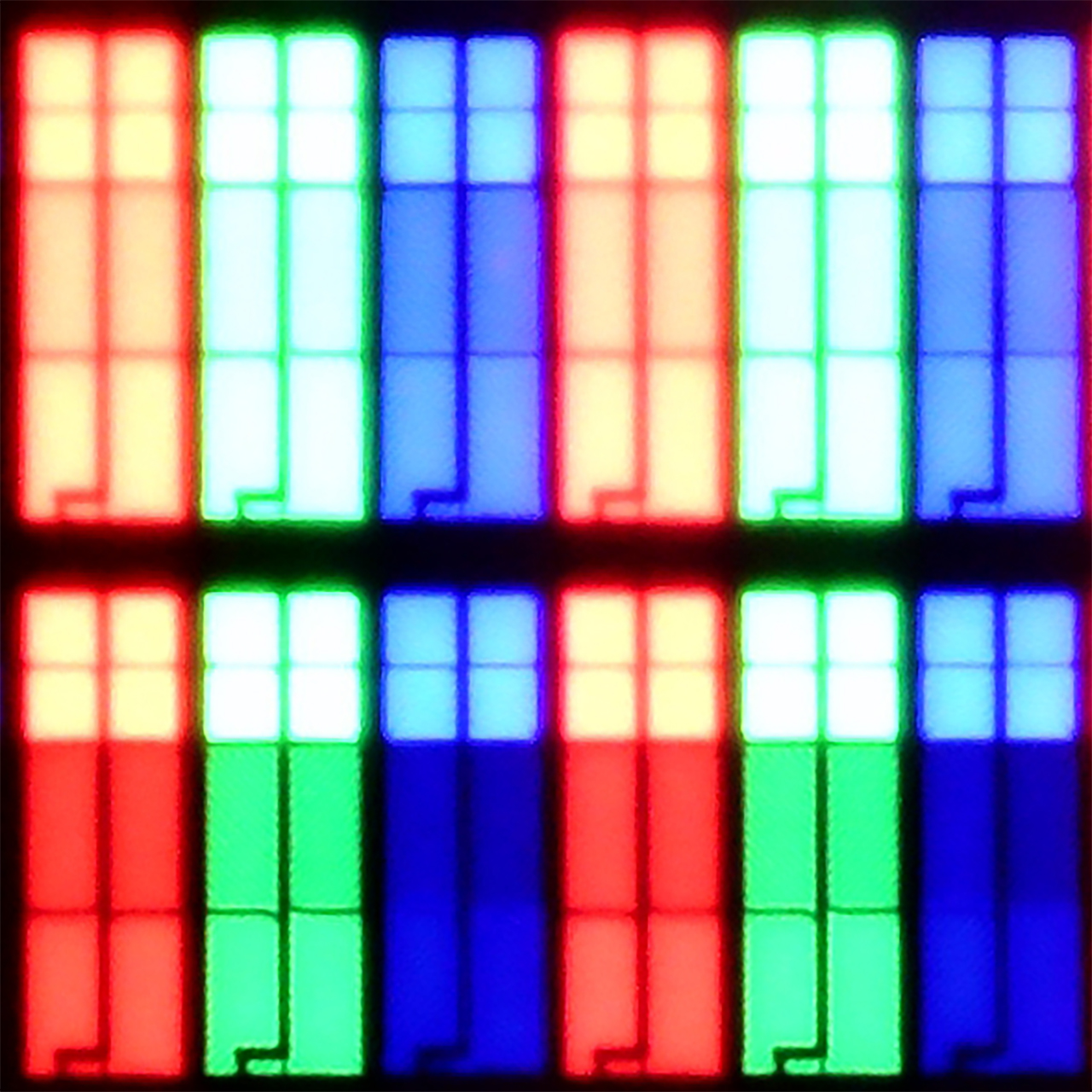
Subpixel Structure:

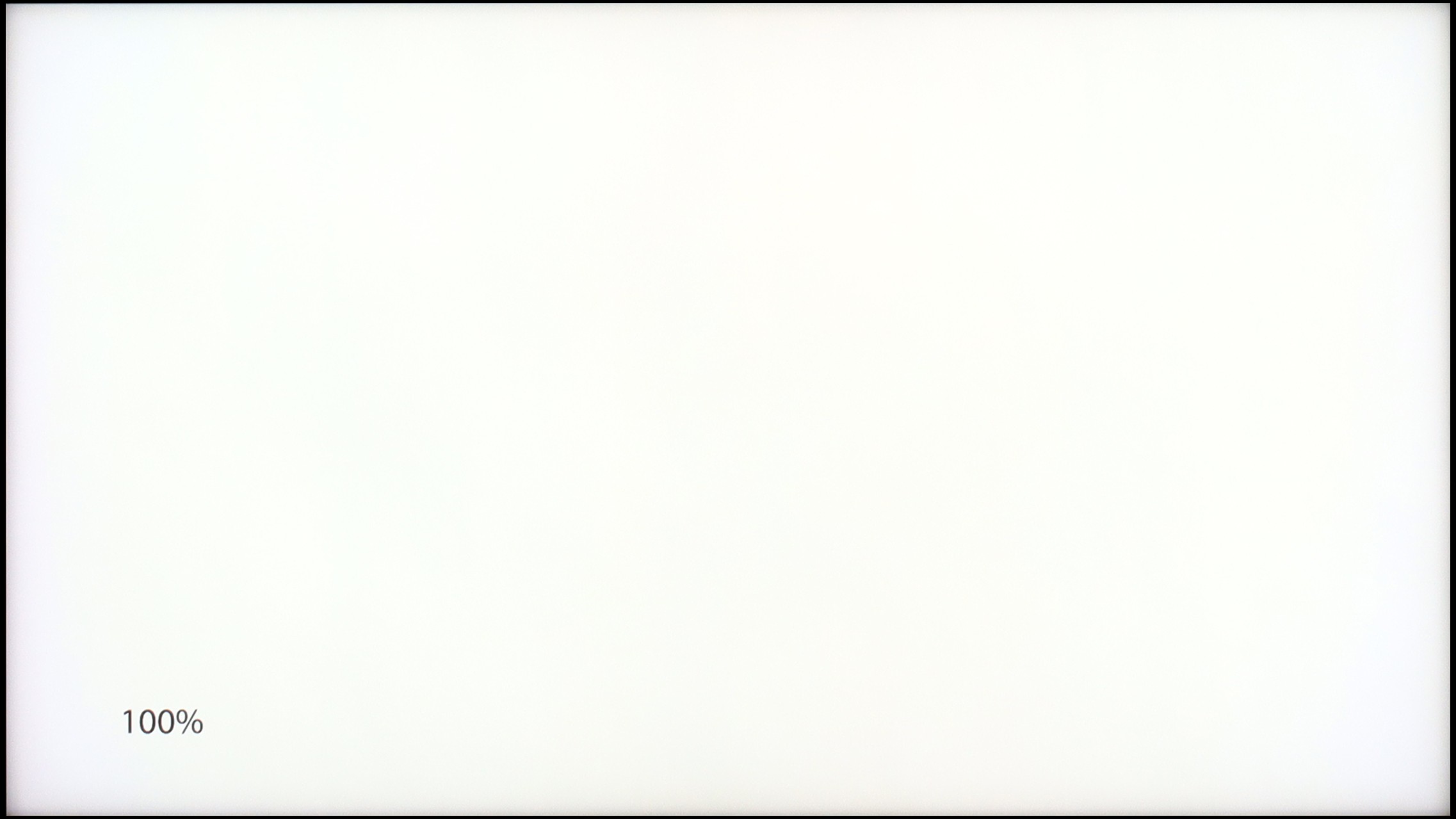
Panel uniformity and thermal imaging:

Philips PML9009 / 9019 / 9059
TCL C9K
TV features
6.1/10
7.7/10
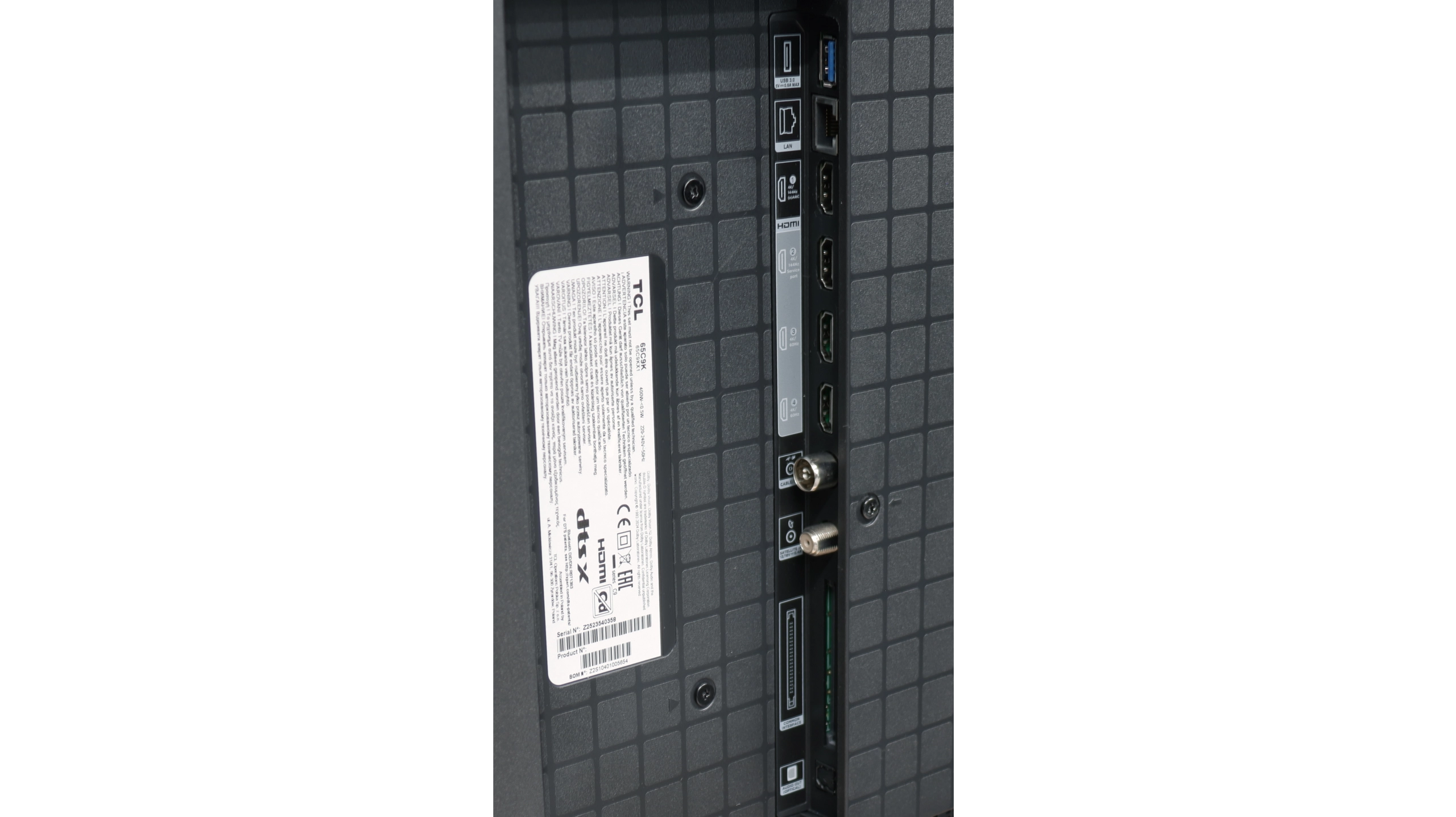
- HDMI inputs0 x HDMI 2.0, 4 x HDMI 2.1 48Gbps2 x HDMI 2.0, 2 x HDMI 2.1 48Gbps
- OutputsToslink (Optical audio), eARC (HDMI), ARC (HDMI), Mini-Jack (Headphones)Toslink (Optical audio), eARC (HDMI), ARC (HDMI)
- Network InterfacesWi-Fi 2.4GHz, Wi-Fi 5GHz, Ethernet (LAN) 100MbpsWi-Fi 2.4GHz, Wi-Fi 5GHz, Ethernet (LAN) 100Mbps
- TV receptionDVB-T, DVB-T2, DVB-S, DVB-S2, DVB-CDVB-T, DVB-T2, DVB-S, DVB-S2, DVB-C
Classic features:
- Recording to USB (terrestrial TV)

- Recording programming
- Picture in Picture (PiP)
- RF remote control (no need to aim)
- Backlit remote control
- Teletext
- Audio only mode
- Bluetooth headphones support
- Simultaneous Bluetooth headphones & TV audio
Smart features:
- AirPlay
- Screen mirroring (Windows Miracast)
- Voice search
- Voice search in native language
- Ability to connect a keyboard and mouse


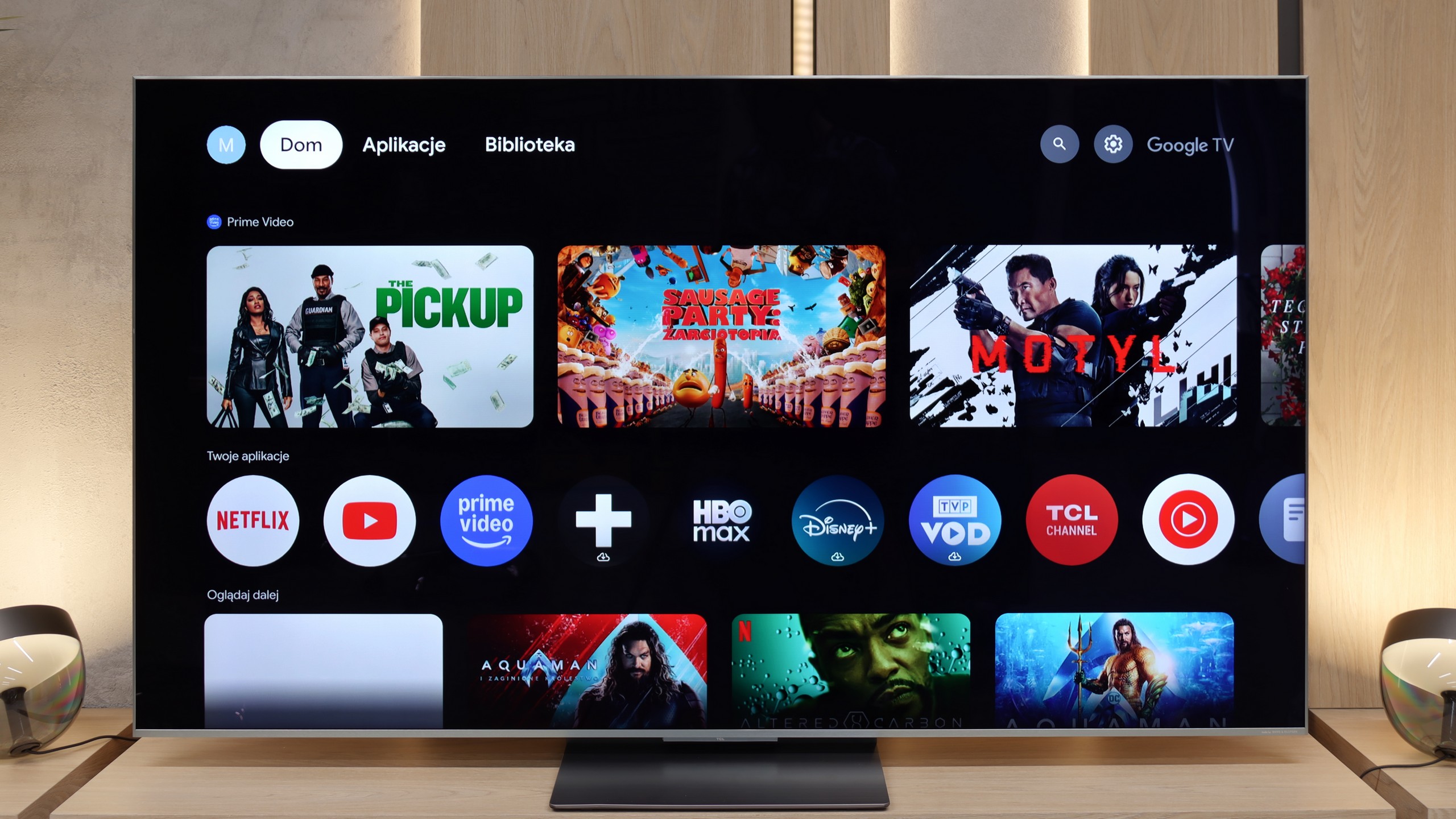
Before we move on to the software that controls the television, it is impossible not to mention the biggest distinguishing feature of the manufacturer's televisions. This is, of course, the multicoloured Ambilight backlighting, which is placed on the back of the device and displays colours tailored to what is happening on the screen, often allowing for an even greater sense of immersion. The operating system responsible for the television's functionality is Philips' proprietary system charmingly named TitanOs. It is definitely more closed and limited in terms of app resources compared to other televisions from the manufacturer that use the GoogleTV system. In addition to a lack of significant applications, its closed nature is also evident in another respect. We will not be able to perform such basic tasks as programming recordings or recording to USB. Those using Apple devices may also feel disappointed by the lack of AirPlay functionality, which allows for easy screen streaming. Fortunately, there is the option to connect a keyboard and mouse for easier navigation through the television menu. It's also worth mentioning that while the remote pairs via BT, it only works for voice selection in English. The rest operates via IR...
In summary: TitanOs has quite a few "buts," especially if we are aware users needing and using many streaming platforms. It is rather an option for those limiting themselves to the so-called holy trinity, which is Netflix, YouTube, and CDA.
Classic TV Features
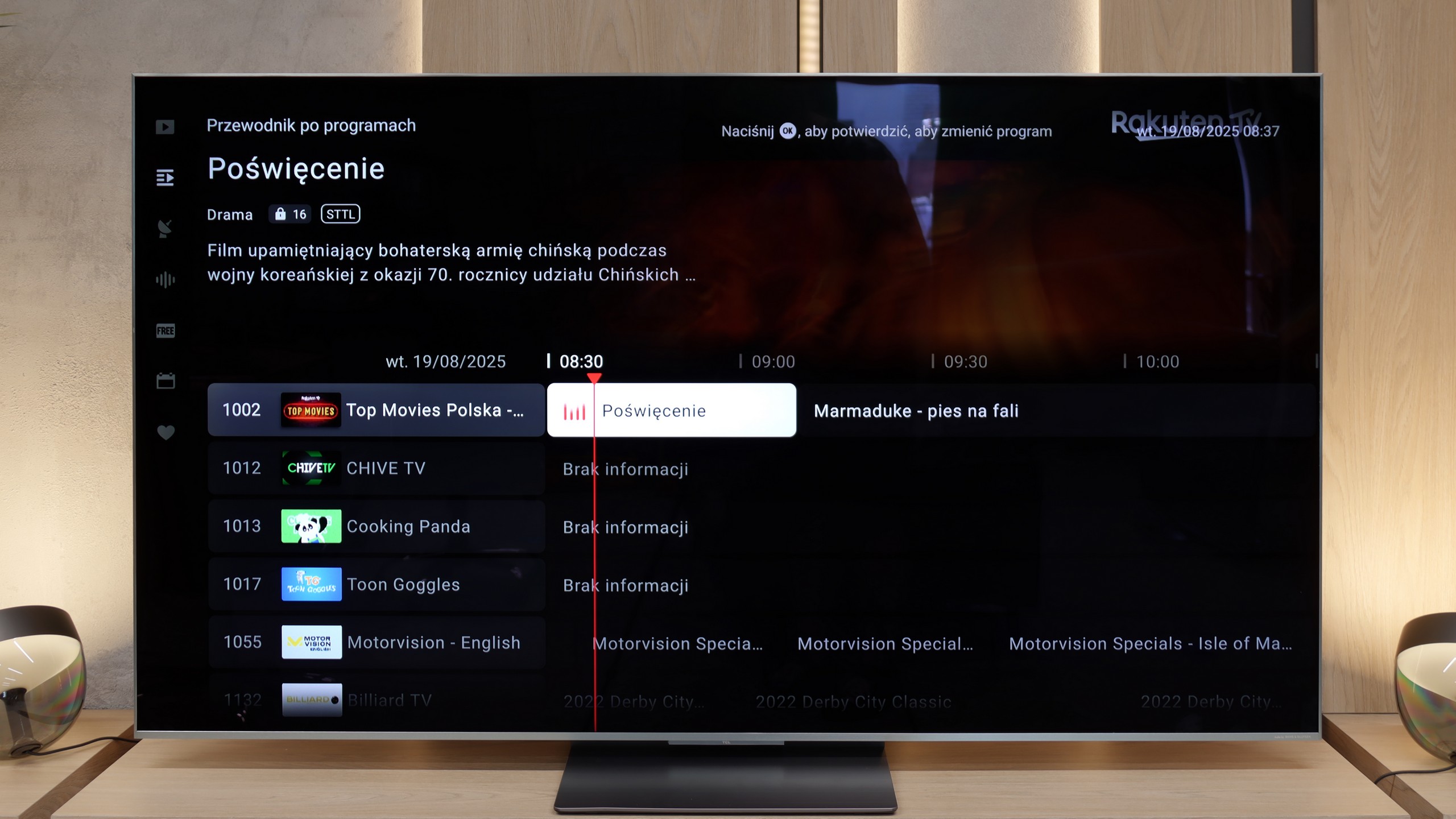
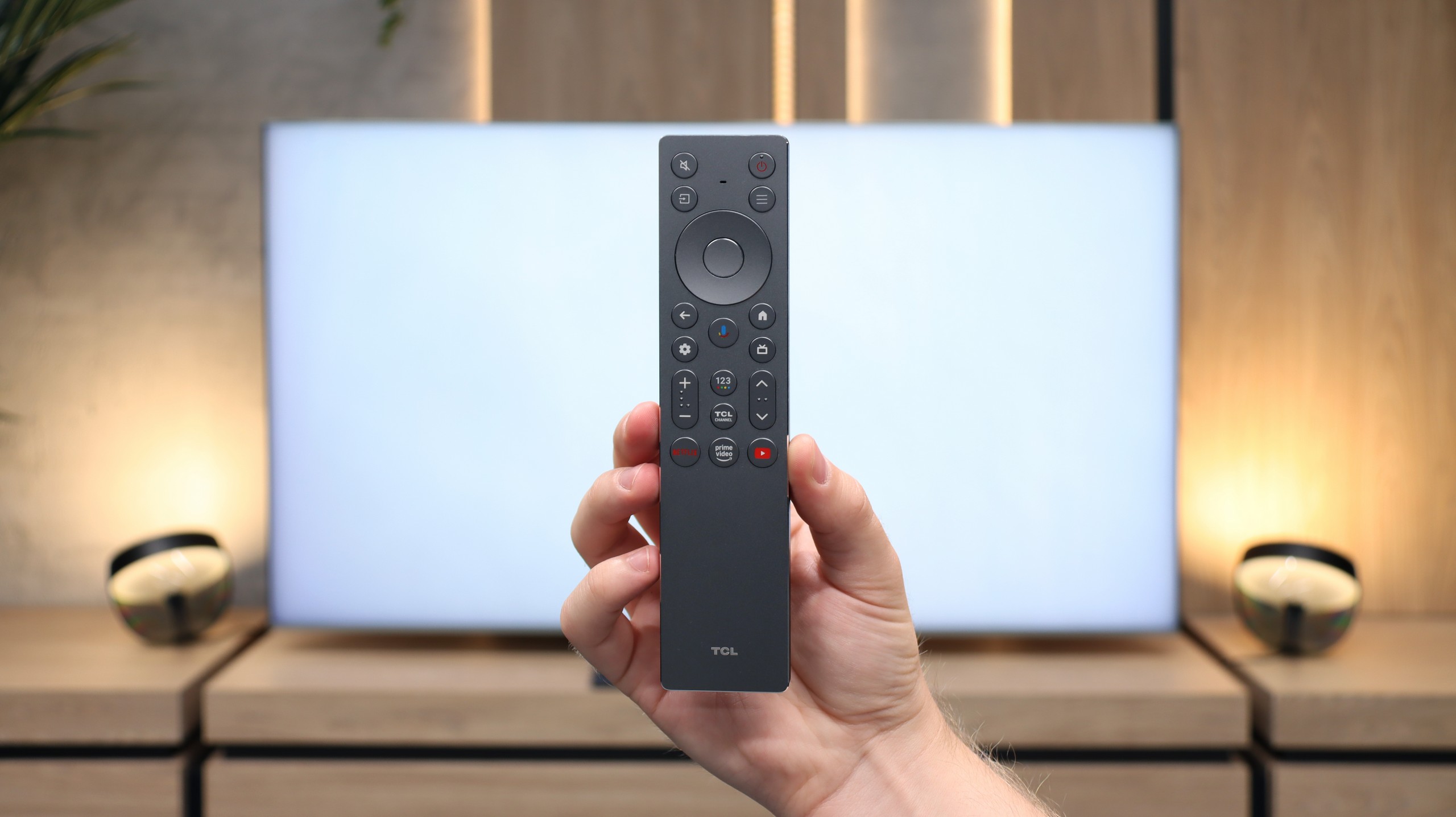
In terms of basic TV functions, the TCL C9K does not disappoint – it has everything that most users expect. The EPG guide operates smoothly, teletext is available, and pairing Bluetooth headphones, a mouse or a keyboard is trouble-free. However, it should be noted that in the Google TV system – as in other TCL models – there is a lack of more advanced options, such as recording programmes or picture-in-picture (PiP) mode. Some might find this insufficient, especially if they have used such features on competitors' devices. It is also worth mentioning that we only have one USB port available – sufficient to connect a drive with films or a USB stick, but if someone plans to use multiple drives, they might find this lacking.
Smart Features
While in terms of classic solutions the TCL C9K does not stand out, it showcases its full potential in the realm of smart features. The Google TV system is currently the most popular platform, and it is easy to see why – the app library is huge. Netflix, YouTube, Disney+, HBO Max, Amazon Prime Video – all are readily available. Only those who are very attached to more closed ecosystems, such as Apple Music, will feel the absence. A significant advantage is the built-in voice assistant – it works quickly, understands natural commands, and allows convenient control of the television: from changing channels to opening applications, searching for content, or checking the weather. This is precisely where the TCL C9K demonstrates that a smart TV is more than just an "internet-enabled television" – it is a tool that genuinely enhances everyday use of the equipment.
Apps
6.7/10
9.6/10






















Playing files from USB
8.2/10
9.2/10
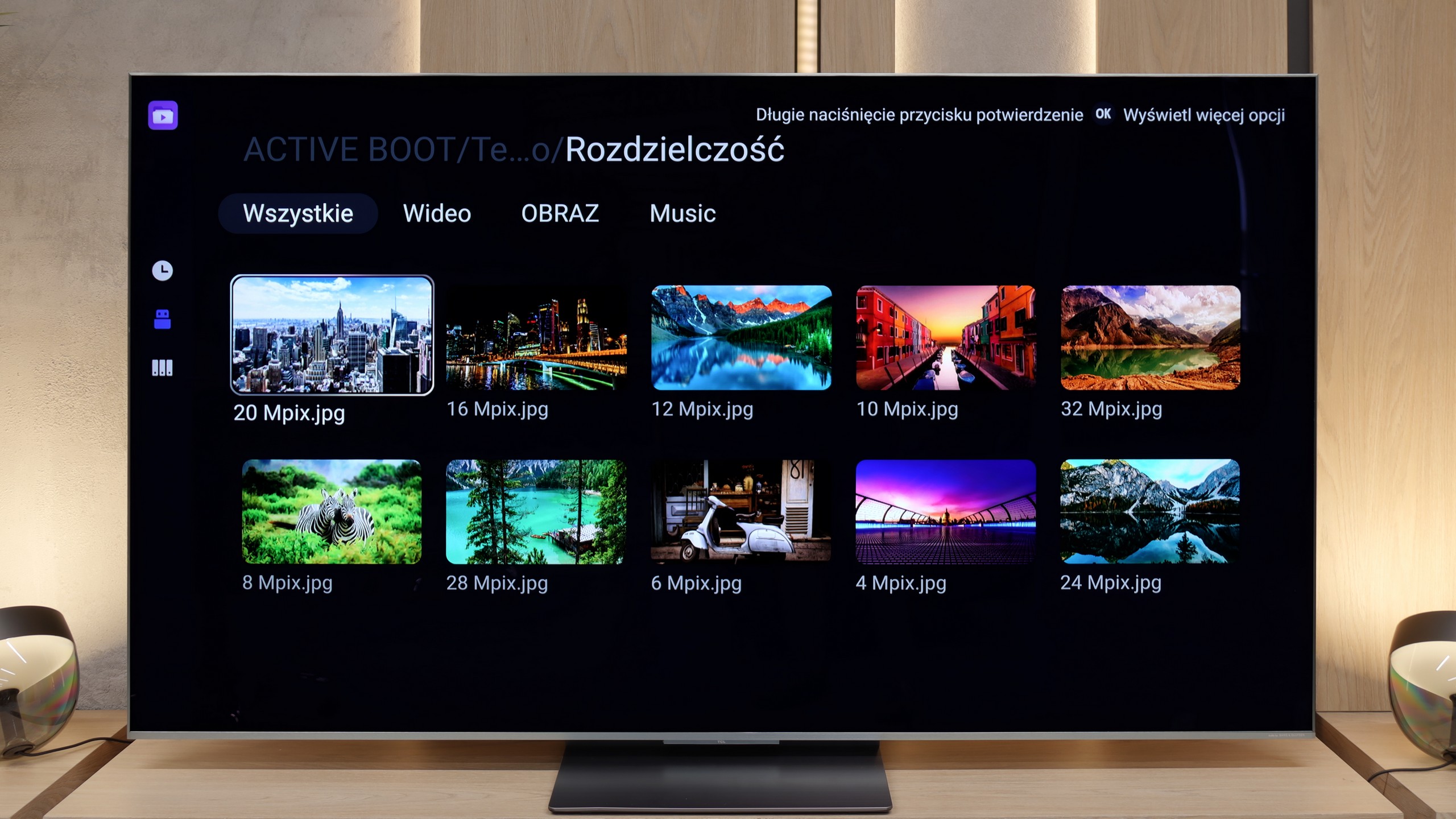
Supported photo formats:
Maximum photo resolution:

The default media player built into Philips PML9009 offers quite a wide range of capabilities, but it also has its limitations. It plays practically all video formats, except for .asf, which is rather uncommon. However, the issues are the lack of the H.265 HEVC codec at high bitrate and support for .sub files, which are quite popular. When it comes to photos, the player performs adequately, but it lacks support for some common resolutions and formats, such as HEIC, which is used on Apple devices. The player performs best with audio, where it can be faulted in no way. Unfortunately, due to system limitations, there is no possibility to expand its functions, which means we are left with what the manufacturer has prepared.
The C9K handled most of the materials we put on the pendrive without any issues – from films in MKV format, through older AVI files, to audio tracks in DTS and FLAC. The only drawback remains the lack of support for photos in HEIC format from Apple devices, but this is a common issue among all manufacturers. However, the most important thing is that if someone is missing support for some exotic format, they can always turn to an alternative player available in the Google Play store. And this is where the advantage of the Google TV system becomes apparent – the ease with which one can expand the functionality of the television with additional applications.
Sound
6.7/10
7.9/10
- Maximum volume-77dB
- Dolby Digital Plus 7.1
- Dolby True HD 7.1
- Dolby Atmos in Dolby Digital Plus (JOC)
- Dolby Atmos in Dolby True HD
- DTS:X in DTS-HD MA
- DTS-HD Master Audio
To begin with, it is worth noting that sound quality is a subjective matter. The built-in audio system in Philips PML9009 stands out for its clear treble, but the bass is rather flat and significantly worse than in competing models in the same price range.
The sound in the TCL C9K is handled by the same set as in the C8K model – prepared in cooperation with Bang & Olufsen. It is a 4.2.2 configuration with a total power of 90 W, consisting of eight speakers positioned to create a fuller sense of space. And it must be admitted – the effect is impressive. Dialogues are clear, the highs and mids sound clean, and the bass does not get lost even during louder sessions. Of course, this will not replace a dedicated soundbar or home cinema system, but for built-in speakers – there is truly something to listen to.
*During tests of maximum volume, we noticed an unusual behaviour of the audio system. When the slider is set to 100%, the television reaches about 76–78 dB, but it can be heard that it is trying to generate greater power, after which the sound level is immediately corrected to the mentioned value. On the other hand, when we lower the volume to, for example, 70%, it initially drops as expected, but after a while it slowly rises back to the same level of 76 dB. This effect gives the impression of an aggressive limiter at work, which, regardless of the slider position, always brings the volume down to one level. We checked this behaviour several times, and in every case the result was identical – no additional “smart” volume adjustment or AI functions were active during this.
Acoustic Measurements
No acoustic data
77dBC (Max)
75dBC