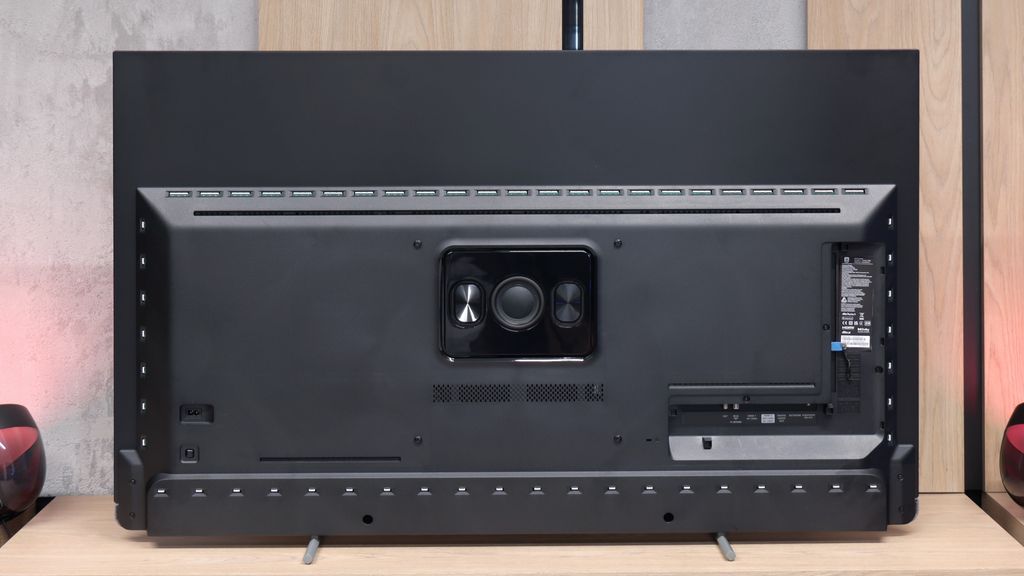
Philips OLED910 is one of the candidates for the title of TV of the Year 2025 – and we say this with full conviction. Thanks to the META panel used, specifically the Tandem OLED produced by LG Display, we get top-notch brightness that has not been seen in WOLED televisions before. Combined with perfect contrast, this provides unmatched experiences for evening viewing, which are difficult to find elsewhere. And if we add the four-sided Ambilight system to this, evening screenings can look better than on any other television. The OLED910 is not just a screen for films but also an excellent choice for gamers. The fast 144 Hz panel, along with the suite of features for gamers, does the job and gives the impression that this is equipment designed with modern gaming in mind. The sound is also worthy of special mention – in our opinion, it's the best built-in speaker system we've encountered in a television so far. The soundbar, created in collaboration with Bowers & Wilkins, demonstrates that one can do without an external setup, and if someone wishes, they can always add a subwoofer and step up to a full-fledged home cinema level. Of course, it is not the cheapest model, and compared to competitors, it requires digging deeper into your pockets. But it also has a few aces up its sleeve that make the extra cost seem justified. The question is: are you ready to spend more to have Ambilight, Bowers & Wilkins soundbar, and Tandem OLED panel? This is something everyone must evaluate for themselves. We can say one thing – by choosing the OLED910, you are purchasing one of the most interesting televisions of 2025.
- Matching (Score) |
- Our verdict |
- TV appearance |
- Where to buy |
- Contrast and black detail |
- HDR effect quality |
- Factory color reproduction |
- Color reproduction after calibration |
- Smoothness of tonal transitions |
- Image scaling and smoothness of tonal transitions |
- Blur and motion smoothness |
- Console compatibility and gaming features |
- Input lag |
- Compatibility with PC |
- Viewing angles |
- Daytime performance |
- Panel details |
- TV features |
- Apps |
- Playing files from USB |
- Sound
Philips OLED910 vs Panasonic W95B
 Direct comparison
OLED910
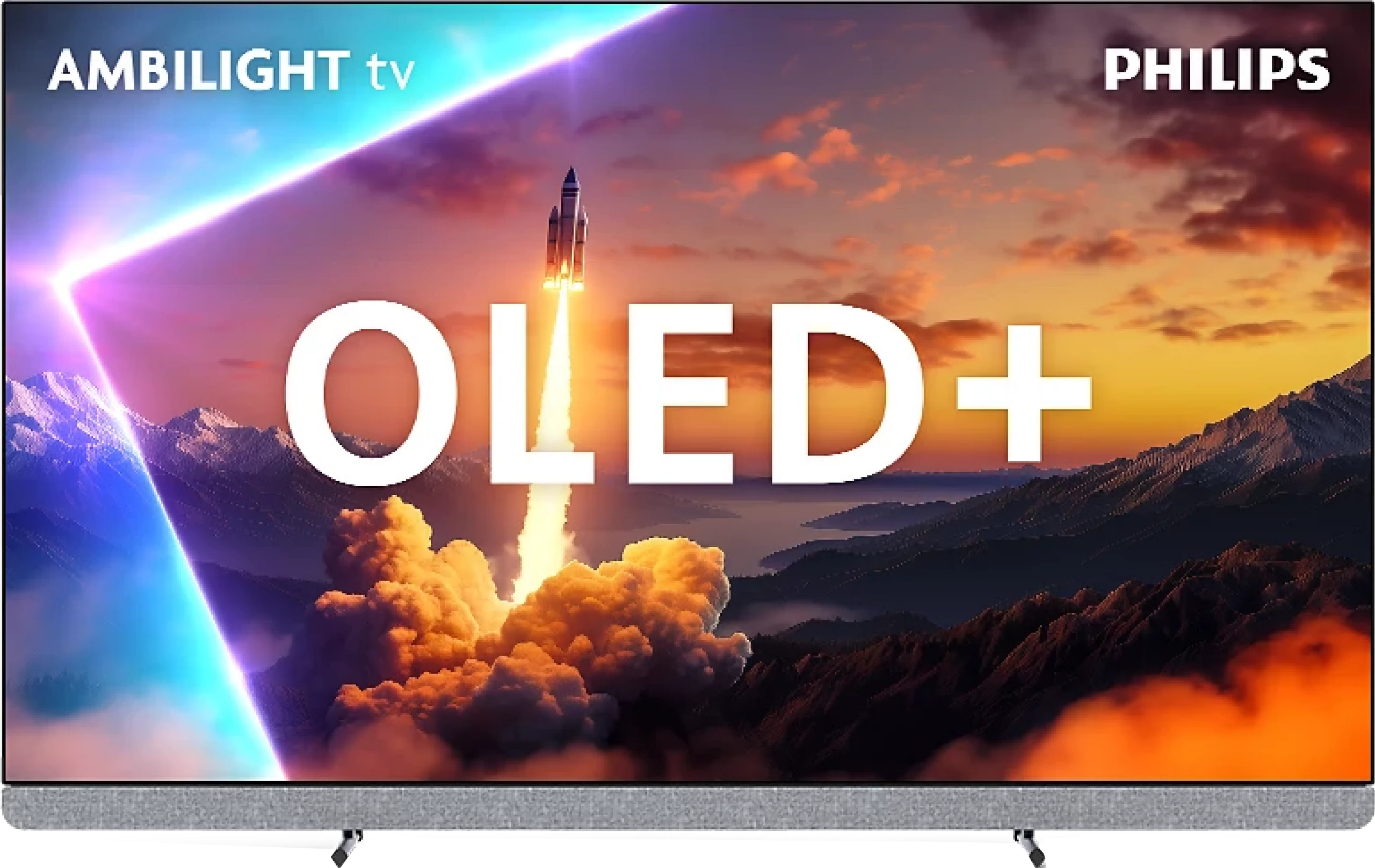
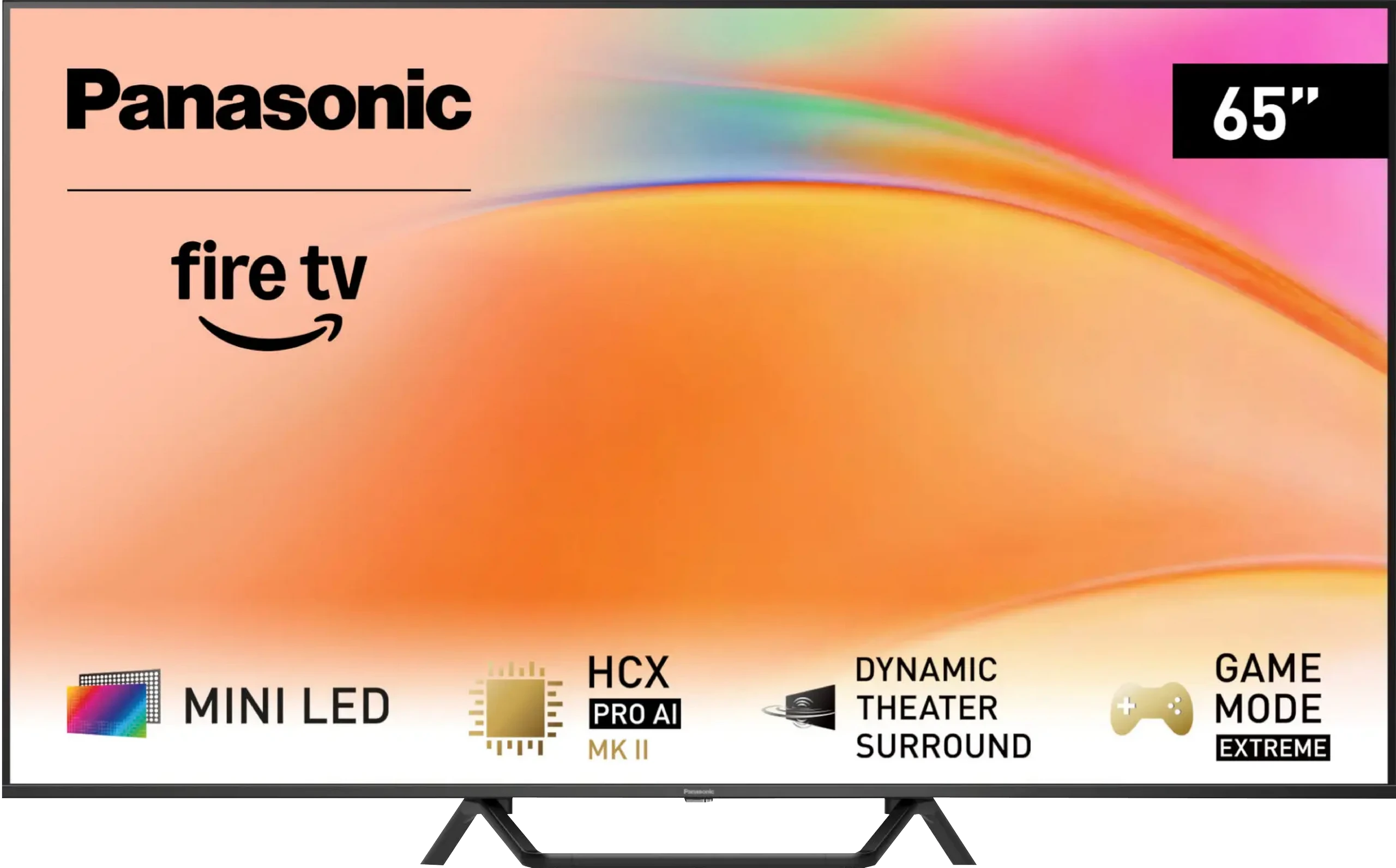
Panel type: WRGB OLED
Resolution: 3840x2160
System: Google TV
Model year: 2025
Complete the survey to find out the result
Panel type: LCD VA
Resolution: 3840x2160
System: Amazon FireTV
Model year: 2025
Complete the survey to find out the result
Overall rating
8.5
7.5
 Movies and series in UHD quality
 8.8
7.3
 Classic TV, YouTube
 8.7
7.4
 Sports broadcasts (TV and apps)
 8.5
7.2
 Gaming on console
 9.5
8.6
 TV as a computer monitor
 6.5
8.4
 Watching in bright light
 7.3
7.2
 Utility functions
 6.4
6.8
 Apps
Apps 9.6
7.2
 Sound quality
 9.5
7.9
Complete the survey to find out what fits your preferences
Advantages

Remarkable brightness, over 2000 nits in HDR!
Perfect black levels and very high contrast
Support for all major HDR formats: Dolby Vision and HDR10+
Very low input lag, amazing for gaming
Excellent motion smoothness, 144 Hz refresh rate and support for VRR and ALLM.
Four-sided Ambilight system making a huge impression
Google TV with a massive library of apps and efficient Google Assistant.
One of the best sounding televisions thanks to the Bowers & Wilkins soundbar
Support for audio formats Dolby Atmos and DTS:X
Excellent black levels and contrast thanks to 504 local dimming zones and a VA panel
Very high HDR brightness (up to 1400 nits)
Good motion fluidity. 144 Hz panel – perfect for gaming and dynamic content
Support for Dolby Vision, HDR10+
Many features for gamers including: HGiG, ALLM, FreeSync, and G-Sync
Low input lag
Well-functioning upscaling and subtle digital image processing
High brightness in daylight and effective anti-reflective coating
Pleasant sound with Dolby Atmos support
USB recording capability, Bluetooth, and jack input
Disadvantages

Only two HDMI 2.1 ports instead of four (this may be a limitation with more than one console)
Average font readability when working with a PC due to the lack of full chroma 4:4:4
Lack of several classic features – PiP, USB recording, infrared remote control
Price compared to the competition
The Fire TV system is poorly developed in Europe – many applications are missing
Clunky interface operation and software bugs, e.g. lack of subtitles when playing films from USB
Local dimming does not work in VRR mode
Narrow viewing angles – typical for VA panels
Only two HDMI 2.1 ports
Our verdict
The Panasonic W95B is one of those televisions that not only impresses with its specifications on paper but also delights in practice. It boasts an excellent Mini LED screen, offering remarkable black levels, very high brightness, and smooth motion, which combined with refined local dimming create an image close to perfection. Most content simply looks stunning on it, and the low-latency gaming mode with support for key technologies makes it a good choice for gaming as well. However, it is important to remember that the W95B is aimed at a rather specific group of consumers – those who can accept weaker usability features in exchange for good image quality. The Fire TV system in this version is not very polished: several apps are missing, some functions operate clumsily, and the built-in file player doesn't even support subtitles. Despite these shortcomings, the Panasonic W95B is a solid, well-crafted visual device that proves Mini LED can be a true alternative for those who, for various reasons, do not want an OLED television. It is one of the few televisions of this type that can be wholeheartedly recommended, provided that the priority is the image, rather than the system and applications.
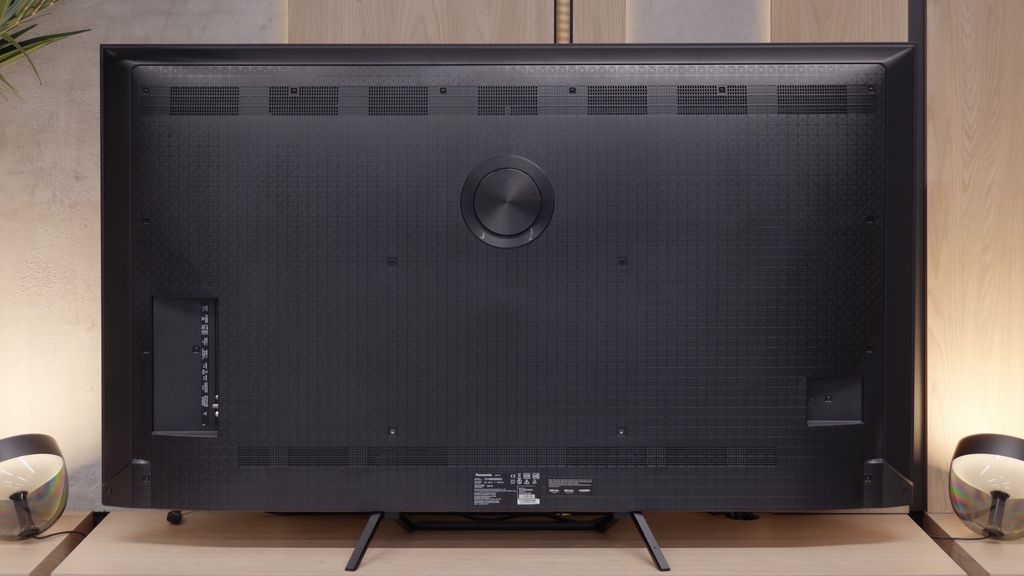
TV appearance
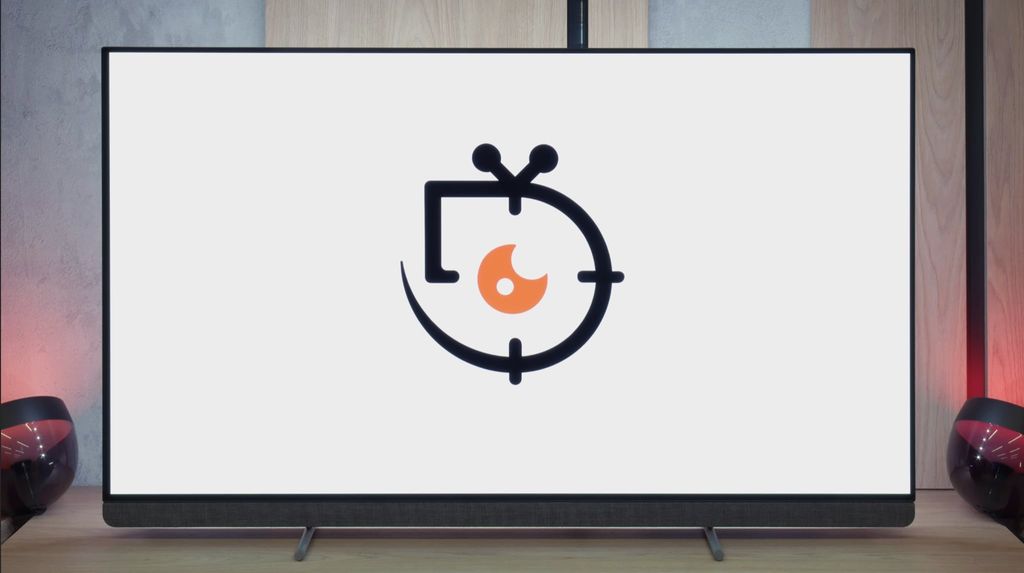
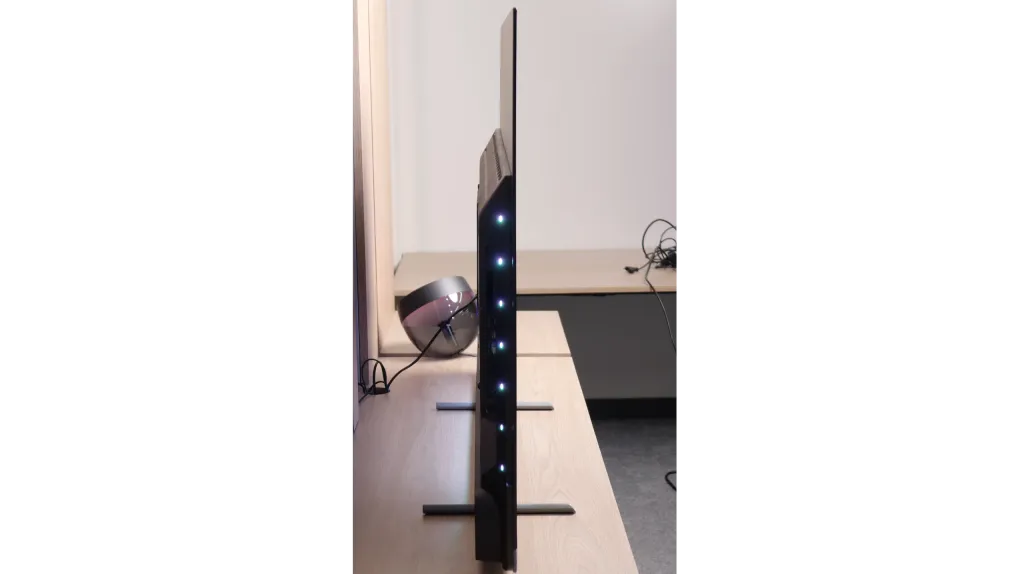


Contrast and black detail
10/10
7.5/10
Local dimming function: Yes, number of zones: 504 (18 x 28)
Contrast:


Result
∞:1

Result
∞:1

Result
∞:1

Result
∞:1

Result
∞:1
Result
175,300:1
Result
28,450:1
Result
19,450:1
Result
8,600:1
Result
5,400:1
Halo effect and black detail visibility:
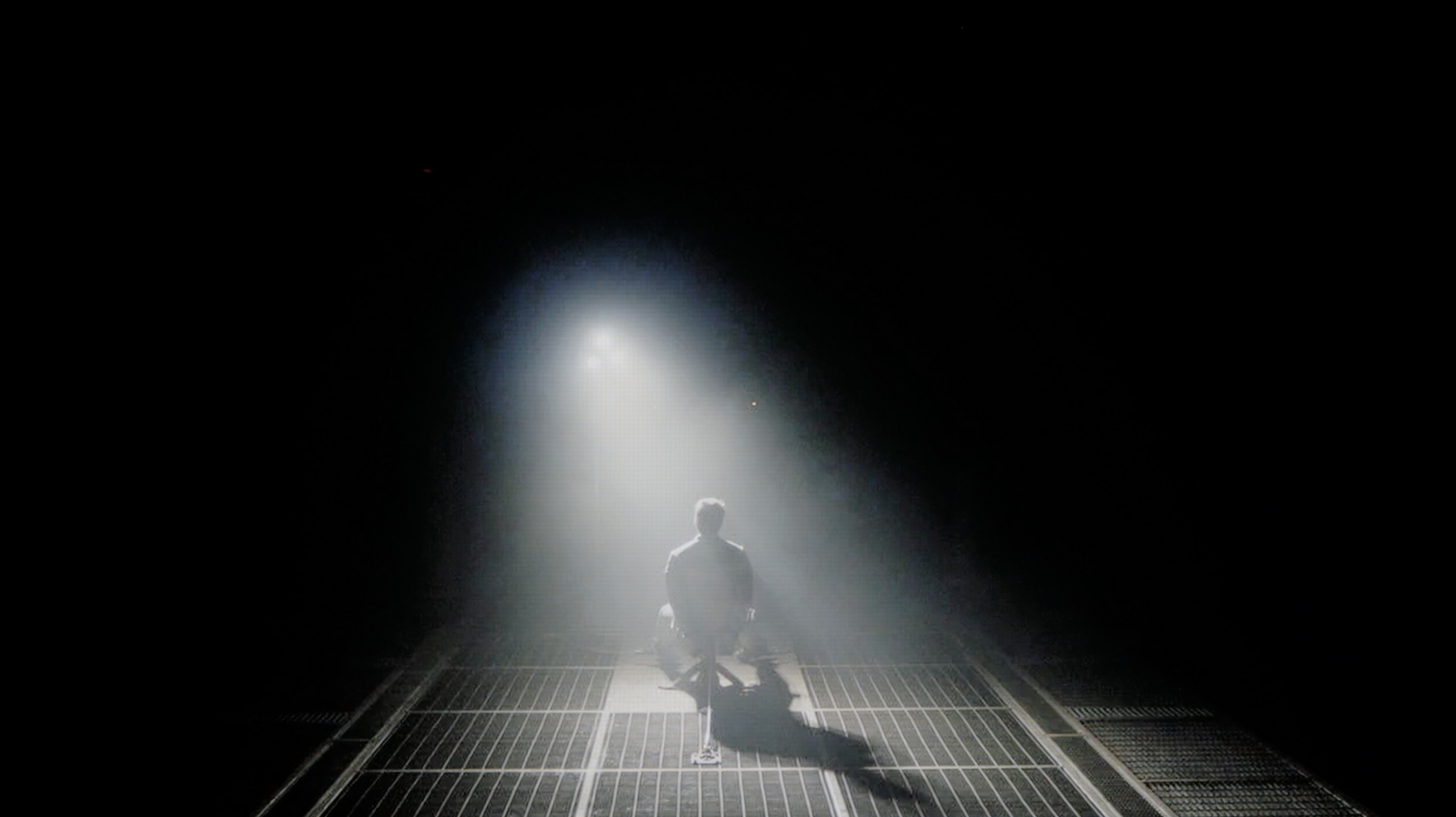
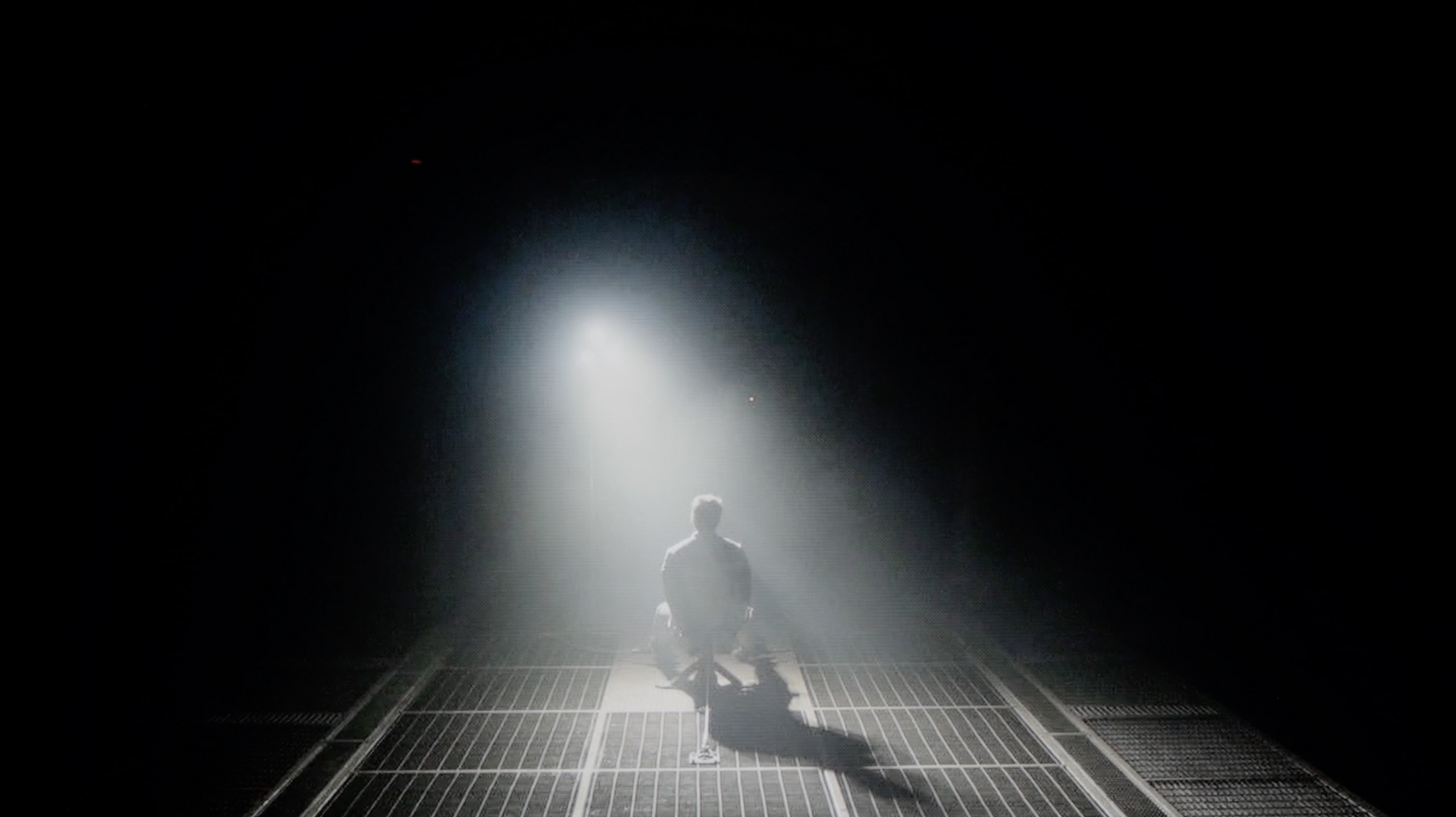
Check the visibility of bright lights on a dark background. Mini-LEDs often struggle with this. The photo does not compare black levels – that’s what the video below is for.
The video accurately shows differences in contrast and black levels between TVs, as well as potential issues: halo around bright objects or Mini-LED zone operation visible as brightness jumps.
As expected of an OLED television, the Philips OLED910 also offers an absolute level of black and remarkable contrast. This is a natural advantage of organic technology – each pixel is controlled independently, so when it needs to be black, it simply turns off. The image gains a depth that even the best Mini-LED televisions cannot reproduce, where there is always a risk of slight "blooming" or halo effect around bright elements. With the OLED910, this is not an issue – dark scenes are entirely credible, and at the same time, the television can replicate details in highlights with great precision, preserving their natural structure. In everyday viewing, this translates to an exceptional sense of realism and a cinematic quality. In this category, the OLED910 undoubtedly deserves the highest marks.
We tested the 65-inch variant, equipped with as many as 504 local dimming zones. The Panasonic W95B is an LCD television with a VA panel, but the most important feature is the use of Mini LED backlighting with precise zone control. The results we managed to achieve are truly impressive – in easier scenes, the contrast can reach six-digit values, making it at times easy to confuse this screen with an OLED. Of course, this model is not an OLED and in more demanding sequences, certain limitations resulting from the operation of the zones can be observed; however, it must be admitted that Panasonic has refined its algorithms to near perfection. Local dimming is practically invisible in action – the image remains coherent, without obvious defects or the effect of excessive "bleeding" of light. Details in dark areas are preserved, and the transitions between brightness and black look exceptionally natural.
HDR effect quality
8.8/10
5.7/10
Luminance measurements in HDR:

Result
2008 nit

Result
2109 nit

Result
2214 nit

Result
2152 nit

Result
1382 nit
Result
1145 nit
Result
229 nit
Result
636 nit
Result
198 nit
Result
740 nit
Scene from the movie “Pan” (about 2800 nits)


Scene from the movie “Billy Lynn” (about 1100 nits)


The photos show two HDR10 movies. 'Pan' is one of the brightest productions ever made, while 'Billy Lynn' (soldier) has brightness typical of streaming (Netflix, Prime, HBO MAX). Notice the intensity of effects and detail in whites.
Static HDR10


The photos present the visibility of white details in various HDR formats. They do not show brightness differences between TVs (these can be compared in the previous gallery).
Dynamic: Dolby Vision
Dynamic: Dolby Vision


The photos present the visibility of white details in various HDR formats. They do not show brightness differences between TVs (these can be compared in the previous gallery).
HDR luminance chart:
Panasonic W95B
Philips OLED910
Luminance of RGB colors
The OLED910 is simply an absurdly bright television for an OLED. All thanks to the new panel from LG Display, the Tandem RGB OLED, which Philips has dubbed its "META OLED." It is this panel that allows for over 2000 nits of brightness in films, which not long ago was completely unattainable in OLEDs. The television also deserves high praise for how it handles full-screen scenes drenched in bright light. Generally, in OLEDs, brightness drops significantly during such scenes, but here it remains at an excellent level – around 1400 nits. These are almost reference values, and combined with the excellent colour reproduction at 99% DCI P3 and 82% BT.2020, it gives us an HDR effect that can confidently be called one of the best in the world.
The Panasonic W95B is truly a bright screen, capable of achieving a peak luminance of around 1400 nits. In brighter, well-lit film scenes, this value translates to spectacular HDR effects that can make a big impression. However, knowing our test setup, you can probably see that in very demanding shots – such as the moon in the distance or the lights of a helicopter in the scene from Sicario 2 – the television does not impress. In such situations, brightness drops to around 200 nits, which makes the HDR effect much less noticeable. This happens because Panasonic prioritises maintaining deep blacks, not illuminating the background – for many users, this shouldn't be a cause for concern. However, it is important to remember that in these moments the image begins to resemble SDR content. The coverage of the colour palette also deserves praise, as it reaches about 93% of the DCI-P3 space thanks to the use of a PFS filter (also known from QLED technology). As a result, most films look very good in terms of saturation and colours, preserving the cinematic character of the image.
Factory color reproduction
7.6/10
5.1/10


This gallery shows how colors change after professional TV calibration. If you notice the difference, we recommend ordering this service at SkalibrujTV.com.
Factory Mode
After calibration


This gallery shows how colors change after professional TV calibration. If you notice the difference, we recommend ordering this service at SkalibrujTV.com.
Factory Mode
After calibration
Update 01/2026
After conducting a series of calibrations of the OLED910 model at our customers' locations, we noticed that the measurement results differ from those obtained during the initial tests. The factory tuning of the movie mode turns out to be significantly better than our first tests suggested. White balance is set very precisely, with only a minimal dominance of red. The factory colour reproduction stays close to reference standards – average Delta E errors hover around 3-4, which is an excellent result for factory settings. However, there is some concern regarding the way the television manages brightness. Analysis of the Gamma (SDR) and EOTF (HDR) graphs shows a tendency to excessively 'pull' details out of the shadows. In practice, this means that the image may appear too bright, resulting in a loss of black depth in favour of visibility of details that should remain hidden. Of course, this effect can be effectively corrected during professional calibration.
Unfortunately, regarding colour reproduction right out of the box, the Filmmaker mode on the OLED910 performs really poorly. The television overemphasises the blue colour, and at times it looks almost like a shop mode. This gives the impression that the manufacturer did not quite tune the device properly. The effect is that colours appear unnatural, and the overall look is somewhat reminiscent of an overly exaggerated display in a store. HDR content performs much better, where aside from a slight loss of detail in the blacks, there's not much to complain about. The problem is that in everyday viewing, it is the SDR materials that matter most – and on the OLED910, they simply look poor and fall far short of what we would expect from a television of this class.
In Filmmaker mode, the Panasonic W95B offers an image with quite accurate colour reproduction, although it is not without minor imperfections. The white balance slightly veers towards red, which may cause a subtle warming of the image, and the gamma curve is slightly elevated, making the screen appear a bit brighter. It is good that the manufacturer included this mode – even in factory configuration, it provides a reasonably natural appearance for films. However, knowing how susceptible Panasonic televisions are to calibration, we decided to see how much the image could be improved after professional tuning.
Color reproduction after calibration
9.4/10
9.1/10


The photos show how movies look on the TV. Pay attention to black detail visibility, colors, and shadow tint.


The photos show how movies look on the TV. Pay attention to black detail visibility, colors, and shadow tint.
Fortunately, it quickly turned out that it was not the panel causing the problems, but rather the way Philips factory-calibrated the OLED910. After calibration, the television displayed its full potential, and only then could we see what the new panels produced by LG Display were truly capable of. We primarily adjusted the white balance and brightness characteristics, successfully taming the excessive blue and giving the image a natural appearance. The final effect can be described as excellent. Errors on the Color Checker palette rarely exceeded a value of 3, which in practice means an image close to perfection and colours presented in accordance with the creators' intent. In SDR content, the effect was outstanding, and in HDR, the improvement was even more noticeable – gradients became cleaner, and colours fuller and more accurate. After calibration, the OLED910 transformed from a disappointing television into equipment that can confidently be referred to as a reference in terms of colour quality.
After professional calibration, the Panasonic W95B shows what it is truly capable of. Colour errors have mostly dropped below values of 2–3, making them practically invisible to the human eye. It was also possible to correct the excess red in the white balance, which has resulted in the image no longer having a slight pink tint, and details in dark areas are no longer lost due to excessive dimming in the gamma. In HDR content, the improvement is also noticeable – colour saturation is now more stable and does not shift so markedly towards blue as it did before. This is truly an excellent television for watching films and series in the highest possible quality. While we know that Mini LED screens are not always perfect for this, the W95B is a perfect example that with proper fine-tuning, an effect close to OLEDs can be achieved.
Smoothness of tonal transitions
7/10
9.5/10





These are selected scenes that show smooth tonal transitions from one color to another. If you see distinct banding, it’s the TV panel’s fault.

These are selected scenes that show smooth tonal transitions from one color to another. If you see distinct banding, it’s the TV panel’s fault.

These are selected scenes that show smooth tonal transitions from one color to another. If you see distinct banding, it’s the TV panel’s fault.

These are selected scenes that show smooth tonal transitions from one color to another. If you see distinct banding, it’s the TV panel’s fault.
When it comes to colour combinations, the OLED910 performs quite well. In bright scenes, especially where strong bright colours dominate, it is difficult to spot any serious problems and the image looks very clean. It is less impressive in darker sections, closer to the grey palette – there you can notice characteristic banding, which may start to irritate more demanding viewers after a longer period of watching. Overall, however, it is a decent level and in most films or series, the effect should not be particularly bothersome.
In terms of the fluidity of tonal transitions, the Panasonic W95B performs exceptionally well. In the vast majority of scenes, the gradation is practically imperceptible, making the image look exceptionally smooth and natural. Minimal issues only occur in extreme shades of grey, which are extremely rare and difficult to detect with the naked eye. This is a level that will satisfy even the most demanding users.
Image scaling and smoothness of tonal transitions
7/10
7.8/10

Smooth transition function
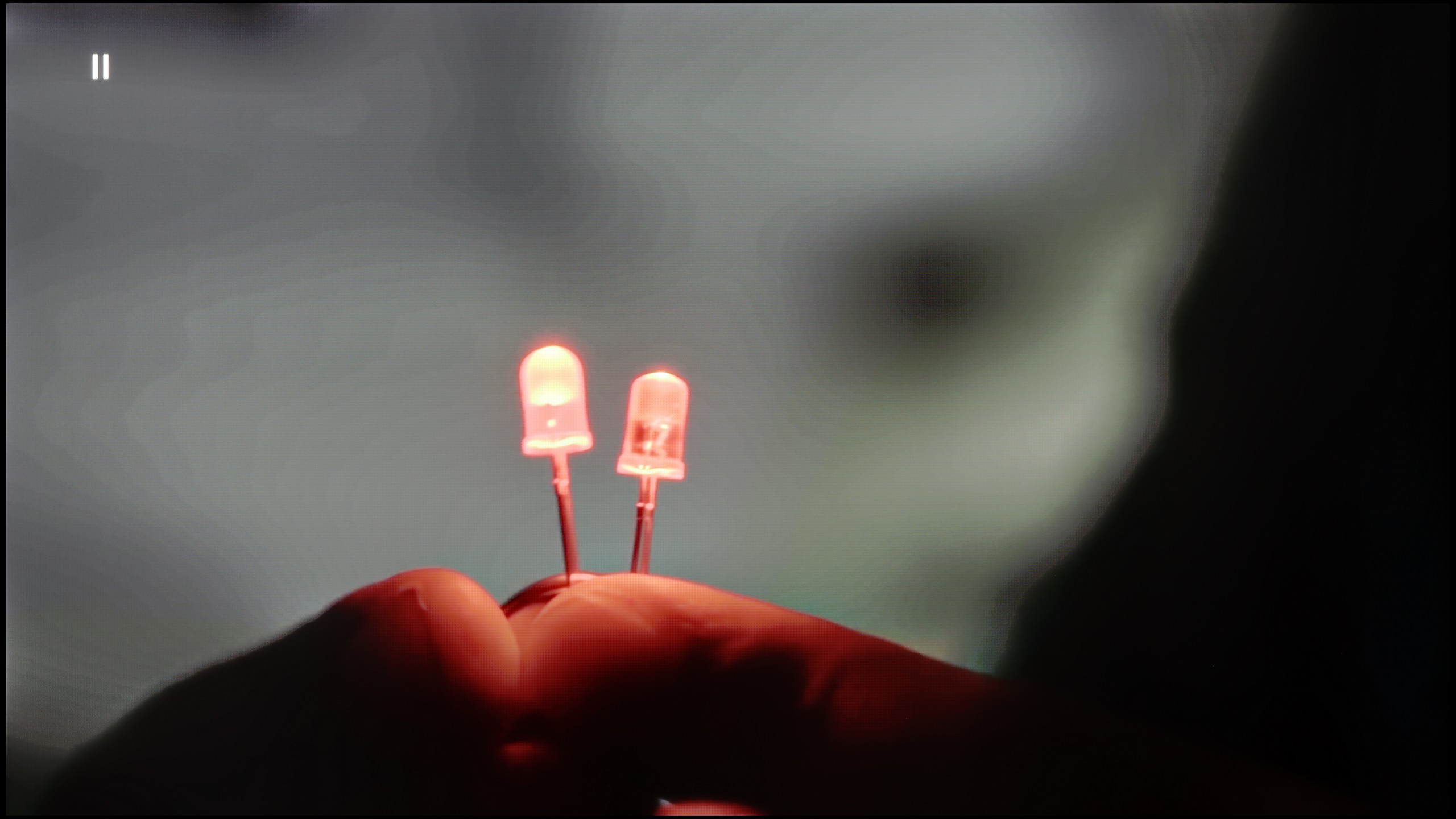
The match photo shows how the TV smooths weak tonal transitions in low-quality video.
Image scaling SD (576i)


The model photo shows how it handles upscaling of SD material.
The previously visible colour banding can largely be mitigated thanks to a feature called "distortion reduction." Like in the OLED820, it is best set to a medium level, as it then produces fairly decent results – smoothing out unwanted tonal transitions while not taking away too much detail from the image. Although at times the effect may be slightly too aggressive, this function can be considered useful for everyday viewing.
As for image scaling, the OLED910 performs really well. The test material featuring a model had a soft look characteristic of Philips – at times almost too soft – but this can be easily corrected with the sharpness slider, allowing you to adjust the image to your own preferences. It's also worth noting that the television has no issues with overscan, which still occurs in some competitor models. It's a small detail, but it's pleasing because it means that all content, even the oldest, is displayed as it should be.
In terms of image processing, the Panasonic W95B performs excellently. The proprietary processor responsible for digital image processing effectively upscales lower resolution content to 4K, preserving a great deal of detail and a natural appearance of contours. The final effect is impressive – the upscaling here is at a truly high level, and Full HD content can look surprisingly good. The way the television smooths tonal transitions in low-quality materials is also noteworthy. The algorithm does not operate as aggressively as in some competing models, but as a result, it does not cause a loss of detail or blur film grain.
Blur and motion smoothness
8.5/10
7.8/10
Blur (native resolution, maximum refresh rate):






Blur (BFI function enabled):



Blur (4K@144Hz):



Blur (4K@144Hz):



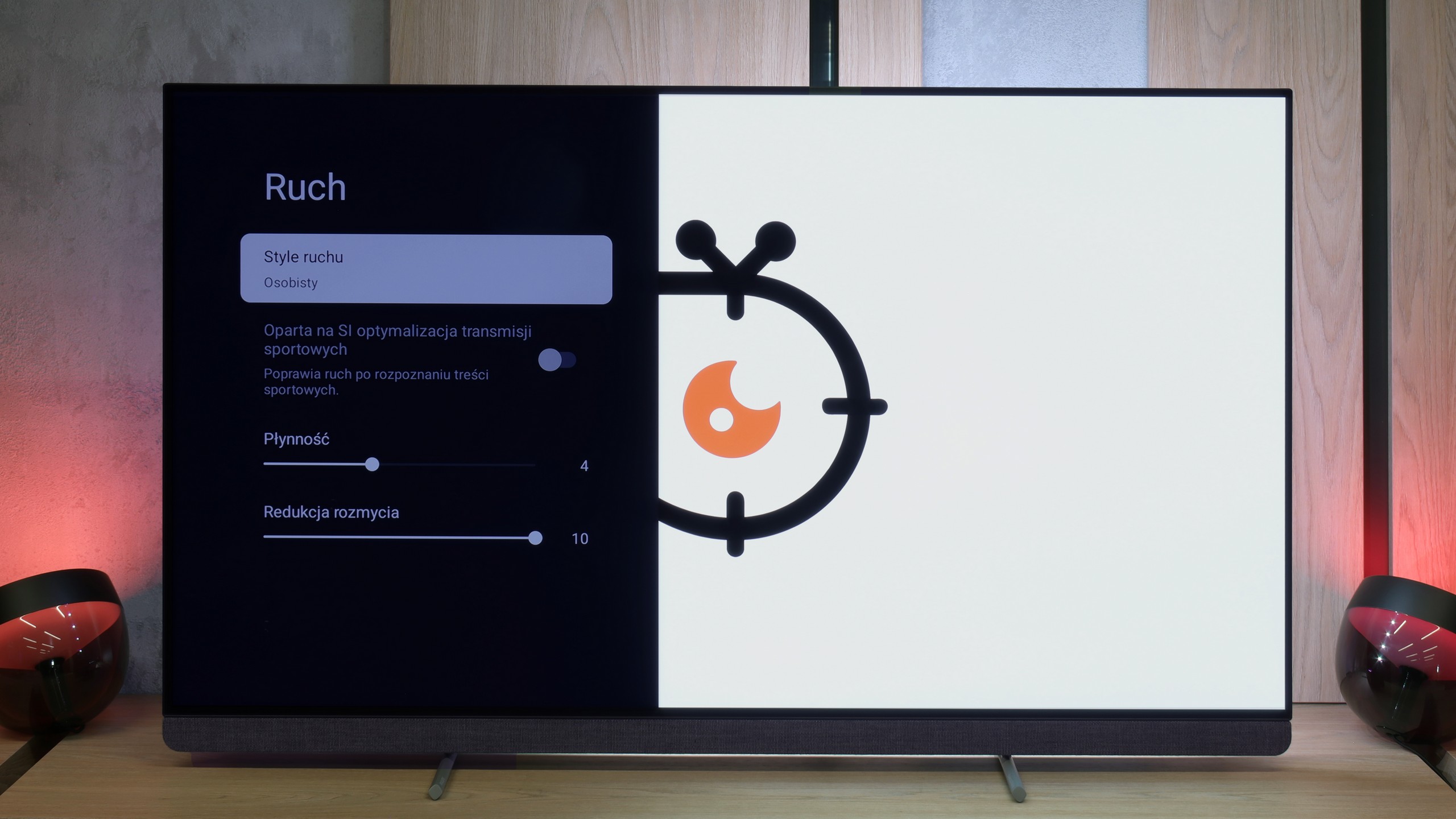
OLED910 is a television with a refresh rate of 144 Hz. It’s a bit of a shame that Philips didn’t opt for 165 Hz, as we know that the panel used is capable of that. On the other hand, such a bonus would mainly benefit PC gamers, as in everyday use, the most important refresh rate is 120 Hz, which is fully sufficient. Combined with the advantages of the OLED panel – lightning-fast pixel response time and the absence of motion blur, the image is impeccably sharp and quick, even in dynamic action scenes. The traditional motion smoother from Philips, called “Motion Style,” also deserves praise. We can easily adjust it to our preferences: the “Fluidity” slider is responsible for films and allows you to choose between a more “filmy,” cinematic character and a smooth, theatrical image. Meanwhile, the “Motion Blur Reduction” slider is intended for sports, where it’s worth setting it to the maximum value to ensure that the image is clear and distinct during very fast shots.
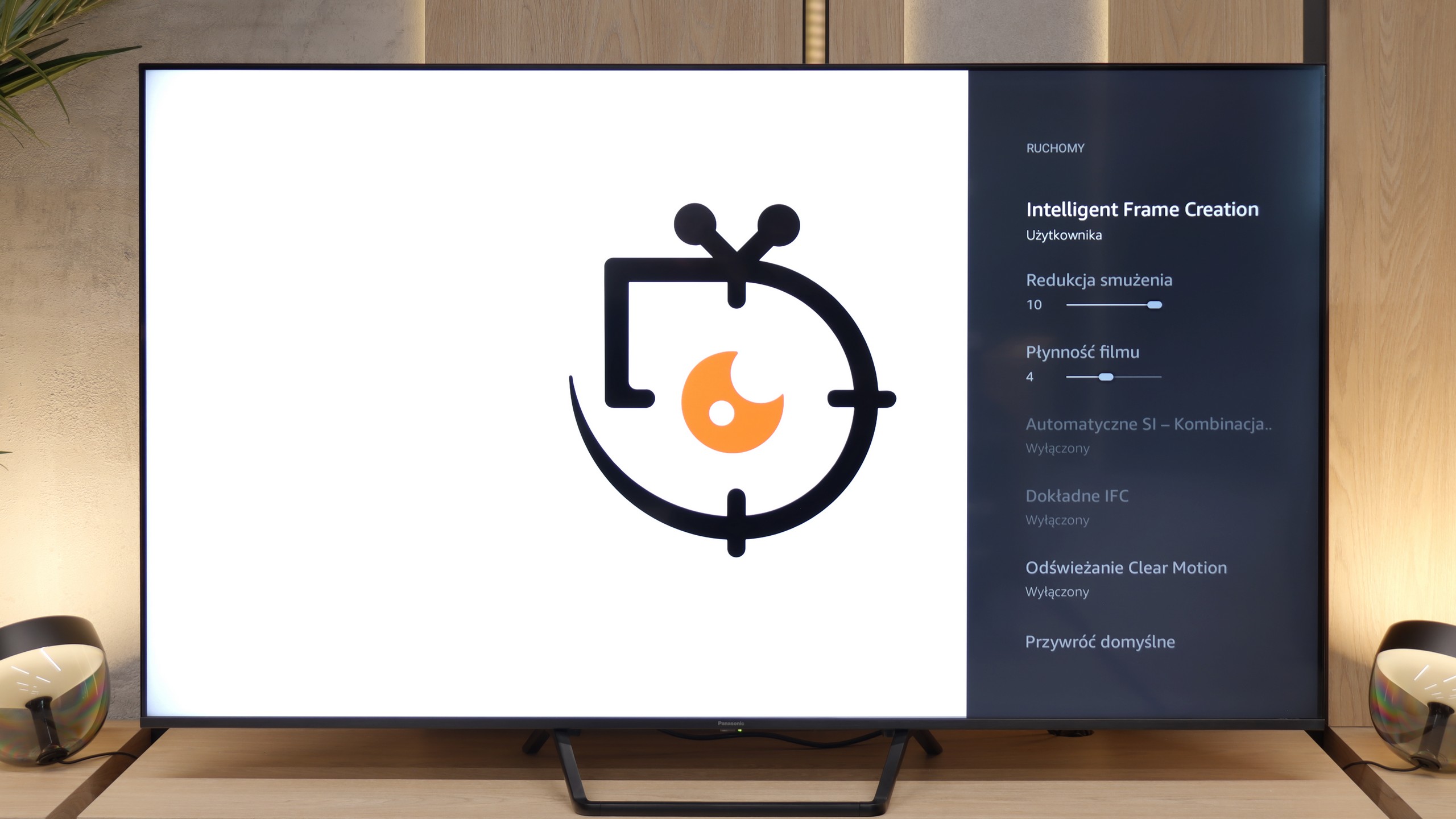
The 144 Hz panel used in the Panasonic W95B offers excellent fluidity, although in practice, due to the appearance of television content or the limitations of new generation consoles, it is worth observing its performance at a refresh rate of 120 Hz. In this mode, the television performs superbly – despite being a VA panel, which is not known for the fastest pixel response times, motion blur here is minimal and difficult to detect with the naked eye.
Console compatibility and gaming features
9.8/10
9.8/10
- ALLM
- VRR
- VRR range48 - 144Hz48 - 144Hz
- Dolby Vision Game Mode
- Correct implementation of HGIG
- 1080p@120Hz
- 1440p@120Hz
- 4K@120Hz
- Game bar
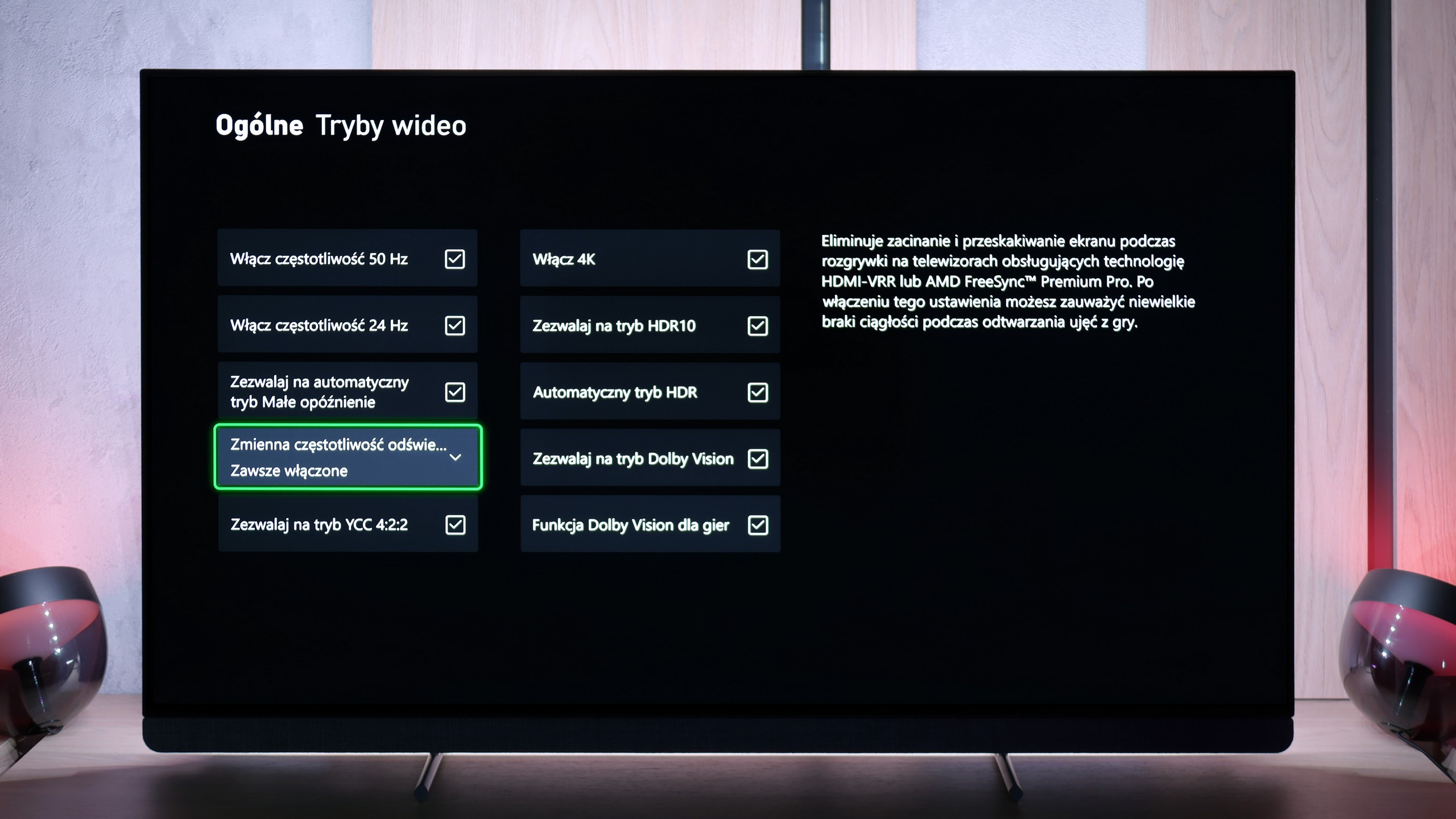
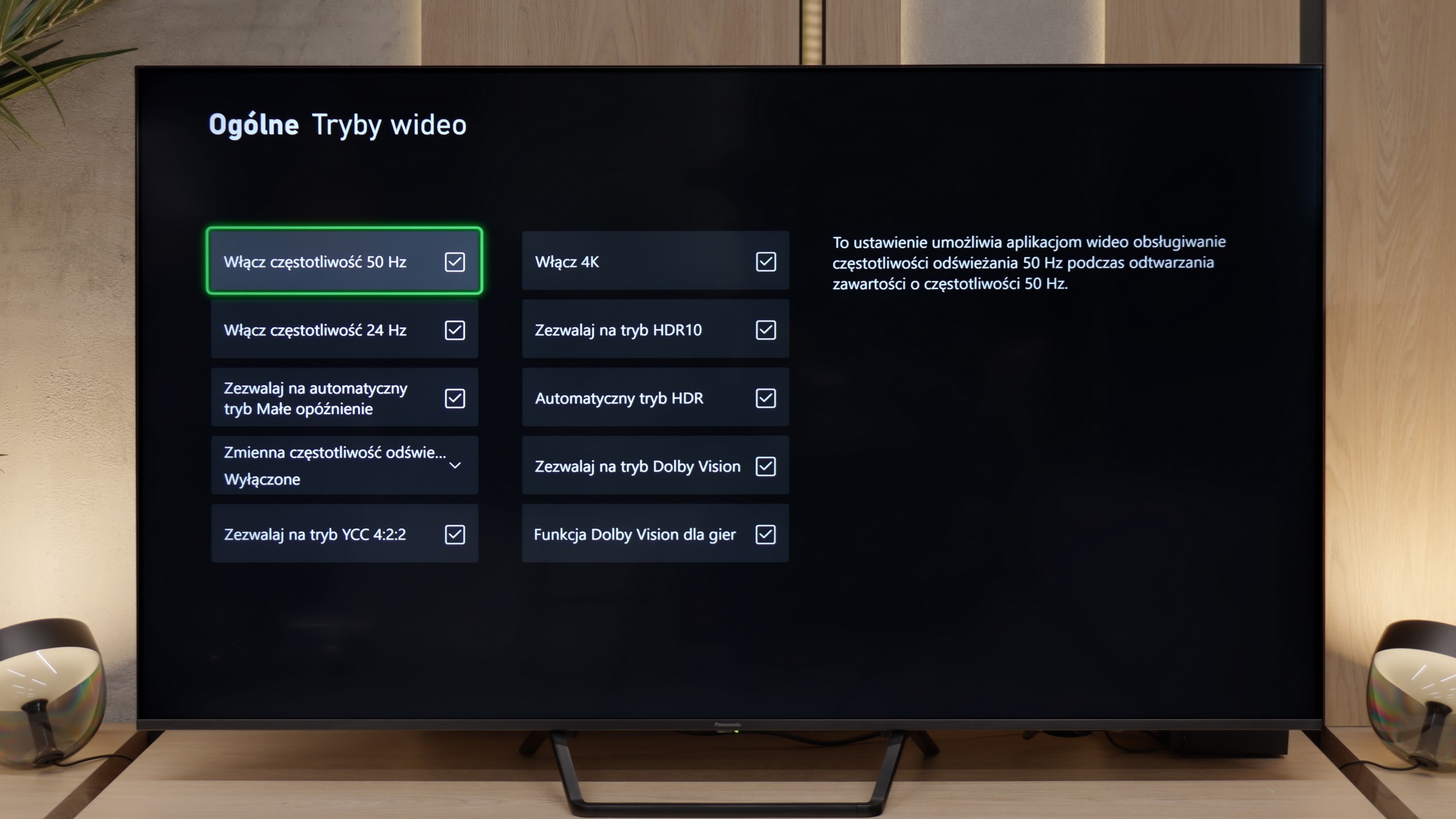
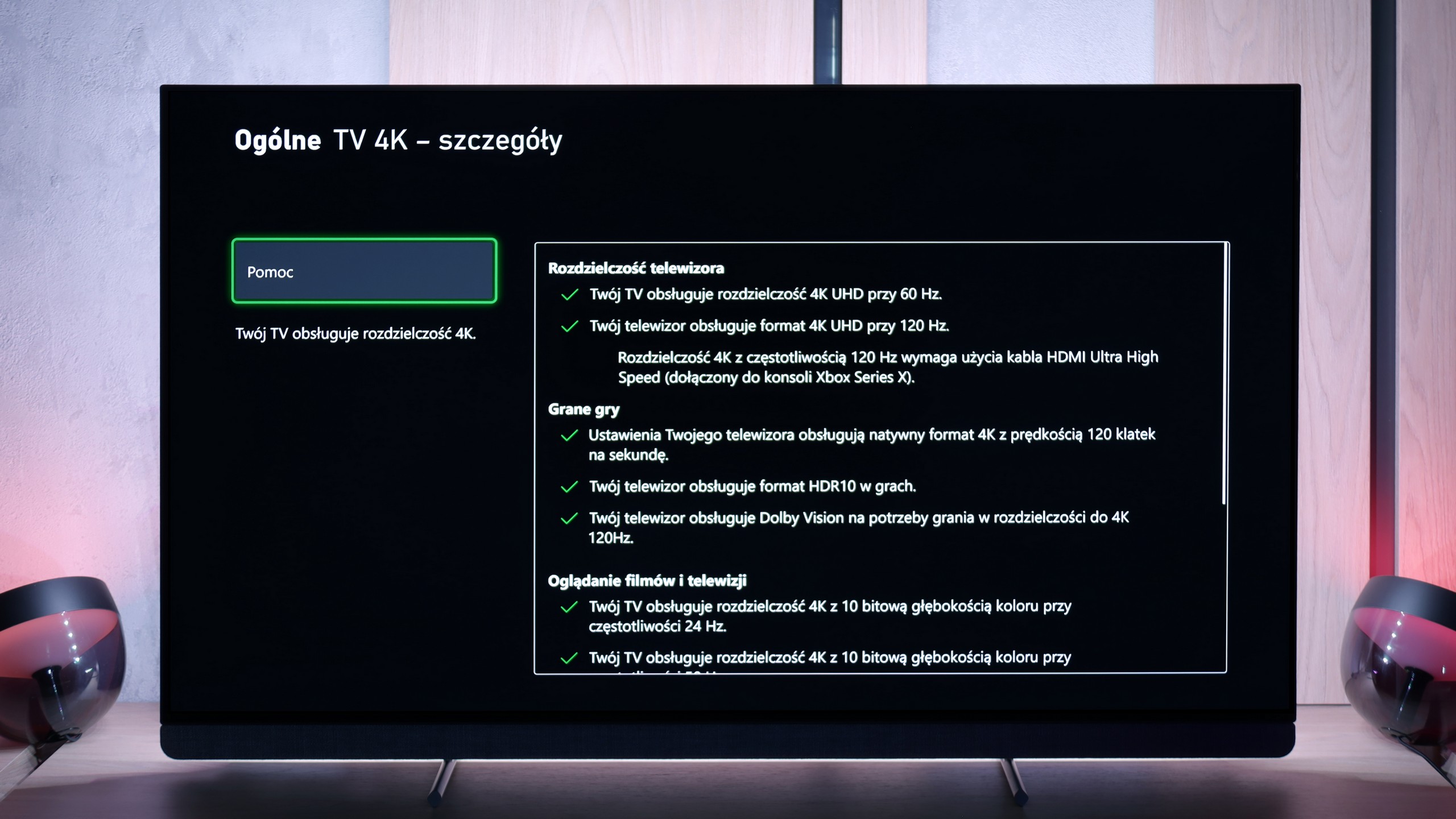
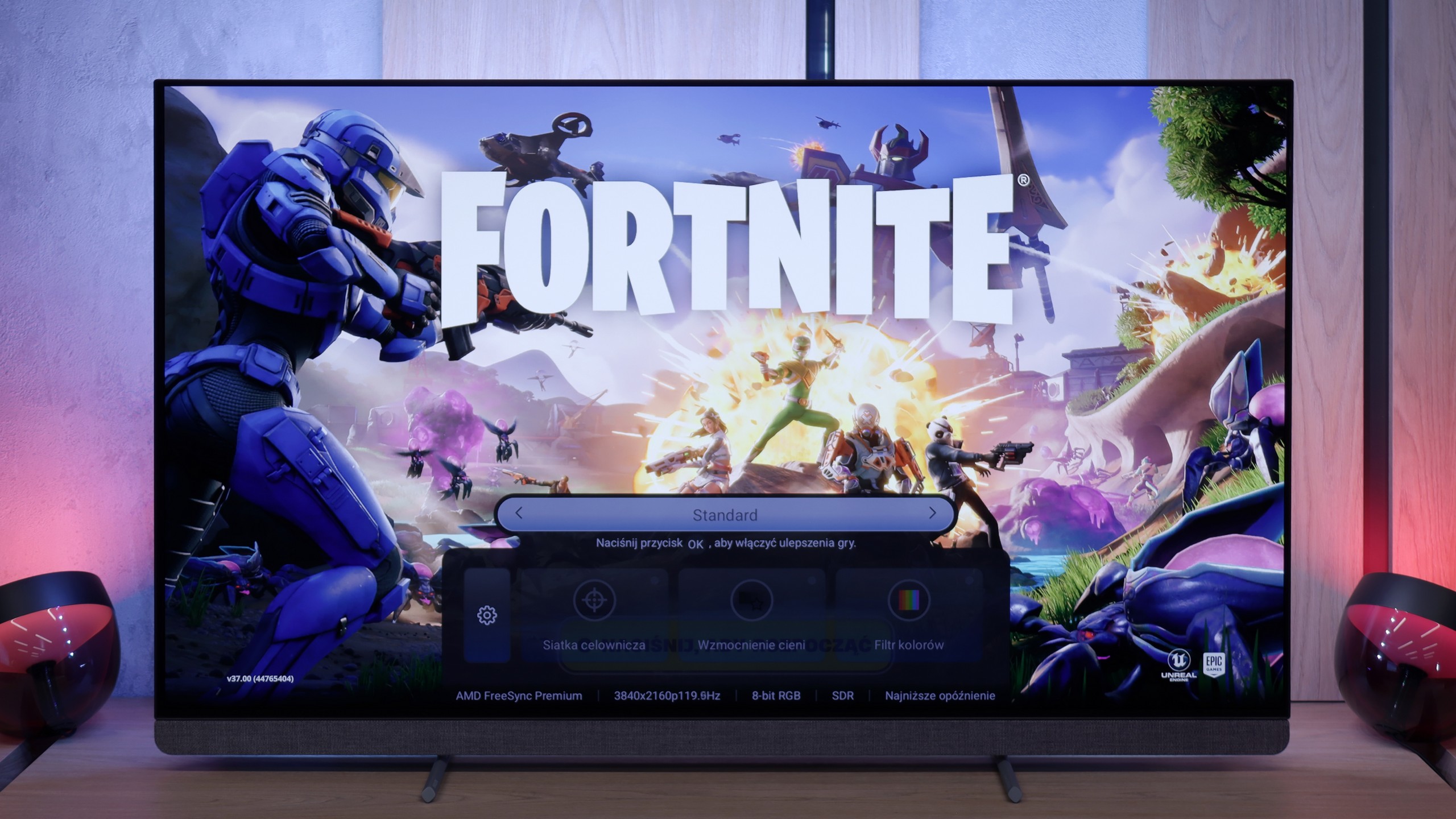
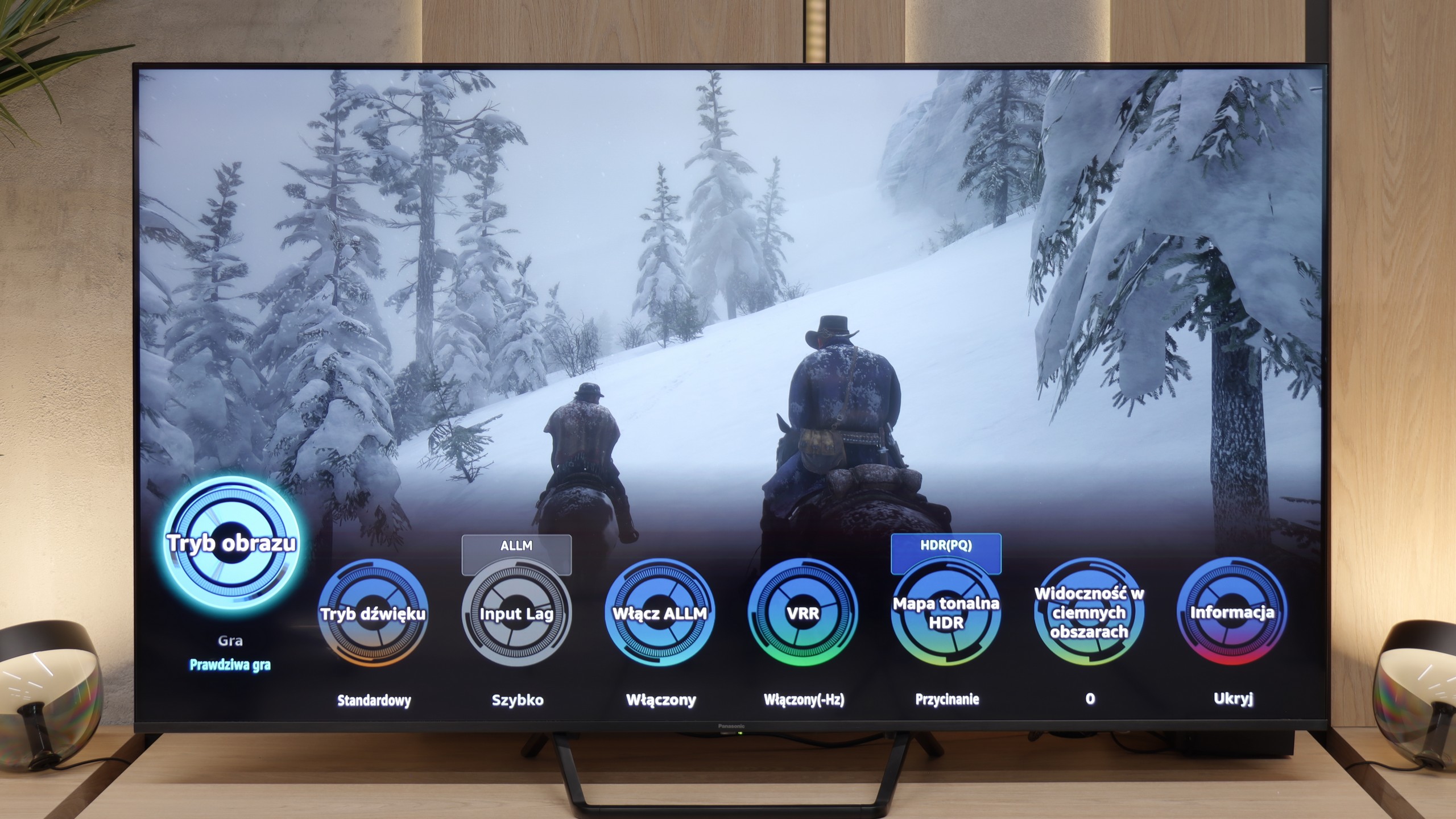
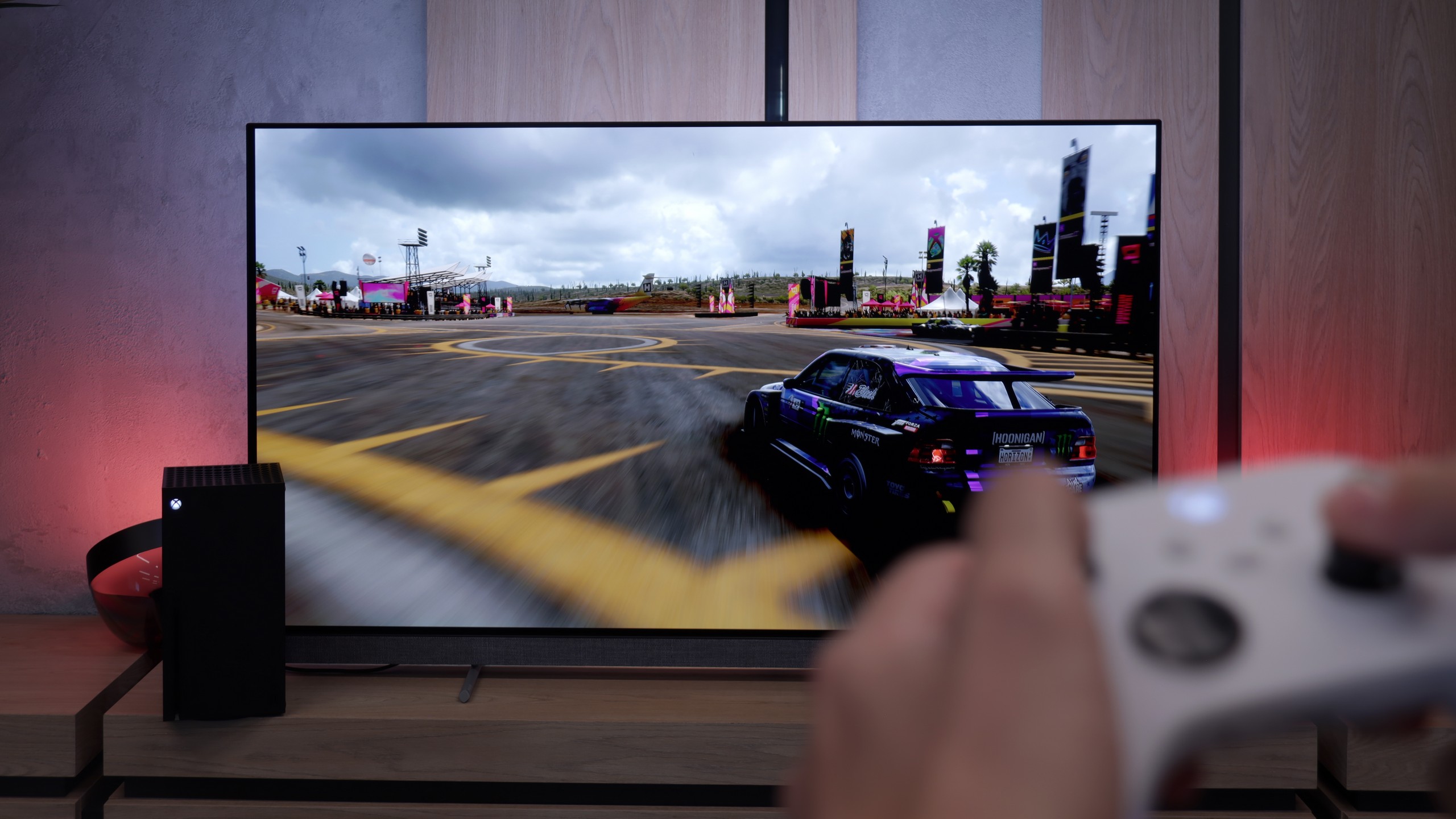
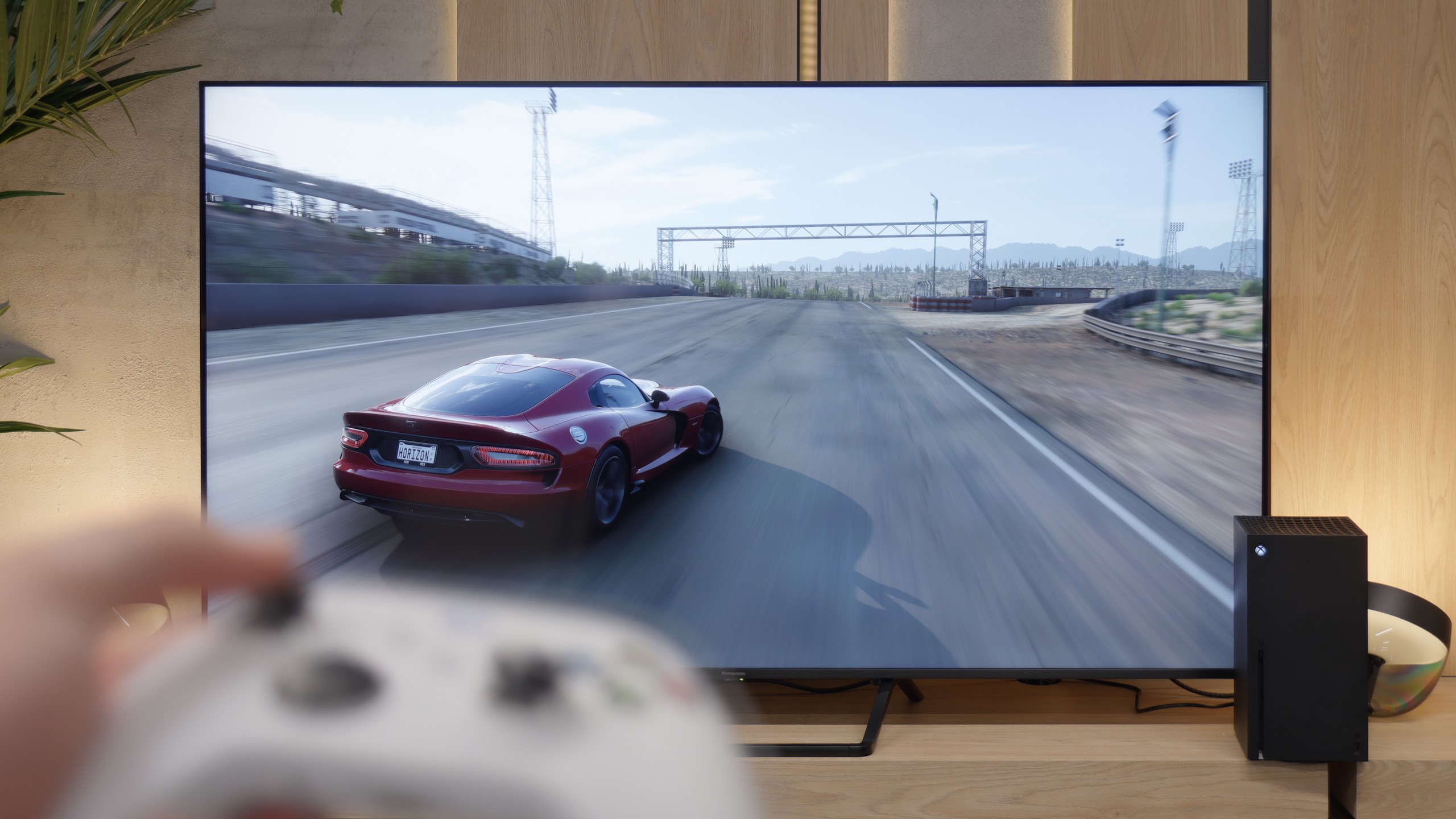
The OLED910 is fantastic for gaming. It supports 144 Hz, so if someone has a powerful PC, they can comfortably utilise that potential. On consoles, the most important thing is still 120 Hz, and everything works perfectly here. There's VRR, an automatic gaming mode, and even Dolby Vision in games and HGiG mode, so we really get a full package of gaming features. Philips has also added a Game Bar, which is a quick menu that displays basic information and allows you to enable a few useful things. It may not look as modern as the competition, but it works and fulfils its purpose. The only downside is the number of HDMI 2.1 ports. There are only two, which can be quite disappointing for a TV in this class. If someone connects two consoles and something additional through eARC - like a soundbar (which doesn't make much sense in this model but I'll discuss that in the paragraph about sound) - they'll have to do some adjustments. Other than that, the OLED910 has everything we expect from a gaming television.
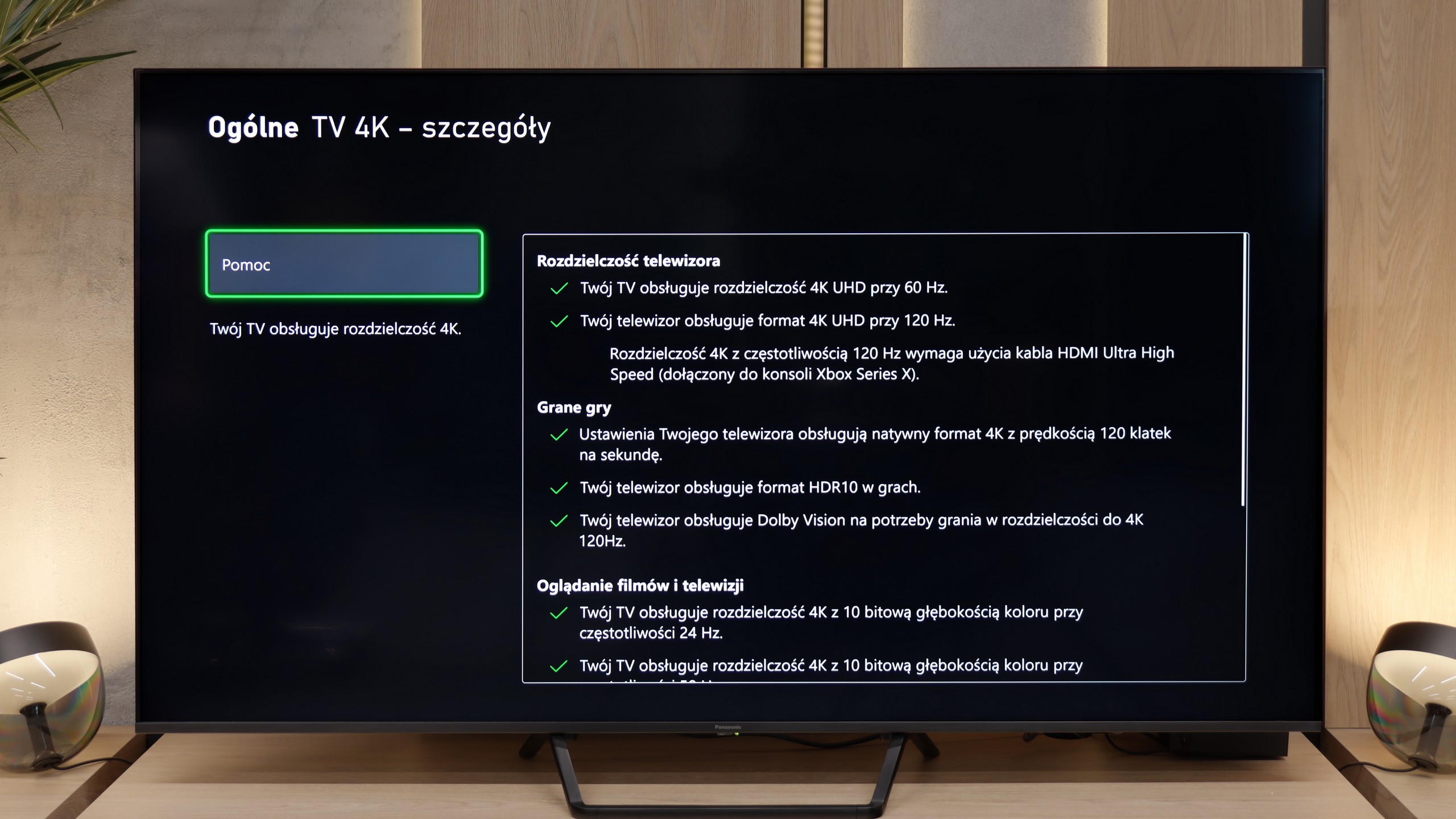
Aside from the previously mentioned drawback related to the VRR mode, in which local dimming does not work, the Panasonic W95B is a true gaming monster. The television offers practically everything that gamers can expect – perhaps except for four HDMI 2.1 ports, as there are only two available. Onboard, we find an auto low latency mode (ALLM), properly implemented HDR modes for gamers, including HGiG, as well as support for Dolby Vision in games. It is all complemented by an interestingly designed Game Bar, presented in the form of circles. While it may not be the most visually attractive, it serves its purpose – allowing quick access to key game parameters and adjusting settings without entering the system menu.
Input lag
10/10
9.8/10
SDR
HDR
Dolby Vision
In terms of input lag, the OLED910 has nothing to be ashamed of. In 120 Hz mode, the delay is around 5 ms, which is a reference result and guarantees instantaneous response. With 60 Hz materials, the values rise to around 13 ms, but this is still a very good result, entirely sufficient even for demanding gamers. Importantly, even in Dolby Vision, the input lag remains low, so you can enjoy both excellent picture quality and full responsiveness.
The Panasonic W95B offers a very low input lag – around 11 ms at 120 Hz content and 20 ms at 60 Hz. Although on paper these are not record-breaking results that could impress the most demanding esports players, in practice the difference is practically imperceptible. During testing, even in dynamic, fast-paced titles, we did not notice any delay in reaction. The television responds instantly, and gameplay remains smooth and comfortable. This level is more than sufficient for both console gaming and more demanding online productions.
Compatibility with PC
6.5/10
8.4/10
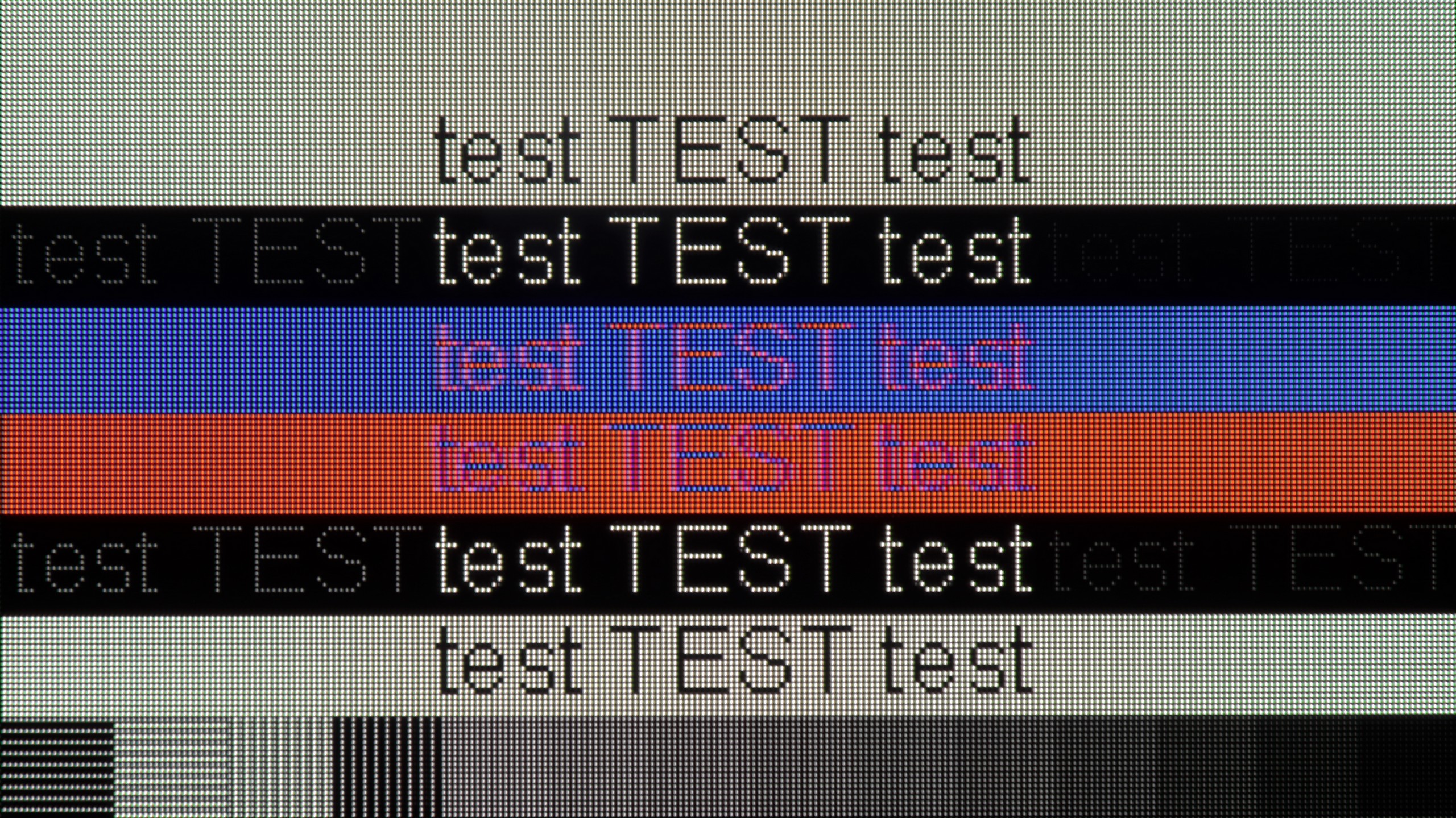
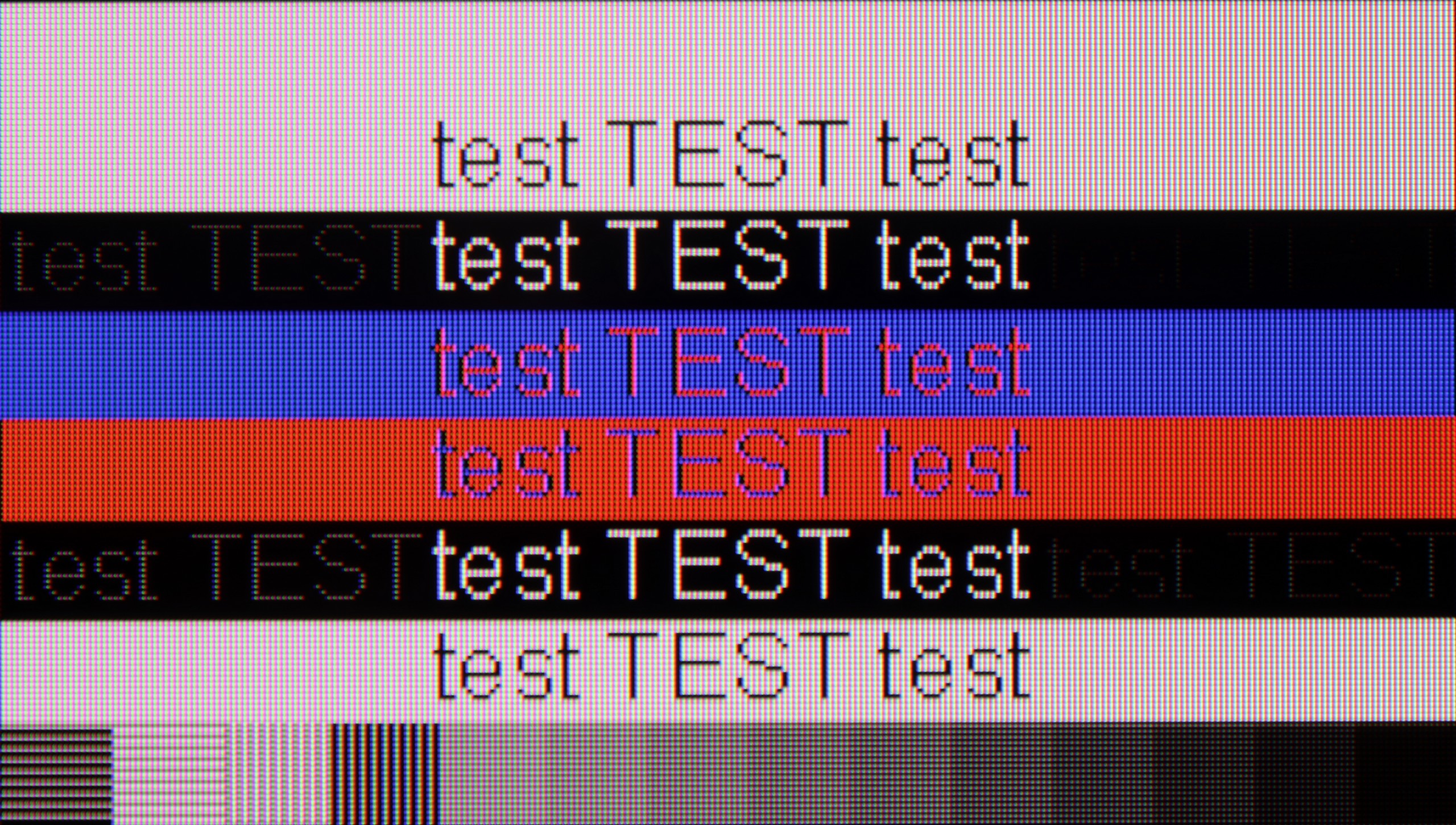
The photo shows the legibility of small fonts. Ideally, lines should be the same thickness on both light and dark text, with minimal pixel gaps.
The OLED910 connected to a computer performs excellently in games. It has a 144 Hz refresh rate, very low input lag, and G-Sync support, so everything runs smoothly and without delays. For gaming, it's really hard to find any faults. It’s worse if someone wanted to work with text on it. Standard black-and-white fonts look fine, but the problem starts when colour elements appear in the document. The lack of full chroma 4:4:4 support causes such text to appear slightly blurred. For everyday office work, it’s a mediocre solution.
The Panasonic W95B performs very well when used with a computer. Thanks to its gaming panel with a 144 Hz refresh rate and support for G-Sync and AMD FreeSync, the screen provides a smooth image without the tearing effect, which will be appreciated not only by gamers but also by those using the television as a large monitor. It is also comfortable to work on daily – fonts are readable and the image is sharp. Although they are not as clear as in the case of IPS panel screens, for most users the quality of text display will be fully satisfactory.
Viewing angles
7.6/10
2.9/10
The OLED910 performs very well in this regard. The new Tandem OLED RGB panel means that we no longer have the advantage that older MLA panels could pull off in a showdown with QD-OLEDs. Here, instead of a "remarkable" level, we simply have "very good." Brightness does drop a bit when viewed at an angle, but colour saturation is maintained, and even with a larger deviation, the picture looks appealing. It will be difficult to find a situation where the viewing angles in this model actually bother anyone.
Unfortunately, this is the Achilles' heel of the Panasonic W95B model – as with most televisions equipped with a VA panel without additional coatings to widen the viewing angles. Colours start to fade even with a slight deviation from the screen's axis, and the contrast noticeably decreases. For this reason, when watching, it’s best to sit as directly in front of the television as possible to fully utilise the potential of the image.
Daytime performance
7.3/10
7.2/10
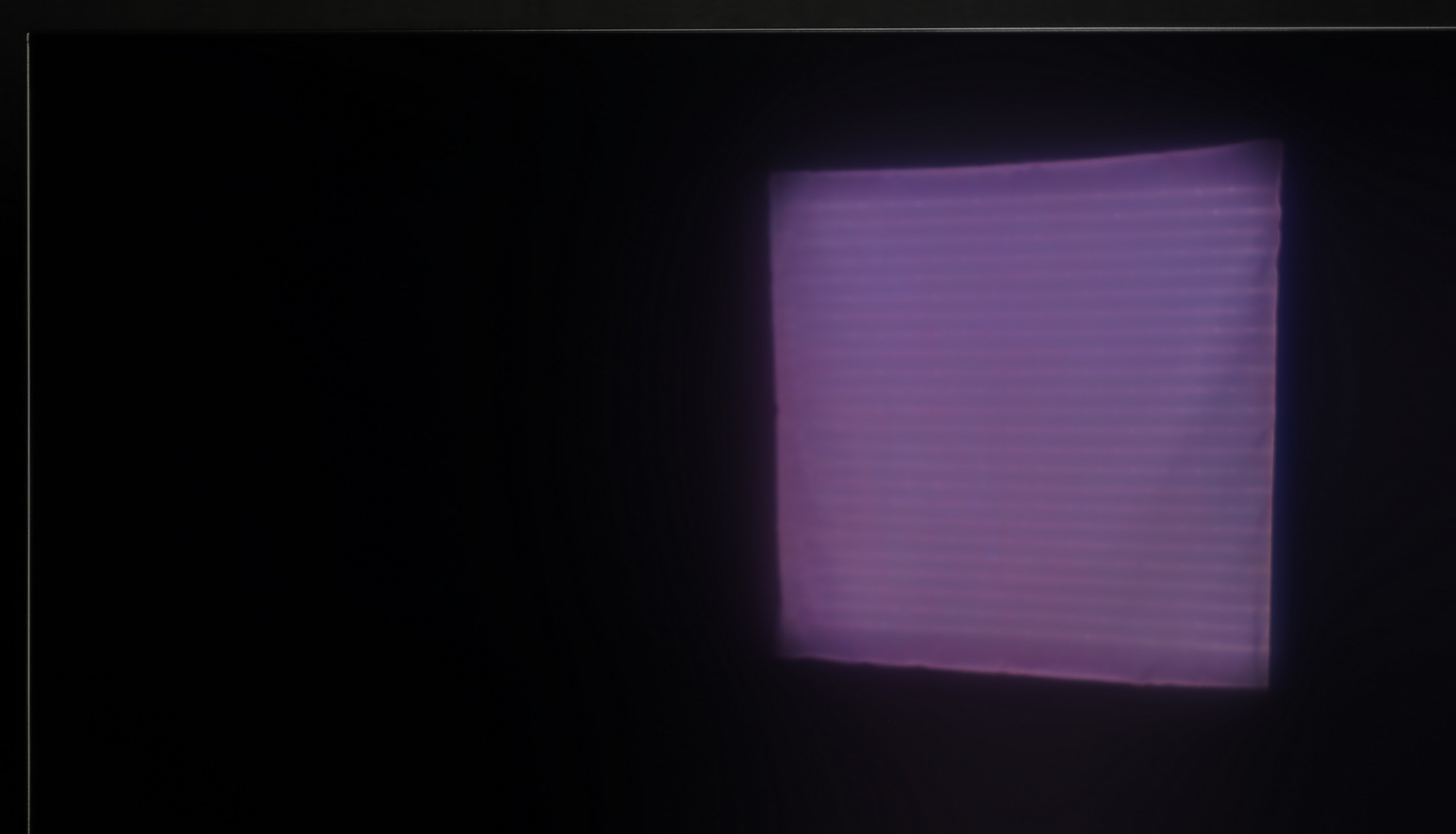
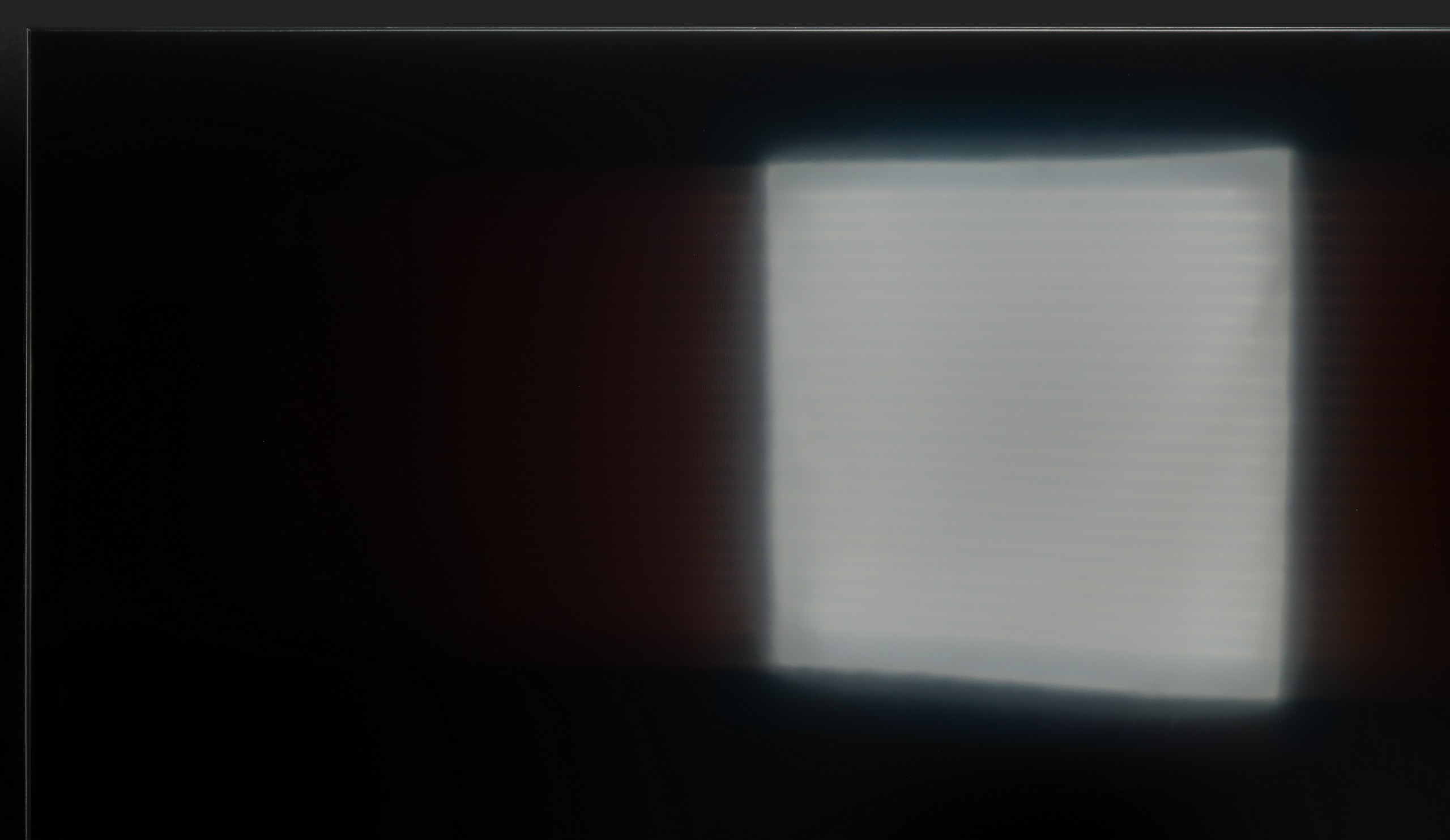


Panel brightness
Panasonic W95B: 673 cd/m2
Philips OLED910: 614 cd/m2
The satin finish of the panel used in the Panasonic W95B effectively suppresses light reflections, ensuring that the screen remains readable even in brightly lit rooms. However, the greatest advantage of this model is its high brightness – when viewing everyday content, it reaches around 700 nits, which is more than sufficient even in very demanding daytime conditions. The television performs exceptionally well in living rooms with large windows or when watching on a sunny day, maintaining appropriate contrast and colour saturation without sacrificing visual comfort.
Panel details
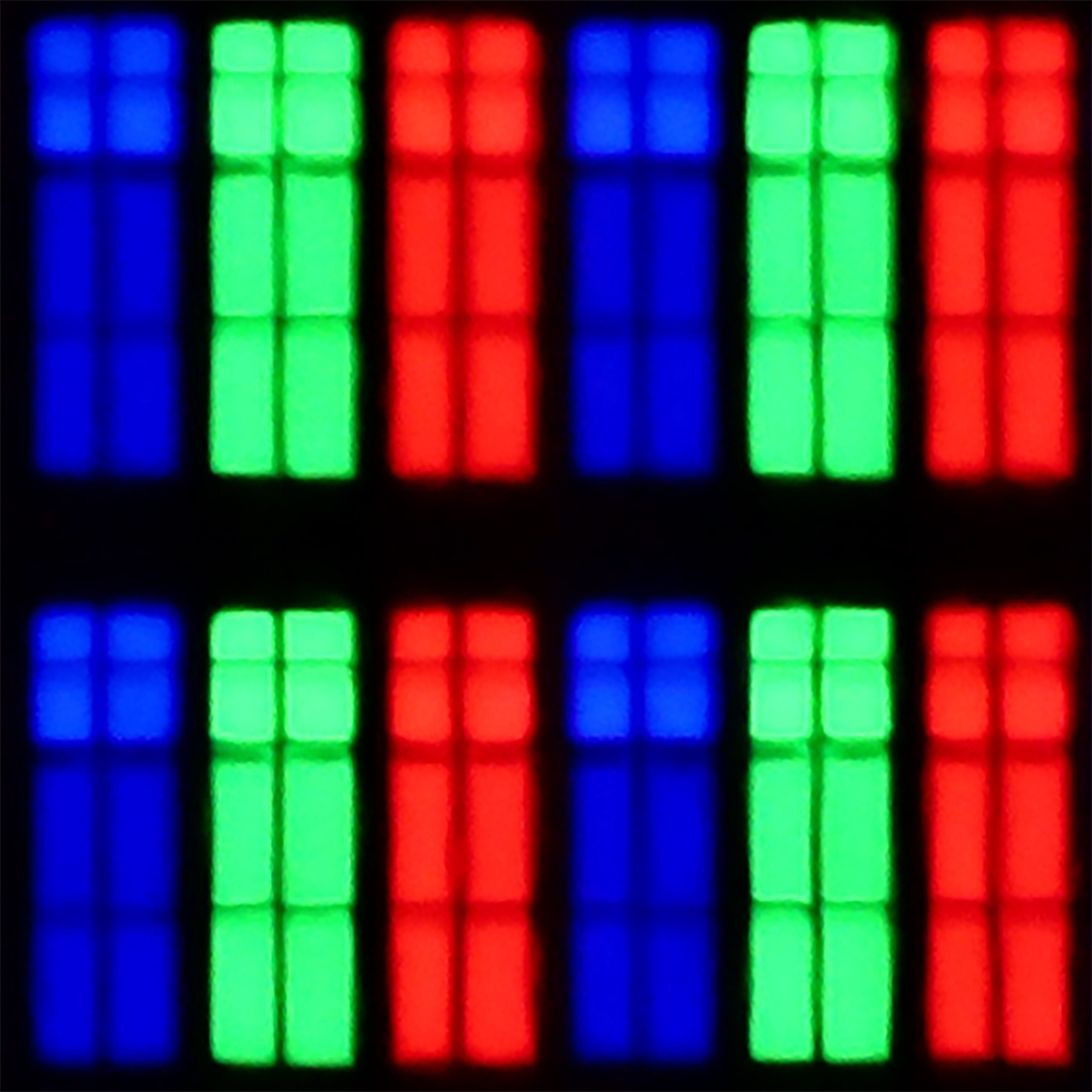
Subpixel Structure:
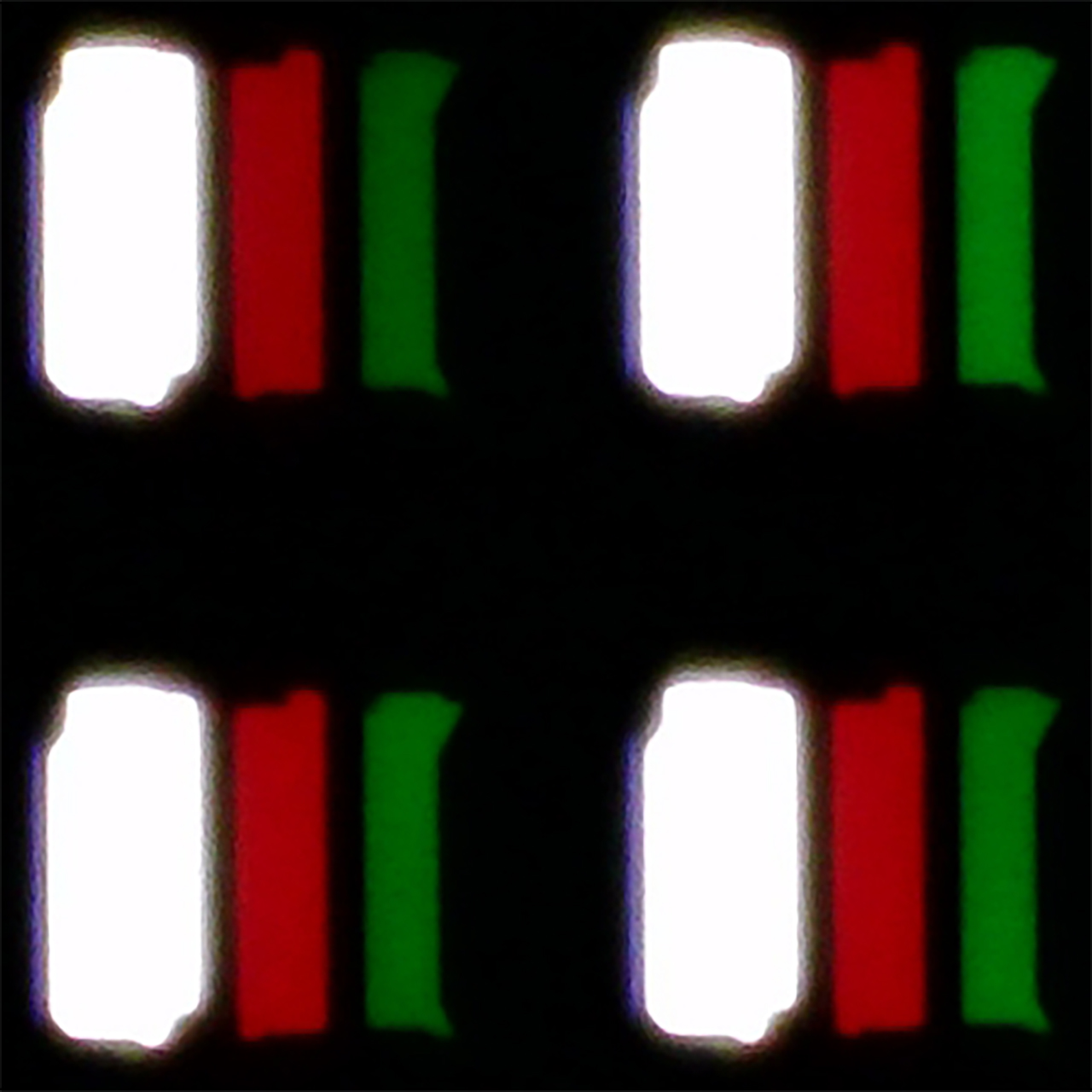
Panel uniformity and thermal imaging:


Philips OLED910
Panasonic W95B
TV features
6.4/10
6.8/10
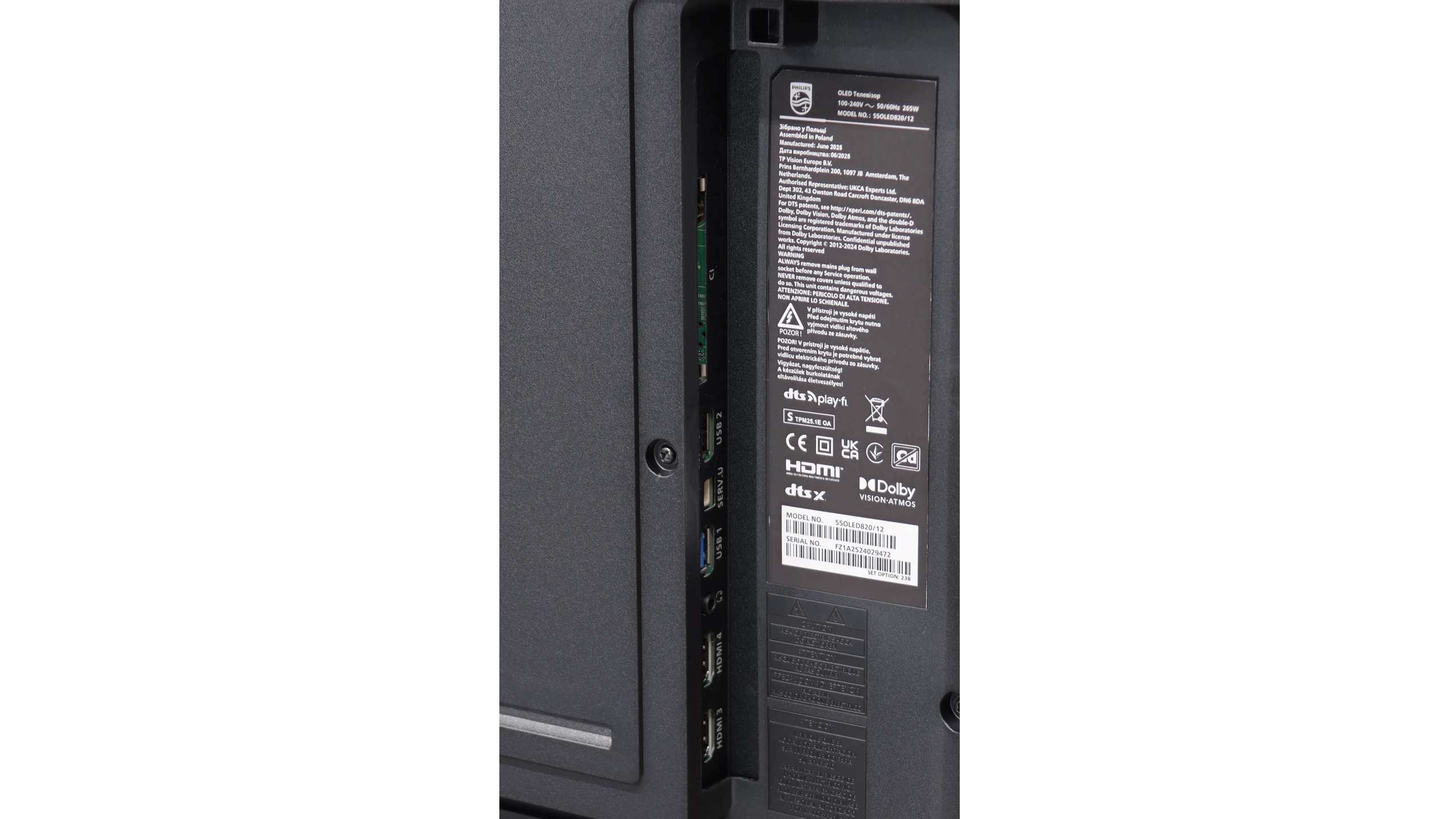
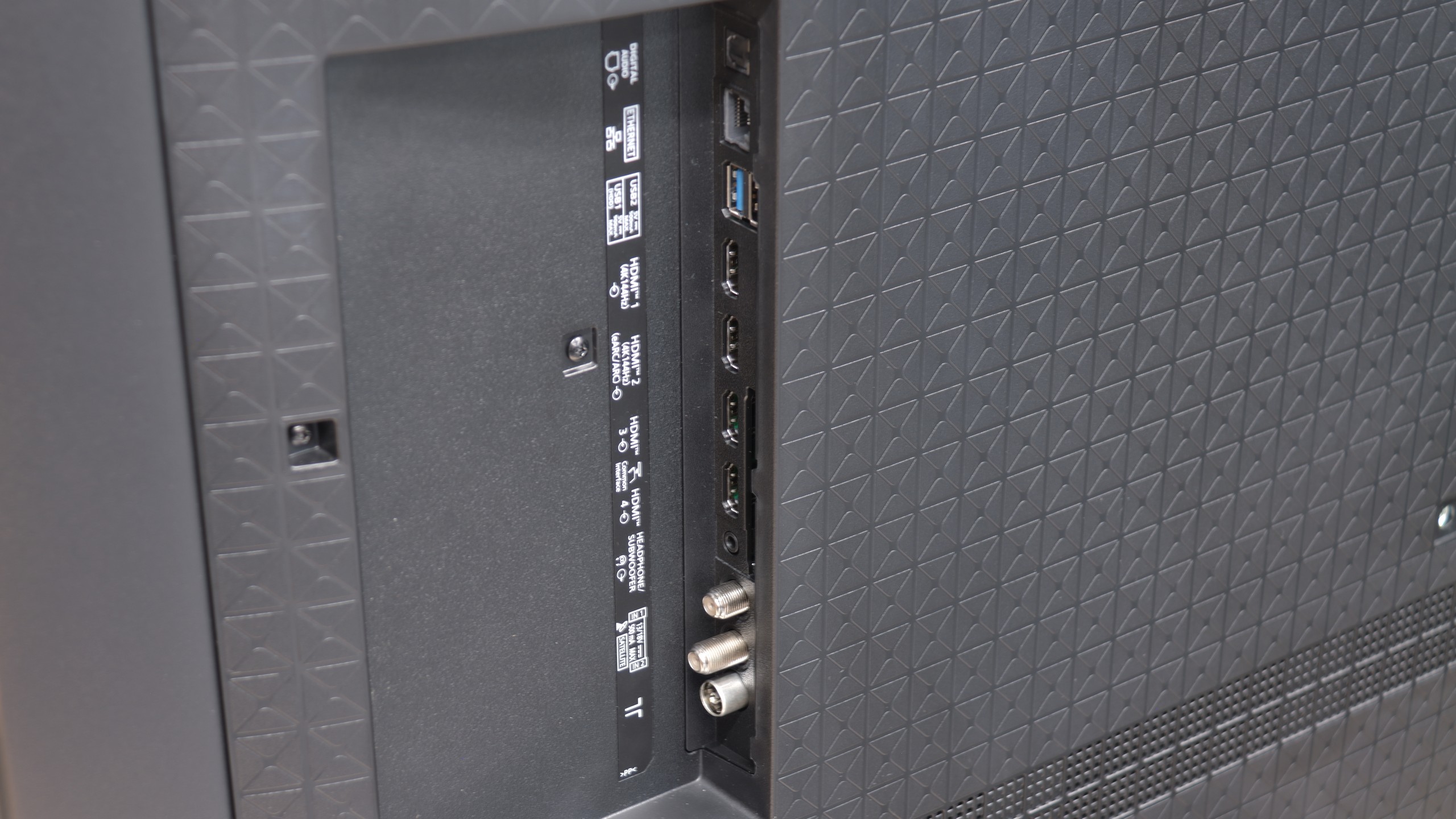
- HDMI inputs2 x HDMI 2.0, 2 x HDMI 2.1 48Gbps2 x HDMI 2.0, 2 x HDMI 2.1 48Gbps
- OutputsToslink (Optical audio), SPDIF (Coaxial audio), eARC (HDMI), ARC (HDMI), Mini-Jack (Headphones)Toslink (Optical audio), eARC (HDMI), ARC (HDMI), Mini-Jack (Headphones)
- Network InterfacesWi-Fi 2.4GHz, Wi-Fi 5GHz, Ethernet (LAN) 100MbpsWi-Fi 2.4GHz, Wi-Fi 5GHz, Ethernet (LAN) 100Mbps
- TV receptionDVB-T, DVB-T2, DVB-S, DVB-S2, DVB-CDVB-T, DVB-T2, DVB-S, DVB-S2, DVB-C
Classic features:
- Recording to USB (terrestrial TV)

- Recording programming
- Picture in Picture (PiP)
- RF remote control (no need to aim)
- Backlit remote control
- Teletext
- Audio only mode
- Bluetooth headphones support
- Simultaneous Bluetooth headphones & TV audio
Smart features:
- AirPlay
- Screen mirroring (Windows Miracast)
- Voice search
- Voice search in native language
- Ability to connect a keyboard and mouse
Google TV and Smart Features
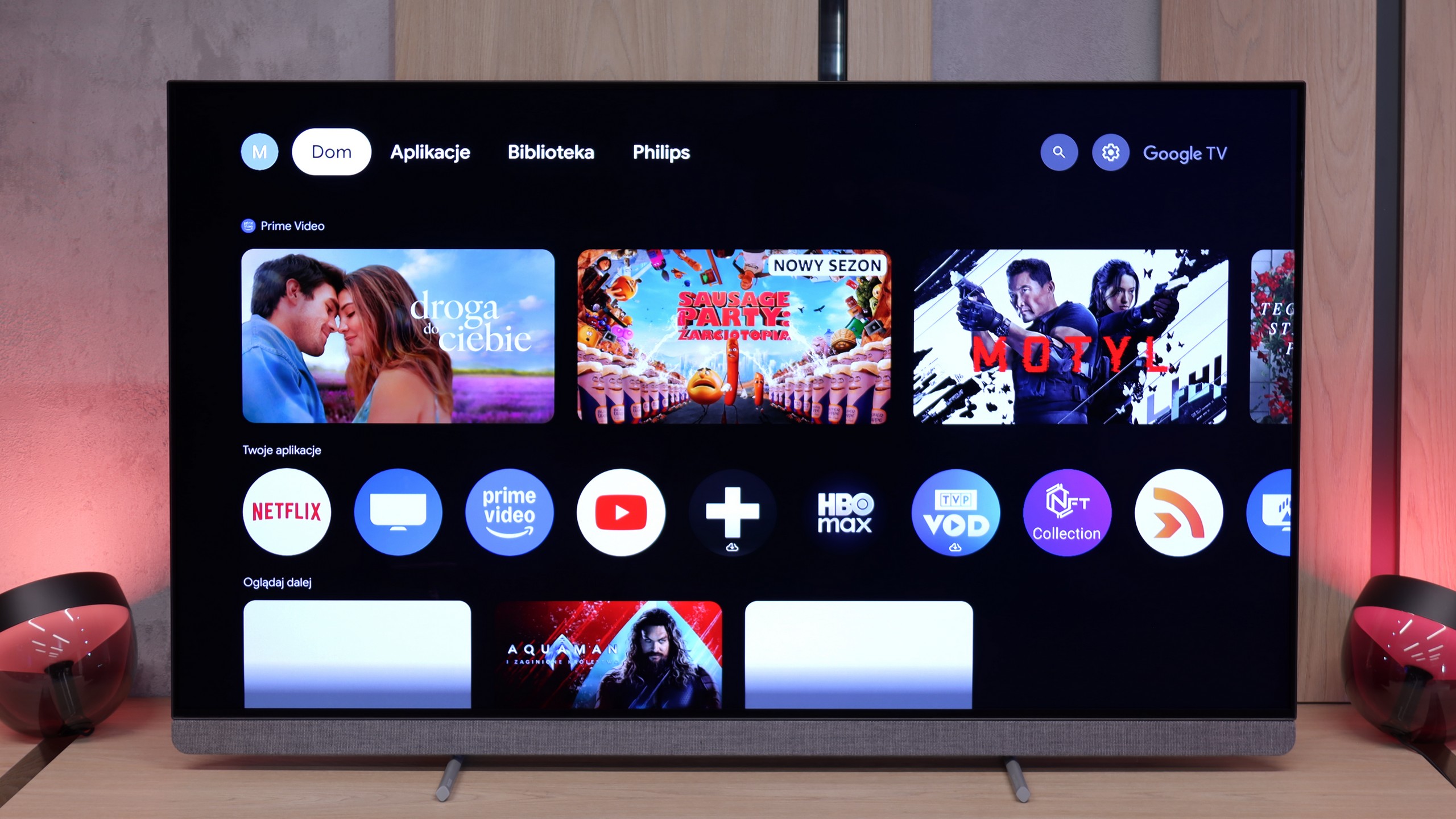
The OLED910 operates on the Google TV system, which is definitely its strong point. We have access to a huge library of applications, from popular streaming platforms to niche programmes. In addition, there is voice search and Google Assistant, which works really well and understands even less obvious commands like "check the weather" or "give me a horror movie suggestion for tonight". There is also support for AirPlay, which facilitates cooperation with Apple devices. Unfortunately, classic screen mirroring simply did not work in our tests, so we cannot count this aspect as a positive.
Classic Features
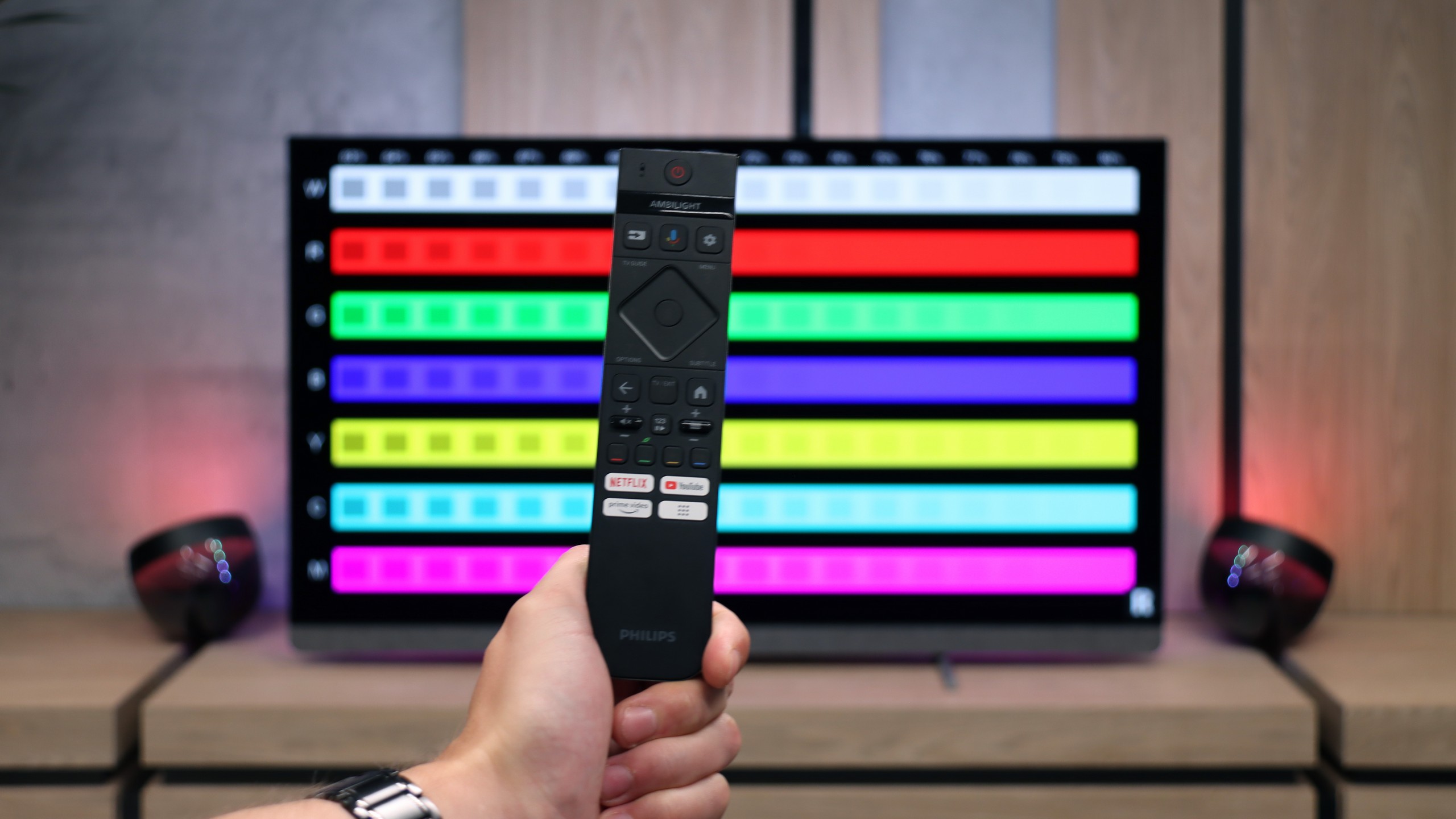
As for more traditional solutions, the OLED910 does not offer anything special. It has a rarely seen mini-jack headphone socket, which may be useful for seniors or those using older speakers. The remote has backlit buttons, which is convenient, but at the same time operates via infrared, so you have to aim at the screen, which seems anachronistic in 2025. Although you can use headphones and speakers on the TV simultaneously, unfortunately, only wired – wireless connection is not possible, which is a slight inconvenience as who would want to use wired headphones today? There is also a lack of PiP function and the ability to record materials to USB.
4-Sided Ambilight System
And of course, Ambilight. The OLED910 comes with a full four-sided system. It makes the television seem larger, and the content viewed gains additional depth and a more impressive character. The effect is really strong, especially when the television is mounted on the wall and the light fills the entire surroundings. It is one of those additions that is hard to give up once you have tried it.
SmartTV Features W95B
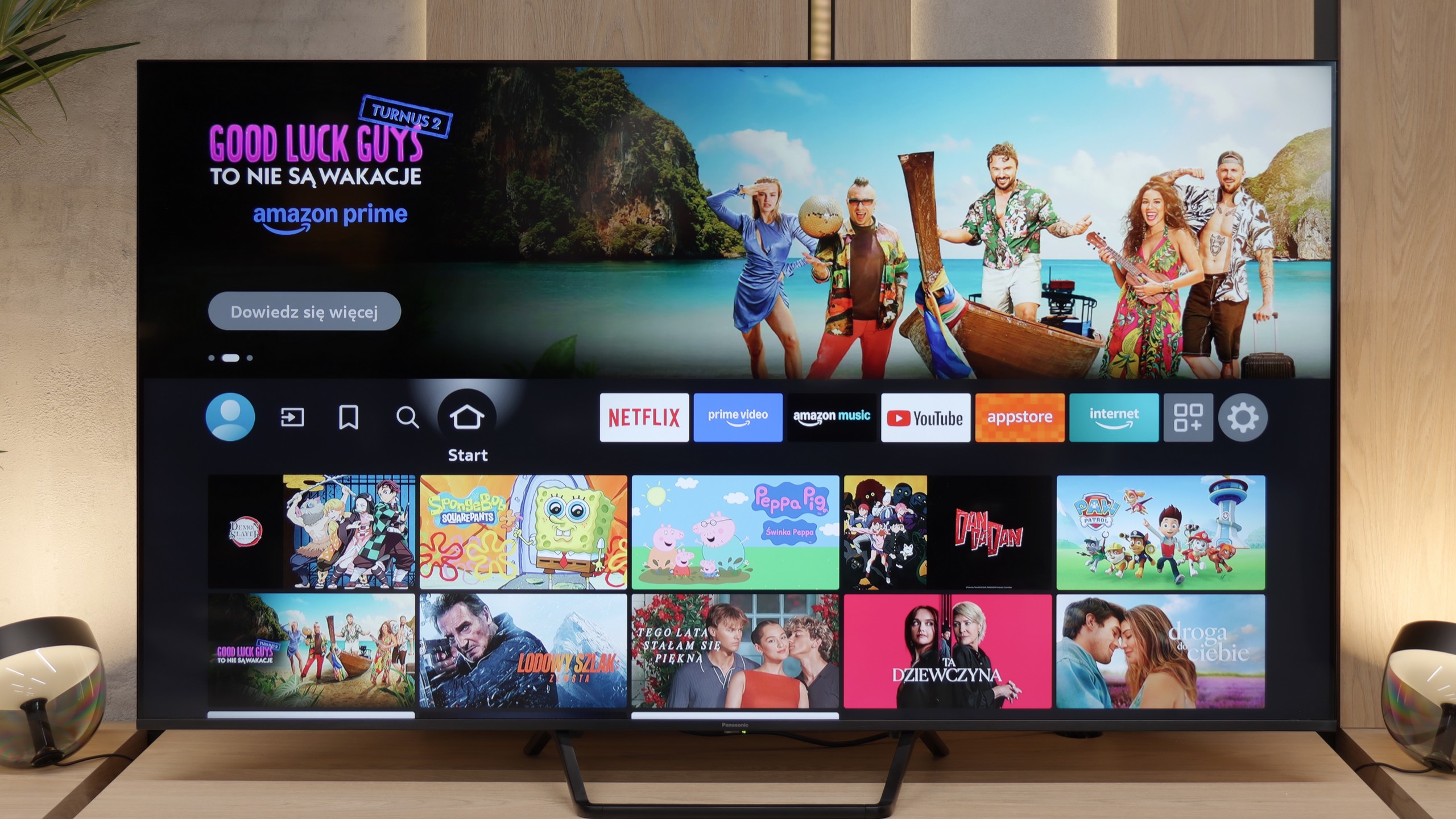
Unfortunately, this is yet another Achilles' heel of the Panasonic W95B model. The operating system Fire TV used here in its European version is poorly refined - it lacks many key applications, and the interface sometimes operates clumsily and sluggishly. Although we find basic features such as AirPlay and Screen Mirroring, it is a poor consolation compared to the efficient performance of platforms from other manufacturers. As a result, despite the excellent picture quality, the television falls short of expectations in terms of software.
User Features W95B
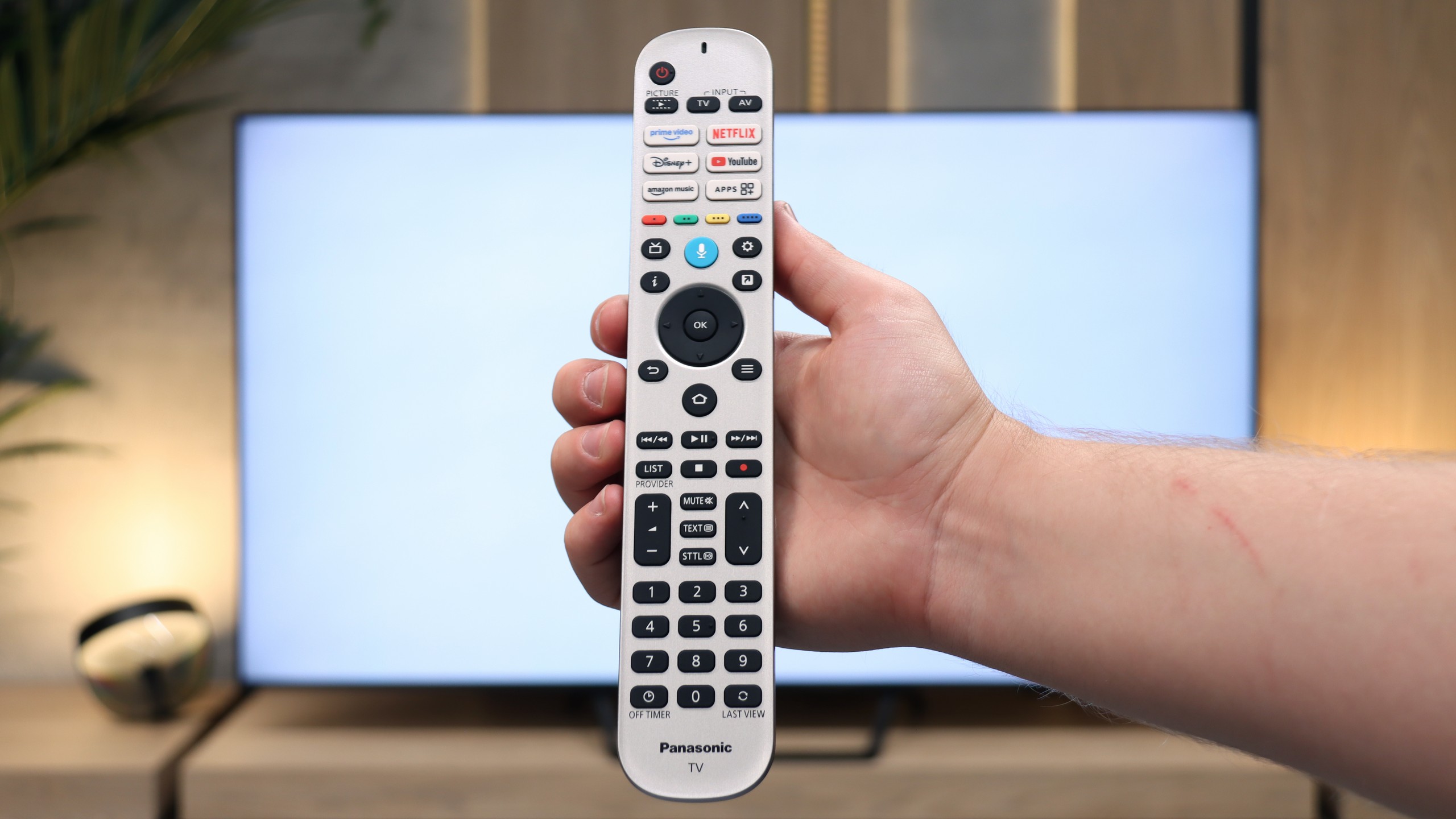
In terms of user features, the Panasonic W95B presents itself much better. The television offers Bluetooth, a classic well-equipped remote control, and the ability to record programmes to USB from the built-in terrestrial TV tuners – a rarity that is missing in many competitive models. An additional advantage is the presence of a jack headphone socket, which will certainly please users of older home cinema systems or traditional wired headphones. In terms of hardware equipment, therefore, the W95B is a solid and complete television.
Apps
9.6/10
7.2/10






















Playing files from USB
9.5/10
3.1/10
Supported photo formats:
Maximum photo resolution:
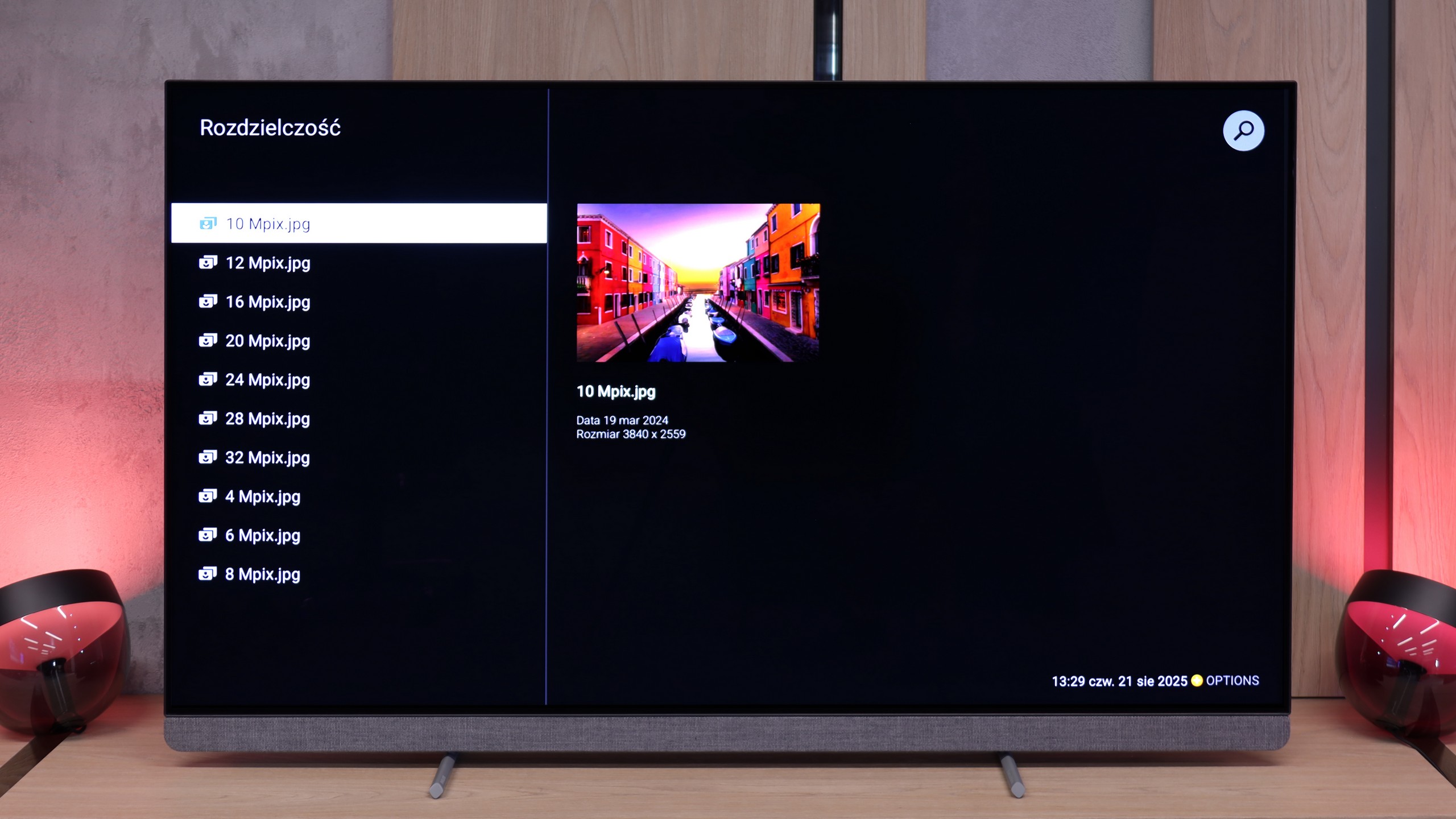
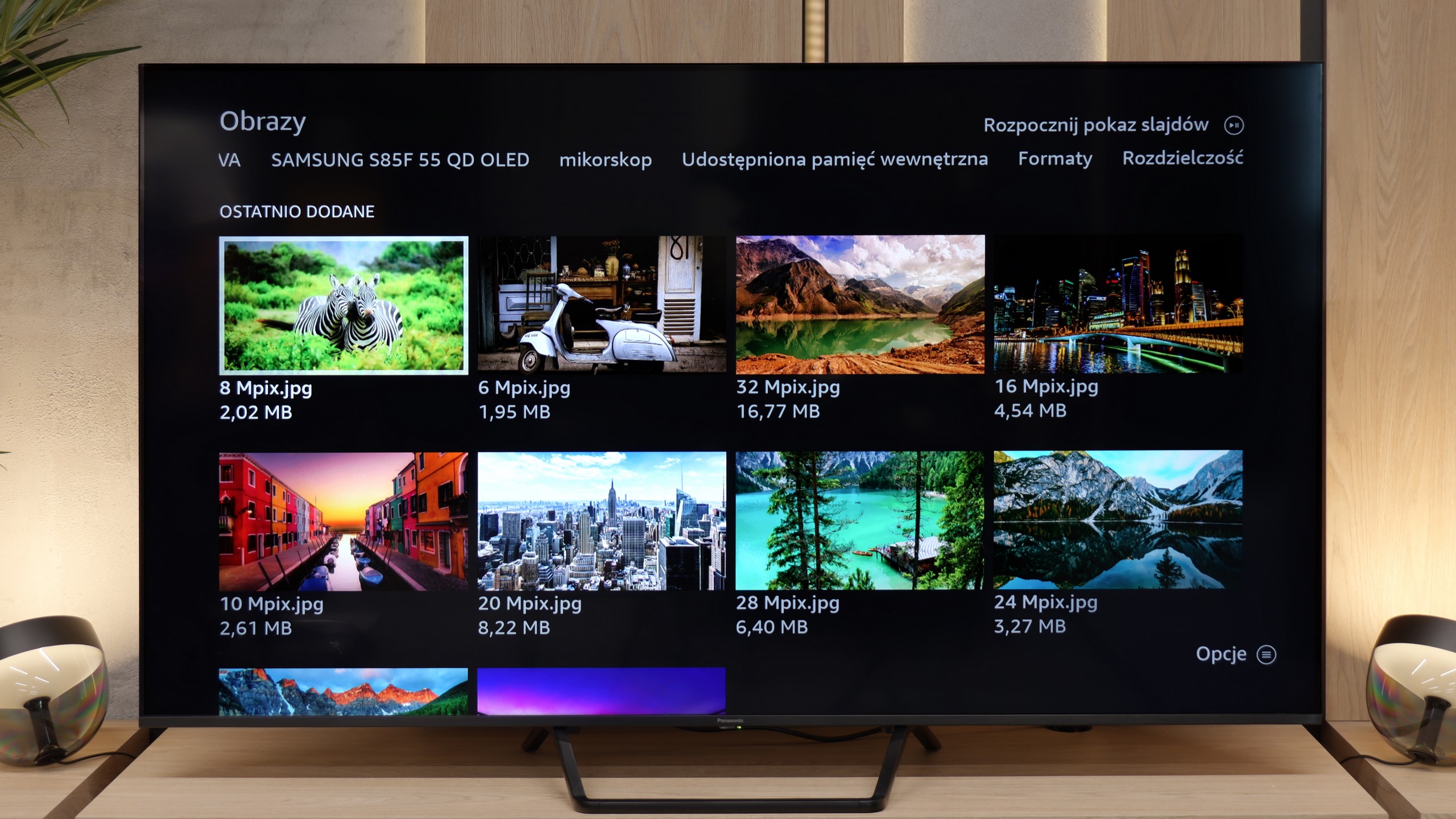
The OLED910 handles playback of files from a pendrive or a disk connected via USB with ease. It supports virtually all popular video, photo, and music formats, so you are unlikely to encounter something it cannot open. The player itself looks quite simple, almost clunky, but it operates efficiently. And if someone misses more advanced options, they can always download VLC or another program from the Google Play store.
This is another shortcoming of the Fire TV system used in the Panasonic W95B. If someone has their own movie library and plans to play it directly from a USB drive or external hard drive, they may be disappointed. The television manages reasonably well only with displaying photos, such as from holidays, whereas video playback is heavily limited. The biggest issue is the lack of subtitle display when playing films from USB. Therefore, if you care about watching files from your own collection, it is definitely better to use an external media player.
Sound
9.5/10
7.9/10
- Maximum volume88dB82dB
- Dolby Digital Plus 7.1
- Dolby True HD 7.1
- Dolby Atmos in Dolby Digital Plus (JOC)
- Dolby Atmos in Dolby True HD
- DTS:X in DTS-HD MA
- DTS-HD Master Audio
This is one of the best-performing televisions we have had the opportunity to test in the editorial office. The built-in soundbar does all the work here, and it can comfortably be said that it can replace basic external audio systems. The sound is deep, clear, and truly enjoyable, and the collaboration with Bowers & Wilkins proves to be not just a marketing gimmick, but a real enhancement of sound quality. If someone would like to take a step further, Philips offers the possibility of connecting an external subwoofer thanks to a dedicated pre-out connection. With such a setup, it reaches a level that is hard to find in televisions – and one can confidently talk about truly cinematic experiences.
The Panasonic W95B performs surprisingly well for a television. The sound is clear and spatial, and thanks to the subwoofer located at the back, you can even hear a slightly noticeable bass, which is not common in televisions of this class. The overall sound quality is at a very high level here, allowing you to comfortably watch films and series without the need to connect an external audio system. Of course, it is known that if someone wants to watch in really high quality, it is worth connecting a soundbar – especially since the Panasonic W95B supports Dolby Atmos format, thus seamlessly transmitting spatial sound to it. The only thing missing is support for the currently less popular DTS:X format, which is simply not available in this model.
Sound Quality Test
No sound test video
Acoustic Measurements
88dBC (Max)
75dBC
82dBC (Max)
75dBC