The Panasonic W70A draws attention primarily due to its advanced Google TV operating system, which gives access to a plethora of popular applications (YouTube, Netflix, Disney+, HBO Max, etc.). As for the picture, the IPS panel offers wide viewing angles, so colours do not lose intensity even when watching a film from a slight angle. Gamers will also not be disappointed, as it features VRR and ALLM, along with low input lag (around 12 ms) – all of this contributes to a pleasant experience for occasional gaming, despite the standard 60 Hz refresh rate.
However, it is worth noting that this is rather a basic model and has its limitations. The contrast and black levels are simply weak, which is a typical phenomenon for IPS panels, especially in dark rooms. A brightness level of around 270 cd/m² is also insufficient in brightly lit rooms, making the picture appear washed out. Certain shortcomings in the software itself cannot be overlooked either. Google TV is a great basis, but sometimes it happens that some settings are scattered in surprising places, and the quality of translations leaves much to be desired.
One must consider that the competition is offering more and more in a similar (or slightly higher) price range. Can the Panasonic W70A hold its ground in such an environment? On one hand, it tempts with a rich application base and decent support for gamers, but on the other hand, the market is flooded with more refined televisions equipped with better parameters. However, if wide viewing angles and easy access to Google TV services are a priority, it might be worth giving it a chance. Otherwise, it is advisable to look among competing models that often offer better black levels, higher brightness, and fewer annoying issues in the menu at a similar price.
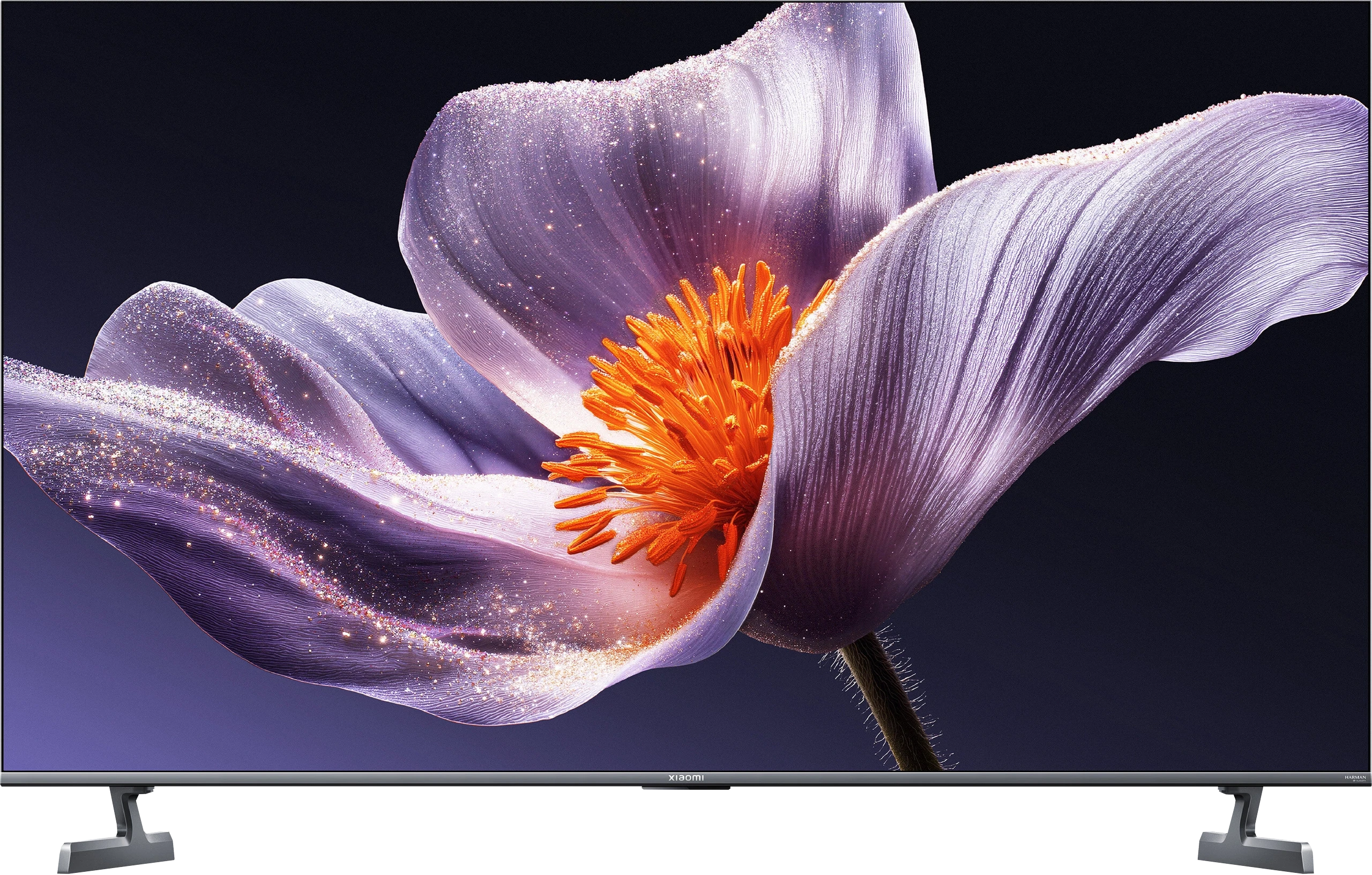
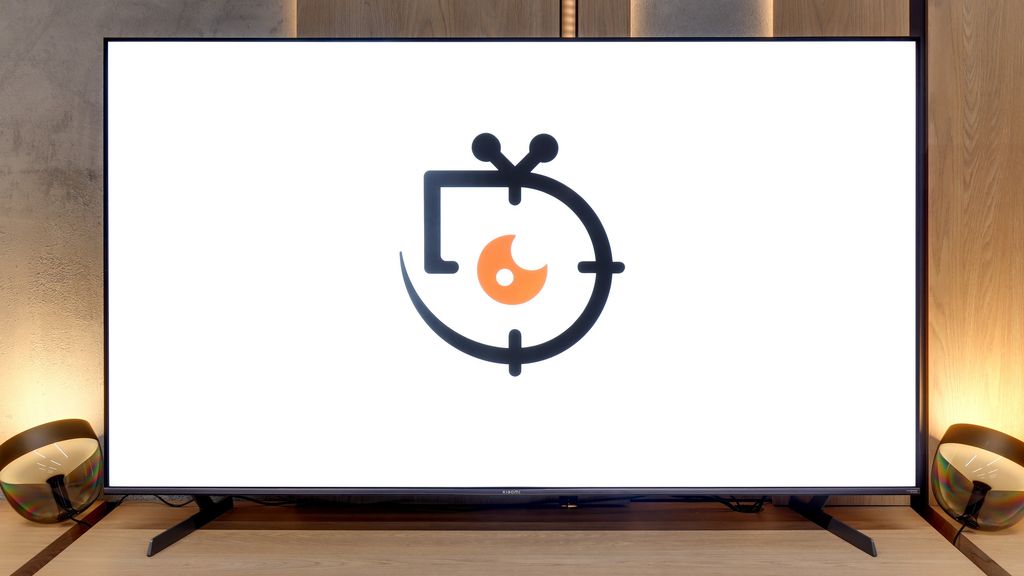
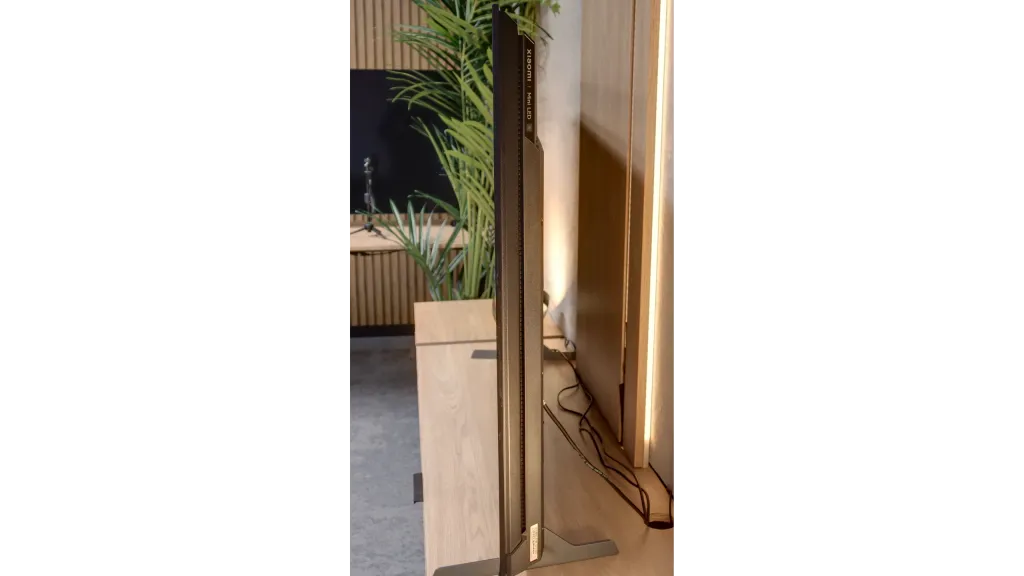
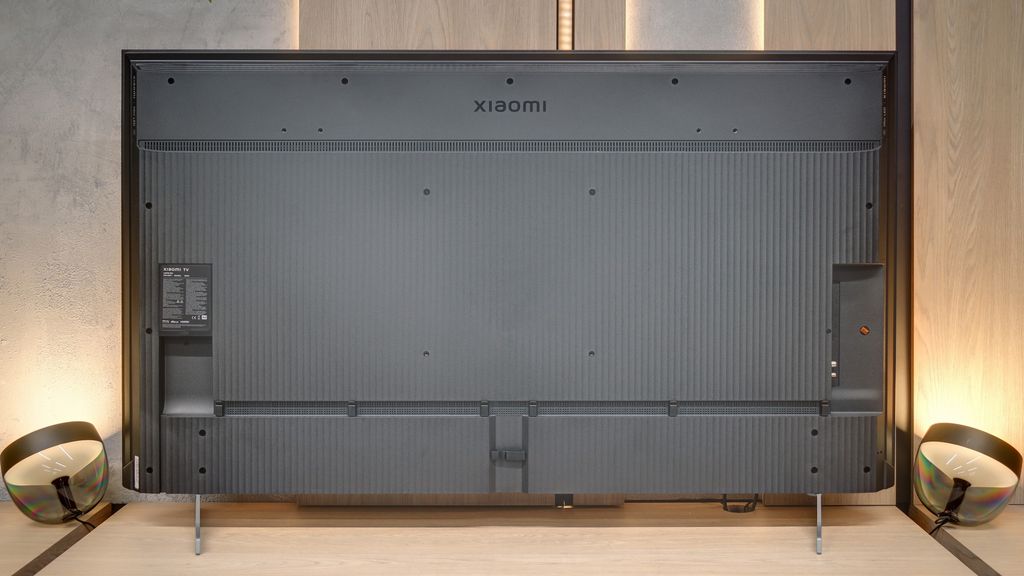
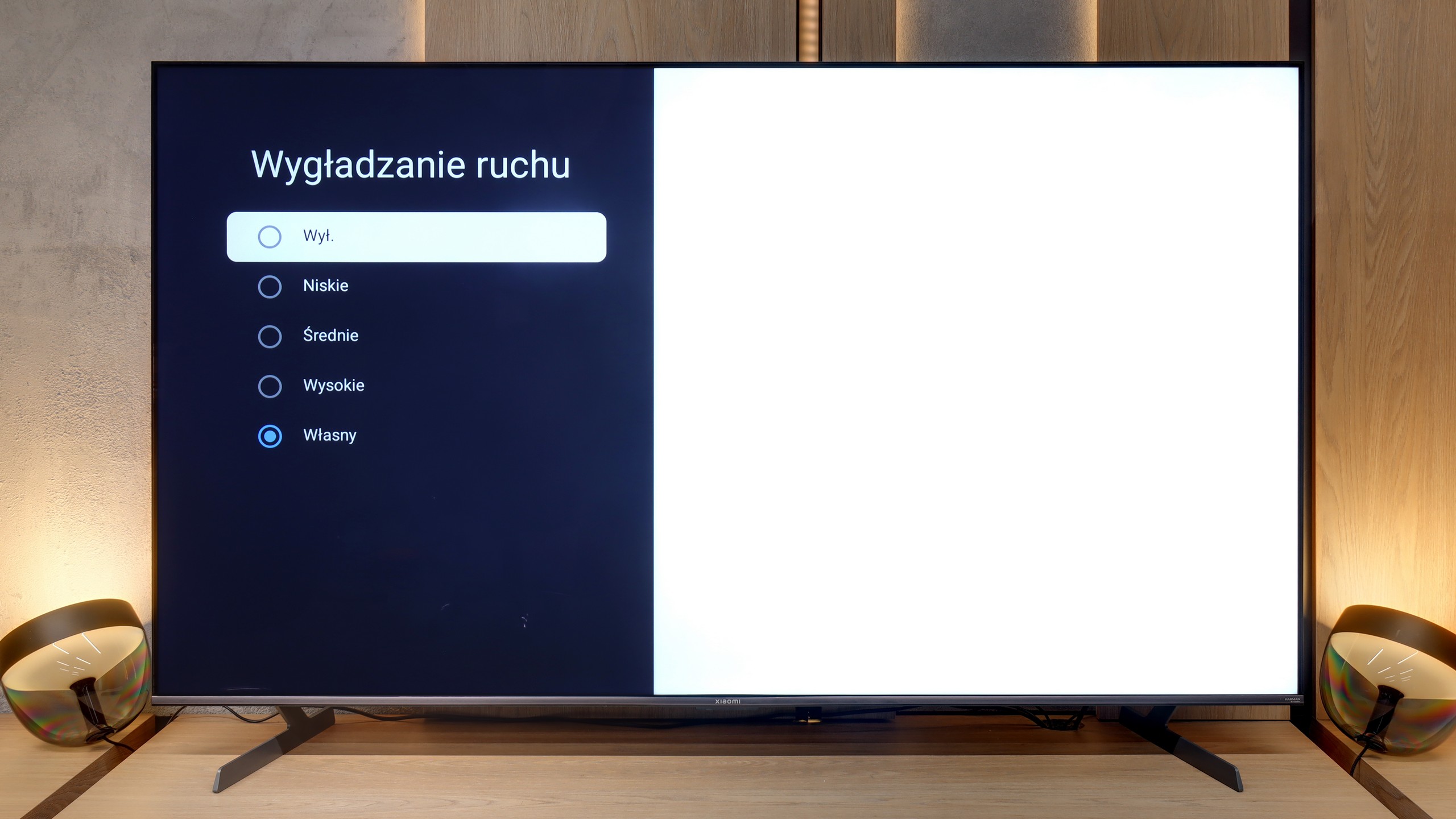
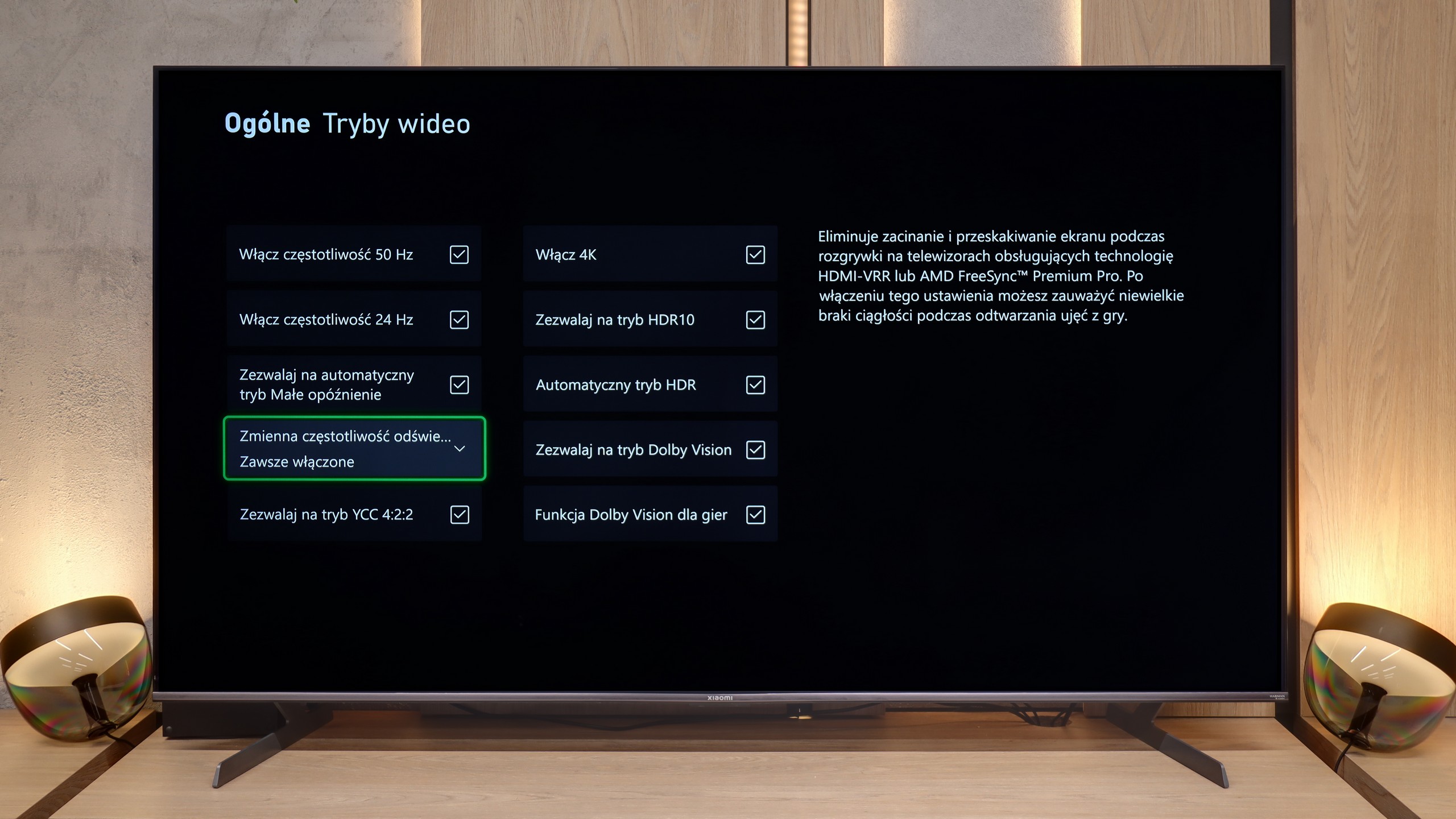
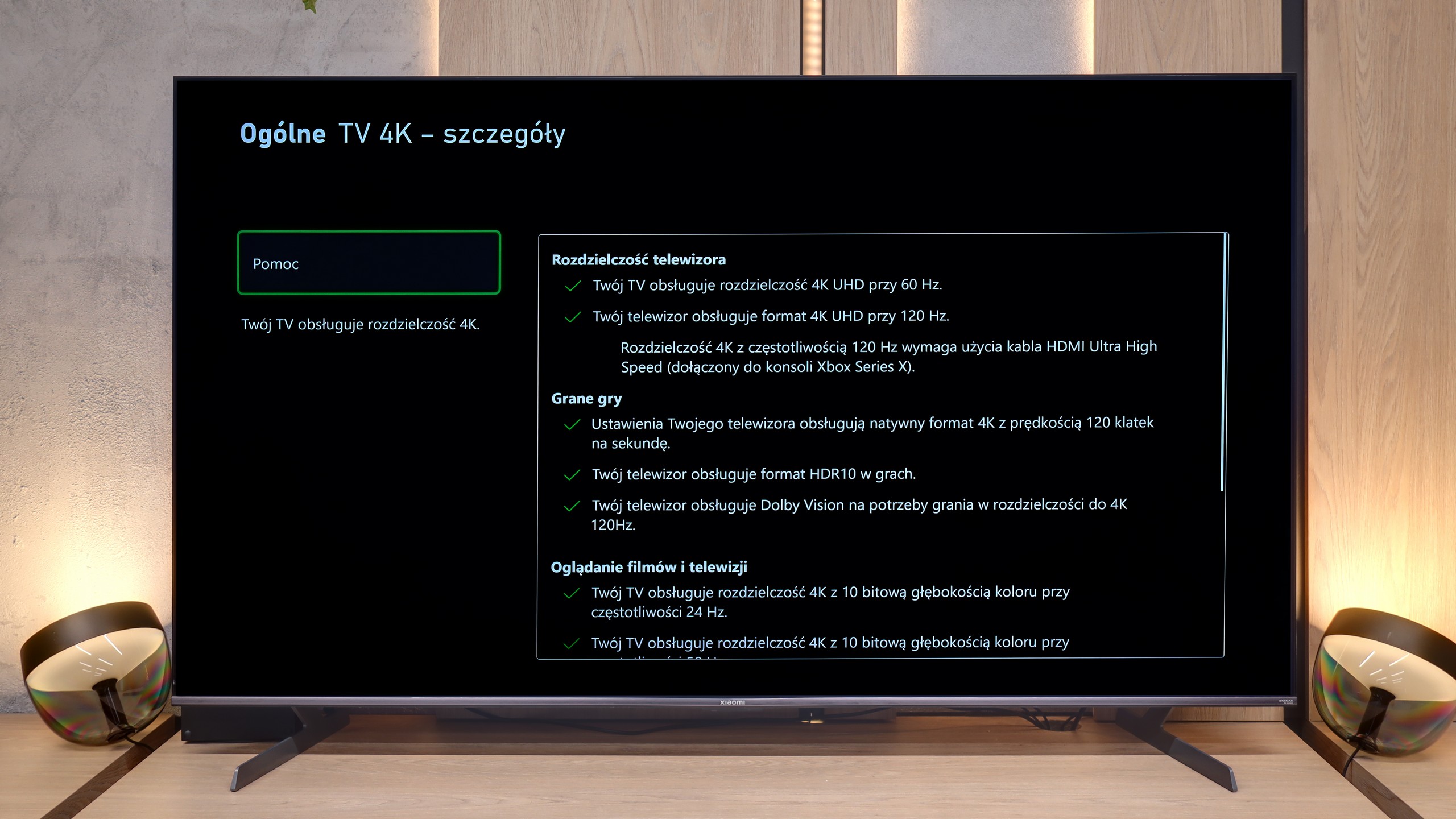
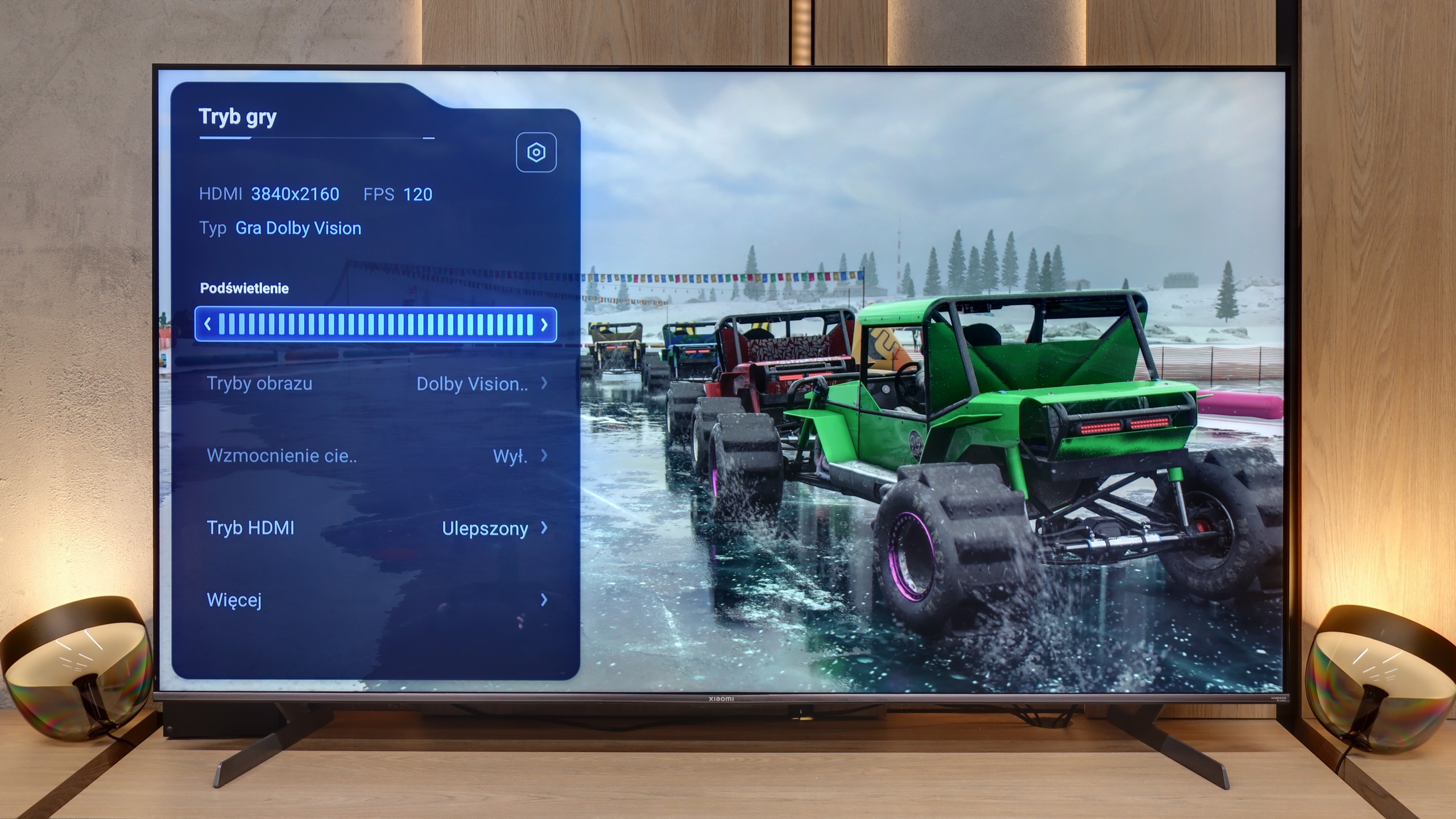
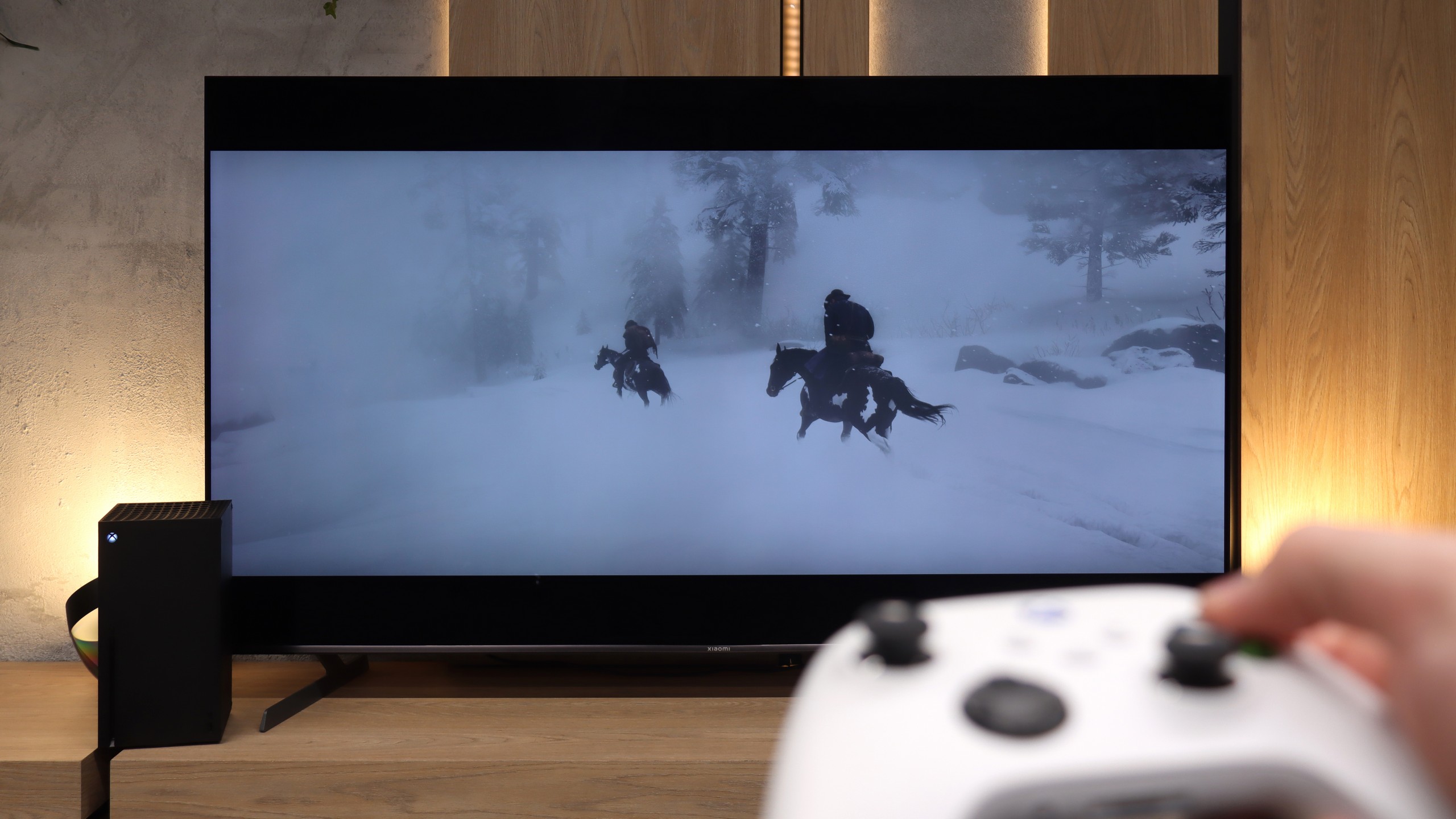
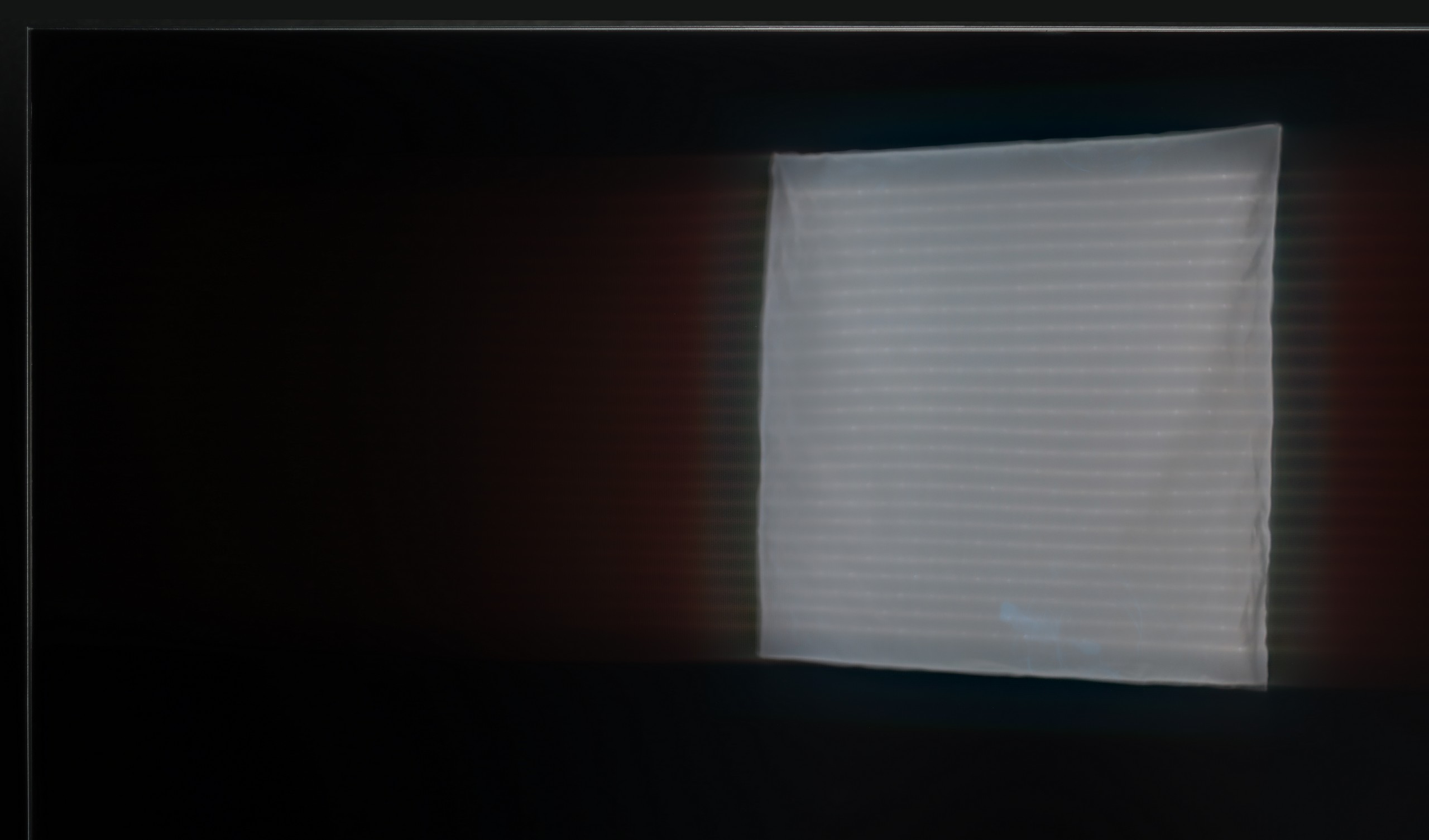
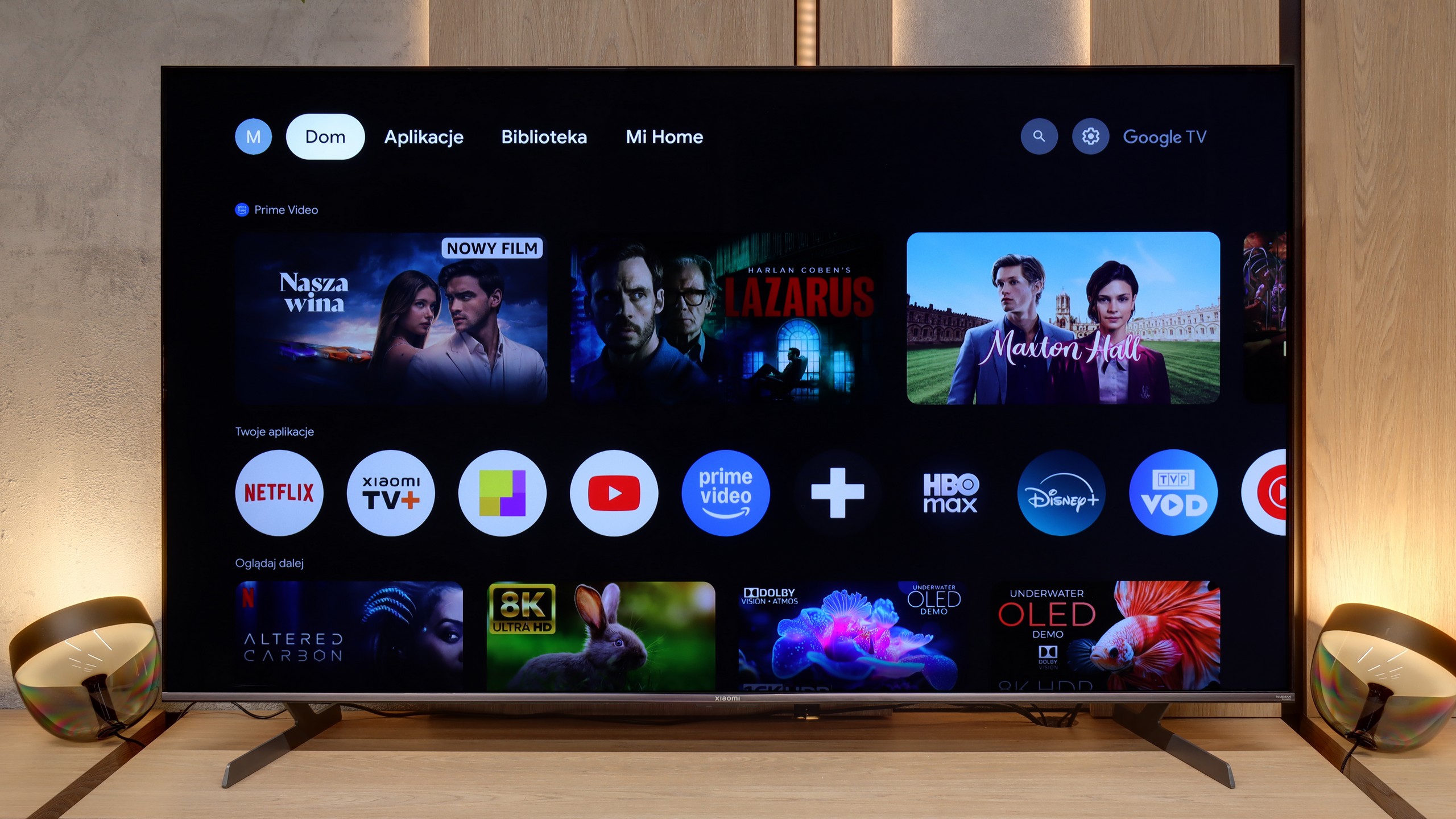
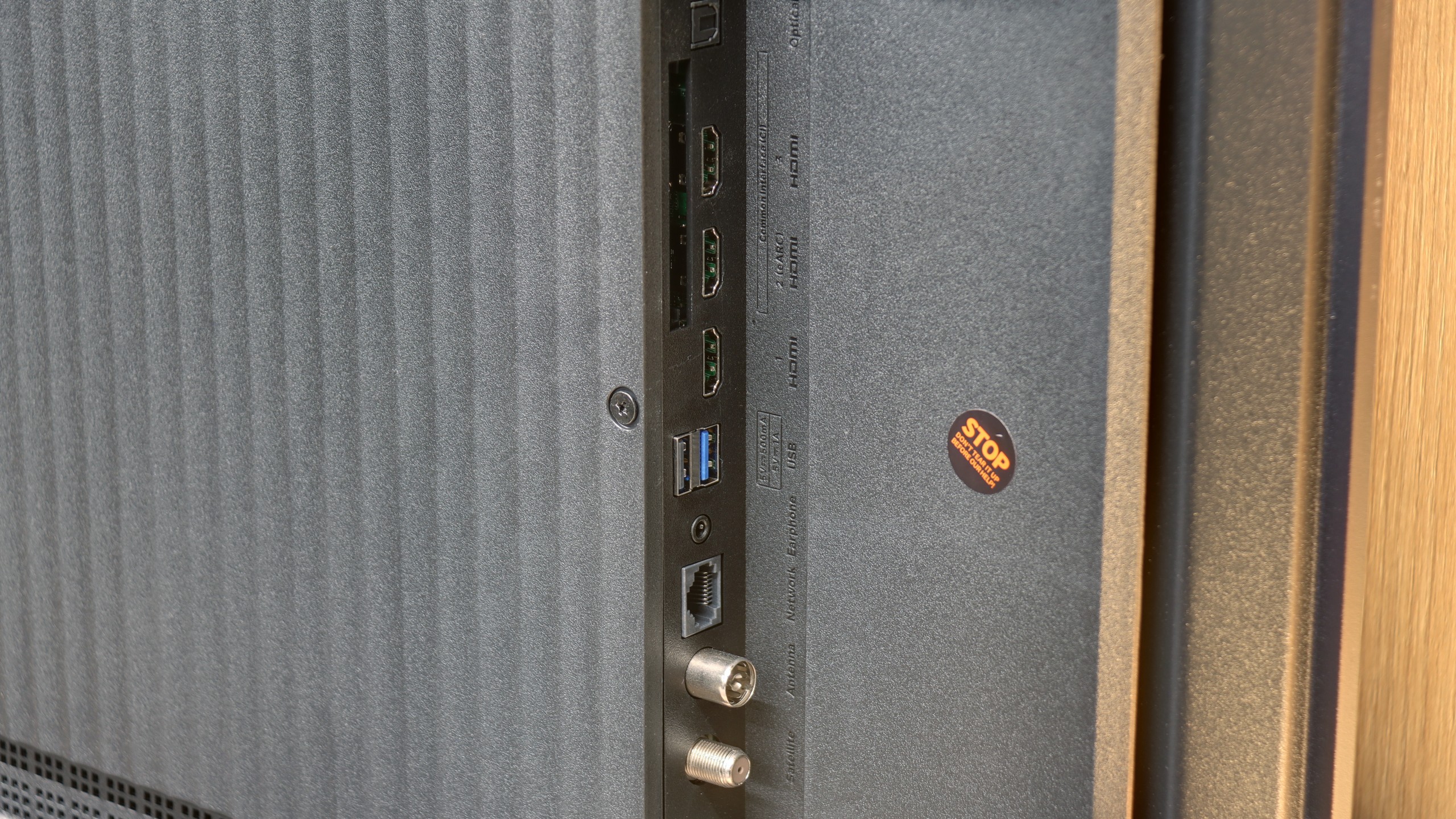
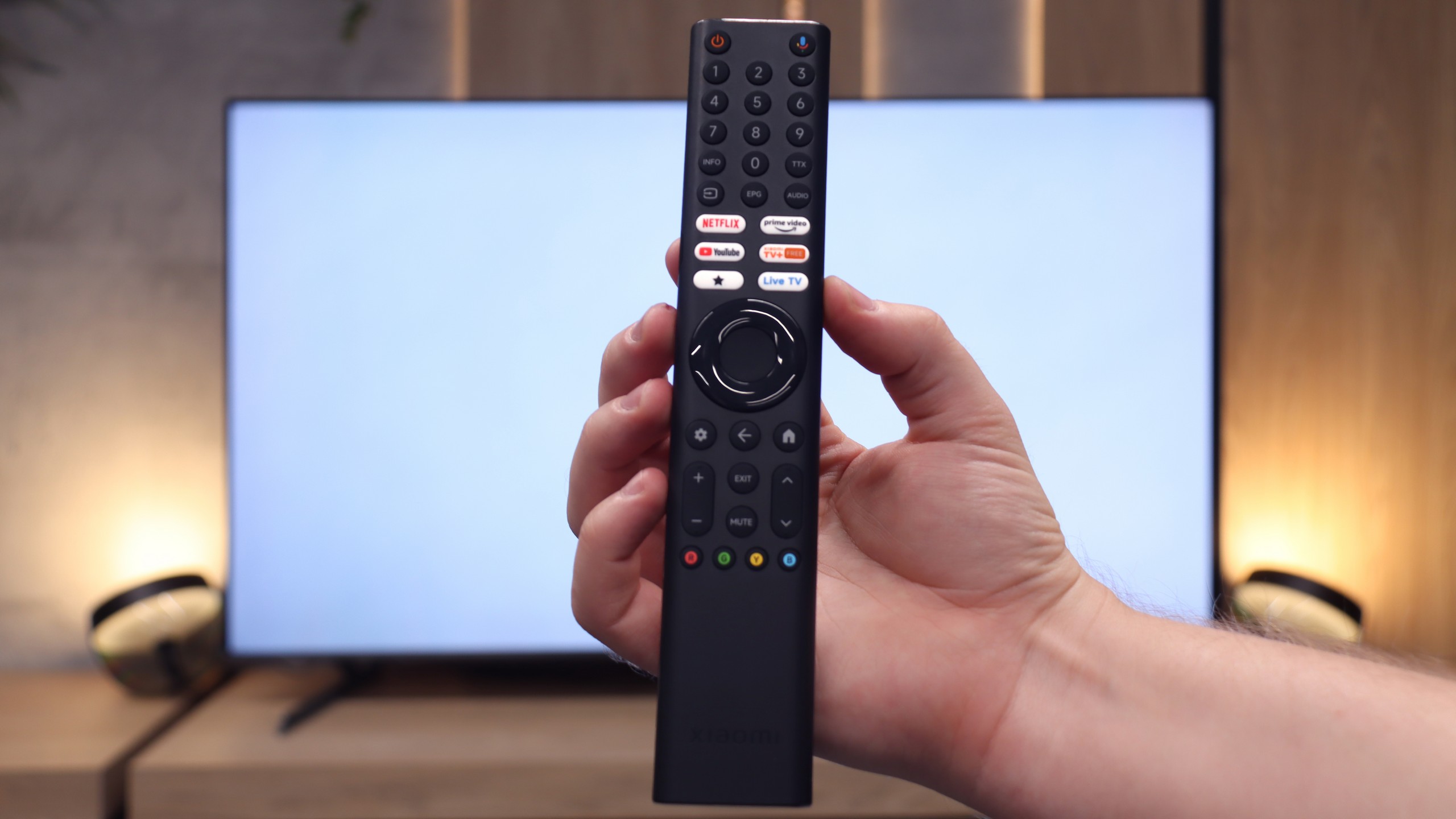
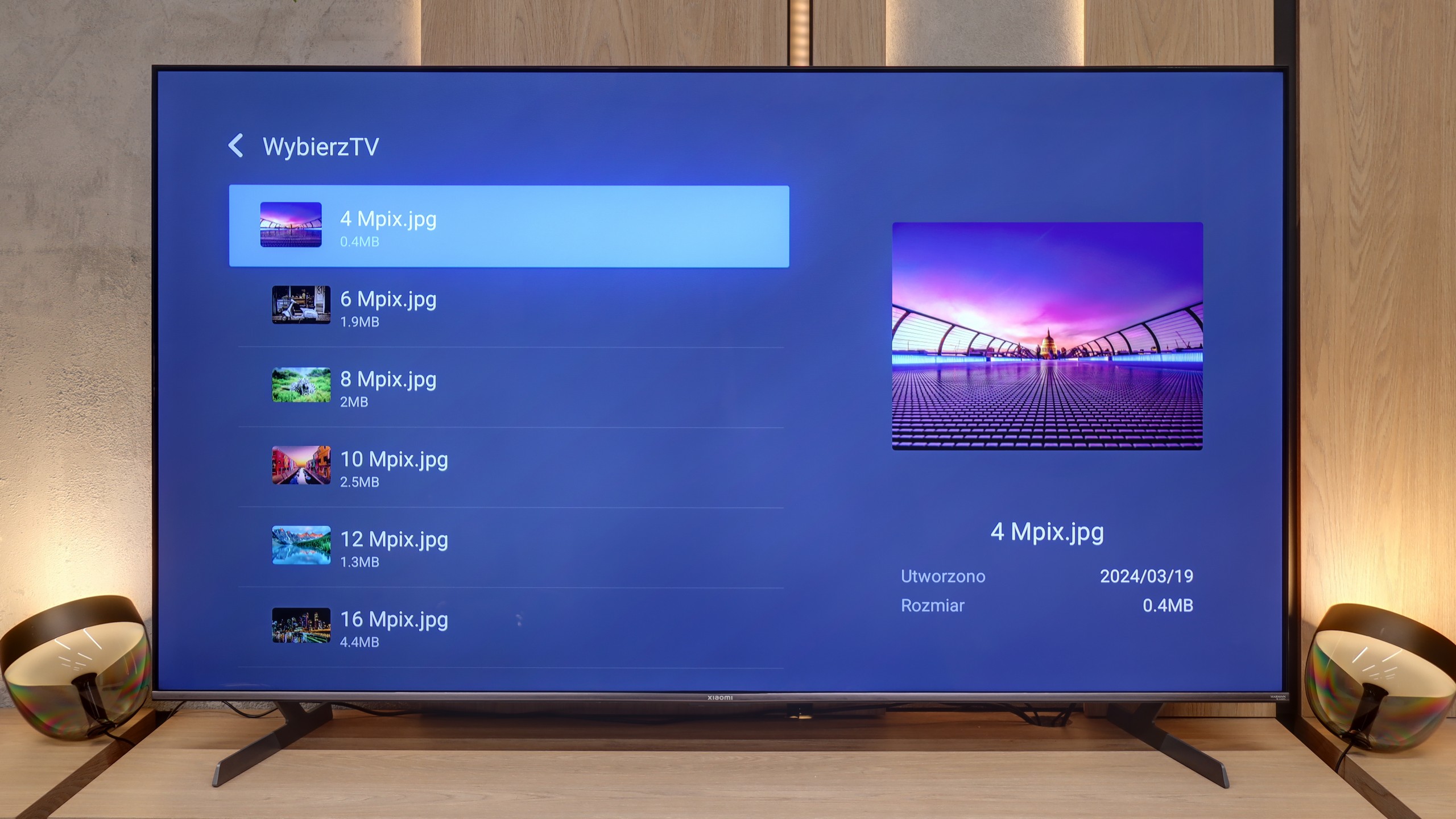
Is it worth buying the Xiaomi S Pro 2026? The answer to this question is quite complicated. Let's start with what is really great about this television. First of all, the Xiaomi S Pro 2026 has an excellent price-to-specification ratio. We get a Mini LED panel with very high brightness that performs exceptionally well in a sunlit living room. Additionally, it has a fast refresh rate of 144 Hz (and even 288 Hz) and a full package for gamers: two HDMI 2.1 ports, support for VRR, and remarkably low input lag (below 10 ms). If we mainly watch "regular" content and play games, this is truly a fantastic screen. Even the built-in 30W speakers are surprisingly good and support Dolby Atmos. Unfortunately, there is also a second, very problematic side to this model. In short: the software. We have the impression that Xiaomi has provided us with excellent "parts," but could not make them work together correctly. The biggest issue is the HDR mode – the primary reason for buying a television today. For unknown reasons, the television in HDR mode (HDR10, Dolby Vision) does not manage its dimming zones well. As a result, the black that should be deep becomes gray or navy blue, like in a standard LCD television. There are also other software faults such as the terrible implementation of HGiG or the fact that the Dolby Vision mode for gamers is useless due to the enormous input lag (100 ms). Additionally, the television has very poor capabilities for digital image processing. So how can this be summarised in terms of price? In its price range, the Xiaomi S Pro 2026 crushes the competition in terms of specifications. Other televisions at this price point are usually basic LCD models without dimming and often only with a 60 Hz panel. The question is therefore: what is more important to you? If you are simply looking for a very bright and inexpensive television for watching TV during the day and gaming, and you are willing to calibrate it – you will be very satisfied with it. However, if you are looking for a television to enjoy stunning HDR in films and games right out of the box, you will be terribly disappointed with this model. In that case, in our opinion, it is better to pay a bit extra for a basic OLED television or a more refined Mini-LED model from the competition.
 Direct comparison