LG QNED87T is a television that definitely stands out. It is somewhat unconventional – it doesn’t forcefully compete with top OLED models, but it makes up for that with modern features and user-friendly operation. This is a device that works wonderfully for those who value convenience and versatility. The 120 Hz panel, VRR, and ALLM ensure that the television handles dynamic content well. Games run smoothly, the picture is sharp, and the responses are quick. If we spend time on a console, we will appreciate the lack of delays or blurring. When watching sports, fast actions are clear, without stuttering. On a daily basis, LG QNED87T is simply comfortable. WebOS operates intuitively, applications launch quickly, and the Magic Remote significantly simplifies control. Voice control saves time, especially when searching for films or series. Features such as USB recording and Bluetooth offer more options, increasing its versatility. The IPS panel is a significant advantage when it comes to viewing angles. Regardless of where we sit in the room, the picture looks good. It’s an excellent solution in larger spaces, where not everyone has a direct view of the screen. Older films or standard television from built-in tuners also look decent – the improvement in the quality of lower resolution materials works surprisingly well. However, there are certain things that may stand out. The contrast is simply tragic. In dark scenes, there are no details at all. In the evening, in a dimmed room, this is very noticeable. During the day, these imperfections are less felt, so LG QNED87T is better suited for well-lit places. LG QNED87T is a television that has its strengths. It handles dynamic materials well, is comfortable to use, and is perfect for bright rooms. It is not an ideal model for evening screenings in darkness, but in everyday use, it certainly stands out. It is a versatile device that is worth considering when choosing a new television.
- Matching (Score) |
- Our verdict |
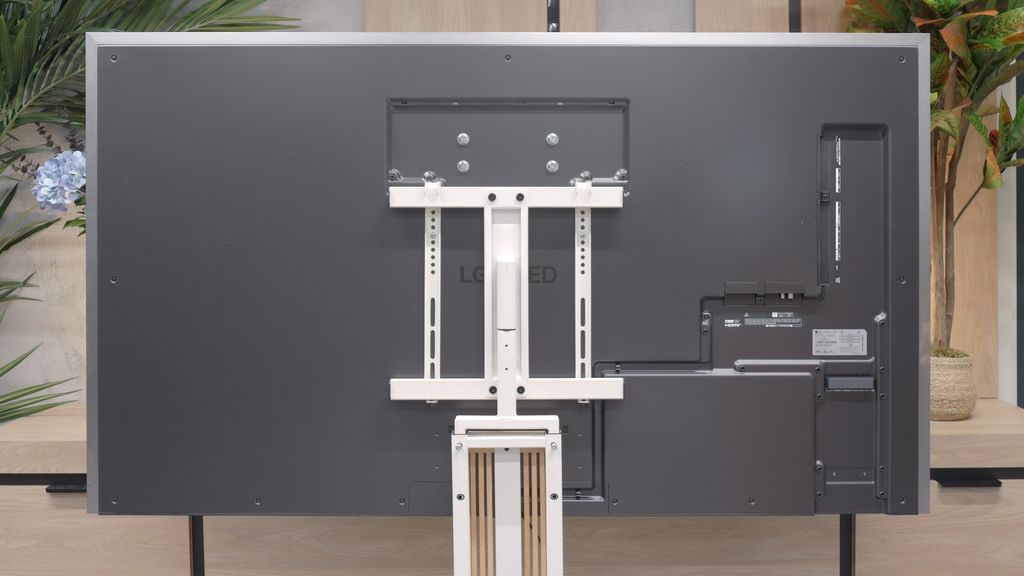
- TV appearance |
- Where to buy |
- Contrast and black detail |
- HDR effect quality |
- Factory color reproduction |
- Color reproduction after calibration |
- Smoothness of tonal transitions |
- Image scaling and smoothness of tonal transitions |
- Blur and motion smoothness |
- Console compatibility and gaming features |
- Input lag |
- Compatibility with PC |
- Viewing angles |
- Daytime performance |
- Panel details |
- TV features |
- Apps |
- Playing files from USB |
- Sound
LG QNED87T6B vs LG OLED G6 (G64LW, G66LS)
 Direct comparison
G64LW / G66LS


Panel type: LCD IPS
Resolution: 3840x2160
System: WebOS
Model year: 2024
Complete the survey to find out the result
Panel type: WRGB OLED
Resolution: 3840x2160
System: WebOS
Model year: 2026
Complete the survey to find out the result
Overall rating
6.8
8.7
 Movies and series in UHD quality
 6.1
8.6
 Classic TV, YouTube
 6.1
8.7
 Sports broadcasts (TV and apps)
 7.2
8.6
 Gaming on console
 8.2
9.5
 TV as a computer monitor
 7.6
8.7
 Watching in bright light
 4.8
8.2
 Utility functions
 8.8
8.5
 Apps
Apps 8.3
9.1
 Sound quality
 6.0
8.4
Complete the survey to find out what fits your preferences
Advantages

Wonderful for gamers and sports - 120hz, HDMI 2.1
Wide viewing angles
Good choice for regular television - excellent digital processing and advanced user features
One of the better choices as a PC monitor
Remote control with cursor - Magic
Perfect black OLED
High brightness HDR and SDR
Excellent anti-reflective coating
Reference colours (after calibration can be represented just like on director’s equipment)
Full support for gamers (HDMI 2.1, 165 Hz, VRR, ALLM)
Low Input Lag (below 5ms)
Smoothness and sharpness in motion
Outstanding upscaling and image processing
Full support for Dolby Vision
Functional webOS system with Magic remote control support
5-year warranty on the panel included
Disadvantages

Tragic contrast
Missing Dolby Vision, HDR 10+
Very annoying dithering – graininess and flickering of the image near black
Worse (although still good) viewing angles than its predecessor
No support for DTS:X audio codec (useful for Blu-ray owners)
Our verdict
Without a doubt, the LG G6 is an outstanding television in many respects. Thanks to the new second-generation Tandem OLED panel, it does something that no other screen with a glossy coating on the market has been able to achieve – it superbly suppresses light reflections while maintaining perfect, unblemished picture quality. When we add to this its record brightness and the unique properties of the panel itself, the G6 can generate images that can literally take your breath away at times. The excellent webOS system and features for gamers only reinforce the belief that this is a worthy successor to the G5 model. However, this is just one side of the coin... because with a device of this class, the expectations are the highest possible. During detailed testing, we encountered a problem with digital image processing in scenes close to black. There was too aggressive dithering and slight flickering of details in dark sequences. While this flaw does not stand out drastically during normal viewing from the couch and does not undermine the overall admiration for the contrast, a trained eye will easily notice that LG's engineers stumbled at the final hurdle while tuning the panel. When purchasing a fairly expensive flagship product here and now, perfection is simply expected from the first power-up.
Despite this evident slip-up, the LG G6 is still at the absolute forefront of the market and one of the most interesting televisions of the year. It has solid foundations to become the ultimate screen. We firmly believe that the manufacturer will quickly diagnose the problem and release an appropriate software update – if that happens, the competition will once again have nothing to look for. We promise to monitor the situation continuously, and as soon as a patch is released, we will certainly verify its effectiveness.
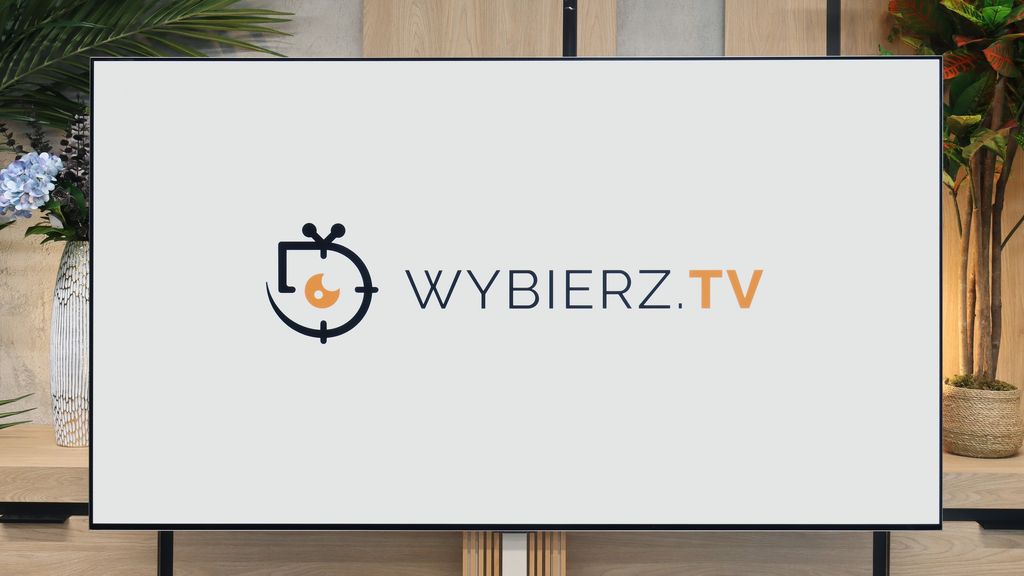
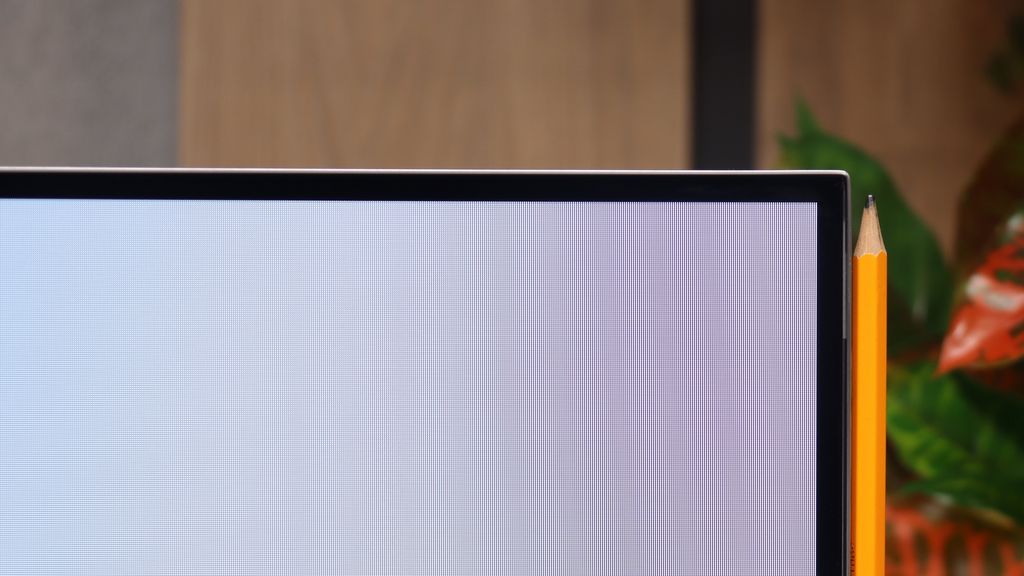
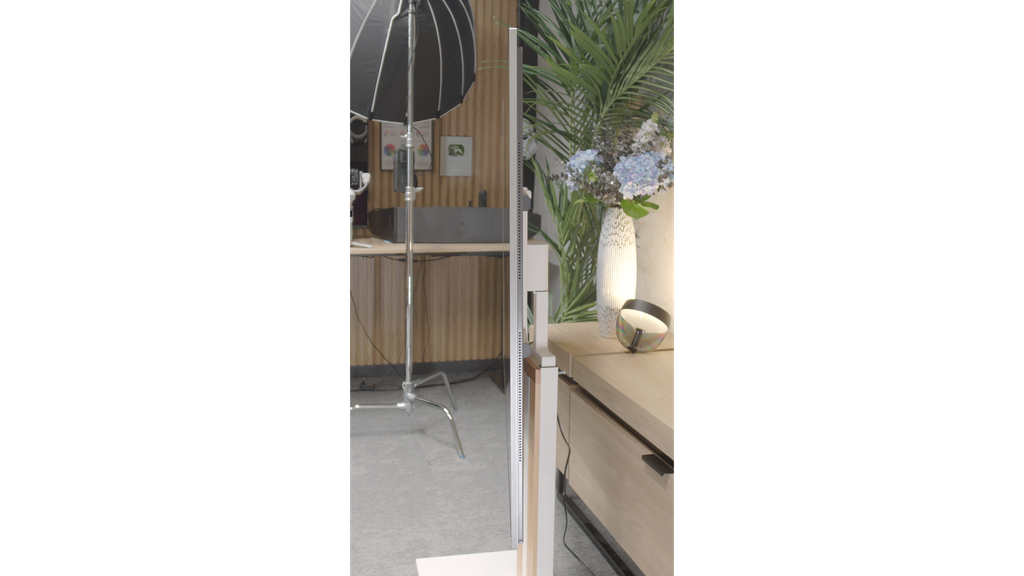
TV appearance



Contrast and black detail
3.3/10
10/10
Local dimming function: Yes, number of zones: 6 (6 x 1)
Contrast:


Result
2,350:1

Result
1,250:1

Result
2,500:1

Result
1,450:1

Result
1,050:1
Result
∞:1
Result
∞:1
Result
∞:1
Result
∞:1
Result
∞:1
Halo effect and black detail visibility:

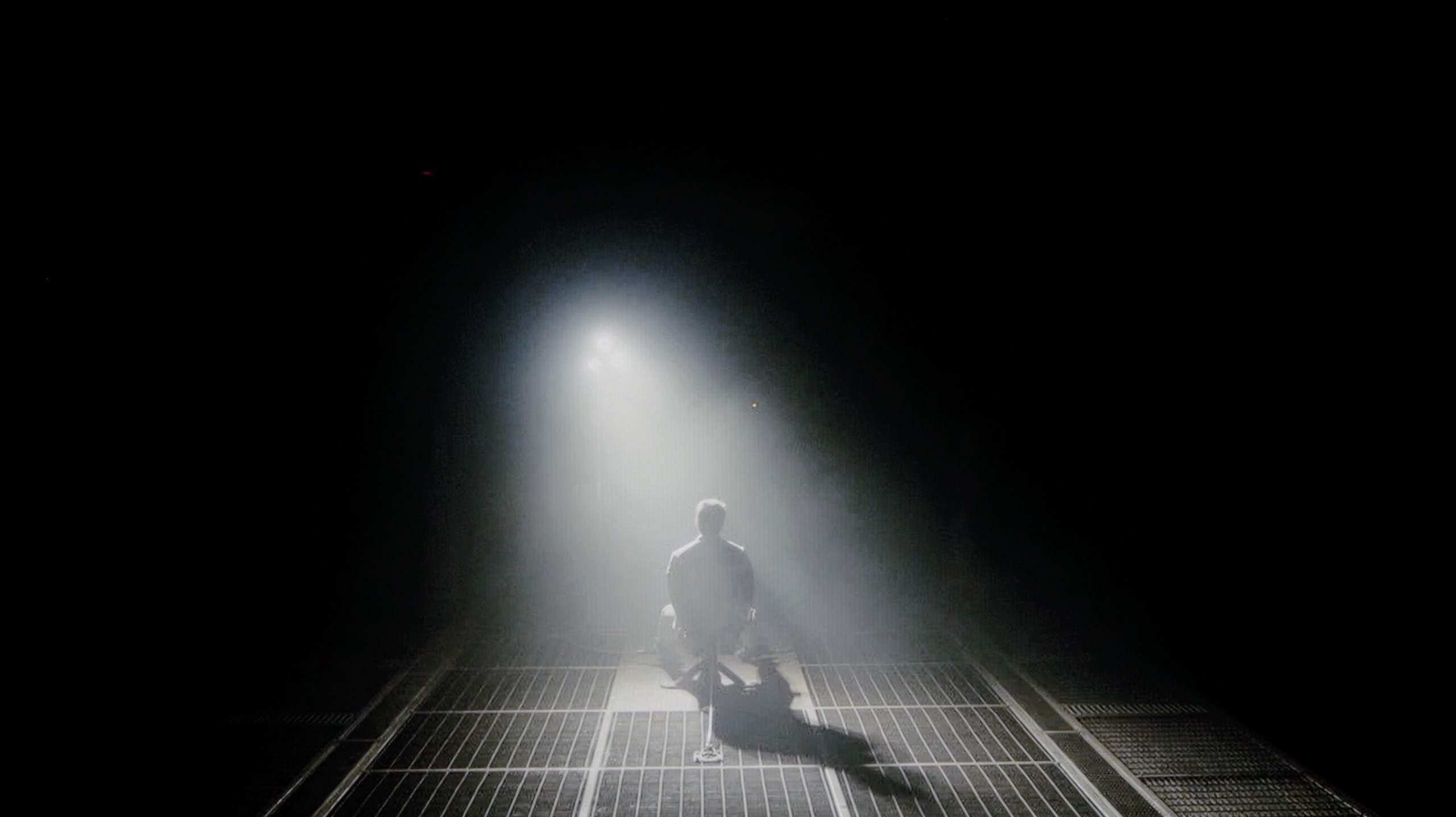
Check the visibility of bright lights on a dark background. Mini-LEDs often struggle with this. The photo does not compare black levels – that’s what the video below is for.
The video accurately shows differences in contrast and black levels between TVs, as well as potential issues: halo around bright objects or Mini-LED zone operation visible as brightness jumps.
In the category of black levels and contrast, the television LG QNED87T6B has certain challenges to overcome. Equipped with an IPS panel, it does not match models with VA panels in terms of performance in this area. Additionally, the edge-lit dimming affects its poor results in this category. It is worth mentioning that the exception here is the 50-inch variant, which has a VA panel, and is not subject to this test.
Although the manufacturer offers a dimming control option, the effects remain relatively weak. Test patterns show that the contrast is truly miserable, and in the test scene from the film "Sicario 2," it is clearly visible how the television struggles with uneven backlighting, illuminating a large portion of the screen from below. This demonstrates that in more demanding scenes, the television has difficulties maintaining an appropriate level of contrast and black levels, which negatively impacts the overall visual experience.
As the LG G6 is based on OLED technology, specifically the 2nd generation WOLED TANDEM matrix, when it comes to black levels and contrast, we are talking perfection, as confirmed by our laboratory measurements – in every test scenario, the television achieved an absolute infinity score. The ability to independently control each pixel gives it a significant advantage over any LCD panel on the market. This translates into a brilliant, plastic depth of image that immediately draws you into every possible viewing experience. This is perfectly illustrated by the example of a dark, demanding scene with a helicopter from the film Sicario 2. While traditional screens with local dimming (including Mini-LEDs) can generate an irritating “halo” effect during such moments, brighten black bars in films, or lose details in shadows, the LG G6 performs flawlessly. Black, where it needs to be black, remains pitch black and perfectly separated from bright points.
*A small note: during this test, a quite noticeable graininess and flicker of the image stands out. However, we do not take this into account in the assessment of the contrast itself and this part of the review – we will describe this specific problem in the following section. Paragraph: "Smoothness of tonal transitions".
HDR effect quality
5.3/10
9.1/10
Luminance measurements in HDR:

Result
409 nit

Result
486 nit

Result
574 nit

Result
464 nit

Result
439 nit
Result
2387 nit
Result
2345 nit
Result
2418 nit
Result
2439 nit
Result
1844 nit
Scene from the movie “Pan” (about 2800 nits)


Scene from the movie “Billy Lynn” (about 1100 nits)

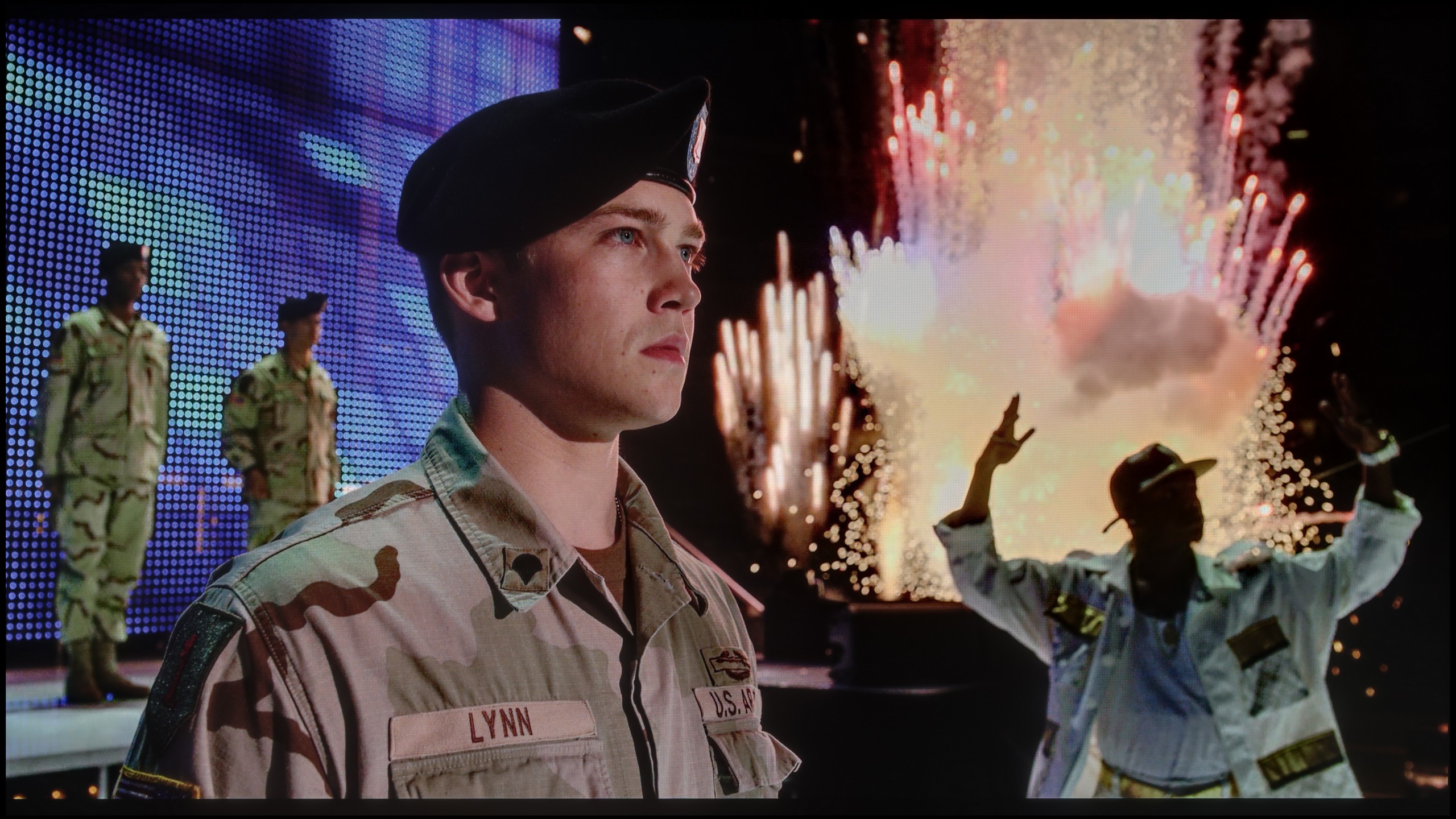
The photos show two HDR10 movies. 'Pan' is one of the brightest productions ever made, while 'Billy Lynn' (soldier) has brightness typical of streaming (Netflix, Prime, HBO MAX). Notice the intensity of effects and detail in whites.
Static HDR10


The photos present the visibility of white details in various HDR formats. They do not show brightness differences between TVs (these can be compared in the previous gallery).
HDR luminance chart:
LG OLED G6 (G64LW, G66LS)
LG QNED87T6B
Luminance of RGB colors
LG QNED87T6B delivers truly decent visual experiences when it comes to HDR. During our tests on test patterns, the television achieved brightness close to 500 nits, which is a satisfactory result and allows for good visibility of details in high dynamic scenes. Support for basic HDR formats, such as HDR10 and HLG, ensures appropriate image quality. Unfortunately, the television does not support more advanced standards, such as Dolby Vision or HDR10+, which are particularly important at this screen brightness. The lack of support for dynamic metadata means that in certain scenes, the television may struggle to fully reproduce details, especially in very bright areas – precisely when dynamic metadata could significantly improve image quality. Nevertheless, it is worth noting the excellent coverage of the wide DCI-P3 colour gamut, reaching as high as 96.4%. This ensures that the colours displayed by the QNED87T6B model are more vibrant and natural, enhancing the quality of 4K content with a wide colour palette.
The LG G6 is currently one of the brightest OLEDs on the market. Its peak brightness reaches nearly 2500 nits, and what’s best – this has a direct impact on real film scenes. The television flawlessly extracts details in the bright areas of the image. And this is regardless of whether we are talking about very small points like stars in the sky or slightly larger elements on the screen. Naturally, with full-screen, uniformly white scenes, the brightness of the G6 decreases due to the panel protection system (ABL). However, in real, varied cinematic shots, this value still hovers around 2000 nits, which can be considered an outstanding result. The coverage of the colour palette also deserves praise. The new second-generation Tandem OLED panel only brought a cosmetic change but still an improvement. The coverage of the DCI-P3 palette reaches nearly 99.5%, whereas for the ultra-wide BT.2020, it is around 84%. These are very good results, although it’s worth remembering one thing: at extremely high brightness levels, the colour volume will be lower than in Samsung Display’s QD-OLED panels due to the use of a white sub-pixel (WOLED). However, in everyday content and most films, catching this difference will be very difficult.
Factory color reproduction
5.4/10
7.4/10


This gallery shows how colors change after professional TV calibration. If you notice the difference, we recommend ordering this service at SkalibrujTV.com.
Factory Mode
After calibration
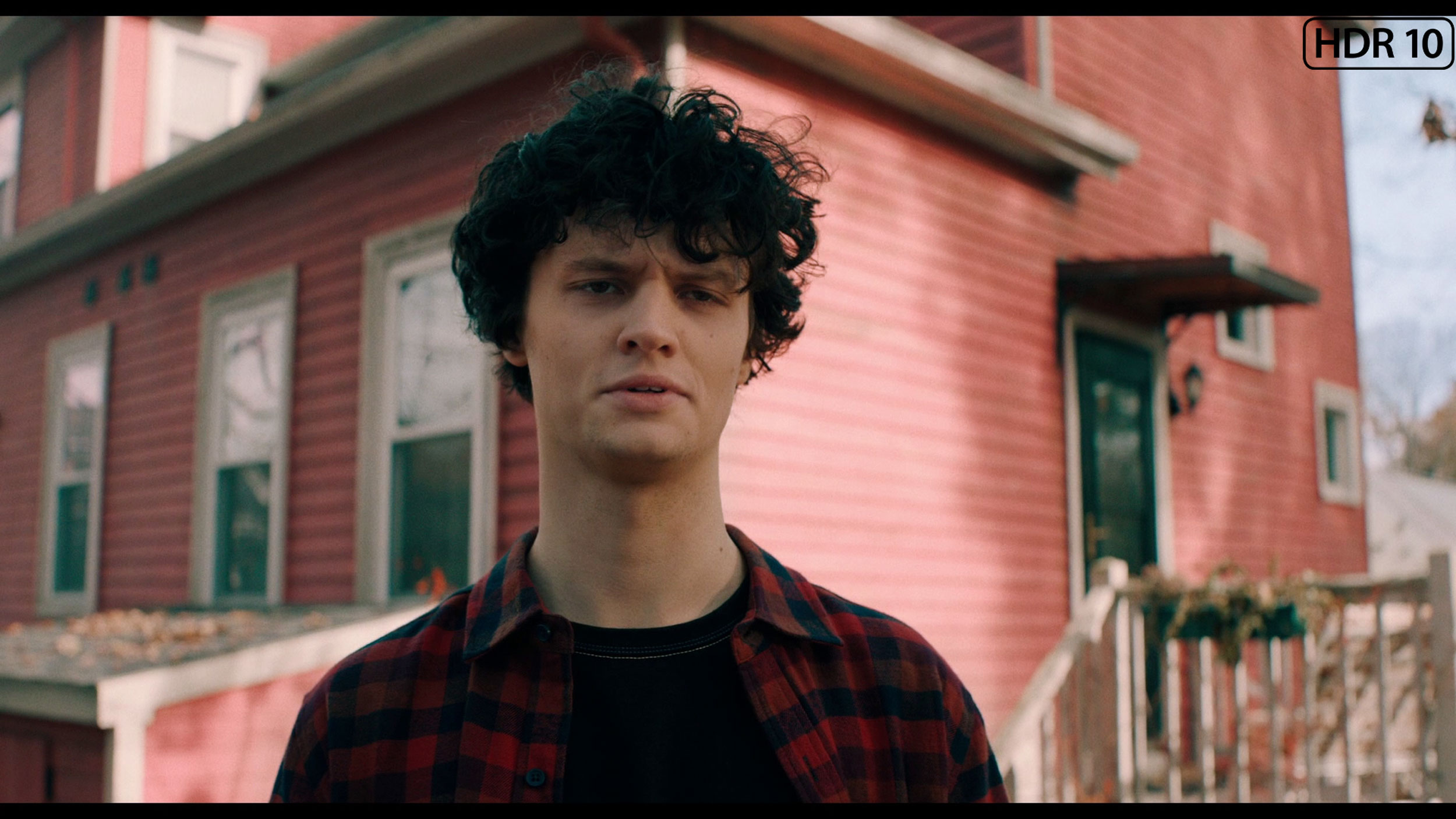
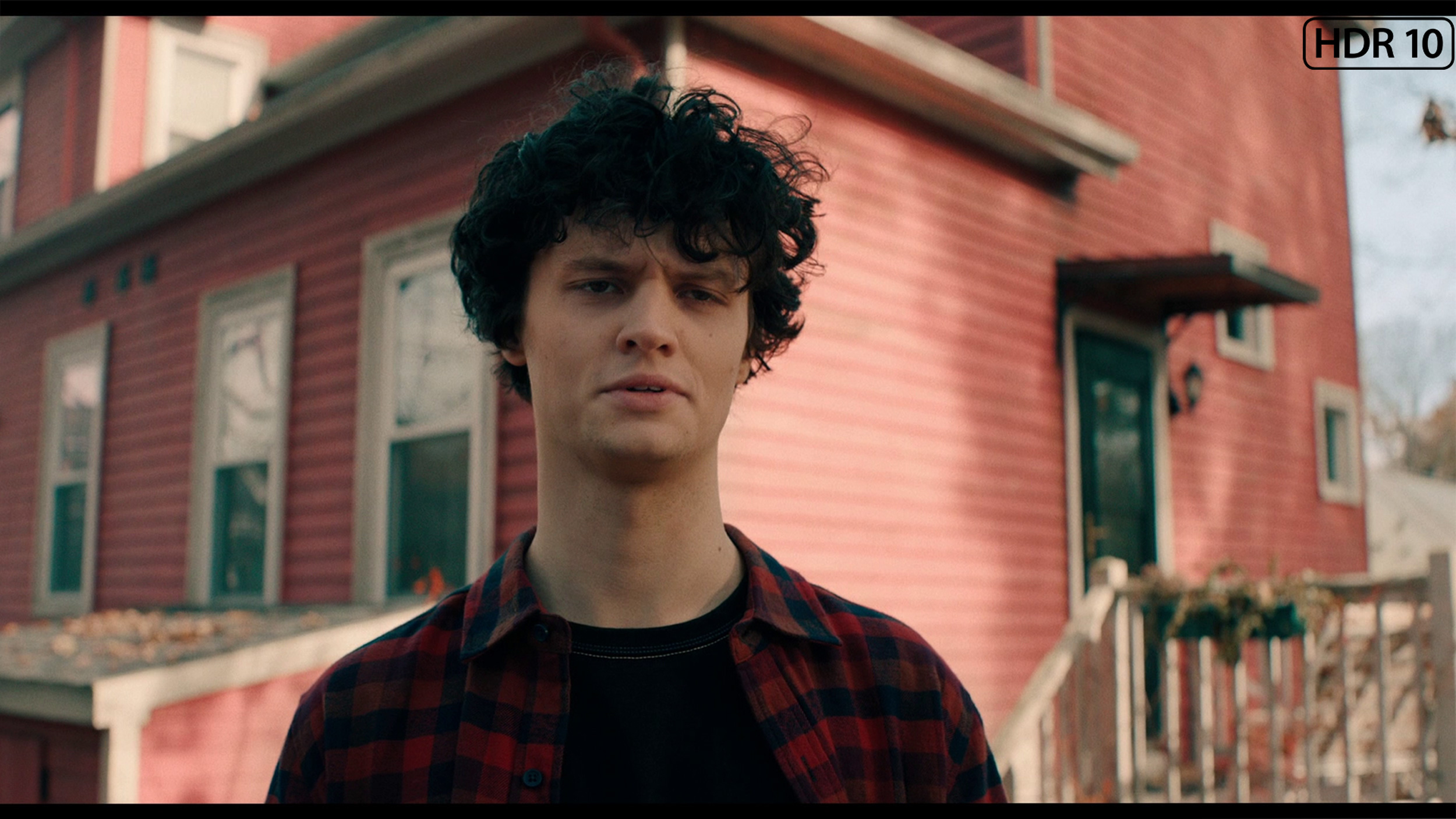
This gallery shows how colors change after professional TV calibration. If you notice the difference, we recommend ordering this service at SkalibrujTV.com.
Factory Mode
After calibration
The colour reproduction in the LG QNED, even in Filmmaker Mode, which is the best factory setting, is not without flaws. The main issue is the white balance – we noticed that the level of blue on the graph tends to decrease. This results in a shift towards yellow tones, making the image appear warmer than it should. This deviation affects the naturalness of colour reproduction, especially in scenes with a white or neutral background. The Color Checker test confirmed that some colours are distorted and deviate from reality. Such distortion can make cinematic scenes seem less realistic, and details are represented in incorrect colours, which negatively impacts the overall picture quality.
In terms of contrast, the analysis of the gamma graph revealed significant drops, while the optimal value should be 2.4. This means that the television may display darker parts of the image brighter in certain scenes, which reduces their depth and dynamism. Additionally, on the EOTF curve, which is responsible for brightness reproduction, an unnatural drop was noted at the beginning. This phenomenon may result in less accuracy in reproducing dark scenes, which in turn affects the overall picture quality. The television may not convey the full depth of black, causing more demanding scenes to lose realism and detail. As a result, viewers may notice that details in the darker areas of the image become less distinct.
We tested the LG G6 in the best factory mode in terms of colour fidelity, namely FILMMAKER MODE. In the case of our test unit, this mode was quite well tuned straight out of the box. In SDR content, the only issue we could point out was the white balance, which tended to drift towards warmer tones. Consequently, the image could occasionally appear slightly yellowed; however, overall, this was not an bothersome problem. The G6 performed a bit worse with HDR content. There, we noted too much blue component in the white balance, which caused the image to take on cooler hues, resulting in fairly noticeable errors. As can be seen in our ColorChecker chart, the colours indeed drifted towards these cooler registers. Nevertheless, considering the factory settings, the television displayed a perfectly decent level. We do know, however, that OLED screens – particularly those from LG – respond excellently to professional calibration, which is why we immediately went ahead with it.
Color reproduction after calibration
7.8/10
9.2/10

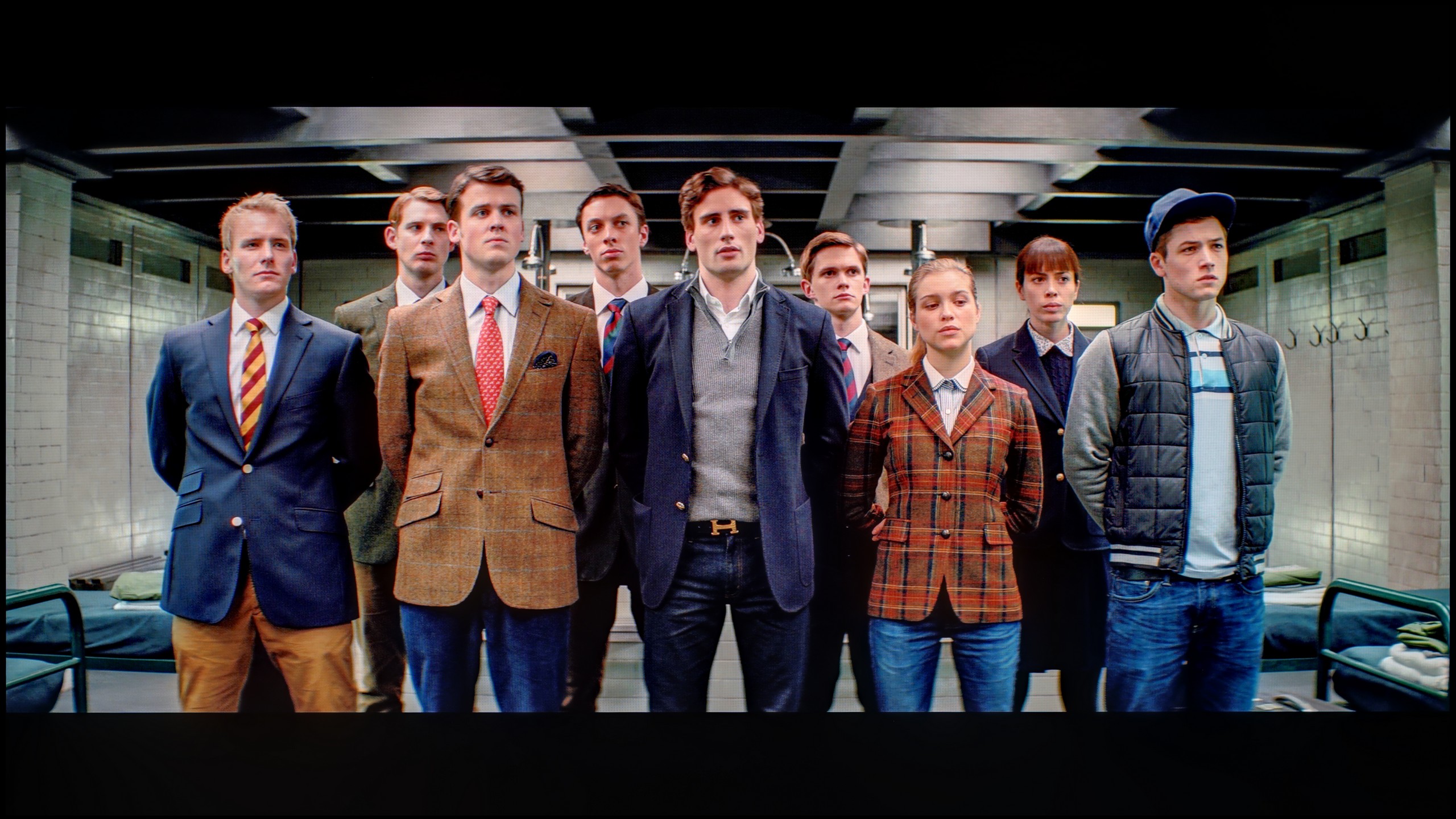
The photos show how movies look on the TV. Pay attention to black detail visibility, colors, and shadow tint.


The photos show how movies look on the TV. Pay attention to black detail visibility, colors, and shadow tint.
After calibration, the colours in SDR content look very good. The improved white balance translates to natural and harmonious shades in various scenes. Thanks to the precise adjustment of the gamma, details in shadows and bright areas of the image are accurately reproduced. The television performs excellently in everyday use, offering vivid, well-balanced images and solid colour quality in HD quality. The greatest beneficiary here is also the contrast. The gamma chart has been freed from very large errors, so here the television has gained a second face.
As for the white balance in 4K HDR, it has also been significantly improved. However, certain errors still appear at the end of the chart. This could be due to the overly aggressive operation of the television's local dimming, which affects the accurate reproduction of colour in certain scenes. It is difficult to speak here of an improvement in brightness represented by the EOTF curve. Due to its construction limitations, the television has certain disadvantages and we are not able to overcome them. The Color Checker test confirms the issue with colour saturation – despite the television offering a wide colour palette, it is not able to fully convey what the director intended.
Despite these shortcomings, the overall picture quality after calibration is significantly better than before. Improvements in white balance and gamma adjustment make images more vivid, and colours closer to reality.
After professional calibration, we gained complete control over the panel, and we managed to align all parameters to nearly zero. We successfully calibrated the white balance perfectly, which eliminated the factory cool and warm tints from the screen. The effects are clear as day in the ColorChecker test – the average colour reproduction errors dropped below the critical value of 1-2. And what does that mean? PERFECT colours, without any distortion! However, as reviewers, we must point out here how the LG G6 arbitrarily manipulates brightness, for which the EOTF curve is responsible. When looking at the standard synthetic chart, it might seem that the line is quite straight. However, the situation changes when we turn on the measurement filter, which shows how the television interprets brightness in real, moving film scenes (EOTF in MOVIES). Then it becomes evident that some of the tiniest parts on the screen are slightly over-brightened by the algorithm. Of course, for the average viewer, such a deviation will be practically unnoticeable, but in the test of such an expensive screen, it is worth noting – especially since we are talking about a model that has huge aspirations to be named the best television of the year.
Smoothness of tonal transitions
8.6/10
5.5/10


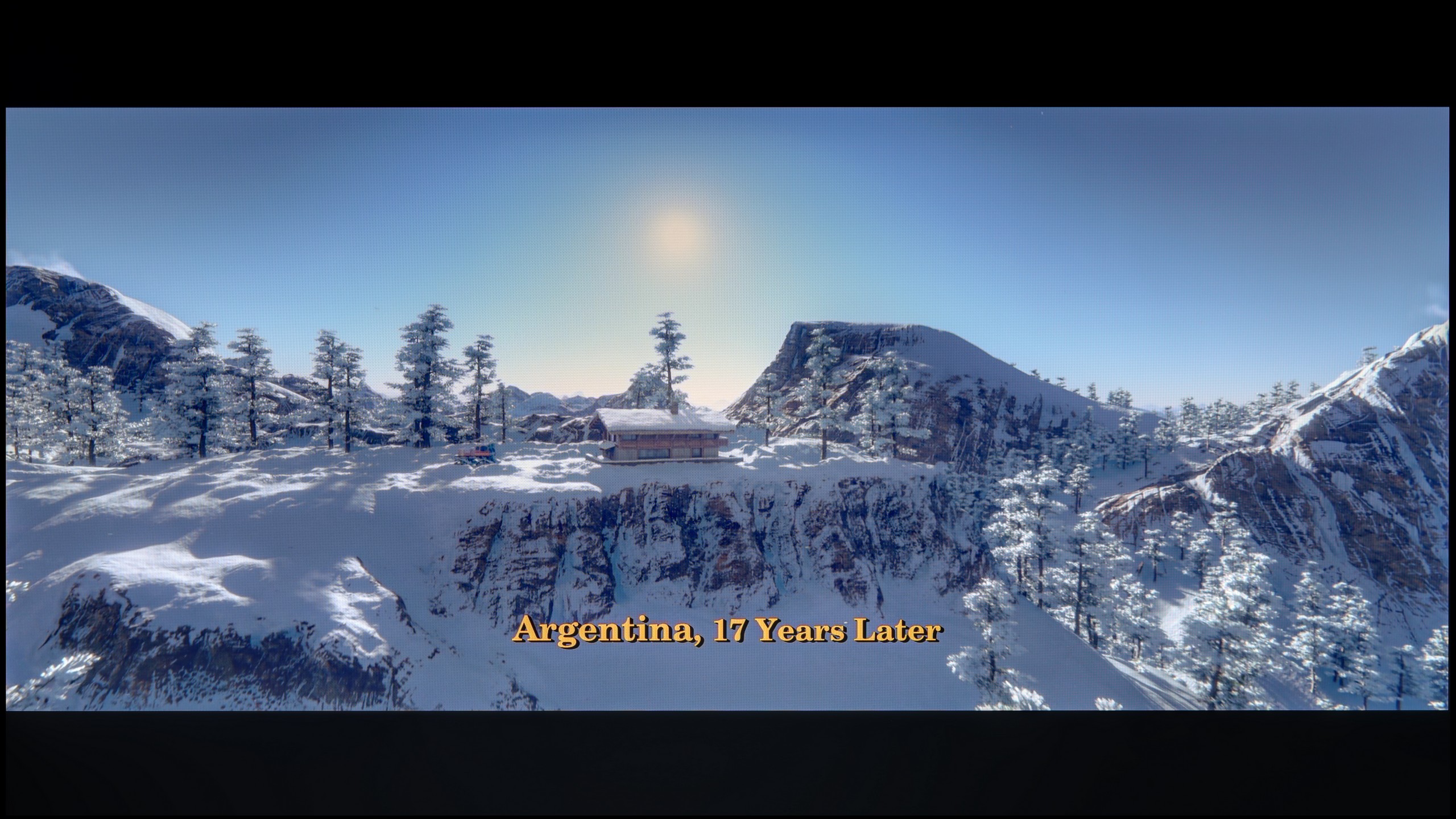
These are selected scenes that show smooth tonal transitions from one color to another. If you see distinct banding, it’s the TV panel’s fault.

These are selected scenes that show smooth tonal transitions from one color to another. If you see distinct banding, it’s the TV panel’s fault.
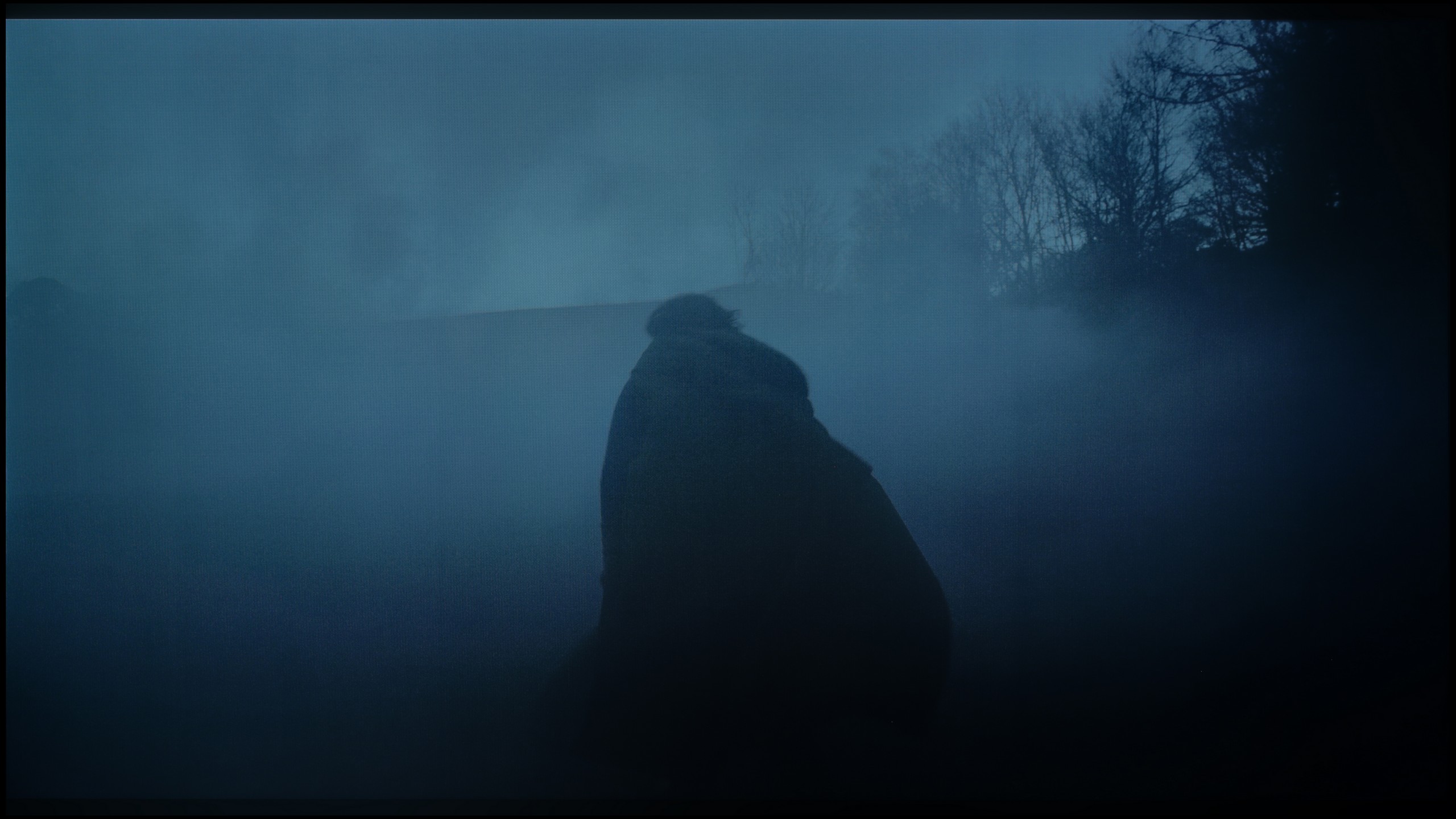
These are selected scenes that show smooth tonal transitions from one color to another. If you see distinct banding, it’s the TV panel’s fault.
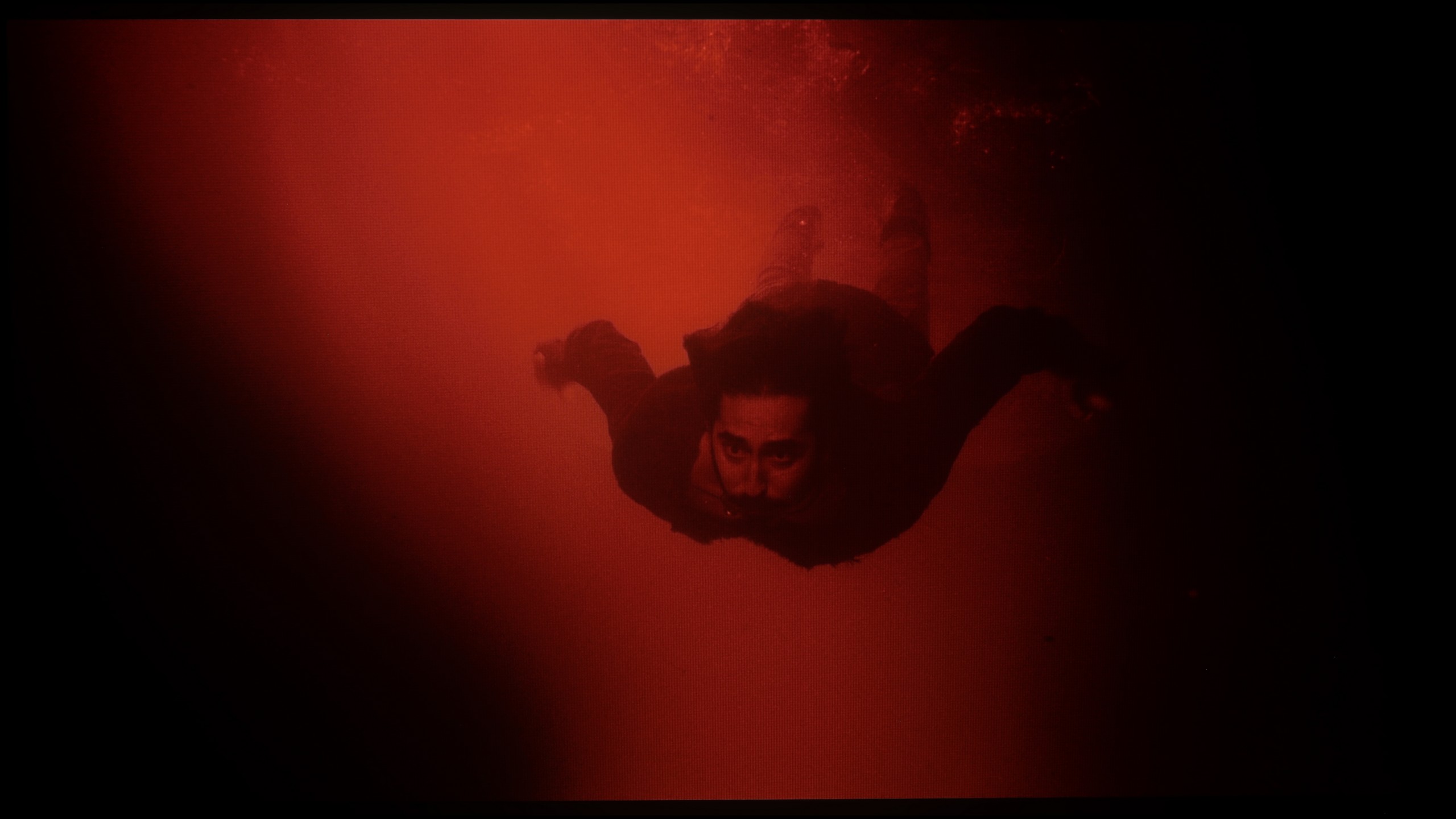
These are selected scenes that show smooth tonal transitions from one color to another. If you see distinct banding, it’s the TV panel’s fault.
The gradation in LG QNED is quite good, despite minor issues on the colourful dark sky. These slight flaws do not detract from the fact that the gradation is one of the positive aspects of this model. Overall, the television performs well with smooth transitions of colours.
Here, unfortunately, we come to the least cheerful part of this review. If we were judging solely the fluidity of tonal transitions, the G6 would receive high marks. The blending of colours is at a very good level, and at times it resembles what we know from Samsung's QD-OLED panels. This is great news, as until now, ugly, layered bands in dark shades have been the bane of WOLED panels. In this category, we could easily give a strong 8.5 out of 10.
Note: Unfortunately, the final rating in this section drops significantly, and the culprit is very aggressive dithering. In dark scenes, the image literally 'trembles', and in areas close to black/dark grey, the television can irritably flicker. We do not know exactly what causes this, but looking at the tests of other reviewers around the world – everyone has encountered exactly this same problem. We hope that LG will fix this as soon as possible with some update. We know that LG can respond quickly to negative user feedback, which can already be read online. We will monitor the situation closely and will inform you in case of improvement.
Image scaling and smoothness of tonal transitions
8/10
8.7/10

Smooth transition function

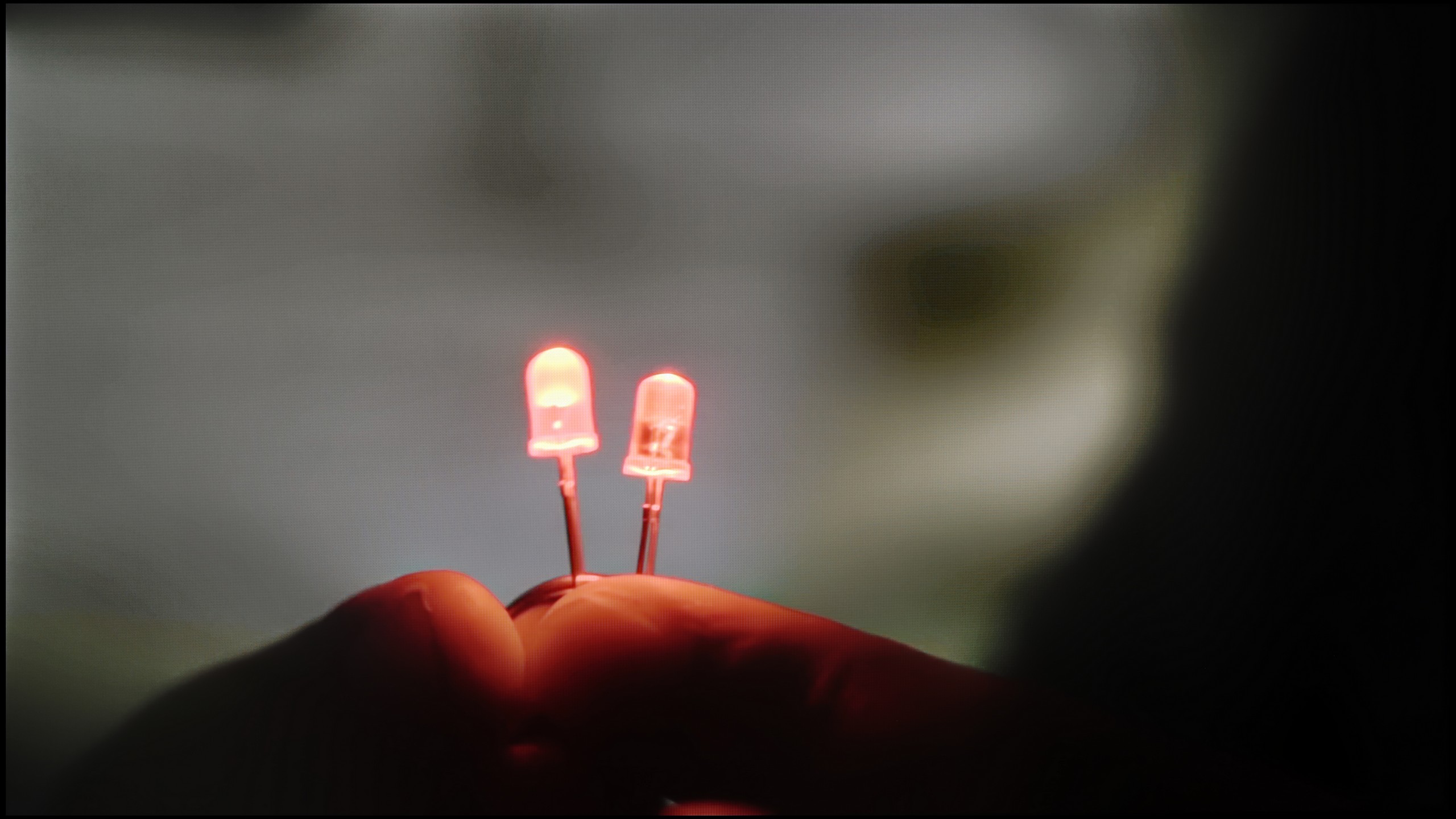
The match photo shows how the TV smooths weak tonal transitions in low-quality video.
Image scaling SD (576i)


The model photo shows how it handles upscaling of SD material.
When it comes to lower quality materials, the gradation looks really good. A feature called "Smooth Gradation" effectively smooths out the most problematic areas of the image without negatively affecting the film grain. For the best effect, it’s worth setting it to a low level. This solution significantly improves the quality of the displayed content and makes watching lower resolution materials more enjoyable and smoother.
In terms of digital processing, the image is displayed without cropping, known as overscanning. Although slight fringing of the branches against the model’s background can be noticed, the overall presentation is very good. Users should be satisfied with the image quality when watching low-quality materials, such as standard television. The television handles this task exceptionally well, providing a satisfying visual experience even with lower quality content.
Whatever one may say about the G6’s problems with near-black signal, it must be fairly acknowledged that it handles heavily compressed material and lower resolution content exceptionally well. All unwanted, unsightly tonal transitions are effectively reduced here by the "Smooth Gradation" feature. At the "Low" setting, the algorithm works flawlessly – effectively masking the artefacts resulting from strong compression without destroying the sharpness and details in the frame. Higher levels of this function do indeed smooth the image further, but they start to blur the real elements of object texture, which is why we recommend keeping this slider at a low setting. As for the upscaling to 4K, the processor does an excellent job – edge sharpness and detail reconstruction are at the highest level, and in this regard, the G6 does not fall behind the world leaders at all.
Blur and motion smoothness
7.8/10
8.5/10

Blur (native resolution, maximum refresh rate):




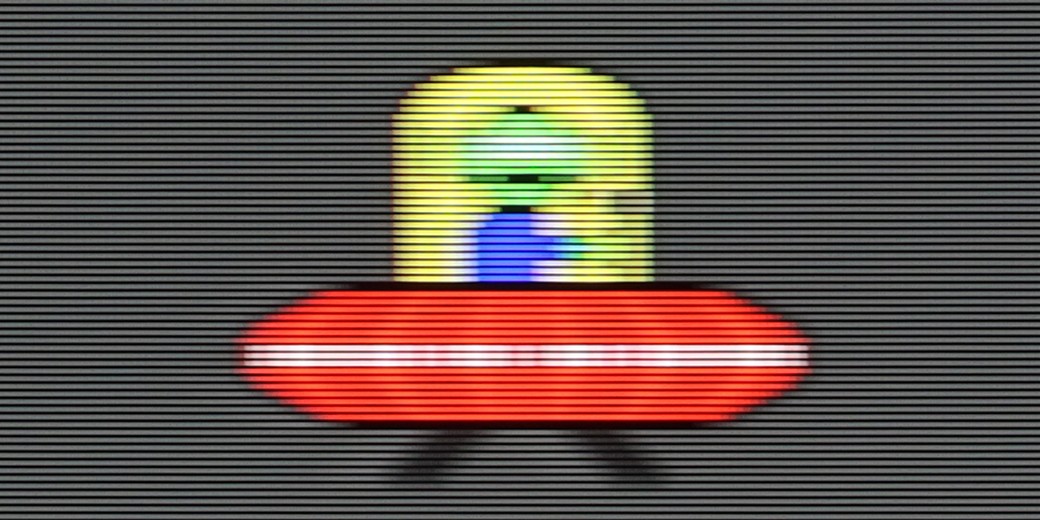
Blur (BFI function enabled):


Image flickers in this mode
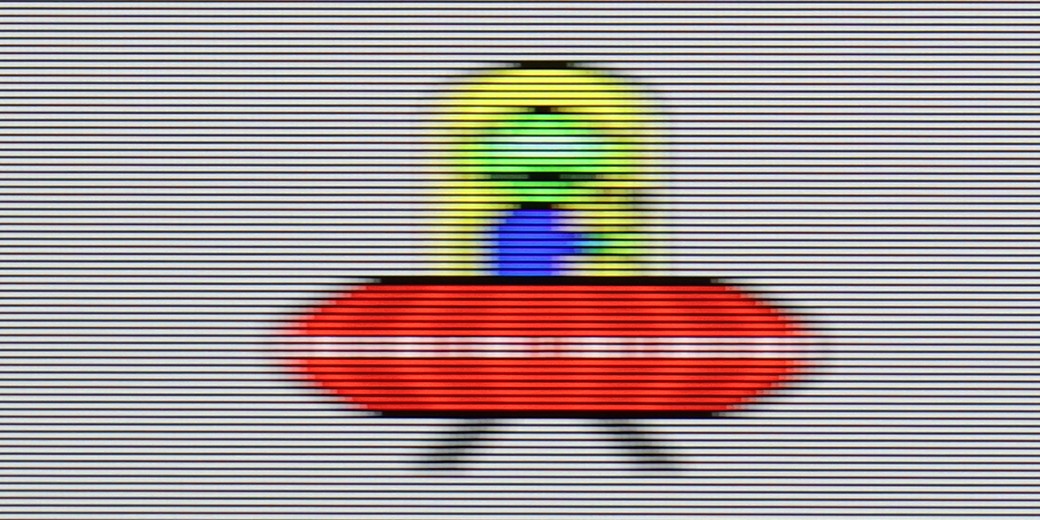
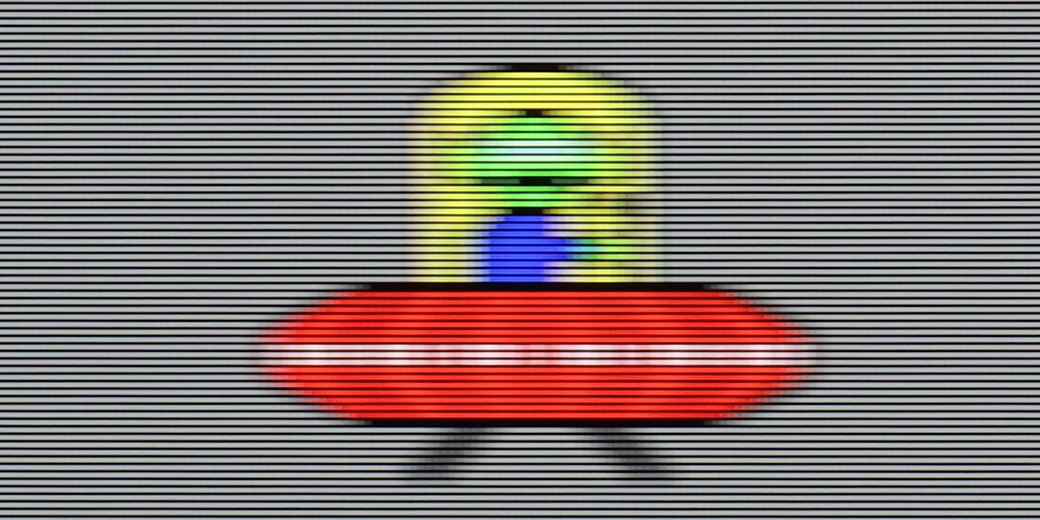
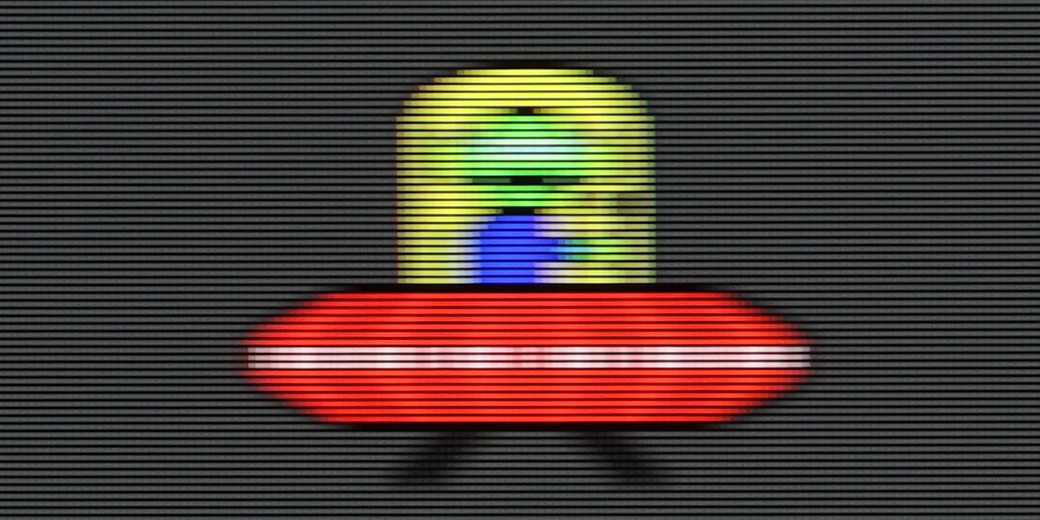
Blur ():
Blur (4K@165Hz):



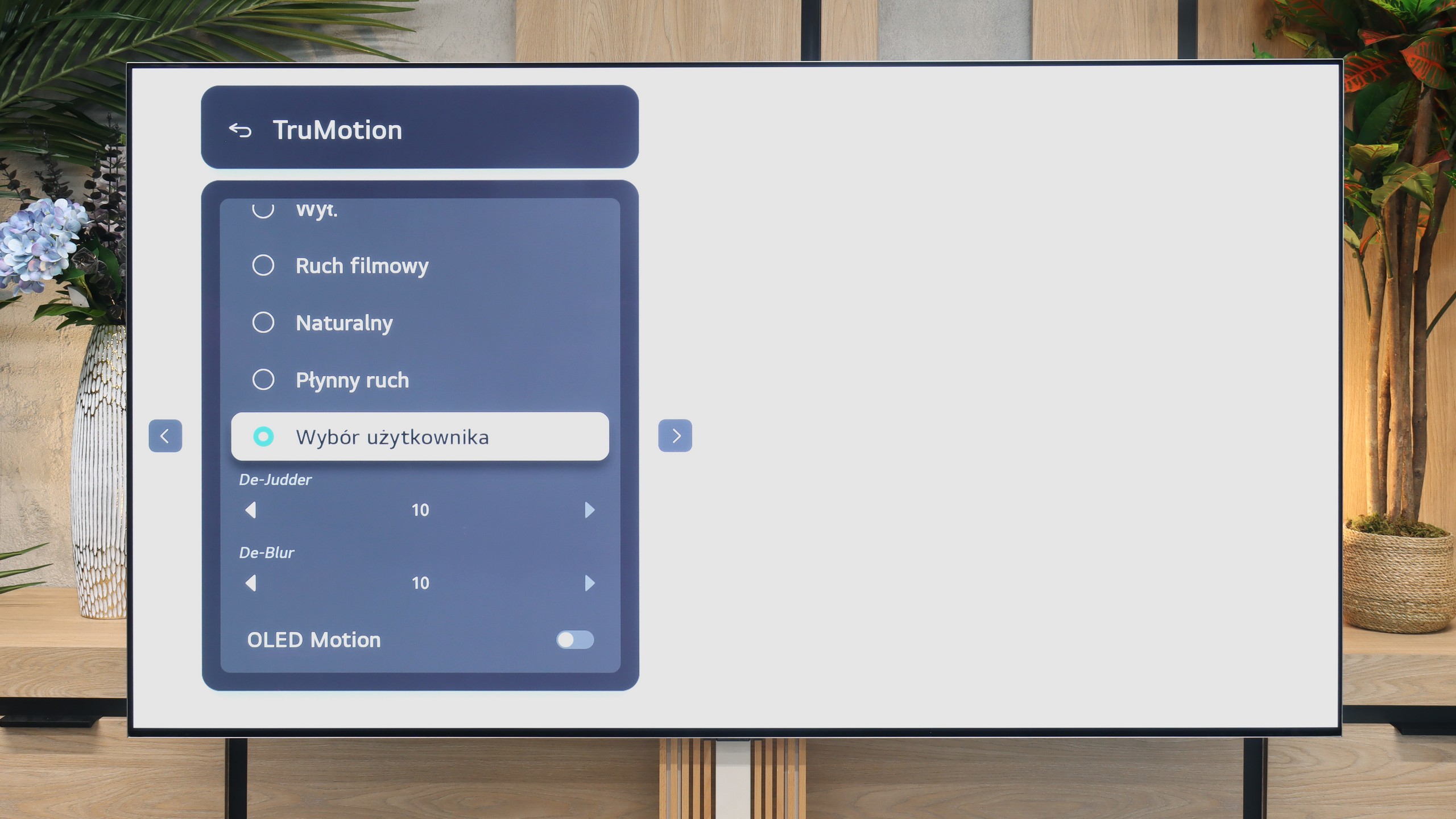
The television provides decent smoothness when watching films, thanks to the "Tru Motion" feature that allows for adjustment of the motion smoothing level on a scale from 0 to 10. De-Judder adjusts motion smoothness, while De-Blur regulates motion sharpness. The user has the option to choose between a traditional, cinematic effect with slight judder (lower settings) and a smoother, theatrical image. Although the latter slightly deviates from the cinematic standard, it may be appealing to many viewers.
As for gamers and sports fans, the LG QNED87 television with a 120Hz panel will certainly not disappoint them. And with the use of an IPS panel, the response time is generally better than that of VA panels available at a similar price. This guarantees smoother gameplay and dynamic experiences when watching sports events.
LG G6 is an OLED television, so in the category of motion fluidity, it traditionally deserves the highest marks. The television supports very high refresh rates reaching up to 165 Hz in 4K resolution, but most importantly – on the screen, you will not notice any signs of blurring. The response time of the panel is almost instantaneous, ensuring that dynamic images remain perfectly sharp.
Console compatibility and gaming features
9.2/10
10/10
- ALLM
- VRR
- VRR range48 - 120Hz40 - 165Hz
- Dolby Vision Game Mode

- Correct implementation of HGIG
- 1080p@120Hz
- 1440p@120Hz
- 4K@120Hz
- Game bar

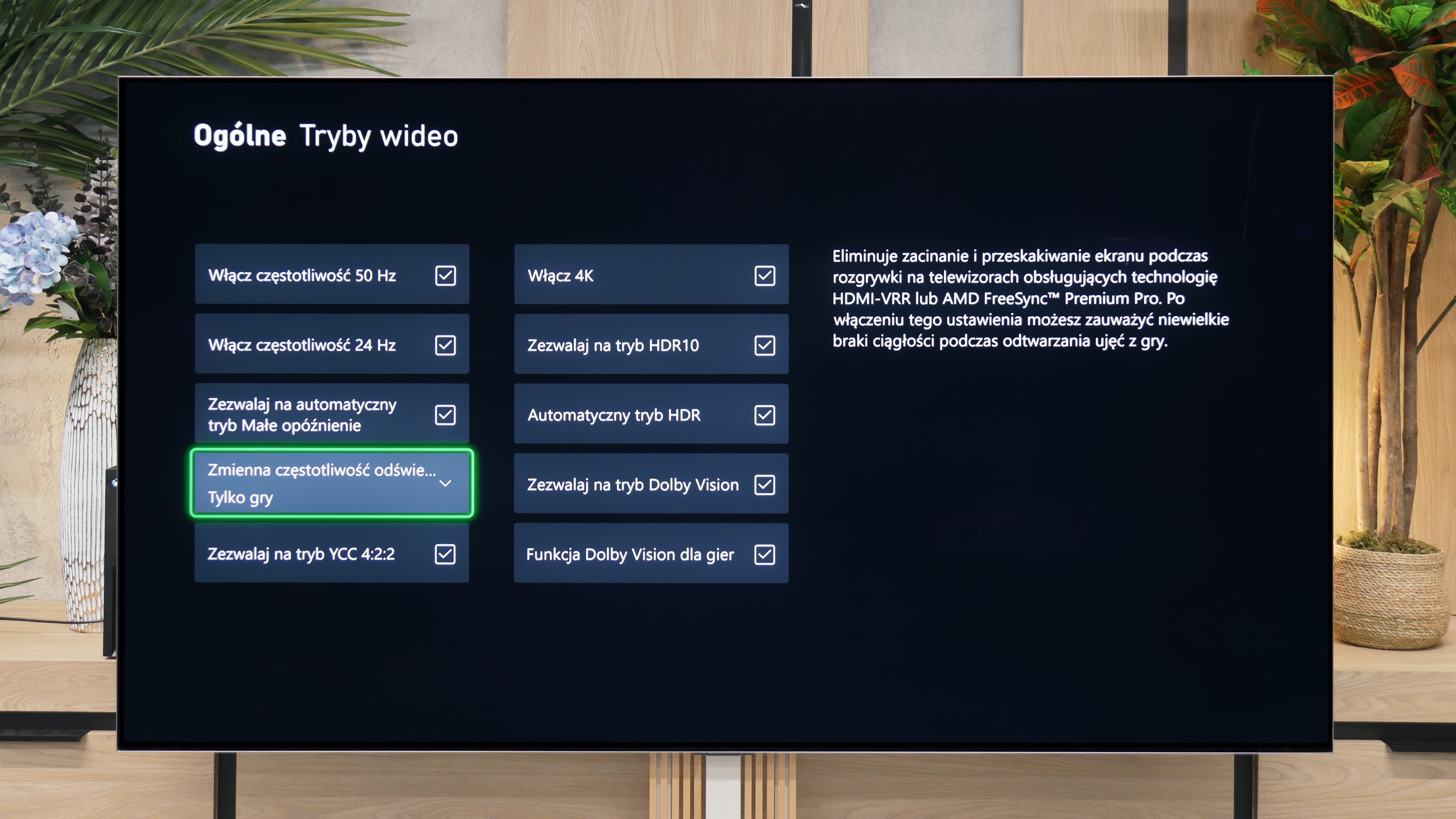

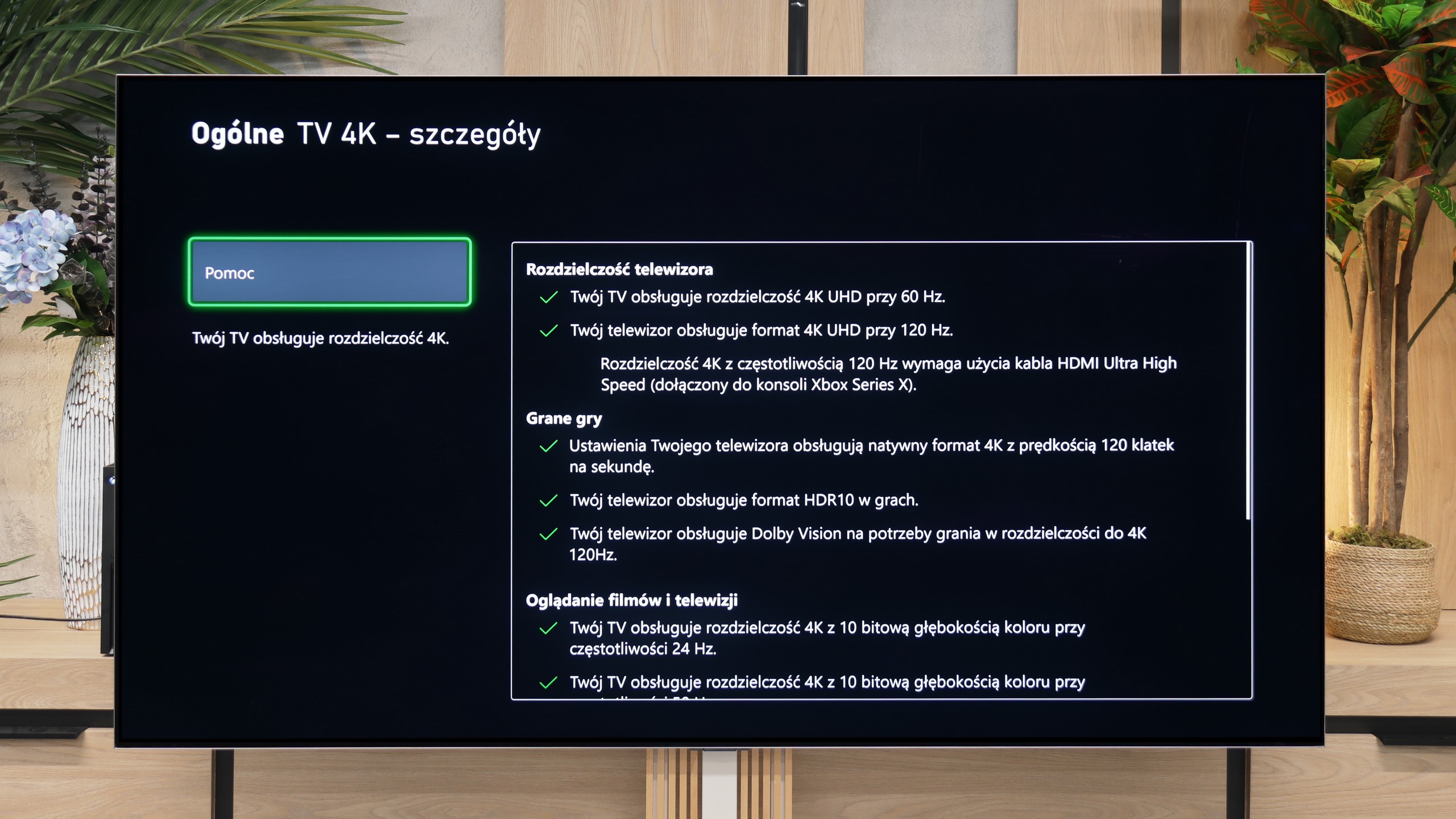

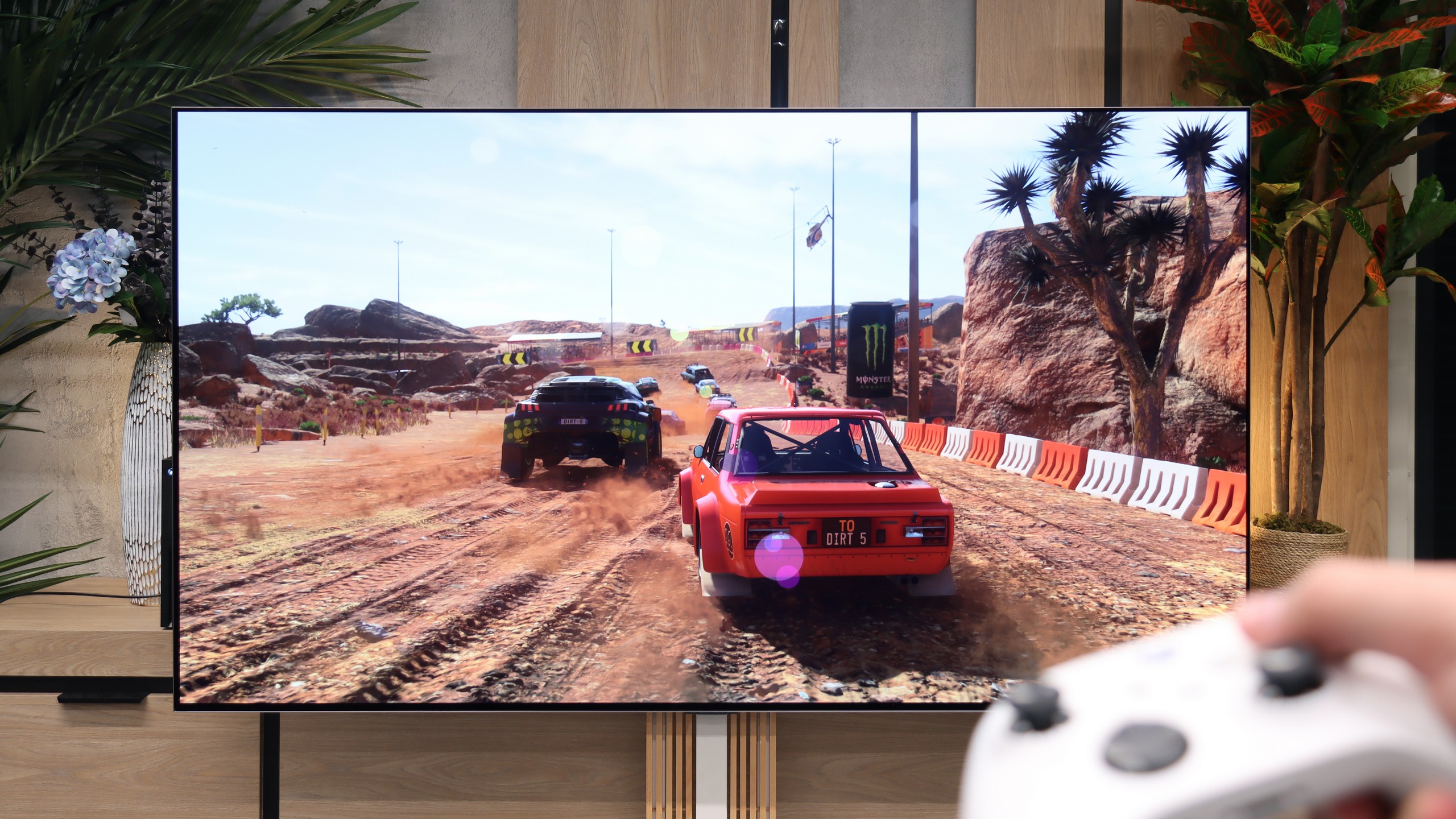

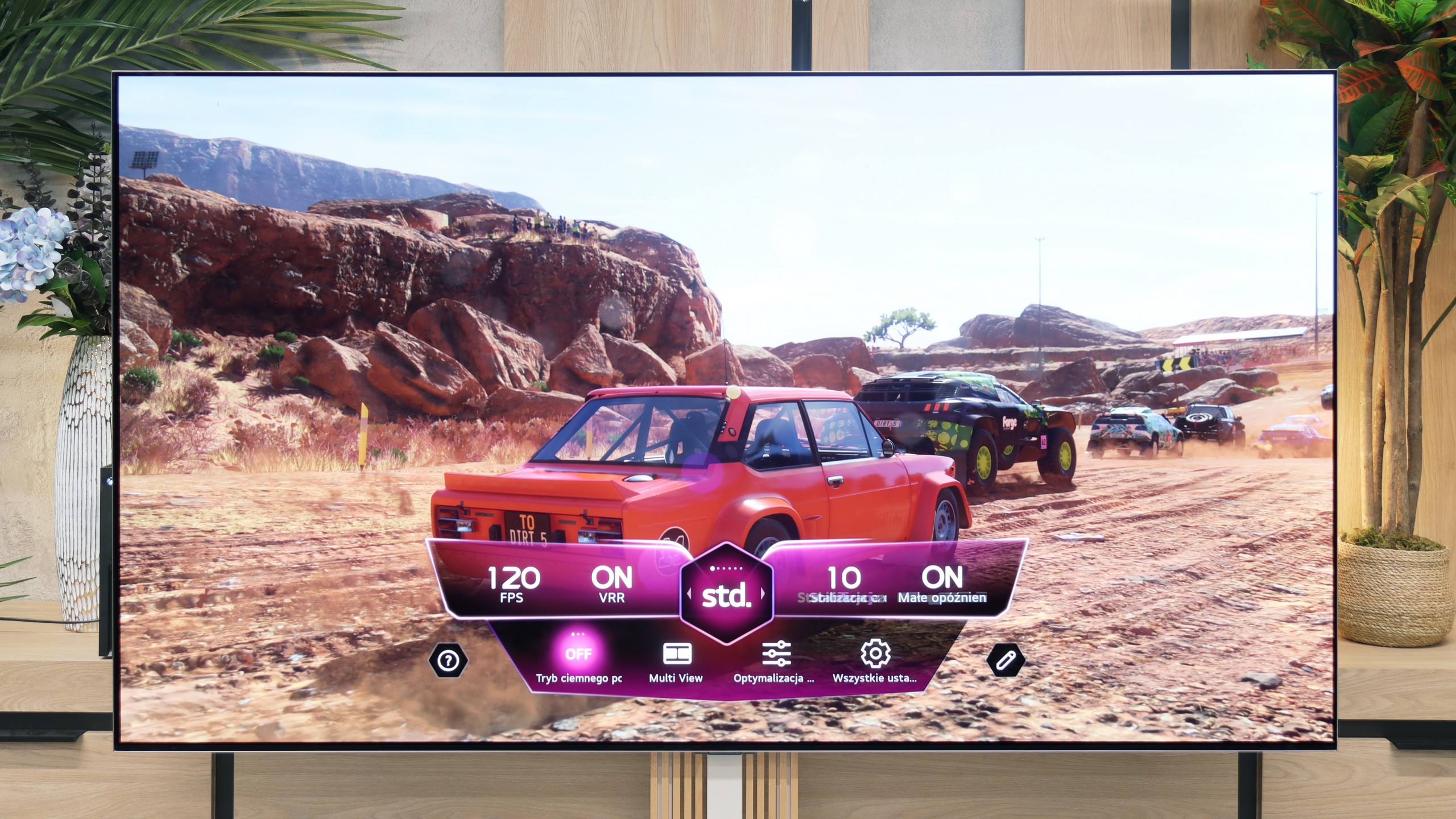
LG QNED offers a range of features that make it an excellent choice for gamers looking for a high-performance television. The television is equipped with four HDMI 2.1 ports, allowing for connection to the latest consoles, such as PlayStation 5 and Xbox Series X, and taking full advantage of features including Variable Refresh Rate (VRR) and Auto Low Latency Mode (ALLM). With the Game Bar feature, gamers can quickly and easily manage all their game settings without having to navigate through complicated menus. It is possible to adjust parameters such as VRR, ALLM, Multi View, and monitor frame rates. The television also supports G-Sync and FreeSync technologies, which is particularly important for owners of Nvidia and AMD graphics cards. G-Sync and FreeSync synchronise the television's refresh rate with the graphics card. The 120Hz panel ensures incredible motion smoothness and image clarity. Combined with the Black Frame Insertion (BFI) feature, available at 60Hz and 120Hz, gamers can enjoy an even clearer and smoother picture. LG QNED87 is a television that will meet the expectations of even the most demanding gamers, offering modern technologies and features that significantly enhance comfort and satisfaction in gaming.
The LG G6 is a true monster for gamers and one of the best-equipped televisions on the market in this regard. The manufacturer has not skimped on features, equipping this model with as many as four full HDMI 2.1 ports with a maximum bandwidth of 48 Gbps. This means that no matter which port you plug in your PlayStation 5, Xbox Series X, or powerful PC, you will get the absolute maximum performance from them.
The television supports a full set of gaming technologies: from VRR (Variable Refresh Rate) to AMD FreeSync Premium Pro, and even Nvidia G-Sync Compatible. On top of that, it offers remarkably low, nearly imperceptible input lag and an exceptionally well-functioning Game Optimizer panel, which allows you to monitor signal parameters in real time. Gaming on this screen, with the perfect black of OLED and impressive refresh rates, is pure pleasure.
Input lag
9.9/10
9.9/10
SDR
HDR
Dolby Vision
LG QNED stands out with an extremely low input lag, which is crucial for smooth and responsive gameplay. For a refresh rate of 120Hz, input lag values do not exceed 6 ms, whereas at 60Hz, the input lag reaches a maximum of 15 ms. These are truly impressive results that ensure player reactions are almost instantly reflected on the screen.
When it comes to signal delay, the results are fabulously low. For a standard 120 Hz signal, the Input Lag is just 5 ms. At 60 Hz, this value increases to 13 ms, which is still an excellent and completely imperceptible delay. The only thing we need to nitpick is the television's performance when using the Dolby Vision Game signal. In this format, the Input Lag nearly doubles, reaching 13 ms for 120 Hz and 22 ms for 60 Hz. Despite this jump, we believe that these values in games are low enough that absolutely no one will feel any discomfort during gameplay.
Compatibility with PC
7.6/10
8.7/10

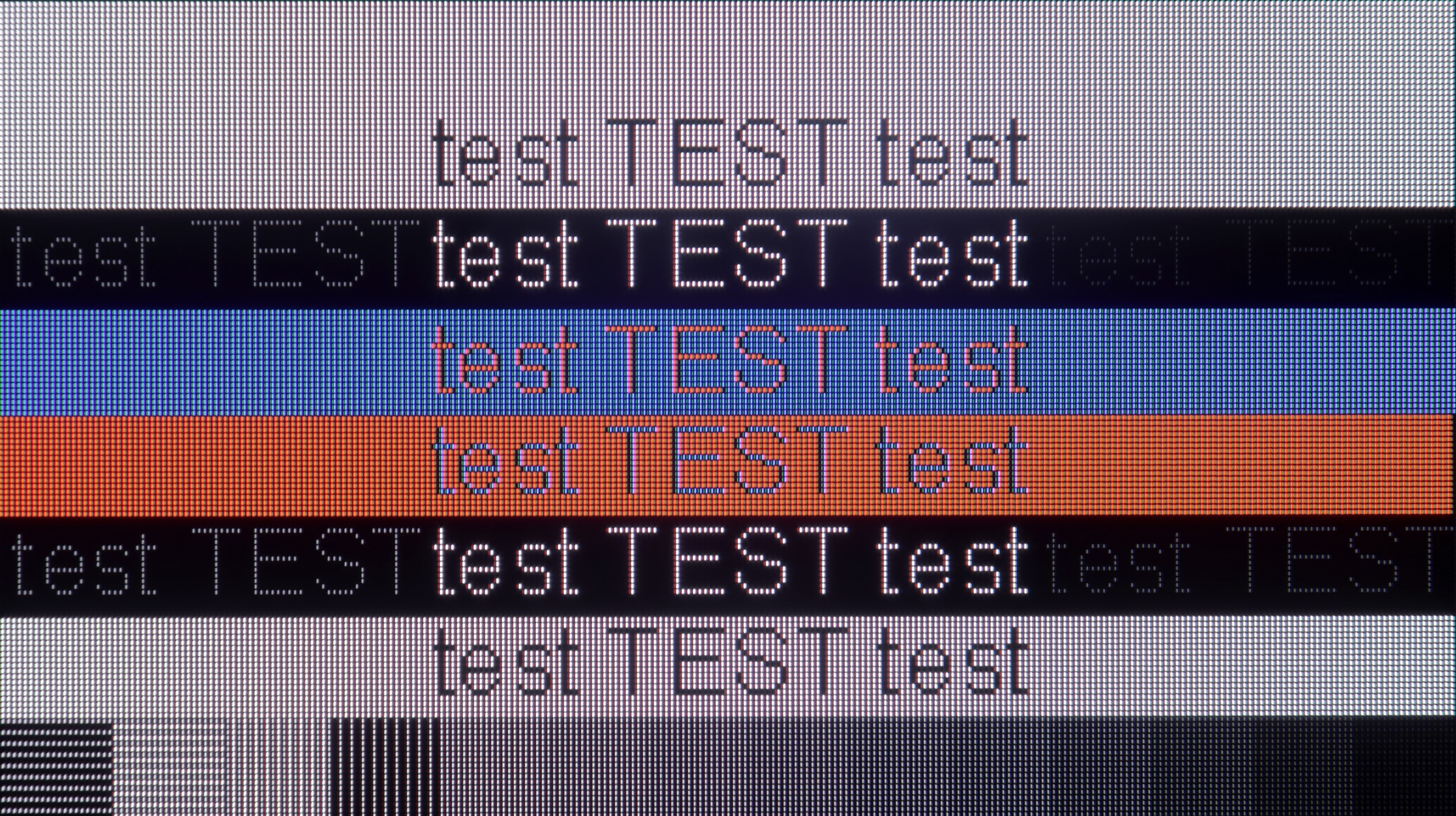
The photo shows the legibility of small fonts. Ideally, lines should be the same thickness on both light and dark text, with minimal pixel gaps.
The LG QNED television works excellently with a computer, offering very good font readability. As a result, working and browsing content is exceptionally comfortable. The high refresh rate of 120Hz ensures a smooth and vivid image. It combines a large workspace with efficiency, making it a real pleasure to use. However, for more demanding users, the disappointing fact may be that the television has issues displaying fonts on a dark background. Instead of white letters, they take on a greenish hue.
As we mentioned earlier, the LG G6 is an outstanding screen for gamers as well as those using computers. With full support for Nvidia G-Sync and AMD FreeSync technology, and a high refresh rate of up to 165 Hz, this television performs brilliantly as a gigantic gaming monitor. However, when it comes to everyday office work with text, it does somewhat less well (though in our opinion still very well), which is, by the way, a typical feature of any WOLED-type screen. Due to the specific arrangement of four subpixels (with an additional white subpixel), rather than three as in traditional computer monitors, system fonts can have an additional red halo around black or white letters. This is a direct result of the new structure of the second-generation Tandem OLED matrix, which now operates in the RGWB configuration (in last year's first generation of Tandem OLED, it was in the BWRG configuration). In our opinion, the sharpness of font edges has slightly deteriorated because of this, but it is certainly not something that will immediately catch your eye when occasionally working with documents or browsing the web.
Viewing angles
7.1/10
7.2/10
When it comes to viewing angles, LG QNED87 performs really well. Thanks to the use of an IPS panel, it offers wide viewing angles compared to VA panels. This means that the image remains clear and does not lose quality even at an angle. Although it may not achieve results as perfect as OLED televisions, which maintain colours and brightness regardless of the viewing angle, in the context of LCD QNED87 screens, it stands out positively. This makes it an excellent choice for larger rooms where viewers often watch from an angle.
As is fitting for an OLED panel, the viewing angles on the LG G6 are really good. The television viewed from the side does not drastically lose brightness or colour saturation. In this respect, the picture quality is miles better than any LCD television – and this is true for both IPS panels and even more so for VA panels without special wide-angle coatings. In this area, the only better screens on the market remain the QD-OLED panels from Samsung Display, where the angles are simply perfect, as well as older WOLED panels with MLA (micro-lens array) technology, which LG abandoned in this series two years ago. Unfortunately, we assess the viewing angles of this year's model to be slightly worse than last year's. We noticed that the 2nd generation Tandem OLED panel tends to take on more greenish hues at large angles, while last year's model maintained greater neutrality in this regard.
Daytime performance
4.8/10
8.2/10

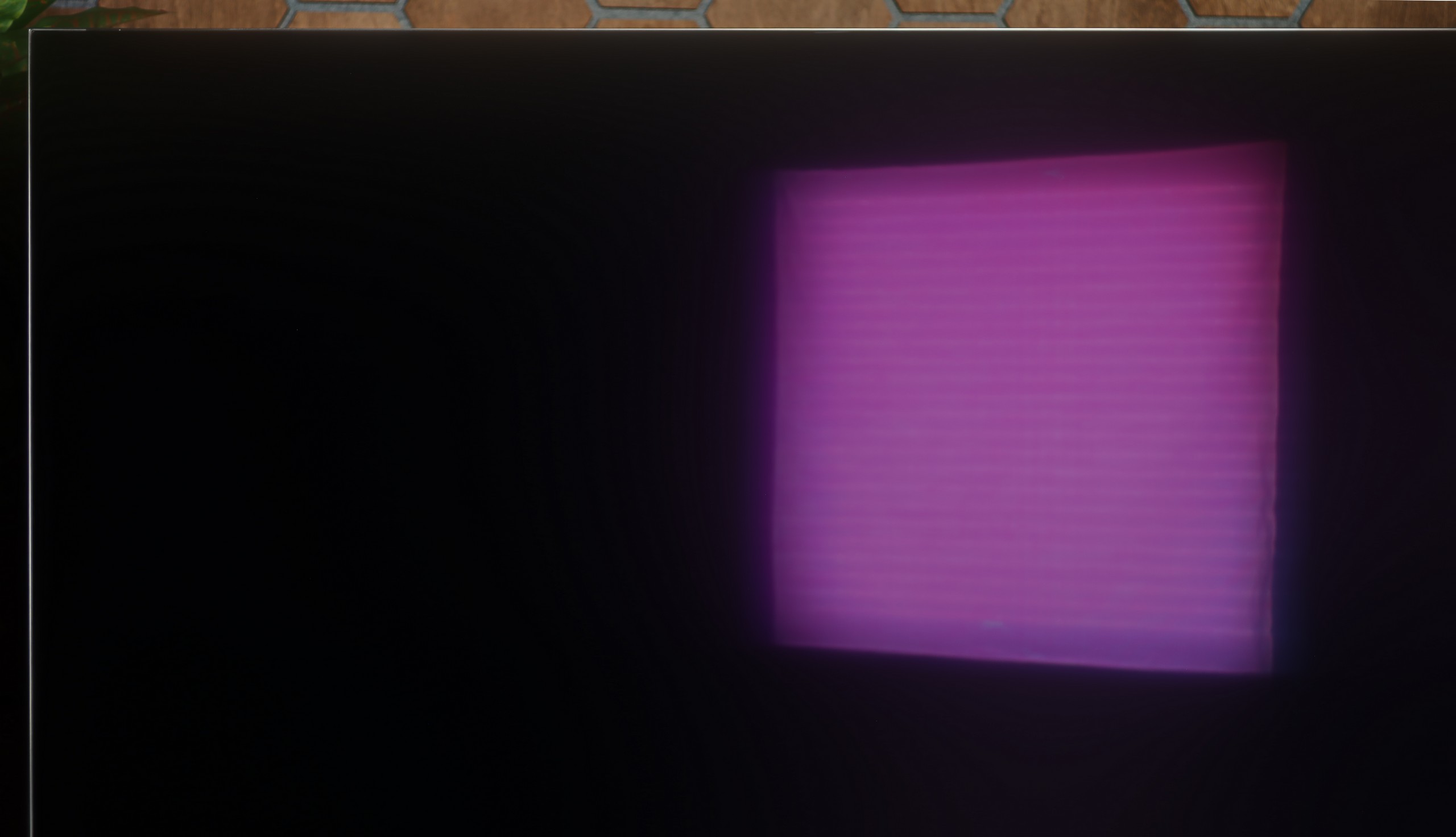

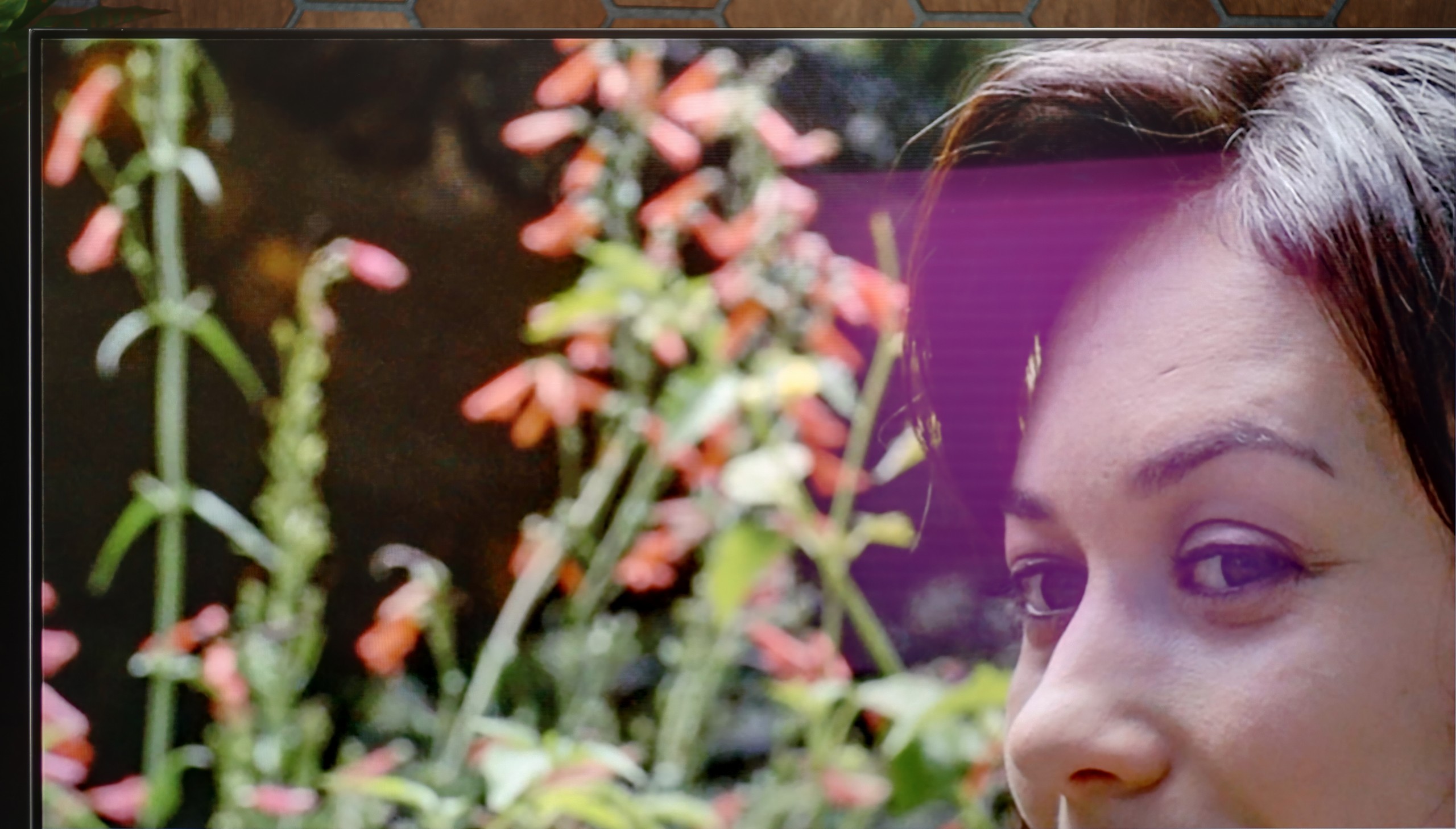
Panel brightness
LG OLED G6 (G64LW, G66LS): 857 cd/m2
LG QNED87T6B: 428 cd/m2
During the day, the LG QNED television performs acceptably. It has a satin finish panel that doesn't suppress reflections very well, which can be noticeable in bright rooms. Nevertheless, thanks to quite good brightness of 430 nits, the picture remains visible and readable. Although reflections can be somewhat distracting, the television's brightness allows for comfortable use during the day.
The LG G6 will perform exceptionally well as a television in a brightly lit room. Thanks to its powerful peak brightness, the television can easily cut through most external light sources. Best of all, the new generation of the Tandem OLED panel has brought significant improvements in the reduction of reflections. Although the screen coating is still glossy (and thus maintains well-saturated colours even in challenging conditions), it effectively suppresses glare. It does this definitely better than classic OLED screens with a standard glossy coating. We could confidently compare this level to that of glossy QD-OLED panels, but with one key advantage in favour of LG. Unlike the technology of competitors, in this model, deep blacks remain intact in a bright living room. There is no risk of greyness or a purple hue due to incoming light – the blacks in the G6 during the day are simply perfect, just as they are at night.
Panel details
Subpixel Structure:

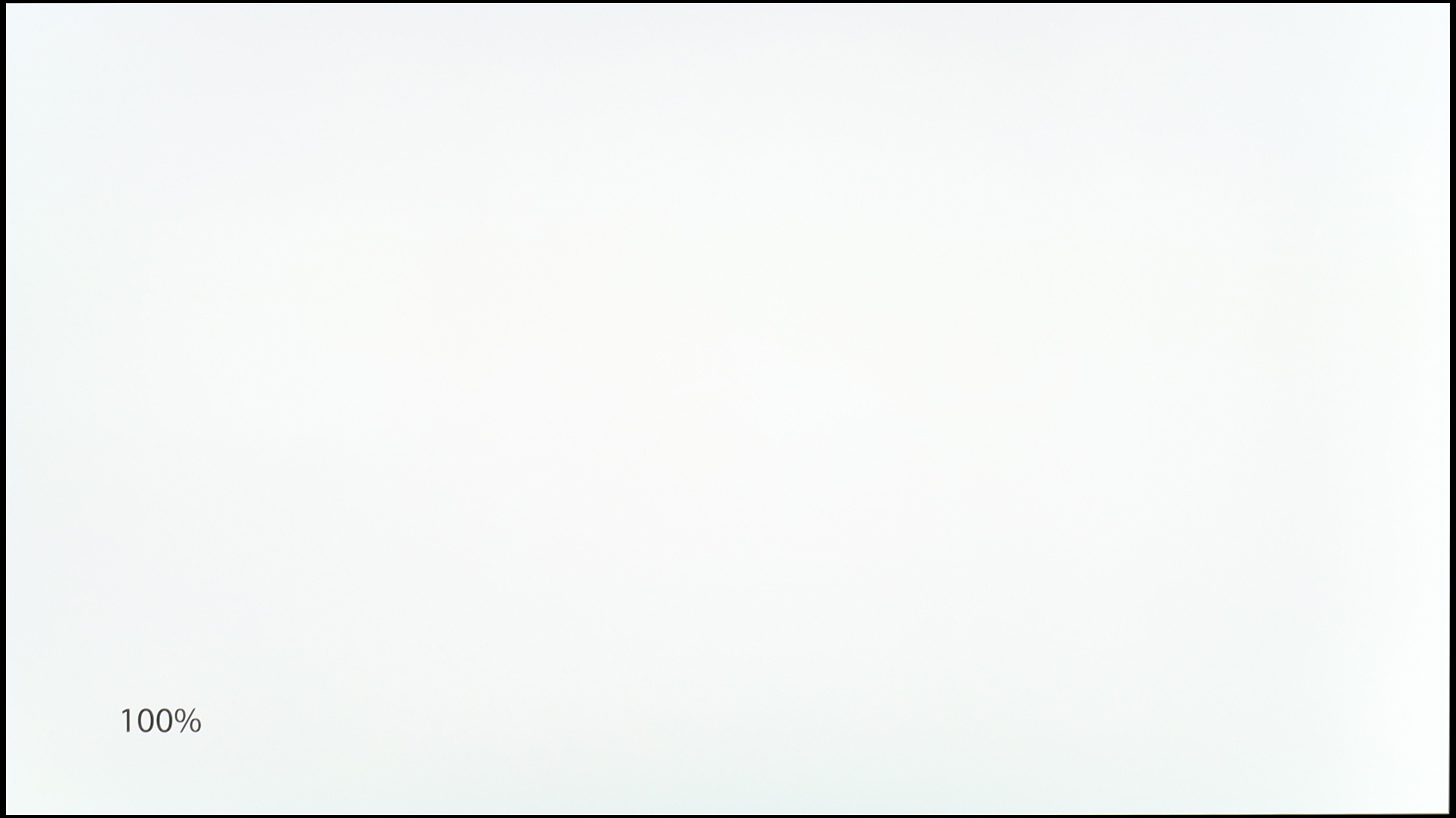
Panel uniformity and thermal imaging:

LG QNED87T6B
LG OLED G6 (G64LW, G66LS)
TV features
8.8/10
8.5/10
- SystemWebOSWebOS
- System performanceGoodVery good
- HDMI inputs0 x HDMI 2.0, 4 x HDMI 2.1 48Gbps0 x HDMI 2.0, 4 x HDMI 2.1 48Gbps
- Other inputsIR (remote)
- OutputsToslink (Optical audio), eARC (HDMI), ARC (HDMI)Toslink (Optical audio), eARC (HDMI), ARC (HDMI)
- Network InterfacesWi-Fi 2.4GHz, Wi-Fi 5GHz, Ethernet (LAN) 100MbpsWi-Fi 2.4GHz, Wi-Fi 5GHz, Ethernet (LAN) 100Mbps
- TV receptionDVB-T, DVB-T2, DVB-S, DVB-S2, DVB-CDVB-T, DVB-T2, DVB-S, DVB-S2, DVB-C
Classic features:
- Recording to USB (terrestrial TV)
- Recording programming
- Picture in Picture (PiP)
- RF remote control (no need to aim)
- Backlit remote control
- Teletext
- Audio only mode
- Bluetooth headphones support
- Simultaneous Bluetooth headphones & TV audio
Smart features:
- AirPlay
- Screen mirroring (Windows Miracast)
- Voice search
- Voice search in native language
- Ability to connect a keyboard and mouse


Sound connection options
- HDMI audioeARC (HDMI), ARC (HDMI)eARC (HDMI), ARC (HDMI)
- Other audio outputsToslink (Optical audio)Toslink (Optical audio)
- Wireless audioBluetoothBluetooth
Supported audio formats (external HDMI eARC audio):
- Dolby Digital Plus 7.1
- Dolby True HD 7.1
- Dolby Atmos in Dolby Digital Plus (JOC)
- Dolby Atmos in Dolby True HD
- DTS:X in DTS-HD MA
- DTS-HD Master Audio
Senior accessibility
- Numeric keyboard on TV
- Font size adjustment
- Audio description
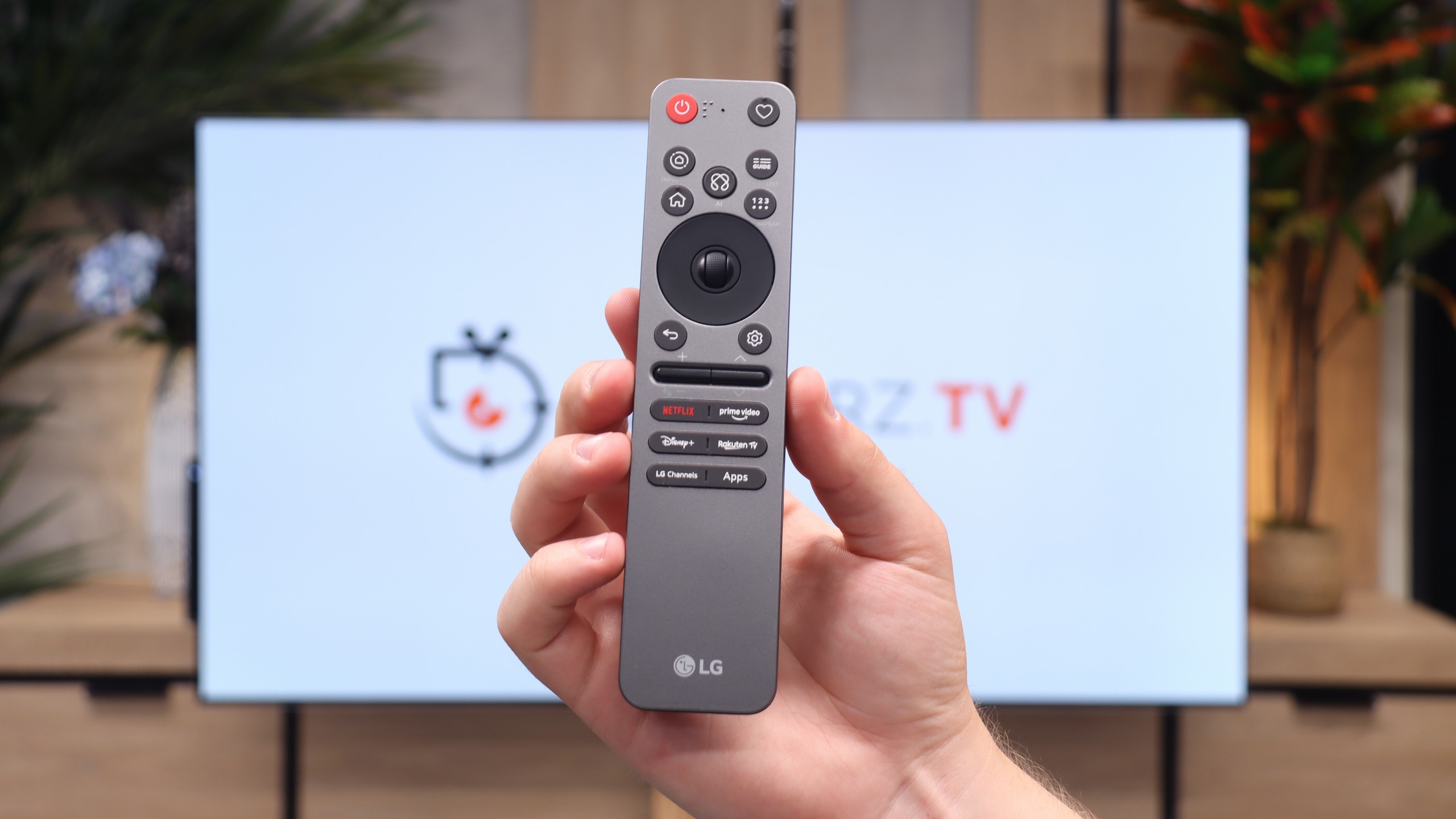
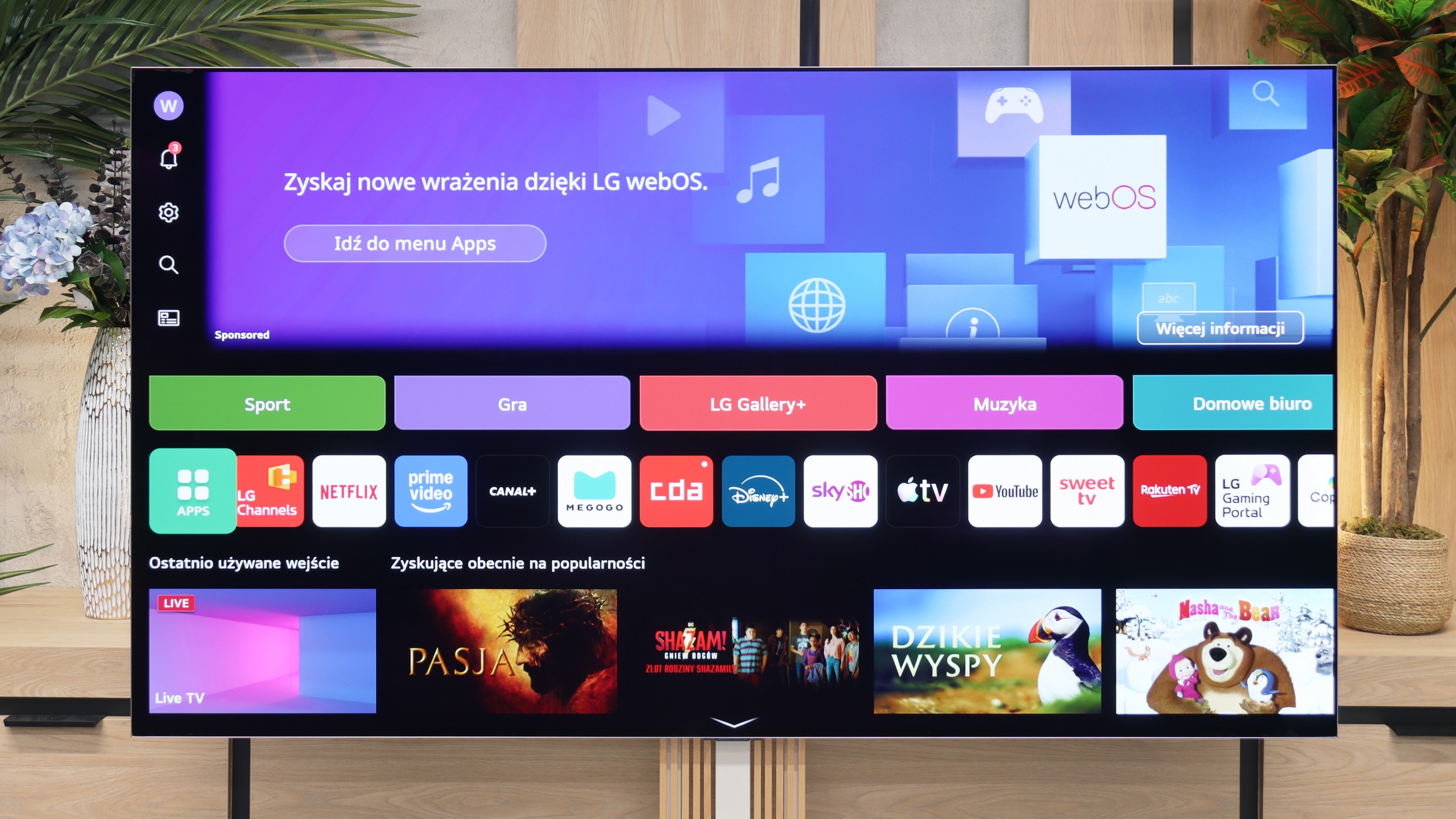
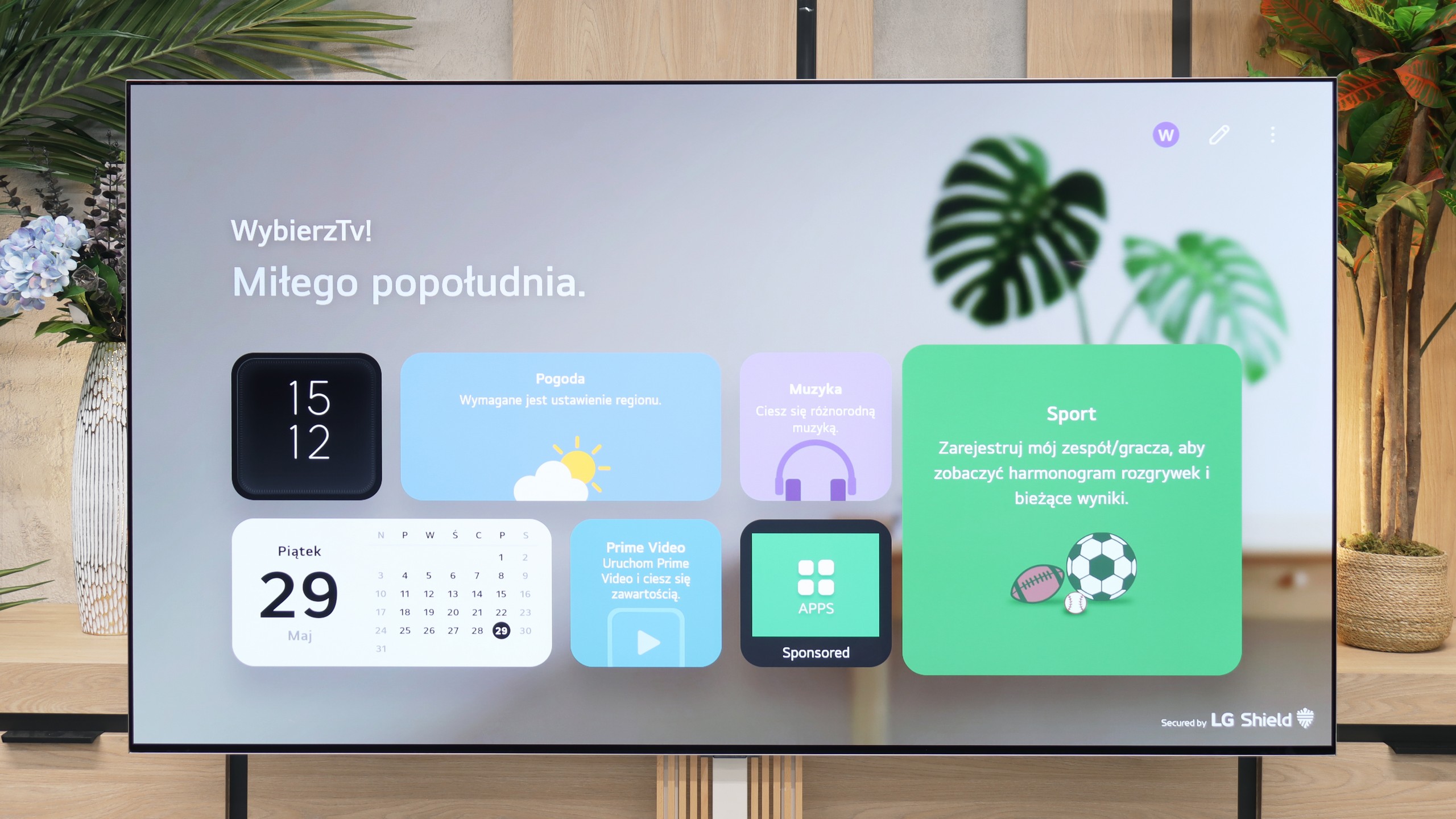
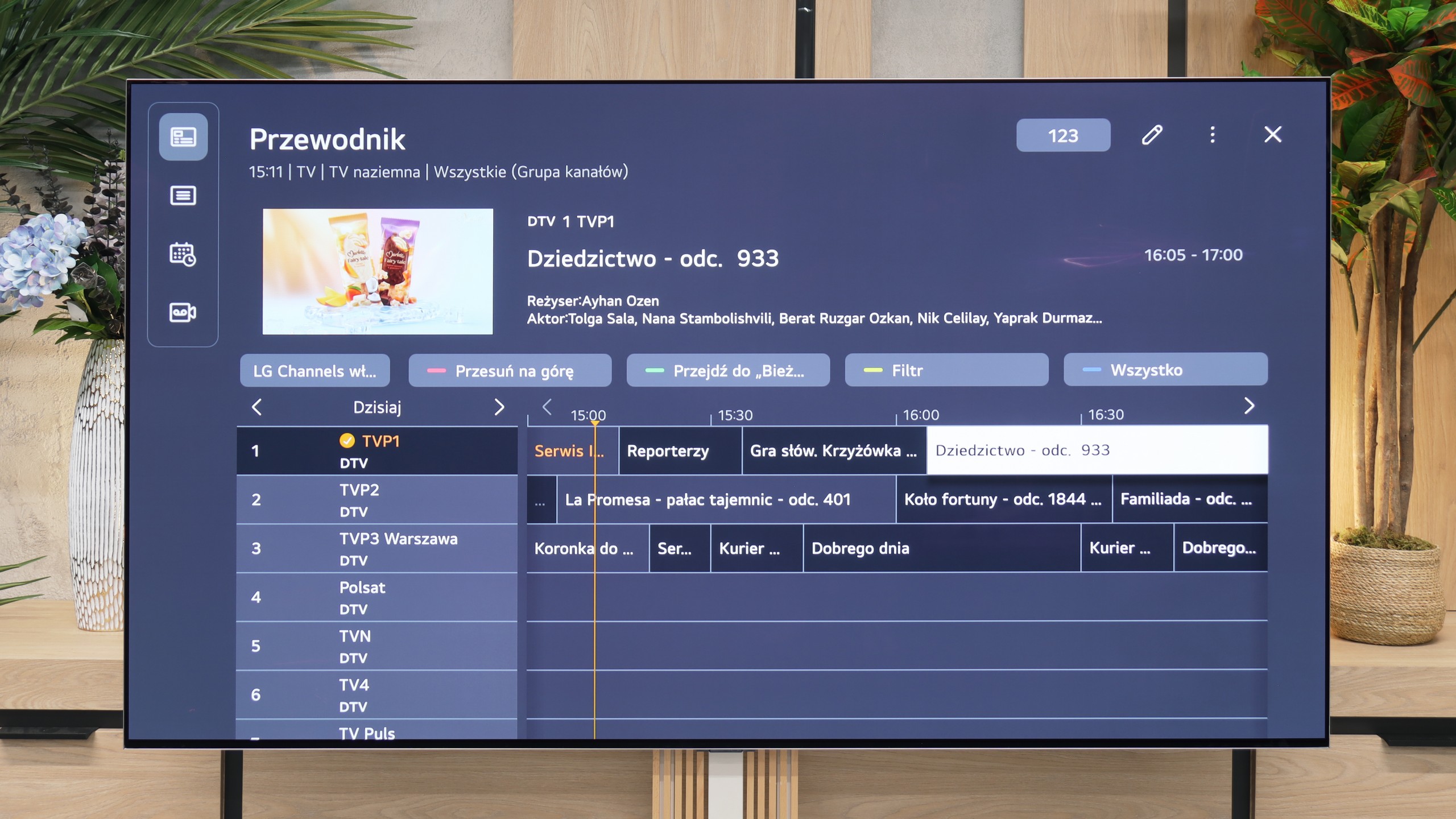
LG QNED87 Television offers a multitude of features that significantly enhance user comfort. Let's start with the WebOS system, which we believe has the most user-friendly interface among all televisions available on the market. One of its greatest assets is the remote control with an integrated gyroscope, known as the Magic Remote. Thanks to this, navigation is intuitive and fast, making the use of the television a pleasure. WebOS also supports a number of smart features that greatly simplify daily use of the television. Among them, we find AirPlay, which allows easy content streaming from Apple devices such as iPhone or iPad. Additionally, the television supports a wide range of streaming applications, such as Netflix, YouTube, Amazon Prime Video, and many others, providing access to favourite films and series in one place. When it comes to daily usage, LG QNED87 does not disappoint. The television offers a USB recording function, which is increasingly rare in today's models. This allows for recording favourite programmes and watching them at any time. Furthermore, the television has a PIP (Picture-in-Picture) function, although only for one tuner, enabling the viewing of two programmes simultaneously. Connecting additional devices via Bluetooth is simple and hassle-free. The television supports various Bluetooth devices, such as mice, keyboards, or headphones, increasing its versatility and allowing easy personalisation of the user experience. With all these features, the LG QNED87 television is a versatile and convenient device that meets the expectations of even the most demanding users.
webOS System and Smart Features
The television operates on the latest version of the webOS system. While it is a closed platform, it supports absolutely all the key streaming applications on the market. You can easily launch useful wireless connectivity features here, such as built-in Chromecast, AirPlay, or classic screen mirroring. However, the biggest distinguishing feature of the LG platform remains the brilliant Magic remote. Though it is quite compact and lacks a physical numeric keypad, it does something that competitors still cannot replicate – it works like a wireless mouse. It is equipped with a gyroscope, allowing us to intuitively move the cursor across the screen, which drastically speeds up typing passwords or navigating menus. Additionally, LG has one of the best voice assistants for device control, and this combination with the Magic remote provides excellent navigation capabilities within the system. The only thing that can be quite irritating here is the intrusive advertisements and sponsored tiles that LG increasingly clutters the main screen of the system with. Nevertheless, the absence of Google TV is no drawback for the G6 – considering the smooth operation of webOS, one can confidently say that it is even an advantage.
Features for Traditionalists
In terms of traditional television, the LG G6 also performs excellently and does not forget traditional users. Despite the minimalist remote, it is packed with numerous useful solutions. The manufacturer has not given up on PVR functionality, allowing recording of programmes from built-in tuners directly onto external USB storage or a hard drive. We also have a smoothly functioning TimeShift for pausing live television and the option to schedule recordings. These features could prove invaluable during the upcoming World Cup in football when matches will be played late in the evening, and we may not be able to watch them live. Of course, it also includes standard functions, such as the ability to connect wireless headphones via Bluetooth.
Apps
8.3/10
9.1/10






















Playing files from USB
8.2/10
9.2/10
Supported photo formats:
Maximum photo resolution:

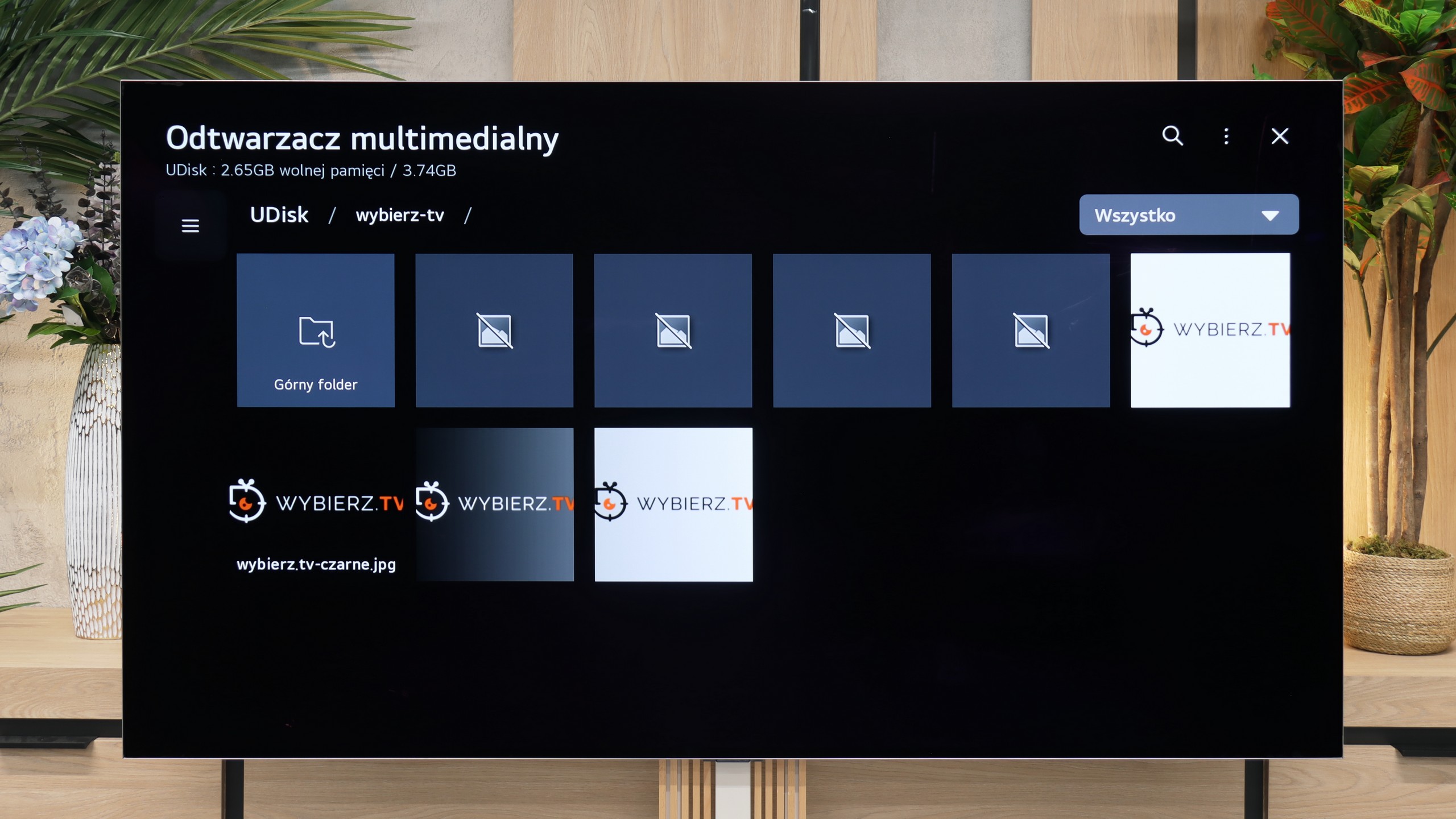
The built-in media player in the LG QNED87 television should not disappoint anyone. It offers rich capabilities when it comes to playing video and audio files. It supports many popular formats, providing versatility and user convenience. The only criticism that could be made is the limited number of supported image formats. However, this mainly concerns those less popular formats, so most users should be satisfied with the player's functionality. For everyday use and typical multimedia formats, the player performs very well.
The lack of the ability to install an external media player (as is the case in Android-based systems) is actually no problem for the LG G6. The built-in factory player works great and effortlessly handles most audio, video or photo formats that we provided it from our USB flash drive. However, during testing, we encountered some deficiencies – notably a rather strange lack of support for subtitles in the popular .txt format. However, we believe that this option will quickly make its way to the G6 with the next software update.
Sound
6/10
8.4/10
- Maximum volume-88dB
- Dolby Digital Plus 7.1
- Dolby True HD 7.1
- Dolby Atmos in Dolby Digital Plus (JOC)
- Dolby Atmos in Dolby True HD
- DTS:X in DTS-HD MA
- DTS-HD Master Audio
When it comes to sound, one could say it is moderately pleasant. There is a lack of pronounced bass, and the mid-tones seem somewhat unclean. This is not an ideal situation for audiophiles, but it is worth noting that the television has no trouble playing DTS files. This is a feature that is lacking in many other televisions, so the LG QNED87 deserves praise for this support.
Despite its very flat casing, the LG G6 sounds surprisingly good. The manufacturer has managed to squeeze some quite nice speakers under the panel, which can produce a sound that is fairly "spatial" – if one can even call the limited physical capabilities of the television such a thing 😉. The sound is clear, has decent dynamics, and will perform flawlessly for everyday viewing of news programmes or series. The television also easily supports the very popular spatial audio codec Dolby Atmos.
Unfortunately, for the second year in a row, there is no support for the DTS:X format. Regardless of what one might say, it has recently become quite unpopular in streaming services, but a television in the top price and quality tier simply should not restrict users in terms of audio format support. Additionally, we must complain that LG has somewhat castrated the audio menu itself. We missed more advanced settings and predefined sound profiles, of which there were definitely more in last year's model.
Sound Quality Test
No sound test video
Acoustic Measurements
No acoustic data
88dBC (Max)
75dBC