The LG G5 is a television that not only continues but also enhances what we loved about the previous models in the G series. Instead of following the beaten path, LG opted for a new Tandem OLED panel – and it was a resounding success. Brightness? Simply, PH E N O M E N A L. HDR effect? Close to reference. Colours after calibration? Almost perfect. Motion fluidity, low latency, and features for gamers? At an absolutely top level. The G5 performs well both in films and games, day and night, with a decoder, console, PC, or even just the remote. Of course – it is not a product without flaws. It’s a shame there is no support for DTS, viewing angles have worsened compared to its predecessor, and the remote may vary depending on the version. However, when we look at the overall picture, it is hard not to feel that this is one of the best OLED televisions available on the market, and perhaps the best. Certainly, when it comes to its versatility and image quality without having to reach for the extremely expensive models of the competition. If you are looking for a television for everything – cinema, gaming, bright living rooms, watching online content or connecting a computer – the LG G5 is a device that simply delivers on every front without compromises.
- Matching (Score) |
- Our verdict |
- TV appearance |
- Where to buy |
- Contrast and black detail |
- HDR effect quality |
- Factory color reproduction |
- Color reproduction after calibration |
- Smoothness of tonal transitions |
- Image scaling and smoothness of tonal transitions |
- Blur and motion smoothness |
- Console compatibility and gaming features |
- Input lag |
- Compatibility with PC |
- Viewing angles |
- Daytime performance |
- Panel details |
- TV features |
- Apps |
- Playing files from USB |
- Sound
LG OLED G5 vs LG NANO81A / NANO80A
 Direct comparison
G54 / G51 / G55 / LW / LS

Panel type: WRGB OLED
Resolution: 3840x2160
System: WebOS
Model year: 2025
Complete the survey to find out the result
Panel type: LCD IPS
Resolution: 3840x2160
System: WebOS
Model year: 2025
Complete the survey to find out the result
Overall rating
8.9
5.7
 Movies and series in UHD quality
 9.2
5.1
 Classic TV, YouTube
 9.2
5.1
 Sports broadcasts (TV and apps)
 8.8
5.4
 Gaming on console
 9.5
6.7
 TV as a computer monitor
 8.8
6.0
 Watching in bright light
 8.0
4.0
 Utility functions
 8.5
6.6
 Apps
Apps 9.1
9.1
 Sound quality
 8.7
6.2
Complete the survey to find out what fits your preferences
Advantages

Amazing black and contrast
Reference colour reproduction after calibration
Very high brightness in HDR materials
Excellent collaboration with consoles and computers
Great motion smoothness - OLED panel 165Hz
Many features for gamers: VRR, ALLM, HGIG, low input lag
Great operating system WebOS with many applications
Superb control thanks to the Magic remote with "pointer" function
Wide viewing angles (IPS matrix)
Very low input lag (approx. 10-12 ms)
Fluid webOS 2025 system
Intuitive Magic remote with pointer
Better colour gamut coverage thanks to NanoCell filter
Excellent as a PC monitor (sharp fonts, Chroma 4:4:4)
Decent features for gamers (VRR, ALLM, HGiG)
Extensive calibration options and natural colours after adjustments
Good image processing and efficient upscaling of older content
Noticeable low-end blend in sound
Disadvantages

No support for DTS audio format
Worse (though still good) viewing angles than its predecessor G4
Different versions of the remote in derivative models – it's hard to predict which version we will get
Poor black level and low contrast
Low brightness (approximately 250 nits – weak for very bright rooms)
Matrix refresh rate of only 60 Hz
USB player without support for HEIC files and very large images (over 20 Mpix)
Our verdict
LG NANO81A is essentially a continuation of the NanoCell series, which has hardly changed at all over the past few years. Apart from the new operating system, refreshed remote control, and a few marketing additions, we are dealing with practically the same design we have known for years. Thanks to the nanostructure filter, the television can display better, cleaner colours than standard budget televisions, and the IPS panel guarantees really decent viewing angles. Unfortunately, for these advantages, we pay for very poor blacks and low contrast, which is immediately noticeable during night screenings. Although webOS is still one of the best systems on the market, the biggest problem with the NANO81A is its price, which we simply do not understand. In 2025, this model faces enormous competition not just from brands like TCL or Hisense, but... from LG itself. The model we previously tested, QNED80A, is equipped with local dimming technology, has a brighter panel, and offers a wider colour gamut. Interestingly, at the time of writing this review, the technically superior QNED80A is often much cheaper than the NANO81A. In this situation, the existence of the NanoCell model makes no sense – unless your priority is solely wide viewing angles, but in our opinion, the price you have to pay for that (at the cost of tragic blacks and higher expenditure) is simply too high.
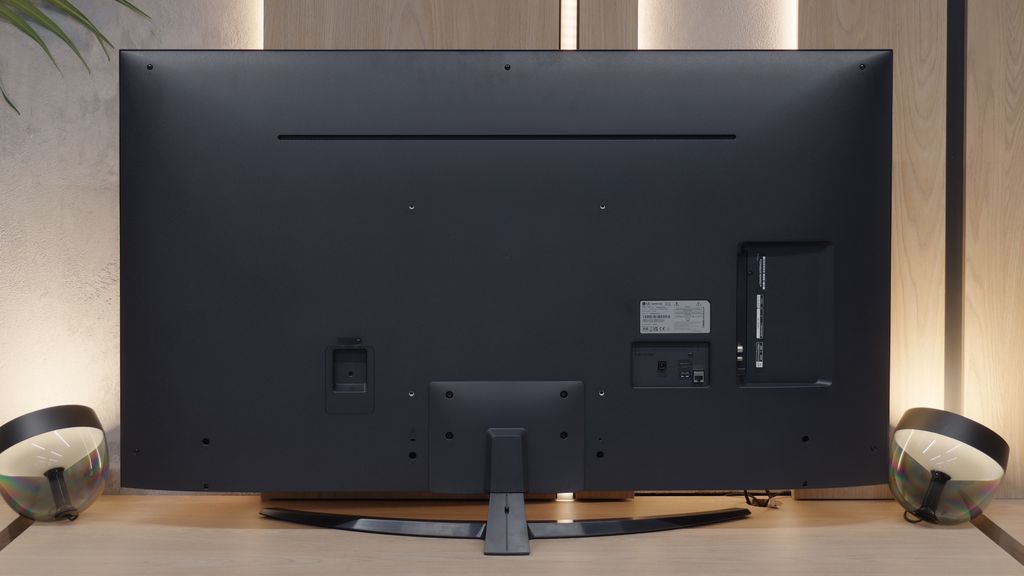
TV appearance

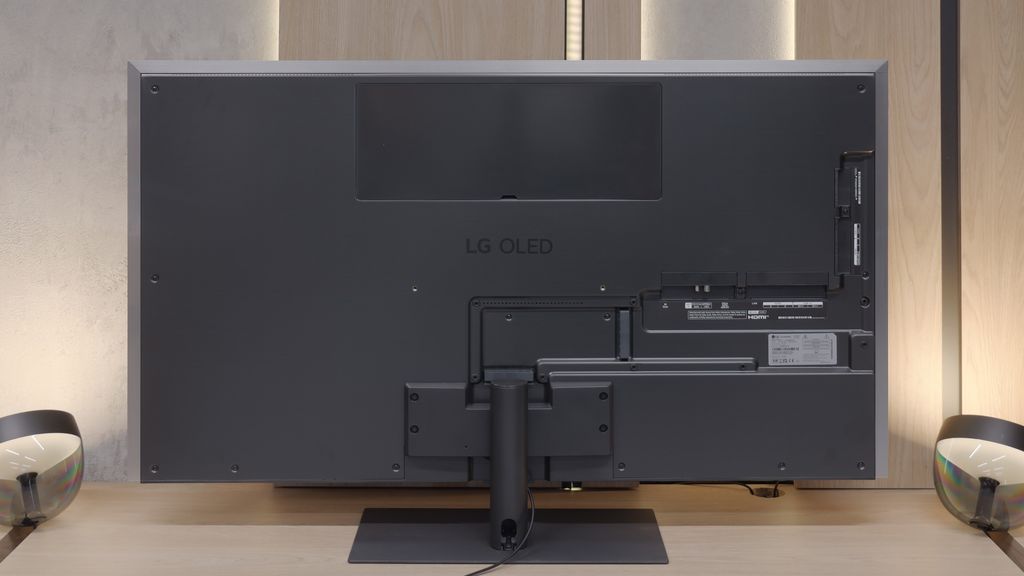
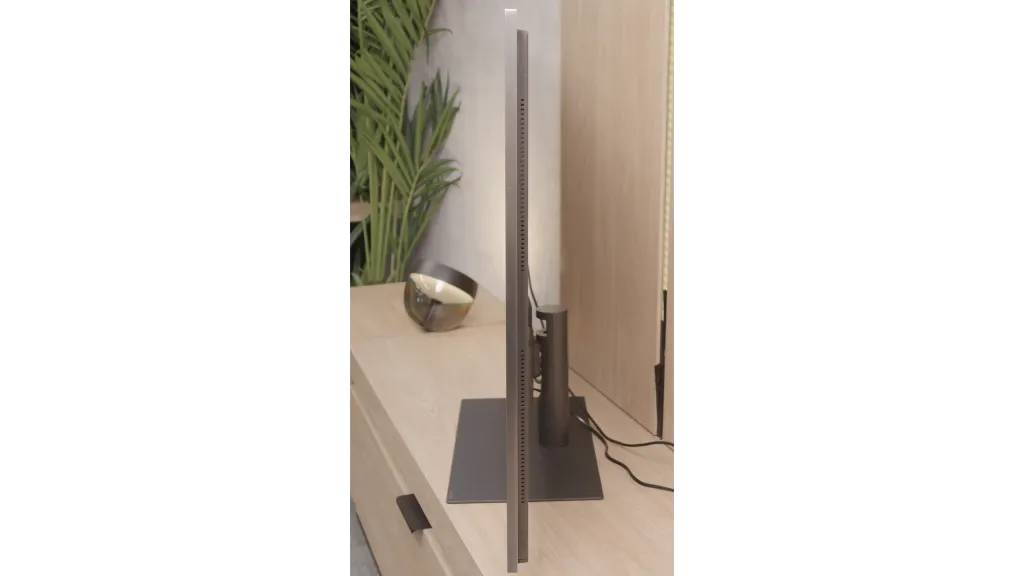
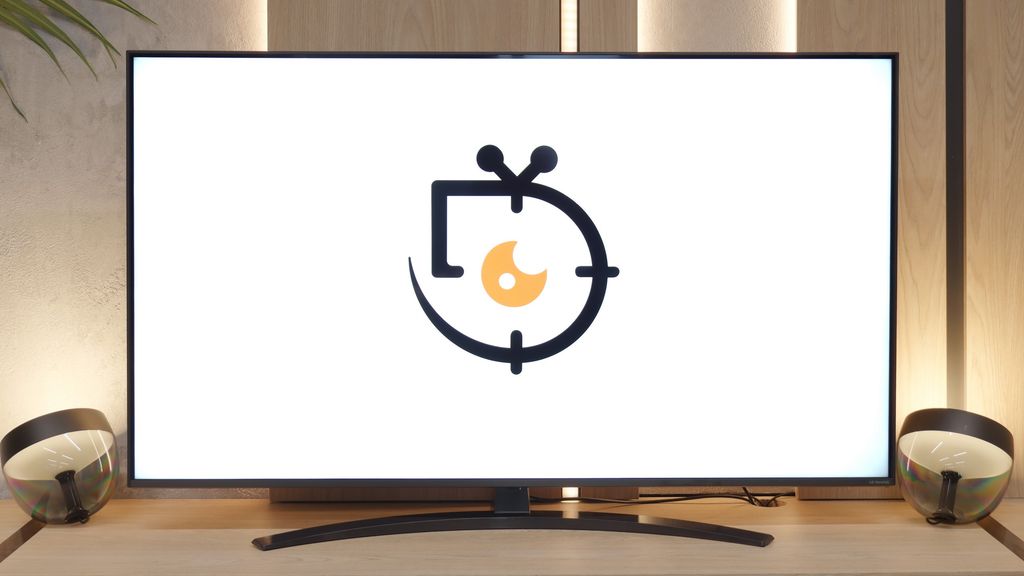
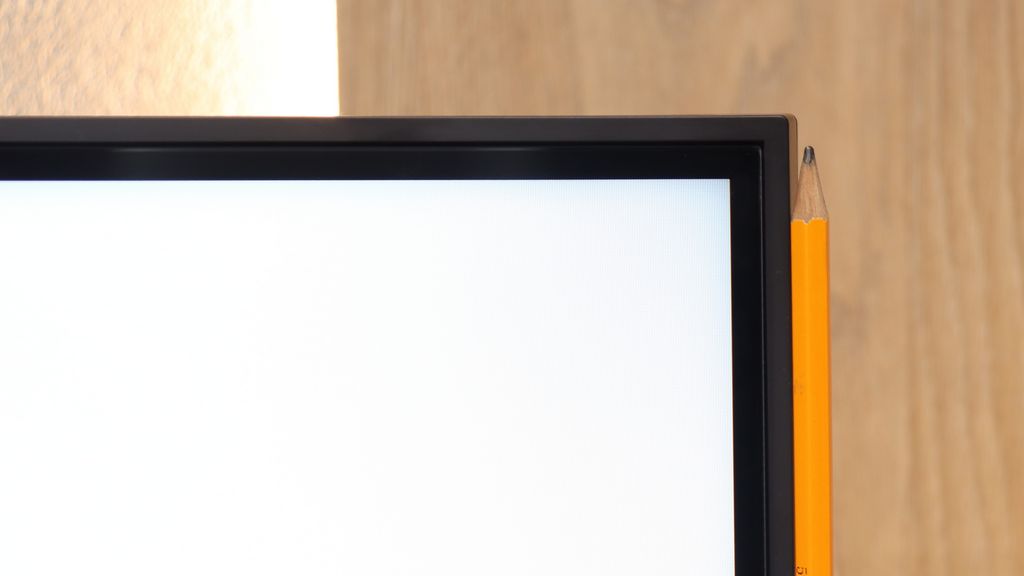
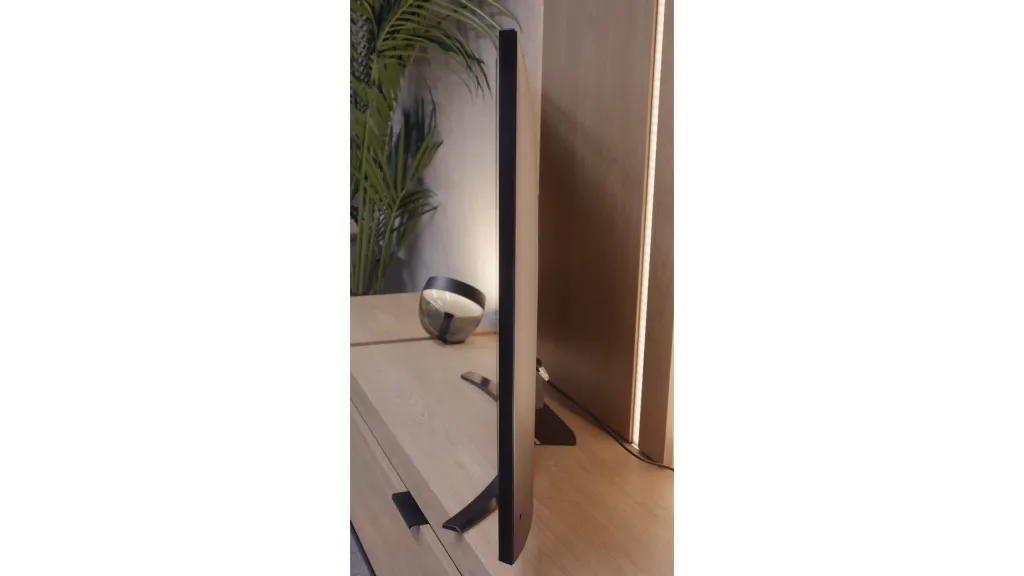

Contrast and black detail
10/10
1.5/10
Local dimming function: No
Contrast:


Result
∞:1

Result
∞:1

Result
∞:1

Result
∞:1

Result
∞:1
Result
800:1
Result
850:1
Result
900:1
Result
900:1
Result
750:1
Halo effect and black detail visibility:
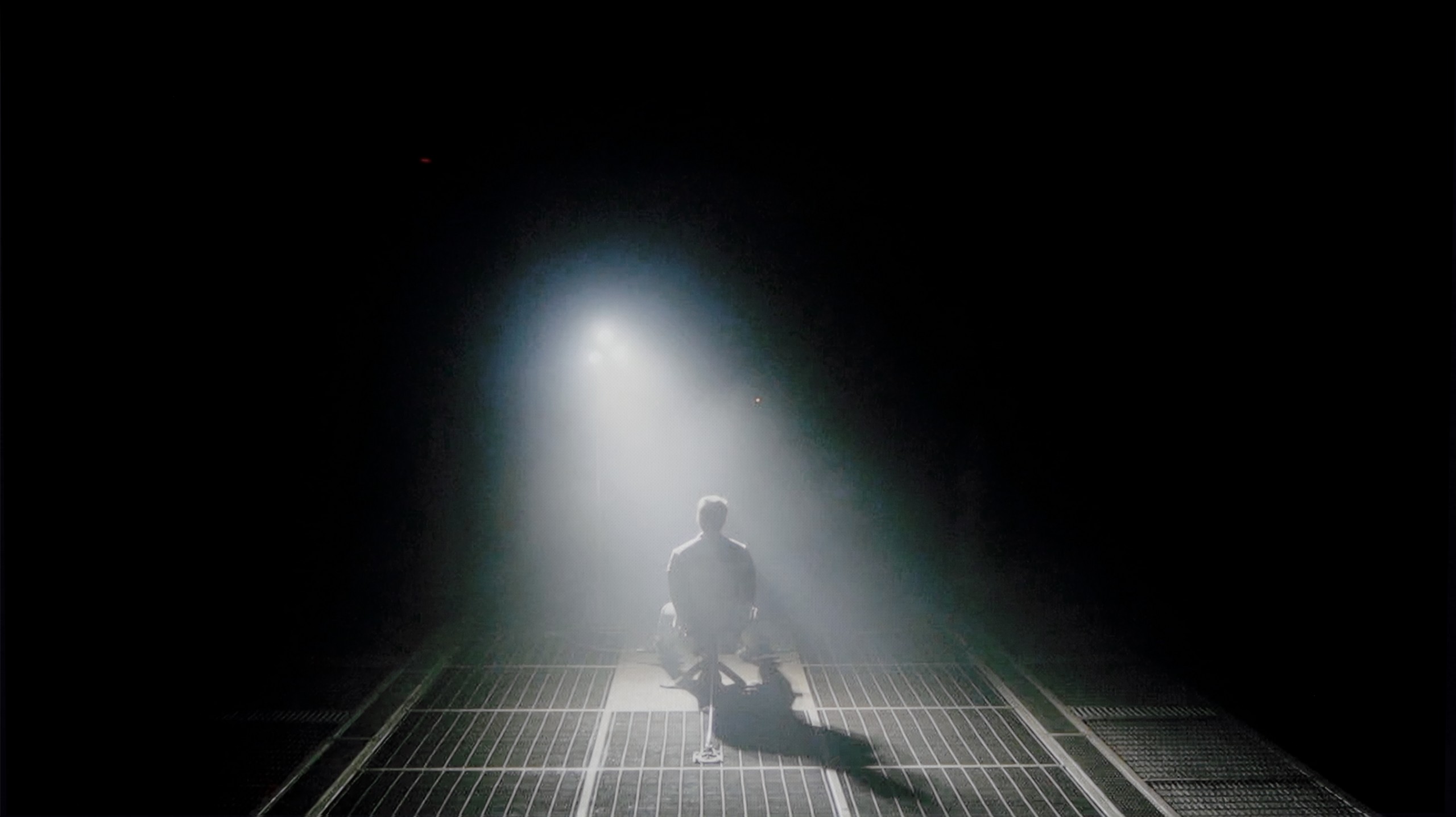
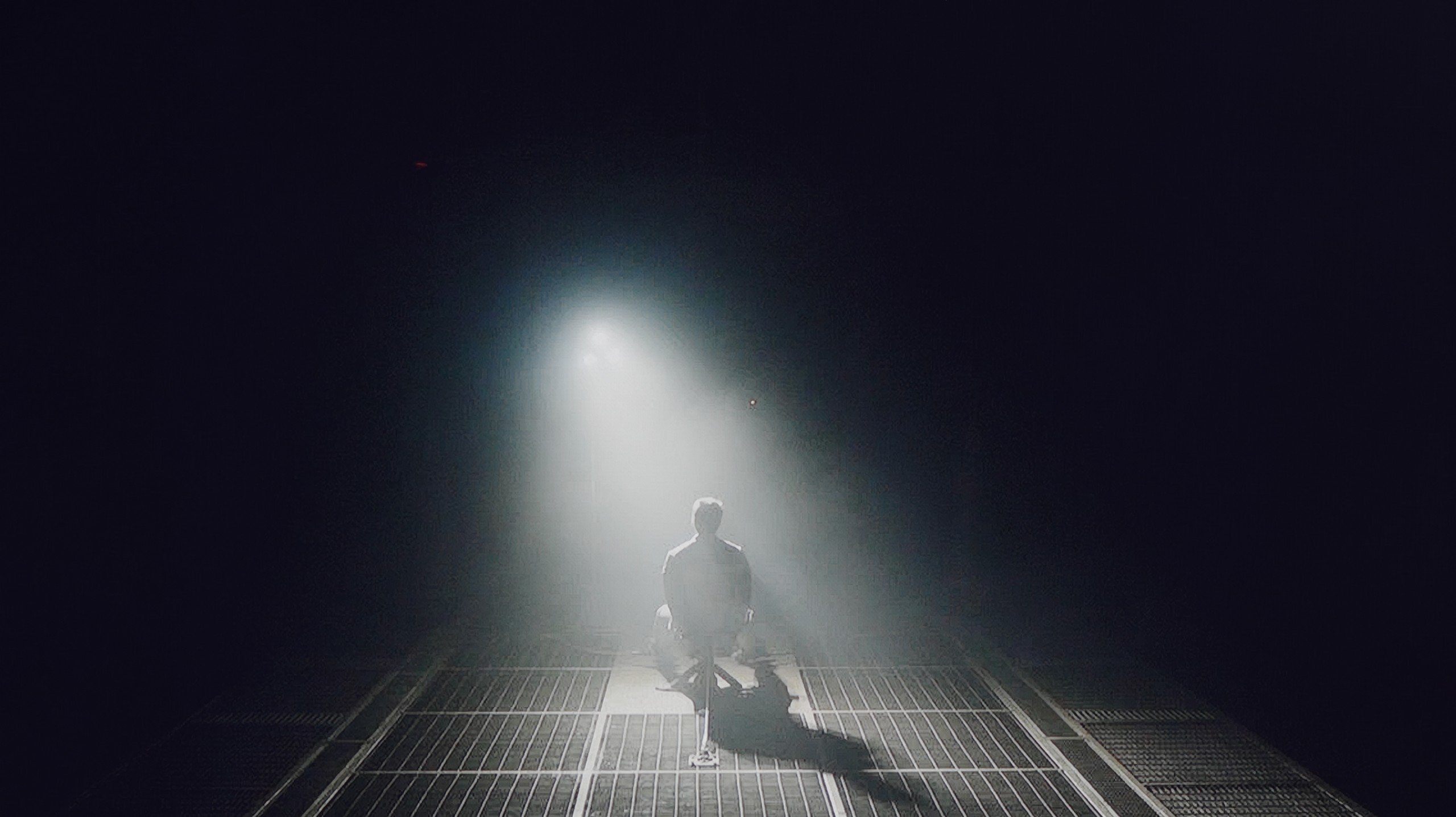
Check the visibility of bright lights on a dark background. Mini-LEDs often struggle with this. The photo does not compare black levels – that’s what the video below is for.
The video accurately shows differences in contrast and black levels between TVs, as well as potential issues: halo around bright objects or Mini-LED zone operation visible as brightness jumps.
LG G5, as befits an OLED television, impresses with its quality of contrast and blackness. In scenes with a lot of dark areas, the screen looks almost perfect, offering deep, absolute black and infinite contrast – an effect that still cannot be achieved on any LCD television. The new Tandem OLED panel does not introduce any negative changes compared to previous generations – blacks are flawless regardless of the content. Watching scenes from films like The Revenant or Oblivion, the excellent separation of lights is clearly visible, without any halo effect or brightening of dark areas. In this category, the LG G5 deserves the highest rating.
The NanoCell series, including the model NANO81 we tested, is based on an IPS panel. For anyone who is somewhat familiar with screen technology, this means one thing: significant problems with black levels and contrast. Our measurements are merciless in this regard. A result of 800:1 is, to put it bluntly, a tragic outcome. In practice, this means that what should appear on the screen as deep black looks like a dark grey patch at night. Watching dark films or series in a completely dark room will be downright torturous – the image will lose all its depth and appear flat. If you do decide on this model, we have one key piece of advice for you: do not watch it in complete darkness. To salvage the situation somewhat, it is best to leave a gentle light on in the room, and the ideal solution would be to install LED strips behind the television. Such backlighting will trick your eye (this is known as simultaneous contrast) and make that grey on the screen seem a little darker. Nevertheless, the start of the test for cinematic experiences looks bleak.
HDR effect quality
9.1/10
3.6/10
Luminance measurements in HDR:

Result
2346 nit

Result
2353 nit

Result
2399 nit

Result
2353 nit

Result
2012 nit
Result
228 nit
Result
193 nit
Result
250 nit
Result
168 nit
Result
252 nit
Scene from the movie “Pan” (about 2800 nits)

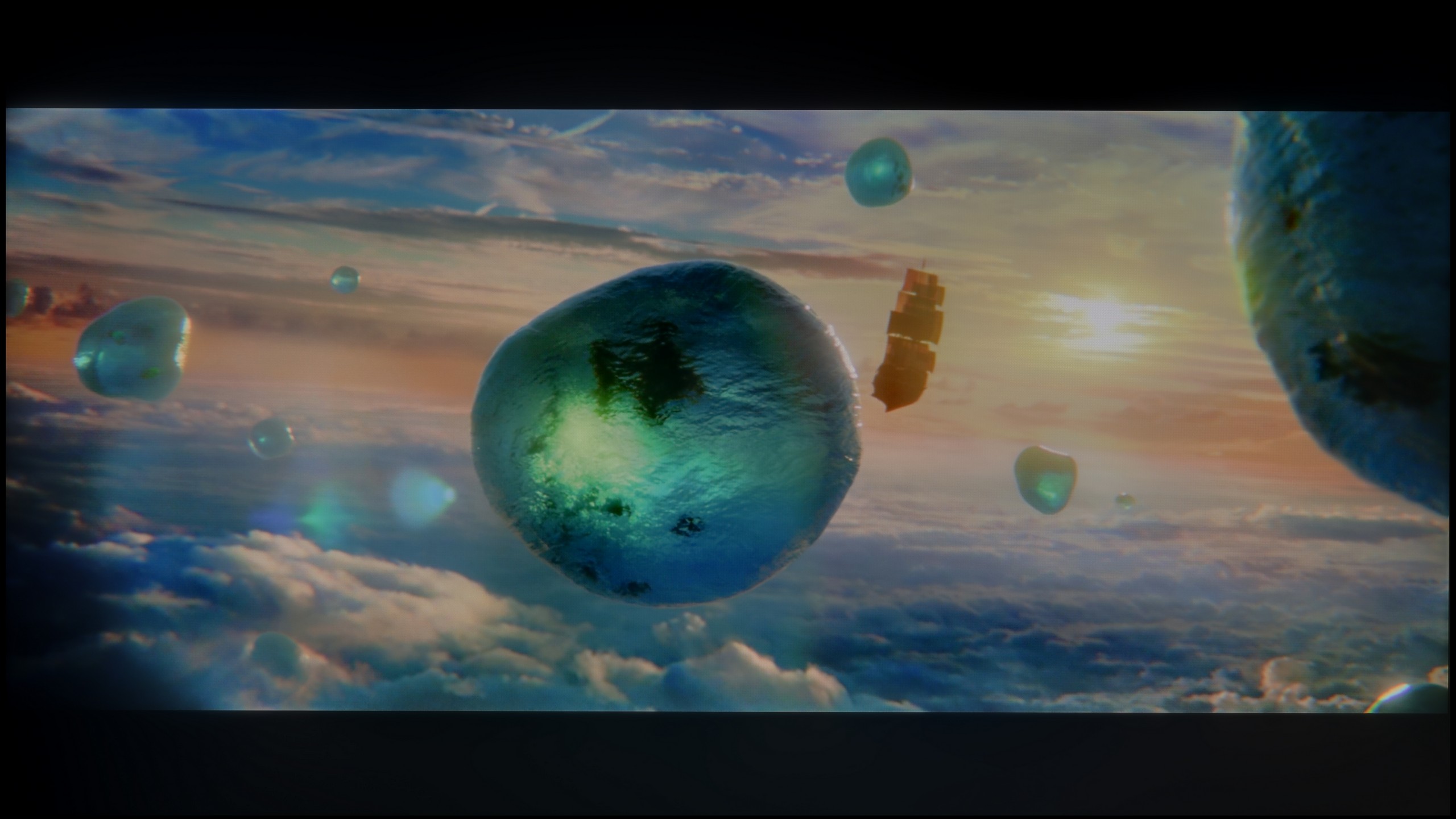
Scene from the movie “Billy Lynn” (about 1100 nits)


The photos show two HDR10 movies. 'Pan' is one of the brightest productions ever made, while 'Billy Lynn' (soldier) has brightness typical of streaming (Netflix, Prime, HBO MAX). Notice the intensity of effects and detail in whites.
Static HDR10


The photos present the visibility of white details in various HDR formats. They do not show brightness differences between TVs (these can be compared in the previous gallery).
HDR luminance chart:
LG NANO81A / NANO80A
LG OLED G5
Luminance of RGB colors
LG G5 with the new Tandem OLED matrix brings the biggest change in terms of the brightness of the television. And it's substantial. This is truly an astronomically bright OLED. In every scene tested – whether it was point lights or full-screen whites from the film The Meg – the brightness on the G5 exceeded 2000 nits. Just a year ago, such values on an OLED were simply unimaginable. And here we are – the G5 is approaching, and at times even surpassing, the best Mini-LEDs on the market. A new feature of the Tandem OLED matrix is also the expanded colour gamut – and here the LG G5 performs almost perfectly. DCI-P3 reaches a full 100%, and BT.2020 is maintained at around 83%. These are some of the highest values currently available on the market – it's hard to find any other television that comes close to such results, unless we are talking about the best displays with QD-OLED panels. The G5 has nearly reference-quality HDR – both in terms of brightness and colour saturation. This is an OLED that can truly shine – and not just figuratively.
If you are counting on HDR in the NANO81A to bring tears to your eyes, I must disappoint you. This television is simply too dark to truly show what this format is all about. With a brightness of only 250 nits, HDR exists here mainly on paper. In practice, during viewing, it is very difficult to distinguish whether we are watching high dynamic range content or regular SDR – it simply lacks that ‘punch’ of light in the bright parts of the image. However, to give credit where it’s due, we do have a glimmer of hope here – and quite a clear one at that. It concerns the colour gamut coverage. Here, the NanoCell filter shows that it is not just marketing nonsense. Our measurements indicated that the coverage of the DCI-P3 space is around 88%. This is a really solid result that places this model significantly higher than typical budget options based on standard white LEDs without any filters. Of course, it still falls short of the level of quantum dot (QLED) TVs or advanced panels with PFS filters, but for this price point, the colours are surprisingly saturated and vibrant. It's just a shame that this low brightness prevents them from fully ‘spreading their wings’ with the Nano filter.
Factory color reproduction
7.8/10
5.3/10


This gallery shows how colors change after professional TV calibration. If you notice the difference, we recommend ordering this service at SkalibrujTV.com.
Factory Mode
After calibration


This gallery shows how colors change after professional TV calibration. If you notice the difference, we recommend ordering this service at SkalibrujTV.com.
Factory Mode
After calibration
Our test unit, the LG G5, struggled with certain issues in the factory Filmmaker mode. And although most people might have found the picture acceptable, we knew that this television was capable of much more. This mode had a clear excess of blue tint in the white balance, resulting in a significantly cooled image – particularly in HDR modes, where there was additionally a lack of red. The picture appeared cold, and its sharpness was artificially boosted and unnatural. Another significant issue was the brightness characteristics. In SDR content, the situation wasn't the worst, aside from a slight dimming of the entire image. However, it performed much worse in HDR materials – due to improper brightness management, the smallest details could completely disappear from the image, while larger, bright elements looked overexposed and lacking in gradation. Fortunately, the G5 supports calibration using 3D LUT (a tool for professionals for colour calibration), so we decided to make use of its professional capabilities and see what it could really do. Because although it wasn't tragic even before calibration, the potential of this television definitely deserved more.
For every film fan, the natural choice in LG televisions is the Filmmaker Mode. Its aim is to display images as the director intended – without unnecessary "enhancements". Unfortunately, in the case of our test unit NANO81A, the factory settings left something to be desired. The main issue turned out to be the white balance. Measurements showed a distinct deficiency of blue colour, which in practice meant that many scenes had a slightly yellowish, even "yellowed" tint. The white was not perfectly pure, which detracted from the freshness of the image. Additionally, brightness management was also not ideal – the factory-set gamma was too low. The picture often appeared oversaturated, as if overly lifted from the shadows, which caused it to lose naturalness and depth. Fortunately, LG, even in this relatively low price category, does not block access to advanced settings. The calibration possibilities of this model are enormous, which is a big plus for those who enjoy "digging" in the menu. We decided to approach the topic in our own way and see how much we could squeeze out of this panel with professional calibration.
Color reproduction after calibration
9.8/10
7.5/10


The photos show how movies look on the TV. Pay attention to black detail visibility, colors, and shadow tint.


The photos show how movies look on the TV. Pay attention to black detail visibility, colors, and shadow tint.
After performing the calibration process using professional tools, we can confidently state that the LG G5 offers nearly reference-quality image. Most of the errors related to white balance and the ColorChecker test are below a value of 2, which is a phenomenal result, practically imperceptible to the human eye. And while one could still nitpick that in HDR films the television still has a tendency to slightly dim the smallest elements of the image, in practice this does not negatively affect the overall impression. Kudos to LG, as once again they provide the user with enormous possibilities for adjusting their display – and this, combined with the very good parameters of the panel itself, results in an image that is truly hard to beat.
After calibration, the NANO81A is a completely different television. What LG offers in terms of image enhancement tools even in such an affordable model deserves a big plus. We managed to completely eliminate that annoying yellowing of whites and make the colours natural, vibrant, and simply "true". In SDR content (that is, regular television, YouTube, or older films), the picture now looks worlds better – it is clear, well-balanced, and no longer strains the eyes with strange hues. It is clear that this panel has significant potential, which is simply wasted by poor presets out of the box. However, we do have one serious reservation that calibration cannot fully overcome – it concerns brightness management in HDR mode. LG's algorithm in this model is constructed very conservatively. The television intentionally dims the HDR picture to avoid overexposing the already weak blacks of the IPS panel. The programmers faced a choice: either to provide more light and accept that the blacks would become light grey or to reduce the brightness to maintain any contrast. They chose the latter. Nevertheless, after our adjustments, watching anything on the NANO81 is significantly better.
Smoothness of tonal transitions
8.5/10
9.3/10
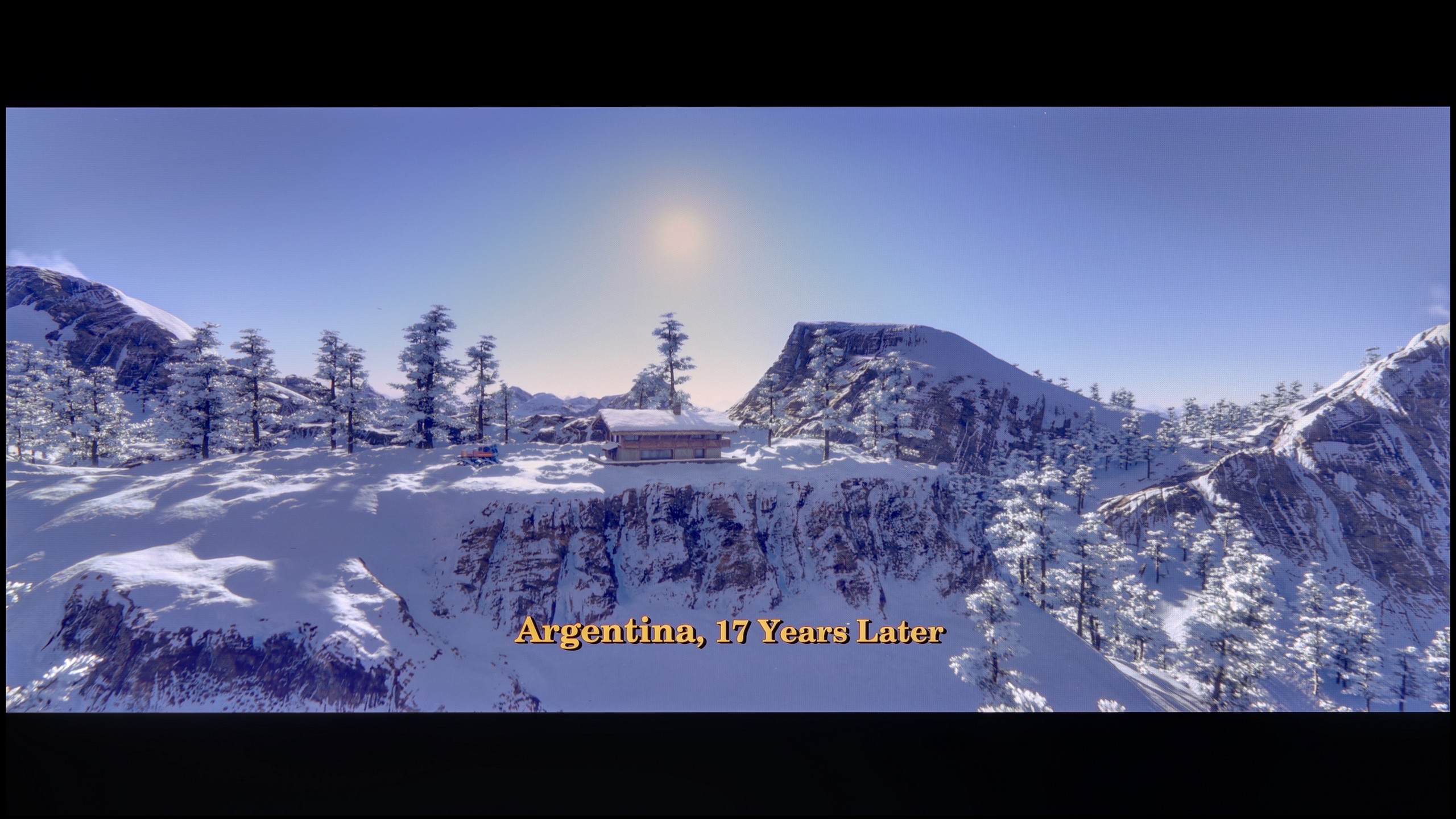


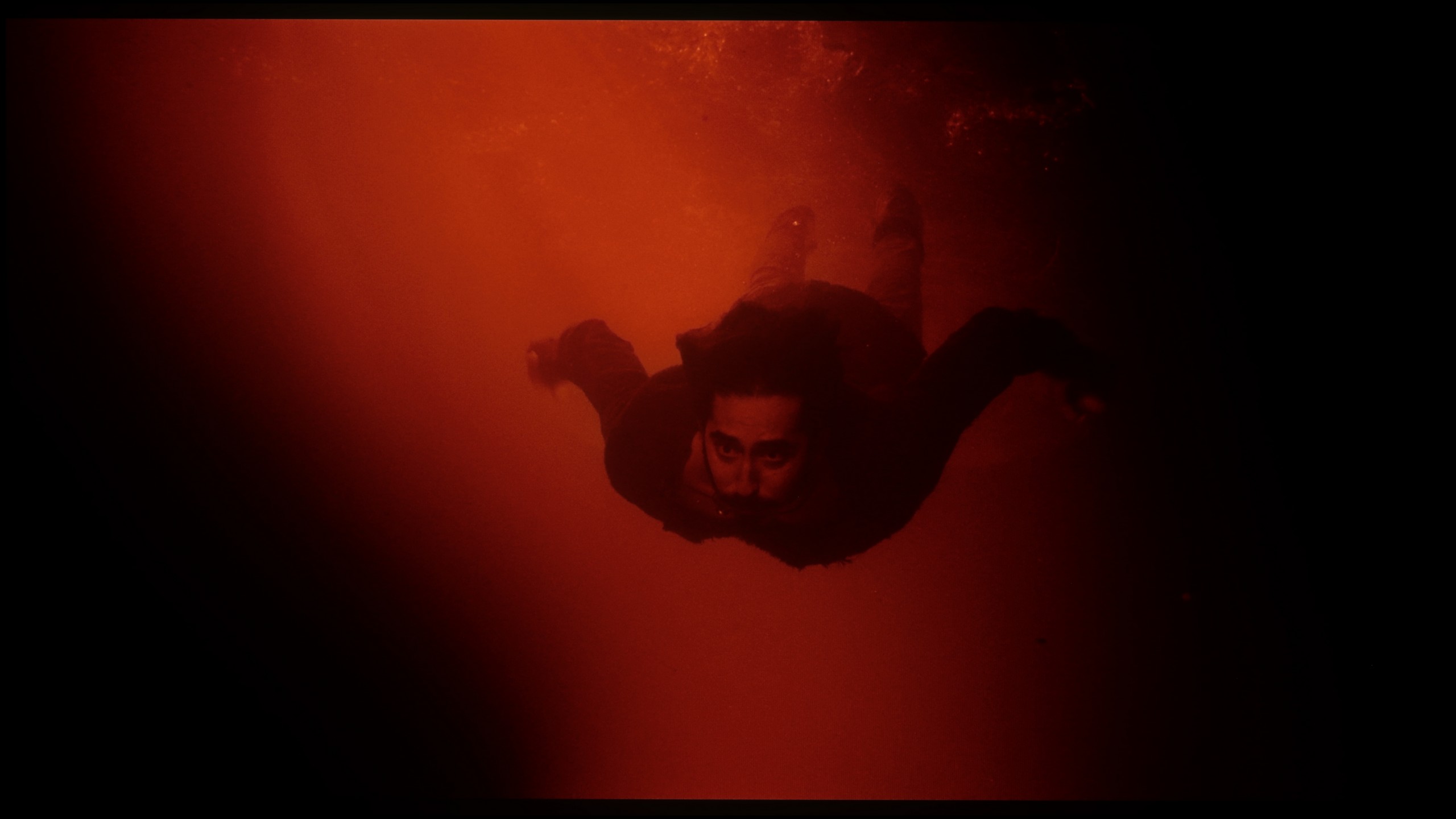
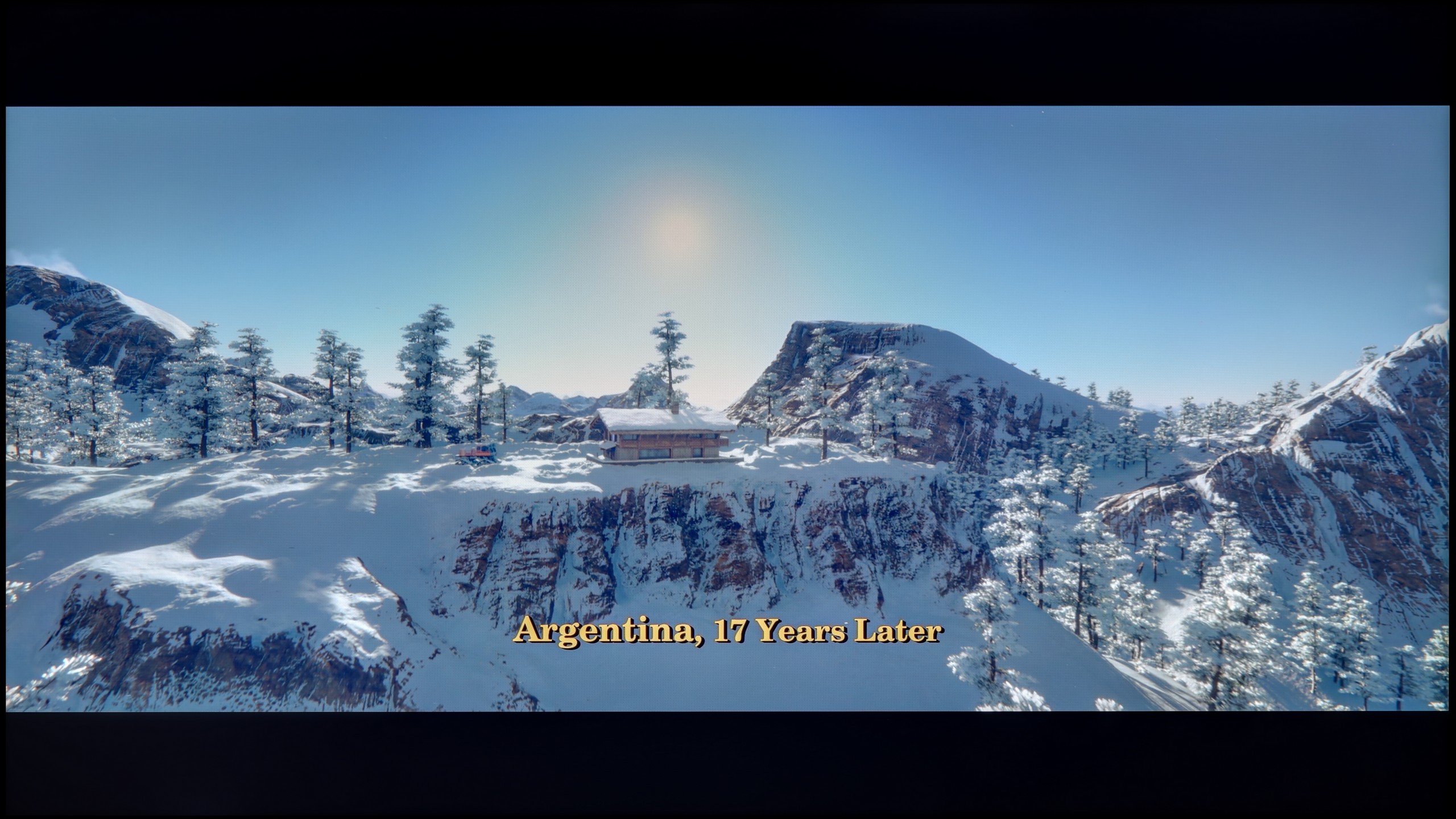
These are selected scenes that show smooth tonal transitions from one color to another. If you see distinct banding, it’s the TV panel’s fault.

These are selected scenes that show smooth tonal transitions from one color to another. If you see distinct banding, it’s the TV panel’s fault.
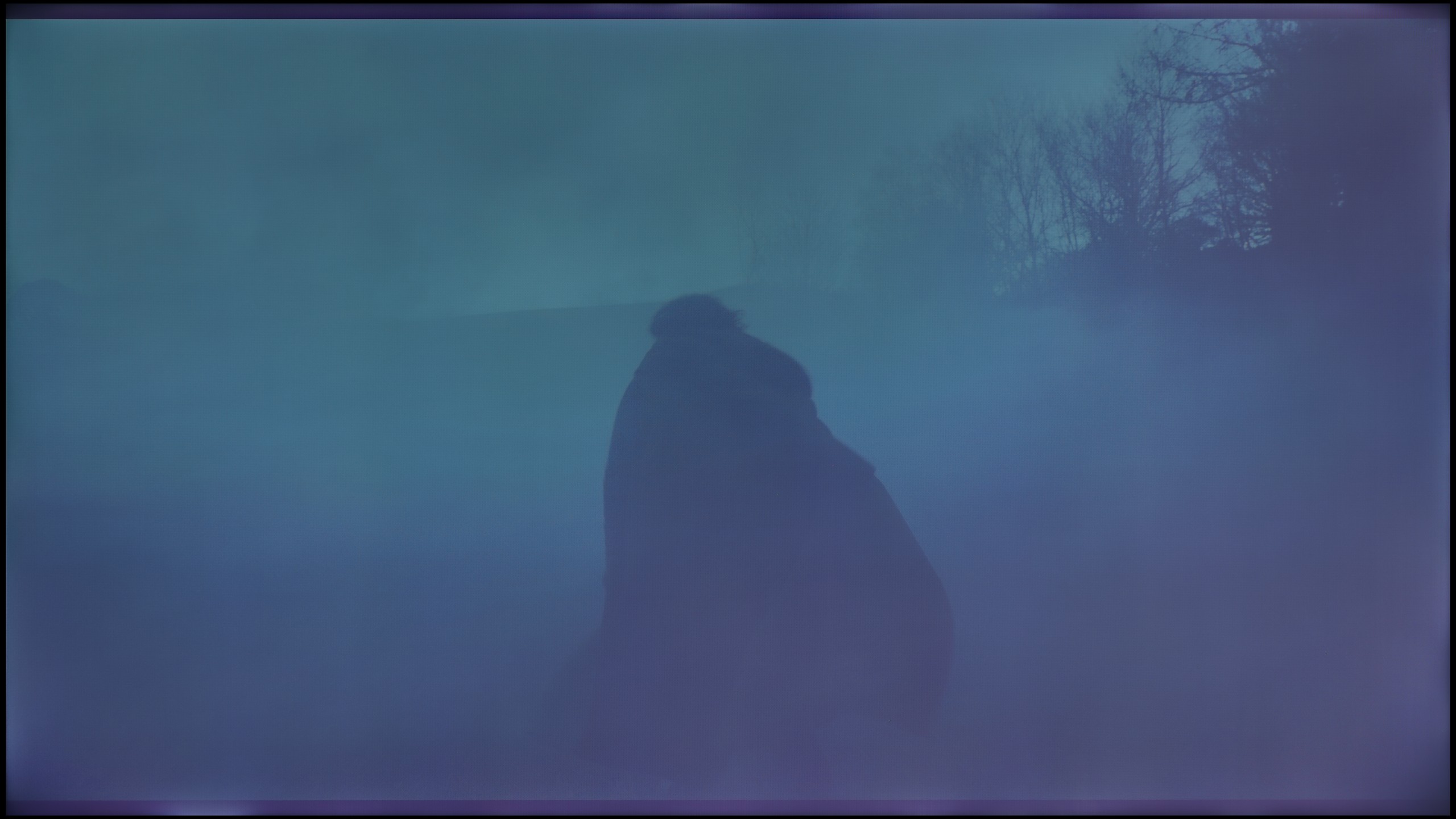
These are selected scenes that show smooth tonal transitions from one color to another. If you see distinct banding, it’s the TV panel’s fault.

These are selected scenes that show smooth tonal transitions from one color to another. If you see distinct banding, it’s the TV panel’s fault.
The fluidity of tonal transitions in the LG G5 is a notable step forward compared to last year's model. Not only has brightness been improved, but also the method of blending colours, which the G4 sometimes struggled with. In the vast majority of scenes, the G5 has no issues with tonal transitions – there is no visible banding typical of WOLED technology, nor are there unsightly breaks between colours. Of course, in very dark areas of the image and with shades of grey, minor imperfections can still be noticed, but these are things that the average viewer would not even register. In short – it is really good.
The fluidity of tonal transitions is an element in which the NANO81A truly shines. LG proves here that it can refine image processing algorithms even in its cheaper models. During testing, we practically noted no occurrences of banding, that is, the annoying "steps" visible where one colour should transition smoothly into another. Everything appears incredibly natural and smooth. This is particularly evident in the bright scenes from the film Kingsman, where the backgrounds remain clean and free from digital artefacts. However, what is even more impressive is how the television handles the extremely difficult, dark, and misty shots in The Revenant. Where many budget panels falter and serve up ugly patches instead of smooth mist, the NANO81A holds its ground, offering very velvety transitions. The only downside is the fact that with darker shades, you will notice more of the weak blacks of this television rather than any issues with colour blending.
Image scaling and smoothness of tonal transitions
8.7/10
7/10

Smooth transition function
The match photo shows how the TV smooths weak tonal transitions in low-quality video.
Image scaling SD (576i)


The model photo shows how it handles upscaling of SD material.
Upscaling and digital image processing in the LG G5 are quite impressive. The television handles lower quality content very well, especially when the "Smooth Gradation" feature is set to a low level. In this mode, it effectively removes unwanted artifacts and issues with visible tonal transitions. It may also slightly smooth out some desirable details, such as the subtle texture of clothing or skin, but importantly – it does not remove film grain, so it's difficult to speak of a serious compromise here. This is one of those options that is definitely worth enabling.
The G5 also performs well with upscaling, which improves the quality of older materials. The test image with the model looked really solid – slight jaggedness was visible, but that's an effect that cannot be completely avoided. Additionally, there were no problems with overscan, which – contrary to appearances – is not at all obvious, even in 2025.
It often happens that cheap 4K panels mercilessly bring to light all the "dirt" and imperfections of lower-resolution content. However, with the LG NANO81A, the situation is quite different. This is truly a solid performer when it comes to handling content that is far from ideal. The built-in processor does a great job with upscaling. Even older recordings look quite decent on this screen – the image is coherent, cleaned of digital noise, and simply pleasant to the eye. A significant advantage is the gradation reduction feature that you will find in the settings. It is extraordinarily effective in combating colour banding, which is a lifesaver when watching materials with a low bitrate, for instance, from some streaming services or older files from the web. However, it is worth maintaining a certain level of caution. Since we are dealing with a less powerful chip than in LG's top models, setting this option too aggressively may sometimes result in minor artefacts or slight blurring of details. Despite this risk, I definitely encourage experimenting with this feature - in many cases, it can save the viewing experience and make low-quality material fully watchable.
Blur and motion smoothness
8.5/10
4.6/10

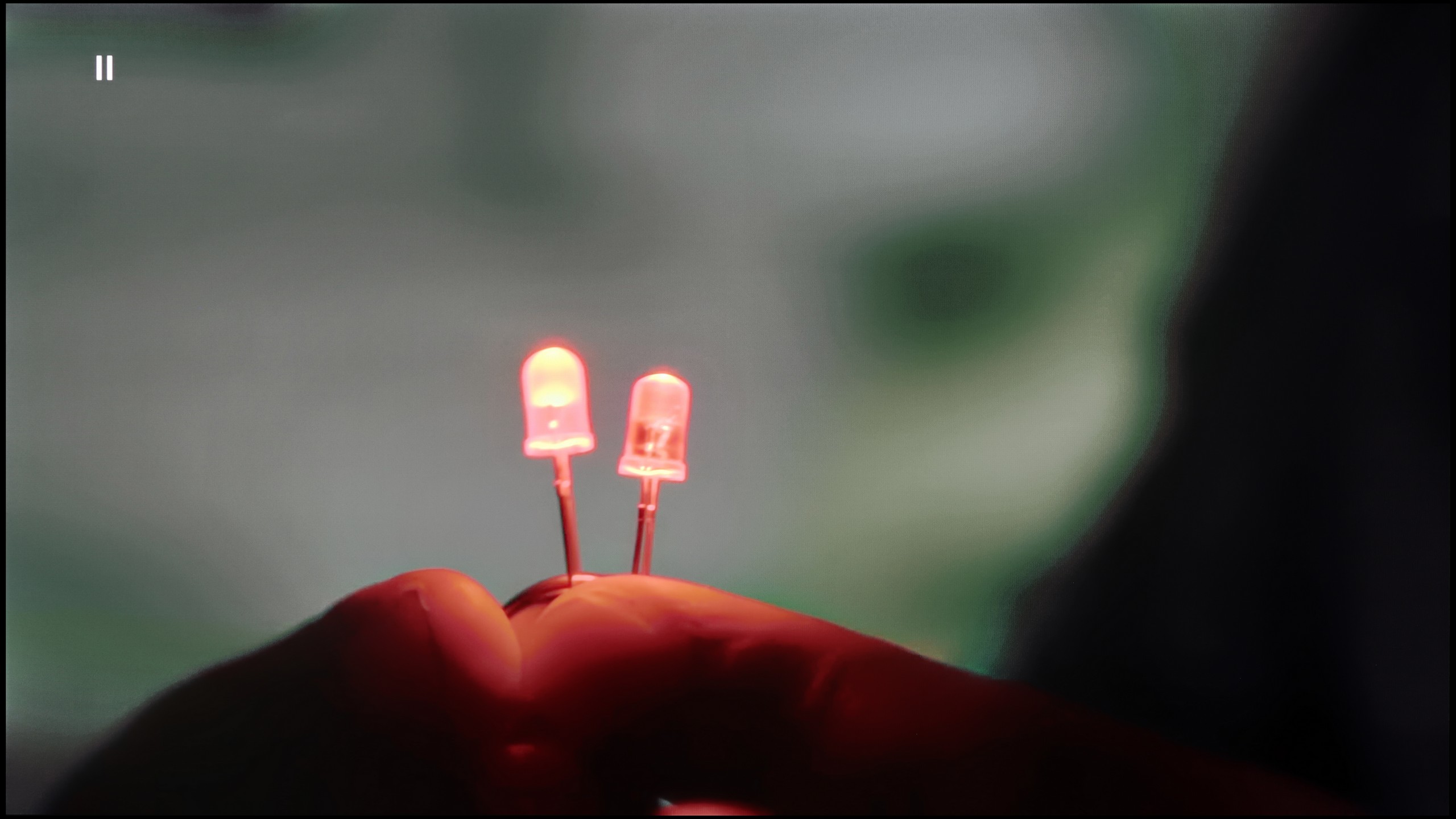
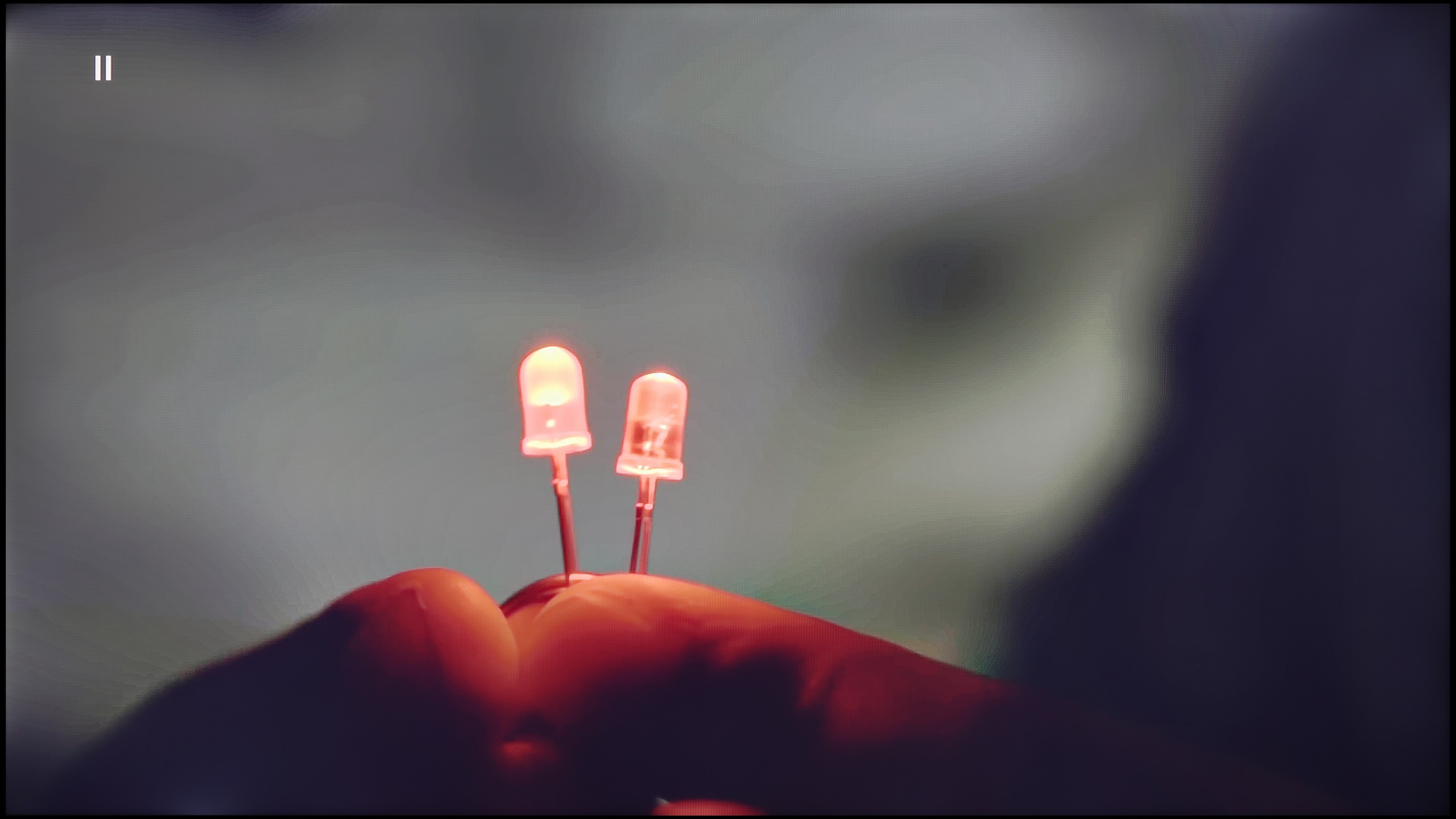
Blur (native resolution, maximum refresh rate):




Blur (BFI function enabled):
Image flickers in this mode



Blur (4K 165Hz):



Blur ():
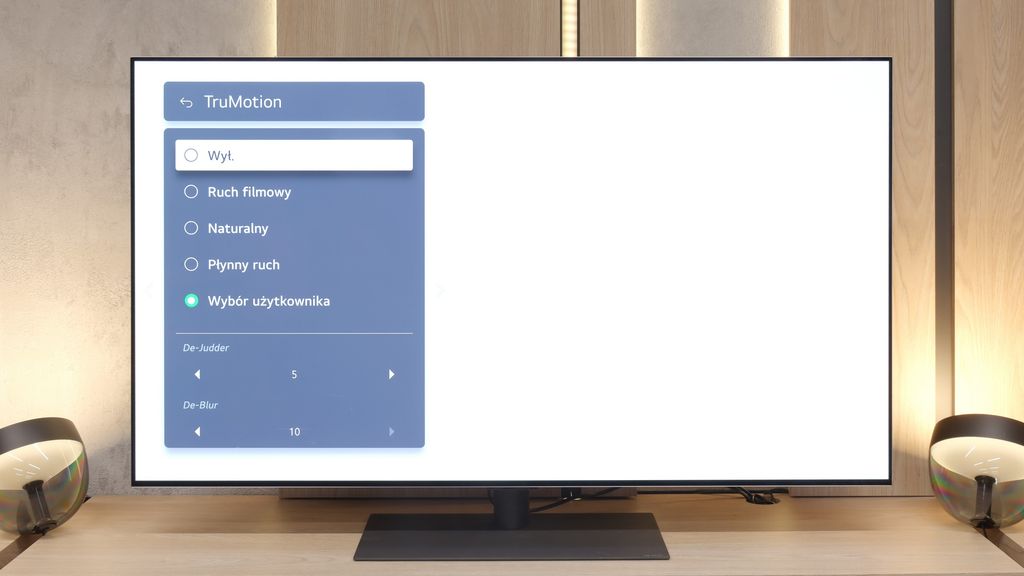
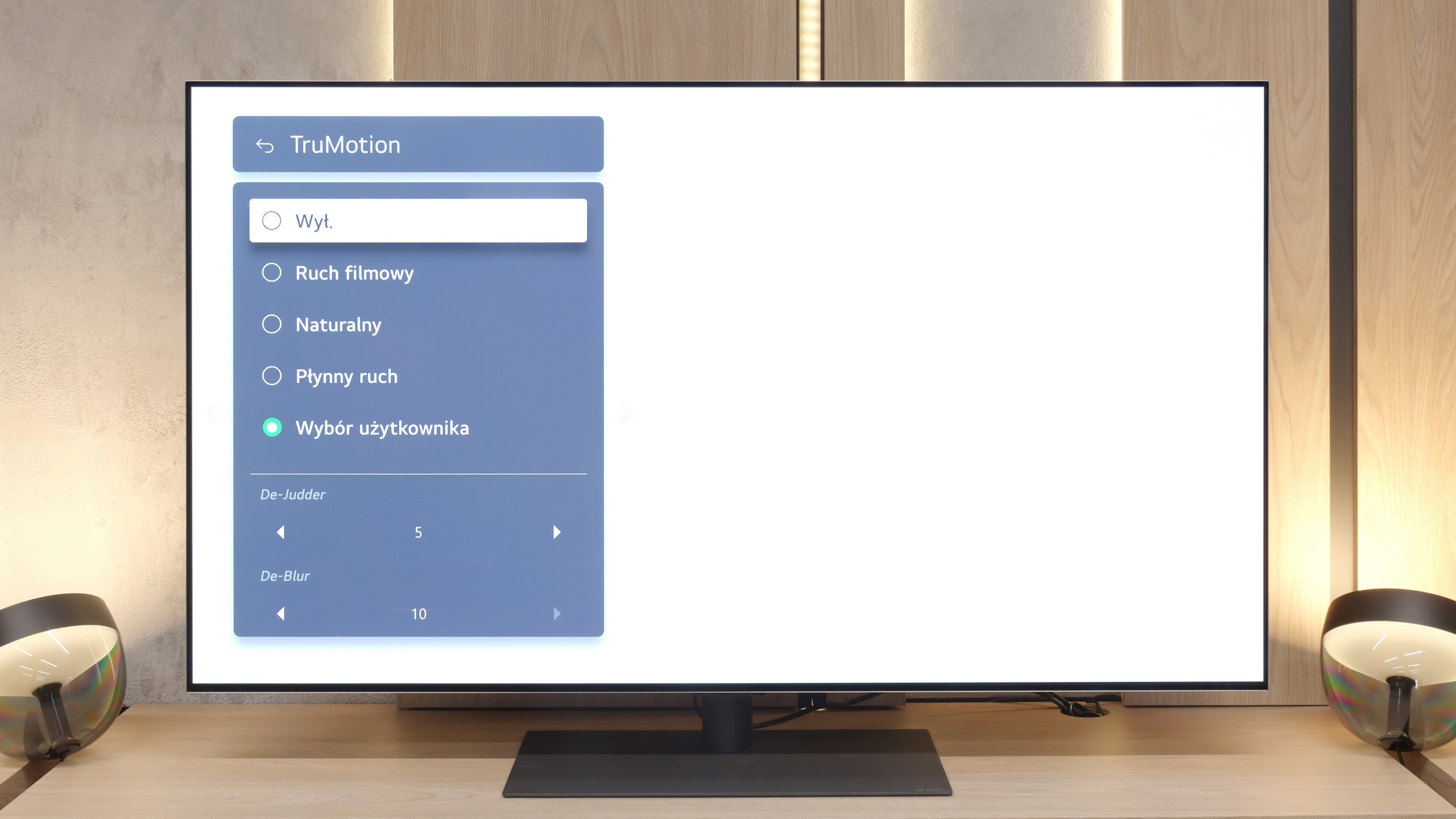
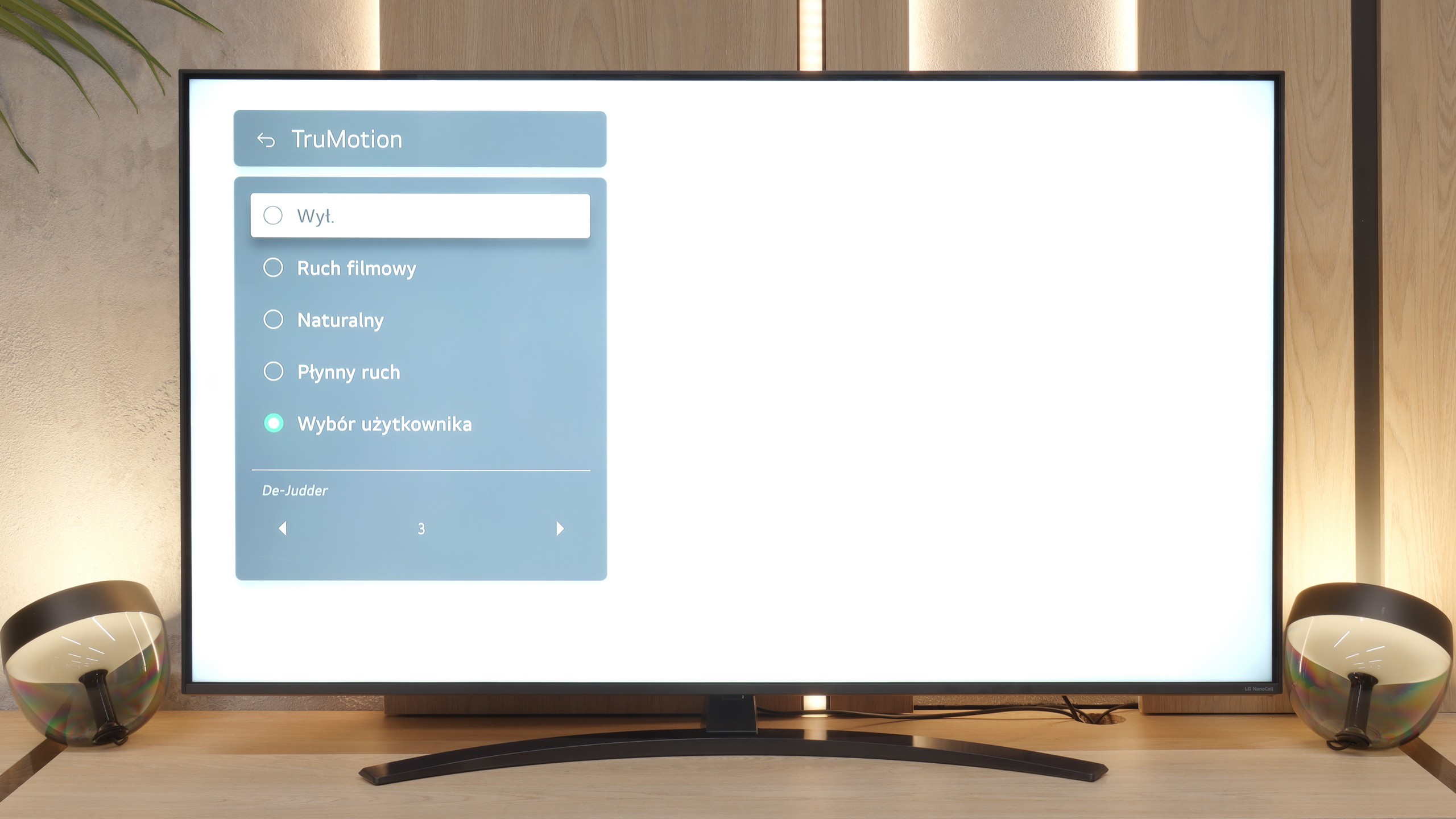
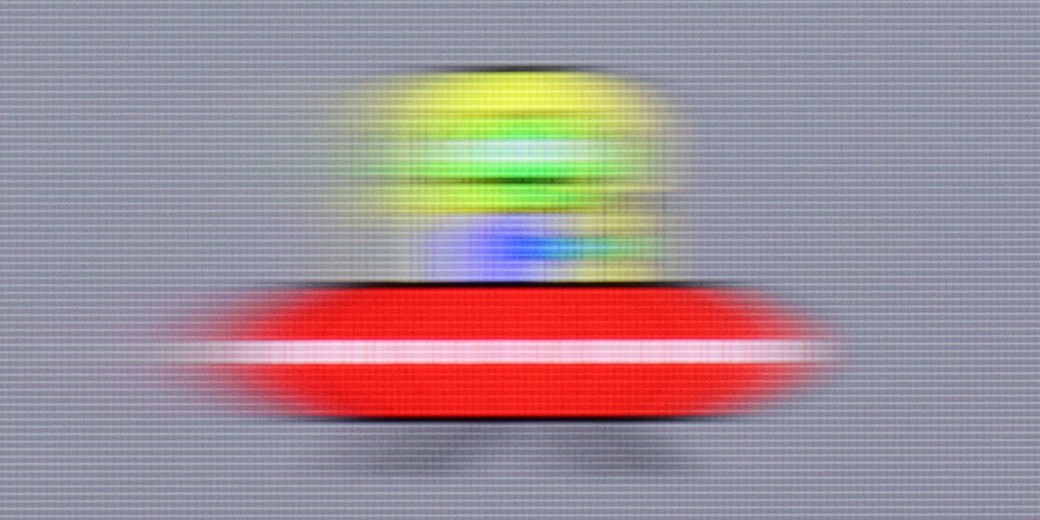
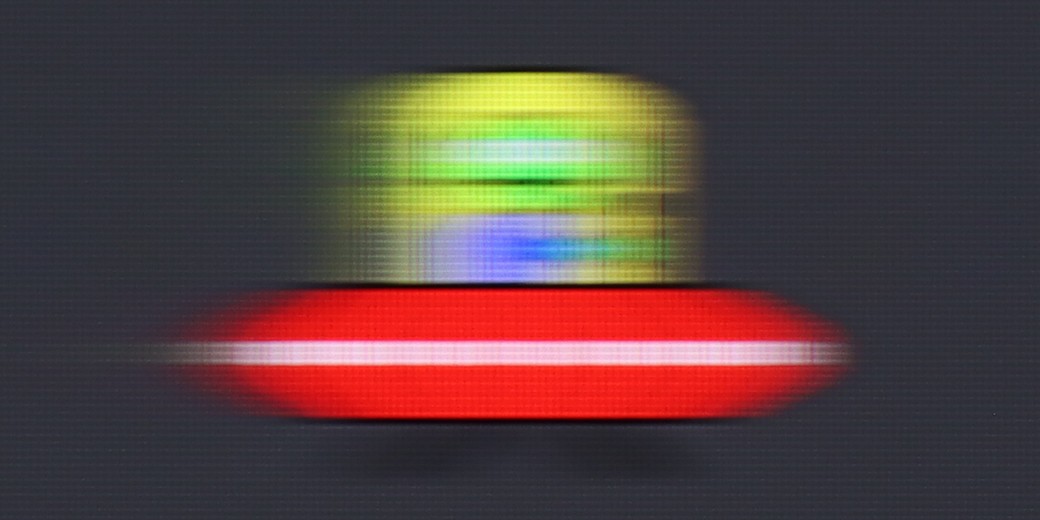
The motion smoothness on the LG G5 is simply phenomenal. The television is equipped with a 165 Hz refresh rate panel, and this, combined with the instant response time of the OLED matrix, delivers incredible results. The image does not tear or stutter like on traditional LCD televisions. Like most LG models, the G5 is equipped with a motion smoother, which can be useful when watching films – we are, of course, referring to the TruMotion mode. With the "De-Blur" and "De-Judder" sliders, we can adjust the smoothness of older materials according to our own preferences, whether we want to maintain the characteristic film stuttering or lean towards a more fluid, television-like effect.
When it comes to motion fluidity, the NANO81A unfortunately has a hard time. The television is based on a panel with a refresh rate of 60 Hz. If you are looking for perfect sharpness in dynamic football matches or fast action games, you may feel a bit disappointed. With such a low native refresh rate, fast objects on the screen will always be a little blurred.
Console compatibility and gaming features
10/10
6/10
- ALLM
- VRR
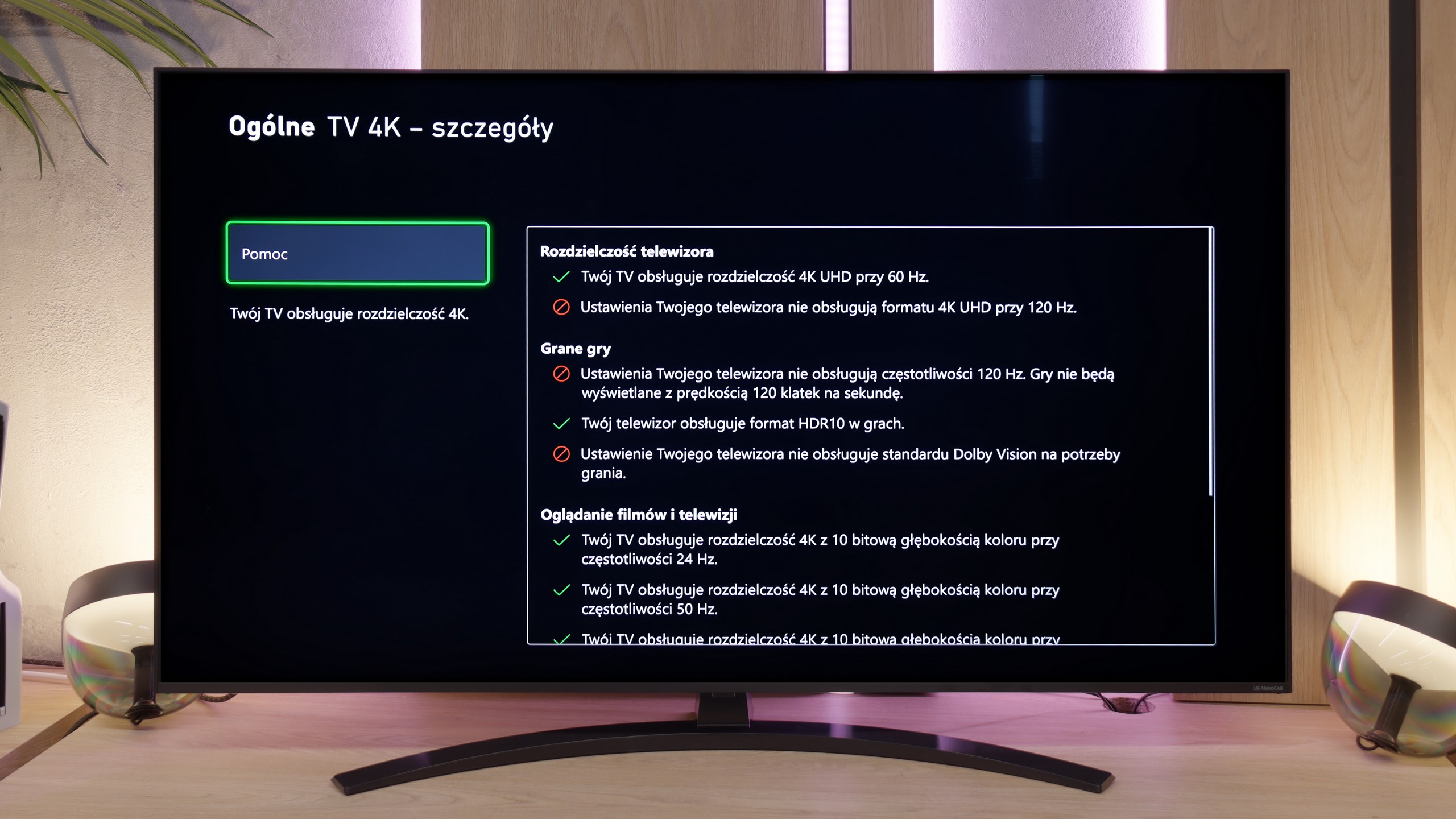
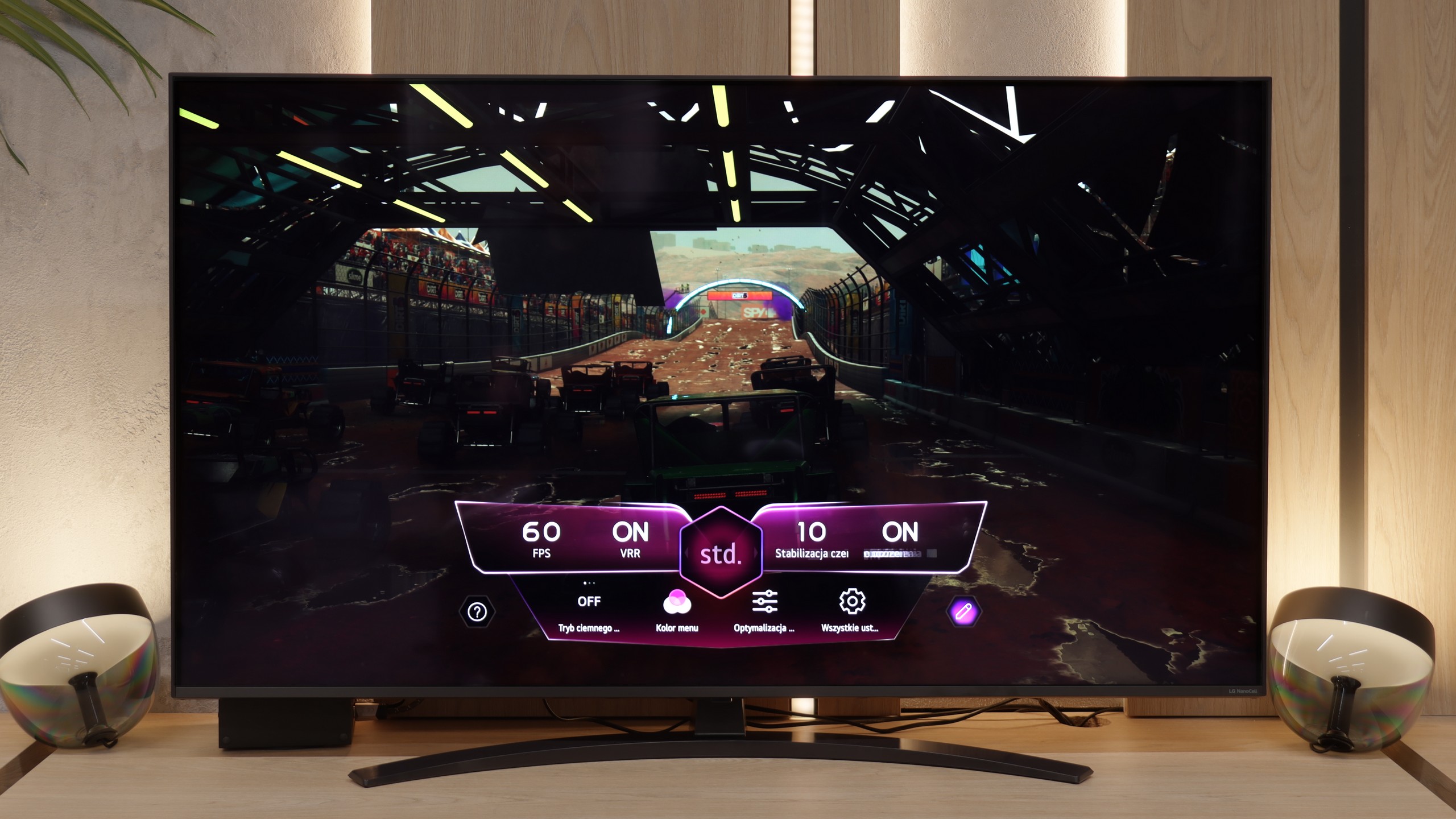
- VRR range40 - 165Hz48 - 60Hz
- Dolby Vision Game Mode
- Correct implementation of HGIG
- 1080p@120Hz
- 1440p@120Hz
- 4K@120Hz
- Game bar
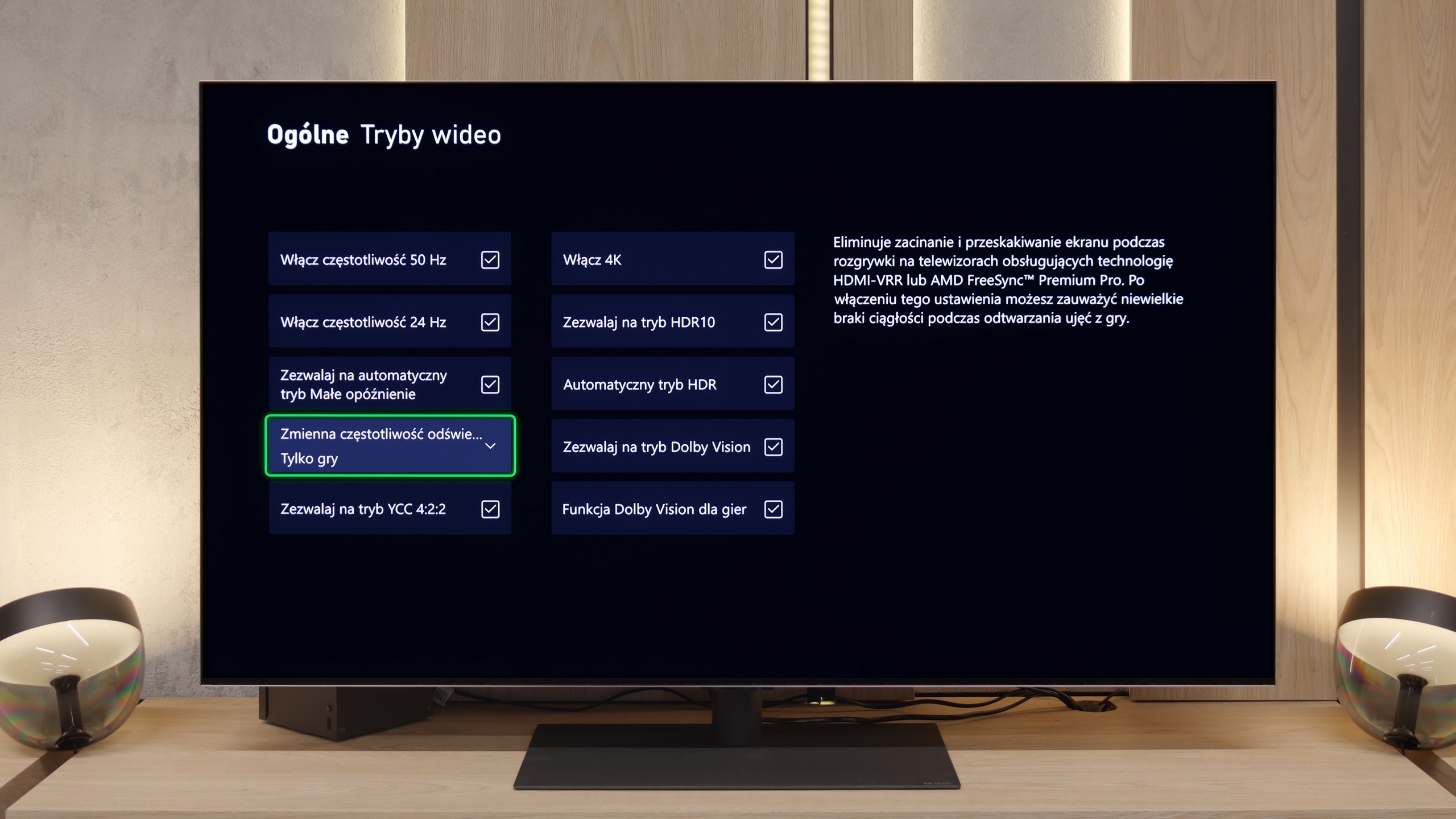
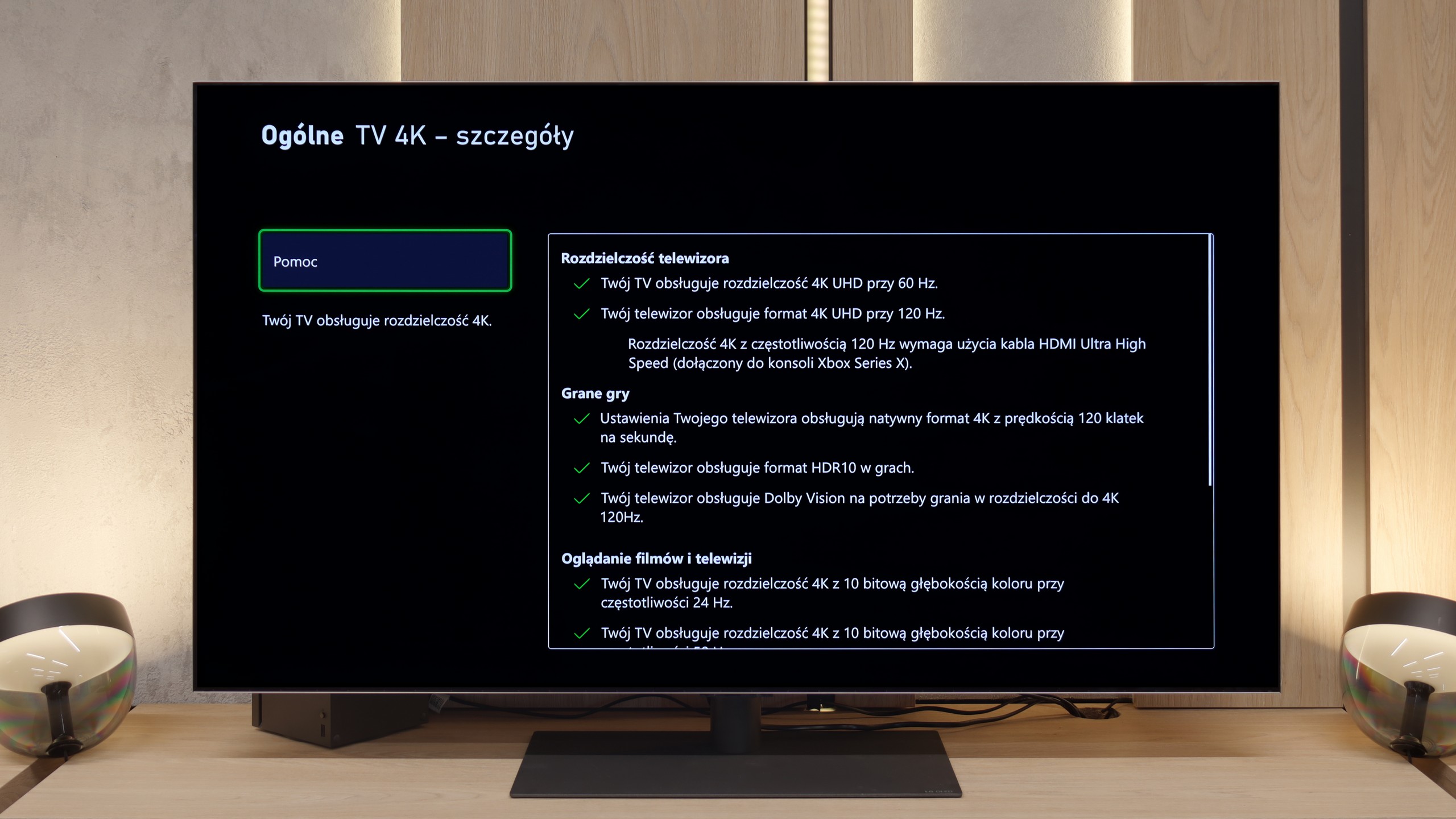
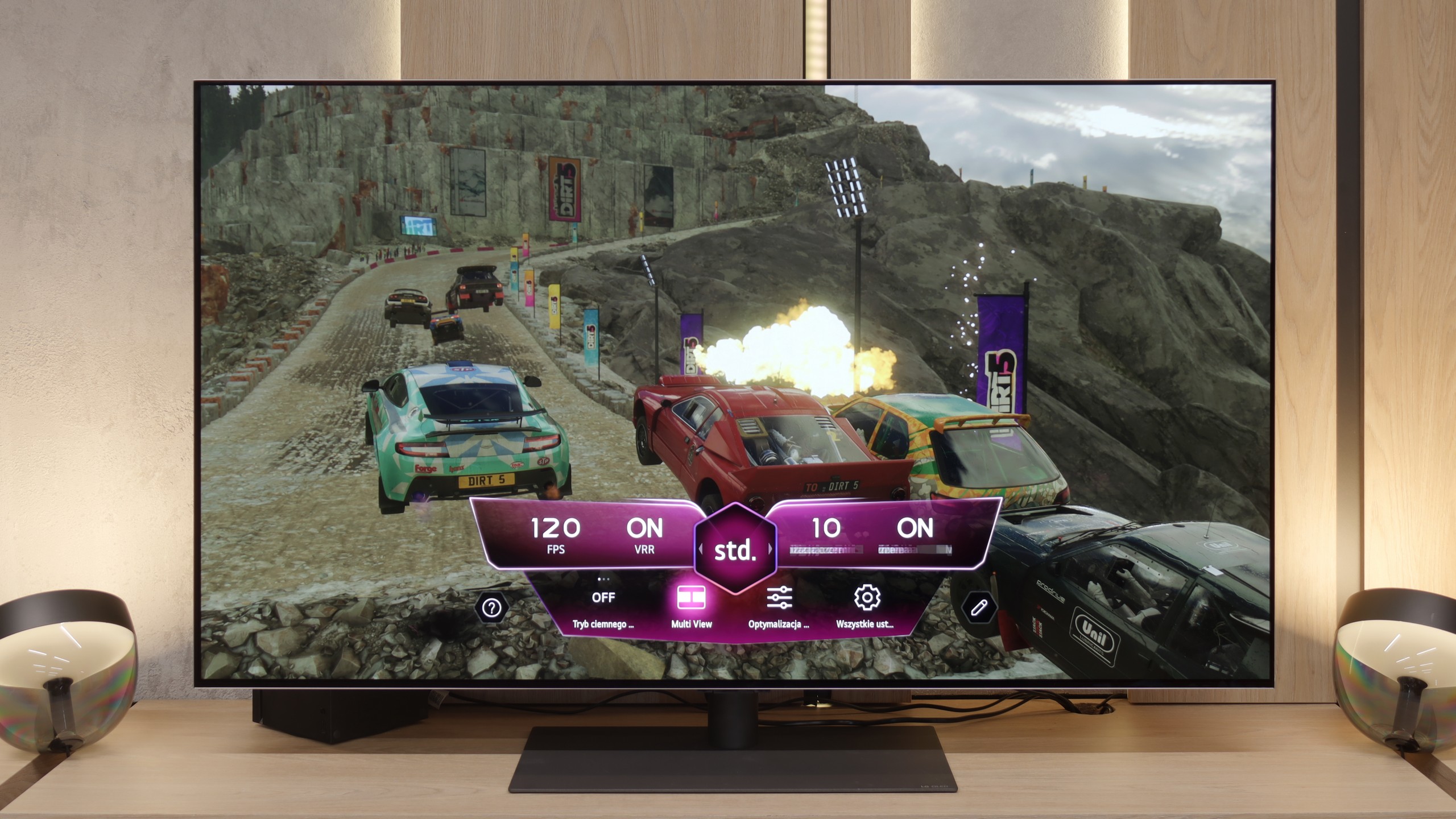
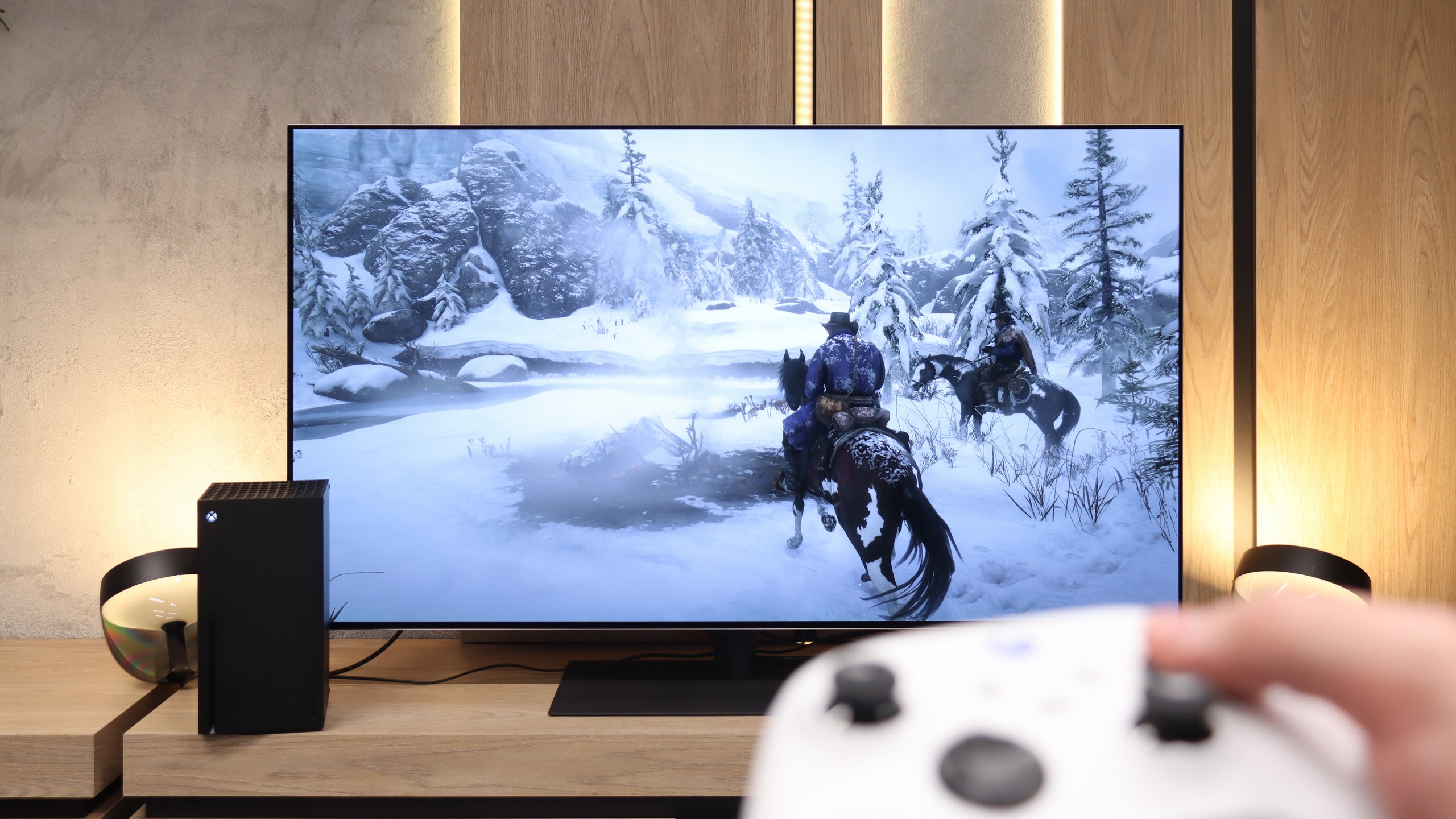
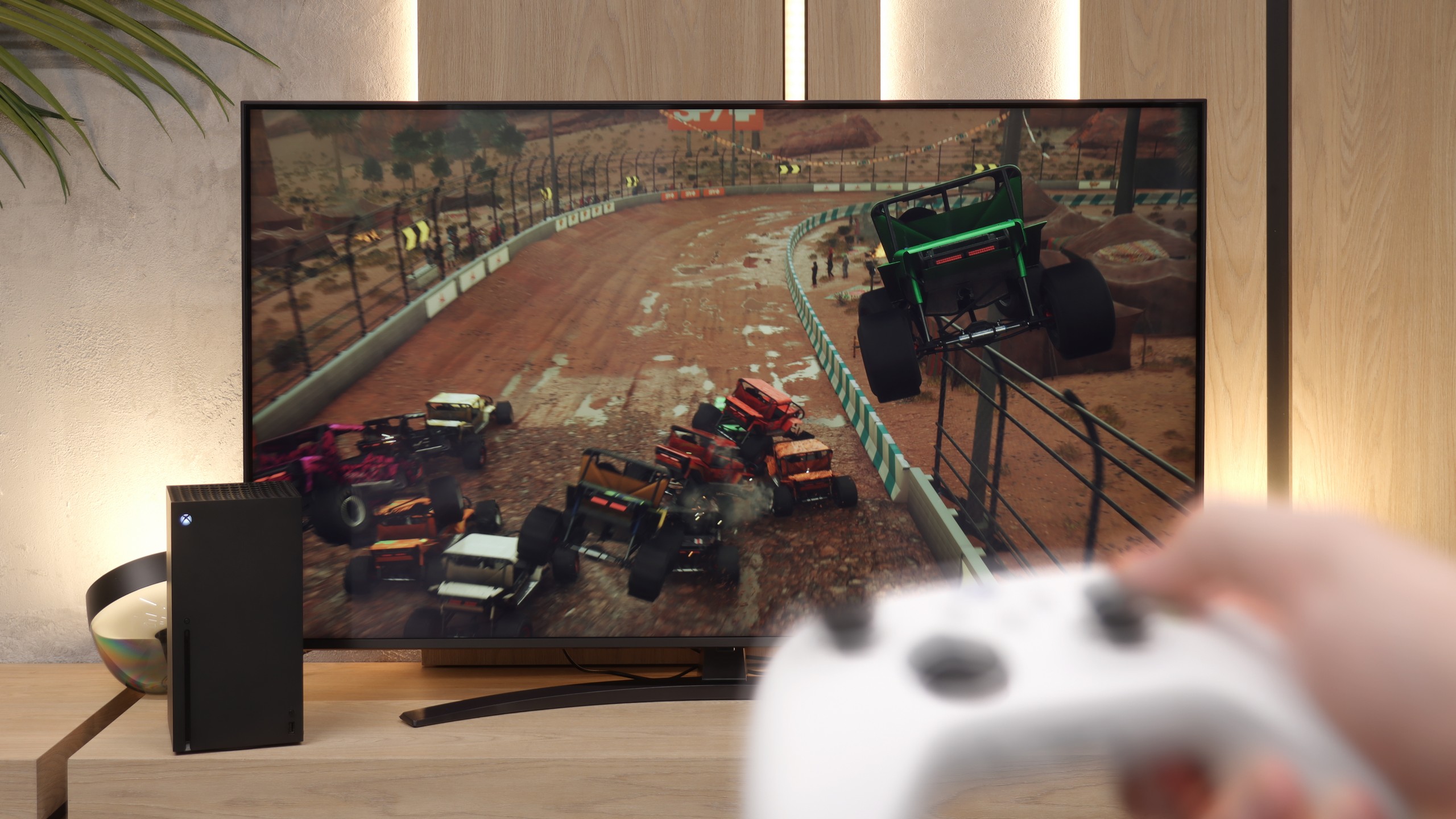
Features for gamers? Perfect. That should be sufficient for you to know what level we are dealing with here. The G5 is a television designed with gamers in mind, so we will find literally everything you could expect from a gaming screen. There is a Game Bar, there is support for high resolutions with high refresh rates – that is, 4K at 120 Hz, and even more, as the panel has a refresh rate of 165 Hz (which PC gamers will benefit from). The television supports variable refresh rate (VRR), automatic low latency mode (ALLM), and also correctly handles HDR in games thanks to the HGiG function. All of this adds up to one of the best sets of gaming features available on the market. Well done, LG.
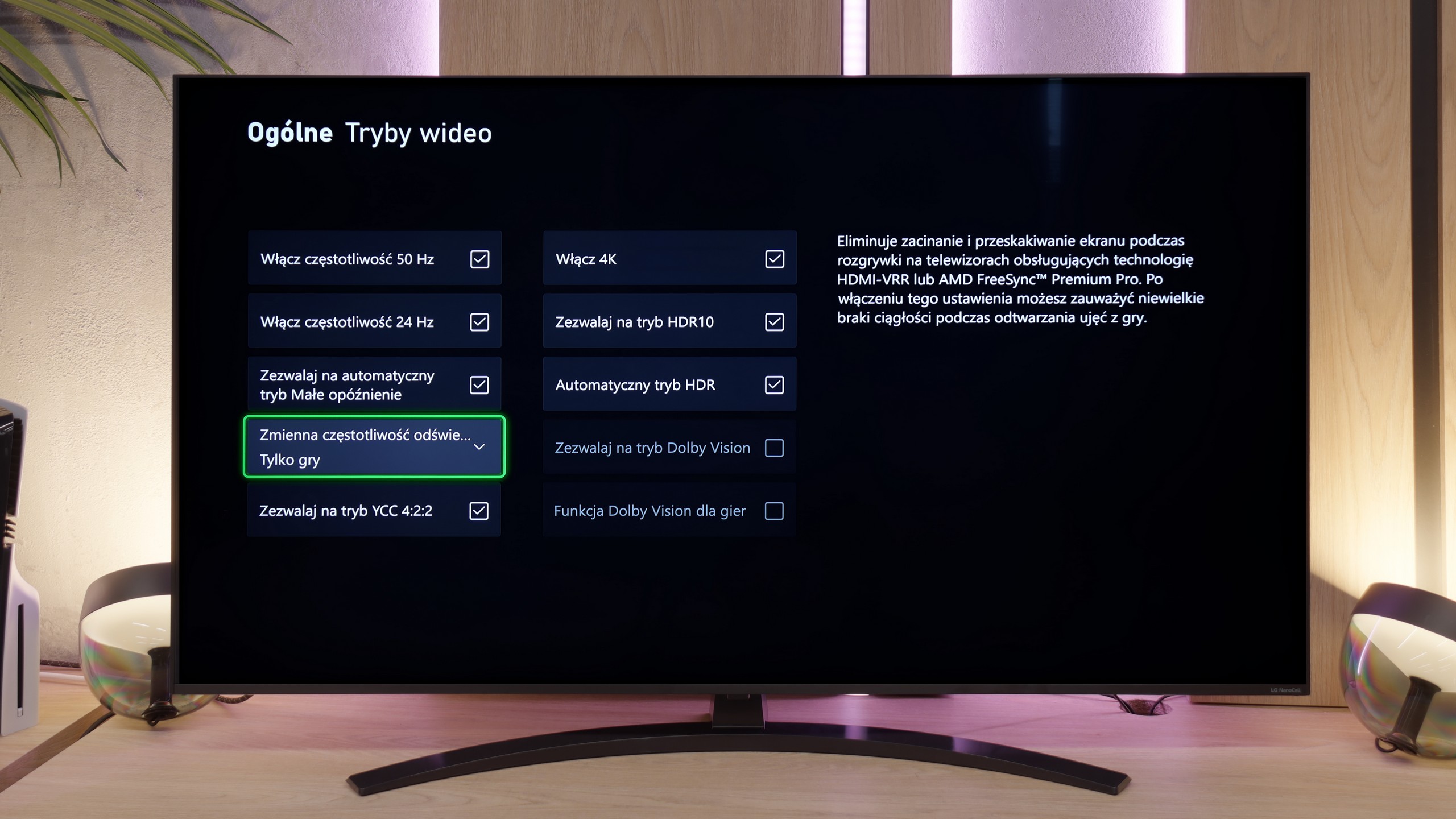
NANO81A is unfortunately not hardware designed for e-sports. The lack of support for a 120 Hz signal is a fact that users planning to purchase this model simply have to come to terms with. Nevertheless, LG's engineers have made an effort to maximise the potential of this 60 Hz panel, offering a set of features that genuinely enhance the gaming experience. Firstly, the television supports VRR technology (within the range of 48-60 Hz) and ALLM. As a result, the image remains stable and does not "tear", and the device automatically switches to low-latency mode as soon as it detects a signal from a console. Managing these settings is extremely simple thanks to a dedicated system overlay, which allows for quick viewing of parameters without leaving the game. A very significant advantage is the support for the HGiG format. This solution is crucial for owners of modern consoles because it enables the television to correctly "understand" the intentions of game developers regarding HDR tone mapping. In practice, this helps avoid the effect of "blown-out" bright spots, such as clouds or light sources, which is unfortunately a common issue in budget LCD televisions.
Input lag
9.9/10
10/10
SDR
HDR
Dolby Vision
The input lag on the LG G5 is incredibly low. The reaction time to our actions – whether we're playing with a controller, keyboard, or mouse – is almost perfect. The controls are instantaneous, and the game responds exactly when we expect it to. The Dolby Vision Gaming mode does introduce slightly higher latencies, but even then it's hard to nitpick – in the worst case, the values hover around 20 ms, which for most gamers will be practically unnoticeable.
In terms of response speed, the LG NANO81A performs exceptionally well. The input lag we measured is around 12 ms. This result is at a very low level, which for a gamer means one thing – the delay between moving the stick on the controller and the reaction on the screen is practically imperceptible. The television excels in fast-paced titles, where every millisecond counts, and in this regard, it does not lag behind significantly more expensive models.
Compatibility with PC
8.8/10
6/10
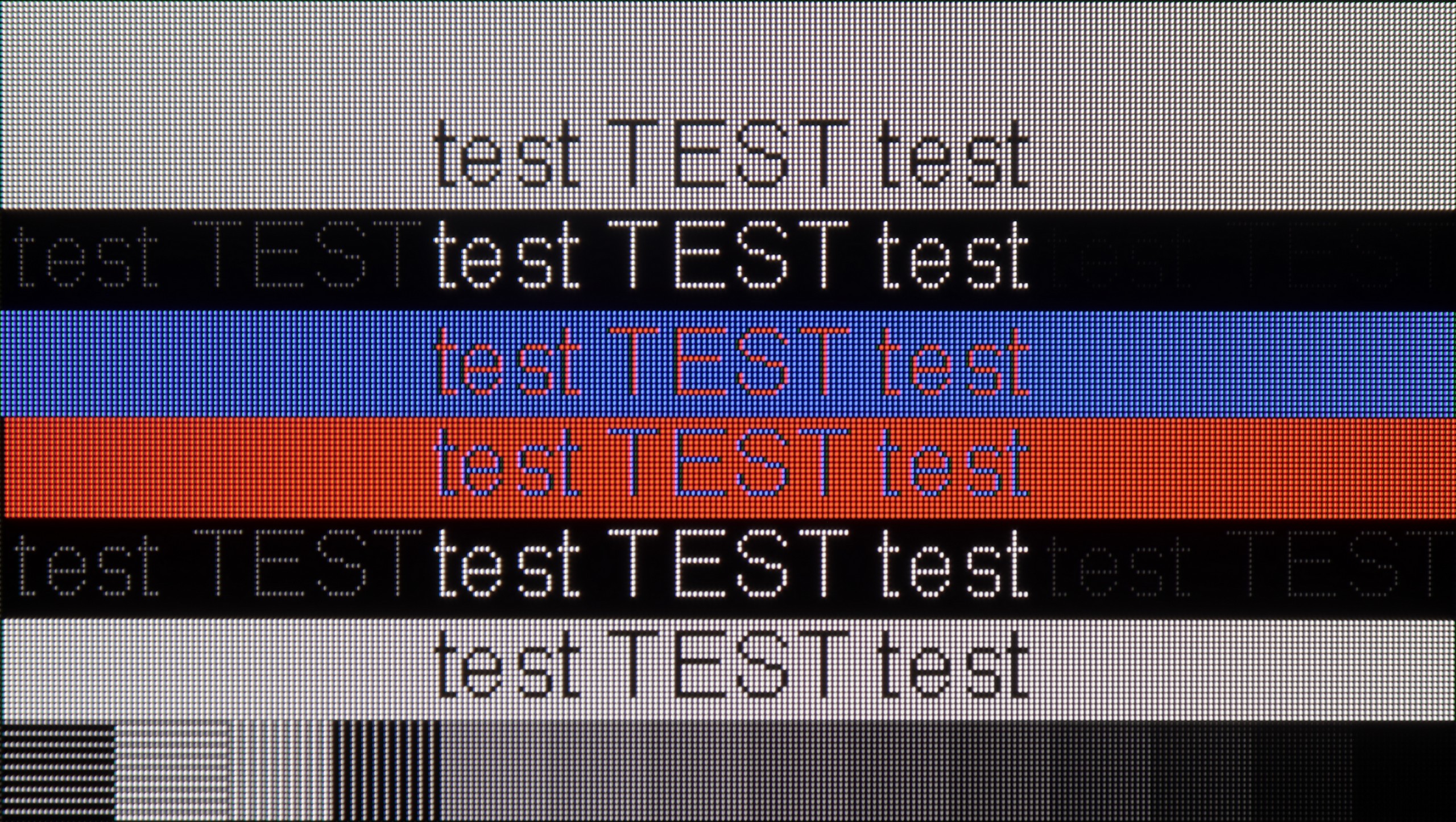
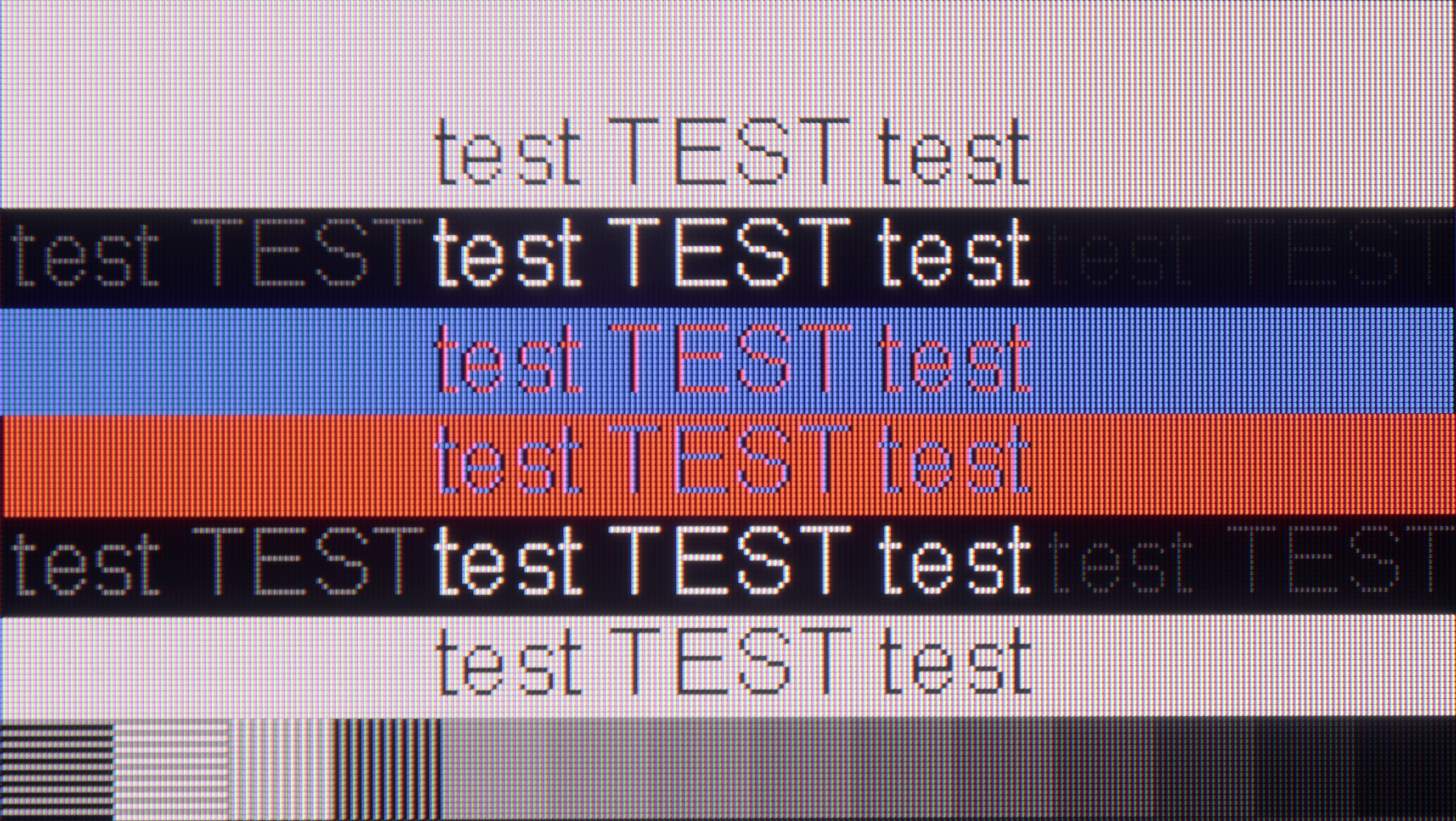
The photo shows the legibility of small fonts. Ideally, lines should be the same thickness on both light and dark text, with minimal pixel gaps.
Collaboration with a PC? Nearly perfect. The television, as we mentioned earlier, has fantastic features for gamers – including those using a PC. Onboard, we find full G-Sync certification, a 165 Hz panel, and a super-fast input lag of around 5 ms. Thanks to the correct implementation of chroma 4:4:4, fonts are very easy to read – both the smallest and the largest. Although due to the WRGB subpixel layout, there may be slight shadows around the characters, for most users this effect will be virtually unnoticeable. The G5 excels as a screen for work, entertainment, and gaming – also from a computer.
Nano81A is truly a solid monitor for working with text. Thanks to the IPS panel and proper Chroma 4:4:4 implementation, fonts are very clear and sharp – practically everyone will be satisfied with how this screen performs as a monitor. We noticed just one minor detail that we picked up with our laboratory meticulousness: the vertical lines of dark text are slightly darker than the horizontal ones. However, this phenomenon is so minimal that we did not decide to deduct points for it. The scores only went down when it came to features typical for PC gamers – the lack of G-Sync support and high refresh rates above 60 Hz will be a significant downside for those looking for a screen for dynamic computer games.
Viewing angles
7.5/10
6.1/10
The viewing angles on the LG G5 are very good, mainly due to the use of a WOLED panel. It's hard to find fault here – the image does not significantly lose brightness or quality even when viewed from the side. However, it should be fairly noted that there is a slight regression compared to the G4 model. The predecessor used an MLA panel with micro-lenses, which offered slightly better light distribution. Also, compared to QD-OLED panels, the angles are worse. Nevertheless, the overall perception of the image at an angle remains very good and should not be an issue in everyday use.
This is the moment when the LG NANO81A can finally "breathe" and make up for the points lost in the categories of black levels and contrast. Thanks to the use of an IPS panel, the viewing angles here are simply very good. It is in this section that the tested model gains the most and clearly shows its advantage over competing televisions equipped with VA panels. In practice, this means that the image does not lose quality, even when viewed from a sharp angle. This makes the NANO81A a great option for those who have a wide furniture arrangement in their living room or often watch matches and films with larger groups.
Daytime performance
8/10
4/10
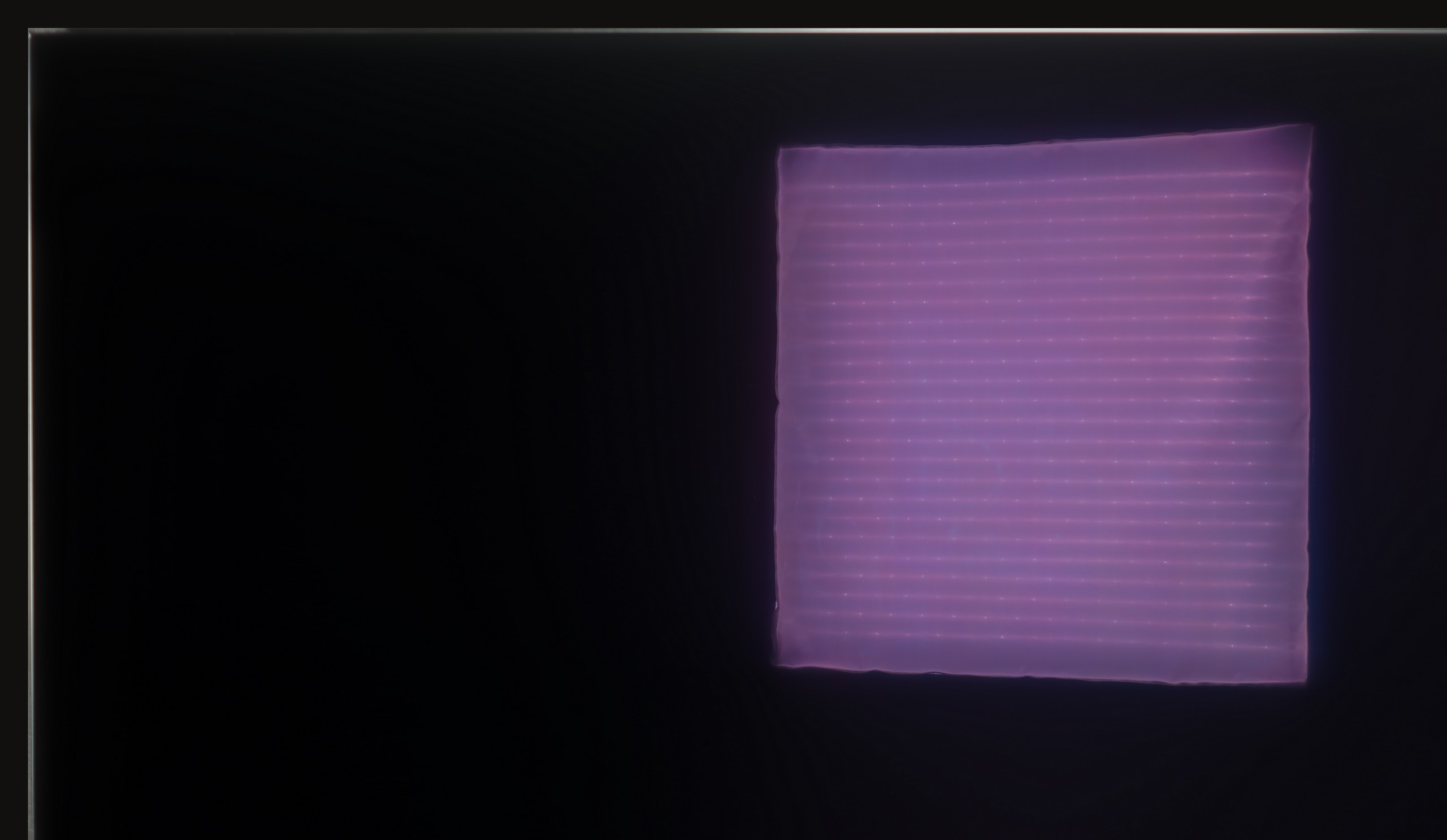
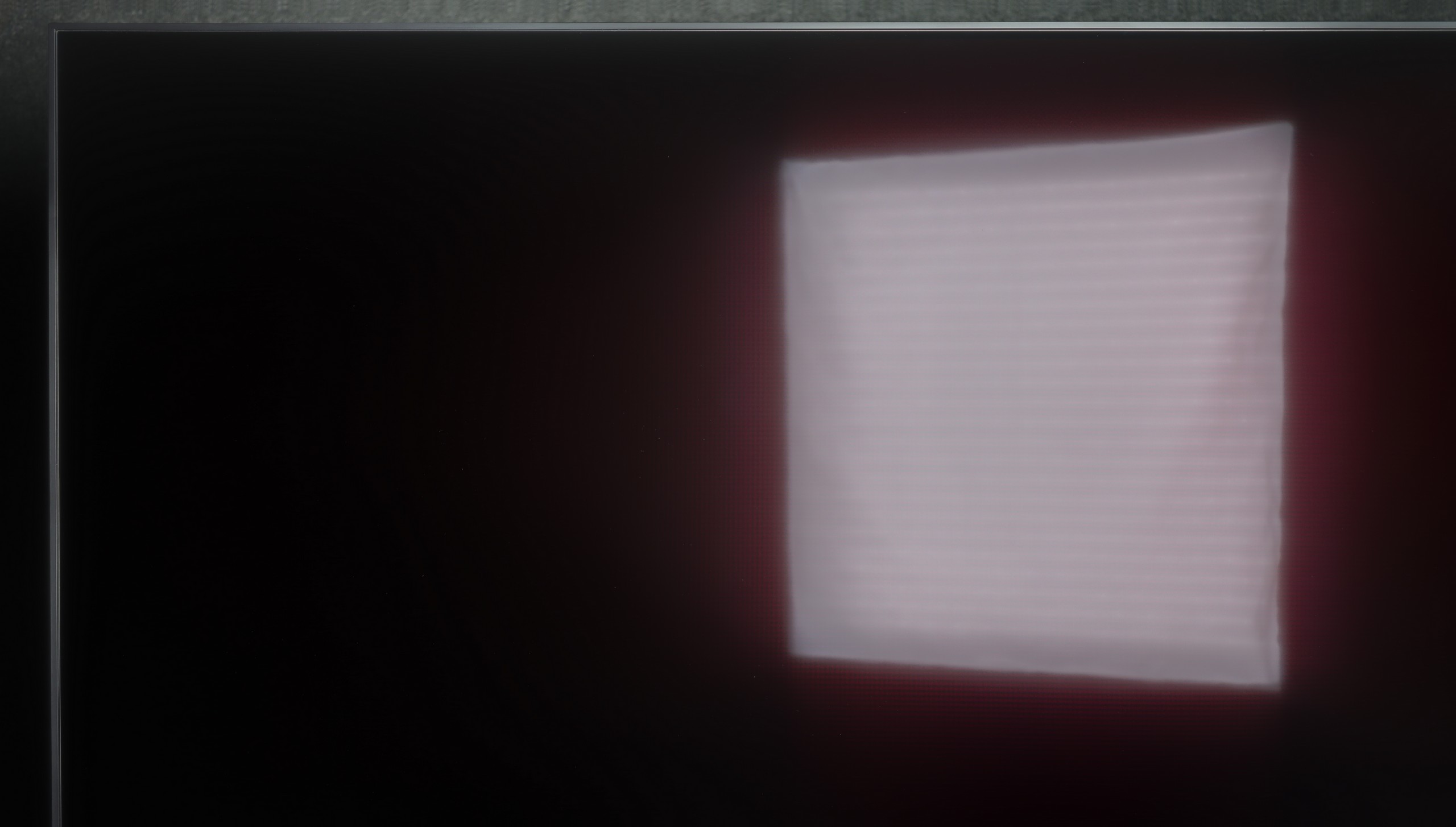
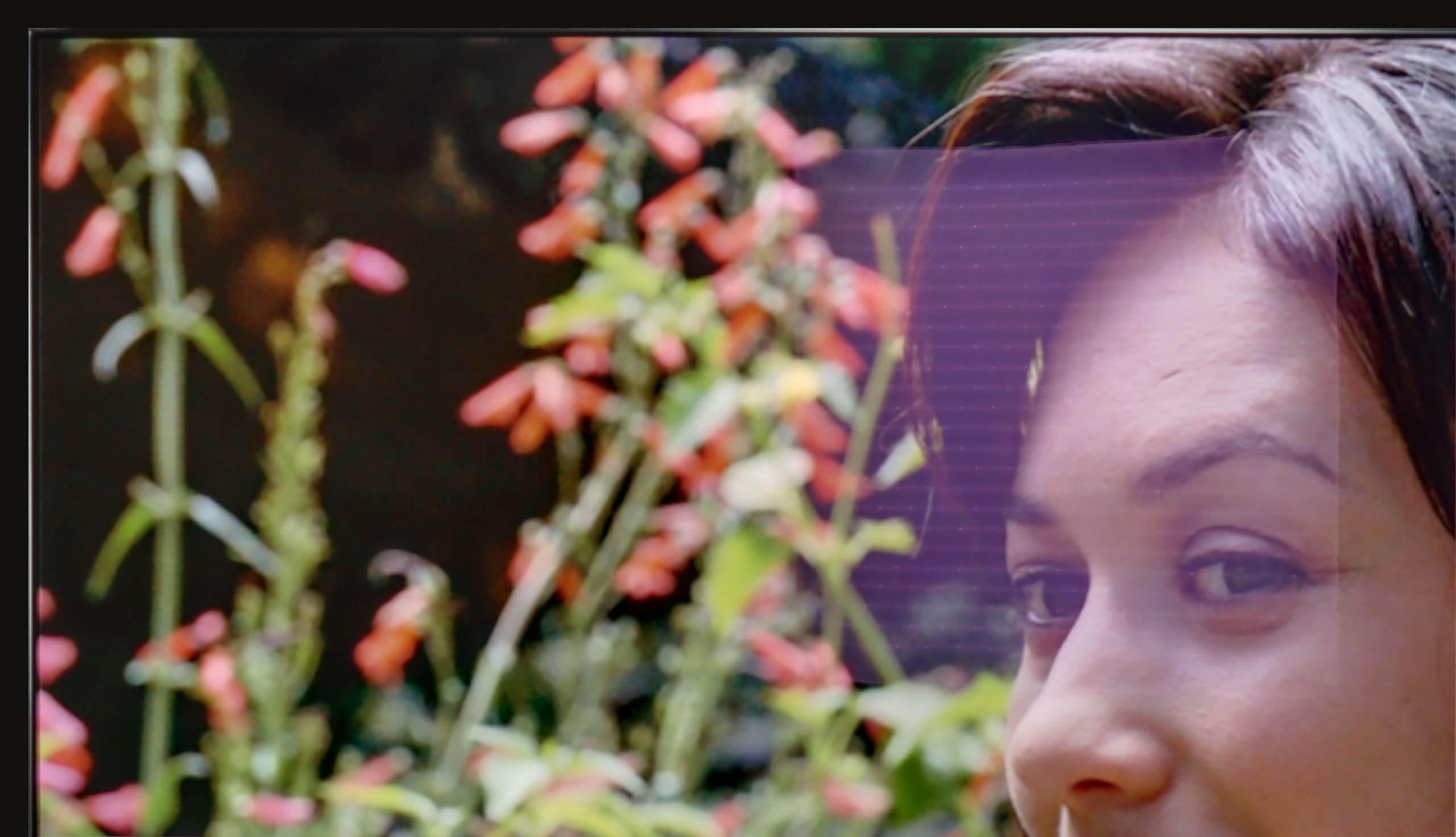
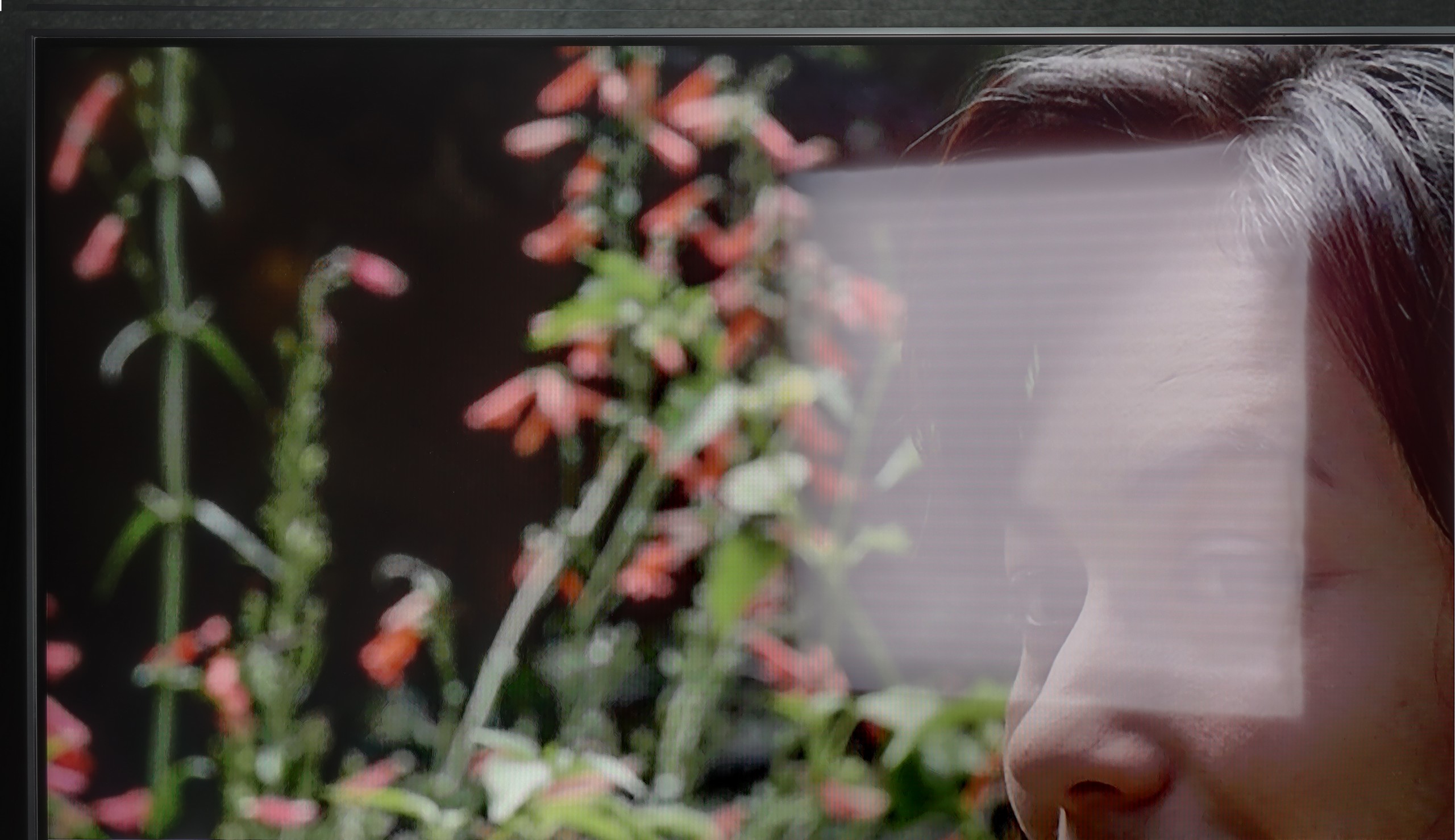
Panel brightness
LG NANO81A / NANO80A : 247 cd/m2
LG OLED G5: 810 cd/m2
The LG G5, thanks to its very high brightness, performs excellently in bright rooms. Even with SDR content, the average brightness value is around 800 nits, which is significantly more than in standard televisions. It will handle a bright living room with ease. Although the panel averages moderate reflection suppression, it still maintains significantly better blacks and colours during the day than QD-OLED panels or those with a matte finish. The G5 will perform well in very sunny rooms – unless you truly cannot stand reflections on the screen. In that case, you will need to use blinds or consider purchasing a television with a matte panel.
NANO81A is a relatively dark television, so it works best in rooms where you have control over the lighting. With a brightness of around 250 nits, it is difficult to recommend it wholeheartedly for very bright, strongly sunlit living rooms – in such conditions, the picture will simply lack punch. Nevertheless, LG deserves a small plus for the screen finish. The satin panel used here does a decent job of suppressing reflections. Thanks to this, even if there is a bit of light in the room, you won’t see every detail of your surroundings reflected on the screen. So if you can slightly close the blinds, a daytime viewing is certainly possible, but this model simply wasn’t designed to "fight" full sunlight.
Panel details
Subpixel Structure:
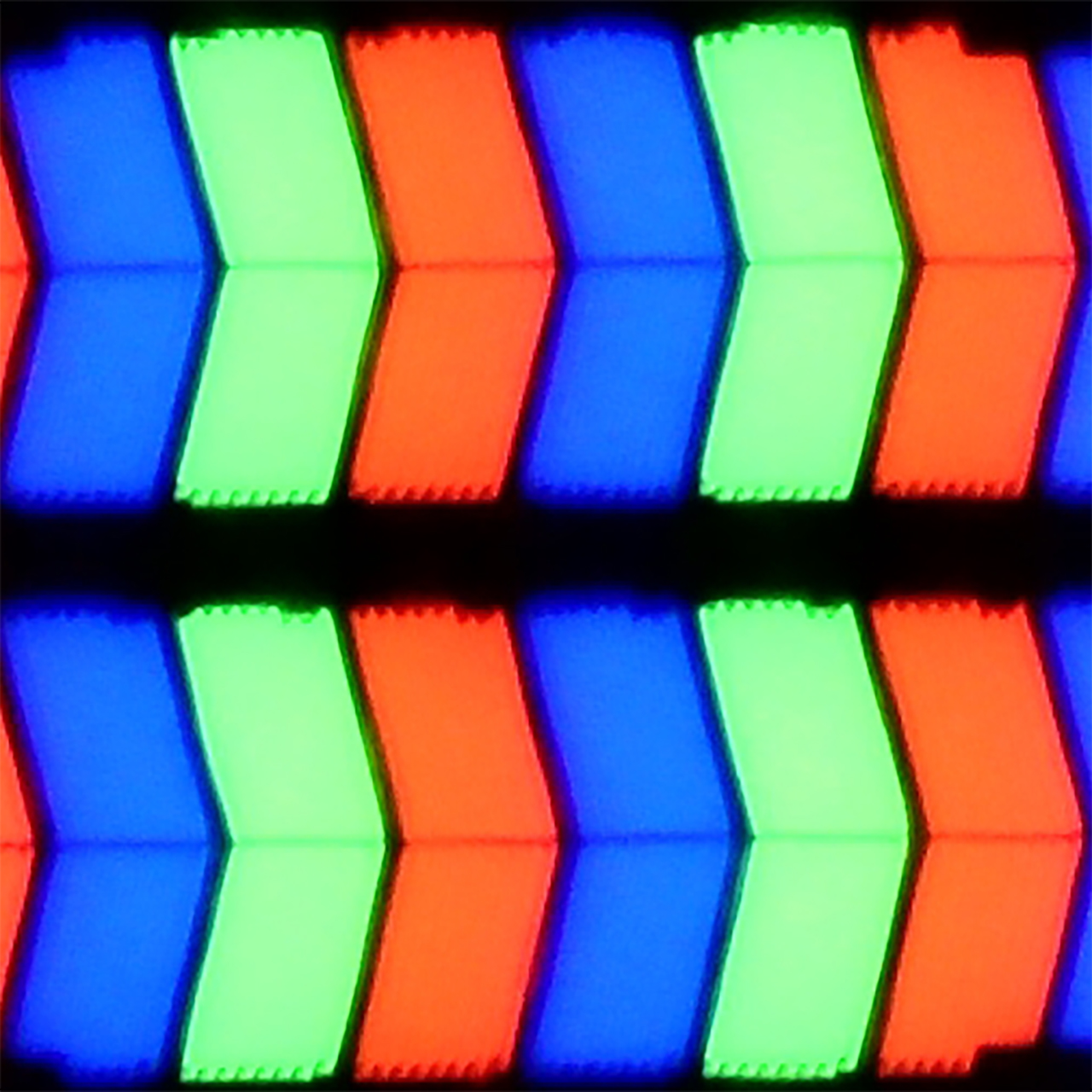
Panel uniformity and thermal imaging:

TV features
8.5/10
6.6/10
- SystemWebOSWebOS
- System performanceVery goodGood
- HDMI inputs0 x HDMI 2.0, 4 x HDMI 2.1 48Gbps3 x HDMI 2.0, 0 x HDMI 2.1
- Other inputsIR (remote)
- OutputsToslink (Optical audio), eARC (HDMI), ARC (HDMI)Toslink (Optical audio), eARC (HDMI), ARC (HDMI)
- Network InterfacesWi-Fi 2.4GHz, Wi-Fi 5GHz, Ethernet (LAN) 100MbpsWi-Fi 2.4GHz, Wi-Fi 5GHz, Ethernet (LAN) 100Mbps
- TV receptionDVB-T, DVB-T2, DVB-S, DVB-S2, DVB-CDVB-T, DVB-T2, DVB-S, DVB-S2, DVB-C
Classic features:
- Recording to USB (terrestrial TV)
- Recording programming
- Picture in Picture (PiP)
- RF remote control (no need to aim)
- Backlit remote control
- Teletext
- Audio only mode
- Bluetooth headphones support
- Simultaneous Bluetooth headphones & TV audio
Smart features:
- AirPlay
- Screen mirroring (Windows Miracast)
- Voice search
- Voice search in native language
- Ability to connect a keyboard and mouse
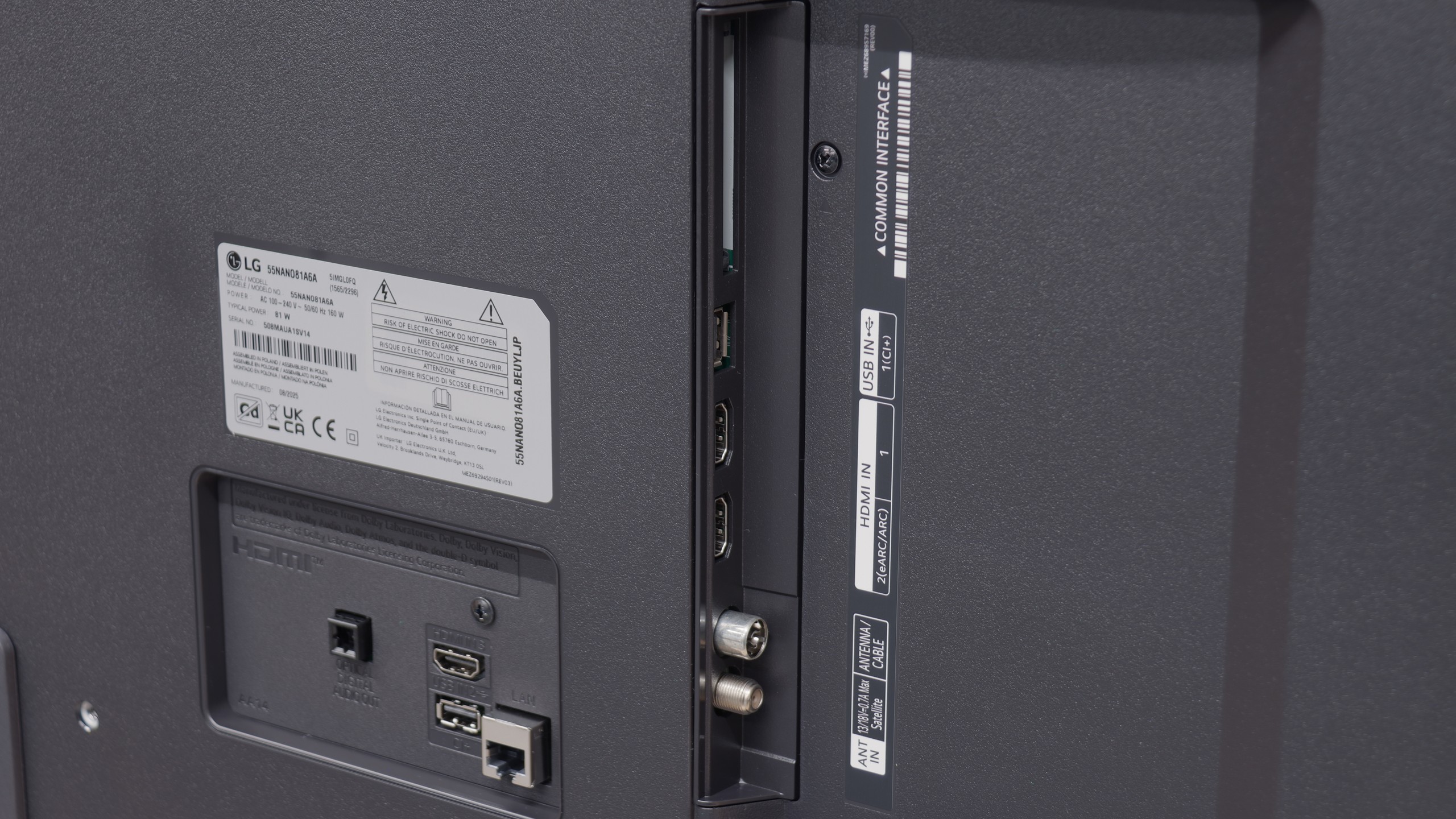
Sound connection options
- HDMI audioeARC (HDMI), ARC (HDMI)eARC (HDMI), ARC (HDMI)
- Other audio outputsToslink (Optical audio)Toslink (Optical audio)
- Wireless audioBluetoothBluetooth
Supported audio formats (external HDMI eARC audio):
- Dolby Digital Plus 7.1
- Dolby True HD 7.1
- Dolby Atmos in Dolby Digital Plus (JOC)
- Dolby Atmos in Dolby True HD
- DTS:X in DTS-HD MA
- DTS-HD Master Audio
Senior accessibility
- Numeric keyboard on TV
- Font size adjustment
- Audio description
Classic features
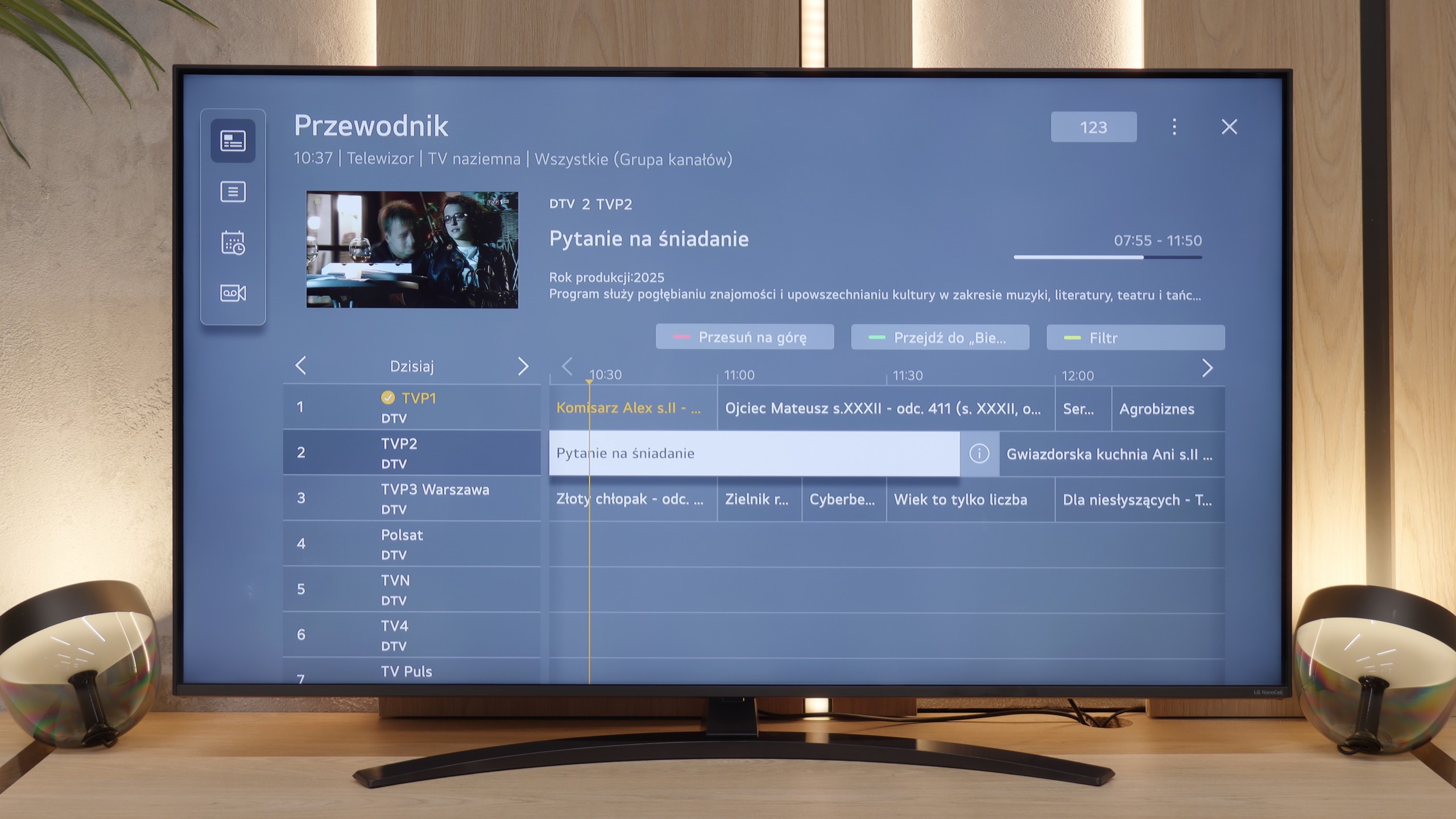
LG G5 has a lot to offer when it comes to classic television features. Aside from the inability to watch two sources (PIP), the television handles everyday usage excellently. There are no issues connecting external Bluetooth devices, such as headphones, and the EPG interface is very clear and understandable – even for those who are not particularly tech-savvy.
Smart TV Features
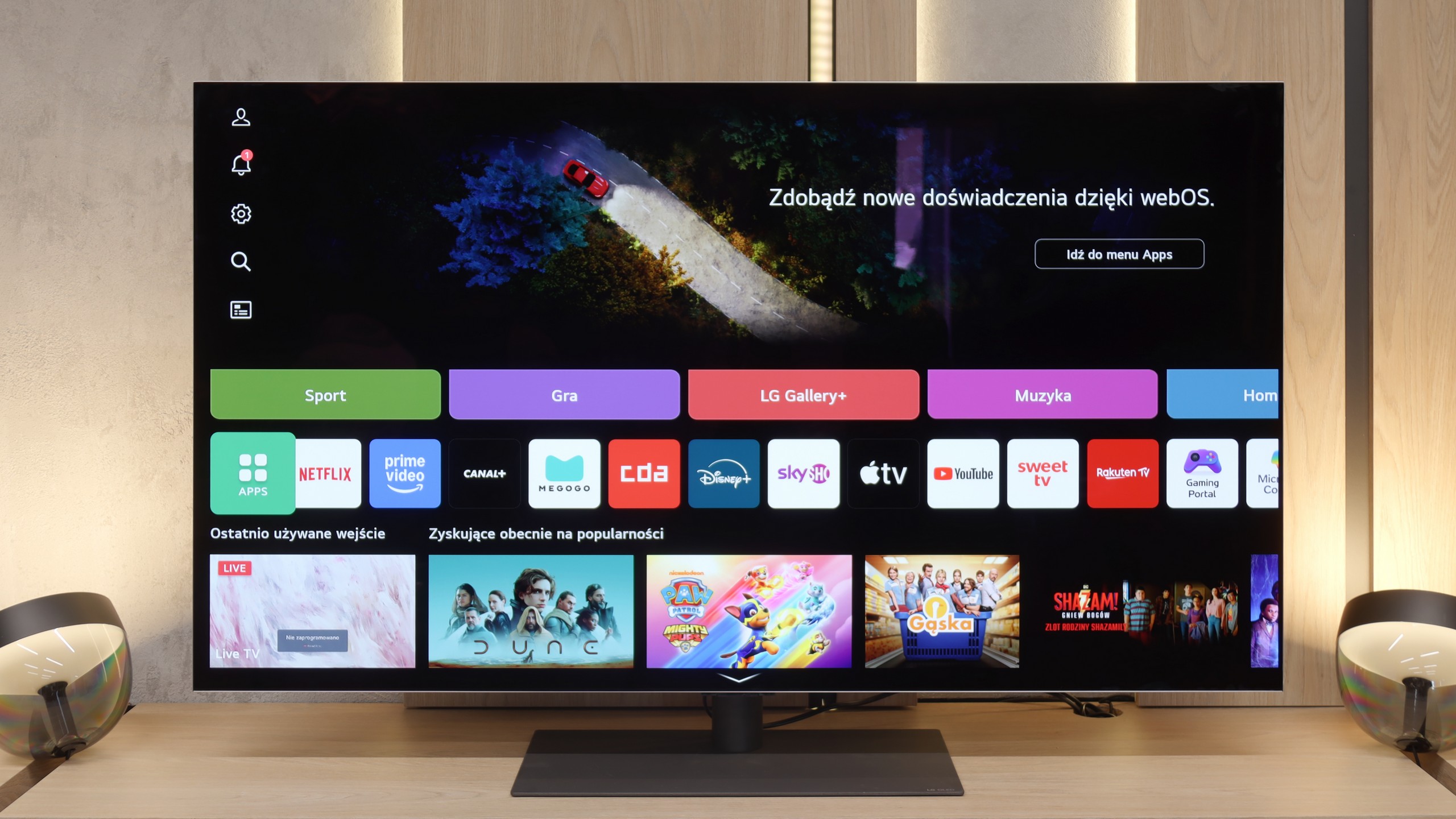
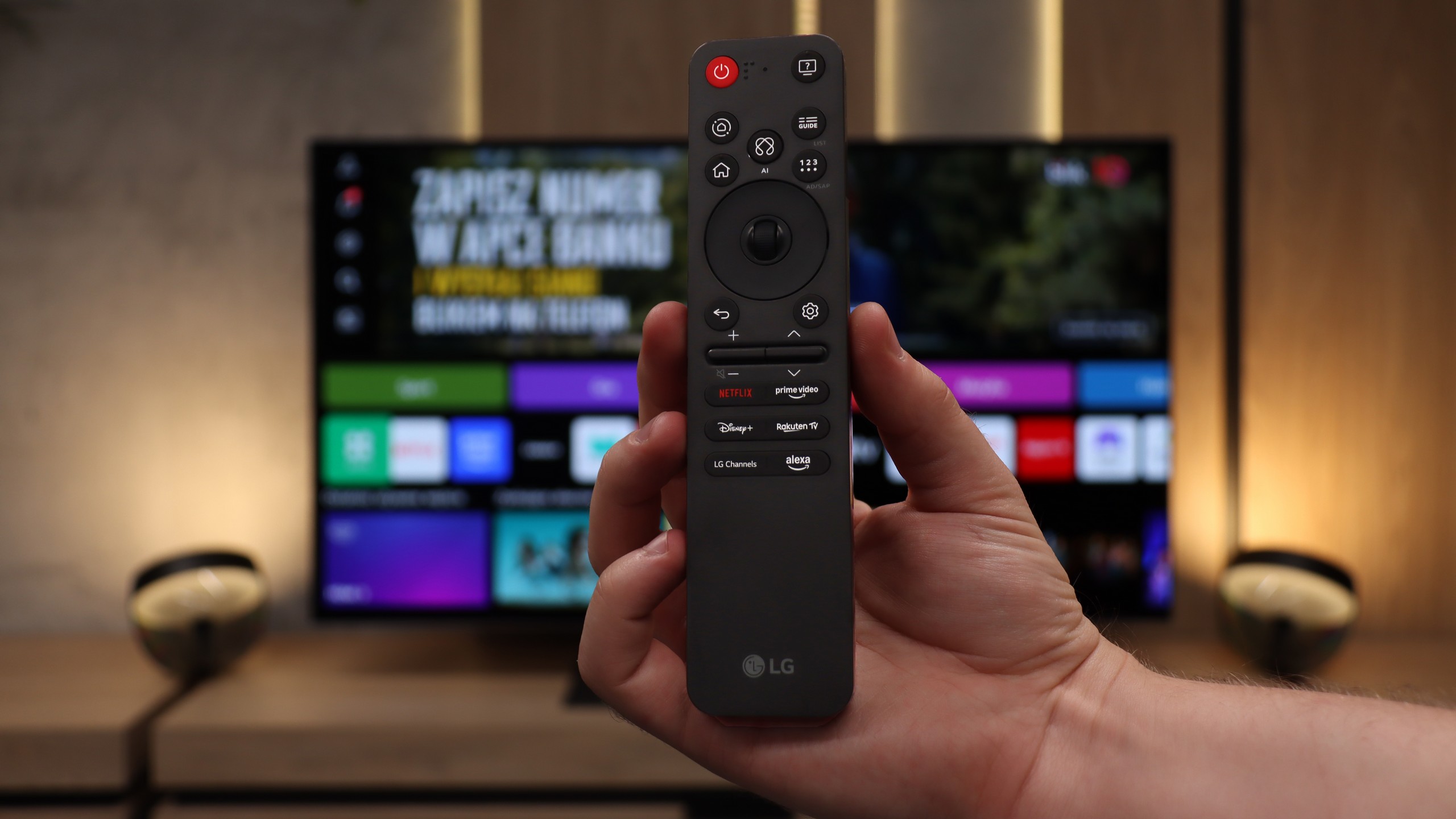
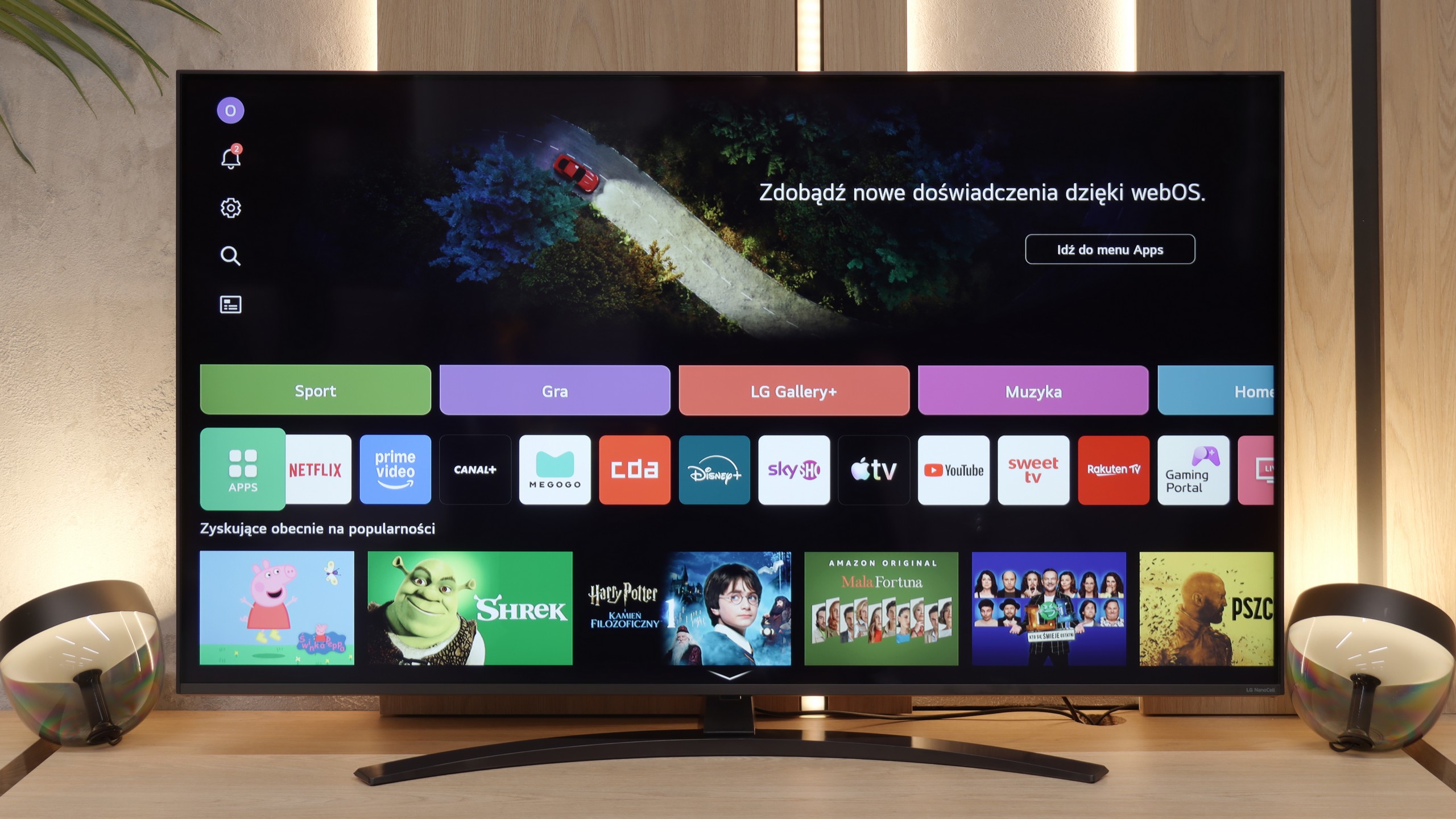
The Smart TV in the G5 operates on the WebOS system – it is the heart and brain of the entire television. With the Magic remote, using the G5 is truly enjoyable. We control the cursor on the screen with wrist movements, which somewhat resembles using a mouse in the air. The system itself is highly developed and offers everything one could expect: AirPlay, screen mirroring, voice search, and voice commands – all of this works smoothly and without delays. Without a doubt, it is one of the best operating systems in televisions on the market.
Note:
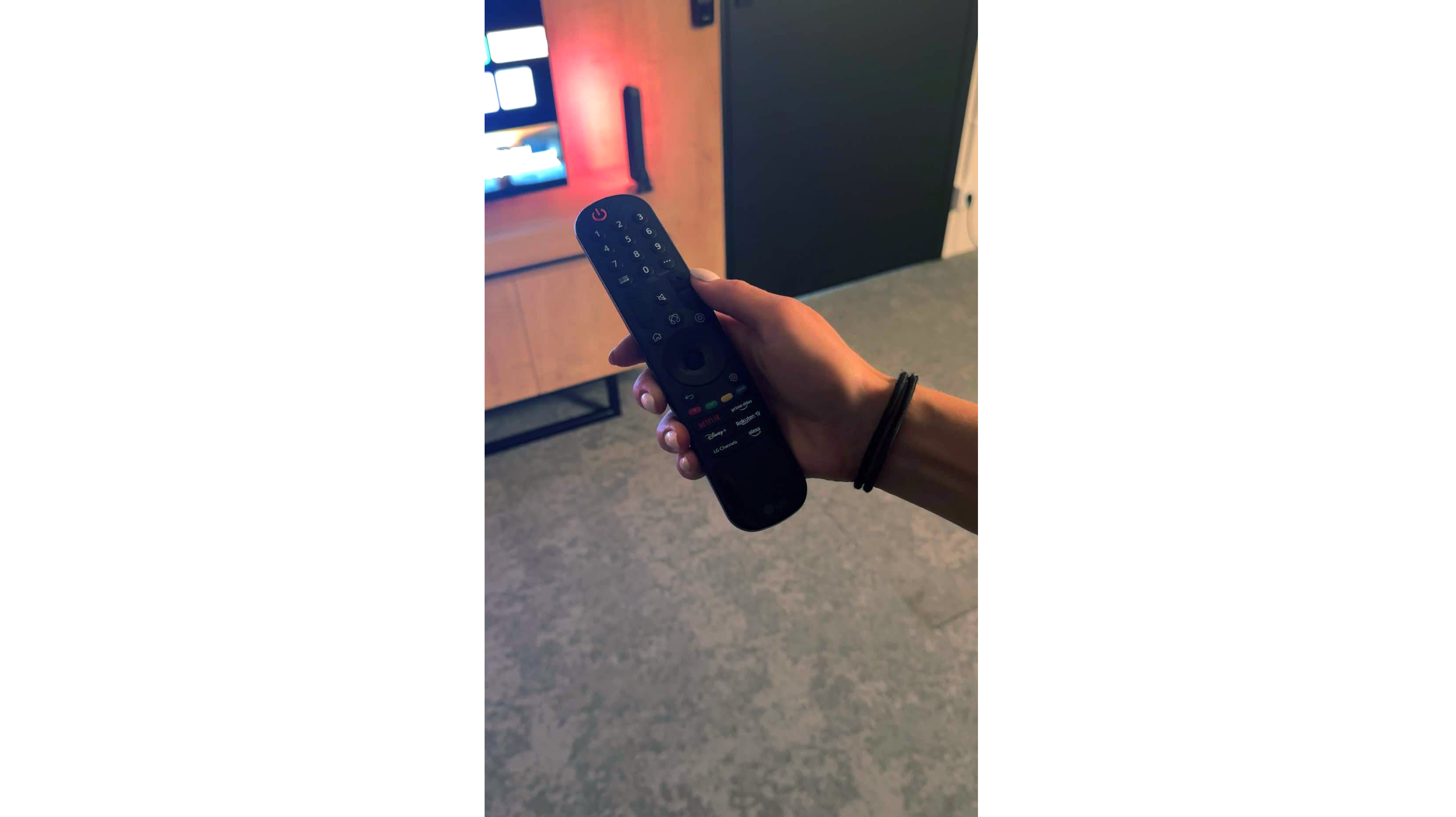
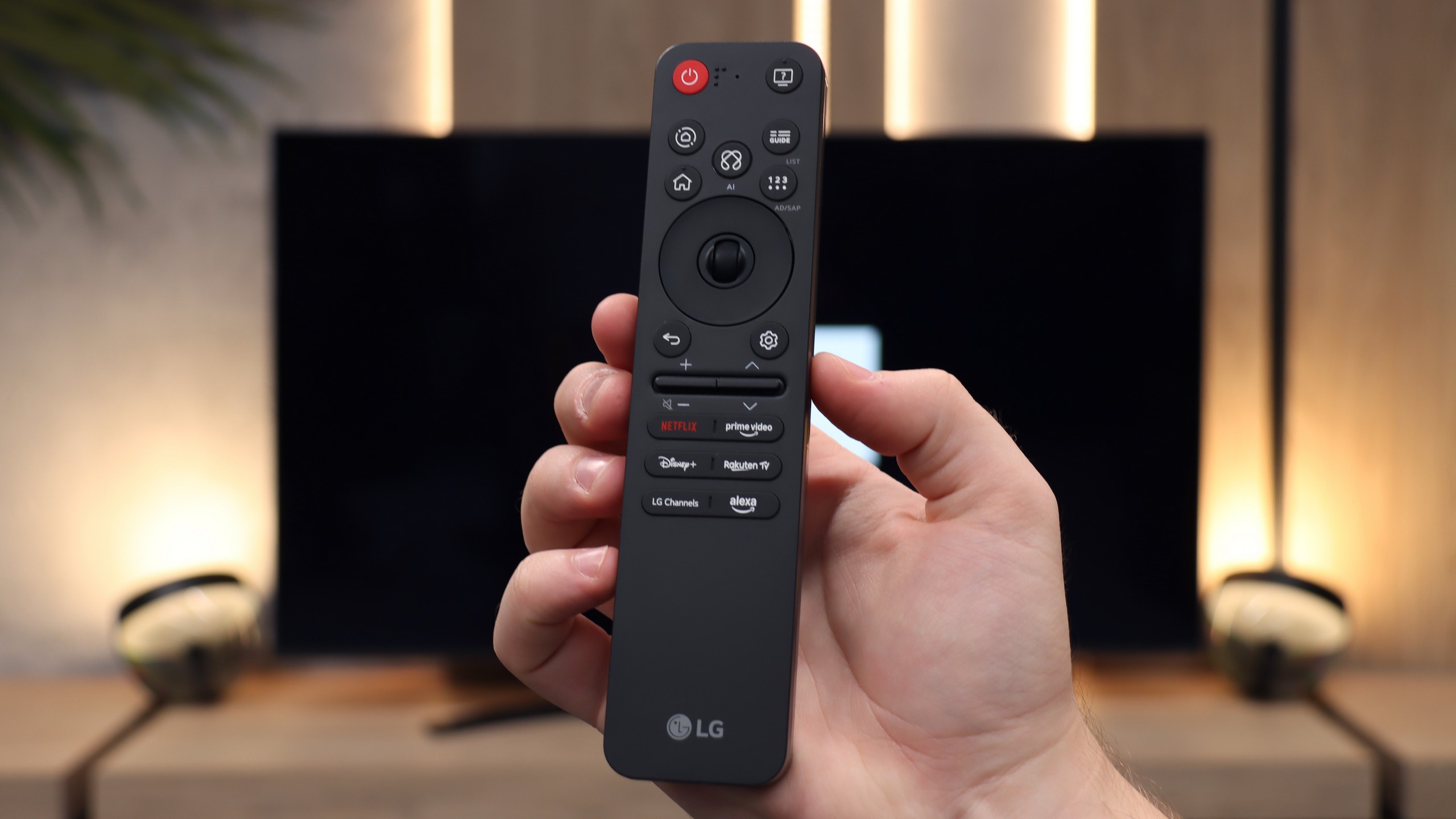
During our tests, we had virtually nothing to complain about – perhaps with one exception: the confusion surrounding the remote. Depending on the market and the specific version of the model, you may encounter the new, minimalist Magic remote (without a numeric keypad) or the older version with a full set of buttons. We tested the G54LW model, which came with the new Magic remote, but it's hard to say how the situation looks in other variants. It may be a similar situation to the LG C5 series, where the addition of the remote also depends on the specific market.
Smart Features: WebOS
One of the biggest advantages of the NANO81A model is its "brain", which is the operating system. LG has implemented a full-fledged WebOS version for 2025 here, which in terms of fluidity and user experience is on par with the more expensive models of this brand. Applications launch smoothly, and navigating through the menu is pure pleasure – there are no annoying stutters, which often occur with budget competitors. All of this is thanks to the unique remote with a pointer function (cursor), which has undergone a visual makeover this year. The manufacturer has opted for minimalism – the new Magic remote is significantly smaller and more ergonomic than its predecessors. It fits perfectly in the hand, but this change also has a downside. The physical numeric keypad has completely disappeared from the casing. For younger users, accustomed to streaming and selecting tiles, this will be no problem at all. However, older household members, attached to entering channel numbers by heart, will have to change their long-standing habits.
Everyday Use
In terms of functions that we would call "classic", the NANO81A sticks to a tried-and-true standard. It is not a multimedia powerhouse that will surprise you with exotic additions, but in everyday television tasks, it performs flawlessly. The handling of traditional terrestrial or cable television, including even the old faithful Teletext, is correct and intuitive. Wireless communication also deserves praise. The Bluetooth module works very reliably, allowing for quick and stable connection of a game controller or wireless headphones and speakers. It is simply a television that "works" – it is stable, predictable, and does not cause unnecessary complications during daily use.
Apps
9.1/10
9.1/10






















Playing files from USB
9/10
8.2/10
Supported photo formats:
Maximum photo resolution:
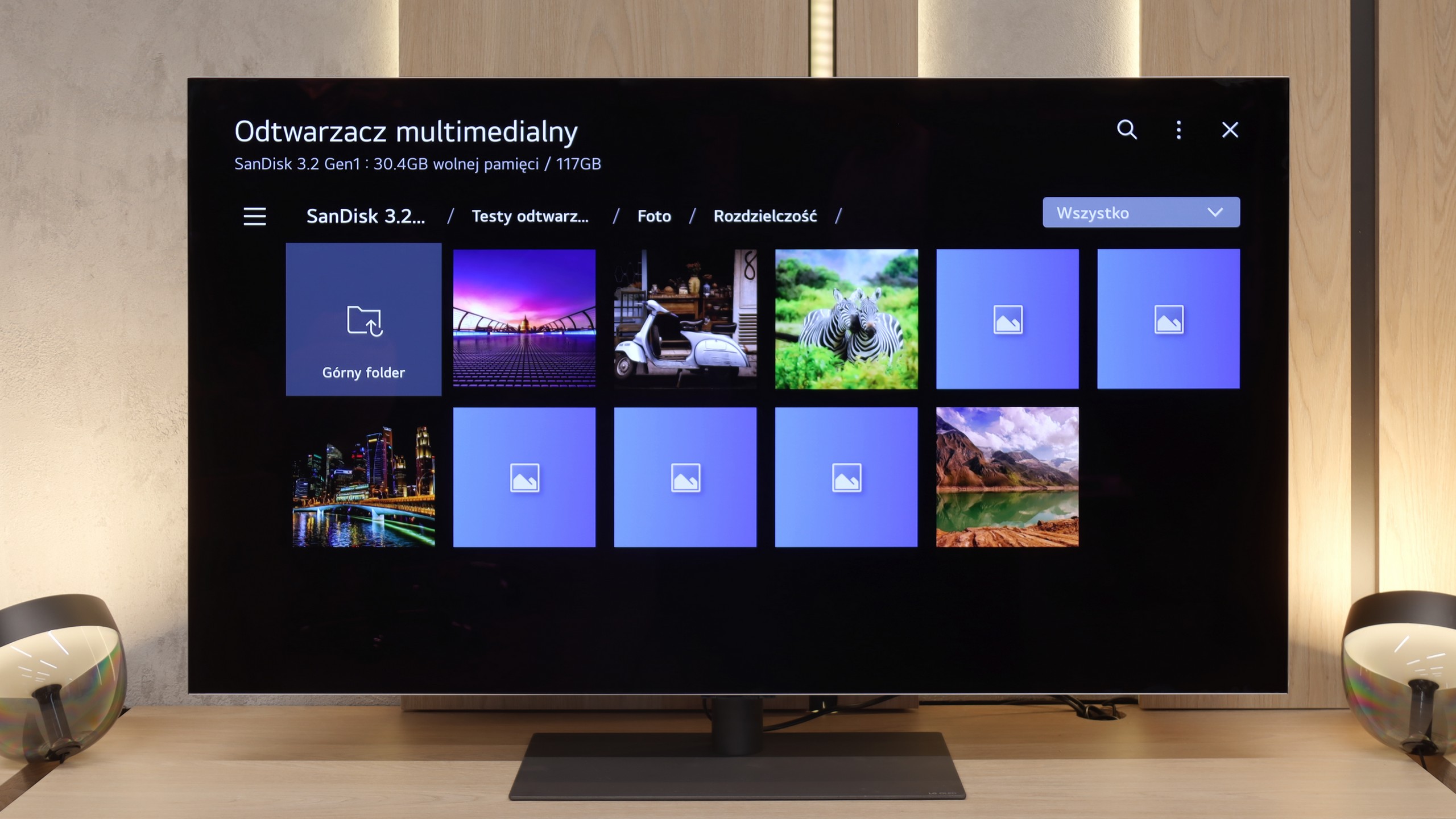
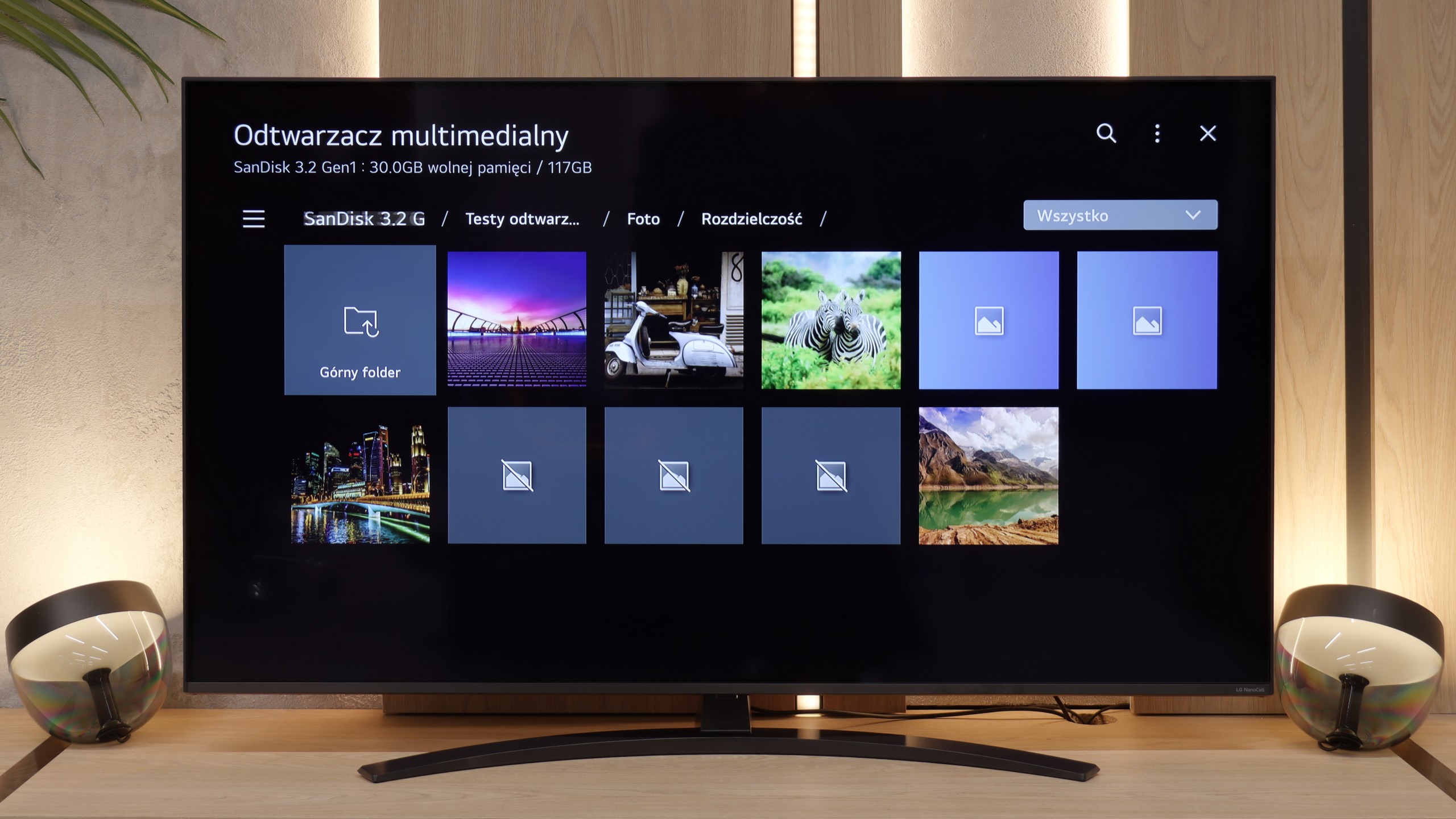
The built-in media player in the LG G5 is really very good. It supports practically everything you might expect from a modern television – most popular formats work without any issues, and the app's performance is swift. Our only disappointment was the lack of support for very high bitrate HEVC 85 Mbit/s files – similar to the C5 and B5 models. Interestingly, the same file played flawlessly on last year's LG OLEDs, so it's hard to say what has caused this change. Nevertheless, in everyday use, the G5 will handle the vast majority of content without the need to connect any external devices for media playback.
Many users still use their own USB drives to display movies or photos on a large screen. In this regard, the NANO81A performs quite decently – the built-in player supports a wide range of video and audio codecs, so most film libraries will work "straight out of the box". However, one must bear in mind the specifics of the WebOS system. Since it is a closed environment, we are limited to what the manufacturer has prepared for us. There is no possibility to install alternative players (like the popular VLC), so if the system player cannot handle something, not much can be done about it. During testing, we encountered a few specific limitations. Firstly, support for HEIC files is lacking. If you take photos with an iPhone and want to view them directly from a USB drive, the television simply won't see them – it's worth changing the file format to JPG on the phone immediately. We also noticed that the player has difficulties processing very large image files. Photos with a resolution of 20–28 Mpix may fail to load or cause system errors. Aside from these exceptions, everyday multimedia handling is smooth.
Sound
8.7/10
6.2/10
- Maximum volume84dB81dB
- Dolby Digital Plus 7.1
- Dolby True HD 7.1
- Dolby Atmos in Dolby Digital Plus (JOC)
- Dolby Atmos in Dolby True HD
- DTS:X in DTS-HD MA
- DTS-HD Master Audio
The sound on the LG G5, considering its slim profile, is truly phenomenal. When listening to music, one can feel a light, pleasant bass, and in films, the dialogue is clear and audible – it does not get lost even in dynamic scenes. Unfortunately, a certain disappointment is the lack of support for the DTS format, which LG used in its older models. It’s a shame, as many home cinema enthusiasts may feel this as a step backwards.
In terms of audio, the LG NANO81A pleasantly surprises compared to its higher-end sibling, the QNED80A model. Interestingly, NanoCell sounds a bit better, which is likely due to its slightly thicker casing. The greater volume allows for the extraction of any hints of low tones – the bass may not be powerful, but it is more clearly defined than in thinner constructions. However, one should not expect miracles. It is still a standard 2.0 speaker configuration with a total power of 20 W, so the overall sound characteristics remain similar to other models in this price range. The mid and high tones are adequate, making dialogues in films and news programmes clear. Although this slight improvement in the lower registers is pleasing, for true home cinema or listening to music, it is still worth considering purchasing at least a basic soundbar.
Sound Quality Test
Acoustic Measurements
84dBC (Max)
75dBC
81dBC (Max)
75dBC