LG G4 is a strong contender for being the best television of 2024. With the combination of OLED black and MLA technology, we obtain an incredibly dynamic and vivid image, which will certainly captivate us completely. LG G4 is also proof that televisions equipped with an OLED panel supported by MLA technology are indeed suitable for viewing in a sunny room. The operating system, while not as open as the competition, offers many possibilities. Its greatest advantage is the well-known remote control with a pointer, which makes controlling the unit (in our opinion) one of the most convenient on the market. The factory colour reproduction, although not at a high level, after the calibration process, can be referred to as a reference screen, delivering a truly cinematic image. It is no coincidence that post-production studios choose televisions from this manufacturer. They alone offer such deep intervention possibilities in the image, thanks to 3D LUT calibration. It seems that the biggest (and perhaps only) disadvantage of this television is tonal transitions, which, although far from ideal, cannot be said to take away the pleasure of viewing. The remedy is provided by the manufacturer itself, and enabling the "Smooth Gradation" function will eliminate the vast majority of the stuttering. LG G4 also performs very well when watching various sports or other dynamic scenes. The motion smoother is extremely advanced and allows for tailoring the smoothing to one's needs. Thanks to HDMI 2.1 ports with their full functionality and the manufacturer's attention to detail, the tested television will find its place in the homes of many avid gamers. Every essential feature works flawlessly, and the low input lag in every mode is very pleasing. In summary, LG G4 is an extremely versatile television, allowing for entertainment in excellent quality both at night and during the day.
- Matching (Score) |
- Our verdict |
- TV appearance |
- Where to buy |
- Contrast and black detail |
- HDR effect quality |
- Factory color reproduction |
- Color reproduction after calibration |
- Smoothness of tonal transitions |
- Image scaling and smoothness of tonal transitions |
- Blur and motion smoothness |
- Console compatibility and gaming features |
- Input lag |
- Compatibility with PC |
- Viewing angles |
- Daytime performance |
- Panel details |
- TV features |
- Apps |
- Playing files from USB |
- Sound
LG OLED G4 vs Samsung S90F QD-OLED
 Direct comparison
G45 / G42

S90F / FAT / FAE
Available screen sizes: 65”

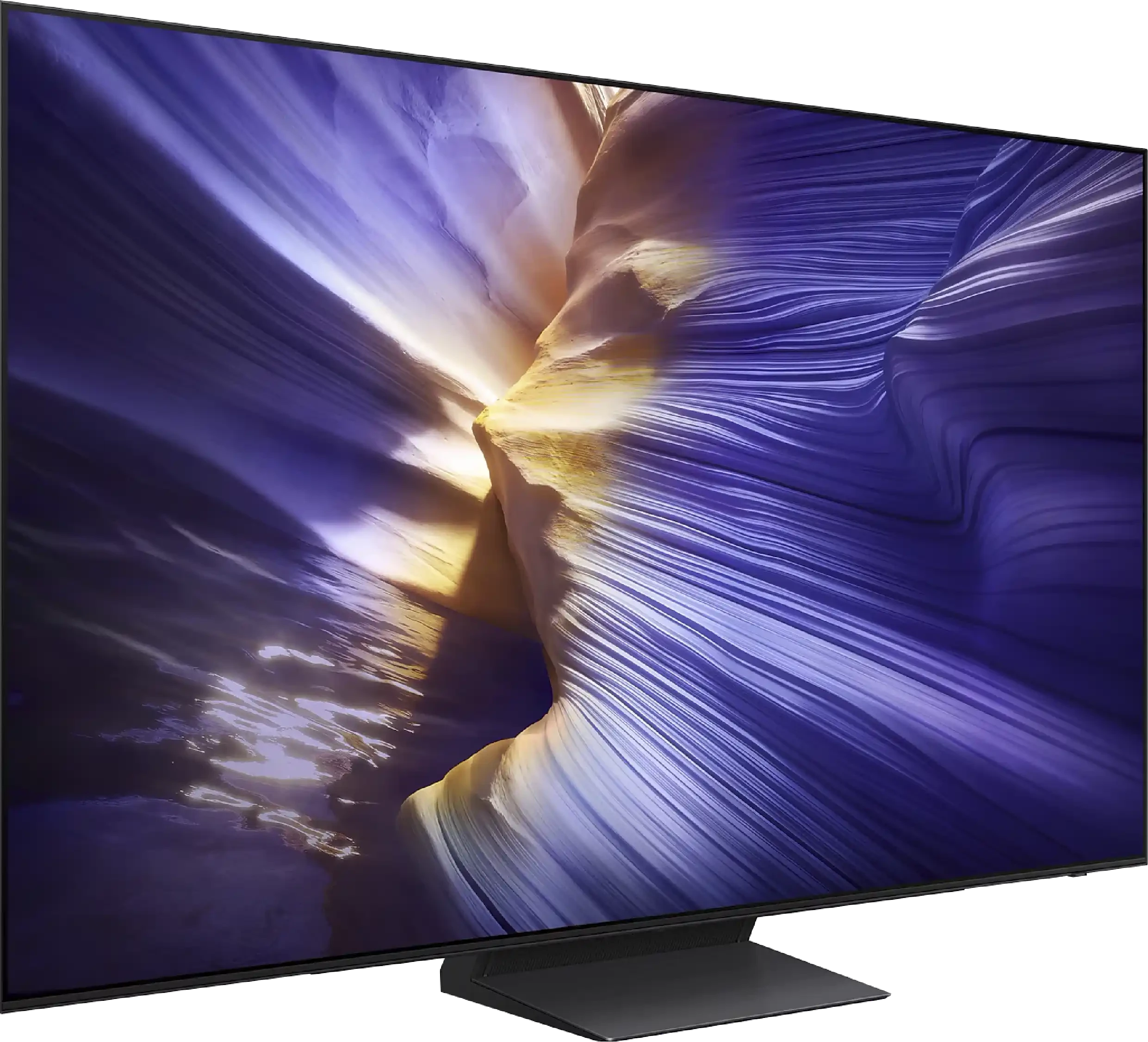
Panel type: WRGB OLED
Resolution: 3840x2160
System: WebOS
Model year: 2024
Complete the survey to find out the result
Panel type: QD-OLED
Resolution: 3840x2160
System: Tizen
Model year: 2025
Complete the survey to find out the result
Overall rating
8.5
8.4
 Movies and series in UHD quality
 8.6
9.0
 Classic TV, YouTube
 9.1
9.3
 Sports broadcasts (TV and apps)
 9.0
8.9
 Gaming on console
 9.5
9.8
 TV as a computer monitor
 8.6
8.6
 Watching in bright light
 5.8
5.7
 Utility functions
 9.0
7.7
 Apps
Apps 9.1
9.3
 Sound quality
 8.6
7.4
Complete the survey to find out what fits your preferences
Advantages

Phenomenal alignment of the image with the director’s intent
Reference colour reproduction after calibration
Very high brightness in HDR materials
Outstanding cooperation with consoles and computers
The panel effectively suppresses light reflections
Perfect viewing angles
QD-OLED panel with remarkable black levels and contrast
Very high brightness for an OLED in this segment (around 1700 nits)
Excellent HDR effect and wide colour gamut coverage thanks to the use of quantum dots
Perfect viewing angles – the picture looks great even from the side
Effectively reduces reflections in bright living rooms
Stunning motion fluidity – 144Hz OLED panel
Full set for gamers: HDMI 2.1, ALLM, VRR, Game Bar, low input lag
Intuitive and fast Tizen system with a large app base
Good sound quality for a television + support for Dolby Atmos
High build quality and slim design
Disadvantages

Visible tonal transitions
The sound of the built-in audio system - it could be better in this class of television
In very strong daylight, black can tend to shift towards blue (characteristic of the QD-OLED panel)
Lack of support for DTS:X (a problem for Blu-ray enthusiasts)
No USB recording function from the built-in tuners
Why don't we find such a panel in all sizes?!
Our verdict
The Samsung S90F in the 65-inch version is a television that demonstrates the significant leap in quality that can be achieved with the use of a QD-OLED panel in a mid-range model. Compared to other variants, the S90F stands out as the best – it offers not only perfect blacks and infinite contrast like other options with a WOLED panel, but also noticeably higher brightness and a wider colour palette. This results in more impressive HDR, deeper colours, and smoother tonal transitions, which are impressive in both cinematic productions and in gaming or sports. In everyday use, it is an incredibly versatile television: it easily fits in as an entertainment hub in the living room, a large monitor for PC gaming, or simply a screen for evening film sessions. The Tizen system operates swiftly here, offering a wide selection of applications and integration with SmartThings, delighting those who like to have their smart home under control. Gamers receive a full suite of modern features: four full HDMI 2.1 ports, VRR, ALLM, a Game Bar with additional enhancements, and, most importantly, a remarkably low input lag. Additionally, there is the characteristic pixel response speed of OLEDs, which makes sports and games look simply outstanding. The S90F also defends itself in terms of design: slim bezels, an aesthetic finish, and a panel that resembles a sheet of glass all contribute to its appeal. The only significant limitation to keep in mind is the behaviour of blacks on QD-OLED panels in very challenging, heavily sunlit conditions. In such situations, it can slightly "light up," resembling a dark cherry colour rather than ideal black. However, in the evening, when most of us sit down for films or series – the problem disappears entirely. And then the S90F showcases its full capabilities, providing an image that can confidently be compared to televisions twice its price. This is precisely why the Samsung S90F in the 65-inch version can be called the most cost-effective OLED of 2025. It is a model that combines outstanding picture quality, versatility, and an affordable price in the mid-premium segment. If you are looking for a television that performs well in films, gaming, sports, and everyday viewing, yet you do not want to spend a fortune on absolute flagships – it is hard to find a better choice today.
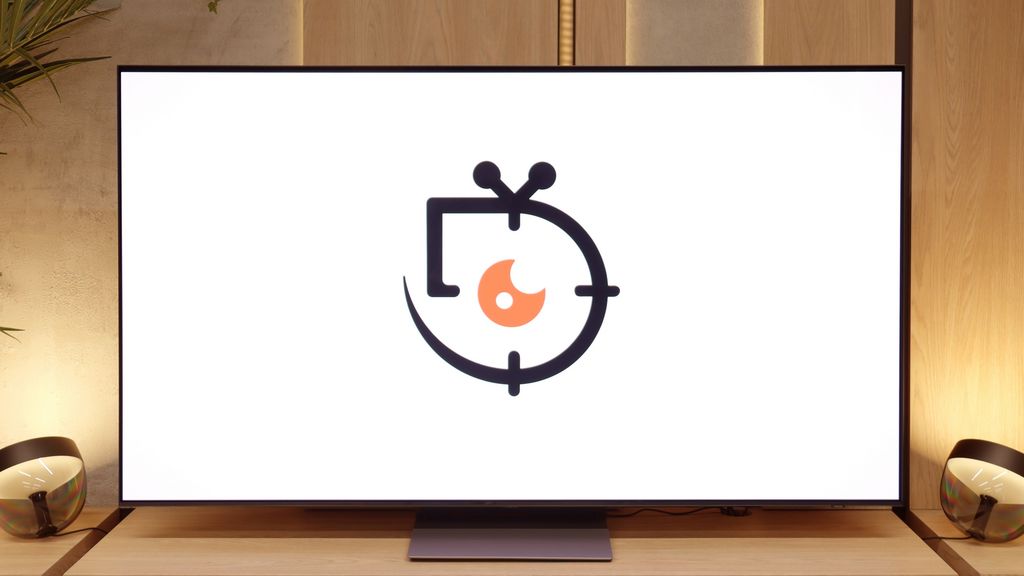
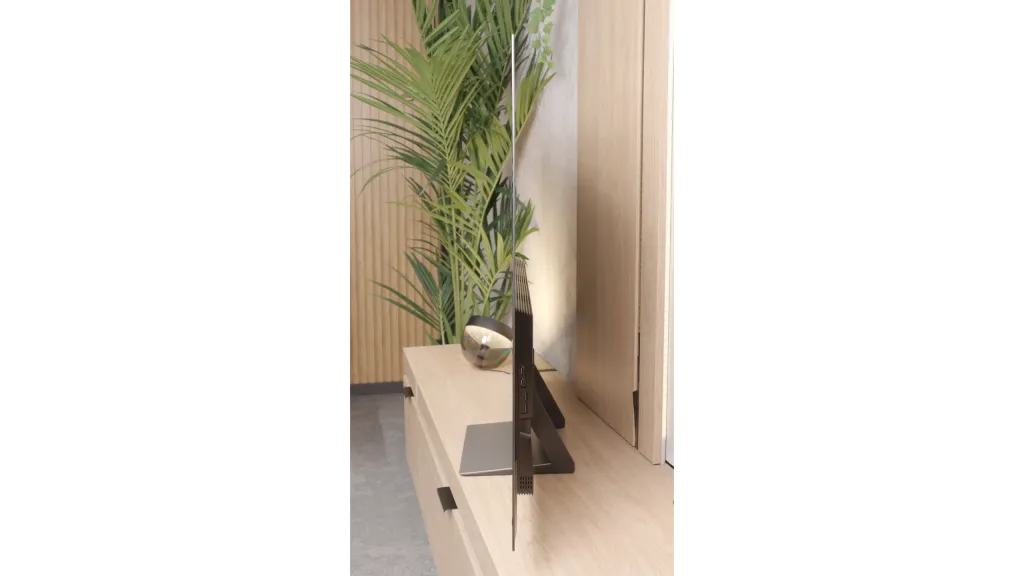
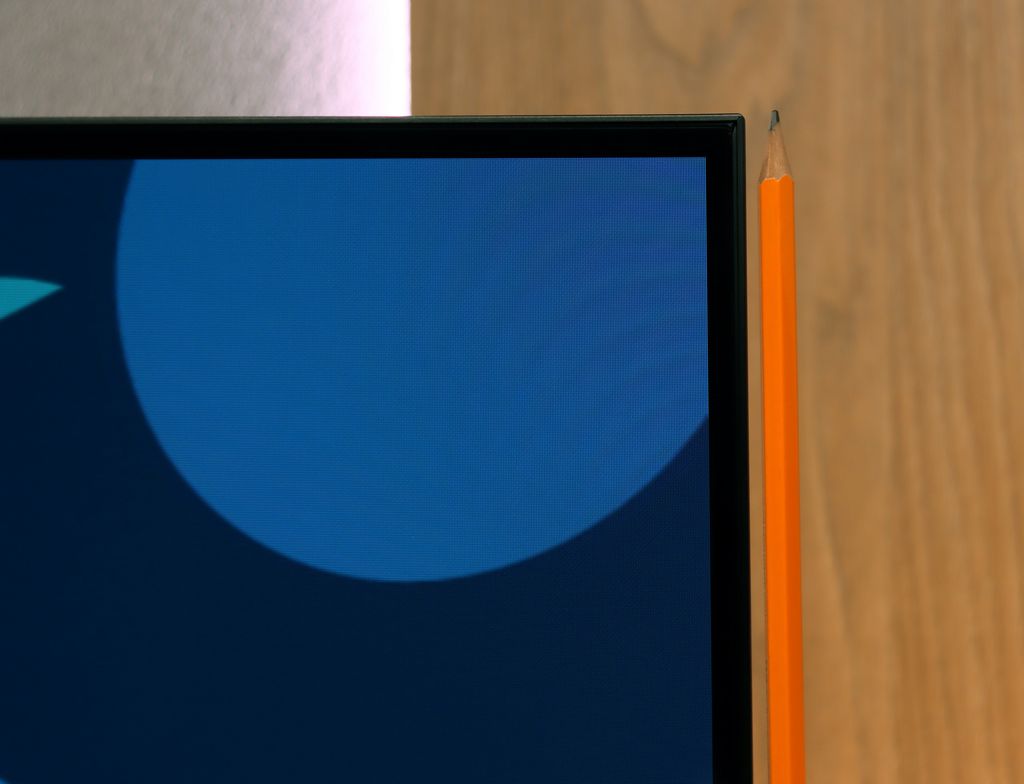
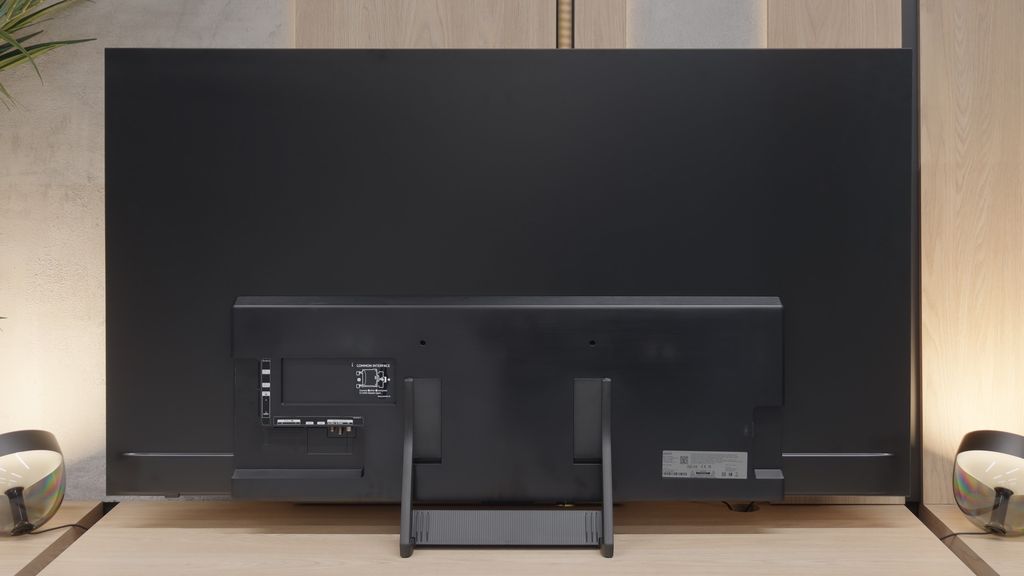
TV appearance



Contrast and black detail
10/10
10/10
Contrast:


Result
∞:1

Result
∞:1

Result
∞:1

Result
∞:1

Result
∞:1
Result
∞:1
Result
∞:1
Result
∞:1
Result
∞:1
Result
∞:1
Halo effect and black detail visibility:

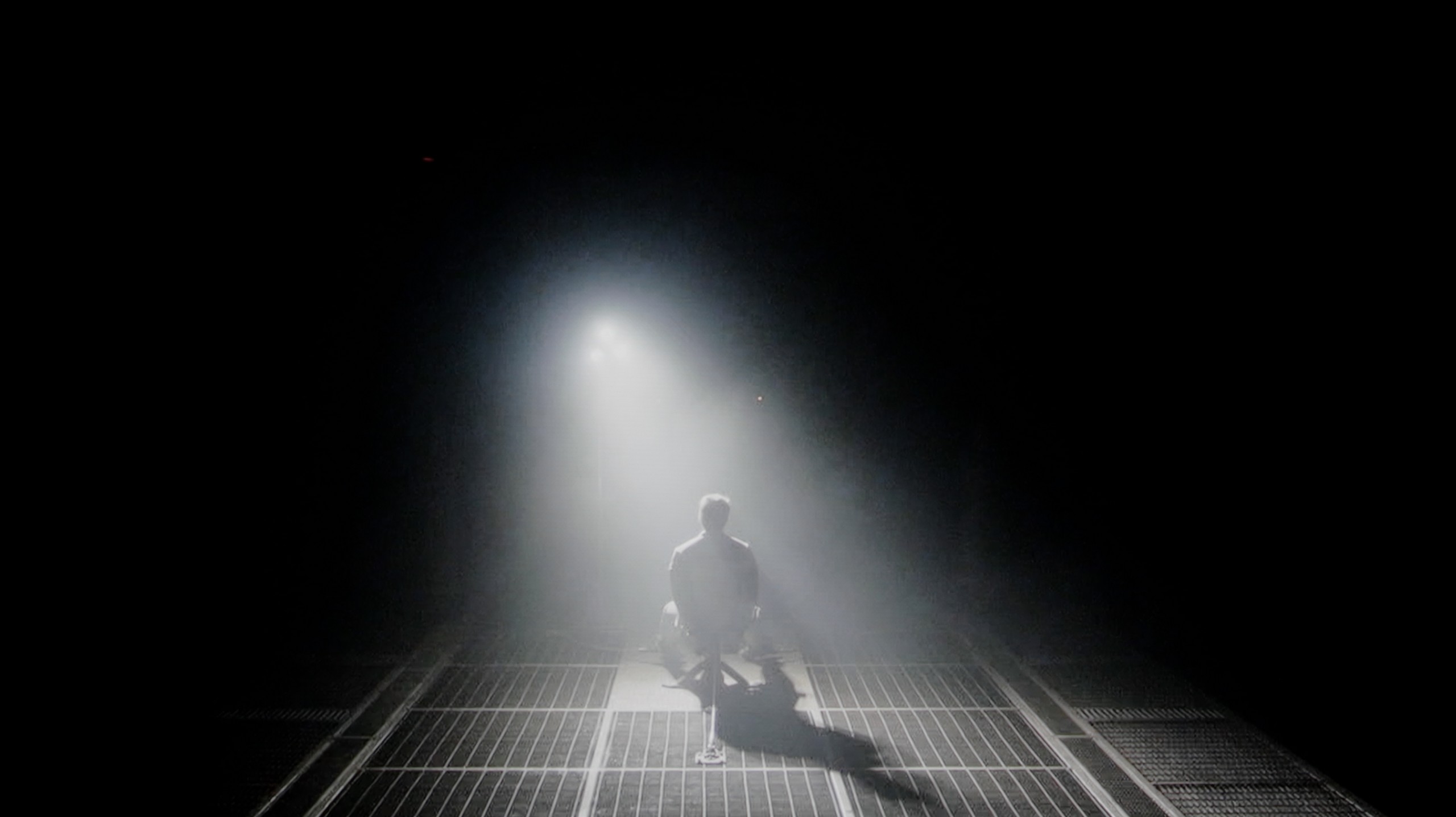
Check the visibility of bright lights on a dark background. Mini-LEDs often struggle with this. The photo does not compare black levels – that’s what the video below is for.
The video accurately shows differences in contrast and black levels between TVs, as well as potential issues: halo around bright objects or Mini-LED zone operation visible as brightness jumps.
LG G4, thanks to its OLED panels produced for over 10 years, delivers perfect results in contrast, black levels, and detail reproduction in the darkest scenes. It is worth noting that the panel itself is equipped with MLA (Micro Lens Array) technology, which LG showcased just a year ago during the launch of its predecessor. The use of organic matrix allows not only for achieving pitch-black levels but also for an extraordinary immersion and three-dimensional effect of the image, which is hard to find even in the best Mini LED televisions. Such image quality is closely correlated with OLED matrix technology, as each pixel is controlled by an electric impulse rather than by blocking filters on the panel. Therefore, if we want to achieve true black, the pixel is not turned on at all. This is clearly visible in test images, where the spotlight provides high brightness while being perfectly separated from each other. The situation does not change in the demanding scene from "Sicario 2," where no imperfections are visible in the form of dimming zone issues that we may encounter in LCD televisions.
In terms of black levels and contrast, it doesn't matter whether we choose the WOLED or QD-OLED panel version for the S90F. In both cases, the effect in typical cinema conditions remains the same, and we can always count on perfect black. This impresses not only when watching films but also regular series. If someone has never encountered an organic matrix, the first meeting with such a television can truly captivate. It makes no difference whether we are looking at less demanding scenes, like those from the film Oblivion, or at parts where only a few details remain on the screen, such as stars in the sky in Star Wars – in every case, the image remains clear, and the details are perfectly separated from the background. This is one of the greatest advantages of OLED, as each pixel is controlled independently and acts as a separate zone. This means there is no need to worry about compromises in the visibility of details in bright areas, which can disappear even in the best LCD televisions. It is in cinematic conditions that the S90F showcases its full potential and can truly impress. Here, OLED technology – including the QD-OLED panel – performs flawlessly and delivers an effect that is hard to criticise.
HDR effect quality
7.9/10
7.8/10
Luminance measurements in HDR:

Result
1474 nit

Result
1467 nit

Result
1403 nit

Result
1441 nit

Result
850 nit
Result
1416 nit
Result
1585 nit
Result
1449 nit
Result
1379 nit
Result
808 nit
Scene from the movie “Pan” (about 2800 nits)


Scene from the movie “Billy Lynn” (about 1100 nits)

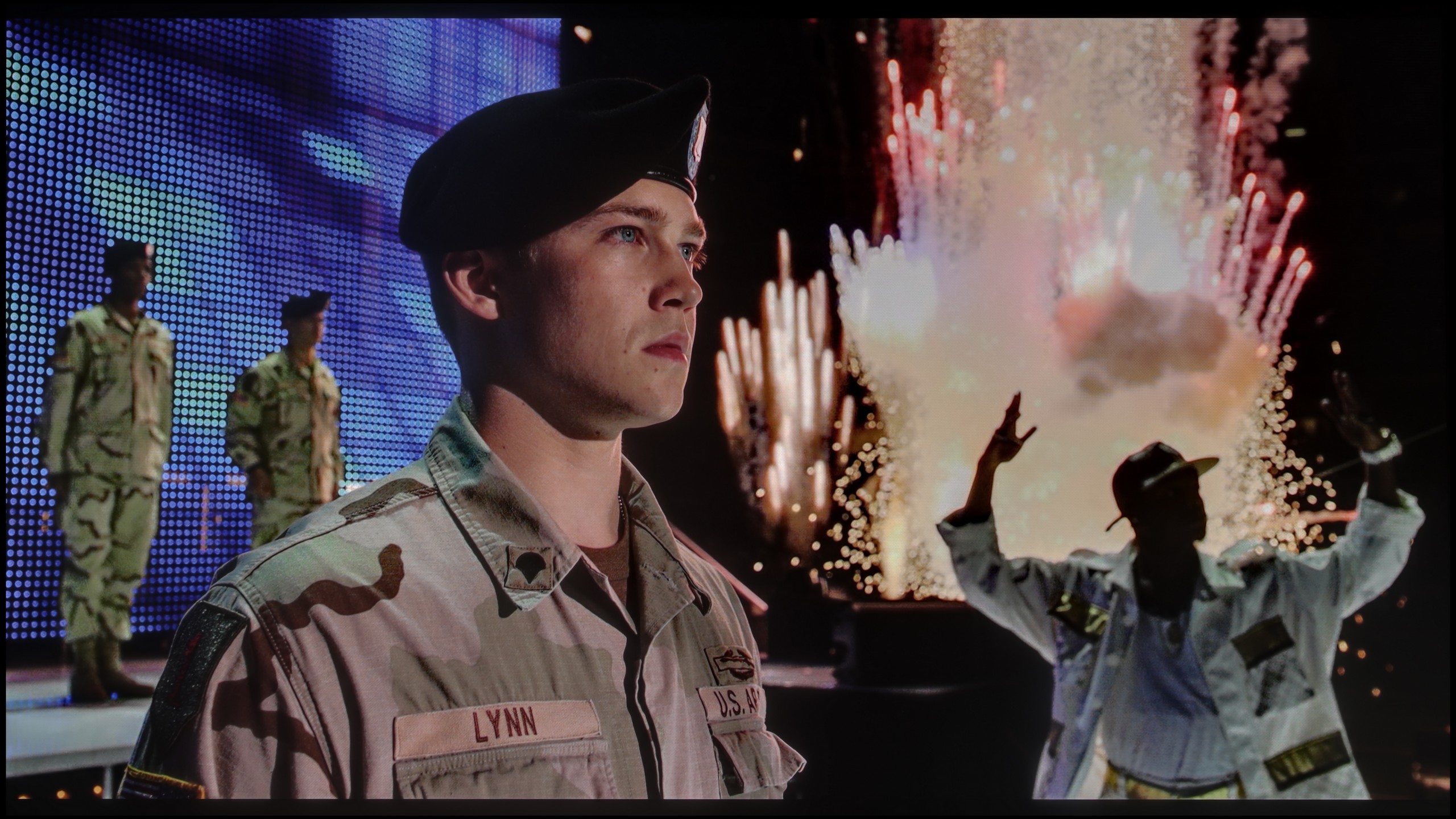
The photos show two HDR10 movies. 'Pan' is one of the brightest productions ever made, while 'Billy Lynn' (soldier) has brightness typical of streaming (Netflix, Prime, HBO MAX). Notice the intensity of effects and detail in whites.
Static HDR10


The photos present the visibility of white details in various HDR formats. They do not show brightness differences between TVs (these can be compared in the previous gallery).
Dynamic: Dolby Vision
Dynamic: HDR10+


The photos present the visibility of white details in various HDR formats. They do not show brightness differences between TVs (these can be compared in the previous gallery).
HDR luminance chart:
Samsung S90F QD-OLED
LG OLED G4
Luminance of RGB colors
LG G4 guarantees an incredibly vivid HDR effect, placing the television among the very best. The equipment of the highest model in the producer's 2024 portfolio with the second generation of micro-lens technology (MLA) has achieved a maximum brightness level of 1474 nits in real scenes. The only area where the product from the Korean manufacturer may lag behind LCD televisions with Mini LED backlighting is during the full-screen scenes featuring a lot of white. If we disregard the latter type of scene, the average result would be even higher. It is also worth mentioning scenes with very fine details, where each one shines at full intensity, which is not as evident in non-OLED televisions. The combination of such brightness and wide coverage of the DCI-P3 palette makes HDR materials more engaging than ever before.
The biggest difference between the 65-inch S90F and the other versions is brightness. The QD-OLED panel can reach up to 1700 nits in laboratory tests, which is over 500 nits more than the variant with a WOLED matrix. This translates to a decidedly stronger and more engaging HDR effect. In most scenes, bright parts of the image look fantastic, and we must admit that we were positively surprised, as we expected results more similar to the WOLED version, but we got an effect that makes a great impression even in films. Just like with every OLED, there are moments when the panel needs to limit its brightness a bit. This mainly refers to full-screen, very demanding scenes – for example, in the last test frame from the film "The Meg," the brightness drops to around 800 nits. However, it is hard to consider this a disadvantage, as it is still an excellent result, unprecedented in OLED televisions in this price range. Everything suggests that the 65-inch S90F could be one of the best choices this year for those looking for a strong OLED at a reasonable price. Another advantage of the QD-OLED matrix in HDR content is its colour gamut coverage. Thanks to quantum dots, the television achieves almost a full 100% of the DCI-P3 colour space and nearly 90% of the BT.2020 colour space. These values place it alongside much more expensive models and make it exceptional in its class.
Factory color reproduction
8.4/10
7/10


This gallery shows how colors change after professional TV calibration. If you notice the difference, we recommend ordering this service at SkalibrujTV.com.
Factory Mode
After calibration

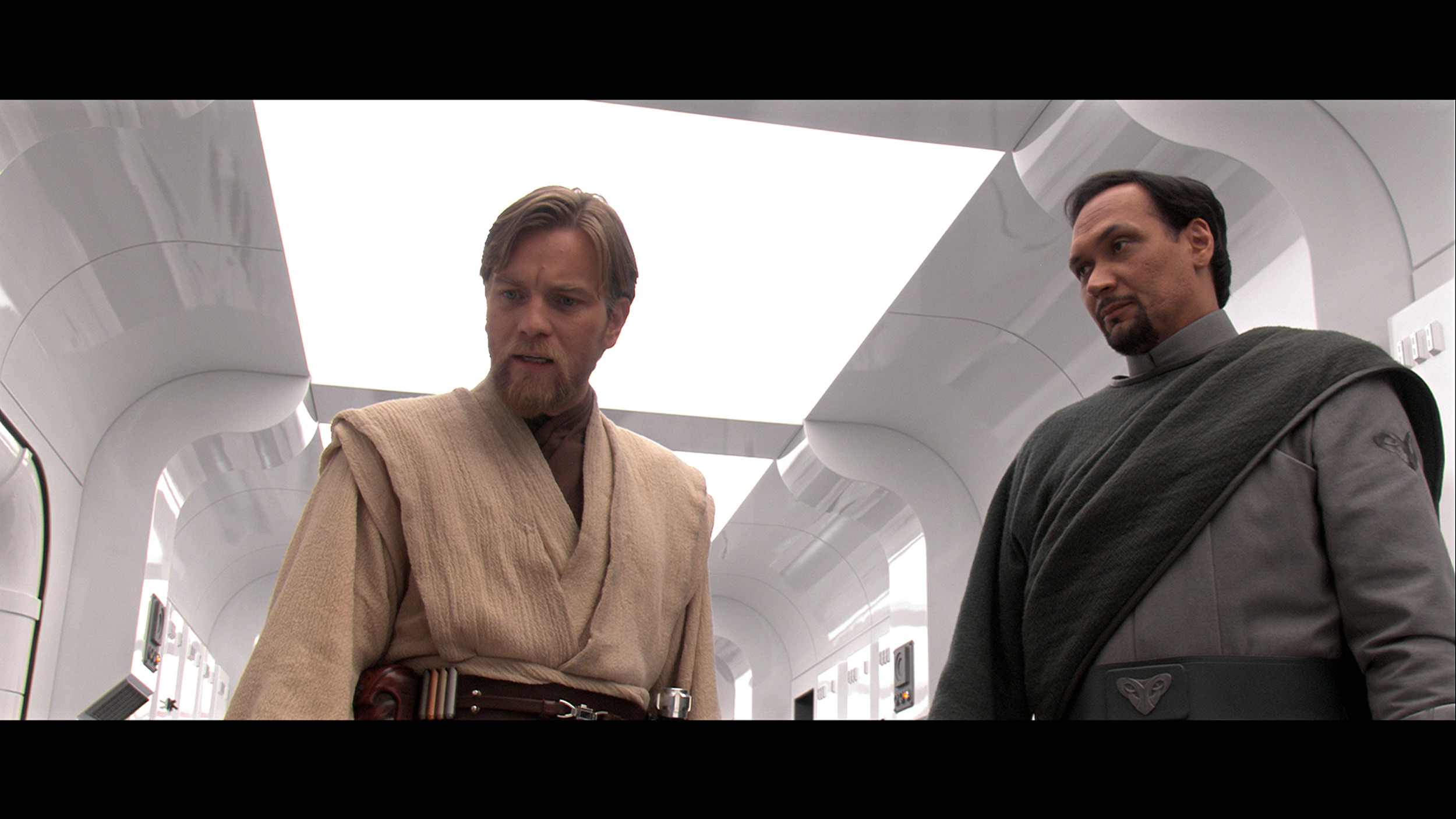
This gallery shows how colors change after professional TV calibration. If you notice the difference, we recommend ordering this service at SkalibrujTV.com.
Factory Mode
After calibration
The best factory mode in terms of colour reproduction was "Filmmaker". This was the one we used during our tests. Let's check how its characteristics looked before the calibration process. Looking closely at the white balance first, we can notice a significant dominance of red and green. As a result, the image had a warm yellowish hue. Such characteristics are typically observed in "Cinema", "Filmmaker" or similarly named modes. The effect of this colour balance was clearly visible in both SDR and HDR content, which after switching from "Standard" mode appeared distinctly yellow. Now, let's move on to two graphs that are responsible for the brightness characteristics and consequently the contrast of the image. The first one (Gamma), representing materials with a standard colour palette, performed decently. For most of the time, midtones and bright whites were reproduced very accurately; however, it noticeably lost the darkest details, which merged into a black blob. Conversely, HDR materials, represented by the EOTF curve graph, exhibited a significant drop in contrast due to a strong boost in brightness. The colours themselves also posed a problem, as can be seen on the "ColorChecker" graph, since they were noticeably under-saturated.
Samsung S90F, like most modern televisions, offers several picture modes, but in line with our tradition, we tested it in the most important one, which is Filmmaker. This setting makes the image look much more natural than in the default, often overly saturated modes. It is neither excessively vivid nor artificially subdued – just closer to what one should actually see. However, this does not mean it is perfect. The S90F had noticeable shortcomings in white balance, mainly in the blue range, which gave a slightly yellowish filter effect on most scenes. One might argue that it looks more "filmic" because it is warmer, but let’s not kid ourselves – George Lucas didn't shoot Star Wars in sepia 😉 (a comparison with the scene can be found, as always, below). In HDR materials, there was also an issue with brightness management. The EOTF curve clearly showed that the television brightens the picture more than it should, leading to some effects appearing too intense and deviating from the reference. Fortunately, a large part of these shortcomings can be eliminated through professional calibration – we will discuss the effects of this procedure further on in the test.
Color reproduction after calibration
9.5/10
9.3/10

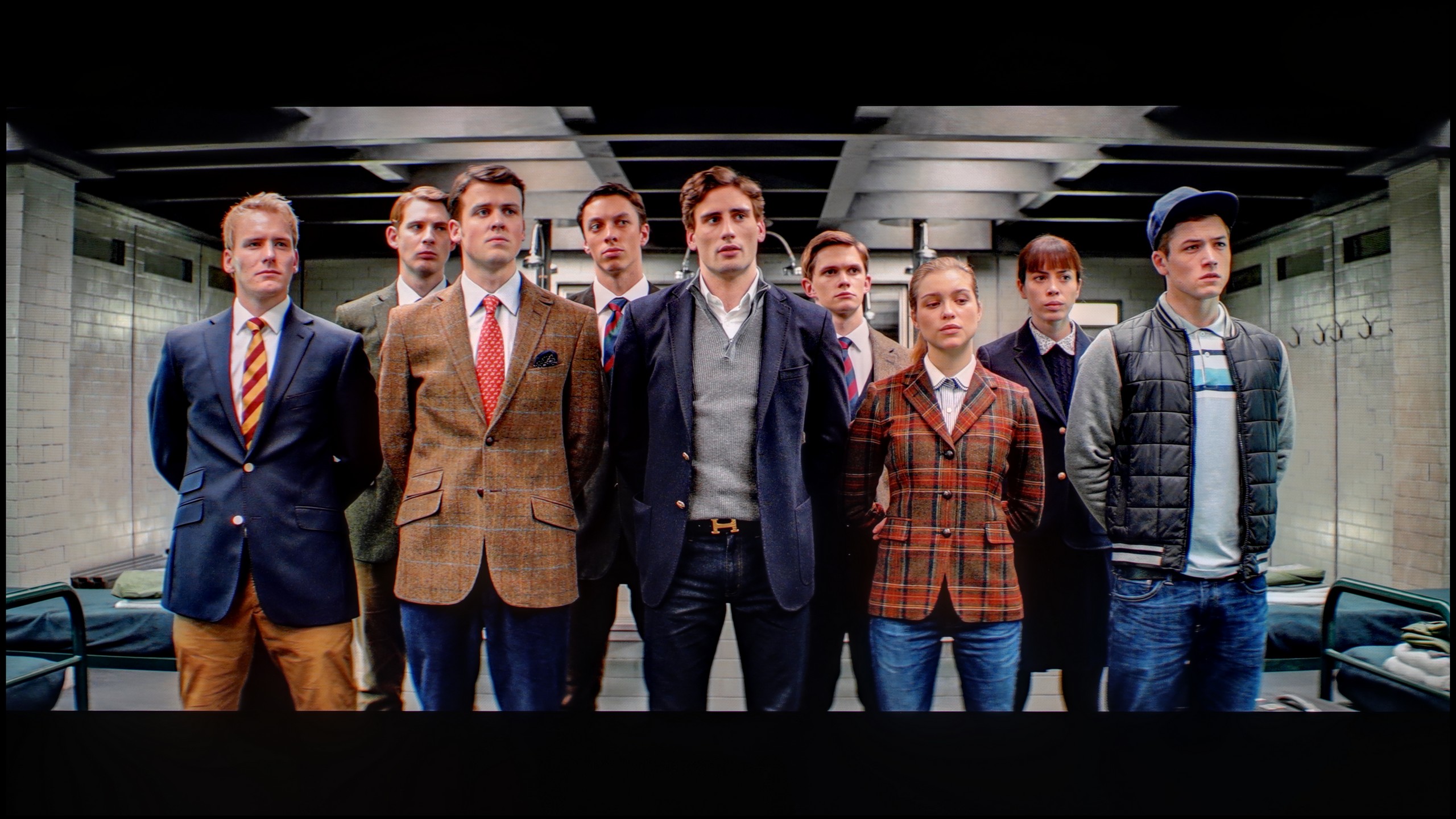
The photos show how movies look on the TV. Pay attention to black detail visibility, colors, and shadow tint.


The photos show how movies look on the TV. Pay attention to black detail visibility, colors, and shadow tint.
The manufacturer has implemented extensive support for the calibration process in its LG televisions for many years. We therefore used 2- and 20-point greyscale adjustments, as well as an advanced CMS (Colour Management System), and got to work. As you can see, thanks to the procedure carried out, each parameter has significantly improved. The use of tools allowed for the achievement of extremely beneficial effects, which include: studio colour reproduction, recovery of details in dark areas of the image, appropriate brightness characteristics, and suitable colour saturation. This brings us as close as possible to the reference image, which is what the film director saw on the preview monitor. It is worth noting that the LG G4 televisions alone allow for even deeper intervention in image quality thanks to the ability to calibrate with 3D LUTs. However, this is a solution recommended only for post-production or graphic studios.
Calibration quickly revealed that the S90F has a significant margin of capability. The image in SDR immediately gained a natural quality – classic films no longer looked as if someone had applied a yellowish filter to them, and the colours regained their proper character. It is a return to the atmosphere of the original, without the impression that someone tried to "age" it forcefully. In HDR content, the difference was even more pronounced. The EOTF curve was managed almost to a reference level, and any deviations are so subtle that most viewers won't even notice them. In practice, the S90F shows an image very close to perfection after calibration. Compared to the WOLED version, it performs even better – mainly due to the wider colour gamut coverage, which makes the colours appear fuller and more intense.
Smoothness of tonal transitions
6.2/10
8.8/10


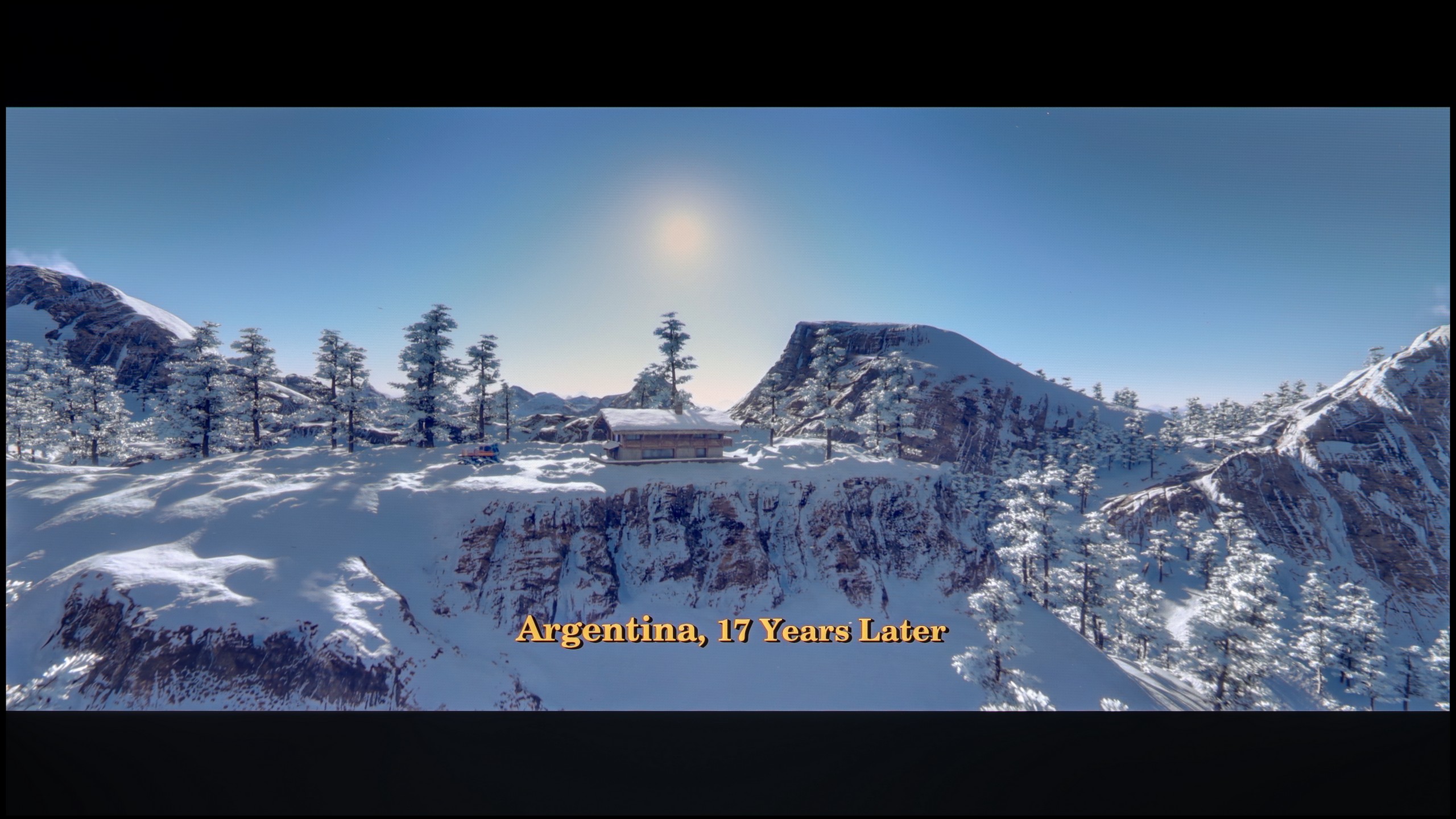
These are selected scenes that show smooth tonal transitions from one color to another. If you see distinct banding, it’s the TV panel’s fault.

These are selected scenes that show smooth tonal transitions from one color to another. If you see distinct banding, it’s the TV panel’s fault.
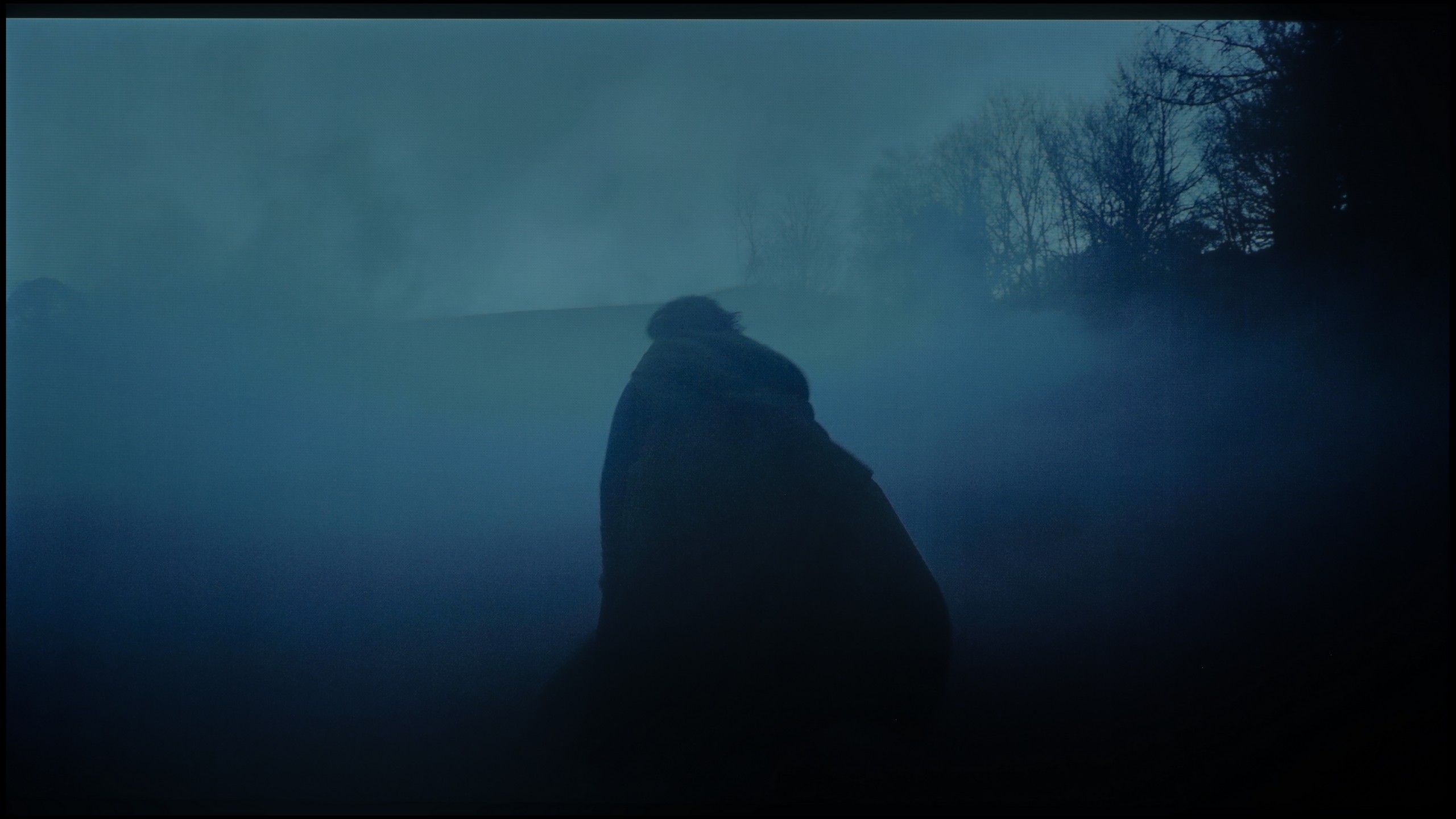
These are selected scenes that show smooth tonal transitions from one color to another. If you see distinct banding, it’s the TV panel’s fault.
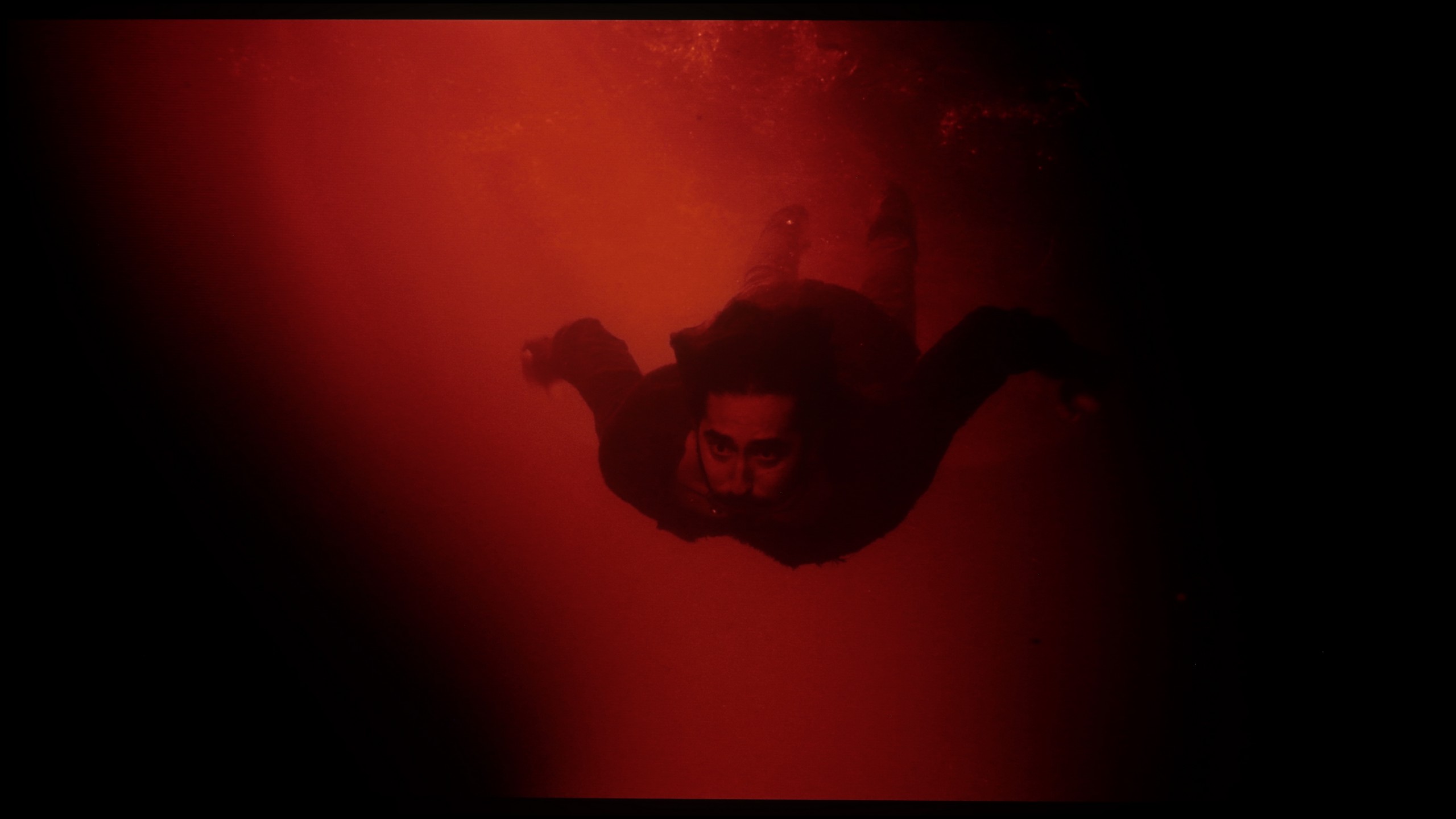
These are selected scenes that show smooth tonal transitions from one color to another. If you see distinct banding, it’s the TV panel’s fault.
The tonal transitions presented on LG G4 are not among the best. Each scene played from a BluRay disc with 10-bit HDR exhibited clear inconsistencies in colour transitions. This is particularly noticeable in the case of the film "The Green Knight", where issues related to posterisation were especially evident. This effect could also be observed in films of moderate and high brightness, such as "The Martian" and "Kingsman", which is rarely seen in televisions (especially of this class), which surprised us. Such results suggest that in scenes of low luminance with a large amount of black, this issue will be bothersome, even for a layperson.
QD-OLED matrices, thanks to a very wide colour palette, simply have a greater number of colours, which facilitates the smooth blending of one shade with another. In the case of the S90F, this was clearly visible – compared to the classic version with the WOLED panel, we noticed a distinct improvement. Most transitions were smooth and practically invisible, and the image in most scenes appeared exceptionally cohesive. In very bright segments, minor imperfections can still be discerned, but they are cosmetic enough not to distract the viewer's attention.
Image scaling and smoothness of tonal transitions
8.2/10
7.5/10


Smooth transition function

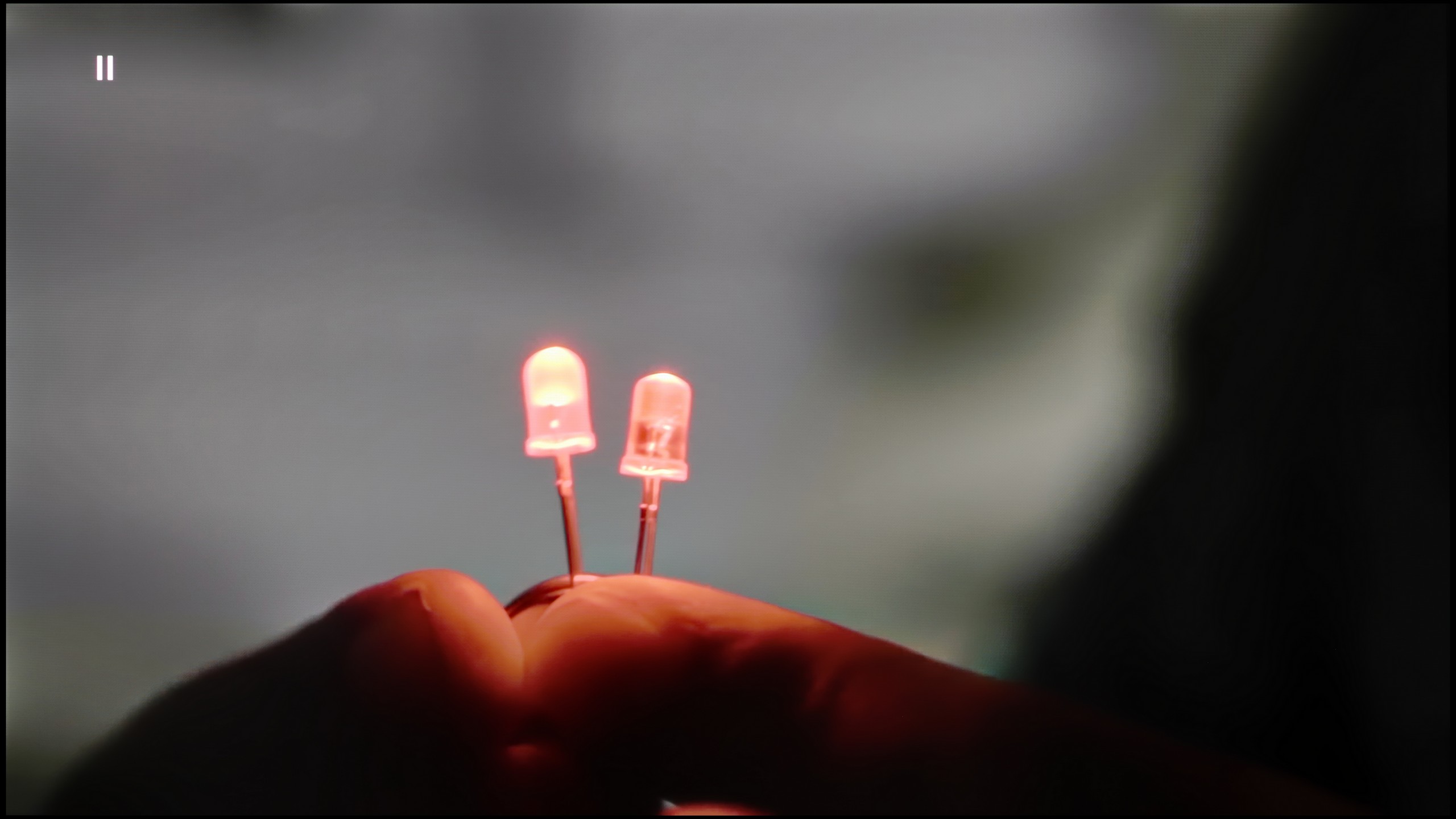
The match photo shows how the TV smooths weak tonal transitions in low-quality video.
Image scaling SD (576i)

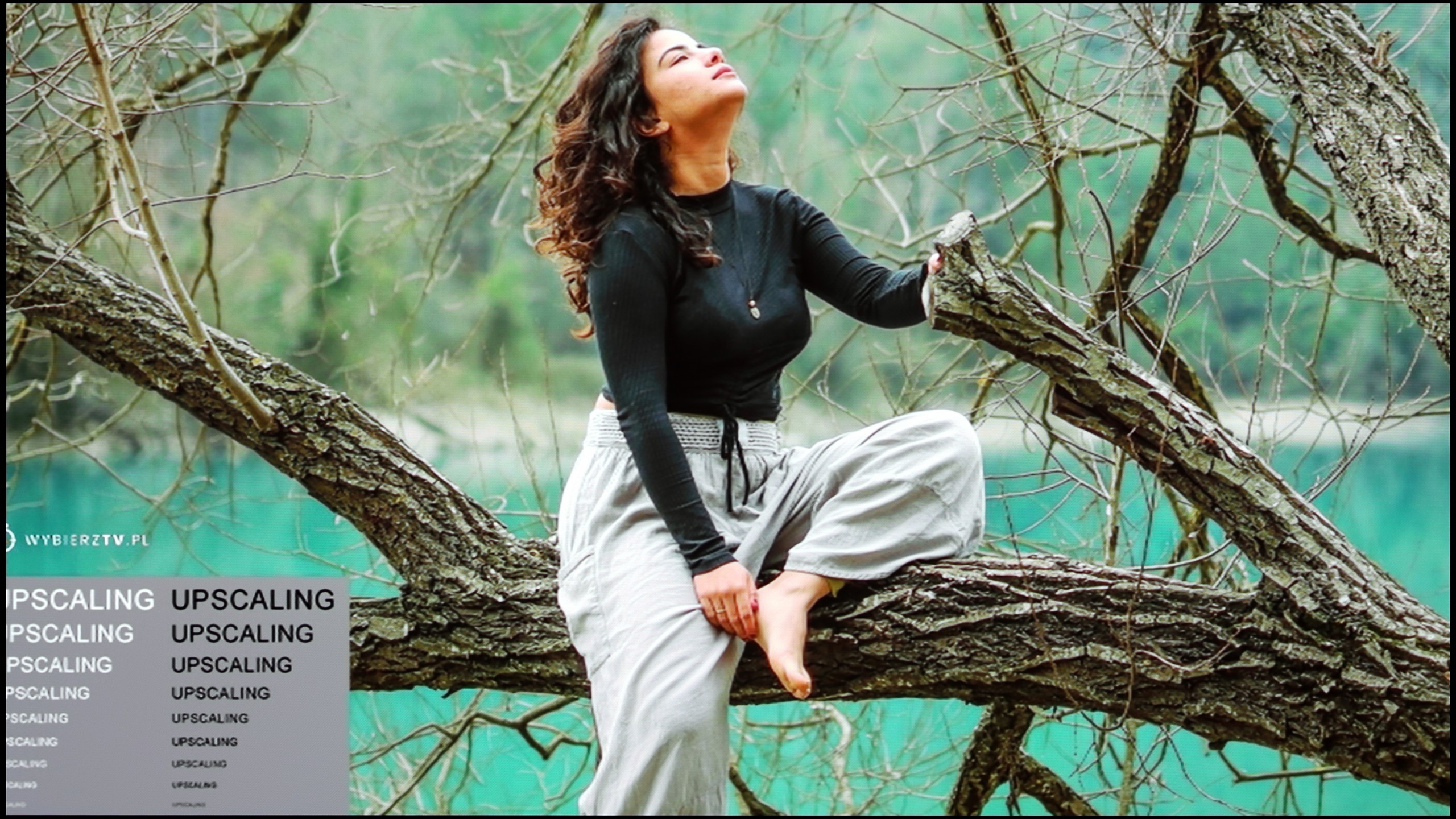
The model photo shows how it handles upscaling of SD material.
The tested television did not perform particularly well with materials rich in tonal transitions, as a result of which we could observe a strong posterisation effect. However, there is a partial remedy for this issue. The manufacturer has equipped the LG G4 with a smoothing system called "Gentle Gradation," which we can apply at three levels: Low, Medium, and High. Each of these options guarantees quite a high effectiveness of smoothing on light colours, although it is low on darker ones. We recommend primarily using the first one, as the other two interfere with the director's intentions by removing film grain.
When watching lower-quality materials, the efficiency of the television during upscaling is extremely important. The image from the tested television is sharp and clear. However, one should pay attention to the jagged edges of fine details and minor issues around characters, such as the creation of halo effects, which occurs due to the sharpening imposed by LG G4 even when the lowest value on the slider, that is 0, is set. It is worth noting that this represents a certain change compared to the LG G3, which did not impose such strong image sharpening, even when the appropriate slider was set to position 0.
The S90F performs really well here, although there are some comments that recur with most Samsung televisions. The noise reduction feature can effectively smooth out unwanted colour transitions in poorer materials, such as television or YouTube, making them simply look better. However, it should be noted that it operates quite aggressively and can also soften elements we wouldn't want to touch, like facial details. Therefore, if we want to use it, it’s best to set it to 'medium' and be aware of the compromise it entails. The upscaling itself is at a high level – low-quality materials are upscaled towards a 4K-like image. The only caveat is that the S90F can still struggle with so-called overscan, meaning it slightly trims edges with very poor materials like 576p and lower.
Blur and motion smoothness
8.5/10
8.5/10

Blur (native resolution, maximum refresh rate):





Blur (BFI function enabled):
Image flickers in this mode


Image flickers in this mode



Blur ():
Blur (4K@144Hz):



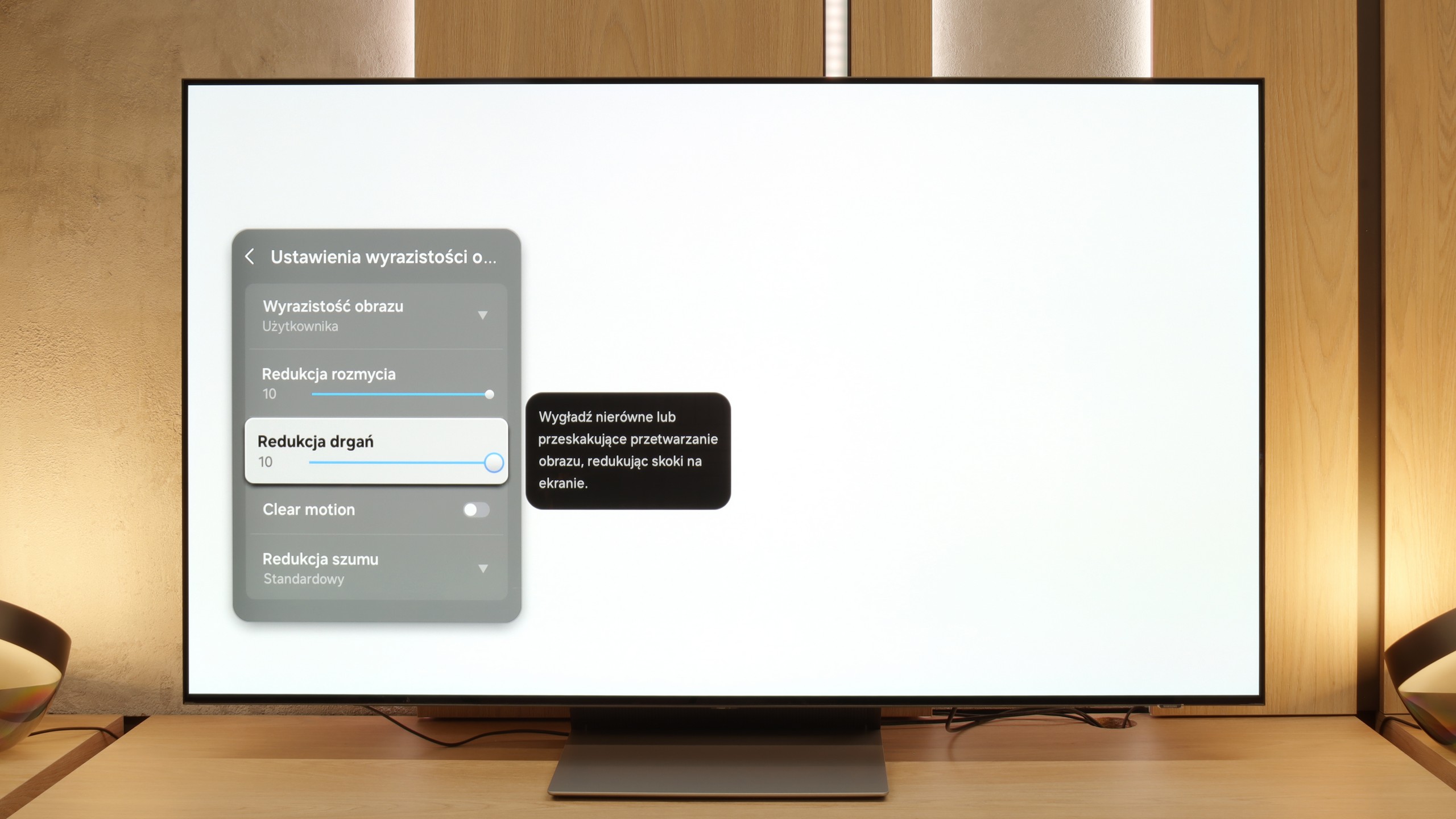
The maximum refresh rate that we can set on the LG G4 is 144 Hz. Naturally, this is only possible when the LG G4 is connected to a very powerful PC. Otherwise, we will operate at a maximum refresh rate of 120 Hz, which is recommended if we primarily want to watch sports or content with high motion dynamics. For those requiring high image fluidity, the manufacturer has implemented a multi-level motion smoother called "TrueMotion". This has been divided into two separate sliders that adjust the sharpness of moving images (De-Blur) and judder (De-Judder). Both sliders can be set in the range from 0 to 10, with each level affecting the degree of smoothness, allowing everyone to find their golden mean.
The LG OLED G4 panel features an average response time of 0.78 ms (as directly derived from our measurements), enabling an incredibly clear image, unattainable by LCD televisions, which can have response times of several milliseconds. This is perfectly illustrated by the images from the "UFO Test", which show no trailing blur behind the object. Moreover, the LG OLED G4 test revealed that the television offers the ability to precisely adjust the motion smoothing function, allowing users to select the ideal level of image interpolation. We particularly appreciated this during fast-paced actions in video games, where the LG G4 performed exceptionally well, minimising any blurring. Thanks to OLED technology, this model eliminates so-called ghosting, ensuring that the image remains sharp even in the most dynamic sporting or cinematic scenes.
S90F is an OLED with a refresh rate of 144 Hz, but in practice, it primarily indicates how it performs at 120 Hz, as this frequency is most significant when watching sports. The QD-OLED panel is no different in this regard from WOLED panels – the response of the pixels is nearly instantaneous, so motion is rendered with surgical precision. The result is predictable. The image is virtually devoid of motion blur, making gaming on consoles, matches, or other sports broadcasts incredibly enjoyable on the S90F.
Fans of films and series have not been overlooked either. Like every Samsung television with a refresh rate of 120 Hz and above, the S90F features a proprietary motion smoothing technology called "Image Clarity." Here, we find two sliders – blur reduction and judder reduction – which allow for improved fluidity of materials recorded at 24 frames and tailoring the effect to personal preferences.
Console compatibility and gaming features
10/10
9.6/10
- ALLM
- VRR
- VRR range40 - 144Hz48 - 144Hz
- Dolby Vision Game Mode
- Correct implementation of HGIG
- 1080p@120Hz
- 1440p@120Hz
- 4K@120Hz
- Game bar

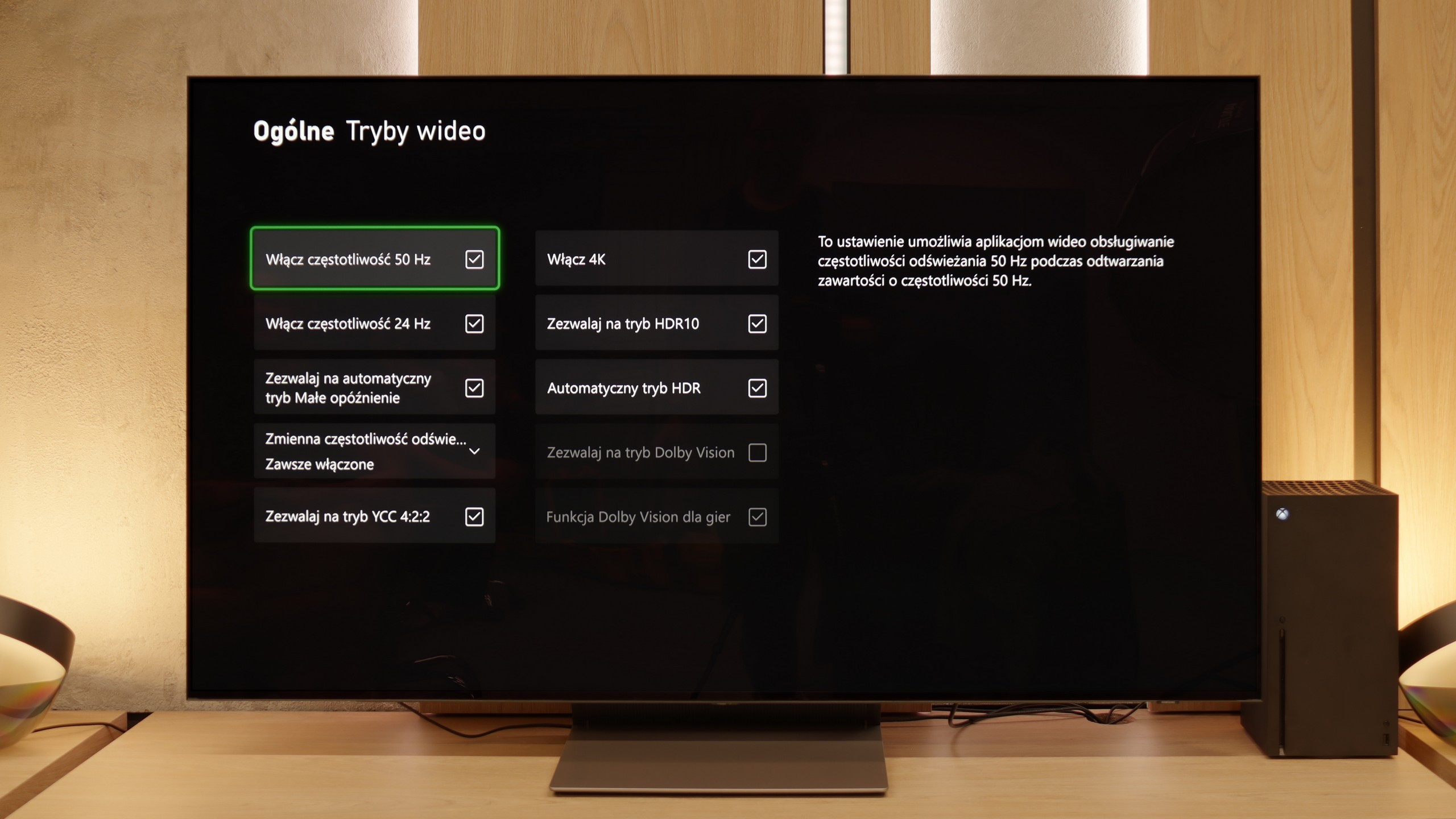

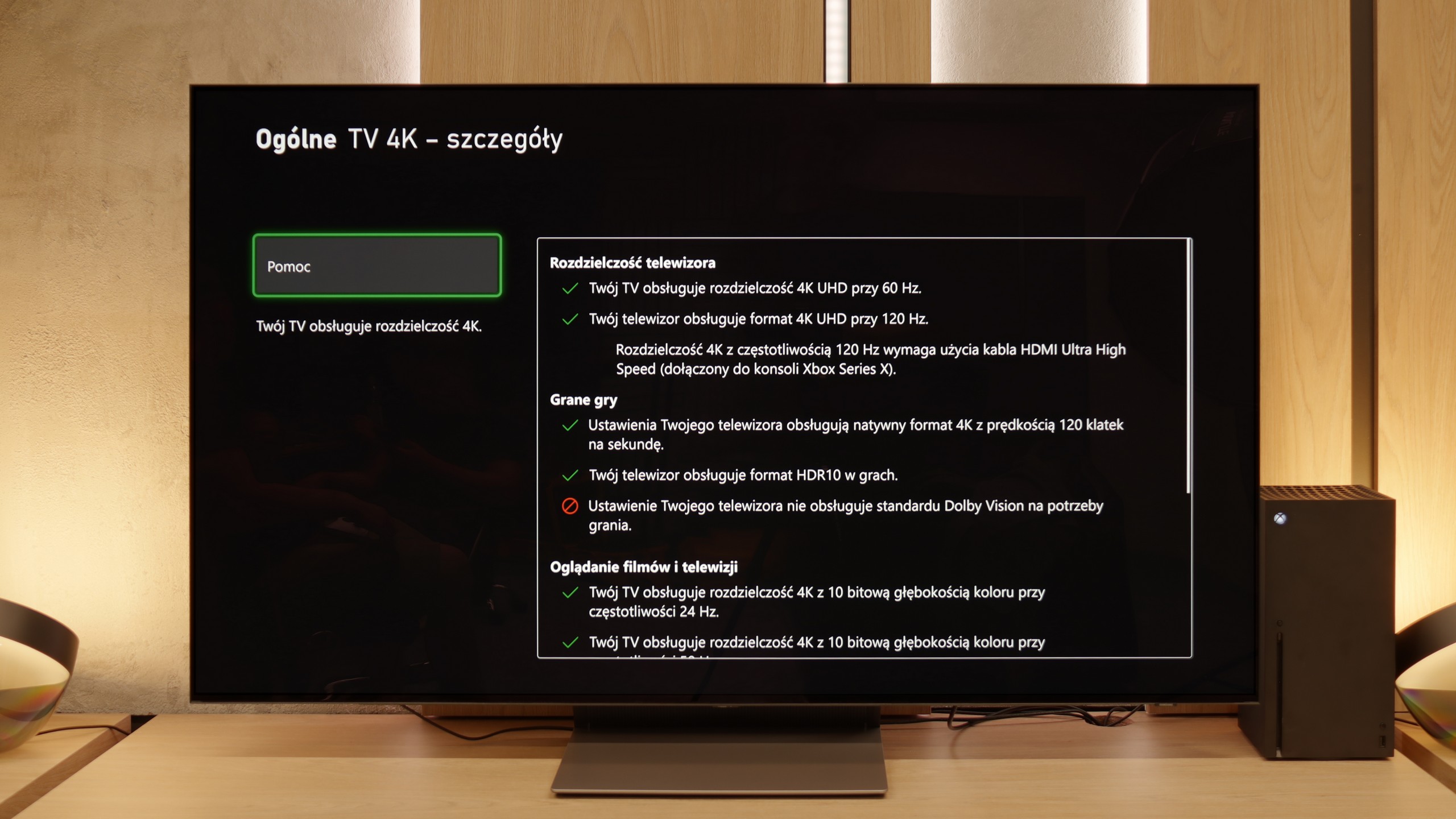

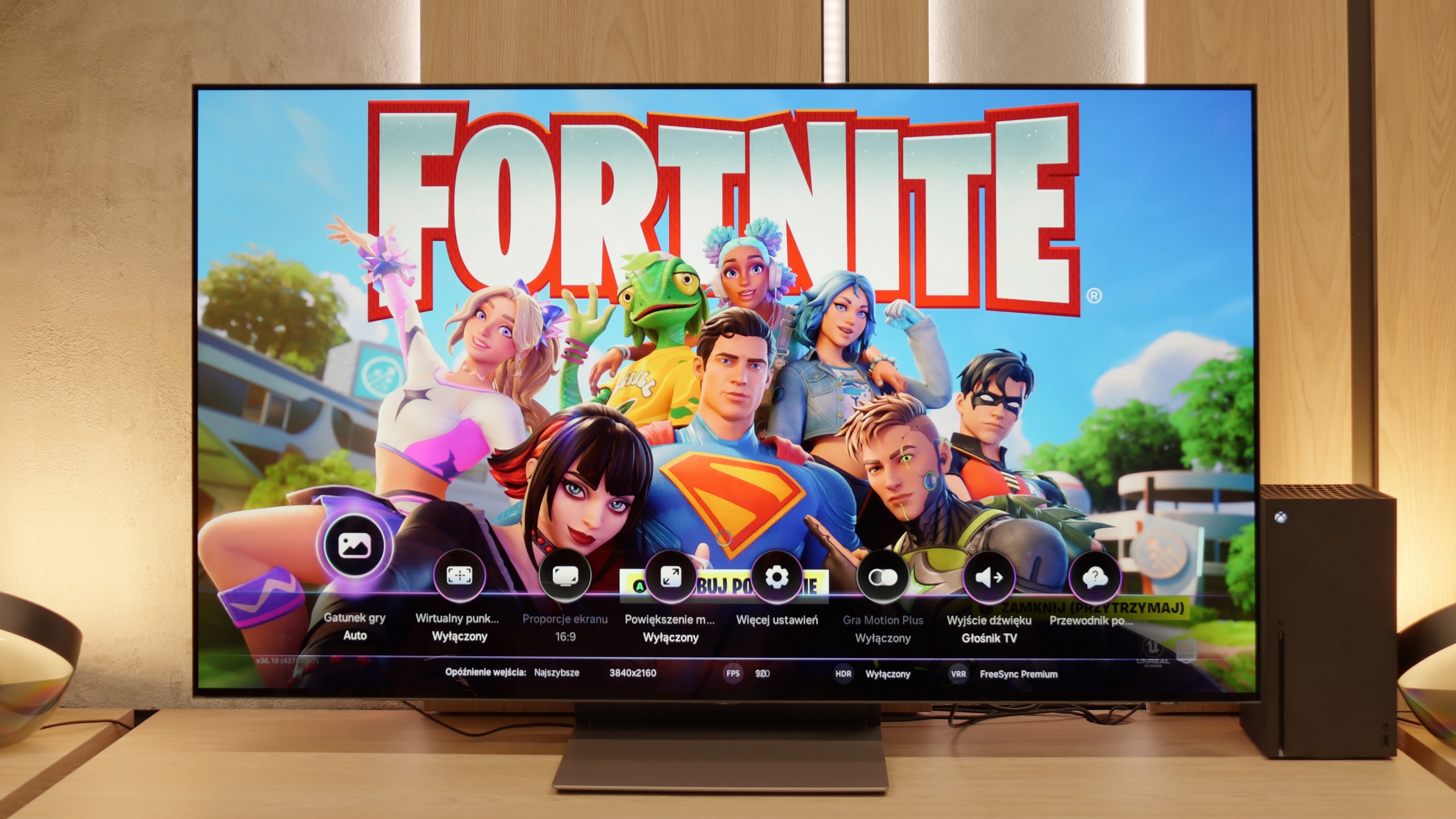

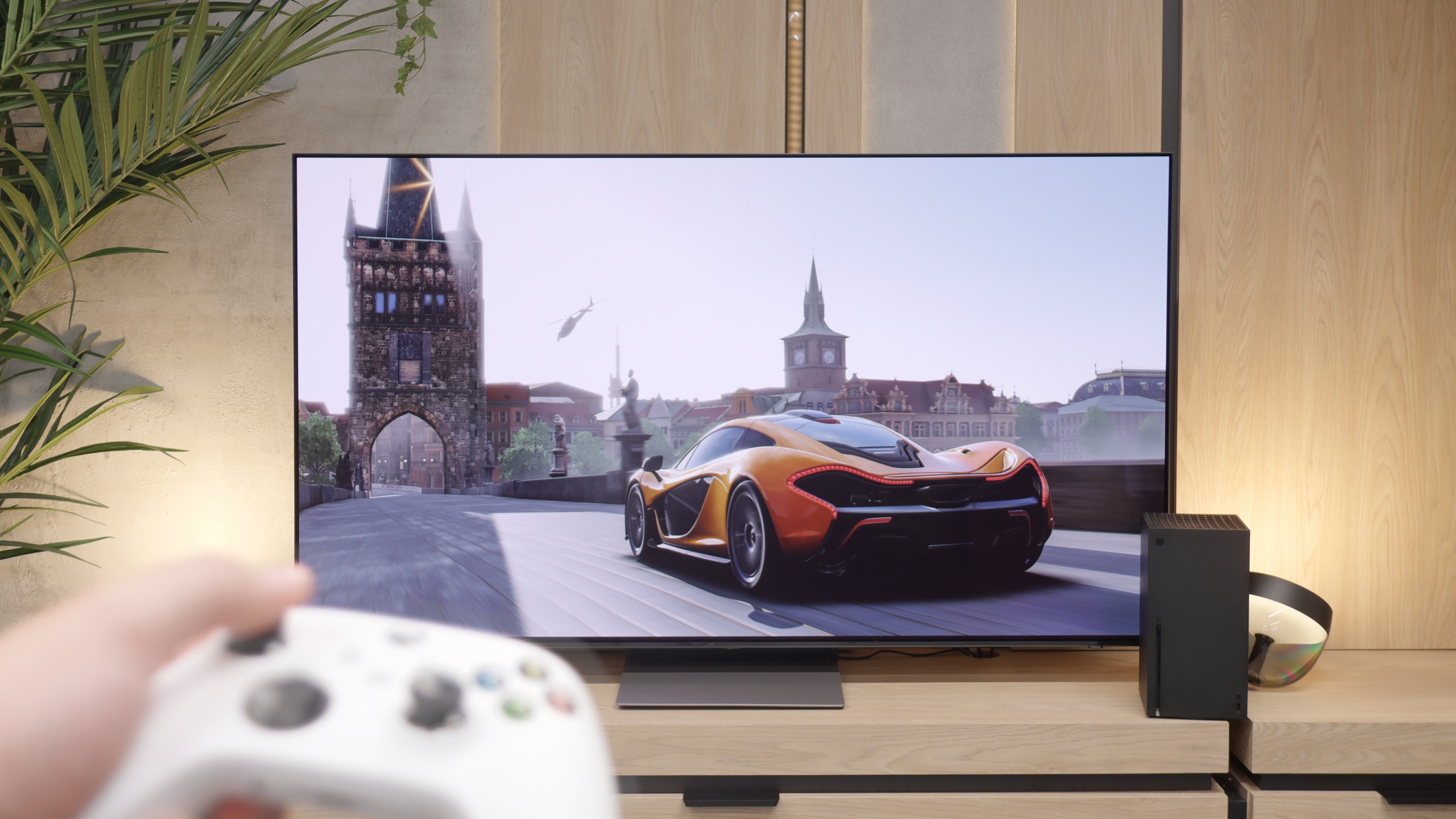
The LG G4 television supports all the features that make up the HDMI 2.1 standard. During testing, each of them activated without the slightest problem, which allows us to consider the television as designed for gaming. Their functionality will surely be appreciated by both console users and those connecting the LG G4 to a computer. It is also worth mentioning the correct implementation of the HGIG (HDR Gaming Interest Group) mode, which ensures that games mastered to brightness levels exceeding the maximum luminance of the LG G4 will correctly map tones, and the game's visuals will remain true to the original.
A nice touch is the existence of a special GameBar, which we can call up at any moment to check game parameters, but most importantly, to change them quickly. More importantly, enabling VRR technology does not degrade contrast, which is very common in televisions that feature local dimming or Mini LED backlighting. Of course, this is thanks to the OLED panel itself, characterised by pixel self-emission. As a matter of editorial obligation, we will only mention a slight grey flicker, which is somewhat normal after enabling VRR.
In summary, the LG G4, like practically all OLED televisions, is an ideal product for all kinds of games and online competitions. With fully-fledged HDMI 2.1 connections with a full bandwidth of 48 Gbit, features such as VRR, ALLM, G-Sync, FreeSync, or gaming in HDR Dolby Vision will bring much joy.
The S90F is a television that truly brings a lot of joy when gaming. To start, we have four full-fledged HDMI 2.1 ports, which means you can connect all consoles and PCs without worrying about which device has priority. This is a convenient and practical solution that is by no means a given with other manufacturers. Additionally, there are key features such as automatic game mode (ALLM), which automatically switches the screen to low-latency settings, and VRR frame synchronization that operates in a wide range from 48 to 144 Hz. As a result, the picture remains smooth regardless of whether we're playing fast-paced online shooters or more leisurely narrative titles. The Game Bar also deserves a mention – a panel that allows quick access to several useful additions. For example, you can enable an additional crosshair in the centre of the screen, enlarge the minimap, or, in the case of PC, change the aspect ratio. Lastly, there is also the unique Game Motion Plus mode from Samsung. Its purpose is to smooth out older or poorly optimized titles, and it actually works pretty well. Thanks to this mode, even less polished games can look better and provide a more enjoyable gaming experience than on other televisions that theoretically offer the same technical specifications.
Input lag
10/10
10/10
SDR
HDR
Dolby Vision
The input lag of the LG G4 is at an incredibly low level in every scenario. Even the most passionate gamers will undoubtedly appreciate the very low input lag at demanding 4K 120 Hz settings with HDR, measuring just 5 ms. It is also worth noting that the lag at the same settings but with Dolby Vision HDR enabled remains unchanged, which is not as obvious in the competition. Therefore, it deserves the highest score and recommendation.
In terms of latency, the S90F performs exceptionally well. With 120 Hz content, it is around 5 ms, and with 60 Hz, it's about 10 ms. In practice, this means an immediate response to the controller, mouse or keyboard – without the feeling that something is slowing down the gameplay!
Compatibility with PC
8.6/10
8.6/10

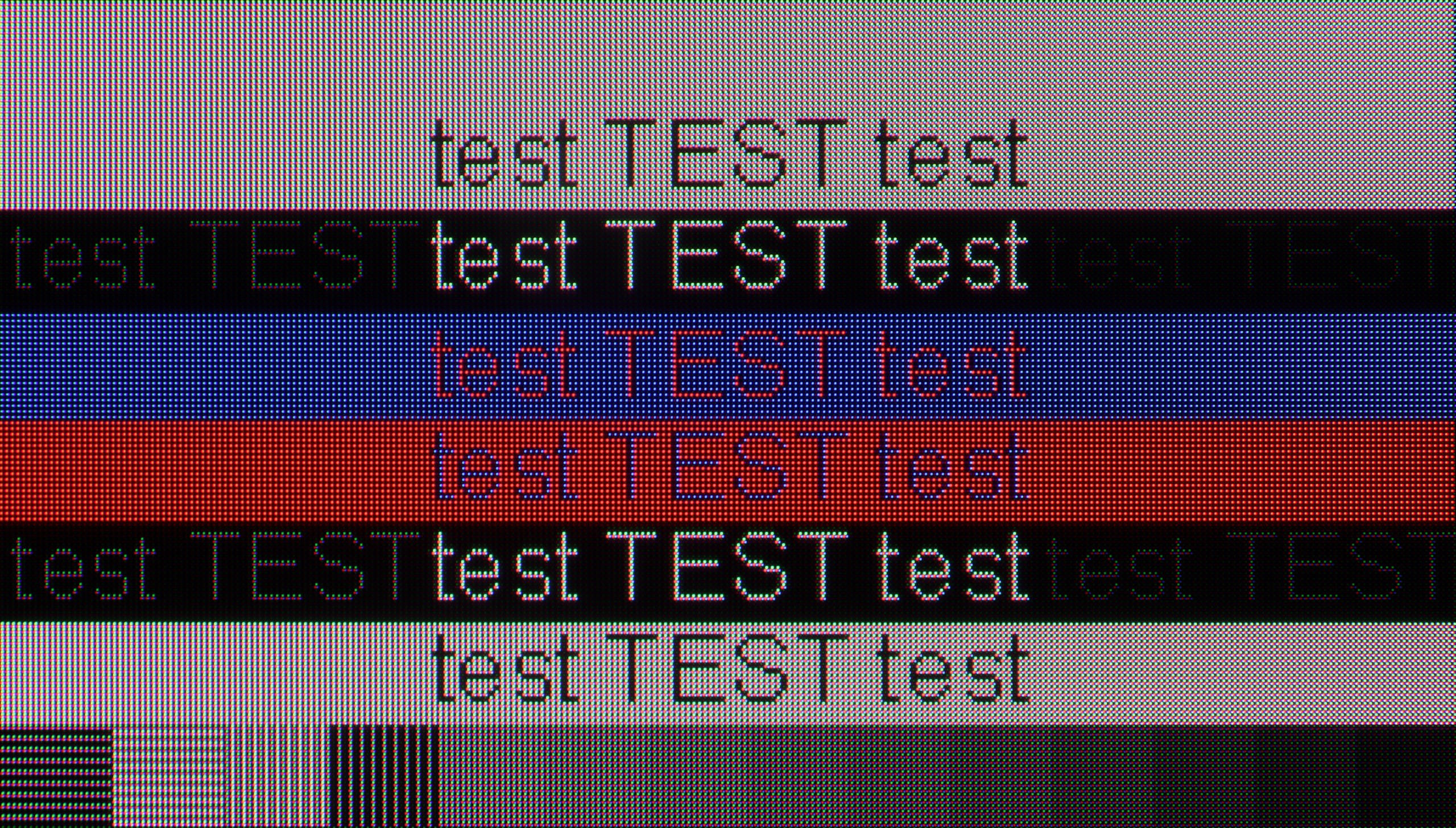
The photo shows the legibility of small fonts. Ideally, lines should be the same thickness on both light and dark text, with minimal pixel gaps.
LG G4 combined with a PC performs excellently, thanks to its very low latency of just 5 ms, which is practically an instantaneous response between the mouse, the eye, and the screen. A crucial aspect when working on a screen is the readability of text, which in the case of the tested television is very good.
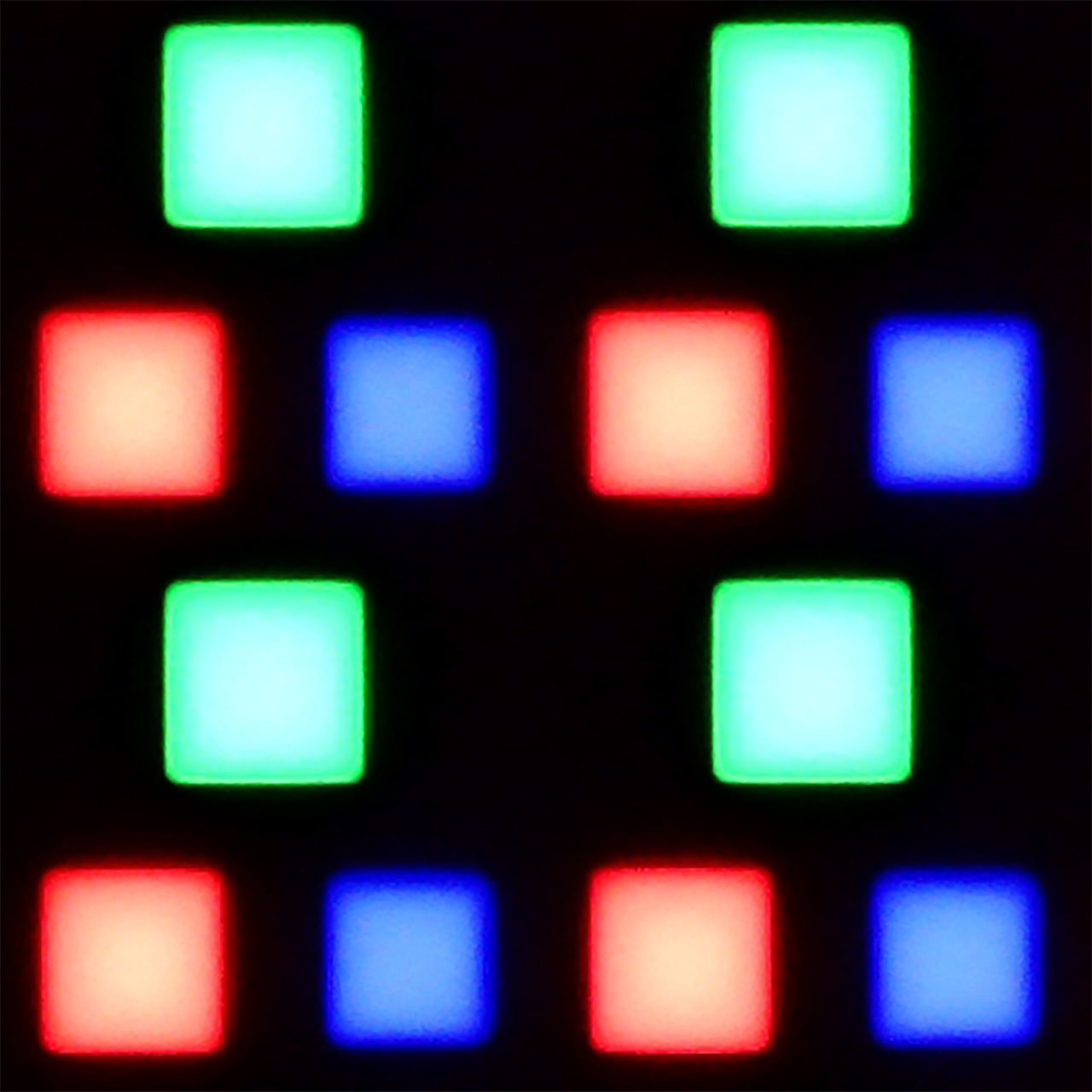
The RWBG pixel layout does not significantly impact the display of fonts or letters, which is a significant advantage over Samsung's QD-OLED panels. Users of both Windows and macOS equipped computers will certainly be pleased with the performance on the tested television LG G4.
The S90F, even in the 65-inch variant, performs excellently as a large monitor for PCs. The greatest benefits are, of course, for gamers – the television supports a refresh rate of up to 144 Hz, as well as frame synchronisation with Nvidia (G-SYNC) and AMD (FreeSync) graphics cards. The difference compared to WOLED panels lies in the distinctive "diamond" pixel arrangement in QD-OLED. In practice, this can affect the display of fine text – some letters at the edges may have slightly jagged shapes. On the other hand, in WOLED matrices with a layout of four subpixels, the text can be less precise, so each variant has its own minor specifics. In both cases, however, the television is very well suited for both gaming and occasional work on a computer.
Viewing angles
9.7/10
9.8/10
The undeniable advantage of OLED screens equipped with MLA technology is their efficiency when viewed from different angles. There are no noticeable changes to the eye, regardless of where we are viewing from. This type of screen maintains consistent brightness, saturation, and white tone, in contrast to LCD matrices or OLEDs without micro-lens array (MLA) technology. The only matrices that can rival them are those produced by Samsung Displays, using quantum dot technology, namely QD-OLED.
One of the things that immediately impresses in the S90F is its viewing angles. This is the huge advantage of QD-OLED panels – even if we are not sitting perfectly in front of the television, the image hardly changes. Colours remain vibrant, contrast strong, and details just as clear as when viewed from a central position. Therefore, one can comfortably watch a film with several people, spreading out across the entire living room, without worrying that someone will receive a washed-out version of the picture. OLEDs have always performed well in this category and this is one of their main advantages over classic LCDs. However, in QD-OLED, the difference is even more apparent – the image maintains its quality even at a steep angle, where on WOLED panels one might begin to notice a slight loss of colour intensity. Here, that is practically absent.
Daytime performance
5.8/10
5.7/10

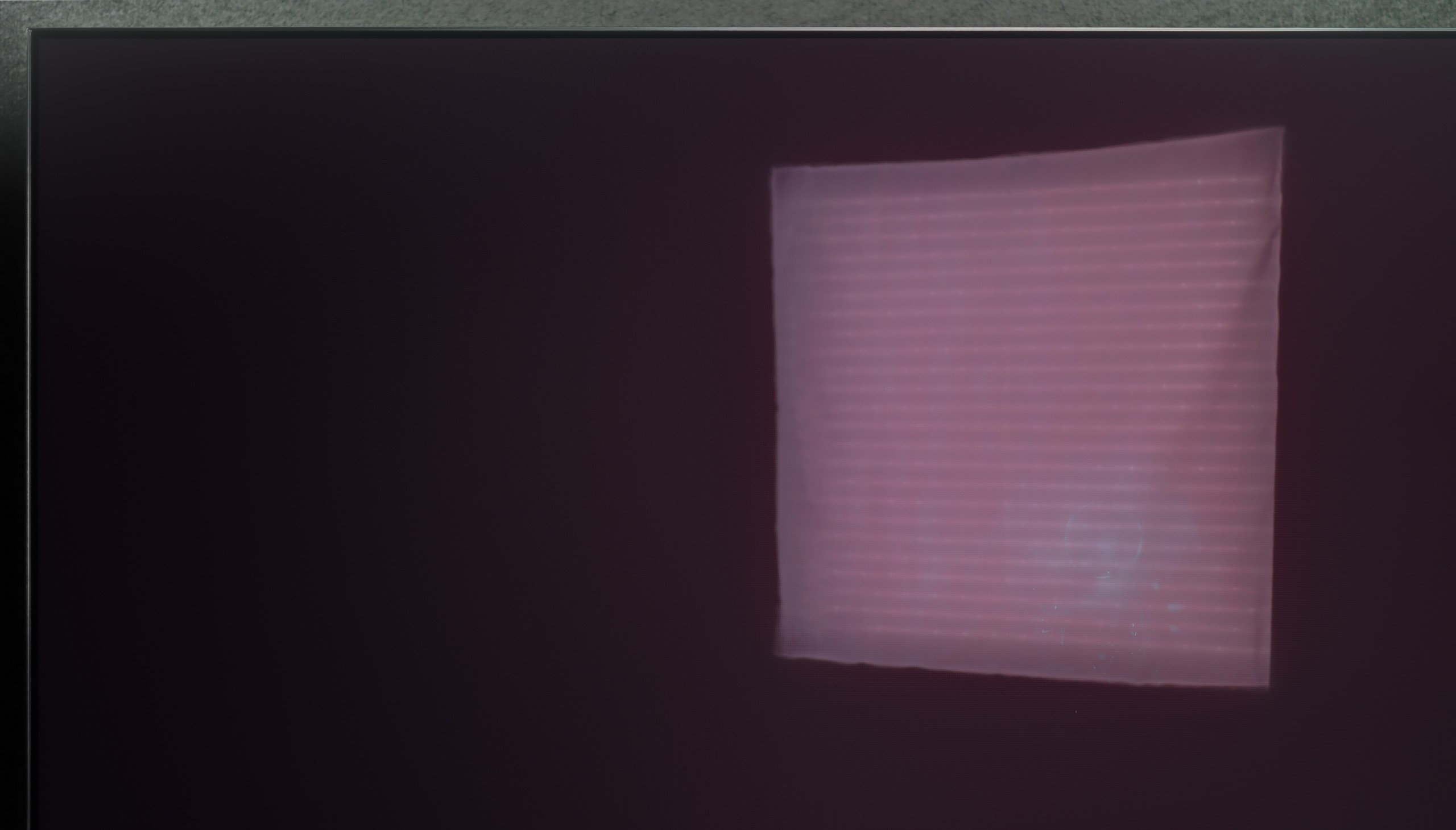

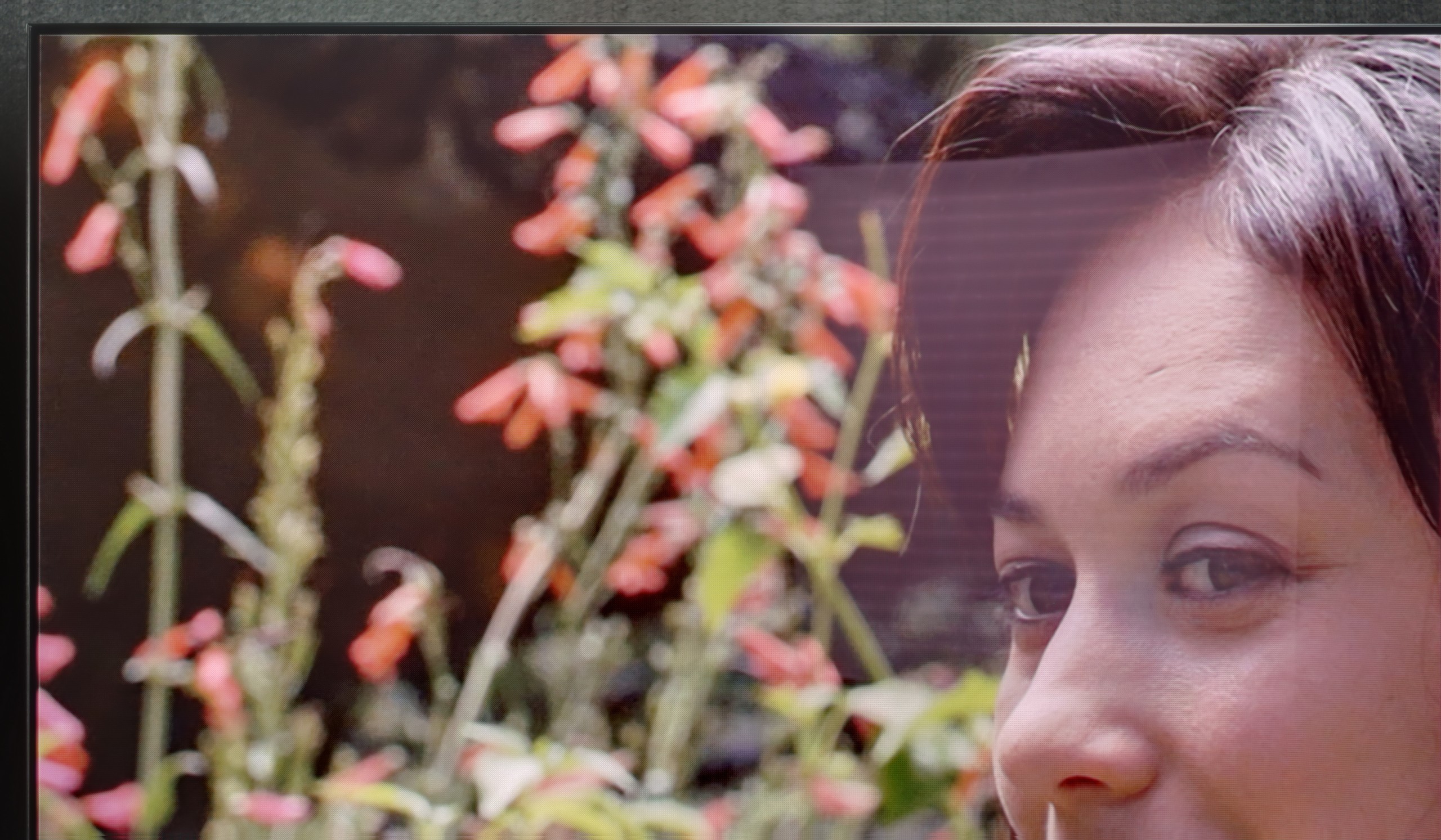
Panel brightness
Samsung S90F QD-OLED: 431 cd/m2
LG OLED G4: 482 cd/m2
The glossy coating of the panel in LG G4, although it sounds like a negative, is in fact the opposite. Thanks to it, the LG G4 television maintains very high efficiency and effectively suppresses all reflections, "holding" them only at their source. It is also worth mentioning the quality of black during the day, which in the case of WRGB panels produced by LG Displays is outstanding. OLED MLA panels, despite a large number of advantages, are somewhat worse in this case, but still better in the context of competition from Samsung, whose QD-OLED panels grey out when triggered by light. The combination of brightness at around 500 nits and a glossy coating allows for daytime use of the television, unless the user has a living room with large glazing.
QD-OLED panels have their Achilles' heel – it is the reproduction of black in heavily sunlit rooms. The glossy coating used here deals with reflections quite well, definitely better than in the WOLED panels we had the chance to test. The problem is that under very intense daylight, black can take on a dark navy hue and loses its depth. Fortunately, in the evenings, this phenomenon disappears completely and the television shows an image that we expect from OLED – with perfect contrast and true black. As for brightness itself, the S90F performs quite well for a mid-range OLED. In typical conditions, it handles without issue, and the screen will look attractive even in a well-lit living room. It is only in really extreme conditions, when the sun shines directly on the screen, that it may be more challenging, but this is a drawback of all OLEDs in this price segment. On the other hand, better suppression of reflections means that for many people, QD-OLED will prove to be more comfortable for daily viewing than traditional WOLEDs, despite the fact that blacks do not always look perfect on it.
Panel details
Subpixel Structure:

Panel uniformity and thermal imaging:


LG OLED G4
Samsung S90F QD-OLED
TV features
9/10
7.7/10
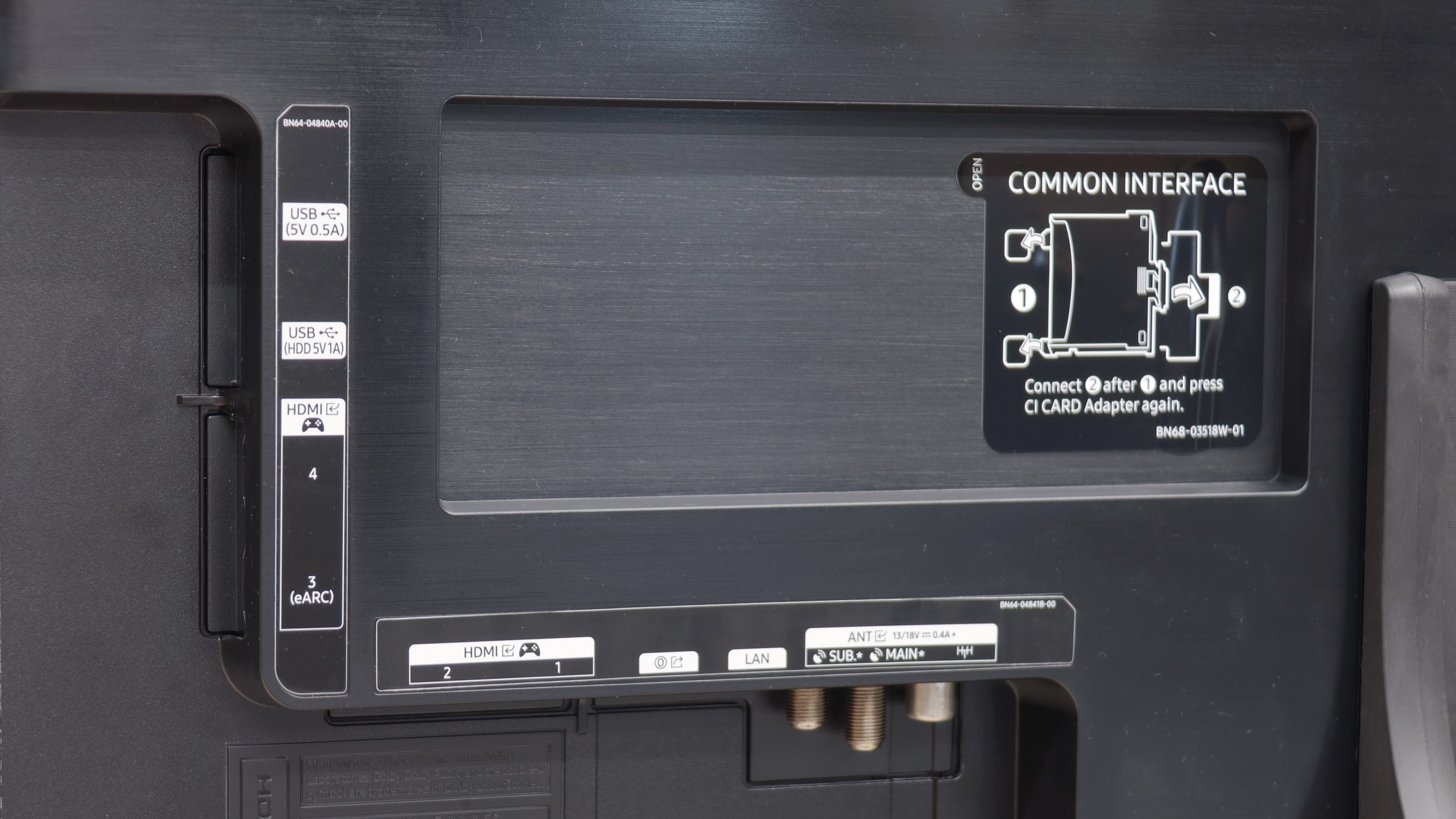
- HDMI inputs0 x HDMI 2.0, 4 x HDMI 2.1 48Gbps0 x HDMI 2.0, 4 x HDMI 2.1 48Gbps
- Other inputsToslink (Optical audio), IR (remote)
- OutputsToslink (Optical audio), eARC (HDMI), ARC (HDMI)Toslink (Optical audio), eARC (HDMI), ARC (HDMI)
- Network InterfacesWi-Fi 2.4GHz, Wi-Fi 5GHz, Ethernet (LAN) 100MbpsWi-Fi 2.4GHz, Wi-Fi 5GHz, Ethernet (LAN) 100Mbps
- TV receptionDVB-T, DVB-T2, DVB-S, DVB-S2, DVB-CDVB-T, DVB-T2, DVB-S, DVB-S2, DVB-C
Classic features:
- Recording to USB (terrestrial TV)
- Recording programming
- Picture in Picture (PiP)
- RF remote control (no need to aim)
- Backlit remote control
- Teletext
- Audio only mode
- Bluetooth headphones support
- Simultaneous Bluetooth headphones & TV audio
Smart features:
- AirPlay
- Screen mirroring (Windows Miracast)
- Voice search
- Voice search in native language
- Ability to connect a keyboard and mouse


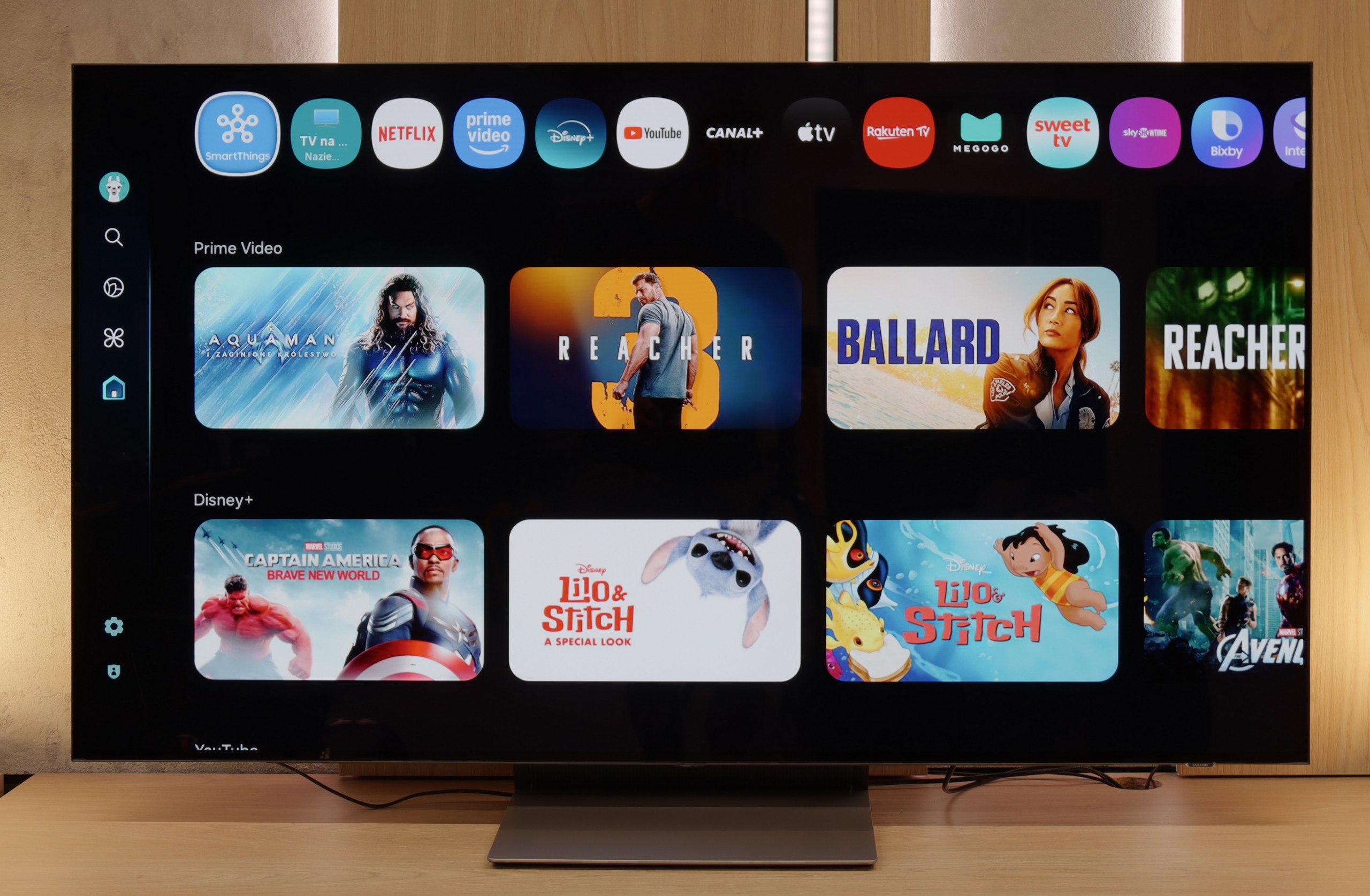
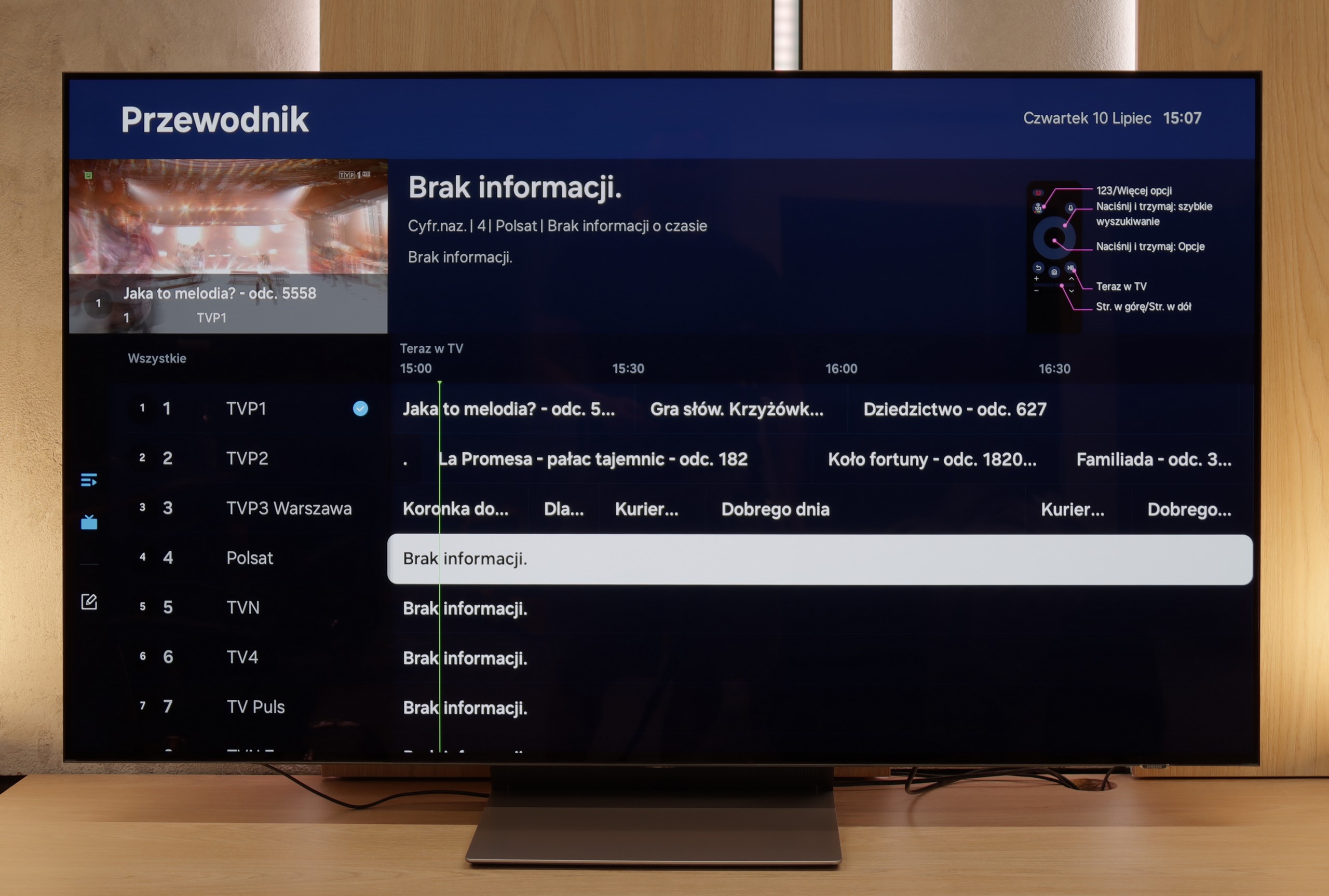
LG uses the well-known proprietary WebOS system, which has been around for many years. The system itself offers practically all the most important applications, and those that are missing can be counted on one hand, such as CDA and KODI.
WebOS also boasts a highly regarded feature that allows users to perform operations using a cursor that appears when the remote is moved. The convenience provided by this function is invaluable when typing queries or passwords for portals. WebOS, like most systems, also supports functions such as screen mirroring, AirPlay, voice search in Polish, and the ability to connect headphones via Bluetooth. On a more practical note, WebOS allows us to use both headphones and the LG G4 television speaker simultaneously, which will certainly be a great convenience for those with hearing impairments. Among the more interesting features, particularly appreciated by sports fans, is the ability to set an alert for upcoming matches, ensuring that we never miss a broadcast. The home panel also deserves praise, allowing control of all smart devices connected to the home network. For example, the end of a washing cycle will be signalled by a notification in the top right corner.
In summary, the WebOS system, although less known and having certain limitations compared to Android TV, offers stable and fast performance and supports most functions that may be needed by users. It is a solid solution for those looking for a simple and effective operating system in their television.
SmartTV Features: Tizen.
A major advantage of the S90F in daily use is the Tizen operating system. It is one of the fastest systems on the market and has been working exceptionally well on Samsung televisions for years, and on higher-end models like this one – it works instantly. The menu responds without delays, switching between apps is smooth, and the whole system is intuitive enough that even someone encountering Smart TV for the first time can navigate it easily. In the app store, we can find practically everything needed – from Netflix to HBO Max, as well as less obvious services. Perhaps GoogleTV is not available here, but in reality, there is no sense that something is lacking. A big plus is the integration with SmartThings. This solution is for those who like to have their entire home under control in one app. The television can be part of the IoT device ecosystem and easily communicates with the washing machine, air conditioning, or lighting, as long as everything is on the same network.
Classic Functionalities
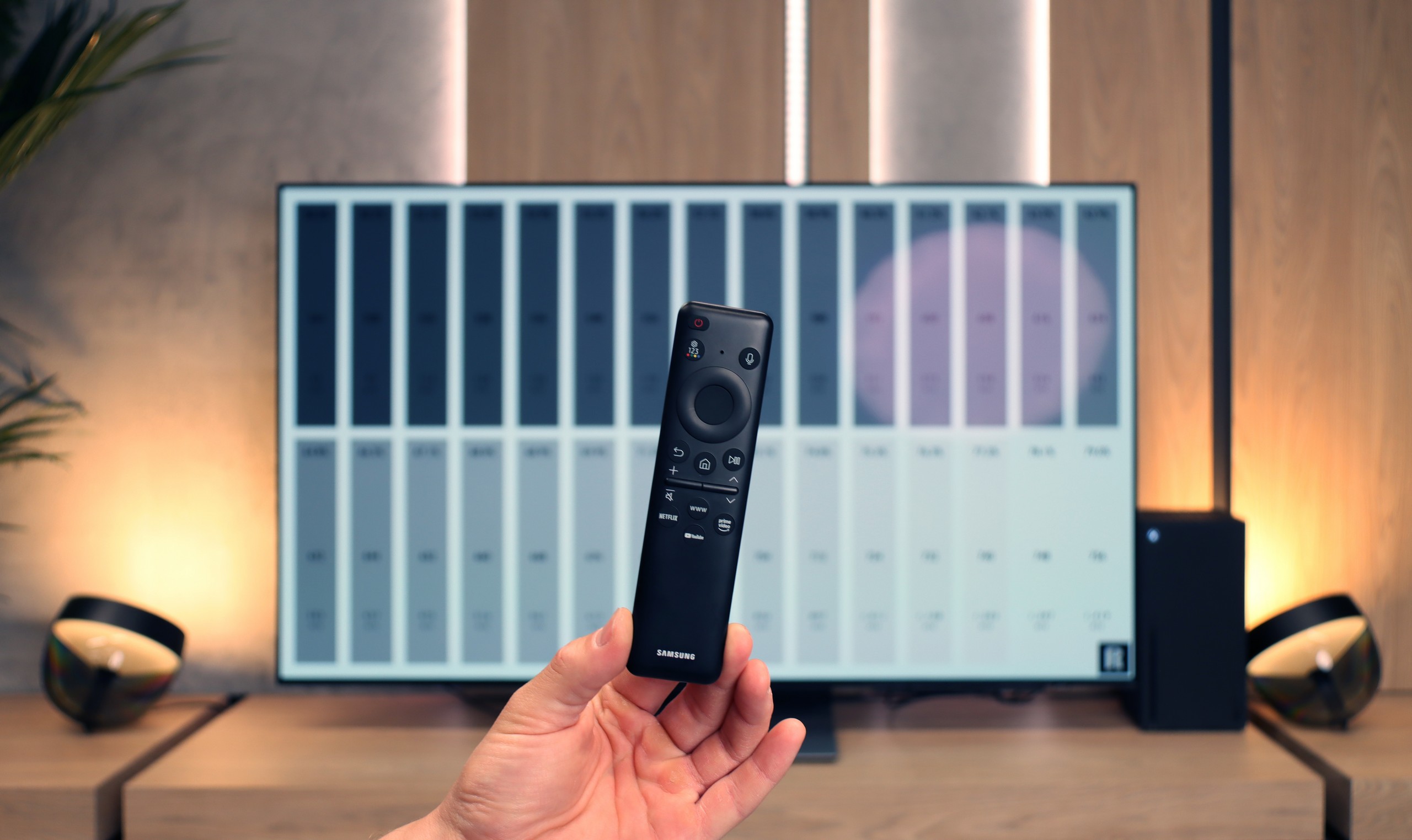
When it comes to classic functionalities, we have everything one could expect: support for HDMI 2.1, USB ports, optical output, and connectivity via Wi-Fi and Bluetooth. The only thing that might be lacking for more conservative cinema fans is support for DTS:X audio formats – especially if someone watches films on physical media. The remote control may initially seem a bit strange, as it lacks traditional number buttons. But this is now standard in today’s television world, and most users adapt to it quickly. A plus is that it works completely wirelessly. The point is that you don’t need to aim at the screen, you just have to press a button on the remote from anywhere (even in another room), and the television responds to our actions.
Apps
9.1/10
9.3/10






















Playing files from USB
8.5/10
9.1/10
Supported photo formats:
Maximum photo resolution:

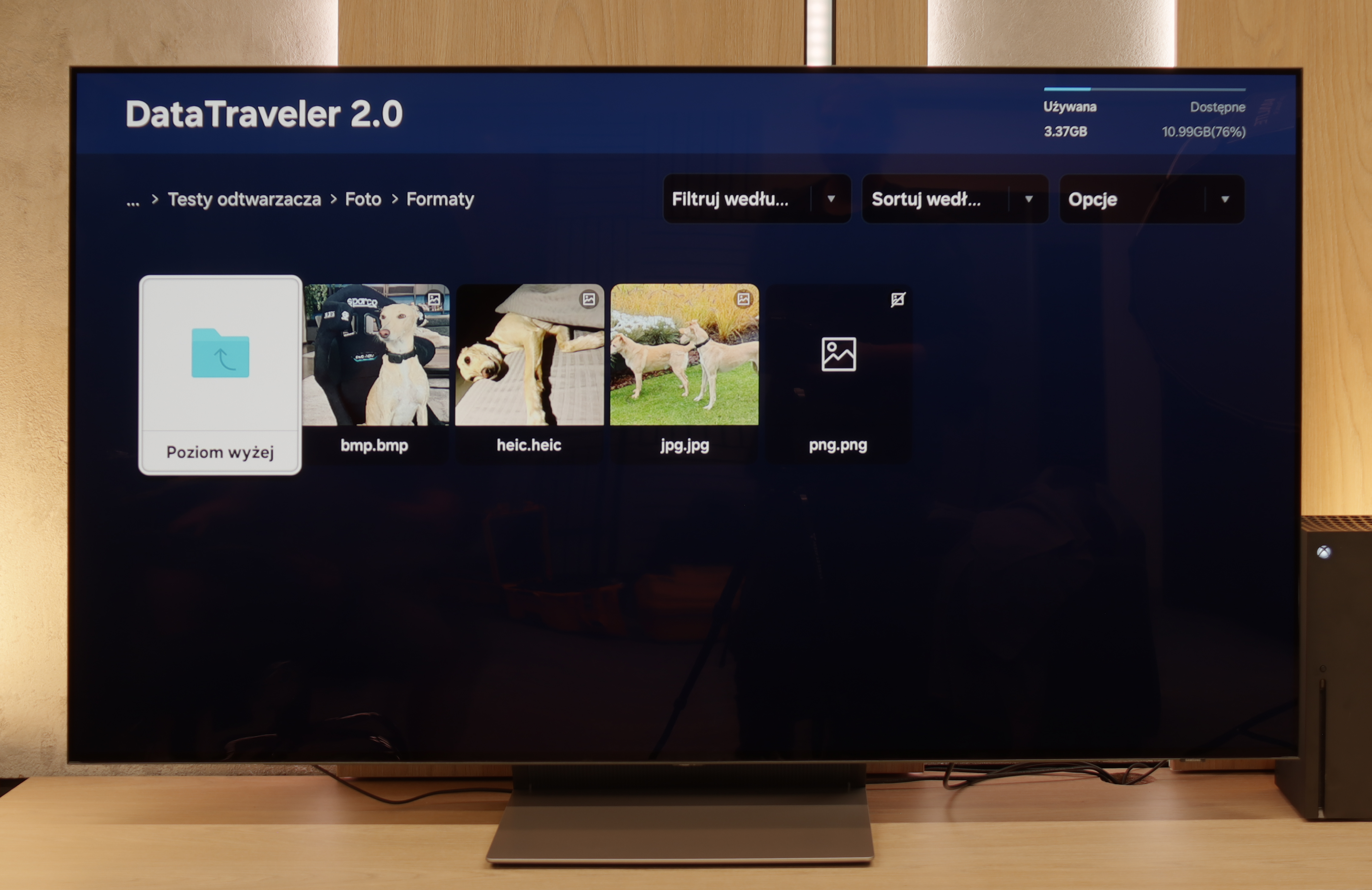
The default media player on the LG G4 performs well with most image types, although the absence of a few equally popular ones is surprising. It successfully plays videos recorded in practically all the most popular formats, including Dolby Vision. The only codec that the G4 cannot play is H.266 VVC, although this is currently rather unused. However, attention should be paid to the supported image formats, of which there are only two: JPEG and PNG. Users of Apple devices may feel disappointed by the lack of support for the HEIC format, which is the default format for photos taken. A remedy for this is to use the built-in AirPlay feature. We will also mention the lack of support for TXT subtitles.
The built-in player in the S90F works really well and is sufficient for most users. It easily opens films or music stored on a USB drive or external hard drive and handles most popular formats. The only "more serious" issue we encountered was the lack of support for HEIC photos – those that can be saved by an iPhone. (Although we suspect that 90% of users are still using the JPEG format).
Sound
8.6/10
7.4/10
- Maximum volume-84dB
- Dolby Digital Plus 7.1
- Dolby True HD 7.1
- Dolby Atmos in Dolby Digital Plus (JOC)
- Dolby Atmos in Dolby True HD
- DTS:X in DTS-HD MA
- DTS-HD Master Audio
The assessment of sound quality remains always subjective. However, we must give LG G4 credit for maintaining a fairly good level of sound clarity. The biggest drawback of the built-in audio system in the television is the low bass range. However, this must be viewed from a different perspective — anyone choosing this television will likely have a home cinema system. In this case, broad support for audio codecs, including DTS-HD Master Audio and Dolby Atmos, will prove crucial.
The S90F plays really nicely for a television – the bass is noticeable, the dialogue sounds clear, and the overall dynamic is quite good. Dolby Atmos also does its part, as it can add a bit of space to the sound, making movie watching better than in most basic built-in sets found in other televisions. However, it must be stated clearly: no television, even of this class, can replace a separate sound system. If someone really wants to feel like they’re in a cinema, the best solution would be to purchase a soundbar or a full audio system. Especially since, as is often the case with Samsung, there is a lack of support for DTS:X – so fans of Blu-ray discs and high-quality soundtracks will still have to reach for external equipment connected directly to the source.
Sound Quality Test
No sound test video
Acoustic Measurements
No acoustic data
84dBC (Max)
75dBC