LG C4 is a television that, in its price range, will likely have no competition for many users. Thanks to its extensive capabilities, it will appeal to those looking for a television not only for films and series but also for gaming. The advanced WebOS system and a remote control that functions like a mouse will certainly be a significant convenience in everyday use, making it likely that we will stick with this brand for much longer. The OLED panel implemented by the manufacturer, resulting from over 10 years of history, shows that this brand has not yet said its last word. The brightness results in HDR materials are very solid and can deliver an incredibly dynamic and deep image. It is worth mentioning the excellently implemented dynamic tone mapping feature, which makes HDR10 content look almost as good as Dolby Vision. And when it comes to fidelity to artistic vision, one cannot overlook how calibratable LG televisions are, allowing considerable freedom for calibrators and classic calibration for home users, as well as 3D LUT for professionals. However, if we are looking for a gaming television, then the LG C4, like most of the manufacturer’s OLED televisions, will be an ideal choice. With the implementation of HDMI 2.1 ports and the full utilisation of their potential, we can enjoy incredibly smooth gameplay with all the benefits, such as VRR, ALLM, FreeSync, and G-Sync. Of course, the panel, with a maximum refresh rate of 144 Hz and an advanced motion smoother, will also provide a very smooth and sharp image during the broadcast of various sporting events. It is hard not to give a high rating to LG OLED C4, as a television in a similar price range with such advanced features is difficult to find among the competition.
- Matching (Score) |
- Our verdict |
- TV appearance |
- Where to buy |
- Contrast and black detail |
- HDR effect quality |
- Factory color reproduction |
- Color reproduction after calibration |
- Smoothness of tonal transitions |
- Image scaling and smoothness of tonal transitions |
- Blur and motion smoothness |
- Console compatibility and gaming features |
- Input lag |
- Compatibility with PC |
- Viewing angles |
- Daytime performance |
- Panel details |
- TV features |
- Apps |
- Playing files from USB |
- Sound
LG OLED C4 vs Samsung QN80F
 Direct comparison
C45 / C41

QN80F

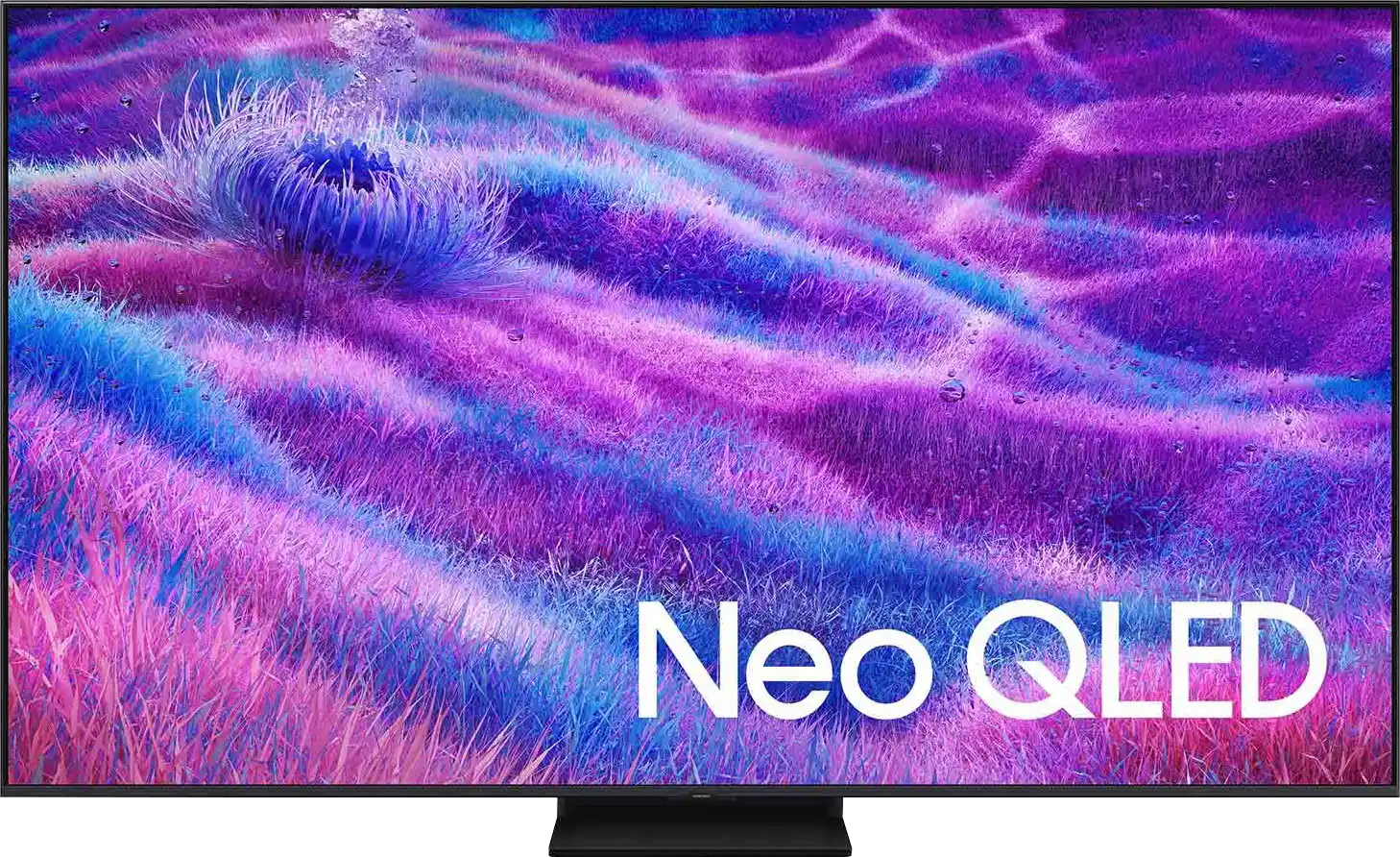
Panel type: WRGB OLED
Resolution: 3840x2160
System: WebOS
Model year: 2024
Complete the survey to find out the result
Panel type: LCD VA
Resolution: 3840x2160
System: Tizen
Model year: 2025
Complete the survey to find out the result
Overall rating
8.2
7.4
 Movies and series in UHD quality
 8.2
6.9
 Classic TV, YouTube
 8.8
6.8
 Sports broadcasts (TV and apps)
 8.6
6.7
 Gaming on console
 9.3
8.9
 TV as a computer monitor
 8.6
8.8
 Watching in bright light
 5.7
6.6
 Utility functions
 8.9
7.7
 Apps
Apps 9.1
9.3
 Sound quality
 7.5
6.7
Complete the survey to find out what fits your preferences
Advantages

High efficiency in HDR materials
Very good colour reproduction after calibration
Faithfulness to the image with directorial vision
Excellent collaboration with consoles and PCs - low input lag, a wealth of conveniences
Advanced motion smoothing system
Impressive blacks and contrast - VA panel combined with MINI-LED backlighting.
Great brightness - up to 1000 nits in HDR
Fast and responsive panel - 144 Hz
Rich support for gamers - 4xHDMI 2.1, VRR, ALLM, GameBar, Game Motion Plus
Very good usability in daylight
Advanced Tizen operating system
Simple operation
PiP function
Disadvantages

Sometimes visible tonal transitions
No support for DTS format – a limitation when connecting a home cinema
No recording function to USB
Relatively few dimming zones
Our verdict
The QN80F is the first "eighty" from Samsung to enter the series of televisions with Mini LED backlighting. And it does this very well. Although the number of dimming zones isn't particularly impressive, the quality of black levels is solid, and combined with high brightness, it allows for a very decent picture in HDR content. Additionally, there's a 144Hz panel that ensures excellent motion fluidity, and the set of gaming features – VRR, ALLM, Game Motion Plus – makes the QN80F a model practically designed for those gaming on consoles or PC. The television operates quickly and responsively, and the Tizen system runs like lightning – whether you're searching for apps or switching sources. Is there anything to criticise? Of course, as always – there are shortcomings in the system (like USB recording), there's no DTS support, and Mini LED isn't without its limitations. But the QN80F is a fantastic television for everyday use – versatile, refined, and... with great pricing potential. Because looking at the history of this series, we can expect that this "eighty" will mix things up significantly once it hits the first sensible promotions. At that point, it could be virtually unmatched in its price range – especially if Samsung resolves the minor teething issues.
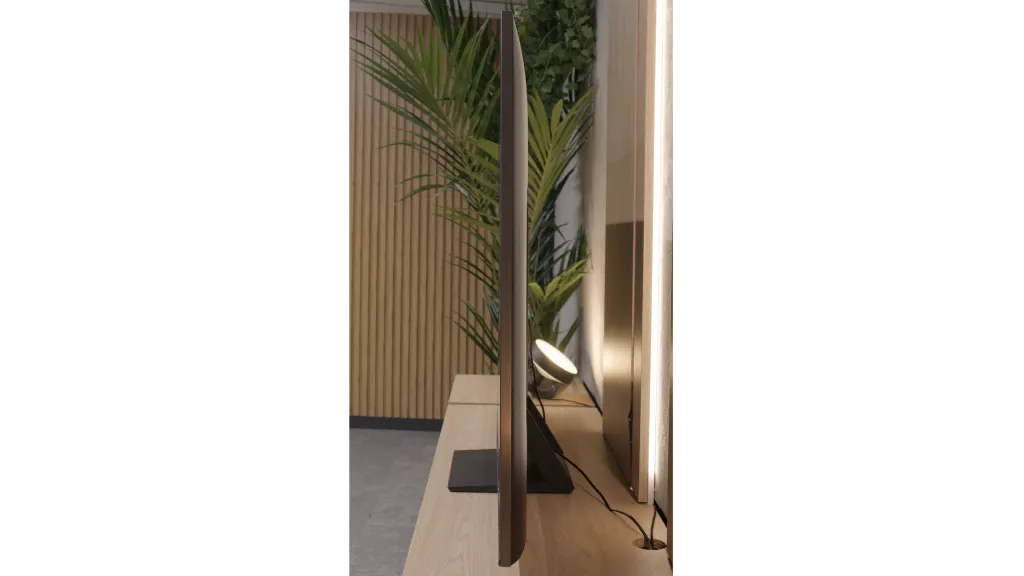
TV appearance


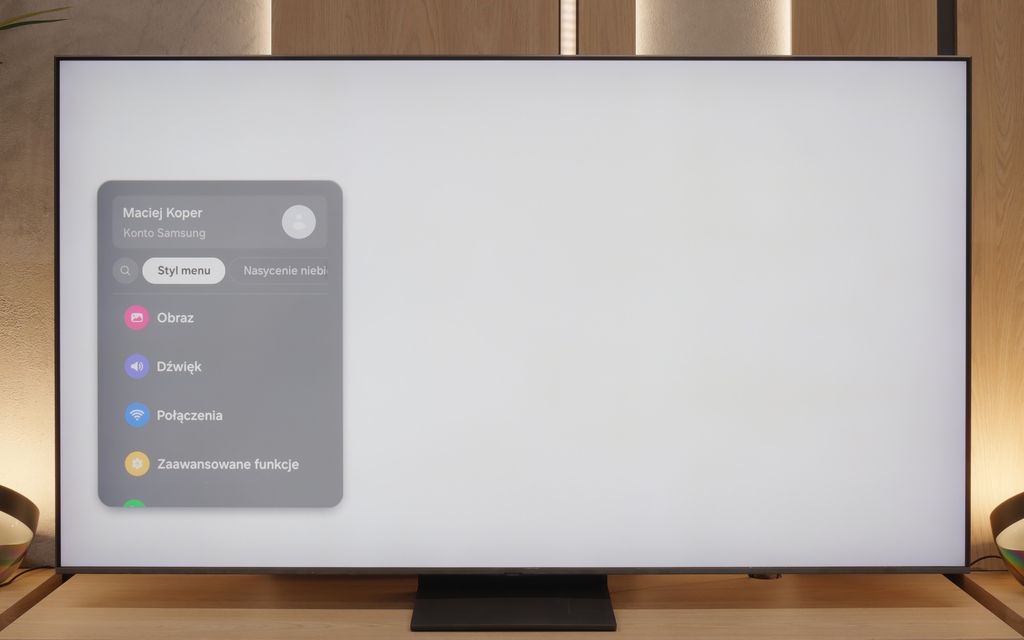
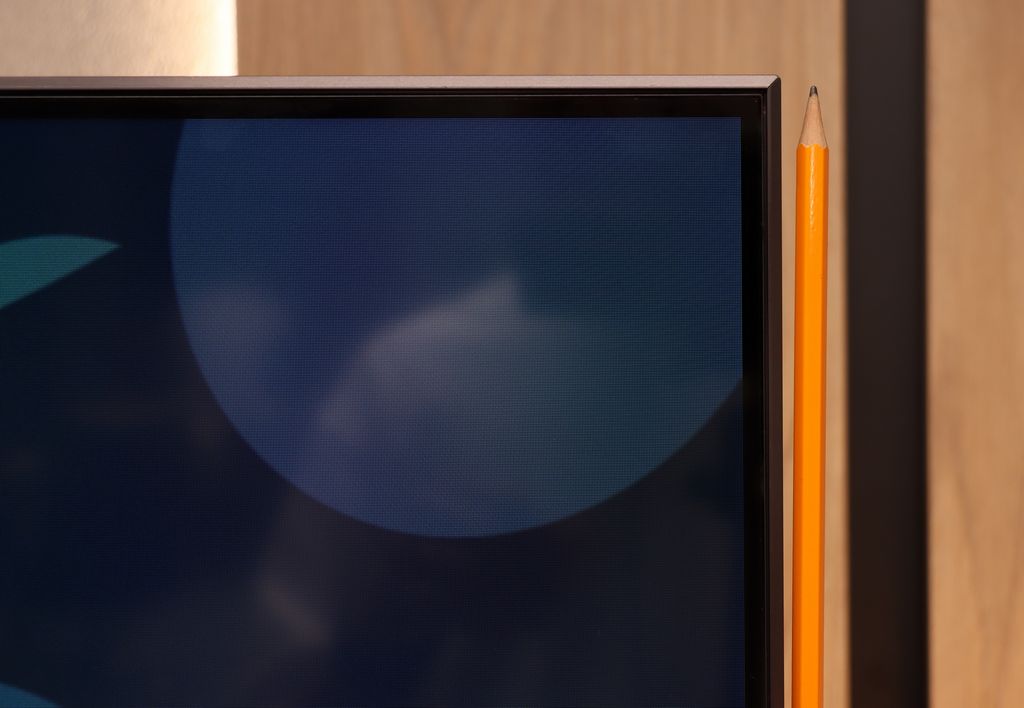
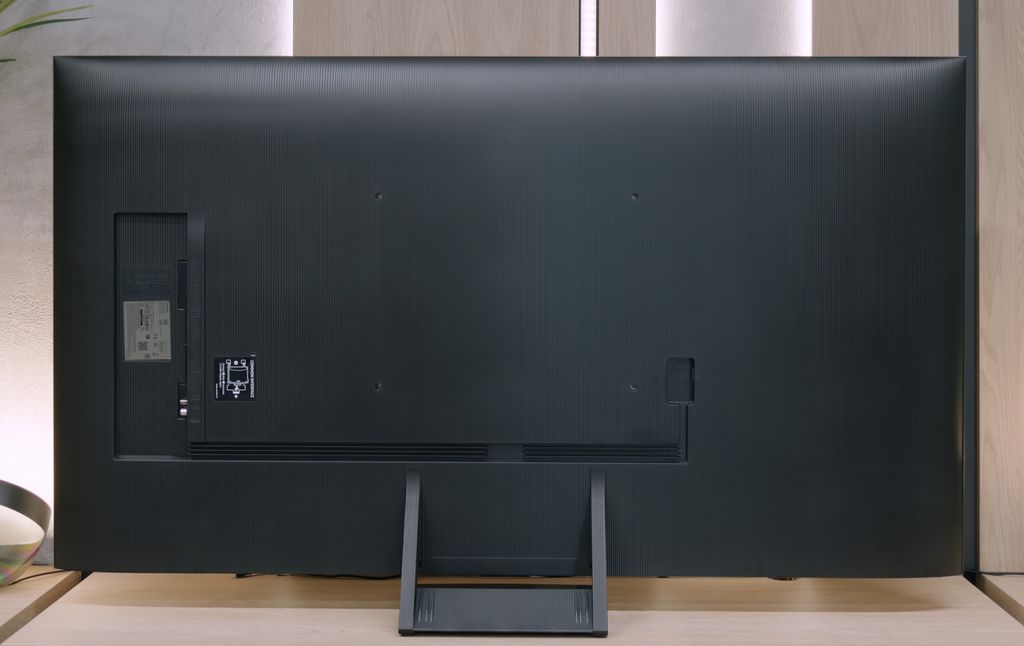

Contrast and black detail
10/10
6.8/10
Local dimming function: Yes, number of zones: 88 (8 x 11)
Contrast:


Result
∞:1

Result
∞:1

Result
∞:1

Result
∞:1

Result
∞:1
Result
34,100:1
Result
8,200:1
Result
32,500:1
Result
4,550:1
Result
3,800:1
Halo effect and black detail visibility:

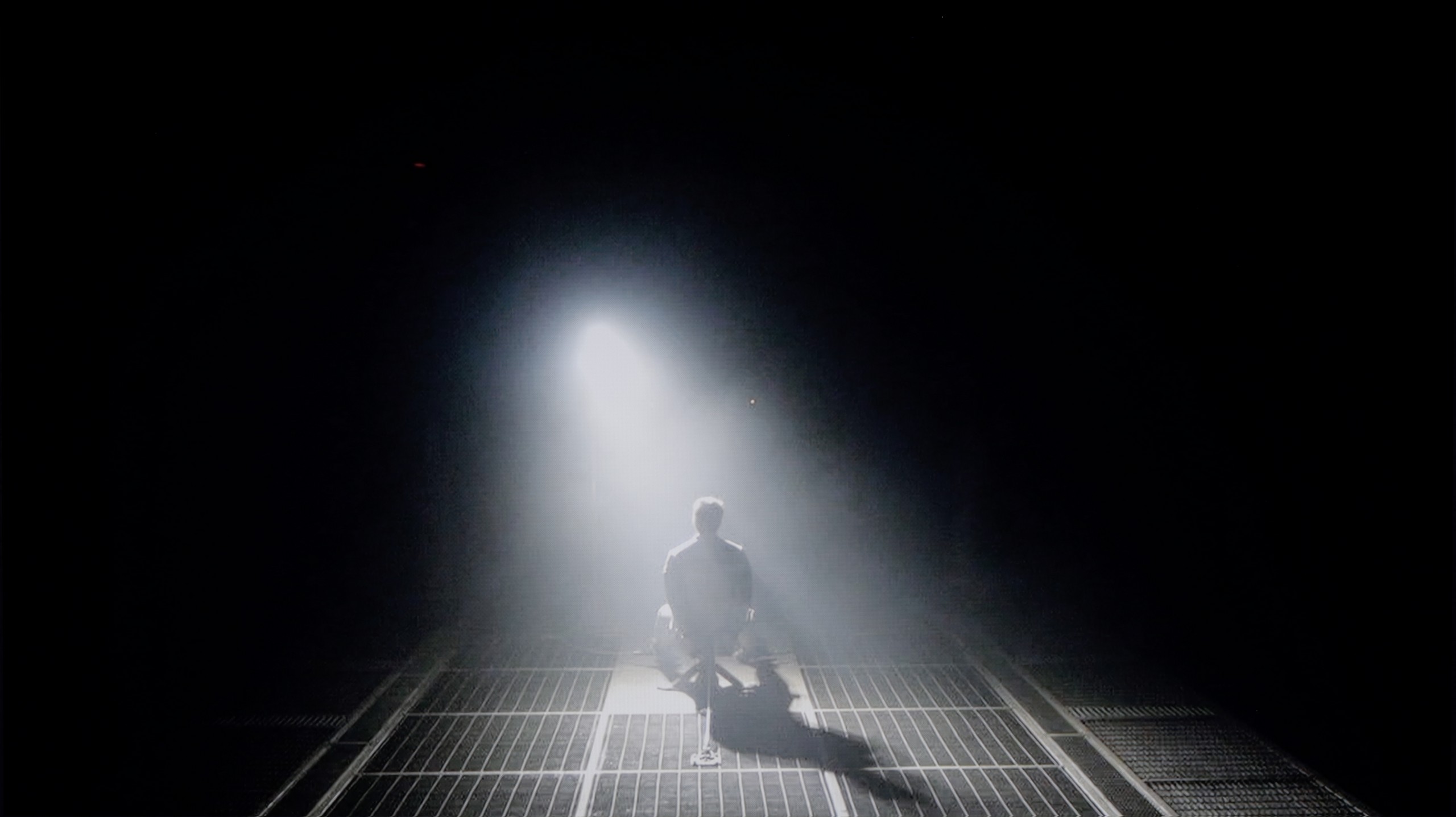
Check the visibility of bright lights on a dark background. Mini-LEDs often struggle with this. The photo does not compare black levels – that’s what the video below is for.
The video accurately shows differences in contrast and black levels between TVs, as well as potential issues: halo around bright objects or Mini-LED zone operation visible as brightness jumps.
LG OLED C4, as the name suggests, uses an organic panel of its own production. This series definitely ranks among the most recognisable on the market. Over 10 years of experience in the construction of self-emitting panels has allowed for the refinement of each subsequent design, with the models from the 2024 vintage being the epitome of this. Of course, the use of this type of screen enables the achievement of impeccable contrast and blacks, allowing for immersion in the world created by the director. This is made possible by the OLED panel, characterised by the absence of conventional backlighting, with current passing through organic pixels instead. This allows for super-accurate control of the image, thereby eliminating issues such as the dimming of delicate fine details or the halo/blooming effect. Looking at both of our test scenes, we can observe two things: perfect separation of lights and a whole plethora of details in the film "Sicario 2".
QN80F is a representative of the Neo QLED series, meaning it is a television with Mini LED backlighting. Unlike its cheaper cousin, the QN70F model, the diodes here are placed directly behind the panel (rather than at the edges), which gives it a solid advantage right from the start when it comes to contrast control. In the 65-inch variant we tested, we counted 88 dimming zones – a result that may not be particularly impressive, but as it turned out, sufficient to achieve quite decent results.
In tests based on scenes from films such as Oblivion and The Meg, the QN80F performed well – blacks were deep, and the overall image consistency was visually appealing. However, in more demanding moments (e.g., scenes with a large number of bright details on a dark background), a halo effect appeared. This is where the limitation of the number of zones becomes evident – bright elements could bleed into one another, and some details in the dark areas lost visibility. In one scene featuring a helicopter (The Meg), we even noticed slight brightness flickering, as if the television was trying its best to maintain detail visibility at the expense of black depth.
However, these issues are not exclusive to this model – halo effects or drops in contrast during very complex scenes are challenges faced by most Mini LED televisions, even the more expensive ones. In its class, the QN80F performs positively and offers significantly better contrast than the QN70F model with edge backlighting. For most users, this will be a level more than sufficient – although not perfect.
HDR effect quality
6.8/10
5.8/10
Luminance measurements in HDR:

Result
796 nit

Result
772 nit

Result
869 nit

Result
837 nit

Result
604 nit
Result
799 nit
Result
533 nit
Result
717 nit
Result
245 nit
Result
656 nit
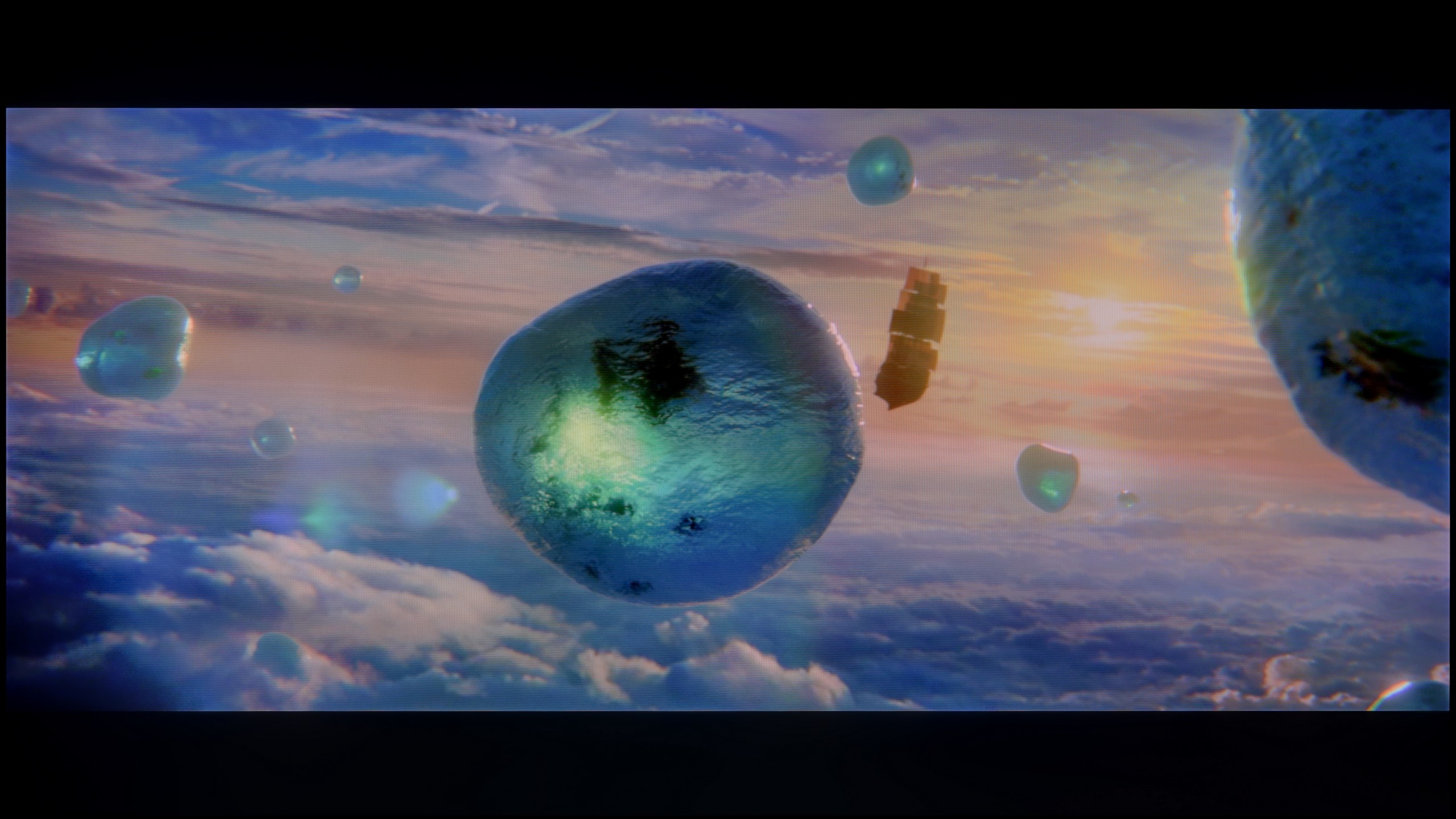
Scene from the movie “Pan” (about 2800 nits)

Scene from the movie “Billy Lynn” (about 1100 nits)

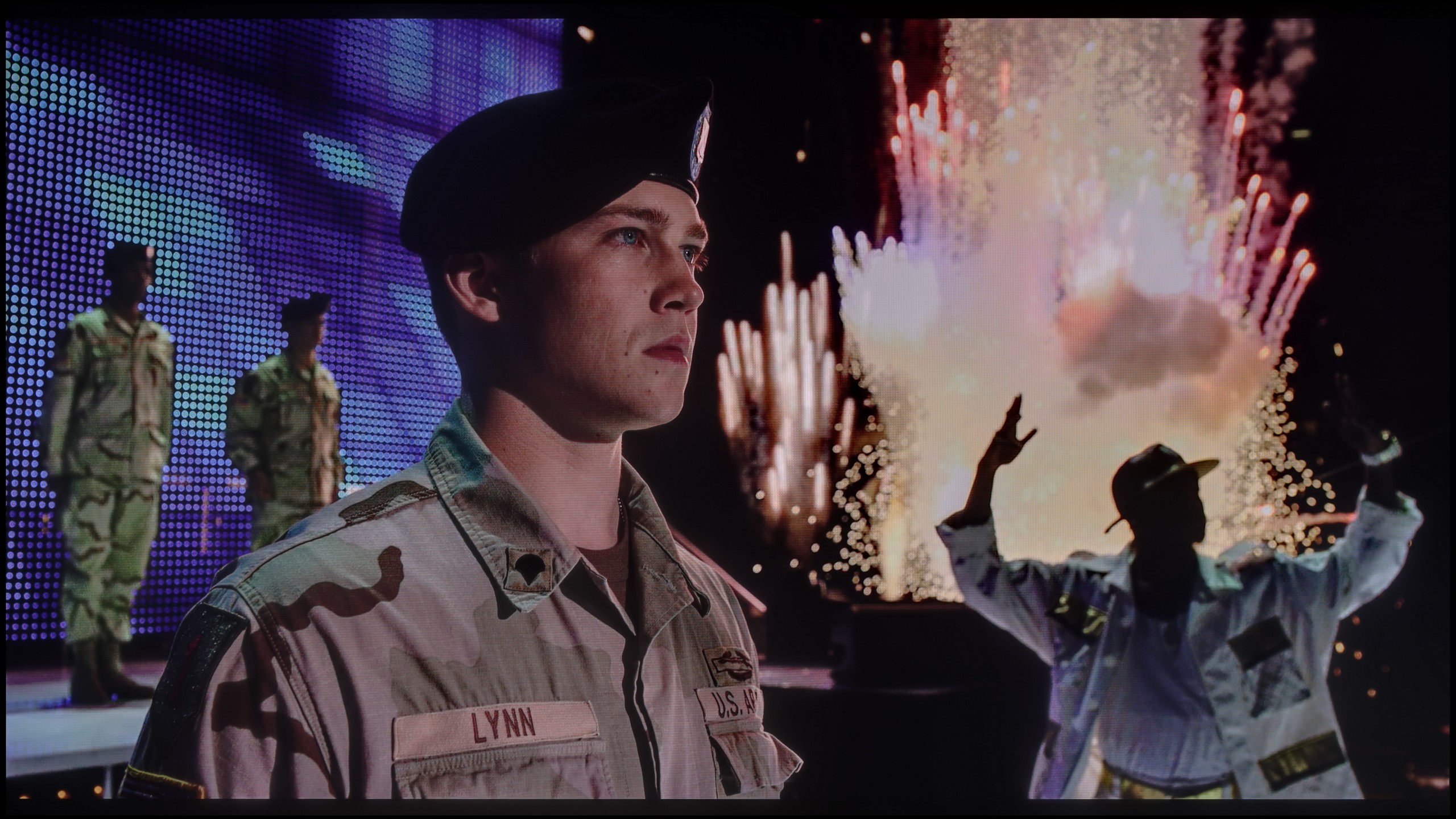
The photos show two HDR10 movies. 'Pan' is one of the brightest productions ever made, while 'Billy Lynn' (soldier) has brightness typical of streaming (Netflix, Prime, HBO MAX). Notice the intensity of effects and detail in whites.
Static HDR10

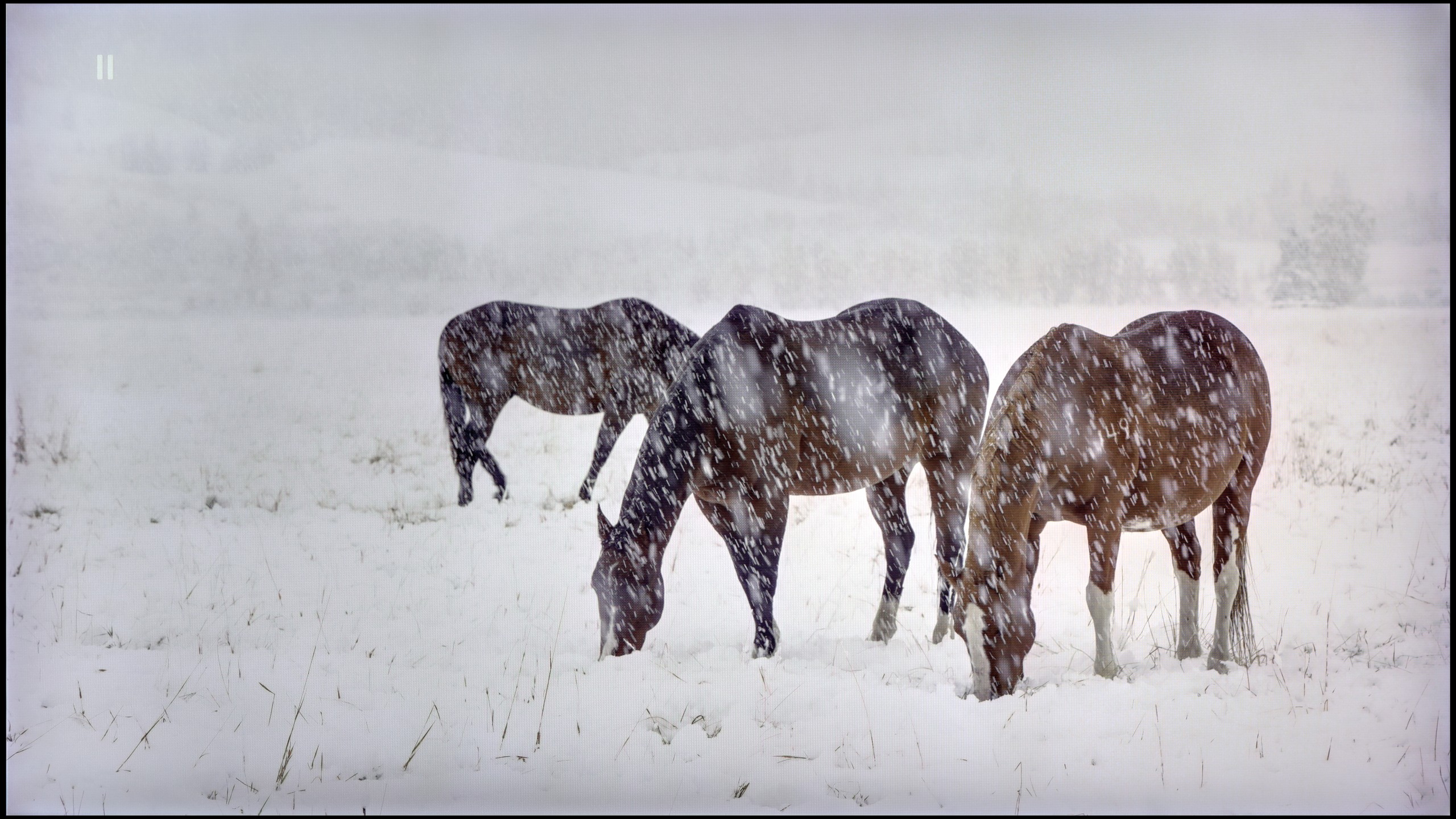
The photos present the visibility of white details in various HDR formats. They do not show brightness differences between TVs (these can be compared in the previous gallery).
Dynamic: Dolby Vision
Dynamic: HDR10+

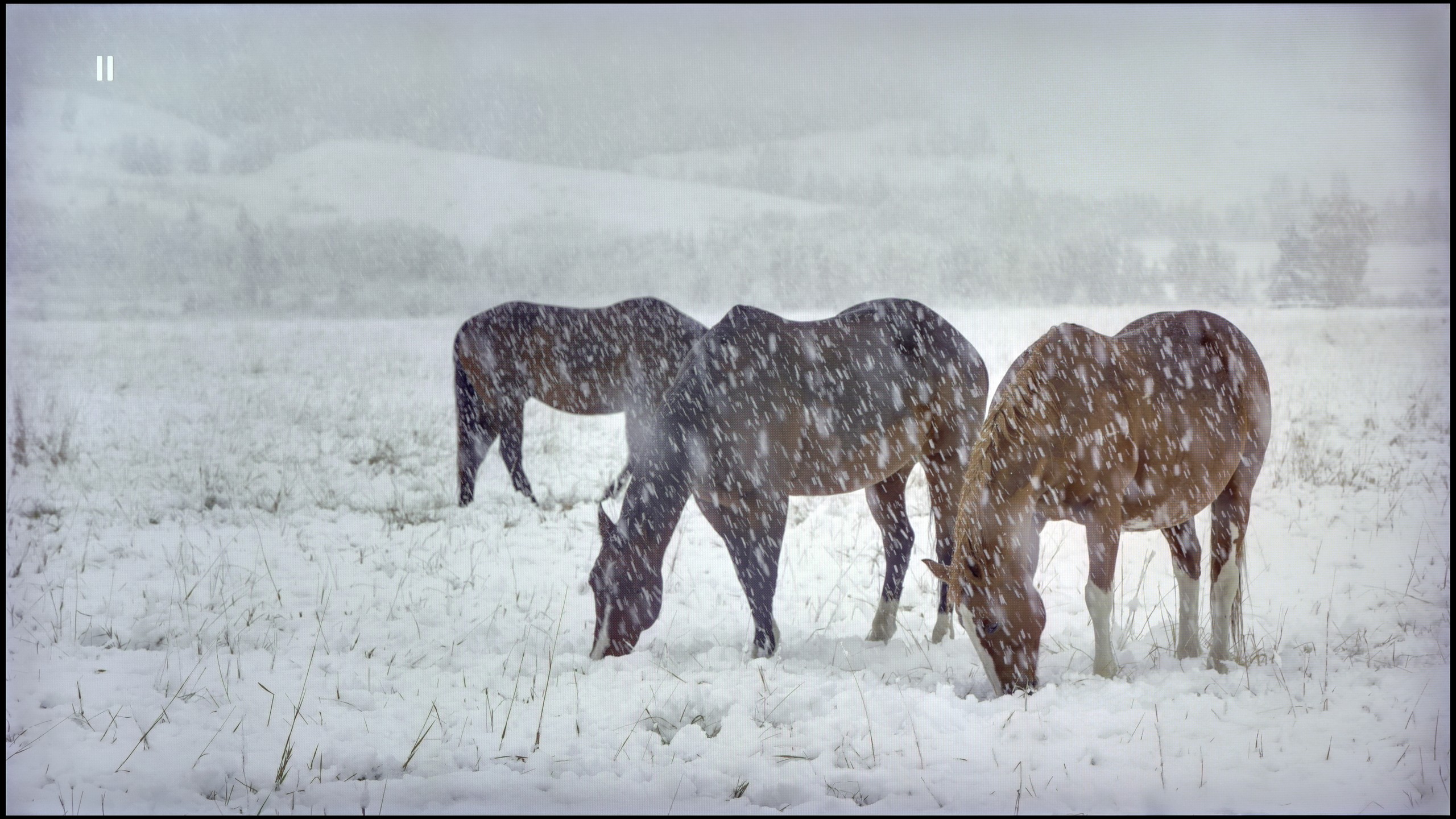
The photos present the visibility of white details in various HDR formats. They do not show brightness differences between TVs (these can be compared in the previous gallery).
HDR luminance chart:
Samsung QN80F
LG OLED C4
Luminance of RGB colors
The results of HDR materials are definitely among the better ones. Practically every film significantly exceeds the 700 nits barrier, allowing for a very realistic image. Of course, none of them surpasses the magical thousand, yet the combination of such results and unlimited contrast and black effectively boosts the outcome optically. The last of the scenes, featuring a full-screen burst of sunlight, is actually less bright than the others, although it still represents a commendable level. It is also worth mentioning the excellent coverage of the DCI-P3 colour palette, which will allow for achieving extremely vivid colours.
QN80F is quite a bright screen – in synthetic tests, it achieved nearly 1000 nits, which allows for justified expectations regarding HDR content. And indeed, in many scenes, the television can truly shine. Sequences with a lot of light – like shots from the film Life of Pi or wide, bright surfaces in The Meg – look impressive. Brightness remains around 700 nits, which provides a solid effect, sufficient to feel the true "HDR magic." Unfortunately, not every scene looks that good. In materials with small, bright details on a dark background, such as in Sicario 2, the television has issues – it can significantly dim certain elements, sometimes to the point where they disappear from the image. This is the result of a limited number of dimming zones, which forces the device to make compromises: either maintain inky blacks or sacrifice some detail. QN80F usually chooses the former. As a consolation, there is quite decent coverage of a wide colour gamut – DCI-P3 at 93%. This is not the highest score on the market, but it is more than adequate for most content on streaming platforms.
Factory color reproduction
8.1/10
6/10


This gallery shows how colors change after professional TV calibration. If you notice the difference, we recommend ordering this service at SkalibrujTV.com.
Factory Mode
After calibration
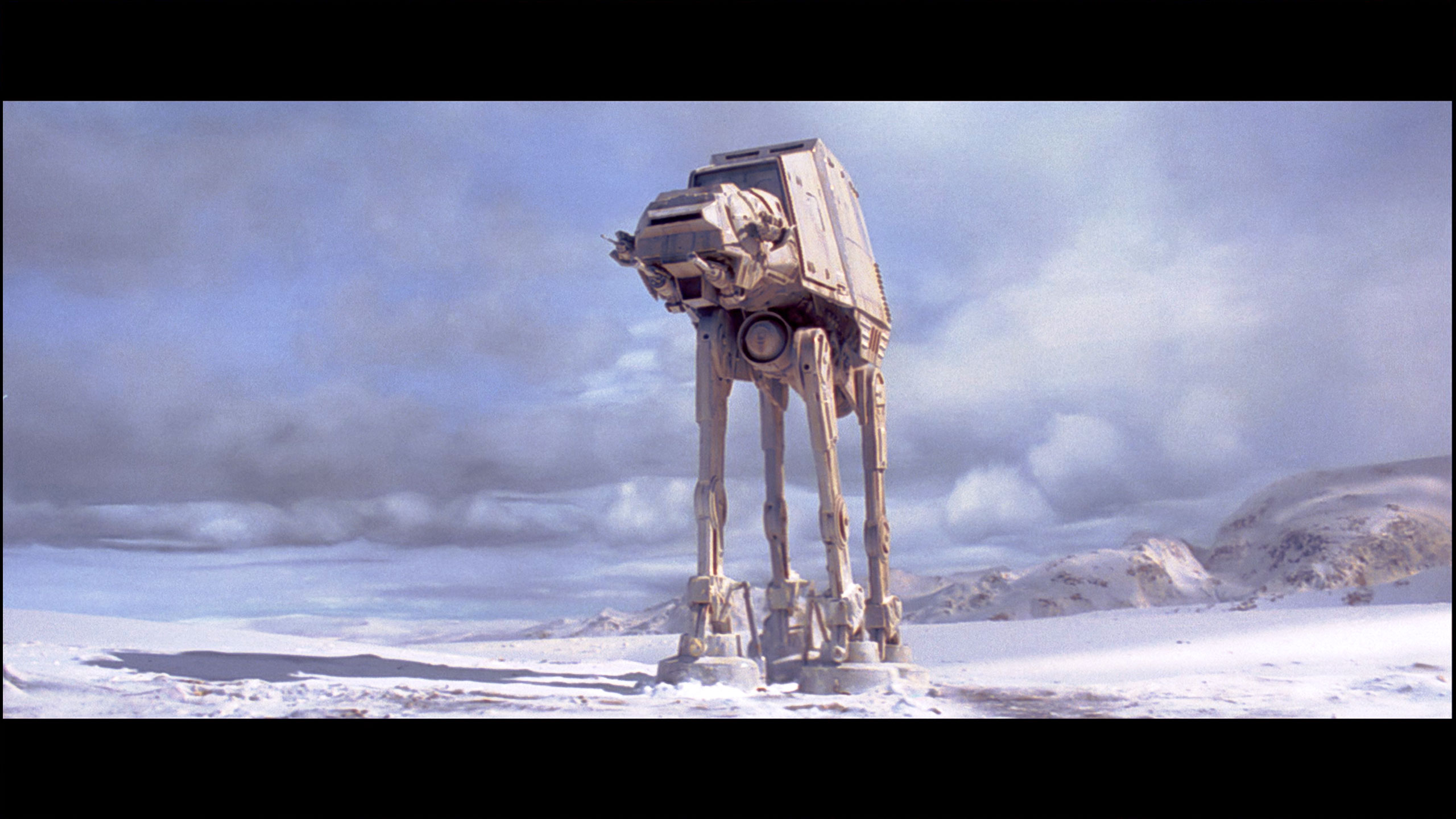
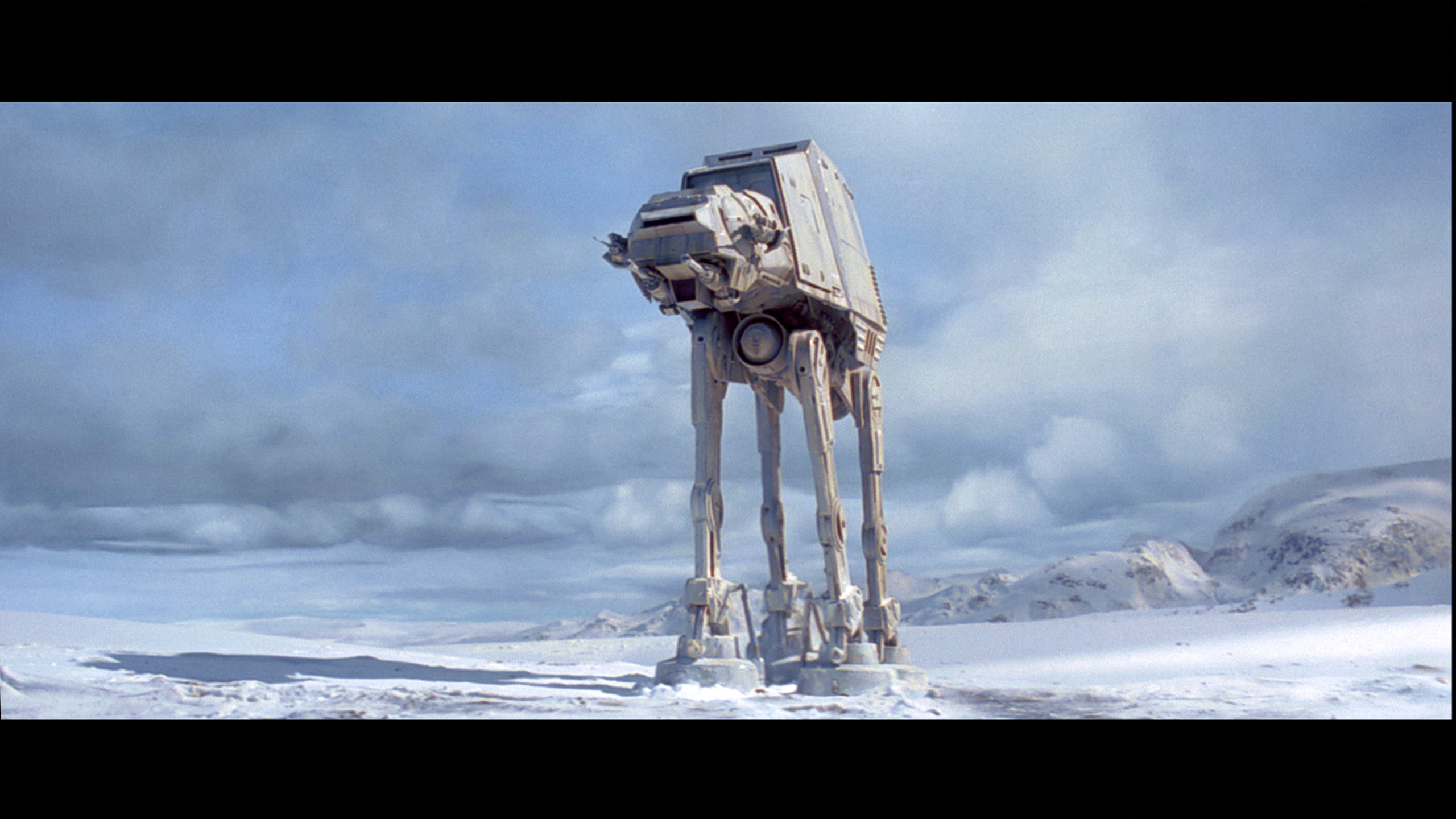
This gallery shows how colors change after professional TV calibration. If you notice the difference, we recommend ordering this service at SkalibrujTV.com.
Factory Mode
After calibration
The best factory mode implemented in the tested television was "Filmmaker". It was this mode that we used during all tests. This mode proved to be quite good in terms of colour reproduction; however, other shortcomings effectively detracted from the enjoyment of viewing. Starting with the most basic aspect, the white balance, it was easy to notice that it was marked by a dominance of red, which overall changed the characteristics of the image. We could thus see a strong yellowing of the whites and a shift of all colours towards warmer shades. The gamma, which is a curve just as important, if not more so, was quite significantly lowered, resulting in a considerable drop in contrast, except at the beginning of the graph, where the television insidiously lost details. That’s all regarding SDR materials. Taking a closer look at films with a wide dynamic range, we can observe exactly the same phenomenon of yellowing of the white balance as in films with a standard colour palette. The EOTF curve, which replaces our gamma curve, is practically perfect and cannot be faulted.
We test televisions always in the best available factory mode – in the case of the Samsung QN80F, this is the Filmmaker mode, and indeed, it is this mode that offers settings closest to the creators' intentions. However, this does not mean that everything looks perfect. In SDR content, the biggest problem turned out to be an unbalanced white balance – slight deficiencies in green and a noticeable excess of red led to discernible colour errors, one could even say a pinkish tint on the screen. This was well demonstrated in the colour checker test, where the colours 'escaped' beyond their target fields – to the extent that even a sensitive viewer's eye could catch this without the aid of a meter.
In HDR content, the white balance was much better, but another issue arose – brightness management. The EOTF curve resulted in an overly bright image for most of the time, which could affect the perception of contrast and caused the screen to subtly 'flicker' during dynamic light changes. We have already written more about this in the paragraphs on black levels and HDR. Fortunately, Samsung leaves the user with plenty of options. The QN80F offers a rich set of calibration options, including a 20-point white balance – therefore, we decided to check what this television is really capable of after proper calibration.
Color reproduction after calibration
9.5/10
8.3/10

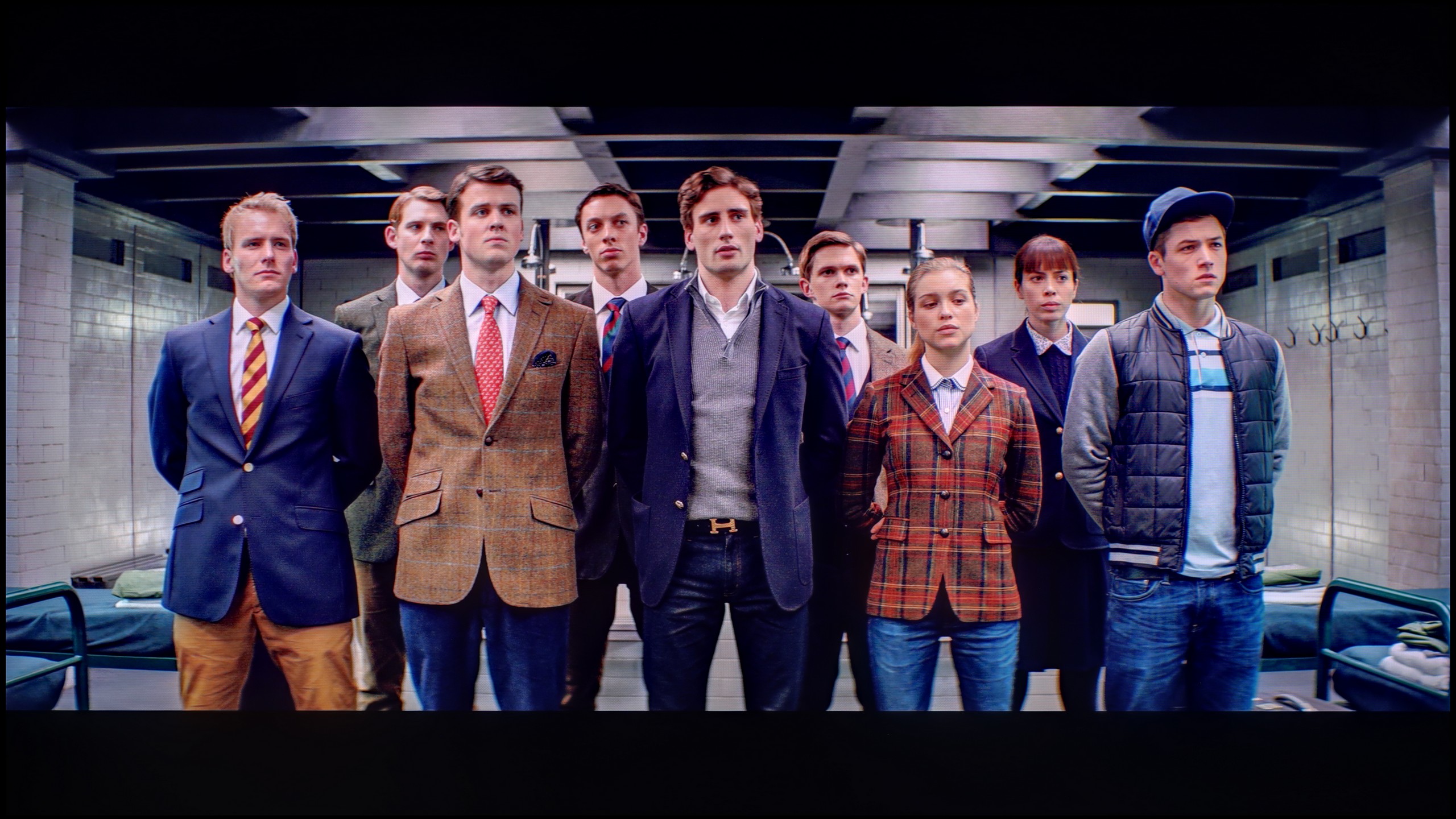
The photos show how movies look on the TV. Pay attention to black detail visibility, colors, and shadow tint.

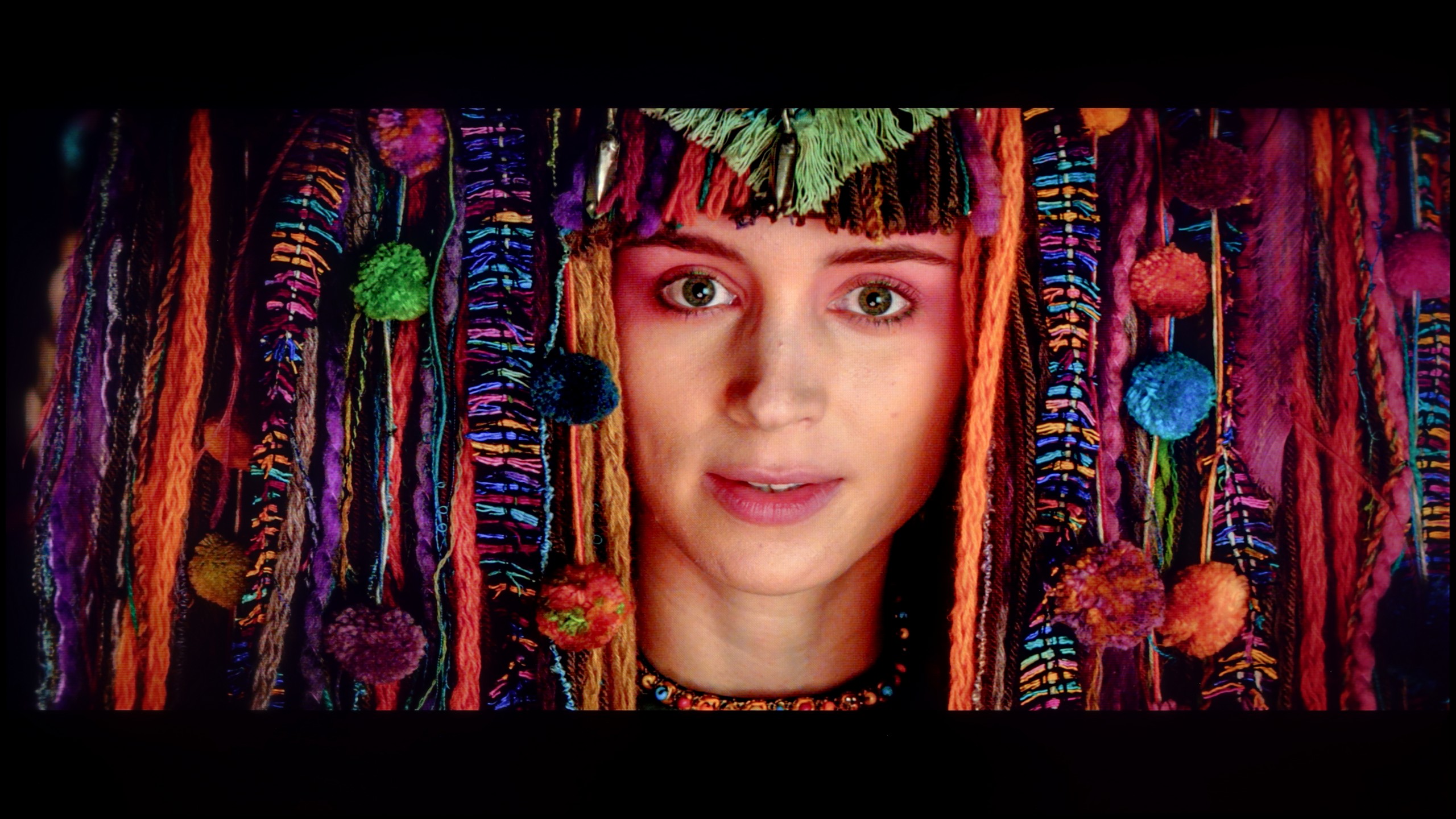
The photos show how movies look on the TV. Pay attention to black detail visibility, colors, and shadow tint.
As we mentioned earlier, LG televisions are equipped with advanced tools for carrying out the calibration process. We therefore used them to model the image in the way that the director intended. And without modesty, we must admit that we achieved this phenomenally. Both SDR and HDR materials present a level that clearly indicates that this is how a film should look. It is worth looking at the colour errors on the "ColorChecker" palette here, where practically none of them exceeds "1", apart from two samples.
After conducting a thorough calibration, it was possible to bring most of the image parameters to a really good level. The white balance in both SDR and HDR is nearly perfect – the picture is natural, neutral and devoid of the previously noticeable redness. The colours have gained depth, and the overall visual reception has become more pleasant and cohesive. It was also possible to partially master the brightness management, which in the factory version could be problematic. The EOTF chart shows that the television performs significantly better with brightness after calibration – there is no longer excessive dimming of certain elements. In films, it can still be noticed that the QN80F has a tendency to slightly brighten the smallest, light details – however, this is the effect of the device's design and the limited number of dimming zones. In short: not everything can be overcome, but what could be has been improved. After calibration, the QN80F makes a really good impression; it simply looks more mature and professional.
Smoothness of tonal transitions
7.1/10
9/10


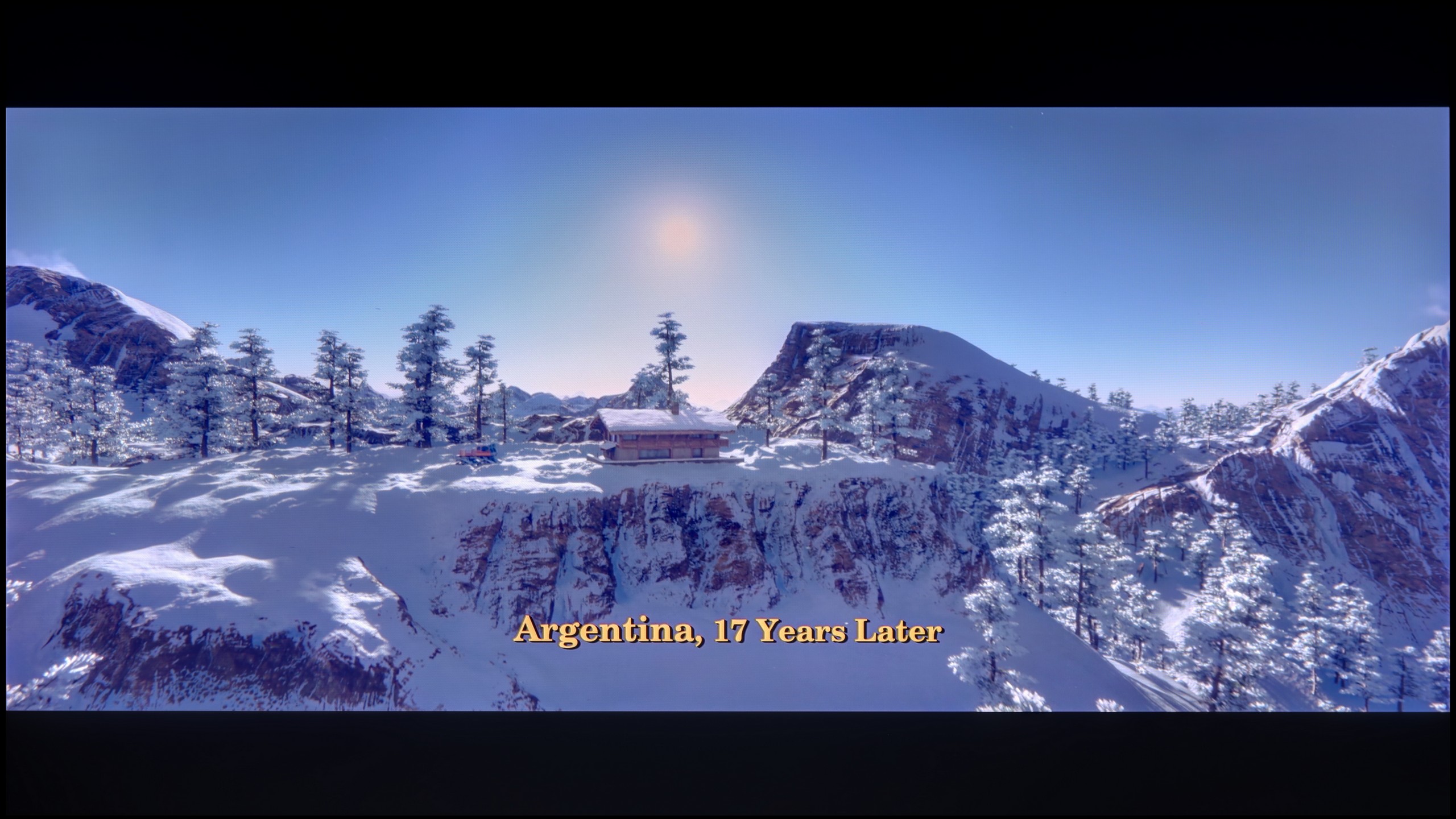
These are selected scenes that show smooth tonal transitions from one color to another. If you see distinct banding, it’s the TV panel’s fault.
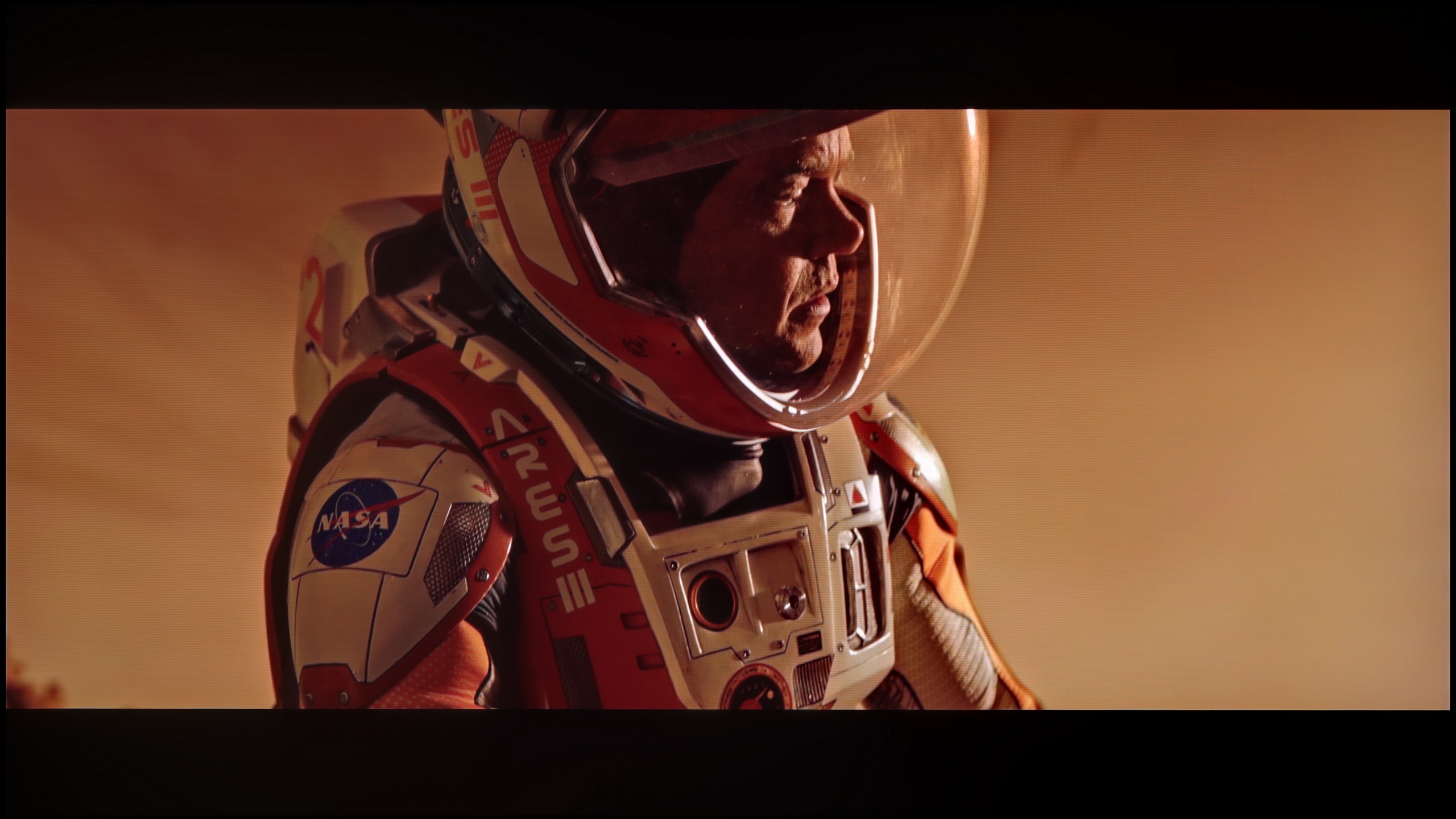
These are selected scenes that show smooth tonal transitions from one color to another. If you see distinct banding, it’s the TV panel’s fault.
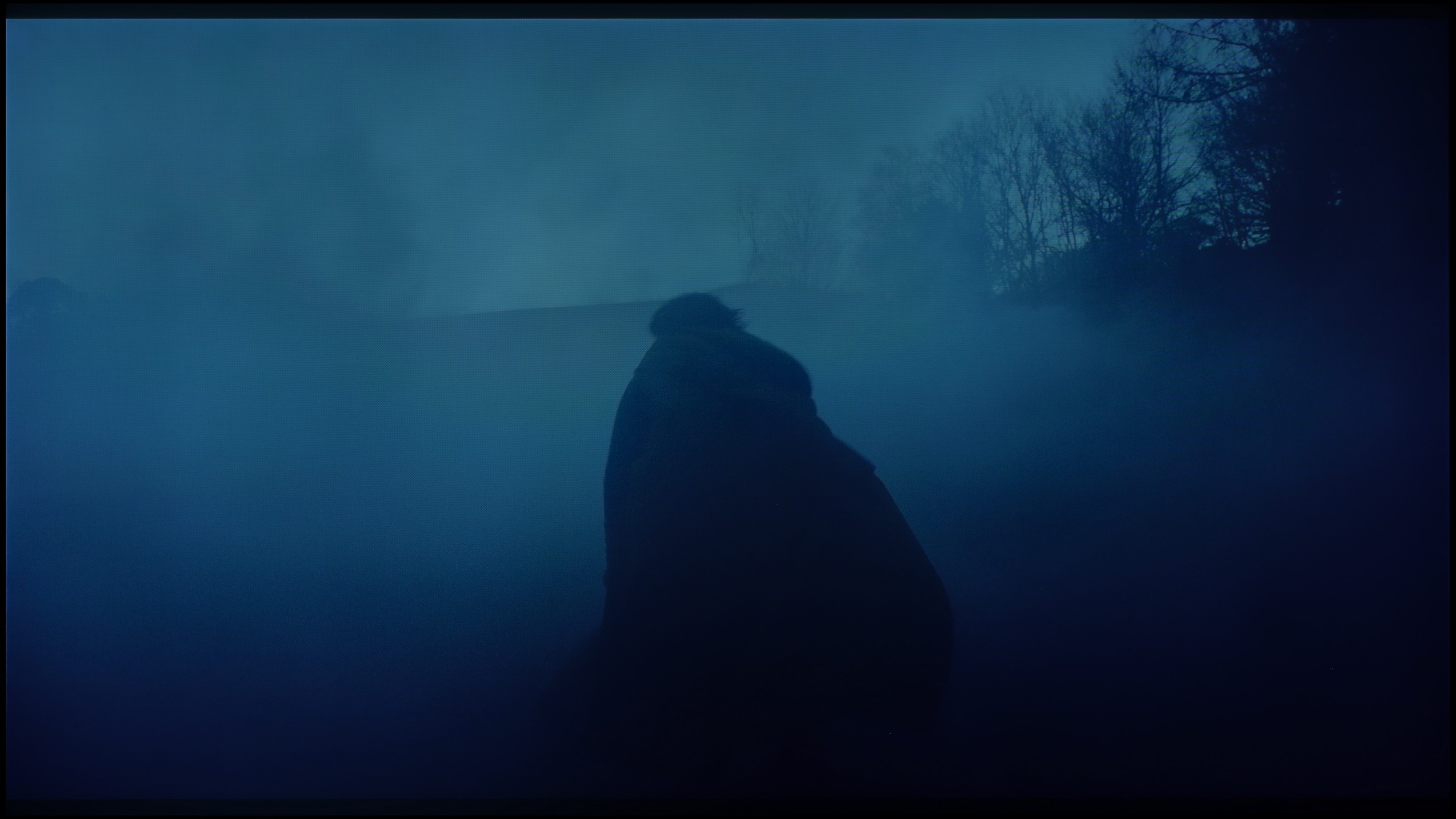
These are selected scenes that show smooth tonal transitions from one color to another. If you see distinct banding, it’s the TV panel’s fault.
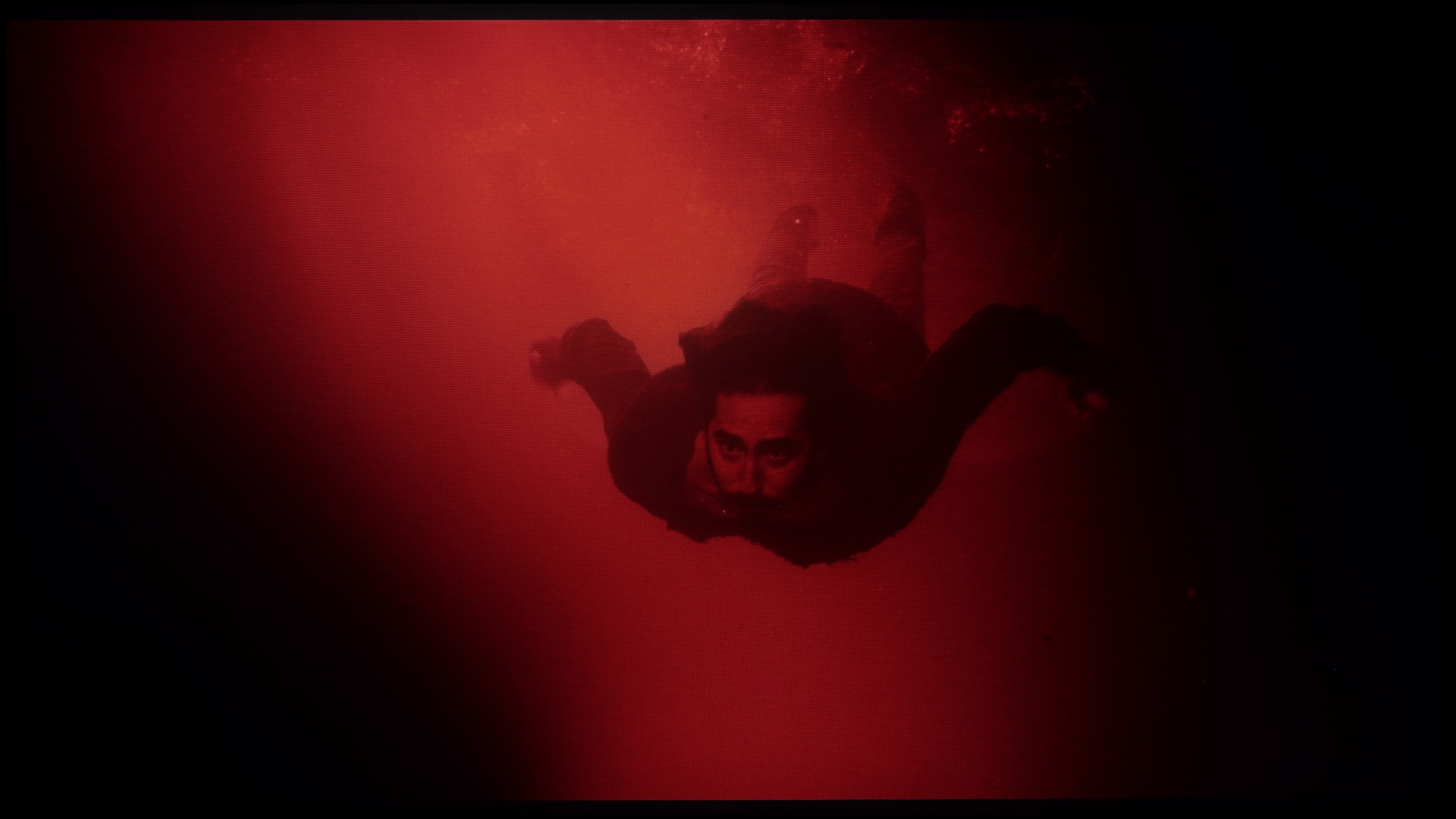
These are selected scenes that show smooth tonal transitions from one color to another. If you see distinct banding, it’s the TV panel’s fault.
The fluidity of tonal transitions in LG televisions has always been a fairly sensitive issue, as the manufacturer, despite impeccable performance in other areas, has almost always struggled to get this right. The results of the assessment of the fluidity of tonal transitions in the tested television were quite good, and the problems are mainly visible in darker scenes, such as the last two scenes. Interestingly, this is a result that is definitely better than the highest model from the manufacturer, namely the LG G4.
In this respect, the QN80F truly impresses. The transitions between colours are smooth, nothing is torn, and there are no annoying stripes in the sky or strange blotches in the shadows. Film scenes in darker tones performed particularly well – and this is where most televisions tend to struggle. If one is very determined, they may notice slight banding in the brightest sections, but that is really stretching for an issue. In everyday viewing, no one should have a problem with this. To put it plainly: the tonal transitions are so good that one can forget about them – and simply enjoy the film.
Image scaling and smoothness of tonal transitions
8/10
7/10


Smooth transition function

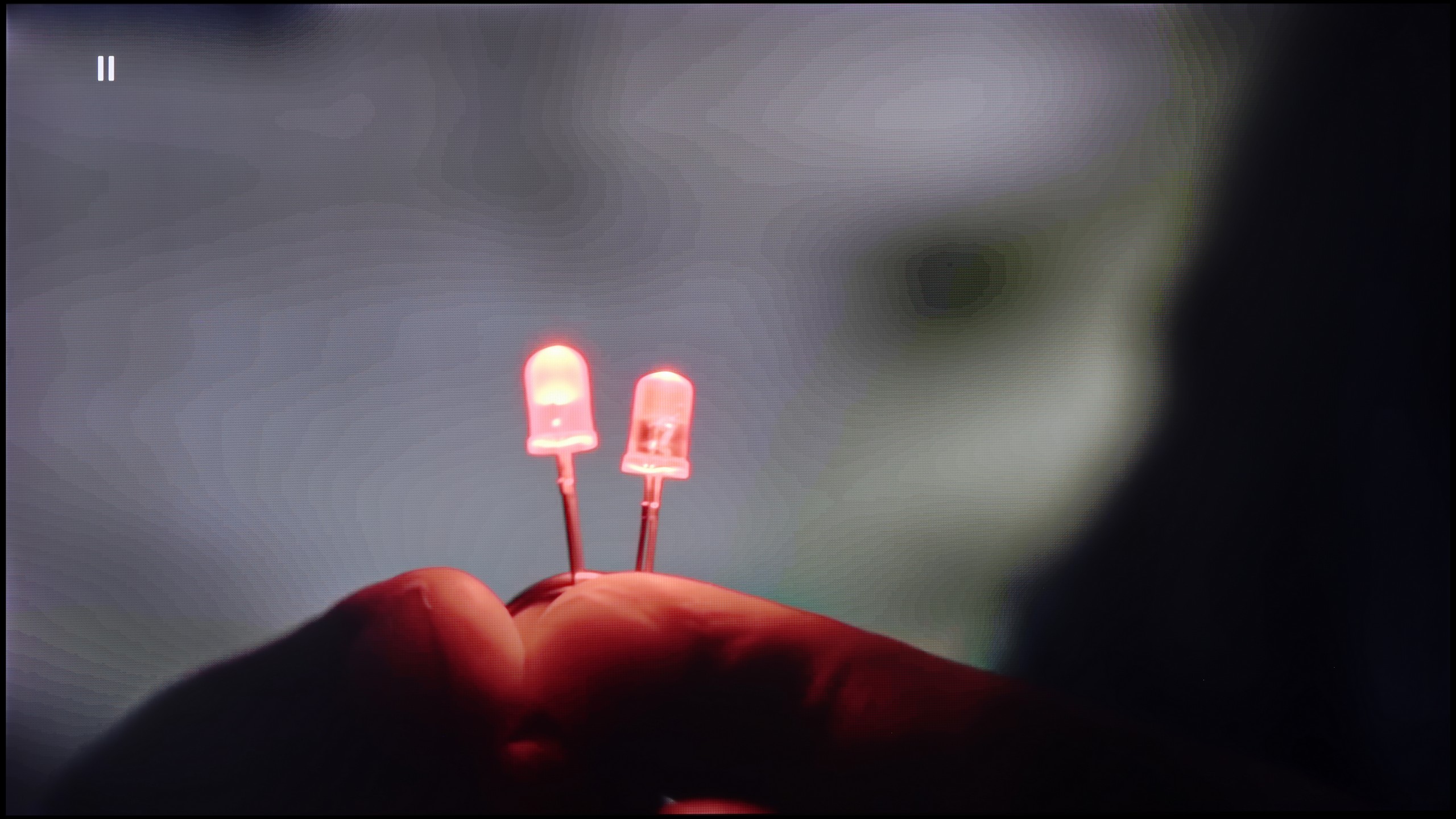
The match photo shows how the TV smooths weak tonal transitions in low-quality video.
Image scaling SD (576i)

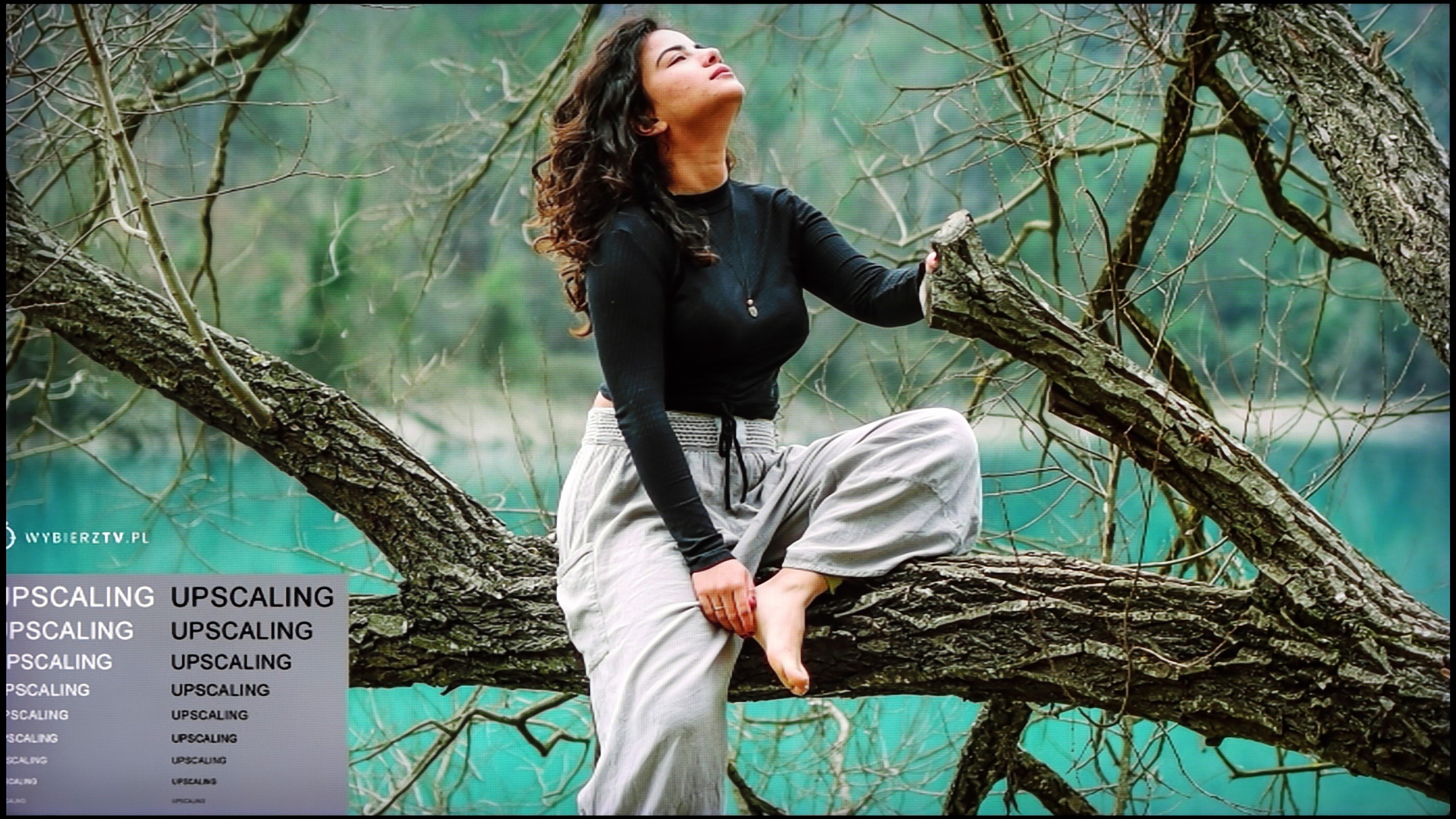
The model photo shows how it handles upscaling of SD material.
Once again, we will take a look at the function responsible for smooth gradation, but we will also address the one that aims to improve the quality of lower-quality materials. The default smoothing of tonal transitions, as we have seen, was not the worst, but it can still be improved. The function has a slider, which allows us to adjust its strength. We recommend using the first one, as it yields very good results and does not blur important details.
Image scaling in LG C4 is quite good; however, it cannot be said to be without flaws. The image is slightly sharper by default, although not in a very noticeable way. Admittedly, there are jagged edges on the trees, but this is not a major issue compared to other manufacturers.
If, while watching lower quality materials – for example from YouTube – we notice strange colour transitions or unwanted artefacts, it's worth checking the settings and turning on the noise reduction feature. In our opinion, the best setting is at “medium” – it effectively smooths out problematic colour transitions while not blurring the entire image too much. However, one must know this: this option tends to remove film grain. If someone cares about preserving this effect (e.g. in older films), it’s better to simply turn it off – regardless of the level, the grain always disappears.
When it comes to resolution scaling (or so-called upscaling), Samsung – as usual – performs very well in this area. The QN80F may not compete with top models costing tens of thousands, but for its price class, it really does impress. Materials of very low quality (e.g. from SD television or older video files) are noticeably improved and look surprisingly decent. The only noticeable drawback is the typical Samsung issue with overscan – that is, slight cropping of the image edges in very low resolutions, e.g. 576p.
Blur and motion smoothness
8.5/10
7.5/10

Blur (native resolution, maximum refresh rate):


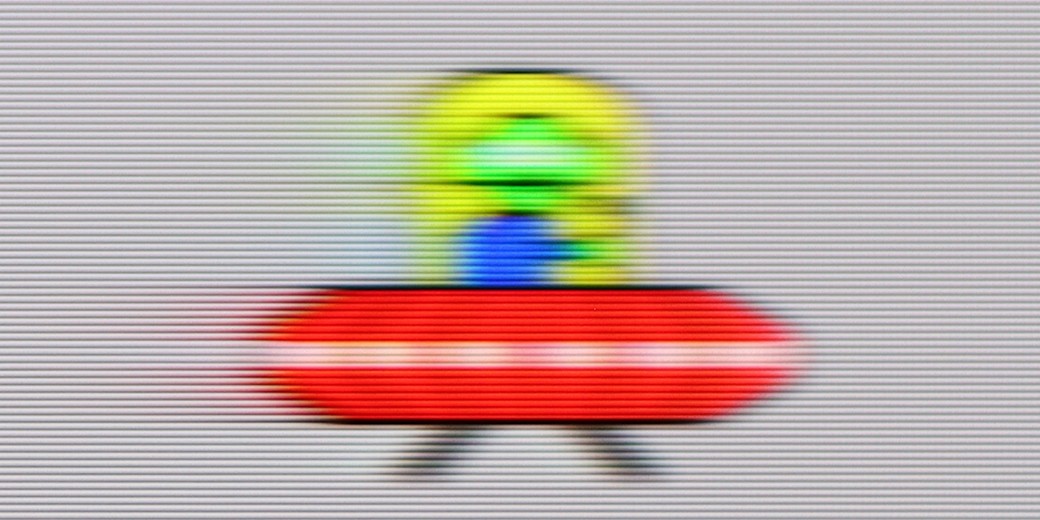
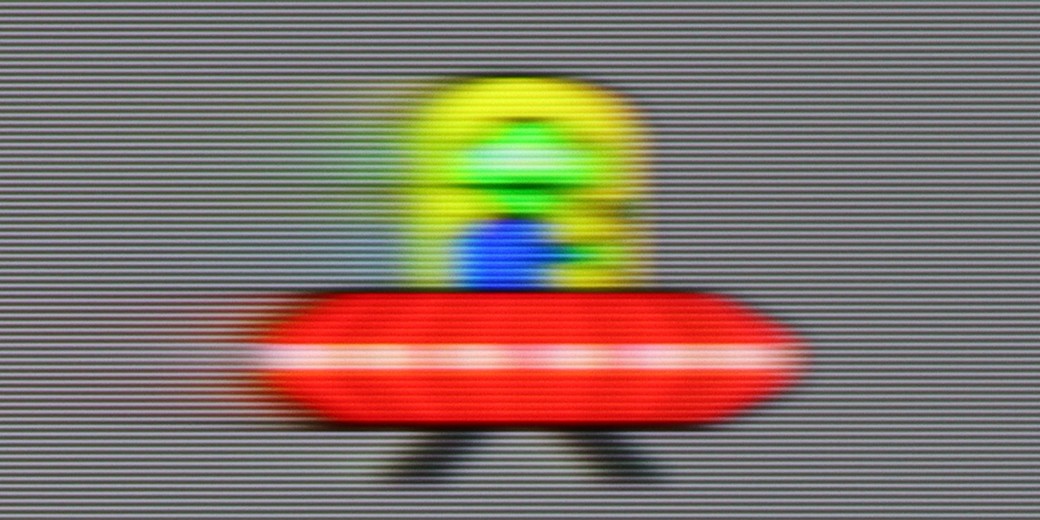
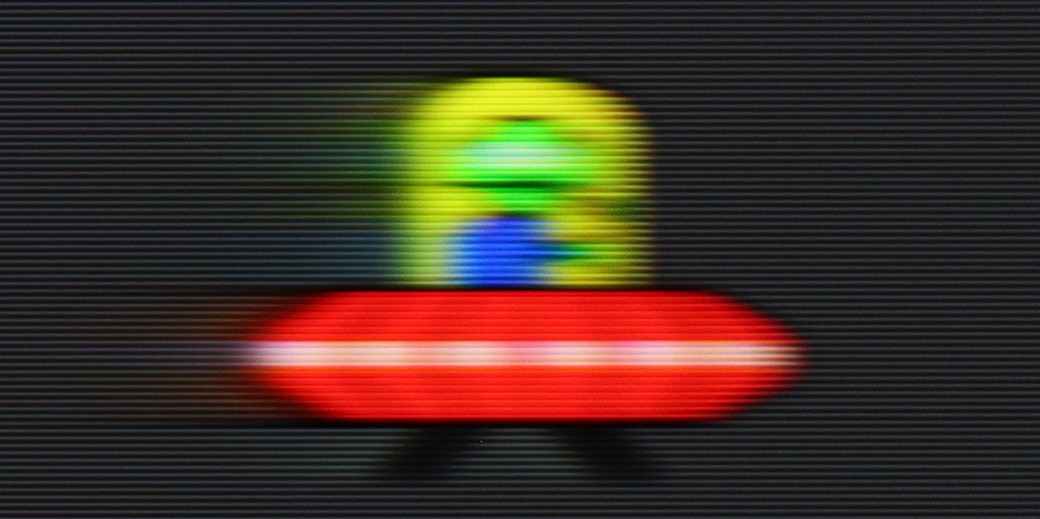
Blur (BFI function enabled):
Image flickers in this mode


Image flickers in this mode
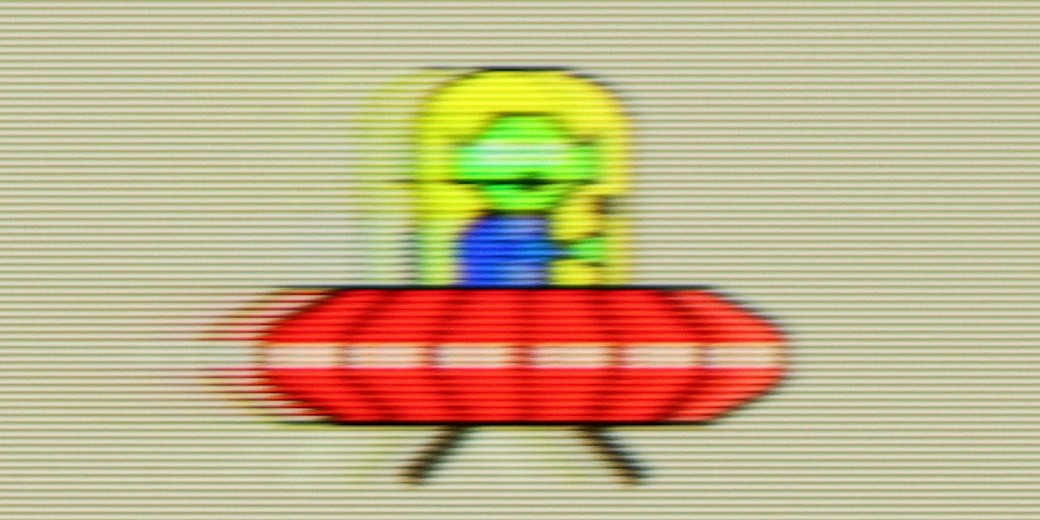
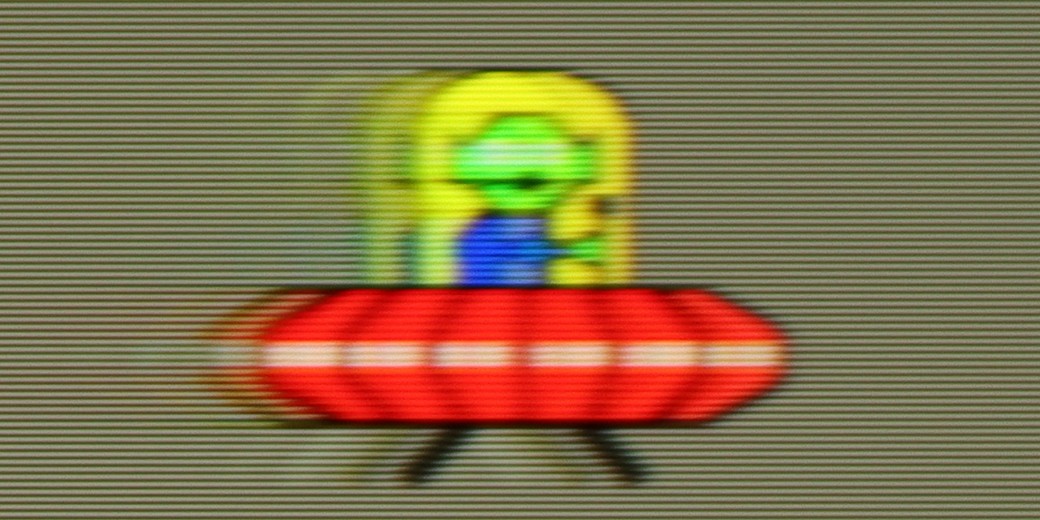
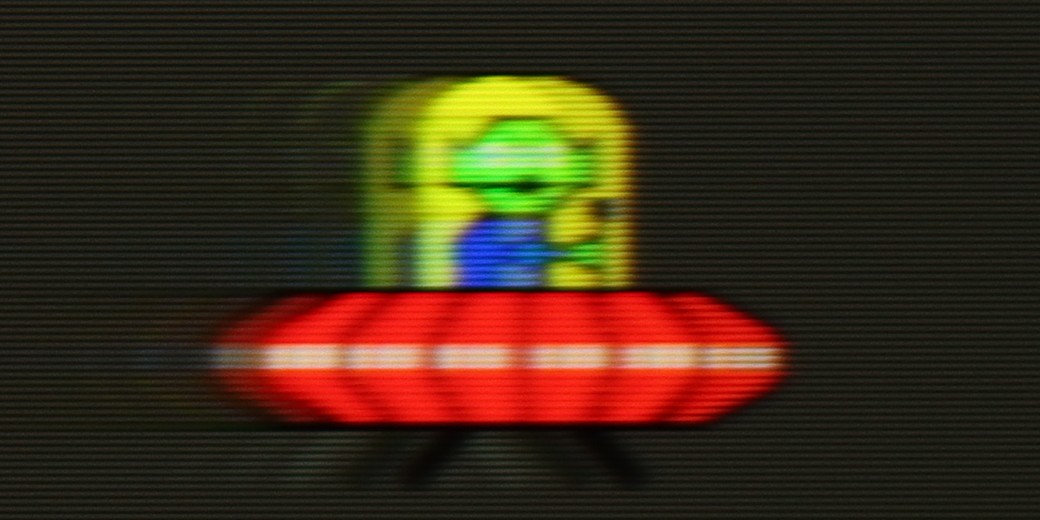
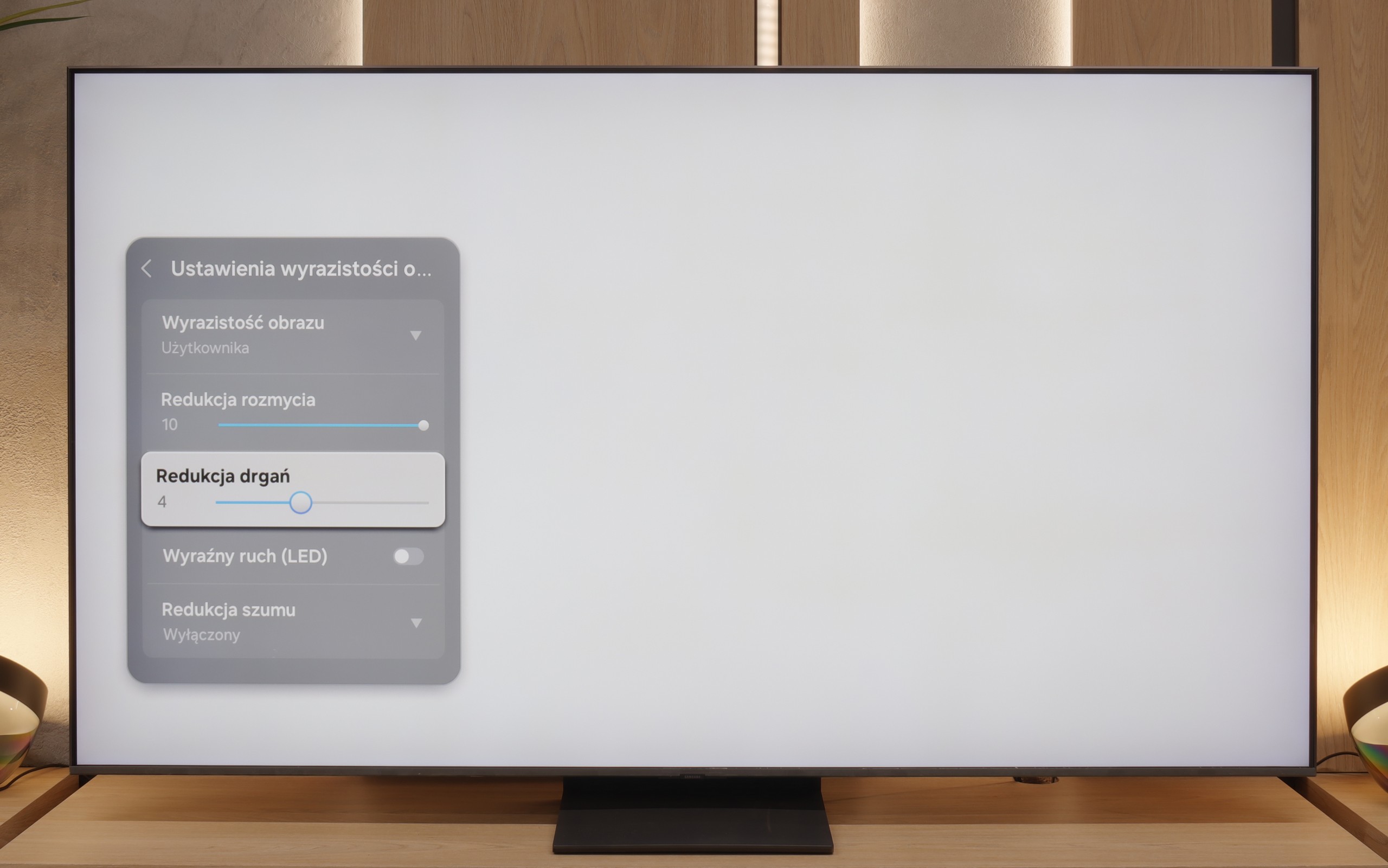
The maximum refresh rate that we can set on the LG G4 is 144 Hz. Naturally, this is only possible when connecting the television to a very powerful PC. In other cases, we will be operating at a maximum refresh rate of 120 Hz, which is recommended if we primarily want to watch sport or content with a lot of motion dynamics. For those requiring high fluidity of the image, the manufacturer has implemented a multi-step motion smoother called "TrueMotion". It has been divided into two separate sliders that adjust the sharpness of moving images (De-Blur) and judder (De-Judder). Both sliders can be set within a range from 0 to 10, with each degree affecting the degree of smoothing, allowing everyone to find their golden mean.
The LG OLED C4 panel features an average response time of less than 1 ms (which directly results from our measurements), allowing for an incredibly clear image that is unattainable for LCD televisions, whose response times can be as high as several milliseconds. This is clearly visible in the pictures from the "UFO Test," showing no trailing blur behind the object.
QN80F is truly a "fast" television. The applied panel offers a refresh rate of up to 144 Hz, which in practice means that the screen keeps up with the action – whether we're watching a film, playing games, or browsing dynamic content online. The image doesn’t stutter, isn’t excessively smeared, and overall looks simply smooth and pleasing to the eye. Of course, the manufacturer hasn’t forgotten about cinema fans – in the settings, we’ll find an option to adjust motion smoothness, allowing us to tailor the effect to our personal preferences. We can maintain a more "framey" appearance (for those who enjoy the classic cinematic vibe) or ramp up the smoothness to a higher level for a theatrical smoothing effect. Importantly, the choice is ours. Watching films and playing on the QN80F is simply a delight.
Console compatibility and gaming features
10/10
9.6/10
- ALLM
- VRR
- VRR range40 - 144Hz48 - 144Hz
- Dolby Vision Game Mode
- Correct implementation of HGIG
- 1080p@120Hz
- 1440p@120Hz
- 4K@120Hz
- Game bar

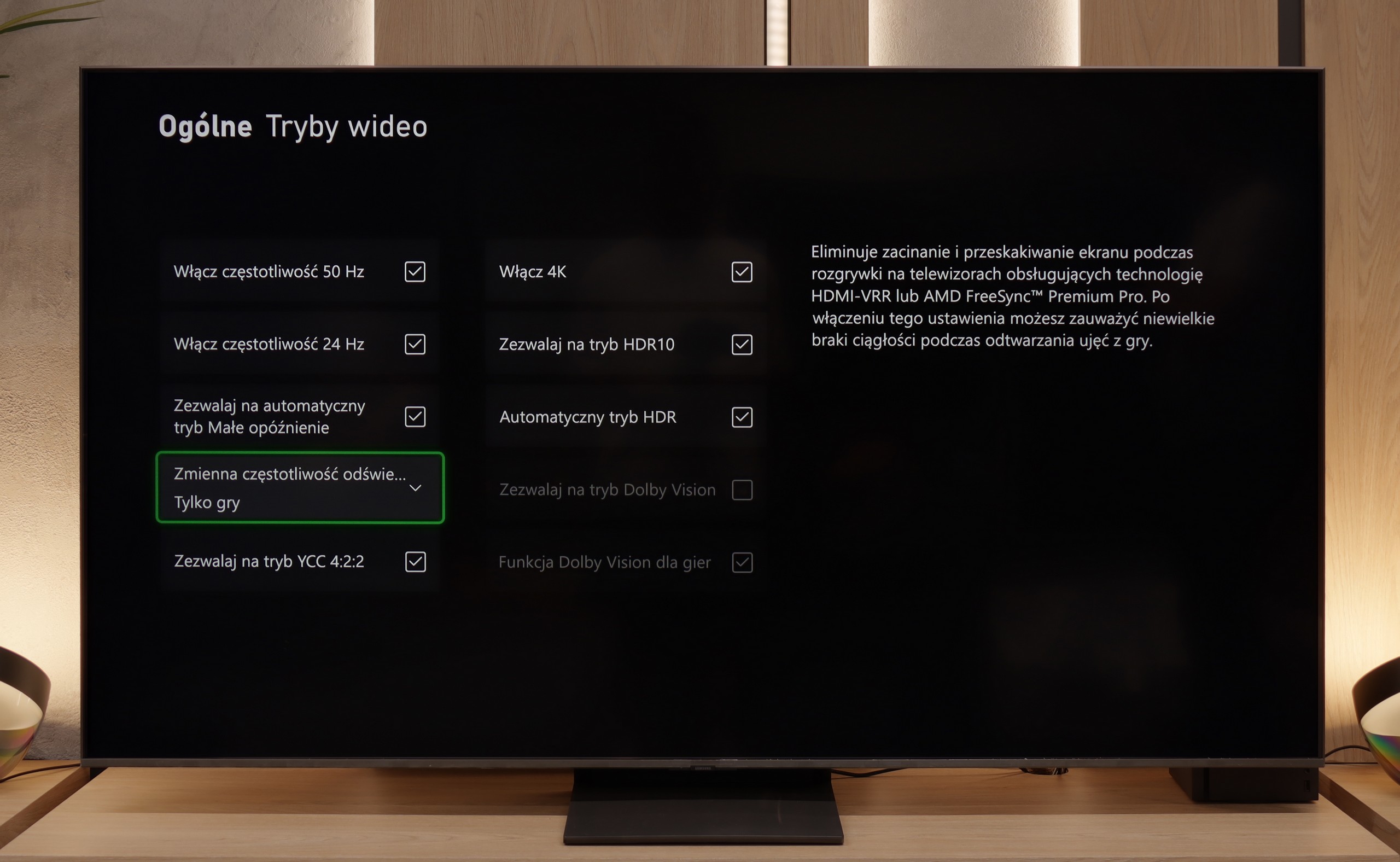

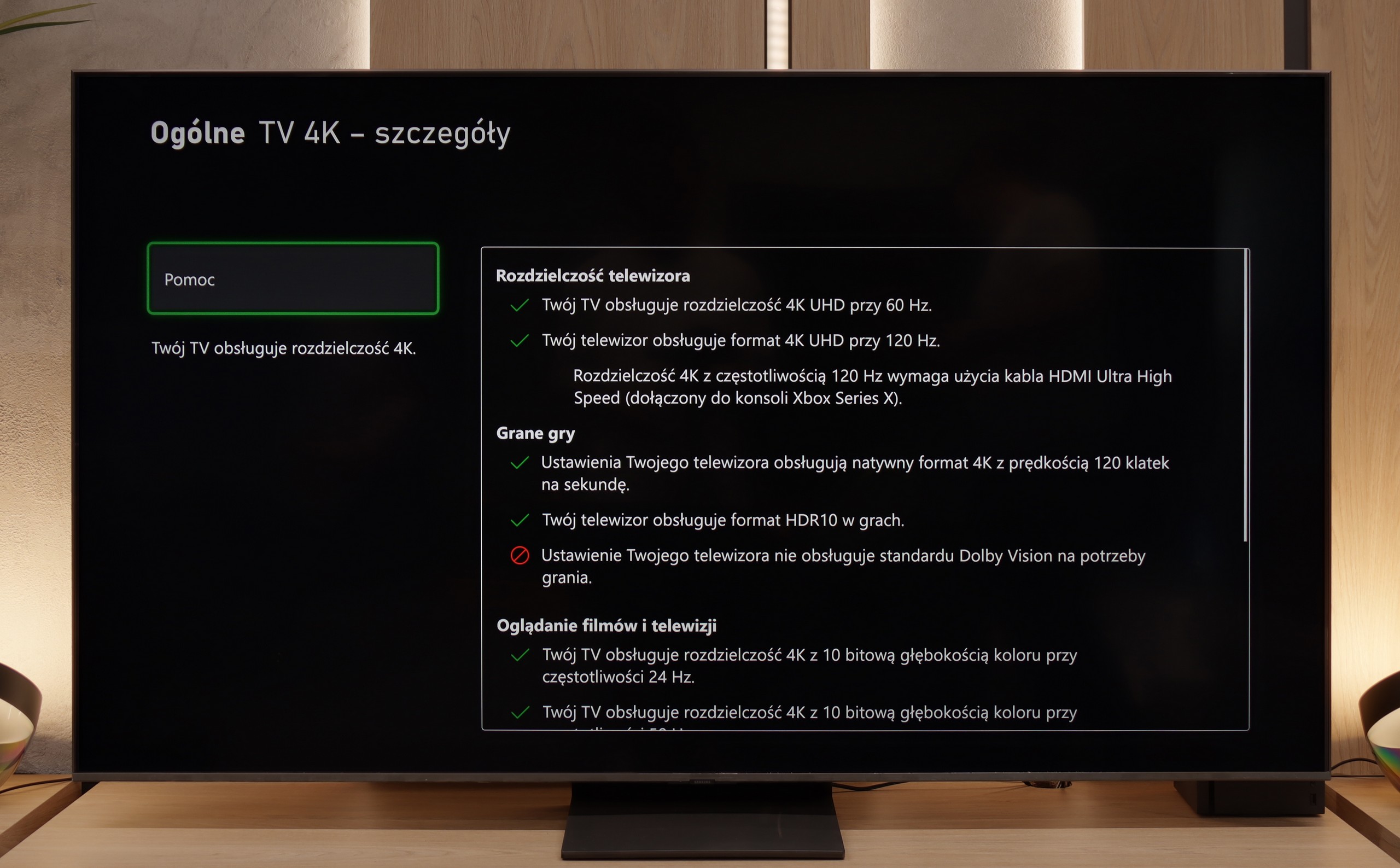

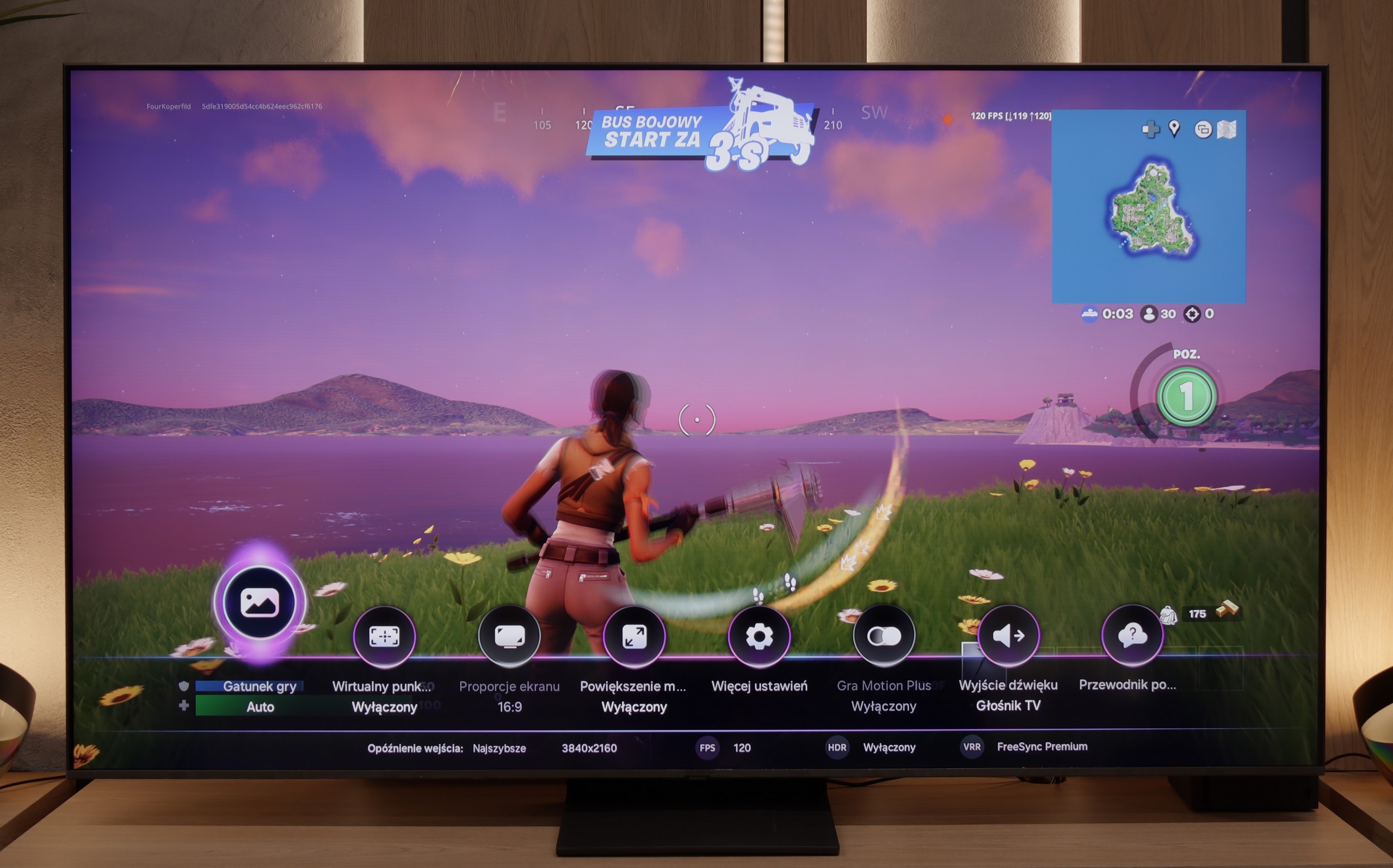

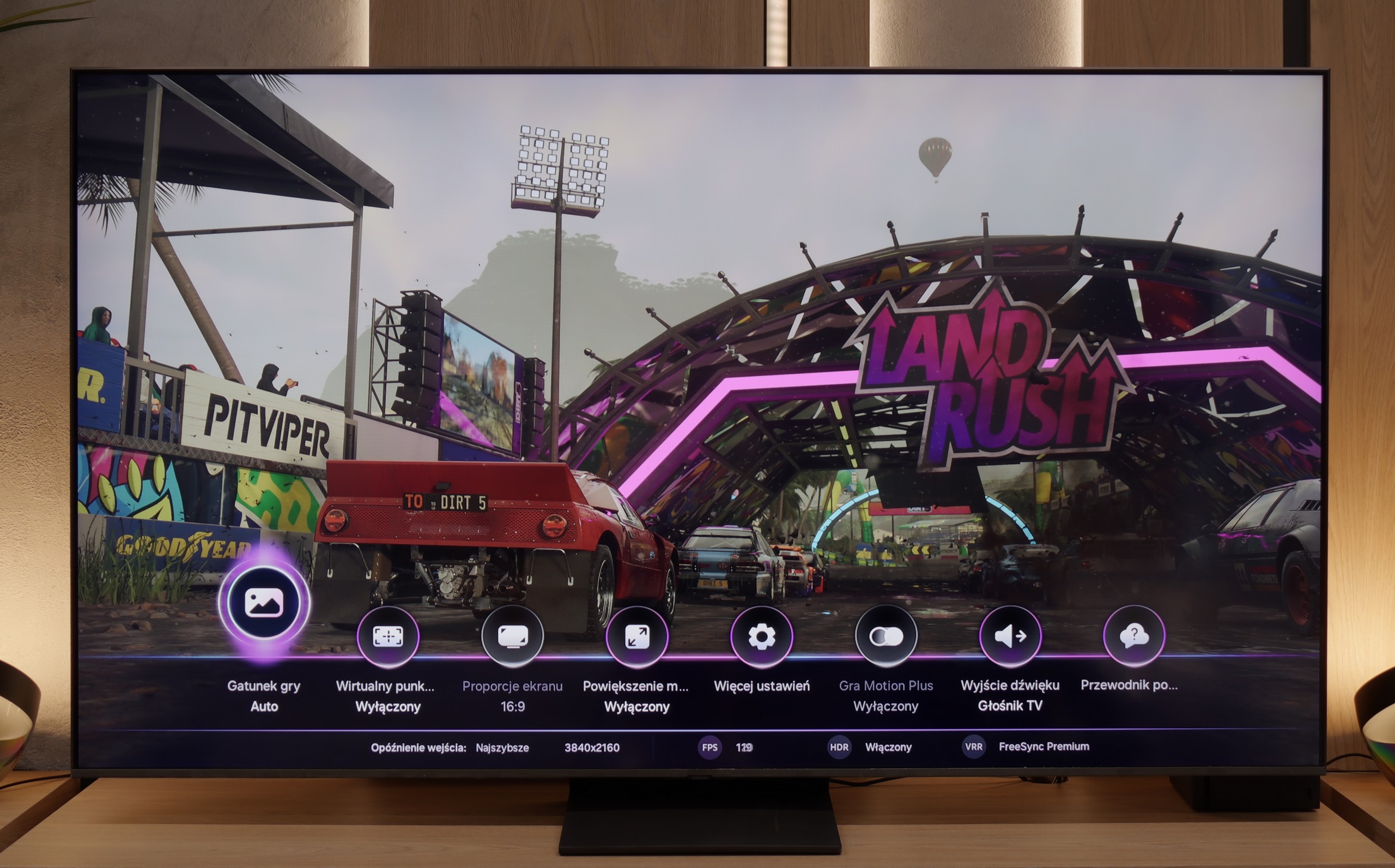
We can already say that LG C4, like practically every OLED television from the manufacturer, is exceptionally good in terms of compatibility with consoles and PCs. Thanks to the implementation of four full bandwidth HDMI 2.1 ports at 48 Gbps, the manufacturer has included all features that enhance the gaming experience, among which we find simultaneous support for FreeSync and G-Sync technology. With such a tandem, gamers with a graphics card from AMD or Nvidia can confidently opt for C4. However, what should delight the players requiring the highest possible quality the most is the simultaneous implementation of HDR Dolby Vision and HGIG mode. The first is particularly important as it works with extremely low input lag in all settings.
A standard in the Korean manufacturer's televisions is also the implementation of GameBar, allowing for quick adjustments of settings "on the fly" without the need to exit the game. It also enables image adjustments for visually impaired individuals, which is a very nice touch. Another important piece of information is that when VRR technology is enabled, we will not experience a drop in contrast. This is, of course, due to the panel's design and the absence of conventional backlighting. However, it is normal for shades of grey to flicker slightly, although this is a characteristic feature of this function regardless of the manufacturer and television.
In summary: LG C4, just like all of the manufacturer's OLEDs equipped with high refresh rate panels and HDMI 2.1 ports, creates a harmonious whole with consoles. In practice, it is a complete television, and if we expect the highest possible performance in gaming, C4 will be an ideal choice.
Samsung QN80F is a television that delivers on almost every front when it comes to gaming. We have a 144 Hz panel, four fully-fledged HDMI 2.1 ports, support for gamers in the form of Variable Refresh Rate (VRR), Auto Low Latency Mode (ALLM), and even one of the best-designed game bars on the market. The cherry on top is the motion smoother, which – uniquely in the world – works in games without significantly increasing input lag. Sounds like an almost perfect television for gamers? And indeed, it is almost that.
[UPDATE] We have updated our reviews of Samsung televisions from the 2025 model year due to the release of firmware version 1131, which restored the critical gaming feature HGiG.
As usual, Samsung does not support Dolby Vision in games, but that no longer surprises anyone. However, it is much more surprising that... the HGIG function has disappeared – the system that allows the console (e.g. PlayStation 5 or Xbox Series X) to precisely adapt HDR tone mapping to the capabilities of the television. In the latest firmware update for the 2025 models, this option simply vanished. It looks more like a mistake than a deliberate move, but it must be honestly noted that at the time of writing the review, the HGIG function is simply not available.
And it is precisely because of this one absence that the QN80F shifts from being nearly perfect for gamers to being 'almost' perfect. It's a shame – because everything else suggested that Samsung could raise the bar very high again in this generation.
Input lag
10/10
9.8/10
SDR
HDR
Dolby Vision
The input lag of the LG C4 is at an incredibly low level in every scenario. Even the most dedicated gamers will surely appreciate the very low input lag at demanding 4K 120 Hz settings with HDR, which is just 5 ms. It is also worth noting that the lag at the same settings but with Dolby Vision HDR enabled remains unchanged, which is not so obvious with the competition. Therefore, it deserves the highest rating and recommendation.
The QN80F does not disappoint when it comes to response time. The input lag for 120 Hz content drops below 10 ms, which can be considered an almost perfect result – it is hard to expect more in this class of TVs. Gaming is smooth, responsive, and without delays that could annoy even the most sensitive players. For 60 Hz materials, the lag is higher, around 19 ms, but this is a completely natural phenomenon and still falls within comfortable limits.
Compatibility with PC
8.6/10
8.8/10

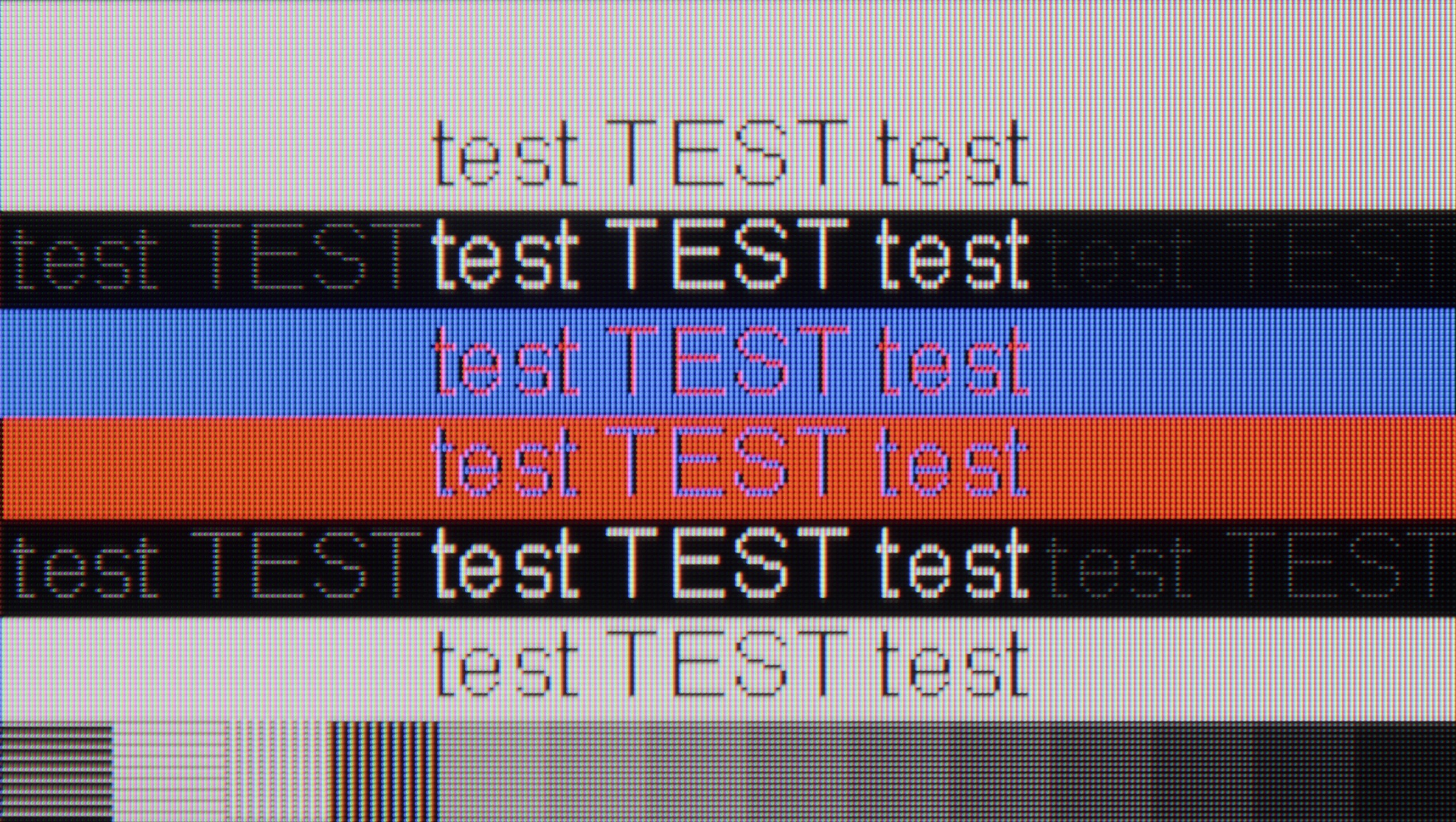
The photo shows the legibility of small fonts. Ideally, lines should be the same thickness on both light and dark text, with minimal pixel gaps.
LG C4 in combination with a PC performs excellently, thanks to a very low latency of just 13.5 ms, which is practically an instantaneous response between the mouse, eye and screen. A particularly important issue when working on the screen is the readability of text, which in the case of the tested television is very good. However, it is worth noting that to achieve sharp fonts, you need to enable the passthrough option in the settings.
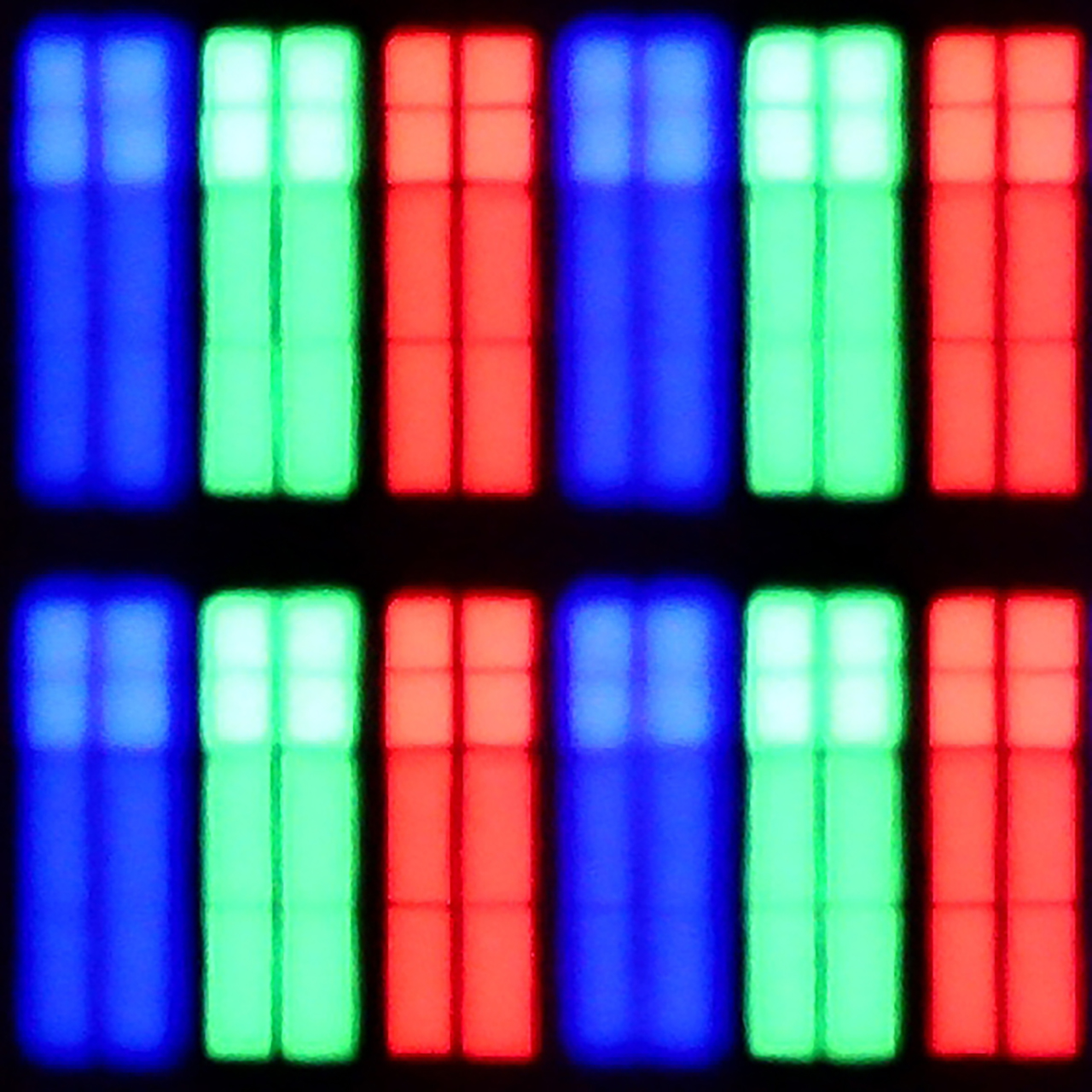
The RWBG pixel arrangement has no significant impact on the display of fonts or letters, which is a considerable advantage over Samsung's QD-OLED panels. Users of both computers equipped with the Windows operating system and macOS will certainly be satisfied with the experience on the screen of the tested television.
Playing on the QN80F with a connected computer is pure pleasure. The television effortlessly works with NVIDIA graphics cards (thanks to G-Sync support) and AMD (thanks to FreeSync Premium), and the 144 Hz refresh rate only enhances comfort during dynamic gameplay. Everything works immediately, without unnecessary fiddling with settings – exactly as it should.
When it comes to work, it is also very good. The readability of fonts is at a high level, and texts appear sharp and clear. With very thin horizontal lines, some minor imperfections in shading can be noticed, but honestly – you really have to look closely. Unless, like us, you sometimes enjoy looking at the screen with a magnifying glass… then you might spot something 😉.
Viewing angles
7.5/10
3.1/10
The undeniable advantage of OLED panels is their efficiency in the context of group viewing, that is, from various angles. LG C4 maintains very good contrast, colour saturation, and fidelity. Although this is not the result of organic televisions supported by MLA technology, it cannot be said that anyone who purchased the device was dissatisfied with the results obtained. However, it should be noted that at sharp angles, a slight greenish tint can be observed. This is a characteristic feature of WRGB panels from LG, without the aforementioned microlens technology, and unfortunately, there is nothing that can be done about it.
QN80F, like most TVs with a VA panel, does not impress in terms of viewing angles. All it takes is a slight lean to the side to notice a significant drop in brightness and lost colour saturation. The picture loses its "depth" and "vibrancy", and darker scenes may appear slightly washed out. However, this is a typical characteristic of VA panels, which provide significantly better native contrast than IPS panels in return. In short: something for something. If you are sitting directly in front of the screen, there will be no problem. But when watching together in a larger group, it is worth keeping this in mind.
Daytime performance
5.7/10
6.6/10


Panel brightness
Samsung QN80F: 543 cd/m2
LG OLED C4: 367 cd/m2
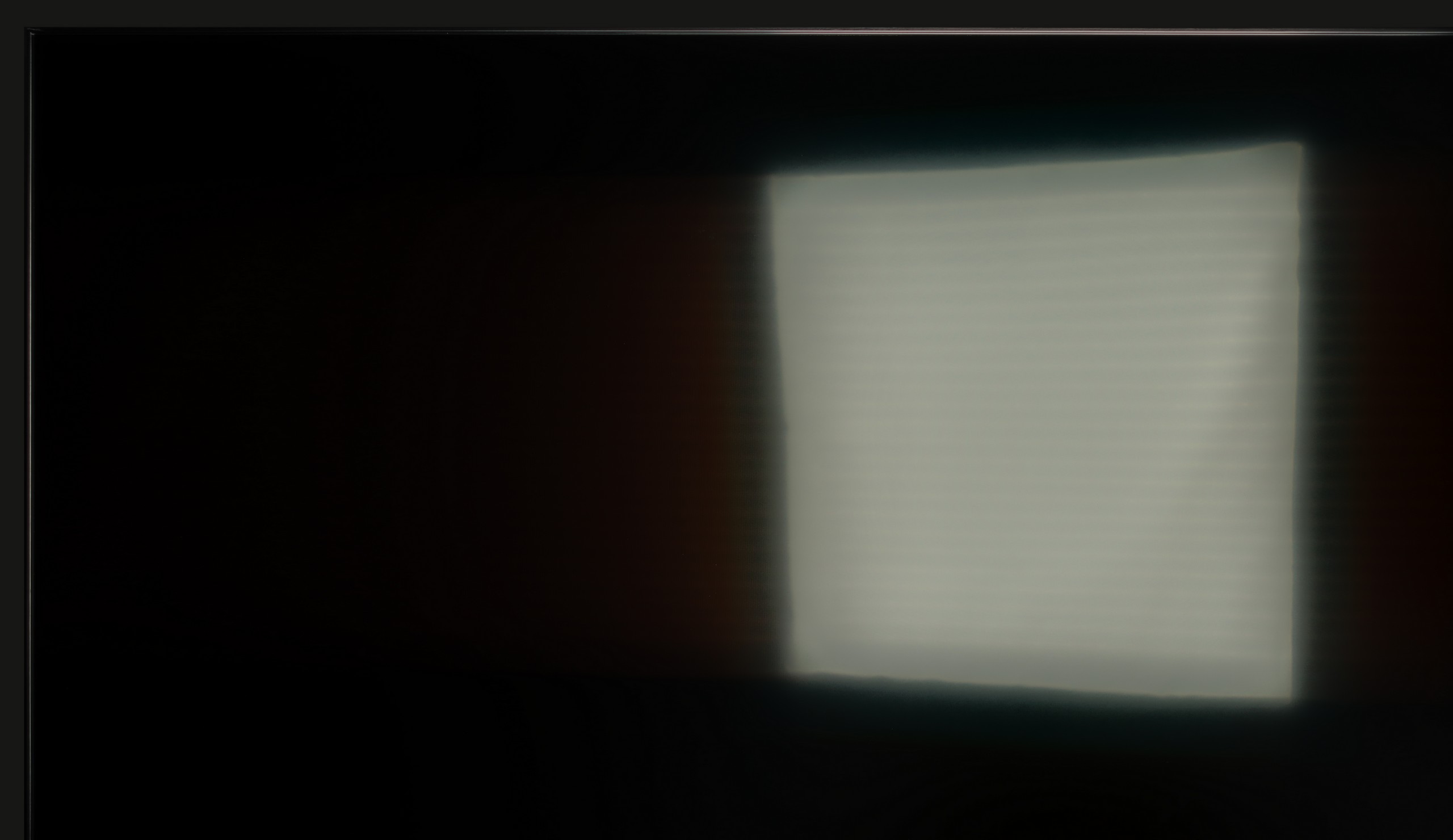
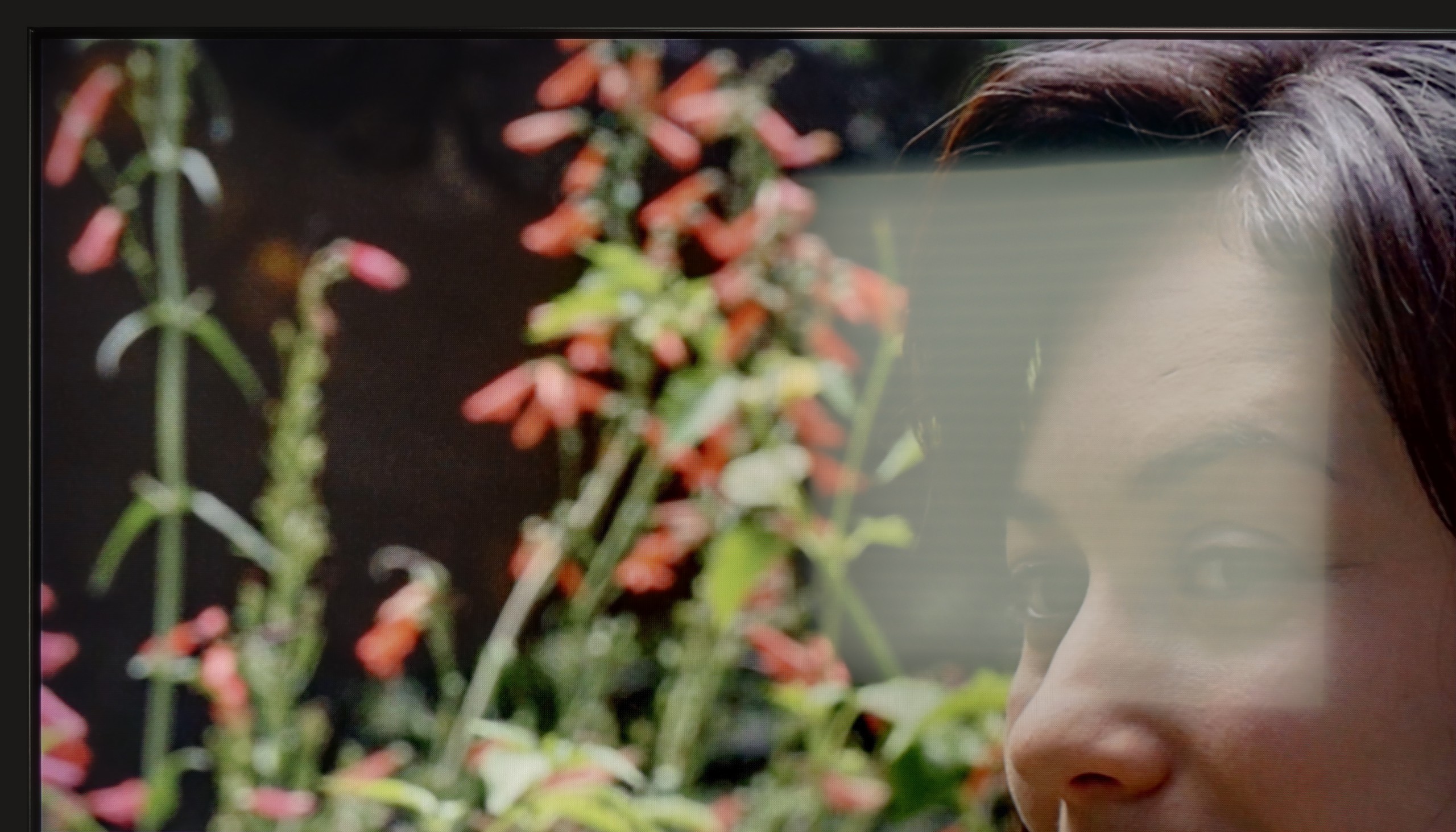
The maximum brightness of the television in SDR materials is 367 nits. For an OLED television, this is a very good result that allows for quite comfortable viewing during the day. It is worth noting two things. Thanks to the glossy coating of the screen, reflections are held well in place and do not spill over onto the rest of the display. The second issue is the brightness of the screen at 100% white fill, which hovers around 220 nits, a remarkable result, as until recently OLED televisions in this range could only "boast" of brightness that was half as much. This means that conditions for watching, for example, winter sports will be very good.
The QN80F is truly a bright television. The average brightness in SDR content is around 550 nits, regardless of the scene, which in practice means that you can comfortably watch content even in a well-lit room – and you don’t have to close the blinds every time you turn on a film. The new satin coating on the panel also deserves praise, as it performs significantly better at reducing reflections compared to last year’s QN80D. Glare is less bothersome, and the screen maintains readability in various lighting conditions. It’s hard to find fault here – the QN80F performs simply excellently during the day.
Panel details
Subpixel Structure:

Panel uniformity and thermal imaging:

LG OLED C4
Samsung QN80F
TV features
8.9/10
7.7/10
- SystemWebOSTizen
- System performanceVery goodVery good
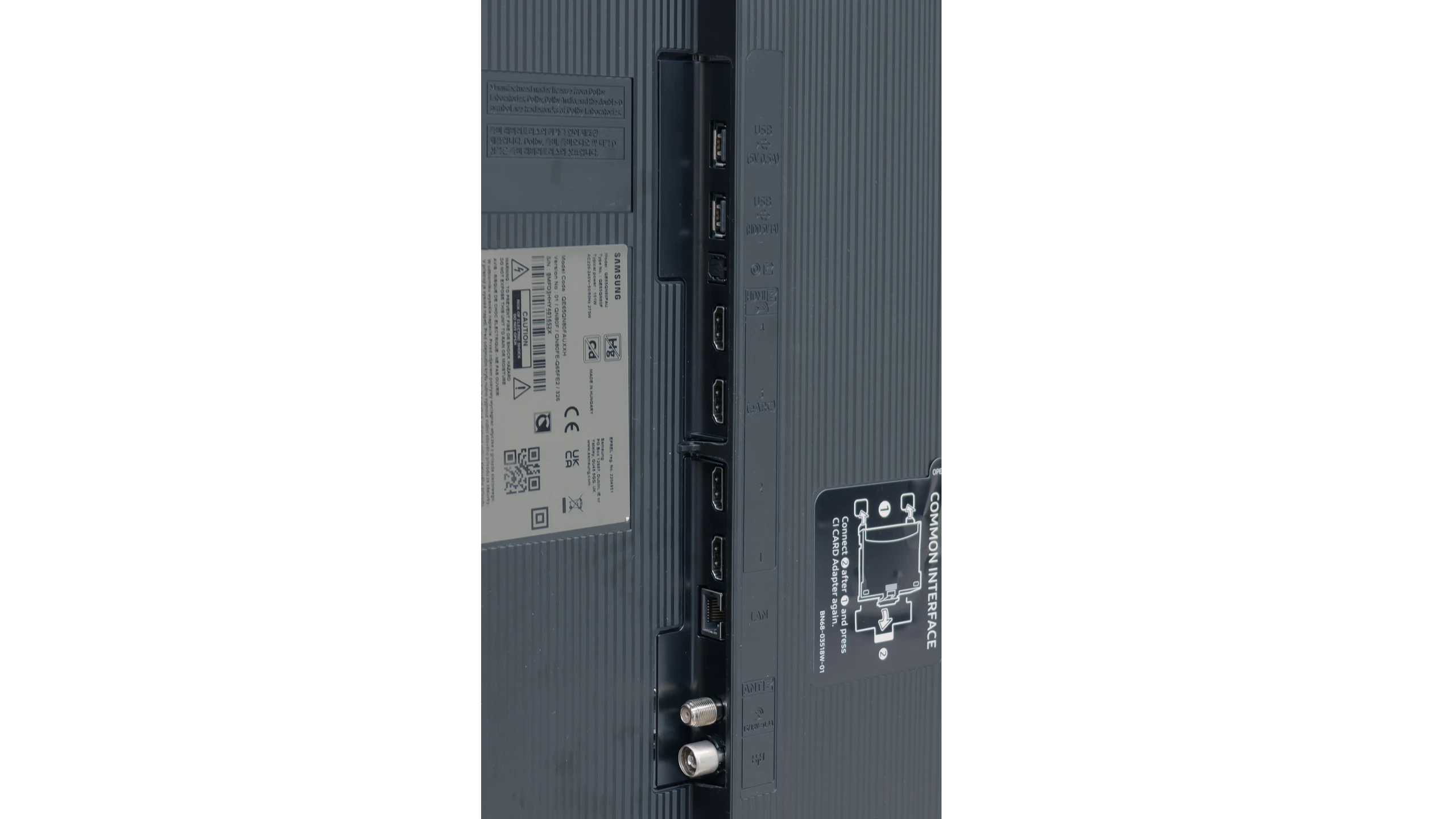
- HDMI inputs0 x HDMI 2.0, 4 x HDMI 2.1 48Gbps0 x HDMI 2.0, 4 x HDMI 2.1 48Gbps
- OutputsToslink (Optical audio), eARC (HDMI), ARC (HDMI)Toslink (Optical audio), eARC (HDMI), ARC (HDMI)
- Network InterfacesWi-Fi 2.4GHz, Wi-Fi 5GHz, Ethernet (LAN) 100MbpsWi-Fi 2.4GHz, Wi-Fi 5GHz, Ethernet (LAN) 100Mbps
- TV receptionDVB-T, DVB-T2, DVB-S, DVB-S2, DVB-CDVB-T, DVB-T2, DVB-S, DVB-S2, DVB-C
Classic features:
- Recording to USB (terrestrial TV)
- Recording programming
- Picture in Picture (PiP)
- RF remote control (no need to aim)
- Backlit remote control
- Teletext
- Audio only mode
- Bluetooth headphones support
- Simultaneous Bluetooth headphones & TV audio
Smart features:
- AirPlay
- Screen mirroring (Windows Miracast)
- Voice search
- Voice search in native language
- Ability to connect a keyboard and mouse


Sound connection options
- HDMI audioeARC (HDMI), ARC (HDMI)eARC (HDMI), ARC (HDMI)
- Other audio outputsToslink (Optical audio)Toslink (Optical audio)
- Wireless audioBluetoothBluetooth
Supported audio formats (external HDMI eARC audio):
- Dolby Digital Plus 7.1
- Dolby True HD 7.1
- Dolby Atmos in Dolby Digital Plus (JOC)
- Dolby Atmos in Dolby True HD
- DTS:X in DTS-HD MA
- DTS-HD Master Audio
Senior accessibility
- Numeric keyboard on TV
- Font size adjustment
- Audio description
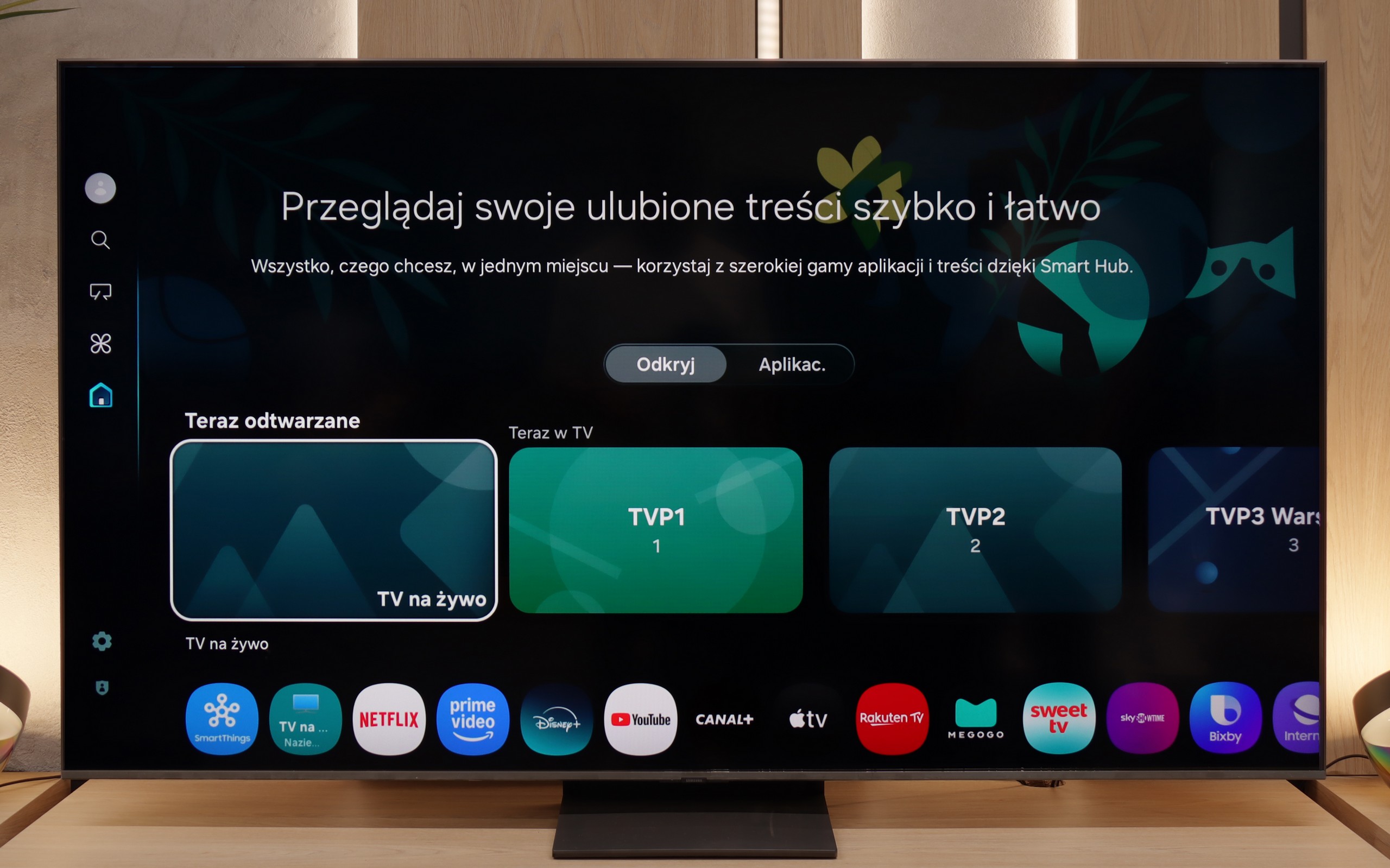
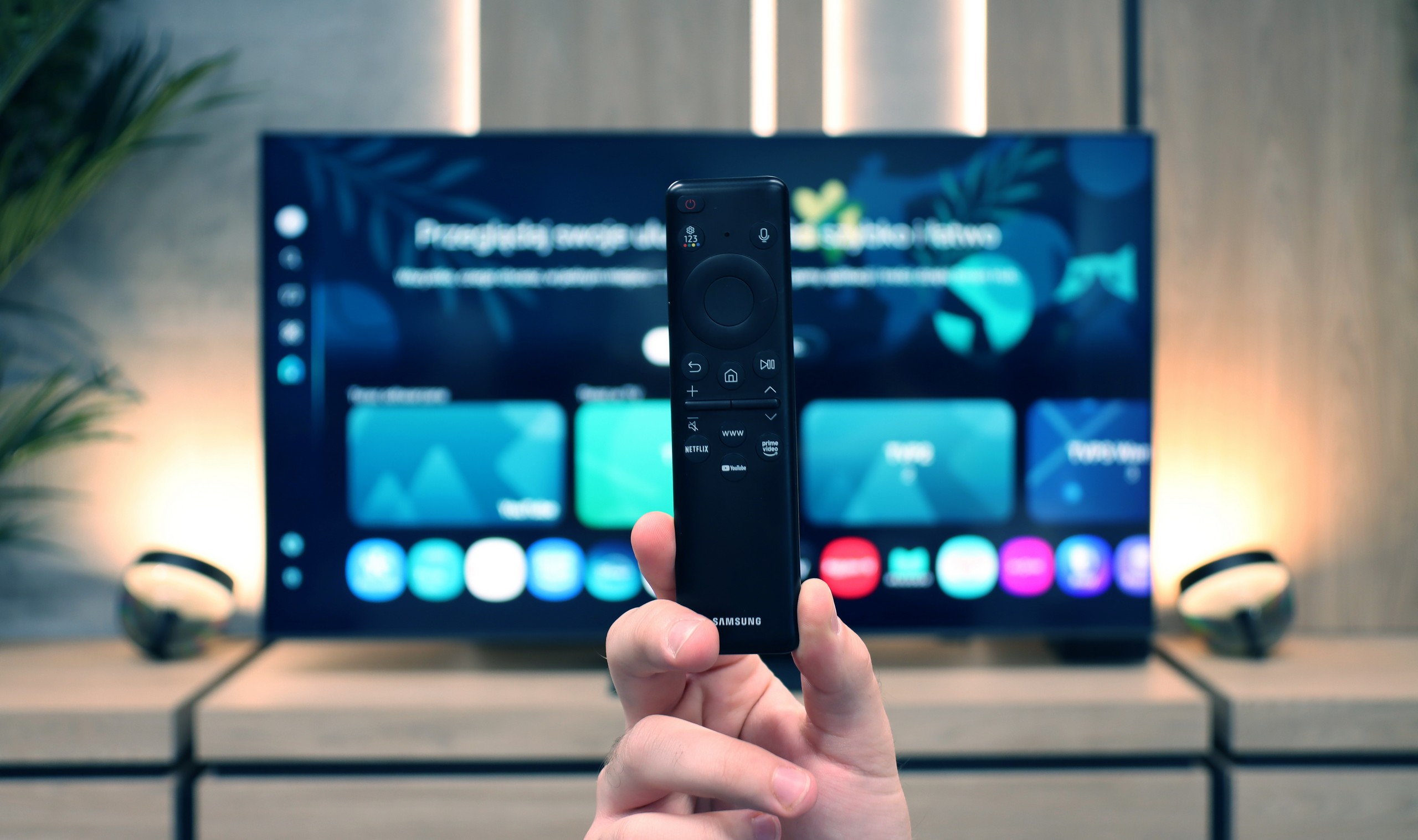
LG uses the well-known proprietary WebOS system that has been around for many years. The system offers practically all the most important applications, and the few that are missing can be counted on one hand, such as CDA or KODI. It is also worth mentioning that the modern web browser and the remote control with a built-in mouse allow for convenient use of streaming services in this way, if there is no built-in application.
WebOS also features a highly valued ability to perform operations with a cursor that appears when the remote control is in motion. The convenience of such a function is invaluable when typing in queries or passwords for portals. WebOS, like most systems, also supports features such as screen mirroring, AirPlay, voice search in Polish, and the ability to connect headphones via Bluetooth. On more practical matters, WebOS allows simultaneous use of headphones and the TV speaker, which will certainly be a big help for people with hearing impairments. Among the more interesting features, particularly appreciated by sports fans, is the option to turn on an alert notifying about an upcoming match, ensuring that we never miss a broadcast. The home panel is also praiseworthy, allowing for the control of all smart devices connected to the home network. For example, the cycle of completed laundry will be signalled by a notification in the upper right corner.
In summary, the WebOS system, although less known and having certain limitations compared to Android TV, offers stable and fast performance and supports most features that users may need. It is a solid solution for those looking for a simple and effective operating system in their television.
SmartTV QN80F: Tizen
In terms of smart features, the QN80F has nothing to be ashamed of. On the contrary – Tizen is one of the richest operating systems when it comes to functionality. We have voice search, support for AirPlay, Miracast, and all the major streaming platforms at our fingertips. But Samsung's true advantage reveals itself in the smart home – SmartThings. Here you can not only synchronise light bulbs and vacuum robots but also integrate devices from other manufacturers, thanks to support for the Matter standard. And suddenly it turns out that the QN80F can serve as a home command centre. There is just one "but" – Tizen is a closed system, so we may not find a few lesser-known applications. Although in practice it has everything that 99% of users need.
Classic TV features:
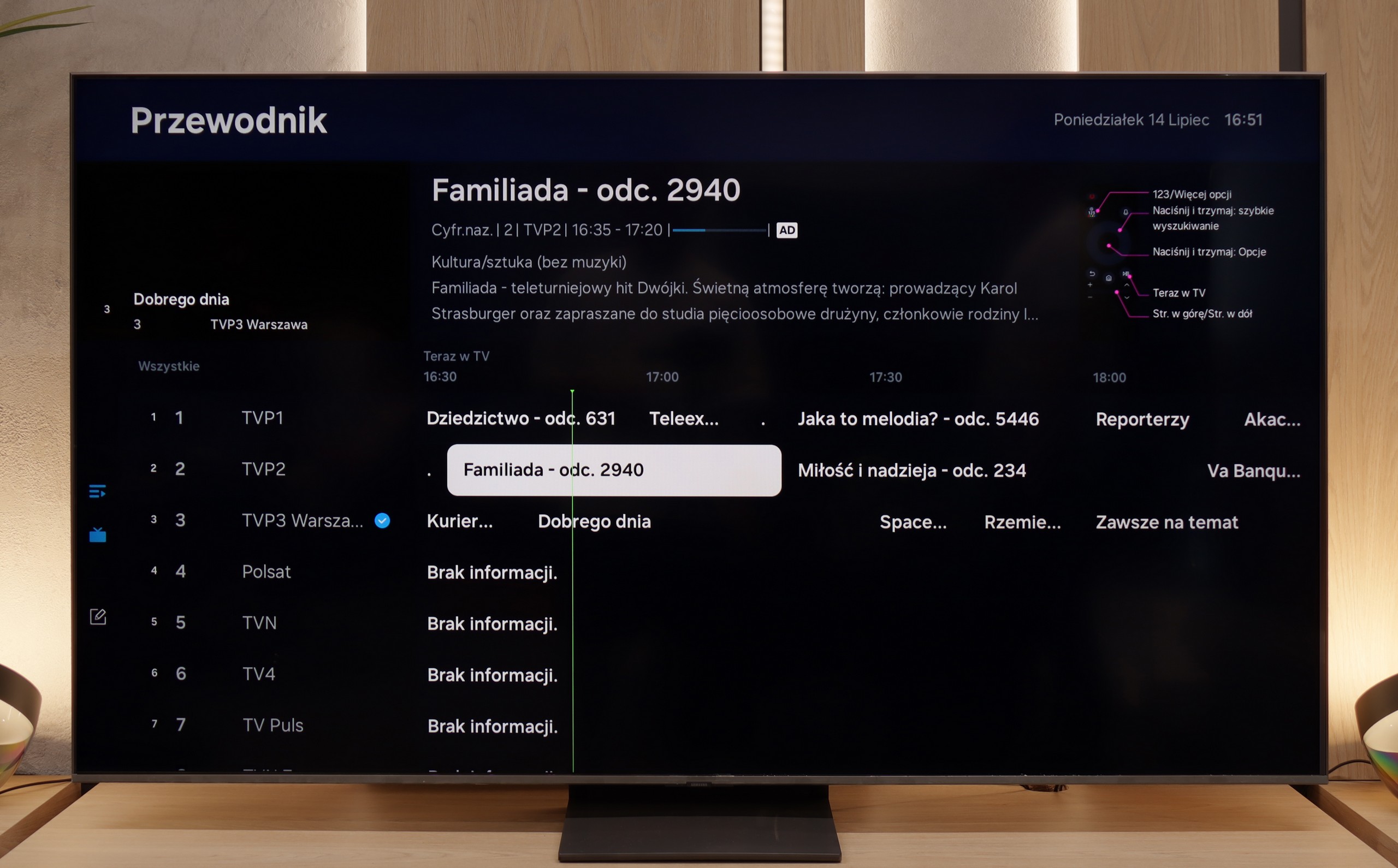
When it comes to classic features, it is just as good – well, almost. The QN80F supports picture-in-picture, which is a rarely seen but still useful PiP function. We can easily find the EPG, good old teletext (yes, it works!), and the ability to connect external devices via Bluetooth – whether it's headphones or a soundbar. Unfortunately, there is a lack of the option to record to USB from the built-in tuners. This is a minor setback, especially since the competition at a similar price increasingly offers this feature. It may not be a must-have function, but since everything else works so well, it's a pity that this feature is missing a dot over the i.
Apps
9.1/10
9.3/10






















Playing files from USB
9.3/10
9/10
Supported photo formats:
Maximum photo resolution:

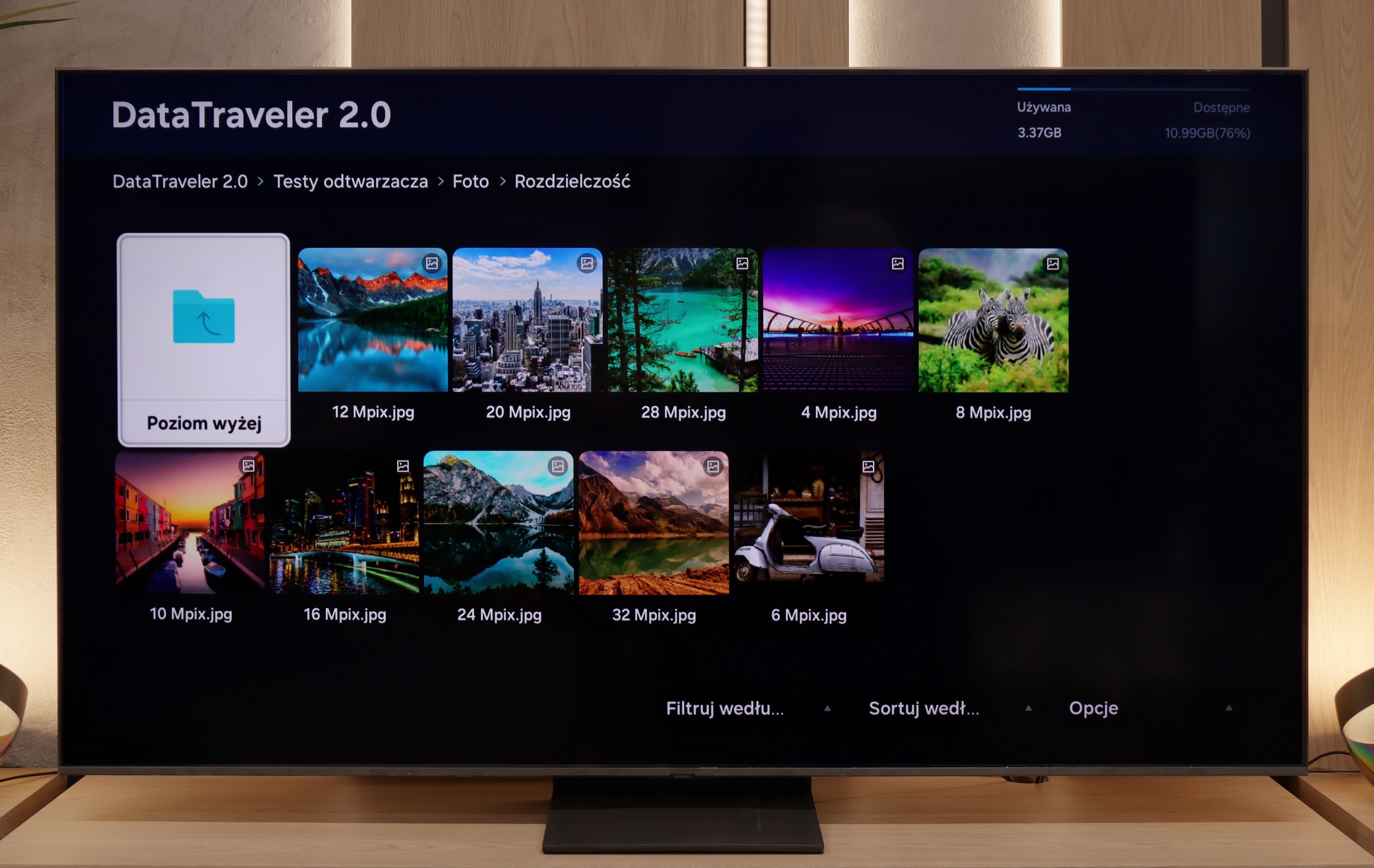
The default file player in LG C4 definitely handles all image resolutions well. We can successfully play videos recorded in virtually all the most popular formats, including Dolby Vision. The only codec that the C4 does not support is H.266 VVC, although this is currently rather unused. However, it is a pity that subtitles in .txt format are not supported. Attention should be paid to the supported image formats, of which there are only three: JPEG, PNG, and, importantly for Apple phone users - HEIC. However, the tested television cannot be faulted for lack of diversity in audio files, the playback of which will not be met with a compatibility warning.
The built-in media player in the QN80F handles most popular video formats – from classic MP4 to slightly more demanding containers. It may not be a powerhouse like VLC, but it's perfectly adequate for home use. The situation is less impressive with photographs – here, unfortunately, it's rather modest. Support is mainly limited to the JPG format, but hey, at least that's the most important one 👌. During our tests, there was also a slight issue with subtitles. The QN80F could only handle the simple text format .txt – other, more advanced formats (like .srt or .sub) were unfortunately not recognised.
Sound
7.5/10
6.7/10
- Maximum volume-87dB
- Dolby Digital Plus 7.1
- Dolby True HD 7.1
- Dolby Atmos in Dolby Digital Plus (JOC)
- Dolby Atmos in Dolby True HD
- DTS:X in DTS-HD MA
- DTS-HD Master Audio
The implemented audio system in LG C4 has been very well tuned, allowing us to experience strong bass, as well as balanced mid and high tones. We can confidently say that in its price range, it is one of the better sounding televisions. However, we believe that those deciding to purchase the C4 will already own a dedicated audio set. The presence of DTS-HD Master Audio and Dolby Atmos codecs will not be without significance.
For a television of this class, the QN80F sounds surprisingly good. It supports the Dolby Atmos format, which is worth noting, as this is still not a given in many models in this range. Unlike the thinner QN70F, here you can even feel a slight bass – all thanks to the thicker casing, which simply provides more space for the sound to "breathe." It's perfectly adequate for everyday viewing and series, and with the right settings, one can even be tempted to listen to music without the need for external equipment. However – as is often the case with Samsung, there is unfortunately a lack of support for the DTS:X format, so if we are using audio devices that support this format, we will first need to connect them to the amplifier and only then to the television.
Sound Quality Test
No sound test video
Acoustic Measurements
No acoustic data
87dBC (Max)
75dBC