LG B5 is really a good OLED television, which shows that you don't have to spend a fortune for very good quality. It offers deep blacks typical of organic panels, very good colour reproduction – especially after calibration – and enjoyable HDR movie watching experiences. All of this means that evening screenings can provide cinema-like emotions even without resorting to much more expensive screens. The smoothness of the picture and the set of features for gamers also deserve recognition. A 120 Hz panel, low input lag, full support for HDMI 2.1, variable refresh rates, and Dolby Vision Gaming mode make the B5 a very versatile screen – both for gaming and watching sports. The friendly webOS system with a Magic remote adds to the package, providing convenient access to content and simplifying operation. However, not everything is perfect. Compared to the B4 model, a slight drop in brightness can be noticeable, especially in very bright rooms. For some users, the lack of DTS audio support may also be a problem, which could force some workarounds when connecting Blu-ray players. Despite this, LG B5 remains one of the most sensible choices for those who want to enter the world of true cinema – without overspending, but also without major compromises. It's a screen that doesn’t need to prove anything – it simply delights the eye with excellent picture quality and works as it should.
- Matching (Score) |
- Our verdict |
- TV appearance |
- Where to buy |
- Contrast and black detail |
- HDR effect quality |
- Factory color reproduction |
- Color reproduction after calibration |
- Smoothness of tonal transitions |
- Image scaling and smoothness of tonal transitions |
- Blur and motion smoothness |
- Console compatibility and gaming features |
- Input lag |
- Compatibility with PC |
- Viewing angles |
- Daytime performance |
- Panel details |
- TV features |
- Apps |
- Playing files from USB |
- Sound
LG OLED B5 vs Hisense U7Q PRO
 Direct comparison
U7Q PRO / U78Q PRO

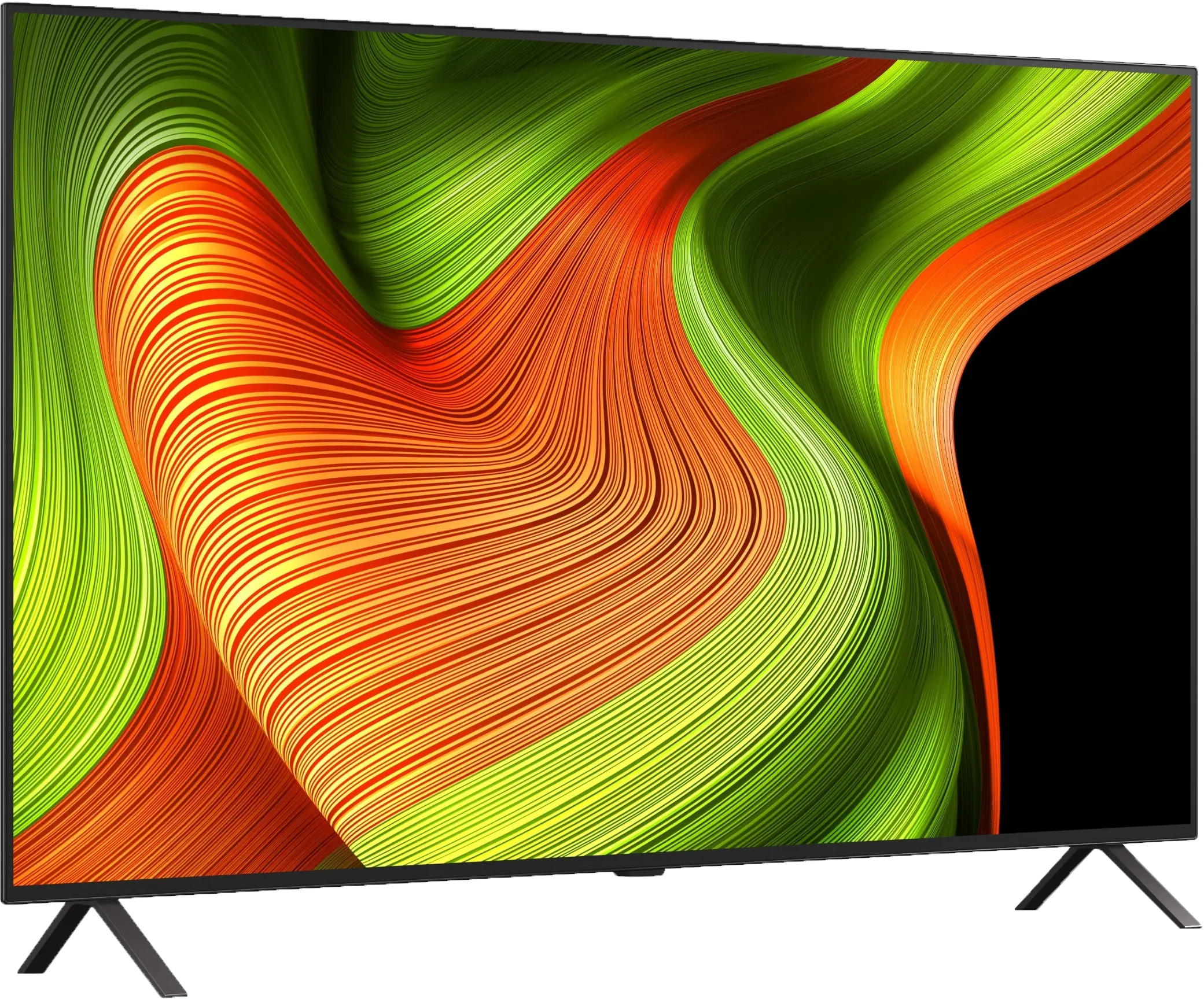
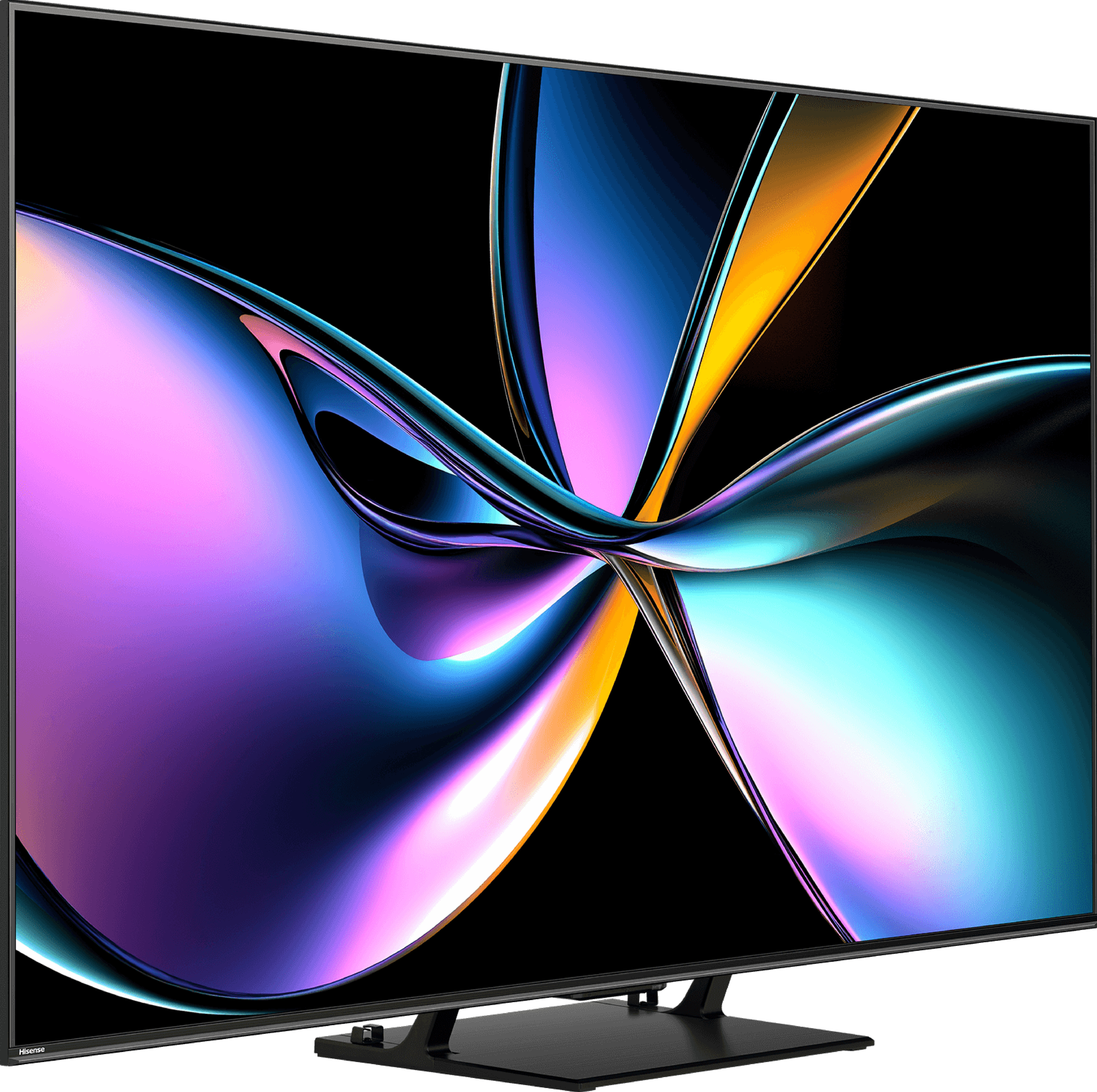
Panel type: WRGB OLED
Resolution: 3840x2160
System: WebOS
Model year: 2025
Complete the survey to find out the result
Panel type: LCD VA
Resolution: 3840x2160
System: VIDAA
Model year: 2025
Complete the survey to find out the result
Overall rating
7.8
7.4
 Movies and series in UHD quality
 7.9
7.2
 Classic TV, YouTube
 8.6
7.2
 Sports broadcasts (TV and apps)
 8.5
6.7
 Gaming on console
 9.2
8.2
 TV as a computer monitor
 7.6
8.2
 Watching in bright light
 4.9
6.2
 Utility functions
 7.9
9.4
 Apps
Apps 9.1
7.7
 Sound quality
 7.0
7.8
Complete the survey to find out what fits your preferences
Advantages

Perfect black and contrast
Pleasant image in HDR format
Excellent colour reproduction capabilities
120Hz OLED panel - great motion fluidity
4 HDMI 2.1 ports and full support for gamers (VRR, ALLM, Dolby Vision Gaming, HGiG)
Very low input lag
Correct content scaling and good digital processing
User-friendly webOS system with a Magic remote
Built-in USB recording function from built-in DVB-T/T2 tuners
Excellent contrast and black levels - true Mini-LED backlighting with a VA panel (65")
Very good motion smoothness - 4K@165 Hz panel
Very high HDR brightness - even above 1500 nits
Ideal for gaming - Low input lag, VRR, ALLM, 4x HDMI 2.1, 288Hz at 1080p.
The Vidaa operating system has many features such as Airplay, USB recording
Outstanding quality of tonal transitions
Disadvantages

Average brightness and poor performance in bright rooms
No support for DTS formats
Different remote versions in derivative models – difficult to predict which version we will receive
No support for HGiG
Average viewing angles
Missing apps on the VIDAA platform
Our verdict
The U7Q PRO is a television that, after just a few minutes, sends a clear signal: "speed matters here." Hisense surprised us with how much has been packed into a device that doesn't cost a fortune. A refresh rate of 165 Hz in 4K, and even 288 Hz in Full HD – until recently, such numbers were reserved exclusively for top-tier gaming monitors. And here we have a mid-range television with almost a complete set of features for gamers, confidently throwing down the gauntlet to much pricier competitors. However, it doesn't stop at speed-related attributes. The U7Q PRO also boasts a very bright screen, reaching up to 1500 nits at its peak. Like every Mini-LED, it has its typical "quirks" associated with this technology, sometimes slightly exaggerating the image, but the overall visual effect remains very positive – especially in HDR content. It's also worth mentioning the Vidaa operating system – fast, intuitive, and equipped with features such as AirPlay, a voice assistant, and a web browser. While we won't find the full range of applications known from Android, the system performs really well in everyday use. So why is it "almost" ideal for gamers? The only missing feature is HGiG, which allows for precise adjustments of brightness levels in HDR games. This is a minor flaw, but it may be significant for console purists. Nevertheless, the U7Q PRO remains a very solid proposition – and a testament that Chinese manufacturers have not only caught up with their competition from Korea and Japan but in some aspects have even begun to surpass it.
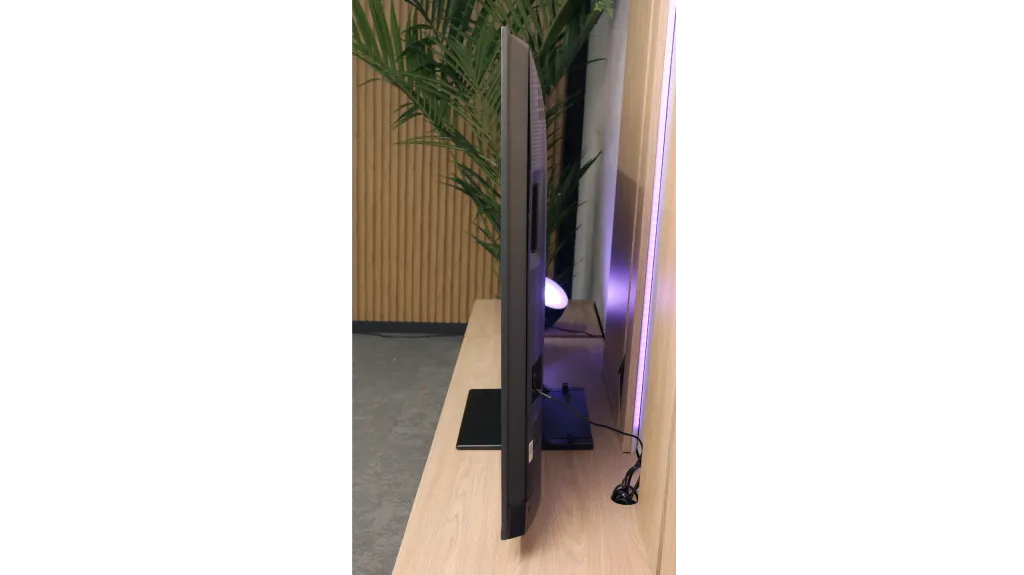
TV appearance

Contrast and black detail
10/10
8/10
Local dimming function: Yes, number of zones: 560 (20 x 28)
Contrast:


Result
∞:1

Result
∞:1

Result
∞:1

Result
∞:1

Result
∞:1
Result
340,000:1
Result
62,850:1
Result
42,000:1
Result
11,100:1
Result
7,500:1
Halo effect and black detail visibility:
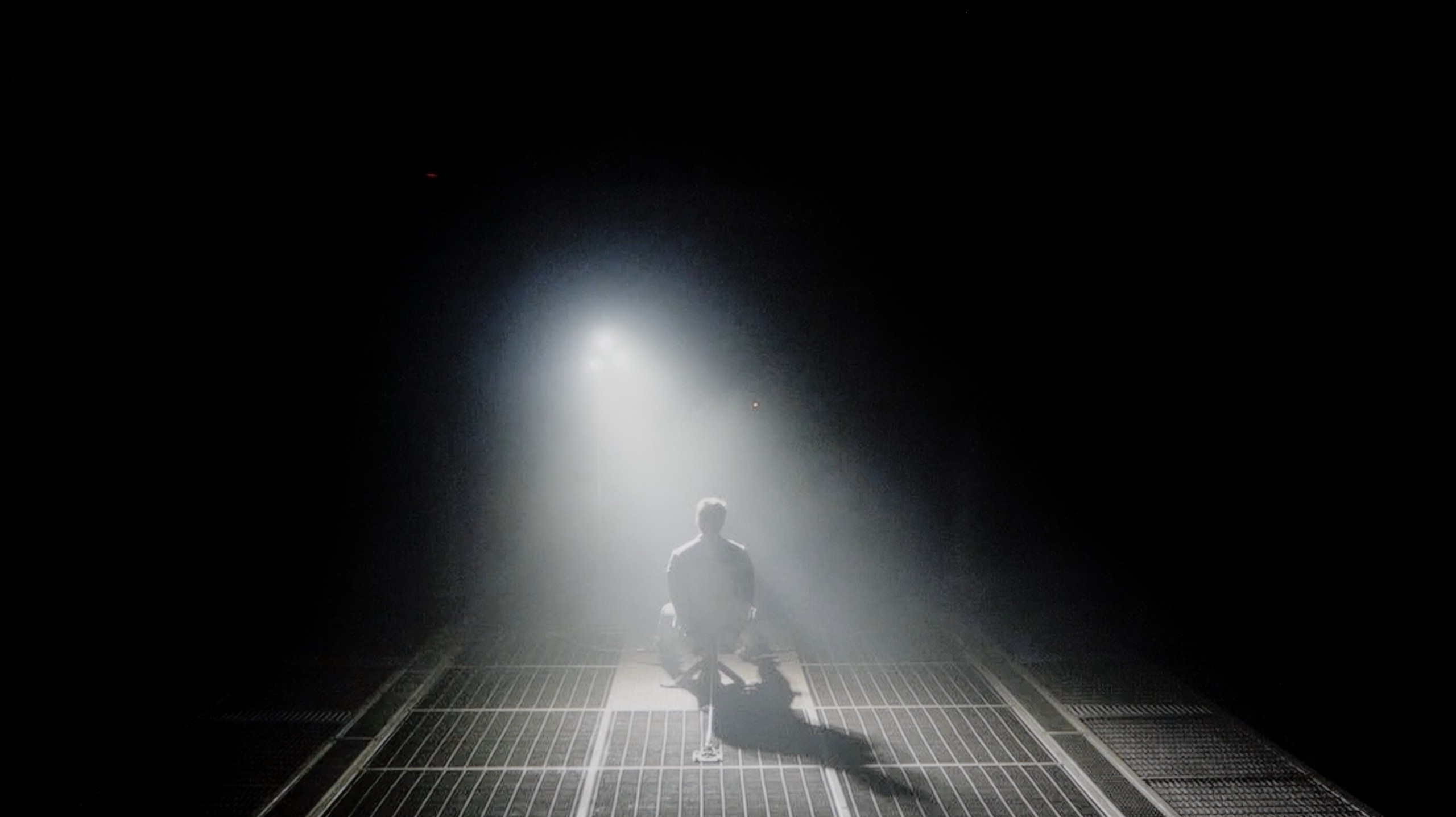
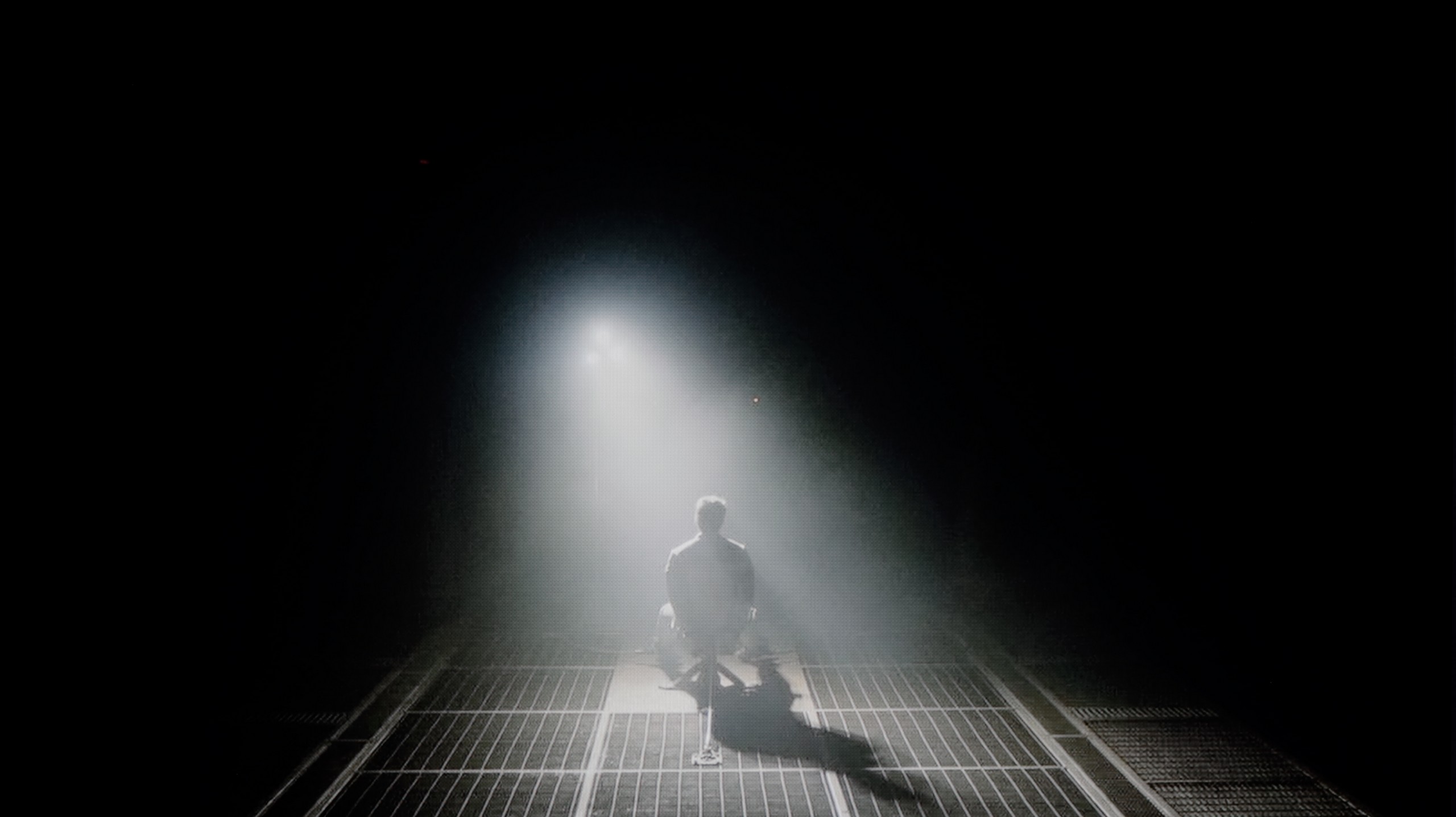
Check the visibility of bright lights on a dark background. Mini-LEDs often struggle with this. The photo does not compare black levels – that’s what the video below is for.
The video accurately shows differences in contrast and black levels between TVs, as well as potential issues: halo around bright objects or Mini-LED zone operation visible as brightness jumps.
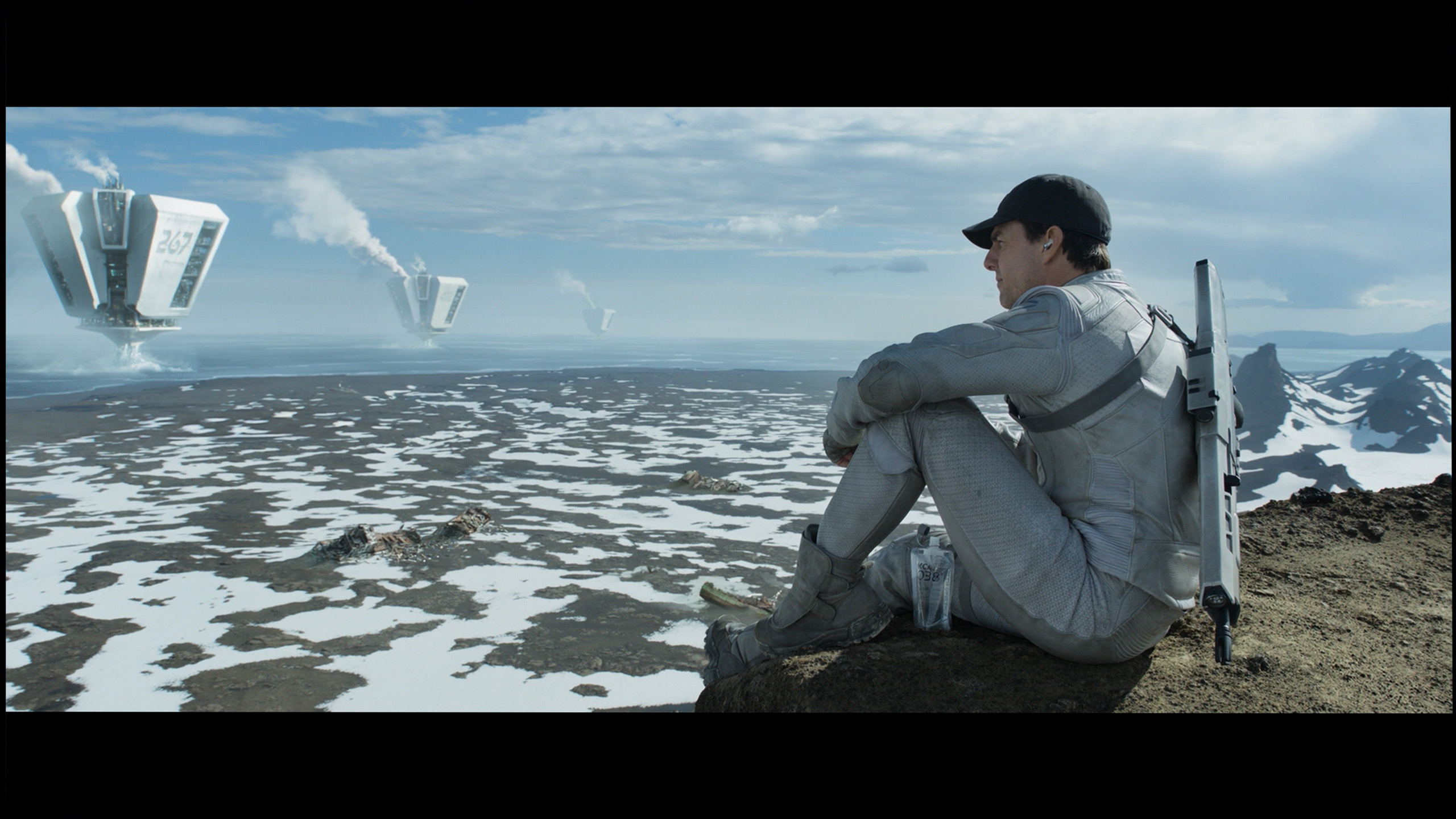
If you are looking for changes compared to last year's LG B4, we will immediately dispel any doubts – you won't find any in this category at all. And that's good. Because how to improve something that is already bordering on perfection? The LG B5, as a television with an organic WOLED panel, offers black as tar scenes and a contrast that is hard to find even in the most expensive LCD screens. The display is as clear as a bell – no bleed-through, no streaks, no halo effects that can ruin the atmosphere in cinema scenes. Here, everything is in its place. Details separate from the black with surgical precision, nothing blends together, even in the most demanding sequences from films such as The Revenant or Oblivion. This is the type of television that can enchant you, especially when the room goes completely dark. When the lights go out, the LG B5 takes centre stage – and it does so spectacularly. In these conditions, OLED shines the brightest, and even top LCD models – despite advanced dimming and hundreds of zones – simply fall behind.
Hisense U7Q PRO is a mini-LED television with a VA panel and – in the 65-inch version we tested – 560 local dimming zones. It's worth noting from the outset that this number varies depending on the size – larger screens will have more zones, while smaller ones will have fewer accordingly. However, regardless of this, the dimming system works really well here.
The contrast performs exceptionally well for the price range in which this model sits. In optimal conditions, the U7Q PRO can achieve results close to six-figure values, which not long ago was reserved for equipment at a much higher level. In practice – in scenes like the one from the film Oblivion – the image looks stunning. With slightly dimmed light in the room, it can be difficult at first glance to distinguish this television from organic screens. Of course, it is still an LCD with local dimming, so compromises are unavoidable. In more demanding scenes, where there are many small light sources, the U7Q PRO tends to dim too aggressively. Instead of a slight deterioration in black levels – some details that should be visible disappear. This is a side effect of the algorithm that strongly adheres to the rule of "black should be black," even at the cost of subtle image elements.
But nevertheless – contrast is one of the stronger points of this model.
HDR effect quality
6.2/10
6/10
Luminance measurements in HDR:

Result
587 nit

Result
593 nit

Result
628 nit

Result
589 nit

Result
470 nit
Result
1129 nit
Result
323 nit
Result
721 nit
Result
267 nit
Result
736 nit
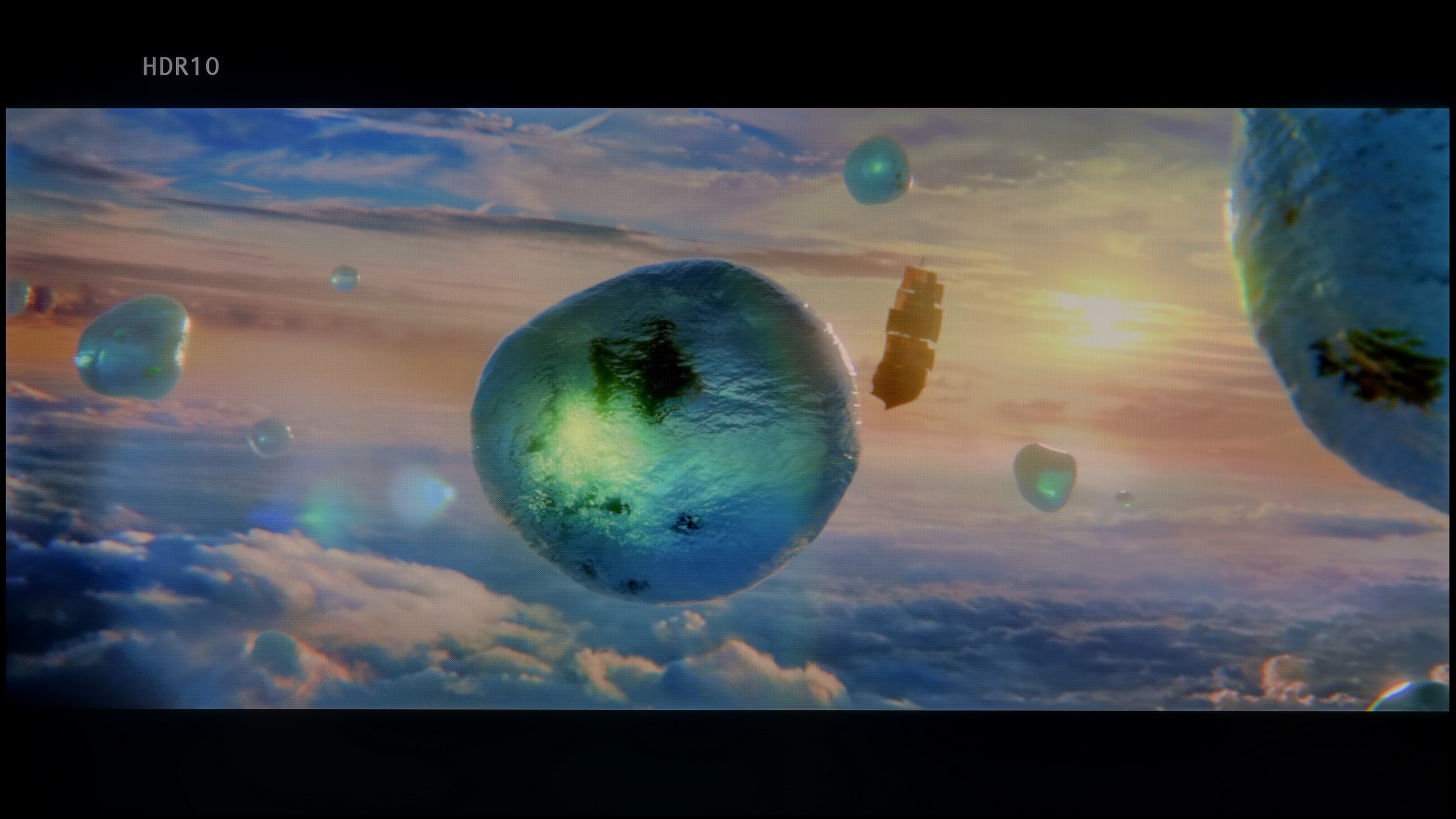
Scene from the movie “Pan” (about 2800 nits)
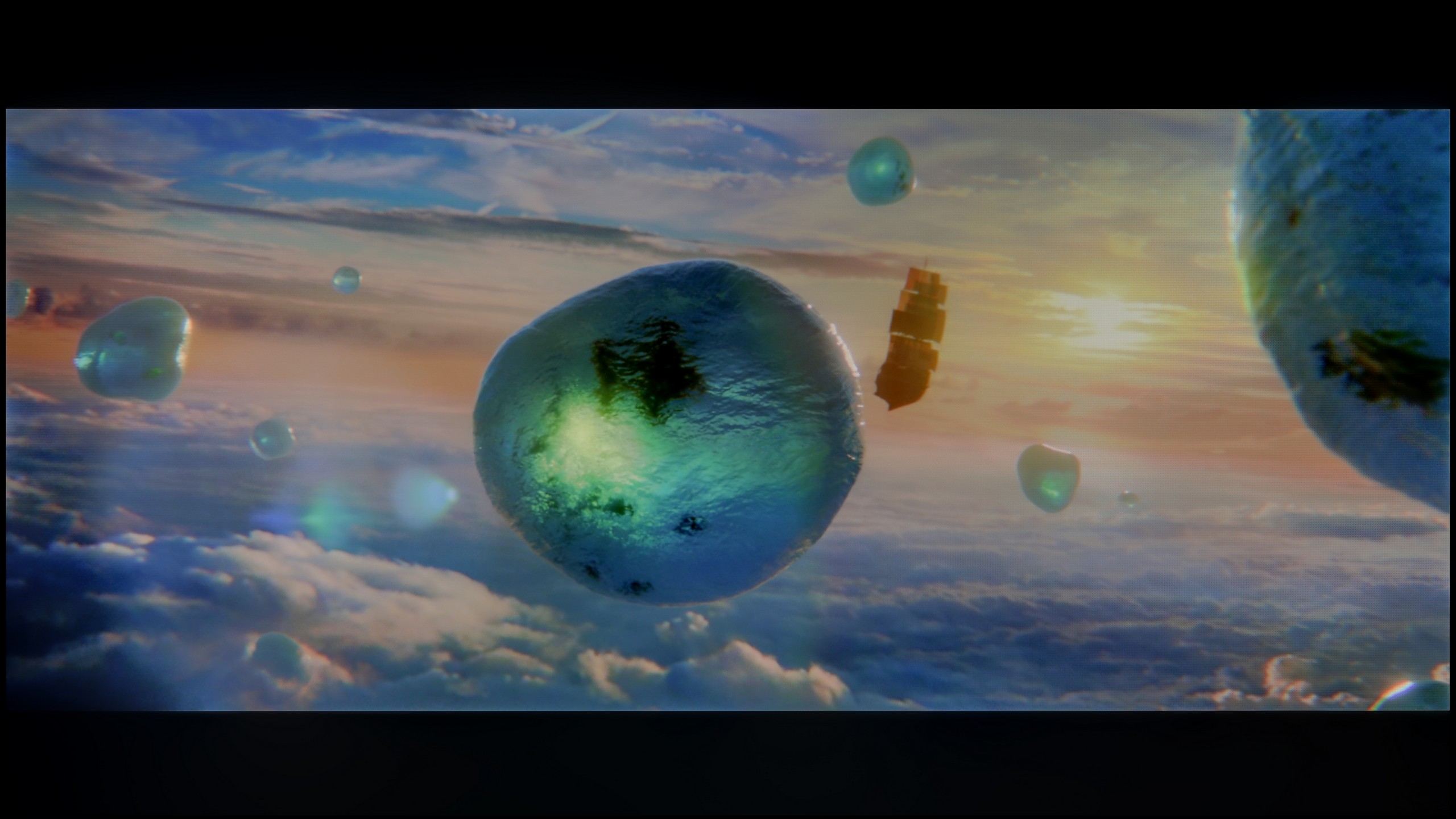
Scene from the movie “Billy Lynn” (about 1100 nits)
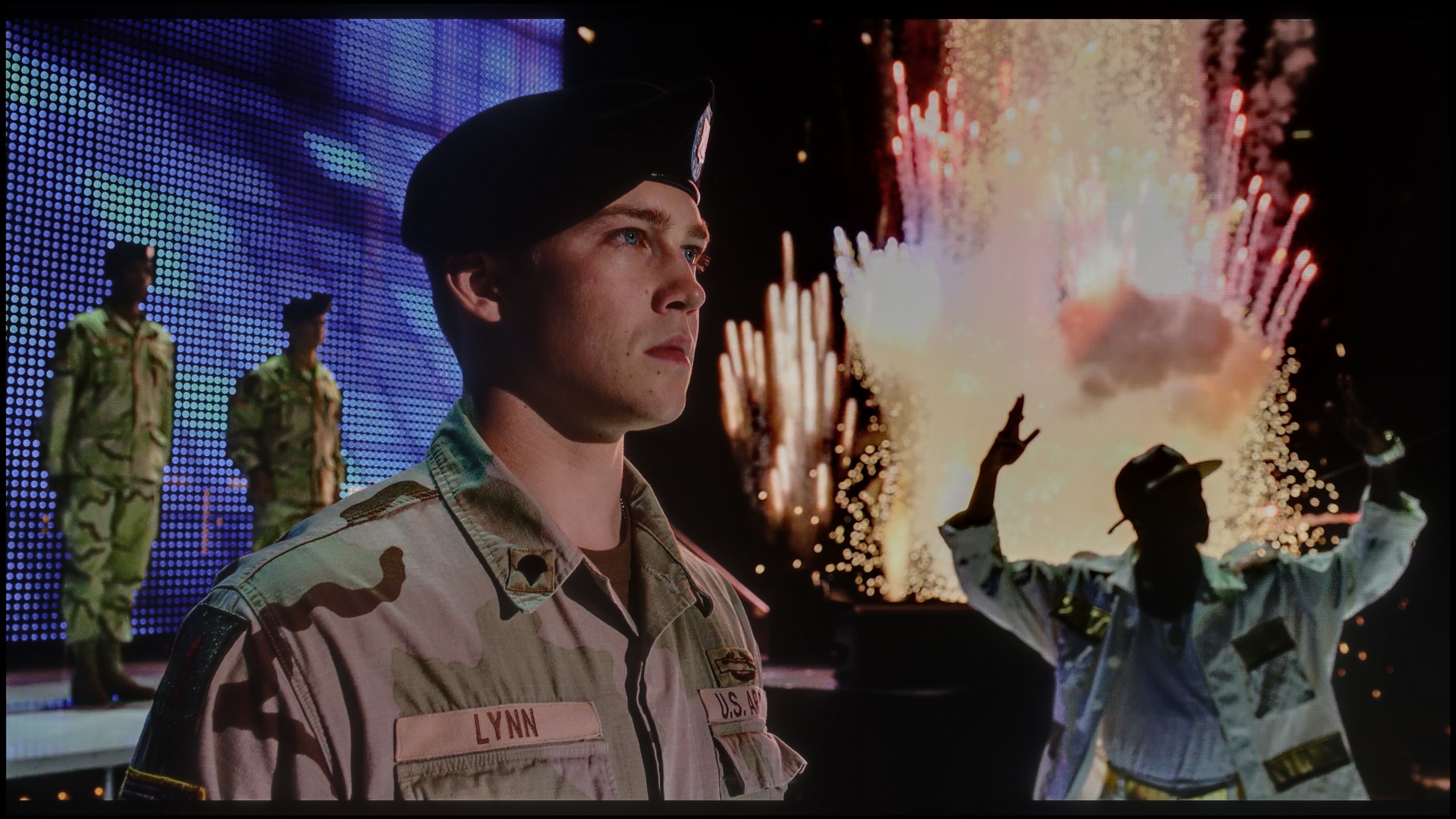
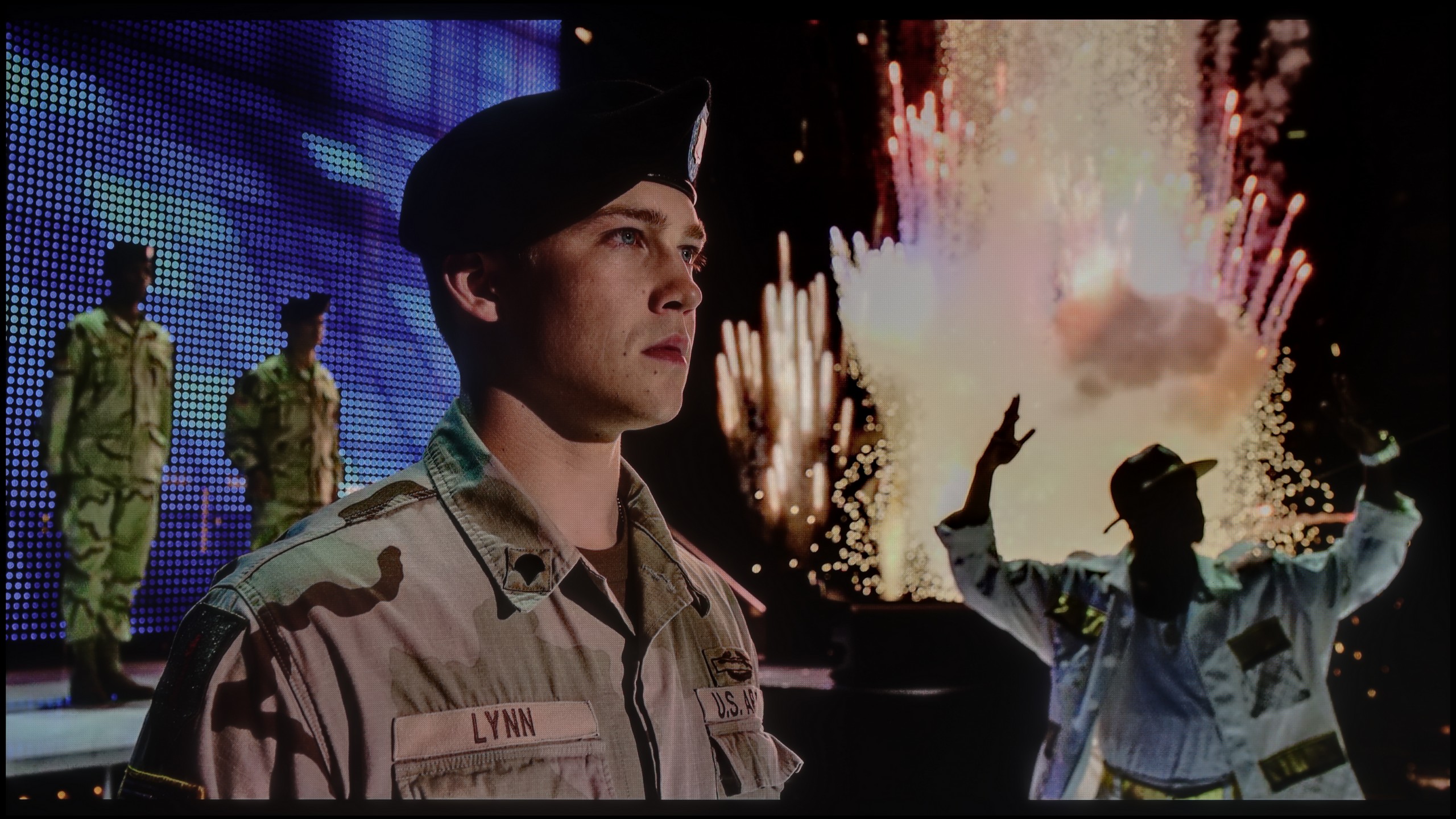
The photos show two HDR10 movies. 'Pan' is one of the brightest productions ever made, while 'Billy Lynn' (soldier) has brightness typical of streaming (Netflix, Prime, HBO MAX). Notice the intensity of effects and detail in whites.
Static HDR10


The photos present the visibility of white details in various HDR formats. They do not show brightness differences between TVs (these can be compared in the previous gallery).
Dynamic: Dolby Vision
Dynamic: Dolby Vision


The photos present the visibility of white details in various HDR formats. They do not show brightness differences between TVs (these can be compared in the previous gallery).
HDR luminance chart:
Hisense U7Q PRO
LG OLED B5
Luminance of RGB colors
The LG B5 is a moderately bright OLED television. Regardless of the scene, it can generate around 500 nits of peak brightness. Interestingly, it achieves this even in full-screen shots saturated with white, where most OLEDs typically struggle. So is this screen suitable for HDR films? Indeed – and very much so, because such brightness allows you to truly feel the magic of HDR effects. However, it is worth noting that compared to last year's B4 model, the new B5 is darker – by about 100 nits. It may seem like a small amount, but at such average peak values, it makes quite a significant difference. Fortunately, the television compensates with another advantage – excellent coverage of the DCI-P3 and BT.2020 colour gamut. As a result, HDR films look really colourful, vibrant, and impress even in more demanding scenes.
U7Q PRO is truly a bright television. In synthetic tests, it achieved over 1500 nits, which is an outstanding result for this price range. Such brightness – at least in theory – allows for HDR content to be displayed as intended by the creators, even in more demanding scenes with strong lighting. In practice, it is often very good, but not always perfect. In bright scenes with large areas – like the test chart with intense sunlight from the movie "Pan" – the U7Q PRO makes a huge impression. It can almost dazzle with its brightness, which is definitely an advantage in the context of HDR content. Unfortunately, it doesn't always manage to maintain this when many small bright details appear on a dark background. In such moments, the local dimming algorithms choose to dim some bright elements to maintain good black levels – and the side effect is that some details simply disappear from the frame. This is a classic compromise in mini-LED televisions – and the U7Q PRO is no exception. However, with such a large number of dimming zones, one could have hoped for a slightly more mature algorithm responsible for their control. Fortunately, the overall perception of HDR content is decidedly positive. The U7Q PRO is not only bright but also colourful, thanks to the PFS LED (QLED) coating, the coverage of the DCI-P3 colour palette is at 95%, while BT.2020 is around 73%.
Factory color reproduction
8.2/10
6.2/10

This gallery shows how colors change after professional TV calibration. If you notice the difference, we recommend ordering this service at SkalibrujTV.com.
Factory Mode
After calibration
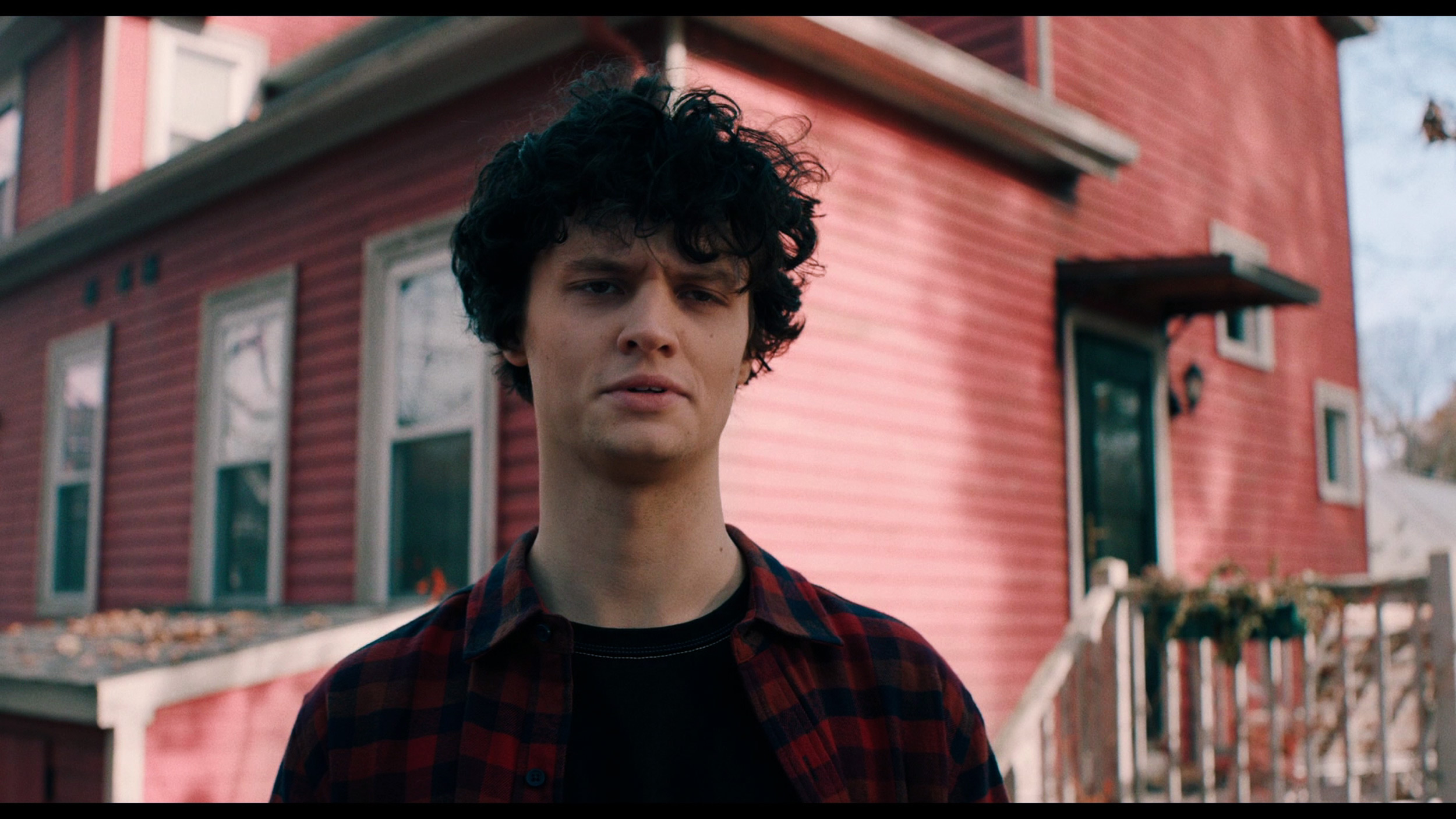
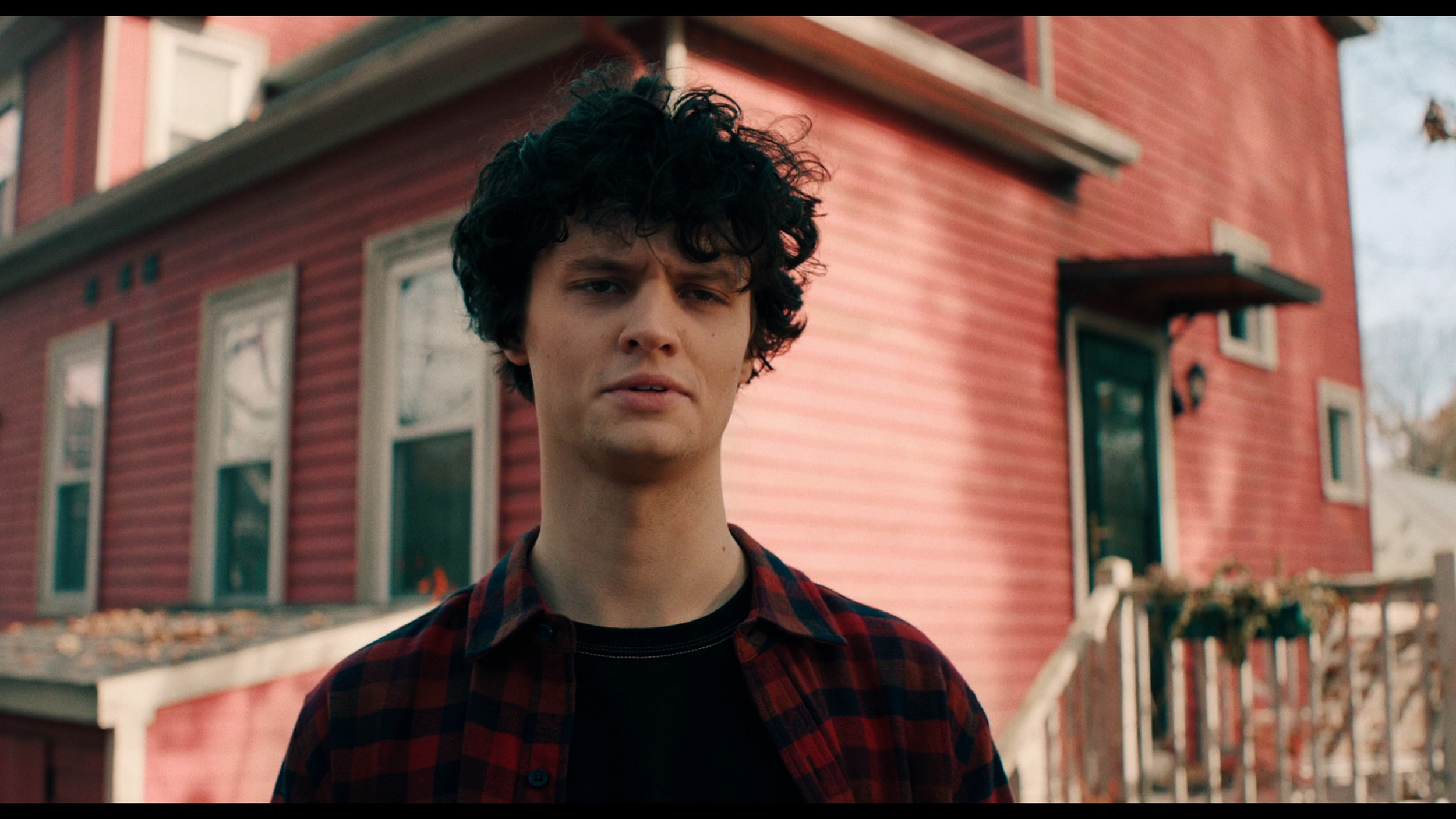
This gallery shows how colors change after professional TV calibration. If you notice the difference, we recommend ordering this service at SkalibrujTV.com.
Factory Mode
After calibration
We tested the B5 in Filmmaker mode and... we would love to see more TVs like this straight out of the box. Truly. The white balance is set very well – there's practically nothing to complain about. Well, if one were to nitpick, one might notice a slight deficiency in blue, which makes the overall image seem slightly yellowish. But that’s just our editorial quibbling. Most of you probably wouldn’t even notice it. We also have minimal reservations about brightness management in HDR format. The EOTF curve – which is responsible for how the TV distributes brightness in a scene – is slightly below ideal. In practice, it may happen that the darkest parts of the image are displayed too dark and simply… disappear. But these are details that only come out in measurements. Generally: we are impressed. However, we also know that LG TVs respond very well to professional calibration. You can achieve almost reference-quality picture from them, so – while it's already very good out of the box – we allowed ourselves to go a step further and refine everything to perfection.
We tested the U7Q PRO in the best possible picture mode offered by this model – Filmmaker Mode. And indeed, this mode performs the best in terms of colour reproduction. However, that doesn't mean it's perfect. In our test unit, both in SDR and HDR content, the image had a slightly cooler tone. The white balance was skewed towards blue, giving the overall impression of being a bit "colder". It may not be glaring, but it is definitely noticeable – especially on white backgrounds, which seemed slightly bluish rather than neutral. Additionally – as we mentioned earlier – the television has a tendency to slightly brighten and oversaturate the image, which is also confirmed by the gamma and EOTF graphs. All this together means that without calibration, the image can appear somewhat unnatural – too cool, with slightly exaggerated dynamics. Therefore, we decided to carry out our own calibration – and you can see its effects and graphs below.
Color reproduction after calibration
9.1/10
7.5/10
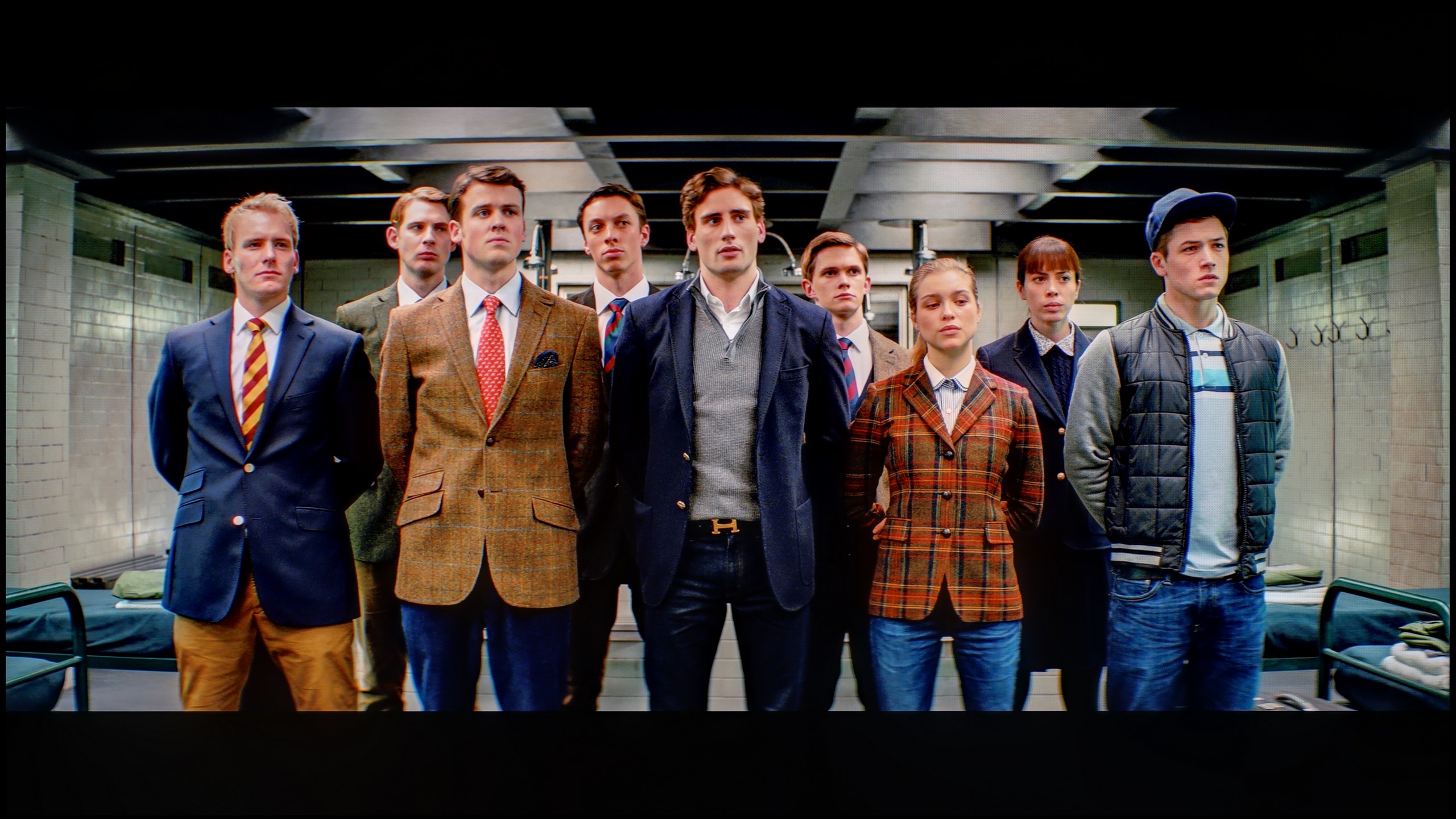
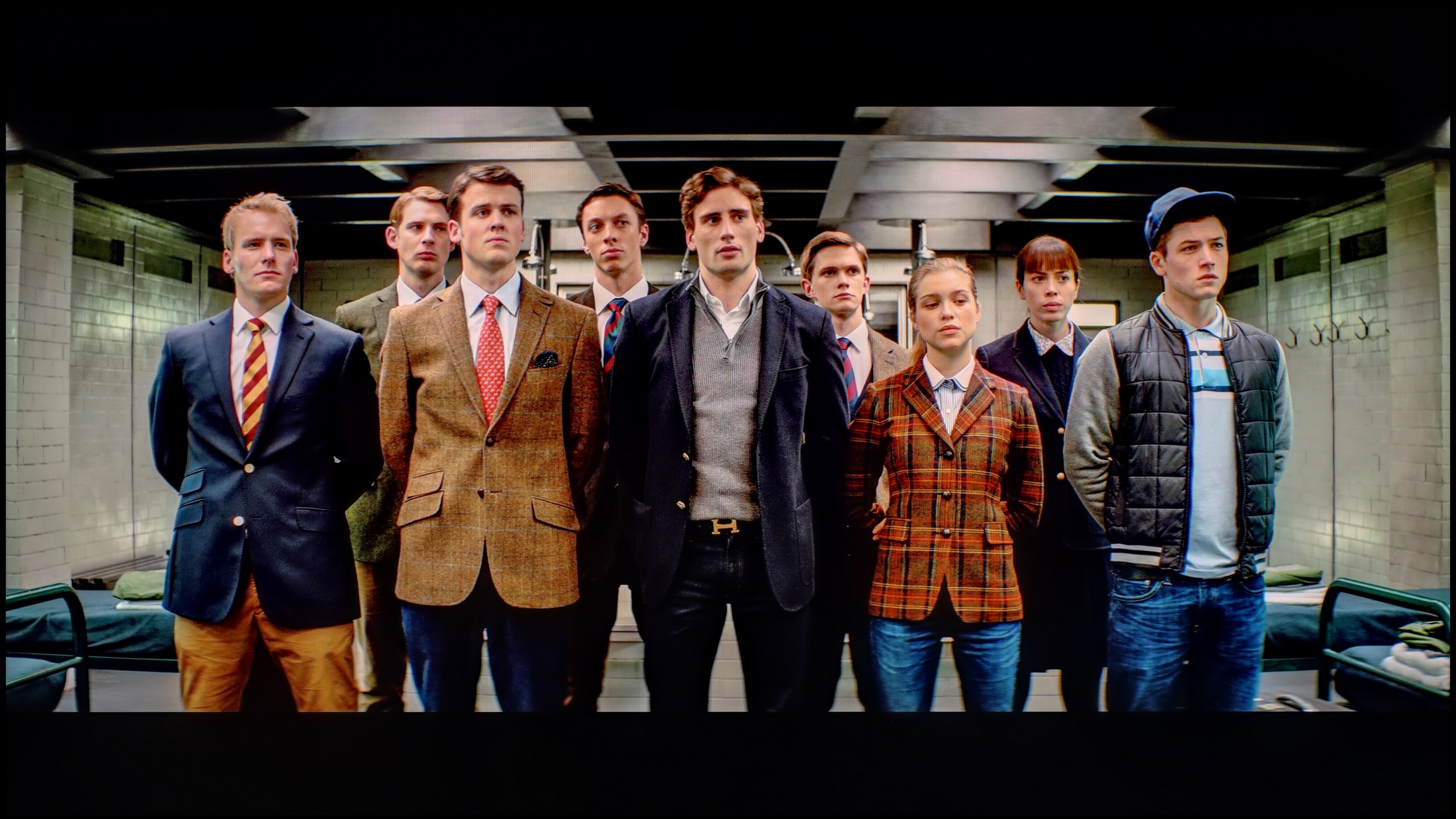
The photos show how movies look on the TV. Pay attention to black detail visibility, colors, and shadow tint.


The photos show how movies look on the TV. Pay attention to black detail visibility, colors, and shadow tint.
We must admit that we didn't have much work with the LG B5. It's one of those televisions that look good right from the start, but after calibration… they can really impress. The white balance was brought to almost perfect levels – to the point of errors that are invisible to the human eye, unless you are a professional colourist with a magnifying glass at the screen. We also managed to master the tendency of the television to slightly dim the darkest details, particularly in HDR scenes. After proper tuning, everything looks cohesive: black remains deep but does not consume information. Highlights maintain their natural sparkle, and colours align with the director's vision. This is truly one of those models that shows you don't have to spend a fortune to have an almost reference-quality picture. If you can opt for professional calibration – it’s definitely worth it in the case of the B5.
Thanks to the calibration, we managed to tame the white balance in SDR and HDR content. In the case of SDR materials, the effect is really very good – the image becomes neutral, cohesive, and simply pleasant to take in. Everything looks as it should.
HDR performs a bit worse. Although the white balance appears correct and the image overall gains in naturalness, unfortunately, the delta E errors remain noticeable. Why? Because Hisense does not give us full control over how the television manages brightness in HDR mode with the U7Q PRO model. This is where the limitation comes into play. When we look at the EOTF curve for HDR content, we can clearly see what we mentioned earlier – at the beginning of the graph, there is a distinct drop, meaning the television darkens the smallest areas more than it should. On the other hand – the brightest elements can sometimes be overly bright. As a result, some details get lost, others are too aggressive, and overall control over brightness does not always match what we are trying to achieve during calibration.
Does the image look better after calibration? Definitely yes, in terms of colour. But when it comes to managing brightness in HDR, we have to accept that the Hisense U7Q PRO will do it in its own way.
Smoothness of tonal transitions
7.2/10
9.5/10
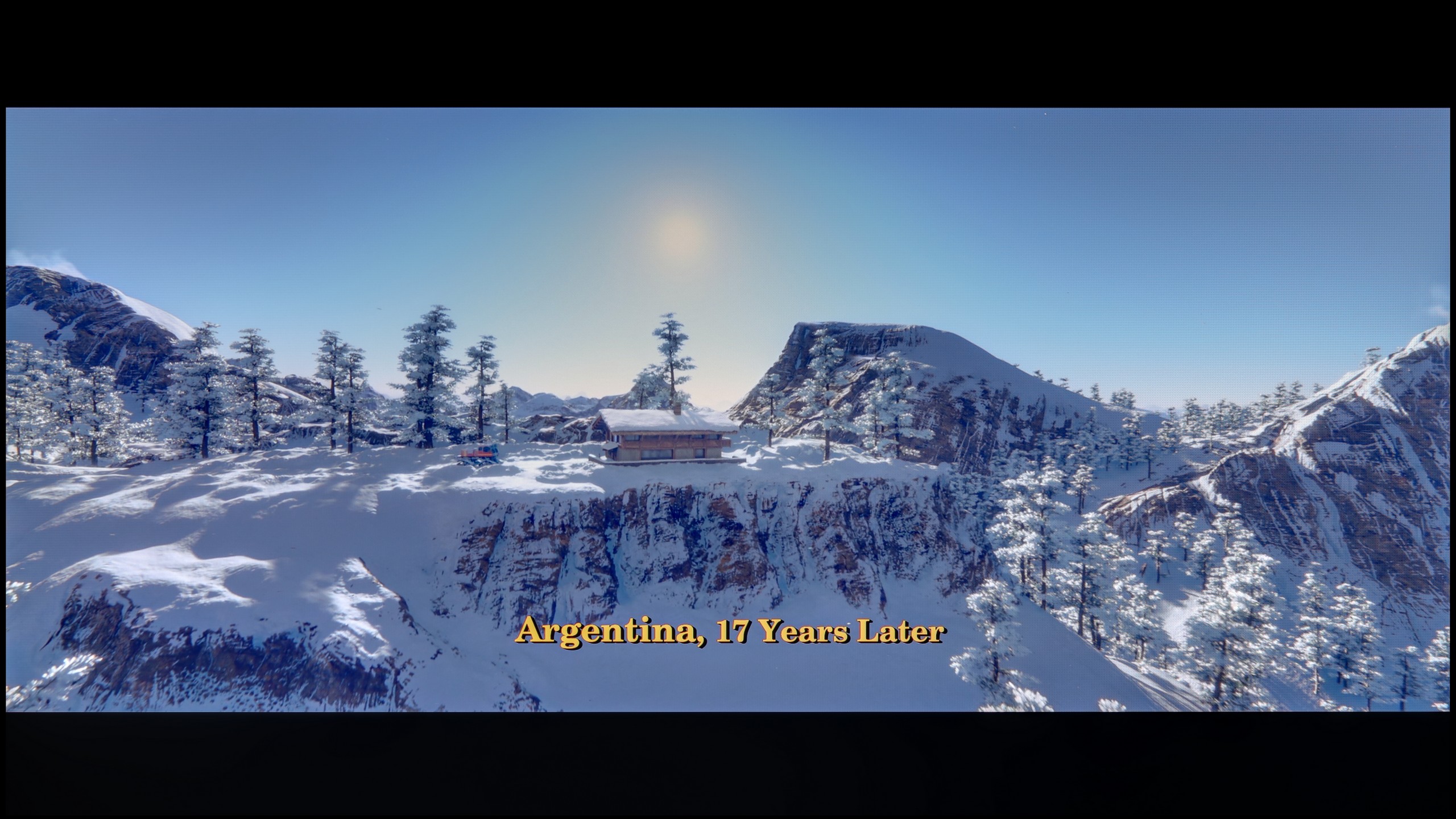

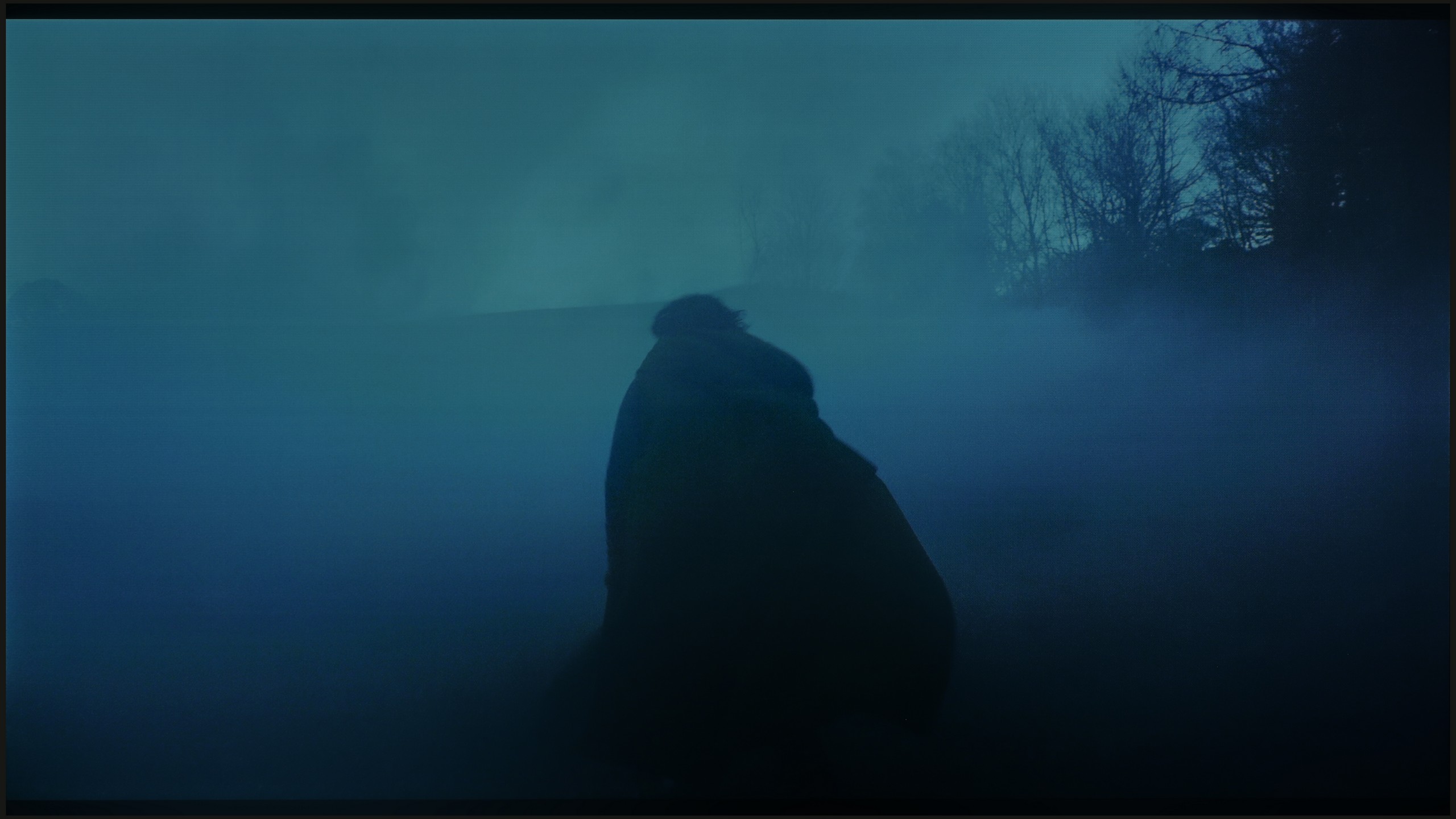
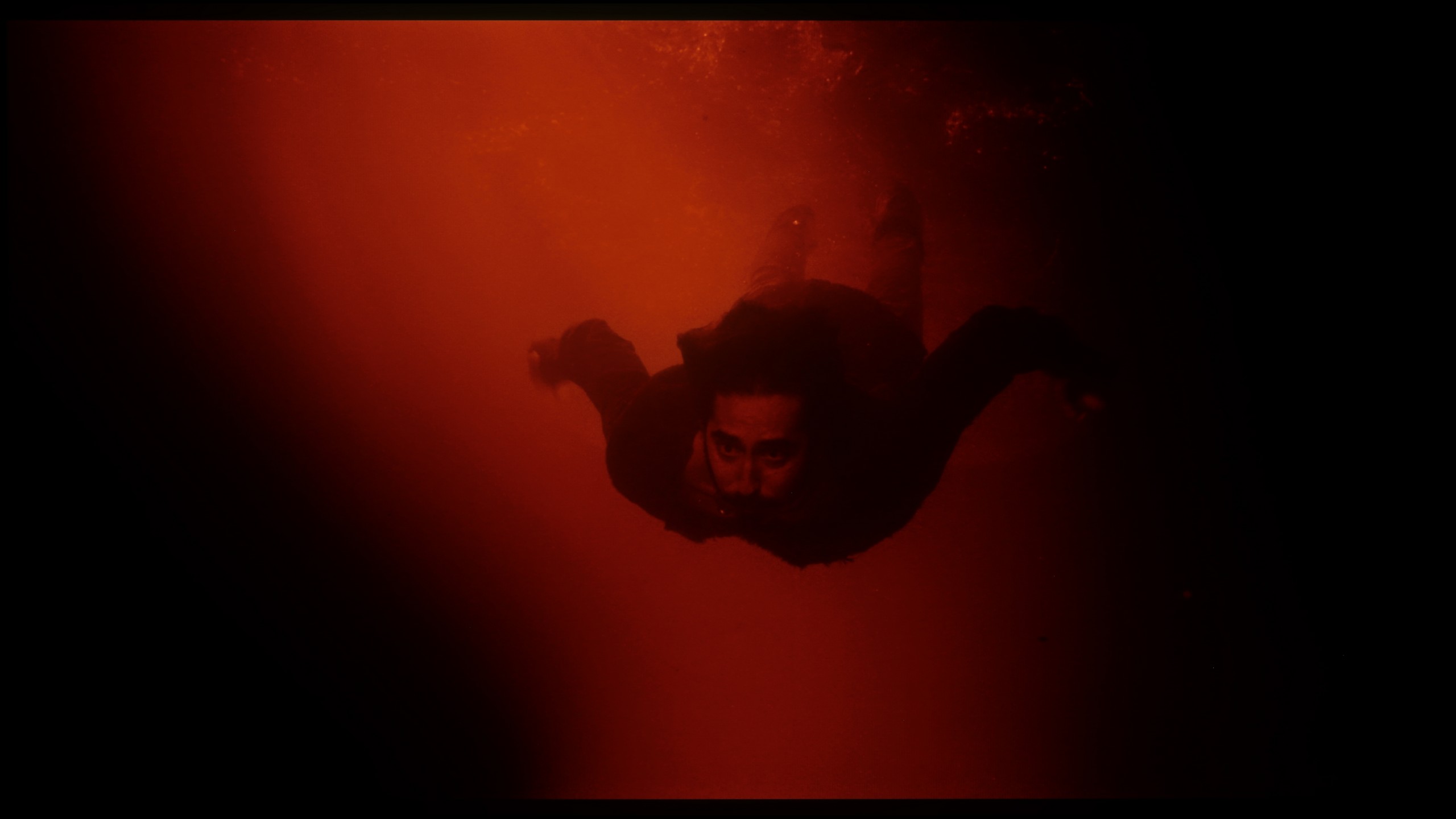
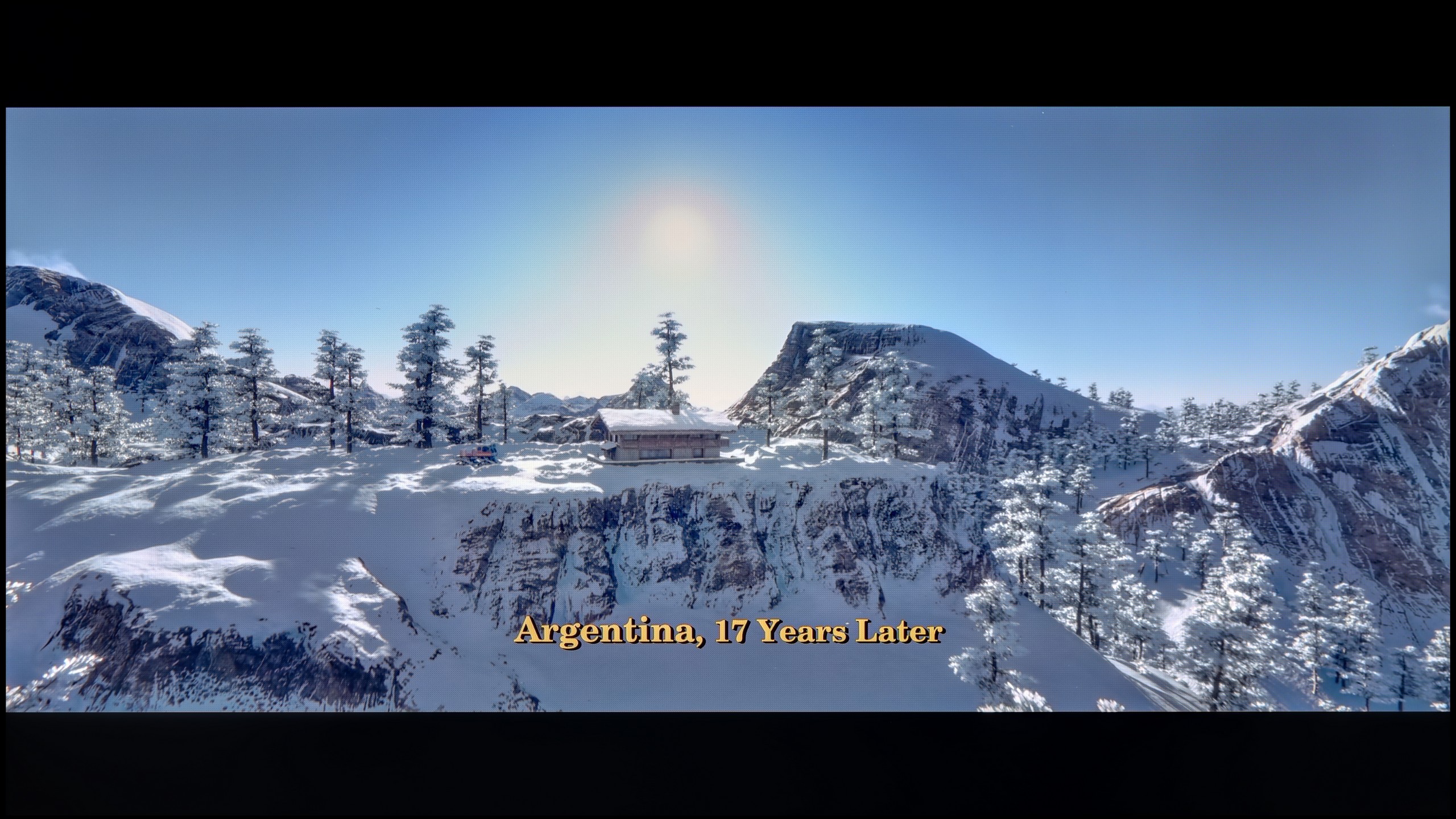
These are selected scenes that show smooth tonal transitions from one color to another. If you see distinct banding, it’s the TV panel’s fault.

These are selected scenes that show smooth tonal transitions from one color to another. If you see distinct banding, it’s the TV panel’s fault.
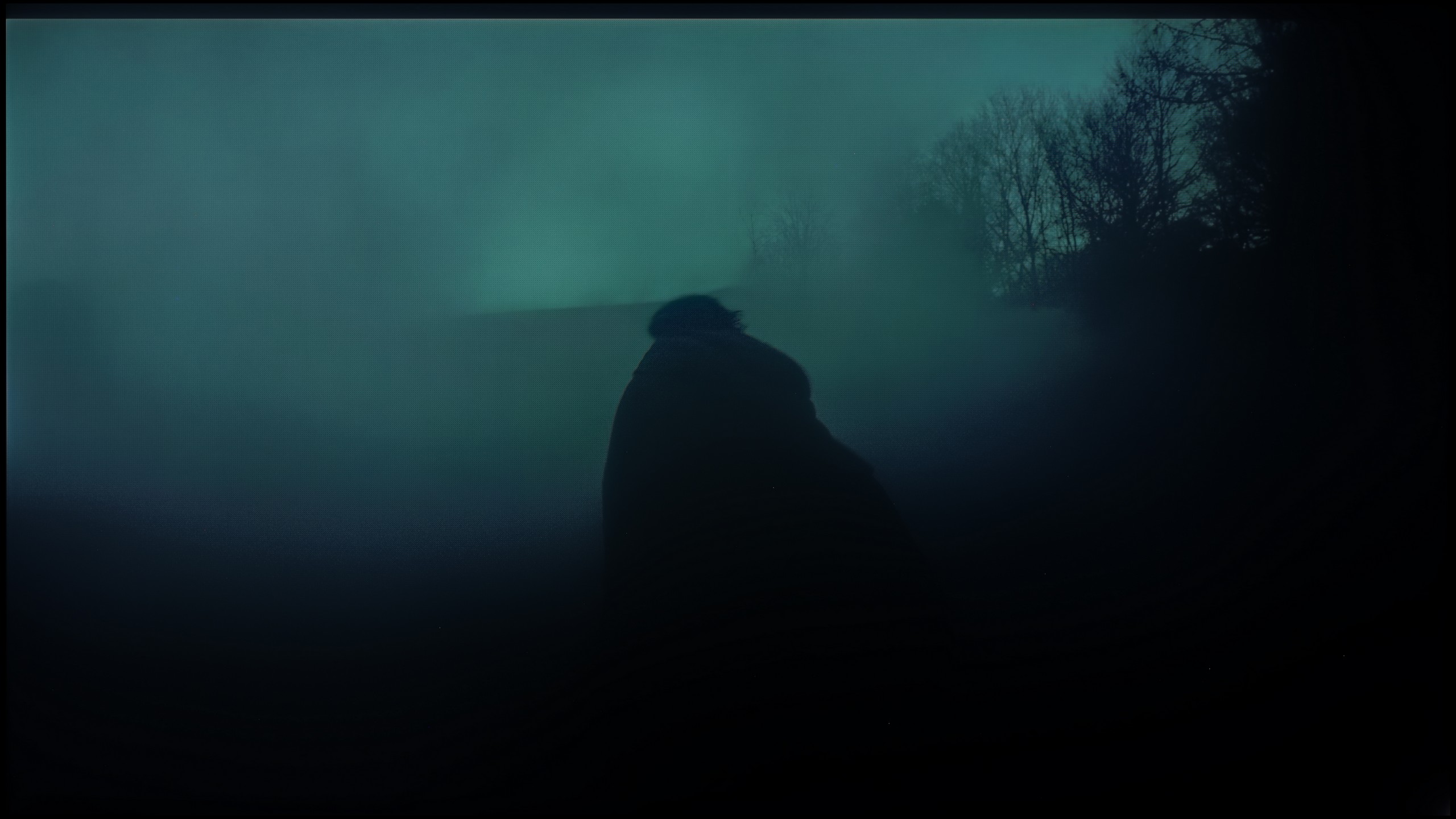
These are selected scenes that show smooth tonal transitions from one color to another. If you see distinct banding, it’s the TV panel’s fault.
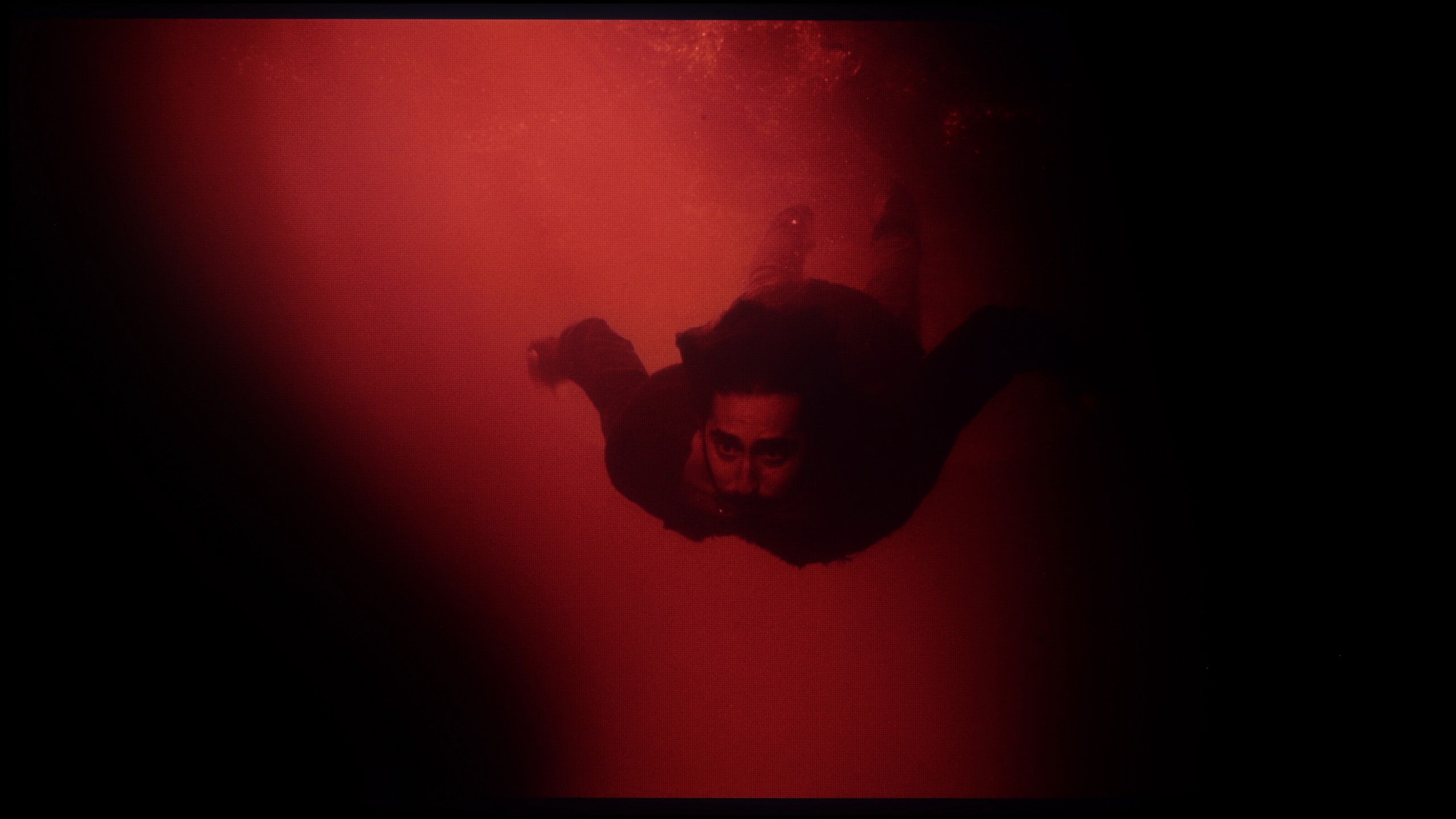
These are selected scenes that show smooth tonal transitions from one color to another. If you see distinct banding, it’s the TV panel’s fault.
The LG B5 handles colour gradation quite decently. In bright scenes, where we have smooth transitions between skin tones, the sky, or backgrounds, the television blends colours seamlessly and without any jarring effects. At first glance – it looks good, especially considering the price. However, it is enough to reach for more challenging material – those darker, more demanding scenes with a lot of subtle transitions – and the challenges begin. Minor artefacts, false contours, and slight thickening appear. It is still not a level that dazzles or distracts from the narrative, but the difference compared to more expensive WOLED models – and even more so QD-OLED screens – becomes noticeable.
The U7Q PRO handles tonal transitions really well. Colours blend smoothly, without any banding, stripes or strange artefacts. Even in more challenging scenes that typically expose any imperfections – there was nothing to criticise here. The image simply looks clean. Gradients – both coloured and grey – are smooth, nothing tears, nothing distracts. This is one of those elements that you don’t pay attention to while watching… certainly not in the case of the U7Q PRO.
Image scaling and smoothness of tonal transitions
7.5/10
7.8/10


Smooth transition function
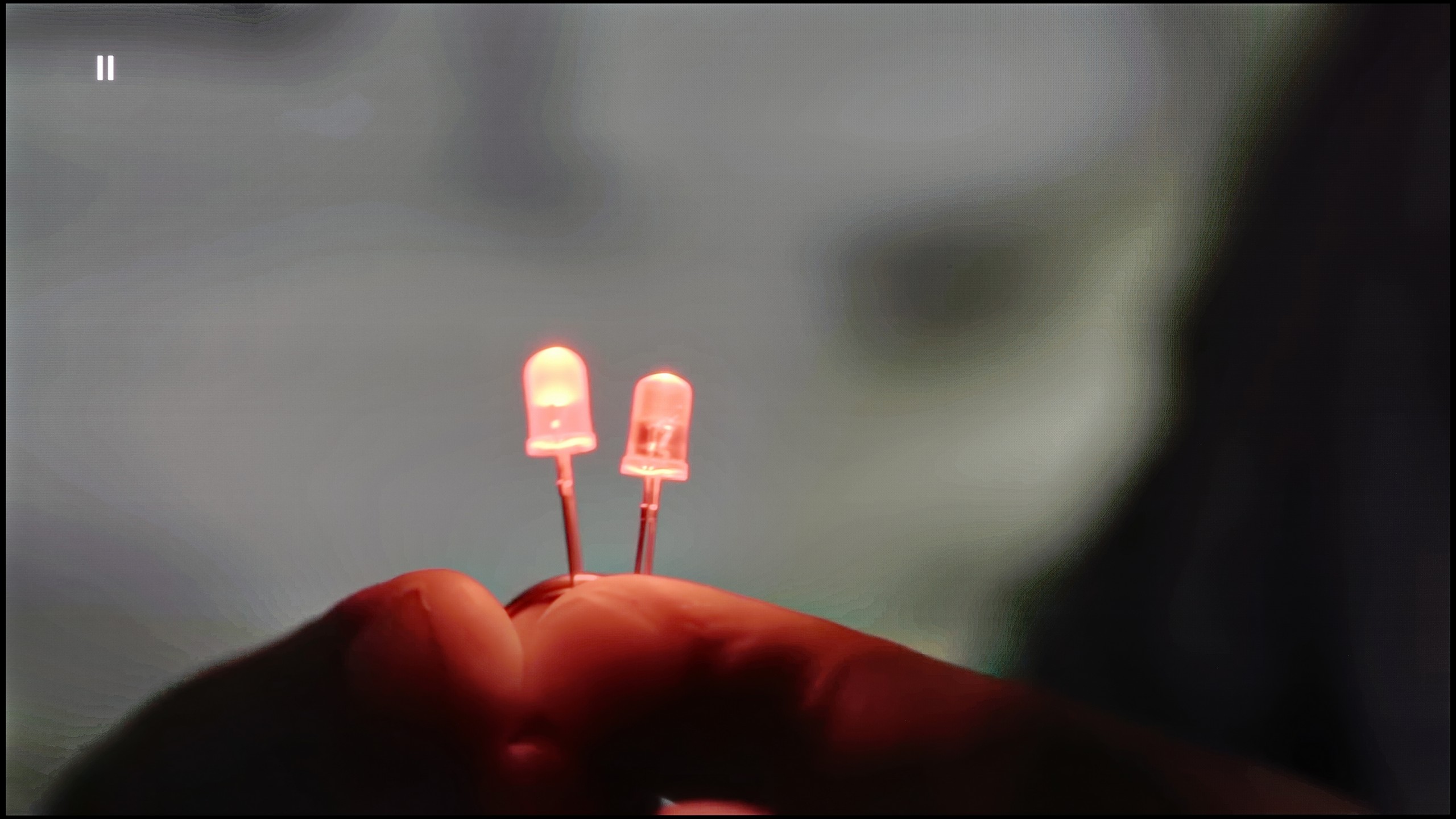
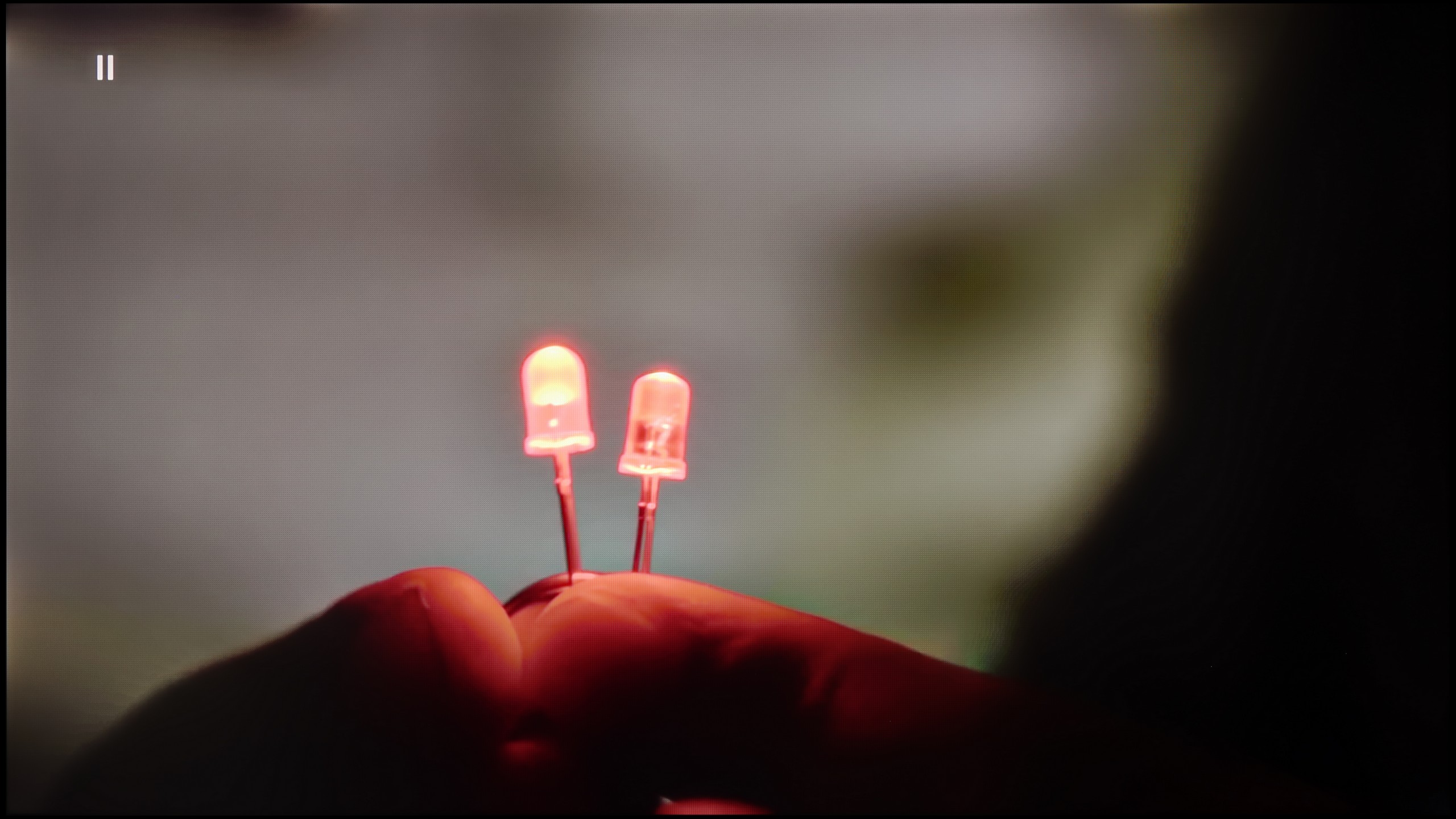
The match photo shows how the TV smooths weak tonal transitions in low-quality video.
Image scaling SD (576i)
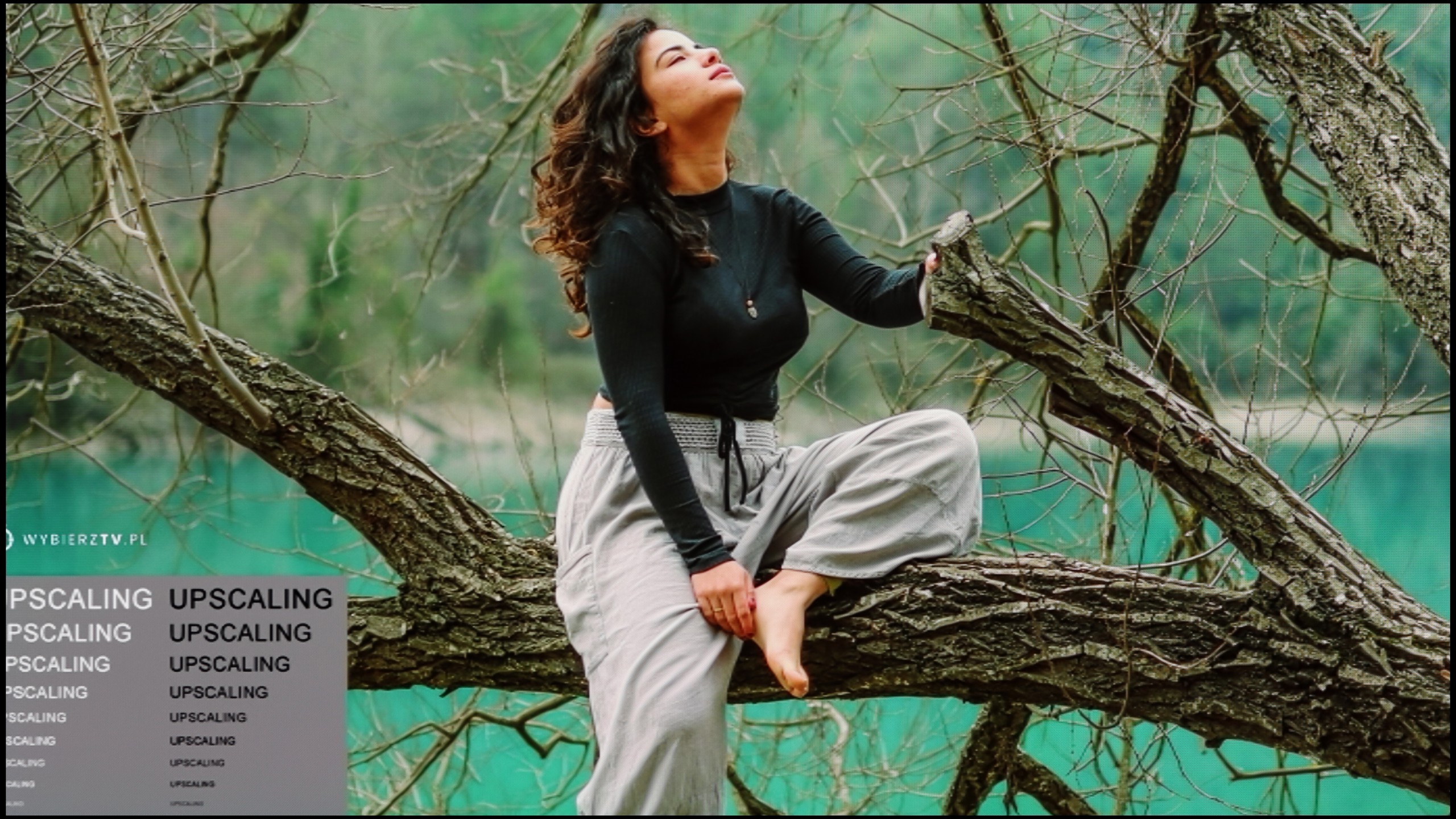

The model photo shows how it handles upscaling of SD material.
LG B5 really positively surprised us in terms of handling lower quality content. Thanks to the enhancement and smoothing features, materials in HD resolution or even SD gain a second life. Importantly – when this option is activated at the "low" or "medium" level, we do not feel that the image is artificially softened or smoothed out unnecessarily. Details remain intact, film grain does not disappear, and the edges of objects do not look washed out 😉. This is truly a useful tool – especially if you are watching terrestrial television, archival materials, or content from YouTube in lower resolutions. The image is clear, coherent, and simply pleasant to the eye.
Scaling as such works very well – even content of poor quality is reproduced with surprising fidelity. Unfortunately, there was a slight hiccup. Although the menu contains the option to disable overscan, the television still has issues with correctly displaying images of very low resolution. It may seem like a detail, but when watching older materials – it can be irritating.
If someone happens to come across older materials where the colour banding issue occurs – Hisense has a solution for that. In the U7Q PRO, we find a function called "Smooth and Gradient Image". Set to the "Medium" level, it works really well – removing most issues with gradation while not smoothing out the entire image, like blurring in Photoshop. 😉 Film grain remains, details do not disappear – this is exactly how it should work. Well done on the implementation!
As for upscaling weaker materials, it is simply good. It is not at the level of the most expensive televisions with advanced upscaling, but older content looks good. There is minor aliasing at very low resolutions, but this is completely normal and hard to avoid. On the plus side – even with the oldest materials, there is no overscan effect, the image is neither cropped nor artificially stretched.
Blur and motion smoothness
8.5/10
7.1/10
Blur (native resolution, maximum refresh rate):



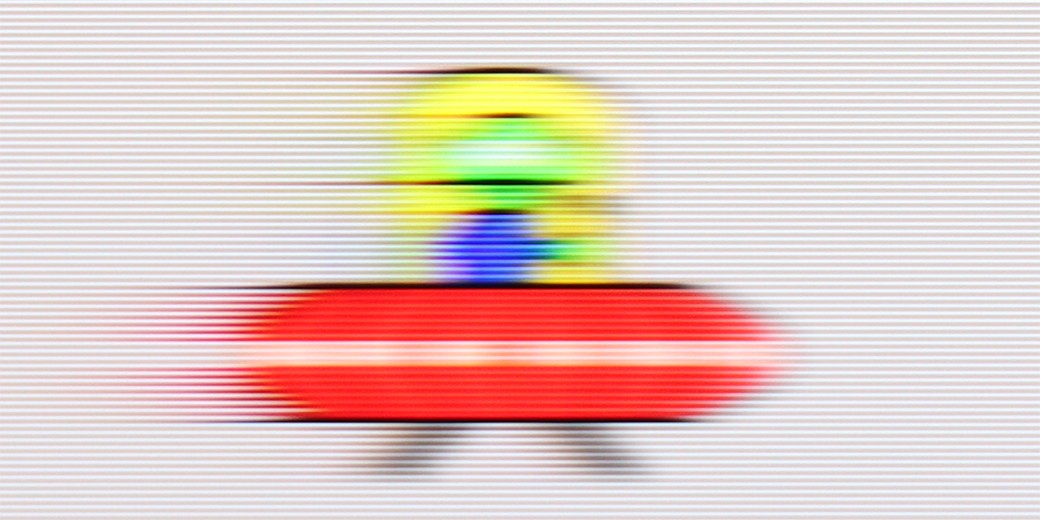
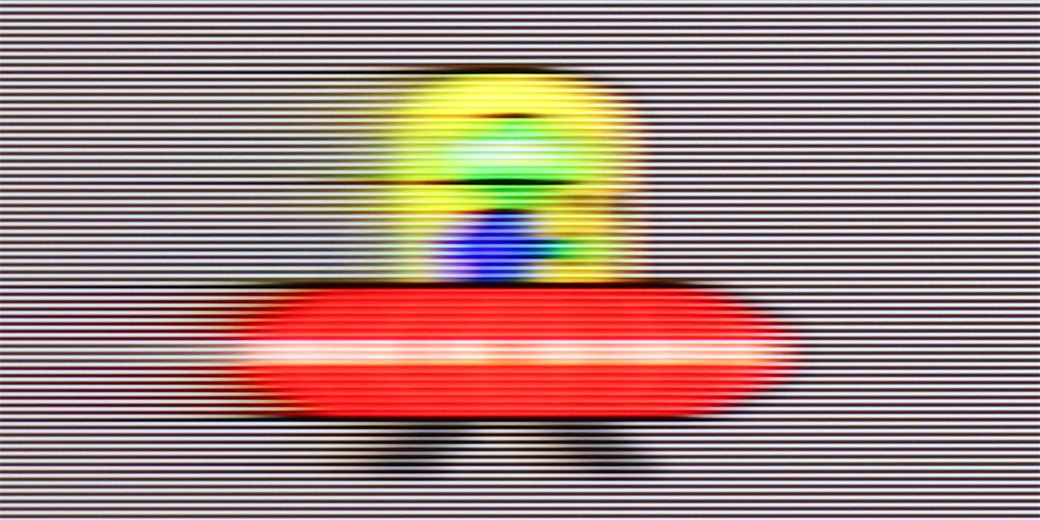
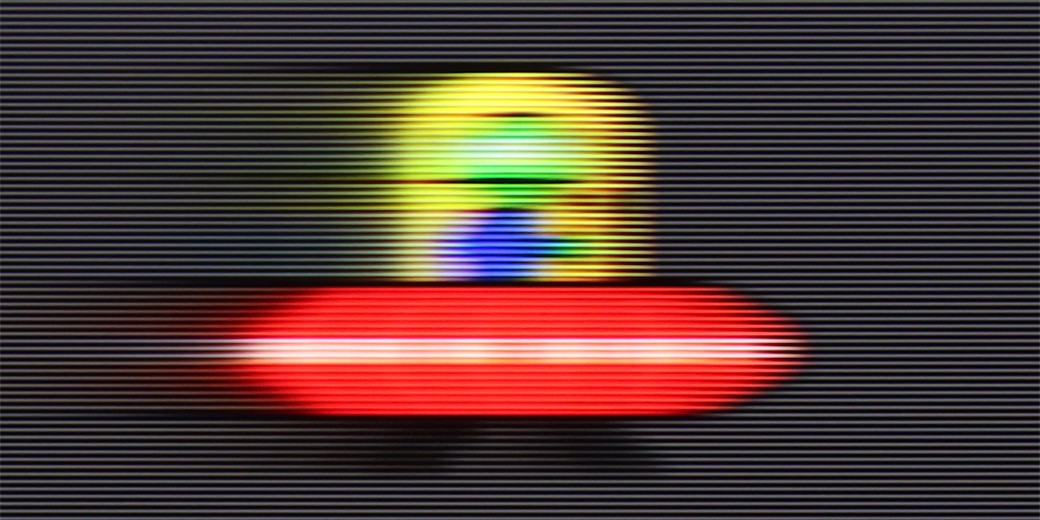
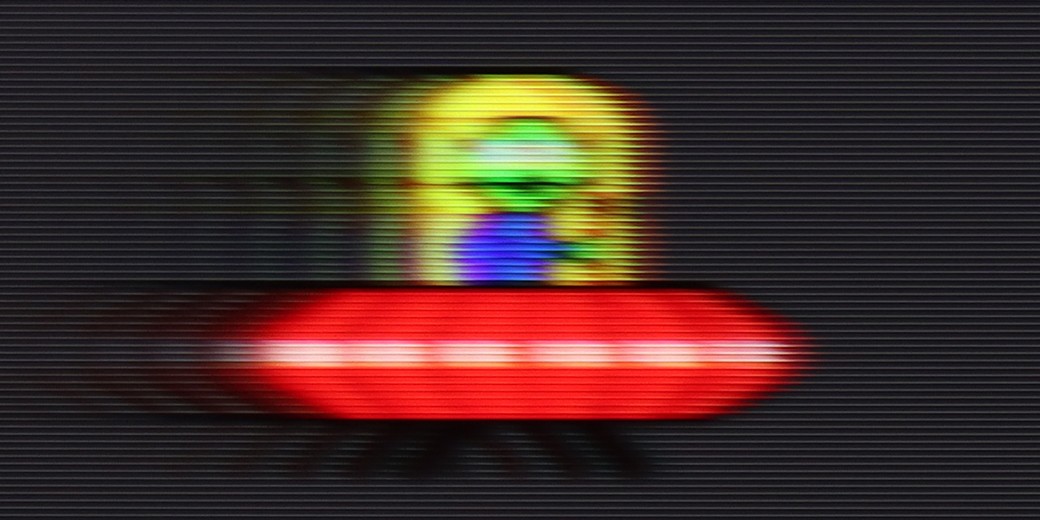
Blur (BFI function enabled):


Blur ():
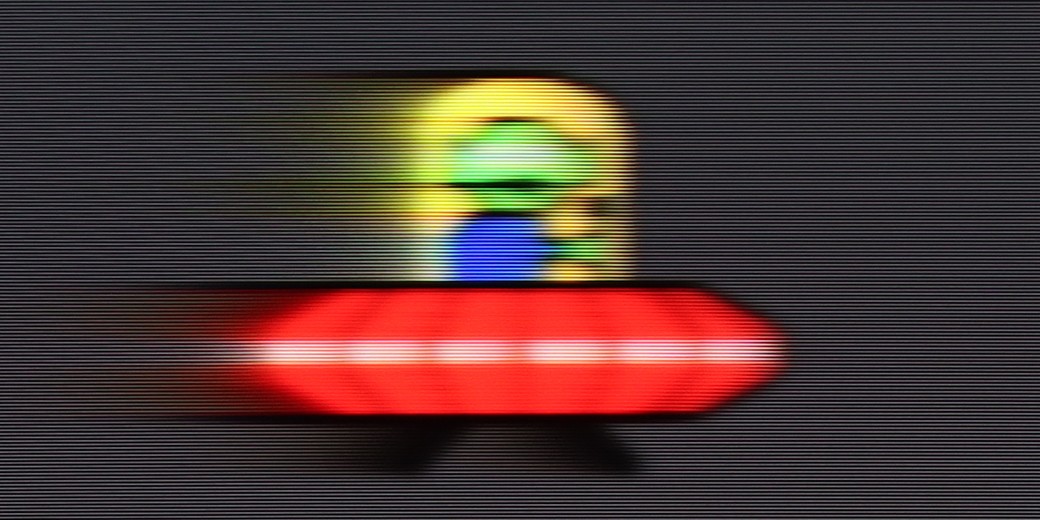
Blur (1080p 288Hz):


LG B5 is a television with a 120 Hz OLED panel. It may not sound as impressive as the marketing claims of “144 Hz” or “165 Hz” found in gaming monitors, but honestly? The smoothness is excellent nonetheless. The picture is sharp, fluid and simply enjoyable to watch – even when there is a lot happening on screen. The organic panel does its job – the pixel response time is almost instantaneous, meaning there’s no sign of smearing or blurring that can spoil dynamic shots. Sport, fast-paced games – everything looks clear and distinct.
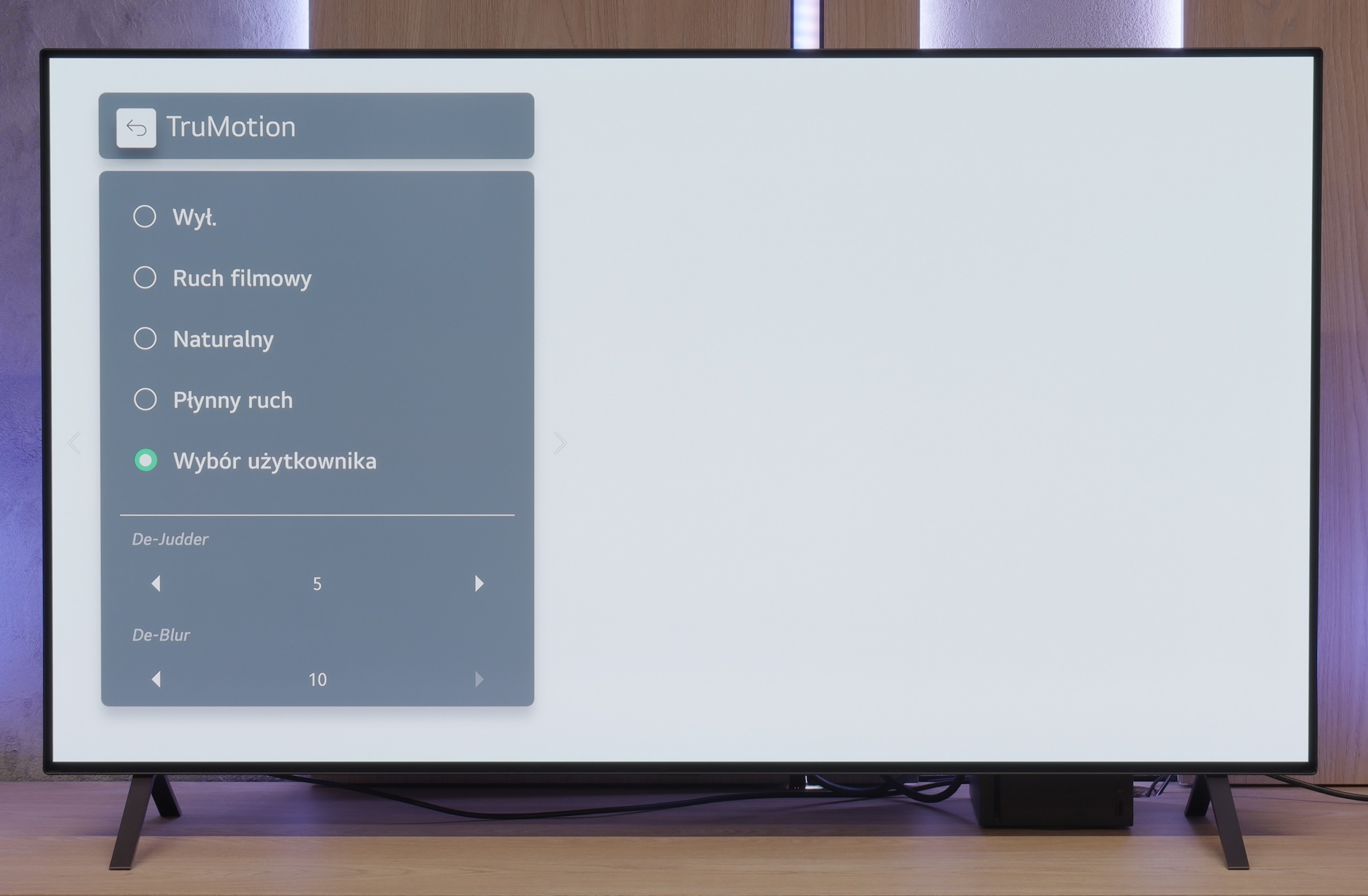
We also have the classic LG smoothness enhancer, TruMotion. This allows you to smooth out films shot at 24 frames per second – which, to put it bluntly, is most of what you watch on Netflix or from Blu-ray discs. If you set lower values on the “De-Judder” slider, you’ll get a picture closer to a cinematic look – with a slight judder, but without any artificiality. Higher settings? A soap opera effect is guaranteed. Fortunately, LG gives you the option to tune everything to your liking.
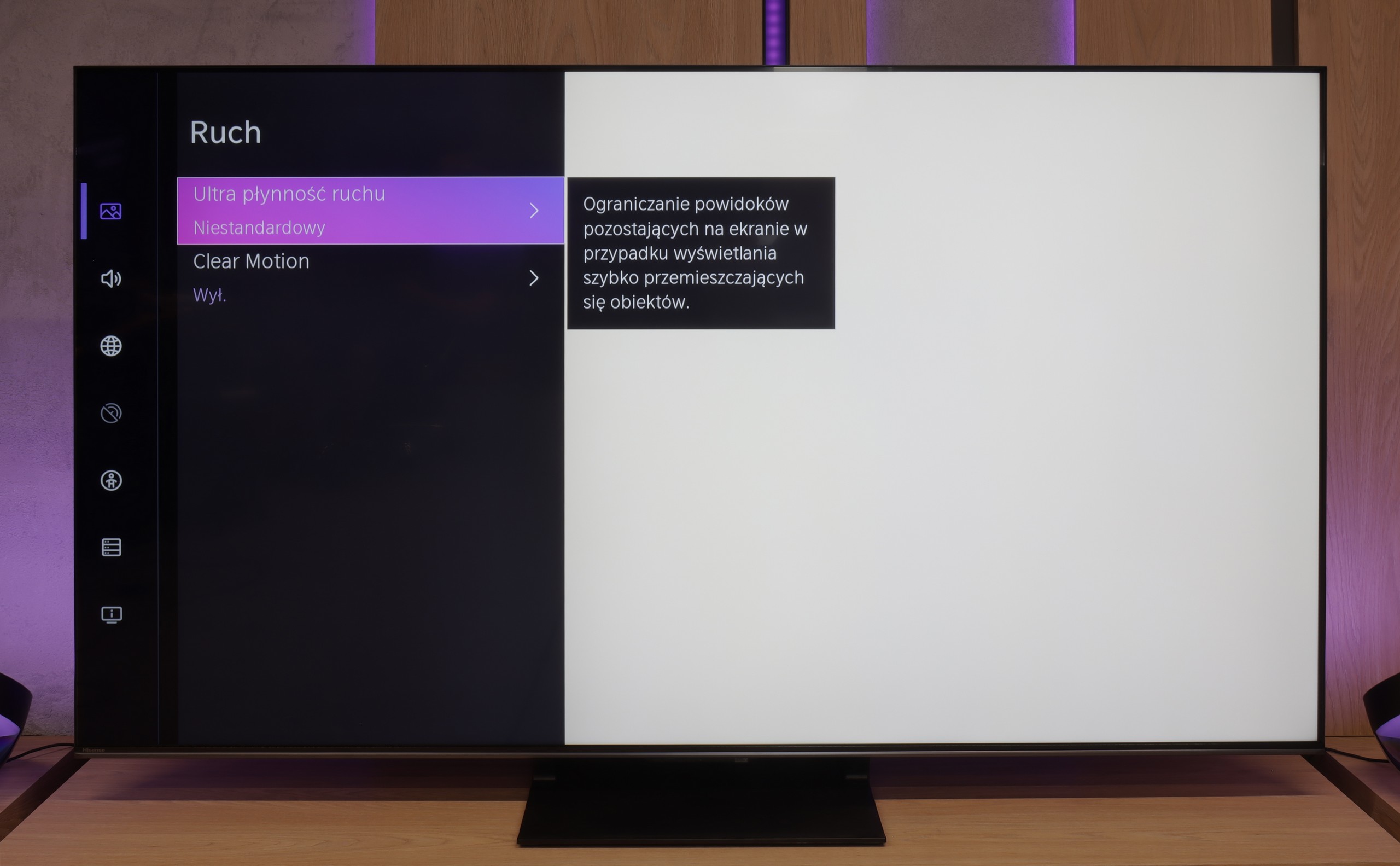
“Speed” – this word came up most often during our tests of the U7Q PRO. The television is equipped with a 165 Hz panel, which is impressive in itself – especially since we are talking about a model in the mid-range price category. Of course, PC gamers will benefit the most from its full capabilities, but even with everyday viewing, it's clear that this is a fast and efficient panel. Like most modern televisions, the U7Q PRO can also enhance the fluidity of films that were originally recorded at 24 frames. In the menu, we find a slider that allows us to adjust the effect to our own preferences – from a more cinematic look, with subtle motion, to stronger smoothing with the characteristic “telenovela effect.”
Console compatibility and gaming features
10/10
8.5/10
- ALLM
- VRR
- VRR range40 - 120Hz48 - 288Hz
- Dolby Vision Game Mode
- Correct implementation of HGIG
- 1080p@120Hz
- 1440p@120Hz
- 4K@120Hz
- Game bar
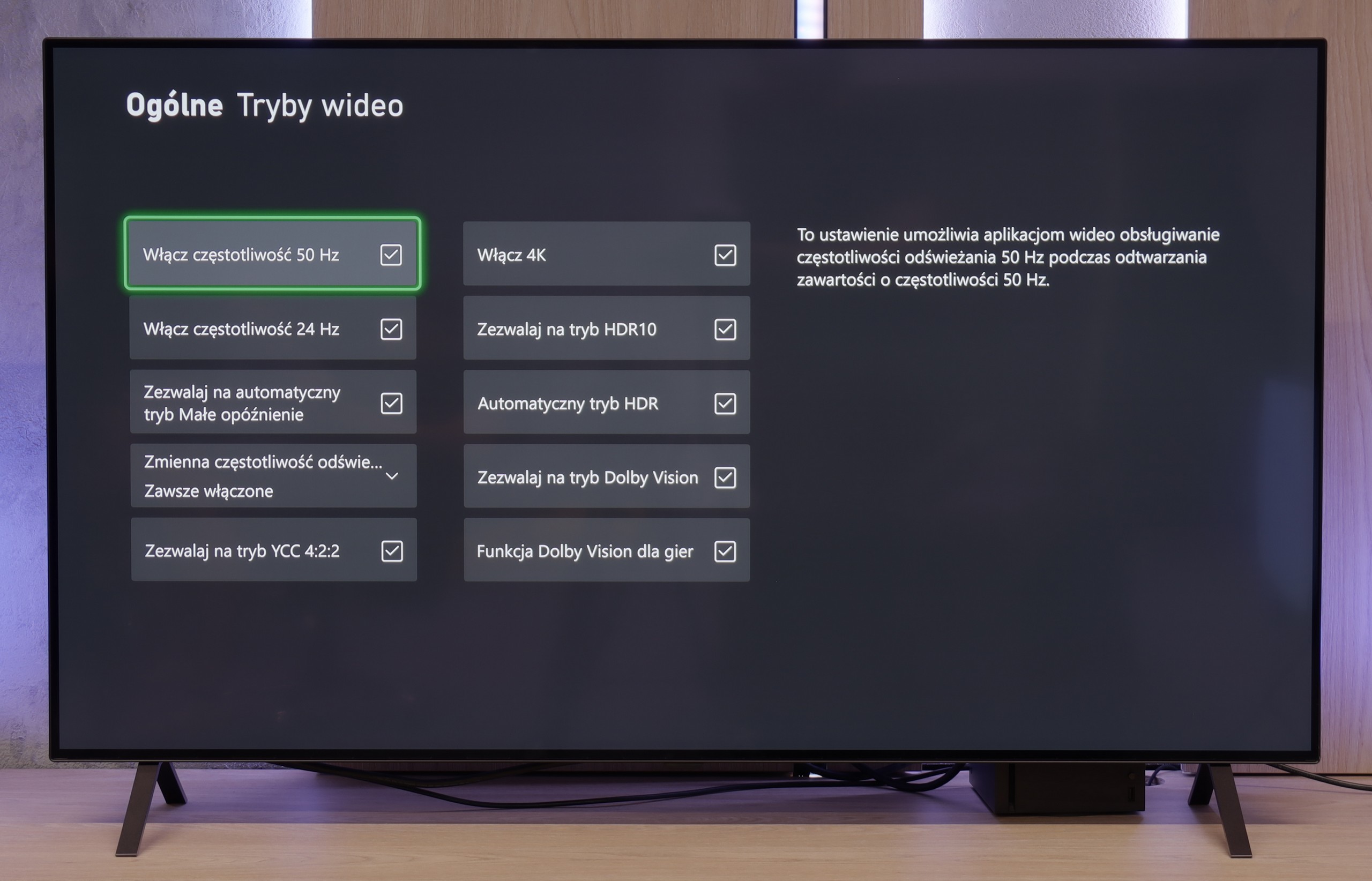
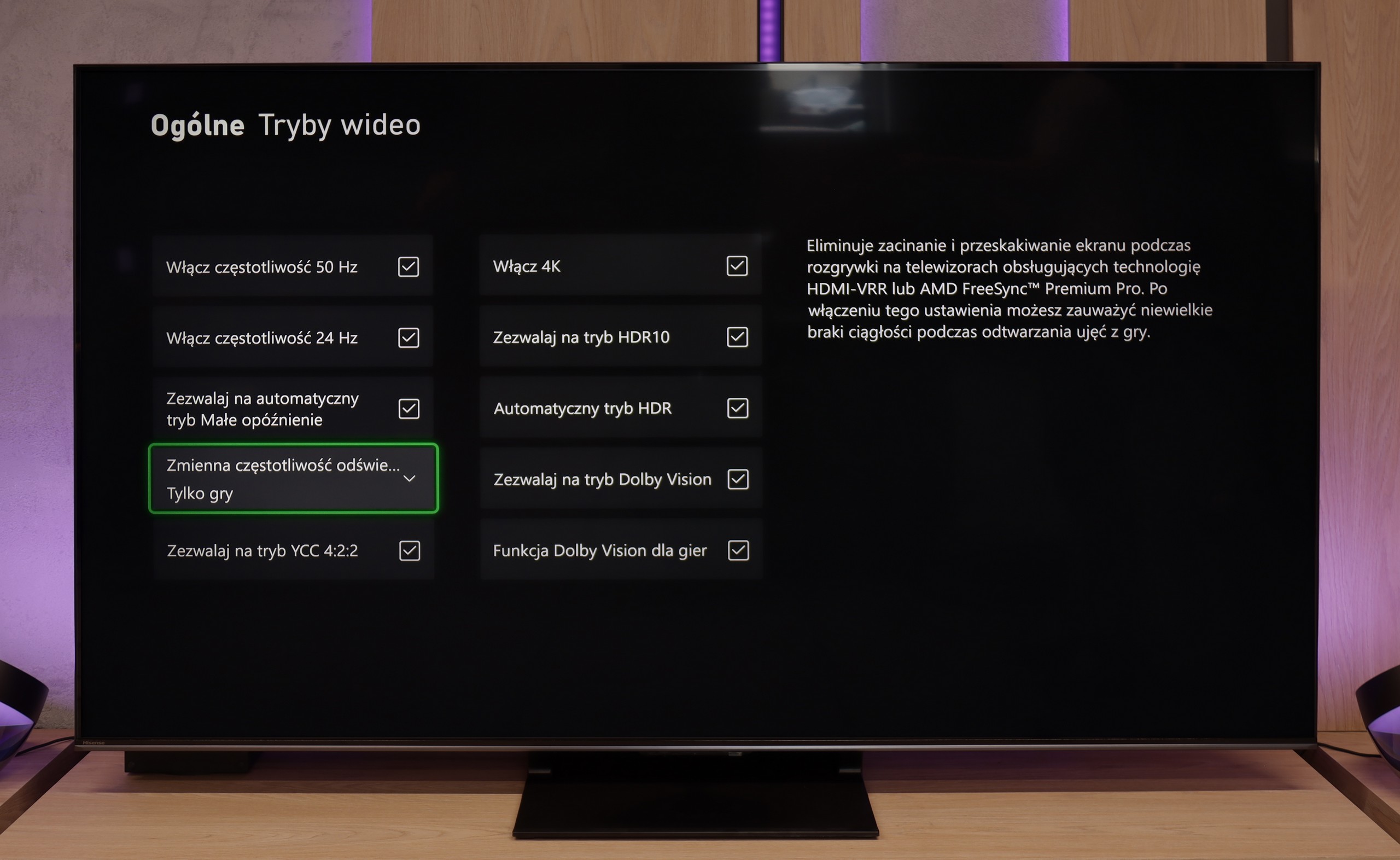
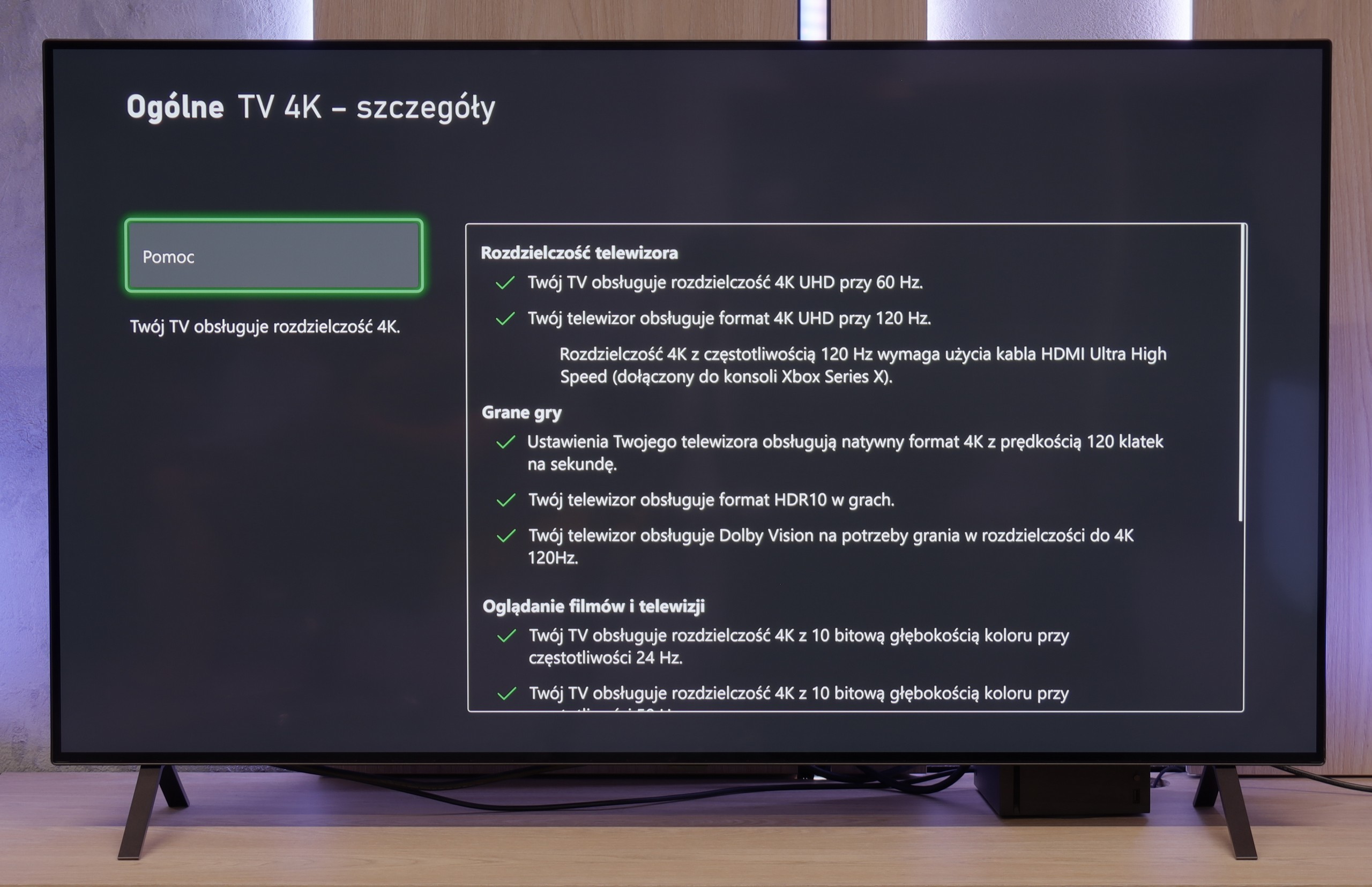
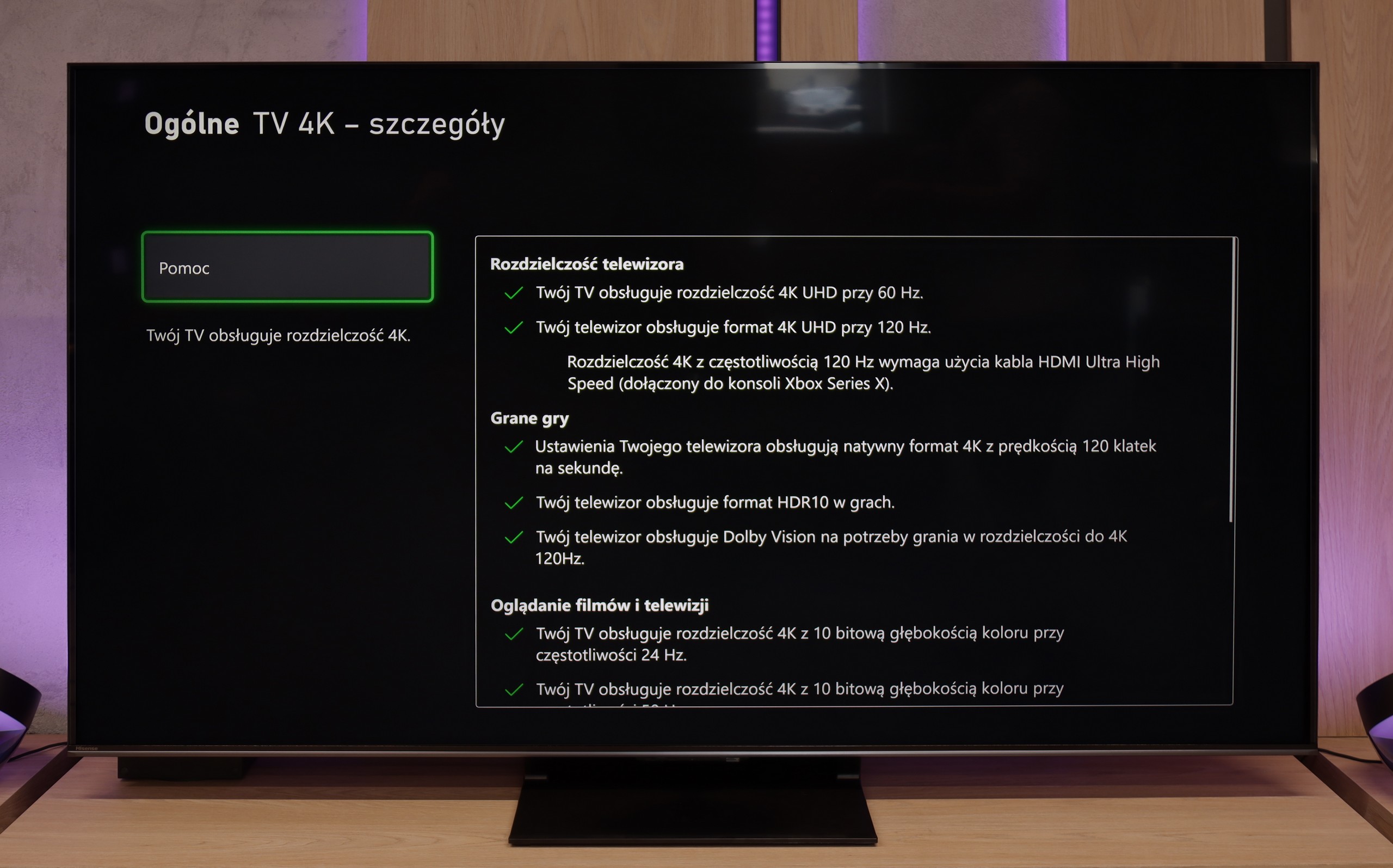
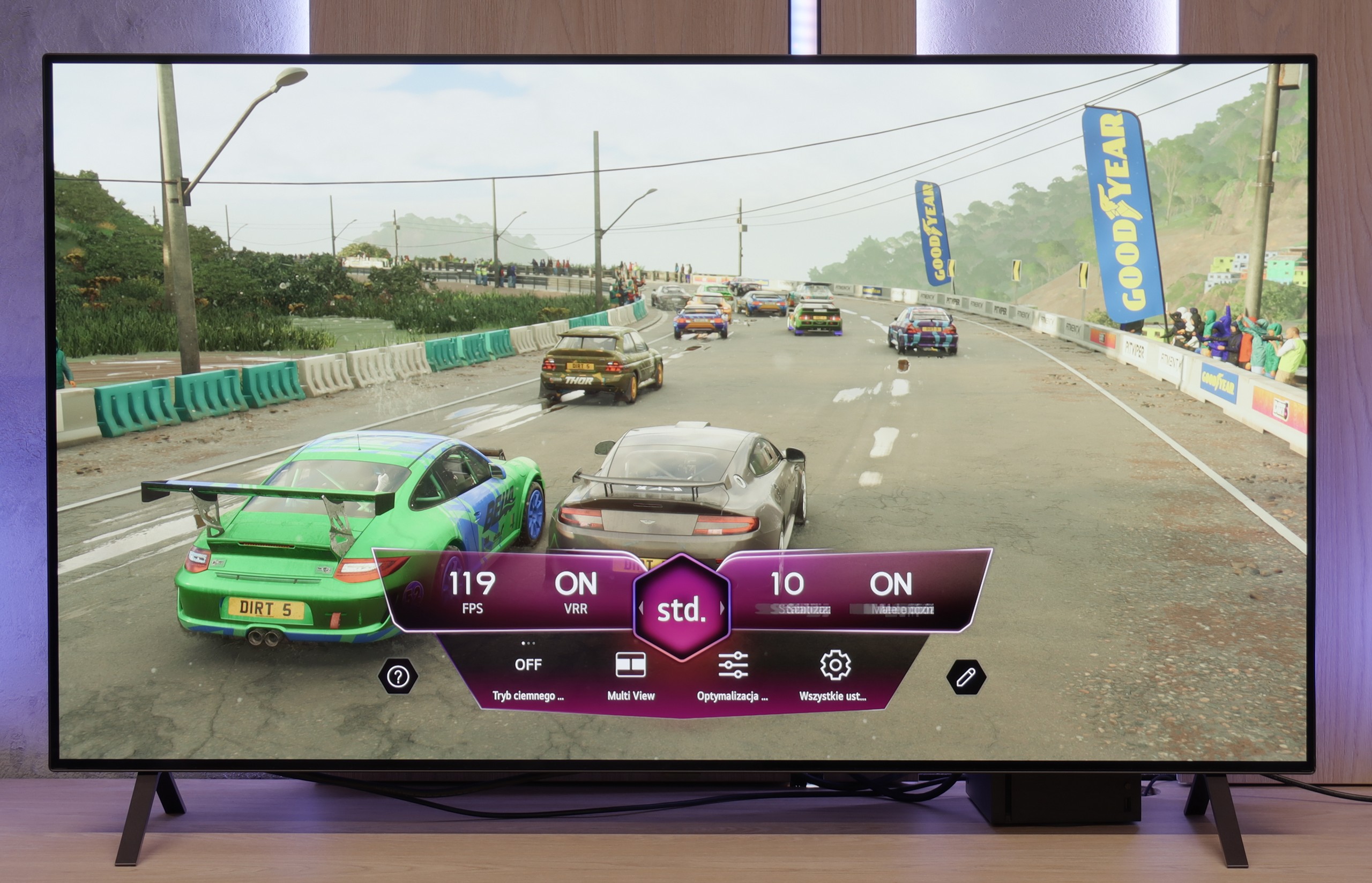
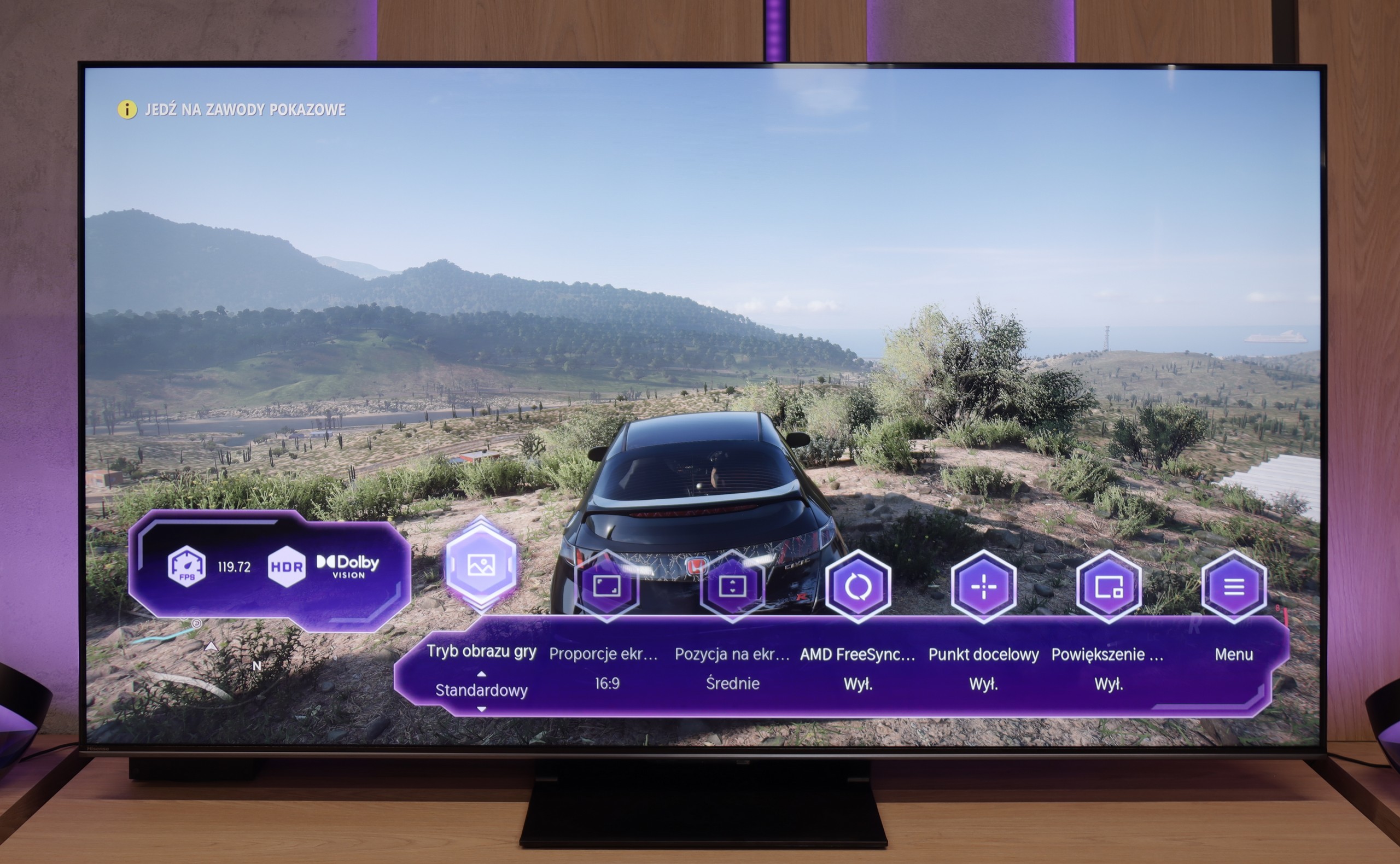
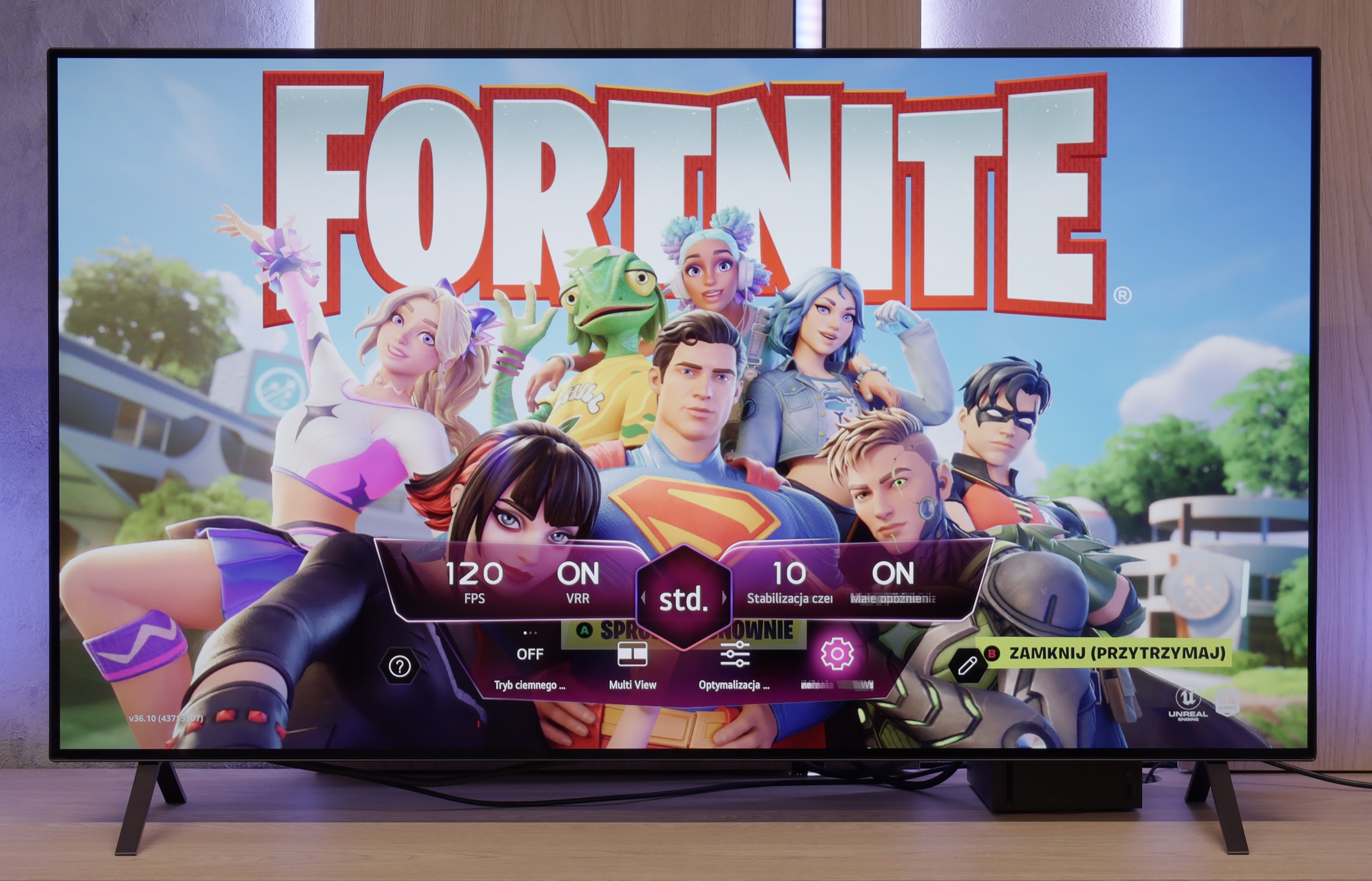
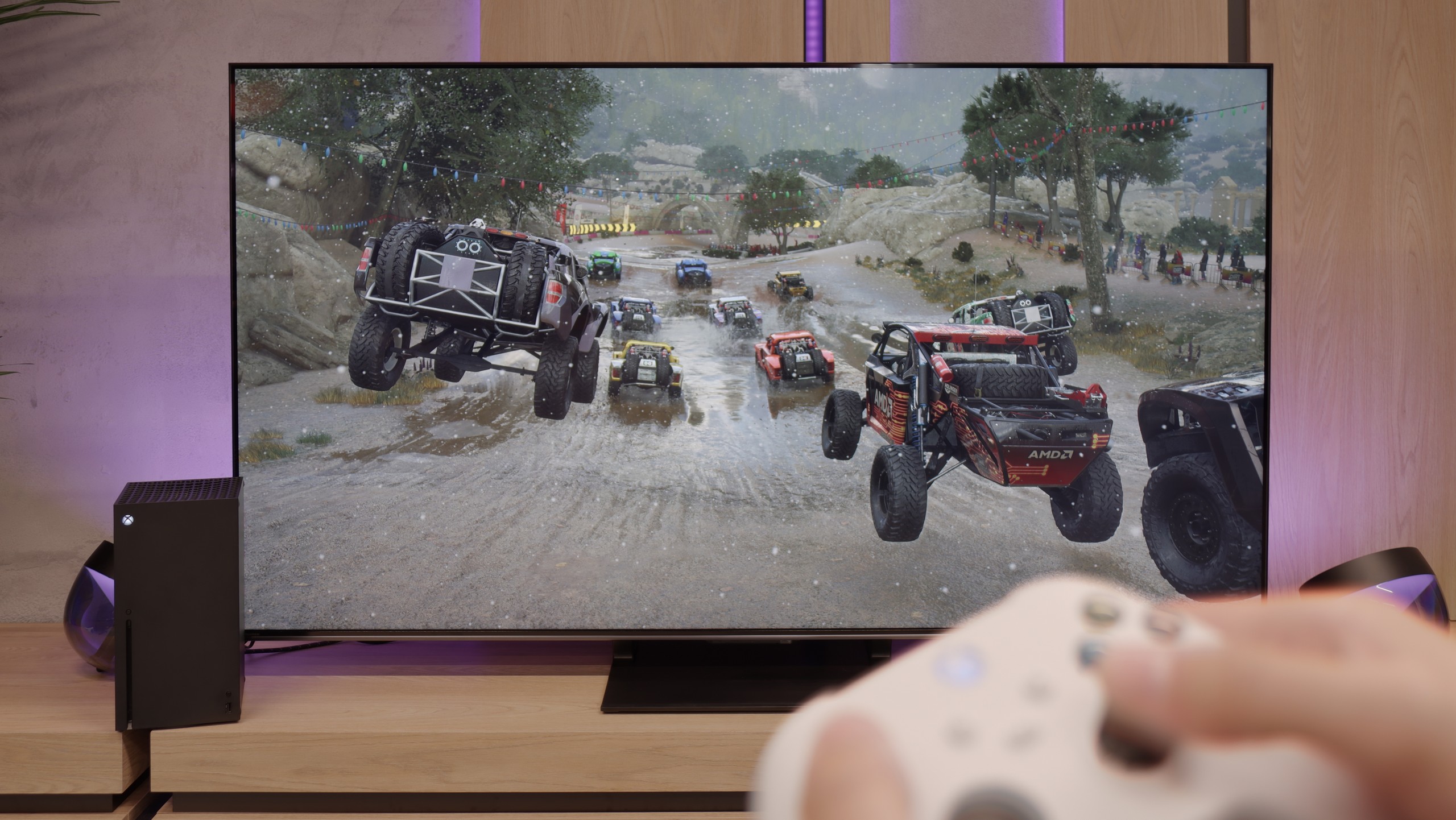
There are already a few televisions on the market with the label “for gamers” that, in practice, don’t understand what that means. The LG B5 is not one of them. Everything here is spot on – there are four HDMI 2.1 ports, it has 120 Hz, VRR, and ALLM, and it even has a Game Bar that is actually useful, not just looks good in the brochure. You connect your console – it works. You set 4K at 120 Hz – it works. You have an Xbox and want to play in Dolby Vision – it works too. And this is not in the sense of “theoretically supports”; it really turns on, looks good, and you don’t need to fiddle with the settings for half an hour. Additionally, there’s the HGiG picture mode that LG implemented correctly – which means HDR in games doesn’t turn the screen into a flash lamp, but shows exactly what it should. There are no surprises here, no strange limitations, no “buts.” And you know what? That’s how it should be. Cheers to the LG B5!
The Hisense U7Q PRO is a television that seems almost designed with gamers in mind. It has practically everything one could expect from a gaming display: variable refresh rate (VRR), automatic low latency mode (ALLM), and as many as four HDMI 2.1b ports with full bandwidth of 48 Gb/s. Additionally, there is a clear and quite functional Game Bar, as well as a well-implemented Dolby Vision GAMING mode that works seamlessly with Xbox Series S and X consoles.
Sounds like perfection? Well, almost. Unfortunately, Hisense has still not implemented the HGiG feature, which means the system limitation of tone mapping on the television side. This means that when configuring HDR brightness on the console, we do it "by eye" or search for settings in online guides, as the display does not show the actual range of its brightness. It’s a pity – because HGiG indeed makes it easier to match the console to the television and helps avoid overexposure or overly dark scenes in HDR games.
Fortunately, the other features work very well. Input lag is low, responsiveness is excellent, and the handling of other functions is impeccable. And while not everything worked perfectly, the U7Q PRO can still be recommended to gamers without hesitation.
Input lag
9.9/10
9.8/10
SDR
HDR
Dolby Vision
Here we won't elaborate – the LG B5 simply has excellent input lag. For 60 Hz content, it achieves results below 10 ms, and for 120 Hz it even drops to around 5 ms. These are values that cannot be fairly critiqued. It simply works instantly, with no delays, no surprises. Well… almost. Because as usual, there is a small asterisk with the Dolby Vision Gaming mode. In this mode, the response time slightly increases. It’s nothing dramatic – they are still very low values, hardly noticeable during gameplay – but if you play exclusively competitive titles and fight for every millisecond on the XBOX, it’s worth keeping in mind.
In terms of signal latency, the Hisense U7Q PRO performs really well. For 120 Hz content, the input lag remains below 10 ms, which translates to a lightning-fast response – the screen almost instantly reacts to our movements, something console and PC gamers will particularly appreciate. With 60 Hz content, the situation is somewhat worse, as the response time doubles – this is natural and applies to virtually all televisions. Nevertheless, it still remains below 20 ms, which can be confidently considered a very good result, even close to perfection – and in practice, it is hardly noticeable during gaming.
Compatibility with PC
7.6/10
8.2/10
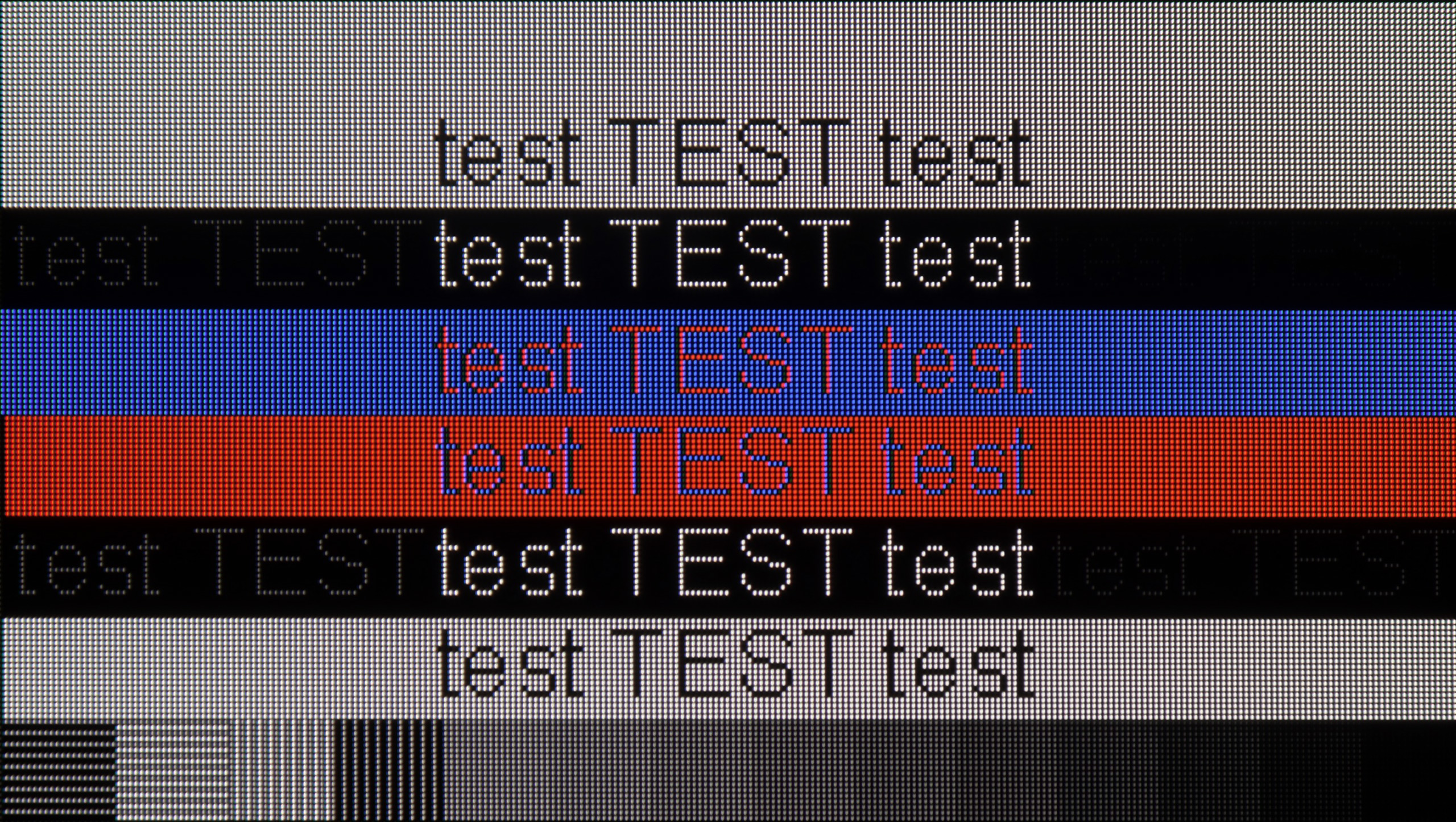
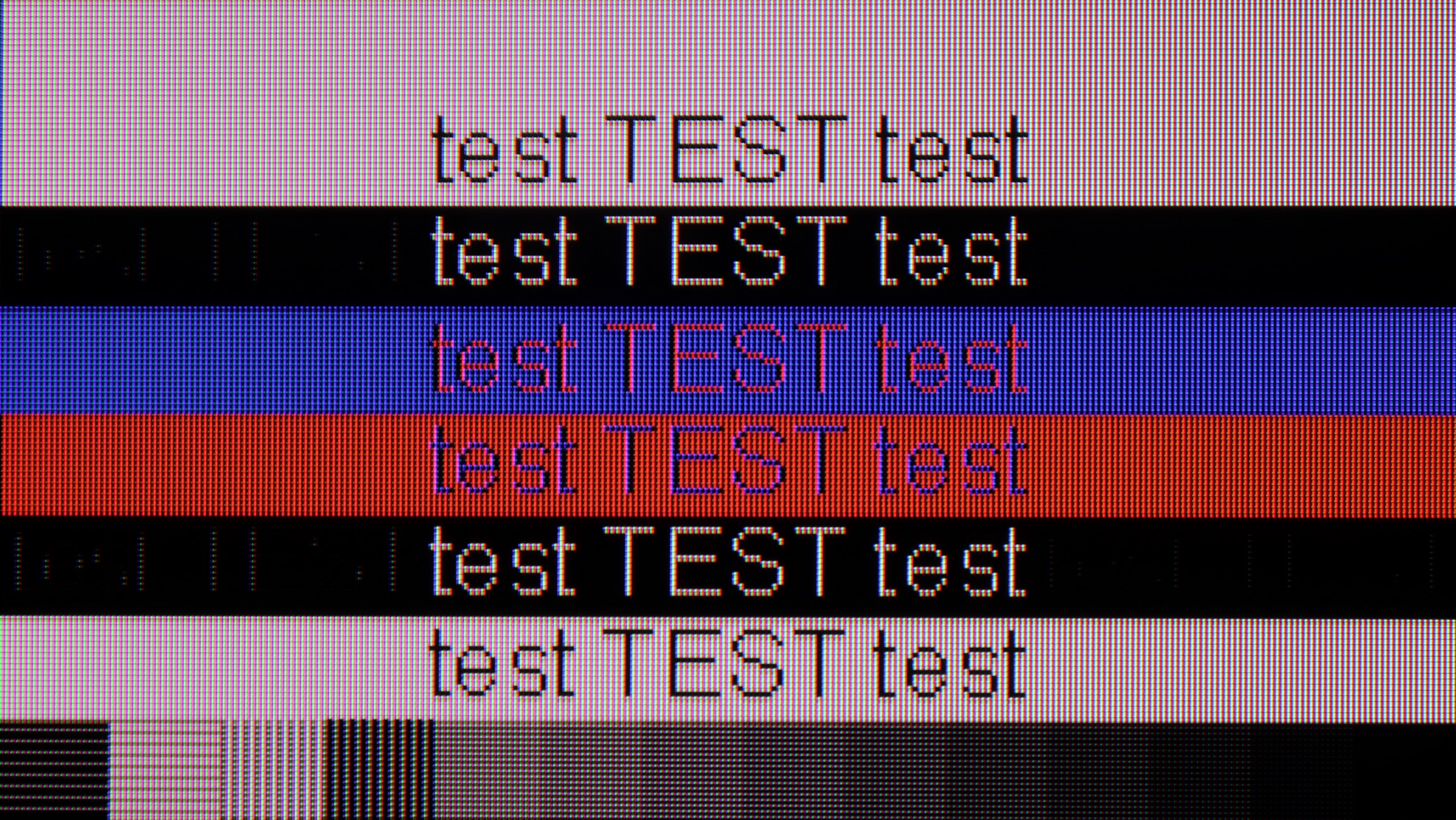
The photo shows the legibility of small fonts. Ideally, lines should be the same thickness on both light and dark text, with minimal pixel gaps.
LG B5 is a television that communicates well with a computer. You won't find gaming frills like 144 or 165 Hz here, but is that really necessary for anyone? Thanks to the 120 Hz panel, low input lag, and G-Sync support, it's truly a very good screen for gaming on PC. No stuttering, no tearing, with lightning-fast response.
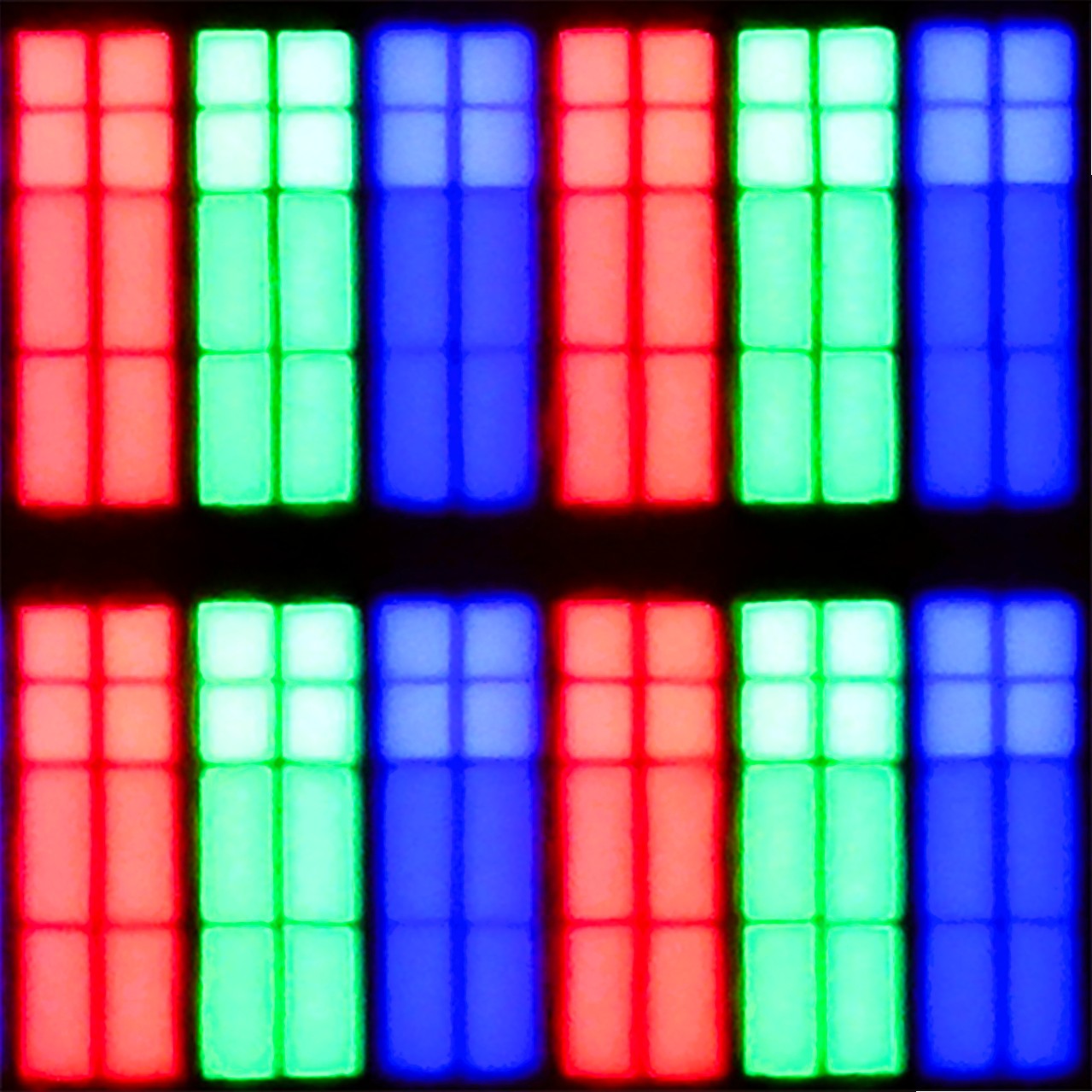
But it's not just for gaming. You can also quite comfortably... simply work on the B5. The television properly supports chroma 4:4:4, so fonts are readable, interfaces are clear, and your eyes won't hurt from blurred letters. This isn't a given, even among more expensive models. However, there is one 'but' – and this applies not only to the B5, but to any OLED with a WOLED panel. The RWGB subpixel arrangement can cause a slight shadow along the edges of fonts. This isn't something that stands out from the sofa. It's something that someone sitting with their nose to the screen and spending half the day in Excel would notice.
Playing on PC using the Hisense U7Q PRO is pure fun. Low input lag, full 165 Hz in 4K and even 288 Hz in Full HD - these are numbers we wouldn’t expect from a television at this price. In this regard, it’s really hard to fault anything. If someone is looking for a large screen for gaming from a PC - the U7Q PRO can confidently serve as a monitor. It performs slightly worse for everyday work with text. Although chroma 4:4:4 is present, so theoretically everything should look good. But in practice, grey fonts on a dark background look strange – vertical lines are sharp, but horizontal ones can blur, disappear, or appear slightly dimmed. However, it must be honestly added that if you use the television as usual – that is, from a few metres away – you probably won’t notice this. The problem only becomes visible when someone places the U7Q PRO on a desk, a metre from their face, and starts working with text or spreadsheets. If you plan to use it in that way – it’s worth keeping this in mind.
Viewing angles
7.4/10
3/10
In terms of viewing angles, the LG B5 performs very well – exactly as one would expect from an WOLED panel. No matter from which side you sit, the picture maintains its quality. The colours do not wash out, the contrast does not deteriorate, and the details remain clearly visible. However, it must be said that this is not the level of Samsung Display's QD-OLEDs. Those can hold colour saturation even better at extreme angles. But if you do not plan on watching films while sitting at a 90-degree angle – the B5 is more than sufficient. It is one of those televisions that is simply pleasant to look at – from every angle.
In this regard, the U7Q PRO performs moderately. The television is equipped with a VA panel, which inherently is not known for wide viewing angles. When we start looking at the screen at an angle, the image noticeably loses brightness, and the colours begin to wash out. This is a completely normal phenomenon in VA panels without additional coatings that widen the angles – so if you plan to watch from the side or in a larger group, it’s worth keeping this in mind. On the other hand, directly in front – the image looks great, with deep blacks and very good contrast, much better than on IPS/ADS type panels.
Daytime performance
4.9/10
6.2/10
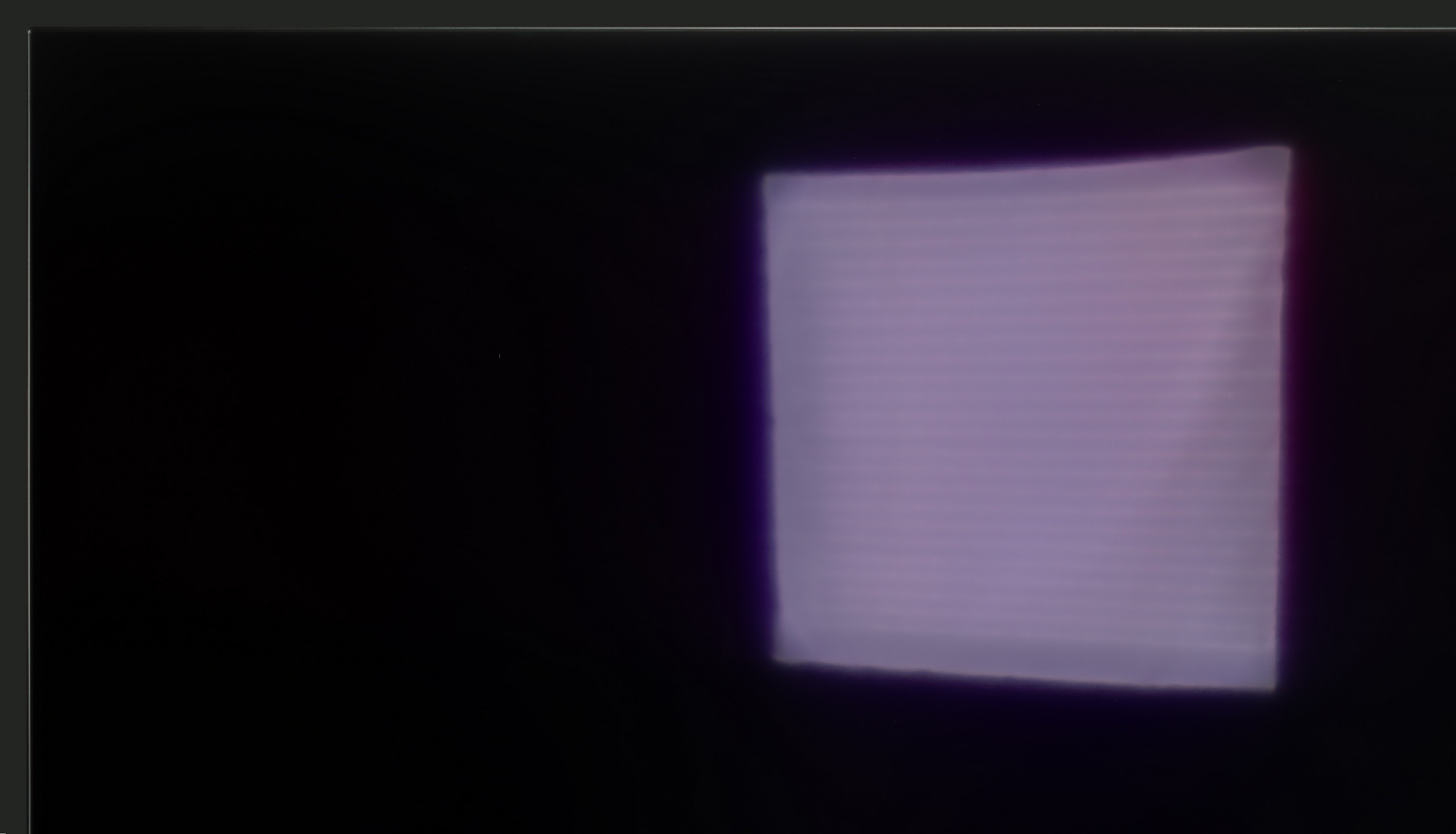
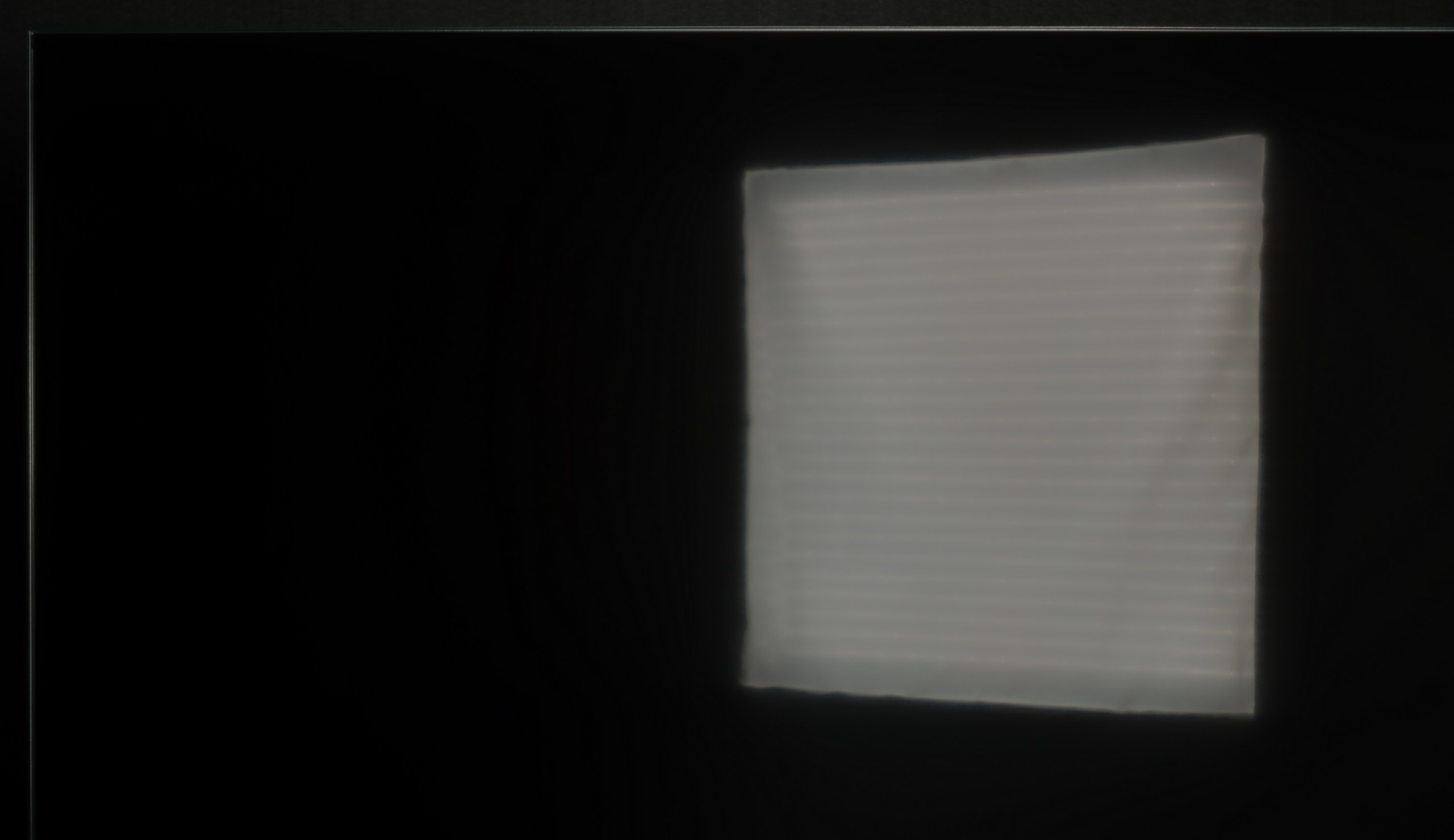
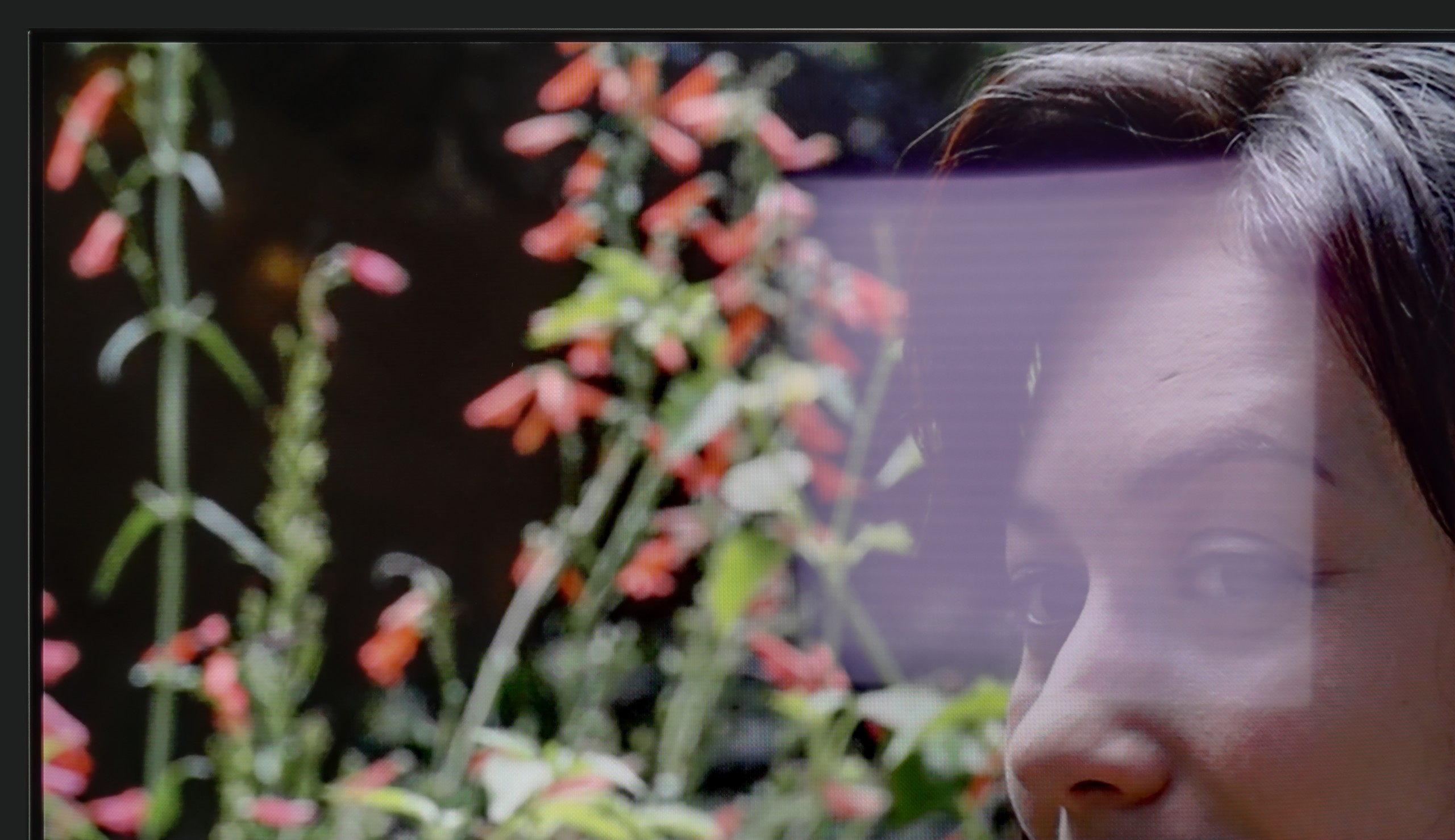
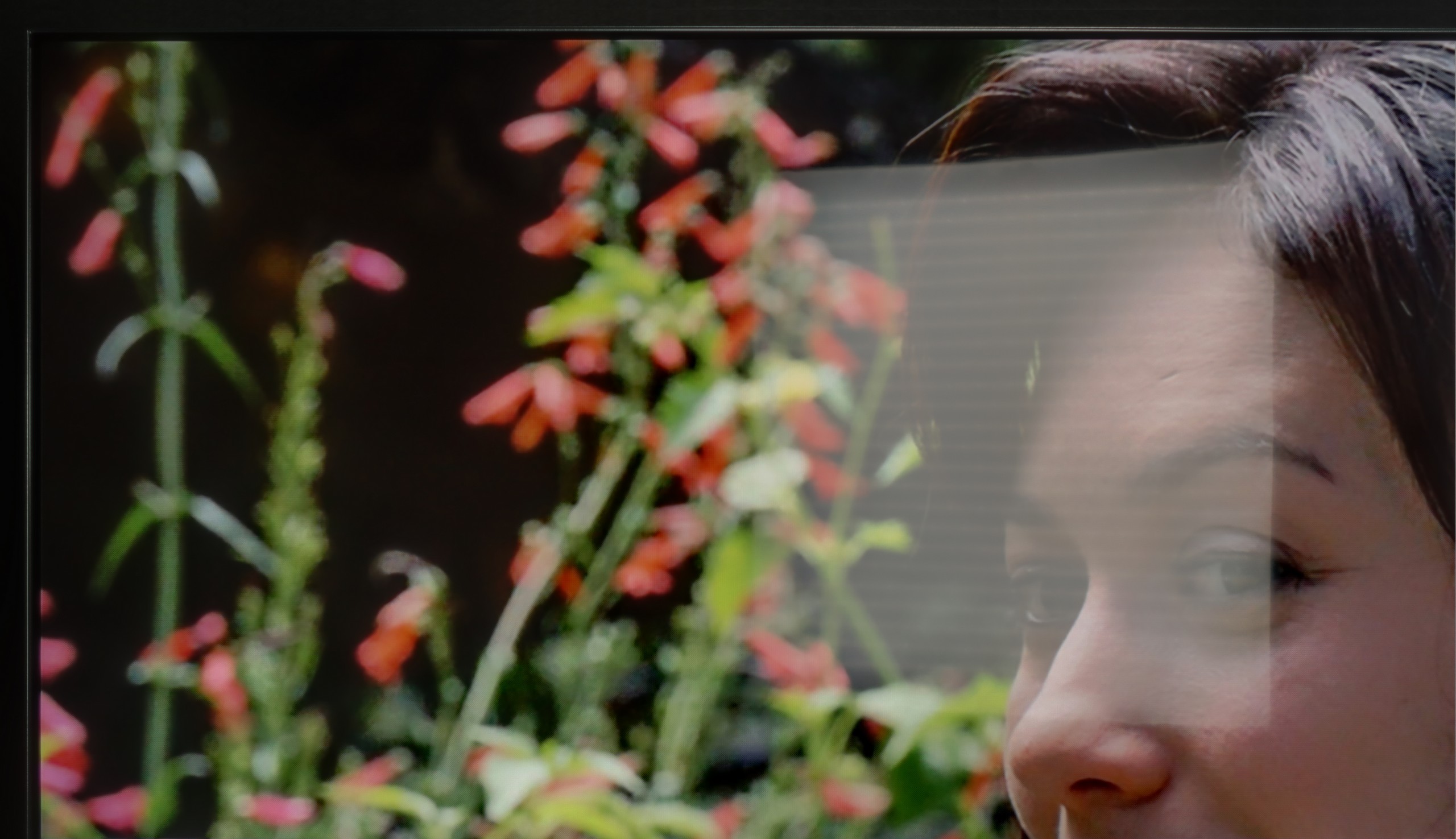
Panel brightness
Hisense U7Q PRO: 472 cd/m2
LG OLED B5: 279 cd/m2
LG B5 is a television that feels best after dark. But when the sun comes out, it becomes a challenge. The brightness of this model is rather average, and the anti-reflective layer... also average. There are no special coatings here that handle reflections or very bright daylight well. So if you plan to place this television opposite a large, uncovered window – it could simply be difficult to see anything.
Fortunately, there is something worth praising: the glossy WOLED panel maintains colour saturation well. Even in difficult conditions, the image does not fade and does not become "washed out," as can happen with some models of televisions. Generally, it is watchable, but if you are looking for a television specifically "for a bright living room," then the B5 should not be your first choice.
As we mentioned earlier – the U7Q PRO is really a bright television, especially when it comes to HDR content. For SDR material, the television dims a bit, but an average brightness of around 500 nits is still a very solid result. This means that it's easy to watch television or movies even in quite a bright room. Only in very extreme lighting conditions – for example, strong sunlight directly on the screen – can visibility be somewhat affected. Fortunately, Hisense has applied a satin anti-reflective coating that effectively suppresses reflections, and the blacks retain their depth even during the day. This makes a difference and allows for comfortable use of the television in various lighting conditions.
Panel details
Subpixel Structure:
Panel uniformity and thermal imaging:


TV features
7.9/10
9.4/10
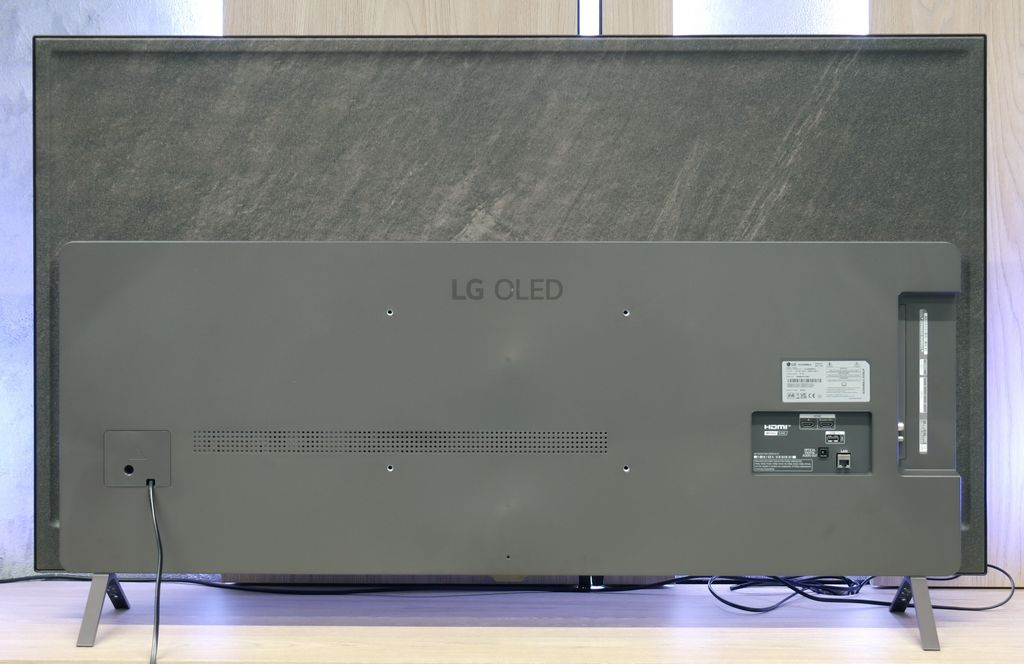
- HDMI inputs0 x HDMI 2.0, 4 x HDMI 2.1 48Gbps0 x HDMI 2.0, 4 x HDMI 2.1 48Gbps
- Other inputsRCA (Chinch)
- OutputsToslink (Optical audio), eARC (HDMI), ARC (HDMI)Toslink (Optical audio), eARC (HDMI), ARC (HDMI), Mini-Jack (Headphones)
- Network InterfacesWi-Fi 2.4GHz, Wi-Fi 5GHz, Ethernet (LAN) 100MbpsWi-Fi 2.4GHz, Wi-Fi 5GHz, Ethernet (LAN) 100Mbps
- TV receptionDVB-T, DVB-T2, DVB-S, DVB-S2, DVB-CDVB-T, DVB-T2, DVB-S, DVB-S2, DVB-C
Classic features:
- Recording to USB (terrestrial TV)
- Recording programming
- Picture in Picture (PiP)
- RF remote control (no need to aim)
- Backlit remote control
- Teletext
- Audio only mode
- Bluetooth headphones support
- Simultaneous Bluetooth headphones & TV audio
Smart features:
- AirPlay
- Screen mirroring (Windows Miracast)
- Voice search
- Voice search in native language
- Ability to connect a keyboard and mouse
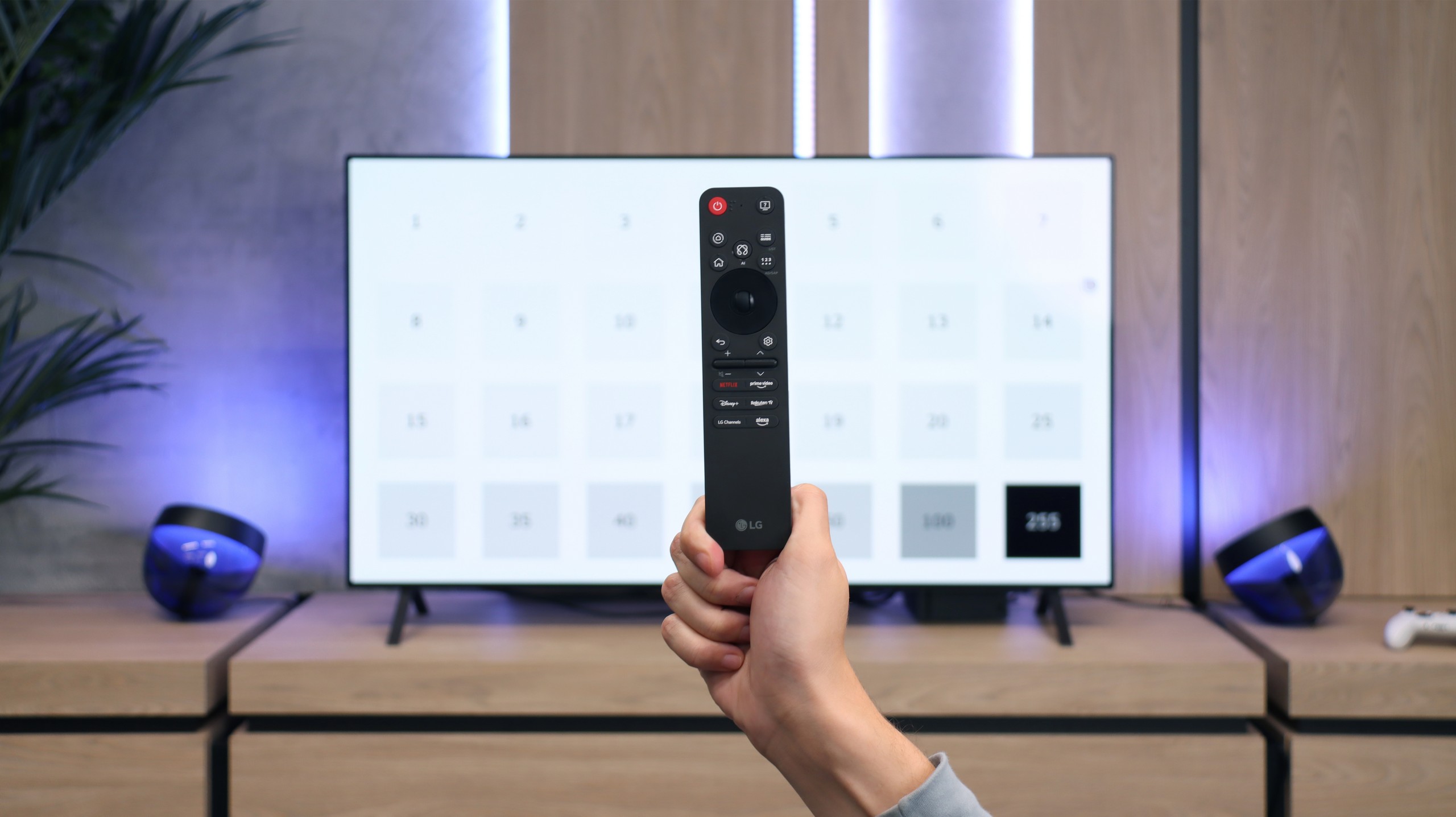
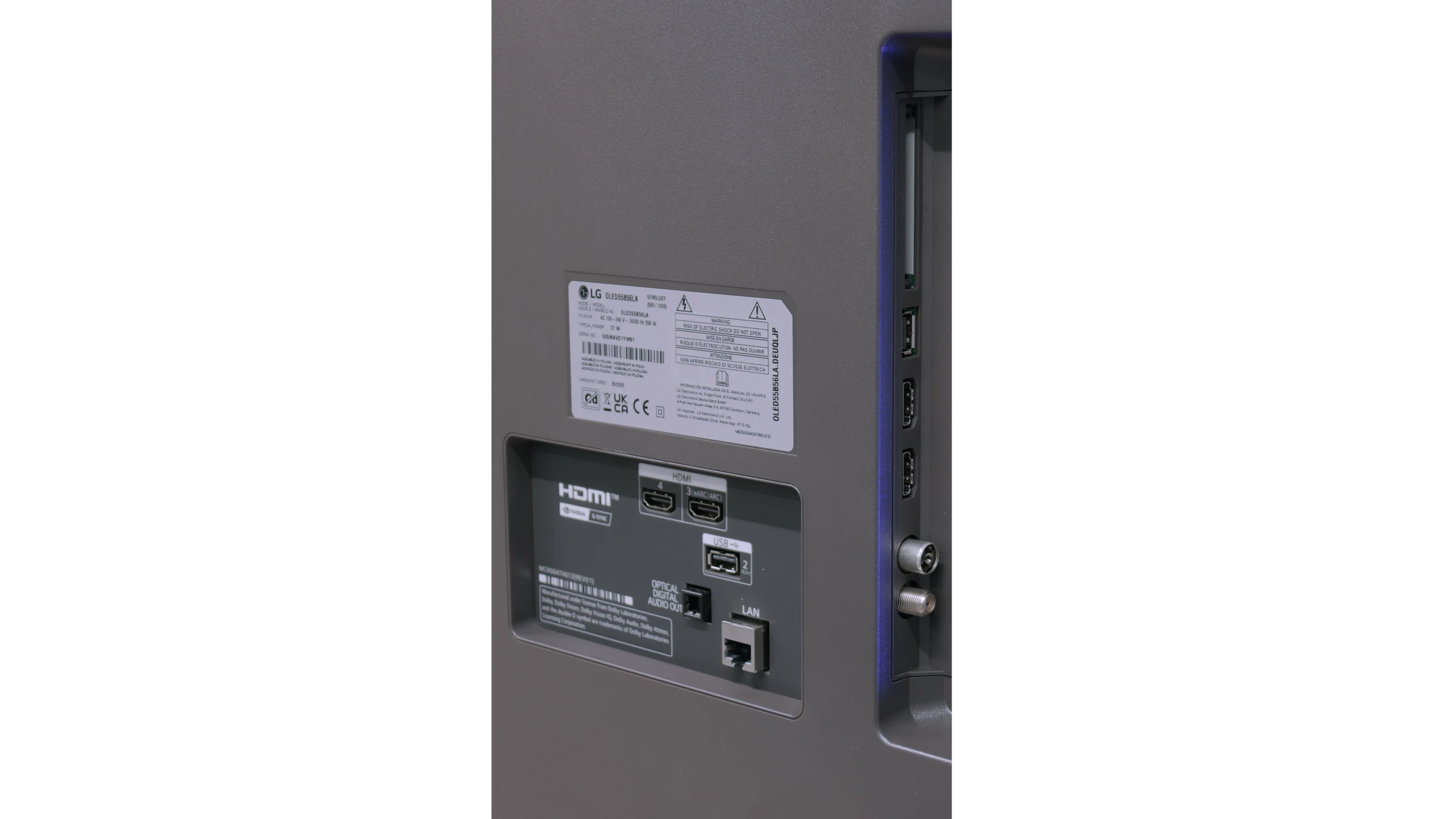
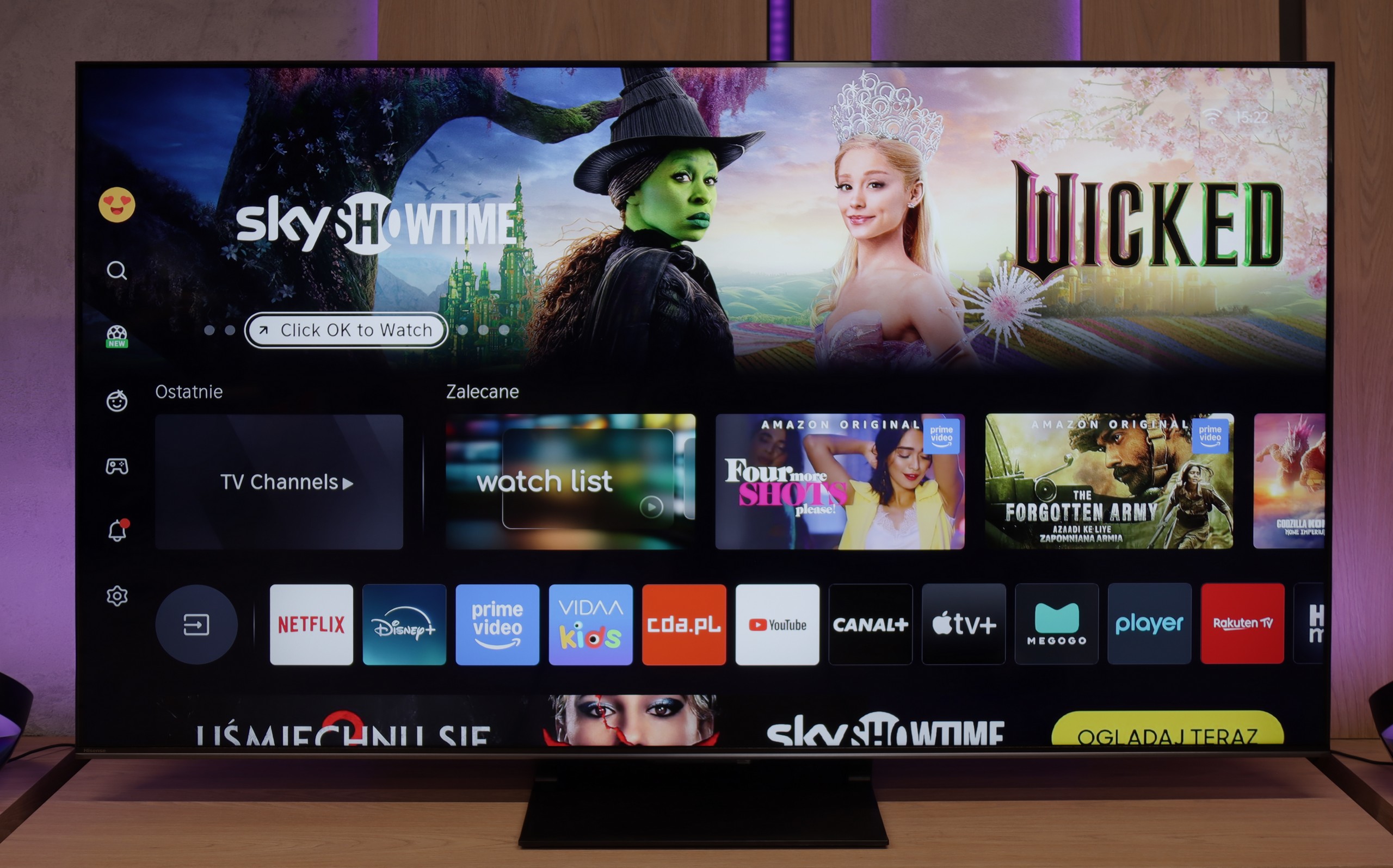
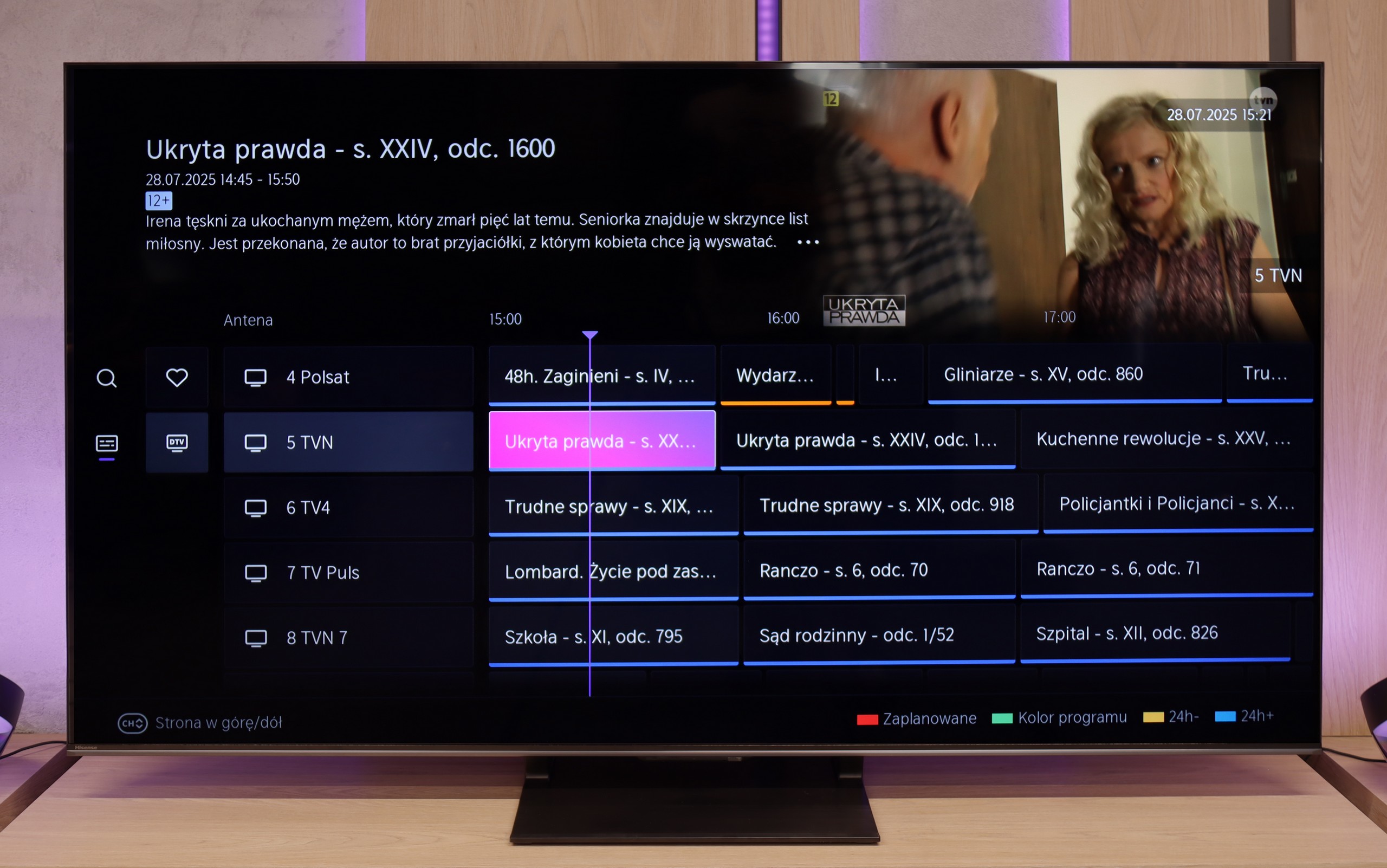
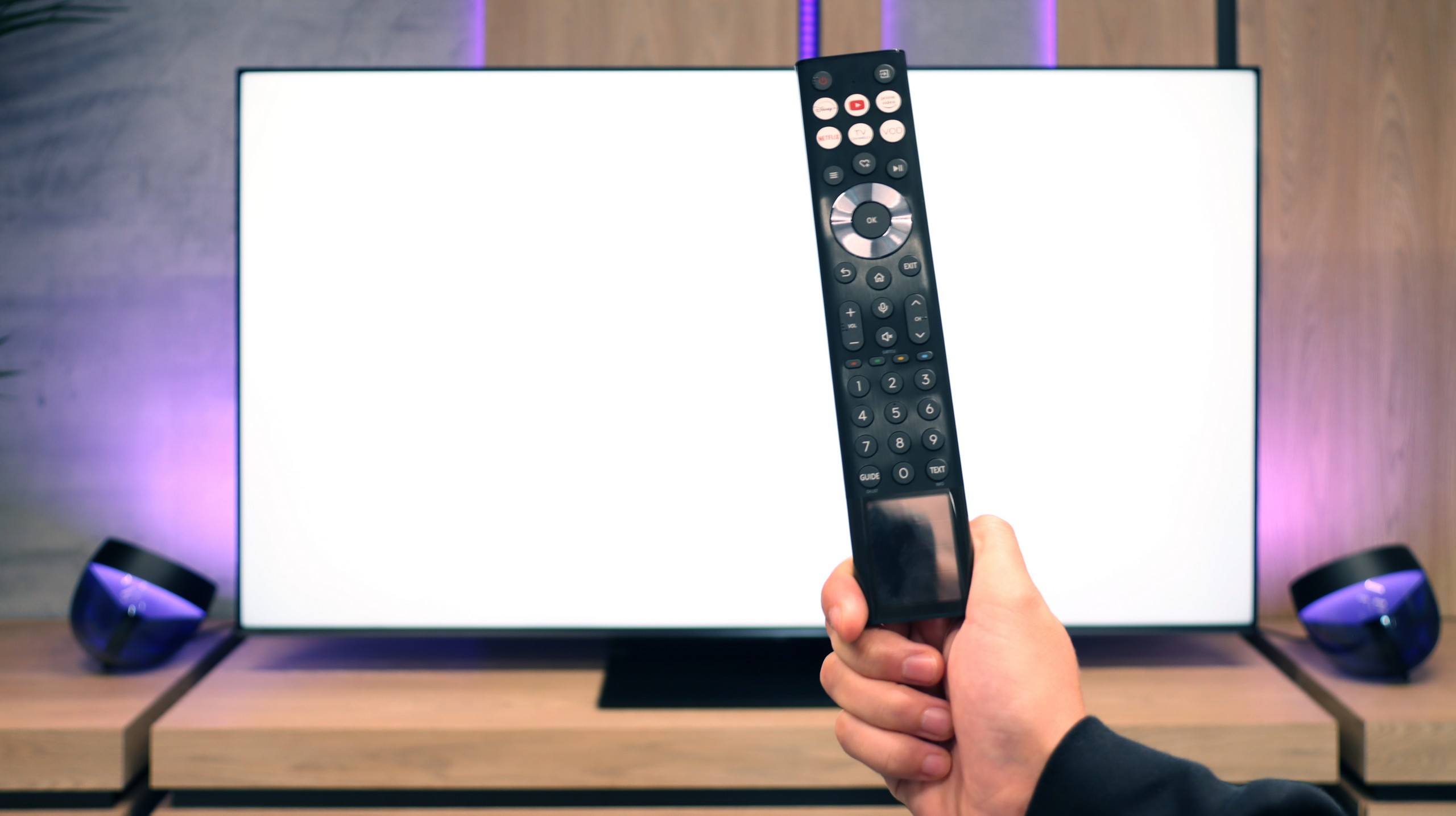
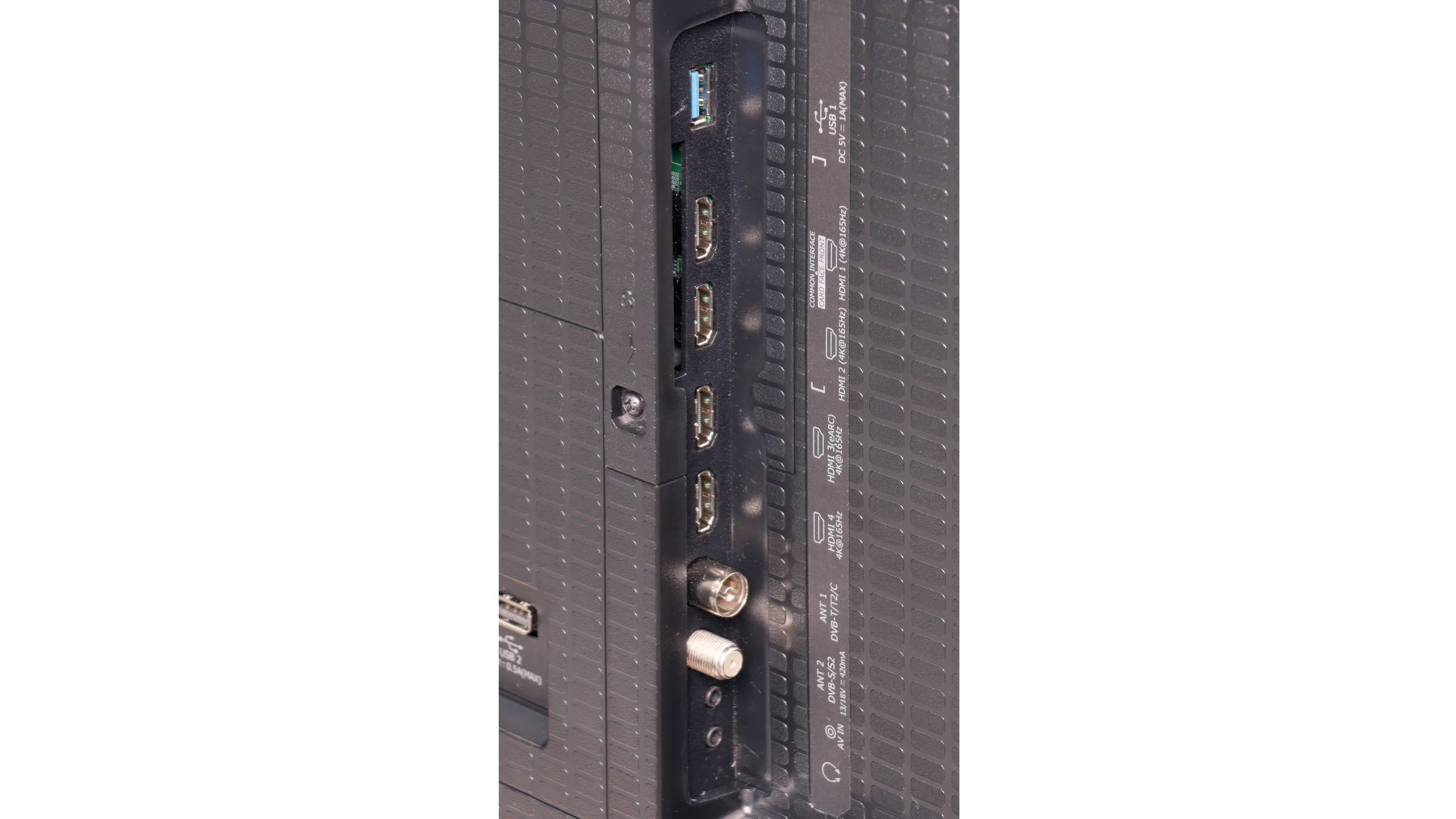
User features
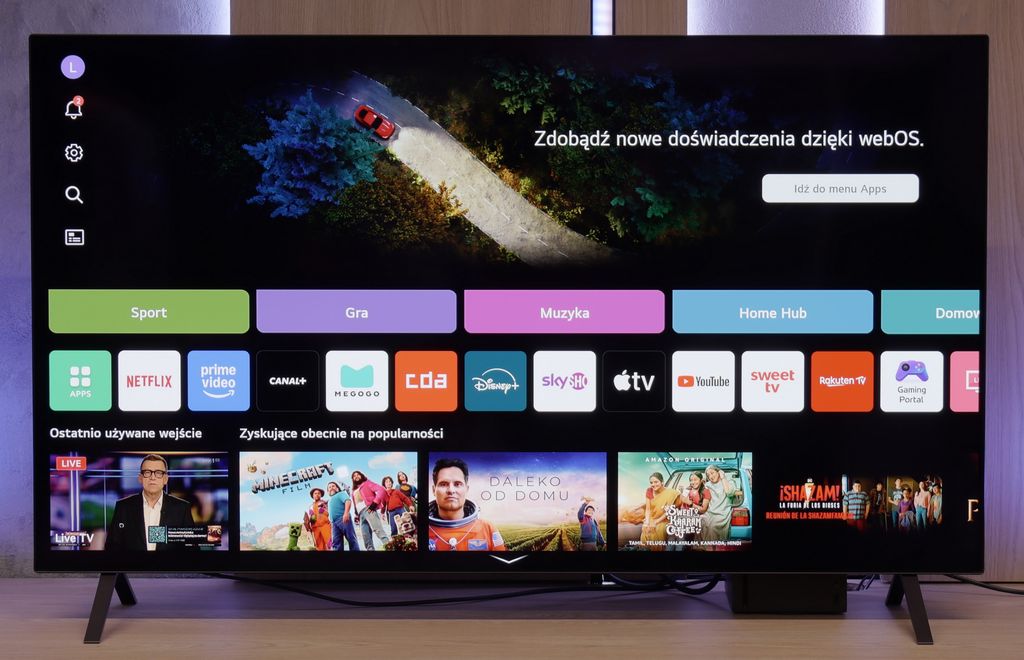
Although the LG B5 is modern equipment, it hasn't forgotten about those who sometimes just want to... watch television. Without apps, without accounts, without logging in anywhere. It comes with built-in DVB-T2 tuners and the ability to record onto USB, along with a clear and fast EPG guide. Is that not enough? There’s even a working teletext – for many, probably a relic, for others, a daily necessity. We also appreciate the option to turn off the picture and leave just the sound, which is great for listening to music. And if you want to watch quietly – you can easily pair Bluetooth headphones, without a struggle with settings and without delays. Everything works as it should.
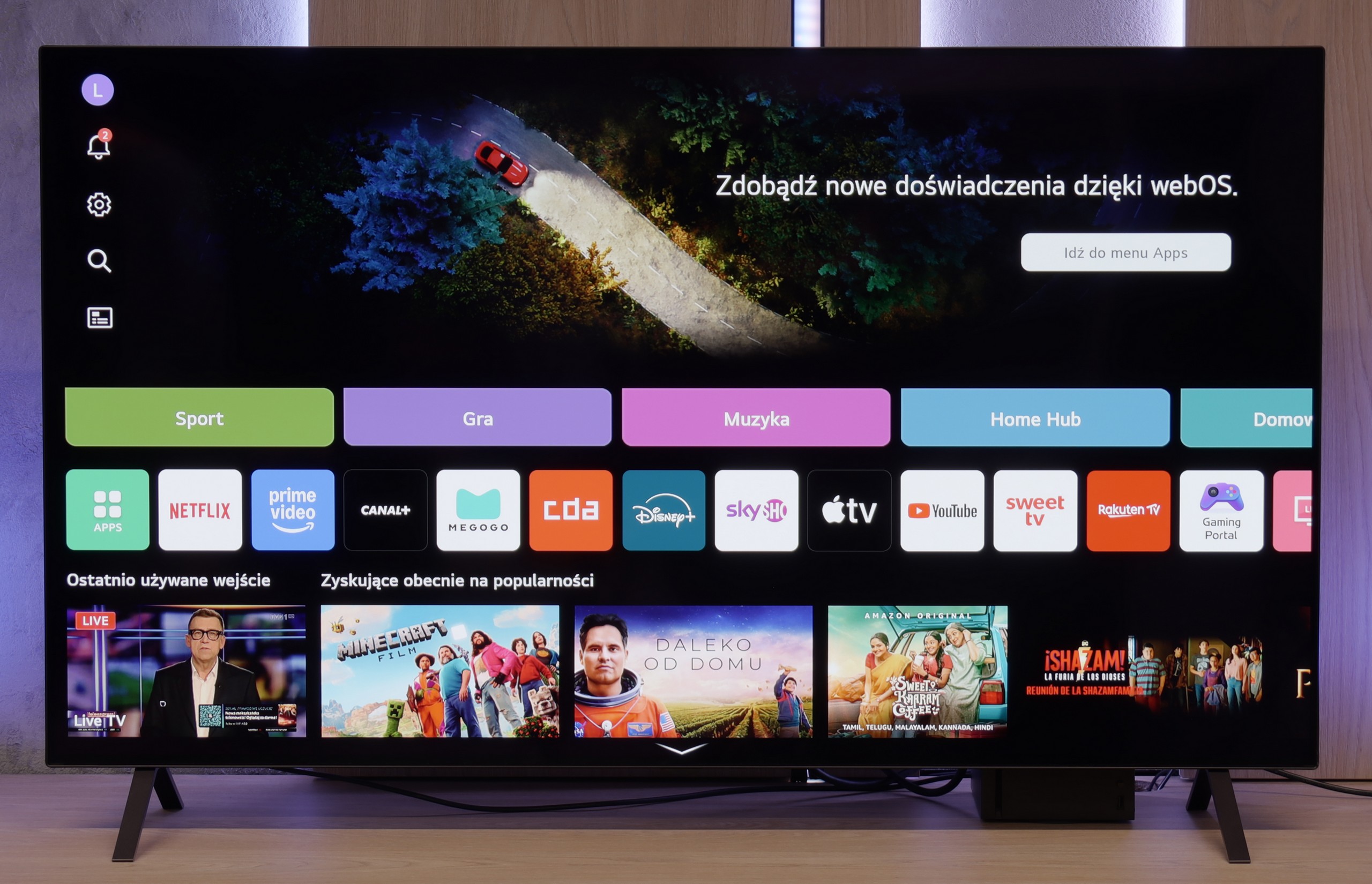
SMART TV: webOS
The biggest distinguishing feature of the webOS system – still! – is the way it is controlled. The Magic remote that comes with the LG B5 (in our version B56 – without a numeric keypad) works like a magic wand. You point, click, select. And it simply… works. Intuitively, quickly, and without unnecessary side-to-side clicking. Additionally, there’s an AI voice assistant – quite efficient. You can summon it directly from the remote and use your voice to search for content, change settings, or switch sources. WebOS may not be the most "modern" system on the market, and the built-in ads can be annoying, but when it comes to user convenience – especially with the Magic remote – it still outpaces the competition by a step.
Classic Features of U7Q PRO
If you plan to use the television in a more "classic" way, that is, for watching daily programs or connecting headphones, the Hisense U7Q PRO has almost everything you might expect. The television easily supports recording to USB, you can connect headphones via Bluetooth, and the remote control is backlit, which still isn't standard even in more expensive models. Although many people today forgo these classic features in favour of streaming applications, it's good to know that the U7Q PRO still does this properly and without compromises (apart from the lack of PiP functionality).
SmartTV System: Vidaa
When it comes to smart features, this model operates on the VIDAA system in Europe. The system runs smoothly, has a built-in web browser, supports voice control (also in Polish), and AirPlay, which will delight users of Apple devices. However, it's worth noting that VIDAA is a closed system, so you won't find all the popular applications that we have gotten used to with Android TV or Google TV. Before purchasing, it's advisable to check if the apps you actually use are available.
Apps
9.1/10
7.7/10






















Playing files from USB
8.6/10
8.2/10
Supported photo formats:
Maximum photo resolution:
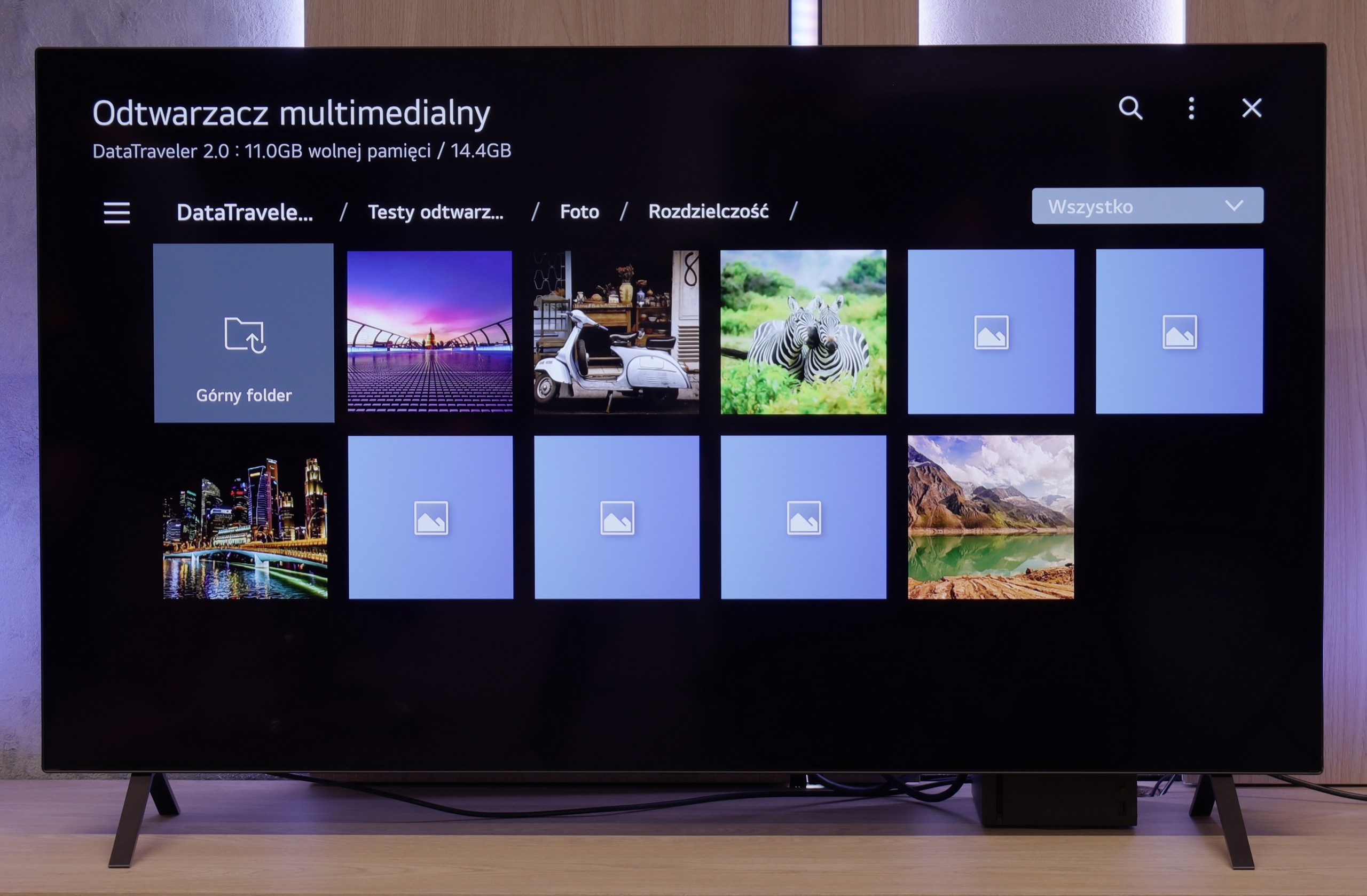
LG B5 handles files from USB as it should. Most popular formats work flawlessly, and subtitles – even with Polish characters – are displayed correctly. You can easily play a movie from a USB stick or have a weekend slideshow of your holiday photos without worrying that something will go wrong. However, there was a surprise with HEIC format files – that is, photos saved by Apple devices. While the LG C5 had no issues with them, the B5 stubbornly refused to cooperate and was unable to display them. A minor hiccup that probably won't affect everyone, but it's worth knowing about.
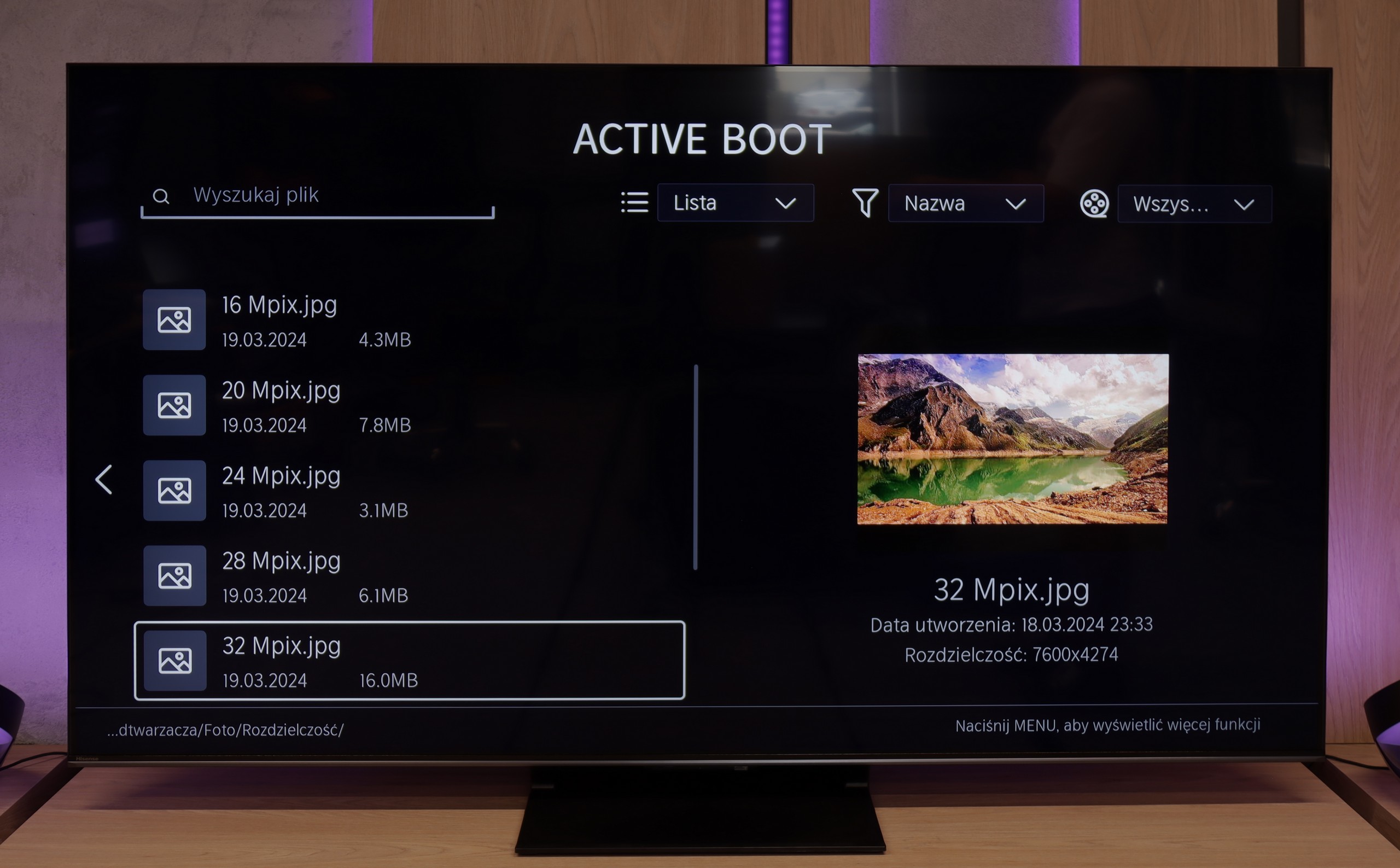
The built-in media player in the VIDAA system functioned very efficiently and without issues on our U7Q PRO unit. The television effortlessly read external video and audio files, as well as subtitles, making it convenient to watch films from a USB stick or external drive. Most popular formats worked flawlessly, so there was no need to convert anything. The only drawback was a certain selectivity in handling high-resolution images – not all of them opened. Therefore, you will find a detailed list of supported photo resolutions (Mpix) in our comparison table.
Sound
7/10
7.8/10
- Maximum volume85dB85dB
- Dolby Digital Plus 7.1
- Dolby True HD 7.1
- Dolby Atmos in Dolby Digital Plus (JOC)
- Dolby Atmos in Dolby True HD
- DTS:X in DTS-HD MA
- DTS-HD Master Audio
We weren't expecting miracles – after all, the LG B5 doesn’t have an advanced audio system, and its built-in speakers look... well, like those in most flat-screen televisions. And yet – it sounded really pleasant. The dialogues are clear, the sound doesn’t boom, and during a calmer viewing, we didn’t immediately feel the need to connect a soundbar. It's a pity that this year LG decided to cut something that worked in the previous generation. We're of course talking about support for DTS formats, which we will no longer find in the B5. If you have films encoded in this format – you'll need to rely on an external player.
Considering the standards of built-in television speakers, the U7Q PRO sounds surprisingly good. The sound is clear, with distinct mid and high tones, and the bass – although limited – doesn’t completely disappear. It can be said that for "television speakers," the level is more than satisfactory. However, it's worth noting that in our test unit we could not play sound in DTS:X format from local files – the television simply does not support it. This means that if you are counting on a cinematic spatial effect solely from its built-in speakers, there might be a certain disappointment. Fortunately, the television smoothly passes the DTS signal to an external amplifier, so if you have a home cinema – just connect it and everything works as it should.
Sound Quality Test
Acoustic Measurements
85dBC (Max)
75dBC
85dBC (Max)
75dBC