Hisense E7Q PRO is a television that clearly shows where the manufacturer has placed its priorities. It is not a model focused on impressive HDR or cinematic fireworks in a dark living room. This equipment is tailored for universal use, with a strong emphasis on gaming and everyday content streaming at a very competitive price. The biggest disappointment remains the omission of local dimming compared to the model from 2024. This is a decision that significantly impacts the perception of black levels and contrast. On the other hand, the VA panel with high native contrast does everything it can to mask this loss, and in most daily applications, it performs quite well. The E7Q PRO shines where it is most expected today: in gaming. The 120 Hz panel, 144 Hz mode for PC, HDMI 2.1, variable refresh rate, low input lag, and a very good Game Bar make it one of the more interesting gaming choices in its price segment. This is complemented by a stable VIDAA operating system, a quick menu, and a sensible set of smart features. It is not a perfect television. HDR brightness is noticeably limited, motion blur is average, and viewing angles are typically poor for VA. However, if someone is looking for a television available in various sizes, whether for gaming, series, or everyday viewing, and is aware of its limitations, the E7Q PRO can provide a lot of satisfaction. It is not a step forward compared to its predecessor in any category. Rather, it is a different, more budget-friendly direction. Less cinematic, but cheap and very much geared towards gamers. If this is what you are looking for, the Hisense E7Q PRO makes a lot of sense.
- Matching (Score) |
- Our verdict |
- TV appearance |
- Where to buy |
- Contrast and black detail |
- HDR effect quality |
- Factory color reproduction |
- Color reproduction after calibration |
- Smoothness of tonal transitions |
- Image scaling and smoothness of tonal transitions |
- Blur and motion smoothness |
- Console compatibility and gaming features |
- Input lag |
- Compatibility with PC |
- Viewing angles |
- Daytime performance |
- Panel details |
- TV features |
- Apps |
- Playing files from USB |
- Sound
Hisense E7Q PRO / E79Q PRO vs Samsung QN80H
 Direct comparison

Check the best price offer:
Samsung QN80H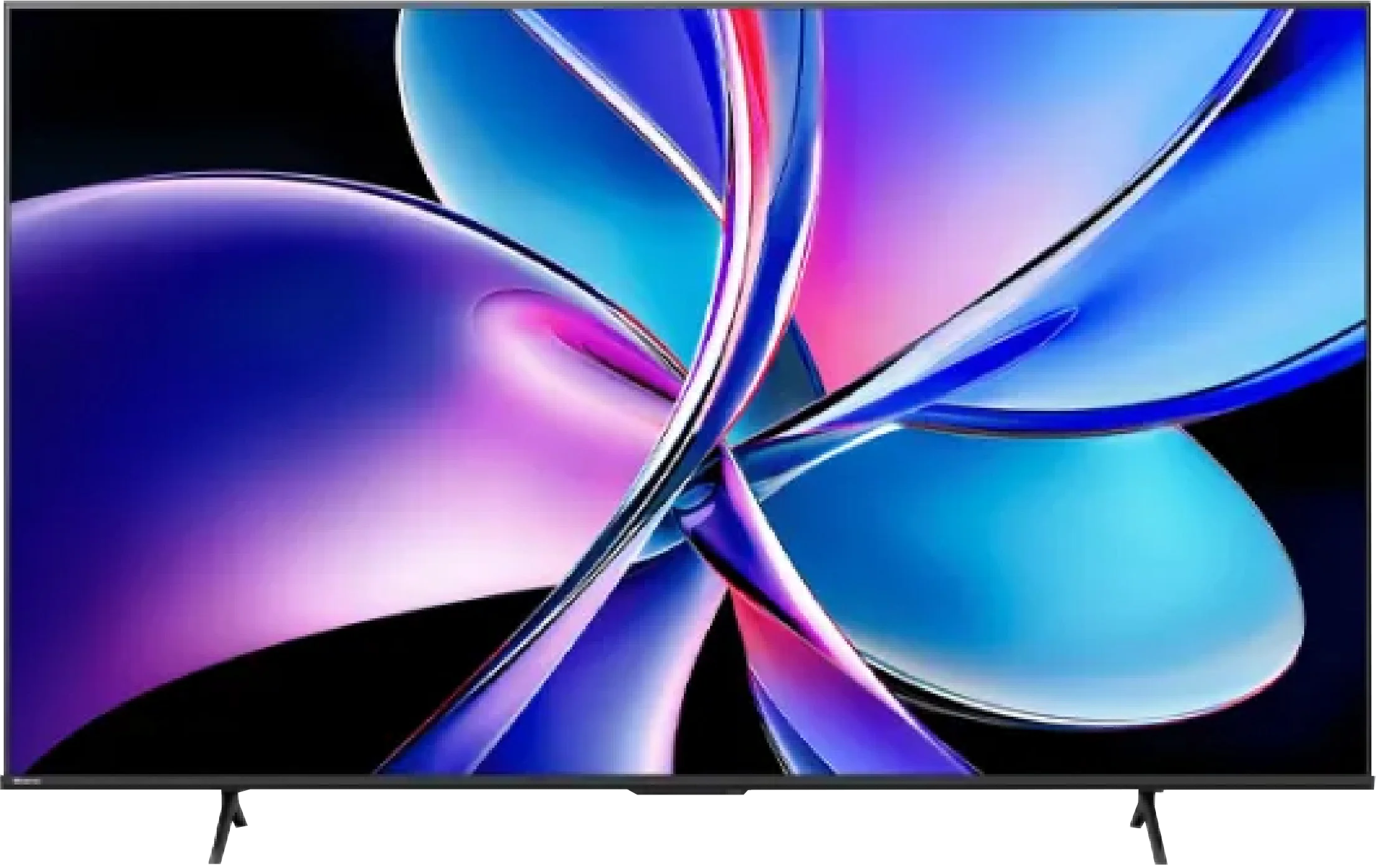
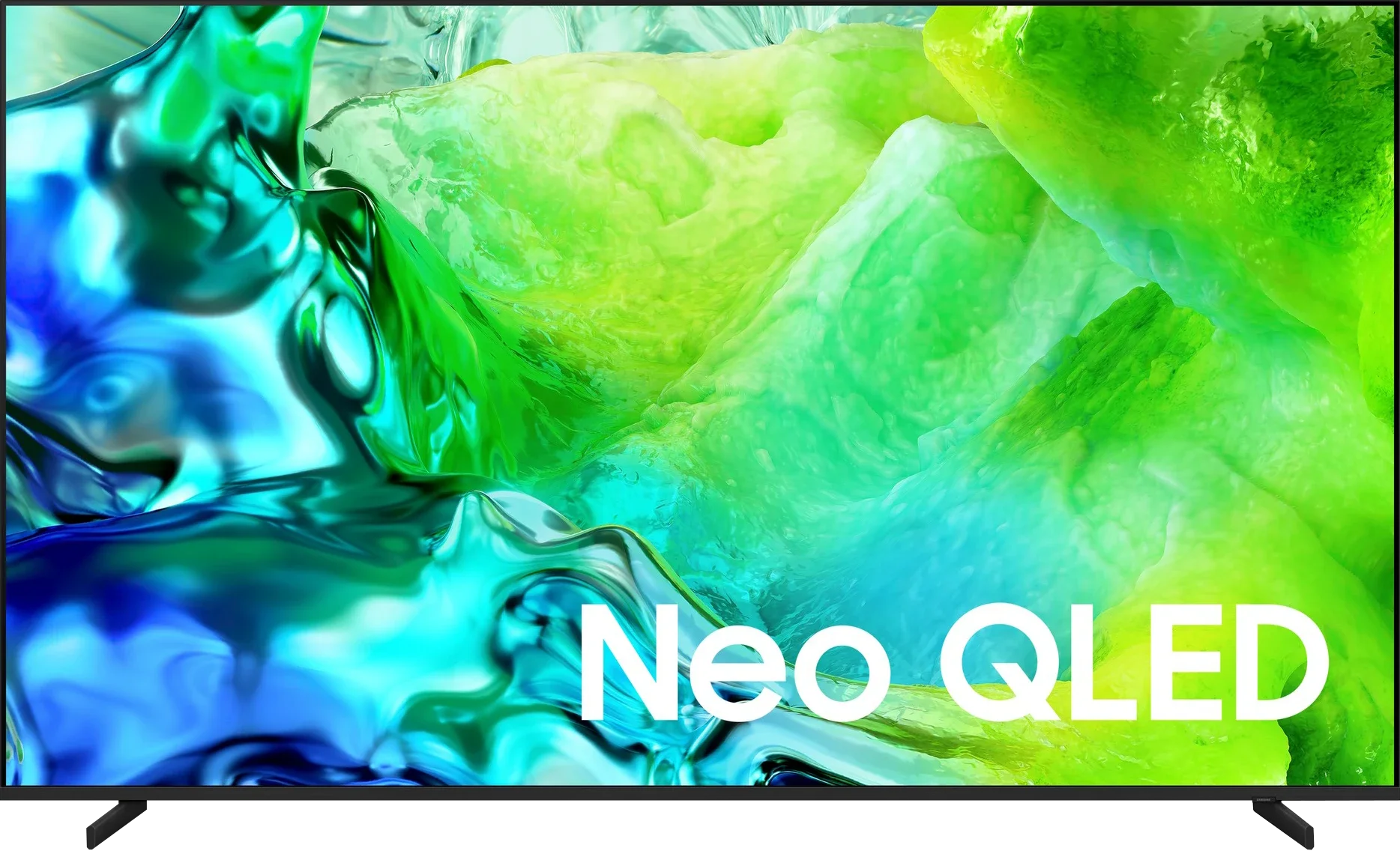
Panel type: LCD VA
Resolution: 3840x2160
System: VIDAA
Model year: 2025
Complete the survey to find out the result
Panel type: LCD VA
Resolution: 3840x2160
System: Tizen
Model year: 2026
Complete the survey to find out the result
Overall rating
6.6
7.3
 Movies and series in UHD quality
 6.4
7.0
 Classic TV, YouTube
 6.5
6.8
 Sports broadcasts (TV and apps)
 6.3
6.8
 Gaming on console
 7.9
9.0
 TV as a computer monitor
 8.4
8.9
 Watching in bright light
 4.7
5.8
 Utility functions
 7.8
7.3
 Apps
Apps 7.7
9.3
 Sound quality
 6.4
7.1
Complete the survey to find out what fits your preferences
Advantages

High native contrast of the VA panel
Excellent smoothness of tonal transitions, no visible posterization
Good tone mapping on typical HDR content from streaming
Support for Dolby Vision
120 Hz panel, and in PC mode even 144 Hz
Very extensive features for gamers: HDMI 2.1, VRR, ALLM, G-Sync and FreeSync, Game Bar
Low input lag
The VIDAA system operates quickly and stably, voice search
AirPlay support
Support for various audio formats, including Dolby Atmos and DTS:X
*The 100-inch version very effectively suppresses reflections thanks to the matte panel
Good blacks thanks to Mini LED backlighting
High brightness, exceeding 1,000 nits in HDR
Rich colours thanks to QLED quantum dots
High 144 Hz panel refresh rate
4x HDMI 2.1 ports
Very low input lag
Advanced gaming features
Fast Tizen OS
Seven years of system support
Excellent compatibility with PCs (240 Hz mode, excellent font readability)
Adjustable foot spacing and height
Disadvantages

No local dimming compared to the 2024 model
Low brightness
Quite strong motion blur with fast objects
Issues with the readability of thin, dark text when working with a PC
No support for the HGiG format for gamers
No USB recording feature
Small number of local dimming zones, 110 in the 65-inch model
Average glare suppression
No USB recording or PiP function
Rather inelegant plastic feet
No solar-powered remote 😓
Our verdict
The Samsung QN80H is a genuinely successful mid-range television and, in our view, should be seen exactly that way. Not as a new Neo QLED flagship, but as the first model in Samsung's lineup to give a clear taste of better picture quality. Full Mini LED backlighting, high brightness and well-saturated colours mean that for someone upgrading from a standard LCD TV the difference can be substantial. A huge plus is that Samsung did not neglect it in terms of functionality. The QN80H received almost the same rich package of features as the flagships. So we have a complete gamers' setup led by four HDMI 2.1 ports and a blazingly fast Tizen system, which also comes with a guarantee of support and updates for the next seven years. Of course we must remember that this is not a top-tier model. The number of Mini-LED dimming zones does not break any records, so in demanding scenes you can see some compromises in image quality. There are also small decisions we simply don't like, such as abandoning the solar-powered remote in favour of a less elegant battery-powered version. Still, it's hard to fault the QN80H for performing poorly in any important area. This is a television that performs at least well on practically every front. Those are exactly the expectations one should have of it. It doesn't try to pass itself off as a flagship, but neither does it disappoint in any aspect. These are precisely the results we expected from the '80' series, and those expectations have been met. Is it worth buying? Yes, but much will depend on the price. At a suitably attractive price, the QN80H could once again become one of Samsung's most sensible models for people who want to step up to a higher level of picture quality but do not intend to pay extra for the brand's most expensive televisions.
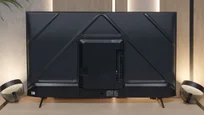
TV appearance


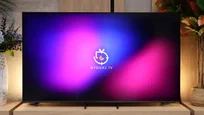
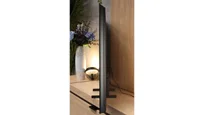
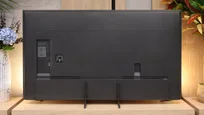

Contrast and black detail
6.3/10
6.7/10
Local dimming function: No
Local dimming function: Yes, number of zones: 110 (10 x 11)
Contrast:


Result
6,850:1

Result
6,900:1

Result
7,300:1

Result
7,450:1

Result
5,950:1
Result
18,900:1
Result
7,100:1
Result
23,200:1
Result
7,750:1
Result
3,800:1
Halo effect and black detail visibility:
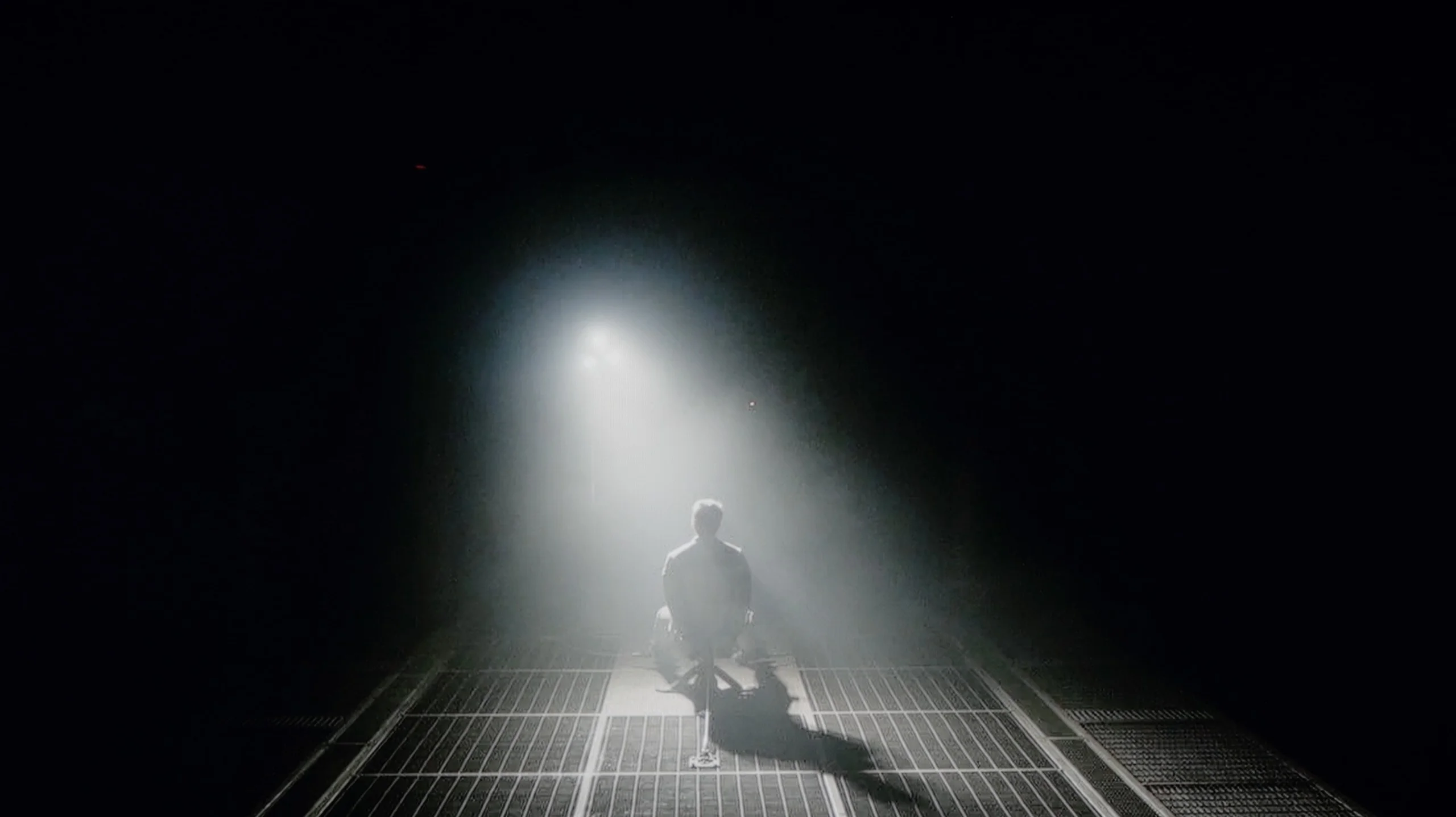
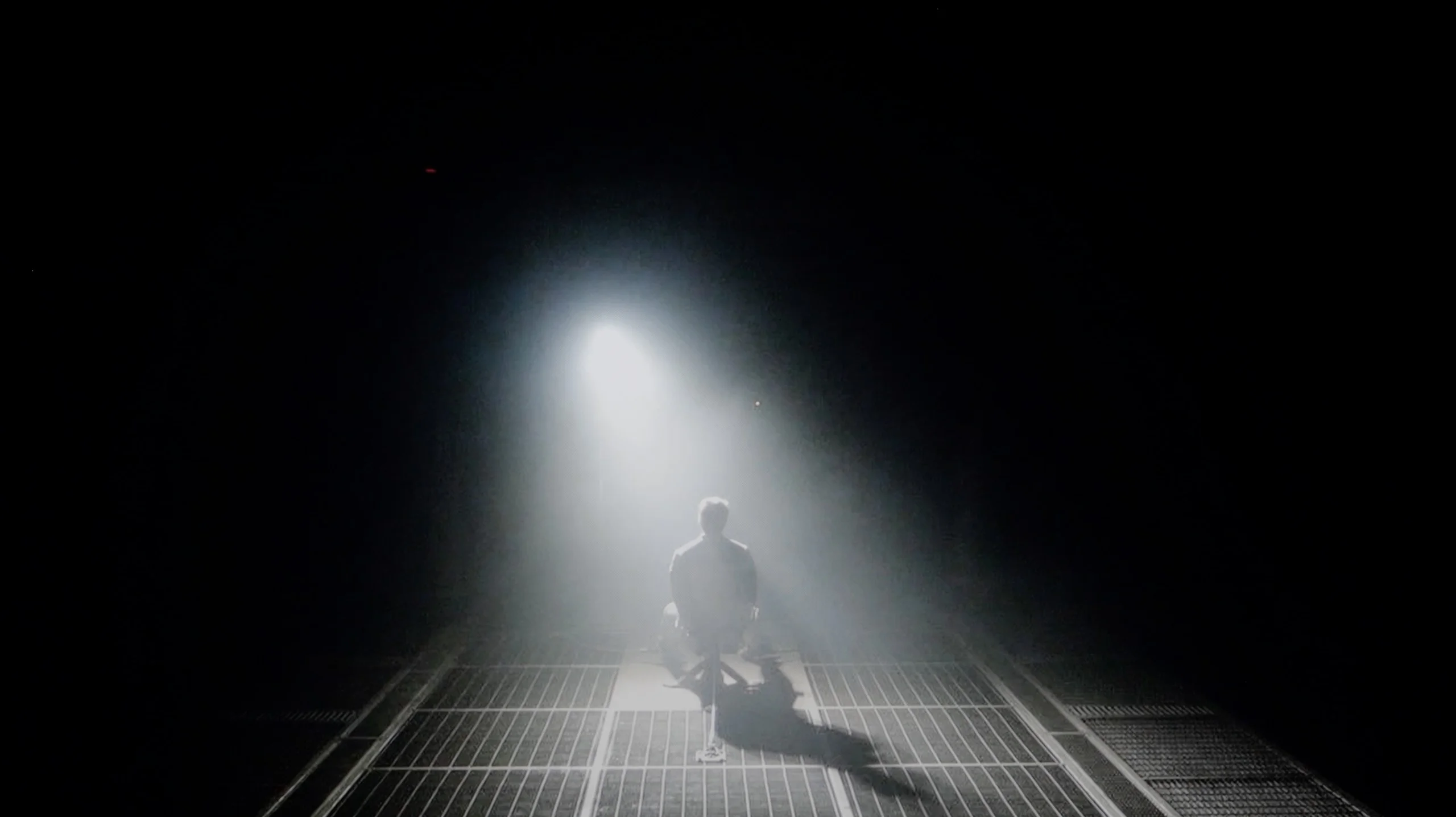
Check the visibility of bright lights on a dark background. Mini-LEDs often struggle with this. The photo does not compare black levels – that’s what the video below is for.
The video accurately shows differences in contrast and black levels between TVs, as well as potential issues: halo around bright objects or Mini-LED zone operation visible as brightness jumps.
In the category of black and contrast, the biggest change compared to the 2024 model unfortunately goes in the wrong direction. The Hisense E7Q PRO has lost local dimming technology compared to its predecessor, and this immediately affects how the television handles blacks. In dark scenes, there is no longer such control over the backlighting, which means the screen cannot "cut off" black areas as effectively as its predecessor. However, the 55-inch version does boast a strong card, namely a VA panel with high native contrast. In our measurements, results reached around 7000:1, translating to quite solid blacks and pleasant contrast in everyday viewing. However, it must be said directly: despite decent results, overall it performs worse than the model from 2024, precisely due to the lack of local dimming.
The QN80H represents the Neo QLED line, which means it features Mini-LED direct full-array local dimming. In the 65-inch model we tested we counted exactly 110 local dimming zones. Against aggressively priced Chinese competition that number may not look particularly impressive, but it is still vastly better than having no dimming at all or the edge-dimming used in lower-tier models. Especially since Samsung has paired the QN80H with a high-contrast VA panel. As a result, even with a relatively modest number of zones the TV can achieve very good results. In our tests on film scenes the QN80H performed solidly, particularly where deep blacks dominated the screen. In films such as Oblivion the black we measured could be three to four times deeper than the panel’s native capability. That shows the TV can competently and precisely dim the appropriate areas to deliver an image with satisfying contrast.
However, things get tricky in more demanding moments. In scenes with a large number of fine details on a dark background (the helicopter shot at the bottom) the QN80H’s biggest weakness becomes apparent. When small but very bright points appear on screen the dimming algorithm clearly gets confused. Instead of precisely lighting only those details, the TV brightens almost the entire screen, causing the blacks around them to go noticeably grey. This is a direct consequence of the modest number of dimming zones. One can only hope Samsung will optimise the algorithm in future firmware updates. Despite this, we judge the overall contrast positively, particularly when comparing the QN80H with screens that lack local dimming altogether.
HDR effect quality
4.7/10
5.8/10
Luminance measurements in HDR:

Result
241 nit

Result
270 nit

Result
317 nit

Result
329 nit

Result
326 nit
Result
694 nit
Result
385 nit
Result
703 nit
Result
307 nit
Result
660 nit
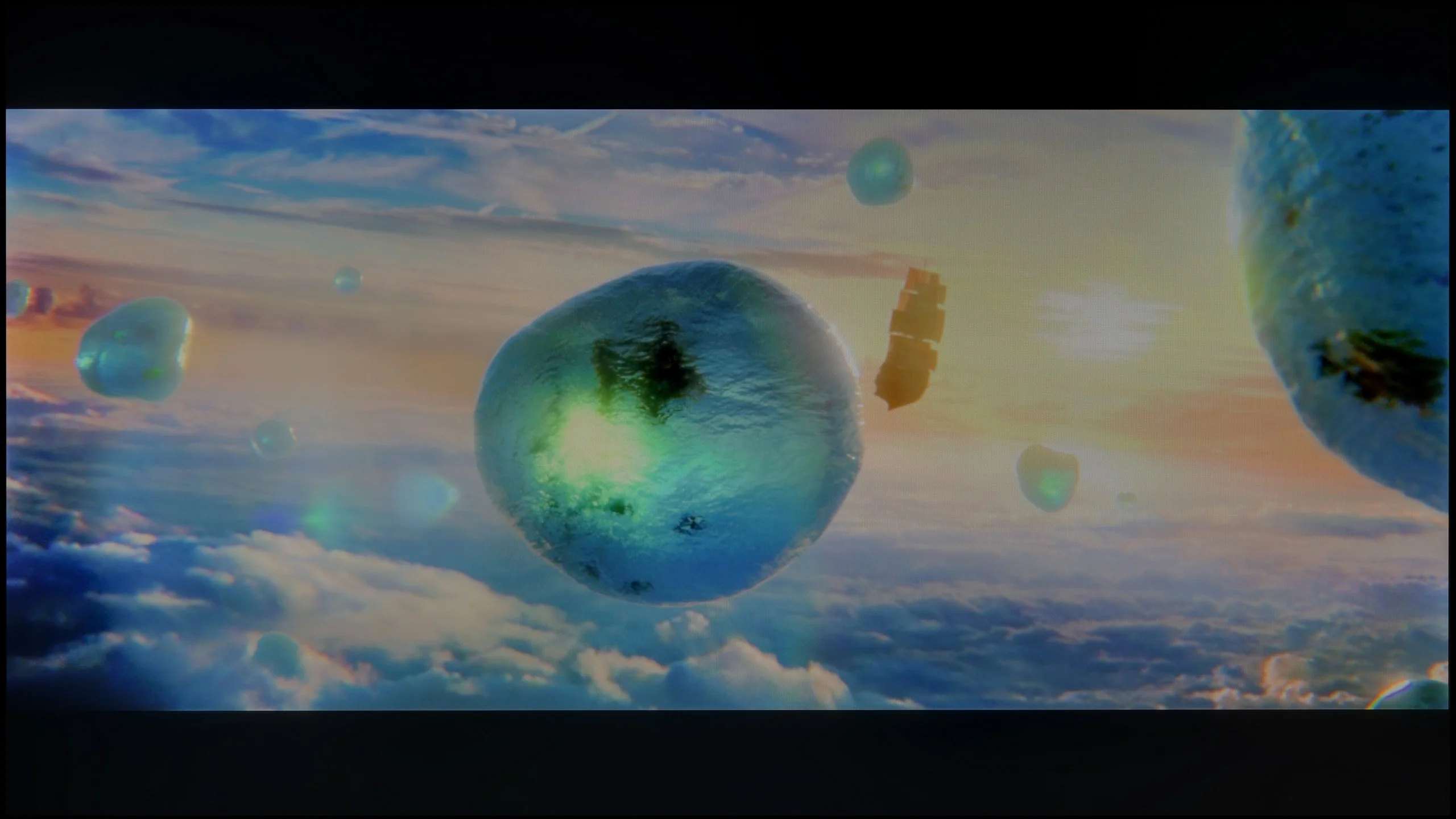
Scene from the movie “Pan” (about 2800 nits)

Scene from the movie “Billy Lynn” (about 1100 nits)

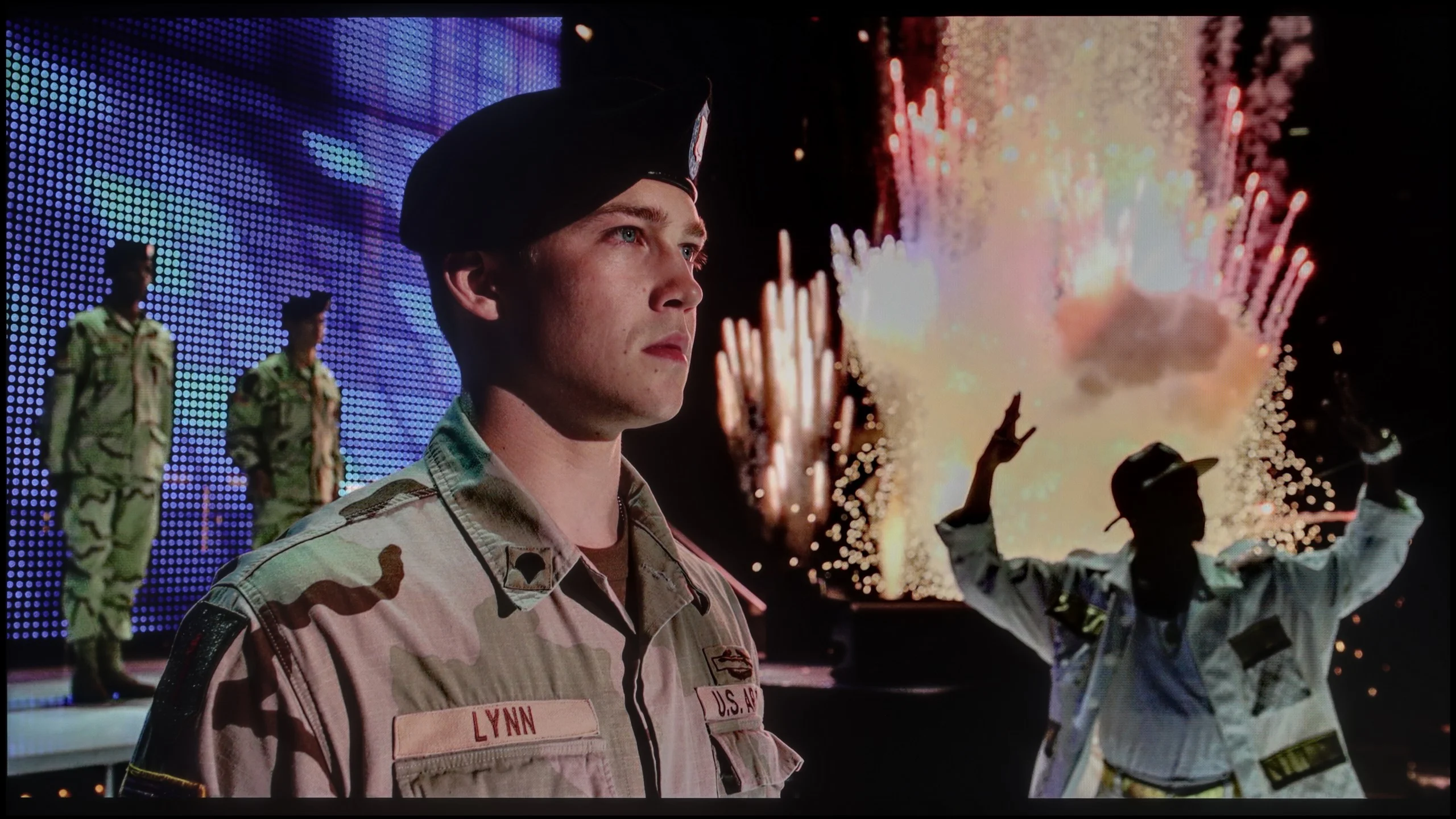
The photos show two HDR10 movies. 'Pan' is one of the brightest productions ever made, while 'Billy Lynn' (soldier) has brightness typical of streaming (Netflix, Prime, HBO MAX). Notice the intensity of effects and detail in whites.
Static HDR10


The photos present the visibility of white details in various HDR formats. They do not show brightness differences between TVs (these can be compared in the previous gallery).
Dynamic: Dolby Vision
Dynamic: HDR10+


The photos present the visibility of white details in various HDR formats. They do not show brightness differences between TVs (these can be compared in the previous gallery).
HDR luminance chart:
Samsung QN80H
Hisense E7Q PRO / E79Q PRO
When it comes to the quality of the HDR effect, the E7Q PRO is unfortunately not a television that can impress with brightness alone. In real film materials, we measured around 250–300 nits, which is simply too little for HDR to look spectacular. There is a lack of that "spark" in bright details, highlights, and light effects, and in many HDR scenes, it can resemble good SDR more than true cinematic HDR. The consolation in all this is the colours. We managed to confirm that the E7Q PRO is a PFS-type television, meaning it has an additional filter that improves colour gamut coverage. As a result, even if the brightness does not deliver, the colours in HDR content can be appropriately saturated and pleasing to the eye, without the feeling of a "washed-out" image.
The Samsung QN80H is undoubtedly a bright TV. In synthetic tests it exceeds the 1000-nit mark, which on paper promises a solid HDR effect. In practice the screen really shows its teeth, although it can't fully spread its wings (or its backlight, if you will 🤔) in every condition. Bright, wide scenes make the best impression. Well-lit outdoor shots and brightly lit scenes look really good on it. Brightness then stays around 700 nits, which provides a noticeable step up in quality compared with standard SDR. Problems start in dark scenes with small, pinpoint highlights. The QN80H tends to dim these strongly, in order to protect black depth at all costs. On the one hand this gives better contrast, on the other... you lose dynamics and the brilliance of fine HDR detail. So the TV has considerable potential, but the dimming algorithm can be too restrictive.
Colour gamut coverage
When it comes to colours it's good as well. The QN80H uses quantum dot technology, and in our measurements it covered 93% of the DCI-P3 colour space and about 70% of BT.2020. Today those results aren't exactly jaw-dropping, but in real-world use they're more than sufficient to deliver a vivid, natural image for most films and TV series. Colours are suitably saturated, and after proper calibration they don't look artificial or overly aggressive.
Factory color reproduction
6.9/10
6.1/10
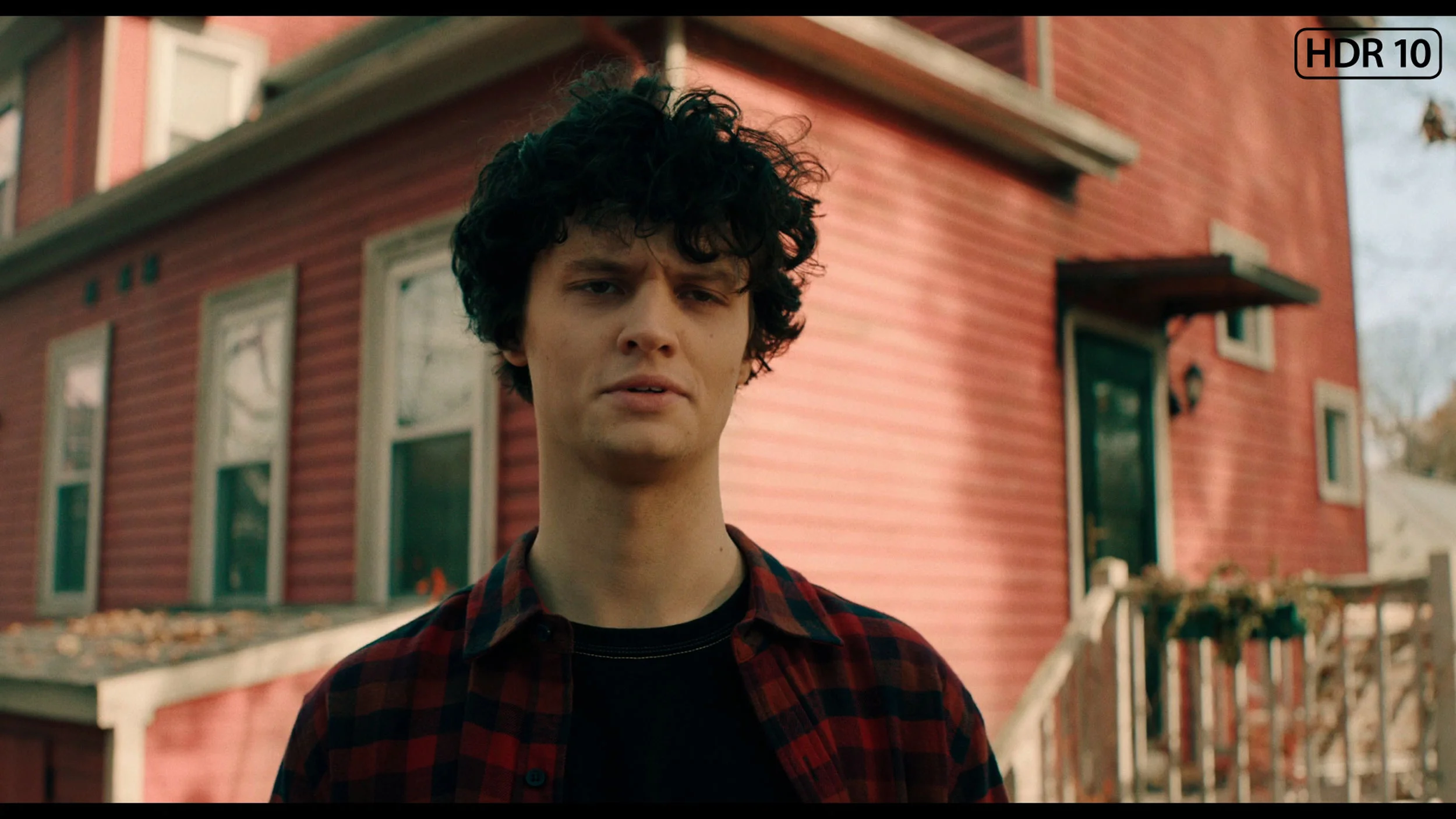
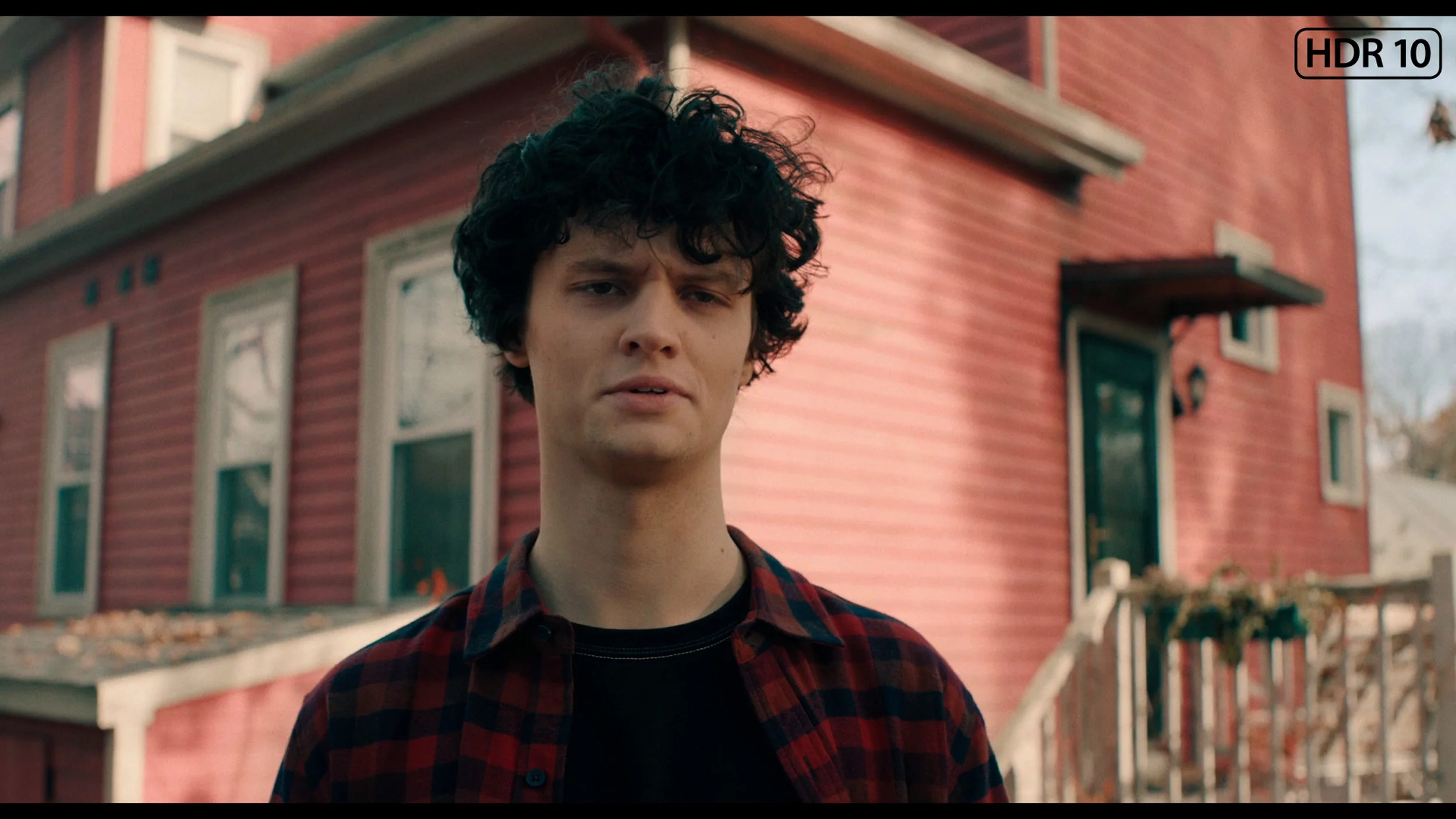
This gallery shows how colors change after professional TV calibration. If you notice the difference, we recommend ordering this service at SkalibrujTV.com.
Factory Mode
After calibration
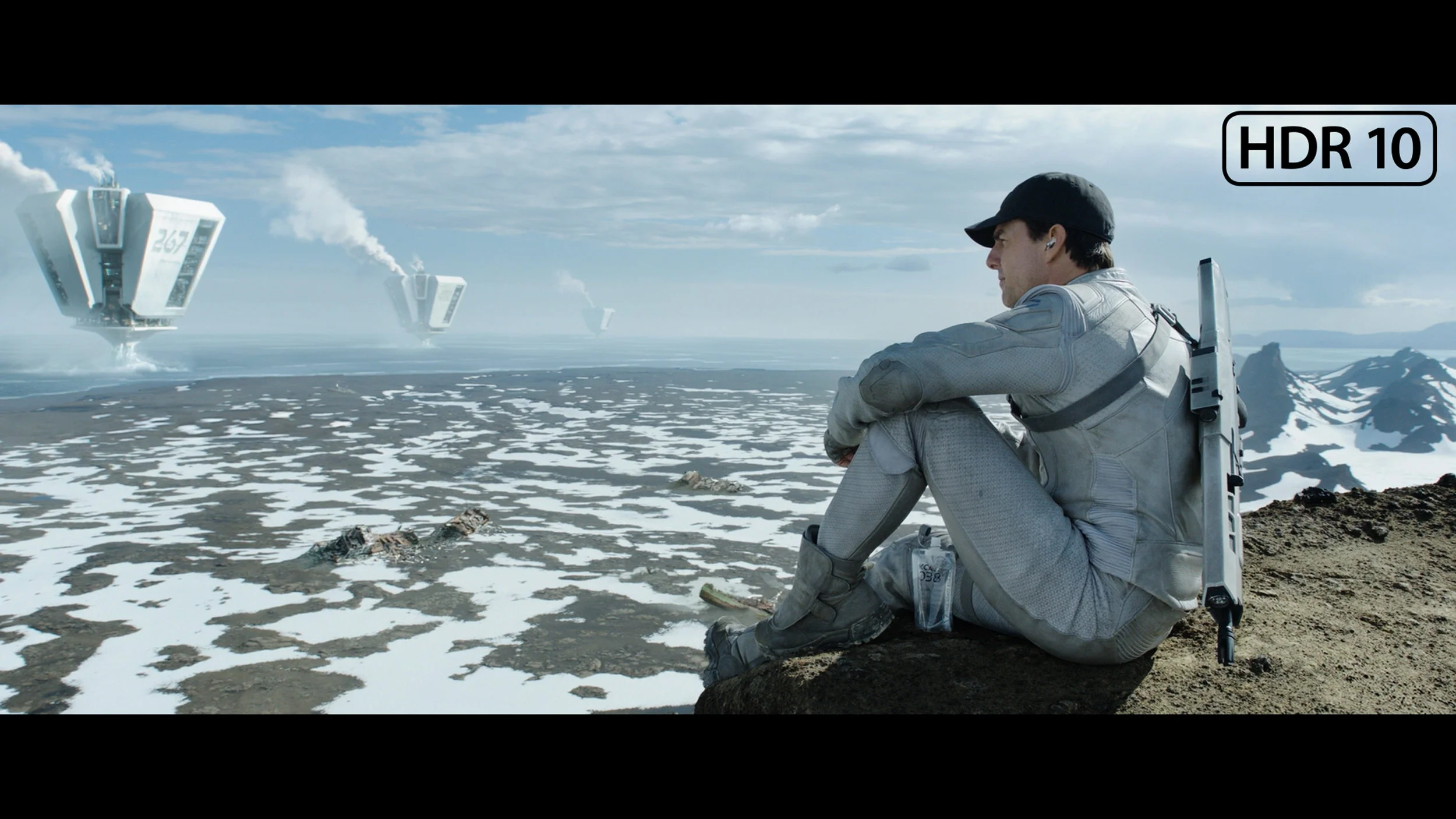
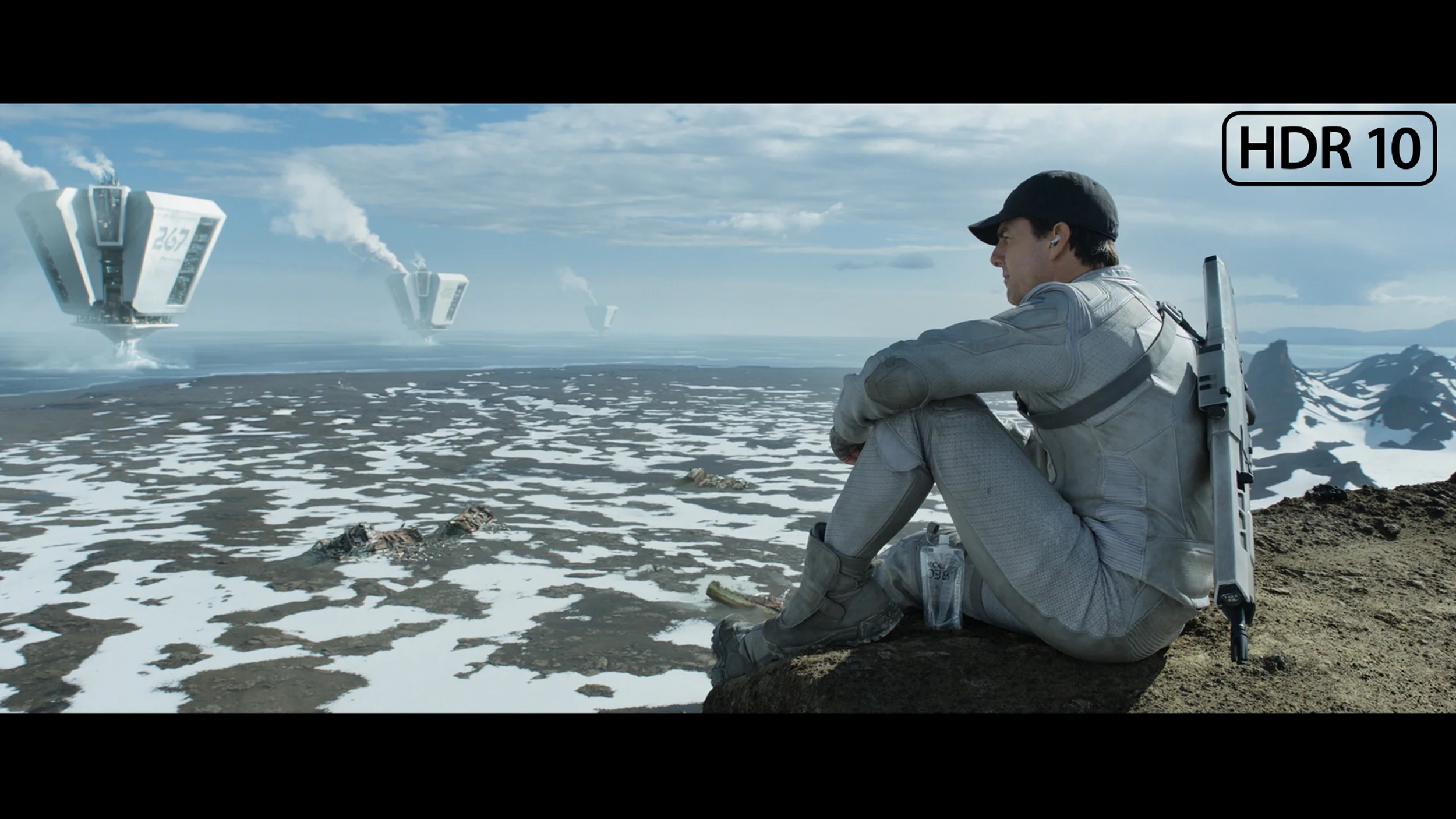
This gallery shows how colors change after professional TV calibration. If you notice the difference, we recommend ordering this service at SkalibrujTV.com.
Factory Mode
After calibration
In terms of colour reproduction, we tested the Hisense E7Q Pro in Movie mode, which turned out to be the best built-in preset without a doubt. This mode, unlike the Eco, Standard or Dynamic settings, offers the most natural colours straight out of the box. Although no factory mode is completely free of flaws, the E7Q Pro deserves high praise for its colour rendering in standard SDR content. The colour palette is very well tuned here, and the errors in the Color Checker tests often did not exceed a value of 3, which is an outstanding result rarely seen in such affordable televisions. The only drawback we noted in SDR is the tendency to darken some elements of the image, as indicated by the slightly raised gamma graph. The television performs slightly worse with colours in HDR mode. Here, colour errors become noticeable to the naked eye, mainly due to a lack of blue in the white balance. This causes the colours on the screen to be too warm, and for some viewers, they may even seem “too cinematic.” Of course, to improve these parameters, we proceeded with professional calibration.
The factory settings of the QN80H performed really well, especially compared with the majority of TVs we receive for testing. Of course, our measurements were taken in Filmmaker Mode, and that's the mode we recommend turning on immediately after the initial setup. For SDR material, our sample was set up surprisingly well. The white balance was very even, colours looked natural, and errors were so small they were hard to notice without measurement equipment. The only weaker point was the gamma. In the brighter parts of the image the TV brightened them a little too much, which at times made the picture lose some depth. Still, we'd like most TVs to look this good straight out of the box.
It fared a little worse in HDR. The white balance was still set correctly, so the problem was not with the colours but with the way the QN80H managed image brightness. This was immediately visible on the EOTF chart. The TV brightened large parts of scenes too much, causing the brightest elements to clip. Interestingly, very small points were often dimmed too much at the same time. As a result, some fine details simply disappeared. So the factory Filmmaker mode in HDR is not bad, but it is definitely not as well calibrated as in SDR.
Color reproduction after calibration
8/10
8.2/10
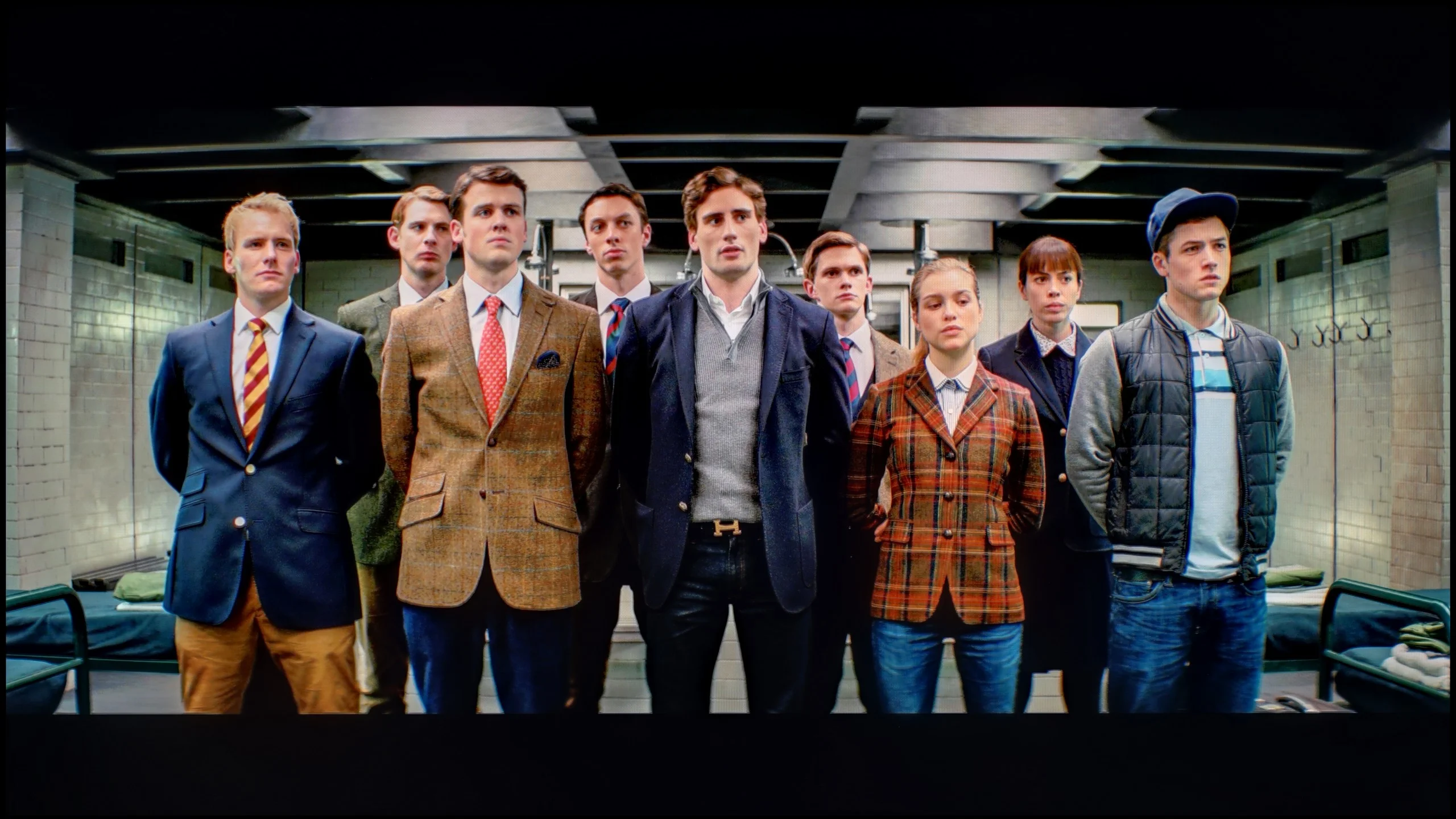
The photos show how movies look on the TV. Pay attention to black detail visibility, colors, and shadow tint.


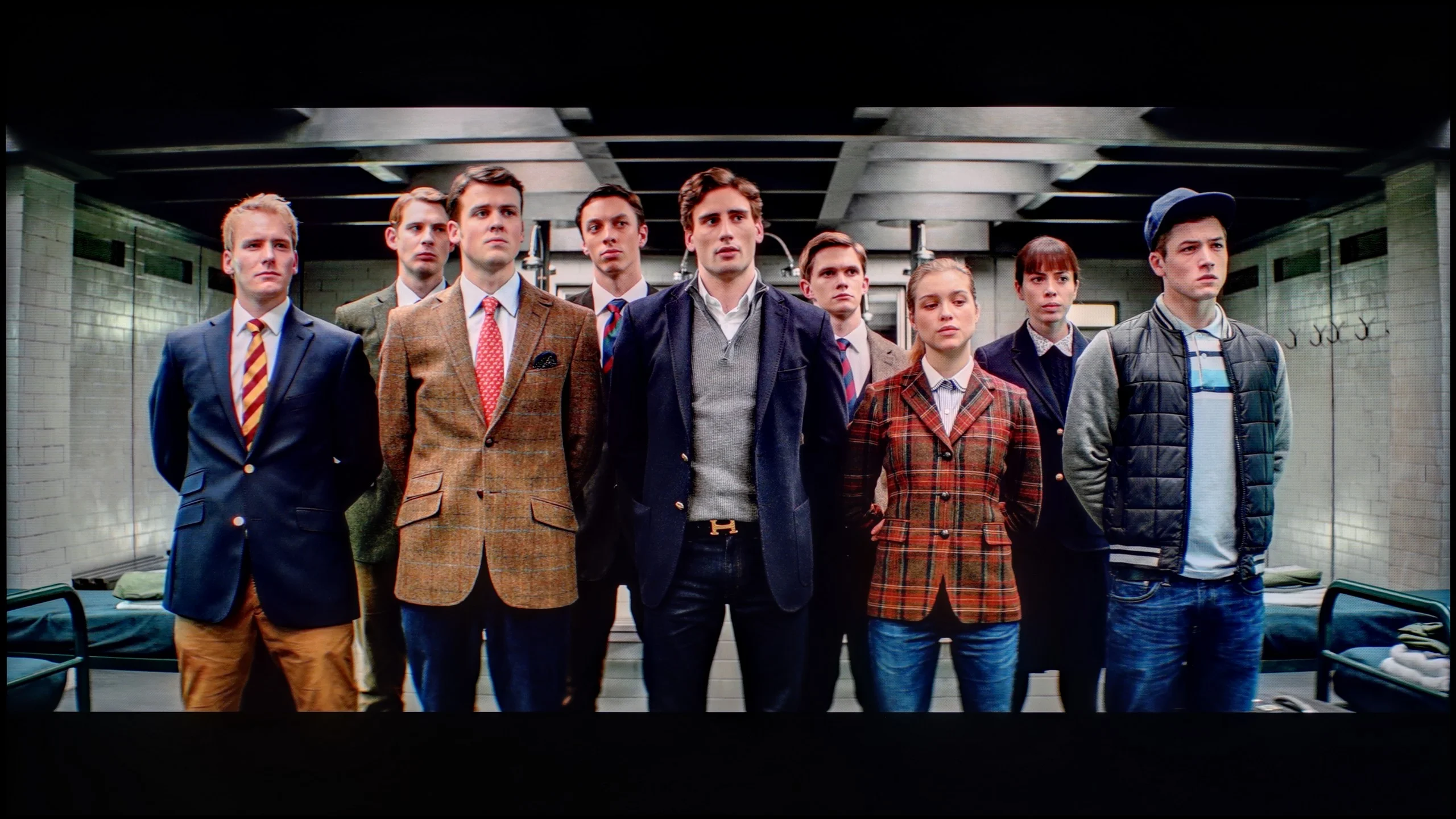
The photos show how movies look on the TV. Pay attention to black detail visibility, colors, and shadow tint.
In the case of materials with a standard dynamic range (SDR), our actions in Filmmaker mode turned out to be largely cosmetic 😉. We mainly focused on a subtle adjustment of the white balance and equalising the gamma curve, which allowed us to recover details in the darker areas of the image that previously tended to get lost. However, it is worth noting that the E7Q Pro unit we tested was exceptionally well-made at the factory. We remind you that these parameters depend on the specific unit – with mass production, factory calibration can be random, so your unit may require slightly different intervention. The biggest beneficiary of professional calibration was undoubtedly HDR mode. This is where we did the most work, which brought spectacular results. We managed to effectively tame the excessive warmth of the image, caused by a factory deficiency in blue colour. After calibration, the colour errors were reduced to a significantly lower level, which will certainly please those who watch a lot of streaming content in HDR format, expecting faithful reproduction.
We saw the biggest difference after calibration in HDR Filmmaker mode. SDR was already very good out of the box, so we didn't have much work to do there. In HDR, however, we managed to get to grips with the way the QN80H handled brightness, as it had been over-brightening most scenes. After calibration the picture is calmer, more natural and much closer to how a faithful image should look.
Smoothness of tonal transitions
9/10
9.5/10
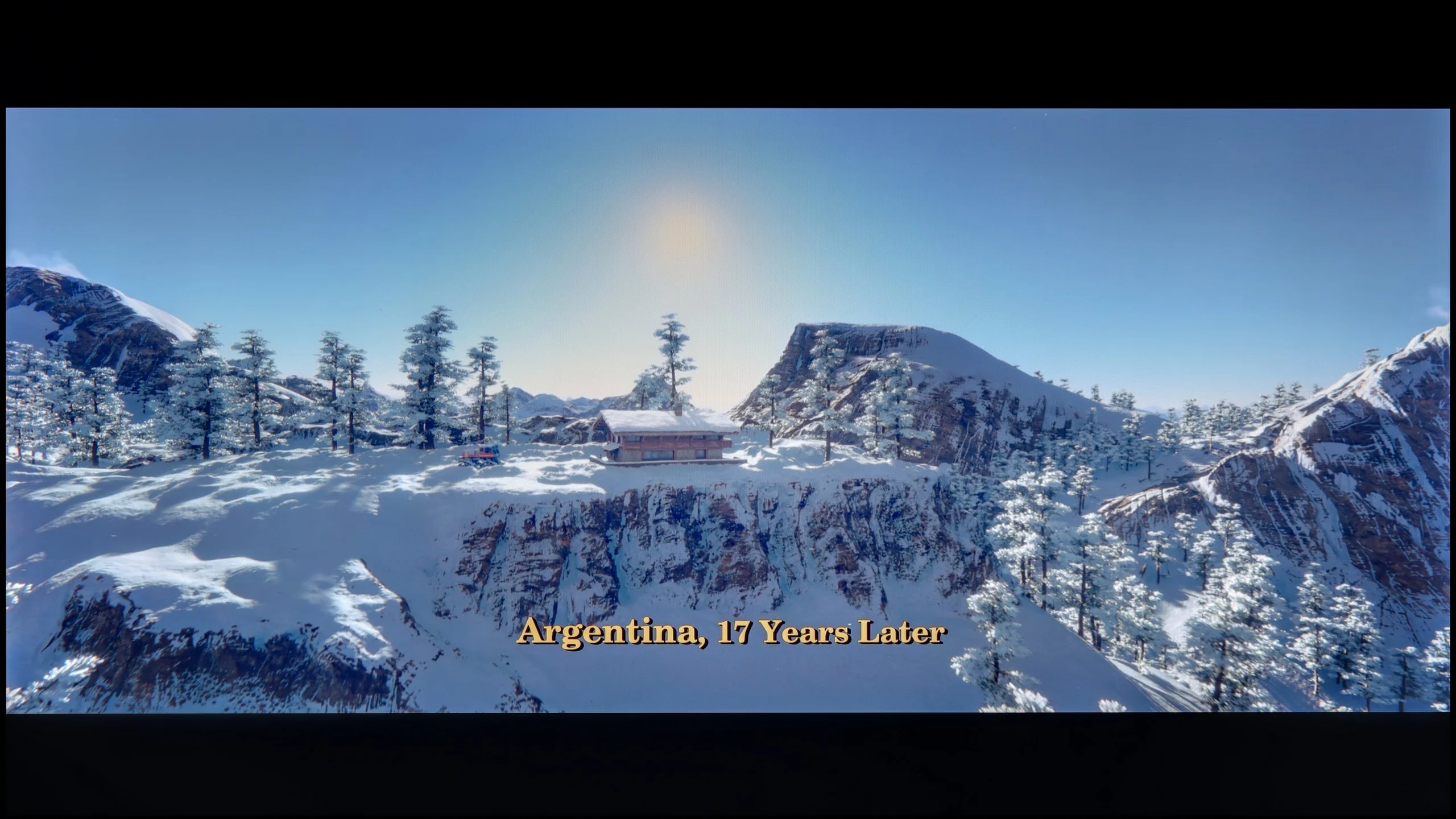

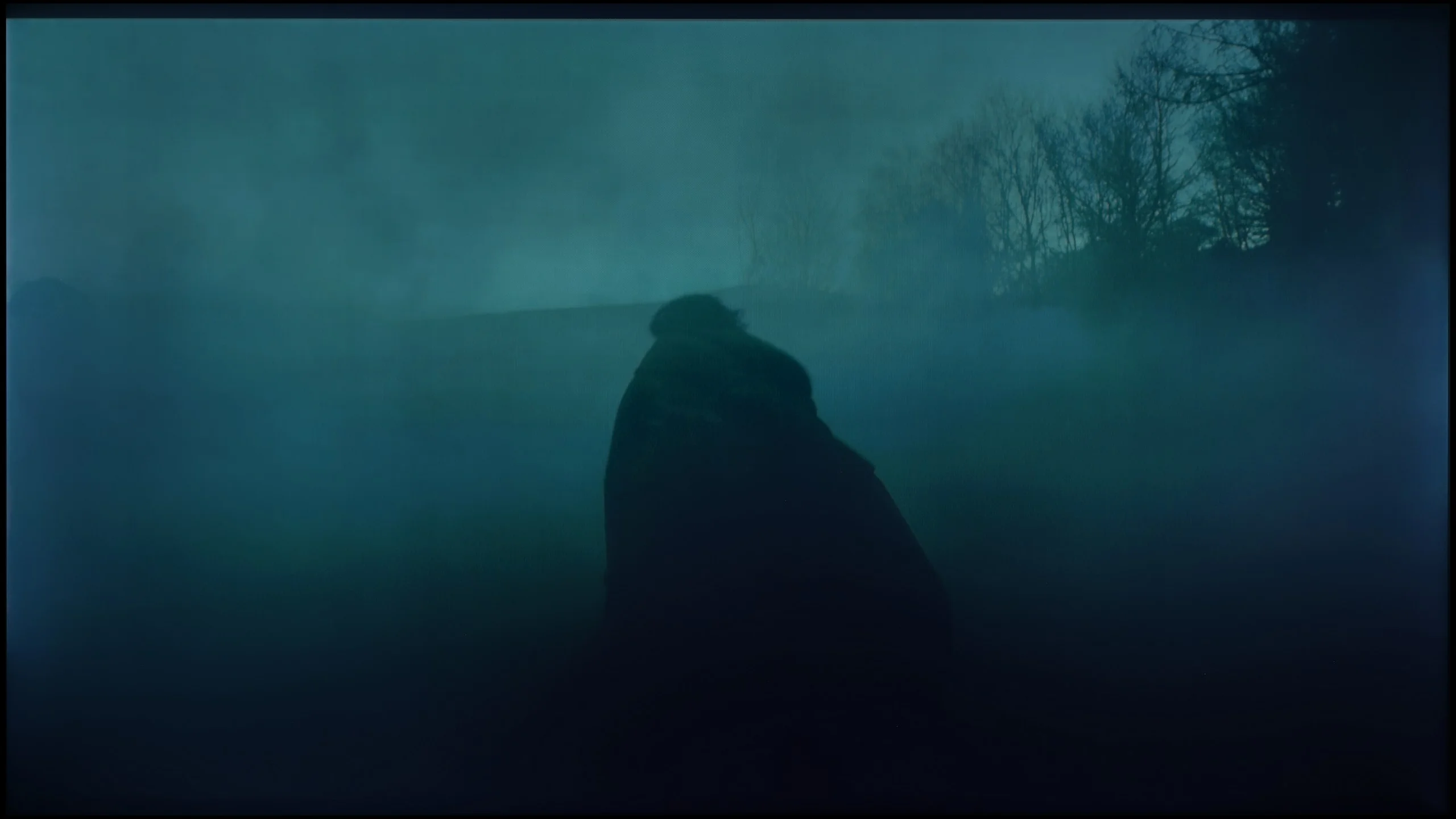

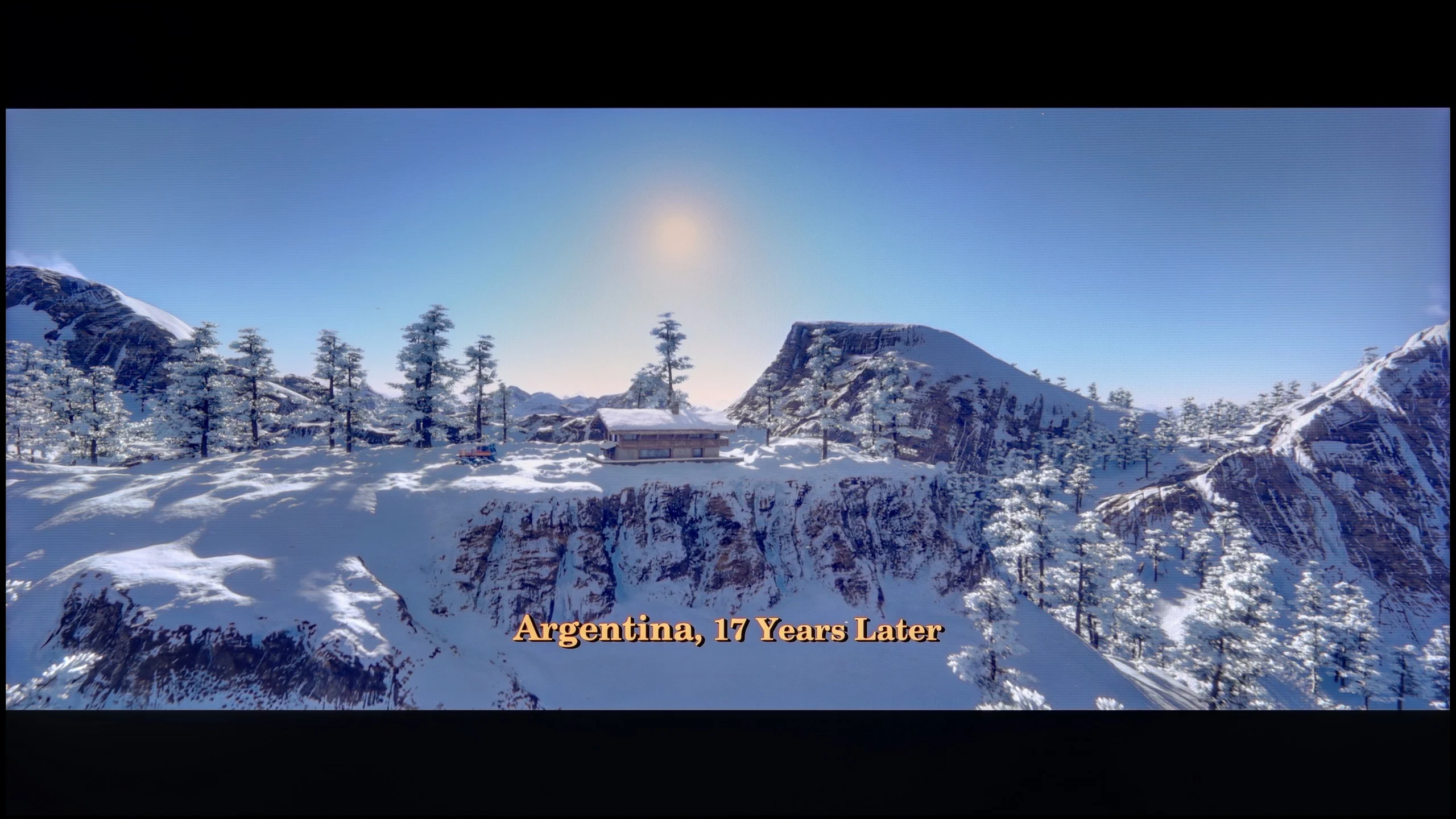
These are selected scenes that show smooth tonal transitions from one color to another. If you see distinct banding, it’s the TV panel’s fault.

These are selected scenes that show smooth tonal transitions from one color to another. If you see distinct banding, it’s the TV panel’s fault.
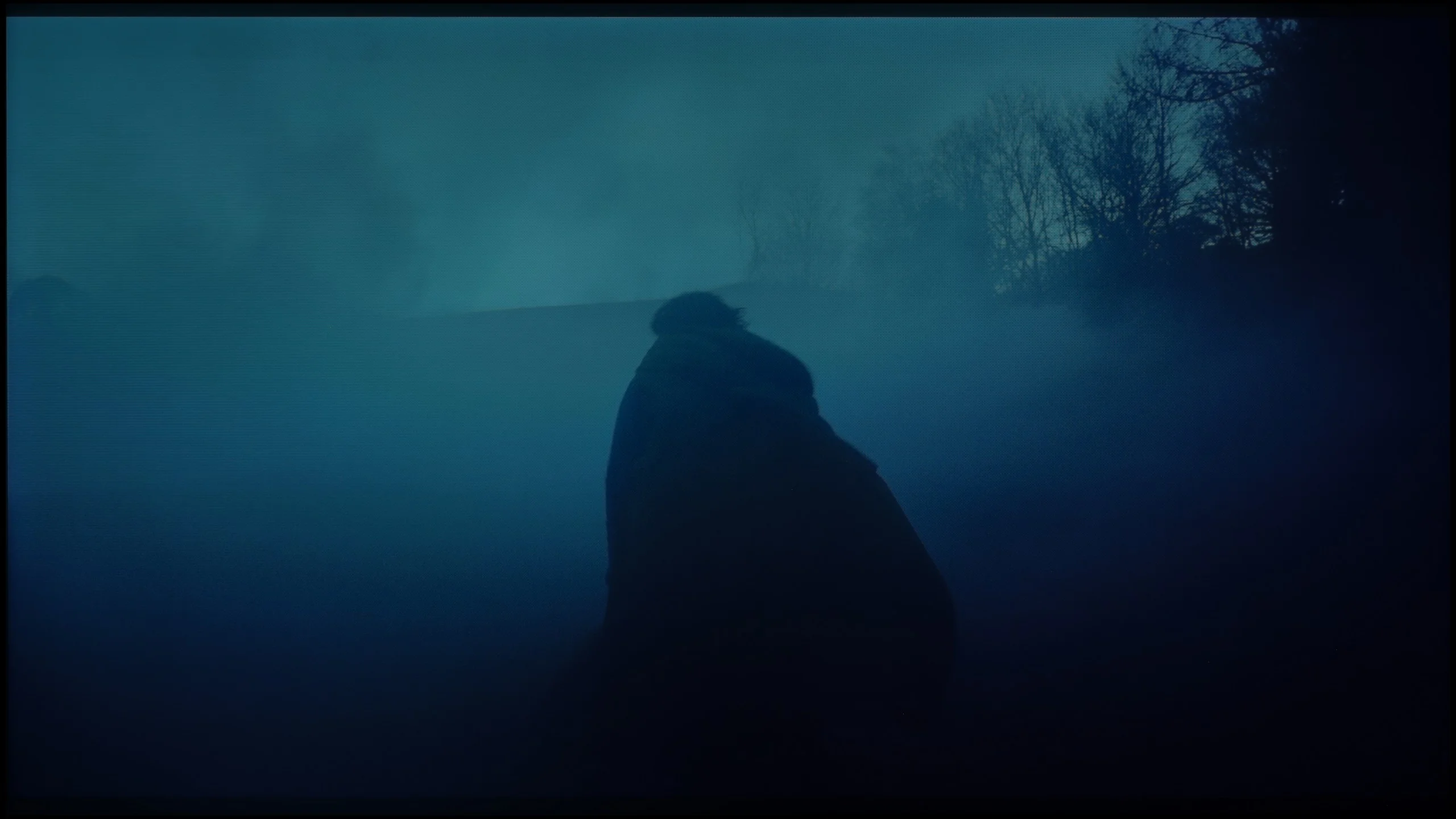
These are selected scenes that show smooth tonal transitions from one color to another. If you see distinct banding, it’s the TV panel’s fault.
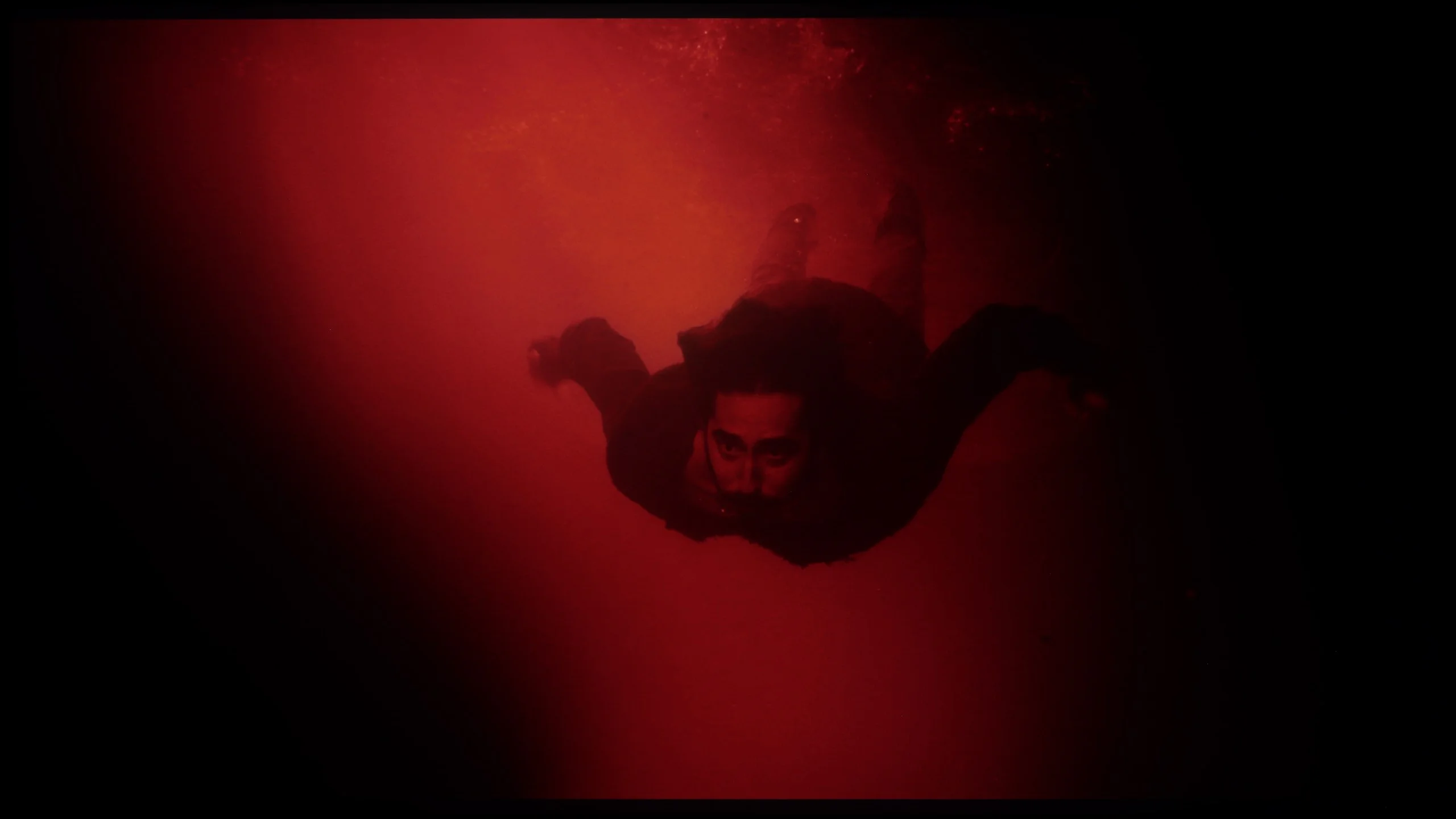
These are selected scenes that show smooth tonal transitions from one color to another. If you see distinct banding, it’s the TV panel’s fault.
The fluidity of tonal transitions is one of those categories where the E7Q PRO demonstrates its class. When it comes to colour blending and gradation, the television performs phenomenally, much like many other Hisense models. In practice, it was difficult to spot significant issues with tonal transitions in almost every test scene, even in the most demanding shots, close to greys and darker shades. By choosing the E7Q PRO, one can feel assured in this regard. Posterisation shouldn't be a concern here, and the image in gradients remains clear and very pleasant to the eye.
The tonal transitions on the Samsung QN80H are very good. Colours of similar hues blend smoothly, without obvious banding, blotches or abrupt steps between successive gradations. Dark gradients look particularly good, for example shades of grey and transitions just above black. It’s in such areas that many televisions begin to show their weaknesses, whereas the QN80H handles them surprisingly well. Minor imperfections only appear in very bright scenes, where slight banding occasionally occurs. However, this is subtle enough that it shouldn’t bother anyone during normal viewing.
Image scaling and smoothness of tonal transitions
6.5/10
7/10


Smooth transition function
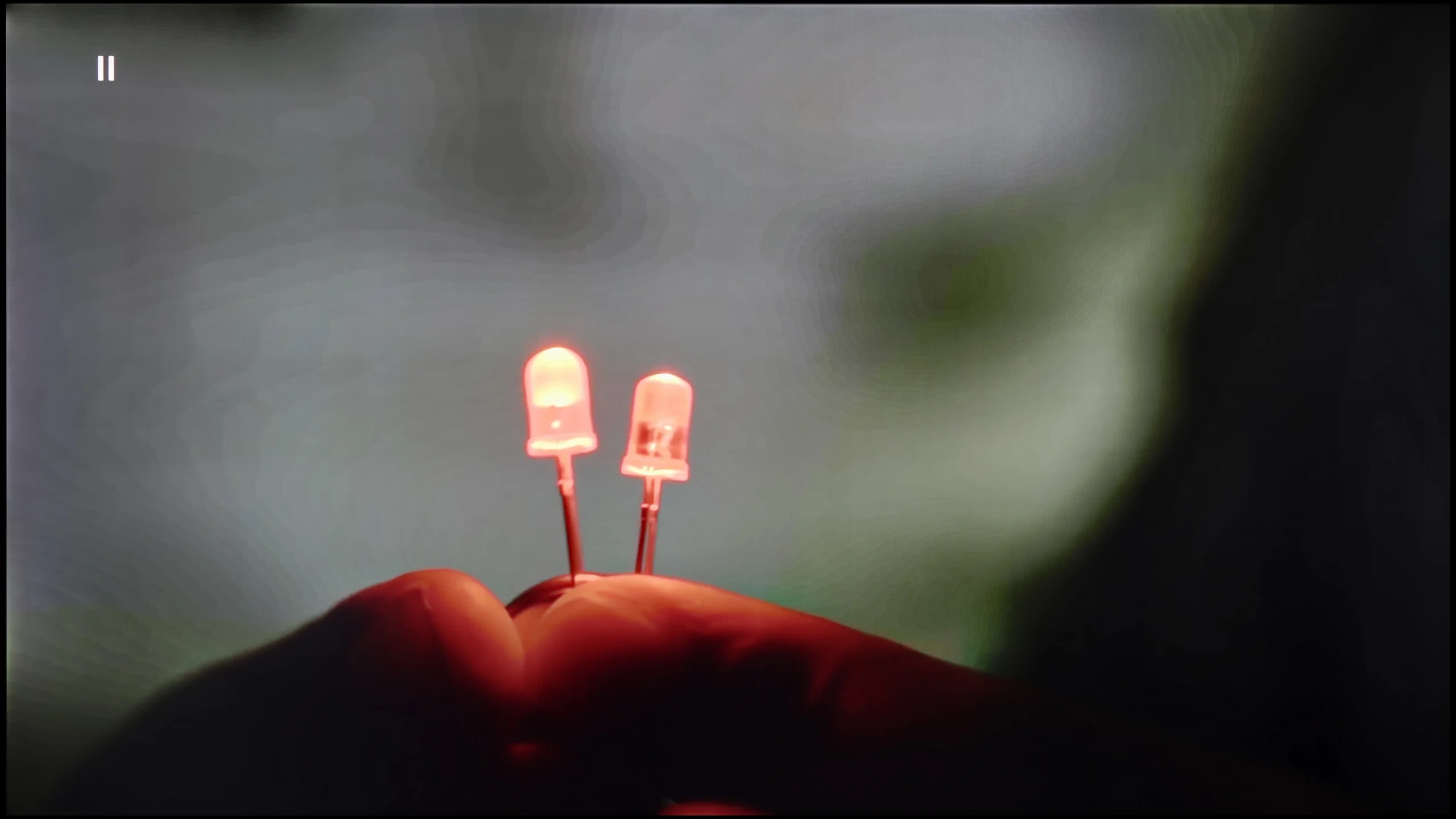
The match photo shows how the TV smooths weak tonal transitions in low-quality video.
Image scaling SD (576i)


The model photo shows how it handles upscaling of SD material.
When it comes to upscaling and digital image processing, the E7Q PRO deserves praise. The scaling performs really well and does not dramatically fall behind much more expensive, advanced televisions. Lower-quality materials can look clean and sensible, without the impression that the image is artificially "enhanced." However, the smoothing function presents a bit worse. Indeed, it can be effective and improve tonal transitions in poor quality materials, but at the same time, it can introduce undesirable effects. It sometimes removes grain or adds unwanted artefacts, giving the image a more "digital" character. Therefore, we mainly recommend it to those who prefer a smoother, less cinematic style of image.
Digital image processing in the Samsung QN80H is handled by the second-generation NQ4 AI processor. It's a chip we already know from the manufacturer's earlier models, and it still performs very well, especially with lower-resolution content. The image is effectively upscaled to 4K, but without excessive sharpening and without giving the impression the TV is aggressively trying to improve the source material.
The "Noise Reduction" function also proves useful. It can noticeably reduce posterisation and visible banding in lower-quality material, particularly in low-bitrate streaming. However, it's important to remember that it does not work without side effects. It can remove some film grain and slightly smooth the image. So with a high-quality source we'd leave this function switched off. If, however, someone is more bothered by banding and uneven tonal transitions than by the loss of some grain, "Noise Reduction" can be a really useful addition.
Blur and motion smoothness
6.9/10
7.8/10
Blur (native resolution, maximum refresh rate):

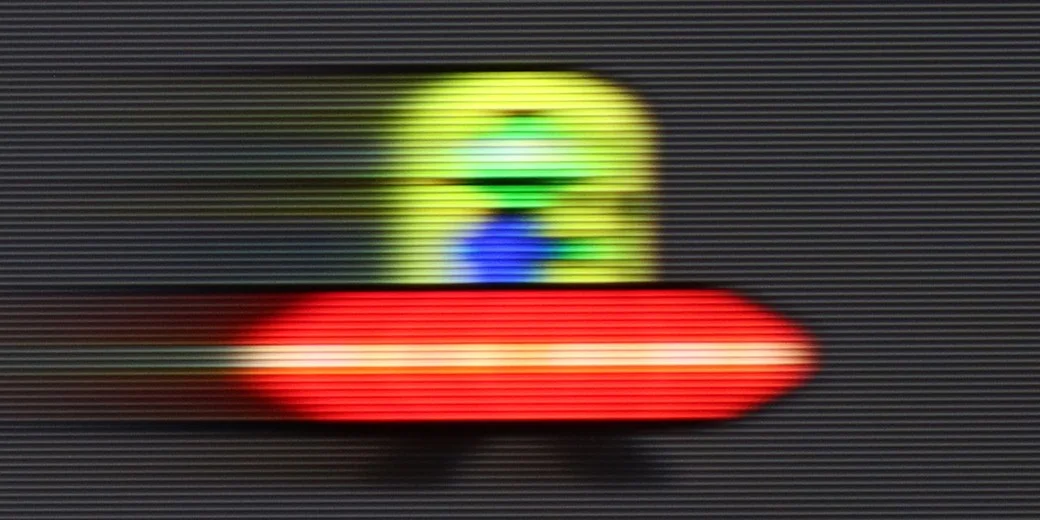

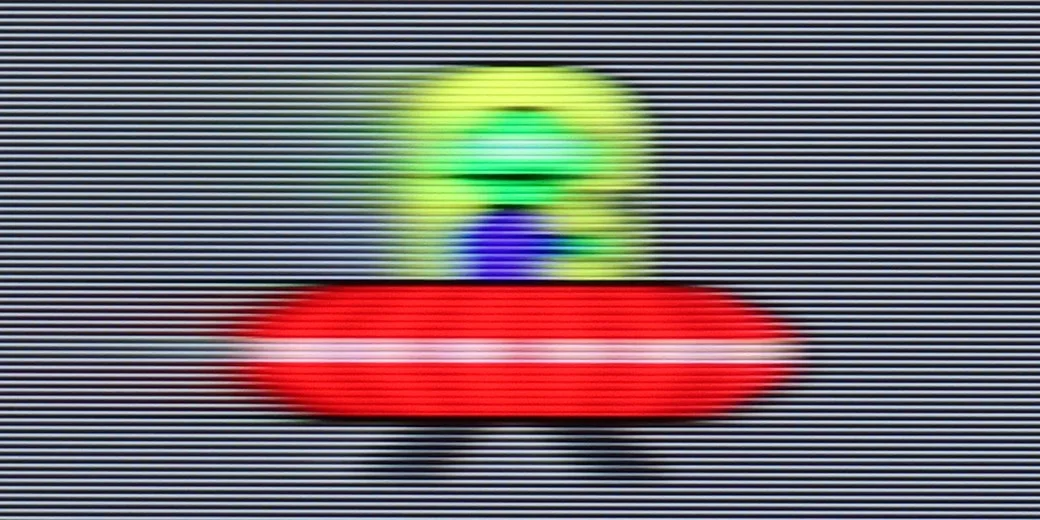

Blur (BFI function enabled):
Image flickers in this mode



Blur (4K@144Hz):

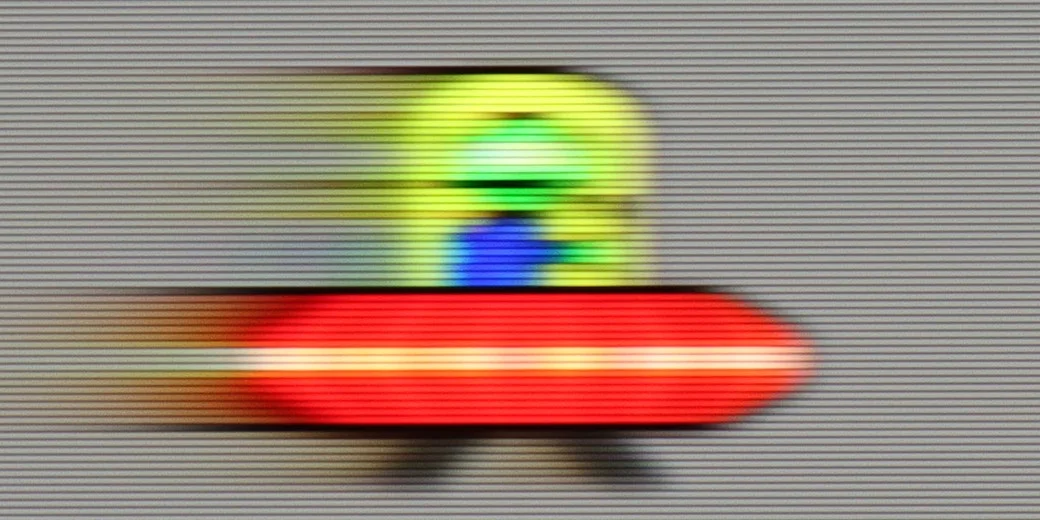
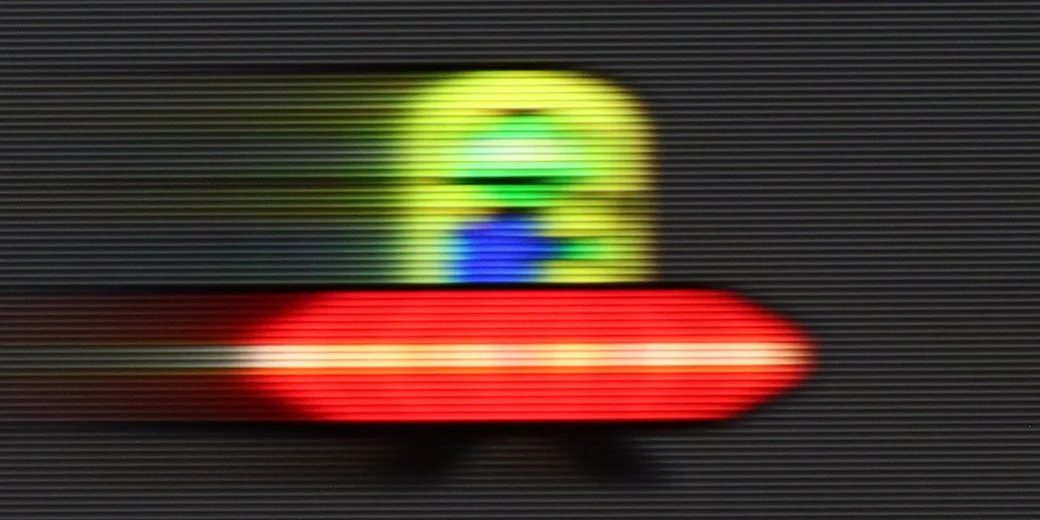
Blur (4K@144Hz):



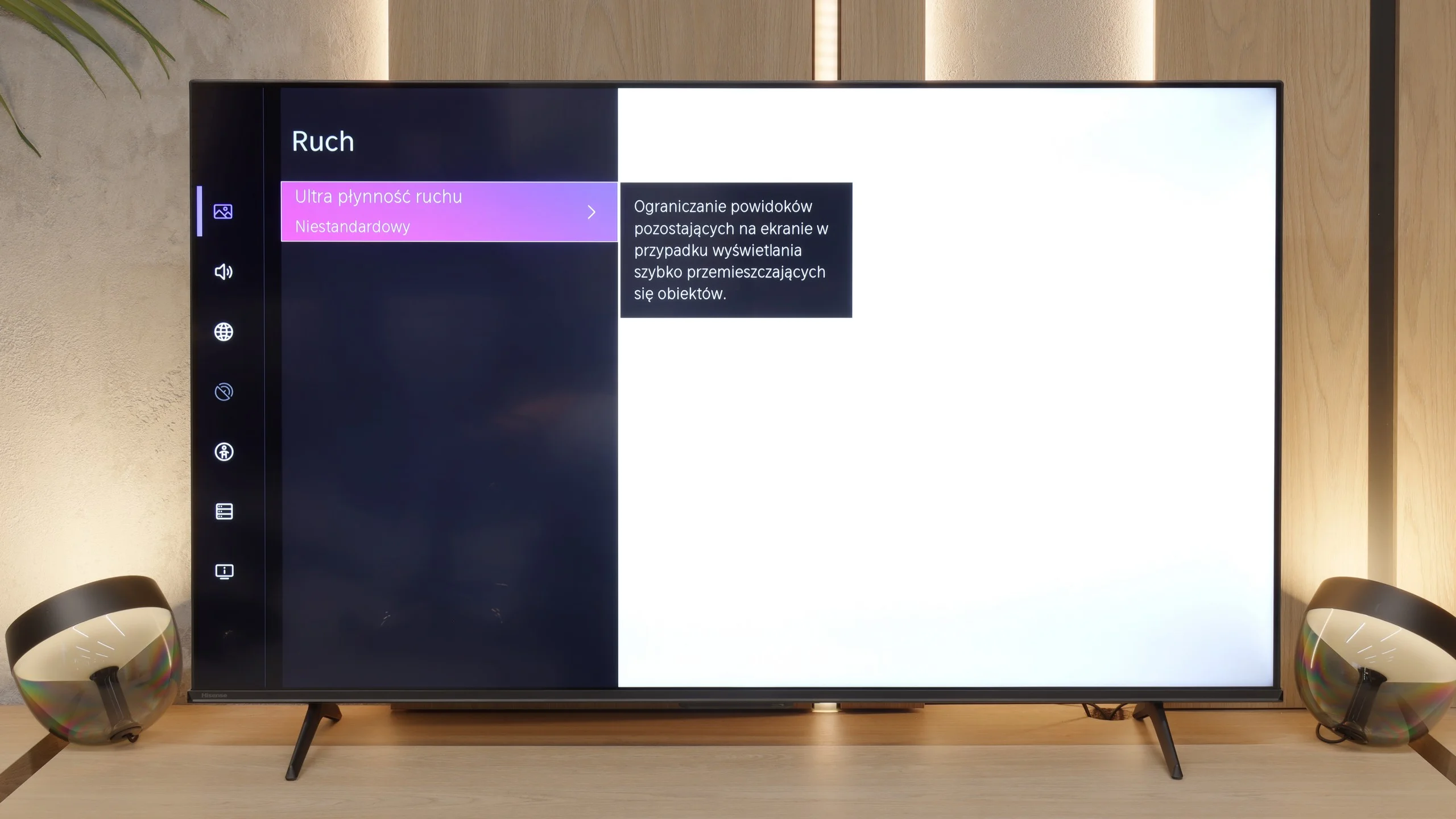
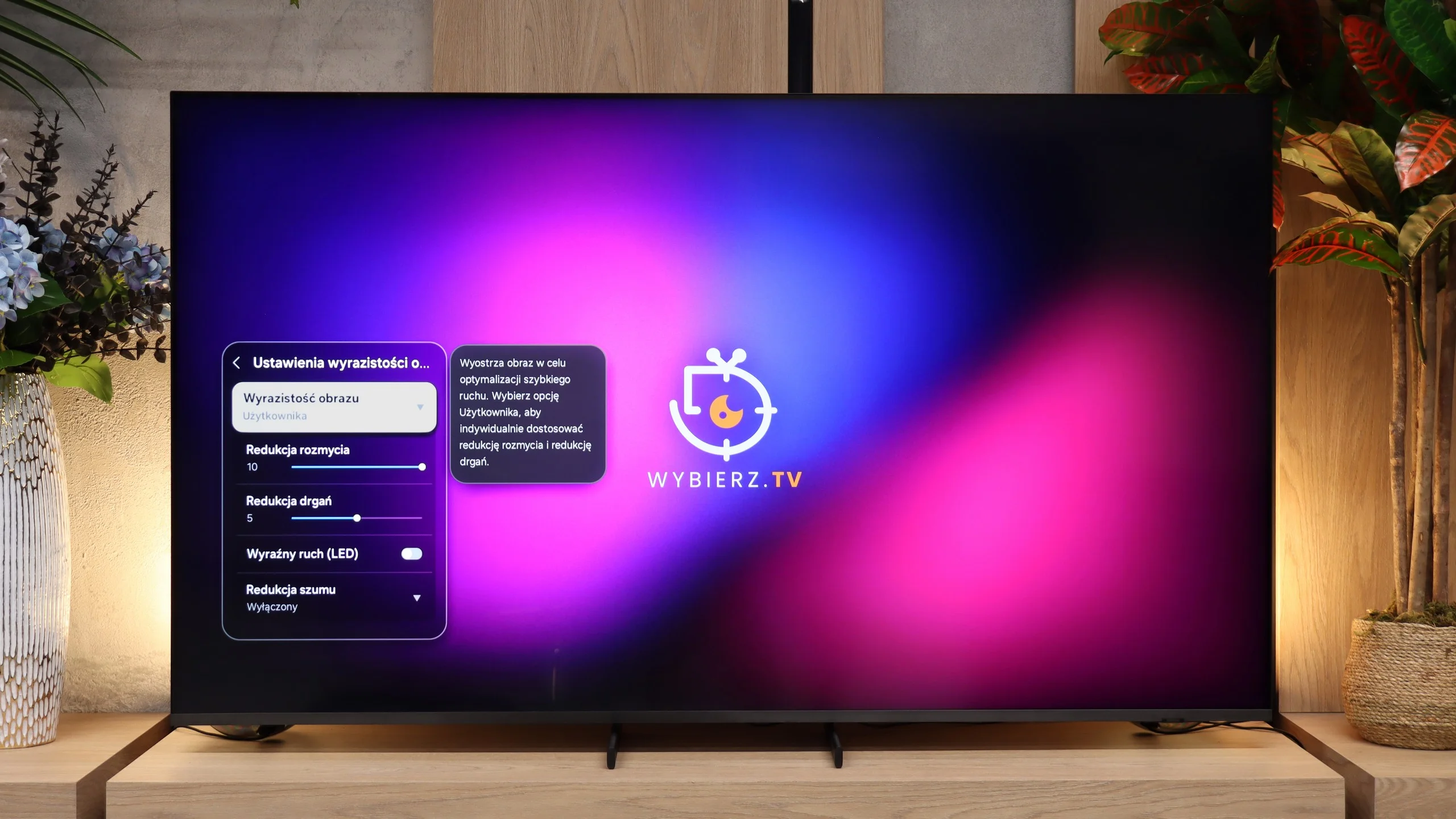
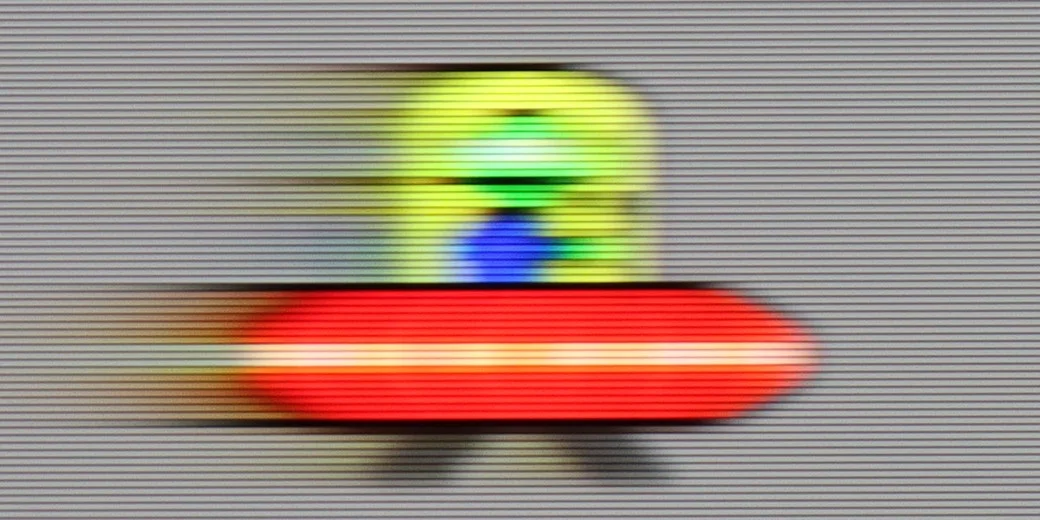
In the category of smearing and motion fluidity, the E7Q PRO has one very strong argument. At this price, Hisense has included a 120 Hz panel, and in PC mode, it can even operate at 144 Hz. This immediately provides greater possibilities in motion settings, as the menu offers more options for smoothing the image. Among other things, we have frame interpolation options, which allow us to adjust the fluidity for sports or films, depending on whether we prefer a more cinematic character or a "theatrical" smoothness.
Motion handling and motion clarity on the QN80H are really good, mainly thanks to the fast panel. In 4K the screen refreshes at up to 144 Hz, and when switched to Full HD and connected to a PC it can reach as much as 240 Hz. That's new for Samsung TVs and a useful addition for people who want to use the TV for PC gaming as well. We were more interested, however, in how the QN80H performs at 120 Hz, because consoles use that refresh rate. Here it performs very well. The panel does not suffer greatly from the smearing typical of VA panels, and light trails behind moving objects are mainly visible on dark backgrounds. That said, it's nothing that would interfere with normal watching of sport or gaming. The TV also has a motion smoothing system that Samsung calls "Wyrazistością obrazu". You can adjust judder reduction and blur reduction separately, so it's easy to tailor its behaviour to films, sport or your own preferences.
Console compatibility and gaming features
8.5/10
9.6/10
- ALLM
- VRR
- VRR range48 - 144Hz48 - 240Hz
- Dolby Vision Game Mode
- Correct implementation of HGIG
- 1080p@120Hz
- 1440p@120Hz
- 4K@120Hz
- Game bar
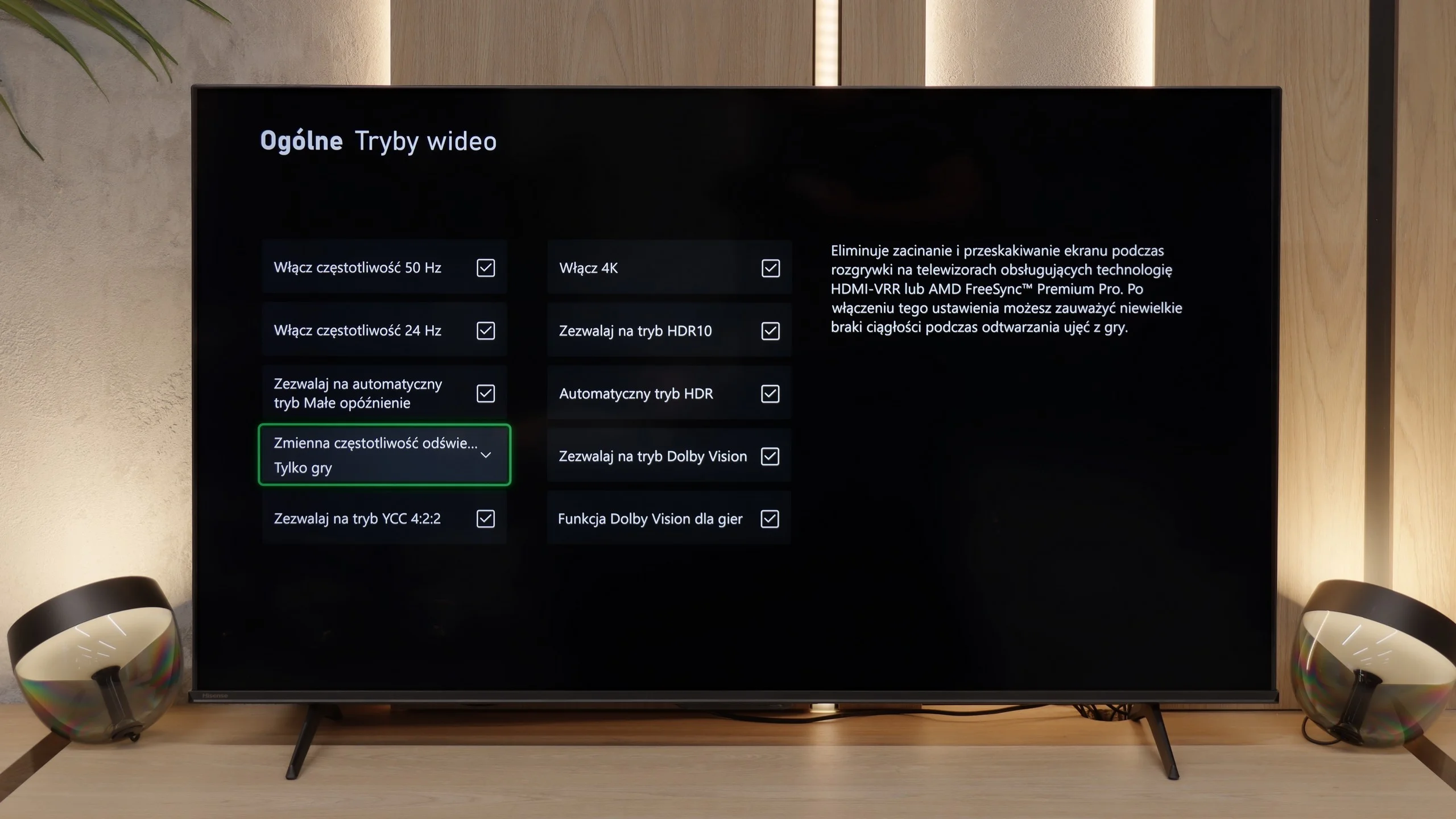
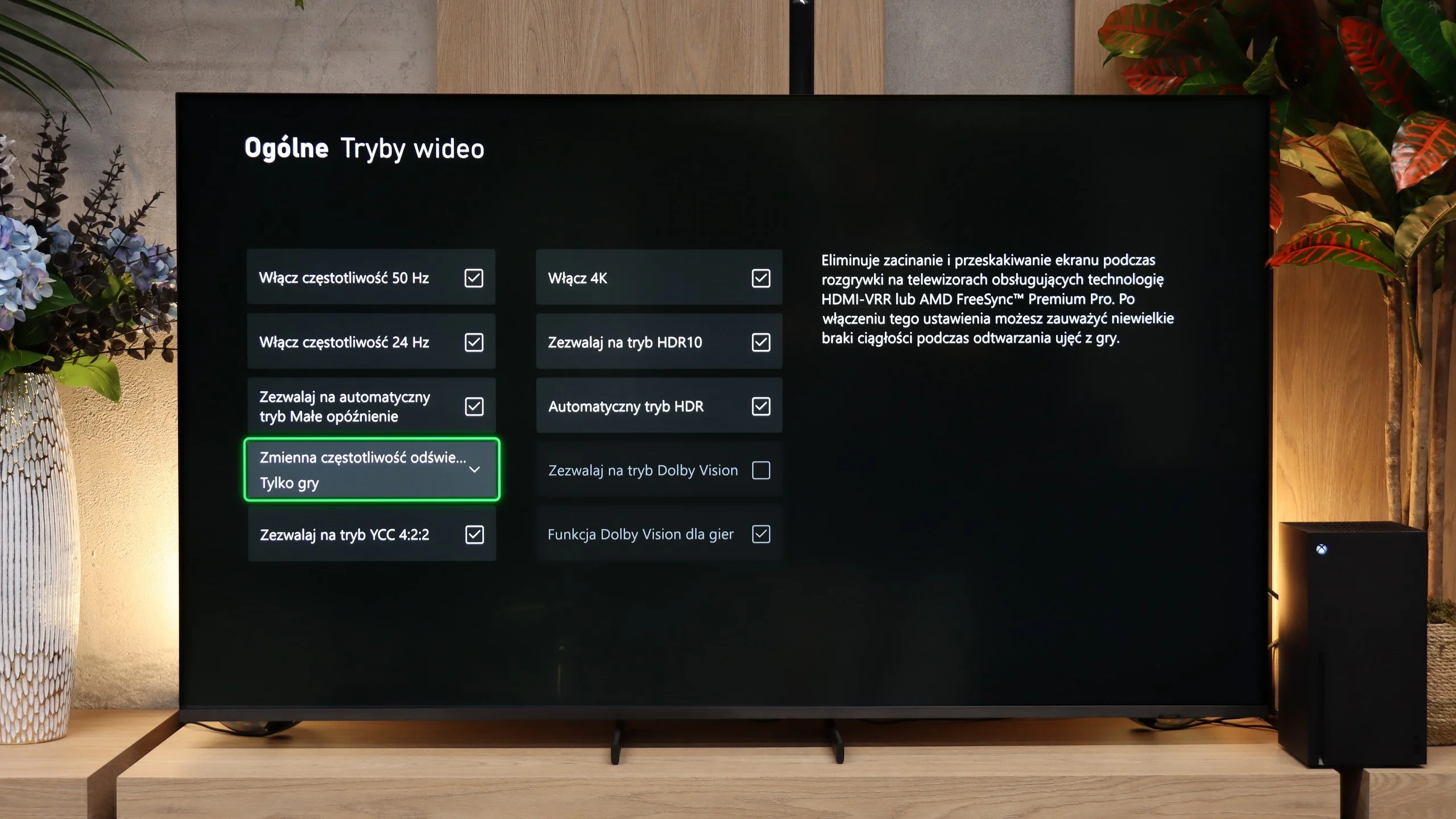
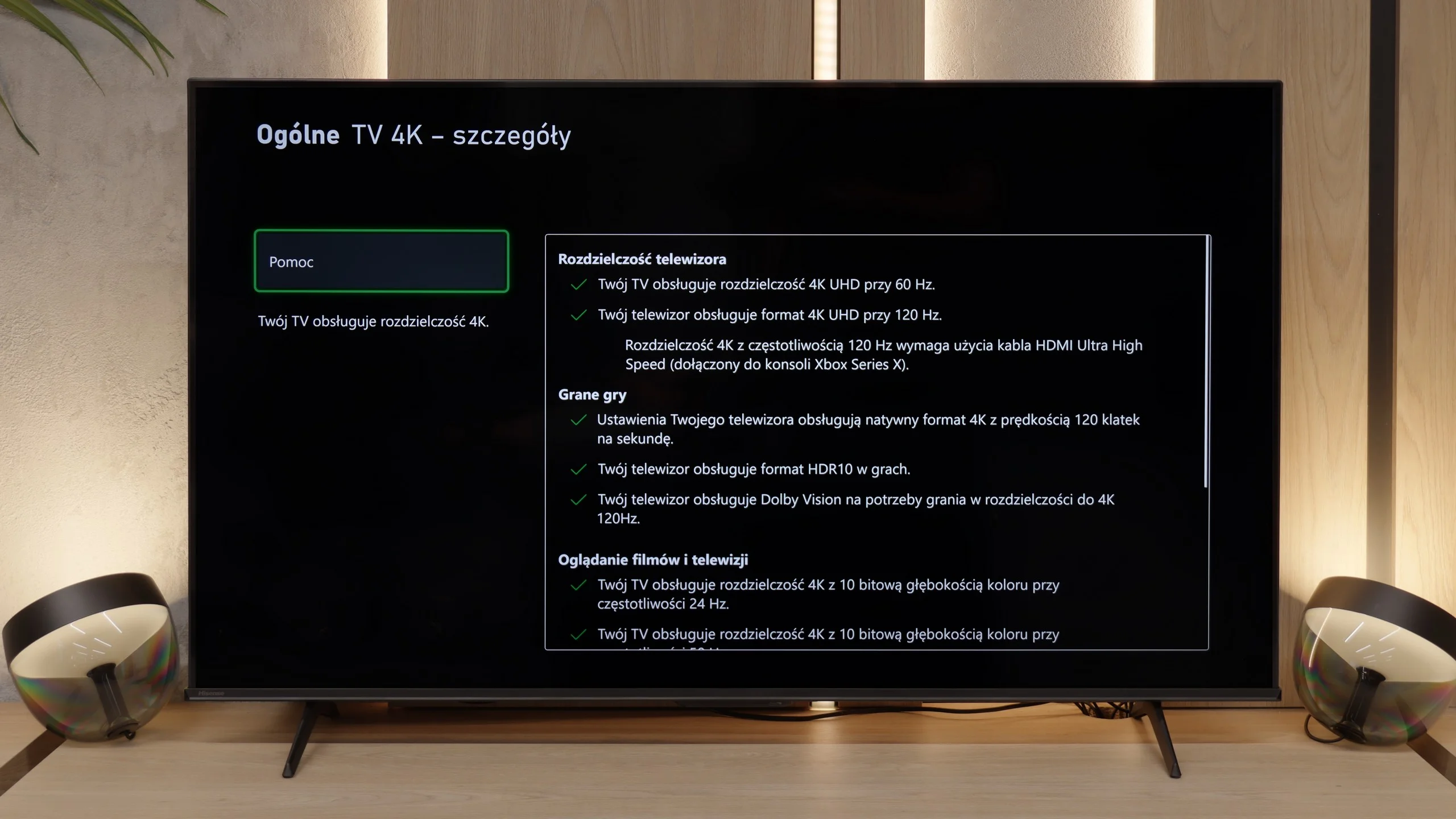
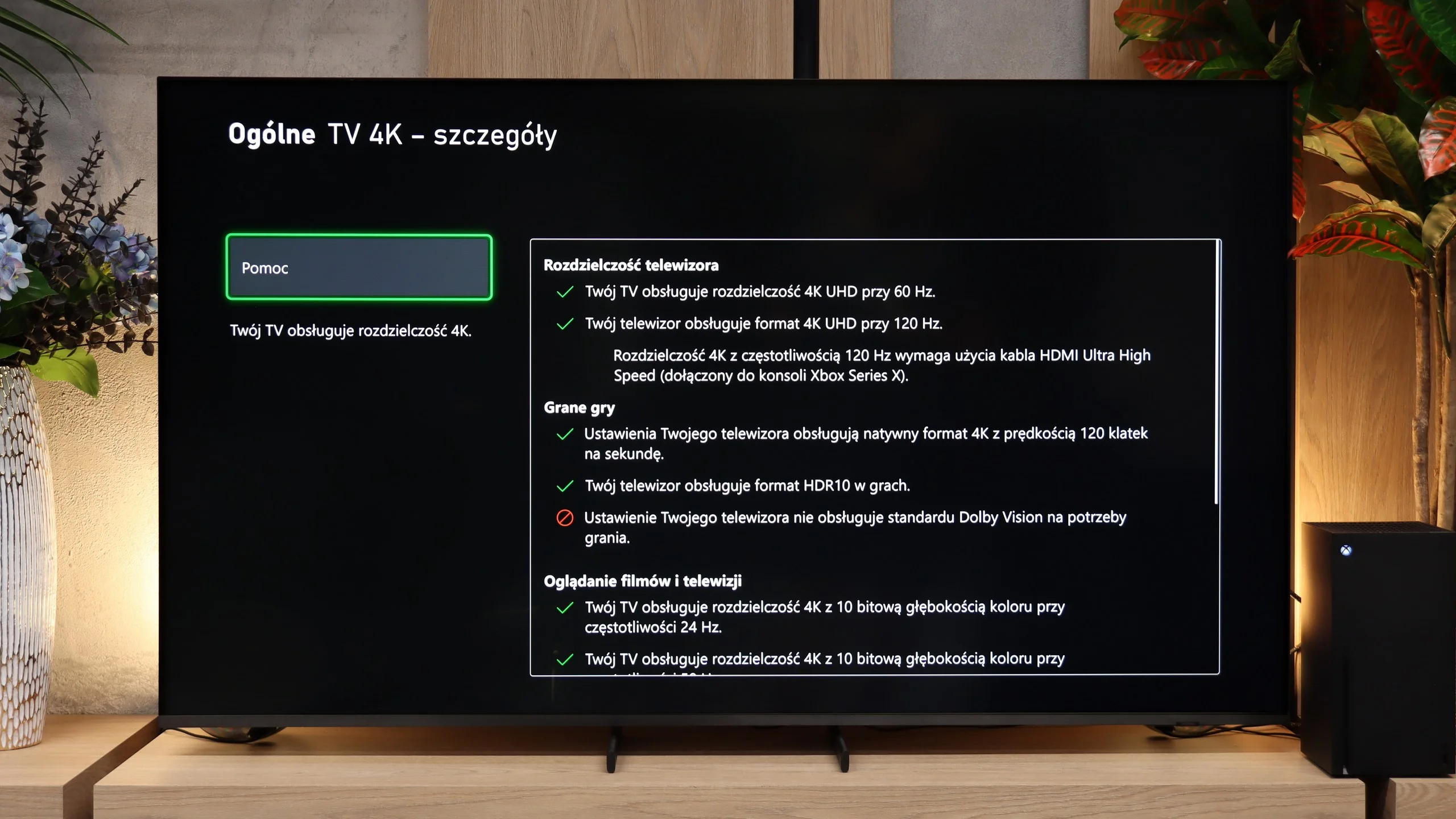
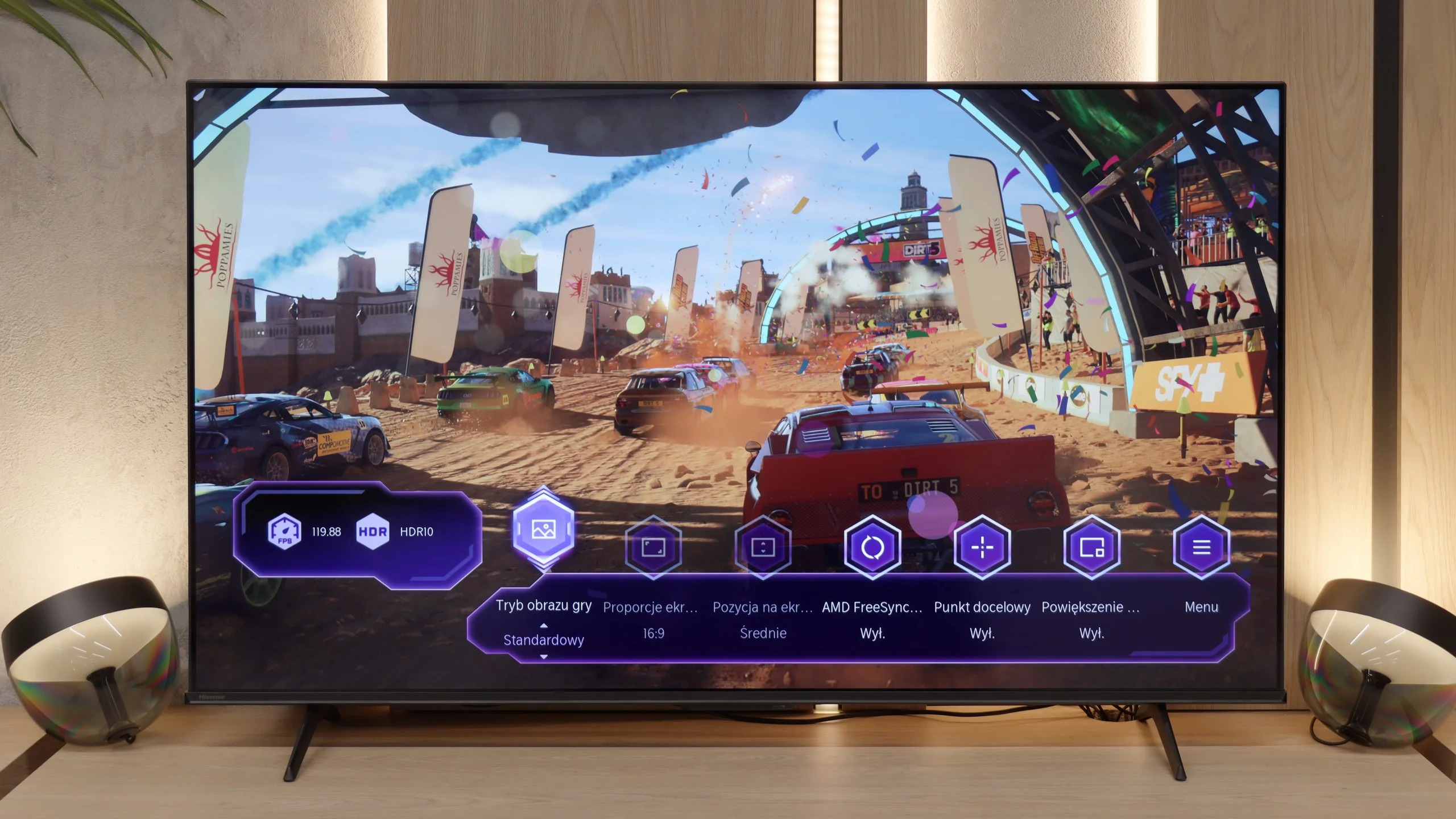
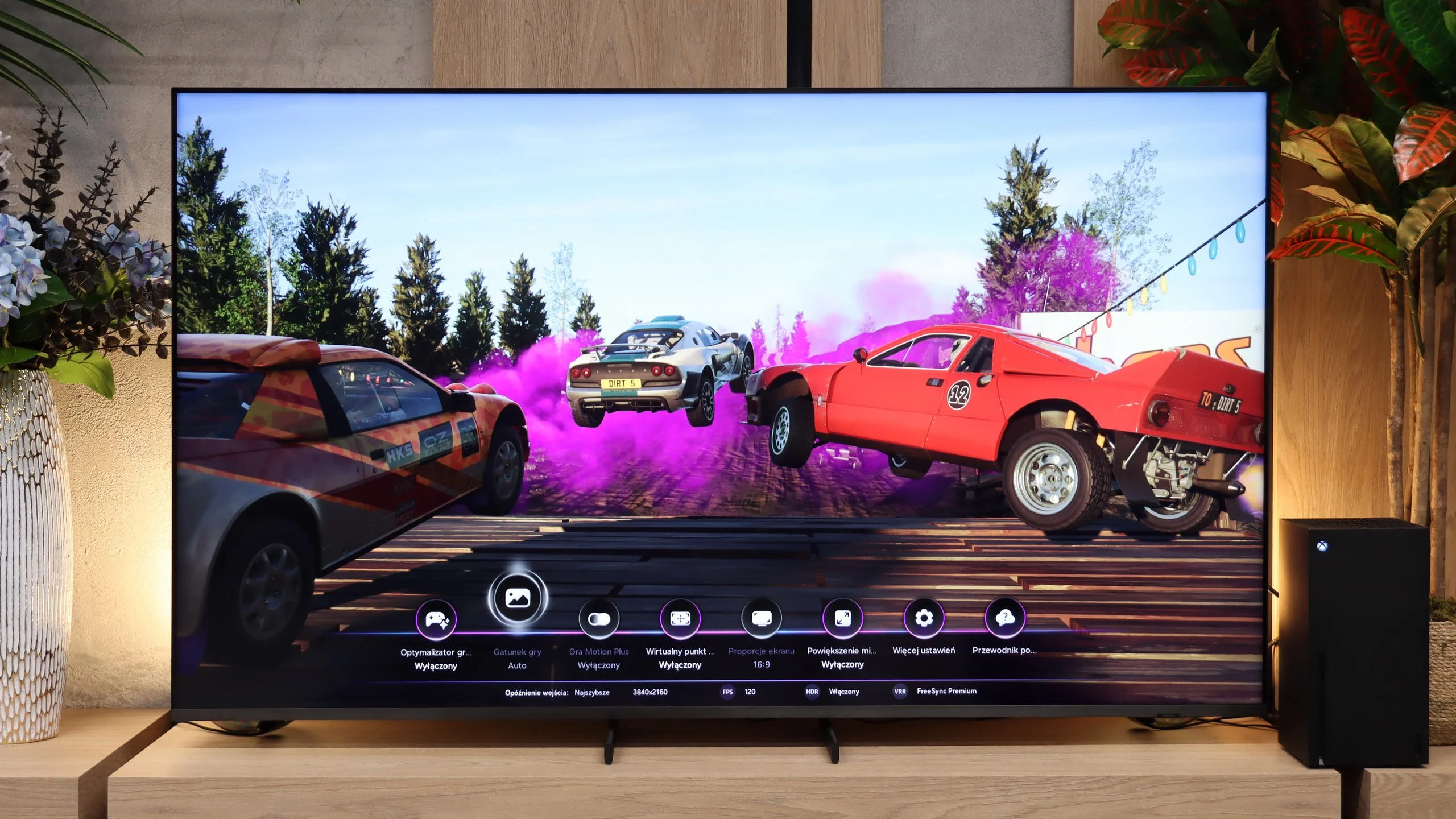
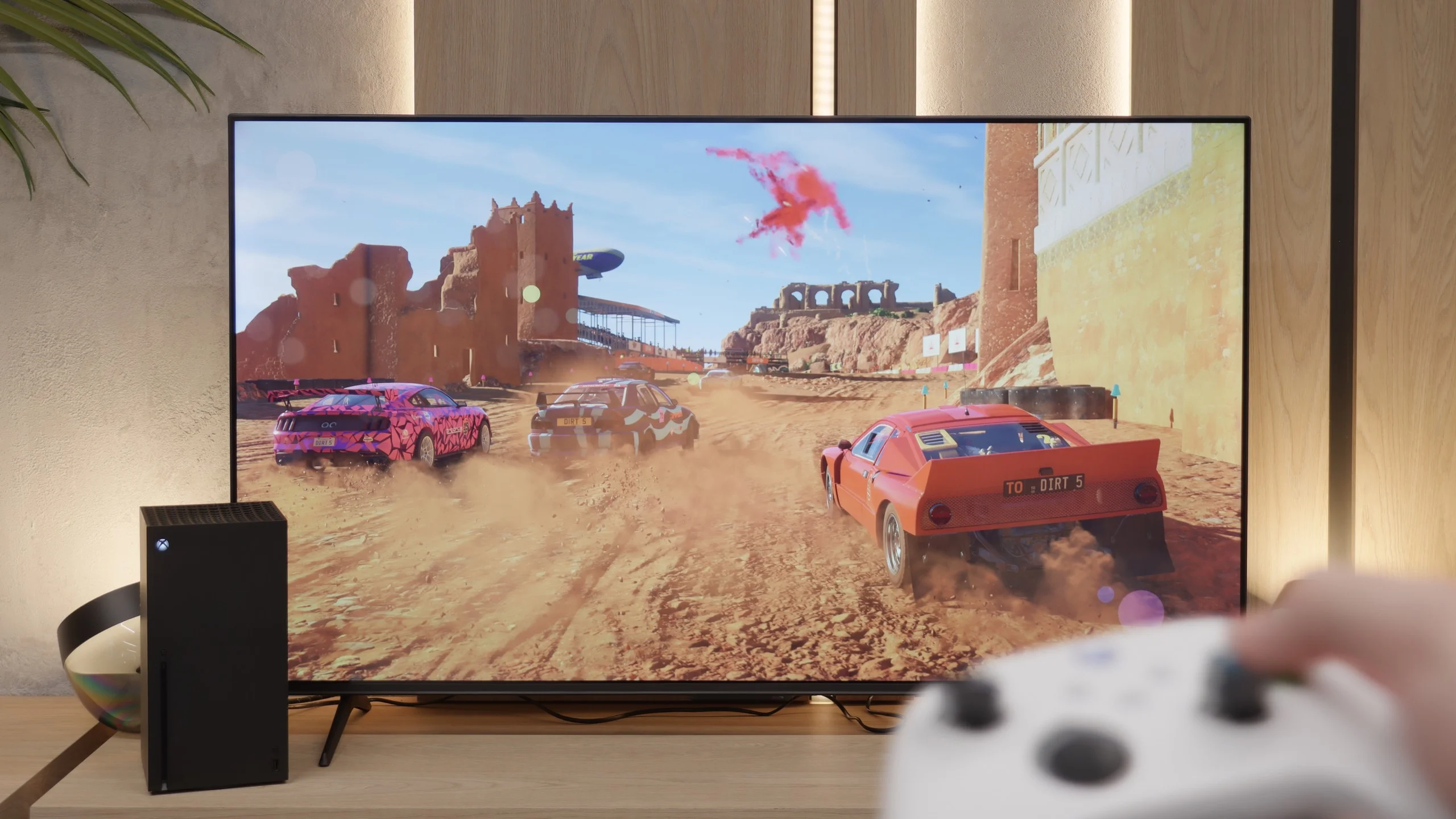
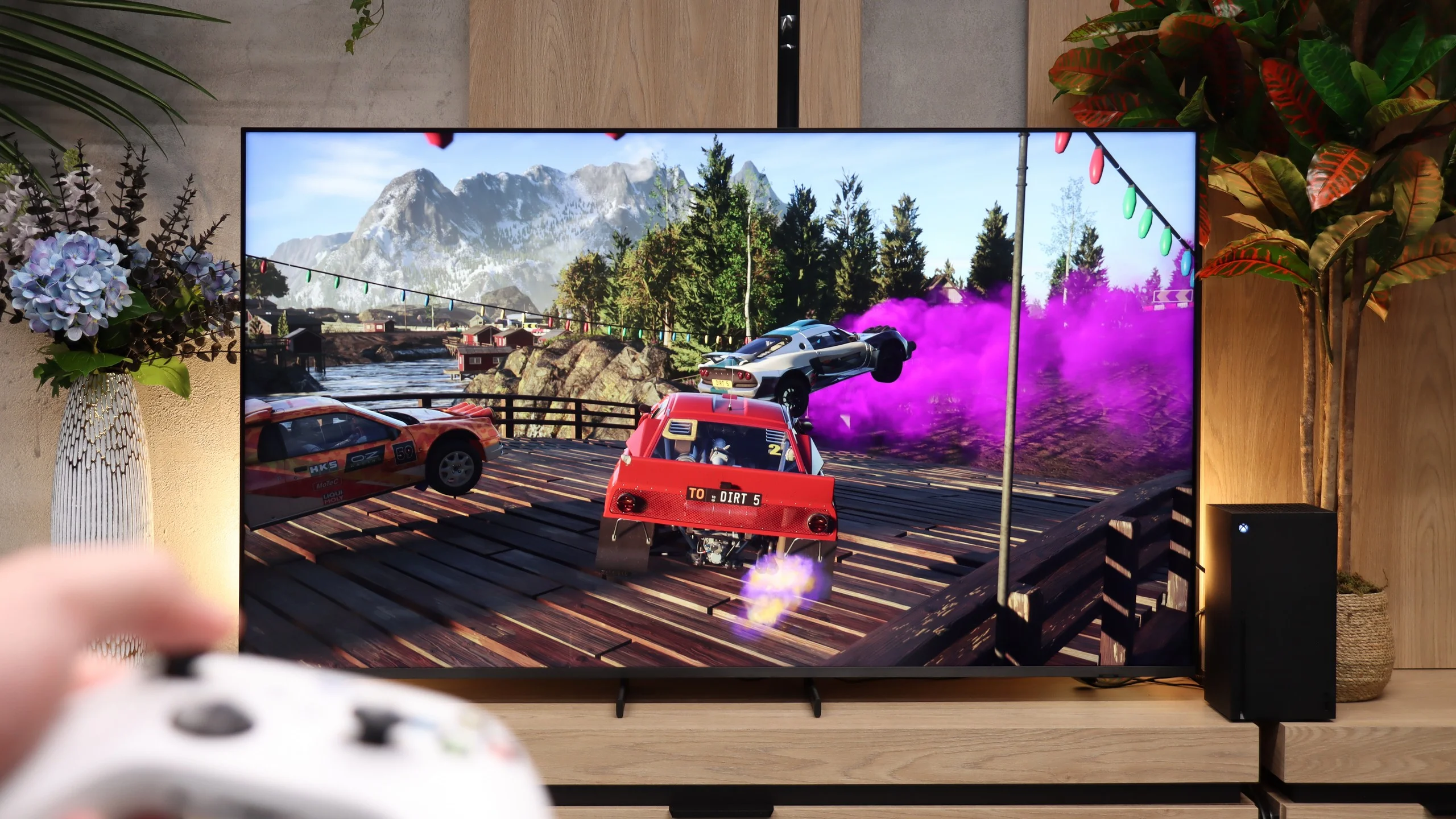
The E7Q PRO is a phenomenal screen for gamers. Aside from the typical "ache" of Hisense, which is the lack of support for the HGiG format due to permanently active tone mapping, we get practically everything one can expect from a television that is to have a gaming label. There are two HDMI 2.1 ports, along with a full set of key features. We have variable refresh rates, automatic switching to game mode, and support for 4K at 120 Hz. Additionally, all the most important settings are at hand in a clear Game Bar. This tool not only looks modern but also has a typically "gaming" edge and truly makes life easier while gaming.
The Samsung QN80H is a TV that stands out when it comes to gaming features. The biggest new addition for 2026 is DLG mode, which allows refresh rates of up to 240 Hz when the image is switched to Full HD. It's an option aimed mainly at PC users, but it also shows that Samsung is still heavily developing the gaming side of its TVs. However, the list of advantages doesn't end there. The QN80H has four full-fledged HDMI 2.1 ports, which is still not standard at this price point. So you can connect several consoles, a PC or a soundbar at the same time without having to wonder which port supports the full video capabilities. The TV also supports VRR, ALLM and HGiG, so it's hard to fault its basic feature set.
A downside is the lack of Dolby Vision, which may matter primarily to Xbox Series X owners. However, this is not a flaw that disqualifies the QN80H as a gaming TV. Samsung has a feature most manufacturers still lack: its proprietary motion smoothing, Game Motion Plus. It's a motion smoothing system that works in game mode too, allowing you to improve the smoothness of titles running at 30 or 60 frames per second without a drastic increase in input lag. In practice, Game Motion Plus can make a much bigger difference than the Dolby codec, especially in more demanding games that don't offer a 60 FPS mode. The image becomes noticeably smoother, while controls remain sufficiently responsive. So despite the lack of Dolby Vision, the QN80H remains one of the best-equipped gaming TVs in its class.
Input lag
9.8/10
10/10
SDR
HDR
Dolby Vision
Input lag performs very well. At 120 Hz, it drops below 10 ms, giving assurance that the television's response to our movements is practically instantaneous. In dynamic games, this is felt immediately; the controls remain responsive, and the delay does not interfere even in fast-paced titles focused on reflexes.
Input lag on the QN80H is at a very good level. In Game Mode the delay is around 10 ms, which is exactly what we expect nowadays from the best gaming TVs. In that respect it’s hard to fault Samsung. Controls are responsive, controller movement is instantaneous and even more demanding players should not experience any discomfort. With the aforementioned Game Motion Plus enabled, input lag increases to about 45 ms. Of course this is a higher value, but still small enough that in more relaxed role‑playing or adventure games the feature remains fully usable, especially since in return you get a much smoother picture.
Compatibility with PC
8.4/10
8.9/10
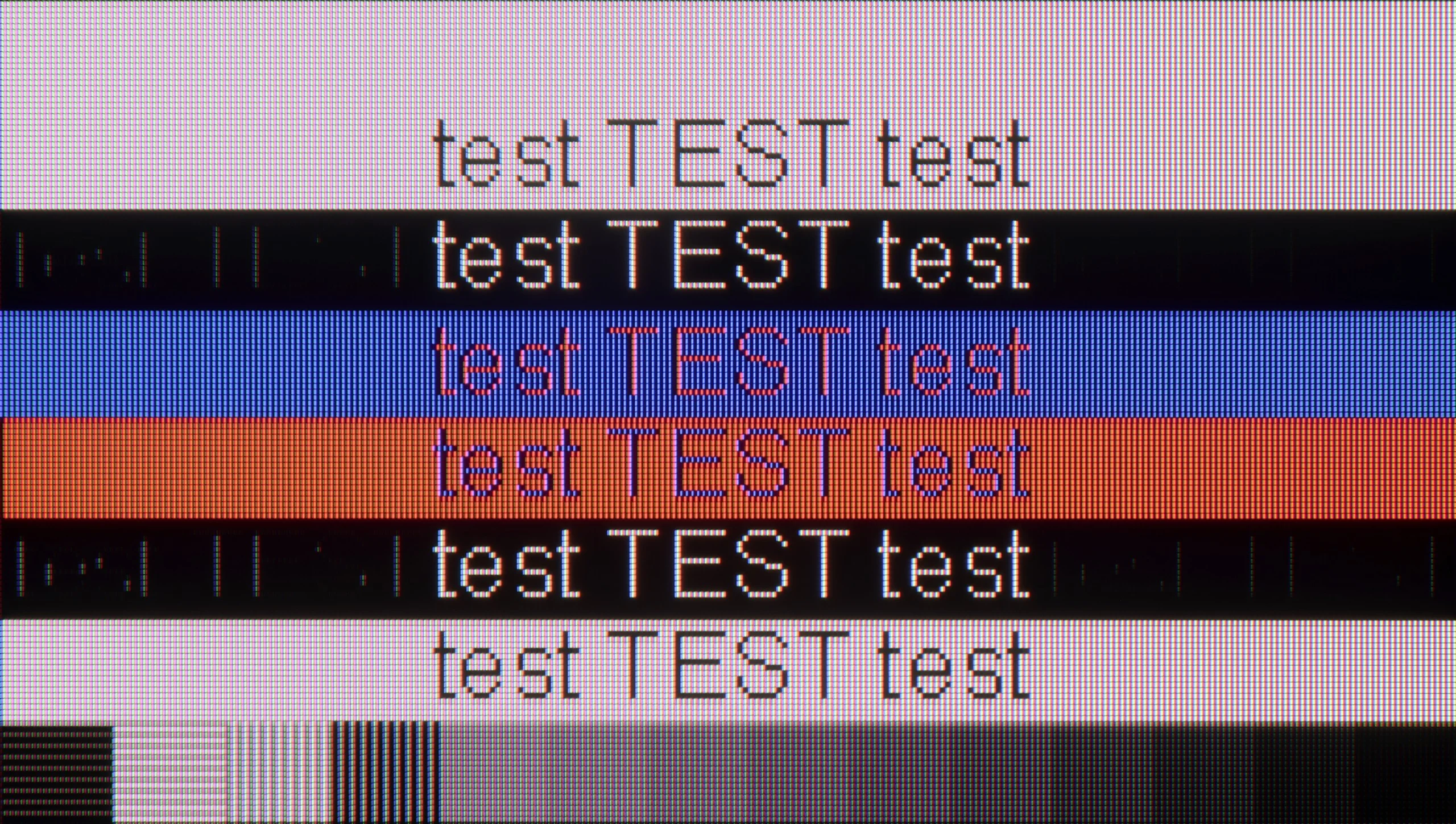
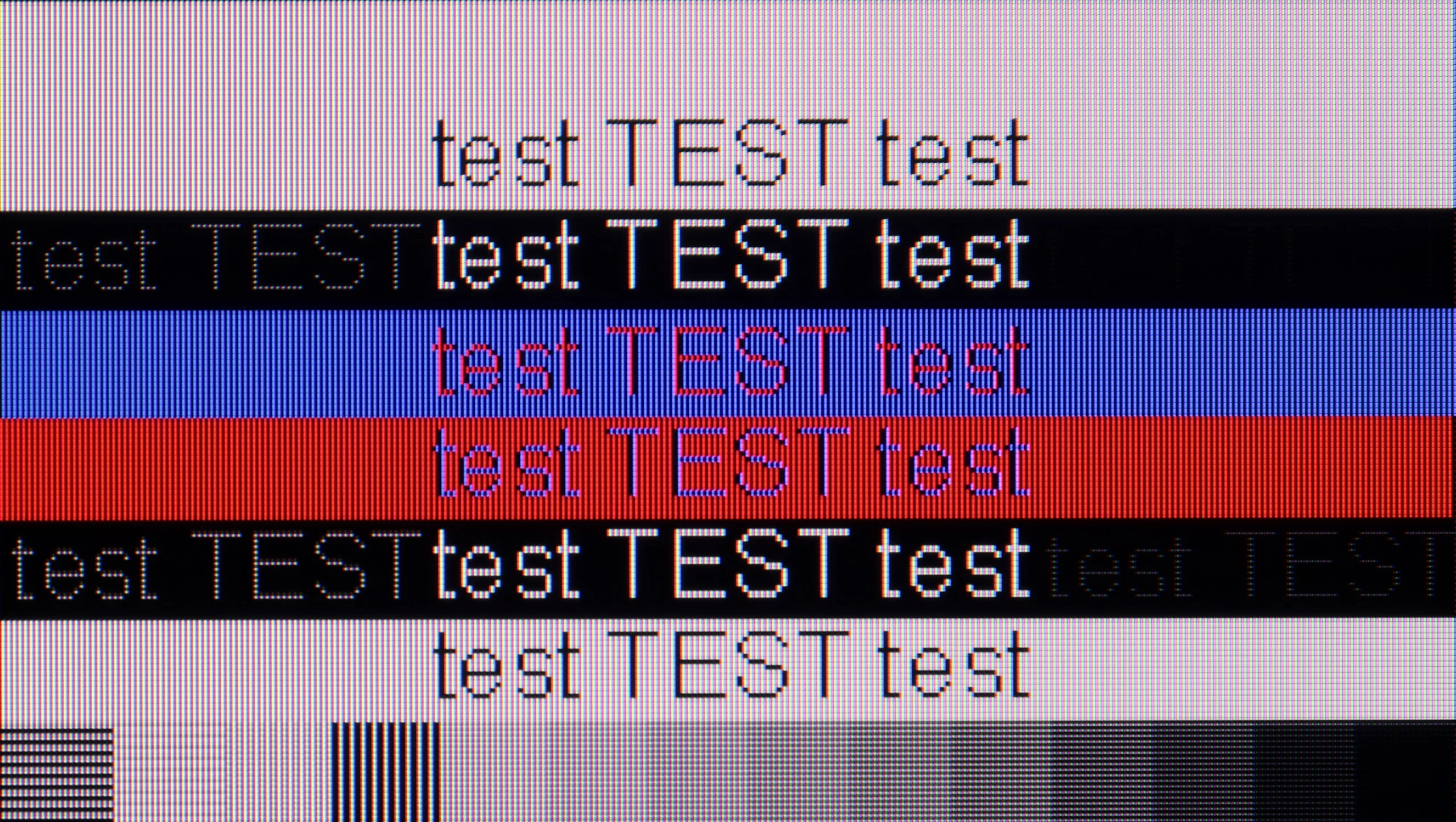
The photo shows the legibility of small fonts. Ideally, lines should be the same thickness on both light and dark text, with minimal pixel gaps.
Collaboration with a computer in the E7Q PRO performs exceptionally well, especially if we view this television as a large screen for gaming. We get support for variable refresh rates (G-Sync and FreeSync) and refresh rates of up to 144 Hz, so in fast-paced titles, the image can look very smooth and stable – at this price, it’s hard to have larger complaints. However, there is one clear downside. Regardless of the selected refresh rate, there are issues with the readability of very thin, dark text. On our unit, it would sometimes happen that mainly vertical “strokes” of letters were visible, making part of the text difficult to read, and at times even impossible to decipher. For gaming – fantastic. For text work on a dark background – it can become quite frustrating.
The Samsung QN80H will also easily serve as a large monitor. Aside from the already mentioned 144 Hz refresh rate in 4K (and as much as 240 Hz in Full HD!), the TV offers a full set of gaming features, which when connected to a computer provides plenty of scope. When used for text work, the QN80H also performs very well. The panel used here has a classic, standard RGB pixel layout. Fonts are sharp, clean and very legible. There is no sign of jagged letter edges or strange, coloured outlines around the text. Of course, few people will probably buy such a large TV solely for office work. It is worth knowing, however, that the QN80H will handle such tasks without the slightest hesitation.
Viewing angles
3.2/10
3.2/10
The viewing angles on the E7Q PRO are exactly as one would expect from a VA panel, and the tested 55-inch size utilises just such a panel. This means one thing. Sitting directly in front offers very good performance, but even a slight tilt to the side causes the image to start losing saturation and a noticeable amount of brightness. The E7Q PRO is no exception here, behaving typically for this technology. This is simply the price to pay for the high native contrast that VA can offer in exchange. One could say it is the opposite of IPS or ADS panels, which usually provide better angles but significantly poorer black levels and contrast.
Viewing angles are unfortunately the Achilles' heel of the VA panel used here. On the one hand this panel gives the QN80H higher contrast and better blacks, but on the other hand it produces a noticeably worse image when viewed off-axis than TVs with IPS or ADS panels. If you sit a little to the side, colours start to lose saturation and blacks become lighter. The picture remains readable, but it no longer looks as good as when viewed from straight on. Therefore the QN80H will perform best when most viewers sit as close to the centre of the screen as possible.
Daytime performance
4.7/10
5.8/10
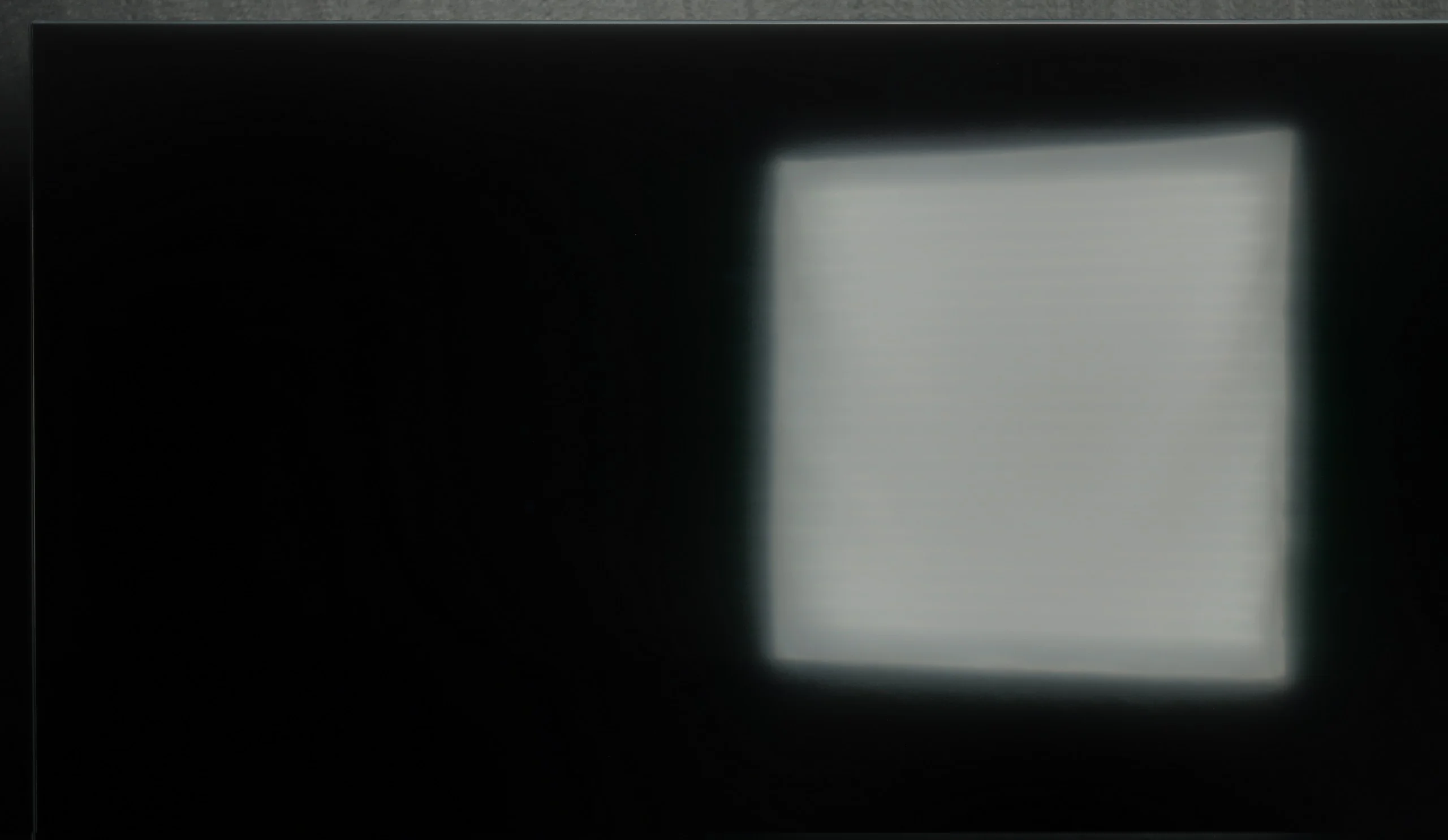
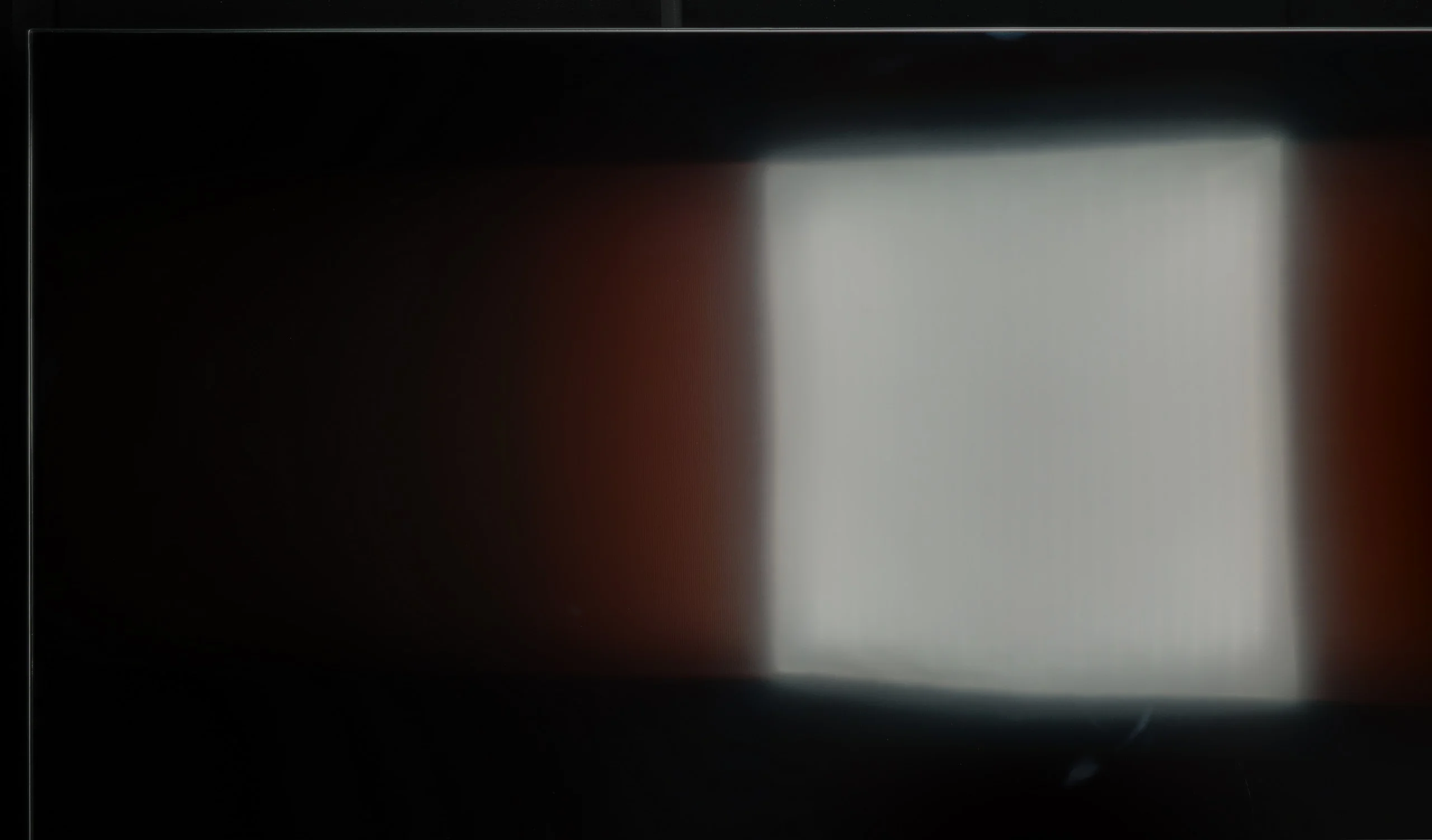
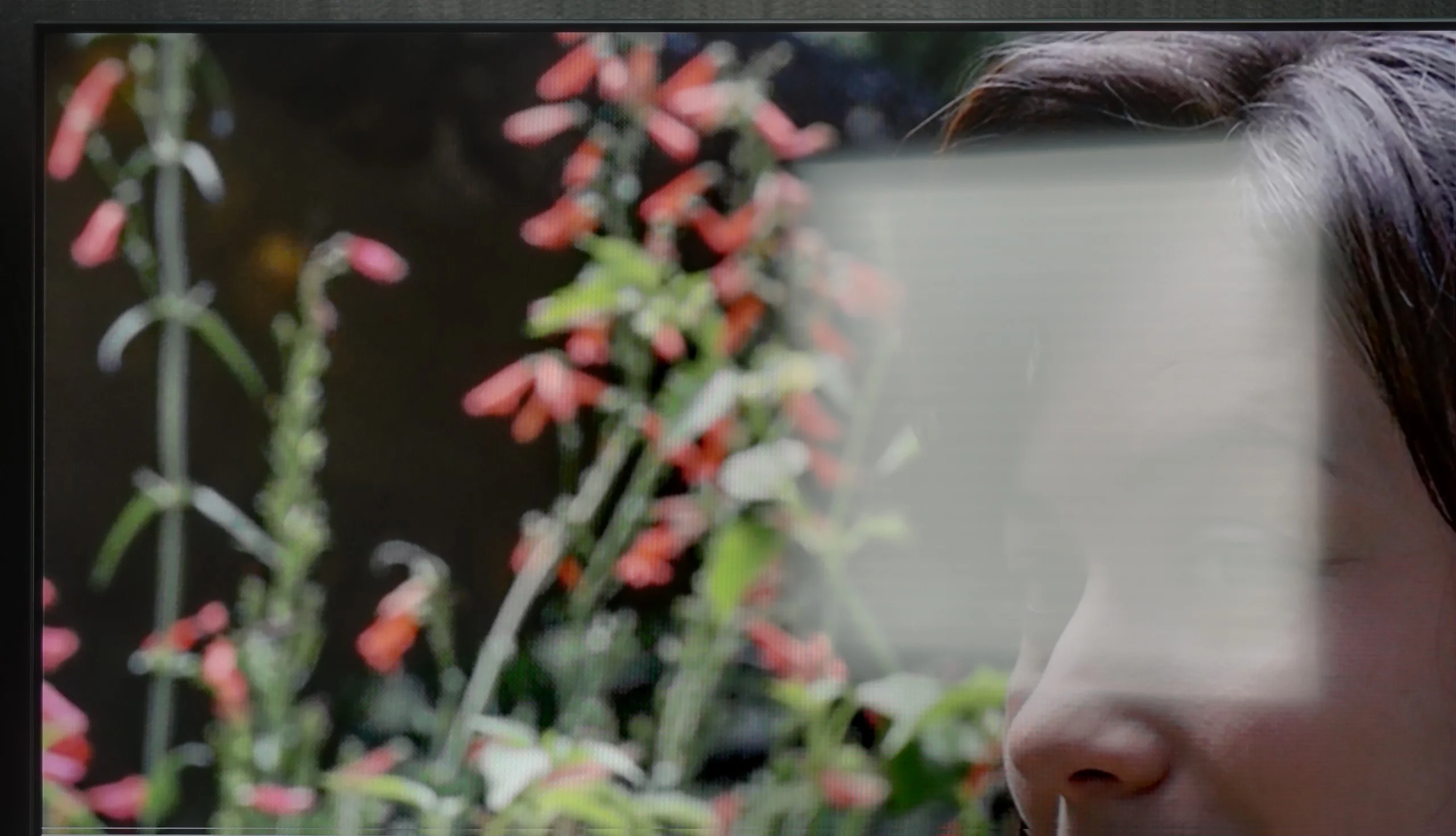
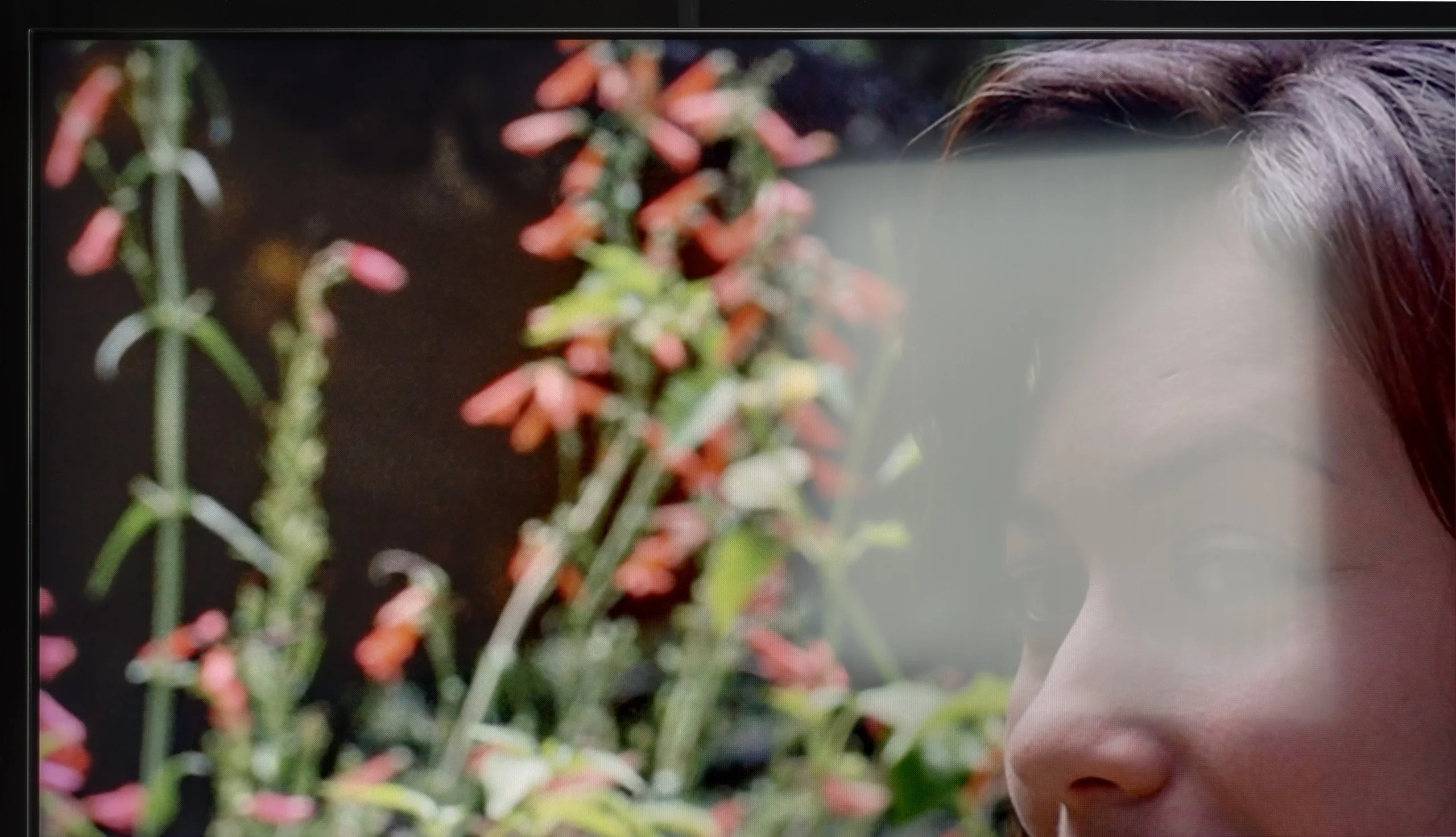
Panel brightness
Samsung QN80H: 459 cd/m2
Hisense E7Q PRO / E79Q PRO: 308 cd/m2
The performance of the television during the day in the E7Q PRO has one clear advantage, which is the satin coating of the panel. Reflections are suppressed quite adequately, and in practice, this is what saves this model the most in brighter environments. The problem is that the screen itself is not particularly bright, which means that in more challenging lighting conditions, the television may struggle to overcome daylight. For this reason, we would not recommend the E7Q PRO as the first choice for very bright living rooms.
*However, it is worth adding an important exception. The 100-inch version performs significantly better here. It is equipped with a matte panel and is noticeably brighter. So if someone is wondering how 100 inches compares to the smaller sizes of this model, the answer is simple. Definitely better, especially in daytime use.
In terms of brightness for everyday SDR content the Samsung QN80H is a fairly modest television. In typical material it reaches around 460 nits. That may not be a record result, but it's easily enough for watching in a normally lit living room. However, the screen coating is less impressive. It's satin, so it copes with reflections better than a typical glossy panel, but it can still show them quite clearly. What is more, in this respect the QN80H performs a little worse than last year's QN80F. While there should be no problems in a moderately bright room, a large window (or a lamp) placed directly opposite the television can be highly distracting during viewing.
Panel details
Subpixel Structure:
Panel uniformity and thermal imaging:

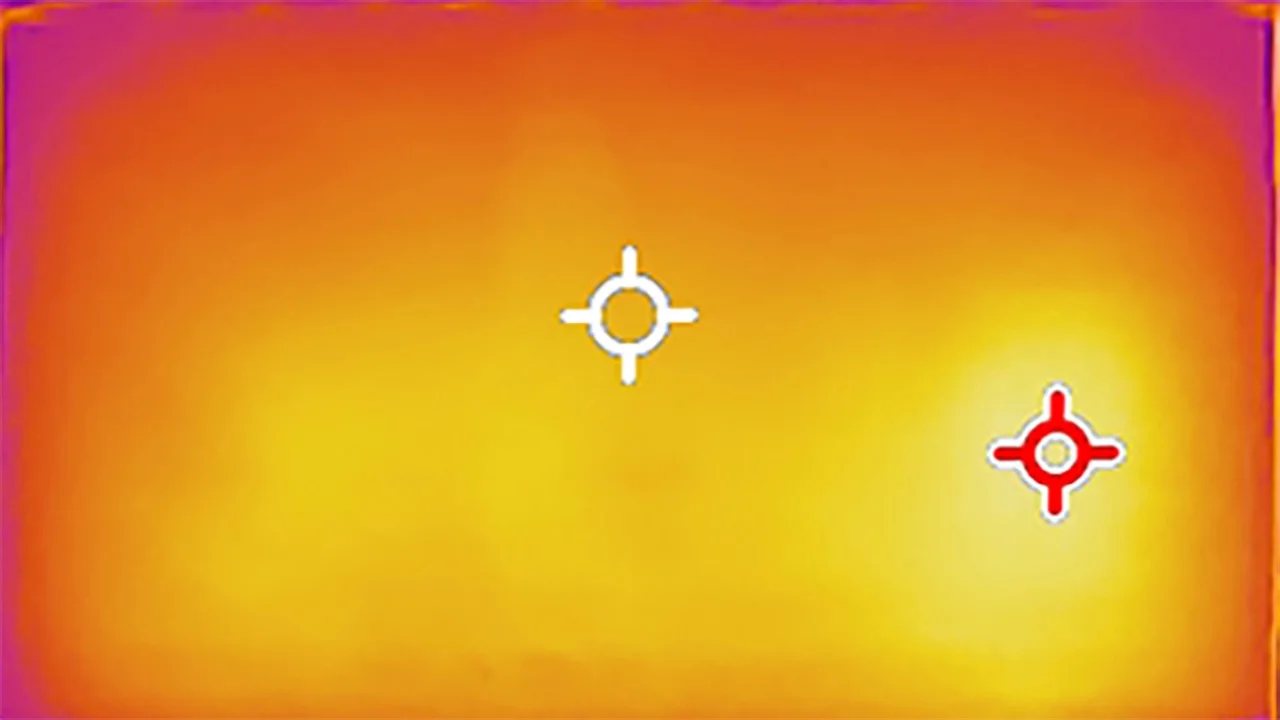
Hisense E7Q PRO / E79Q PRO
Samsung QN80H
TV features
7.8/10
7.3/10
- SystemVIDAATizen
- System performanceGoodVery good
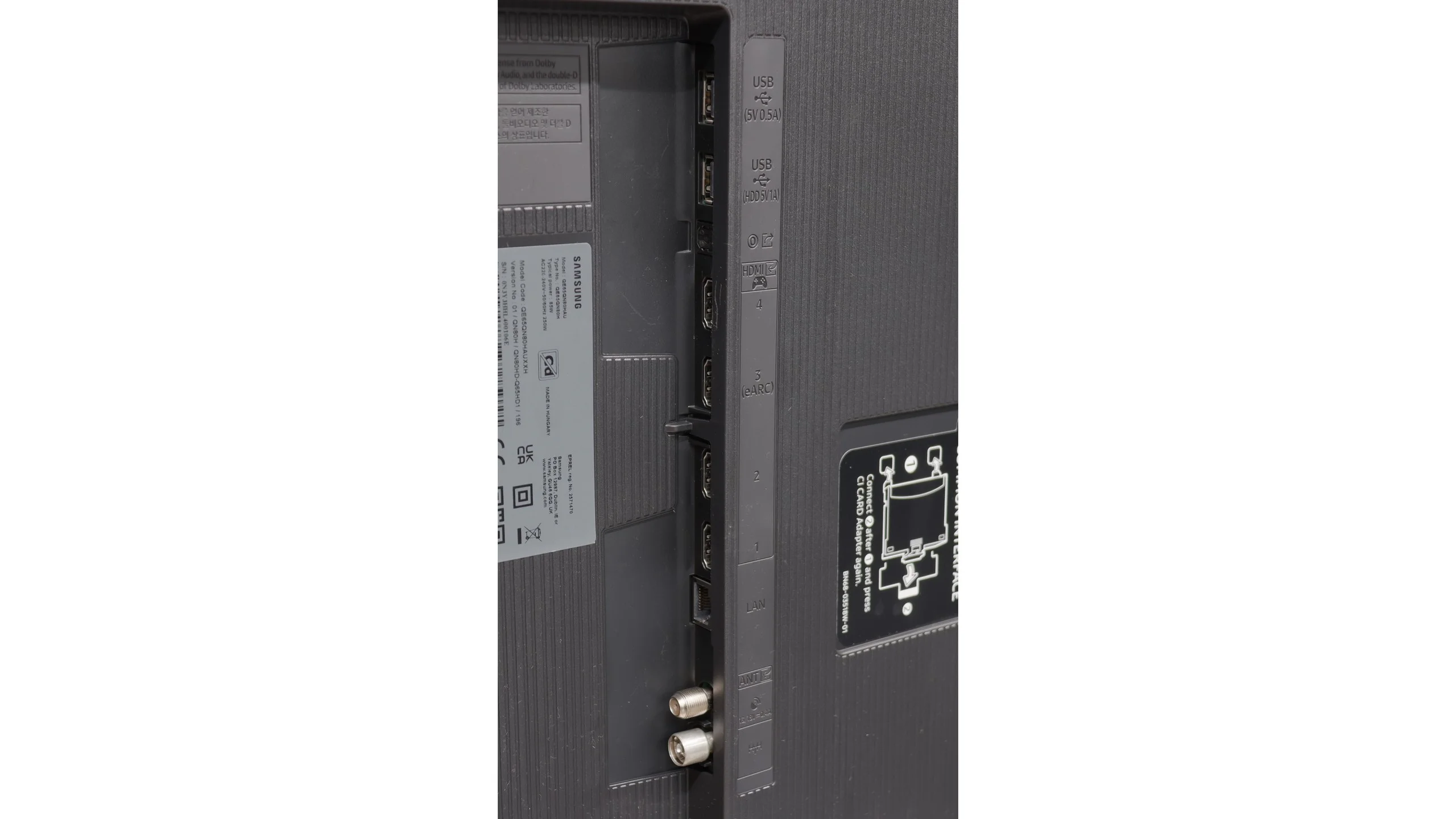
- HDMI inputs1 x HDMI 2.0, 2 x HDMI 2.1 48Gbps0 x HDMI 2.0, 4 x HDMI 2.1 48Gbps
- Other inputsRCA (Chinch)
- OutputsToslink (Optical audio), eARC (HDMI), ARC (HDMI), Mini-Jack (Headphones)Toslink (Optical audio), eARC (HDMI), ARC (HDMI)
- Network InterfacesWi-Fi 2.4GHz, Wi-Fi 5GHz, Ethernet (LAN) 100MbpsWi-Fi 2.4GHz, Wi-Fi 5GHz, Ethernet (LAN) 100Mbps
- TV receptionDVB-T, DVB-T2, DVB-S, DVB-S2, DVB-CDVB-T, DVB-T2, DVB-S, DVB-S2
Classic features:
- Recording to USB (terrestrial TV)
- Recording programming
- Picture in Picture (PiP)
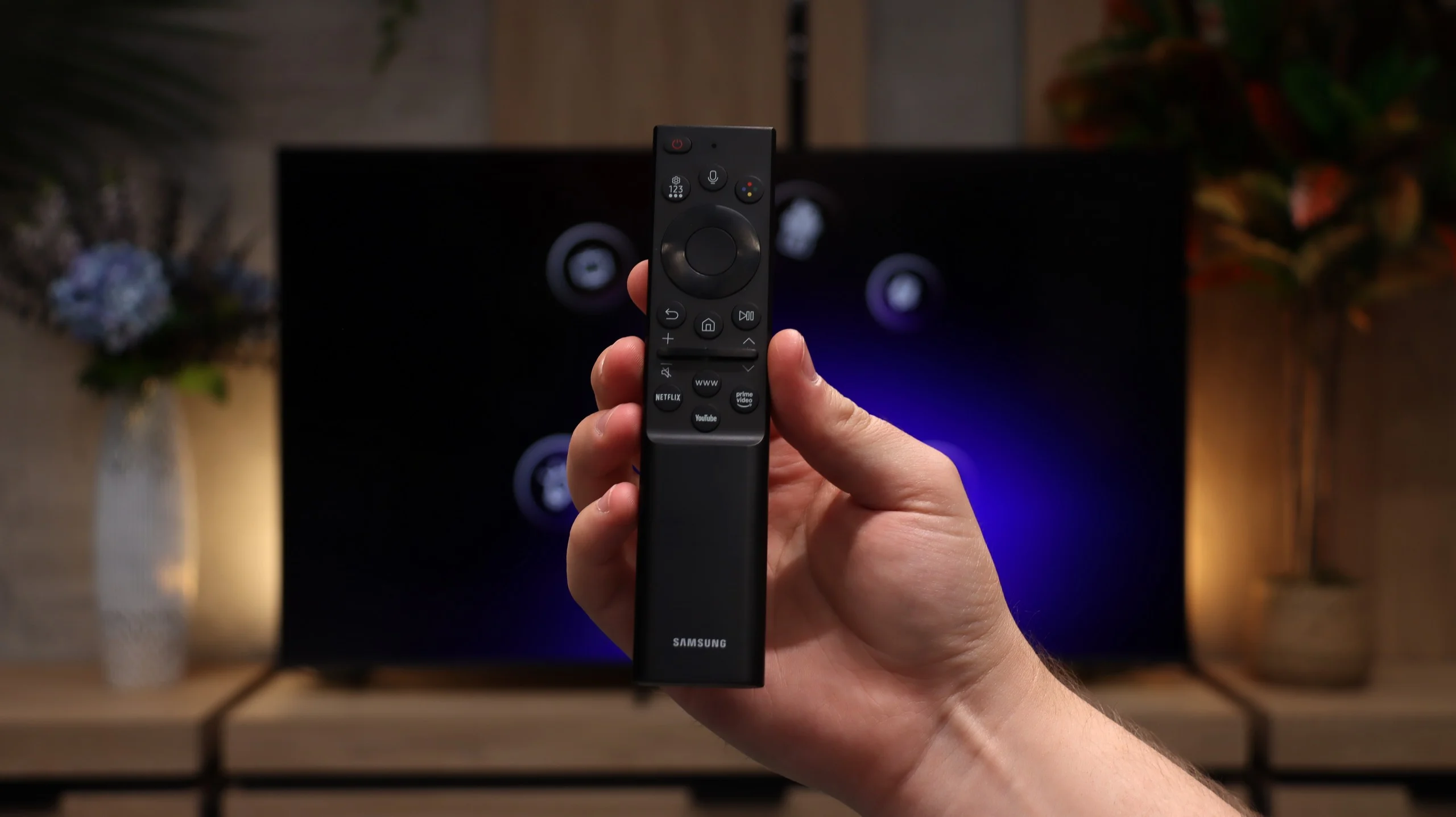
- RF remote control (no need to aim)
- Backlit remote control
- Teletext
- Audio only mode
- Bluetooth headphones support
- Simultaneous Bluetooth headphones & TV audio
Smart features:
- AirPlay
- Screen mirroring (Windows Miracast)
- Voice search
- Voice search in native language
- Ability to connect a keyboard and mouse
Sound connection options
- HDMI audioeARC (HDMI), ARC (HDMI)eARC (HDMI), ARC (HDMI)
- Other audio outputsToslink (Optical audio), Mini-Jack (Headphones)Toslink (Optical audio)
- Wireless audioBluetoothBluetooth
Supported audio formats (external HDMI eARC audio):
- Dolby Digital Plus 7.1
- Dolby True HD 7.1
- Dolby Atmos in Dolby Digital Plus (JOC)
- Dolby Atmos in Dolby True HD
- DTS:X in DTS-HD MA
- DTS-HD Master Audio
Senior accessibility
- Numeric keyboard on TV
- Font size adjustment
- Audio description
Smart Functions
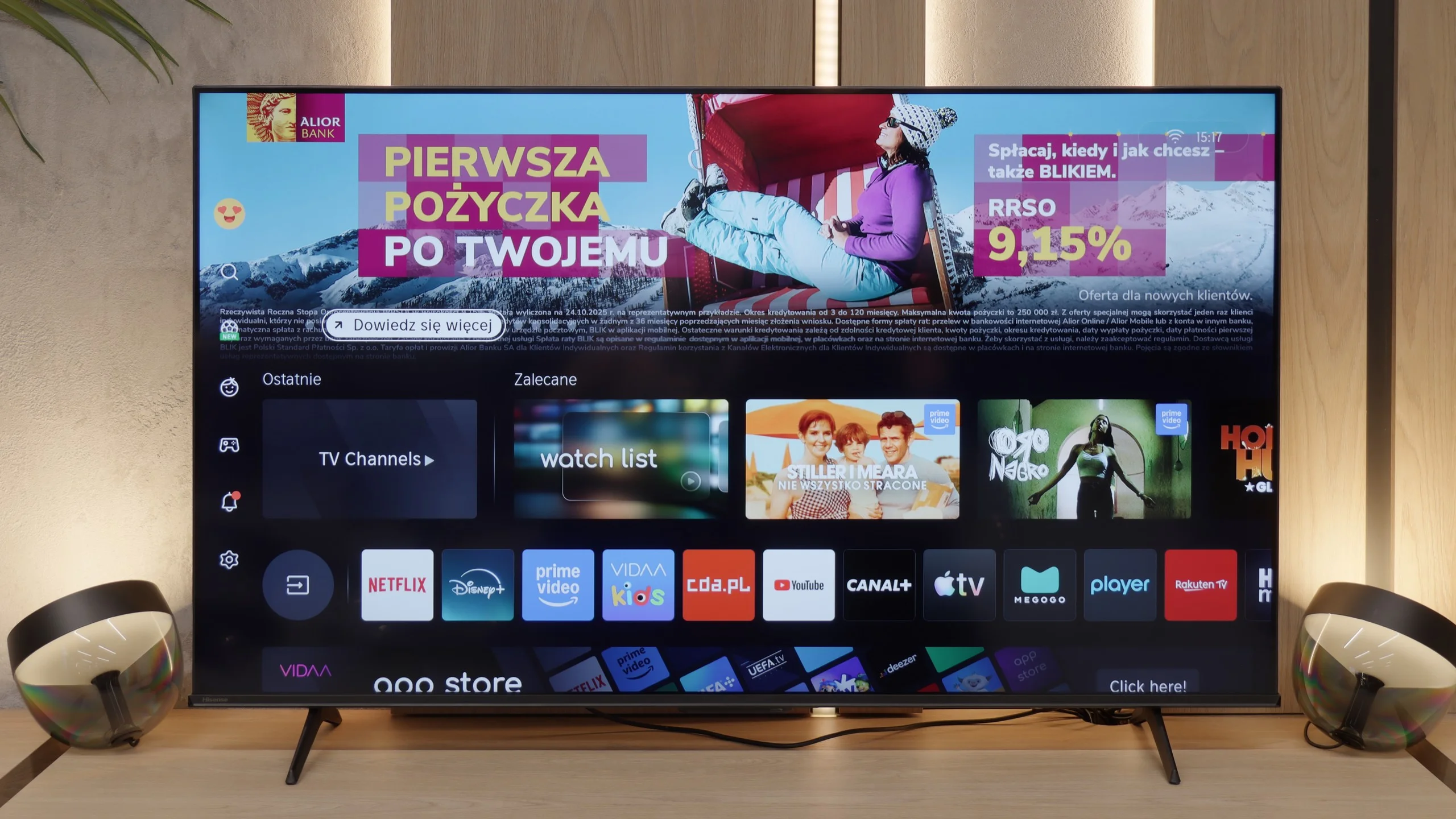
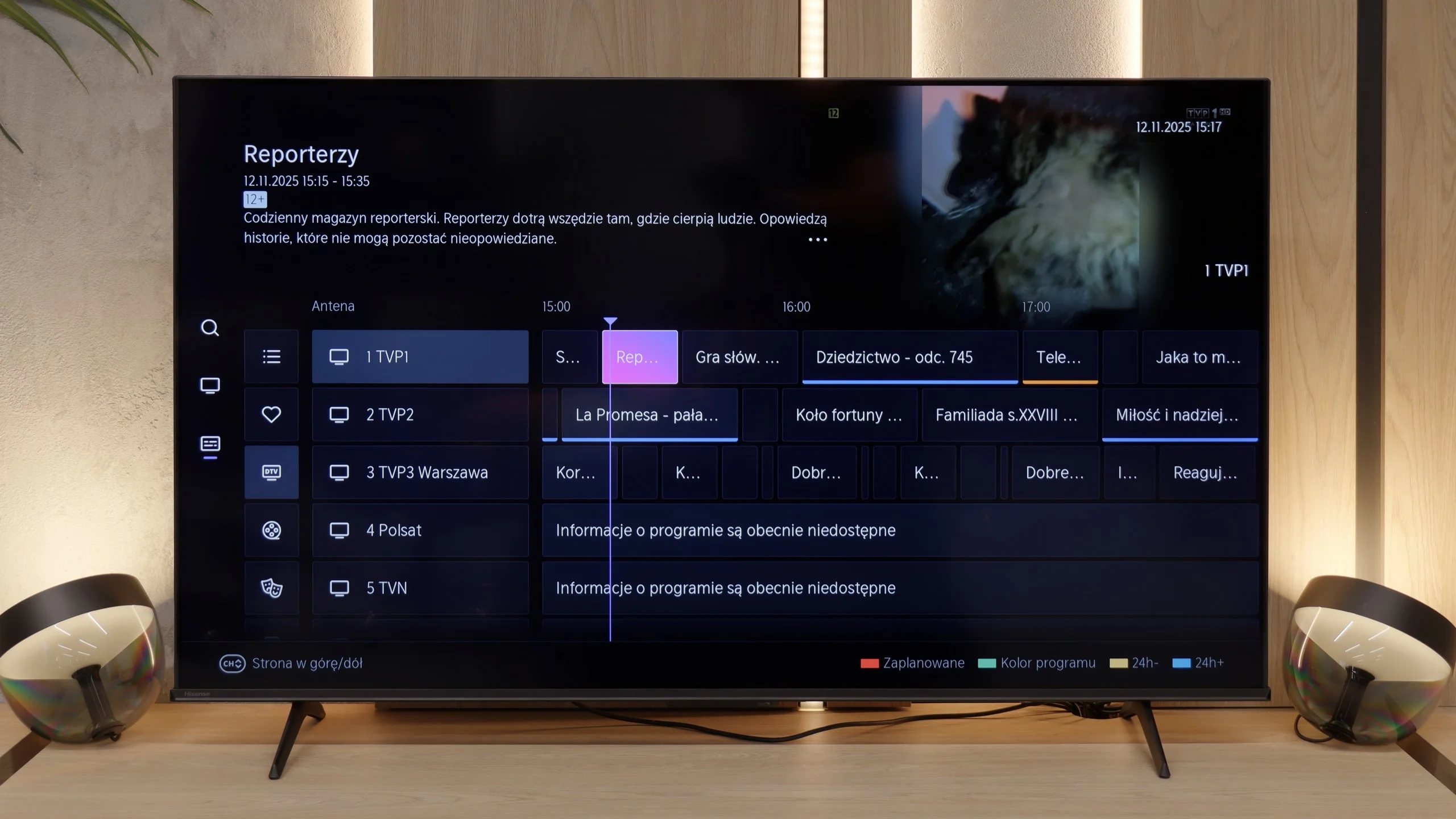
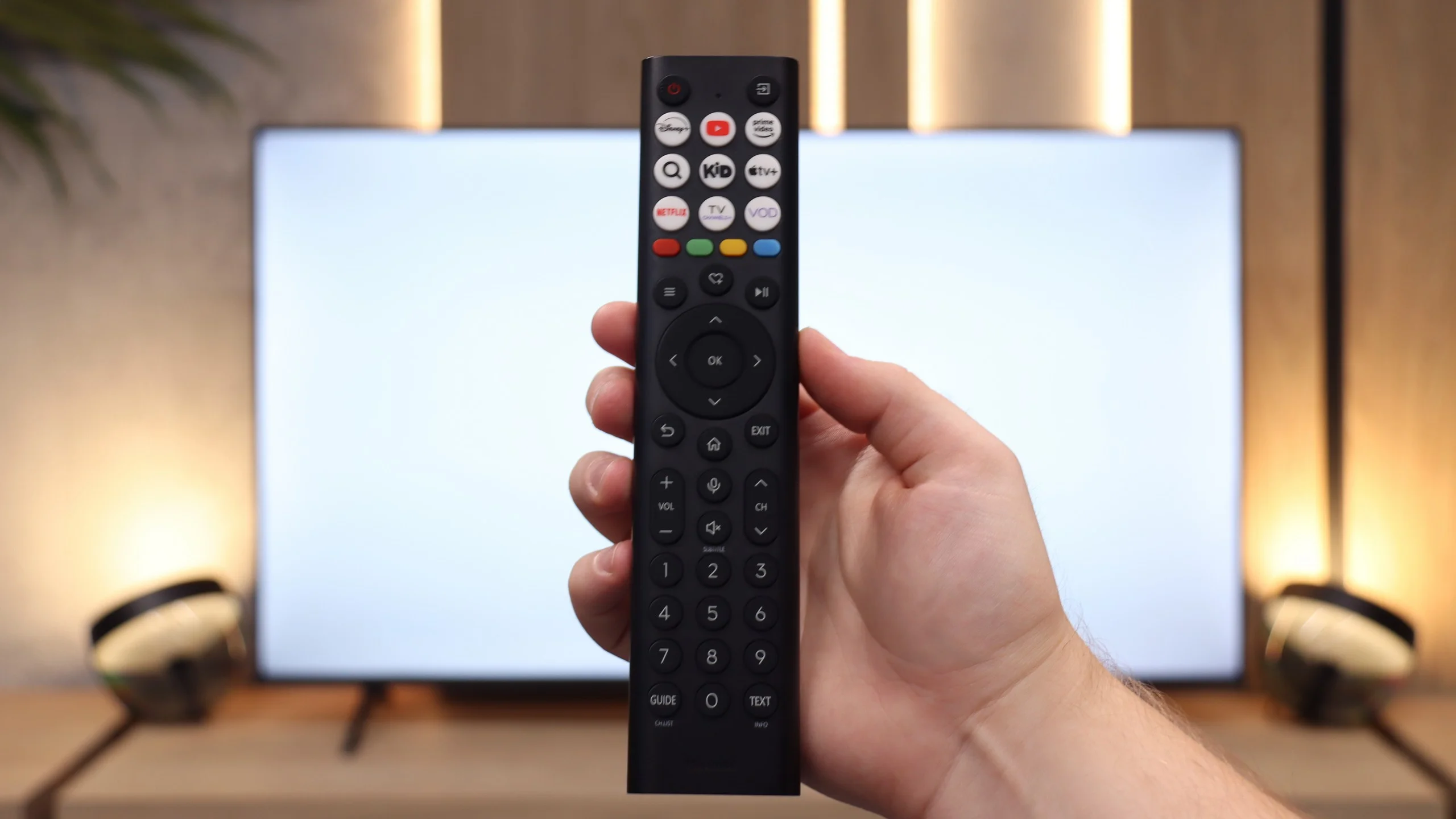
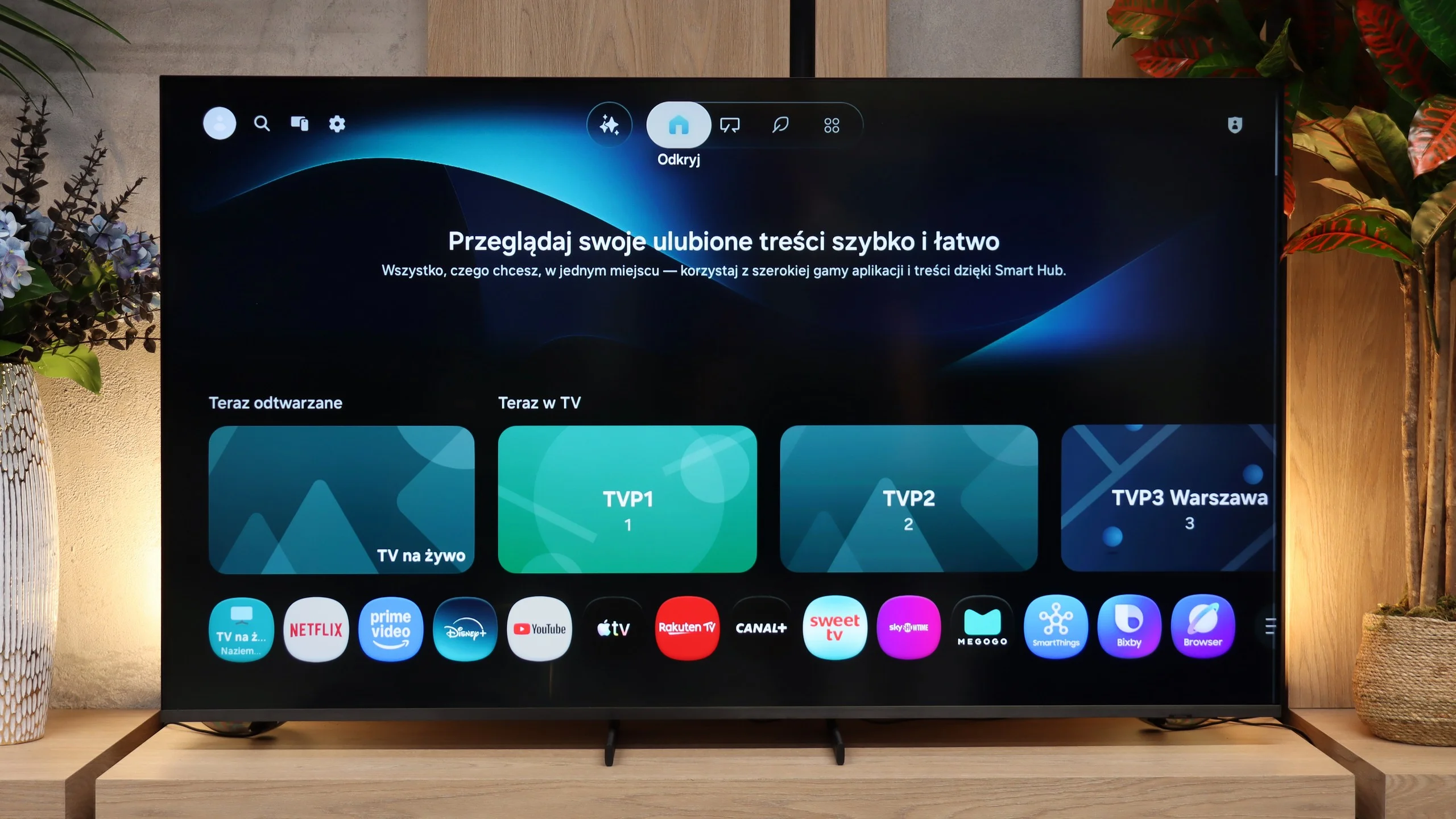
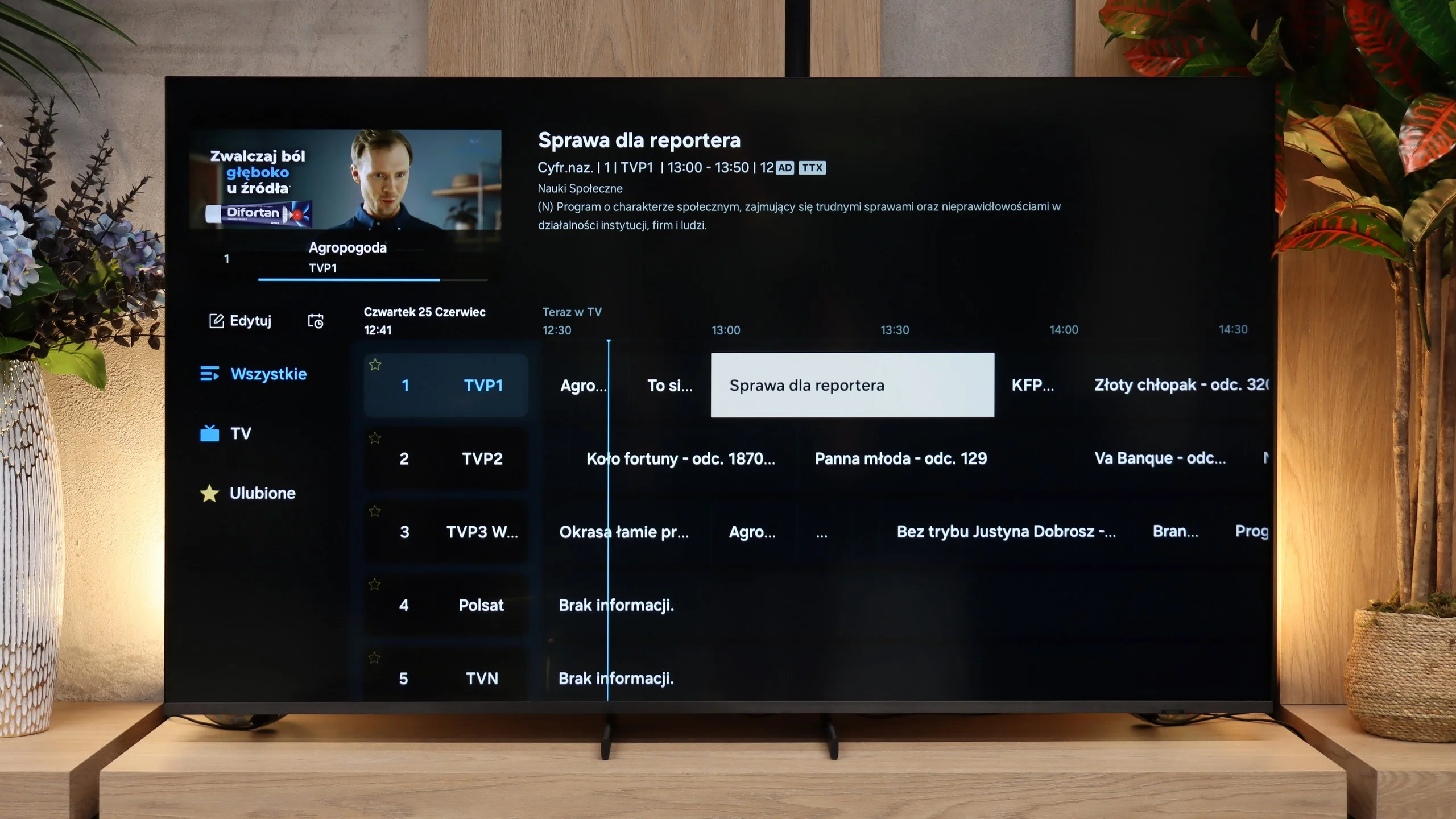
When it comes to the features of the television and the Smart TV system, VIDAA on the E7Q PRO operates quickly and stably. The menu responds promptly, applications launch without annoying stutters, and overall it feels polished. It includes all the most important smart features, such as AirPlay, screen mirroring, and even voice search functioning in Polish. From the perspective of everyday use, it's hard to speak of shortcomings, at least at first glance. However, the biggest drawback of the VIDAA system remains the lack of music applications. This is something we are still waiting for, and we hope it will appear over time, as then the system would be almost complete.
Classic Functions
A considerable surprise, and at the same time disappointment, is also the absence of USB recording function. In more expensive 2025 models from Hisense, this option is already available, while the E7Q PRO has been deprived of it. A small consolation is the presence of analogue audio inputs, which can still be useful for users with older equipment. However, one must keep in mind that in this version of VIDAA, available on the E7Q PRO, there is simply no USB recording.
Smart TV: Tizen
Samsung QN80H traditionally runs on Samsung's proprietary Tizen platform. This software is strongly focused on AI-based solutions and a whole range of other modern features. So things like AirPlay and phone screen mirroring (Screen Mirroring) work here without any problem. The system itself is fast, menu animations are smooth, and that's a clear plus. Tizen also includes many of Samsung's own solutions, led by the SmartThings app, which lets you conveniently manage smart devices throughout the home. Everything is controlled with a small, intuitive remote. Another major advantage is that Tizen is currently one of the longest-supported Smart TV platforms on the market. Samsung states it will support the device for up to 7 years from its launch.
Classic features
The situation is worse when it comes to more traditional TV features. What's missing? The QN80H doesn't allow recording TV programs to USB storage, so it lacks PVR functionality. There is also no classic remote with a numeric keypad, which may bother people who still like to change channels directly using numbers (without a set-top box). In this year's "80" series PIP is also missing, which was present in earlier models. So there's no way to display two images at once. It's clear that Samsung today is focusing more on online features than on solutions aimed at traditional TV users.
Apps
7.7/10
9.3/10






















Playing files from USB
8.5/10
9.1/10
Supported photo formats:
Maximum photo resolution:
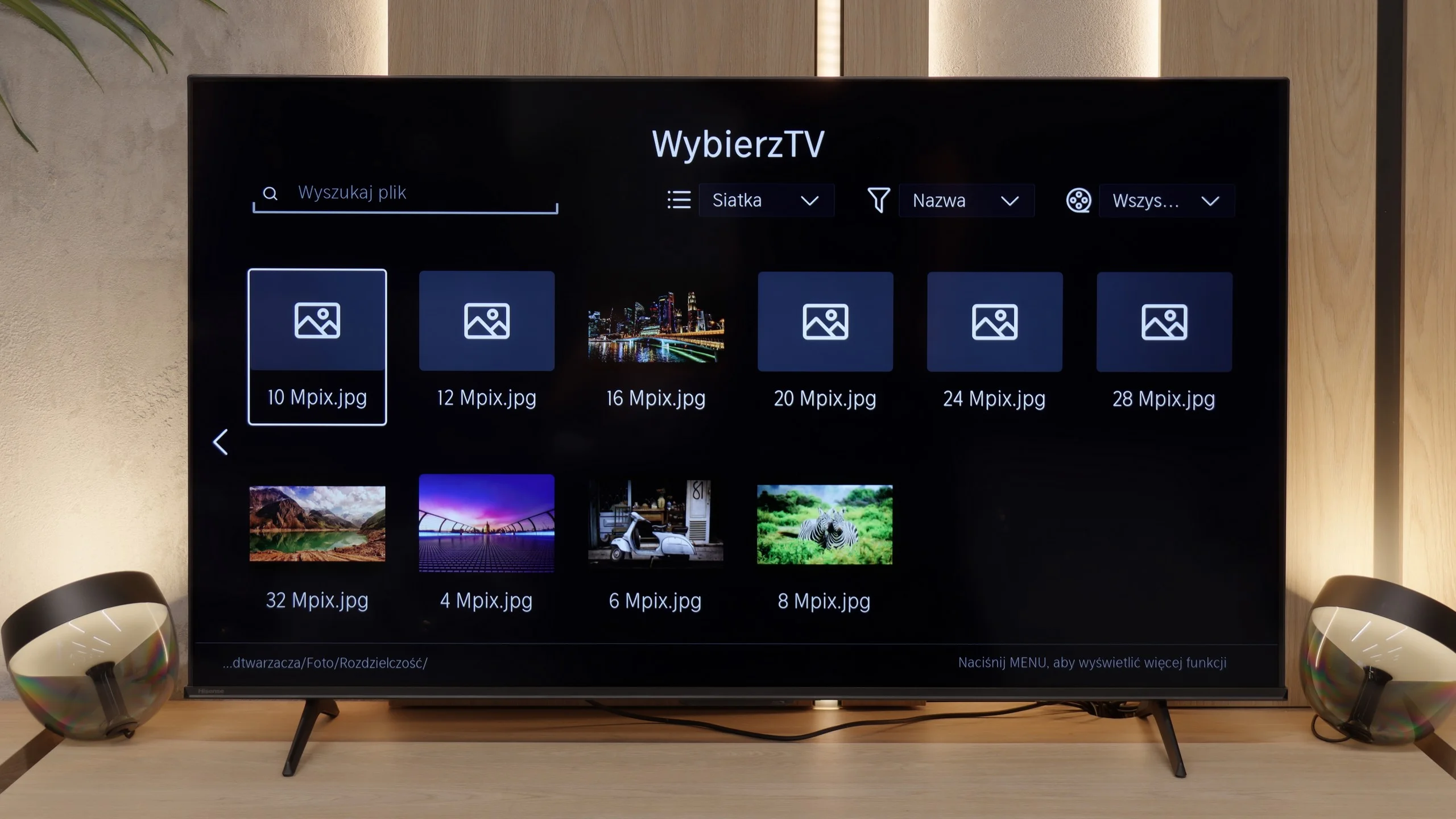
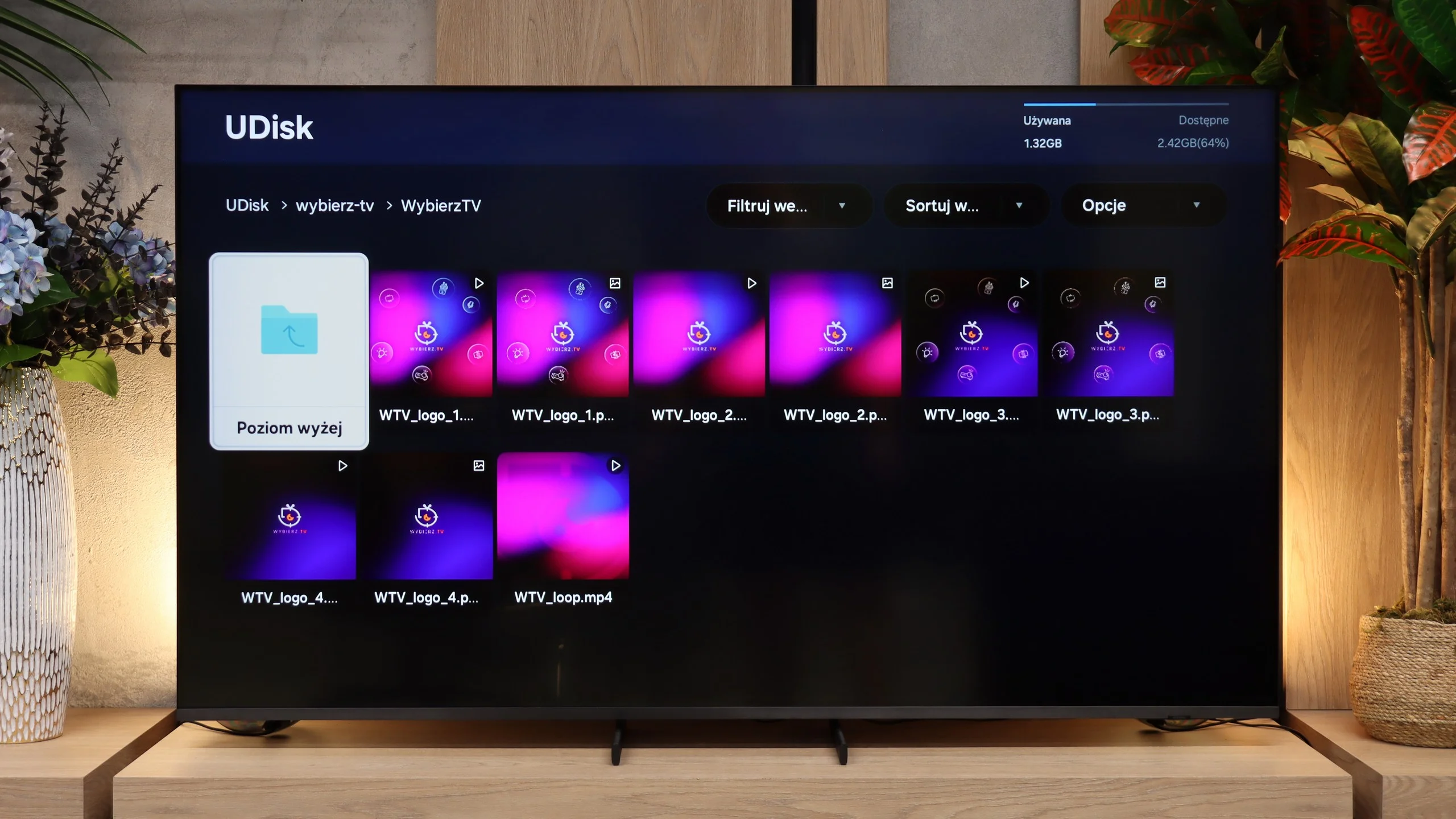
The built-in media player works quite well in the E7Q PRO. For everyday, home use, it should be more than sufficient, as it opens most popular audio, video, and image formats without significant issues. If someone occasionally puts a film on a USB drive or plays family materials, they are unlikely to have any complaints. The biggest surprise for us was the photo player. For some reason, it refused to launch certain files at specific resolutions. Therefore, when planning a photo exhibition from a USB drive, it's worth making sure in advance that the photographs are saved in a resolution that the TV accepts without any problems.
The built-in media player on the QN80H works very well. If you connect a USB stick or an external USB drive, you shouldn't have any major problems playing your own content. The TV supports most popular video, audio and photo formats. The only thing missing for it to be ideal is broader support for less common image formats. A good example is HEIC, which is often used by Apple devices. The QN80H may not be able to open such files.
Sound
6.4/10
7.1/10
- Maximum volume83dB86dB
- Dolby Digital Plus 7.1
- Dolby True HD 7.1
- Dolby Atmos in Dolby Digital Plus (JOC)
- Dolby Atmos in Dolby True HD
- DTS:X in DTS-HD MA
- DTS-HD Master Audio
The sound on the E7Q PRO has one significant advantage. It plays consistently, clearly, and understandably, especially when it comes to dialogue. When watching television, news, or series, you can be sure that the words do not get lost in the background, and there's no need to turn up the volume every so often. There are also drawbacks, typical of budget constructions. It lacks depth, and the bass is virtually non-existent, which means that films and music do not have the "weight" that better audio can provide. In return, the E7Q PRO makes up for it with compatibility. The television supports most popular audio formats, including Dolby Atmos and DTS:X, so regardless of the source, we can easily transmit the sound to external equipment in the appropriate format, without unnecessary complications.
In terms of audio the Samsung QN80H sounds relatively decent. The 2.0 speaker setup with a total power of 30 W isn't exactly spectacular compared with flagship models, but it's perfectly adequate for everyday TV watching, the news or basic TV series. If, however, you want a more cinematic experience, the set offers full support for Dolby Atmos. By connecting a suitable soundbar or speakers you can expect a more spacious sound. Additionally, Samsung supports Q-Symphony, which allows simultaneous playback from the TV's speakers and a compatible soundbar.
An interesting new feature is one based on artificial intelligence. It's a special sport-watching mode called "Football AI". It was created to use sliders to artificially boost the commentator's voice above the stadium noise or... quite the opposite: mute it and leave only the crowd. Although the algorithm can be a little "clumsy" at times, this feature can be a lifesaver. Especially if you happen to tune into a match with a commentator you particularly can't stand... 😉
Sound Quality Test
Acoustic Measurements
83dBC (Max)
75dBC
86dBC (Max)
75dBC
Reader comments
Comments are provided by the external service Disqus (Zeta Global). Once loaded, Disqus may set cookies and process data about your activity.
We will remember your choice on this device. Provider's privacy policy