The Hisense E7Q / E79Q is a type of television that does not promise miracles – and maybe that’s why it can pleasantly surprise. It doesn’t try to pretend to be high-end equipment, it just does its job. If you are looking for a cheap screen for everything, that can handle Netflix, a console, and early morning YouTube with coffee, then this model makes a lot of sense. The VIDAA system has been maturing for several years, and it shows that the manufacturer is drawing conclusions. We have AirPlay, screen mirroring, voice search in Polish – everything works, maybe not at lightning speed, but smoothly enough not to be irritating. You won’t find thousands of apps like in Google TV, but the most important ones are at hand. It’s a system meant to be simple and practical, rather than overloaded with unnecessary gimmicks – and in that sense, it really holds up. There’s something interesting for gamers too. The E7Q / E79Q offers low input lag, an automatic low latency mode (ALLM), support for VRR up to 60 Hz, and even a 120 Hz mode in 1080p resolution. This is not a screen for hardcore e-sports enthusiasts, but if you simply enjoy firing up the console in the evening and playing a few rounds, this television will do its job without complaint. And how about the picture quality? We won’t deceive you – it’s not spectacular, but there are also no reasons to complain. A brightness level of around 350 nits won’t impress, however, the contrast thanks to the VA panel can really surprise positively. The black is quite deep, and the colours have a pleasant intensity, especially in SDR mode. It’s a bit of a shame that Dolby Vision adds little – because if it worked as it should, we would have a television that could confidently be recommended for HDR viewing as well. On the other hand, it’s hard to expect that in this price range. It’s simply a fair, well-priced screen that doesn’t try to be a star, but is capable of delivering solid picture quality and surprisingly good features. And although it’s not perfect, after a few days of use, it’s hard not to think: “Wow, this cheap Hisense really does deliver.”
- Matching (Score) |
- Our verdict |
- TV appearance |
- Where to buy |
- Contrast and black detail |
- HDR effect quality |
- Factory color reproduction |
- Color reproduction after calibration |
- Smoothness of tonal transitions |
- Image scaling and smoothness of tonal transitions |
- Blur and motion smoothness |
- Console compatibility and gaming features |
- Input lag |
- Compatibility with PC |
- Viewing angles |
- Daytime performance |
- Panel details |
- TV features |
- Apps |
- Playing files from USB |
- Sound
Hisense E7Q / E79Q vs Philips OLED811
 Direct comparison
E7Q / E79Q

OLED801 / OLED811
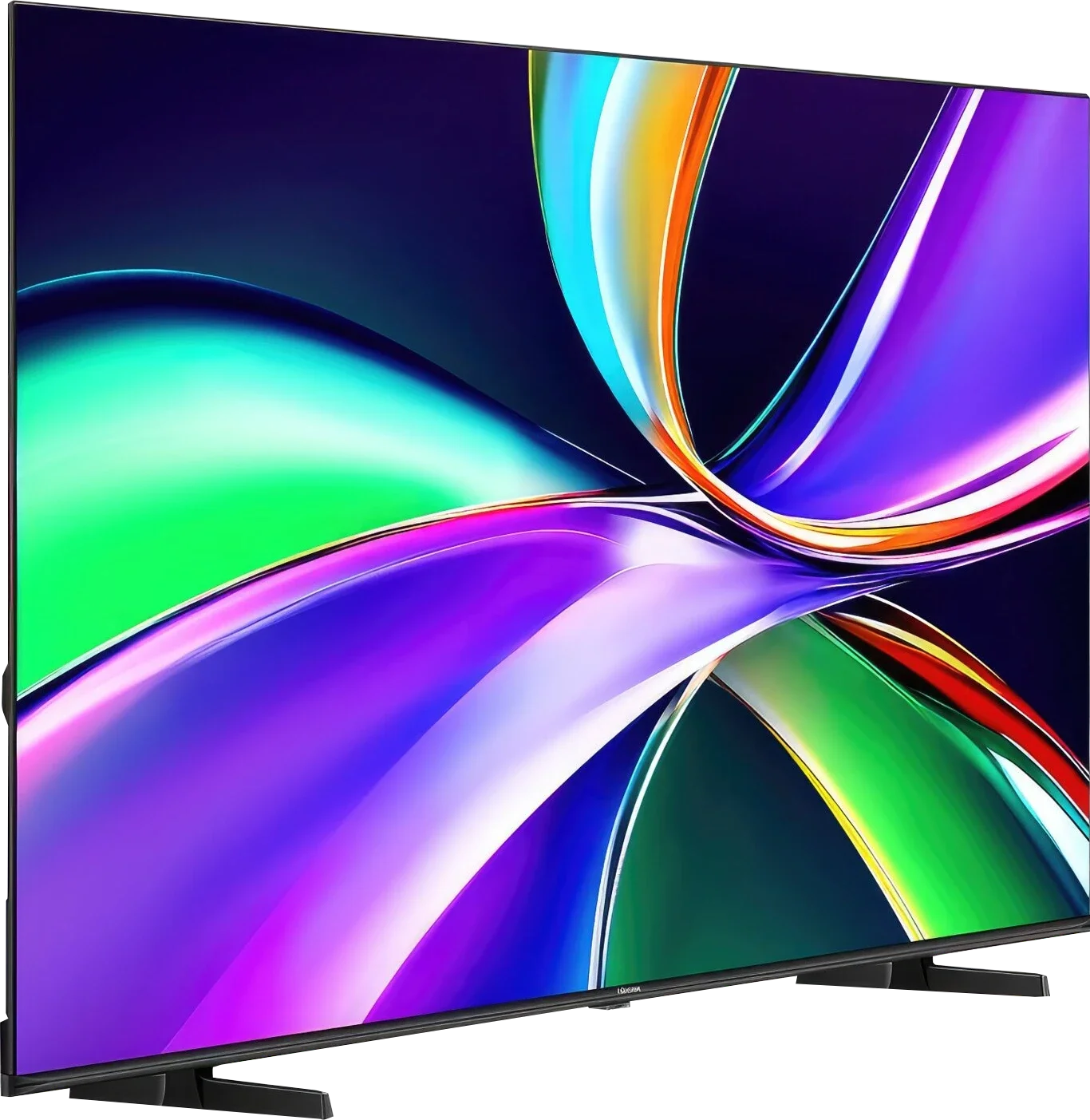
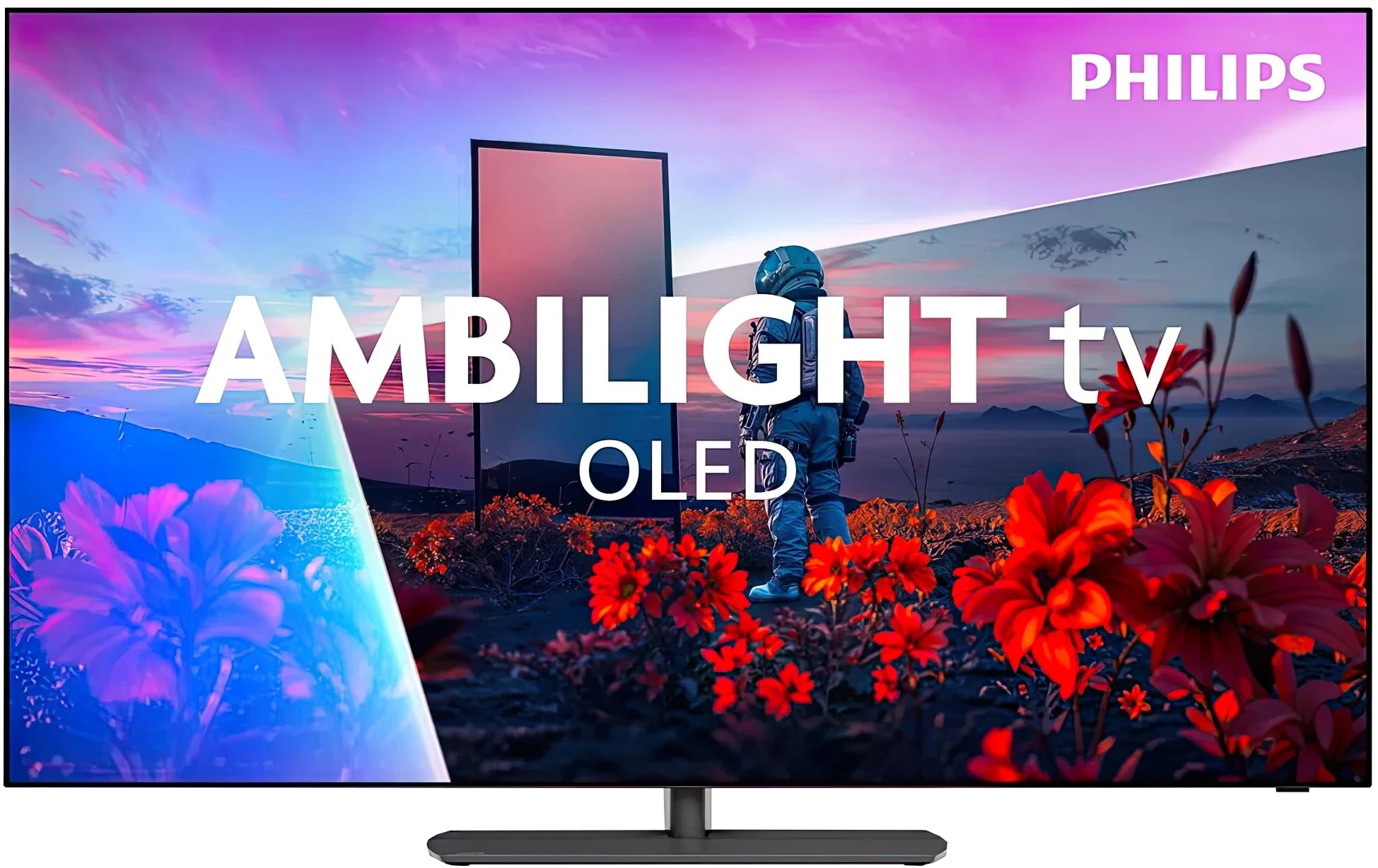
Panel type: LCD VA
Resolution: 3840x2160
System: VIDAA
Model year: 2025
Complete the survey to find out the result
Panel type: WRGB OLED
Resolution: 3840x2160
System: Titan OS
Model year: 2026
Complete the survey to find out the result
Overall rating
6.1
8.1
 Movies and series in UHD quality
 6.2
8.5
 Classic TV, YouTube
 5.9
8.7
 Sports broadcasts (TV and apps)
 5.1
8.5
 Gaming on console
 7.1
8.9
 TV as a computer monitor
 3.0
8.6
 Watching in bright light
 5.2
6.0
 Utility functions
 8.7
7.9
 Apps
Apps 7.7
7.7
 Sound quality
 6.3
7.6
Complete the survey to find out what fits your preferences
Advantages

Good black and contrast
QLED (PFS LED) – vibrant and saturated colours, coverage of the DCI-P3 palette around 92%
Many features for gamers: ALLM, VRR, Low input lag, Game Bar
120Hz support at 1080p!
VIDAA system – easy to use, with AirPlay, Screen Mirroring, and voice search
Recording to USB from built-in tuners
3.5 mm jack output and component inputs for older devices
Support for many audio formats including Dolby Atmos and DTS:X
Attractive price
Three-sided Ambilight that creates a great atmosphere for viewing
Perfect blacks and excellent contrast from the OLED panel
Powerful HDR effect. Brightness around 1500 nits
Very good viewing angles
Excellent motion clarity (no smearing)
Supports 4K at 165 Hz
Four HDMI 2.1 ports
Extensive gaming features
Support for multiple audio/video formats: (Dolby Vision, Dolby Atmos, HDR10+, DTS)
Disadvantages

Dolby Vision adds little (which is a shame)
Poor digital image processing: lack of image enhancement features, average upscaling
Strong dithering when connecting to a PC (coloured fonts)
The build quality of our unit was very average
Smaller app library on Titan OS than on Google TV or most competitors
Infrared remote that needs to be pointed at the TV (sometimes responds slowly)
Very high input lag in games with Dolby Vision
Visible posterization (mainly in bright scenes)
Underused image-processing capabilities of the Pentonic 800
Our verdict
Philips OLED811 is a mid-range OLED for 2026 that stands out from its biggest rivals mainly for one thing: Ambilight. The light that follows the picture and spreads across the wall can change the atmosphere of an entire viewing session. In the evening the screen seems to extend beyond its borders and watching simply gains extra charm. For some it will be a pleasant extra, for others a sufficient reason to choose Philips again. The picture itself is very comparable to what models such as the LG C6 or Samsung S90H offer when using the same type of panel. So you get deep, perfect blacks on which bright elements make a strong impression. The OLED811 can deliver powerful HDR and, importantly, after calibration the picture itself is close to the reference. There is no big advantage over the competition, but there is also no feeling that by choosing Philips for Ambilight you are sacrificing image quality.
There are also a few good changes for gamers compared with last year’s model. Thanks to the MediaTek Pentonic 800 chipset we finally have four HDMI 2.1 ports, so connecting several devices, for example consoles, a PC and a soundbar, no longer requires choosing which device will get the full capabilities of the port. Gaming itself is very enjoyable — the television responds quickly, supports variable refresh rates, and from a PC allows gaming in 4K at 165 Hz. It’s a pity that the new processor’s capabilities were not put to equally good use when processing lower-quality sources. The biggest concern, however, is the operating system. Titan OS replaced the popular Google TV and although it has clearly developed over the past year, it is still hard to call the change a positive one. The system runs more smoothly, has more useful features, and the app library already contains most popular streaming services. Nevertheless, the selection of apps is still much smaller than with Google or the competition, and in our view that remains the OLED811’s biggest drawback. People who use less popular services may particularly feel this difference.
Is it worth buying? Yes, if Titan OS meets your needs. In terms of picture and gaming capabilities the OLED811 has as much to offer as its rivals, but Ambilight gives it something others do not. So Philips both gives and takes. It adds a unique viewing atmosphere but limits freedom of app choice. If the apps you use are available, that compromise may be worth making.
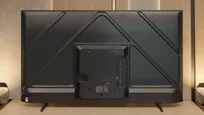
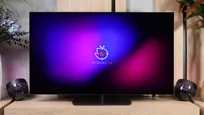
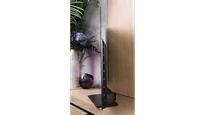
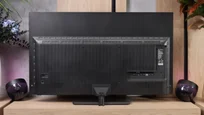
TV appearance



Contrast and black detail
5.7/10
10/10
Local dimming function: No
Contrast:


Result
5,400:1

Result
5,450:1

Result
3,800:1

Result
5,000:1

Result
4,350:1
Result
∞:1
Result
∞:1
Result
∞:1
Result
∞:1
Result
∞:1
Halo effect and black detail visibility:
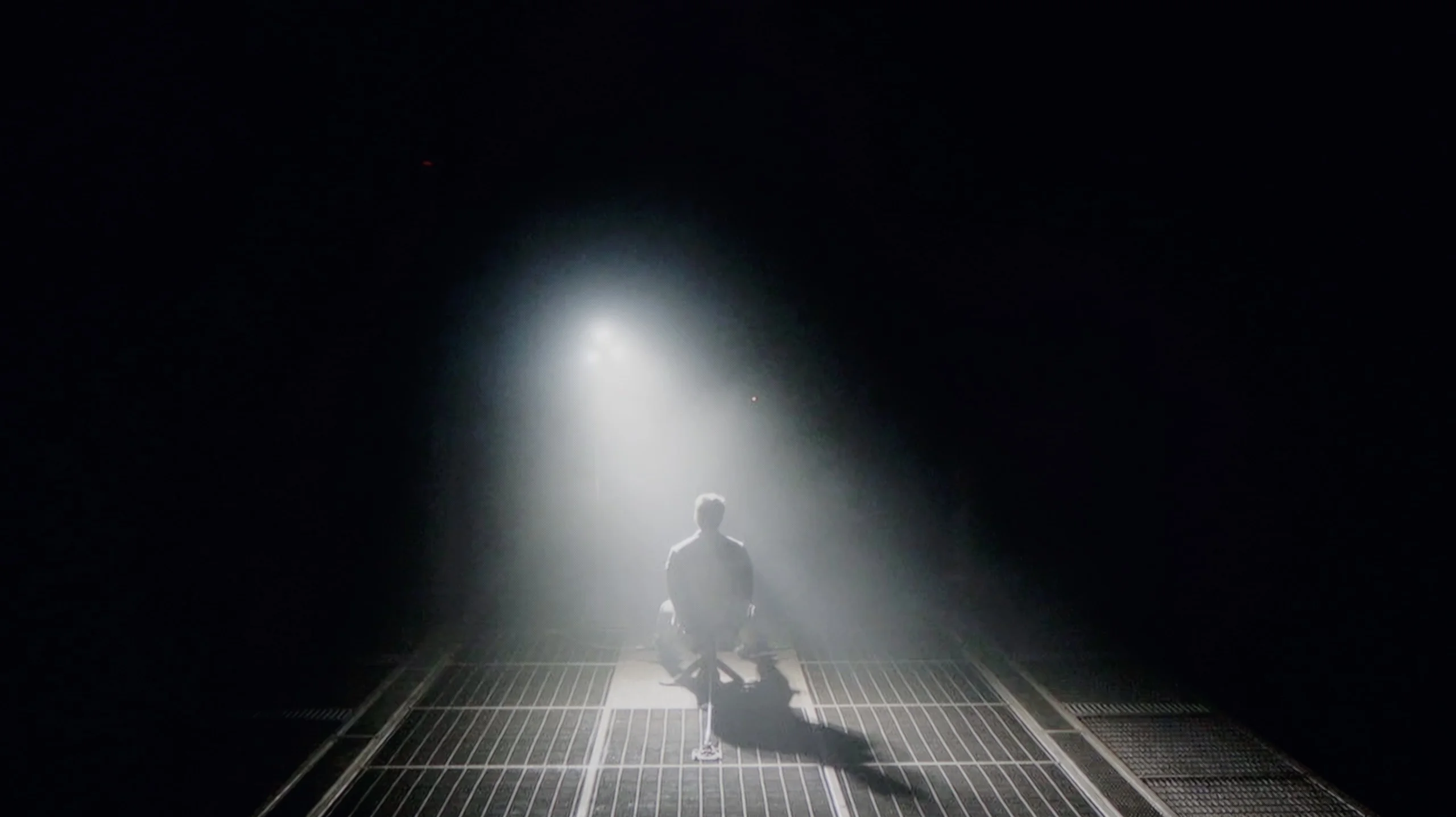
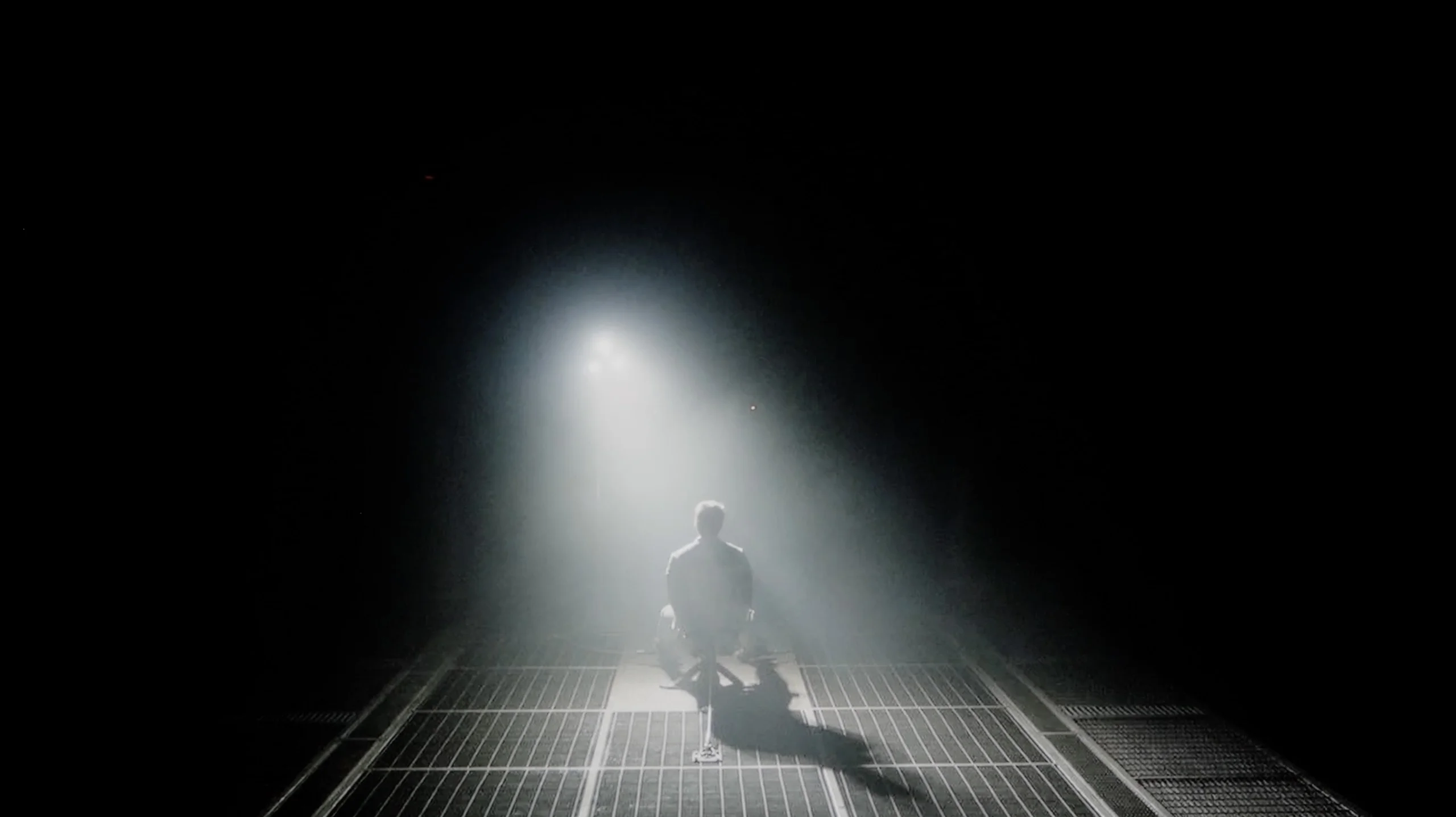
Check the visibility of bright lights on a dark background. Mini-LEDs often struggle with this. The photo does not compare black levels – that’s what the video below is for.
The video accurately shows differences in contrast and black levels between TVs, as well as potential issues: halo around bright objects or Mini-LED zone operation visible as brightness jumps.
The Hisense E7Q / E79Q in our test variant of 58 inches is equipped with a VA-type panel, which has a huge impact on the perception of contrast and black levels in films and series. Thanks to such a panel, one can expect decent contrast and a stable visual effect, which works really well in most scenes. In our measurements, we achieved values approaching around 6000:1, which should be considered a solid result in this price range. However, it is important to remember that this is not a design with local dimming, so one cannot expect the deep, "pitch-black" blacks known from more expensive models. In some shots, the black can have a slightly navy hue, which is completely natural with this technology and price. This, however, is a compromise that does not detract from everyday viewing – especially if we watch in the evening with slightly dimmed light.
Black and contrast are categories where the Philips OLED811 showcases all the benefits of OLED technology. Each pixel lights independently and can be switched off completely, so black is simply black. There’s no grey glow or haloing around bright objects. During evening viewings this produces a great effect: stars in the night sky, city lights and text on dark backgrounds remain clearly separated from a perfectly black surround.
It’s therefore hard to expect any improvement here over other OLEDs, because in terms of black depth and contrast the result is already exemplary. The OLED811 doesn’t need local dimming or a compromise between the brightness of a small object and the black around it. Even a single bright point can sit next to a completely switched-off pixel, giving the image outstanding depth.
It’s in scenes with extensive black that the advantage over Mini LED TVs becomes clear. Even the most sophisticated local-dimming systems control larger areas of the image, so in demanding shots they can create a glow around bright elements or dim them to preserve a dark background. The Philips OLED811 doesn’t suffer from this problem.
HDR effect quality
5.1/10
7.6/10
Luminance measurements in HDR:

Result
300 nit

Result
329 nit

Result
379 nit

Result
389 nit

Result
397 nit
Result
1225 nit
Result
1310 nit
Result
1443 nit
Result
1368 nit
Result
626 nit
Scene from the movie “Pan” (about 2800 nits)


Scene from the movie “Billy Lynn” (about 1100 nits)


The photos show two HDR10 movies. 'Pan' is one of the brightest productions ever made, while 'Billy Lynn' (soldier) has brightness typical of streaming (Netflix, Prime, HBO MAX). Notice the intensity of effects and detail in whites.
Static HDR10


The photos present the visibility of white details in various HDR formats. They do not show brightness differences between TVs (these can be compared in the previous gallery).
Dynamic: Dolby Vision
Dynamic: Dolby Vision


The photos present the visibility of white details in various HDR formats. They do not show brightness differences between TVs (these can be compared in the previous gallery).
HDR luminance chart:
Philips OLED811
Hisense E7Q / E79Q
Luminance of RGB colors
The Hisense E7Q / E79Q is a television with average brightness, with a peak luminance level of around 350-380 nits. This is an absolute minimum that allows for HDR content to be viewed in a way that is close to the creators' intentions, although without a distinct "wow" effect. Synthetic test results on white screens have been confirmed in practice – in film scenes, the bright parts of the image are stable and quite uniform, but it's hard to speak of a true "light punch." In everyday use, for example, when watching Netflix or YouTube, the HDR effect is acceptable and is perfectly sufficient for most users. However, it must be stated clearly – this is not the level of top-end screens, and one should not expect that in this price range. Fortunately, the Hisense E7Q / E79Q has an advantage that allows it to gain quite a few points: it features a PFS LED QLED panel, utilising an additional phosphor layer that improves colour reproduction. The measured range of the DCI-P3 colour gamut is about 92%, which means that colours in most scenes are vibrant, well-saturated, and pleasant to the eye, particularly for this price bracket.
Philips OLED811 uses a new generation of WOLED EX panels, also found in models such as the LG C6 and Samsung S90H. After calibration we measured around 1500 nits, which is a very good result for an OLED TV. You can see this clearly in films and series. All kinds of bright flashes have the right intensity, especially when they appear against a dark background. In such scenes the OLED811 can deliver truly impressive HDR. Of course, that does not mean you will see that level of brightness in every shot. When the screen is filled with a large amount of white or a wide explosion, brightness falls to around 600 nits. That is still a good result, but those scenes no longer have the same punch as small, bright elements on a dark background. This is a known limitation of OLEDs and the OLED811 is no exception.
Colours
Aside from HDR brightness, colours also matter and here Philips performs very well. It covers almost the entire DCI-P3 gamut, which contains most of the colours used in HDR films and series. You get saturated reds and lush greens, and when watching it’s hard to find major faults in that respect. It looks a little worse with the much wider BT.2020 gamut, whose most saturated shades are already out of reach for this panel. There is also the issue of the white subpixel that the WOLED panel uses to boost brightness. With very bright colours you can see a certain washout: the colour is bright but loses some of its intensity. It is precisely in such situations that QD-OLED panels from Samsung Display have the advantage. However, in most films and series this is not something that will immediately stand out.
Factory color reproduction
5.2/10
7.8/10
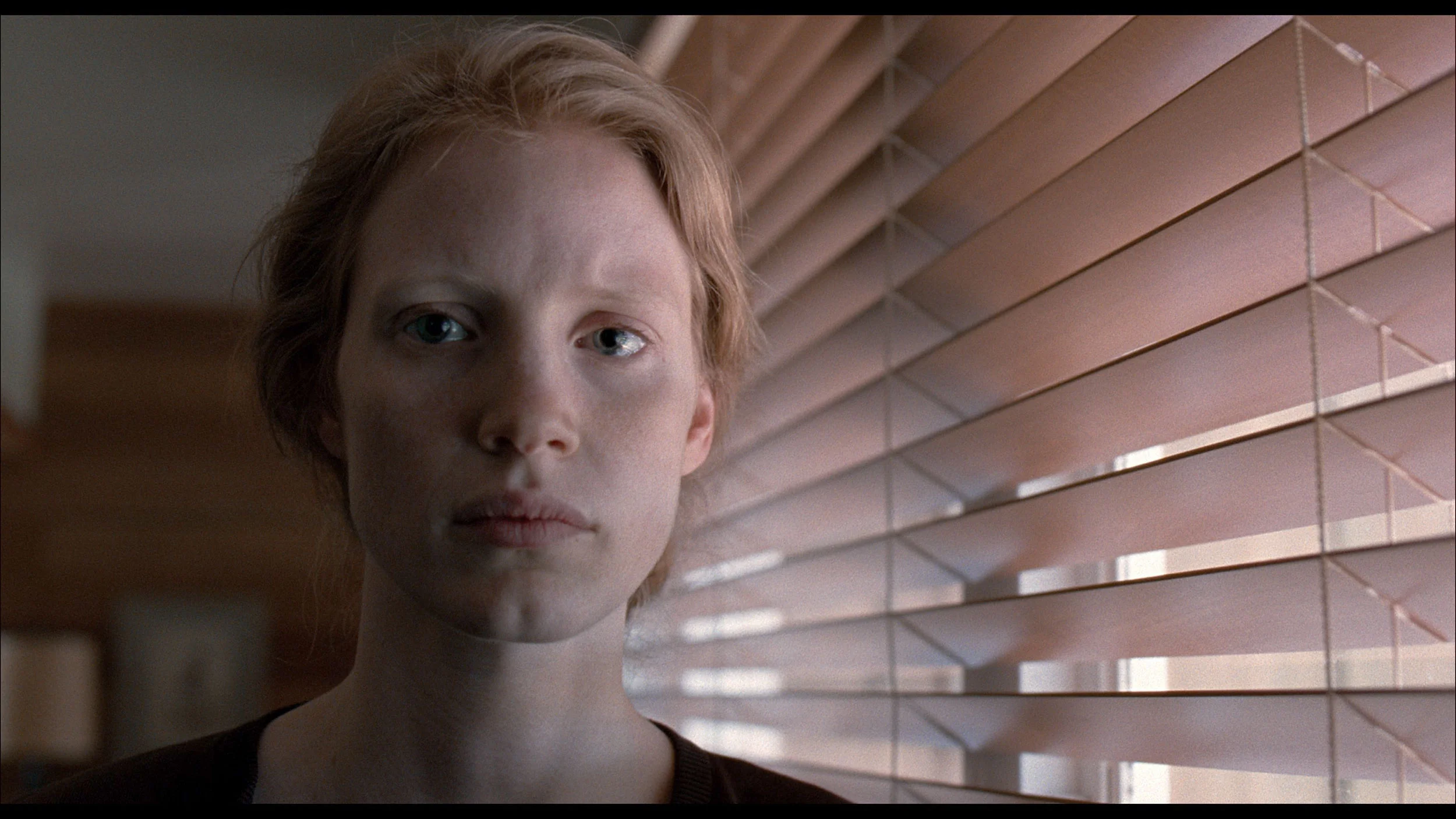
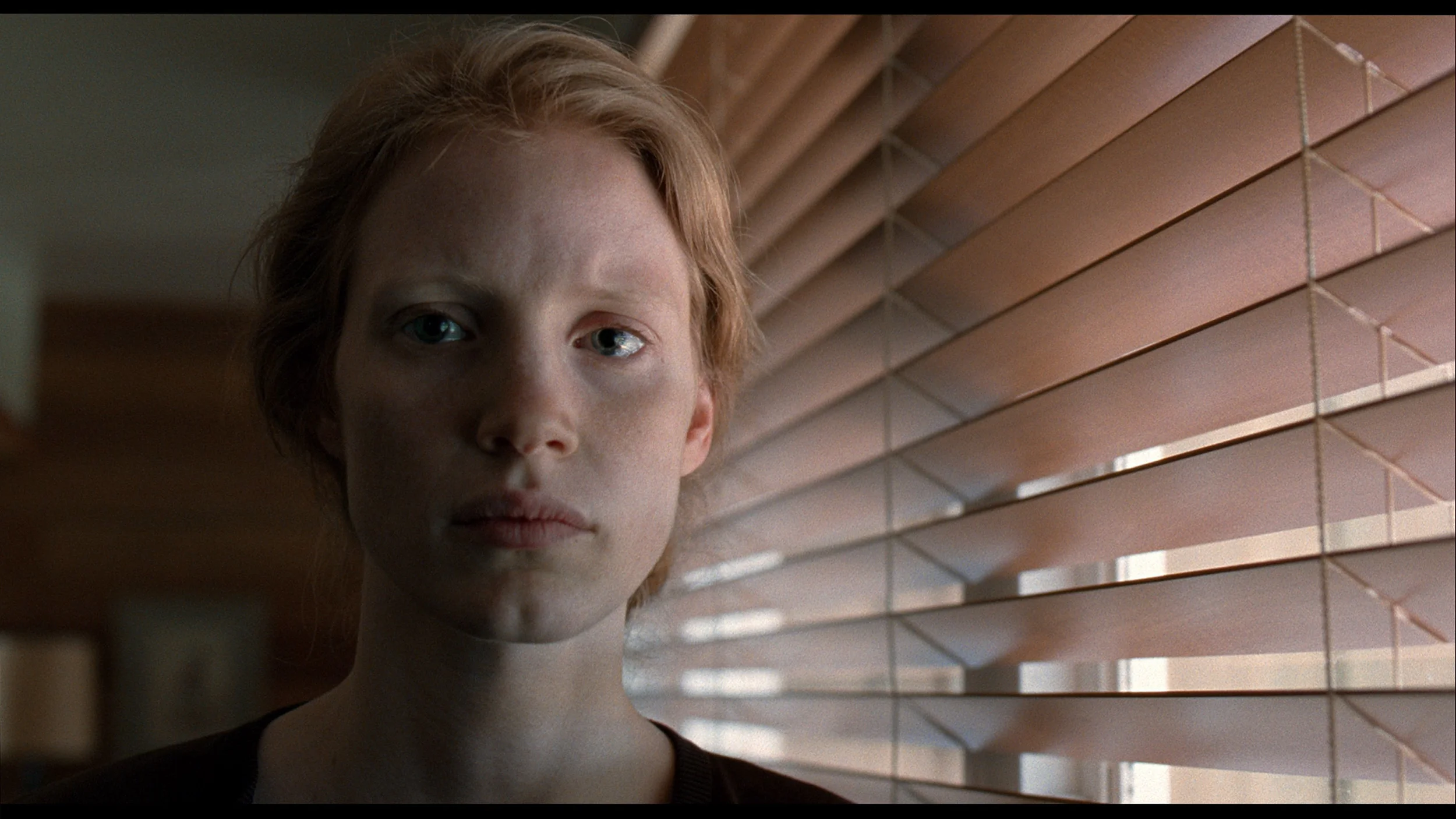
This gallery shows how colors change after professional TV calibration. If you notice the difference, we recommend ordering this service at SkalibrujTV.com.
Factory Mode
After calibration


This gallery shows how colors change after professional TV calibration. If you notice the difference, we recommend ordering this service at SkalibrujTV.com.
Factory Mode
After calibration
In Filmmaker mode, the Hisense E7Q / E79Q television was truly impressive. After the first measurements, it became clear that the white balance was quite well tuned, with the only minor deviation being a slight tendency towards a purple tone, which we mentioned earlier. However, this did not significantly impact the overall character of the image – it remained coherent and pleasant to view. A much larger issue turned out to be the brightness characteristics (gamma) in SDR content and the EOTF curve in HDR films. The television noticeably brightened the image, flattening the contrast and diminishing its depth. Gamma values could drop from the reference 2.4 to around 1.9, making the image look as if it were covered with a thin, milky layer. Fortunately, this is a problem that can be relatively easily corrected through calibration.
Film mode on the Philips OLED811 is sensibly set up straight out of the box. Most colour errors remain small, both in SDR and HDR, so you can sit down to watch without adjusting the settings first. There are no major inaccuracies that would immediately distract from the film. It falls a little short of perfection, though. The white balance shows a slight lack of red compared with green, so whites and greys can have a faint greenish tint. It is not a strong colour cast, but measurements clearly show it. There are also minor brightness deviations in SDR: some parts of the image are slightly brightened, and the darkest shades are not always reproduced evenly. In HDR the TV sticks much closer to the reference, although in places it gently lifts detail from the shadows. These are generally areas that could be improved. The factory film mode provides a good starting point, and calibration will reveal how much more can be gained from it.
Color reproduction after calibration
7.4/10
9.3/10


The photos show how movies look on the TV. Pay attention to black detail visibility, colors, and shadow tint.


The photos show how movies look on the TV. Pay attention to black detail visibility, colors, and shadow tint.
The biggest beneficiary of calibration in the case of the Hisense E7Q / E79Q was undoubtedly the SDR mode. It managed to achieve an almost perfect image – most errors in the Color Checker test dropped below a value of 3, and often even 2, which is an outstanding result for this class of equipment. The greatest improvement came from equalising the brightness characteristic (gamma), which meant the image no longer appeared washed out and regained its natural depth. In HDR content, it was also possible to improve colours and eliminate the purple tint mentioned earlier, but errors in the Color Checker measurements were still noticeable. This is due to the fact that – as is often the case with Hisense televisions – the screen manipulates brightness quite heavily, overemphasising some colours. This was also indicated by the EOTF curve, which was slightly above the reference values, suggesting these minor issues with excessive brightness. Despite this drawback and the design limitations that emerge with HDR content, the Hisense E7Q / E79Q gained quite a lot after calibration. In everyday use, the television presents a consistent, natural, and pleasant image, and the difference compared to the factory settings is enormous.
After calibration the Philips OLED811 produces an image very close to the reference. We managed to correct the white balance and eliminate the slight tint visible in the factory settings. Errors in the Color Checker measurements for SDR and HDR fell to around 1 to 2, and many samples are even below 1. That's a level at which differences from the reference image are hard to spot with the naked eye. We also improved the gamma, and only in the brightest whites is there a slight brightening remaining. In HDR the EOTF curve also tracks the reference closely, although the TV still tends to gently boost the brightness of small elements, such as stars or on-screen text. This gives the picture a little extra sparkle that shouldn't be there, but otherwise there's little to fault. It was already good out of the box, and after calibration we managed to refine most of the remaining shortcomings.
Smoothness of tonal transitions
8.5/10
7.5/10


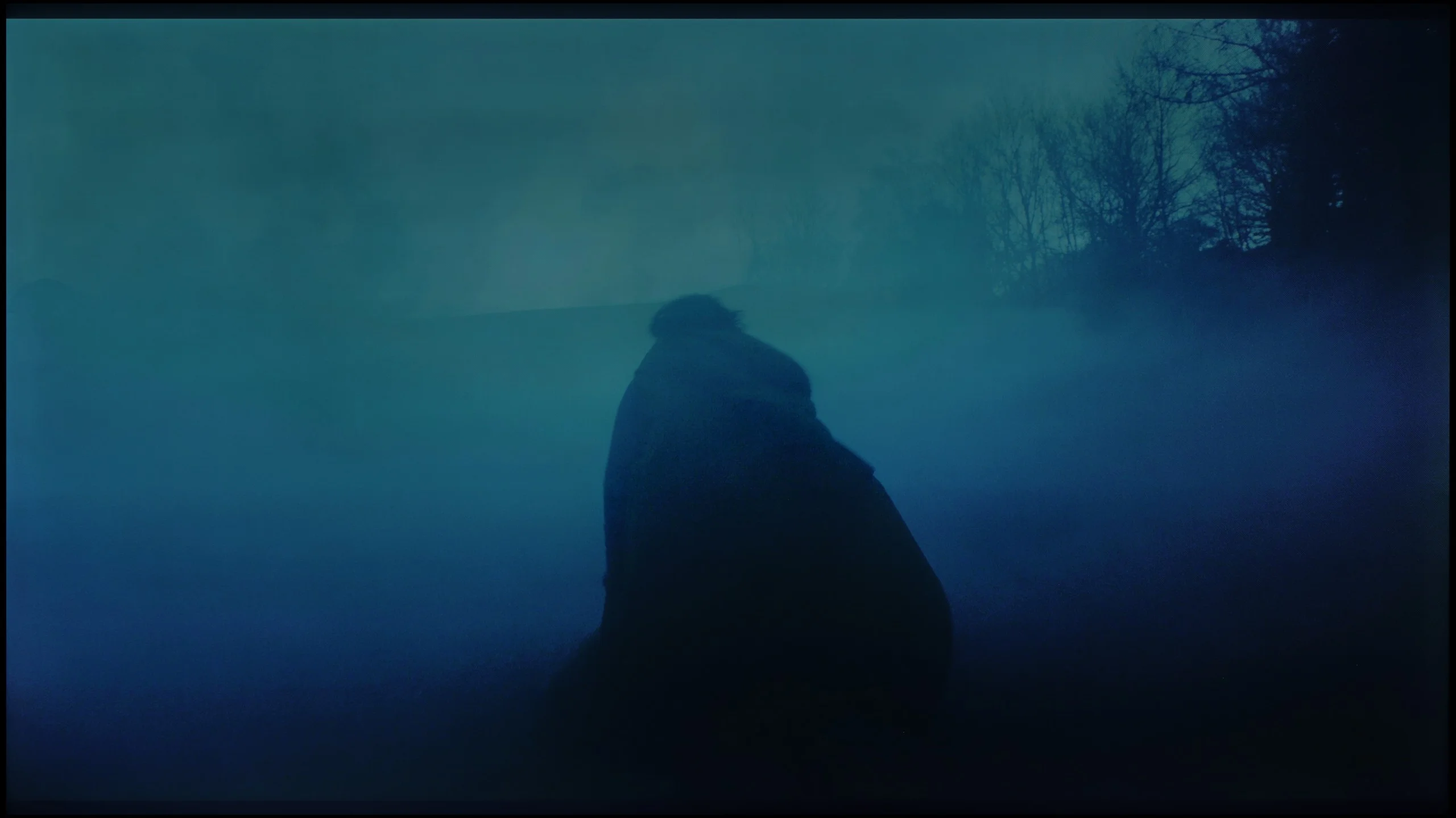

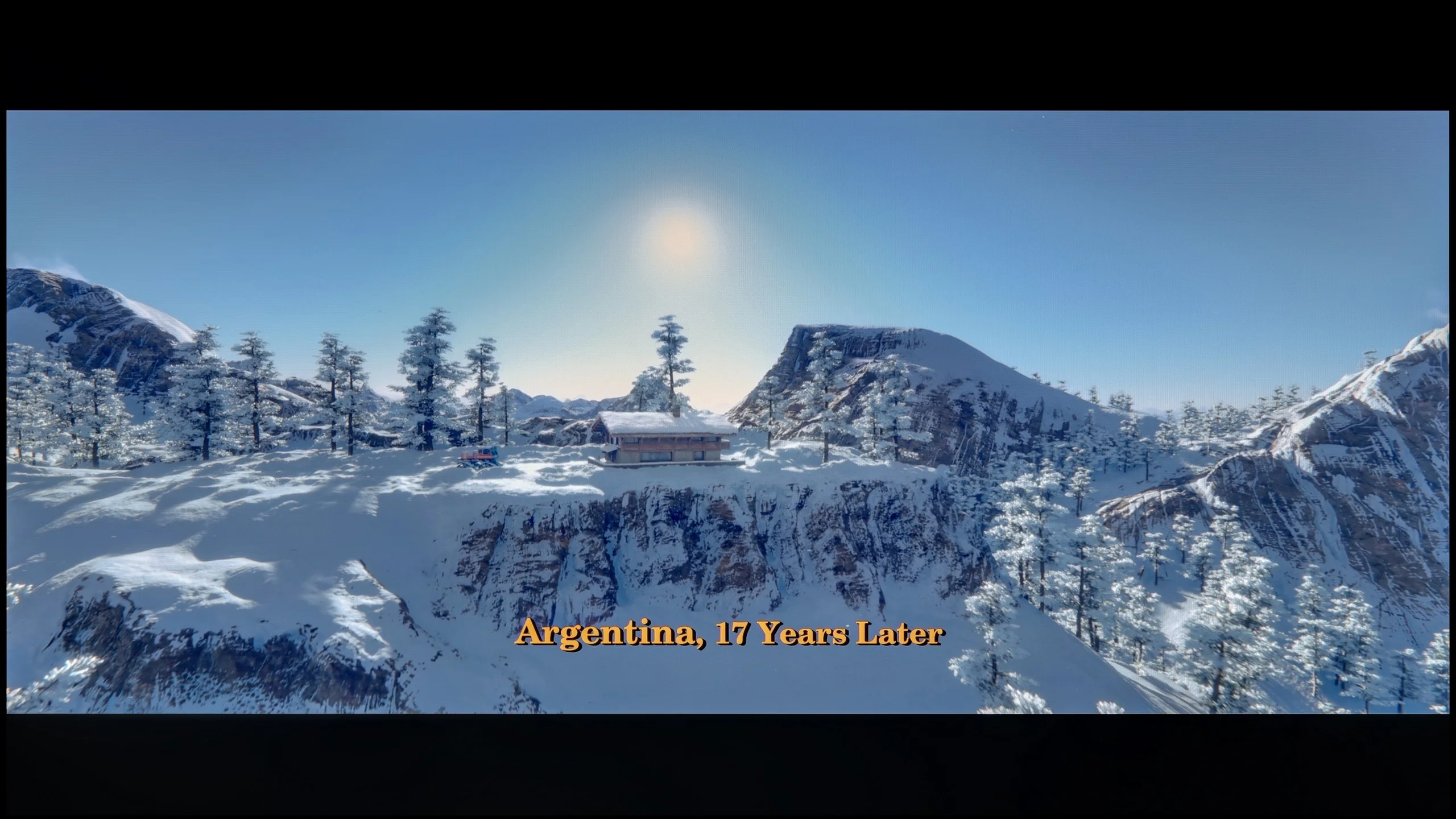
These are selected scenes that show smooth tonal transitions from one color to another. If you see distinct banding, it’s the TV panel’s fault.

These are selected scenes that show smooth tonal transitions from one color to another. If you see distinct banding, it’s the TV panel’s fault.
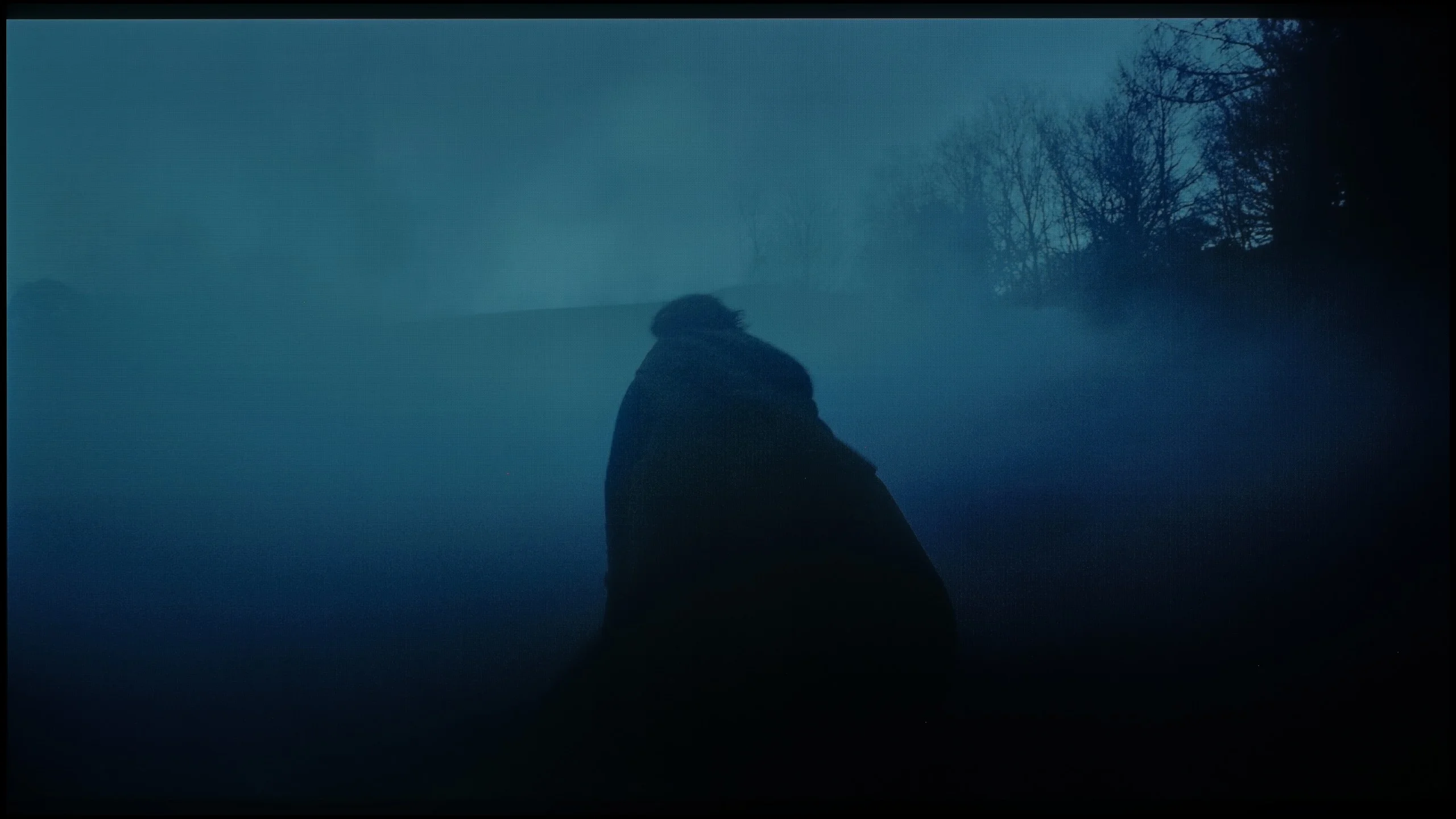
These are selected scenes that show smooth tonal transitions from one color to another. If you see distinct banding, it’s the TV panel’s fault.
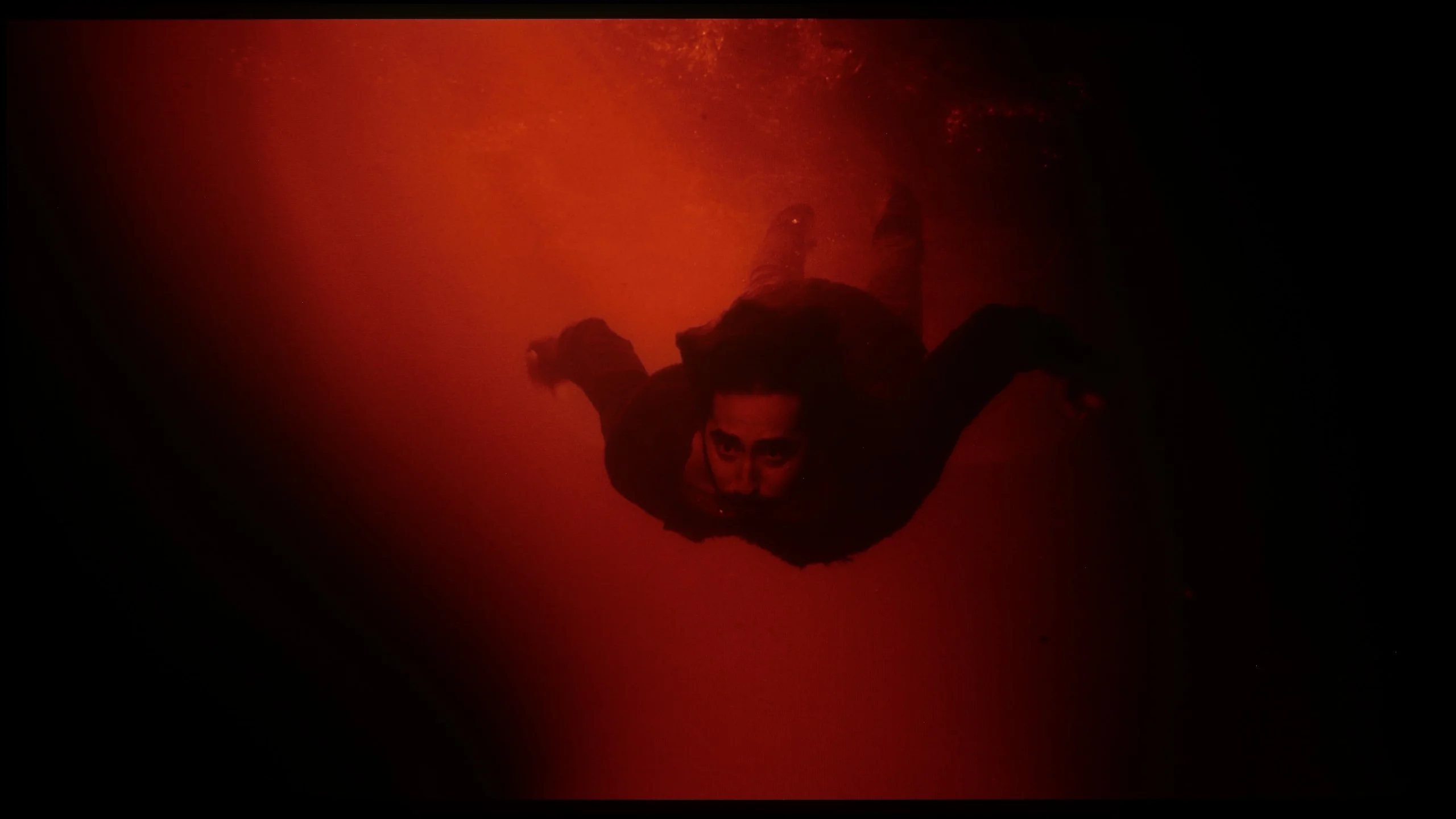
These are selected scenes that show smooth tonal transitions from one color to another. If you see distinct banding, it’s the TV panel’s fault.
For such a budget television, the Hisense E7Q / E79Q performs really well with such a challenging element as the fluidity of tonal transitions. In most scenes, the colours blend together naturally, without noticeable jumps or artificial edges. Brighter parts of the image stand out particularly well – the transitions are smooth and pleasing to the eye. Minor issues only occur with very dark shades of grey, where slight banding can be noticed. However, this is a detail that does not affect the overall reception of the image. For a television in this range, the result is more than decent.
Compared with Philips' previous OLEDs the smoothness of tonal transitions has clearly improved. The biggest difference is visible in dark parts of the picture, which can cause WOLED panels a lot of trouble. On the OLED811 they have been smoothed very well, with tones transitioning smoothly from one to another without visible banding or contouring. That's a big plus, especially when viewing dark scenes.
Unfortunately, it's not as good in brighter scenes. That's where we have the biggest reservations: instead of a gentle transition between tones, in places you can see distinct boundaries, known as posterisation. It can be quite noticeable, and it's a shame that the improvement seen in dark scenes did not extend to the brighter parts of the image to a similar degree.
Image scaling and smoothness of tonal transitions
5/10
6.8/10


Smooth transition function
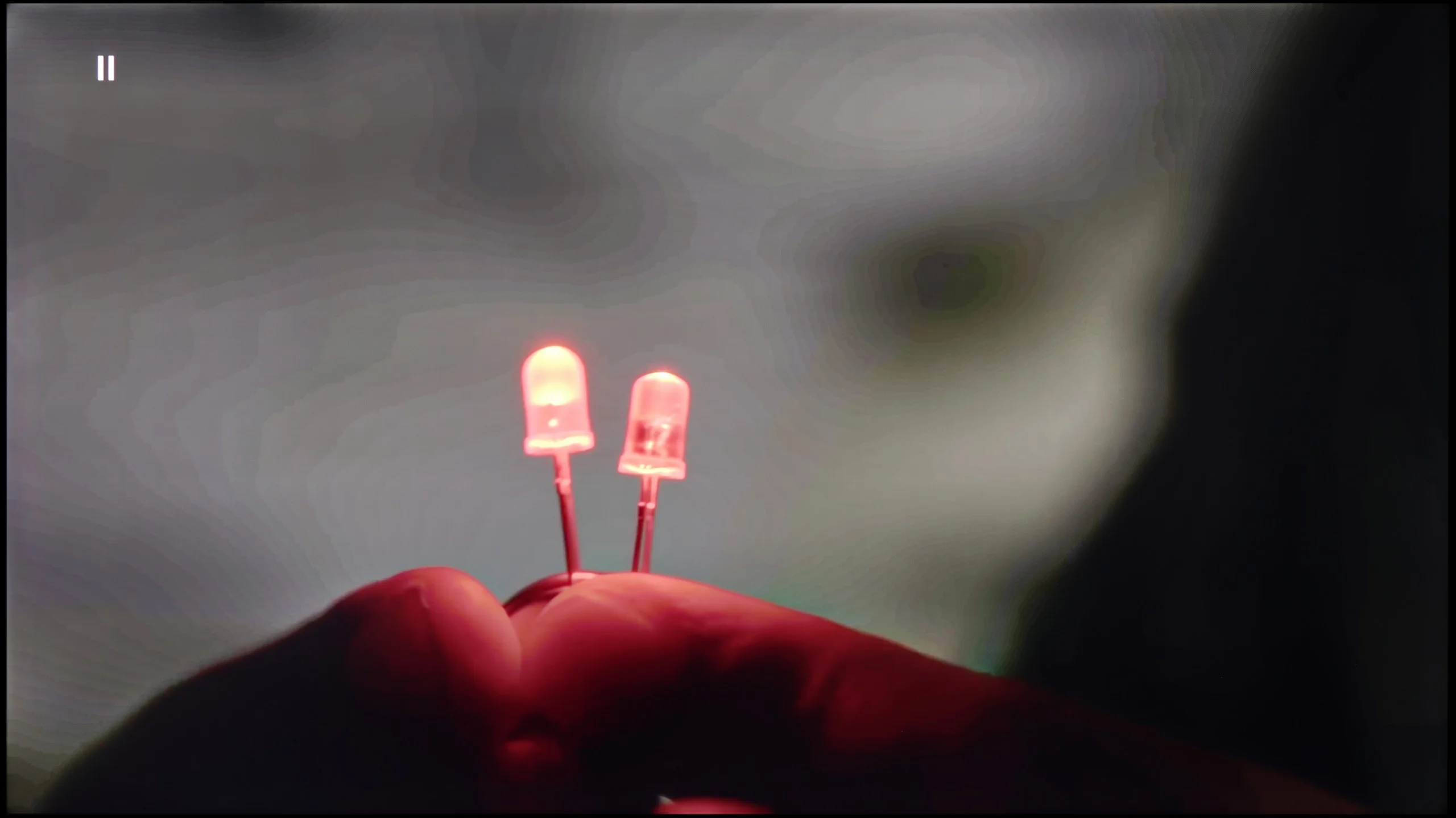
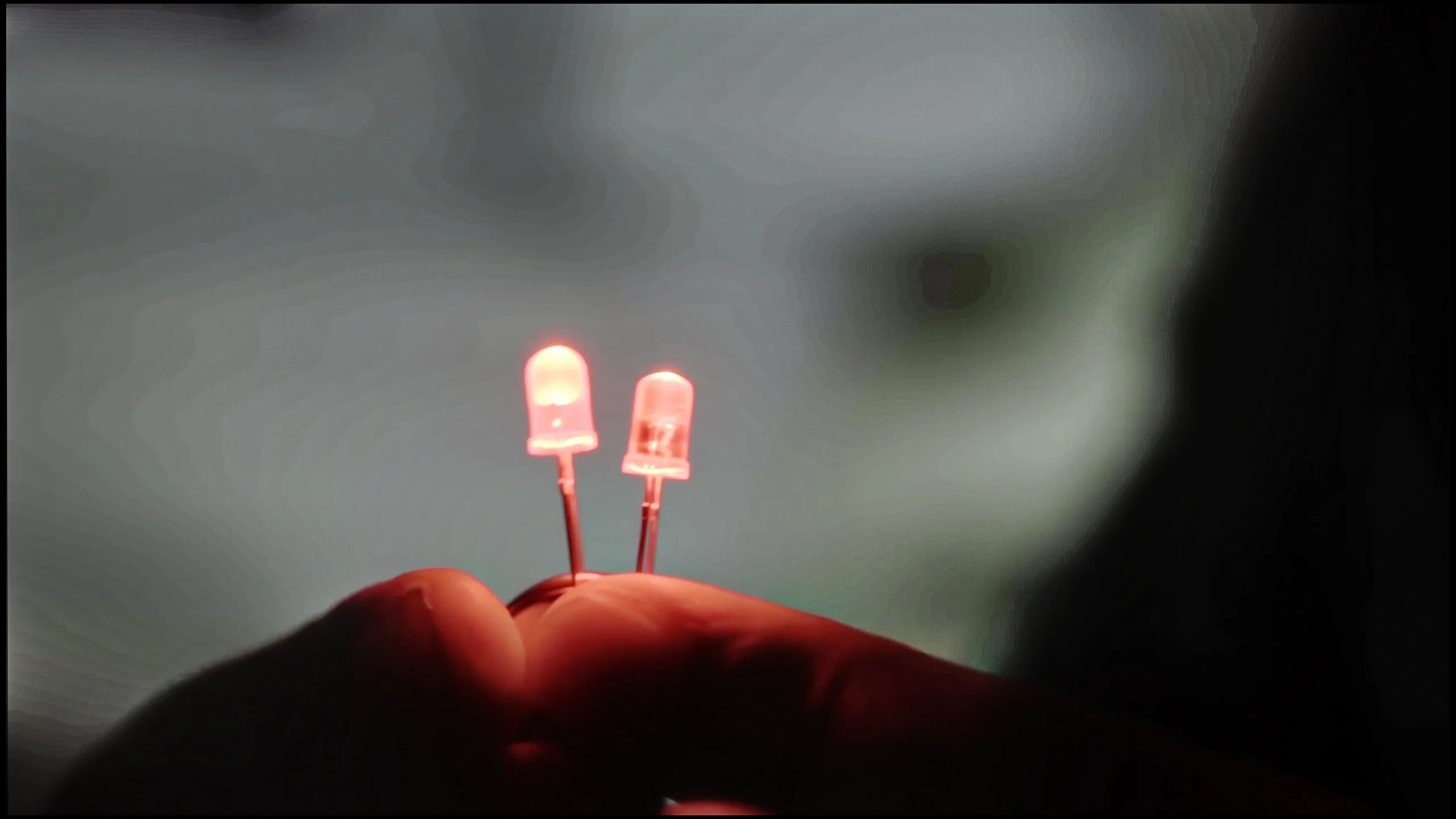
The match photo shows how the TV smooths weak tonal transitions in low-quality video.
Image scaling SD (576i)


The model photo shows how it handles upscaling of SD material.
In the case of the Hisense E7Q / E79Q, upscaling and digital image processing are not the strongest aspects of this television. It is evident that the manufacturer has opted more for simplicity rather than advanced image processing algorithms. The television does not offer any features to smooth tonal transitions or systems to improve image clarity, resulting in lower resolution materials looking simply very raw. On the screen, you can notice subtle compression edges that better processors in other models can effectively hide.
During the HD material tests, we noticed that the E7Q tries to artificially enhance detail, which sometimes works, and at other times has the opposite effect – the image becomes soft, slightly blurred, at times even “watery.” There is no aggressive sharpening that ruins naturalness, but there is also no finesse in the detail integration that better image converters offer.
OLED811 handles lower-quality material reasonably well, though it falls well short of perfection. The "Banding reduction" function helps to smooth tonal transitions and on the low setting gives a fairly good result. It does not remove bands between shades as effectively as similar solutions from some competitors, but at least it does not introduce new artefacts in the process. This is a sensible setting for everyday viewing. There is still some dissatisfaction, however, because the MediaTek Pentonic 800 chipset used here can, in other manufacturers' implementations, cope with the effects of heavy compression more effectively even at similarly low settings. Much therefore depends on how a given manufacturer makes use of its capabilities. We have a few more comments about the upscaling to 4K. There is a lot of detail, but the overall image looks rather soft. Edges are heavily smoothed, which robs the picture of a bit of sharpness and clarity. This can be partly corrected with the sharpness slider in the menu, though that will merely accentuate outlines rather than recover detail. On the plus side, there is no overscan; even with an SD signal the TV does not crop the edges of the picture.
Blur and motion smoothness
4.8/10
8.5/10
Blur (native resolution, maximum refresh rate):






Blur (1080p@120Hz):


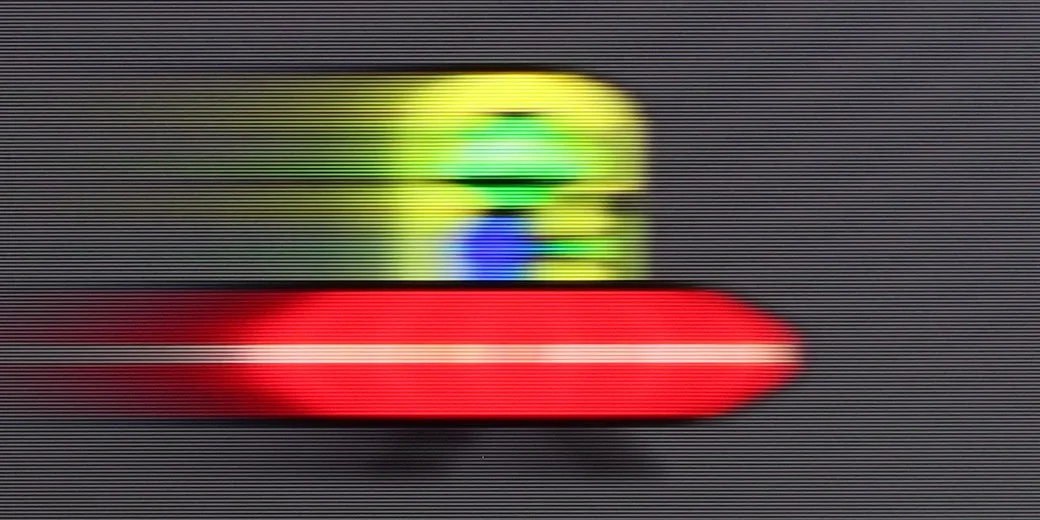
Blur (4K@165Hz ):



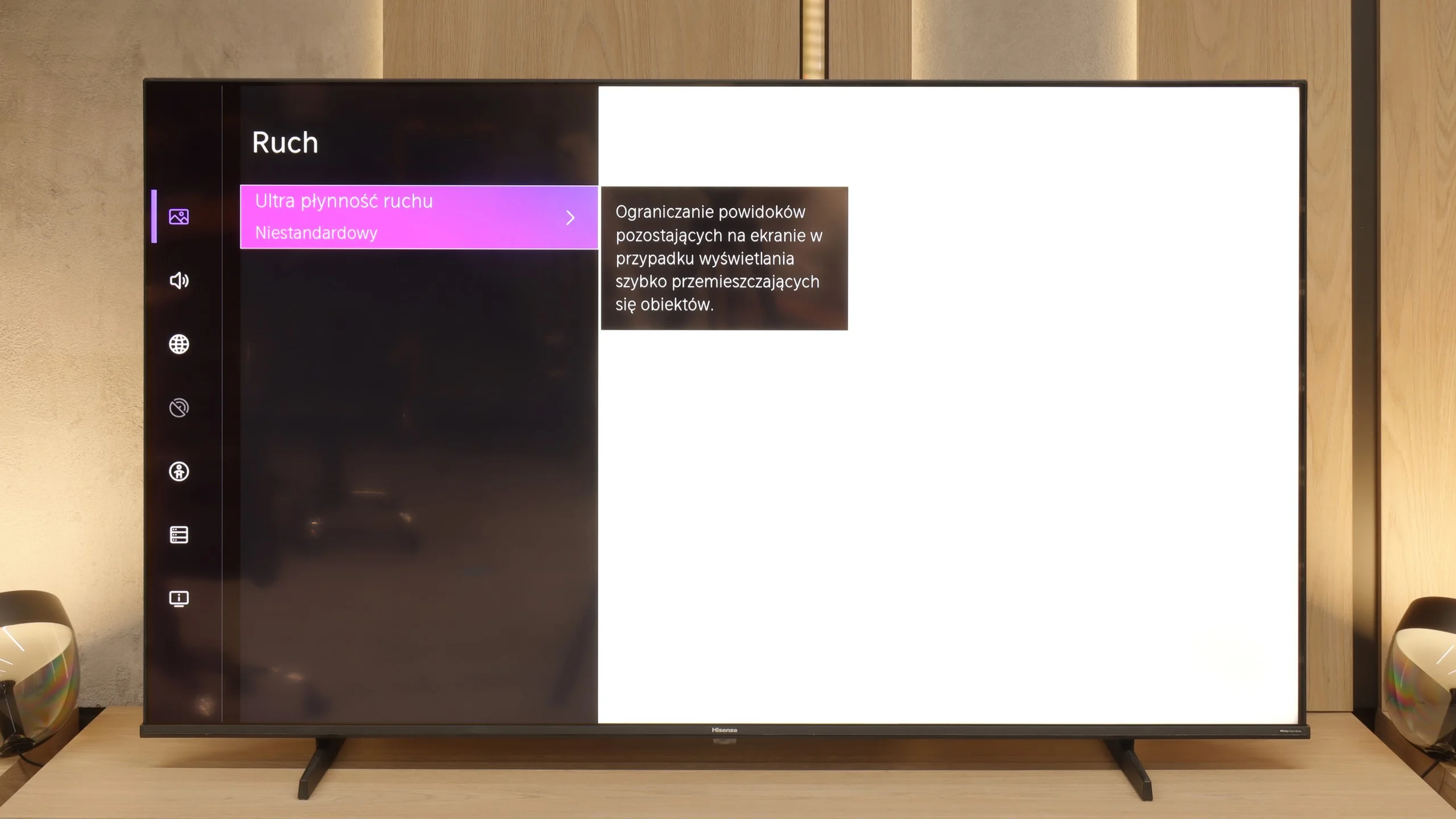
Hisense E7Q / E79Q is a television with a 60 Hz screen, so fans of 4K sports may feel a slight disappointment – we simply won’t see such smooth images here as in more expensive models with higher refresh rates. Fortunately, the situation is much better for films. Cinematic materials recorded at 24 frames per second can be displayed here using a motion smoothing feature, allowing the user to tailor the picture to their own preferences – either more cinematic with visible frames or smoother, in a theatrical style.
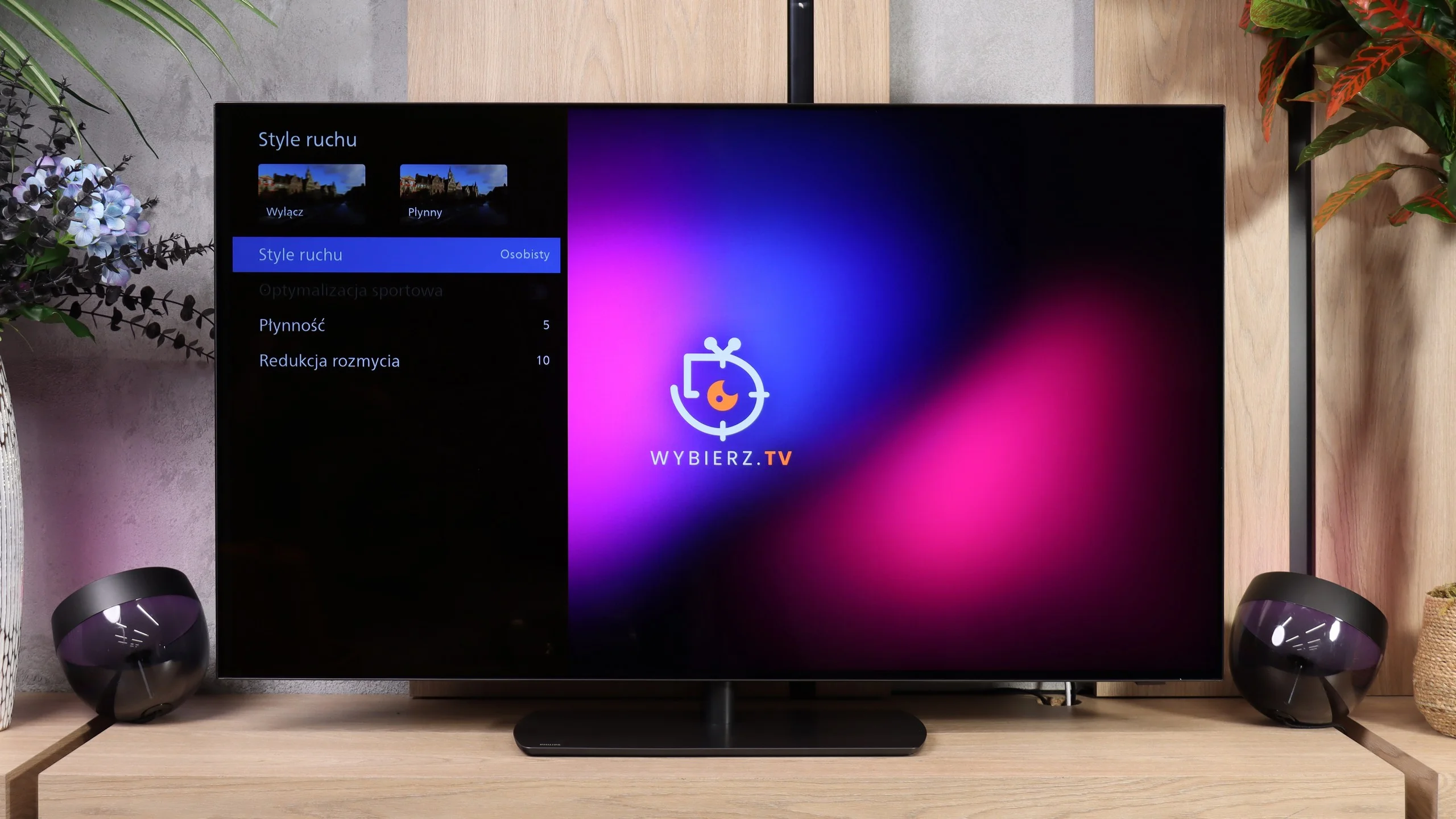
In terms of motion handling the OLED811 performs excellently. At 120 Hz, which is useful for console gaming and watching sport, the picture stays clear and moving objects do not leave noticeable smears. The fast response of OLED pixels helps here; this is clear in the UFO test, even on dark backgrounds. There are also motion smoothing controls. For films you can adjust the level of smoothing to suit your taste, ranging from preserving a cinematic character to much smoother motion. A separate blur reduction setting is useful for fast-paced material such as sports broadcasts.
Console compatibility and gaming features
6.3/10
9.5/10
- ALLM
- VRR
- VRR range48 - 60Hz48 - 165Hz
- Dolby Vision Game Mode
 Yes, high input lag
 - Correct implementation of HGIG
- 1080p@120Hz
- 1440p@120Hz
- 4K@120Hz
- Game bar
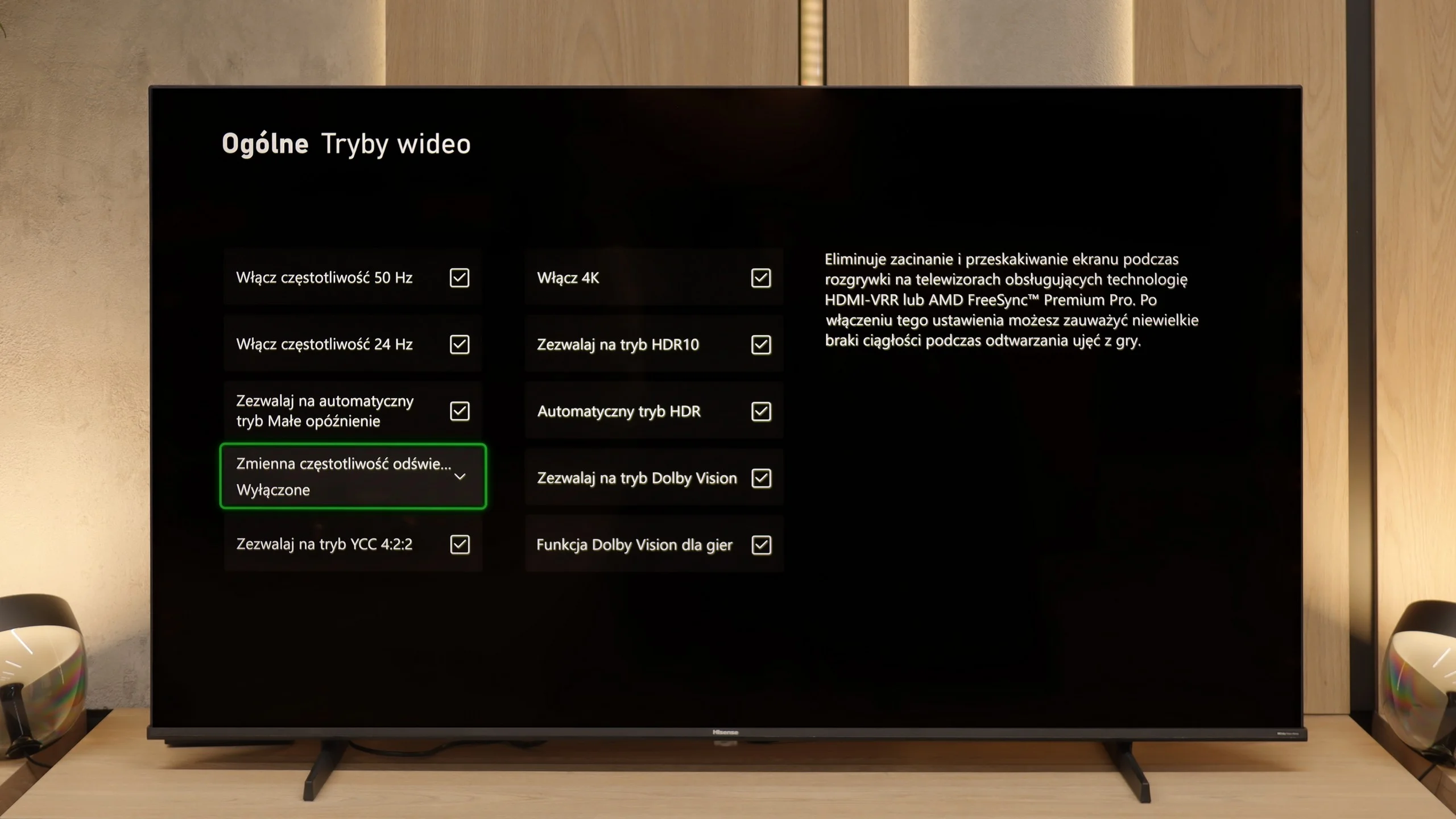
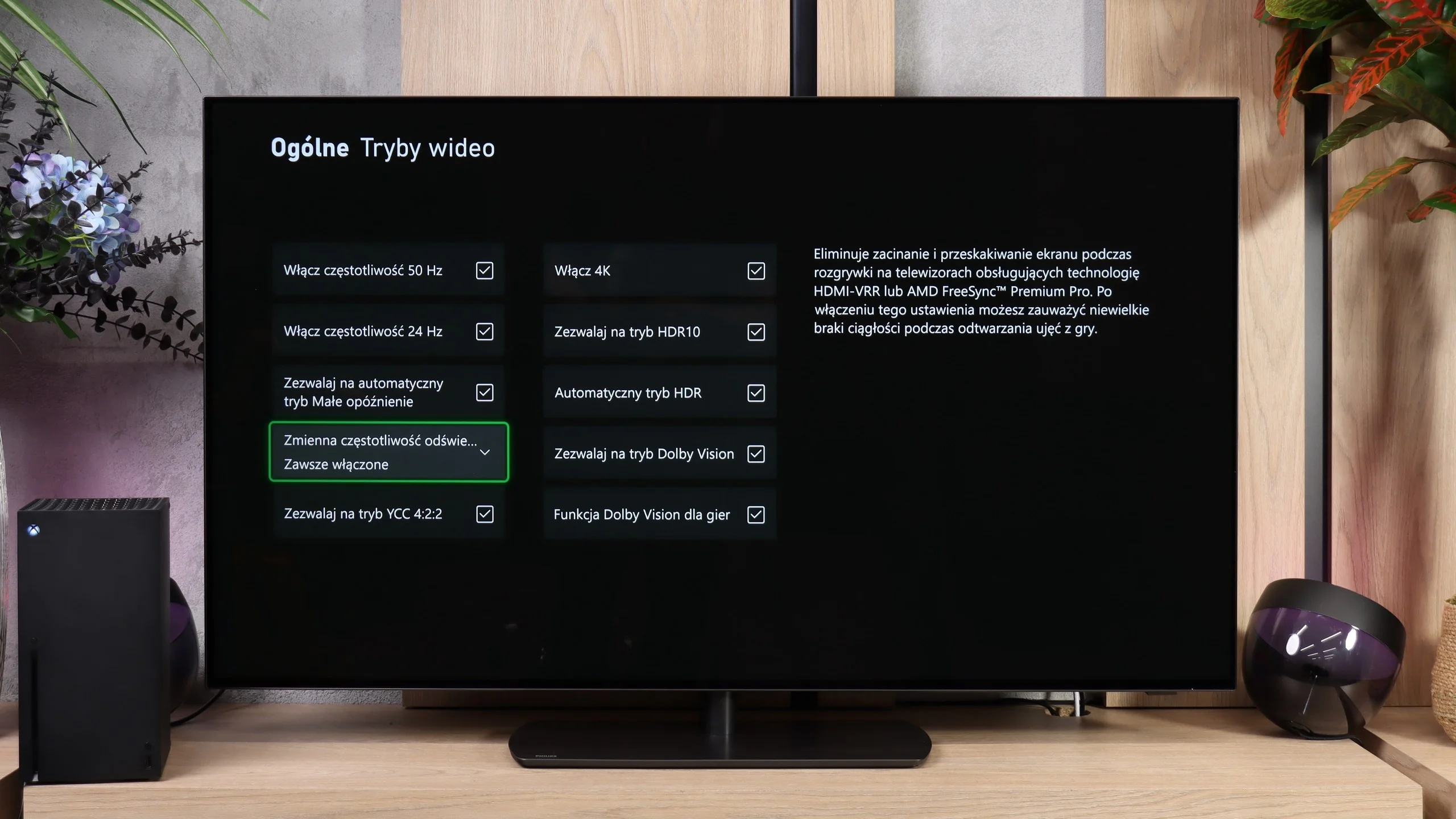
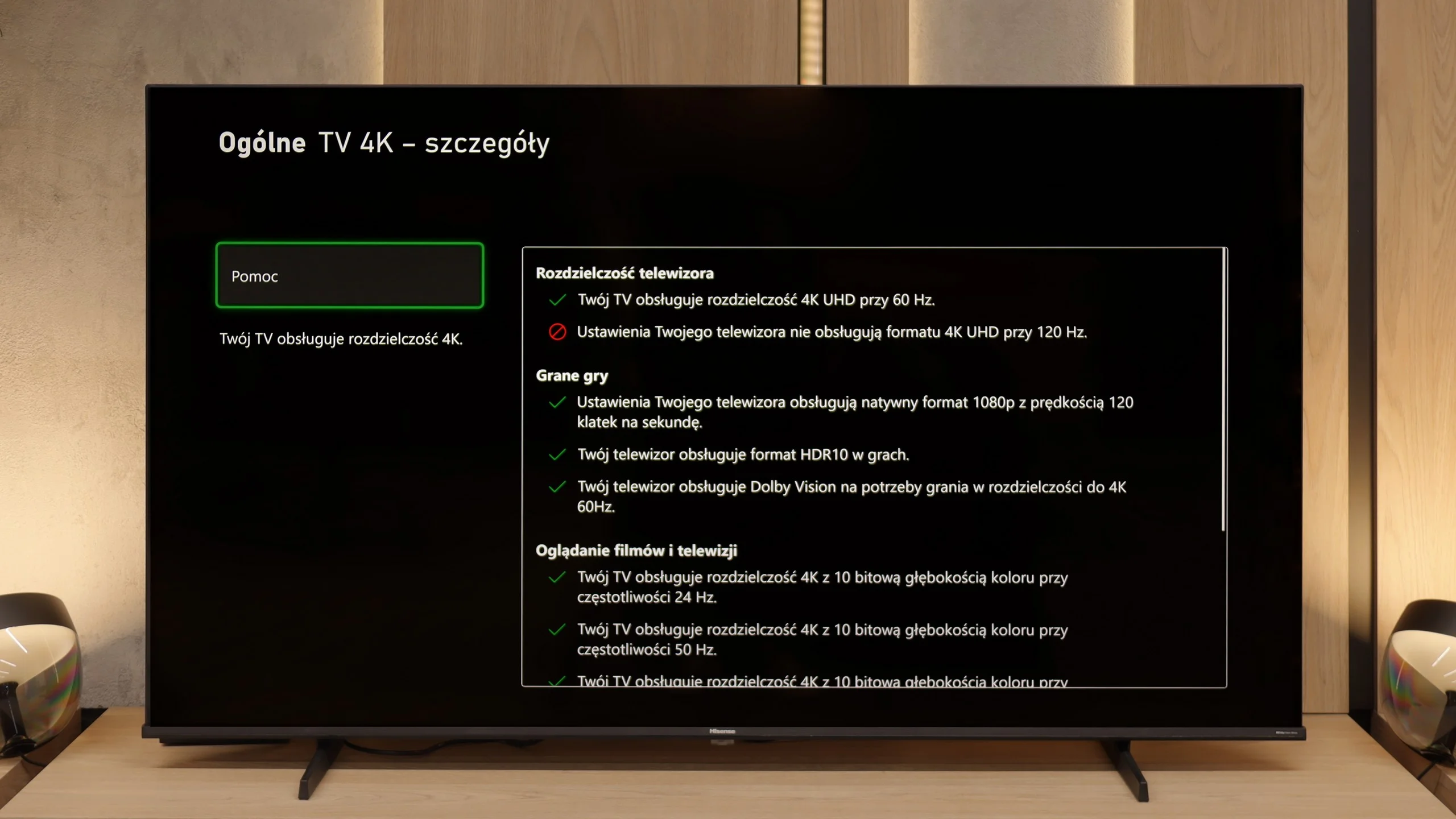
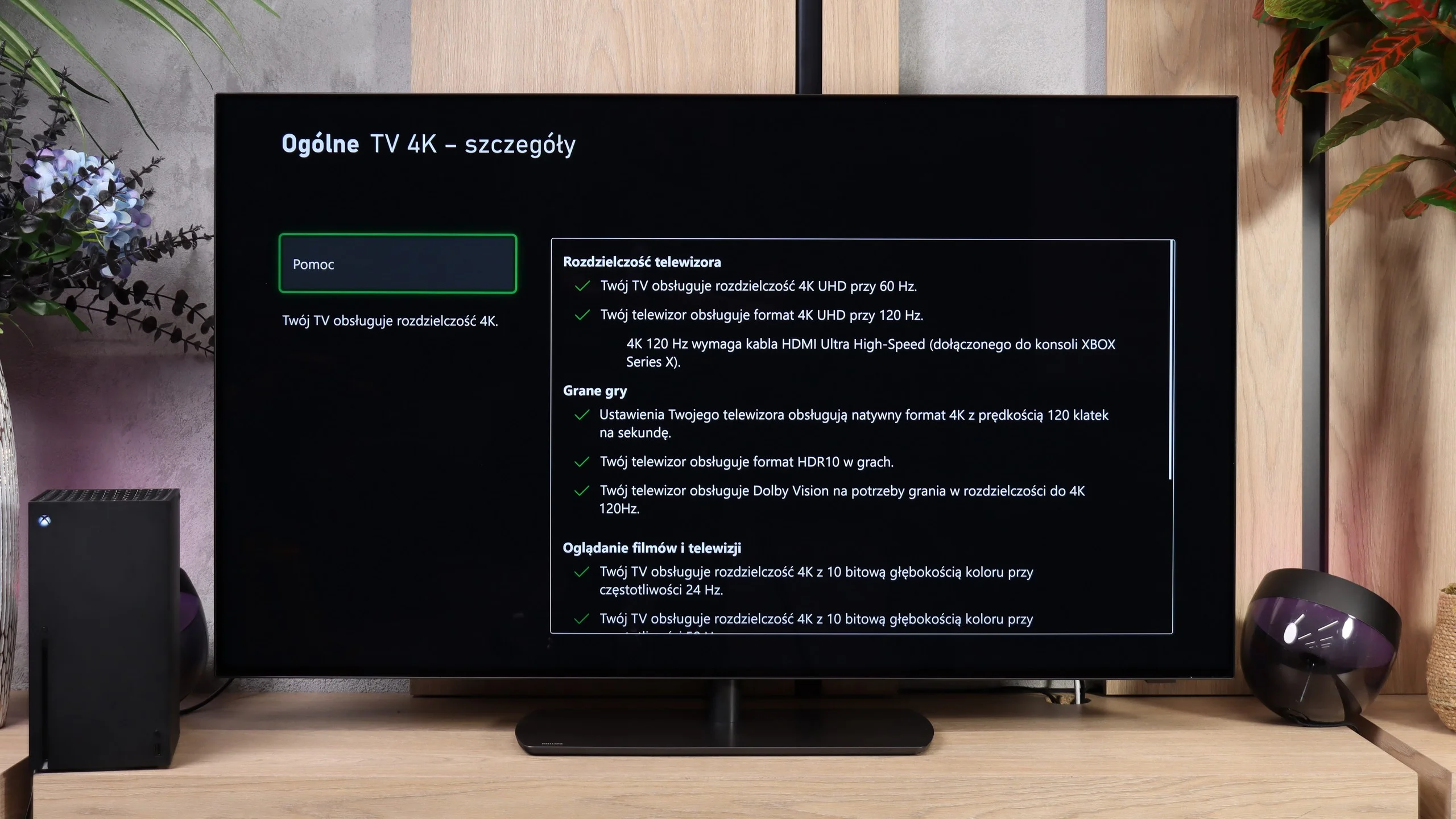
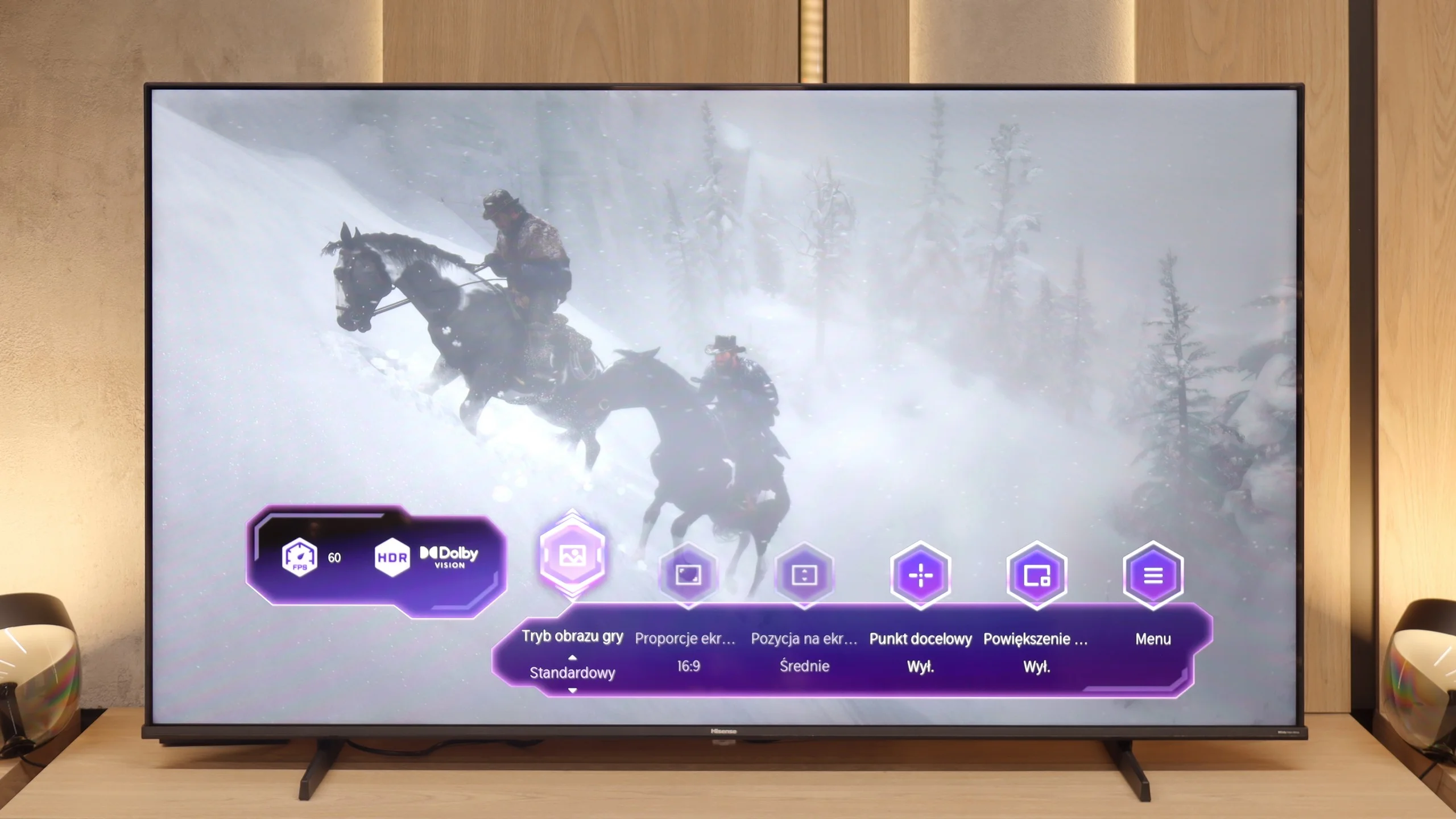
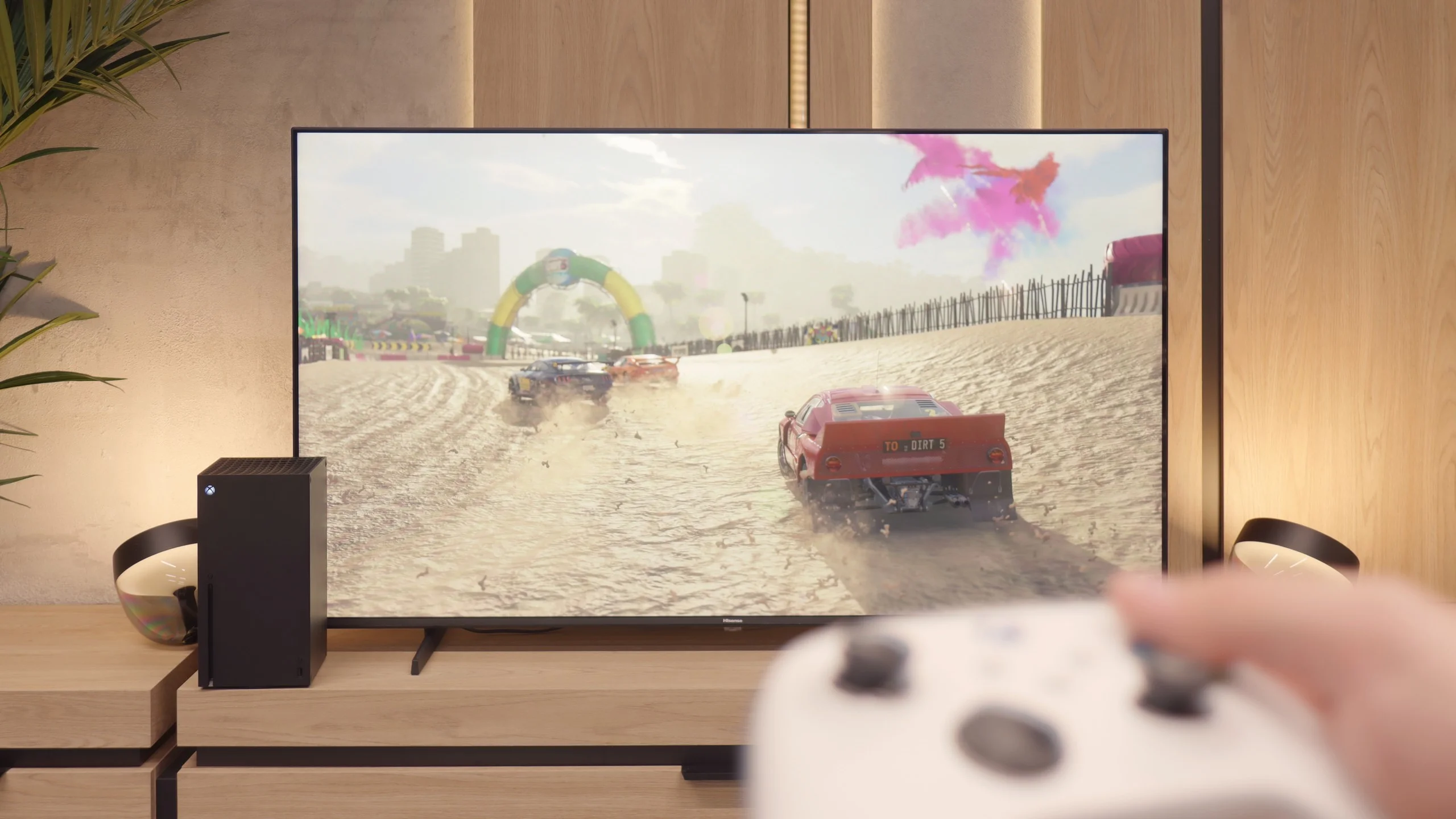
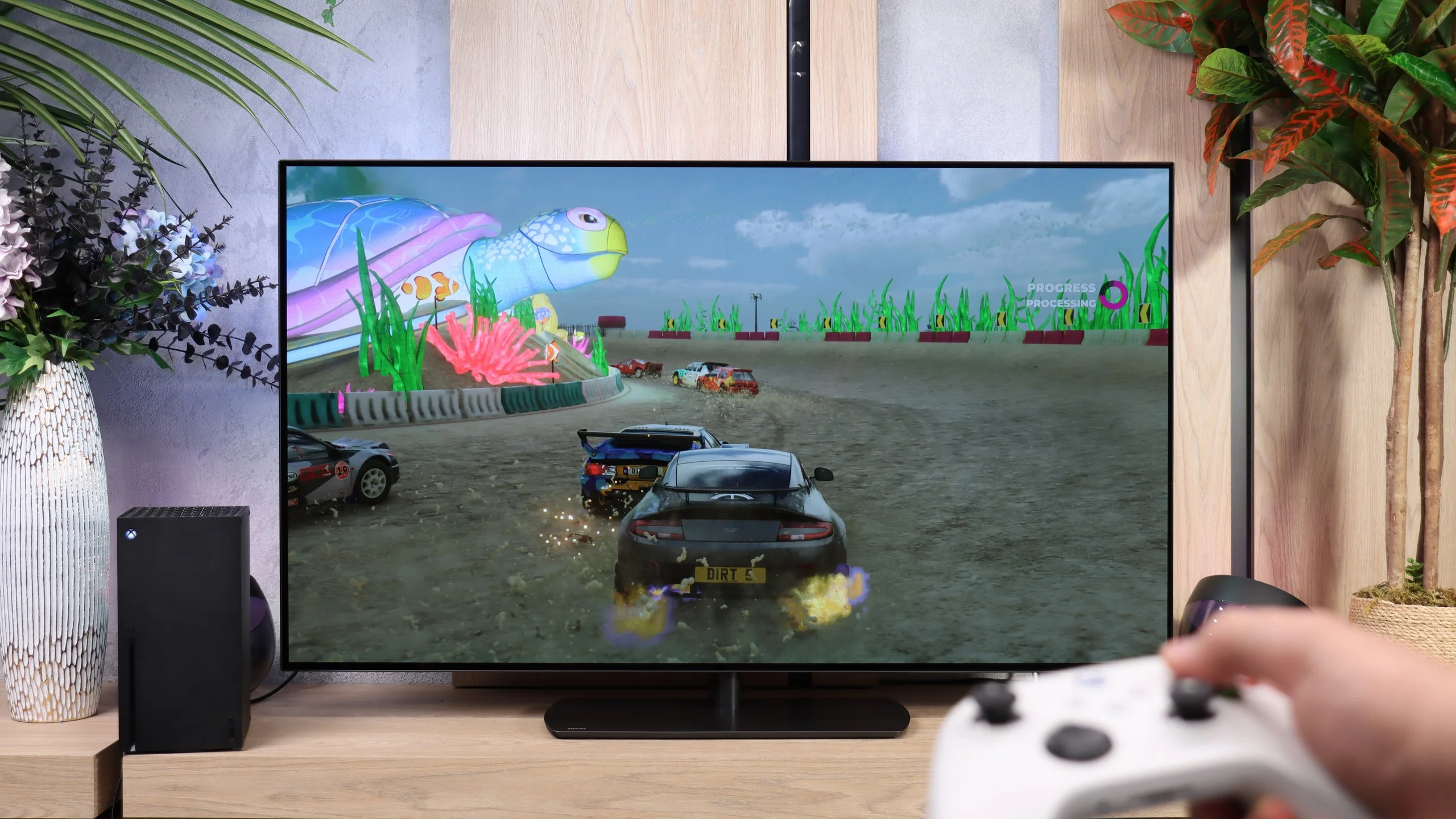
Hisense E7Q / E79Q is truly a successful television for gamers, even though it does not support 4K signal at 120 Hz. The manufacturer, however, has ensured a set of features that until recently could only be found in more expensive models. There is ALLM, meaning automatic switching to low latency mode, allowing the television to activate game mode with very low input lag by itself. We also have VRR, functioning up to 60 Hz – while this may not look impressive on paper, in practice it is fully sufficient, as most games on consoles do not exceed this limit. All these settings can be quickly found in the Game Bar panel, a convenient menu created specifically for gamers. From this interface, one can change picture modes, enable a frame counter, or even... an on-screen reticle – humorously named "target point" in the Vidaa system, which is a result of awkward translation from the Chinese manufacturer.
Special praise should be given to the ability to play in 1080p at 120 Hz, which significantly improves the fluidity and responsiveness of the image. Therefore, if someone wants to play a few titles at a higher refresh rate, they can simply lower the resolution and enjoy much smoother motion. Despite the lack of 4K@120Hz, the Hisense E7Q / E79Q performs really well as a gaming television – especially for those who are not looking for perfection but rather a solid and fast screen for everyday gaming.
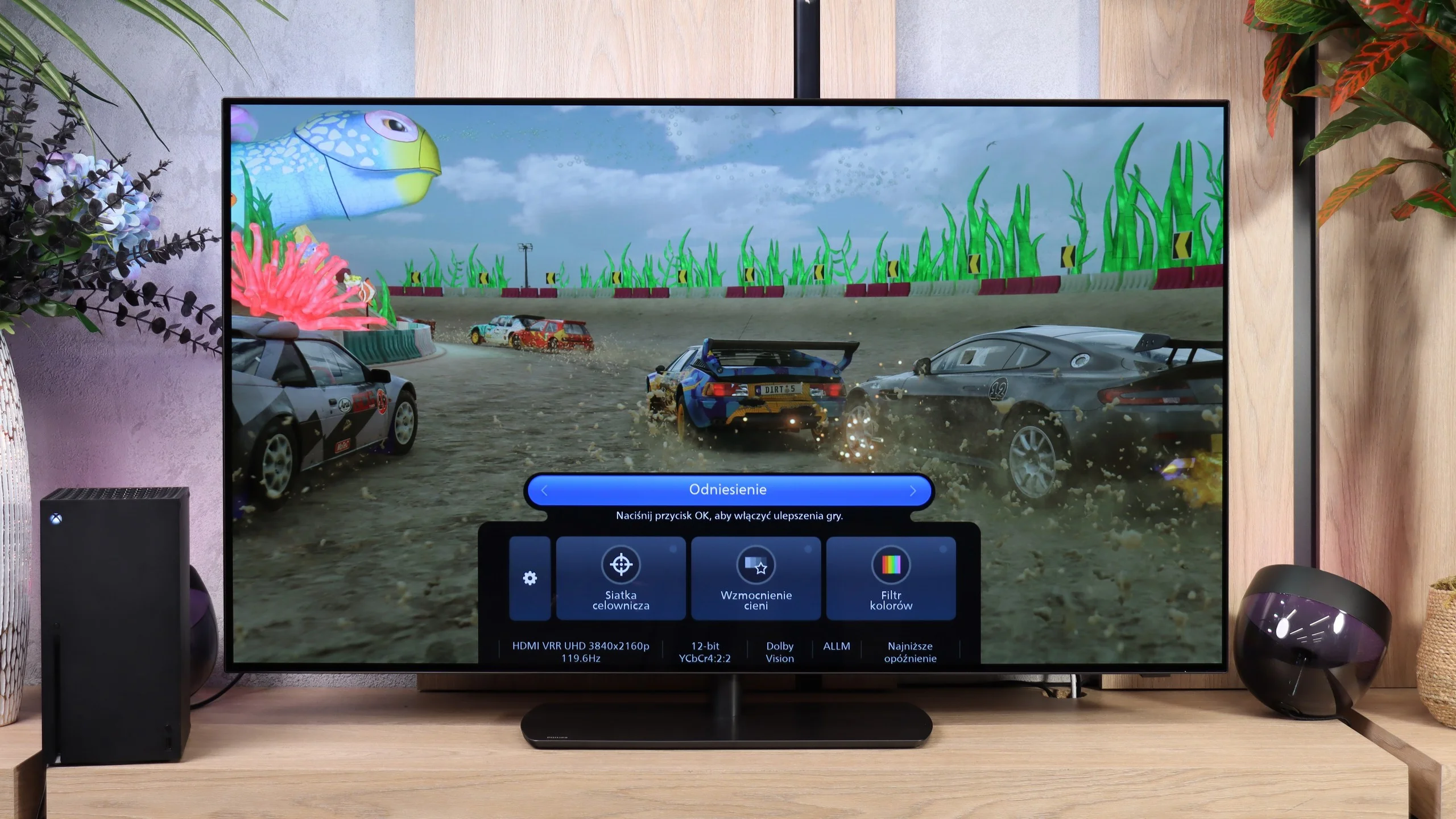
OLED811 has almost everything you could expect from a TV for gaming. It supports 120 Hz at Full HD, 1440p and 4K, and when connected to a PC it can reach 165 Hz. It also has VRR, which helps prevent screen tearing when frame rates fluctuate, and ALLM, which automatically switches to game mode. So you don't have to dig into the settings every time you power up your console.
Another plus is that HGiG works correctly, so once HDR is set on the console the TV doesn't apply its own changes to image brightness. There's also a Game Bar to check signal parameters and quickly change settings useful while gaming. The list even includes Dolby Vision for gaming, but there is a significant catch, which you can read about below.
Input lag
10/10
8.8/10
SDR
HDR
Dolby Vision
In games, the easiest thing to notice is how fast (or slow) the television is – and the Hisense E7Q / E79Q passes this test without a hitch. After just a few minutes of playing, you can feel that the response to the controller movements is instantaneous, without that characteristic delay that can ruin even the best match in FIFA or a crucial exchange in a fighting game. In game mode, the E7Q / E79Q operates with a delay of less than 15 ms, which means there is virtually no gap between pressing the button and the response on the screen. This is a level that more expensive models would be proud of. And it is precisely for this responsiveness – perhaps even more than for the picture or features – that this television truly deserves to be praised.
The OLED811 responds instantly. We measured 14 ms at 60 Hz and just 5 ms at 120 Hz, both in Full HD and 4K. Those are excellent results that let you comfortably play even fast online titles. Unfortunately, when Dolby Vision is enabled the situation changes dramatically: at 60 Hz latency rises to 157 ms, and at 120 Hz it is 57 ms. The first figure in particular already means a clearly noticeable delay between input on the controller and the on-screen response. For gaming, it’s definitely better to stick with HDR10.
Compatibility with PC
3/10
8.6/10
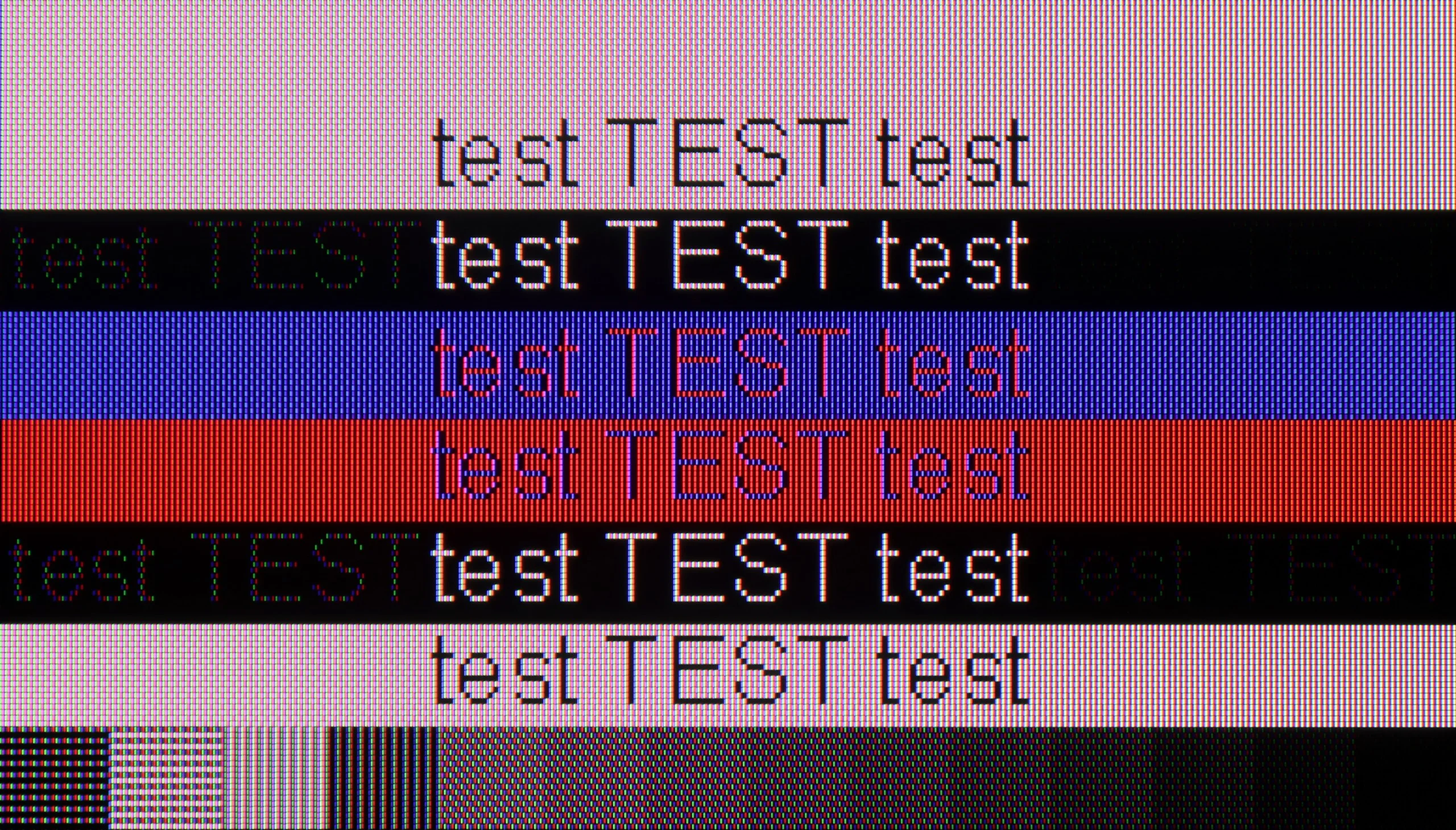
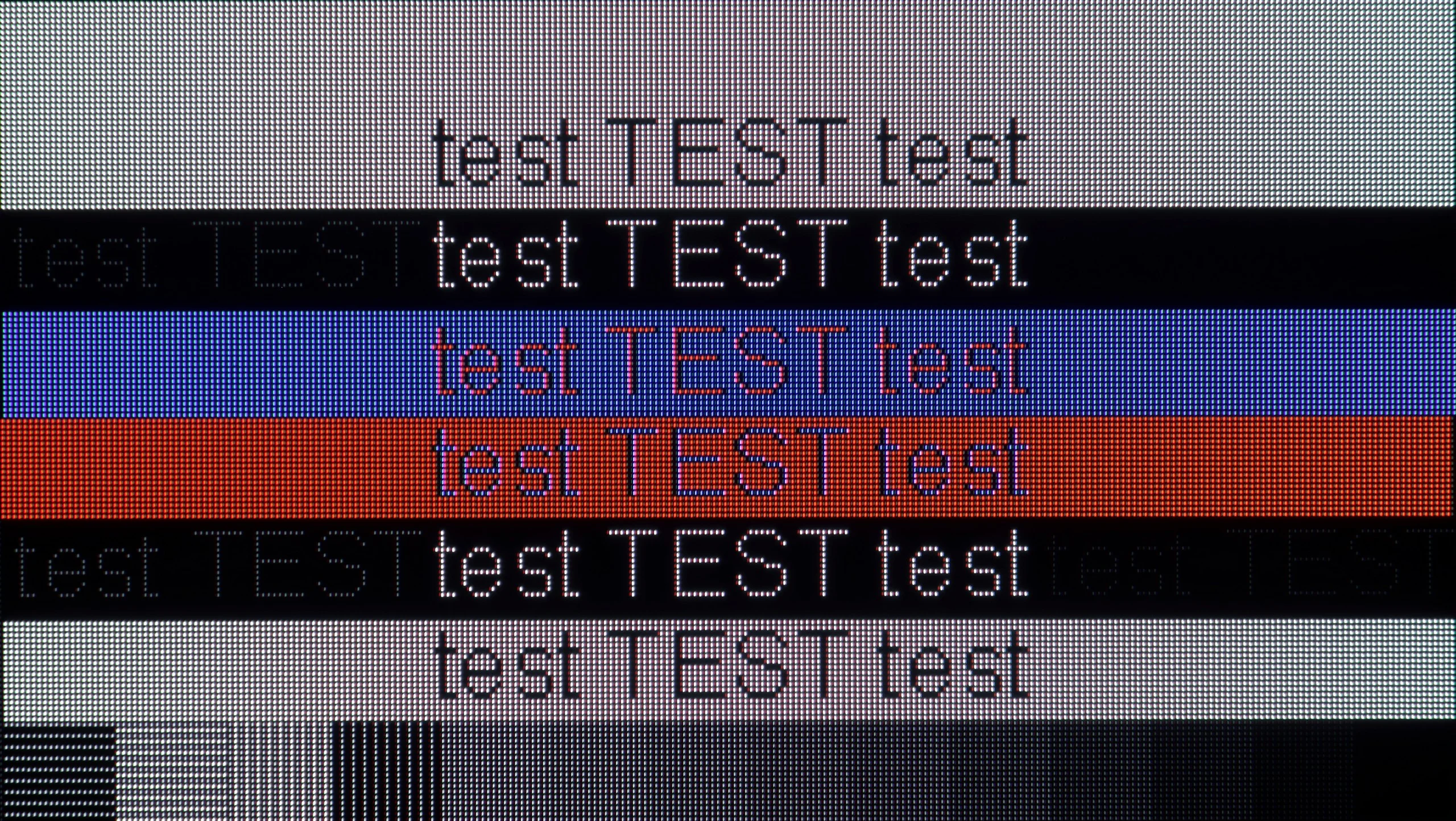
The photo shows the legibility of small fonts. Ideally, lines should be the same thickness on both light and dark text, with minimal pixel gaps.
When it comes to working with a PC, the Hisense E7Q / E79Q unfortunately does not impress. Yes, the television supports full 4:4:4 chroma sampling, so text and fonts are quite readable, but that is where the list of advantages pretty much ends. The screen has a significant issue with dithering, which in practice looks very unpleasant – as if the surface of the image subtly shimmered with colours. This is best seen with dark letters on a grey background – instead of neutral shades of fonts, there are delicate flashes of blue, green, and red, reminiscent of a rainbow effect. After extended use with a computer, this can strain the eyes and reduce comfort. On the plus side, one can note the presence of frame synchronization and the ability to operate at 120 Hz at a lower resolution, which may be a small consolation for gamers. However, as a typical monitor for PC use, the E7Q / E79Q performs rather mediocrely.
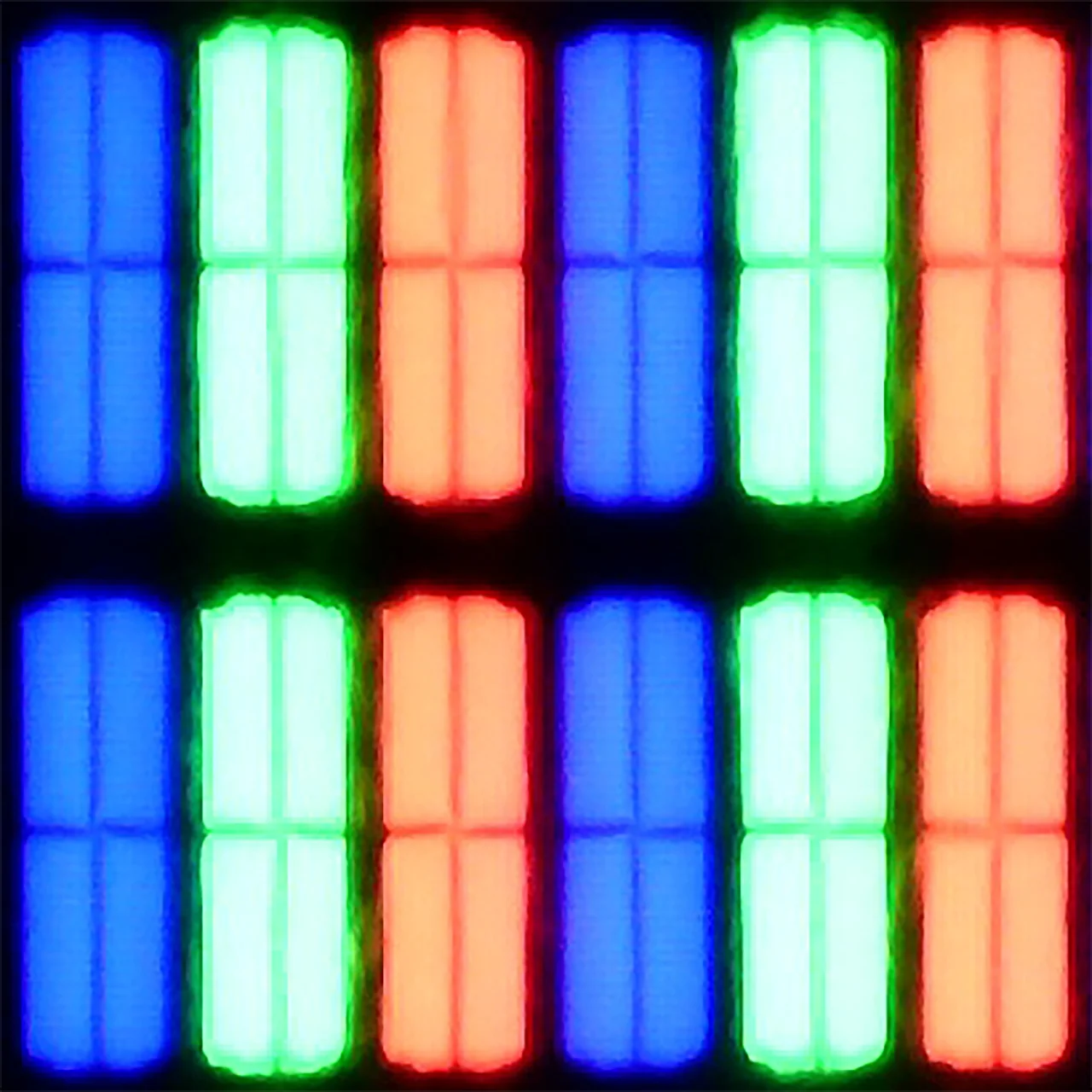
The Philips OLED811 works very well with a PC. The manufacturer has finally managed to implement 4:4:4 chroma correctly, even at maximum resolution and refresh rate. As a result, small text and coloured edges are legible, without blurring or rainbow artefacts caused by loss of colour information. Dark text on dark backgrounds also performs well, which is something TVs can struggle with. There are still minor imperfections related to the RGWB subpixel layout. Fonts are not as sharp as on a conventional RGB monitor, and white letters can show faint red outlines up close. From a normal viewing distance you hardly notice it, though sitting close to the screen at a desk makes it easier to spot.
The most fun, however, comes from gaming on a PC. The combination of 4K at 165 Hz, functional G-Sync and input lag of around 5 ms makes the OLED811 excellent for that. If you have a PC that can take advantage of such a refresh rate, it’s definitely worth connecting it to the Philips.
Viewing angles
3.2/10
7.8/10
The Hisense E7Q / E79Q has typical VA panel weak viewing angles. Straight on, the image looks very good - the blacks are deep and the contrast is high. However, it only takes sitting slightly off to the side for the situation to change rapidly. At an angle of about 45 degrees, brightness drops by around 73%, and colours clearly lose saturation. This is the typical compromise we will have to accept for choosing a television with this type of panel instead of an IPS panel. With IPS, the viewing angles are much better, but the blacks are considerably worse.
The viewing angles on the OLED811 are excellent and among the best on the market. Even sitting well off to the side, you still see an image with deep blacks and well-saturated colours. This is a big advantage over LCD screens, as you don't have to sit directly in front to enjoy good picture quality.
QD-OLED panels do even better, keeping colours truer at angles. On the Philips, at greater off‑axis angles white shifts slightly towards greenish hues, but the effect is so small that it is hard to find it bothersome during viewing. We'd even say that, in this respect, we've come across the best WOLED panel unit we've tested so far.
Daytime performance
5.2/10
6/10
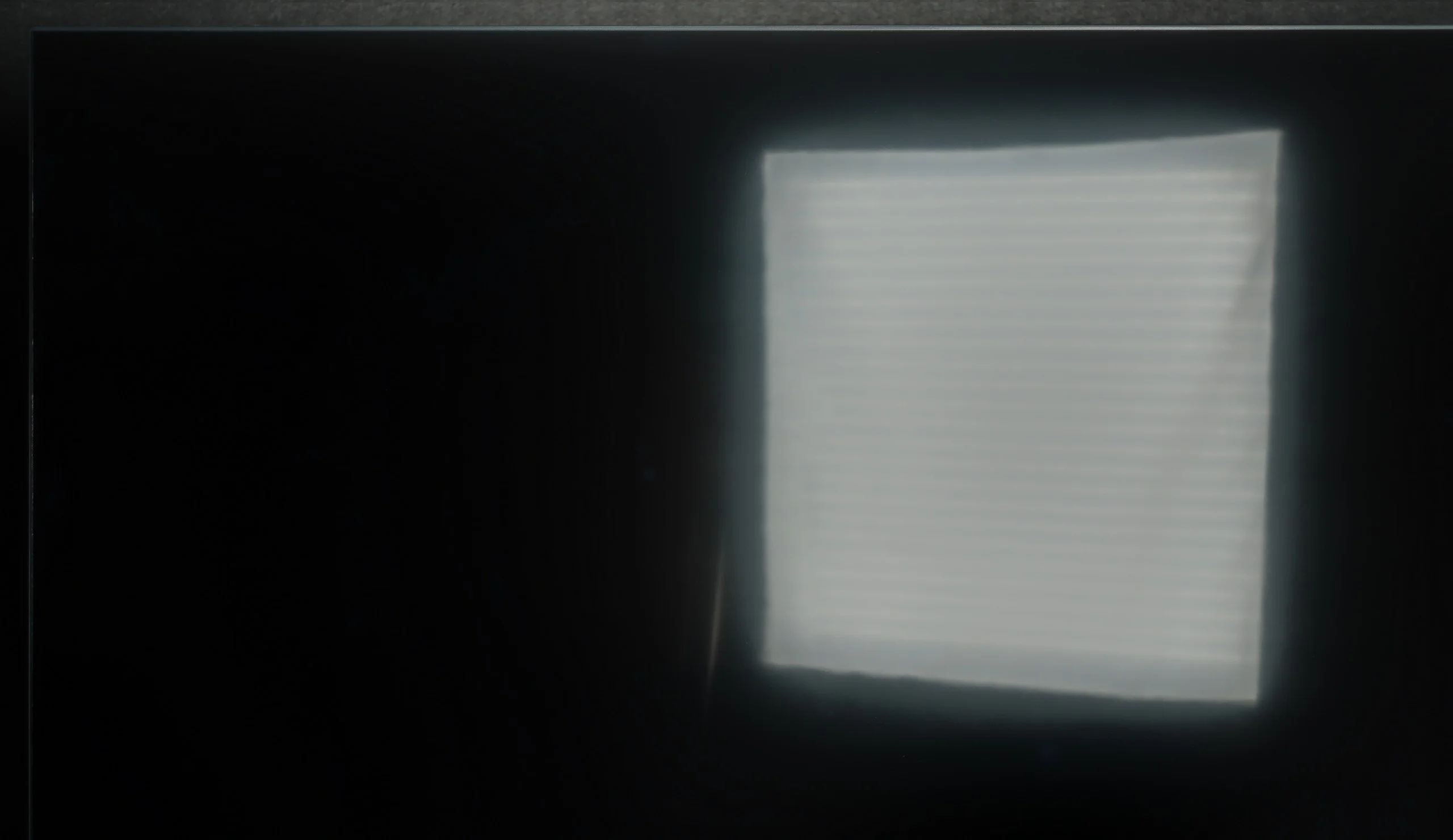
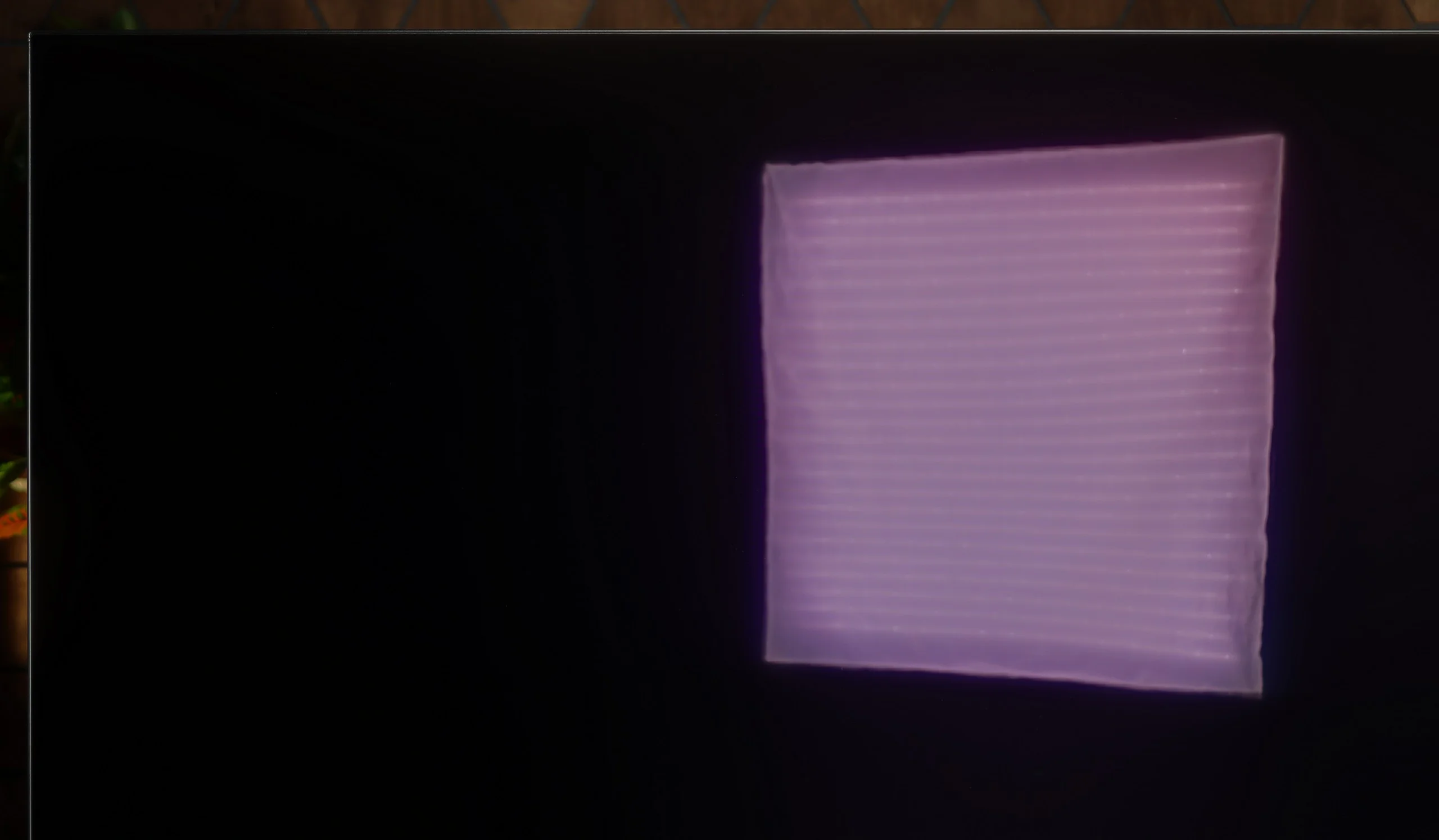
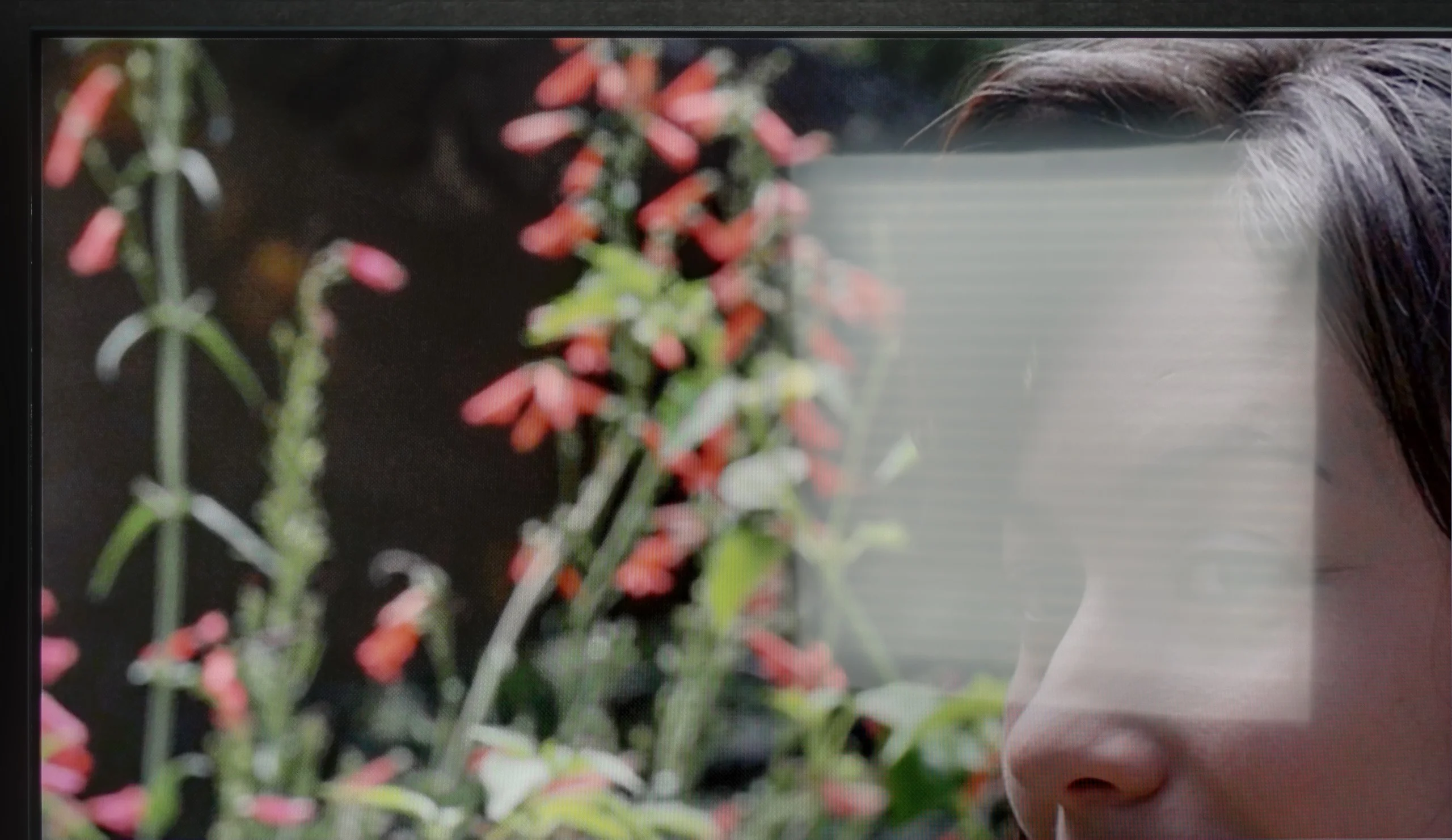
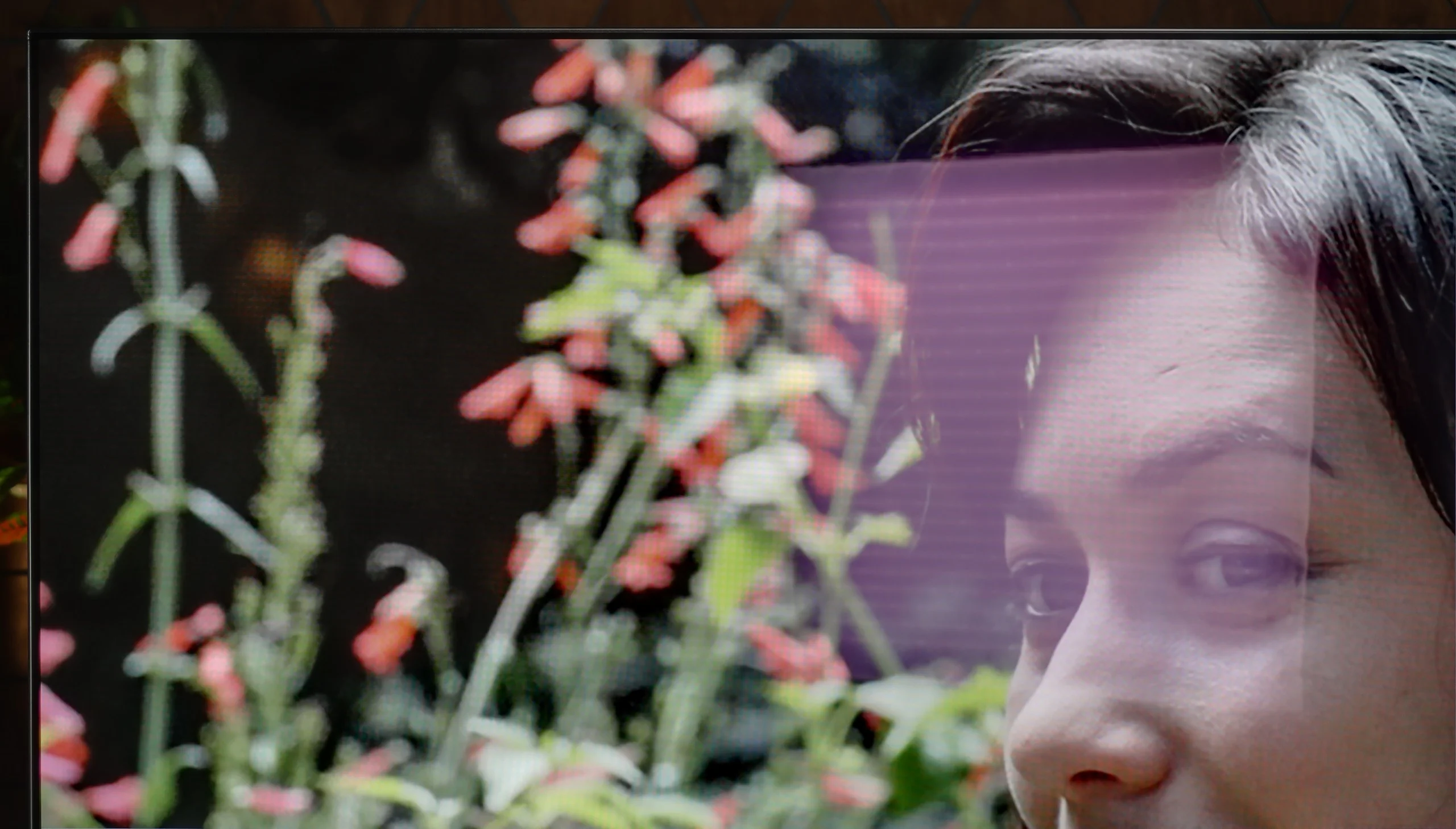
Panel brightness
Philips OLED811: 392 cd/m2
Hisense E7Q / E79Q: 371 cd/m2
The Hisense E7Q / E79Q performs best in moderately bright living rooms. Its brightness ranges from 350 to 380 nits, so in typical home conditions, the picture looks good, but in very sunlit rooms, it begins to lose clarity. This is simply not a screen for interiors with large windows or strong daylight. On the plus side, it is worth mentioning the satin coating of the panel, which quite effectively suppresses reflections – both from lamps and from windows. Thanks to this, even if the room is not in dim lighting, the image still remains fairly readable.
OLED811 copes with daytime viewing, though in a very bright living room it has its limitations. Maximum SDR brightness reaches around 600 nits, comparable to the LG C6 or the Samsung S90H, which use the same panel. That’s noticeably more than entry-level OLEDs and will be more than enough for most people. However, bear in mind this brightness is not sustained across the whole screen; it falls with large areas of white, and our average measurement was about 392 nits.
A bigger problem can be direct reflections from windows or lamps. The glossy coating suppresses them reasonably well, but they are still clearly visible on the screen, especially in dark scenes. It doesn’t diffuse them as effectively as matte screens, so placing the TV opposite a large window is not the best idea. On the plus side, blacks remain very good even during the day. In a typical living room the Philips will cope without major issues, but with strong sunlight falling directly on the screen you will want blinds.
Panel details
Subpixel Structure:
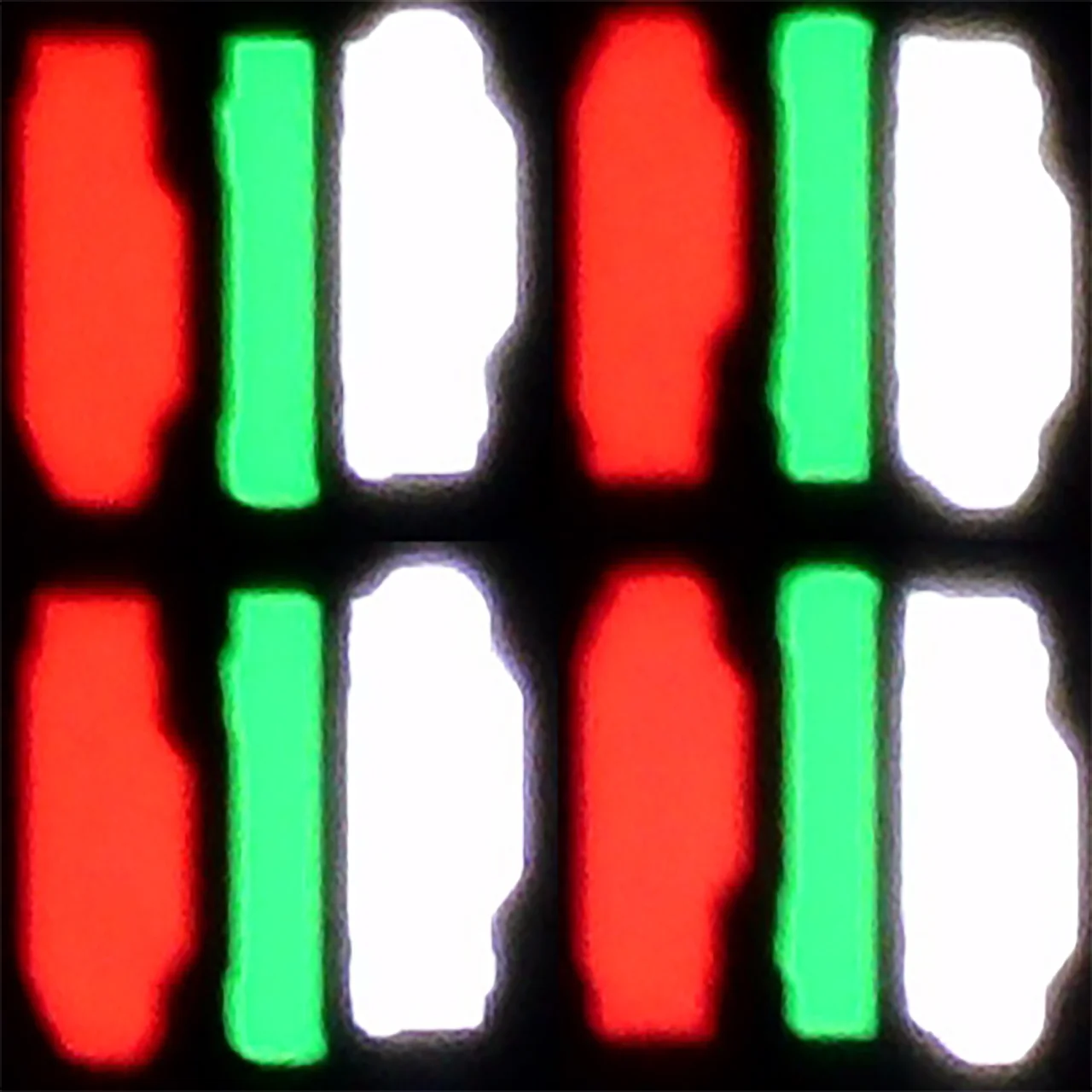
Panel uniformity and thermal imaging:


Hisense E7Q / E79Q
Philips OLED811
TV features
8.7/10
7.9/10
- SystemVIDAATitan OS
- System performanceDecentGood
- HDMI inputs3 x HDMI 2.0, 0 x HDMI 2.10 x HDMI 2.0, 4 x HDMI 2.1 48Gbps
- Other inputsComponent (YPbPr)
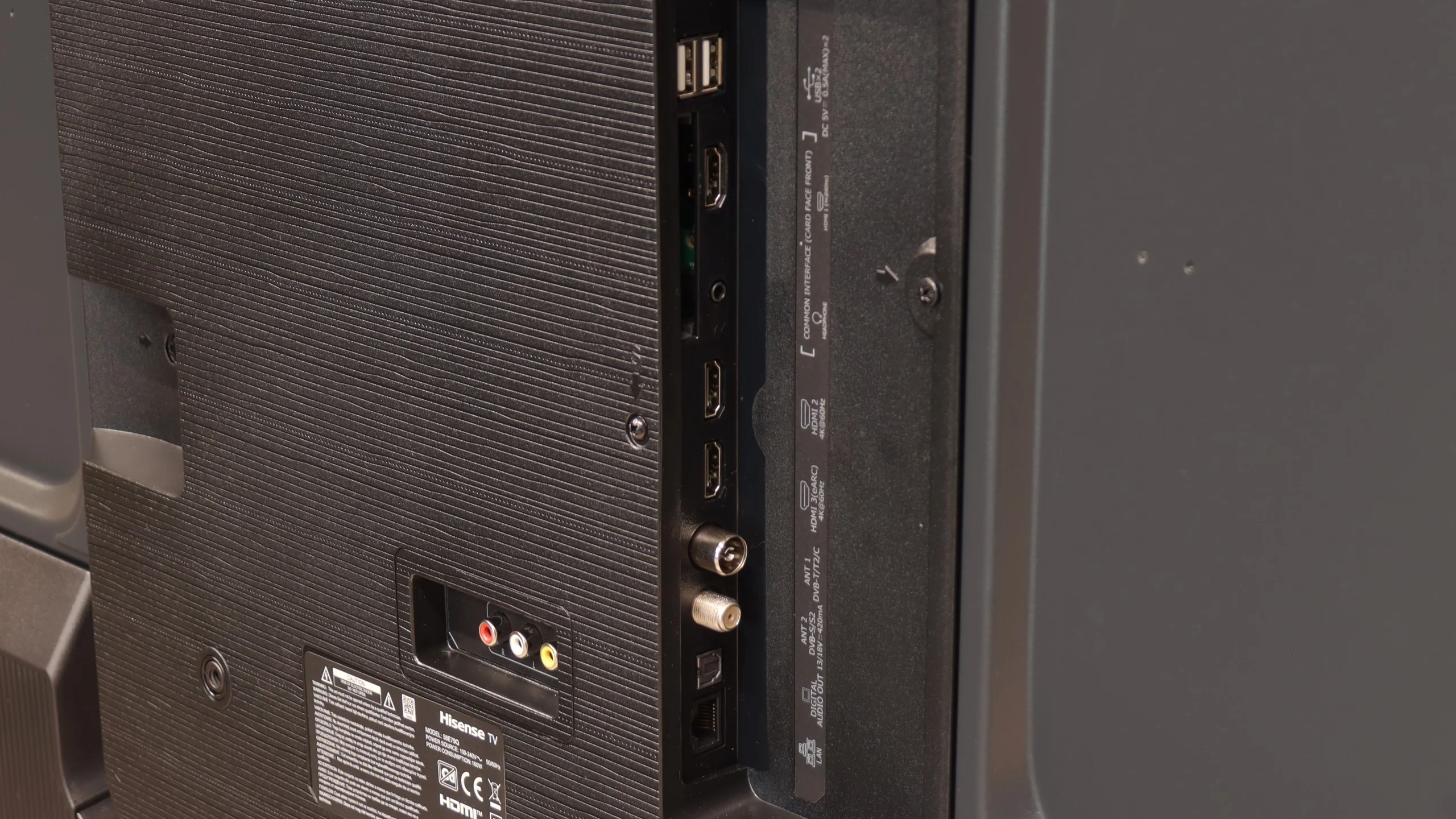
- OutputsToslink (Optical audio), eARC (HDMI), ARC (HDMI), Mini-Jack (Headphones)Toslink (Optical audio), eARC (HDMI), ARC (HDMI), Mini-Jack (Headphones)
- Network InterfacesWi-Fi 2.4GHz, Wi-Fi 5GHz, Ethernet (LAN) 100MbpsWi-Fi 2.4GHz, Wi-Fi 5GHz, Ethernet (LAN) 100Mbps
- TV receptionDVB-T, DVB-T2, DVB-S, DVB-S2, DVB-CDVB-T, DVB-T2, DVB-S, DVB-S2, DVB-C
Classic features:
- Recording to USB (terrestrial TV)
- Recording programming
- Picture in Picture (PiP)
- RF remote control (no need to aim)
- Backlit remote control
- Teletext
- Audio only mode
- Bluetooth headphones support
- Simultaneous Bluetooth headphones & TV audio
Smart features:
- AirPlay
- Screen mirroring (Windows Miracast)
- Voice search
- Voice search in native language
- Ability to connect a keyboard and mouse
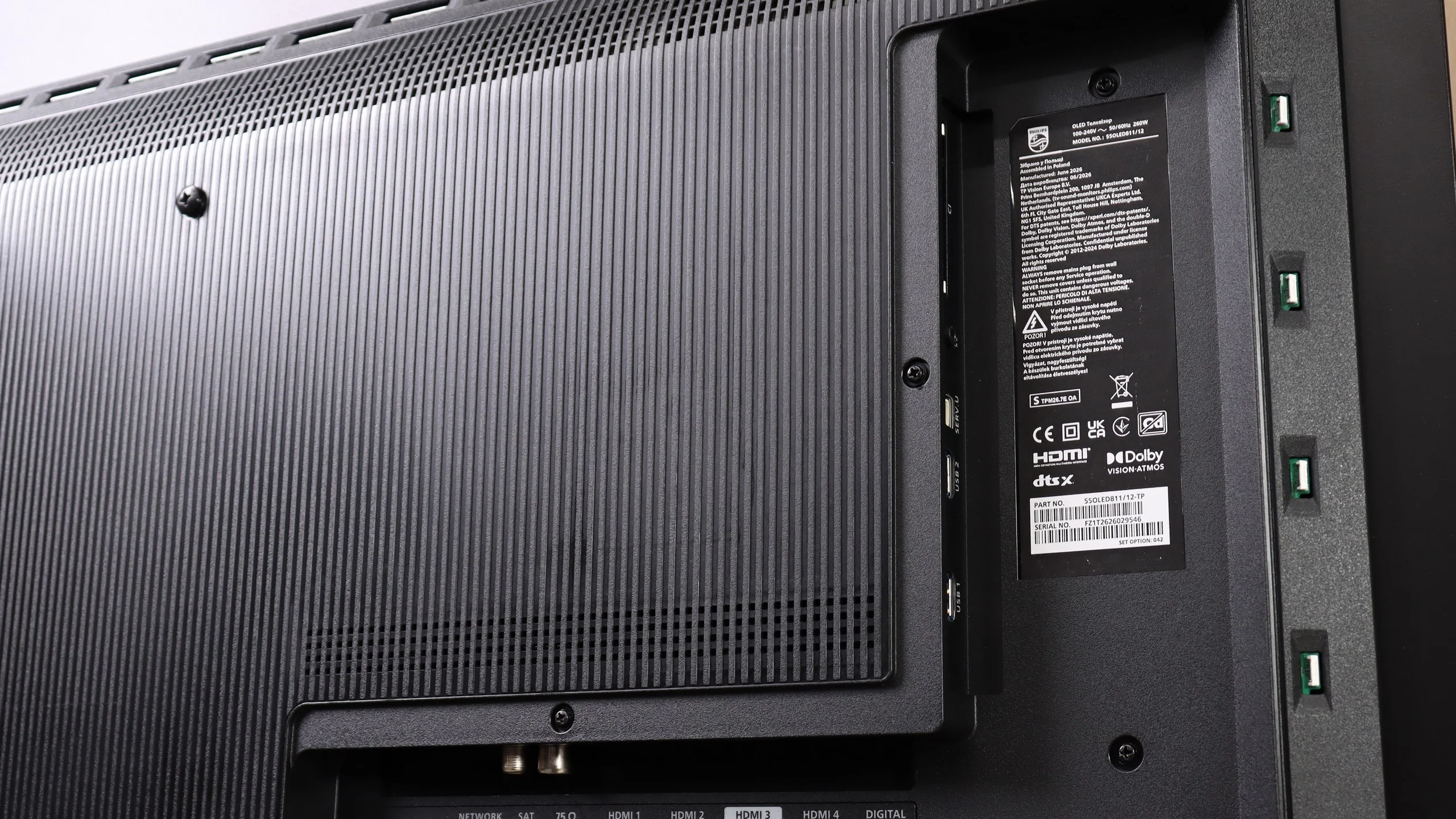
Sound connection options
- HDMI audioeARC (HDMI), ARC (HDMI)eARC (HDMI), ARC (HDMI)
- Other audio outputsToslink (Optical audio), Mini-Jack (Headphones)Toslink (Optical audio), Mini-Jack (Headphones)
- Wireless audioBluetoothBluetooth
Supported audio formats (external HDMI eARC audio):
- Dolby Digital Plus 7.1
- Dolby True HD 7.1
- Dolby Atmos in Dolby Digital Plus (JOC)
- Dolby Atmos in Dolby True HD
- DTS:X in DTS-HD MA
- DTS-HD Master Audio
Senior accessibility
- Numeric keyboard on TV
- Font size adjustment
- Audio description
SmartTV Features: Vidaa
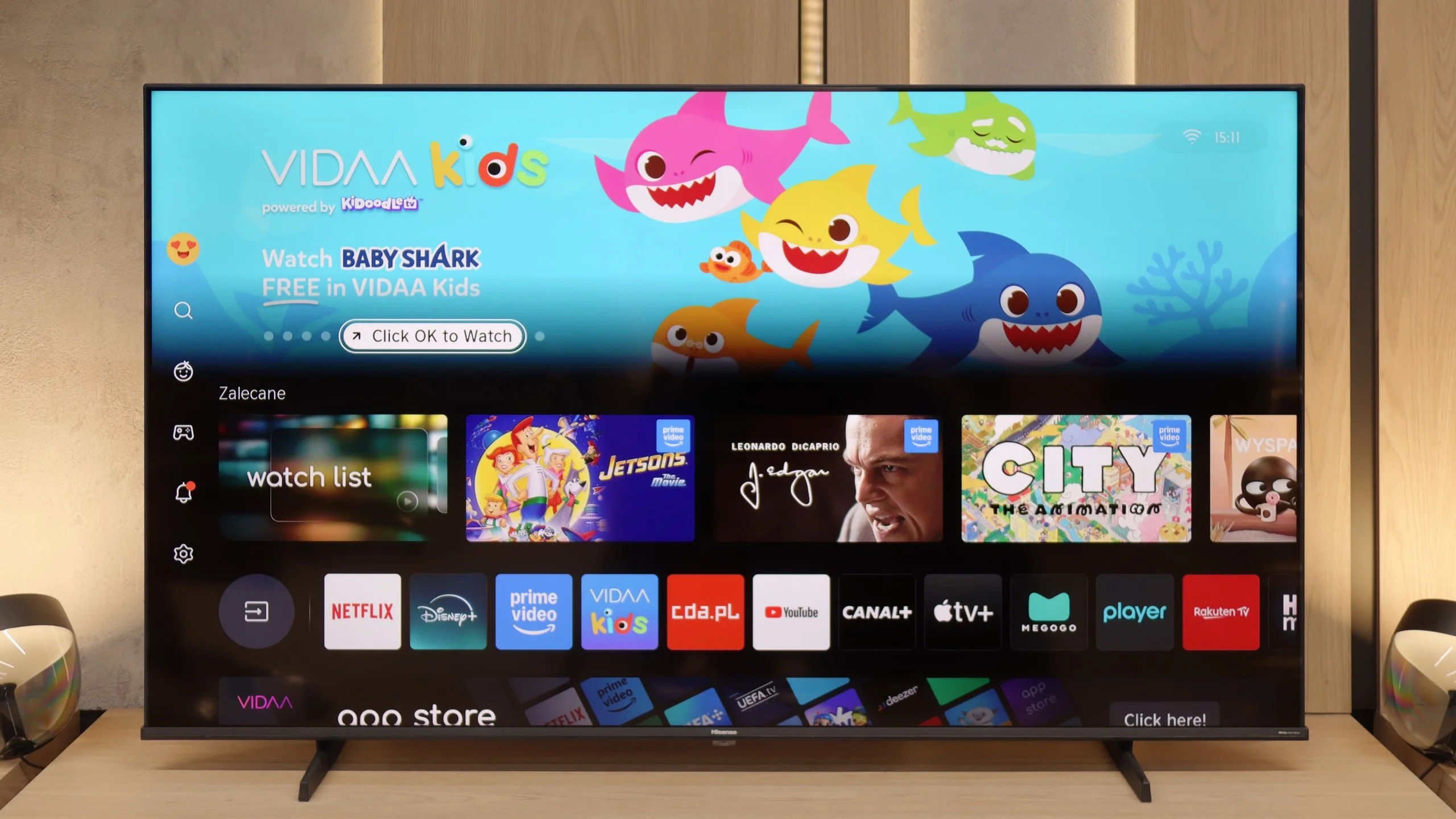
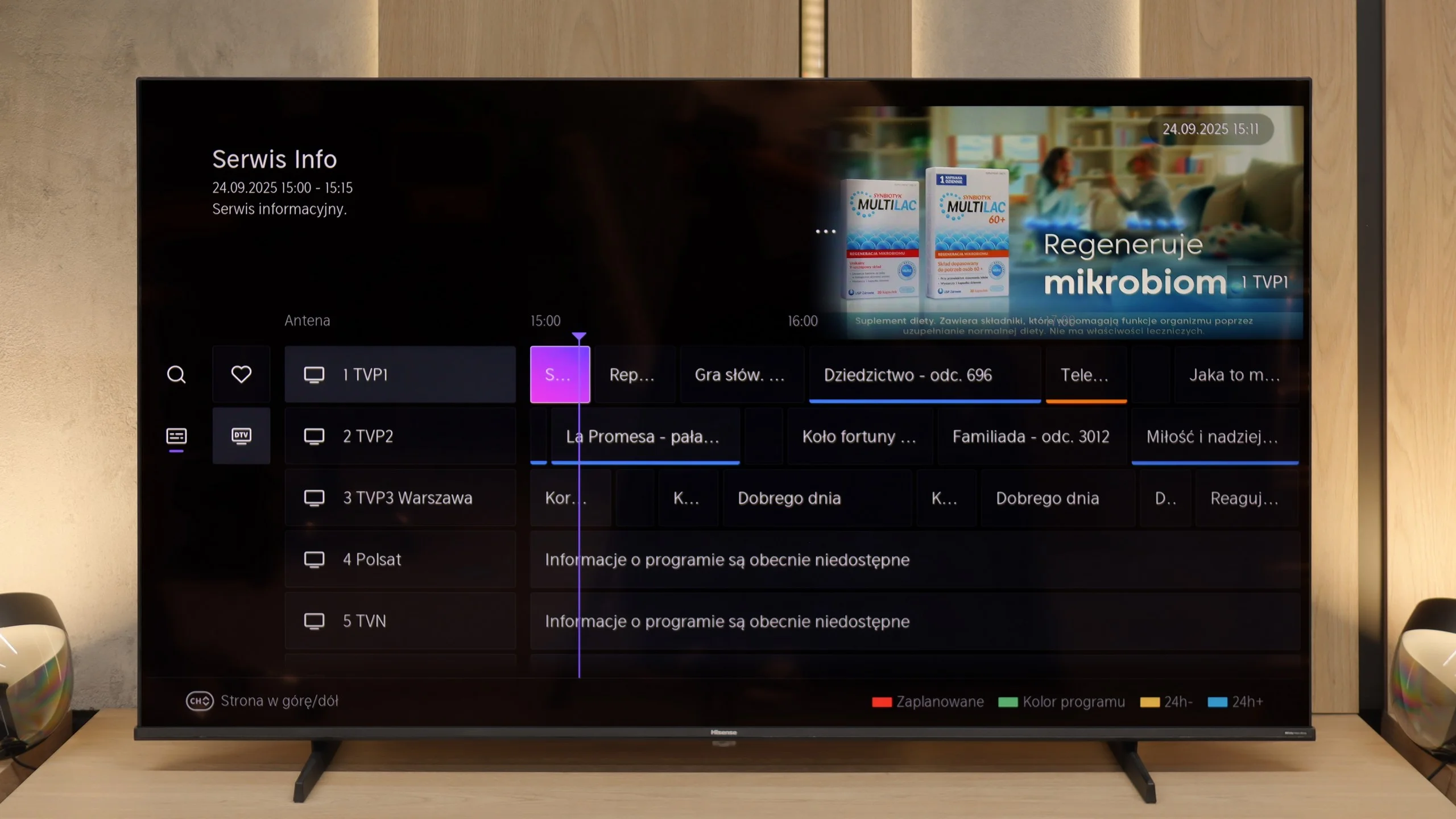
When it comes to Smart TV features, the Hisense E7Q / E79Q runs on the VIDAA system, which has been developed by the Chinese manufacturer for several years. It is evident that the software is maturing – it includes AirPlay, Screen Mirroring, and voice search in many languages, including Polish. Unfortunately, in our unit, it operated quite slowly, which surprised us somewhat, as in other Hisense models this system reacted much faster. A downside is the limited application library. Of course, the most important apps are available – Netflix, Disney+, and YouTube – but it's worth checking before purchase if you will find everything you use on a daily basis there.
Classic Features
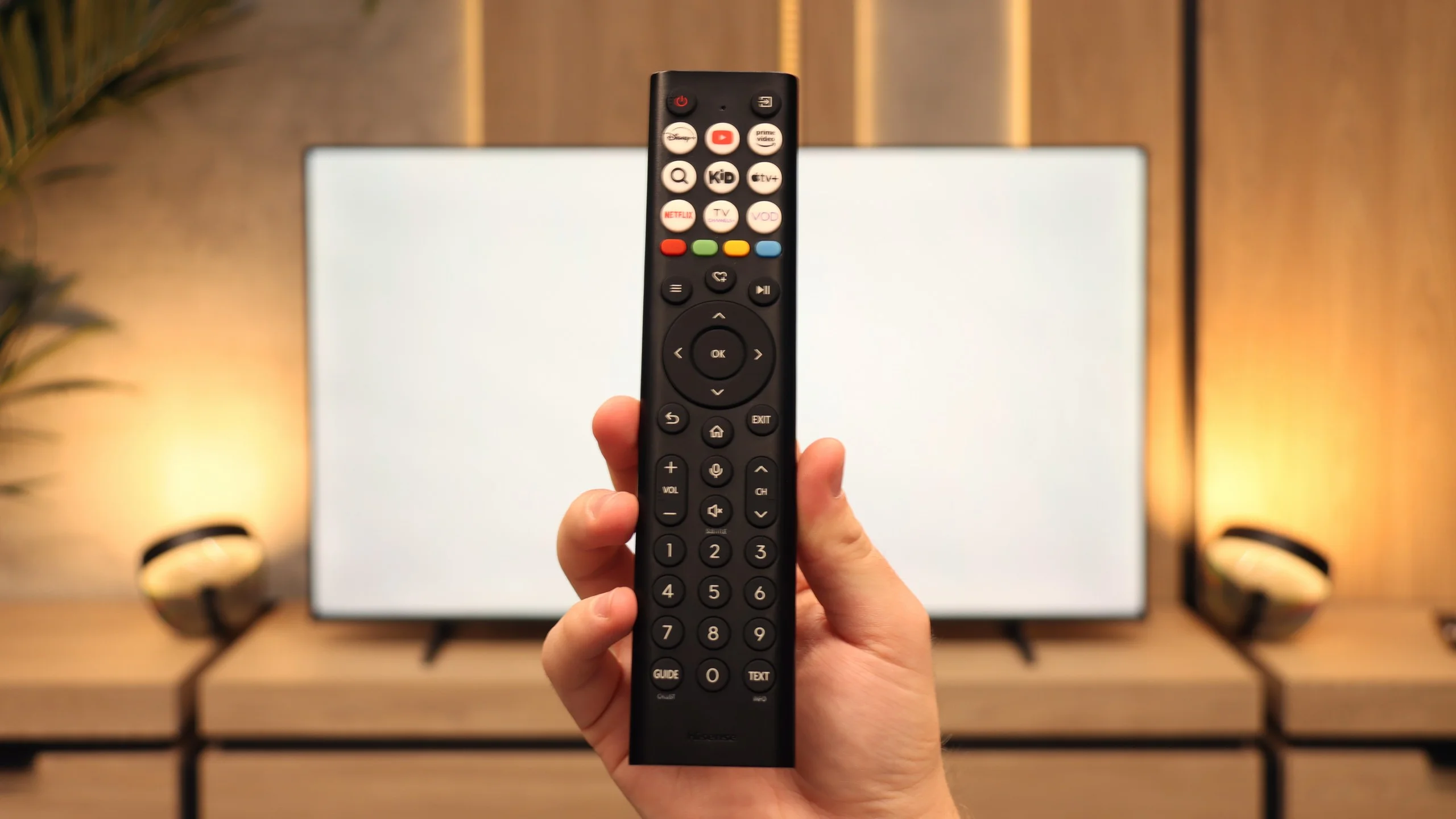
In terms of traditional television functions, the E7Q performs significantly better. It has practically everything one could expect from a classic television: recording from built-in tuners to USB, a headphone jack output, and even a component input for older audio equipment. Additionally, it offers full audio support via eARC, so you can be assured that regardless of the situation, the soundbar will always "play as it should." The remote is also fairly traditional, well-designed with a large number of buttons (including numerical ones), which may appeal to those who still watch regular television on their TV. 😉
Smart features: Titan OS
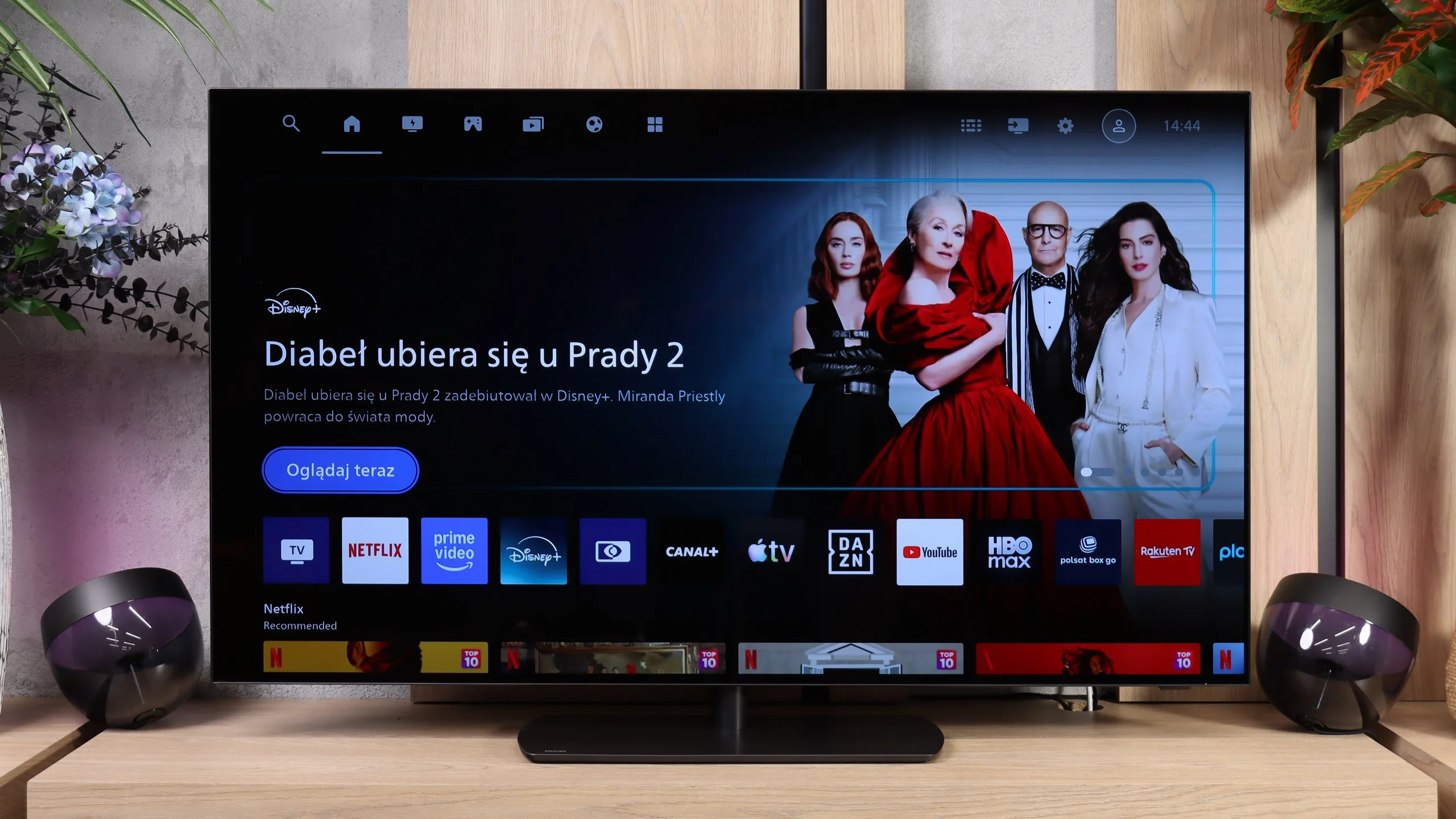
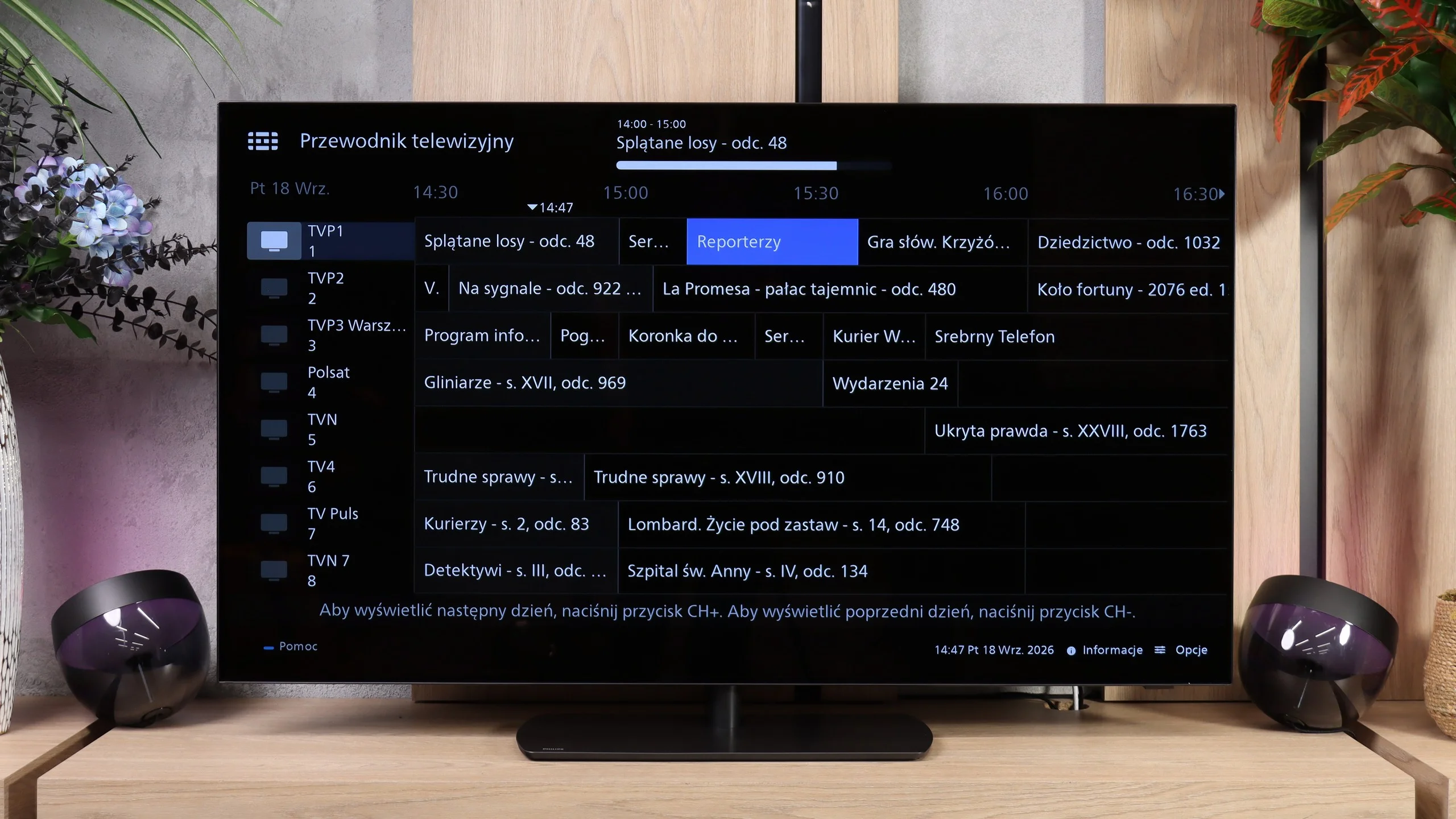
It's the Smart TV system that is the most controversial change in the OLED811. Philips dropped the user-favorite Google TV in favor of its own Titan OS. For many people this may be hard to accept, although Titan has been getting better every year and runs noticeably smoother. We have working AirPlay, screen mirroring from a computer, and voice search in Polish. System responsiveness has improved too, though minor delays still occur when navigating menus. We suspect the infrared remote is partly to blame, as it doesn't always register commands immediately. The biggest limitation compared with Google TV remains a smaller app selection. That doesn't mean it's empty — you'll find Netflix, Prime Video, Disney+, CANAL+, and Apple TV was recently added to the library. If you mainly use popular services, Titan should be enough, but it's worth checking availability of lesser-known apps before buying (list at the bottom 😉).
Ambilight
Ambilight is still one of the best reasons to consider a Philips. On the OLED811 it's three-sided — LEDs at the top and along the sides of the chassis light the wall with colors matched to what's happening on screen. In the evening it creates a great effect and can change the mood of the whole room, which is why we awarded extra points for this feature. You don't have to use dynamic picture tracking though. If you prefer calmer viewing conditions, you can set a steady white light. That's a nice option for evening sessions when you don't want to sit in front of a bright screen in a completely dark room.
Classic features
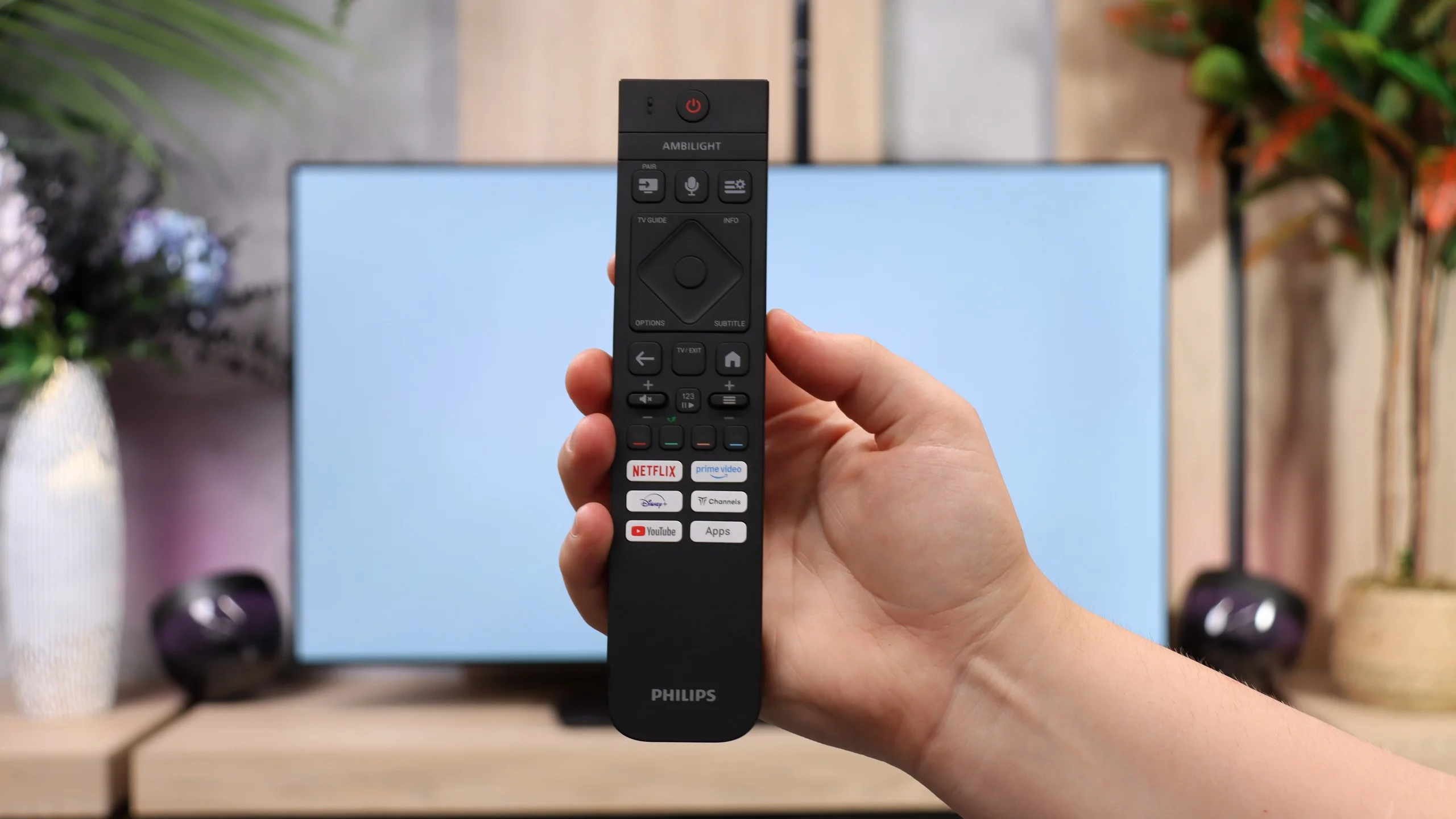
For regular TV watching the OLED811 performs well, although there is no USB recording or picture-in-picture (PiP). You can connect Bluetooth headphones and use them at the same time as the TV speakers. What bothers us most is the aforementioned infrared control. The remote itself is really interestingly designed: it has backlighting and a hybrid keyboard with a numeric section. It's a shame you have to aim it at the TV like with old remotes. For equipment at this level we'd prefer to just press buttons without wondering which way we're holding the remote. Hopefully Philips will fix that in future models.
Apps
7.7/10
7.7/10






















Playing files from USB
8.2/10
8.6/10
Supported photo formats:
Maximum photo resolution:
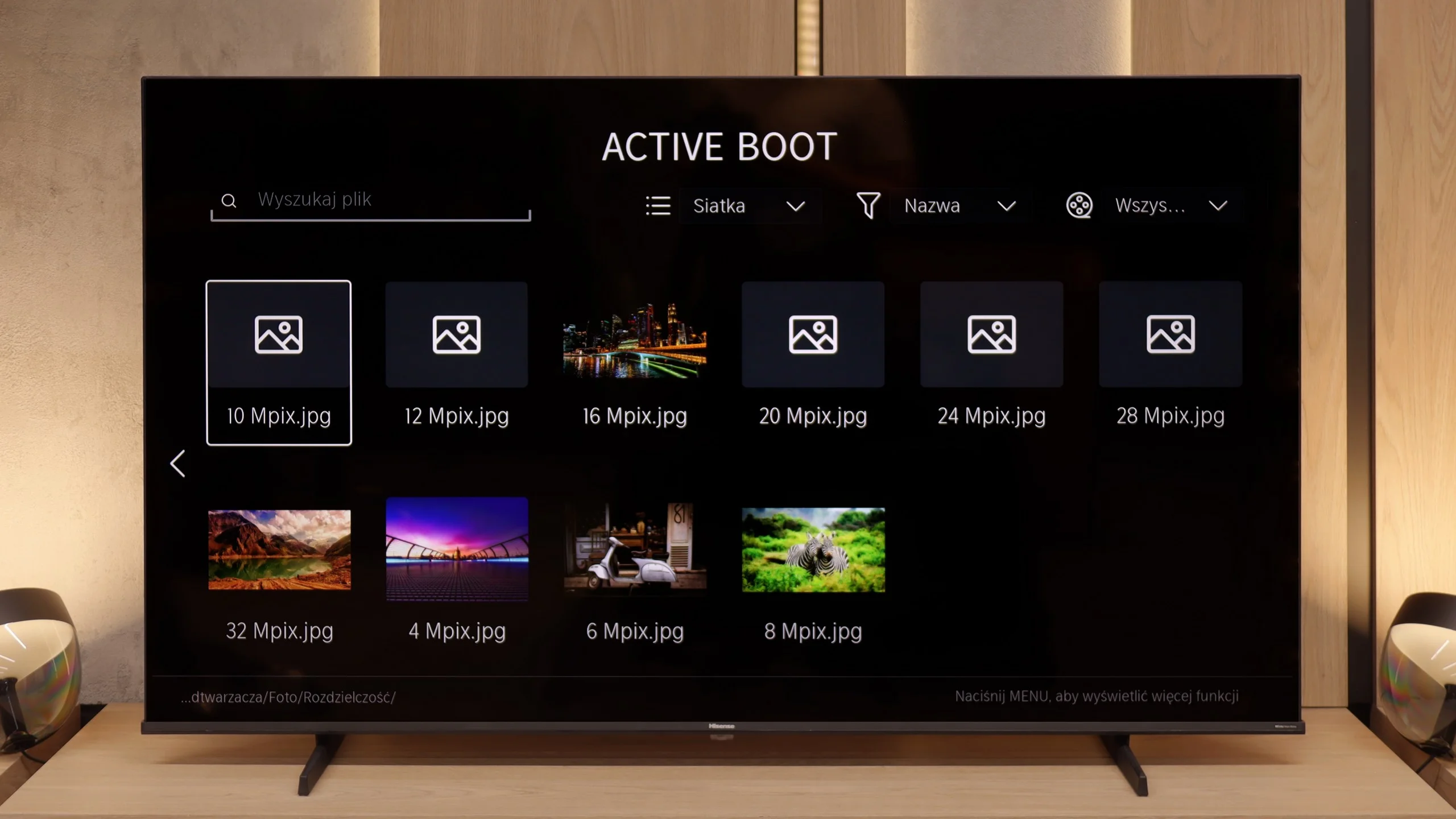
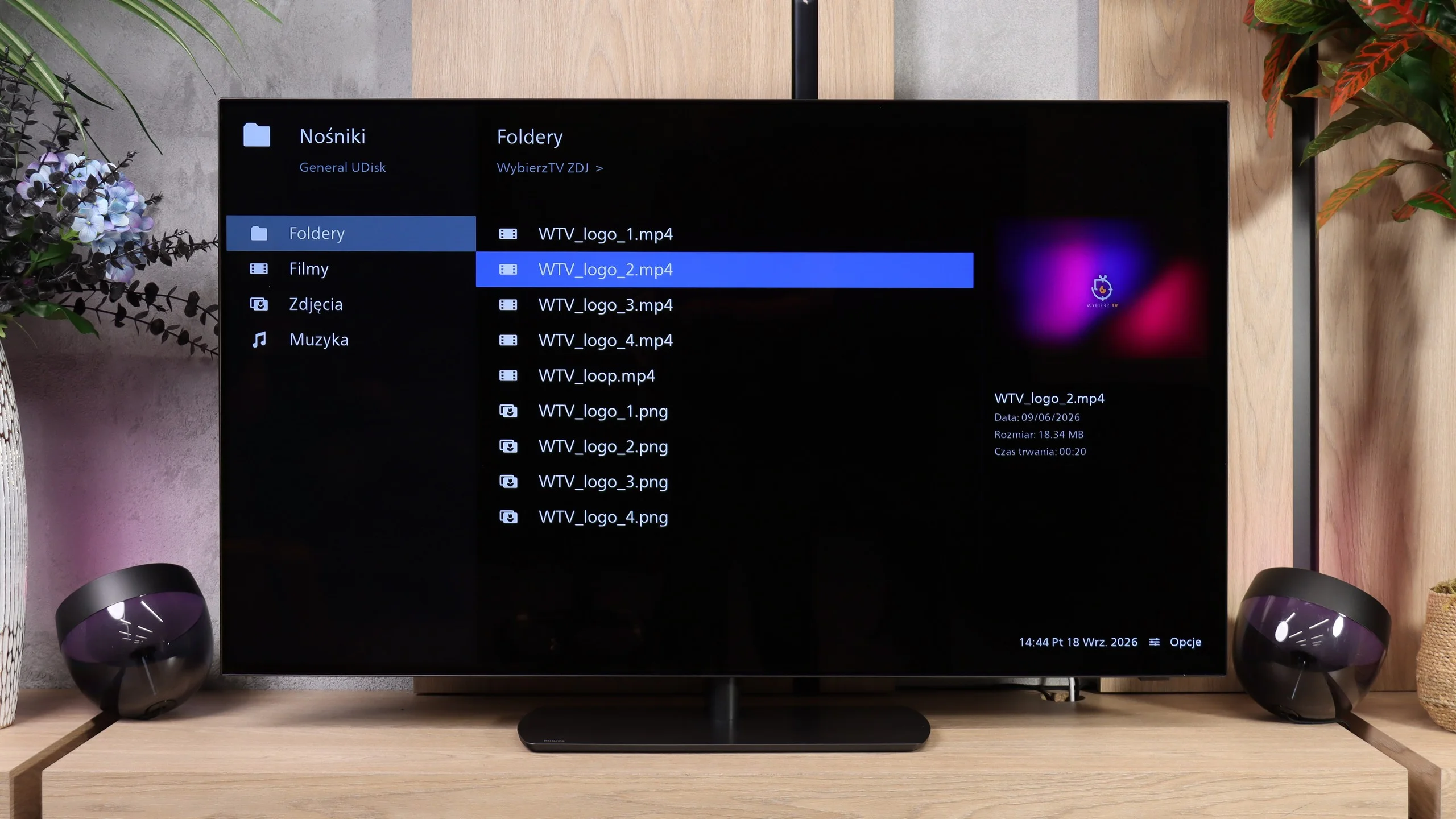
The media player in the Hisense E7Q / E79Q works properly, but it can be finicky. The biggest problem concerns photo support – the television only handles selected formats, and some files simply do not open. This is quite surprising, as even cheaper models from other manufacturers usually do not have this issue. Videos and music play without major problems; however, one must take into account that the E7Q is not a master of versatility when it comes to files from a pendrive. It is rather a basic player that works – as long as we don't try to 'surprise' it with something.
The USB player in the OLED811 handles most of the audio and video formats we test, so it's perfectly adequate for watching a film or playing music from a USB stick. However, our main reservations are about photos, specifically its oddly selective handling of their resolutions. The TV opened 8, 16 and 32MP files but couldn't cope with the rest. It's not that the photos are simply too large. The player can display a higher-resolution image yet refuse to open a smaller one. When browsing holiday snaps this can be simply irritating, because some of them will need to be converted on a computer first... or you could just mirror your screen remotely...😉
Sound
6.3/10
7.6/10
- Maximum volume83dB93dB
- Dolby Digital Plus 7.1
- Dolby True HD 7.1
- Dolby Atmos in Dolby Digital Plus (JOC)
- Dolby Atmos in Dolby True HD
- DTS:X in DTS-HD MA
- DTS-HD Master Audio
The sound in the Hisense E7Q / E79Q is exactly as one might expect from a television in this price range – rather flat, but quite loud. During measurements, the maximum volume reached about 83 dB, so it is more than sufficient for everyday viewing. The dialogues are clearly audible, which somewhat compensates for the lack of pronounced bass and depth. There are no revelations here: it is simply a solid minimum that can be accepted. However, a plus point is the wide support for audio formats. The television handles Dolby TrueHD, Dolby Atmos, and even the increasingly rare DTS:X. That is quite a nice bonus, as at least we can be sure that regardless of the source – everything will sound as it should. (Definitely when we connect it to an external audio source such as a soundbar).
There have been a few concrete changes to the audio compared with last year’s OLED820. The rear subwoofer is gone, and the 4.1 speaker layout has been replaced by a 2.2 configuration. Despite these changes, the OLED811 still sounds good and fairly balanced. It can play louder, and the sound even seems a little fuller than a year ago. However, the bass has suffered. Although the sound has some weight, the low end lacks the depth of its predecessor. It’s easiest to hear this in films and music, when you’re waiting for a bigger punch. Still, this is well above average for built‑in TV speakers. If you want deeper bass and clearer spatial effects, it’s worth considering a soundbar or a system with an AV receiver. Philips gives plenty of freedom here: it supports both Dolby Atmos and DTS, and can pass Dolby TrueHD tracks over HDMI eARC to compatible equipment. So there are options if we decide to expand the audio setup in future.
Sound Quality Test
Acoustic Measurements
83dBC (Max)
75dBC
93dBC (Max)
75dBC
Reader comments
Comments are provided by the external service Disqus (Zeta Global). Once loaded, Disqus may set cookies and process data about your activity.
We will remember your choice on this device. Provider's privacy policy