The Hisense E7Q / E79Q is a type of television that does not promise miracles – and maybe that’s why it can pleasantly surprise. It doesn’t try to pretend to be high-end equipment, it just does its job. If you are looking for a cheap screen for everything, that can handle Netflix, a console, and early morning YouTube with coffee, then this model makes a lot of sense. The VIDAA system has been maturing for several years, and it shows that the manufacturer is drawing conclusions. We have AirPlay, screen mirroring, voice search in Polish – everything works, maybe not at lightning speed, but smoothly enough not to be irritating. You won’t find thousands of apps like in Google TV, but the most important ones are at hand. It’s a system meant to be simple and practical, rather than overloaded with unnecessary gimmicks – and in that sense, it really holds up. There’s something interesting for gamers too. The E7Q / E79Q offers low input lag, an automatic low latency mode (ALLM), support for VRR up to 60 Hz, and even a 120 Hz mode in 1080p resolution. This is not a screen for hardcore e-sports enthusiasts, but if you simply enjoy firing up the console in the evening and playing a few rounds, this television will do its job without complaint. And how about the picture quality? We won’t deceive you – it’s not spectacular, but there are also no reasons to complain. A brightness level of around 350 nits won’t impress, however, the contrast thanks to the VA panel can really surprise positively. The black is quite deep, and the colours have a pleasant intensity, especially in SDR mode. It’s a bit of a shame that Dolby Vision adds little – because if it worked as it should, we would have a television that could confidently be recommended for HDR viewing as well. On the other hand, it’s hard to expect that in this price range. It’s simply a fair, well-priced screen that doesn’t try to be a star, but is capable of delivering solid picture quality and surprisingly good features. And although it’s not perfect, after a few days of use, it’s hard not to think: “Wow, this cheap Hisense really does deliver.”
- Matching (Score) |
- Our verdict |
- TV appearance |
- Where to buy |
- Contrast and black detail |
- HDR effect quality |
- Factory color reproduction |
- Color reproduction after calibration |
- Smoothness of tonal transitions |
- Image scaling and smoothness of tonal transitions |
- Blur and motion smoothness |
- Console compatibility and gaming features |
- Input lag |
- Compatibility with PC |
- Viewing angles |
- Daytime performance |
- Panel details |
- TV features |
- Apps |
- Playing files from USB |
- Sound
Hisense E7Q / E79Q vs LG QNED80A6A (IPS)
 Direct comparison
E7Q / E79Q

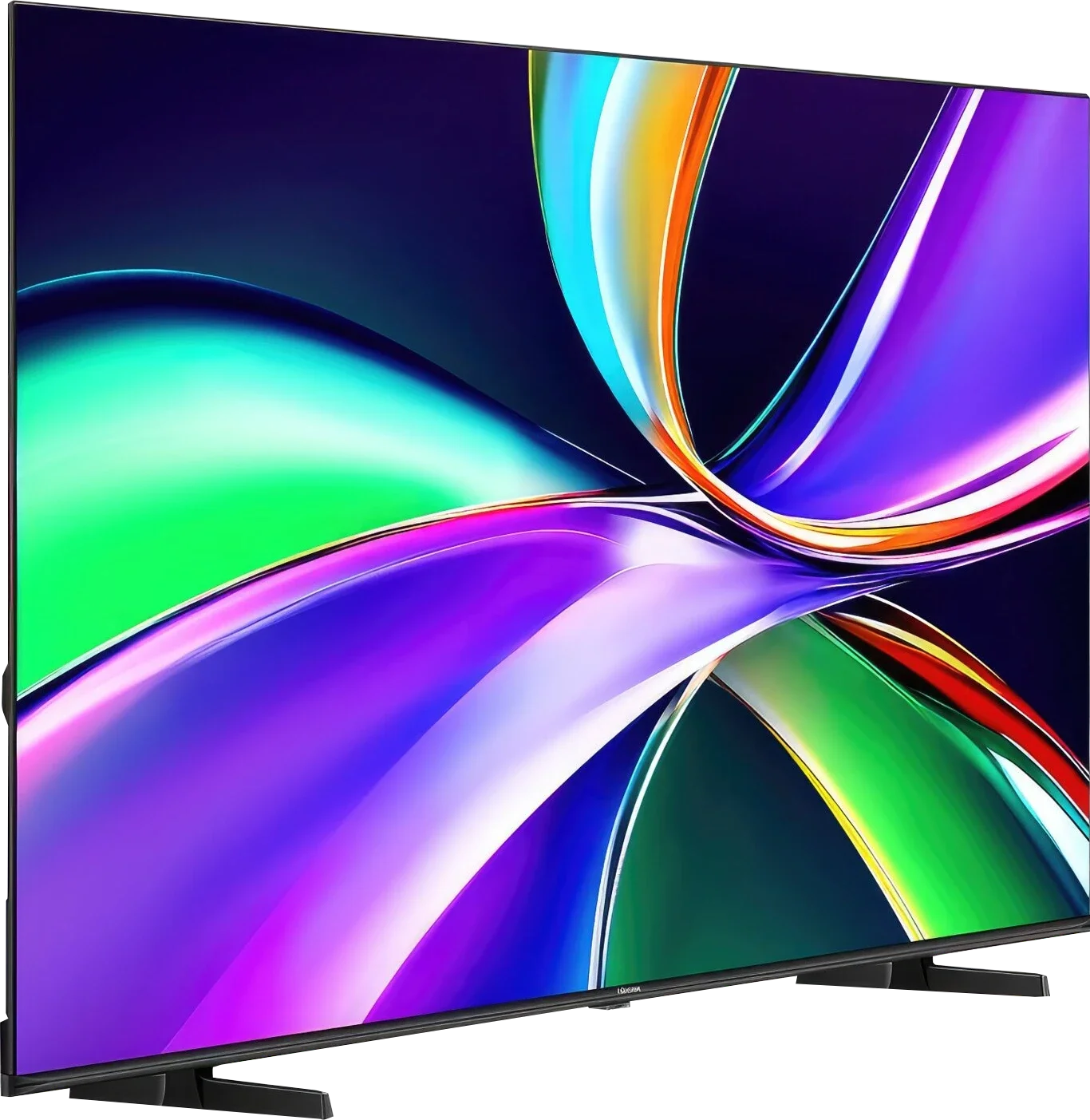
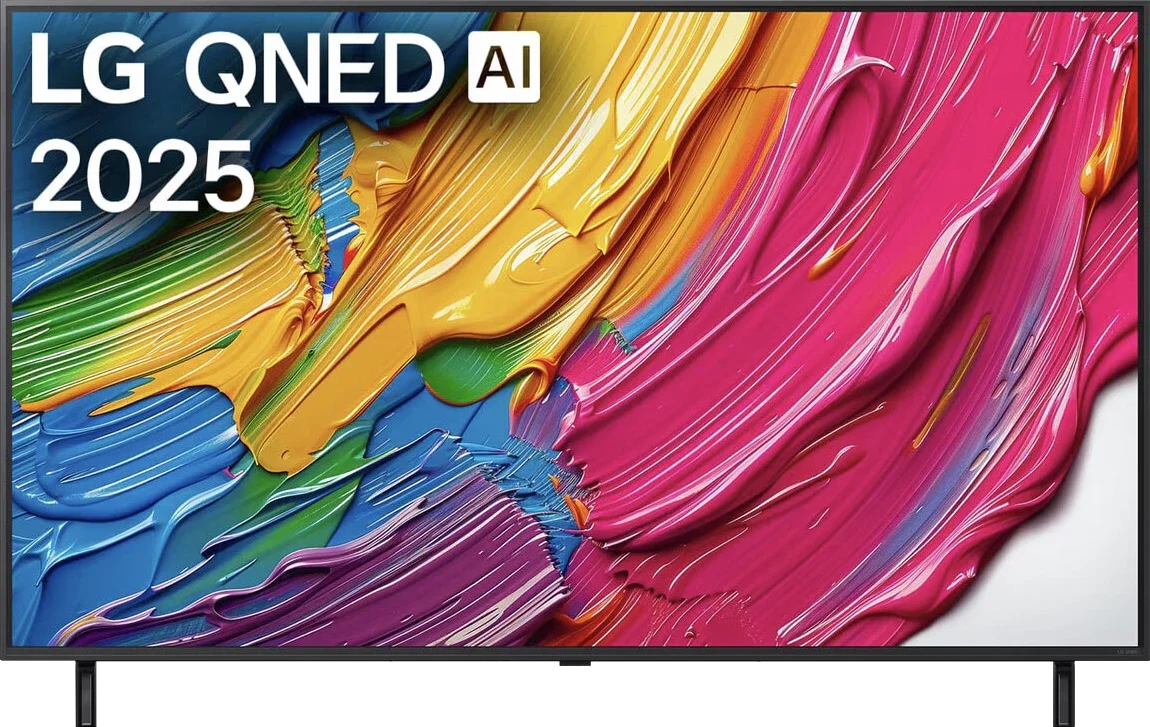
Panel type: LCD VA
Resolution: 3840x2160
System: VIDAA
Model year: 2025
Complete the survey to find out the result
Panel type: LCD IPS
Resolution: 3840x2160
System: WebOS
Model year: 2025
Complete the survey to find out the result
Overall rating
6.1
5.9
 Movies and series in UHD quality
 6.2
5.7
 Classic TV, YouTube
 5.9
5.6
 Sports broadcasts (TV and apps)
 5.1
5.5
 Gaming on console
 7.1
6.8
 TV as a computer monitor
 3.0
5.0
 Watching in bright light
 5.2
4.7
 Utility functions
 8.7
6.8
 Apps
Apps 7.7
9.1
 Sound quality
 6.3
6.0
Complete the survey to find out what fits your preferences
Advantages

Good black and contrast
QLED (PFS LED) – vibrant and saturated colours, coverage of the DCI-P3 palette around 92%
Many features for gamers: ALLM, VRR, Low input lag, Game Bar
120Hz support at 1080p!
VIDAA system – easy to use, with AirPlay, Screen Mirroring, and voice search
Recording to USB from built-in tuners
3.5 mm jack output and component inputs for older devices
Support for many audio formats including Dolby Atmos and DTS:X
Attractive price
Wide viewing angles – the picture looks equally good from any spot on the sofa
Rich and vibrant colours thanks to the PFS (QNED) filter
Smooth and modern WebOS 25 system
Magic remote (with cursor)
Good detail reproduction in HDR
Effective upscaling and tone transition smoothing function
Low input lag
Decent features for gamers (VRR, ALLM, HGiG), despite the 60Hz panel
Smooth tone transitions – no visible "steps" in colour gradients
Disadvantages

Dolby Vision adds little (which is a shame)
Poor digital image processing: lack of image enhancement features, average upscaling
Strong dithering when connecting to a PC (coloured fonts)
The build quality of our unit was very average
Poor contrast and greyish black – the IPS panel does not perform well in low light
Problematic local dimming – vertical bands of backlighting are very noticeable on a dark background
60Hz panel
No support for Dolby Vision
Sound lacks depth – a soundbar is recommended
Our verdict
The QNED80A variant based on an IPS panel is aimed at a completely different audience. If you are looking for a television for a place where life buzzes all day and family members watch TV from various spots, this will be a good choice. Wide viewing angles and saturated colours ensure that the picture looks good whether we are sitting directly in front of it or at the dining table. Of course, this is not perfect equipment, as there simply aren't any in this price segment. The IPS panel will not offer you pitch-black blacks, so evening horror screenings may appear slightly grey, and edge dimming in dark scenes can create noticeable light strips. Despite these shortcomings, the QNED80A makes up for them with its overall picture quality. The performance of the processor deserves great recognition – both scaling regular television to 4K and presenting details in HDR content are outstanding here. The picture is clear, sharp, and rich in details, even if the screen itself does not break brightness records. Combined with the fantastic WebOS system, which operates quickly and stably, this is a very safe, solid choice for everyday family entertainment at a relatively low price.
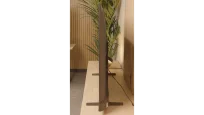
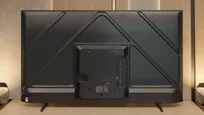
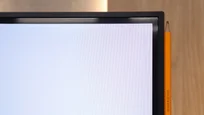
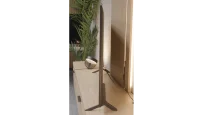
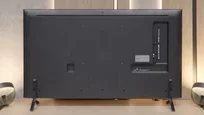
TV appearance

Contrast and black detail
5.7/10
2.7/10
Local dimming function: No
Local dimming function: Yes, number of zones: 6 (1 x 6)
Contrast:


Result
5,400:1

Result
5,450:1

Result
3,800:1

Result
5,000:1

Result
4,350:1
Result
2,400:1
Result
1,350:1
Result
2,450:1
Result
1,200:1
Result
1,150:1
Halo effect and black detail visibility:
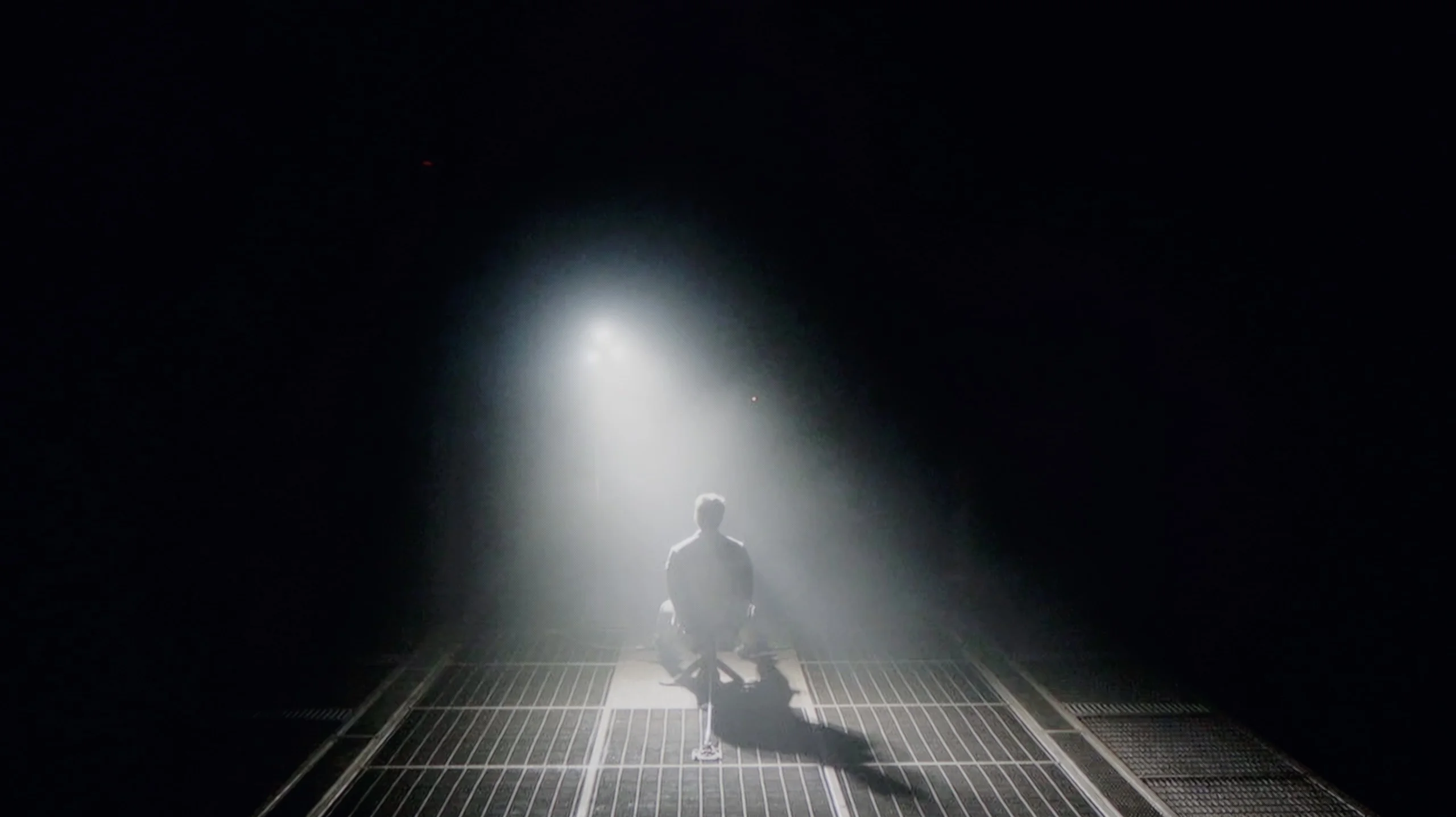
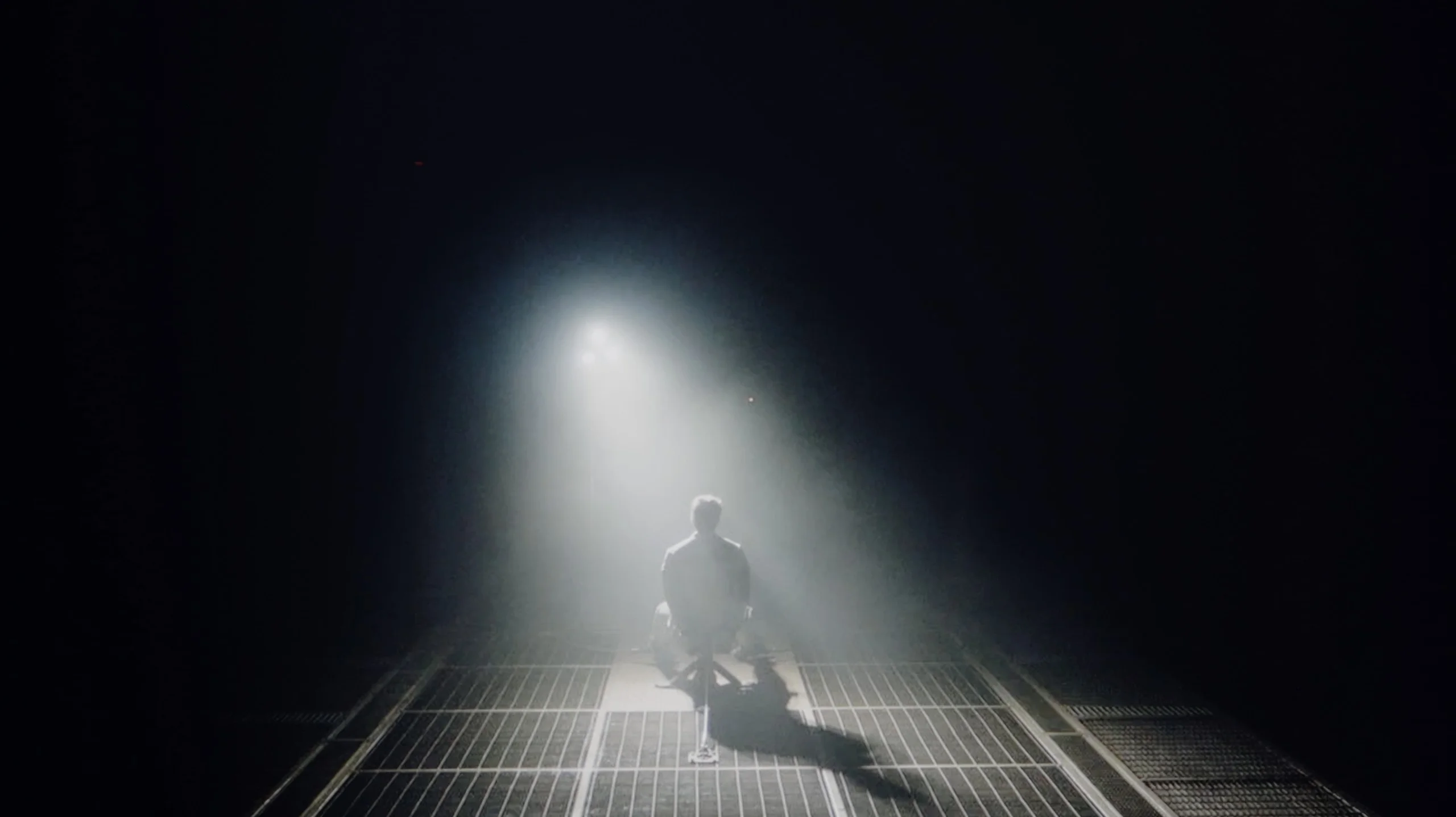
Check the visibility of bright lights on a dark background. Mini-LEDs often struggle with this. The photo does not compare black levels – that’s what the video below is for.
The video accurately shows differences in contrast and black levels between TVs, as well as potential issues: halo around bright objects or Mini-LED zone operation visible as brightness jumps.
The Hisense E7Q / E79Q in our test variant of 58 inches is equipped with a VA-type panel, which has a huge impact on the perception of contrast and black levels in films and series. Thanks to such a panel, one can expect decent contrast and a stable visual effect, which works really well in most scenes. In our measurements, we achieved values approaching around 6000:1, which should be considered a solid result in this price range. However, it is important to remember that this is not a design with local dimming, so one cannot expect the deep, "pitch-black" blacks known from more expensive models. In some shots, the black can have a slightly navy hue, which is completely natural with this technology and price. This, however, is a compromise that does not detract from everyday viewing – especially if we watch in the evening with slightly dimmed light.
If you come across a model equipped with an IPS panel, the situation changes dramatically, and let’s not beat around the bush – the contrast is simply weak. This is a natural characteristic of this technology, which pales in comparison to VA panels. Black, especially during evening viewings with the lights off, is rarely pitch black – it often leans towards shades of dark grey or navy blue. The real problem with this variant, however, is the way the local dimming system operates. Since we are dealing with edge lighting on a panel that inherently "lets through" more light, this system often does more harm than good. When a bright object appears on a dark background, the television tries to brighten it by activating the corresponding zone. The effect? Instead of a focused light, we see illuminated vertical bands stretching across the entire screen. Unfortunately, it looks worse than in the VA version. Due to the lower native contrast of the panel, these “light bands” (so-called blooming) are much more visible and stand out more sharply from the background. In many cases, these brightness jumps are so aggressive that instead of enjoying the viewing experience, we focus on the performance of the backlighting.
HDR effect quality
5.1/10
4.8/10
Luminance measurements in HDR:

Result
300 nit

Result
329 nit

Result
379 nit

Result
389 nit

Result
397 nit
Result
369 nit
Result
325 nit
Result
434 nit
Result
342 nit
Result
318 nit
Scene from the movie “Pan” (about 2800 nits)
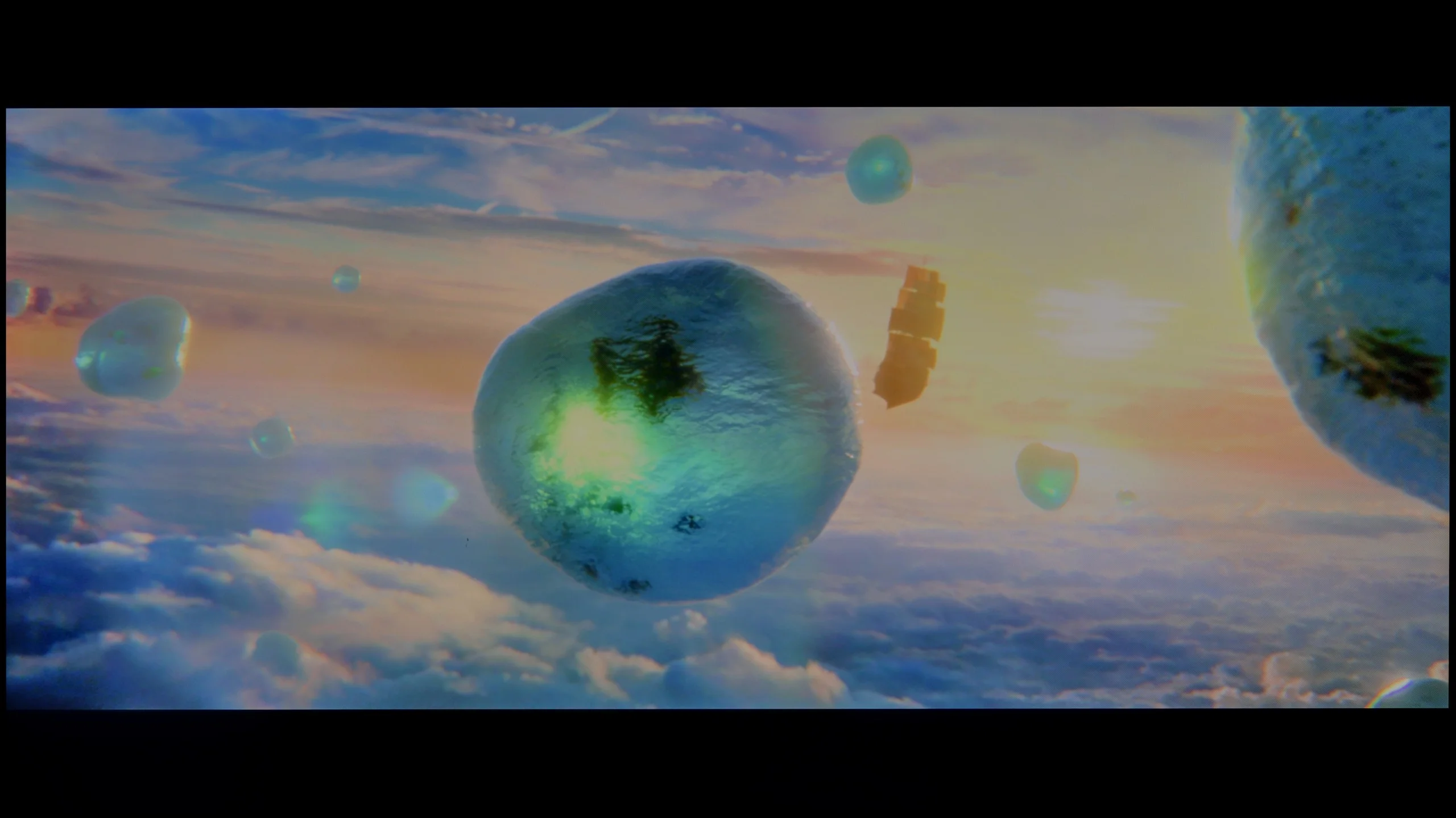
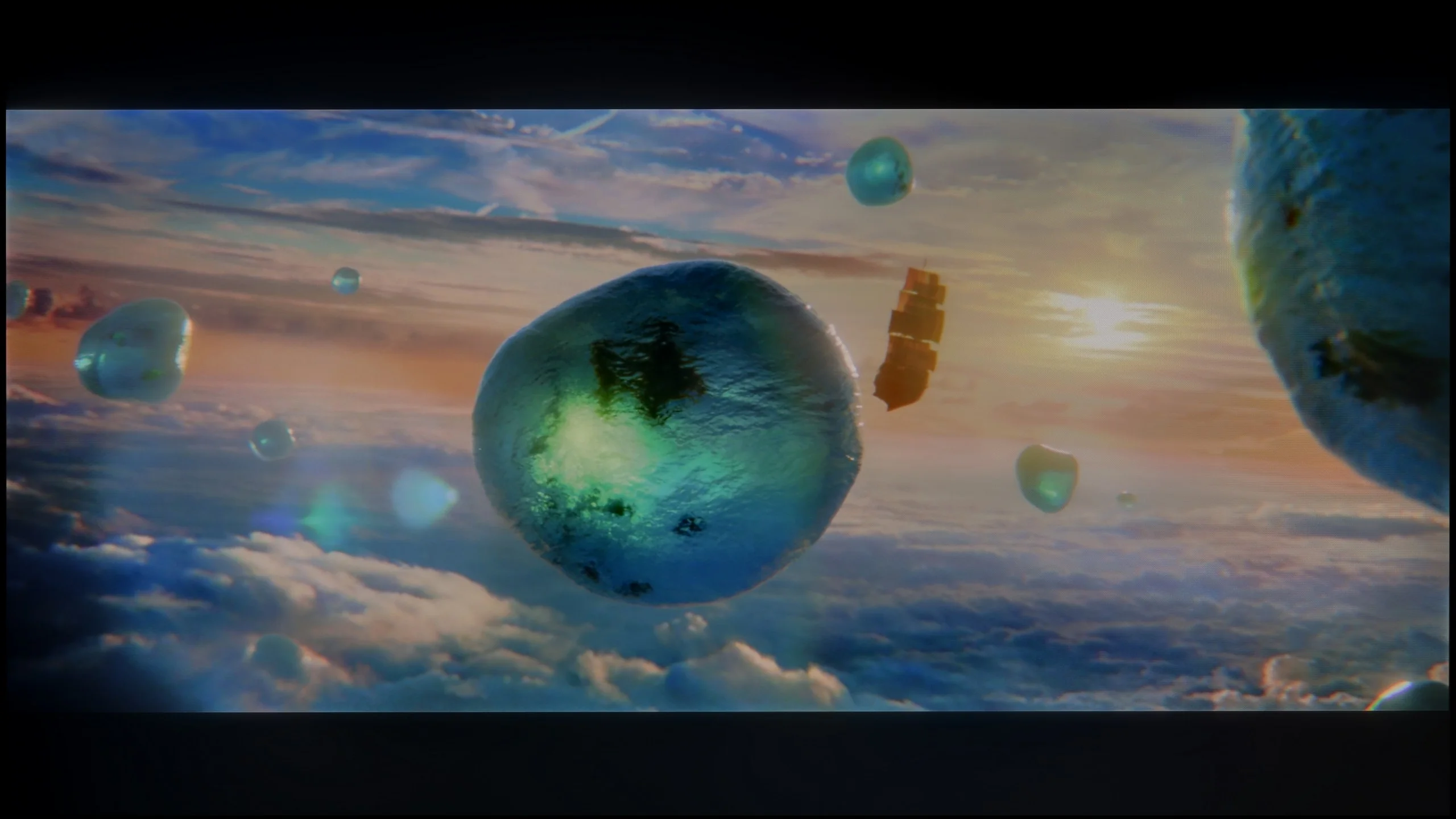
Scene from the movie “Billy Lynn” (about 1100 nits)
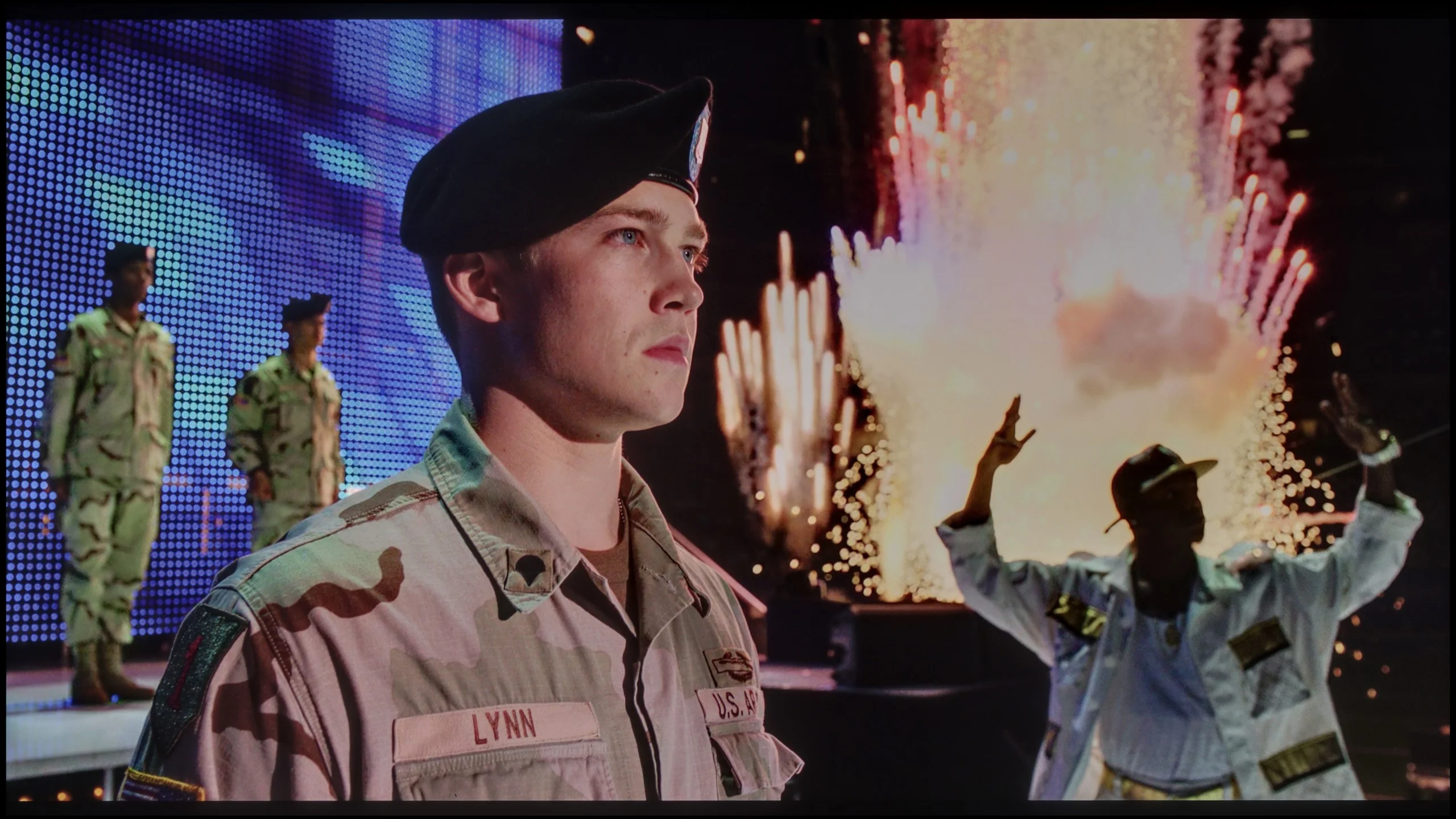
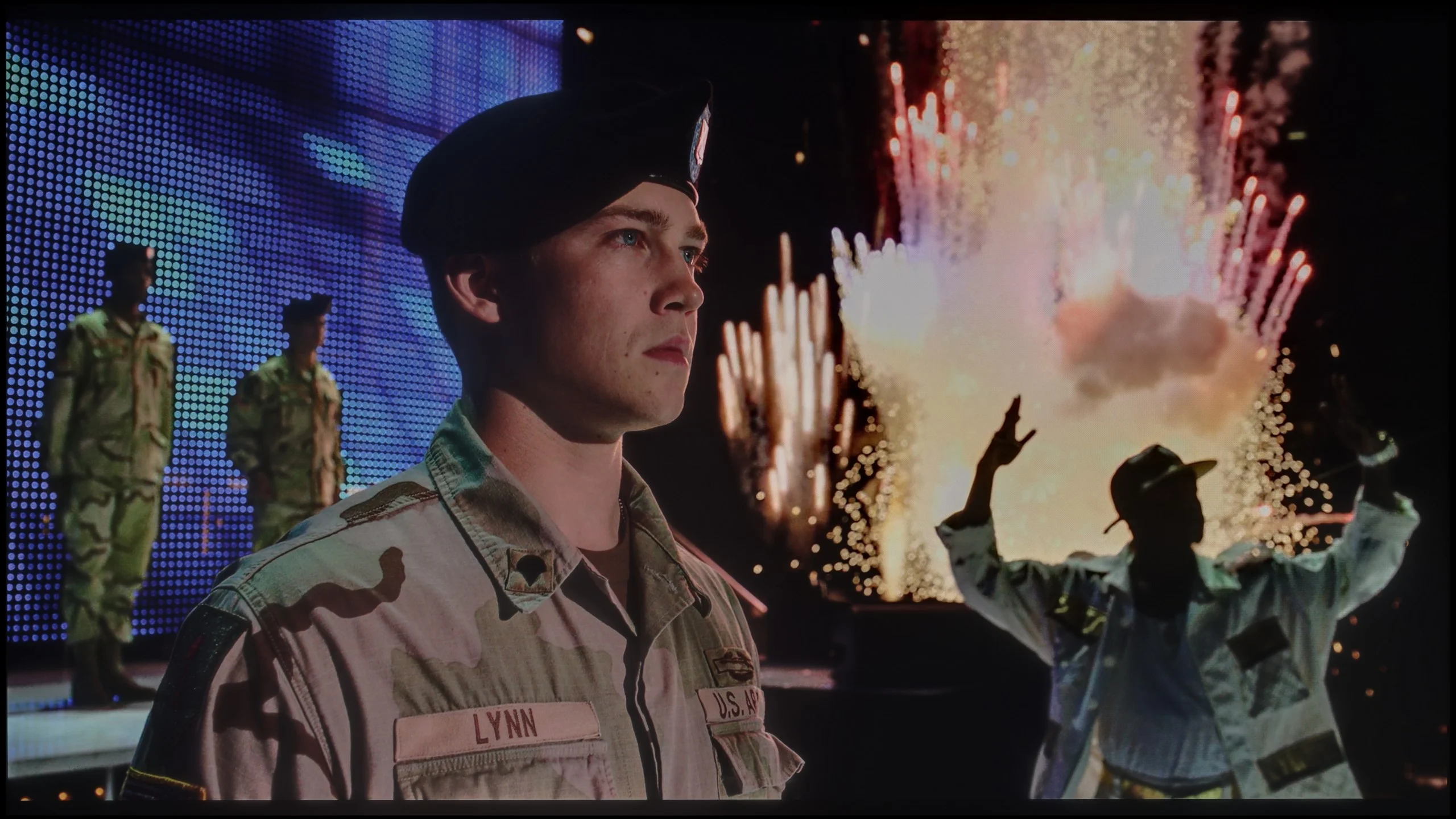
The photos show two HDR10 movies. 'Pan' is one of the brightest productions ever made, while 'Billy Lynn' (soldier) has brightness typical of streaming (Netflix, Prime, HBO MAX). Notice the intensity of effects and detail in whites.
Static HDR10


The photos present the visibility of white details in various HDR formats. They do not show brightness differences between TVs (these can be compared in the previous gallery).
HDR luminance chart:
LG QNED80A6A (IPS)
Hisense E7Q / E79Q
The Hisense E7Q / E79Q is a television with average brightness, with a peak luminance level of around 350-380 nits. This is an absolute minimum that allows for HDR content to be viewed in a way that is close to the creators' intentions, although without a distinct "wow" effect. Synthetic test results on white screens have been confirmed in practice – in film scenes, the bright parts of the image are stable and quite uniform, but it's hard to speak of a true "light punch." In everyday use, for example, when watching Netflix or YouTube, the HDR effect is acceptable and is perfectly sufficient for most users. However, it must be stated clearly – this is not the level of top-end screens, and one should not expect that in this price range. Fortunately, the Hisense E7Q / E79Q has an advantage that allows it to gain quite a few points: it features a PFS LED QLED panel, utilising an additional phosphor layer that improves colour reproduction. The measured range of the DCI-P3 colour gamut is about 92%, which means that colours in most scenes are vibrant, well-saturated, and pleasant to the eye, particularly for this price bracket.
When it comes to image dynamics and brightness, the QNED80A firmly stands its ground. It is not a “bright beast” – during our measurements, peak luminance oscillated between 350-400 nits. To put it plainly: these values won't allow HDR formats to fully spread their wings. So, do not expect that the glare of the sun or car headlights in films will blind you. However, this television has a powerful ace up its sleeve that salvages the overall picture impression – and that is the colours. LG's engineers have employed an advanced filtration system (technically most likely based on PFS phosphor, marketed as QNED/NanoCell), which does a fantastic job. Thanks to this, despite average brightness, the screen is capable of generating exceptionally saturated and pure hues. Our instruments showed coverage of the wide DCI-P3 cinema colour palette at a level of 93-94%. This is a result that outclasses most standard LCD televisions. In practice, this means that when watching 4K HDR content, the picture – although not very bright – is very plastic, vivid, and delights the eye with its depth of colours.
Factory color reproduction
5.2/10
4.4/10
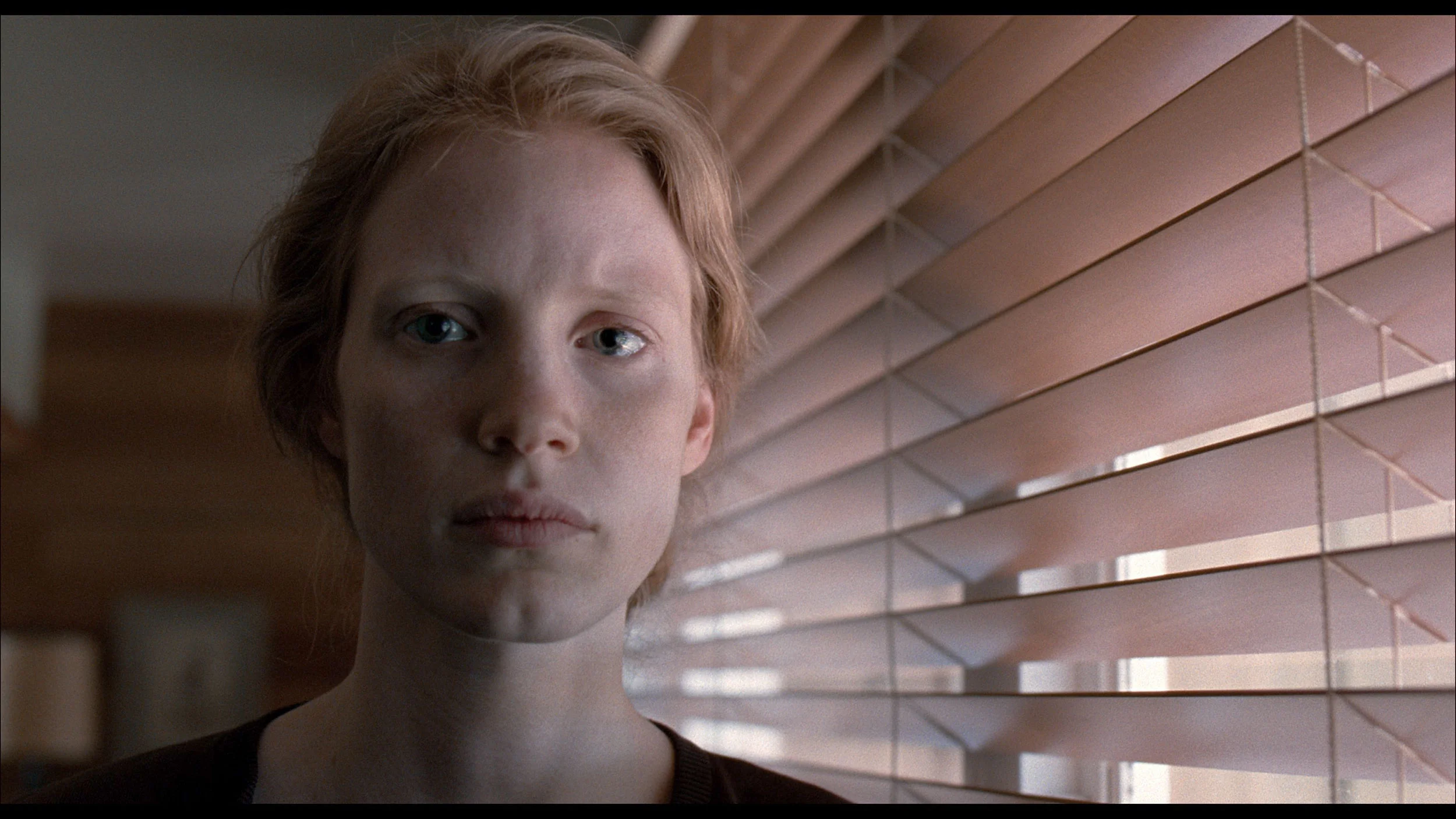
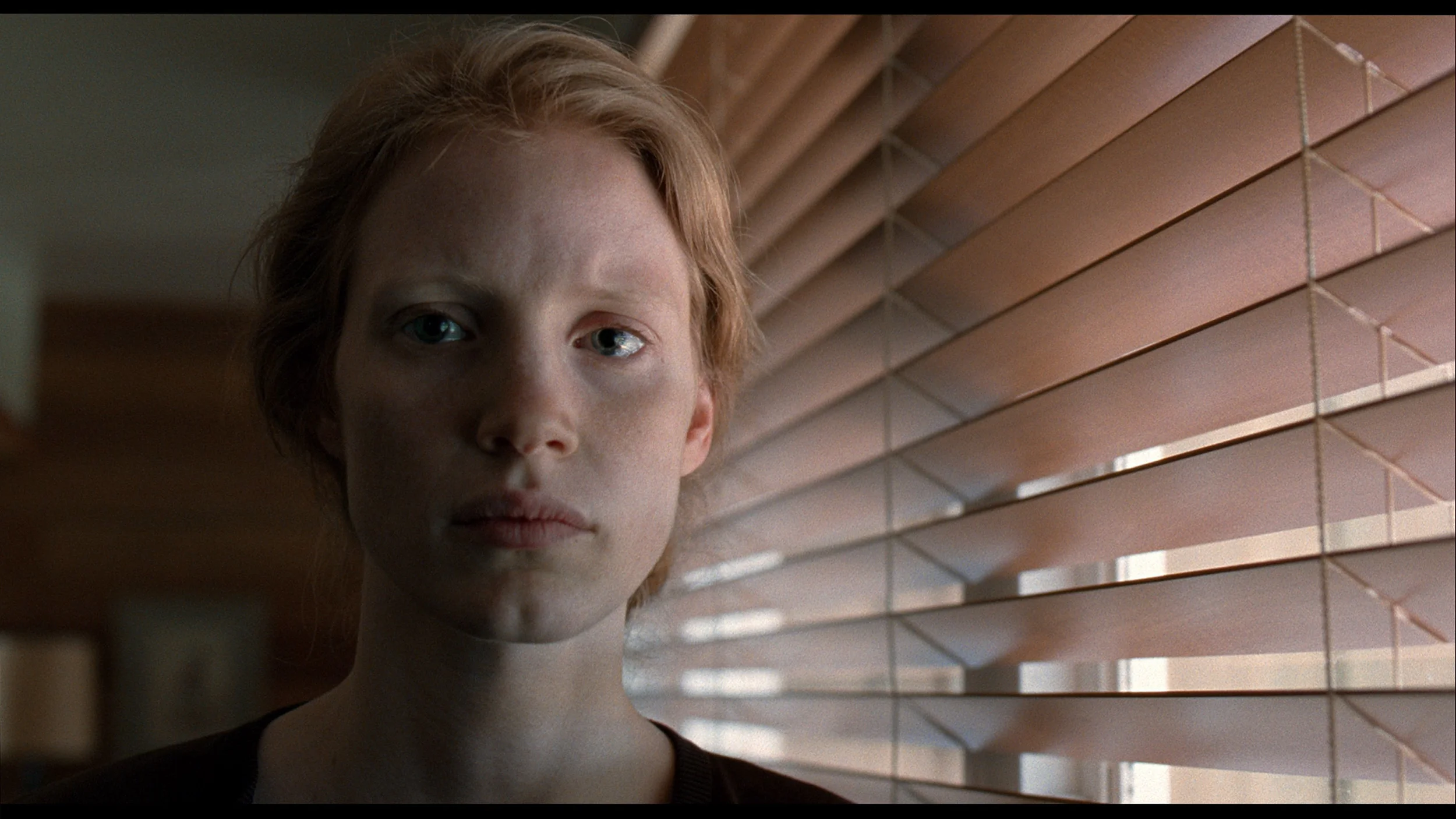
This gallery shows how colors change after professional TV calibration. If you notice the difference, we recommend ordering this service at SkalibrujTV.com.
Factory Mode
After calibration
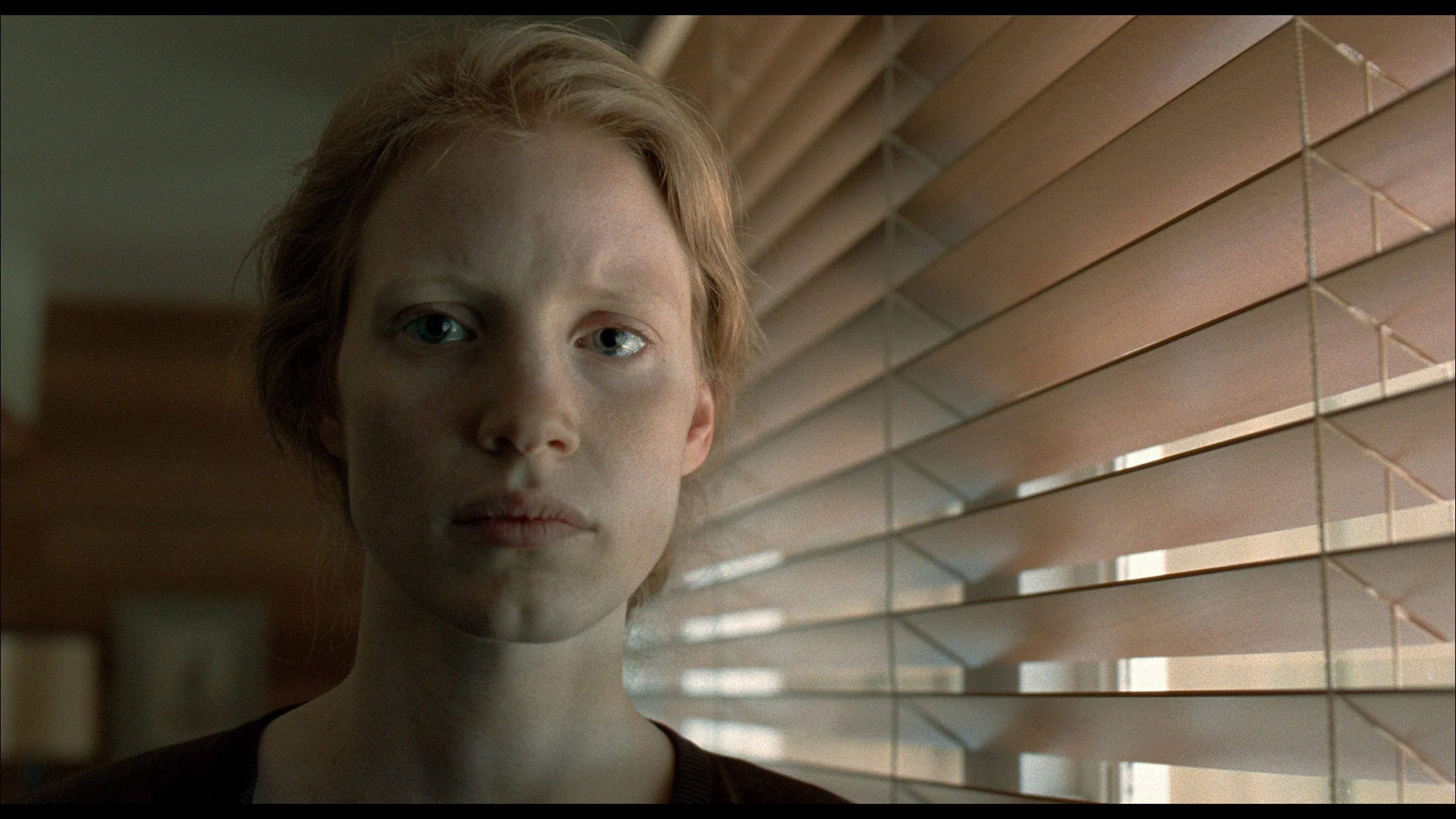
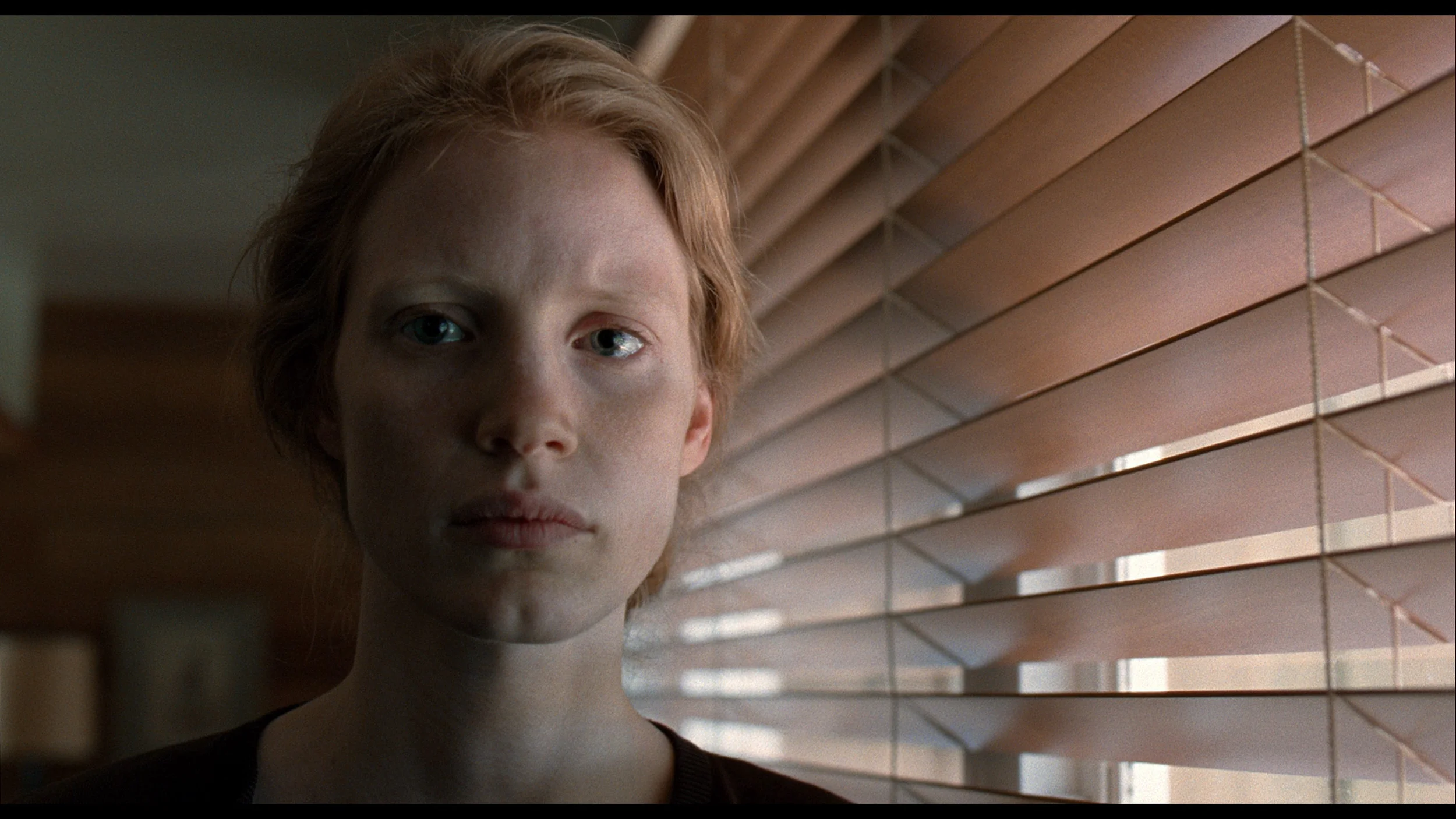
This gallery shows how colors change after professional TV calibration. If you notice the difference, we recommend ordering this service at SkalibrujTV.com.
Factory Mode
After calibration
In Filmmaker mode, the Hisense E7Q / E79Q television was truly impressive. After the first measurements, it became clear that the white balance was quite well tuned, with the only minor deviation being a slight tendency towards a purple tone, which we mentioned earlier. However, this did not significantly impact the overall character of the image – it remained coherent and pleasant to view. A much larger issue turned out to be the brightness characteristics (gamma) in SDR content and the EOTF curve in HDR films. The television noticeably brightened the image, flattening the contrast and diminishing its depth. Gamma values could drop from the reference 2.4 to around 1.9, making the image look as if it were covered with a thin, milky layer. Fortunately, this is a problem that can be relatively easily corrected through calibration.
Here, regardless of whether you encounter the VA or IPS version, the situation is identical. LG engineers once again served us their vision of a "gaming look," which unfortunately has little to do with accuracy. When switched to console mode, the white balance automatically drifts towards very cold regions. The image is dominated by the colour blue, which makes it seem artificially sharpened, and the white is so aggressive that it appears burnt out. This creates an effect we associate with vibrant shop modes – everything is meant to shine and scream "I am digital." While some may appreciate this, we must say plainly: the image is not accurate. If you care about naturalness, we suggest you immediately check the settings and change the colour temperature to a warmer one.
Color reproduction after calibration
7.4/10
7.4/10
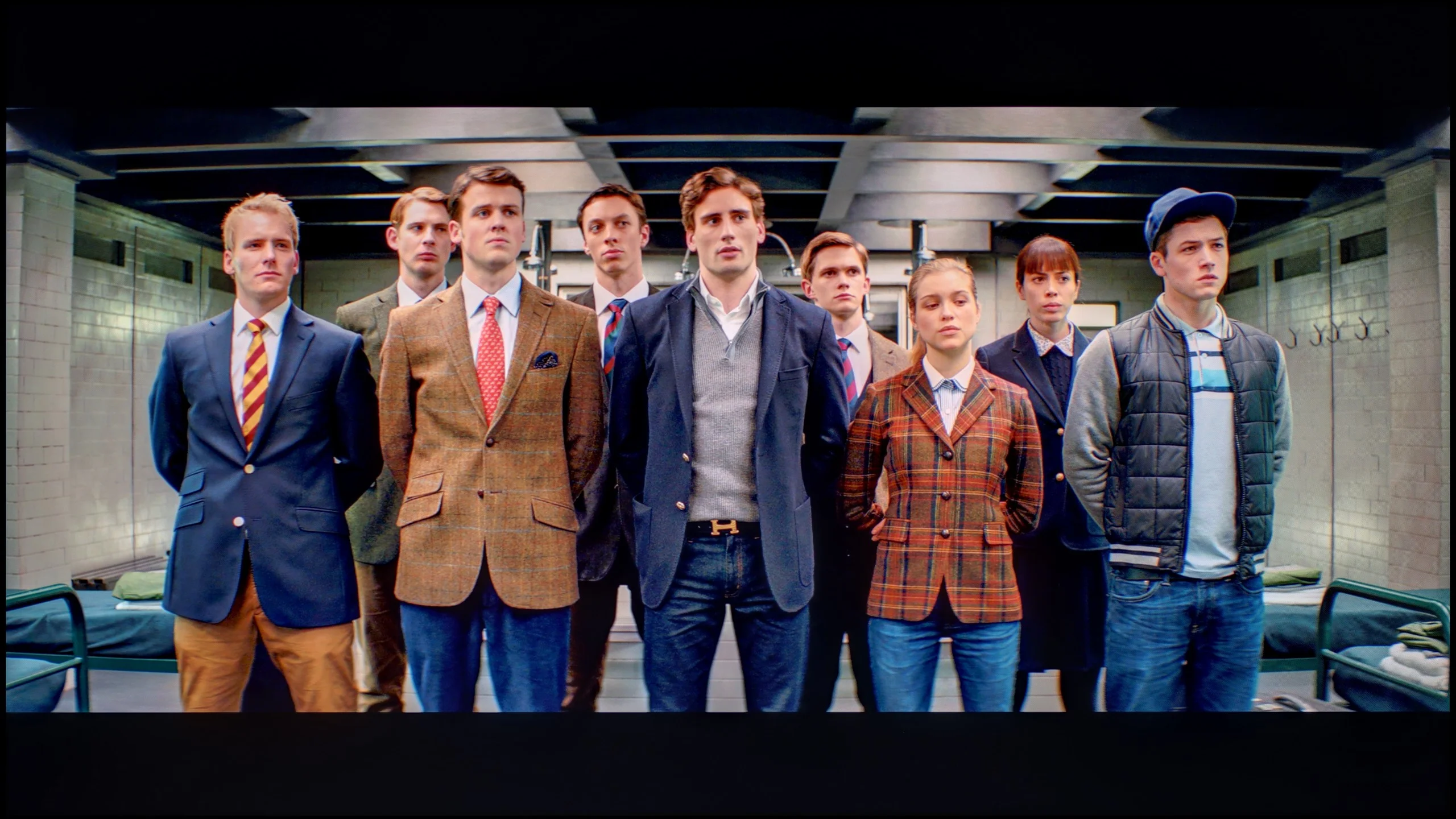
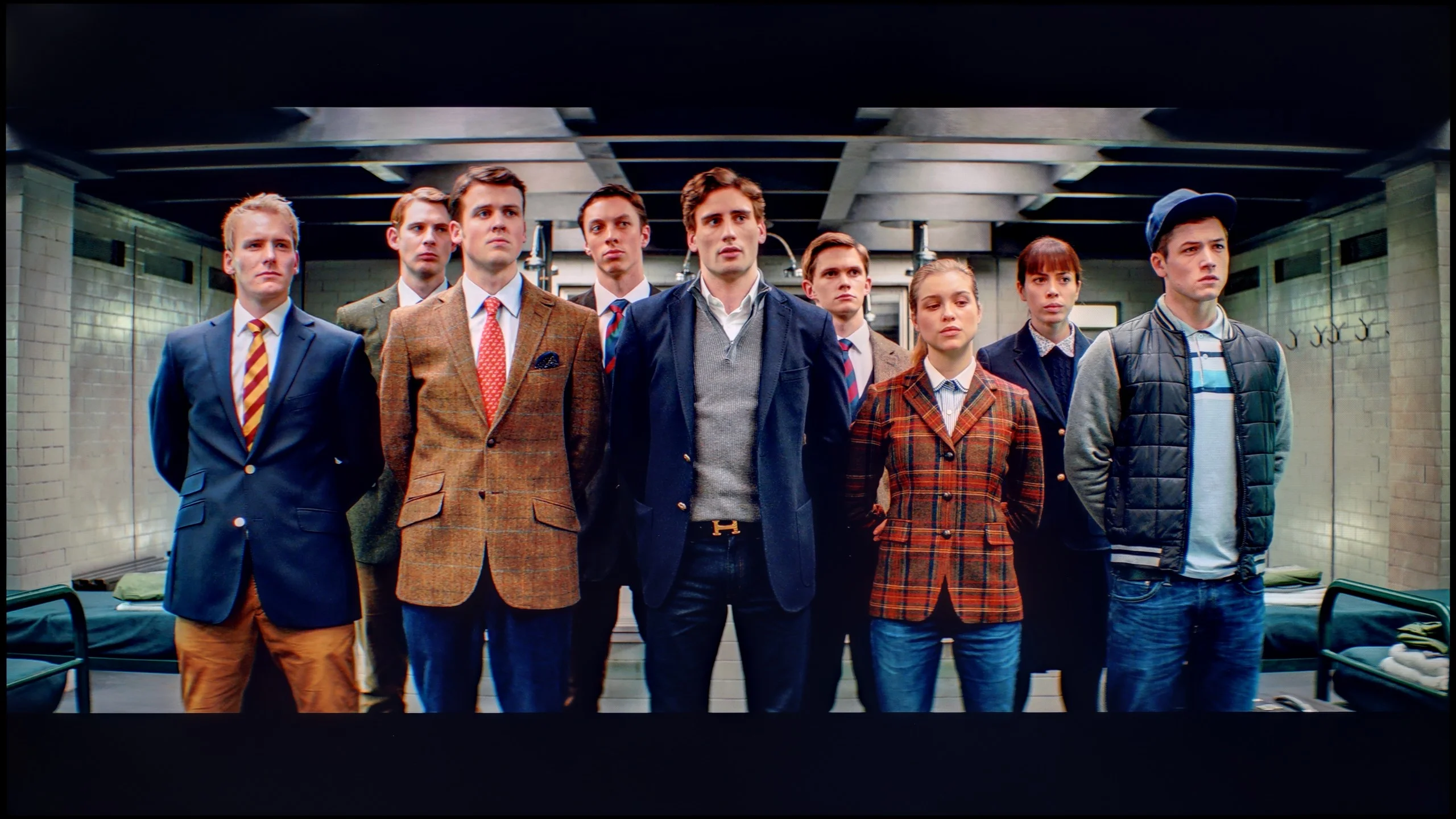
The photos show how movies look on the TV. Pay attention to black detail visibility, colors, and shadow tint.


The photos show how movies look on the TV. Pay attention to black detail visibility, colors, and shadow tint.
The biggest beneficiary of calibration in the case of the Hisense E7Q / E79Q was undoubtedly the SDR mode. It managed to achieve an almost perfect image – most errors in the Color Checker test dropped below a value of 3, and often even 2, which is an outstanding result for this class of equipment. The greatest improvement came from equalising the brightness characteristic (gamma), which meant the image no longer appeared washed out and regained its natural depth. In HDR content, it was also possible to improve colours and eliminate the purple tint mentioned earlier, but errors in the Color Checker measurements were still noticeable. This is due to the fact that – as is often the case with Hisense televisions – the screen manipulates brightness quite heavily, overemphasising some colours. This was also indicated by the EOTF curve, which was slightly above the reference values, suggesting these minor issues with excessive brightness. Despite this drawback and the design limitations that emerge with HDR content, the Hisense E7Q / E79Q gained quite a lot after calibration. In everyday use, the television presents a consistent, natural, and pleasant image, and the difference compared to the factory settings is enormous.
After professional calibration, the QNED80A in the IPS version has changed unrecognisably, especially with "ordinary" content (SDR). We managed to eliminate the greenish tint and calm down the overly bright gamma. In classic television or older games, colour errors (DeltaE) have dropped below the threshold of perception (value < 2). The picture is now coherent, natural, and truly pleasing to the eye. The situation is somewhat more complicated in HDR mode. Although the colours are now in place, the television has a problem with perfectly controlling the brightness (EOTF curve). Due to the limitations of edge lighting and the rather meagre adjustment options provided by LG in this respect, the television's software at times "does what it wants," just to mask the imperfections of black and contrast. However, this is not a cause for concern – despite these technical limitations, the picture after calibration is a class better than what you saw out of the box.
Smoothness of tonal transitions
8.5/10
9.2/10
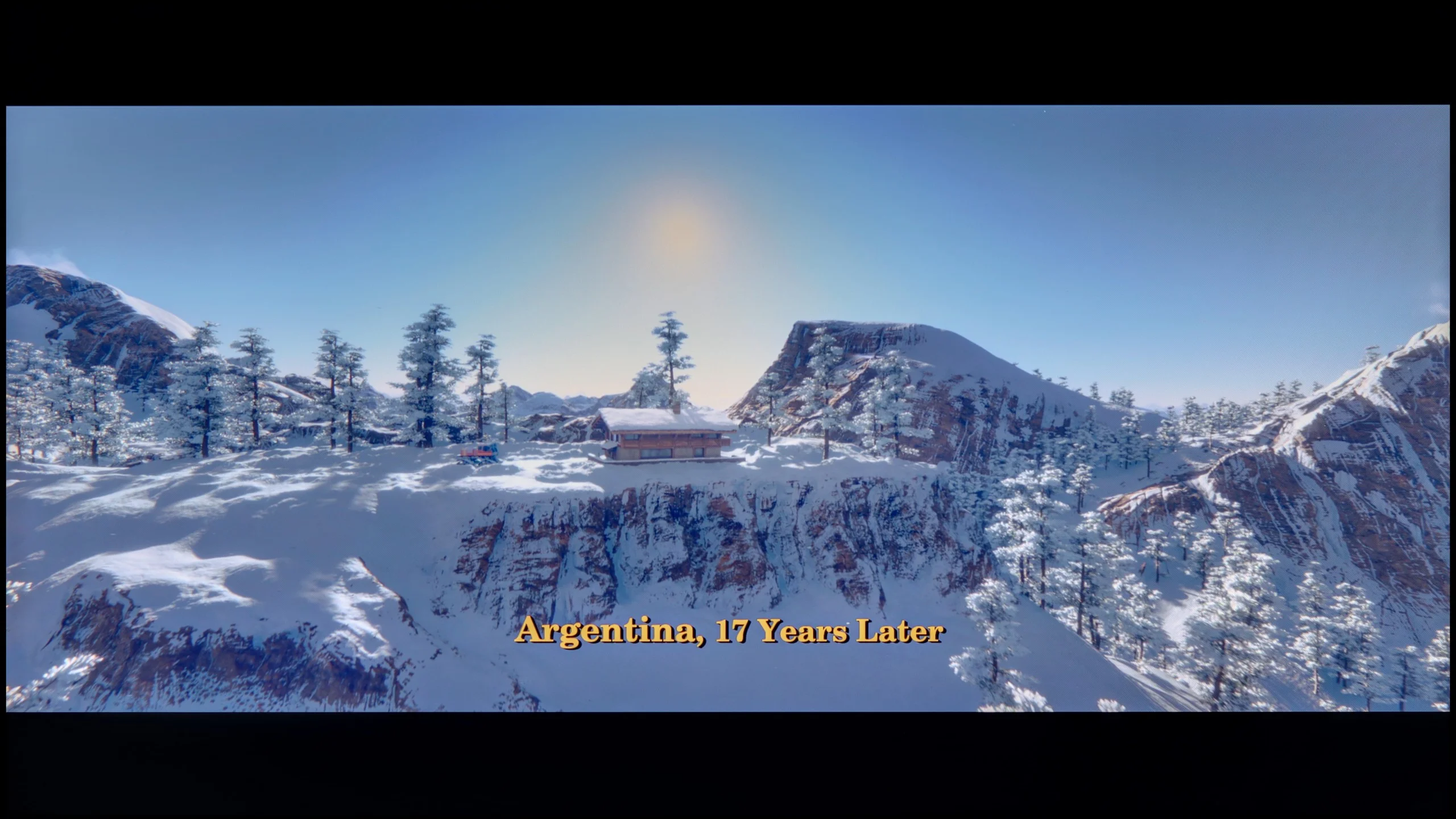

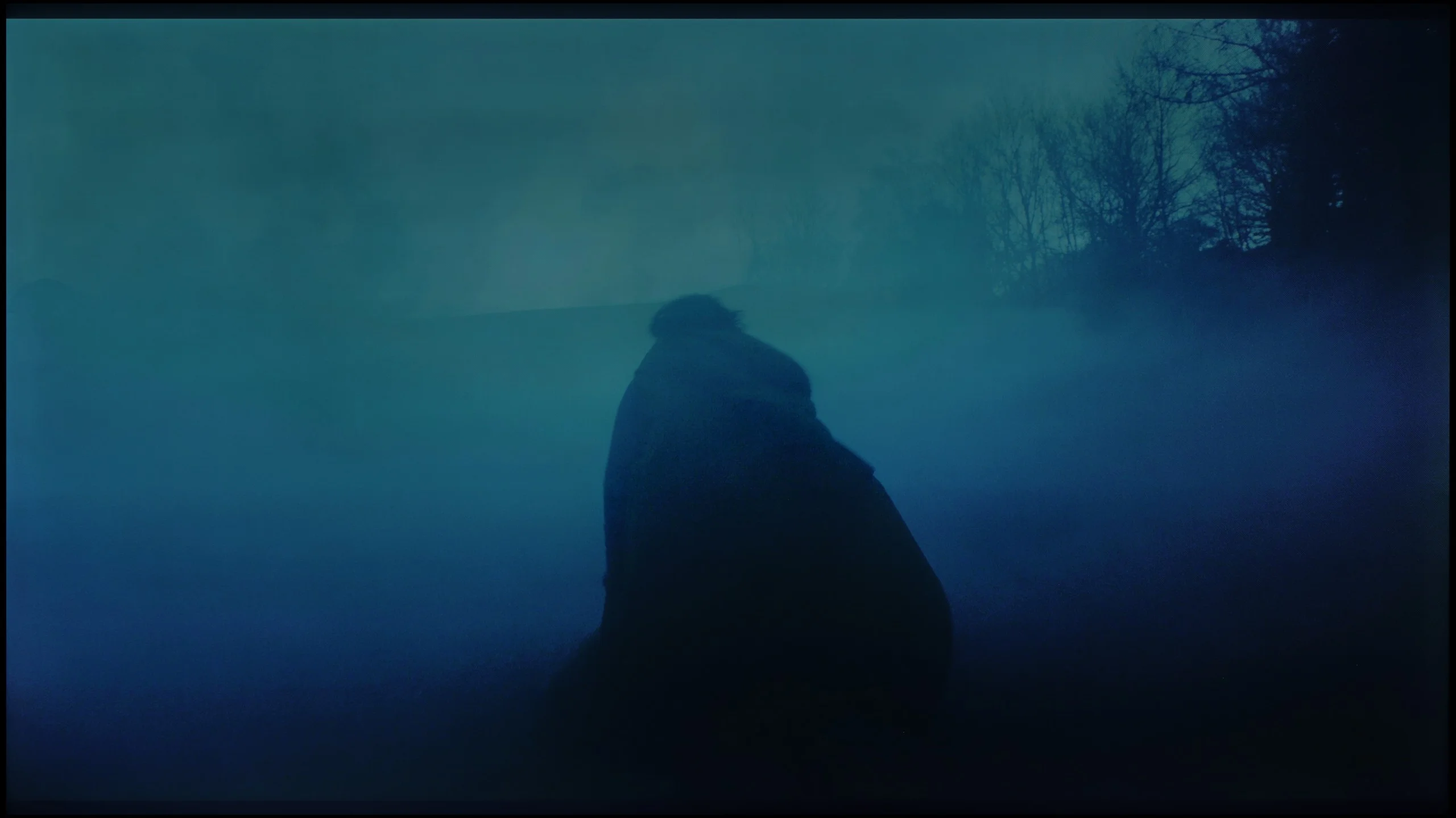
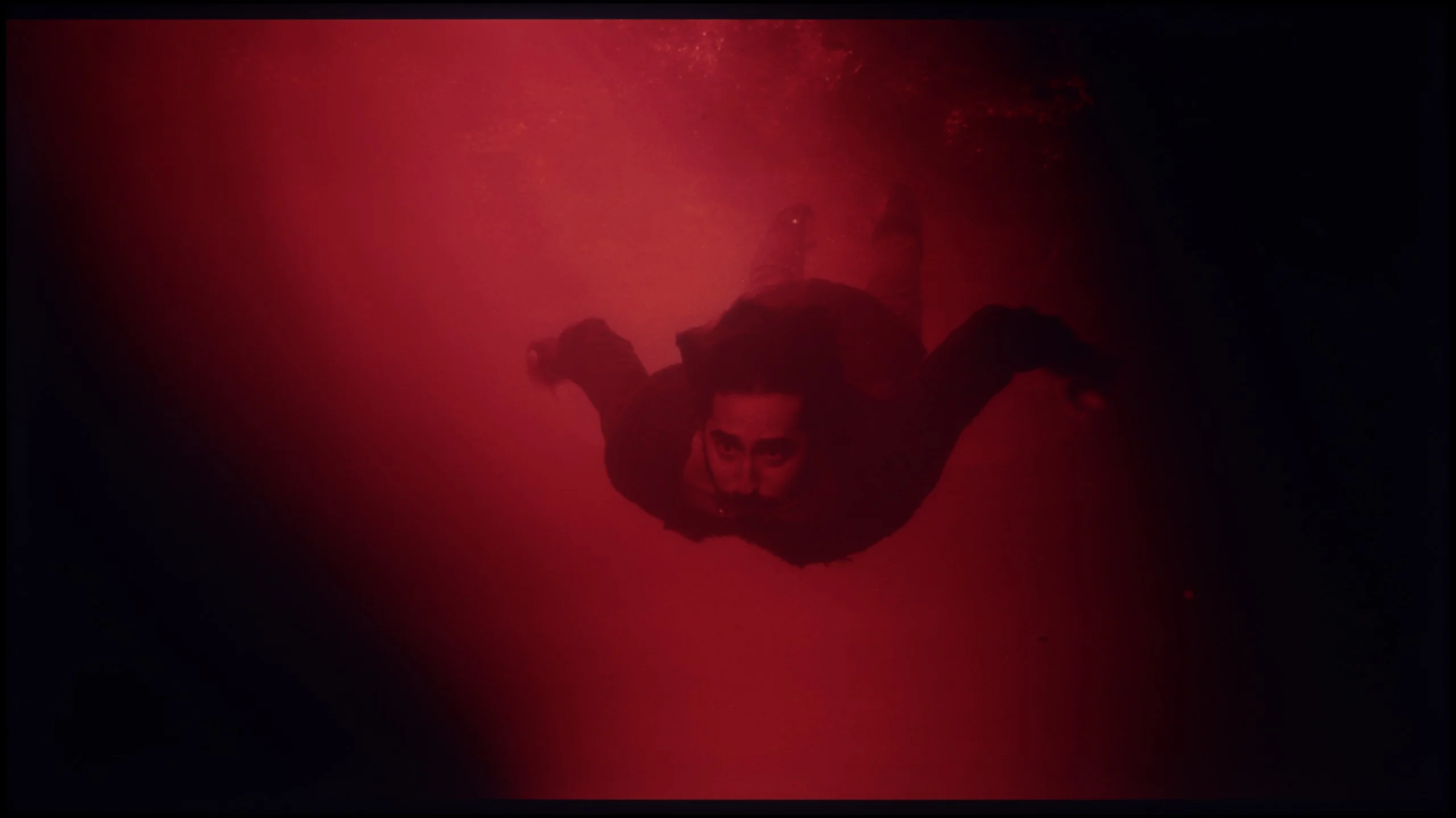
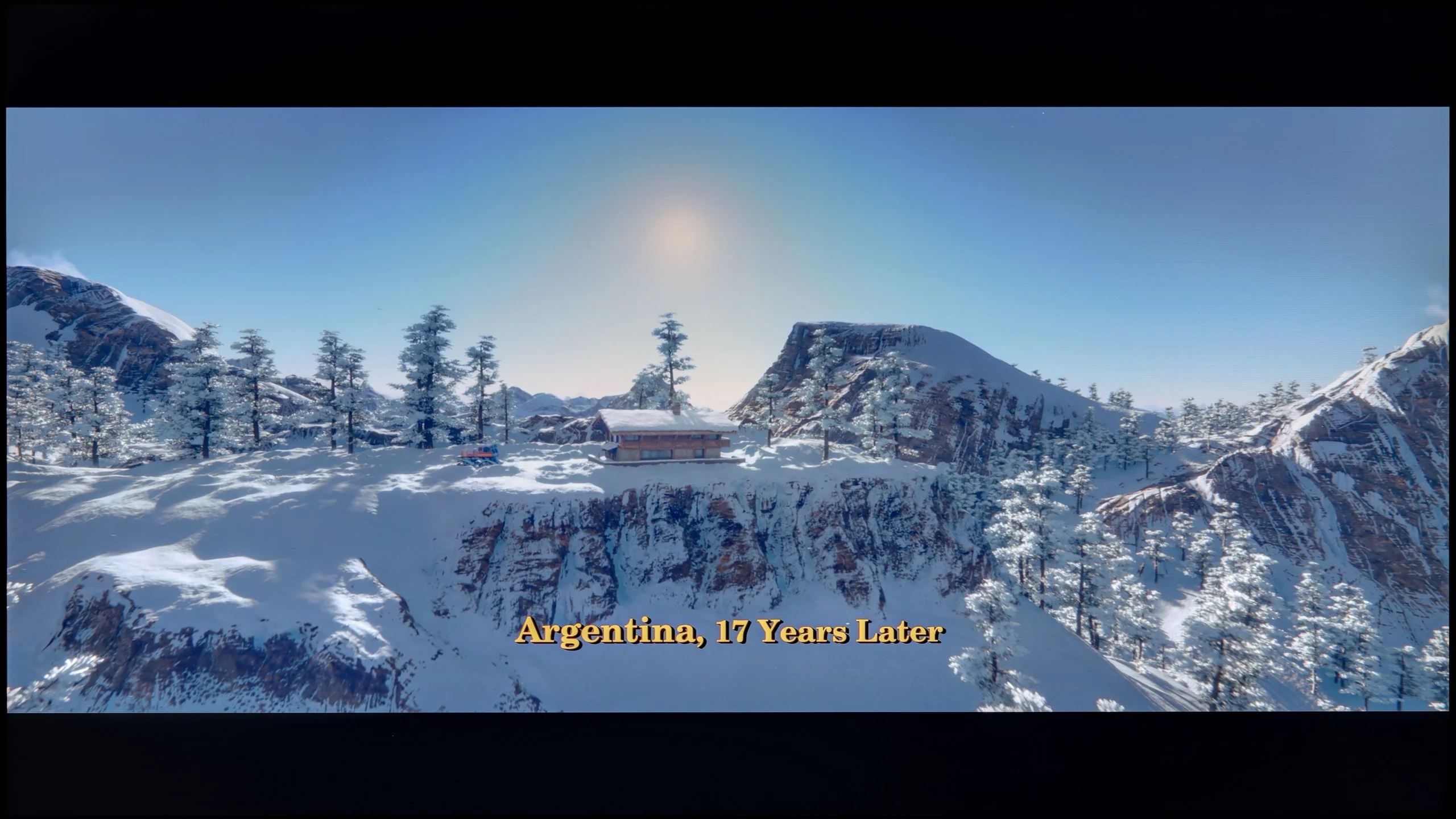
These are selected scenes that show smooth tonal transitions from one color to another. If you see distinct banding, it’s the TV panel’s fault.

These are selected scenes that show smooth tonal transitions from one color to another. If you see distinct banding, it’s the TV panel’s fault.
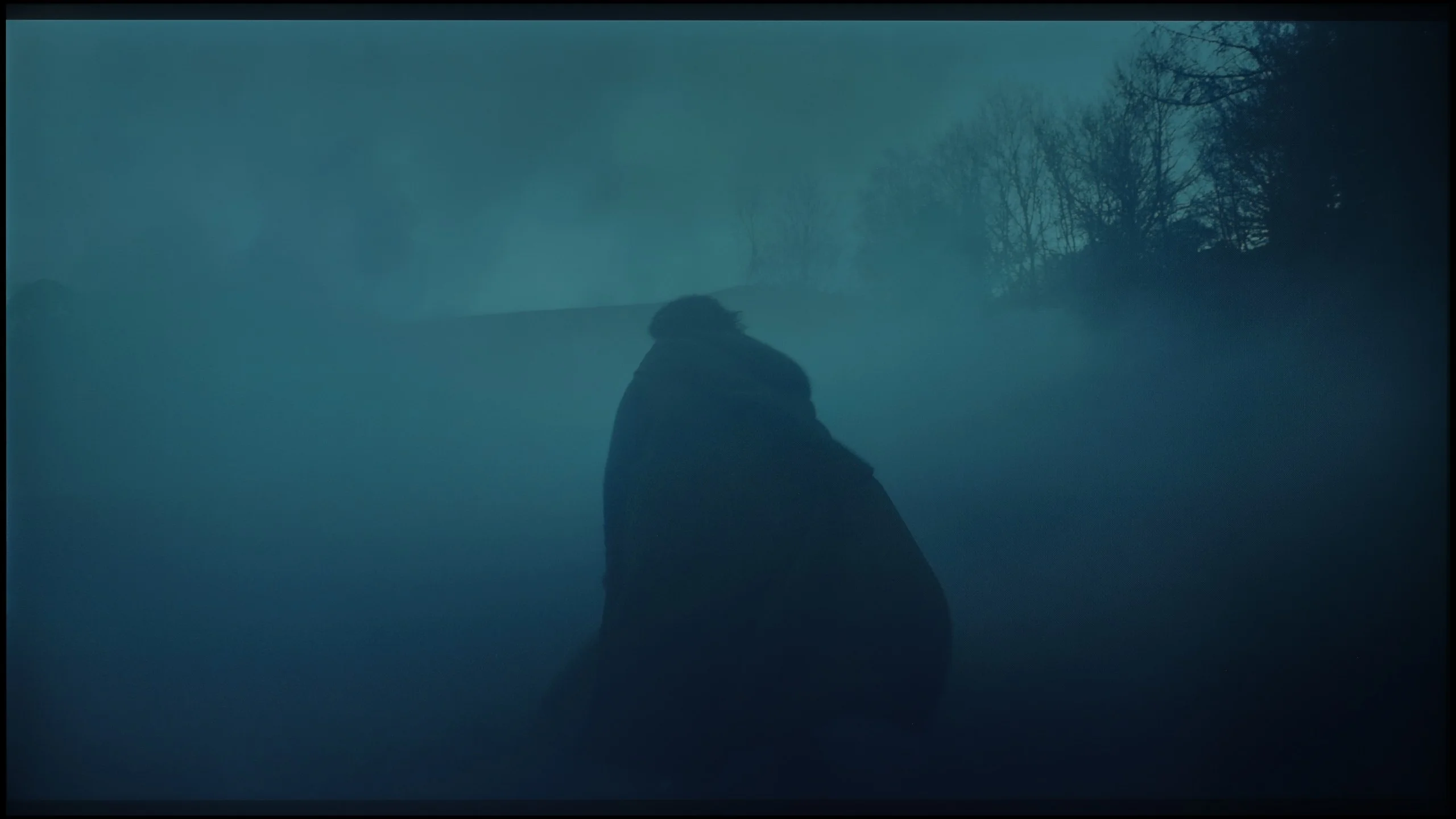
These are selected scenes that show smooth tonal transitions from one color to another. If you see distinct banding, it’s the TV panel’s fault.
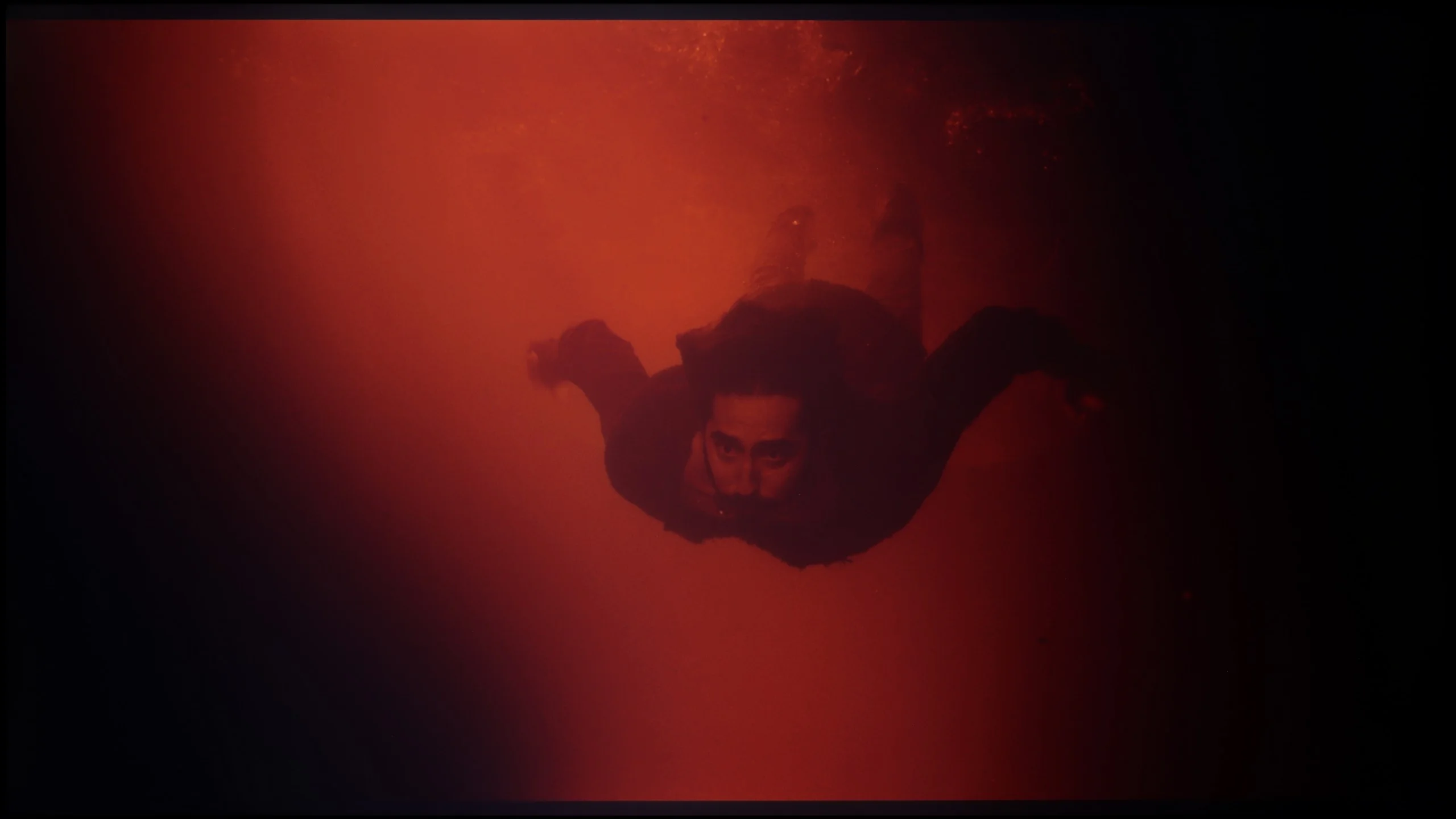
These are selected scenes that show smooth tonal transitions from one color to another. If you see distinct banding, it’s the TV panel’s fault.
For such a budget television, the Hisense E7Q / E79Q performs really well with such a challenging element as the fluidity of tonal transitions. In most scenes, the colours blend together naturally, without noticeable jumps or artificial edges. Brighter parts of the image stand out particularly well – the transitions are smooth and pleasing to the eye. Minor issues only occur with very dark shades of grey, where slight banding can be noticed. However, this is a detail that does not affect the overall reception of the image. For a television in this range, the result is more than decent.
The next very strong point of this model is the way it handles tonal transitions. Often in cheaper LCD constructions, we see what's known as banding – that is, a situation where the television cannot smoothly display a gradient, creating visible "steps" between shades. In the case of the QNED80A, the engineers did their homework. Regardless of whether we are watching a blue sky, fog, or dark scenes full of grey, the transitions between colours are extremely smooth and soft. There are no artificial cuts or jagged edges of colours. As a result, the image is very coherent and natural, which is by no means standard in this price segment.
Image scaling and smoothness of tonal transitions
5/10
7/10


Smooth transition function
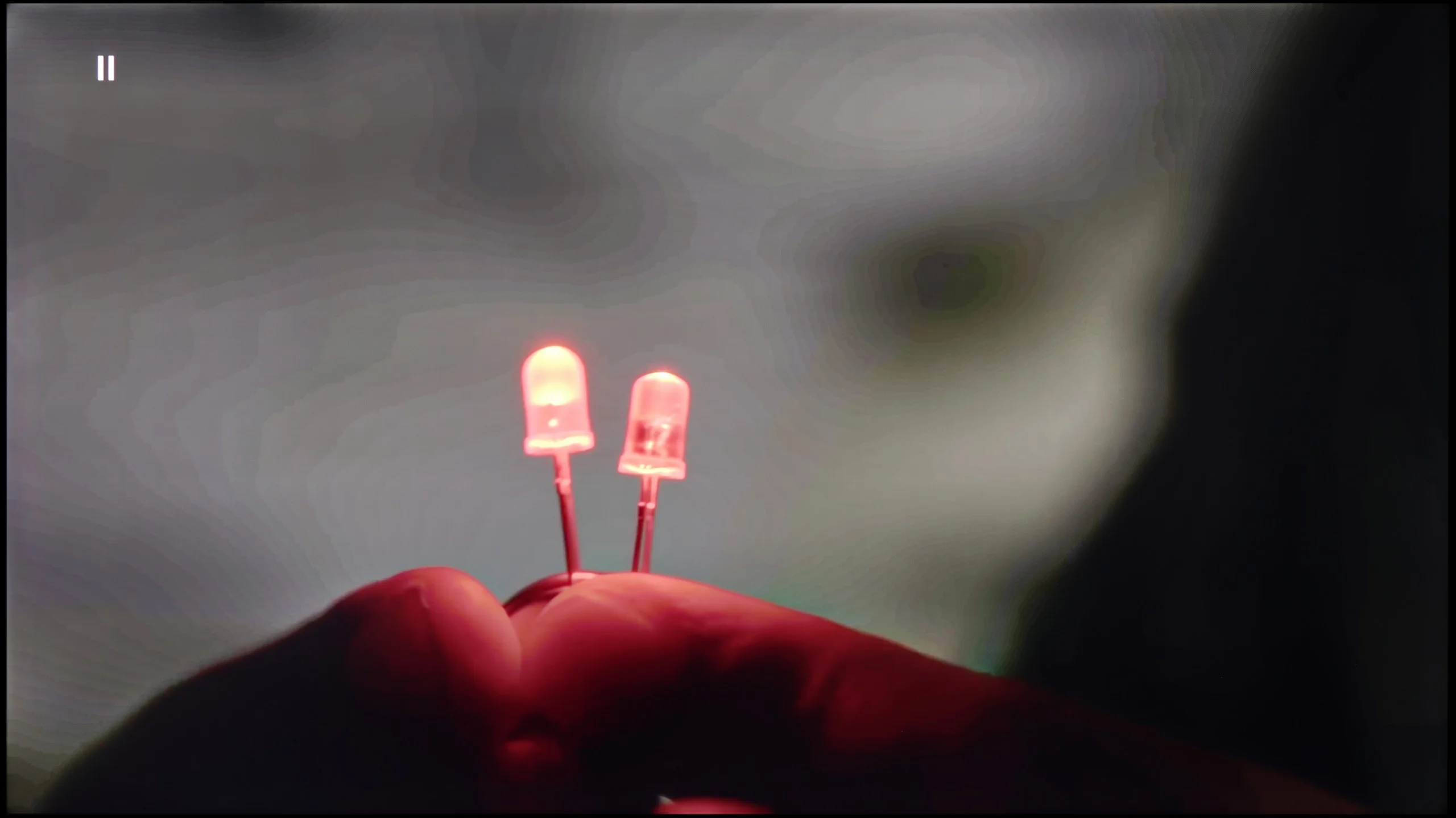
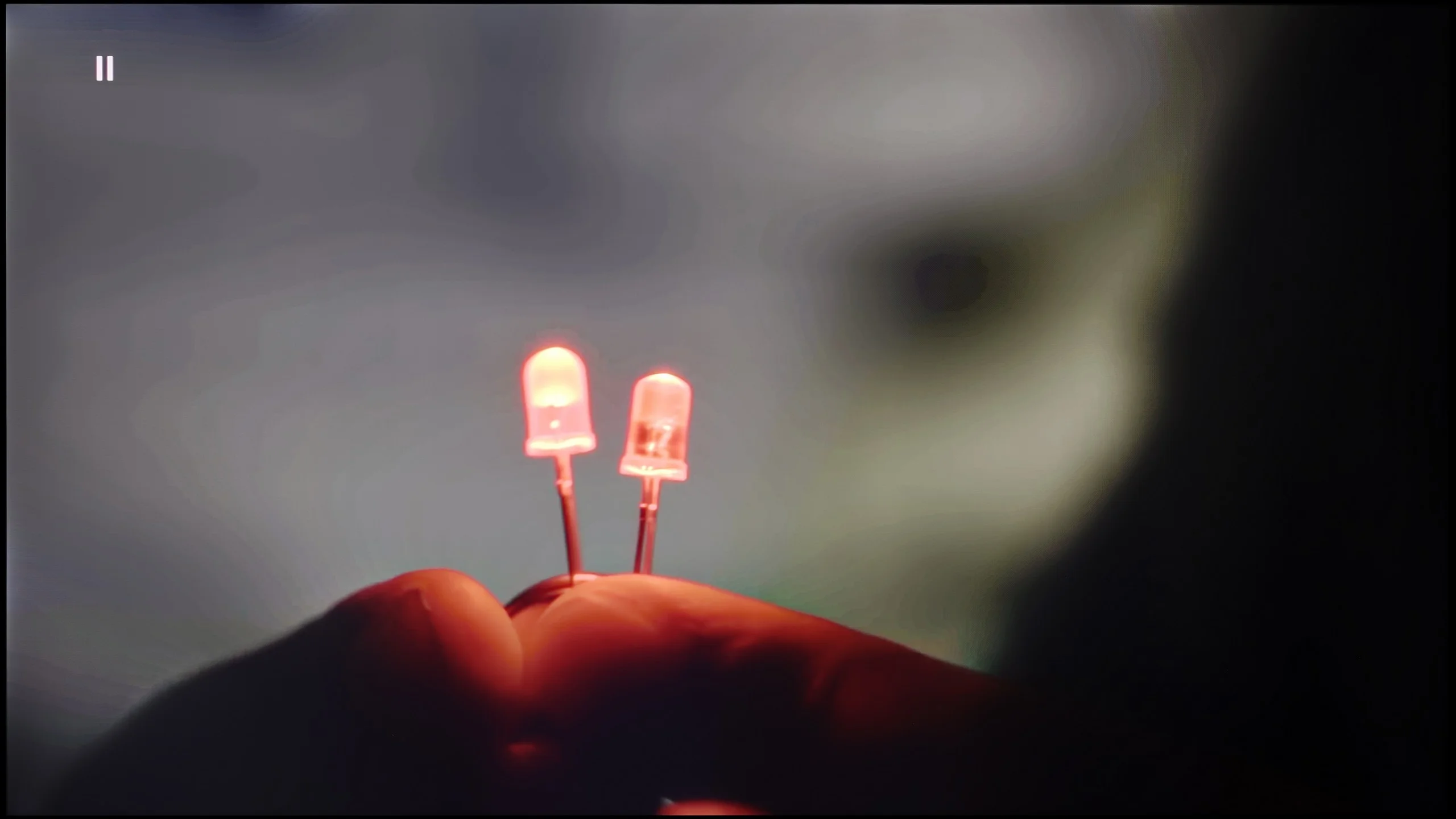
The match photo shows how the TV smooths weak tonal transitions in low-quality video.
Image scaling SD (576i)


The model photo shows how it handles upscaling of SD material.
In the case of the Hisense E7Q / E79Q, upscaling and digital image processing are not the strongest aspects of this television. It is evident that the manufacturer has opted more for simplicity rather than advanced image processing algorithms. The television does not offer any features to smooth tonal transitions or systems to improve image clarity, resulting in lower resolution materials looking simply very raw. On the screen, you can notice subtle compression edges that better processors in other models can effectively hide.
During the HD material tests, we noticed that the E7Q tries to artificially enhance detail, which sometimes works, and at other times has the opposite effect – the image becomes soft, slightly blurred, at times even “watery.” There is no aggressive sharpening that ruins naturalness, but there is also no finesse in the detail integration that better image converters offer.
It often happens that cheap 4K TVs mercilessly expose the flaws of low-resolution materials. Here, it is different. The QNED80A is great equipment for watching content that is not perfect. The processor does a good job of upscaling the image, making even older recordings look quite decent on a 4K screen – they are consistent and free of digital noise. Interestingly, there is a gradation reduction feature available in the settings. It is very effective in combating the so-called banding in low bitrate materials. Of course, it should be approached with some caution. Due to the lower processing power of the chip (compared to the premium series), turning on this option can sometimes result in unwanted artifacts or blurriness. Despite this risk, we encourage experimentation, as in many cases this feature can save a poor-quality viewing experience.
Blur and motion smoothness
4.8/10
4.6/10
Blur (native resolution, maximum refresh rate):


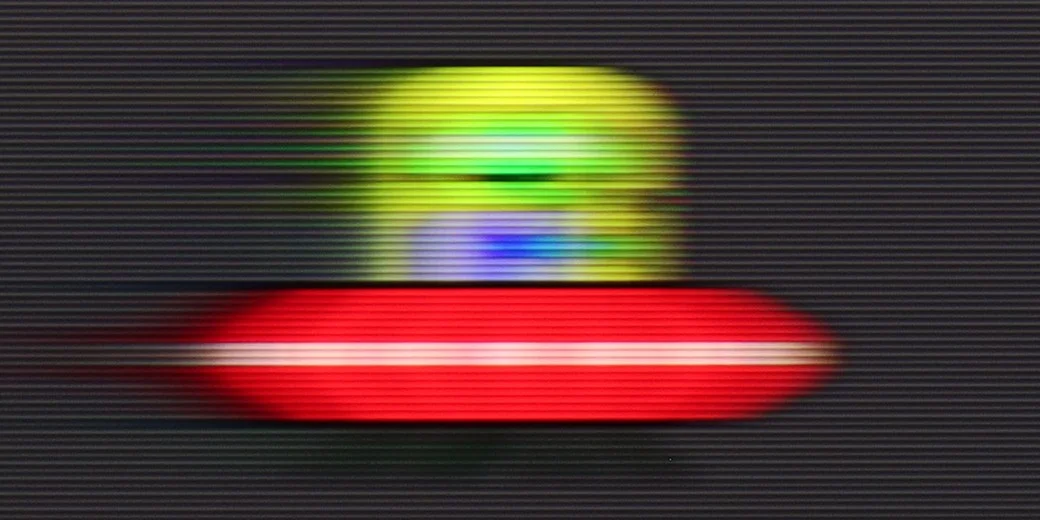

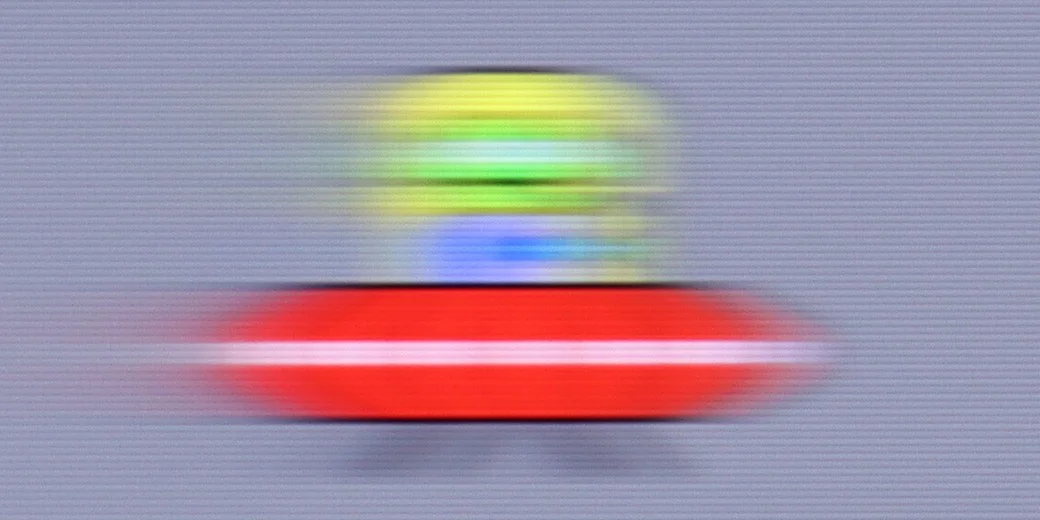

Blur (1080p@120Hz):

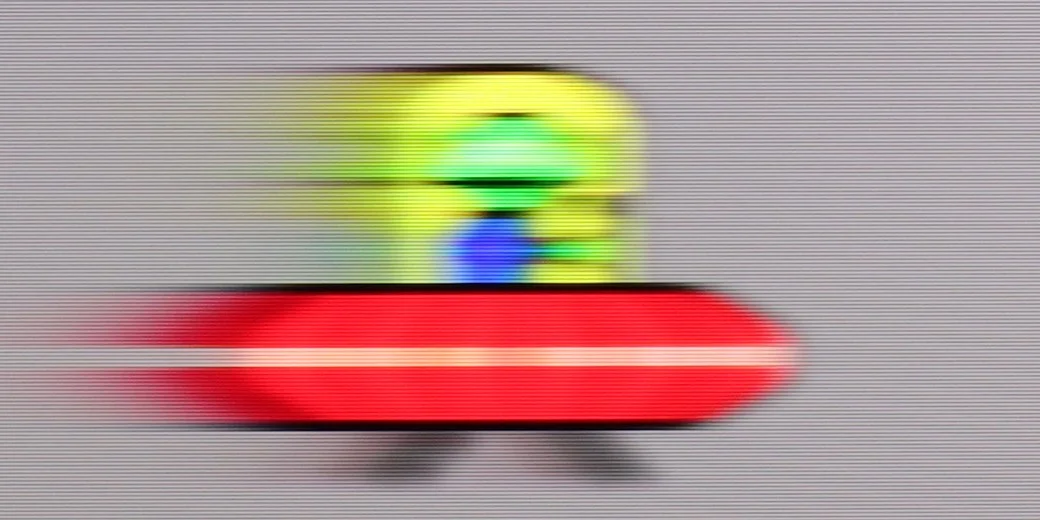
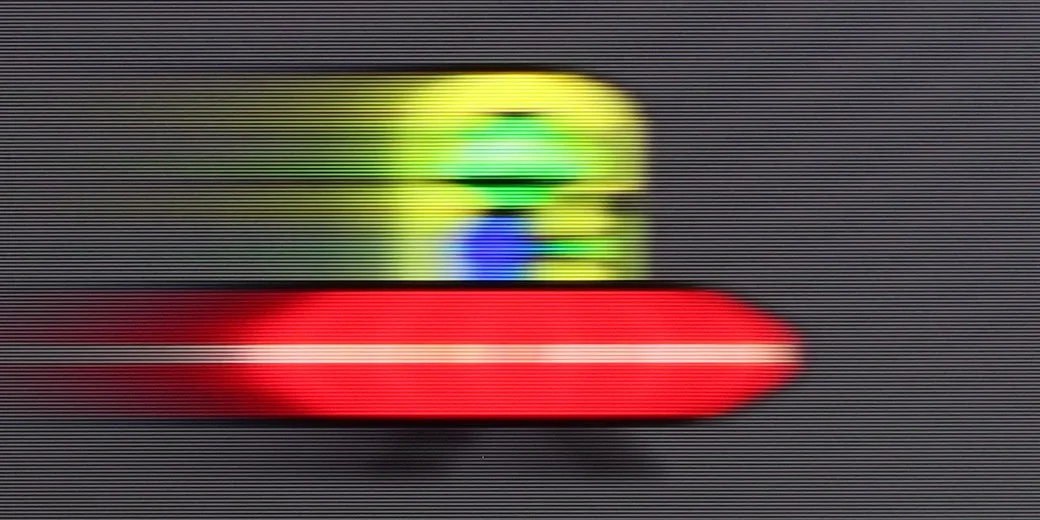
Blur ():
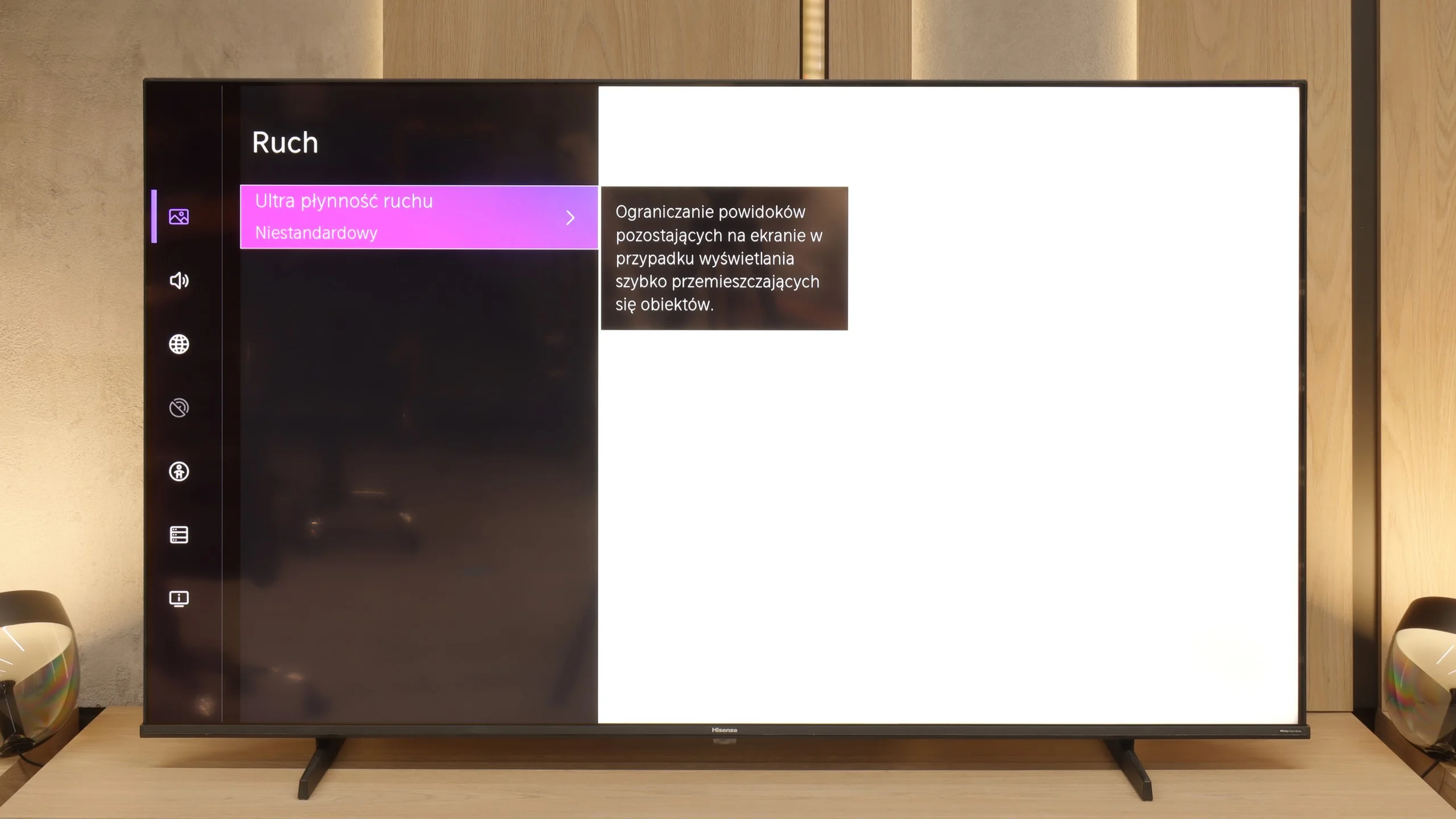
Hisense E7Q / E79Q is a television with a 60 Hz screen, so fans of 4K sports may feel a slight disappointment – we simply won’t see such smooth images here as in more expensive models with higher refresh rates. Fortunately, the situation is much better for films. Cinematic materials recorded at 24 frames per second can be displayed here using a motion smoothing feature, allowing the user to tailor the picture to their own preferences – either more cinematic with visible frames or smoother, in a theatrical style.
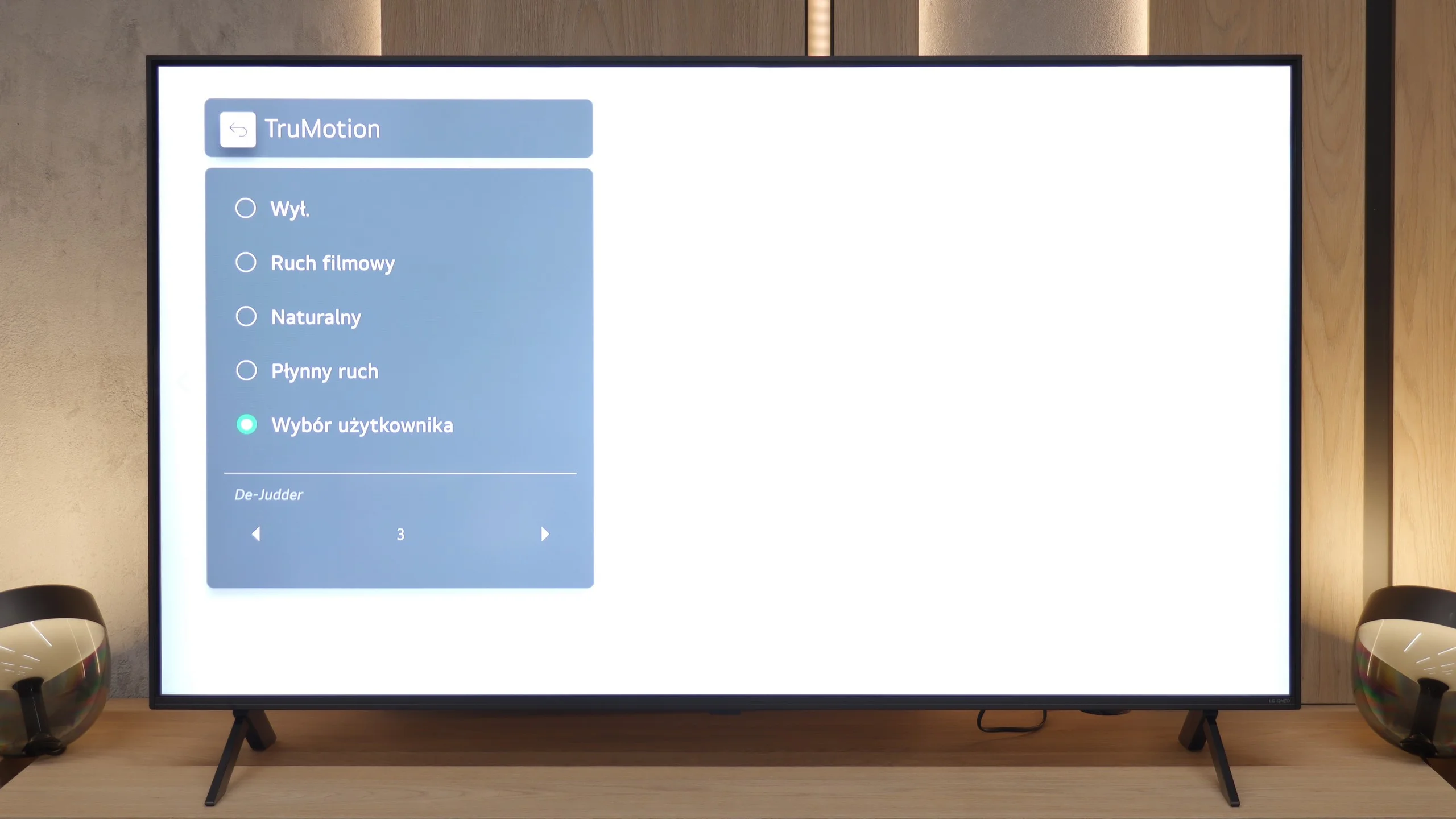
In terms of motion reproduction, the QNED80A unfortunately has a tough time. The television is based on a display with a refresh rate of 60Hz, which is quite a disappointment for the QNED series in 2025. If you are looking for perfect sharpness during dynamic football matches, you may feel somewhat unsatisfied. A solution in this situation is the TruMotion system. It allows for artificial frame generation, which smooths out the image in films and series. In the menu, you will find a De-Judder slider – we recommend setting it to a value of 2, 3, or 4. This is the "golden mean" that improves fluidity without turning the film into a soap opera.
Console compatibility and gaming features
6.3/10
6/10
- ALLM
- VRR
- VRR range48 - 60Hz48 - 60Hz
- Dolby Vision Game Mode
- Correct implementation of HGIG
- 1080p@120Hz
- 1440p@120Hz
- 4K@120Hz
- Game bar
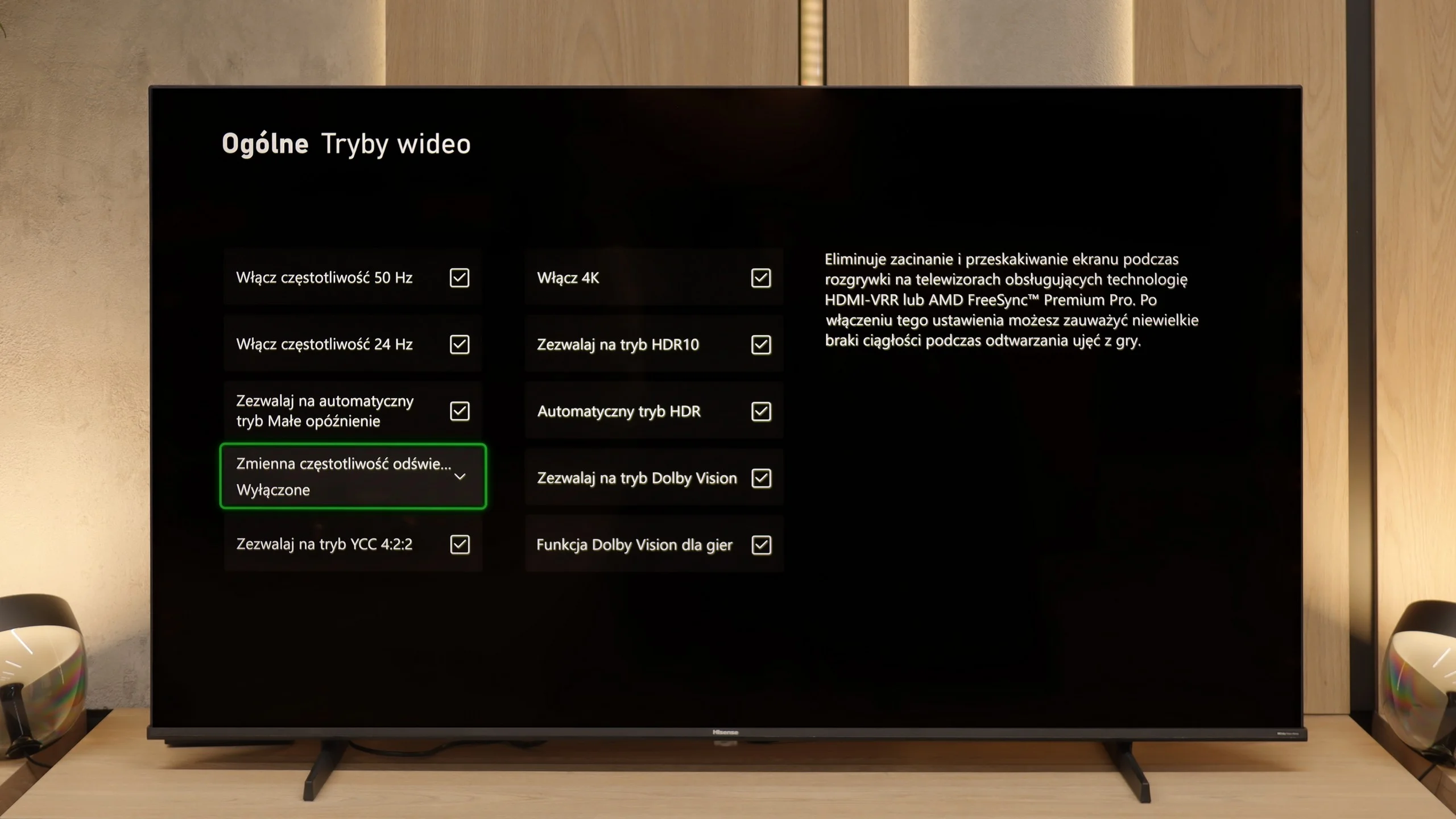
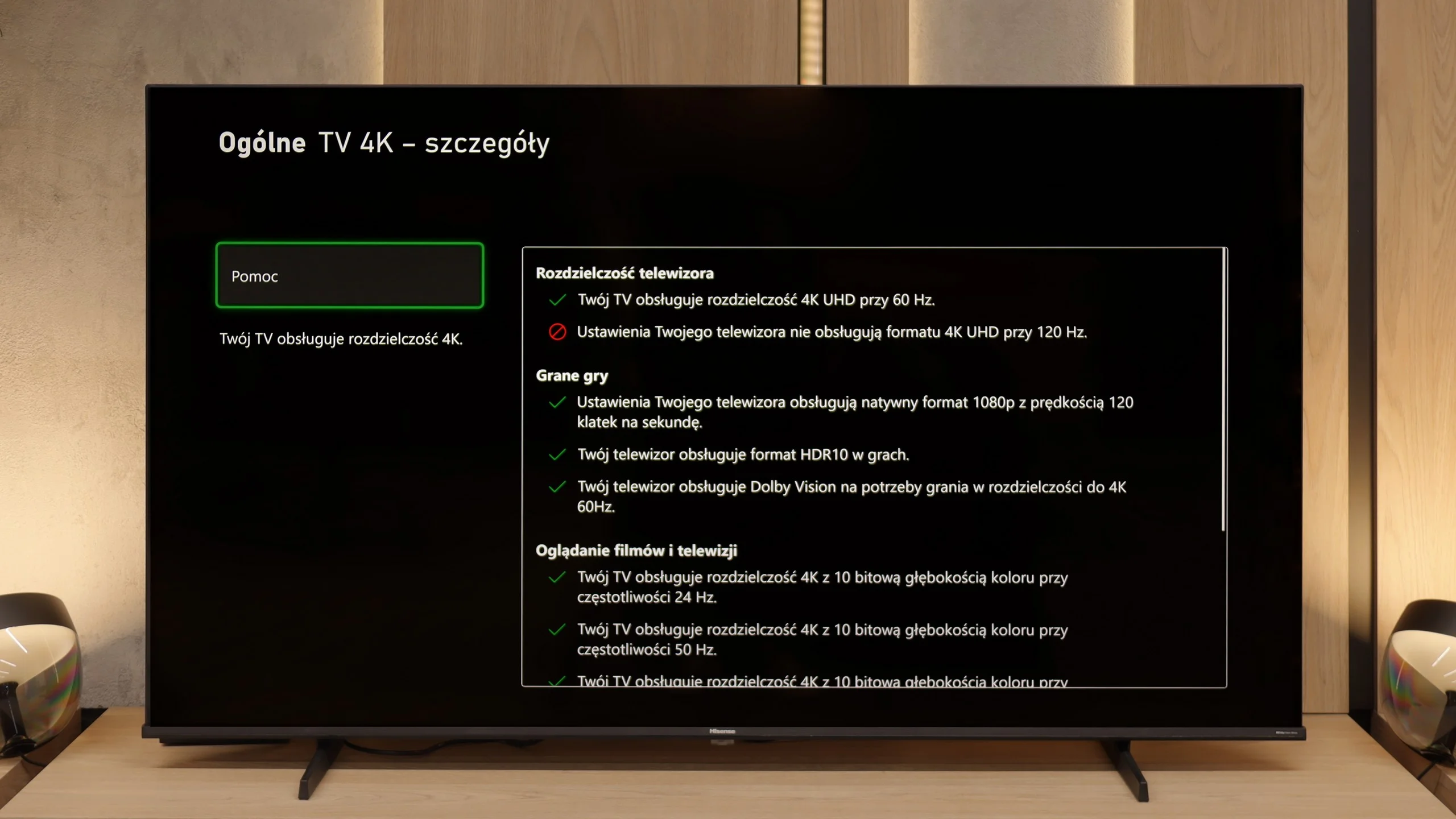
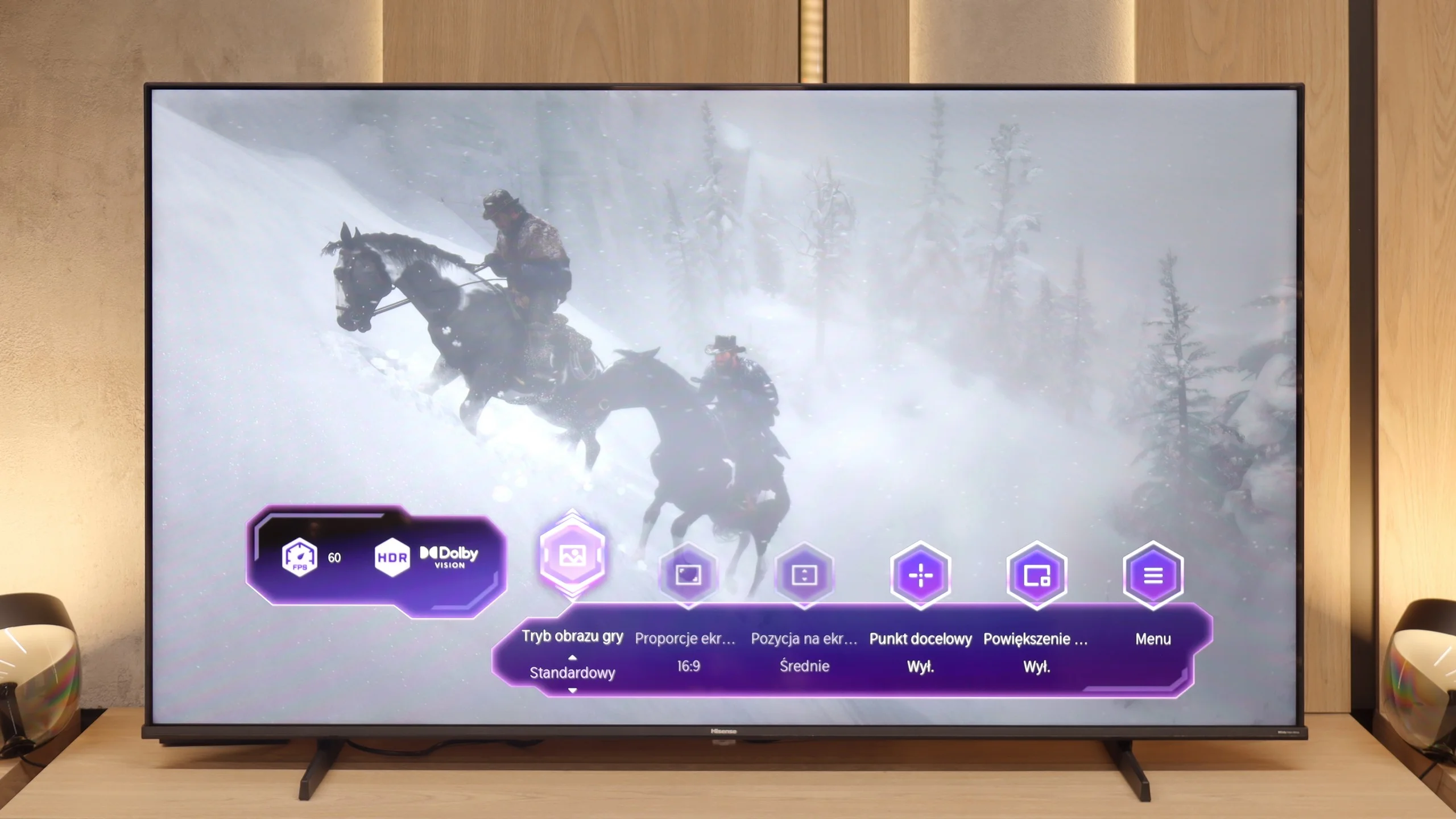
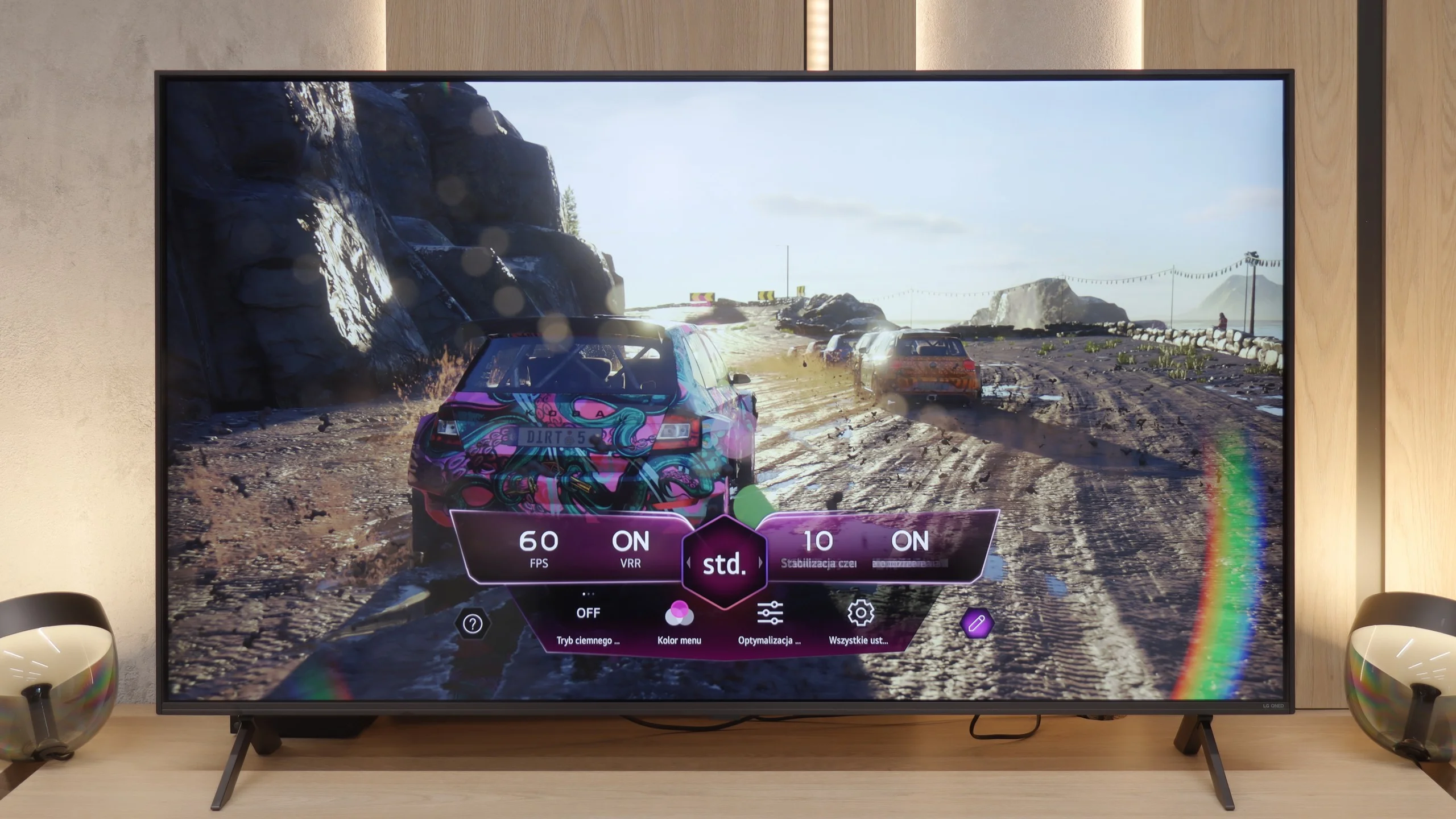
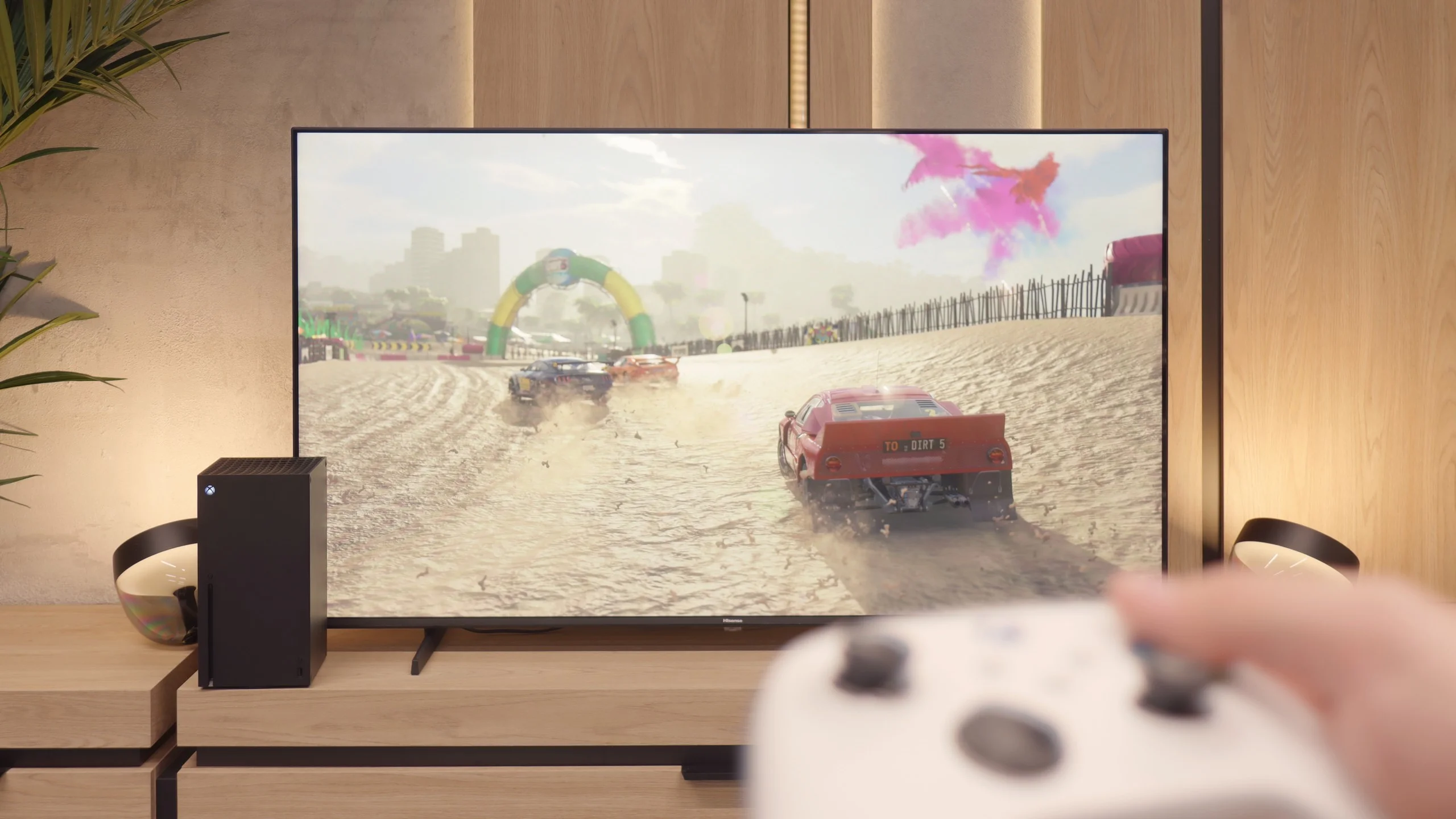
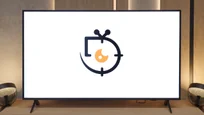
Hisense E7Q / E79Q is truly a successful television for gamers, even though it does not support 4K signal at 120 Hz. The manufacturer, however, has ensured a set of features that until recently could only be found in more expensive models. There is ALLM, meaning automatic switching to low latency mode, allowing the television to activate game mode with very low input lag by itself. We also have VRR, functioning up to 60 Hz – while this may not look impressive on paper, in practice it is fully sufficient, as most games on consoles do not exceed this limit. All these settings can be quickly found in the Game Bar panel, a convenient menu created specifically for gamers. From this interface, one can change picture modes, enable a frame counter, or even... an on-screen reticle – humorously named "target point" in the Vidaa system, which is a result of awkward translation from the Chinese manufacturer.
Special praise should be given to the ability to play in 1080p at 120 Hz, which significantly improves the fluidity and responsiveness of the image. Therefore, if someone wants to play a few titles at a higher refresh rate, they can simply lower the resolution and enjoy much smoother motion. Despite the lack of 4K@120Hz, the Hisense E7Q / E79Q performs really well as a gaming television – especially for those who are not looking for perfection but rather a solid and fast screen for everyday gaming.
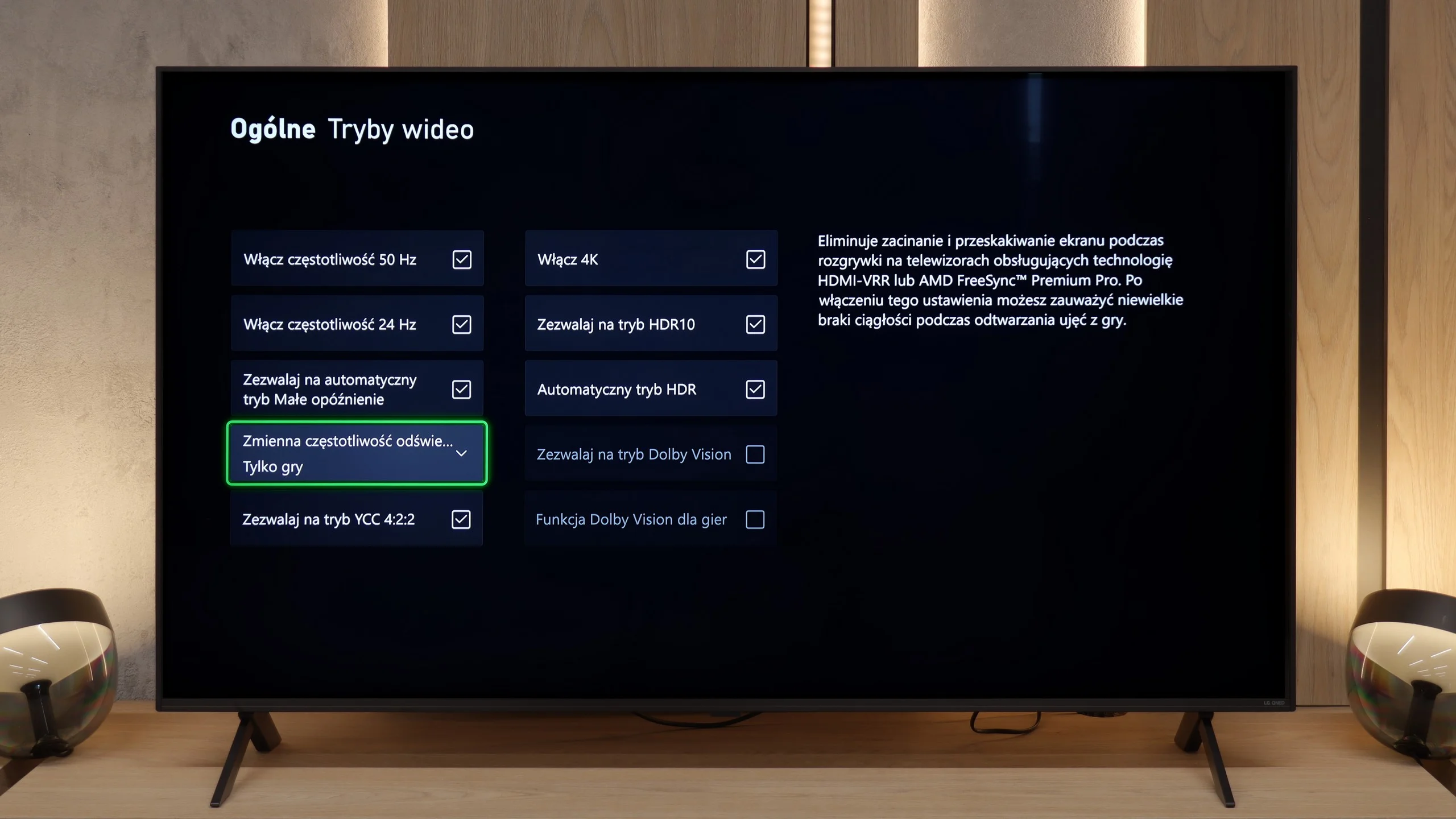
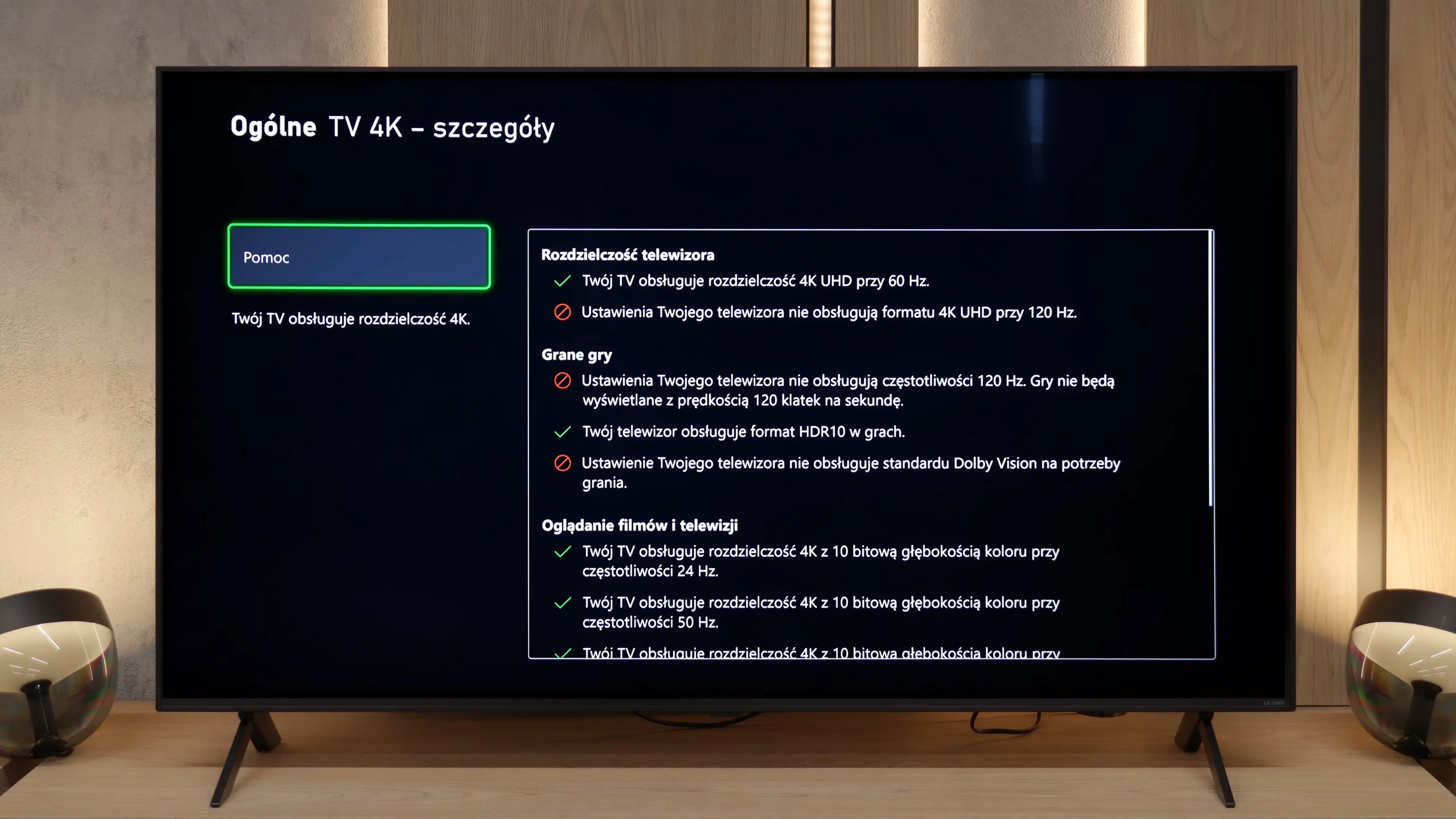
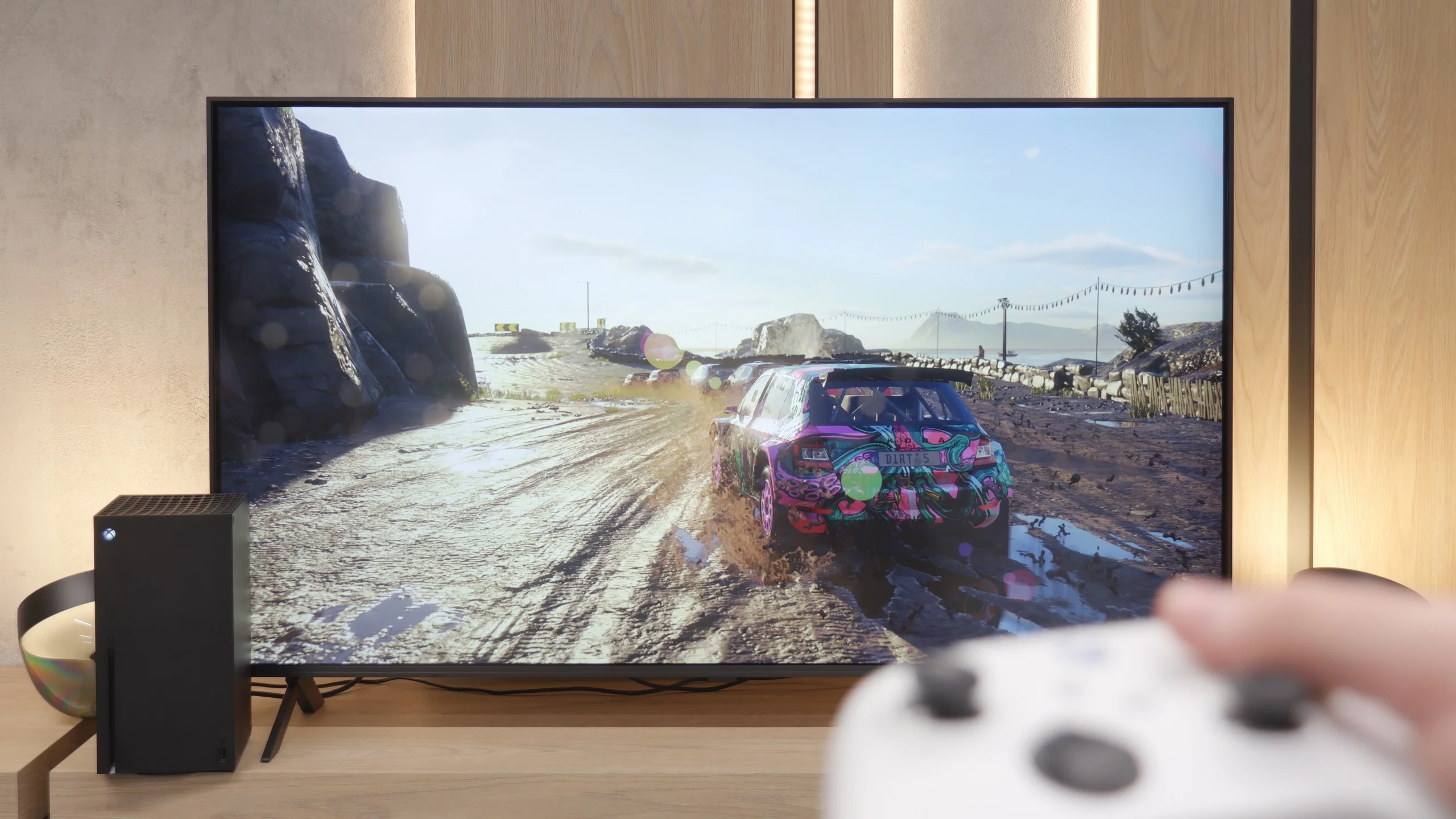
In the gaming section, we won't be pulling the wool over your eyes – the QNED80A is not e-sports equipment. The lack of 120Hz signal support is a fact that must be accepted. However, LG's engineers have done everything possible to maximise the potential of this 60Hz panel, providing gamers with a set of desirable features. First and foremost, the television supports VRR (in the range of 48-60Hz) and ALLM. This means that the image is smooth, not choppy, and the television automatically switches to low-latency mode as soon as we pick up the controller. Accessing these options is incredibly simple thanks to the dedicated system overlay – Game Dashboard. It’s also worth appreciating the support for the HGiG format. This is a nod to owners of modern consoles. Although the screen does not support gaming Dolby Vision, HGiG ensures that the television 'understands' how to display games in HDR. As a result, we avoid the problem of blown-out clouds, which is unfortunately a plague on cheaper LCD televisions.
Input lag
10/10
9.8/10
SDR
HDR
Dolby Vision
In games, the easiest thing to notice is how fast (or slow) the television is – and the Hisense E7Q / E79Q passes this test without a hitch. After just a few minutes of playing, you can feel that the response to the controller movements is instantaneous, without that characteristic delay that can ruin even the best match in FIFA or a crucial exchange in a fighting game. In game mode, the E7Q / E79Q operates with a delay of less than 15 ms, which means there is virtually no gap between pressing the button and the response on the screen. This is a level that more expensive models would be proud of. And it is precisely for this responsiveness – perhaps even more than for the picture or features – that this television truly deserves to be praised.
And what about responsiveness? Our measurements showed an input lag of around 15 ms. In the gaming world, where top monitors go down to 1 ms, this may seem like an average result, but in the category of living room televisions, it is a very good outcome. In practice, this means that when playing on a console, you will not feel any discomfort. There is no situation here where the character reacts with a noticeable delay after pressing a button on the controller. The television responds to the controller without delay, allowing you to enjoy gaming without unnecessary irritation. For casual gaming after work – a perfectly acceptable result.
Compatibility with PC
3/10
5/10
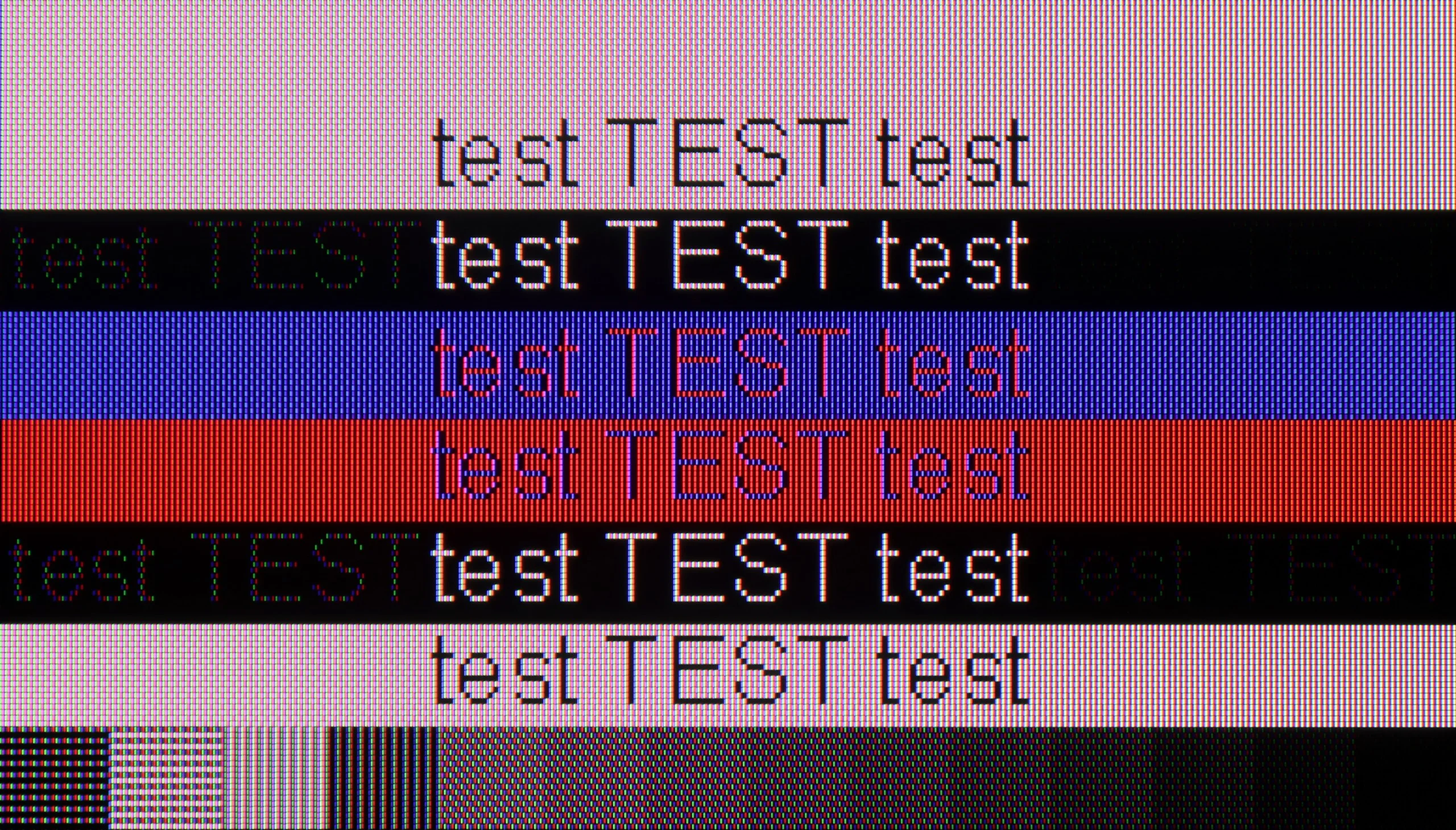
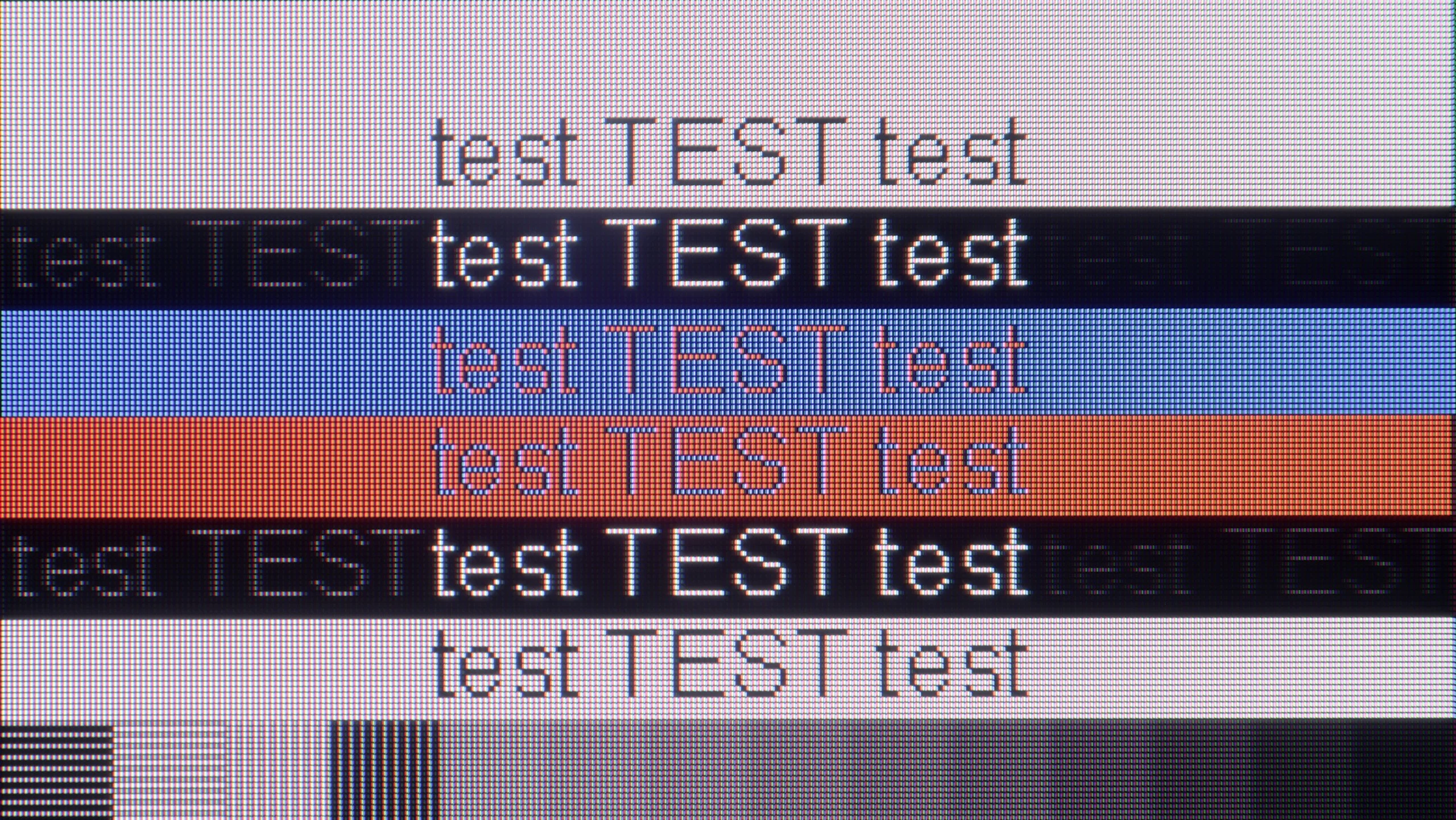
The photo shows the legibility of small fonts. Ideally, lines should be the same thickness on both light and dark text, with minimal pixel gaps.
When it comes to working with a PC, the Hisense E7Q / E79Q unfortunately does not impress. Yes, the television supports full 4:4:4 chroma sampling, so text and fonts are quite readable, but that is where the list of advantages pretty much ends. The screen has a significant issue with dithering, which in practice looks very unpleasant – as if the surface of the image subtly shimmered with colours. This is best seen with dark letters on a grey background – instead of neutral shades of fonts, there are delicate flashes of blue, green, and red, reminiscent of a rainbow effect. After extended use with a computer, this can strain the eyes and reduce comfort. On the plus side, one can note the presence of frame synchronization and the ability to operate at 120 Hz at a lower resolution, which may be a small consolation for gamers. However, as a typical monitor for PC use, the E7Q / E79Q performs rather mediocrely.
In terms of cooperation with a PC, we have another surprise waiting. Theoretically, it is IPS matrices that should dominate in displaying static office content due to their pixel structure. However, the QNED80A once again breaks the mould. During tests, we noticed strange behaviour when displaying text. While classic, bold fonts are readable and look correct, the issues begin with small, thin letters. They tend to "split" on the contours and cast a strange shadow. This causes the small text to become less clear and, with prolonged use, can be tiring for the eyes. Therefore, if you are looking for a television that will primarily serve to display tables in Excel or Word documents, this particular variant may disappoint you a bit.
Viewing angles
3.2/10
6/10
The Hisense E7Q / E79Q has typical VA panel weak viewing angles. Straight on, the image looks very good - the blacks are deep and the contrast is high. However, it only takes sitting slightly off to the side for the situation to change rapidly. At an angle of about 45 degrees, brightness drops by around 73%, and colours clearly lose saturation. This is the typical compromise we will have to accept for choosing a television with this type of panel instead of an IPS panel. With IPS, the viewing angles are much better, but the blacks are considerably worse.
Do you remember how we complained about the weaker contrast? Well, now it's time for a comeback. It is precisely in terms of viewing angles that the IPS matrix shows its superiority and purpose. If you have a spacious living room, and family members watch television from different places – for instance, from an armchair in the corner or from over the table in the dining room – this variant will be spot on. Unlike VA matrices, here the image retains its properties even at a large angle. Colours remain vivid and do not change shades when viewed from the side. This makes the QNED80A in this version a fantastic choice for watching matches with friends or cartoons with children, where not everyone has the luxury of sitting directly in front of the screen.
Daytime performance
5.2/10
4.7/10
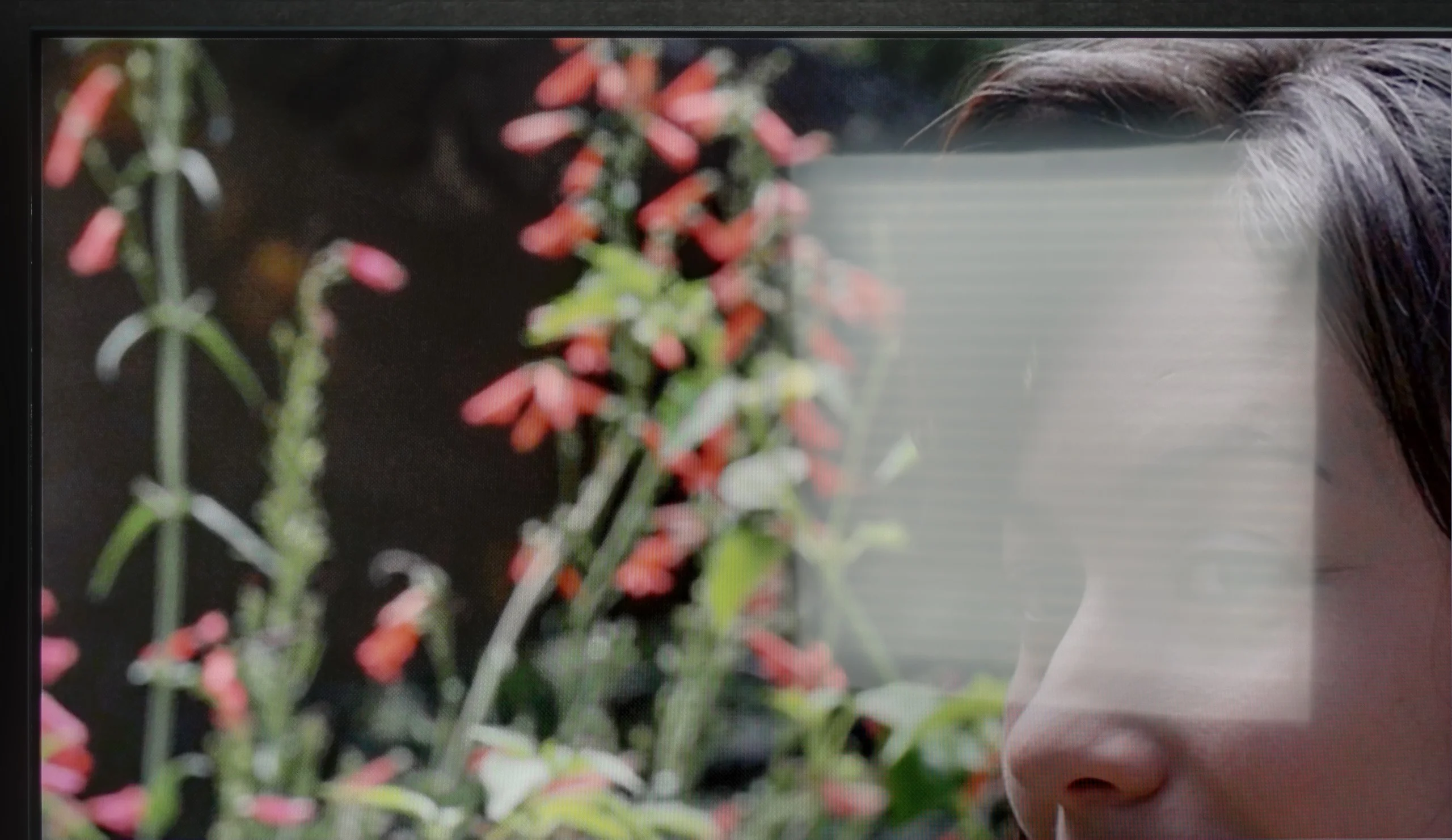
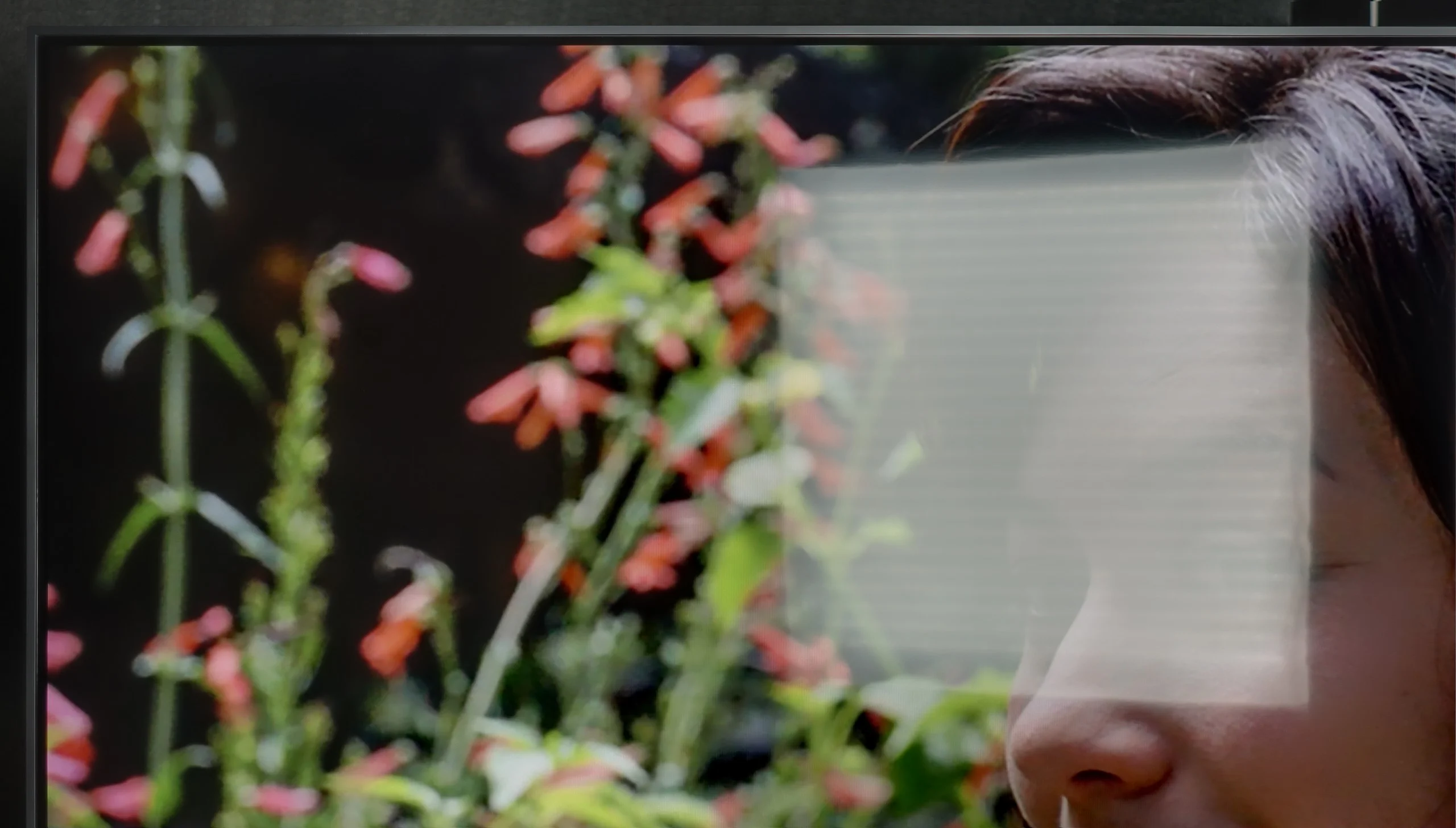
Panel brightness
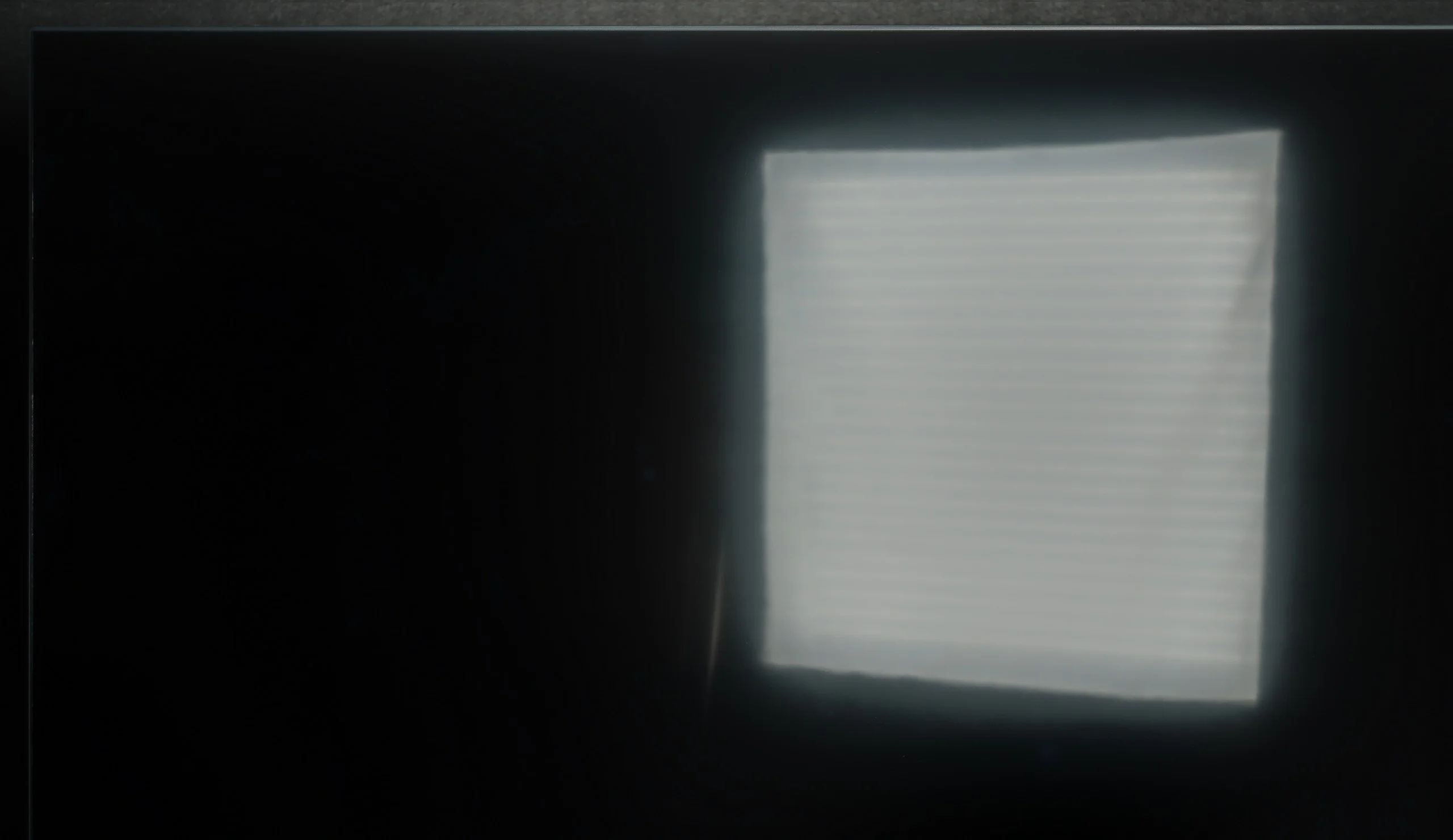
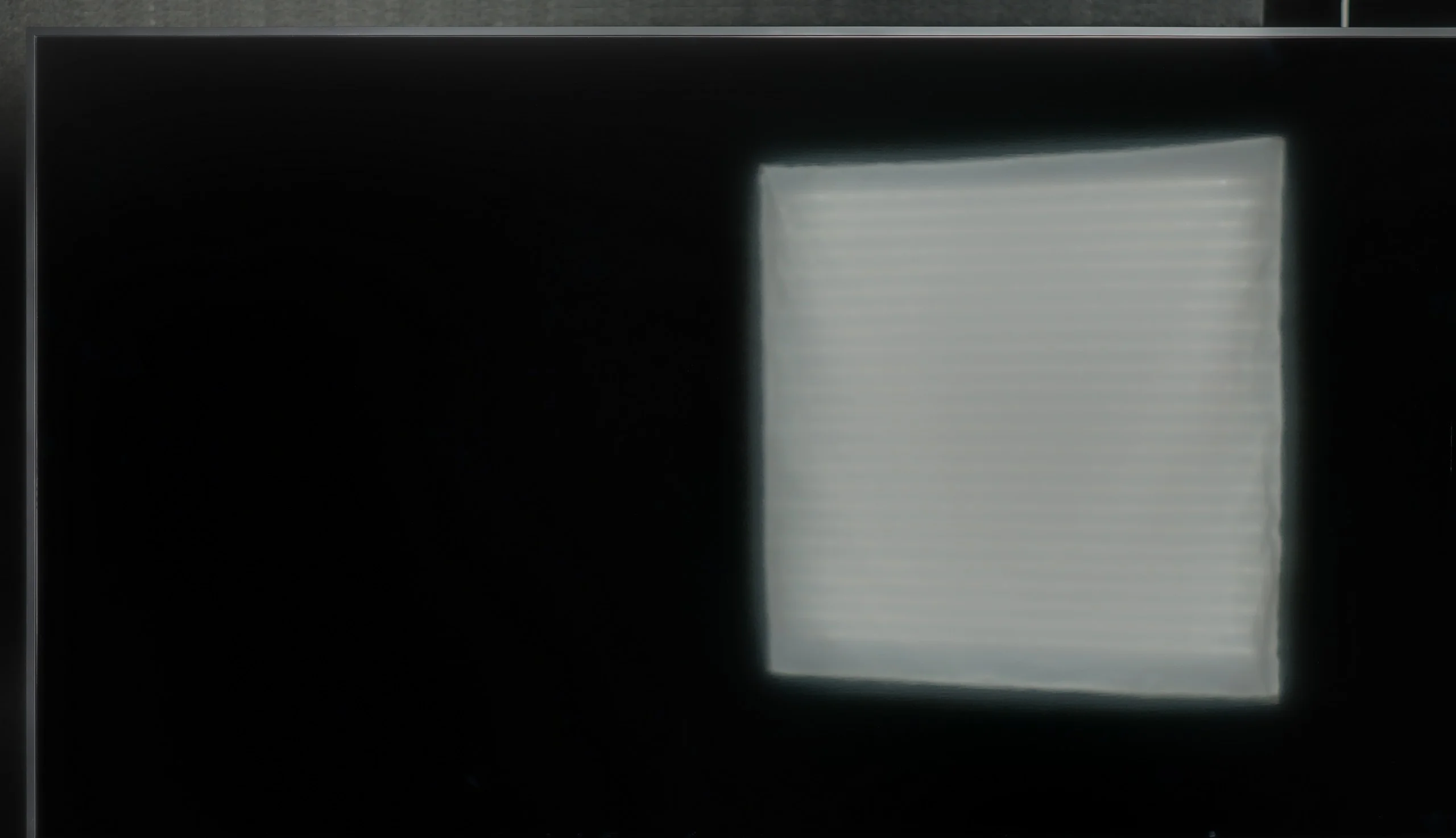
LG QNED80A6A (IPS): 310 cd/m2
Hisense E7Q / E79Q: 371 cd/m2
The Hisense E7Q / E79Q performs best in moderately bright living rooms. Its brightness ranges from 350 to 380 nits, so in typical home conditions, the picture looks good, but in very sunlit rooms, it begins to lose clarity. This is simply not a screen for interiors with large windows or strong daylight. On the plus side, it is worth mentioning the satin coating of the panel, which quite effectively suppresses reflections – both from lamps and from windows. Thanks to this, even if the room is not in dim lighting, the image still remains fairly readable.
QNED80A is not a "light monster", so in full, direct sunlight, the image may appear a bit washed out. This is not equipment designed to battle sharp sunlight hitting directly on the screen. However, it does have an ace up its sleeve that significantly improves user comfort: a matte screen coating. Instead of cheap, glossy finishing, LG has applied a satin structure here. It works very effectively by "softening" reflections from the surroundings. Therefore, we do not see our perfect reflection in the screen like in a mirror, which can be extremely annoying in darker scenes. So it may be insufficient for extremely bright rooms, but in standard, moderate home conditions, QNED80A will perform perfectly.
Panel details
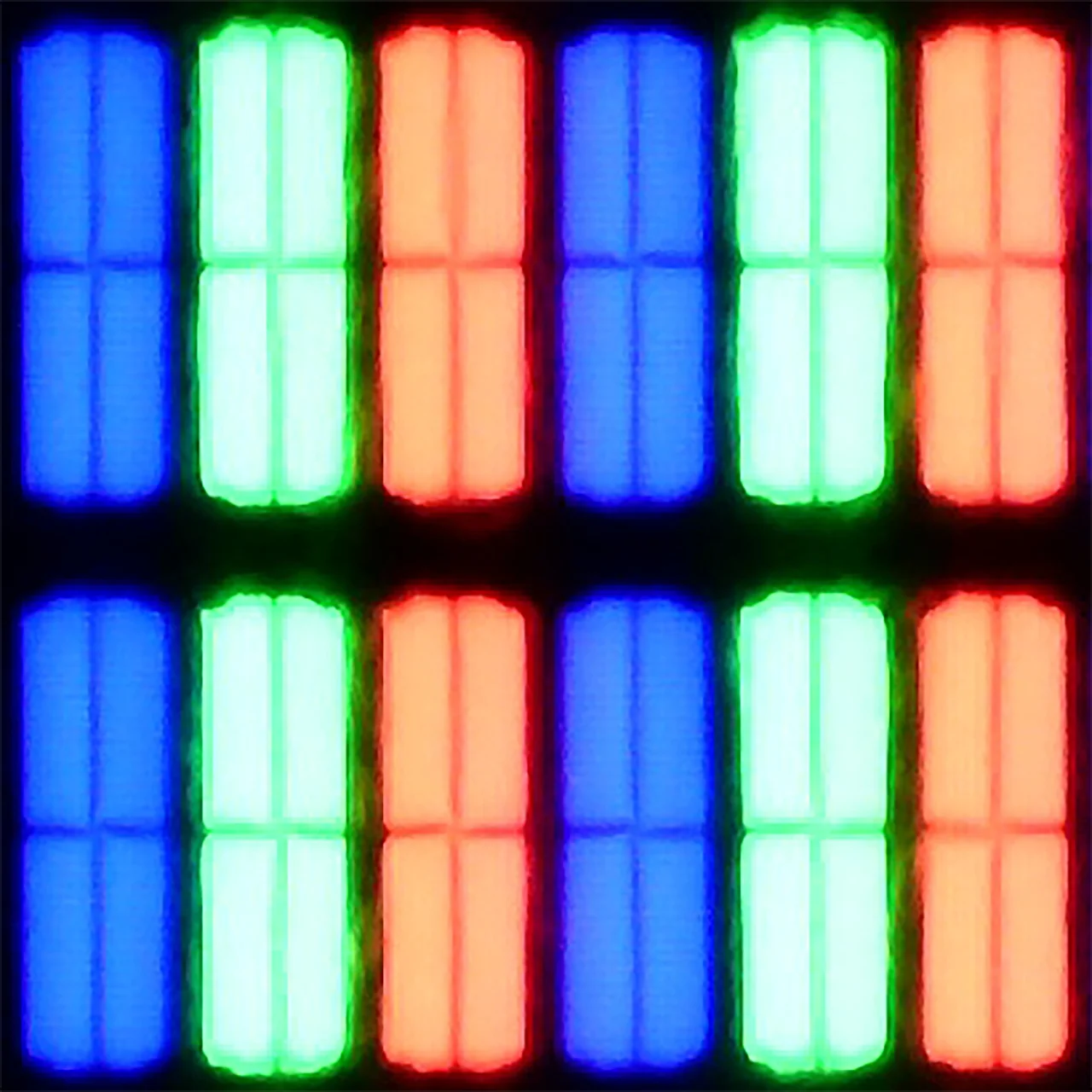
Subpixel Structure:
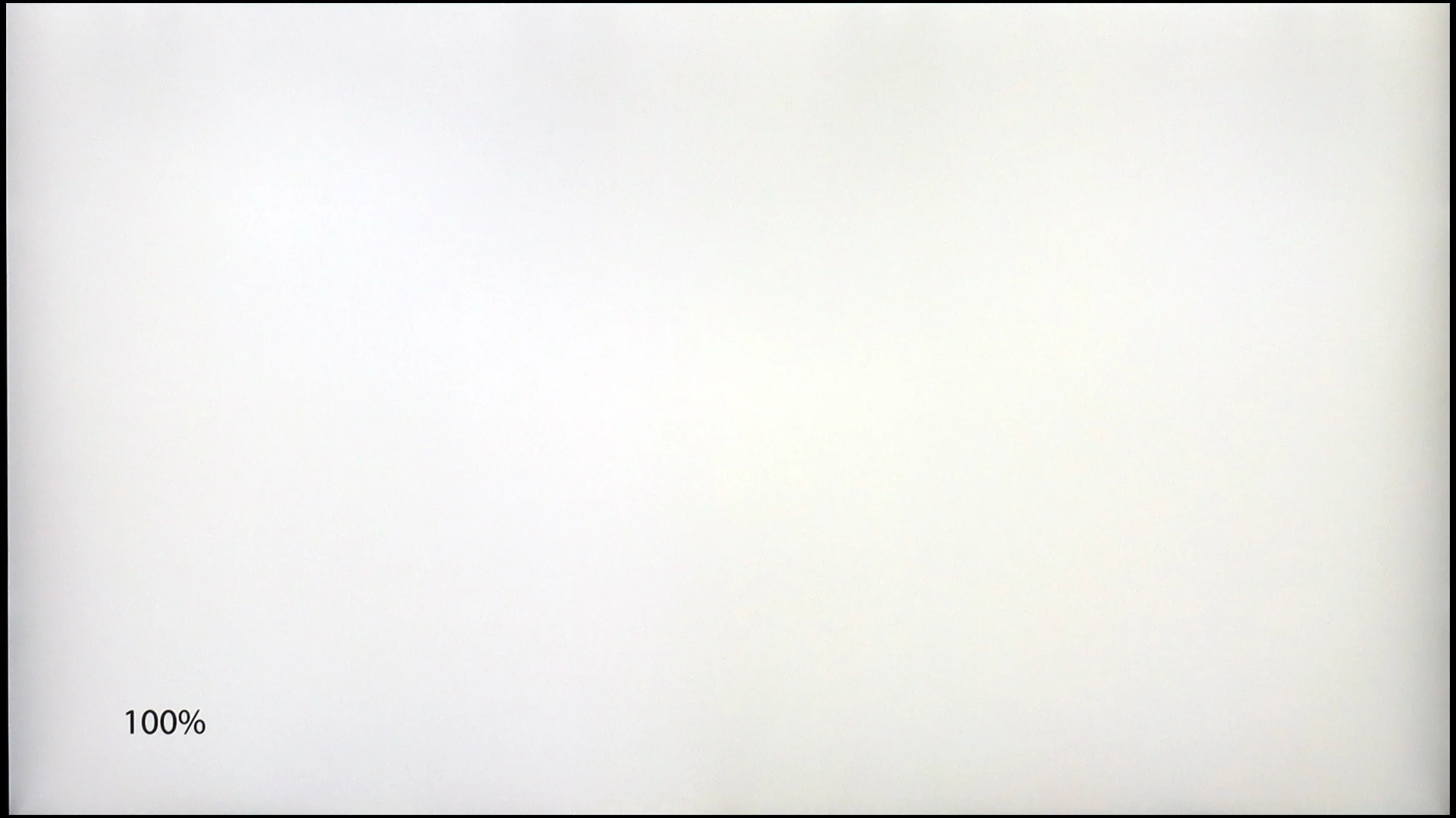
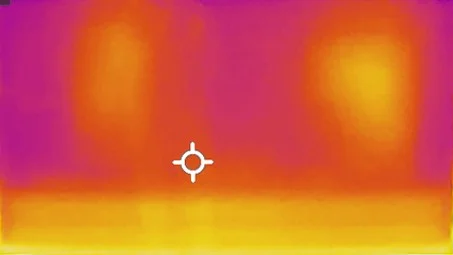
Panel uniformity and thermal imaging:

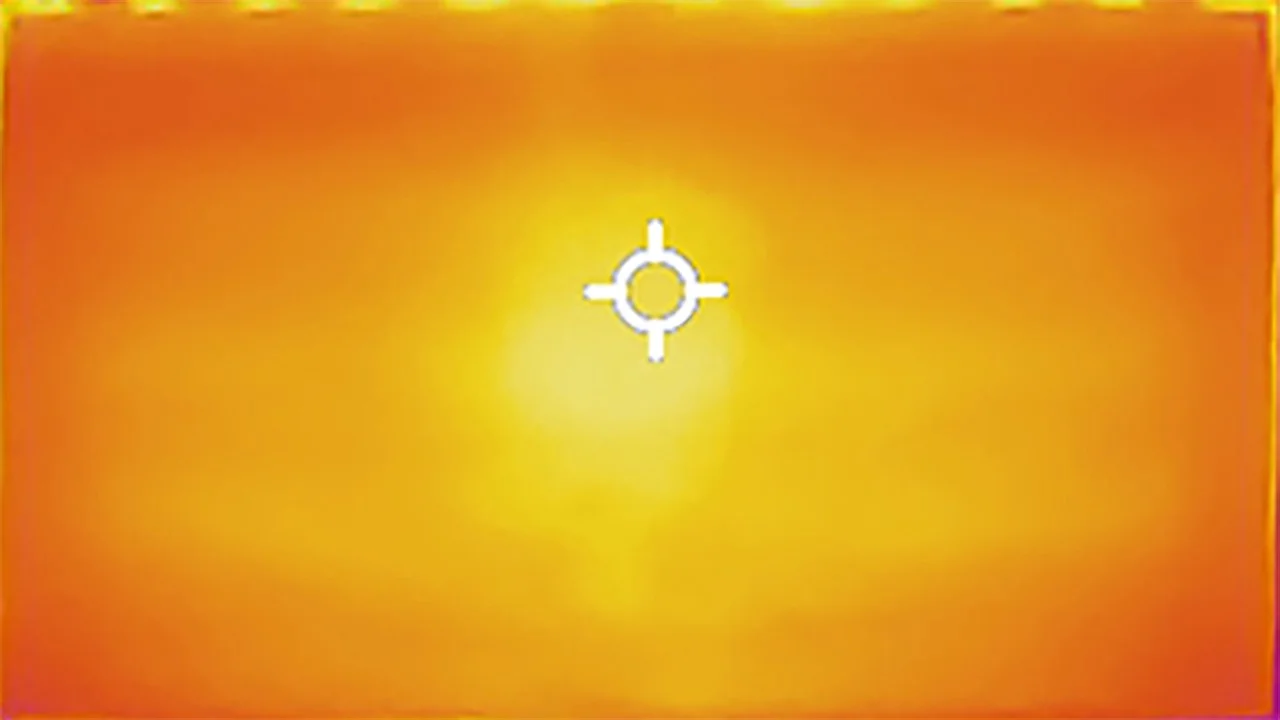
Hisense E7Q / E79Q
LG QNED80A6A (IPS)
TV features
8.7/10
6.8/10
- SystemVIDAAWebOS
- System performanceDecentGood
- HDMI inputs3 x HDMI 2.0, 0 x HDMI 2.13 x HDMI 2.0, 0 x HDMI 2.1
- Other inputsComponent (YPbPr)
- OutputsToslink (Optical audio), eARC (HDMI), ARC (HDMI), Mini-Jack (Headphones)Toslink (Optical audio), eARC (HDMI), ARC (HDMI)
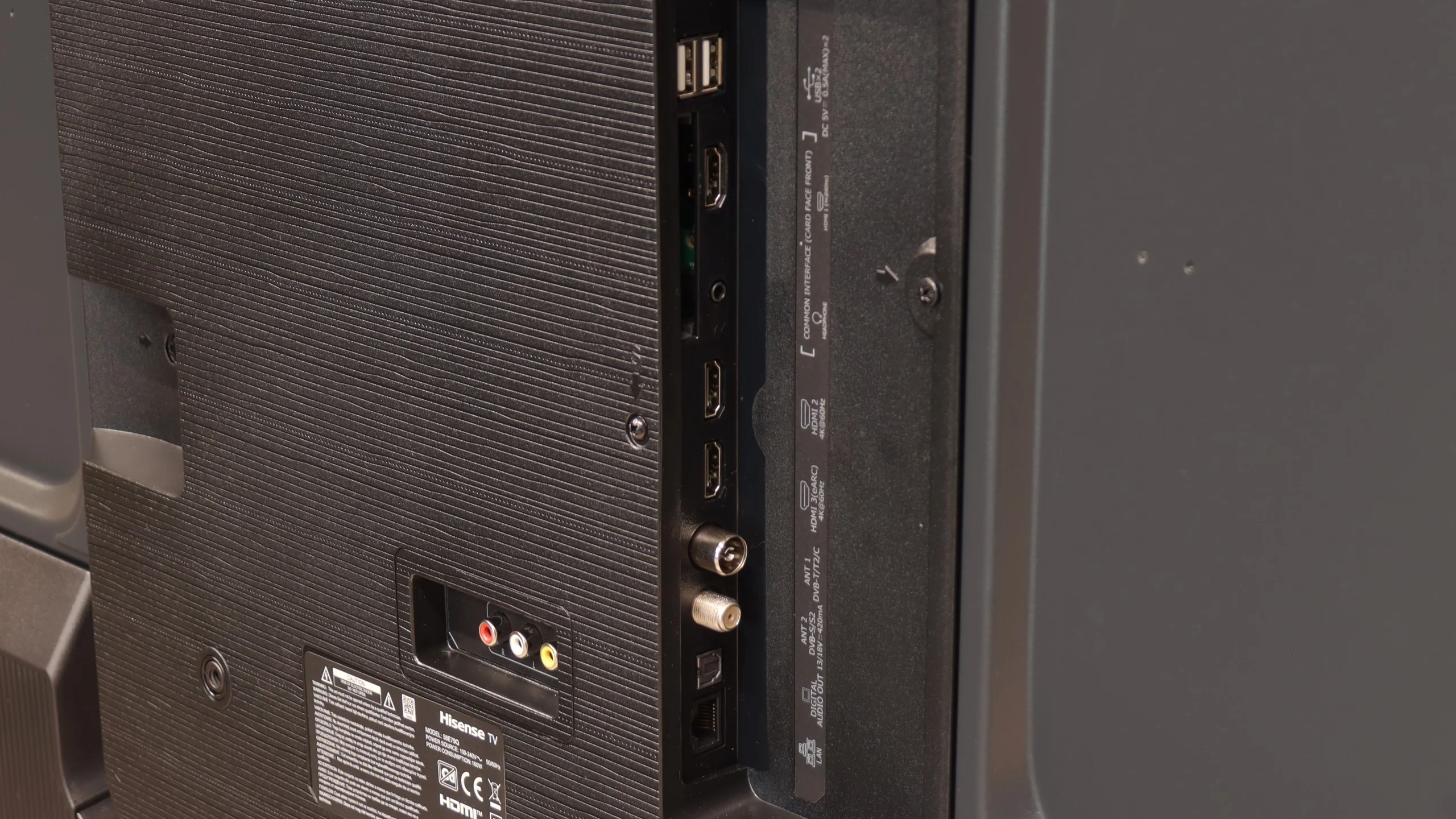
- Network InterfacesWi-Fi 2.4GHz, Wi-Fi 5GHz, Ethernet (LAN) 100MbpsWi-Fi 2.4GHz, Wi-Fi 5GHz, Ethernet (LAN) 100Mbps
- TV receptionDVB-T, DVB-T2, DVB-S, DVB-S2, DVB-CDVB-T, DVB-T2, DVB-S, DVB-S2, DVB-C
Classic features:
- Recording to USB (terrestrial TV)
- Recording programming
- Picture in Picture (PiP)
- RF remote control (no need to aim)
- Backlit remote control
- Teletext
- Audio only mode
- Bluetooth headphones support
- Simultaneous Bluetooth headphones & TV audio
Smart features:
- AirPlay
- Screen mirroring (Windows Miracast)
- Voice search
- Voice search in native language
- Ability to connect a keyboard and mouse
Sound connection options
- HDMI audioeARC (HDMI), ARC (HDMI)eARC (HDMI), ARC (HDMI)
- Other audio outputsToslink (Optical audio), Mini-Jack (Headphones)Toslink (Optical audio)
- Wireless audioBluetoothBluetooth
Supported audio formats (external HDMI eARC audio):
- Dolby Digital Plus 7.1
- Dolby True HD 7.1
- Dolby Atmos in Dolby Digital Plus (JOC)
- Dolby Atmos in Dolby True HD
- DTS:X in DTS-HD MA
- DTS-HD Master Audio
Senior accessibility
- Numeric keyboard on TV
- Font size adjustment
- Audio description
SmartTV Features: Vidaa
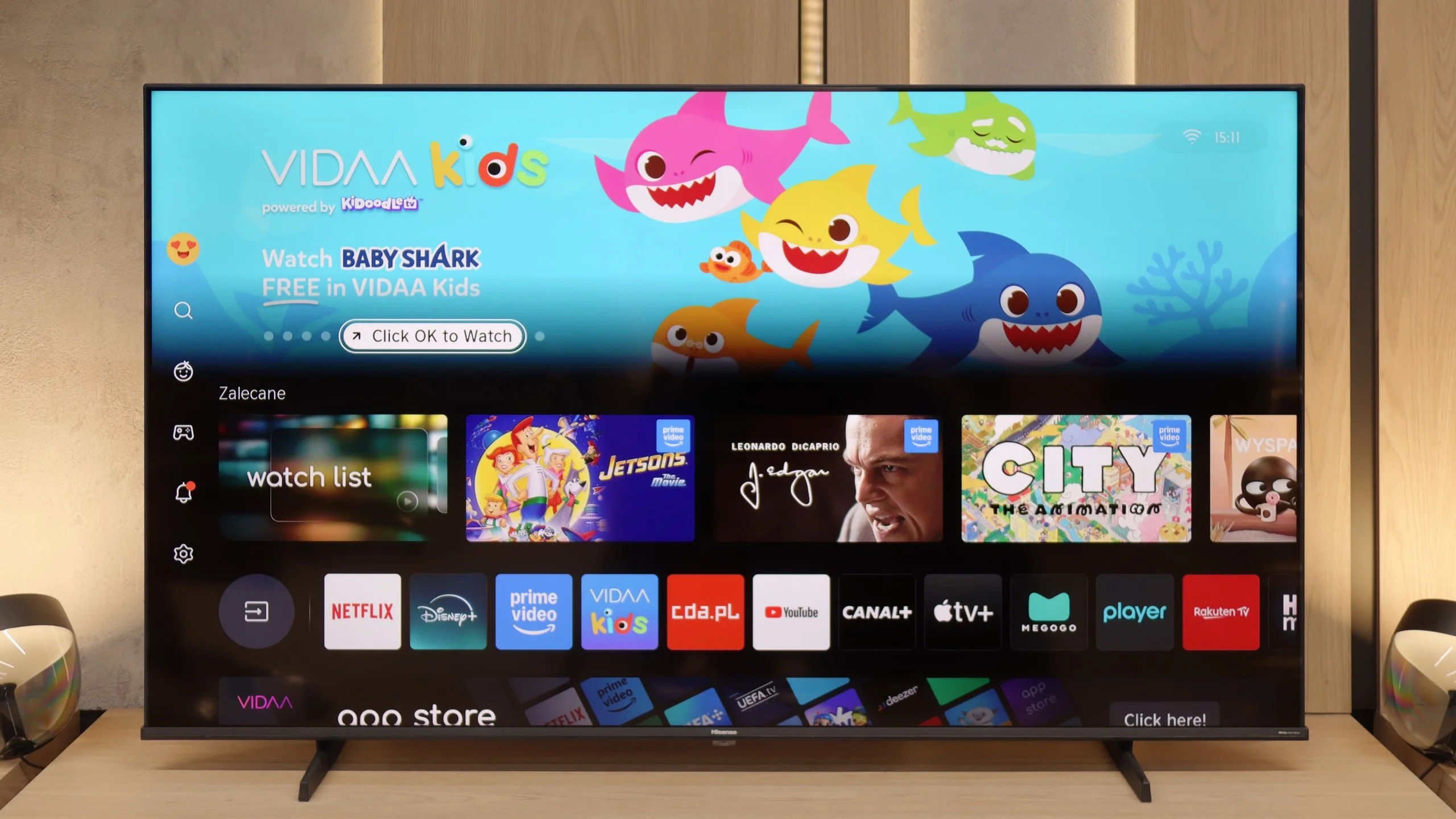
When it comes to Smart TV features, the Hisense E7Q / E79Q runs on the VIDAA system, which has been developed by the Chinese manufacturer for several years. It is evident that the software is maturing – it includes AirPlay, Screen Mirroring, and voice search in many languages, including Polish. Unfortunately, in our unit, it operated quite slowly, which surprised us somewhat, as in other Hisense models this system reacted much faster. A downside is the limited application library. Of course, the most important apps are available – Netflix, Disney+, and YouTube – but it's worth checking before purchase if you will find everything you use on a daily basis there.
Classic Features
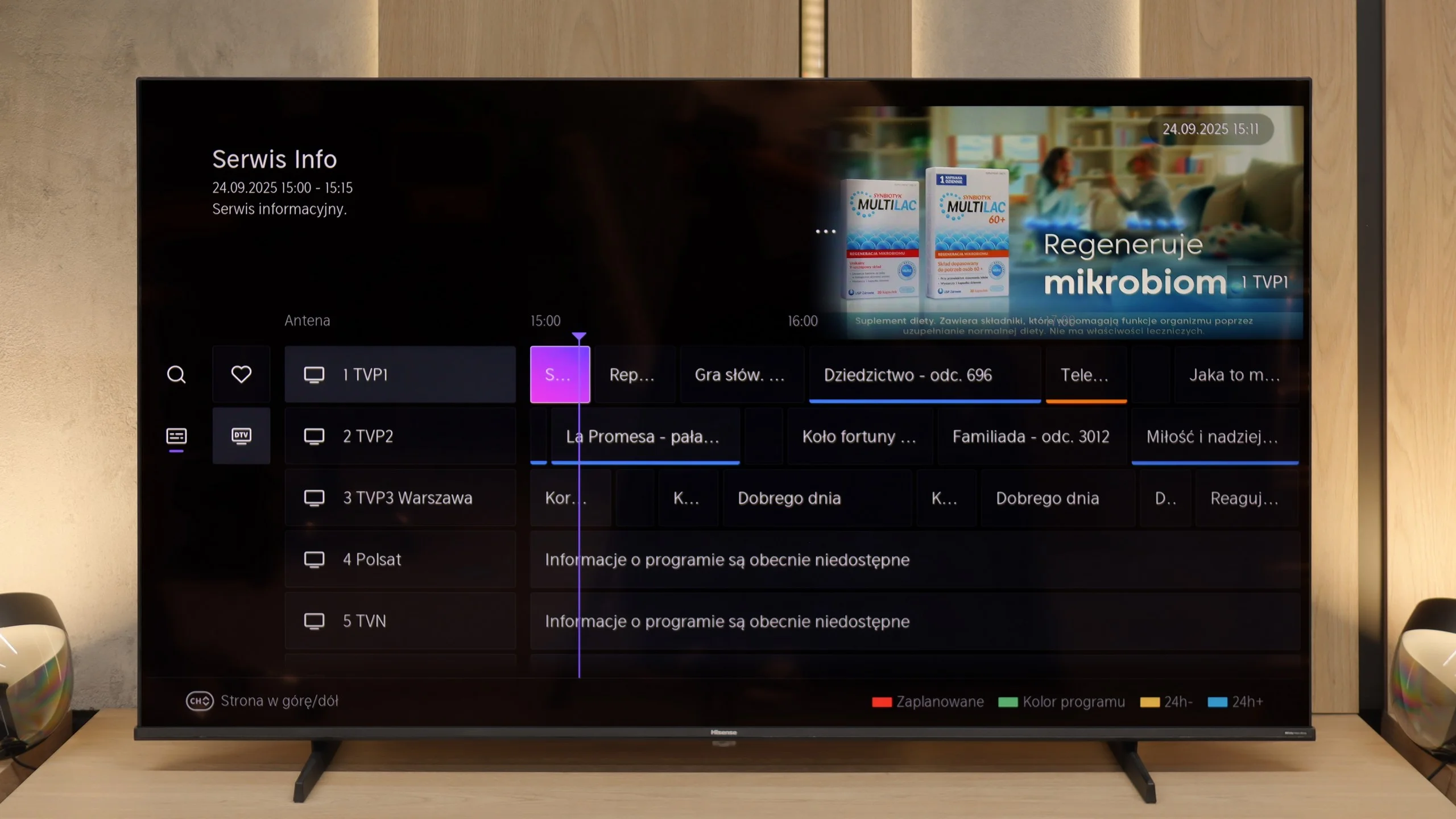
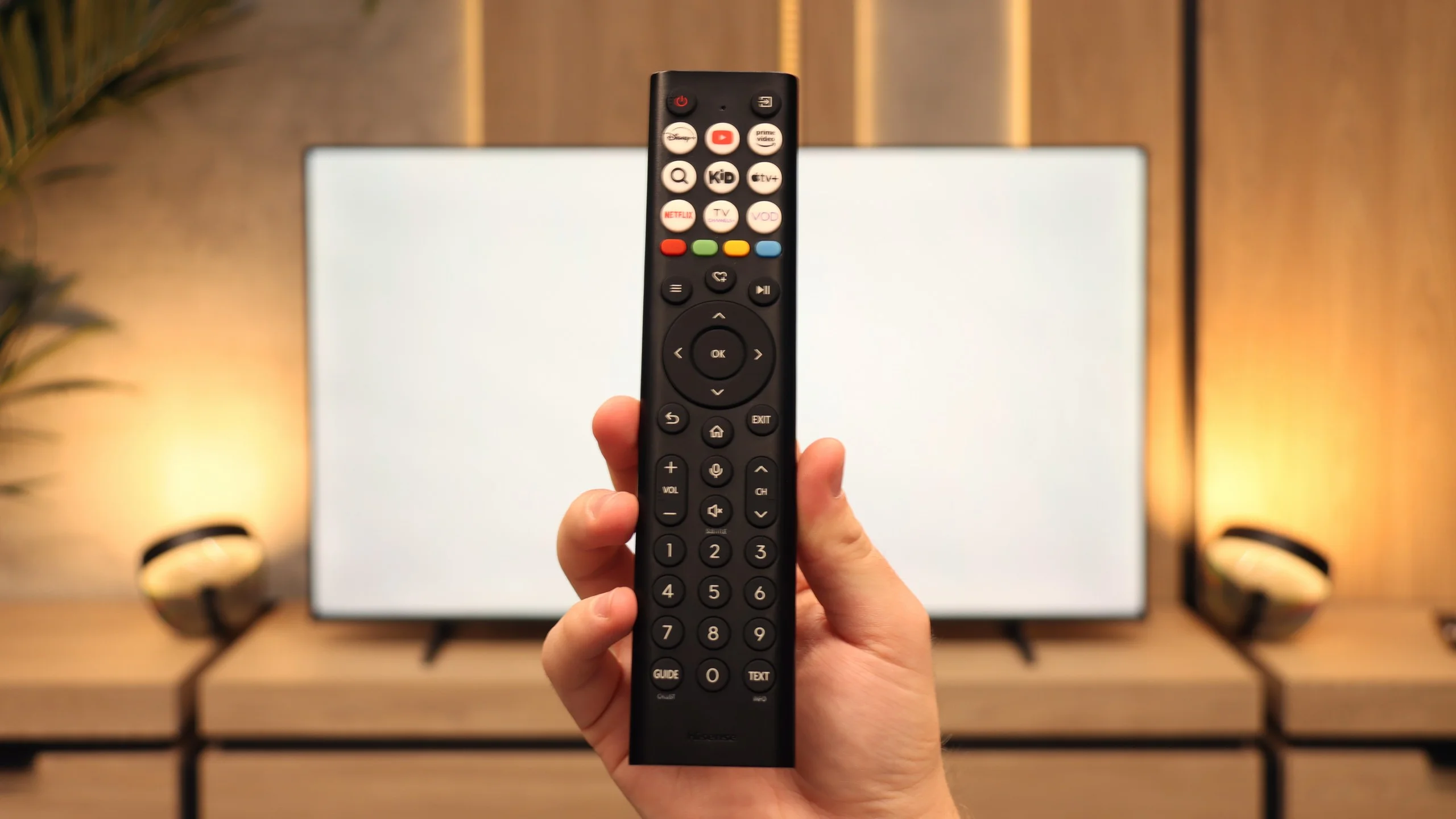
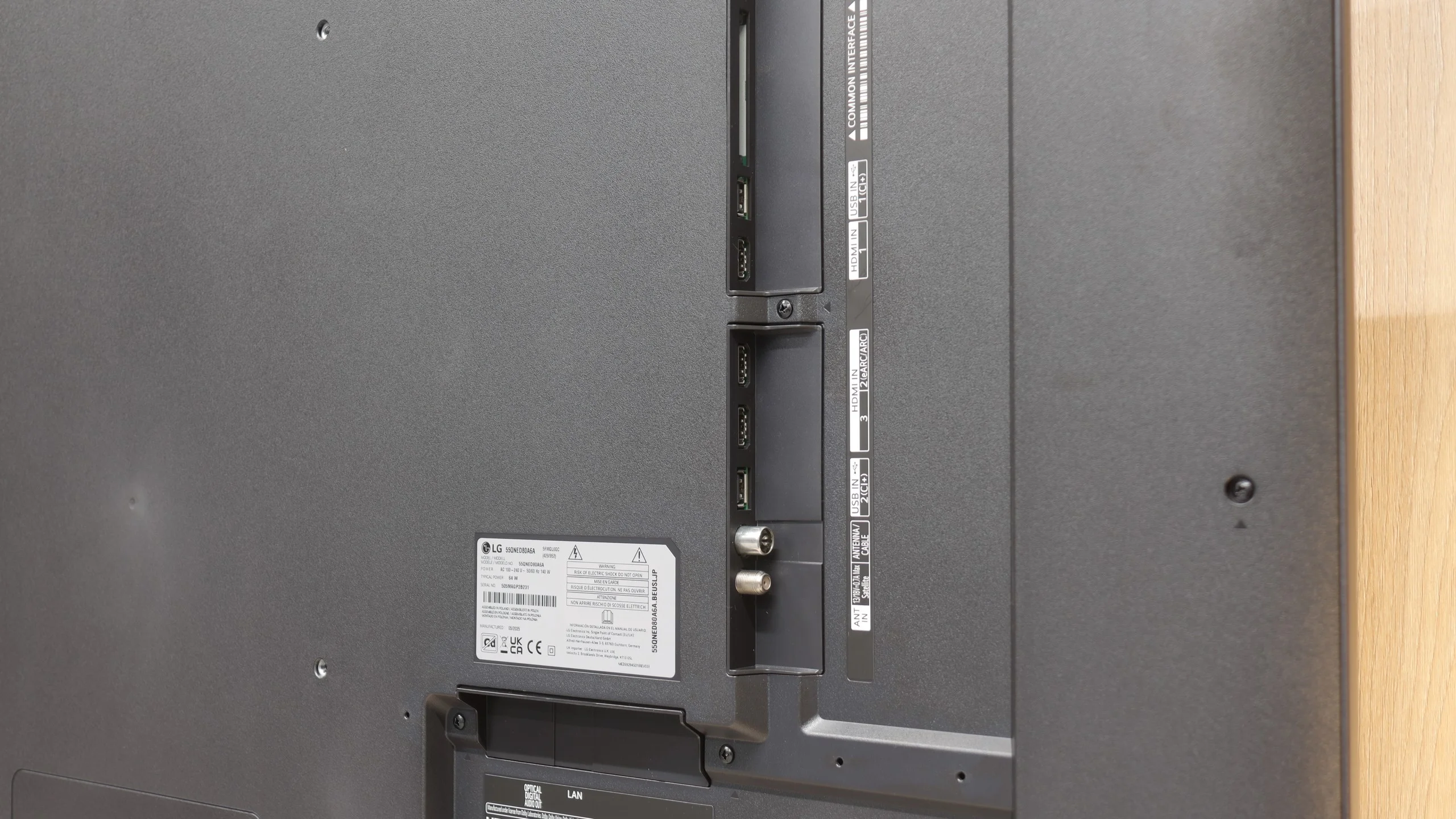
In terms of traditional television functions, the E7Q performs significantly better. It has practically everything one could expect from a classic television: recording from built-in tuners to USB, a headphone jack output, and even a component input for older audio equipment. Additionally, it offers full audio support via eARC, so you can be assured that regardless of the situation, the soundbar will always "play as it should." The remote is also fairly traditional, well-designed with a large number of buttons (including numerical ones), which may appeal to those who still watch regular television on their TV. 😉
WebOS Platform and Support
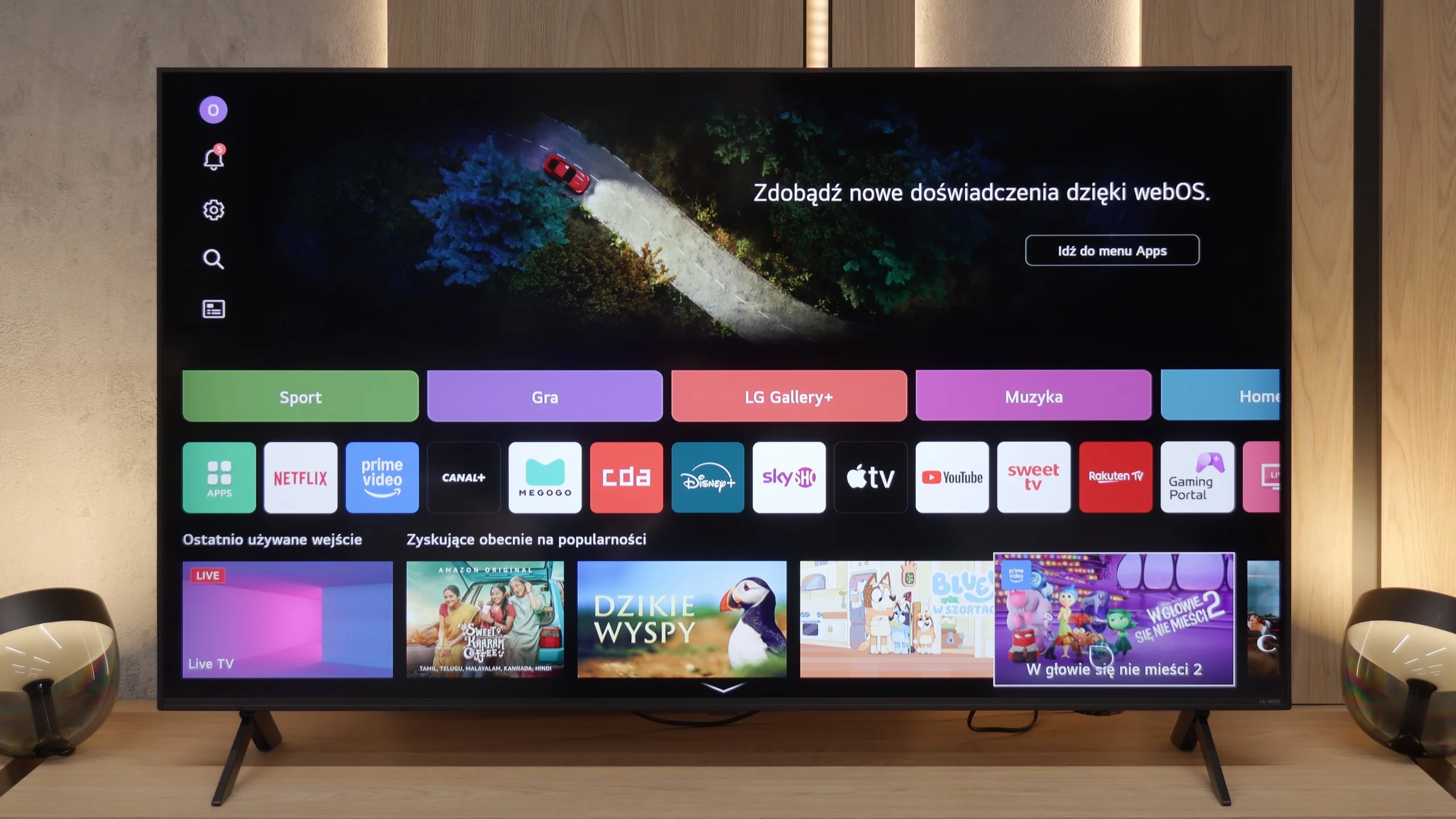
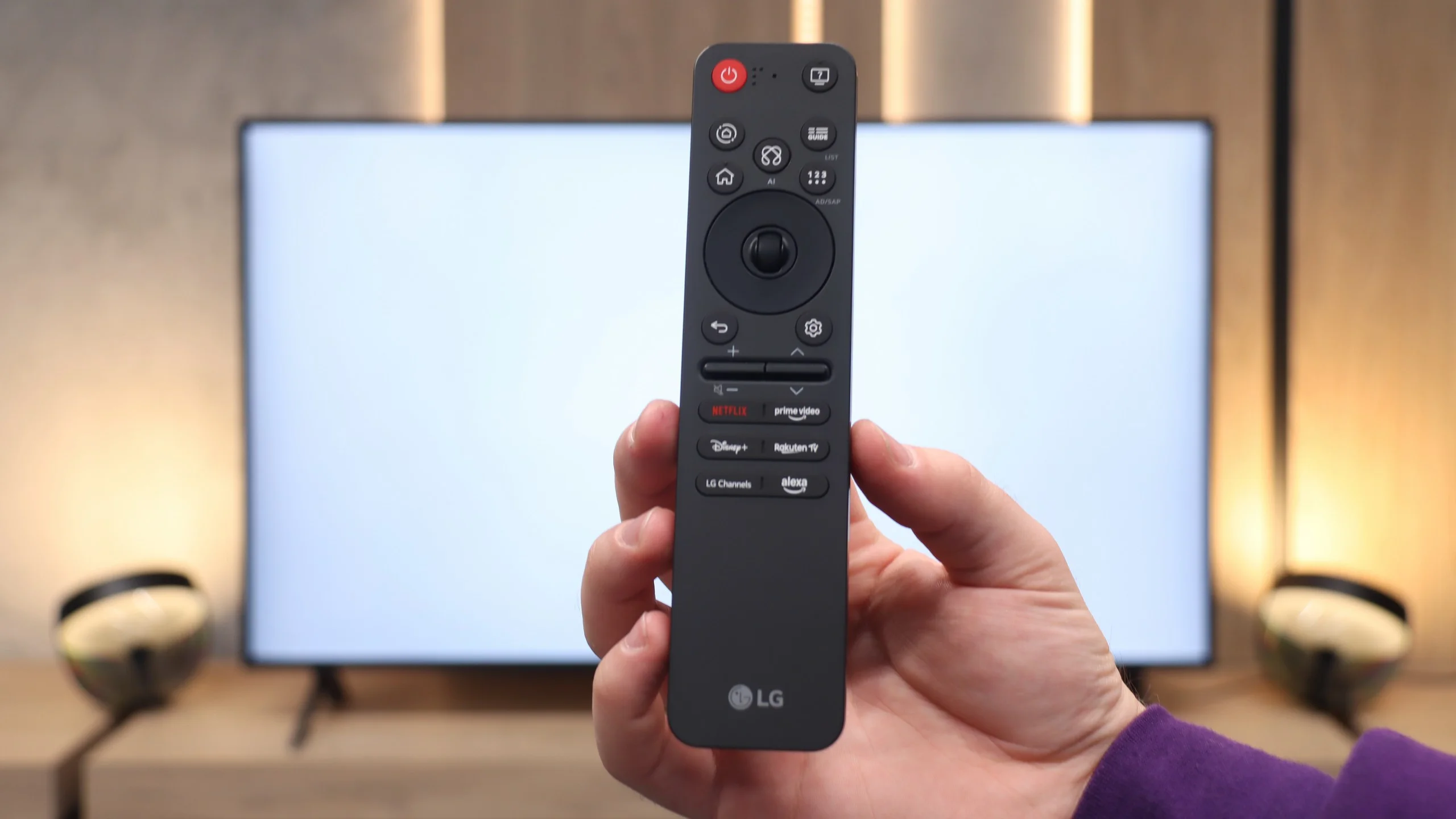
One of the greatest advantages of the QNED80A model is its "brain", namely the operating system. LG has implemented a fully-fledged WebOS version for 2025, which, in terms of smoothness and usability, is on par with more expensive models. Applications launch smoothly, and navigating the menu is a sheer pleasure. All thanks to the unique remote control with a pointer (cursor) function, which has undergone a visual revamp this year. The manufacturer has opted for minimalism – the new "Magic" is significantly smaller and more ergonomic. It fits perfectly in the hand, but this change has a downside. The physical numeric section has been removed from the casing. For the younger generation, accustomed to streaming, this is not a problem, but older household members who are used to entering channel numbers from memory will need to change their habits.
Everyday Use and Extras
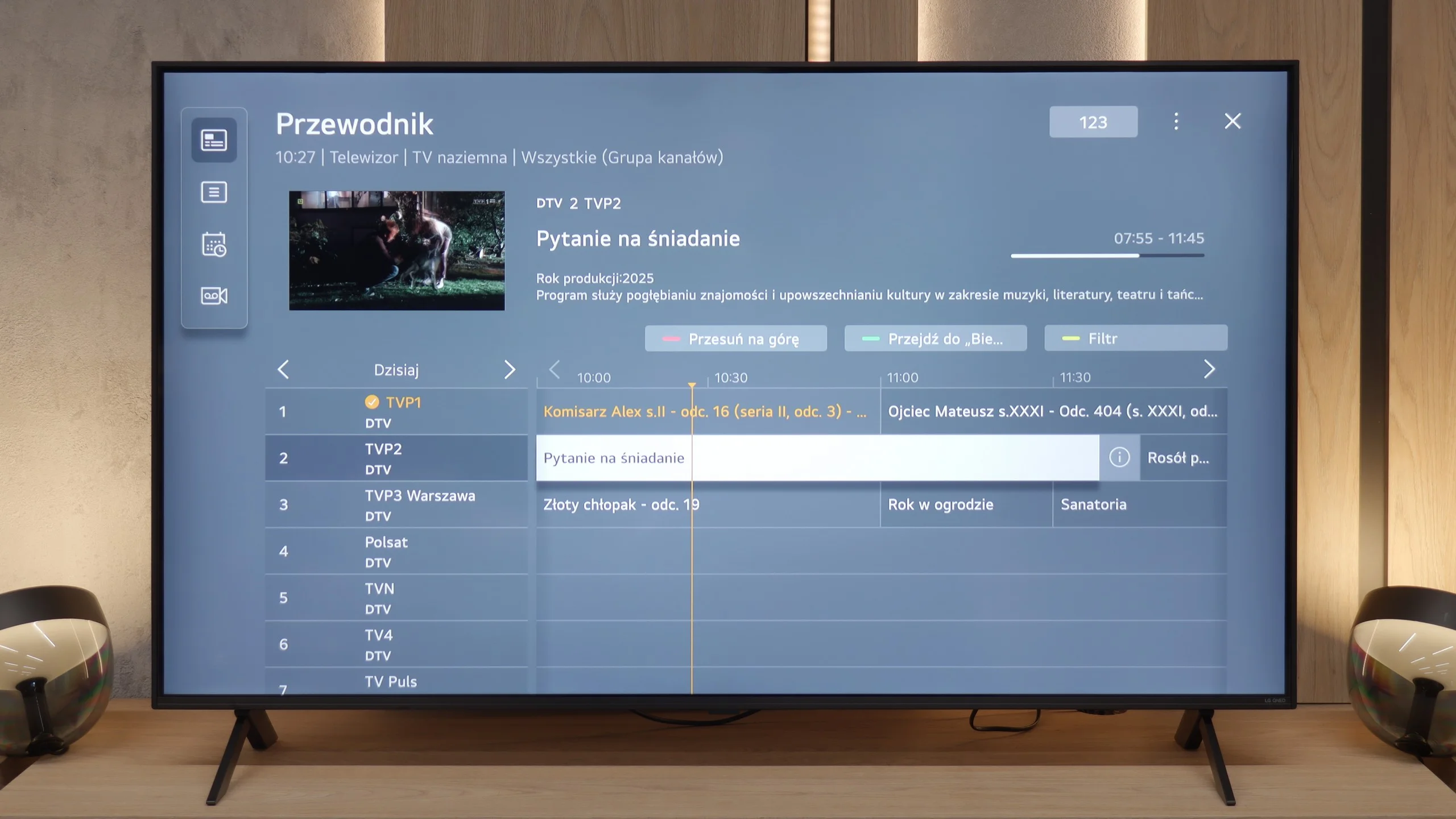
In terms of functions we would call "classic", the QNED80A adheres to a tested standard. It is not a multimedia powerhouse that will surprise you with exotic features, but it performs excellently in everyday television use. The handling of traditional television, including Teletext, is correct and hassle-free. The wireless communication is also commendable – the Bluetooth module works reliably, allowing for quick connection to a console controller or wireless speakers. This is a television that simply "works" – stably, predictably, and without unnecessary complications.
Apps
7.7/10
9.1/10






















Playing files from USB
8.2/10
8.2/10
Supported photo formats:
Maximum photo resolution:
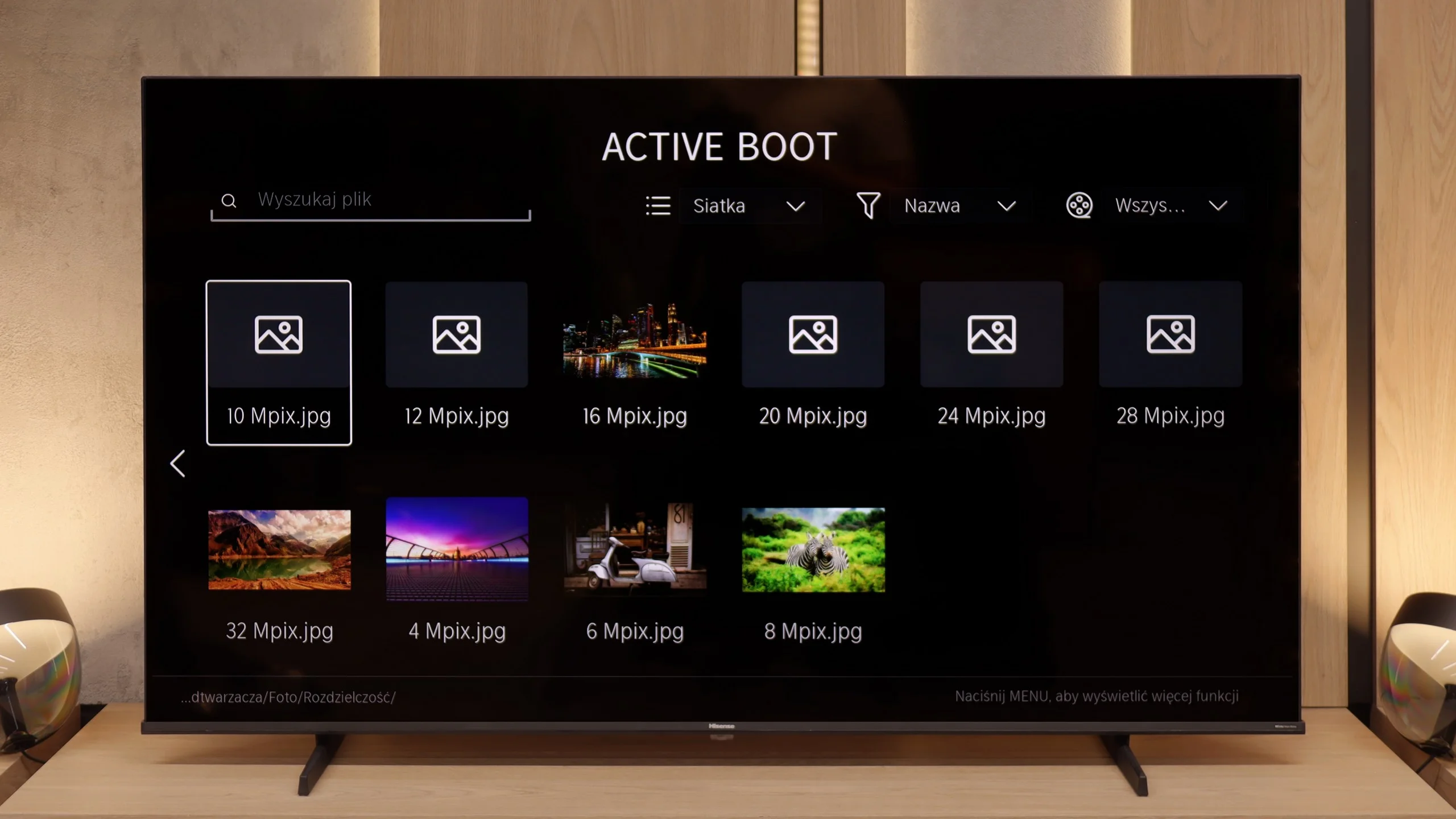
The media player in the Hisense E7Q / E79Q works properly, but it can be finicky. The biggest problem concerns photo support – the television only handles selected formats, and some files simply do not open. This is quite surprising, as even cheaper models from other manufacturers usually do not have this issue. Videos and music play without major problems; however, one must take into account that the E7Q is not a master of versatility when it comes to files from a pendrive. It is rather a basic player that works – as long as we don't try to 'surprise' it with something.
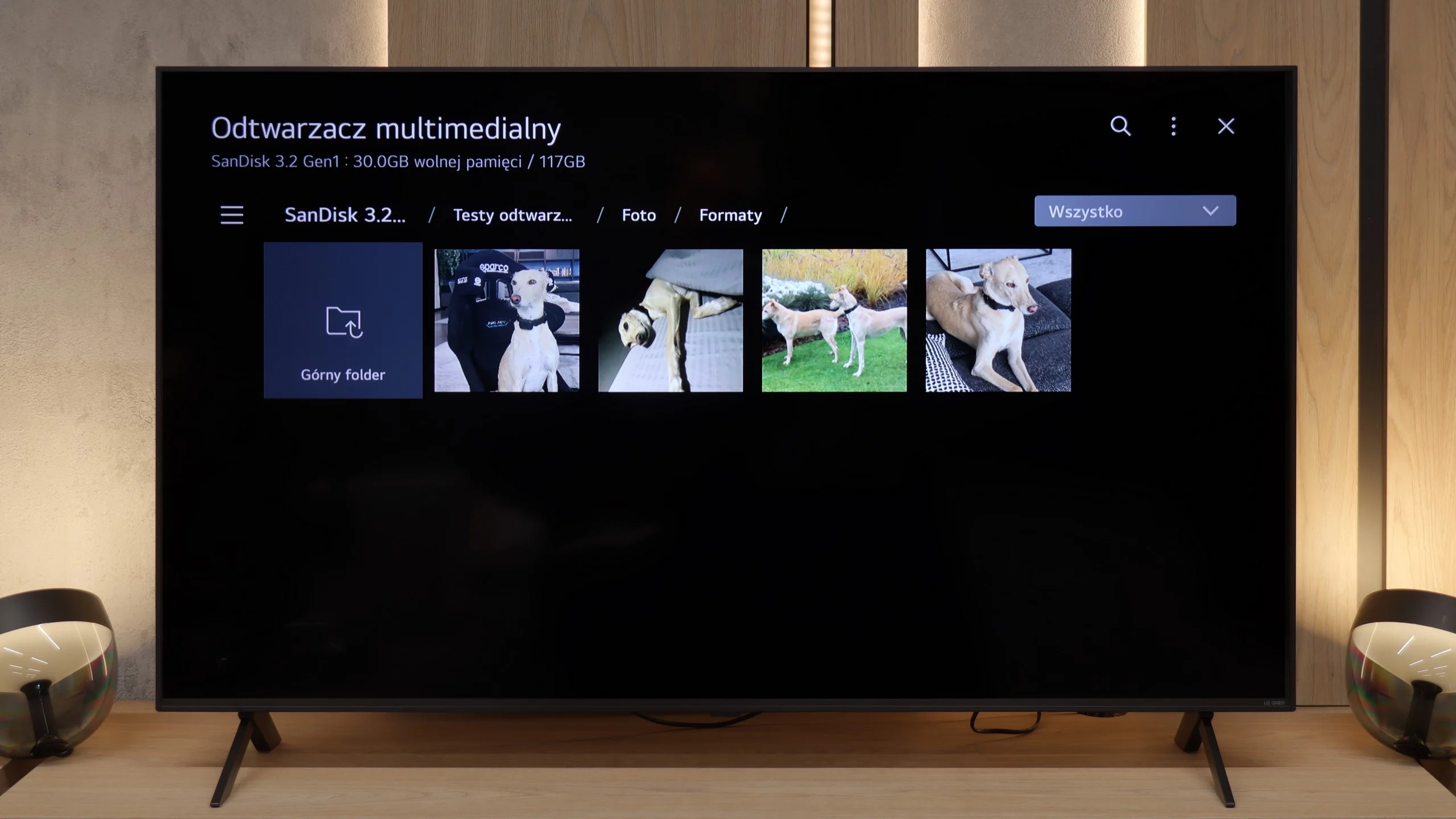
Many of us still enjoy watching films or photos from our own USB drives. Here, the QNED80A performs quite decently, supporting a wide range of video and audio codecs. Most film libraries will start "right away." However, it is important to remember the specifics of the WebOS system. Since this is a closed environment, we are reliant on what the manufacturer has prepared for us – there is no option to install alternative players (e.g., the popular VLC) if we encounter a read error. What kind of errors might we encounter? Primarily, the lack of support for HEIC files. So if you take pictures with an iPhone and want to display them on a large screen straight from a USB stick – the television won't recognise them. It's worth changing the photo format to JPG on your phone right away. We also noticed that the player struggles to process very large graphic files. Photos with resolutions of 20-28 Mpix may not load or cause errors. Aside from these exceptions – the operation is seamless.
Sound
6.3/10
6/10
- Maximum volume83dB81dB
- Dolby Digital Plus 7.1
- Dolby True HD 7.1
- Dolby Atmos in Dolby Digital Plus (JOC)
- Dolby Atmos in Dolby True HD
- DTS:X in DTS-HD MA
- DTS-HD Master Audio
The sound in the Hisense E7Q / E79Q is exactly as one might expect from a television in this price range – rather flat, but quite loud. During measurements, the maximum volume reached about 83 dB, so it is more than sufficient for everyday viewing. The dialogues are clearly audible, which somewhat compensates for the lack of pronounced bass and depth. There are no revelations here: it is simply a solid minimum that can be accepted. However, a plus point is the wide support for audio formats. The television handles Dolby TrueHD, Dolby Atmos, and even the increasingly rare DTS:X. That is quite a nice bonus, as at least we can be sure that regardless of the source – everything will sound as it should. (Definitely when we connect it to an external audio source such as a soundbar).
When it comes to sound, the QNED80A fits the market standard for mid-range televisions. We are dealing with a classic 2.0 setup with a power of 20 watts here. We won’t hide it – you cannot cheat physics. The sound lacks low tones (bass) and that specific depth which creates an atmosphere in action films or when listening to music. However, the television has one significant advantage that users of traditional television, such as for series and news programmes, will appreciate. That is the reproduction of speech. The dialogue is surprisingly clear and natural. The sound is not "bass-heavy" or artificially boosted, which makes it easy on the ears and allows one to understand every word of the commentator without the need to increase the volume.
Sound Quality Test
Acoustic Measurements
83dBC (Max)
75dBC
No acoustic data
Reader comments
Comments are provided by the external service Disqus (Zeta Global). Once loaded, Disqus may set cookies and process data about your activity.
We will remember your choice on this device. Provider's privacy policy