The Hisense A6Q clearly shows from the outset that its main advantages are: A. Price, B. Simplicity, and C. Predictability in everyday use. It is a television that simply does its job – you turn it on, choose an application, watch or play, and nothing gets in the way. Good blacks, quick response to movements on the pad, a smoothly operating system, and a complete set of basic functions make it comfortable and frustration-free to use on a daily basis. Additionally, there is loud, clear sound and a few nice extras that are by no means obvious at this price point. On the other hand, the A6Q quickly reminds you that it remains a budget segment device. HDR looks more like brightened SDR than true cinematic effect, motion fluidity is quite average, and the picture loses quality when viewed at an angle due to the use of the VA panel. This is not a television designed for demanding screenings in a dark living room or for gamers who expect perfect images. These compromises are evident but fully understandable at this price. Ultimately, the Hisense A6Q finds its best place as an affordable television for regular TV watching, streaming, and occasional gaming. It does not try to pretend to be premium equipment, which is a good thing because it does not disappoint with empty promises. If someone is simply looking for an inexpensive screen that works smoothly, causes no issues, and allows you to fire up a console from time to time, then the A6Q will do its job. One just needs to remember that in this segment, every choice entails compromises, and the A6Q is no exception.
- Matching (Score) |
- Our verdict |
- TV appearance |
- Where to buy |
- Contrast and black detail |
- HDR effect quality |
- Factory color reproduction |
- Color reproduction after calibration |
- Smoothness of tonal transitions |
- Image scaling and smoothness of tonal transitions |
- Blur and motion smoothness |
- Console compatibility and gaming features |
- Input lag |
- Compatibility with PC |
- Viewing angles |
- Daytime performance |
- Panel details |
- TV features |
- Apps |
- Playing files from USB |
- Sound
Hisense A6Q vs LG MRGB85B
 Direct comparison
MRGB85 / MRGB86 / MRGB87 / MRGB88

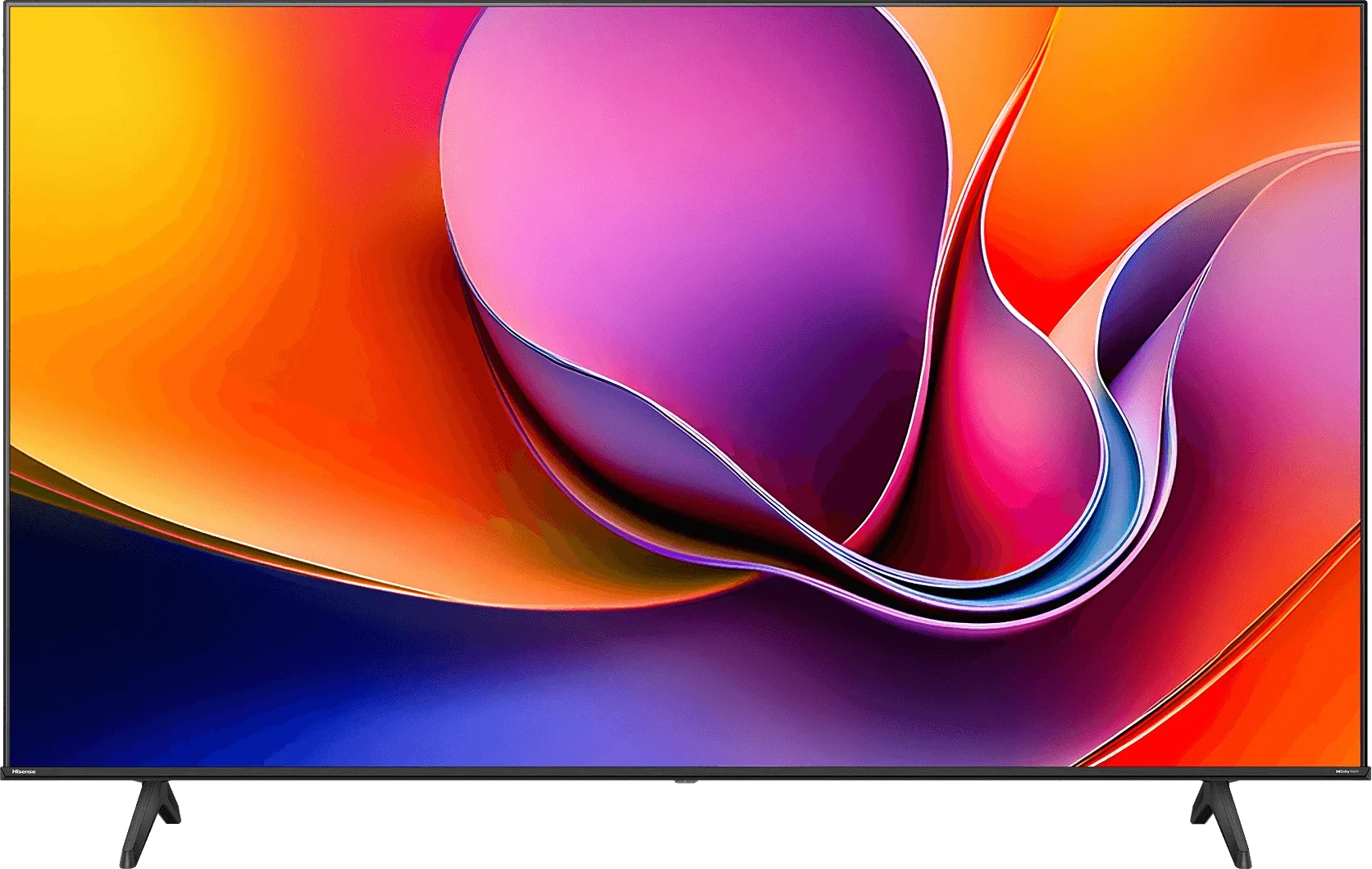
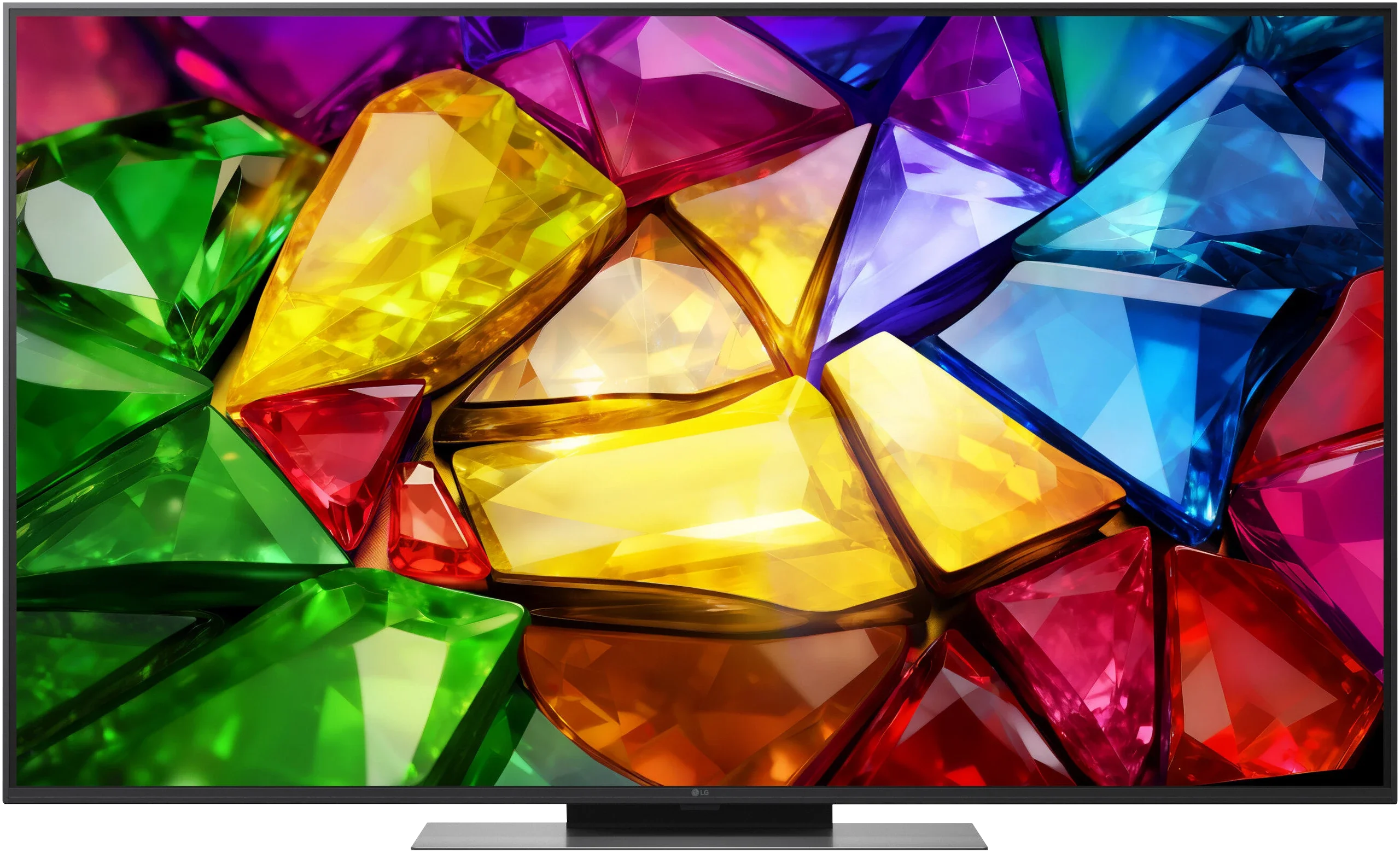
Panel type: LCD VA
Resolution: 3840x2160
System: VIDAA
Model year: 2025
Complete the survey to find out the result
Panel type: LCD VA
Resolution: 3840x2160
System: WebOS
Model year: 2026
Complete the survey to find out the result
Overall rating
6.0
6.9
 Movies and series in UHD quality
 5.9
6.2
 Classic TV, YouTube
 5.8
6.0
 Sports broadcasts (TV and apps)
 5.0
6.4
 Gaming on console
 6.9
8.3
 TV as a computer monitor
 5.6
8.4
 Watching in bright light
 5.0
6.1
 Utility functions
 7.8
7.7
 Apps
Apps 7.7
9.1
 Sound quality
 6.0
6.4
Complete the survey to find out what fits your preferences
Advantages

High native contrast, thanks to the VA panel
Dolby Vision support
Very low input lag
120 Hz at 1080p for console or PC
VRR, ALLM support for consoles
Fast and efficient Vidaa system
AirPlay, Screen Mirroring, and voice search in Polish
DTS audio format support
Low price
Extensive gaming features
Three full-bandwidth HDMI 2.1 ports
Supports 4K at 144 Hz, VRR, G-Sync and FreeSync
Low input lag
Supports Dolby Vision HDR
Fast and user-friendly webOS
Magic Remote with gyroscope
Decent brightness and a wide colour gamut
Disadvantages

Poor HDR effect due to low brightness
Poor colour spectrum coverage (lack of QLED filter, PFS)
Average motion smoothness and noticeable motion blur - 4K@60Hz panel
Poor viewing angles (typical for VA panel)
Average black level
Aggressive local dimming control (edge-lit)
Average HDR picture quality
Poor viewing angles and noticeable VA panel smearing
Our verdict
The LG MRGB85 is a television that is best suited to gamers and users who are attached to webOS. In that respect it is hard to fault. It offers plenty of benefits for gamers thanks to a very high panel refresh rate. Add to that the smoothly operating webOS, which stands out above all for the convenient Magic Remote and a full set of features for traditional television. The problem begins when you look at the overall picture quality and compare it with the price the manufacturer is asking for this model. The MRGB85’s launch price is, to say the least, difficult to regard as attractive compared with competing models. For similar money you can find televisions offering much more advanced backlighting and, above all, better black level control. What causes the most controversy, however, is the naming and the way LG positions this model. True, the MRGB85 uses a tri-colour backlight, but it is edge-lit. It is therefore hard to call this a fully fledged RGB Mini-LED in the sense commonly used for TVs that employ a large number of independently controlled zones behind the panel. In practice the limitations of local dimming are very noticeable and they significantly harm the viewing experience in dark scenes. That does not mean the MRGB85 is a bad television. It handles everyday content well, offers decent colours, respectable brightness and a very wide feature set. Picture from a standard SDR source can look really good, and Dolby Vision partly helps to hide weaker brightness handling in HDR. However, it is hard to shake the impression that the biggest problem with this model is not the hardware itself but its price and its overly ambitious positioning in the market. If someone is looking mainly for a gaming TV, values the convenience of webOS and finds it on a large promotion, the MRGB85 can make sense. At its current price, however, it falls behind, because the competition today simply offers more in terms of picture quality.
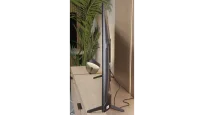
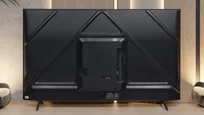
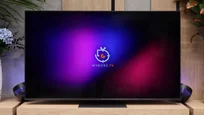
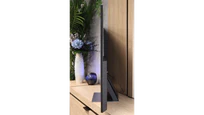
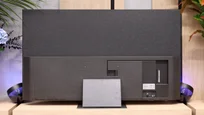
TV appearance


Contrast and black detail
5.8/10
5/10
Local dimming function: No
Local dimming function: Yes, number of zones: 6 (1 x 6)
Contrast:


Result
5,150:1

Result
5,550:1

Result
5,300:1

Result
5,800:1

Result
3,750:1
Result
12,100:1
Result
6,200:1
Result
15,900:1
Result
6,000:1
Result
4,600:1
Halo effect and black detail visibility:
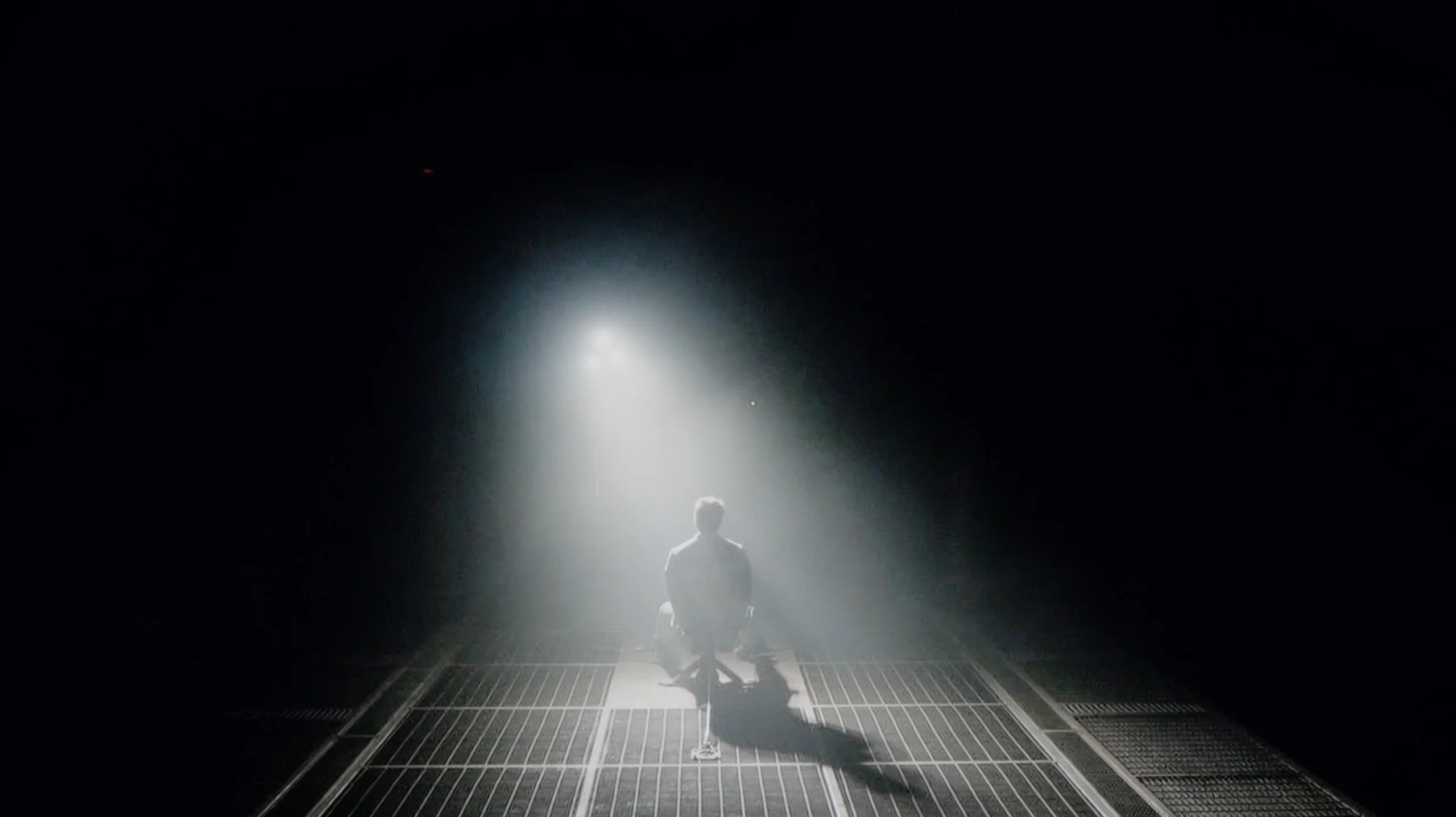
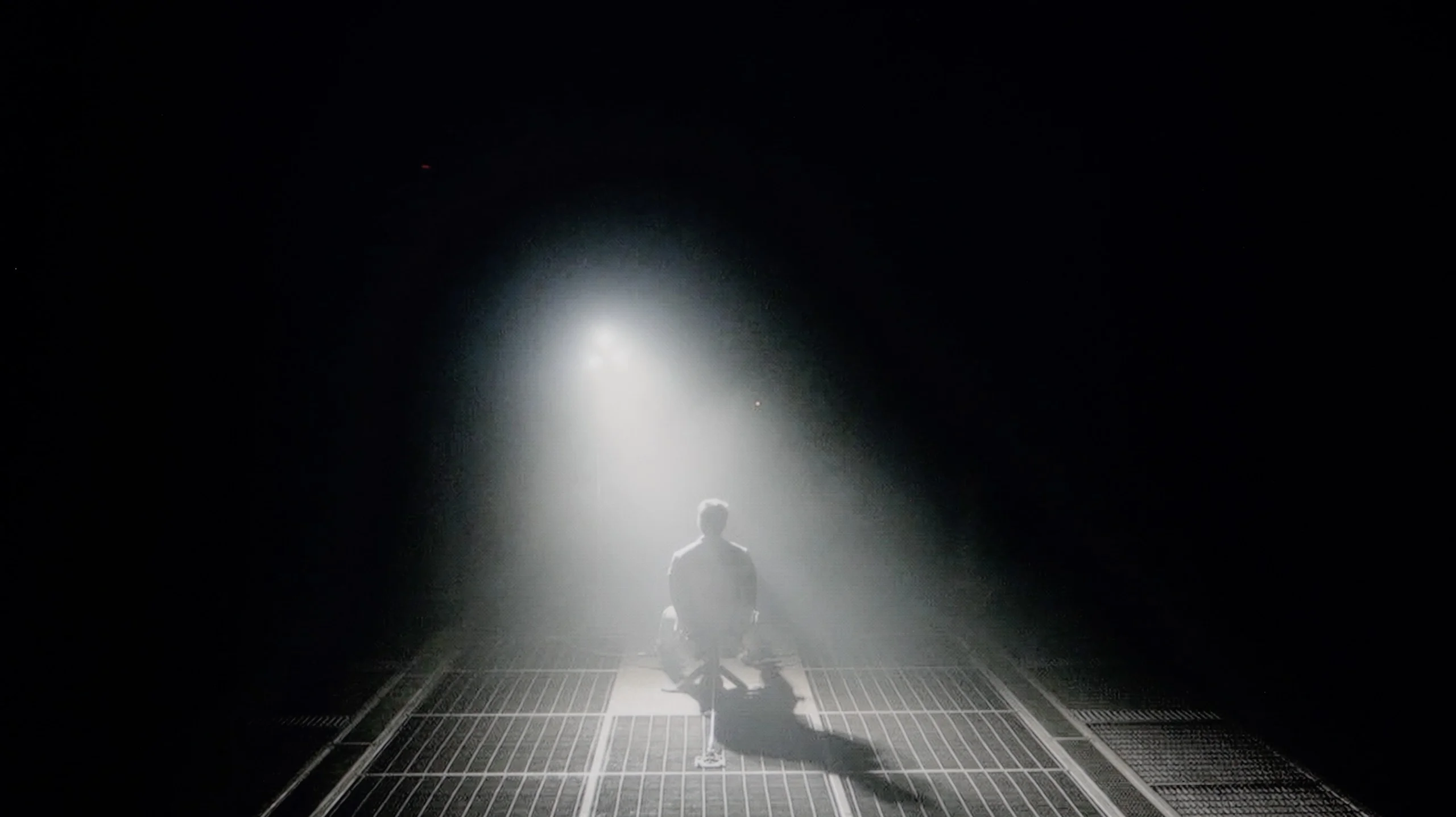
Check the visibility of bright lights on a dark background. Mini-LEDs often struggle with this. The photo does not compare black levels – that’s what the video below is for.
The video accurately shows differences in contrast and black levels between TVs, as well as potential issues: halo around bright objects or Mini-LED zone operation visible as brightness jumps.
The Hisense A6Q performs quite decently when it comes to black levels and contrast, all thanks to its VA panel. The type of panel itself provides a clear advantage over most budget models that use IPS panels, and the measured contrast of around 5500:1 confirms this. In practice, this means noticeably deeper blacks and a better separation of bright elements from the background during evening viewing. However, it must be fairly noted that there is no local dimming. Therefore, the blacks are not perfectly coal-like and in more challenging scenes, they can take on subtle, navy blue hues. This can be easily minimised by using gentle lighting behind the television. Such a measure enhances the subjective impression of black depth and makes the image simply look better.
LG MRGB85 uses a VA panel, so even without additional measures it offers better black levels than models based on IPS or ADS panels. In simpler scenes the image has decent depth and can look quite convincing. The biggest limitation appears, however, when local dimming is enabled. The TV uses an edge-lit backlight positioned at the bottom of the screen. As a result it cannot precisely control the brightness of small parts of the picture. When a single bright element appears on a dark background, an entire vertical band often lights up. This is accompanied by a distinct halo, and even more noticeable is the backlight's behaviour itself. When scenes change, brightness can jump up and down sharply, causing the image to noticeably pulse in a dark room. Local dimming can be turned off completely in the TV menu. Contrast then drops noticeably, but the image becomes much more stable and the frequent flicker of the backlight disappears. In practice some users may therefore willingly give up deeper blacks in favour of a calmer, more predictable picture.
HDR effect quality
4.6/10
5.7/10
Luminance measurements in HDR:

Result
234 nit

Result
245 nit

Result
319 nit

Result
304 nit

Result
311 nit
Result
583 nit
Result
401 nit
Result
569 nit
Result
423 nit
Result
455 nit
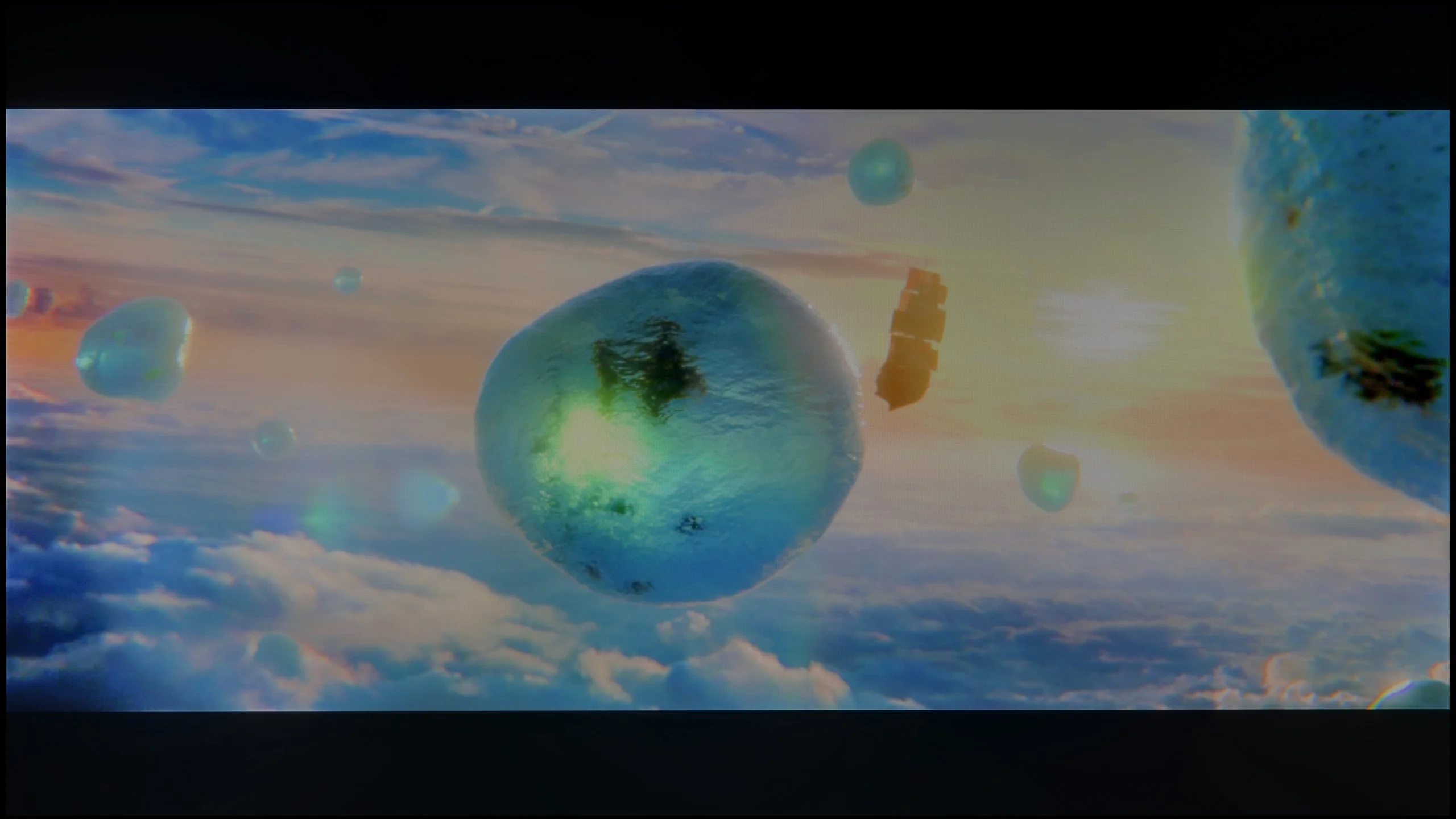
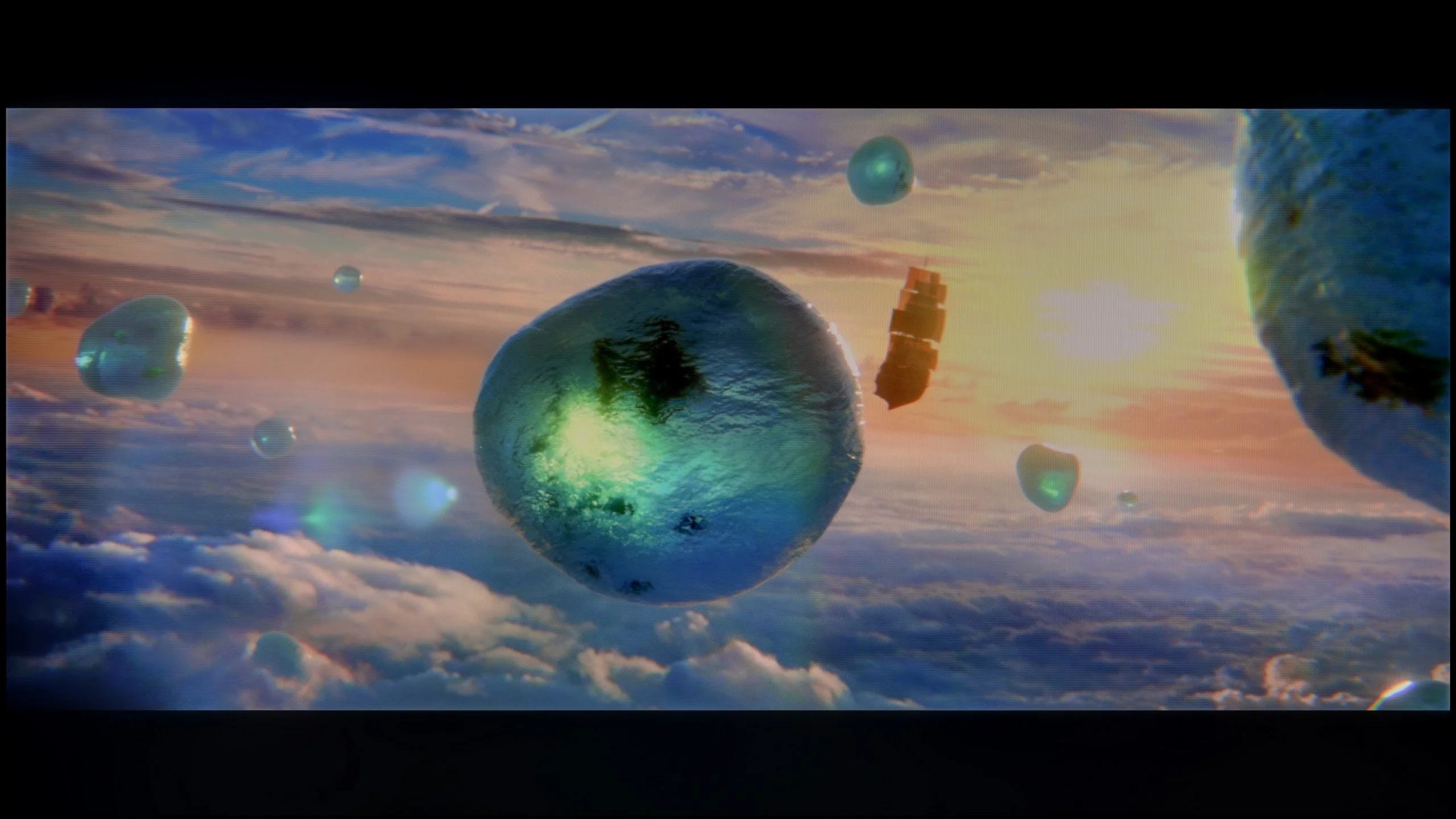
Scene from the movie “Pan” (about 2800 nits)
Scene from the movie “Billy Lynn” (about 1100 nits)
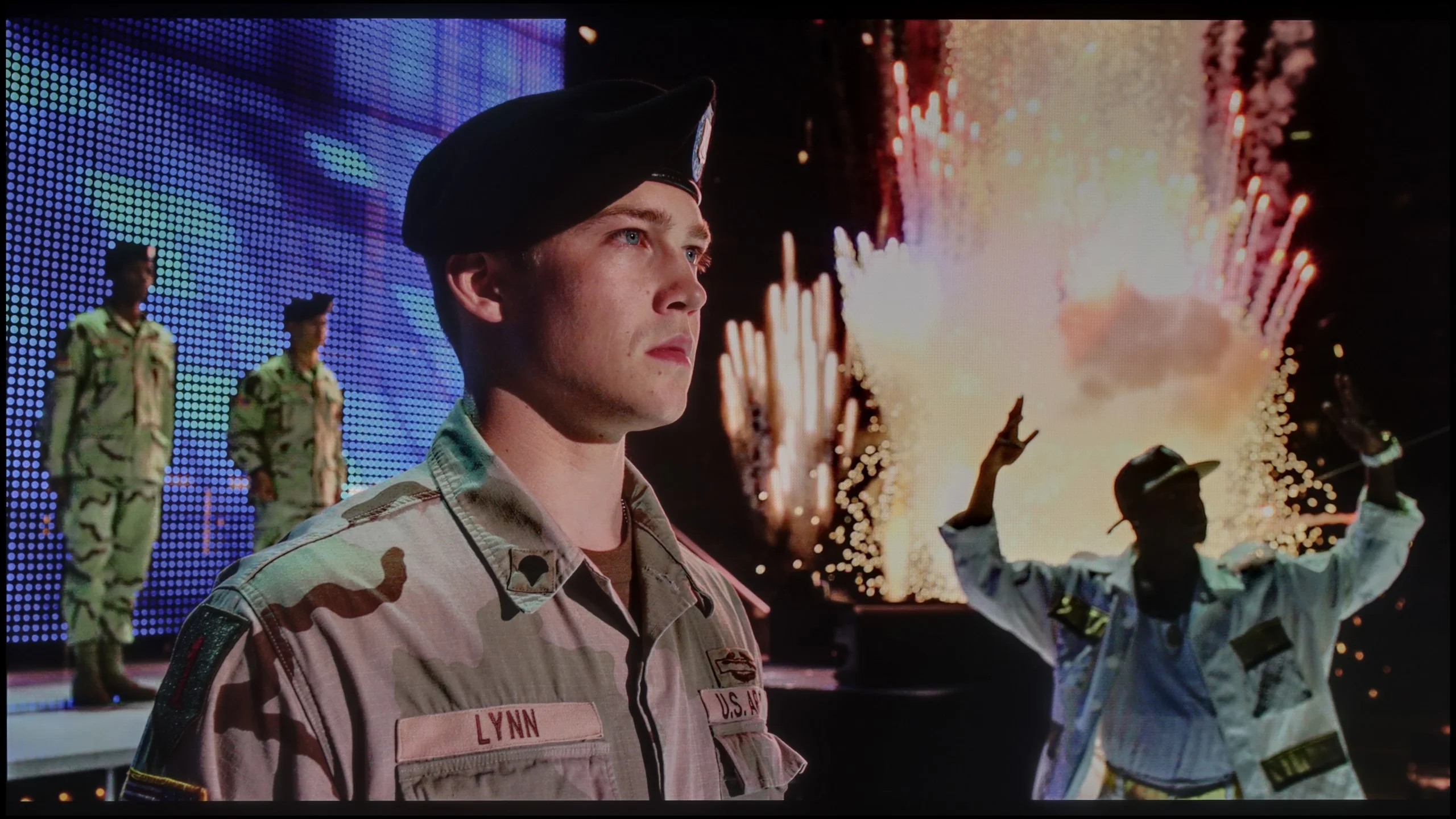
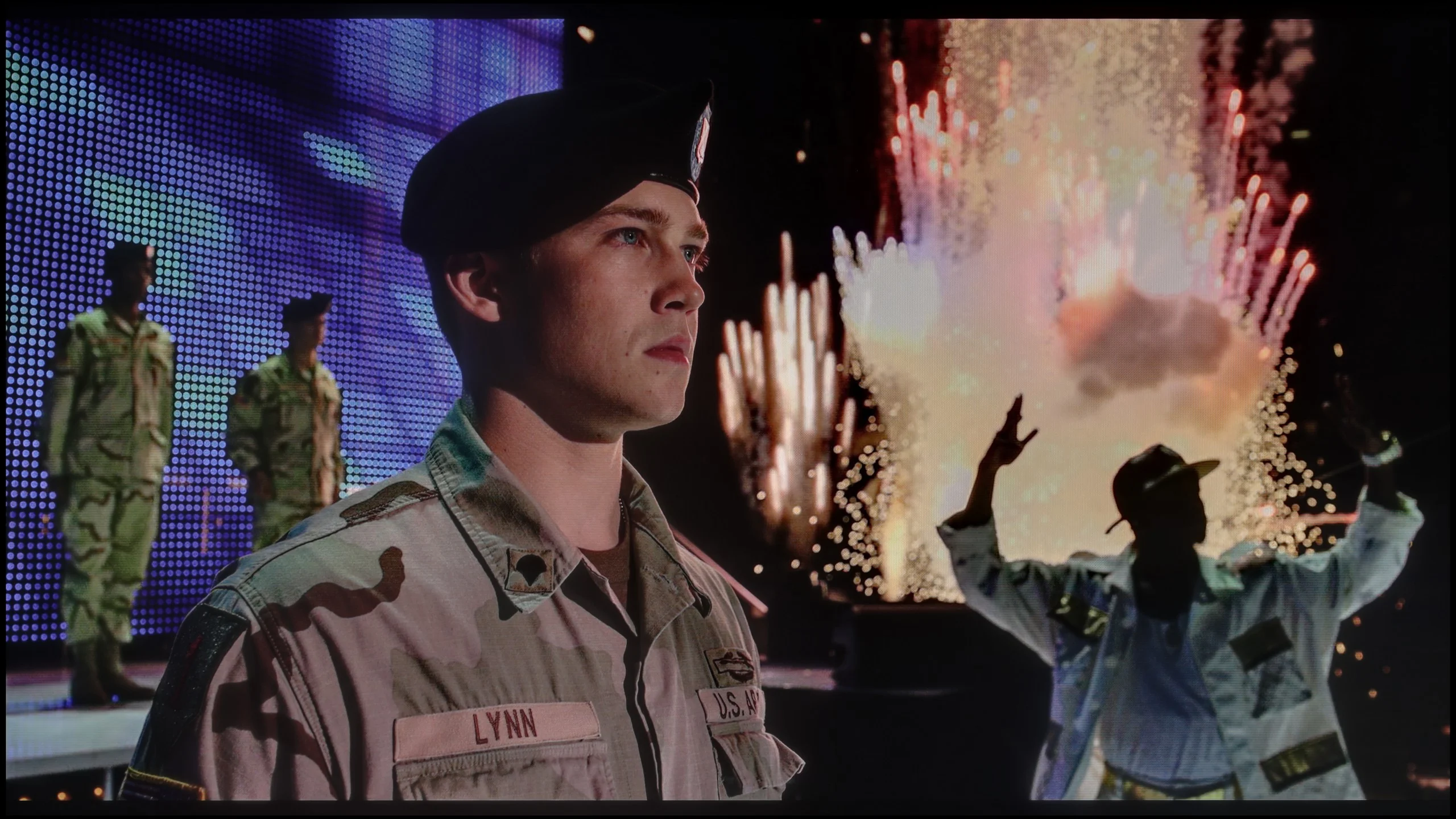
The photos show two HDR10 movies. 'Pan' is one of the brightest productions ever made, while 'Billy Lynn' (soldier) has brightness typical of streaming (Netflix, Prime, HBO MAX). Notice the intensity of effects and detail in whites.
Static HDR10


The photos present the visibility of white details in various HDR formats. They do not show brightness differences between TVs (these can be compared in the previous gallery).
Dynamic: Dolby Vision
Dynamic: Dolby Vision


The photos present the visibility of white details in various HDR formats. They do not show brightness differences between TVs (these can be compared in the previous gallery).
HDR luminance chart:
LG MRGB85B
Hisense A6Q
The Hisense A6Q is unfortunately difficult to recommend for watching HDR content. The main issues are low brightness and rather modest coverage of a wide colour gamut. The measured brightness of around 300 nits simply isn't sufficient for HDR materials to look impressive. In practice, the picture often resembles standard SDR instead of true HDR with clear differences in brightness and dynamics. Additionally, the colours in such materials do not appear as they should. The television does not utilise additional filters such as QLED or PFS LED, and the coverage of the DCI-P3 colour space at around 80% means that some colours look rather washed out. Consequently, some scenes in HDR materials lose intensity and spectacle, making it difficult to speak of a full HDR experience.
LG MRGB85 offers moderate brightness. On test patterns it reaches about 700 nits, which by itself is a decent result. In actual movie scenes the values are lower and most often fall between 400 and 600 nits. Bright, expansive shots perform best. In scenes with a lot of black the TV noticeably limits luminance, trying to maintain the highest possible contrast. The HDR effect is therefore visible, but it is far from the level offered by more advanced Mini-LED designs. Especially in darker parts of films the limitations of edge-lit backlighting and imprecise local dimming become noticeable again.
HDR Colors
A much stronger suit of the MRGB85 is its colors. The TV covers about 95% of the DCI-P3 color space and 74% of BT.2020, allowing HDR material to look vivid and striking. Colors are well saturated, and the difference compared with basic LCD TVs is clearly visible. It is worth noting, however, that this is not a classic RGB backlight, where each of the three primary colors is generated by a separate diode. Red is produced by a PFS phosphor, which expands the palette and yields more saturated red shades. This solution works well for color reproduction, but it does not change the limitations of dimming itself. The LEDs are not driven independently in the way the series name might suggest... so it turns out that Mini RGB is not the same as Mini-LED RGB!
Factory color reproduction
4.3/10
5.6/10


This gallery shows how colors change after professional TV calibration. If you notice the difference, we recommend ordering this service at SkalibrujTV.com.
Factory Mode
After calibration


This gallery shows how colors change after professional TV calibration. If you notice the difference, we recommend ordering this service at SkalibrujTV.com.
Factory Mode
After calibration
We conducted the tests in the best available mode, namely Filmmaker, however – as is often the case – this does not mean an ideal image straight out of the box. In the case of Hisense A6Q, this mode clearly "swallowed" too much blue in everyday SDR content. In practice, this led to an image with a yellowed white, particularly noticeable on large, bright surfaces. This is not due to poor assumptions of the Filmmaker mode itself or the vision of filmmakers, but rather the factory settings requiring adjustment.
Furthermore, looking at the saturation characteristics and the gamma curve in SDR, as well as EOTF in HDR content, there is a slight tendency to brighten most scenes. As a result, the image often appears brighter than it should, losing a bit of its naturalness. For this reason, we decided to perform a professional calibration to restore the proper colour balance and a more accurate brightness characteristic.
We tested the TV in Filmmaker Mode, because among the available settings it offered the image closest to the reference. However, the out-of-the-box colour reproduction was not perfect. The largest deviations concerned the white balance, with the image showing too much red and not enough blue, which caused the whole picture to shift noticeably towards warmer tones. Whites took on a slightly yellowish tint, and skin tones and bright parts of the image did not always look natural. It was not a fault that completely ruined the viewing experience, but in direct comparison with the same screen after calibration the difference was readily apparent.
Color reproduction after calibration
7.5/10
7/10


The photos show how movies look on the TV. Pay attention to black detail visibility, colors, and shadow tint.


The photos show how movies look on the TV. Pay attention to black detail visibility, colors, and shadow tint.
The colours after calibration in the Hisense A6Q should be assessed in two ways, as everything depends on the type of content. In the case of SDR material, the effect is truly very good. In everyday programmes, series, and films, it is difficult to spot any serious problems with colours. The yellow tint has been effectively removed, and the television no longer brightens the entire image. As a result, the ColorChecker test showed errors below Delta 2 values, which are already outstanding results, allowing us to speak of very high image quality in standard content. Unfortunately, the situation looks significantly worse in the case of HDR material. Yes, the white balance has been corrected and the EOTF curve has been improved, but the limitations of the panel itself remain insurmountable. The lack of support for a wide colour gamut means the television still generates quite significant colour errors. Certain colours simply cannot be displayed by the screen, making them appear less saturated than they should be. It's a shame because even a simple PFS or QLED filter would significantly improve the final effect. The conclusion is therefore simple – the A6Q is really very well suited for SDR content after calibration, while watching HDR content on it should still be approached with caution.
Calibration primarily allowed us to correct the white balance and remove the previously noticeable warm tint. After adjustment the whites stopped leaning towards a yellow cast and the colours became more neutral and natural. The biggest improvement was seen in SDR material, where the picture looked even and much closer to reference. A similar effect was achieved in HDR. After calibration the image became more organised, although not all of the TV's limitations could be eliminated. The greatest reservations still concerned intense reds, which were not always reproduced with sufficient precision. In practice the MRGB85 handles everyday SDR content very well, whereas in more demanding HDR material its limitations remain clearly visible.
Smoothness of tonal transitions
7.6/10
8.9/10
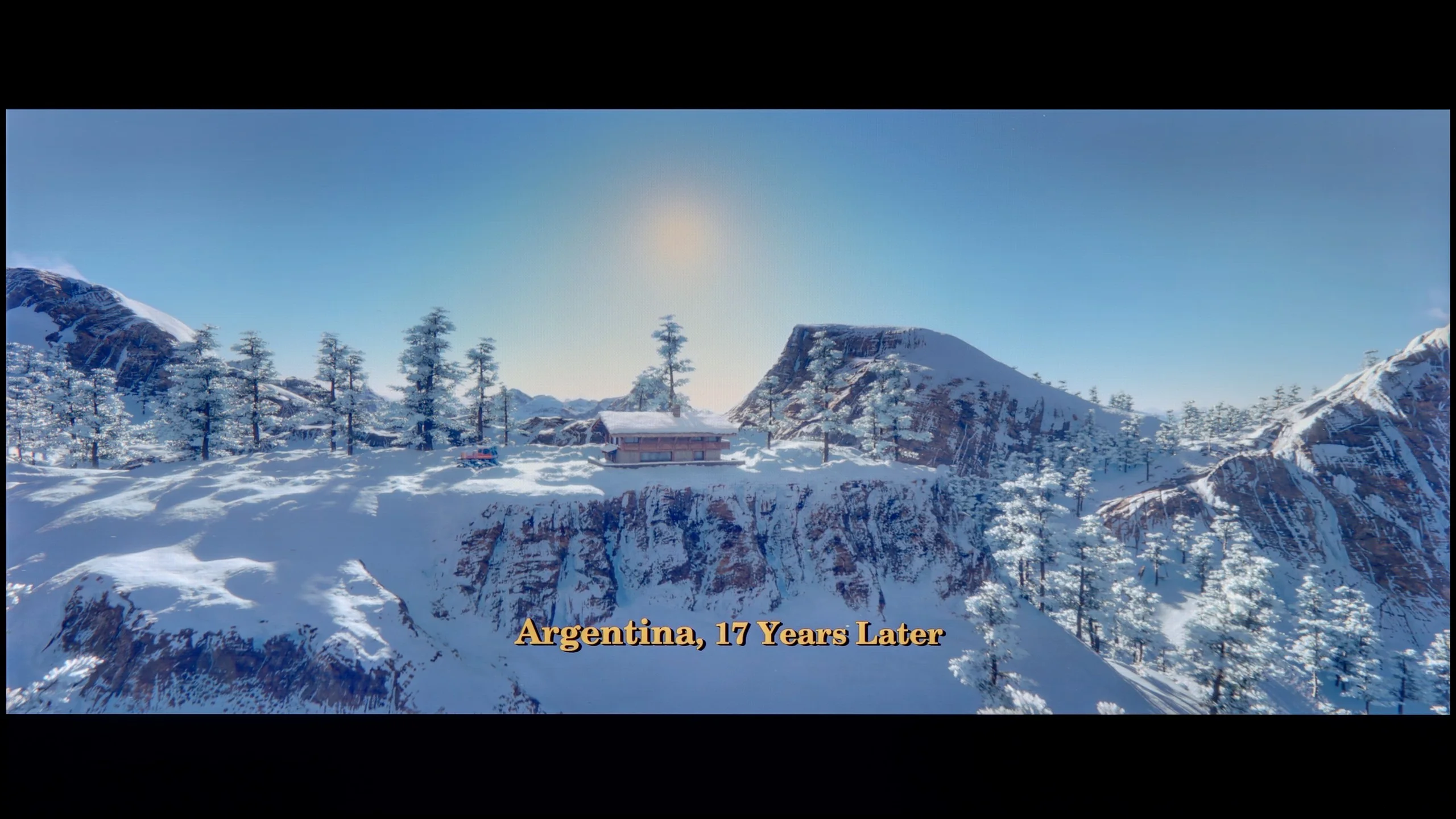

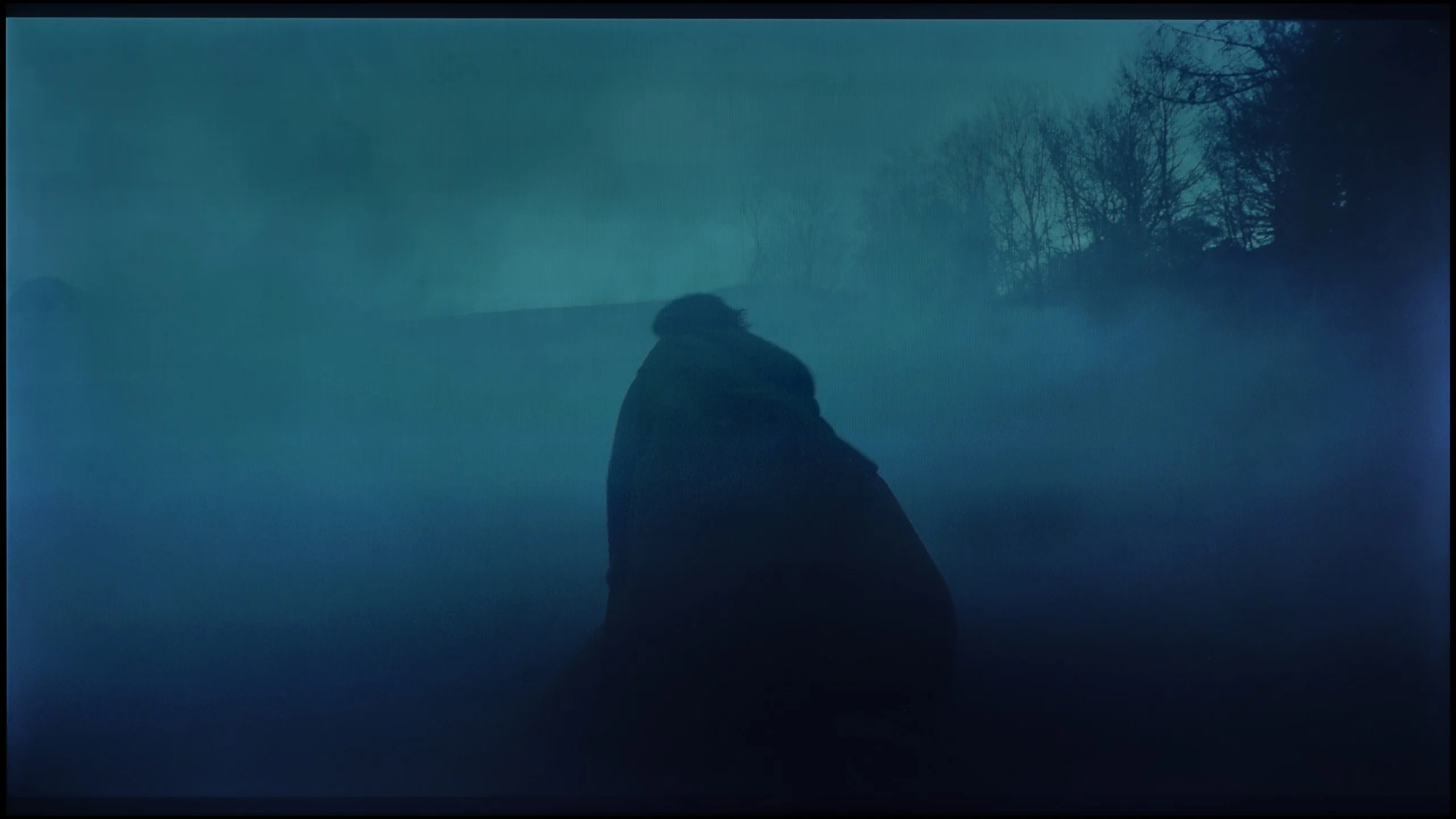
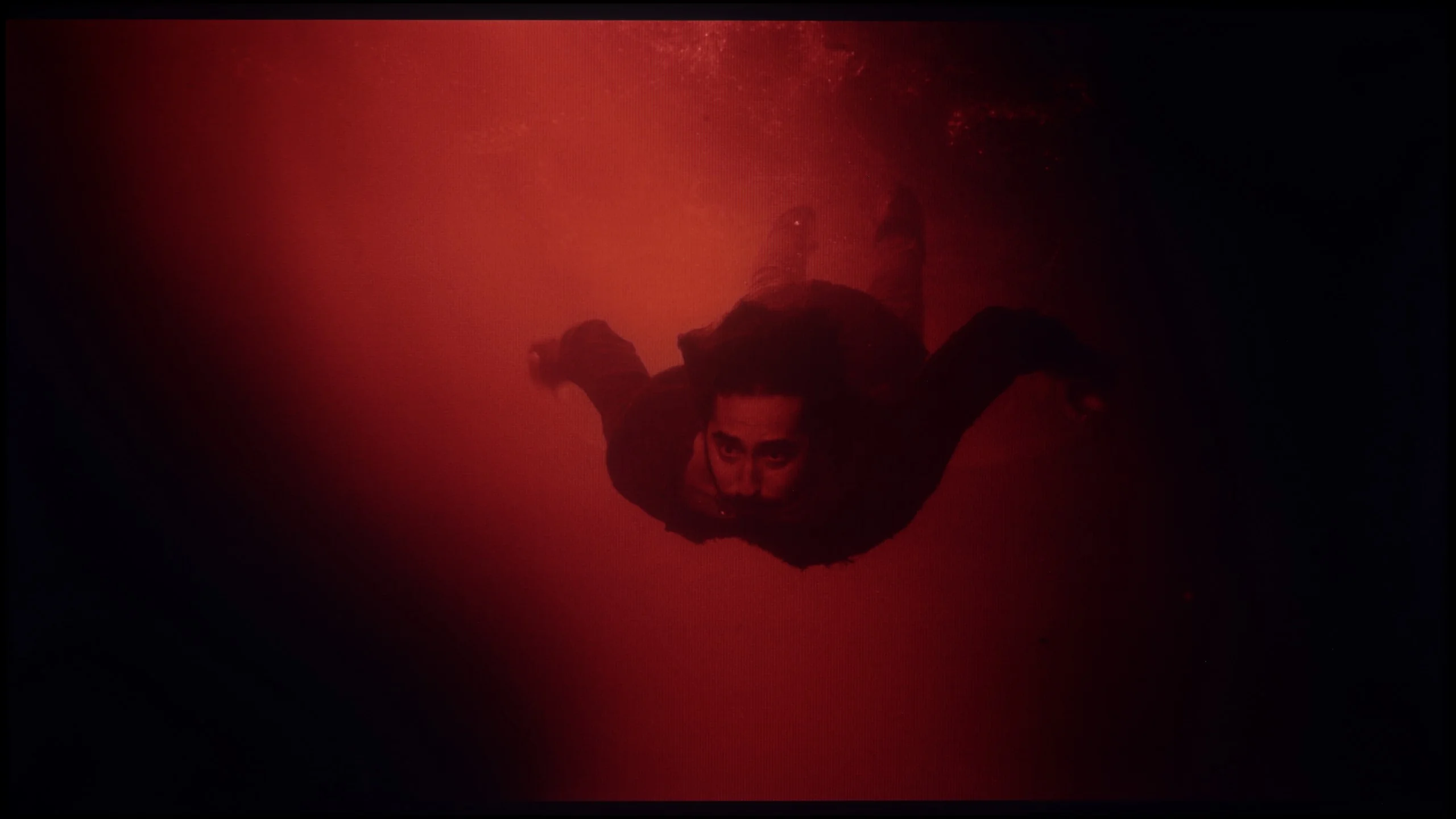
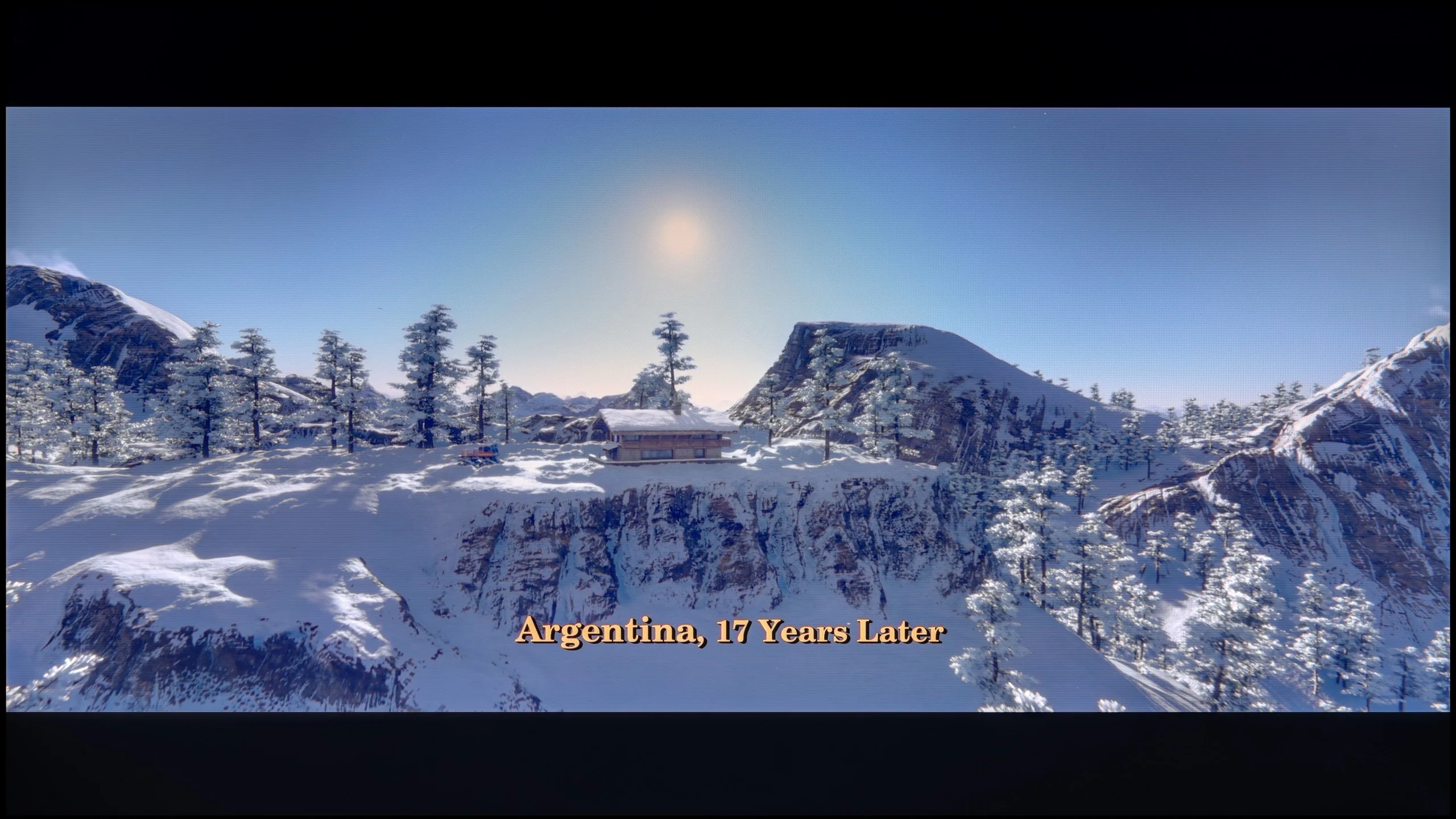
These are selected scenes that show smooth tonal transitions from one color to another. If you see distinct banding, it’s the TV panel’s fault.

These are selected scenes that show smooth tonal transitions from one color to another. If you see distinct banding, it’s the TV panel’s fault.
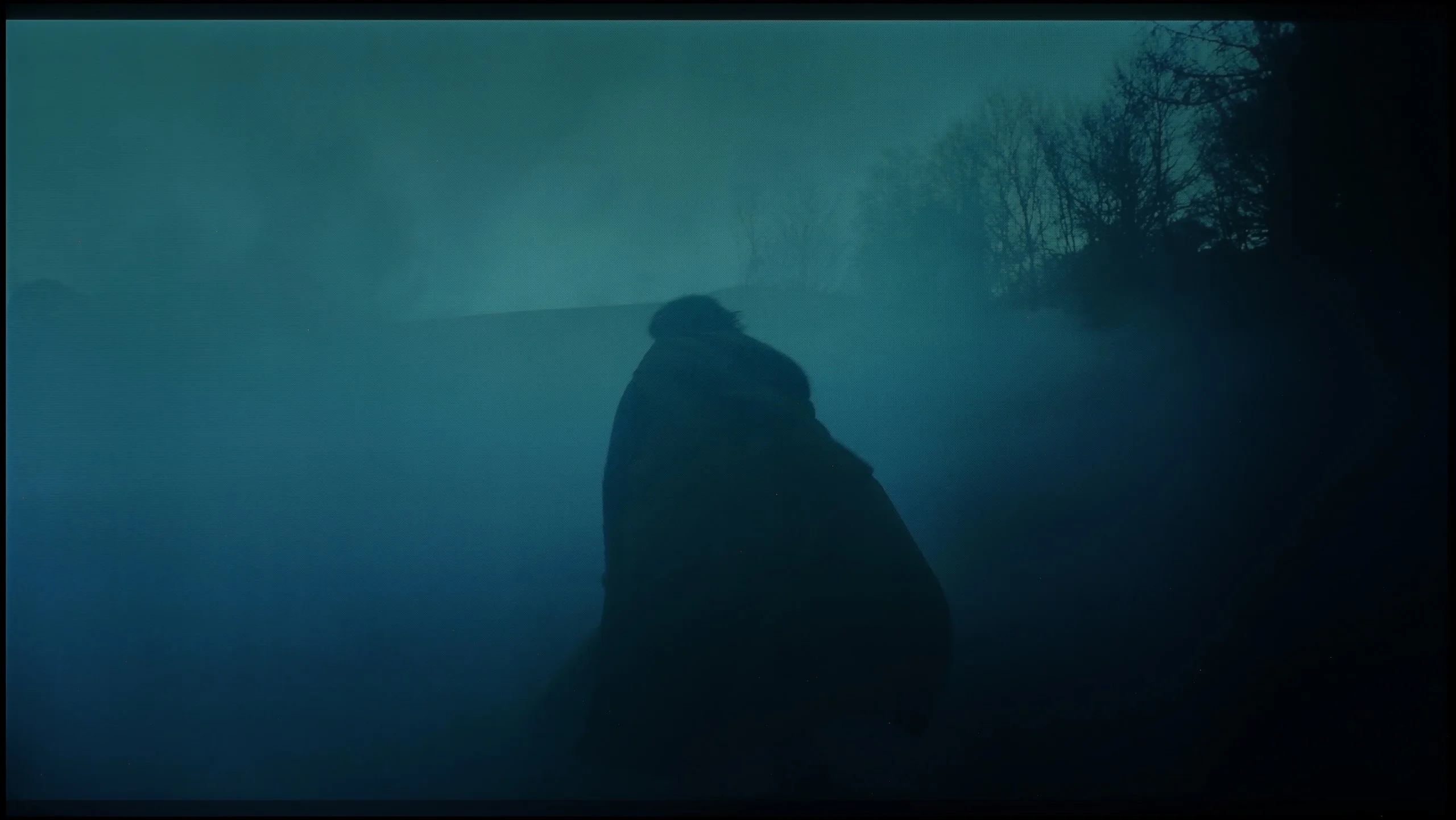
These are selected scenes that show smooth tonal transitions from one color to another. If you see distinct banding, it’s the TV panel’s fault.
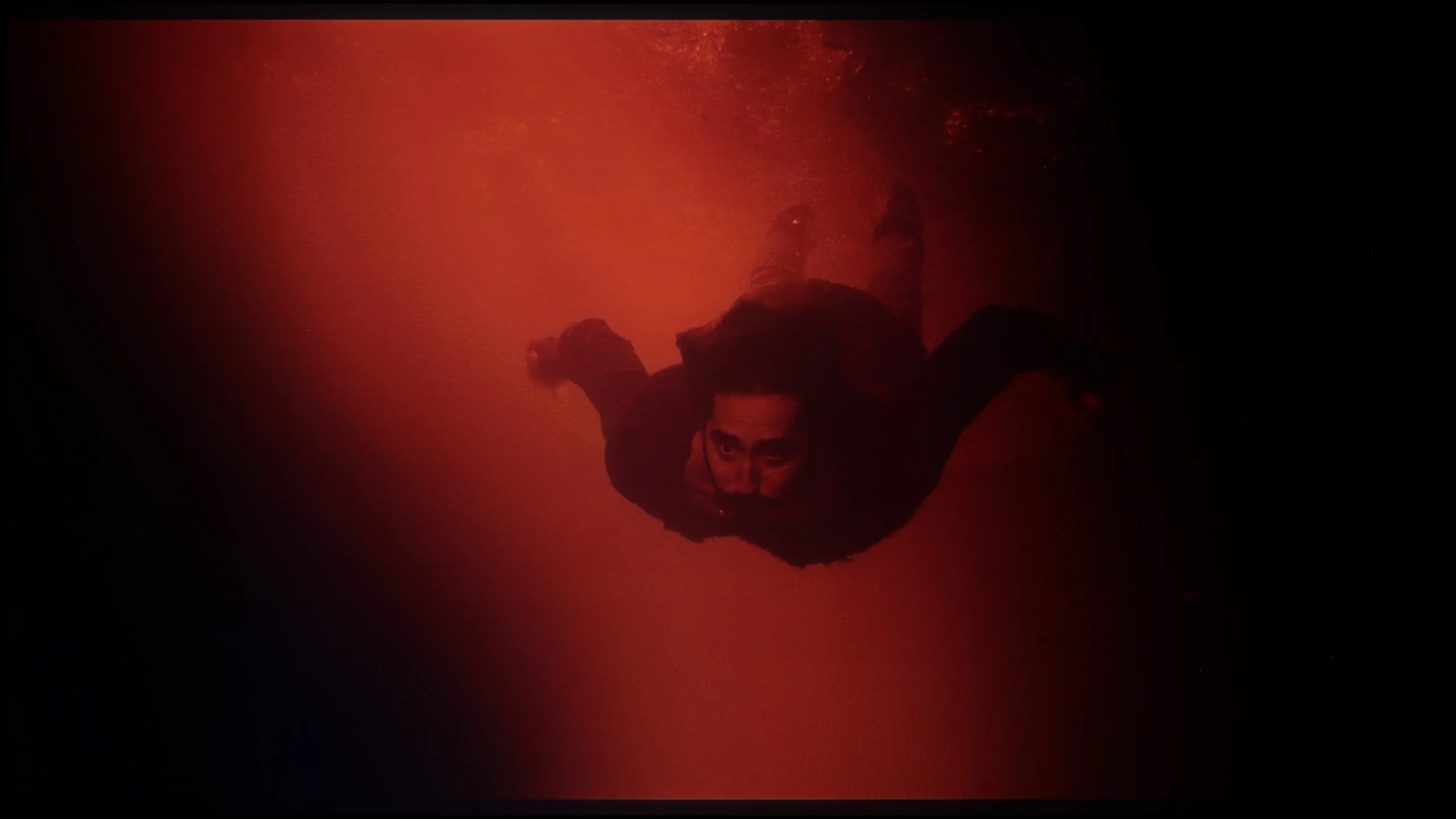
These are selected scenes that show smooth tonal transitions from one color to another. If you see distinct banding, it’s the TV panel’s fault.
The situation with the tonal transitions in the Hisense A6Q is quite unusual. Classic, colourful gradients perform really well, and during everyday use, it is difficult to pinpoint any clear issues with them. Much bigger problems arise only in more demanding scenes with a lot of shades of grey and moving elements. A good example of this is the film "The Revenant." At the moment when the actor runs across a dark clearing, a very unpleasant stepping effect appears around his silhouette, resembling a grey, unattractive aura, clearly cutting off the tonal transitions. This effect looks unnatural and can effectively draw the viewer's attention, spoiling the perception of the scene.
LG MRGB85 handles tonal transitions quite well. In bright scenes posterization is least noticeable and the TV has no problem separating individual shades. Tonal transitions fare somewhat worse in dark scenes, where posterization, in the most demanding moments transitioning into dark shades of grey, can be more noticeable. However, this is rather typical for most TVs. It is worth adding that similar behaviour can be observed in Dolby Vision mode, where posterization on the MRGB85 is slightly worse than usual.
Image scaling and smoothness of tonal transitions
5/10
7.8/10


Smooth transition function
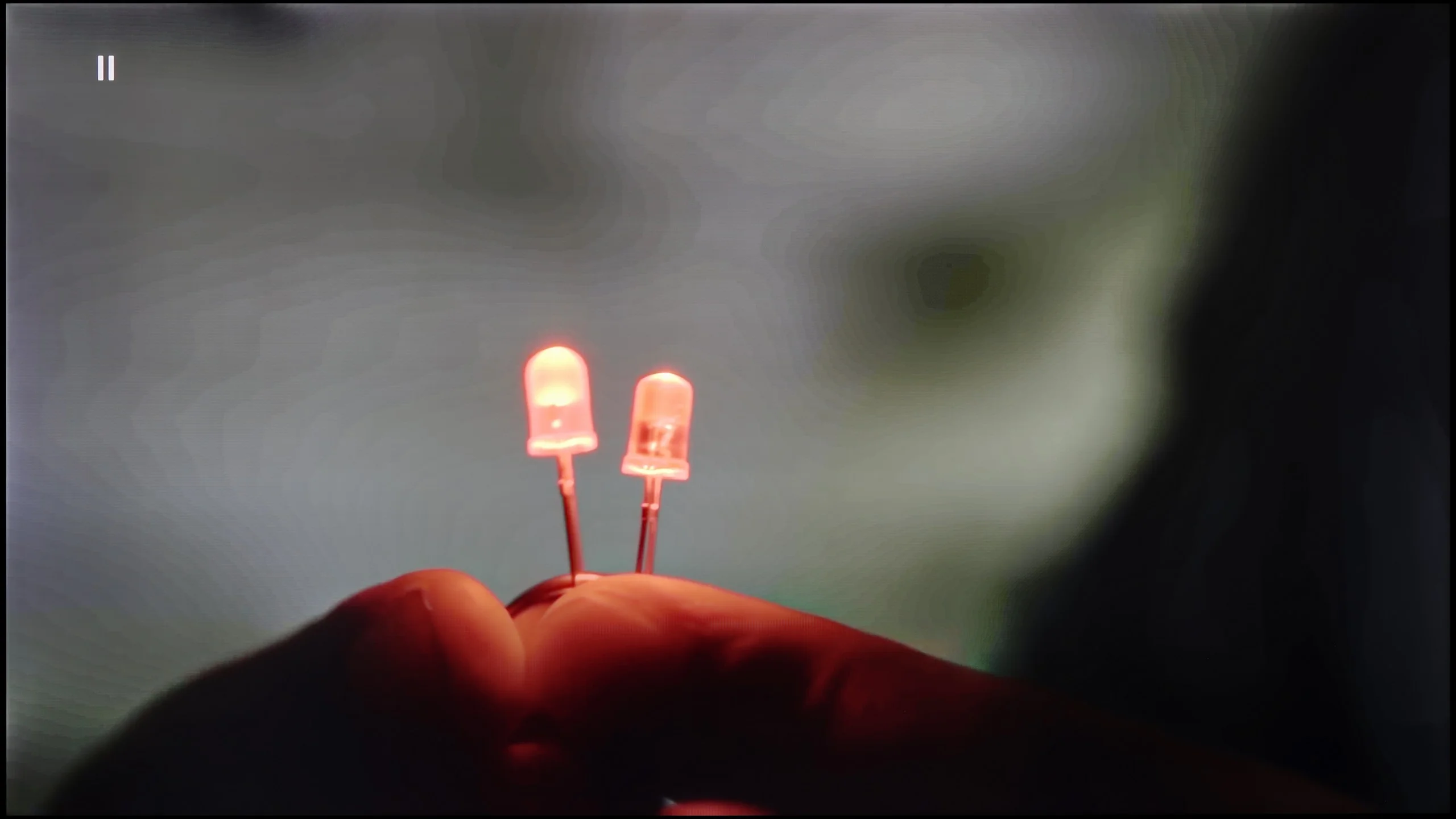
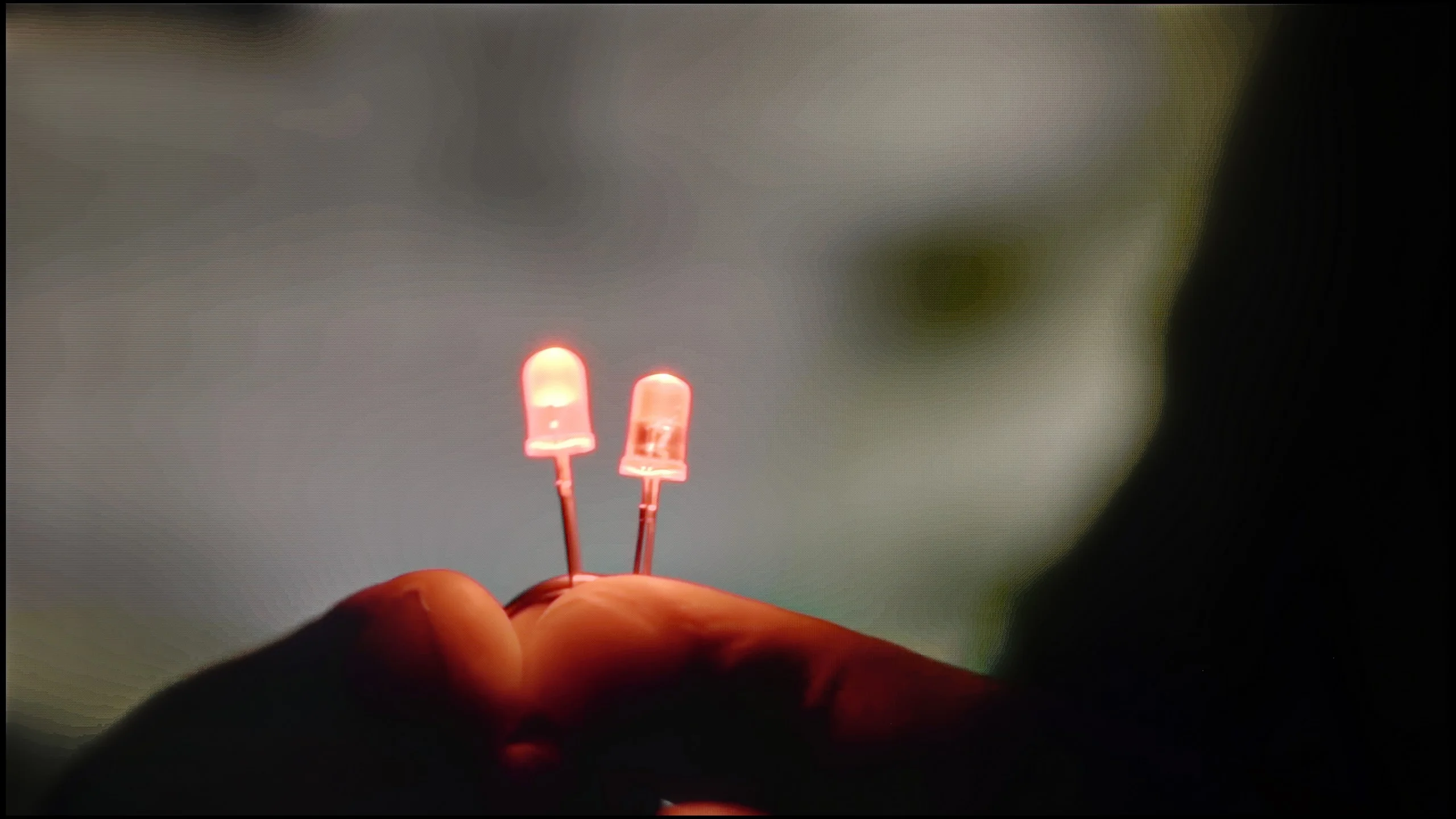
The match photo shows how the TV smooths weak tonal transitions in low-quality video.
Image scaling SD (576i)


The model photo shows how it handles upscaling of SD material.
Upscaling on the Hisense A6Q works quite decently for a television in this price range. Materials of lower resolution are correctly "upscaled" to a higher one, and the image remains clear without artificial edge enhancement or the typical "over-sharpening" found in cheap models. Unfortunately, the digital processing is significantly worse. In practice, it is difficult to speak of any advanced artifact smoothing or problematic tonal transition masking. In heavily compressed films – especially those from YouTube – the television practically struggles with reducing compression blocks and unwanted banding, making the imperfections in the material clearly visible. The A6Q scales the image well, but when it comes to digital processing, it leaves the user alone with the quality of the source.
Upscaling and digital image processing perform quite well on the LG MRGB85. The Alpha 8 AI 4K Gen7 processor efficiently upscales lower-resolution content, and regardless of source you can also easily disable overscan. The TV also copes well with compression artefacts. The "Smooth Gradation" feature can effectively reduce visible banding and tonal unevenness, but it is not always precise. At higher settings it can also smooth out fine details, for example surface textures. On the plus side, it does not remove film grain. It's safest to use the "Low" or "Medium" setting, which gives the best compromise between artefact reduction and preserving detail.
Blur and motion smoothness
4.3/10
7.3/10
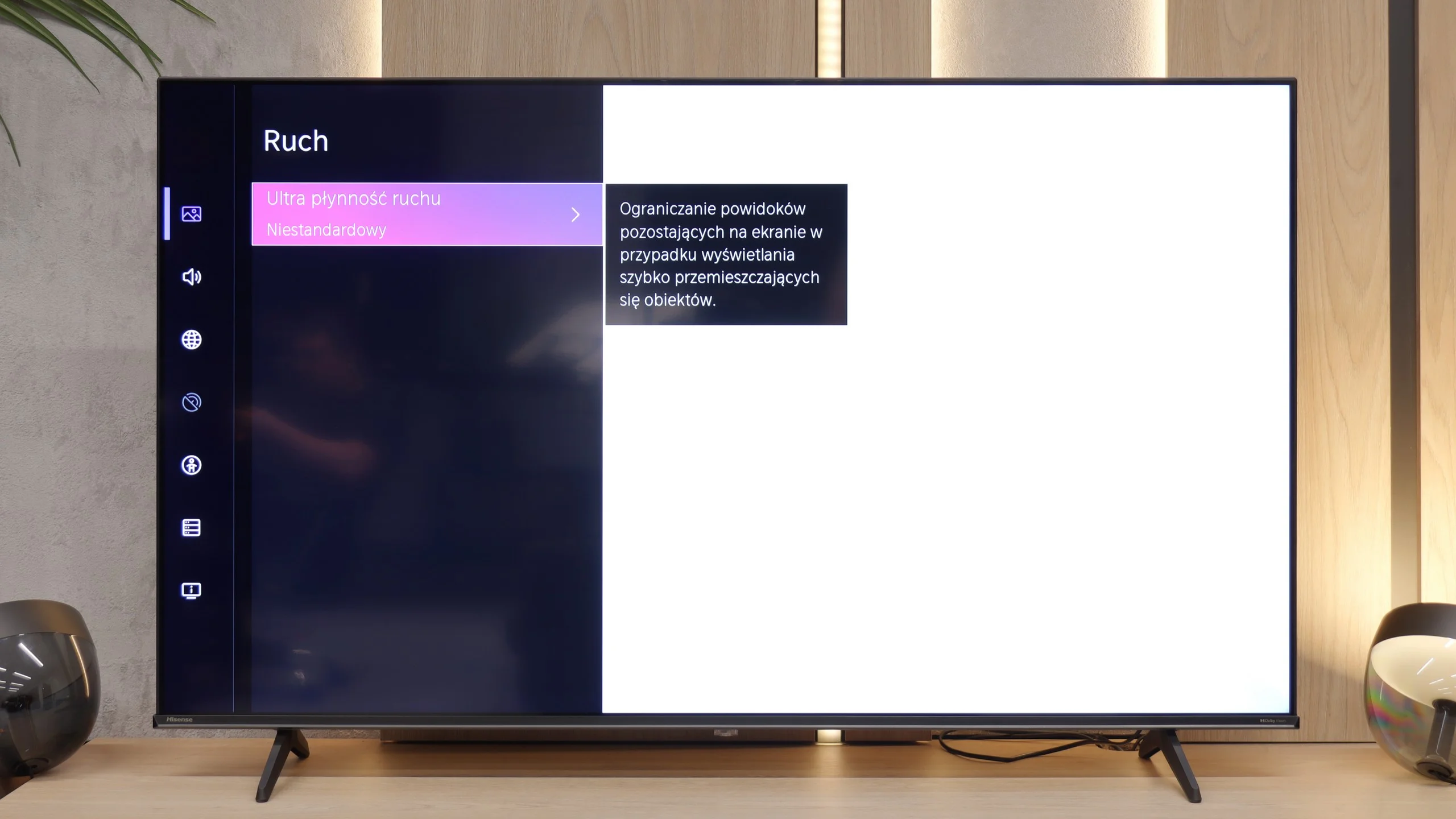
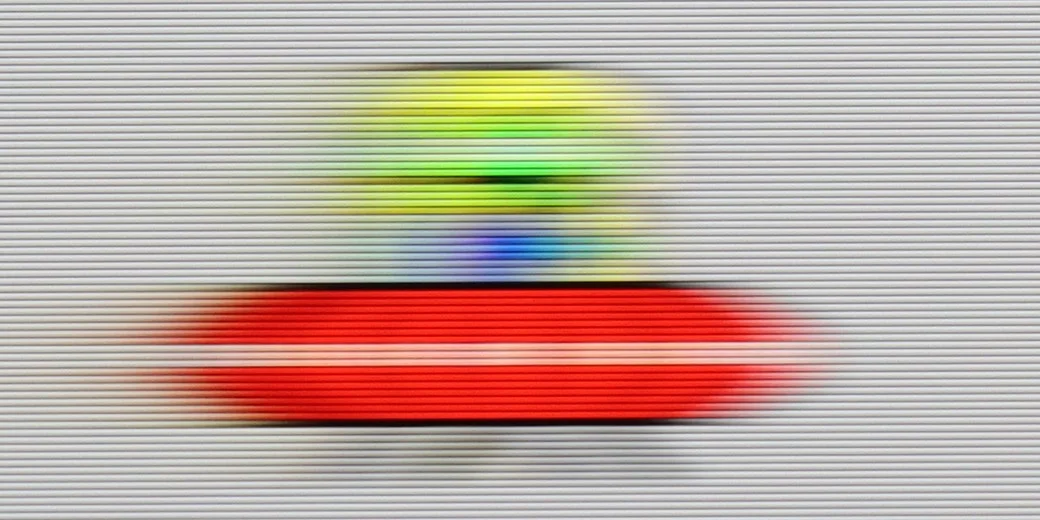
Blur (native resolution, maximum refresh rate):
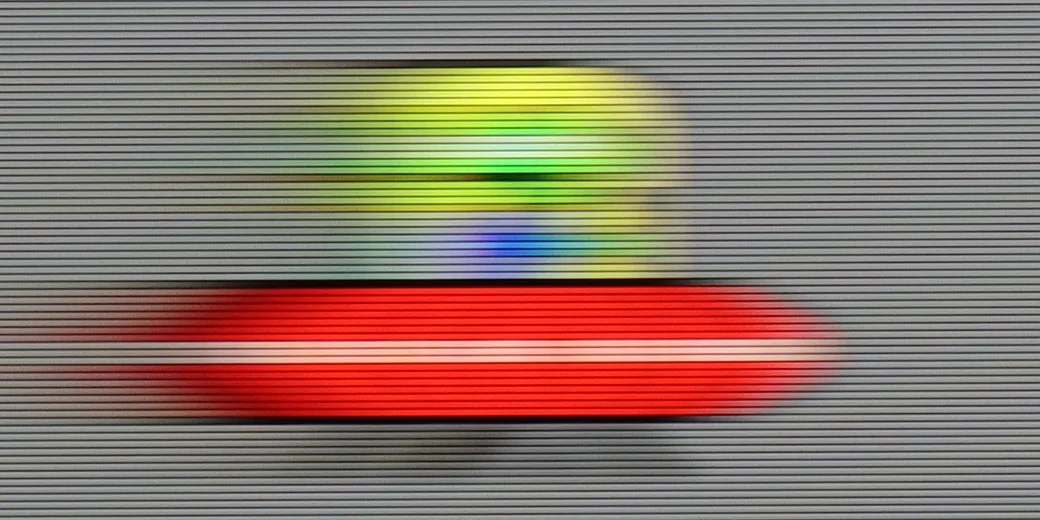
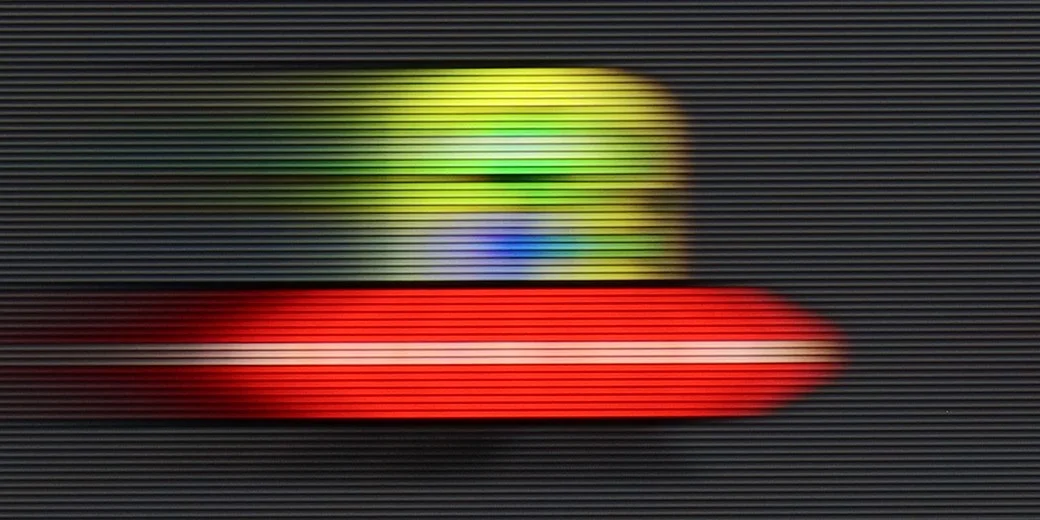


Blur (BFI function enabled):

Blur (1080p@120Hz):

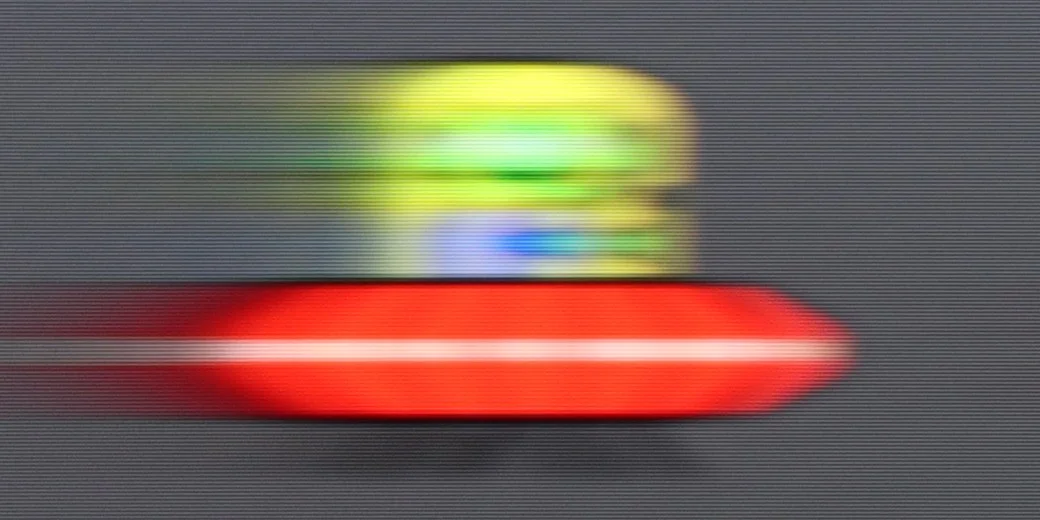
Blur (4K@144Hz):

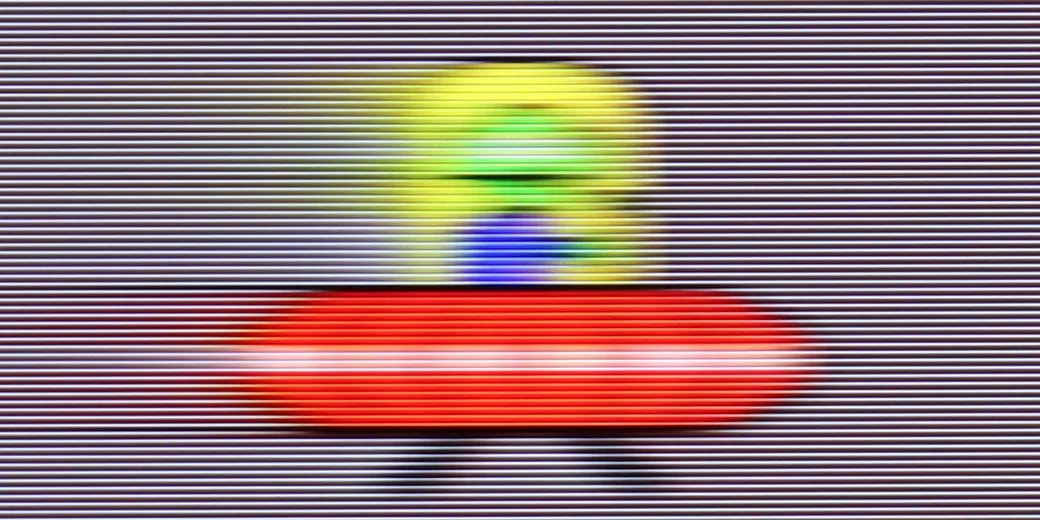

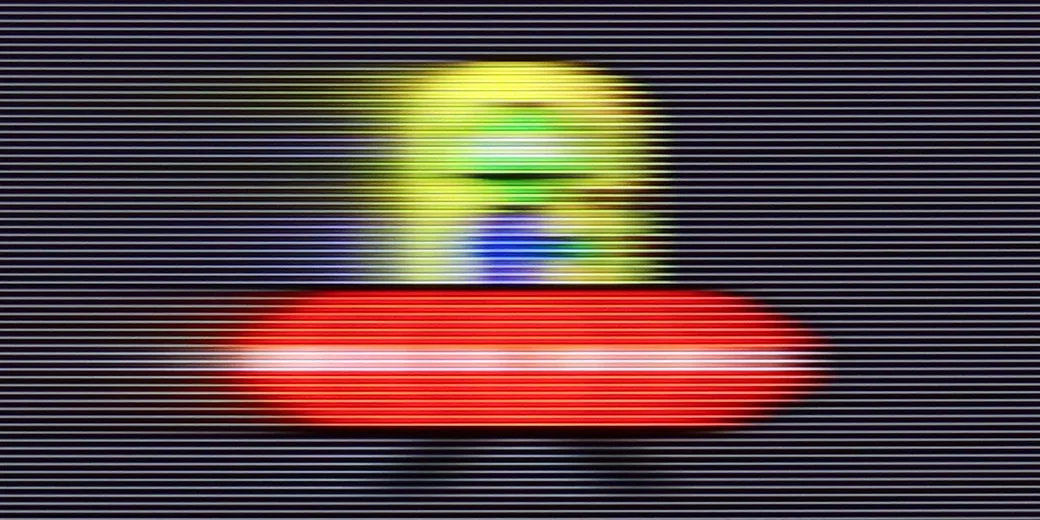
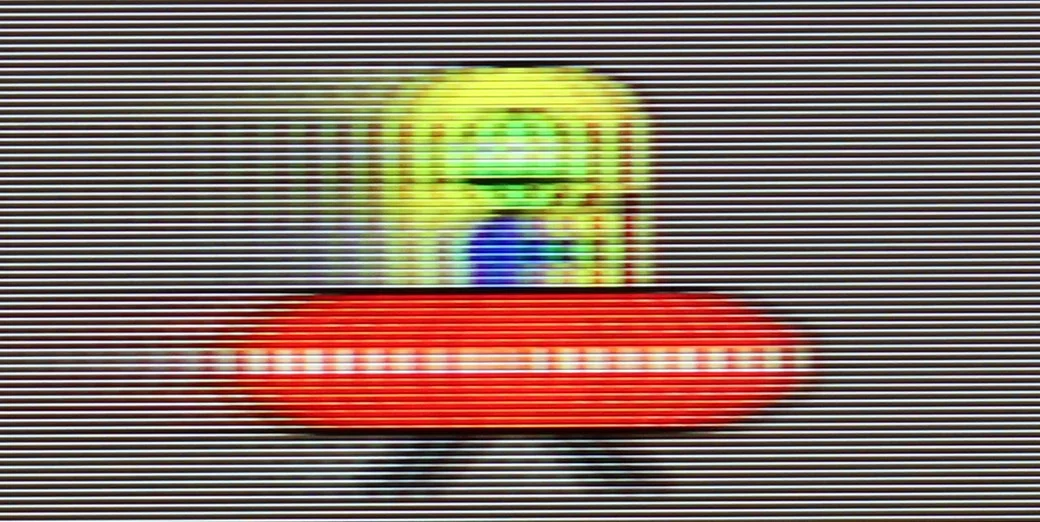
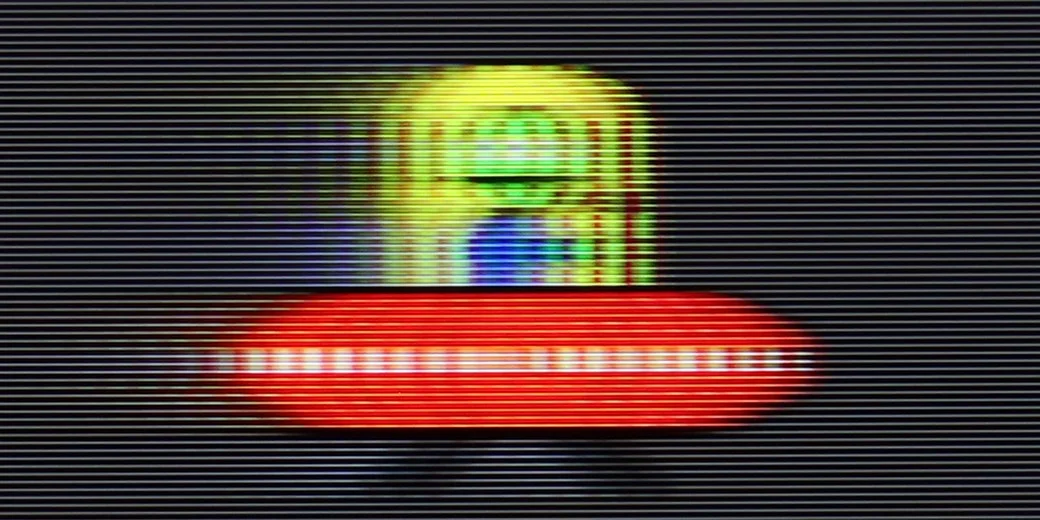
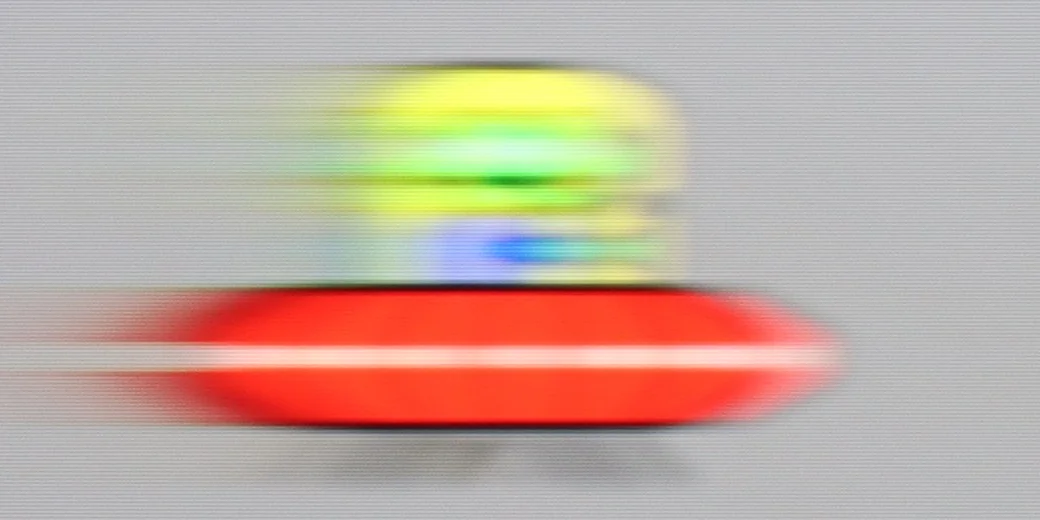
The motion fluidity of the Hisense A6Q is… well — quite mediocre. It’s a television with a native refresh rate of 60 Hz in 4K, which means that the motion of objects on the screen doesn’t always look perfectly smooth. In dynamic scenes in movies or sports, it’s clear that this isn’t the strongest feature of this model. The situation improves significantly with 1080p content when connecting a console or computer, as the A6Q can operate even at 120 Hz then. This is a big plus, especially for gamers. Nevertheless, the clarity of motion still leaves much to be desired; blurring is noticeable, and the response time of the panel indicates that it is not one of this television’s strong points.
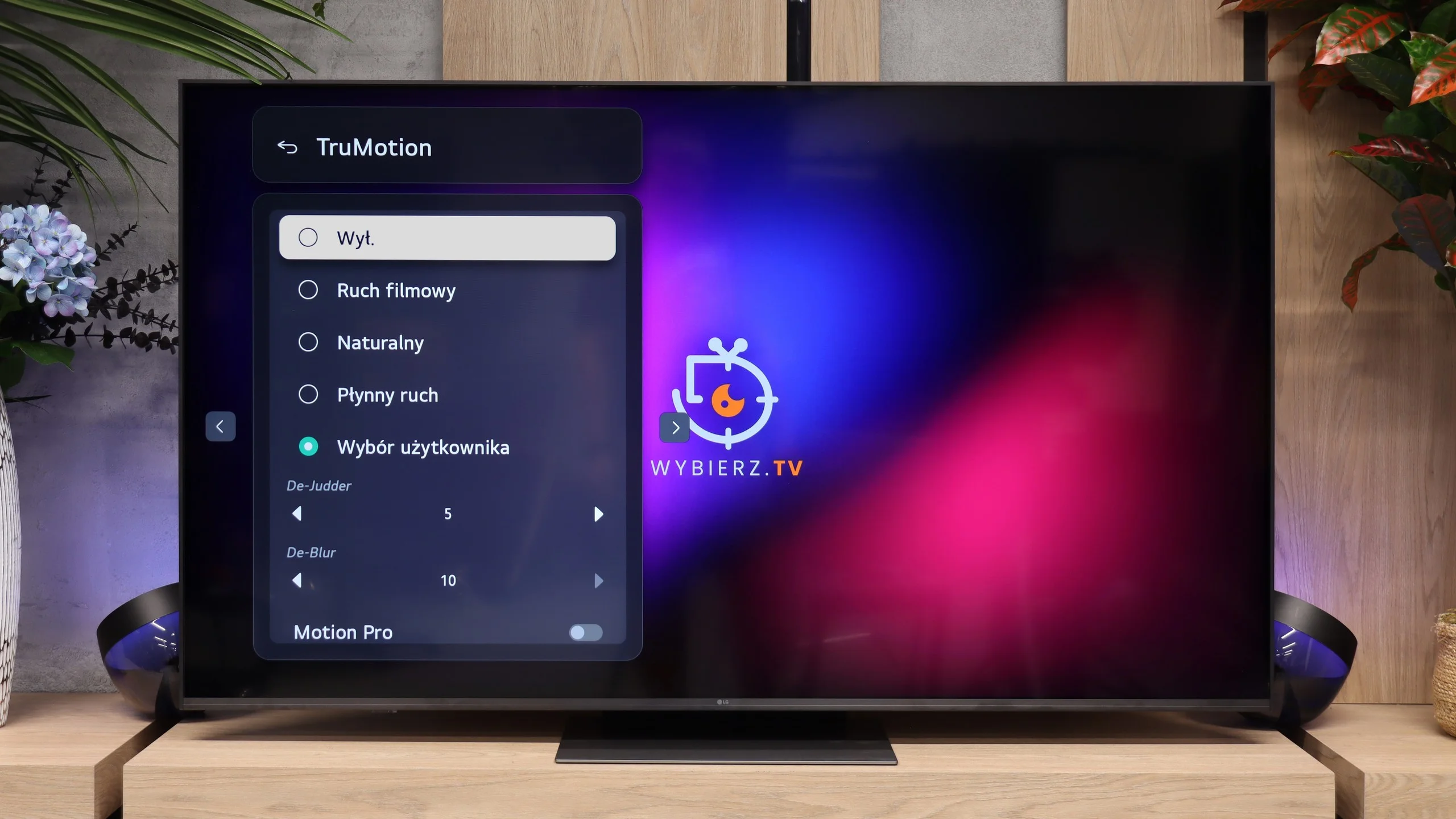
The LG MRGB85 is equipped with a VA panel with a native 144 Hz refresh rate, so it performs very well in terms of motion handling. The TV easily handles 120 Hz content from consoles and higher refresh rates when connected to a PC. That matters not only for gaming but also when watching sport, where camera movement is noticeably smoother than on basic models with 60 Hz panels. We also have TruMotion, which lets you set the level of motion smoothing yourself. You can keep a more cinematic feel to motion or increase smoothness, which works well for sports broadcasts and TV programmes. The adjustment range is wide, so you can easily tailor the smoothing to your own preferences.
Console compatibility and gaming features
6.3/10
9.8/10
- ALLM
- VRR
- VRR range48 - 60Hz48 - 144Hz
- Dolby Vision Game Mode
- Correct implementation of HGIG
- 1080p@120Hz
- 1440p@120Hz
- 4K@120Hz
- Game bar
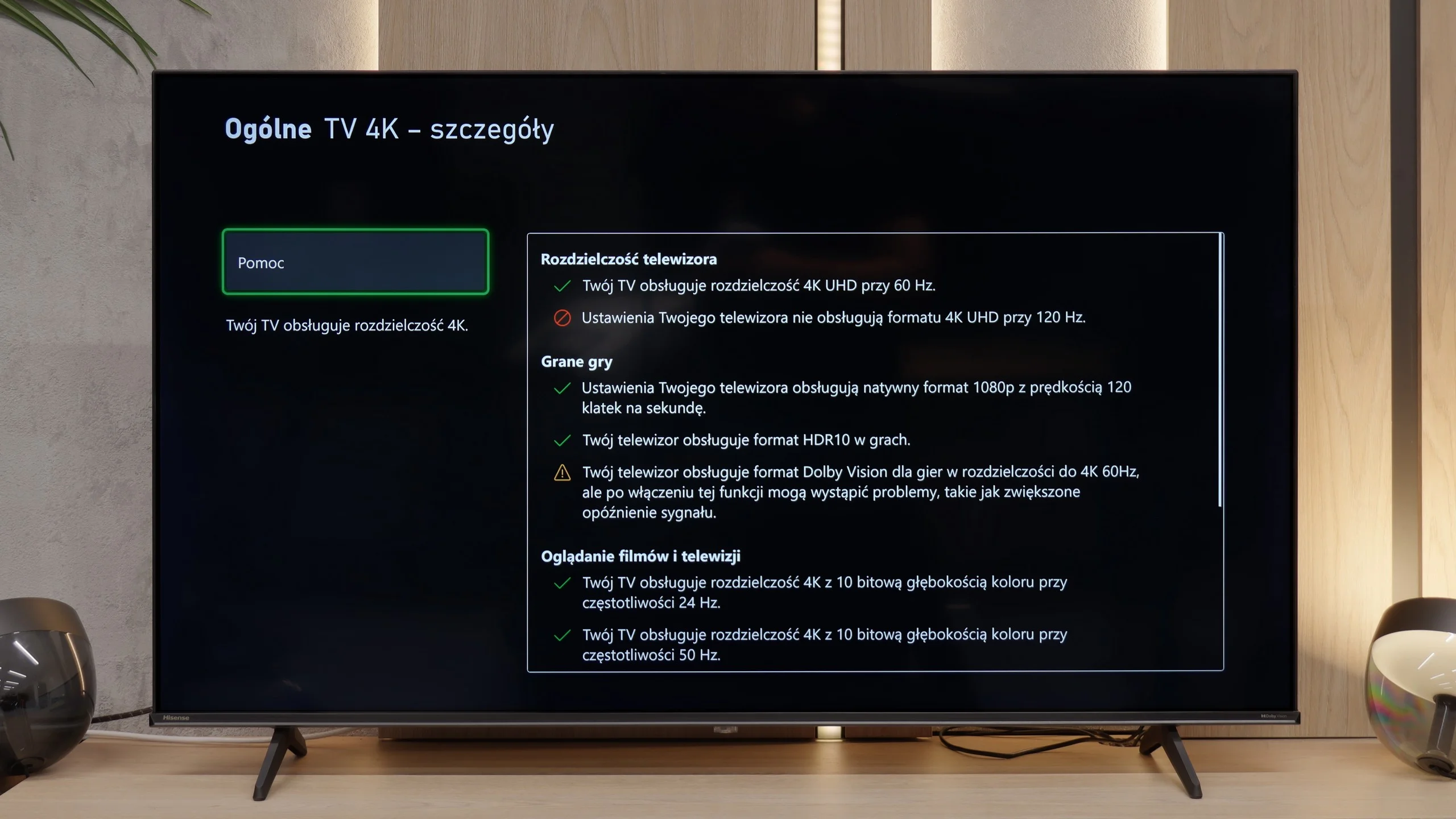
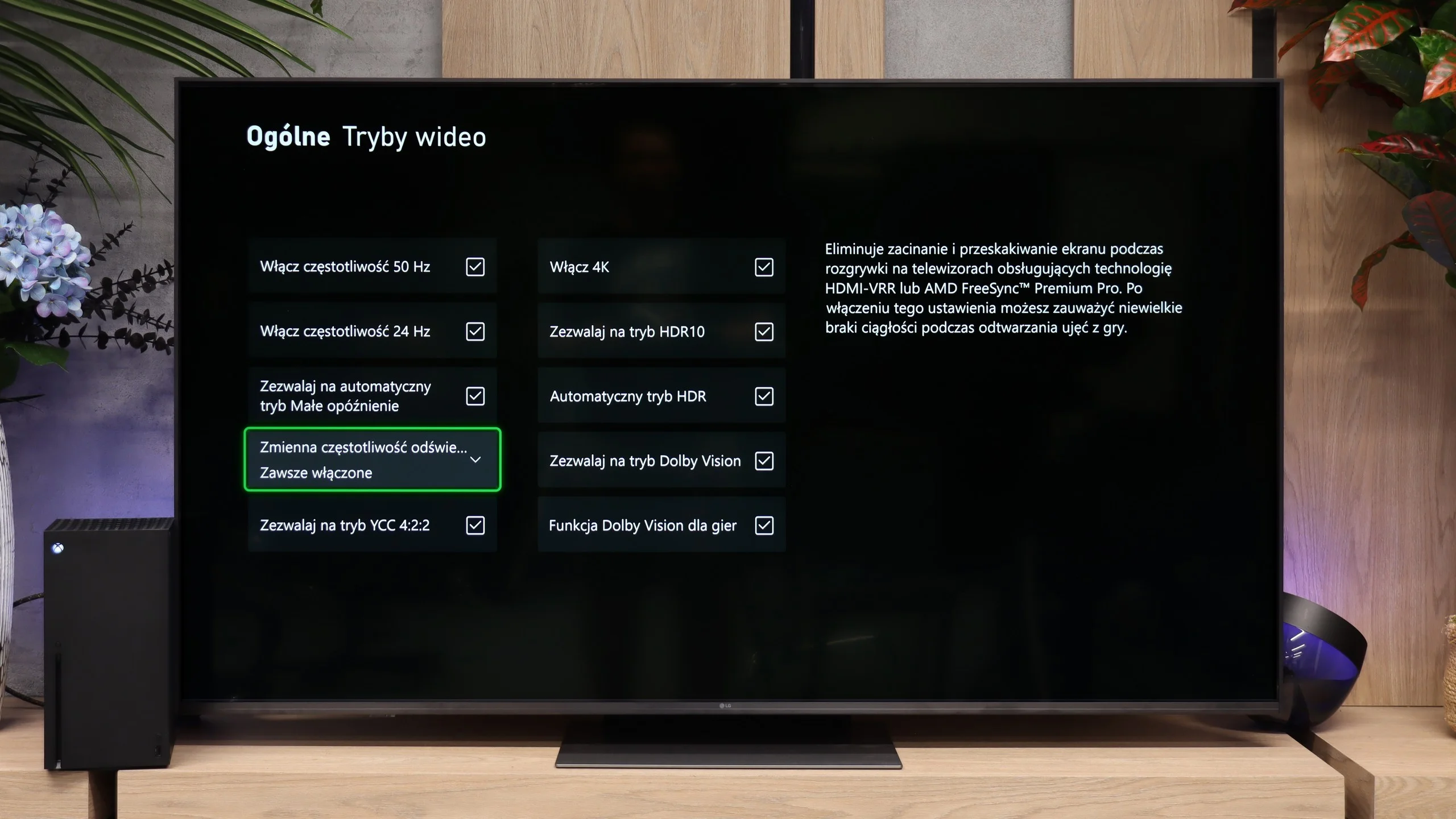
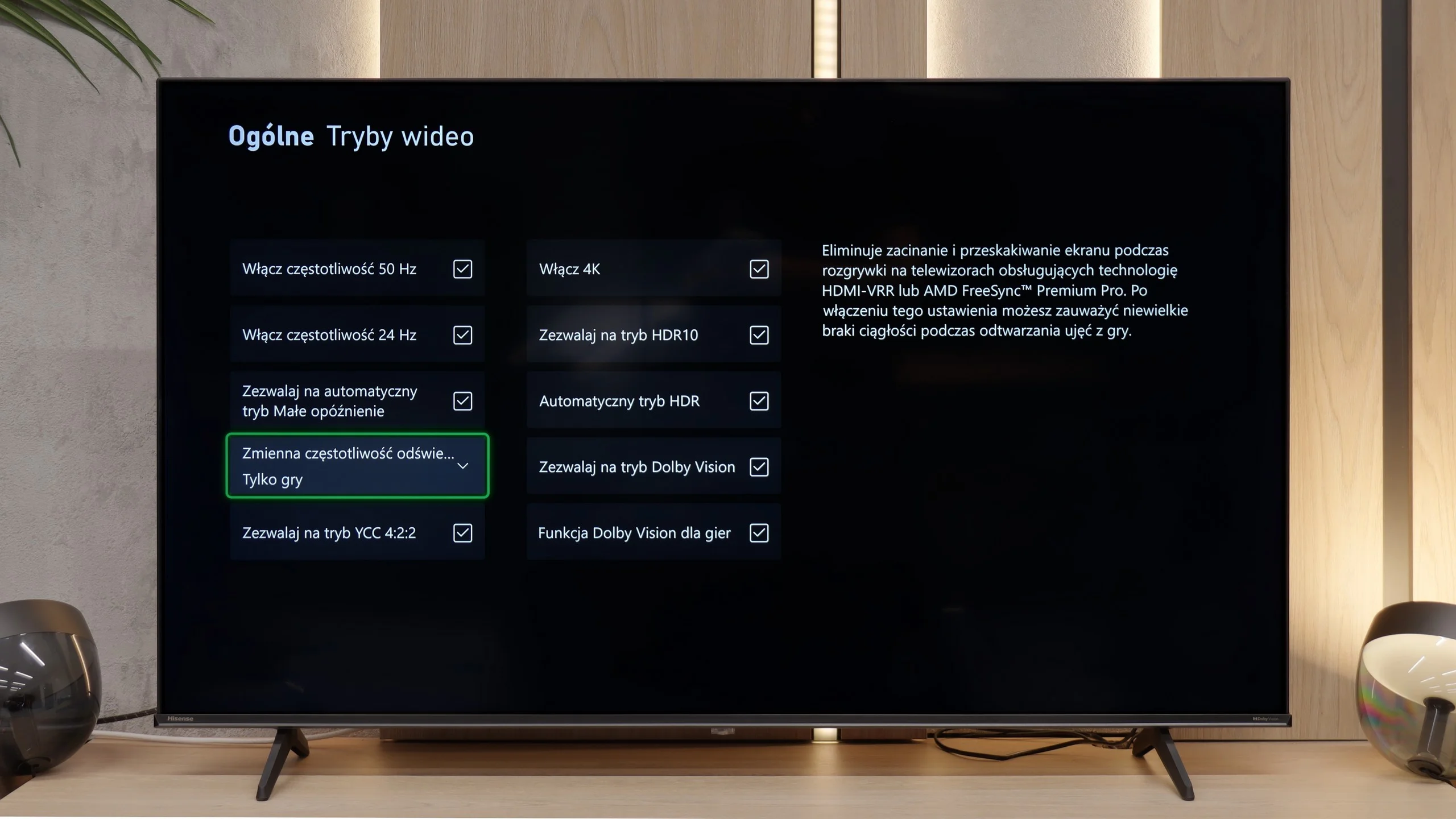
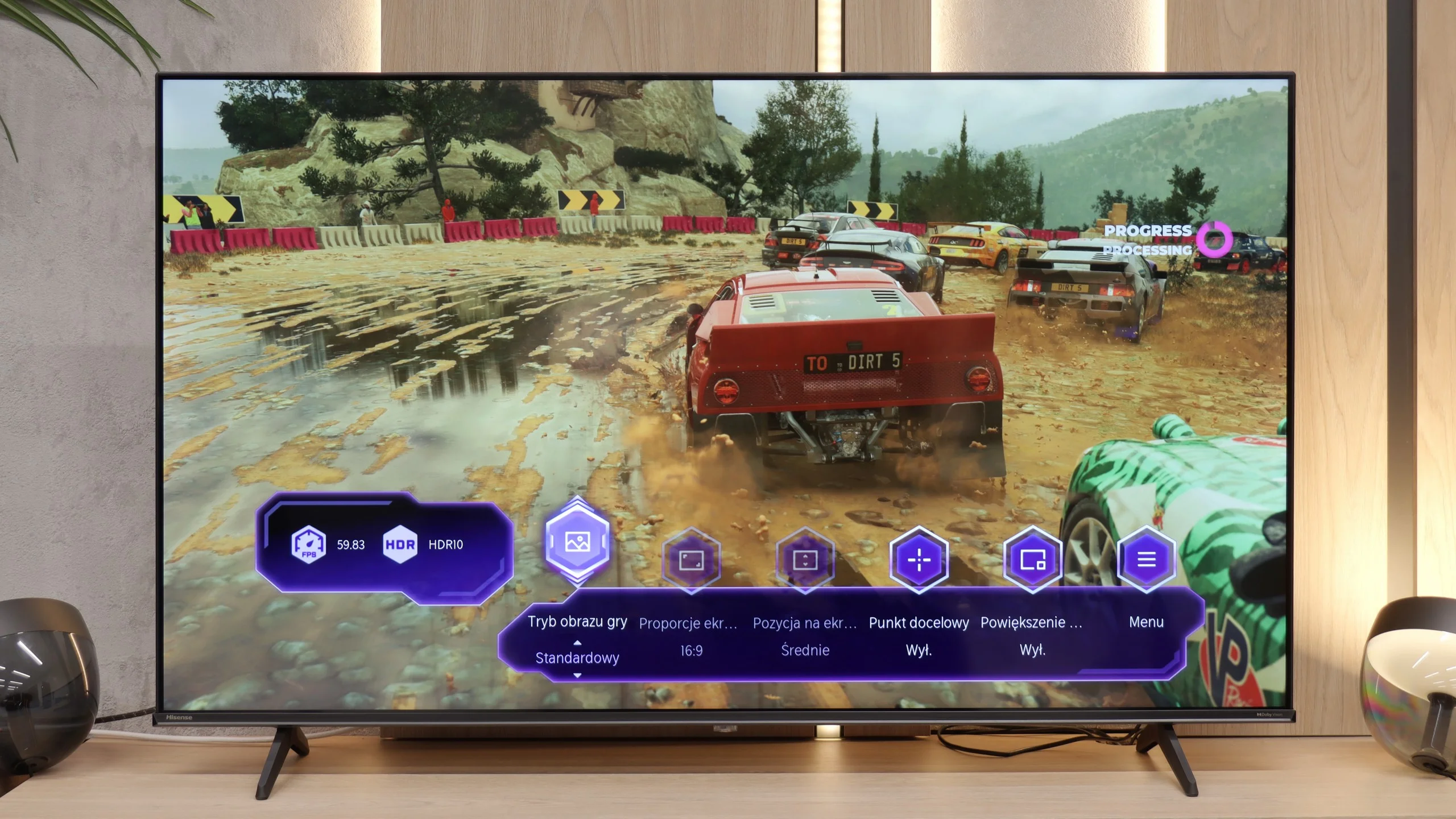
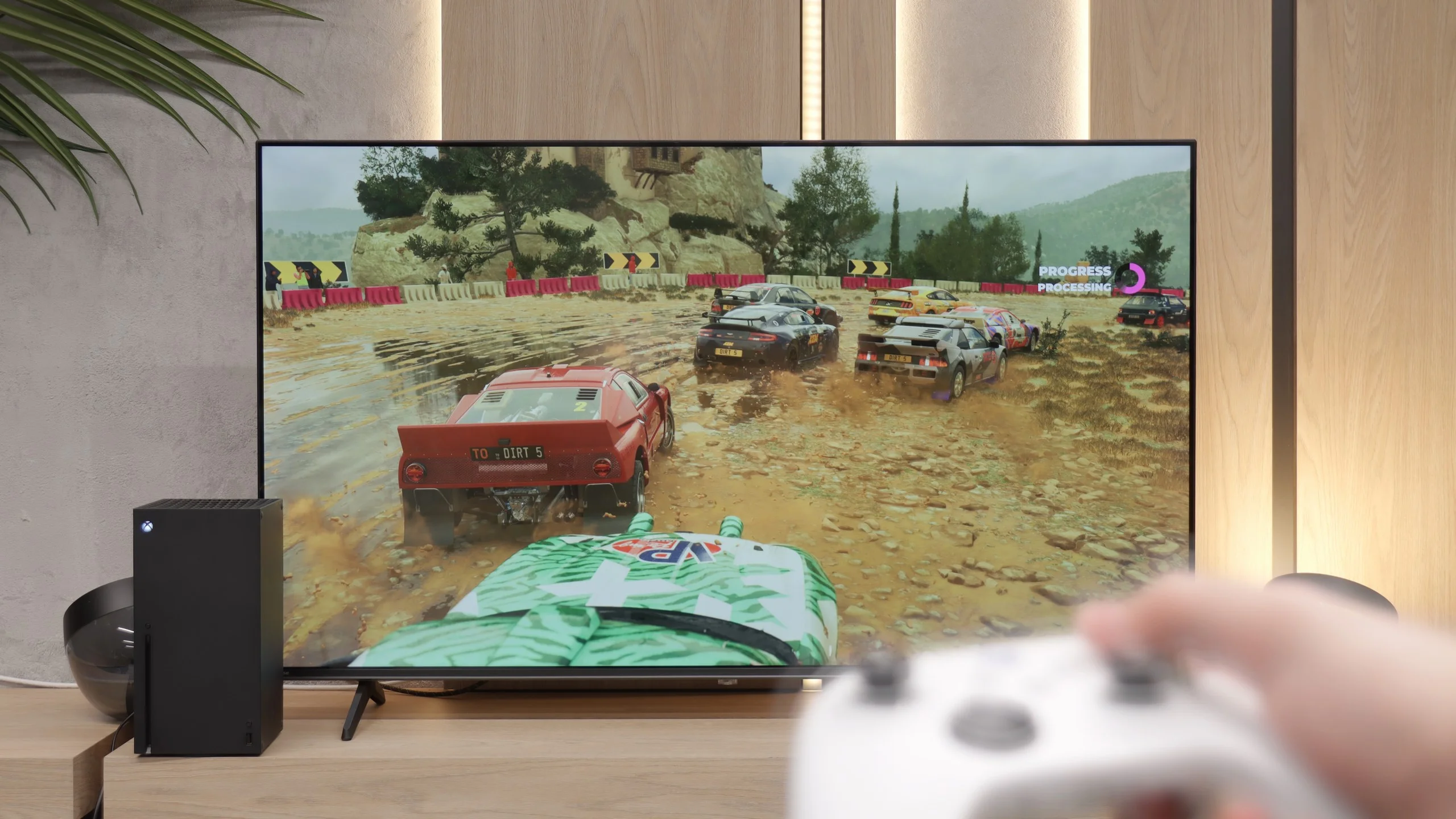
For such an inexpensive television, the Hisense A6Q can truly surprise with what it offers to gamers. It operates in 4K only at 60 Hz, but when a game switches to performance mode and drops to 1080p, the panel can work even at 120 Hz. This is a significant advantage in this price range, as most titles on consoles don't achieve stable 4K at 120 frames per second anyway. In practice, we are realistically playing at 1080p, and here the A6Q provides very enjoyable gaming experiences. On top of that, there are several features usually found in more expensive models: ALLM, VRR, and Dolby Vision Gaming for Xbox Series X/S. Everything is gathered in one place, in a simple and convenient Game Bar, so there's no need to dig through the entire menu. For such an affordable piece of equipment, it's a really solid set for gamers — perhaps not for the most demanding, but certainly spot on for occasional gaming.
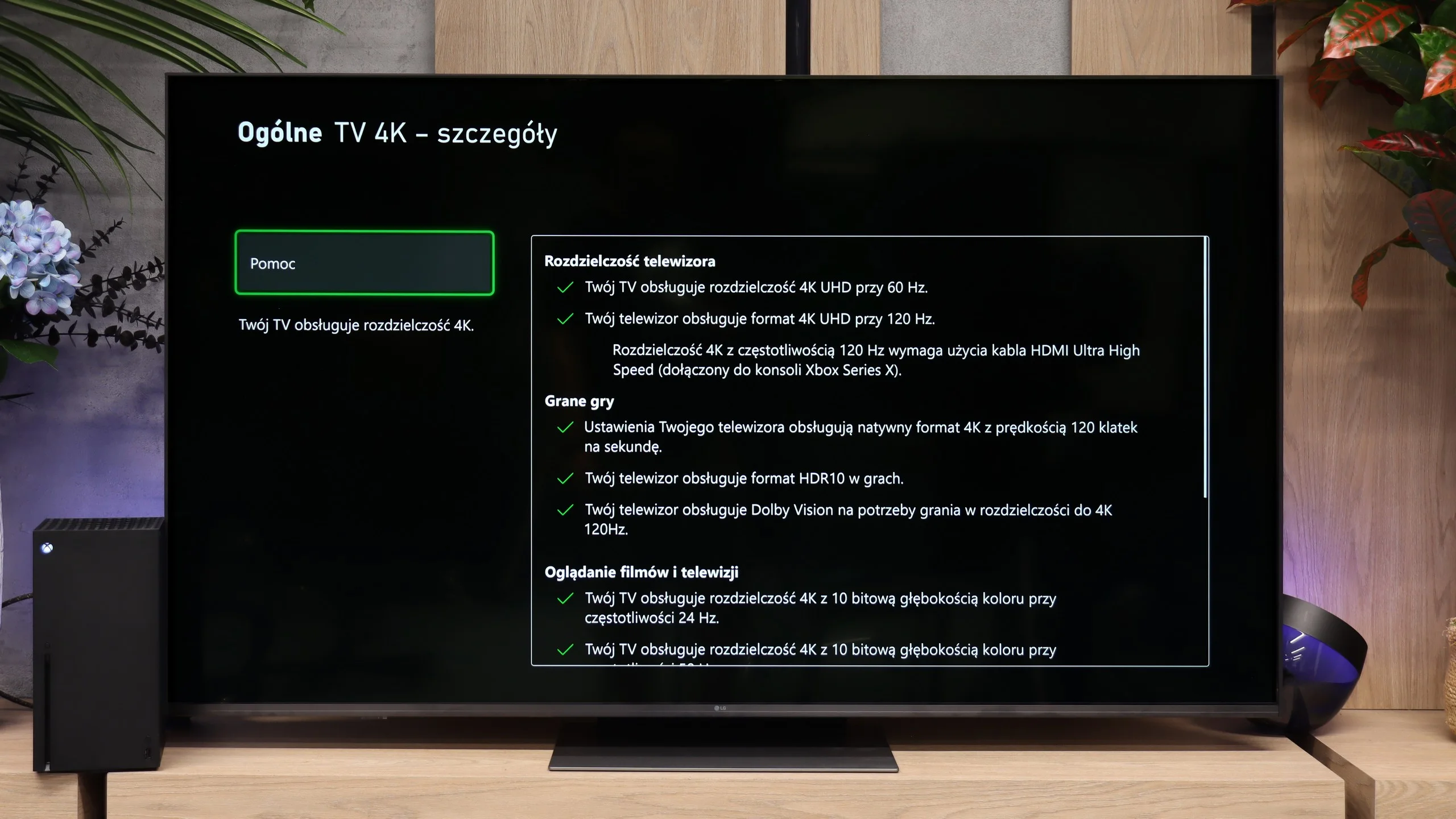
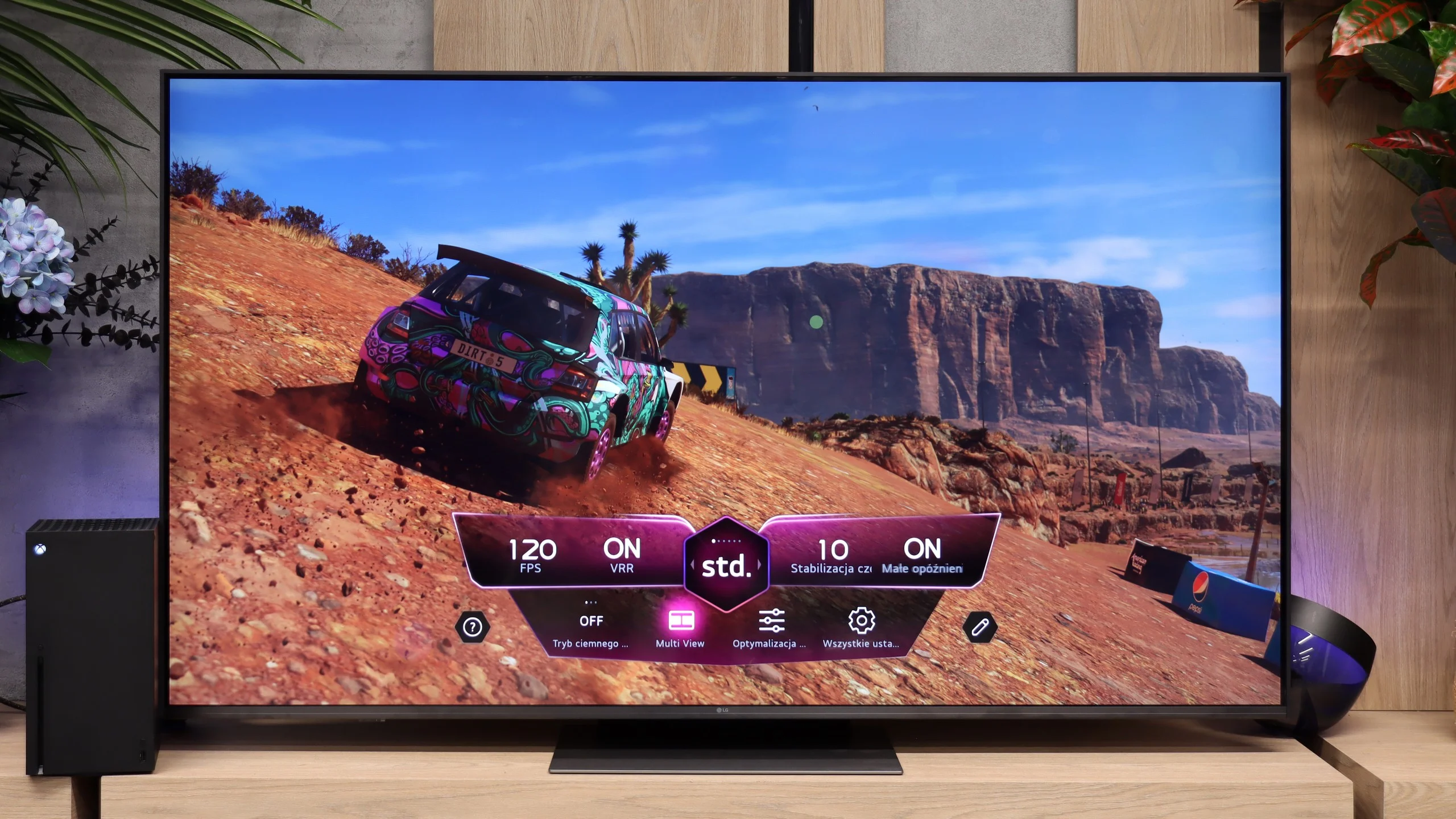
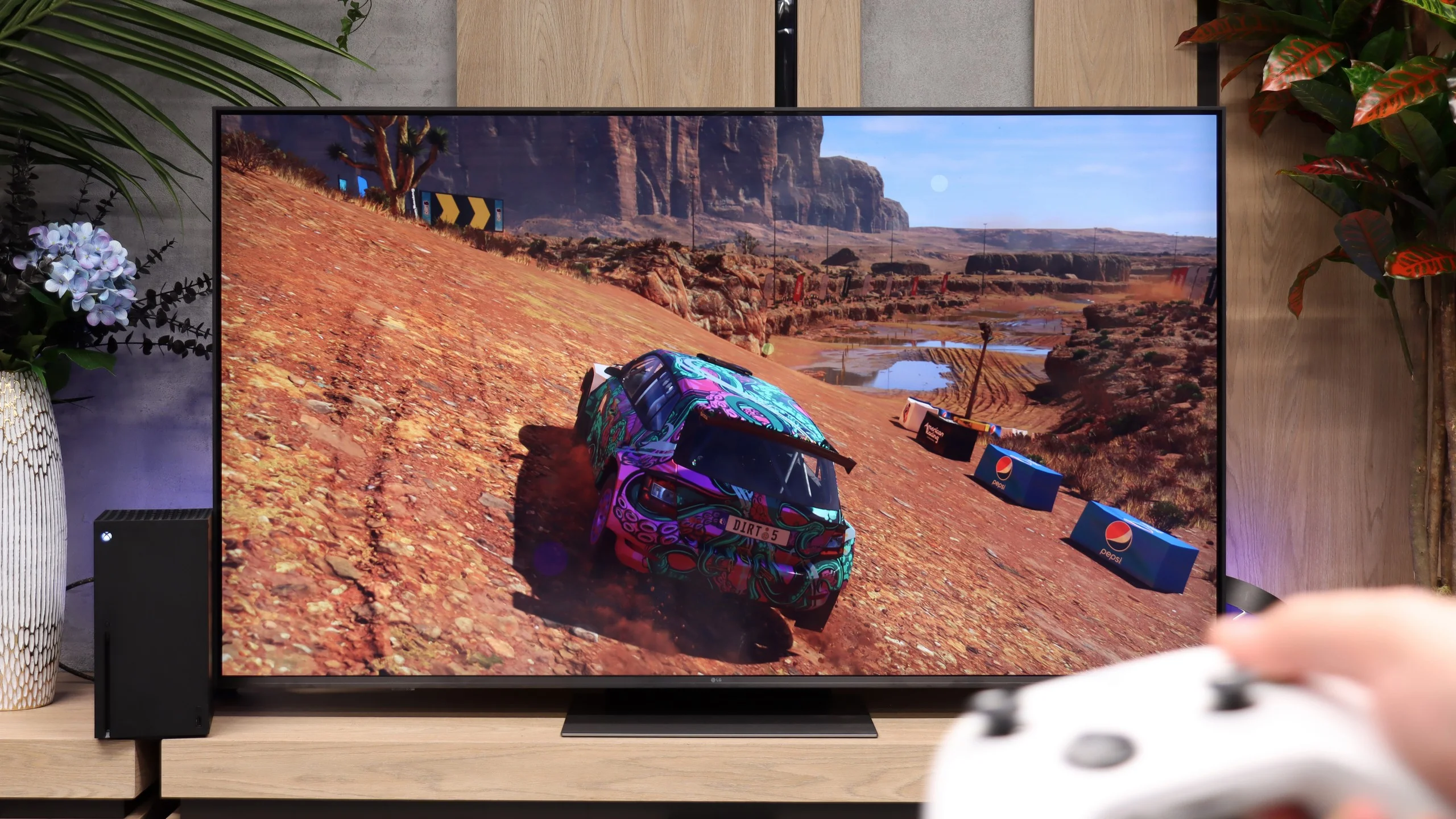
When it comes to gaming, the LG MRGB85 performs by far the best. The manufacturer didn't skimp on features and has essentially brought the full suite of functions from pricier TVs to this model. You get three HDMI 2.1 ports with the full 48 Gbit/s bandwidth. Each supports 4K at 120 Hz from a console, and when connected to a PC also 4K at 144 Hz. So you don't need to worry which port to plug your console or PC into, because they all offer the same capabilities. Also on board are VRR, AMD FreeSync Premium, NVIDIA G-Sync Compatible, ALLM and HGiG. There's also Dolby Vision Gaming, which means in supported games you can use high refresh rates and dynamic HDR simultaneously on Xbox. The package is rounded off by Game Optimizer, a handy in-game menu for gamers. Without leaving the game you can change the picture profile, brighten shadow details or check the current frame rate. In terms of gaming features, the MRGB85 therefore offers almost the same as much more expensive LG models.
Input lag
9.7/10
9.7/10
SDR
HDR
Dolby Vision
Input lag on the Hisense A6Q performs really well. The delay drops below 15 ms, which is a fantastic result for such a budget model. This ensures that control remains fast, precise, and fully responsive. Playing on this television is simply enjoyable, without the irritating delay between movement on the controller and the response on the screen. For such an inexpensive piece of equipment — a huge plus.
Input lag in the LG MRGB85 is really low. Our measured value was around 10 ms with a 120 Hz signal and about 20 ms at 60 Hz. Importantly, we obtained similar results in Dolby Vision mode as well. They may not be the absolute best figures on the market, but in practice they are more than enough for comfortable, smooth gameplay. The delay is not noticeable and should not be a problem even in fast-paced action games or online titles.
Compatibility with PC
5.6/10
8.4/10
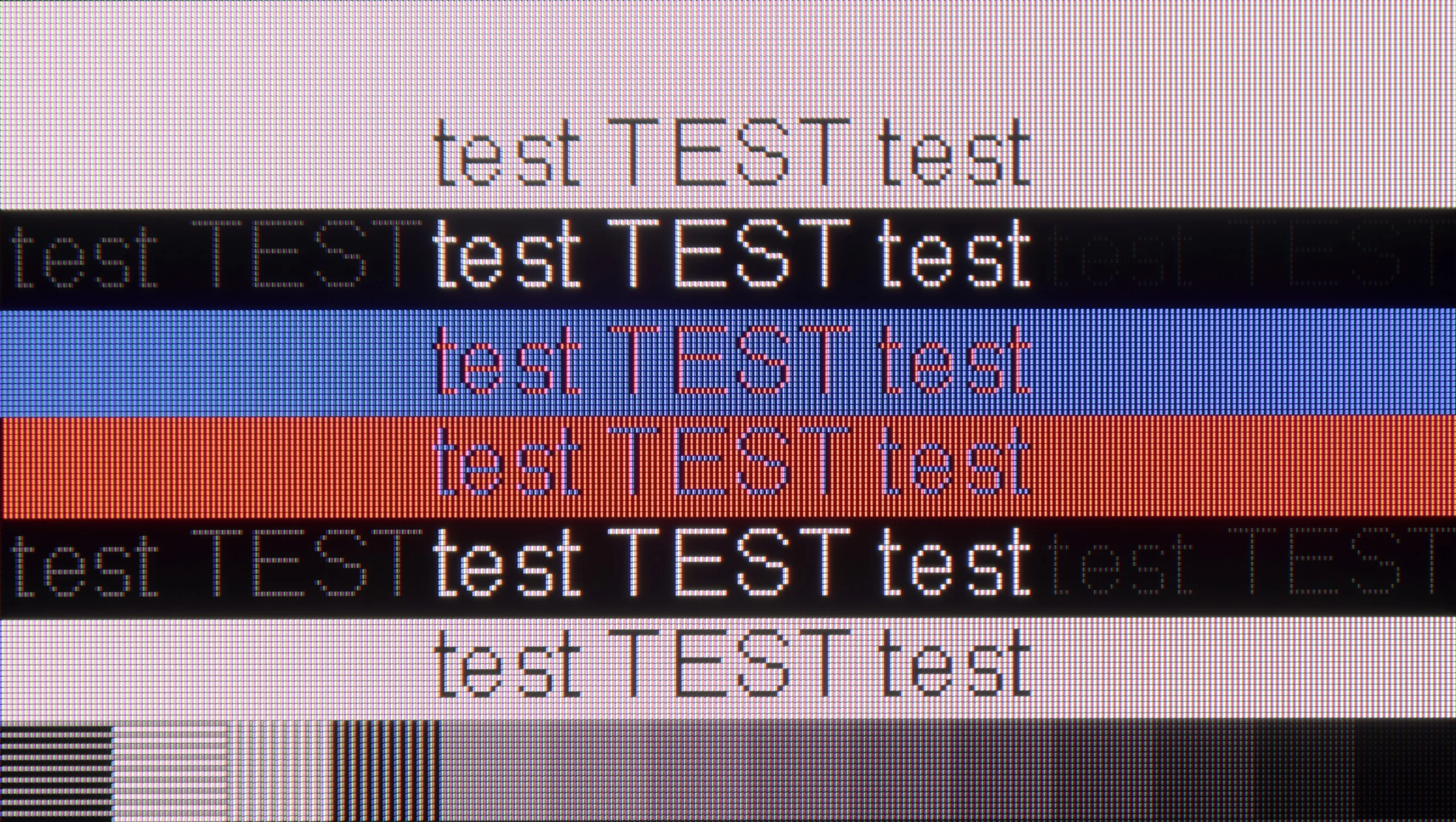
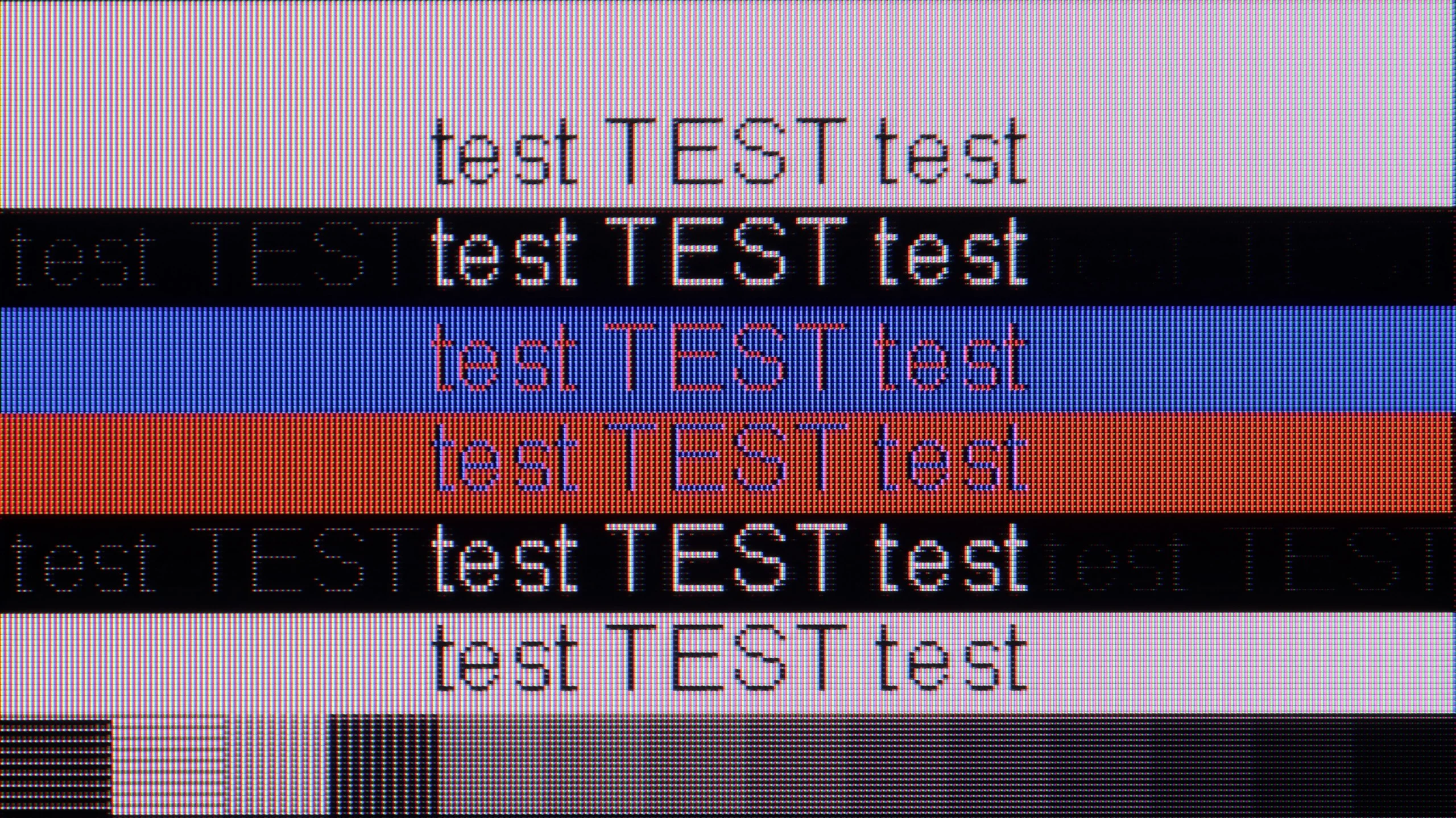
The photo shows the legibility of small fonts. Ideally, lines should be the same thickness on both light and dark text, with minimal pixel gaps.
The Hisense A6Q is surprisingly good for working with text. The fonts are clear, the outlines don’t waver, and your eyes don’t get tired — you can comfortably work on it, browse the internet, or even spend longer working in Word or Excel. It’s really hard to find fault with it here. As for gaming from a PC, the situation is exactly as we described earlier with consoles: this is not a screen for the most demanding gamers. There’s one more downside: the A6Q doesn’t support G-Sync synchronisation, so it won’t sync frames with NVIDIA cards. You can play, but those sensitive to tearing may notice it.
MRGB85 works very well with PCs. Support for 4K at 144 Hz and compatibility with G-Sync Compatible and FreeSync Premium mean it's not just a gaming screen but also a perfectly capable monitor for work. In terms of text readability, it's simply good. The TV properly supports 4:4:4 chroma, so small fonts and system elements remain sharp. Only when viewed from very close can you spot minor artefacts on the edges of letters, but at a normal distance from a 55" screen or larger it makes no difference at all.
Viewing angles
3.1/10
3.4/10
The viewing angles on the Hisense A6Q are exactly as one would expect from a VA panel, which is rather poor. It is enough to shift a bit to the side for the blacks to start to brighten, and the colours to lose saturation. Unfortunately, this is just the price one pays for the high native contrast in this type of panel. Straight on, the picture looks very good, but from the side it is noticeably worse. So if you plan to watch mainly centrally from the sofa — there will be no problem. With a larger number of viewers sitting at an angle, the compromise becomes apparent.
Viewing angles on the LG MRGB85 are mediocre. Because it uses a VA panel the image loses colour saturation quite quickly, even when viewed from a slight angle. This is a typical trait of this type of panel — in return for high contrast you get poorer viewing angles. IPS panels work the opposite way: they offer lower contrast but retain colours better when the screen is viewed from the side. In theory the MRGB85 belongs to the family of RGB TVs, which can have better viewing angles than models that use additional QLED filters. Here, however, that does not provide much advantage. The modest number of zones located at the edge of the screen and the way they operate mean that, when viewed from an angle, the image quickly loses quality much like on ordinary LCD panels.
Daytime performance
5/10
6.1/10
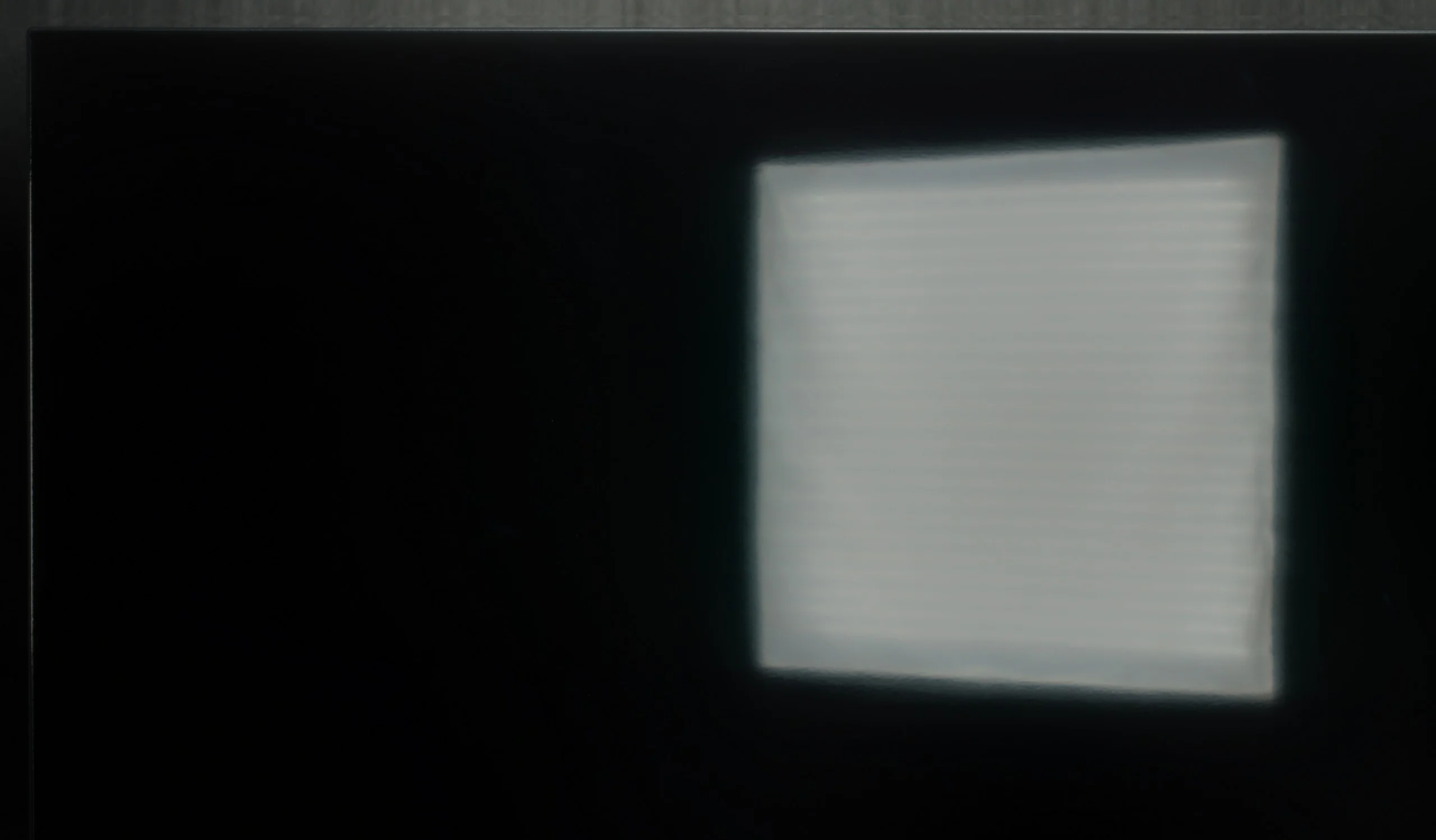
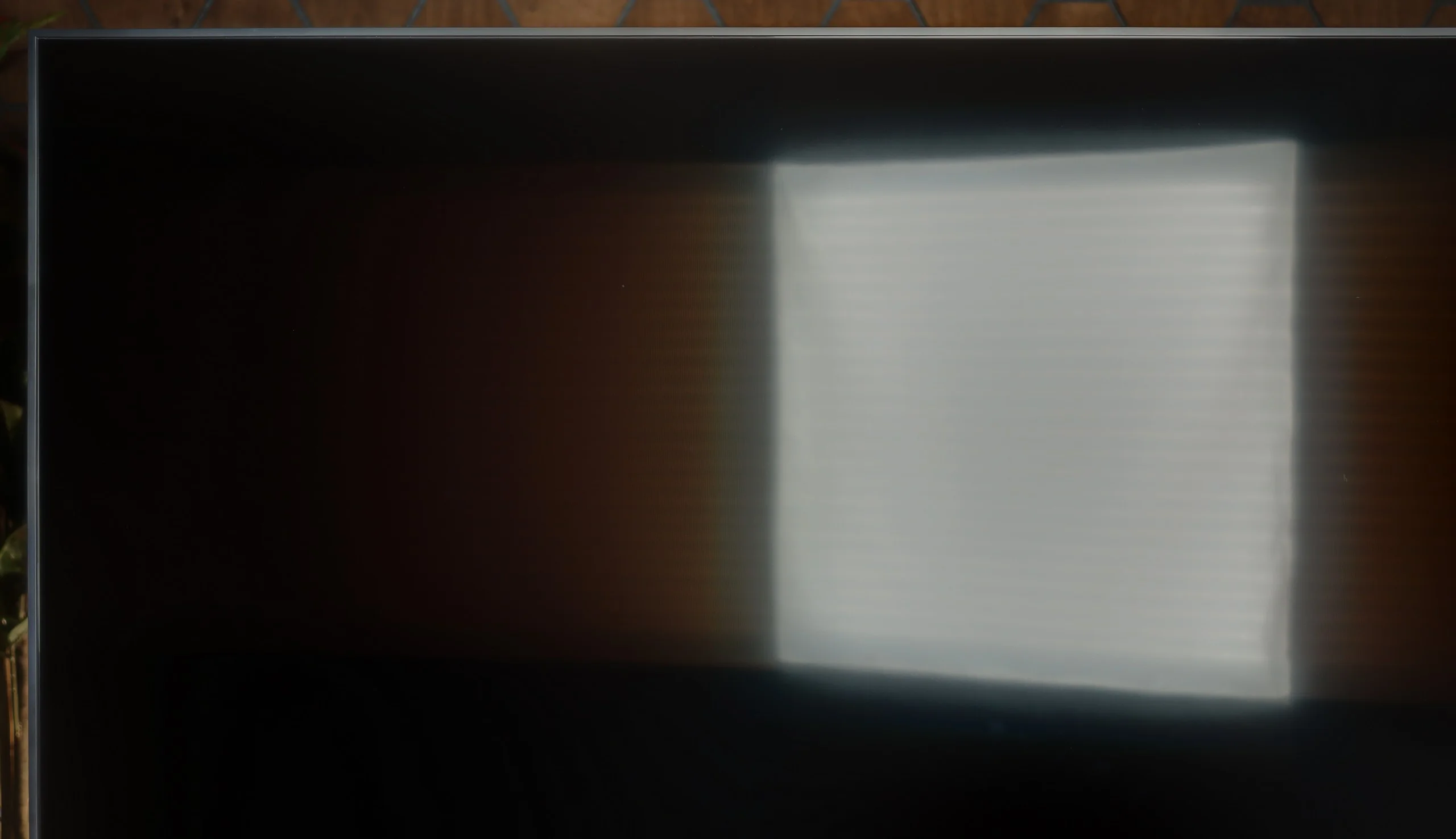
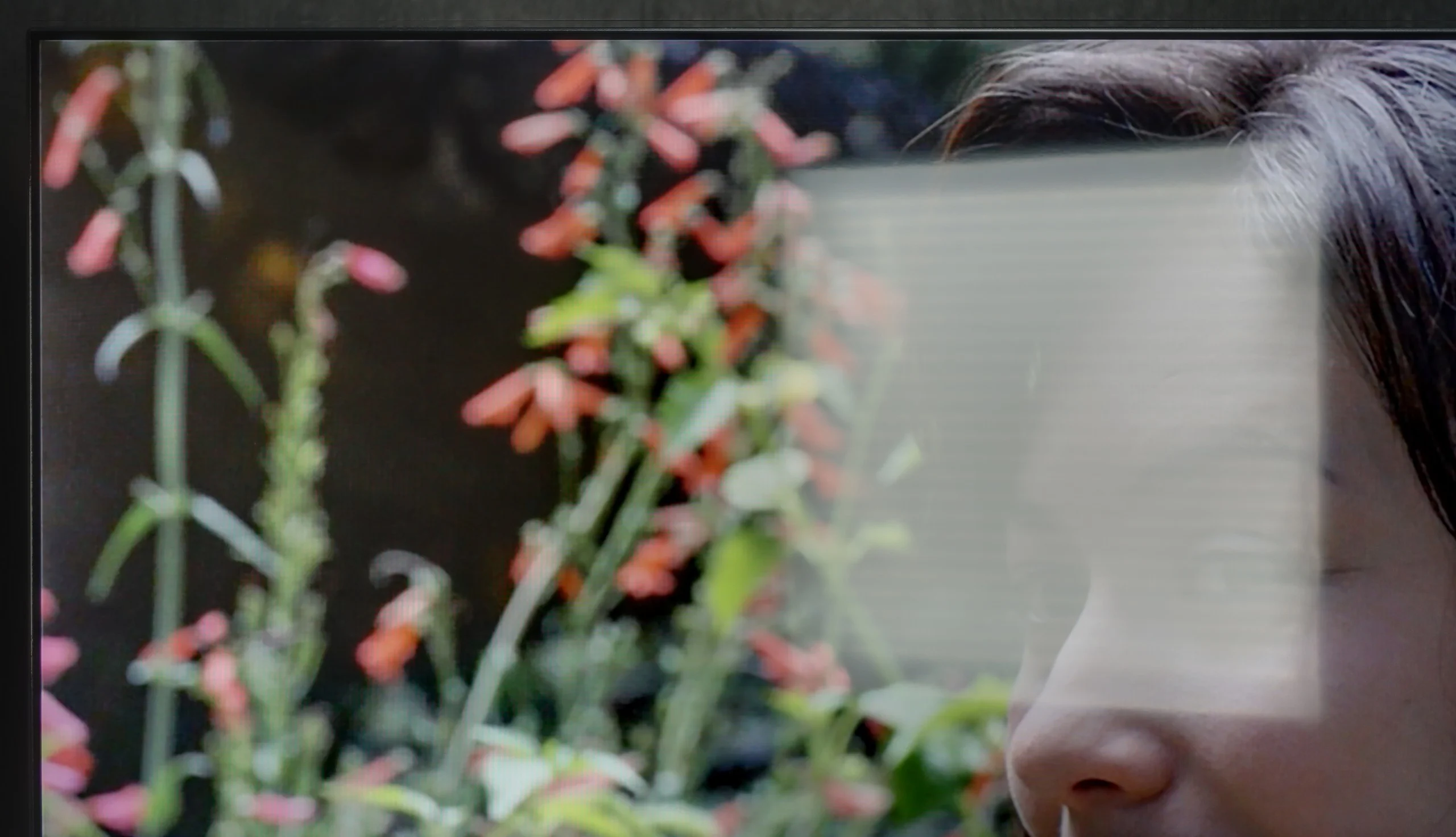
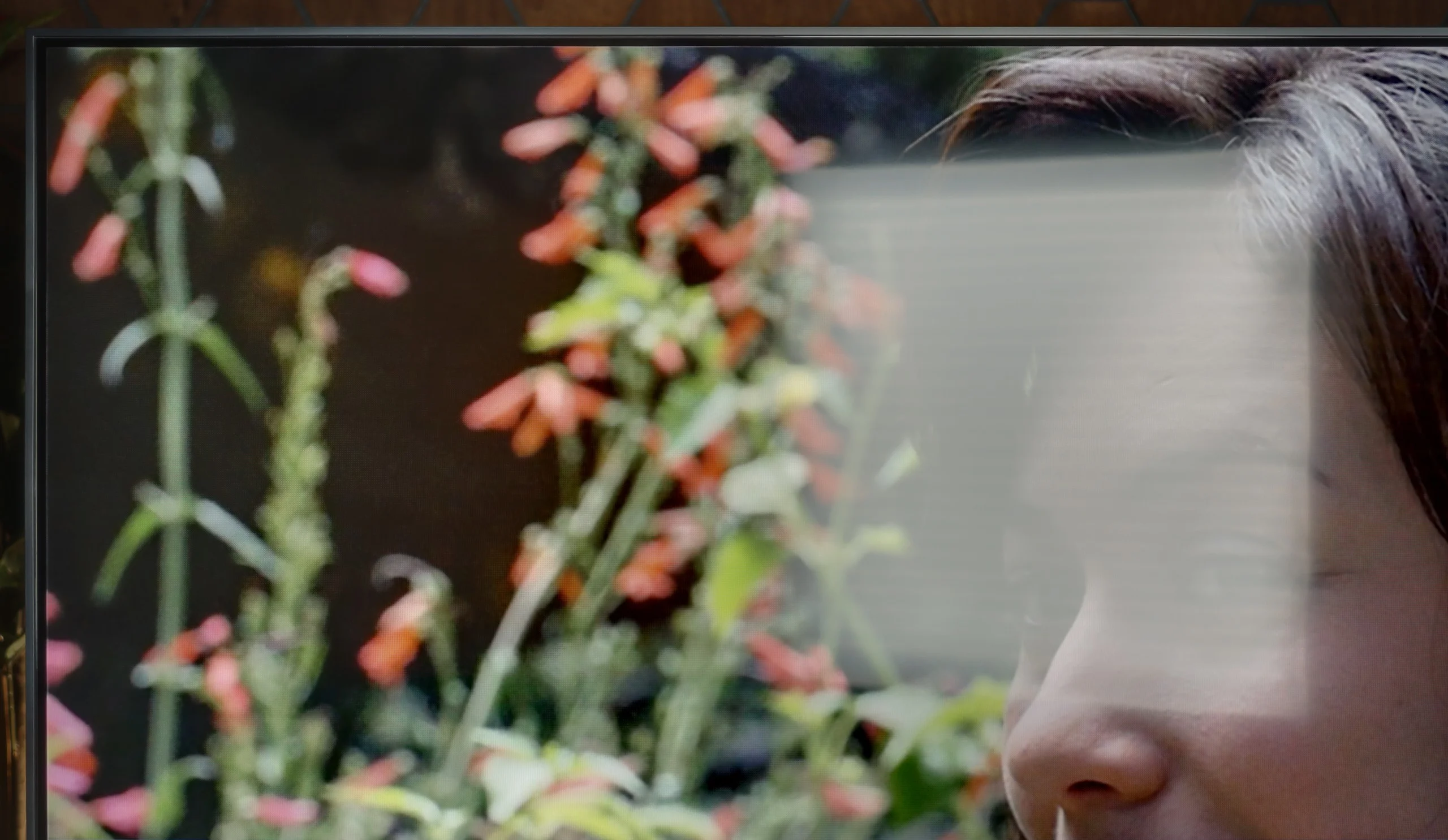
Panel brightness
LG MRGB85B: 515 cd/m2
Hisense A6Q: 341 cd/m2
Thanks to the satin coating on the A6Q panel, it deals quite well with glare reduction. In typical daytime conditions, it is comfortable to watch television without battling reflections. However, it is important to remember that this is not a screen for very bright living rooms. A brightness level of around 350 nits can simply be too low to cut through intense sunlight. In a well-lit room, the image may appear washed out, and the contrast will be significantly weaker than in the evening. For moderately bright rooms – okay. For heavily sunlit ones – rather not.
LG MRGB85 copes quite well in a bright room. Its average brightness reaches around 500 nits, noticeably above average. That means in a moderately sunlit living room the picture remains clear and doesn’t look dim. The screen coating is less effective and only average at reducing reflections. Direct reflections from windows or lamps can be clearly visible, so it’s best not to place the TV directly opposite large windows or strong light sources.
Panel details
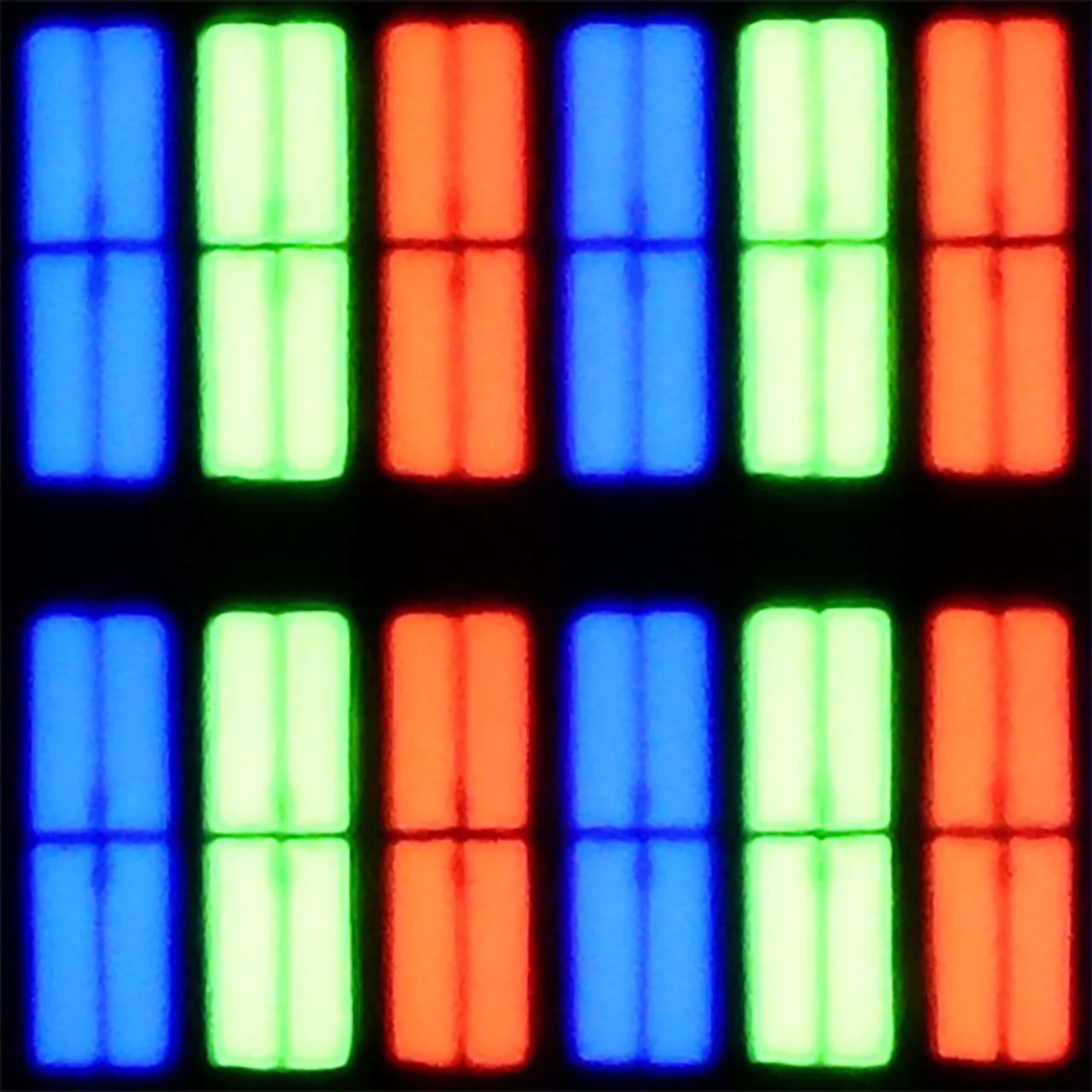
Subpixel Structure:
Panel uniformity and thermal imaging:

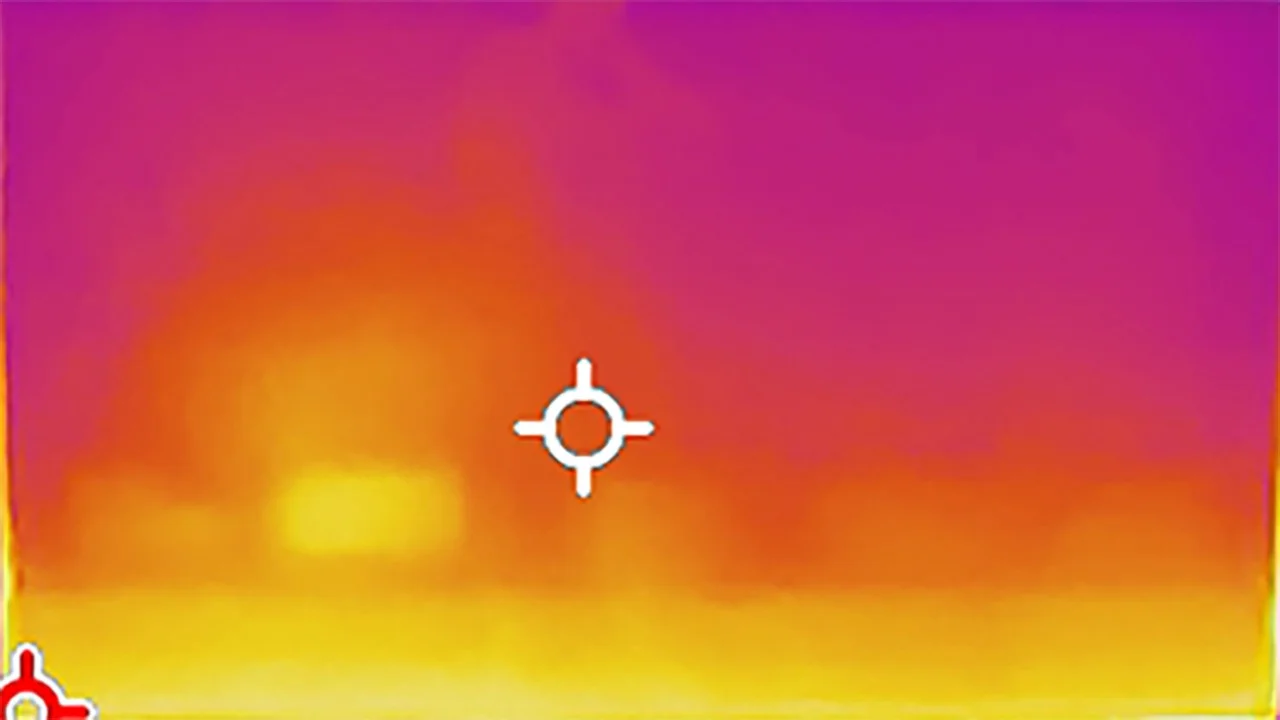
Hisense A6Q
LG MRGB85B
TV features
7.8/10
7.7/10
- SystemVIDAAWebOS
- System performanceGoodVery good
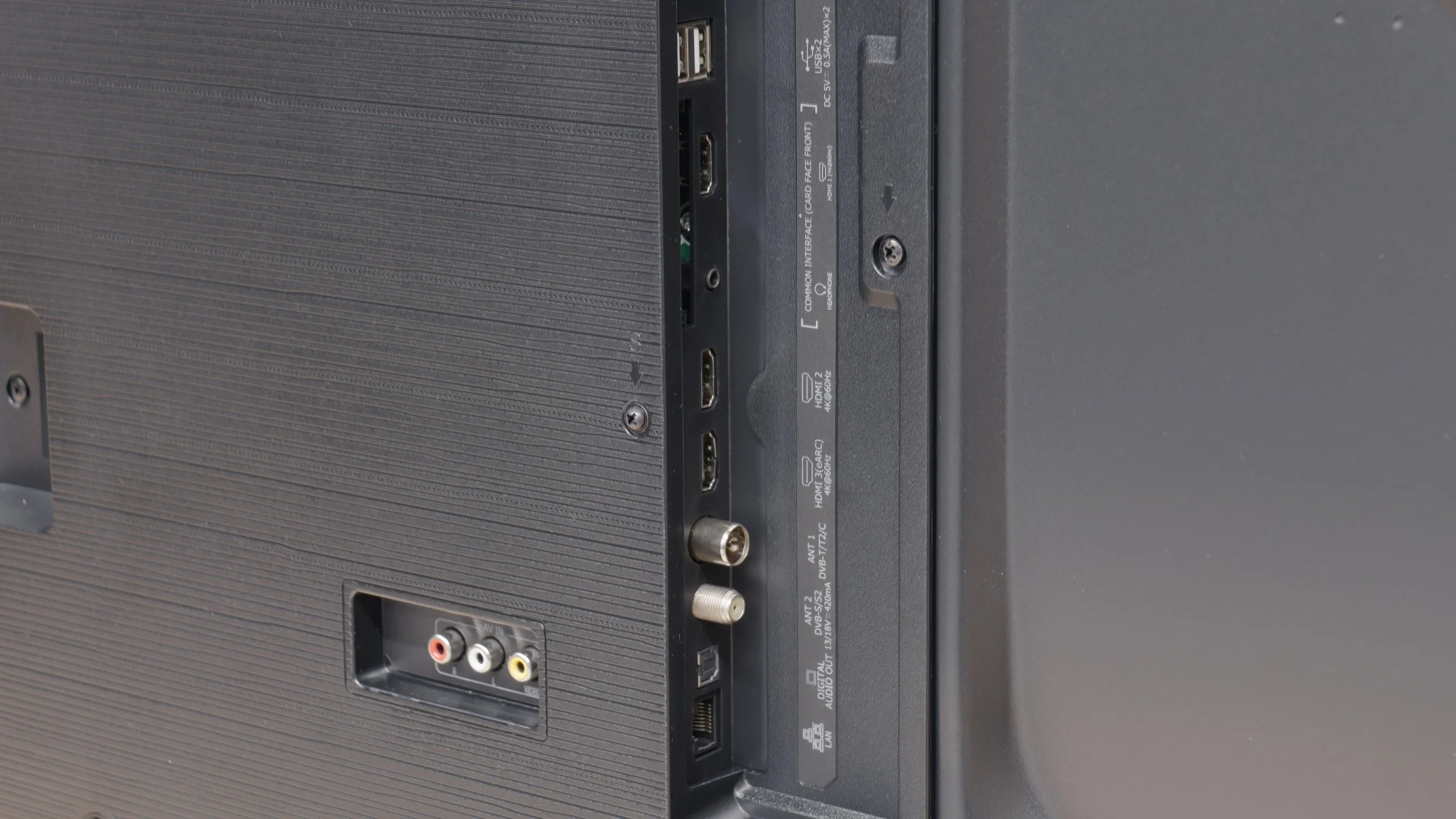
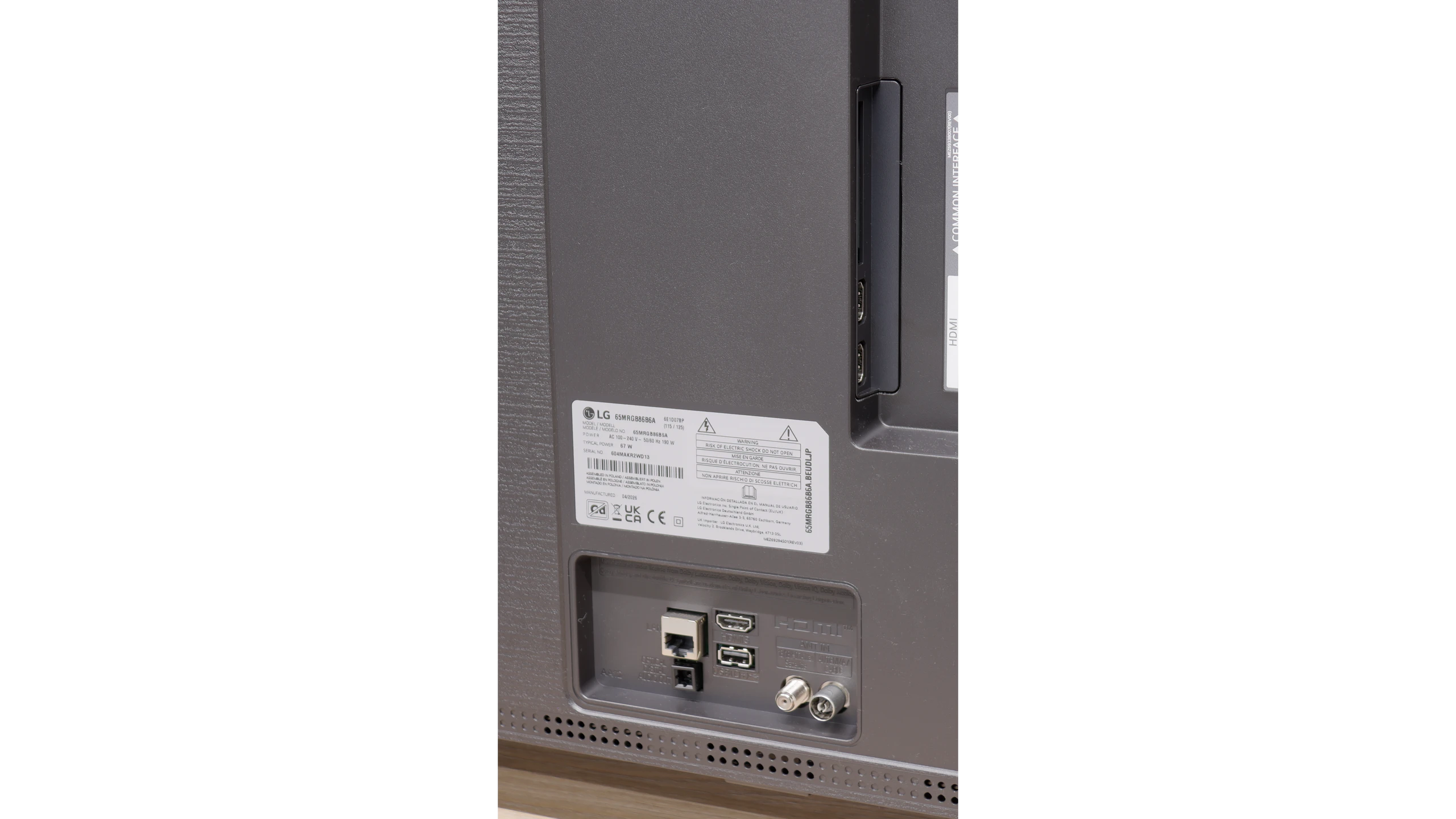
- HDMI inputs3 x HDMI 2.0, 0 x HDMI 2.10 x HDMI 2.0, 3 x HDMI 2.1 48Gbps
- Other inputsRCA (Chinch)
- OutputsToslink (Optical audio), eARC (HDMI), ARC (HDMI), Mini-Jack (Headphones)Toslink (Optical audio), eARC (HDMI), ARC (HDMI)
- Network InterfacesWi-Fi 2.4GHz, Wi-Fi 5GHz, Ethernet (LAN) 100MbpsWi-Fi 2.4GHz, Wi-Fi 5GHz, Ethernet (LAN) 100Mbps
- TV receptionDVB-T, DVB-T2, DVB-S, DVB-S2, DVB-CDVB-T, DVB-T2, DVB-S, DVB-S2, DVB-C
Classic features:
- Recording to USB (terrestrial TV)
- Recording programming
- Picture in Picture (PiP)
- RF remote control (no need to aim)
- Backlit remote control
- Teletext
- Audio only mode
- Bluetooth headphones support
- Simultaneous Bluetooth headphones & TV audio
Smart features:
- AirPlay
- Screen mirroring (Windows Miracast)
- Voice search
- Voice search in native language
- Ability to connect a keyboard and mouse
Sound connection options
- HDMI audioeARC (HDMI), ARC (HDMI)eARC (HDMI), ARC (HDMI)
- Other audio outputsToslink (Optical audio), Mini-Jack (Headphones)Toslink (Optical audio)
- Wireless audioBluetoothBluetooth
Supported audio formats (external HDMI eARC audio):
- Dolby Digital Plus 7.1
- Dolby True HD 7.1
- Dolby Atmos in Dolby Digital Plus (JOC)
- Dolby Atmos in Dolby True HD
- DTS:X in DTS-HD MA
- DTS-HD Master Audio
Senior accessibility
- Numeric keyboard on TV
- Font size adjustment
- Audio description
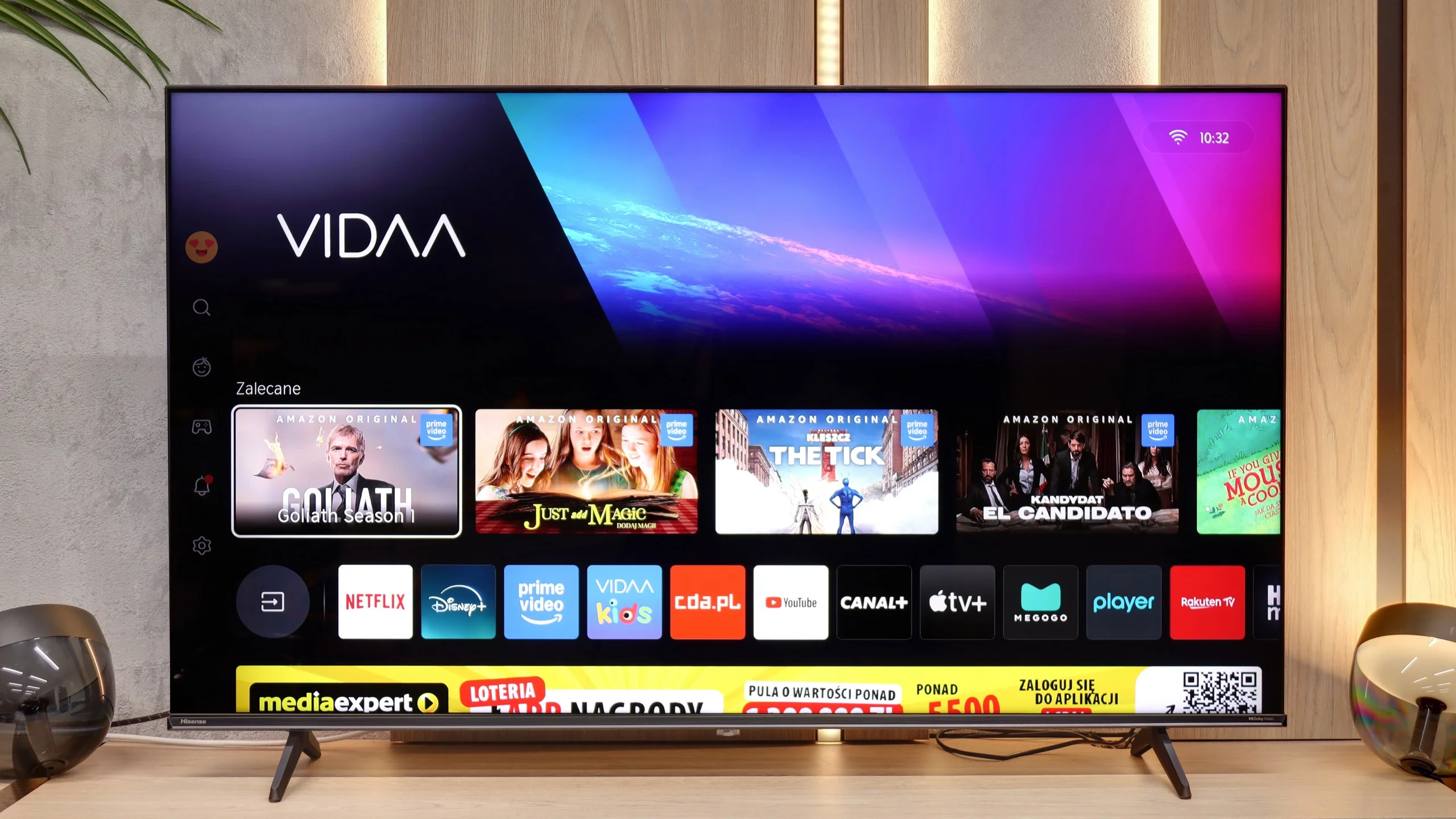
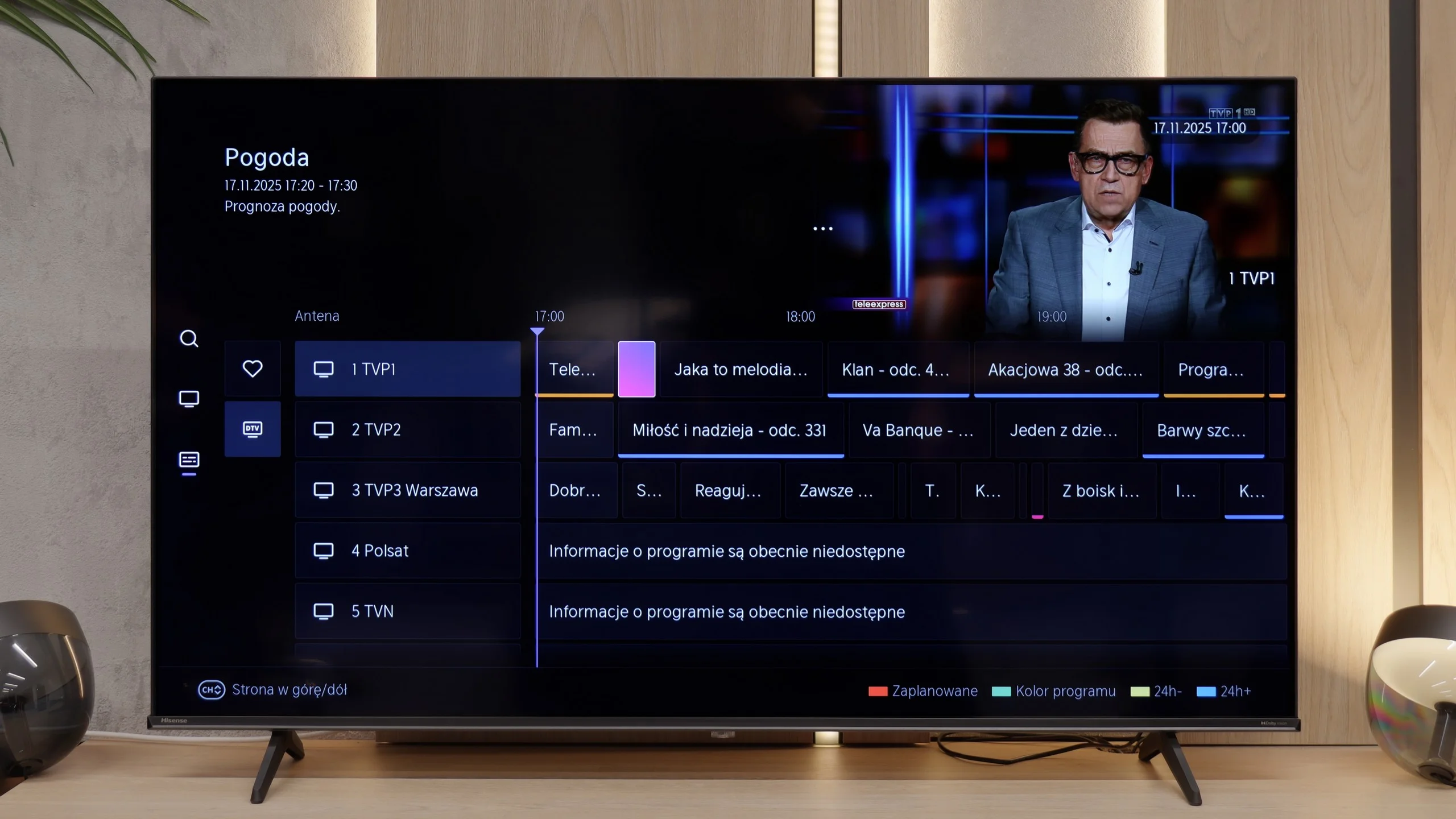
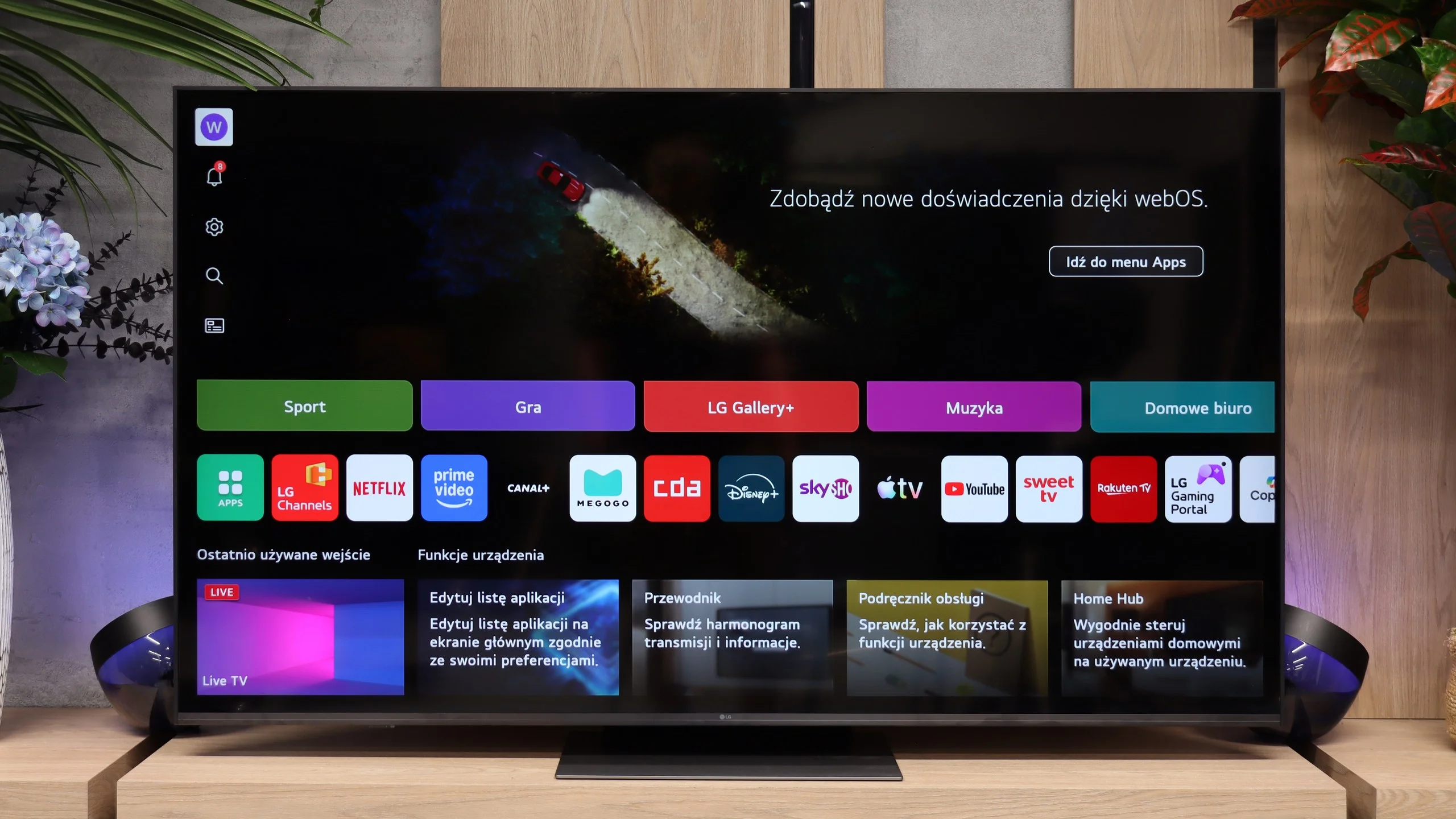
The Vidaa system in the Hisense A6Q operates really smoothly and quickly. The menu responds without any noticeable delays, applications launch seamlessly, and daily use of the television is not frustrating. We have access to the most important VOD applications, such as Netflix, YouTube, or Prime Video, so for basic usage, nothing is lacking here. The whole thing is simple, clear, and even those who are less tech-savvy will quickly find their way around. Interestingly, although Vidaa is still a less popular system here, the A6Q supports most important functional features. AirPlay works here, there is Screen Mirroring, and it even includes voice search in Polish. Thanks to this, despite the "freshness" of the system in our market, functionally there are hardly any noticeable shortcomings, and the television can be used very conveniently on a daily basis. However, it is worth keeping in mind the list of available applications on the Vidaa system. It is not an open system like GoogleTV, so you won’t find thousands of applications here as in competing solutions.
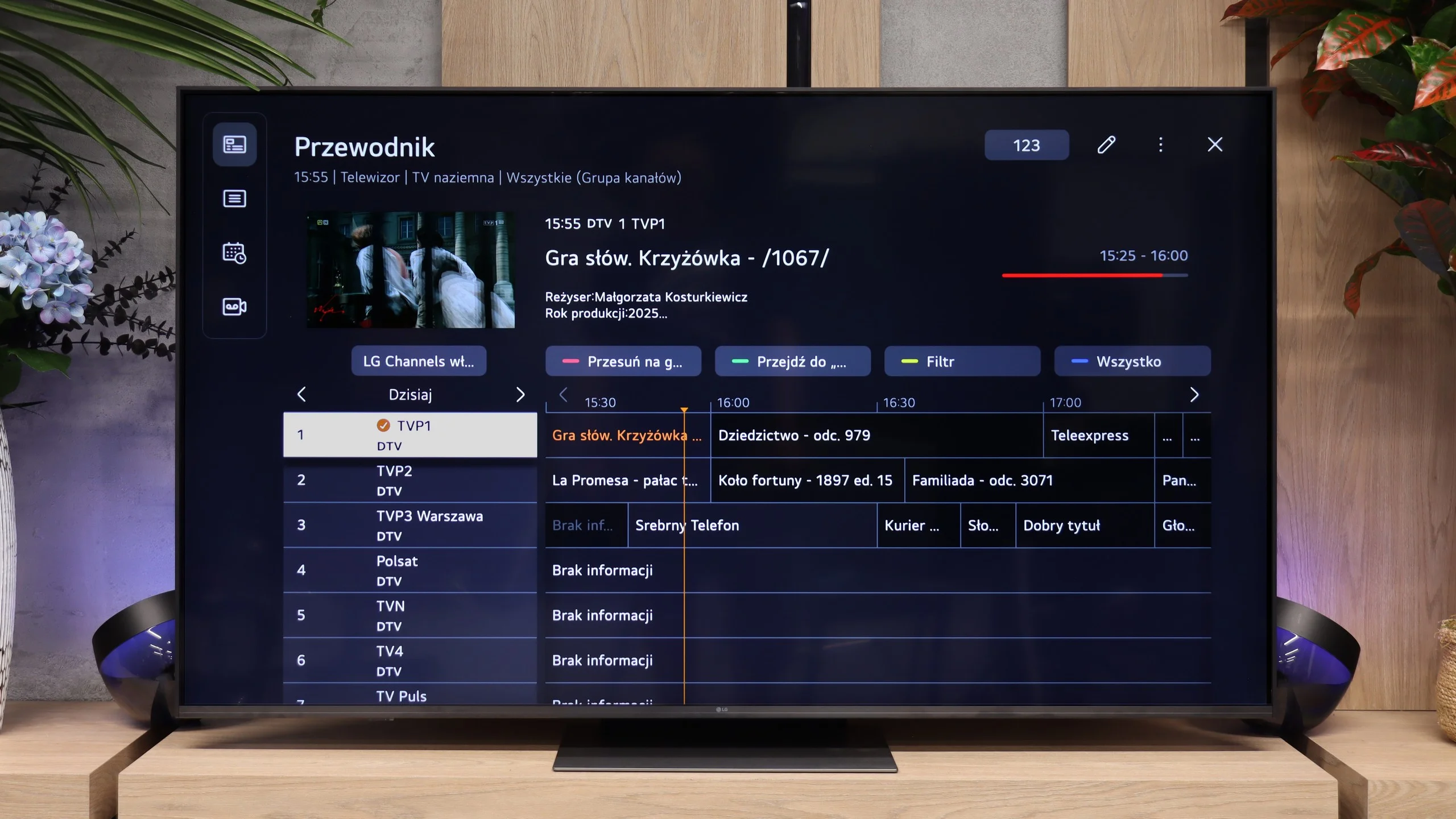
The LG MRGB85 runs webOS, which is fast, clear and provides access to all the major streaming apps. The menu is smooth and navigating it is straightforward. The TV also performs well with conventional broadcast TV. You’ll find features such as Time Shift, HbbTV and a convenient programme guide. The MRGB85 is therefore suitable both for using Netflix or YouTube and for everyday TV viewing.
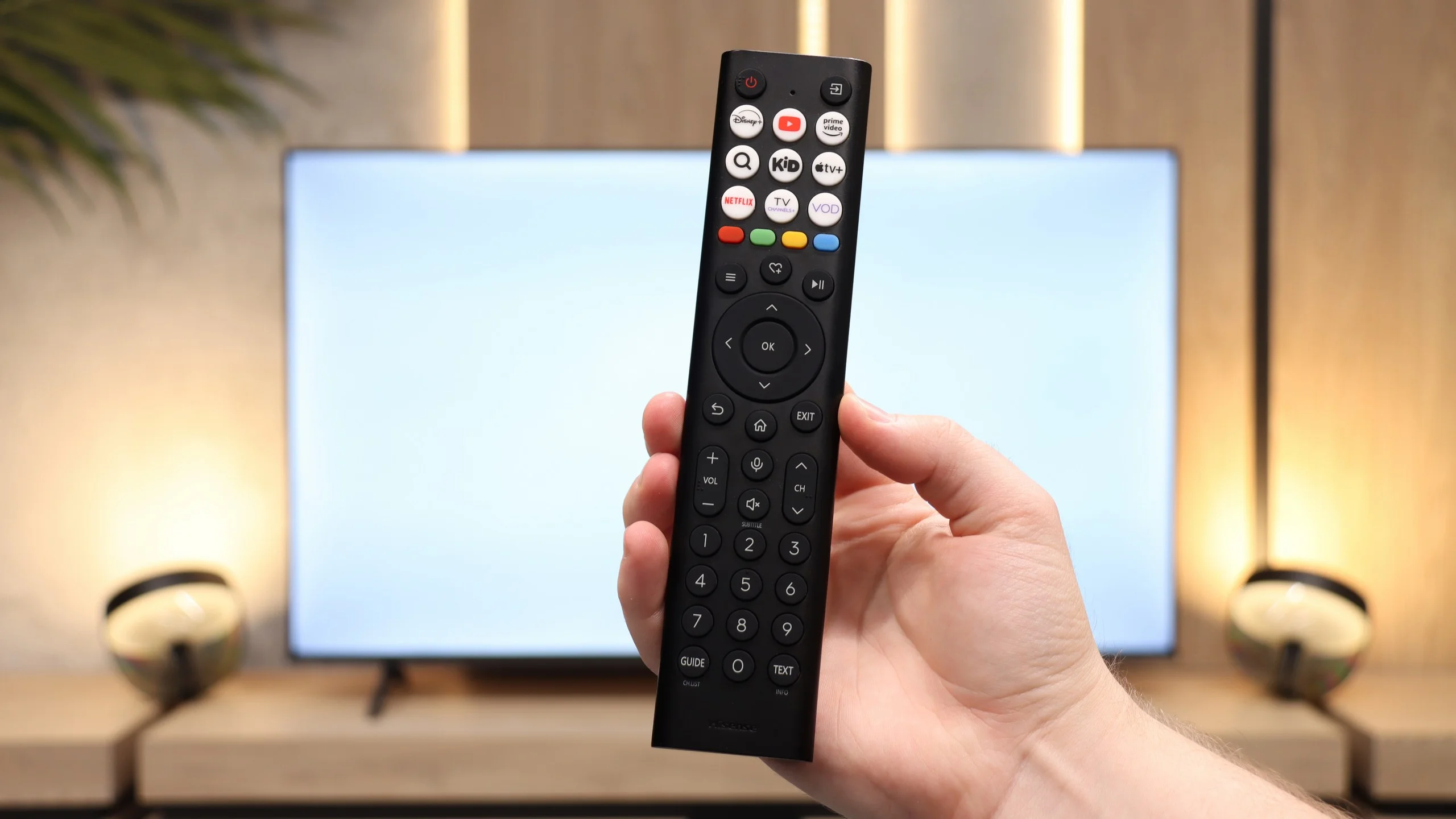
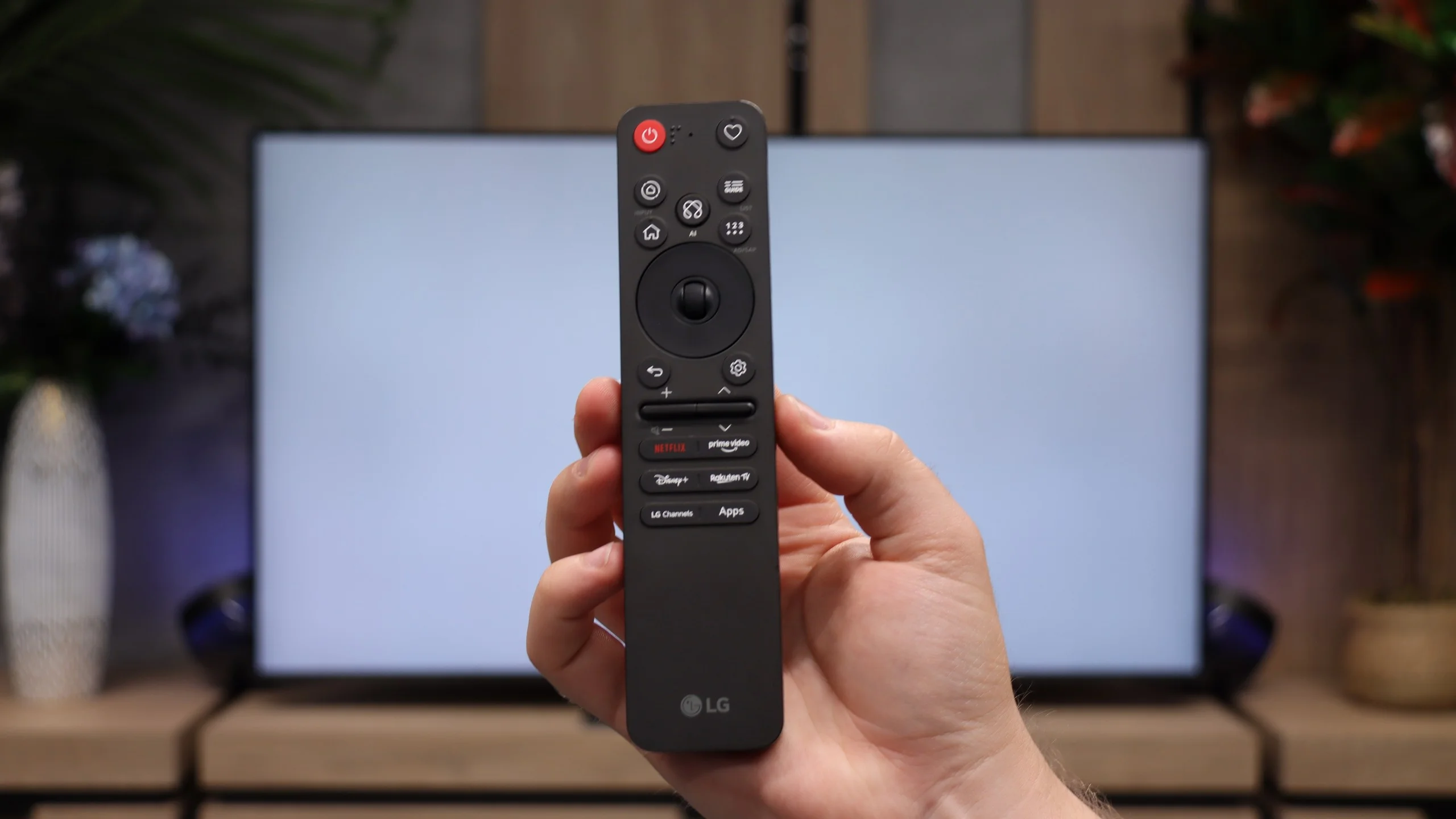
Control is handled by a newer version of the Magic Remote. Compared with older models it has been noticeably slimmed down and no longer has a conventional numeric keypad, but it fits better in the hand and is more comfortable for daily use. It still retains the distinctive gyroscope, which lets you control the on-screen cursor by moving your hand. Combined with webOS, this works very well.
Apps
7.7/10
9.1/10






















Playing files from USB
8.3/10
9/10
Supported photo formats:
Maximum photo resolution:
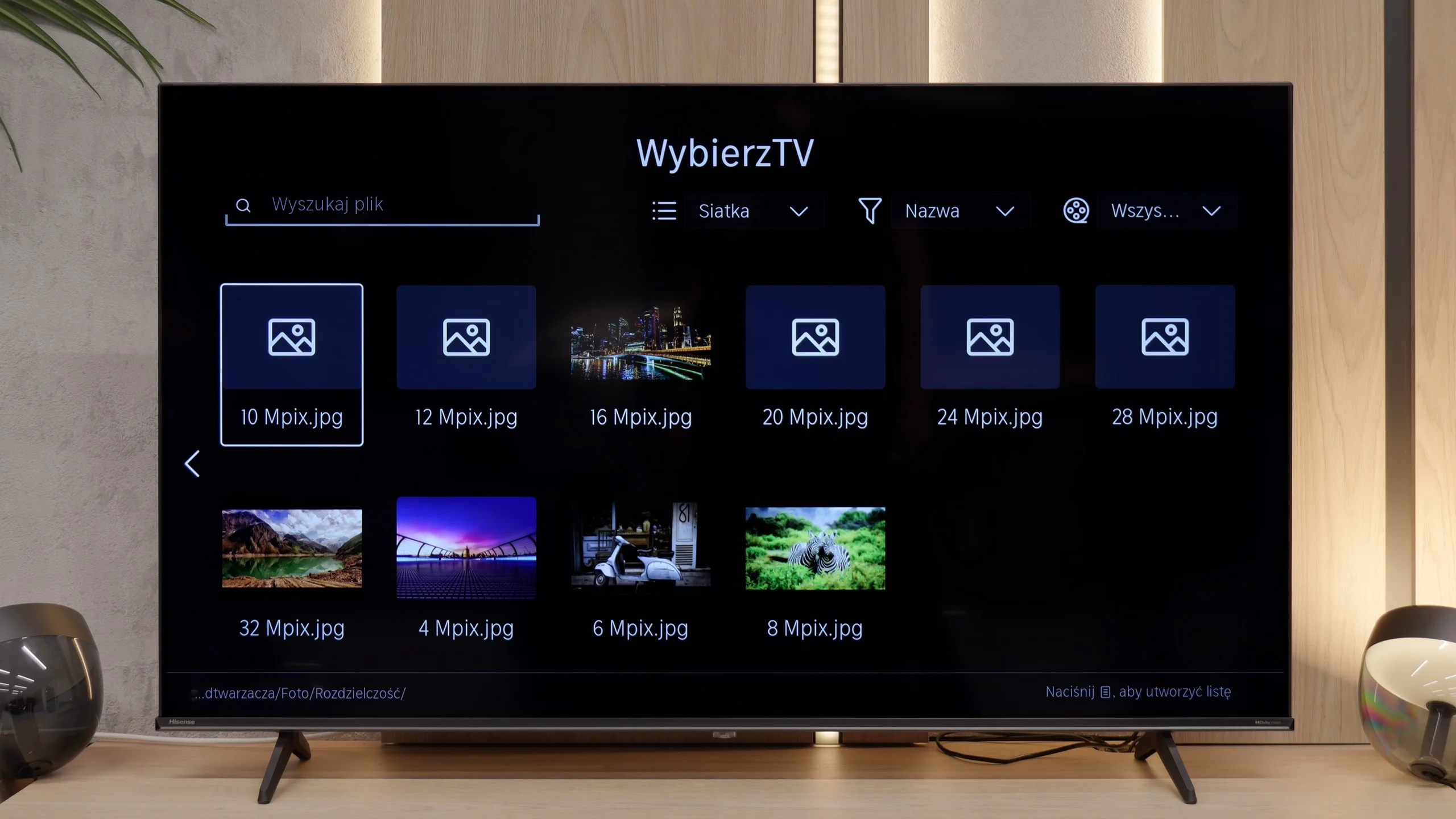
The built-in player in the Hisense A6Q works really quite well. It handles most video, audio, and photo files without any major problems, so it is perfectly sufficient for quickly playing a film from a USB drive or viewing photos. There is no need to install external applications immediately to use this function normally. The only strange downside arises with photos — if they are taken in certain, less common resolutions, the television may simply fail to display them. This is quite an odd behaviour, so it is worth keeping it in mind, especially when someone plans to view photos taken with a camera that supports specific resolutions.
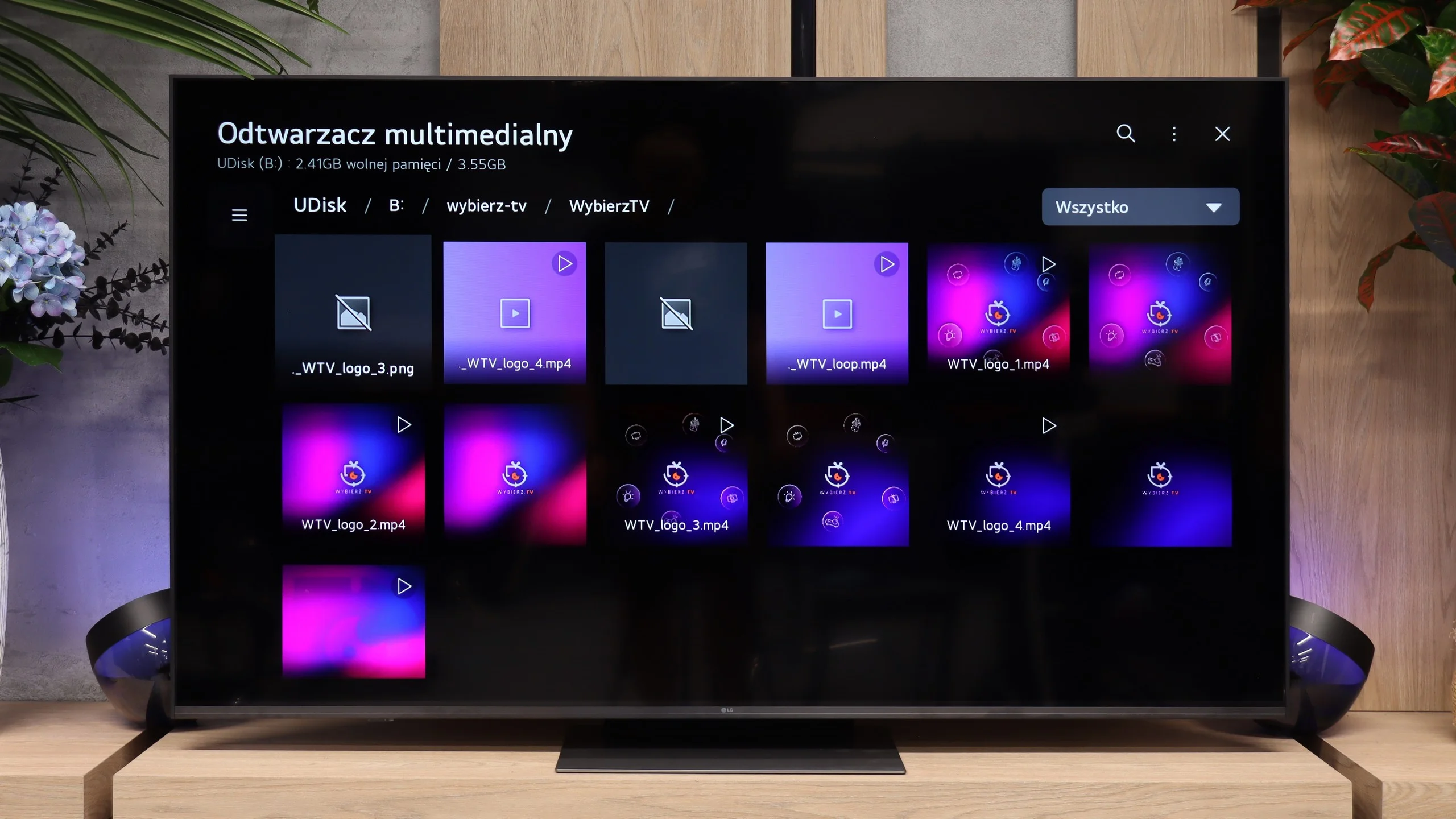
The built-in media player handles most common video, music and photo formats, so for everyday use you shouldn't be missing anything. The only unusual issue occurred with HEIC files. The TV correctly displayed their thumbnails, but when opened it couldn't show the image at full resolution. Aside from that, the player worked without any major issues.
Sound
6/10
6.4/10
- Maximum volume86dB86dB
- Dolby Digital Plus 7.1
- Dolby True HD 7.1
- Dolby Atmos in Dolby Digital Plus (JOC)
- Dolby Atmos in Dolby True HD
- DTS:X in DTS-HD MA
- DTS-HD Master Audio
When it comes to sound, we won't deceive anyone: the Hisense A6Q doesn't perform exceptionally in terms of quality. The sound is rather straightforward and lacks significant fireworks, but one must give it credit for being really loud. Moreover, the midtones are quite decent, making dialogues clear and distinct. In practice, this television works very well as a regular screen for traditional television, especially for seniors who value volume and clear speech more than spatial effects or deep bass. A nice addition is the presence of a DTS license, which Hisense has not skimped on despite the low price of the television. This means that those connecting a home cinema system or a DVD/Blu-ray player need not worry about a lack of support for surround sound. However, it must be clearly stated that "surround sound" in the version of the television itself exists mainly in name — the true effect will only be achieved with external audio equipment.
The sound in the LG MRGB85 is simply adequate and there’s not much more to say about it. The 2.0 system used here, with a total power of 20 W, performs like most TVs on the market. It lacks pronounced bass and a wider soundstage, although it must be admitted it can get fairly loud. For everyday TV viewing this setup will do. However, those who want fuller, more impressive sound should consider purchasing a soundbar or a home cinema system.
Sound Quality Test
Acoustic Measurements
86dBC (Max)
75dBC
86dBC (Max)
75dBC
Reader comments
Comments are provided by the external service Disqus (Zeta Global). Once loaded, Disqus may set cookies and process data about your activity.
We will remember your choice on this device. Provider's privacy policy