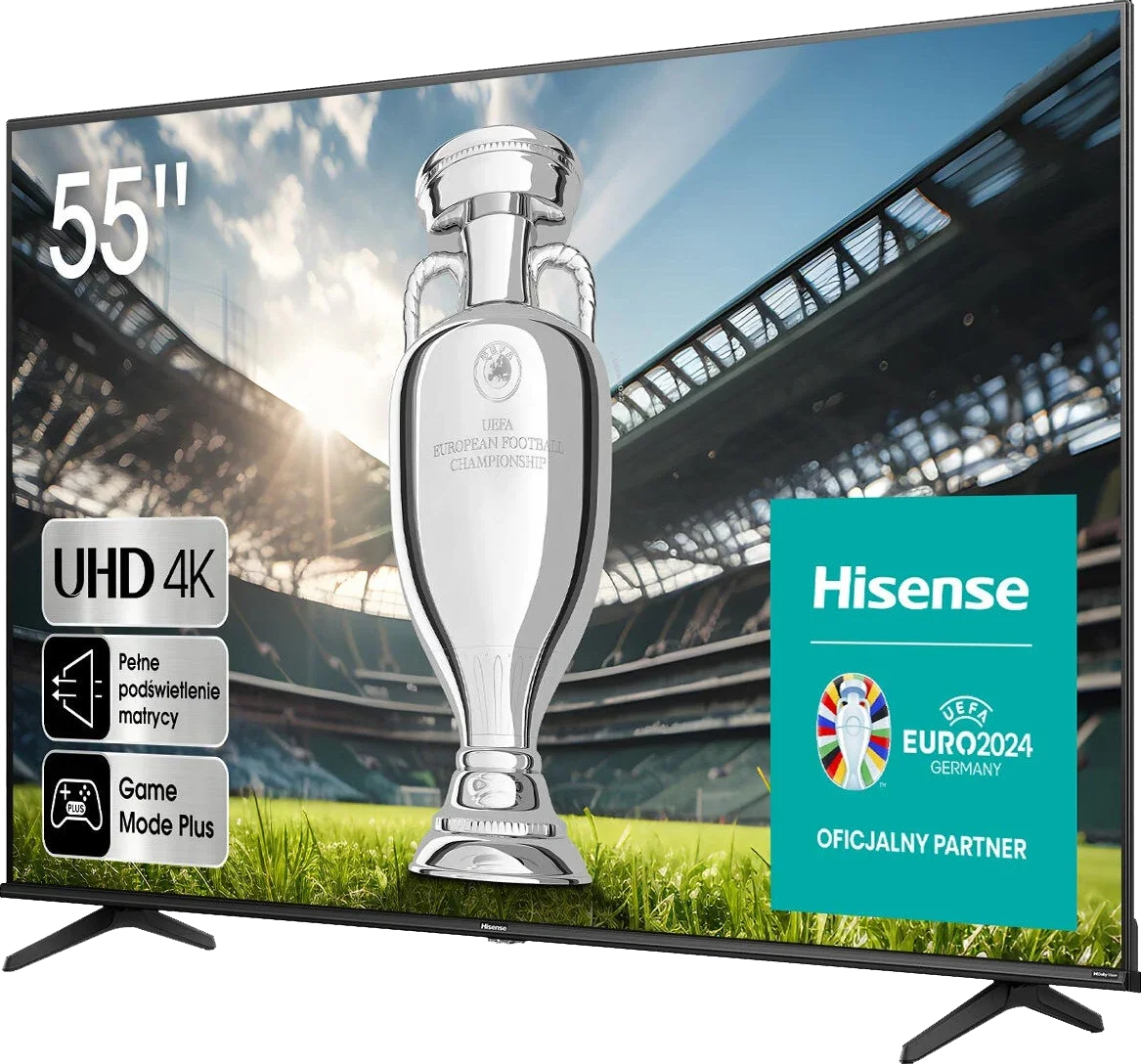
Hisense A6N is a simple model aimed at users looking for a cheap everyday TV. Thanks to its VA panel it offers decent contrast, which works well when watching regular TV, especially in the evening when reflections aren't an issue. The digital processing also holds up – content from terrestrial or satellite TV looks quite good for this price range. When it comes to gaming, the A6N is not bad, especially for casual players. Low input lag and support for features such as ALLM and VRR are welcome extras that make games run smoothly and with minimal delay. Dolby Vision support is another plus, although at this screen brightness it's hard to talk about the full HDR experience. The VIDAA operating system is simple and runs smoothly, but it has its limits. The number of available apps is underwhelming – popular services like Netflix and YouTube are present, but you shouldn't expect more niche apps. If you need greater versatility, that could be a problem. Of course, as a budget model, the Hisense A6N has its drawbacks. Screen brightness is fairly low, so in a brightly lit room the picture can simply look washed out. Colour reproduction is also unimpressive – colours are less saturated. This is most noticeable when watching high-quality HDR material, such as series or films on Netflix. For people planning to use the TV as a computer monitor, it's also not the best choice – lack of chroma 4:4:4 support makes text less readable. The Hisense A6N is a budget TV that will work for everyday TV viewing or occasional gaming. Its strengths, like decent contrast and smooth system operation, may satisfy less demanding users. However, for those seeking better picture quality or more advanced features, it's worth considering other options that for a little more money can offer more.
- Matching (Score) |
- Our verdict |
- TV appearance |
- Where to buy |
- Contrast and black detail |
- HDR effect quality |
- Factory color reproduction |
- Color reproduction after calibration |
- Smoothness of tonal transitions |
- Image scaling and smoothness of tonal transitions |
- Blur and motion smoothness |
- Console compatibility and gaming features |
- Input lag |
- Compatibility with PC |
- Viewing angles |
- Daytime performance |
- Panel details |
- TV features |
- Apps |
- Playing files from USB |
- Sound
Hisense A6N vs Philips PML8709
 Direct comparison
Panel type: LCD VA
Resolution: 3840x2160
System: VIDAA
Model year: 2024
Complete the survey to find out the result
Panel type: LCD VA
Resolution: 3840x2160
System: Google TV
Model year: 2024
Complete the survey to find out the result
Overall rating
5.4
6.1
 Movies and series in UHD quality
5.8
6.3
 Classic TV, YouTube
5.6
6.6
 Sports broadcasts (TV and apps)
4.5
5.6
 Gaming on console
6.6
7.2
 TV as a computer monitor
1.0
3.5
 Watching in bright light
3.8
4.8
 Utility functions
7.0
6.5
 Apps
7.7
9.6
 Sound quality
5.5
5.1
Complete the survey to find out what fits your preferences
Advantages

Decent native contrast
Support for all HDR formats: Dolby Vision, HDR10+ etc.
Decent for occasional gamers: ALLM, VRR, Game Bar
Low input lag, even in Dolby Vision mode
Google TV operating system – intuitive and versatile
Very good contrast
Very good coverage of the DCI-P3 and BT.2020 colour palettes
Low input lag - around 13 ms
Support for ALLM, VRR, and HGiG in gaming mode
Disadvantages

Rudimentary VIDAA operating system, missing several apps
Poor panel brightness
Not suitable for use with a PC
The quality of the HDR effect leaves a lot to be desired
No Dolby Vision
Not suitable for PC work
No Ambilight system
Our verdict
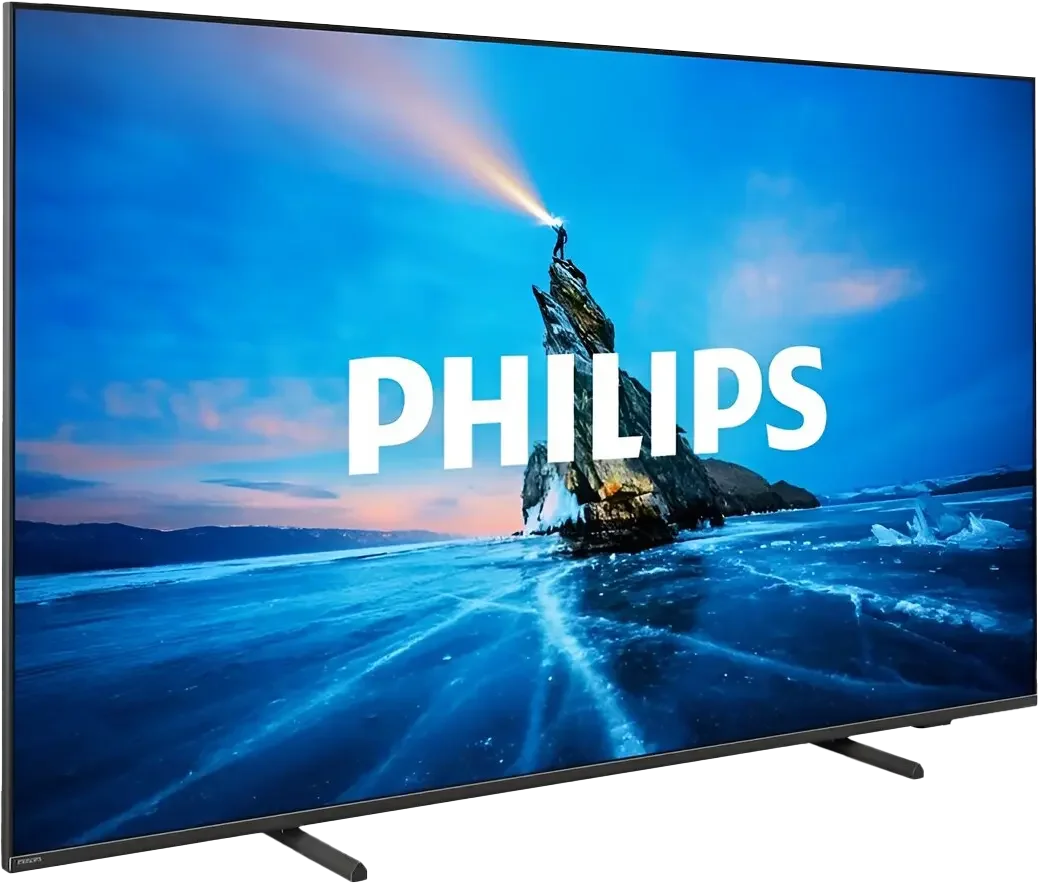
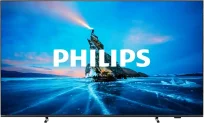
The Philips PML8709 is a model that stands out in the offerings of the Chinese-Dutch manufacturer due to its uniqueness. Instead of the classic Philips operating system - TitanOS, we find the already well-known Google TV here, which provides extensive personalisation options and access to a vast library of applications. This television tempts us with very good contrast on one hand, while on the other hand, it surprises with a few unusual design decisions. In terms of picture quality, the PML8709 offers very good contrast, which, combined with wide colour gamut coverage, ensures excellent colour reproduction – especially after calibration. Despite a 60 Hz panel, the television is also suitable for occasional gaming thanks to support for features such as ALLM, VRR, and a low input lag of around 13 ms. On the other hand, Philips has deprived this model of one of the greatest advantages of its televisions – the Ambilight system. This unexpected move may disappoint many brand fans. Another weak point is performance in HDR – despite promising contrast results, the television performs averagely in this category. The average brightness and issues with details in brighter scenes give the impression that something has evidently gone wrong in the implementation of this feature. The Philips PML8709 is a television full of contrasts. On one hand, it offers solid black quality and interesting solutions for gamers, while on the other hand, some limitations, such as the lack of Ambilight and average brightness, mean that it is not a model without flaws. It is a good choice for those who value the versatility of Google TV and are looking for a television for everyday use.
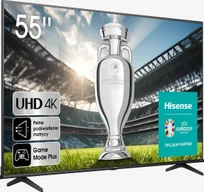
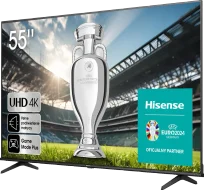
TV appearance

Contrast and black detail
5.6/10
7/10
Local dimming function: No
Local dimming function: Yes, number of zones: 96 (16 x 6)
Contrast:

Result
5,250:1
Result
5,150:1
Result
4,700:1
Result
4,950:1
Result
3,500:1
Result
58,650:1
Result
37,150:1
Result
10,850:1
Result
6,150:1
Result
5,100:1
Halo effect and black detail visibility:
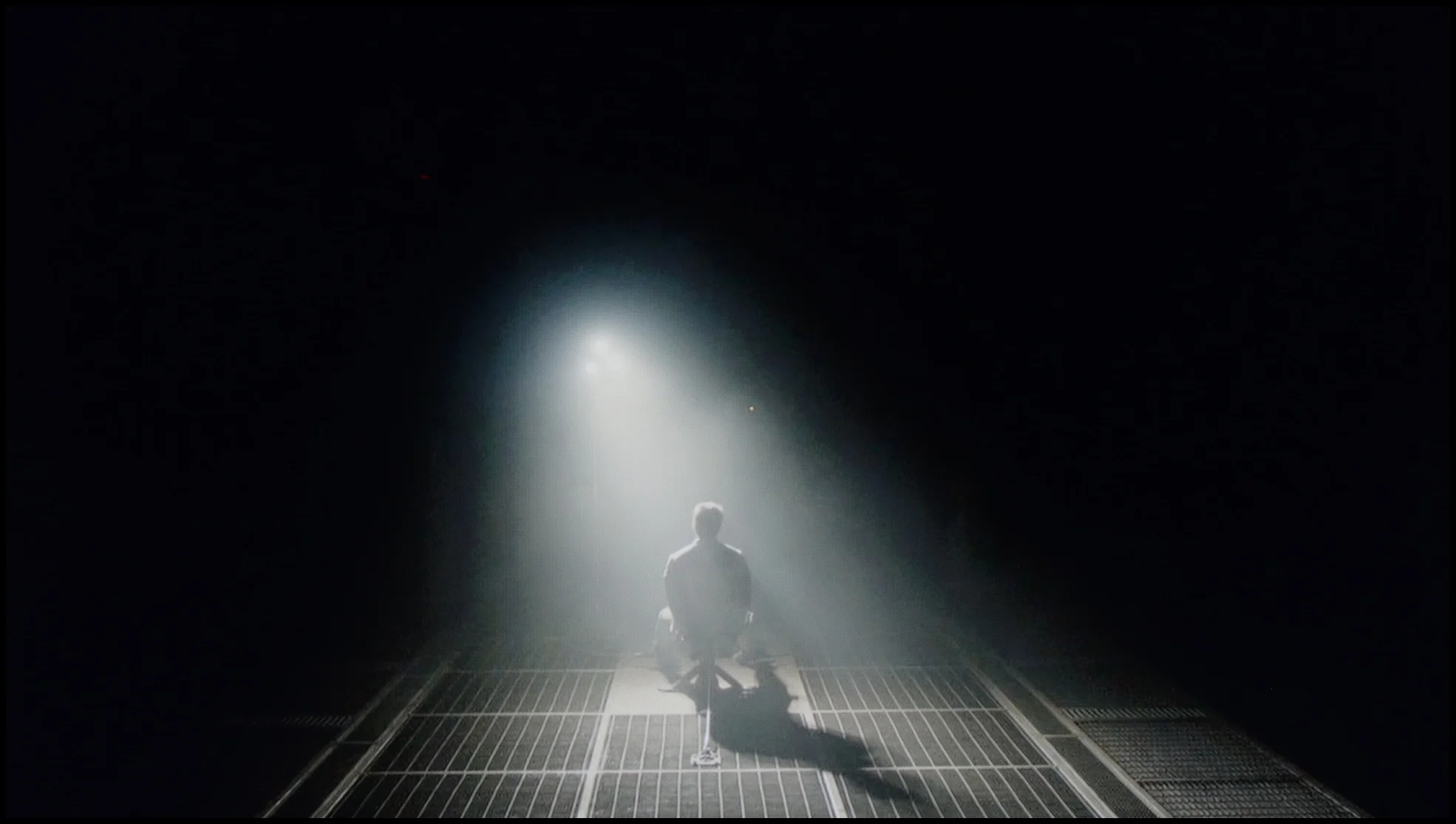
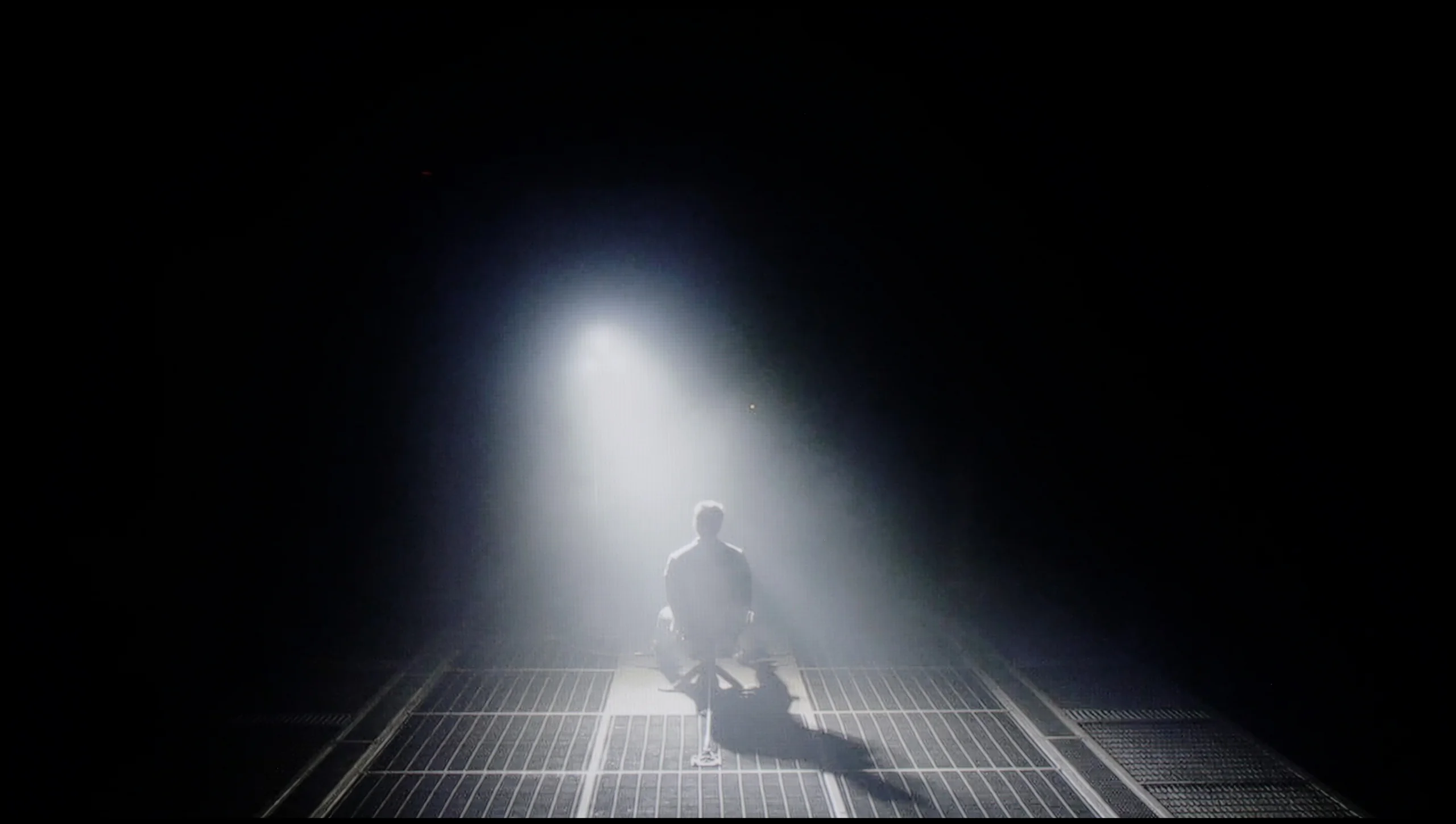
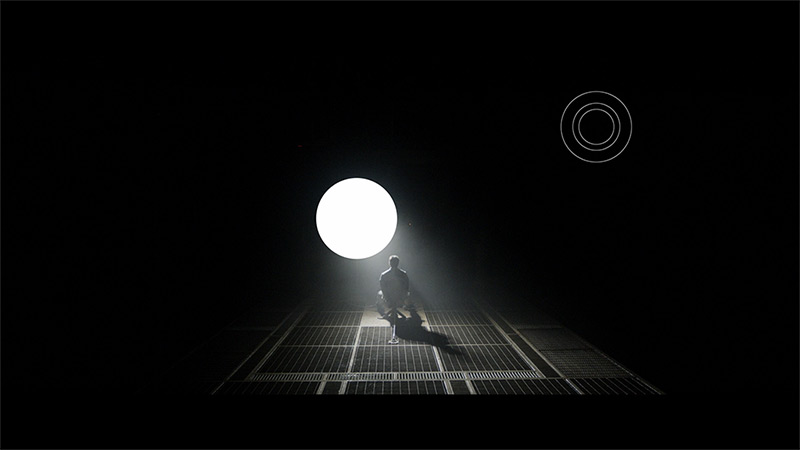
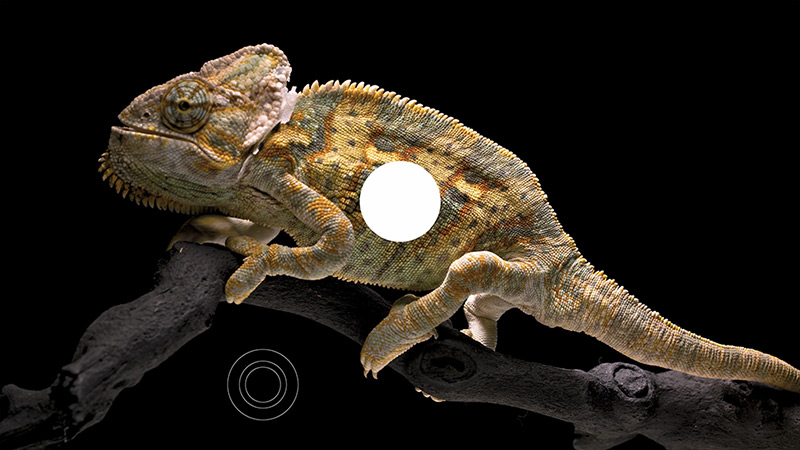
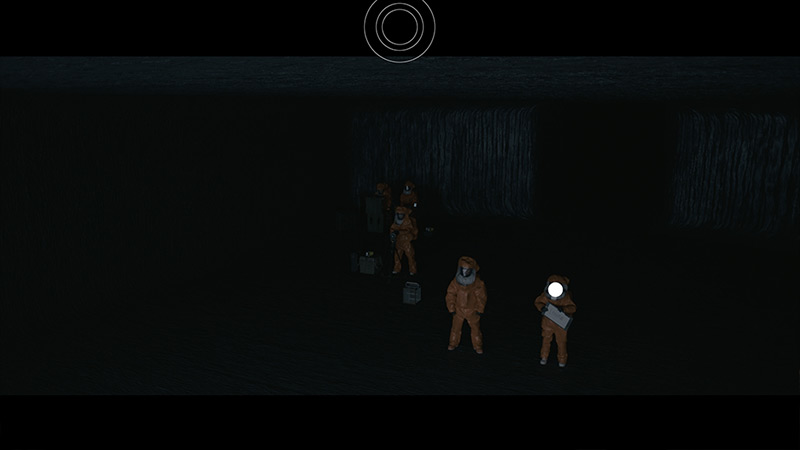
Check the visibility of bright lights on a dark background. Mini-LEDs often struggle with this. The photo does not compare black levels – that’s what the video below is for.
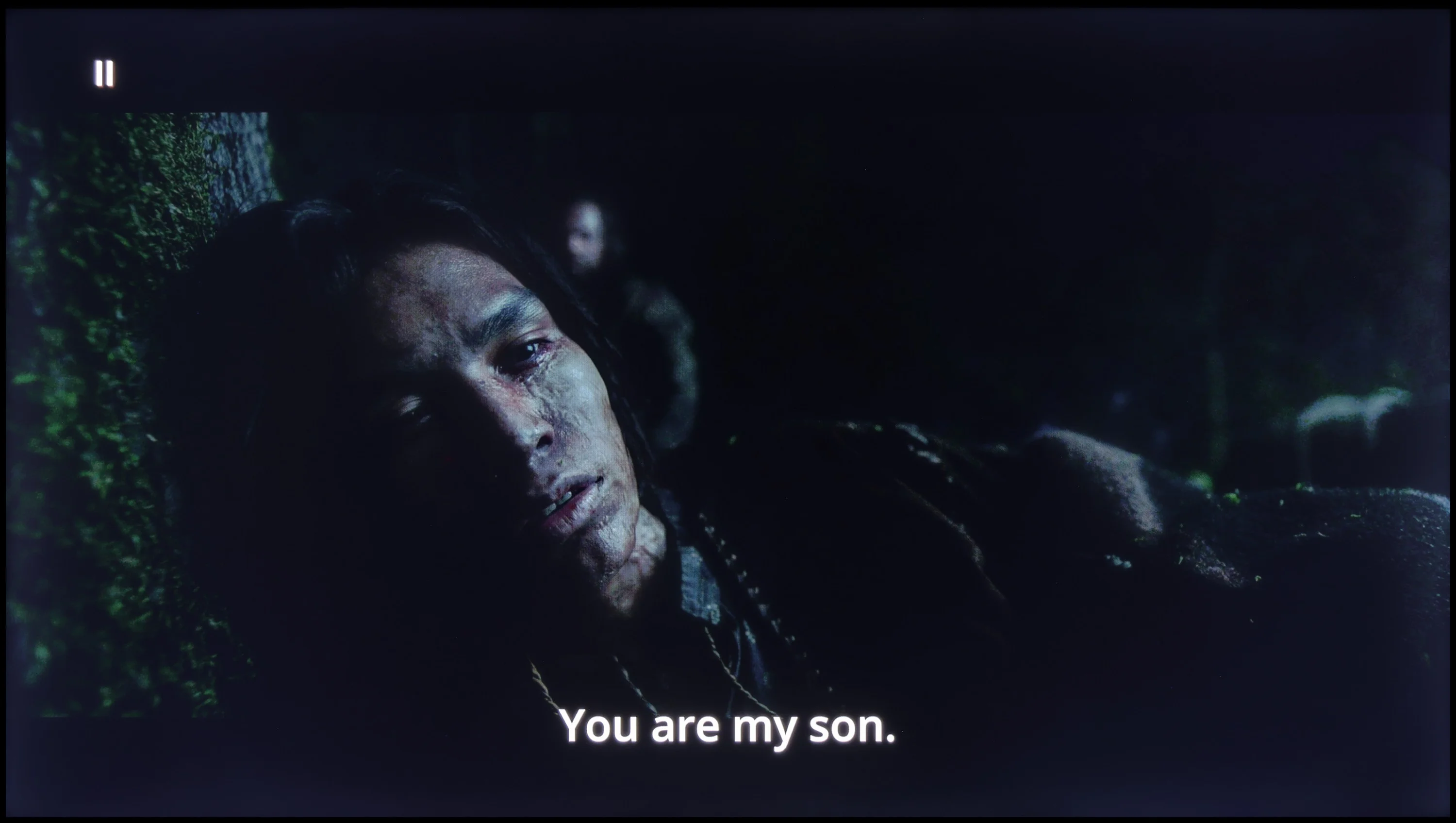
The video accurately shows differences in contrast and black levels between TVs, as well as potential issues: halo around bright objects or Mini-LED zone operation visible as brightness jumps.
The TV is fitted with a VA panel, which offers significantly better contrast compared with IPS panels, making blacks deeper and the picture more defined. On the test patterns we managed to achieve an impressive contrast ratio of around 5000:1, which translates into very good reproduction of detail in dark scenes. However, owing to the lack of local dimming, bear in mind that blacks in some sequences can appear more like a navy tint than perfectly deep black. This is particularly noticeable in demanding scenes, such as in the film The Revenant. Even so, considering the price of the set, the TV delivers decent black performance that will satisfy most users.
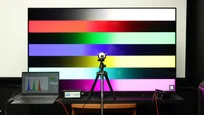
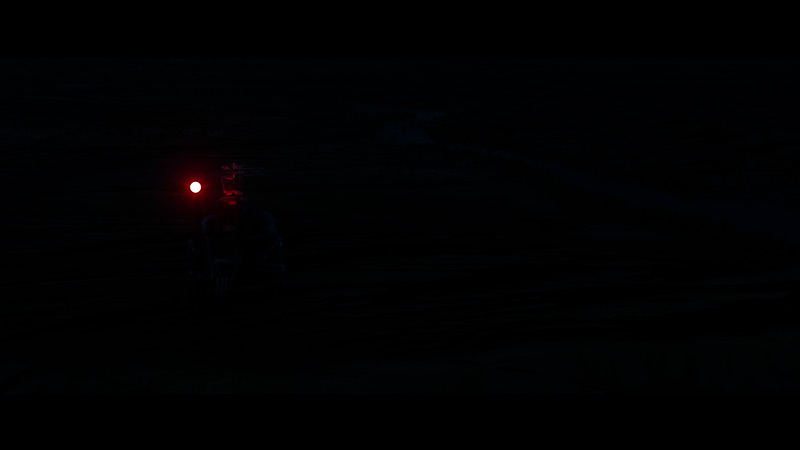
The model name 8709 "PML" refers to Philips mini-LED technology, but can we really call its backlighting that? In the 65-inch version, we counted only 96 local dimming zones. For mini-LED standards, this number seems too low, which raises questions as to whether we are actually dealing with a true mini-LED here. However, if we look at the black quality, the television performs quite well. On the first two test patterns, as well as in less demanding scenes, the picture is quite decent – blacks are deep and contrast is satisfactory. Problems begin, however, in more complex scenes, such as the last three test patterns, where small light elements appear on the screen. The local dimming algorithm seems to "get lost," unable to decide whether to brighten or darken a given area. The result is visible errors – reduced black quality and unevenness of the picture. An example of the local dimming zones' operation can be seen in a scene from the film Sicario 2. You can see how the dimming zones try to reproduce details, but at the same time, this leads to a slight brightening around the helicopter lights. However, despite these shortcomings, the black level in the Philips PML8709 is quite good, especially considering its price class.
HDR effect quality
4.2/10
4/10
Luminance measurements in HDR:

Result
200 nit
Result
210 nit
Result
252 nit
Result
245 nit

Result
276 nit
Result
367 nit
Result
126 nit
Result
309 nit
Result
119 nit
Result
348 nit
Scene from the movie “Pan” (about 2800 nits)
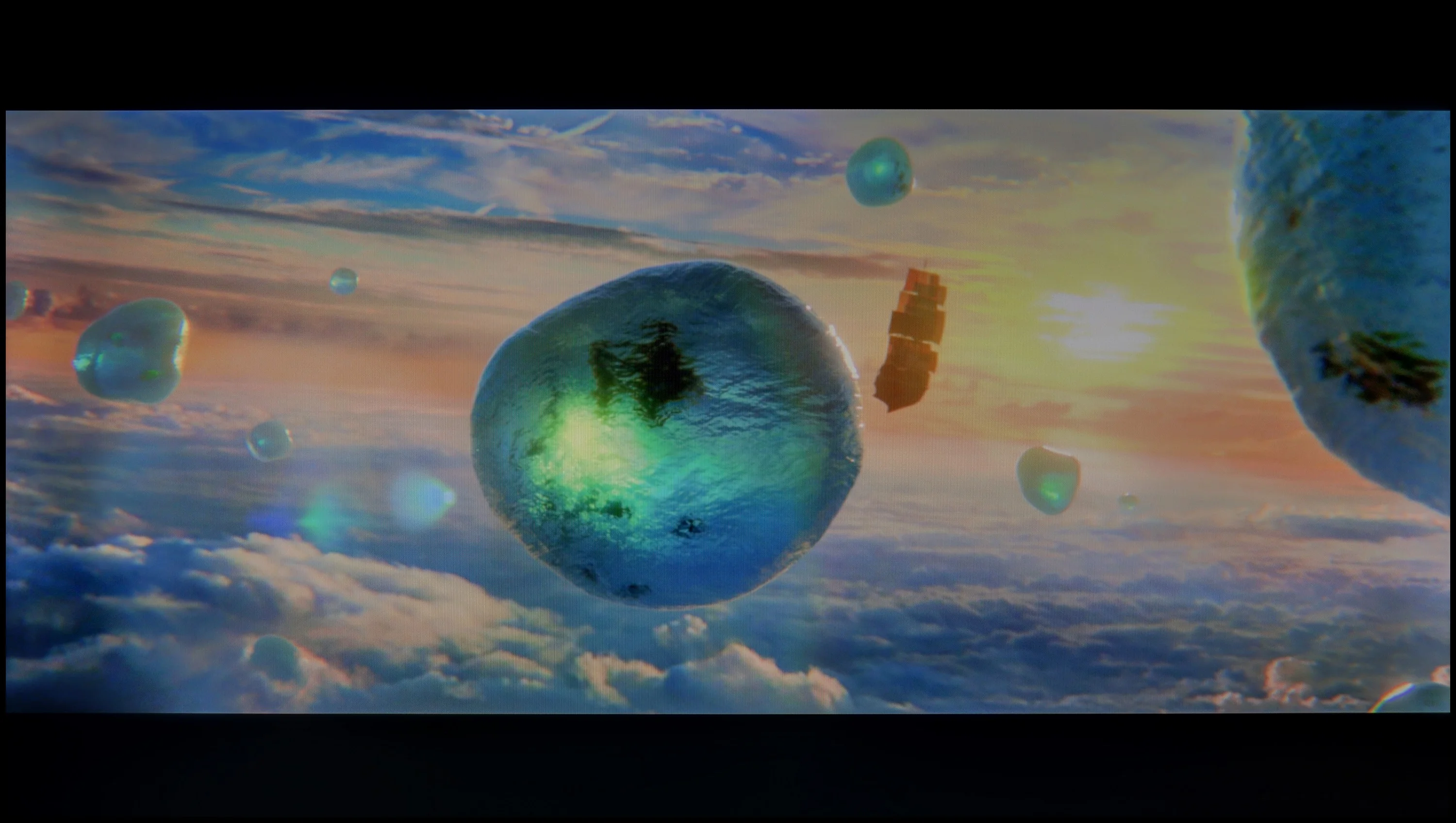
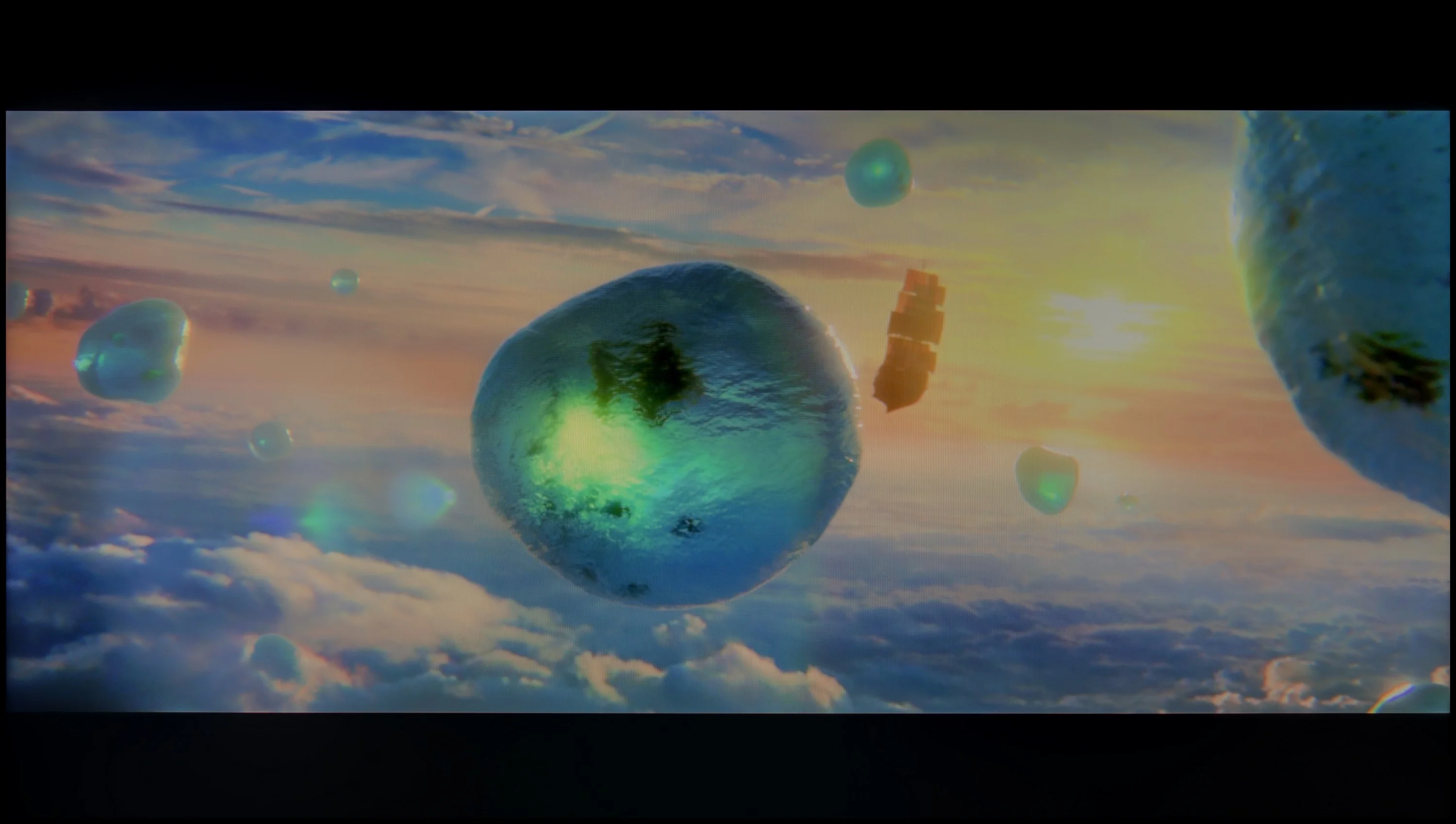
Scene from the movie “Billy Lynn” (about 1100 nits)
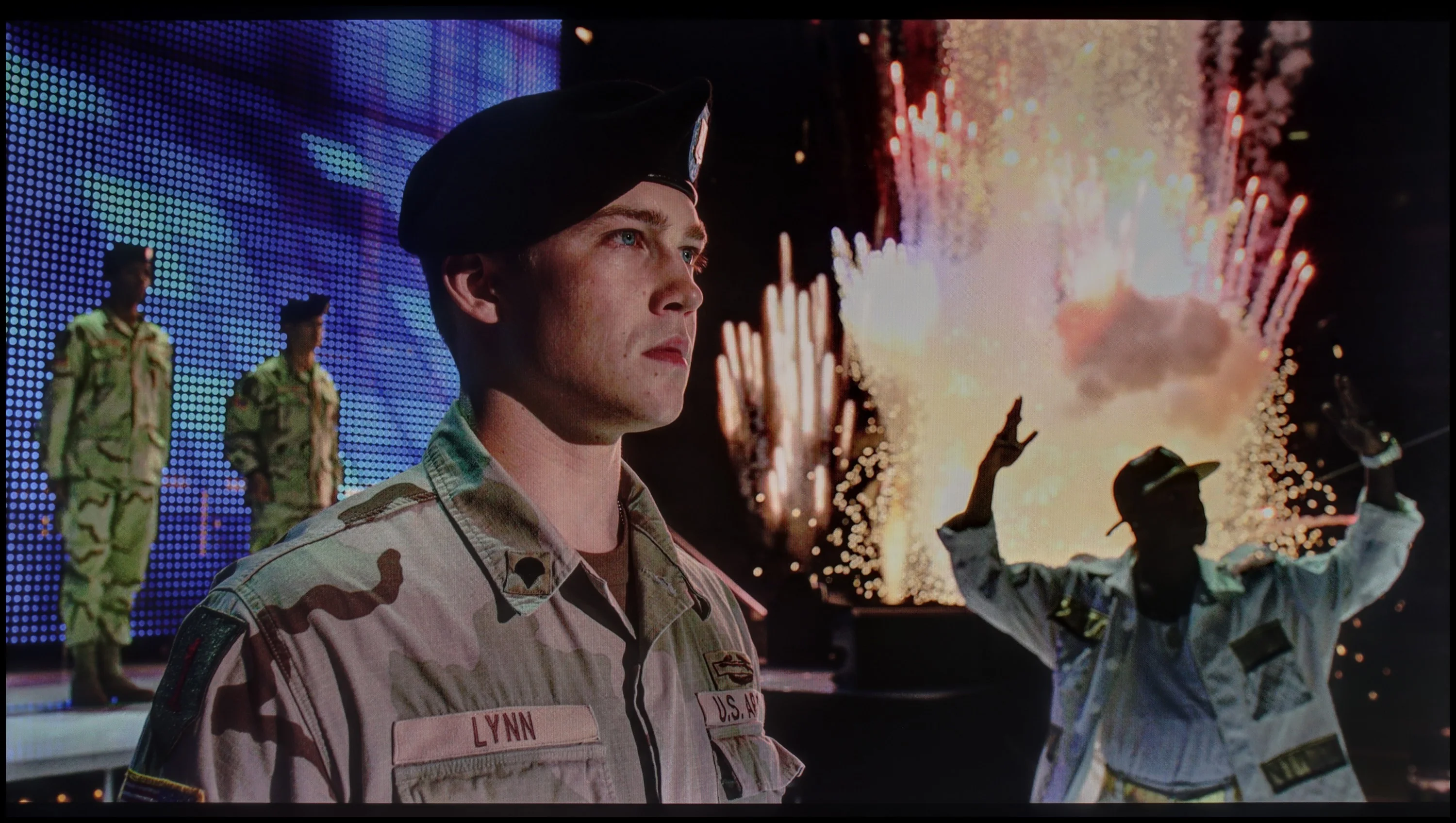
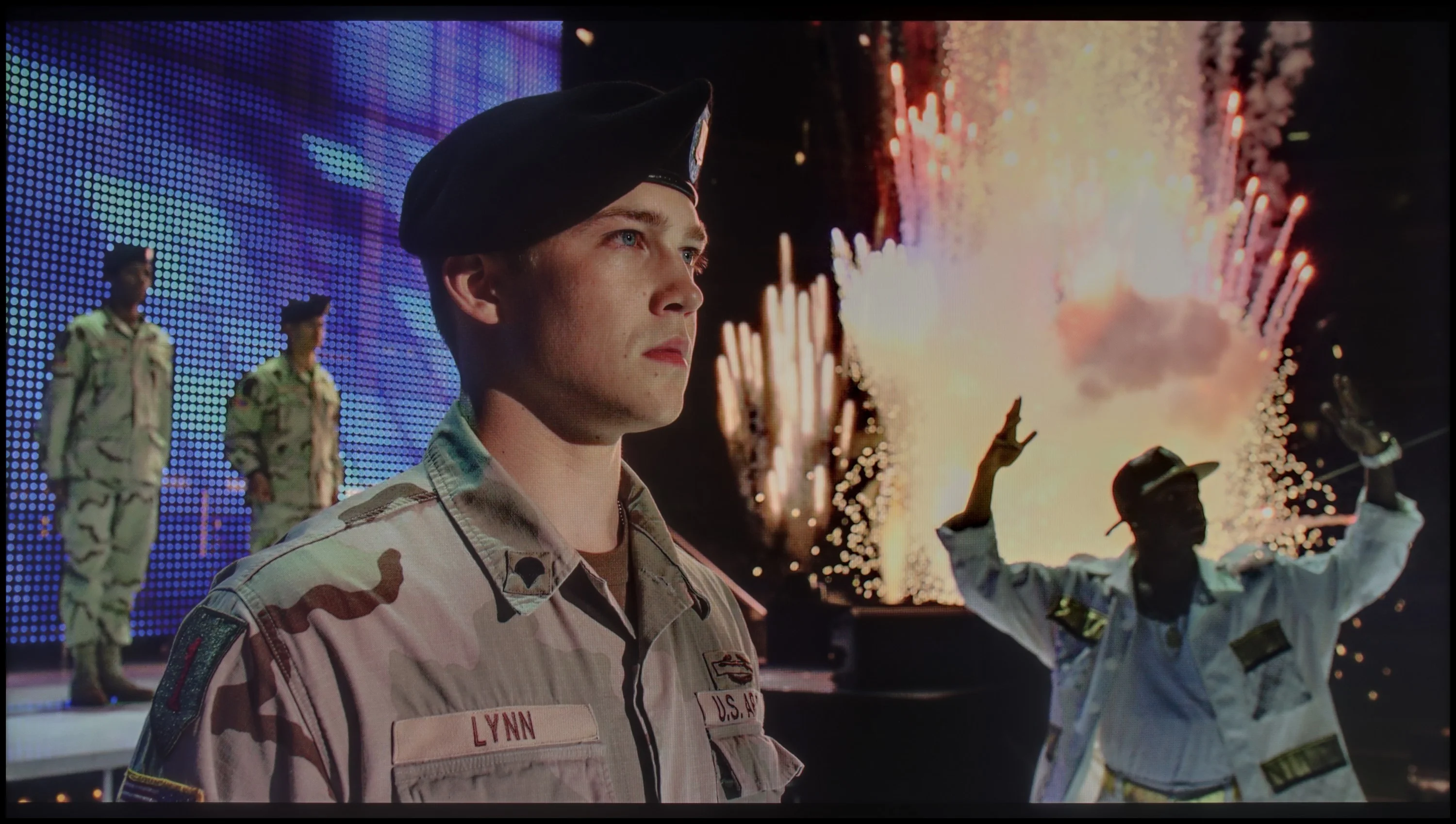
The photos show two HDR10 movies. 'Pan' is one of the brightest productions ever made, while 'Billy Lynn' (soldier) has brightness typical of streaming (Netflix, Prime, HBO MAX). Notice the intensity of effects and detail in whites.
Static HDR10


The photos present the visibility of white details in various HDR formats. They do not show brightness differences between TVs (these can be compared in the previous gallery).
Dynamic: Dolby Vision
Dynamic: HDR10+


The photos present the visibility of white details in various HDR formats. They do not show brightness differences between TVs (these can be compared in the previous gallery).
HDR luminance chart:
Philips PML8709
Hisense A6N
The HDR performance of the A6N is unfortunately underwhelming. A peak brightness of 250 nits does not allow for spectacular effects, and HDR comes across as rather lacklustre, more like ordinary SDR. This will not satisfy more demanding users who want to enjoy high-quality cinematic content. In addition, colour gamut coverage is not very impressive either: an 82% DCI-P3 result is average and does not allow viewers to fully enjoy vivid colours in HDR content.
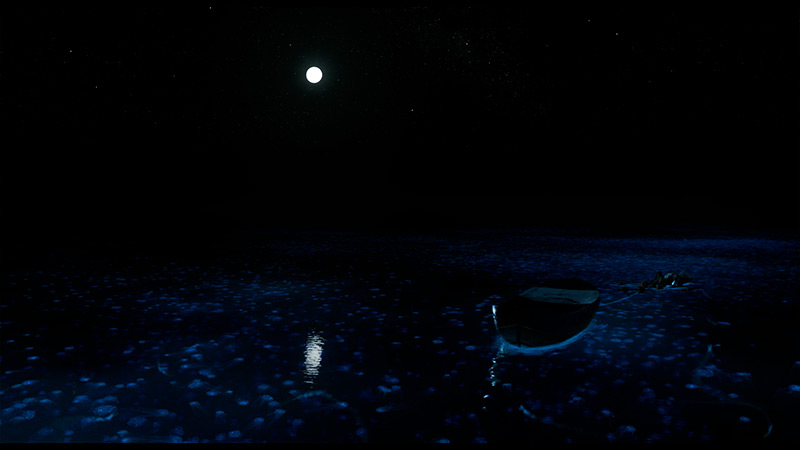
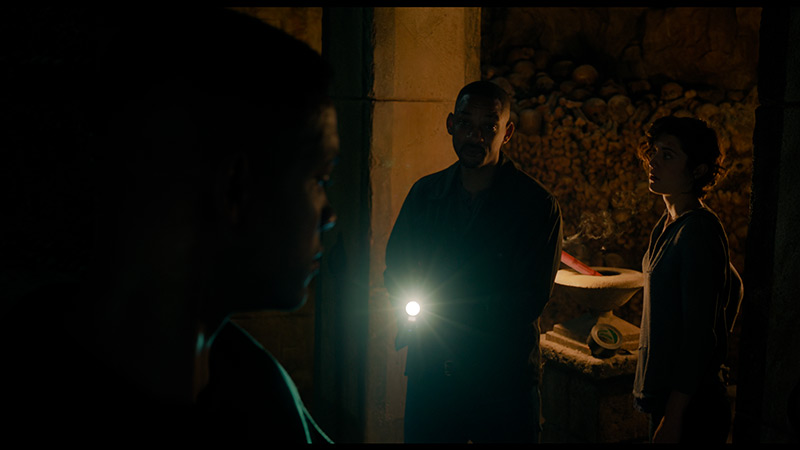
Looking at the results of the contrast, we expected that the algorithms responsible for the operation of zones in the Philips PML8709 would be at least decent. However, what we encountered during testing is difficult to explain. The average brightness we managed to achieve was only 350 nits, which is definitely too little to fully enjoy the effects of HDR. In practice, the television barely stands out against the backdrop of an average SDR. The situation becomes even more surprising for test scenes, such as the second one from the film Life of Pi or Sicario 2. Small light elements reach only 120 nits there, making them practically imperceptible. Such a level of brightness is completely at odds with contemporary HDR standards and significantly diminishes the experience of watching high-quality content. The only bright spot in this category is the very good coverage of wide colour gamuts – DCI-P3 at 97% and BT.2020 at 83%. This means that the colours are saturated and well-reproduced, which may improve the overall experience of watching HDR materials, if only a little. However, the lack of adequate brightness means that even this cannot save the Philips PML8709 in this category.
Factory color reproduction
1.9/10
3.9/10


This gallery shows how colors change after professional TV calibration. If you notice the difference, we recommend ordering this service at SkalibrujTV.com.
Factory Mode
After calibration
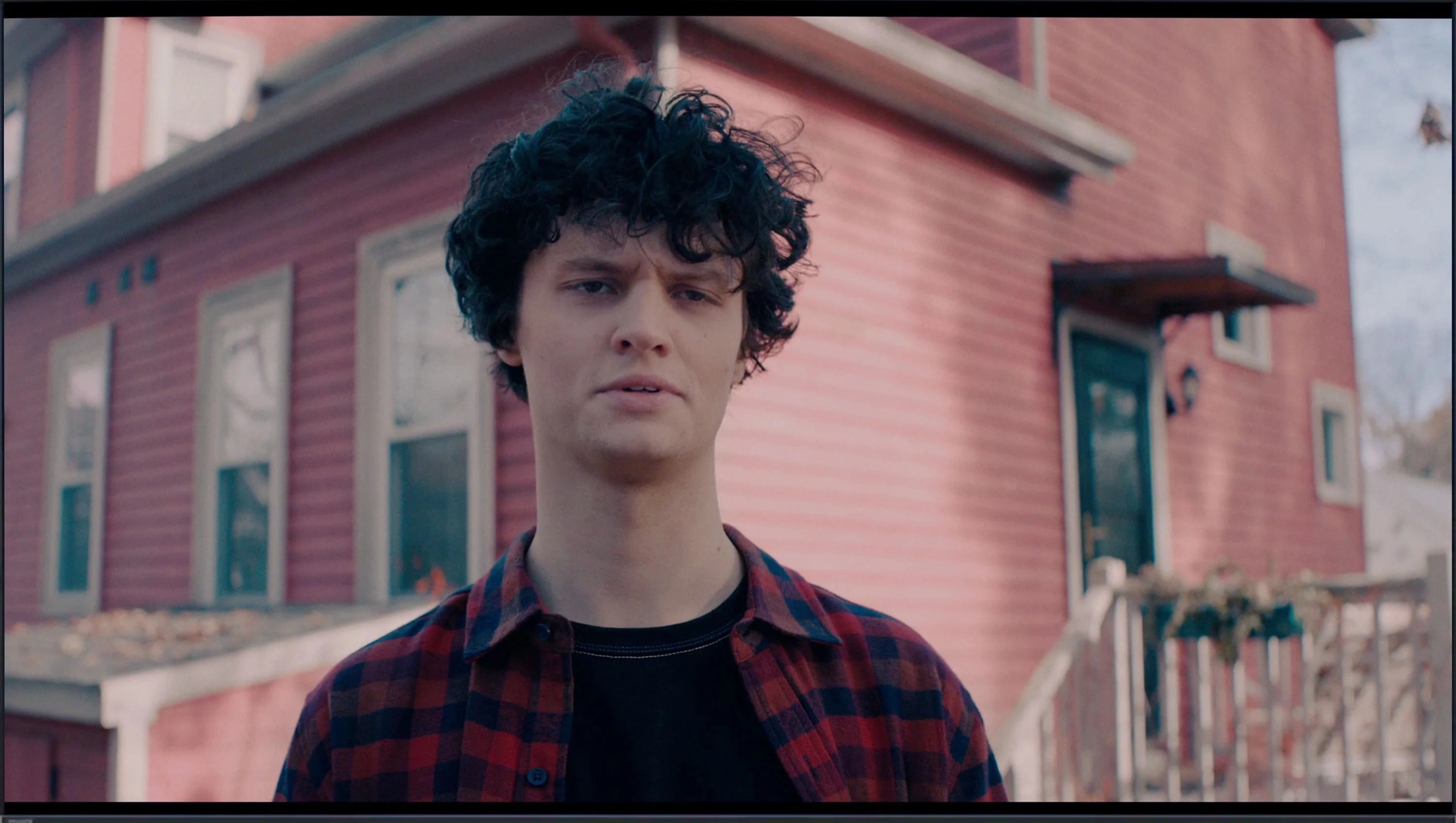
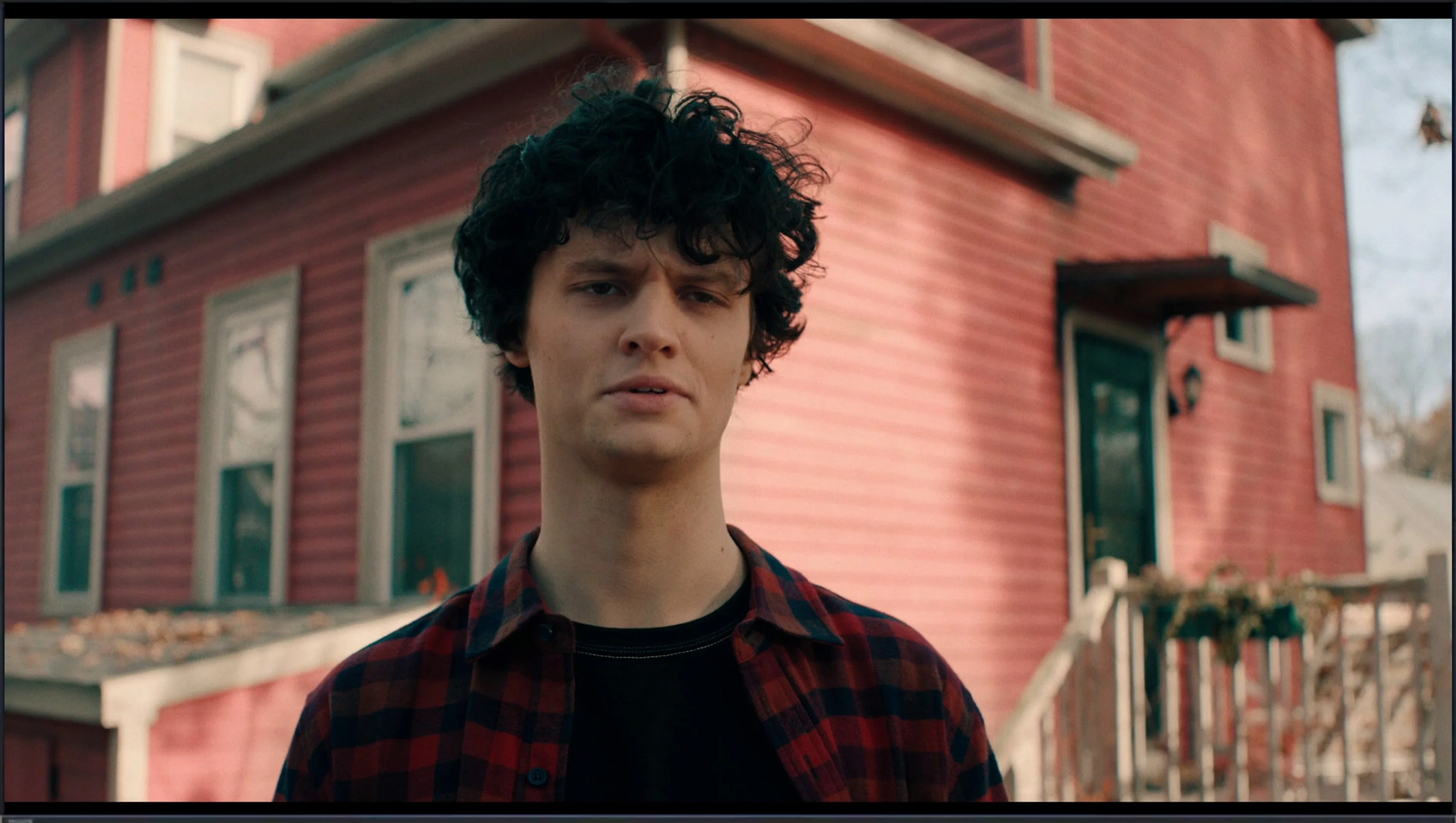
This gallery shows how colors change after professional TV calibration. If you notice the difference, we recommend ordering this service at SkalibrujTV.com.
Factory Mode
After calibration
In terms of colour reproduction, the Hisense A6N in Filmmaker Mode leaves much to be desired. Although the mode's name suggests we should expect faithful rendering of cinematic colours, the reality is different, and the TV has significant problems with picture quality. The white balance issue is particularly noticeable for both HD and 4K material, being severely skewed by a dominance of blue. This results in artificial, cool tints, which are clearly visible in the comparison photo below. The Colour Checker test further confirms these errors, which are compounded by low colour gamut coverage.
The gamma luminance characteristic reveals a serious problem with maintaining the 2.4 level, the curve sitting well below the reference value and causing the image to be overly bright with washed-out blacks. The EOTF curve for 4K material also points to brightness issues, with a pronounced rise at the low end caused by the TV's excessive brightening, which negatively affects picture quality. Such image behaviour prevents fully enjoying films and requires manual calibration.
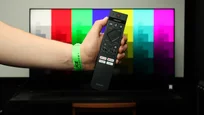
Although theoretically the Filmmaker mode on the Philips PML8709 should provide natural colour reproduction, in reality it resembles store mode more closely. In the white balance, both for HD and 4K content, there is a clear dominance of the blue colour. This causes the image to appear washed out and cold, which is particularly noticeable in the comparative photo below.
The brightness characteristics also leave much to be desired. Both the gamma and EOTF curve show excessive screen brightening. As a result, there is a loss of detail in both the brighter and darker areas of the image, which further diminishes its credibility and naturalness. Bright elements appear unnaturally flat and lacking in variety.
These significant issues in white balance and brightness characteristics lead to noticeable errors in colour reproduction, which can be easily seen in films as well as in the Colour Checker test. The colours are inaccurate, impacting the overall image quality and visual experience. The factory settings require significant improvement in order to fully enjoy the potential of this television.
Color reproduction after calibration
5.7/10
7.6/10
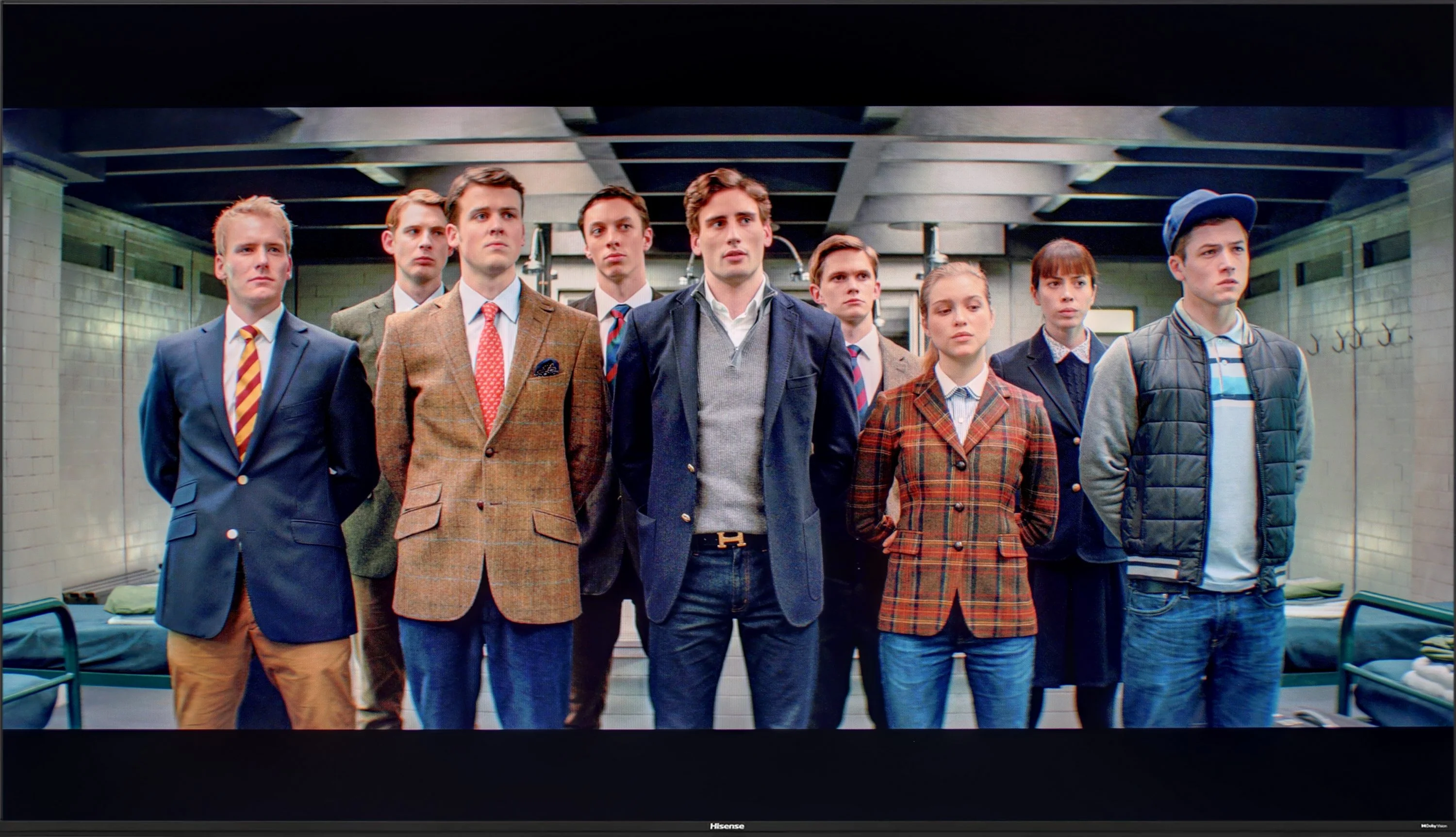

The photos show how movies look on the TV. Pay attention to black detail visibility, colors, and shadow tint.


The photos show how movies look on the TV. Pay attention to black detail visibility, colors, and shadow tint.
Hisense A6N offers options and tools in its settings to adjust many image parameters that we have utilized. When it comes to white balance, we managed to eliminate the excess blue colour – this effect is clearly visible in the comparison photo below, where the boy in the image seemingly "comes to life". A significant improvement can also be noticed in the gamma brightness characteristics – the television no longer has serious issues with excessively brightening the entire image. Unfortunately, the same cannot be said for 4K content, where the EOTF curve could not be fully corrected due to the exceptionally low brightness of this model. For HDR materials, we apply dynamic tone mapping, which allows for the recovery of many details despite the boosting of mid-tones in the image. For this television, this provides more benefits than drawbacks. The errors that are still visible in the colour palette test and Colour Checker for 4K materials stem from the low colour gamut coverage and are difficult to eliminate due to the characteristics of the television. Nevertheless, the tonal quality of the image is significantly better, which is why we recommend calibrating the factory settings, which are far from ideal.
Philips offers advanced image calibration tools in its televisions, which we decided to fully utilise. The results? Although we managed to improve many aspects, it was not without difficulties. White balance was one of the biggest challenges – despite our efforts, this can be described as a fight against windmills. We managed to correct it significantly, resulting in the image now looking much better than in the factory settings, but it is still far from perfect. Particularly in some scenes, a subtle dominance of blue is visible, although not as intense as before. We achieved a substantial improvement in brightness characteristics – gamma now appears much more stable. The EOTF curve initially looks correct, however, when analysing film content, it is evident that the television struggles to maintain the appropriate characteristics. The algorithms are "battling," trying to adjust brightness, which may stem from the limited number of dimming zones that do not always cope with more complex scenes. Overall, the image after calibration looks much more pleasing to the eye – colours are more natural, and errors in colour reproduction have been minimised. Although it is still not perfect, the Philips PML8709 now performs significantly better than in the factory settings.
Smoothness of tonal transitions
9.1/10
9.1/10
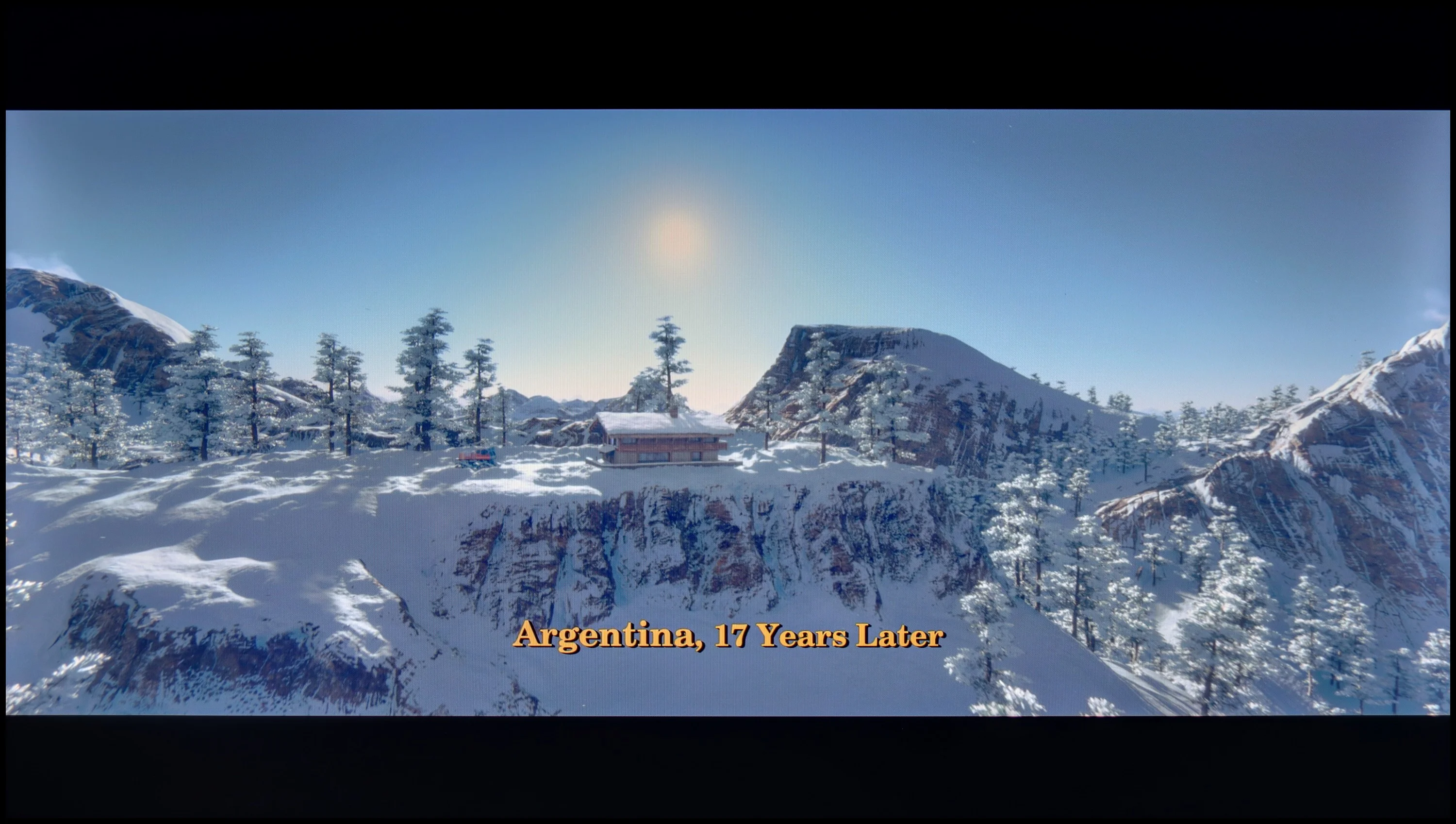

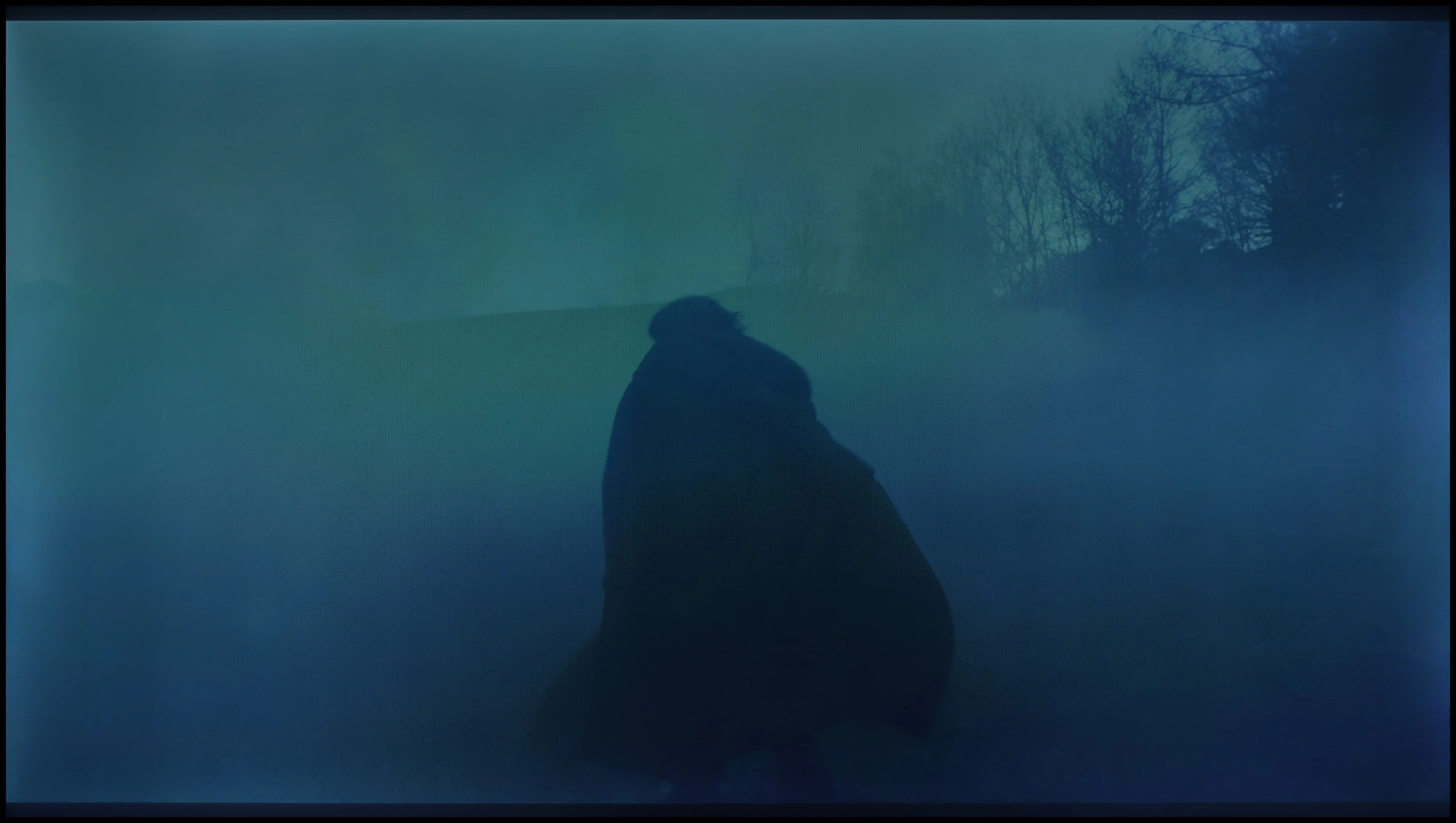
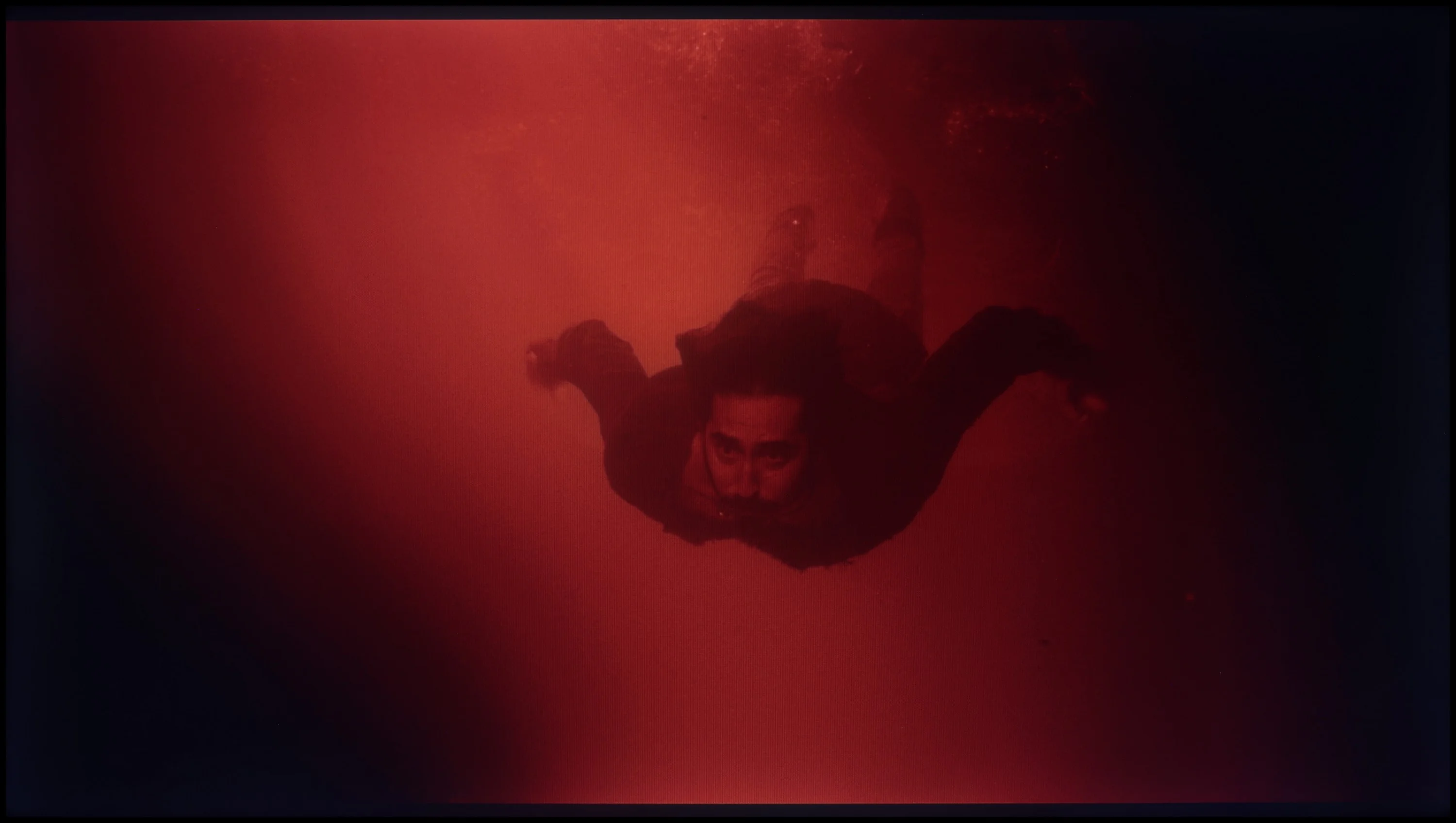
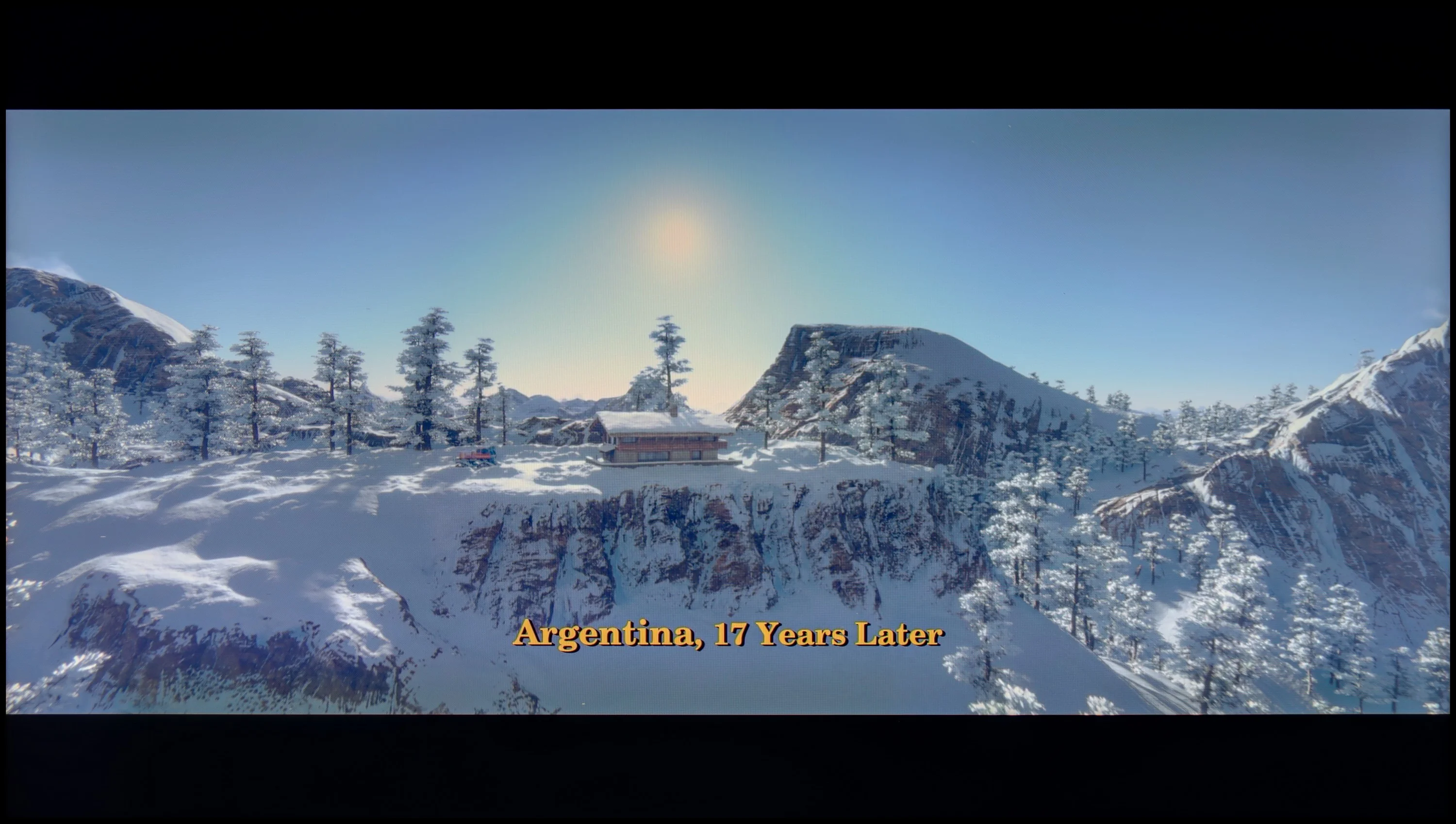
These are selected scenes that show smooth tonal transitions from one color to another. If you see distinct banding, it’s the TV panel’s fault.

These are selected scenes that show smooth tonal transitions from one color to another. If you see distinct banding, it’s the TV panel’s fault.
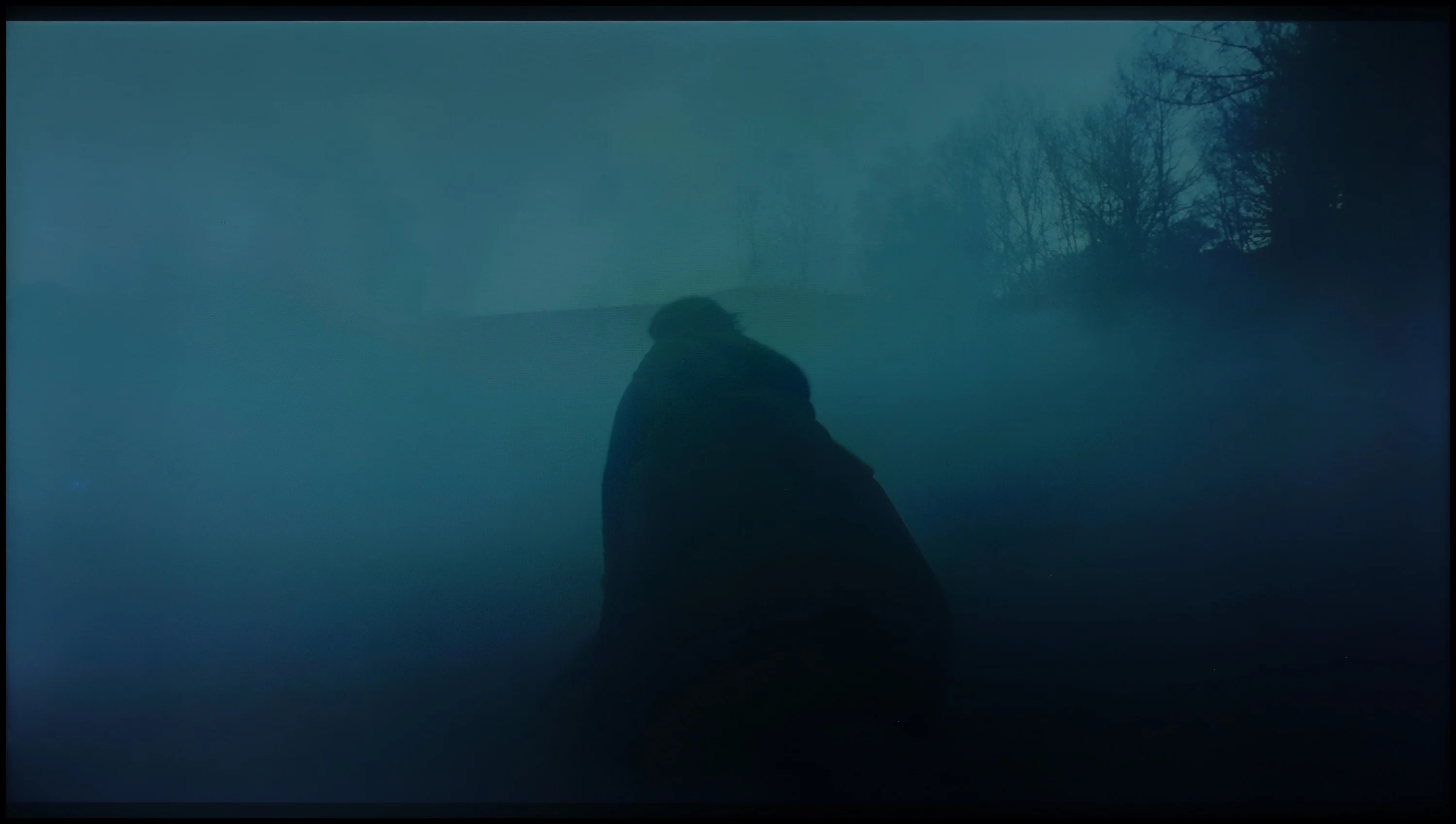
These are selected scenes that show smooth tonal transitions from one color to another. If you see distinct banding, it’s the TV panel’s fault.
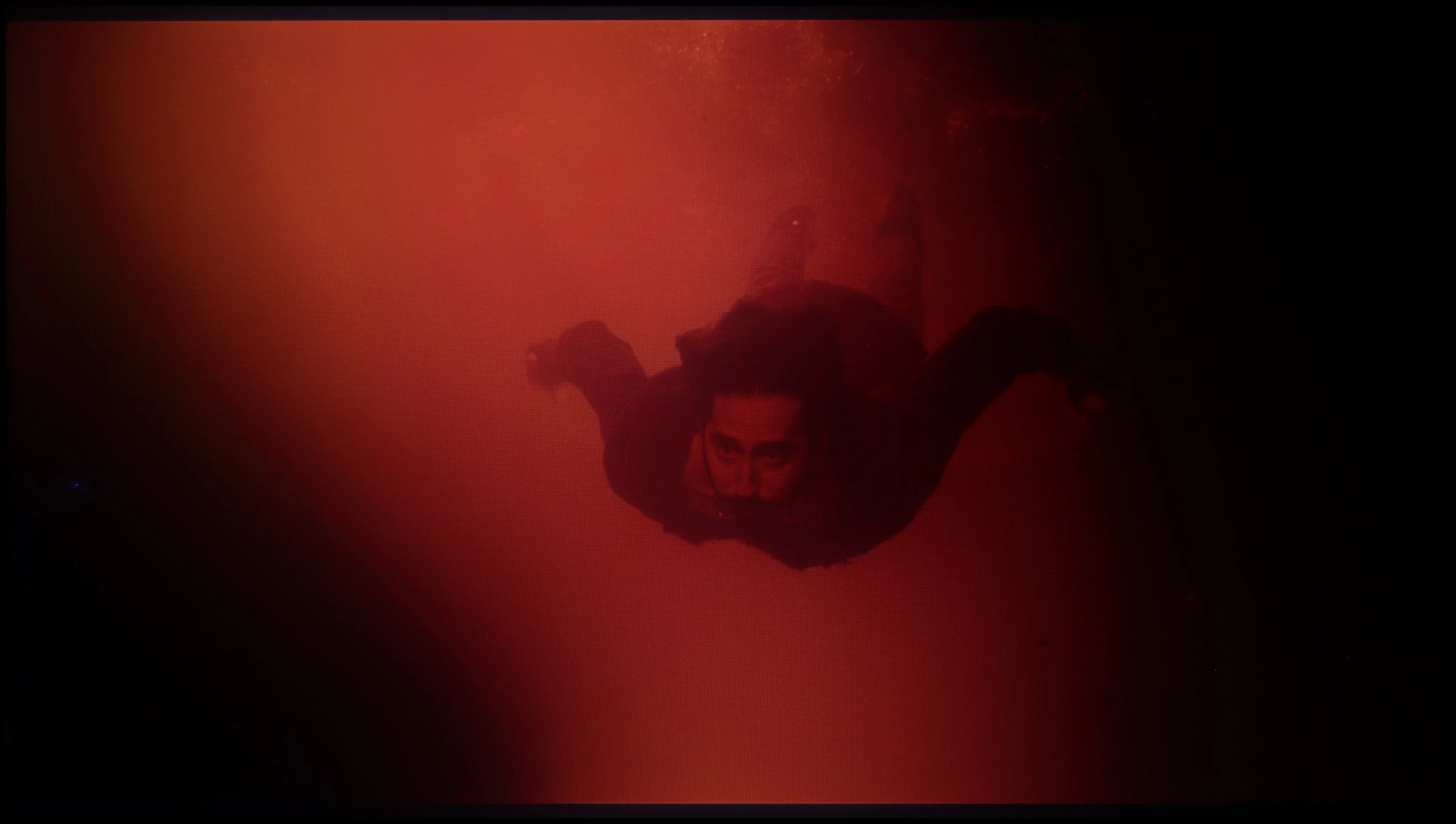
These are selected scenes that show smooth tonal transitions from one color to another. If you see distinct banding, it’s the TV panel’s fault.
The smoothness of tonal transitions is one of this TV's strongest points. Hisense A6N handles tonal transitions very well; gradients in the image look natural and without major artefacts. The TV has no significant problems in this area. Although slight unevenness can be seen in bright and dark scenes, it is not pronounced enough to interfere with viewing. The smoothness of tonal transitions on the Hisense A6N is undoubtedly one of its greatest strengths.
The fluidity of tonal transitions in the Philips PML8709 is at a very high level. The colour gradation is incredibly smooth, and the transitions between shades appear natural and detailed. Even in more demanding scenes, the television performs excellently. Minor issues may arise with bright elements, where the gradation may be slightly less precise. However, these are such subtle differences that only the most discerning purists will notice them. For most users, the effects will be fully satisfying, and the image will maintain its impressive quality.
Image scaling and smoothness of tonal transitions
5/10
6.9/10


Smooth transition function
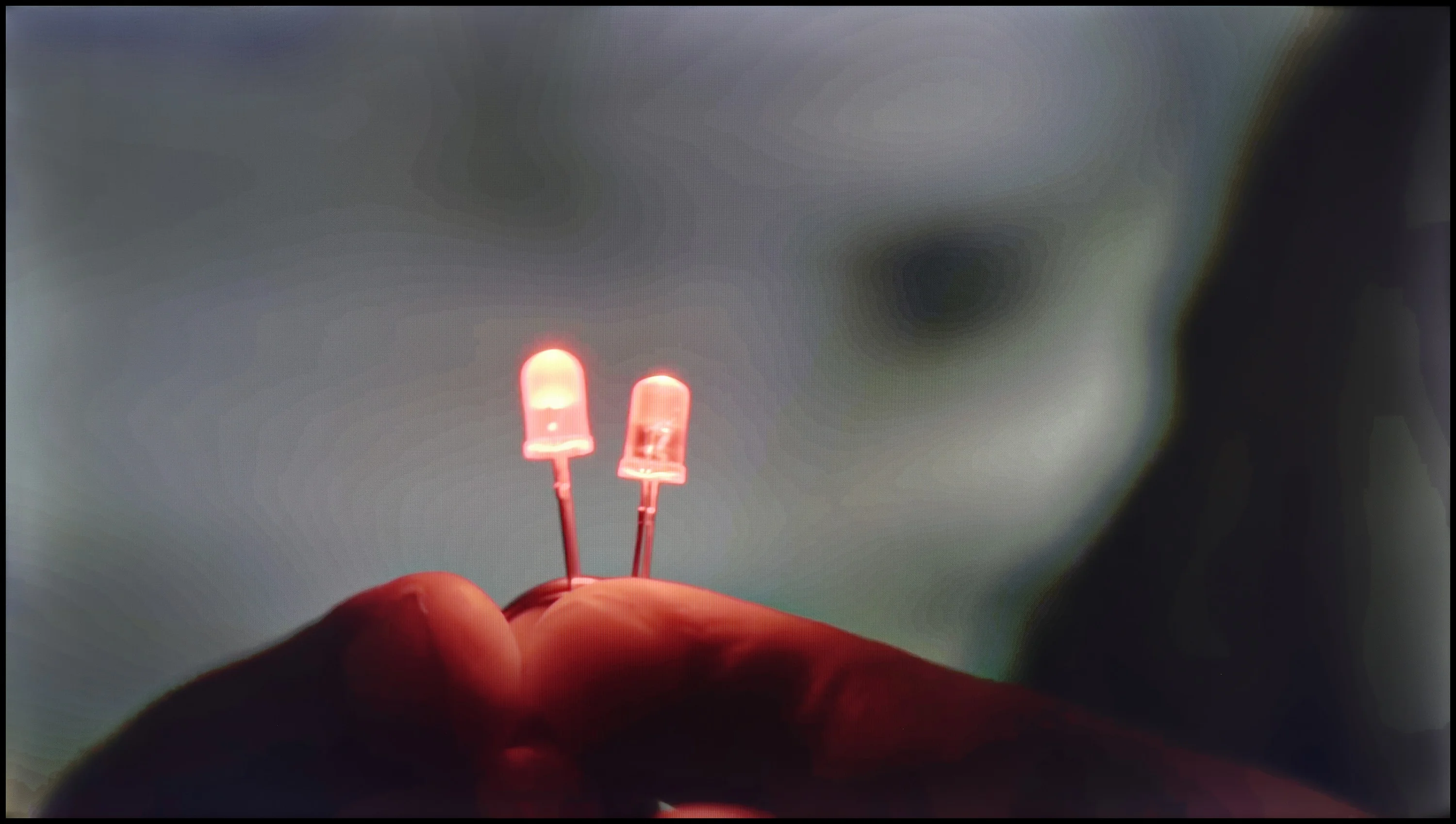
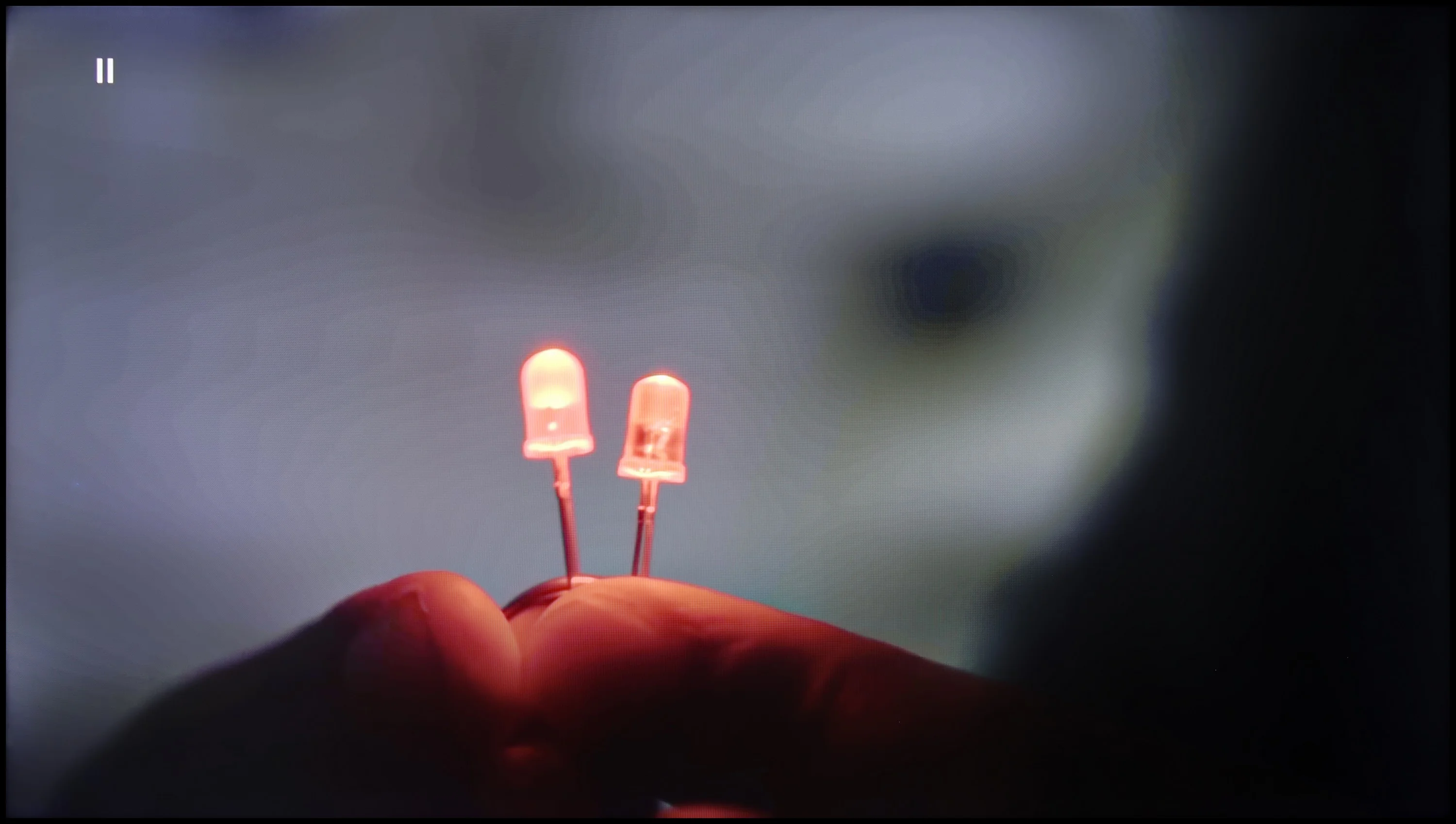
The match photo shows how the TV smooths weak tonal transitions in low-quality video.
Image scaling SD (576i)


The model photo shows how it handles upscaling of SD material.
Let's check how A6N performs with low-quality materials. When it comes to smoothing tonal transitions, the lack of posterisation reduction or smoothing of tonal transitions in low-quality materials such as television or DVD can be noticeable for more demanding viewers. In terms of digital processing, the model is presented correctly, and the branches are devoid of characteristic jaggedness – the image is very plastic and soft, which may appeal to those who prefer this style of image.
The distortion reduction function in the Philips PML8709 smooths tonal transitions, but its effectiveness leaves much to be desired. We recommend setting this option to "Medium" – at this level, the effect is noticeable but not excessive. Unfortunately, compared to other Philips models, the smoothing effect is less effective, which means that certain tonal transitions may still appear a bit uneven. An additional drawback is that this function also smooths out other details, such as the textures of materials like a shirt, which can affect the sharpness of the image.
When it comes to image scaling, the television performs very well. The image appears plastic and free of noticeable "jaggedness." This effect may appeal to many users, although some may prefer a more pronounced appearance. Fortunately, the television allows for sharpness adjustment, and this enables us to tailor the image to individual preferences.
Blur and motion smoothness
3.9/10
5/10
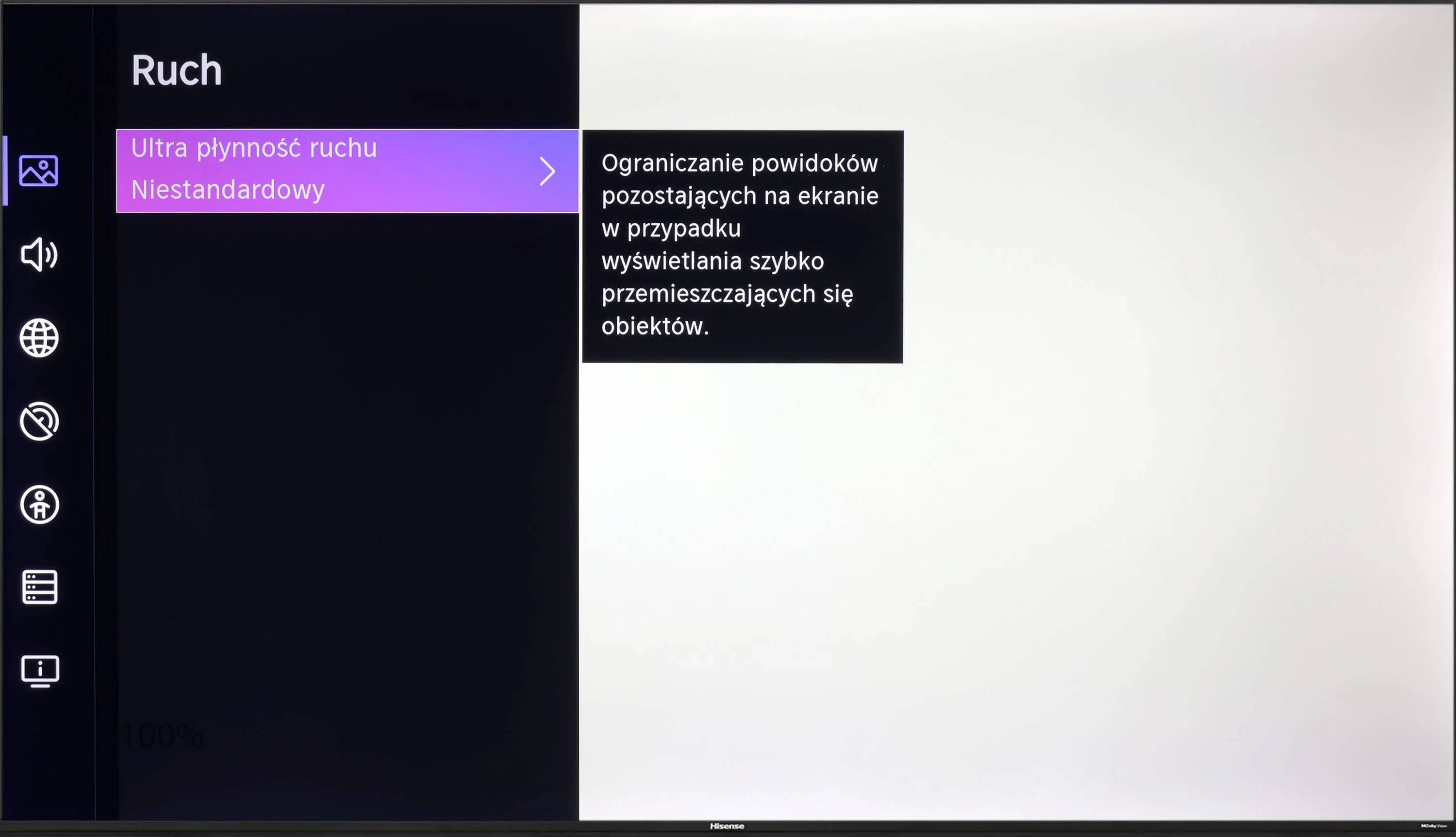
Blur (native resolution, maximum refresh rate):






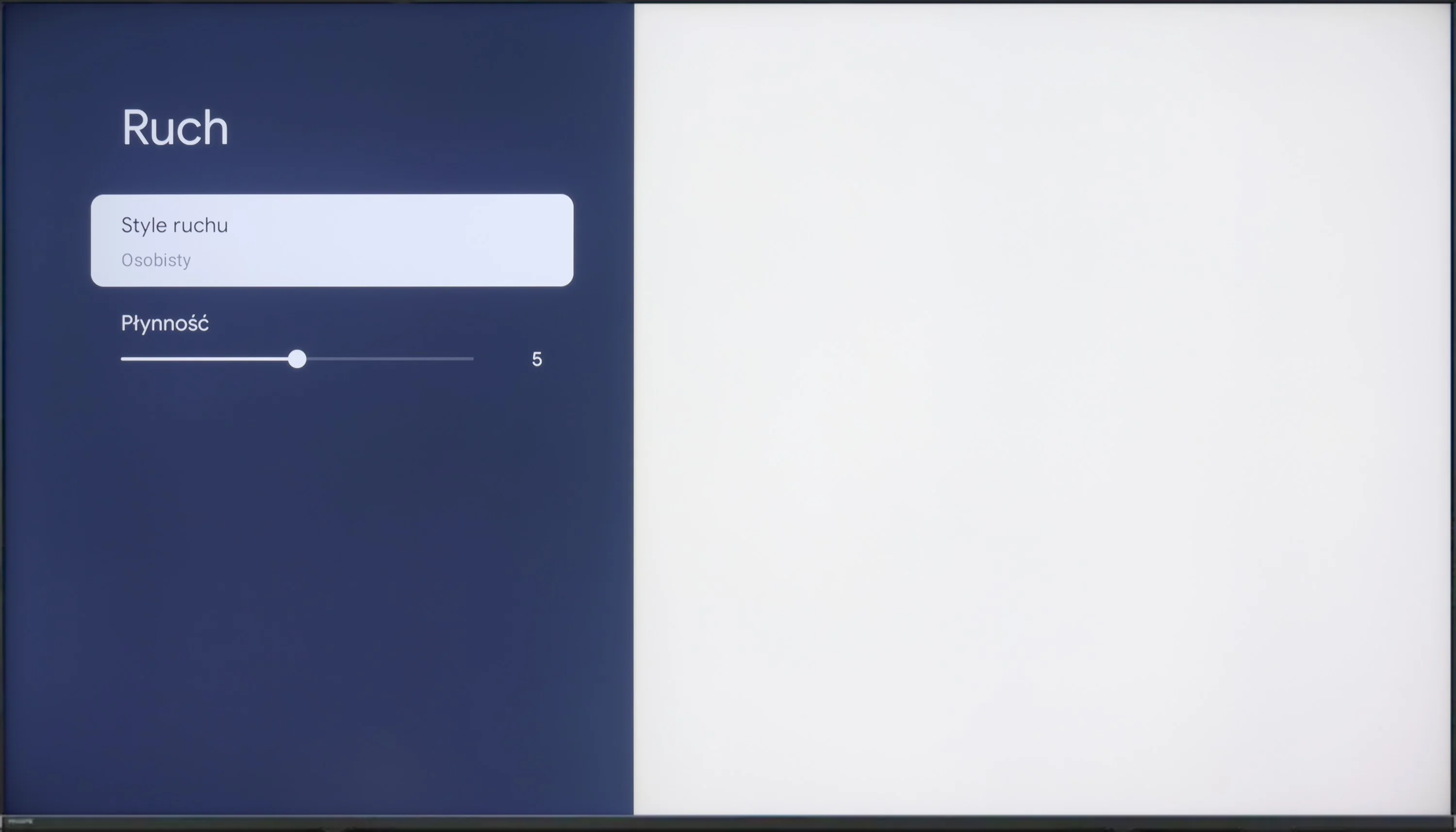
The 60 Hz panel in Hisense A6N will probably satisfy people who enjoy watching films, because the TV offers an "ultra motion smoothing" feature, which lets you adjust the image's choppiness, making it either more staccato or more fluid and cinematic. When it comes to motion blur, performance is fairly average, with quite noticeable smearing, especially on dark backgrounds, which is a fairly typical characteristic for this class of TVs.
The Philips PML8709 is one of the few models with mini-LED technology on the market, offering a refresh rate of 60 Hz. Although it is not a panel for the most demanding gamers, it should satisfy those who mainly watch films. The television is equipped with the "Motion Style" function, which is a motion smoother that allows you to adjust the smoothness of motion according to preferences – from a more "plastic" look to a cinematic aesthetic with clearly visible frames.
Console compatibility and gaming features
5.3/10
6/10
- ALLM
- VRR
- VRR range48 - 60Hz48 - 60Hz
- Dolby Vision Game Mode
- Correct implementation of HGIG
- 1080p@120Hz
- 1440p@120Hz
- 4K@120Hz
- Game bar
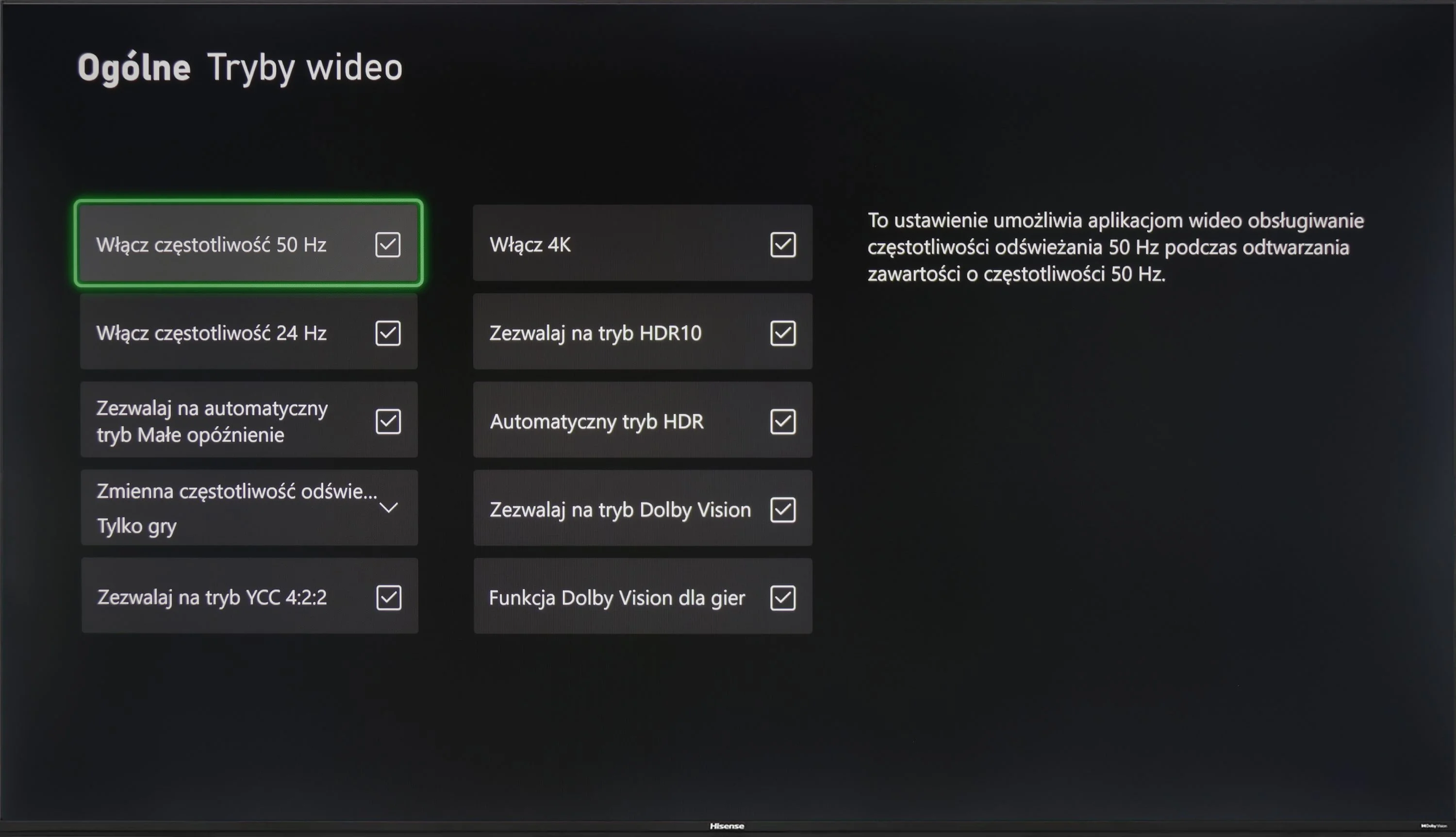
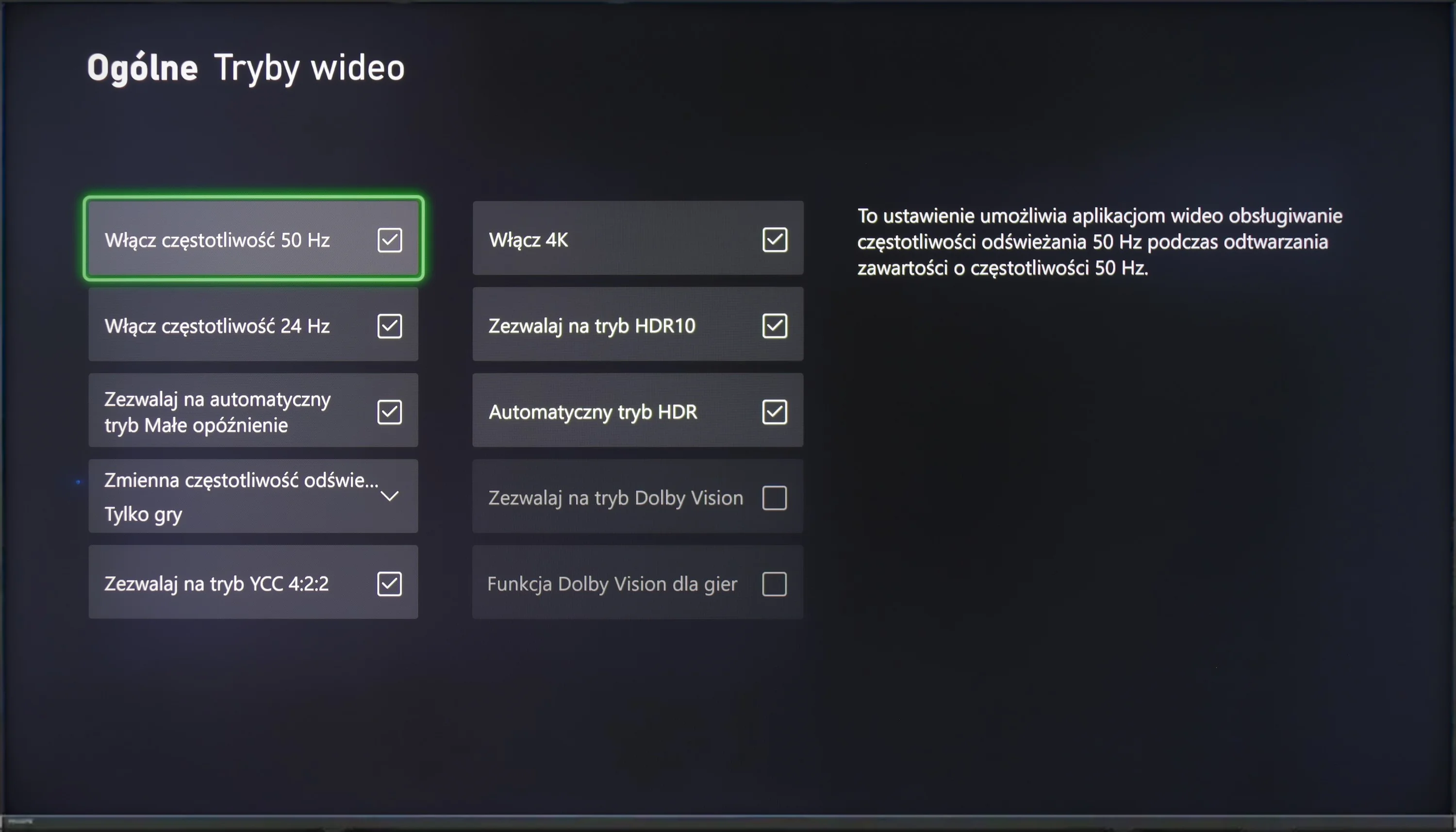
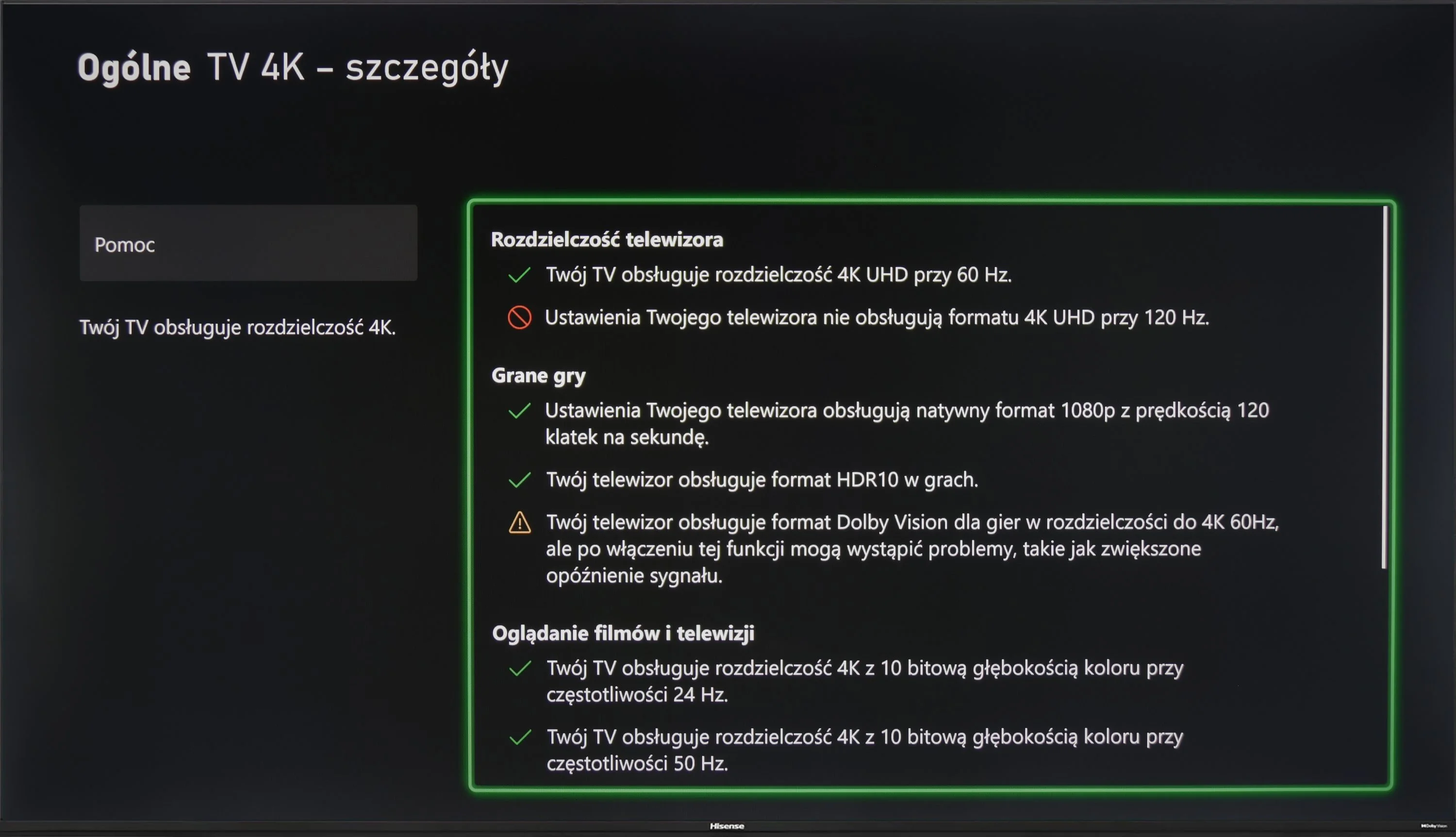
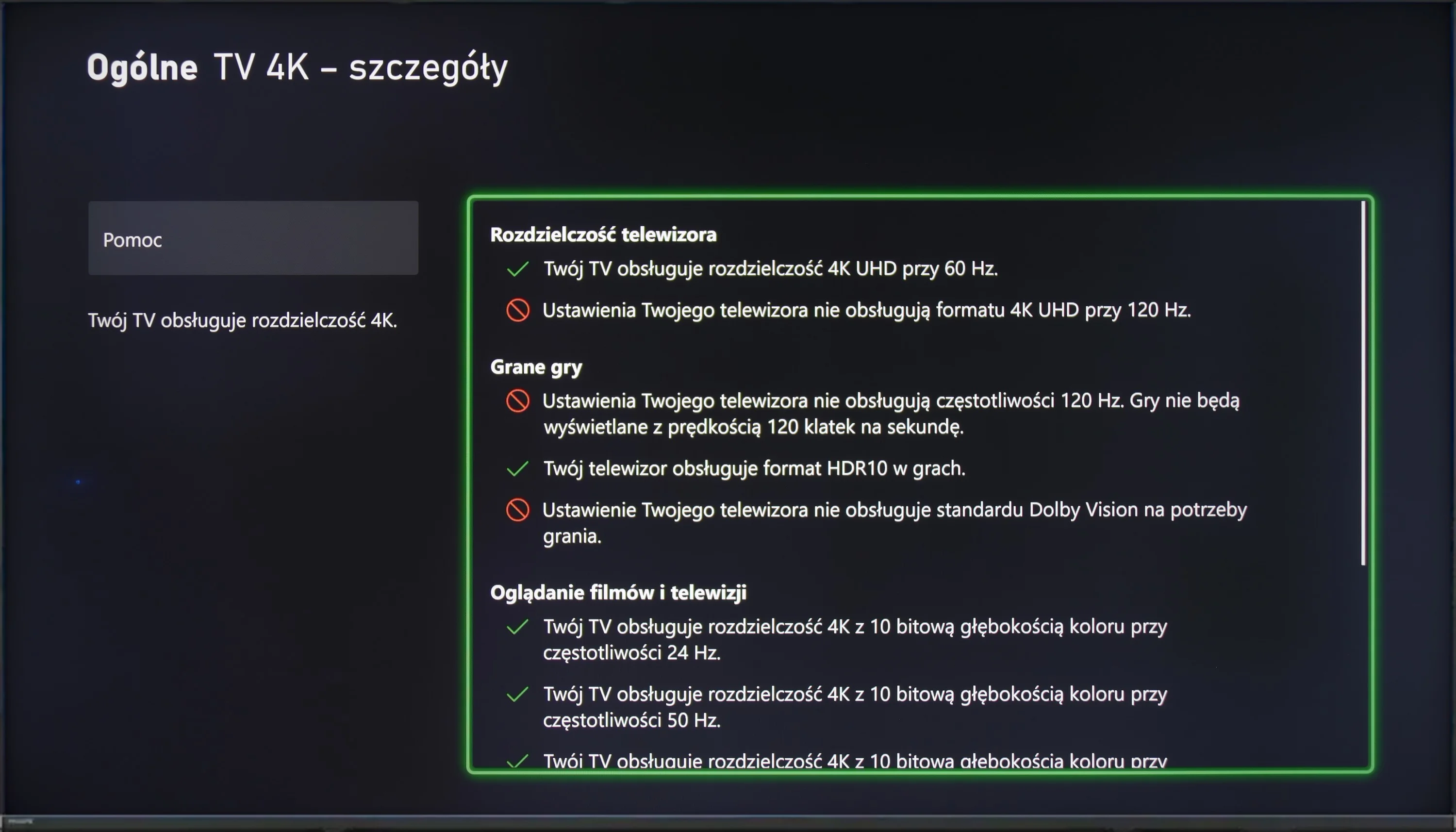
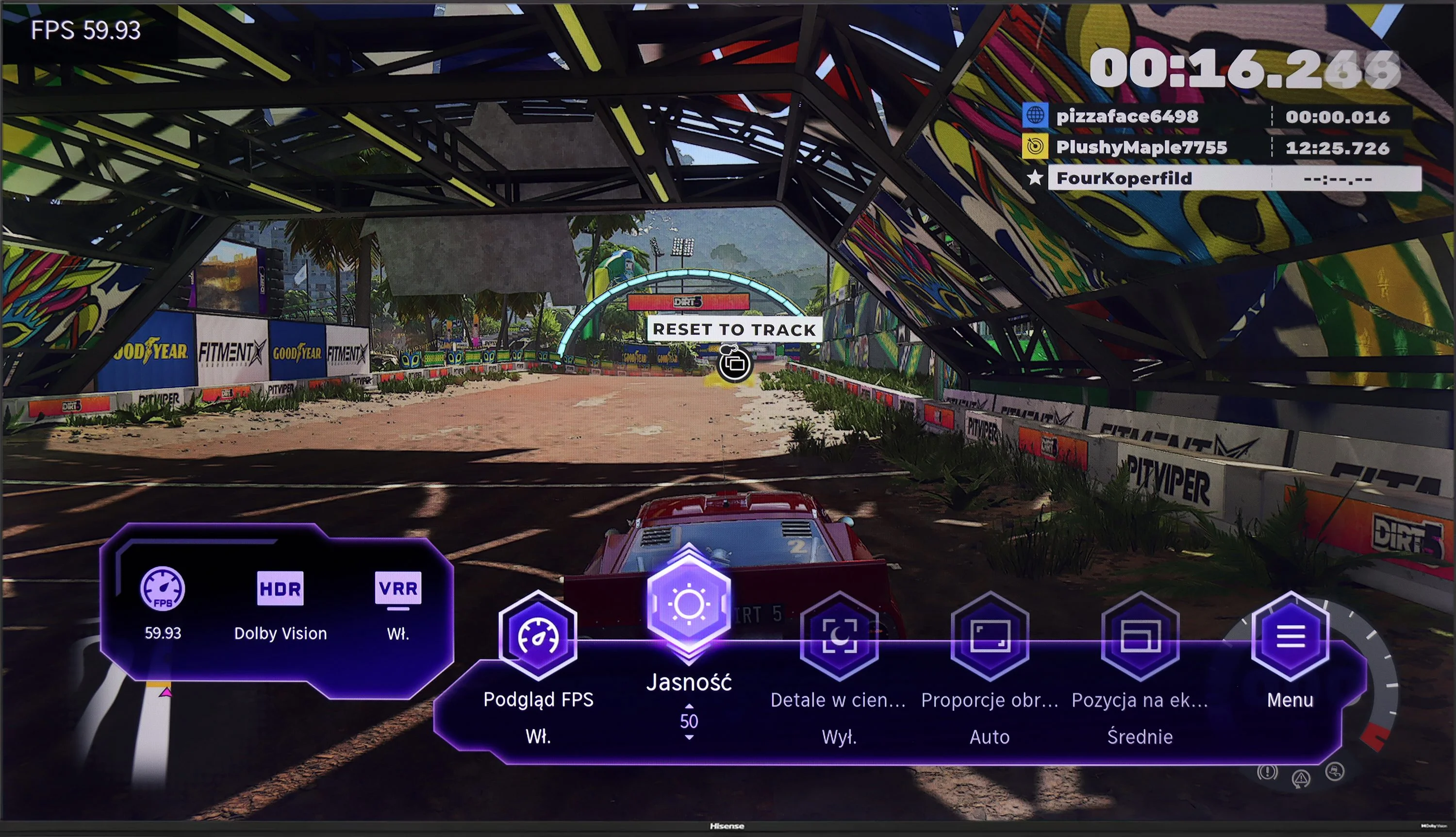
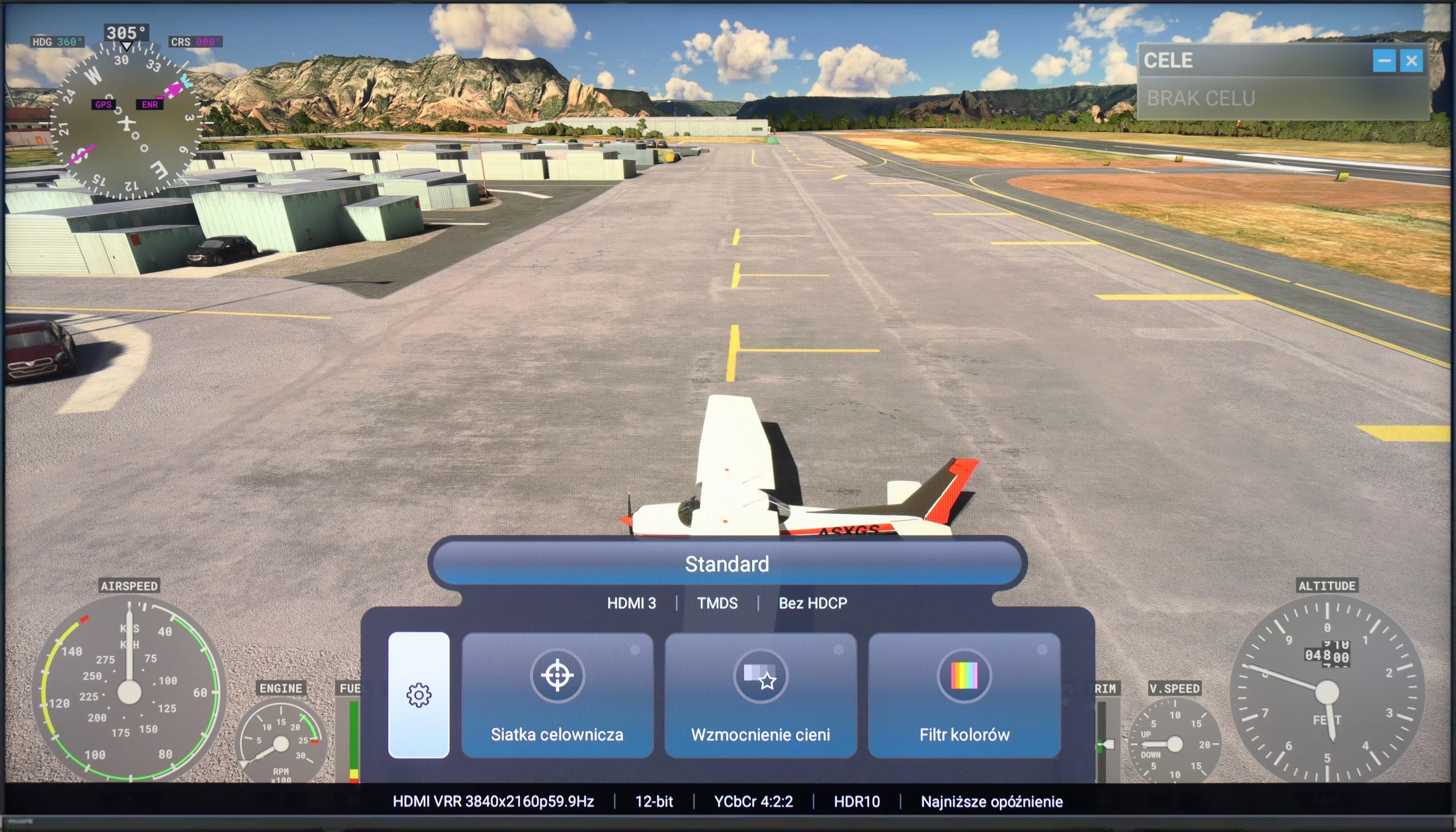
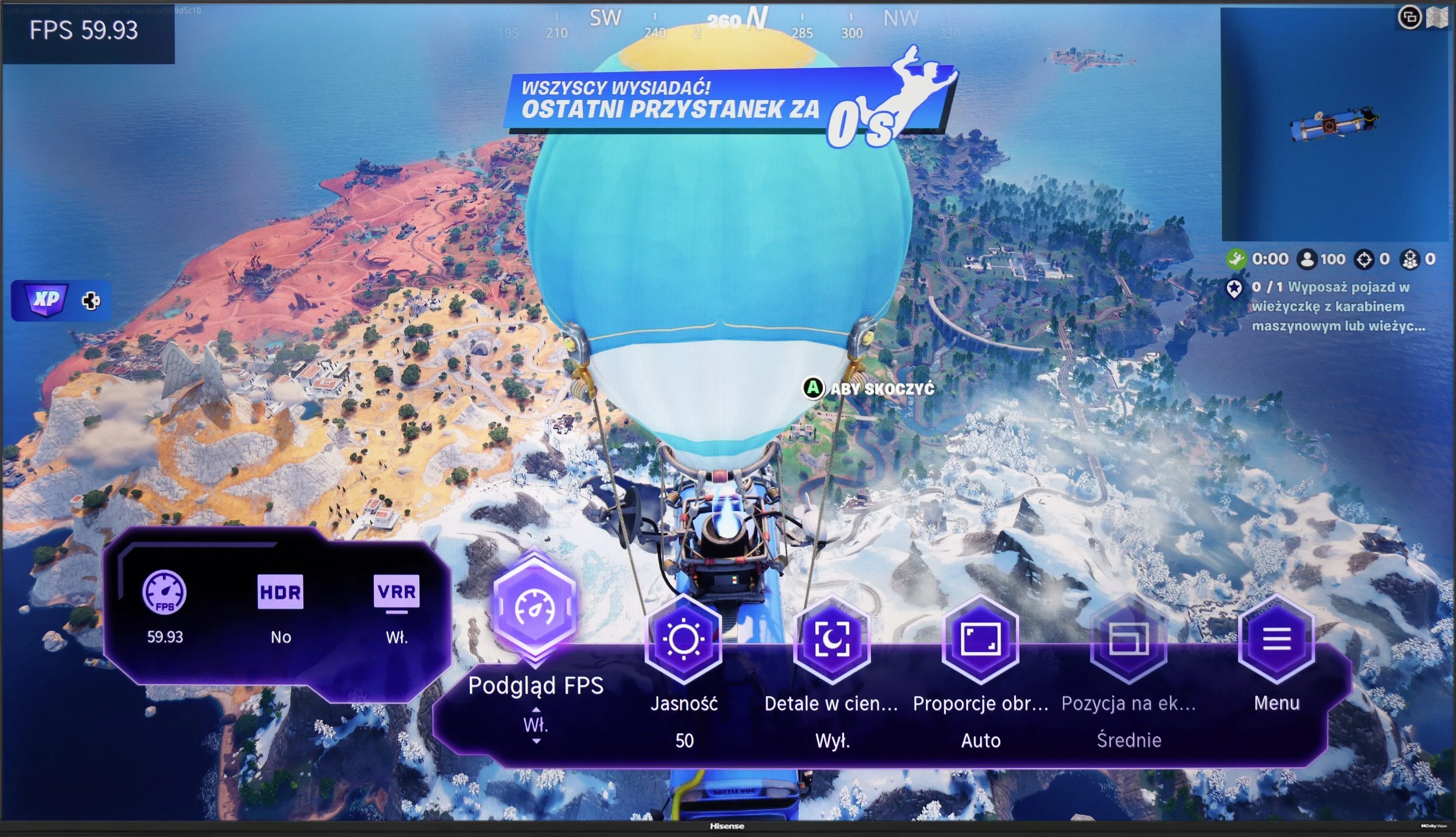
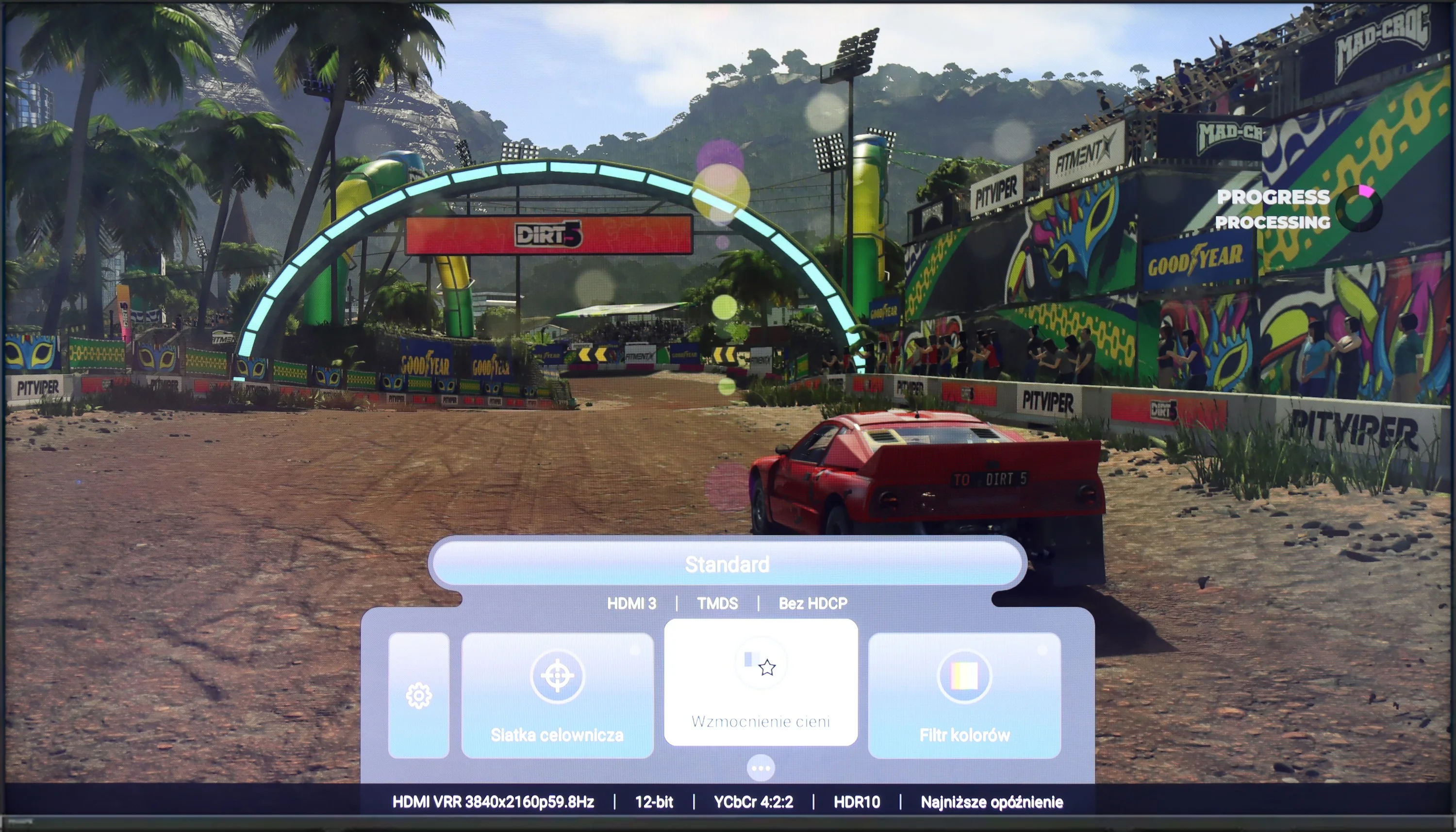
Hisense A6N is a television that will probably appeal to casual gamers, mainly because of its 60 Hz panel, which may not satisfy more demanding users. Despite that, it offers a few conveniences that can make gaming more enjoyable. The TV supports features such as ALLM (automatic low-latency mode), VRR (variable refresh rate) and Dolby Vision, allowing you to enjoy better image quality and smoother motion in games that support these technologies. Moreover, the low input lag means in-game reactions are quick, which is crucial, especially in fast-paced titles. Thanks to these features, although the TV is not the ideal choice for demanding gamers, it provides solid support for those who value comfortable gaming without complicated settings. It is an ideal solution for people who want to enjoy gaming without high hardware demands while having access to modern technologies that enhance the gaming experience.
Philips PML8709 is a television aimed more at casual gamers, primarily due to its 60 Hz panel, which may not meet the expectations of the most demanding users. However, for those who appreciate gaming at a more measured pace, this model may prove sufficient.
The television offers several gamer-friendly features, such as ALLM (automatic switching to game mode) and VRR (variable refresh rate), which help deliver smoother visuals without annoying stutters. Furthermore, in terms of HDR, it includes an HGiG implementation that adjusts HDR effects to the specifics of games, providing a more natural image in properly optimised titles. Unfortunately, it lacks support for Dolby Vision mode, which may be noticeable in games that utilise this format.
A nice addition is the presence of a basic "Game Bar," which allows for quick viewing and modification of the most important gaming-related settings. This is a simple but useful feature, especially for those who often switch configurations between different types of gameplay. Despite some limitations, Philips PML8709 offers a solid set of features for less demanding gamers.
Input lag
9.9/10
10/10
SDR
HDR
Dolby Vision
Hisense A6N achieves an impressive input lag of around 12 to 14 ms, which is an excellent result. The implementation of Dolby Vision also deserves praise; with other brands it is often problematic and unplayable, but here it runs smoothly and without noticeable delays, which is a big plus for fans of fast-paced games.
Philips PML8709 performs very well in terms of input lag. At the supported resolutions, results around 13 ms are more than sufficient to ensure comfortable gameplay. Such a response time means that even more dynamic games do not cause annoying delays. As a result, players can enjoy smooth gameplay without unnecessary stress.
Compatibility with PC
1/10
3.5/10
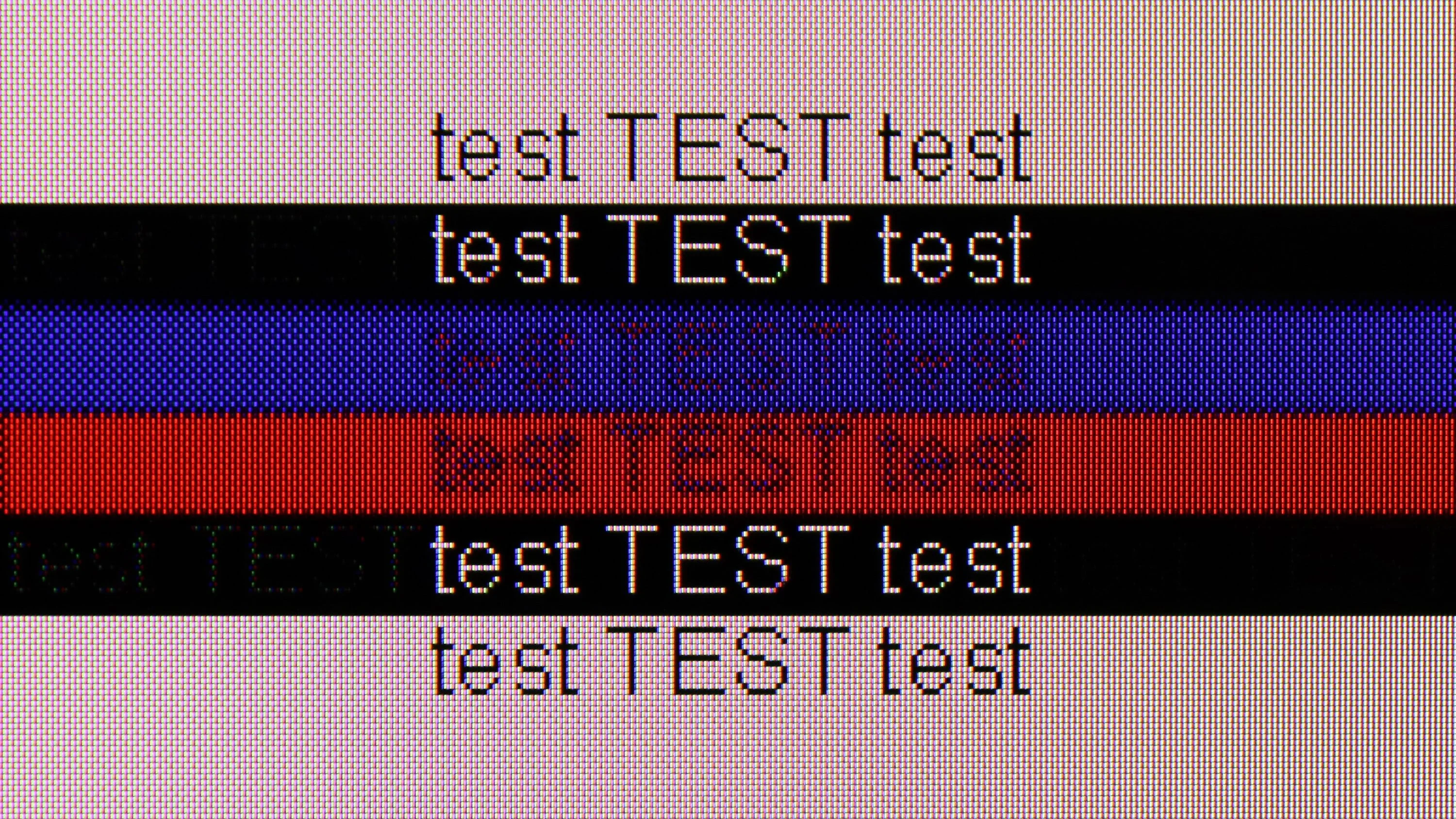
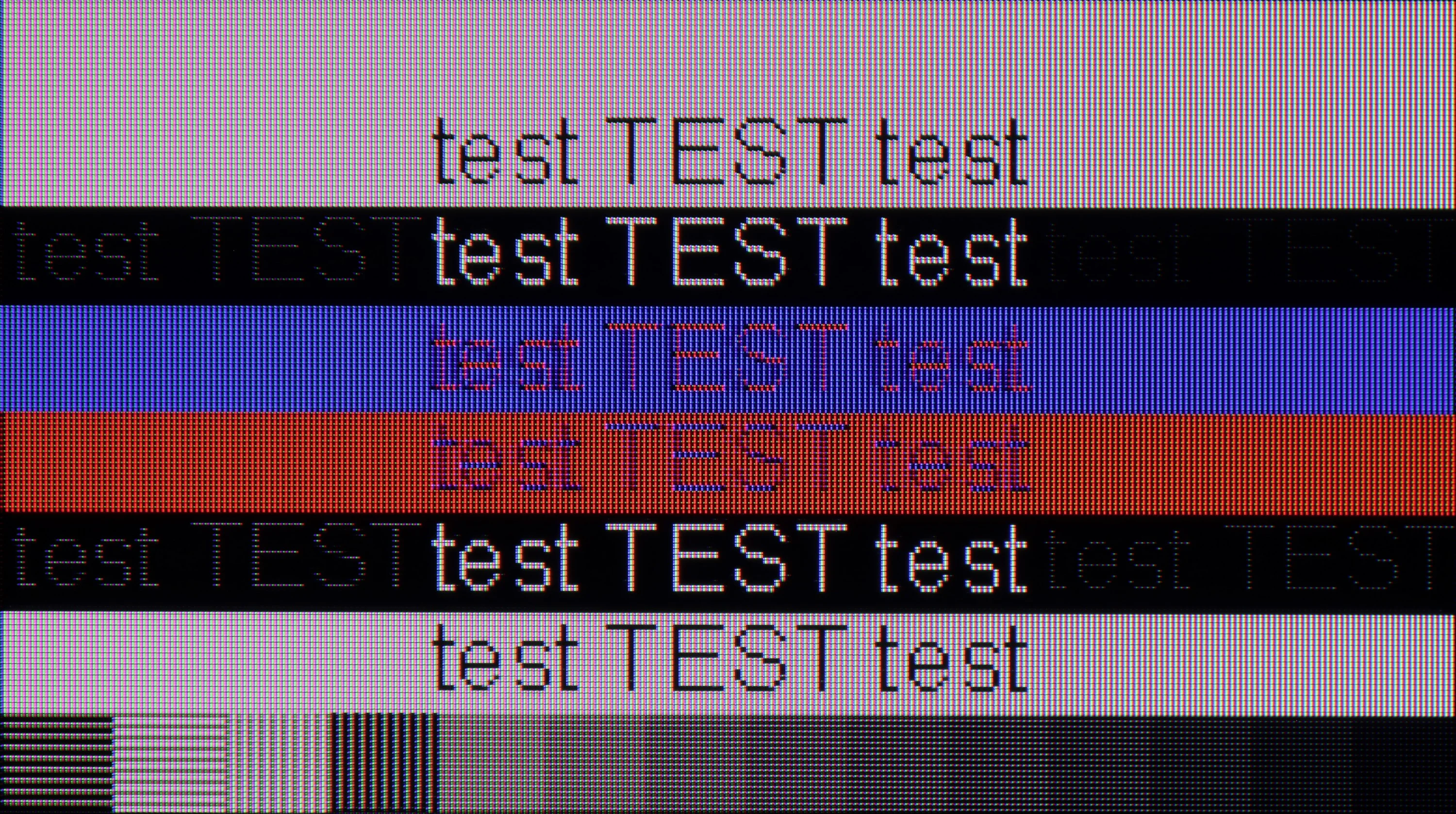
The photo shows the legibility of small fonts. Ideally, lines should be the same thickness on both light and dark text, with minimal pixel gaps.
The Hisense A6N TV is unfortunately not suitable for use with a computer. Lack of support for 4:4:4 chroma subsampling causes fonts to be completely blurry and illegible, making it very difficult to use the TV as a monitor. This definitely rules out this model as an option for anyone looking for a TV to use with a PC.
The Philips PML8709 offers a dedicated mode for PC, but its capabilities are quite limited. The television does not support chroma 4:4:4, which significantly affects the readability of fonts – text appears blurred and is difficult to read, disqualifying this model for those planning to use it as a monitor for work or document viewing. Additionally, although in G-Sync tests the television showed compatibility, the image when using this function is very unstable, with frequent stuttering. Such unpredictability eliminates the benefits that adaptive sync support should provide.
The only positive aspect in the context of working with a PC is the low input lag, which may be an advantage for those using the television mainly for gaming. Nevertheless, the limitations in chroma support and issues with G-Sync make the PML8709 less than ideal for PC users.
Viewing angles
3.4/10
2.9/10
Unfortunately, the viewing angles on the Hisense A6N are poor, which is typical of VA panels. When watched from a wider angle the image quickly loses quality: colours fade and contrast falls markedly. You get the best viewing experience when seated directly in front of the television, because even a small shift to the side causes colour reproduction and contrast to deteriorate. This limitation can be important in larger rooms where viewers are seated at different angles to the screen.
The Philips PML8709, equipped with a VA panel, offers average viewing angles typical for this type of display. The image deteriorates in quality when viewed from a sharper angle – colours wash out and contrast significantly decreases. This is a characteristic feature of VA panels and it is worth keeping in mind, especially if we plan to watch the television from different positions in the room. However, for viewers sitting directly in front, the picture remains clear and well-reproduced.
Daytime performance
3.8/10
4.8/10
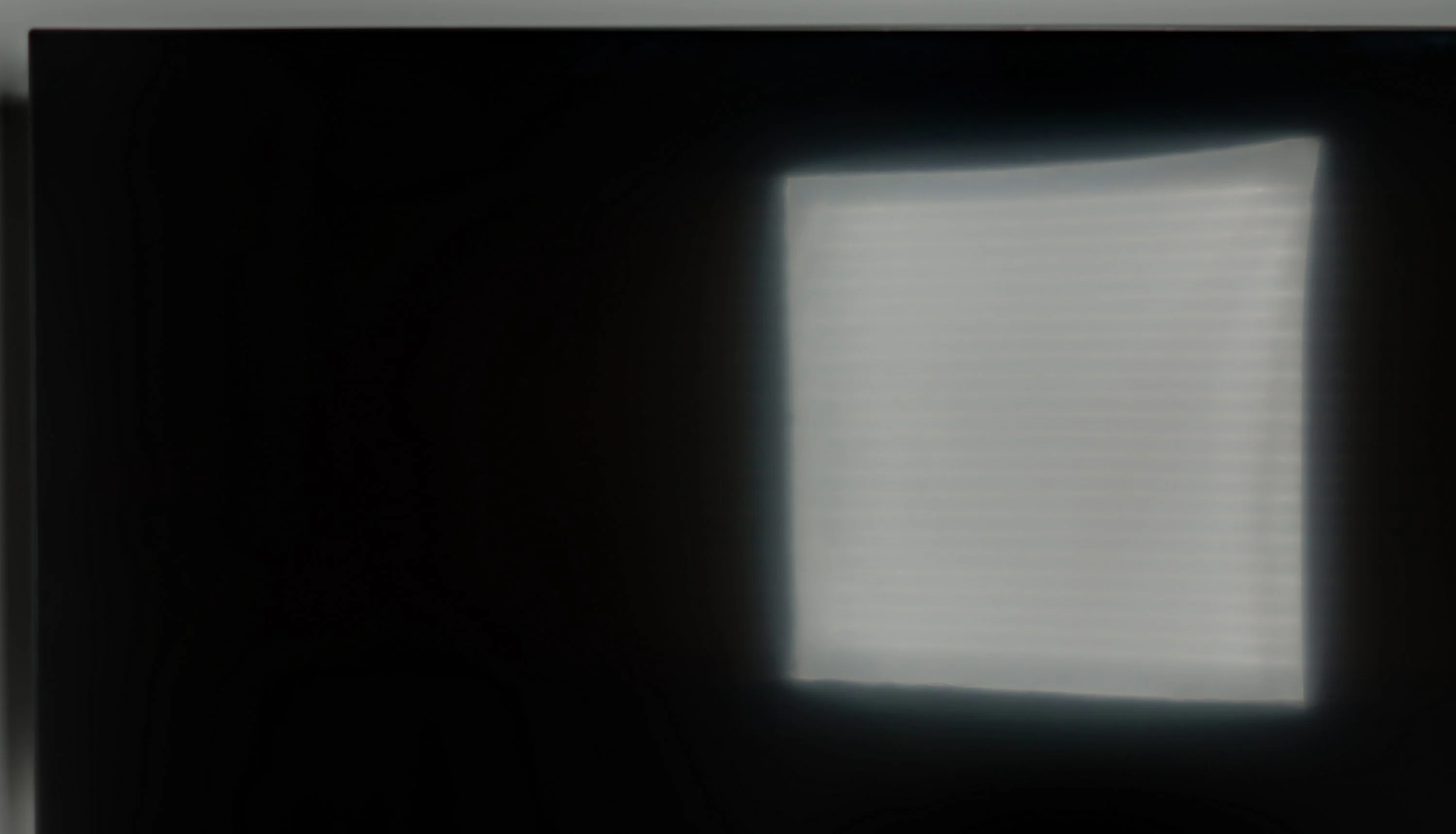
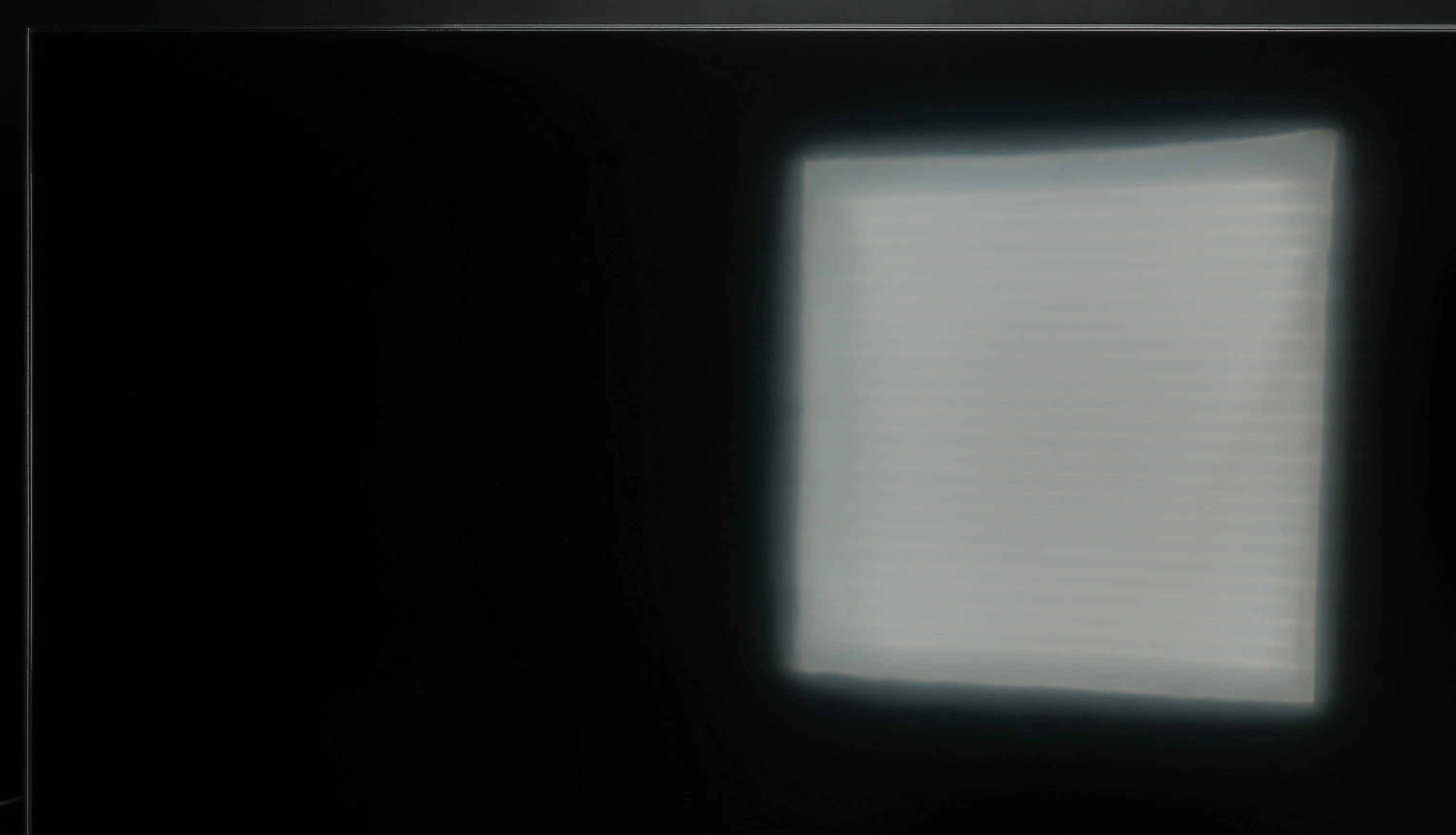
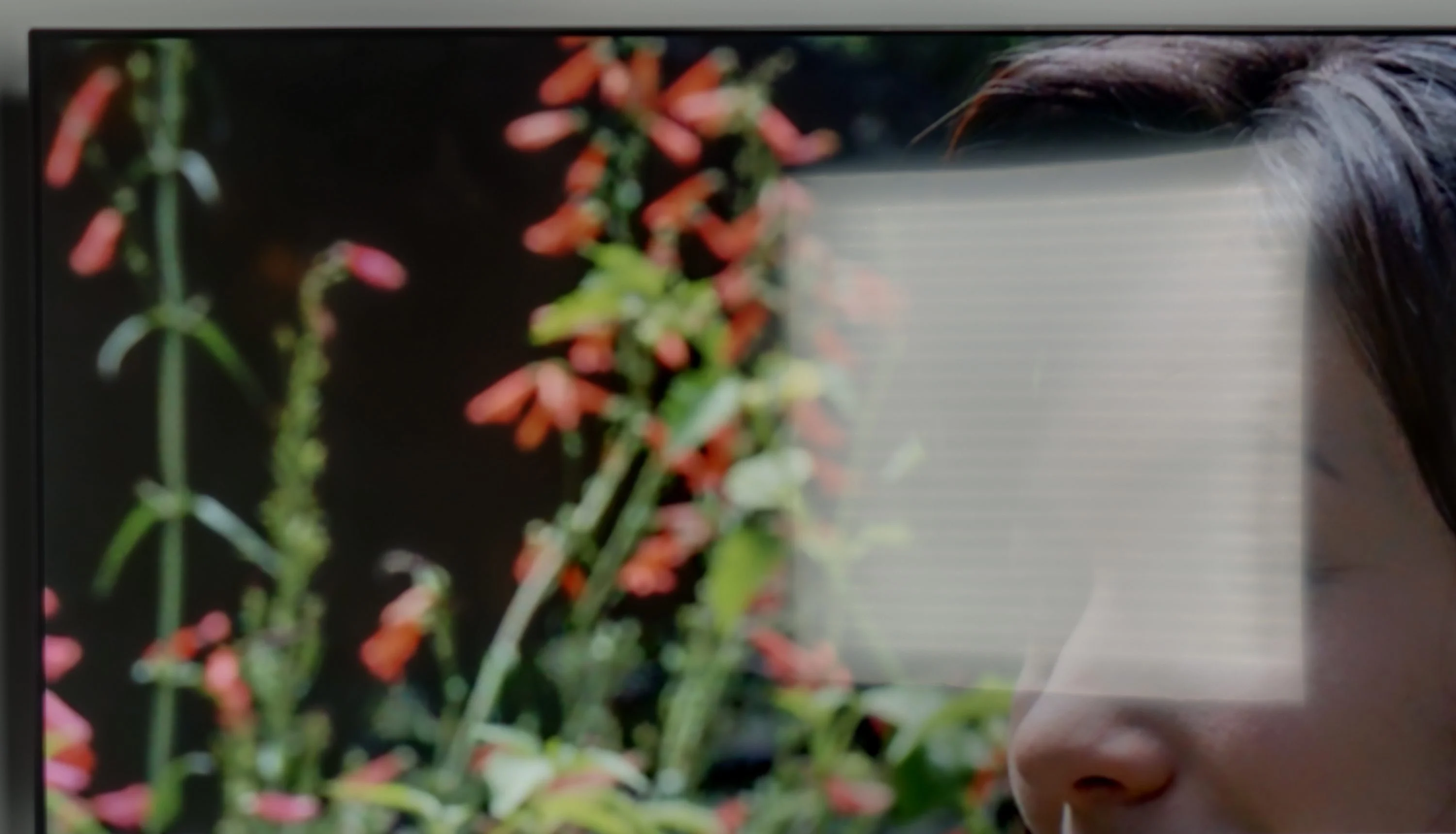
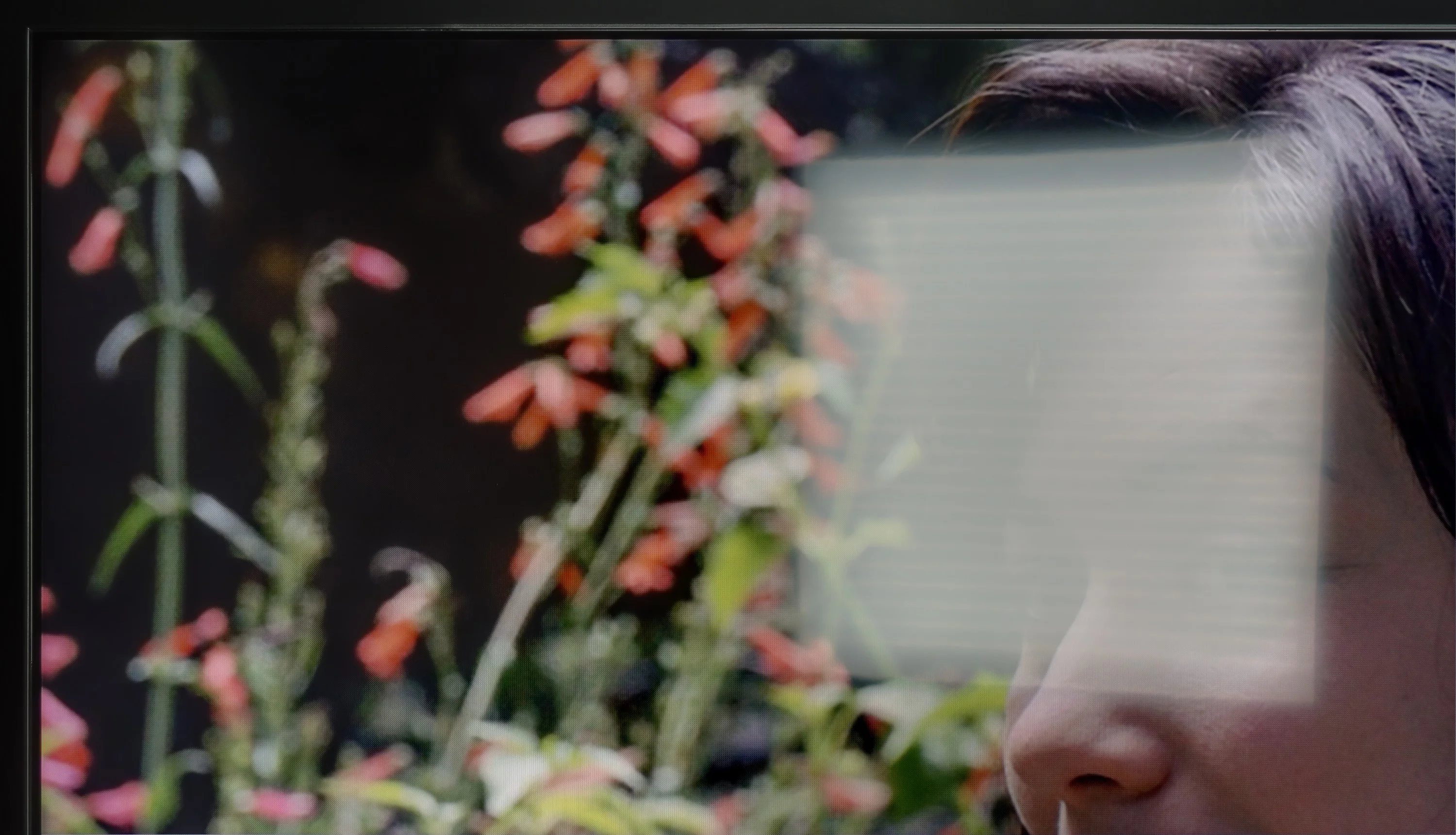
Panel brightness
Philips PML8709: 337 cd/m2
Hisense A6N: 226 cd/m2
A satin-finish panel suppresses reflections well, but a brightness of 220 cd/m² is not enough for the TV to effectively cut through strong ambient light. In bright rooms or with a lot of daylight the image can look washed out, which reduces viewing comfort in such conditions.
The Philips PML8709 is equipped with a satin matrix, which performs moderately well in reducing reflections. In moderately lit rooms, reflections will not be too bothersome; however, in heavily sunlit conditions, the situation can become problematic. An additional challenge is the relatively low screen brightness, measuring around 330 cd/m². This level may prove insufficient to ensure comfortable viewing in bright rooms, where the image may appear too dark and unclear. The television will perform better under controlled lighting conditions, but for those looking for a model that handles daytime viewing well, this may be a significant limitation.
Panel details
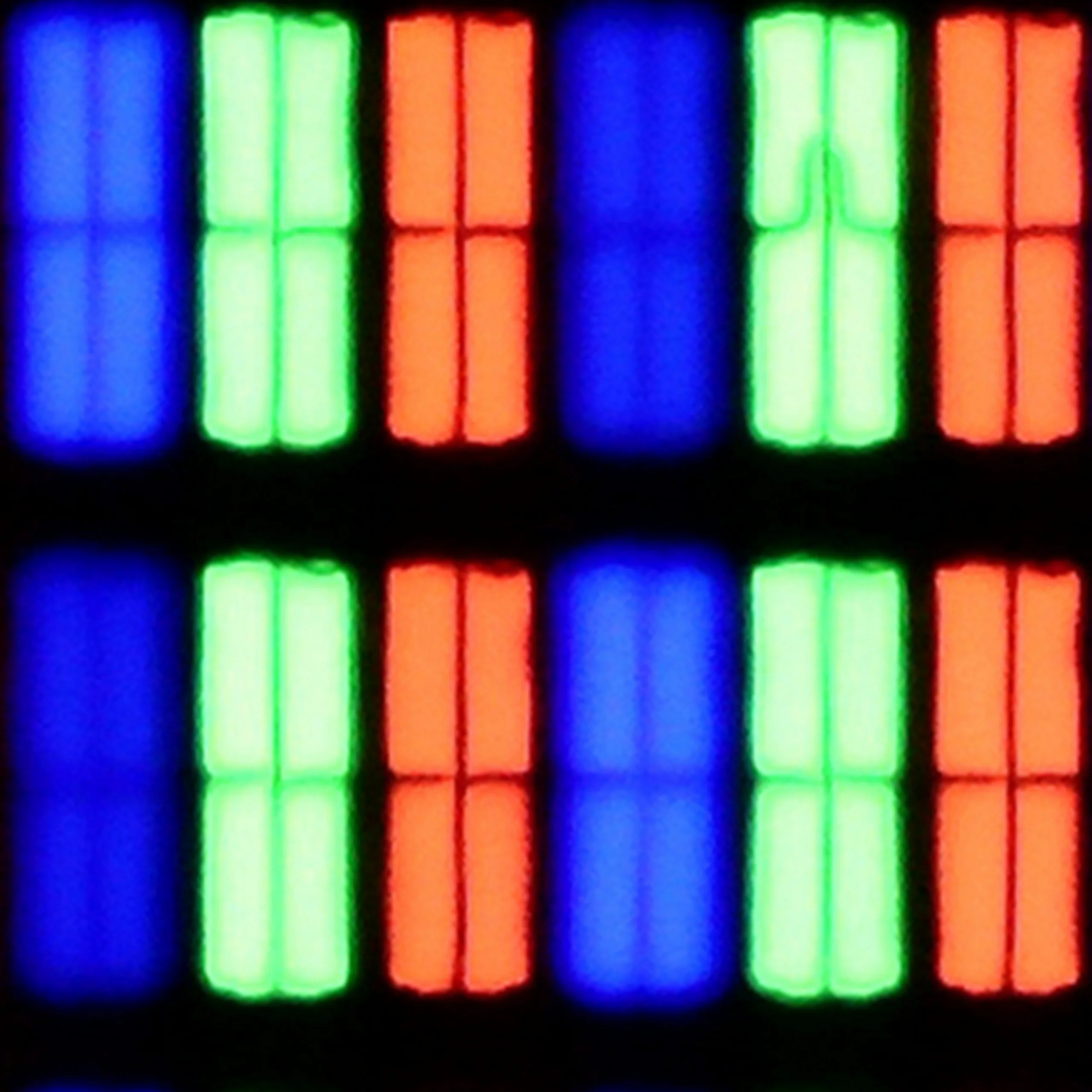
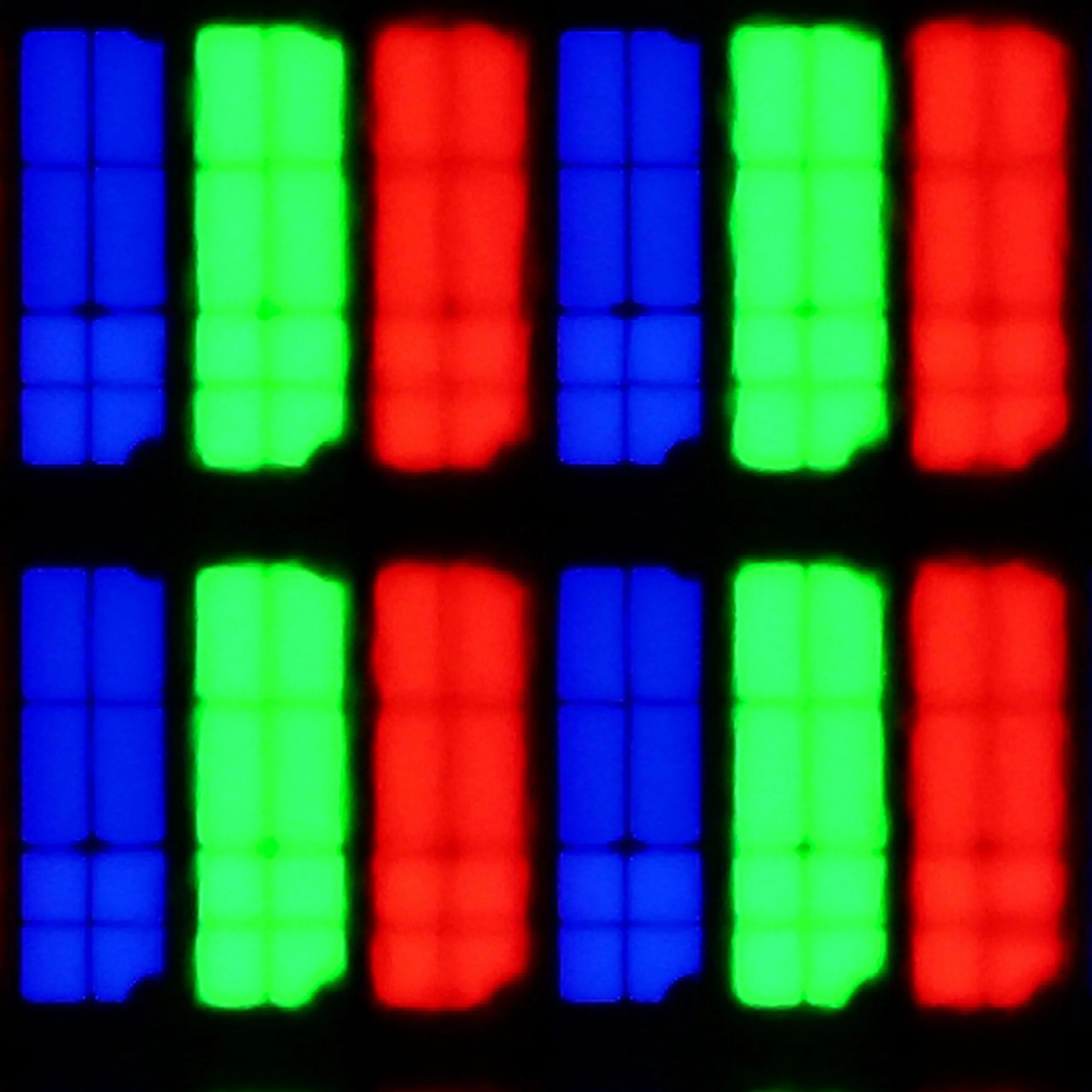
Subpixel Structure:
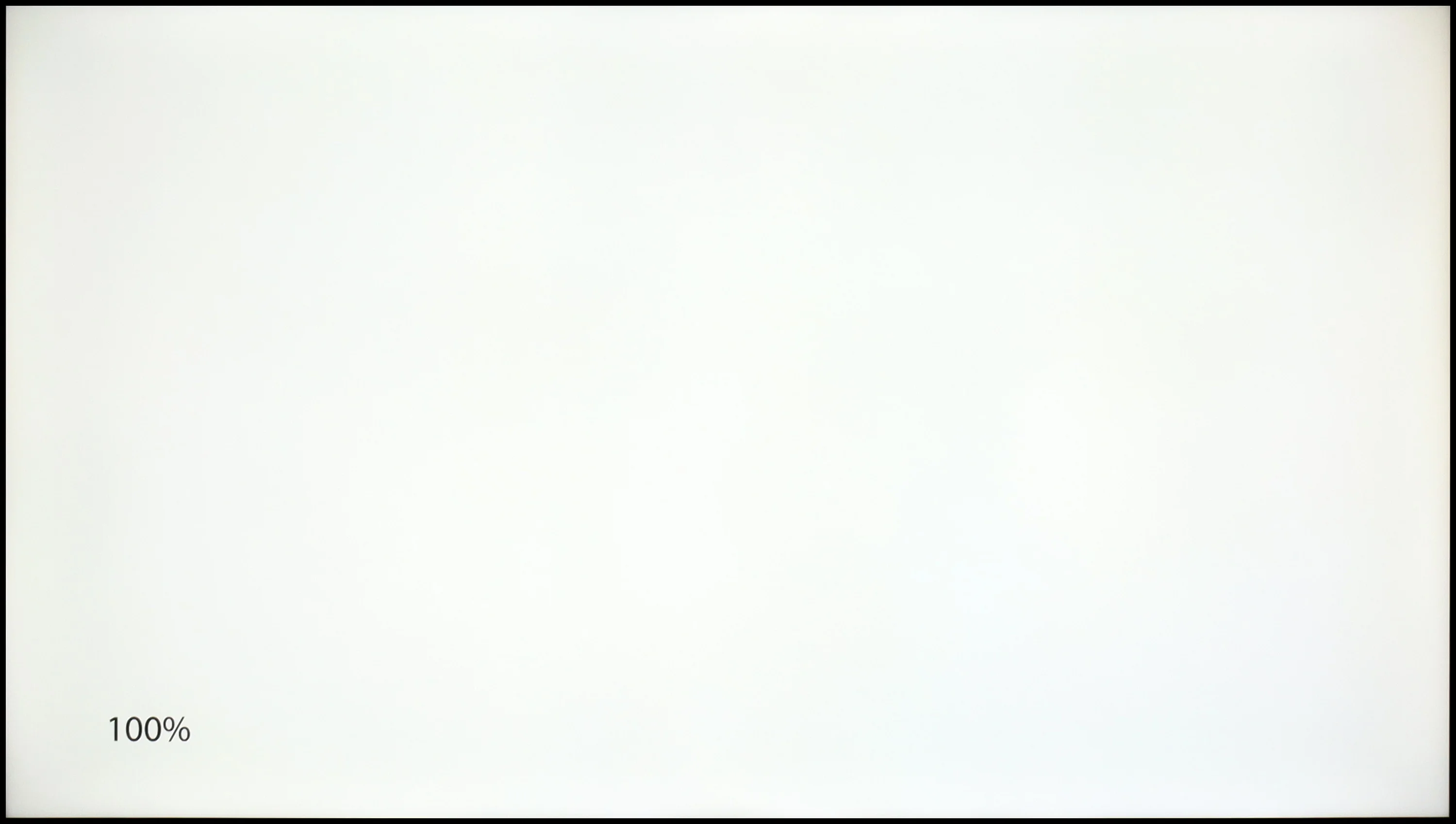
Panel uniformity and thermal imaging:

TV features
7/10
6.5/10
- SystemVIDAAGoogle TV
- System performanceDecentDecent
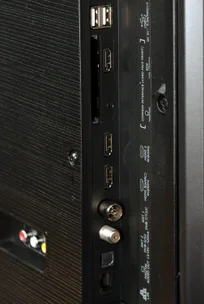
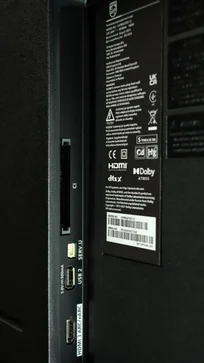
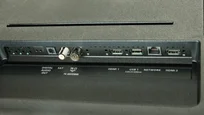
- HDMI inputs0 x HDMI 2.0, 0 x HDMI 2.13 x HDMI 2.0, 0 x HDMI 2.1
- OutputsToslink (Optical audio), eARC (HDMI), ARC (HDMI)
- Network InterfacesWi-Fi 2.4GHz, Wi-Fi 5GHz, Ethernet (LAN) 100MbpsWi-Fi 2.4GHz, Wi-Fi 5GHz, Ethernet (LAN) 100Mbps
- TV receptionDVB-T, DVB-T2, DVB-S, DVB-S2, DVB-CDVB-T, DVB-T2, DVB-S, DVB-S2, DVB-C
Classic features:
- Recording to USB (terrestrial TV)
- Recording programming
- Picture in Picture (PiP)
- RF remote control (no need to aim)
- Backlit remote control
- Teletext
- Audio only mode
- Bluetooth headphones support
- Simultaneous Bluetooth headphones & TV audio
Smart features:
- AirPlay
- Screen mirroring (Windows Miracast)
- Voice search
- Voice search in native language
- Ability to connect a keyboard and mouse
Sound connection options
- HDMI audioeARC (HDMI), ARC (HDMI)
- Other audio outputsToslink (Optical audio)
- Wireless audioBluetoothBluetooth
Supported audio formats (external HDMI eARC audio):
- Dolby Digital Plus 7.1
- Dolby True HD 7.1
- Dolby Atmos in Dolby Digital Plus (JOC)
- Dolby Atmos in Dolby True HD
- DTS:X in DTS-HD MA
- DTS-HD Master Audio
Senior accessibility
- Numeric keyboard on TV
- Font size adjustment
- Audio description
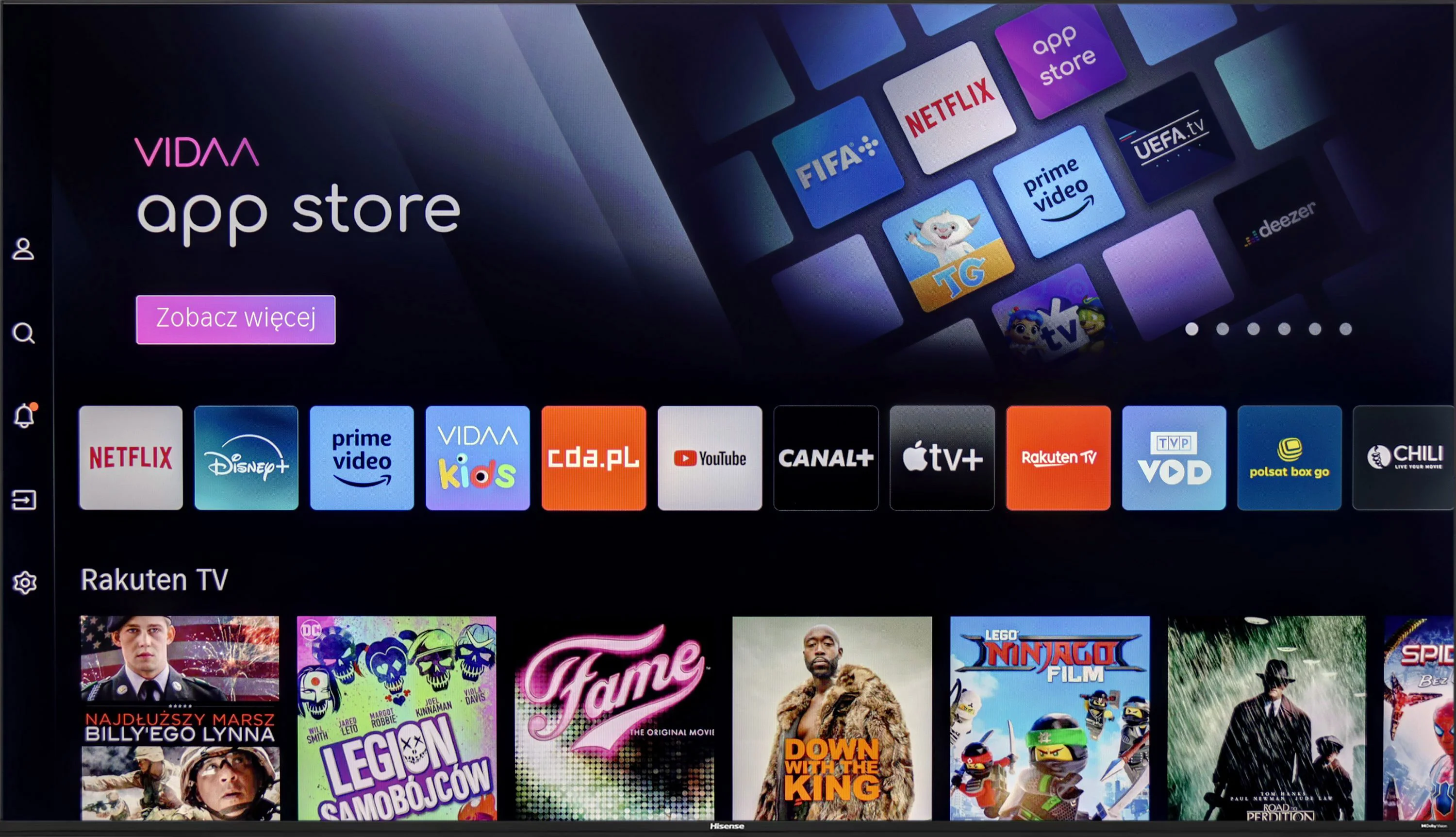
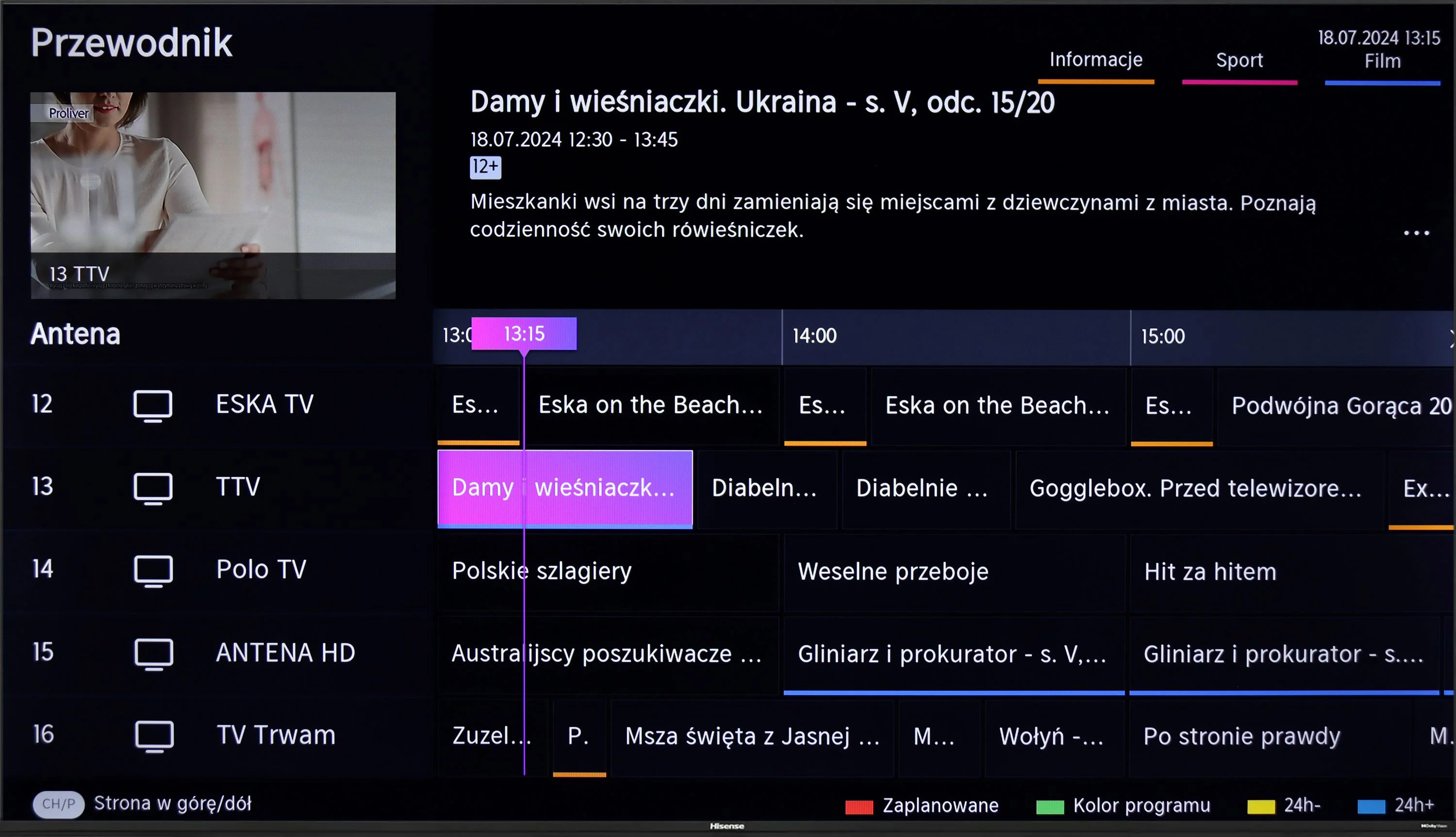
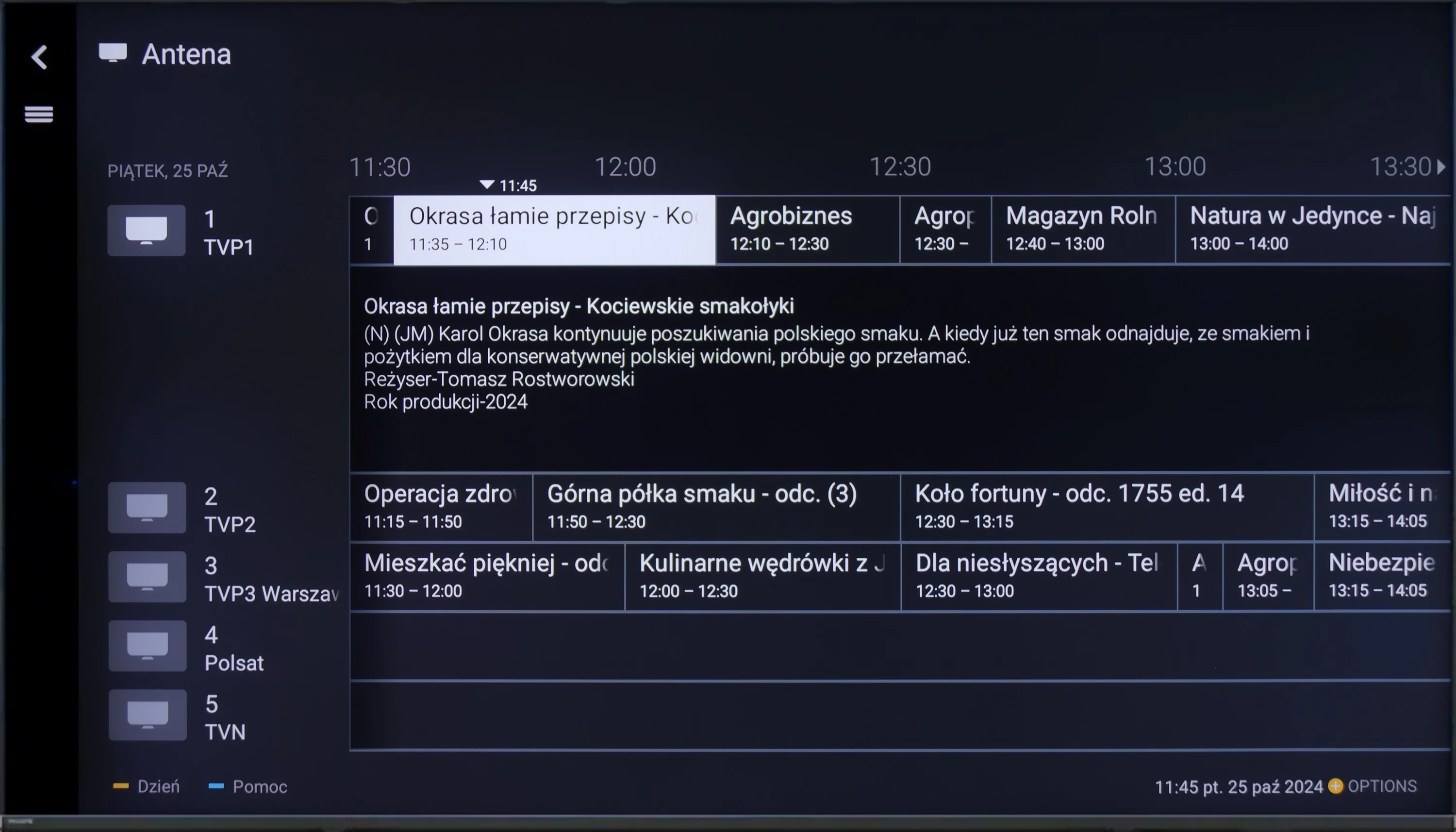
The Hisense A6N television runs on the VIDAA system, which is fast and responsive without significant stuttering. There are plenty of apps, but unfortunately it lacks music services such as Spotify or Tidal. This may disappoint users expecting a wide choice of streaming services. Nevertheless, the television has a few features that can compensate: it supports screen mirroring and AirPlay, allowing wireless streaming from other devices. Additionally, you can connect peripherals such as keyboards or headphones via Bluetooth, which increases the device's functionality. Unfortunately, viewers of traditional broadcast TV may be disappointed by the lack of recording functionality and a PiP (Picture-in-Picture) option, limiting the ability to personalise viewing.
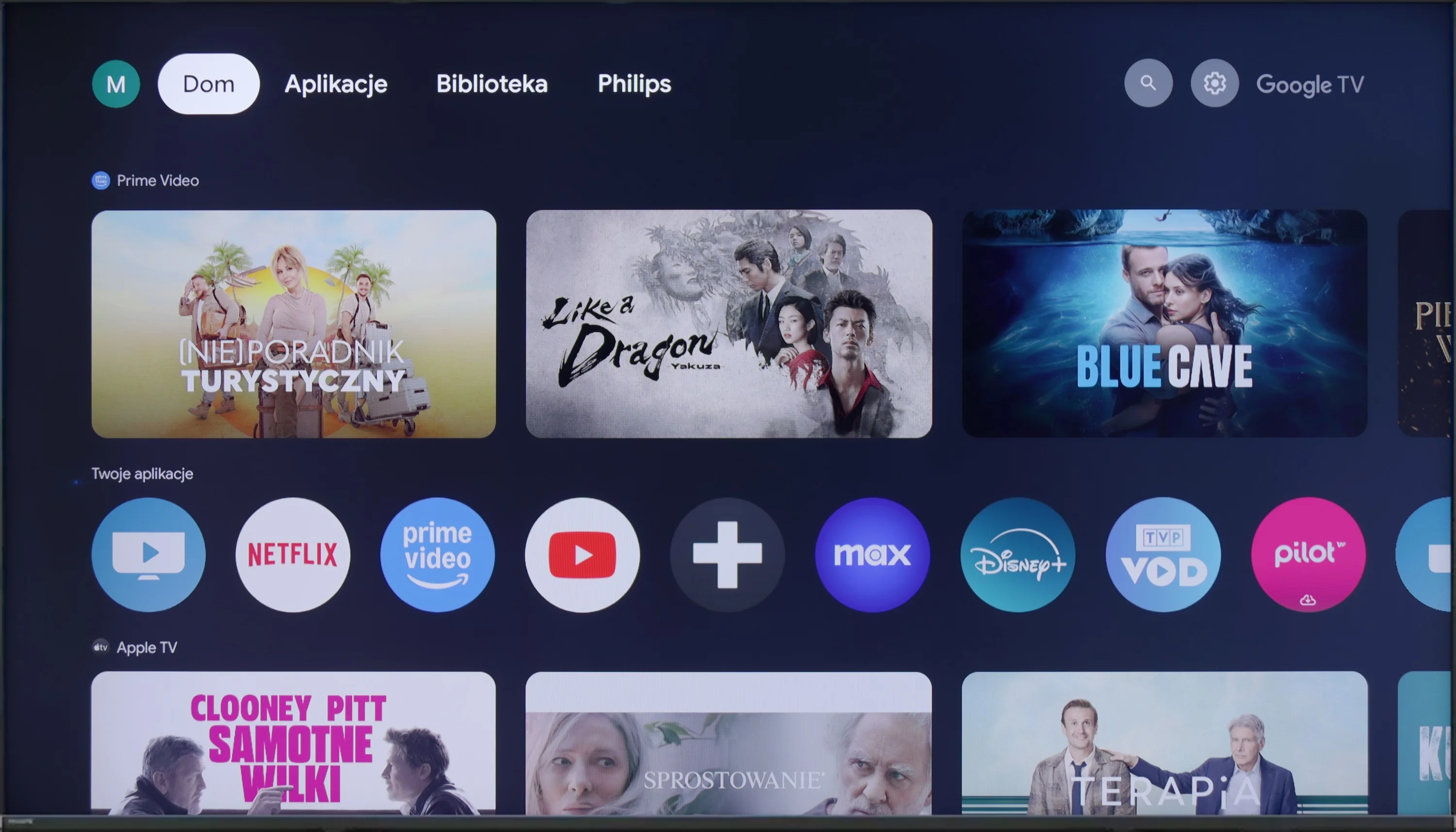
Philips PML8709 runs on the Google TV operating system. This is quite a surprising choice, considering that it is not a flagship model of the brand. Fortunately, it has avoided the implementation of the less popular TitanOS, which can be seen as a plus. Google TV offers a well-known, clear interface and wide possibilities for app installation, making the television more versatile.
In terms of usability, the television performs solidly. Daily use of the device is pleasant, thanks to support for voice search in Polish. The ability to connect peripheral devices such as keyboards, mice or headphones via Bluetooth increases its functionality. Unfortunately, the PML8709 does not offer more advanced options like USB recording or PiP (picture-in-picture) functionality, which may disappoint more demanding users.
An interesting fact, and quite a surprise, is the absence of the Ambilight system, for which Philips is widely known. The decision to omit this technology in the PML8709 model seems inexplicable, especially since Ambilight is often cited as one of the greatest advantages of televisions from this brand.
Apps
7.7/10
9.6/10






















Playing files from USB
3.9/10
7.6/10
Supported photo formats:
Maximum photo resolution:
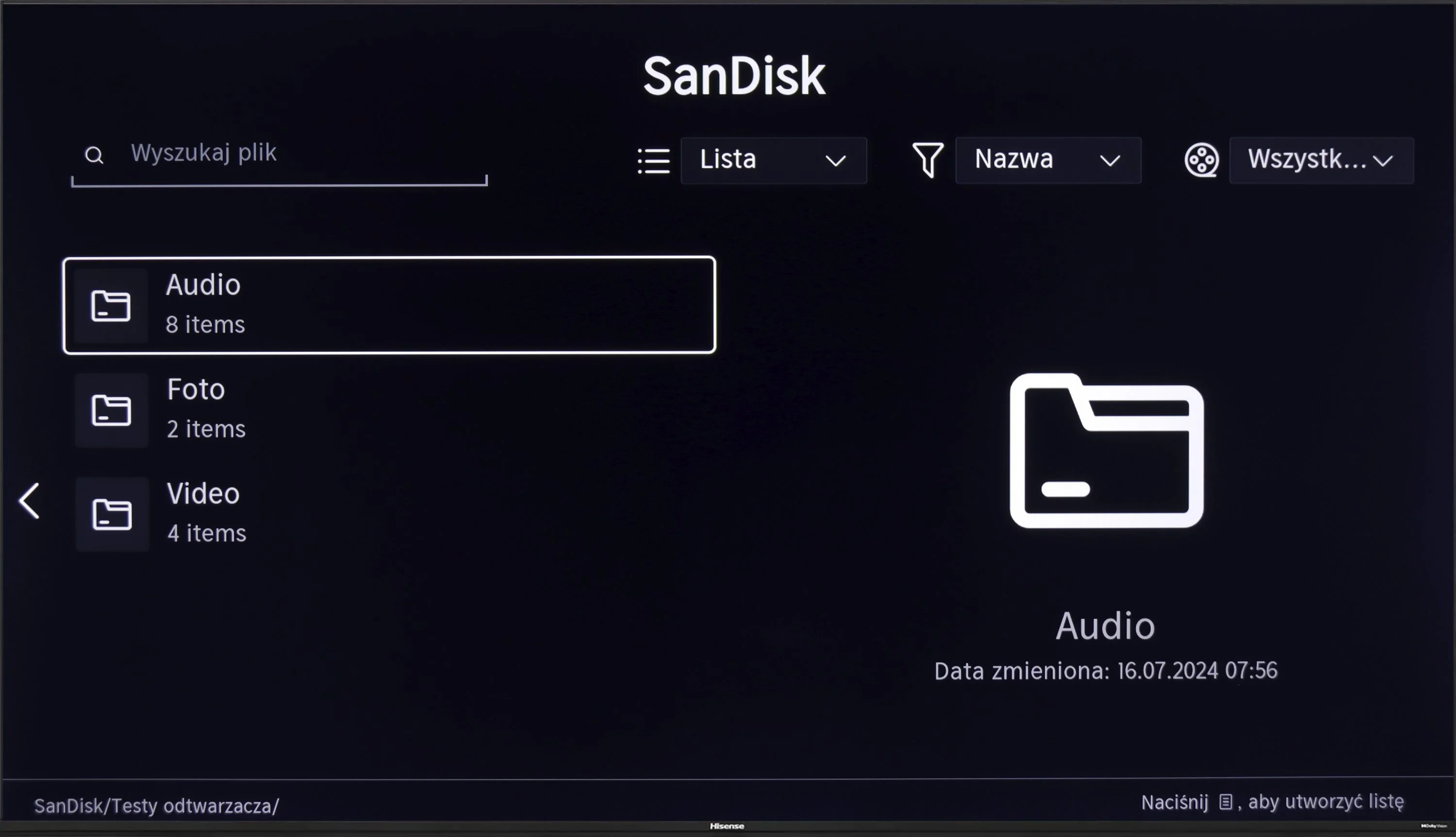
Unfortunately, the lack of support for Polish characters is a major disappointment. It poses a significant problem when playing back material with Polish subtitles. This limitation greatly affects the viewing experience of films from local media.
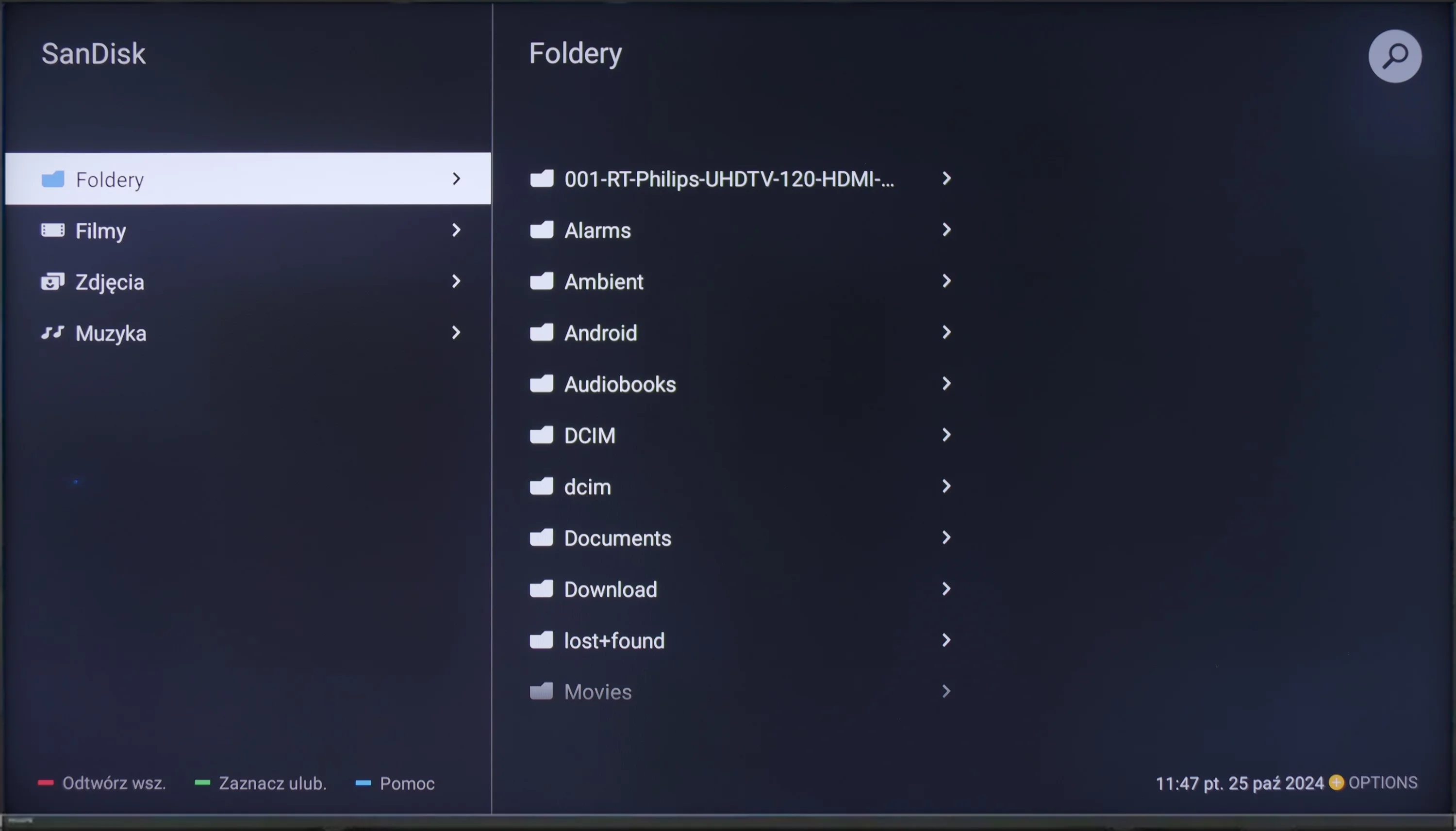
Philips PML8709 performs well in playing multimedia files from USB. The television should not have problems with handling most popular video, audio, and photo formats, making it a versatile tool for home entertainment. Files are read smoothly, and the interface of the built-in player is simple and intuitive.
However, a significant drawback is the lack of support for Polish characters in subtitles, stemming from the incomplete implementation of the UTF-8 standard. Subtitles with Polish characters are displayed incorrectly, which can be frustrating for those watching films in their native language. This shortcoming means that users seeking full compatibility with subtitles may be forced to resort to external multimedia players.
Sound
5.5/10
5.1/10
- Maximum volume--
- Dolby Digital Plus 7.1
- Dolby True HD 7.1
- Dolby Atmos in Dolby Digital Plus (JOC)
- Dolby Atmos in Dolby True HD
- DTS:X in DTS-HD MA
- DTS-HD Master Audio
The sound in Hisense A6N can be described as rather flat and average, typical of budget televisions. However, when connected to an external audio system, users will not be disappointed, since the TV supports most popular audio formats, including DTS and Dolby, allowing for a significantly improved listening experience.
The sound quality of the Philips PML8709 is average and standard for a television equipped with speakers rated at 2 x 10 W. The sound is sufficient for everyday viewing, but it is difficult to expect depth in the bass or clear details in more demanding scenes. On the plus side, it does support Dolby Atmos and DTS.
Reader comments
Comments are provided by the external service Disqus (Zeta Global). Once loaded, Disqus may set cookies and process data about your activity.
We will remember your choice on this device. Provider's privacy policy