The Haier Q80FUX television is one of the most schizophrenic propositions we've had in our editorial office for a long time. On one hand, we have a solid piece of equipment here: a VA panel ensuring deep blacks, as expected in this segment, and a QLED quantum filter that can indeed produce vibrant, eye-catching colours. This is the foundation upon which a really competitive mid-range receiver could have been built. Unfortunately, all this matrix potential is systematically thwarted by the software, which represents a true millstone around the neck of this model. The Achilles' heel of the Q80FUX is its total capitulation when faced with HDR10 materials. The electronics seem to completely misunderstand how to interpret the signal, resulting in the brightest parts of the image being continuously blown out, turning them into a flat, milky patch. If we add the Google TV system to this, which, although functional, is unstable, full of bugs, and annoying shortcomings, we see a product that feels raw and clearly shows the manufacturer's lack of experience. Just when we thought we had written this model off, we discovered its surprising niche. Once connected to a console, the Q80FUX undergoes a transformation. It turns out that this television offers an impressively low input lag, fully supports VRR, and can handle a 120Hz signal in Full HD resolution. In the gaming world, where responsiveness is everything, these parameters put it in a very good light. So, we are dealing with a device of very narrow specialization. This is not a universal living room television – it lacks stability and above all, any correctness when handling films. Rather, it is a budget-friendly, large-format monitor for gamers, who can consciously forgive it all the software flaws in exchange for those few key attributes needed for consoles/PC at a relatively affordable price.
- Matching (Score) |
- Our verdict |
- TV appearance |
- Where to buy |
- Contrast and black detail |
- HDR effect quality |
- Factory color reproduction |
- Color reproduction after calibration |
- Smoothness of tonal transitions |
- Image scaling and smoothness of tonal transitions |
- Blur and motion smoothness |
- Console compatibility and gaming features |
- Input lag |
- Compatibility with PC |
- Viewing angles |
- Daytime performance |
- Panel details |
- TV features |
- Apps |
- Playing files from USB |
- Sound
Haier Q80FUX vs TCL C8L / QM8L
 Direct comparison
C8L / QM8L

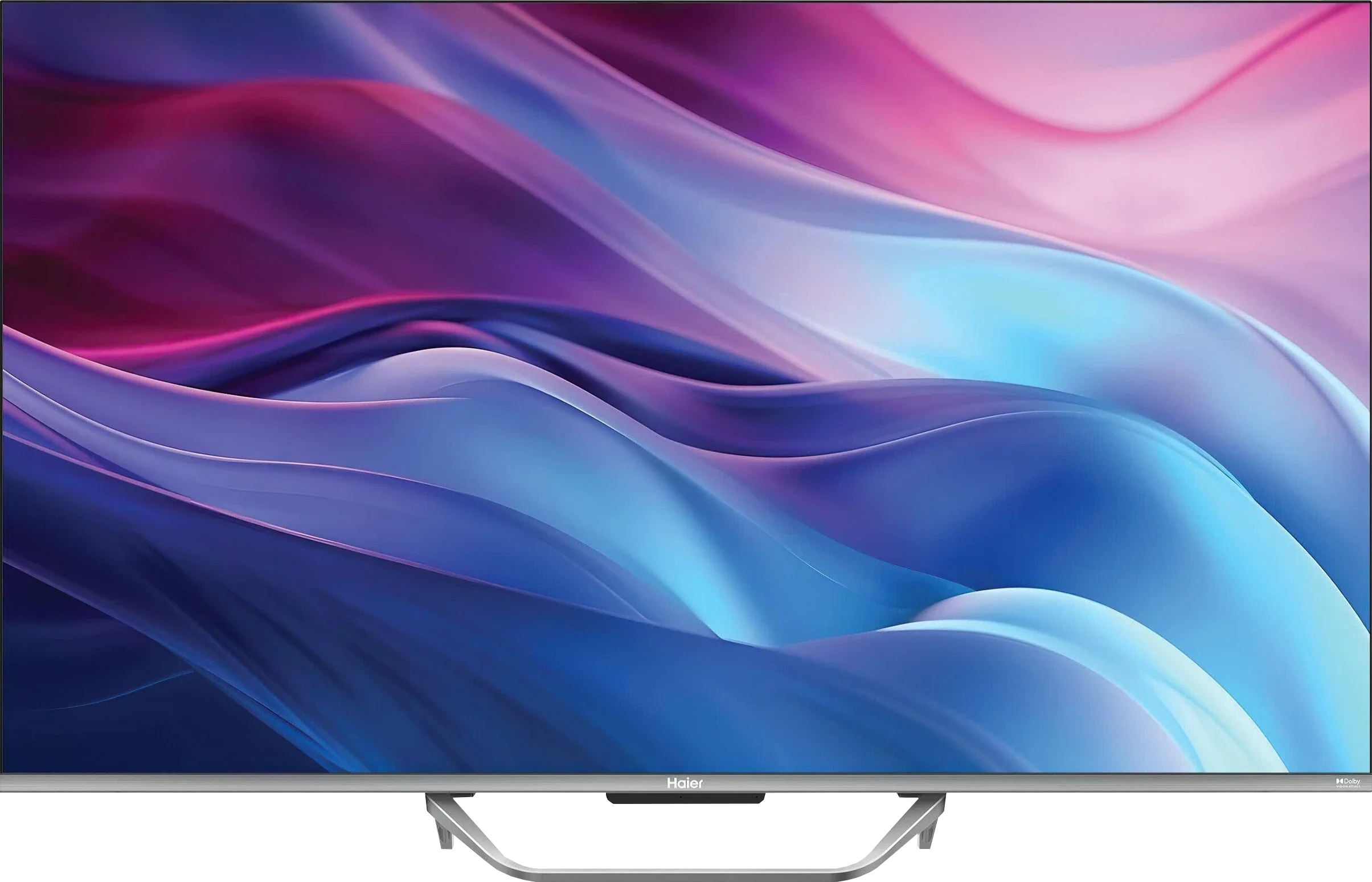
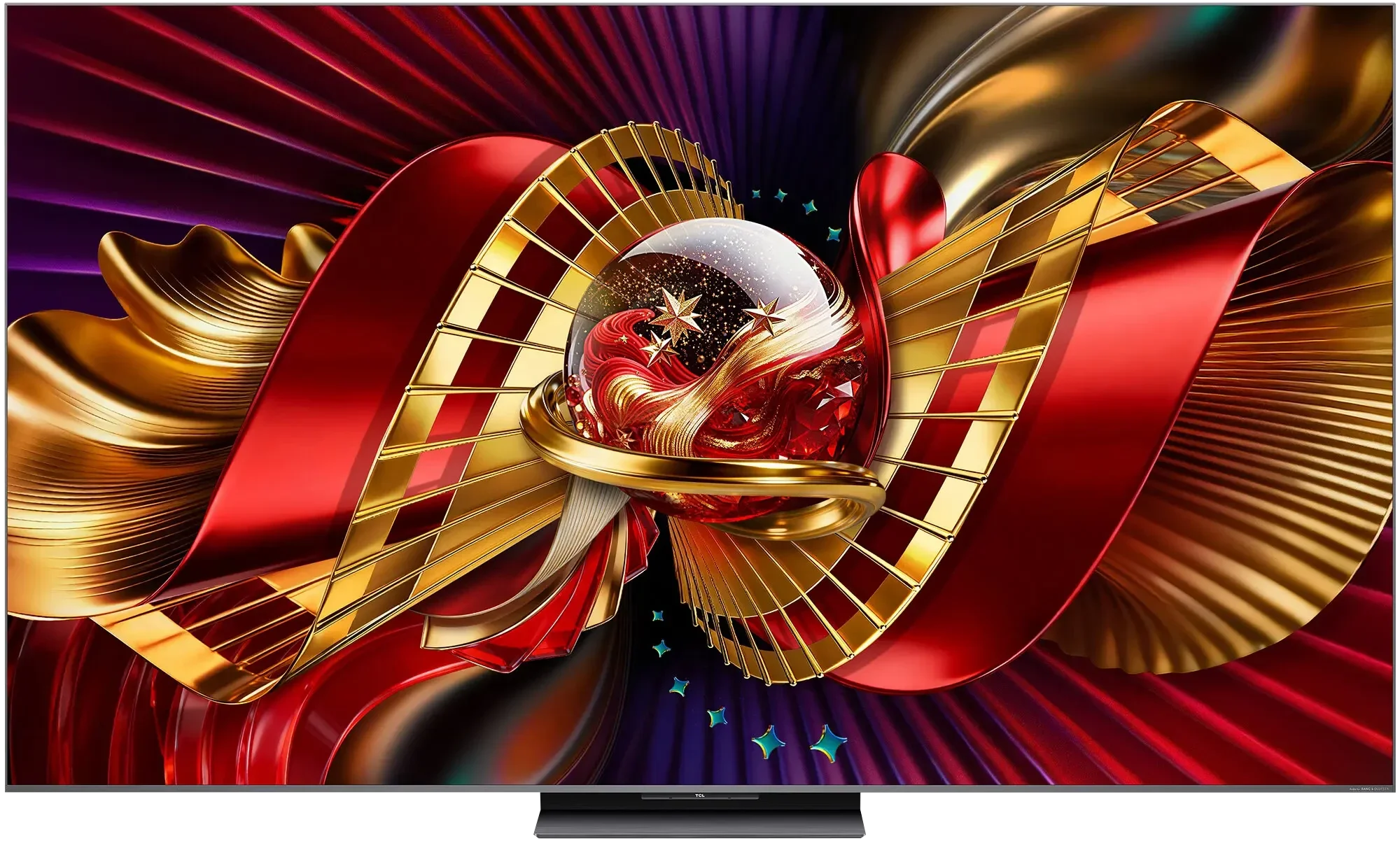
Panel type: LCD VA
Resolution: 3840x2160
System: Google TV
Model year: 2025
Complete the survey to find out the result
Panel type: LCD VA
Resolution: 3840x2160
System: Google TV
Model year: 2026
Complete the survey to find out the result
Overall rating
5.8
8.3
 Movies and series in UHD quality
 5.9
7.7
 Classic TV, YouTube
 5.6
7.5
 Sports broadcasts (TV and apps)
 4.7
7.2
 Gaming on console
 6.7
8.9
 TV as a computer monitor
 6.0
8.6
 Watching in bright light
 4.8
10.0
 Utility functions
 5.6
8.3
 Apps
Apps 9.6
9.6
 Sound quality
 5.5
8.1
Complete the survey to find out what fits your preferences
Advantages

Very good native contrast and decent black (thanks to the VA panel)
PFS / QLED filter - Wide colour gamut (approx. 95% DCI-P3)
Remarkably low input lag (below 10 ms at 120Hz and around 12 ms at 60Hz), making it an excellent choice for fast-paced games.
Support for 120Hz in lower resolution (Full HD) and the presence of VRR and ALLM
Support for Dolby Vision
Well-functioning file player from USB
Presence of an analogue headphone output (jack)
Very good black levels: Mini-LED backlighting
High peak brightness: results reaching nearly 5000 nits
Excellent daytime performance: the powerful backlight easily cuts through reflections on the panel
Very good colours: new SQD quantum dots
Pentonic 800 processor: a noticeable quality leap in upscaling and the performance of digital features
Four full HDMI 2.1 ports
Excellent specs for gamers: exceptionally low input lag (below 10 ms), refresh rates up to 288 Hz with VRR, and support for HGiG and Dolby Vision Gaming
Google TV: the system runs quickly and allows installation of a large number of apps
Good sound: audio branded by premium Bang & Olufsen
Disadvantages

The image is quite heavily "blown out" in HDR
Google TV software is full of bugs, poor translations, and issues
Lack of any image enhancement features (noise reduction, gradient smoothing)
Average brightness
Flat, bass-less sound
High input lag in Dolby Vision mode for gaming
Odd and poorly ergonomic remote
Not faithful to the creator's intent: the TV tends to boost brightness
Slight smearing
Our verdict
TCL C8L is undoubtedly one of the most intriguing Mini-LED televisions that has entered our laboratory this year. This model stands out primarily due to its excellent price-to-performance ratio. TCL has already accustomed us to aggressive pricing for its screens, but in the case of the C8 series, the manufacturer has managed to push the boundaries even further. For the amount that often only allows the purchase of mid-range models or two such models like C8K in the competitive market, here we receive equipment and specifications equal to top models. The new image processor, four full HDMI 2.1 ports, support for extreme refresh rates, and powerful peak brightness thanks to a vast number of dimming zones are arguments that are hard to overlook.
However, analysing the whole picture, one must honestly summarise the character of this television. The C8L is equipment designed more for displaying “spectacular” images rather than rigorously faithful ones. What do we mean by this? The software and algorithms managing the Mini-LED backlight zones have been tuned to favour visual appeal – the image is meant to be bright, contrasty, and striking in saturation. And what does this mean? The television has a tendency to autonomously interpret images instead of adhering to certain studio standards. For most users looking for “greater” emotions in films or games, this effect will likely be an advantage. On the other hand, purists and fans of perfectly natural images (such as us 😉) may find this behaviour too aggressive and not in line with the director's intent. Hence, we leave the final assessment on this matter to you.
Generally speaking, despite this specificity, the TCL C8L is a television that we can, and indeed must, wholeheartedly recommend. It is primarily a premium-class product, doing literally everything right... to a fault. Certain imperfections we would simply treat as features of this device rather than flaws – mainly due to the technological limitations that all Mini-LED televisions from any manufacturer on the market have accustomed us to. Ultimately, the software refinement has brought a lot to the new model, resulting in a mature, confident, and nearly complete piece of equipment.
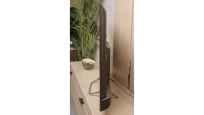
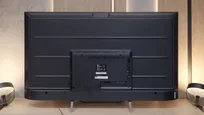
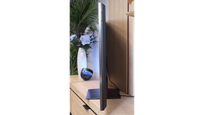
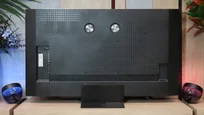
TV appearance

Contrast and black detail
6.3/10
8/10
Local dimming function: No
Local dimming function: Yes, number of zones: 2040 (34 x 60)
Contrast:


Result
5,200:1

Result
7,400:1

Result
7,550:1

Result
7,300:1

Result
6,450:1
Result
156,600:1
Result
59,250:1
Result
17,400:1
Result
23,650:1
Result
9,250:1
Halo effect and black detail visibility:
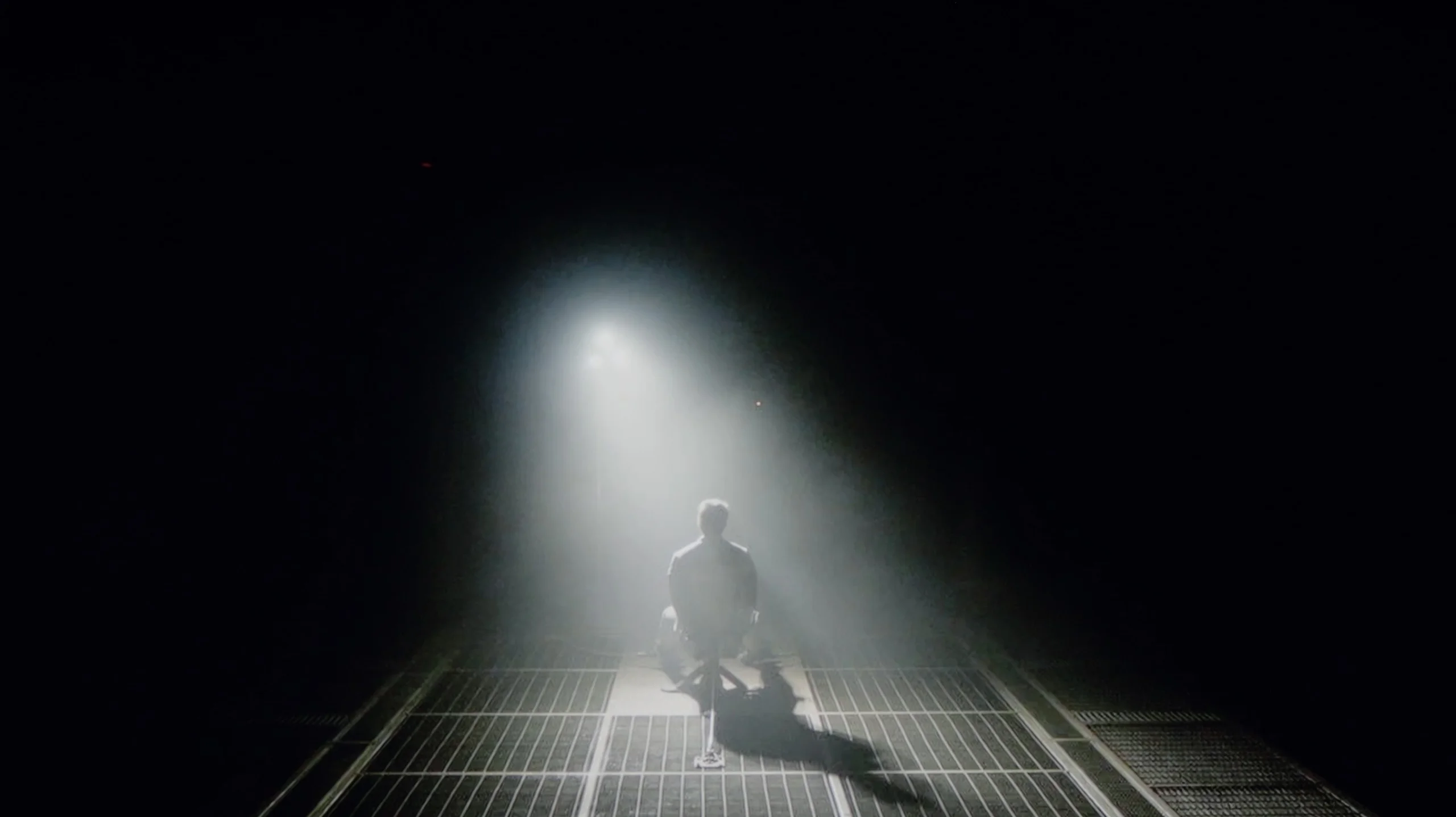
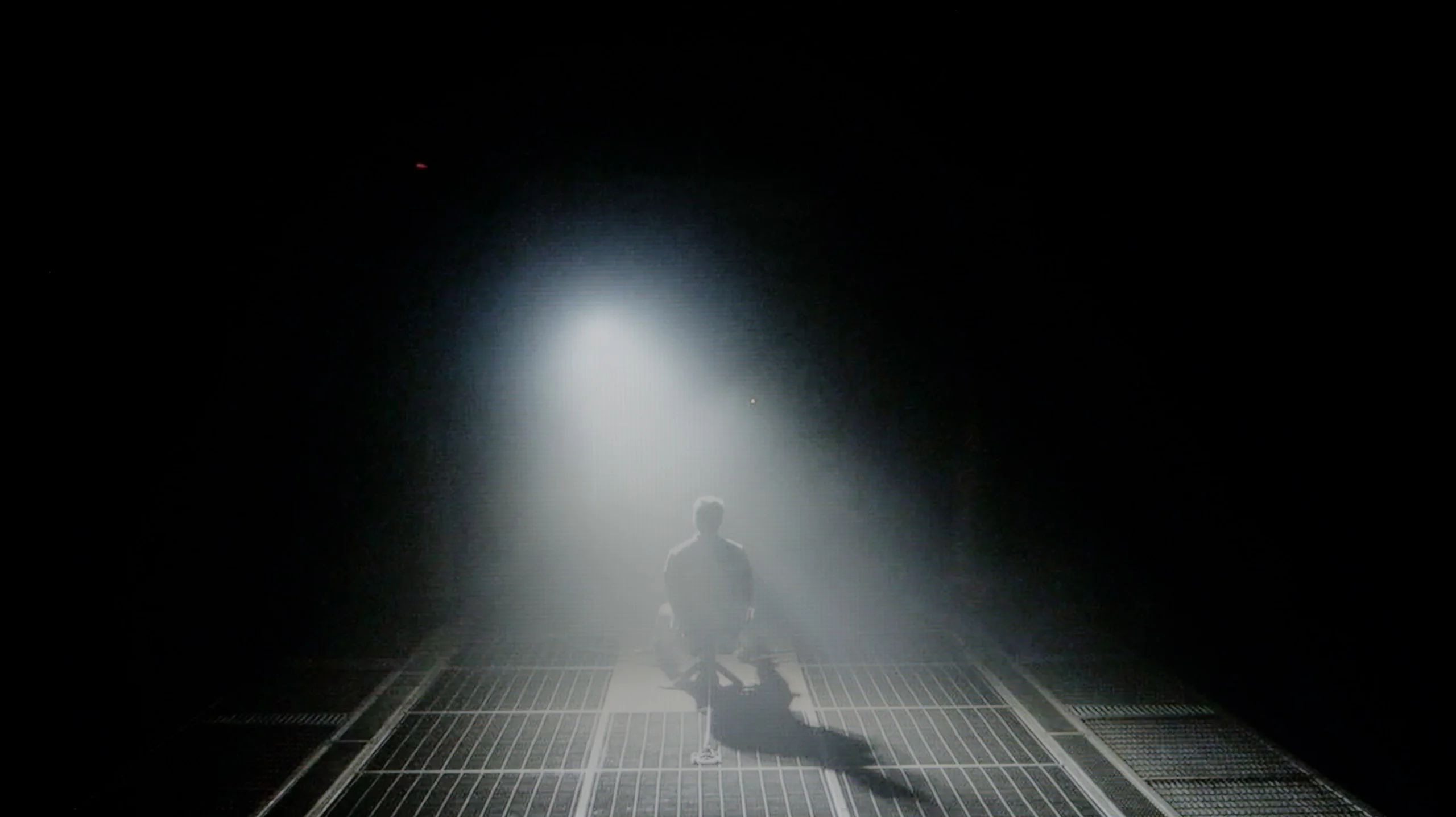
Check the visibility of bright lights on a dark background. Mini-LEDs often struggle with this. The photo does not compare black levels – that’s what the video below is for.
The video accurately shows differences in contrast and black levels between TVs, as well as potential issues: halo around bright objects or Mini-LED zone operation visible as brightness jumps.
I must admit that approaching a receiver in this price range, one instinctively crosses their fingers, hoping that at least the black won’t be a grey patch. Meanwhile, the Haier Q80FUX, specifically the 55-inch specimen residing in our editorial office, can very positively surprise in this regard. Its secret lies in the use of a VA panel, which inherently has a tendency to generate high contrast. And these are not empty promises. During screenings, in most cinematic shots, the contrast consistently reported levels from 5000:1, often reaching the threshold of 8000:1. These are really strong results, considering the fact that this television does not possess any, even minimal, form of local dimming. Translating this into experiences from behind the couch: for its price point, the Q80FUX offers simply solid black. Of course, it is not that perfectly velvety depth that makes the screen disappear into darkness. When we conduct a screening in conditions of full isolation from light, we notice that in the darkest parts of the image, the black reveals its budget origins, subtly veering towards a bluish hue. However, this is a defect that is easy to mask – just a bit of light from a lamp in the corner of the room is enough for this nuance to become invisible, and the image to regain satisfying depth.
The C8L model certainly cannot be denied one thing: an impressive specification. In the 65-inch variant we tested: the manufacturer packed in as many as 2040 independent local dimming zones (this number, of course, increases or decreases with the screen diagonal). Such a dense packing of light points has a direct impact on the depth of black. The contrast measured by us in film scenes reached impressive five- and six-digit values to one, which is a remarkable result in the LCD world. Is the algorithm perfect? Not entirely. On small, bright elements displayed against a dark background, the trained eye can still discern a slight halo effect and moments when the zones come to life, which is a natural feature of Mini-LED technology. Interestingly, in our test scene with a helicopter, the background was noticeably brighter than on competing screens. Unfortunately, TCL manipulates the brightness curve in a specific way, artificially boosting certain plans, over which we do not have full control from the device's menu. This is an evident weakness of this model that needs to be taken into account. That said, the black levels on this model will be more than satisfactory for most viewers.
HDR effect quality
4.9/10
7.3/10
Luminance measurements in HDR:

Result
308 nit

Result
327 nit

Result
352 nit

Result
330 nit

Result
344 nit
Result
1637 nit
Result
701 nit
Result
1428 nit
Result
405 nit
Result
1728 nit
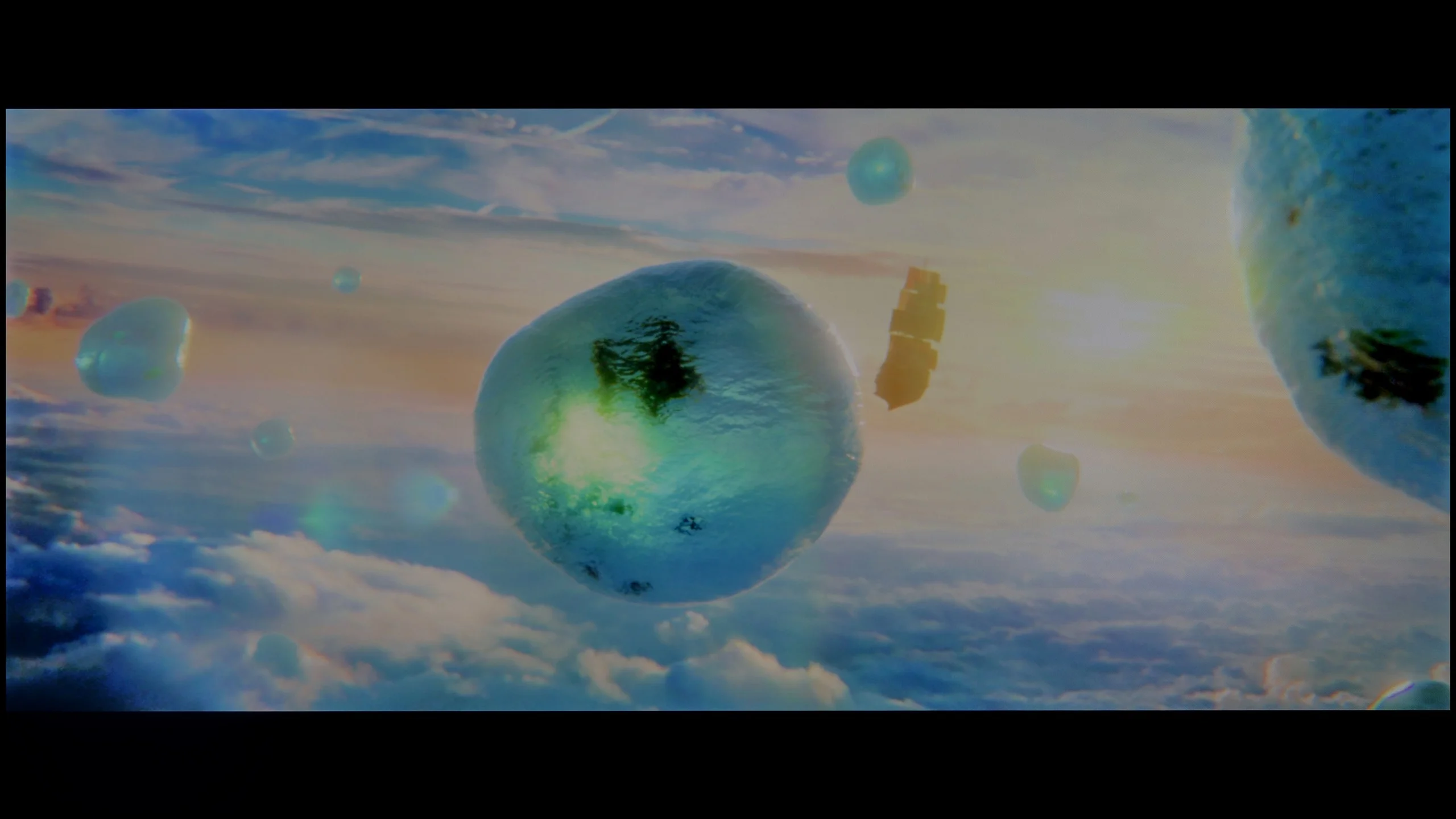
Scene from the movie “Pan” (about 2800 nits)

Scene from the movie “Billy Lynn” (about 1100 nits)
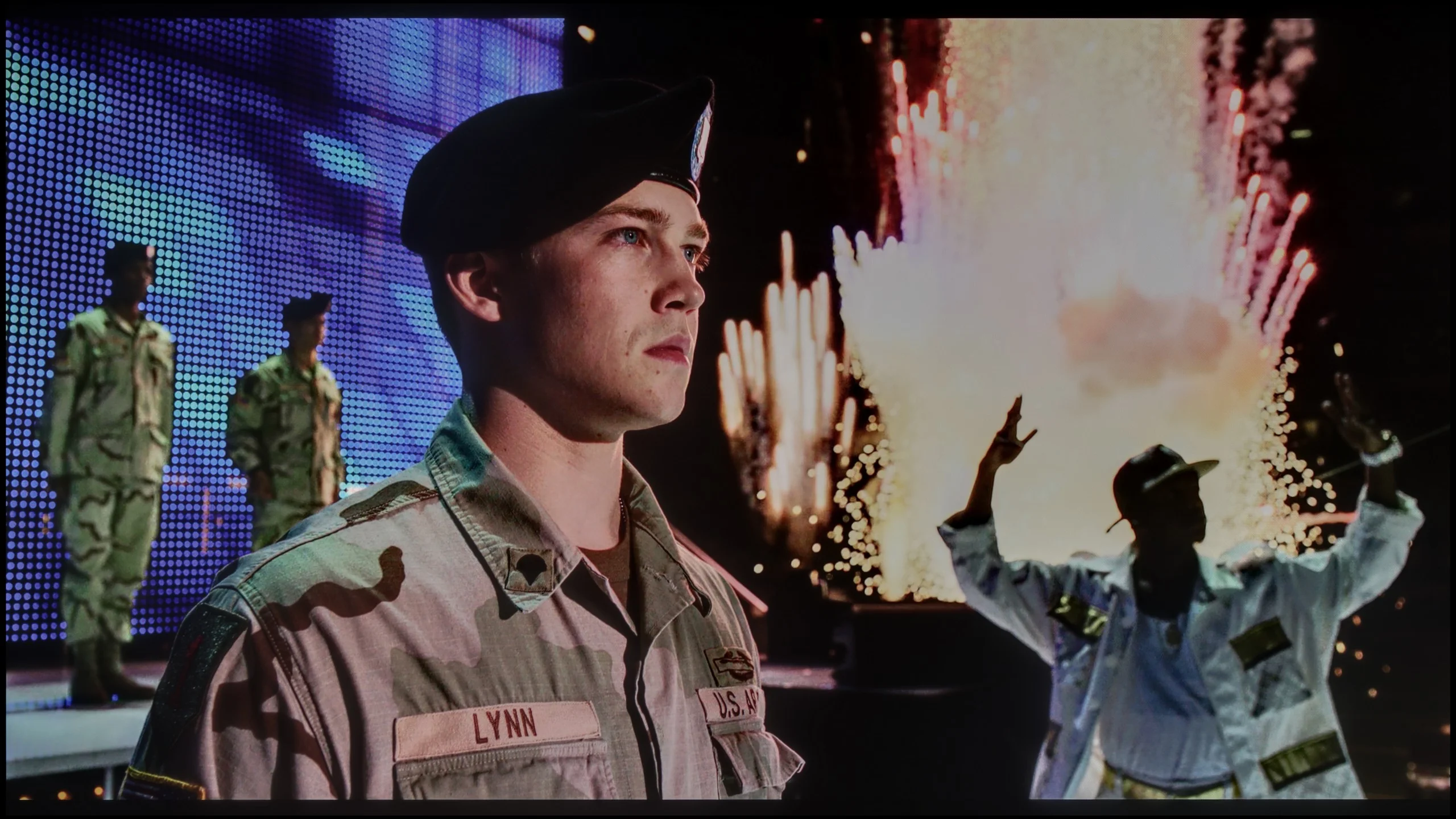
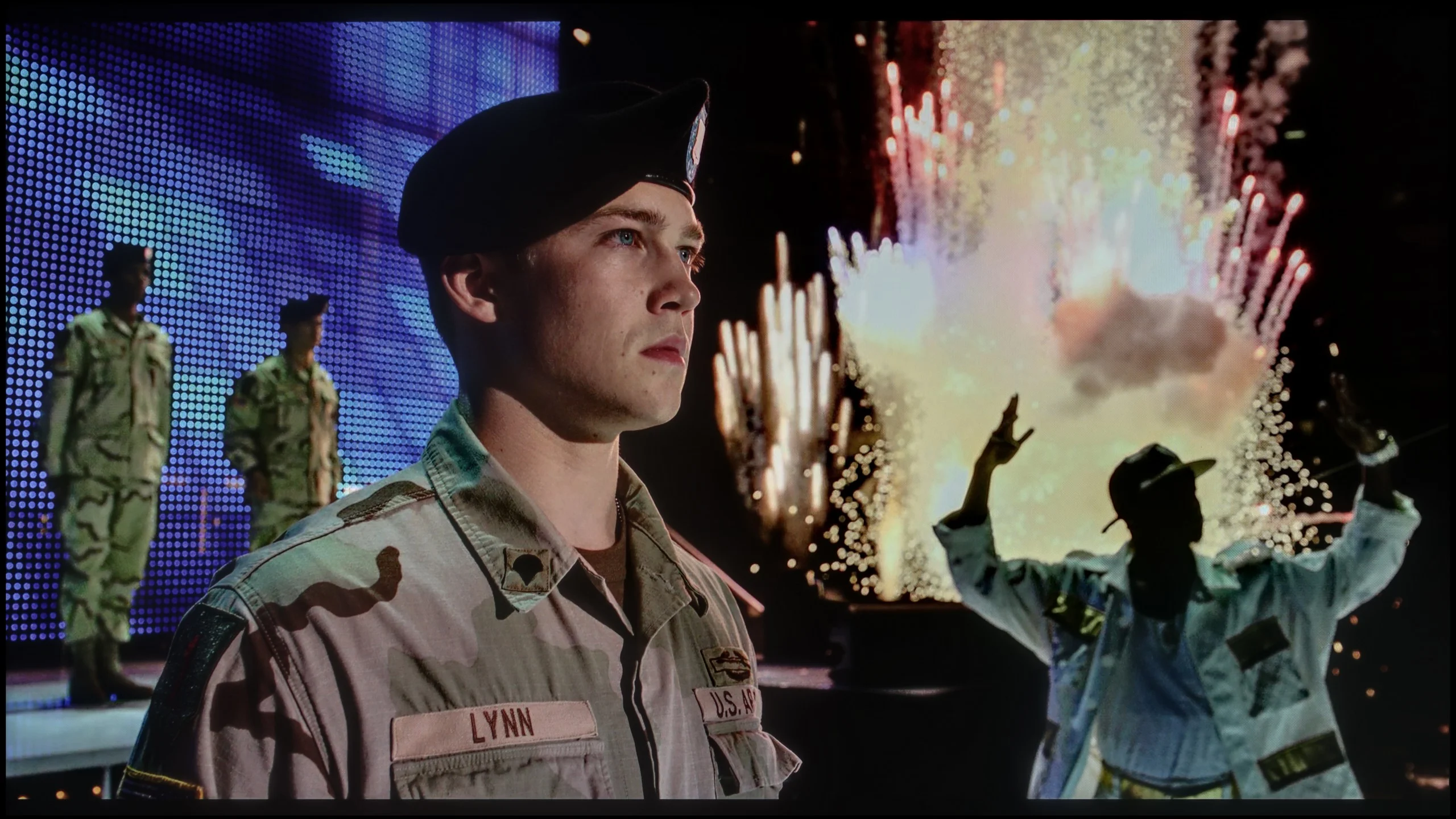
The photos show two HDR10 movies. 'Pan' is one of the brightest productions ever made, while 'Billy Lynn' (soldier) has brightness typical of streaming (Netflix, Prime, HBO MAX). Notice the intensity of effects and detail in whites.
Static HDR10
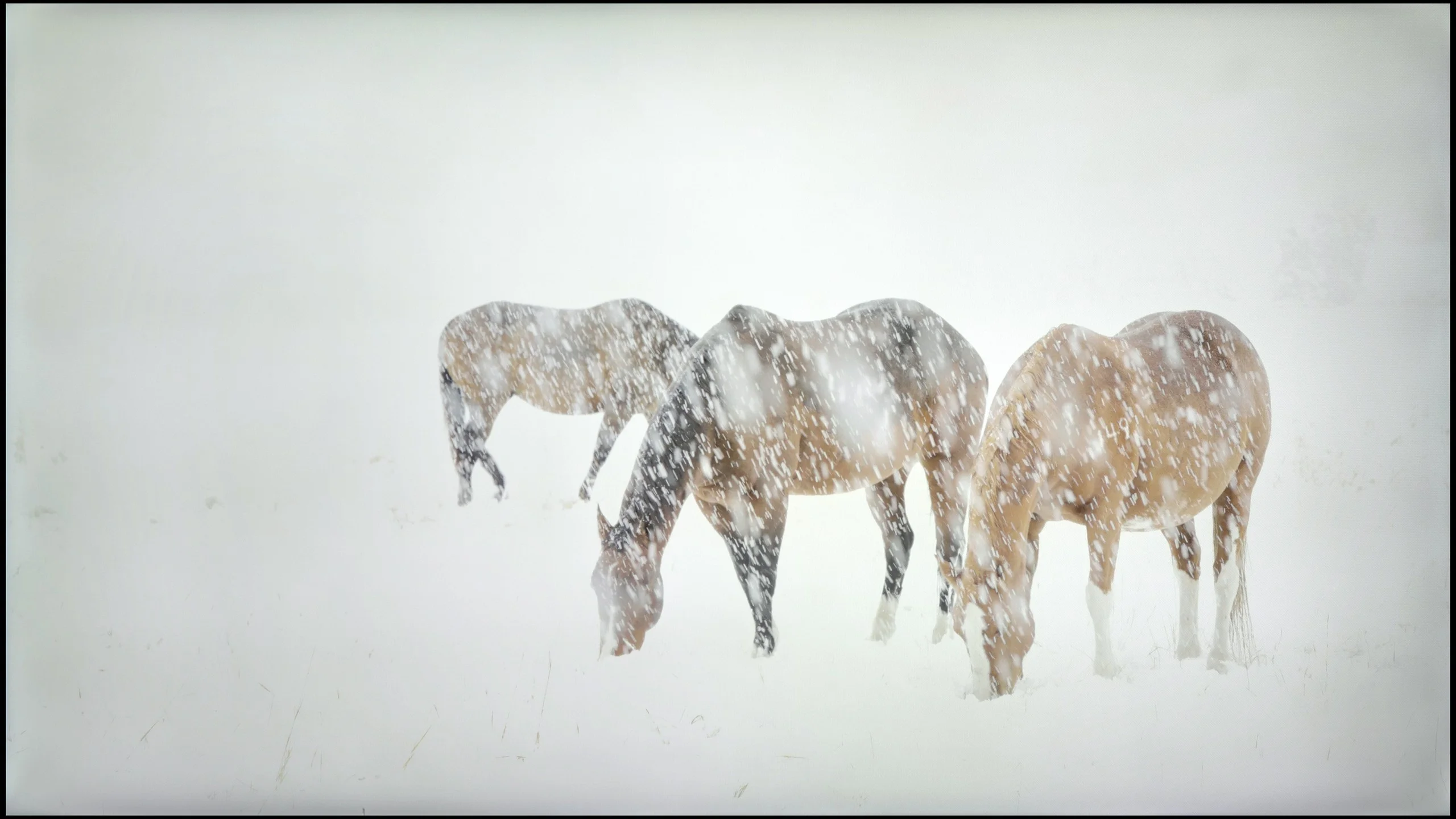

The photos present the visibility of white details in various HDR formats. They do not show brightness differences between TVs (these can be compared in the previous gallery).
Dynamic: Dolby Vision
Dynamic: Dolby Vision
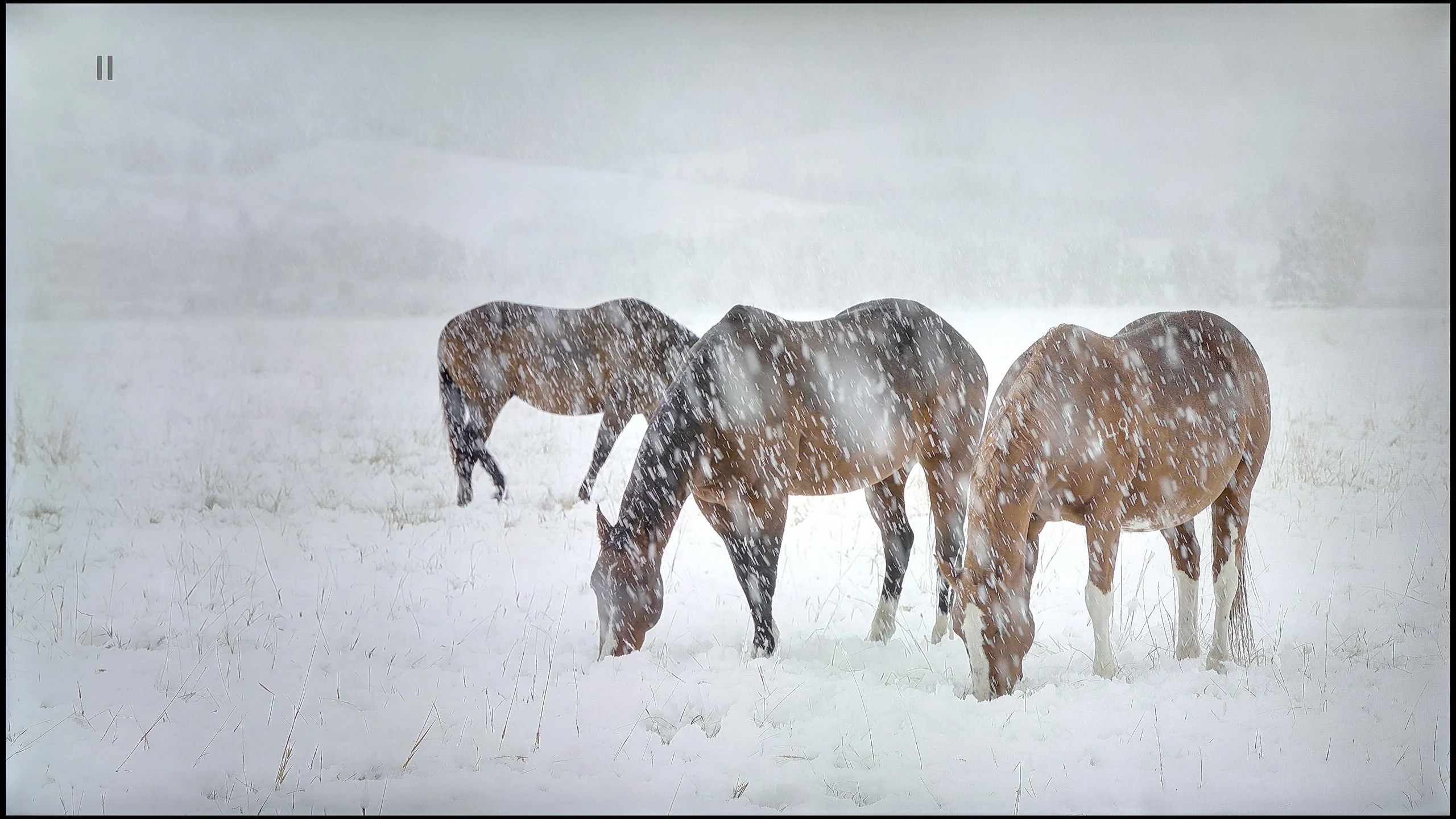
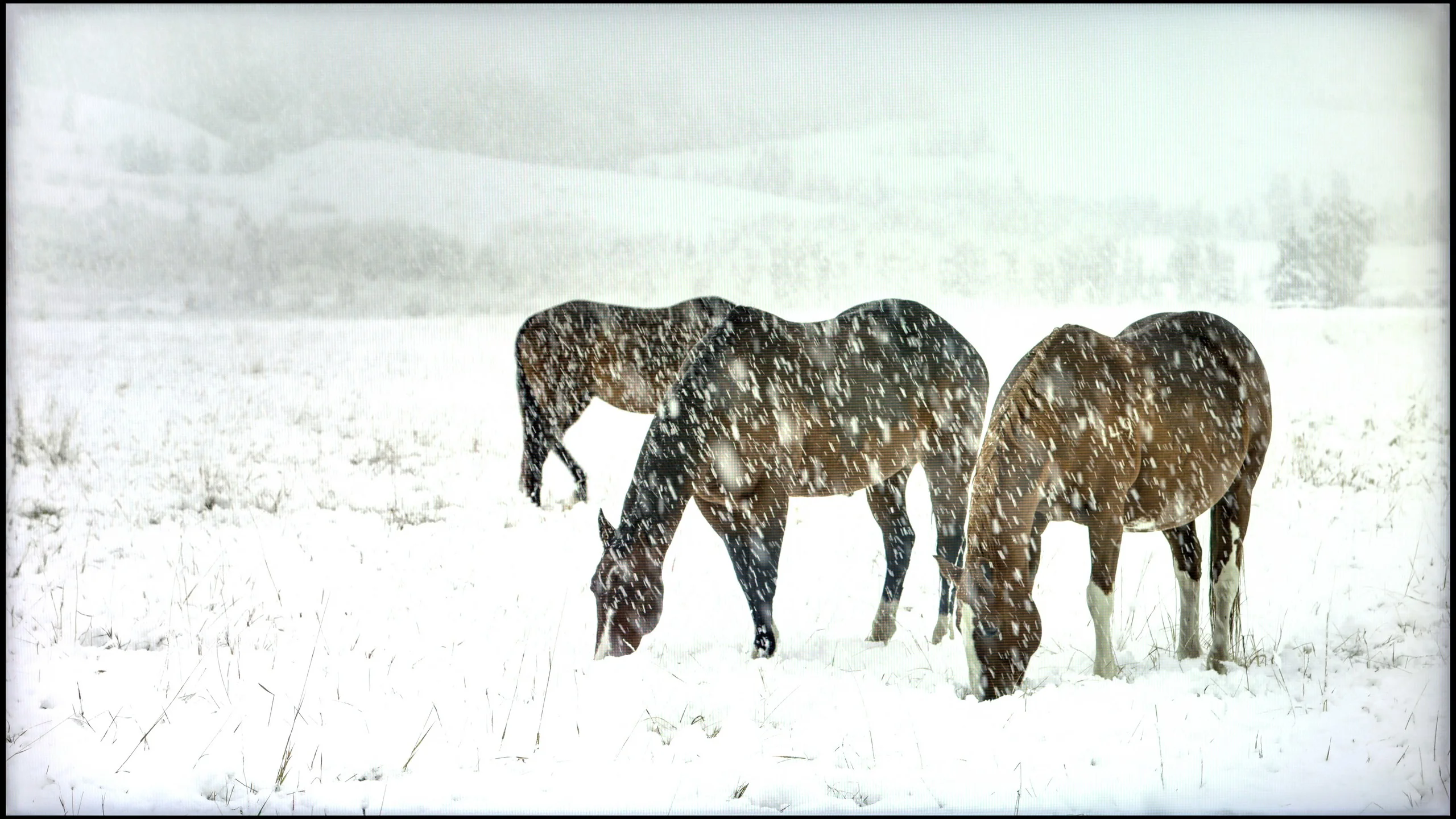
The photos present the visibility of white details in various HDR formats. They do not show brightness differences between TVs (these can be compared in the previous gallery).
HDR luminance chart:
TCL C8L / QM8L
Haier Q80FUX
Alright, let’s move on to the topic that stirs up so much discussion, namely the capabilities of the television in HDR mode. Let’s state it clearly right away: the Haier Q80FUX is certainly not a brightness demon. The panel of this receiver can generate about 350 nits at peak, which in today’s terms is the absolute minimum to even talk about the presence of High Dynamic Range (HDR). On the positive side, this power is at least stable – regardless of which test pattern or film scene we used, the measurements consistently oscillated in the range of 300-350 nits. These are therefore results that are at best sufficient, definitely far from the dazzling display of capabilities we are accustomed to with more expensive models. Fortunately, there is one aspect in which the Q80FUX compensates for these shortcomings and does so impressively. After all, we are talking about a QLED television (more precisely PFS LED), which means that thanks to the quantum dot filter applied to the panel, it can generate really juicy, vibrant colours. These are not empty promises – a DCI-P3 colour gamut coverage of nearly 95% is an impressive result and directly translates into colours that are very pleasant to the eye and saturated.
In terms of HDR, the TCL C8L turns out to be a hellishly bright television – quite literally. On a synthetic test pattern sized at 5%, our measurement equipment indicated a result exceeding 4500 nits. This is a truly astronomical result, considering that reference monitors used by directors, which we often refer to in our materials, typically operate around 4000 nits. Does this mean that the C8L breaks barriers and climbs to the technological peak of Mini-LED? Not quite. Dry synthetic tests are one thing, while real cinematic images are another. In real, varied scenes, the C8L peaks at around 1600 nits. This is still a very good result, ensuring a very high level of HDR dynamics, but it is also clearly lower than what the manufacturer boasts in the specifications. The problems begin with very small bursts of light – at that point, brightness can drastically drop to around 600 nits. The algorithm tries at all costs to maintain deep blacks and minimise the halo effect, but this comes at the expense of HDR impact. This is perfect evidence that laboratory test patterns rarely align with what we ultimately see on the screen.
However, huge praise is due for colour reproduction, thanks to the new generation of SQD (Super Quantum Dot) quantum dots. The DCI-P3 colour gamut coverage reaches 97%, but the truly jaw-dropping measurements come from the extremely demanding BT.2020 space. The C8L achieves an impressive 90% in this space, placing it alongside today's top screens equipped with RGB backlighting. Importantly, unlike some screens with Micro/Mini RGB backlighting, this effect is stable regardless of the scene displayed. Of course, it’s worth remembering that content mastered for such a wide gamut in films or series is still rare. However, the very fact that the panel has such a "colour reserve" deserves tremendous admiration.
Factory color reproduction
4/10
5.3/10
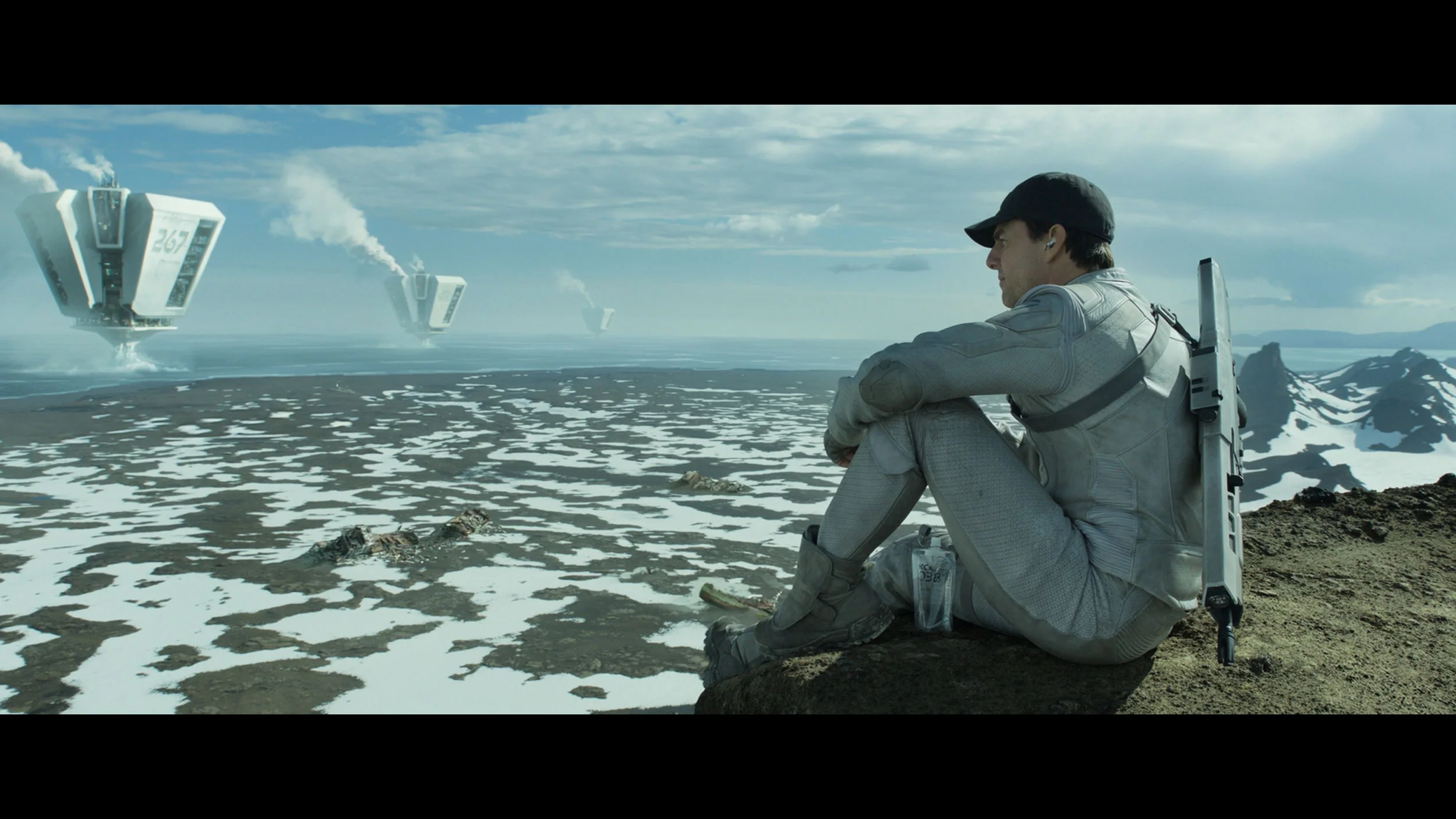
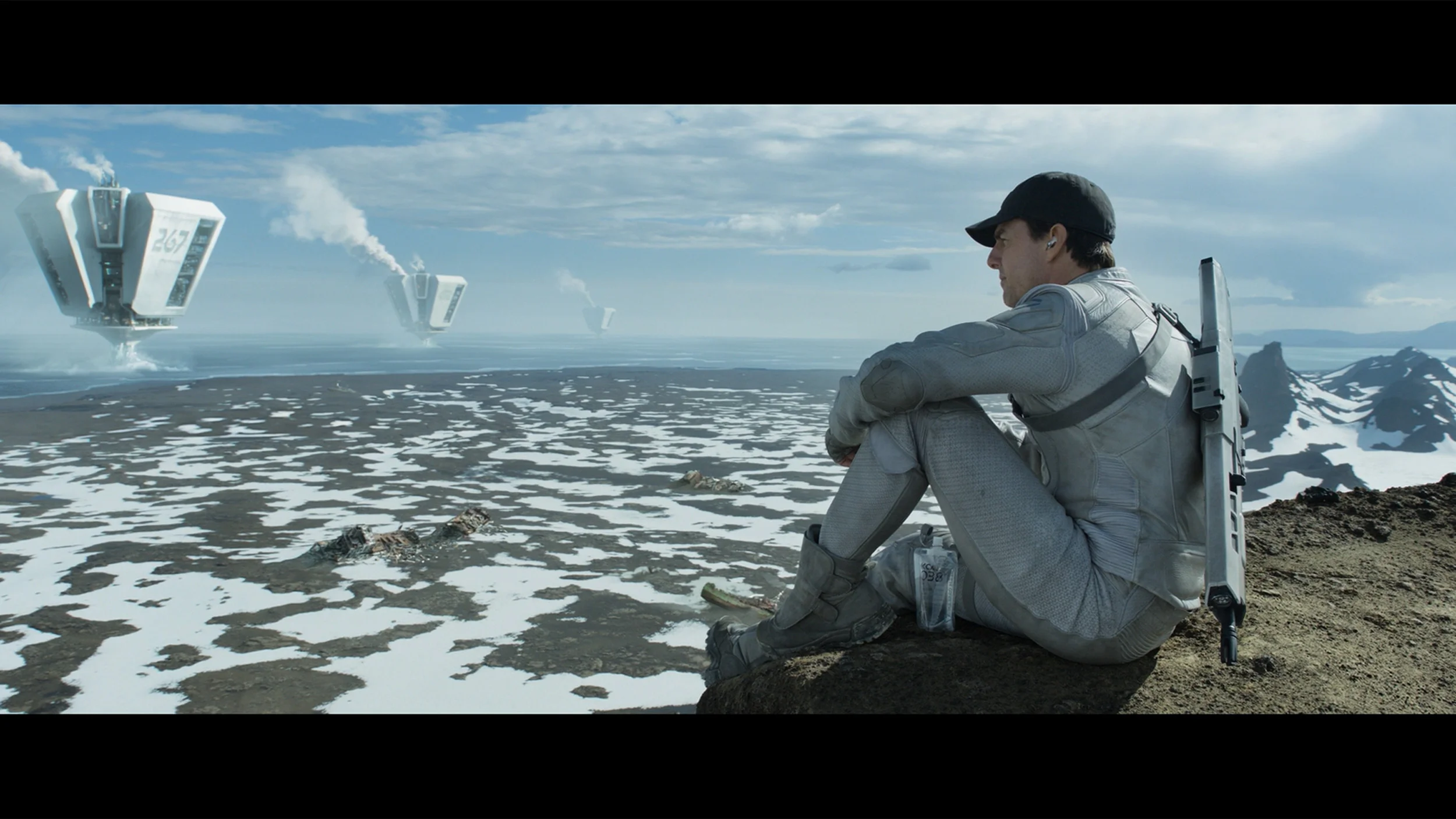
This gallery shows how colors change after professional TV calibration. If you notice the difference, we recommend ordering this service at SkalibrujTV.com.
Factory Mode
After calibration
Factory settings for movie mode are rarely perfect, but in the case of the Q80FUX, we were confronted with a noticeable imbalance. In SDR content, the image was decidedly too warm, a result of excessive red in the white balance, giving the whole a slightly sepia tone. Ironically, in HDR materials, the television fell into the opposite extreme – an excess of blue caused an unnatural, cold effect in perception. However, it was not the capricious white balance that was the biggest problem with this television. The real culprit, responsible for the aforementioned issues, was hiding deeper. It turned out that the Q80FUX has completely miscalibrated gamma values and, crucial for HDR, a poorly executed EOTF curve. It was these erroneous factory settings that caused persistent clipping of the brightest parts of the image, overlaying them with that characteristic milky filter. Thus, we found the source of the problem. This state of affairs led to general, significant colour errors, which were easy to catch even for an untrained eye. Like every television we tested, we decided to calibrate this model as well, and the results of these adjustments can be found in the next paragraph.
We tested the TCL C8L in the best factory mode available in the TV’s menu for image fidelity. That’s of course Filmmaker Mode, which only arrived in this brand’s software relatively recently (a year ago in the "K" series). It allows the average user to achieve quite decent colour reproduction straight out of the box, though it is certainly not perfectly tuned. Looking at the unit’s out-of-the-box white balance — in both SDR and HDR material — the red component was clearly lacking, which made the image noticeably cooler and slightly shift towards blue‑green tints. The issue of brightness management also looks ambiguous, as we mentioned earlier. While the gamma linearity in SDR content is really good and stays steadily at the reference value of 2.4, the situation in HDR is much worse. Tracking the EOTF curve clearly shows the TV has a noticeably boosted brightness across the entire range, so the final image can be excessively bright and inconsistent with the creators’ intent, and this is in a mode that by definition should avoid that. Of course, as with every sample in our lab, we subjected this one to professional calibration, and you can find the results below.
Color reproduction after calibration
6.1/10
7.5/10
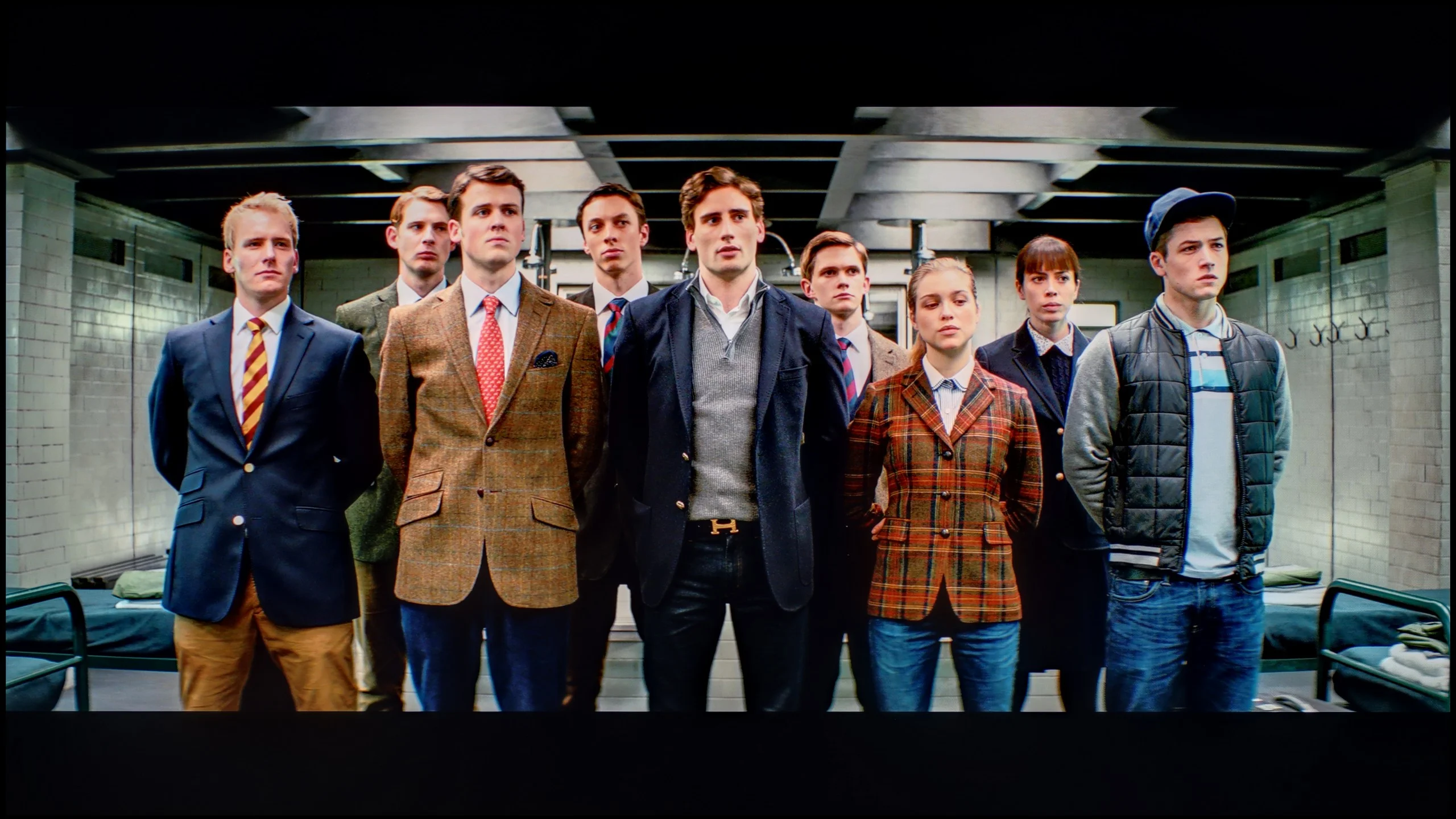
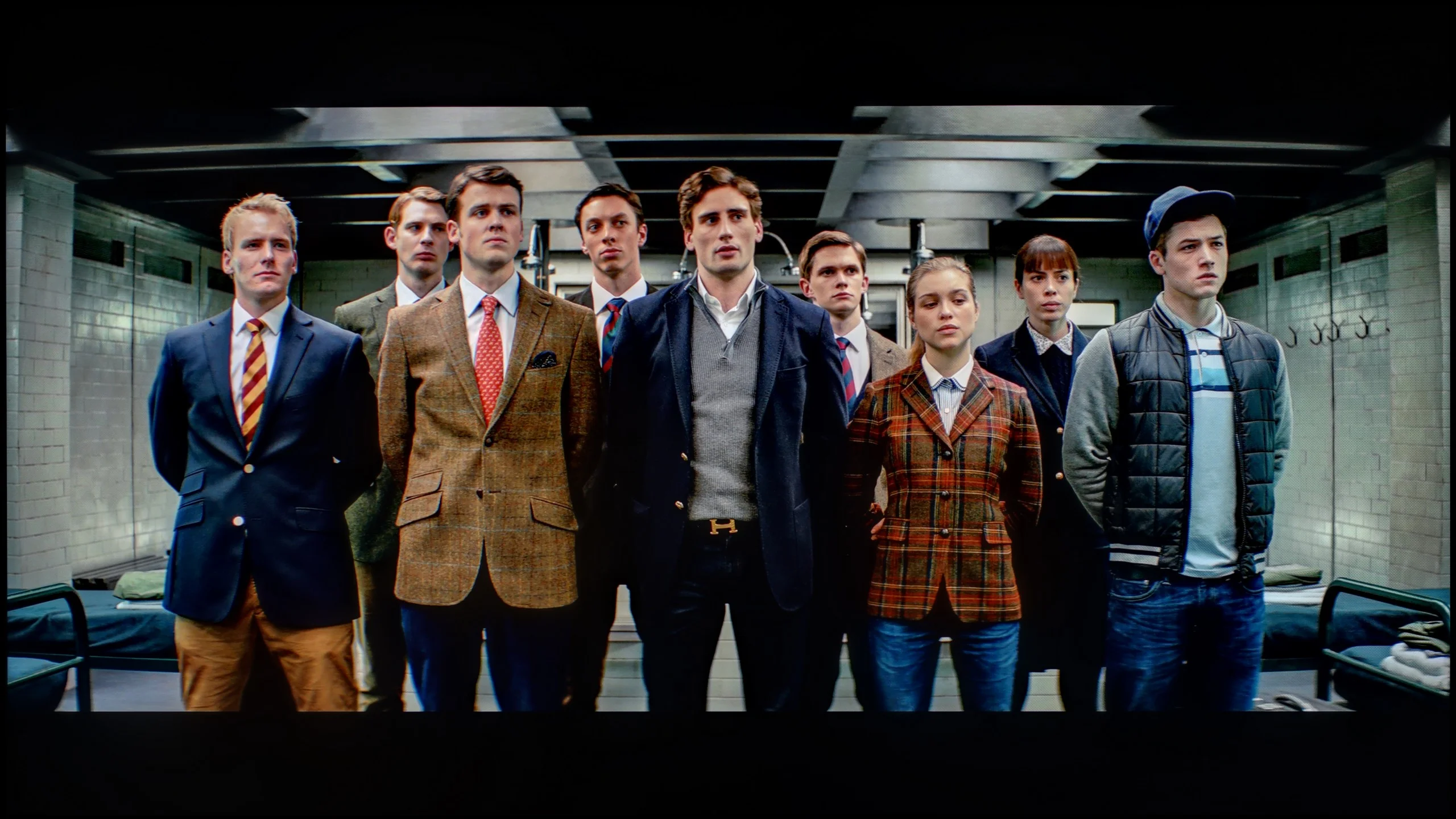
The photos show how movies look on the TV. Pay attention to black detail visibility, colors, and shadow tint.
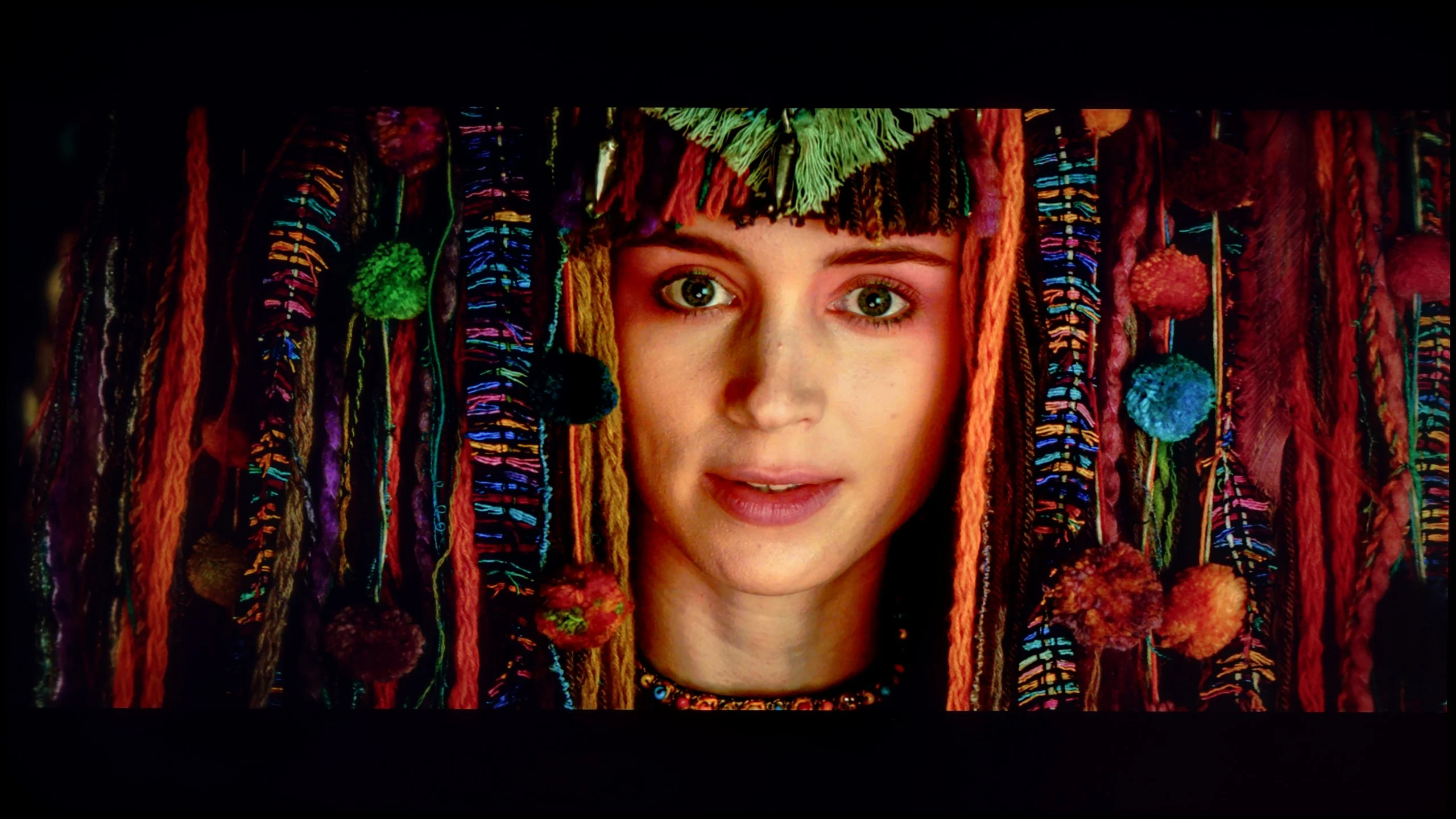
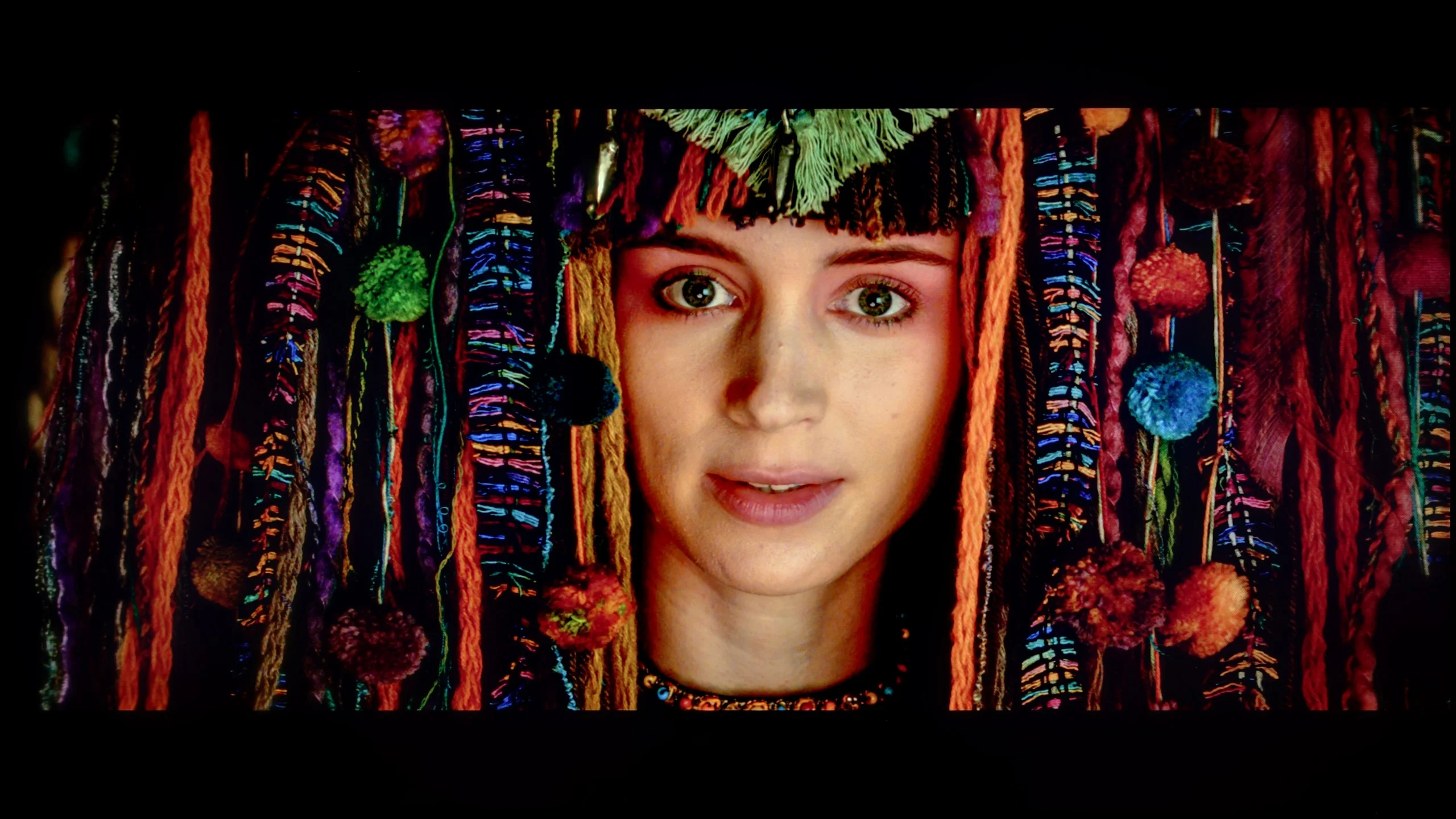
The photos show how movies look on the TV. Pay attention to black detail visibility, colors, and shadow tint.
The results of our calibration procedures must, regrettably, be acknowledged as twofold. Generally speaking, the picture is undeniably better than before the corrections; however, the biggest winner of this process turned out to be SDR content. It is precisely there, after correcting the gamma and white balance graphs, that we achieved results that can confidently be called very good. After adjustment, the Q80FUX truly shines in standard dynamics, showing only slight errors in the most difficult skin tone reproductions. Unfortunately, the weakest link remains HDR content. Here lies the paradox: despite having calibrated the white balance to nearly perfection, the overall colour errors still remain at quite a high level. The reason is that the television continues to interpret static HDR10 metadata "in its own way," stubbornly enforcing that unfortunate image burn-out effect, which inevitably leads to significant distortions. Although we have successfully eliminated the factory excess of blue, it is precisely due to this interference of electronics that the screen still tends to stray into somewhat overly cold tones. That is just how this television is.
As you can see, the results of a professional calibration of the TCL C8L are truly promising, thanks to the comprehensive calibration controls the manufacturer has provided in the menu. Above all, we managed to fully correct the white balance, eliminating the red deficiency, so the image finally stopped drifting into unwanted cool tones. After that adjustment, the errors in the ColorChecker test fell to near-reference values, consistently sitting below a Delta E threshold of 2, i.e. below the visibility threshold for the human eye.
If test patterns look so perfect, you may ask us why the final score in this category is lower. The answer lies in the brightness management described earlier. Although the menu includes sliders that let you precisely straighten the EOTF curve on synthetic signals, when faced with real film material (I recommend enabling the EOTF filter when watching films), it becomes clear that the TV, in most scenarios, still responds to HDR metadata in its own way. As a result, the picture can be slightly over-bright and not faithful to the filmmakers' intent, and it is precisely for this lack of consistency with real films that we had to take a few points off the C8L's score.
Smoothness of tonal transitions
7.5/10
9/10
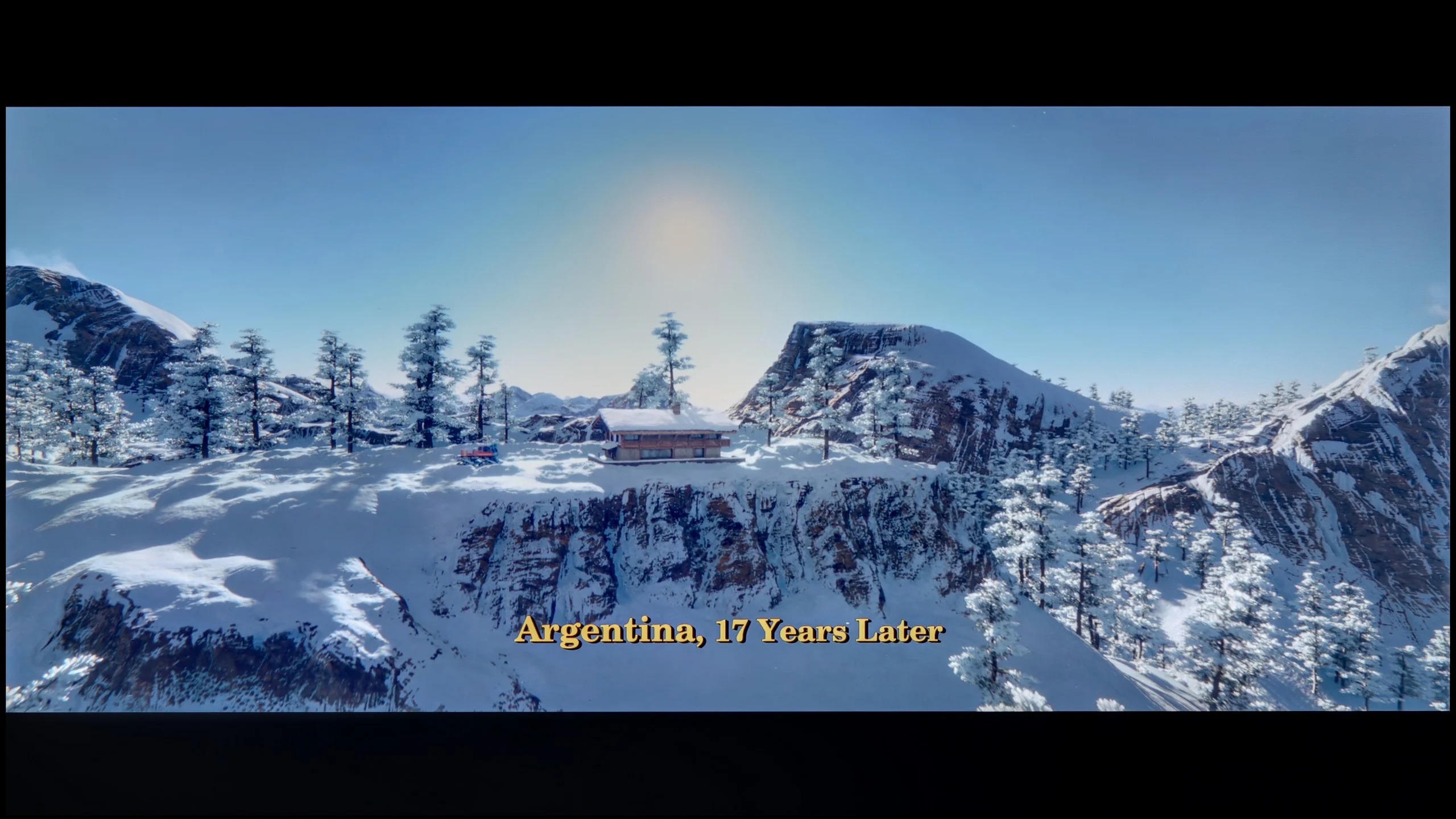
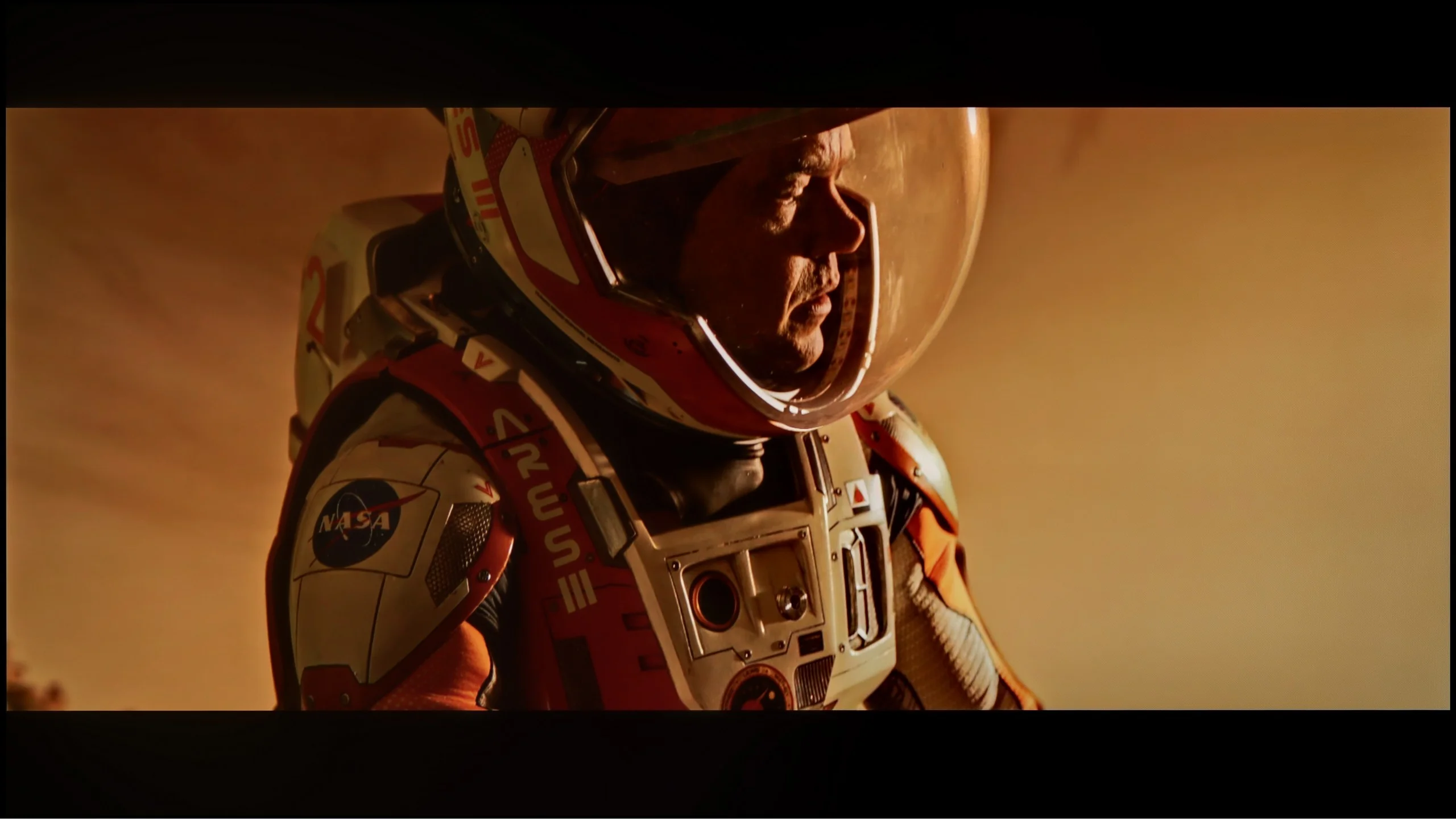
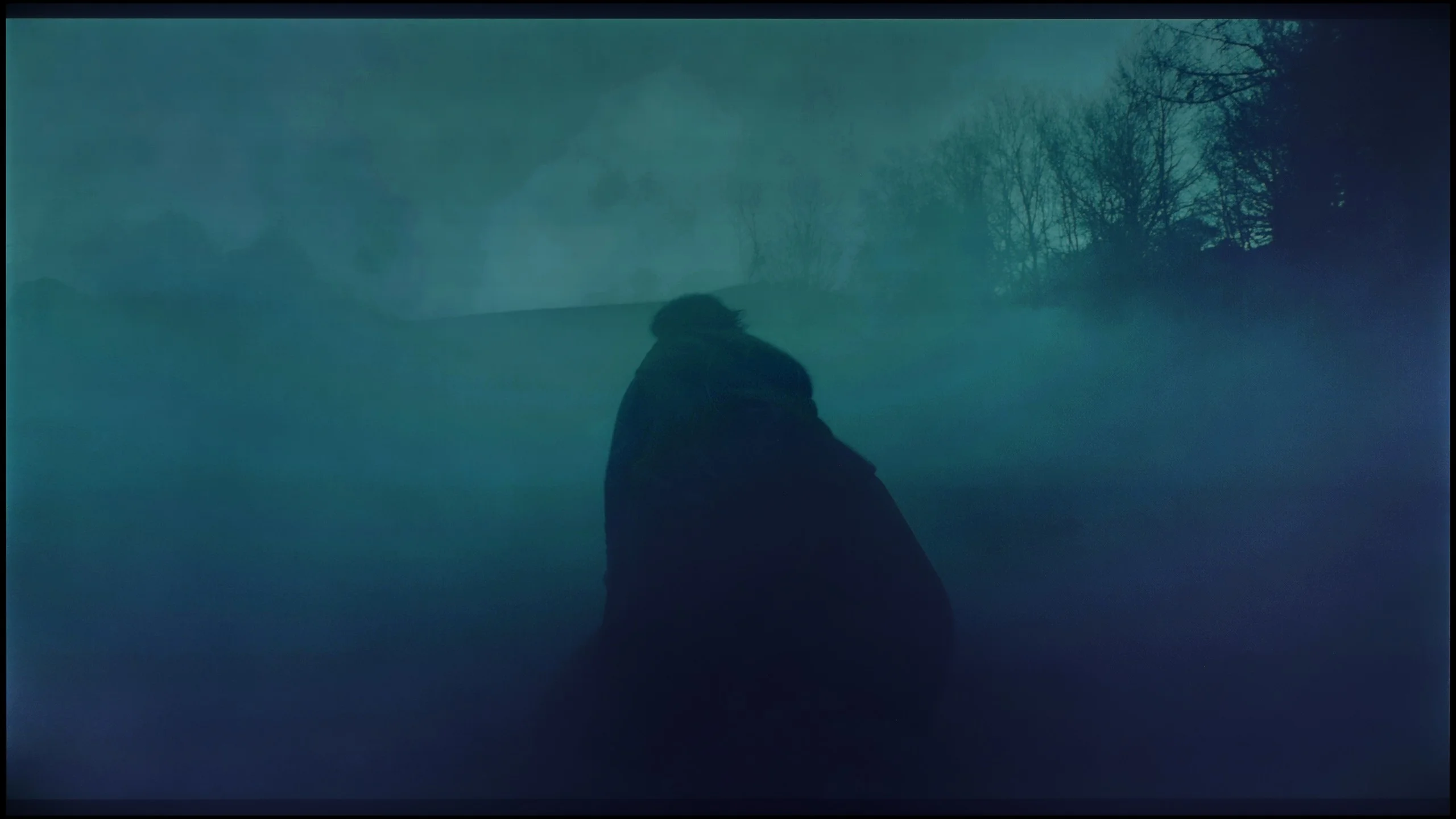
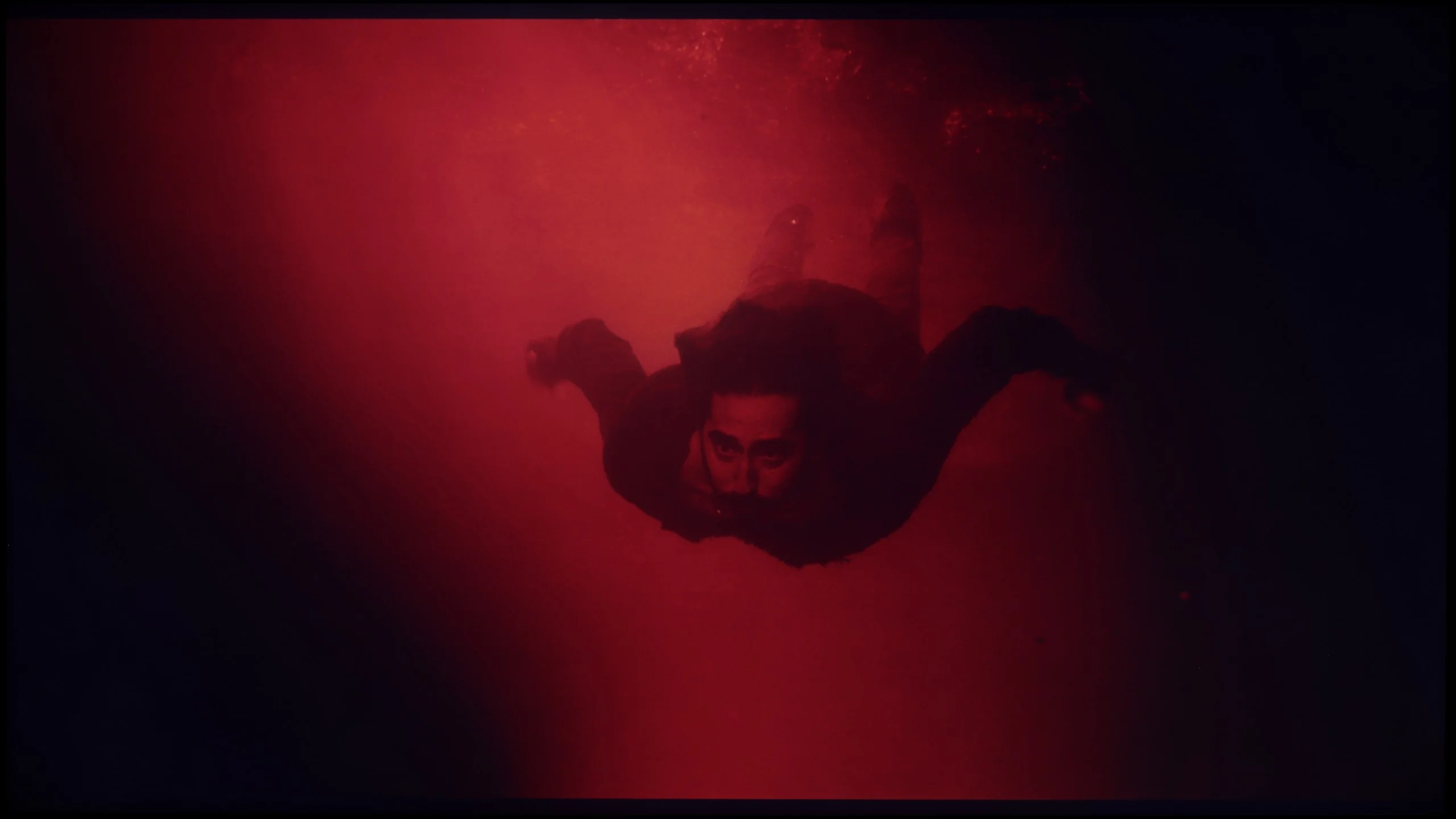
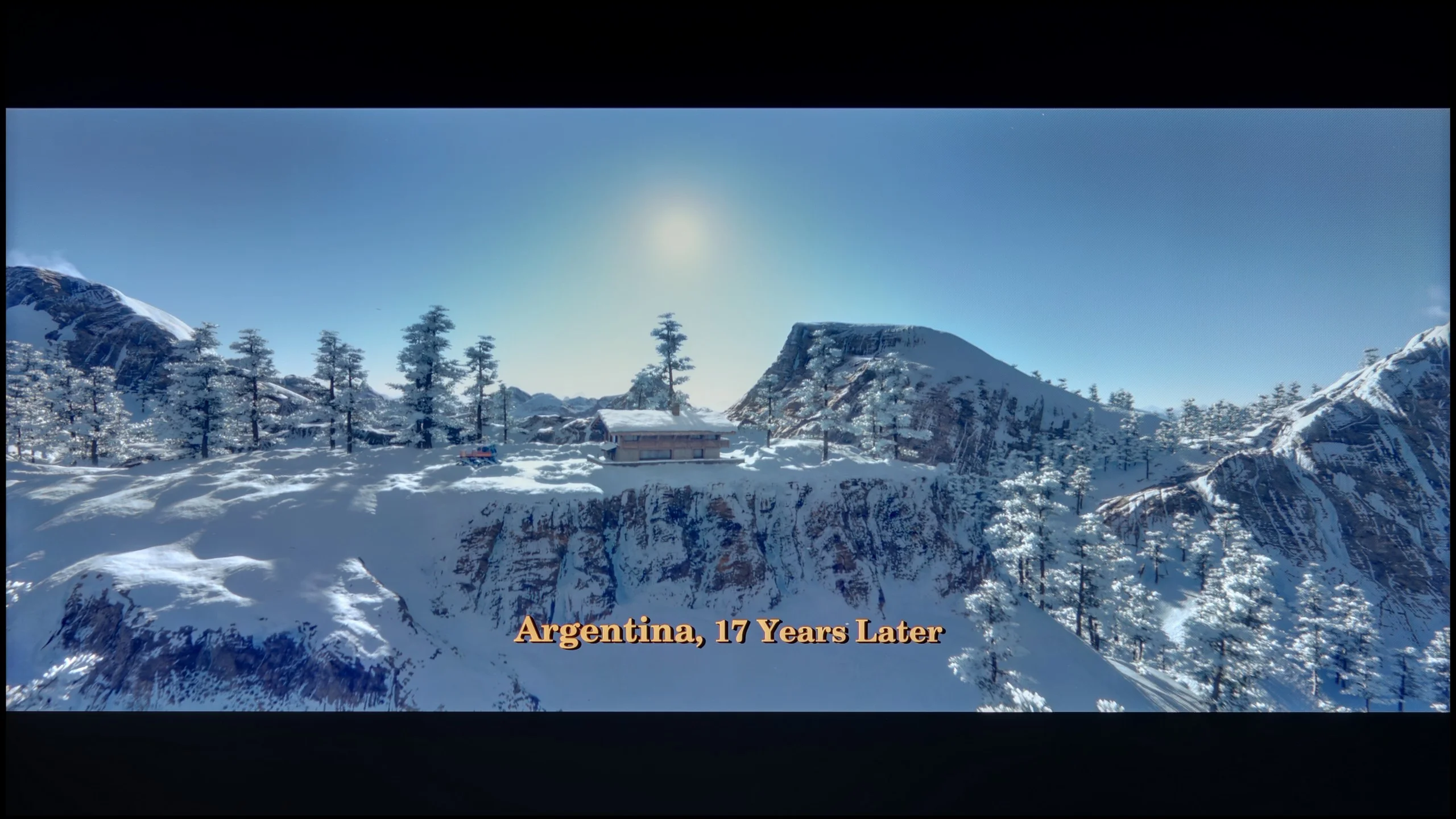
These are selected scenes that show smooth tonal transitions from one color to another. If you see distinct banding, it’s the TV panel’s fault.
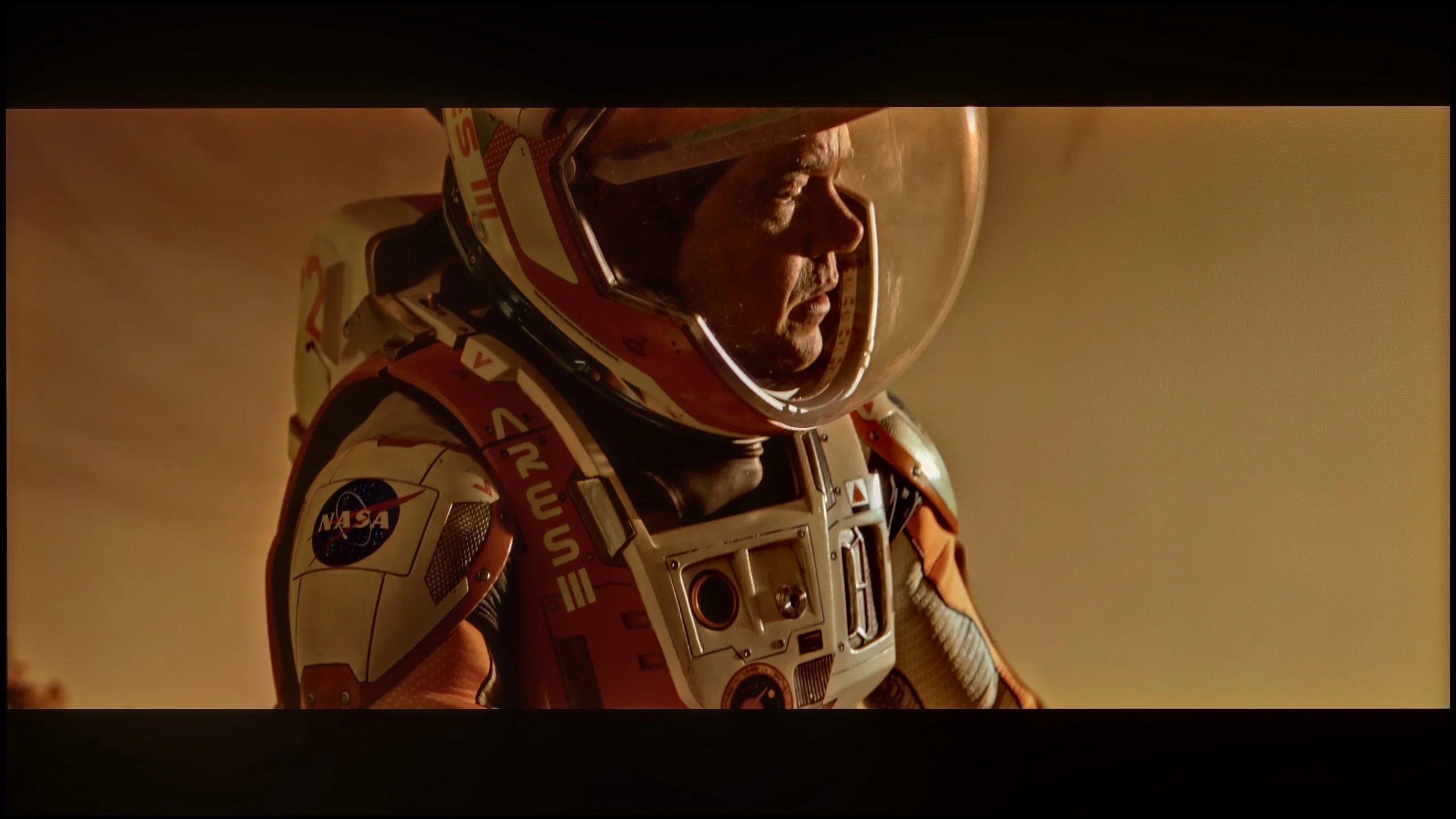
These are selected scenes that show smooth tonal transitions from one color to another. If you see distinct banding, it’s the TV panel’s fault.
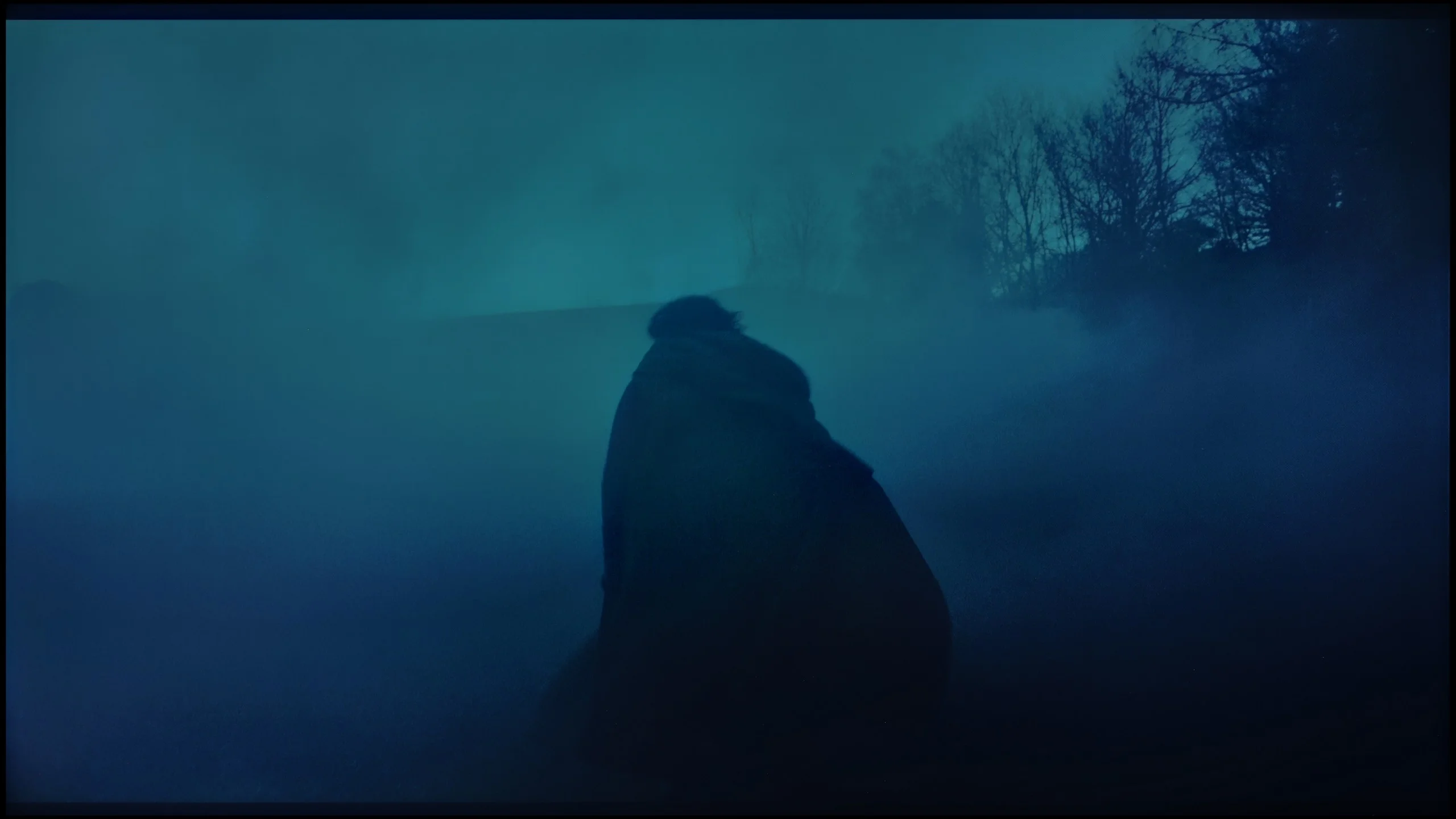
These are selected scenes that show smooth tonal transitions from one color to another. If you see distinct banding, it’s the TV panel’s fault.
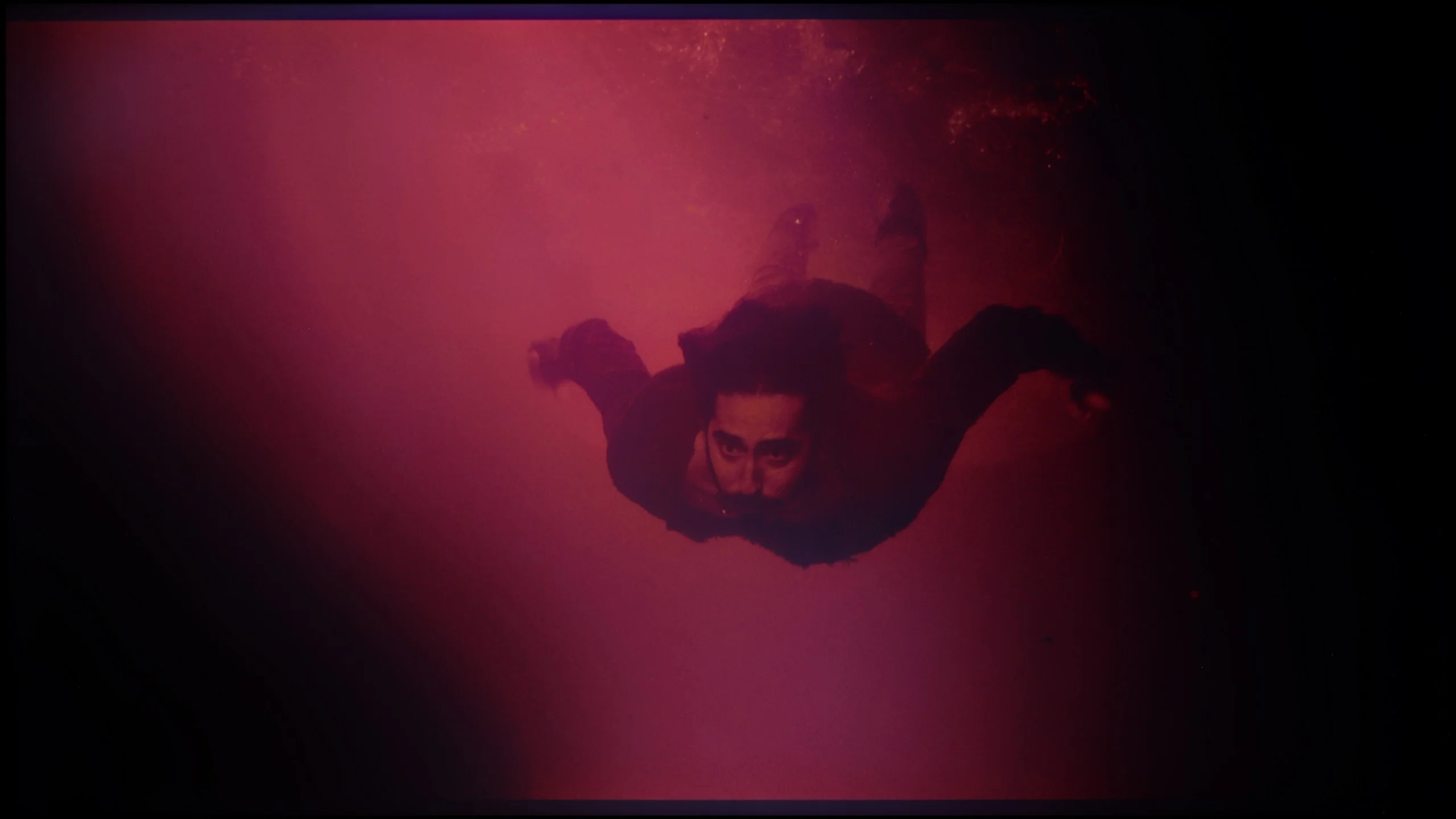
These are selected scenes that show smooth tonal transitions from one color to another. If you see distinct banding, it’s the TV panel’s fault.
Analysing the ability of the television to handle subtle tonal transitions, known as "banding", leads us to interesting conclusions. The Haier Q80FUX seamlessly blends neighbouring colours in most scenes, creating a smooth, cohesive image. However, this process is not perfect. During testing, we noted minor issues and imperfections in every test scene we used. These may not be errors that aggressively stand out and ruin the viewing experience, yet their presence is worth noting. Interestingly, this receiver shows no particular weaknesses or strengths in this regard – it handles this challenge in exactly the same way, whether displaying delicate gradients of a bright sky or dark transitions in the shadows.
We judge the tonal transitions in the C8L to be almost exemplary. The well-tuned panel and accompanying algorithms mean the TV handles posterization, the ugly, stepped separation of individual shades, very well. Subtle, minimal errors and slight inconsistencies in tone gradation are noticeable only in extremely dark, demanding scenes. Overall, however, when watching good-quality content at native resolution, the transitions between colours are exceptionally smooth and natural-looking.
Image scaling and smoothness of tonal transitions
4/10
8/10


Smooth transition function
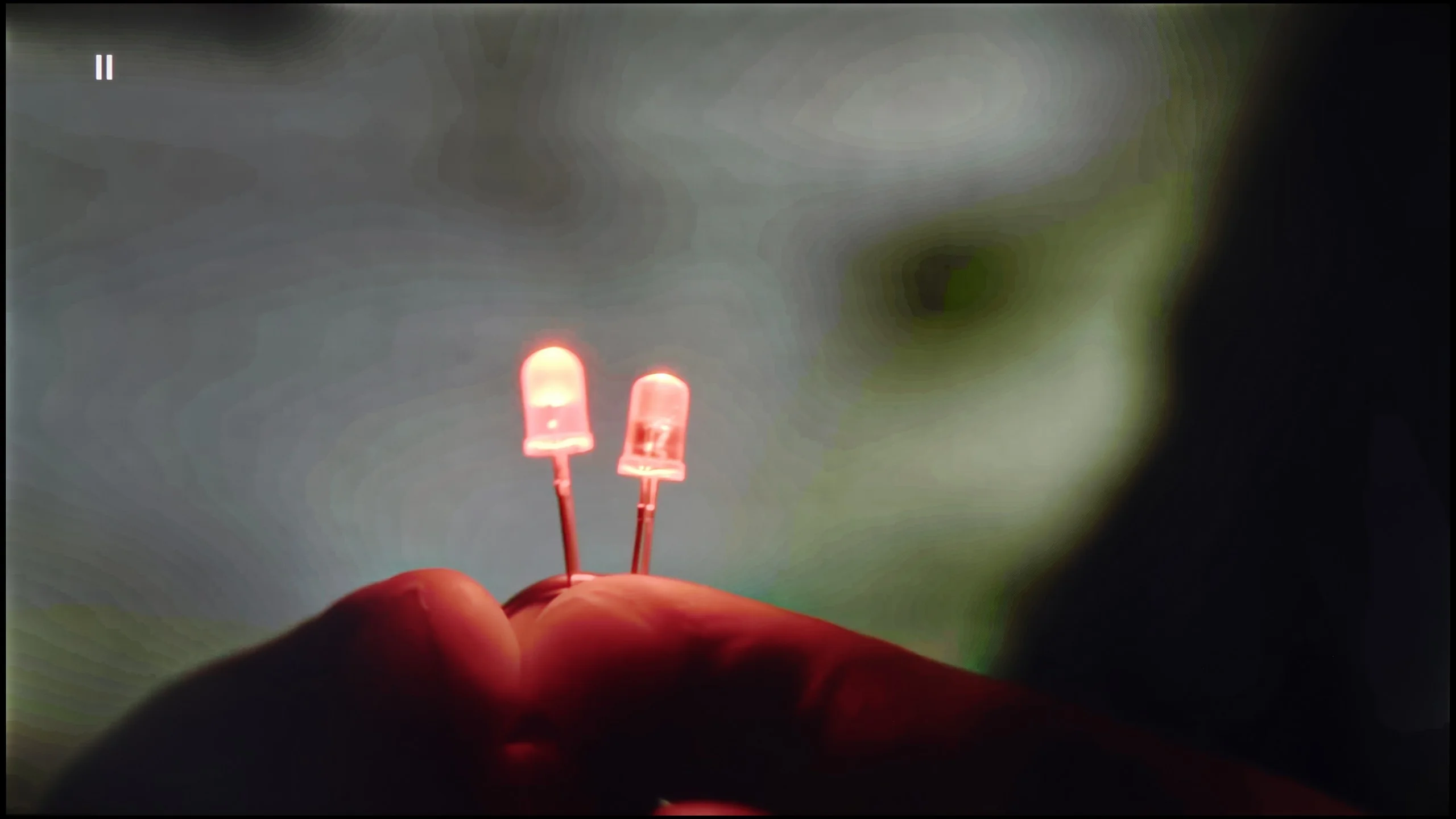
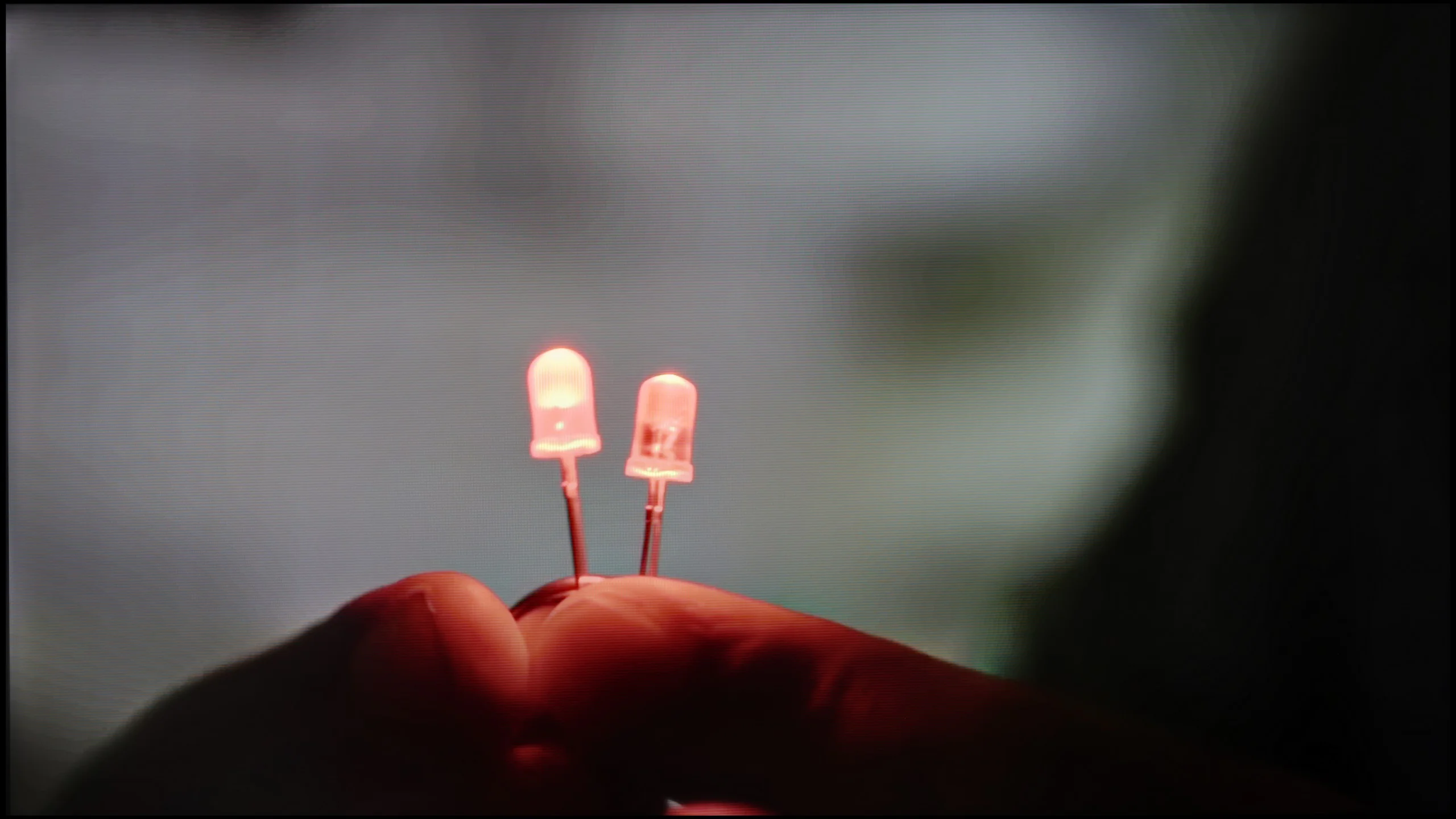
The match photo shows how the TV smooths weak tonal transitions in low-quality video.
Image scaling SD (576i)
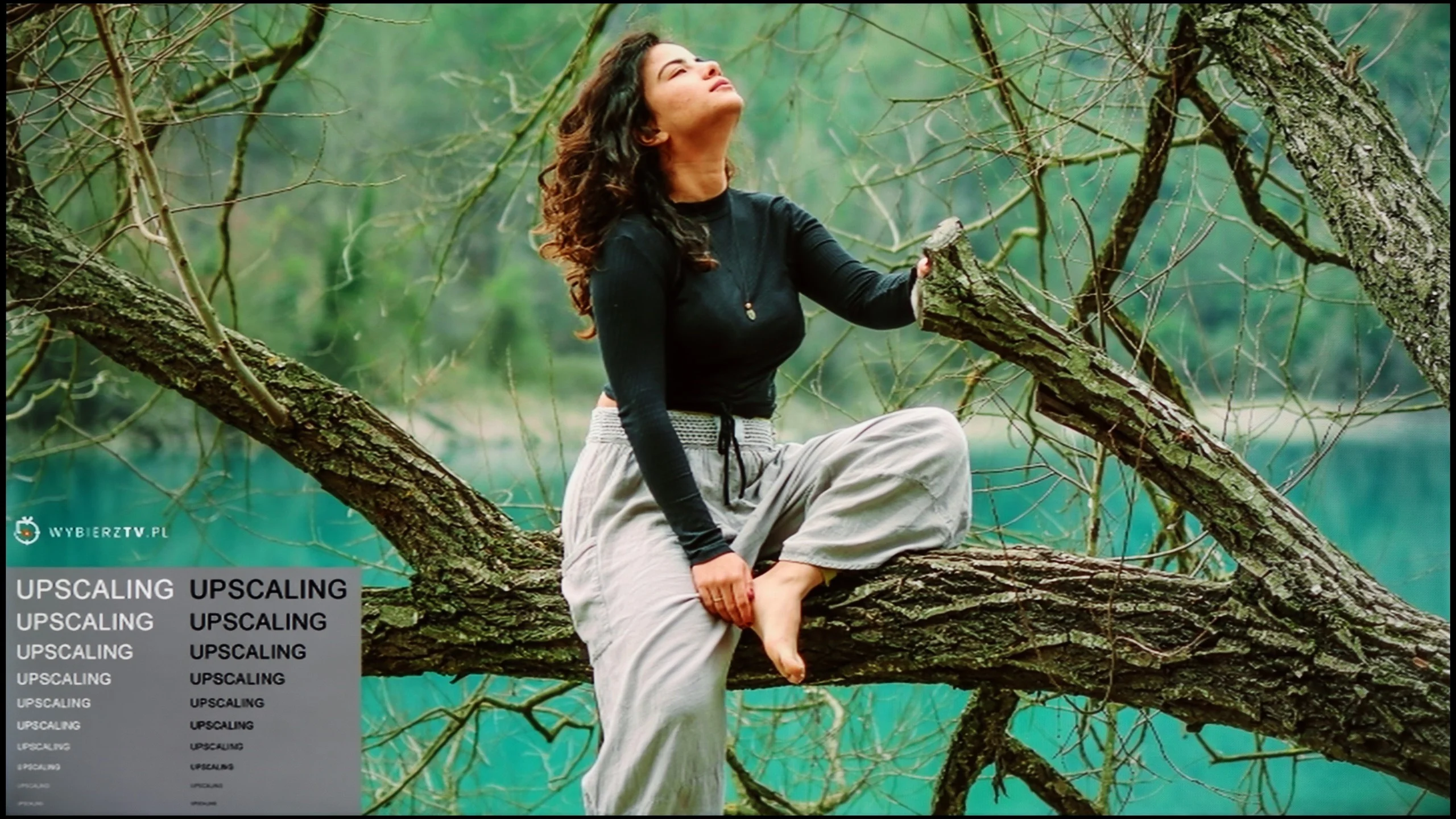

The model photo shows how it handles upscaling of SD material.
If there is one area where Haier clearly shows it still has a long way to go compared to the market leaders, it is digital image processing. The upscaling, well... is just alright. And that’s really about all that can be said about it. It does what is expected of it: it ensures that lower resolution signals do not scare us with harsh pixelation on the screen and do not look like a forcibly enlarged postage stamp. However, it is far from the finesse and “intelligent” sharpening that more experienced players in this market have developed over the years. The biggest shortcoming of the Q80FUX software is the almost complete lack of any additional "cleaning" and smoothing functions for the image. The receiver does not offer any noise reduction or gradient improvement mechanisms. This means that with older or heavily compressed materials, we simply have to come to terms with the fact that any imperfections in tonal transitions or blending of colours, which we mentioned earlier, will continually accompany us during the viewing.
This year the C8 series and the higher-end models have probably received the biggest and most eagerly awaited upgrade in TCL’s history, and it concerns digital picture processing. The C8L is the entry-level model in the manufacturer's line-up that has been equipped with the latest flagship chip MediaTek Pentonic 800 (listed in the menu as MT9655). It is thanks to its computing power that the feature called "Gradual Smoothing" finally works as it should. The algorithm effectively removes unwanted posterization (ugly tonal transitions / colour banding) from the image, doing so intelligently enough that it does not degrade the sharpness of other details.
The processor also handles upscaling lower-resolution content to 4K very well. Although assessing this element can be largely academic, because the differences between today’s TVs in this class are very subtle. The most important takeaway is that TCL finally has nothing to be ashamed of compared with the competition.
Blur and motion smoothness
4.5/10
7.7/10
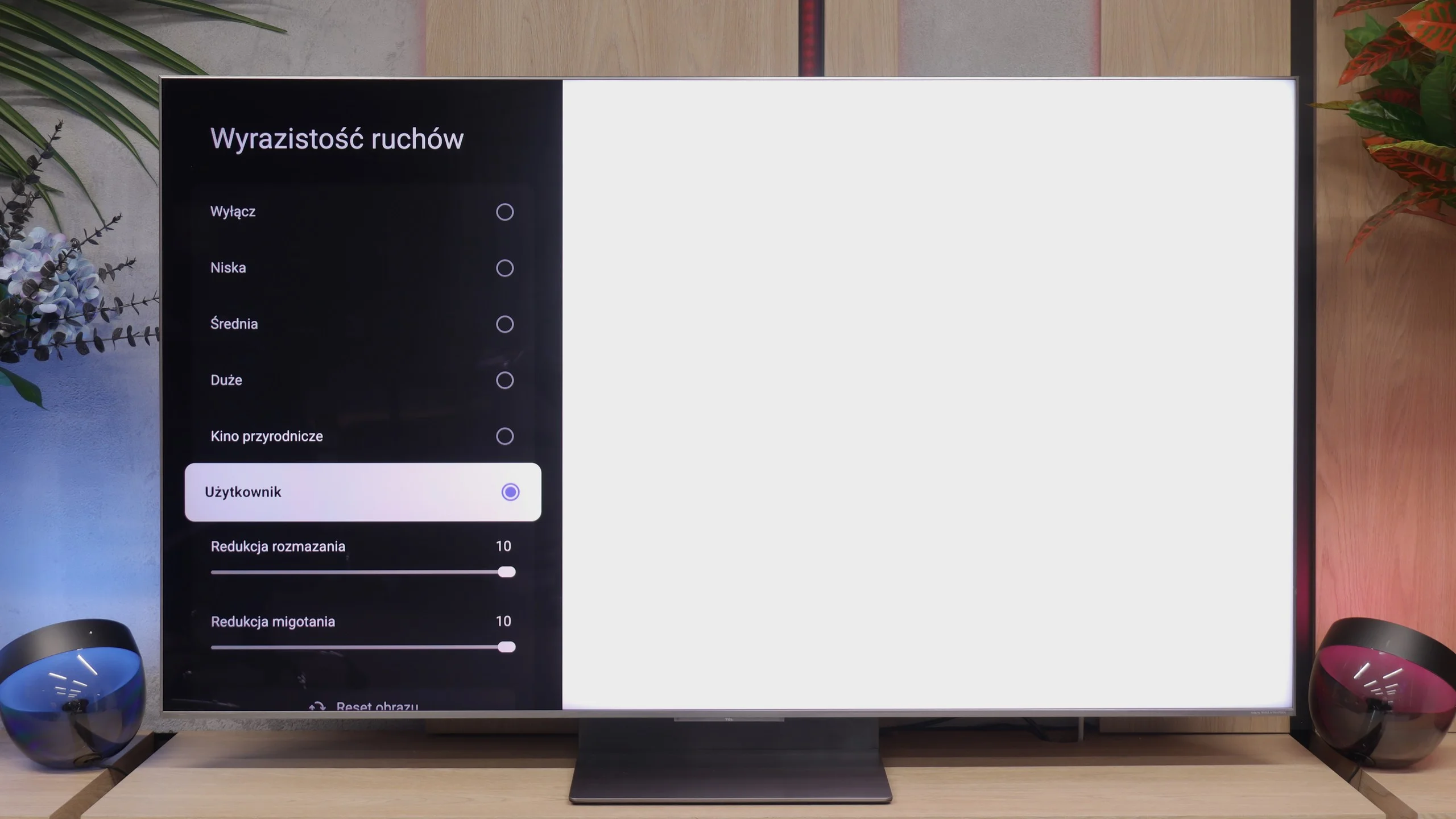
Blur (native resolution, maximum refresh rate):
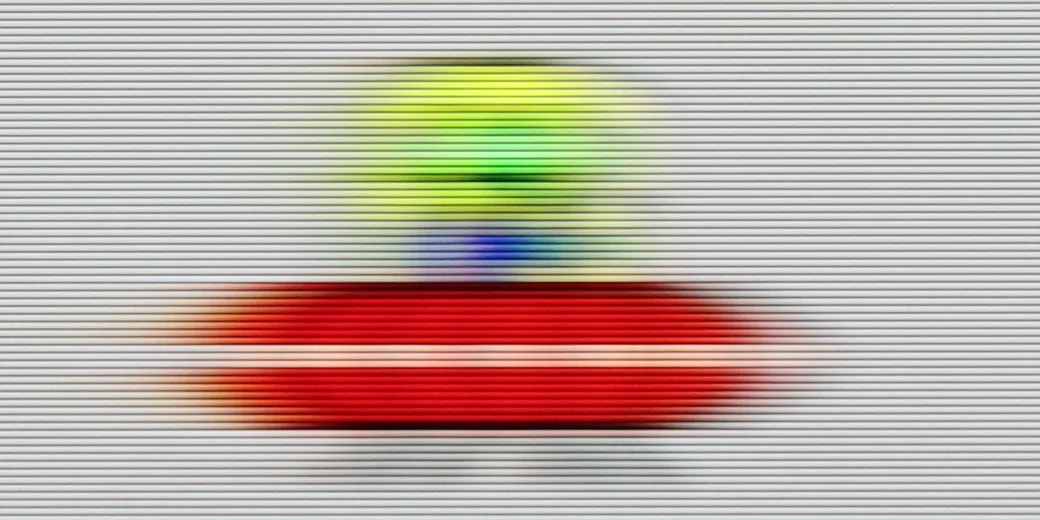
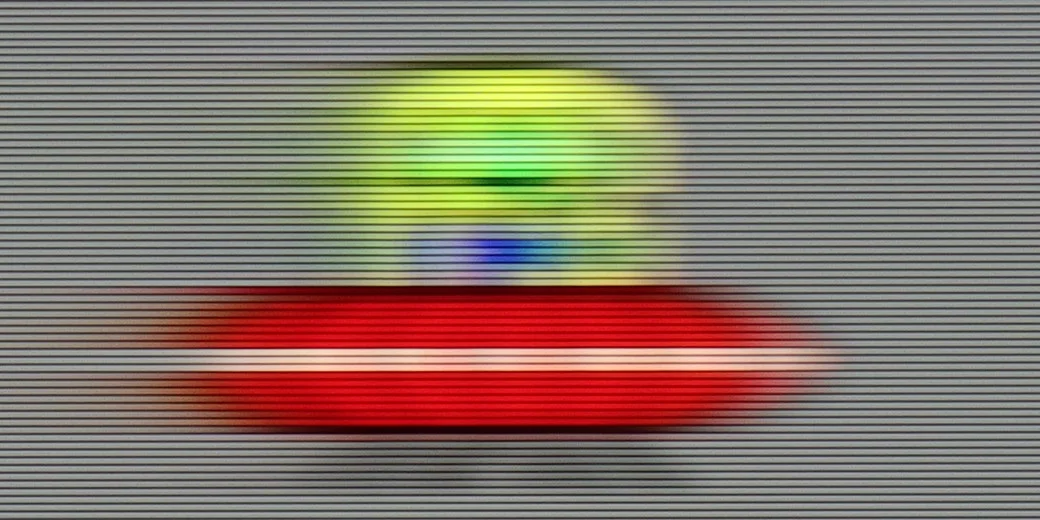
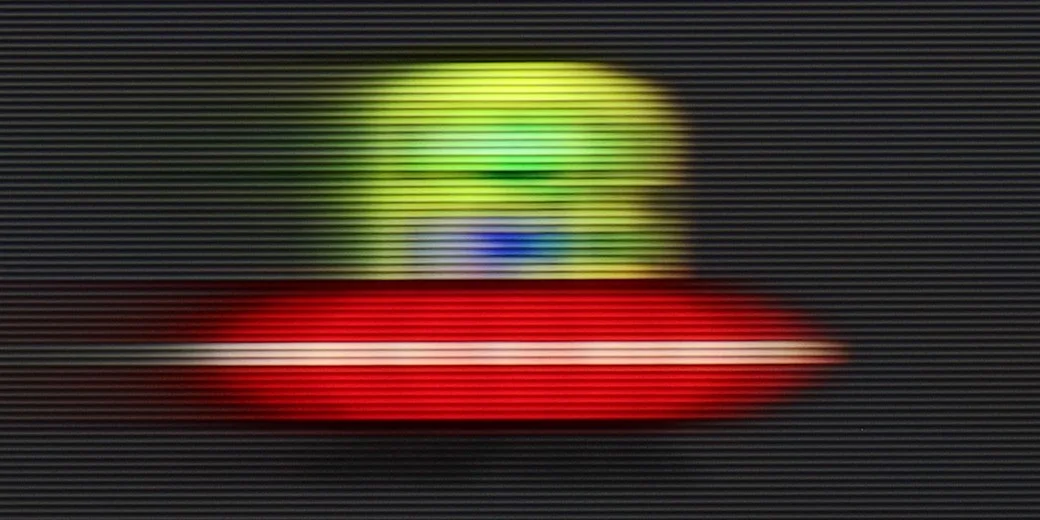

Blur (BFI function enabled):

Blur ():
Blur (1080p@288Hz):
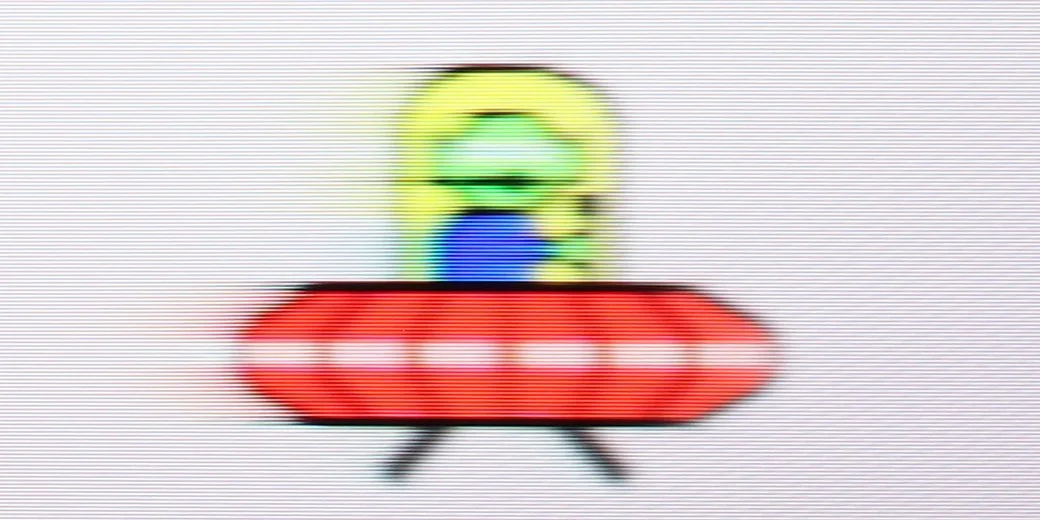

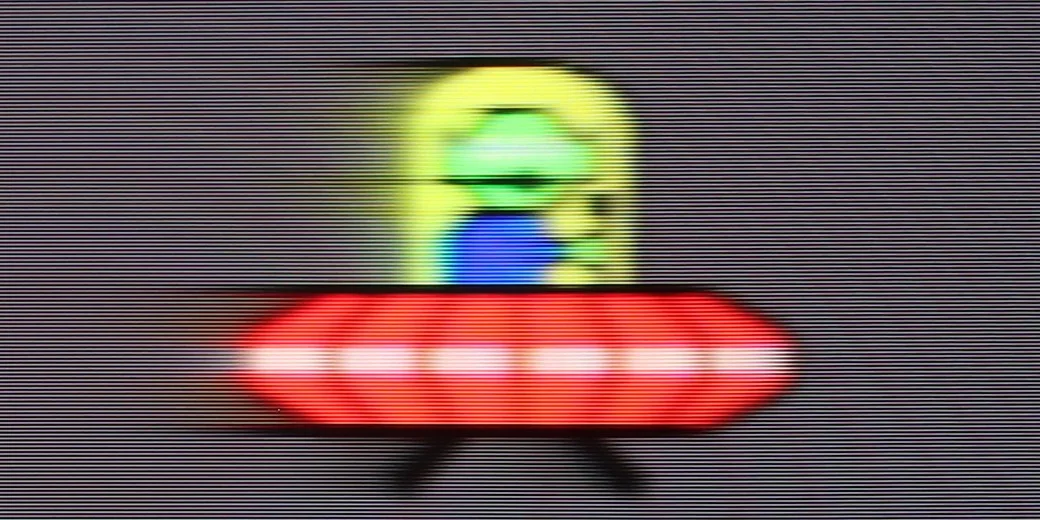
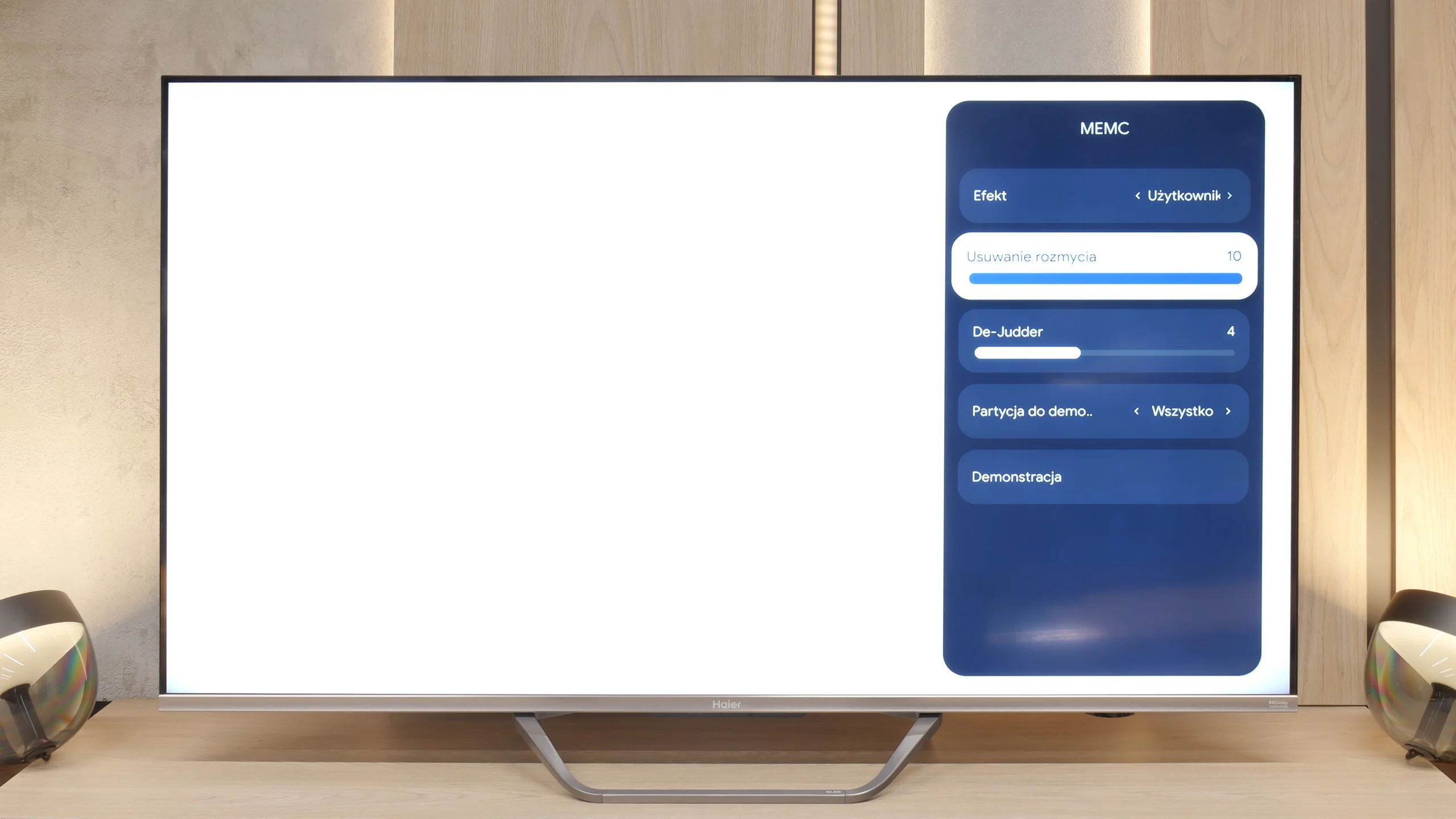
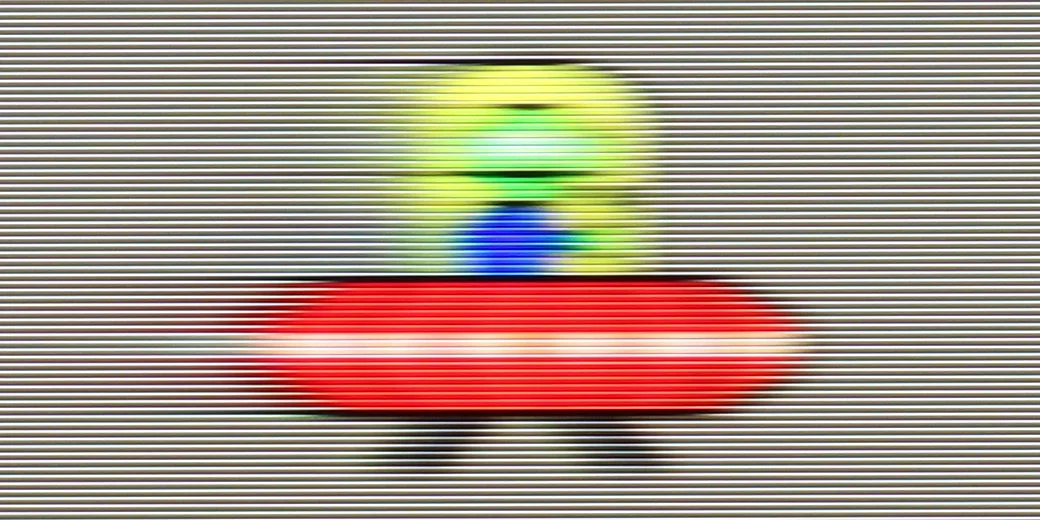
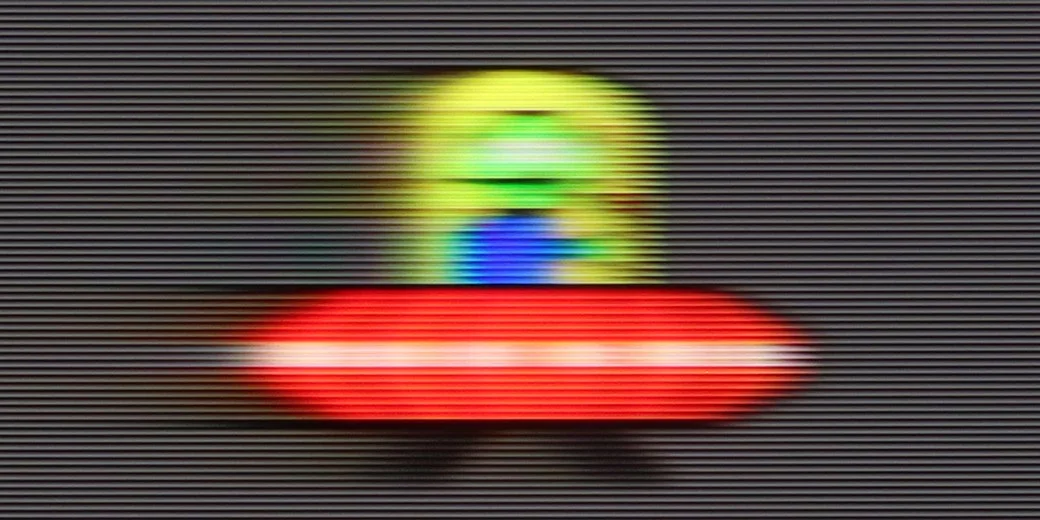
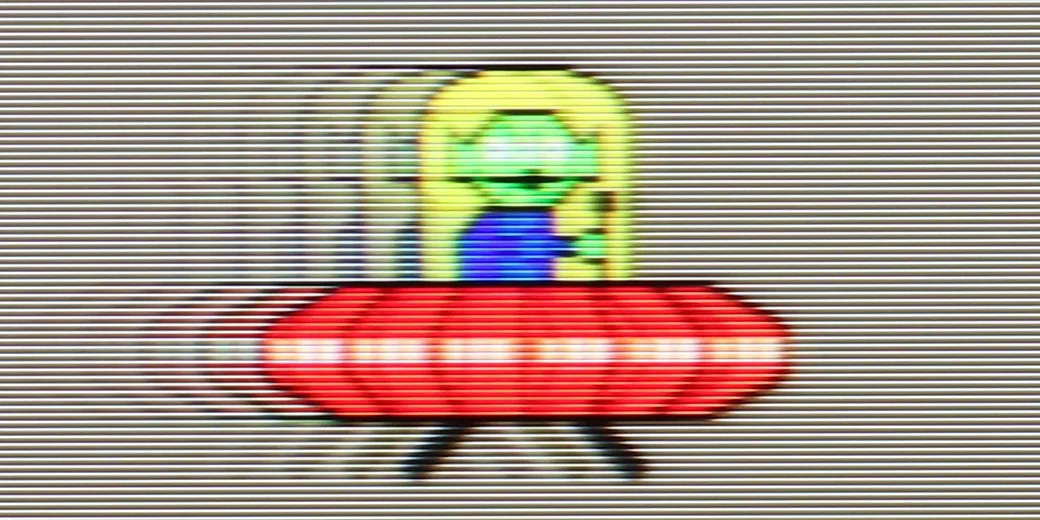
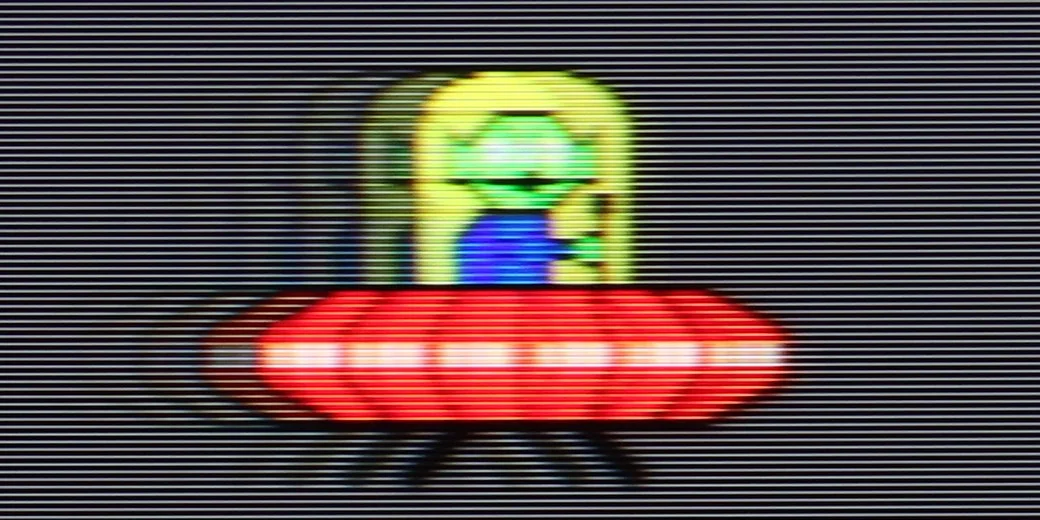
The issue of motion fluidity and blurring is largely predetermined by the use of a 60-hertz panel, which naturally makes it difficult to recommend this receiver to enthusiasts of very dynamic content. Fortunately, in the Q80FUX, we find a few options (although, as we shall see shortly, in reality only one) that are supposed to improve the experience with older film productions. There is a "De-Judder" slider available, which actually controls the smoothness of the image and allows us to adjust it to our preferences: from raw, cinematic frame rates to a more theatrical, smoothed presentation. However, a true surprise awaits us just beside it in the menu. There is also a second slider, supposedly dedicated to removing blur – a feature we typically encounter in 120Hz panels to combat motion blur in sports. However, as we expected, recalling memories from the tests of the K85F model, this slider here is merely a façade. Its adjustment does absolutely nothing to the image and it simply appears to be an oversight by the product engineers who left a non-functional option in the software for this type of panel.
The TCL C8L is equipped with a fast panel with a native refresh rate of 144 Hz. This specification will be most appreciated by demanding PC gamers, while most users, who rely on consoles or TV broadcasts, will make use of a stable 120 Hz. It is at 120 Hz that the motion-processing algorithms take care of image processing (in films, series and sports). In the TV menu you'll find a "Motion Clarity" tab that allows you to tailor the motion smoothing to your own preferences. The algorithms cope well with both cinematic productions at 24 or 30 frames per second and with fast-paced sports broadcasts at 50 or 60 frames per second, ensuring appropriate smoothness.
Console compatibility and gaming features
5.6/10
9.8/10
- ALLM
- VRR
- VRR range48 - 120Hz48 - 288Hz
- Dolby Vision Game Mode
 Yes, high input lag
 - Correct implementation of HGIG
- 1080p@120Hz
- 1440p@120Hz
- 4K@120Hz
- Game bar
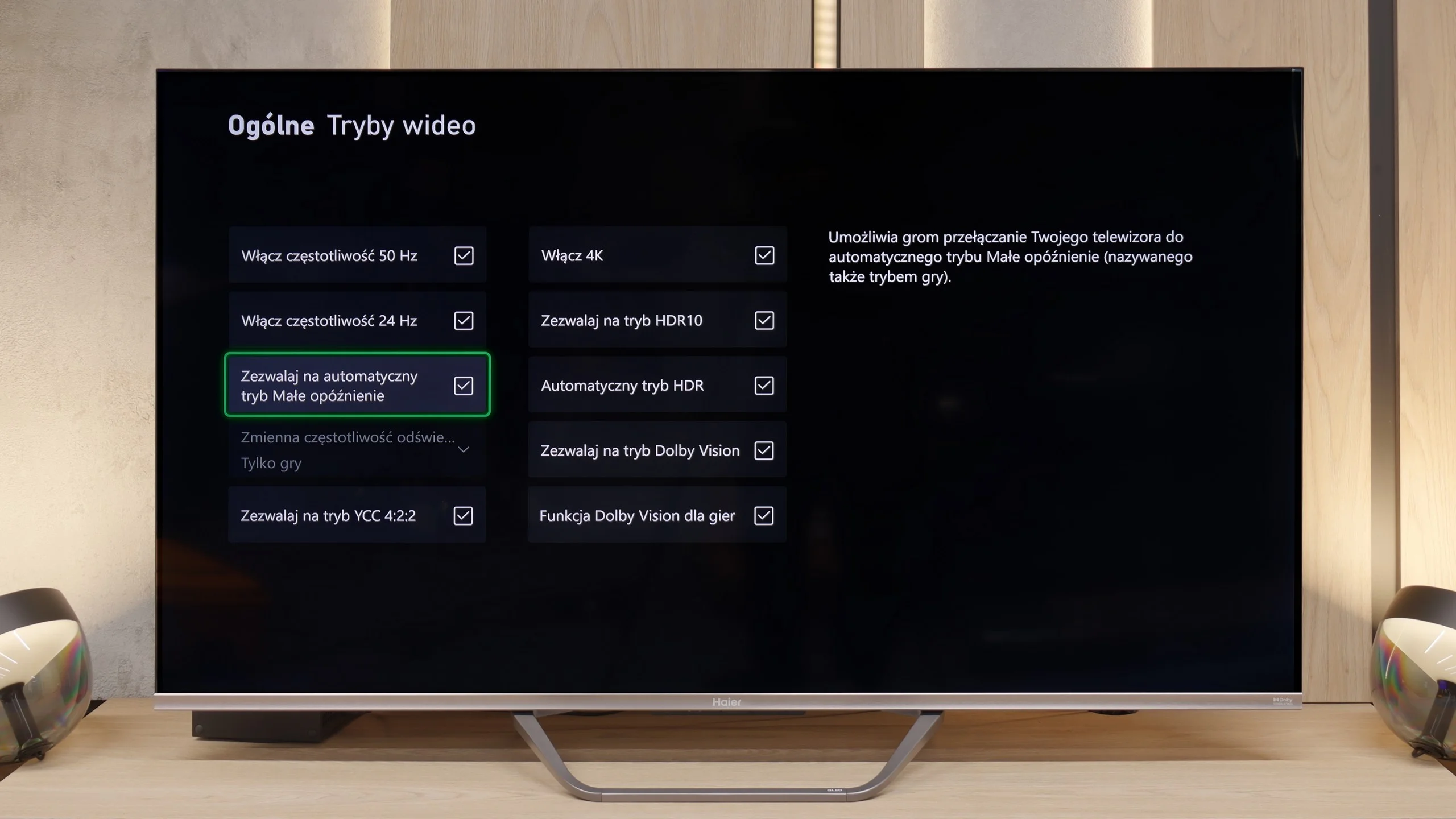
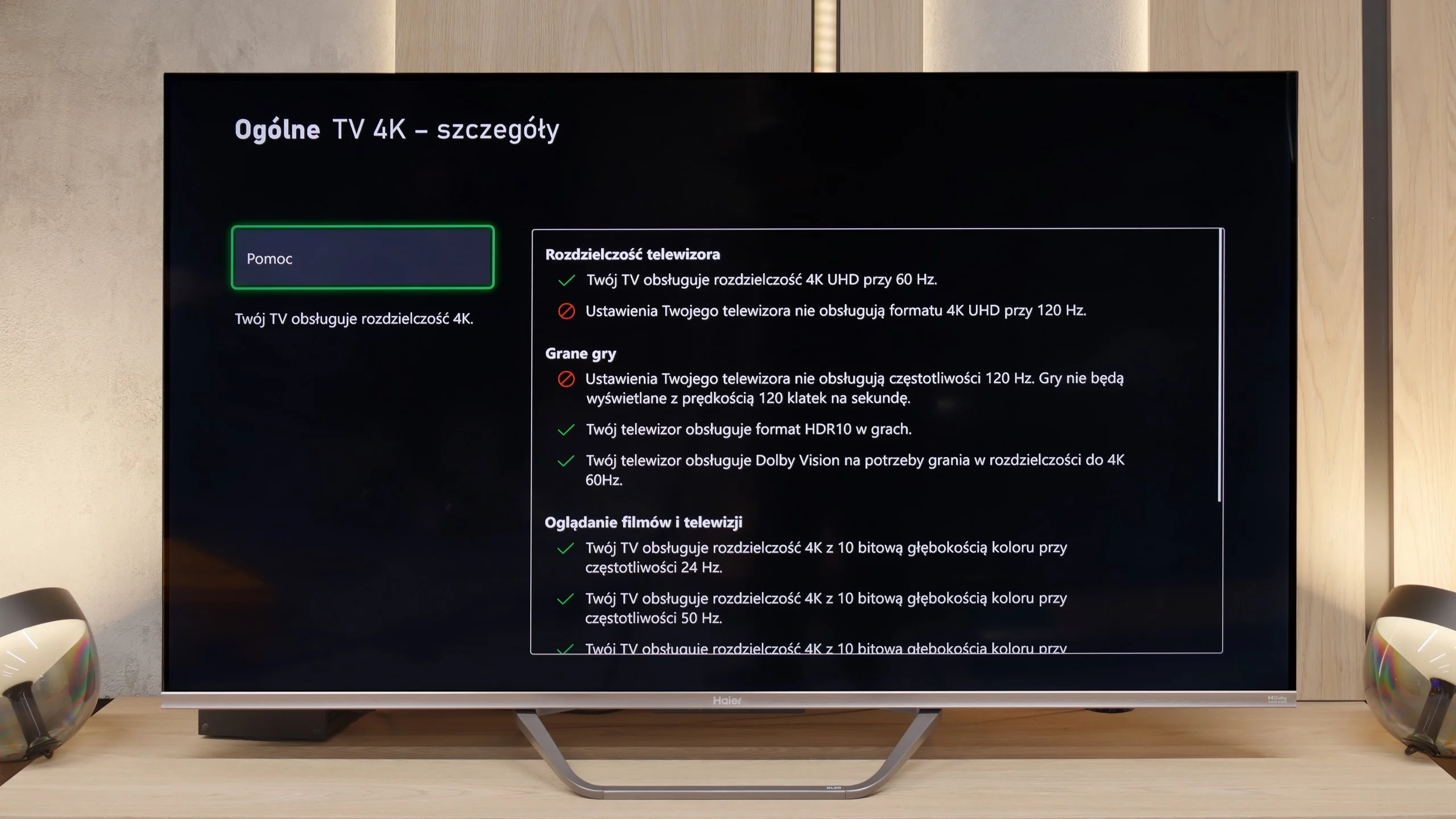
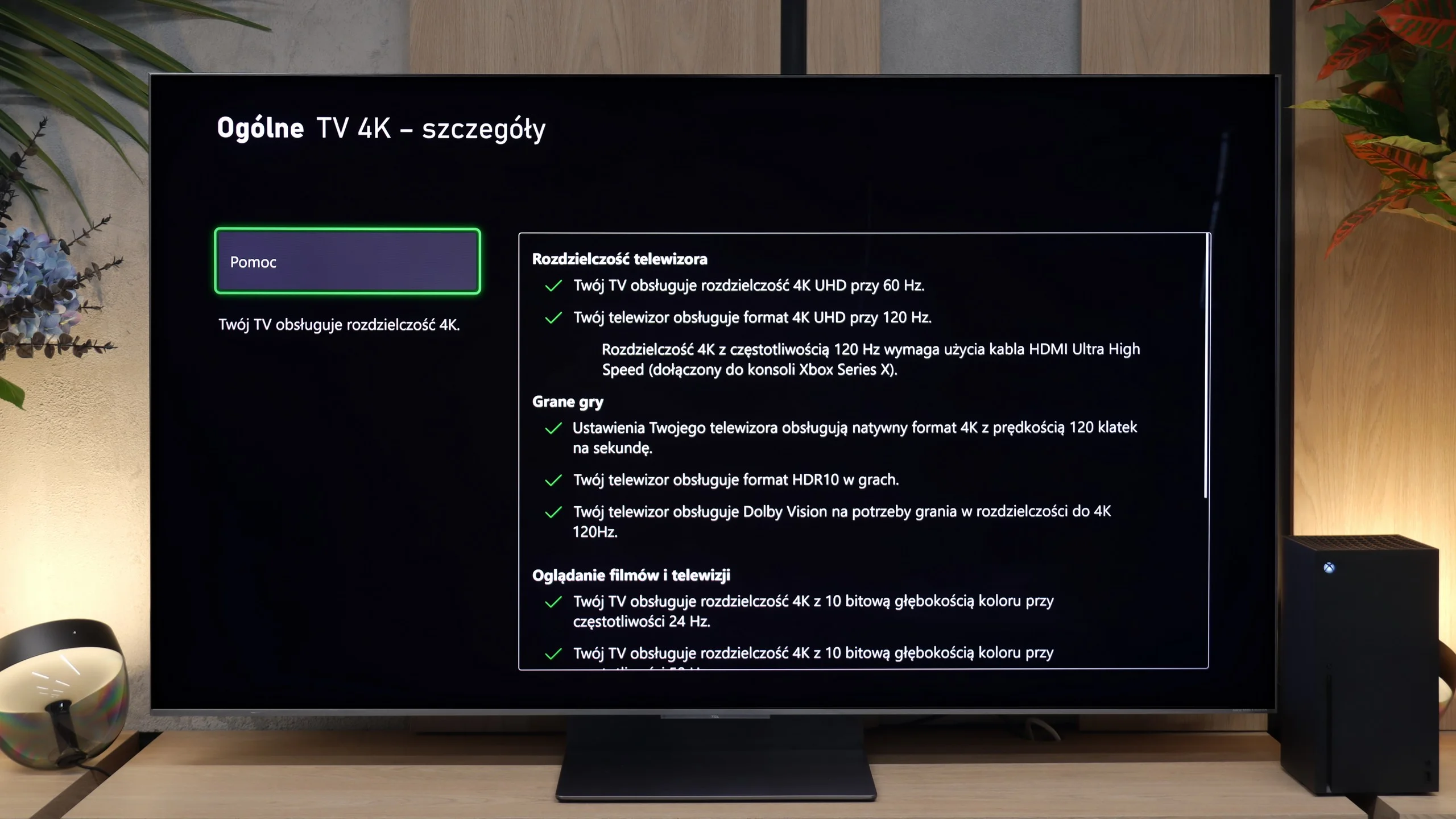
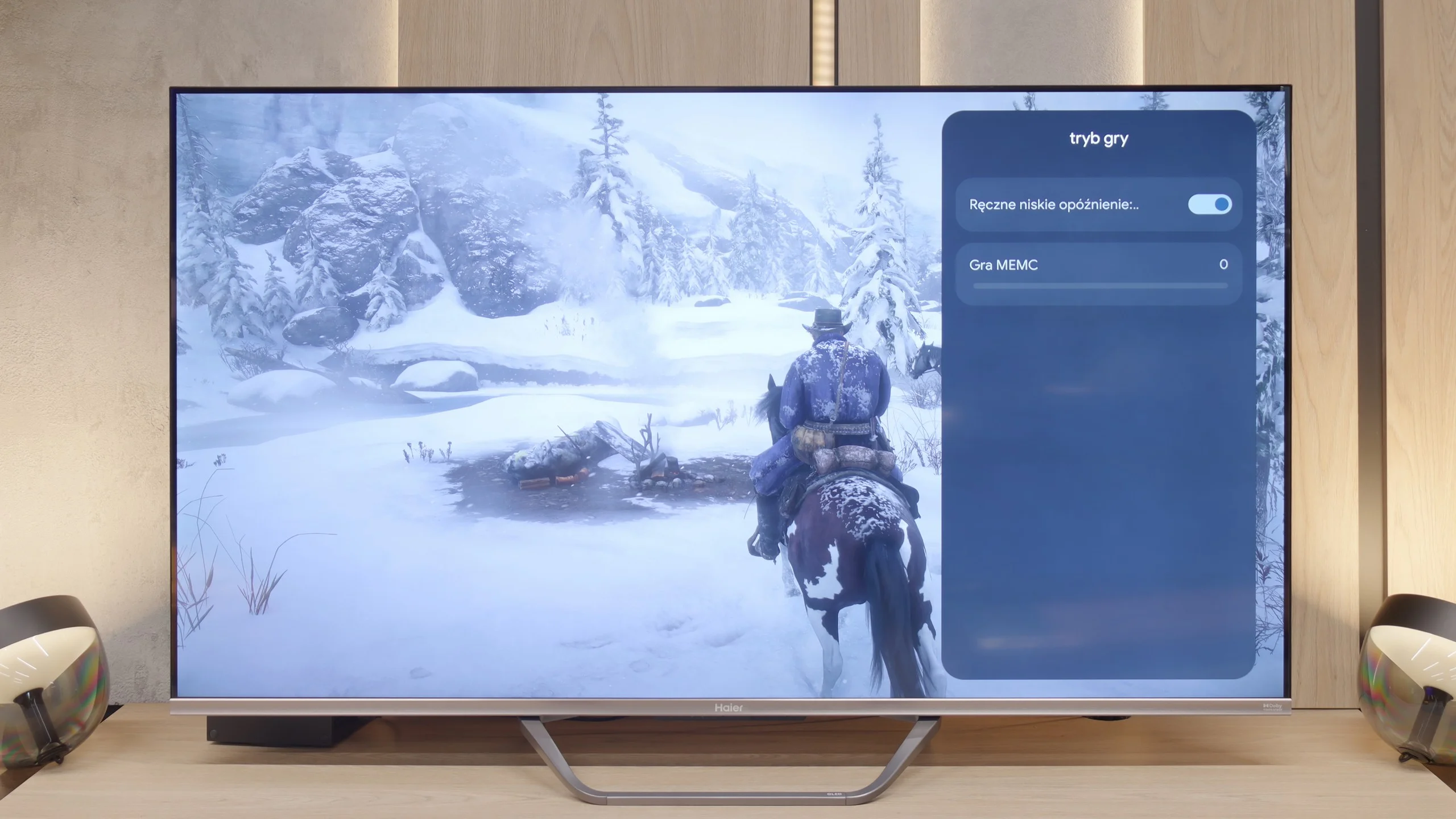
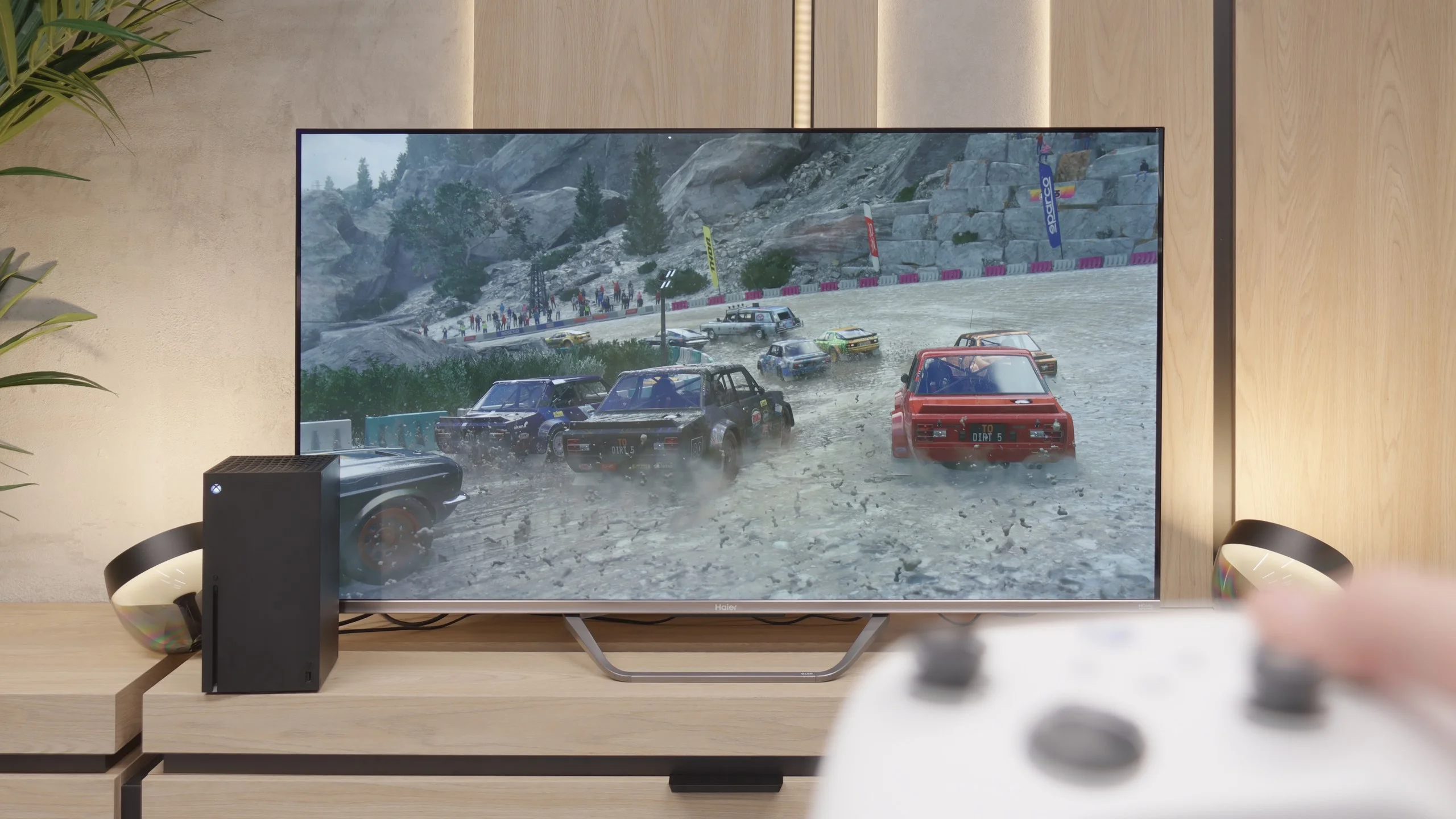
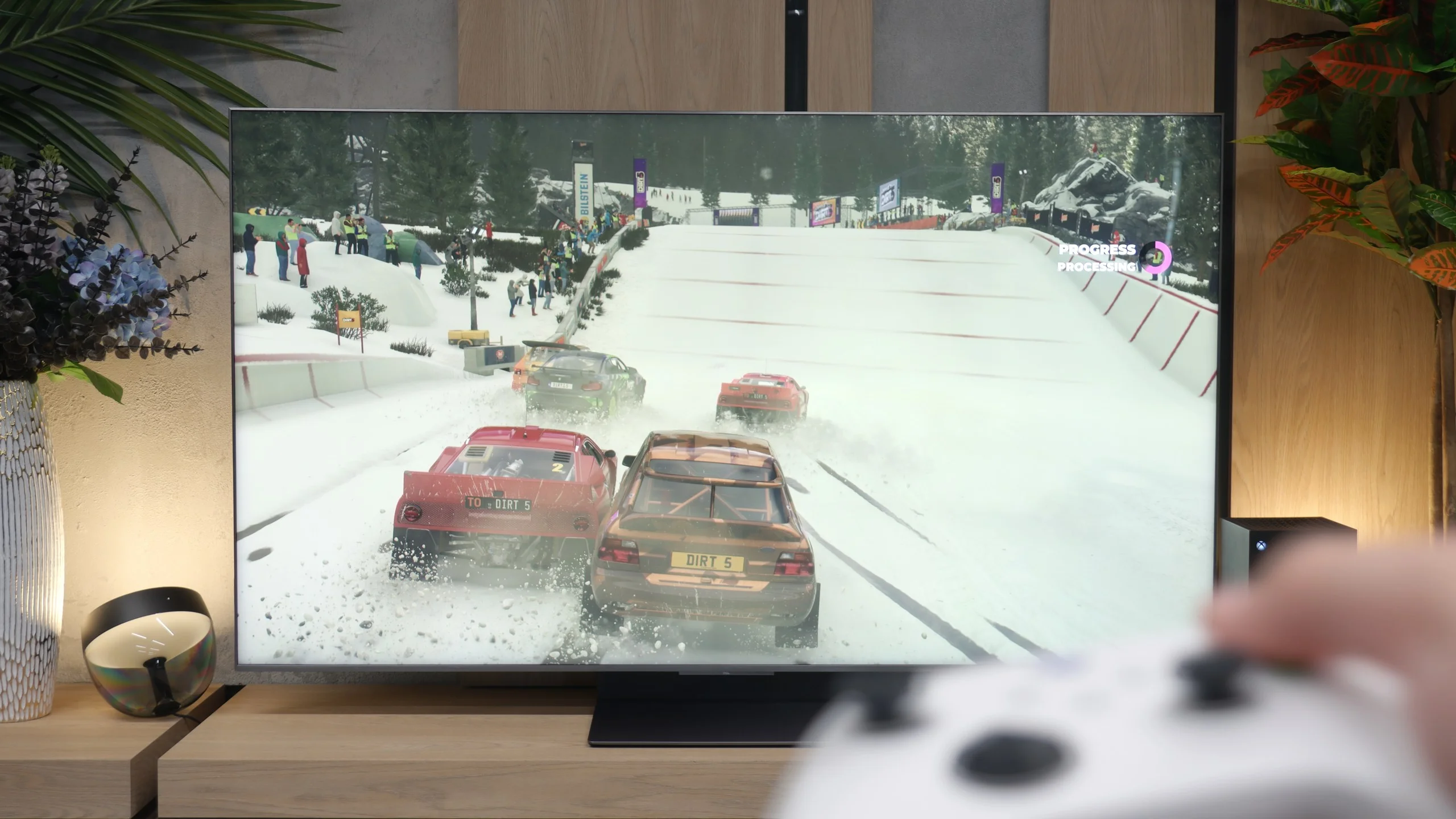
Stepping into the realm of gaming, the Haier Q80FUX proves to be quite a decent companion for the "casual gamer". Onboard, we find highly desired features such as VRR (Variable Refresh Rate) and ALLM (Auto Low Latency Mode). However, the biggest surprise is something else altogether. Although we are not dealing with a 4K@120Hz panel here, the television is capable of accepting and displaying a 120Hz signal at a lower resolution (Full HD). This is a very useful feature that allows for a conscious switch of the console to a lower resolution mode in exchange for significantly higher smoothness, which is a compromise entirely acceptable in the gaming world.
We won’t particularly complain about the lack of extras like the "Game Bar", as it's merely a nice addition. The most concerning issues arise when we delve into the world of HDR in gaming. Due to the television constantly adapting the signal "in its own way", setting the brightness on the console according to the HGIG standard is nearly impossible to achieve as per instructions. Worse still, in the Dolby Vision mode for gaming, the input lag increases to around 50 ms, which is a value high enough to render this mode practically unusable. However, in general, we would not recommend gaming on this television in HDR mode, so these are not such grave shortcomings. What is most pleasing is the presence of 120Hz in Full HD, which makes the Q80FUX a rather nice television for the occasional gamer.
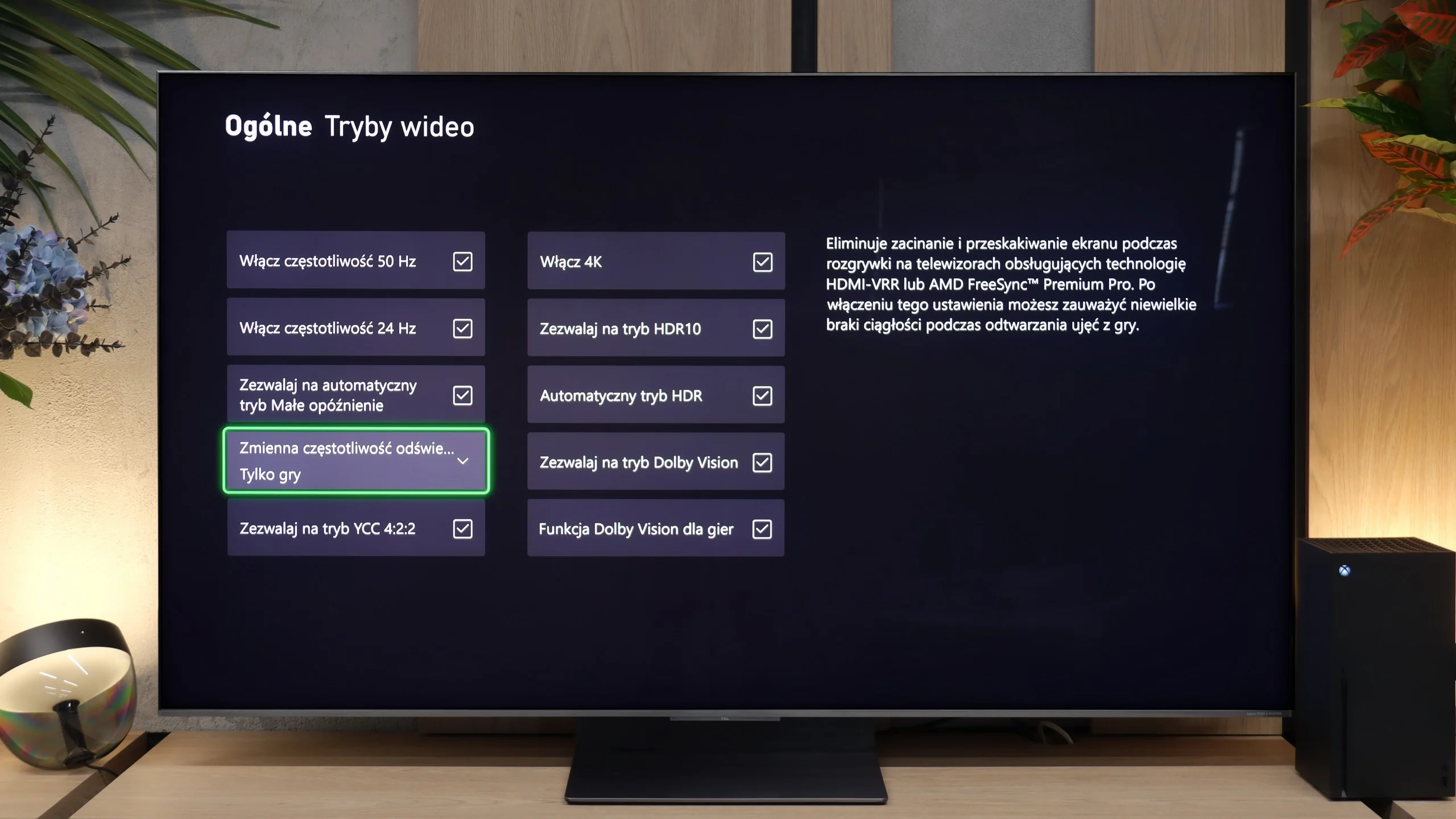
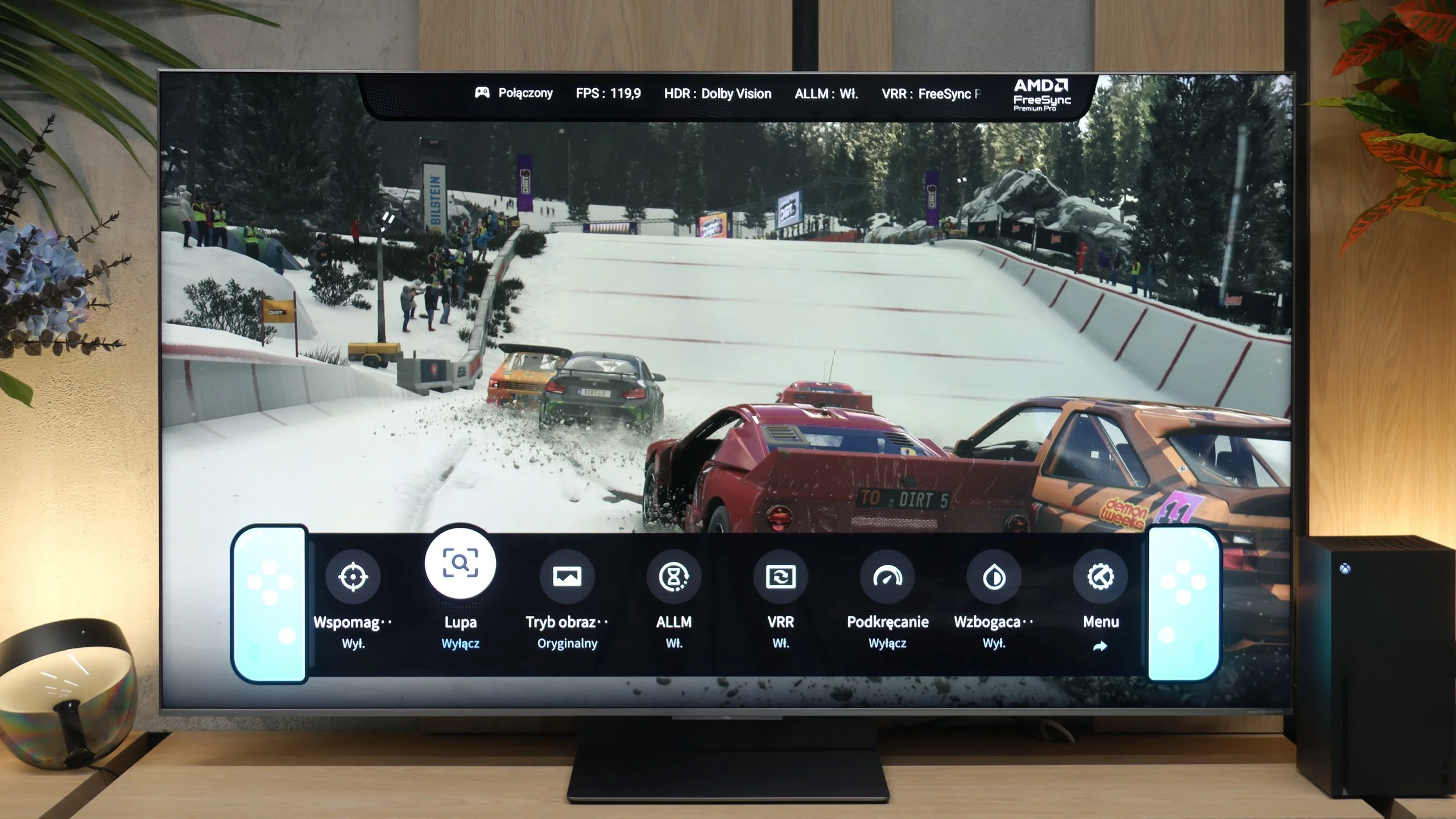
For gamers – and especially for owners of powerful PCs and several consoles simultaneously – the TCL C8L is a true monster. It is the first model in this manufacturer's lineup to feature as many as four full HDMI 2.1 ports with a maximum bandwidth of 48 Gbps. This is directly attributable to the use of the new Pentonic 800 processor, which we discussed earlier. Additionally, the television seamlessly supports practically every gaming feature. We have an automatic game mode (ALLM) that reduces latency to minimal levels, and full frame synchronization (VRR) operating in an impressive range of up to 288 Hz. There's also talk of standards such as G-Sync or FreeSync from Nvidia and AMD. When it comes to display standards, there are no compromises either: the C8L offers complete support for HDR formats in games, including gaming Dolby Vision and the HGiG profile. We can conveniently manage all of these features from a very readable player bar (Game Bar), which we can personalise to our own preferences. From a purely gaming perspective, there's really nothing to fault the C8L on – well, maybe aside from the previously mentioned slight blurring. But other than that? It's a no-nonsense machine for gamers.
Input lag
9.4/10
10/10
SDR
HDR
Dolby Vision
If there is one category in which the Haier Q80FUX absolutely shines and shows its claws, it is input lag. In this regard, the television presents results that are nothing short of remarkable. In 120Hz mode (achieved, let us remind you, at a lower resolution), input lag drops below 10 ms, which is an excellent value, worthy of high-end gaming monitors. Not much worse, and still at a very good level, is the classic 60Hz mode – here the measurements consistently indicated around 12-14 ms. These are results that significantly more expensive, dedicated gaming designs would not be ashamed of. The only serious stumble here is the Dolby Vision mode. As we have established before, its activation raises the lag to an unacceptable level, so we definitely advise against using it during any interactive gameplay.
In our laboratory tests we measured Input Lag of below 10 ms. For a gamer this means a completely imperceptible delay. Importantly, this result can be improved further by forcing the PC to use a refresh rate above 120 Hz. A big plus is the Dolby Vision Game mode; latency there is just as low as in standard SDR and HDR10 modes.
Compatibility with PC
6/10
8.6/10
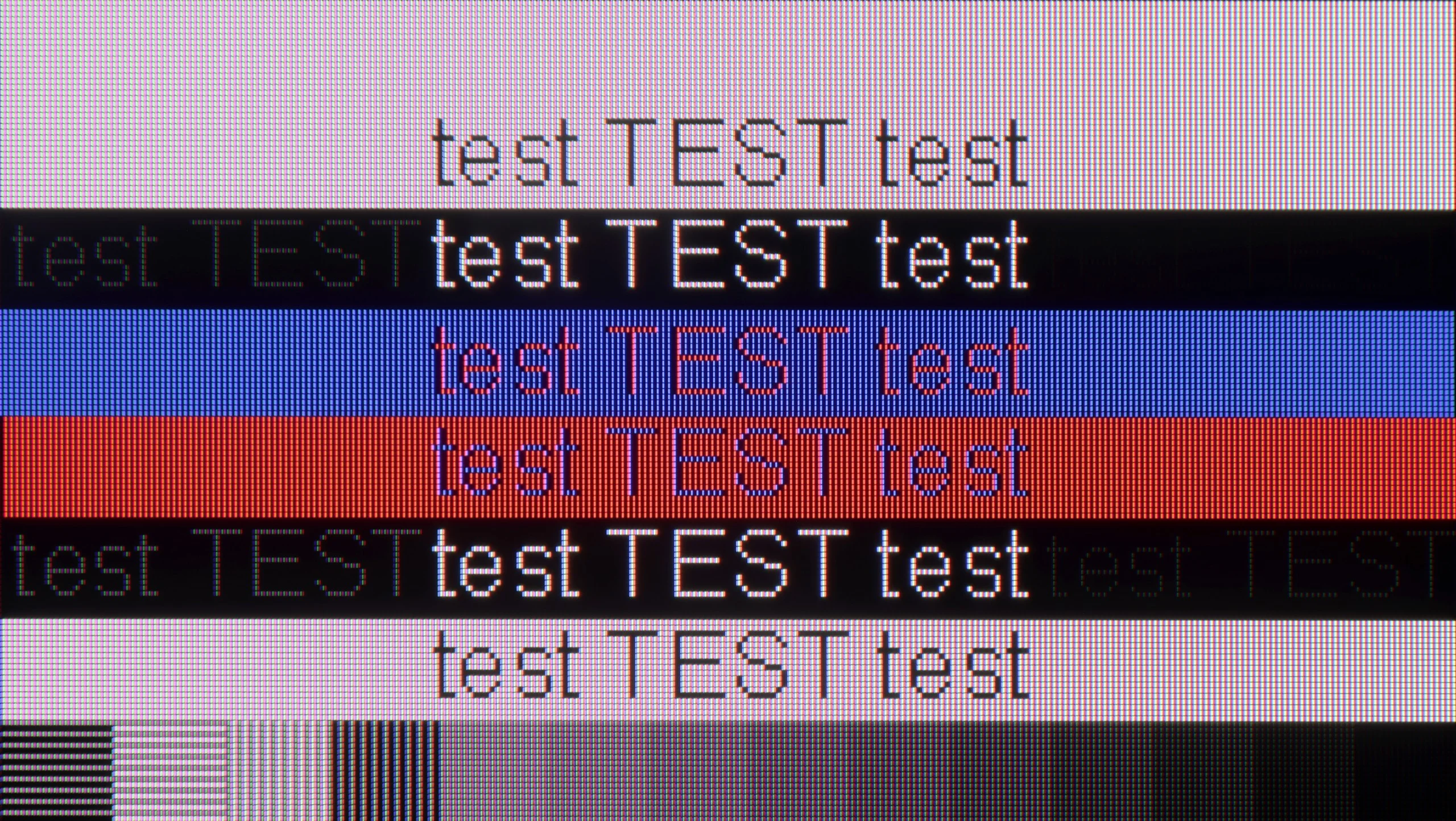
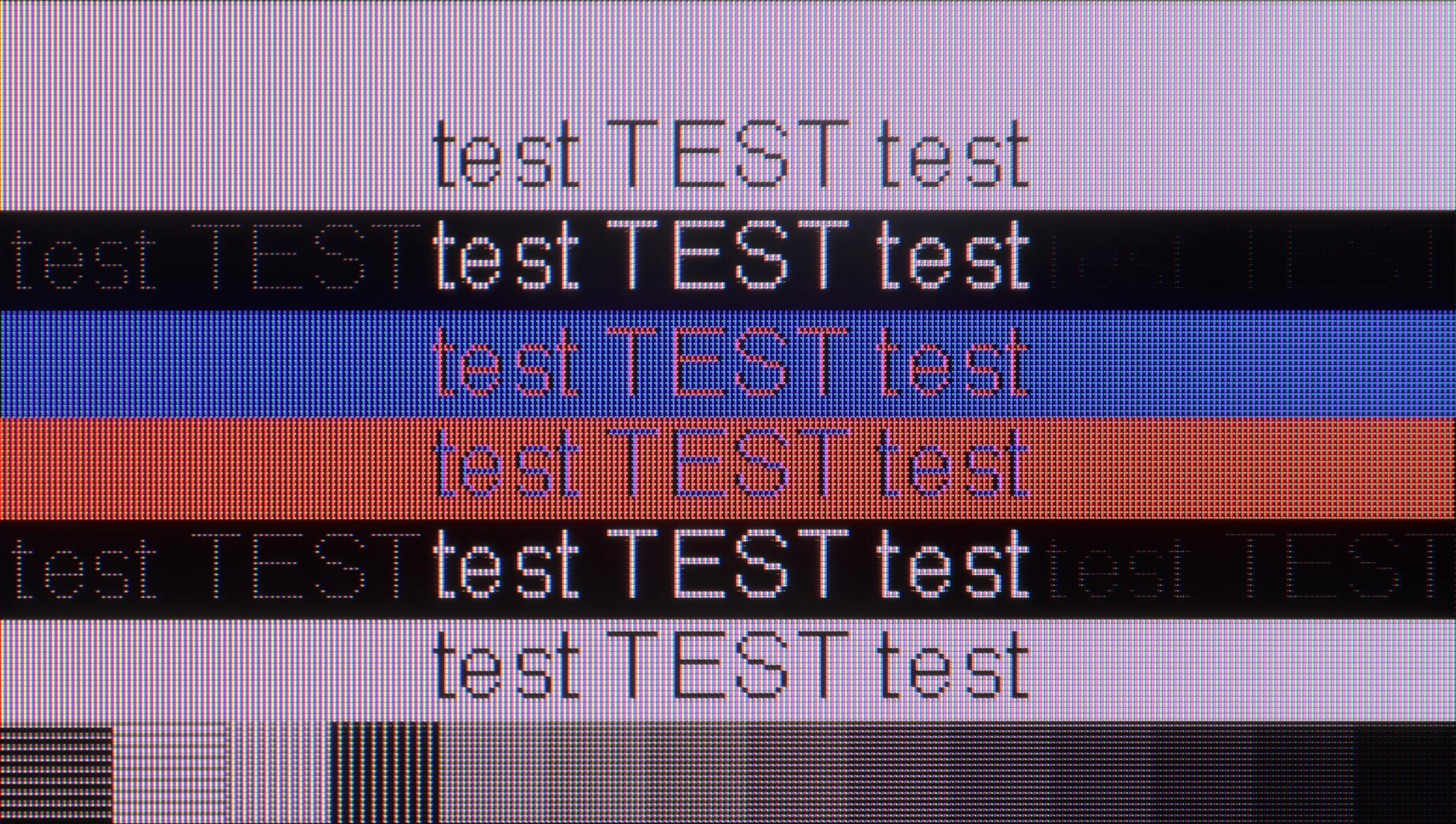
The photo shows the legibility of small fonts. Ideally, lines should be the same thickness on both light and dark text, with minimal pixel gaps.
We also checked, of course, how the Q80FUX performs when connected to a computer. And here’s another pleasant surprise – it handles this really very well. The most important thing is that the fonts are very readable, so nothing blurs and you can work on it normally. Additionally, just like with consoles: we can set a lower resolution here in exchange for achieving a high refresh rate of 120Hz. Importantly, in this mode, G-Sync launched correctly and worked well. This only confirms that this television is truly a successful and efficient piece of equipment for gaming, even on a PC.
The TCL C8L is very well suited to use as a large-format monitor. The TV supports refresh rates up to 288 Hz at Full HD resolution, which will be appreciated by fans of e-sports titles and by owners of less powerful graphics cards in AAA games. The TV also works seamlessly with frame synchronisation systems AMD FreeSync and NVIDIA G-Sync. Importantly for text work, the C8L renders most fonts correctly and legibly. Up close you can notice minor errors in the rendering of letter edges and a slight grain around them, but the issue largely disappears (or rather becomes less noticeable) when you sit at a normal, recommended distance from the screen.
Viewing angles
3.3/10
4.5/10
Anyone who plans screenings in a wide family group must be aware of the fundamental compromise that Haier has made by implementing a VA panel in this model. This technology has indeed given us deep blacks and high contrast, but its inherent characteristic is also a noticeable narrowing of viewing angles. It is enough to sit a bit further to the side of the sofa to immediately notice how the colours start to lose saturation and the image begins to fade. It’s simply a classic trade-off – we gain something (contrast) at the expense of something else (angles) – and the Q80FUX fits perfectly into this pattern.
TCL C8L uses a VA-type panel, which by nature is not known for wide viewing angles. In this case, however, the manufacturer used a proprietary WHVA 2.0 panel from TCL CSOT. Therefore the viewing angles are decidedly better than in average VA panels, which is undoubtedly a plus. Colours and contrast do not degrade as drastically when moving slightly off-axis as is the case with most LCD screens. Overall, it is still at a lower level than IPS panels, and even more so OLED screens, but for a VA LCD panel the improvement is fairly noticeable.
Daytime performance
4.8/10
10/10
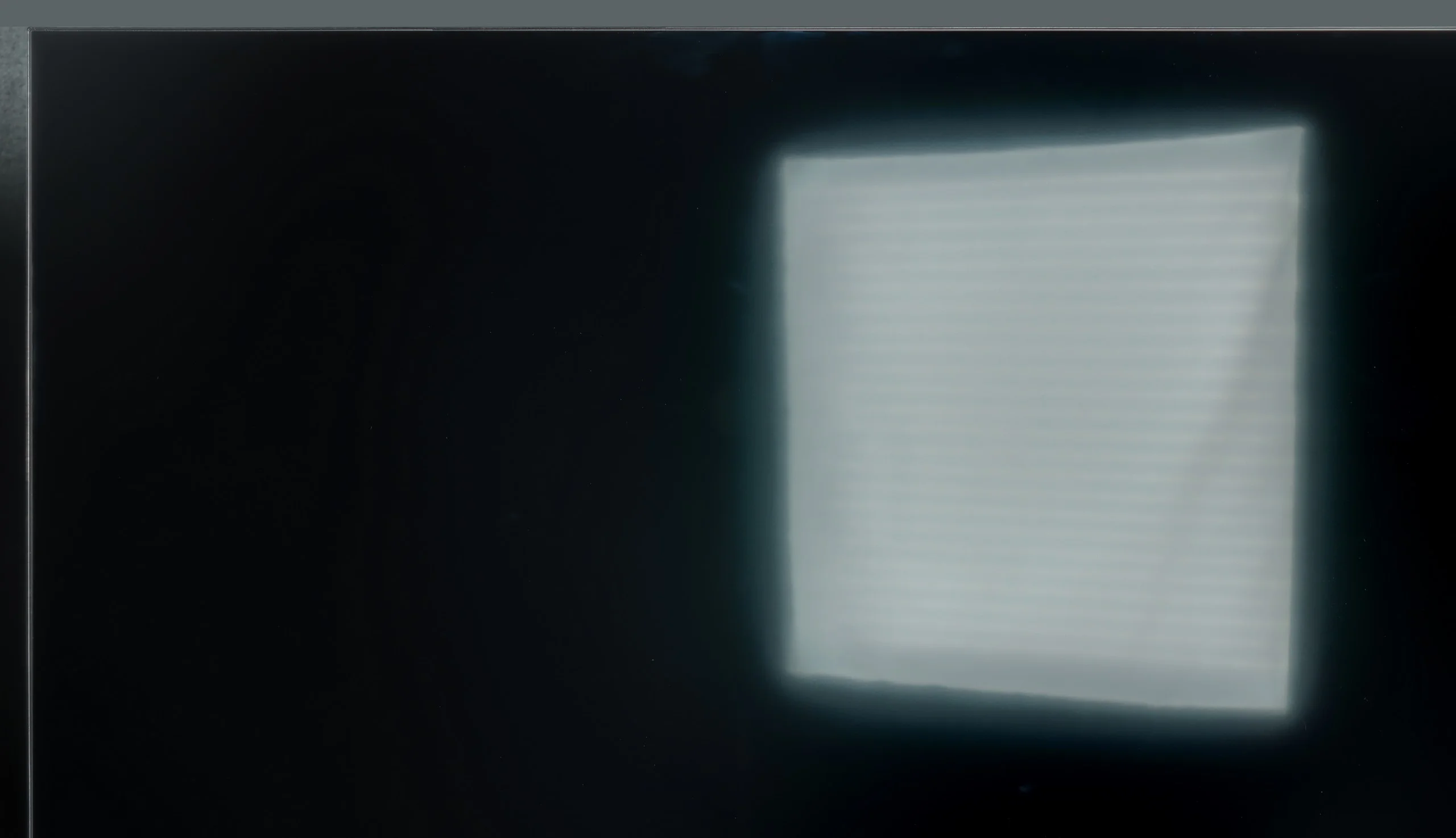
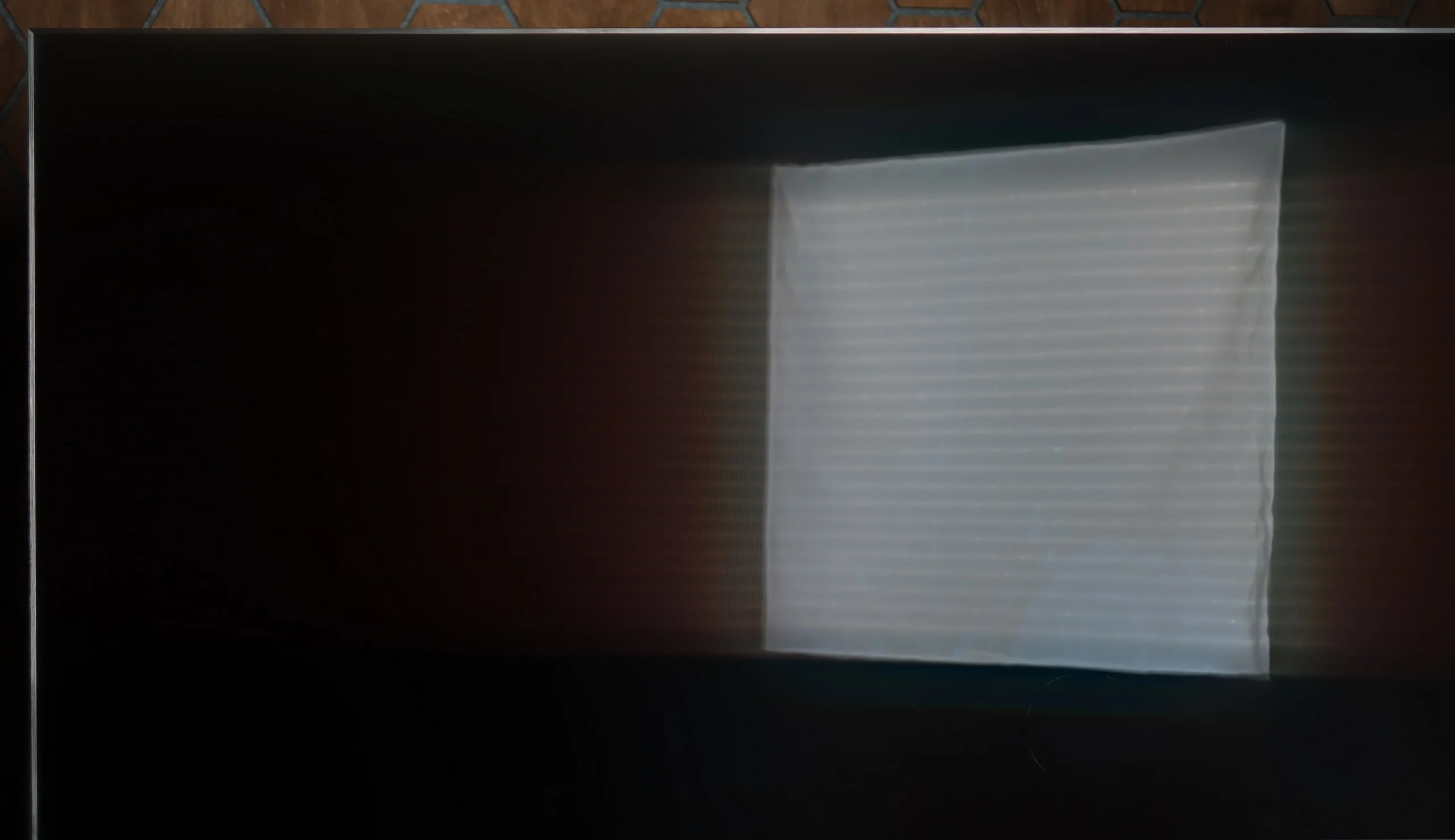
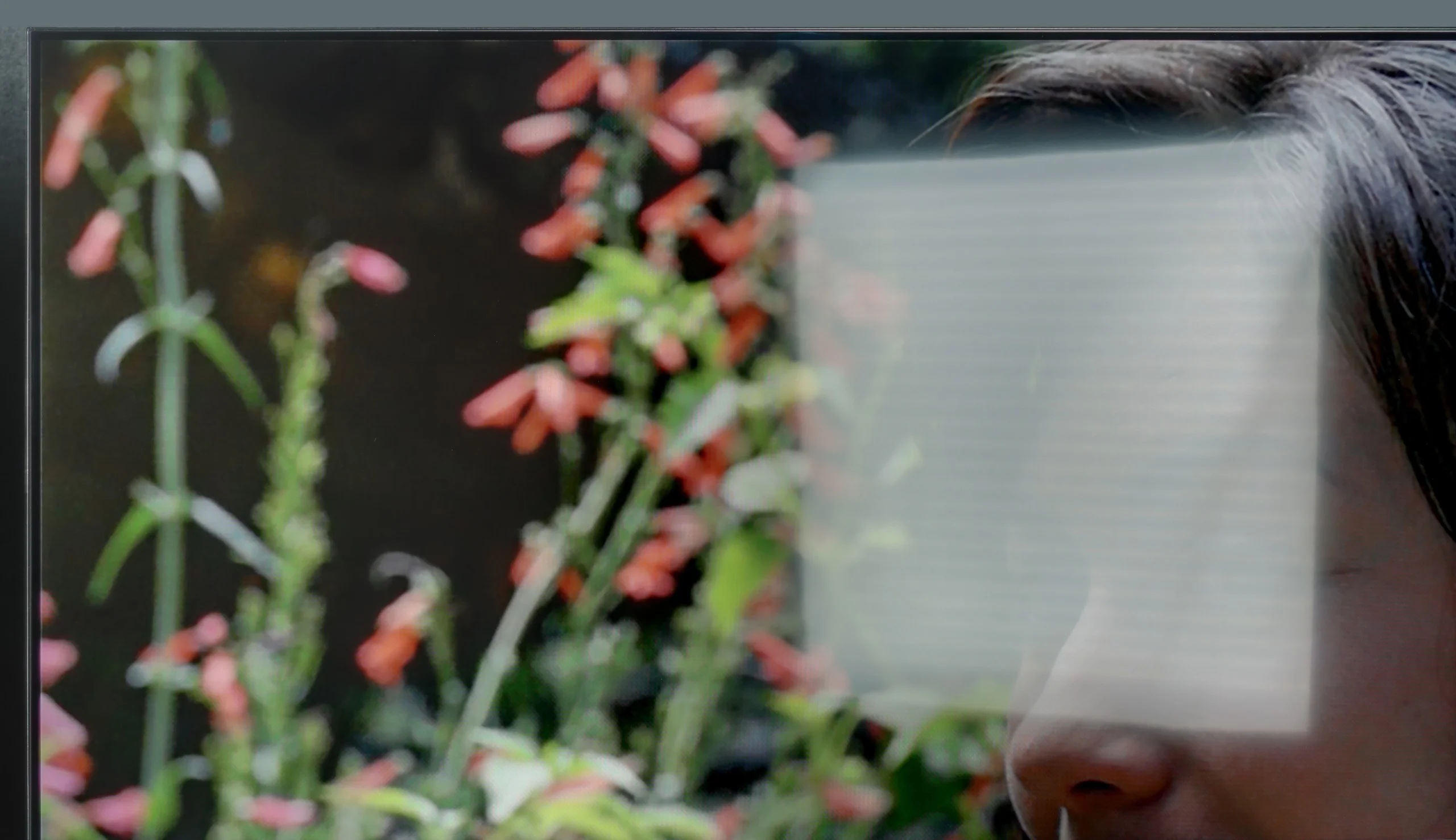
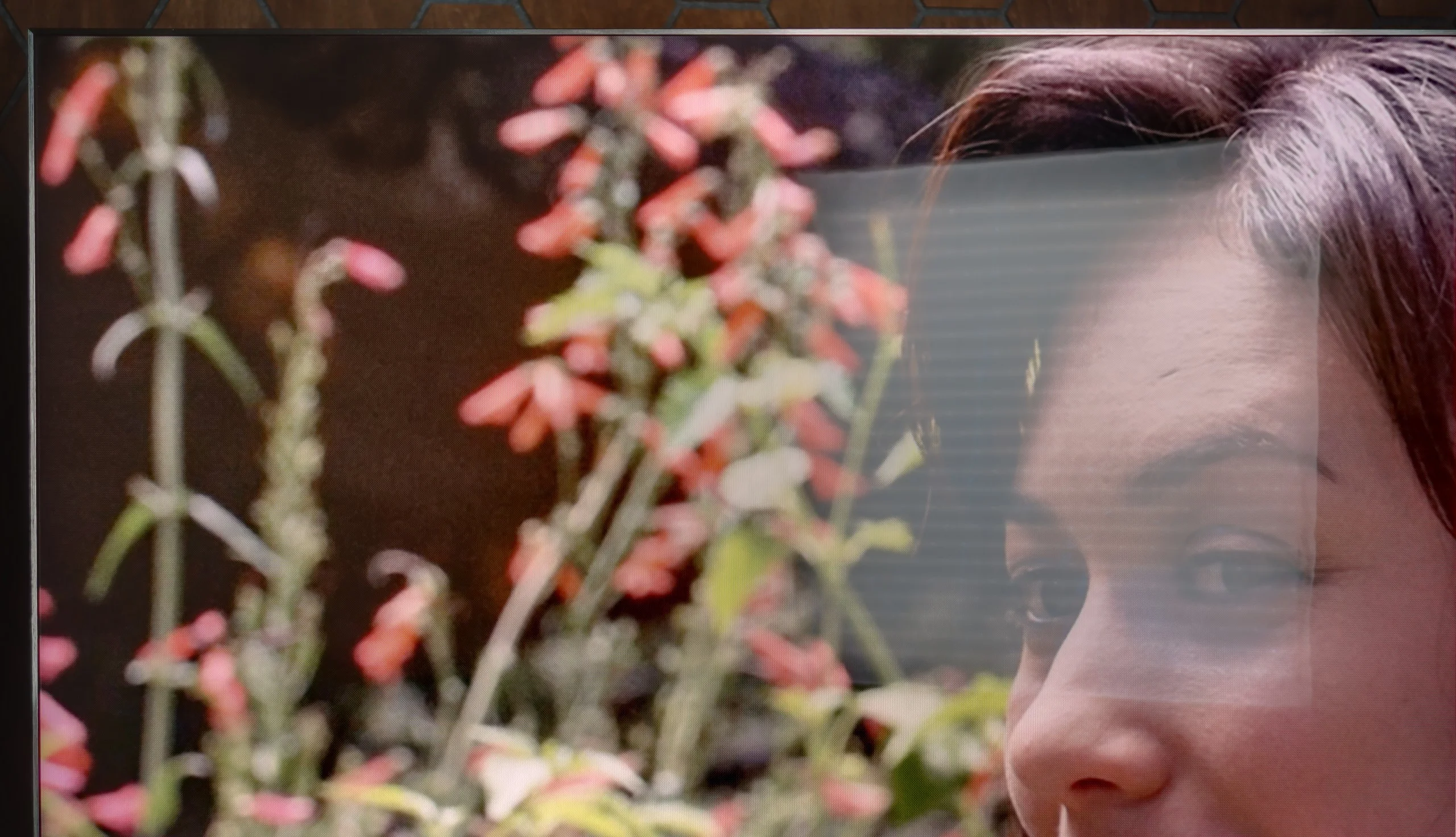
Panel brightness
TCL C8L / QM8L : 1651 cd/m2
Haier Q80FUX: 317 cd/m2
The clash of the receiver with the daily challenges posed by a bright living room is quite decent in the case of the Q80FUX, although it is certainly difficult to speak of it as ideal. The panel itself is equipped with a coating that handles most reflections and glare from the surroundings quite effectively. Equally importantly, even in more challenging lighting conditions, the screen manages to retain pleasantly saturated colours. However, the weakness of this construction reveals itself where the brightness comes into play. The previously mentioned, rather moderate maximum brightness (around 350 nits) means that in confrontation with intense, natural light coming through the window, the screen often struggles to "break through". On a sunny day, the image may simply lack the appropriate impact.
The TCL C8L is one of the brightest TVs we’ve tested so far. As you can see from the brightness chart (or rather, you might not) its peak brightness reaches an astronomical 5,000 nits (exactly 4,862). Although that falls to around 600 nits with a full-screen white field, the TV’s overall daytime performance means you can confidently call it practically ideal for very bright, sunlit living rooms. While the glossy panel used here does not suppress reflections as aggressively as matte screens, the screen’s sheer output can cut through most unwanted reflections coming from windows or other artificial light sources such as lamps.
Panel details
Subpixel Structure:
Panel uniformity and thermal imaging:
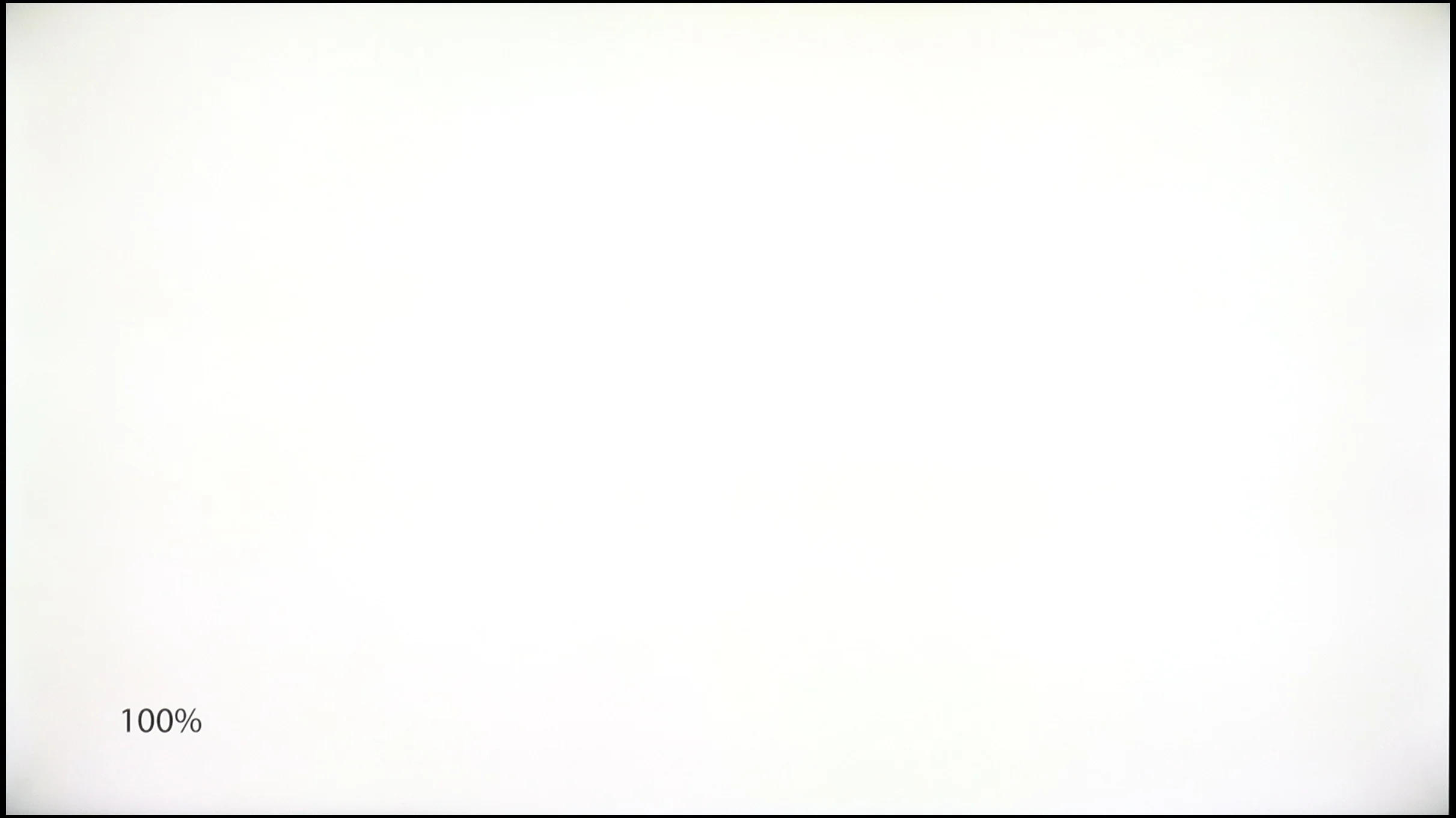
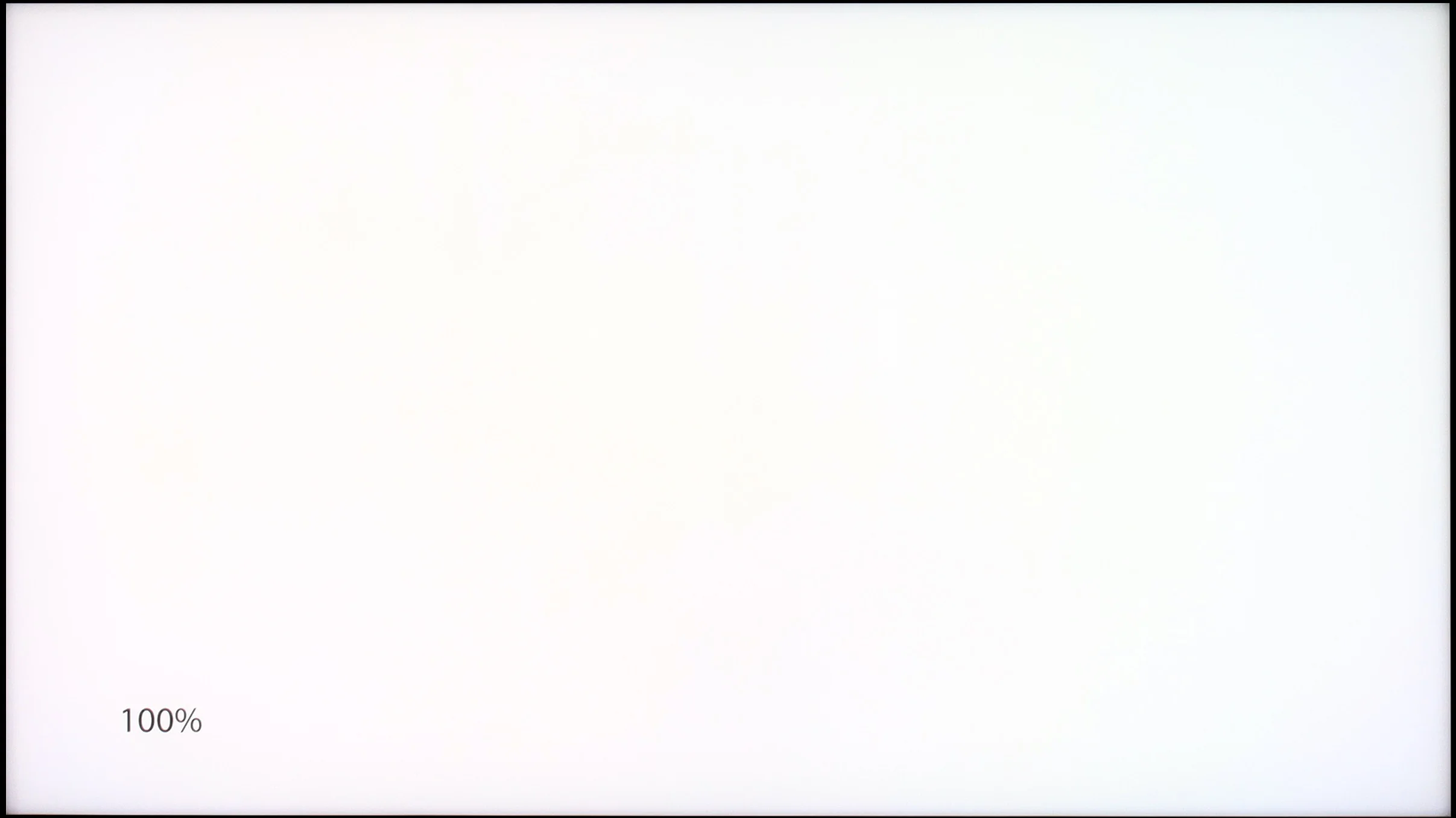
Haier Q80FUX
TCL C8L / QM8L
TV features
5.6/10
8.3/10
- SystemGoogle TVGoogle TV
- System performanceAverageVery good
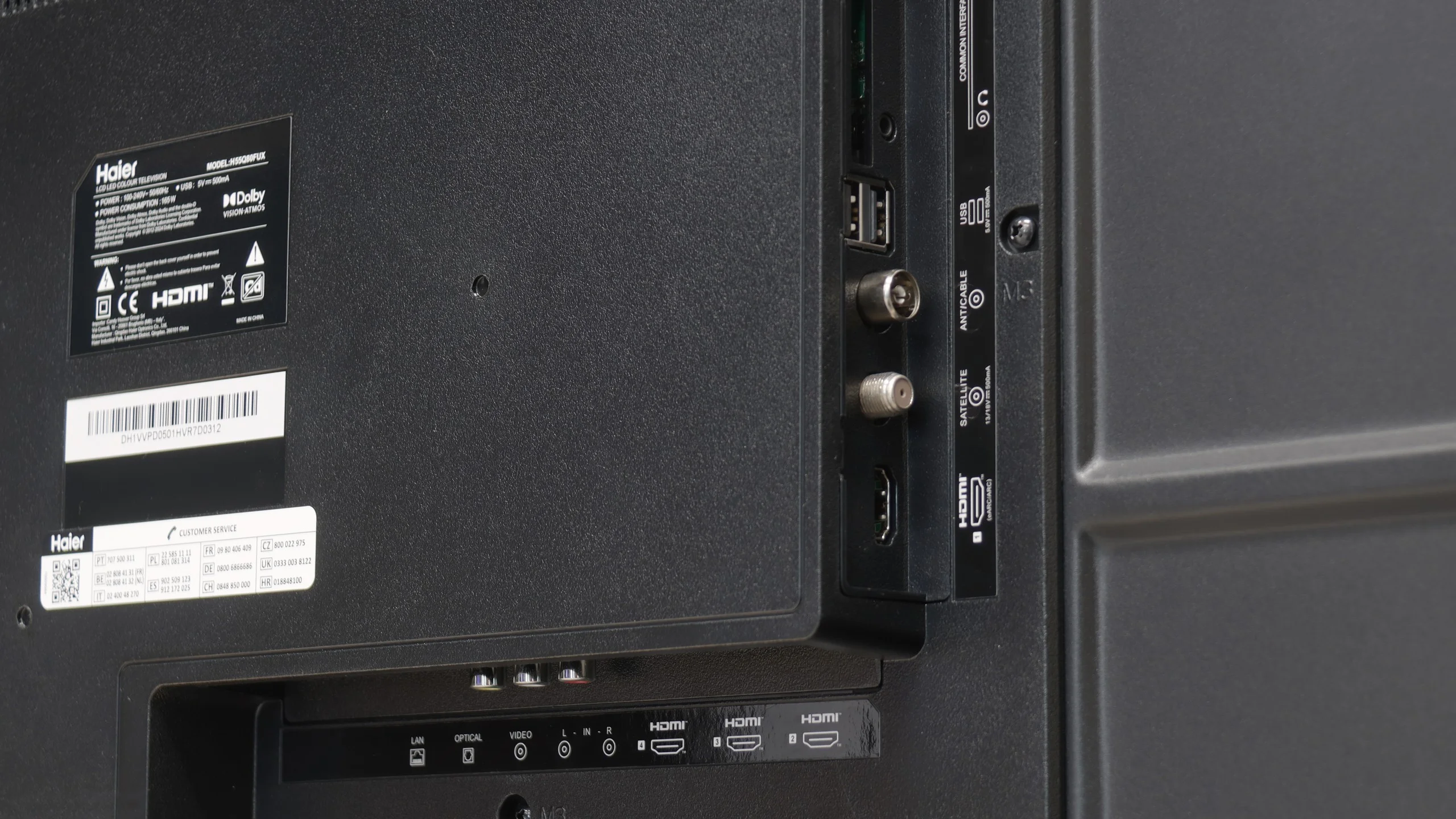
- HDMI inputs4 x HDMI 2.0, 0 x HDMI 2.10 x HDMI 2.0, 4 x HDMI 2.1 48Gbps
- Other inputsRCA (Chinch)
- OutputsToslink (Optical audio), eARC (HDMI), ARC (HDMI), Mini-Jack (Headphones)Toslink (Optical audio), eARC (HDMI), ARC (HDMI)
- Network InterfacesWi-Fi 2.4GHz, Wi-Fi 5GHz, Ethernet (LAN) 100MbpsWi-Fi 2.4GHz, Wi-Fi 5GHz, Ethernet (LAN) 100Mbps
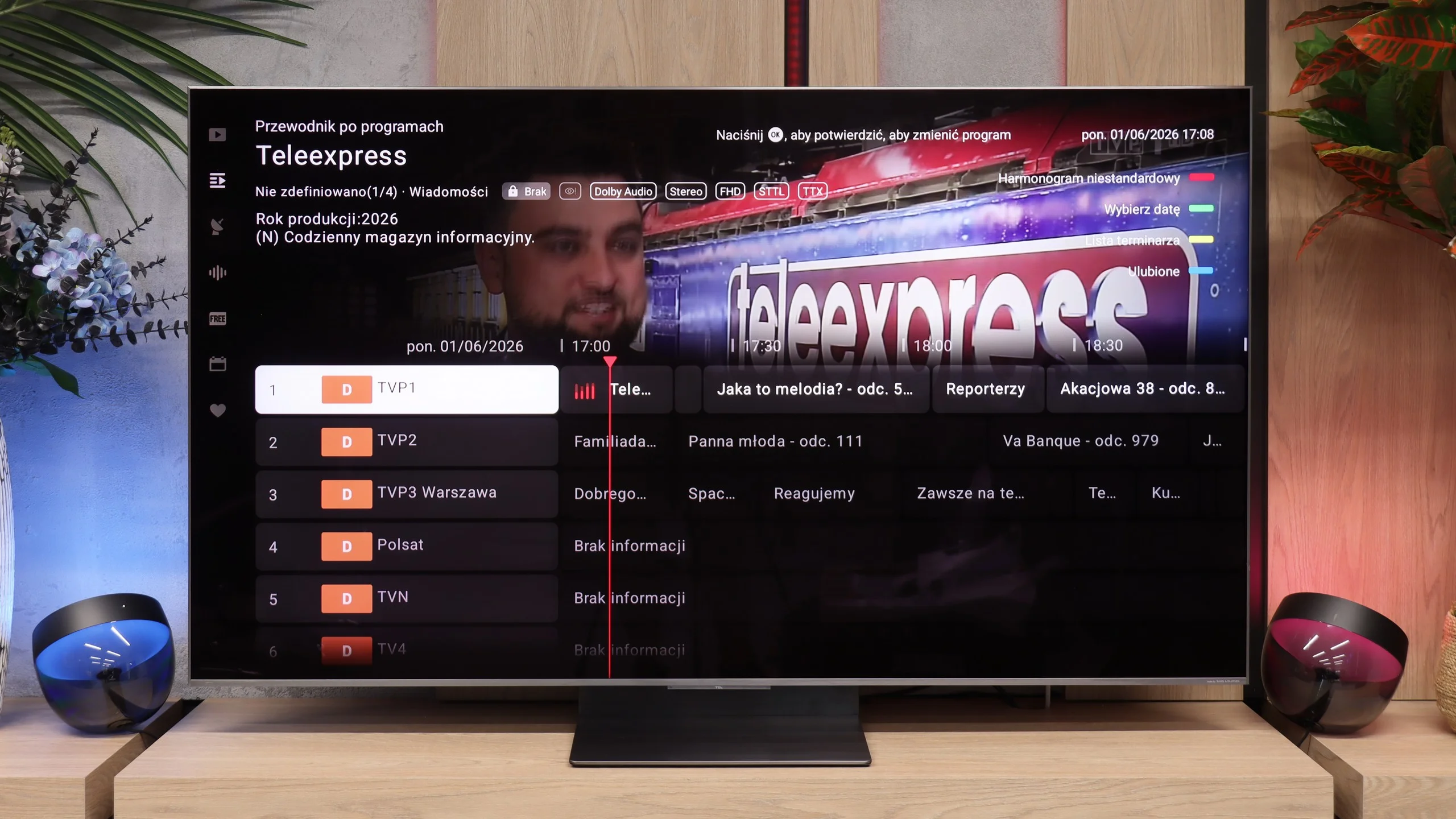
- TV receptionDVB-T, DVB-T2, DVB-S, DVB-S2, DVB-CDVB-T, DVB-T2, DVB-S, DVB-S2, DVB-C
Classic features:
- Recording to USB (terrestrial TV)
- Recording programming
- Picture in Picture (PiP)
- RF remote control (no need to aim)
- Backlit remote control
- Teletext
- Audio only mode
- Bluetooth headphones support
- Simultaneous Bluetooth headphones & TV audio
Smart features:
- AirPlay
- Screen mirroring (Windows Miracast)
- Voice search
- Voice search in native language
- Ability to connect a keyboard and mouse
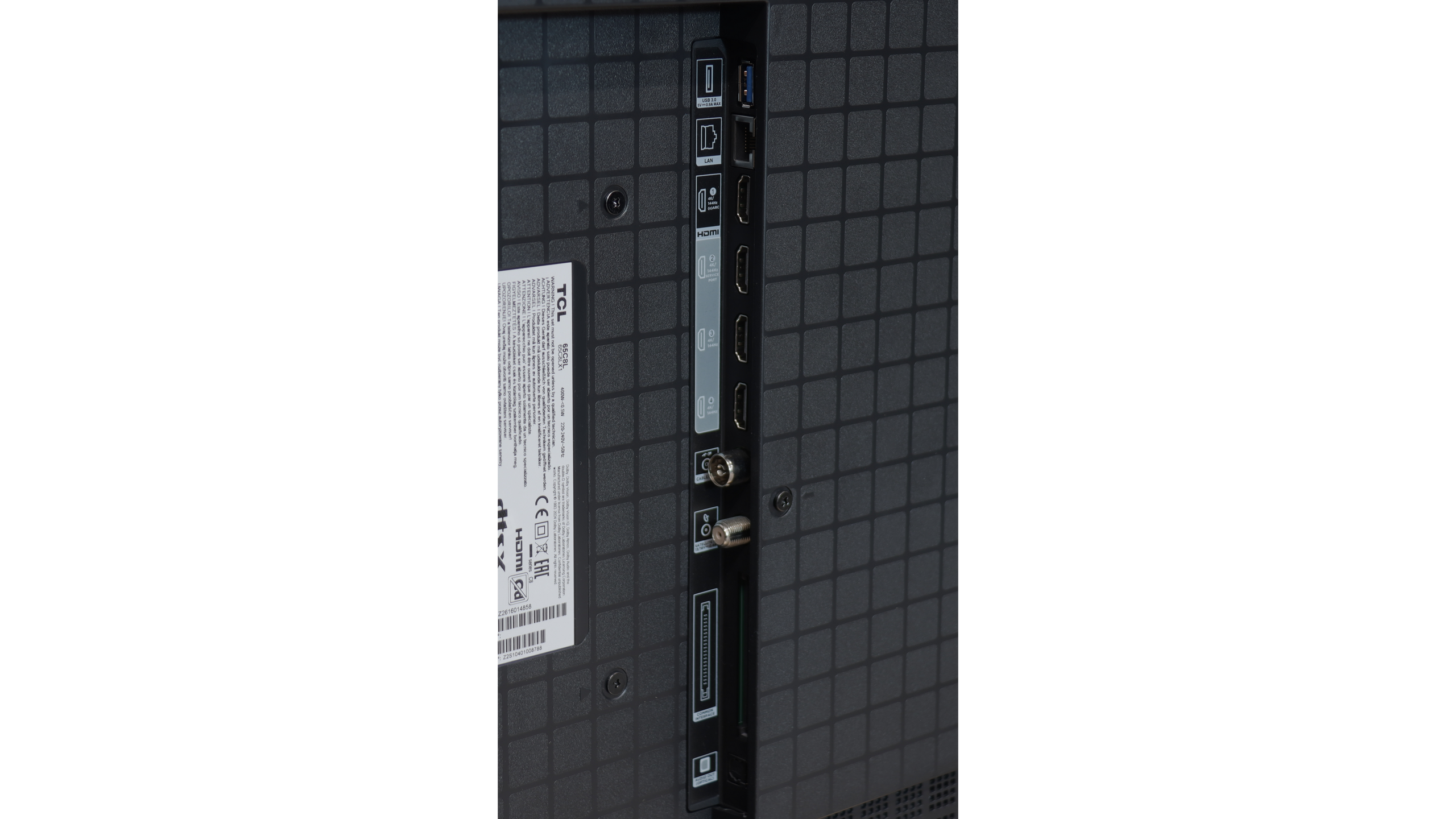
Sound connection options
- HDMI audioeARC (HDMI), ARC (HDMI)eARC (HDMI), ARC (HDMI)
- Other audio outputsToslink (Optical audio), Mini-Jack (Headphones)Toslink (Optical audio)
- Wireless audioBluetoothBluetooth
Supported audio formats (external HDMI eARC audio):
- Dolby Digital Plus 7.1
- Dolby True HD 7.1
- Dolby Atmos in Dolby Digital Plus (JOC)
- Dolby Atmos in Dolby True HD
- DTS:X in DTS-HD MA
- DTS-HD Master Audio
Senior accessibility
- Numeric keyboard on TV
- Font size adjustment
- Audio description
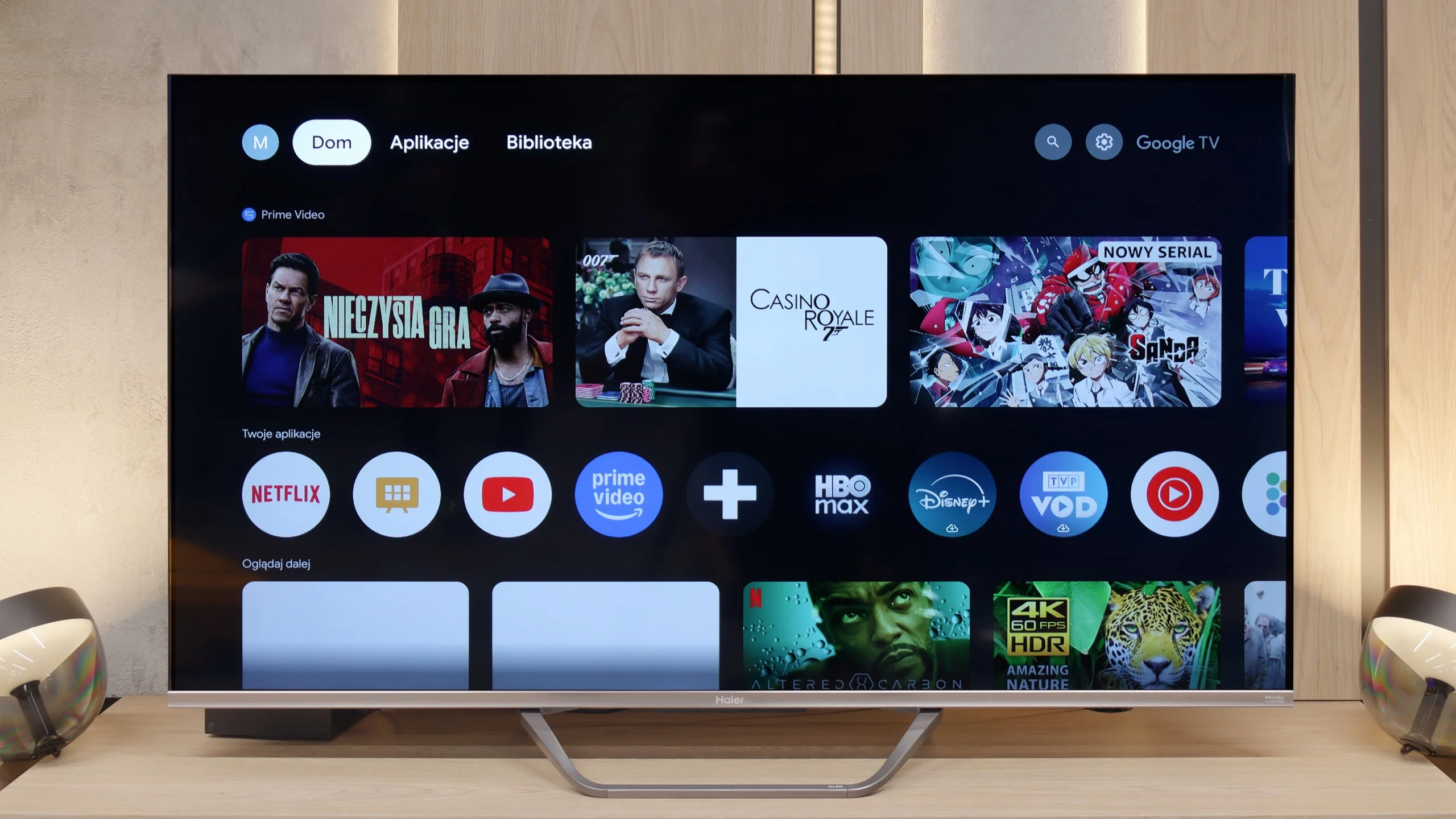
SmartTV on Haier Q80FUX: GoogleTV
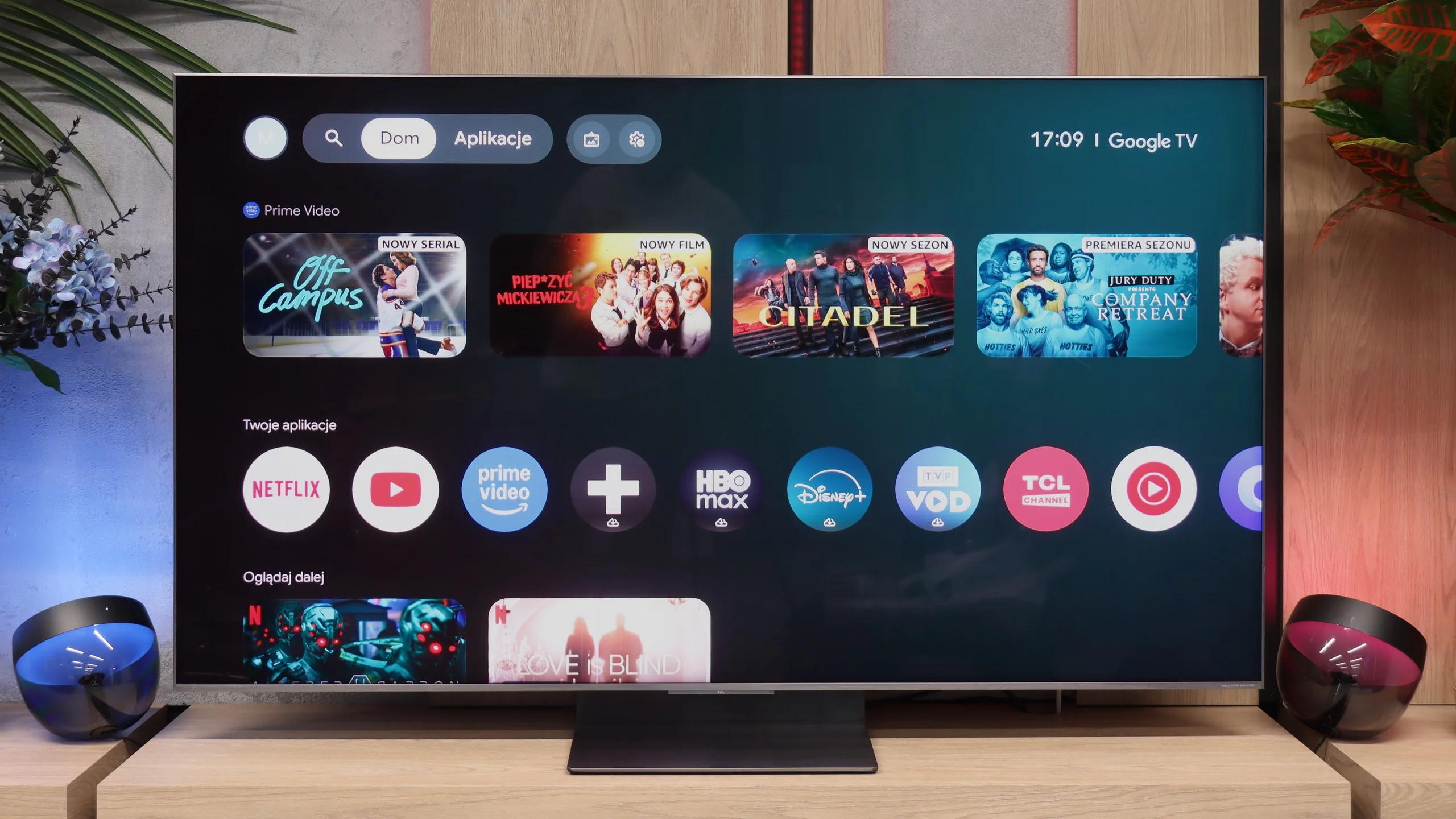
Let's start with the smart layer, which in the Q80FUX is managed by the Google TV system. This is theoretically a huge advantage, opening access to an incredible library of apps, facilitating screen mirroring from mobile devices, and offering convenient voice search. Unfortunately, just like in other models from this brand that we tested, the implementation of this platform leaves much to be desired. It's not even about drastic stuttering or delays in navigation, but rather a festival of minor errors, oversights, and terrible translations in the menu. Because of this, it's hard to regard "Google TV" in Haier's version as equal to what we find in receivers from Sony or TCL, even though the same proudly sounding name is displayed on the box.
Classic Features
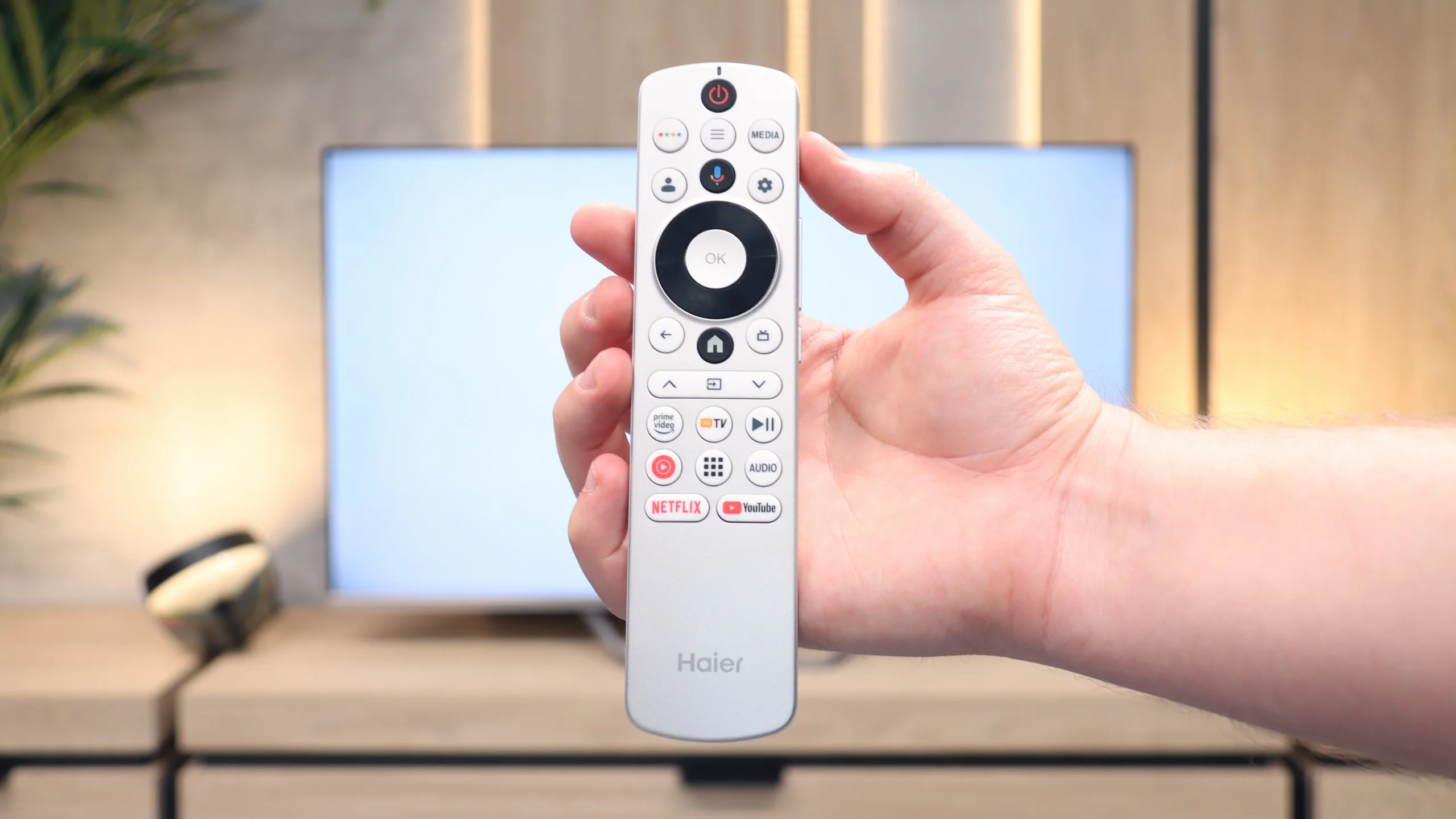
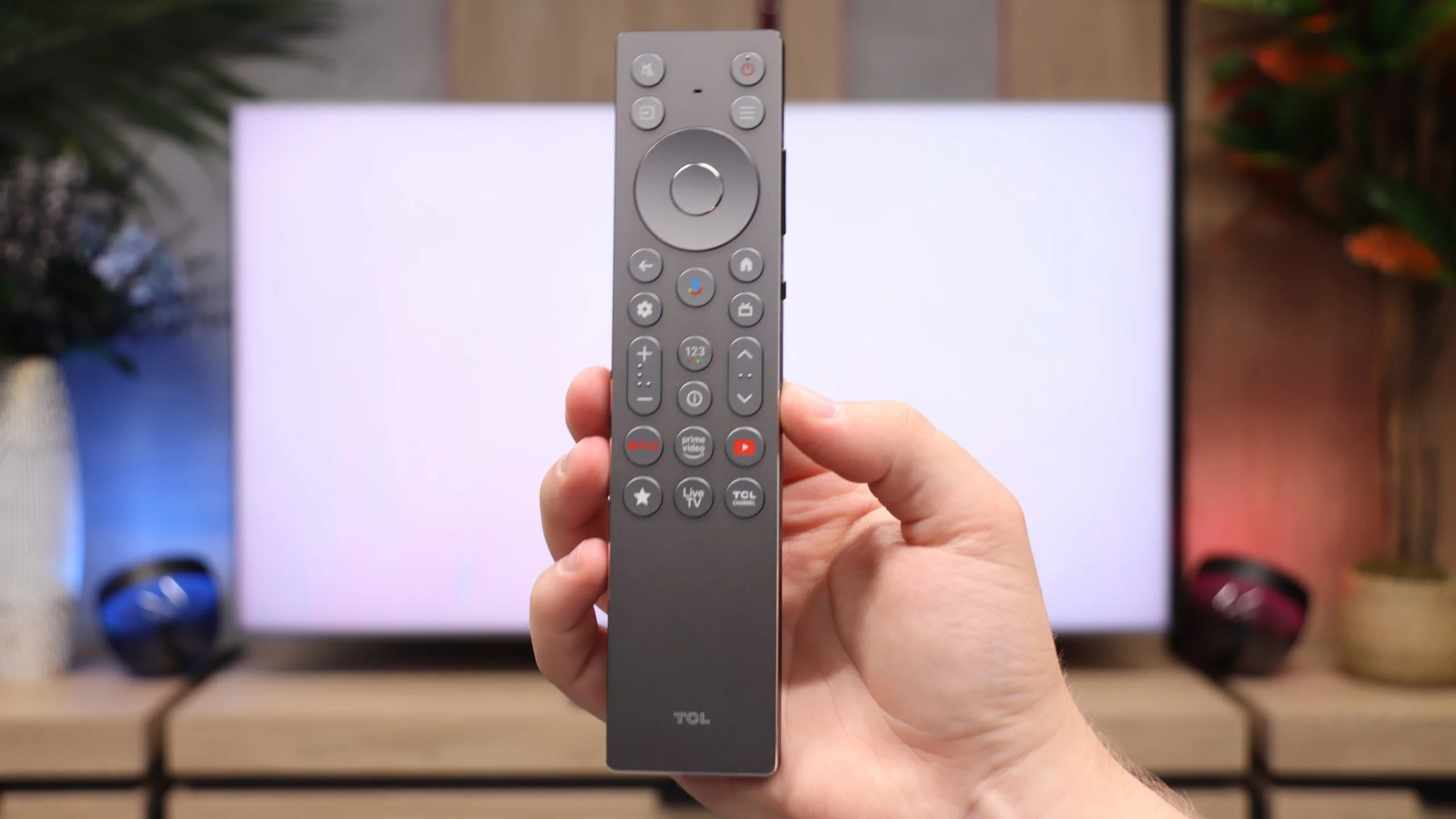
Moving on to the classic, functional features of the television, the image of the device does not improve at all. The only commendable aspect is the presence of Bluetooth connectivity and an unusual but useful relic from the past in the form of an analogue headphone jack output. Aside from that, it's hard to find anything that would excite us. Due to the problematic software, the receiver (like its predecessors in our tests) was unable to find any terrestrial television channels, despite other televisions connected to the same installation having no issues whatsoever. The remote control itself is also strange – its design may appeal to some, but due to the lack of a numeric keypad and the absurd placement of some buttons on the side edge, it definitely cannot be called senior-friendly.
Smart TV: Google TV
On the internet you can still come across older opinions about the TCL brand where users complained about sluggish performance or occasional freezes of the Google TV interface. In the case of the C8L model, however, there is a significant step forward. Thanks to the new processor and certain stability fixes, Google TV's responsiveness and speed are at a very high level. We can easily compare this system's level of polish with closed systems such as Tizen or webOS found in rival flagship models. The set comes with a full suite of features, led by the updated Gemini voice system.
Television features
On strictly TV matters the C8L simply does its job reliably as a television 😉. You'll find the usual standard features, such as a Bluetooth module for quick pairing of wireless headphones and the still-present teletext for use with the built-in tuners. It is, however, clearly designed primarily for modern streaming platforms. This is evident from the minimalist, modern remote control, which, unlike the cheaper C7L, does not feature a traditional numeric keypad.
Apps
9.6/10
9.6/10






















Playing files from USB
9.6/10
9.4/10
Supported photo formats:
Maximum photo resolution:
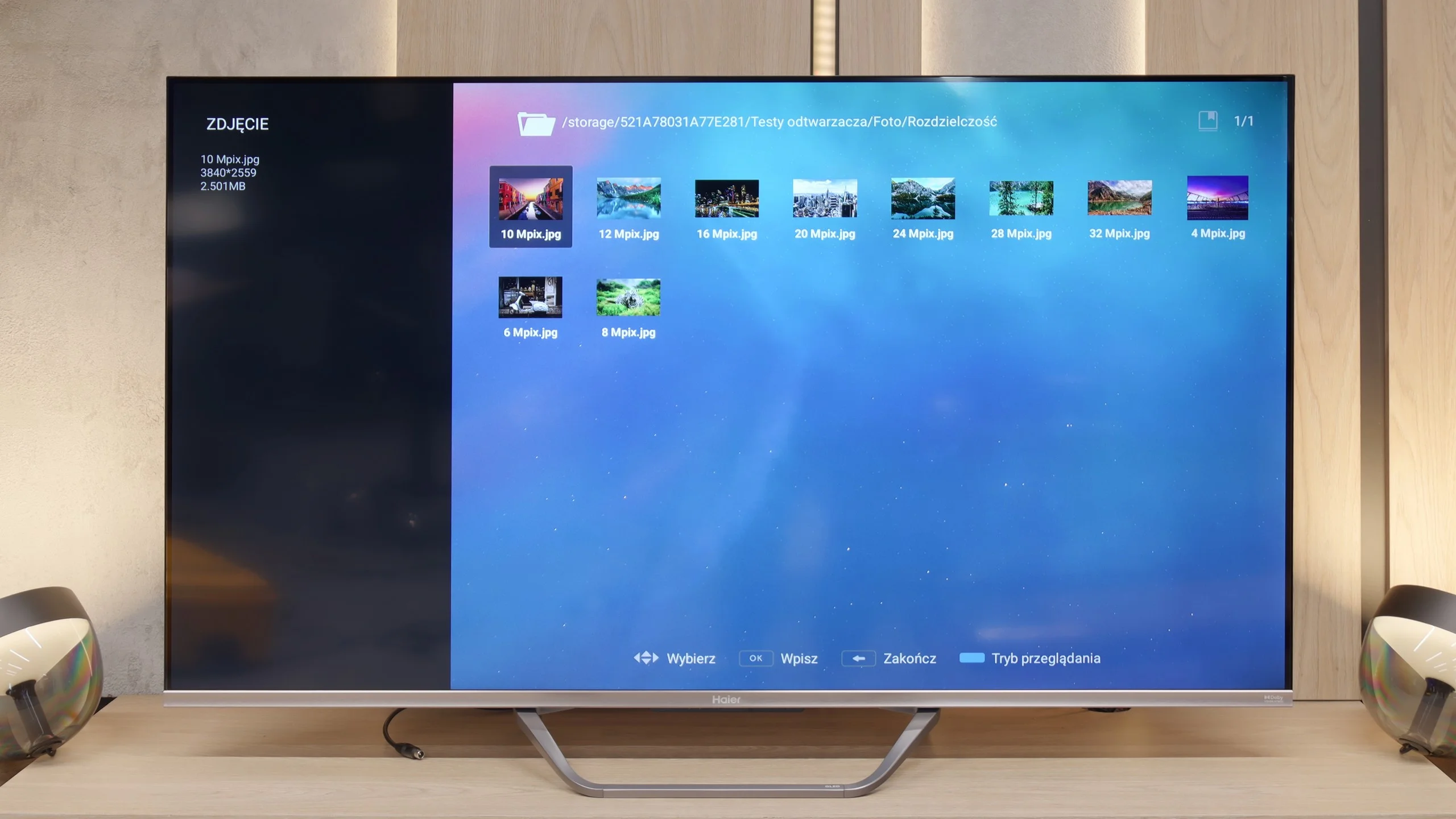
We must admit that after a series of setbacks we experienced in assessing the overall implementation of the Google TV system, we approached the media player test with considerable reservation. Meanwhile, in this one specific aspect, the Q80FUX served us a genuine surprise. The built-in application for managing files from USB drives works simply excellently. This software component seems to be completely immune to the ailments that afflict the rest of the system, opening practically all the most important and popular video file formats that we presented to it.
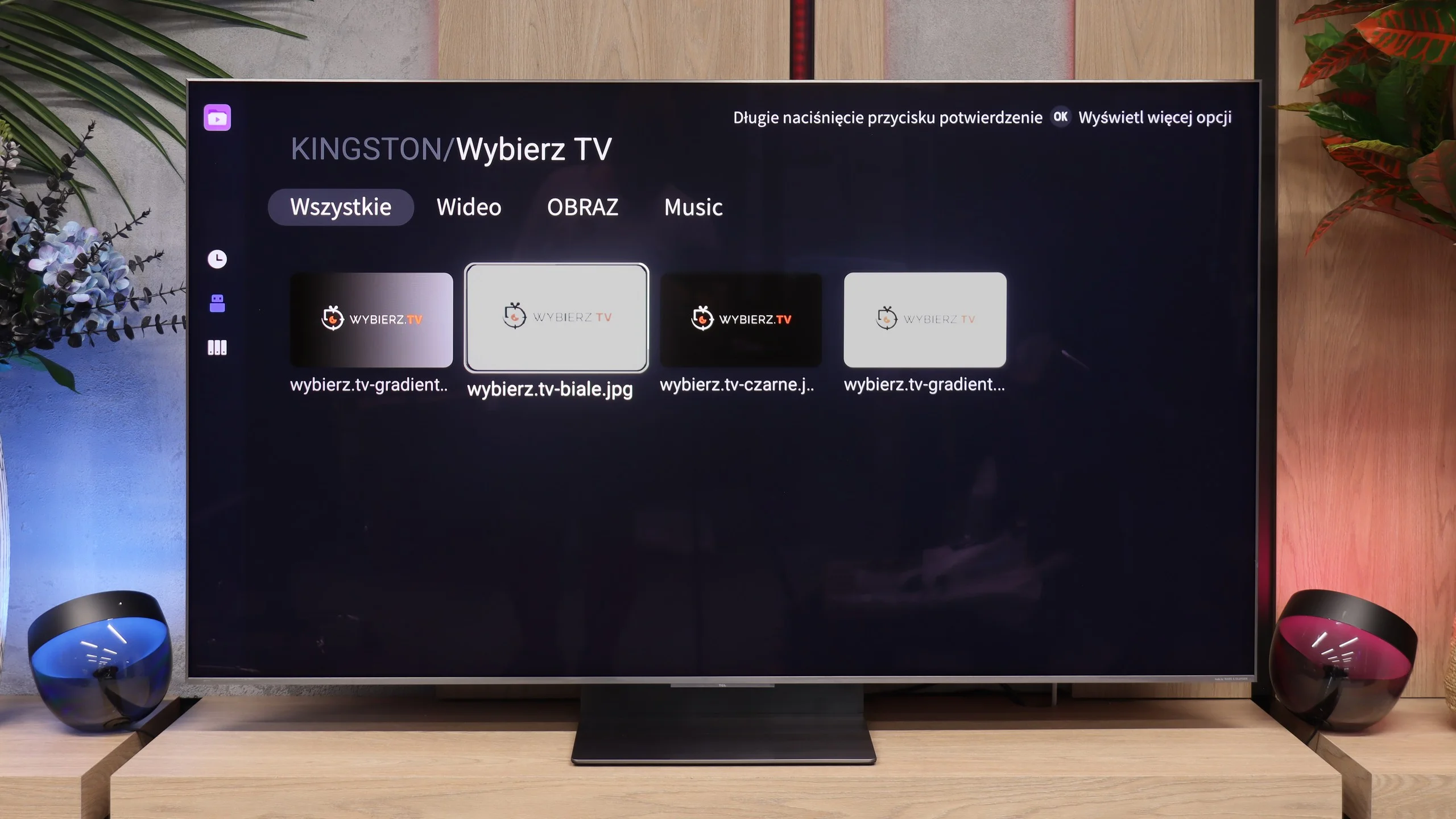
The built-in USB media player handles our everyday tests with no problems. It's good to see that the TV natively and smoothly opens even less common image formats, such as Apple's HEIC. We did encounter a few formats that the built-in app couldn't cope with, but with Google TV that's no obstacle. A major advantage of this platform is the ability to install any third-party player (for example VLC) directly from the Google Play store, which often completely solves file compatibility issues.
Sound
5.5/10
8.1/10
- Maximum volume84dB78dB
- Dolby Digital Plus 7.1
- Dolby True HD 7.1
- Dolby Atmos in Dolby Digital Plus (JOC)
- Dolby Atmos in Dolby True HD
- DTS:X in DTS-HD MA
- DTS-HD Master Audio
When it comes to acoustic "experiences", the Haier Q80FUX seems to adhere to the principle that sound is simply meant to be there. And it is – that's about all that can be said. The built-in speakers deliver an exceptionally flat sound, lacking character, and above all, they lack any distinct bass foundation. A small consolation is the fact that the television supports Dolby Atmos format. However, let's be honest: to truly benefit from the merits of this codec and hear the promised spatial quality, passive decoding capability is not enough. Connecting an external home theatre system or at least a decent soundbar is, in this case, not just a recommendation but an absolute necessity.
It might seem that in terms of sound the TCL C8L will perform exactly the same as last year's C8K. After all, it again features a Bang & Olufsen audio system in a 6.2.2 configuration, with the same power and the same system features, namely Beosonic technology. Nothing could be further from the truth. The new generation sounded noticeably better in our listening tests. Why is that? To be honest, from a purely hardware point of view we don't know, but it's clear on the graphs from our measurements. Perhaps TCL has simply managed to improve the speakers' behaviour with a firmware update and better speaker tuning.
But as we always say, they are still the TV's speakers. We believe anyone who wants to fully enjoy this TV's potential will still have to buy a good soundbar or a home cinema system. The C8L offers full support for audio codecs such as Dolby Atmos and the niche DTS. Only by connecting an external audio setup will you be able to squeeze real, spatial sound from films or games and complete what you see on this TV.
Sound Quality Test
Acoustic Measurements
84dBC (Max)
75dBC
78dBC (Max)
75dBC
Reader comments
Comments are provided by the external service Disqus (Zeta Global). Once loaded, Disqus may set cookies and process data about your activity.
We will remember your choice on this device. Provider's privacy policy