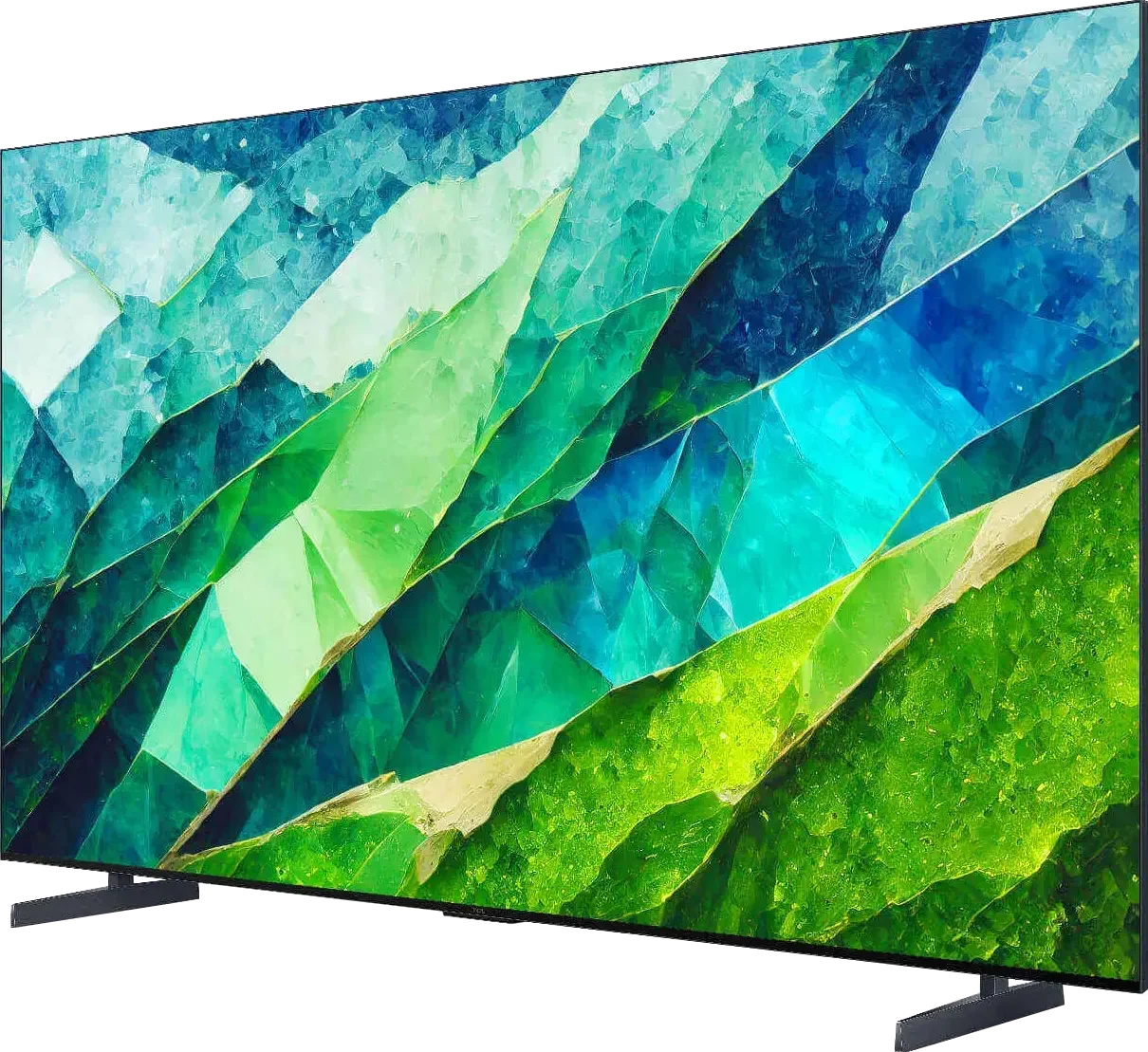
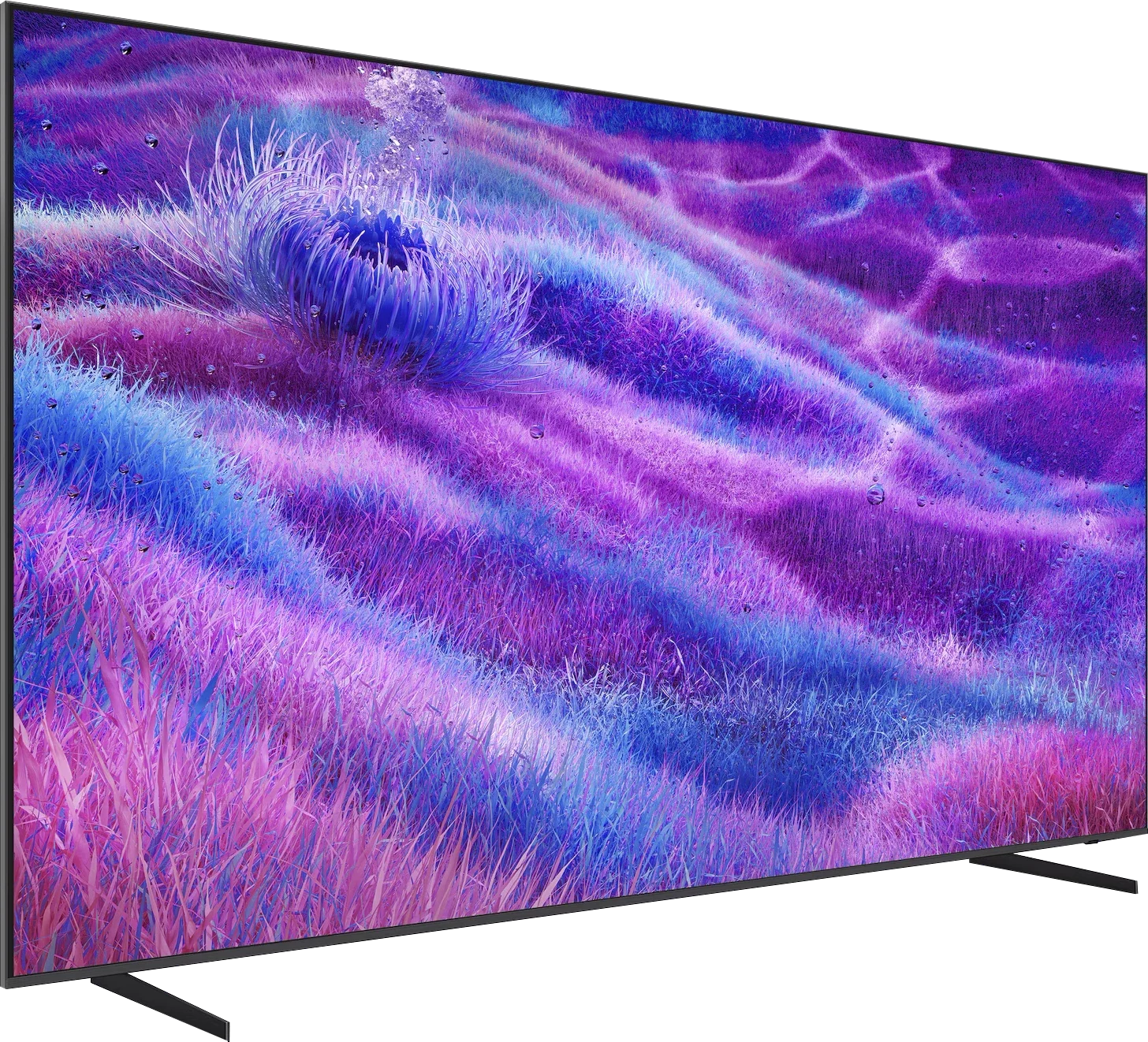
TCL C855 vs Samsung QN80F 100"

Direct comparison

C855 / C85

Available screen sizes: 65”75”85”98”

Available screen sizes: 100”

Panel type: LCD VA

Resolution: 3840x2160

System: Google TV

Model year: 2024

Complete the survey to find out the result

Panel type: LCD VA

Resolution: 3840x2160

System: Tizen

Model year: 2025

Complete the survey to find out the result

Overall rating

7.6

7.5

  • Movies and series in UHD quality

    7.5

    7.2

  • Classic TV, YouTube

    7.1

    7.0

  • Sports broadcasts (TV and apps)

    6.7

    6.7

  • Gaming on console

    8.8

    8.9

  • TV as a computer monitor

    8.6

    8.6

  • Watching in bright light

    7.4

    7.0

  • Utility functions

    6.7

    7.7

  • Apps

    9.6

    9.3

  • Sound quality

    7.2

    6.7

Advantages

  • Very large number of built-in applications

  • High contrast and deep blacks

  • Very good HDR effect in bright scenes

  • Very high brightness - great TV for bright rooms

  • Image quality comparable to much more expensive televisions

  • HDR brightness up to 1300 nits

  • Good black levels - MiniLED with a VA panel

  • Fast 144 Hz panel and 4 HDMI 2.1 ports

  • Many features for gamers: VRR, ALLM, and a great gamebar

  • Low input lag (<10 ms)

  • Fast Tizen operating system with SmartThings support

  • Supports Dolby Atmos

Disadvantages

No like
  • Poor viewing angles

  • Poor factory colour reproduction (can be improved with calibration)

  • Poor viewing angles

  • Modest number of dimming zones for a 100" screen

  • Missing Dolby Vision

Our verdict

Once again, the manufacturer shows that despite being a relatively young player in Poland (but not globally) when it comes to the RTV market, it certainly cannot be said that it is a second-rate choice. The TCL C855 is an incredibly versatile device that performs well in various applications and excels in its price range. Thanks to Mini LED backlighting, the results for contrast and black levels are very solid, allowing for a deep and vivid image. It is worth noting that the television's algorithm effectively manages to maintain uniformity of blacks, and the blooming effect is rarely noticeable. This backlighting is also a strong point for the television in HDR content, although with some reservations. The TCL C855 can achieve brightness levels of up to 1800 nits, which is an impressive result; however, brightness can drastically drop, even to around 200 nits, when a bright but small element appears on the screen. Another drawback is the boosted mid-tones, which can lead to a loss of contrast and reduce the image's alignment with the director's vision. The television also performs excellently when connected to a console or a powerful PC. In this category, the TCL C855 truly shows its strength, offering extremely low latency and high-quality gameplay, thanks to the full implementation of HDMI 2.1 features. The Google TV operating system is another advantage, providing the user with nearly unlimited possibilities for installing applications, even those outside the official store, thanks to support for APK files.

In summary, the TCL C855 is the ideal choice for those who know what they expect from a television. It is a good, versatile piece of equipment that, although not perfect, offers great picture quality, low gaming latency, as well as a flexible and expanded operating system.
QN80F is the first-ever “eighty” from Samsung available in a 100-inch version (previously “just” 98 inches 😉) and is also the model that has entered the series with Mini LED backlighting. It must be said that it performs really well at this scale. Although the number of dimming zones may not impress given such a massive screen, the contrast and blacks are solid, and combined with high brightness, the TV can deliver great experiences when watching movies and series in HDR. The 144 Hz panel ensures smooth motion, and the full set of features for gamers – VRR, ALLM, and Game Motion Plus – makes QN80F hard to label as anything other than a screen designed for both console and PC. Additionally, there's a fast and stable Tizen that provides access to all key apps and can act as a smart home hub via the proprietary SmartThings app. Of course, there are some shortcomings – there’s no Dolby Vision, no USB recording, and the viewing angles at 100 inches can be really problematic. Mini LED also has its limitations, so those expecting absolutely perfect blacks need to keep this in mind. On the other hand, given the current prices of OLEDs in this size, it’s hard to speak of any real competition.

QN80F is a versatile TV, well-crafted and providing plenty of satisfaction for everyday use. Looking at the history of this series, one can be sure that as soon as it appears on reasonable promotions, it will be one of the most interesting options in its class. And if Samsung fine-tunes the minor flaws with updates, this 100-inch beast may turn out to be really hard to beat, much like its smaller variants.

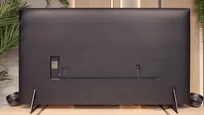
TV appearance

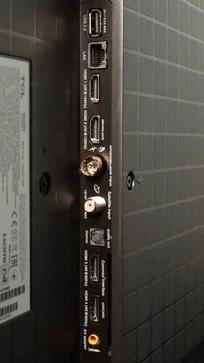
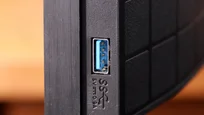
HDMI inputs
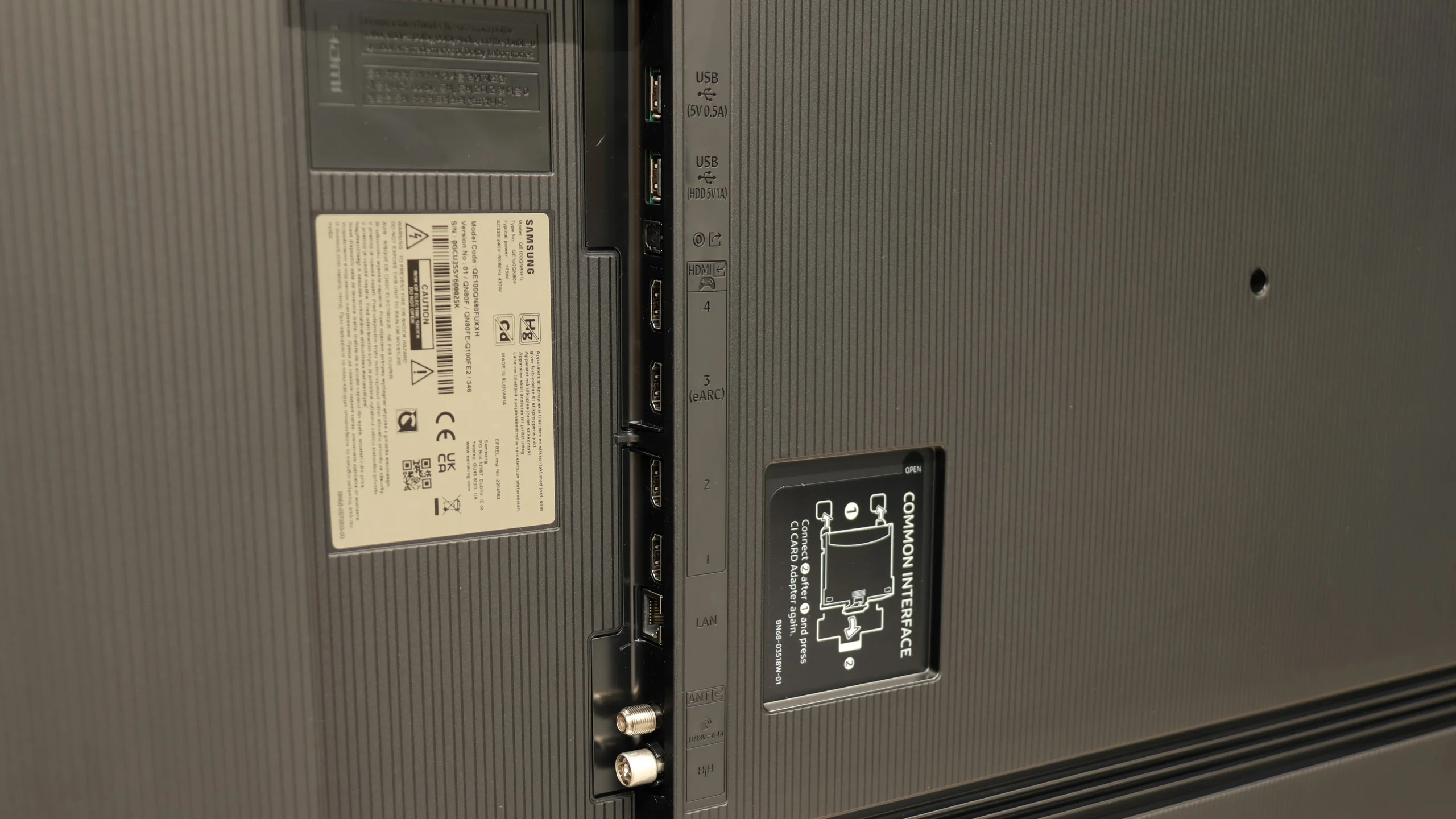
2 x HDMI 2.0, 2 x HDMI 2.1 (48Gbps)
0 x HDMI 2.0, 4 x HDMI 2.1 (48Gbps)
Other inputs
RCA (Chinch)
Outputs
Toslink (Optical audio), eARC (HDMI), ARC (HDMI)
Network Interfaces
Wi-Fi 2.4GHz, Wi-Fi 5GHz, Ethernet (LAN) 100Mbps
Build quality
Premium
Premium
Stand type
stand-type-
Legs
Bezel color
Graphite
Graphite
Stand
Fixed
Flat design
No
Yes
Accessories
Stand
Stand

Contrast and black detail

8.6/10

7.1/10

Local dimming function: Yes, number of zones: 1344 (48 x 28)

Local dimming function: Yes, number of zones: 120 (10 x 12)

Contrast:

Review TCL C855 Contrast and black detail

Result

:1

Review TCL C855 Contrast and black detail

Result

176,000:1

Review TCL C855 Contrast and black detail

Result

54,000:1

Review TCL C855 Contrast and black detail

Result

30,500:1

Review TCL C855 Contrast and black detail

Result

13,700:1

Review Samsung QN80F 100"  Contrast and black detail

Result

94,400:1

Review Samsung QN80F 100"  Contrast and black detail

Result

12,650:1

Review Samsung QN80F 100"  Contrast and black detail

Result

31,750:1

Review Samsung QN80F 100"  Contrast and black detail

Result

7,350:1

Review Samsung QN80F 100"  Contrast and black detail

Result

3,000:1

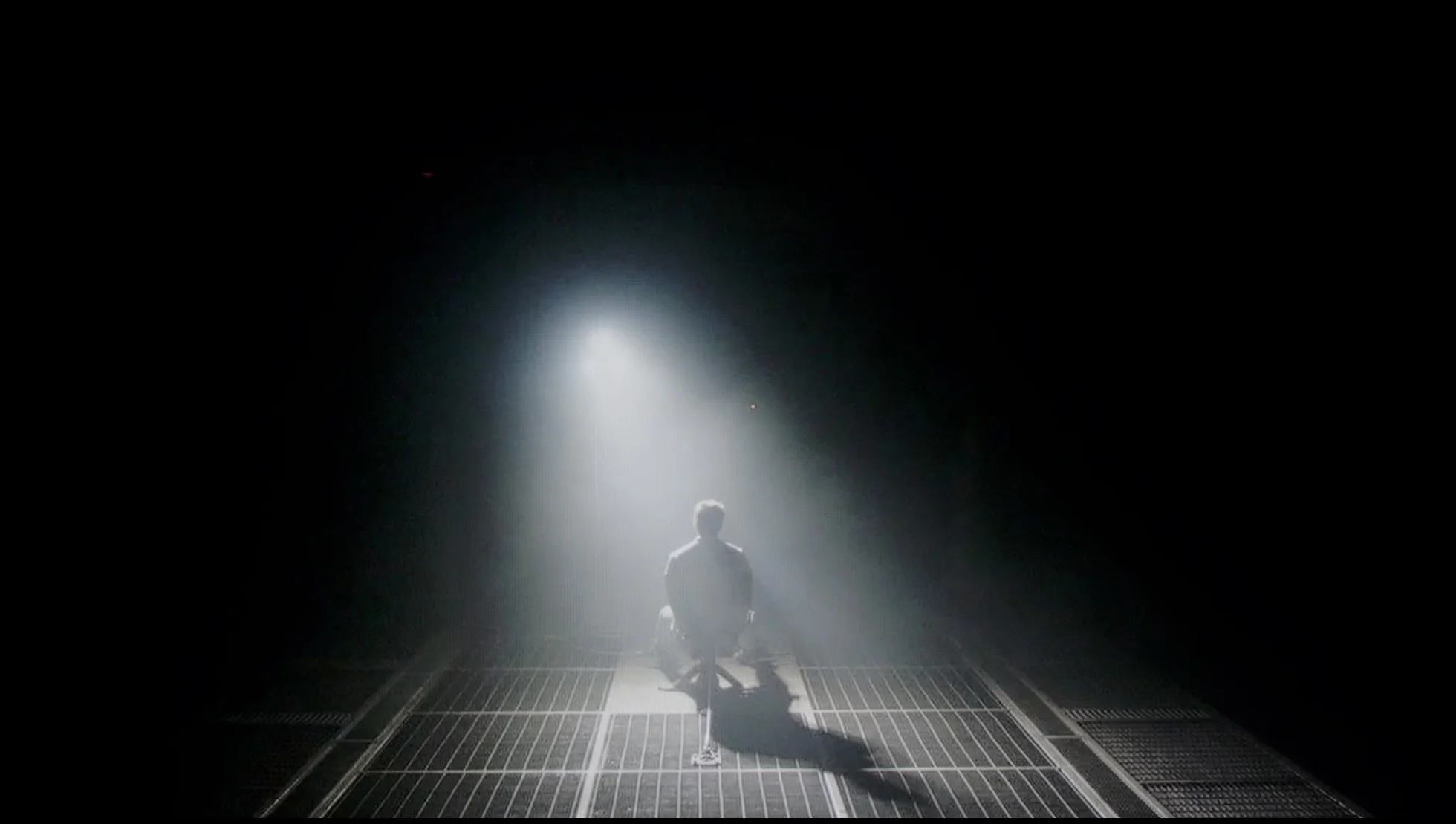
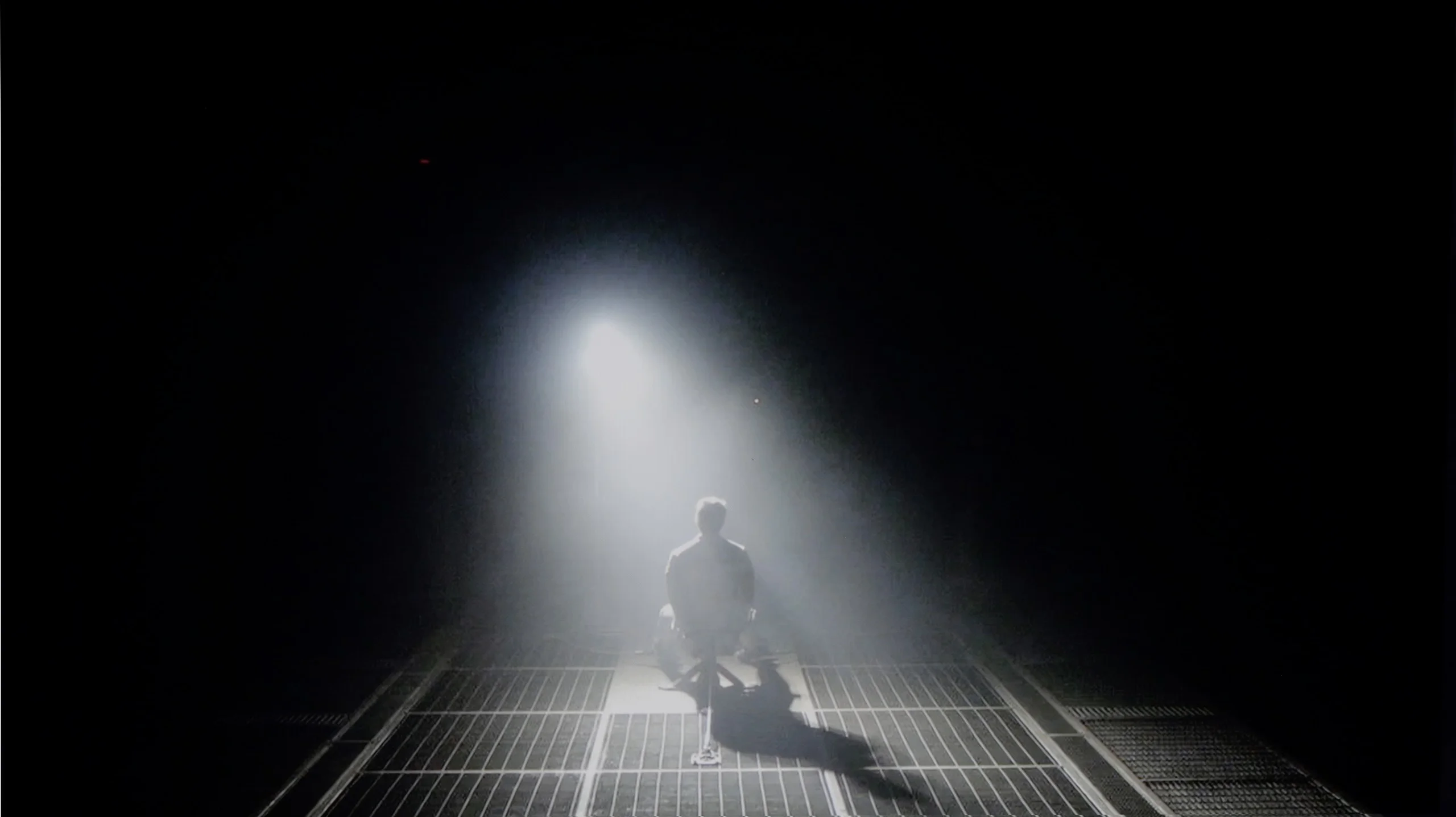
Halo effect and black detail visibility:

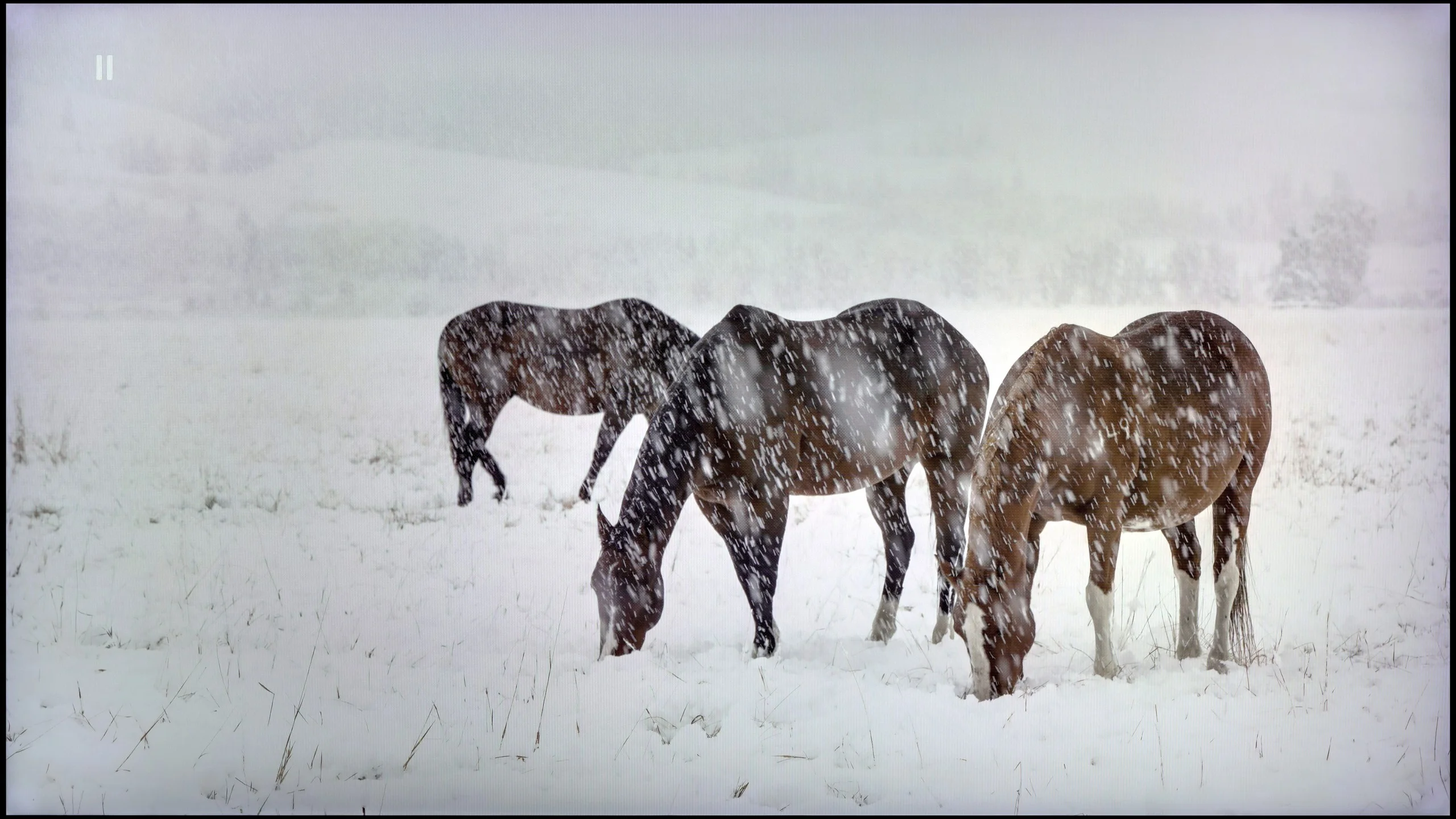
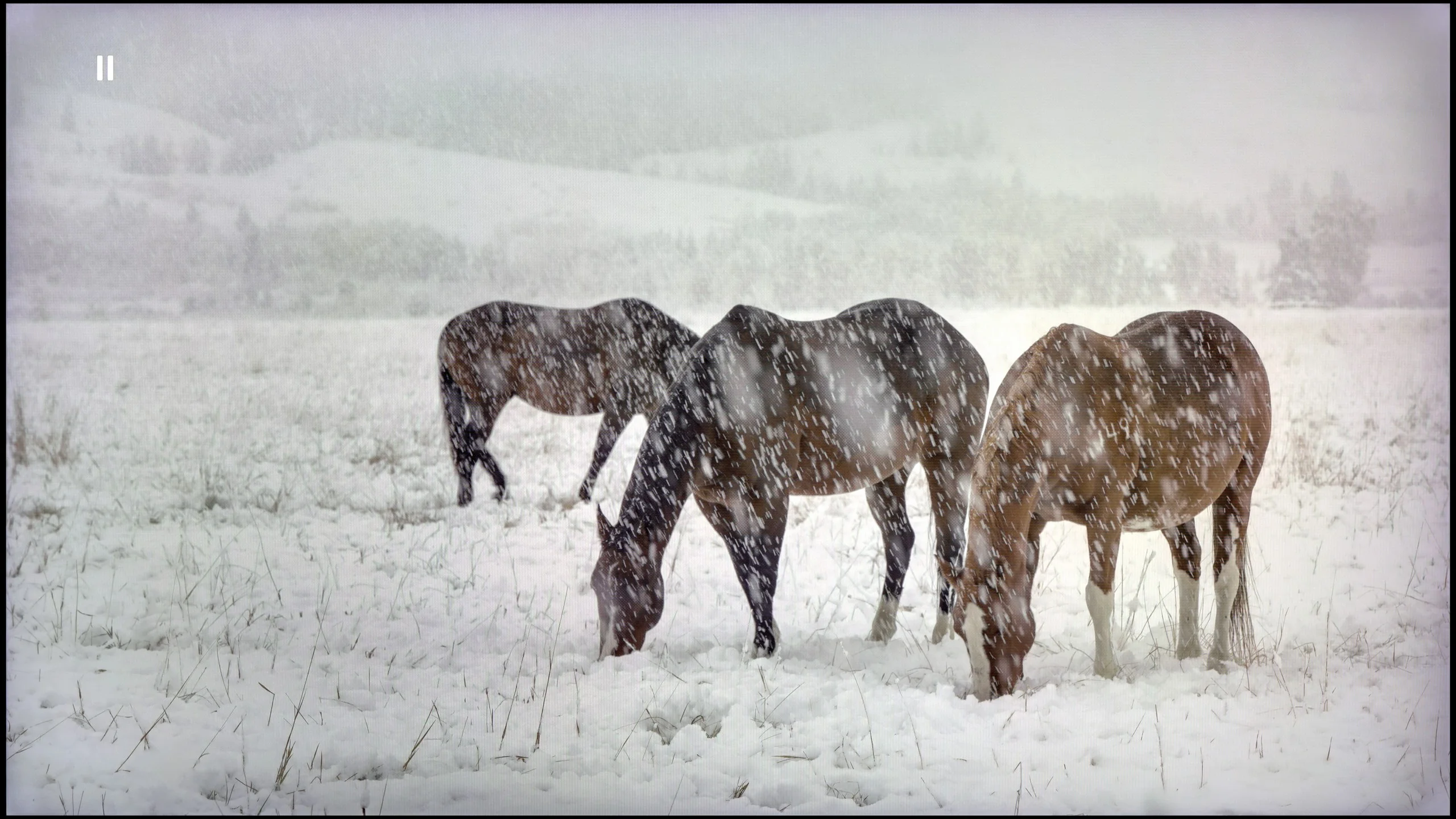
Check the visibility of bright lights on a dark background. Mini-LEDs often struggle with this. The photo does not compare black levels – that’s what the video below is for.

The video accurately shows differences in contrast and black levels between TVs, as well as potential issues: halo around bright objects or Mini-LED zone operation visible as brightness jumps.

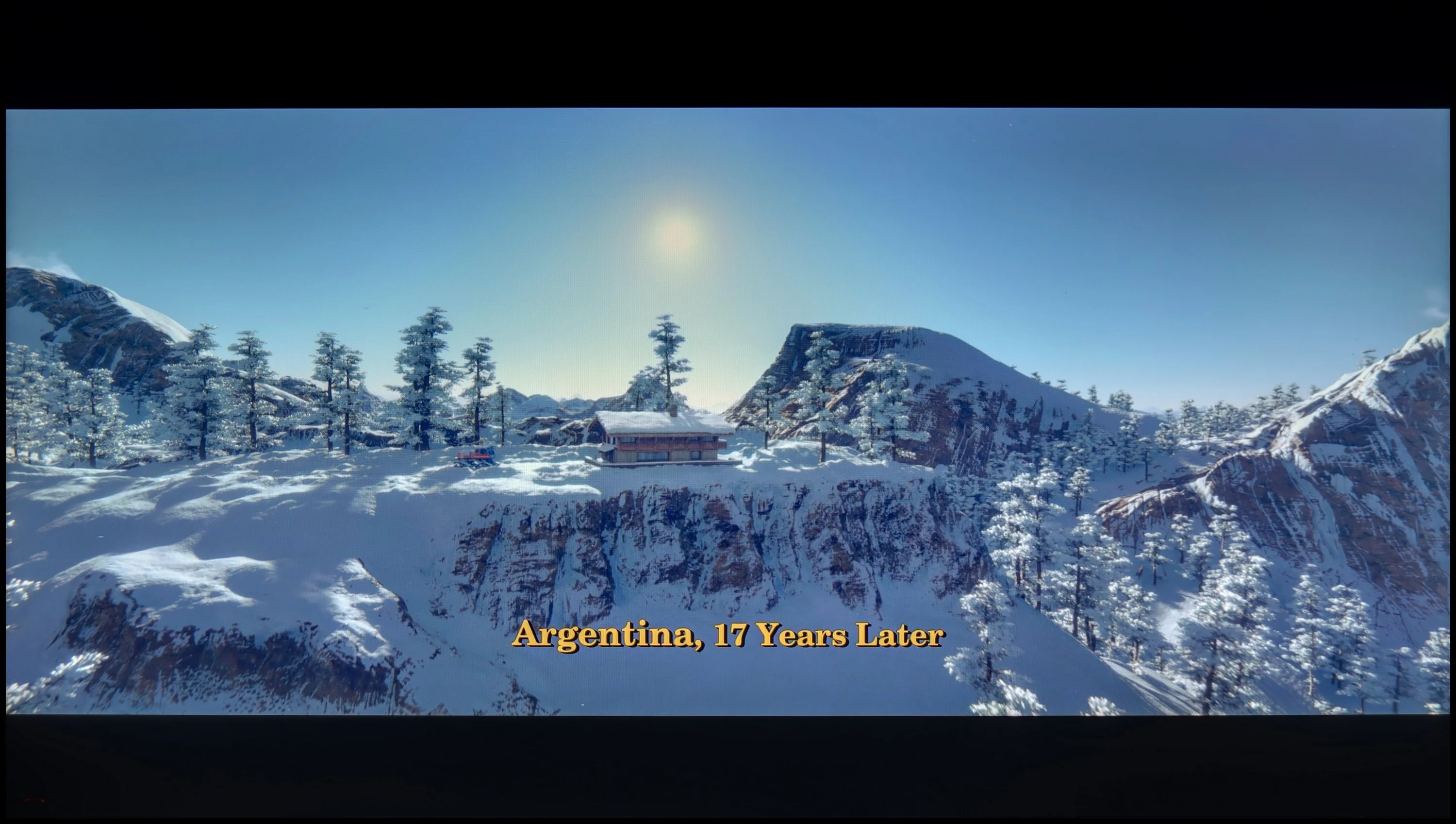
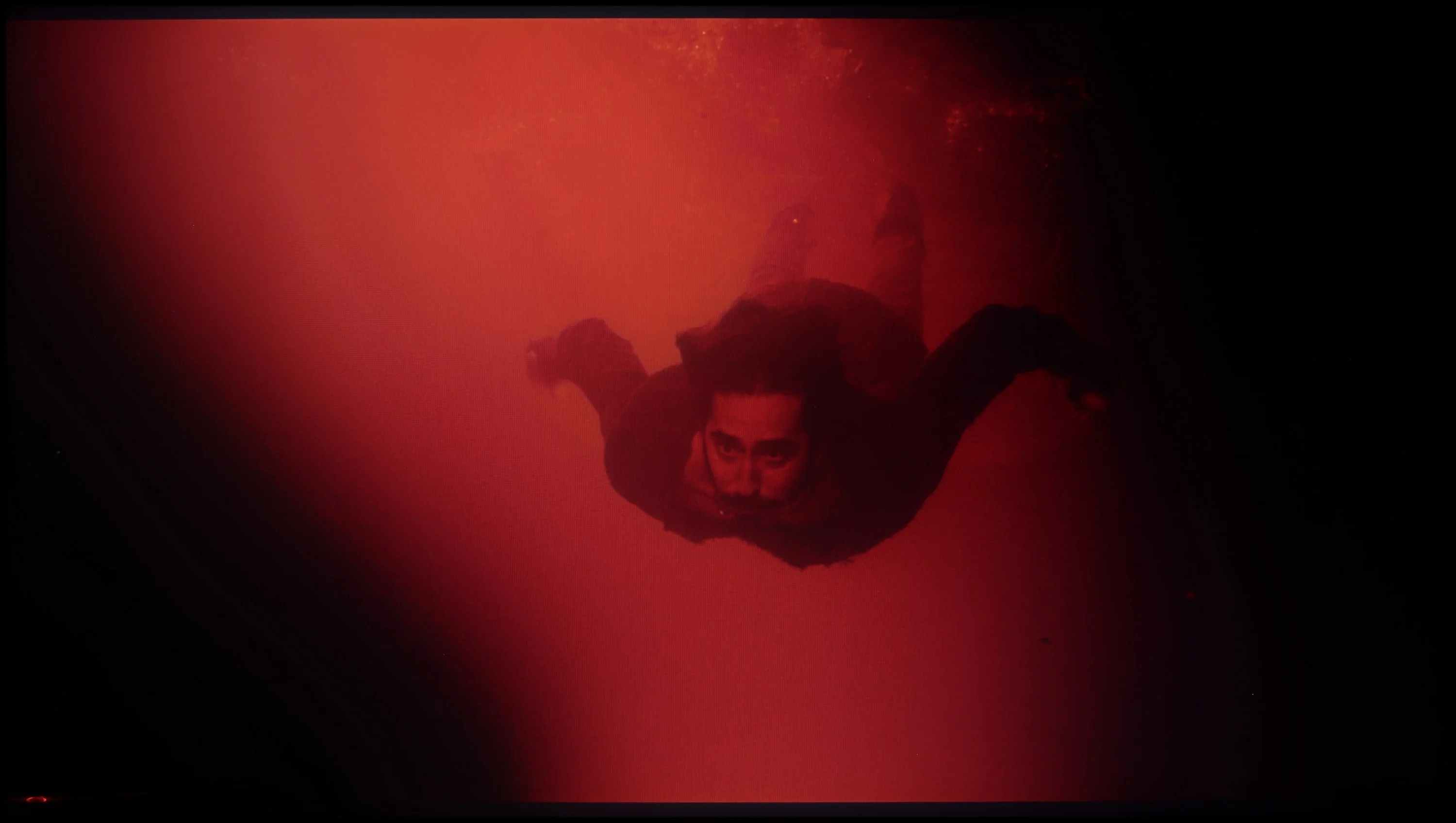
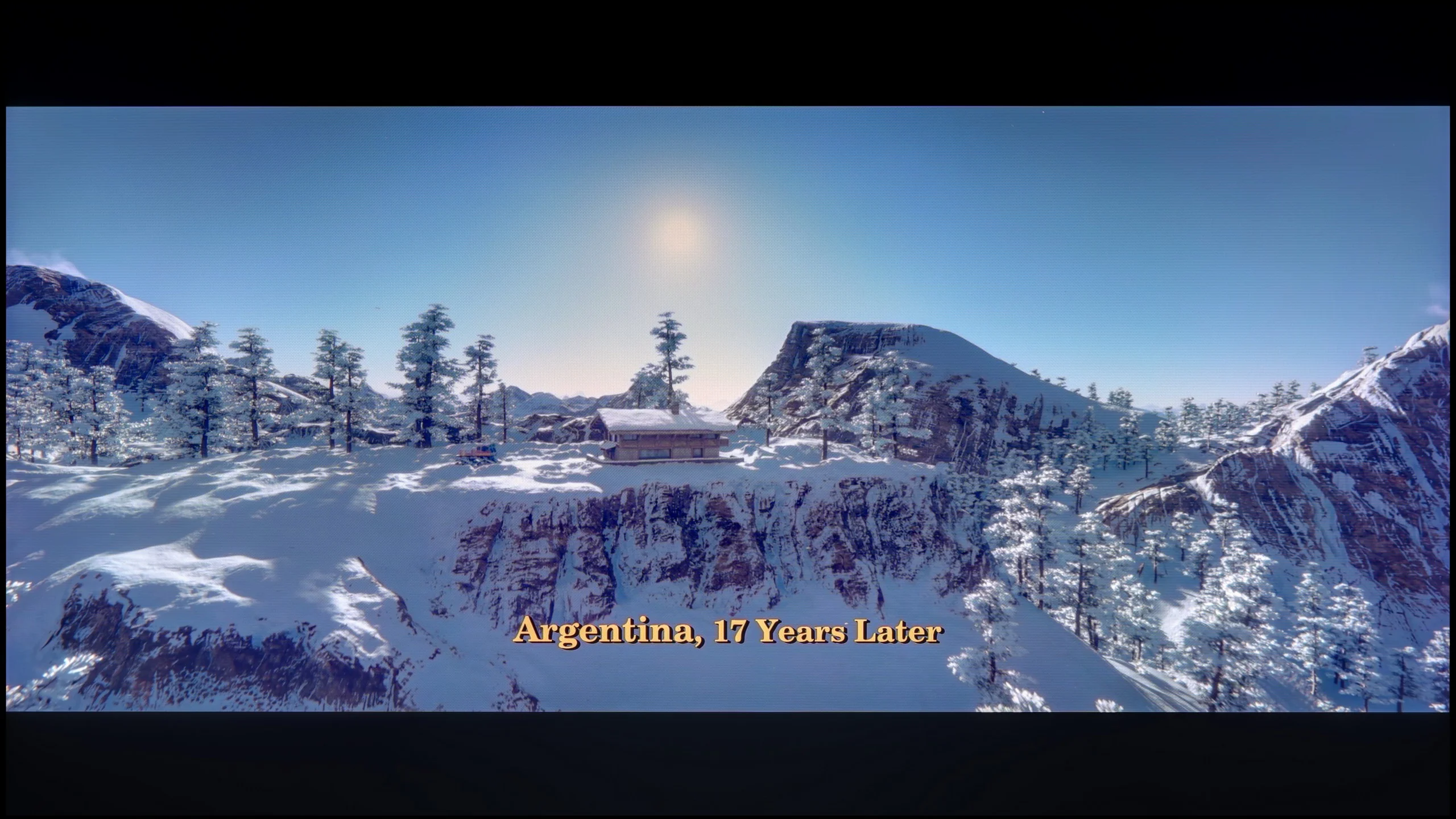
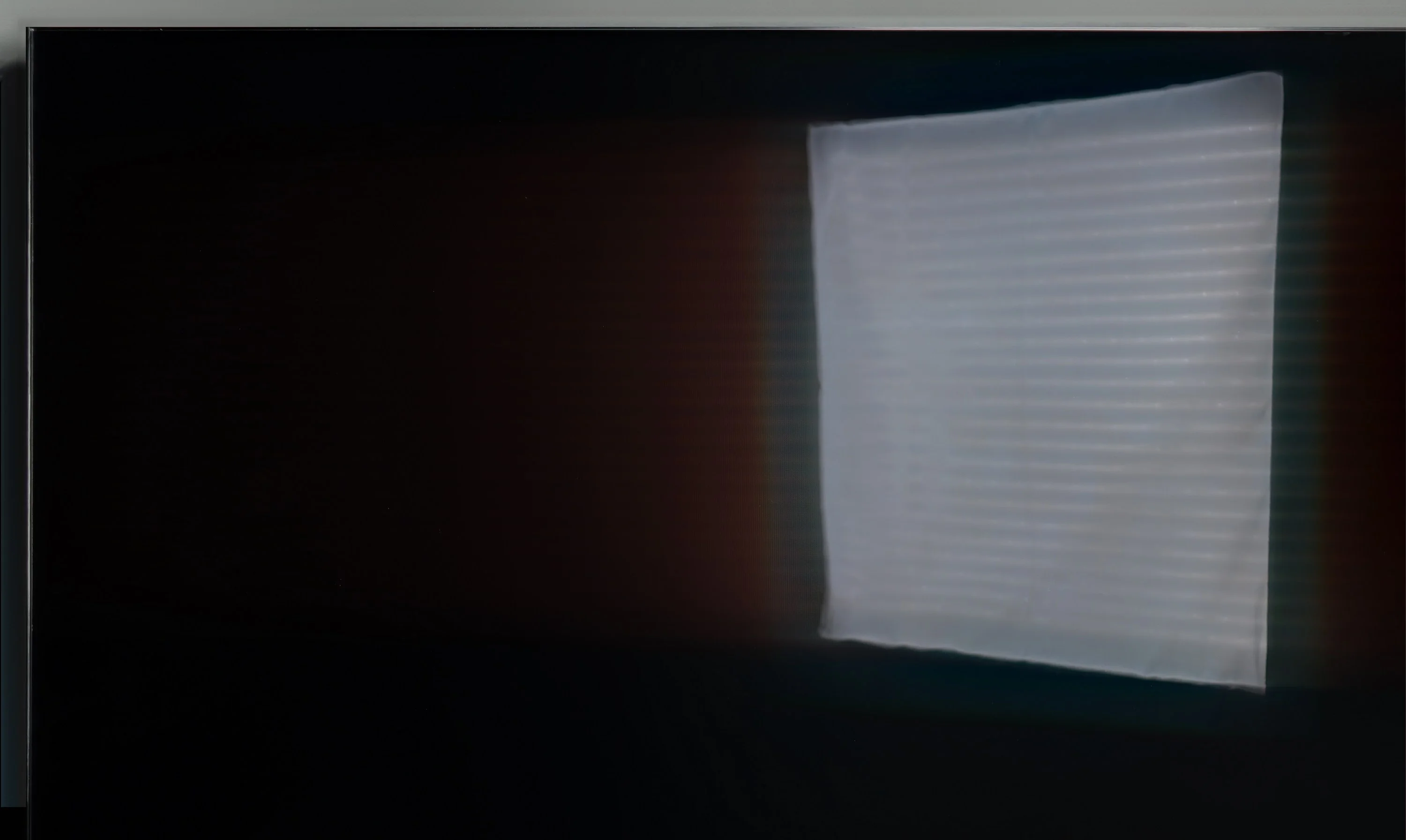
TCL C855 uses a high-contrast VA panel. The ANSI contrast (without dimming) reached a very respectable 5238:1, which allows for at least very good black levels. Additionally, the panel is equipped with multi-zone Mini LED backlighting, which is divided into 1344 independent dimming zones for the 65-inch model. This number allows for very good results in our tests. It is worth noting that TCL, as one of the few manufacturers, offers such a panel specification without spending excessively, unlike the classic big four manufacturers. As you can see, in the vast majority of scenes we've prepared, the results are impressive, particularly in the first three scenes, as even in the third, with a result of 54,000:1, it cannot be said that the black levels and contrast are weak, as they are more than satisfactory. These worsen in two scenarios: scenes with film strips and when there are many elements surrounded by black on the screen. And just as the last of the test scenes still has excellent contrast, in the final tested scenario, a slight blooming of blacks can be noticed. The frame from the film "Oblivion" performed excellently on TCL C855, and the level of black can even be compared to OLED screens, which is no small feat. It is also worth noting the good separation of lights, which is not an easy thing to achieve. Our flagship scene from "Sicario 2" also performed well in terms of contrast, but it is evident that details are lost in the blacks on the first, second, and third planes. The operation of the backlight control algorithm, which minimizes halo/blooming effects to an absolute minimum, deserves praise as well. However, it is worth noting that very small elements, such as stars, can sometimes be completely dimmed by the TCL C855.

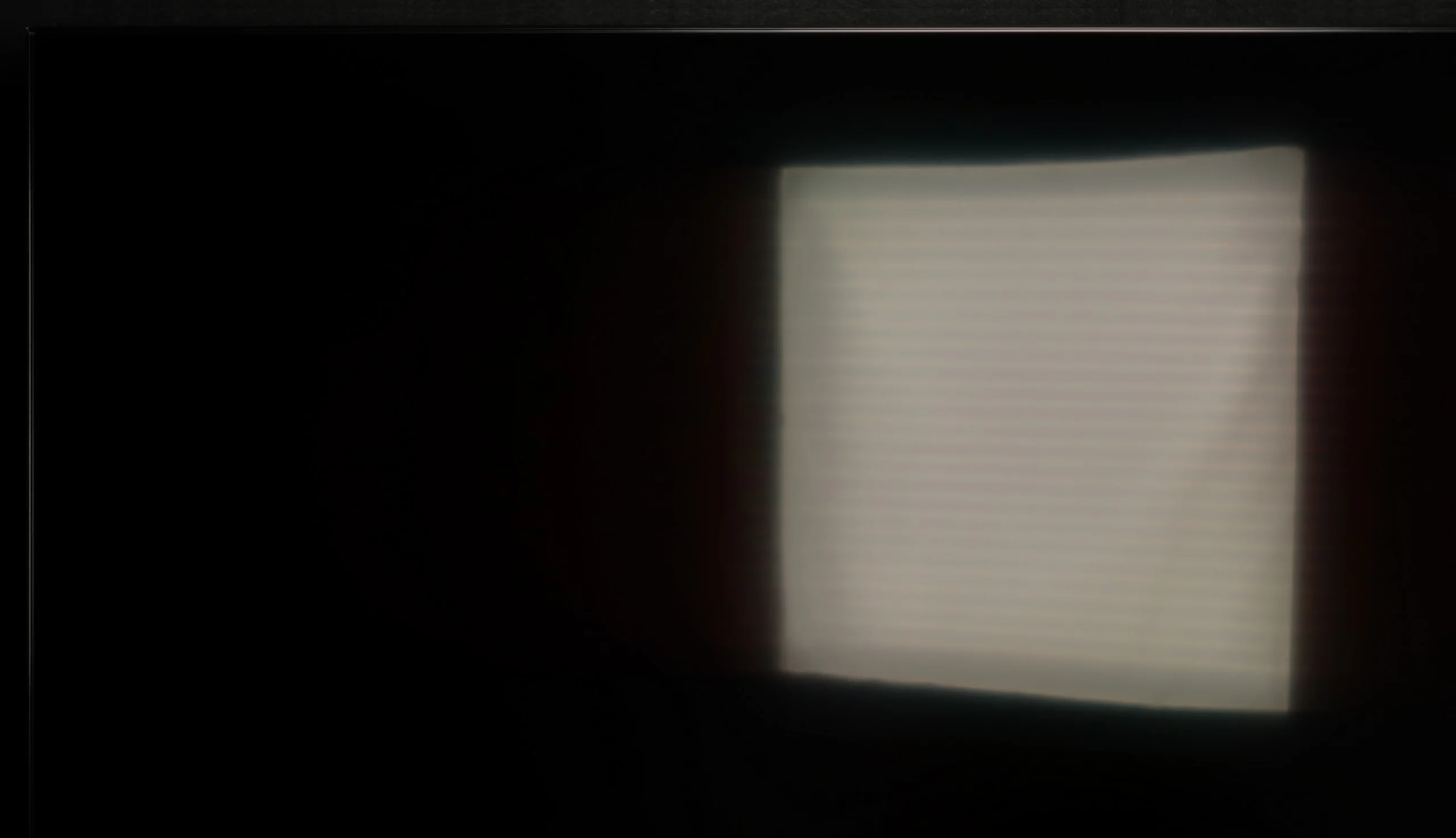
QN80F belongs to the NeoQLED family, which are Samsung's TVs based on mini-LED technology. In practice, this means local dimming zones designed to improve contrast and light separation. In the case of the 100-inch version, we have a VA panel combined with around 120 zones – a rather modest result for such a large surface area, though it has to be said that it still translates to noticeably better results than in smaller diagonals. In its best cinematic scenes, the contrast can be really strong – five-digit values are not an exaggeration, and lights separate from blacks in a way that makes a strong impression at first glance. However, you can't fool physics. Given that such a huge screen has to 'work' with a relatively small number of zones, there are moments when the TV struggles with image control. For example, when a multitude of bright, small elements appear on a black background in the film's final scene, you can see halos and blooming around them. This shows that even with a well-crafted algorithm, mini-LED still has its limitations. Generally, though, the contrast can be considered very good, and in everyday viewing, most users will be fully satisfied. Just keep in mind that this model won't provide the absolute black levels known from OLEDs, just like no LCD television will.

HDR effect quality

6.6/10

6.5/10

Supported formats
HDR10, HDR10+, Dolby Vision, Dolby Vision IQ, HLG
HDR10, HDR10+, HLG
Color gamut coverage
DCI P3: 97.0%, Bt.2020: 79.0%
DCI P3: 90.0%, Bt.2020: 67.9%

Luminance measurements in HDR:

Review TCL C855 Brightness measurement

Result

1472 nit

Review TCL C855 Brightness measurement

Result

445 nit

Review TCL C855 Brightness measurement

Result

754 nit

Review TCL C855 Brightness measurement

Result

237 nit

Review TCL C855 Brightness measurement

Result

1820 nit

Review Samsung QN80F 100"  Brightness measurement

Result

1150 nit

Review Samsung QN80F 100"  Brightness measurement

Result

721 nit

Review Samsung QN80F 100"  Brightness measurement

Result

875 nit

Review Samsung QN80F 100"  Brightness measurement

Result

377 nit

Review Samsung QN80F 100"  Brightness measurement

Result

849 nit

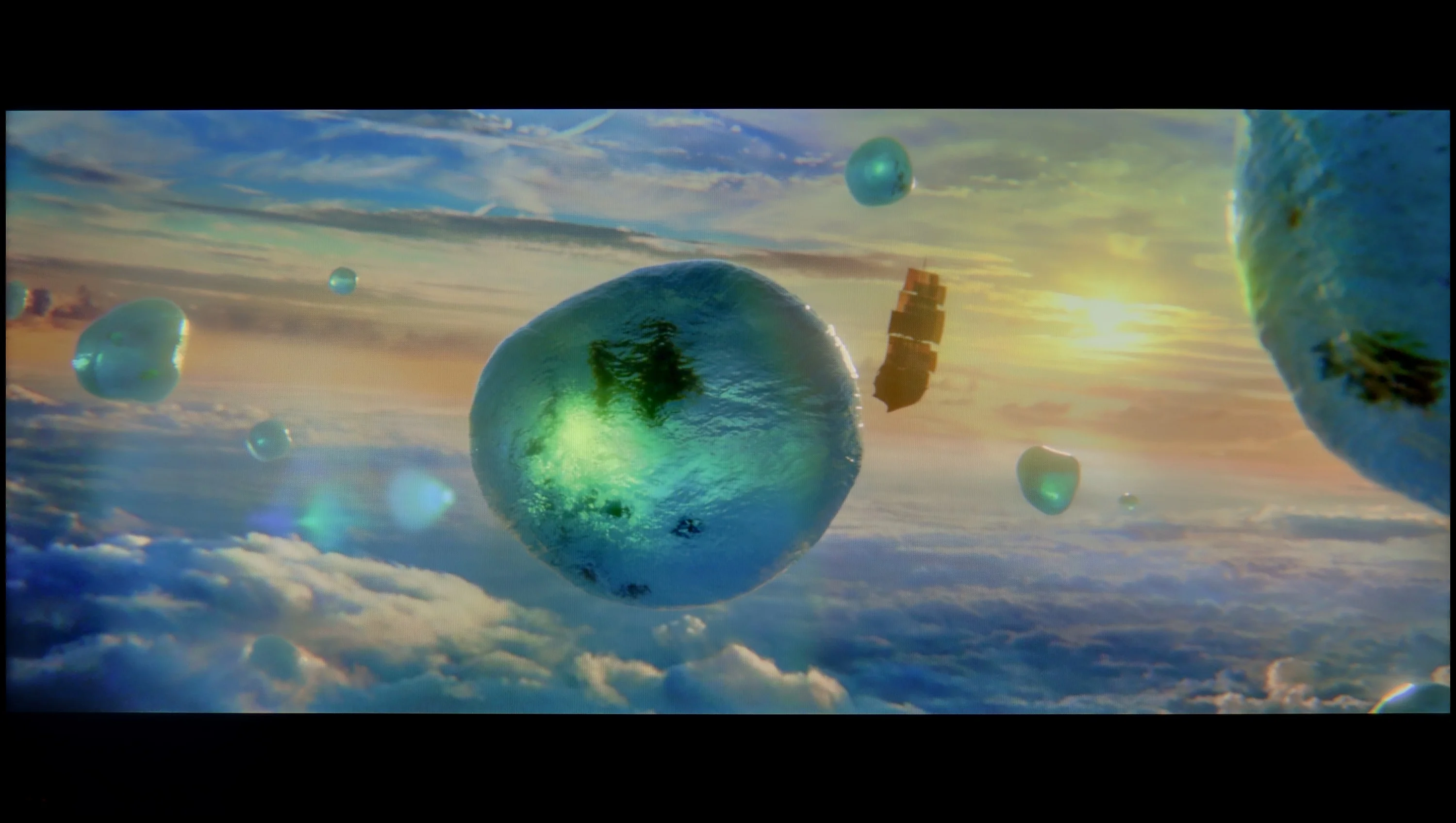
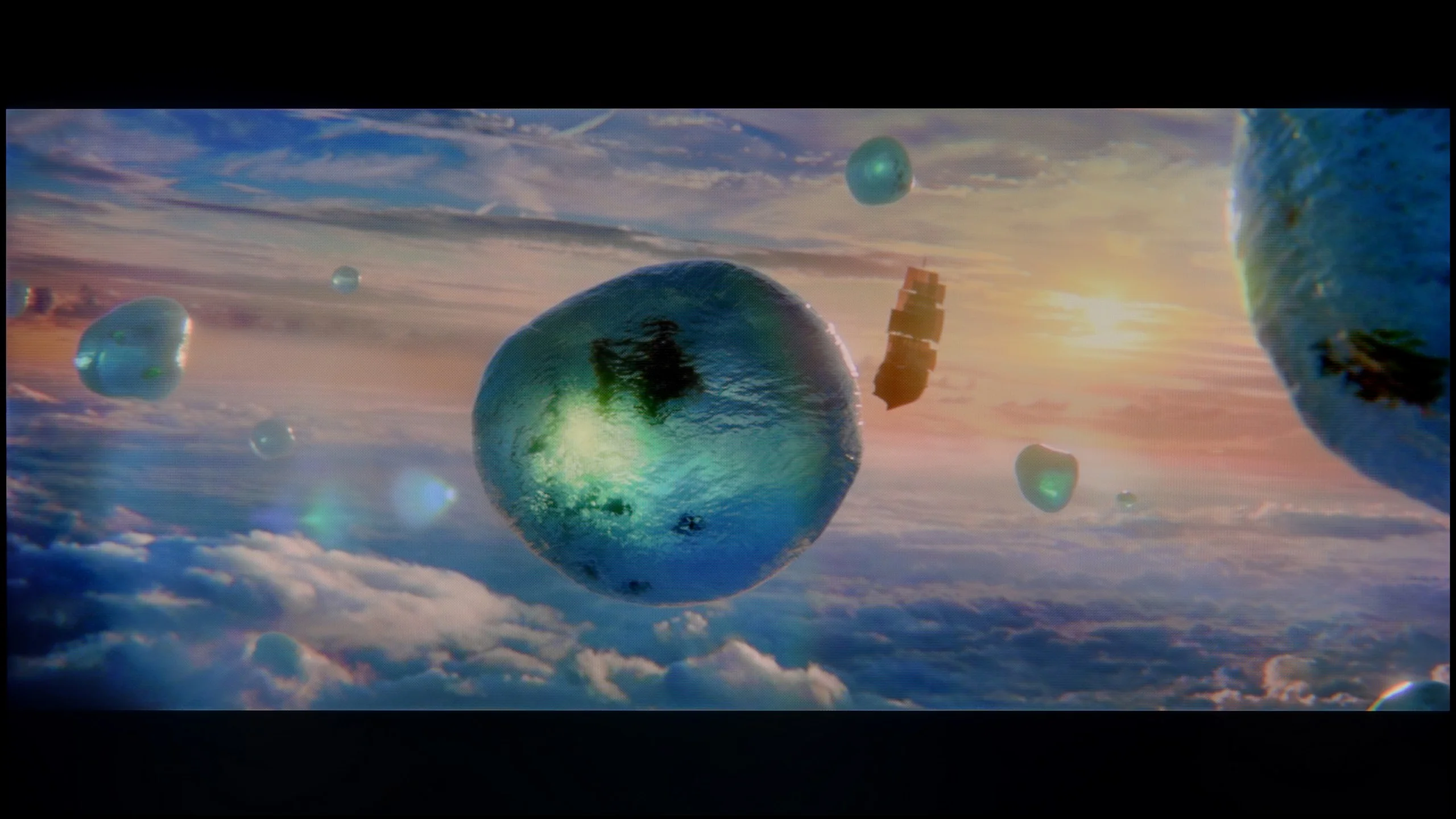
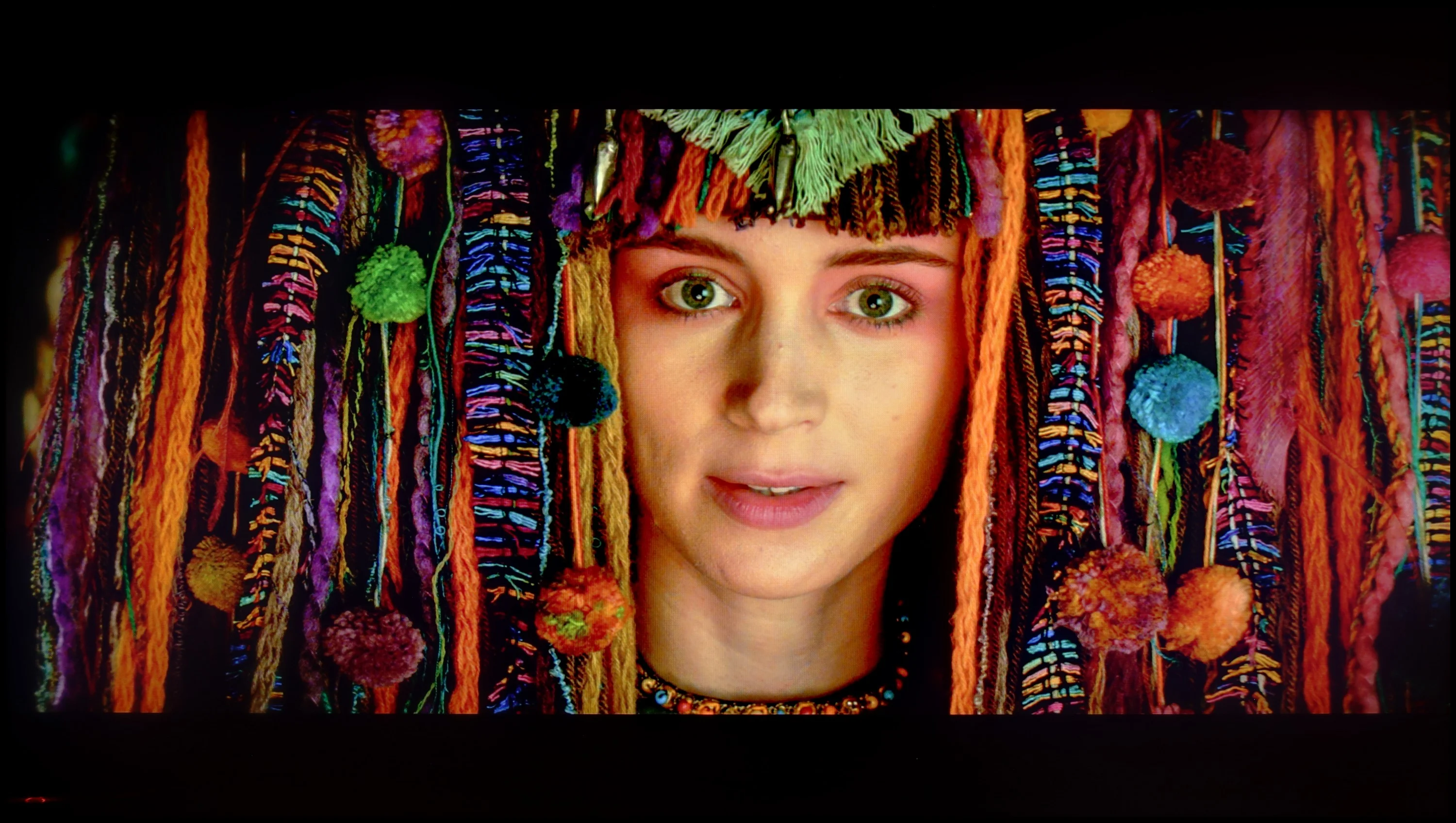
Scene from the movie “Pan” (about 2800 nits)

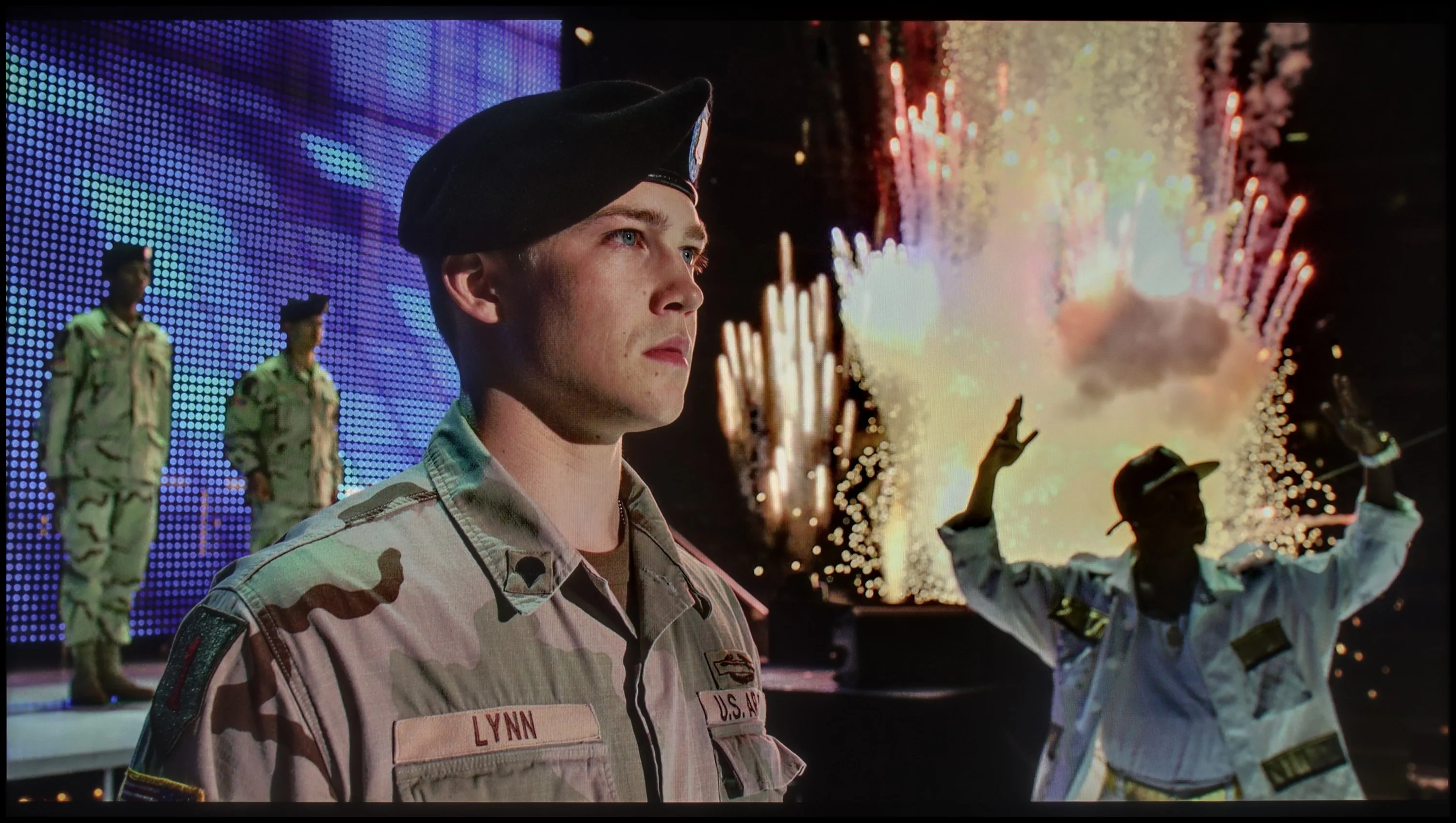
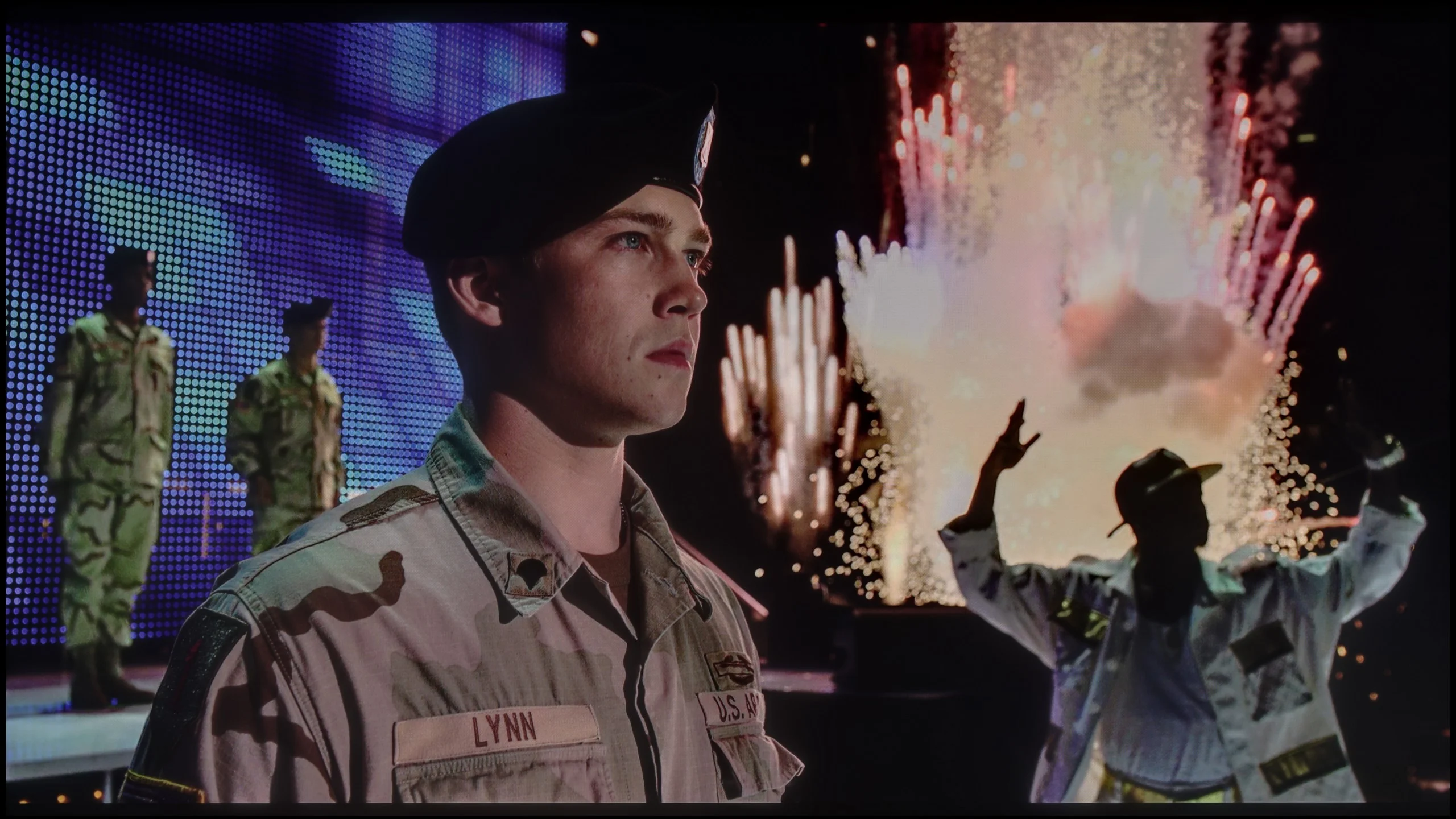
Scene from the movie “Billy Lynn” (about 1100 nits)

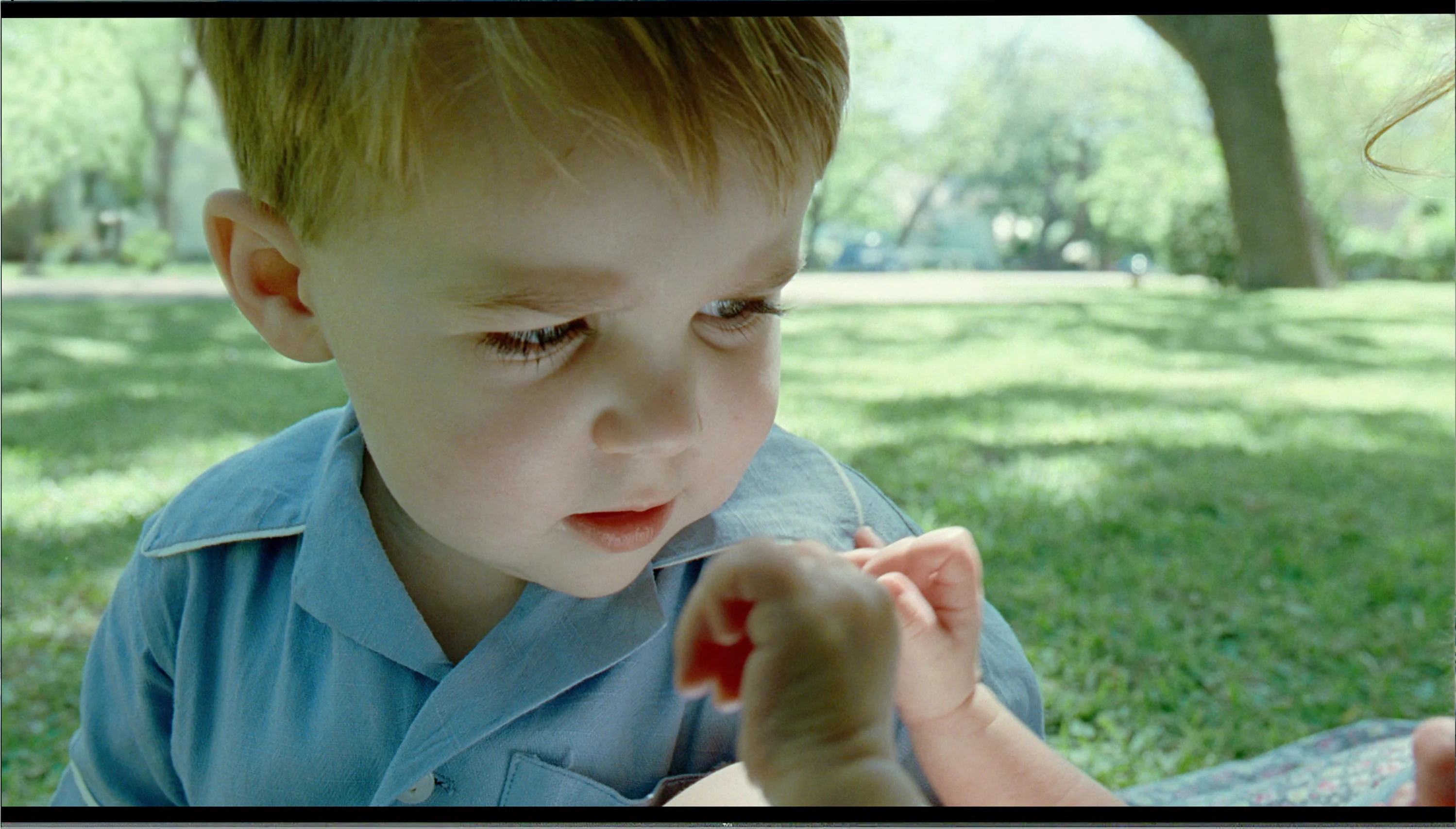
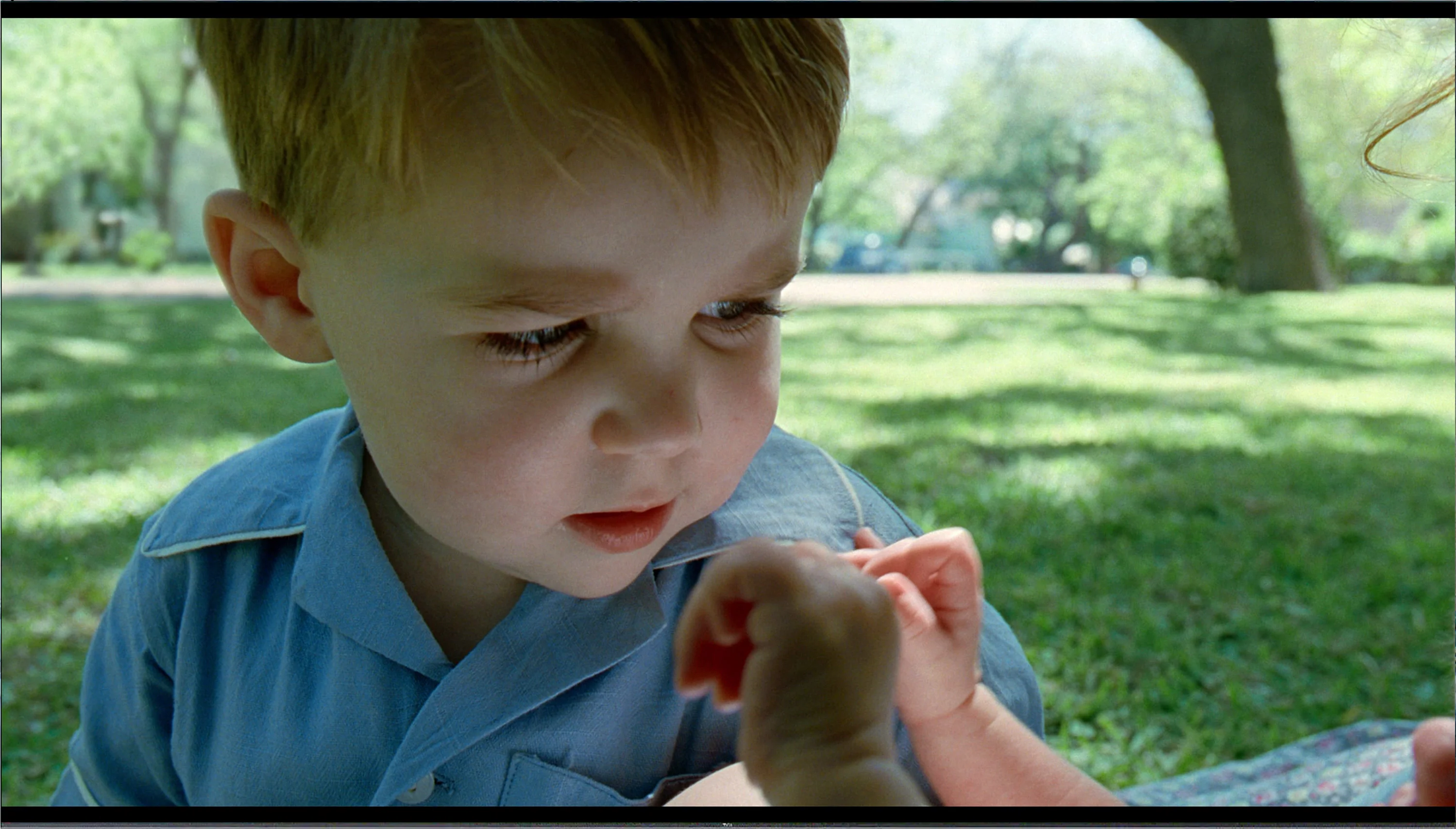
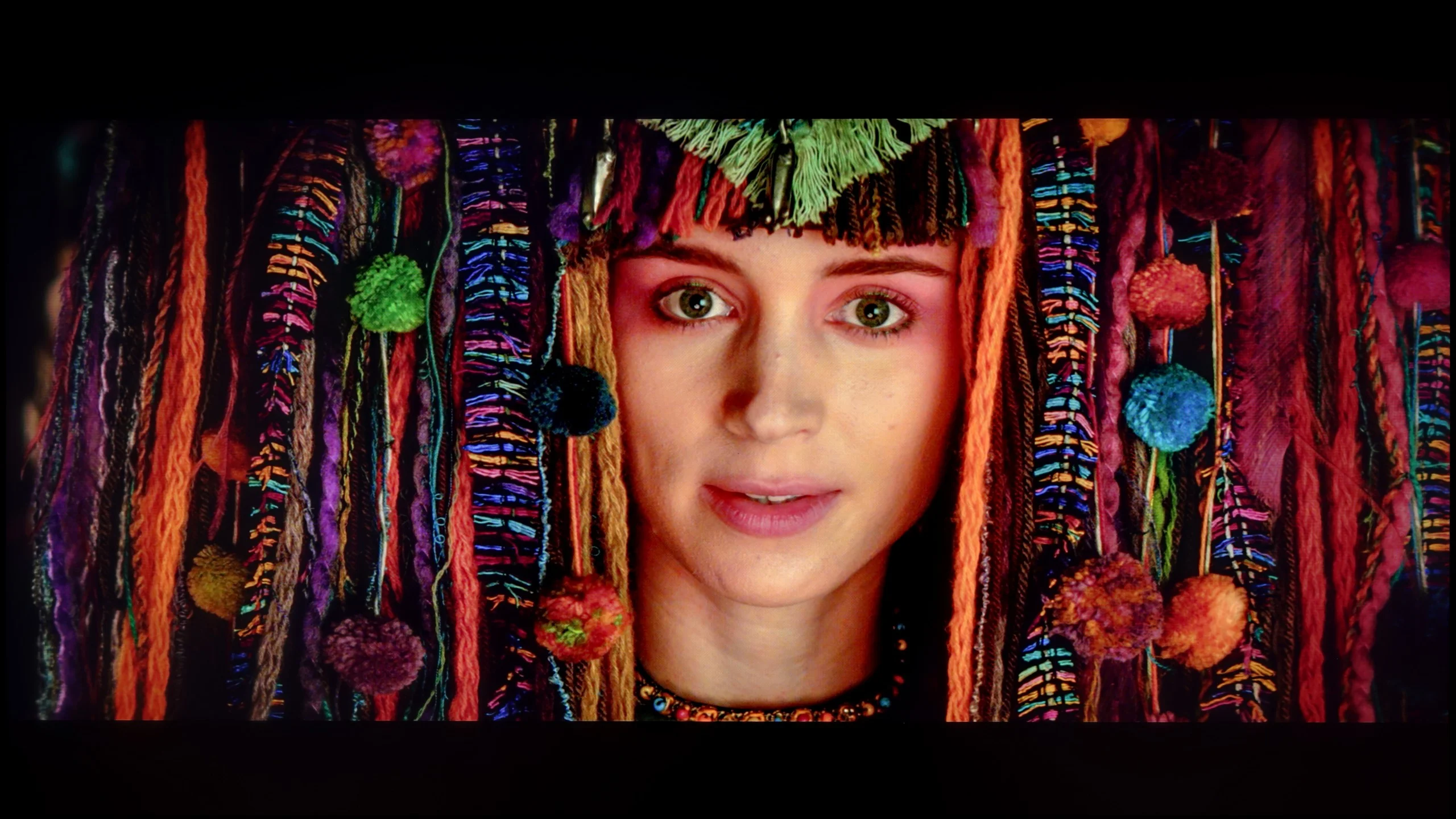
The photos show two HDR10 movies. 'Pan' is one of the brightest productions ever made, while 'Billy Lynn' (soldier) has brightness typical of streaming (Netflix, Prime, HBO MAX). Notice the intensity of effects and detail in whites.

Static HDR10

The photos present the visibility of white details in various HDR formats. They do not show brightness differences between TVs (these can be compared in the previous gallery).

Dynamic: Dolby Vision

Dynamic: HDR10+

The photos present the visibility of white details in various HDR formats. They do not show brightness differences between TVs (these can be compared in the previous gallery).

HDR luminance chart:

Samsung QN80F 100"

TCL C855

TCL C855 delivers a highly varied HDR effect. On one hand, the television truly shines, while on the other, it resembles a lower model with FALD backlighting. Such a state of affairs is regularly observed with this brand, so it was not a surprise for us. The first and last scene, which has large light elements, looks phenomenal, "shining" with brightness levels of 1470 and 1820 nits respectively. Such effects will certainly make many people squint, while simultaneously feeling the extraordinary dynamism of the scene itself. You can truly feel as if you were inside the movie. The situation drastically changes when small or minor elements with high luminance surrounded by black appear on the screen. The TCL C855, to avoid the halo effect, significantly reduces brightness to a level of even 240 nits, which is a disappointing outcome, causing the film to not look like it was shot in HDR. The HDR effect in TCL C855 makes watching dynamic scenes more engaging, and the viewer can feel like they are part of the action. Even with smaller elements of high luminance, the television manages to maintain details without excessive dimming. Moreover, the TCL C855 test shows that the brightness of the image is adapted to scenes with a large amount of detail, increasing viewing comfort.

When it comes to HDR in Filmmaker mode, the QN80F can make a great first impression. Our lab tests showed that under the best conditions, the TV can achieve brightness exceeding 1200–1300 nits. These are truly remarkable results that make HDR effects in many films look incredible. The TV is simply bright enough that it doesn't have to artificially adapt the image – the bright parts of the scene have the right 'power' and actually look like a light source. Of course, the lab is one thing, and everyday viewing is another. In practice, during film scenes, brightness typically hovers around 700–1100 nits. These are still excellent values that, in most cases, provide a strong sense of realism and make the lights on the screen truly blinding. The problem arises in exceptionally difficult sequences, where, like almost every mini-LED, it reveals its limitations. A good example is Sicario 2: scenes with the helicopter in the night sky look much weaker, and the lights lose intensity, dropping to around 370 nits, making it hard to speak of serious awe. Additionally, there's the issue of colours. Although we are dealing with a QLED, the coverage of the DCI-P3 colour gamut is about 90%. This is a rather average result for a quantum dot TV. In practice, this means that some colours may appear less saturated than we would expect, especially in demanding HDR productions.

Factory color reproduction

5.2/10

6/10

This gallery shows how colors change after professional TV calibration. If you notice the difference, we recommend ordering this service at SkalibrujTV.com.

Factory Mode

After calibration

This gallery shows how colors change after professional TV calibration. If you notice the difference, we recommend ordering this service at SkalibrujTV.com.

Factory Mode

After calibration

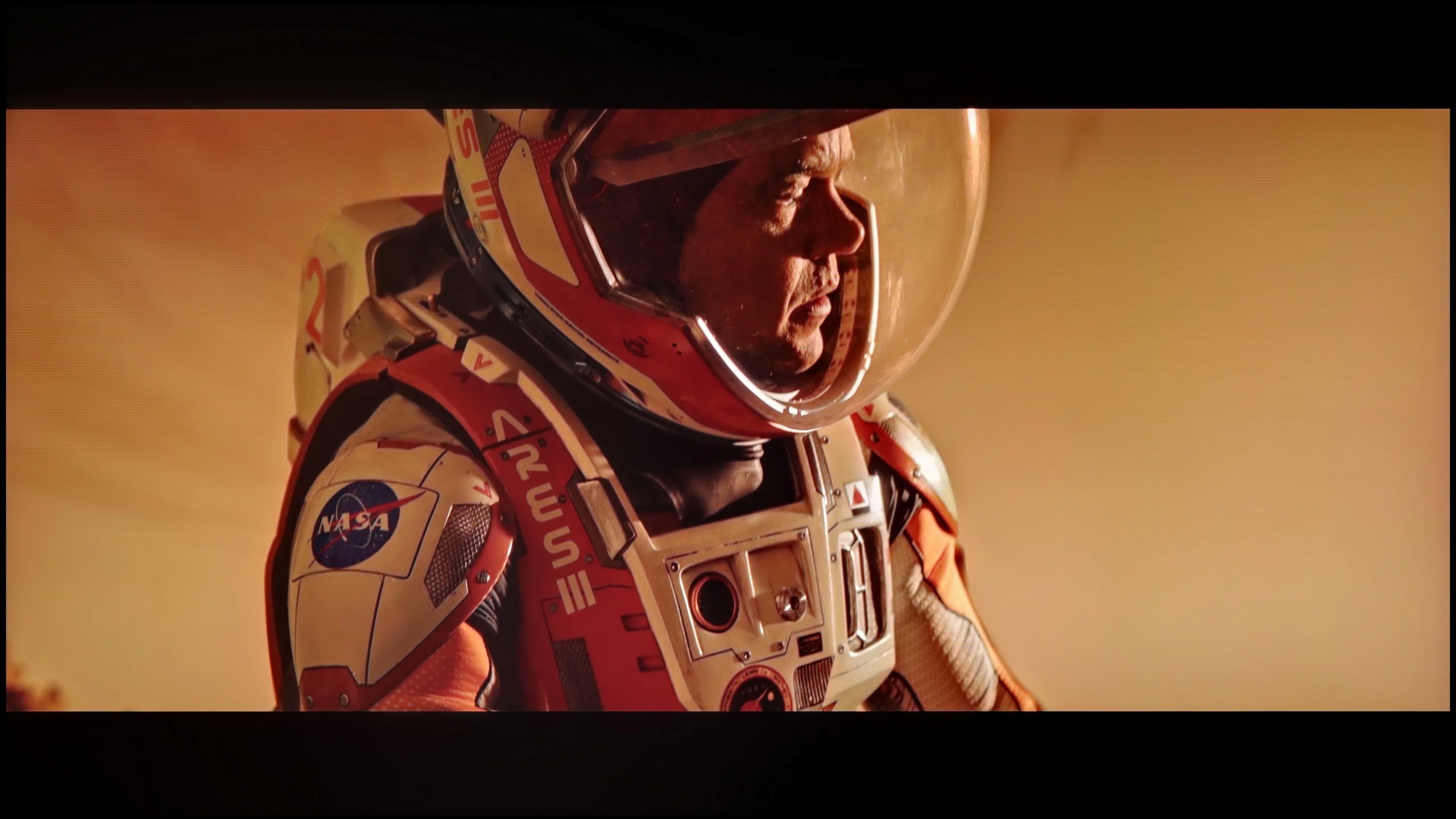
The best factory mode for the TCL C855 is "Film," and it is on this mode that we conducted all our tests. However, like every mode predefined by the manufacturer, it had flaws that are worth correcting to achieve an image that is as close as possible to what the film producer intended. We will look at the colour characteristics in both SDR and HDR materials. Taking the former into account, we see a clear dominance of green in the white balance, which, as you might guess, gave an unpleasant greenish tint to the entire image. Examining a very important gamma chart, responsible for the contrast of the image, we see a significant deviation from the reference line marked at 2.4. From the left, we can observe a strong spike in the measured value, which at this point caused contrast exaggeration and blending of details into a dark blob. This state of affairs persisted for quite a while, up to 20% of the chart’s value, before then diving below the reference. This, in turn, meant that the image was brightened and contrast decreased significantly. The factory mode performed somewhat better in HDR materials, as the white balance looked quite good, except for the second half, where green again took over. Looking at the EOTF curve, which, unlike gamma, shows the rate of brightness increase, we see primarily two errors: the darkest scenes were too dark, and the brightest ones were overexposed. This, by the way, could be observed in the scene from the film "Pan" in the check paragraph for the TV's HDR.

Samsung QN80F performs best in Filmmaker mode, which is designed to faithfully reproduce the creators' intentions. And indeed – this is the mode where the TV shows its potential. But let's not fool ourselves, it’s far from perfect. In SDR content, a significant issue emerged with white balance. Slight deficiencies in green and a clear excess of red caused the screen to take on a pinkish hue. You don't even need measuring tools to notice this – in everyday viewing, the subtly shifted colour palette could be quite noticeable, and in colour checker tests, the colours nearly "jumped" outside their reference fields. With HDR content, the situation looked a bit better, as the white balance was closer to ideal, but another problem emerged – brightness management. The EOTF curve often caused the image to become too bright, which spoiled the impression of contrast, and in dynamic scenes, it led to a slight "flicker" in perception. We've actually mentioned this before in the sections about black levels and HDR. The good news, however, is that Samsung provides plenty of tools for improvement. The QN80F allows for very detailed calibration, including a 20-point white balance. And since the manufacturer has left us with so many options, we decided to see how the TV would perform after a solid correction.

Color reproduction after calibration

6.9/10

8.3/10

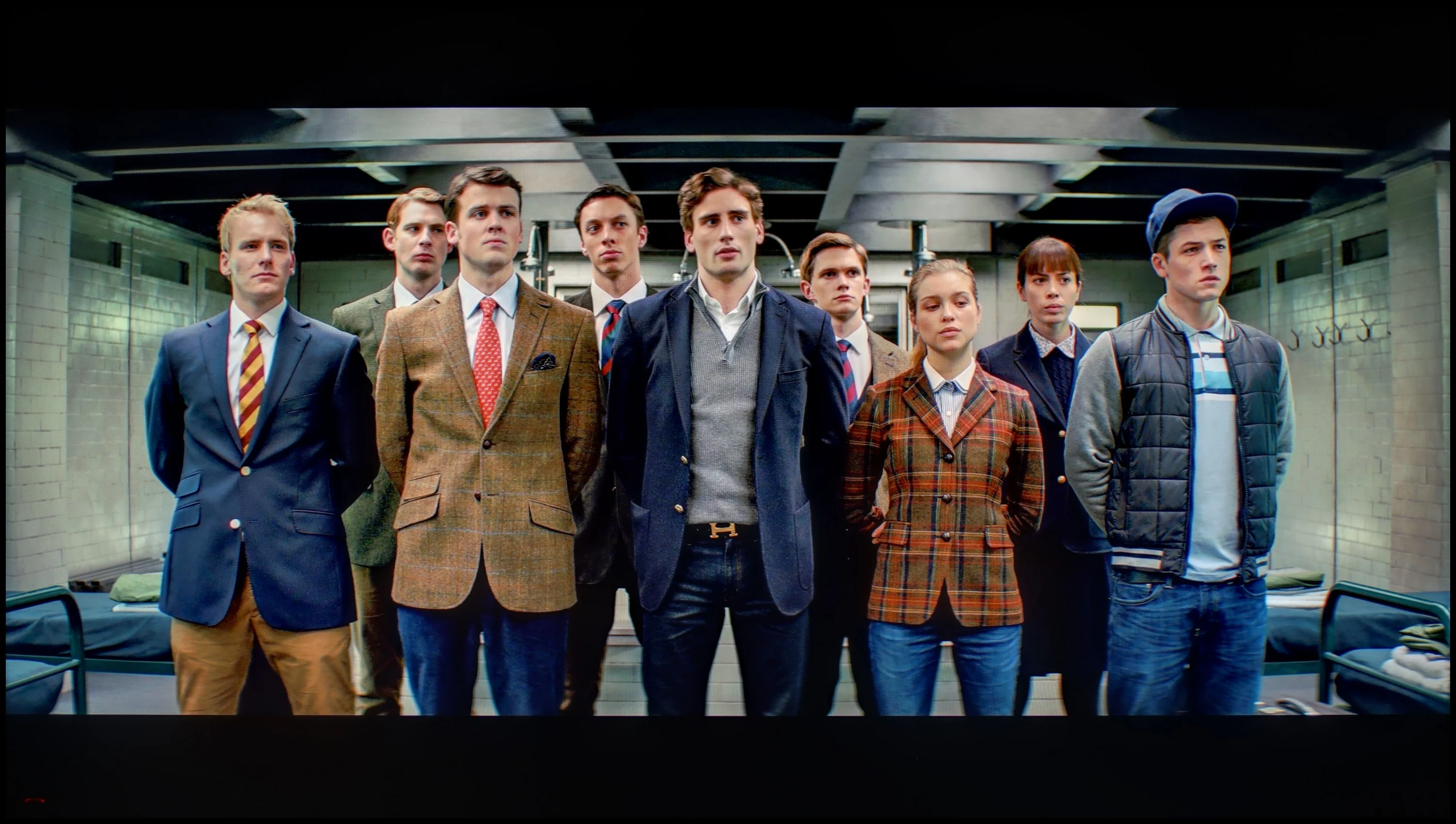
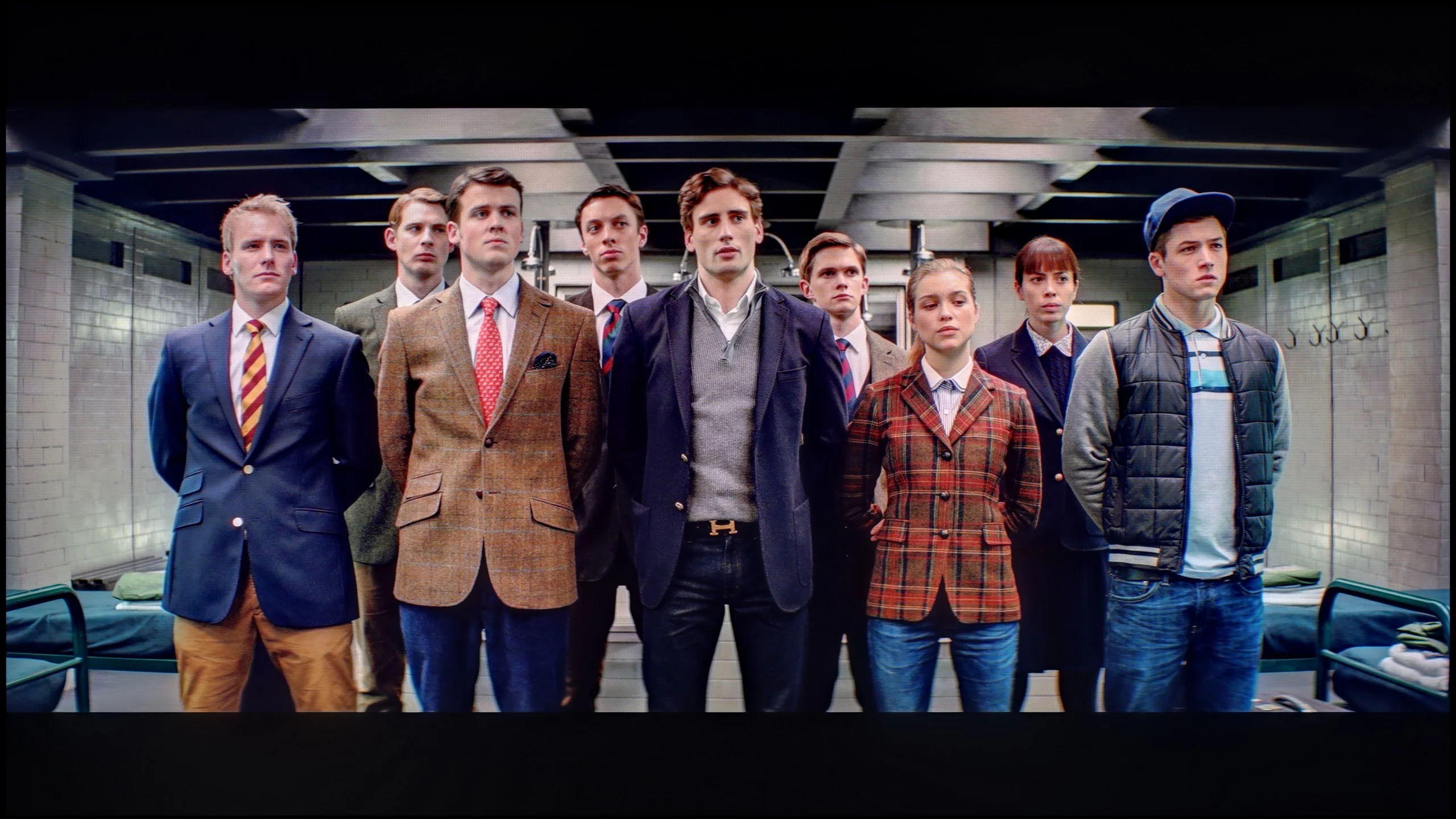
The photos show how movies look on the TV. Pay attention to black detail visibility, colors, and shadow tint.

The photos show how movies look on the TV. Pay attention to black detail visibility, colors, and shadow tint.

TCL, just like the vast majority of manufacturers, provides advanced calibration tools in its televisions. Here we find 2- and 20-point grey scale adjustments as well as an advanced colour management system. The results, as you can see, are very good and in SDR materials we have significantly approached the reference image. We eliminated both the green tint and the gamma issue, although there is still a slight "kink" at the very beginning. It went a bit worse with HDR materials, which the television ChooseTV C855 did not allow us to model properly. We only managed to slightly adjust the EOTF curve and significantly improve the colours themselves.
After calibrating the QN80F, it immediately showed that it has much more to offer. The pink hue that used to spoil the viewing experience has disappeared, and the white balance finally looks as it should – natural and without excessive deviations. The colours have gained depth, and the image has become more saturated and coherent, making movies simply more enjoyable to watch. It's a bit like taking a light mist off the screen – suddenly everything appears sharper and clearer. Brightness management has also improved. The TV no longer gets lost so easily in dynamic changes, and the EOTF graph shows that the curve tracking is significantly more stable. Of course, there are no miracles – the limited number of zones still means that small, bright elements can be slightly washed out, but that's just a result of the design rather than the settings. After this adjustment, the QN80F feels like a more mature piece of equipment, and watching movies finally provides the satisfaction expected from even a higher-end television.

Smoothness of tonal transitions

9.2/10

9/10

These are selected scenes that show smooth tonal transitions from one color to another. If you see distinct banding, it’s the TV panel’s fault.

These are selected scenes that show smooth tonal transitions from one color to another. If you see distinct banding, it’s the TV panel’s fault.

These are selected scenes that show smooth tonal transitions from one color to another. If you see distinct banding, it’s the TV panel’s fault.

These are selected scenes that show smooth tonal transitions from one color to another. If you see distinct banding, it’s the TV panel’s fault.

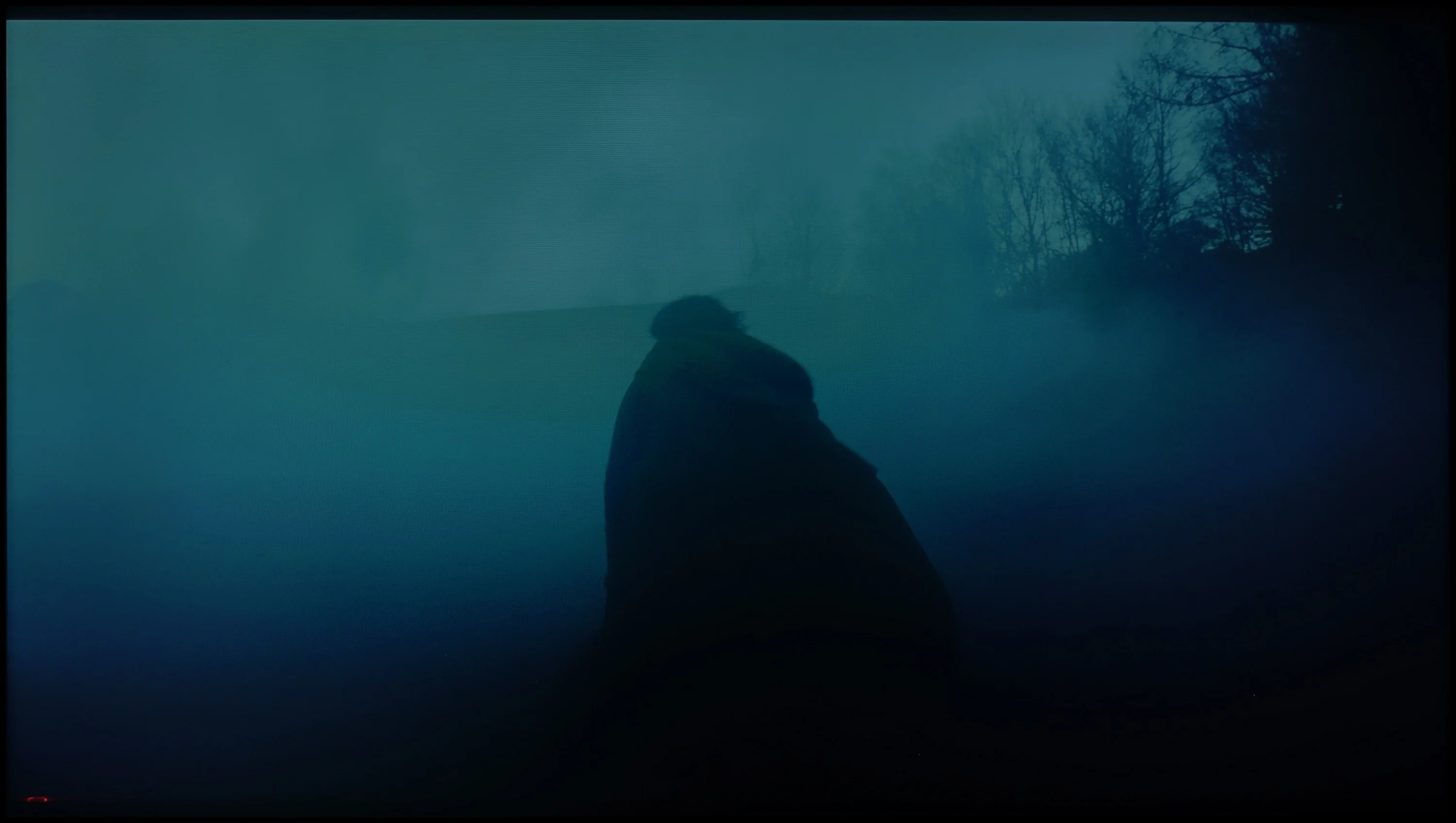
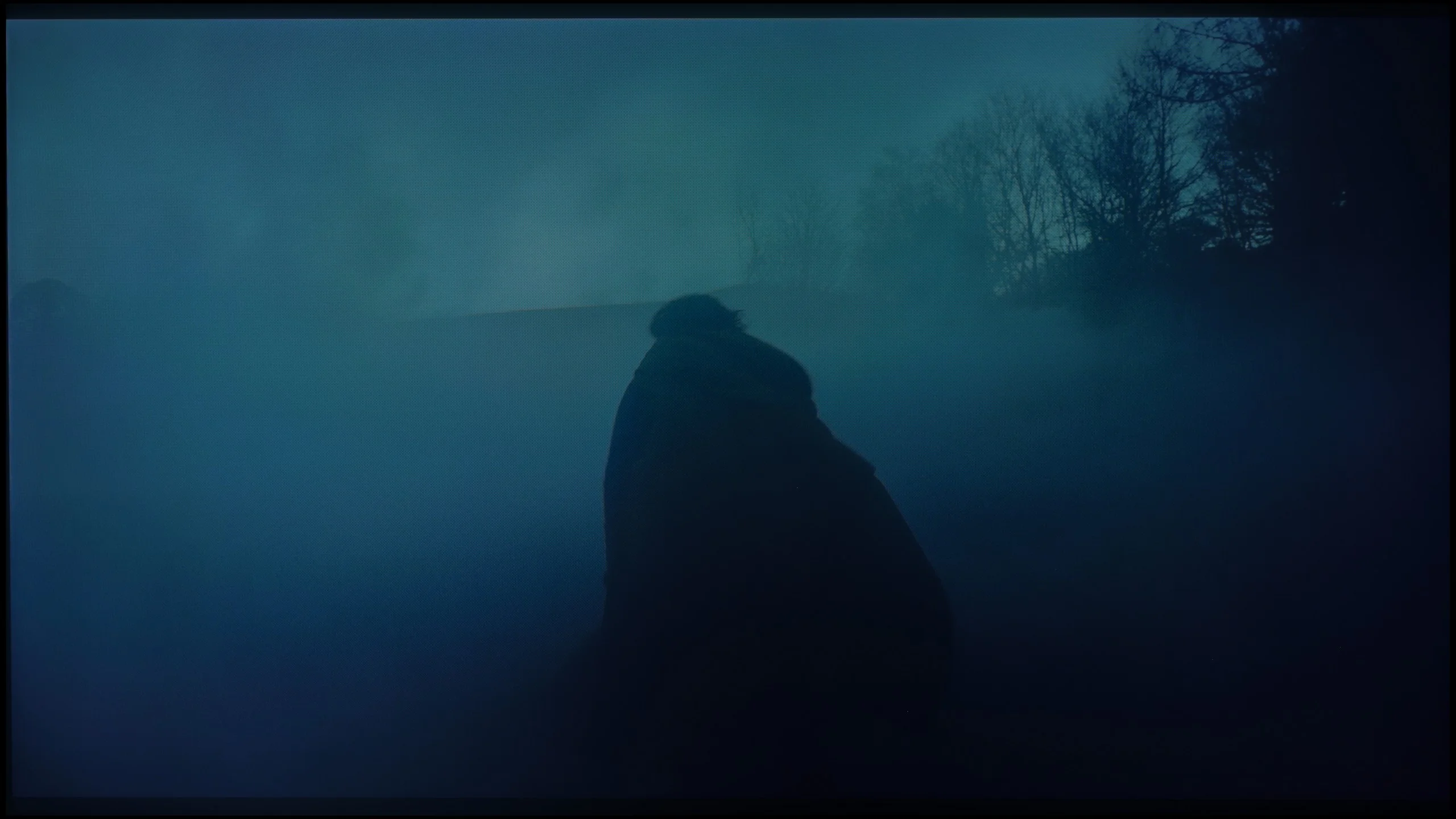
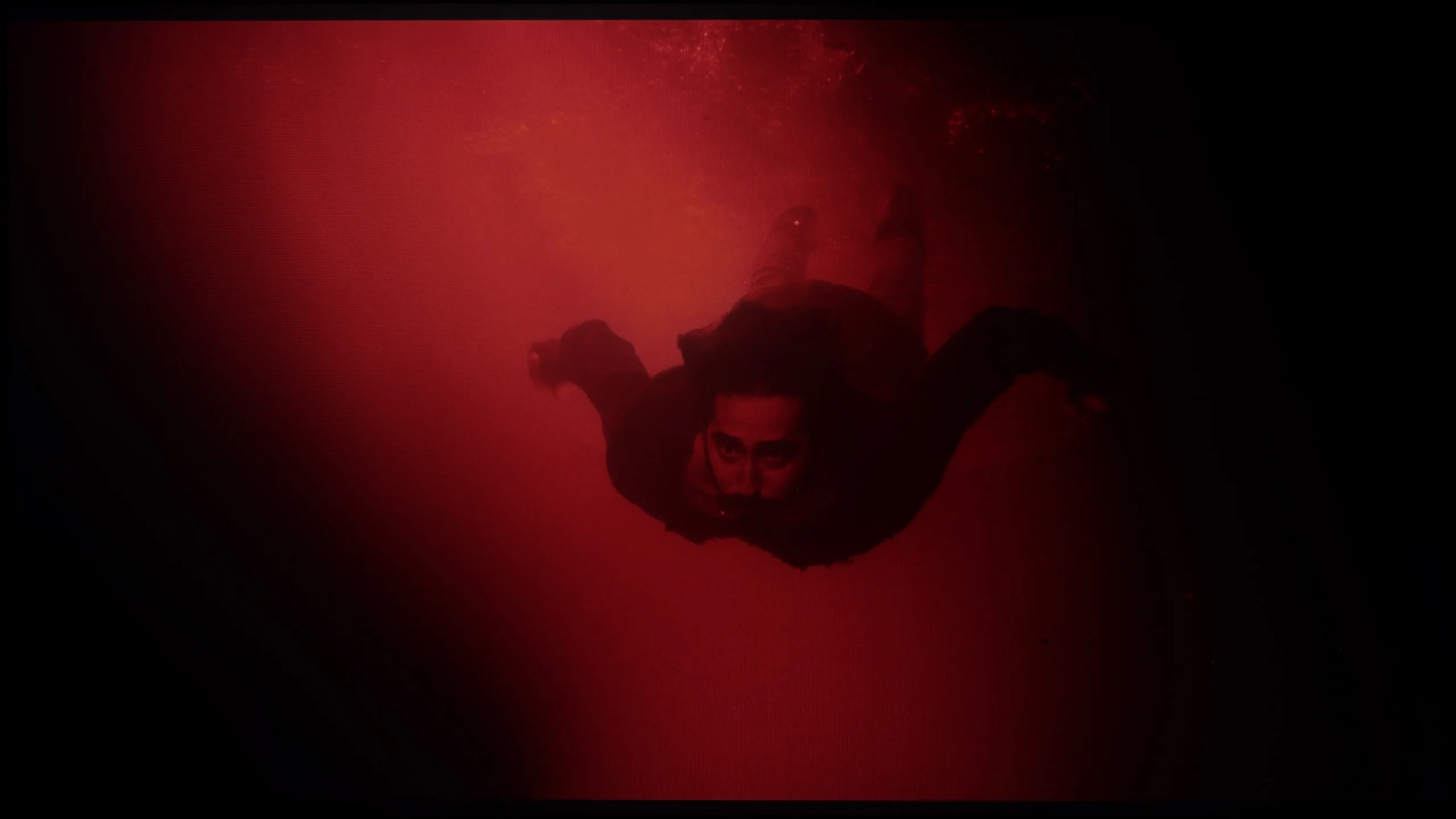
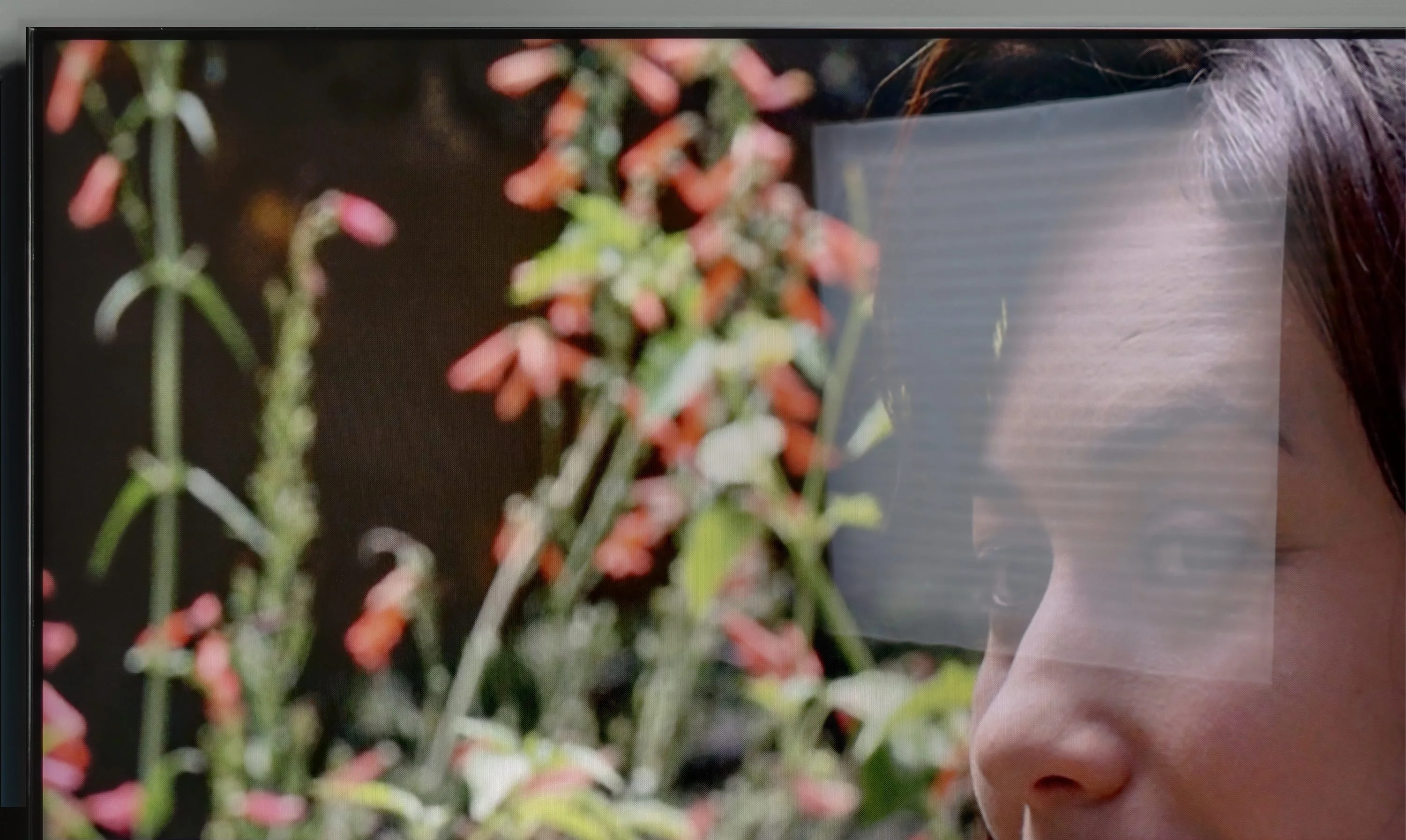
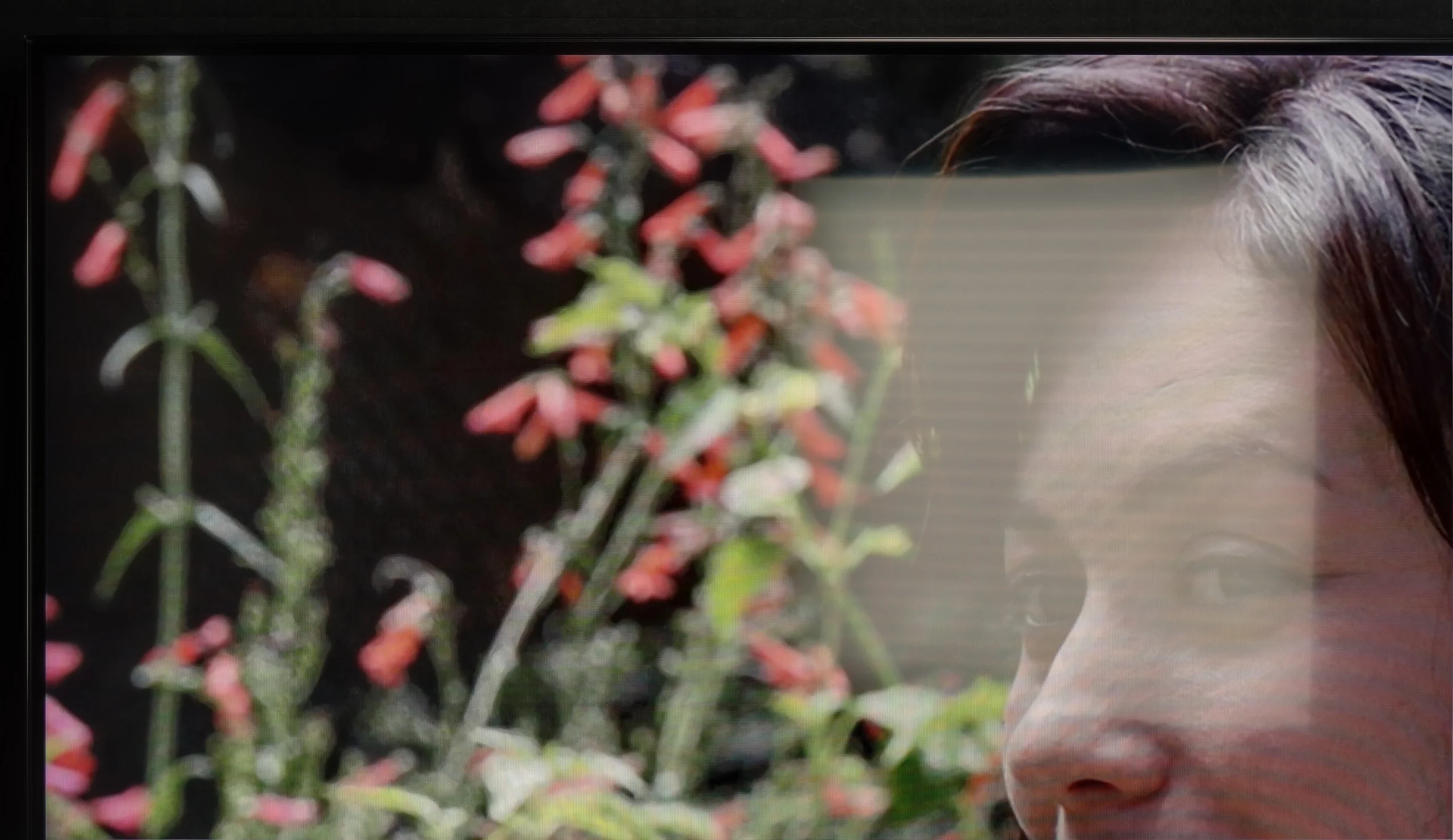
Nevertheless, an important aspect in assessing image quality are tonal transitions. To achieve a clear image free from posterisation effects, the television must demonstrate very good algorithms for smoothing out colour gradation. We must admit that the applied feature in TCL C855 called "Gradual Smoothing" is one of the better ones we have had the opportunity to test. Practically every scene performs very well here, and nothing can be faulted. The best example of this is the scene from "The Green Knight", which is the most demanding due to the vast number of fine and subtle transitions in the fog. The C855 effectively smooths everything present in the scene and allows the viewer to experience its entire suspense. The only moment where a slight posterisation can be noticed is in a frame from the film "The Green Knight", where the reds in the top left section of the screen contrast against each other.

In terms of the fluidity of tonal transitions, meaning the blending of colours into one another, the QN80F performs really well. The colour gradients are smooth, the image doesn't break into artificial bands, and the sky or vast shaded surfaces look as they should – without strange patches or interference. It particularly excels in scenes with dark tones, where many televisions can struggle and produce ugly artefacts. Here, everything remains coherent and clear. Admittedly, in the brightest areas, you might occasionally notice slight banding, but that's a detail that only very demanding viewers, analysing the image frame by frame, would pick up. In everyday use, there's practically nothing to complain about. The QN80F gives a sense of confidence that tonal transitions won't be a distraction.

Image scaling and smoothness of tonal transitions

5.5/10

7.5/10

Image without overscan on the SD signal
OK
No
Smooth transition function
No
OK

Smooth transition function

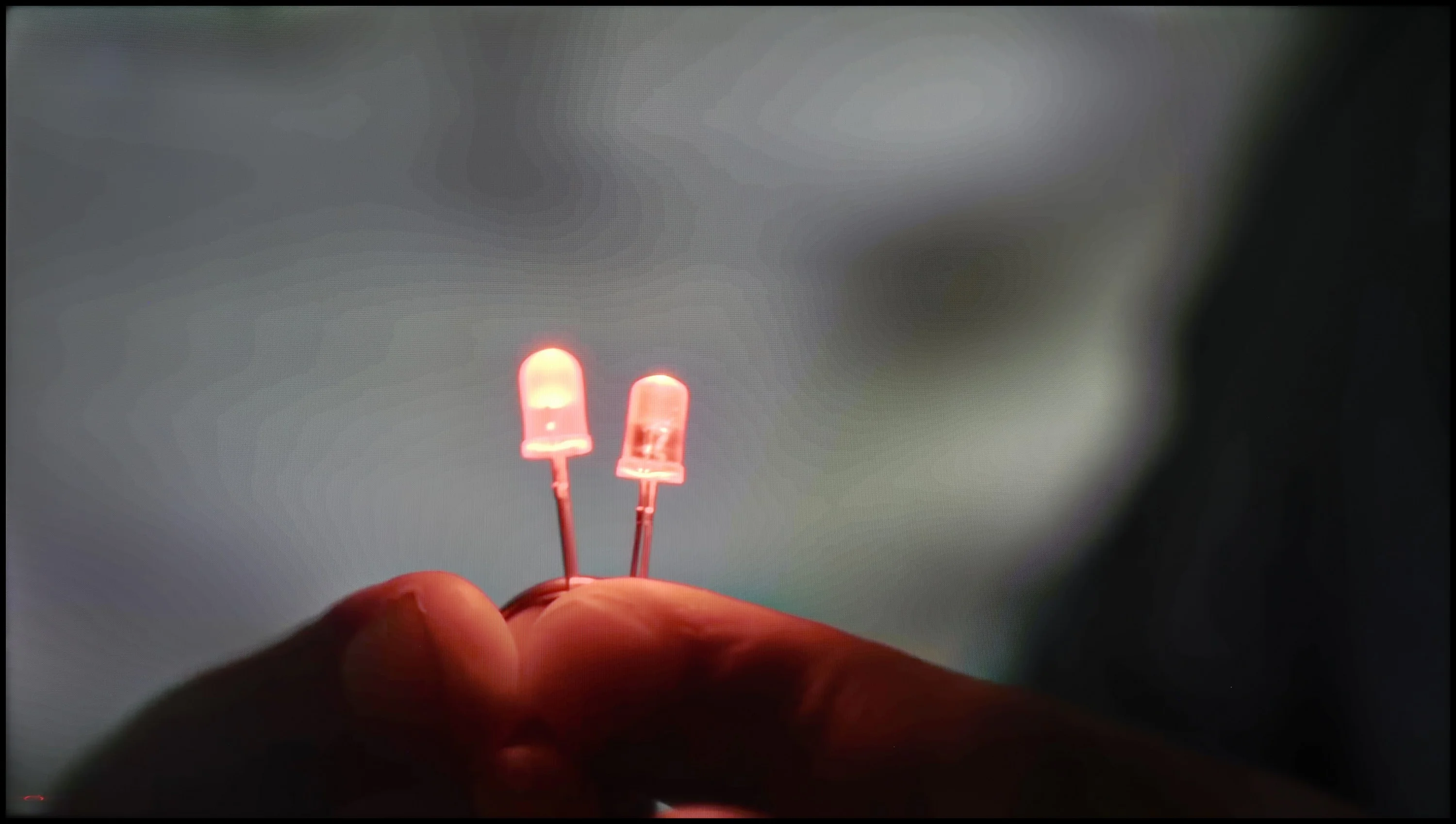
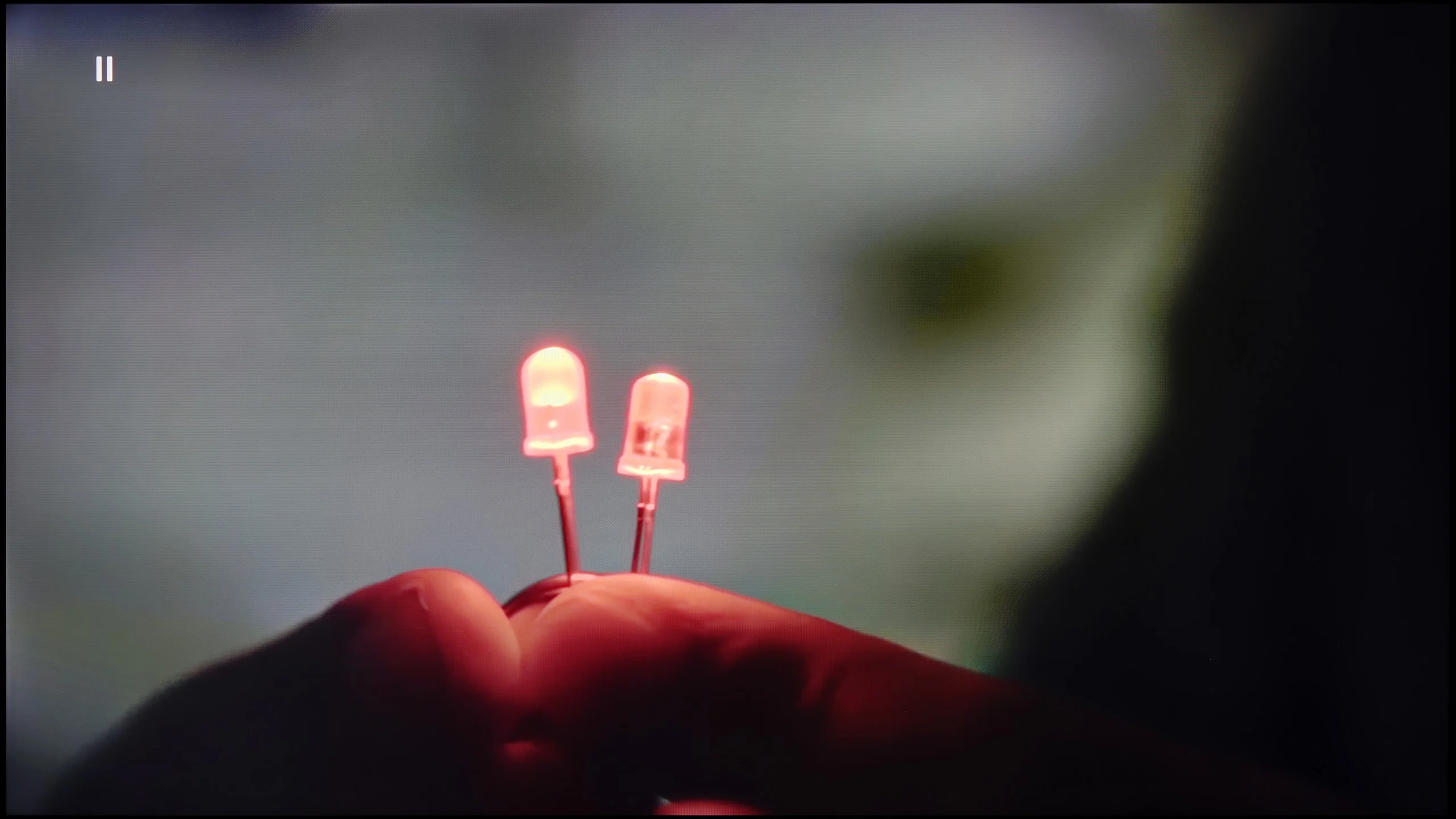
The match photo shows how the TV smooths weak tonal transitions in low-quality video.

Image scaling SD (576i)

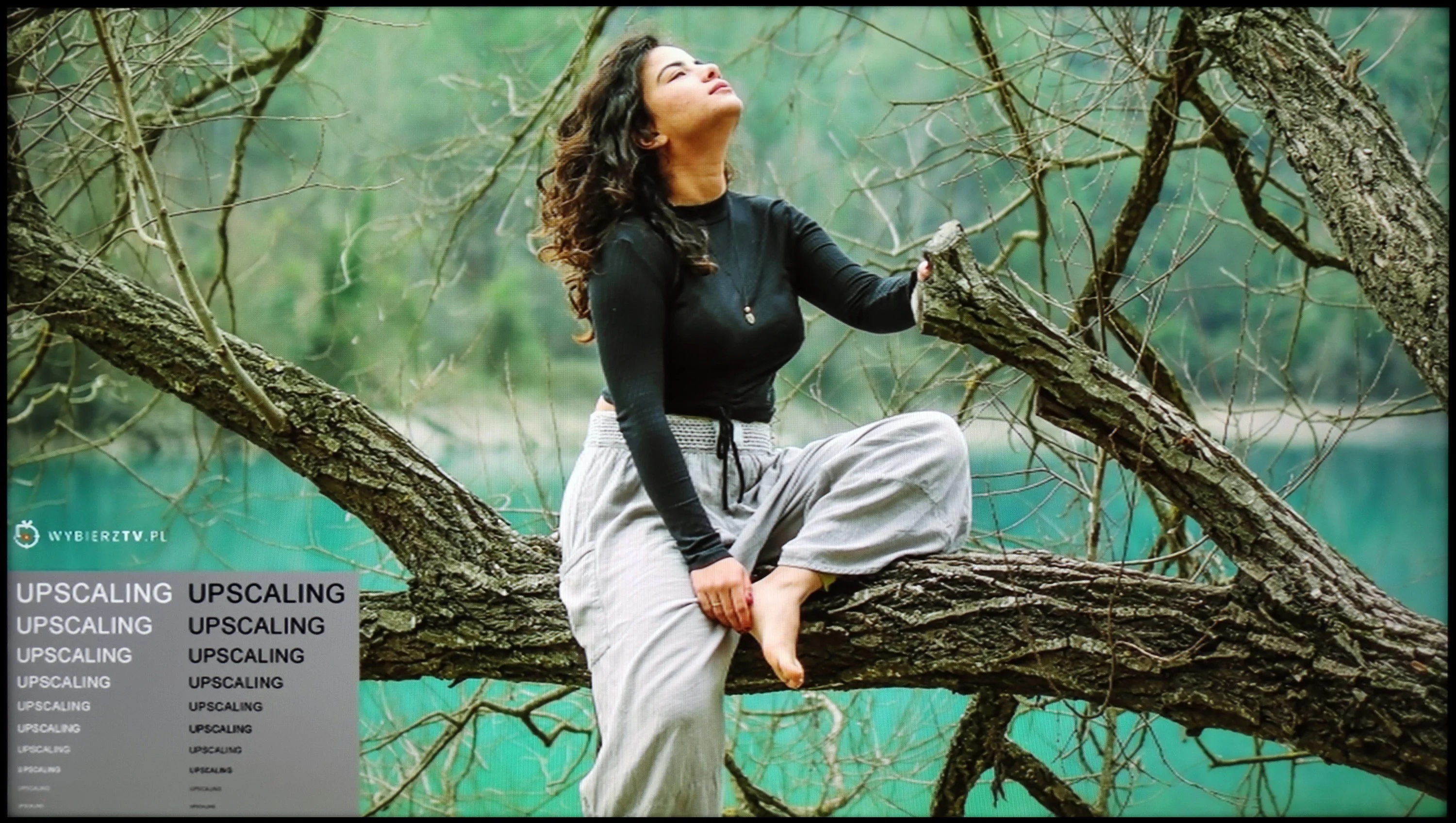
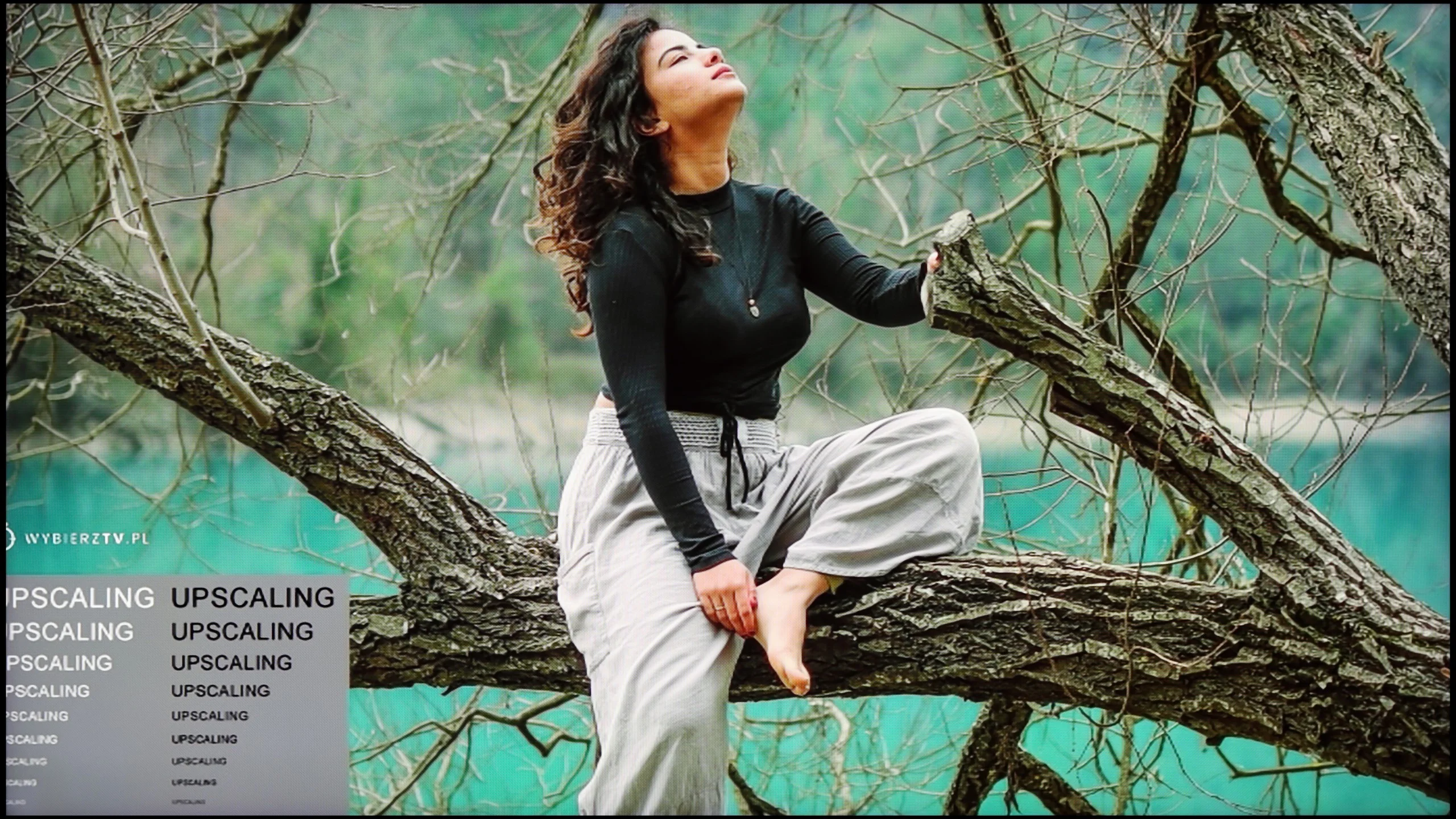
The model photo shows how it handles upscaling of SD material.

Once again, we will look at the function of smoothing tonal transitions, but this time also image scaling. The latter is particularly important when watching materials of lower quality, such as some TV programs or older films. We will focus on the function responsible for tonal transitions. Interestingly, just like in the scenes in the previous test, it performed splendidly and smoothed out practically all the choppiness, but here it had problems. Using the menu responsible for the operation of this function, we found that none - not even the strongest - setting helped.

The image scaling in TCL C855 is characterised as one of the best we have had the opportunity to test so far. The image is sharp, but in a way that could be described as natural to our eye. Even small, fine branches do not have jagged contours, and there is no white halo around figures, which is characteristic of weaker scaling systems.

With lower quality materials, such as YouTube videos or older television recordings, the QN80F can show both its strengths and weaknesses. If strange colour transitions or artefacts start to appear on the screen, it's worth reaching for the noise reduction feature. The best setting is at the "medium" level – it smooths out problematic segments while not blurring the entire image. However, one compromise must be kept in mind: this feature always removes film grain. If someone enjoys its presence in older productions, it's better to leave the reduction off, as regardless of the setting, the grain simply disappears.

Resolution scaling, or upscaling, is another strong point for Samsung. The QN80F may not be the best television on the market, but it performs very well in its price class, which is crucial for such a large size as a 100-inch screen. Even low-quality materials can gain a second life – the image becomes sharper, more readable, and overall, much more pleasant to view. A weak point remains overscan, which is slight cropping of edges in very low resolutions (e.g., 576p), something that has been a longstanding issue for Samsung. Fortunately, in everyday viewing of HD and 4K content, this is practically of no significance anymore.

Blur and motion smoothness

8/10

7/10

Maximum refresh rate of the panel
144Hz
144Hz
Film motion smoothing option
OK
OK
Blur reduction option
OK
OK
BFI function 60Hz
Yes, 60Hz (image flickers)
BFI function 120Hz
Yes, 120Hz
No
Brightness drop with BFI
51%
69%

Blur (native resolution, maximum refresh rate):

Blur (BFI function enabled):

Image flickers in this mode

Blur ():

Blur (4K@144Hz):

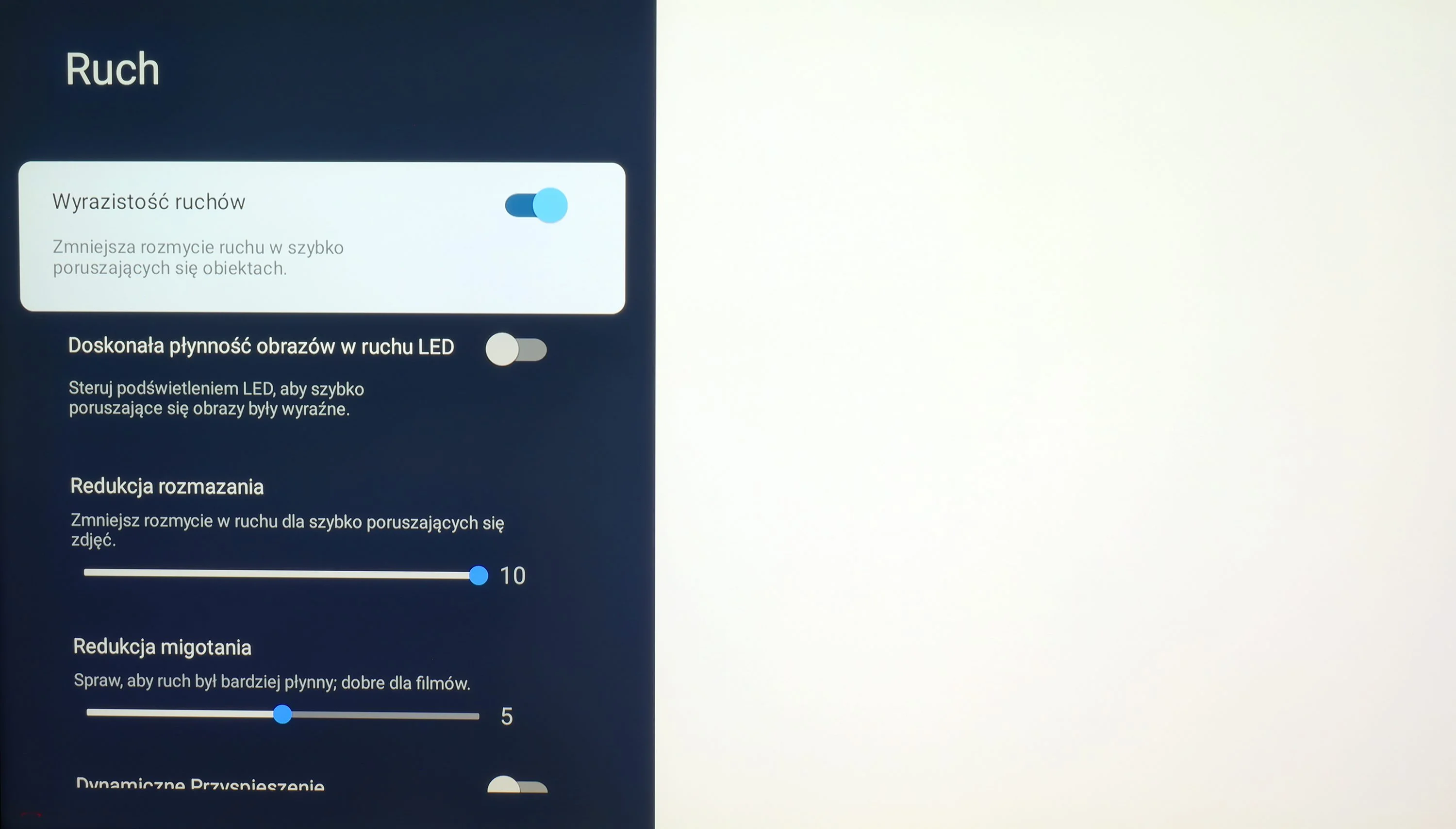
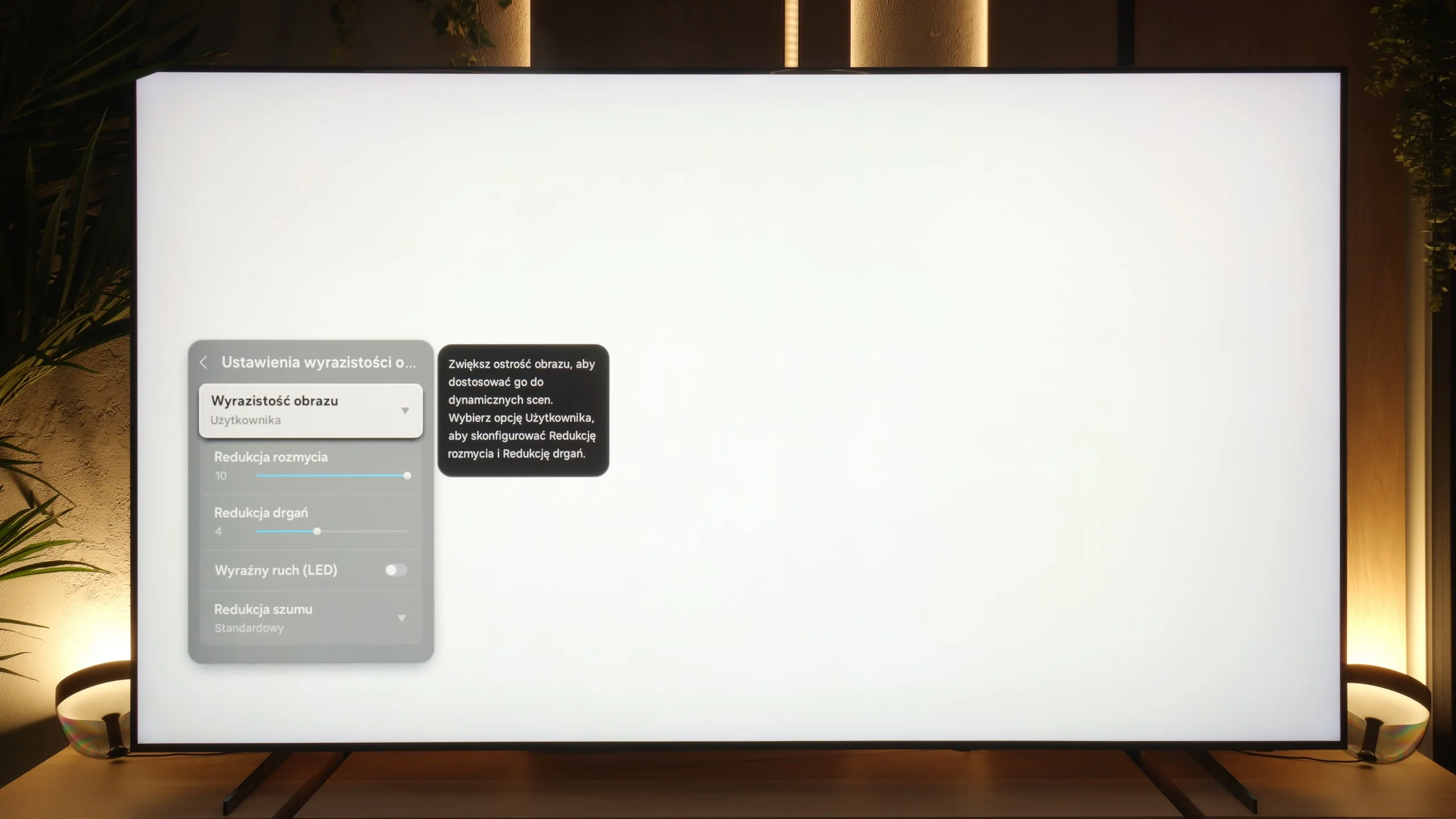
The maximum refresh rate that we can set on TCL C855 is 144 Hz. Naturally, this is only possible when connecting the TCL C855 TV to a very powerful PC. Otherwise, we will operate at a maximum refresh rate of 120 Hz, which is recommended if we primarily want to watch sports or content with a high level of motion dynamics. For those who require high fluidity of image, the manufacturer has implemented a multi-level motion smoother. It has been divided into two separate sliders that adjust the sharpness of moving images (Blur Reduction) and judder (Judder Reduction). Both sliders can be set in the range of 0 to 10, with each level affecting the degree of smoothing, so everyone can find their sweet spot. We present a setting that allows for slight smoothness without the soap opera effect.

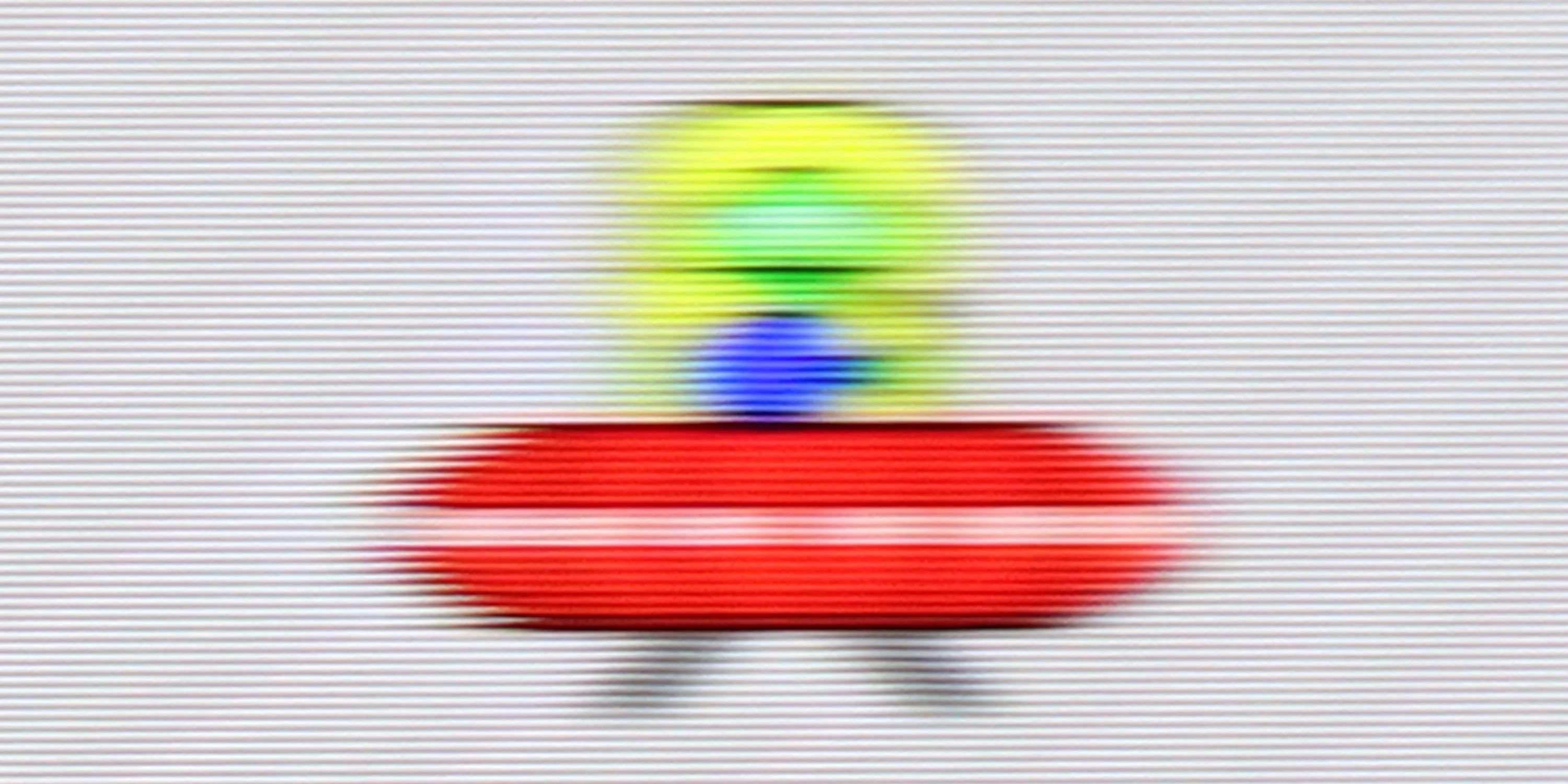
The panel of TCL C855 features a very good response time. This is especially important, as VA panels often have issues with so-called ghosting, which is the effect where a black halo can be noticed behind a fast-moving object.

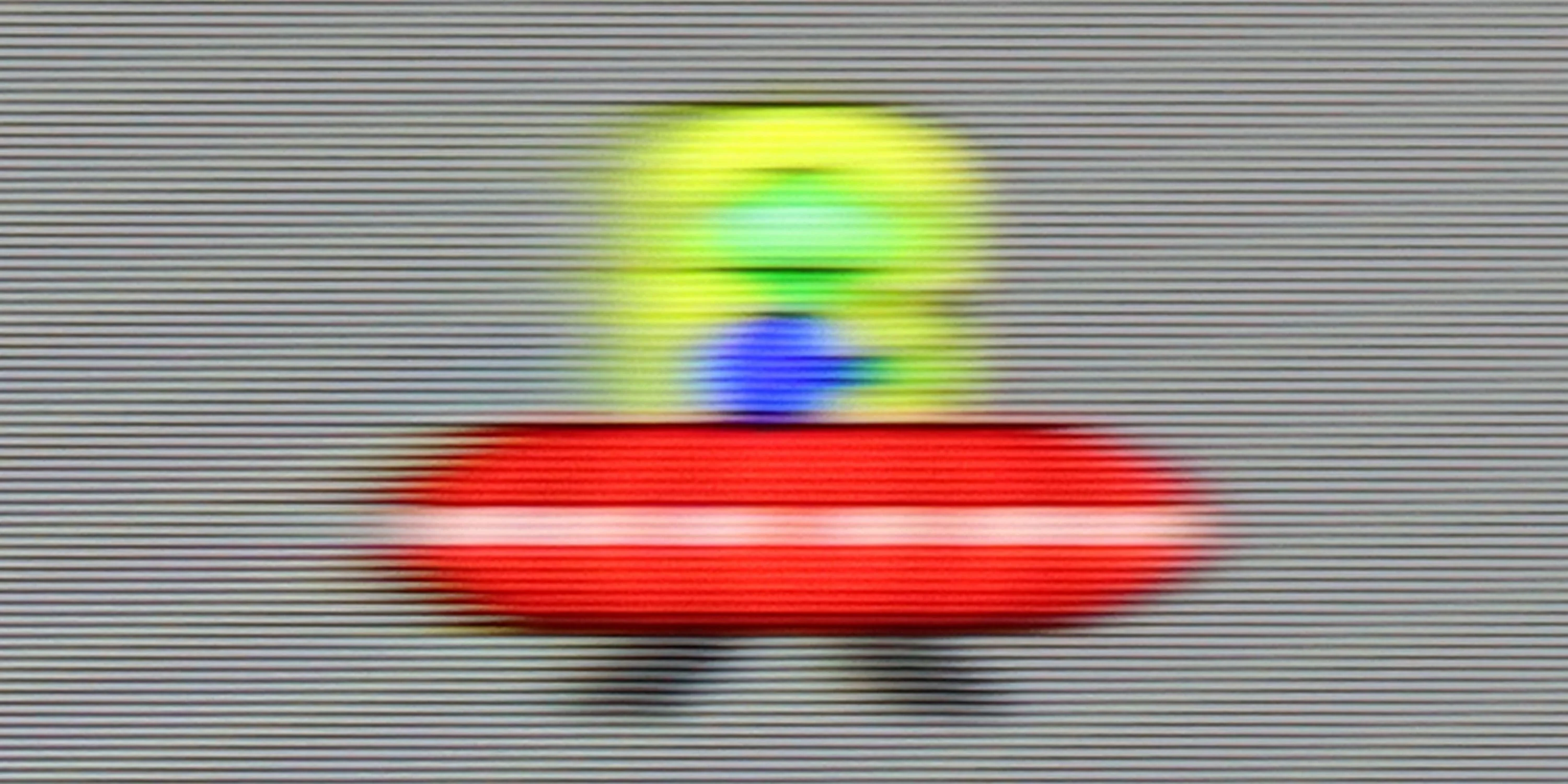
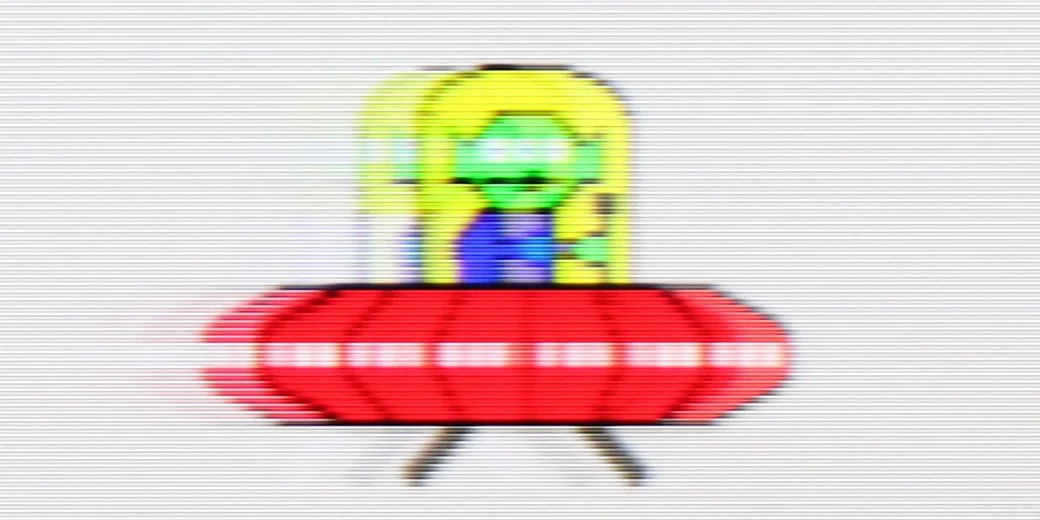
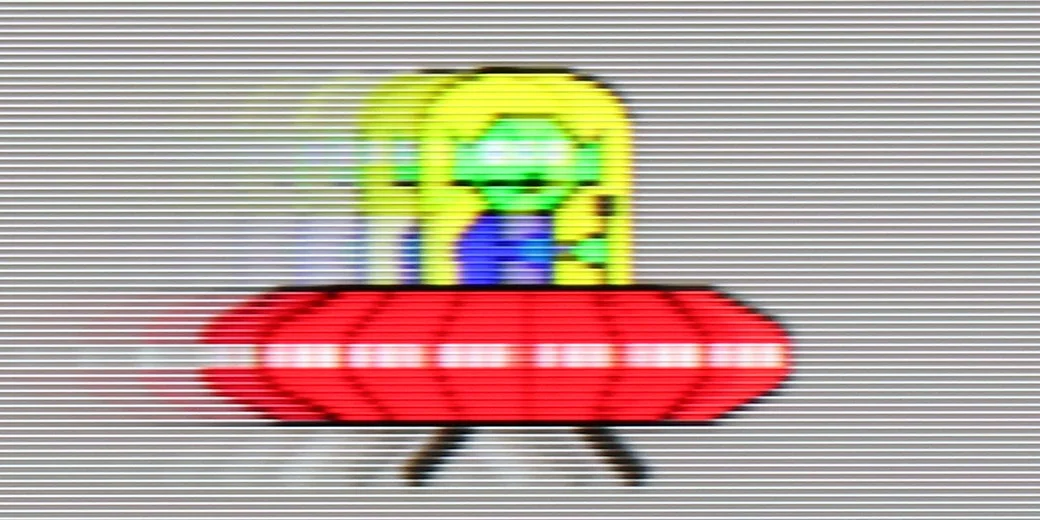
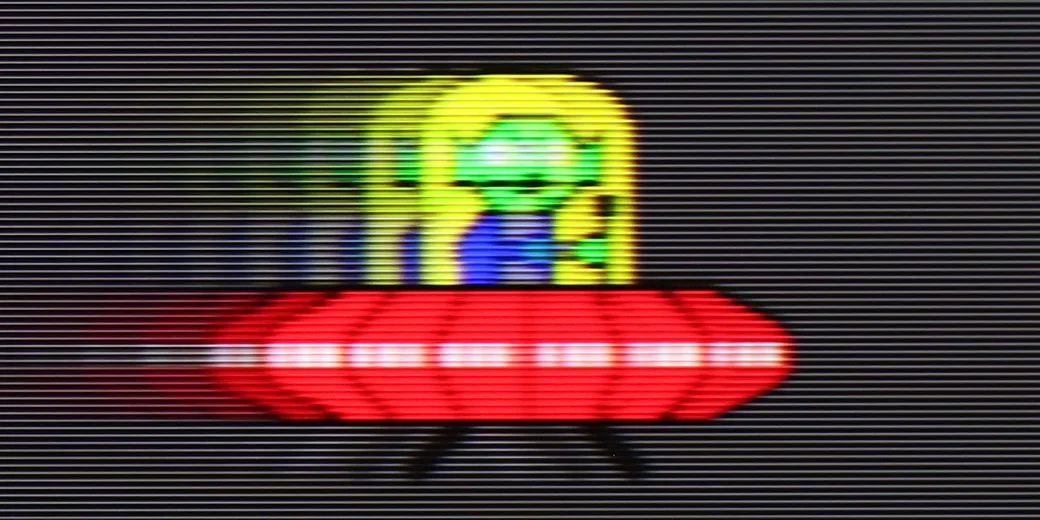
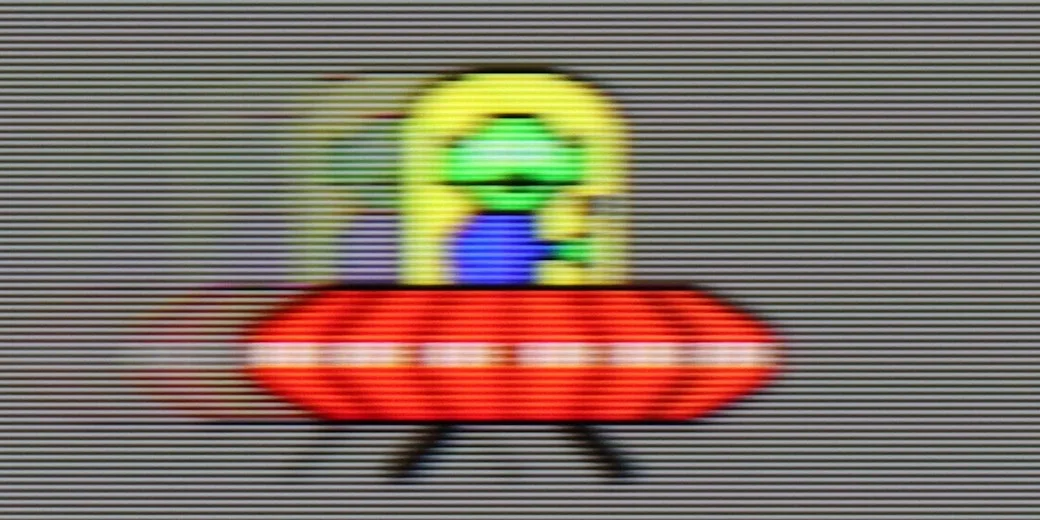
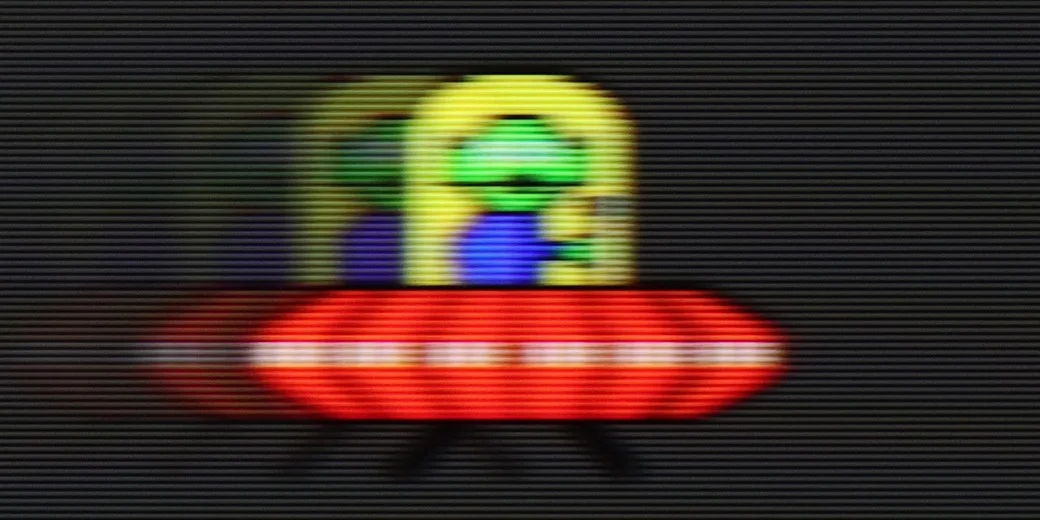
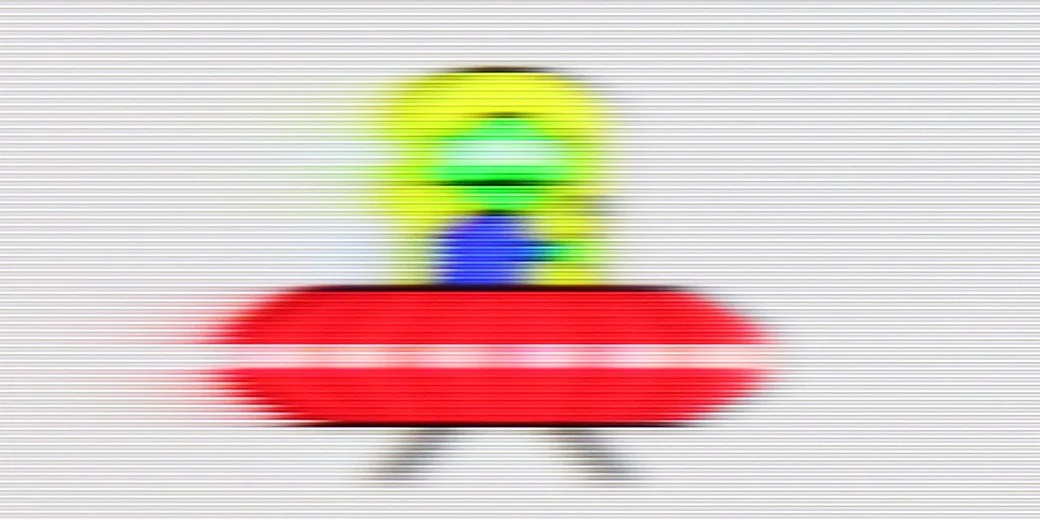
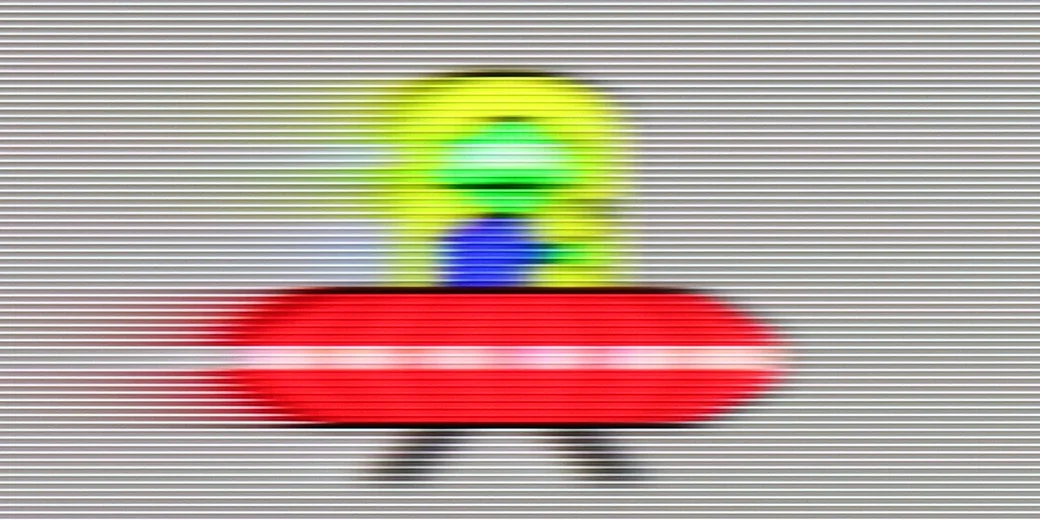
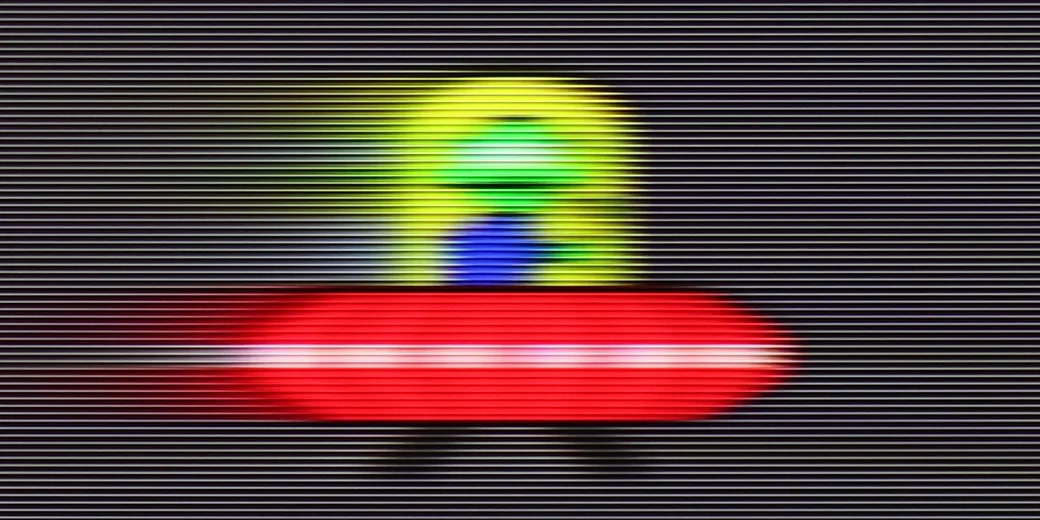
QN80F features a 144 Hz panel, and this is evident in practice – with full refresh, the image is incredibly smooth, and motion blur remains at an acceptable, barely noticeable level. However, this mode is mainly aimed at PC gamers. The most important point of reference in everyday use remains the 120 Hz refresh rate, and here a certain crunch arises. During the UFO test, we noticed ghosting of rapidly moving objects – it looked as if the television had the BFI (Black Frame Insertion) feature permanently enabled, which in practice led to an unpleasant effect of double edges. We still don't know if this is a software issue or a peculiarity of this model, but in its current state, it's hard to commend such behaviour.

Console compatibility and gaming features

9.8/10

9.6/10

  • ALLM
    Yes
    Yes
  • VRR
    Yes
    Yes
  • VRR range
    48 - 144Hz
    48 - 144Hz
  • Dolby Vision Game Mode
    Yes
    No
  • Correct implementation of HGIG
    Yes
    Yes
  • 1080p@120Hz
    Yes
    Yes
  • 1440p@120Hz
    Yes
    Yes
  • 4K@120Hz
    Yes
    Yes
  • Game bar
    Yes
    Yes

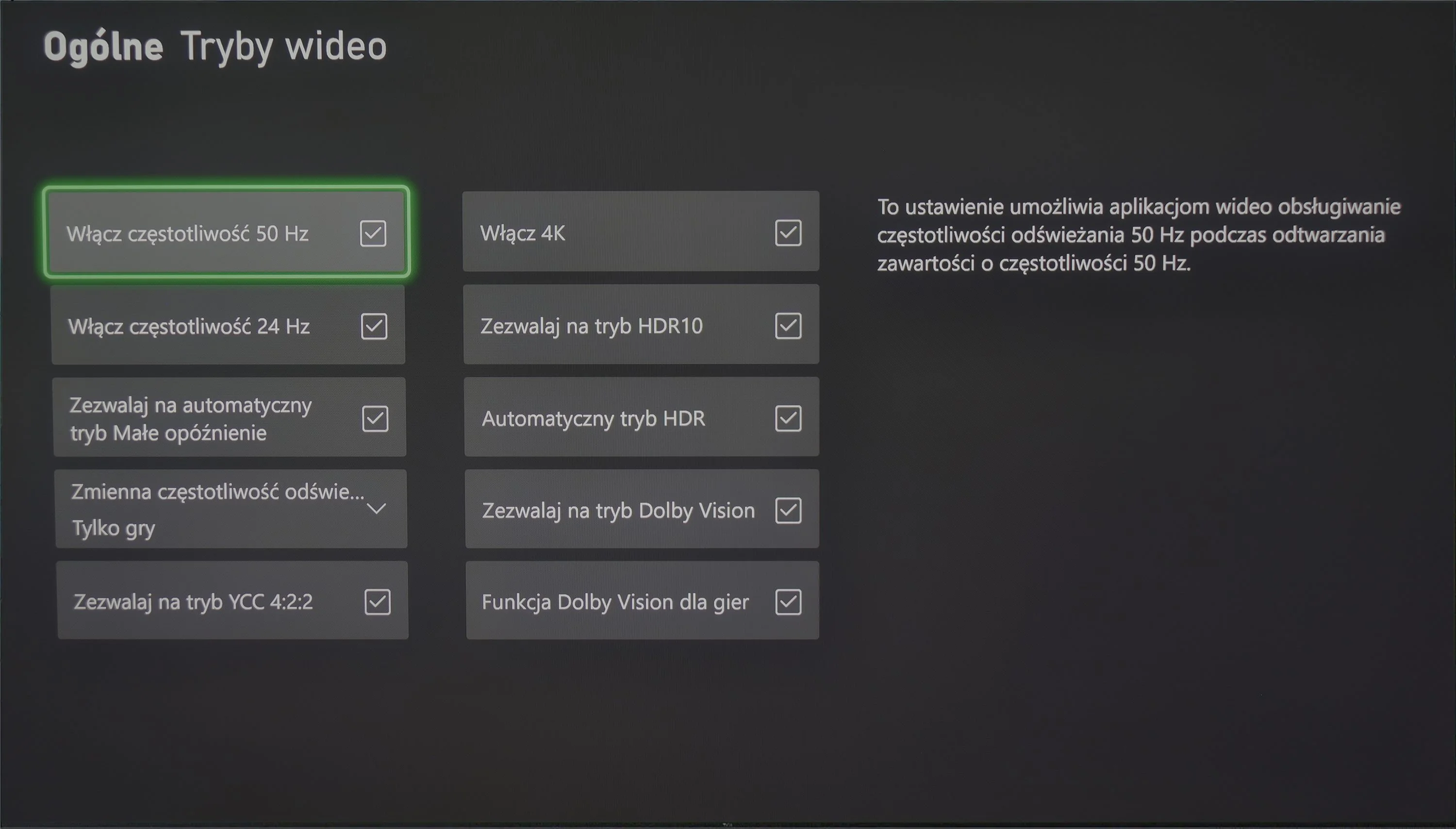
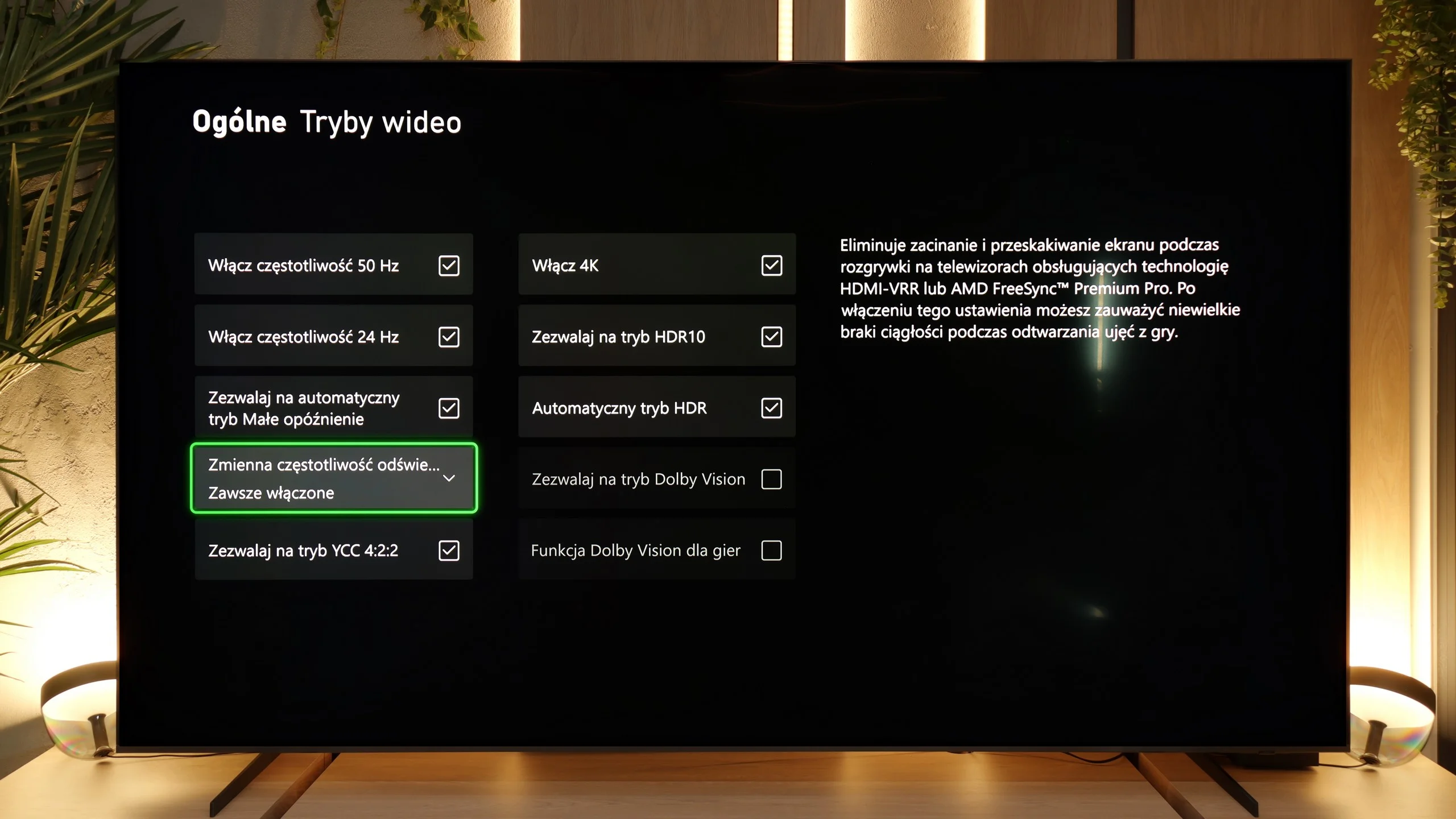
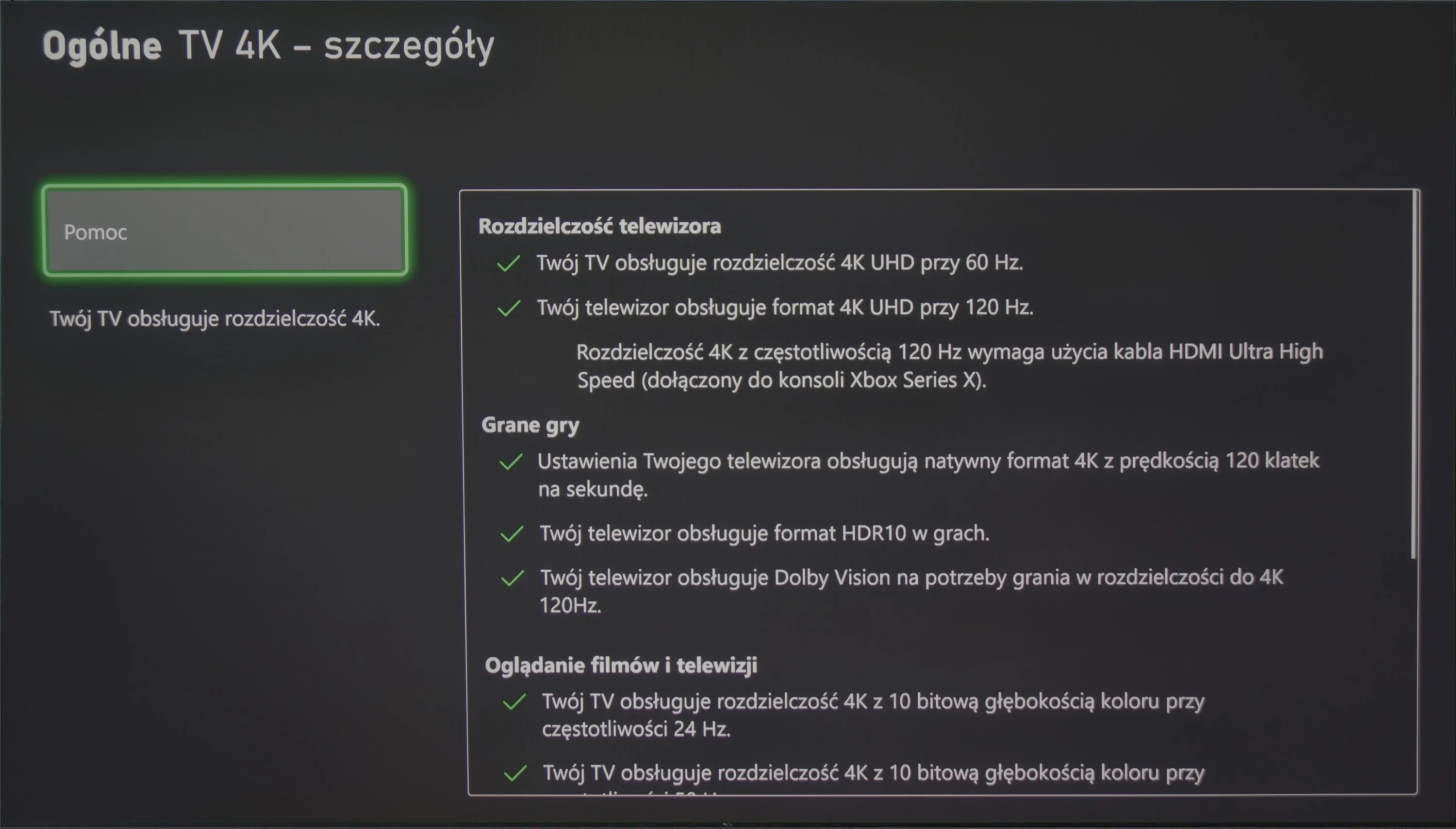
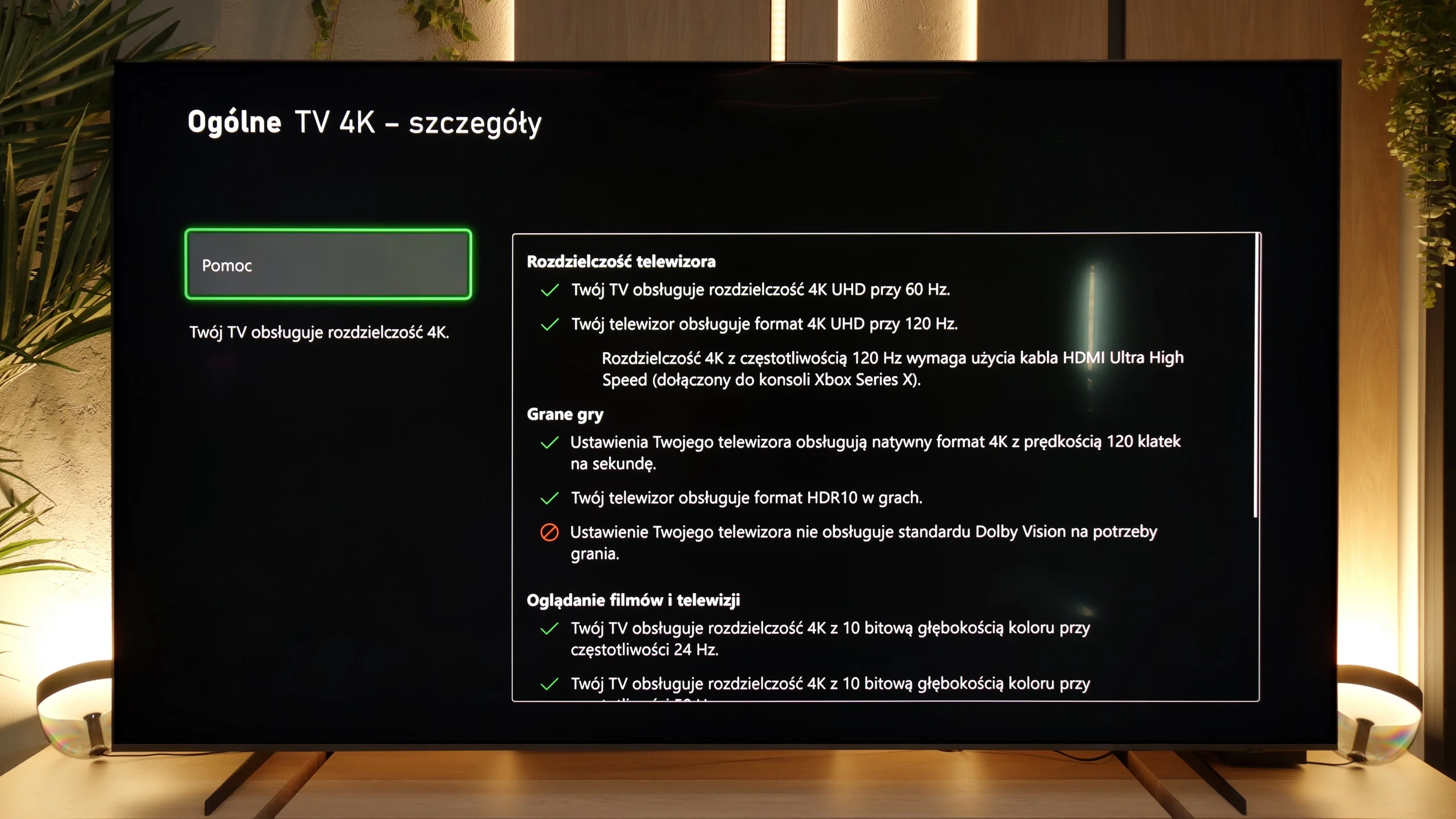
The TCL C855 television is equipped with full HDMI 2.1 ports with a bandwidth of 48 Gb/s. During our tests, we confirmed the seamless operation of all functions that come with this standard. As you can see, all the checkboxes light up green, which will certainly be appreciated by gamers, both console and those using the television as a computer monitor. Additionally, the TCL C855 supports both AMD FreeSync and NVIDIA's G-Sync, which can be easily activated in the graphics card settings. Users with very powerful setups can provide a 144 Hz signal to the C855, which the television handles effortlessly. It's also worth mentioning the implementation of the HGIG mode, which, due to the shortcomings of the "Game" mode, is overly bright, making it difficult to configure properly on-screen. Fortunately, the television performs excellently with the Dolby Vision format.

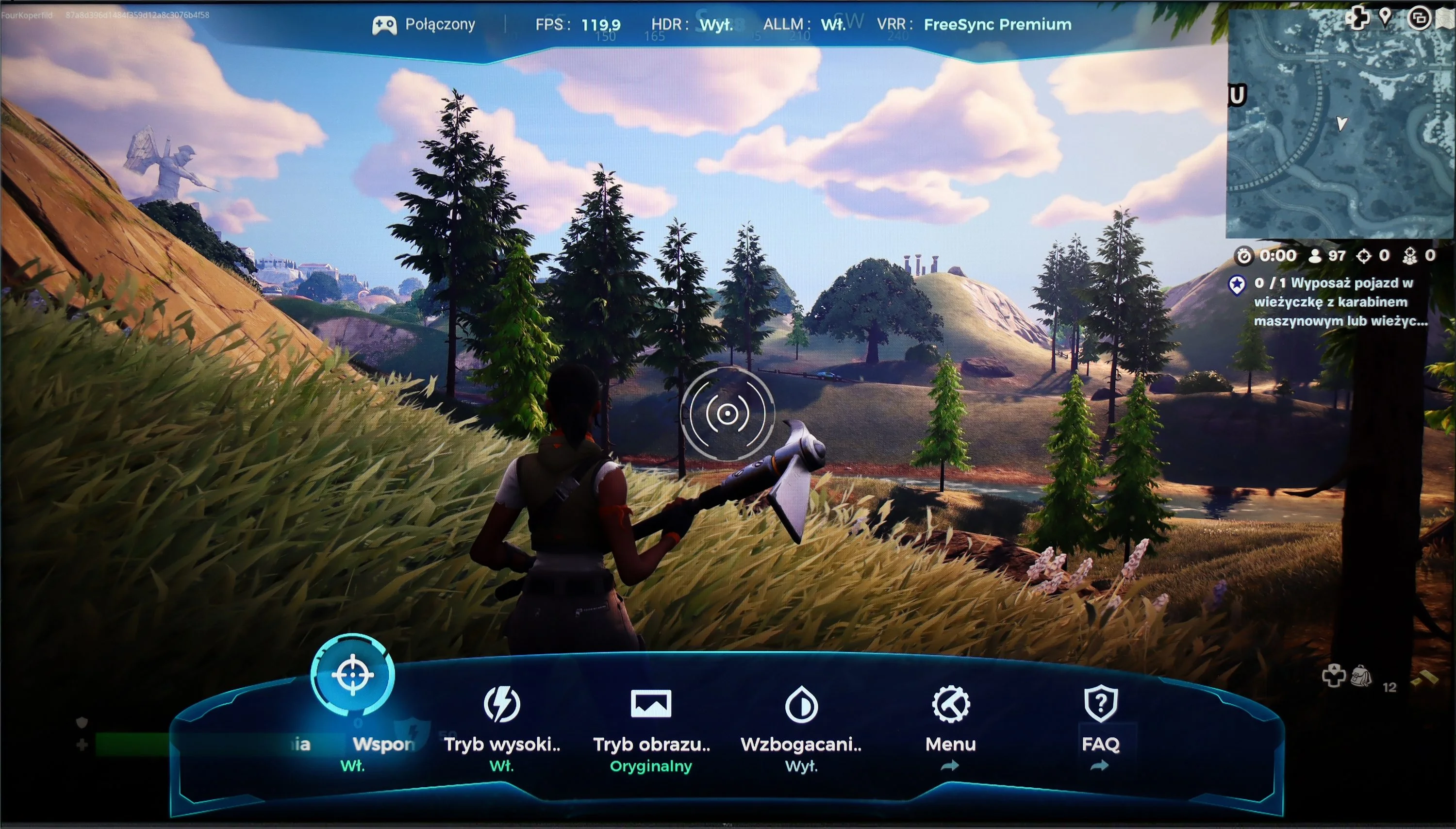
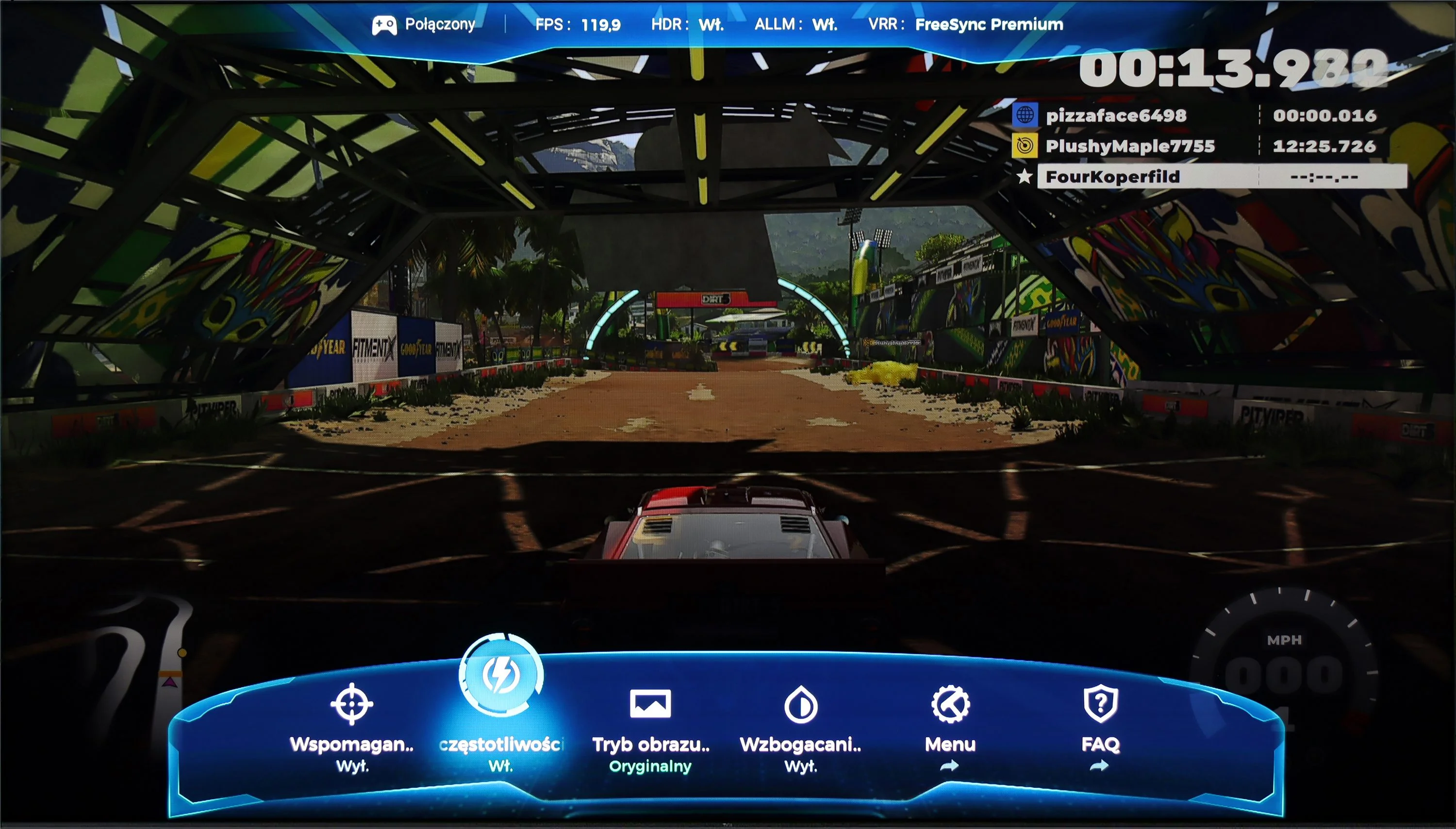
The TCL C855, as one of the first manufacturers, has equipped its televisions with a special GameBar feature that allows extensive setting changes on the fly, without the need to exit the game. It includes functions such as an additional crosshair grid, black level correction, and settings for individuals with disabilities. In the photo, we see the next generation of this solution.

In summary, the TCL C855 television will be an ideal solution for those looking for a screen for any kind of electronic gaming. With all the features supporting such entertainment, it is incredibly engaging. It should also be emphasized that it has very low input lag, regardless of the selected settings, including with the Dolby Vision HDR format.

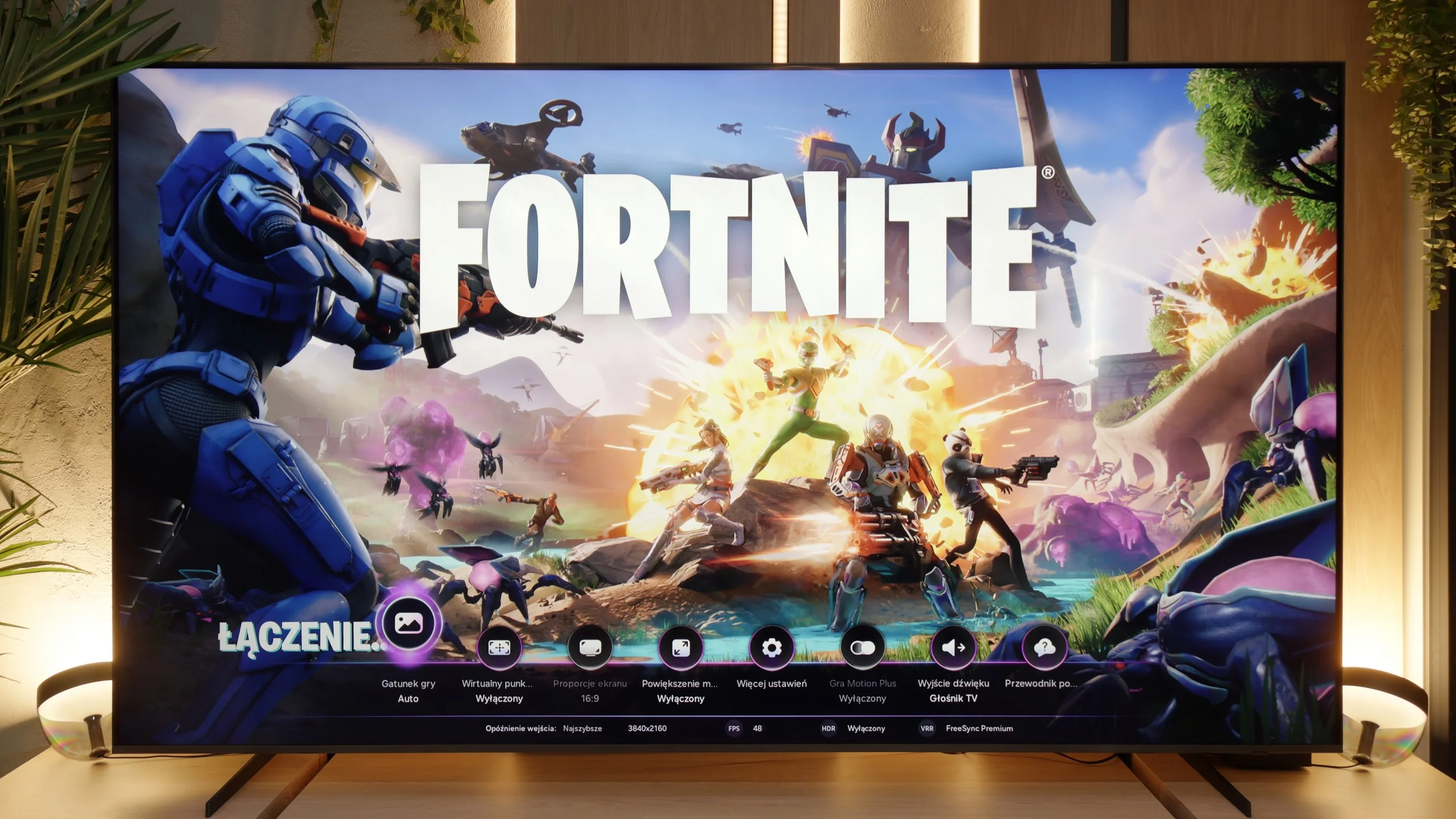
The Samsung QN80F feels like a TV made with gamers in mind. On the list of advantages, we have a 144 Hz display, four fully-fledged HDMI 2.1 ports, complete support for VRR and ALLM, and one of the best-designed game bars on the market. Added to this is the Game Motion Plus motion smoother, which also works in games without actually increasing input lag, making the QN80F a true standout in this category. In practice, this means you can enjoy smoother visuals without losing responsiveness, which is a dream for any console gamer!

As usual with Samsung, there’s a lack of Dolby Vision in games, and this is no longer surprising. What surprised us much more, however, is that in the models from 2025… the HGIG feature has disappeared. It was this feature that allowed consoles like the PlayStation 5 and Xbox Series X to perfectly match HDR tone mapping to the TV's capabilities. In the current firmware of the QN80F, this option is simply missing – it looks more like a mistake than a conscious decision by the manufacturer, but as of the test day, we have to acknowledge that HGIG is not available. Because of this single omission, the QN80F goes from being an almost perfect gaming TV to just “almost” perfect. It’s a significant shame because, apart from this, Samsung has created a model that truly raises the bar in the gaming equipment segment.

[UPDATE] We have updated our tests of Samsung TVs from the 2025 range due to the release of software version 1131, which has restored the crucial feature HGiG for gamers.

Input lag

9.8/10

9.8/10

SDR

1080p60
16 ms
17 ms
1080p120
7 ms
8 ms
2160p60
16 ms
17 ms
2160p120
7 ms
8 ms

HDR

2160p60
16 ms
17 ms
2160p120
7 ms
8 ms
4320p60

Dolby Vision

2160p60 DV
17 ms
2160p120 DV
9 ms

The lag time of the TCL C855 is astonishingly low in every scenario. Even the most passionate gamers will surely appreciate the very low input lag at demanding 4K 120 Hz settings with HDR, clocking in at just 7 ms. Furthermore, the lag at these same settings, but with Dolby Vision HDR enabled, remains at the same level, which isn't so obvious with competing models. Therefore, the TCL C855 deserves the highest rating and recommendation.

Input lag is something that can ruin the whole fun, but fortunately, there’s nothing to worry about with the QN80F. At 120 Hz, the lag drops below 10 ms, so it feels like the TV doesn’t even exist between the controller and the image. The response is instantaneous, everything happens exactly when we want it to. At 60 Hz, the result is around 17 ms – that’s more, but still within the bounds of full comfort. In practice, console games look and run smoothly, with no annoying lags at all. This is the moment when you can see that Samsung really has put effort into the gaming mode – the QN80F provides a sense of control and speed that one would expect more from a monitor than from a 100-inch behemoth in the living room.

Compatibility with PC

8.6/10

8.6/10

Chroma 444 (max. resolution and refresh rate)
Yes
Yes
Font clarity
Good
Very Good
Readability of dark text and shapes
Good
Average
Input lag in PC mode (4K, max. refresh rate)
16ms
8ms
Matrix subpixel arrangement
BGR
BGR
Max refresh rate
144Hz
144Hz
G-Sync
Yes
Yes

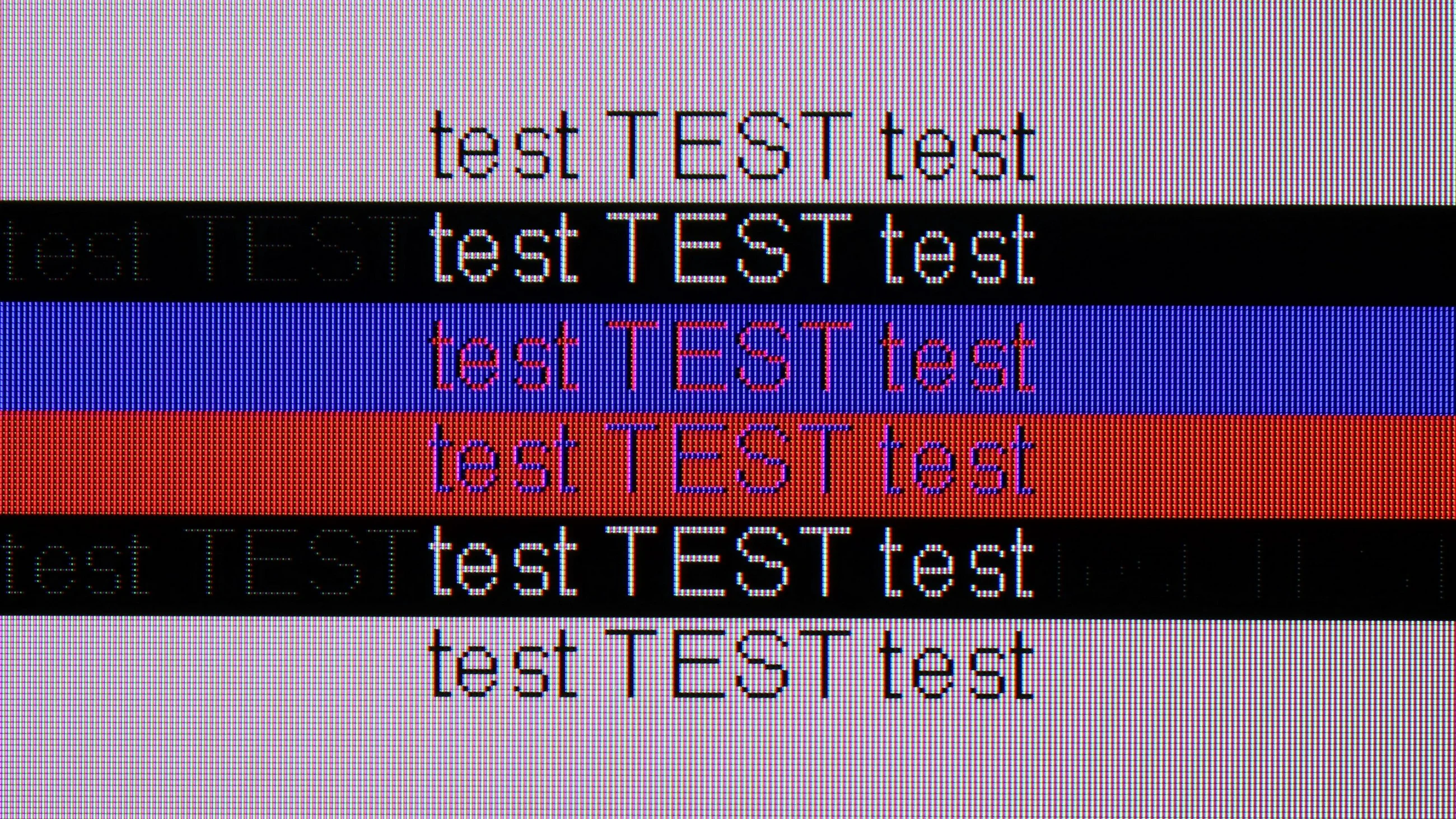
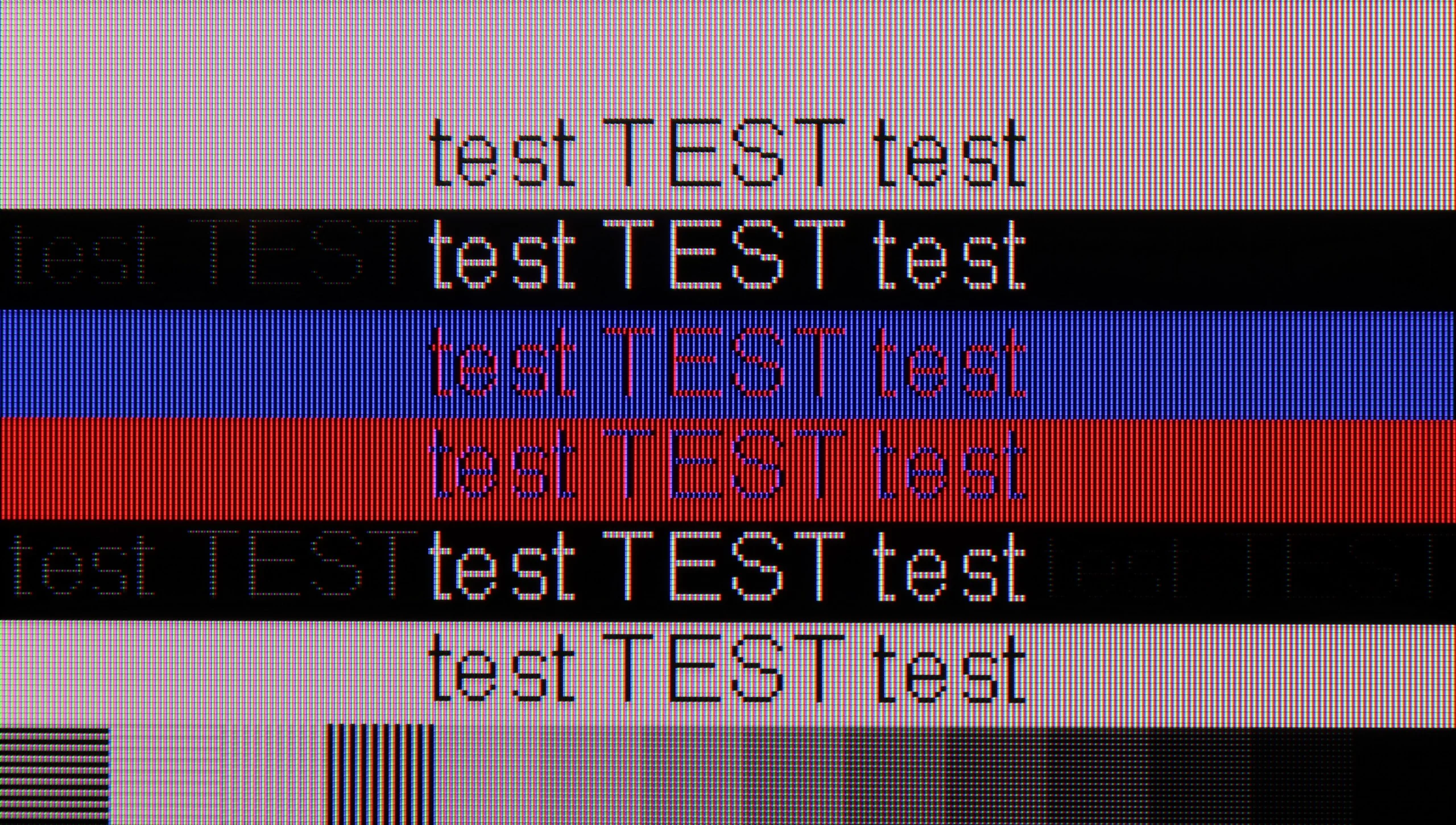
The photo shows the legibility of small fonts. Ideally, lines should be the same thickness on both light and dark text, with minimal pixel gaps.

TCL C855 when connected to a computer as a monitor performs very well. This is thanks to the very low latency between the mouse-eye-screen and the excellent readability of fonts, which comes from the proper implementation of chroma 4:4:4 at all resolutions, including 4K@144Hz. The subpixel layout is BGR, which does not negatively impact usage in Windows. However, the situation may change when using macOS or other software that may not be able to adjust fonts to this subpixel layout. Additionally, the TV has minor issues displaying fonts on a black background, for which we deducted some points.

There’s something a bit odd about collaborating with a PC on the QN80F. When it comes to gaming, there’s no reason to worry: we have full support for 144 Hz, both G-Sync and FreeSync work, and the smoothness is truly impressive. The problem only arises during everyday computer use – particularly when we're looking at fonts instead of games. In 120 Hz mode, the picture looks nearly perfect. The letters are readable and sharp, and the only small detail you might notice is a slight dimming of thin lines. However, that’s a detail that shouldn't interfere with normal usage. Bigger issues arise at 144 Hz, which is meant to be designed for PC gamers. Instead of crystal clear fonts, a strange anomaly appears. The TV adds shadows with tiny dots to them, making the text look just odd. Thankfully, it’s more of a curiosity than a real problem. After all, it’s hard to imagine someone placing a 100-inch giant on their desk and staring at Excel sheets or Word documents from half a metre away. The QN80F is excellent for gaming, and for regular PC use, it’s better to simply stick with 120 Hz mode.

Viewing angles

3.5/10

3.3/10

Brightness drop at an angle of 45 degrees
73%
71%

A widely known drawback of VA panels without an angle coating is their poor performance regarding viewing angles. The same is true for the TCL C855, where even a slight off-axis shift leads to significant image washout and colour degradation.

The viewing angles are unfortunately a weak point of the QN80F. With smaller TVs, it's still bearable, but with a 100-inch model, the flaw becomes much more noticeable. Just sitting slightly off to the side is enough for the edges of the screen to appear fainter than the centre. And when we try to watch something from a greater angle, the image simply loses its charm – colours become washed out, contrast drops, and there's no longer the depth that you see head-on. It's a pity that with such a large screen, Samsung didn't opt for coatings that would expand the angles. This is where they would make the most sense, as it's hard to expect everyone in the living room to sit perfectly in front of the screen. If someone primarily cares about wide angles, they should be looking for mini-LEDs on an IPS panel – these may not have such deep blacks, but in terms of side viewing, they perform much better.

Daytime performance

7.4/10

7/10

Panel finish
Glare
Satin
Reflection suppression
Average
Decent
Black levels during daytime
Good
Very Good

Panel brightness

Samsung QN80F 100" : 623 cd/m2

TCL C855: 910 cd/m2

The glossy finish of the panel on the TCL C855 prevented it from achieving the highest rating for TV performance during daytime viewing, although it is precisely due to this that the blacks during the day are very good. Thanks to the high brightness in SDR content, the actress's face strongly stands out through reflections. However, a downside of the panel is that light hitting directly on the TV "spills" out rather than being contained in one spot. Generally speaking, if sunlight doesn't hit the panel, the TCL C855 will be a very good choice for brightly lit rooms.

The performance of the QN80F during the day is an interesting topic because the 100-inch version differs from the smaller sizes not only in scale but also in the coating used. Samsung has opted for a different type of anti-reflective layer here, and it's fair to say that the effect is not as good as in the smaller models – reflections are somewhat more noticeable, especially with bright light coming in from the window. On the other hand, the manufacturer has found a way around this, as the 100-inch QN80F compensates with its sheer brightness. The average luminance in SDR content exceeds 620 nits, which practically provides a strong reserve for viewing even in brightly lit rooms. In everyday use, the difference between the weaker reflection suppression and higher brightness is practically negated – the television maintains readability and does not lose clarity even in the middle of the day. The end result is that although the coating in this version is not among the best, the high brightness of the QN80F performs better in bright conditions than one might expect.

Panel details

Backlight Type
Mini-LED QLED
Mini-LED QLED
Software version during testing
TV+:TVM6.0.1_926b00935_240329
T-PTMFDEUC-0090-1110.7, E2500007, BT-S
Image processor
mt5896

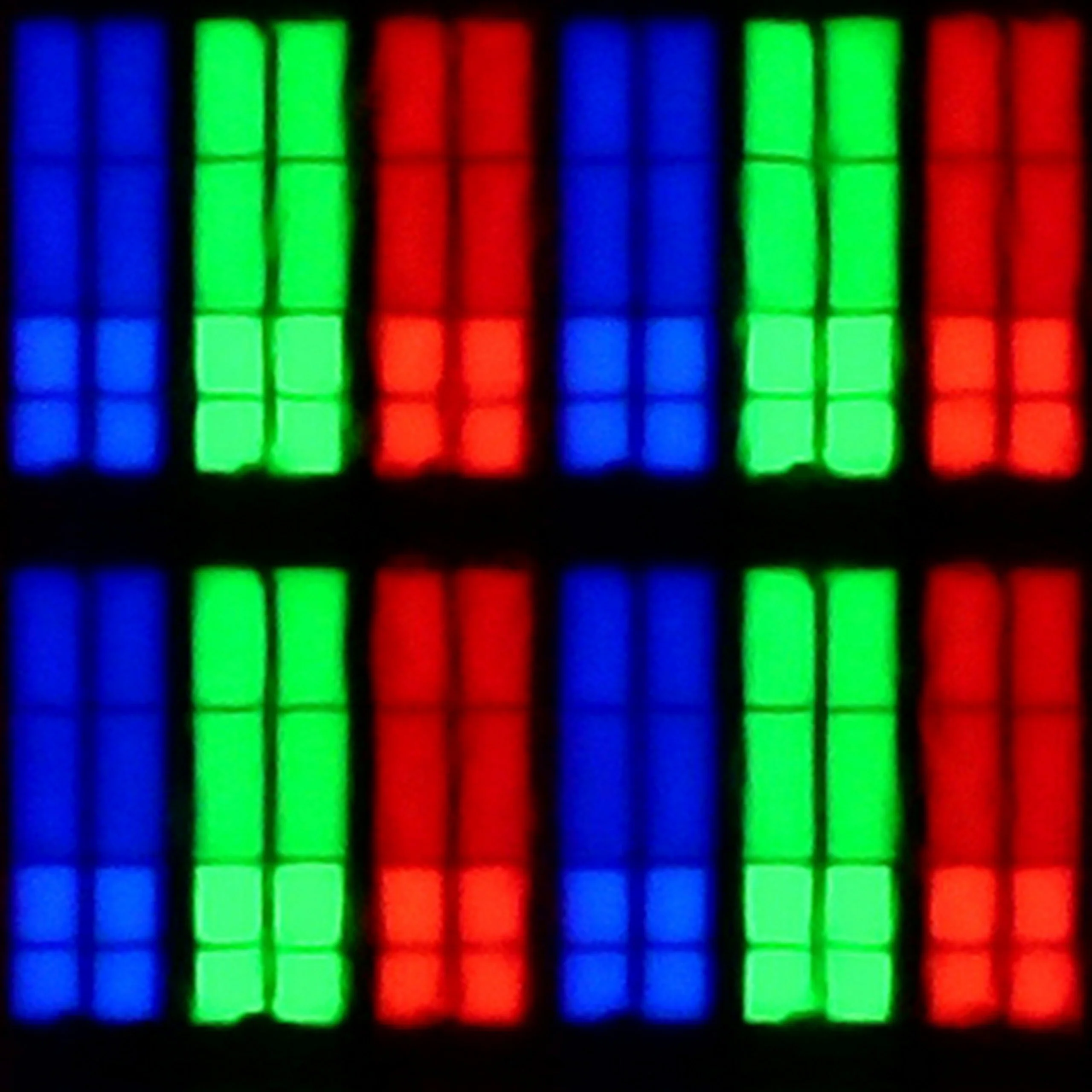
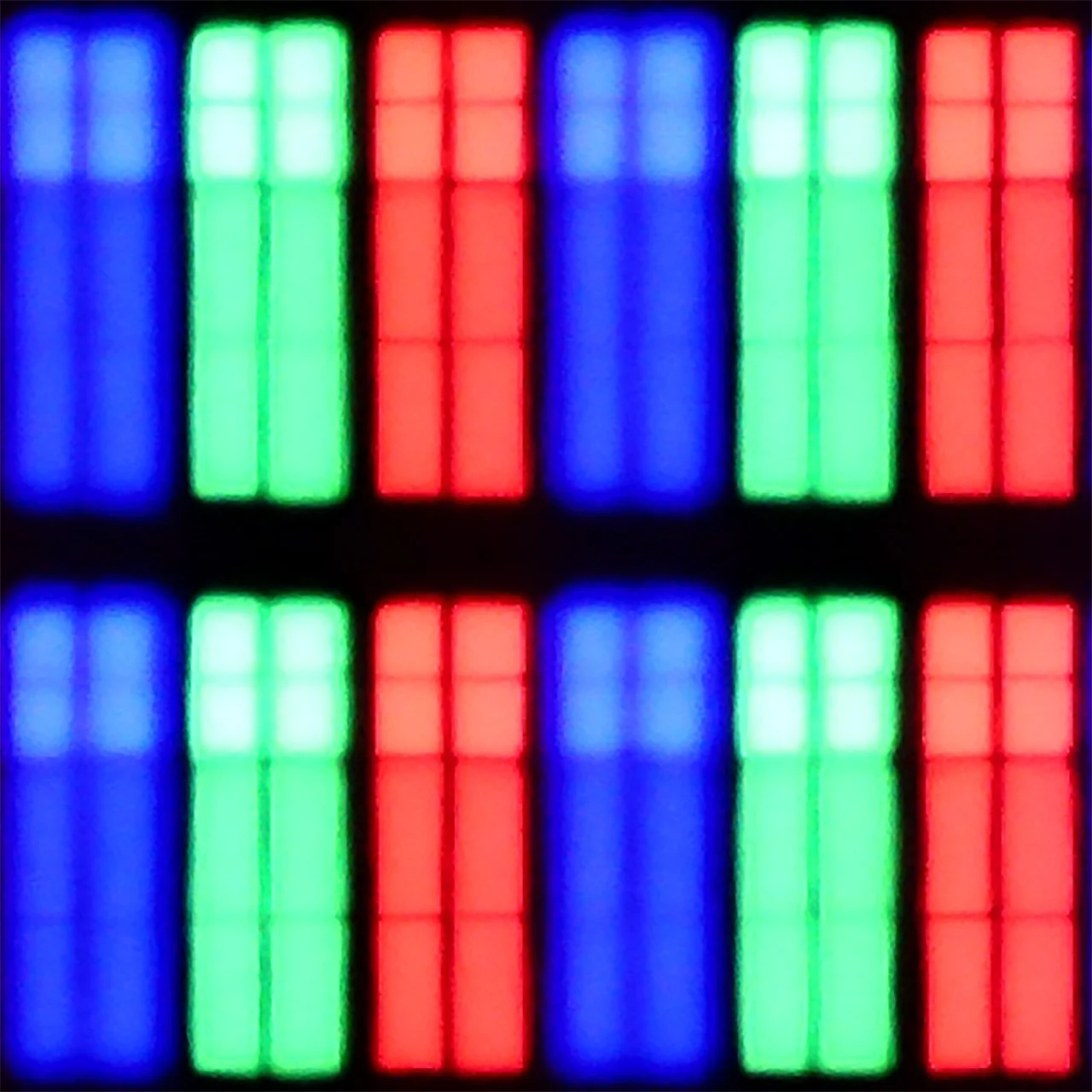
Subpixel Structure:

Panel uniformity and thermal imaging:

Review TCL C855 TV Panel details
Review Samsung QN80F 100" TV Panel details

TCL C855

Samsung QN80F 100"

TV features

6.7/10

7.7/10

  • HDMI inputs
    2 x HDMI 2.0, 2 x HDMI 2.1 48Gbps
    0 x HDMI 2.0, 4 x HDMI 2.1 48Gbps
  • Other inputs
    RCA (Chinch)
  • Outputs
    Toslink (Optical audio), eARC (HDMI), ARC (HDMI)
    Toslink (Optical audio), eARC (HDMI), ARC (HDMI)
  • Network Interfaces
    Wi-Fi 2.4GHz, Wi-Fi 5GHz, Ethernet (LAN) 100Mbps
    Wi-Fi 2.4GHz, Wi-Fi 5GHz, Ethernet (LAN) 100Mbps
  • TV reception
    DVB-T, DVB-T2, DVB-S, DVB-S2, DVB-C
    DVB-T, DVB-T2, DVB-S, DVB-S2, DVB-C

Classic features:

  • Recording to USB (terrestrial TV)
    No
    No
  • Recording programming
    No
    No
  • Picture in Picture (PiP)
    No
    Yes
  • RF remote control (no need to aim)
    Yes
    Yes
  • Backlit remote control
    No
    No
  • Teletext
    Yes
    Yes
  • Audio only mode
    No
    Yes
  • Bluetooth headphones support
    Yes
    Yes
  • Simultaneous Bluetooth headphones & TV audio
    Yes
    Yes

Smart features:

  • AirPlay
    Yes
    Yes
  • Screen mirroring (Windows Miracast)
    Yes
    Yes
  • Voice search
    Yes
    Yes
  • Voice search in native language
    Yes
    Yes
  • Ability to connect a keyboard and mouse
    Yes
    Yes
Review TCL C855 TV features
Review Samsung QN80F 100"  TV features

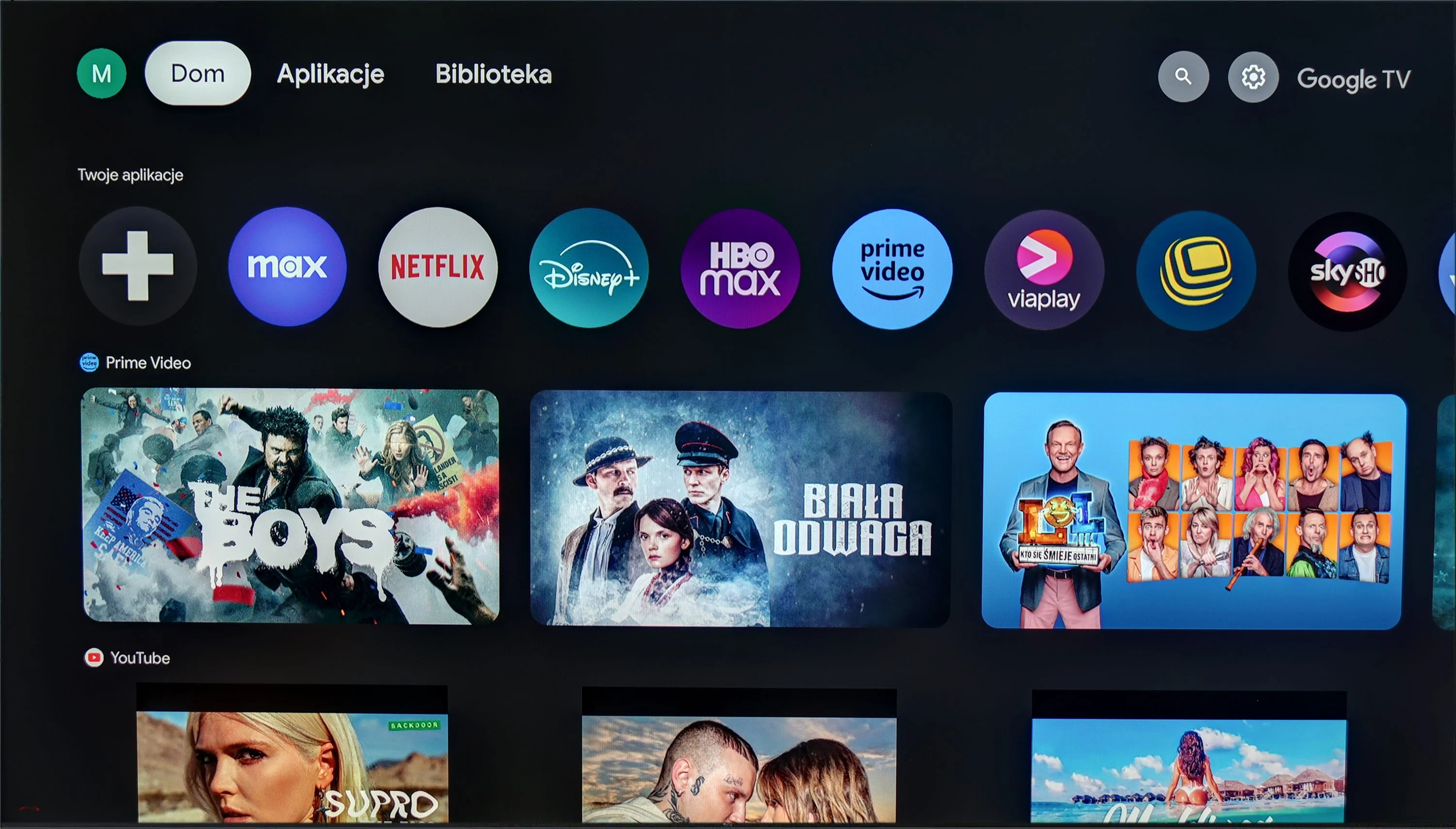
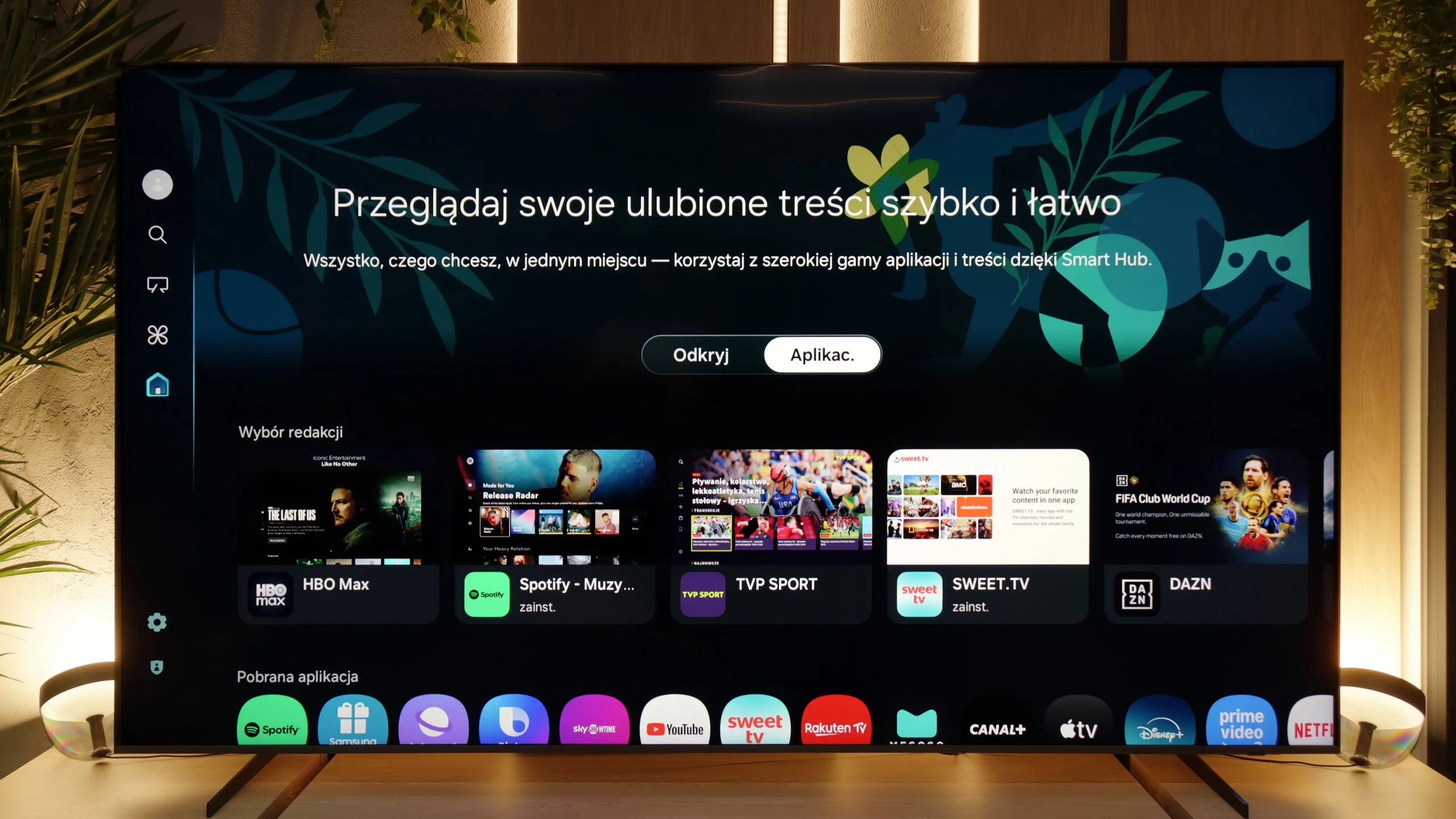
TCL C855 operates on the Google TV system, which is a significant advantage compared to TVs equipped with proprietary systems from manufacturers, where installing applications from a USB drive can be challenging or often downright impossible. With Google TV, we have the option to install almost any application, both from the official store and directly from internet repositories via APK files.

This system also offers many conveniences in terms of control. We can connect a keyboard with a touchpad, which significantly simplifies entering queries. Additionally, thanks to integration with Google, we can utilise voice control features using the remote, which works very well, although there can be minor issues with translating functions and options. It’s worth mentioning that Google TV regularly receives updates that improve functionality and introduce new options. We can also confirm that according to reports from users of older models, the software can have its off days, and sometimes it does have its "bad day".

In summary: Google TV is currently one of the most popular systems on the market. Thanks to its powerful CPU, it runs very smoothly, does not freeze, and has no issues with stuttering for a significant part of its usage. This is definitely the best option for those who want to make the most of the TCL C855 TV’s capabilities and appreciate the openness of the system.
SmartTV Features: Tizen

When it comes to smart features, the QN80F has plenty to boast about. Samsung relies on Tizen, and it’s clear that this system has been refined over the years. All the major streaming apps are available, voice search works, and there’s AirPlay and Miracast, so there’s no issue with casting content from your phone or laptop. The most interesting aspect, however, is that the TV can integrate other devices in the home into its ecosystem – with SmartThings and support for the Matter standard, you can connect bulbs, robotic vacuum cleaners, or even devices from other brands. In practice, the QN80F becomes not just a screen for movies, but also a convenient control centre for the entire apartment. Of course, it’s still a closed system, so a few less popular apps might be missing, but let’s be honest – for 99% of users, it has everything they need and even more.
Classic Features

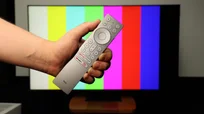
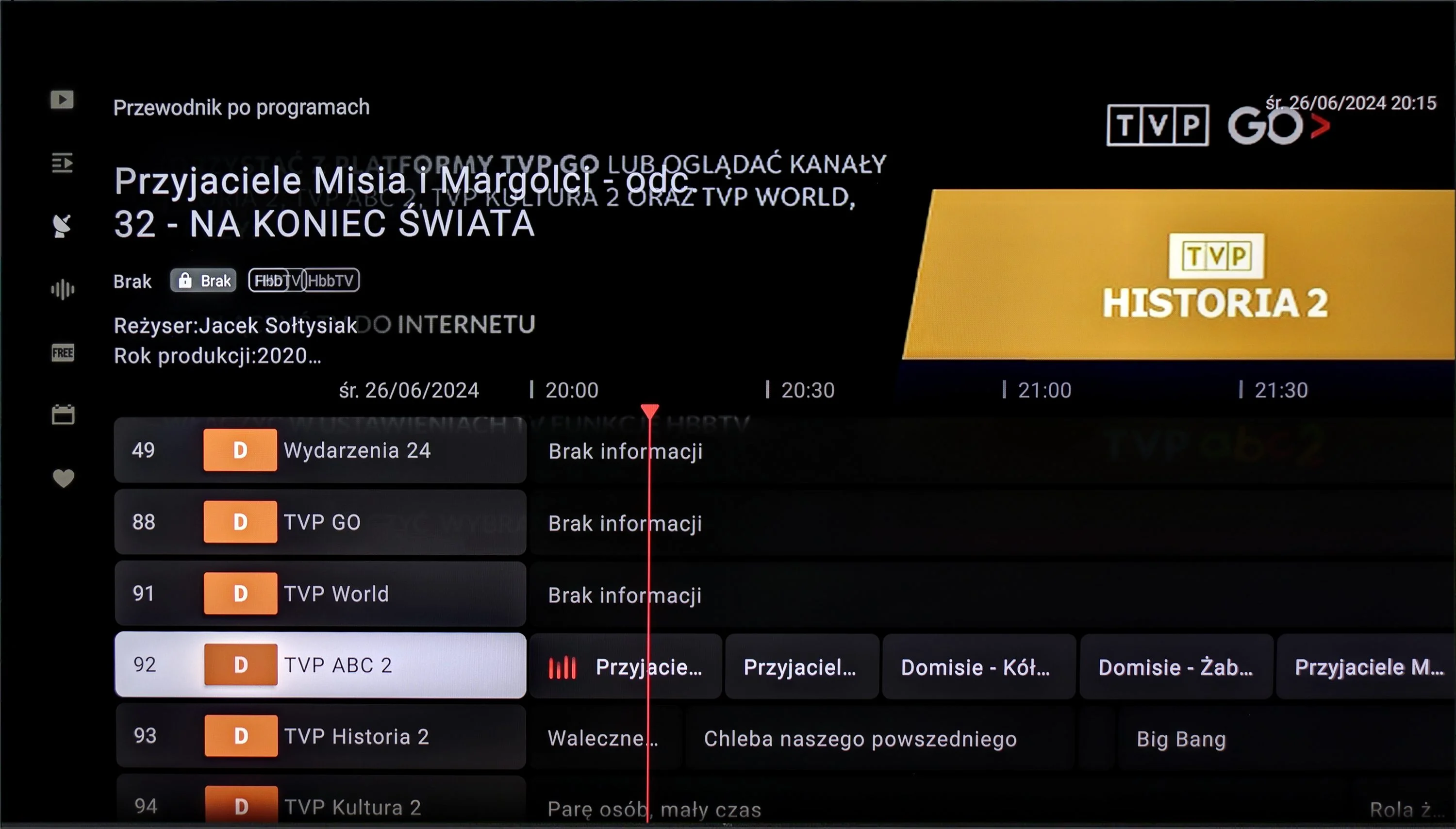
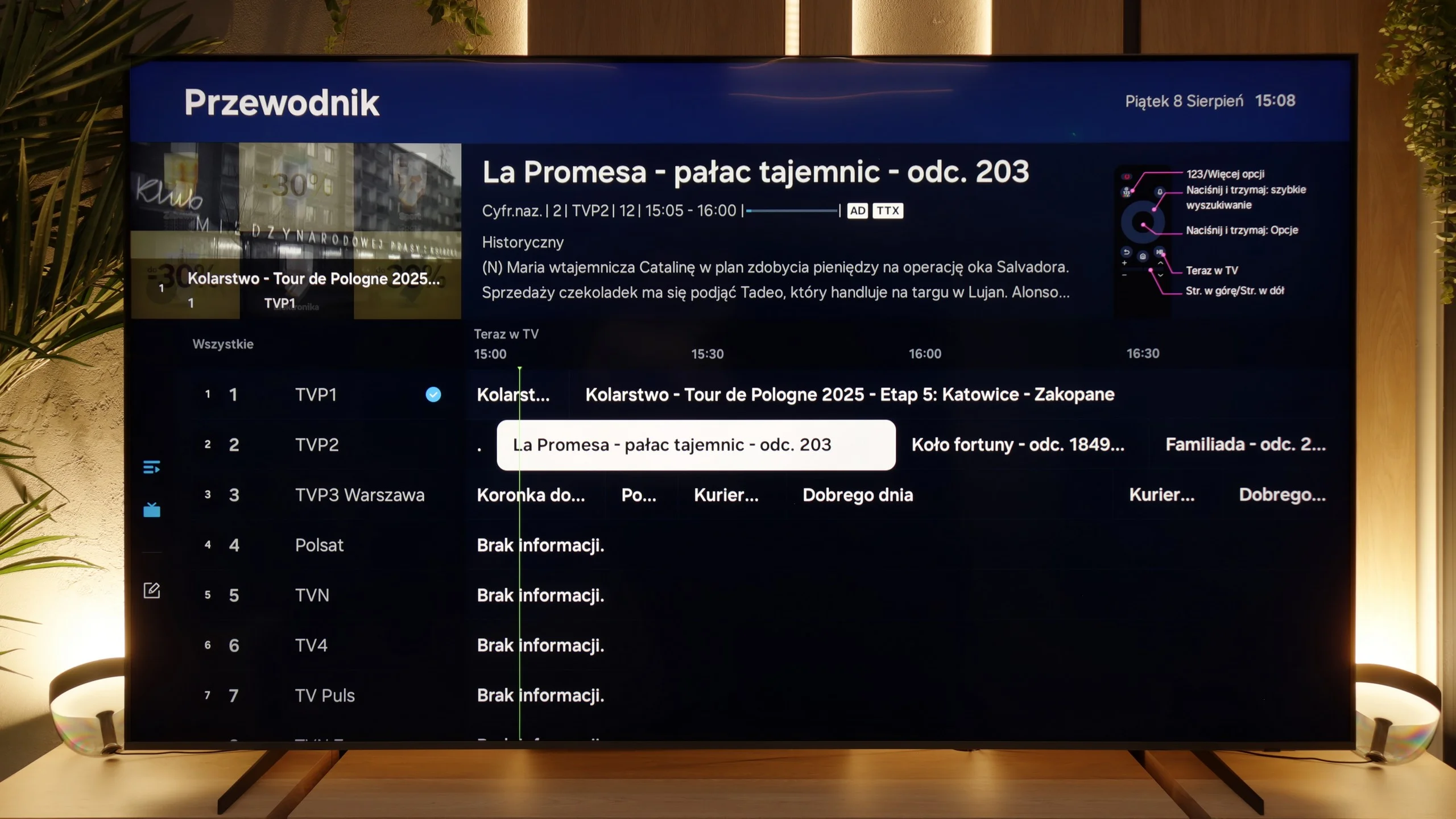
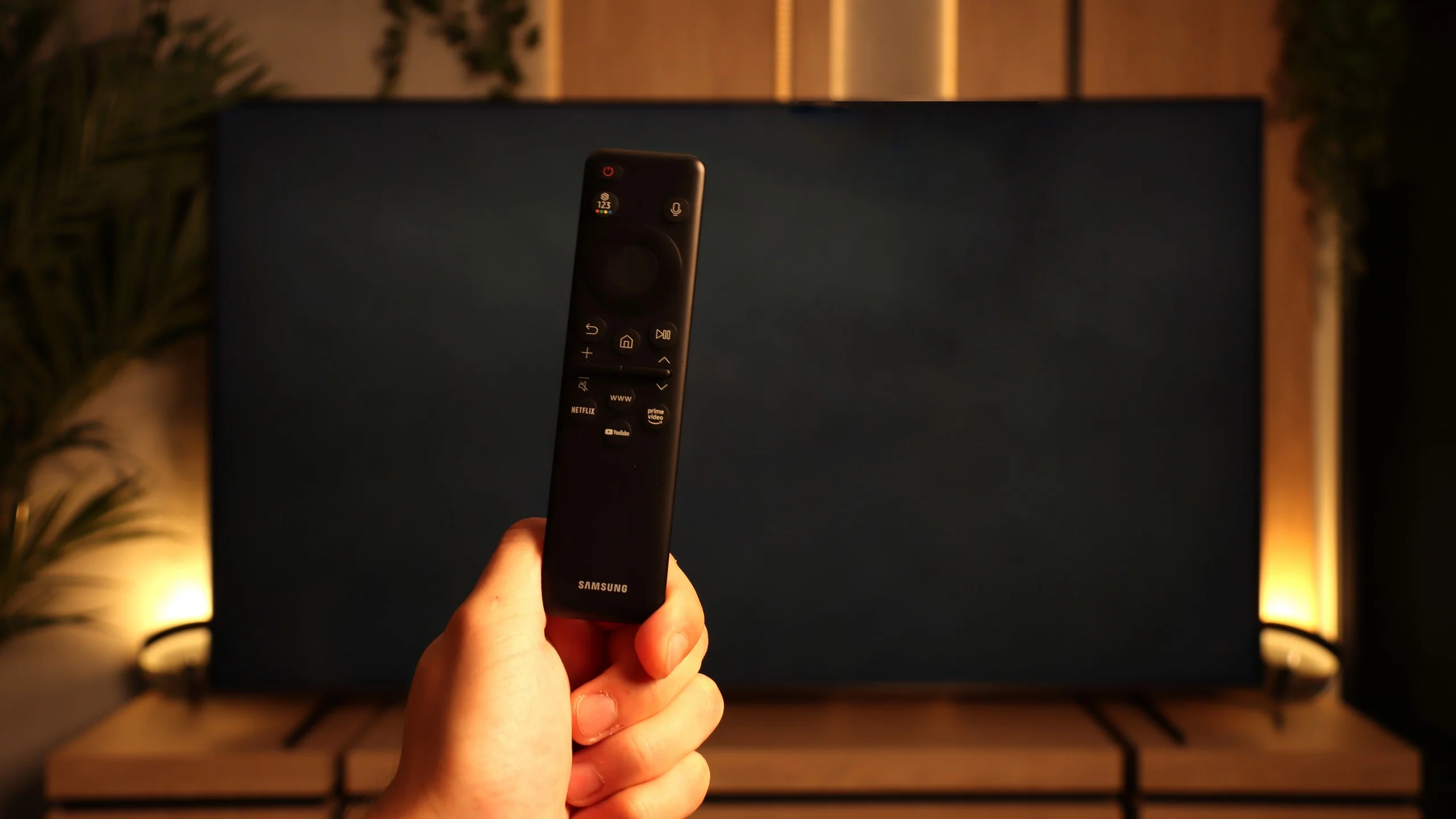
The traditional features on the QN80F perform quite well, although a few things are lacking. On the plus side, it has PiP, or picture-in-picture – a feature that is rarely found these days but can still be very practical. Additionally, we have EPG, still functioning teletext, and Bluetooth support, which makes it easy to pair headphones or a soundbar. On the downside, it lacks USB recording from the built-in tuners, as well as a remote with a traditional numeric keypad. Instead, we get Samsung's signature small remote, which may initially seem too minimalist. It must be noted, however, that this unassuming gadget hides a lot of capabilities and can control other devices, such as satellite decoders, consoles, or Blu-ray players, so in practice, one remote is enough to manage the entire setup in the lounge.

Apps

9.6/10

9.3/10

OK
Disney_Plus
OK
Amazon_Prime_Video
OK
Player_TVN
OK
Polsat_Box_Go
OK
Canal_Plus_Online
OK
TVP_VOD
OK
Apple_TV_Plus
OK
SkyShowtime
OK
Rakuten
OK
CDA_Premium_Browser
OK
Spotify
OK
Tidal
OK
Netflix
OK
YouTube
OK
HBO_MAX
OK
Kodi
No
Apple_music
OK
Eleven_sports
No
Xbox Game Pass
OK
GeForce Now!
No
Amazon Luna
OK
Boosteroid
OK
Steam Link
OK
Disney_Plus
OK
Amazon_Prime_Video
OK
Player_TVN
OK
Polsat_Box_Go
OK
Canal_Plus_Online
OK
TVP_VOD
OK
Apple_TV_Plus
OK
SkyShowtime
OK
Rakuten
OK
CDA_Premium_Browser
OK
Spotify
No
Tidal
OK
Netflix
OK
YouTube
OK
HBO_MAX
No
Kodi
OK
Apple_music
OK
Eleven_sports
OK
Xbox Game Pass
OK
GeForce Now!
OK
Amazon Luna
OK
Boosteroid
No
Steam Link

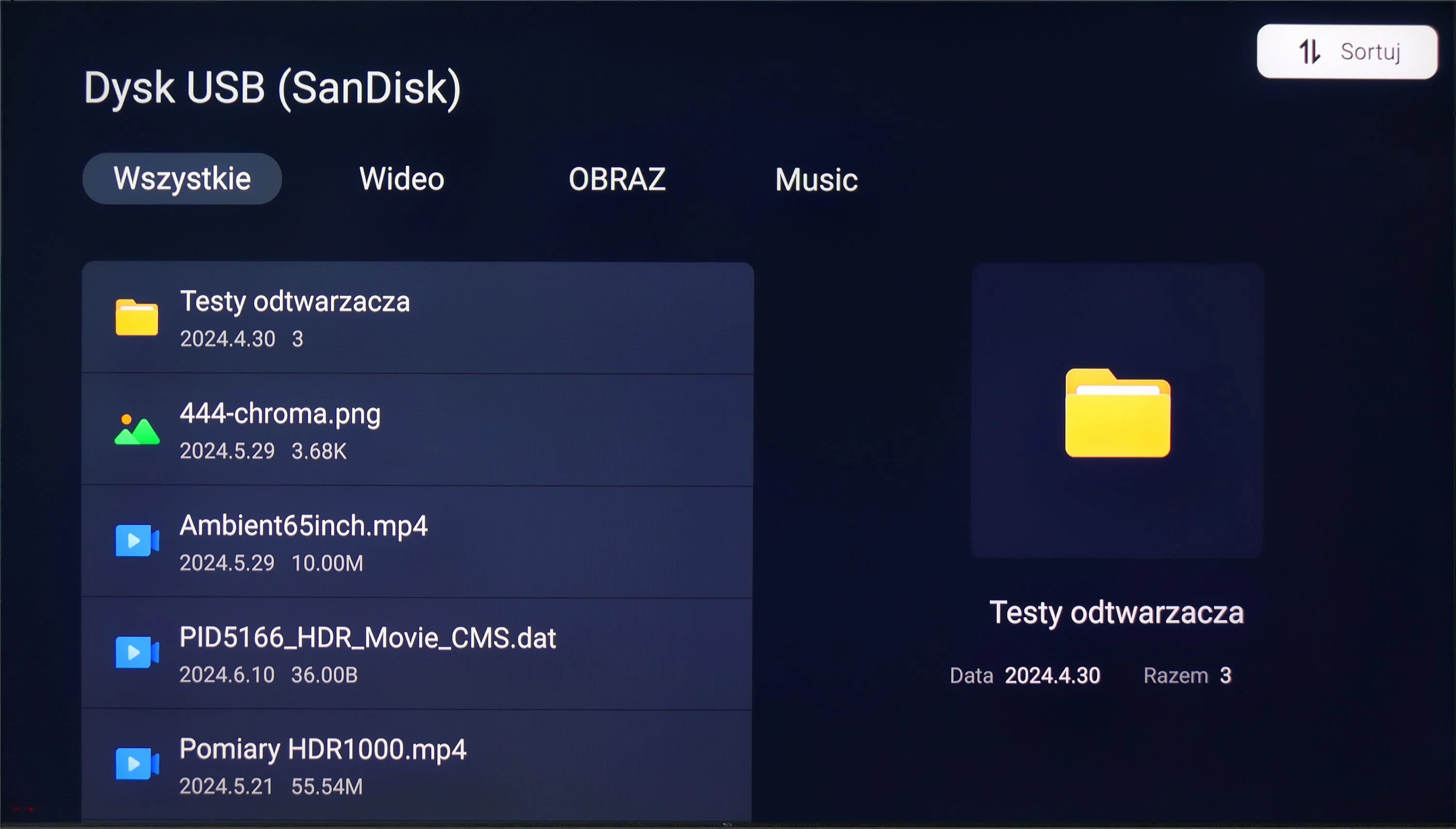
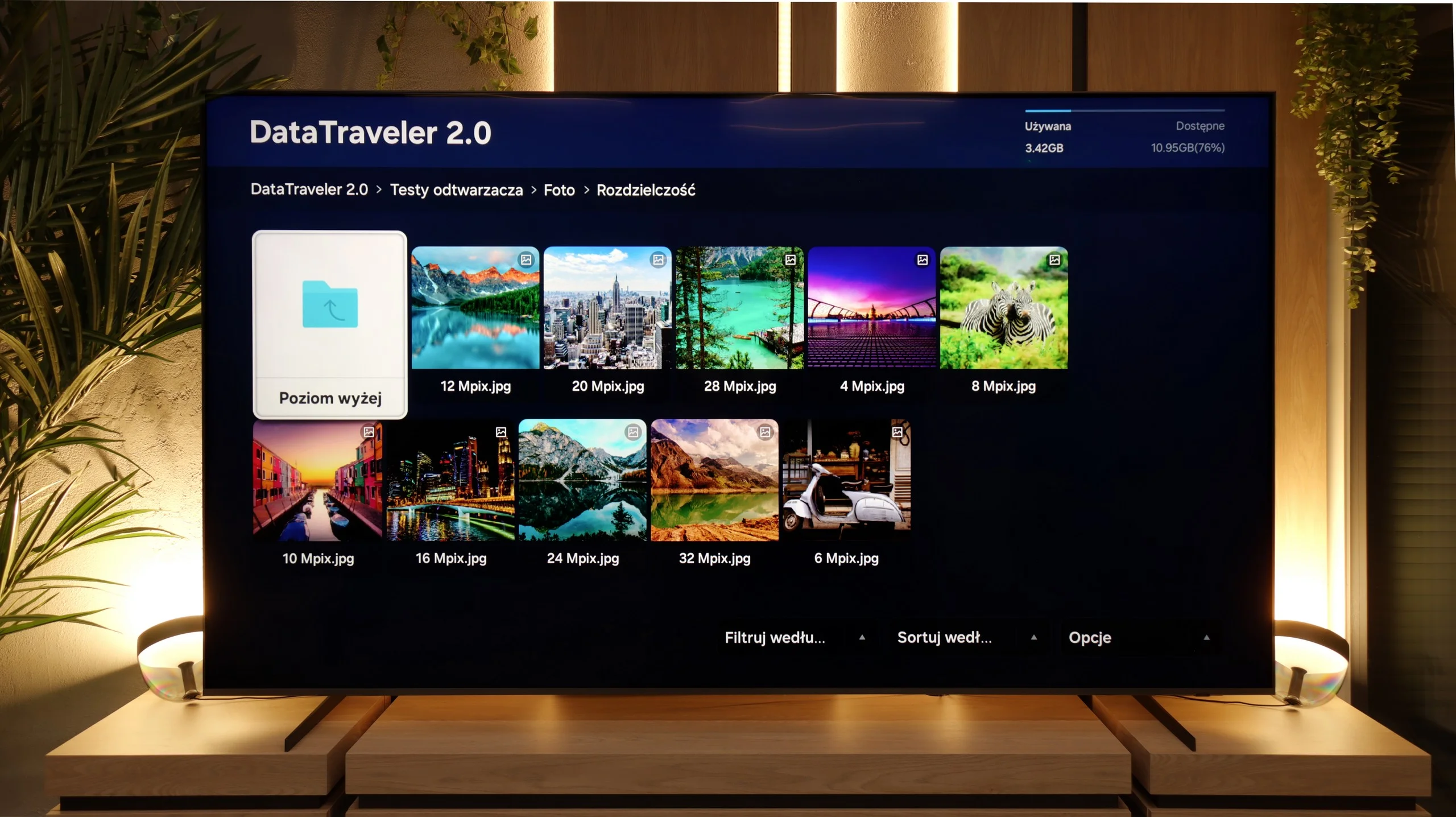
Playing files from USB

9.2/10

9/10

Supported photo formats:

JPEG
Yes
Yes
HEIC
No
No
PNG
Yes
No
GIF
Yes
No
WebP
Yes
No
TIFF
No
No
BMP
Yes
Yes
SVG
No
No

Maximum photo resolution:

4 Mpix
Yes
Yes
6 Mpix
Yes
Yes
8 Mpix
Yes
Yes
10 Mpix
Yes
Yes
12 Mpix
Yes
Yes
16 Mpix
Yes
Yes
20 Mpix
Yes
Yes
24 Mpix
Yes
Yes
28 Mpix
Yes
Yes
32 Mpix
Yes
Yes

The default media player on the TCL C855 handles practically all the media we've prepared for it very well. Almost every video format is supported. However, an important downside may be the lack of a font colour change feature. There are hardly any issues with photos and their maximum resolution. It's definitely worth noting the absence of support for Apple's HEIC and SVG files. On the other hand, we can play audio files without any problems, and we don't think many of you are using AIFF or DSD64. One undeniable advantage of the C855 and its operating system is that at any time we can download another player from the app store that will play anything.

The built-in media player in the QN80F performs decently, but it's hard to talk about full extravagance. It handles movies quite well – easily playing popular video formats, from simple MP4s to heavier containers. It’s not at the level of all-in-one apps like VLC, but it’s sufficient for everyday viewing. Especially since the latest update addressed the issue with supporting various subtitle formats in films. The situation is a bit worse when it comes to photos. Support is basically limited to JPG and BMP, so if someone keeps their photo archive in a different format, they will need to use an additional app or will be forced to convert their photos.

Sound

7.2/10

6.7/10

  • Maximum volume
    -
    87dB
  • Dolby Digital Plus 7.1
    Yes
    Yes
  • Dolby True HD 7.1
    No
    No
  • Dolby Atmos in Dolby Digital Plus (JOC)
    Yes
    Yes
  • Dolby Atmos in Dolby True HD
    No
    No
  • DTS:X in DTS-HD MA
    Yes
    No
  • DTS-HD Master Audio
    Yes
    No

When assessing the sound on the TCL C855, we pay attention to several key aspects, such as whether the tones are clearly audible and do not interfere with each other, as well as whether none of them dominates the others. In the case of the TCL C855, the sound performs well – it is balanced and does not evoke any negative feelings. Generally, the sound is simply good.

For those with a home theatre system, the TCL C855 offers a wide range of audio codecs, including the two most important ones: DTS-HD Master Audio and Dolby Atmos. This ensures high sound quality that will satisfy users seeking better audio experiences.

QN80F performs well on its own – with a bit of bass, some space thanks to Dolby Atmos, and clear enough that daily watching of movies or series isn’t tiring. But with a 100-inch screen, it's begging for a soundbar. Only then will the scale of image and sound start to align, because while the TV does a decent job, it's hard to expect the built-in speakers to fill such a large living room with sound.

Sound Quality Test

No sound test video

Acoustic Measurements

No acoustic data

87dBC (Max)

75dBC