TCL C6K is a TV for those who want to combine gaming and watching movies with good contrast, all without breaking the bank. With its VA panel illuminated by Mini-LED, blacks are deep and contrast is high, making evening viewings look truly impressive. Additionally, it boasts decent brightness, which paired with Dolby Vision gives films a cinematic quality. Importantly, the smoothness of the image – the 144Hz refresh rate works wonders for sports and dynamic games, and gamers receive a full package of bonuses: VRR, ALLM, HDMI 2.1, HGiG, and even a 240Hz mode in PC. For daily use, the TV is powered by Google TV, which offers a multitude of apps and the Gemini AI voice assistant, making navigation convenient and flexible. It's also worth mentioning the sound – support for Dolby Atmos and DTS gives the impression that the device is ready not just for gaming. As is often the case, there are a few things that could be improved. The backlighting in challenging scenes can lose details or wash out blacks, and the Polish translations in the menu can be so clumsy that you really have to think about what’s being said. Despite this, the overall package holds up very well, and considering the price, the TCL C6K could be one of the more interesting choices for anyone looking for a versatile TV for movies, sports, and gaming. Especially when a good promotion comes along – and when TCL traditionally fine-tunes the details in updates.
- Matching (Score) |
- Our verdict |
- TV appearance |
- Where to buy |
- Contrast and black detail |
- HDR effect quality |
- Factory color reproduction |
- Color reproduction after calibration |
- Smoothness of tonal transitions |
- Image scaling and smoothness of tonal transitions |
- Blur and motion smoothness |
- Console compatibility and gaming features |
- Input lag |
- Compatibility with PC |
- Viewing angles |
- Daytime performance |
- Panel details |
- TV features |
- Apps |
- Playing files from USB |
- Sound
TCL C6K vs Samsung QN85F
 Direct comparison
C6K / C69K / Q6C

QN85F
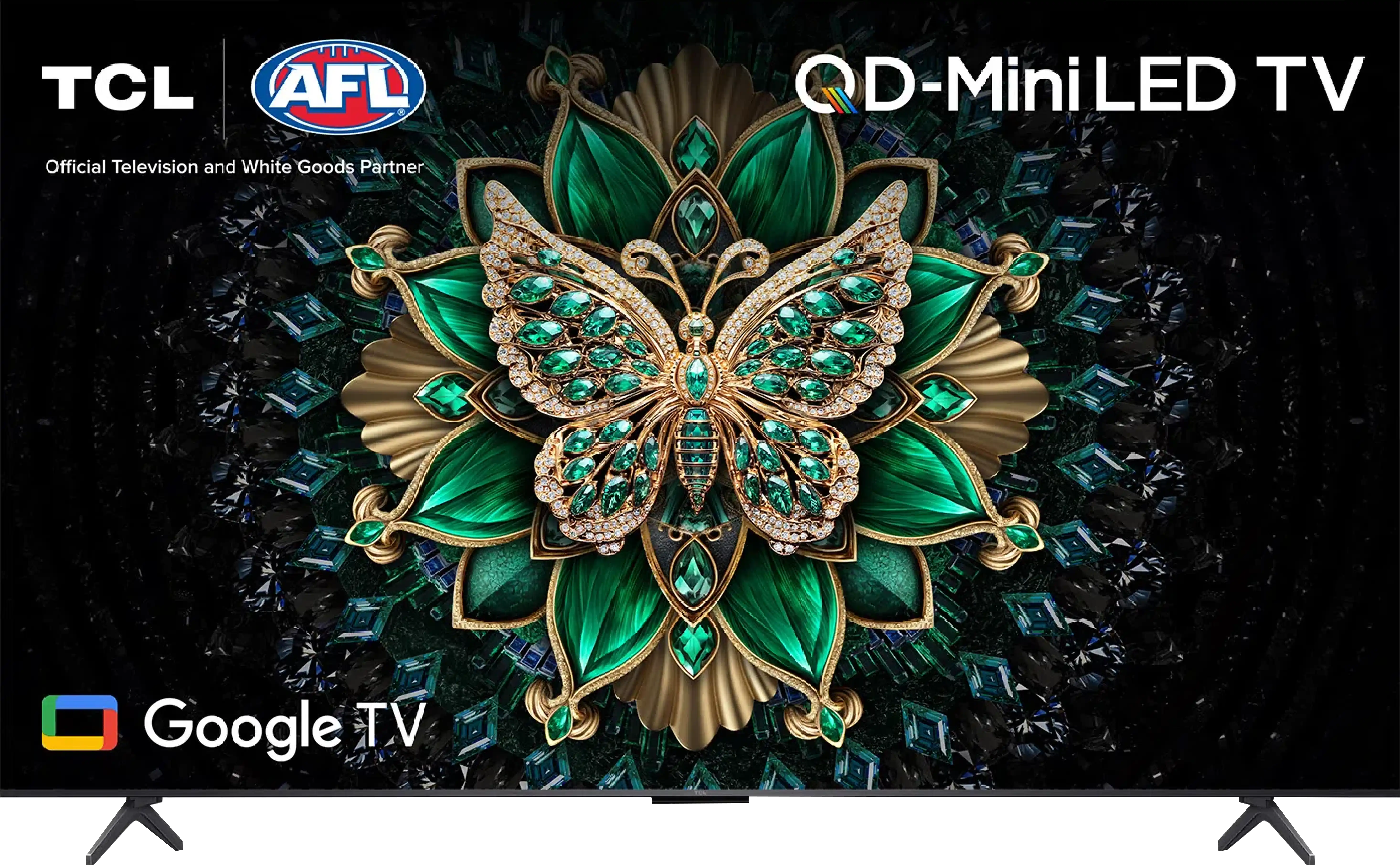
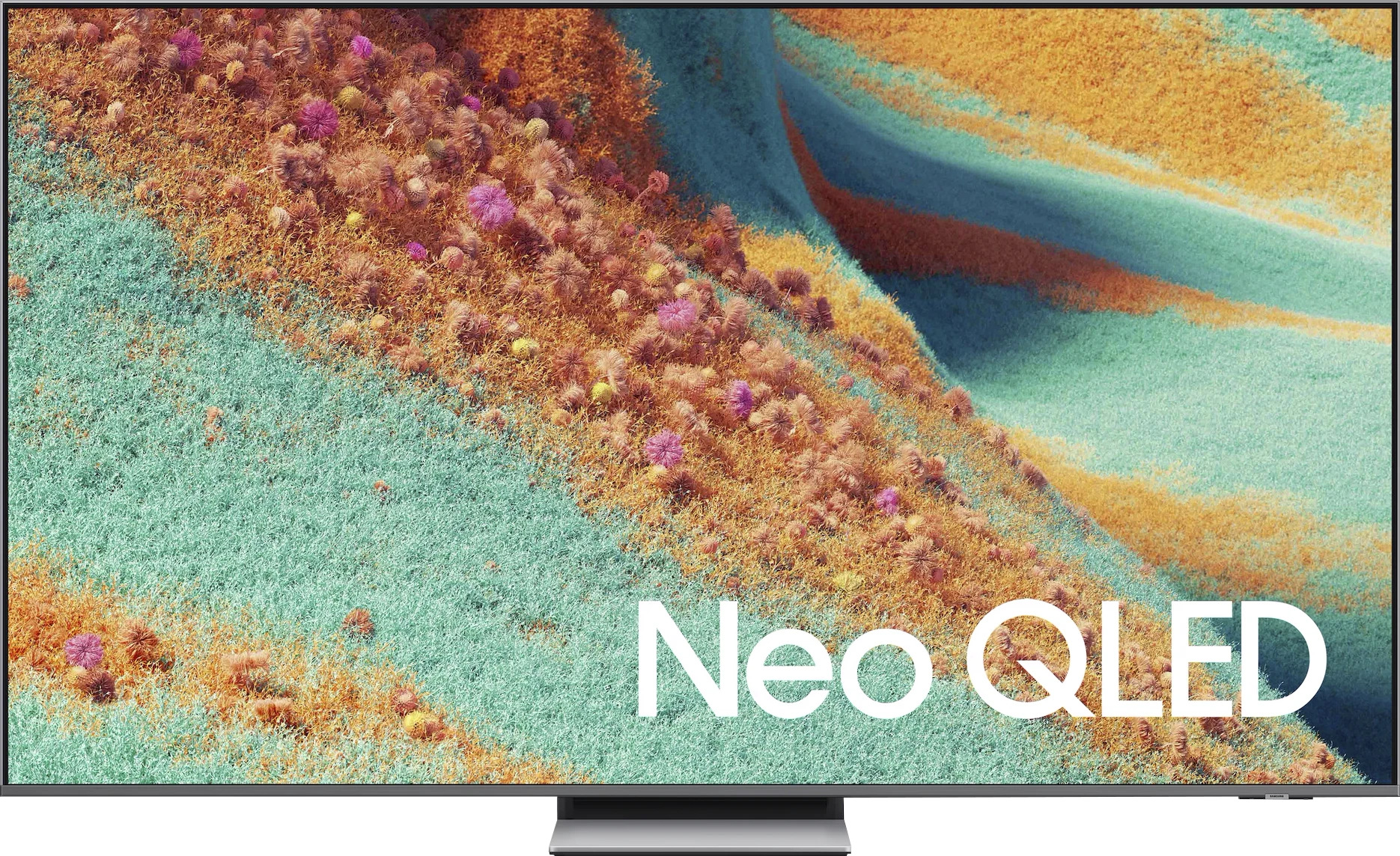
Panel type: LCD VA
Resolution: 3840x2160
System: Google TV
Model year: 2025
Complete the survey to find out the result
Panel type: LCD VA
Resolution: 3840x2160
System: Tizen
Model year: 2025
Complete the survey to find out the result
Overall rating
7.1
7.6
 Movies and series in UHD quality
 6.7
7.3
 Classic TV, YouTube
 6.6
7.1
 Sports broadcasts (TV and apps)
 6.3
6.7
 Gaming on console
 8.4
9.0
 TV as a computer monitor
 8.6
8.4
 Watching in bright light
 6.4
6.9
 Utility functions
 7.0
7.3
 Apps
Apps 9.6
9.3
 Sound quality
 6.5
7.6
Complete the survey to find out what fits your preferences
Advantages

Very good contrast and black levels: VA panel and MINI-LED backlighting
Good motion smoothness: High refresh rate of 144Hz
Decent panel brightness
Many features for gamers: VRR, ALLM, HDMI 2.1, HGiG
Additional mode for PC gamers: 240Hz
GoogleTV system with a wide selection of apps
Support for multiple HDR formats including Dolby Vision
Support for Dolby Atmos and DTS
Very attractive price
High HDR brightness (even 1700–1800 nits)
Very good contrast and deep blacks
2 times the number of dimming zones compared to its predecessor (55")
144 Hz panel supporting VRR and ALLM
Unique Game Motion Plus feature – a distinctive smoother for gaming
Low input lag
Satin finish on the panel works great during the day combined with high brightness
Advanced Tizen platform: with AirPlay, SmartThings, and a convenient solar remote
Well-designed stand. Hybrid – can be a central base or side legs
Solid sound with pleasant bass and Dolby Atmos support
Disadvantages

Management of the backlighting could be better
Language errors in the system
No Dolby Vision and DTS:X support
No recording function from built-in tuners and PiP
Issue with HEIC files in the player
Our verdict
Samsung QN85F is a television that perfectly showcases the purpose of the Neo QLED line. On one hand, it has everything a modern user expects – high brightness, excellent smoothness, and full support for gamers. On the other hand, it's still LCD, a technology that requires certain compromises. The question is whether these compromises actually hinder everyday use? In practice, it's hard not to be amazed at how the QN85F performs with HDR movies. Brightness levels of 1700–1800 nits make watching dynamic scenes truly give us the "HDR spark" that many competing televisions lack. The light effects in movies or series can be overwhelming in their intensity, and at the same time, the television doesn't lose details or turn the entire image into a washed-out blur. This is precisely the kind of spectacle that viewers investing in a new screen seek. Gamers also have reasons to be pleased. It features 144 Hz support, variable refresh rate VRR, and automatic game mode ALLM. This is already a must-have set in this class, but Samsung goes further and adds a unique feature called Game Motion Plus. Thanks to this, the image in games becomes smoother, reminiscent of motion smoothing in films, but without a noticeable increase in latency. This solution truly distinguishes the QN85F from its competitors. On top of all this, there's everyday convenience. The Tizen system is fast, stable, and full of applications that we actually use – from Netflix, through Apple TV, to YouTube and Disney+. Additionally, it supports AirPlay, has an extensive SmartThings platform, and the remote, instead of being cluttered with dozens of buttons, offers simple controls and quick access to essential features. This makes the QN85F a television that you simply want to reach for every day. Sure, one could point out its shortcomings. There’s no Dolby Vision, no USB recording or PiP, and the viewing angles typical of a VA panel won’t impress if you sit at a steep angle. But all this pales in comparison to how versatile and refined the QN85F is. During the day, it performs excellently in bright rooms, in the evening it delivers cinematic emotions in HDR, and in games, it ensures smoothness and low input lag that other models would envy. Overall, the QN85F is a television that not only successfully continues the value tradition of its predecessor, the QN85D, but even develops it with a few strong points. It's a device that can hardly be described as anything other than a "safe choice" – one that won't disappoint in any scenario and will likely meet the expectations of even the most demanding users.
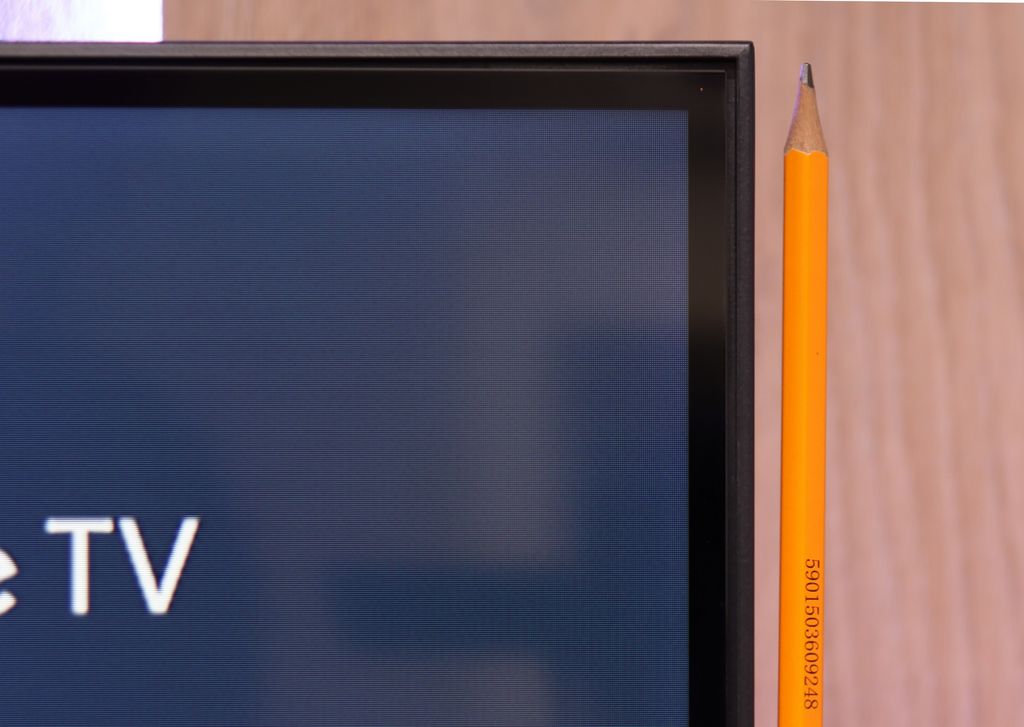
TV appearance
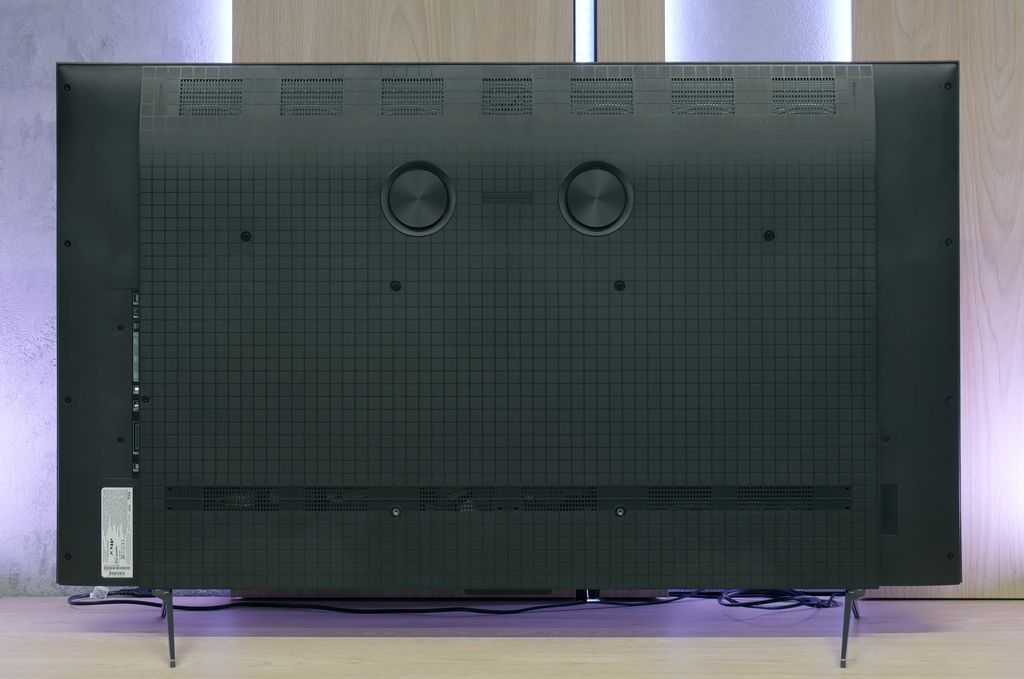
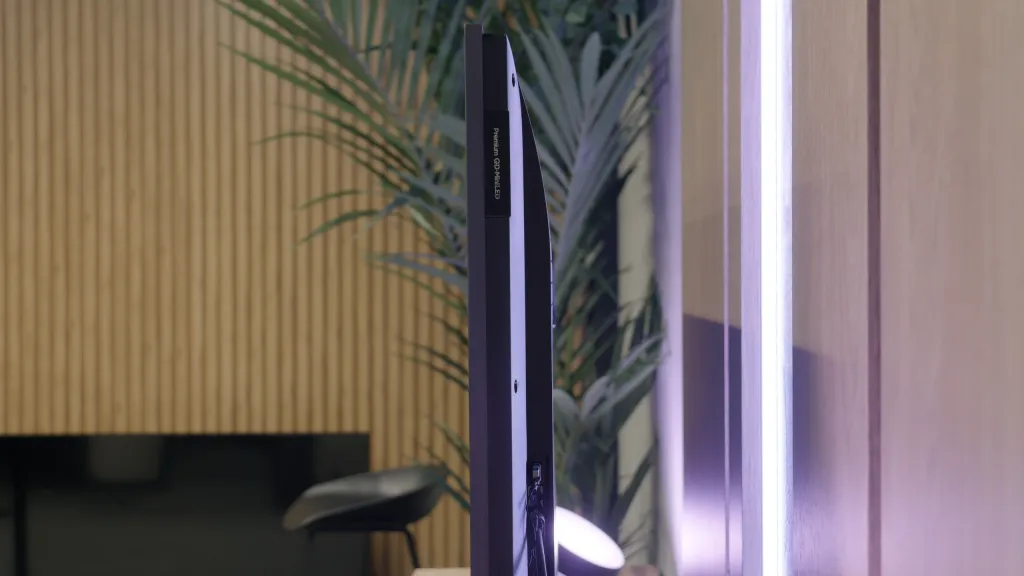
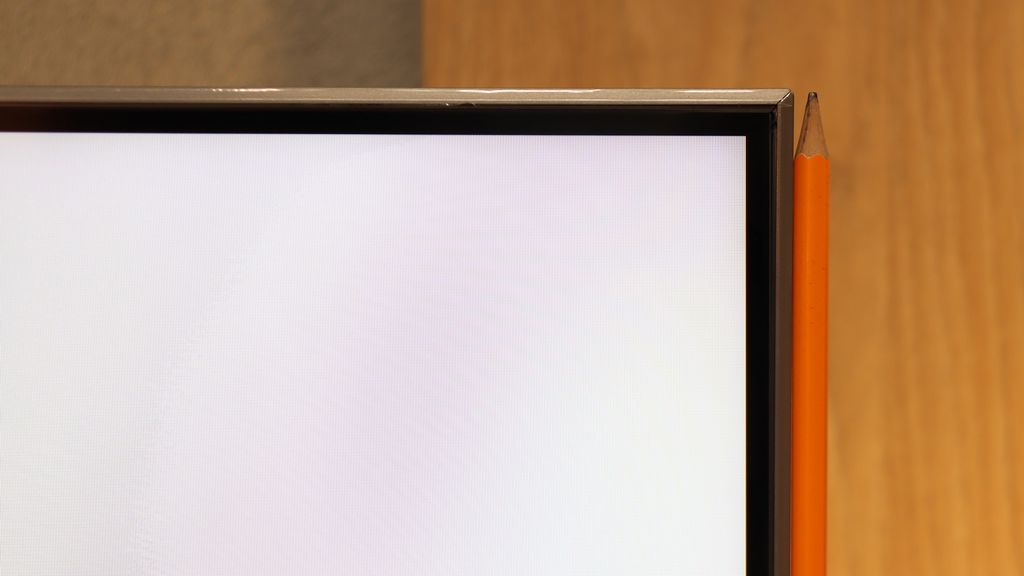
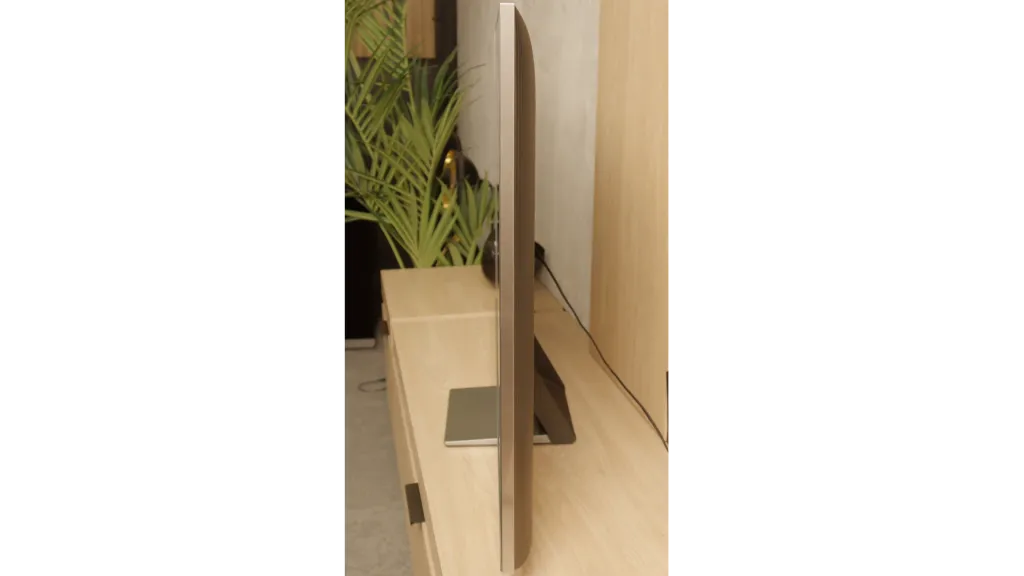
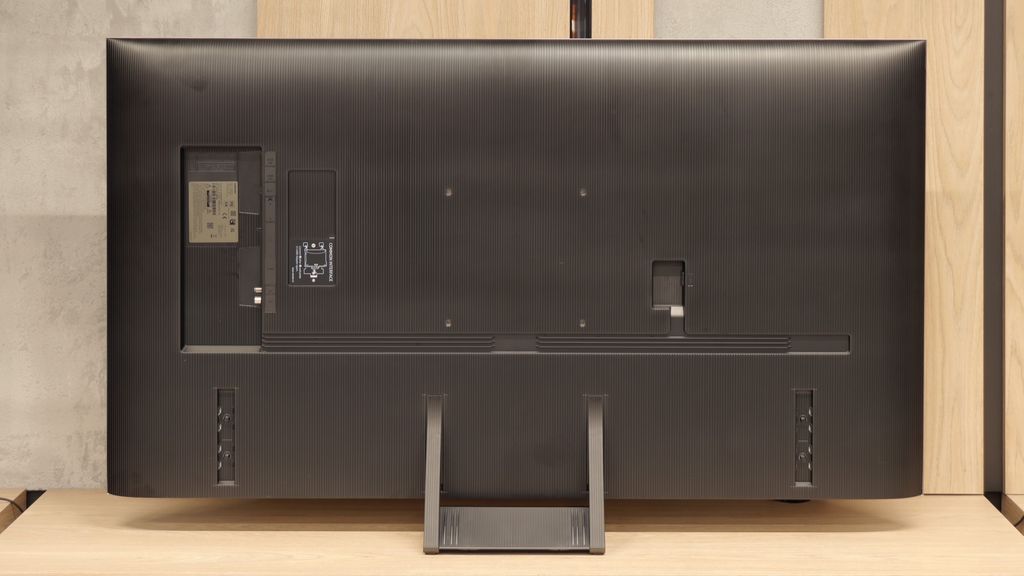

Contrast and black detail
7.3/10
7/10
Local dimming function: Yes, number of zones: 180 (10 x 18)
Local dimming function: Yes, number of zones: 240 (20 x 12)
Contrast:


Result
114,000:1

Result
17,300:1

Result
16,200:1

Result
9,900:1

Result
4,850:1
Result
101,800:1
Result
18,650:1
Result
47,050:1
Result
9,700:1
Result
4,350:1
Halo effect and black detail visibility:
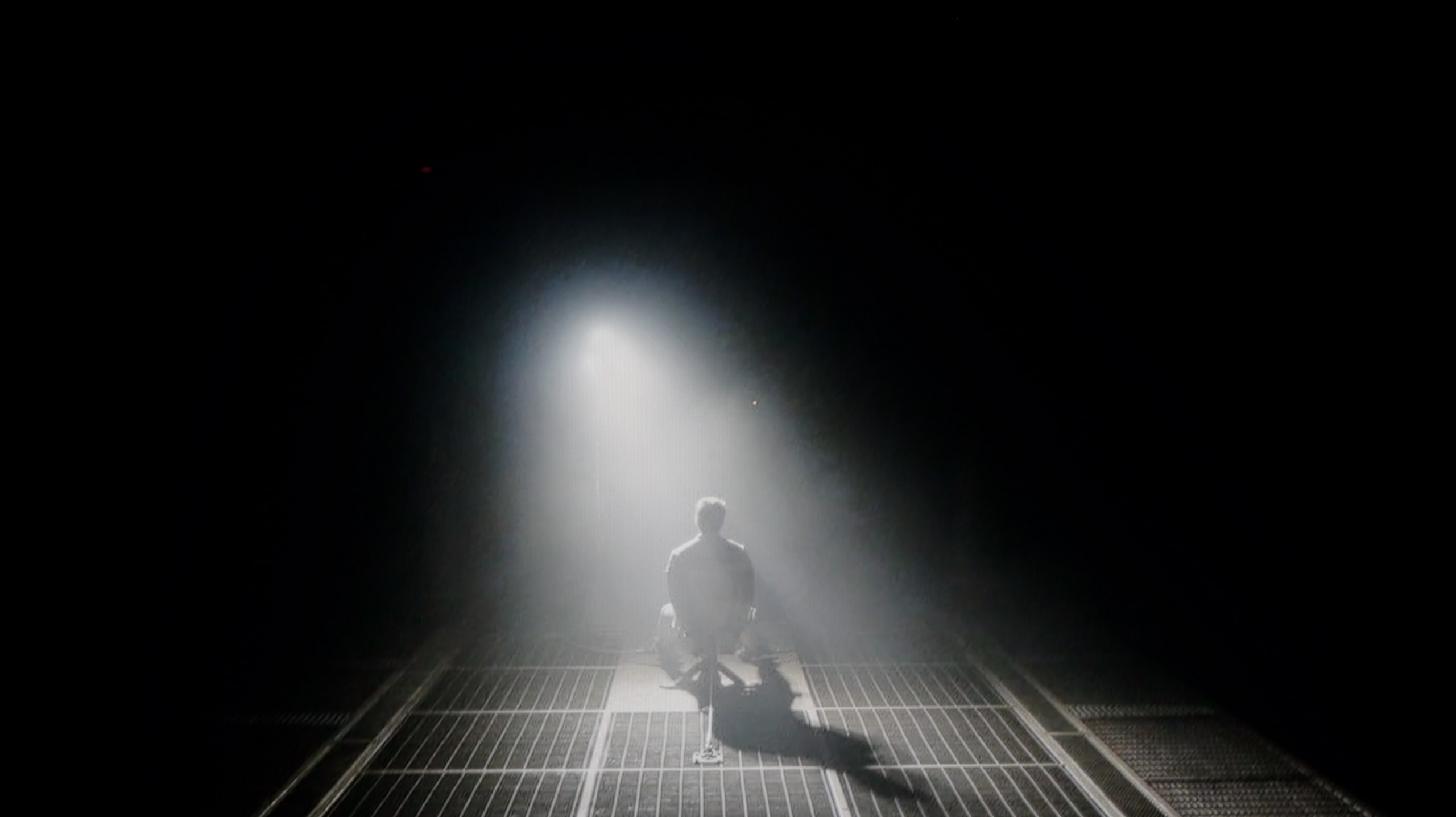
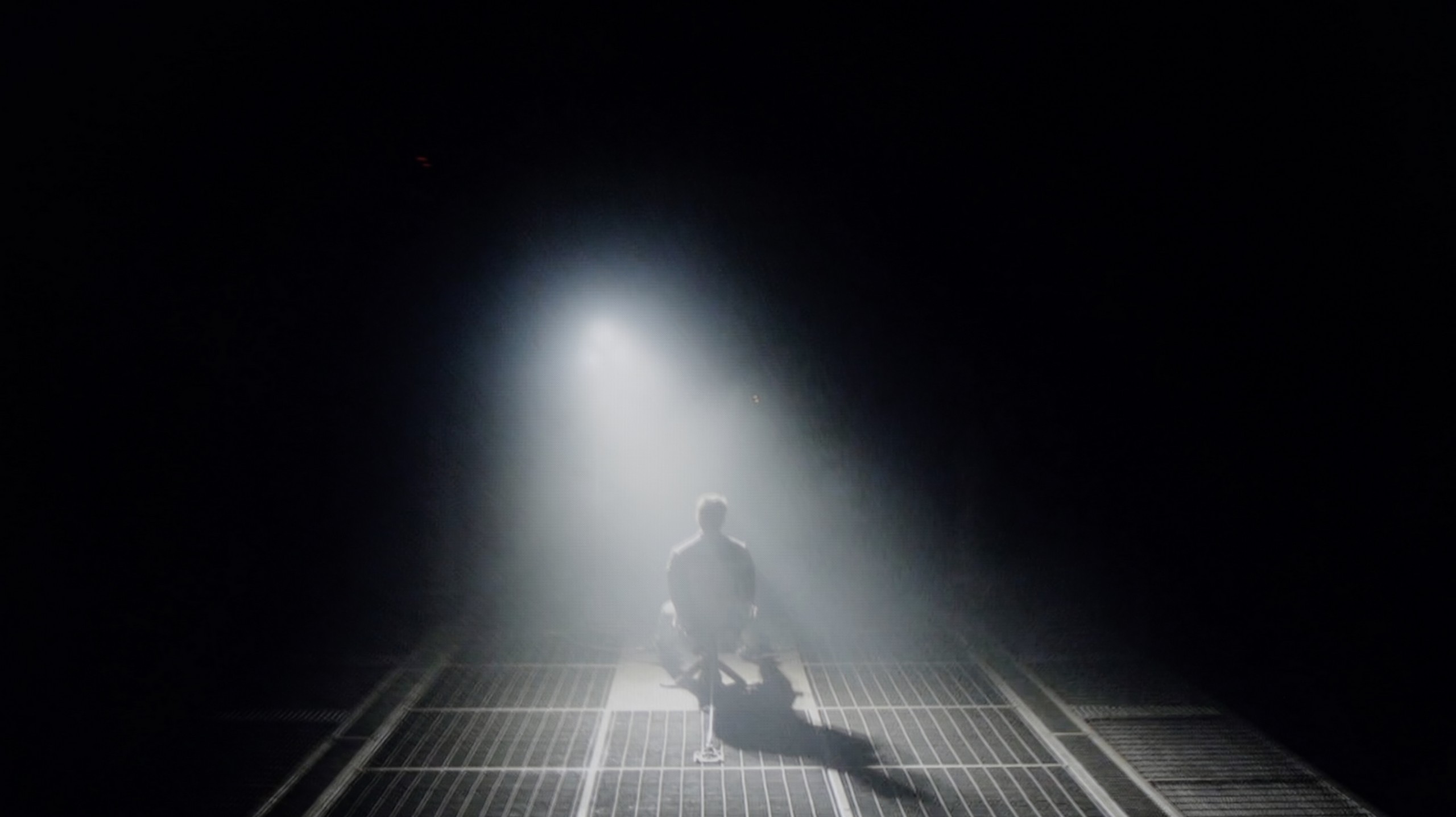
Check the visibility of bright lights on a dark background. Mini-LEDs often struggle with this. The photo does not compare black levels – that’s what the video below is for.
The video accurately shows differences in contrast and black levels between TVs, as well as potential issues: halo around bright objects or Mini-LED zone operation visible as brightness jumps.
The TCL C6K is based on a VA panel, specifically an HVA produced by TCL CSOT, which already delivers a solid native contrast of 6000–7000:1 without the use of local dimming. However, the true strength of this model lies in its Mini-LED backlighting with the ability to dim individual zones. In the tested 55-inch version, we counted around 180 zones, and as the diagonal size increases, this number naturally grows. For a television in this price segment, the contrast is truly impressive. In simpler film scenes, such as segments from 'Oblivion', it looks fantastic, and shots completely filled with black make a great impression. Of course, due to the characteristics of Mini-LED technology, it's not always possible to avoid issues – in more challenging frames with many bright details, halo effects can appear, or some elements may be dimmed too strongly (regardless of local dimming settings). Nevertheless, the contrast can be regarded as a strong point of the C6K.
Our editorial team received a 55-inch model with a VA panel. In the case of NeoQLEDs, which are TVs with Mini-LED backlighting, size is crucial because the larger the screen, the more local dimming zones it can have. This directly translates to higher contrast. In the version we tested, we counted as many as 240 dimming zones, which is twice as many as last year's QN85D. Theoretically, such an increase should deliver an equally impressive improvement in contrast. Unfortunately, practice showed otherwise – the QN85F delivers results very close to its predecessor. Yes, in some scenes with a lot of black or in areas where details in highlights are crucial, there is a noticeable improvement, but it is not proportional to the number of zones. The Mini-LED technology can be temperamental, and sometimes delicate halos appear around small, bright objects. This is a typical compromise that one must accept with such a solution. However, this doesn’t change the fact that the contrast in the QN85F is at a very high level and will easily satisfy most users, even the more demanding ones. However, we have the impression that Samsung could fine-tune the algorithms controlling the dimming because we know from experience that they can perform really well in other models.
HDR effect quality
4.9/10
6.9/10
Luminance measurements in HDR:

Result
612 nit

Result
202 nit

Result
424 nit

Result
144 nit

Result
587 nit
Result
1248 nit
Result
860 nit
Result
1093 nit
Result
465 nit
Result
957 nit
Scene from the movie “Pan” (about 2800 nits)
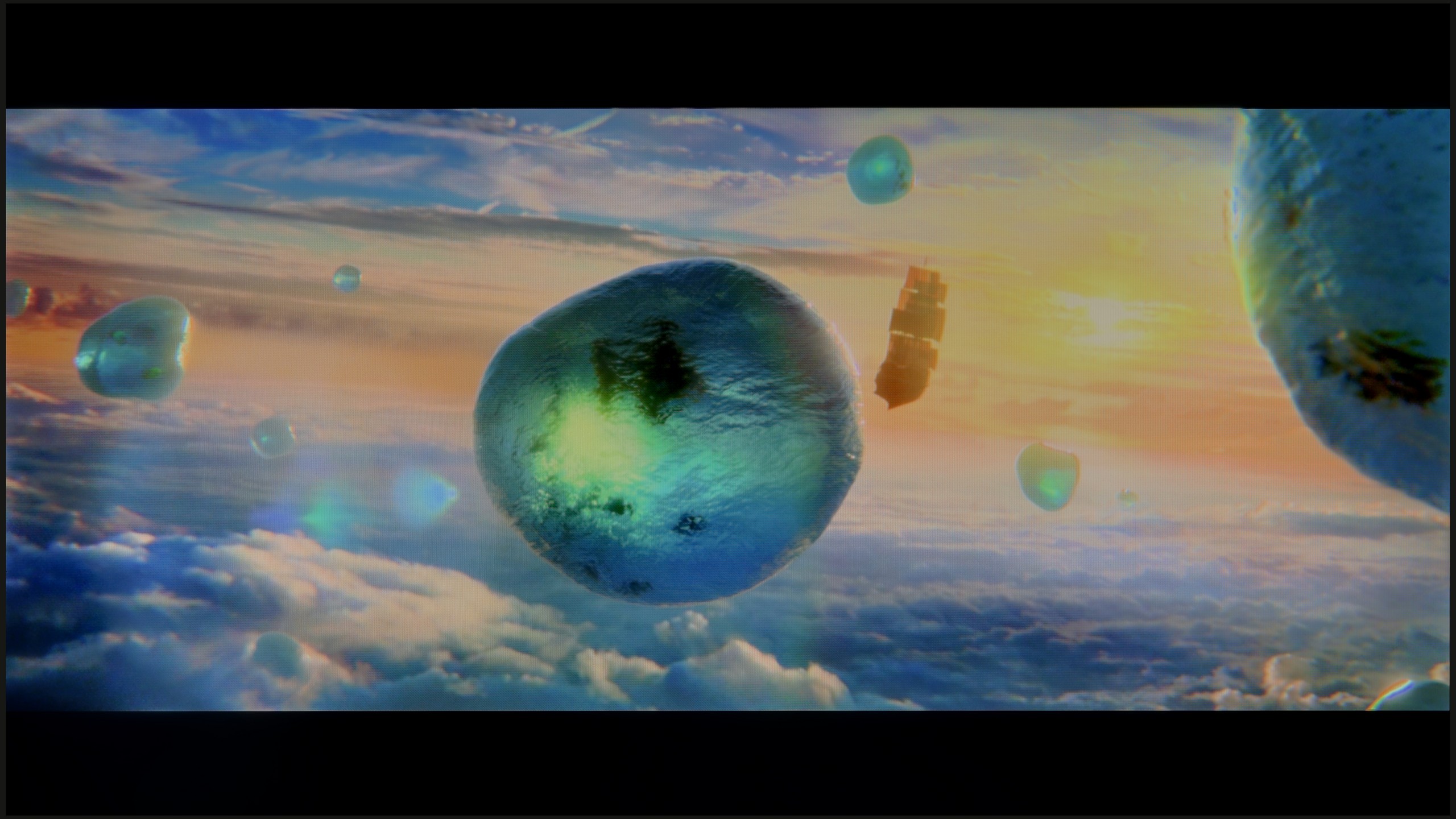
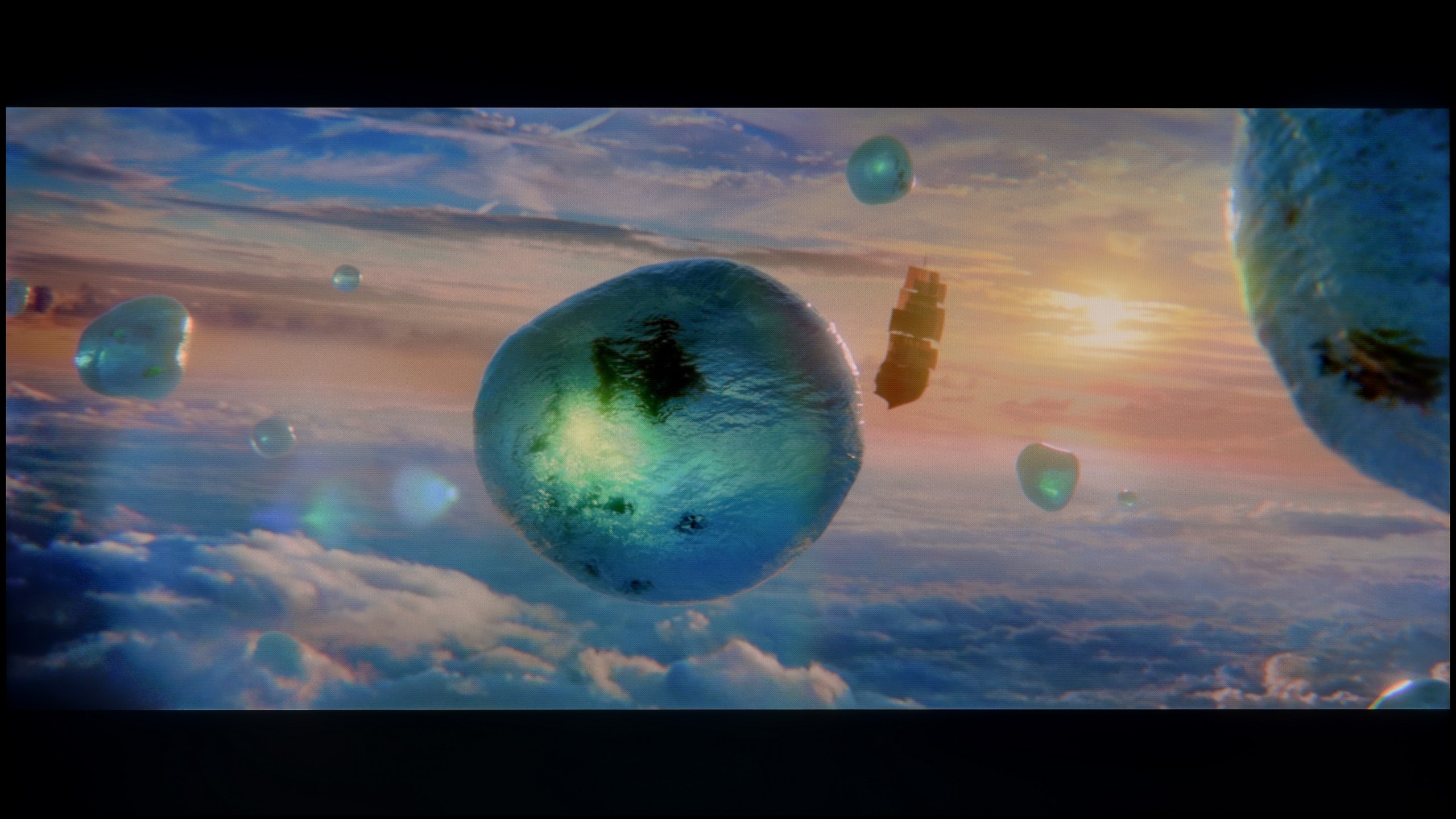
Scene from the movie “Billy Lynn” (about 1100 nits)
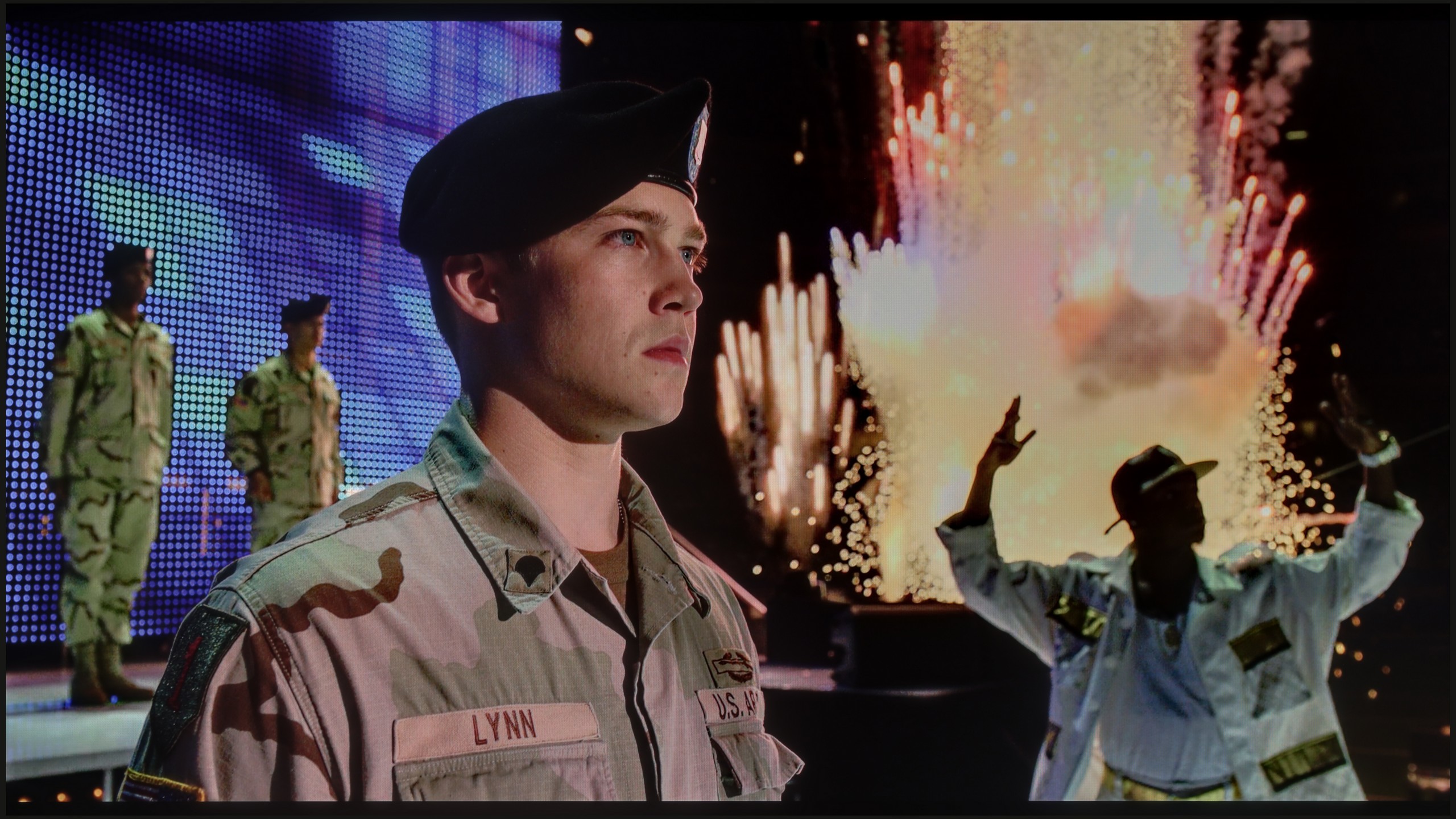
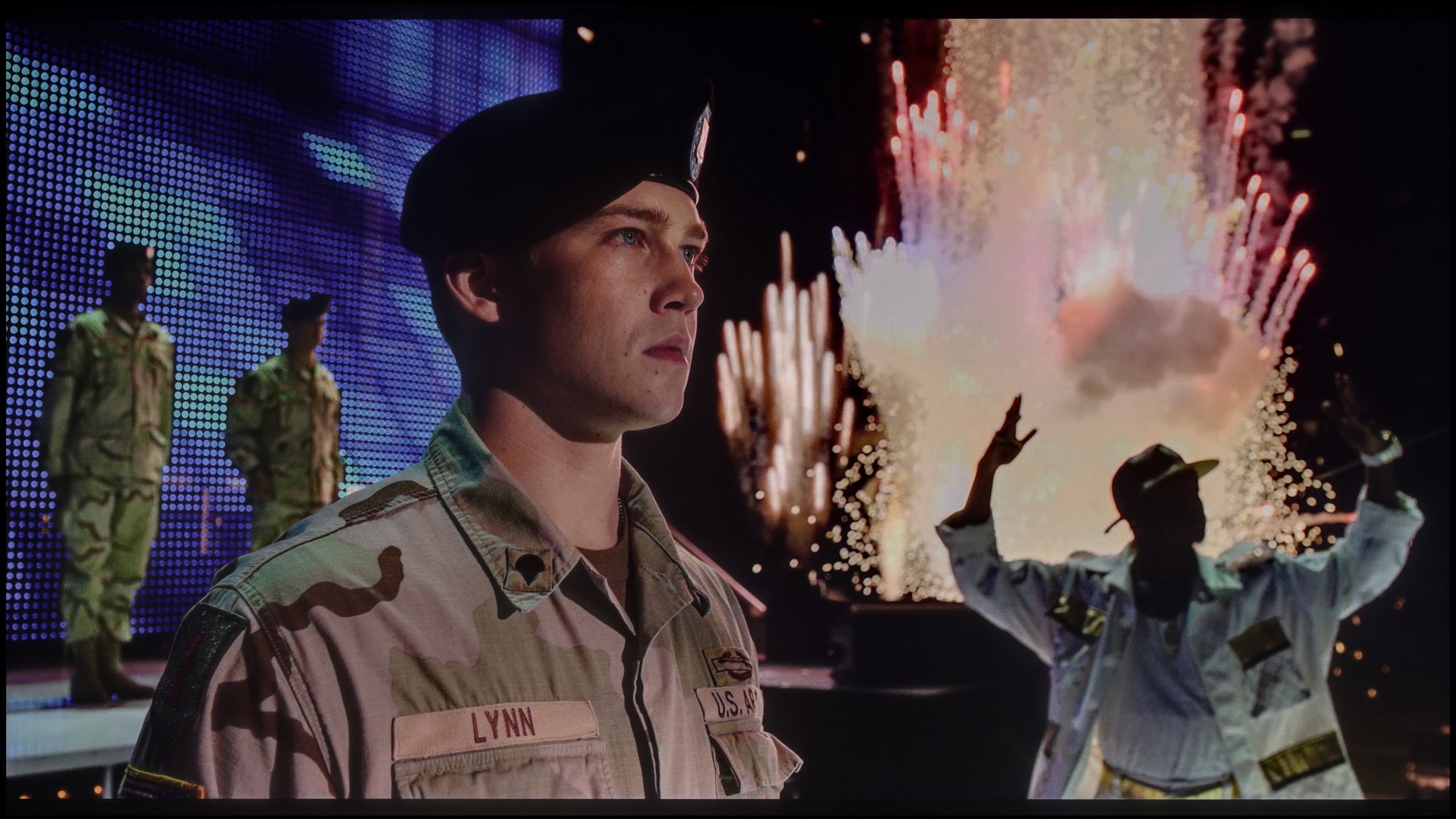
The photos show two HDR10 movies. 'Pan' is one of the brightest productions ever made, while 'Billy Lynn' (soldier) has brightness typical of streaming (Netflix, Prime, HBO MAX). Notice the intensity of effects and detail in whites.
Static HDR10


The photos present the visibility of white details in various HDR formats. They do not show brightness differences between TVs (these can be compared in the previous gallery).
Dynamic: Dolby Vision
Dynamic: HDR10+


The photos present the visibility of white details in various HDR formats. They do not show brightness differences between TVs (these can be compared in the previous gallery).
HDR luminance chart:
Samsung QN85F
TCL C6K
TCL C6K is a moderately bright television that can showcase its full capabilities in the best movie conditions – the maximum brightness is around 600 nits. In scenes with large, intense light sources, the HDR effect can be truly satisfying, providing a sense of cinematic sparkle. However, it's important to remember that with local dimming management, there are situations where some elements become dimmed, and sometimes even barely visible. It is clear that there is a lack of proper optimization of the algorithms, although looking at the technical parameters in this price range, the build quality performs very well.
Although more than twice the number of dimming zones compared to its predecessor did not result in a spectacular leap in black levels and contrast, we definitely felt it in the HDR effect itself. The QN85F is up to 50% brighter than last year's model and it makes a huge impression in dynamic scenes. Peak brightness can reach almost 1700–1800 nits, which is an impressively high result for this Mini-LED class. The best part is that almost regardless of the scene being watched, the HDR effect remains strong and vibrant. In four out of five test scenes, brightness was maintained around 1000 nits, a level that in most cases allows the viewer to feel the true magic of this format. Of course, in scene number 4 from the film Sicario 2, the limitations of Mini-LED technology become apparent – the brightness of the helicopter's subtle light drops to around 500 nits. This isn't an outstanding result, but it is still much more acceptable than last year's model. Samsung deserves applause for the dramatic improvement in brightness with the QN85F compared to its predecessor. However, there's a certain trend visible in this year's televisions – the manufacturer has worsened colour gamut coverage. Although the QN85F has a QLED panel, its result at around 90% DCI-P3 is average, and in the most demanding films, it may lead to less vibrant colours than its predecessor. Despite this drawback, the overall HDR effect is at an excellent level and truly makes a big impression in this class of devices.
Factory color reproduction
5/10
4.8/10


This gallery shows how colors change after professional TV calibration. If you notice the difference, we recommend ordering this service at SkalibrujTV.com.
Factory Mode
After calibration


This gallery shows how colors change after professional TV calibration. If you notice the difference, we recommend ordering this service at SkalibrujTV.com.
Factory Mode
After calibration
This year's TCL televisions have introduced the Filmmaker mode, and it must be said that it is definitely the best choice right out of the box. This is the mode we recommend for everyday viewing of movies and series. Unfortunately, as is often the case, the best does not mean perfect. In the case of SDR content, the image was too warm, as the red was quite prominent in the white balance. On the other hand, with HDR content, we had the opposite impression – the image became cooler than it should have been, due to an excess of blue. There is also the brightness characteristic, which at times led to overexposure. In practice, these issues combined resulted in quite noticeable errors in colour tests, which are hard to accept in a mode advertised as “by the creators”.
Samsung QN85F offers several preset picture modes, but out of the box, the television starts in 'Eco' mode. We could almost end the discussion here, as using this setting on such a model makes little sense – the picture is washed out, unpleasant, and far from what we expect from a television of this class. Therefore, we conducted our tests in the best available mode, which is Filmmaker mode. Its purpose is to faithfully reproduce what the directors saw during filming, and indeed, it is the setting that performs best among all factory options. However, this doesn't mean it's free from flaws.
Both in SDR and HDR, the QN85F prominently highlighted warm colours. This was due to a lack of white balance, where the blue colour was noticeably absent. Additionally, the image was sometimes overexposed – both the gamma brightness characteristic and the EOTF curve indicated that the television has a tendency to blow out scenes. In SDR, colour reproduction errors (Delta E around 4–5) were still acceptable, but in HDR, the inaccuracies became quite significant and clearly deviated from what the creators intended to show us. Fortunately, Samsung provides a wide range of calibration tools in its televisions, so – as always – we proceeded with professional calibration to see how much could be improved.
Color reproduction after calibration
7.5/10
8.5/10
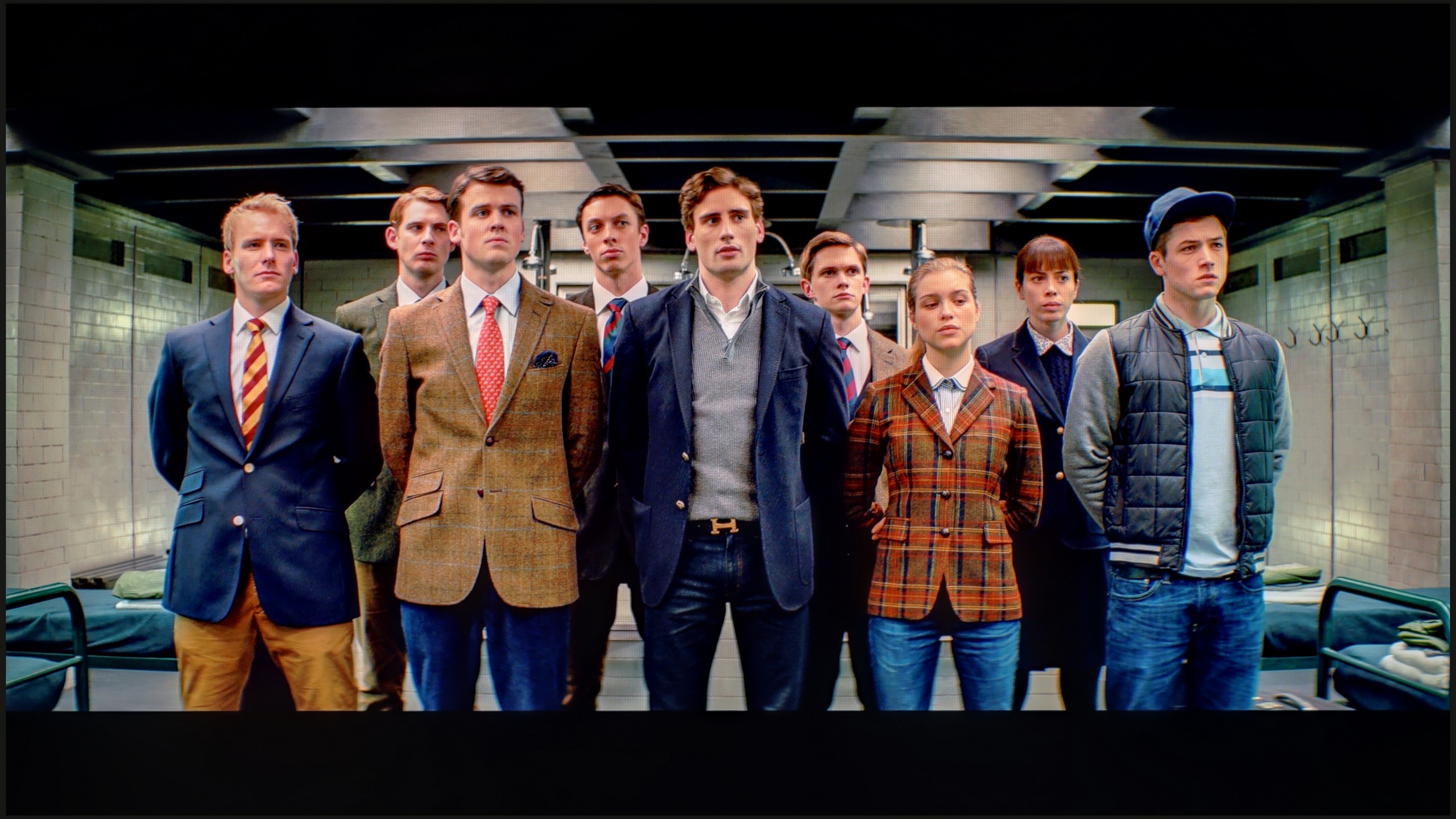
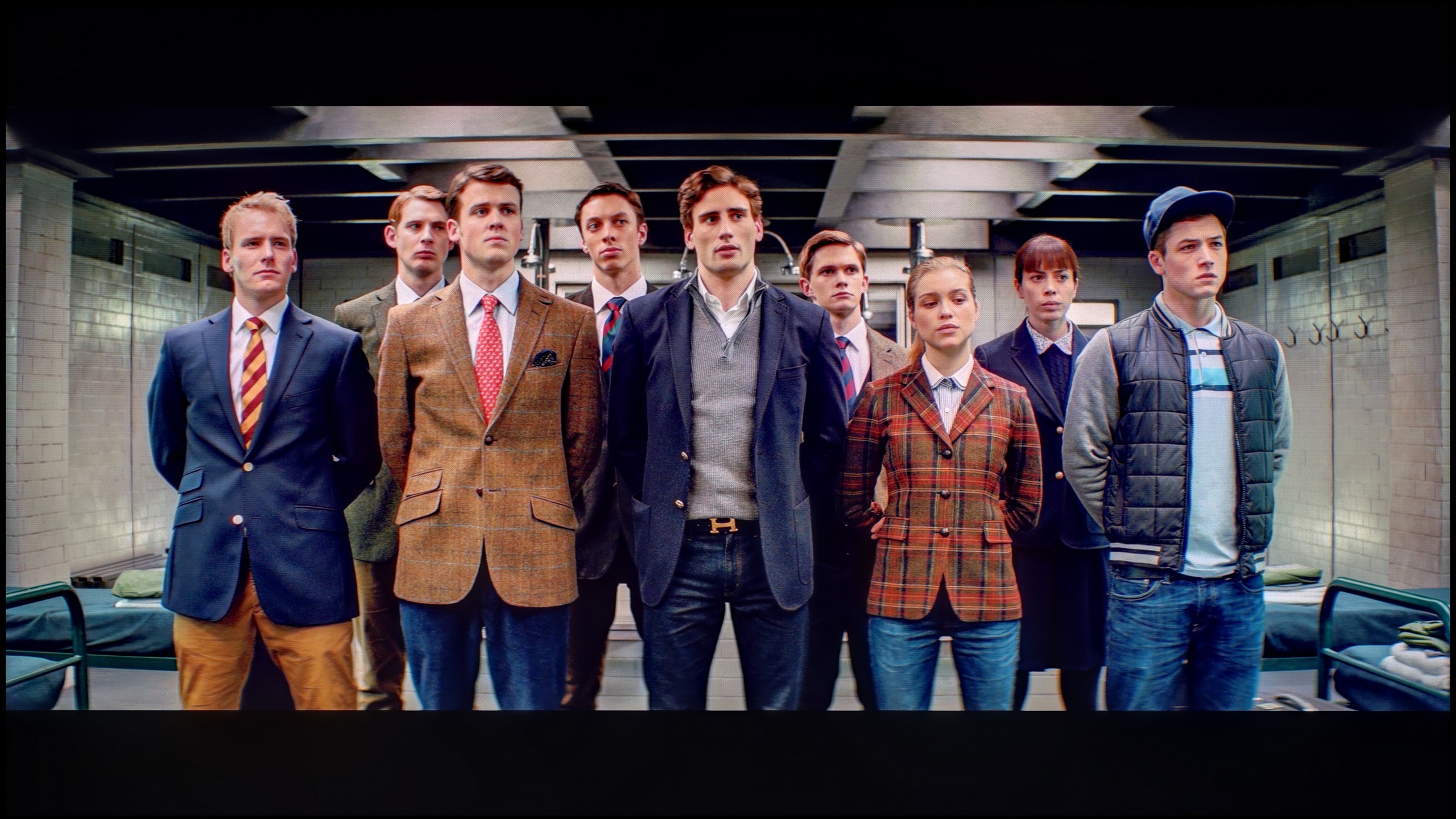
The photos show how movies look on the TV. Pay attention to black detail visibility, colors, and shadow tint.
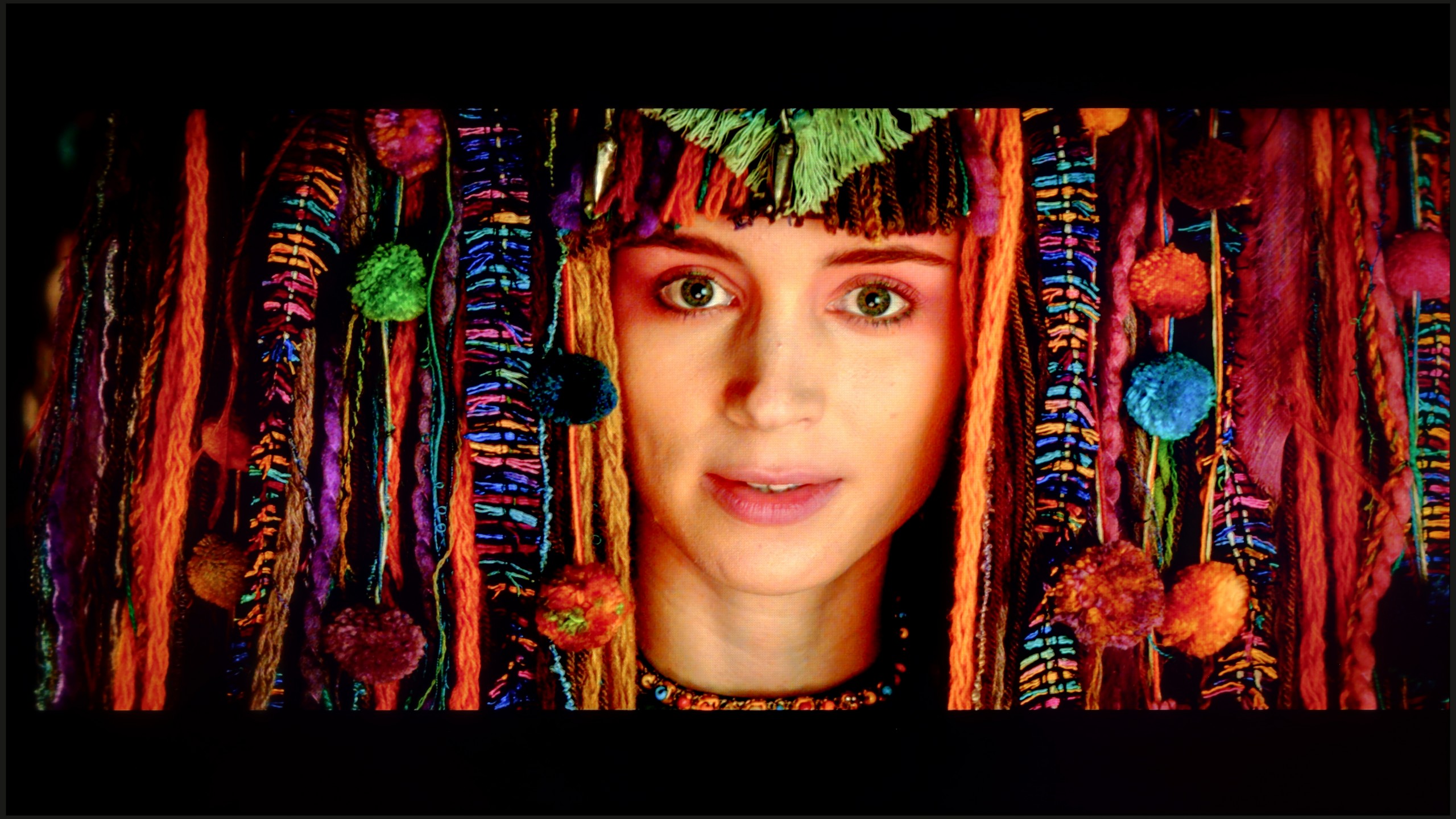
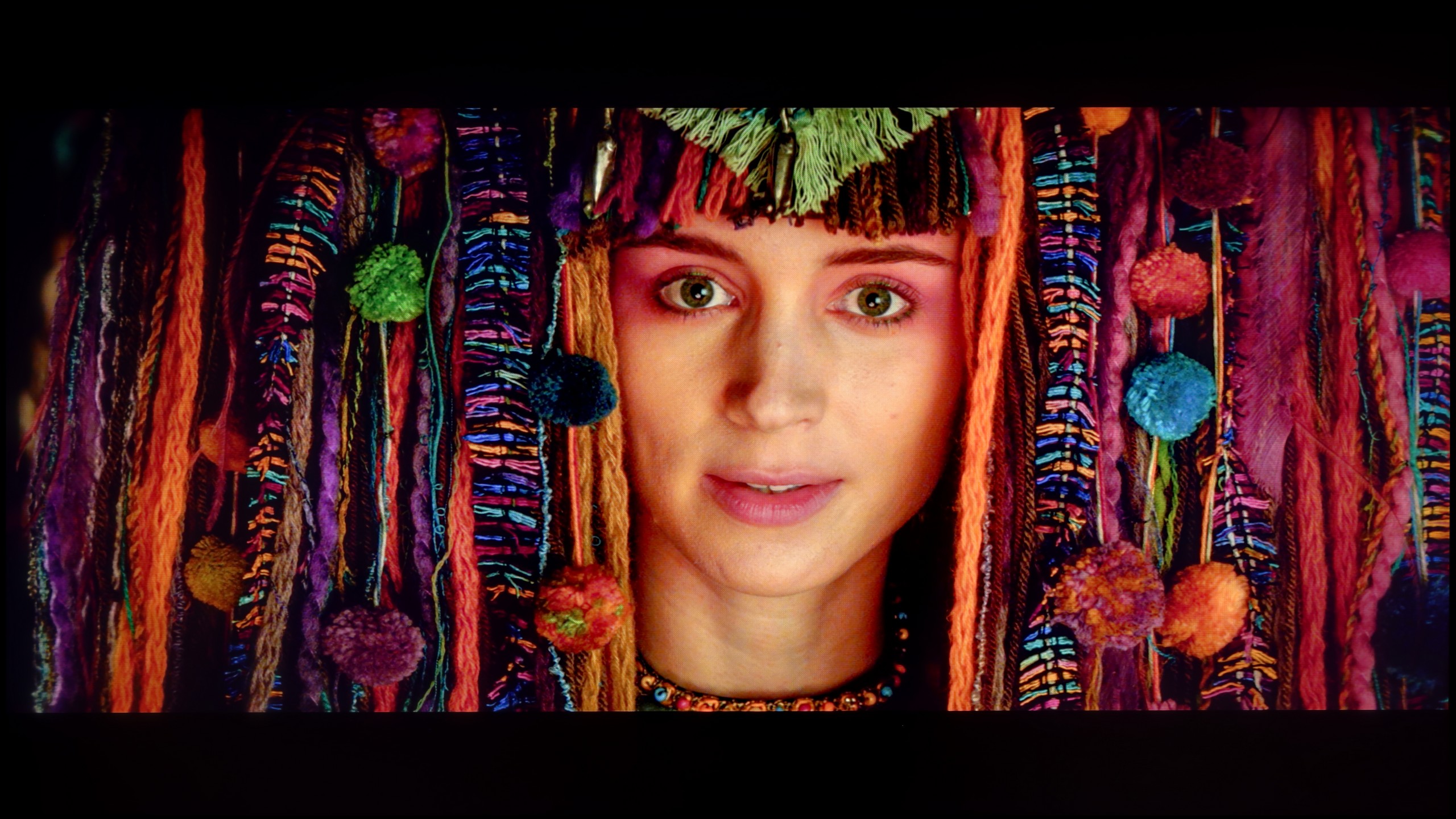
The photos show how movies look on the TV. Pay attention to black detail visibility, colors, and shadow tint.
Thanks to the white balance adjustment, we were able to significantly reduce the C6K's tendency to distort colours, which resulted in a very good end result. After calibration, we won't observe the effect of excessive warming of scenes in SDR or overly cooling the image in HDR. However, it is worth taking a closer look at the brightness characteristics. In SDR content, it's hard to have major objections – the picture looks really good, especially in older movies, TV shows, or material from YouTube. It performs significantly worse with HDR content. An analysis of the EOTF curve suggests that everything is fine, but in practice (EOTF in movies), the limitations of the construction become apparent. The television tends to excessively brighten the smallest fragments of the frame, and in other situations, it can overly dim the entire scene. The effect of calibration is therefore noticeable, and regarding colourimetry, the C6K has really gained a lot, but certain limitations resulting from local dimming and actually from its management by the C6K simply cannot be overlooked.
After calibrating the movie mode, we managed to tame the colours in both modes almost to perfection – most of them did not exceed an error value of 3, which is the threshold of perceivability by the human eye. The image became more natural, fuller, and at the same time free of the overexposure that was noticeable right after taking the television out of the box. This demonstrates the significant potential that lies within the QN85F and how well it responds to precise settings. However, this does not change the fact that certain technological barriers cannot be overcome. Despite the enormous benefits of calibration, there are still limitations to the panel itself. Although the number of dimming zones has doubled compared to its predecessor, the algorithms controlling the backlighting can manipulate brightness in their own way. Sometimes this leads to slight colour inaccuracies or subtly visible halo effects around bright objects. Nonetheless, the viewing experience after calibration is really enjoyable and shows how good a screen the QN85F can be if we just take a moment for the right settings.
Smoothness of tonal transitions
9.5/10
9/10
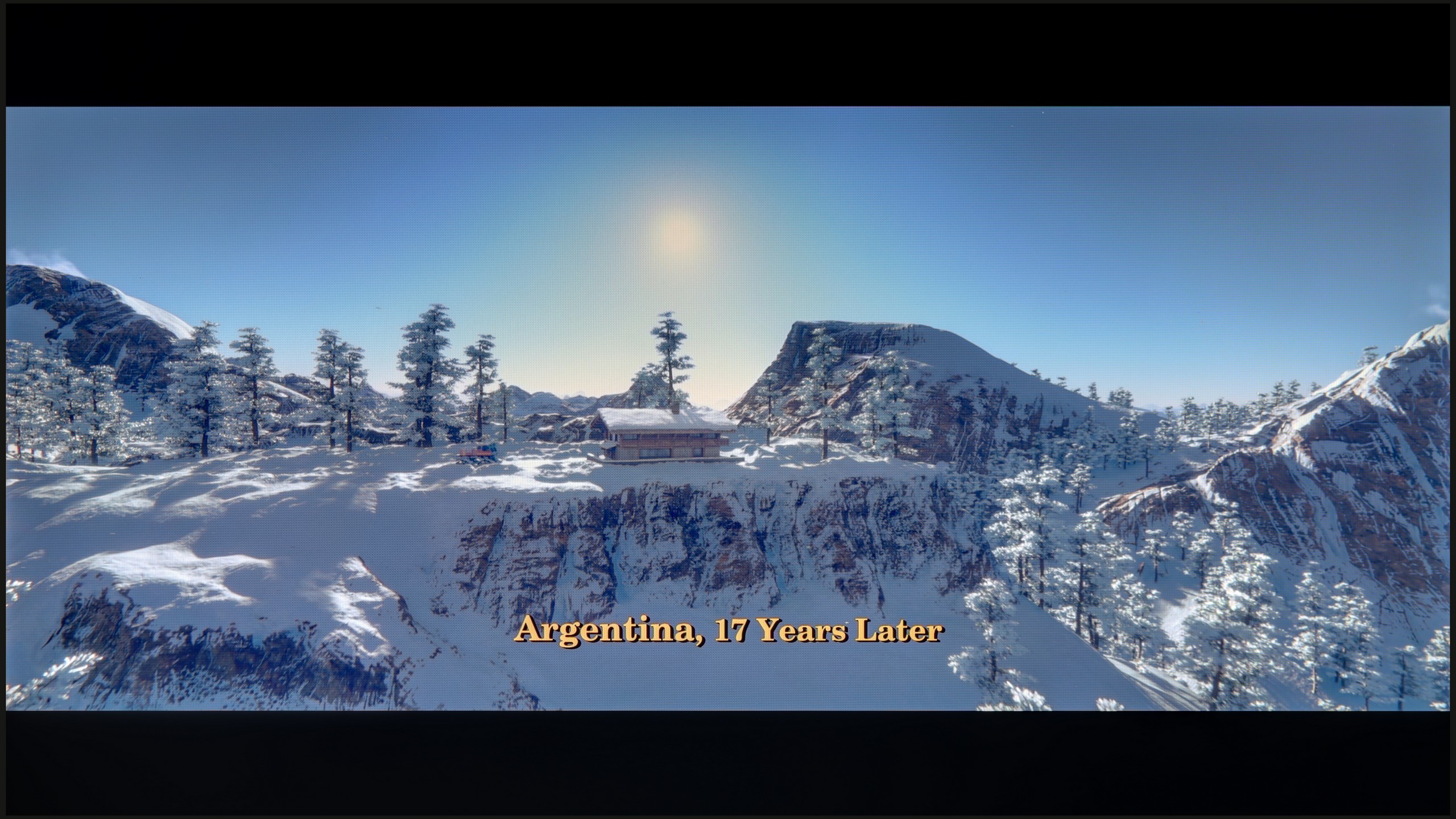
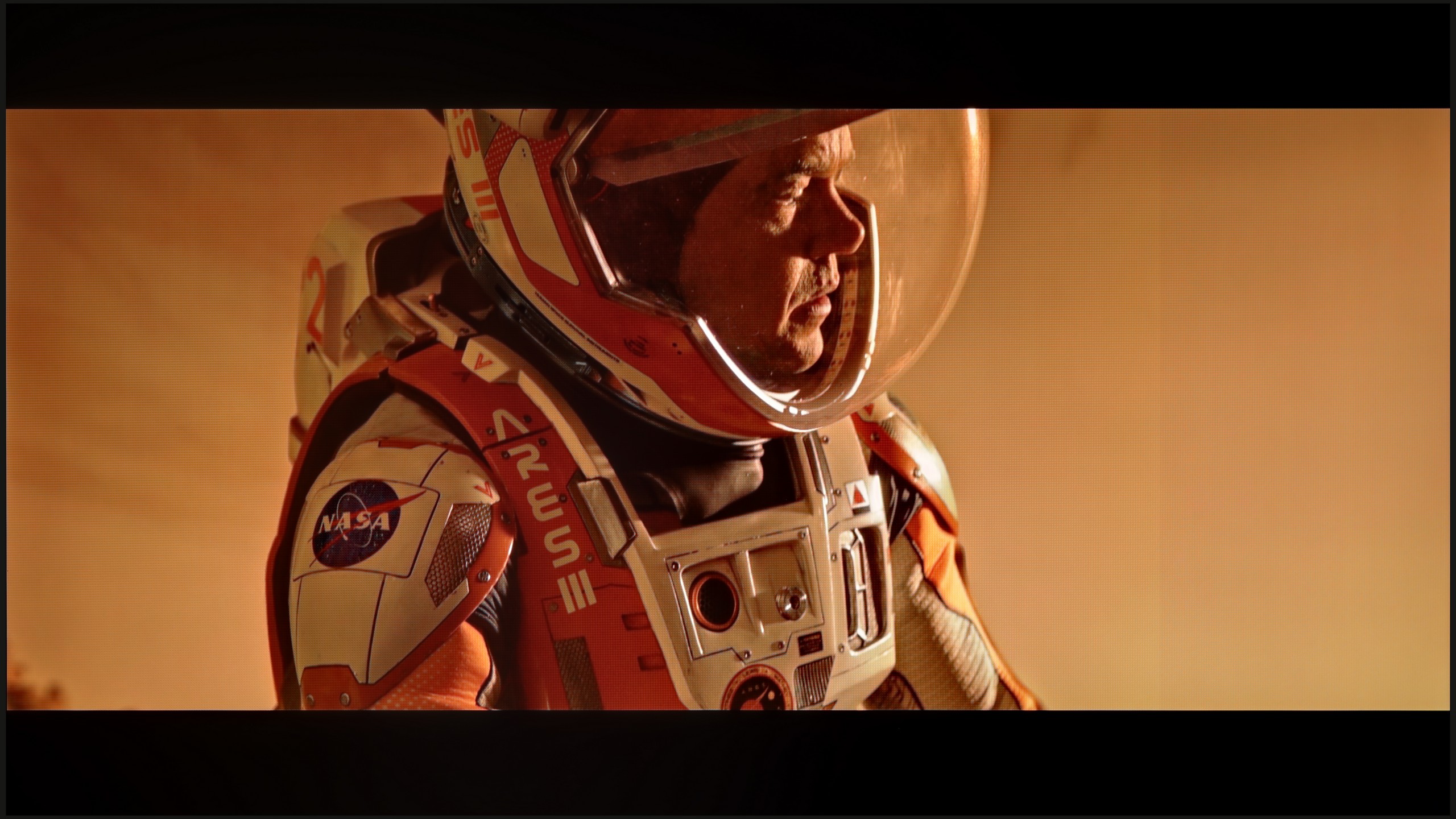
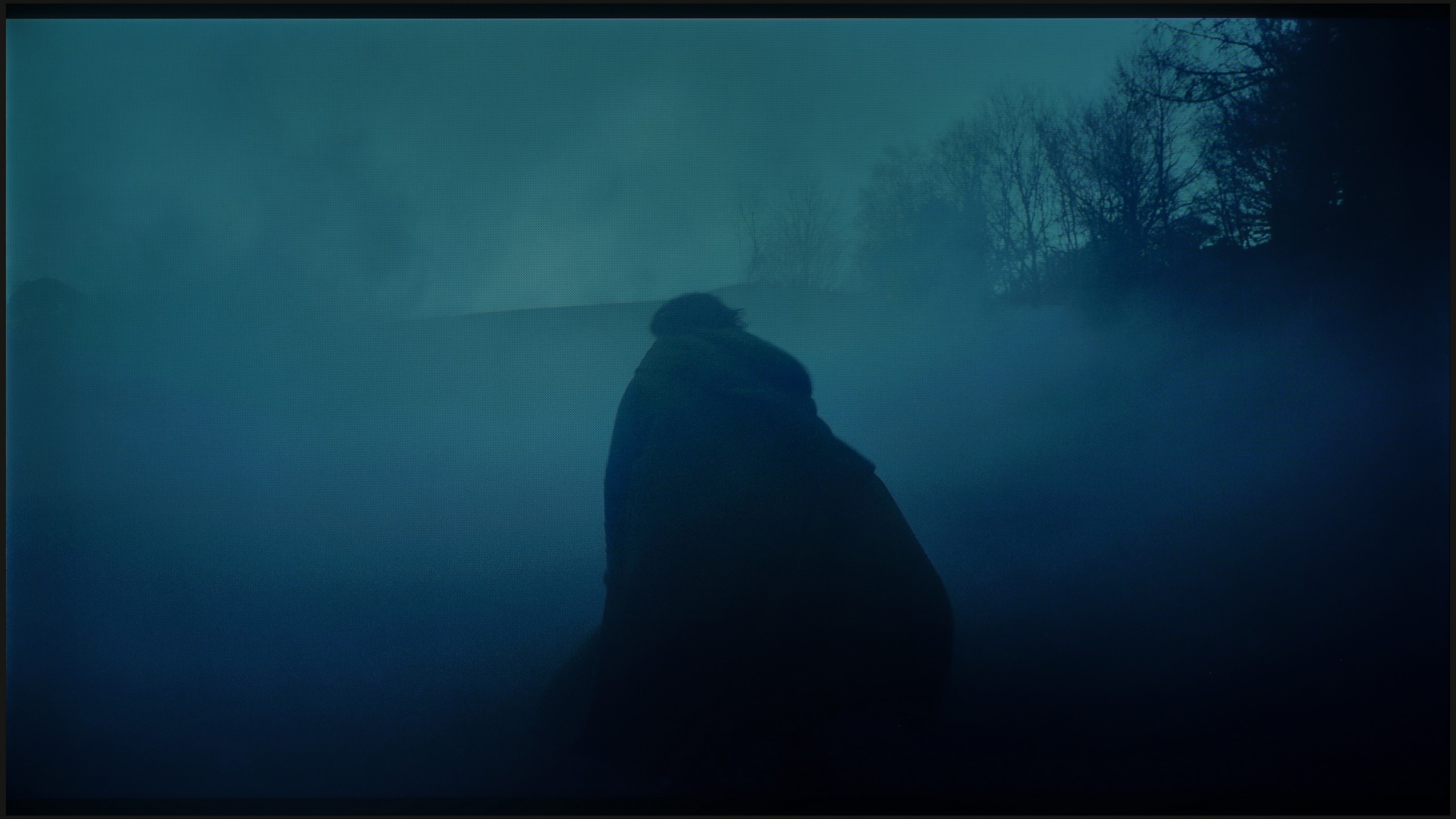
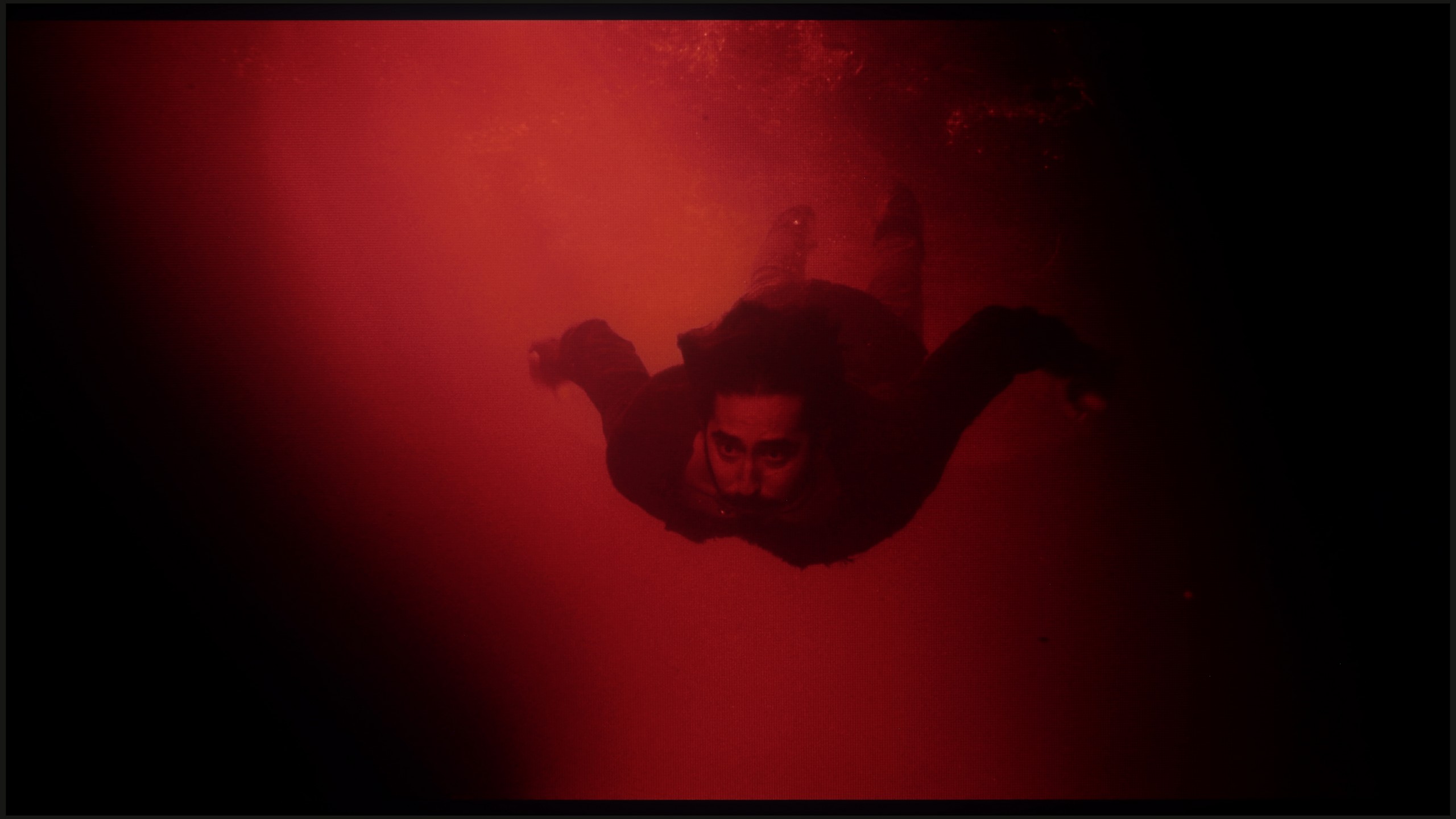
These are selected scenes that show smooth tonal transitions from one color to another. If you see distinct banding, it’s the TV panel’s fault.

These are selected scenes that show smooth tonal transitions from one color to another. If you see distinct banding, it’s the TV panel’s fault.
These are selected scenes that show smooth tonal transitions from one color to another. If you see distinct banding, it’s the TV panel’s fault.
These are selected scenes that show smooth tonal transitions from one color to another. If you see distinct banding, it’s the TV panel’s fault.
The transitions between colours in the C6K are very smooth, and it’s hard to nitpick any banding. The image looks natural, and any minor imperfections can only be noticed on bright test patterns – and only with really careful viewing. In everyday use, the effect is simply fantastic, and it’s safe to say that in this category, the C6K performs outstandingly.
Minor colour errors are often practically unnoticeable; it is the fluidity of tonal transitions that is a category that even a less experienced viewer will pay attention to. Unfortunate stripes and artificial lines can completely ruin the perception of the image. Fortunately, the QN85F handles this aspect almost perfectly. Gradients are smooth, transitions between colours are seamless, and no artificial lines or distinct boundaries separating hues appear on the screen. The image remains consistent, and nothing distracts our attention from the content. Only in very extreme conditions did we notice slight issues in the grey palette, but this is a flaw typical of most televisions and it's hard to consider it a serious drawback. In practice, while watching films, we encountered no problems.
Image scaling and smoothness of tonal transitions
5/10
7.5/10


Smooth transition function
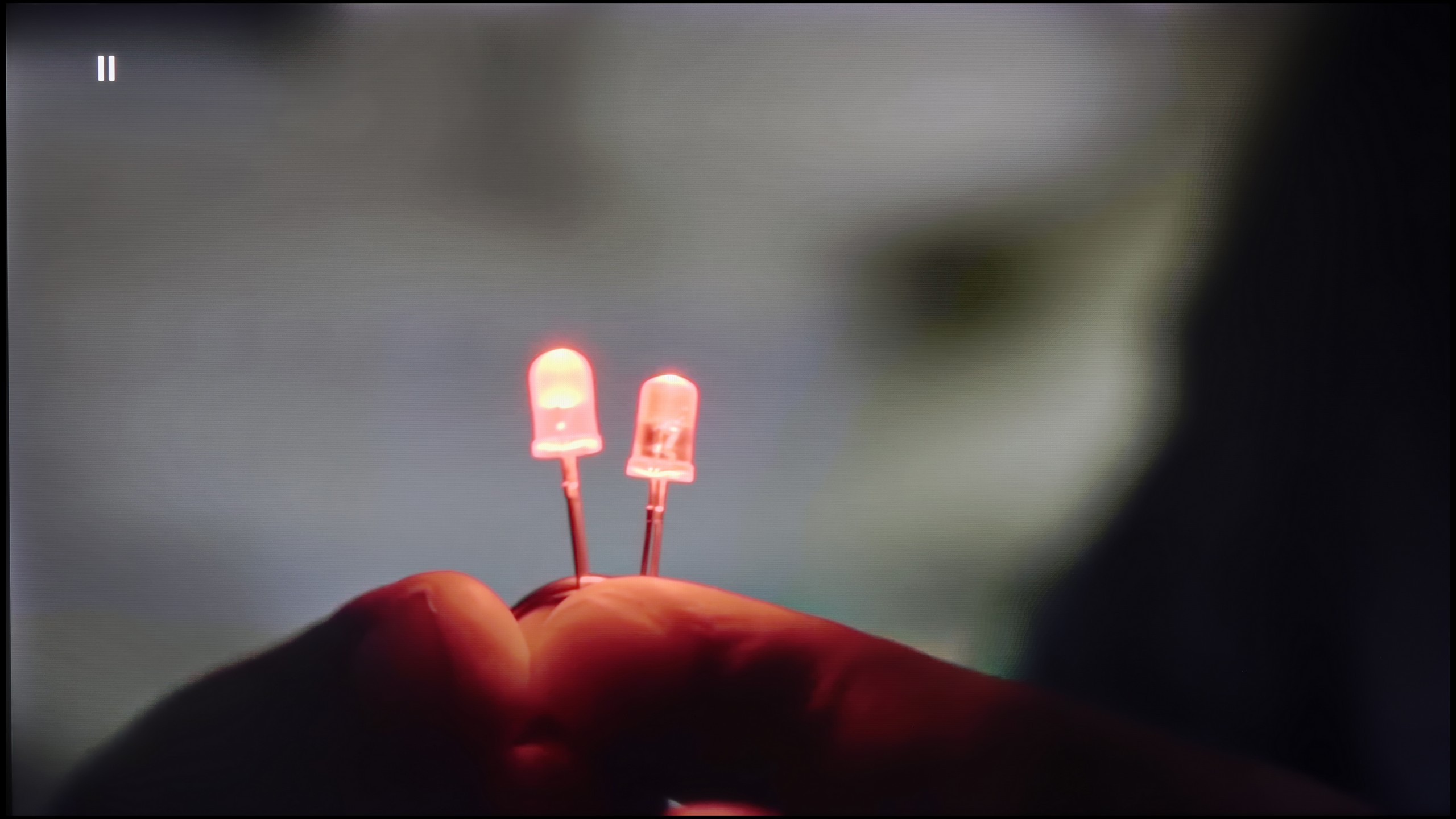
The match photo shows how the TV smooths weak tonal transitions in low-quality video.
Image scaling SD (576i)


The model photo shows how it handles upscaling of SD material.
TCL C6K performs quite well in terms of upscaling. Lower quality materials appear acceptable, and the absence of overscan issues means the image is displayed in full, without cropping. However, one cannot expect miracles – very low quality content won't come to life here, as the image processor has its limitations. On thin lines or details, there is characteristic tearing visible, which indicates a lack of advanced image enhancement algorithms. It is also a shame that the C6K lacks the function of smoothing tonal transitions – in older films or video materials, colour banding can be noticeable and may be distracting during longer viewing sessions.
Although the native tonal transitions on the QN85F perform excellently with 4K content, we don't always have to deal with the highest resolution material. This is where how the TV handles upscaling and digital image processing becomes crucial. This process is managed by Samsung's proprietary processor – AI NQ4 Gen2. In practice, it works very effectively. If visible colour banding or other undesirable phenomena appear on the screen, for instance with content from YouTube, they can easily be smoothed out using the "noise reduction" feature. Set to medium, it improves tonal transitions while not overly blurring desired details. However, it should be noted that – like in most Samsung TVs – this feature heavily interferes with film grain. Therefore, during movie screenings, it’s wise to use it cautiously to avoid losing the natural character of the image.
The upscaling itself looks very good. Test materials in lower resolutions were displayed sharply and clearly, with a lot of details. The only drawback remains the issue with overscan, which cuts off the edges of the screen. In most situations, this isn't noticeable, but with very old materials below HD quality, there may be instances where a fragment of the image from the left side gets slightly cut off.
Blur and motion smoothness
7.3/10
7/10
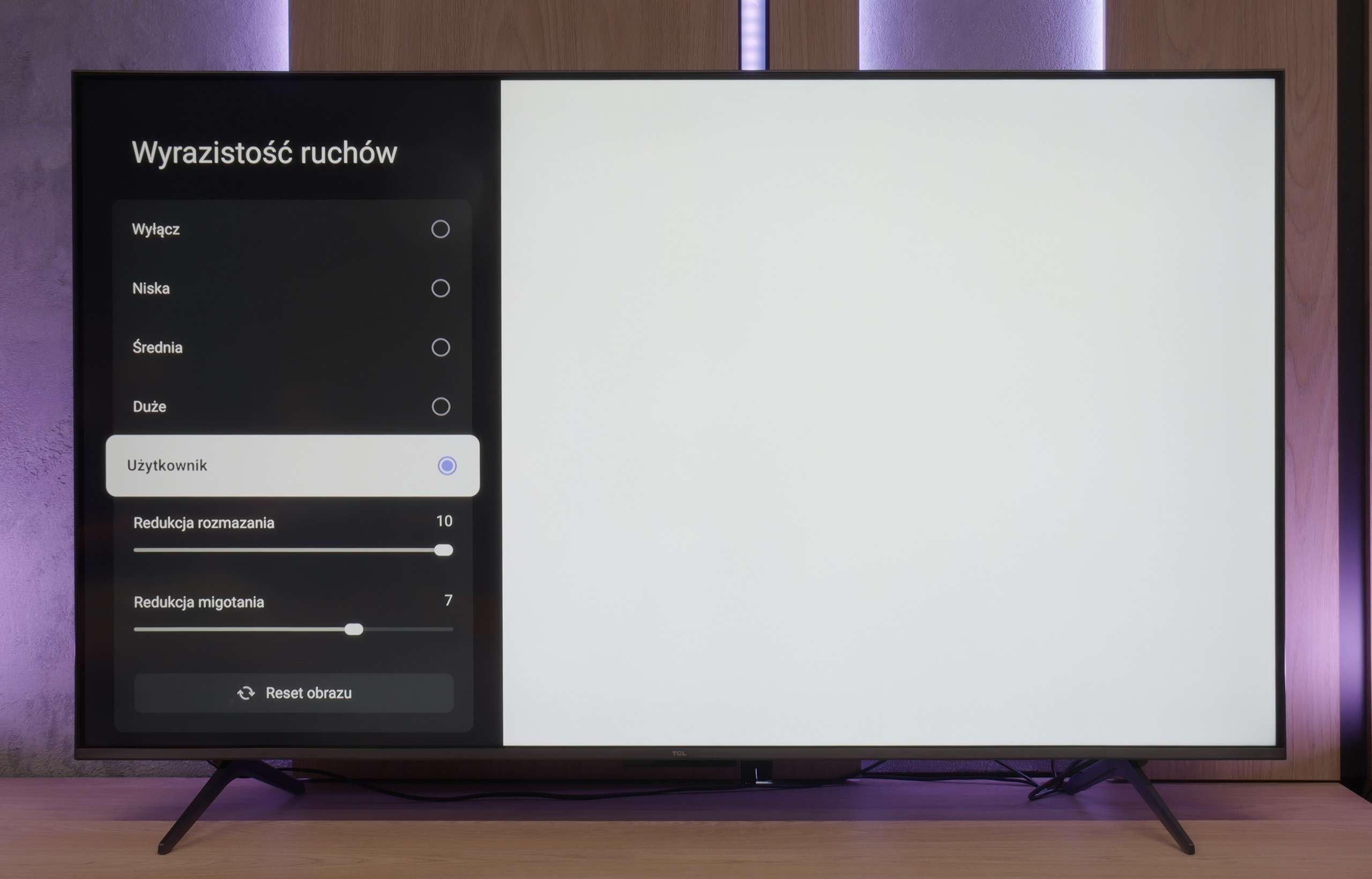
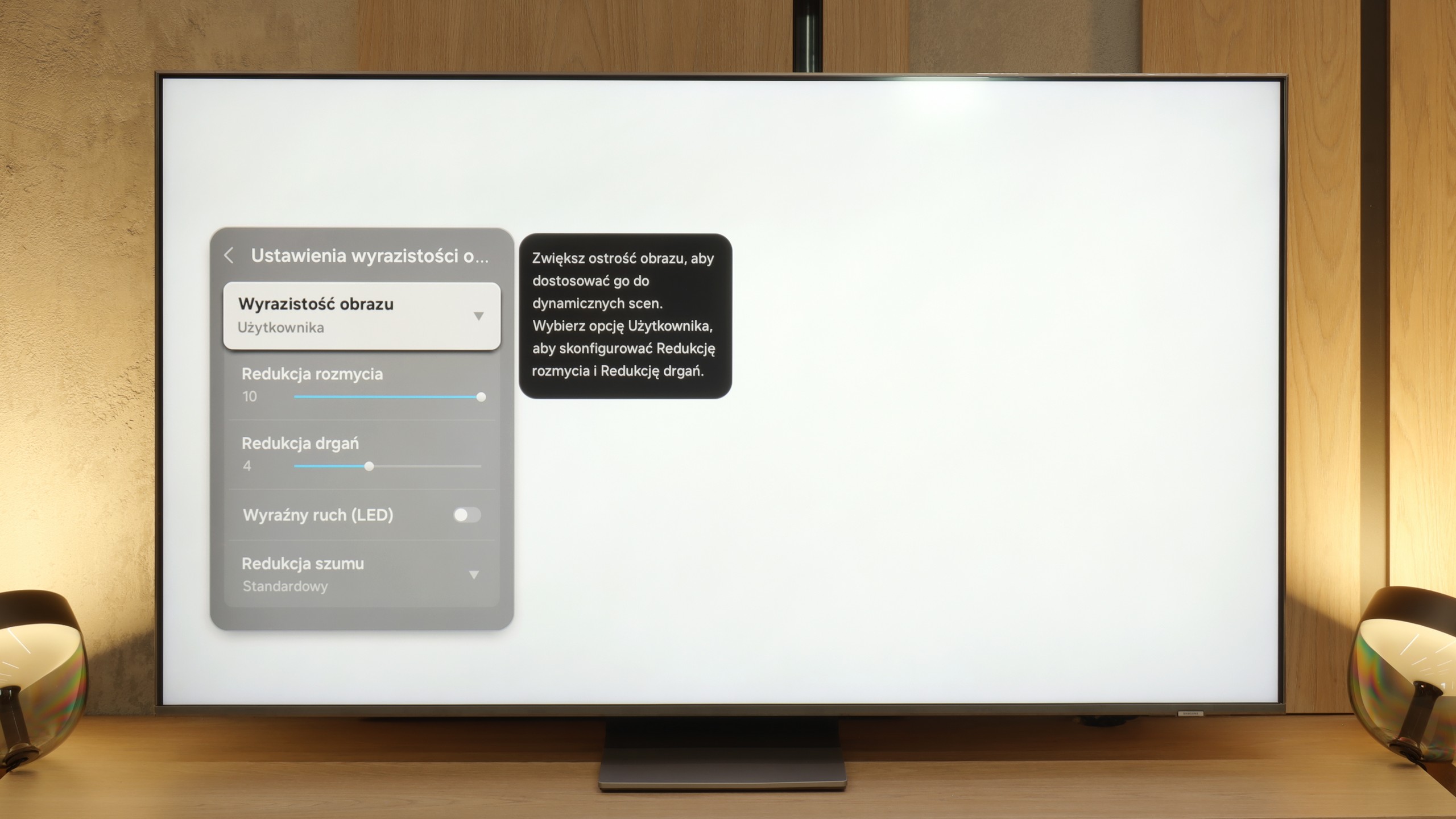
Blur (native resolution, maximum refresh rate):
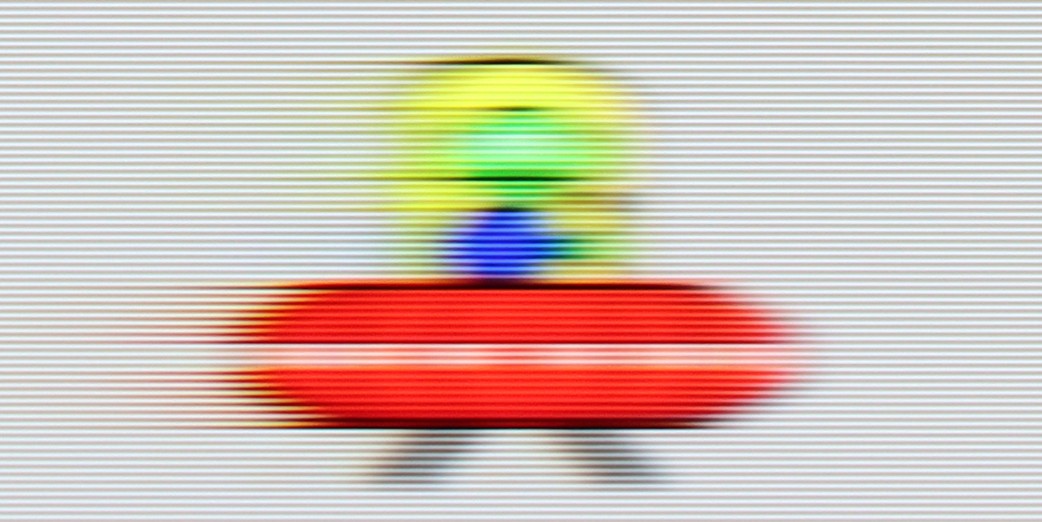
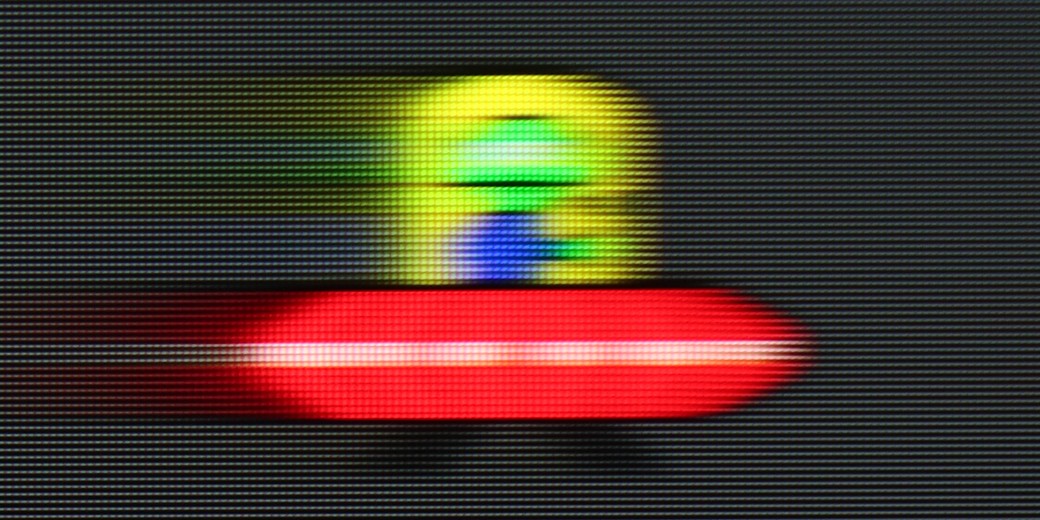
Blur (BFI function enabled):

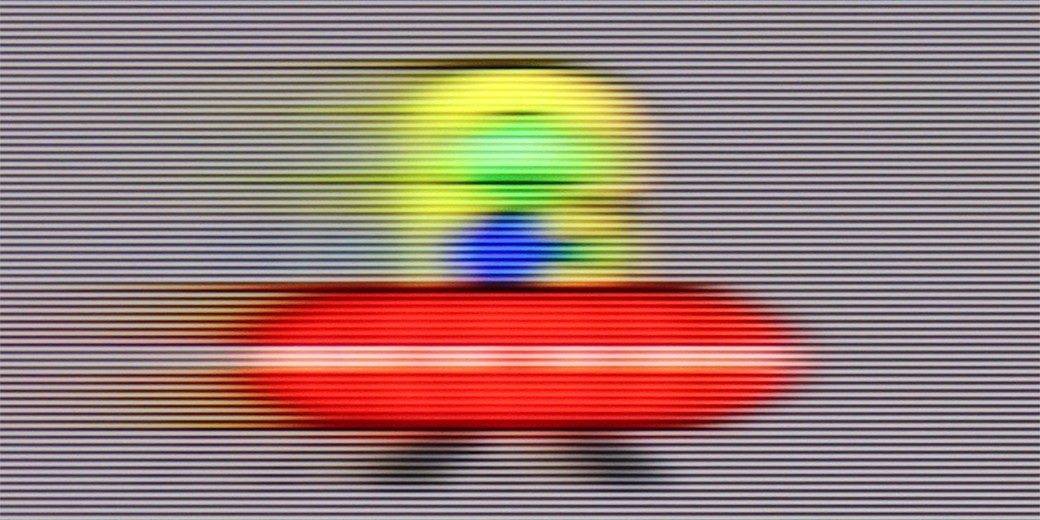
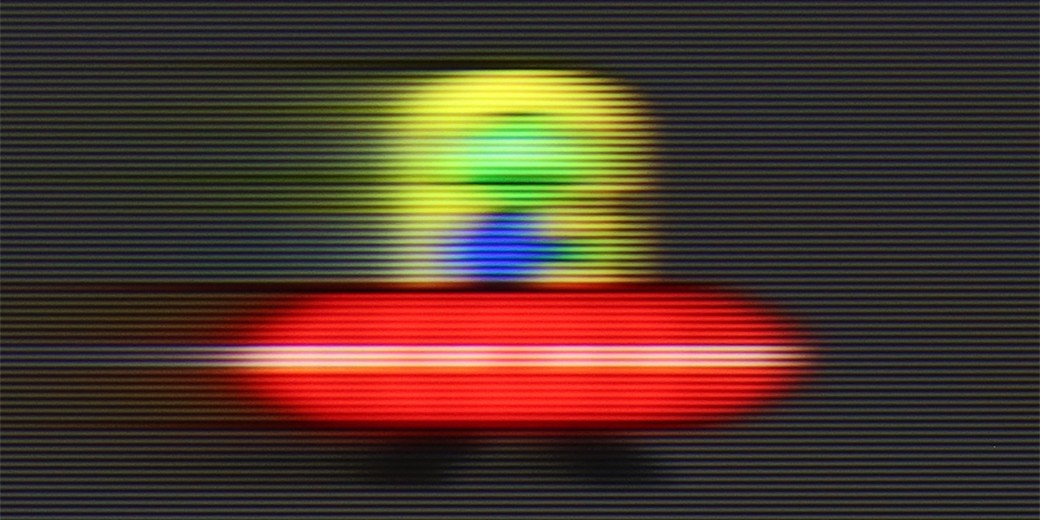
Image flickers in this mode



Blur ():
Blur (4K@144Hz):
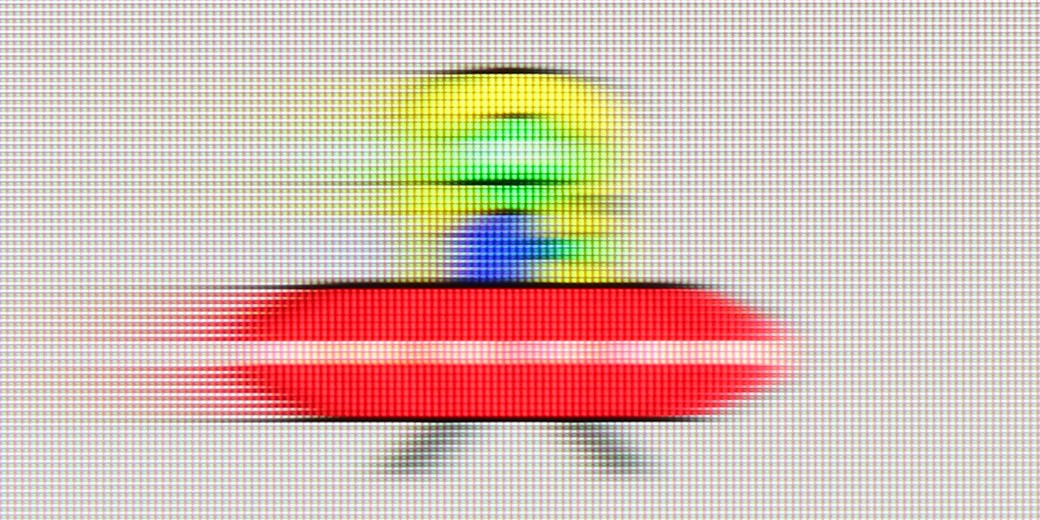
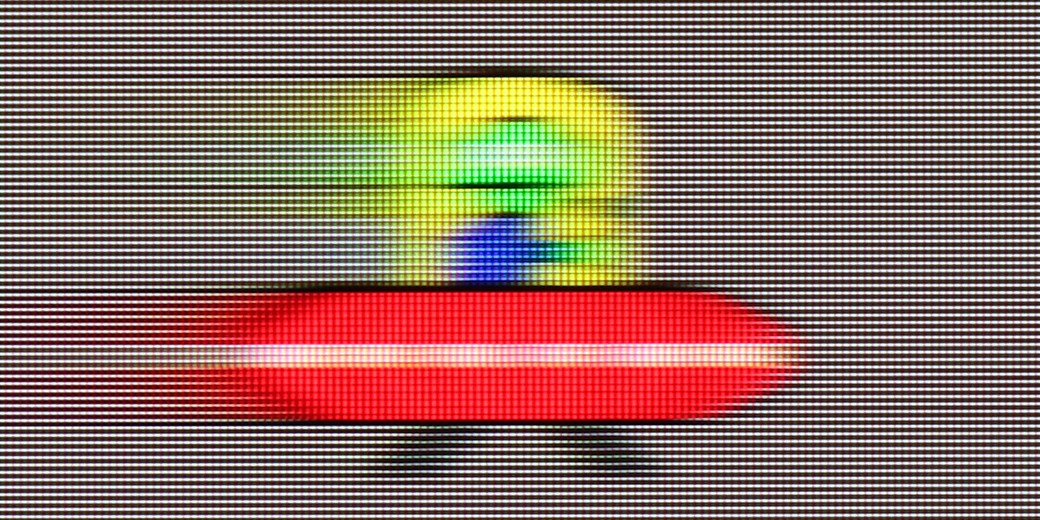
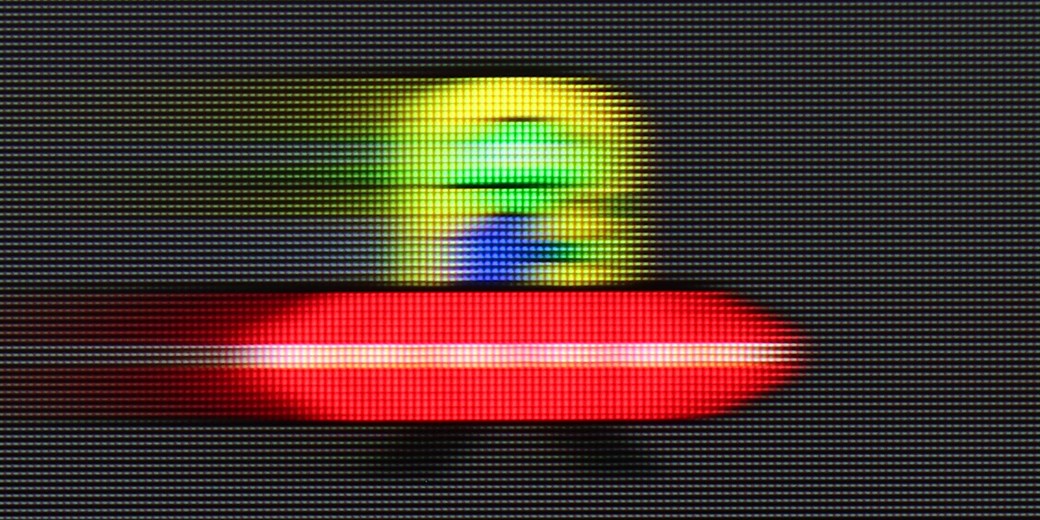
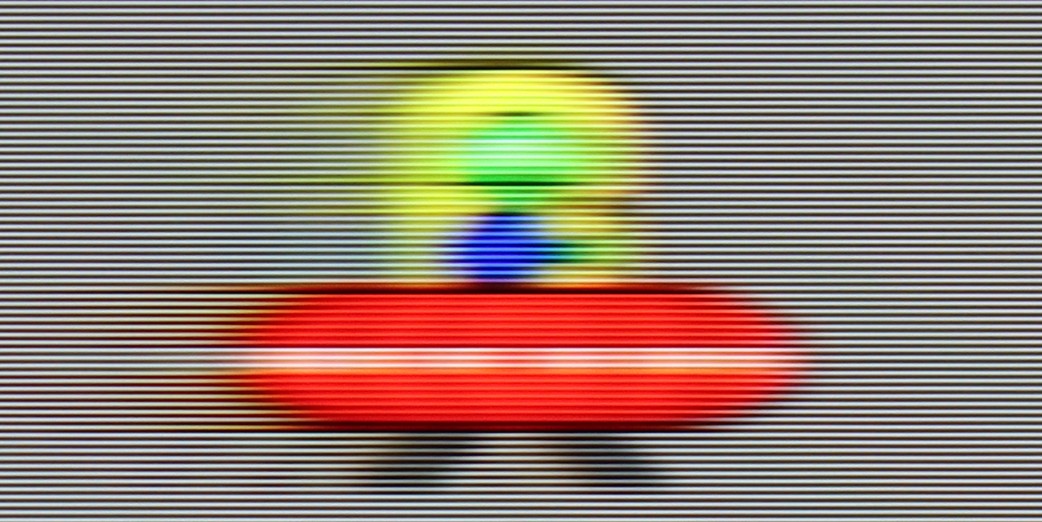
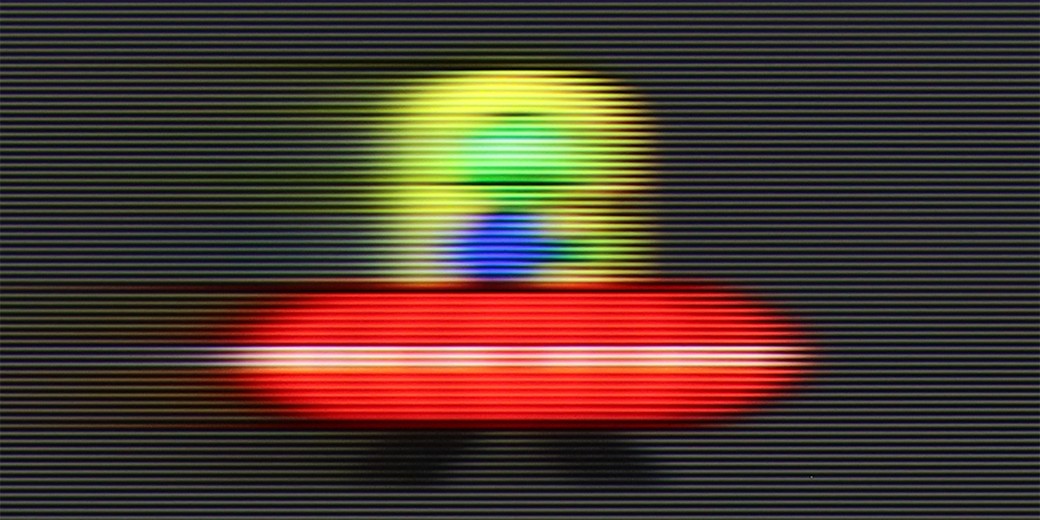
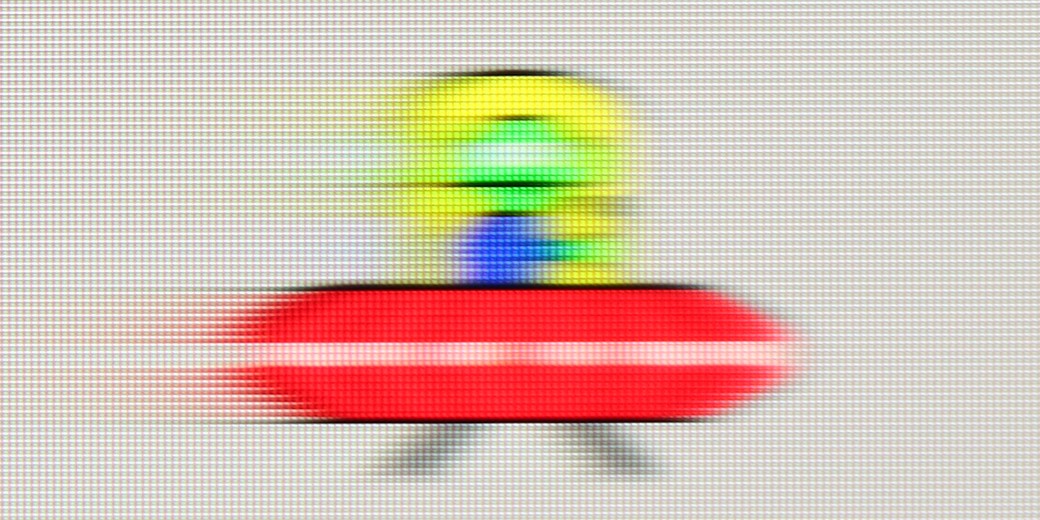
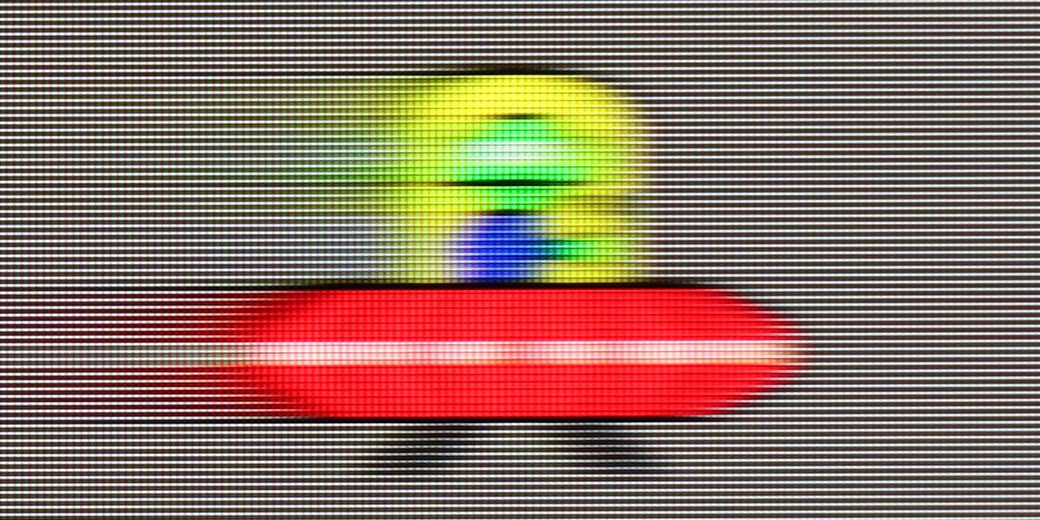
TCL C6K uses a 144 Hz panel, which is a significant advantage in this price range. It's an important step forward in comparison to the previous model C655 PRO, which only offered 60 Hz in 4K. The difference is especially noticeable when watching sports or playing games – the ball, players, or fast action in the game are displayed more clearly and without losing detail. An interesting fact is the panel's ability to operate at 240 Hz, which the manufacturer doesn't mention in official materials. We will return to this topic when discussing the PC gaming mode.
TCL has also added a feature for movie watchers: "Motion Clarity," which allows users to adjust the image according to their preferences with two simple sliders. You can either keep the visible film frame or opt for a very smooth, almost theatrical effect. This way, everyone can find settings that match their taste.
Motion blur and fluidity of movement in the QN85F is a topic worth discussing further because the TV is equipped not with a standard 120 Hz panel but with a 144 Hz one. The extra hertz will mainly be appreciated by PC gamers, but the very fact of having such an option can be seen as a nice addition and a sign of the times – it's hard to complain about the trend of faster panels since in practice, each of us would like the picture to be as smooth as possible. However, the most important thing is how the TV performs with typical 120 Hz refresh rates – in the case of consoles, sports, or films recorded at 24 or 30 frames per second. And here, the QN85F performs really well. In films, you can easily adjust the character of the picture thanks to the "image clarity" feature, where you'll find two control sliders. Key in the case of screenings is the one responsible for reducing motion judder. Lower values give the image a more cinematic character with preserved "frame-ness," while higher values lead to strong smoothing, reminiscent of television theatre.
Console compatibility and gaming features
9.8/10
9.6/10
- ALLM
- VRR
- VRR range48 - 240Hz48 - 144Hz
- Dolby Vision Game Mode
- Correct implementation of HGIG
- 1080p@120Hz
- 1440p@120Hz
- 4K@120Hz
- Game bar
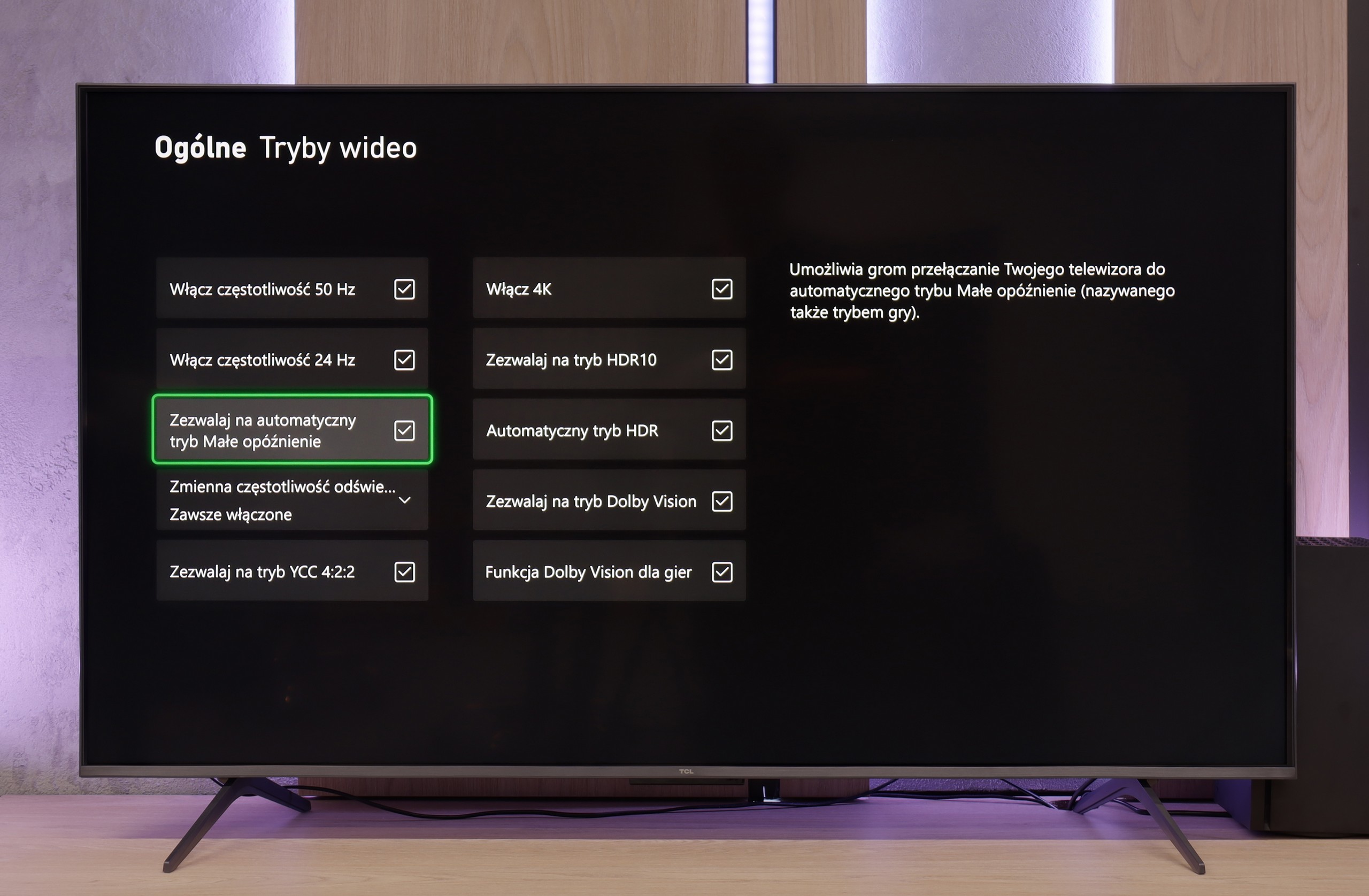
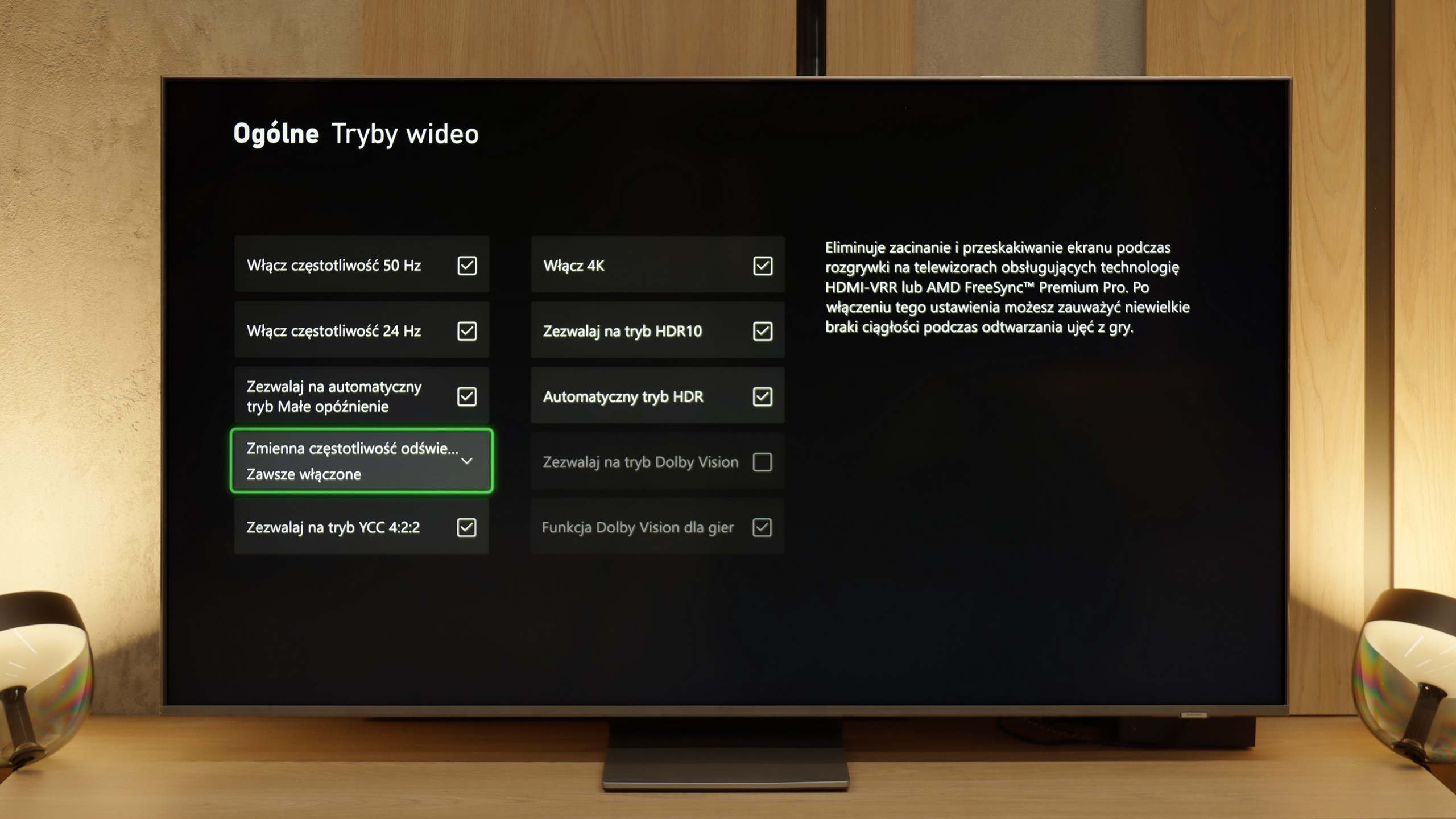
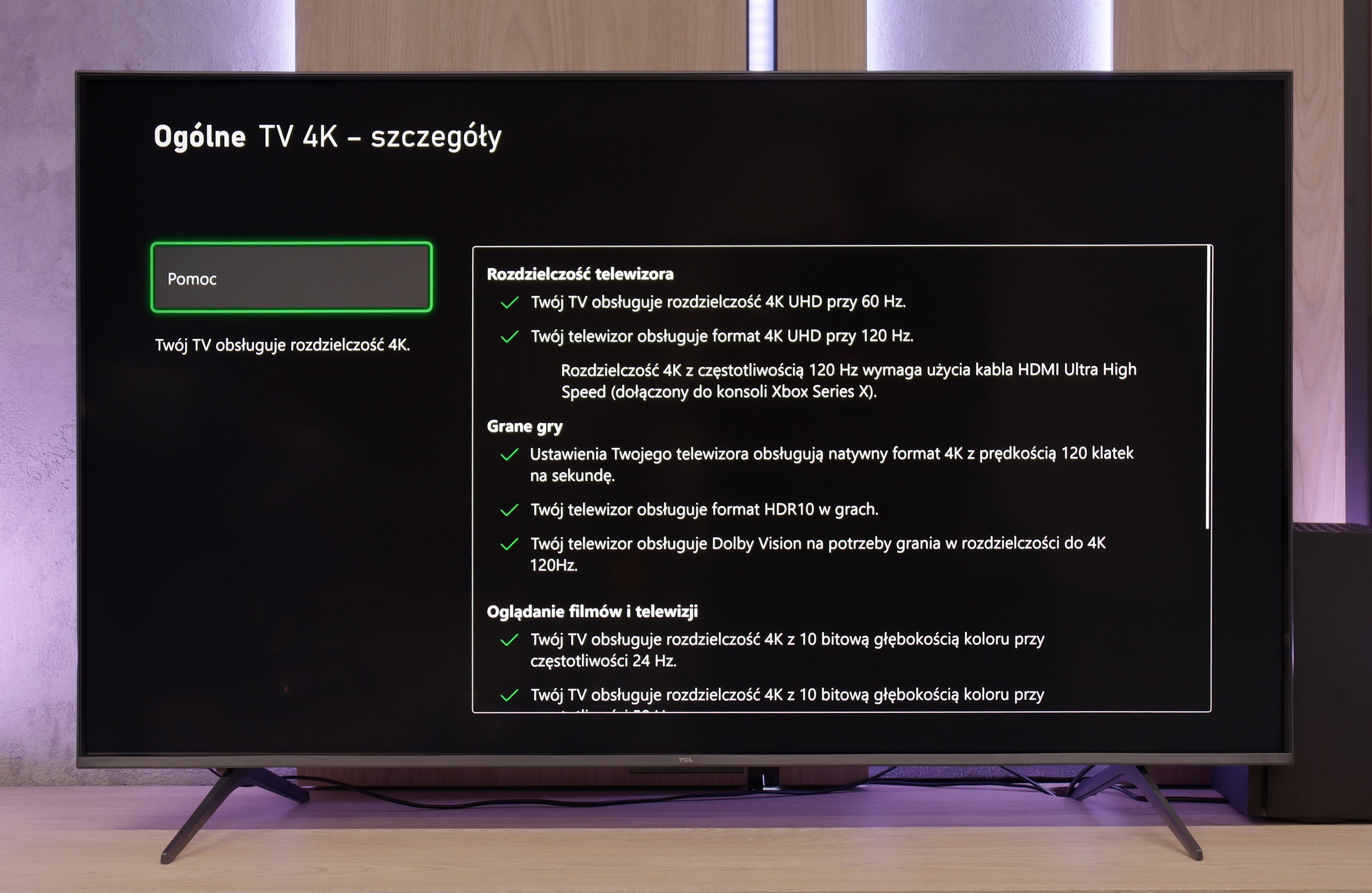
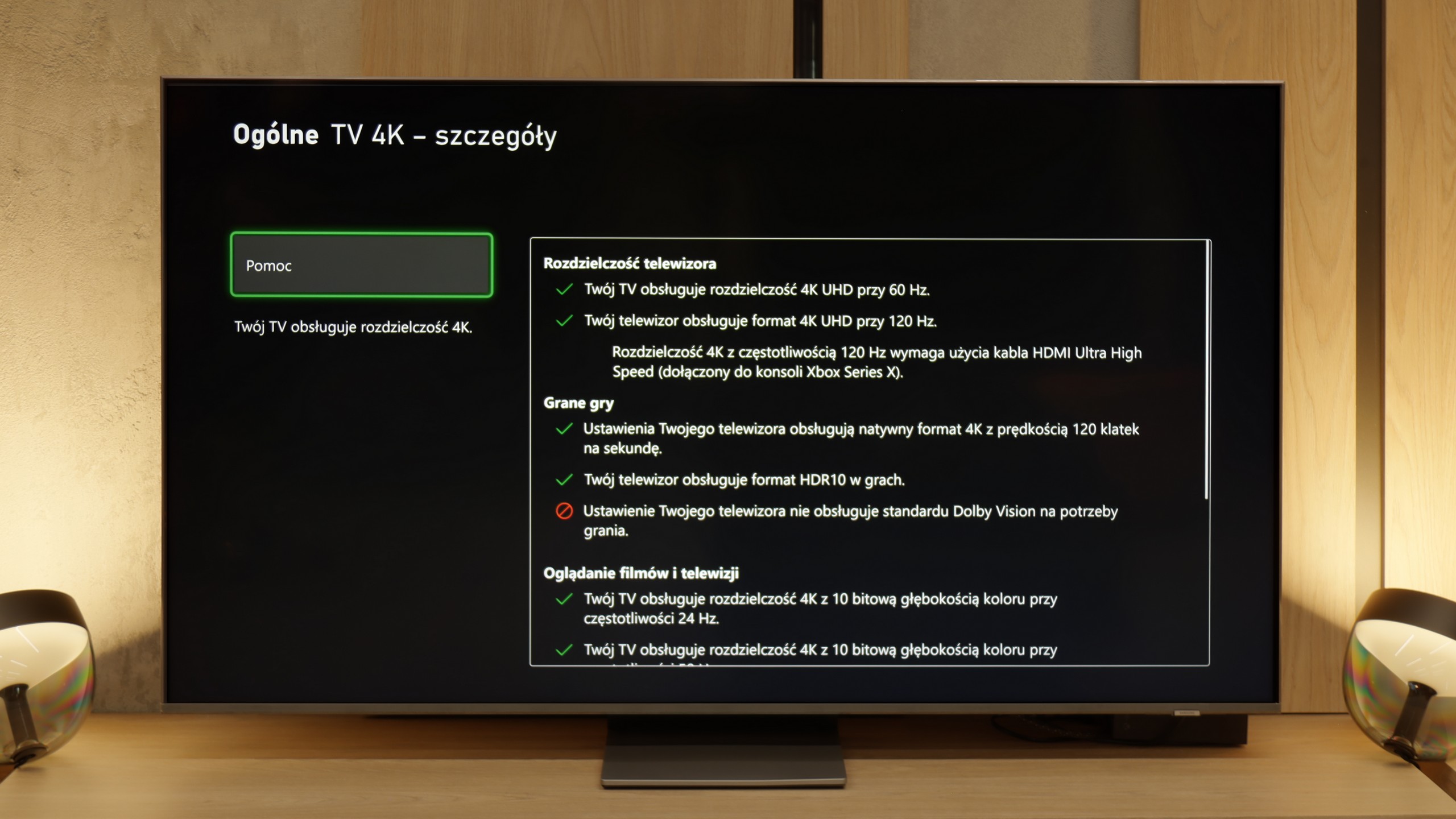
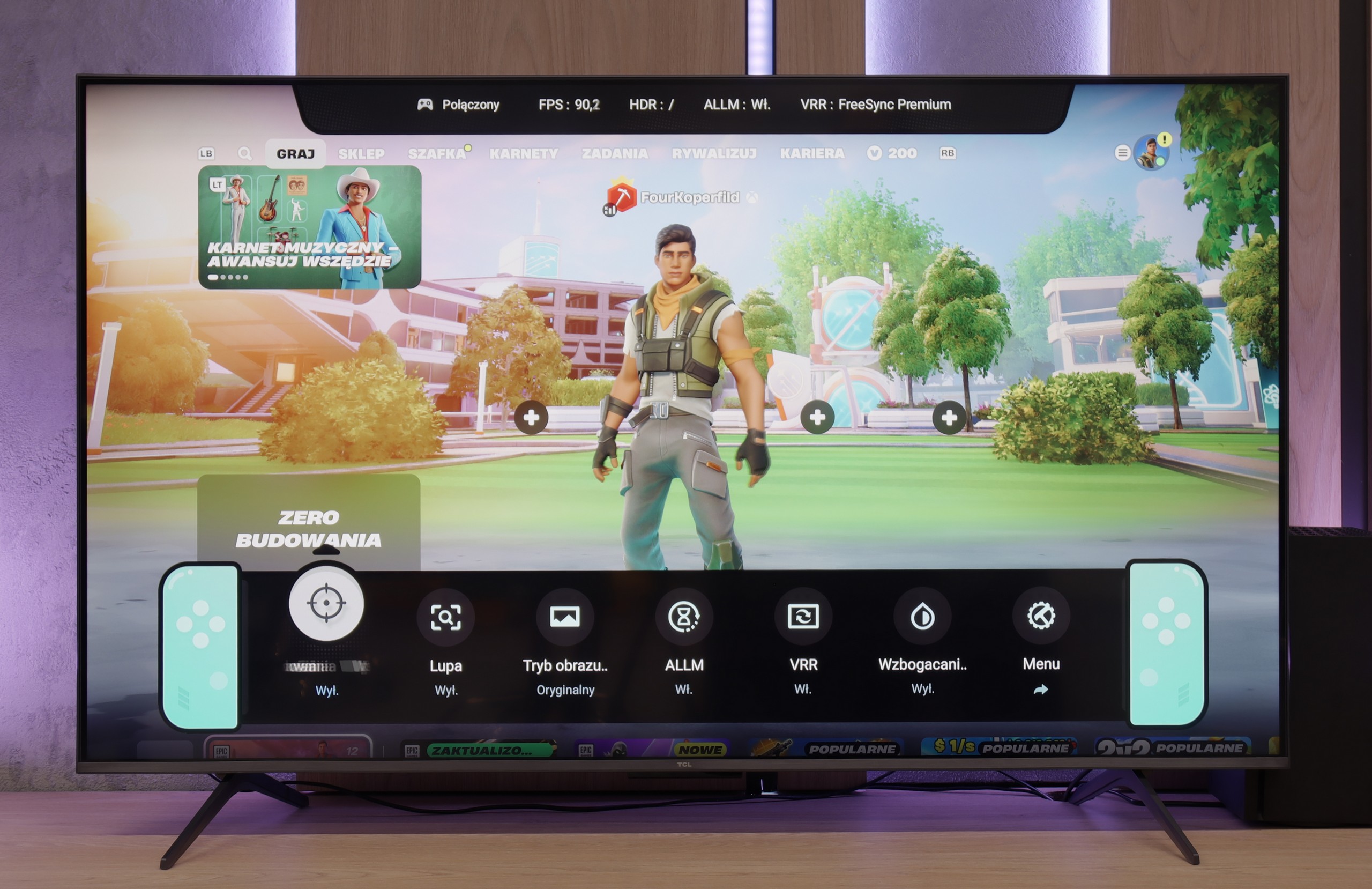
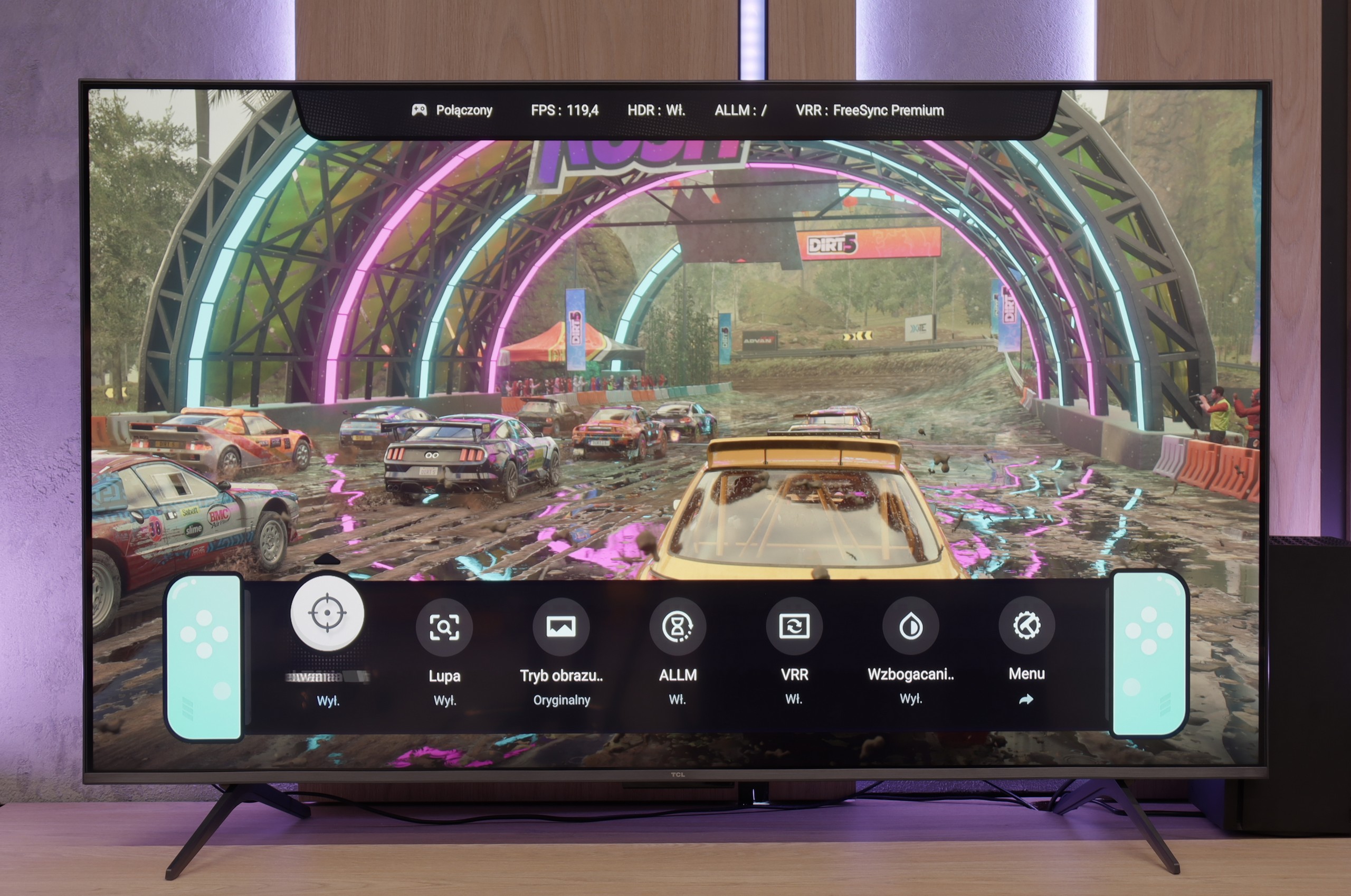
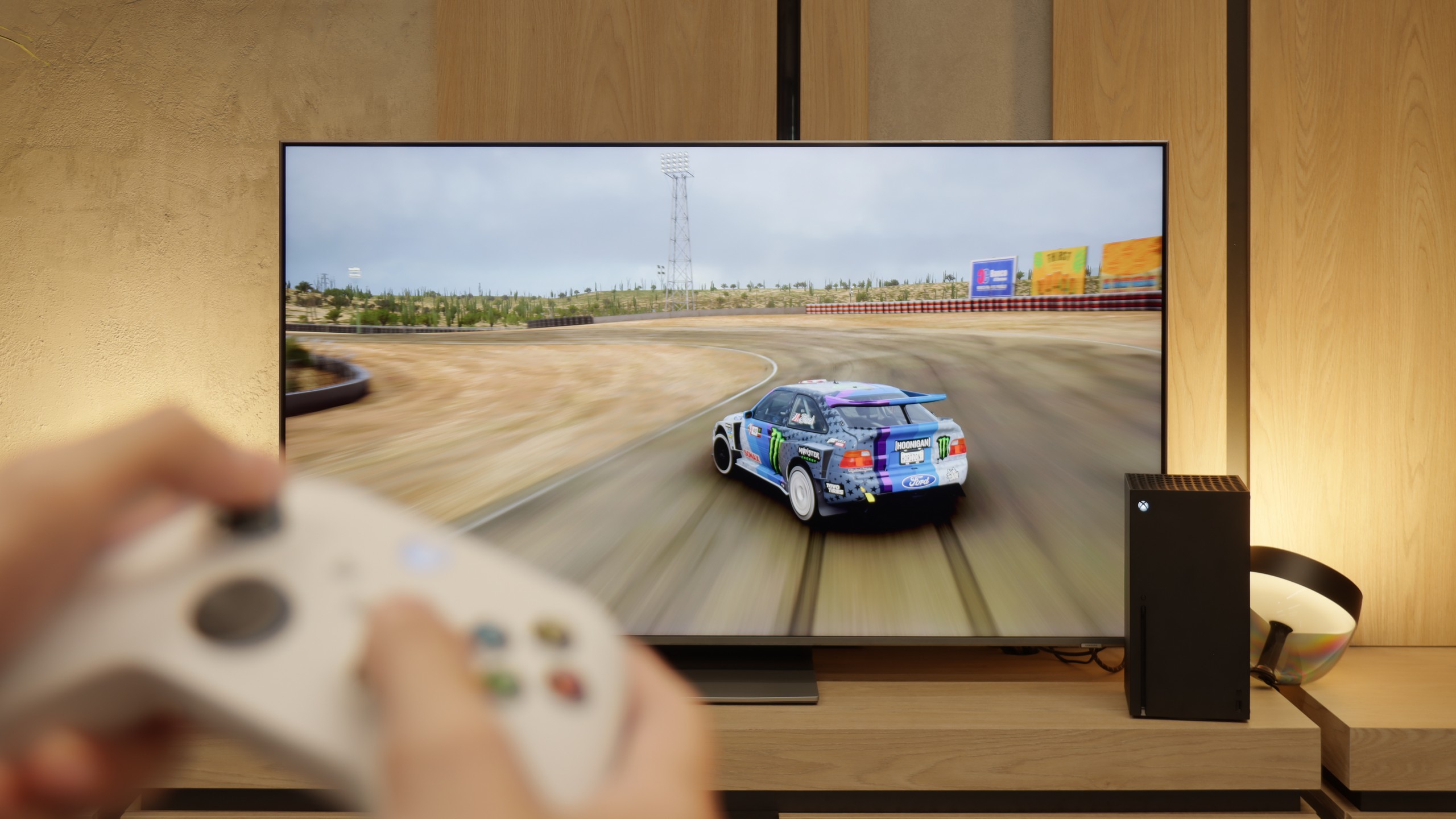
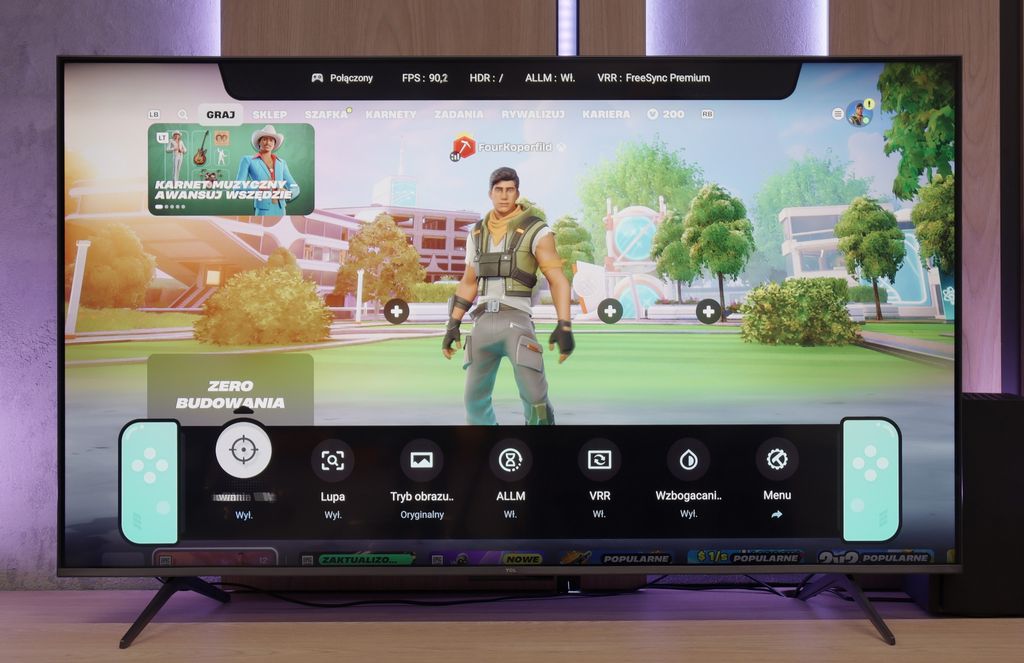
The TCL C6K is a television that can confidently be called equipment designed for gamers. We have 4K at 144 Hz, VRR support, an automatic gaming mode (ALLM), and Dolby Vision Gaming. On top of that, there's a practical Game Bar, which is a panel with the most important settings handy – useful when we want to quickly change something during gameplay (e.g. screen ratio: Yes, you can!). Notably, it has a wide range of VRR, reaching up to 240 Hz. However, this option is mainly for PC gamers who drop below the native 4K resolution. In that case, the television can spread its wings and show additional smoothness, especially in fast e-sport titles. For consoles, we stick with the classic limit of 120 Hz, but the possibilities are still quite broad. The only slight drawback is some minor motion blur that can occasionally be seen in dynamic scenes. Other than that, the C6K offers everything gamers expect from a television.
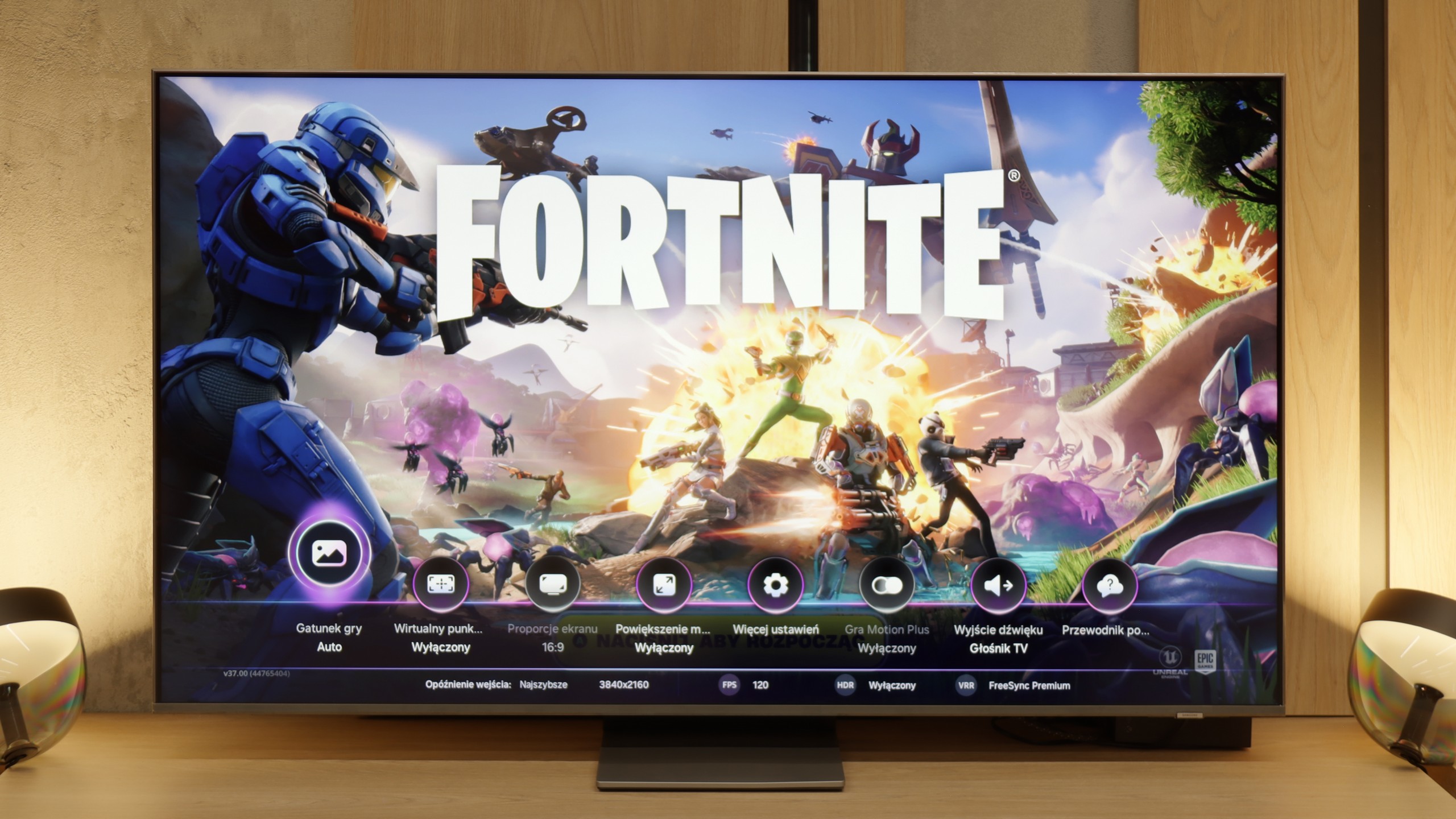
Samsung QN85F makes a really great impression in terms of features for gamers. It has four HDMI 2.1 ports, so we can easily connect several devices at the same time. There's also Variable Refresh Rate (VRR) to prevent screen tearing, as well as Auto Low Latency Mode (ALLM), which allows the TV to automatically switch to the appropriate settings when we start the console. Additionally, it supports refresh rates of up to 144 Hz – something that PC gamers will particularly appreciate, but the very fact that such an option is available shows that Samsung is committed to full support for gamers. The Game Bar panel also deserves praise. It provides a quick overview of the most important parameters – from frame count to refresh rate mode, and even shortcuts to picture settings. Instead of digging through the entire menu, everything is at our fingertips, which proves to be really convenient in practice. However, the most interesting addition is the Game Motion Plus feature. It is nothing more than motion smoothing, adapted for the gaming world. When it’s turned on, the image becomes smoother, sometimes looking as if we’re getting several more frames, and importantly – the response delay doesn’t increase enough to interfere with gameplay. This is a solution that truly sets Samsung's 120Hz TVs apart from the competition.
[UPDATE] We have updated our tests of Samsung TVs from the 2025 model year due to the release of software version 1131, which restored the crucial gaming feature HGiG.
The only significant downside remains the lack of proper support for HGiG. This is a standard responsible for accurate tone mapping in HDR games, ensuring that brightness and contrast are displayed as intended by the creators. Without HGiG, we have to set brightness manually, which doesn’t always yield perfect results. This feature was available in previous models, but disappeared from the QN85F after one of the updates. We hope that Samsung will quickly fix this issue, and we will be monitoring to see if they succeed.
Input lag
9.7/10
9.8/10
SDR
HDR
Dolby Vision
In terms of input lag, the TCL C6K performs excellently. With 120 Hz content, the delay is around 10 ms, and at times even less. This is at a level where the response is practically instantaneous, and it’s hard to find any complaints. For 60 Hz materials, the result is around 18 ms – still a very good result, more than adequate for comfortable gaming.
The input lag in the QN85F is exceptionally high. With content at 120 or 144 Hz, the values often hovered below 10 ms, which is an outstanding result. Naturally, when playing at 60 Hz, the lag doubles, but it still remains low enough to be practically unnoticeable. This makes the QN85F suitable for both dynamic e-sports games and more relaxed console titles.
Compatibility with PC
8.6/10
8.4/10
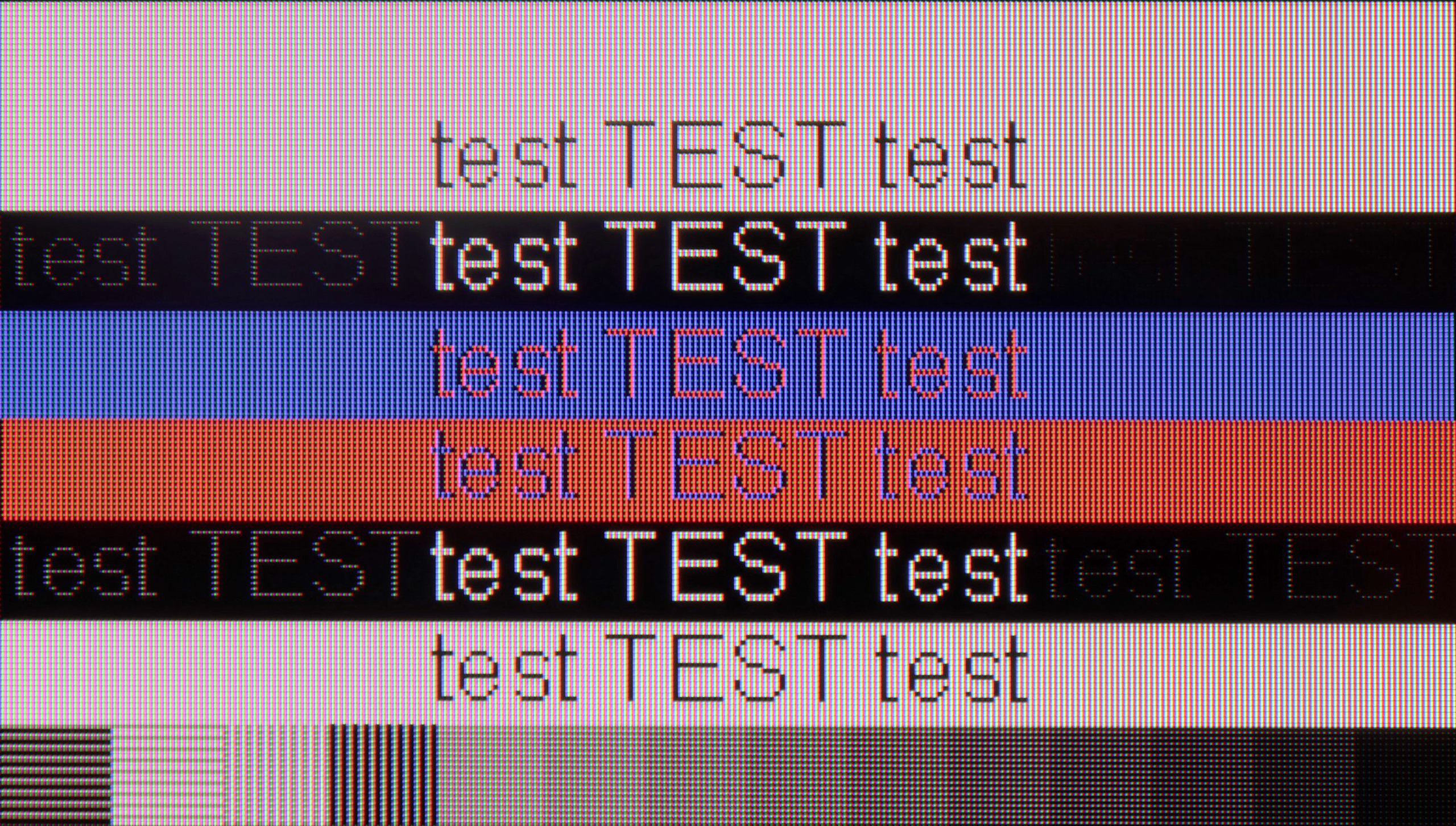
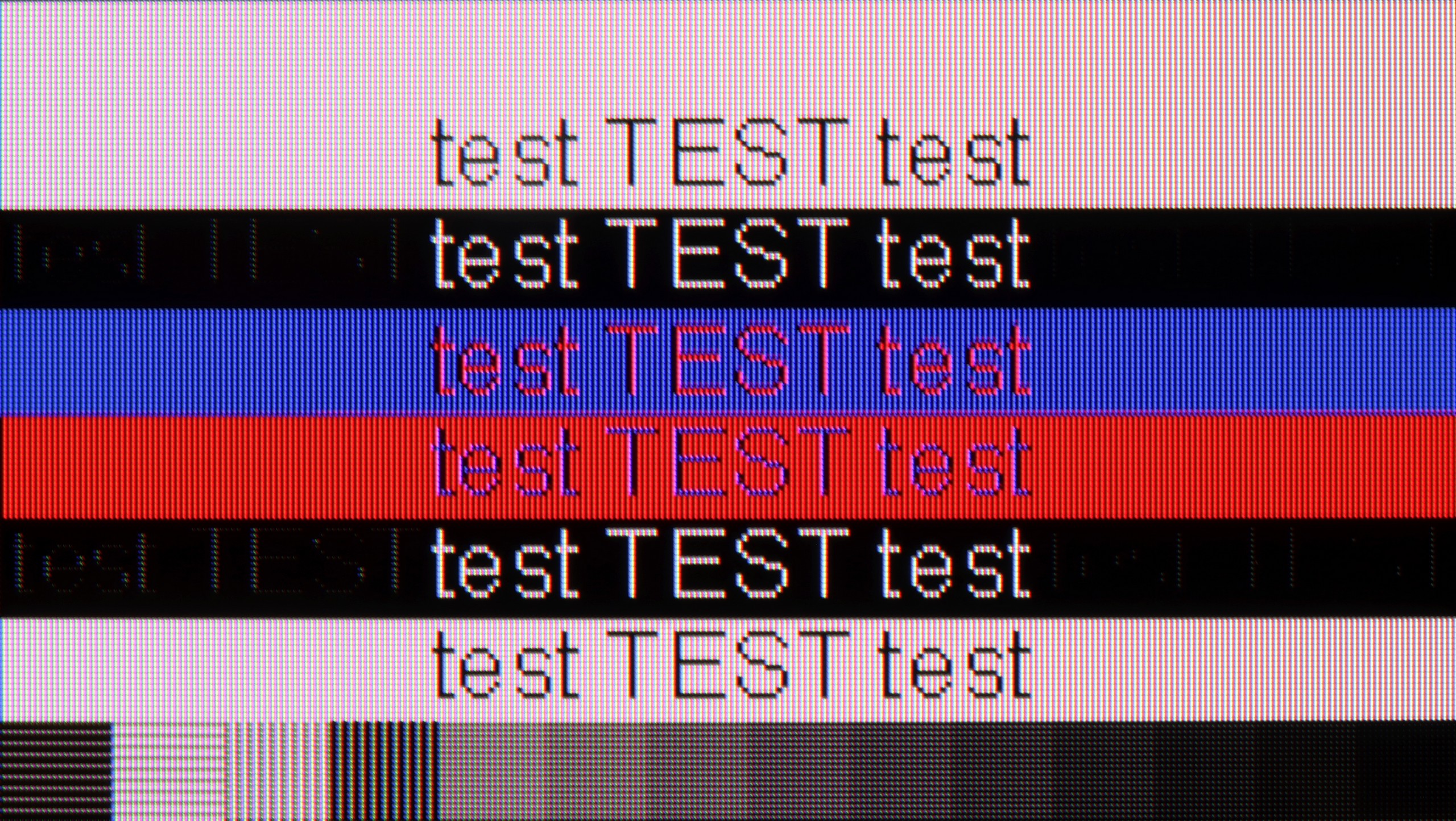
The photo shows the legibility of small fonts. Ideally, lines should be the same thickness on both light and dark text, with minimal pixel gaps.
After connecting the TCL C6K to the computer, it performs excellently. At native resolution, we have 4K at 144 Hz, and if we lower the resolution, we can even achieve 240 Hz. Additionally, the TV works well with Nvidia and AMD cards – it supports both G-Sync and FreeSync. It’s also hard to fault for office work. Fonts are sharp and readable thanks to 4:4:4 chroma support, and any minor imperfections are so negligible that they're simply not noticeable in regular use.
The QN85F performs really well in terms of collaboration with computers. Thanks to the PC mode with a refresh rate of up to 144 Hz, support for G-Sync, and low input lag, gaming on a personal computer is very enjoyable and should not cause frustration even for more demanding gamers. The readability of the fonts is also good – the TV supports 4:4:4 chroma, so standard texts look sharp and clear. The problem only arises with very thin letters. Regardless of the refresh rate setting – whether it’s 144, 120, or 60 Hz – horizontal, thin lines were poorly visible. Reducing the refresh rate slightly improved the situation, but never to the point where one could say they were displayed perfectly.
Viewing angles
3/10
3.2/10
In the TCL C6K, the viewing angles are typical for VA panels. Sitting directly in front, the picture looks very good, but any movement to the side results in a noticeable drop in colour saturation and brightness. The difference is particularly evident in colourful scenes – the hues become washed out, and the contrast loses its depth. Compared to IPS panels, this is clearly a weaker result, although the better black levels and higher native contrast remain a compensating factor – "you win some, you lose some".
The viewing angles on the QN85F are the classic Achilles' heel of most LCD TVs with VA panels. When looking at the screen from an angle, the drop in brightness becomes apparent quite quickly, with whites starting to grey and colours losing their intensity. This is the price to pay for the high contrast that this technology offers. Samsung could have opted for a better coating to enhance viewing angles in this model, but it is not present here. In practice, this means that the best viewing experience will be obtained when sitting directly in front of the television, and any significant deviation will result in a noticeable loss of picture quality.
Daytime performance
6.4/10
6.9/10
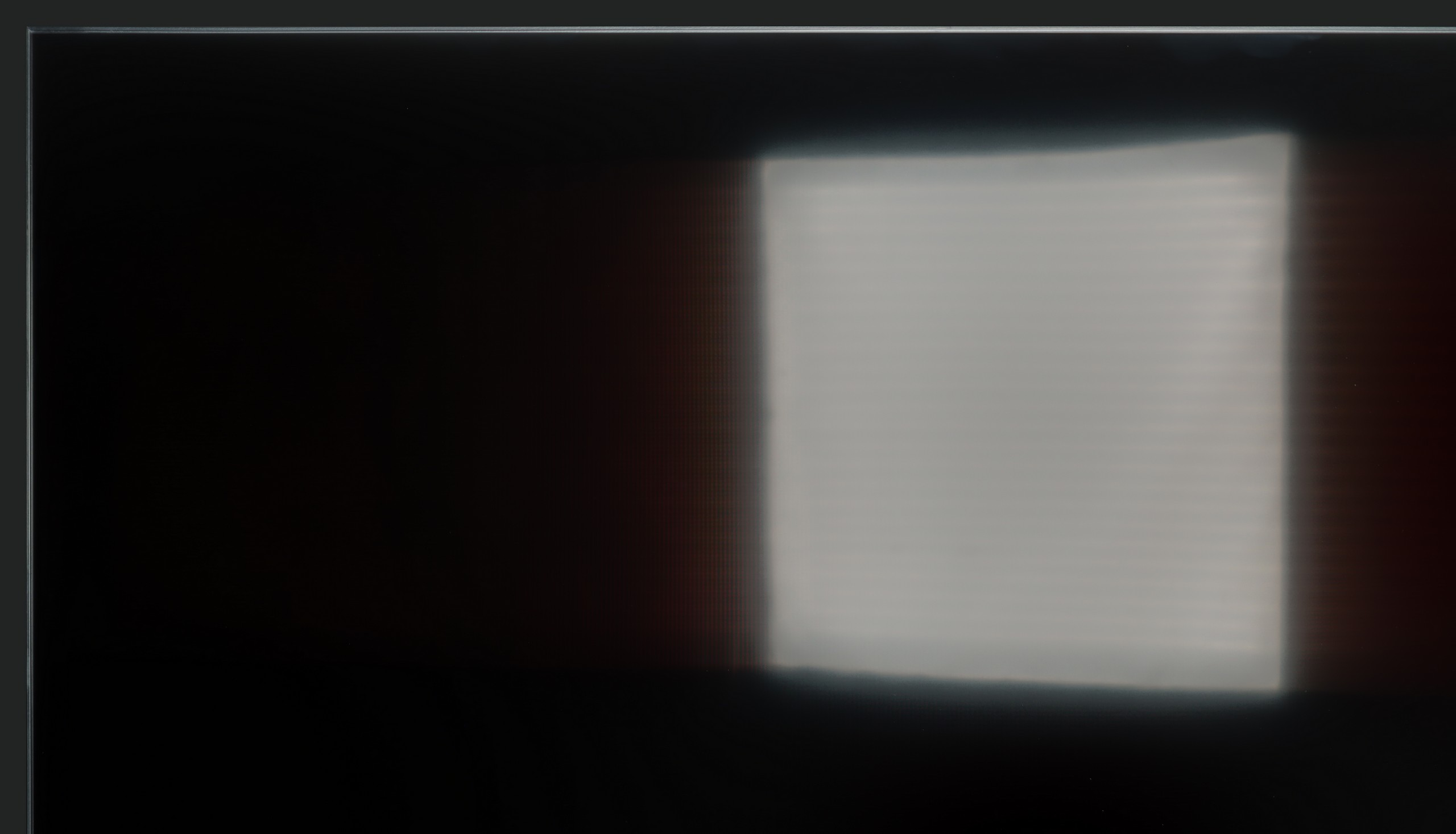
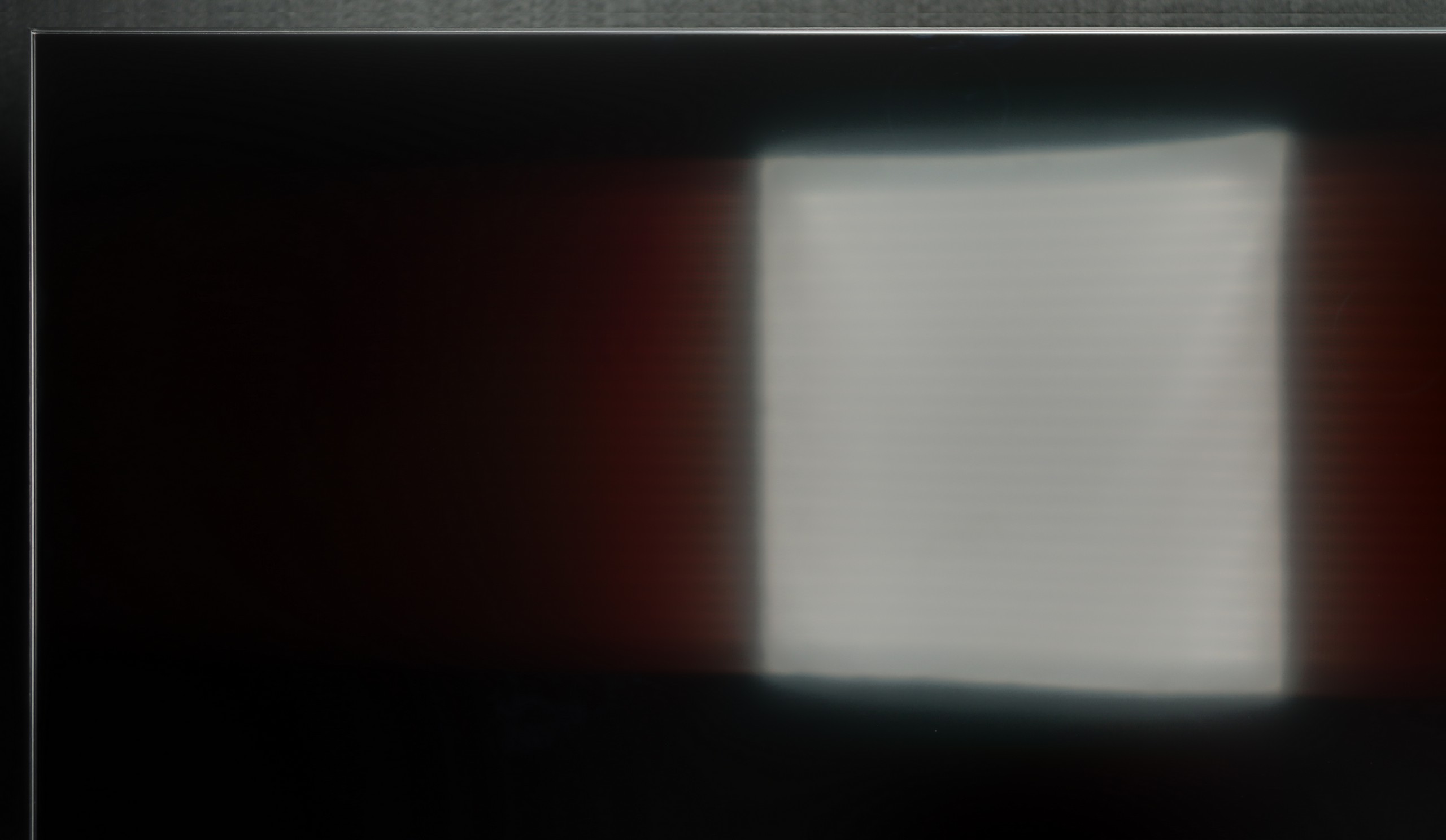
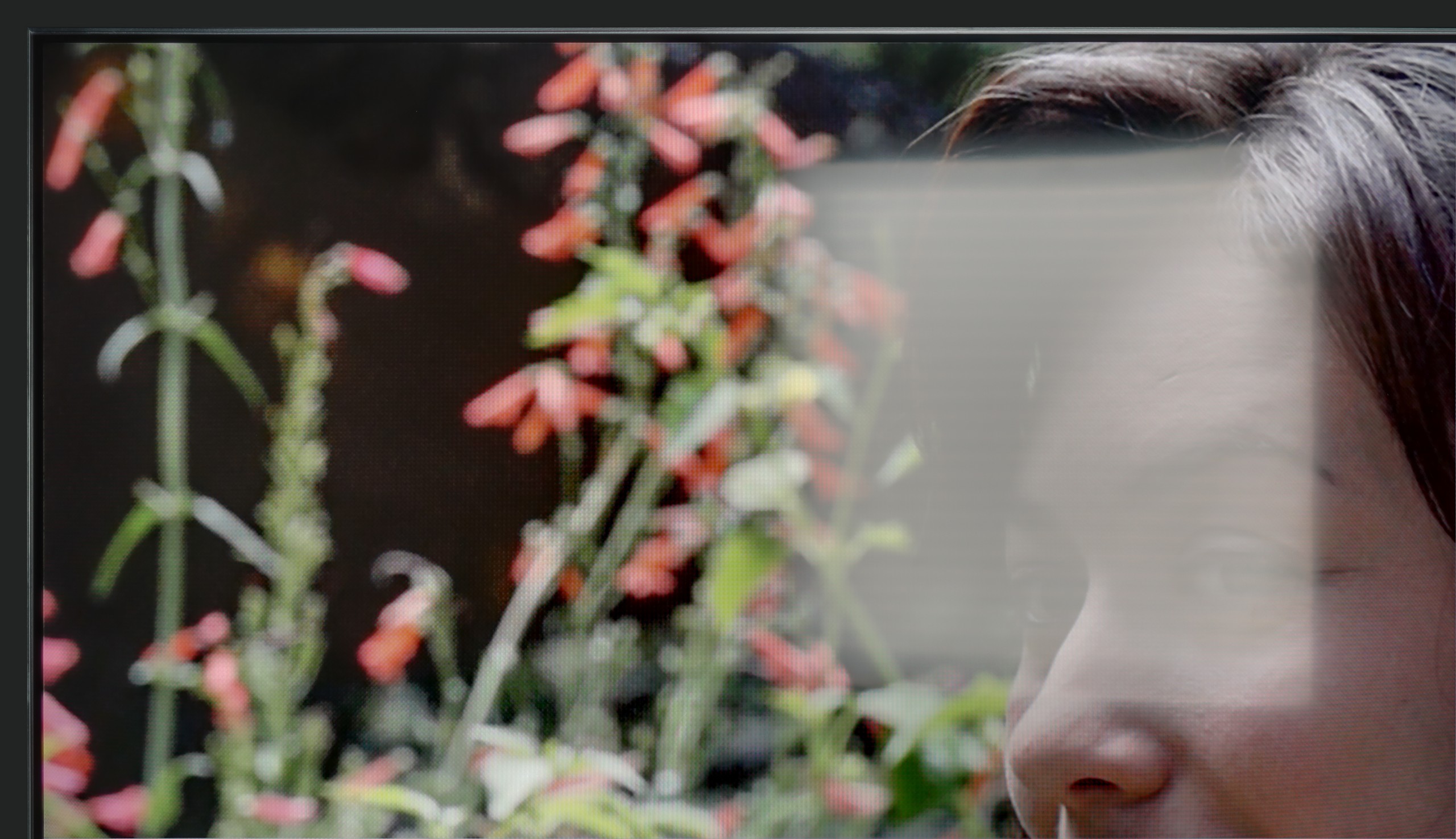
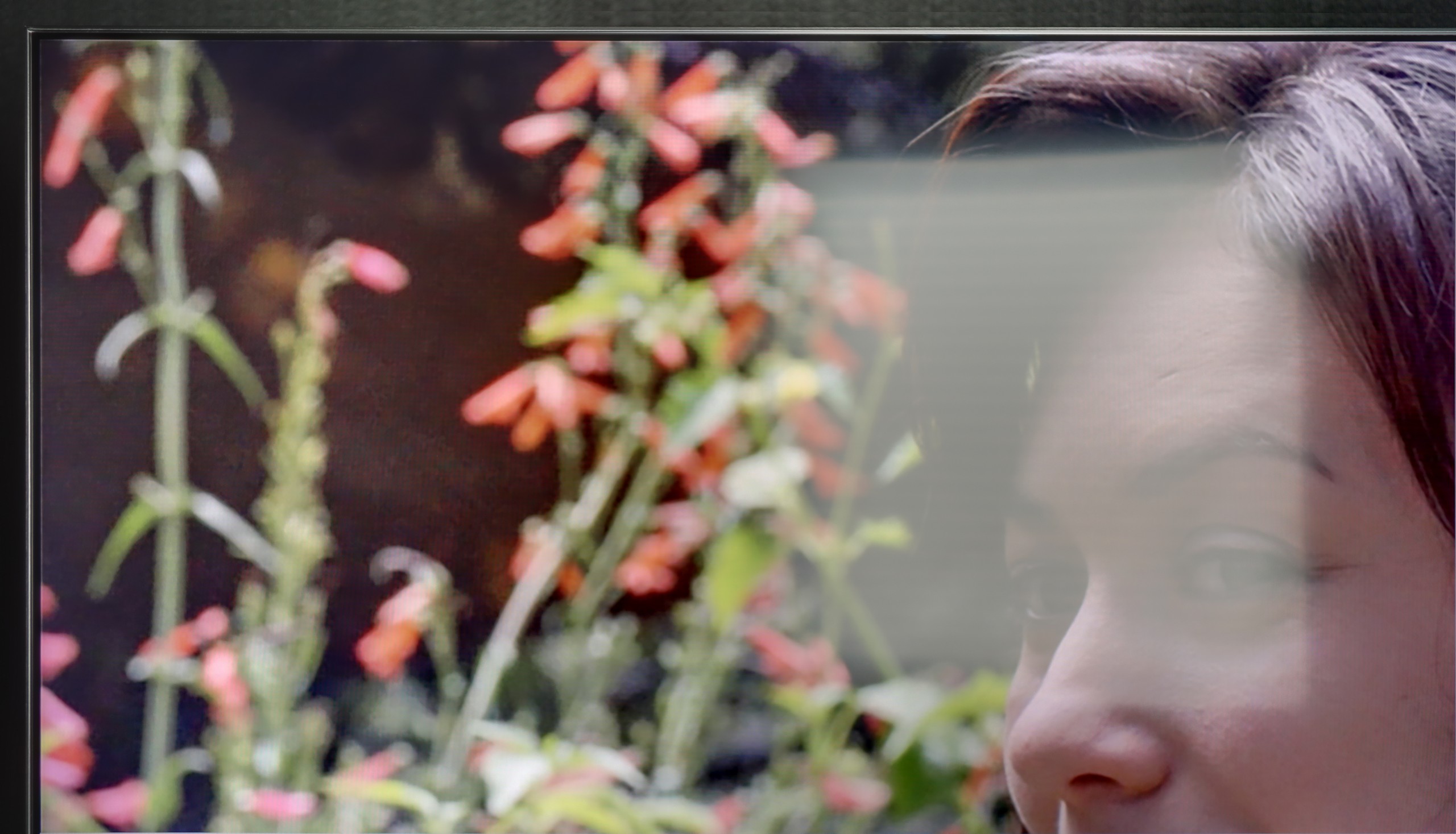
Panel brightness
Samsung QN85F : 690 cd/m2
TCL C6K: 532 cd/m2
TCL C6K performs quite well in bright lighting conditions. The panel offers decent brightness – achieving around 550 nits in SDR content, which allows for comfortable viewing in a moderately lit lounge, even on days with strong light coming through the windows. This means that daytime viewing does not require complete darkening of the room. It's also worth noting that the screen coating does quite a good job of reducing reflections, so the TV doesn't turn into a "mirror" even with bright lighting. However, this is not on the level of top models with more advanced anti-reflective coatings – in very challenging conditions, such as large windows, reflections will be noticeable.
QN85F performs exceptionally well during the day. The satin finish of the screen combined with high brightness makes it a television designed for bright rooms. Colours do not lose their intensity, and the image does not wash out even when a lot of light floods in. The television itself is bright enough to handle a lounge with large windows facing south. Therefore, the QN85F gives us an image that allows us to watch movies or matches during the day without annoying reflections and the feeling that the picture disappears in the sunlight.
Panel details
Subpixel Structure:
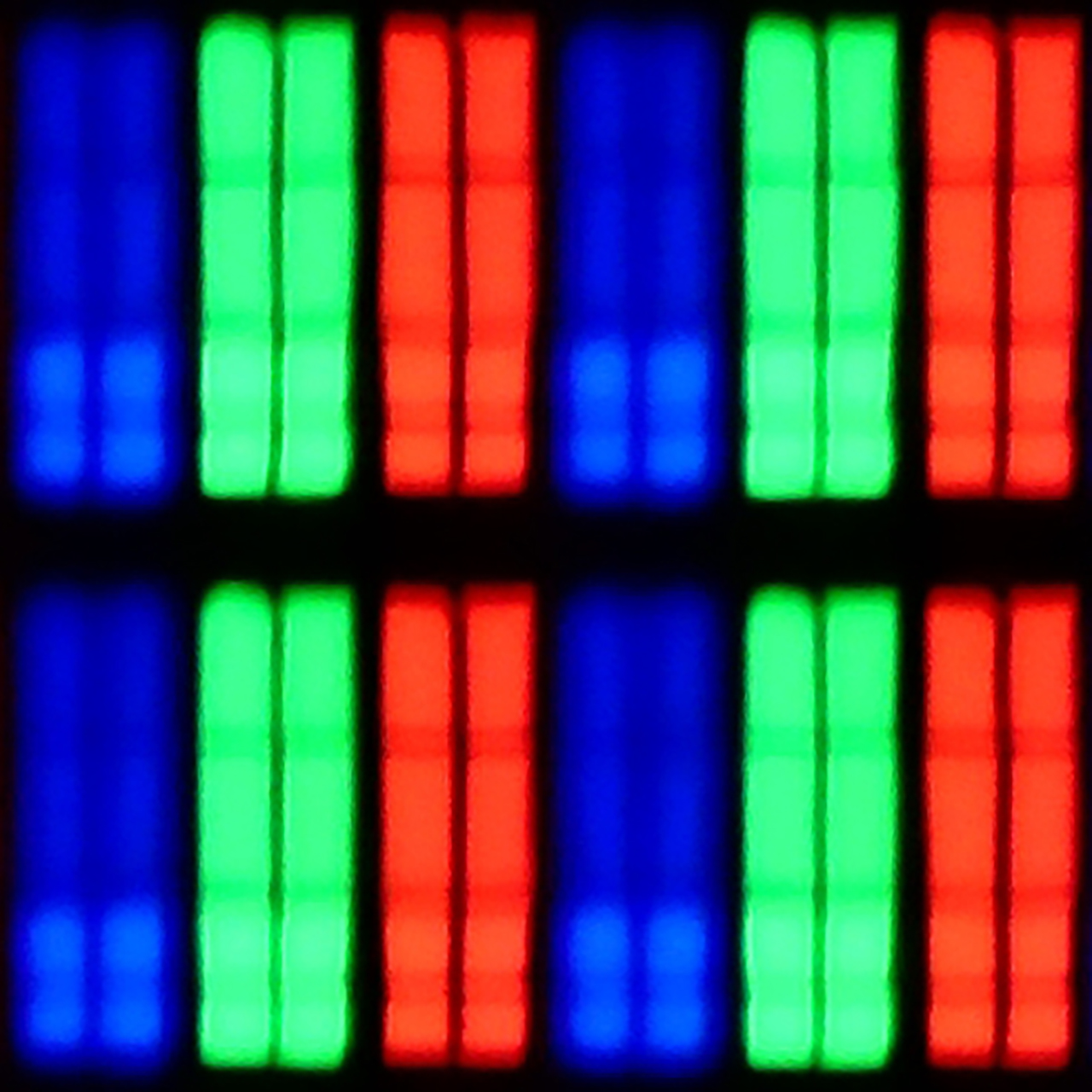
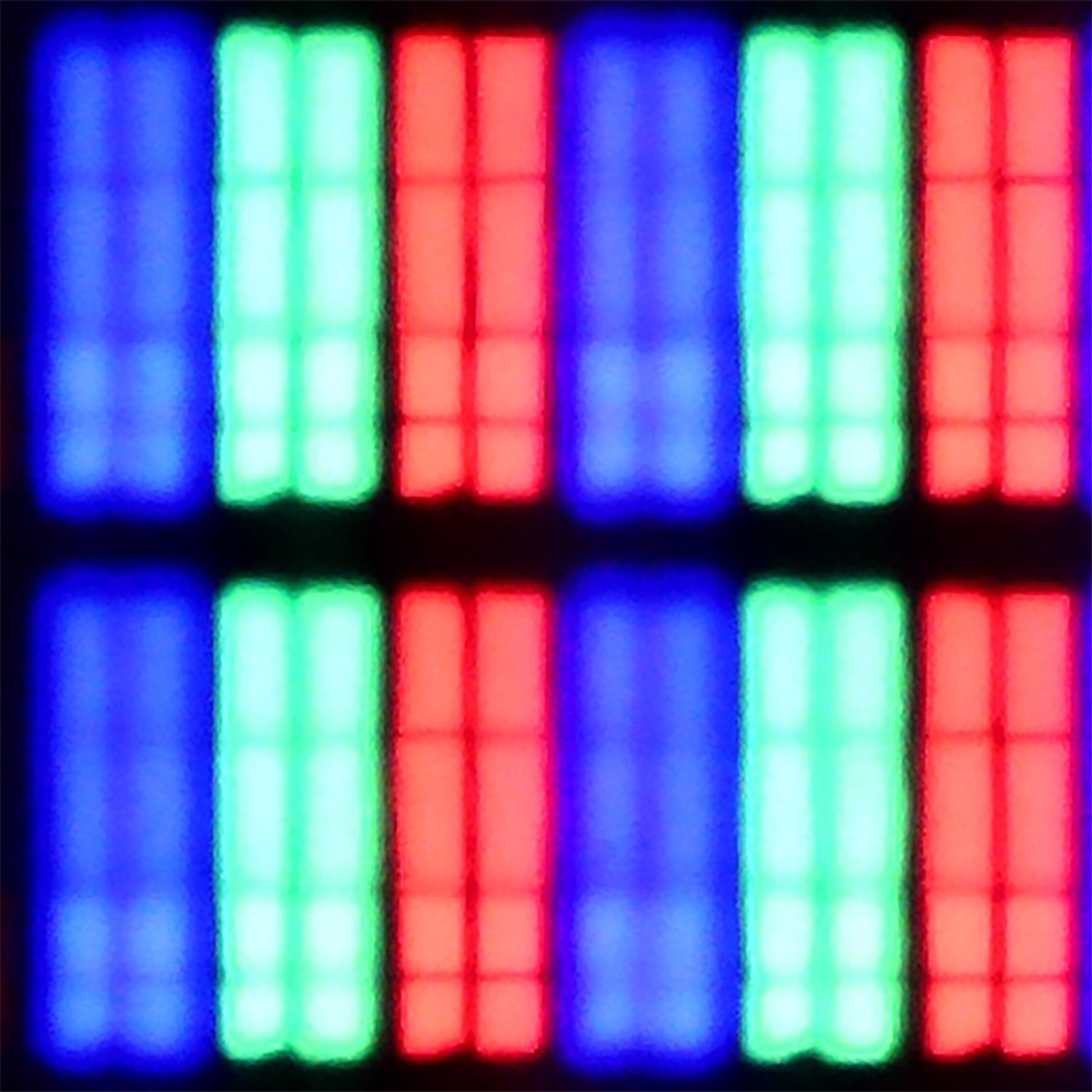
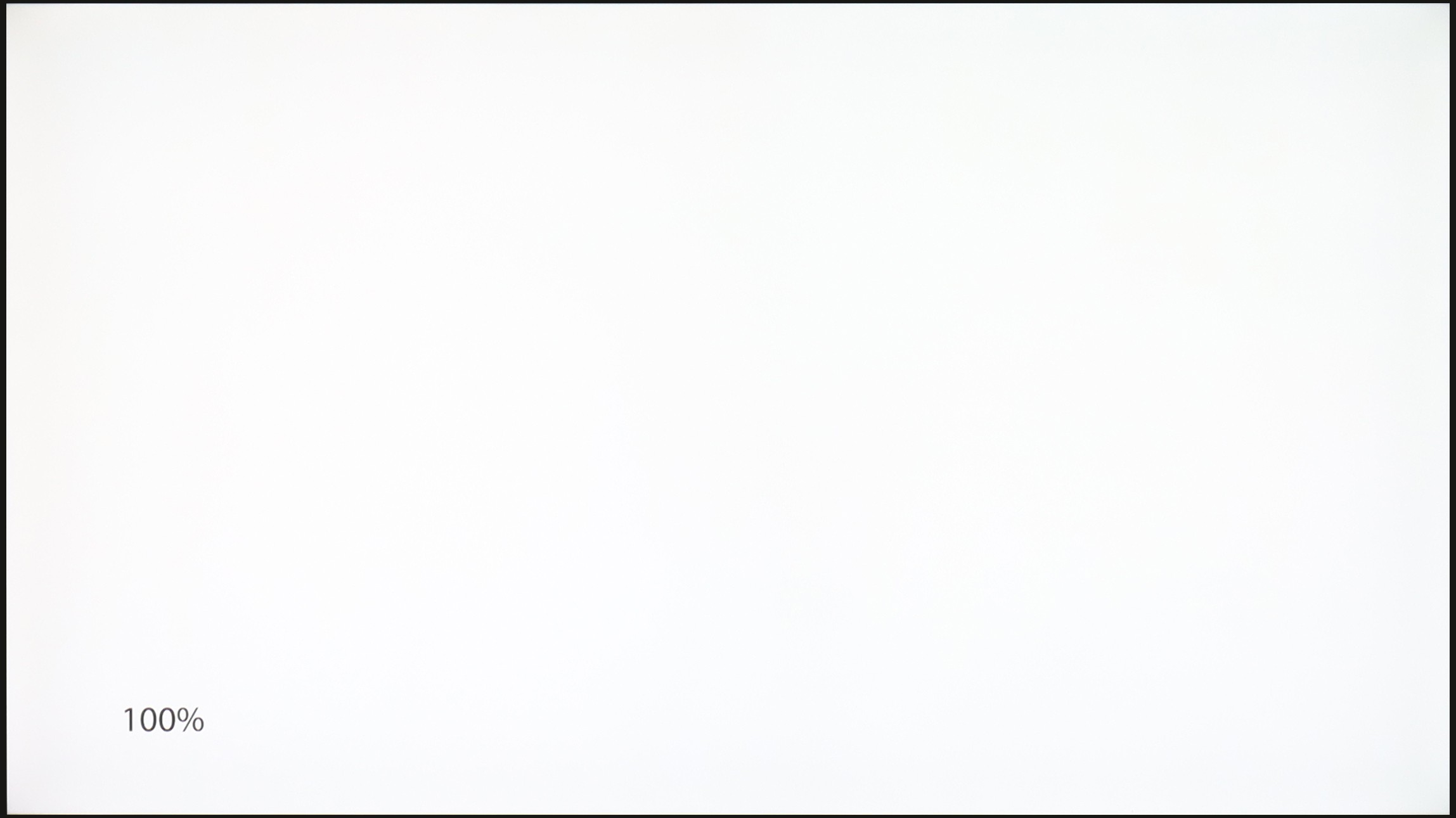
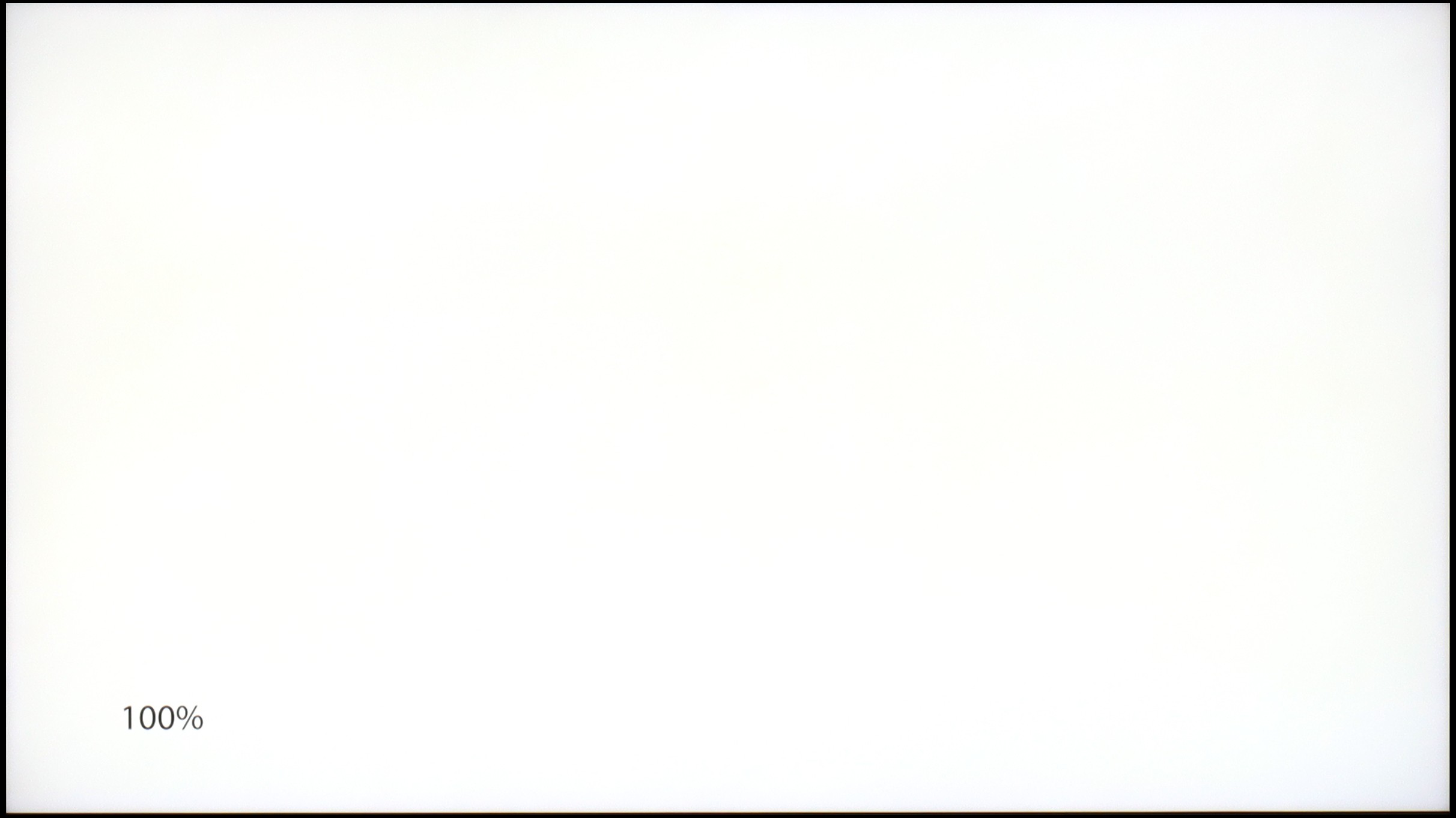
Panel uniformity and thermal imaging:
TCL C6K
Samsung QN85F
TV features
7/10
7.3/10
- HDMI inputs2 x HDMI 2.0, 2 x HDMI 2.1 48Gbps0 x HDMI 2.0, 4 x HDMI 2.1 48Gbps
- OutputsToslink (Optical audio), eARC (HDMI), ARC (HDMI)Toslink (Optical audio), eARC (HDMI), ARC (HDMI)
- Network InterfacesWi-Fi 2.4GHz, Wi-Fi 5GHz, Ethernet (LAN) 100MbpsWi-Fi 2.4GHz, Wi-Fi 5GHz, Ethernet (LAN) 100Mbps
- TV receptionDVB-T, DVB-T2, DVB-S, DVB-S2, DVB-CDVB-T, DVB-T2, DVB-S, DVB-S2, DVB-C
Classic features:
- Recording to USB (terrestrial TV)
- Recording programming
- Picture in Picture (PiP)
- RF remote control (no need to aim)
- Backlit remote control
- Teletext
- Audio only mode
- Bluetooth headphones support
- Simultaneous Bluetooth headphones & TV audio
Smart features:
- AirPlay
- Screen mirroring (Windows Miracast)
- Voice search
- Voice search in native language
- Ability to connect a keyboard and mouse
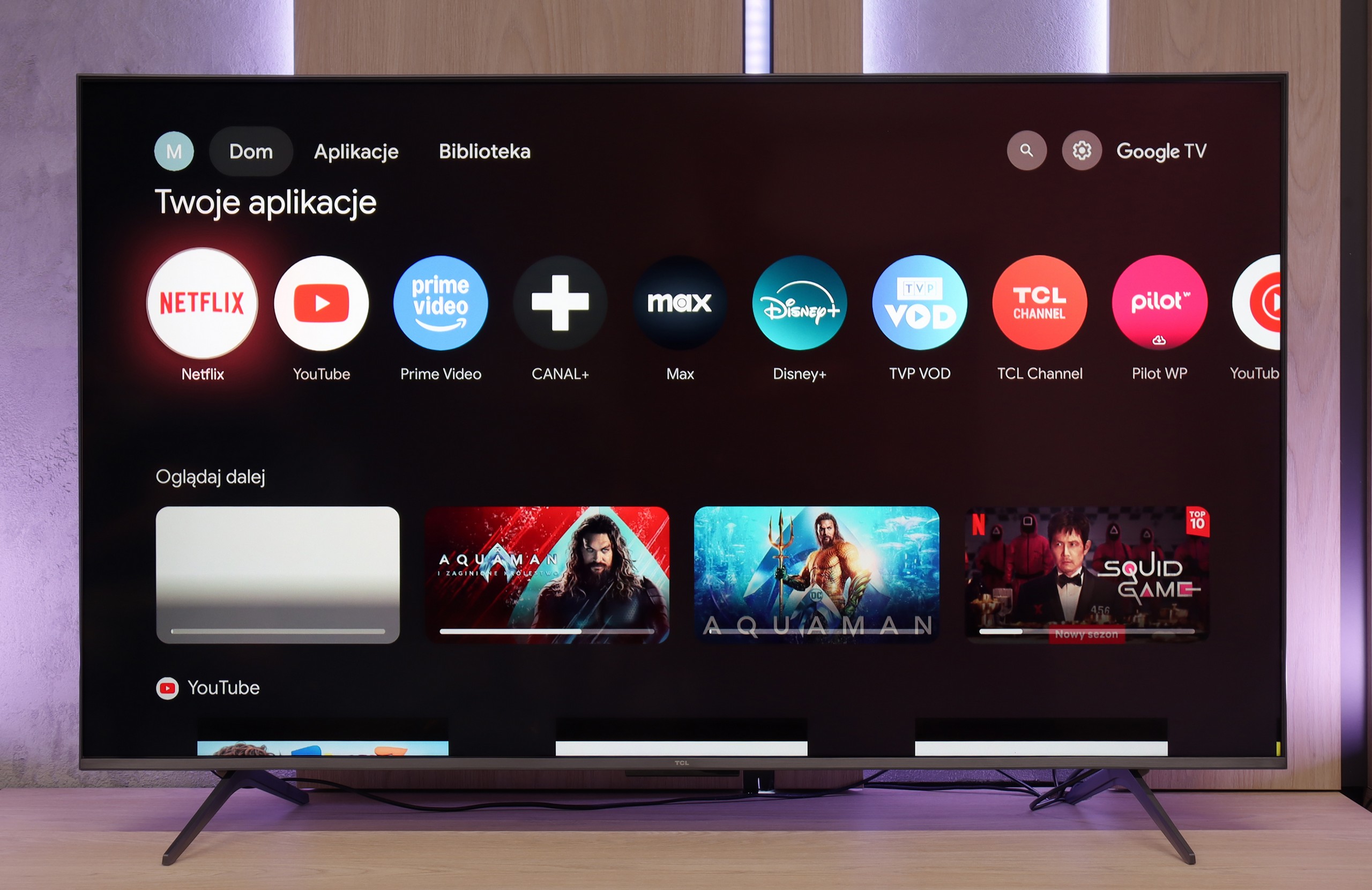
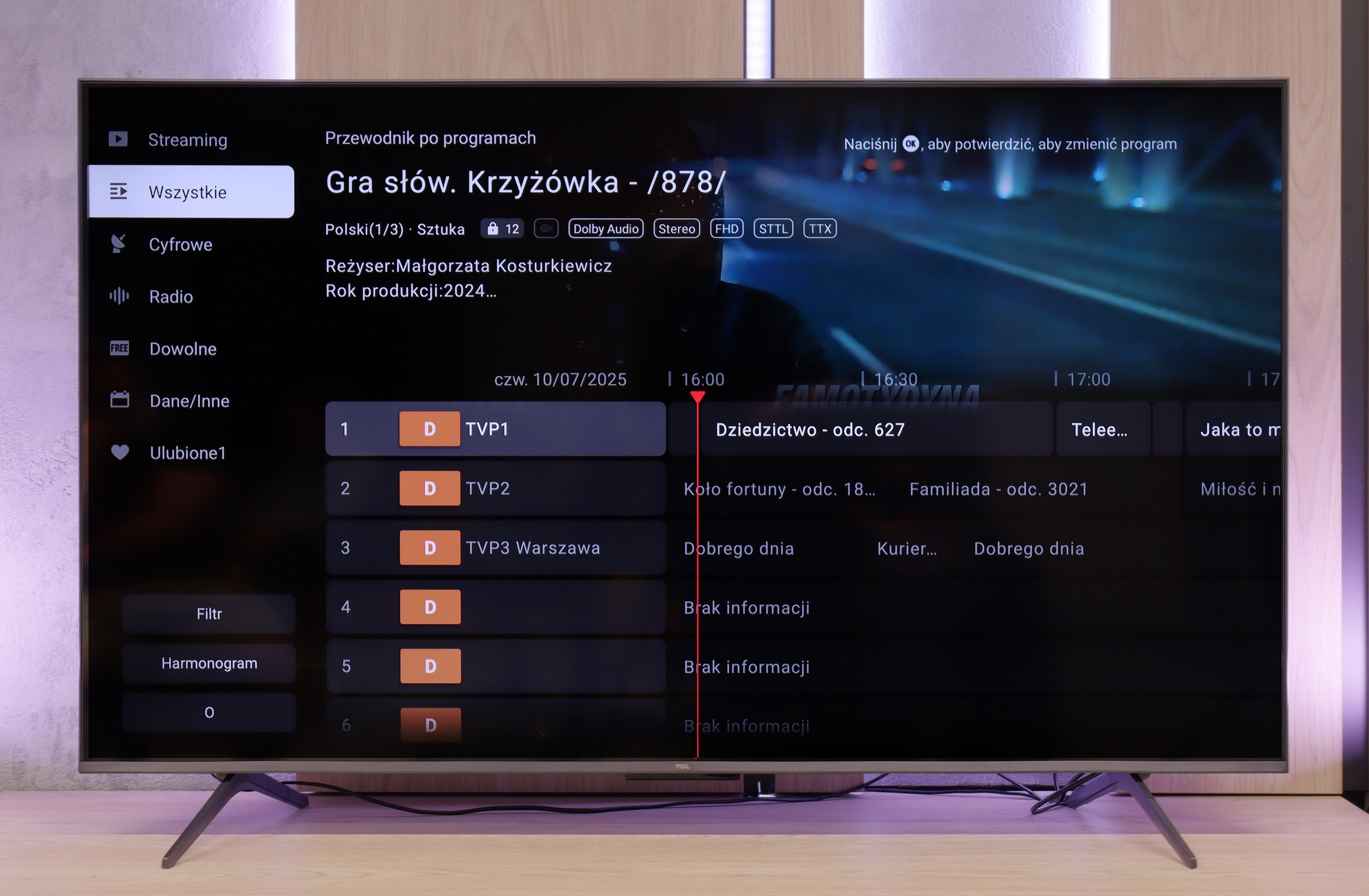
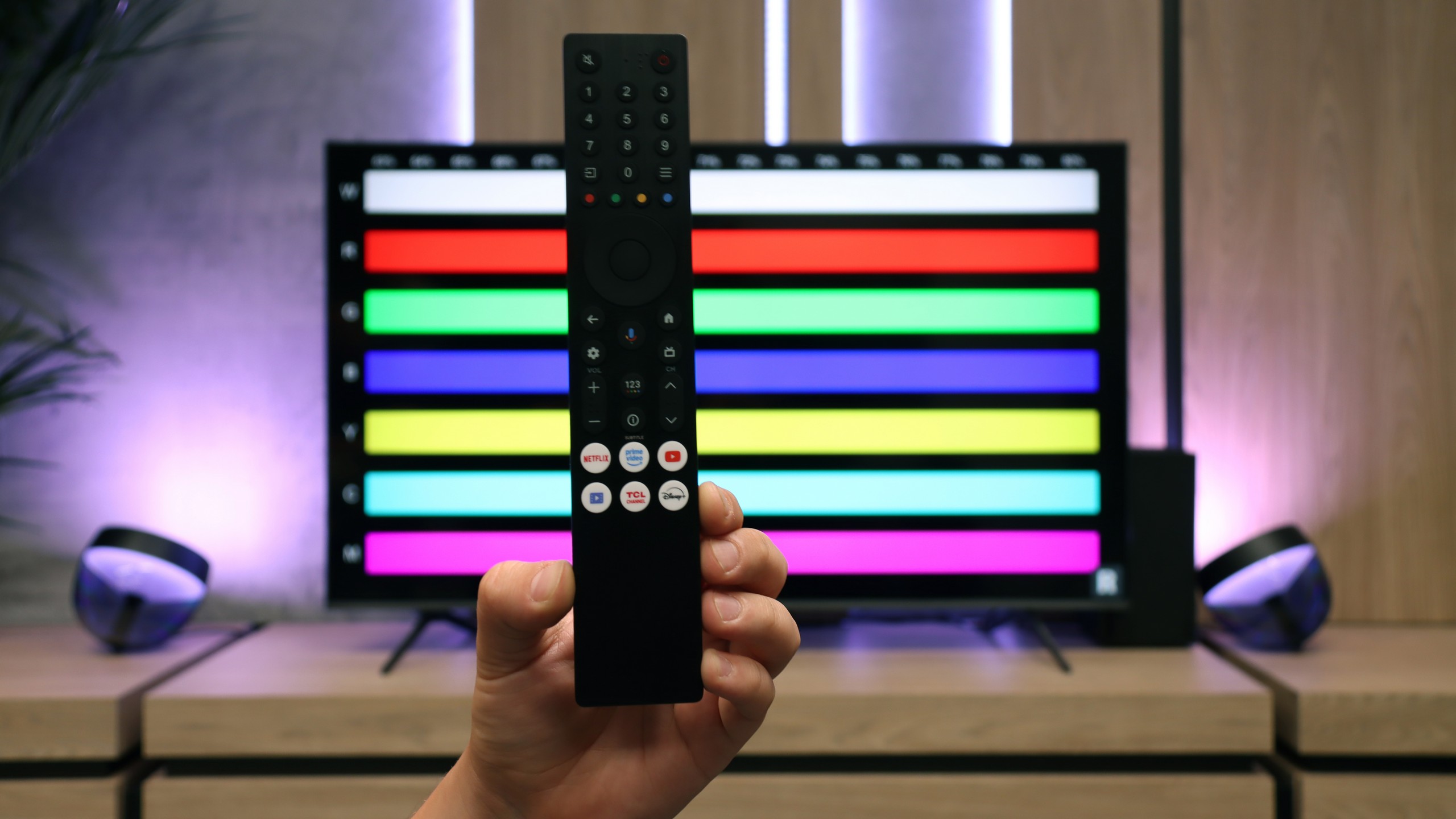
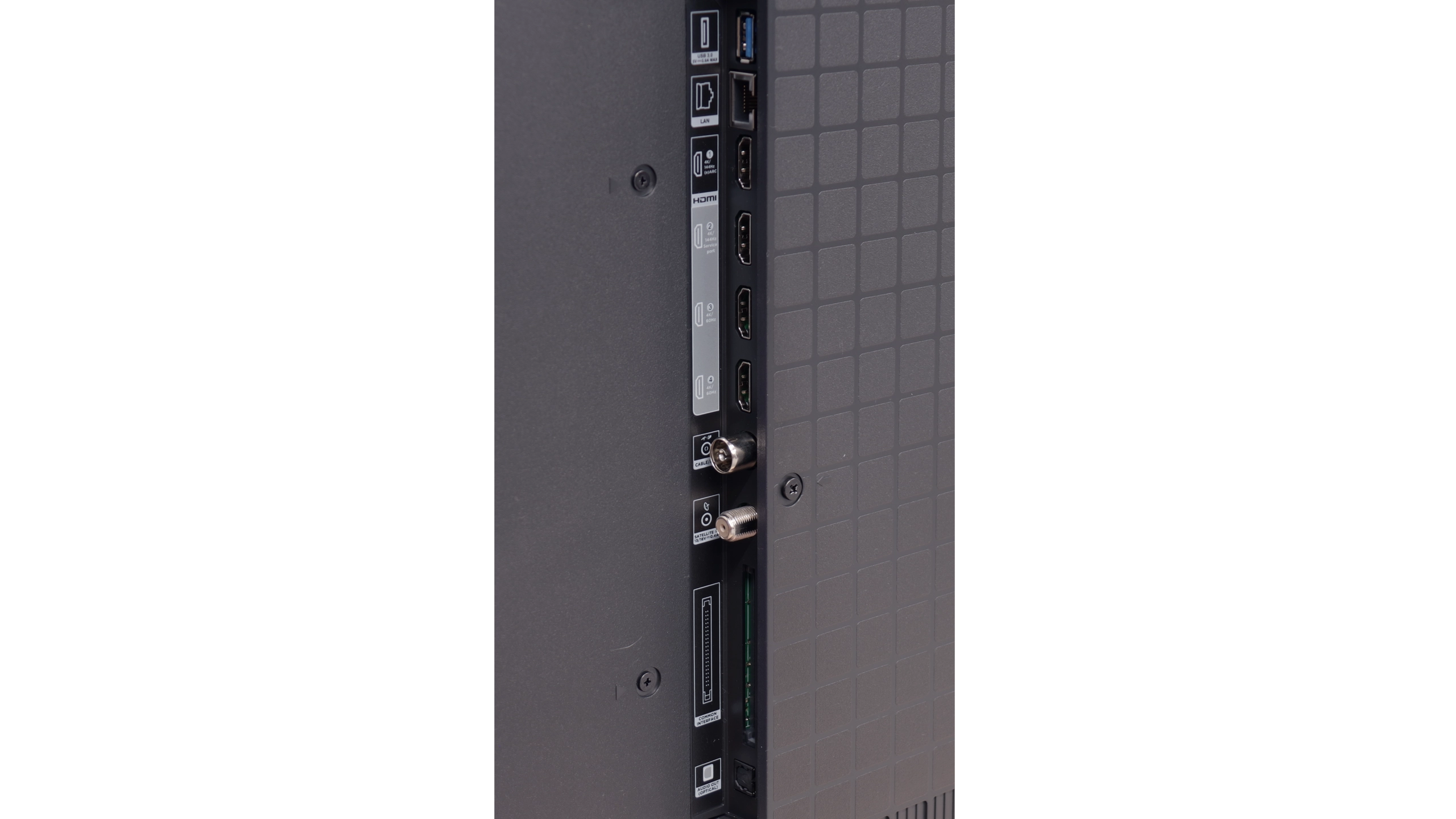
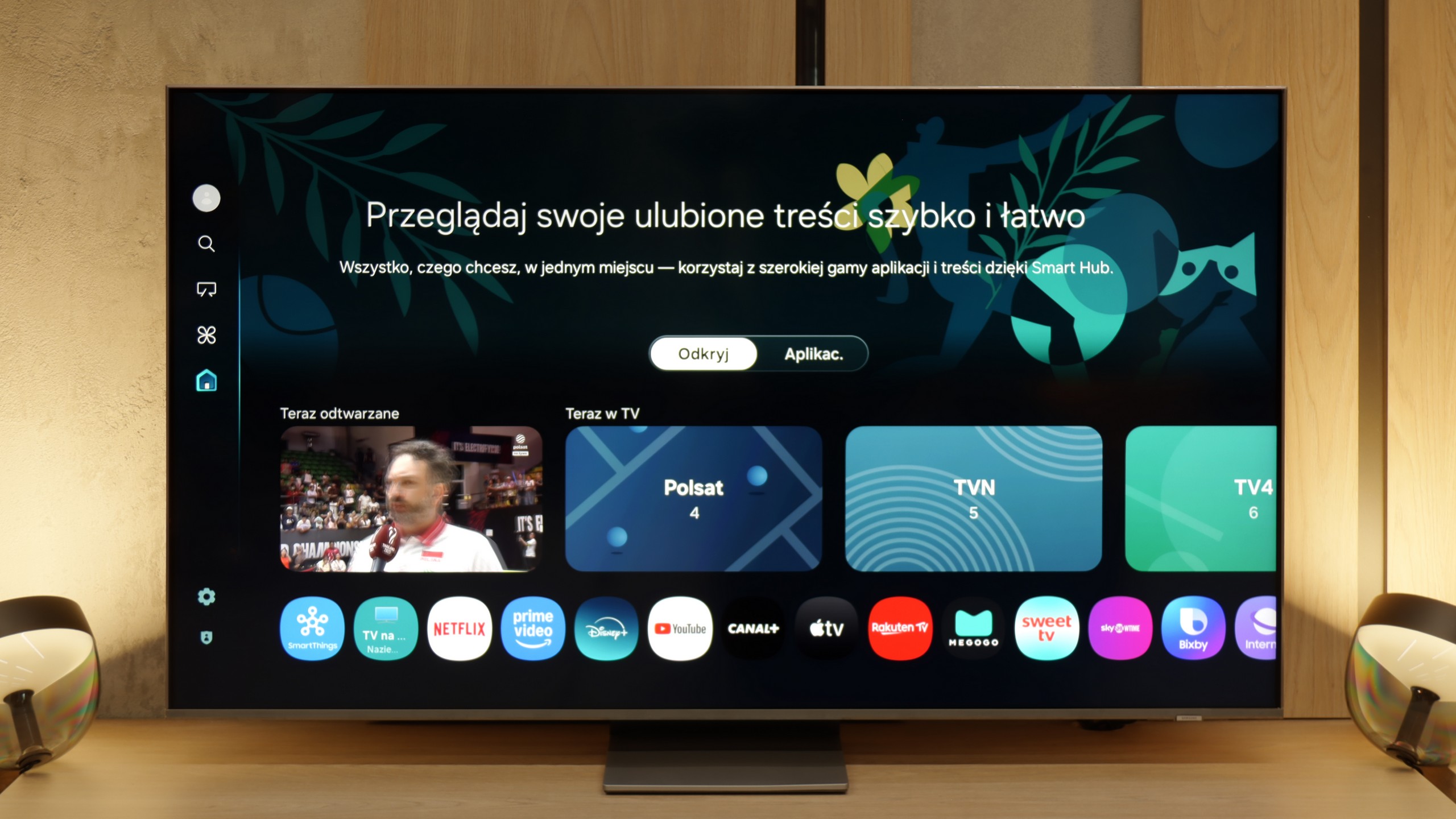
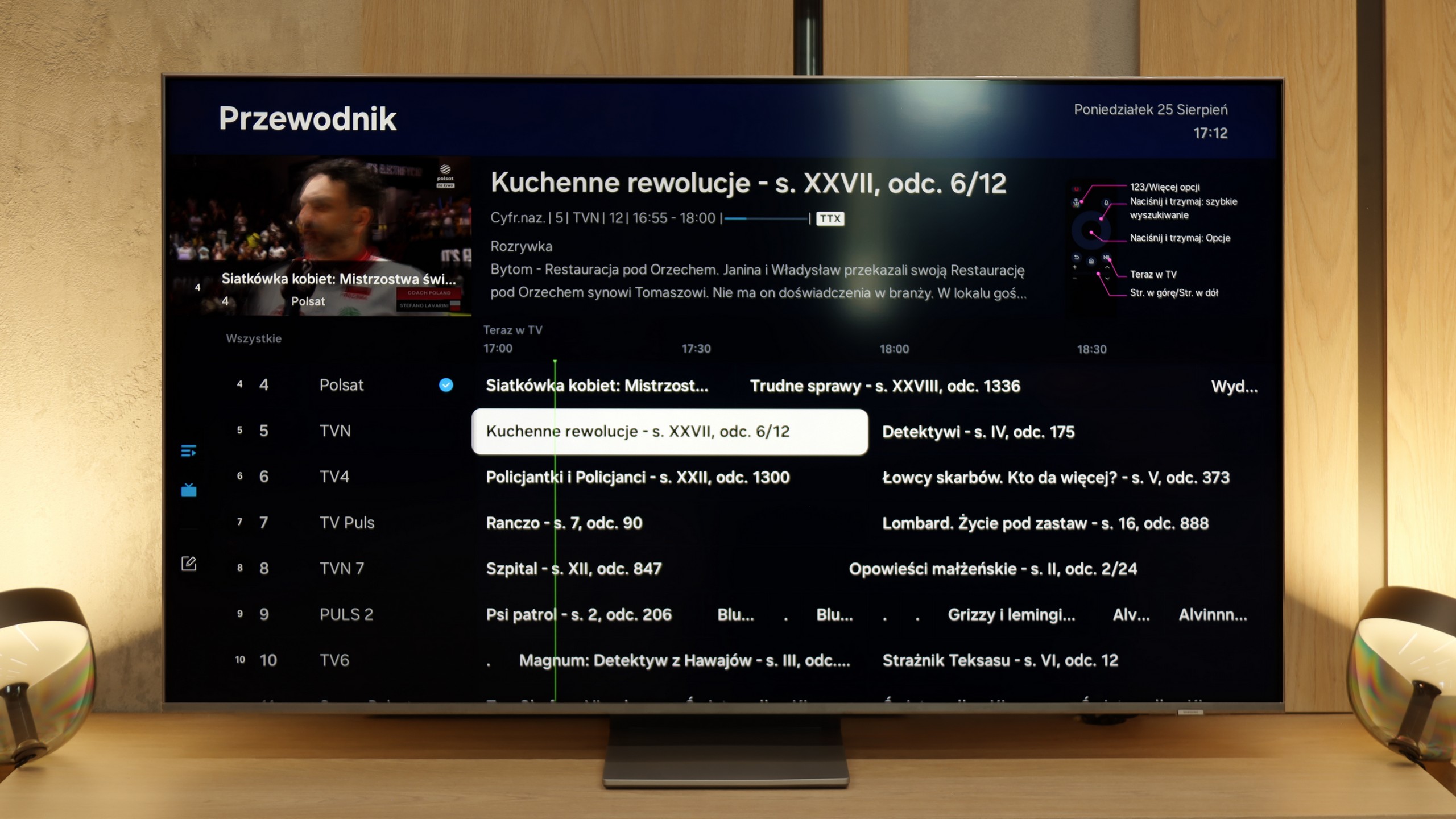
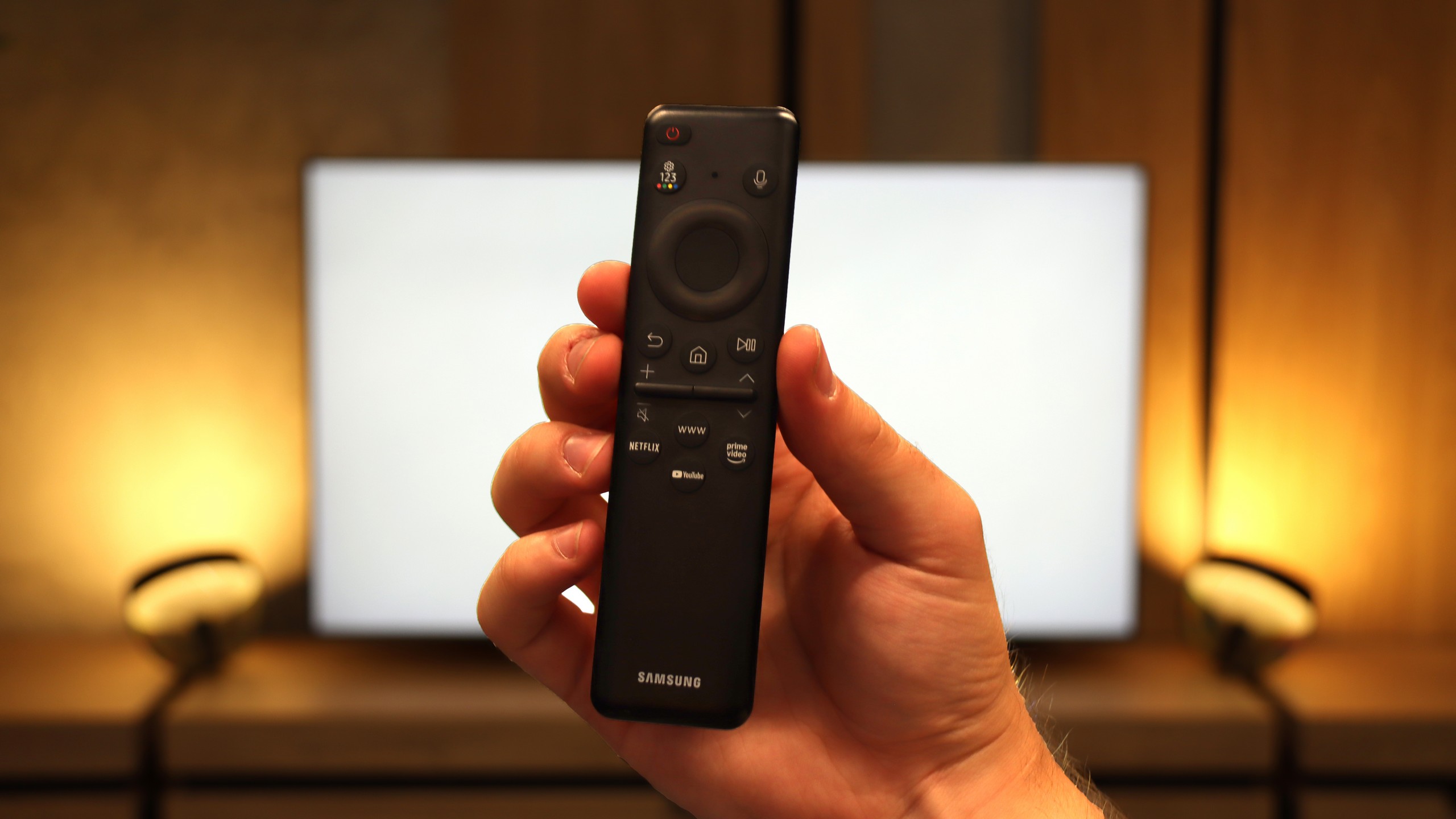
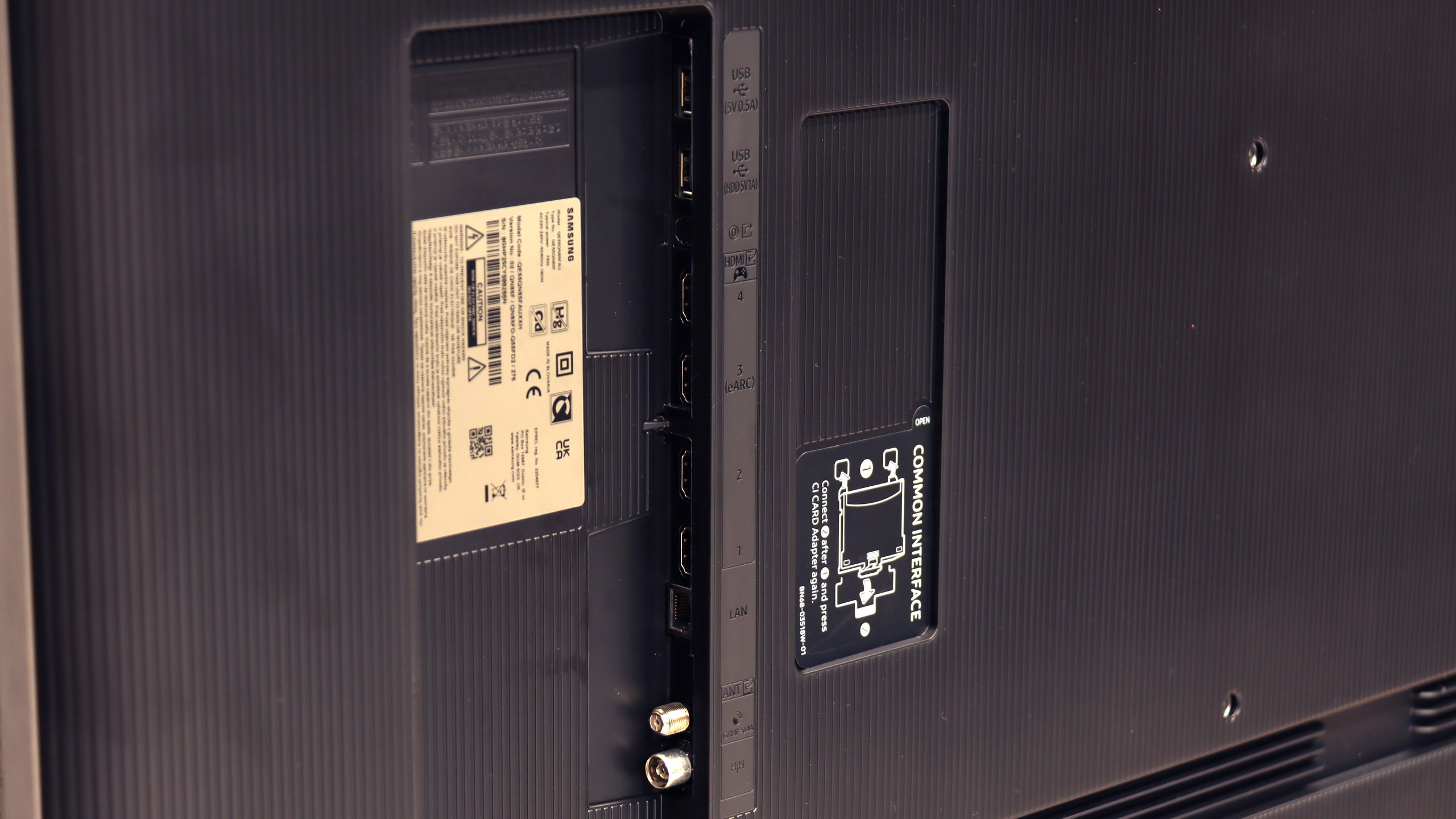
Multimedia Features: Google TV
The standout feature of the TCL C6K is undoubtedly the Google TV system. It gives the television its character and gives it an edge over many competitors. We have a full suite of services – from support for popular streaming apps, through screen mirroring support, to AirPlay, so iPhone users will feel right at home. Additionally, there's Google Assistant (now in the Gemini AI version), which not only answers questions but also efficiently carries out simple commands like changing channels or searching for content on VOD services. The system itself operates quite responsively, although it’s hard not to mention a certain drawback – the clumsy translations in the Polish menu can elicit a smile but sometimes require a moment of thought to decipher what’s really meant.
Classic Features
When it comes to classic television features, the TCL C6K is rather average. We won’t find USB recording or PiP mode, which may be disappointing for some. However, the manufacturer hasn’t forgotten the basics – teletext television and a clear EPG are available, which still hold significance for some users. In everyday use, support for external audio devices via Bluetooth comes in handy – a straightforward way to connect a speaker or headphones, which could be a practical solution for seniors. Beyond that, it’s hard to spot elements that would distinguish the C6K from its competitors – it’s simply a solid, but standard package of basic features.
Smart TV and Tizen System
Samsung QN85F runs on its proprietary operating system Tizen, which has long been one of the strongest points of the Korean manufacturer. The platform operates quickly, is well-developed and provides access to virtually all the necessary applications. Here we have AirPlay support, screen mirroring, voice search, and a very clear interface. Everything is controlled by a remote with a minimal number of buttons, designed to give us quick access to the most important applications.
Classic TV Features
When it comes to classic television features, the QN85F offers a rather basic set. The EPG interface is clear and easy to use, resembling a traditional teletext programme list. A downside is the lack of USB recording and the absence of PiP functionality, which Samsung has offered in many other models. This is because the QN85F uses single tuners. For some people, this may be a disadvantage, but considering how few viewers today use traditional linear television, it won’t matter much to most users.
SmartThings and Device Support
A strong element of the entire platform is the SmartThings app. Thanks to it, we can integrate the TV with other smart home devices – not just those from Samsung. We can connect smart lighting like Philips Hue or Yeelight, video intercoms, and many other devices to the system. SmartThings also allows us to control the TV without using a traditional remote – we can use the app on our smartphone, mouse mode, or gesture control if we have a Samsung watch. This makes the QN85F a part of a larger ecosystem and fits perfectly into the trend of smart IoT homes.
Apps
9.6/10
9.3/10






















Playing files from USB
8.9/10
9.1/10
Supported photo formats:
Maximum photo resolution:
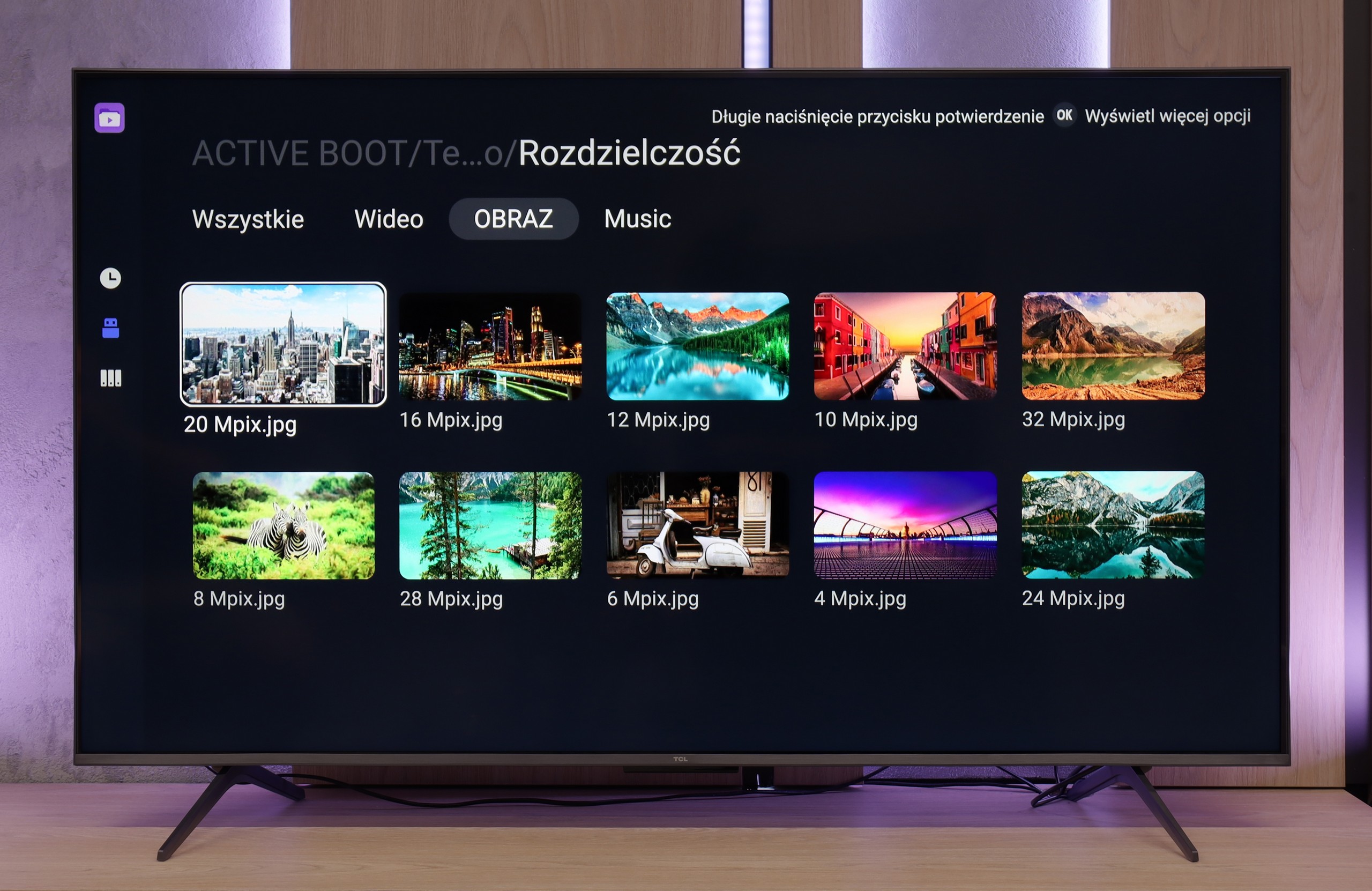
The built-in media player in the TCL C6K performs really well – practically all popular file formats work without major issues. There are minor exceptions, particularly with less common codecs or unusual video file configurations, but in everyday use, this rarely becomes noticeable. The biggest plus, however, is that the television runs on Google TV, which offers complete freedom in choosing additional software. If someone encounters a file that the standard player can't handle, all they need to do is install an alternative – like VLC – and the problem disappears.
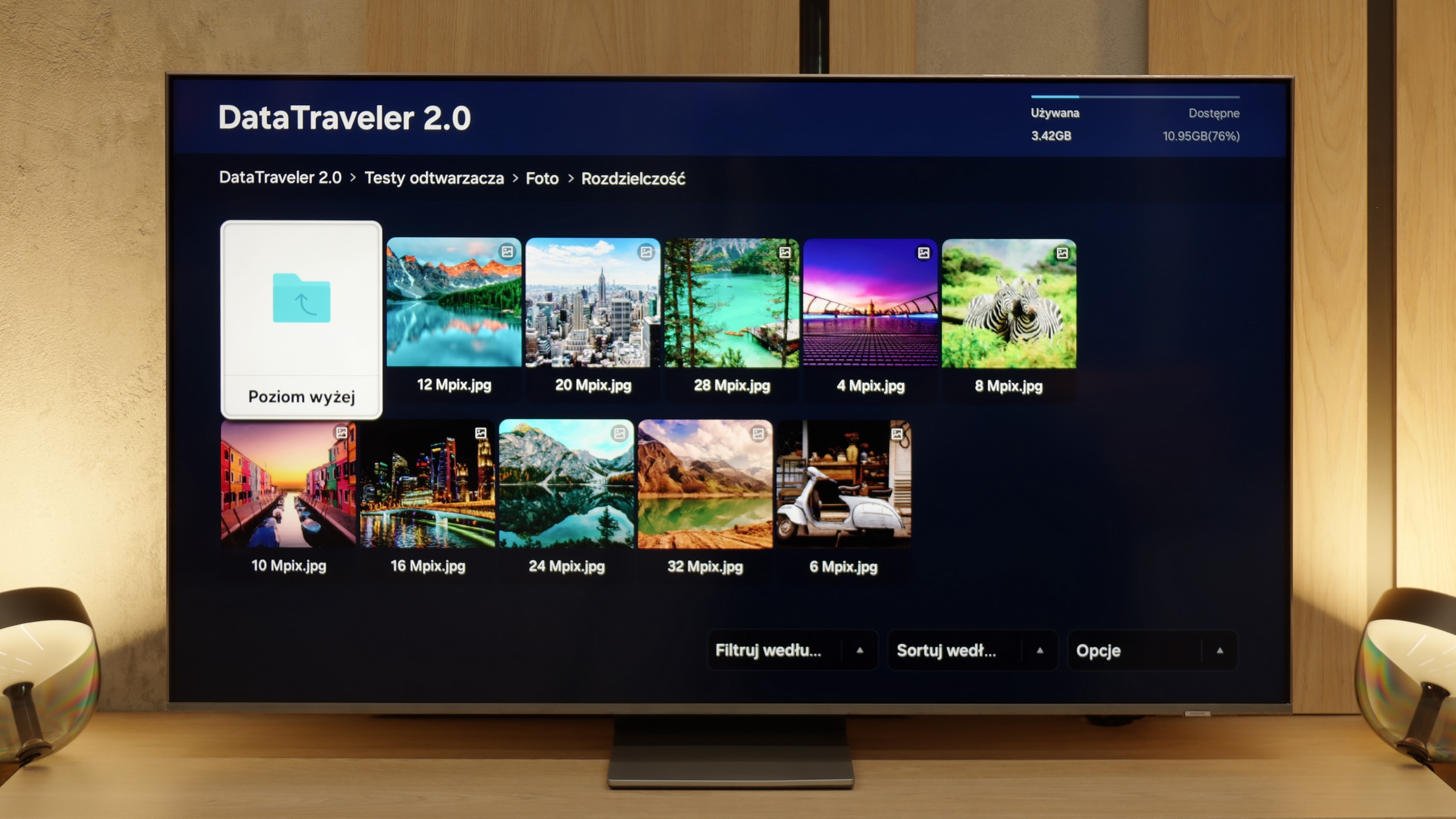
The player in the QN85F works as most people expect, supporting practically all popular formats and is comfortably sufficient even for more demanding users. Movies, music, photos – everything runs without any issues. The only hiccup occurs with HEIC files, which are photos from Apple devices. According to the specifications, they should work, but in practice, they simply do not open. Thumbnails are visible, but the file itself refuses to launch. This looks like a common software bug. Aside from that one case, the player performs correctly and gives no reasons for complaints.
Sound
6.5/10
7.6/10
- Maximum volume-84dB
- Dolby Digital Plus 7.1
- Dolby True HD 7.1
- Dolby Atmos in Dolby Digital Plus (JOC)
- Dolby Atmos in Dolby True HD
- DTS:X in DTS-HD MA
- DTS-HD Master Audio
In terms of audio, the TCL C6K performs quite well. The manufacturer has been boasting about its collaboration with the Onkyo brand for several years, and it indeed reflects on the sound quality. The sound is pleasant, with clear mid-tones and fairly crisp highs, and overall, it gives the impression of being well-balanced. Of course, it won't replace a proper soundbar, especially regarding bass depth, but for built-in speakers in a TV from this price segment – it’s really quite good.
The Samsung QN85F is equipped with a 2.2 system with a power output of 40 W, and it performs really well for built-in speakers. The bass is pleasant, and the dialogue is clear and easy to hear even during louder scenes. Even at maximum volume, the TV doesn't experience any unwanted vibrations, and nothing rattles. At the bottom of the cabinet, there is a woofer responsible for the bass – therefore, when installing, it's important to ensure it isn't obstructed.
As for formats, the QN85F does not support DTS:X audio, which for Samsung has been a standard for several years now and forces Blu-ray enthusiasts to connect audio devices first to the home theatre system and then to the TV. However, in return, we get support for the more popular Dolby Atmos format, which can add extra depth to the sound of movies and series.
Acoustic Measurements
No acoustic data
84dBC (Max)
75dBC