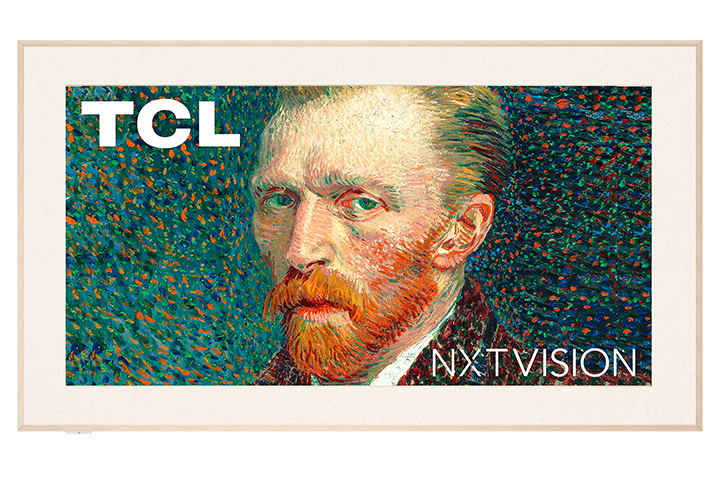
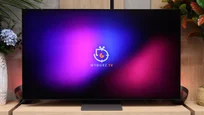
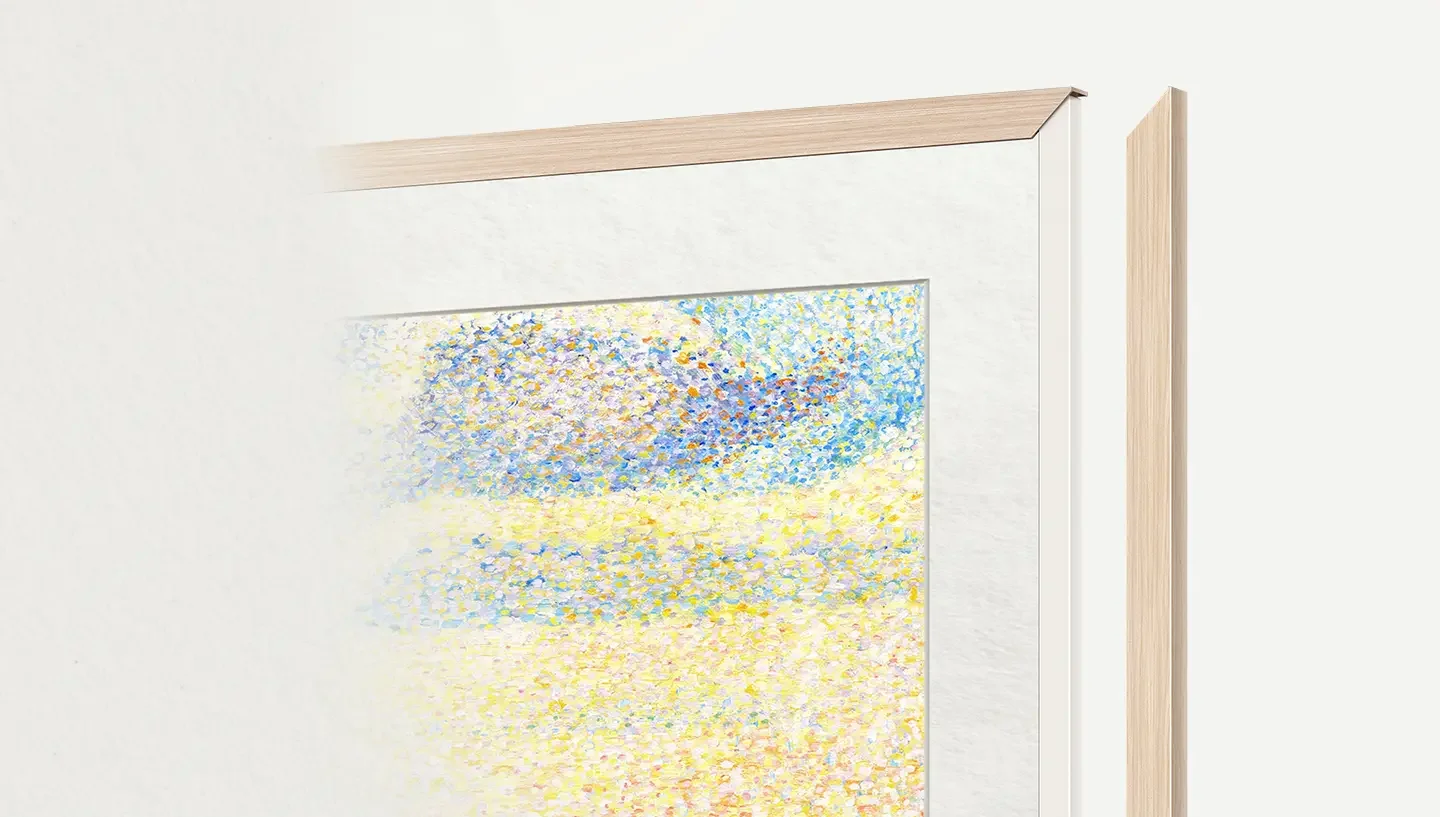
At first glance, it’s clear that the TCL A300 NXTVision aims to be more than just an ordinary television. It offers a picture display mode that – unlike competitors from Korea, Samsung The Frame – is completely free. Additionally, just like its rivals, extras are included at no charge. In the packaging, alongside the television, we find extra frames that mimic light wood and a flat wall mount, allowing the television to truly resemble a gallery piece. When it comes to everyday use, the standout feature is the Google TV system – comprehensive, fast and offering access to a massive number of apps. And if we feel like stepping out of the digital museum and jumping straight into the gaming world, the A300 can surprise us. With two HDMI 2.1 ports, 144 Hz, VRR, ALLM, and a very low input lag, even demanding gamers can feel at home here. Well... perhaps except for those sensitive to motion blur – as this remains one of the bigger issues with this model. There are also downsides. While the picture mode is free – which is commendable – the actual quality of the available graphics falls noticeably short compared to what Samsung offers in its paid ART Store. The displayed images resemble photos rather than realistic reproductions of artworks. Unfortunately, the A300 – much like the competing Hisense S7NQ – performs poorly here and additionally has some software issues. The brightness of the television itself also leaves much to be desired – it’s the dimmest of the “framed trio,” which translates to average daytime viewing and limited HDR effect. Nevertheless, the TCL A300 NXTVision is a reasonably sensible alternative to Samsung The Frame or S7NQ – especially if we are looking for a cheaper solution without additional charges for access to the “gallery” mode and with an operating system that doesn’t limit us in any way regarding the number of apps. However, it’s important to remember that this is a proposal with a lot of compromises. If we want to save a bit and don’t expect top-notch picture quality, the A300 can hit the visual bullseye. Otherwise, it’s worth looking at its competition.
- Matching (Score) |
- Our verdict |
- TV appearance |
- Where to buy |
- Contrast and black detail |
- HDR effect quality |
- Factory color reproduction |
- Color reproduction after calibration |
- Smoothness of tonal transitions |
- Image scaling and smoothness of tonal transitions |
- Blur and motion smoothness |
- Console compatibility and gaming features |
- Input lag |
- Compatibility with PC |
- Viewing angles |
- Daytime performance |
- Panel details |
- TV features |
- Apps |
- Playing files from USB |
- Sound
TCL A300W NXTVision vs Samsung S90H (WOLED)
 Direct comparison
A300W / A300W PRO / NXTVision

S90H / S92H / HAE / HAT
Panel type: LCD VA
Resolution: 3840x2160
System: Google TV
Model year: 2024
Complete the survey to find out the result
Panel type: WRGB OLED
Resolution: 3840x2160
System: Tizen
Model year: 2026
Complete the survey to find out the result
Overall rating
6.6
8.4
 Movies and series in UHD quality
 6.3
8.6
 Classic TV, YouTube
 6.0
8.8
 Sports broadcasts (TV and apps)
 5.9
8.5
 Gaming on console
 8.2
9.7
 TV as a computer monitor
 8.2
8.6
 Watching in bright light
 4.7
6.5
 Utility functions
 7.2
7.3
 Apps
Apps 9.6
9.3
 Sound quality
 6.0
8.4
Complete the survey to find out what fits your preferences
Advantages

Frames styled like a picture in the set
Bracket included
VA matrix with decent contrast
Supports all popular HDR formats, including Dolby Vision and HDR10+
Great for gamers: VRR, G-Sync, ALLM, low input lag
High refresh rate - 144Hz
Free "picture mode"
Supports DTS:X and Dolby Atmos
GoogleTV operating system with the largest app base
Perfect blacks and infinite contrast (OLED)
Very high HDR brightness (up to 1400 nits)
Effective anti-reflective coating (Matte, Glare Free)
Excellent colour accuracy after calibration
Great motion handling (no motion blur)
Excellent for gamers (4× HDMI 2.1, VRR, ALLM, low input lag)
Game Motion Plus feature
Refresh rate up to 165 Hz
Wide viewing angles
Fast, fully featured Tizen
Good sound
Disadvantages

Low brightness
Motion blur issues
No recording function on USB or PiP
Inferior image quality in "art mode" compared to Samsung The Frame
Colours and blacks fade significantly in sunlight
No VESA standard
Software bugs
- In bright light colours lose some depth (a characteristic of matte coatings) - Lack of TV features such as USB recording or picture-in-picture (PiP) - No support for DTS:X (an issue for Blu-ray disc fans) - Reduced colour saturation compared with the QD-OLED variant
Our verdict
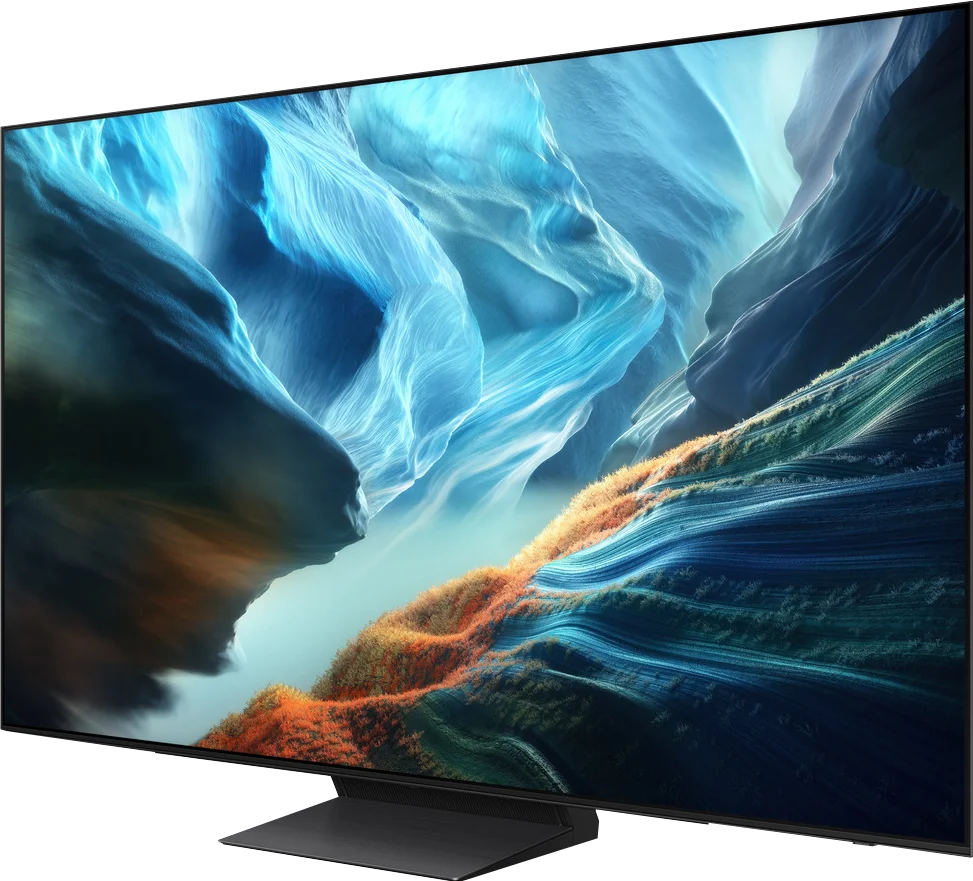
Samsung S90H is a TV that simply makes a brilliant impression. The combination of OLED’s absolute black, high brightness and excellent motion clarity produces a picture that’s hard to look away from. And that’s exactly what you expect from a good OLED TV. The matte anti-reflective coating also works very well. Reflections on a sunny day become less of an issue, and thanks to the standard polariser blacks don’t shift as much toward greyish-maroon tones as they do on QD-OLED. Add a snappy Tizen, an excellent set of gaming features led by Game Motion Plus, and surprisingly good, full-bodied sound from the built-in speakers. Any weaknesses? Of course. Tone transitions aren’t quite as perfect as on QD-OLED, and viewing angles remain slightly worse. In practice these are minor points, especially since WOLED also has its own advantages, particularly in a bright room where it preserves black levels and colour saturation better. Overall, QD-OLED still comes out a bit ahead, but this time the difference isn’t as pronounced as it was a year ago. For most people this won’t be a deciding factor when choosing a TV. So our advice is this: instead of obsessing over panel type, pick the size that best fits your room. Whether you buy the WOLED or QD-OLED version, you’ll get a mature, versatile and very well-balanced TV. As every year, the S90H series holds a top spot among the best-value OLEDs of 2026.
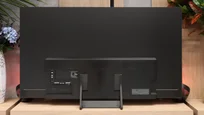
TV appearance




Contrast and black detail
5.5/10
10/10
Local dimming function: No
Contrast:


Result
5,000:1

Result
5,450:1

Result
3,800:1

Result
4,000:1

Result
3,950:1
Result
∞:1
Result
∞:1
Result
∞:1
Result
∞:1
Result
∞:1
Halo effect and black detail visibility:
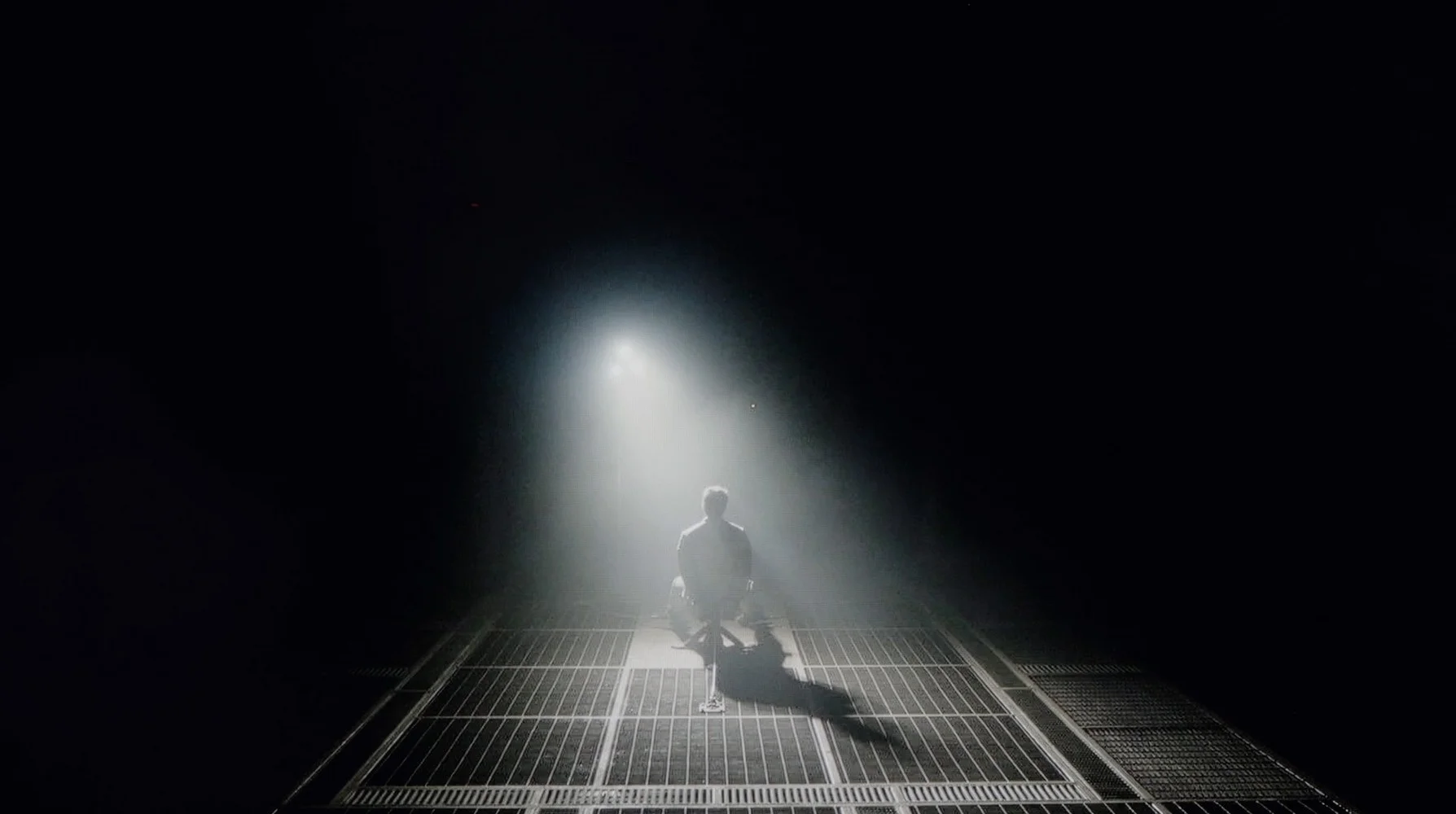
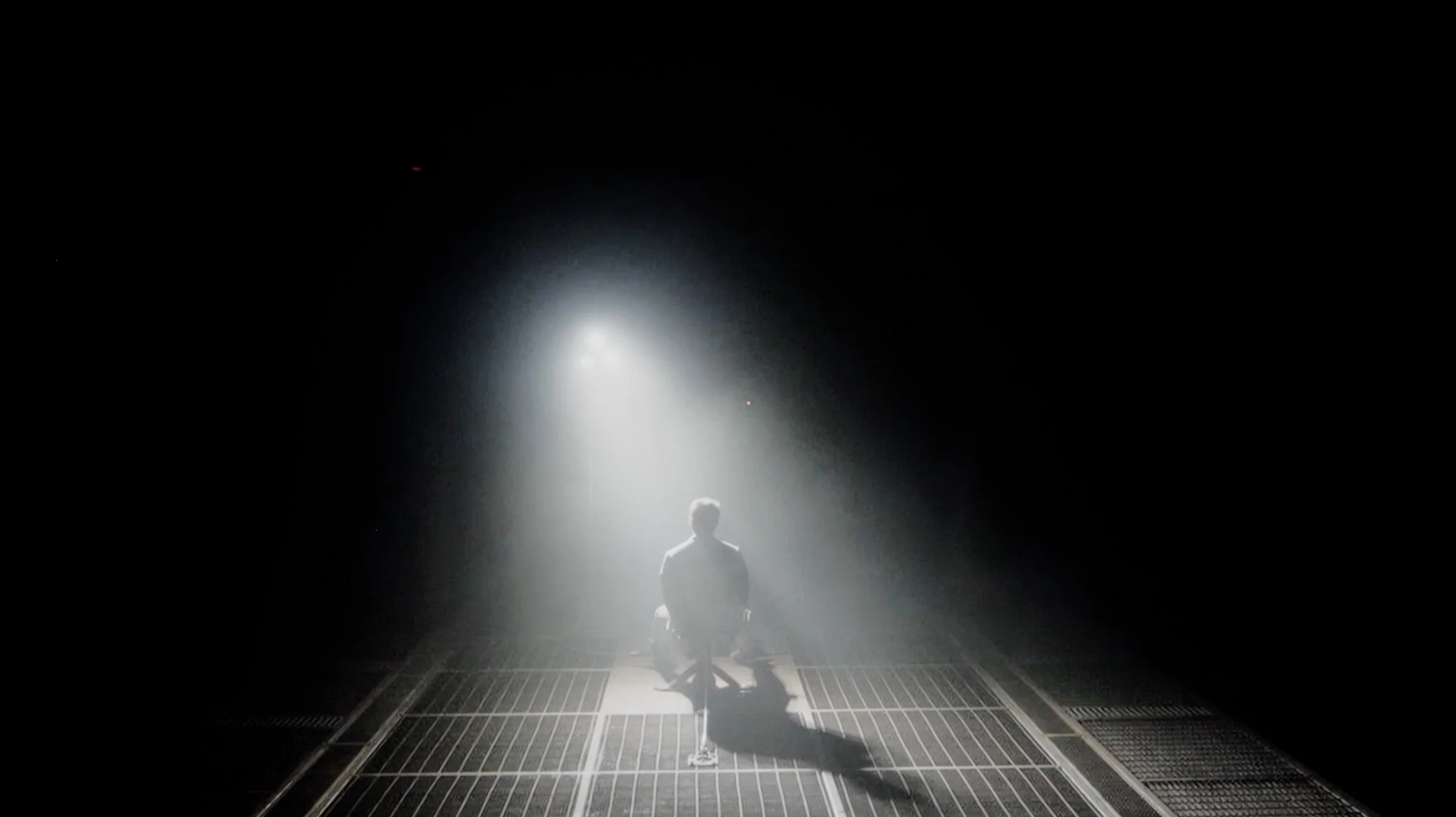
Check the visibility of bright lights on a dark background. Mini-LEDs often struggle with this. The photo does not compare black levels – that’s what the video below is for.
The video accurately shows differences in contrast and black levels between TVs, as well as potential issues: halo around bright objects or Mini-LED zone operation visible as brightness jumps.
TCL A300, also known as NXTVision, uses a VA panel, so from the outset, decent contrast could be expected. On our test screens, the television indeed showed typical results for this type of panel – in the best case, the contrast reached around 5000:1, which is not a bad result for this segment.
However, it should be noted that the model is not equipped with any local dimming technology, which unfortunately is evident in practice. Black, although at times quite deep, often turns into navy blue or grey – especially in darker scenes. In short: for a television without local dimming, it’s not bad, but it shouldn't be compared to models that already have such a feature on board.
As the Samsung S90H uses an organic display, it deserves the highest possible rating for contrast and blacks. This applies to both variants on the market: the WOLED model we tested and the QD-OLED version. Because each pixel is an independent light source and can switch completely off, the TV delivers absolutely perfect black and infinite contrast. In practice that translates into brilliant image depth and perfectly sharp separation of bright details from a dark background. Any haloing (blooming), which still affects even top Mini LED-backlit LCD TVs, is completely absent here. The true magic of the WOLED panel is most evident during evening viewing in a darkened room; the dark areas of the picture gain remarkable texture, impressive three-dimensionality and a wealth of details hidden in the shadows.
HDR effect quality
5/10
7.7/10
Luminance measurements in HDR:

Result
357 nit

Result
348 nit

Result
338 nit

Result
350 nit

Result
389 nit
Result
1374 nit
Result
1419 nit
Result
1570 nit
Result
1395 nit
Result
713 nit
Scene from the movie “Pan” (about 2800 nits)


Scene from the movie “Billy Lynn” (about 1100 nits)


The photos show two HDR10 movies. 'Pan' is one of the brightest productions ever made, while 'Billy Lynn' (soldier) has brightness typical of streaming (Netflix, Prime, HBO MAX). Notice the intensity of effects and detail in whites.
Static HDR10


The photos present the visibility of white details in various HDR formats. They do not show brightness differences between TVs (these can be compared in the previous gallery).
Dynamic: Dolby Vision
Dynamic: HDR10+


The photos present the visibility of white details in various HDR formats. They do not show brightness differences between TVs (these can be compared in the previous gallery).
HDR luminance chart:
Samsung S90H (WOLED)
TCL A300W NXTVision
Luminance of RGB colors
When it comes to brightness, the TCL A300W is definitely the dimmest TV among all frame-style models, such as Samsung The Frame or Hisense CanvasTV – and unfortunately, you can see that right away. In our measurements, peak luminance reached only around 400 nits, and on test movie screens, this value dropped to 350 nits. That’s definitely too little to feel the real "magic" of bright HDR effects. As a consolation – the TV is equipped with a PFS LED coating (which is something like QLED), which provides very good coverage of a wide colour gamut, both DCI-P3 and BT.2020. In addition, there is full support for all popular HDR formats – HDR10, HDR10+, HLG, and Dolby Vision – which somewhat compensates for the shortcomings in brightness and helps improve the overall experience of materials in this quality.
The Samsung S90H in the WOLED variant is still an exceptionally bright TV for its price bracket, although it is slightly dimmer compared with the QD-OLED version. That difference is not as pronounced as in last year’s F series, where gaps sometimes reached 500 nits. Here the parameters of both panels are very similar, with differences in peak brightness of only about 100–150 nits. In small-window measurements the S90H with the WOLED panel easily reaches close to 1,500 nits. That headroom lets it phenomenally convey the dynamics of HDR effects — blooms, light reflections and explosions have the right punch, exactly as intended by the studio creators. As with most OLED displays, when a very bright scene fills the entire screen, panel protection systems kick in and brightness naturally falls to around 700 nits. It’s worth stressing that this is still an excellent result on the market, often noticeably better than many Mini LED screens in the same segment.
Colour gamut coverage
The biggest difference between the two S90H variants lies in colour reproduction and saturation. This stems directly from the different construction of the WOLED panel, which uses an additional white subpixel. As a result, very high-brightness colours don’t achieve quite the same saturation, and the wide-colour volume is slightly more limited than with QD-OLED. That said, in everyday use these differences will be hard for most viewers to notice. Our measured DCI-P3 coverage on the WOLED panel reaches almost 99%, meaning that for the vast majority of real film scenes both variants will present an almost identical image. The real gap only appears in rarer, especially demanding productions that use the ultra-wide BT.2020 gamut. Because of the WOLED panel’s construction, coverage of that standard is roughly 15% lower compared with the S90HAT with a QD-OLED panel, so the brightest, heavily lit HDR colours may appear a touch less vivid.
Factory color reproduction
5.9/10
7.6/10


This gallery shows how colors change after professional TV calibration. If you notice the difference, we recommend ordering this service at SkalibrujTV.com.
Factory Mode
After calibration


This gallery shows how colors change after professional TV calibration. If you notice the difference, we recommend ordering this service at SkalibrujTV.com.
Factory Mode
After calibration
TCL A300 offers several picture modes, but without a doubt, the movie mode performs the best. Unfortunately, even though it is the best option available, it is not free from errors. Both in HD and HDR content, the image has a noticeably too warm hue – it has a slight pink tint, which is particularly noticeable in snowy scenes. Instead of pure white, we get a pinkish coating that spoils the natural perception of colours.
The management of brightness is also lacking. In the case of older HD materials, the image often seems too dark – confirmed by an elevated gamma value. Conversely, with HDR content, the effect is the opposite – the image is overly bright, as we observed in scenes from the film Pan. Such a lack of consistency also affects colour accuracy – a test with a ColorChecker showed that many samples clearly deviate from reference values.
Fortunately, TCL allows for manual adjustment of settings, so we decided to check how the television would perform after our professional calibration. The effects of this adjustment are described below.
In Filmmaker mode, which we strongly recommend switching on straight out of the box, the S90H offers very good factory colour tuning. Colours are natural and faithful to the creators' intent, without the annoying oversaturation seen in more aggressive profiles. However, as is often the case without full calibration, there is unit-to-unit variation. In our test the white balance was a little deficient in the blue component, so the image leaned slightly towards warmer, yellowish tones. This was most noticeable in bright scenes, such as the snowy sequences from Star Wars. Additionally, the gamma curve was slightly low at around 2.2, which caused a small lift in shadow detail. In HDR mode the tuning was a bit better, showing only a slight undersaturation in the red region.
Color reproduction after calibration
8/10
9.2/10
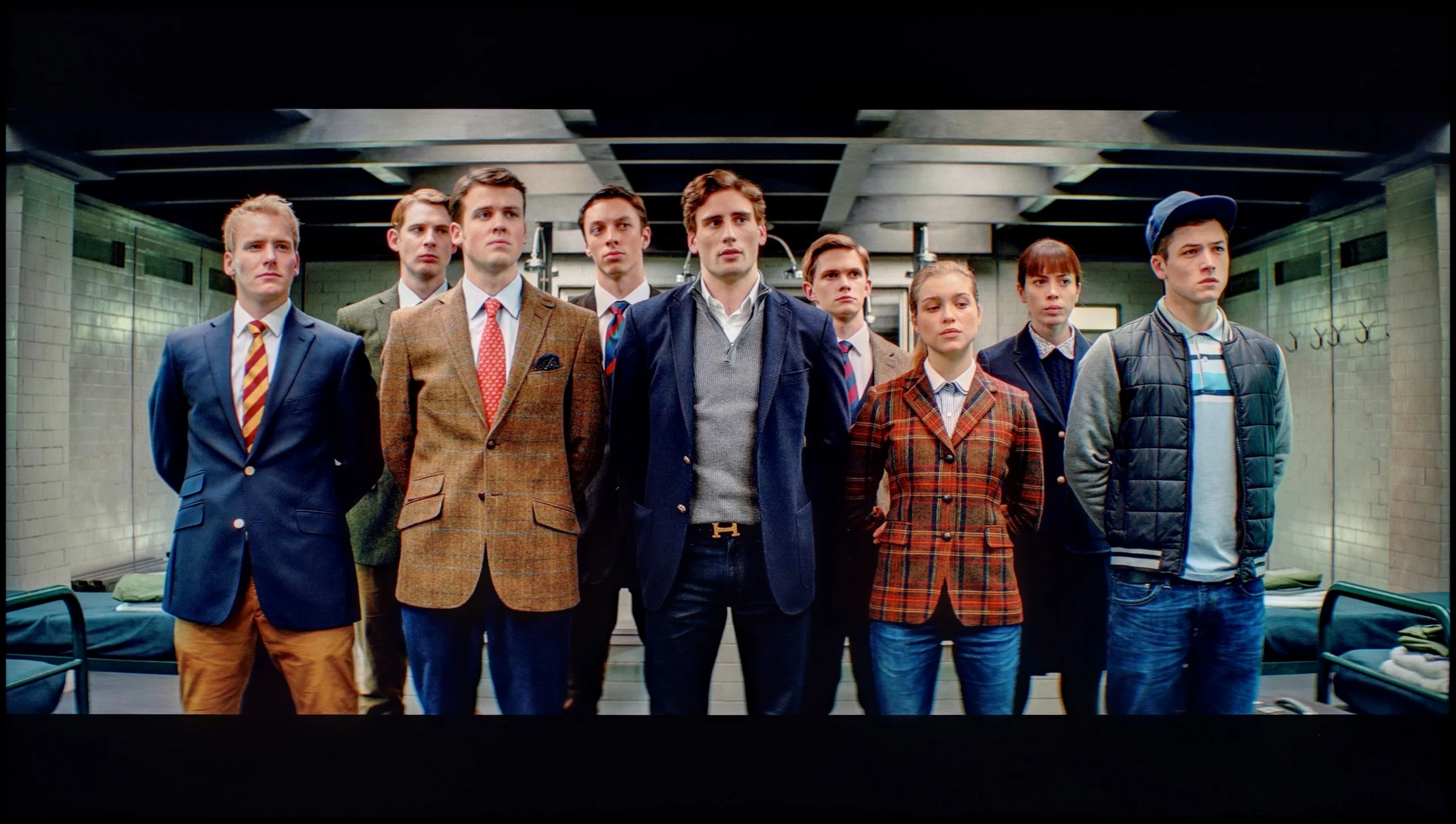
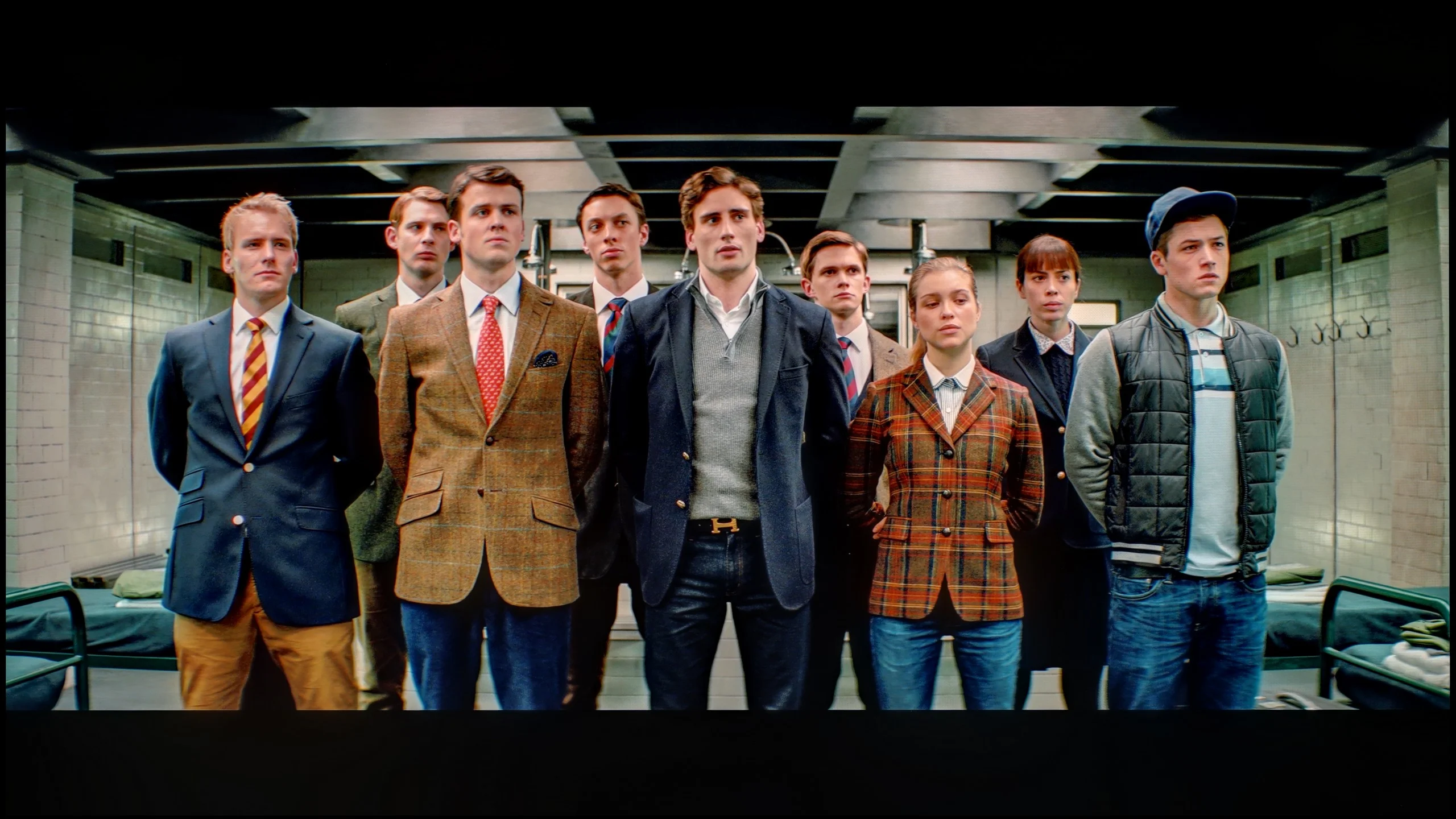
The photos show how movies look on the TV. Pay attention to black detail visibility, colors, and shadow tint.


The photos show how movies look on the TV. Pay attention to black detail visibility, colors, and shadow tint.
After our professional calibration, the TCL A300 has literally been given a new lease on life. The image has stopped being too warm, and the colours finally look as they should – as confirmed by the ColorChecker test, where the colour samples finally started hitting their marks, at least to some reasonable degree. It was also possible to partially correct the brightness management – the image is now more balanced and less "wobbly" between different types of content. Of course, certain limitations can't be bypassed – a slightly visible blooming effect still occurs, but that's a characteristic of the technology, not something that can be eliminated even after professional settings.
Generally: after calibration, the A300 looks significantly better and gains a whole new quality.
After full calibration, you can safely say the S90H in the WOLED version looks almost perfect. In SDR mode colour errors fall to ultra-low levels and Delta E values very rarely exceed 2. That's a phenomenal result, so if perfectly faithful colour reproduction matters to you, it's definitely worth getting it calibrated. The calibrated HDR mode also performs very well, where the white balance was stabilised and previous deviations eliminated. After professional tuning it's really hard to fault anything, because the TV delivers an image with almost exemplary naturalness and three-dimensionality. The slightly lower score in this category compared with the QD-OLED variant is solely due to the saturation limitation in extremely bright scenes, while the tuning potential and colour fidelity are at the highest level.
Smoothness of tonal transitions
8.6/10
8/10
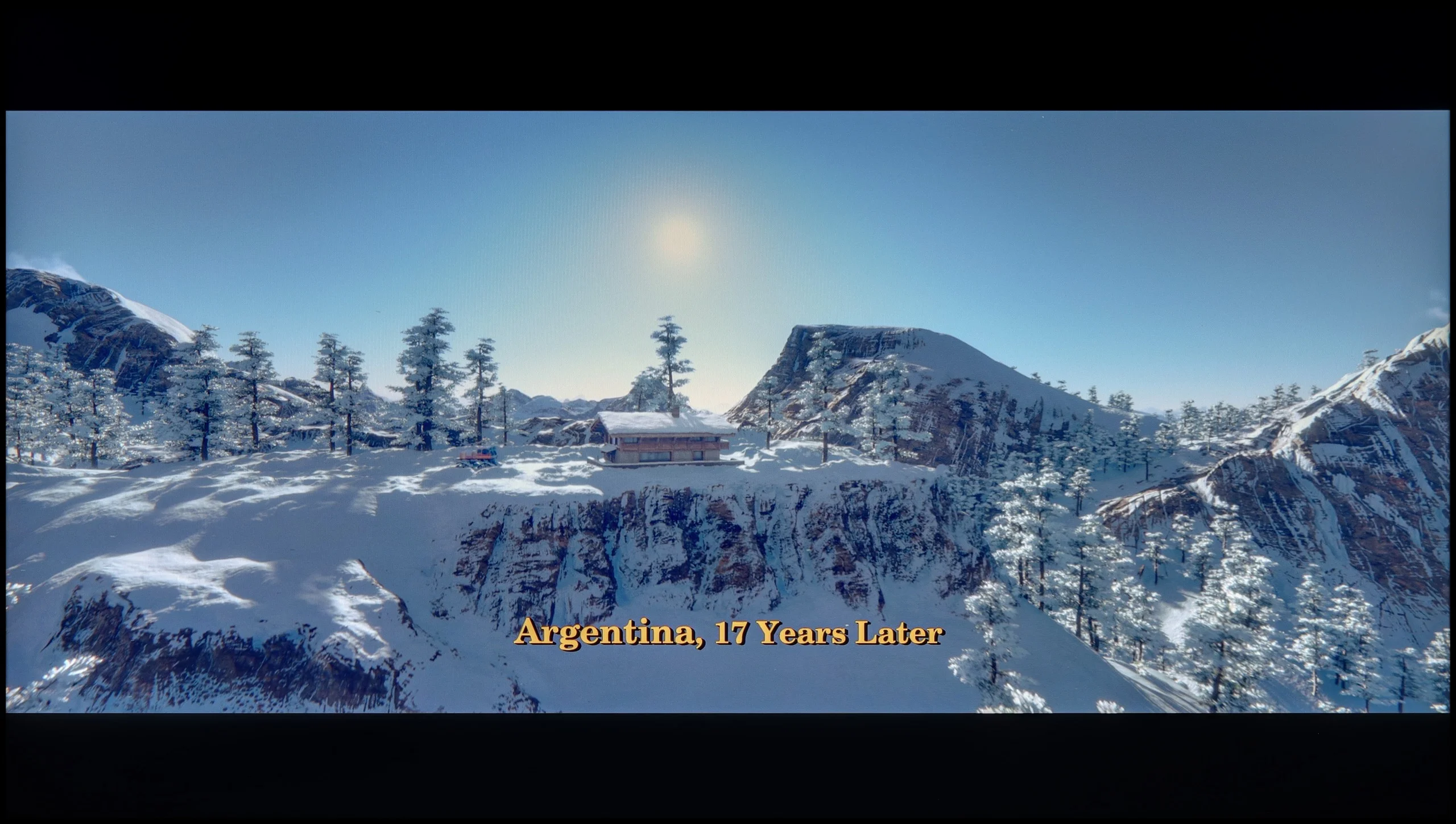

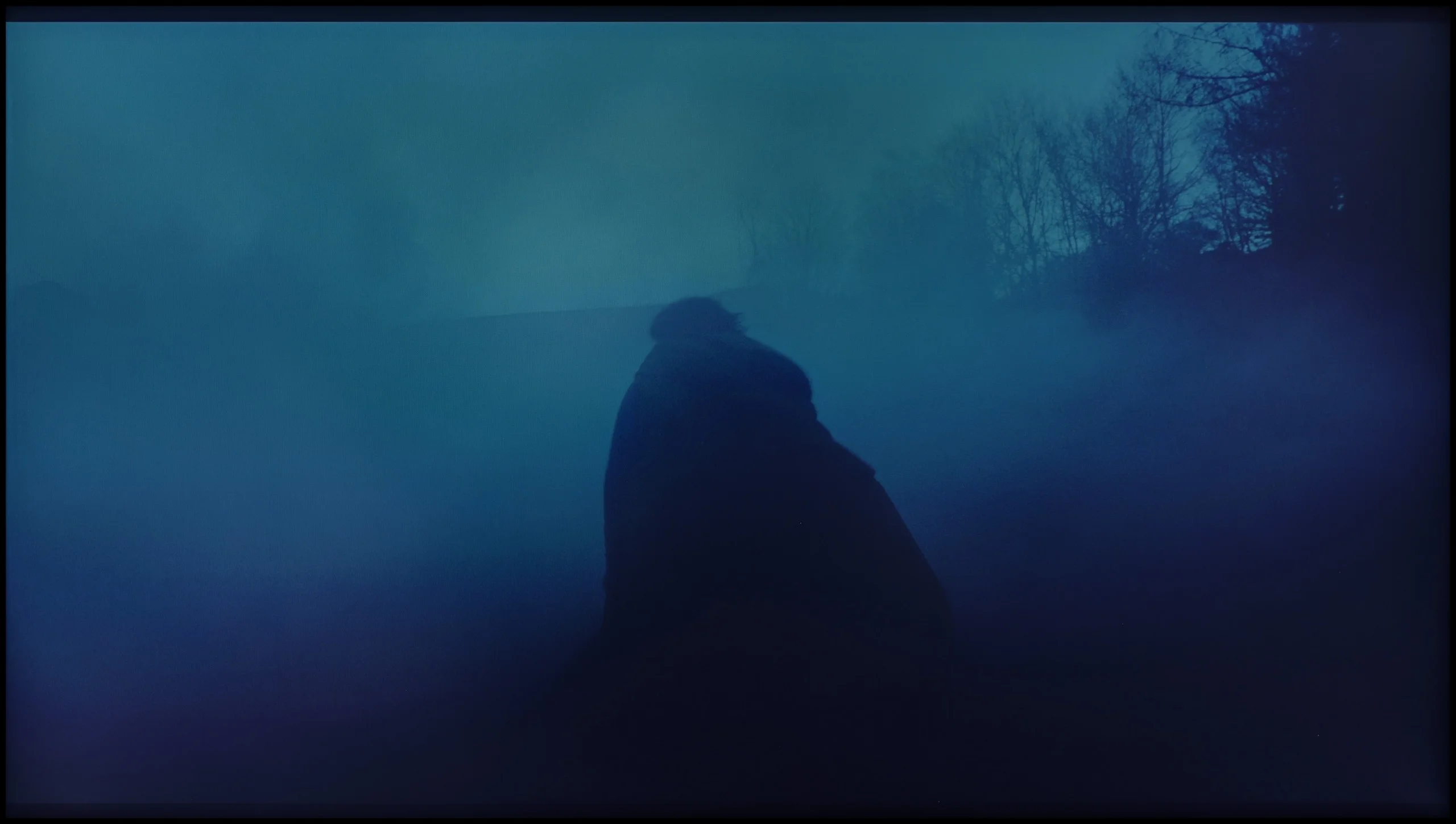
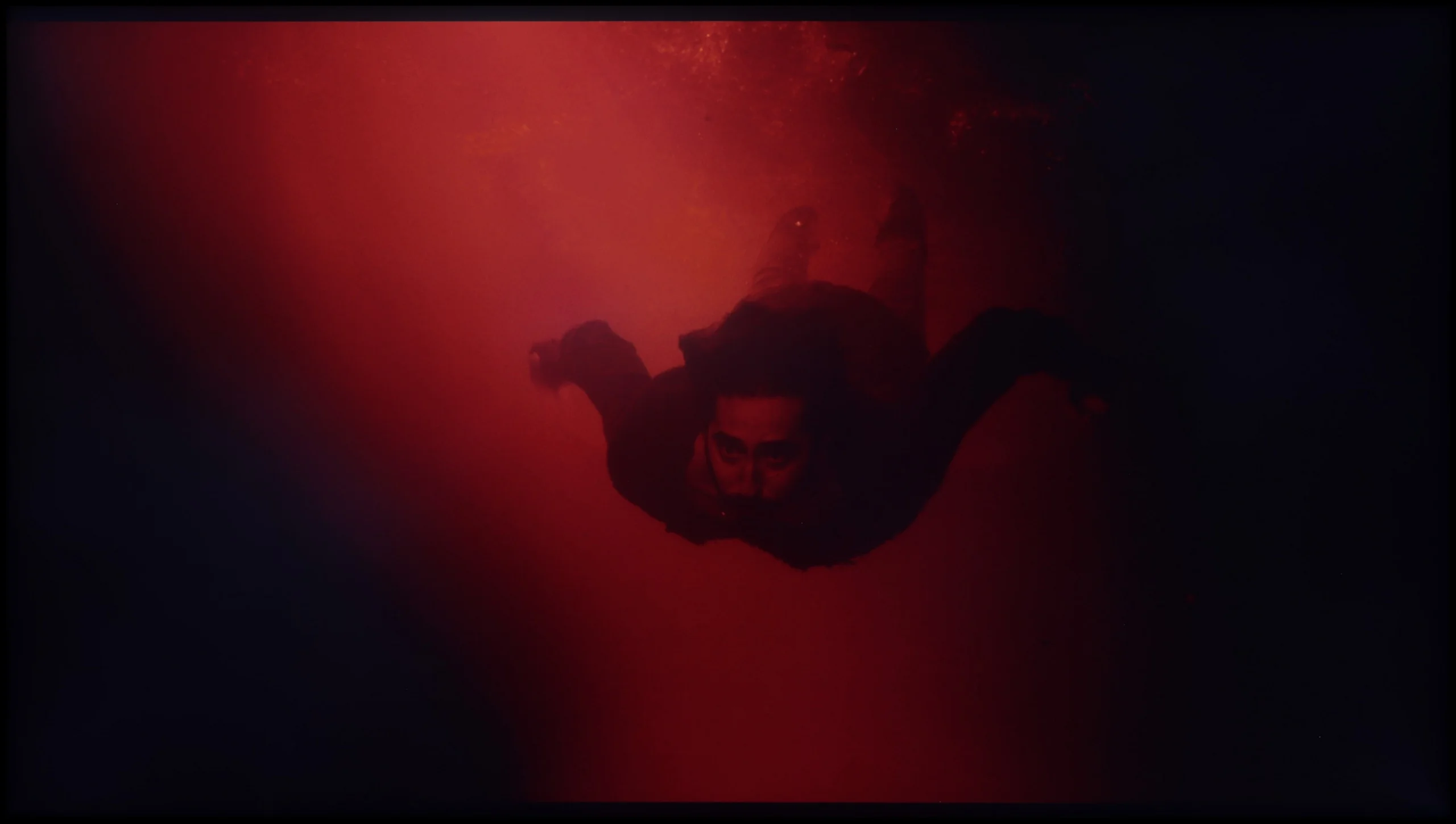
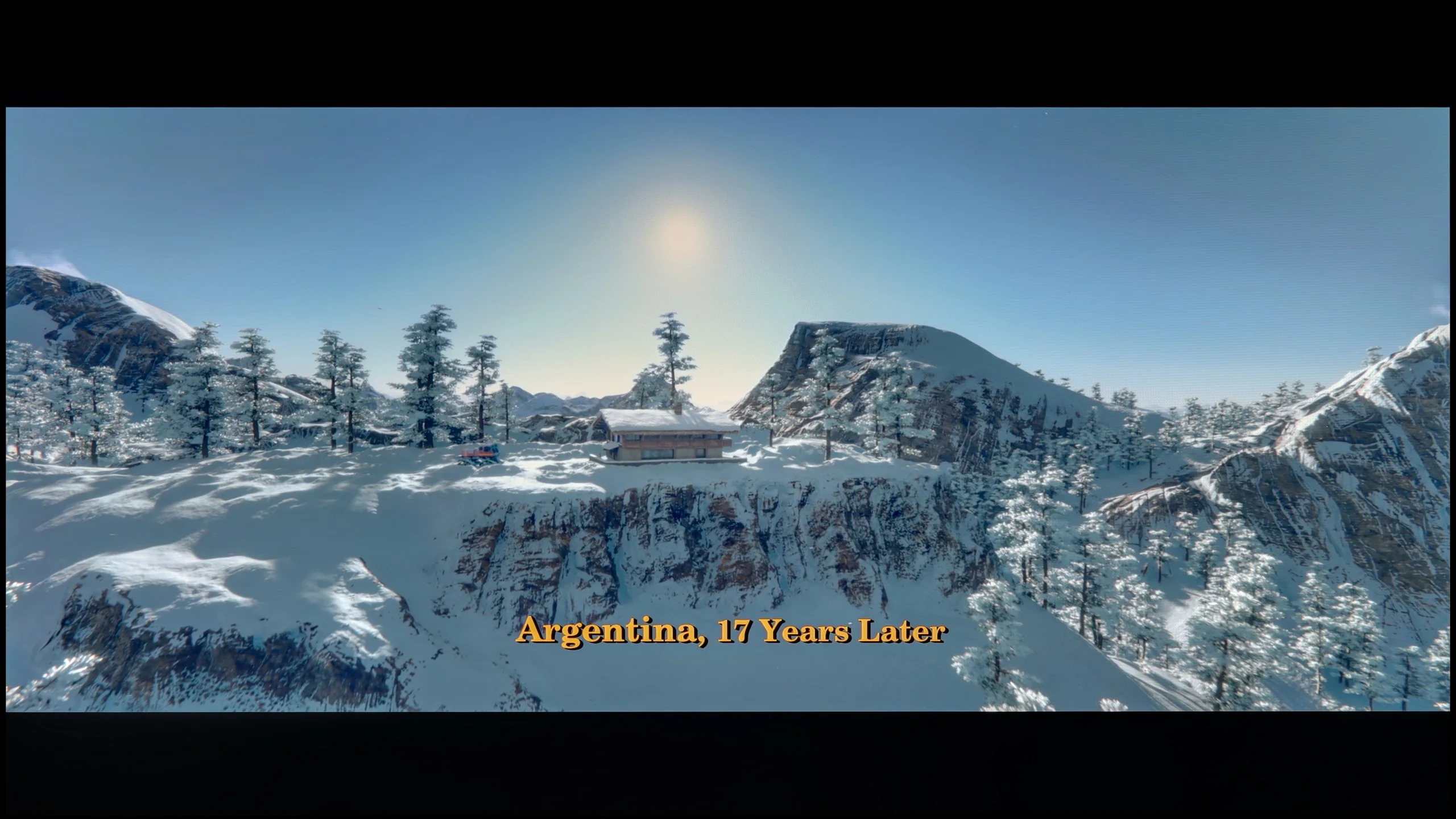
These are selected scenes that show smooth tonal transitions from one color to another. If you see distinct banding, it’s the TV panel’s fault.

These are selected scenes that show smooth tonal transitions from one color to another. If you see distinct banding, it’s the TV panel’s fault.
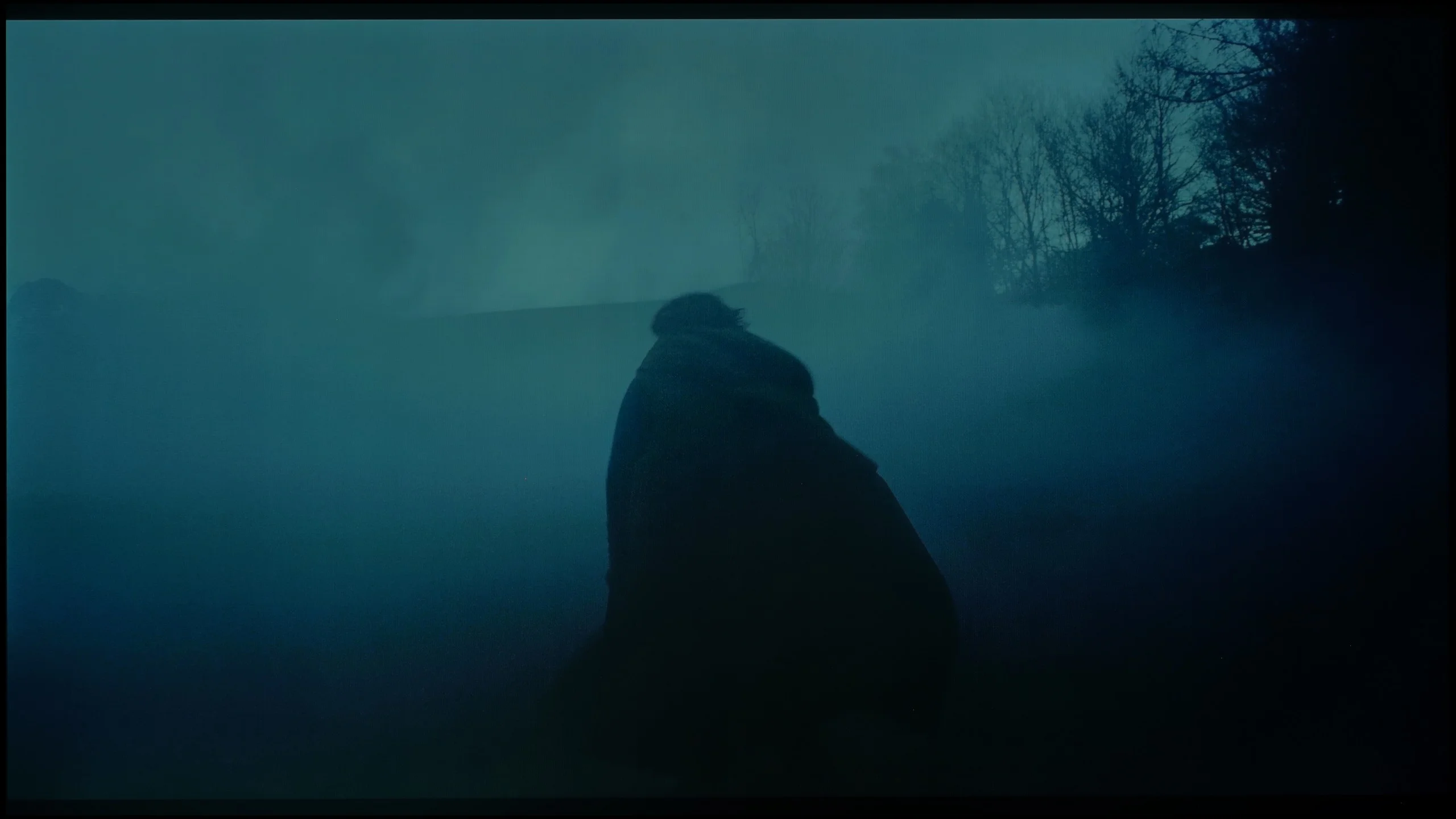
These are selected scenes that show smooth tonal transitions from one color to another. If you see distinct banding, it’s the TV panel’s fault.
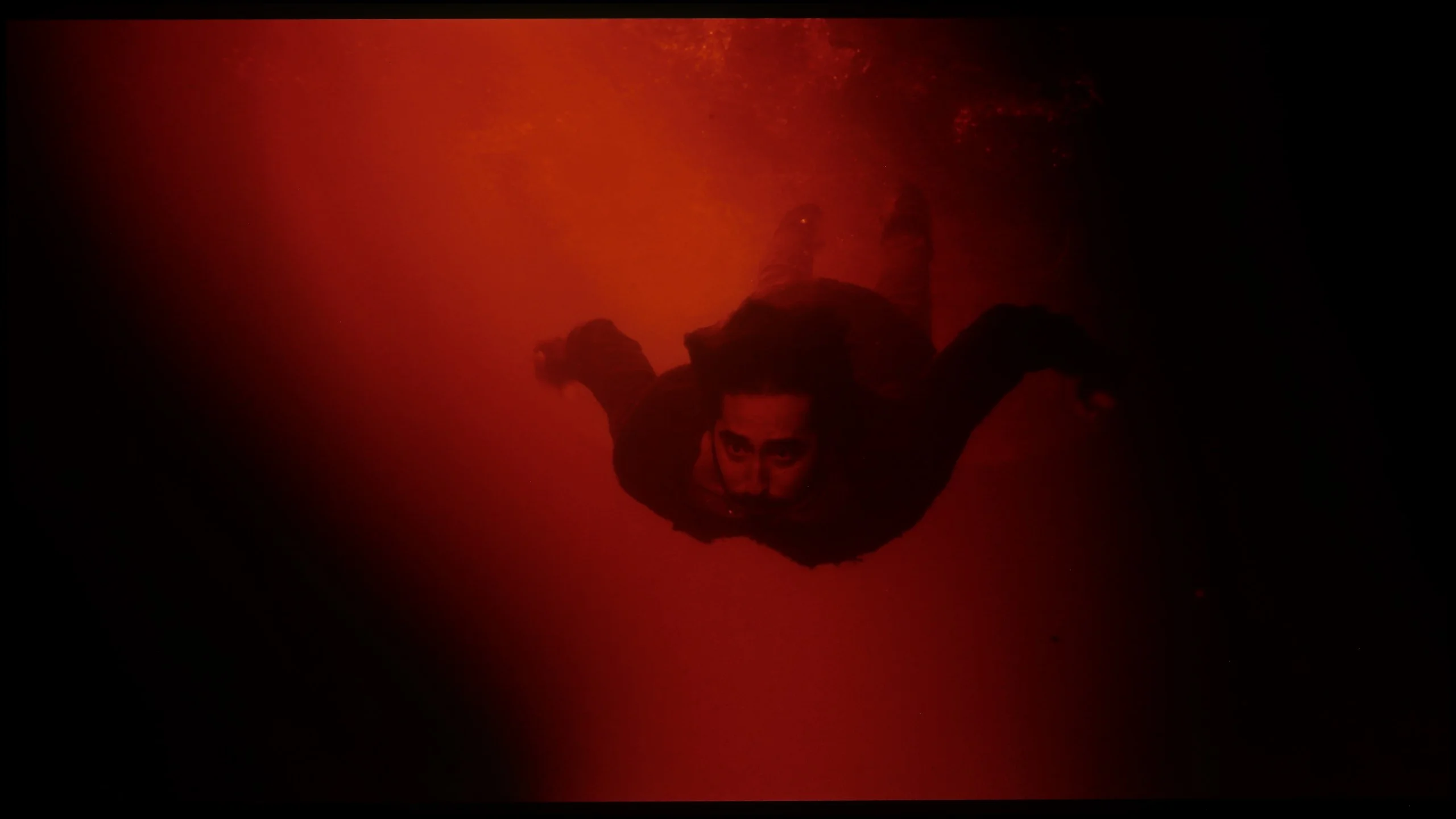
These are selected scenes that show smooth tonal transitions from one color to another. If you see distinct banding, it’s the TV panel’s fault.
TCL A300 NXTVision is another frame-style television that really manages well with the smoothness of tonal transitions. It's hard to find distinct bands or sharp transitions between shades of one colour – it all looks natural and smooth.
However, it's fair to say that among the three tested models (The Frame and S7NQ), TCL performs the weakest in this category. In darker and lighter scenes, you can notice slight imperfections. Nevertheless, looking at it as a whole, for a television in this range – it really presents itself solidly. It might not be the best of the bunch, but it holds a very good standard.
The smoothness of tonal transitions is at a very solid level here, and the WOLED panel variant has been noticeably improved compared with last year’s F-series model. Troublesome gradient artefacts and visible banding occur much less often. Despite this clear improvement, it still does not reach the level of QD-OLED technology. In almost every direct comparison the QD-OLED panel handles smooth transitions between shades a little more precisely. In summary, when it comes to gradients the WOLED panel is clearly better than earlier generations of these panels, but the QD-OLED variant still holds a noticeable advantage in this area.
Image scaling and smoothness of tonal transitions
5.5/10
7.5/10


Smooth transition function
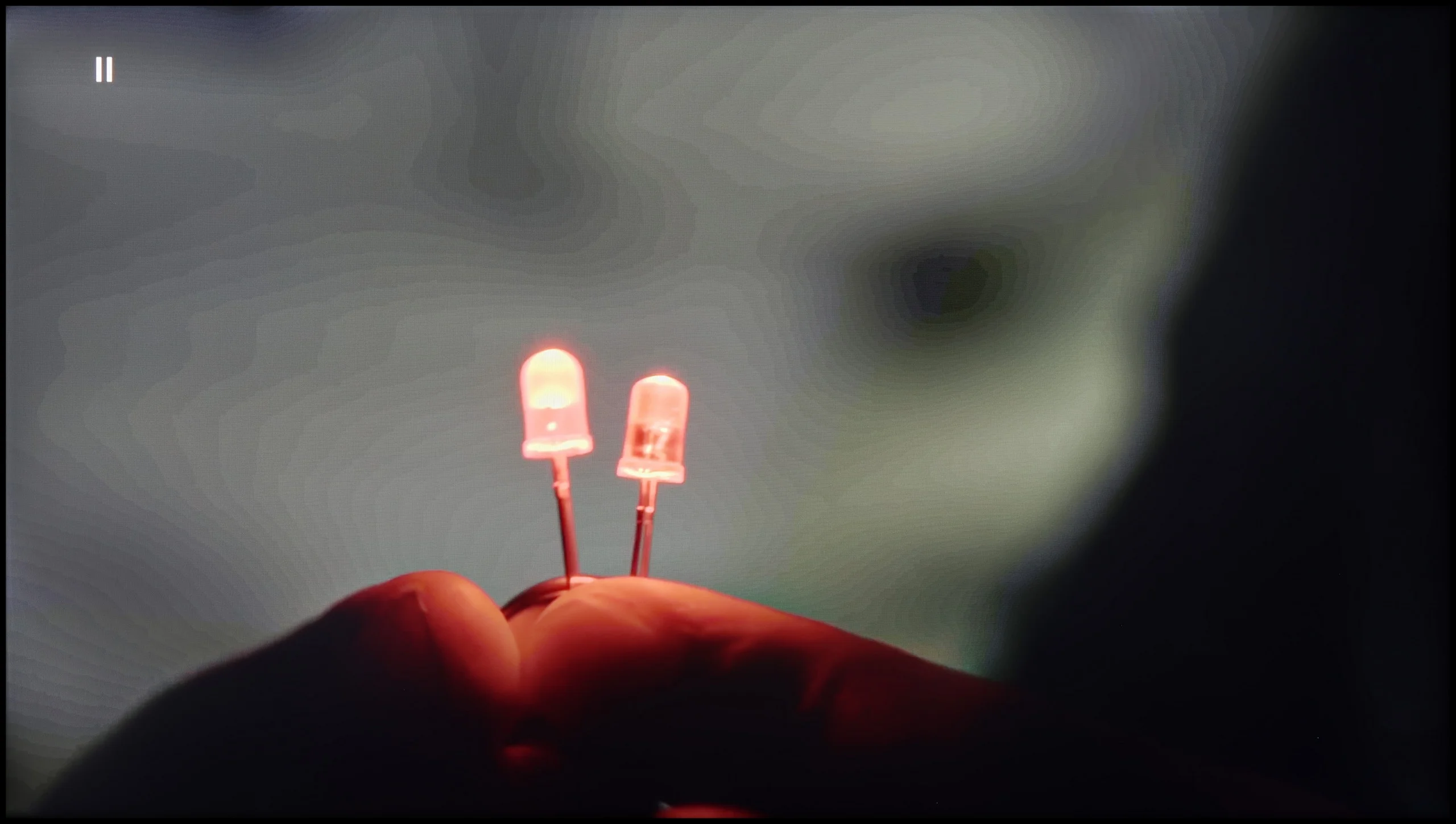
The match photo shows how the TV smooths weak tonal transitions in low-quality video.
Image scaling SD (576i)


The model photo shows how it handles upscaling of SD material.
TCL A300 handles tonal transitions in high-quality films very well, but the question arises – how does it perform with weaker materials? The TV is equipped with a tonal smoothing feature; however, its effectiveness can be described in one word: “random”. In one scene, it may work and improve the gradation, but when turned off… the effect remains the same. There is a lack of consistency and predictability here.
Image scaling is also not one of A300's strong points. On the test pattern, the main character actually looked better than on the raw signal, but with thin lines – like fonts or background details – there was noticeable jaggedness and aliasing. On the plus side, the TV does not cut off the image and has no issues with overscan, but the overall quality of scaling is rather average.
When it comes to banding reduction itself, Samsung has kept the same solutions known from last year’s models. The dedicated gradient-smoothing function works quite well and can effectively mask unwanted tonal transitions, which can be useful on a WOLED panel that’s somewhat more prone to banding. However, it’s important to remember it acts aggressively. This mechanism, aside from the artefacts themselves, can remove fine film grain and subtly soften detail. Ultimately it’s a trade-off, but if you want perfectly faithful image reproduction, it’s safer to leave this option off.
There’s also no breakthrough in scaling. The S90H uses the same NQ4 Gen3 processor as its predecessor, so upscaling quality was almost identical. The chip sharpens lower-resolution material very well, pulling a satisfying level of detail out of it. However, Samsung still hasn’t solved the old overscan problem. For some older recordings or archival footage the edges of the image can be slightly cropped. It’s a minor drawback, but it’s a shame the manufacturer still hasn’t fixed it.
Blur and motion smoothness
6.4/10
8.5/10
Blur (native resolution, maximum refresh rate):



Blur (BFI function enabled):
Image flickers in this mode



Blur ():
Blur (4K@165Hz ):



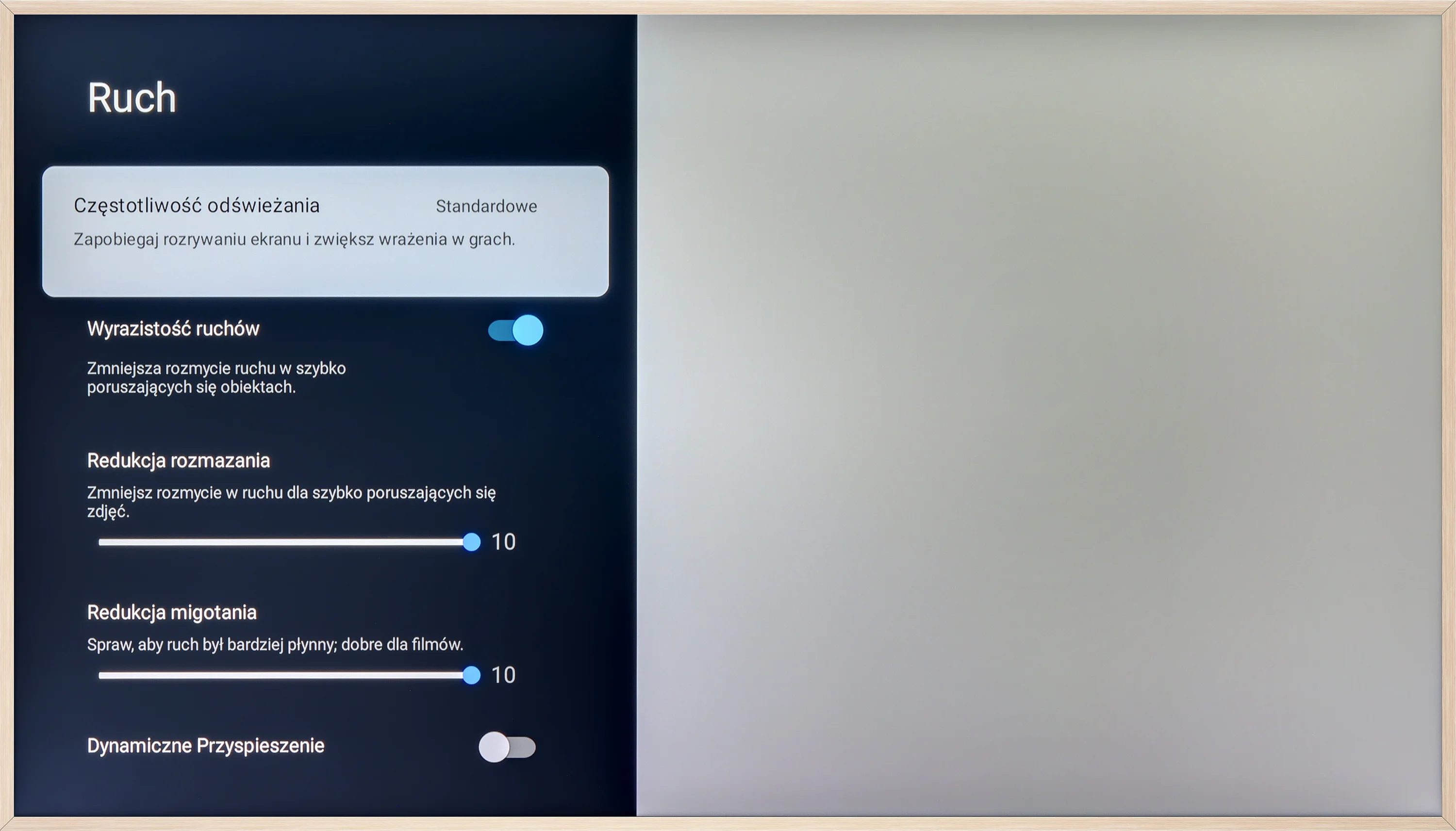
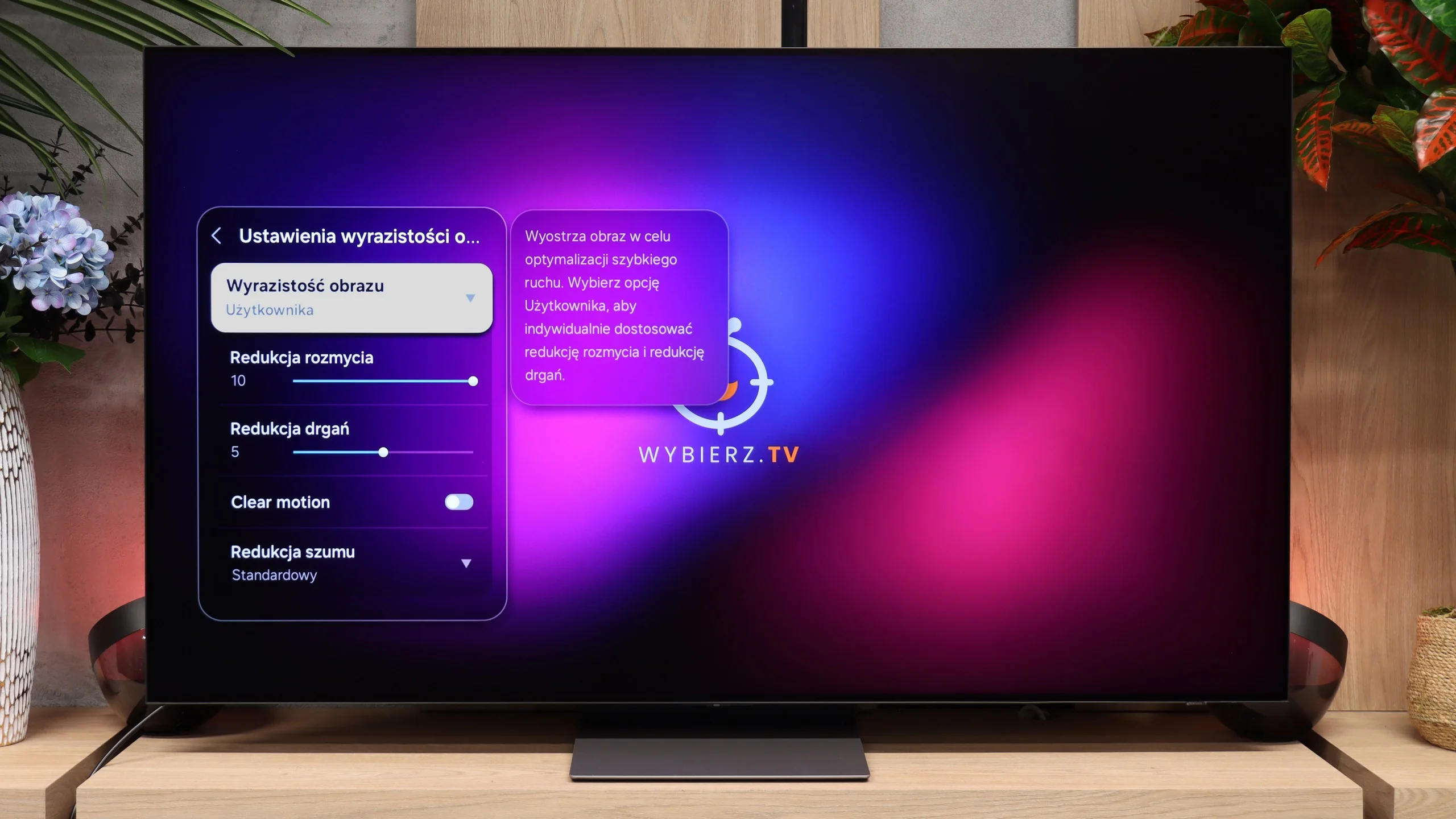
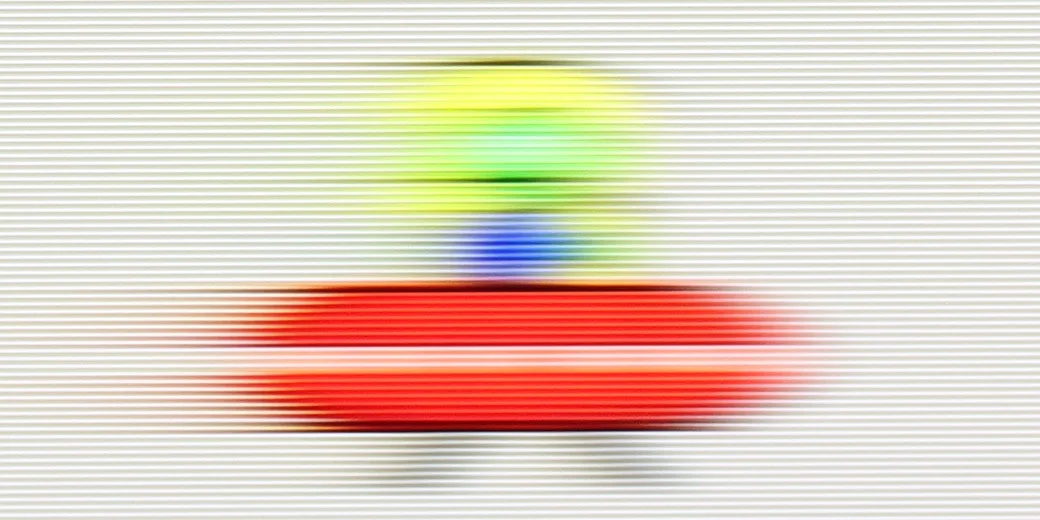
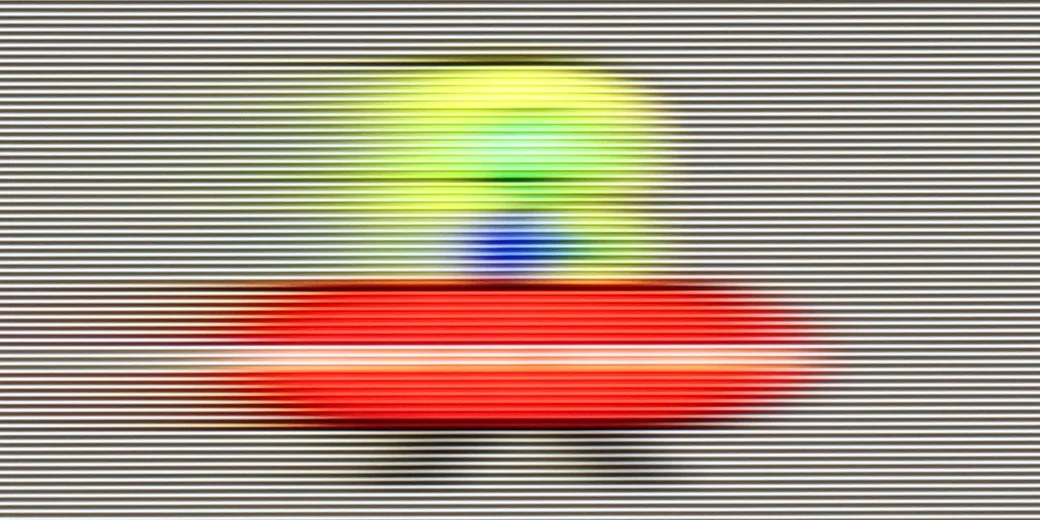
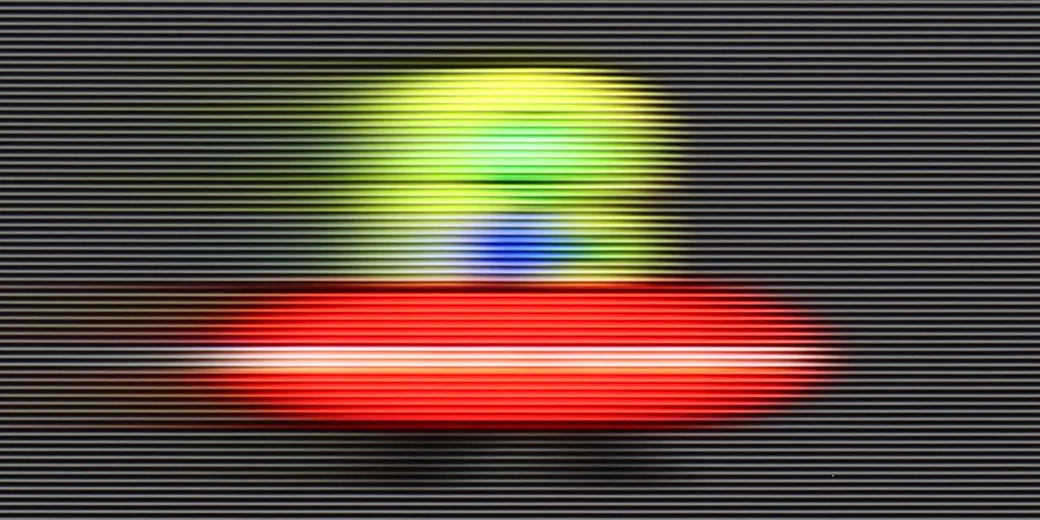
TCL A300 is equipped with a 144 Hz panel, which should instantly satisfy virtually everyone - both gamers and sports fans. Motion is fluid and the image is clear even during fast scenes. Additionally, the television offers a motion enhancement feature called "Motion," where we find two sliders on a 10-point scale. These allow you to adjust the effect to your own preferences - from a classic, filmic look with visible frames to a very smooth (though already unnatural) image reminiscent of a soap opera effect. This way, everyone can find a setting that suits them.
When it comes to motion handling the S90H is simply excellent. This year's panel offers its refresh rate boosted to 165 Hz, although in practice the benefit will mainly be for gamers connecting a powerful PC. For movies, TV series or sports broadcasts such a high refresh rate makes no difference and the picture looks exactly the same as at the standard 120 Hz. Regardless of the source, the OLED panel's lightning-fast response time does the job. Motion is clean, and the ghosting or smearing seen on LCDs simply doesn't occur here.
Console compatibility and gaming features
9.8/10
9.6/10
- ALLM
- VRR
- VRR range48 - 144Hz48 - 165Hz
- Dolby Vision Game Mode
- Correct implementation of HGIG
- 1080p@120Hz
- 1440p@120Hz
- 4K@120Hz
- Game bar
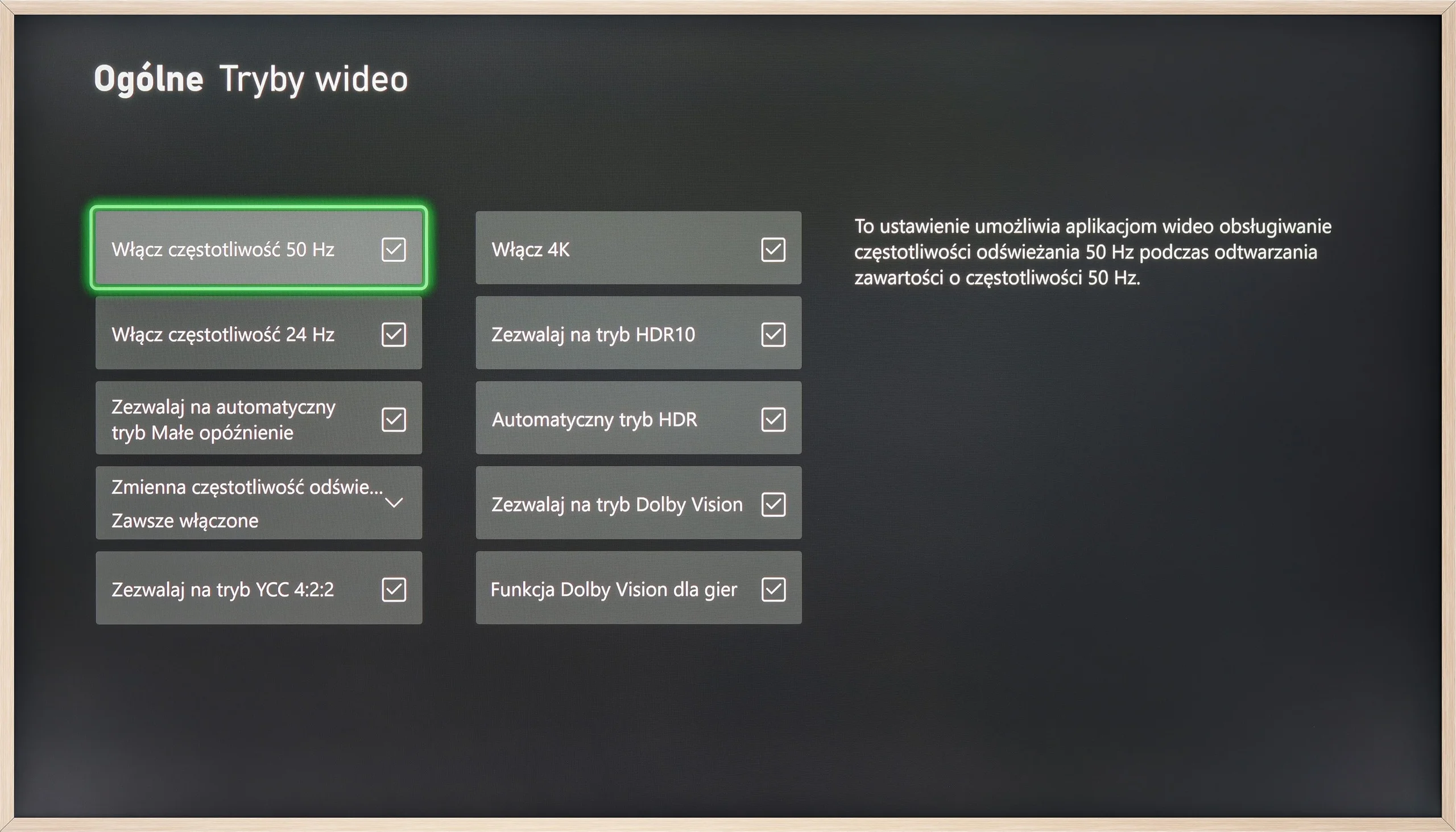
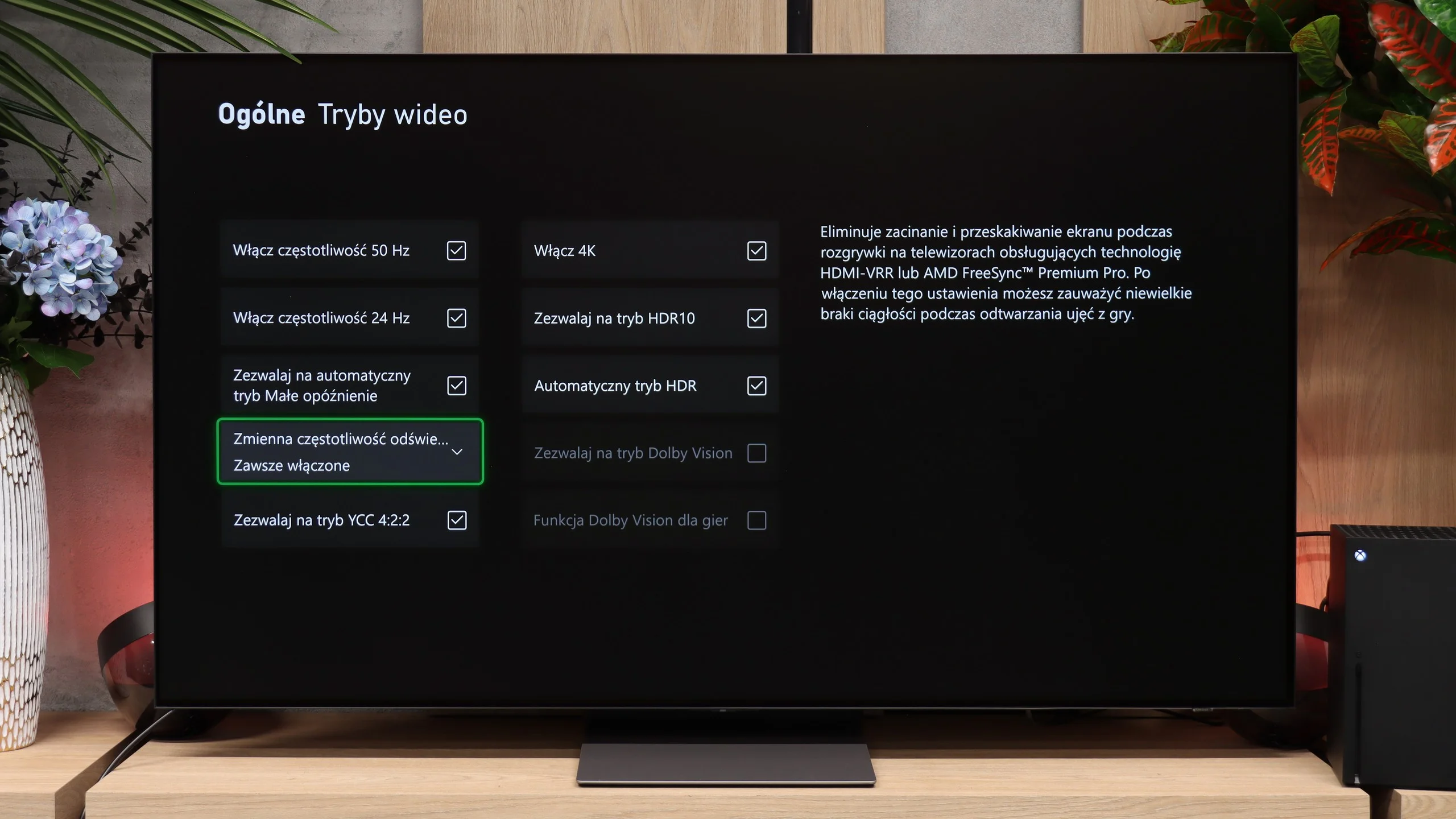
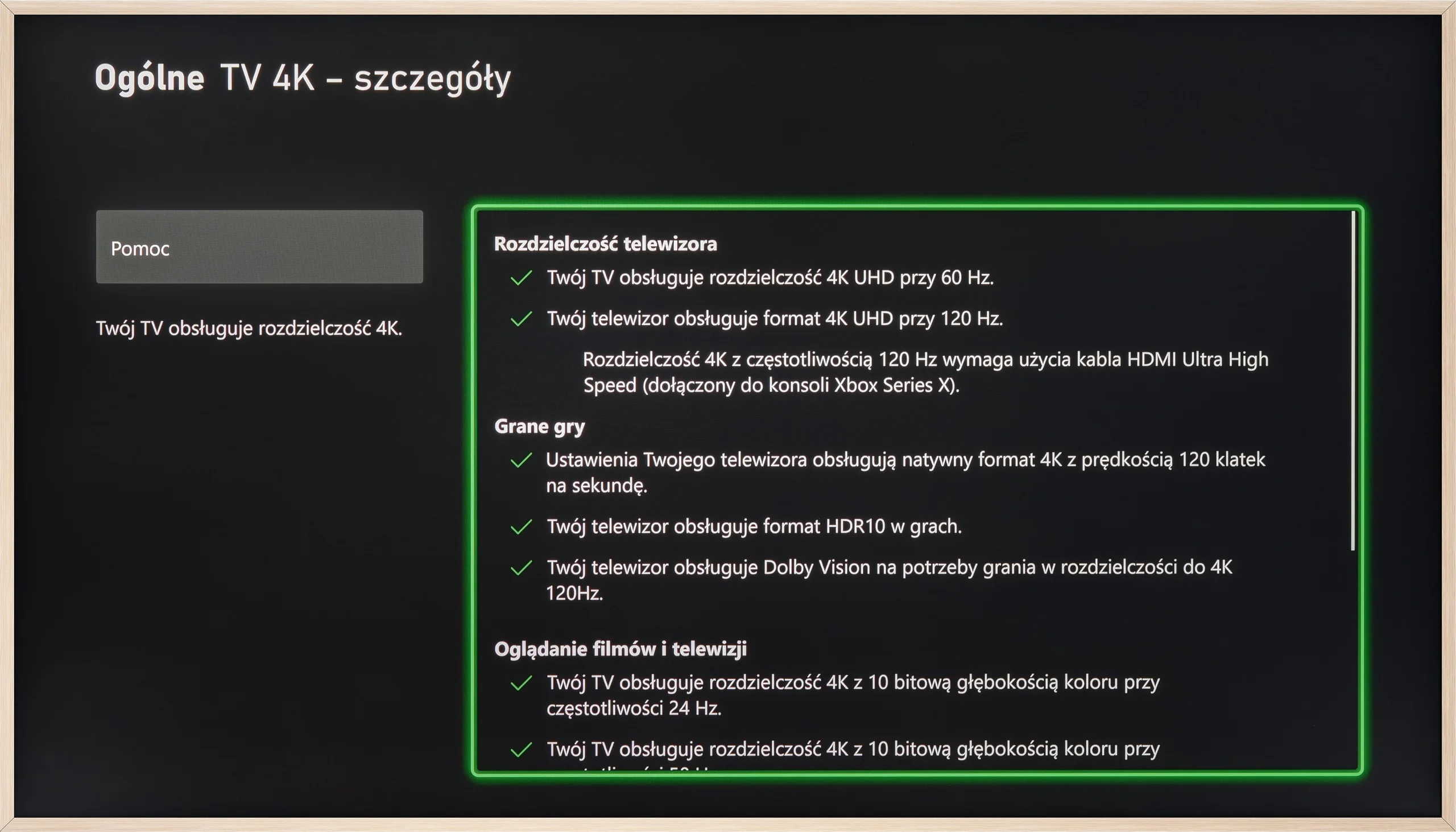
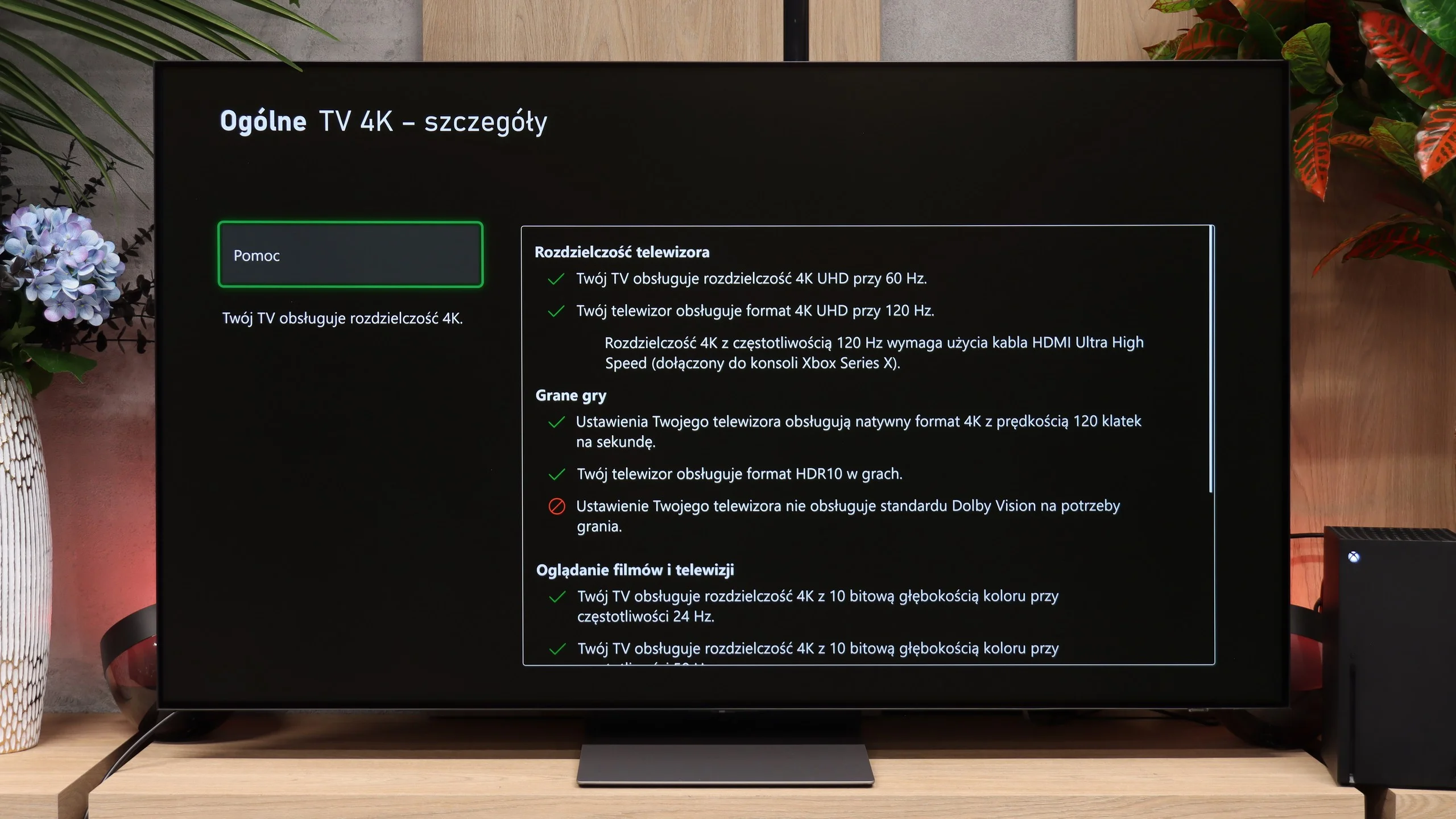

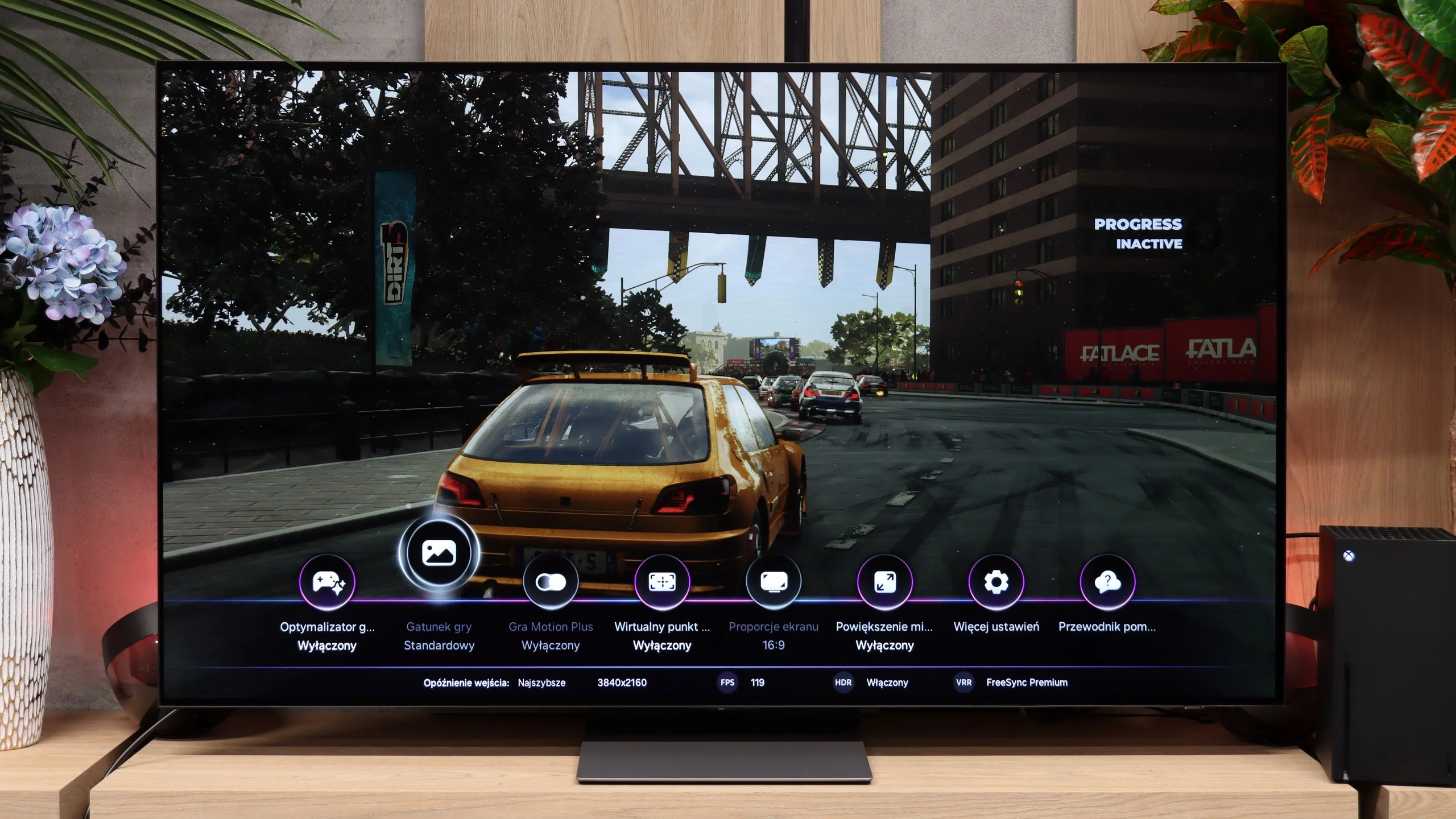
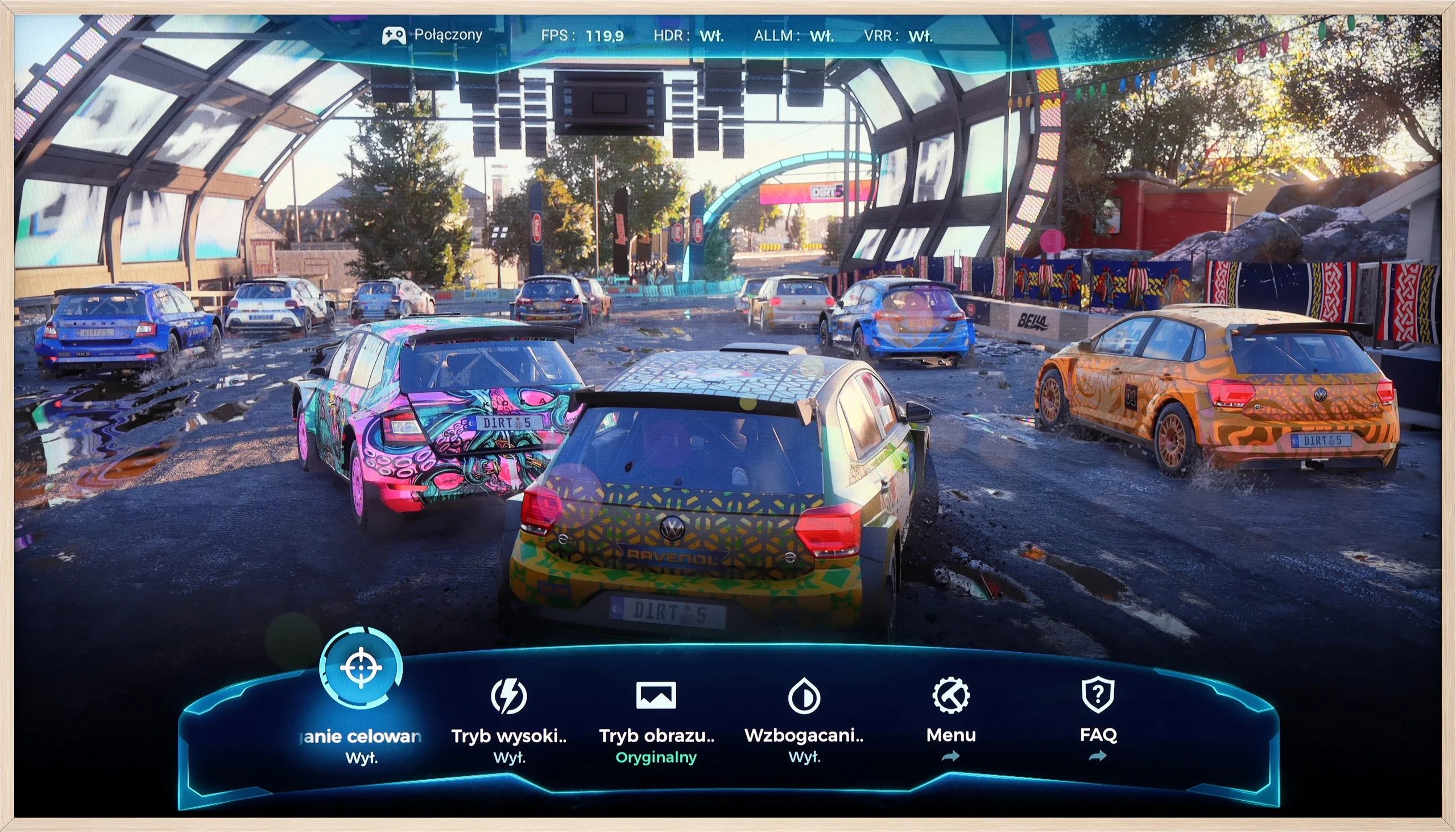
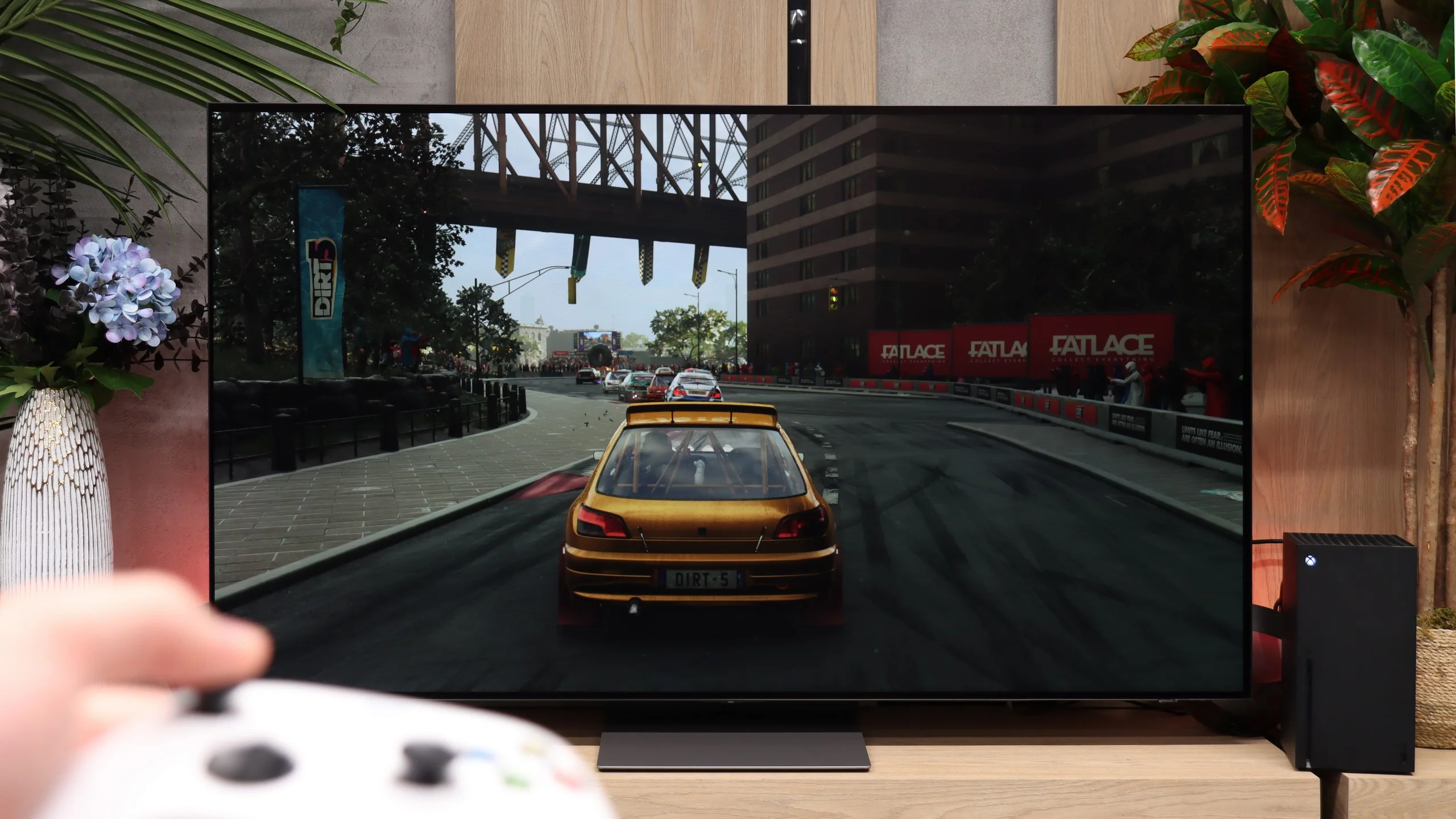
The TCL A300 is a television designed not only to transport us to a digital art museum but also into the full-fledged world of gaming. It offers practically everything you can expect from gaming hardware: two full-bandwidth HDMI 2.1 ports, 144 Hz refresh rate, support for VRR and ALLM.
It also deserves credit for the proper implementation of the HGIG mode – something that competing Hisense sometimes struggles with. The television handles lower resolutions (e.g., Full HD) with ease while maintaining high refresh rates, which will be appreciated by owners of older consoles or PCs.
Additionally, there's an attractive and clear GameBar that facilitates quick access to settings for gamers. The A300 is indeed well-prepared for gaming at the highest level – it’s just a shame that issues with ghosting somewhat detract from its overall appeal as a gaming device.
Gamers should feel right at home with the S90H, because Samsung has left few reasons to complain in this area. The TV has four HDMI 2.1 ports, each supporting VRR, ALLM and high refresh rates. There's also the Game Bar, a handy menu that lets you quickly check key parameters and change settings without leaving the game. Importantly, Samsung has also improved HGiG. In last year's models it could cause issues when used with a console, but on the S90H it now works as it should. What really stands out against the competition is Game Motion Plus. It's a specialised motion-smoothing mode for games that works best with titles running at 30 or 60 frames per second. Motion becomes noticeably smoother and latency remains at a reasonable level. In our measurements it was under 50 ms, so gaming is still comfortable. That's important, because on many TVs enabling a similar smoothing feature causes such a big increase in input lag that controls become noticeably sluggish. Samsung has managed to find a good compromise here. There's still no Dolby Vision Gaming, but in practice Game Motion Plus may prove to be the more useful feature.
Input lag
9.7/10
10/10
SDR
HDR
Dolby Vision
In terms of input lag, the TCL A300 performs really well. Values below 10 ms at a refresh rate of 120 Hz are something many gamers dream of – such low lag is practically unnoticeable, both during everyday gaming and in more demanding esports titles. One could nitpick about the result of 23 ms in Dolby Vision mode at 60 frames, but it's still low enough that serious objections are hard to come by. In this category, the A300 truly excels.
Input lag is another aspect that's hard to fault. At 120 Hz we measured just about 5 to 6 ms, which is truly outstanding. Switching to even higher refresh rates, the delay fell to astronomically low levels, practically imperceptible during gameplay. The Samsung S90H delivers top-tier results.
Compatibility with PC
8.2/10
8.6/10
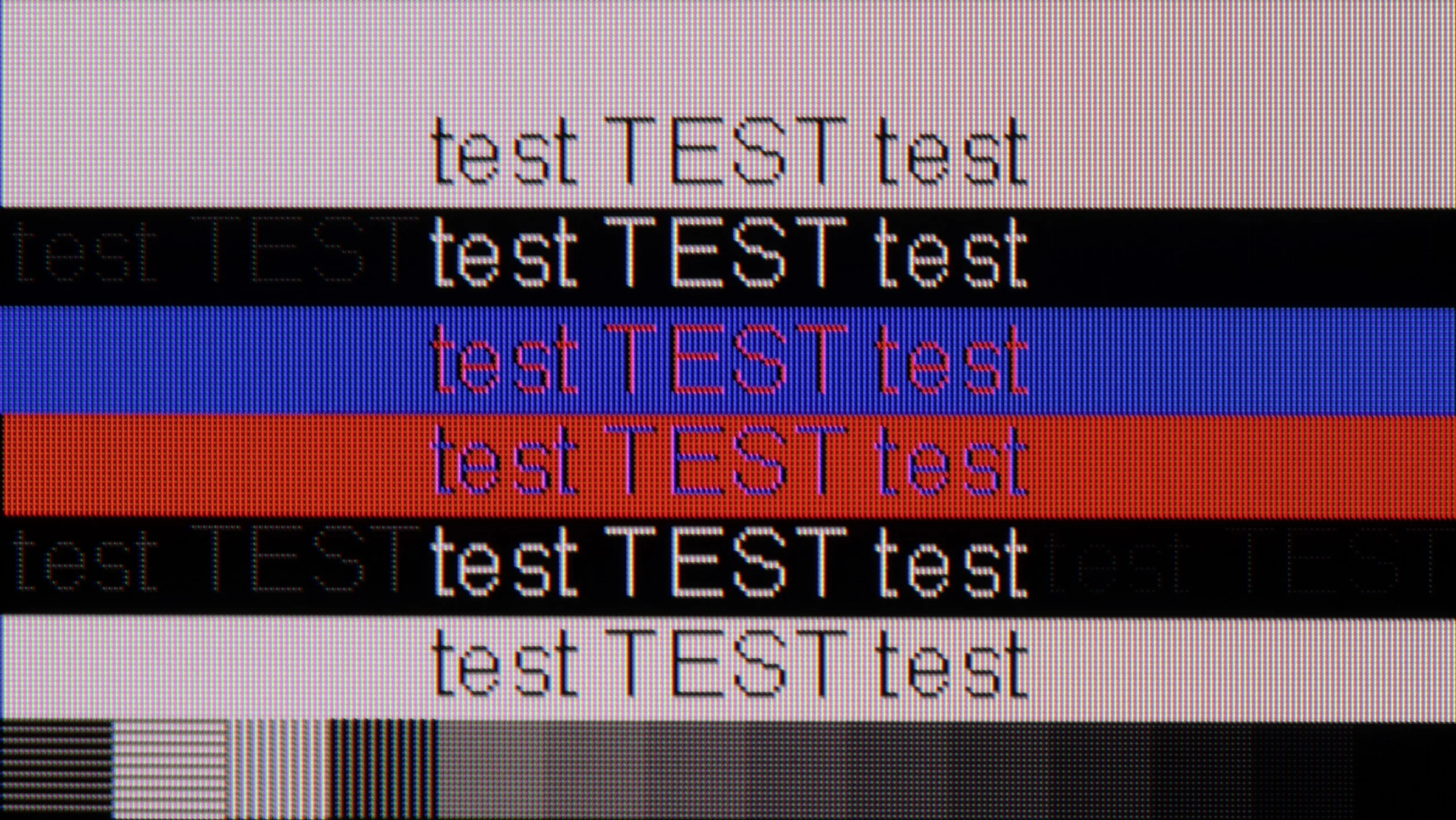
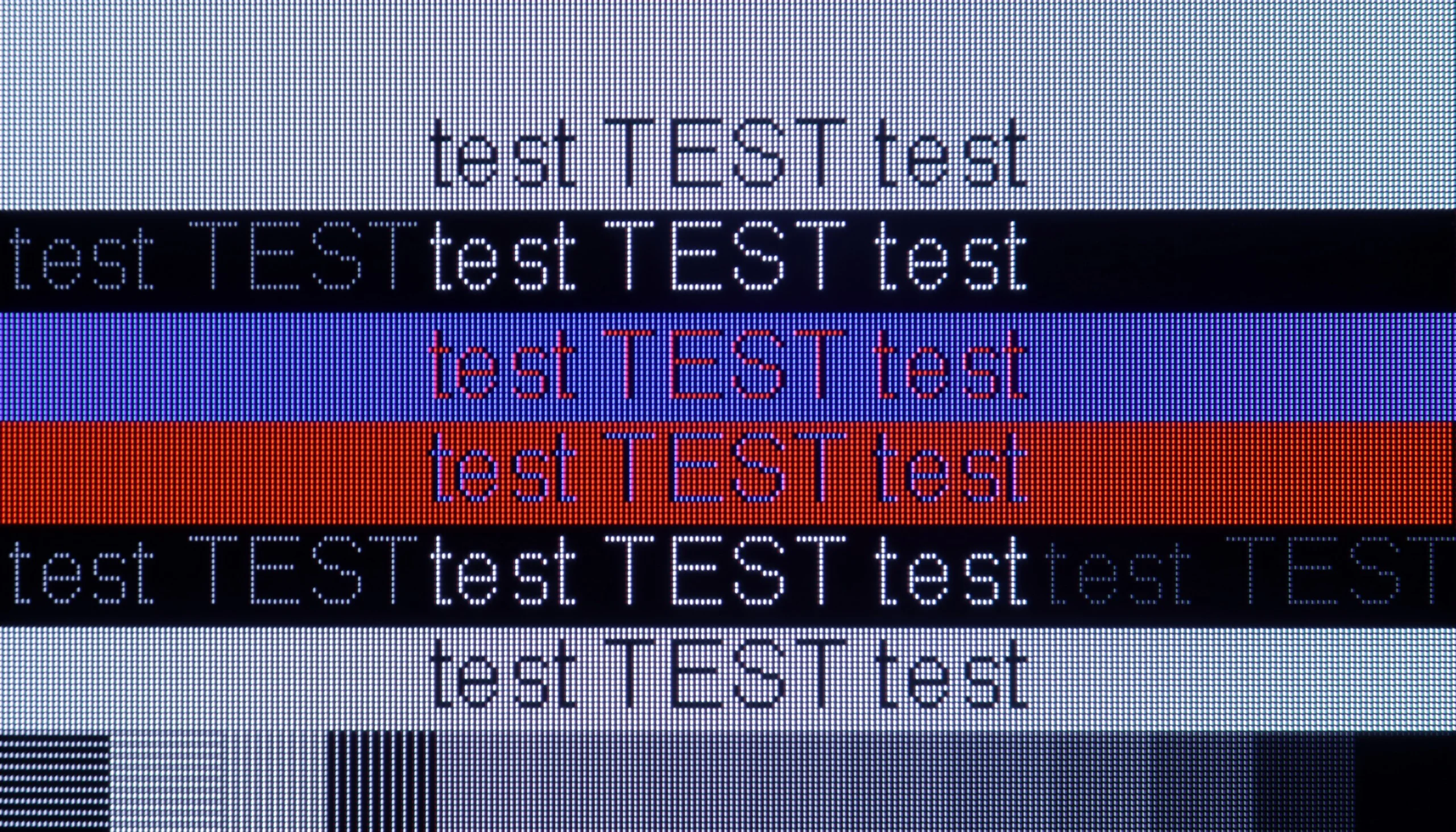
The photo shows the legibility of small fonts. Ideally, lines should be the same thickness on both light and dark text, with minimal pixel gaps.
If we plan to use the TCL A300 as a computer monitor, we may be pleasantly surprised. The television performs really well in this role. It is equipped with a 144 Hz panel, supports G-Sync, and, as we mentioned, offers very low input lag, so gaming on it with a connected PC is pure enjoyment.
Working with text is also possible, although with some limitations. The TCL A300 has slight issues displaying dark fonts and thin lines – this is due to the construction of the subpixels, which in everyday use can be a bit annoying, even though it looks better in photos than in reality.
The television supports chroma 4:4:4, but only up to 120 Hz. Therefore, we noted that this feature is available, but with a limitation – if we care about perfectly readable fonts, it's worth sticking with the refresh rate of 120 Hz. At 144 Hz, the clarity of the text may suffer somewhat.
The S90H works very well as a large-format monitor for PC, and not just because of its comprehensive gaming features. NVIDIA G-Sync certification, low input lag and support for refresh rates up to 165 Hz mean it runs smoothly with typical gaming PCs. In terms of motion and image sharpness in PC games it’s hard to find fault. The situation is a little different for everyday office work, web browsing or text editing. Although fonts remain legible, the specific subpixel structure of the WOLED panel (with an additional white subpixel) can be noticeable. When sitting very close to the screen, letter edges and small interface elements can show slight coloured fringing or appear a bit softened. This is characteristic of WOLED panels. In practice, however, it’s not a major issue. We tested the 65-inch variant, which is naturally used from about a metre or more. From that distance the effect practically disappears and doesn’t interfere with daily work. It may be more noticeable in the smallest sizes, like 42 or 48 inches, which often sit on a desk and are used from a distance of a few dozen centimetres.
Viewing angles
3.2/10
7.6/10
The viewing angles on the TCL A300 NXTVision are, let’s be honest, average. The TV is equipped with a VA panel, which inherently has quite limited angles, and unfortunately, this is evident here. The video below speaks for itself – even a slight deviation from the centre results in a noticeable drop in contrast and colour saturation. It’s a shame that this is yet another frame-style TV that has done absolutely nothing about it. After all, we don't always have the option to sit perfectly straight on – especially if the device is also meant to serve a decorative function in the living room.
Viewing angles on the Samsung S90H are very good and among the best on the market. That's thanks to the OLED panel, which when viewed from the side does not lose brightness or colour saturation as quickly as many LCD TVs. The picture therefore keeps its proper appearance for longer, which matters especially when watching TV in a larger group and not everyone is sitting directly in front of the screen. Only at a really large angle can you notice the advantage of QD-OLED panels. In their case viewing angles are practically perfect, while with the WOLED version the colours and brightness then start to change slightly.
Daytime performance
4.7/10
6.5/10
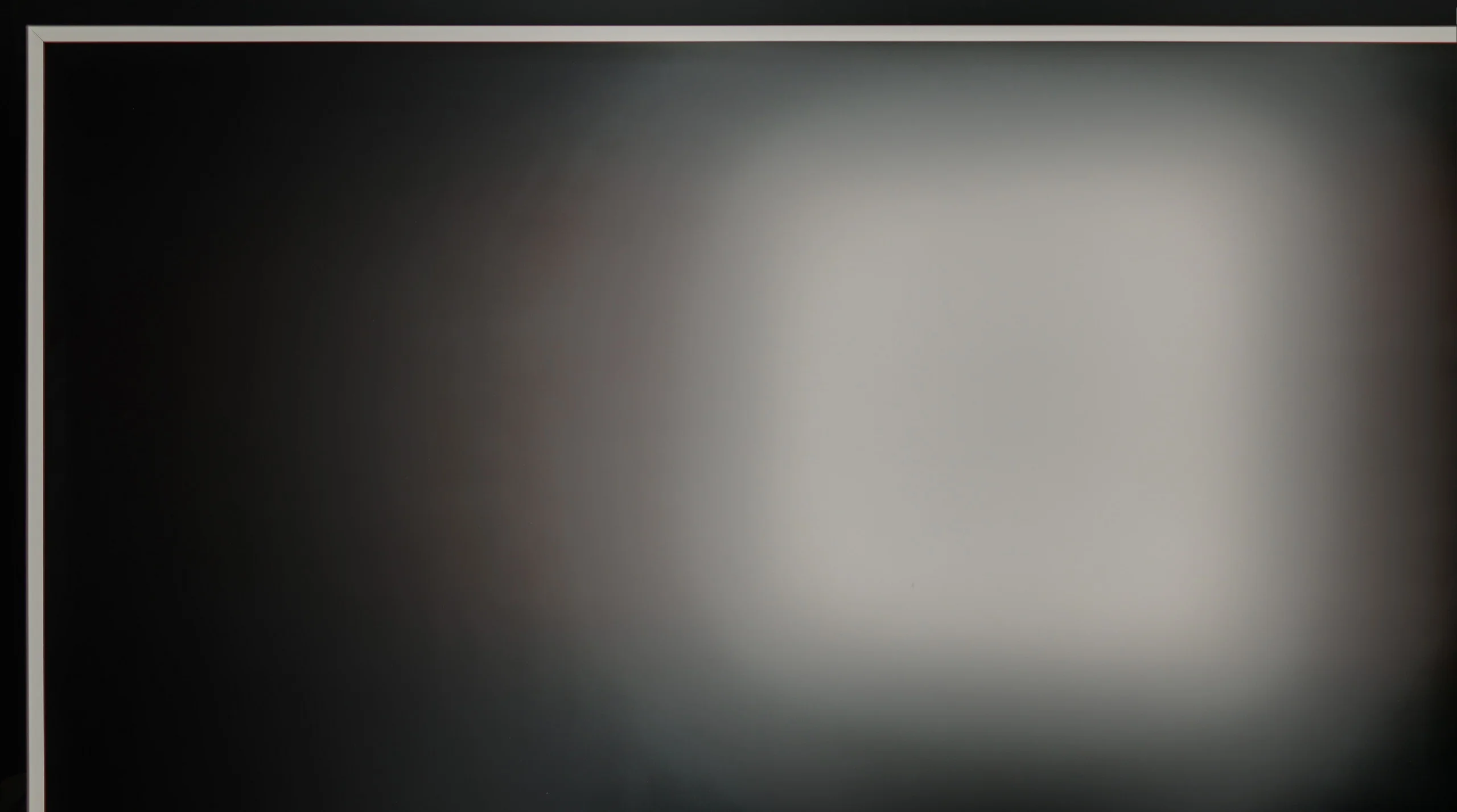
Panel brightness
Samsung S90H (WOLED): 473 cd/m2
TCL A300W NXTVision: 388 cd/m2
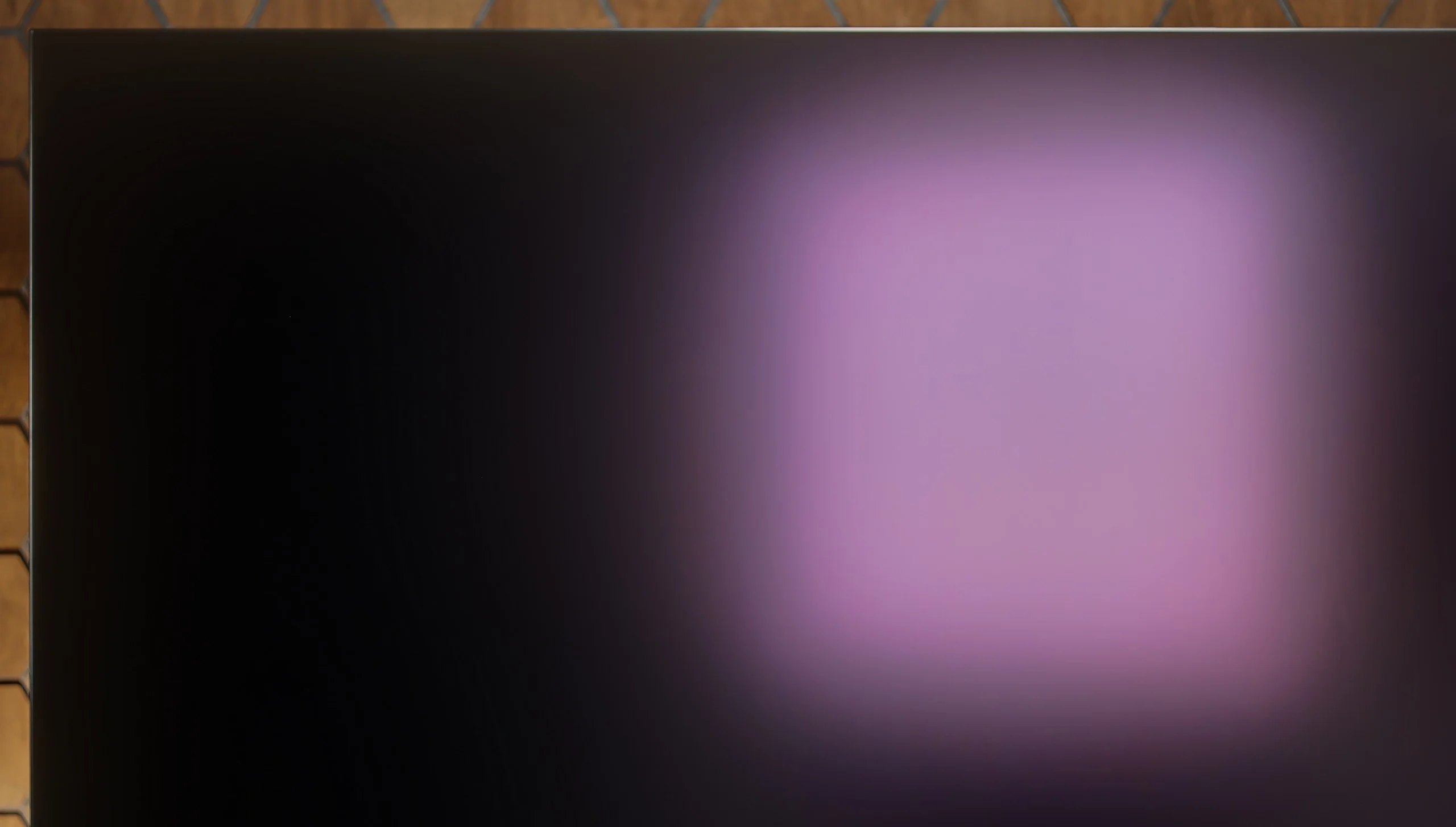
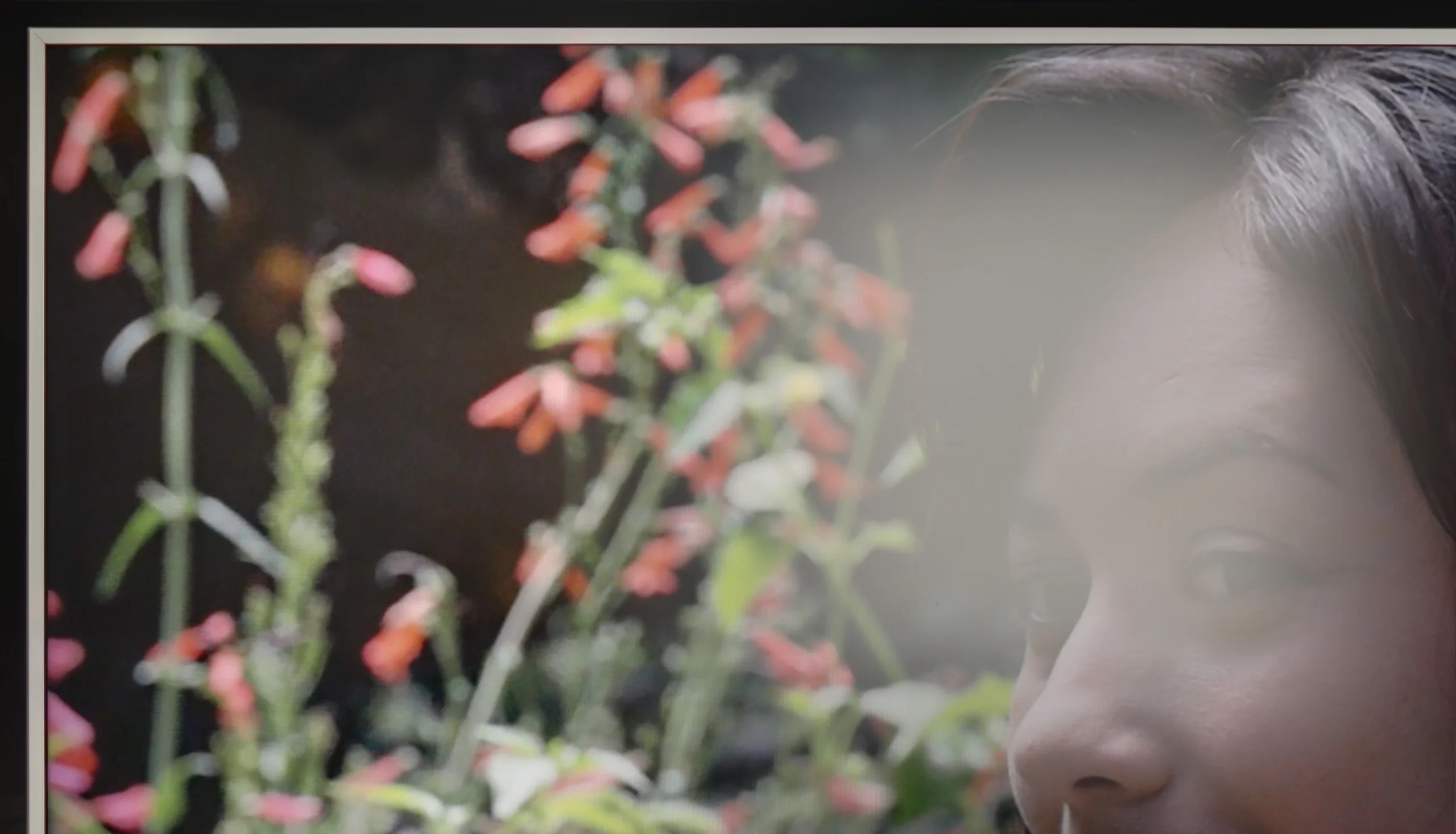
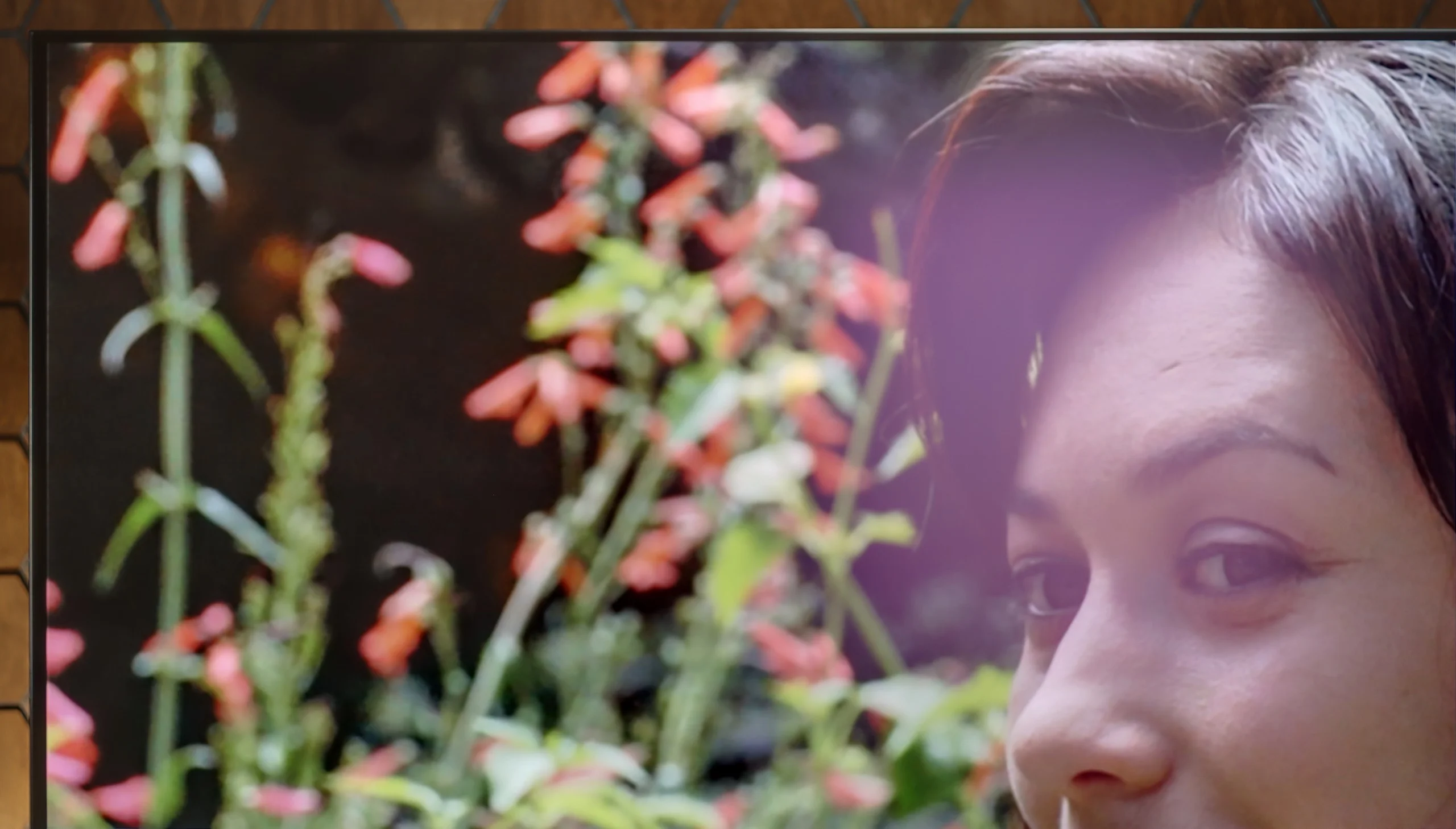
The TCL A300 NXTVision is equipped with a matte panel very similar to the one found in one of its Chinese competitors – the Hisense S7NQ. This type of surface does quite well in reducing reflections, although it must be admitted that it performs worse than Samsung's The Frame, which offers a significantly higher level in this regard. As is usually the case with matte displays, blacks during the day lose depth and appear more grey than black – and this is no different here. Unfortunately, the fact that the A300 is the darkest TV of the three tested doesn’t help either. This gives it a real problem in breaking through in heavily sunlit rooms.
There is, however, one area where the S90H with a WOLED panel performs better than the QD-OLED version. It's viewing in a brightly sunlit room. Thanks to the presence of a traditional polariser, blacks here don't shift toward grey or a dark burgundy as much as they do on QD-OLED panels. Combined with the new matte coating, this delivers very good results. The picture retains more depth even in strong light, and colours don't lose their vibrancy so quickly. That doesn't mean the screen remains completely black in every condition. Under very strong illumination you can notice a faint purple tint typical of WOLED panels. In the S90H it is partly muted by the matte coating and isn't as obvious. Ultimately both variants perform similarly in this category. WOLED handles black retention in a bright room better, but on the other hand it achieves slightly lower SDR brightness. At times the difference compared with the QD-OLED version can reach around 150 nits.
Panel details
Subpixel Structure:
Panel uniformity and thermal imaging:
TCL A300W NXTVision
Samsung S90H (WOLED)
TV features
7.2/10
7.3/10
- SystemGoogle TVTizen
- System performanceDecentVery good
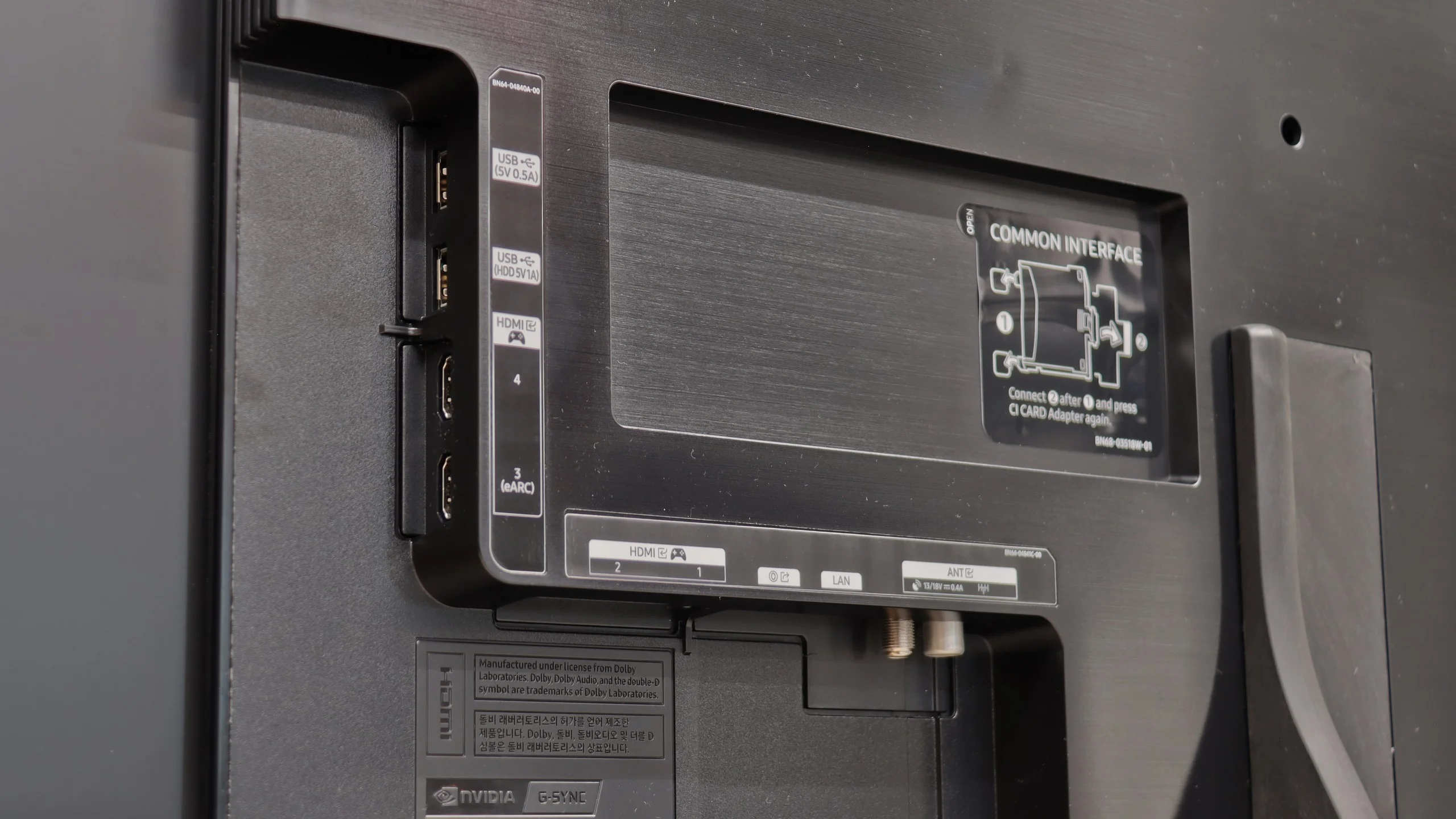
- HDMI inputs2 x HDMI 2.0, 2 x HDMI 2.1 48Gbps0 x HDMI 2.0, 4 x HDMI 2.1 48Gbps
- OutputsToslink (Optical audio), eARC (HDMI), ARC (HDMI)Toslink (Optical audio), eARC (HDMI), ARC (HDMI)
- Network InterfacesWi-Fi 2.4GHz, Wi-Fi 5GHz, Ethernet (LAN) 100MbpsWi-Fi 2.4GHz, Wi-Fi 5GHz, Ethernet (LAN) 100Mbps
- TV receptionDVB-T, DVB-T2, DVB-S, DVB-S2, DVB-CDVB-T, DVB-T2, DVB-S, DVB-S2, DVB-C
Classic features:
- Recording to USB (terrestrial TV)
- Recording programming
- Picture in Picture (PiP)
- RF remote control (no need to aim)
- Backlit remote control
- Teletext
- Audio only mode
- Bluetooth headphones support
- Simultaneous Bluetooth headphones & TV audio
Smart features:
- AirPlay
- Screen mirroring (Windows Miracast)
- Voice search
- Voice search in native language
- Ability to connect a keyboard and mouse
Sound connection options
- HDMI audioeARC (HDMI), ARC (HDMI)eARC (HDMI), ARC (HDMI)
- Other audio outputsToslink (Optical audio)Toslink (Optical audio)
- Wireless audioBluetoothBluetooth
Supported audio formats (external HDMI eARC audio):
- Dolby Digital Plus 7.1
- Dolby True HD 7.1
- Dolby Atmos in Dolby Digital Plus (JOC)
- Dolby Atmos in Dolby True HD
- DTS:X in DTS-HD MA
- DTS-HD Master Audio
Senior accessibility
- Numeric keyboard on TV
- Font size adjustment
- Audio description
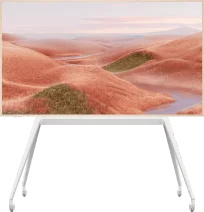
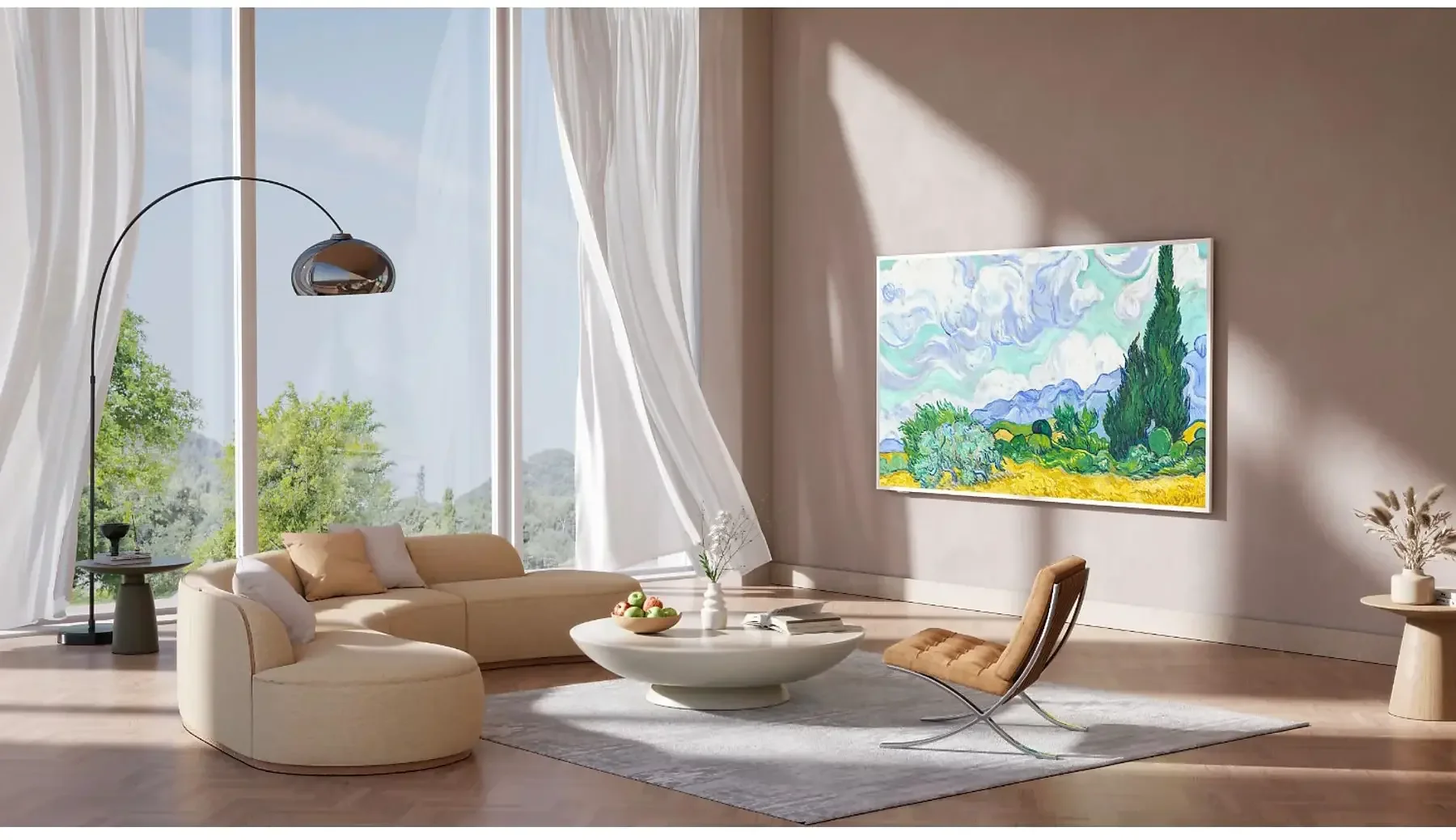
TCL A300 is a television styled as a painting, which in everyday use can successfully pretend to be a work of art hanging on the wall. It is equipped with a special image display mode, additional frames in a light wood tone, and a flat wall mount that allows you to hang the television like a real painting – without any gap from the wall.
A significant advantage of the image mode is that it is completely free. We have access to several dozen works from which we can choose one to be displayed while in standby – instead of a black screen, the image we selected remains on the wall. The quality of graphic reproduction is okay, but it must be admitted that it clearly falls short of that from Samsung's ART Store. Although access to images there is paid, the quality of the scans is significantly better – you can see the texture of the paint, canvas, and details. In the TCL A300, it resembles high-quality photos rather than realistic reproductions of artworks. Additionally, the implementation of the image mode in the system leaves a lot to be desired. For example – if we set the brightness to 10% in image mode, that same value automatically transfers to the regular viewing mode, where we could easily set the brightness to 50% or even 100%. It also works the other way around – when we set the brightness to 100% in regular mode, after switching to gallery mode, the images are displayed with the same maximum brightness, shining too intensely and losing the whole effect of a “picture on the wall.” These are minor but irritating errors that can spoil the experience of what was supposed to be visually subtle and elegant.
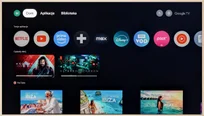
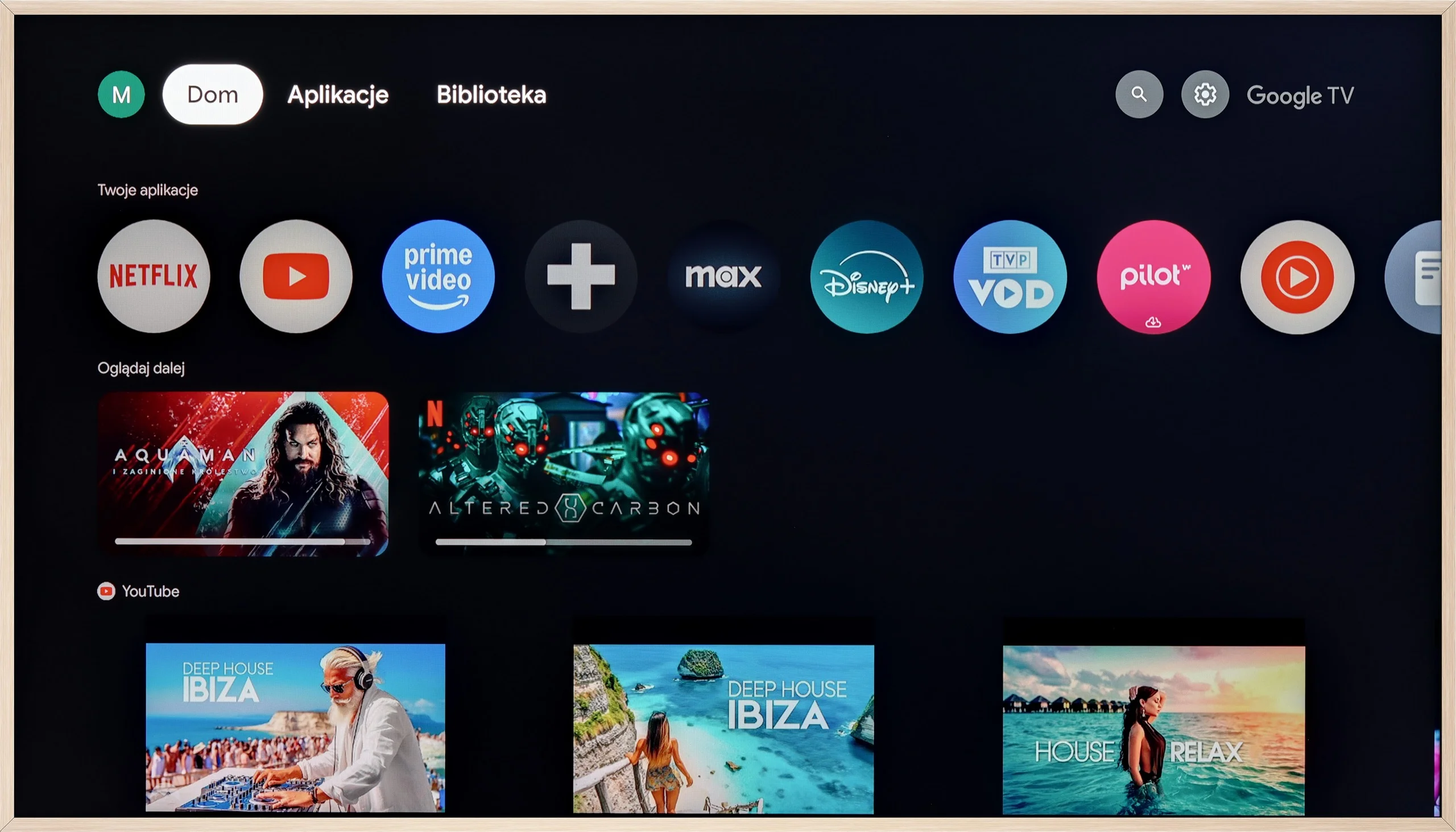
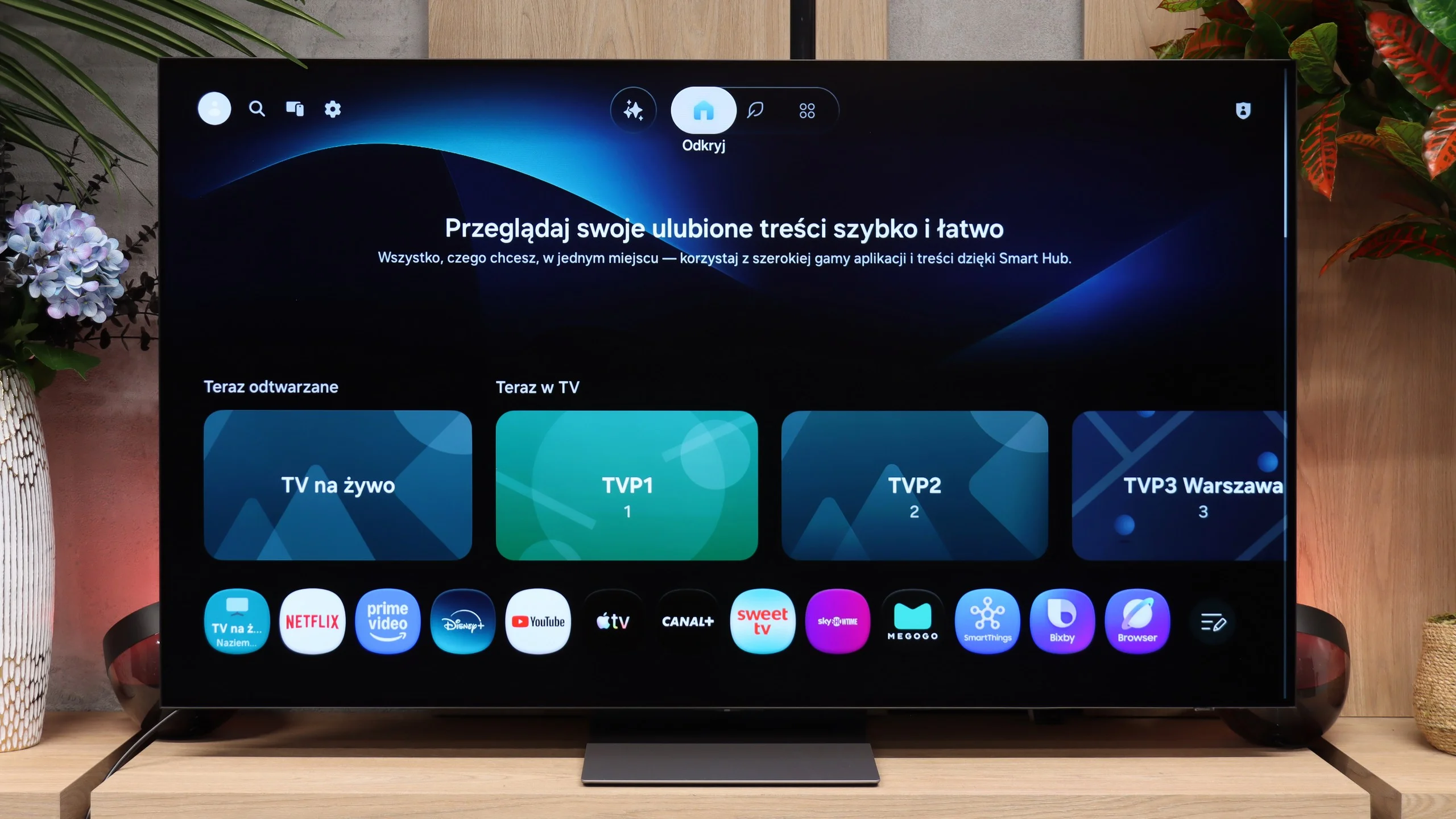
Moving on to more classic functions – the A300 runs on the Google TV system, which currently offers by far the largest selection of applications (full list available below). The responsive voice assistant with support for the Polish language also deserves a big plus. As standard – as with most TCL televisions – the USB recording function or picture-in-picture (PiP) mode was missing.
Classic TV
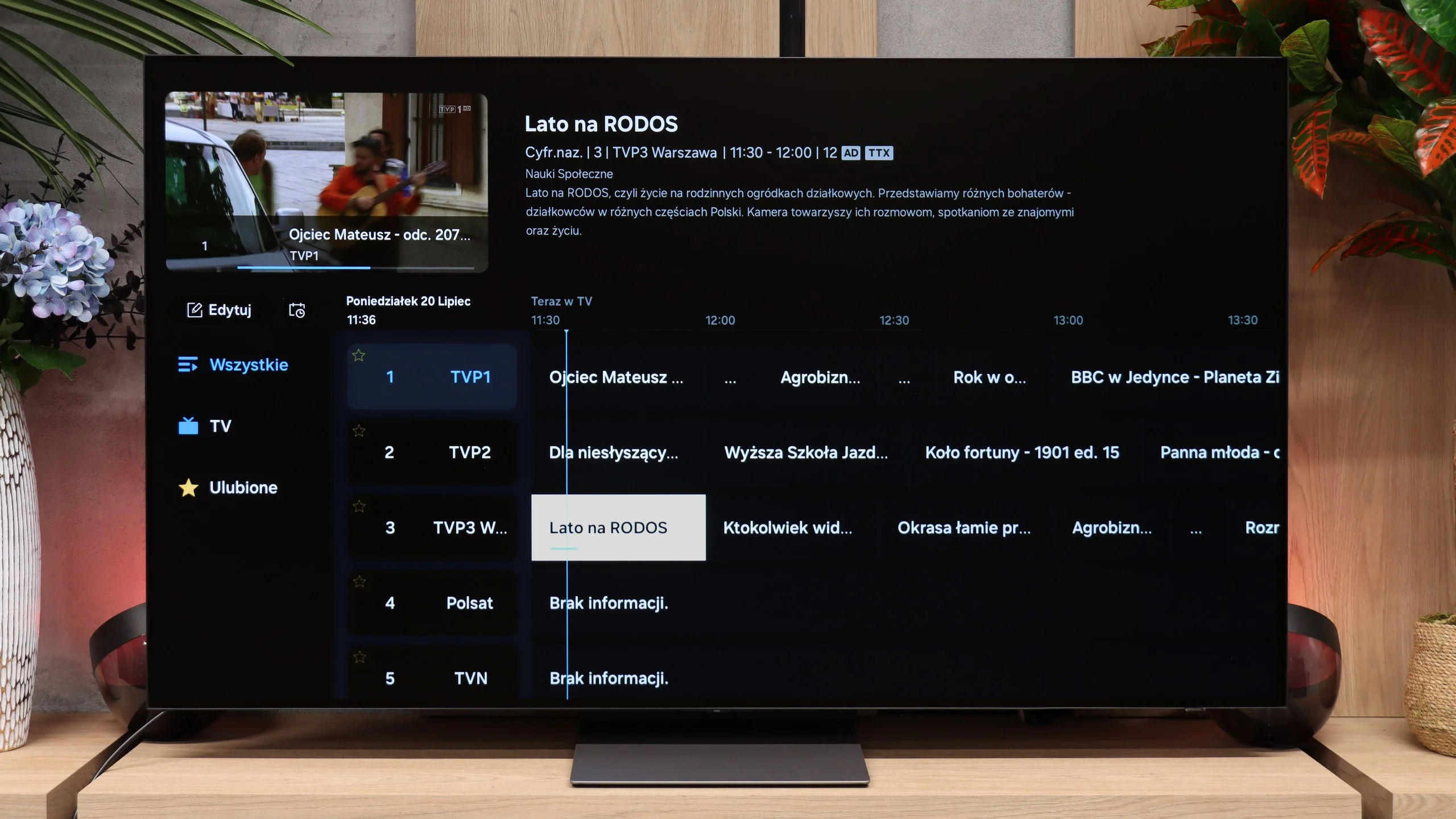
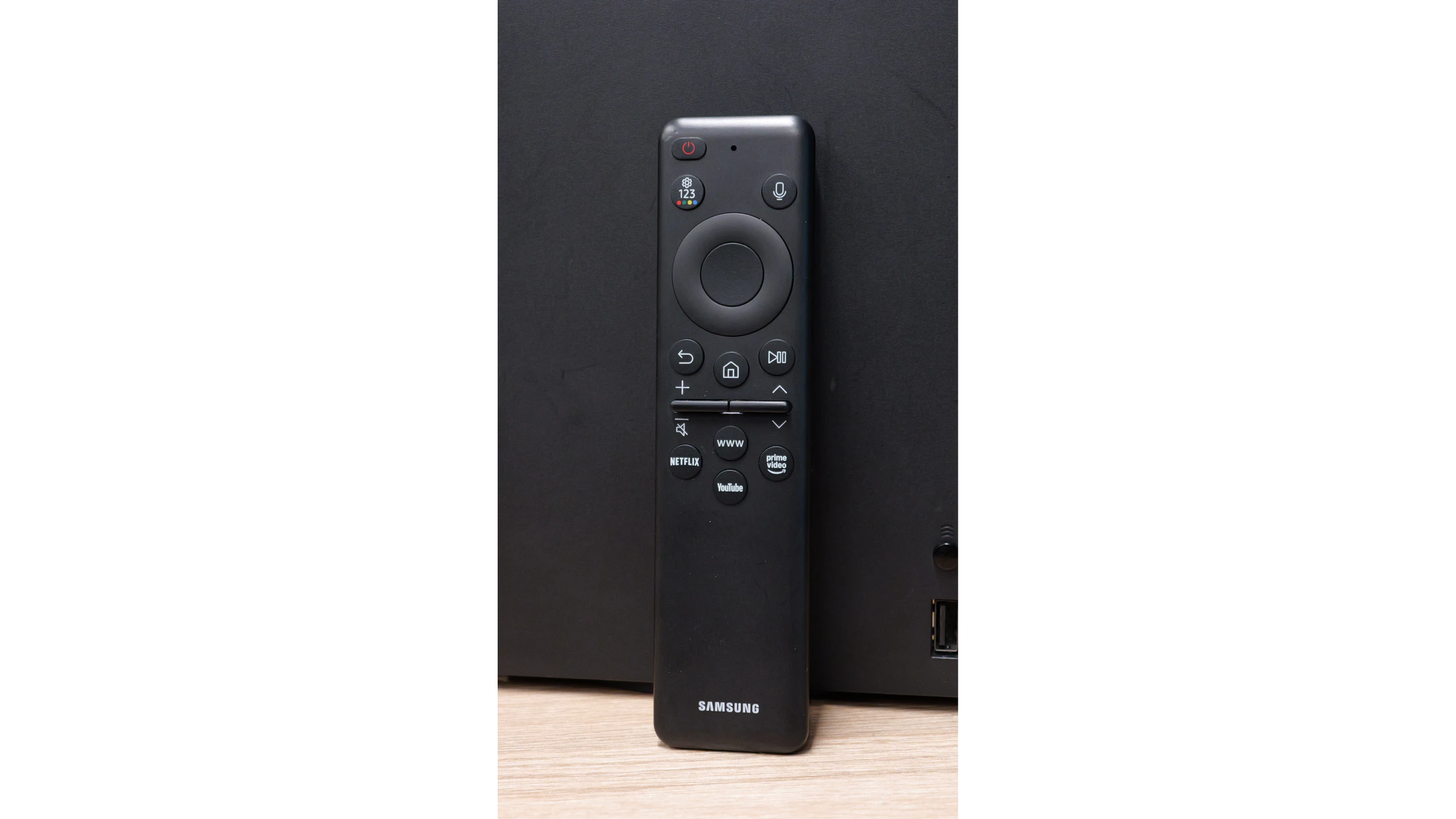
With regular cable or terrestrial TV, Samsung doesn't offer any revolutions compared with last year's model. Putting the marketing AI features to one side, you simply get a solid, traditional package: a full set of tuners, a CI slot for a conditional-access module (CAM), teletext and a convenient RF remote that doesn't need to be pointed directly at the screen. The problem is that the competition offers exactly the same today, and the S90H adds nothing in this area. What's more, the S90 series has lost the PIP function, picture-in-picture. If you liked keeping an eye on the news in the corner of the screen while watching another programme, you can't do that here.
Smart TV: Tizen
While there are few novelties for traditional TV, Tizen for 2026 performs really well. The main point is that the system runs incredibly smoothly and responds to commands without hesitation. Any animation stutter or lag when navigating menus has disappeared. Although it's Samsung's proprietary platform rather than the Google TV many prefer, the app library is complete and includes all the major VOD services. Cloud-gaming fans will also be pleased, as the gaming section has been thoroughly polished. For everyday Smart TV use, it's an exceptionally fast and mature environment.
Apps
9.6/10
9.3/10






















Playing files from USB
8.9/10
9.1/10
Supported photo formats:
Maximum photo resolution:
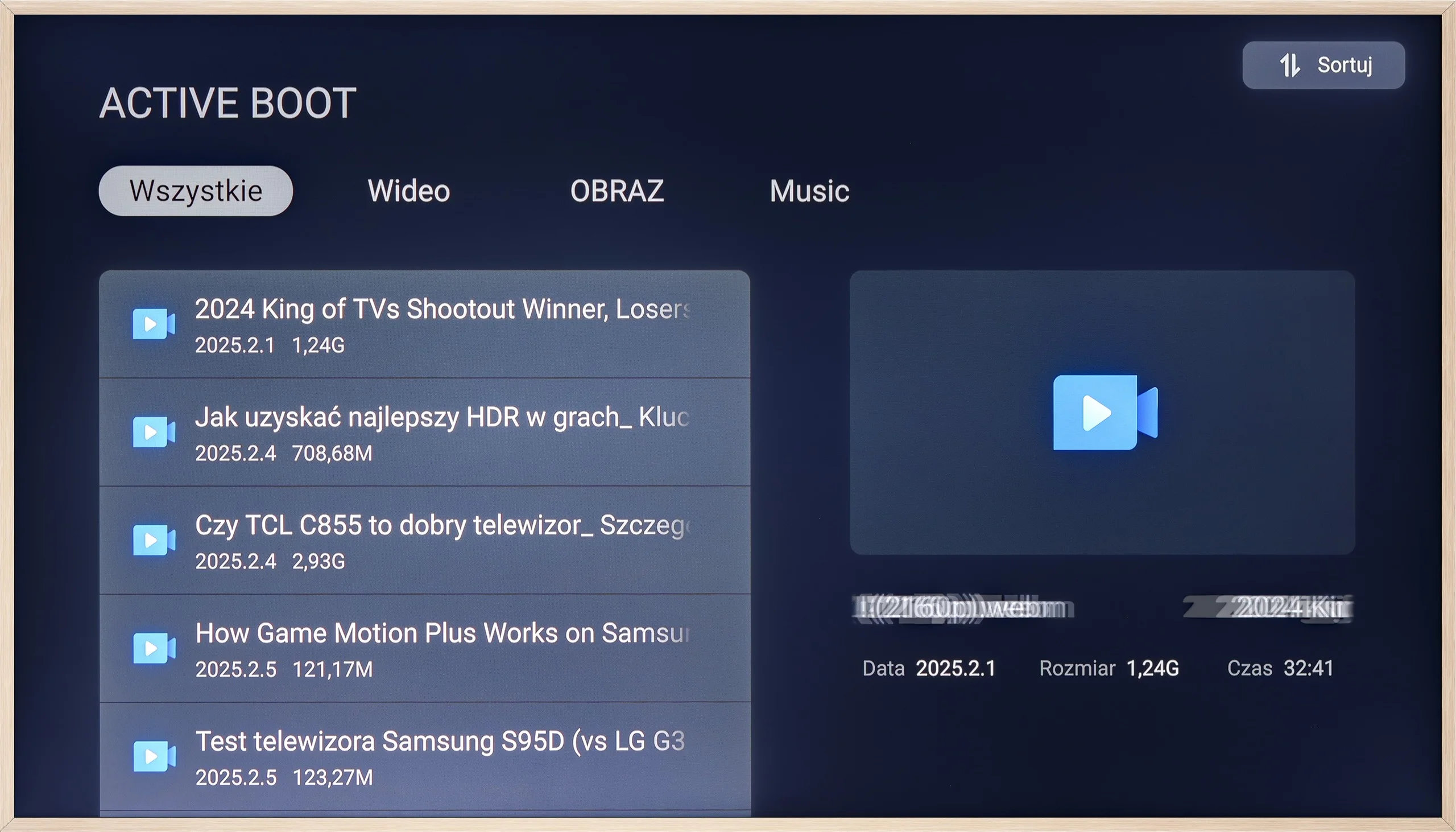
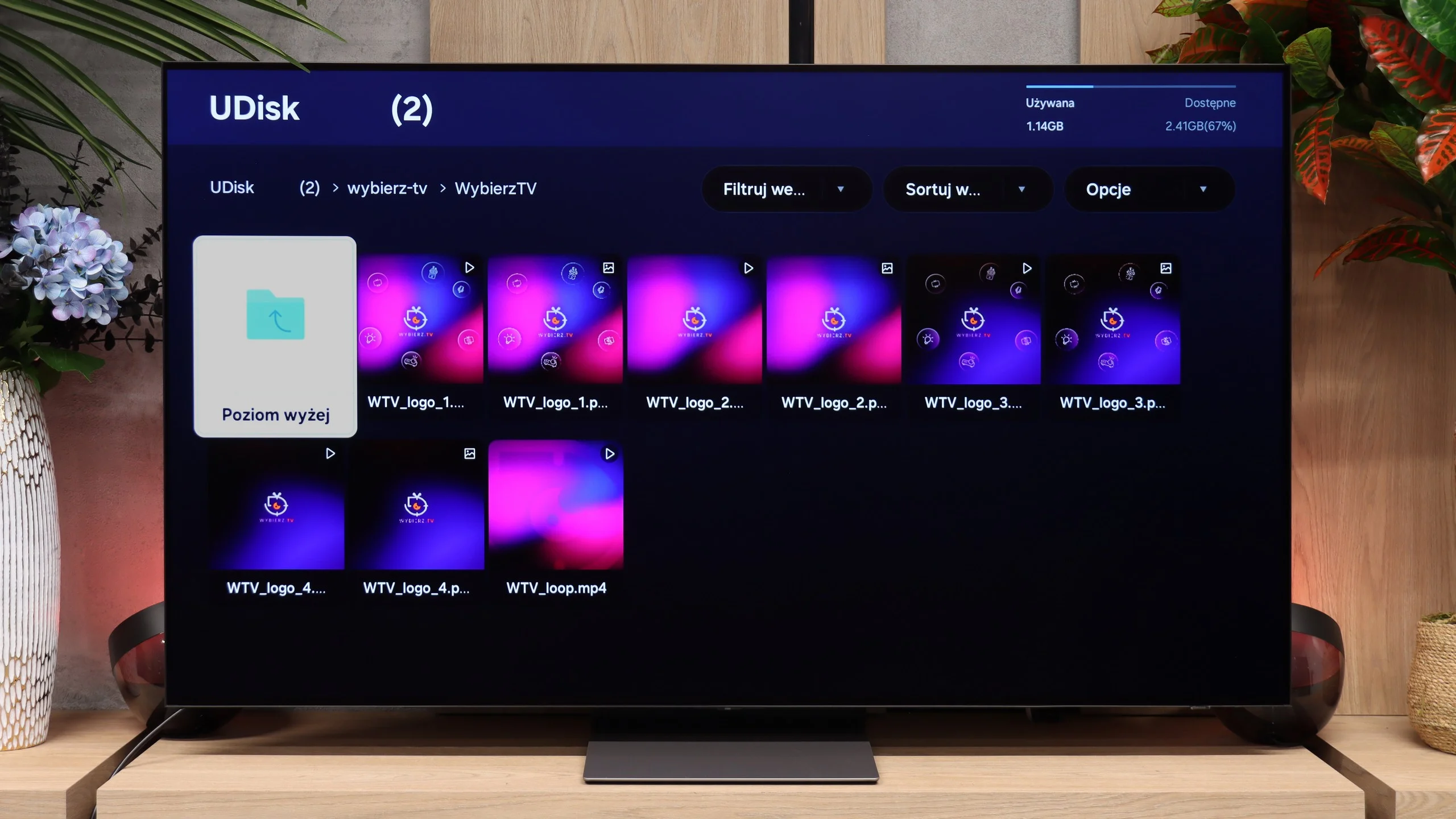
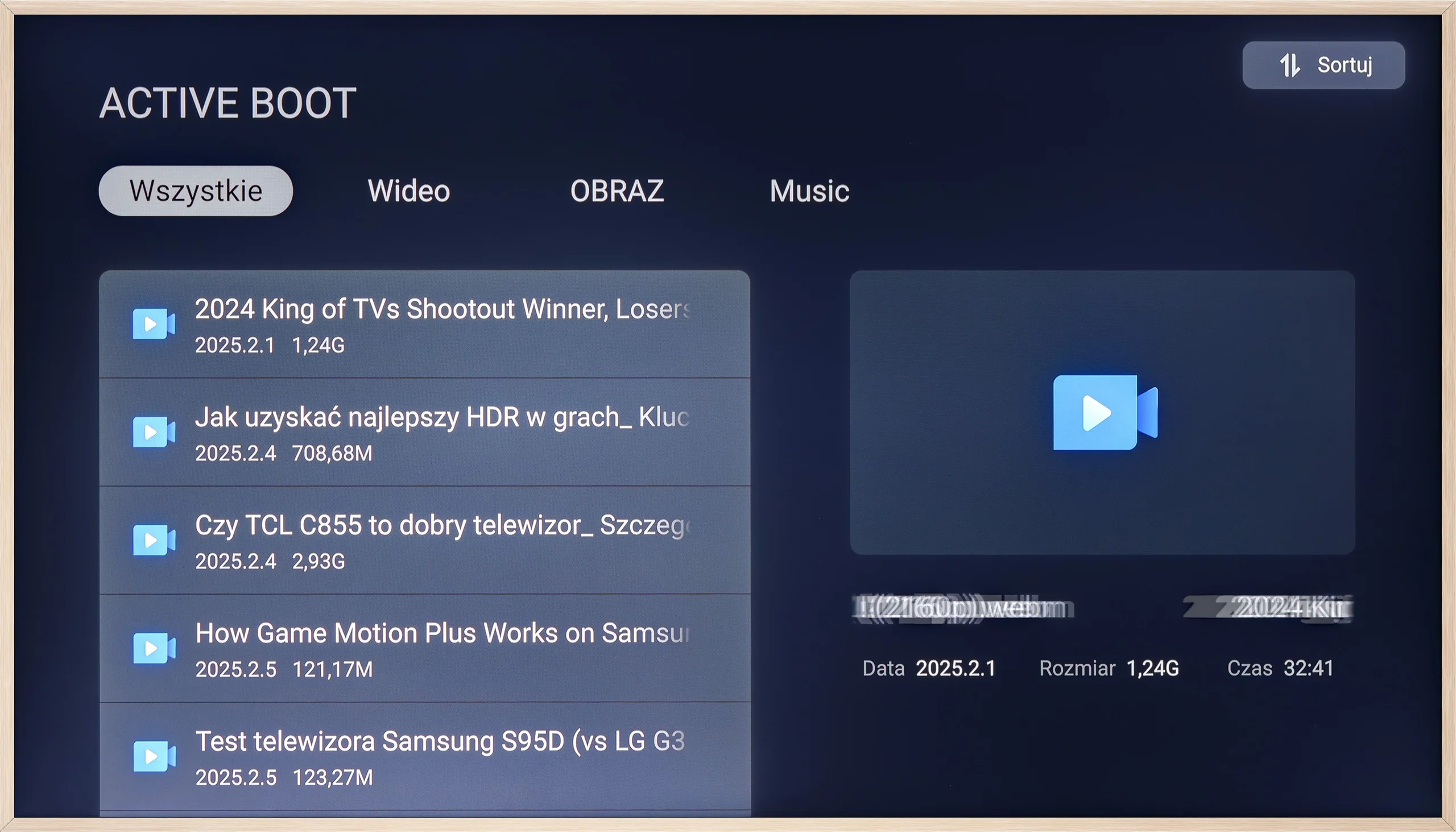
The built-in player on the TCL A300 works as it should – most popular video and photo files play without any problems. It lacks support for Apple's HEIC format (which is quite common in many TVs), but most users still use AirPlay, so it shouldn't be a major issue. If someone isn't satisfied with the default player, the Google TV system offers plenty of options – you can easily install an alternative app that better suits your tastes. Nevertheless, it's worth noting that the factory solution is completely sufficient for everyday use.
The built-in media player handles most popular video, audio and photo formats without any problems. The range of supported files is broad enough that the inability to install external apps like VLC isn't an issue at all. However, we encountered one serious bug when trying to open HEIC photos from an iPhone. The TV not only failed to display the files, it caused Tizen to completely freeze. The system stopped responding to the remote and we had to unplug it. This is a clear software bug that Samsung should patch as soon as possible in the next firmware update.
Sound
6/10
8.4/10
- Maximum volume--
- Dolby Digital Plus 7.1
- Dolby True HD 7.1
- Dolby Atmos in Dolby Digital Plus (JOC)
- Dolby Atmos in Dolby True HD
- DTS:X in DTS-HD MA
- DTS-HD Master Audio
When it comes to sound, the TCL A300W – like its competitors – sounds quite... flat, after all, we are talking about a super slim television. For everyday watching of news or series, this level is more than sufficient, but during movie screenings, we might noticeably miss depth and space. On a positive note, it’s worth mentioning that the television supports both Dolby Atmos and the increasingly rare DTS:X – which provides more options when connecting an external audio system. It’s also worth noting that the A300 PRO model is equipped with a dedicated, flat soundbar. And it’s no ordinary soundbar – it sounds better than most of the televisions we’ve tested.
Theoretically, the audio specification in the S90 series has been unchanged for several years. We still get a 2.1 setup with a total power of 40 W, so before testing we assumed that noticeably better sound would mainly concern the largest variants. Yet the 65-inch model we tested sounded noticeably better than its predecessors. The sound is fuller, more dynamic and has more "body" than the dry technical specs would suggest. We don't know whether Samsung changed the speakers themselves or if the improvement mainly comes from better tuning and software optimisation, but the effect is audible from the first moments. For such a slim TV the S90H performs really well and for many people may be sufficient even without a soundbar. Our only real gripe is the lack of DTS:X support, which is unfortunately disappearing from TVs more and more. There is Dolby Atmos, though, so streaming service users are unlikely to notice much of a problem. Those who mainly use Blu-ray discs may be left wanting, since DTS tracks still appear quite often on them.
* In the review we used the S90H variant. The S92H is also available for sale, equipped with two additional 20 W drivers. That gives a 2.1.2 configuration with a total power of 60 W, so you can expect stronger, more spacious sound. We can't confirm this, however, as we didn't have the opportunity to test that version.
Reader comments
Comments are provided by the external service Disqus (Zeta Global). Once loaded, Disqus may set cookies and process data about your activity.
We will remember your choice on this device. Provider's privacy policy